

There is a whole world of content for The Sims 2 out there, which, if you are only just discovering the game, might be lost to you.
Learn how to get these lost treasures with this guide.
We also have many other guides for The Sims 2 on our site; you can find them using the link below.
The Sims 2 Hidden Content And How To Find It
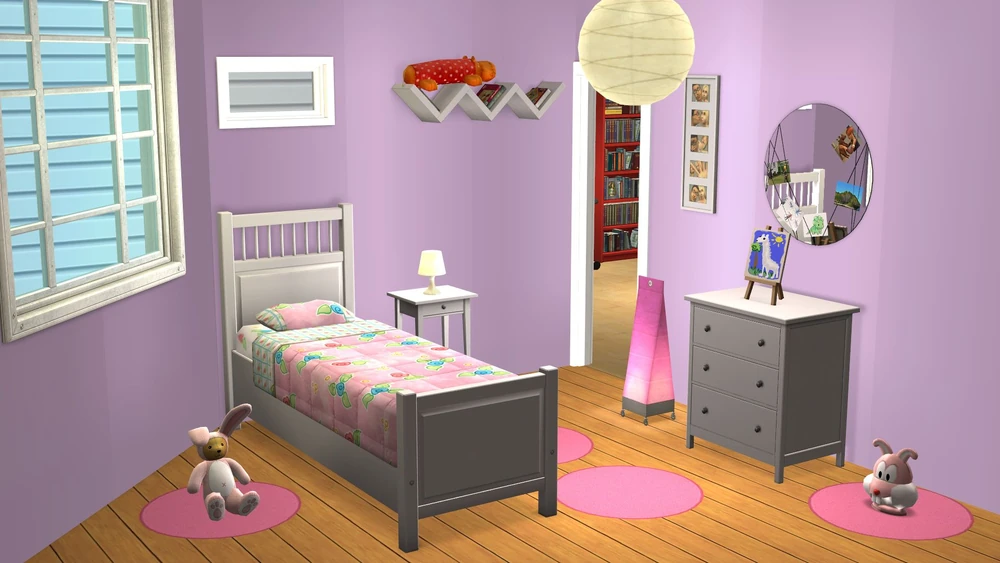
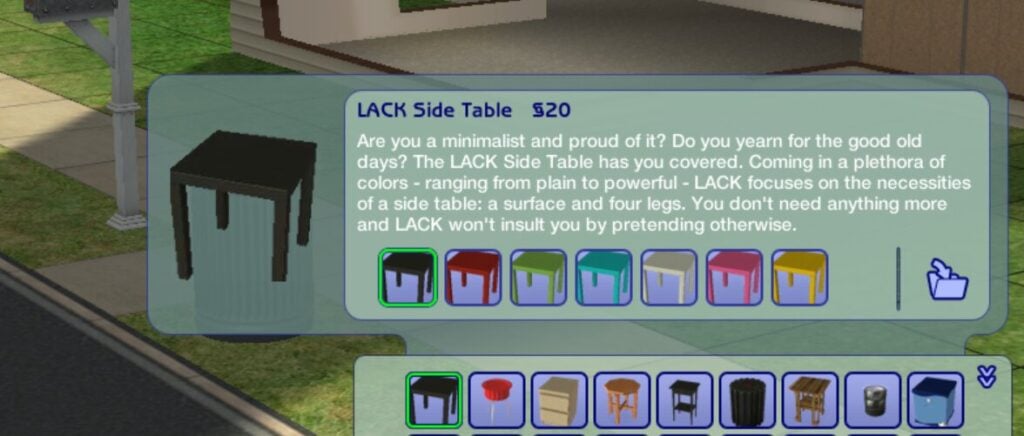
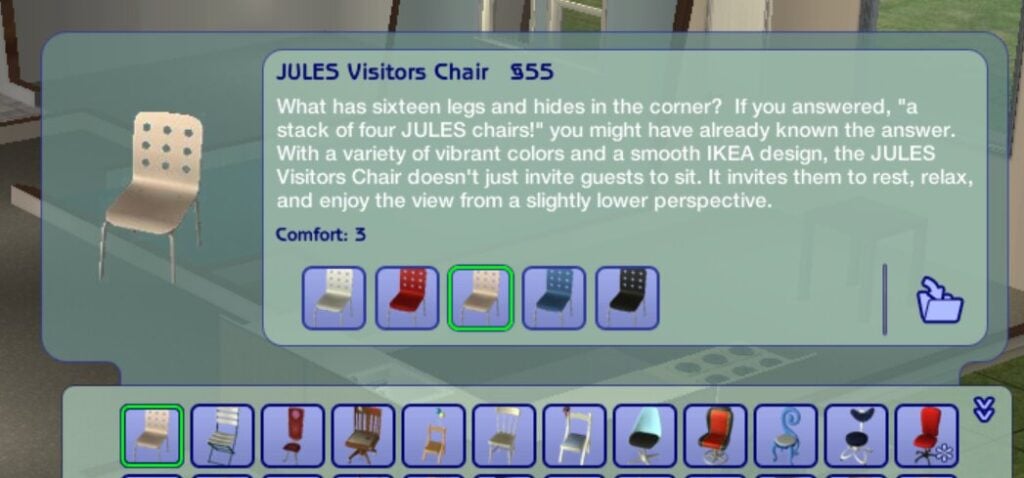
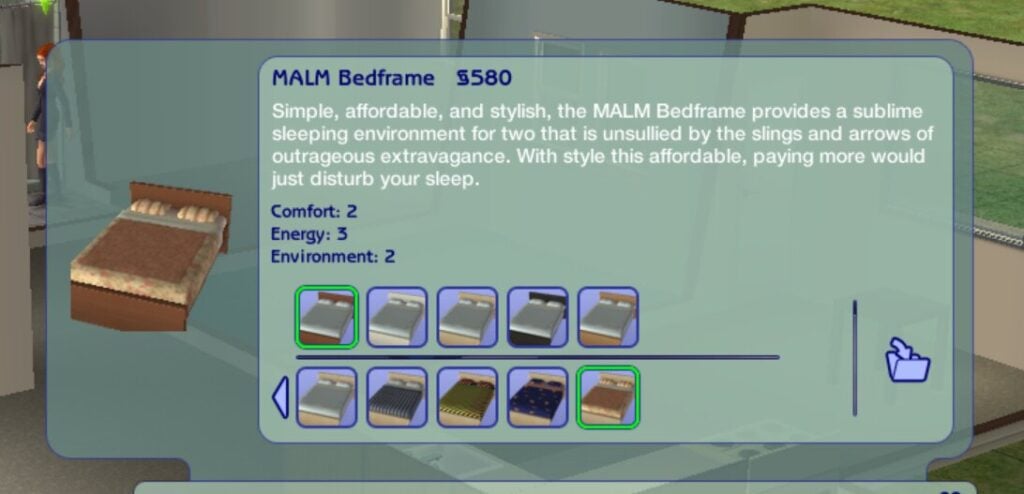
The Sims 2: IKEA Home Stuff
Because EA allegedly no longer holds the license needed for the IKEA pack, it did not include the remastered version of the game released in 2025, much to the disappointment of longtime fans.
However, there is still a way to access this pack - it just involves utilising either physical discs or archived files, and a short workaround.
Using Discs
If you are lucky enough to still own any of the original discs for The Sims 2 DLC, then these will work with the legacy collection; you just need to take a few extra steps to install them.
You will often see these packs on sale online through sites like eBay and other second-hand game or electronic sites, so it's worth checking these every now and again.
Downloading The Content
There is still a way to access the IKEA stuff pack using online archives, but proceed with caution.
How to Install
Before extracting the files, create a folder elsewhere called SP8 to extract them to.
Once you open the disc or ISO files, you should see all the subfolders.
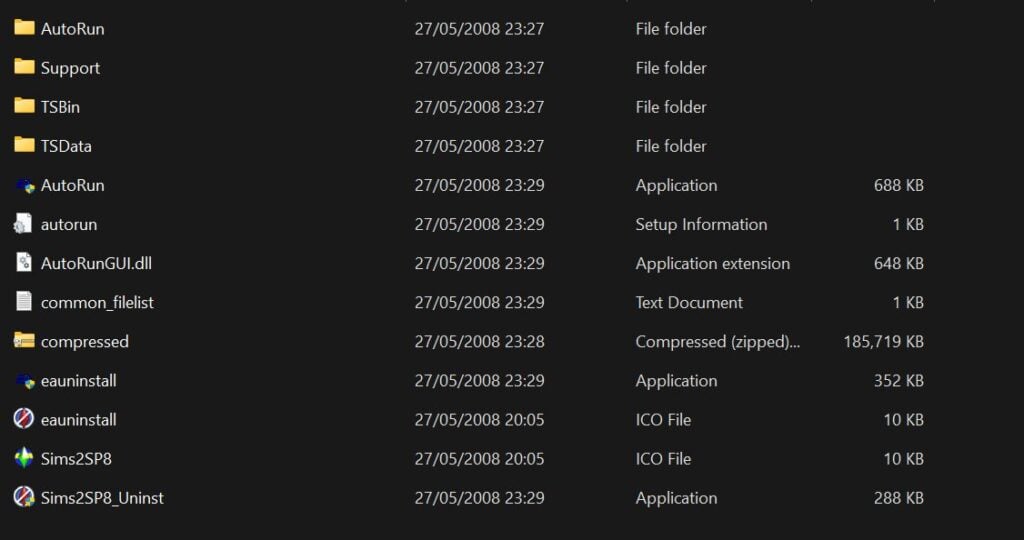
Copy the TSData folder and the compressed file folder into your new SP8 folder, then extract the compressed folder into here.
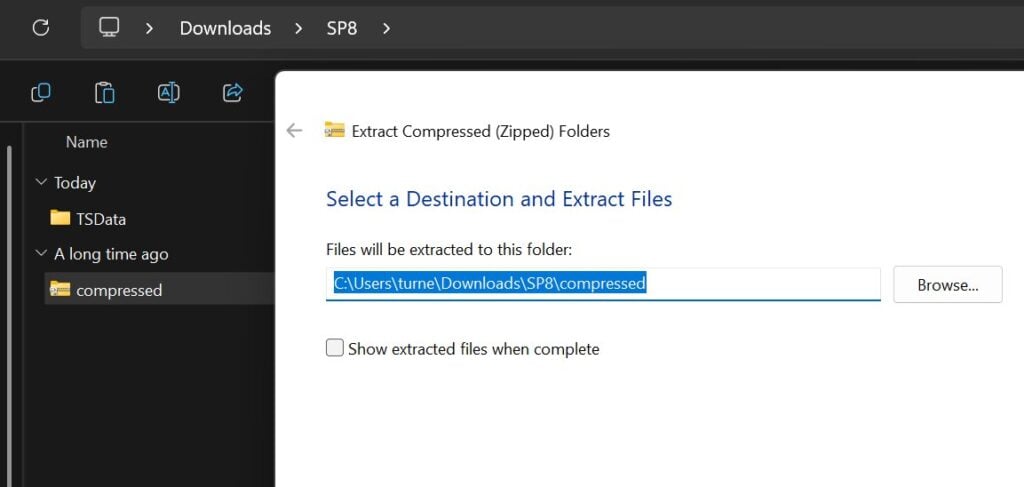
Once you've done that, the folder should look like this.
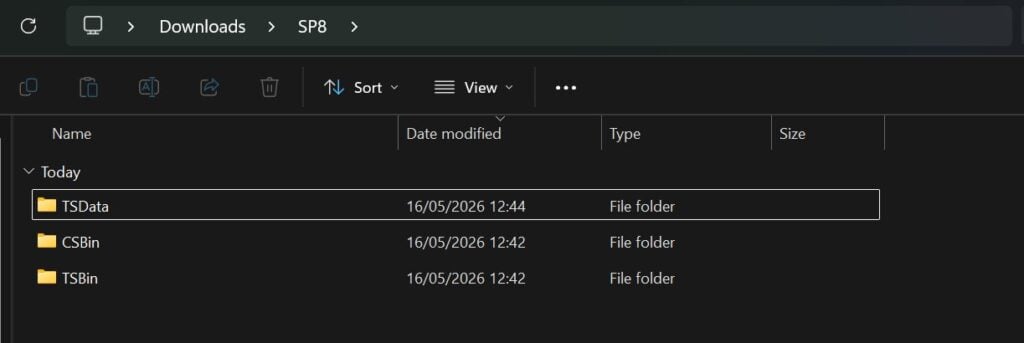
Then move this new SP8 folder into the The Sims 2 game folders. If you're struggling to find this, you can use the game launcher to open the correct folder.
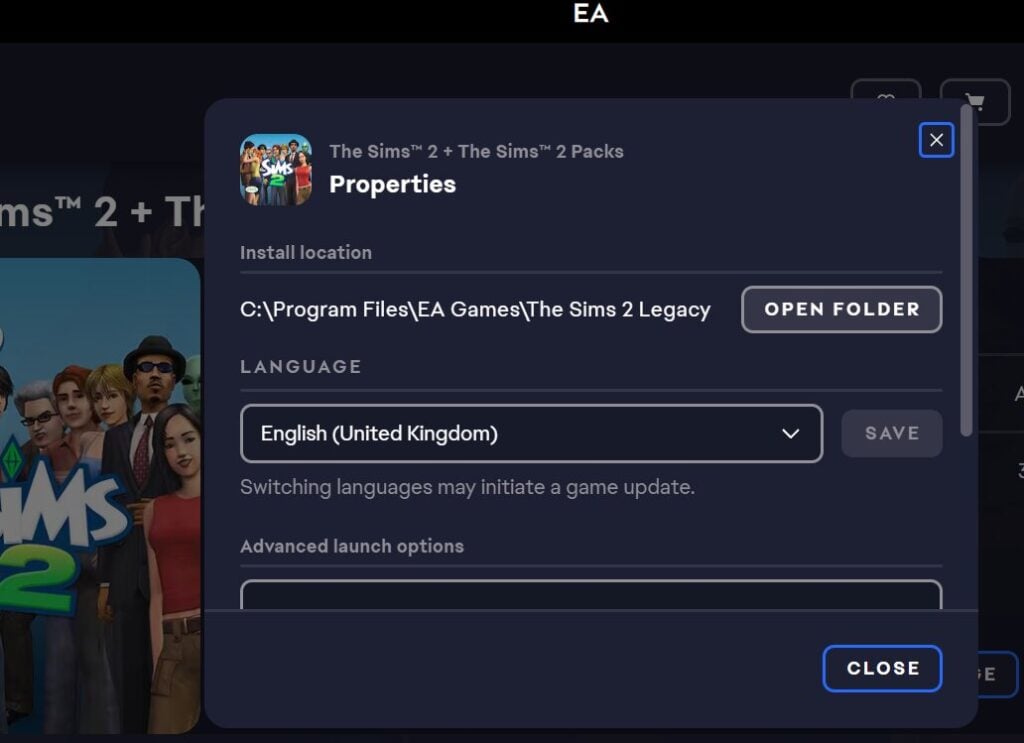
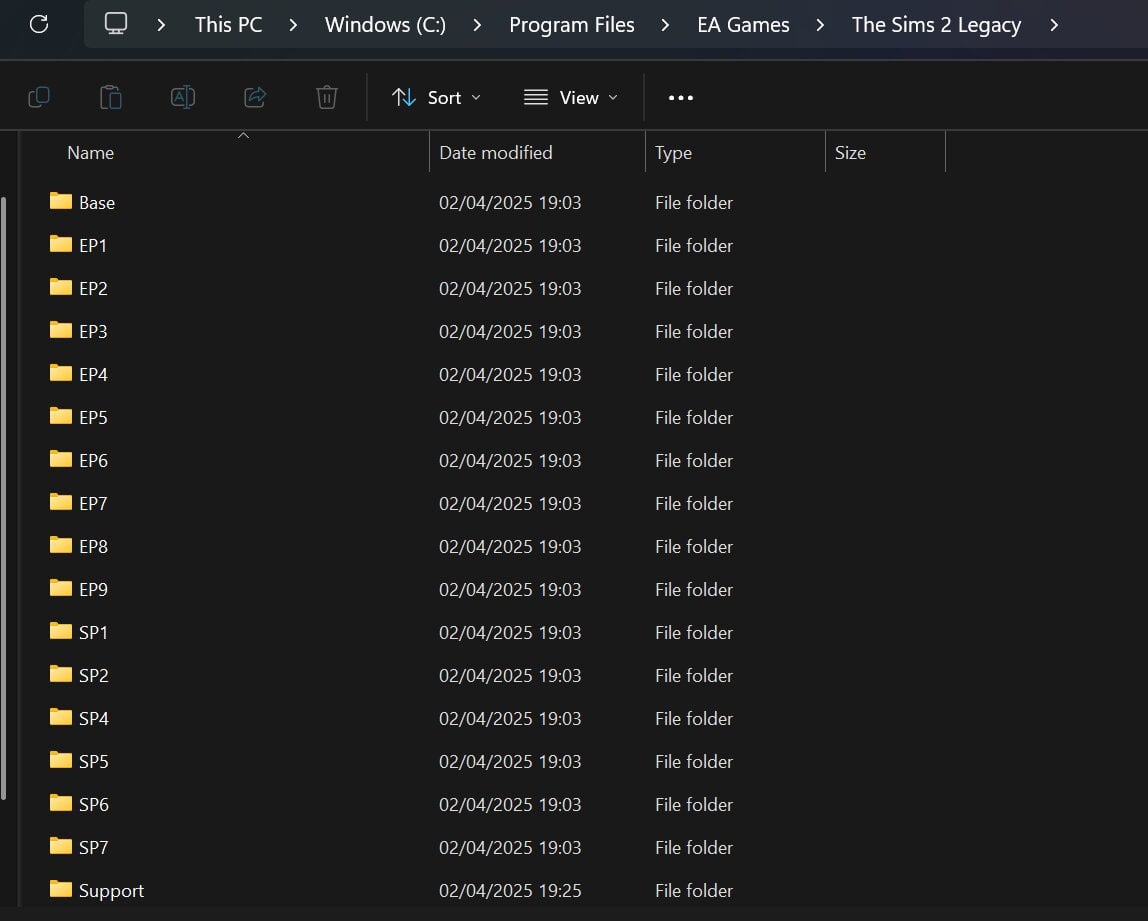
After Installation
You need to activate the content to ensure it appears in the game. The next step varies depending on whether you use Steam, the EA app or Epic Games.
If You Use Steam
Download the file 3314070_install.vdf from the online repo, and replace the one in the game files with this new one.
If You Use Epic Games or EA App
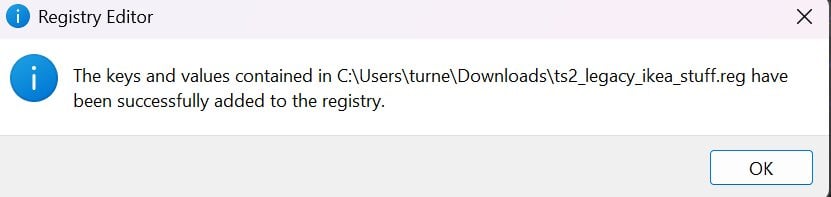
Download the file ts2_legacy_ikea_stuff.reg from the online repo. Open it with Notepad/Notepad++ or any other text editor. Change the path from the default to your game path and then click save.

Then run the registry editor file to make sure this redirect works.
To avoid game crashes, make sure you have cleared your game cache files.
With some luck, you should be seeing the iconic IKEA items in your game once you launch!
The Sims 2 Preorder Bonuses & Maxis Store Items
If you missed the preorder bonuses that came with The Sims 2, you are unfortunately about 20 years too late. Not to worry though, thanks to internet archives you can access all of these right now!
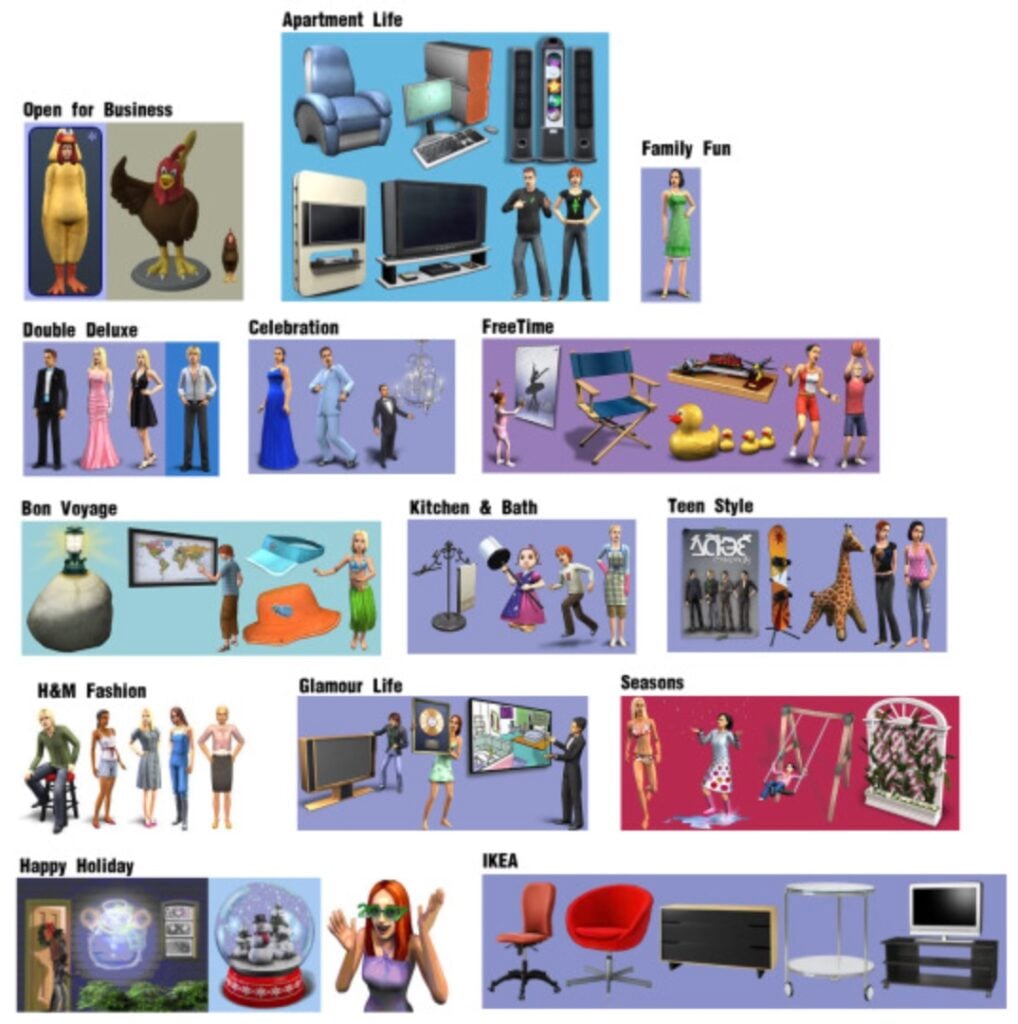
Using this archive, over 100 items are available to download and install for free.
How To Install The Sims 2 Preorder Bonus & Store Items
Go to the online archive and click view all items. The items you want to click will end with .rar

If you click on view contents you will see what each pack comes with.
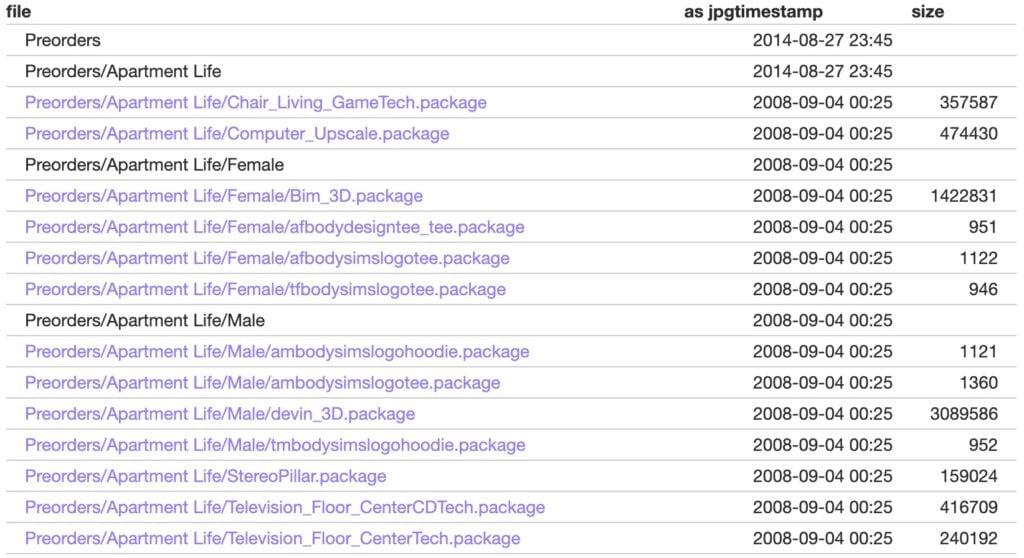
So if you only want a couple of items rather than the entire folder, you can pick and choose what you would like to add.
Then, once you've downloaded everything, extract it into your downloads folder in the game documents.
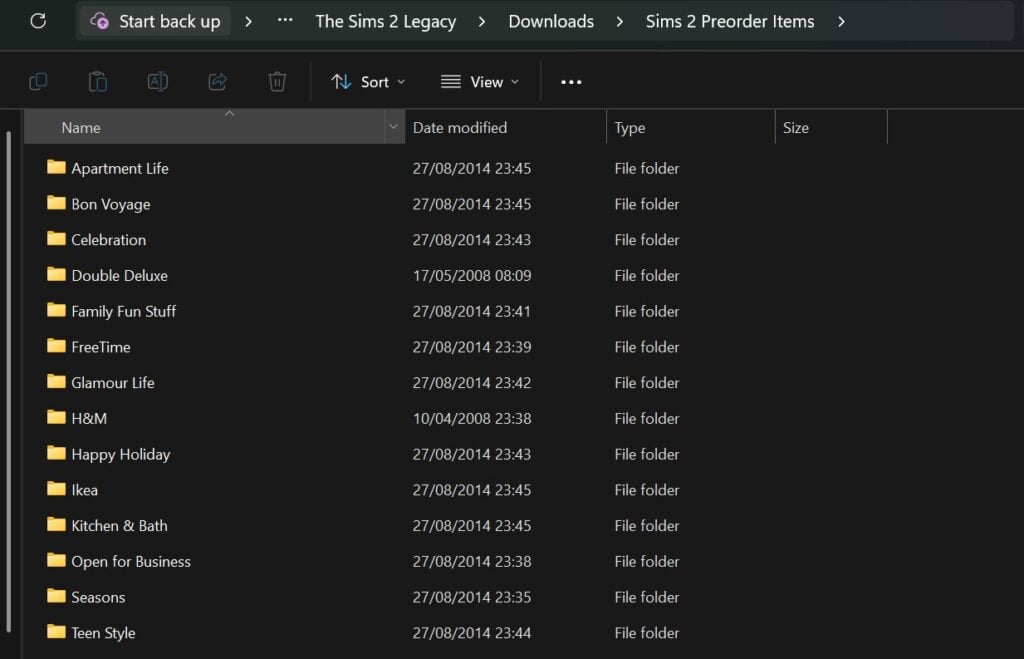
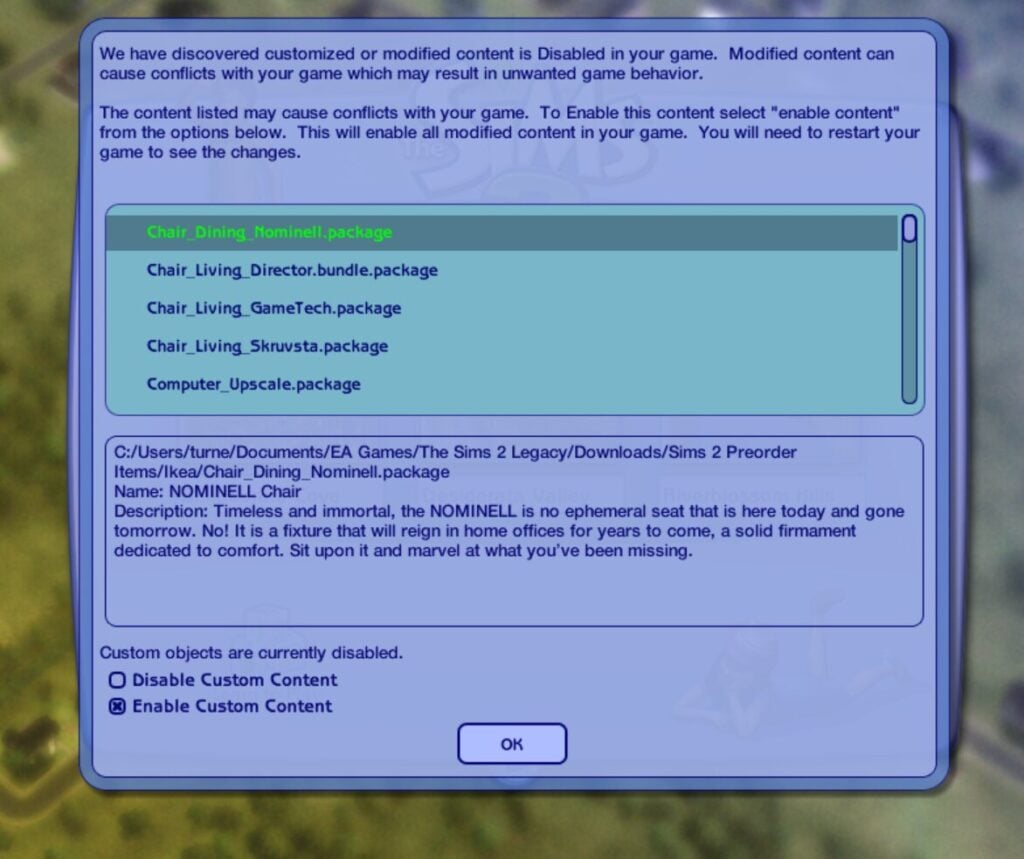
Because the game will recognise these items as custom content, for them to show up, you will need to make sure that custom content is enabled in your game settings.
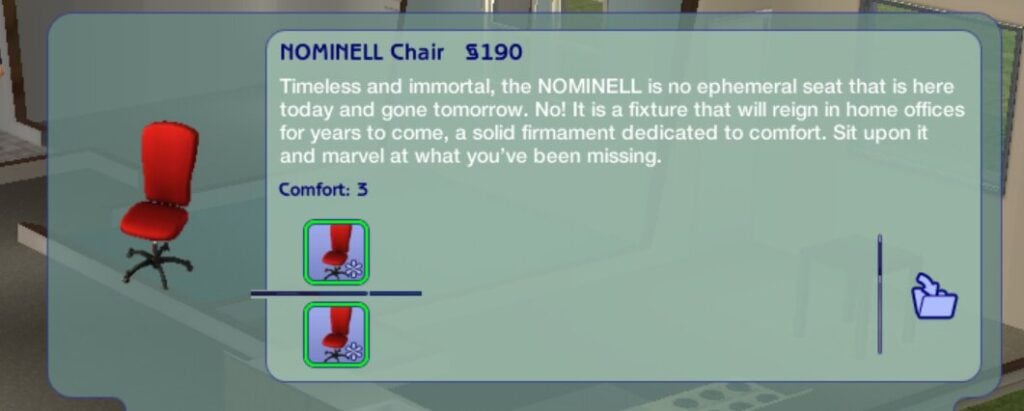
You will know if these are new items because in The Sims 2 any items which are custom content will have a pinwheel in the item thumbnail.
The Sims 2 Lost Items
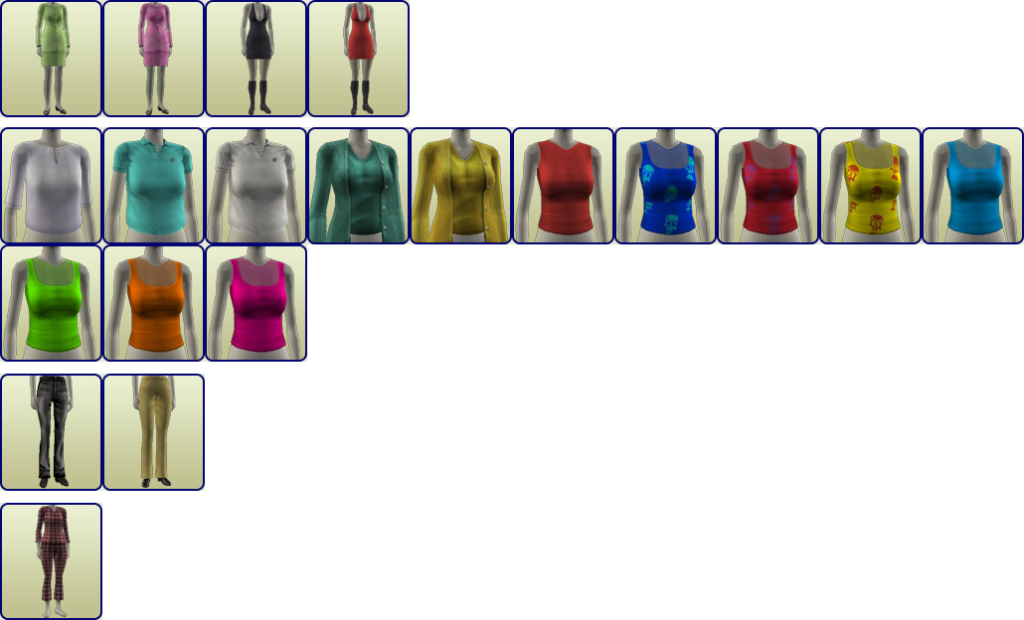
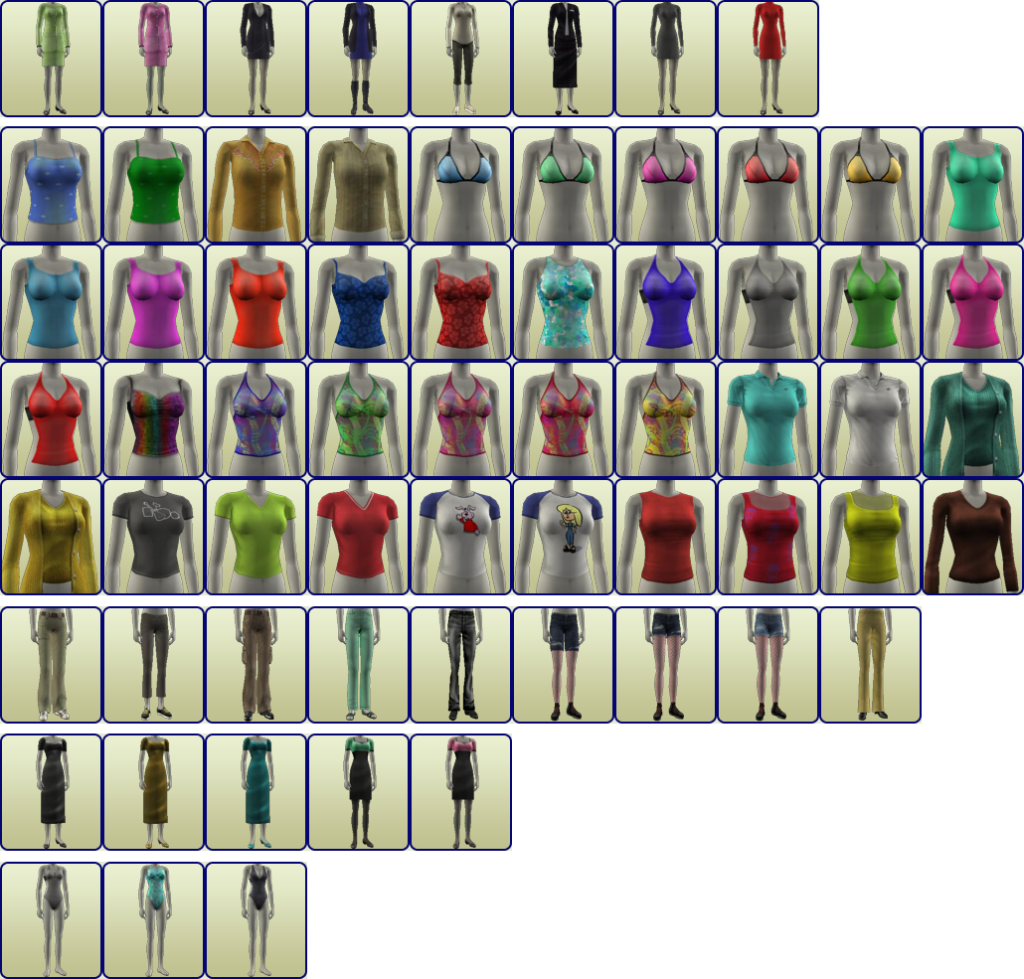
Archives have collected a bunch of lost or hidden items, which you can download and install for free. In this archive, you'll find build/buy hidden objects, debug items, and unused or disabled objects from the game, and for Create-A-Sim (CAS), you'll find a collection of hidden and unused clothing and hair.
Just open the archive, select the items you want to download, or download them all to complete the collection (there is a zip folder with everything in it towards the bottom to make it easier). Then follow the same instructions above.



If You Are Looking For More
There is a huge collection of Sims 2 custom content available online, and it's totally free to download.
Sites like The Sims Resource have thousands of items to browse and download, and creators on Tumblr have also converted items from later games for The Sims 2.

When downloading custom content online, always be careful and make sure you use a reliable antivirus.
The Sims 2 is a classic and still loved by people to this day, so utilising this archive can help you get the most out of the game and access content which would otherwise be lost.
Do you still play The Sims 2? Will you be downloading the IKEA content and preorder bonuses? Let us know below or on social media.


0 Comments
Be the first to comment.
Welcome to Sims Community!
Our community is about connecting people through open and thoughtful conversations. We want our readers to share their views and exchange ideas in a safe space.
In order to do so, we've created a simple set of rules that will improve your experience. Simply put, keep it civil.
Your post will/might be rejected if it contains:
User accounts will/might be blocked if we notice:
So, how can you be a power user?
Thanks for reading our community guidelines. Please note that we're aware of certain issues with Sign In / Log In and Create Account / Email Confirmation issues. We're working behind-the-scenes on a new Account Creation process. Thank you for your patience and remember - freedom of speech is not freedom of reach