UPDATE: Paralives Official Cheats for the Early Access Release have been updated, with many cheats intended for developers being removed and others being properly implemented!
The current list of “cheats” is about 300 items long, but most of them might not make sense for regular players, and we either will remove them, hide them, or something else. We used cheat as tools during our development of the game, whenever a developer needed something that couldn’t be a full game mechanic, it was added as a cheat. Think about features like showing a graph of fat/muscle skin textures to see if there were any gaps in coverage, or printing the amount of assets loaded in the game to investigate memory issues. There are some cheats that will help players, like playing with money, Skill levels, or Needs, but we don’t automatically create cheats for every feature in the game. It might be possible that there is no cheat to get a specific job extra, or gain a specific Relationship label, etc. We’ll work on these more during early access based on what people request!
The long-awaited upcoming Life Simulation Paralives does come with cheats for players to mess around with, which can be especially helpful for games in early access to allow players to easily get around small unforeseen bugs. This guide to Paralives Cheats will give you the complete list found in-game based on their assorted categories.
Since the game is still in early access, it is important to note that cheats can mess with the standard progression of gameplay very easily. By using cheats and console commands, make sure to be aware of what you are using or feel comfortable using them in a save without knowing exact consequences. Most cheats, if written incorrectly or requiring an additional command, have pop ups that will alert you to what they need. Some need selected objects or Paras, some need a prior cheat to be used, etc. However, there is no "advanced mode" like with testingcheats true in The Sims 4 or manually enabling cheats in InZOI. Cheats are always easily accessible by the player.
Table of Contents
How To Access Paralives Cheats
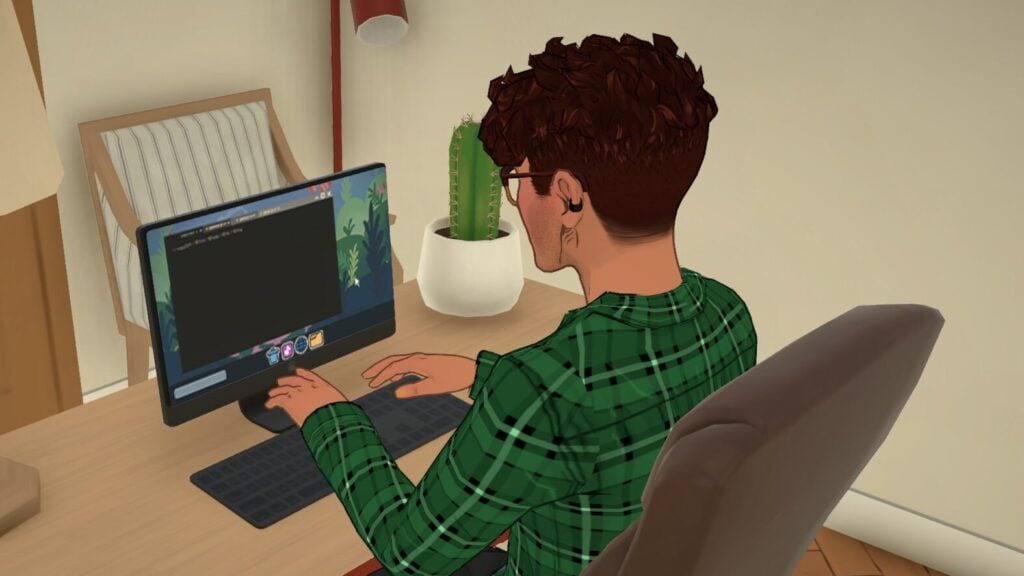
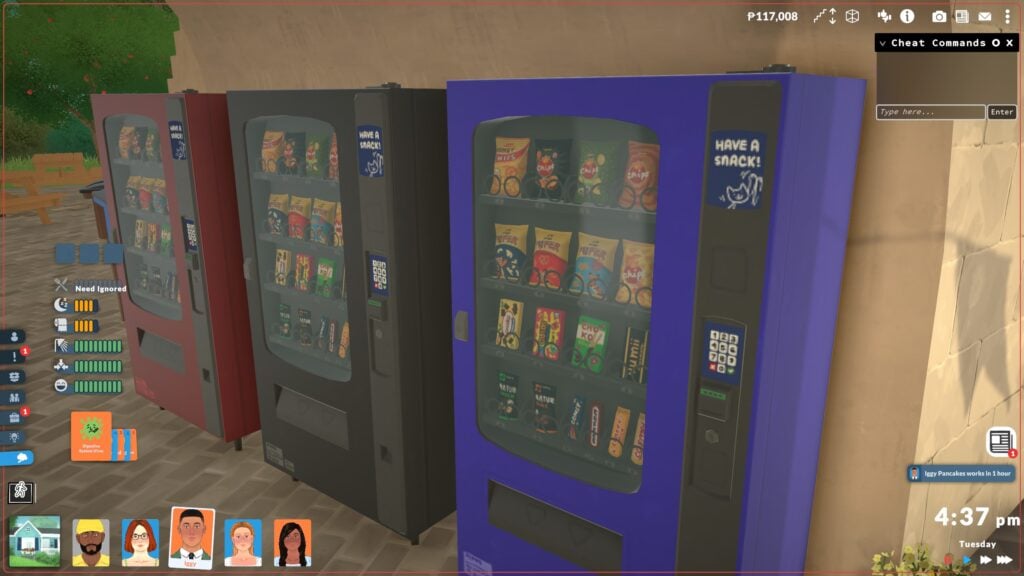
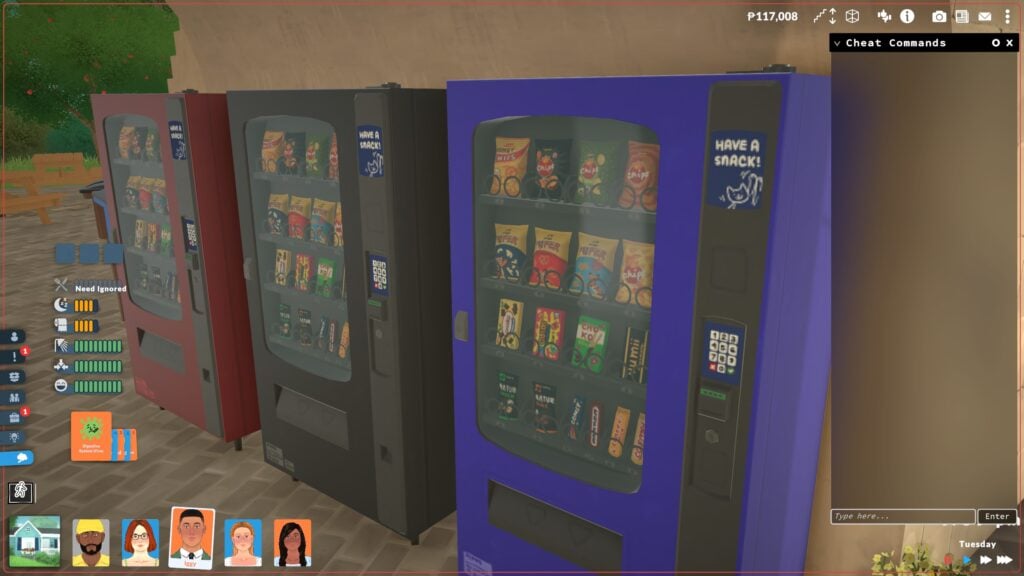
To access the command console, use Ctrl + Shift + C on Windows and Command + Global FN Key + F1 on macOS. This cheat console will initially be minimized on the top right corner, but you can click the small circle symbol to expand it to be longer or to take up the entire screen. As you type cheats in, the console will provide suggestions to assist you with entering commands.
Aging & Death
Cheat Command
Description
Formatting Example
NEXTLIFESTAGE
Makes the selected Para age to the next life stage.
N/A
PREVIOUSLIFESTAGE
Makes the selected Para return to the previous life stage.
N/A
NEXTGROWTHSPURT
Makes the selected Para experience a growth spurt if they are a child, preteen, or teen.
N/A
PREVIOUSGROWTHSPURT
Makes the selected Para revert to the previous growth spurt if they are a child, preteen, or teen.
N/A
KILLCHARACTER
Kills the selected Para.
N/A
REVIVEALLSELECTEDCHARACTERS
Revives all selected Paras.
N/A
Build Mode
Cheat Command
Description
Formatting Example
TOGGLEEDITTOWN
Enters the player into an unofficial mode, allowing them to edit the entire town including removing or adding lots. This may be replaced in the future by an official edit world mode.
N/A
REPAIRALLITEMS
Repairs all broken items in game.
N/A
UNSPOILALLITEMS
Removes spoilage from all food items in game.
N/A
Character
Cheat Command
Description
Formatting Example
EDITCHARACTER
Opens the paramaker, all characters in the household can be freely edited.
N/A
SHOWSTATUSEFFECTS
Lists all status effects/buffs that the current Para has.
N/A
CLEARSTATUSEFFECTS
Clears all status effects/buffs on the current Para.
N/A
CLEARSTATUSEFFECTSONALLCHARACTERS
Clears all status effects/buffs on all Parafolks.
N/A
CLEARWANTCOOLDOWNS
Forces emotions to offer new wants immediately.
N/A
COMPLETECURRENTWANTS
Completes all wants of a selected Para.
N/A
GAINSTORYCARD
Gives a story card to the player.
N/A
LEARNALLSKINS
Makes the selected Para learn all skins of a specific category, like all recipes in the cooking skill.
LEARNALLSKINS Recipes
ADDSELECTEDCHARACTERSTOHOUSEHOLD
Adds any selected Para to the current household.
N/A
CLEARALLONSELECTEDCHARACTERS
Maces needs, removes wants, clears memories, clears emotions, removes interactions, and resets bills on the selected Para(s).
N/A
CREATECHARACTER
Creates a new Para based on the modelGUID or DisplayName from the control panel.
CREATECHARACTER HumanAdult
KICKCURRENTHOUSEHOLDINTONEWHOUSEHOLD
Kicks selected Paras from the current household and puts them in a new household.
N/A
KICKSELECTEDCHARACTERSFROMHOUSEHOLD
Kicks selected Paras from the current household but does not place them in a new household. This can cause bugs and errors.
N/A
LEVELUPPERSONALITY
Levels up the personality of the selected Para.
N/A
LEVELUPSKILL
Levels up a specific skill for the selected Para.
LEVELUPSKILL Piano
PRINTAGE
Prints the age of the selected Para.
N/A
RESETPERSONALITY
Resets the personality level of a selected Para, reverting them to 1 and removing traits and upgrades.
N/A
SETAGE
Sets the age of the selected Para.
SETAGE 18
SETSKILLLEVEL
Sets a specific skill to a specific level.
SETSKILLLEVEL Cooking 10
SHOWCHARACTERRELATIONSHIPS
Prints a list of all relationships & relationship labels for the selected Para.
N/A
Debug
Cheat Command
Description
Formatting Example
ALIASES
Shows a list of all Aliases.
N/A
CLEAR
Clears the cheat window.
N/A
HELP
Shows a full list of all cheats.
N/A
SCHEDULE
Schedules a cheat command to execute every frame, output will print on the top left of the screen.
SHEDULE FPS (Will show the framerate of the game on screen)
STOP
Stops the scheduled cheat command.
N/A
RESETMUSEUMDONATIONS
Clears all museum donations, allowing you to re-donate.
N/A
UNSTUCK
Moves the selected Para to a correct position if stuck.
N/A
UNSTUCKALL
Moves all Parafolks to a correct position if stuck.
N/A
SHOWCURRENTCHARACTERGUID
Shows the GUID/Unique Identifier of the selected character.
N/A
CANCELALLCHARACTERINTERACTIONS
Cancels all interactions for Paras.
N/A
CANCELALLHOUSEHOLDINTERACTIONS
Cancels all interactions for the current household.
N/A
CANCELSELECTEDCHARACTERSINTERACTIONS
Cancels all interactions for the selected Para.
N/A
DELETESELECTEDCHARACTERSINTERACTIONS
Deletes all interactions in a selected Para's queue.
N/A
QUITTOMAINMENU
Quits to the main menu.
N/A
RAGEQUIT
Force closes the game.
N/A
SAVE
Saves the game.
N/A
ZIPSAVEFILE
Zips the current save file and pases it to the desktop.
N/A
Fire
Cheat Command
Description
Formatting Example
EXTINGUISHALLFIRES
Will extinguish all fires in game.
N/A
EXTINGUISHSELECTEDCHARACTERSONFIRE
Extinguishes fire from a selected Para.
N/A
SETITEMONFIRE
Sets a selected item on fire.
N/A
SETITEMSTATE
Changes an item state. Item state values can be found in the control panel, under ItemStates.
SETITEMSTATE ISON 1
SETSELECTEDCHARACTERSONFIRE
Sets the selected Para on fire.
N/A
Fun/Random
Cheat Command
Description
Formatting Example
BEAR
Prints an ASCII picture of a bear
N/A
EIGHTBALL
Prints a random magic eight ball result
N/A
HOTEL
Prints "Trivago"
N/A
RANDOMIZEALLDEFORMATIONS
Randomizes a Para, removing slider limits. Results will not be realistic/human-like/etc.
N/A
SPIN
Spins a chance wheel based on an entered percentage, will print whether it is a win or loss.
SPIN 50%
Jobs & School
Cheat Command
Description
Formatting Example
Cheat Command
Description
Formatting Example
ADDVACATIONDAY
Adds a vacation day for the selected Para.
N/A
CLEARALLOCCUPATIONS
Quits all occupations of a selected Para.
N/A
ADDSTRIKETOOCCUPATIONS
Adds one strike to all occupations of a selected Para.
N/A
CLEARSTRIKES
Removes strikes of all occupations on a selected Para.
N/A
ENDWORKDAY
Ends the work day, giving the selected Para their daily salary and upgrade points if applicable.
N/A
PRINTALLOCCUPATIONS
Prints occupations of selected Para.
N/A
PRINTALLPOSSIBLEEXTRASFOROCCUPATION
Shows a list of all possible Occupation Perks for the current occupation of the selected Para.
N/A
Money
Cheat Command
Description
Formatting Example
PIGGYBANK
Gives the household 1,000 Paradimes.
N/A
MAKEITRAIN
Gives the household 10,000 Paradimes.
N/A
JACKPOT
Gives the household 50,000 Paradimes.
N/A
LOTTERY
Gives the household a random amount between 1 and 100,000 Paradimes.
N/A
PAYDAY
Gives an amount of money equal to the selected Para's salary.
N/A
PRINTMONEY
Gives a specified amount of money to the current household.
PRINTMONEY 100
SETMONEY
Sets the funds of the selected household to the specified amount.
SETMONEY 100
CLEARBILLS
Deletes all pending bills of a current household.
N/A
Needs
Cheat Command
Description
Formatting Example
CHANGENEED
Increases a specific need of the selected Para to a specific value.
CHANGENEED HYGIENE 3
DECAYNEED
Decreases a specific need of the selected Para to a specific value.
DECAYNEED HUNGER 1
RELIEFALLNEEDS
Maxes all needs of a selected Para.
N/A
RELIEFALLNEEDSOFALLCHARACTERS
Maxes all needs of all Paras in game.
N/A
RELIEFNEED
Maxes one need of the selected Para.
RELIEFNEED HUNGER
SETNEED
Sets one need of the selected Para to a specific value.
SETNEED HYGIENE 2
SHOWNEEDS
Shows all needs and their values of the selected Para.
N/A
Newspaper & Mail
Cheat Command
Description
Formatting Example
DELETEALLNEWSPAPERISSUES
Deletes all newspaper issues.
N/A
GENERATENEWSPAPER
Generates a new issue of the newspaper.
N/A
GENERATEMAIL
Sends mail queued for the household.
N/A
RESETMAILBOX
Removes all mail from the mailbox.
N/A
Performance
Cheat Command
Description
Formatting Example
BENCHMARKFPS
Starts a 15 second FPS benchmark.
N/A
CAPFPS
Caps the FPS at the entered value.
CAPFPS 144
FPS
Prints the current FPS.
N/A
FULLSCREEN
Sets the game to full screen mode.
N/A
RESOLUTION
Prints the current resolution.
N/A
SETRESOLUTION
Changes the screen resolution to the selected value.
SETRESOLUTION 2560X1440
SHADOWDISTANCE
Prints the current shadow rendering distance.
N/A
STARTTOWNBENCHMARKSTORYBOARD
Runs a benchmark storyboard to test town performance.
N/A
VYSYNC
Can set the amount of Vysnc passes the game currently uses.
N/A
WINDOWED
Sets the game to Windowed Mode.
N/A
Pregnancy
Cheat Command
Description
Formatting Example
GETPREGNANT
Makes a selected Para pregnant.
N/A
GIVEBIRTH
If the selected Para is pregnant, immediately makes them give birth.
N/A
MAKEBABIES
Makes two selected Paras have a baby together, impregnates the Para who can carry pregnancies.
N/A
PREGNANTSTATUS
Displays the status of a pregnancy if the selected Para is pregnant.
N/A
Time
Cheat Command
Description
Formatting Example
ADVANCEDAY
Advances time by 24 hours/1 day.
N/A
ADVANCEHOUR
Advances time by 1 hour.
N/A
SETHOUR
Changes the current time of day to the specific time.
SETHOUR 12
SKIPTO5MINUTESBEFOREWORK
Advances time to five minutes before work of the selected Para.
N/A
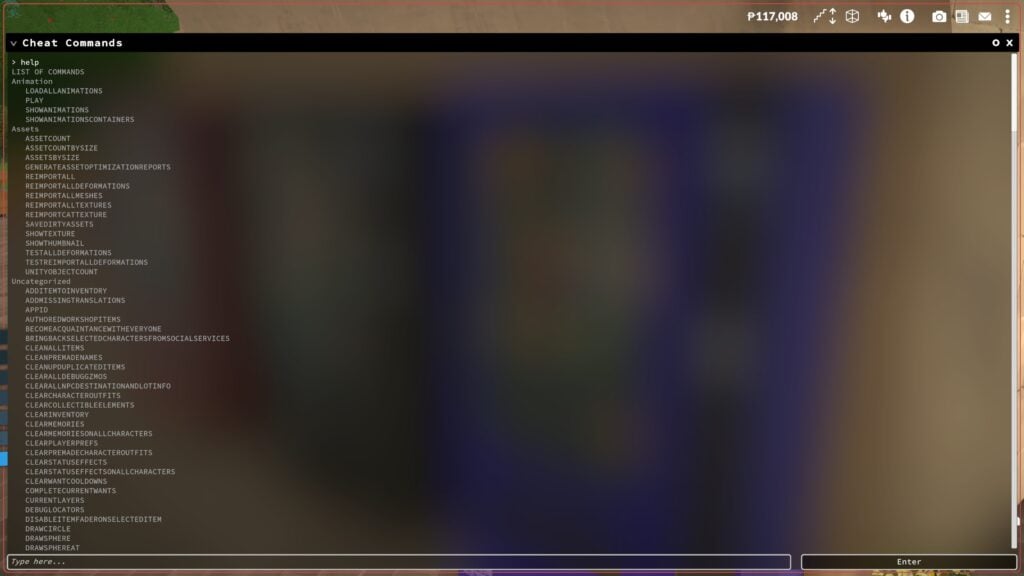
The "HELP" Cheat
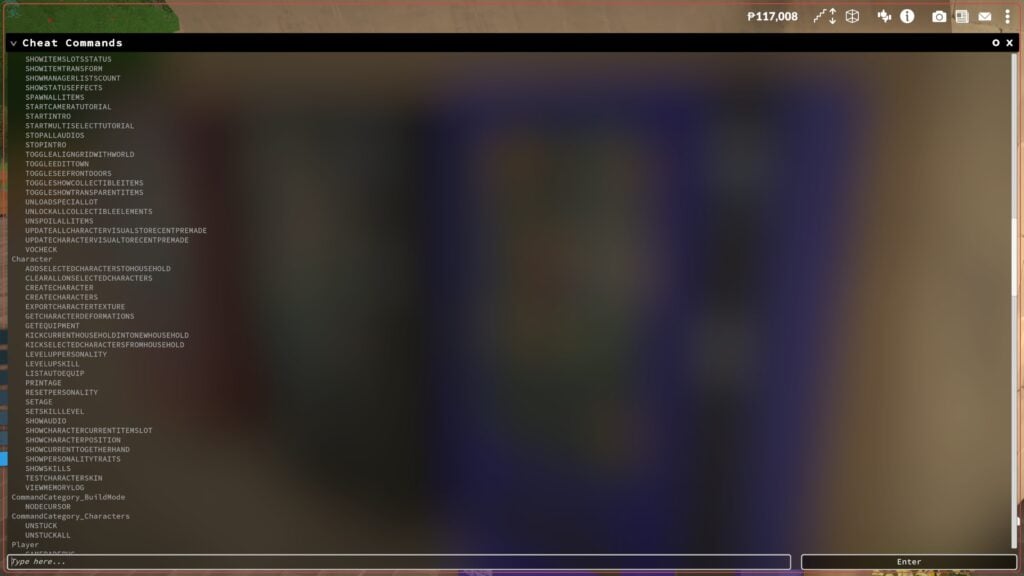
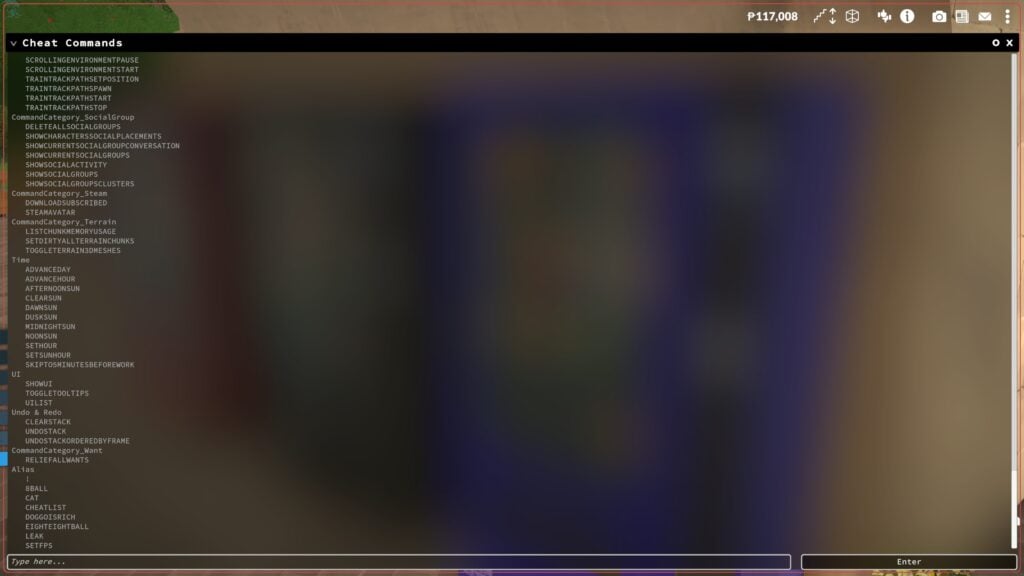
The "HELP" cheat will print a list of all cheats available in the current version of the game. This may look different after the Early Access release on May 25th. These cheats will be separated by general category and will be easy to scroll back and reference, or find cheats for specific purposes.
What gameplay features are you most excited for in Paralives? Make sure to keep up with The Sims Community and we will keep you in the loop on all the upcoming news surrounding Paralives Early Access release on May 25th, 2026!
My parents want to know this; What time does Paralives release
Sindocat
I play The Sims.
If I wanted free ads for Paralives, I would join a Paralives community. I will not be following here any longer.
CrispySims
Reply to Sindocat
I mean you are on a website specifically for Simulation Games, what else did you expect?
Robyn
Reply to Sindocat
This website is for sim-life games, not JUST the Sims.
Lexi
Reply to Robyn
I never knew that. The plumbob was always the Sims marketing to me. I don’t think I could ever take away that being their logo in my head.
Welcome to Sims Community!
Our community is about connecting people through open and thoughtful conversations. We
want our readers to share their views and exchange ideas in a safe space.
In order to do so, we've created a simple set of rules that will improve your experience.
Simply put, keep it civil.
Your post will/might be rejected if it contains:
Spam
Insults, profanity, incoherent, obscene or inflammatory language and threats of any kind
Attacks on the identity of other commenters or the article's author
User accounts will/might be blocked if we notice:
Continuous attempts to re-post comments that have been previously moderated/rejected
Racist, sexist, or homophobic comments
Attempts or tactics that put the site security at risk
So, how can you be a power user?
Stay on topic and share your passion. Feel free to elaborate to get your point across.
'Like' or 'Dislike' when you are filled with emotions!
Protect your community. Use the report tool to alert us when someone breaks the rules.
Thanks for reading our community guidelines. Please note that we're aware of certain
issues with Sign In / Log In and Create Account / Email Confirmation issues. We're working
behind-the-scenes on a new Account Creation process. Thank you for your patience and
remember - freedom of speech is not freedom of reach
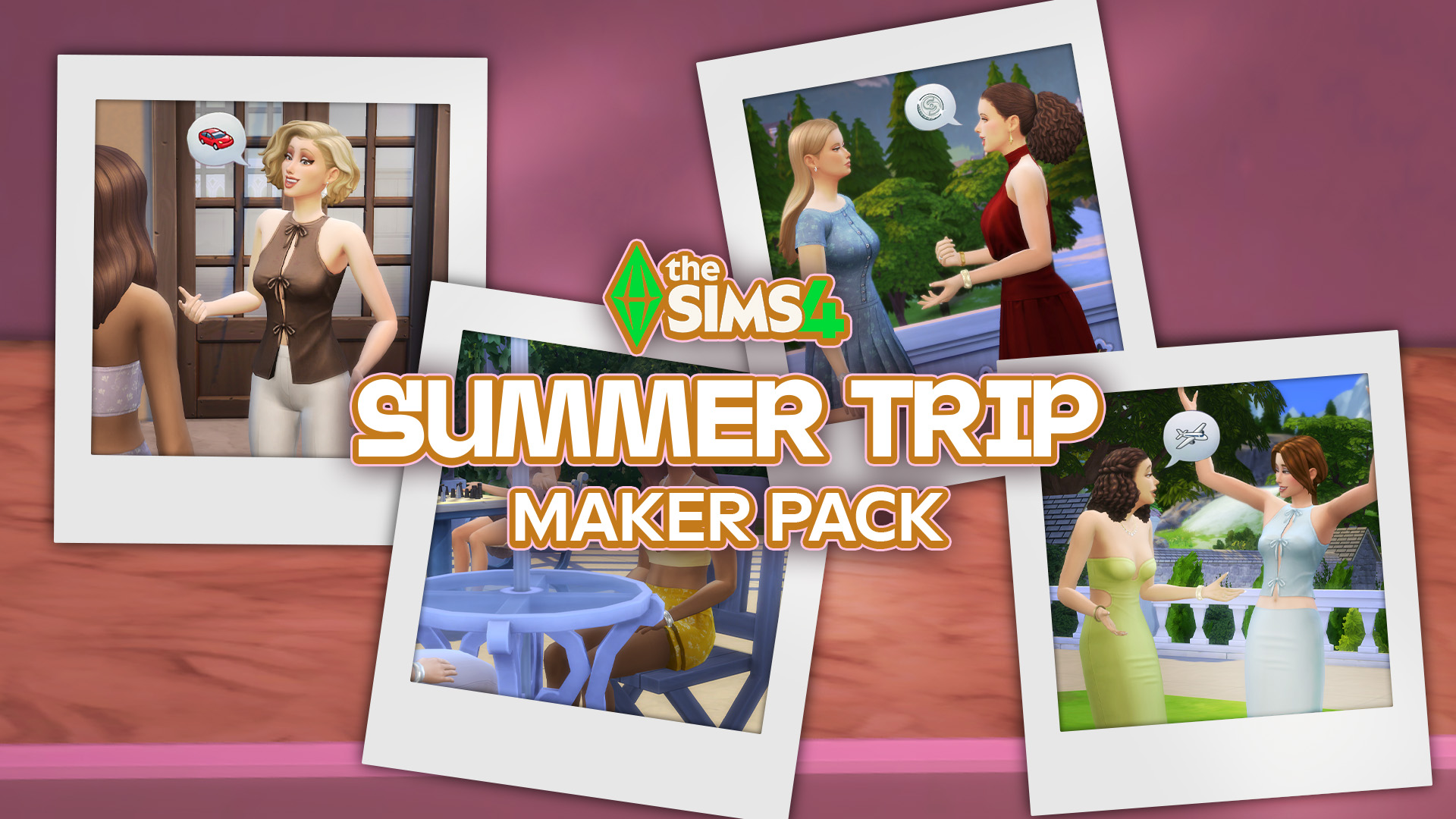
A single new release out now on The Sims 4 Marketplace! The Marketplace got updated with a single new Sims 4 Maker Pack today titled Summer Trip. For 3USD you get to enjoy 11 CAS items that revolve around feminine Tops, Bottoms, Outfits and Shoes. Check out the full preview down below and discover all…
Here’s everything you need to know about the release of Free Lives’ new game, Dressmaker. Dressmaker, a cozy crafting game inspired by real dressmaking, is out now! The game has just released on Steam for Windows and Mac with a special launch discount. This charming job simulator brings crafting and storytelling together. You play as…
A brand new Sims 4 patch has been released across both PC and Consoles, bringing with it some new items (previously teased back in August) and a whole bunch of fixes and improvements! Let’s take a look at everything the latest update has to offer! Bug Fixes: New and Improved As with every update, there…
Discover everything new and fixed in today’s update! The Sims Team has just released a new The Sims 4 Update across PC, Mac, Xbox and Playstation supported consoles. The update includes over 95 bug fixes for the Base Game and Packs, including additional improvements to Sim Autonomy, Relationship & Family Dynamics, Infants & University and…
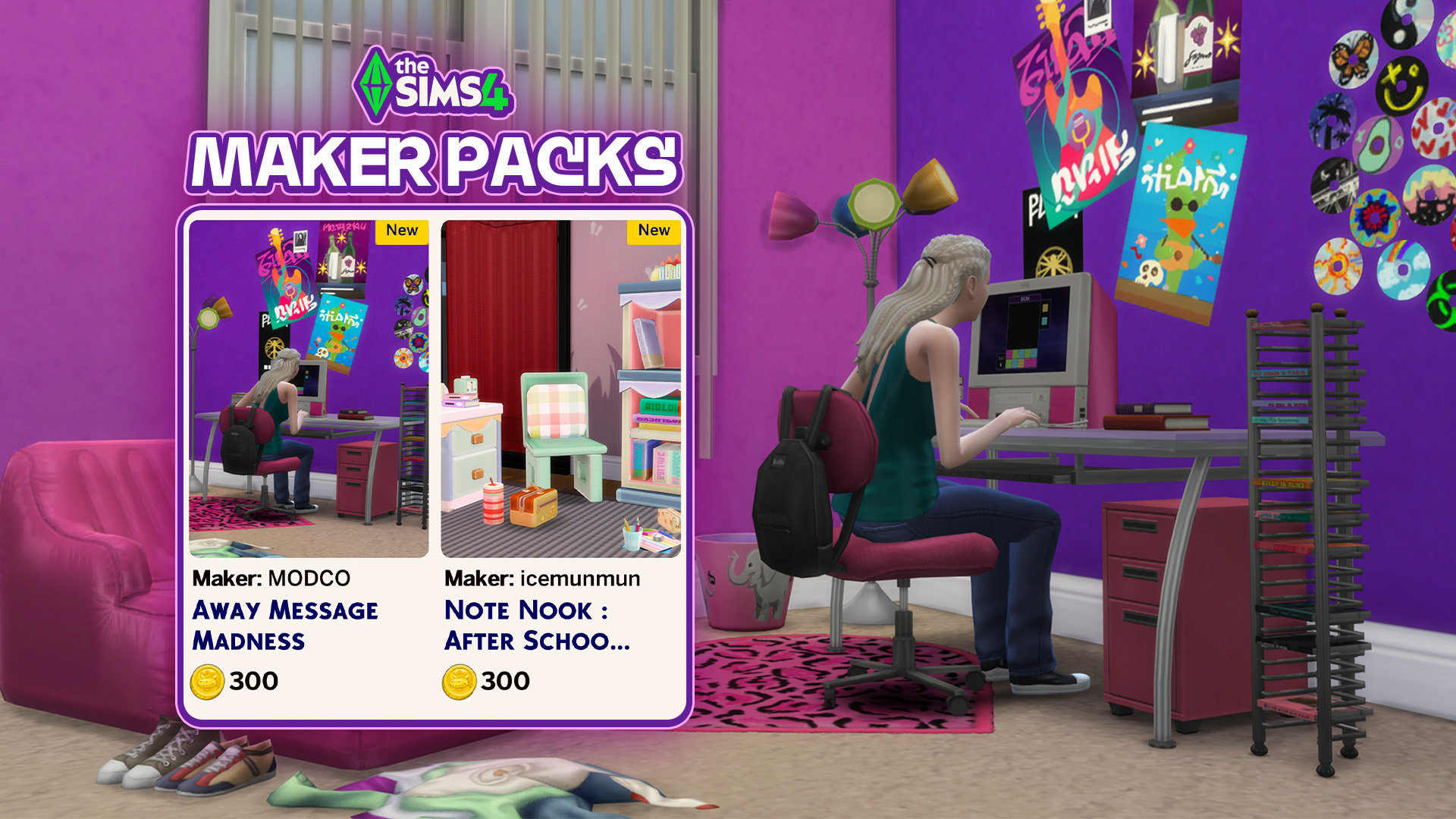
New Maker Packs Have Launched on The Sims 4 Marketplace! Sick of the Y2K theme? Well, tough luck, because The Sims team sure aren’t. Two new Maker Packs following the current “Flashback to School” theme have been released on The Sims 4 Marketplace for PC, Mac, and console players. The latest Maker Packs come from…
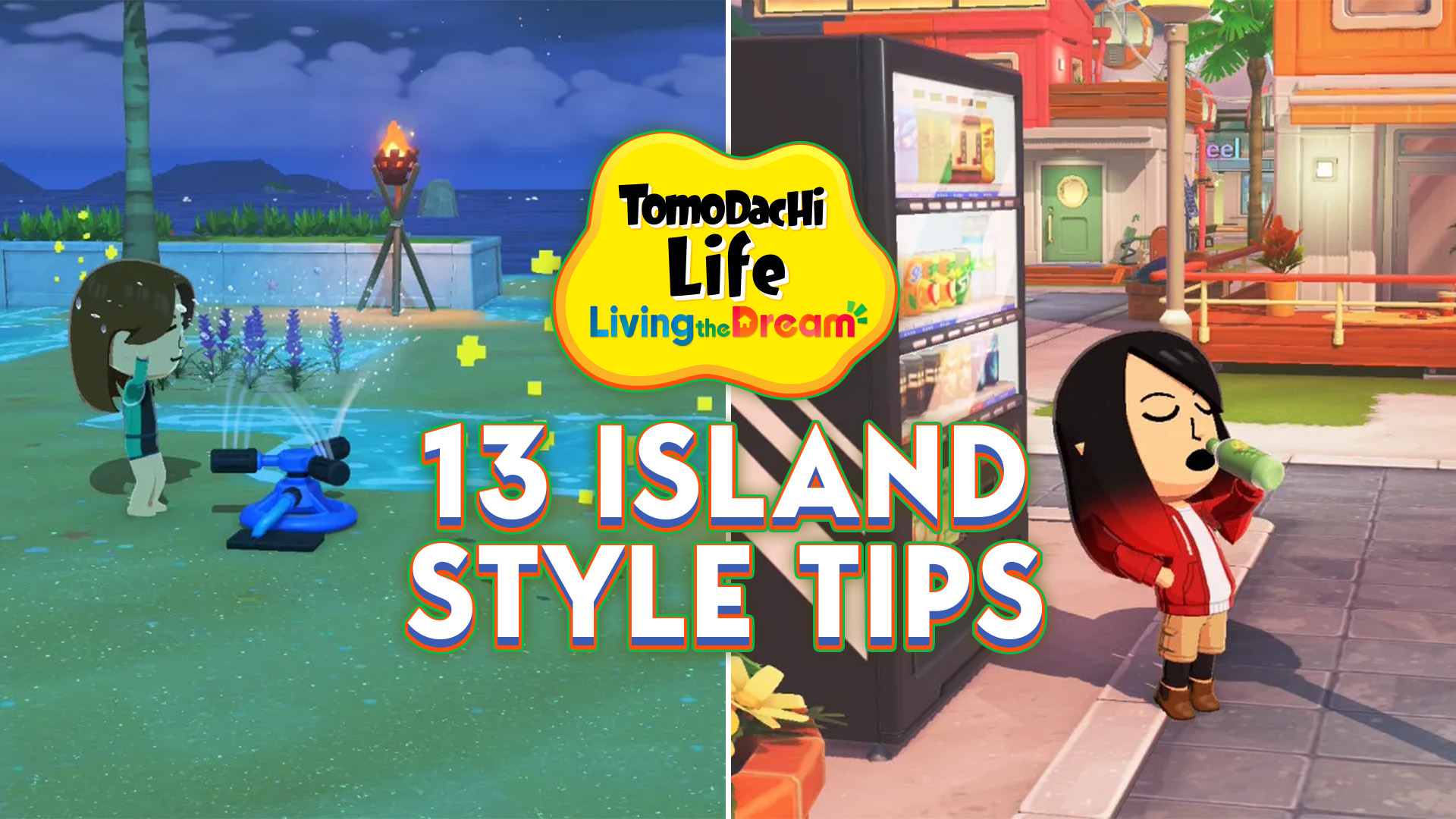
Living the Dream should mean living in style and with the island builder, you really can create the island of your dreams (or your Miis’, if you’re feeling considerate). However, considering your island is basically a blank slate, able to be completely leveled up and landscaped, it can be difficult to figure out how to…
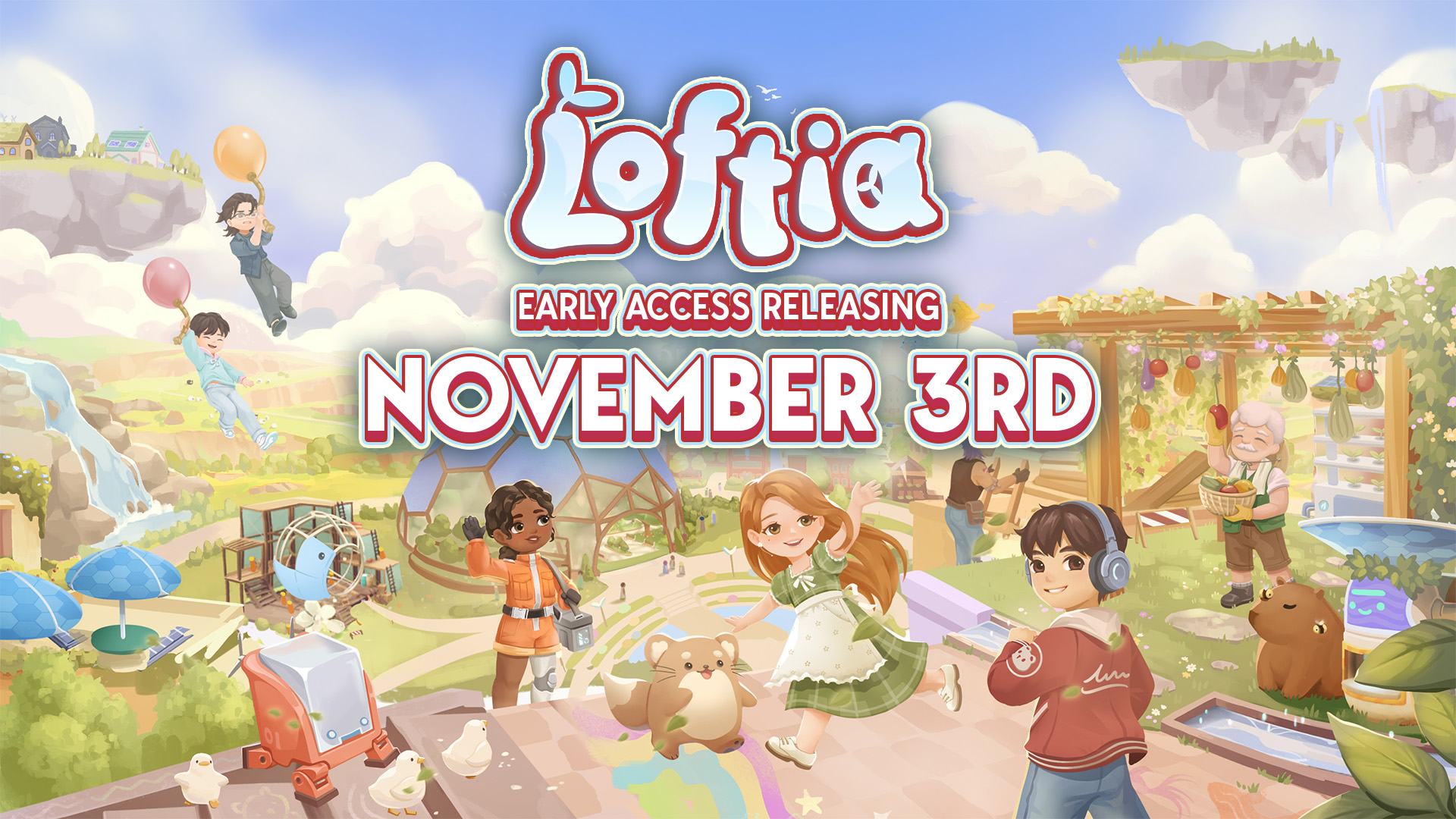
Everything we know About Loftia so far and Loftia Release Details This year has certainly been the year for cosy and wholesome life simulation-style game releases. Even now, there are still so many more on the way, and that’s with a few months left of the year! However, one highly anticipated game has a big…
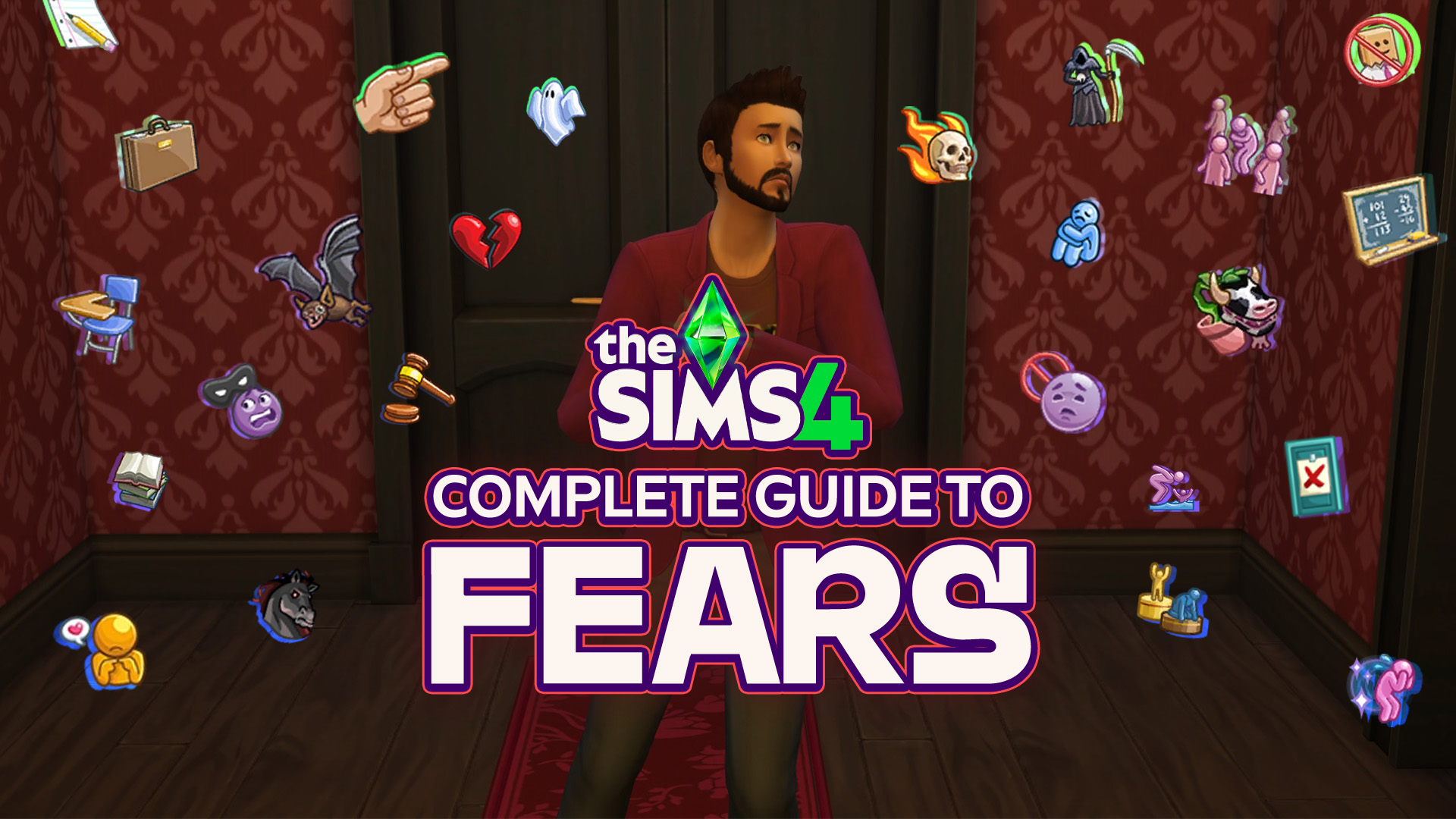
With the power of knowledge, you too can fear fears less! Unlike in The Sims 2 where they are opposite of Wants, The Sims 4 Fears are more of aversions and insecurities Sims can develop from various experiences. These will negatively affect your Sim’s everyday life, but these can be conquered through certain interactions. Knowledge…
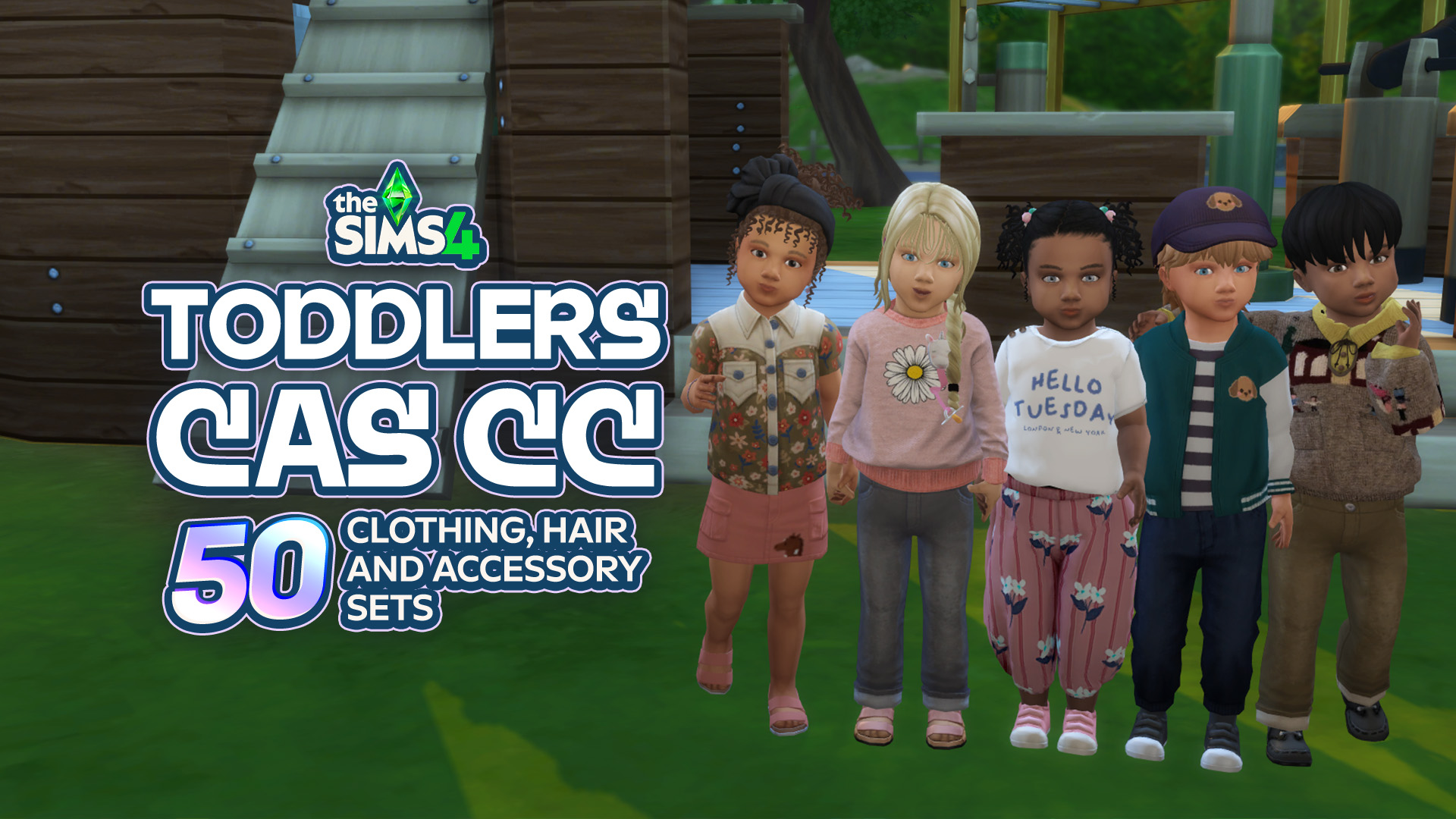
Toddlers might be tiny, but that doesn’t mean their CAS options have to be! From adorable everyday outfits and tiny accessories to fun hairstyles and outfits for every little personality, there’s so much amazing Sims 4 Toddler CC CAS content out there to make your little Sims even cuter. Whether you’re creating a little angel,…
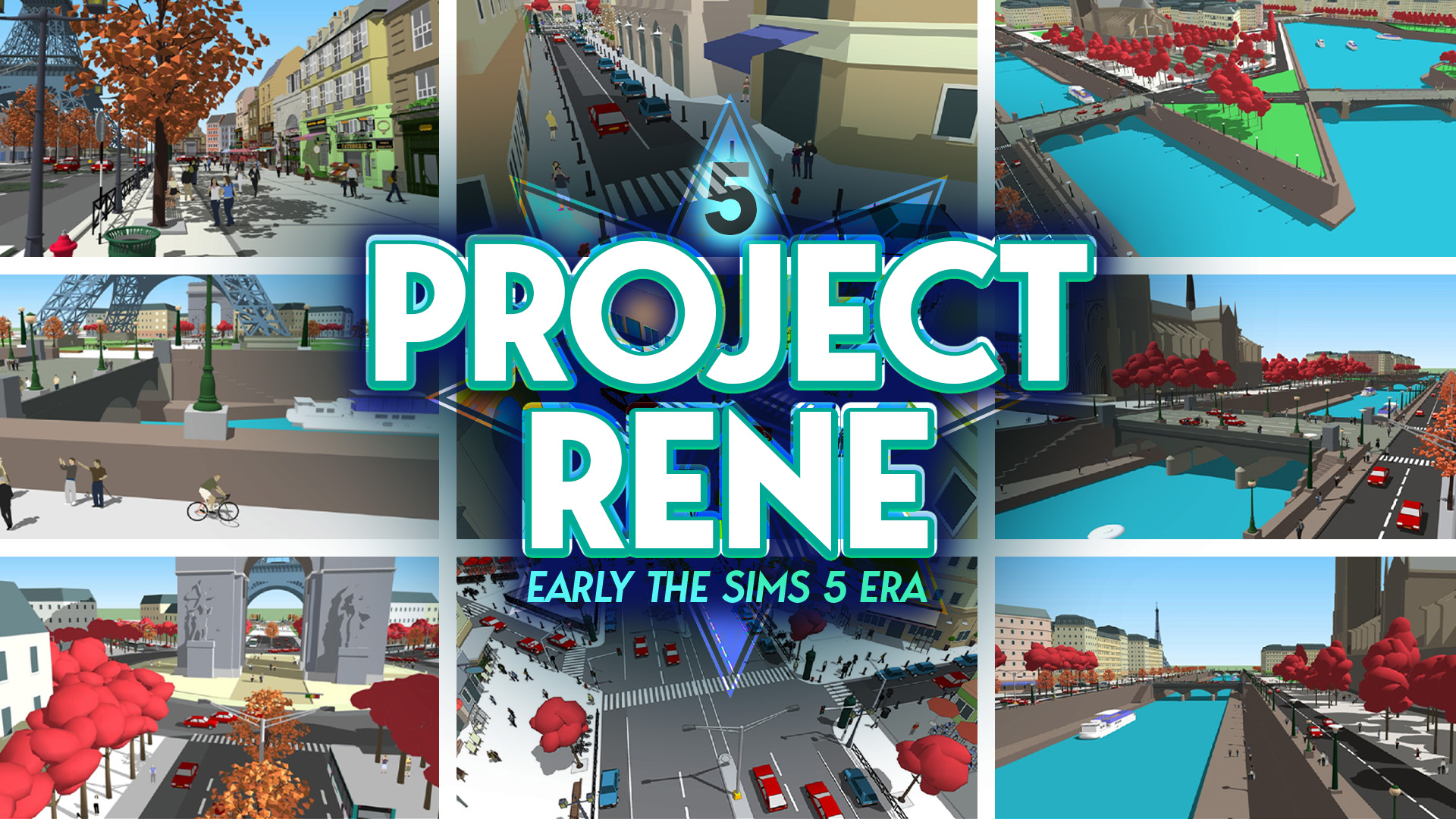
Turns out that all the years of reporting on The Sims 5 were true after all. Maxis and Electronic Arts were indeed working on The Sims 5. Or at least that’s what Project Rene initially was until it took several turns and expanded into two projects. Project Rene WAS The Sims 5 The game’s Art…


6 Comments
Yay, I’m so happy to see this!
My parents want to know this; What time does Paralives release
I play The Sims.
If I wanted free ads for Paralives, I would join a Paralives community. I will not be following here any longer.
Reply to Sindocat
I mean you are on a website specifically for Simulation Games, what else did you expect?
Reply to Sindocat
This website is for sim-life games, not JUST the Sims.
Reply to Robyn
I never knew that. The plumbob was always the Sims marketing to me. I don’t think I could ever take away that being their logo in my head.
Welcome to Sims Community!
Our community is about connecting people through open and thoughtful conversations. We want our readers to share their views and exchange ideas in a safe space.
In order to do so, we've created a simple set of rules that will improve your experience. Simply put, keep it civil.
Your post will/might be rejected if it contains:
User accounts will/might be blocked if we notice:
So, how can you be a power user?
Thanks for reading our community guidelines. Please note that we're aware of certain issues with Sign In / Log In and Create Account / Email Confirmation issues. We're working behind-the-scenes on a new Account Creation process. Thank you for your patience and remember - freedom of speech is not freedom of reach