Today, we have some first news regarding what this whole new game is supposed to be about. In the screenshots first posted by @PattonKieran we can see the first details regarding this IP and its development.
From to the job experience listing that was posted we know the following:
It’s a Simulation HD Game (PC / Consoles)
Developed / Prototyped in Unreal Engine 4
The game features a “3D Menu Navigation”
Includes “Super Abilities”
Comes with “Co-Op Player vs Environment” Events
We’ve investigated this finding and the information checks out. The UI work began sometime around 2018, after which Maxis expanded its studio to Austin, Texas to help support the new IP.
The page also included an image of a Maxis logo in purple starry sky background, possibly giving hints at what this new Simulation game is all about:
We currently don’t know at which stage of the game development this game is, but from all the information we have so far we can say that it’s been in the works for a few years now.
Since this is a new Intellectual Property it means that we can expect a whole new Simulation Game from Maxis, and not a successor or a spin-off to some of Maxis’ current titles such as The Sims, SimCity, Spore and more.
Information that there are multiple teams at Maxis working on multiple games has already been made public thanks to EA Careers’ listings over the last few months. At the moment there are mentions of three seperate Maxis Studios from the job opportunities that were listed over the last couple of months:
It could either take Maxis a couple of months or a couple of years for them to announce this game, all depending on at which development stage this game is. We’ll definitely keep you posted about all the details here on Sims Community!
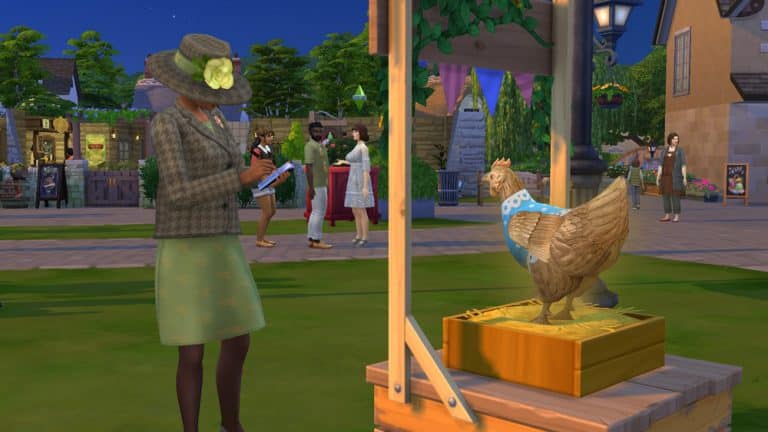
In The Sims 4 Cottage Living, Sims can participate in the Finchwick Fair! The Finchwick Fair is a weekly event that allows your Sim to show off their animals, crops, and cooking for the chance to win collectible ribbons and other prizes.
Read on to learn more about the Finchwick Fair!
Fair Schedule and Themes
The Finchwick Fair happens every Saturday at 3:30pm and ends at 9:30pm. The Fair takes place in the Finchwick district of Henford-on-Bagley right outside the pub where there is normally just an empty plot of grass during the week. You can see when the Finchwick Fair is happening by looking at the calendar. You can also find information about the Fair from the various info boards displayed around Henford-on-Bagley. You’ll also receive a popup notification in the upper right-hand corner of your screen when the Finchwick Fair is starting so you don’t forget.
The Finchwick Fair rotates through five different themes, so make sure you check the calendar or an info board to get filled in on what the theme for the next Fair is. You’ll want to be prepared ahead of time if you plan to compete.
Finchwick Chicken Fair
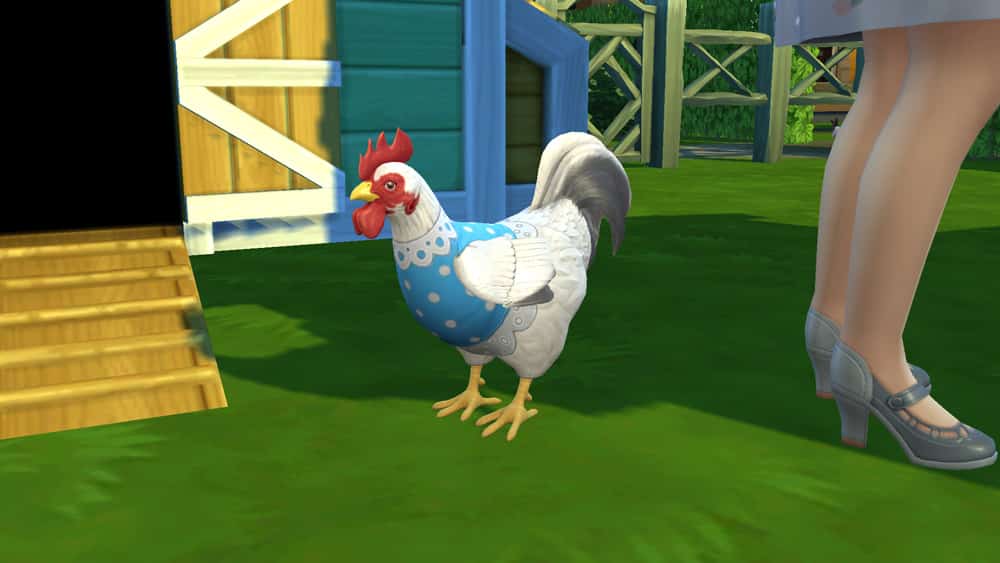
The Finchwick Chicken Fair is the time for your Sims to show off their finest chickens and eggs! Both chickens and eggs can be entered into the competition. Your Sim can enter only one of each type, so one chicken and one egg. Make sure you have a chicken and an egg in your inventory if you plan to compete.
The Finchwick Cow Fair
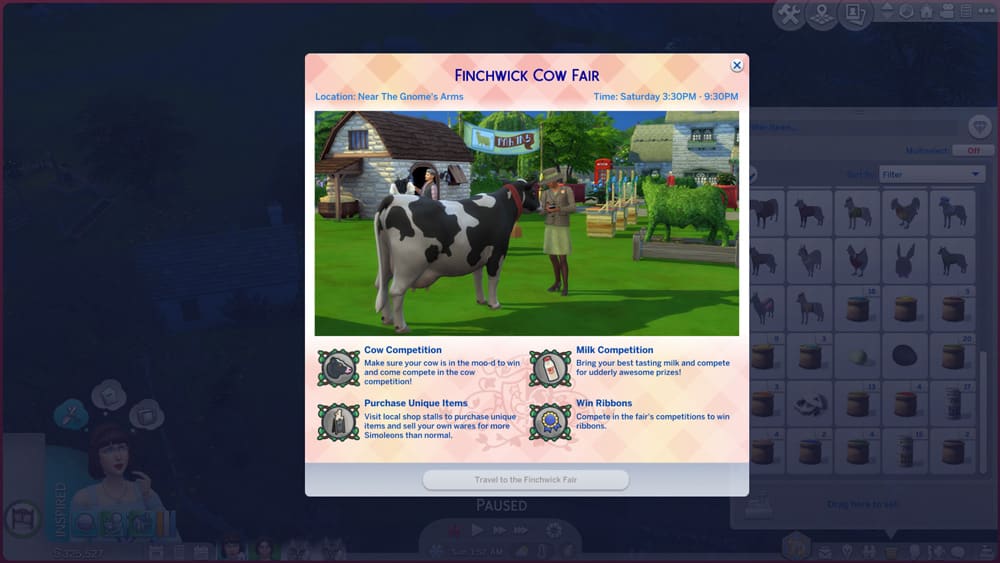
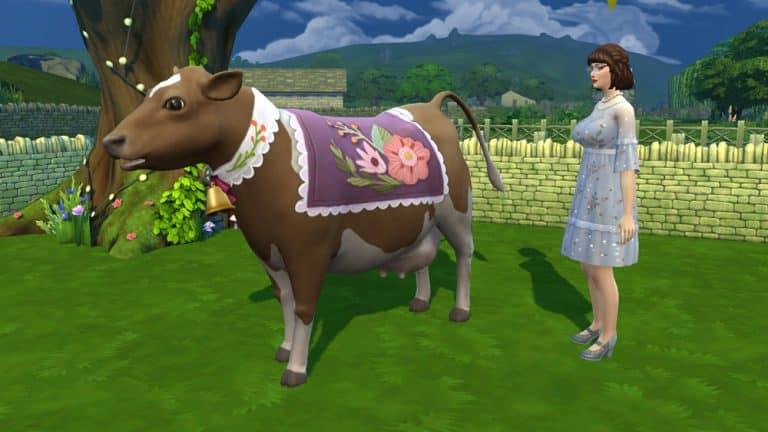
MOOOOO!!! The Finchwick Cow Fair is all about your bovine buddies! Enter your finest cow to be judged in the competition and compete with your tastiest bottle of milk! To enter a cow or milk into the competition, make sure you have your cow and a bottle of milk in your inventory.
The Finchwick Garden Fair
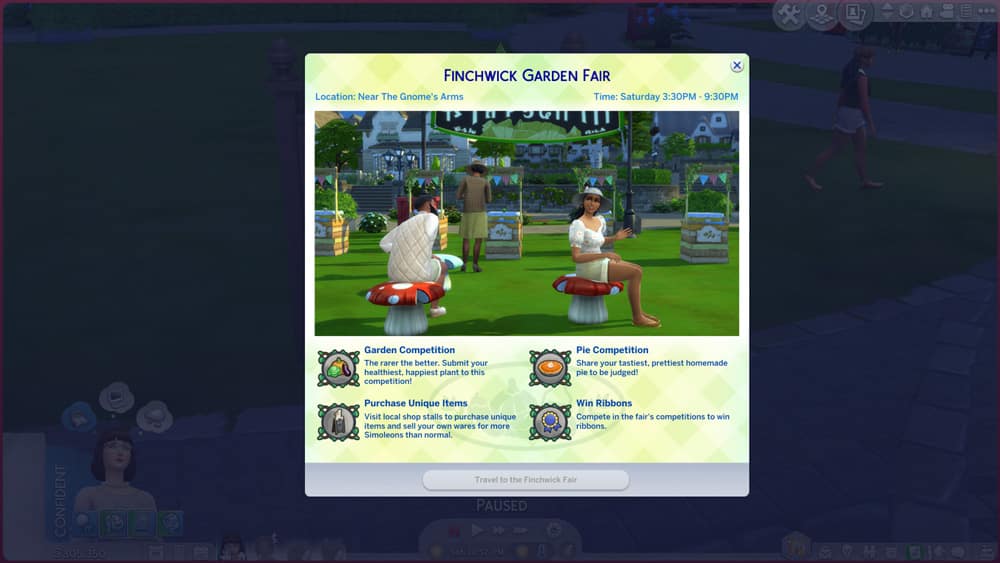
Put your crop-raising and pie-baking skills to the test in the Finchwick Garden Fair! Bring your tastiest pie and finest fruit or veggie to be judged in the competition, but no oversized crops! There’s a separate Fair for that. The Garden Fair is for regular sized fruits and veggies, only.
The Finchwick Oversized Crop Fair
Think you have the biggest pumpkin in town? Prove it and bring it to the Oversized Crop Fair to be judged against other giant crops! And if you can’t get enough pie, the Oversized Crop Fair also hosts a pie competition.
The Finchwick Llama Fair
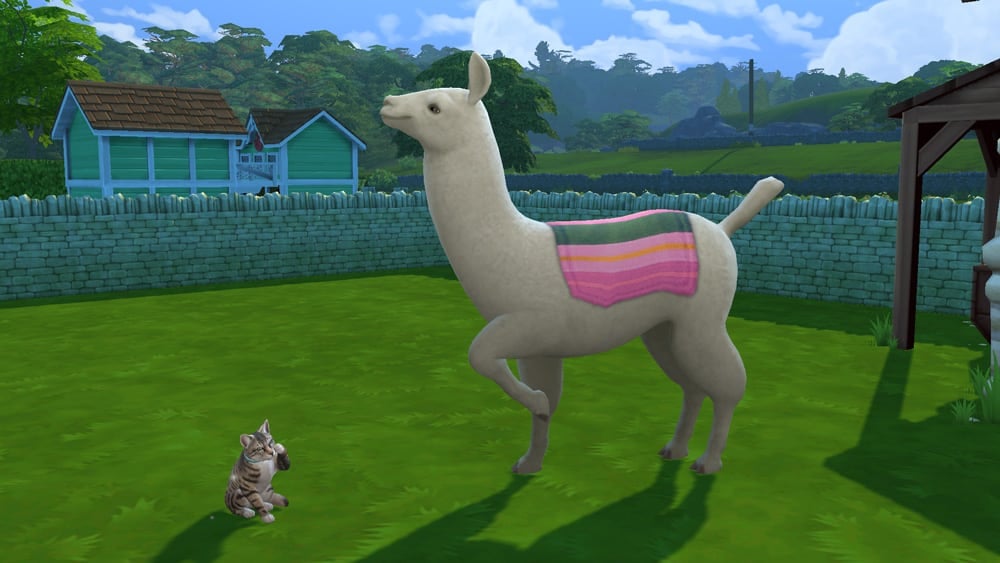
Llamas and wool get their chance to shine at the Finchwick Llama Fair! Bring your best llama with you to be judged and don’t forget a sample of their finest wool, either! To enter a llama into the competition, make sure it’s in your Sim’s inventory before you head to the fairgrounds.
Participating in the Finchwick Fair
To enter your animals into the Finchwick Fair, make sure the animal is in your inventory when you arrive at the fairgrounds. To do this, click on your animal while it is outside the coop or shed and select Put in Inventory. If you intend to submit a pie, fruit/veggie, or animal product into the competition, too, then make sure you have those in your inventory as well.
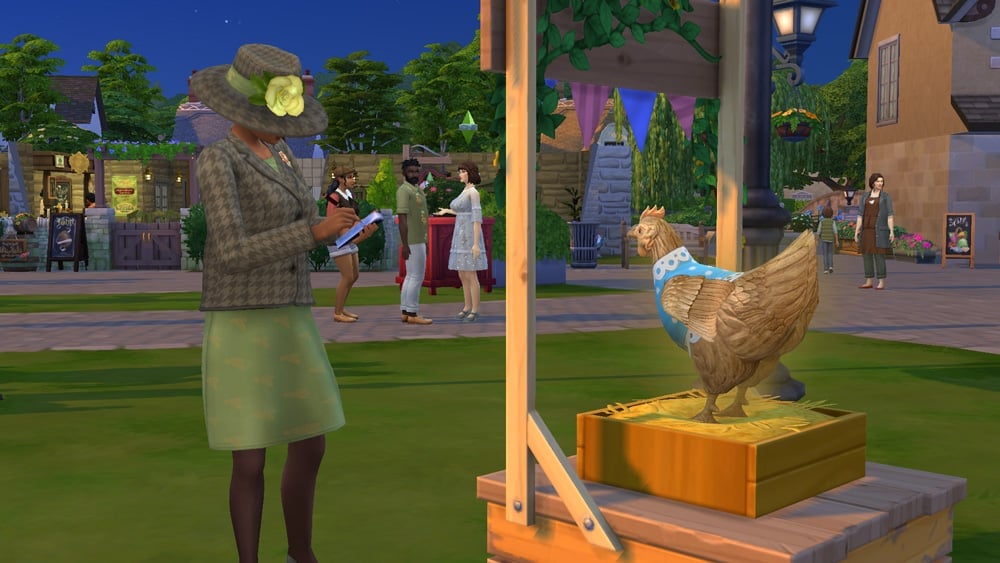
When you arrive at the Fair with your animals and products, you’ll see designated areas for whatever is being judged that week. Click on the designated areas to enter your animals and items. Then it’s just a matter of waiting for the mayor to judge your entries. She’ll wander around the fairgrounds periodically, taking notes on the different entries. If your Sim is feeling a bit mischievous, they can try to bribe her to secure a win but this is risky. If it fails, you’ll actually hurt your chances for a win.
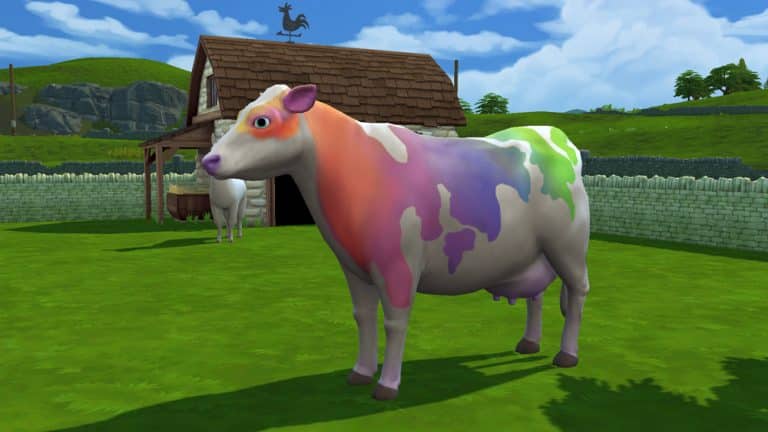
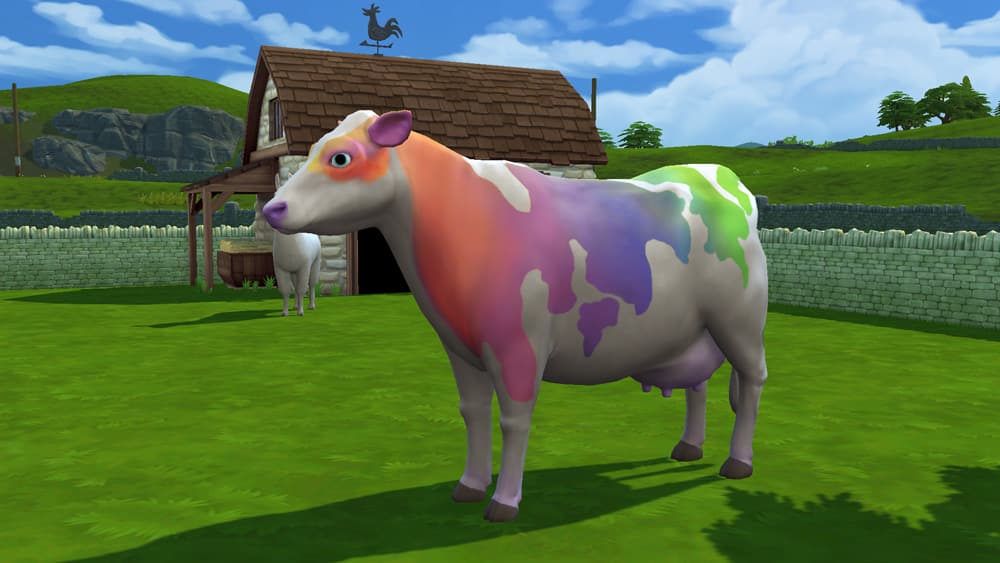
For animal entries, “special” animals like Golden Chickens, and Rainbow Cows and Llamas tend to fare better in the competition but stats and relationship are the most important factors. A very happy animal that is clean, well-fed, and content with a high relationship with its owner has much better odds of winning than an animal with average stats and a neutral relationship with your Sim. In our experience, dressing the animals didn’t appear to make much of a difference but there doesn’t seem to be any harm in dressing up your animals for the Fair.
For animal products, grown produce, and pies, the quality matters the most. Excellent and Perfect quality items will do best in the competition but you can also help boost your chances by entering special items, like golden eggs or rainbow milk. For oversized crops, size is the main determining factor but you will also want your oversized crop to be healthy and high quality.
While you are waiting for the judging to take place, we recommend stopping by the market stalls to pick up some specialty items you can’t ordinarily buy on non-Fair days. You can also sell your own products at an extra 10% profit, so waiting for the Finchwick Fair to sell your extra crafts and animal products can be a great way to maximize your farm’s income. You can also check out the other entries and socialise with the locals at the pub.
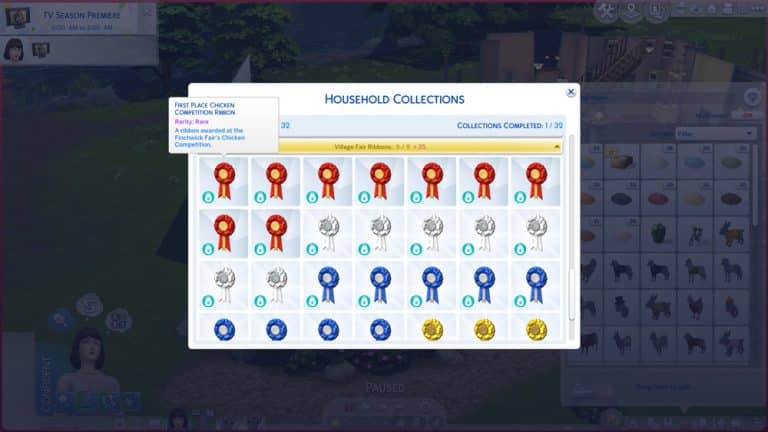
You’ll be notified whether you won at the end of the festival at around 10:30pm. Any animals entered will be automatically returned to the household inventory (not your Sim’s inventory) and any ribbons or other items your Sim won will appear in their personal inventory. The Finchwick Fair ribbons are part of a new collection in the game. There are participation ribbons, as well as ribbons for 1st, 2nd, and 3rd place in the various competition categories. For more information about the Finchwick Fair Ribbons collection, see our guide, The Sims 4 Cottage Living: Collection Guide.
The Sims 4 Cottage Living comes with one new official collection (and a few “unofficial” collections). The new collection listed in the collections panel is Finchwich Fair Ribbons. There are a total of 34 ribbons to earn from competing in the Finchwick Fair but the game recognizes a complete collection when all 9 first place ribbons have been acquired even if your Sims do not have the rest of the ribbons.
To earn these ribbons, your Sims must participate in the Finchwick Fair in the correct category. For example, to earn the First Place Pie Competition Ribbon, your Sim will have to place first in the Finchwick Fair with a pie they baked. The Finchwick Fair happens in the Finchwick district of Henford-on-Bagley every Saturday. Pay attention to the theme because it’s different every week. You won’t be able to win the pie ribbon if the Finchwick Fair is judging chickens that week. You can see the upcoming theme on the calendar or by reading any of the information signs in Henford-on-Bagley.
Here are all the ribbons you can win at the fair along with their rarity and value:
[table id=93 /]
Other Collectibles
In addition to the ribbons, there are plenty of other items your Sims can collect, although they aren’t recognised as a collection in the game. Sims can collect many different types of animal products and cross-stitch patterns.
We’ll leave it up to you to discover each one of these “unofficial” collectibles, but if you’d like more information about getting different types of animal products from your animals, see our guide, The Sims 4 Cottage Living: All About Animal Treats.
Steam is currently having a huge limited sale for select The Sims 4 games where you can save BIG on Expansion Packs, Game Packs, Stuff Packs and especially Bundles!
Here are currently all of the packs that are on sale and their sale price:
The Sims 4 Base Game – 75% off
The Sims 4 Expansion Packs (Cottage Living excluded) – 50% off
The Sims 4 Game Packs – 25% off
The Sims 4 Stuff Packs – 25% off
Now here’s the thing – there are some much better offers for players who are just starting out with The Sims 4 thanks to Steam’s pre-made Pack Bundles that also went on sale! Those include:
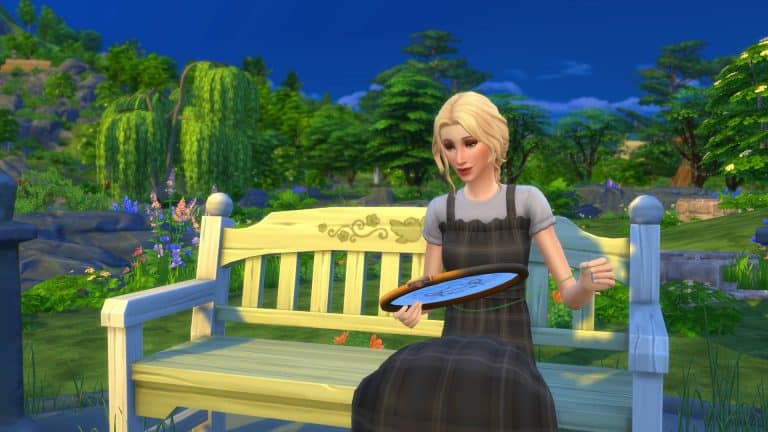
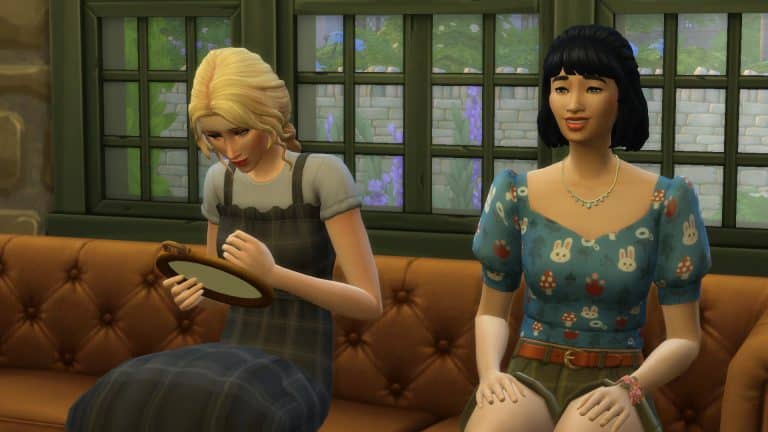
The Sims 4 Cottage Living introduces our Sims to the world of cross-stitch. The brand-new skill has plenty to offer along with a variety of different patterns for your Sims to try their hand at!
“Nothing says love and patience like a carefully stitched piece of art! Cross-stitch pieces are perfect for decorations, selling, or as a gift for the little critter hanging around your garden. Choose from three different size hoops and get stitching! Just beware of resting stitch face!”
Getting started is easy!
The first thing you will need to do is purchase the Make It Sew Cross-stitch Kit. This can be found in the Study category under Hobbies and Skills. Alternatively, you can visit the Gardening Shop in Finchwick, where you can buy the Cross-stitch hoops.
The Cross-stitch hoops come in small ($30), medium ($40) and large ($50) sizes. These can be found under the miscellaneous section of the store. You can also buy Llama Wool from the Garden Shop if you need some, although it is completely optional for this skill.
Starting a Pattern
To start a new Cross-stitch project, simple head to the Make It Sew Cross-stitch Kit or one of the hoops that can be found in your inventory. When you first start off with the Cross-Stitch skill, you’ll only be able to create Simple patterns. The higher your skill level, the more options there will be.
Types of Patterns
There are a variety of different patterns that your Sims can Cross-stitch, from simple patterns to more complex patterns.
Simple
Food
Nature
Phrases & Mascots
Sims & Animals
As your Sims Cross-stitching skills develop, you will also be able to paint from reference and works in the same way the Paint from Reference feature works.
It’s important to remember that each project will cost your Sim. It is also optional to use Llama wool and can reduce the cost of certain cross-stitch patterns.
Skill Levels Overview
[table id=91 /]
While you do unlock more cross-stitch patterns as you level up, you will also unlock even more by talking to other Sims as well as the wildlife who may have some extra patterns for you. Be sure to talk to Sims in other worlds and not just Henford-on-Bagley either!
Next Steps
Now that your Sim is mastering the Cross-stitch skill, you might be wondering what to do next. You have a few options.
Decorate your home with your cross-stitch creations
In The Sims 4 Cottage Living, your Sims can own a wide variety of animals, including llamas, cows, and chickens! One way to make your new animal friends happy and encourage them to produce specific types of products is by feeding them animal treats. Each animal treat gives a different benefit and some of the treats even make your animal friends change colours!
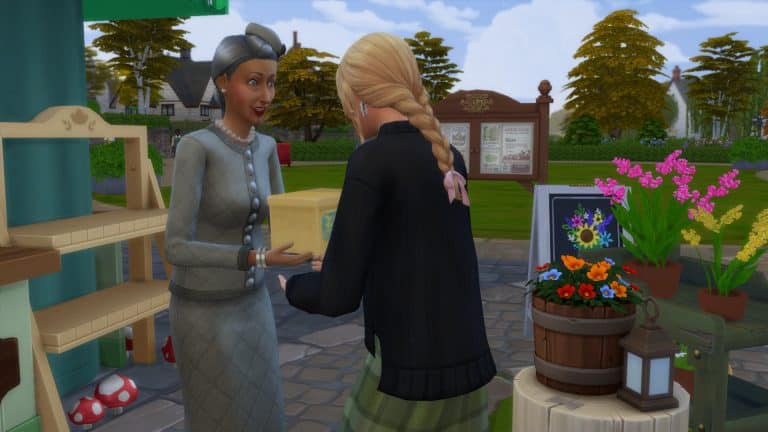
You can obtain animal treats by purchasing them from Agnes and Agatha’s garden stall in the Finchwick district of Henford-on-Bagley or winning them by participating in the Finchwick Fair, held every Saturday. You may also receive animal treats as gifts from wild animals like bunnies and birds.
Once you’ve obtained an animal treat and fed it to an animal for the first time, you’ll unlock the recipe to make that treat yourself in your notebook. You can check the notebook at any time to see what animal treat recipes you’ve unlocked and what is needed for each recipe. You can make the animal treats by clicking on the fridge and selecting Create Animal Treats.
There are a total of 13 different animal treats that can be fed to llamas, cows, and chickens. All treats, their required ingredients, and effects are listed in the table below.
[table id=89 /]
Animal Colours
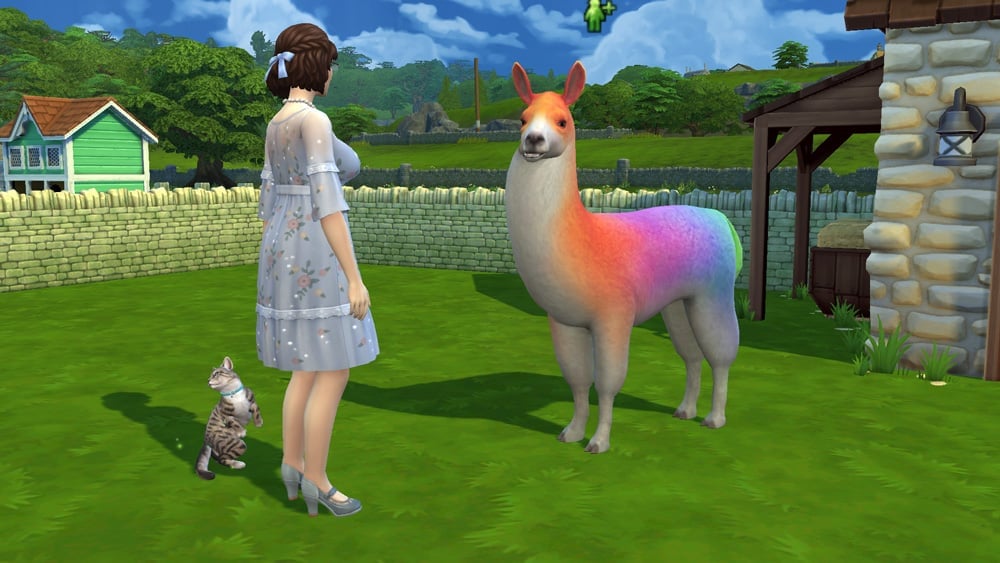
You can see the different colour effects the treats have on each animal below. Not all the treats have a visual effect on every animal. The llama has the most colour variants of all the animals.
Llama Effects
07 20 21 5 11 00 PM
07 20 21 5 11 24 PM
07 20 21 5 11 49 PM
07 20 21 5 12 15 PM
07 20 21 5 38 48 PM
07 20 21 5 39 12 PM
07 20 21 5 39 40 PM
07 20 21 5 40 01 PM
07 20 21 5 40 23 PM
Chicken Effects
07 20 21 5 43 22 PM
07 20 21 5 44 49 PM
Cow Effects
Feed Rainbow Treat to get Rainbow Cow. Produces Rainbow Milk.
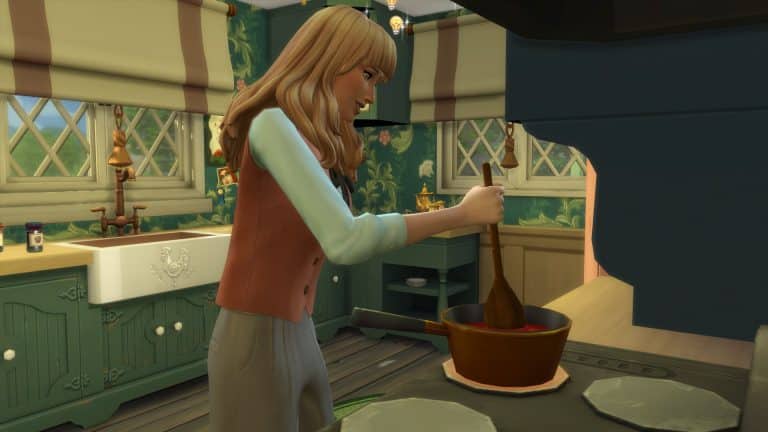
The Sims 4 Cottage Living introduces a new cooking activity in the form of Canning. If you aren’t completely sure what canning is, it is simply a method of preserving food in airtight jars by using high temperatures for a long period of time. The actual process in real life is a lot more in depth, but it gives you an idea of what canning is all about.
Getting Started
Before you jump into the world of Canning food, it’s important to make sure you have a selection of food items in your Sims inventory first.
To do this, you have a few options
Harvest fruit and vegetables from your garden
Head to the Grocer in Finchwick
Place a Grocery Delivery via the Order Delivery feature via your Phone, Computer or Fridge.
Once you have a selection of food in your Sims inventory, you can get started. Simply have your Sim head over to a Fridge or a Stove and select Canning from the menu.
It’s important to remember that while Canning isn’t its own stand-alone skill, it links in with the cooking skill. When you first start out, you’ll have four recipes, but you will unlock more as you level up the cooking skill.
Recipes
[table id=92 /]
Make sure to check out both pages of the table for all of the recipes.
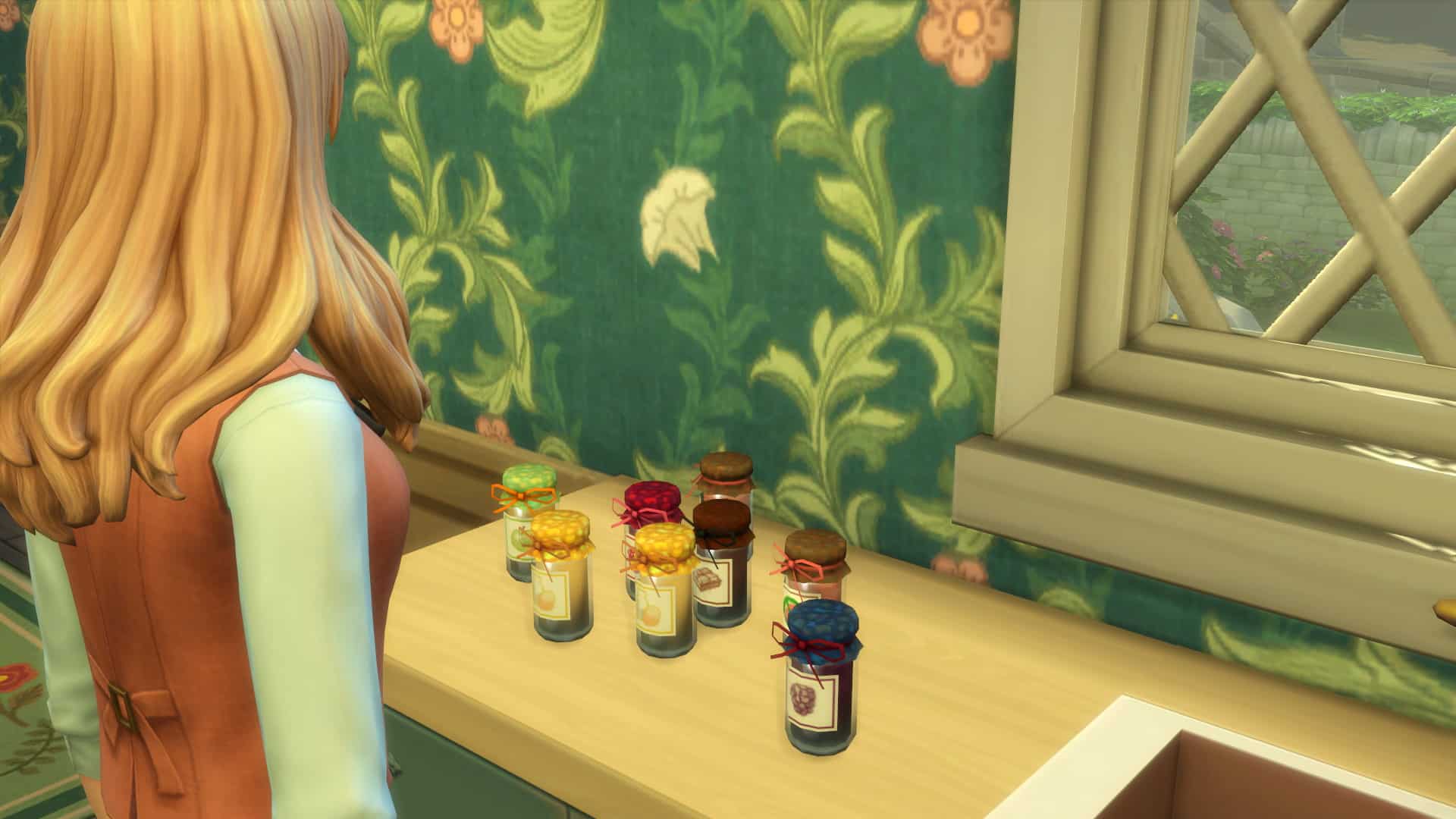
After you’ve made a selection of canned foods, you’ll find them in your Sims inventory. From here your Sims can eat them, pack them into a picnic, gift them or sell them to the local Garden Shop or Grocery Shop in Finchwick.
And that’s it! Canning is super easy and a great way for your Sims to use the fruit and vegetables they grow and harvest at home, as well as using locally sourced produce too from Henford-on-Bagley!
EA is doing an EA Play 2021 Livestream today, July 22nd at 10AM PT / 6PM BT / 7PM CET!
During this livestream they’ll be showcasing new games, revealing new trailers and showcase their upcoming lineup. The Sims 4 Cottage Living Expansion Pack is also said to be making a feature to celebrate today’s pack release!
We’ve previously introduced you to the world of Henford-on-Bagley and told you about the three different neighbourhoods and the different lots, but you now might be wondering about what your Sims can do while they are here. Well, amongst the vast and beautiful English inspired Countryside, there is plenty for your Sims to do and explore in Henford-on-Bagley.
Here are nine things your Sims can do while living or visiting Henford-on-Bagley.
Visit The Gnome’s Arms and have a drink
Meet up with friends or get to know the locals at the local.
Window Shop
Just wanting to browse what is on offer? Why not take a stroll through the town and check out the latest must haves without spending a Simoleon.
Go Fishing
Grab your fishing rod and head to your favourite fishing spot, or how about somewhere new?
Go For A Swim
Fishing not quite your thing? How about a quick swim in the open water instead.
Have a picnic in the countryside
Nothing beats a good old picnic in the countryside!
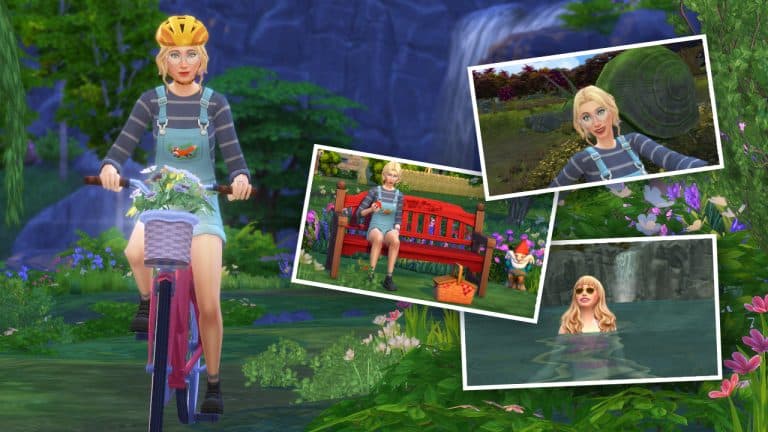
Explore Henford-on-Bagley by foot or by bike
Henford-on-Bagley is a beautiful world. There are plenty of places your Sims can explore by foot or by bike.
Take a selfie with Sophie
Hidden away in the depths of Bramblewood you’ll find Sophie the Snail
Visit the Bramblewood Ruins
Also hidden away in Bramblewood are some ruins that your Sims can explore
Admire the local wildlife
Get to know the local wildlife while you are out and about. You never know, you might make some new friends along the way.
Henford-on-Bagley has plenty for everyone, and this is by no means everything you can do. There’s plenty for your Sims to explore and take it. You just need to choose a place to start and let the adventure begin!
Another new feature in The Sims 4 Cottage Living is the option to Offer Help With Errands for different Sims around Henford-on-Bagley and become a trusted member of the community.
To offer your help with running errands, simply talk to any of the NPC Sims in Henford-on-Bagley. The interaction can be found under the Friendly category in the social menu.
Once you have selected this interaction, your Sim can choose up to three Errands to run at any one time. You’ll be presented with a pop-up that will allow you to choose which errands you’d like to undertake.
Once you have selected your errands, they will appear in the Careers Tab. You’ll find all the details of each errand here, as well as the tasks that your Sim needs to complete. Always make sure to go back and check the tasks once you’ve completed one, as you may find more tasks need to be completed for that errand.
If you do find that you are stuck on how to go about a particular task, you can hover over the tasks, and it will give you some pointers as to how to complete it.
Once all of your tasks are complete, you will receive any rewards that were associated with the errand.
You’ll then be free to pick up more errands from other Sims. Different Sims will have different errands that they will need help with. The rewards vary for each one and will be a mixture of Simoleons and various items.
Which Henford-on-Bagley resident are you looking forward to helping out?
In The Sims 4 Cottage Living, your Sims can own a wide variety of animals, including llamas, cows, and chickens! These animals will provide your Sims with high quality products they can use in cooking, cross-stitching, and more as long as you keep them healthy and happy.
Read on to learn how to take the best care of your new animal friends!
Chicken Coops
To obtain chicks, hens, and roosters, you must first purchase a Chicken Coop from Build/Buy, or purchase a lot with a Chicken Coop already on it. Each coop houses up to 8 chickens but there is no limit to the number of coops you can have on your property. If you want more than 8 chickens, you will need to have more coops to house more birds.
Once placed, you can click on the coop to purchase chicks, hens, and roosters to inhabit it. You can choose between three types of adult chickens (white, brown, and black) and either male or female chicks. More types of chickens can be obtained by feeding your chickens specific animal treats.
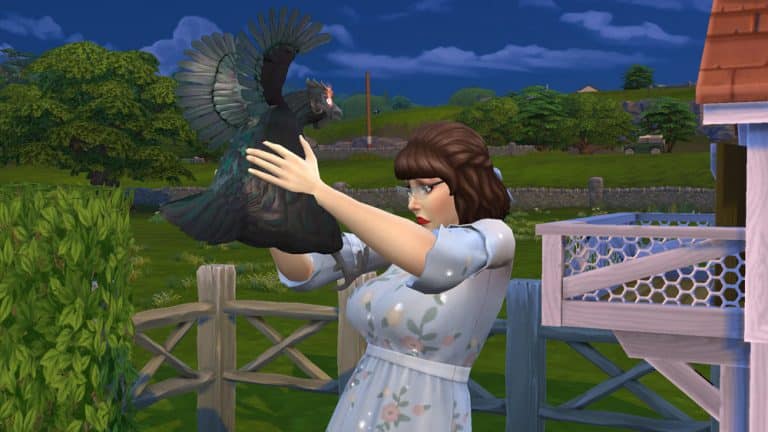
Chicken coops have to be cleaned regularly. You can see your coop’s status by hovering over it with your cursor. When the chicken coop is dirty, make sure you clean it so your chickens will stay happy and healthy. Sims must also click on the chicken coop to scatter chicken feed nearby for the chickens to peck at. Make sure to remember to do this every day to keep your chickens well fed. Hovering over the coop will also tell you how many chicks, hens, and roosters are living in the coop and how many eggs are ready to be collected.
Chicken coops can also be upgraded to require less maintenance. Sims can install an auto-feeder in their coops to ensure their chickens always have enough to eat even if you forget to scatter chicken feed nearby. They can also install an upgrade that makes the chickens more relaxed, leading to a longer lifespan, as well as install a fox alarm to keep foxes from stealing eggs. Chicken Coop upgrades require a new type of upgrade part, called Livestock Upgrade Parts. Sims can obtain Livestock Upgrade Parts by running errands for Sims in Henford-on-Bagley.
ComfortCare Life Extender
Description: This upgrade extends the lifespan of the chickens living in the coop.
Requires: 2 Livestock Upgrade Parts
Livestock Auto-Feeder
Description: This upgrade installs an automatic feeder in the coop! Your Sims never need to scatter feed again!
Requires: 6 Livestock Upgrade Parts
Fox-Be-Gone Alarm
Description: This upgrade adds an alarm to the coop that goes off whenever a fox tries to get into the coop. Never worry about the safety of your chickens or eggs again!
Requires: 3 Livestock Upgrade Parts
Taking Care of Your Chickens
There are three types of adult chickens you can purchase for a chicken coop; a white chicken, a brown chicken, and a black chicken. All three types of chickens are available as both hens and roosters. Baby chicks can also be purchased as either hen or rooster chicks. All three types of adult hens lay Normal Eggs but can produce other kinds of eggs if given specific animal treats. For more information about animal treats, see our guide, The Sims 4 Cottage Living: All About Animal Treats.
Roosters and baby chicks do not lay eggs but you will need at least one rooster in your coop for your hens to lay hatchable eggs. Not every egg your hens lay will be hatchable. Hover over the egg with your cursor to see if any of the eggs your Sim collected can hatch into chicks. Eggs can be used in cooking recipes and given as gifts to wild animals. They can also be useful in running village errands and be entered into the Finchwick Fair.
Even though they all live in the same coop, each chicken can be named individually and has their own individual needs and relationship with your Sim. Make sure you’re checking on all your chickens every day so no one gets left out.
Chickens need to have a clean coop and be kept full and happy in order to give the highest quality eggs. You can view your chicken’s stats by hovering over them with your cursor.
Age: This tells you how old your chicken is. If you have at least one hen and one rooster in your coop, you can breed your chickens by hatching any fertilized eggs your hens lay. This stat will tell you if your chicken is a baby or adult and how close they are to passing from old age.
Happiness: This is a cumulative stat that takes into account both the coop’s condition and the chicken’s condition. Keep the coop clean, scatter feed, and socialise with your chickens daily to keep them happy.
Hygiene: When the coop is dirty, your chickens will become dirty, too. Dirty chickens are unhappy chickens, so make sure you stay on top of keeping the coop clean for them.
Hunger: This shouldn’t be a problem if you stay on top of scattering feed around the coop daily but if you have hungry chickens, you can also feed them individually to build some relationship with them.
Attention: Socialise with your chickens to keep their attention need satisfied. If you talk to a chicken, any chickens nearby will also gain social, so this can be a good way to save time. Call all your chickens over to you and chat with them all at the same time.
6am Harvest: This tells you what kind of egg you can expect to receive from your hen the next time you collect eggs from the coop. Hens will typically produce Normal Eggs but feeding them different treats can cause them to produce different types of eggs. Roosters and baby chicks do not have this stat.
Depending on your relationship with your chickens and what mood they are in, they might not be so receptive to you. Chickens can sometimes attack your Sim. Do enough mean socials with your chicken and push your luck one too many times and there is even a chance that your Sim could die from a chicken attack so be nice to your chickens! Happy chickens with a high relationship with your Sim are less likely to attack.
Chickens do have a lifespan and will eventually grow old and die. There are treats and coop upgrades that can extend your chickens’ lifespan but if the idea of ever having to say goodbye to them is too sad for you, you can disable animal aging in the Game Options.
Chickens can be called in and out of their coops but this isn’t typically necessary. Unless something prevents them from doing so, chickens will go into their coop for the night at around 6pm all on their own and come back out in the morning at around 6am.
Trading Your Chickens
If your farm is struggling to make ends meet or if you’re just looking to downsize the number of animals you have, you can trade in your chickens for various rewards. If you click on a chicken and select the Actions option, you’ll see a Trade For option in the pie menu. You can also do this from the coop. You’ll be able to select the chicken you want to trade from a menu.
You can trade your chickens for simoleons, animal treats, ingredients and produce and even… meat. Yes, you can send your beloved chickens off to be slaughtered in exchange for their delicious meat. It’s not something I would ever have the heart to do, but hey, if your Sim’s really gotta eat… I’m just saying it’s an option.
Make sure you really want to get rid of that chicken because once you trade it, it’s gone forever. If you want another chicken, you’ll have to click on an empty shed again to purchase a new one.
Golden Chickens and Evil Chickens
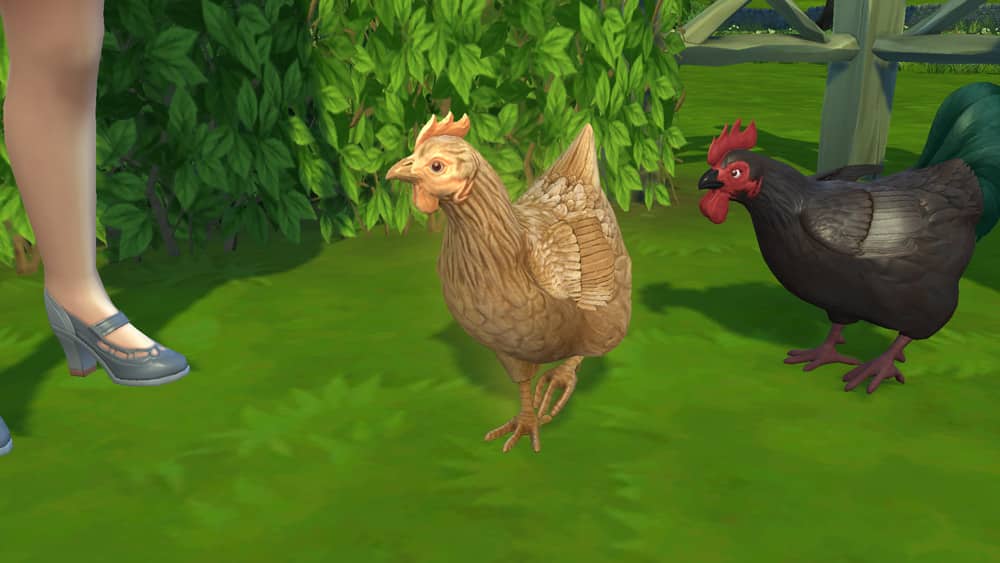
In addition to the standard three styles of chicken you can purchase directly from the coop, you can turn any of your adult hens or roosters into a Golden Hen/Rooster or an Evil Hen/Rooster by feeding them animal treats. Golden Treats create Golden Chickens and Obsidian Treats create Evil Chickens.
07 20 21 5 43 22 PM
07 20 21 5 44 49 PM
Golden Chickens are more likely to lay Golden Eggs (if they are a hen and not a rooster). You can also ask them for Golden Chicken Help. While Golden Chicken Help is active, your Golden Chicken will raise the quality of any products near it, so this can be a good way to increase the quality of all the eggs laid in your coop from all your hens.
Evil Chickens are more likely to lay Obsidian Eggs (if they are a hen and not a rooster). You can also ask them for Evil Chicken Help. While Evil Chicken Help is active, your Evil Chicken will protect your home from foxes, household enemies, vampires, and even the Grim Reaper!
Do you want to create an exclusive gardening club or maybe an adorable little cross-stitching club in Henford-on-Bagley? Well now you can!
The Sims 4 Cottage Living has added a few new club options for players who also own The Sims 4 Get Together. In this article, we will cover how to create your own club and as well as the new details that come with the new expansion pack.
Now, setting up a Club is easy. Simply head over to the Clubs panel on the right-hand side of the user interface, and you’ll have the option to join a Club.
The Club Manager will then appear with a list of currently established Clubs, but you will want to select Create a Club at the bottom of the pop-up instead. While there is already a Garden Gnomes club, you can continue with that one of create a new one which is tailored more towards Cottage Living.
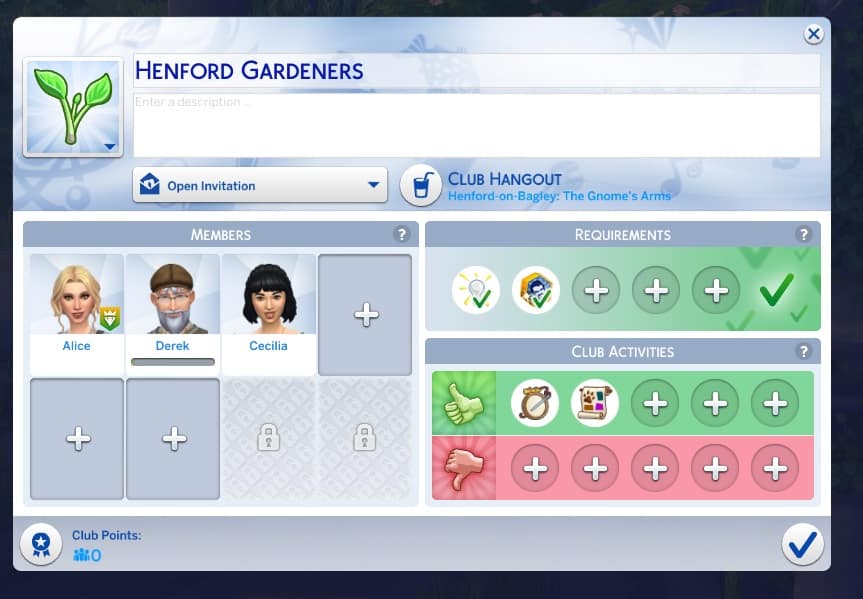
From there you can start to customize different aspects of your Club. From the Club name, the Club Hangout, members, requirements and club activities.
Requirements
As with any club, there will be some requirements your Sims will need to meet before they can join. You’ll find three new club requirements that you can choose from.
Animal Enthusiast (Trait)
Lactose Intolerant (Trait)
Cross-stitch (Skill)
Club Activities
Likewise with the new requirements, there are two new club activities that you can choose from as well.
Cross-stitch (Arts & Music)
Care for Animals (Outdoor)
You can keep track of Club members and activities in the Club interface as well as start/end a gathering, modify Club outfits and buy Club Perks.
The great thing about the club feature and The Sims 4 Cottage Living is that there are plenty of other club requirements and club activities that work hand in hand with this pack. It can vary depending on which packs you own, but there are a variety of gardening and animal based you can also use when creating your clubs.
Once you have set up your club and customized it the way you want, you are all ready to go and can start your first Club Gathering! Don’t forget to check back later and spend those Club Points too!
Let us know what kind of Cottage Living inspired clubs you plan on creating!
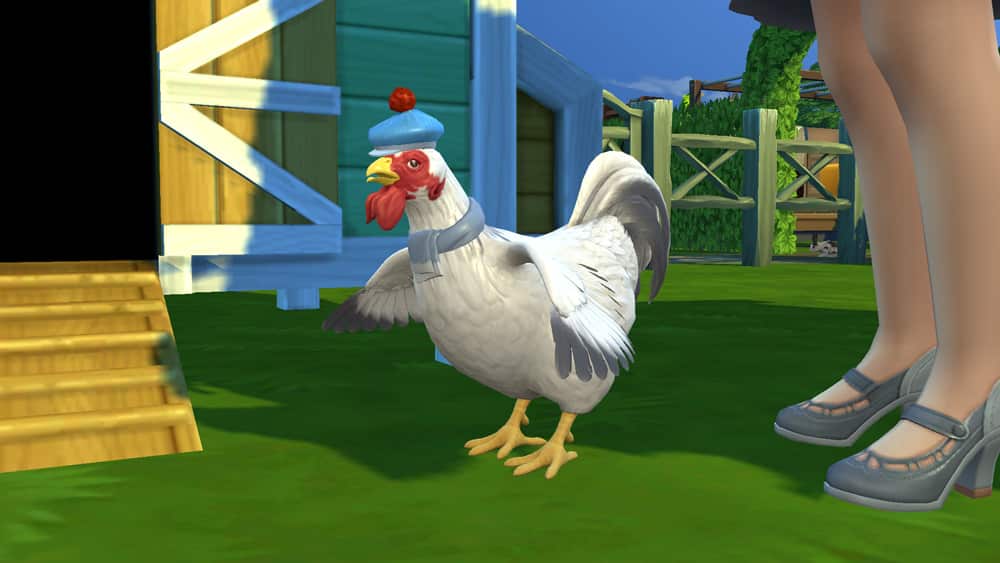
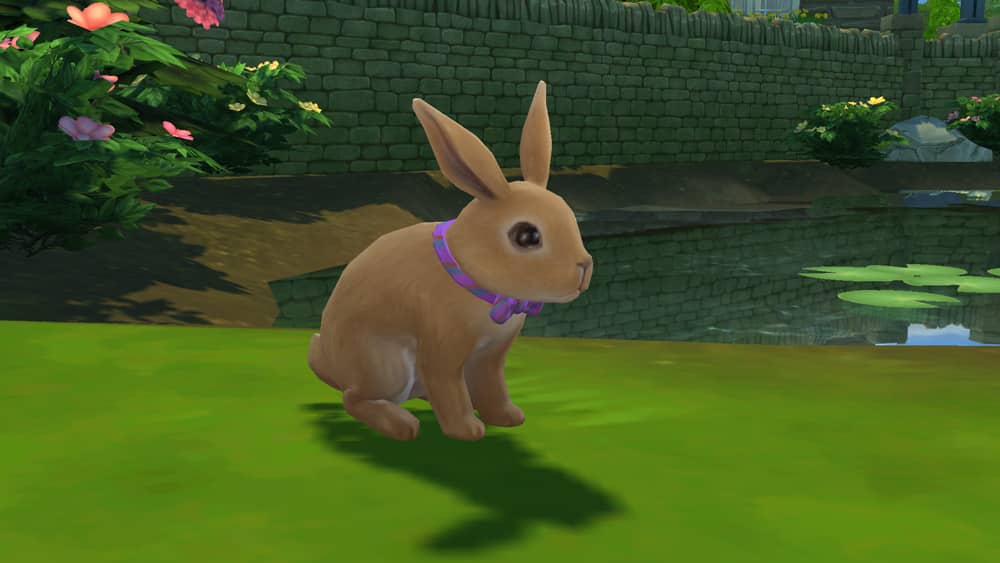
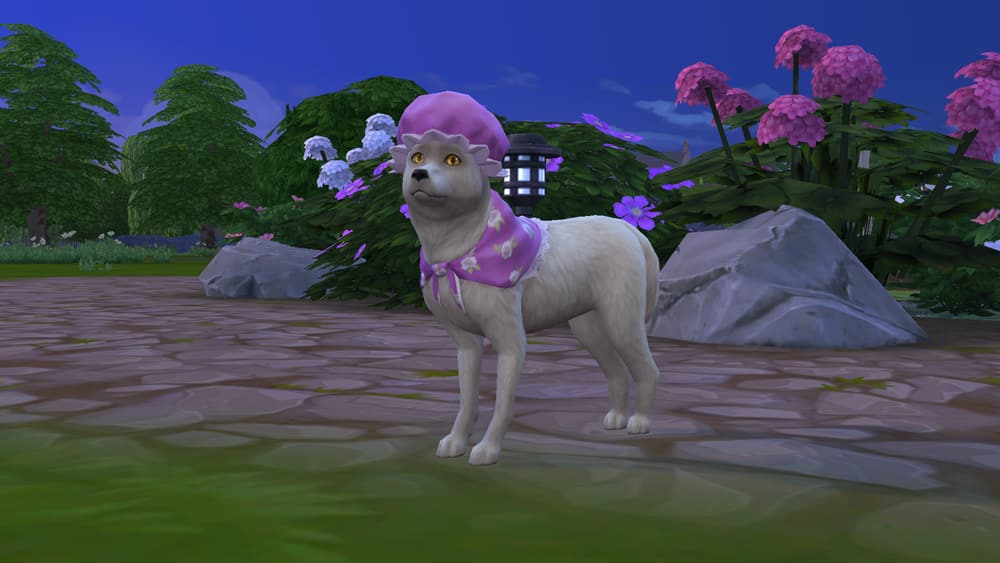
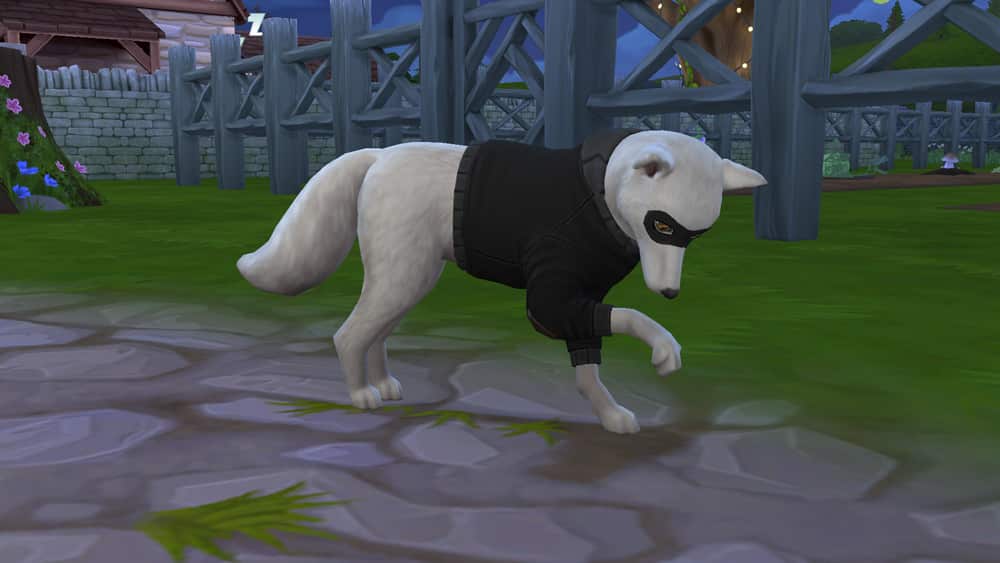
In The Sims 4 Cottage Living, Sims can have all kinds of animals, like cows, llamas, and chickens. They can befriend wild animals like bunnies and foxes, too! All of these animals can be dressed in a variety of different outfits that your Sim must obtain through interacting with the Bramblewood’s Creature Keeper in Henford-on-Bagley.
Read on to learn more about all the different outfits your animal friends can wear and how to make them!
Finding the Creature Keeper
If you want to dress your cows, llamas, chickens, bunnies, and foxes in cute little outfits, you’ll need to find the Creature Keeper. The Creature Keeper is an NPC Sim who lives in a secluded cottage in the Bramblewood area of Henford-on-Bagley. You can click on his cottage and select Focus on Creature Keeper to find him instantly. He is inside his cottage and unavailable at night but is usually out wandering around the area during the day.
TS4 x64 2021 07 20 23 46 07
TS4 x64 2021 07 20 23 51 05
Introduce yourself, then select Animal Outfits from his pie menu. You have the option to purchase whatever animal clothes he’s selling that day. If you have llama wool in your inventory, you can also request that he craft you specific clothing items. The Creature Keeper doesn’t sell every animal outfit every day; his stock changes, so requesting a crafted outfit is a good way to obtain an animal outfit you really want but he doesn’t have for sale that day.
Below is the full list of all animal outfits and the required materials to have the Creature Keeper craft it for you.
NOTE: If the Nifty Knitting Stuff pack is installed, Sims can also knit their own animal clothes using llama wool. Thank you to Atashi77 for prompting me to investigate that!
[table id=90 /]
Dressing Your Animals
Once you have some animal outfits in your inventory, you can dress up your animals! If you have at least one outfit in your Sim’s inventory for that type of animal, you can select the animal and choose Dress Animal In…
A menu of all available outfits will pop up. Select the outfit you want your animal to wear and presto! Instant animal fashion!
There are a wide variety of styles and colours to dress your animals in. Bunnies and foxes have the widest variety of clothing options but chickens have a decent selection as well. Cows and llamas have the smallest selection but both have some very entertaining outfit options.
All outfits for every type of animal are pictured below.
If you’ve already pre-ordeder The Sims 4 Cottage Living Expansion Pack from Origin or the official Microsoft / Sony Stores for The Sims 4 on Console then you have a special treat waiting for you in the game!
That’s right, after updating The Sims 4 to the latest version you’ll be able to enjoy the Gnome on the Go Content. This set contains three objects including:
Please note that although this is a limited time offer you aren’t required to Pre-Order The Sims 4 Cottage Living Expansion Pack in order to have these items. All you have to do is get The Sims 4 Cottage Living by September 2nd, 2021 and you’ll be able to keep these objects and have them in your library forever!