

In last night’s official livestream The Sims Team has showcased a brand new TV Channel that comes with The Sims 4 Dream Home Decorator Game Pack.
Check out interesting TV custcenes and moments from this TV Channel in the video above!

In last night’s official livestream The Sims Team has showcased a brand new TV Channel that comes with The Sims 4 Dream Home Decorator Game Pack.
Check out interesting TV custcenes and moments from this TV Channel in the video above!
After yesterday’s official livestream for The Sims 4 Dream Home Decorator Game Pack SimGurus have went on Twitter to answer some of the questions from the community.
Down below we’ve gathered all the important replies and information that’s been shared from the Q&A sessions, and will be updating the article with new info as they surface.
If you Vampires Game Pack, Vlad could be your next client!
— SimGuFrost⛄️ (@SimGuruFrost) May 25, 2021
The more packs you have the more gigs you’ll get, e.g. Sulani gigs. Some gigs require a lot of good reputation. Sometimes clients will call you back because they loved what you did the first time.
— SimGuFrost⛄️ (@SimGuruFrost) May 25, 2021
Yes, the more packs you have, the more likes and dislikes you’ll have to choose from or let your Sims discover.
— SimGuFrost⛄️ (@SimGuruFrost) May 25, 2021
They stay and become a part of your save.
— SimGuFrost⛄️ (@SimGuruFrost) May 25, 2021
Sectional couches are currently exclusive to #DreamHomeDecorator
— SimGuFrost⛄️ (@SimGuruFrost) May 25, 2021
Potentially!
— SimGuFrost⛄️ (@SimGuruFrost) May 25, 2021
Your renovations remain after the job is over.
— Dave Miotke (@SimGuruNinja) May 25, 2021
Yep! It’s the “actual lot”, including any updates you’ve made in the past. What I’ve found is really cool is seeing your personal handy works when Clients call you back to the same lot for a return Gig.
— Jill Johnson (@SimGuruJill) May 26, 2021
Those TV channels were literally our Video Team going bonkers and having a good time. They took the concept of our actual gameplay and went nuts with it 🤣
— Jill Johnson (@SimGuruJill) May 26, 2021
Yes! You can absolutely renovate a Client’s lot based on things they Don’t Like, and in fact, I encourage you to do so 🤣
— Jill Johnson (@SimGuruJill) May 26, 2021
Correct. There’s lots of different types of gigs – rooms, levels, whole lots, businesses. So plenty of fictionally appropriate reasons to return.
— Dave Miotke (@SimGuruNinja) May 25, 2021
Preferences wont be added to your Household without your permission first. When you start you can assign them Preferences in CAS, and then be given opportunities for them to develop later.
— SimGuruConor (@SimGuruConor) May 25, 2021
Totally! Would love to see Preferences expanded in the future, they’ll be a basegame feature for all packs to use.
— SimGuruConor (@SimGuruConor) May 25, 2021
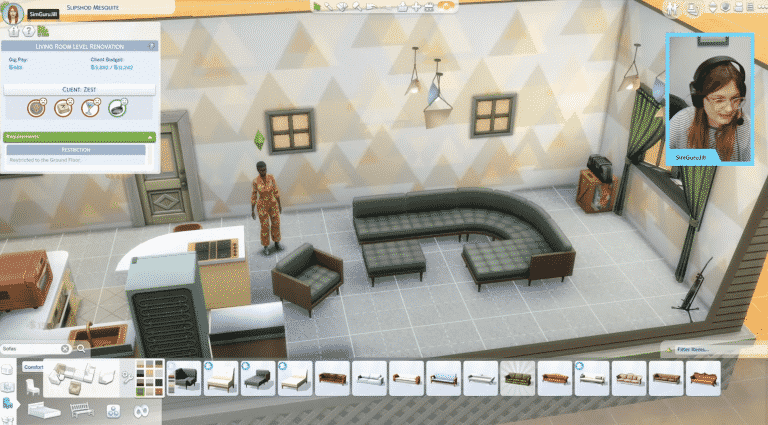
After the announcement of The Sims 4 Dream Home Decorator Game Pack many were drawn to the new Sectional Sofas feature, which lets you place down modular sofas in multiple shapes and forms.

Although the feature brings in new User Interface elements and mechanics to the game it’s been confirmed that the Sectional Sofas will be exclusive to The Sims 4 Dream Home Decorator Game Pack.
SimGuruFrost confirmed this in a tweet reply below:
Sectional couches are currently exclusive to #DreamHomeDecorator
— SimGuFrost⛄️ (@SimGuruFrost) May 25, 2021
Still, there is an emphasis on the word currently. Frost confirmed that we potentially might get to see Sectional Sofas in future DLC content as well:
Potentially!
— SimGuFrost⛄️ (@SimGuruFrost) May 25, 2021
Just like with Hot Tubs from Perfect Patio, or Bicycles that were first introduced with Discover University, this new object design might make a comeback in upcoming content. We’ll have to wait and see though but until then there’s a lot of Sectional Sofa designs that we’ve seen in Dream Home Decorator that have been covered!
In yesterday’s official livestream for The Sims 4 Dream Home Decorator Game Pack The Sims Team has officially shared the news that Like and Dislike Preferences will be coming to the Base Game for free!
The Base Game Preferences that will be included are Favorite Colors, Favorite Music and Favorite Hobbies and Interests. The category that’s exclusive to Dream Home Decorator Game Pack is the Favorite Decor, which will only be available for ages Teen and older.
SimGuruConor shared a few new sneek peaks at the upcoming Preferences. What’s interesting is that this feature will retroactively incorporate existing Music and Hobbies / Interests that we’ve gotten from previous Packs!
You can check out the previews for Music Preferences down below which feature music genres from previous DLC content:


When it comes to Hobbies and Interests a lot of general activities will be included in the Menu. As you can see down below activities such as Singing (City Living), Skiing and Snowboarding (Snowy Escape) and Wellness (Spa Day) are included in the list. We can expect A LOT MORE on the list after tomorrow’s update though since a lot of hobbies were incorporated through previous packs!
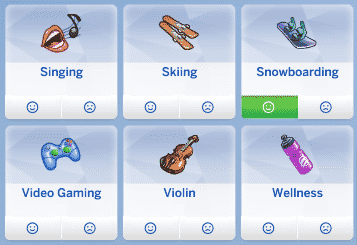
SimGuruConor also answered a few questions regarding the CAS Preferences. Sims won’t gain preferences or interests without your input first. You’ll be able to either manually asign them through Create A Sim or making your Sims enjoy in certain interests in Live Mode, which will prompt you to either Like or Dislike that certain activity.
Preferences wont be added to your Household without your permission first. When you start you can assign them Preferences in CAS, and then be given opportunities for them to develop later.
— SimGuruConor (@SimGuruConor) May 25, 2021
When it comes to the feature potential of Preferences Conor stated that he’d love to see them expanded in the future. For now we’ll get the 4 Categories to choose from – if you count in The Sims 4 Dream Home Decorator Game Pack.
Totally! Would love to see Preferences expanded in the future, they’ll be a basegame feature for all packs to use.
— SimGuruConor (@SimGuruConor) May 25, 2021
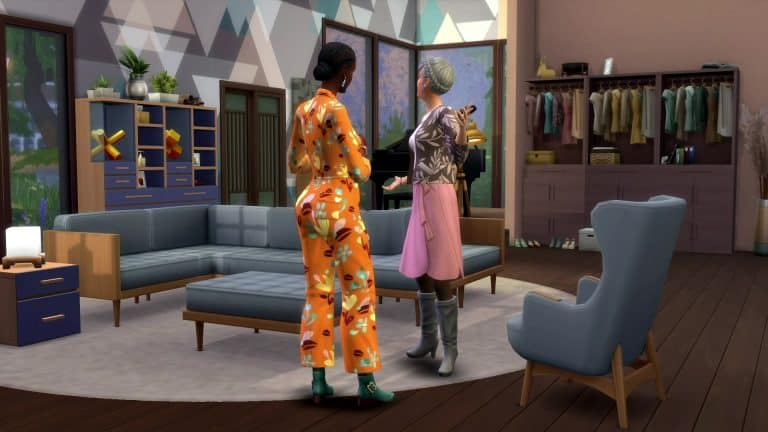
@SimGuruJill hosted today’s deep dive livestream into The Sims 4 Dream Home Decorator and there was lots to talk about! In case you missed the livestream, Sims Community has compiled all the information revealed in the stream in a handy condensed format, organized into categories!
So let’s get into it!

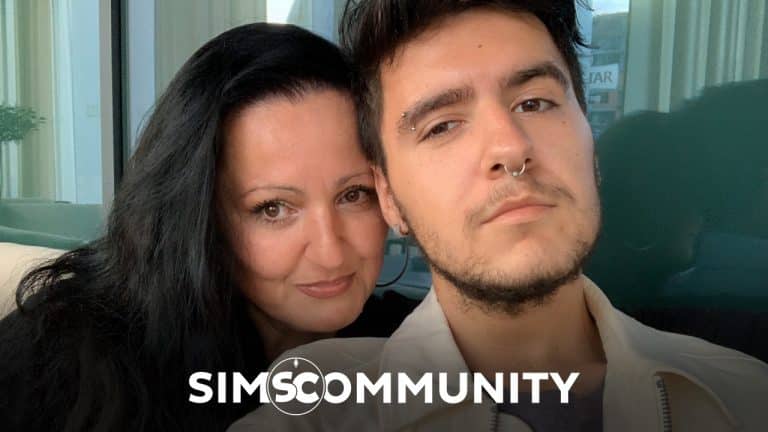
On May 21st our website turned 8 years!
That’s right, it’s been 8 years since Sims Community has been up and running to deliver the latest news, articles, information and more about The Sims Franchise!
Throughout these 8 years I’ve managed to learn a lot of things about running a website, met a lot of awesome friends and even perfected my English language. Yes, this is a passion project of mine that started right after I started high school, throughout which I learned many cool things about social media management, graphic design and even journalism. Who would’ve thought that so many cool things can be learned by simply running a Sims website?
I usually celebrate an occassion like this with fun giveaways and surprises here on this website and on social media but this year I didn’t have a lot of time to plan things out. In fact, you might’ve even noticed a slight decline in number of articles and videos created.
Previously I’ve always used this space to thank all of my friends, team members and great colleagues who’ve helped out with the site and given some amazing opportunities these last few years. However, this year I want to first thank and honor my late mother Snežana who passed away from COVID-19 on April 6th, 2021.
I know, this really might not be a typical Sims post or an article you’re used to on this space. Still, I want to use this space and thank my biggest supporter who actually got me into this franchise after gifting The Sims Life Stories – which was my ever Sims game!
She never really judged my hobbies or interests in The Sims and fully supported me in creating and running this website. She was impressed and amazed to see what it grew into and never doubted my ways of running it – even allowing me to spend some overtime on computer to finish Get Together Early Access coverage – even when I had 3 high school tests early that morning.
There’s a lot of lovely things I want to say about my mom so much that the website wouldn’t support this post’s word count. However, I know that she wouldn’t want me to drag this out too much.
Thank you so much for always being my biggest supporter.

I’ll still be creating articles and posting news about The Sims Franchise. However, it still might take some time for me to get back into livestreaming and video content. Don’t worry though, when I come back it will be more fun than ever for me to explore new Sims content and play the game with you guys. Still, I just need a little more time to do it on camera.
Until then I’ll be excitedly waiting for the upcoming Summer of The Sims and create article content for this website!
Thank you to Krista and SnarkyWitch who tremendously helped out with website coverage these last few weeks. And to my online friends and colleagues thank you for all the messages and support. ❤️
This year there won’t be a special giveaway or celebration, but expect a huge one in the next year!
Thank you for all the support throughout these last 8 years – let’s hope for at least 8 more now that there’s plenty of more years of content planned for The Sims!
Love,
– Jovan 💖
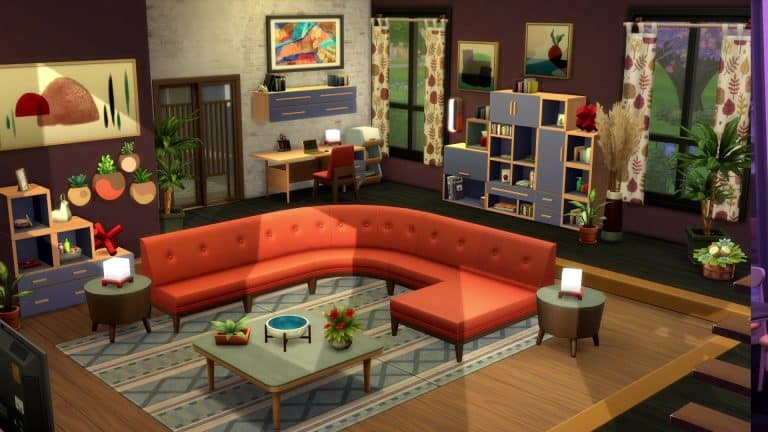
The Sims Team has just released a new Short that has given us another look at the new sectional sofas.
Even though it is a short trailer, we’ve extracted ten high quality images for you to take a closer look at and see if you can spot any new details!
Take a look at the gallery down below. Simply select an image of your choice to see it in bigger resolution!


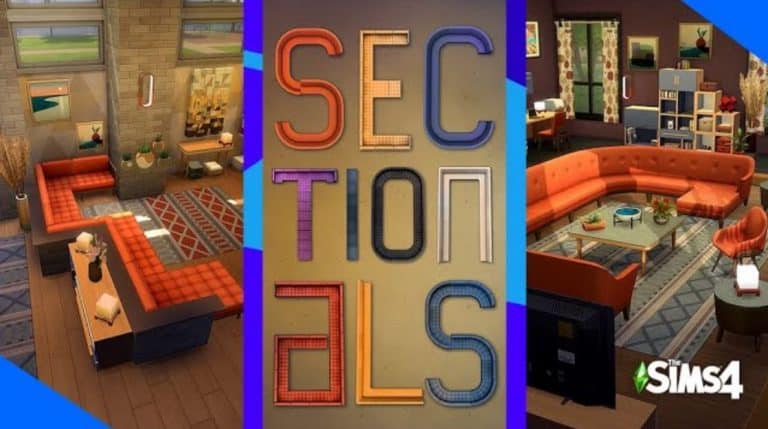
The Sims Team shared a brand new short clip for The Sims 4 Dream Home Decorator Game Pack. Check it out!
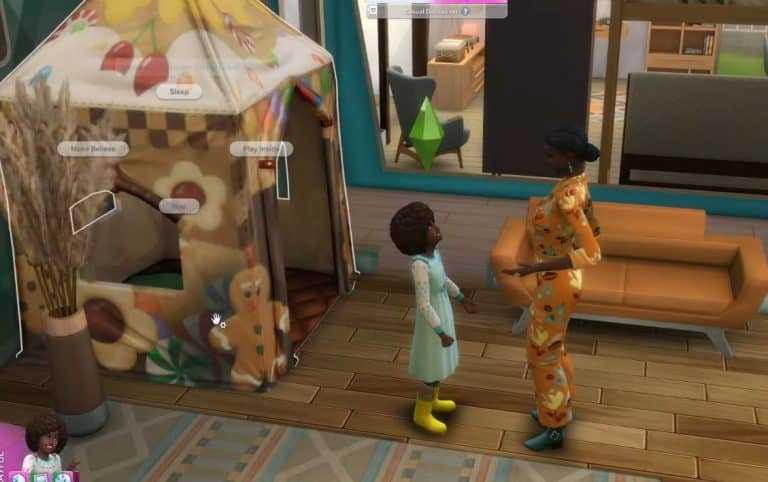
The Sims Team has just finished their official livestream for The Sims 4 Home Decorator Game Pack!
The full replay of the livestream is now up on their official YouTube Channel. Check it out!
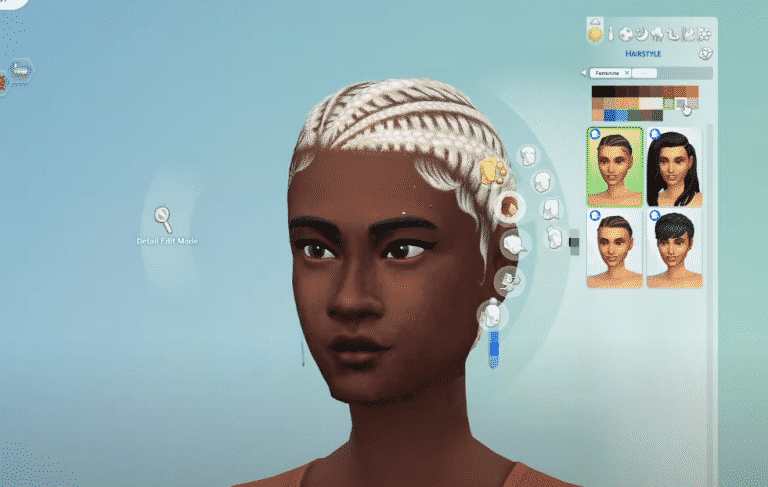
A few weeks ago The Sims Team confirmed that they’ll be adding new Hair Colors to The Sims 4 in a Free Content Update. In today’s livestream they’ve confirmed the exact date of when we can expect the new Hair Colors – May 27th!
The Hair Color Update will include 6 new Hair Colors – ranging from new black, brown and blonde shades.

The team also confirmed recently that they’ve done some updates to the True Black Hair Color. You can check out the changes on this Hair Color in the photo below!

The upcoming Update will also be adding the newly-announced Likes and Dislikes.
ARTICLE UPDATE: It’s been confirmed in the livestream that the content update will be coming out on May 27th!
The Sims Team has just confirmed in an official livestream for The Sims 4 Dream Home Decorator that The Sims 4 is getting a new content update!
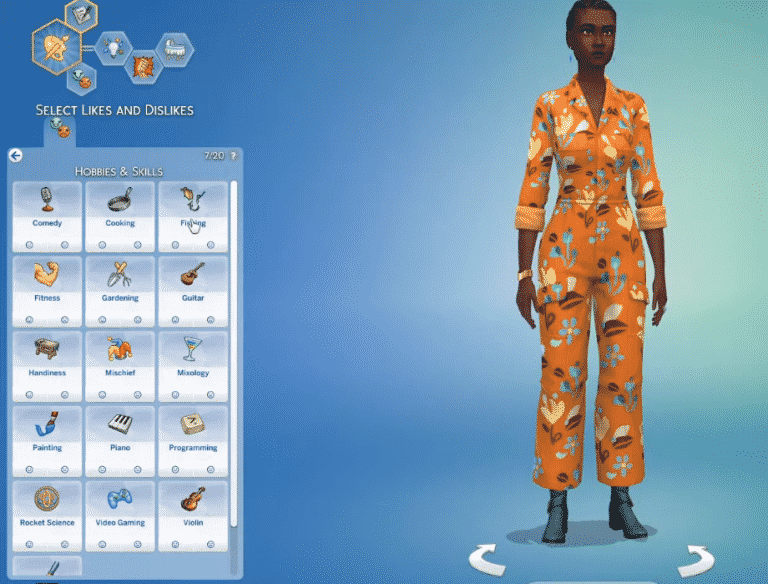
In this content update one of the new things included is a free update to Create A Sim – which adds Likes and Dislikes for each specific Sim that you play with and create in Create A Sim!

The categories of Likes and Dislikes included are:
There are in total 20 Likes and Dislikes that you can assign to your Sim. It’s been confirmed in the livestream as well that Sims will be able to earn them throughout Live Mode gameplay too.
Down below you can also check out the options for each Likes and Dislikes categories:


The Likes and Dislikes Free Update should be released for The Sims 4 a few days before the release of The Sims 4 Dream Home Decorator Game Pack. We’ll keep you up to date as we know more!
The Sims Team has just released a new Short that has given us a glimpse at how you get to know your clients.
Even though it is a short trailer, we’ve extracted ten high quality images for you to take a closer look at and see if you can spot any new details!
Take a look at the gallery down below. Simply select an image of your choice to see it in bigger resolution!


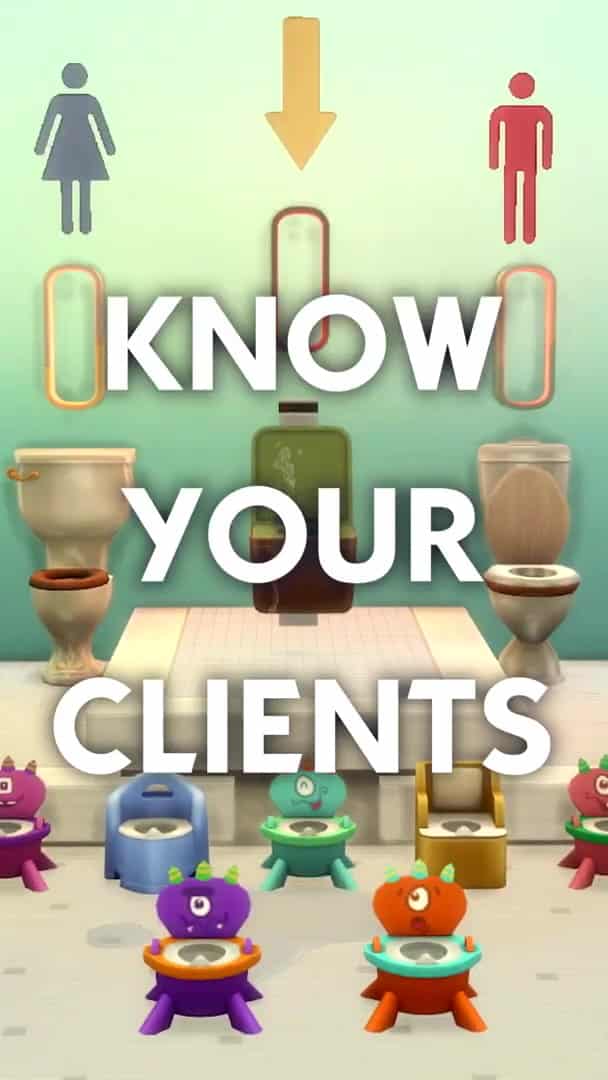


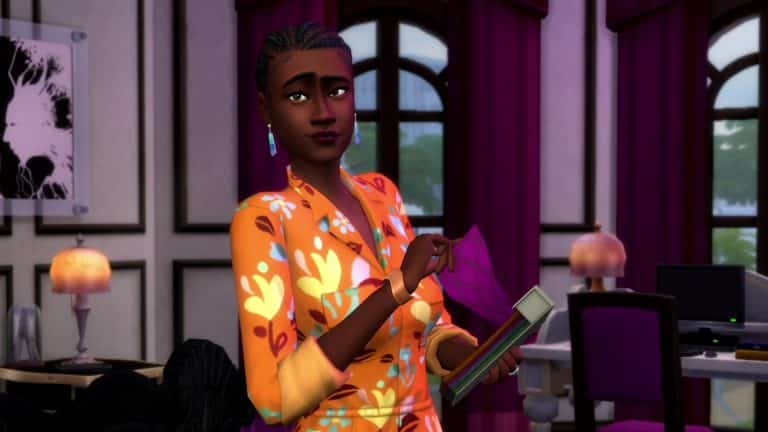
The Sims team has just released a shorts trailer for The Sims 4 Dream Home Decorator that is all about knowing your clients!
This upcoming Game Pack will be released on Origin, Steam. Xbox One/Series X|S, PlayStation 4 and PlayStation 5 on June 1st 2021!
@SimGuruNinja is at it again on Twitter, sharing even more previews and sneak peeks at some of the new features coming with the new Dream Home Decorator game pack.
Today, he shared a glimpse of the sectional sofa UI coming to the game. It looks like we’ll be able to customise our couch pieces in much the same way we can customise our counters and cabinets.
The new sofas in Dream Home Decorator are super customizable. Live stream tomorrow (May 25th) to walk through the all the details! pic.twitter.com/ZARu69oRpw
— … (@SimGuruNinja) May 24, 2021
No official word yet on whether this new sectional UI will be expanded to other couches from other packs or the base game but we may get more information about that in tomorrow’s livestream! Make sure to follow Sims Community for all the livestream coverage!
Put the date in your diaries! There’s a new livestream planned for next week when the SimGurus will be taking a look at The Sims 4 Dream Home Decorator Game Pack!
The livestream will be joined by multiple SimGurus and developers. We can expect the team to talk more about the pack and showcase some of the new CAS, Build and Gameplay elements that are included within this pack.
The livestream is set for May 25th, 2021 at 11AM PT, which is 8PM CET and 7PM BT. The livestream will probably be hosted both on Twitch and Youtube. We’ll make sure to keep you updated about the stream as we get closer to the livestream date!