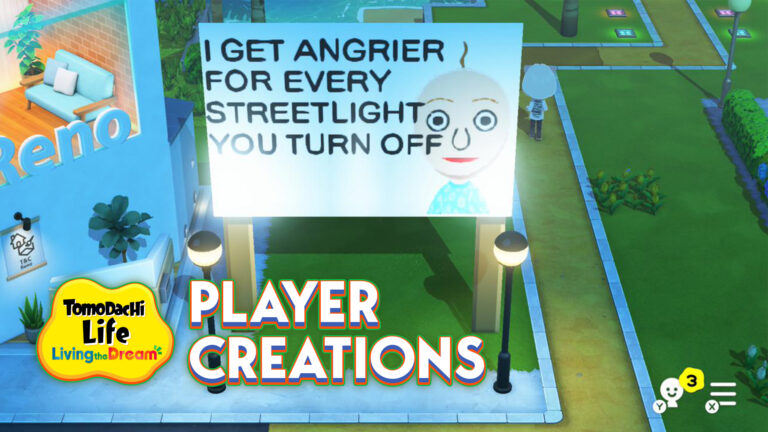
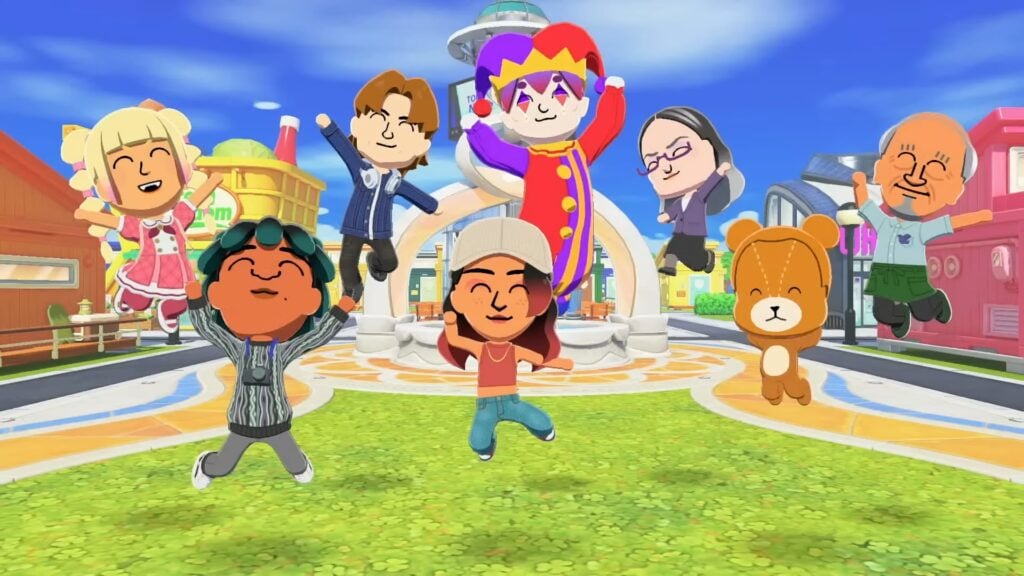
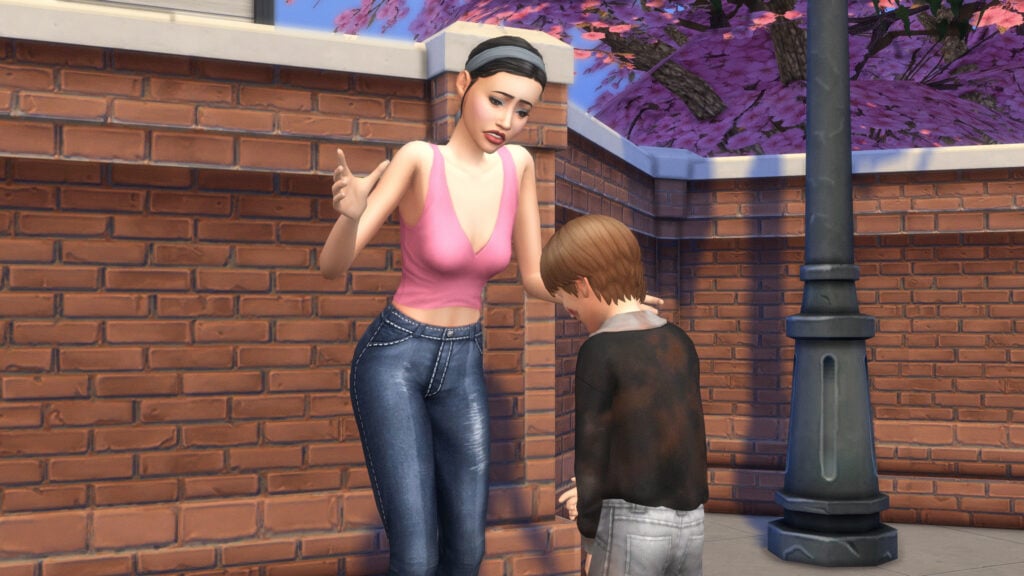
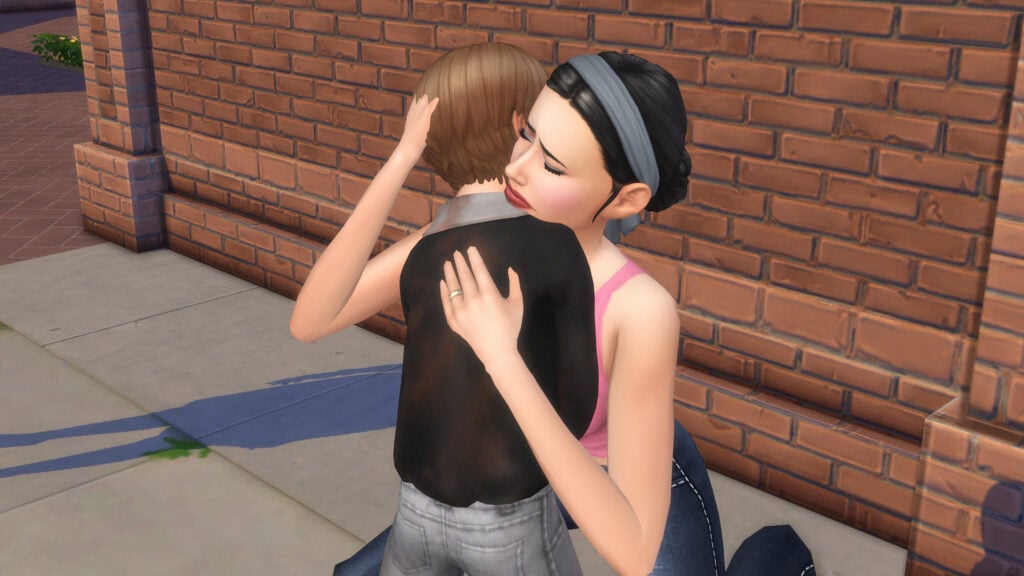
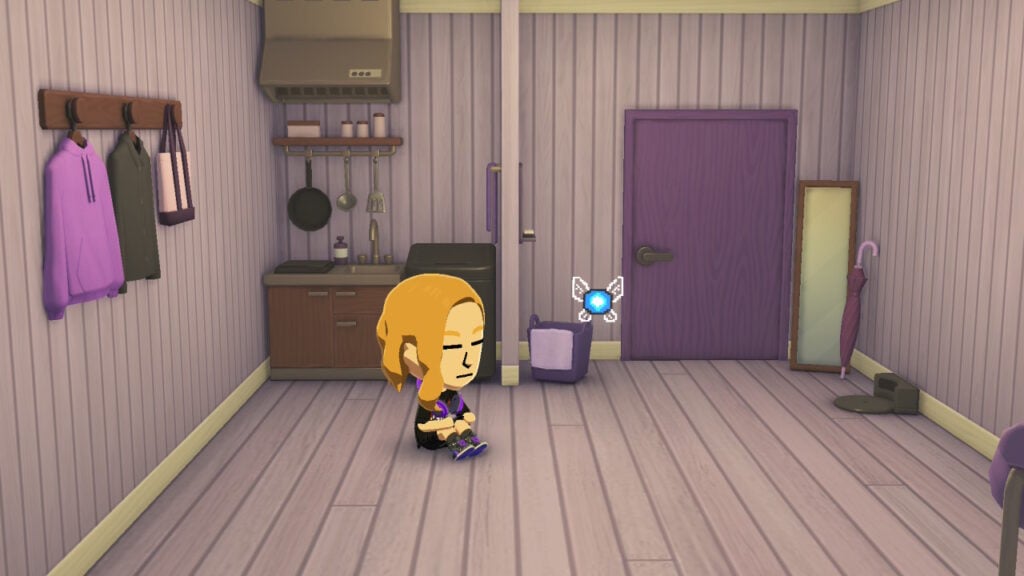
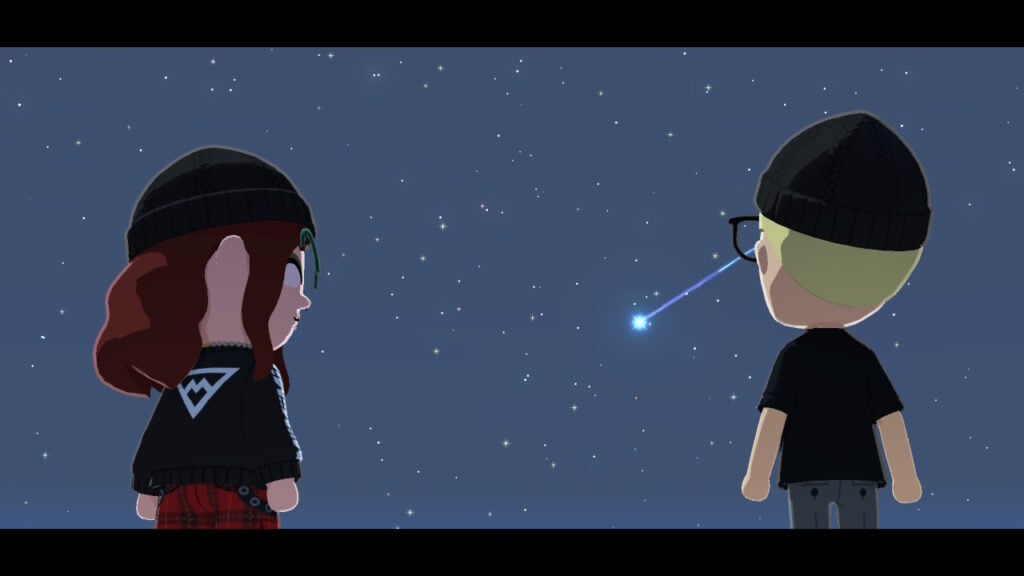
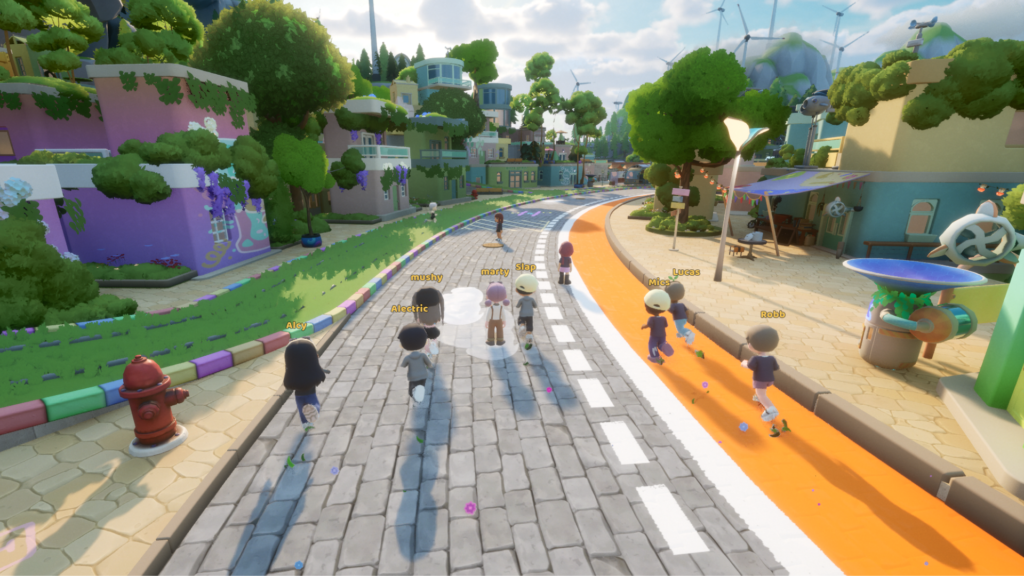
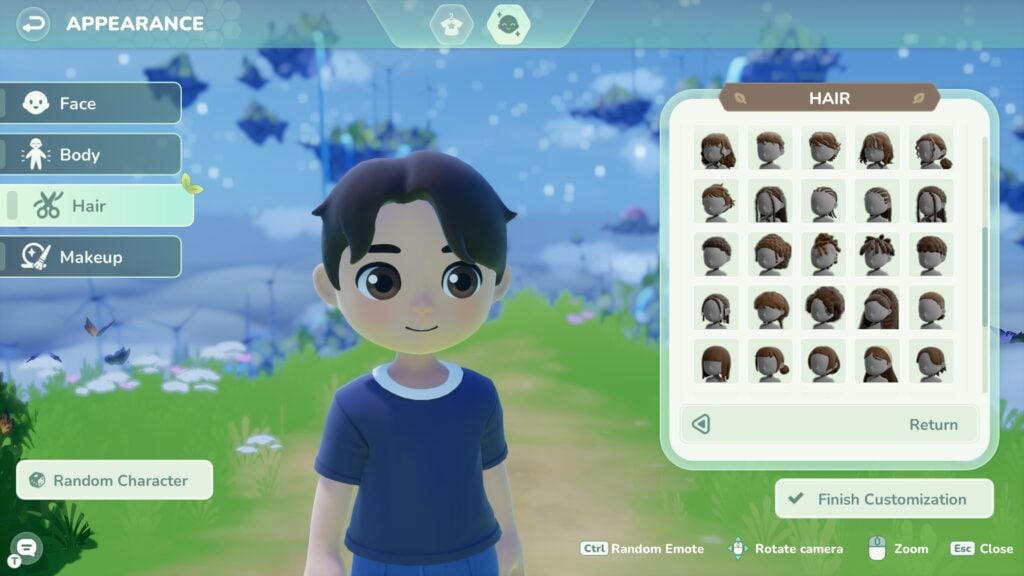
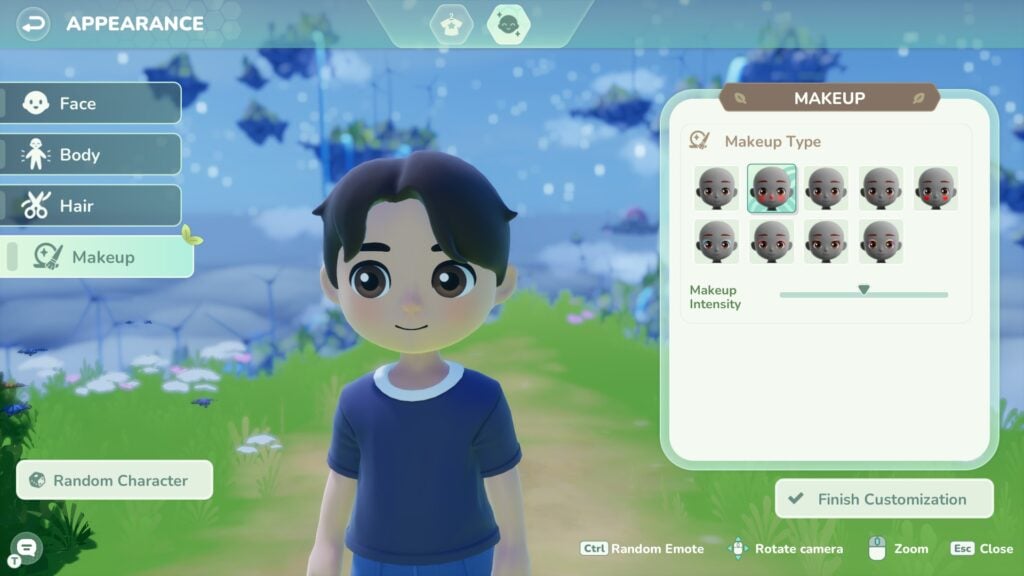
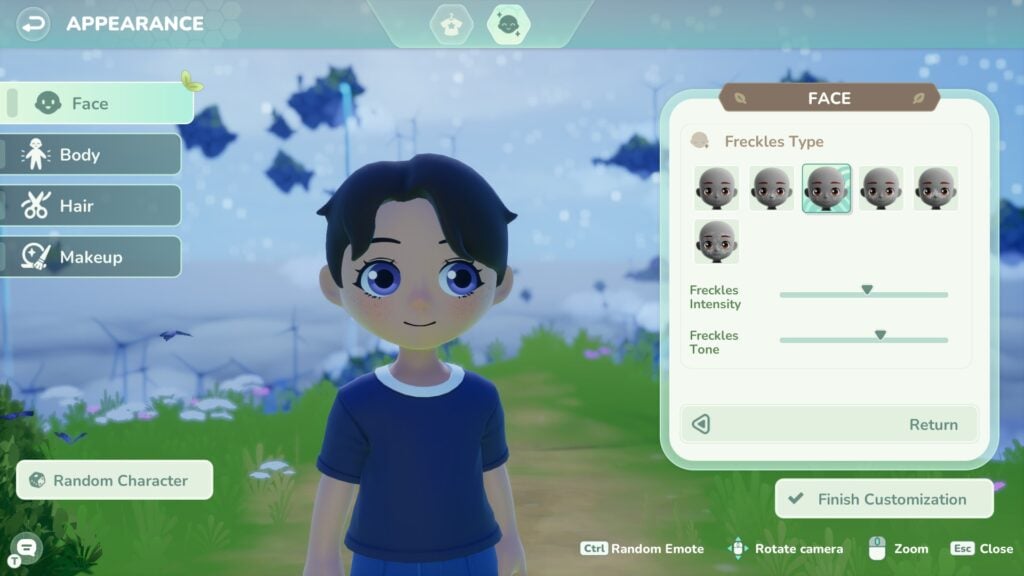
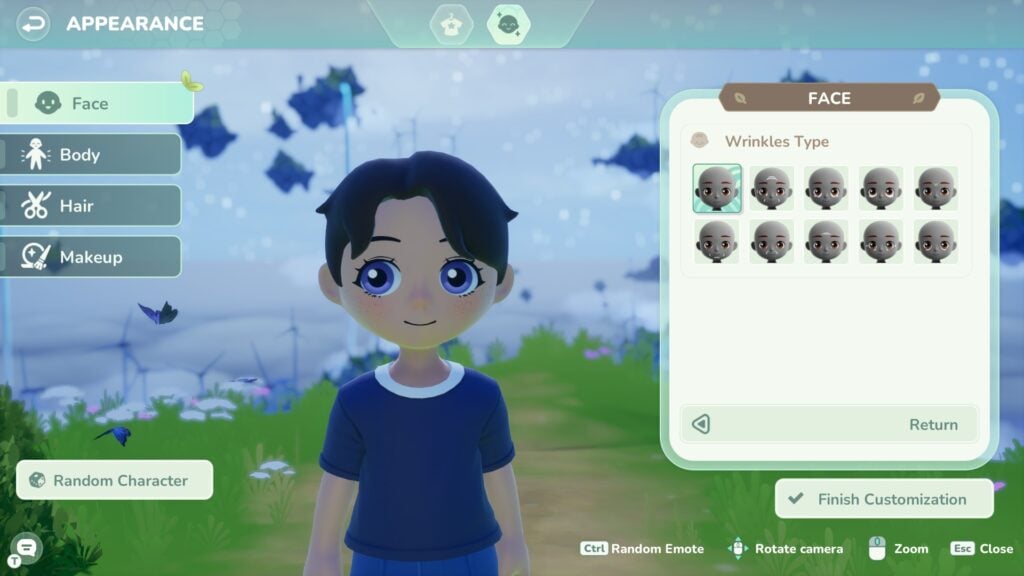
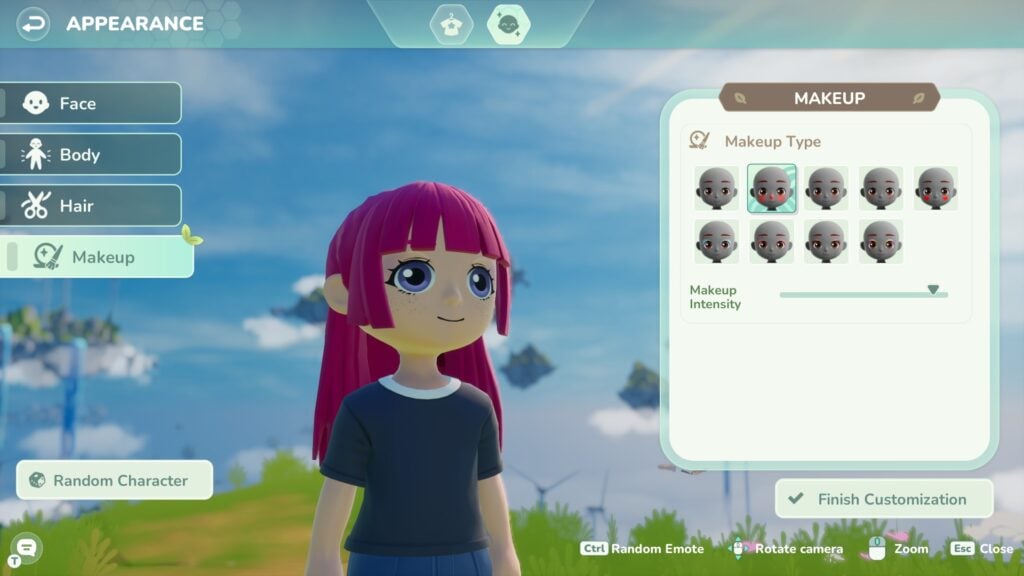
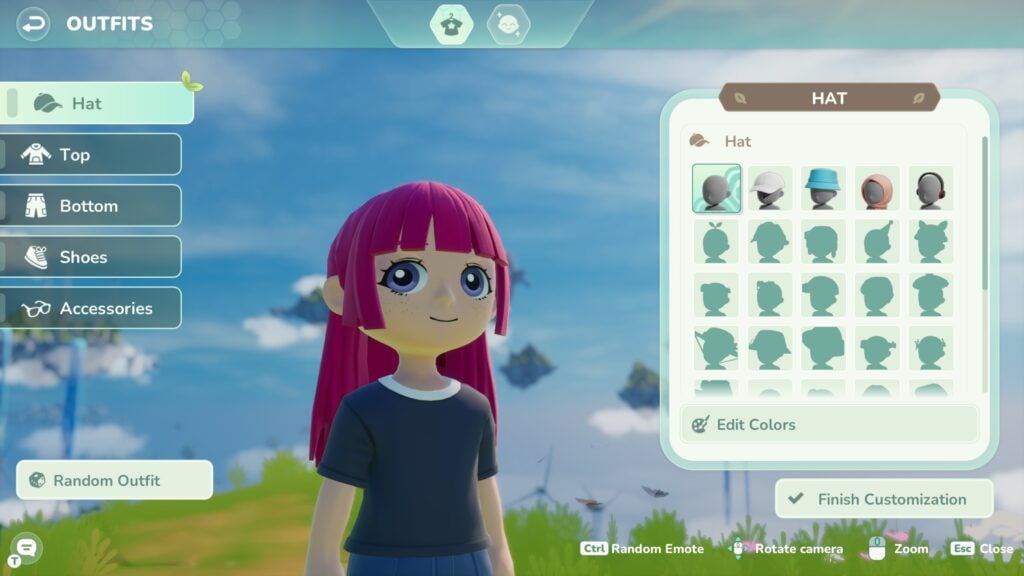
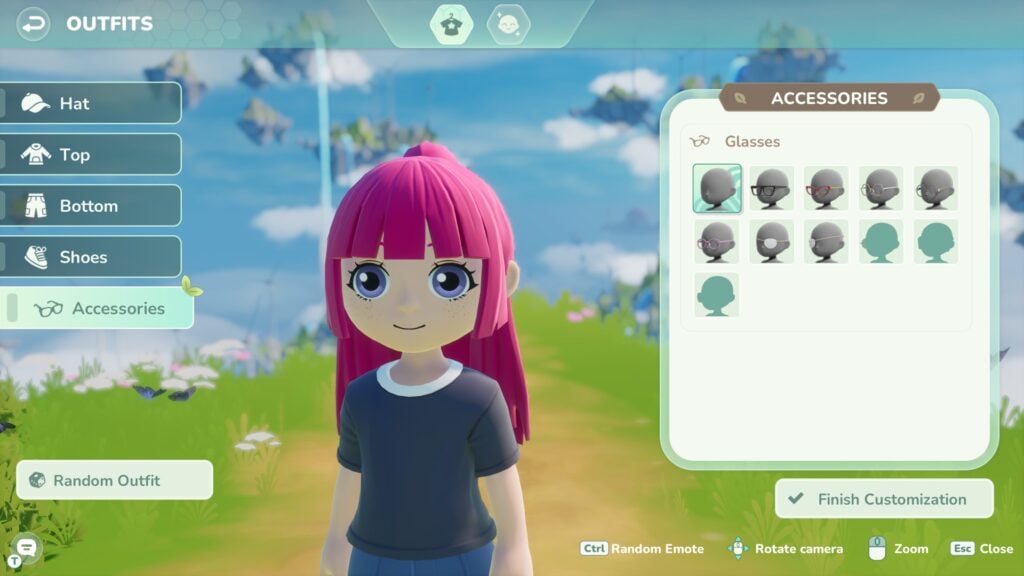
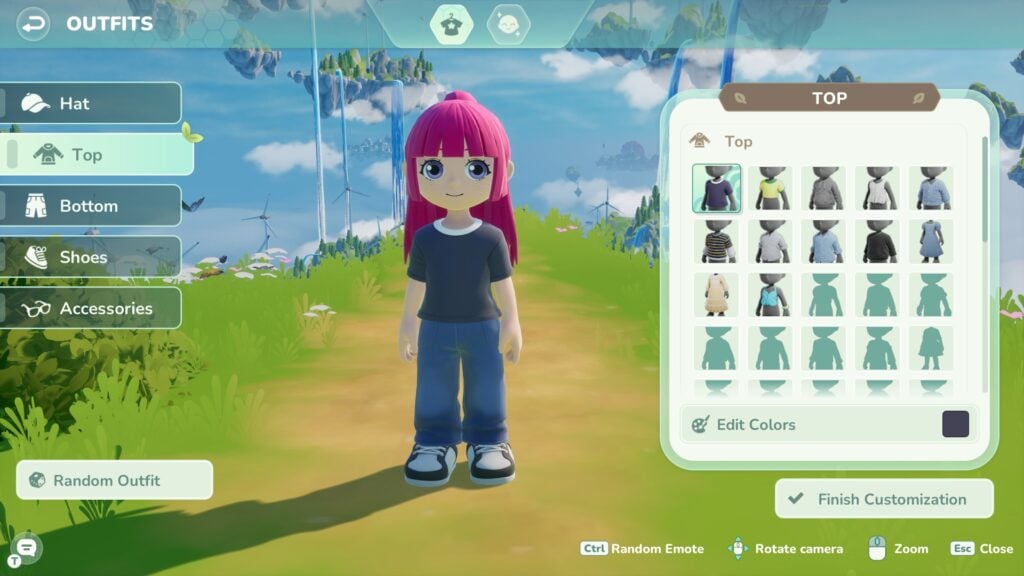
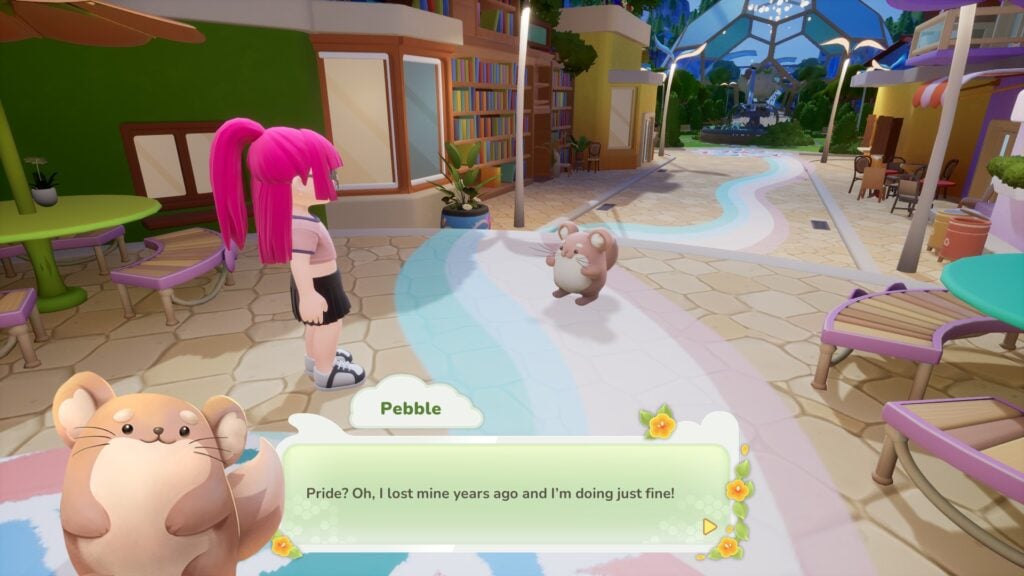
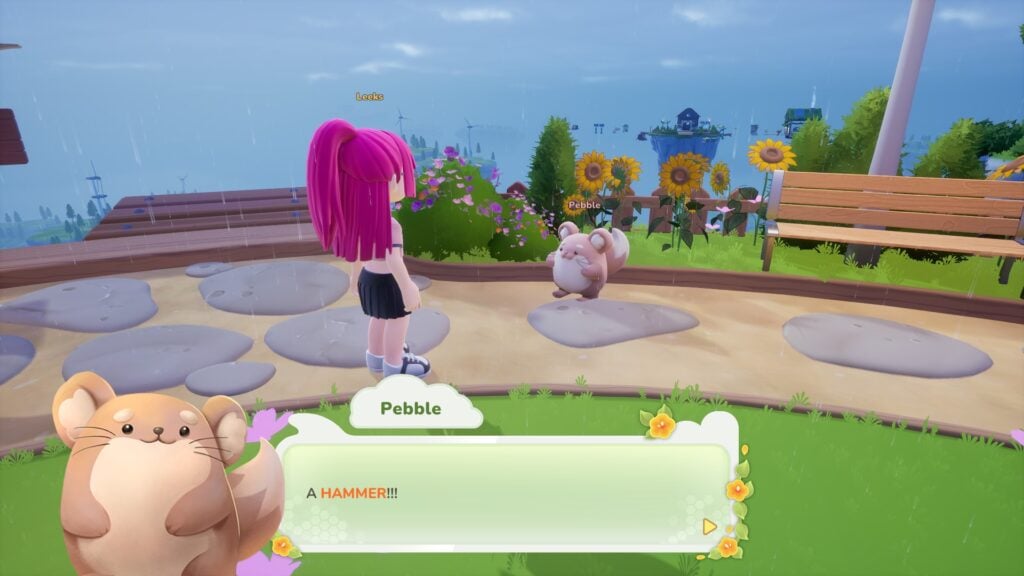
It’s been a few weeks since Tomodachi Life: Living the Dream launched in mid-April, and player creations have already turned it into a goldmine of chaotic, hilarious moments. What starts as a simple life sim quickly spirals into the kind of unpredictable drama only this series can deliver, with Miis forming bizarre relationships, making questionable decisions, and creating stories that feel almost too absurd to be scripted.
That energy hasn’t stayed inside the game for long. Across platforms like X and Reddit, community creations keep popping up everywhere, with players sharing their funniest experiences and turning individual playthroughs into something the whole community can laugh about together. Scrolling through these posts feels like peeking into dozens of parallel islands, each one stranger than the last. We’ve gathered some of our favorite ones so far, the kind that perfectly capture why this game is so fun to play, and just as fun to watch unfold.
Table of Contents
Bizarre Moments and Player Creations in Tomodachi Life: Living the Dream
To give you a taste of just how chaotic things have been, we’ve picked out some of the funniest moments shared by the community. Here are a few that genuinely made us laugh.
No Freedom for Problematic Miis
a bunch of my miis fell in love with a literal baby so i shipped them off to prison pic.twitter.com/3WGvowWIp0
So we move to the island. My father got a job at the Tomoria. My Uncle Junior lives here too, who used to be best friends with my Mii, believe it or not. He went from enemies to soulmates. So basically, the island wanted us all to become besties, you know?
If this Mii shows up on your island, just uninstall.
A few weeks in, and it’s already clear that Tomodachi Life: Living the Dream is as much about the community as it is about the game itself. What players create, share, and laugh about ends up shaping the experience just as much as anything happening on their islands. It’s that mix of unpredictability and collective humor that keeps everything feeling fresh, even after hours of play.
If anything, this is only the beginning. As more players dive in and keep experimenting, the line between gameplay and pure internet chaos will only get blurrier. And honestly, that’s exactly what makes it so fun to come back to, not just to play, but to see what everyone else has come up with next.
Which one was your favorite? Let us know, we’re always up for discovering even more chaotic island moments. If you want to keep up with everything around Tomodachi Life: Living the Dream, make sure to check out our dedicated section for more stories, guides, and community highlights.
A short update on what to expect on The Sims 4’s Roadmap “in the months ahead”
The team at Maxis and The Sims wants you to know about The Sims 4 Roadmap of content in the months ahead. The information shared in the trailer for today’s Quality of Life improvements, the team member reassured players in the first part of the video that there will be more of:
Quality of Life improvements
Free Content drops
Collaborations and Partnerships
The “Partnerships” part was mentioned in the official Sims 4 Laundry List released today, shortly before introducing readers to a list of 150 game fixes and surprise features like Base Layers. Nobody expected this fresh twist to Create A Sim as a free addition!
When it comes to The Sims 4 Roadmap for 2026 though, we could’ve saw it coming already that there will be no more Packs for The Sims 4. As written in early March this year!
As for The Sims 4 Kits? We’ll have to wait and see if they fall into that “Collaborations and Partnerships” section before making any quick judgements. After all, they were confirmed as a Roadmap feature back in March 2026!
As for the Marketplace, that already is a Collaboration with current Sims Makers.
Table of Contents
The Sims 4 Roadmap for Next Months
Here’s what was mentioned about “the months ahead for The Sims 4” in today’s releases:
Statement in Update Trailer
Sul Sul Simmers,
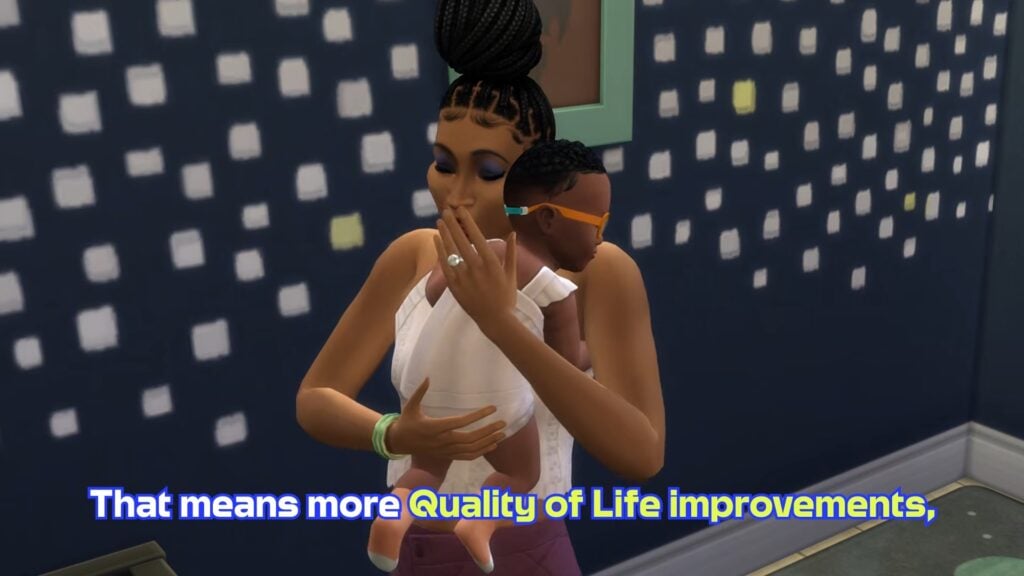
We’ve heard your feedback and it’s shaping our focus in the months ahead for The Sims 4. That means more Quality of Life improvements, Free Content drops and some fun collaborations we’re excited to share soon.
Statement in Official Blog Post
The fun doesn’t stop there… In the months ahead, we’ll continue shipping more fixes, delivering new free content, and rolling out collaborations and partnerships we can’t wait to share with you!
The next Sims 4 Update is expected for May 12th, 2026 across Computer and Console supported platforms. We’ll keep close track of extra information shared about it until then! There’s already new improvements on the way, such as Dine Out GP and Eating Autonomy.
Potential Information From EA Earnings
EA is expected to release the Q4 FY2026 Earnings Release later today, along with the End of Fiscal Year summary. Any news / announcements about The Sims Franchise are more probable during and after the earnings release week. Assuming we get anything more for this month!
We’ll keep you in the loop on all things The Sims 4, Project X and more right here on Sims Community.
What are your thoughts on the months ahead with The Sims 4 Roadmap for this year? Let us know in the comments below!
Check out the list of fixes coming to The Sims 4 Base Game soon!
EA and Maxis have published a brand new The Sims 4 Laundry List for the upcoming Game Patch. Covering all the top community reported issues and bugs that have been submitted on EA Forums (and beyond).
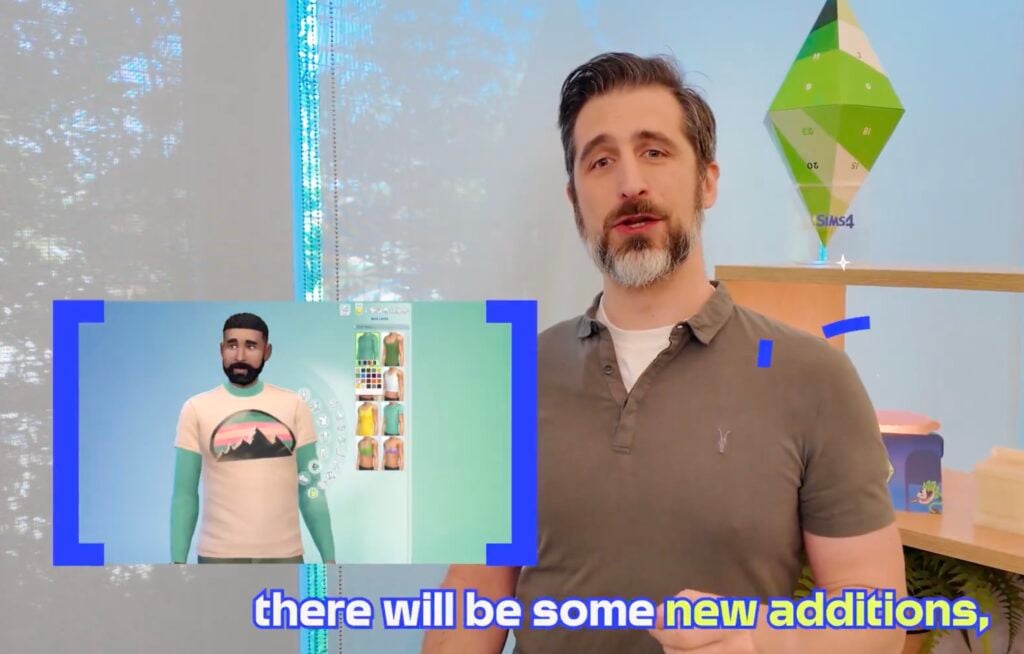
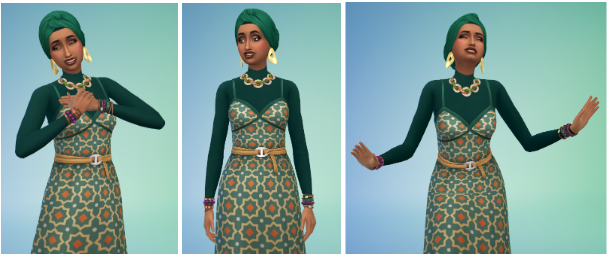
The Sims Team also shared a fun little video preview of update coming May 12th, including some fun sneak peeks at the layering feature coming in CAS:
From first autonomy improvements shown in the Quality of Life 2026 Roadmap to other priority fixes and base layers, see what to expect next week in the latest Sims 4 Laundry List:
Table of Contents
The Sims 4 Laundry List for May 5th
Update releasing May 12th, 2026
Sul Sul, Simmers!
Over the years, The Sims 4 has grown with an incredible range of content and experiences – from new ways to create and customize, to deeper life stages and gameplay systems. Over the next few months, our focus is on making that content even better by delivering improvements to the gameplay that matters most to Simmers.
As part of that effort, today’s Laundry List details just some of the 150+ fixes and new features coming in our Base Game update on May 12, including improvements for some of your highest requested asks! This means new optimizations for Infants, Toddlers, Sleep, and general Sim autonomy, plus fixes for top voted community issues. These areas of improvement have been directly informed by top EA Forums issues, with additional feedback collected from Discord and Reddit.
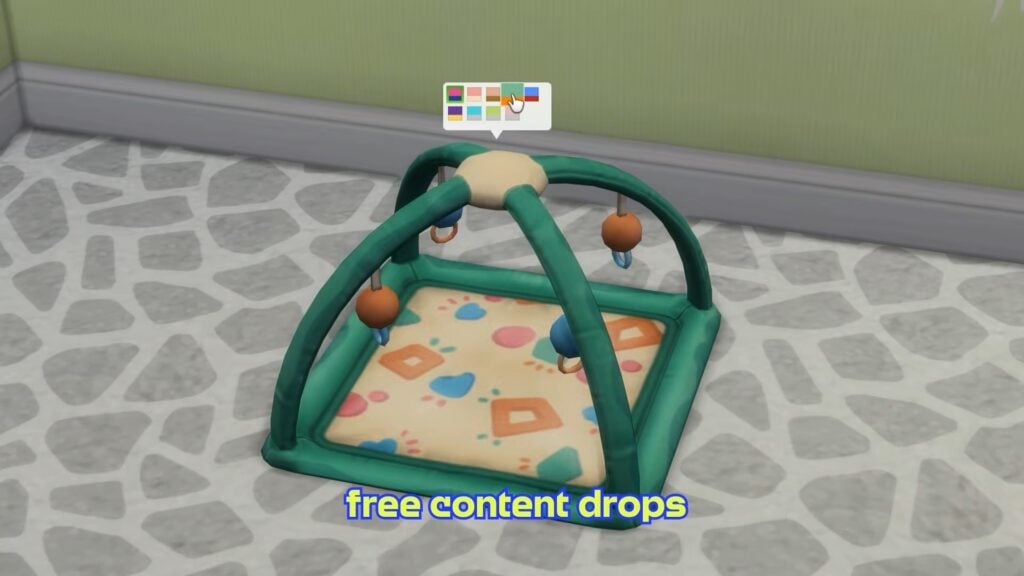
We’re also increasing the frequency of automatically generated backup saves, adding a new Infant Playmat, bringing a new layering feature in Create A Sim, and continuing to expand on the technical info we provide to Modders and CCers to support their work; look out for a lot more details in the Patch Notes on May 12!
If you’re hungry for even more, we’ll be hosting a special Dev Q&A in our Sims Discord on May 5 at 2 pm PT and a Twitch Livestream on May 6 at 10 am PT, where we’ll be showcasing these updates in the game and answering questions live.
The fun doesn’t stop there… In the months ahead, we’ll continue shipping more fixes, delivering new free content, and rolling out collaborations and partnerships we can’t wait to share with you!
Ensuring you have a positive Sims experience is critical to us. If you’re experiencing crashes or other game-stopping issues, please read our post here, and thank you for your feedback as we continue to invest and improve The Sims 4.
Dag Dag,
The Sims Team
Fixes for Most Voted Issues:
“Black Photos”: Implemented 6 fixes addressing different causes of texture loss, along with additional QV testing on paintings and photos to catch previously unreported cases.
At the time of writing, all known “black photo” bugs have been resolved. We’ll continue to monitor and address any new reports.
[EA Forums] Sims will no longer keep putting down Infants before picking them back up.
[EA Forums] Sims will no longer receive the “Secret Witness” Sentiment when a married or engaged Sim is witnessed WooHooing with their partner by another Sim.
[EA Forums] “Can’t place item”: Fixed in both new and old saves.
[EA Forums] Sims could get stuck with Scandal; this is now fixed for new cases, and existing affected saves will have the lingering VFX cleared.
New! Base Layer Feature
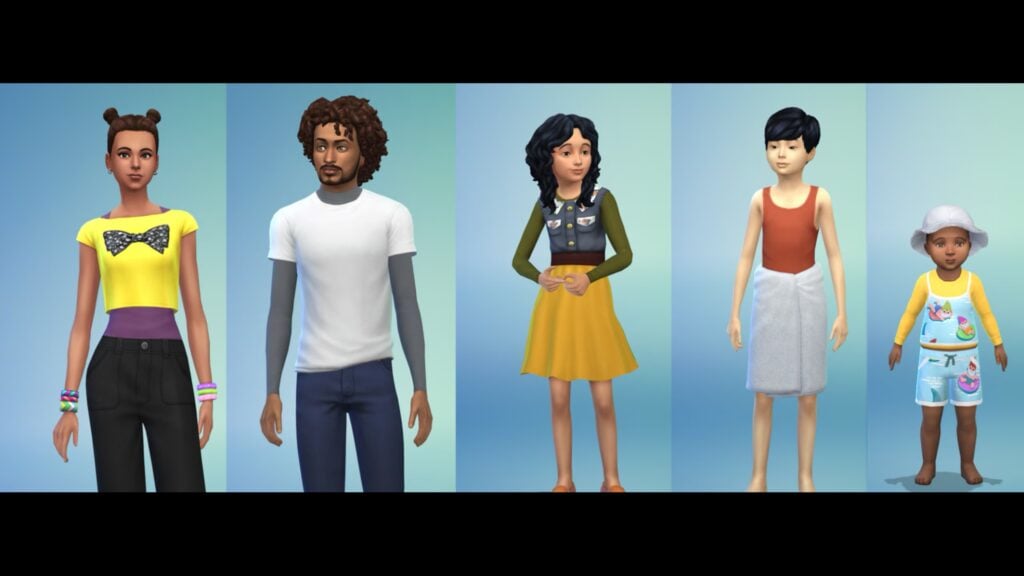
We’re adding a new category to Create a Sim called Base Layers, which will let Simmers express themselves by broadening their fashion choices, providing covered options, and improving gender expression with the layerable binder. There will be 8 Base Layer options for Adults, 4 Base Layer options for Children, and 2 Base Layer options for Toddlers, all in a variety of colors!
With 380+ new Base Layer variants (including all swatches) that can be layered, this gives players exponential new outfit combinations using any Top or Full Body CAS assets!
Infant and Toddler Improvements and Fixes
This update represents a significant investment into improving Infants and Toddlers, based on top EA Forums issues and additional feedback from Discord and Reddit. After extensive playtesting, we’re excited to share them with you!
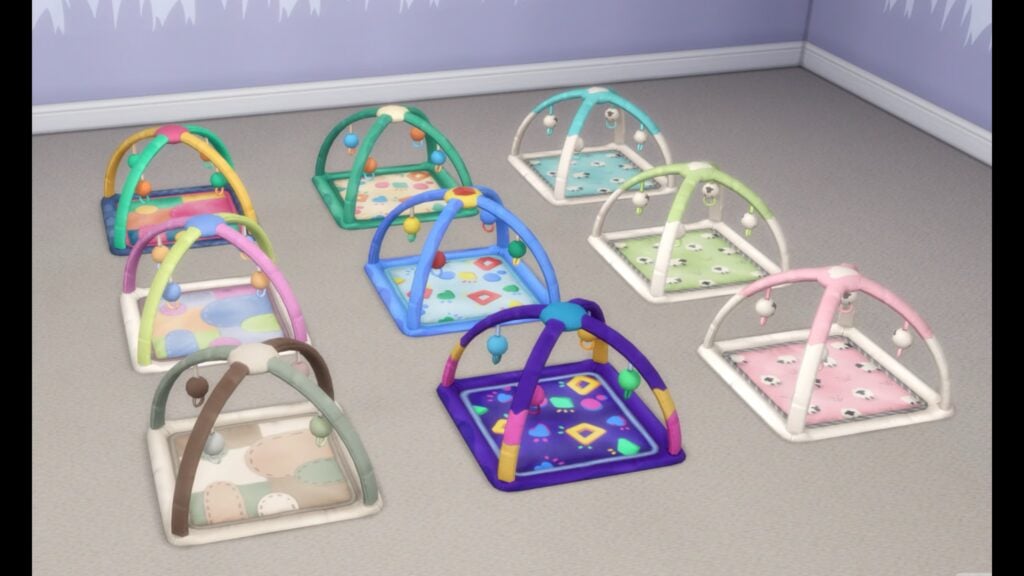
New Infant Playmat: Sims prefer placing infants on playmats instead of the floor, making care feel more natural that all players can now enjoy
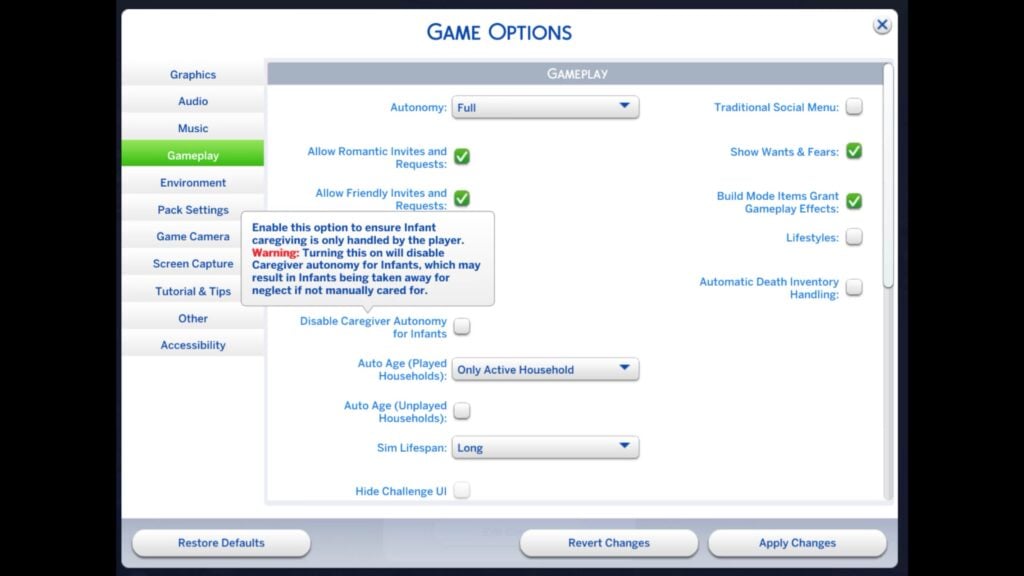
New toggle in the Options Menu to “Disable Caregiver Autonomy for Infants.” When enabled, all care is manual, though Sims will still socialize and you can use “Check Infant.” Neglect can lead to social services intervention.
New Infant thought bubble for loud noises: Infants now react to loud noises with a buff and thought bubble, plus a one-time tutorial explaining why they wake, helping players address the cause instead of repeated pickups.
Additional hovertip improvements, such as “Prefers Bottle Feeding” interactions to clarify that choosing a preference restricts autonomous feeding to that method only and Stand Up Milestone, where Infants needed specific nearby objects to pull themselves up [EA Forums].
Infant tuning based on player feedback, such as;
Sims will now clean up diapers left on the floor after changing an Infant or Newborn, as long as a trash can is nearby. (Base Game)
Changing an Infant’s diaper at the Changing Table takes about a third less time than it used to. (Base Game)
The Infant Hunger Need will now decrease slightly more slowly. We received light feedback on this and we’re hoping this slight tweak will prove the right balance for player realism and fun. (Basegame)
Feeding an Infant will now take about fifteen minutes (Sim Time), which is half the time it previously took. (Base Game)
Infant care interactions (Give Bottle, Change Diaper, etc.) should now appear on the first Pie Menu when an Infant’s Needs are low for your ease of access.
Infant Milestones tied to Tummy Time now unlock twice as fast, addressing feedback that progression felt too slow – especially on shorter lifespans. With reasonable attention, most Milestones can now be achieved by around day 3. (Growing Together)
25+ bug fixes for top voted Infant and Toddler issues, including:
[EA Forums][EA Forums] [EA Forums] Frequent Infant pickups and put downs, caregiver conflicts, and Sims freezing during care were major frustrations. This update includes multiple interconnected fixes to address these issues, all available in the Base Game.
[EA Forums] Infant and Toddler Needs will no longer decrease when the Active Sim (and the player) is on another lot, away from them. We hope that this change will make caregiving for Infants and Toddlers more enjoyable. (Basegame)
[EA Forums] Toddler Sims will no longer be hungry but would remain idle, despite having food. (Basegame)
We received feedback that “reading to Toddlers” wasn’t working well, and we’ve addressed a few bugs related to this;
[EA Forums] Toddlers are now able to successfully run the “Ask to Read Book” interaction on a teen or older Sim.
The “Be Read to By” interaction on Toddler Books should now function when selected by an Infant.
We fixed a code exception that could cause Sims to reset when an Adult Sim would click on a book and choose to “Read to Children.” (Basegame)
[EA Forums] Infants Milestones are no longer disappearing or being reset when that Infant’s Household is visited while playing another Household. This is fixed in old saves as well as new ones. (Growing Together)
[EA Forums] Infants are now able to act on their unlocked Milestone developmental progress when they are not at their Residential lot. This fix is retroactive in old saves where the bug had previously been occurring. (Growing Together)
Base Game: Autonomy & Sleeping Fixes
We didn’t stop with the Infants and Toddlers! Improving overall autonomy is a key player concern. Sims now dance far less (about once per day) and also no longer drink water autonomously, making behavior more predictable and less disruptive. Plus, additional bug fixes!
[EA Forums] We fixed an issue that was causing NPCs to enter a house to drink water. Unfortunately, this fix was unable to be retroactive for saves in which this gameplay was already occurring.
[EA Forums] Fixed an issue where Children could be taken away despite not being neglected. New checks ensure a Child must be actively failing (F) before this occurs. The fix is retroactive, but previously removed Children cannot be restored.
[EA Forums] Sims with the Jealous trait will no longer get upset when their partner interacts with their own children Sims.
Sleeping autonomy has been improved following community feedback, addressing a mix of bugs and quality of life issues to make sleep behavior more reliable.
Base Game
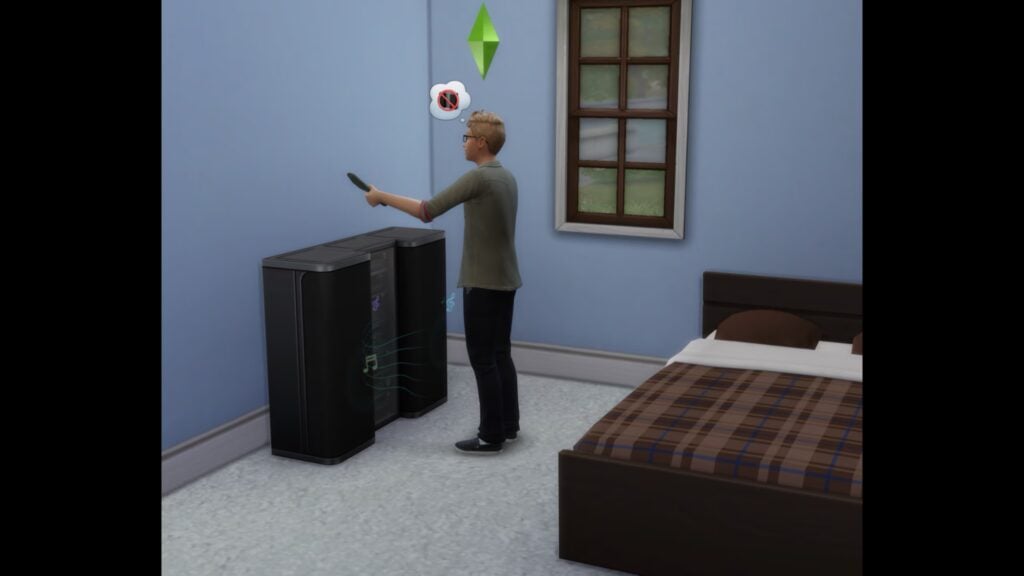
[EA Forums] Sims woken by a nearby TV or radio will now turn the device off and return to sleep. This keeps the intended wakeup behavior while making the cause clearer and reducing repeated interruptions.
[EA Forums] We’ve added a hovertip to the Nap interaction to clarify that this interaction is meant to be shorter with a boost to Energy (rather than an interaction that fills the Need fully). Sims should not stay in the nap interaction until their Energy is full, but we wanted to help clarify this expected behavior.
[EA Forums] Fixed an issue where exhausted Sims could get into bed but still collapse from fatigue. Sims who fall asleep in bed will now remain there instead of getting up and passing out.
[EA Forums] There were callouts in the sleeping EA Forums thread where Sims weren’t sharing a bed with another Sim. We believe our other fixes have addressed this issue, though as a note, Sims will only sleep in the same bed when their relationship is high enough.
Lovestruck
[EA Forums][EA Forums] There was an issue where Sims in a romantic relationship were getting out of bed when told to sleep simultaneously. We added an interaction called “Sleep and Cuddle” which will now allow this gameplay to function properly.
[EA Forums] Canceling Cuddle on a sleeping Sim will no longer wake both Sims or interrupt their sleep. If the interaction is canceled after one Sim has joined another already in bed, both will remain in bed. Canceling Cuddle before either Sim is in bed will still result in both Sims getting up, as intended.
Royalty & Legacy Fixes
Among other fixes, Royalty and Legacy is getting a polishing pass too! Alongside the two top Community Reported Issues addressed in the list above you can also expect fixes for issues relating to the “Poor Leadership” sentiment being added to the Dynasty Head, Offspring of pre-made Dynasties not being added to a Dynasty, and pre-patch babies being born as a secret. We also made various updates to the Grand Ball event not functioning properly. You can expect to read more about these and other fixes on May 12th in the full list of Patch Notes.
[EA Forums] Sims will now arrive wearing the selected dress code to a Grand Ball event (in line with the functionality for Funerals). As a note: any remaining oddities are due to tagging and would need reported and fixed individually. We did a pass and felt that outfits looked good with all packs, while selecting more common combinations.
[EA Forums] The Mask option is no longer disabled after entering Create a Sim to change the Host’s outfit for a Grand Ball event.
We fixed the mask icon in the UI for hosting a Grand Ball event.
Base Game: General Fixes
Alongside major improvements to Infants, autonomy, and sleep, this update will address a wide range of highly voted community issues across the Base Game and packs. Key fixes include resolving inventory bugs with photos, improving Family Tree accuracy, progress against preventing incorrect relationship changes in Create A Sim, and reverting the default Gallery sorting back to “Newest”.
Across packs and systems, we’ve fixed gameplay blockers, UI issues, and inconsistencies. Highlights include Gallery improvements like fewer upload timeouts and better sorting, fixes for disappearing animals and aging bugs, and improved event, trait, and interaction behavior. We’ve also made broad tagging, sorting, and visual updates in Create a Sim and Build Mode to improve organization and consistency.
The patch notes on May 12th will list these out individually, plus we’ll update the individual EA Forum threads too!
Updates on Top Community Issues
While shipping fixes for top issues, we also continue to investigate other top community reported issues:
[EA Forums] We’re testing a future fix for Windows and Doors glitching into walls with certain Graphics Settings.
We’re actively investigating a few challenging, (likely) performance-related issues that are highly voted within the community;
We’re continuing to investigate and ship fixes to reduce save file corruption. Following our March 10 update, Scratch files were moved from Documents to AppData for PC players to prevent conflicts with cloud backup services. Since rollout, we’ve seen improvements and are working to bring similar changes to Mac.
Some save corruption issues, such as failed lot placement, infinite loading, or white screens, may be linked to heavy use of placement cheats or very large saves exceeding system memory. We believe we’ve identified a fix for at least one case and are exploring solutions for others.
In the meantime, Memory Boost can help in certain situations, and we’re working on clearer ways to surface what’s happening and how players can respond.
[EA Forums] We continue to investigate the cause of “partnered Sims forming an unintended family relationship upon entering CAS” issue. If testing goes well, a fix should be included in a future update.
[EA Forums] Began investigating Autonomous Insulting/Mean Interactions happening in player games after Patch 1.108.349. In recent player submitted saves, this behavior looks to be As Designed, caused by the Vicious Dynasty Ideal, but we’ll continue to investigate.
Layering Feature Dev Blog
Sul Sul!
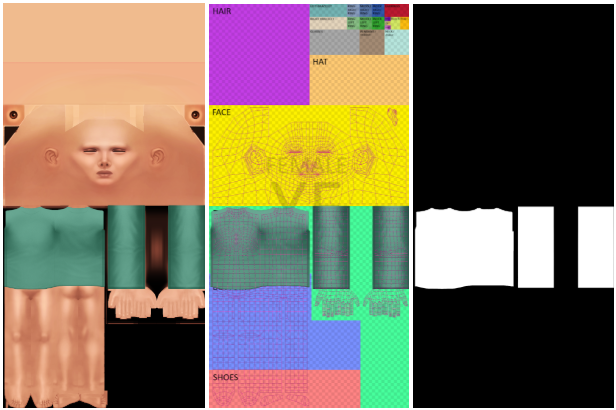
Base Layers are a new asset sub-category within the accessories catalog of Create a Sim, coming with the base game update on May 12. They are a texture-only asset that appears beneath a Sim’s top or outfit. Here’s a quick guide to how it works:
To create a custom content base layer you will need:
A copy of an existing base layer asset for the 3D scene set up
A diffuse texture with an appropriate alpha channel with as many colour variations as you wish.
A specular map (_s)
A shadow map (_sh)
Getting Started Any Base Layer top you create will appear directly onto the Sim without any geometry, mimicking a ‘skin-tight’ look. This is to preserve the look of the main top or outfit choice, whilst introducing layering options for the exposed areas. For this reason, Base Layer textures sit exactly over the Sim UV where you want to see them. In the example, the turtleneck sits directly onto the top of the Sim, with an alpha channel that functions as normal: showing the garment (white) and hiding the Sim (black).
Create the texture as normal, either by editing your copied file or making a new one yourself. You only need 2D image editing software, no 3D editing required. Once you have created your files, you are ready for implementation.
Sort it out! The Base Layer will always appear below the top or outfit choice because of the sort order. Base Layers have a sort order of “10550”, and should be labeled “BaseLayer”. Using the wrong sort order will lead to the textures appearing incorrectly.
Finishing touches Add the prototype and instances just as you would for any other garment.
The Base Layers feature introduces exciting new layering possibilities to The Sims 4 Base Game. Whilst CC creators have found their own ways to achieve layering in the past, we look forward to seeing how they are able to innovate with this new feature. Good luck and have fun!
Maxis is doing a Q&A on the latest update soon on their official Discord. We’ll make sure to keep you posted with the full recap of all noteworthy information!
What are your opinions on bug fixes and improvements mentioned in the latest Sims 4 Laundry List? Let us know in the comments below and stay tuned to the latest Sims News and Updates!
EA and Maxis announce an official livestream for the upcoming Sims 4 Quality of Life Update.
The Sims 4 Quality of Life Update is getting its own spotlight in the official livestream from The Sims Team! On May 6th, 2026 (this Wednesday!) you should expect an official livestream from EA and Maxis on the topic of the upcoming Sims 4 Patch release.
We should be expecting the huge long-awaited Laundry List on May 5th, with a full walkthrough to be covered the next day on May 6th at 7PM CET / 10AM PT / 6PM BT. More in the countdown listed below!
Table of Contents
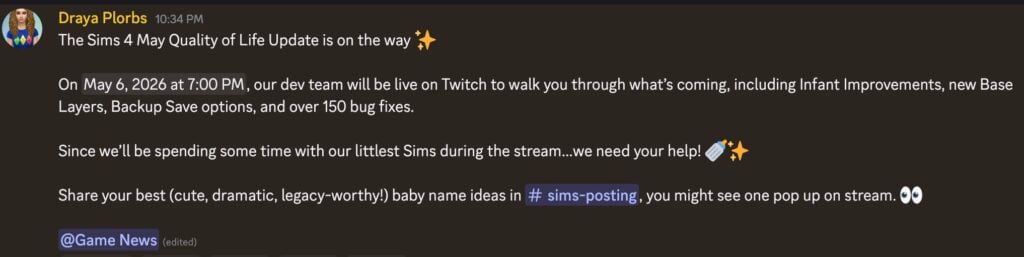
The team teased Infant Improvements, new Base Layers, Backup Save options and over 150 bug fixes. Read the full message below:
Message from The Sims Team
The Sims 4 Quality of Life May Update is on the way!
On May 6, 2026 at 7:00 PM, our dev team will be live on Twitch to walk you through what’s coming, including Infant Improvements, new Base Layers, Backup Save options, and over 150 bug fixes. Since we’ll be spending some time with our littlest Sims during the stream…we need your help!
Share your best (cute, dramatic, legacy‑worthy!) baby name ideas in #sims-posting, you might see one pop up on stream.
Are we possibly getting both the update and the livestream on the same day…or just the livestream? Maybe it’s just our wishful thinking. Discover where you can tune in for the livestream and when it begins in your area down below:
The Sims 4 Quality of Life May Update Livestream
The official Sims 4 Quality of Life May Update livestream is set to premiere on May 6th, 2026 on the official Sims Twitch channel. We’ve included both the official twitch channel watch page, as well as the countdown to the start of this livestream.
00
Days
:
00
Hours
:
00
Min
:
00
Sec
Countdown to The Sims 4 Quality of Life Update Stream
Any exclusive information that gets shared from this Sims 4 Quality of Life Livestream for May 2026 will be reported right here on Sims Community, so make sure you check back during and after the stream!
What do you expect to see resolved in this rounds of Sims 4 improvements? Share your theories in the comments down below!
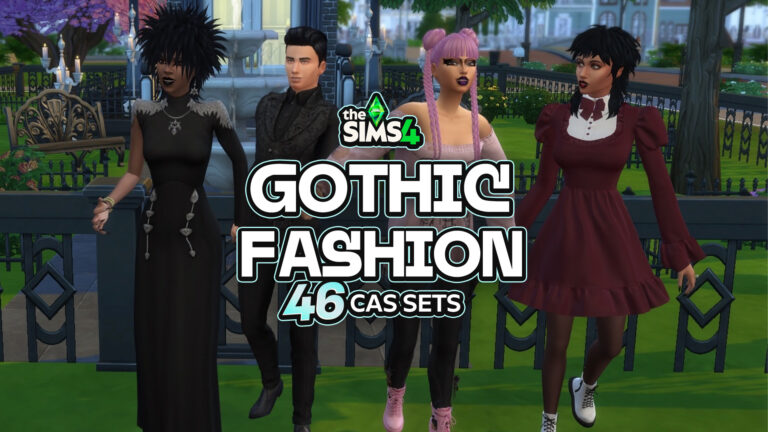
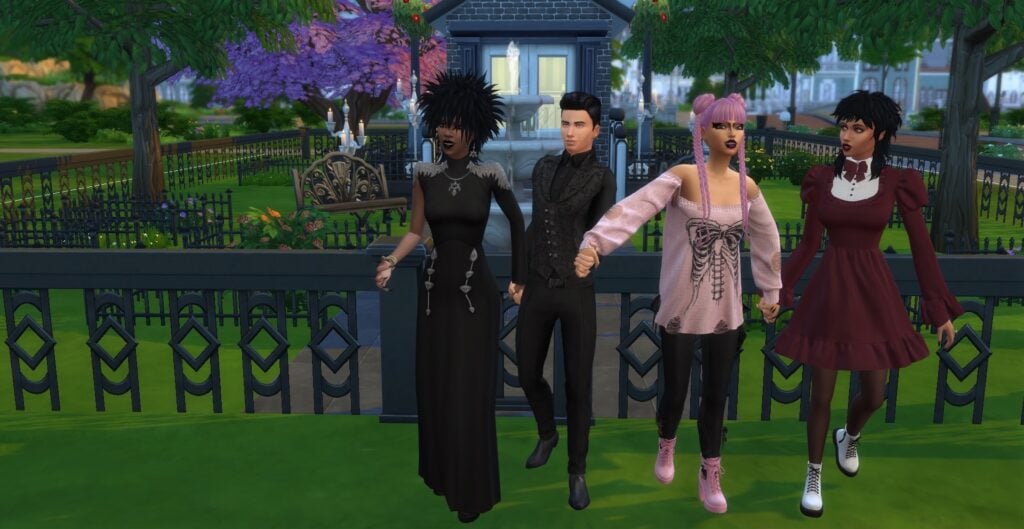
If your Sims game has felt a little too sunshiney and good vibes, it’s time to fix that. This list of Sims 4 Gothic CC for CAS is here to drag your Sim into something darker, moodier, and maybe a little more elegant. From subtle lace and dramatic silhouettes to bold, vintage accessories that look like they came straight out of a haunted, Victorian manner, this roundup of Sims 4 Gothic CC for CAS has everything you need to fully commit to the lifestyle. Whether your Sim is a modern vampire, chaotic goth icon, or night royalty, your CAS is about to get an upgrade!
46 Sims 4 Gothic CC Items For CAS
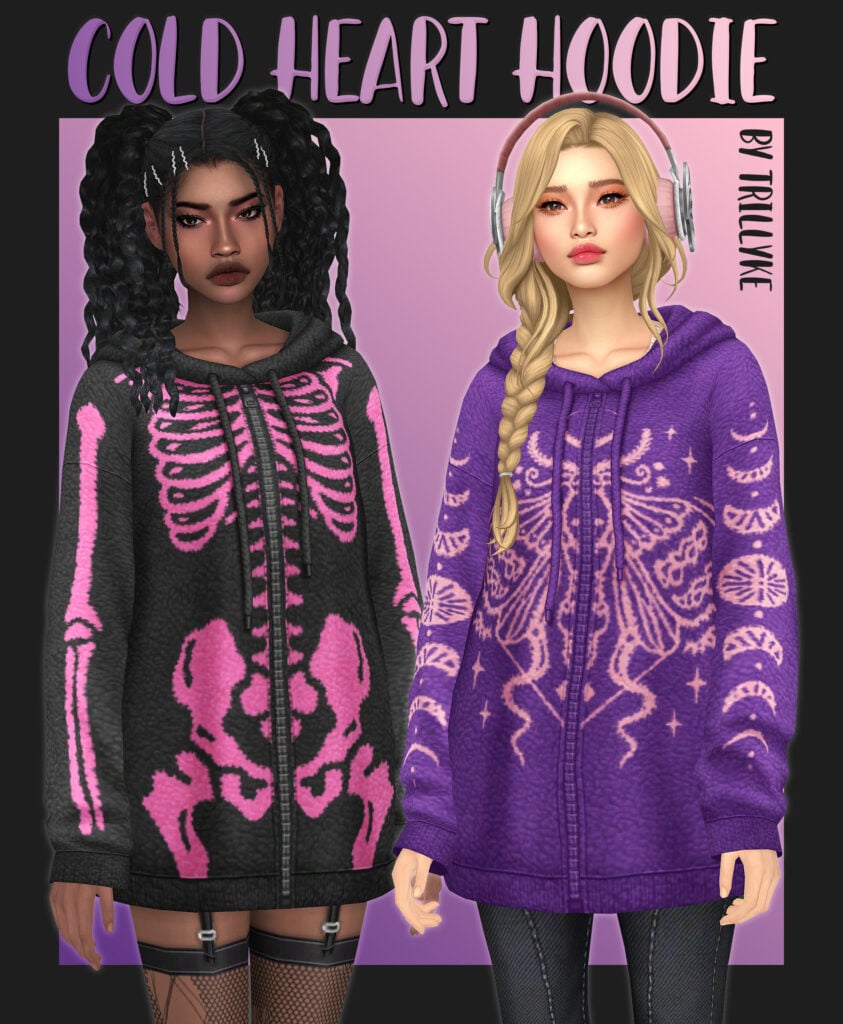
Cold Heart Hoodie by Trillyke
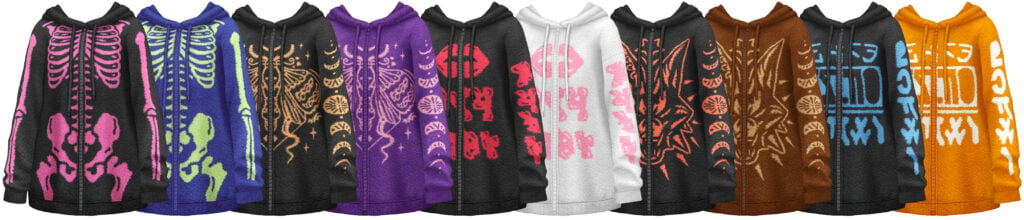
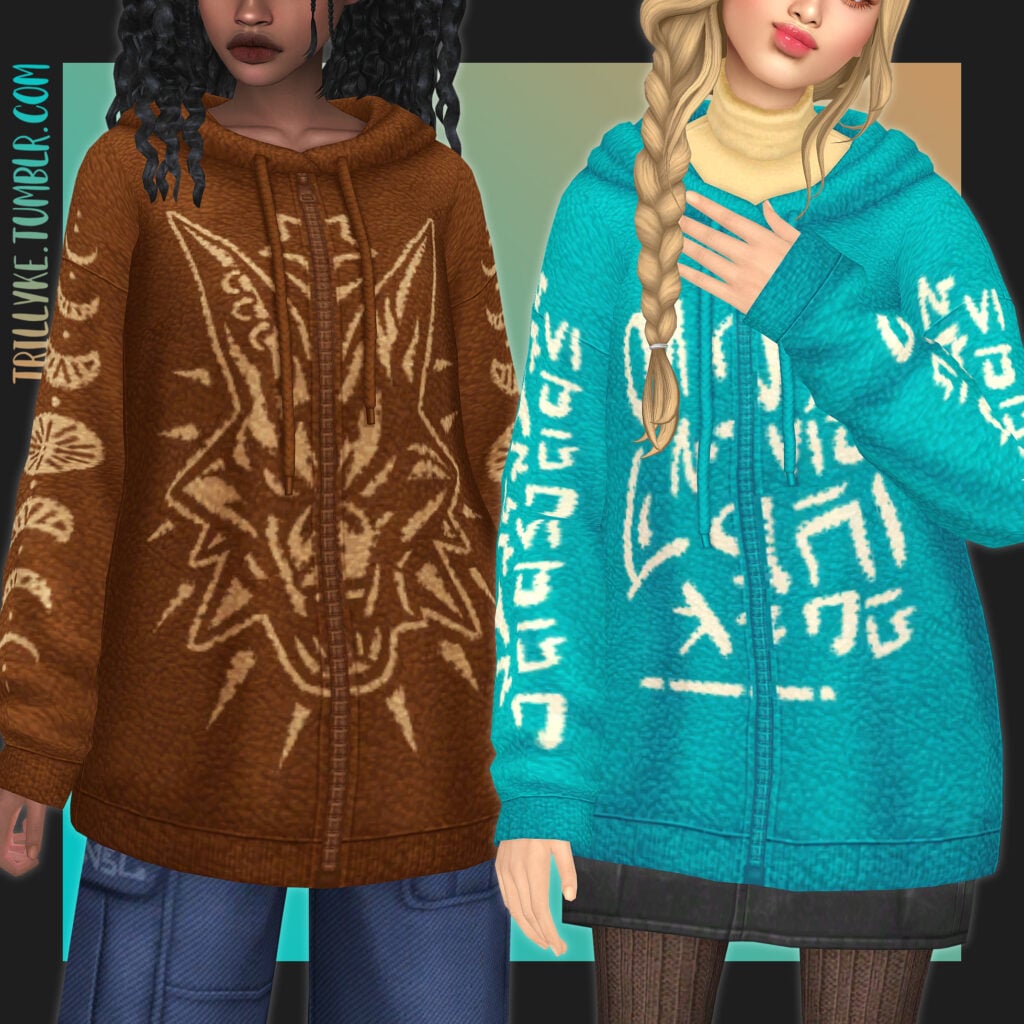
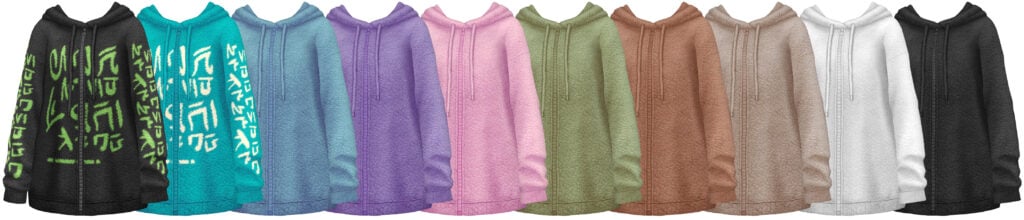
Cold Heart Hoodie by Trillyke is a bona fide fashion icon! This CC hoodie comes in 20 different swatches with a super fuzzy, warm texture with gothic designs like skeletons, wolves, moths, and goat heads, as well as a few solid swatches.
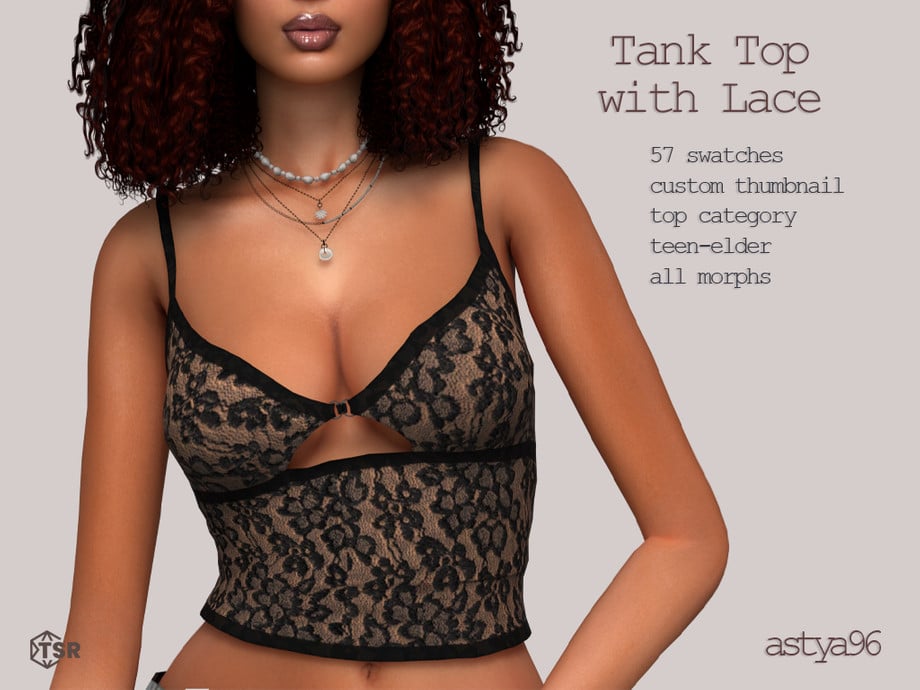
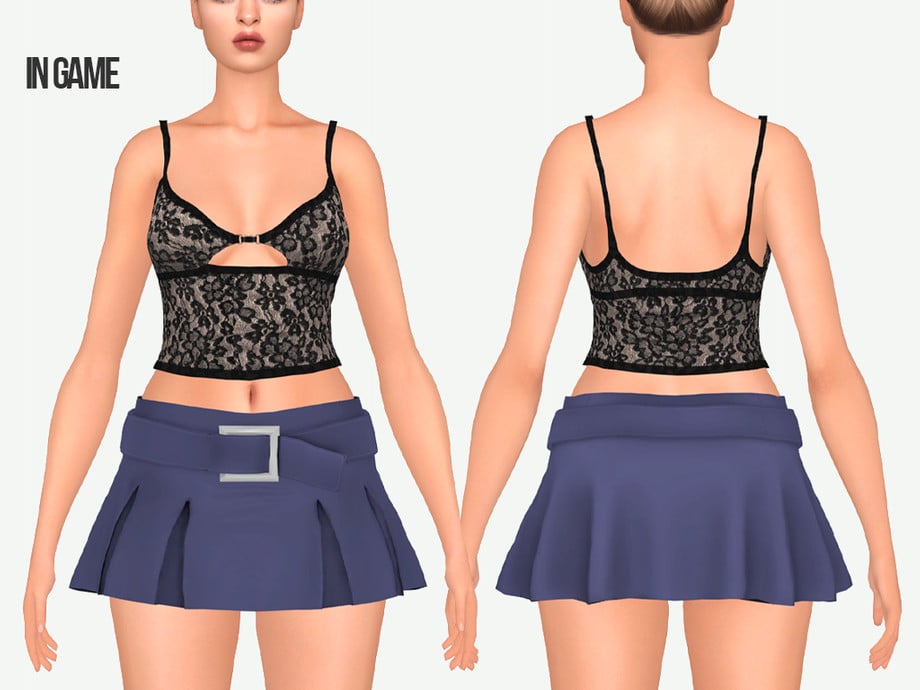
A touch of lace and a hint of chaos in this CC tank top by astya96cc! This beautiful top has a cut-out on the sternum with spaghetti straps and lace, available in 57 swatches, and all feminine frame Sims aged teen through elder can rock this top!
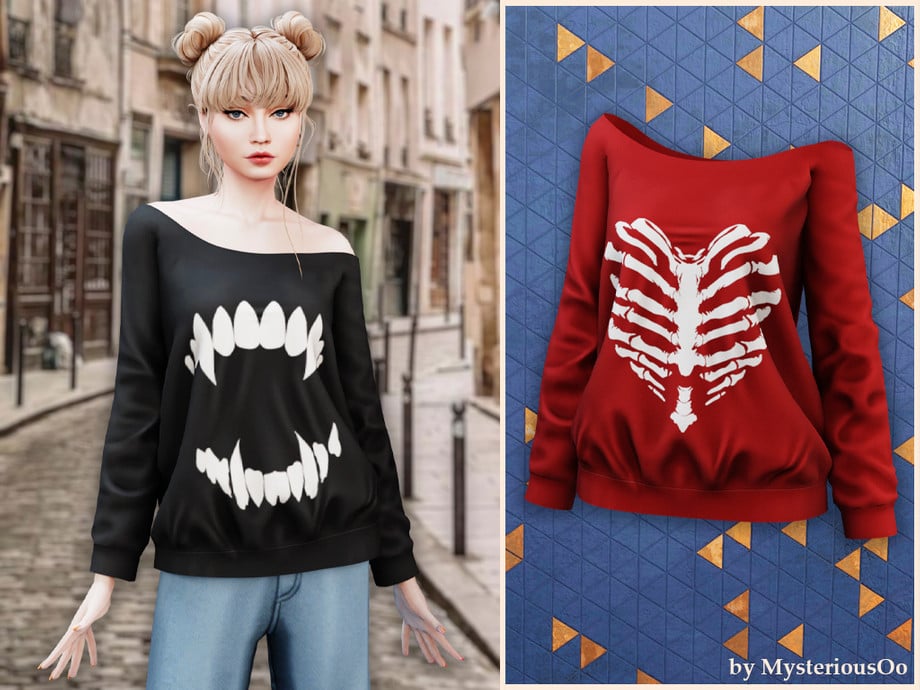
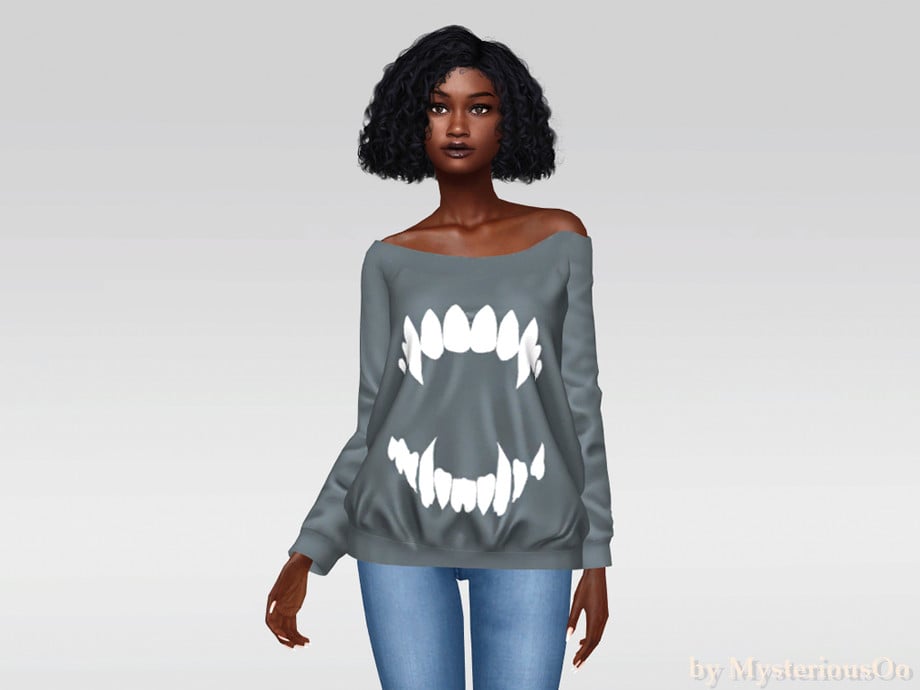
Skeleton Print Off-Shoulder Sweatshirt by MysteriousOo
Your Sim will be serving looks beyond the grave in this spooky top by MysteriousOo! This maxis match CAS item features an off-shoulder look with long sleeves and gothic graphics like a heart-shaped skeletal ribcage.
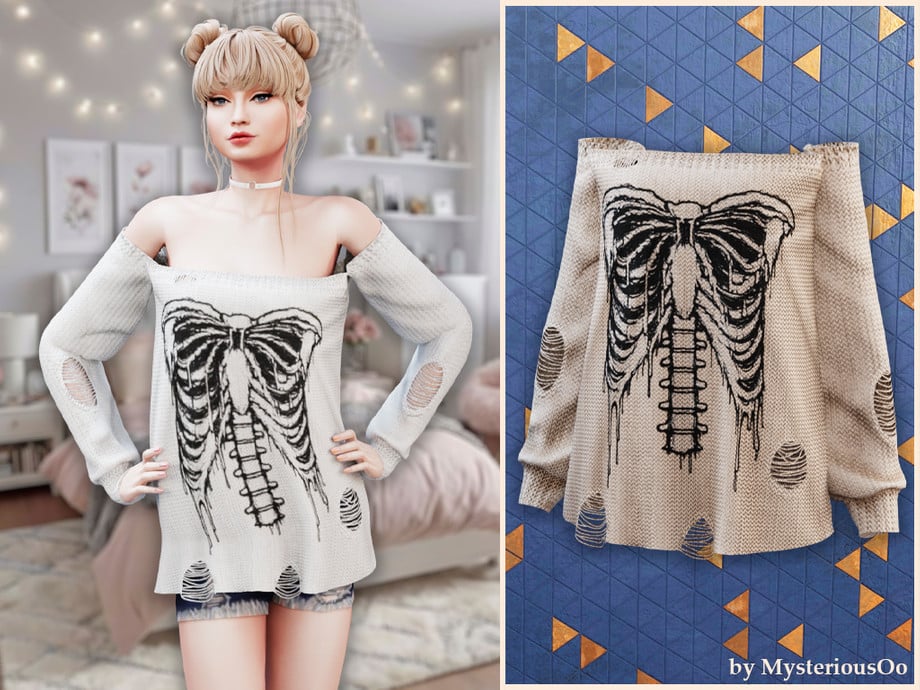
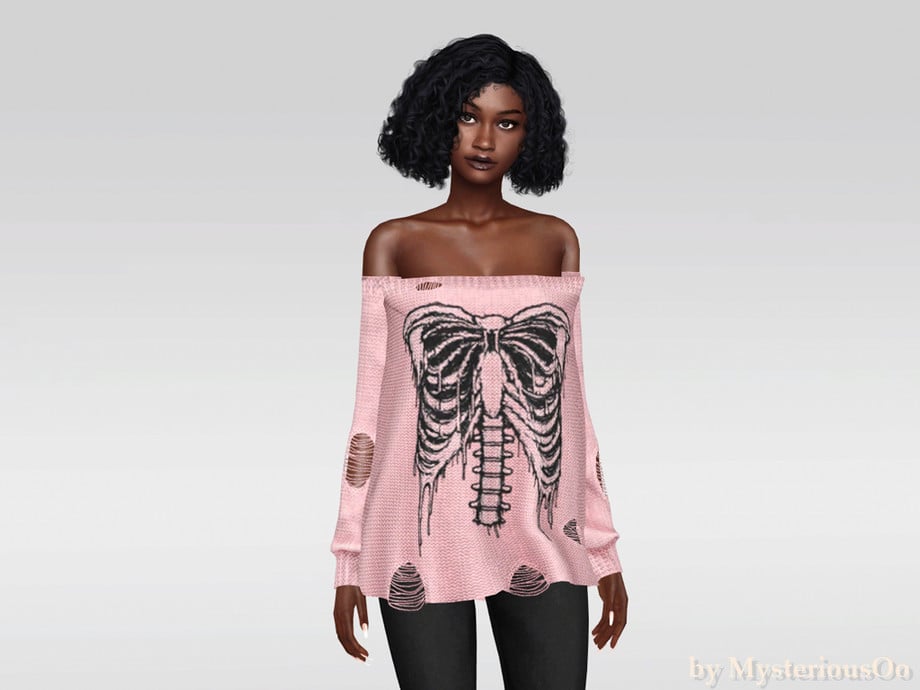
Cute to the core! I couldn’t leave this one out, even though it is similar to the CC listed above. Again by MysteriousOo, but this time in Alpha style, shoulderless, with small rips in a few spots to give it a “worn” look. A must-have for every gothic closet!
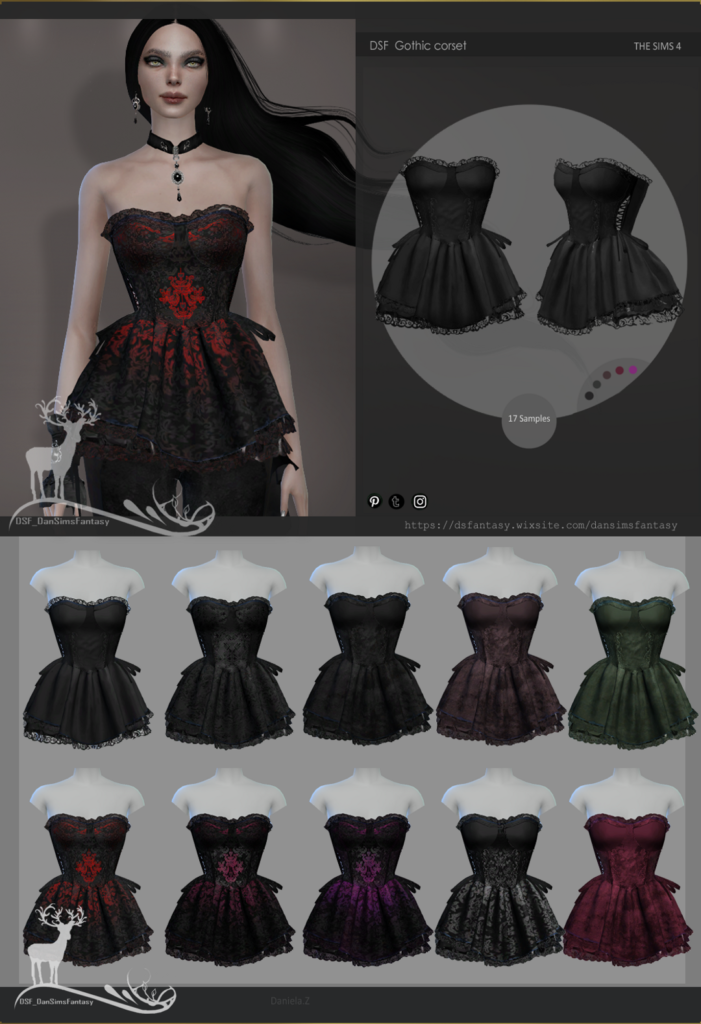
The Sims 4 Gothic Corset by Dansimsfantasy is certainly serving gothic doll energy; a gorgeous gothic CC top available in 17 dark swatches. Rule the night in this amazing top!
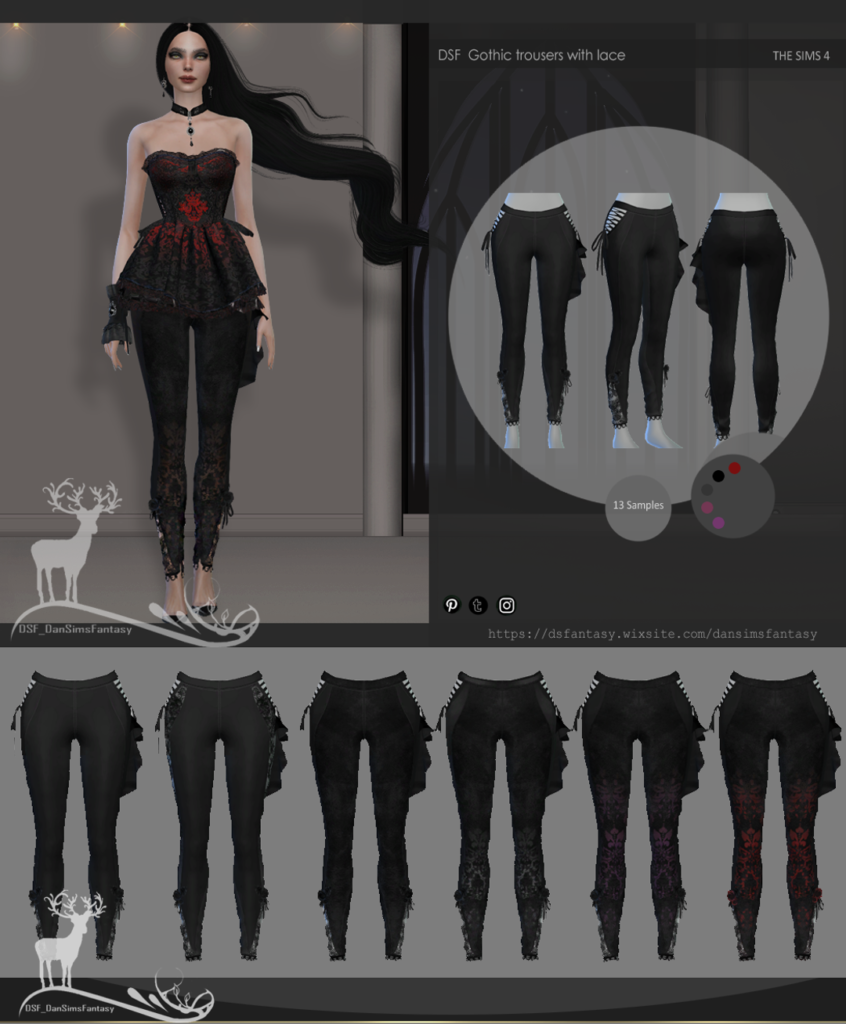
These gothic trousers will have your Sim dripping in elegance and are the perfect pairing for Dansimsfantasy’s Gothic Corset listed above! These tight-fitted CC trousers feature a lace panel with an asymmetrical fabric embellishment, and straps to finish off the gothic look! Available in 13 different swatches.
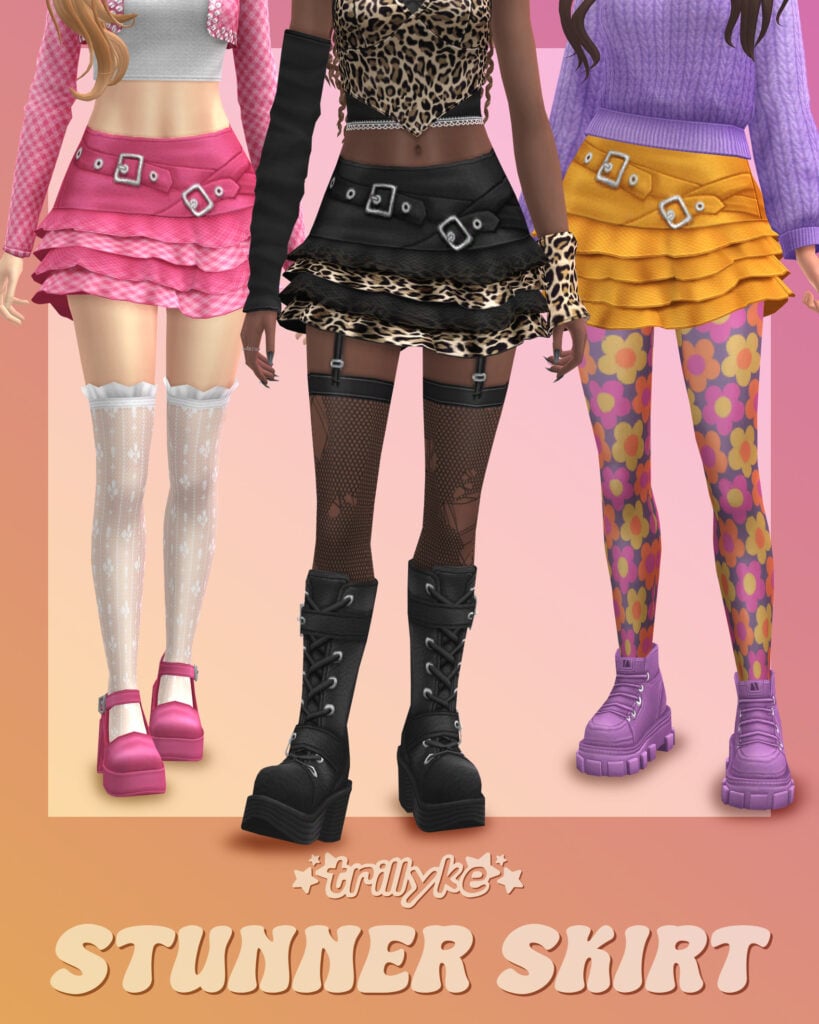
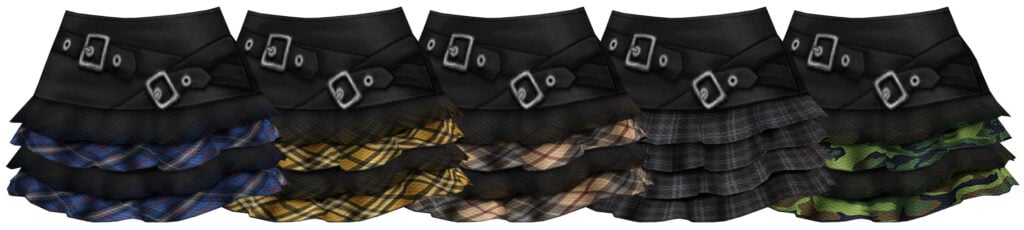
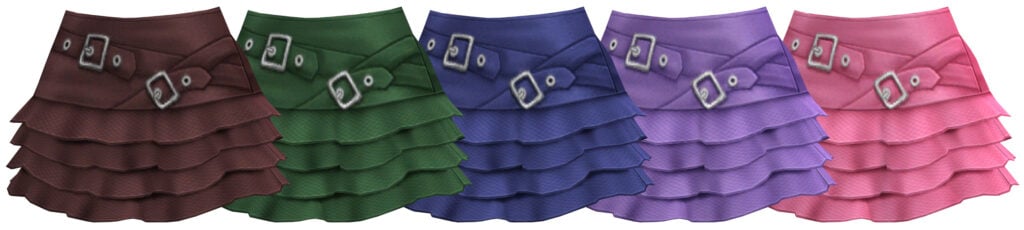
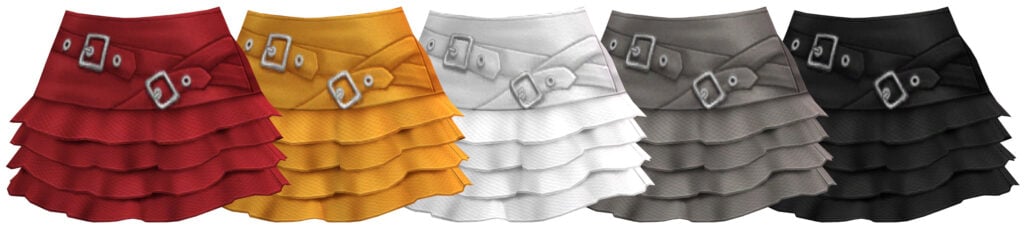
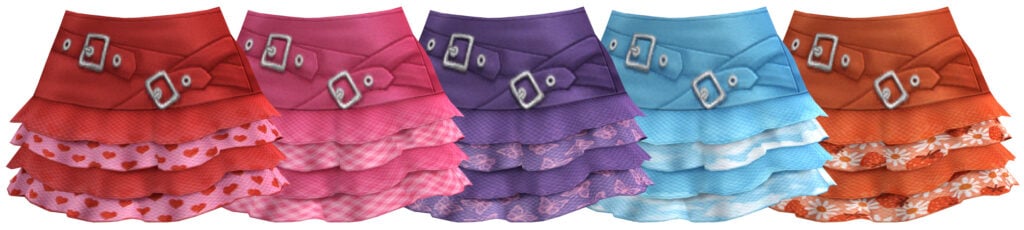
This layered skirt by Trillyke is dark, dreamy, and has just a hint of danger with its asymmetrical belt featuring metal accents. This stunning skirt comes in 25 dual-colored swatches.
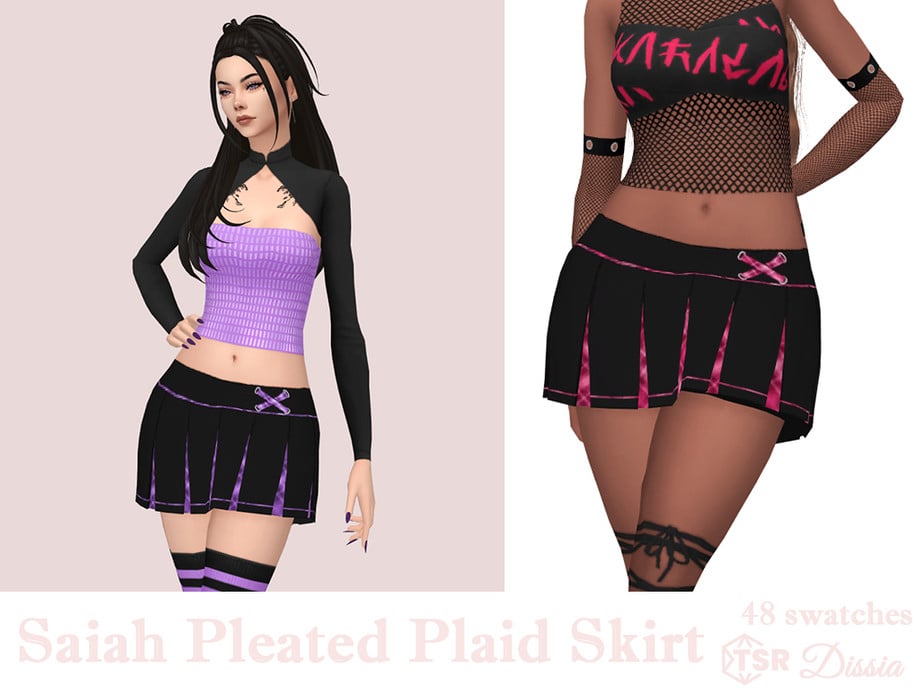
Sweet, dreamy, and sinister, this adorable CC skirt by Dissia features a two-toned, pleated, plaid skirt and a pair of plaid shorts available in 48 chilling swatches.
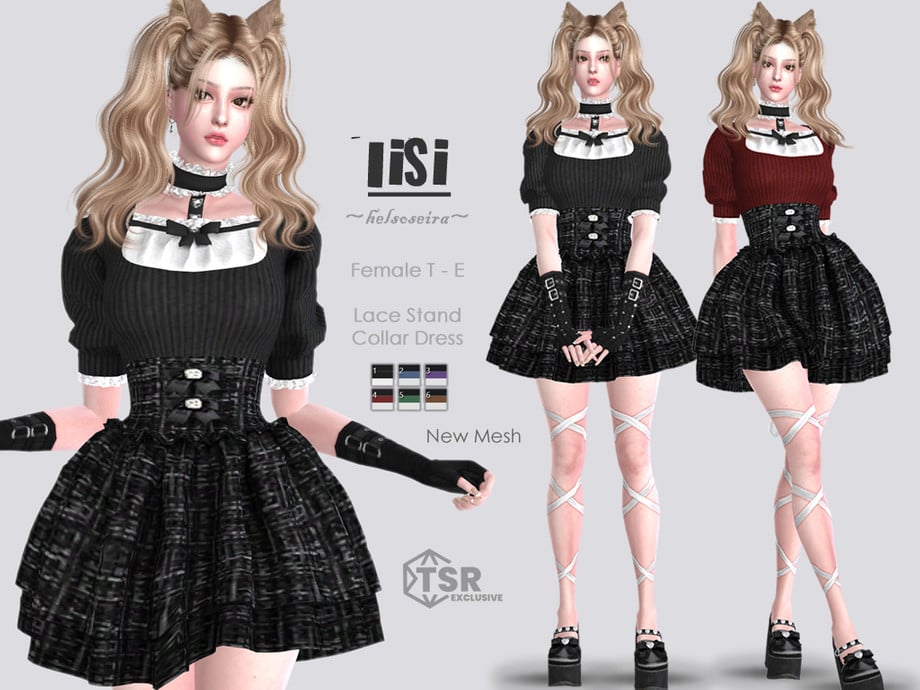
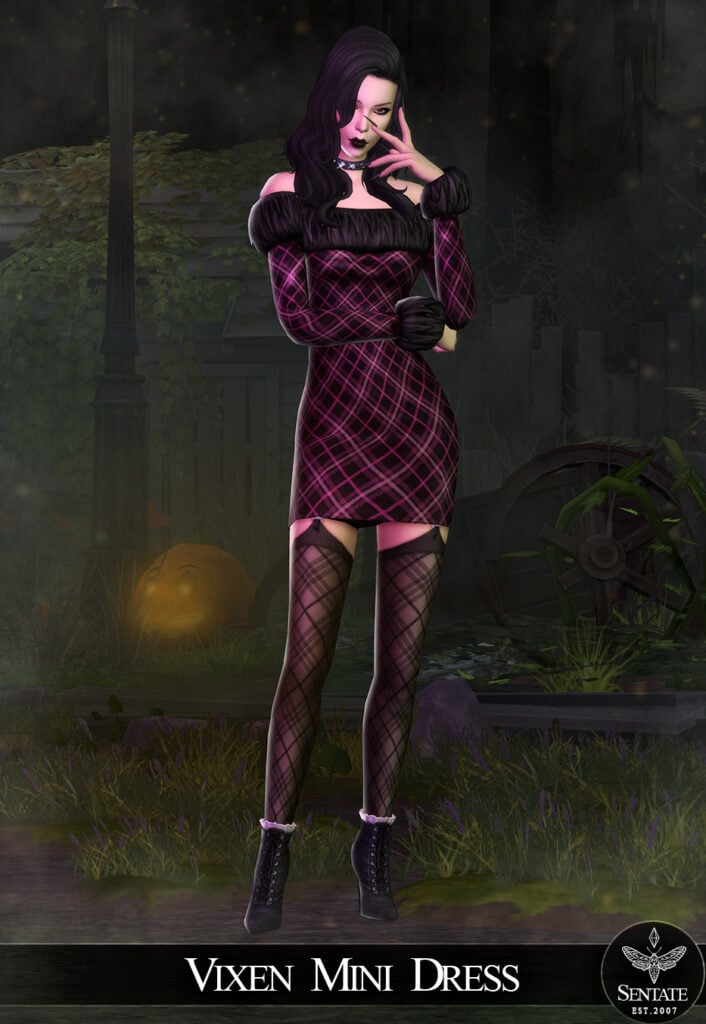
Moody never looked so cute! IISI – Short Dress by Helsoseira is a short gothic, CC dress with puffed sleeves, a lace-trimmed collar, and an adorable bow. Available in 6 stunning swatches and all feminine frames, Sim’s aged teen through elder can try this wonderful gothic fit!
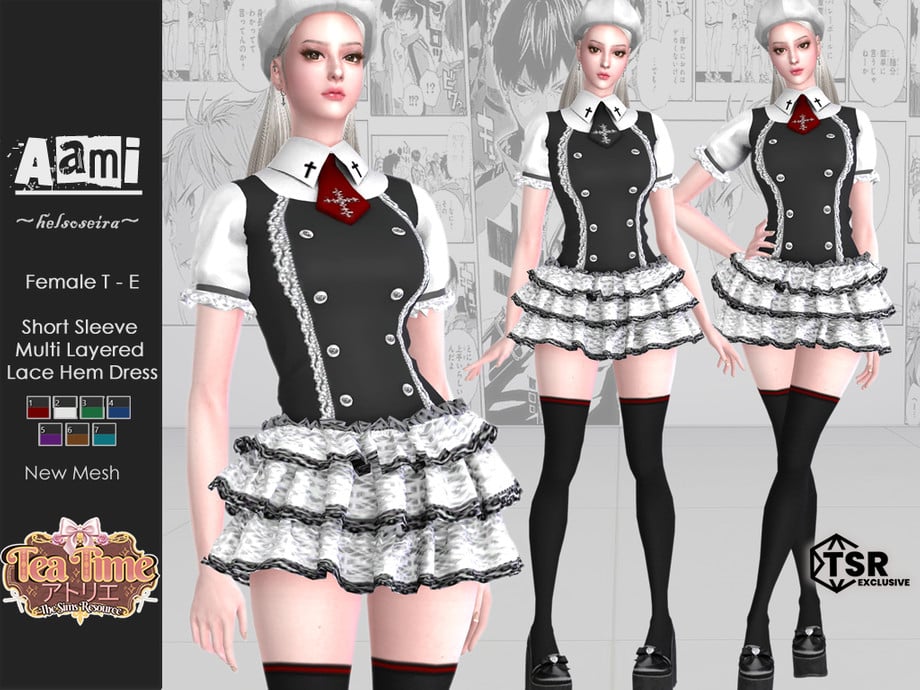
A little vintage, and a little vampy! This eye-catching dress features a short, layered, lace hem, with short sleeves, button details, a tie, and cross motifs – available in 7 hauntingly beautiful swatches!
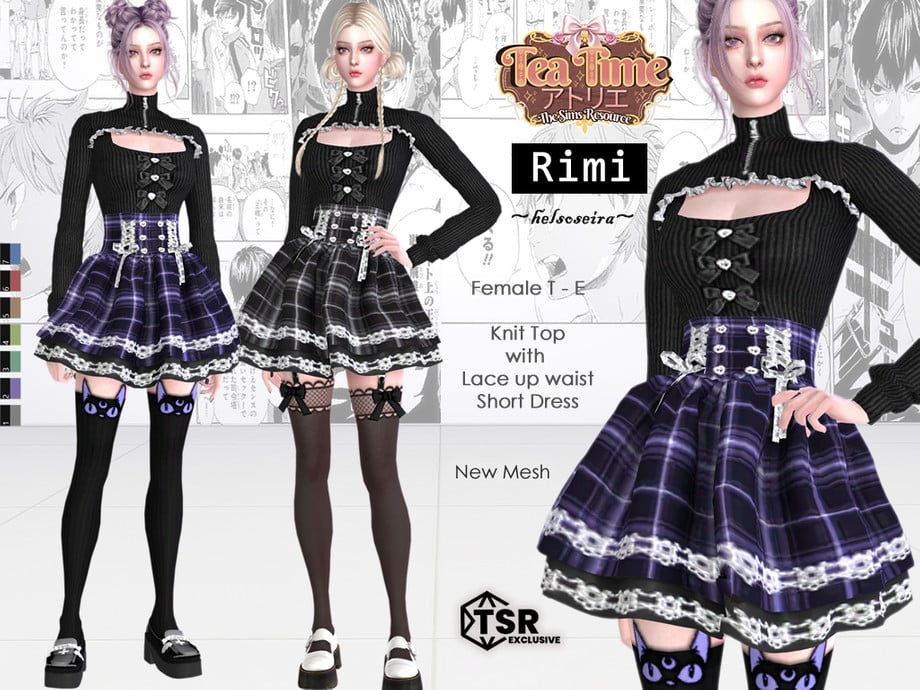
Looking for your Sim’s to be dripping in dark aesthetic? Check out this amazing dress by Helsoseira, featuring a laced-up short bottom, a knitted bow top with lace, and bows – available in 7 swatches.
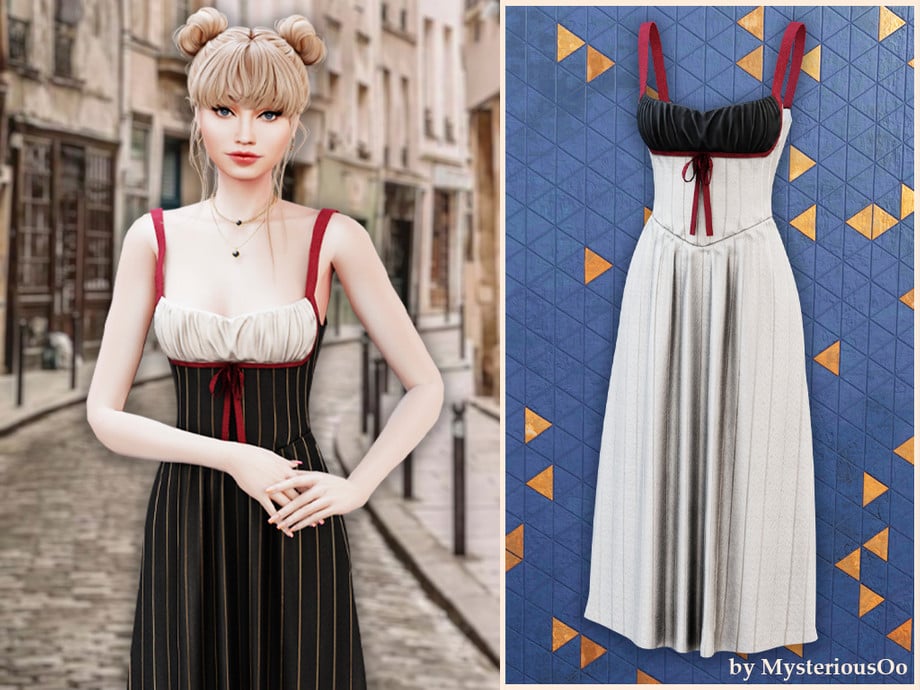
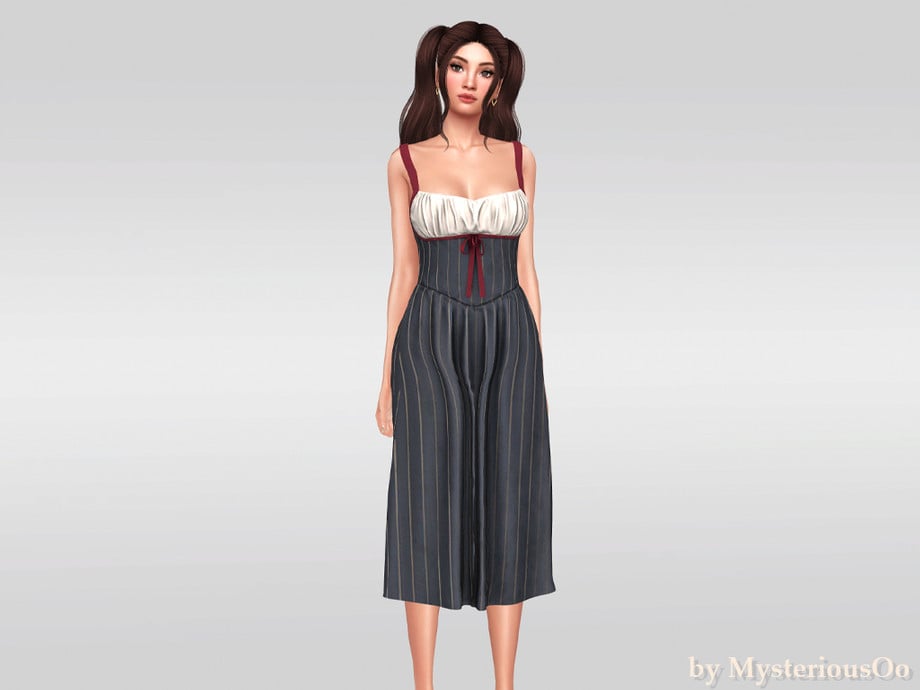
Innocent? Meh, not really. Contrast Bodice Mini Dress by MysteriousOo features a fitted, contrasted bodice, with light ruching, a small bowtie detail, and thin spaghetti straps. Perfect for Gothic Sims during the Summer or day trips to the cemetery.
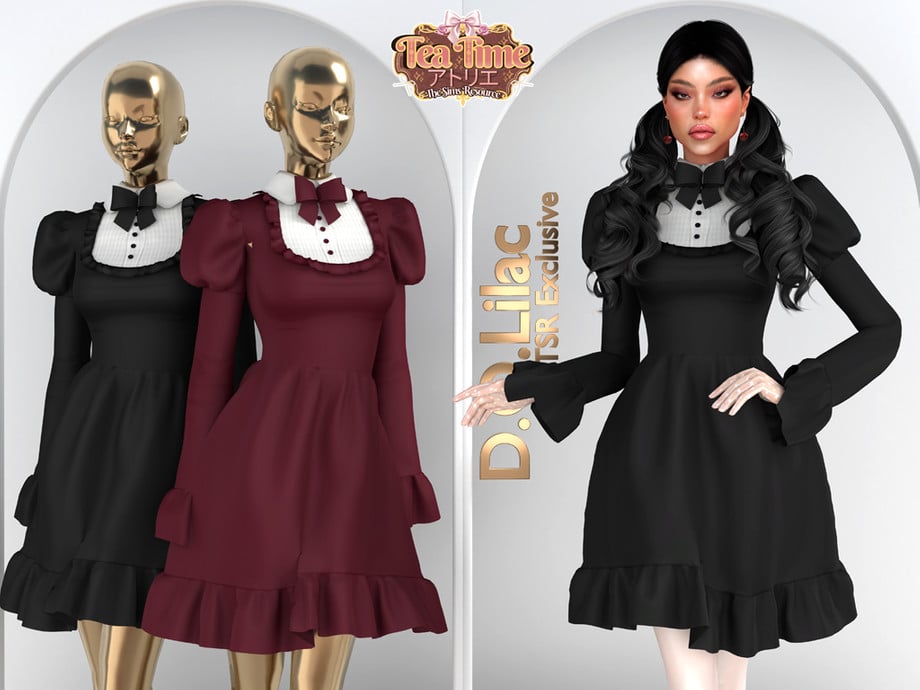
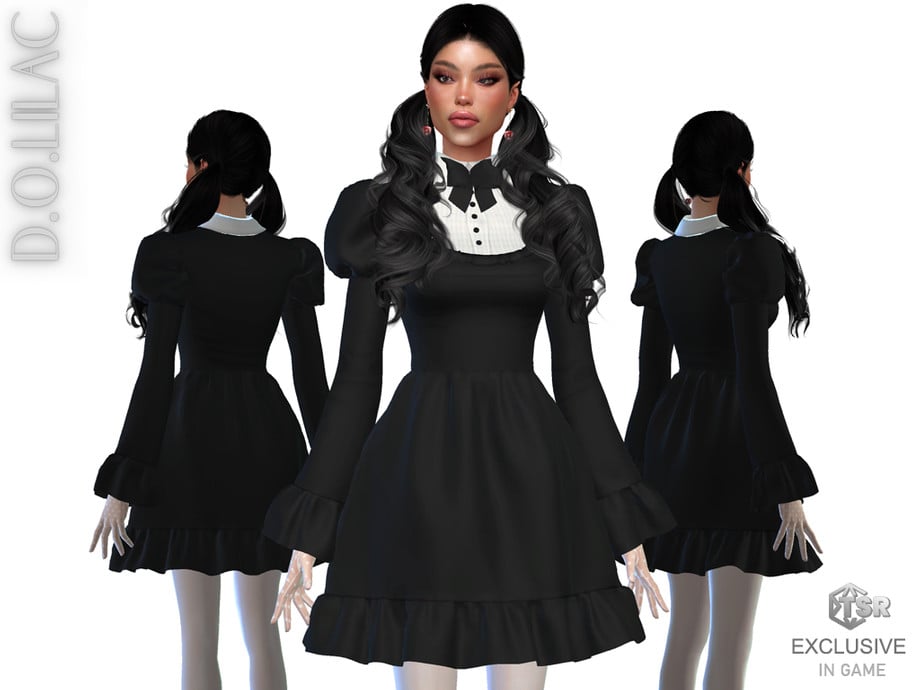
D.O.Lilac has certainly made Gothic adorable with this beautiful CC dress! Gothic Bows Ruffle Dress features long sleeves, puffed shoulders, and a vintage collared undershirt with a bow tie – available in 4 swatches.
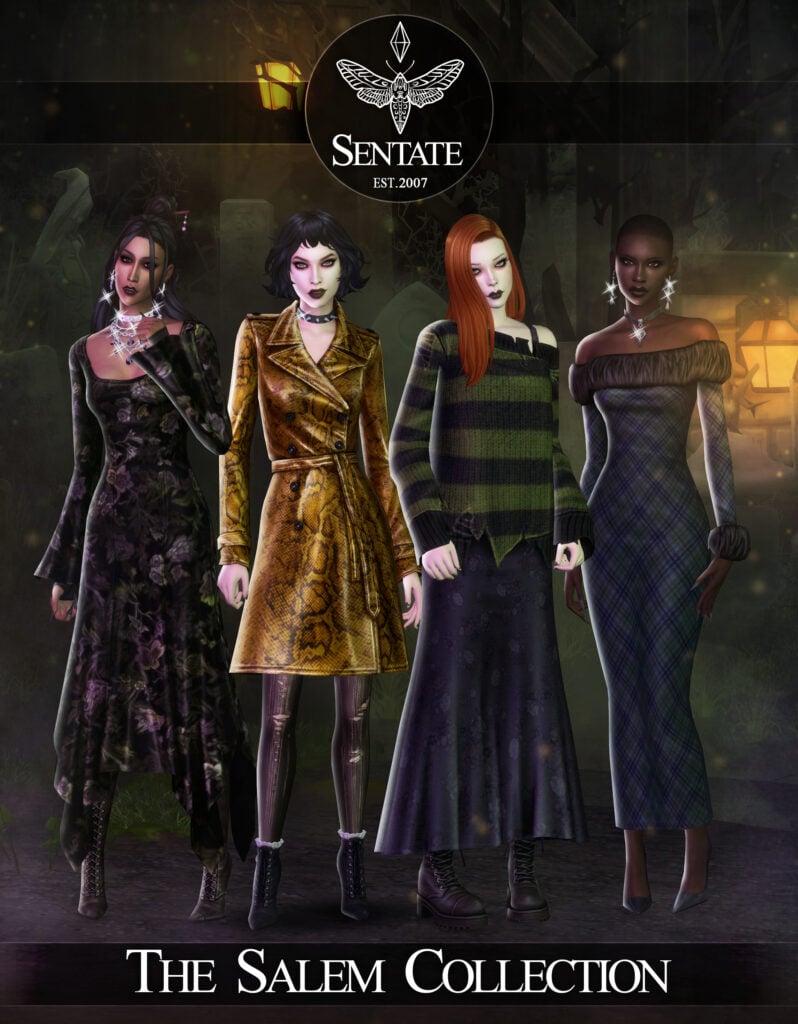
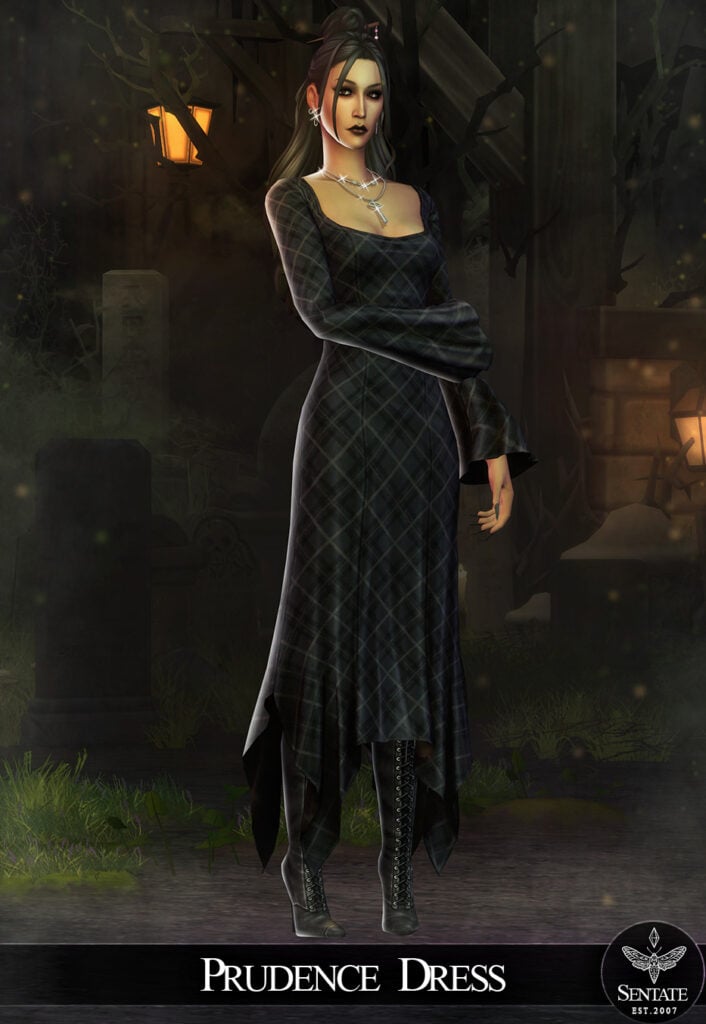
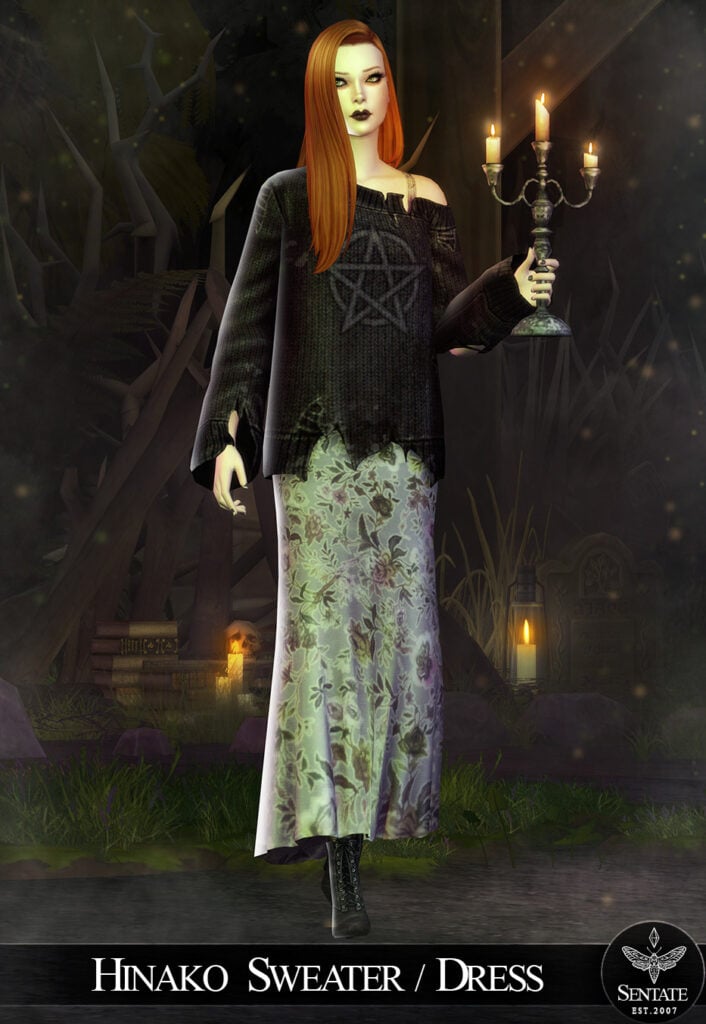
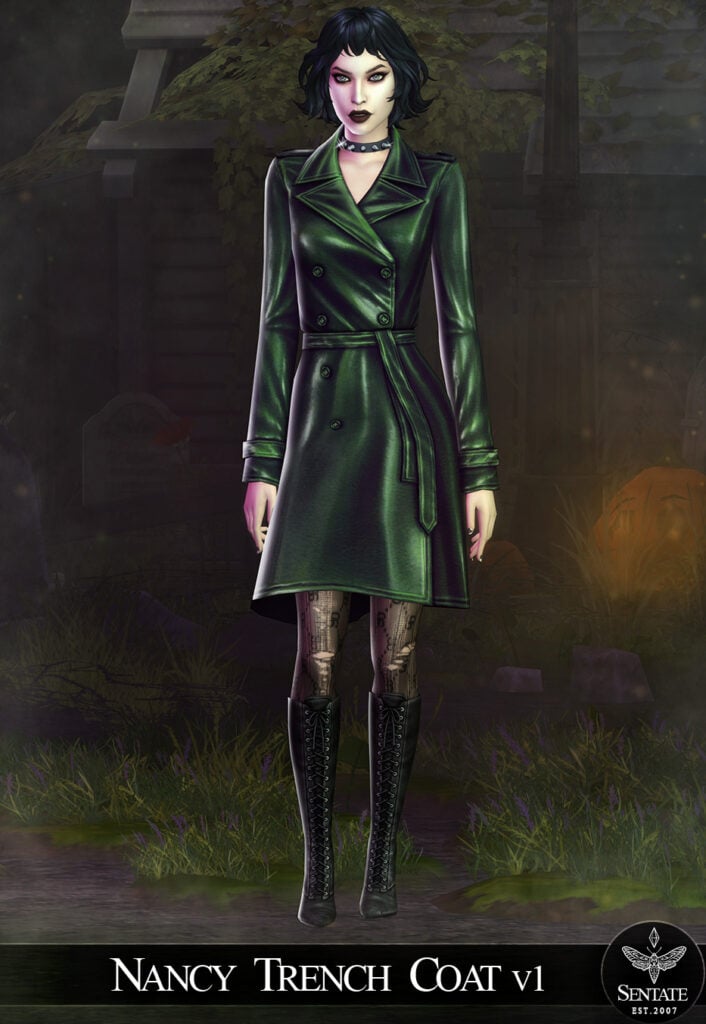
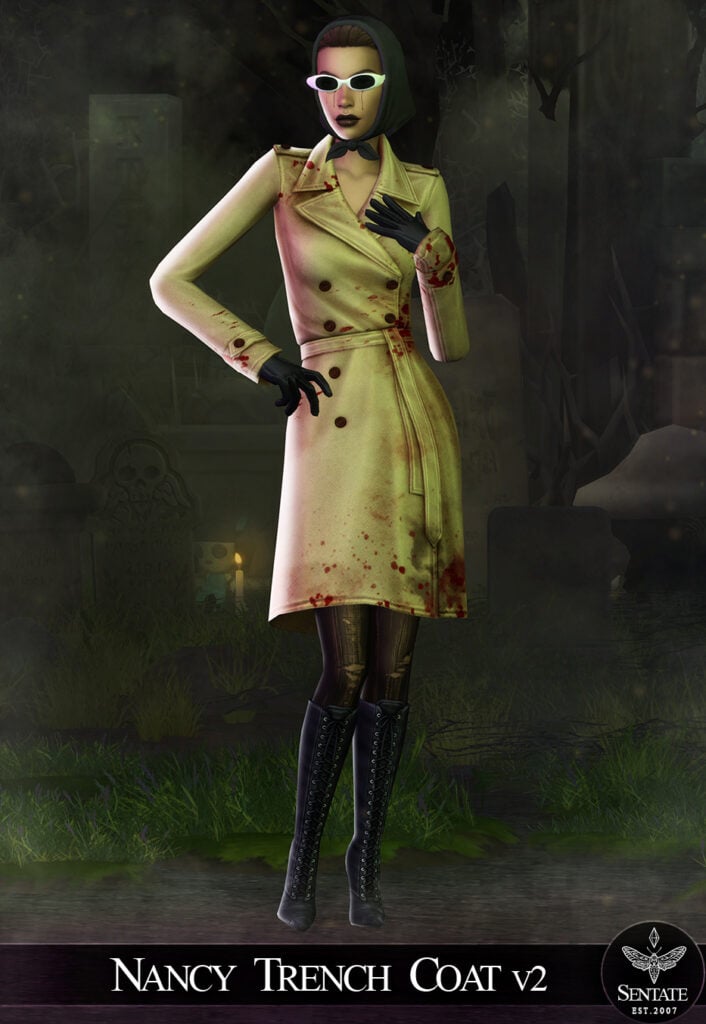
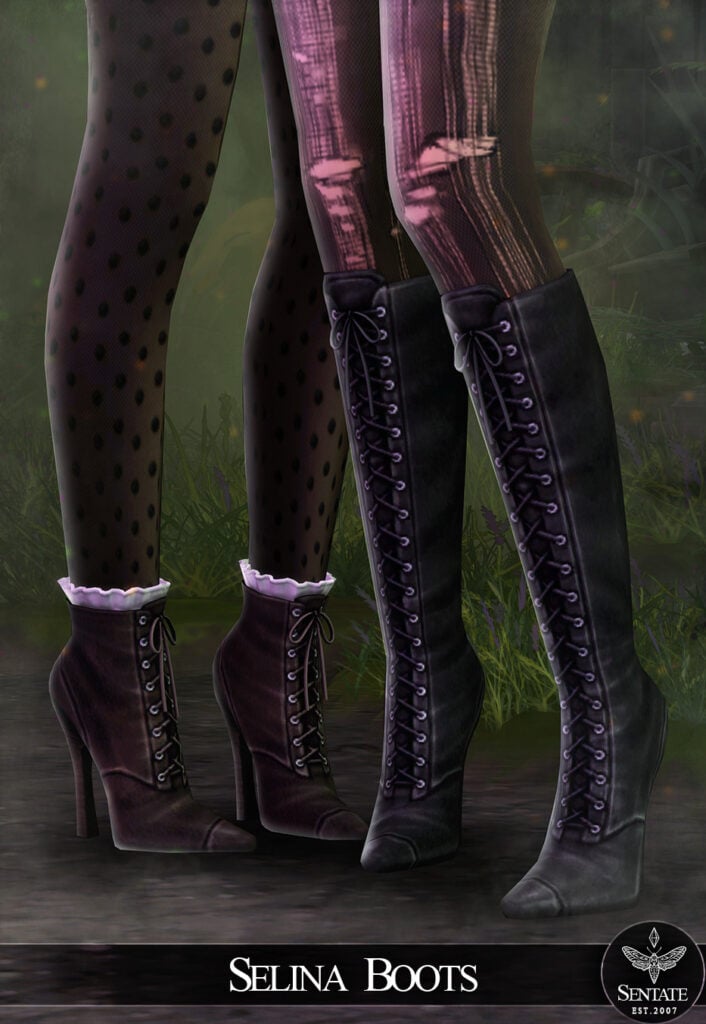
Spooky never looked so good with The Salem Collection by Sentate! 11 amazing pieces make up 7 different gothic outfits! Some of the items included are the Prudence Dress, a long, flowing, fitted dress with long sleeves puffed at the bottom – paired with the Selina Boots in this pack, make a statement goth piece! 2 versions of the Nancy Trenchcoat, go with a typical goth look or a more fun Halloween version with blood splatters. Want a more cozy gothic look? Go with the Hinako Sweater/Dress, which features a worn, off-shoulder, long-sleeve top with a long, flowing skirt. No matter your gothic style, this pack has it all!
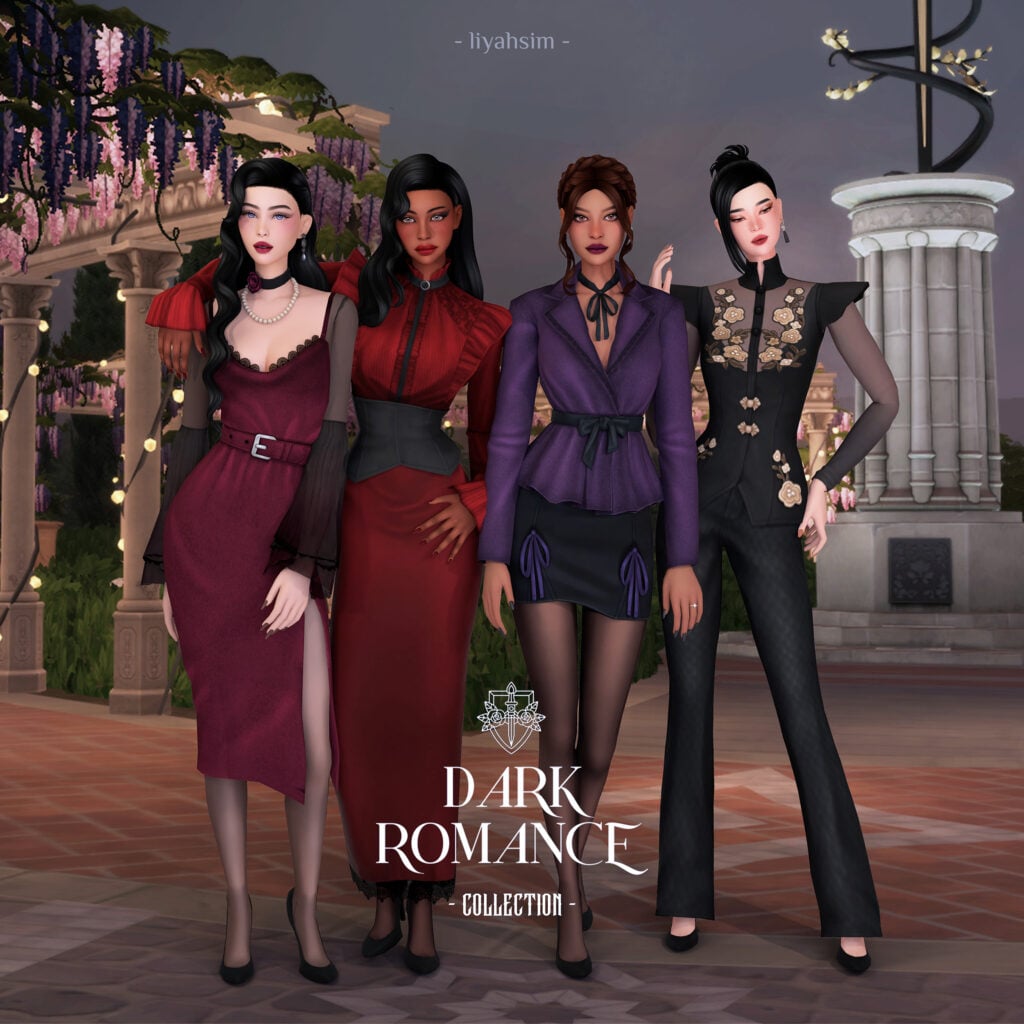
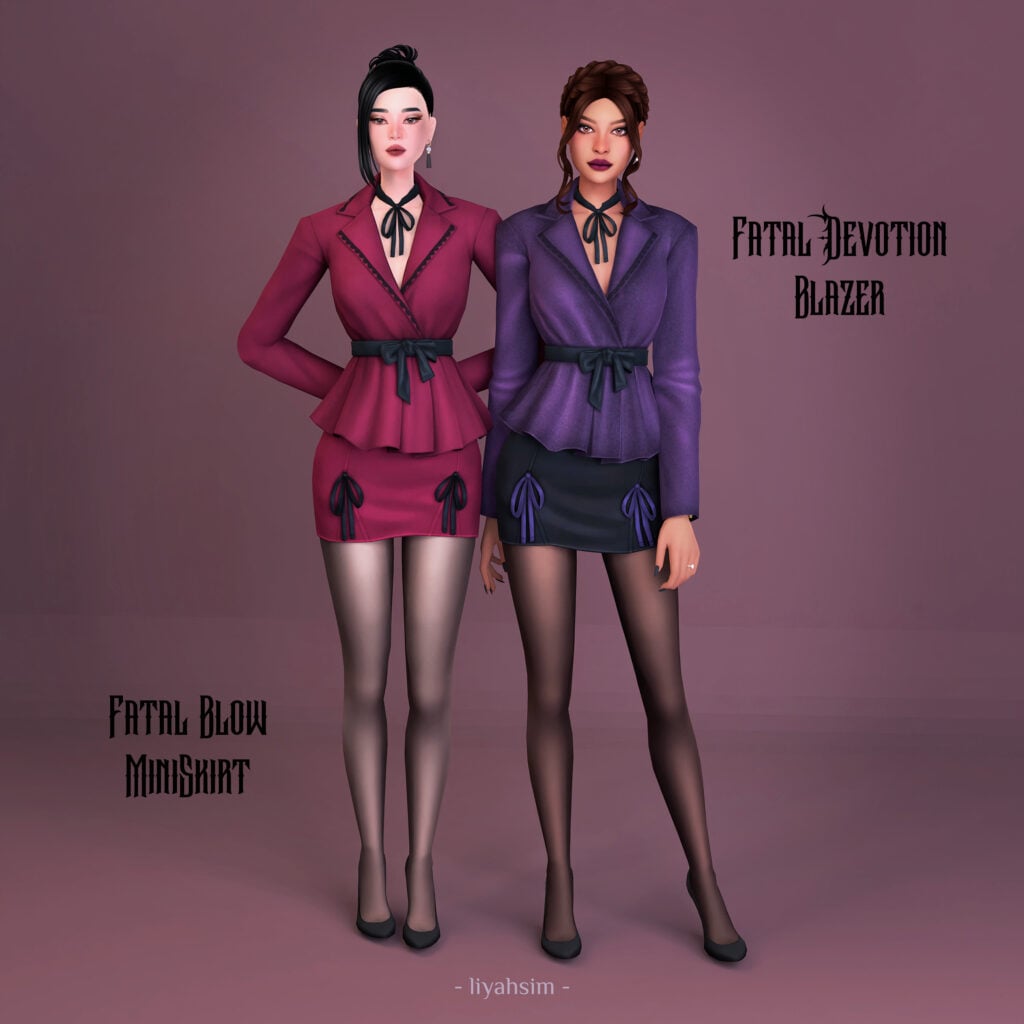
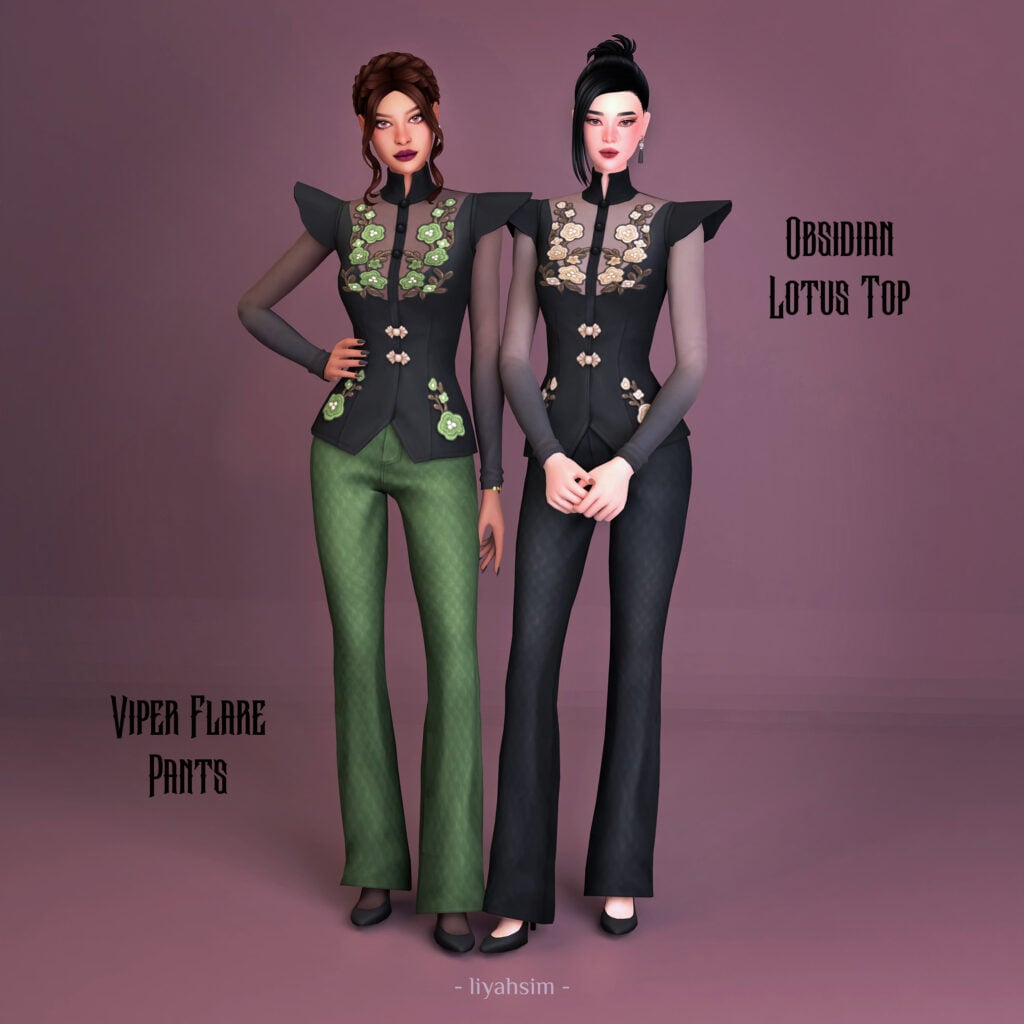
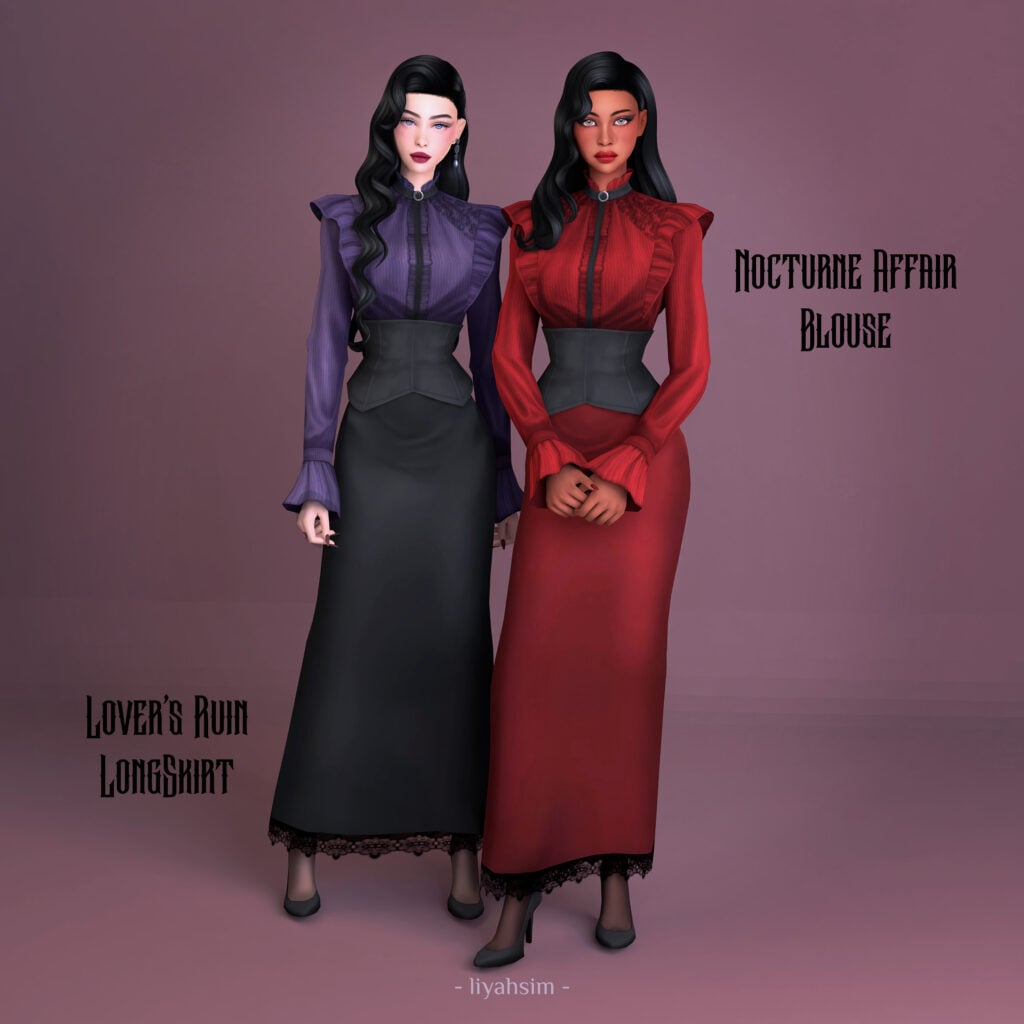
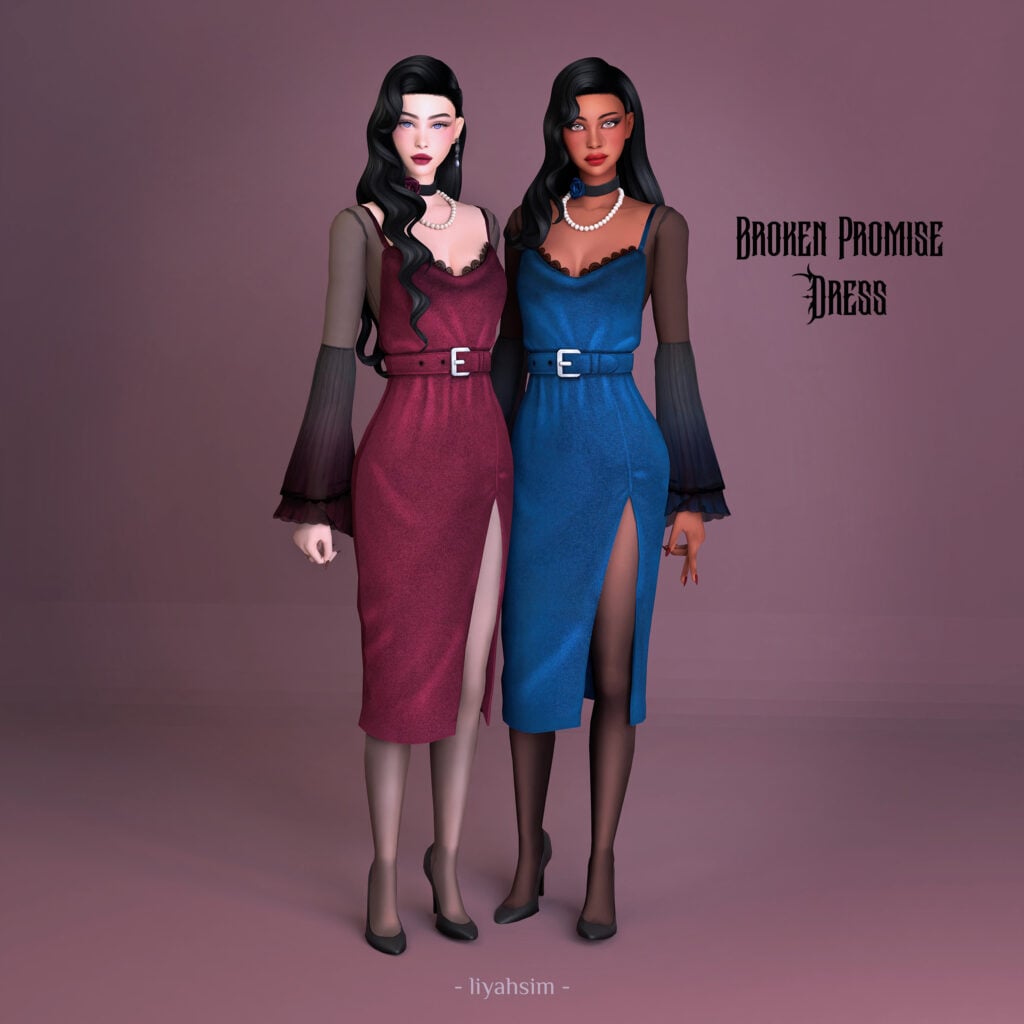
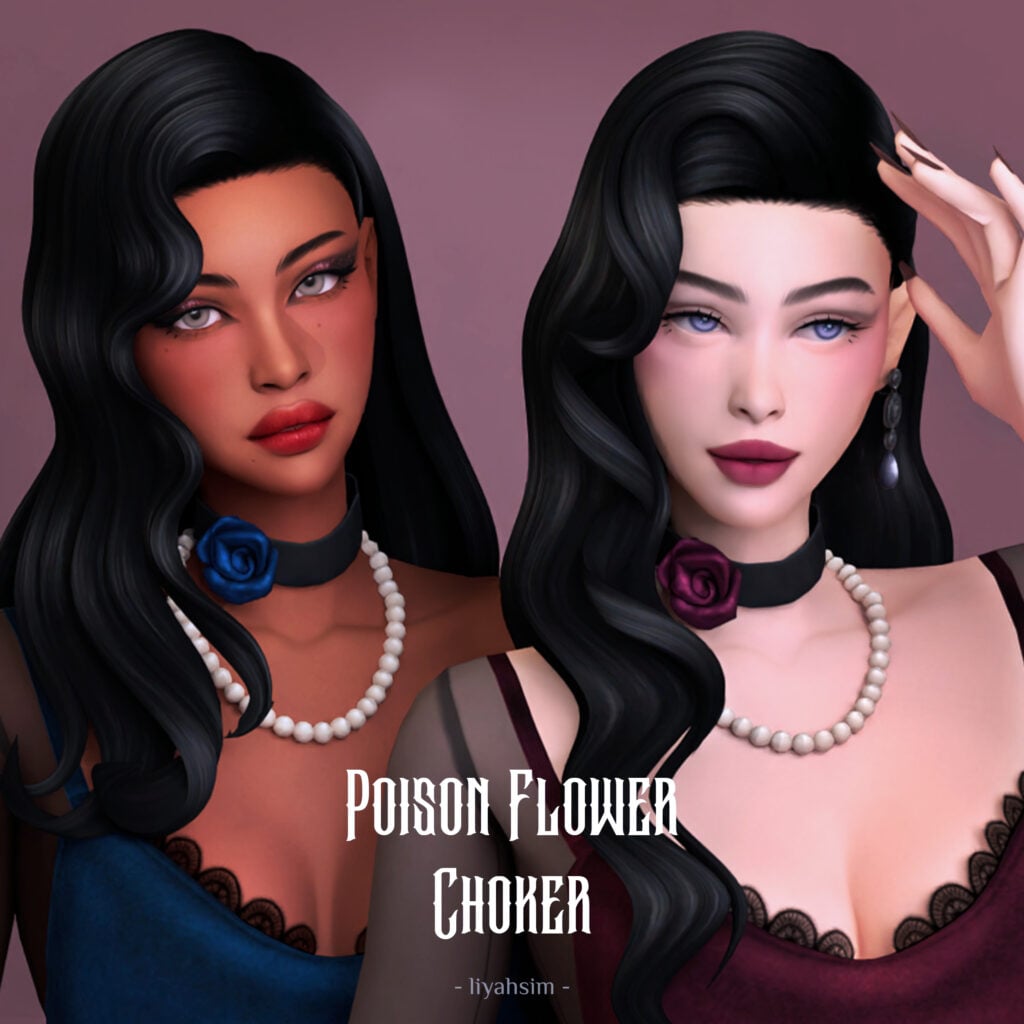
Gothic grace at its finest! Dark Romance Collection by LiyahSim includes 4 different, more elegant Sims 4 gothic CC outfits with a Poison Flower Choker that would look drop-dead gorgeous in all of these outfits! 2 dresses, 3 bottoms, 3 tops, and 1 stunning accessory make this Victorian Styled pack!
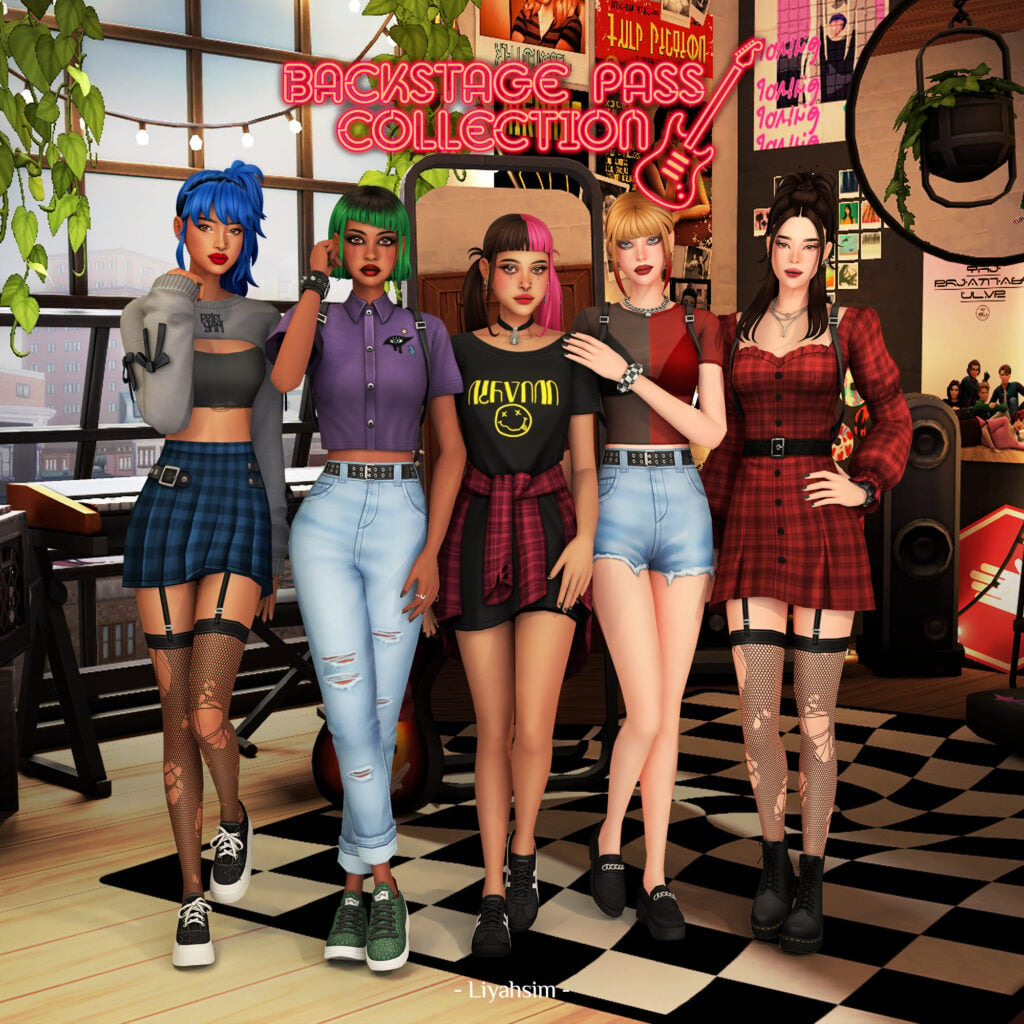
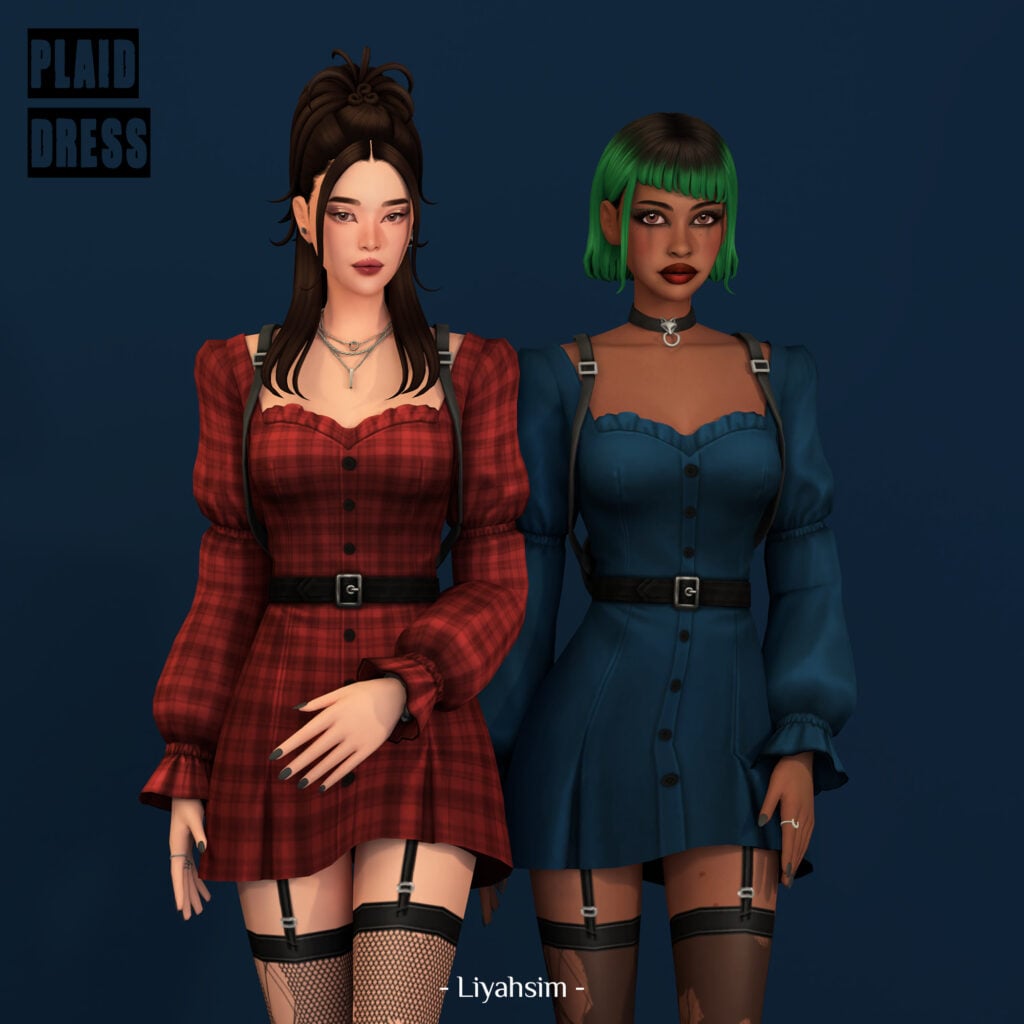
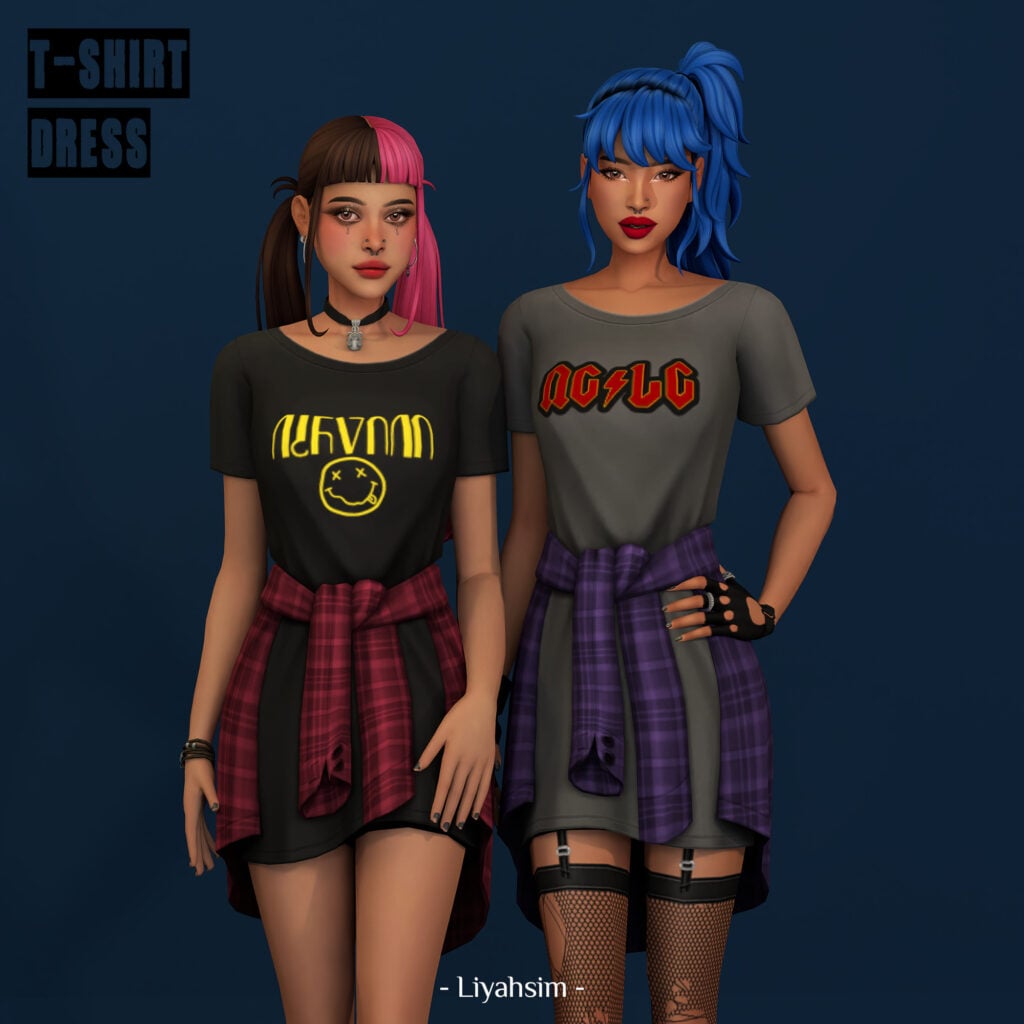
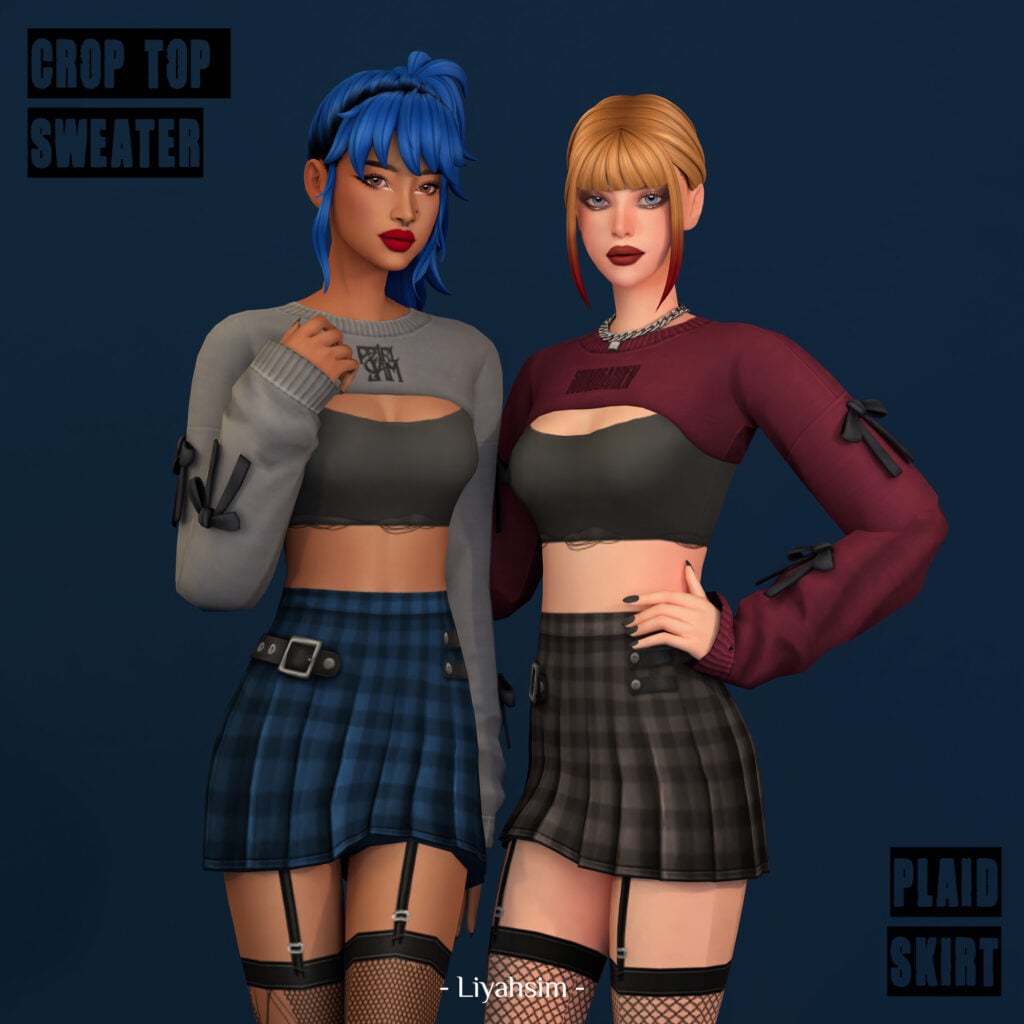
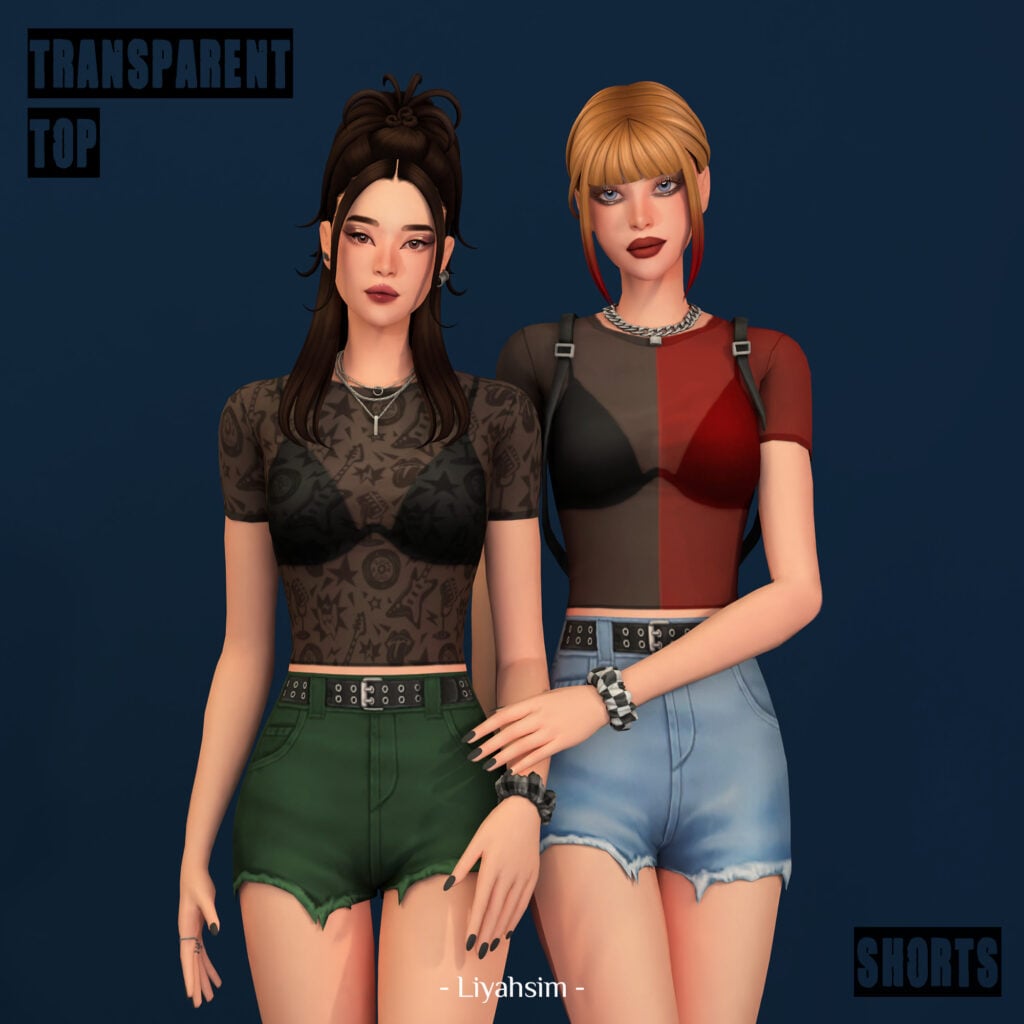
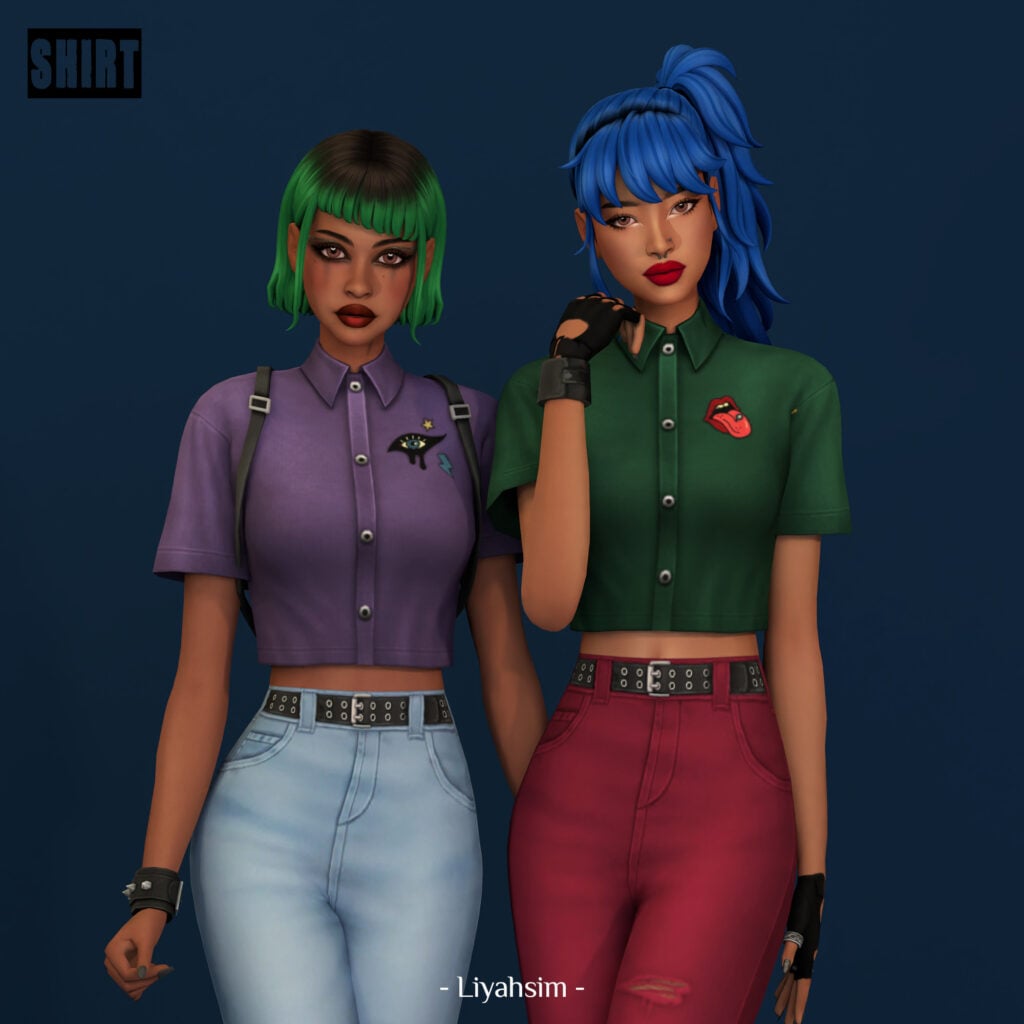
Goth but listens to indie playlists. Backstage Pass Collection by LiyahSim has more of a trendy, gothic feel to it. T-Shirt Dress features a long, baggy graphic T, turned into a dress with a plaid overshirt tied at the hips. While the Plaid Dress has long puffy sleeves, a shorter cut, and features a simple black belt. If you’re looking for something more sinister and edgy, check out the Transparent top – a sheer, short-sleeved top with a black bra underneath and available in multiple swatches. Pair it with the matching worn shorts, with frayed hems, and a spikey, black belt! No matter the vibe, this CC pack will have you covered!
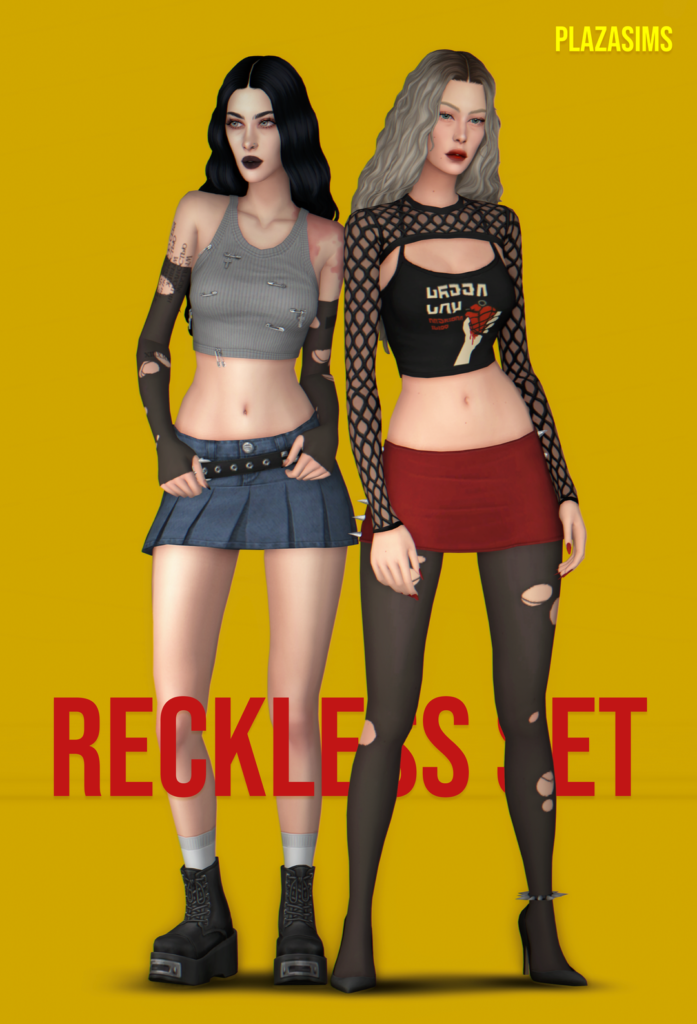
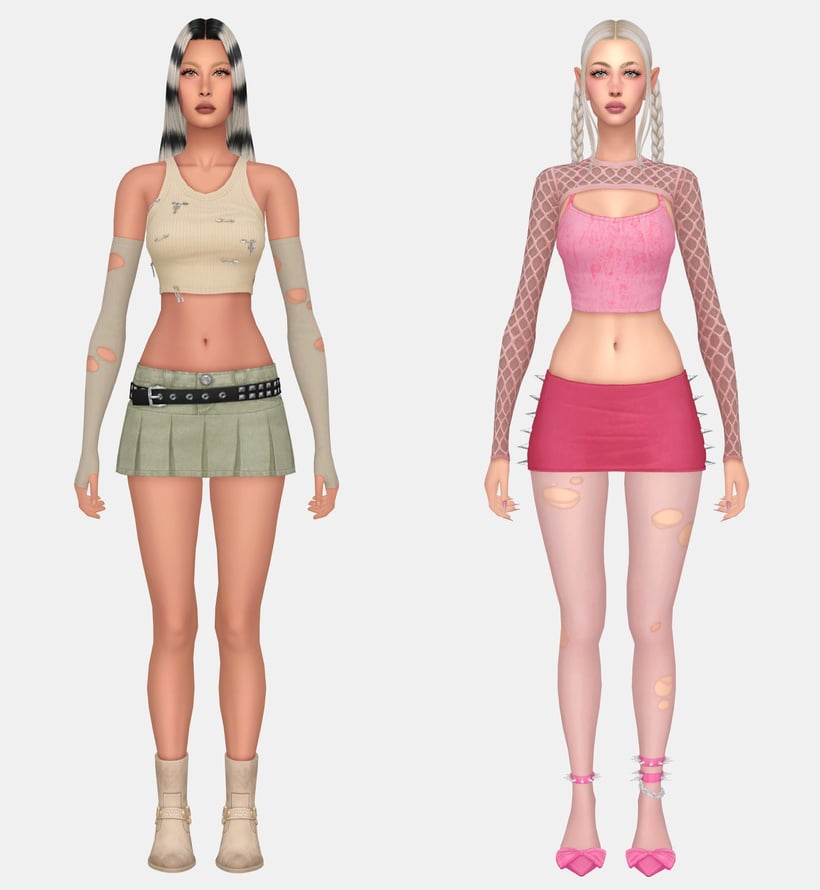
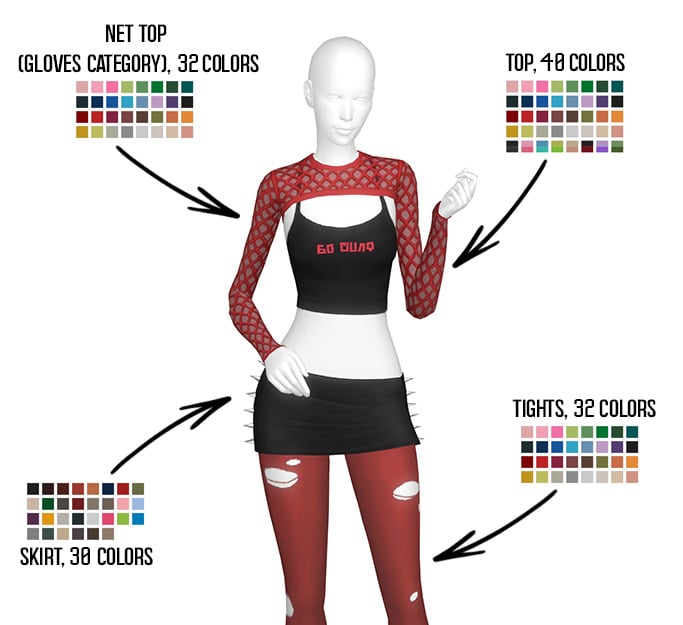
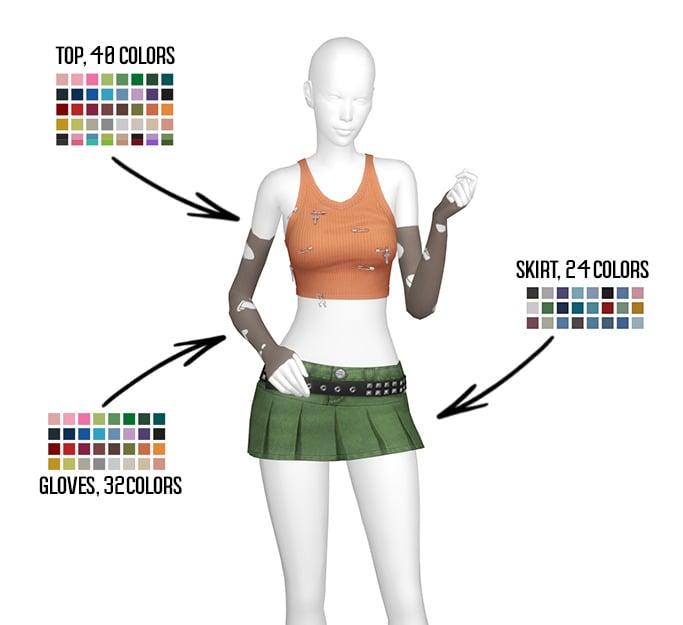
The ultimate “don’t talk to me” outfit! Reckless Set by plazasims features a worn, cropped tank top, adorned with different metal pins, available in 40 swatches. A short skirt with a black, spikey belt, available in 24 matching swatches, and another skirt that is short as well, with metal spikes at the hips in 30 swatches. 3 accessories are also included: a pair of net tights, gloves, and a net top, which is found in the gloves category. Everything to create an edgy, gothic vibe!
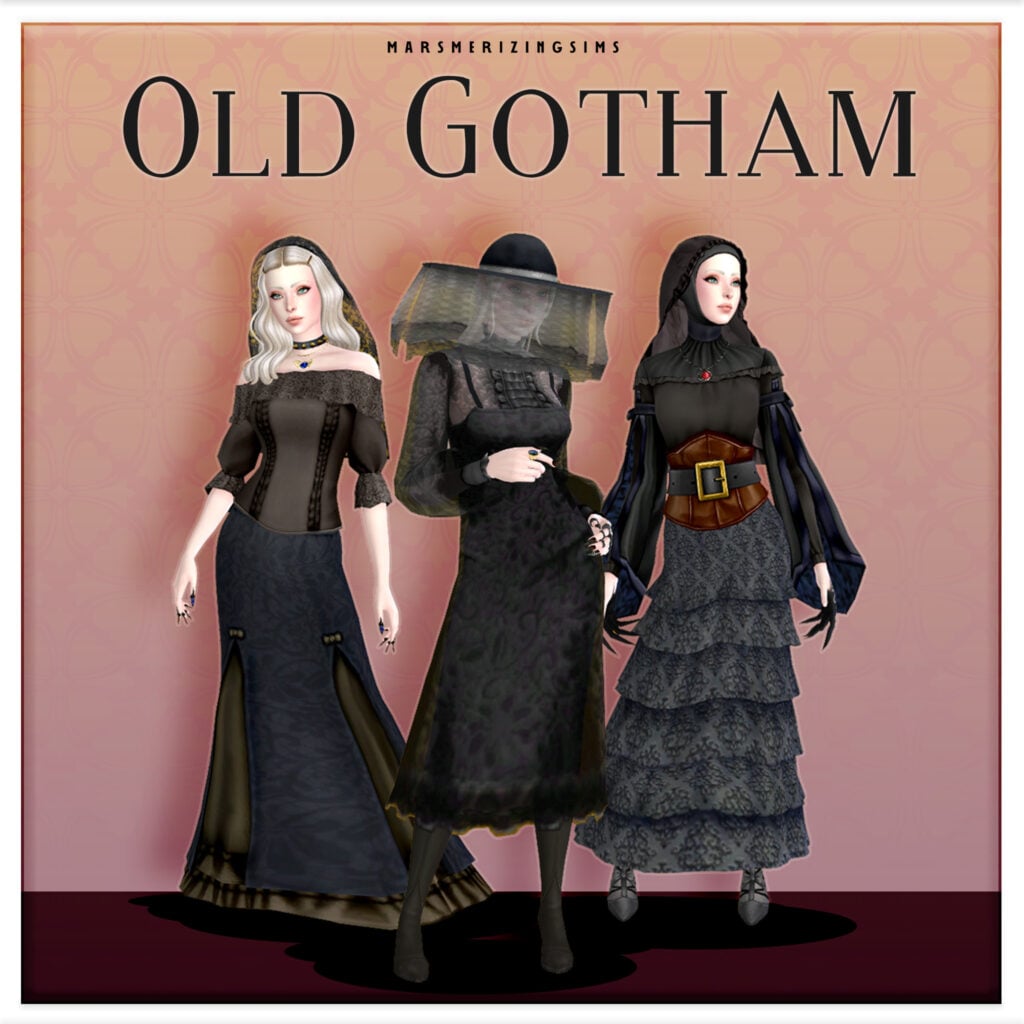
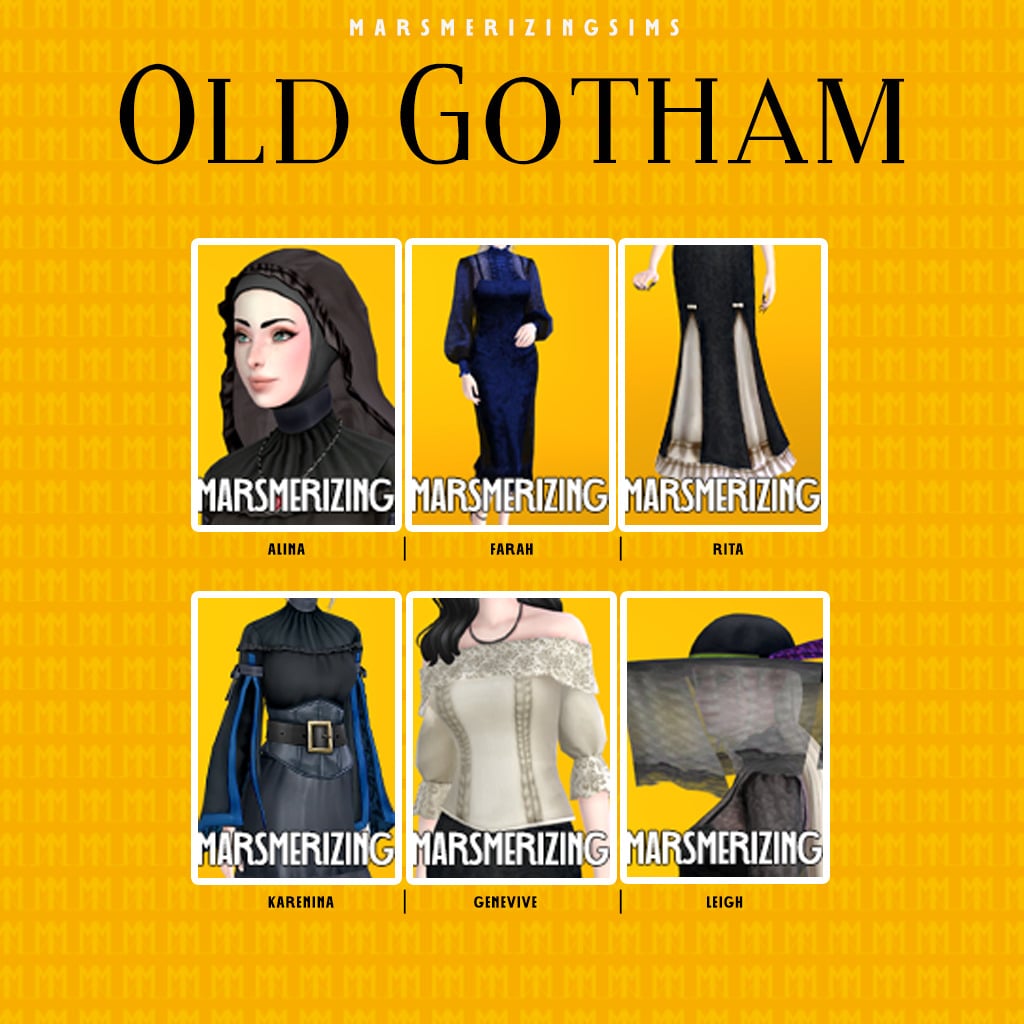
Your Sims will look like they came straight out of a haunted painting in this shocking set by marsmerizingsims. 1 dress, 1 skirt, 2 tops, and 2 accessories are included in this CC pack, and they all have a dark, dreamy, Victorian vibe to them. Whether your Sim is just running errands or attending a funeral, everyone will know your Sim is the true Gothic queen!
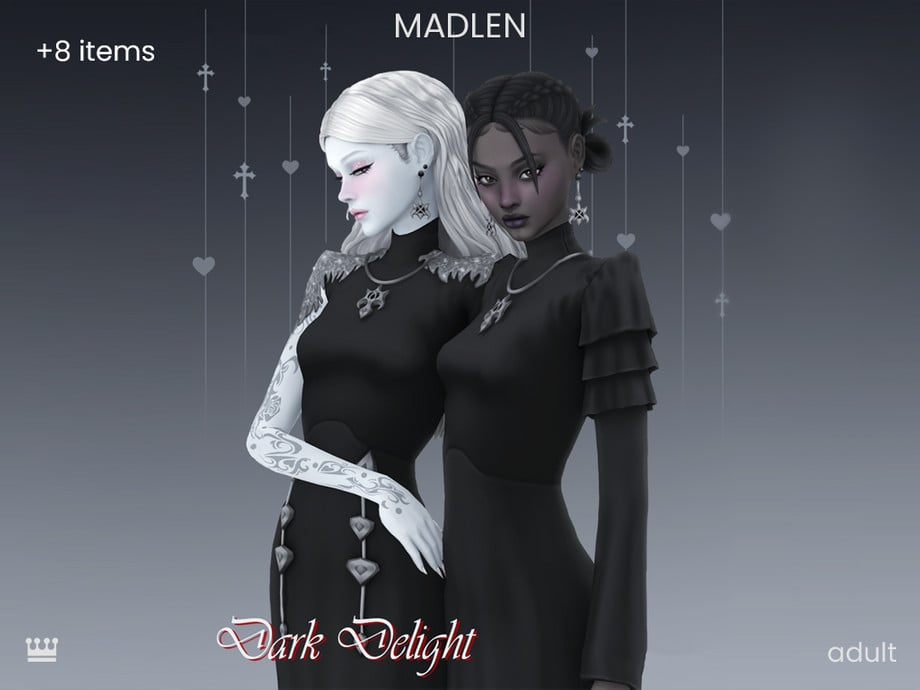
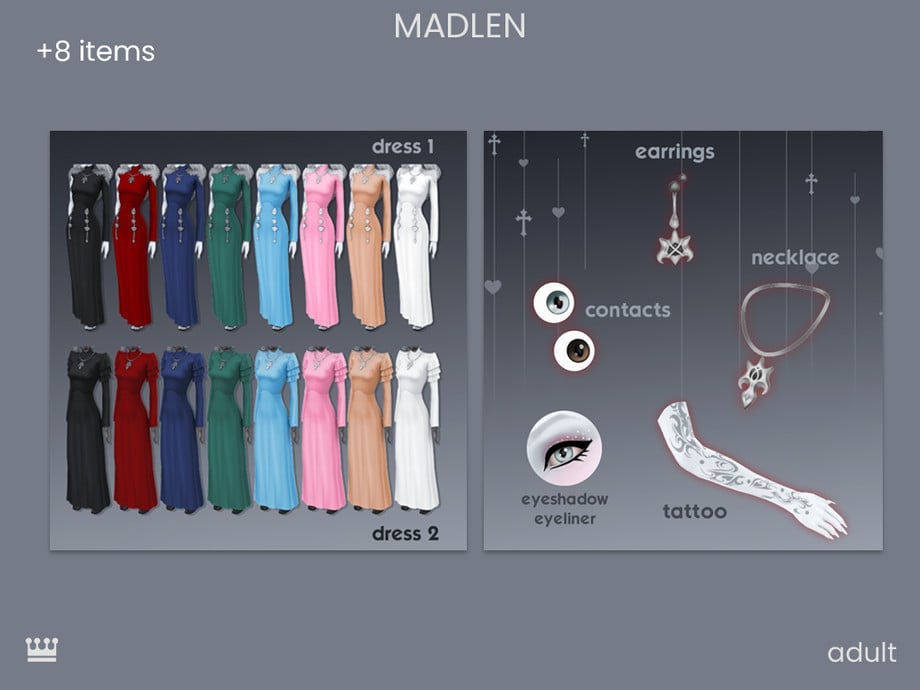
Timeless beauty, touched by darkness. Dark Delight Set by Madlen features 2 dresses, one of which has a more fitting look with gem adornments at both hips. In contrast, the other dress has a more flowing look with puffed, layered sleeves. However, both have long cuts and long sleeves. To finish off this beautiful outfit, Madlen has included a matching necklace/earring set, as well as eyeliner, a tattoo, and contacts. Reinvent your Sims gothic look with this astounding CC set!
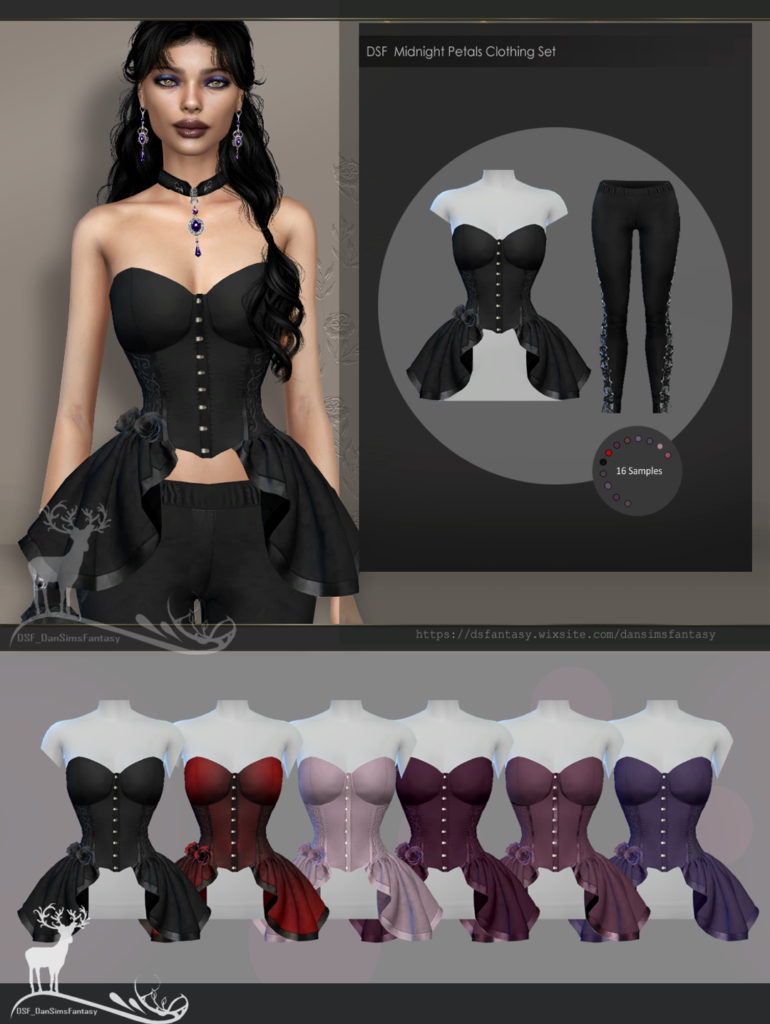
Midnight Petals Clothing Set by Dansimsfantasy gives beauty that lingers like a ghost! A tight-fitting pair of leggings is included that has braids with lace at the sides and a corset-style top that puffs out at the bottom, with small rose adornments, and more lace! Make a statement and look good doing it!
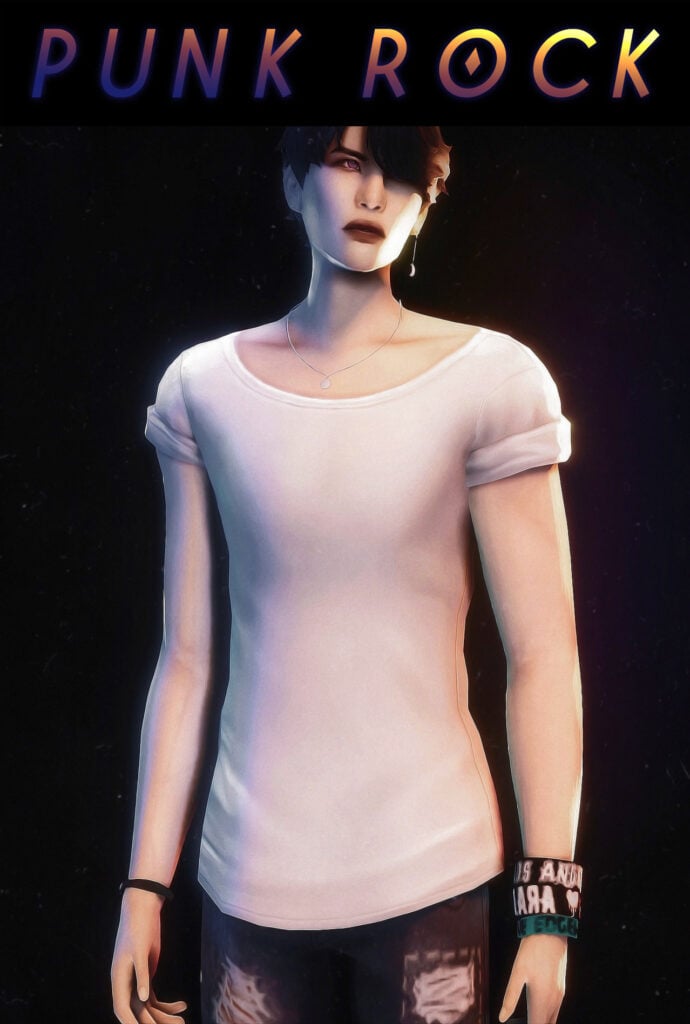
Moody, minimal, and on point: Punk Rock by SIMANDY is a simple, short-sleeve top for masculine frame sims with rolled sleeves. Paired with baggy, or tight-fitting black jeans, this would create an effortless, gothic look.
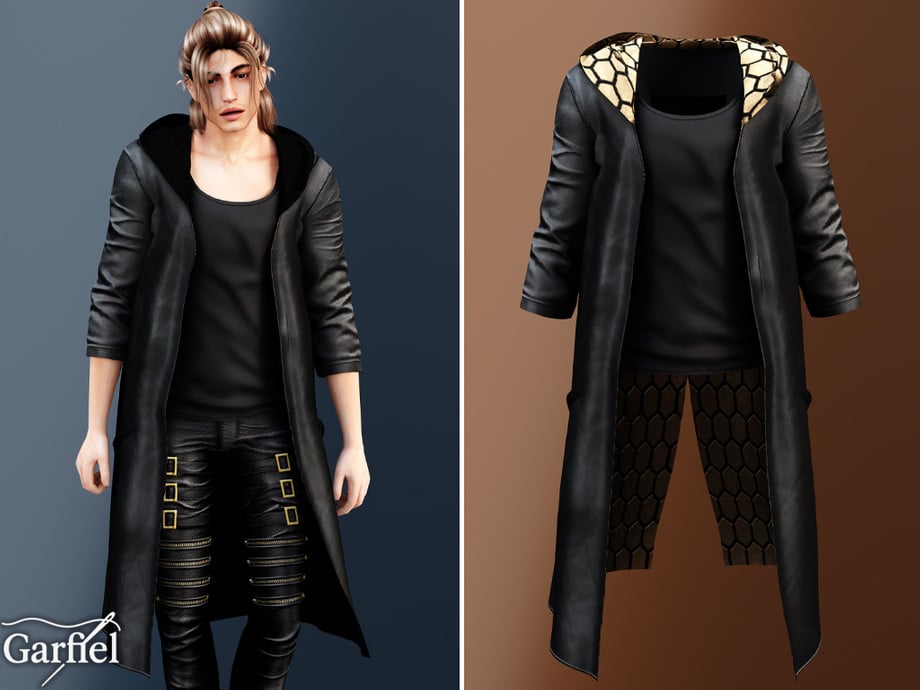
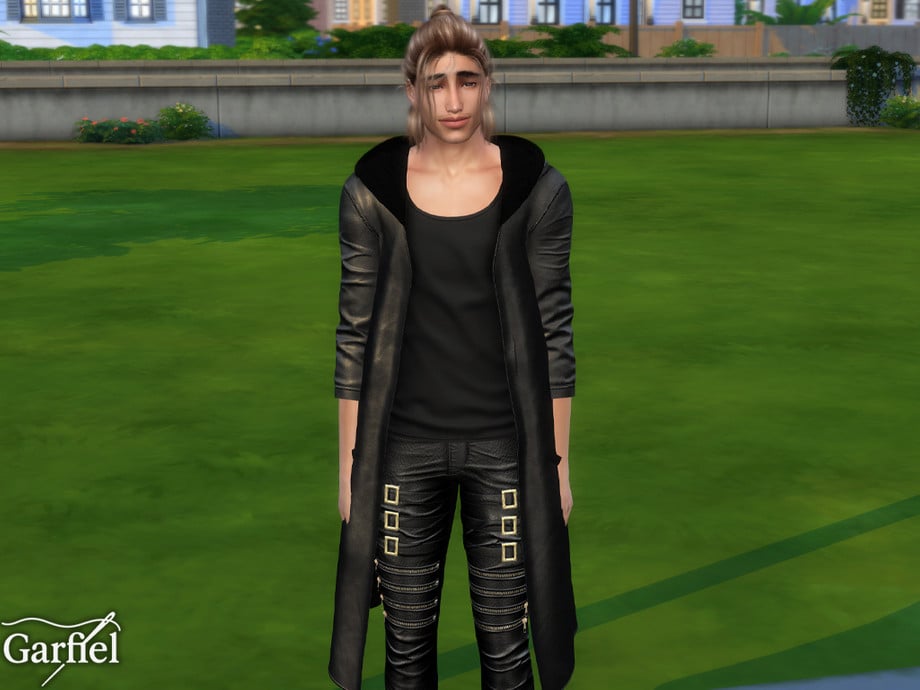
Long Hooded Leather Coat Layered Over Tank by Garfiel
This CC top by Garfiel is a modern-day vampire staple! A long, leather coat that hangs past your Sims’ knees, with scrunched sleeves, and a loose tank top make up this amazing gothic CC top that will have your male Sims feeling a little more mysterious.
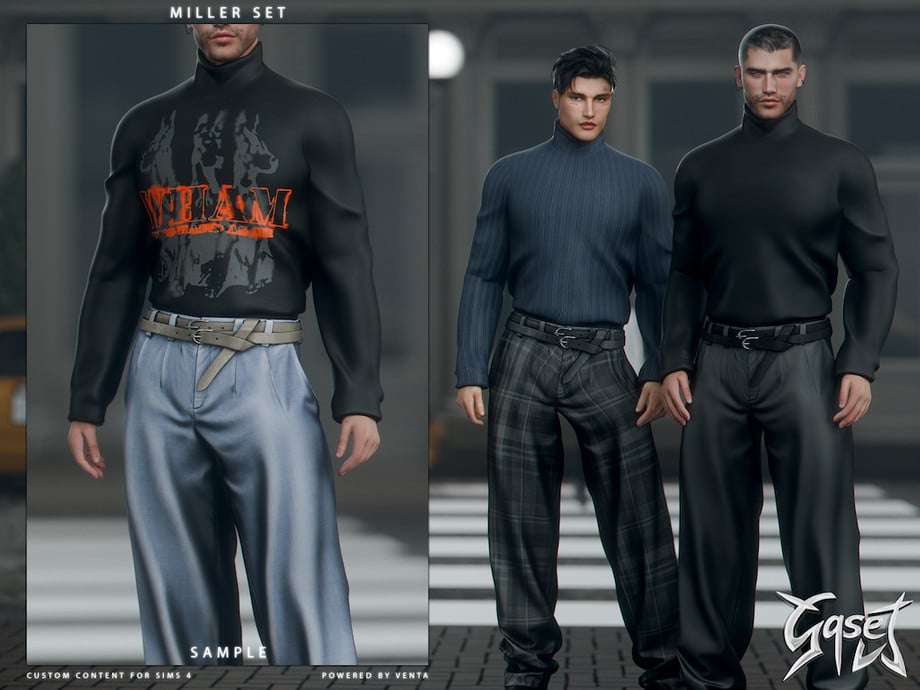
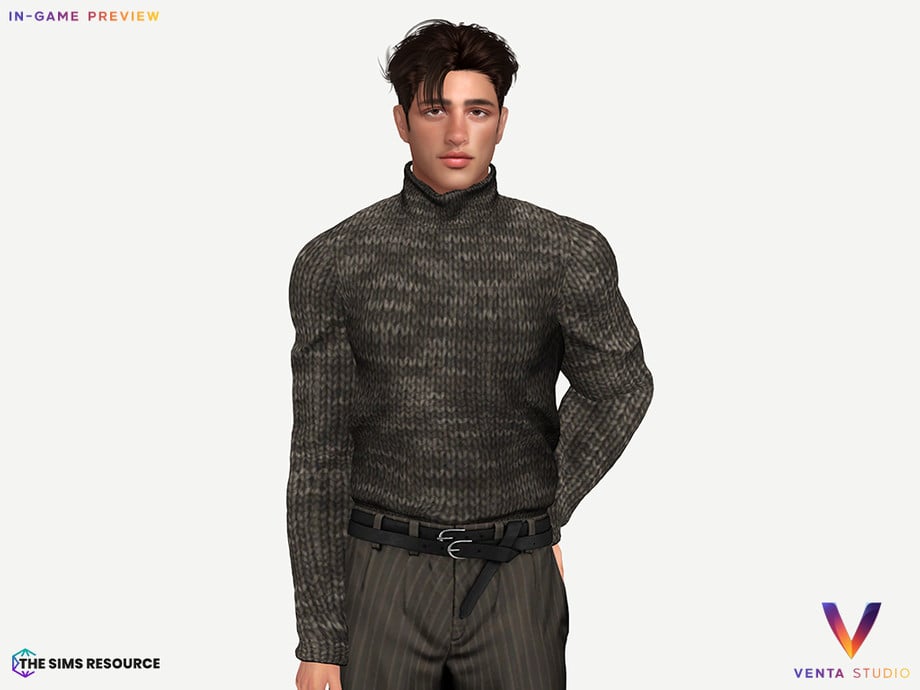
Clean lines and dark intentions, GASET – Miller Sweater by VentaStudio features a turtleneck sweater, loose but tucked in, with small fabric details and wrinkles. For a gothic gentleman! Available in 5 handsome swatches!
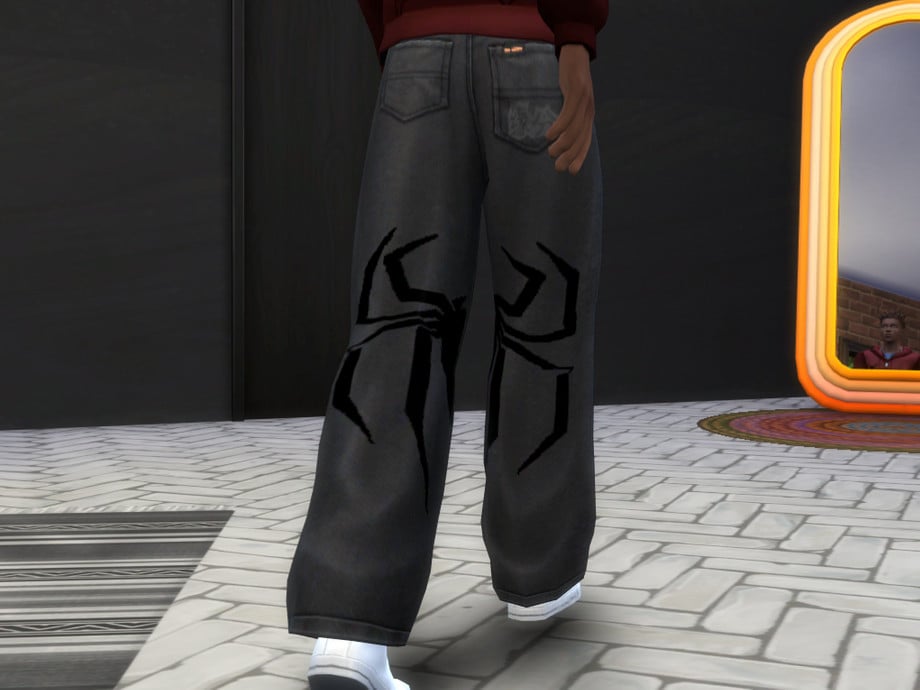
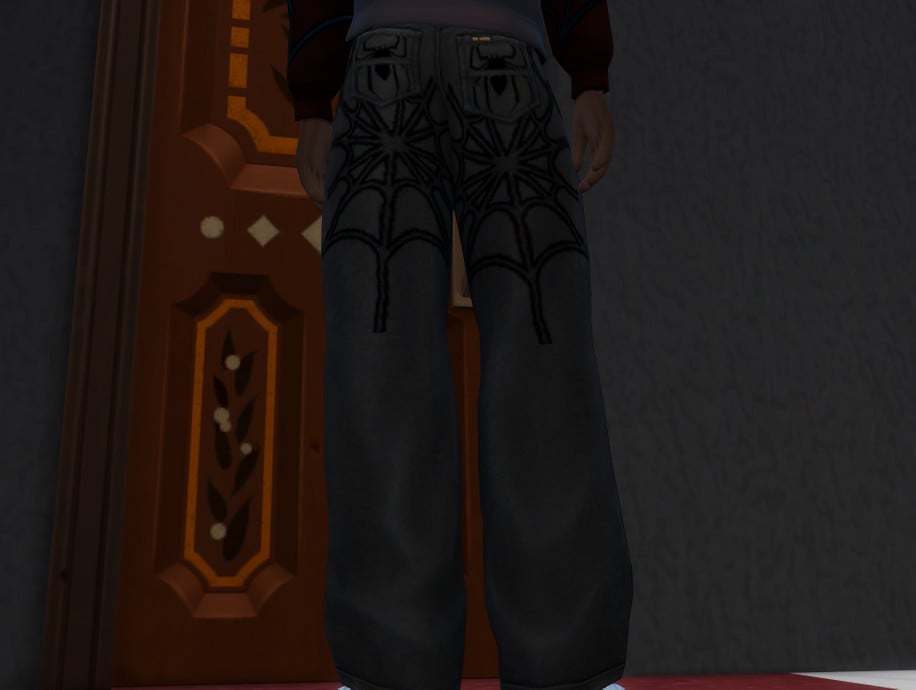
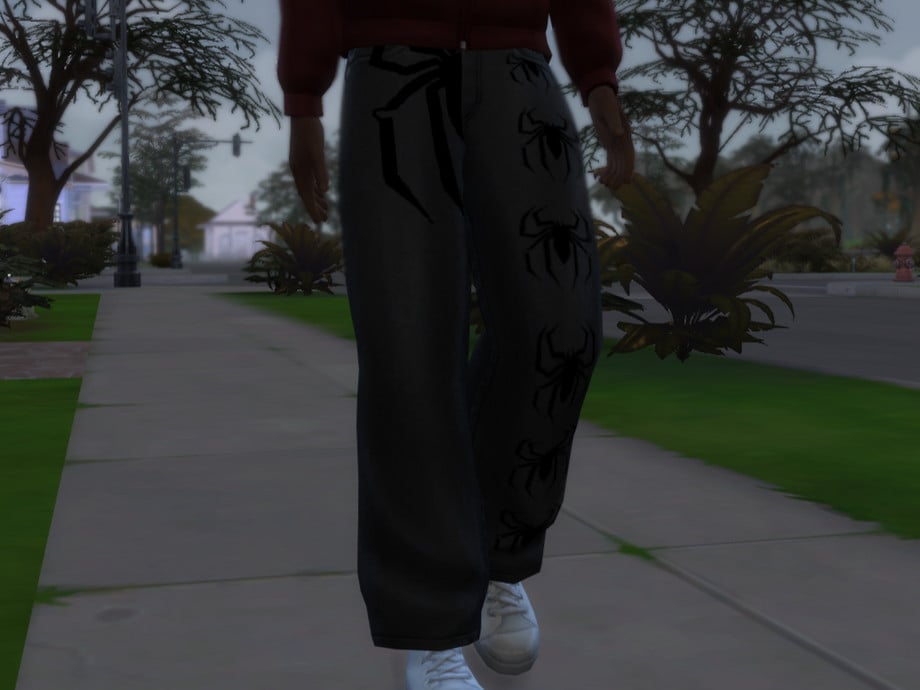
Your Sim will be spinning looks instead of webs in Spider Patterned Black Jeans by yuanfensstudio! These CC bottoms feature a baggy look, with spider decals on the front, as well as a larger one on the back that spans both pant legs. Available in 3 swatches for masculine framed Sims, aged teen through elder.
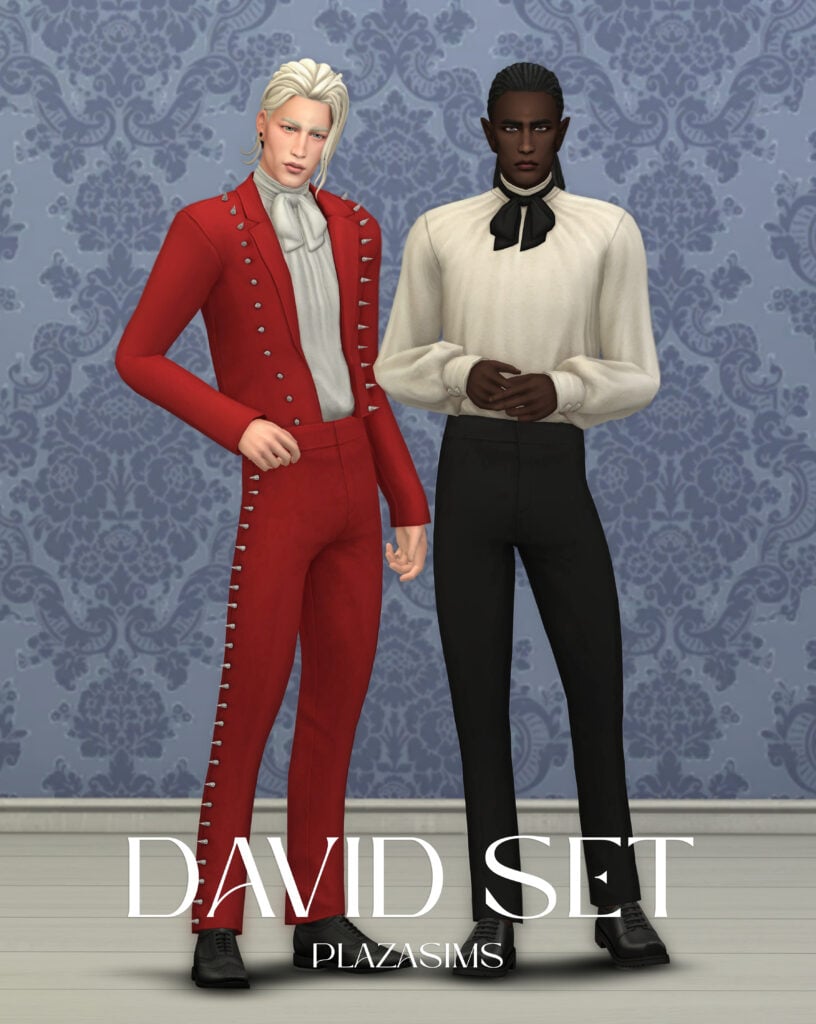
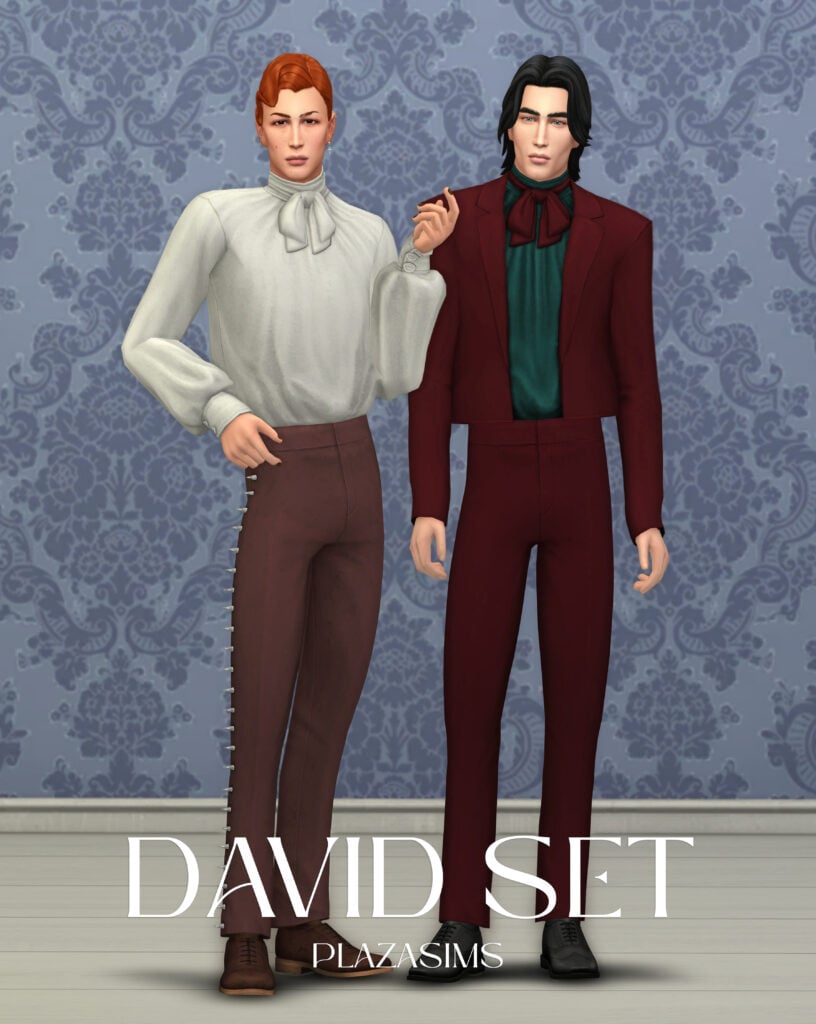
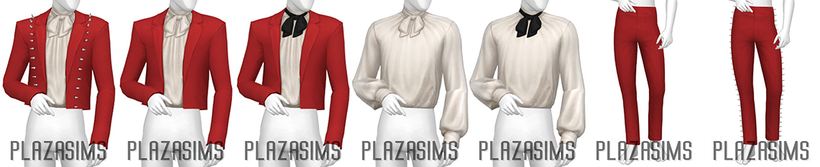
Soft spoken – sharp-dressed. David MM Set by plazasims is a gothic, formal, CC outfit that includes 2 formal pants, with and without spikes at the side, with a matching suit top. The ruffled undershirt pairs perfectly, and the optional Bow accessory completes the vintage, goth style.
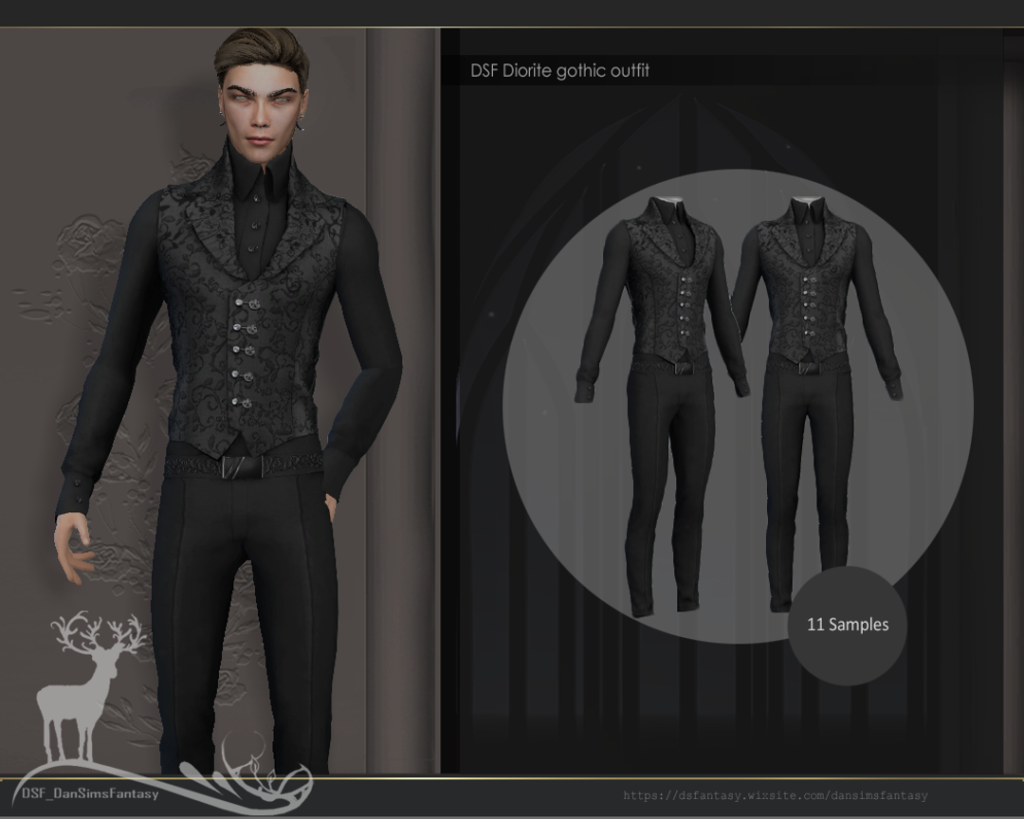
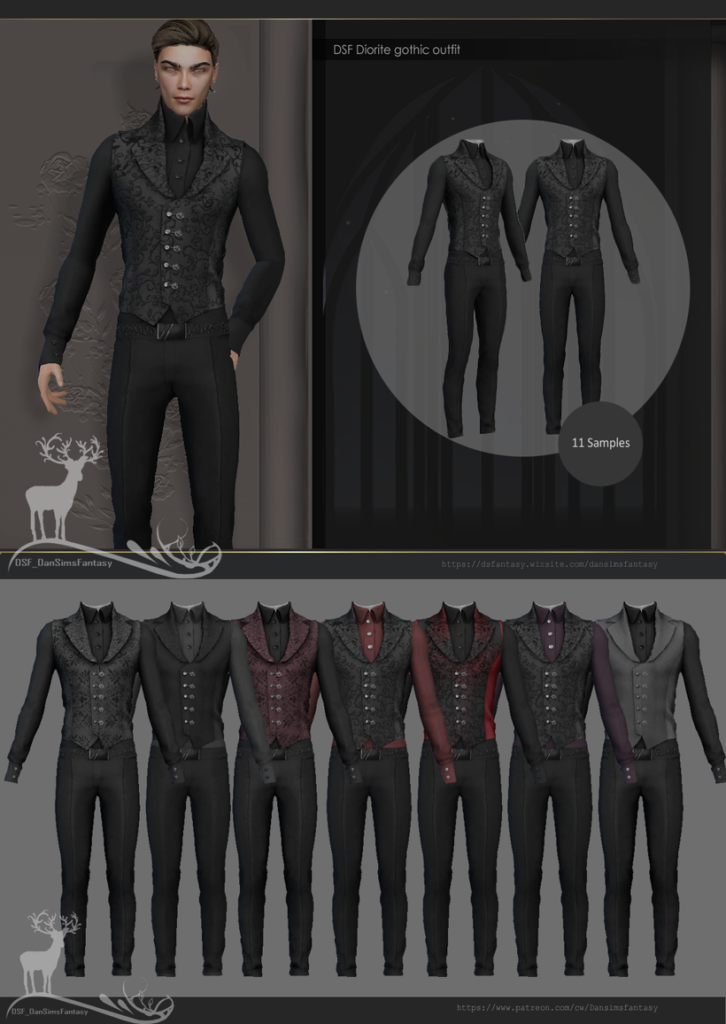
A gentleman…but with a darker side. Diorite Gothic Outfit by Dansimsfantasy is a full-body, formal outfit for your masculine frame Sims. The tight-fitted, pleated pants are paired with a fitted, long-sleeve, undershirt with a high collar, and a vest with ornate buttons and lace. Available in 7 swatches.
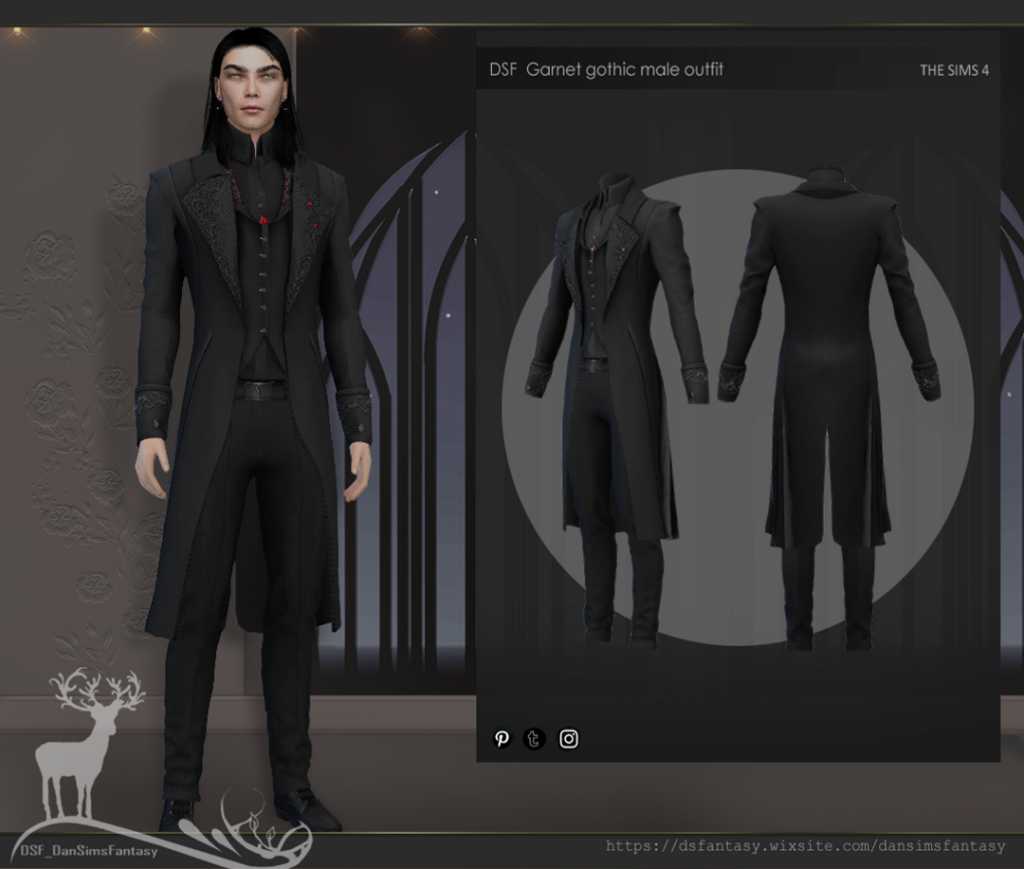
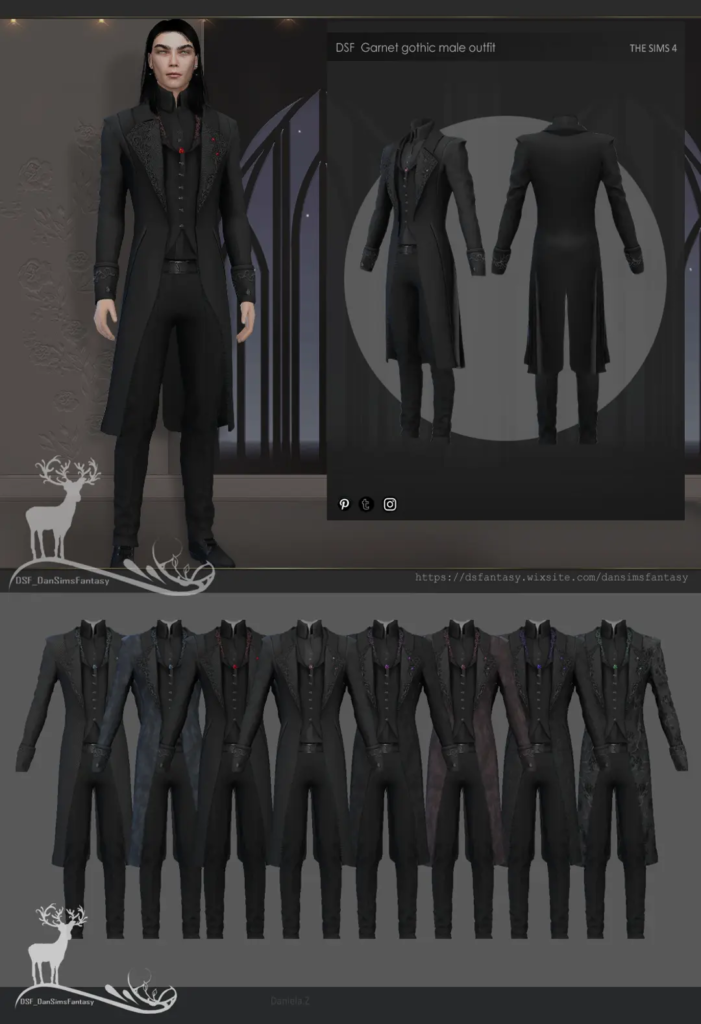
Have your Sim dress like he owns the night in Garnet Gothic Male Outfit by Dansimsfantasy. A pair of tight-fitted trousers is paired with a high-collared undershirt and a vest with subtle details. A long black coat with lace details and designed cuffs helps bring the entire gothic outfit together. Choose 1 of 8 swatches to best match your Gothic Sims vibe.
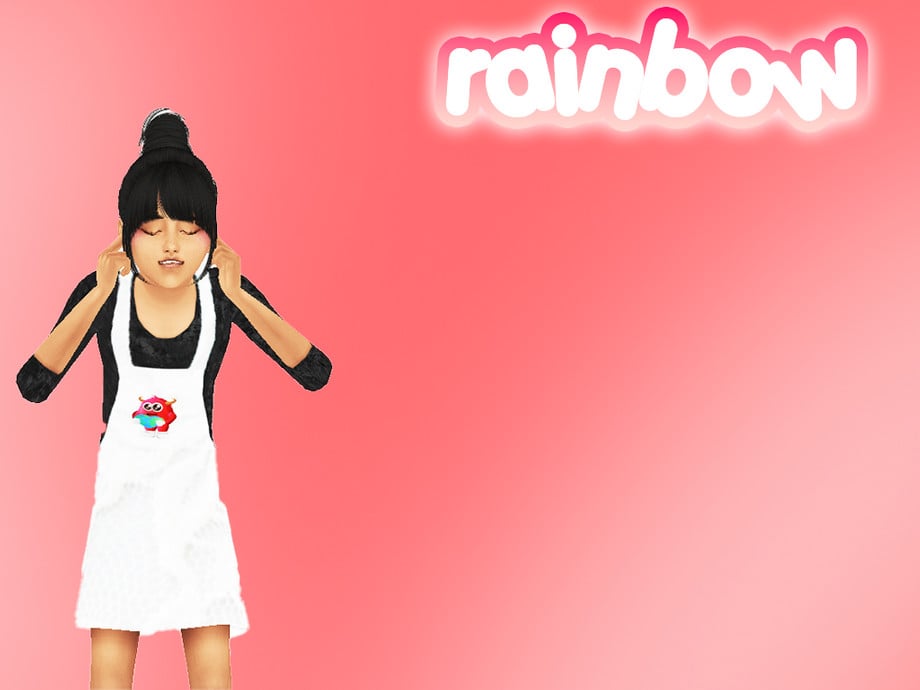
Cute enough to haunt your heart! This CC dress by simdancing includes a black undershirt and cute, white overalls with an adorable, rainbow monster graphic at the front.
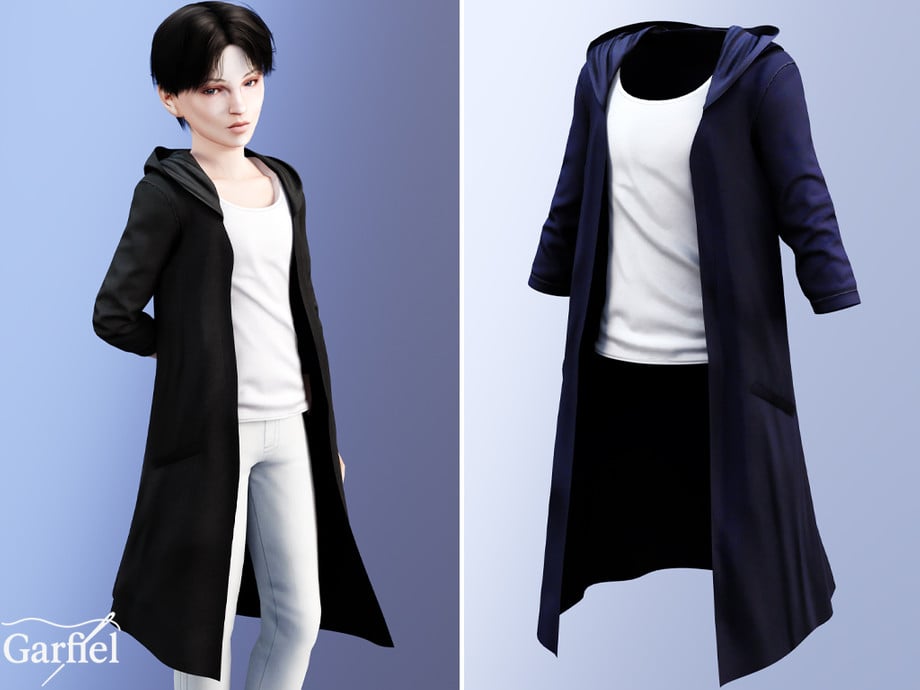
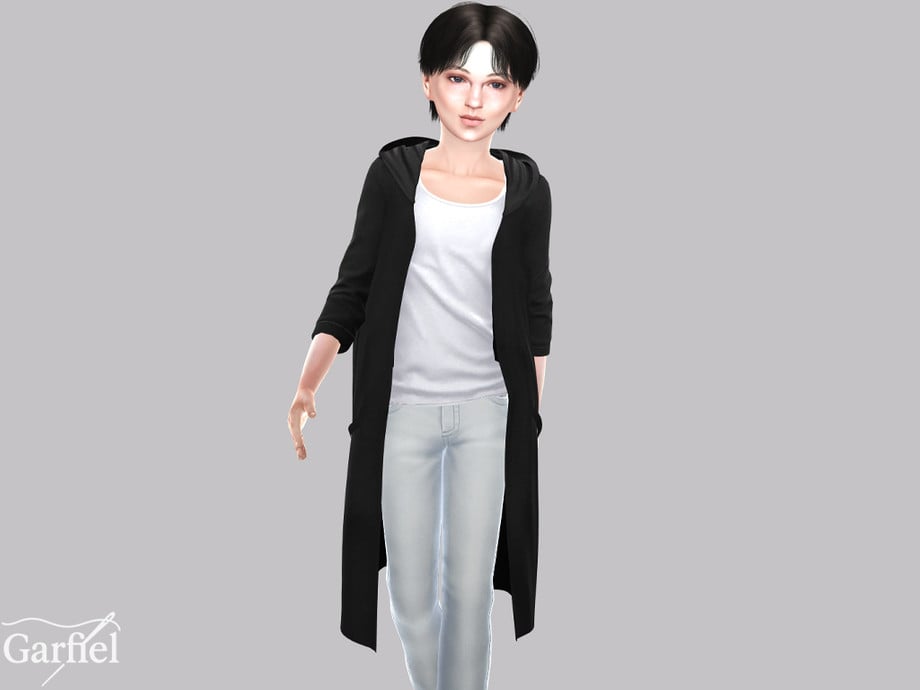
Your Sim may be a mini goth, but that doesn’t mean they shouldn’t have maximum style! This gothic CC top by Garfiel is for your masculine frame, child Sims that features a long overcoat and loose-fitted undershirt.
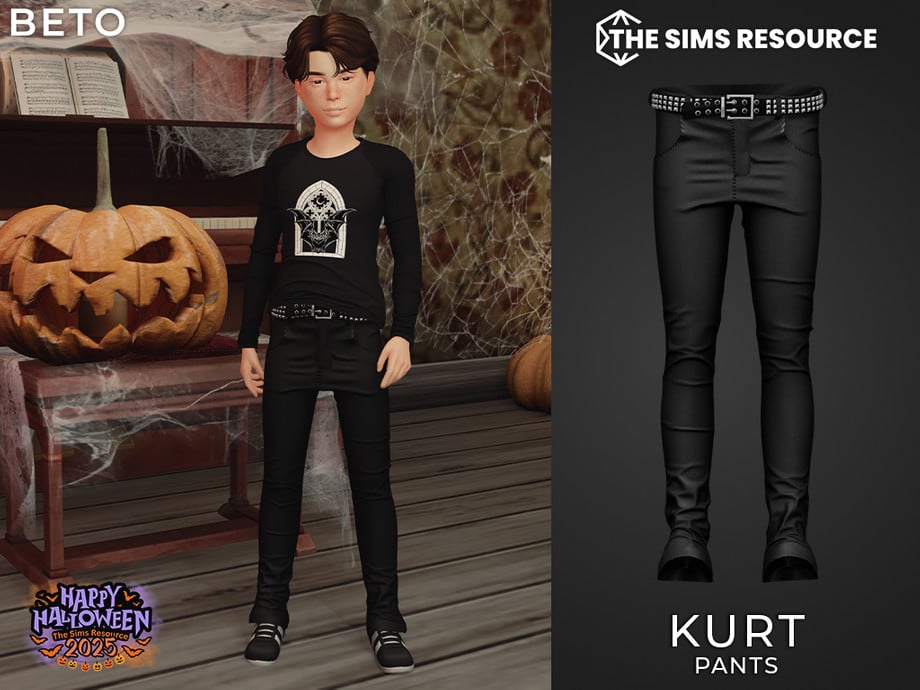
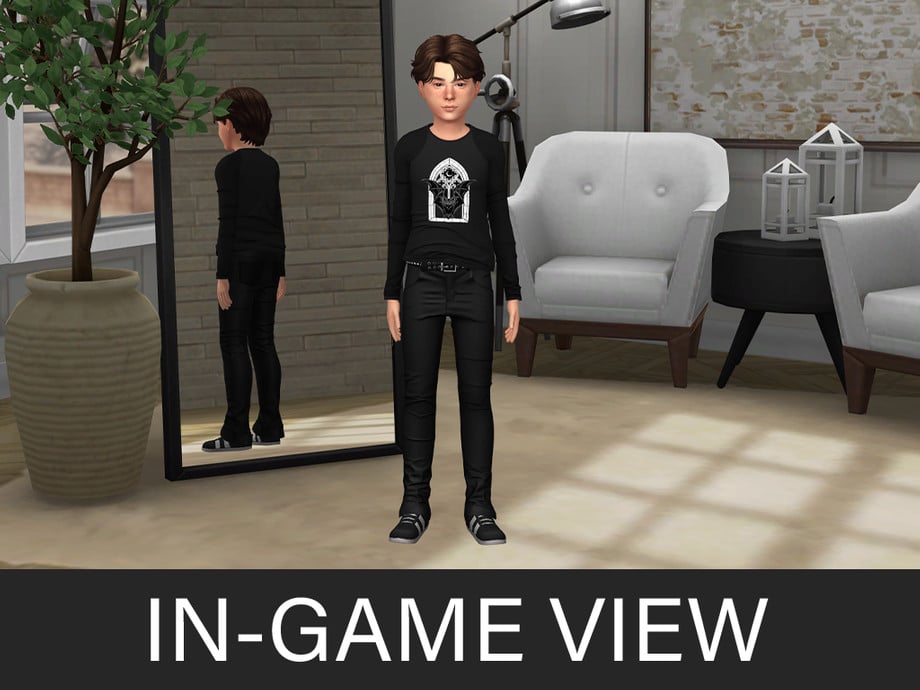
The perfect pants to complete any child Sim’s gothic outfit! These CC bottoms by Beto_ae0 are a pair of tight-fitted, skinny jeans with small fabric details and a black studded belt.
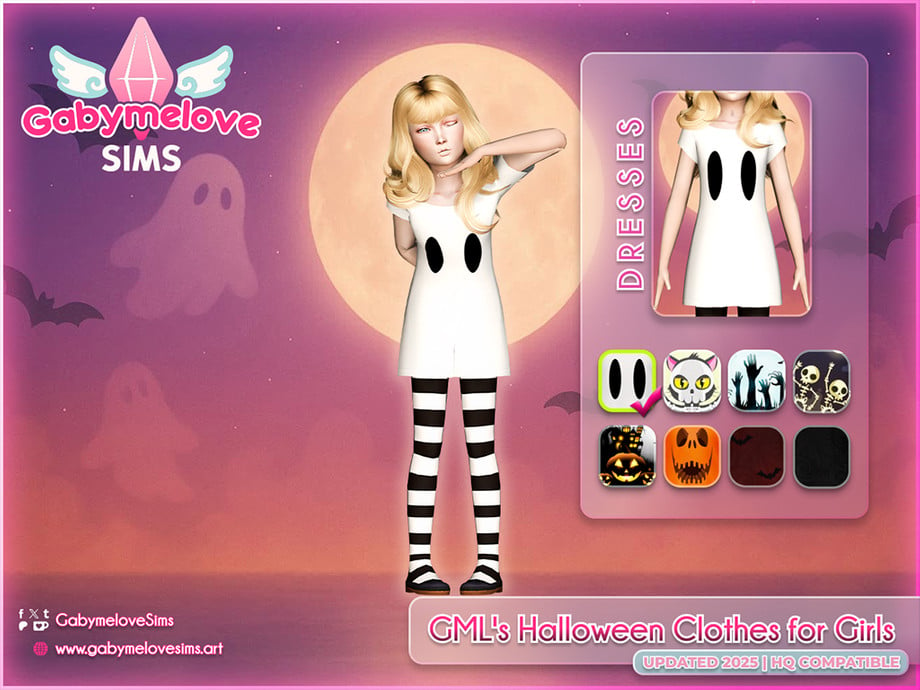
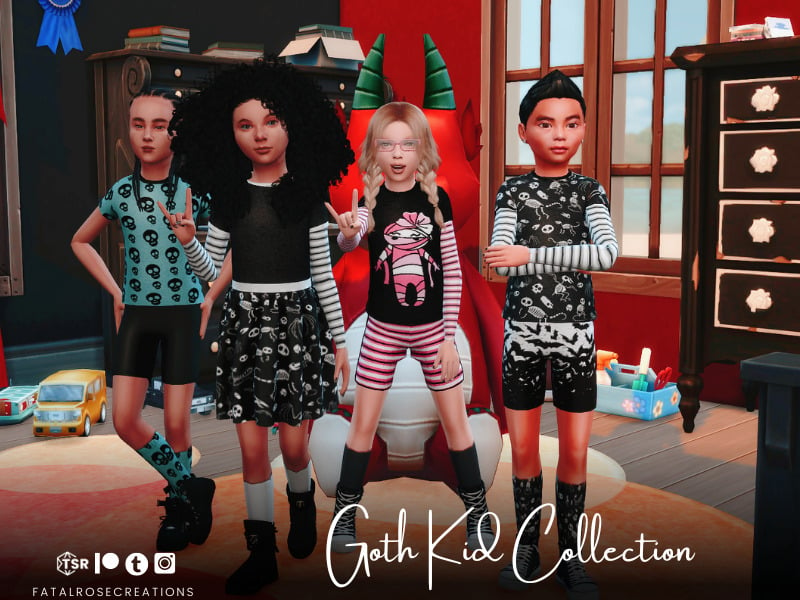
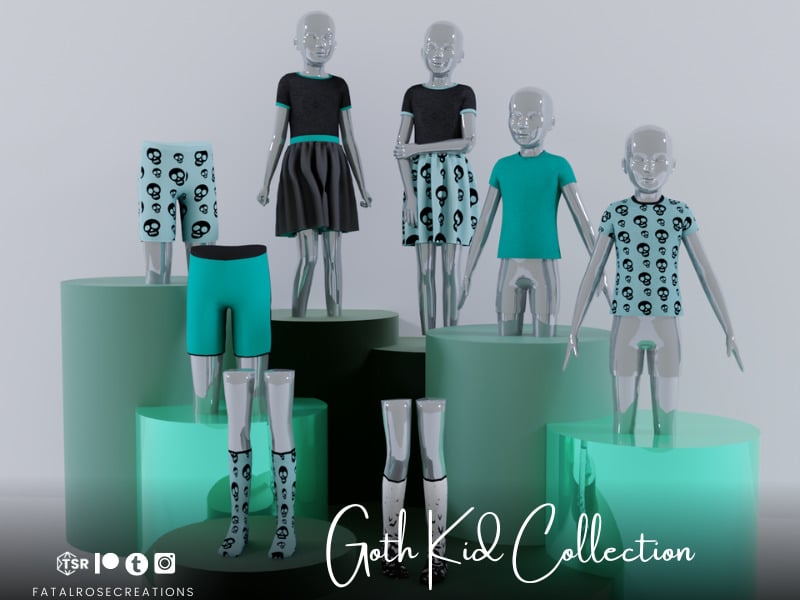
Tiny goth energy activated! Kids Goth Collection by FatalRoseCreations includes 4 different gothic-themed outfits for your child Sims. From skull prints to mummies, to bats, this CC pack has everything you need to start your gothic Sims off right!
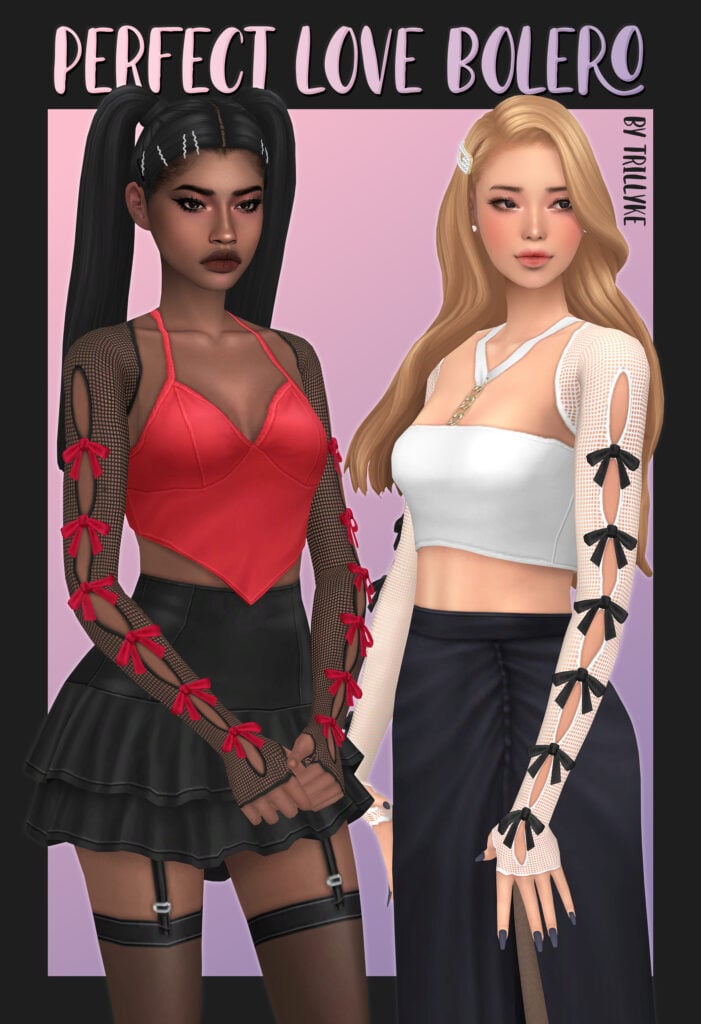
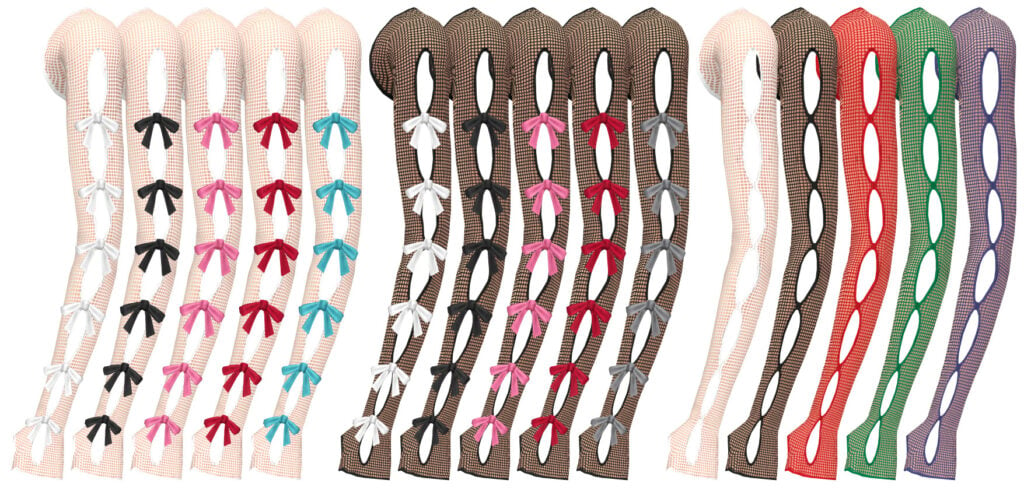
Perfect Love Bolero by Trillyke is a small detail that will give your gothic Sims some major attitude! This long-sleeved, sheer, lace shrug has small cut-outs and bows. Available in 10 swatches, but also comes in a non-bow version with 5 swatches, and this item is found in the “Gloves” category.
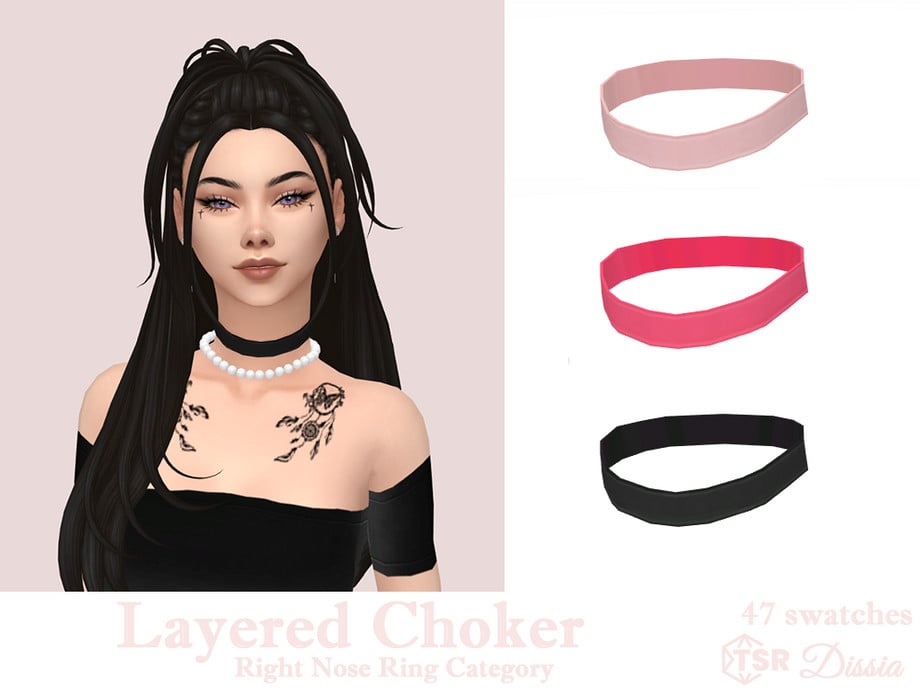
What does every gothic outfit need? A choker, and this amazing one by Dissia offers the opportunity to layer with other necklaces to better customize your look. This choker is available in 47 swatches and is found in the “Right Nose Ring” category.
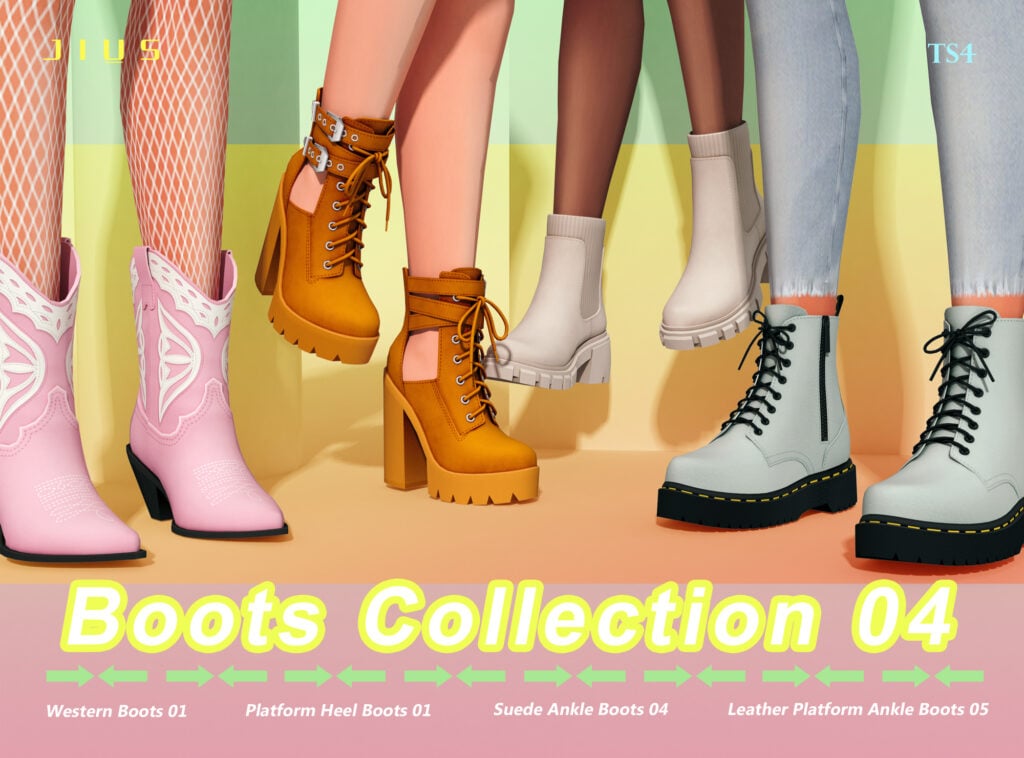
Platform Heel Boots & Leather Platform Ankle Boots by Jius-sims
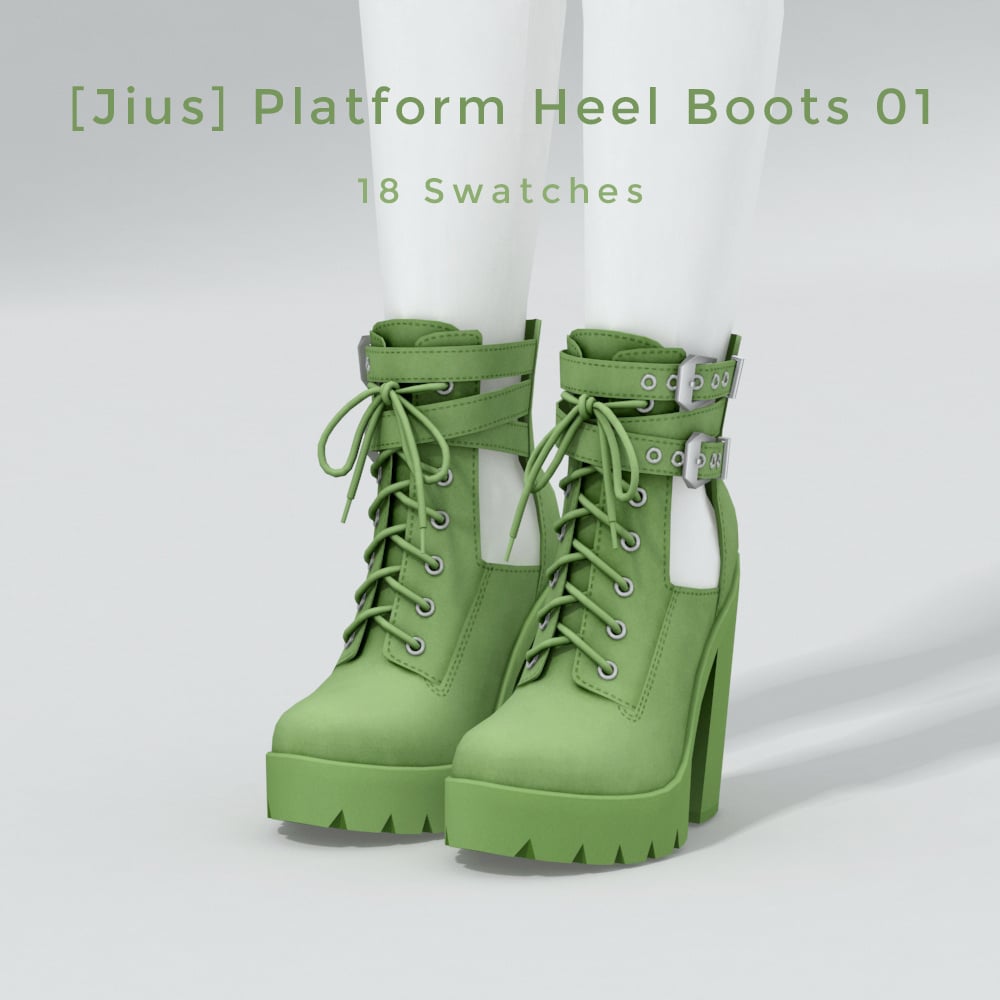
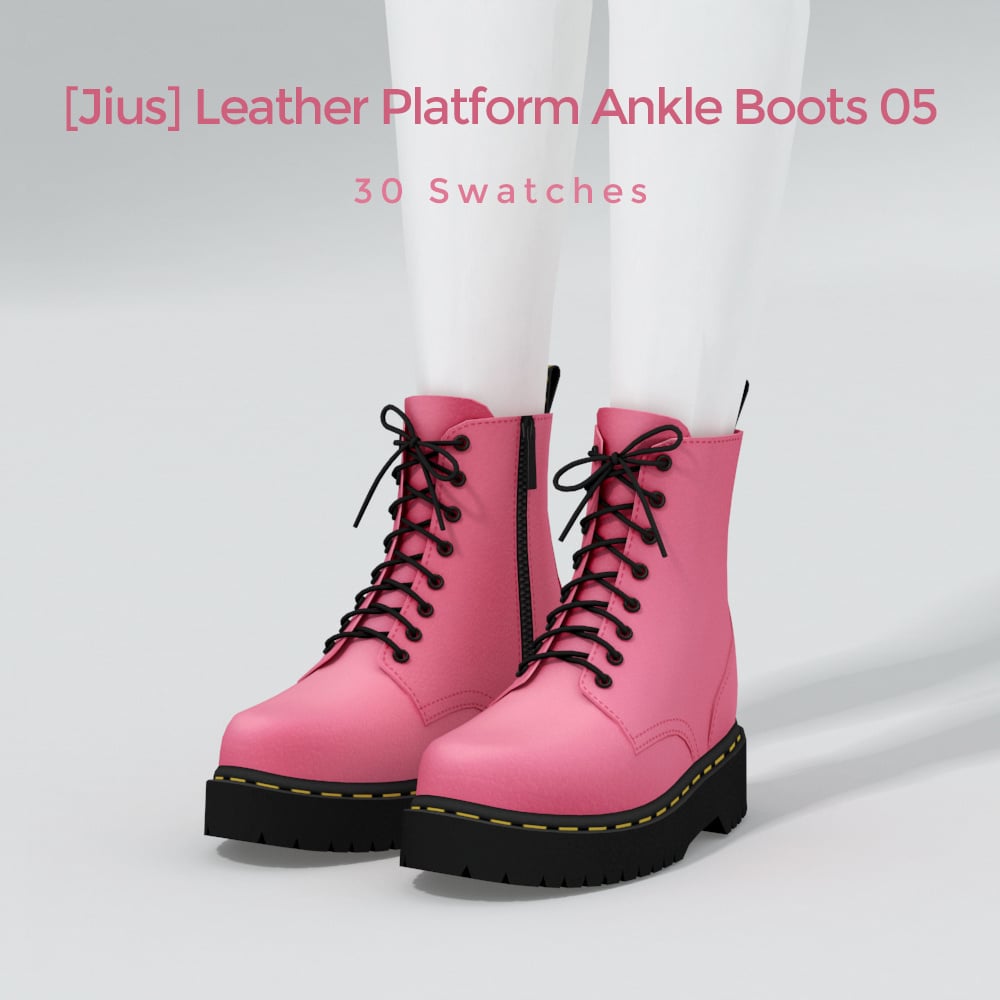
Platformed for maximum drama in these amazing CC shoes by Jius-sims. Platform Heel Boots feature double straps and a tall heel – available in 18 swatches. While Leather Platform Ankle Boots are more of a typical combat boot, styled like Doc Martins, available in 30 swatches. These downloads are part of a larger “Boots Collection,” but the creator has listed these pieces individually for easy download!
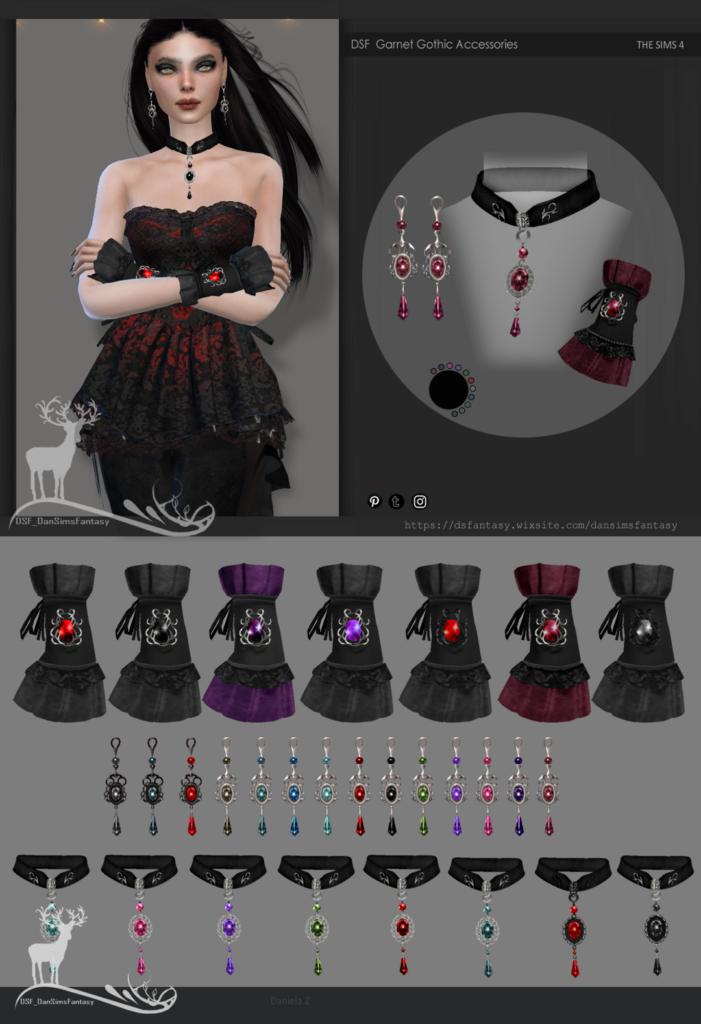
Because every Goth needs some extras. Be sure to check out this accessory CC pack by Dansimsfantasy, which includes everything your goth Sim needs to upgrade their style and elegance. You will find a choker, gloves, and earrings, all adorned with a beautiful stone in multiple swatches each.
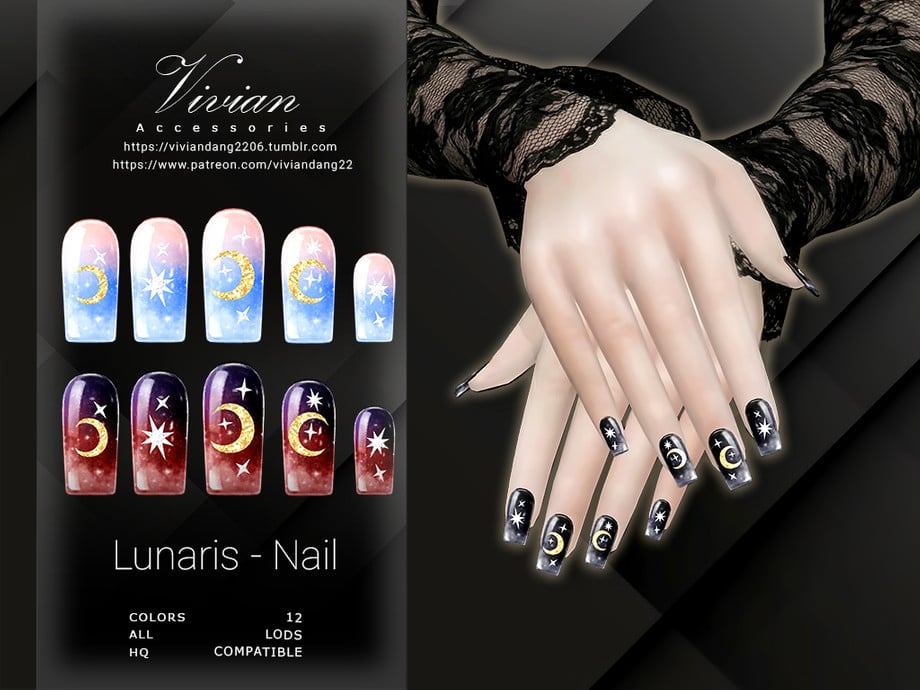
Lunaris – Nails by VivianDang is the cherry on top of your gothic CC outfit! Available in 12 swatches, these CC nails feature mystical moon and star graphics with a gradient coloring.
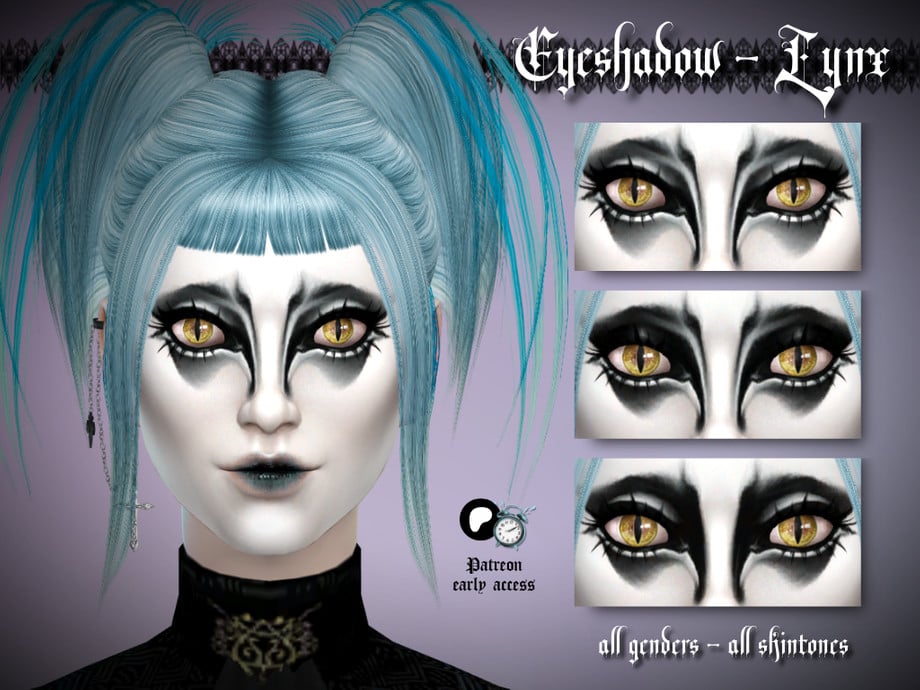
This bold CC eyeshadow by thaisherrera is darkness blended with perfection! This CC eyeshadow comes in 3 different, very bold swatches for your dramatic, goth Sims.
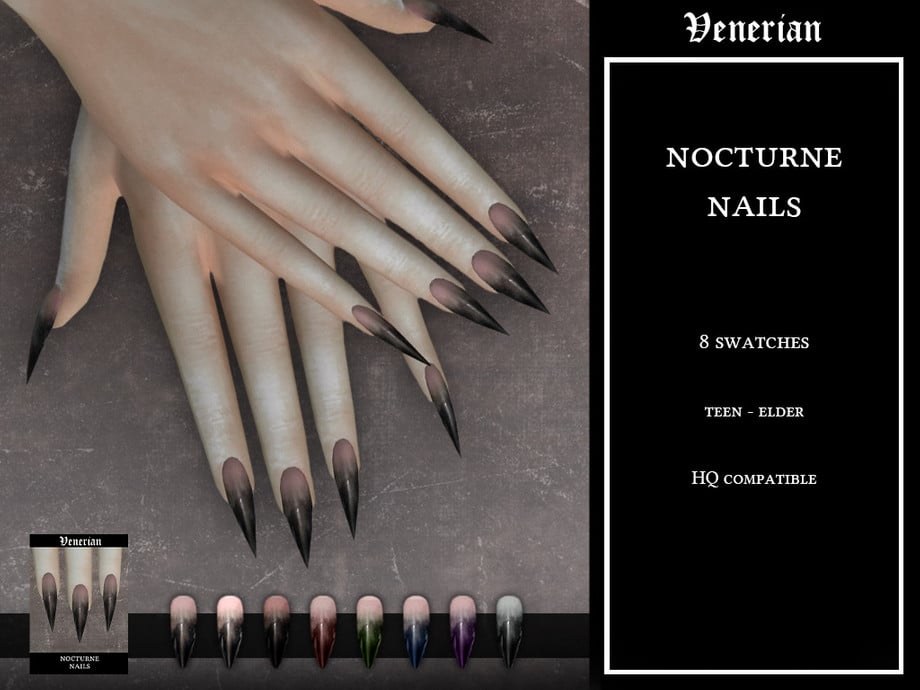
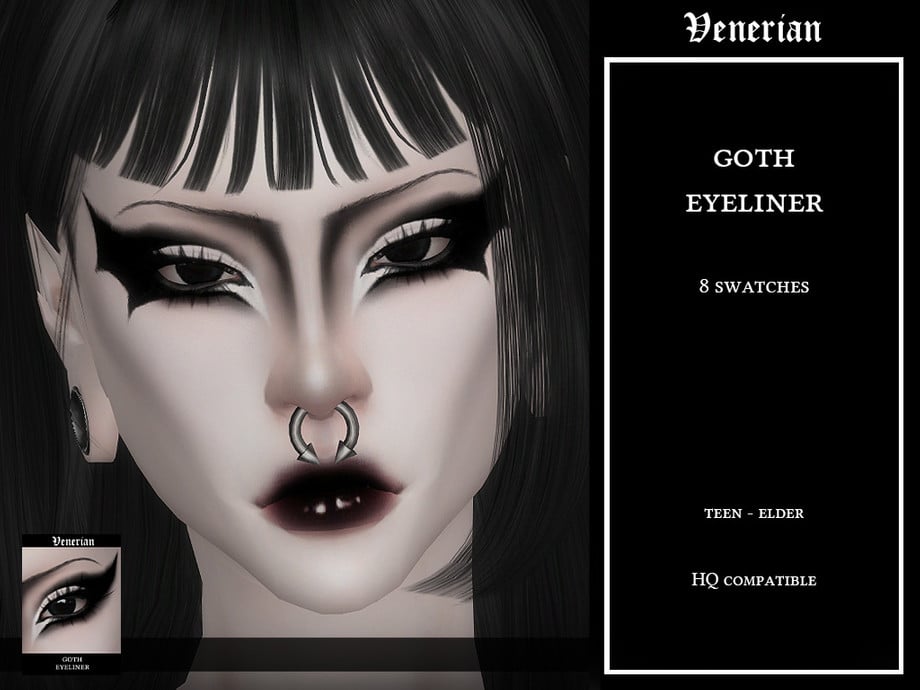
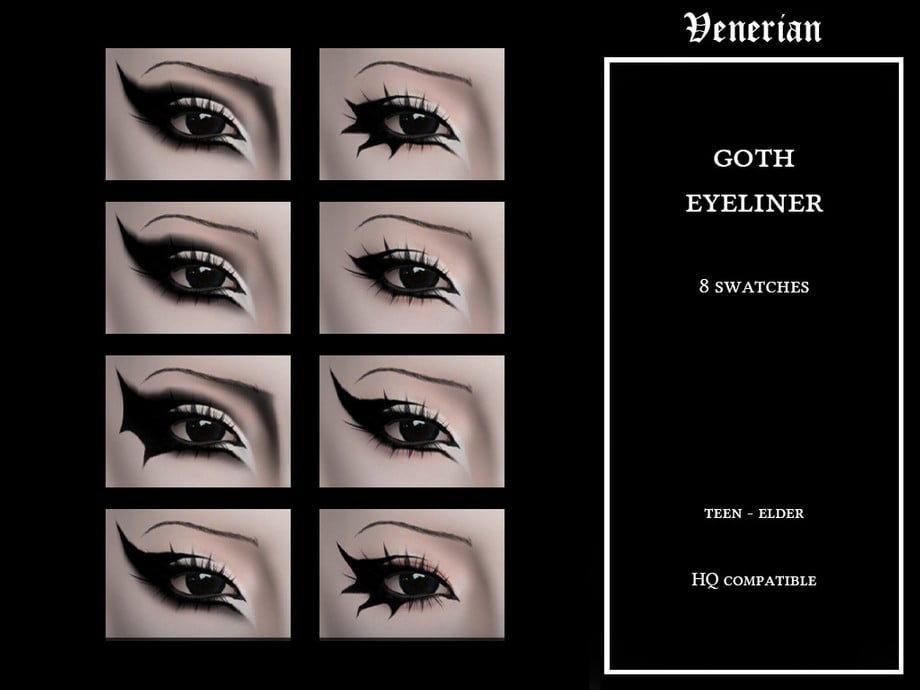
Fly off into the night with Goth Eyeliner by Venerian! Each swatch offers a different look, whether you want full-on bat wings, sharp edges, or classic bold lines, this CC pack has it all!
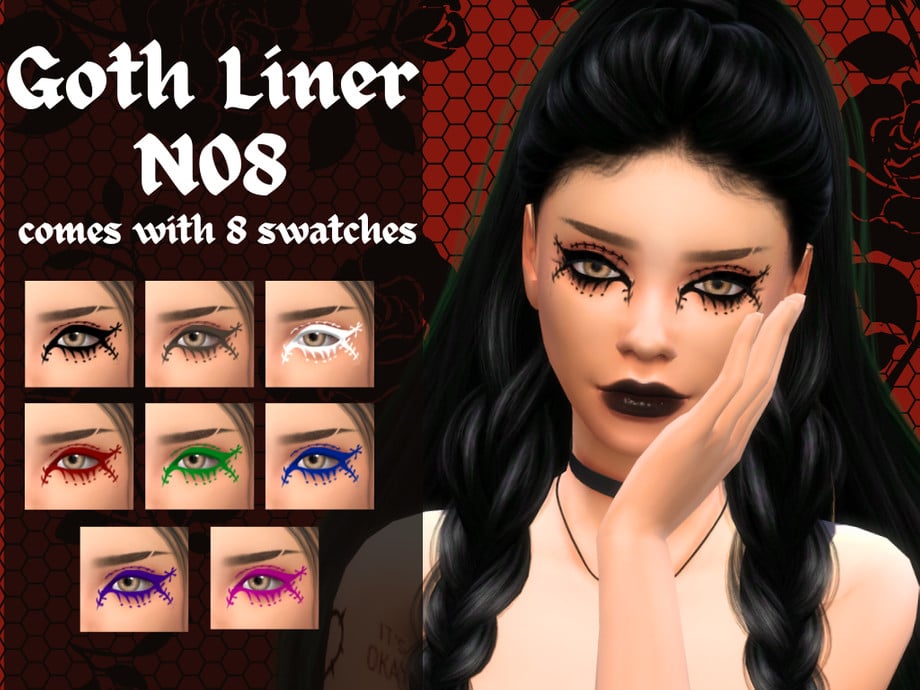
Stitch up your feelings with this CC eyeliner by alttrait! This winged eyeliner features stitched details, spikes, and dots to create a unique gothic style – available in 8 colorful swatches.
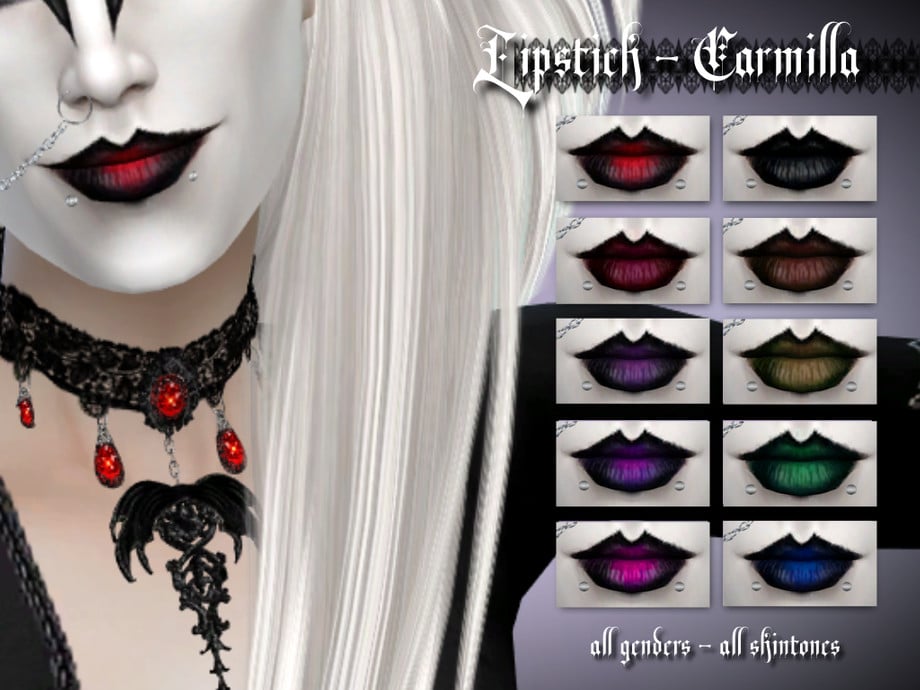
Subtle lips don’t exist here, that’s why you need Lipstick – Carmilla by thaisherrera! Available in 10 swatches, this CC lipstick features a dark, bold outline with a rich, dark lip color. Perfect for any gothic occasion and a must-have in your gothic CC folder!
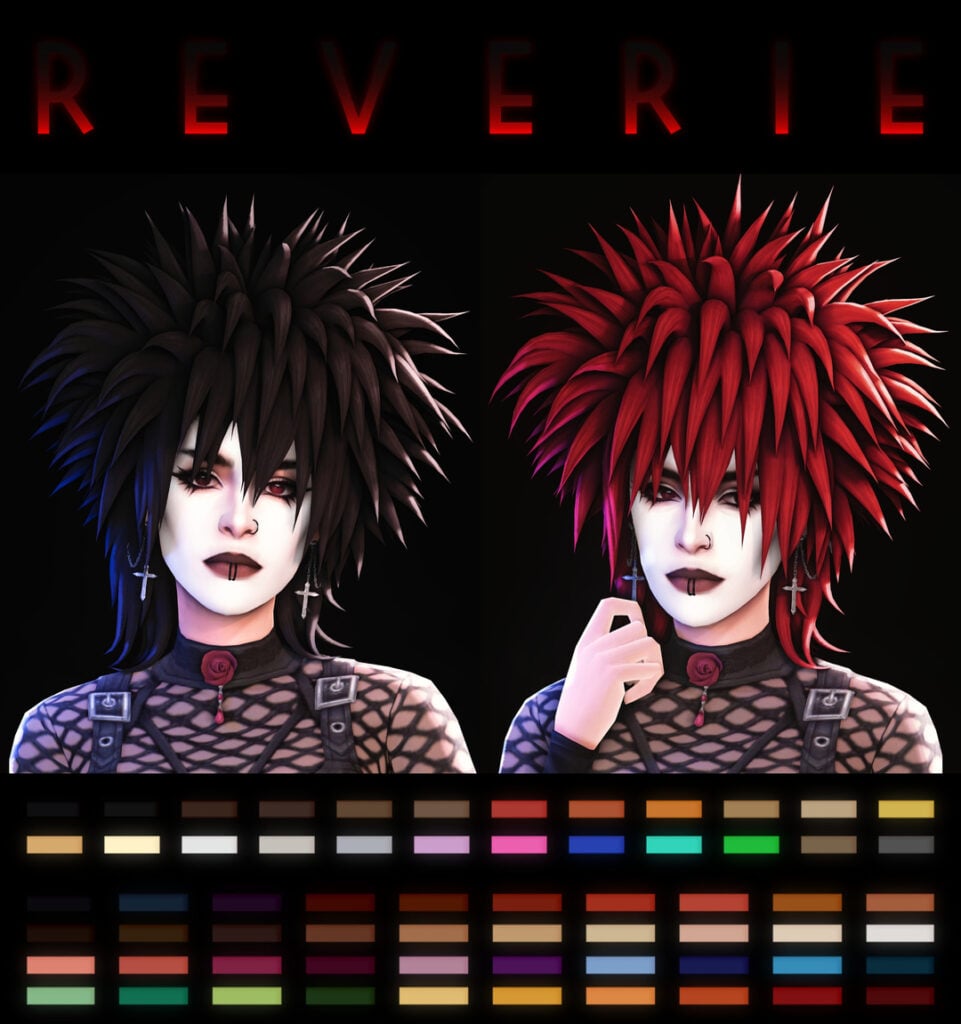
Volume, drama, and just a tad mysterious – Reverie by SIMANDY is a gothic CC hairstyle that features strong points and massive volume. Available in 24 EA colors, as well as 40 Puppy Crow Colors (You will need to download the ‘Hairs’ package for the colors to work), and includes hat chops.
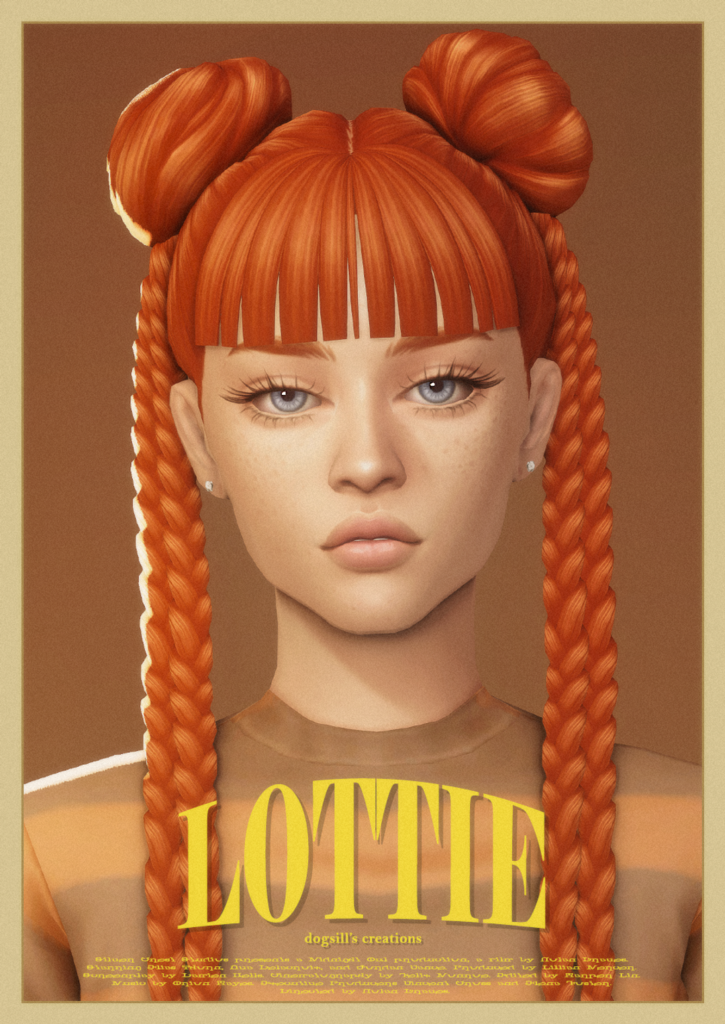
Lottie Braids by dogsill has strands of pure attitude, and it’s perfect for any edgy, gothic look! This CC hairstyle features 2 alien buns, with cascading, tight braids – available in 24 lovely swatches.
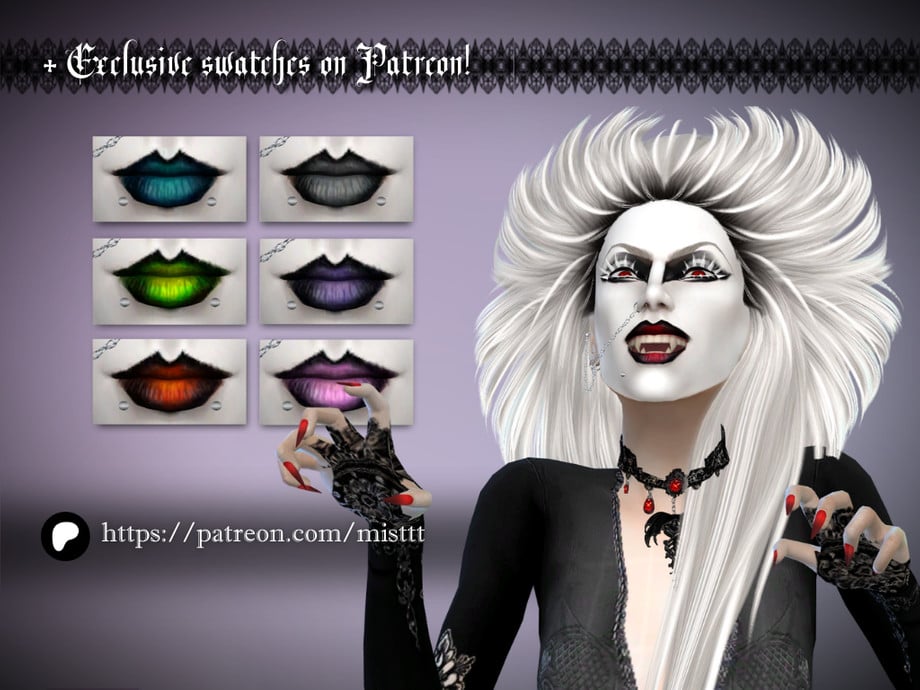
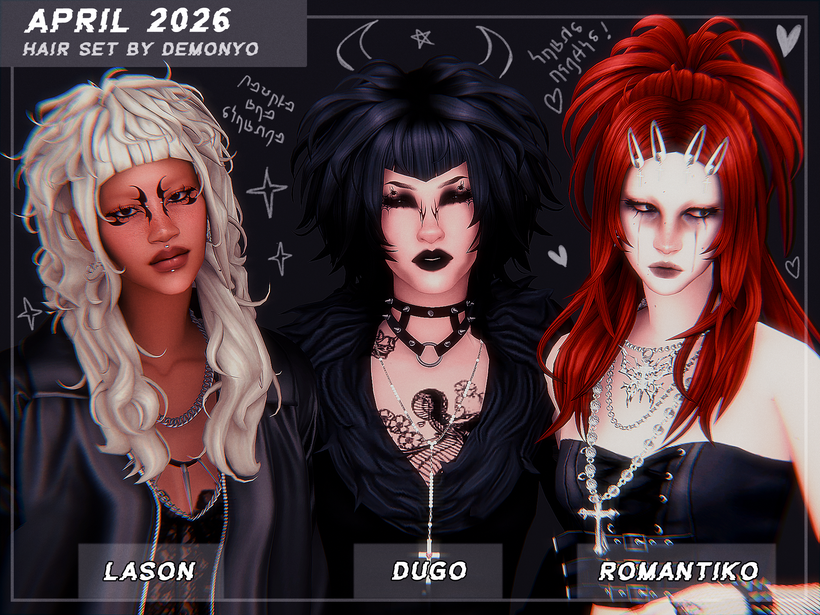
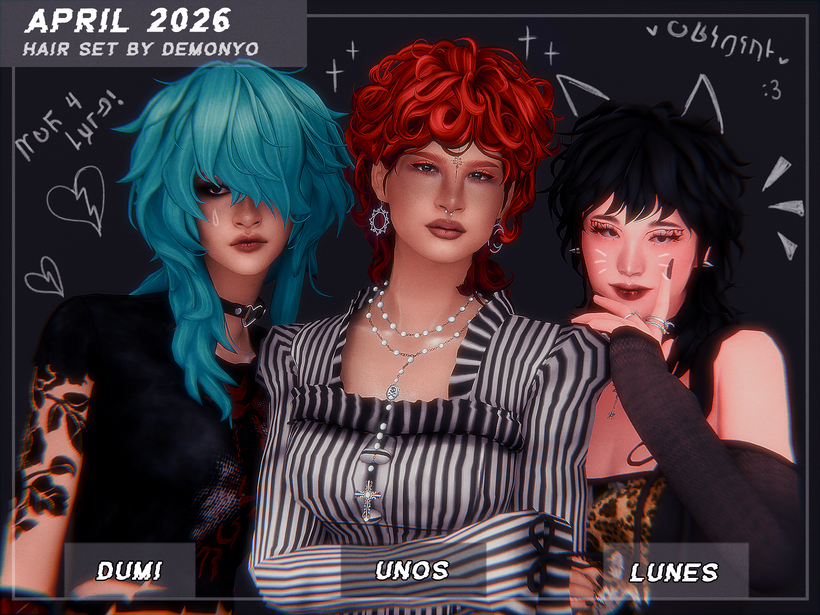
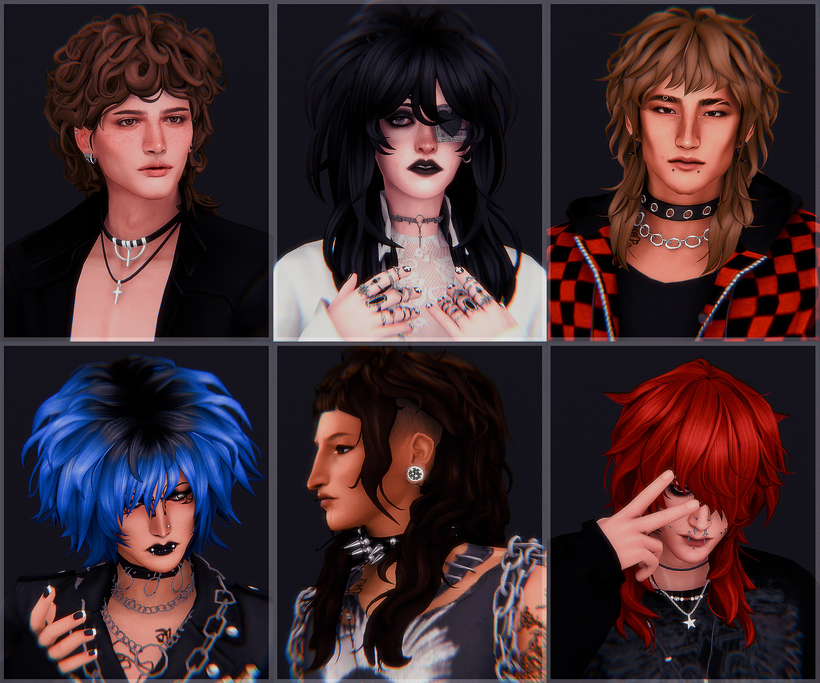
Hair that speaks fluent goth, this CC hair pack by demonyo includes 6 unisex, CC hairstyles with volume, waves, and attitude. Whether you’re going for cozy or dramatic, be sure to check out these hauntingly beautiful hairdos!
Are your Sims ready to drop the sunshine aesthetic yet and join the night? With this list of Sims 4 Gothic CC for CAS you will have everything you need to create looks that are moody, elegant, and maybe just a tad chaotic. Now go forth and let your Sims haunt CAS in style – preferably all black and with amazing eyeliner. If you loved this list, be sure to check out some of our other amazing CC finds!
After the first module of the Sims 4 Drama Generator by Pandasama was released, the Abandoned Baby module, it wasn’t long before the well-known modder got to work on a brand new module to spice up gameplay. While the abandoned baby module added a small chance (And a cheat trigger) for an abandoned baby to show up at your doorstep, this new Sims 4 runaway child mod adds the ability for your children or teens to autonomously runaway, or you can trigger it yourself!
Pandasama is most commonly known for her work on The Sims 4 Realistic Childbirth mod, which has added loads of content expansions on pregnancy, newborns, and birth over the years. Recently, she began to create a standalone mod called the Drama Generator, and has since added two modules; The Sims 4 Abandoned Baby module, and The Sims 4 Runaway Child module.
Table of Contents
General Mod Installation Instructions
While we do recommend reading our Beginner Guide to Mods & CC for a more detailed overview of how to mod The Sims 4 and how those mods should be handled, a quick run down for adding The Sims 4 Runaway Child mod (as part of the overall Drama Generator mod) by Pandasama to your game would be…
Using your operating system’s file explorer, find the location of your Sims 4 Mods folder.
To add the items to your game on Windows, follow this folder path: C:\Users\[USERNAME]\Documents\Electronic Arts\The Sims 4\Mods To add the items to your game on MacOS, follow this folder path: Macintosh HD/Users/User/Documents/Electronic Arts/The Sims 4/Mods
Since the mods comes as a compressed zip file, you need to ensure that you have an extraction program installed. You can use 7Zip, Winrar, Winzip, etc., and both Windows and MacOS have an unzipping function native to their system. Right click on the zipped file and choose to Extract Here/Files or Extract to… to extract directly to a folder.
Since the Drama Generator and Sims 4 Runaway Child mods includes both a .package file and a .ts4script file, it must not be placed more than a single folder deep in your mods folder. We would recommend separating the mod entirely on its own, or at least keeping it with other script mods. Also, the.ts4script file and .package file must be kept in the same folder.
Since this is a standalone script mod with additional modules, you do not have to install every module and you can pick and choose. However, the major files necessary include Pandasama_DramaGenerator_CORE_v1.1.package and Pandasama_DramaGeneratorScript.ts4script . These files handle the overall mod, while the modules Pandasama_DramaGenerator_AbandonedBaby_Module_V1.1.package and Pandasama_DramaGenerator_RunawayChild_Module_V1.15.package.*
*NOTE: The ending of three of the packages, specifically the “V#.##” version numbers, will likely change over time. Make sure to check Pandasama’s Patreon or Website directly to see which versions are up to date!
It is important to watch for updates from the author when the main game receives a patch, and as of April 29th, Pandasama has stated that all of her mods are compatible with the recent April 28th update, which are versions 1.123.85.1020 on Windows & 1.123.85.1220 on MacOS.
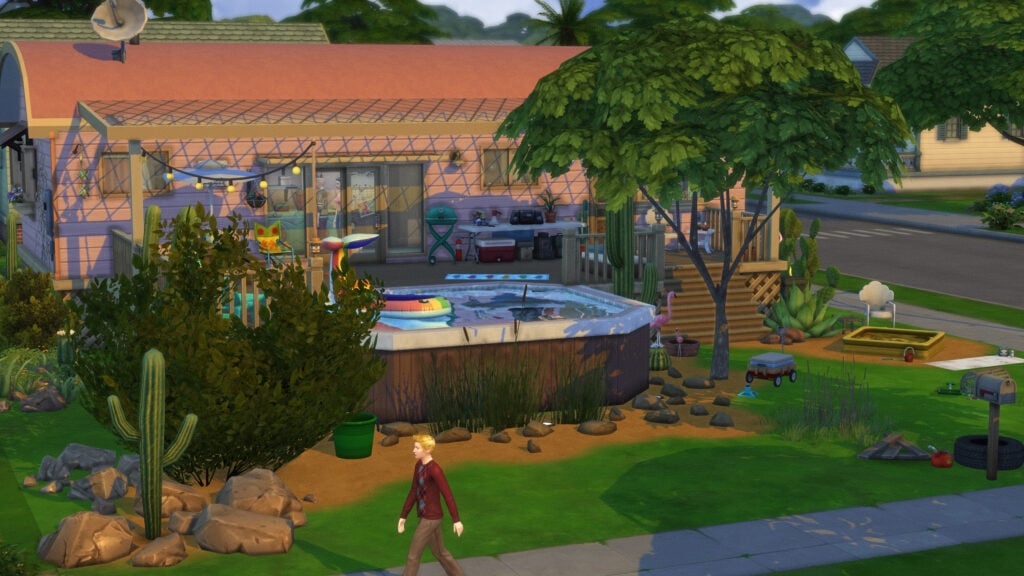
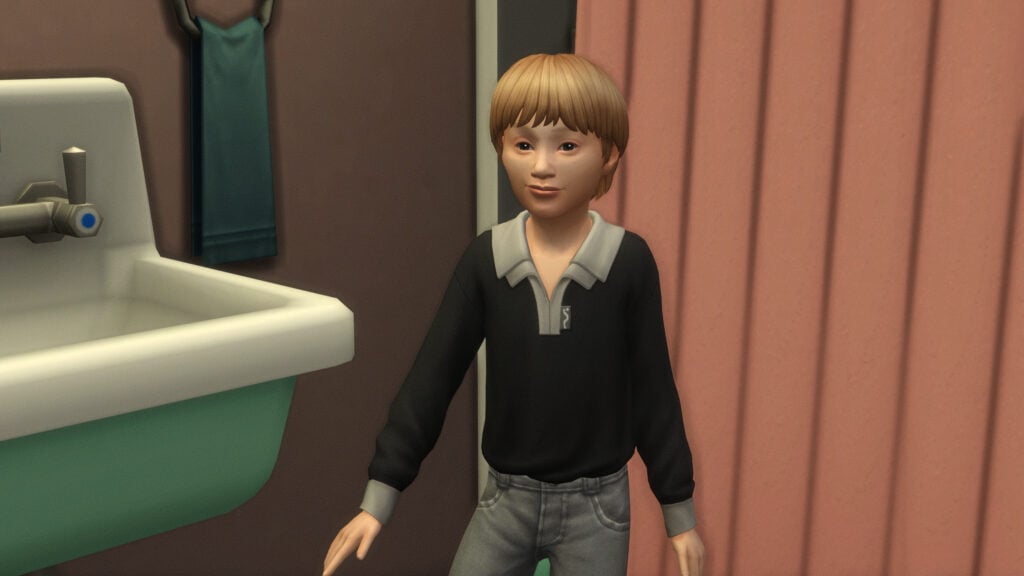
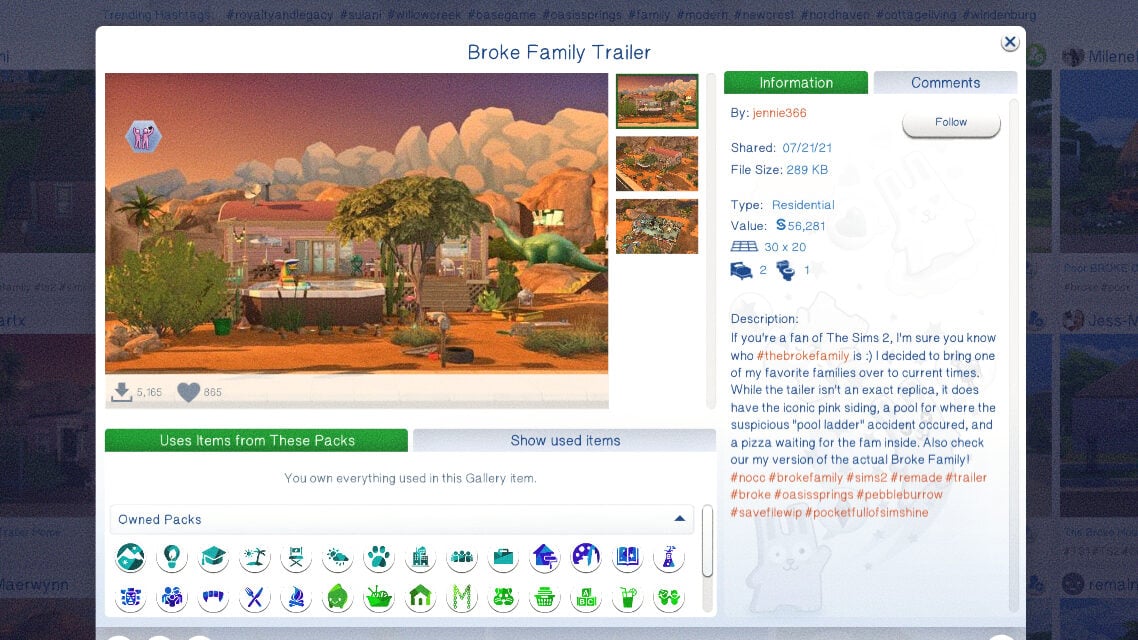
Brandi was left to raise two boys alone following her husband’s suspicious pool ladder accident. With Dustin acting out, can Brandi teach young Beau to make the right choices in life?
The Broke Family’s Household Description in The Sims 2 (2004)
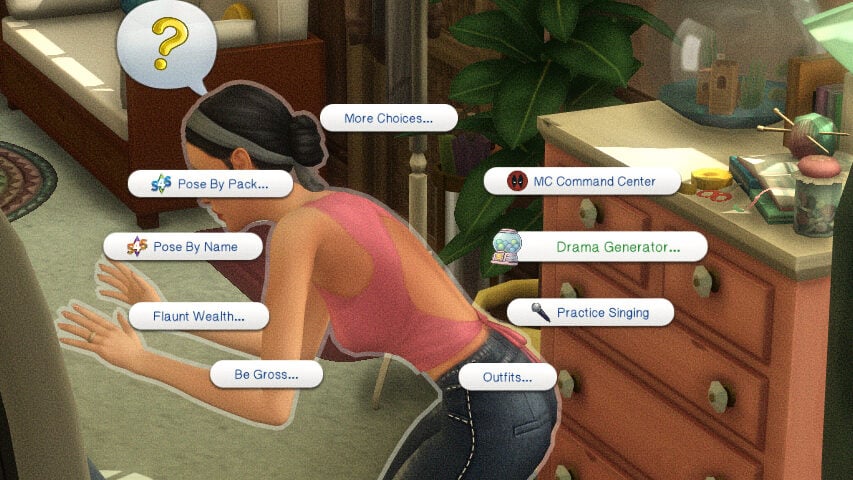
Triggering a Runaway Child Event
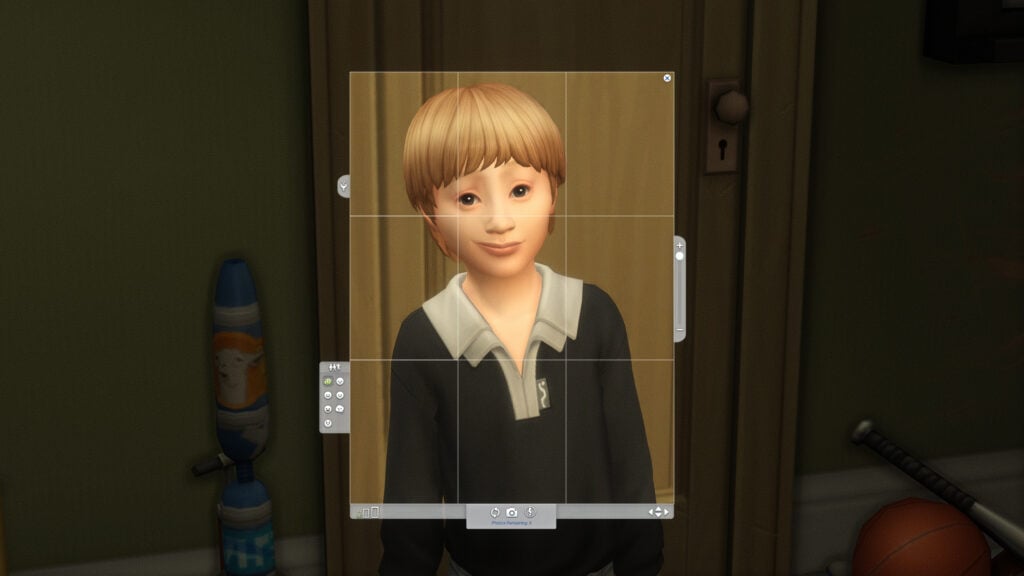
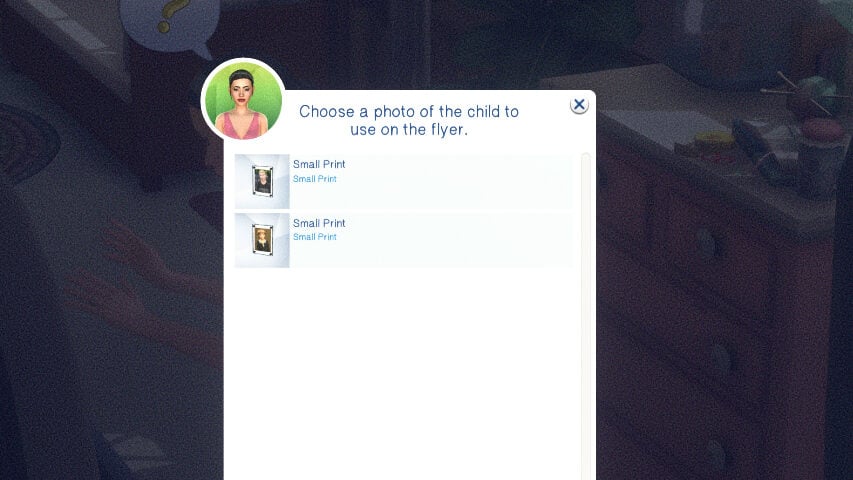
Prior to playing with the mod, it is stated by Pandasama to make sure that you have images of the children in question, as one part of the gameplay and interactions requires an image in the Sims’ inventory.
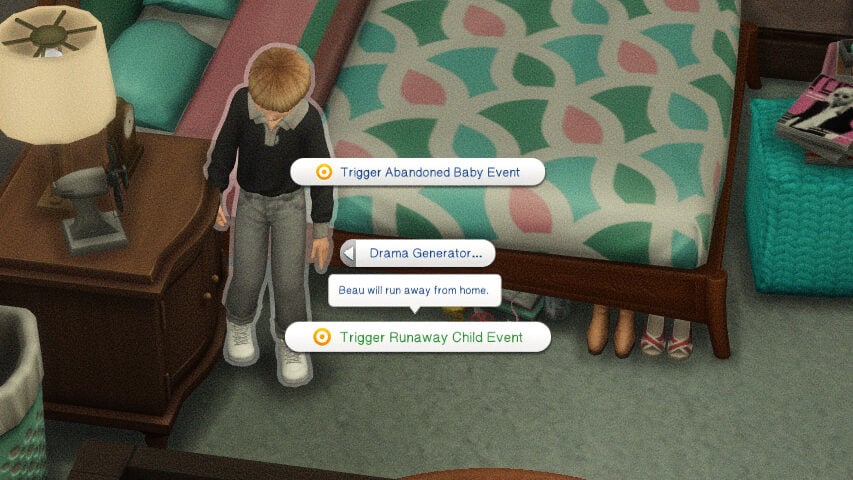
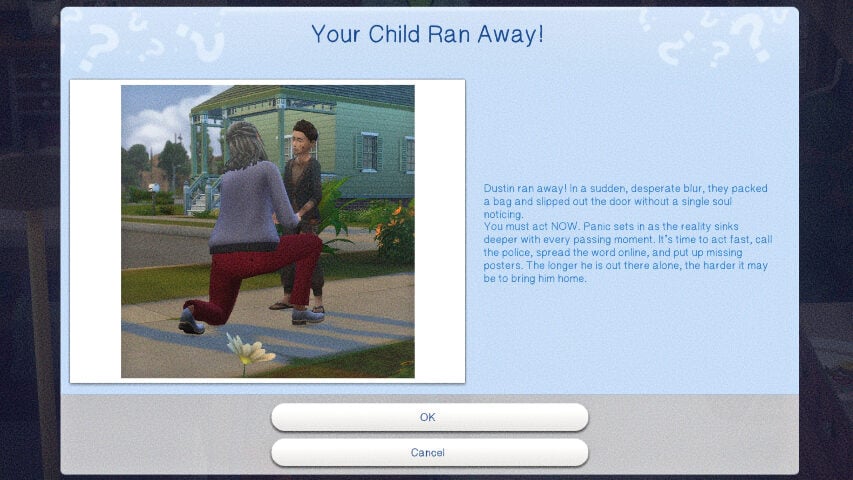
While there is a small chance that it will happen naturally, the easiest way to get it going is to enable testingcheats true, and right click on the sim aged child or teen, click on the Drama Generator pie menu tab, and click “Trigger Runaway Child Event”. You will receive a pop-up, and the child will immediately leave the lot. The child will also be removed from your family portrait menu, making them nonselectable. I also could not find them in the relationship panel while they were runaways.
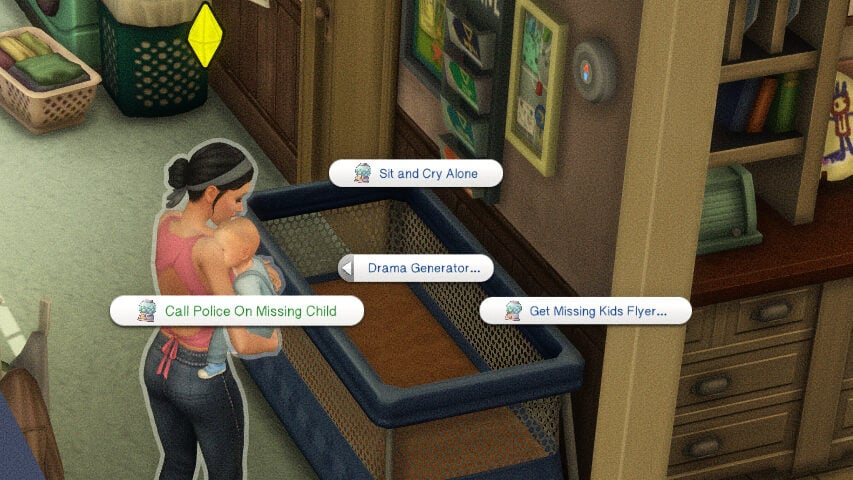
Immediately after, click on a parent or guardian sim, the Drama Generator pie menu tab, and you will see multiple courses of action you can take.
Calling the Police
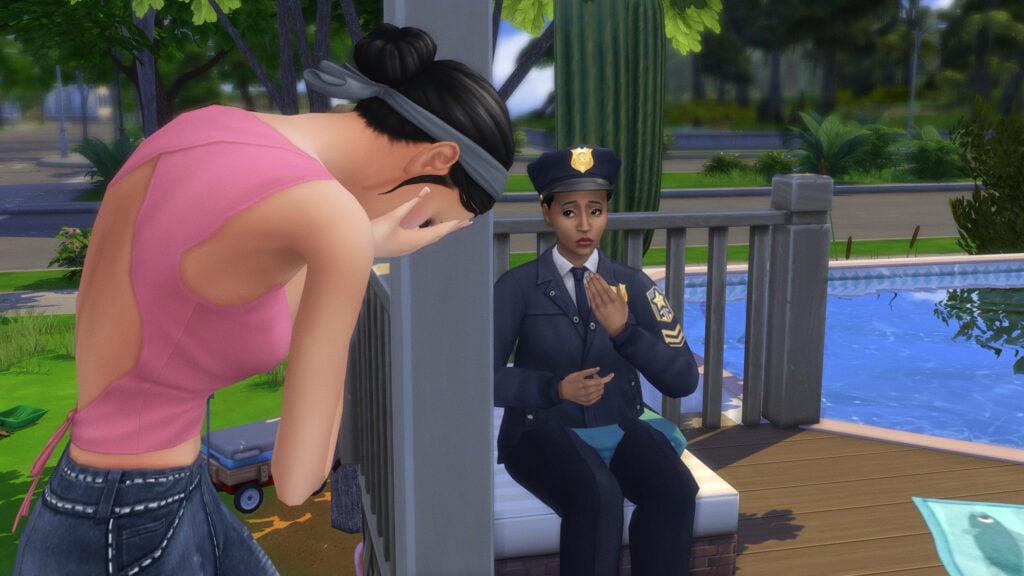
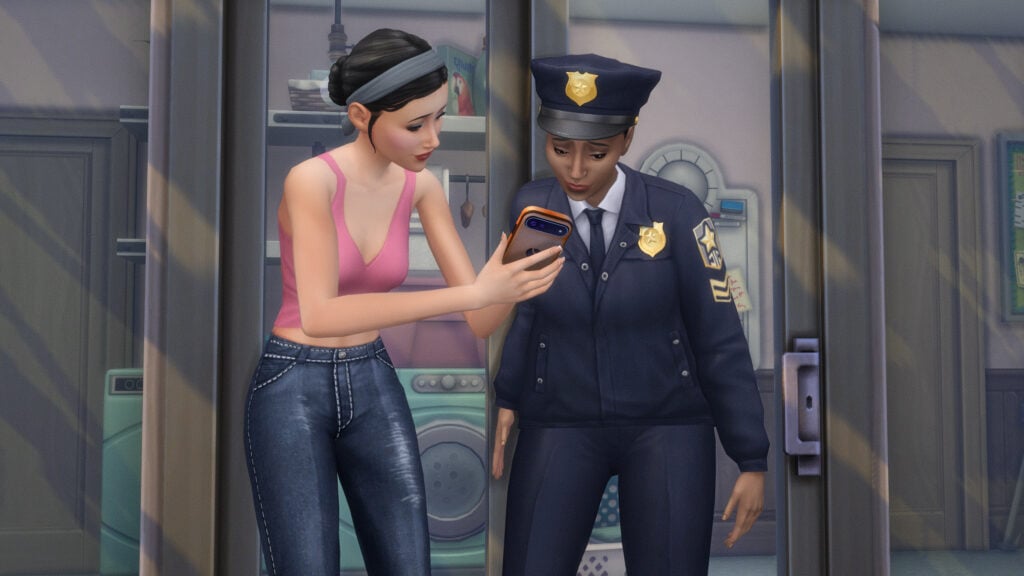
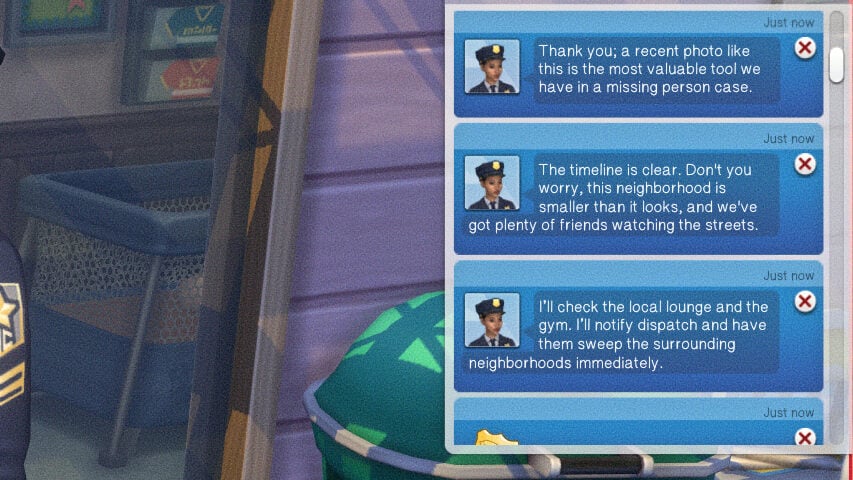
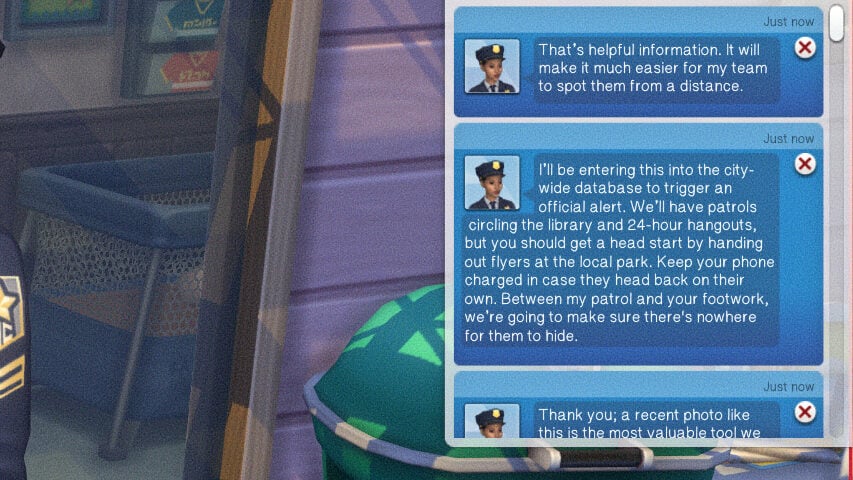
The best general course of action is to first report the runaway child to the police. This will alert you that an officer is on the way, and an NPC police officer will show up to your sims home. Once there, click on the officer to discuss multiple details regarding the child and their running away to give them a full picture of what happened.
You can Share a Picture of the child,Provide a Clothing Description, Share Last Known Details, and Ask What Happens Next. For each interaction, a notification will pop up of the officer reassuring your sim an explaining what is going to happen, what is likely to happen, etc.
Making Missing Kid Flyers
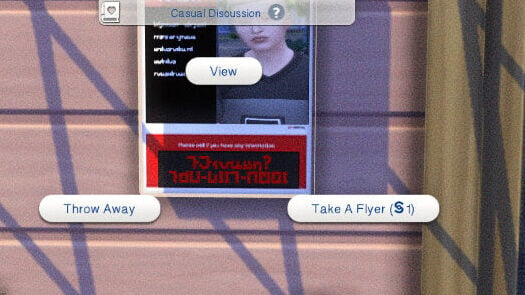
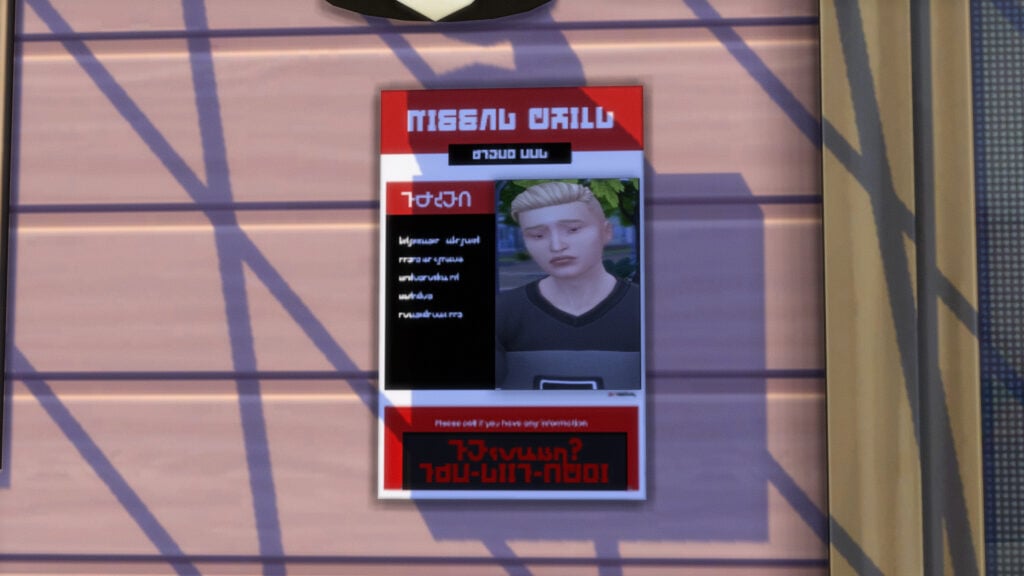
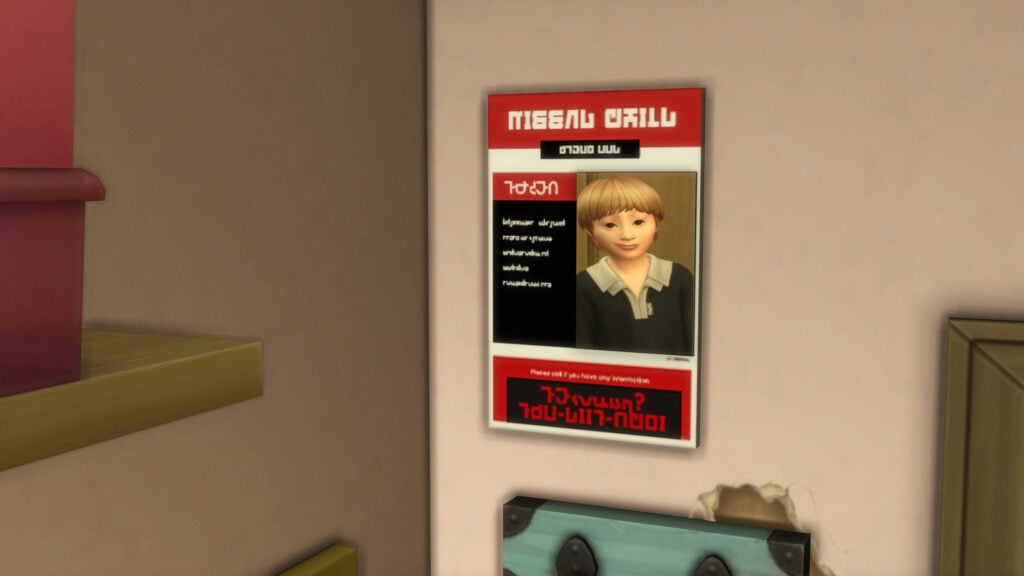
To make flyers to post in or around your home or on community lots, click on your parent or guardian sim and click “Get Missing Kids Flyer…” under the Drama Generator pie menu tab. Then, select the image in your sims inventory that you would like on the flyer. This will generate a flyer, which can be posted on just about any wall. When it is, Sims can interact with it, including paying a single simoleon to take a flyer for themselves, throwing it away, or simply viewing it.
Crying Alone
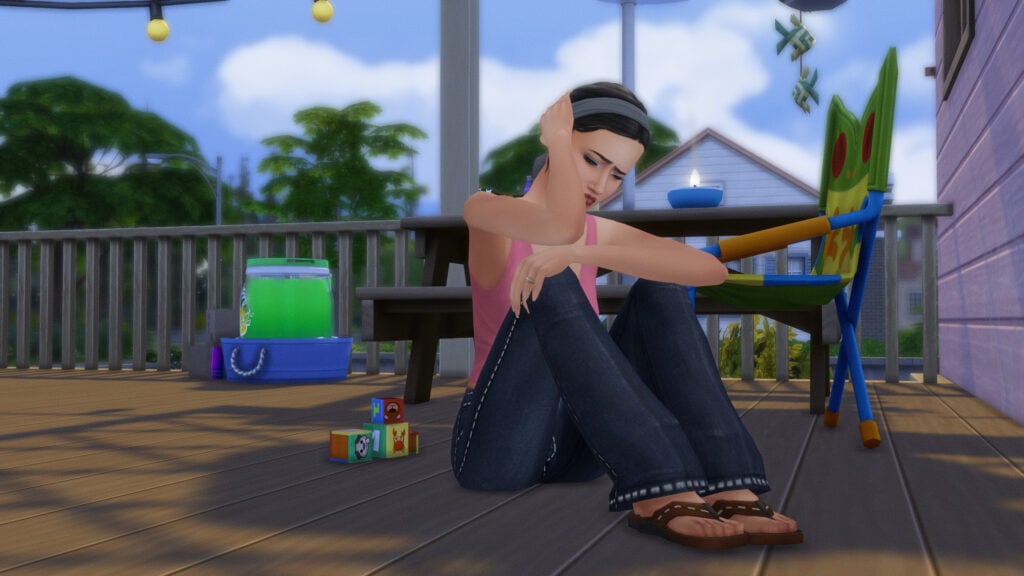
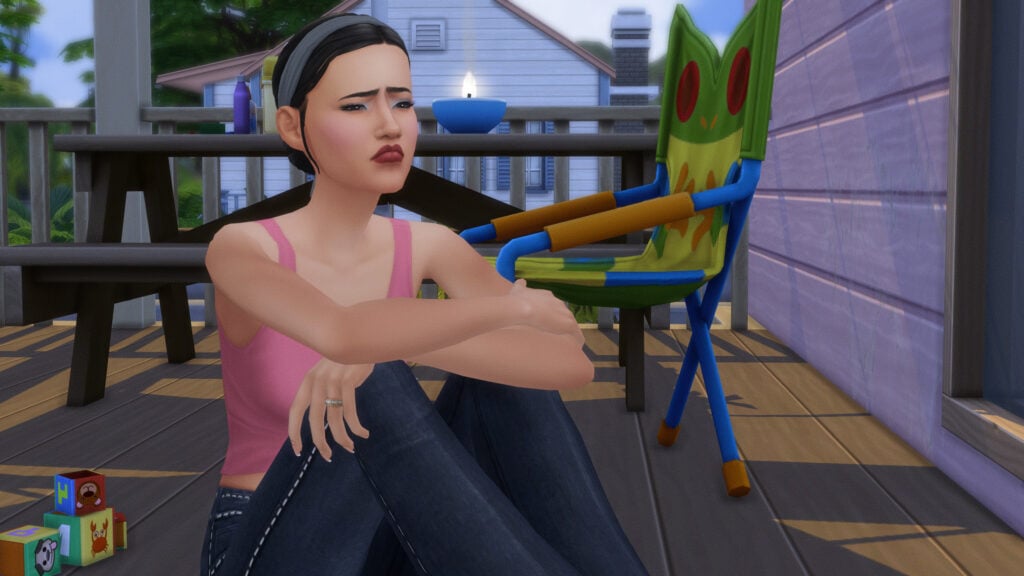
Just to make this all the more dramatic, since it is a Drama Generator mod, Pandasama also created a brand new animation and interaction called Sit and Cry Alone. Your sim will sit on the ground with their knees to their chest, and begin to sniffle, cry, and hold their head in their hands. It is stated on the mod page that there is a small chance that the runaway child will show back up during this interaction.
Bringing Your Runaway Child Home
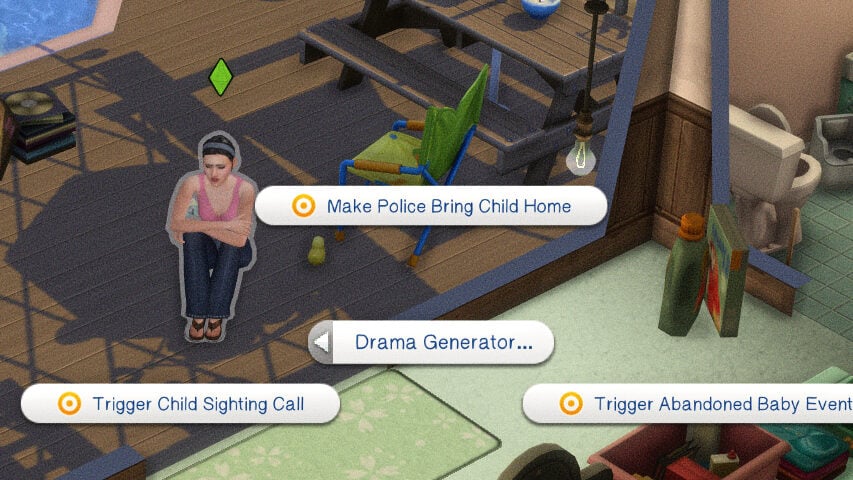
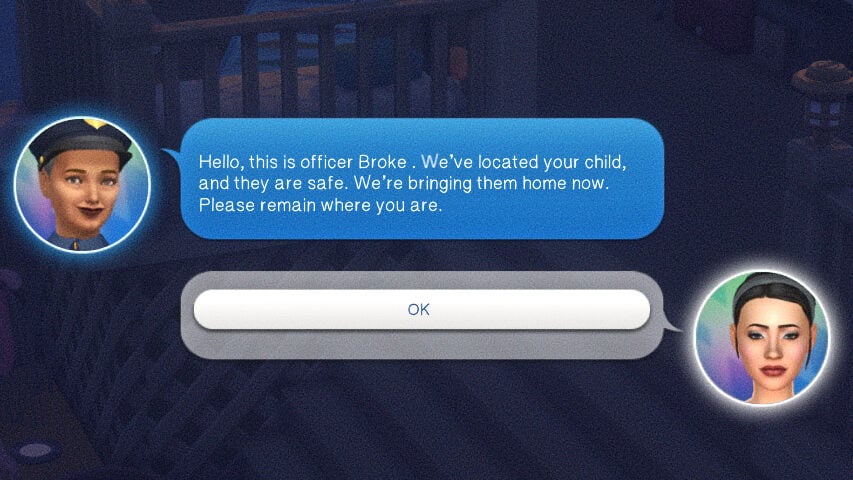
There are a few possible ways a child can return home. These can include strangers sighting them on community lots and alerting your sim, just returning home on their own, when triggered by the Sit and Cry alone interaction, or by the police themselves finding and bringing them home. If you’ve not had them return home autonomously or just want them back, you can right click on your sim, click the Drama Generator tab, and select either Make Police Bring Child Home or Trigger Child Sighting Call to have one of these events happen and add the child back to your family.
Making the Police Bring Your Child Home
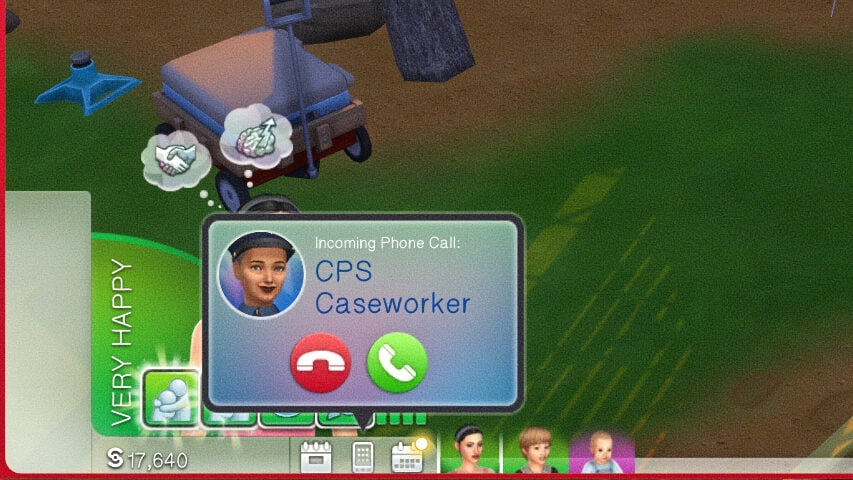
Either naturally or through the cheat trigger, you can get a call from a CPS Caseworker NPC, stating that your child was found and they will be brought home. After roughly a half hour to an hour in-game, my sims teen returned home and appeared on the edge of the community lot, as they would when returning from any standard travel, work, or school.
Child Sighting Call & Community Lots
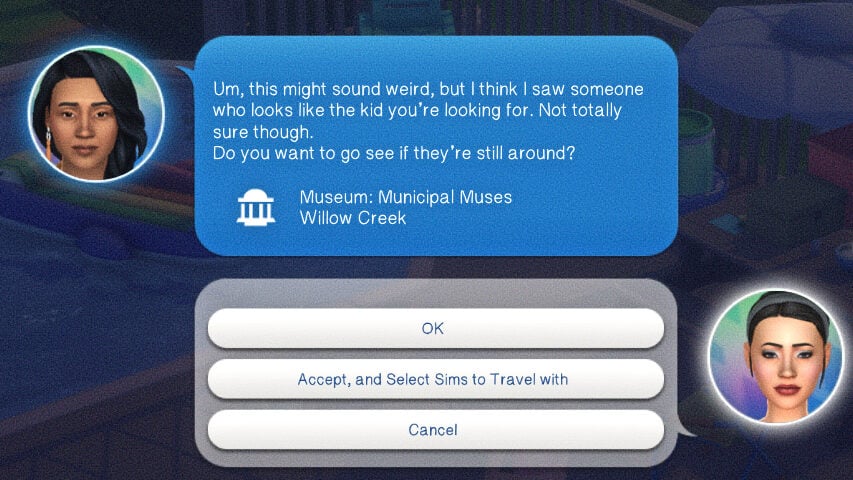
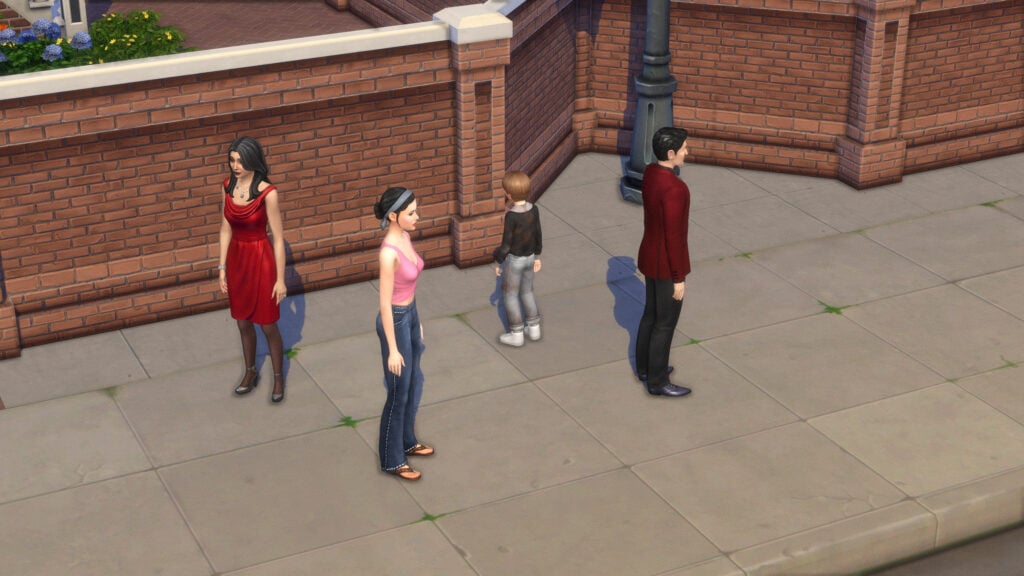
Again, either naturally or through the cheat trigger, you can also get a random call from a complete stranger. This stranger will point you to a nearby community lot and tell you that they saw a kid that looked just like the ones on the missing posters. When you travel to the community lot, the child will be there and can be greeted and brought back into the household.
They’re Back, Now What?
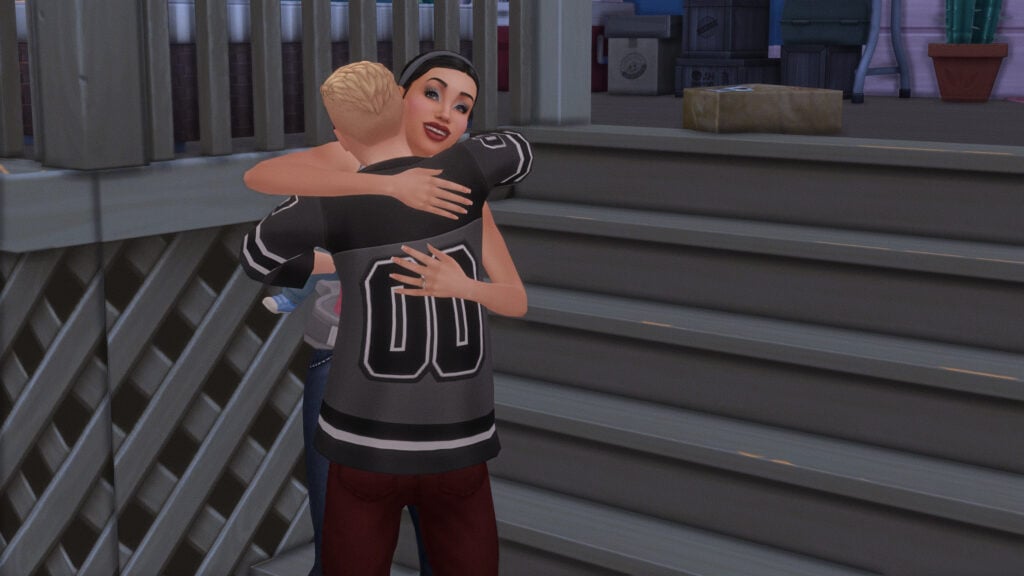
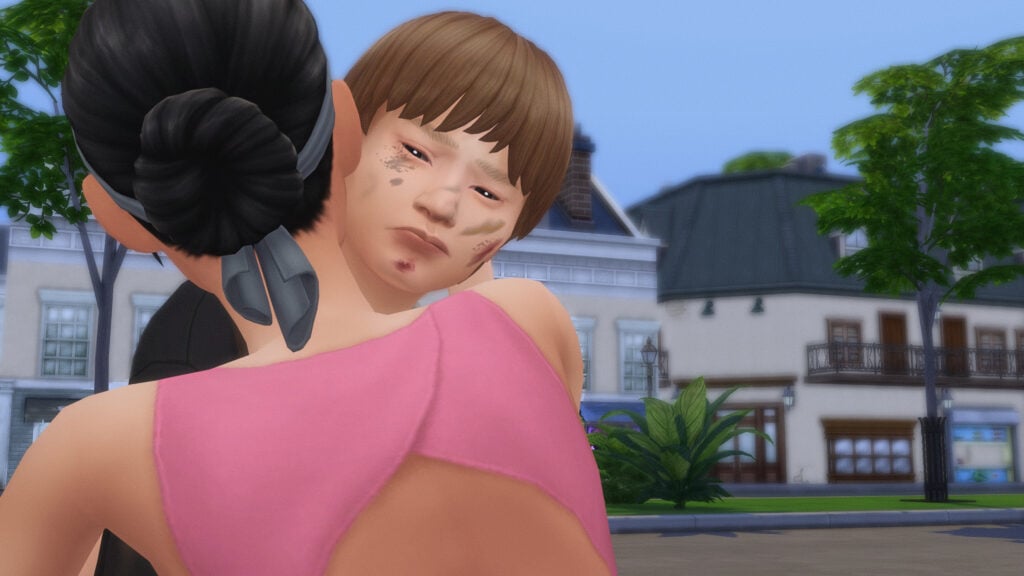
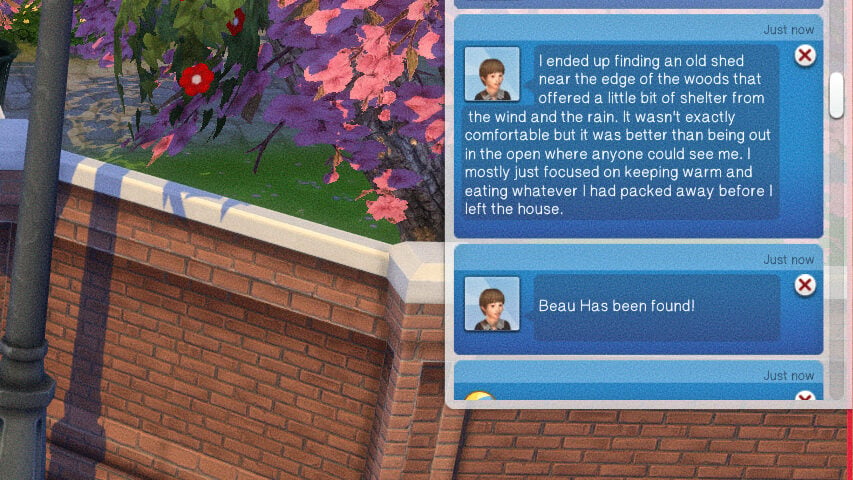
When your runaway child is first spotted again, an interaction called Run to Child will be available under the Drama Generator pie menu tab. While it is a standard hug for teen sims, child sims have a custom animation of their parent getting down to their level, hugging them, looking them over, etc. You will also get a notification that the child has been found.
You may also notice when looking at your runaway child, that there is a chance they will have dirt, scrapes, and bruises on them. This is very temporary, and goes away after bathing.
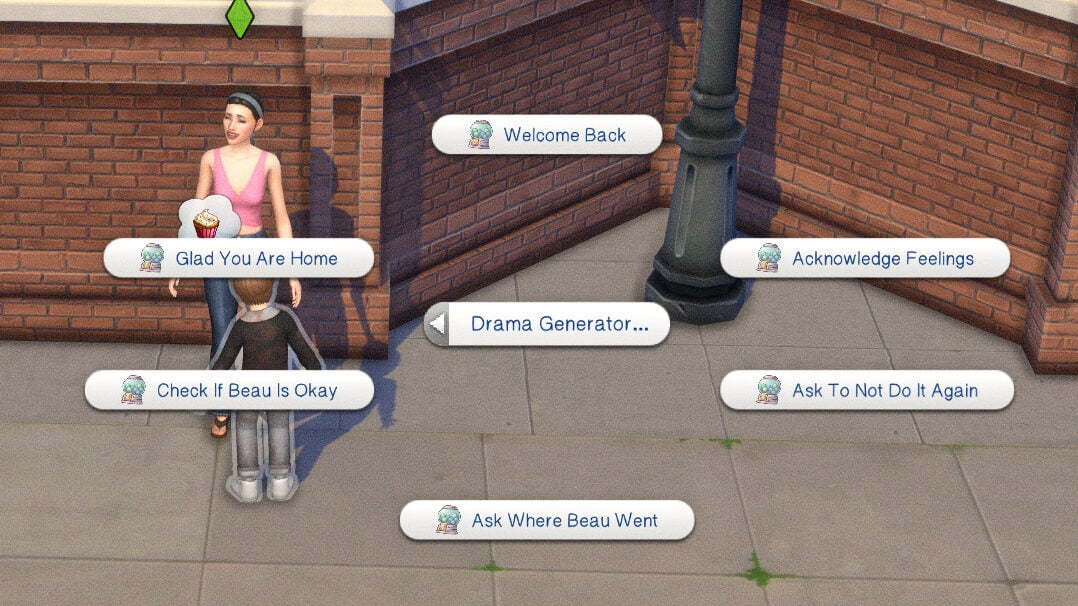
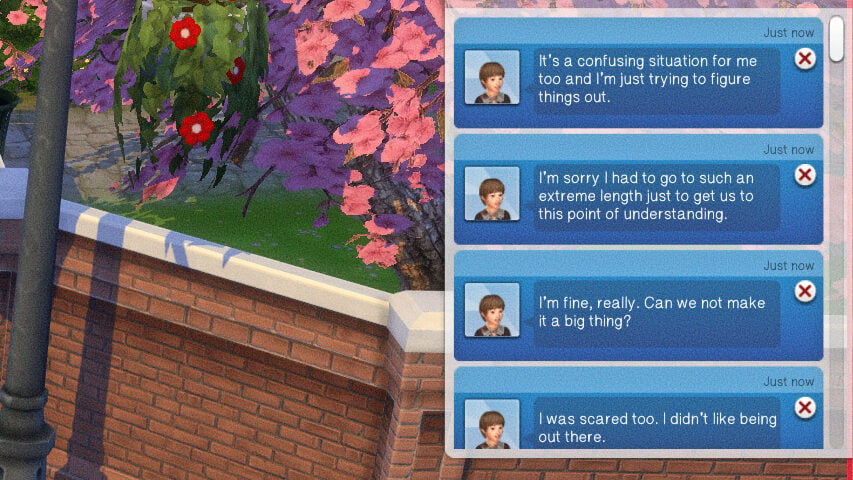
Afterwards, your sim will have the option to talk to their child or teen about their running away. Your sim can ask multiple questions and provide reassurance. These interactions include Welcome Back, Acknowledge Feelings, Ask To Not Do It Again, Ask Where [CHILD NAME] Went, Check If [CHILD NAME] Is Okay, and Glad You Are Home.
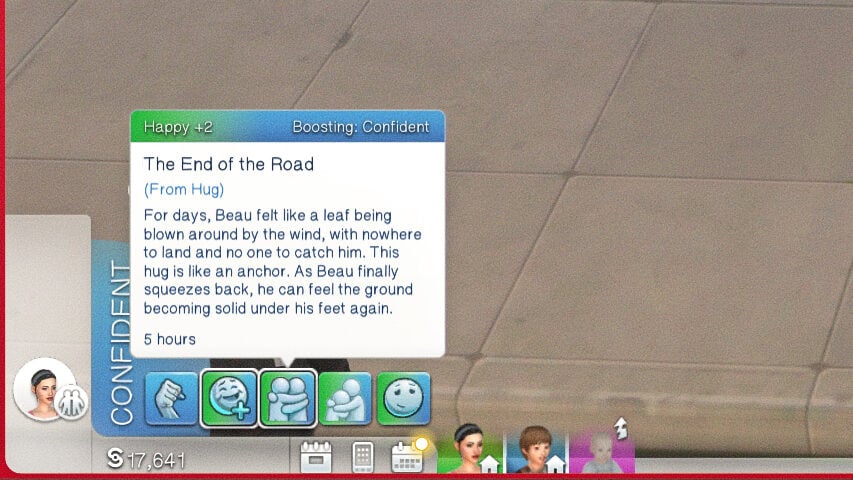
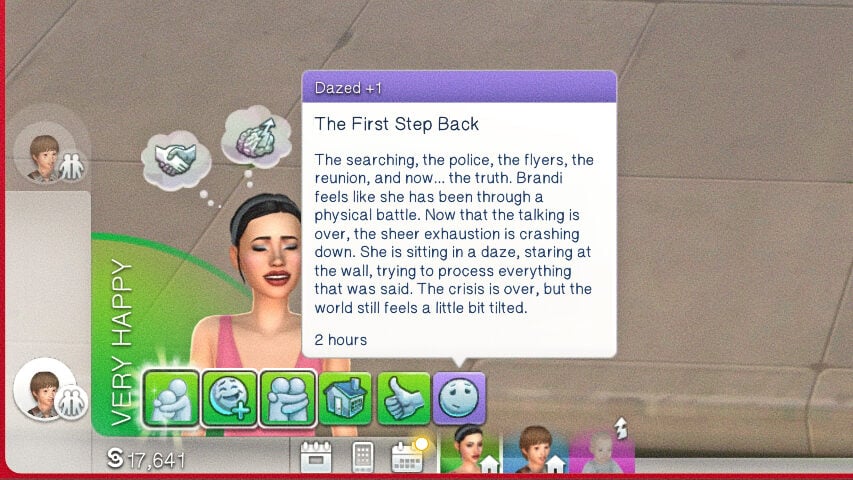
Similarly to talking to a police officer, all of these interactions will give various answers, and provide moodlets and buffs for both the parent and child in question. Both parent and child sims will also have happy and dazed moodlets, wondering how things will change and adjust after this event.
Pandasama’s Drama Generator is freely available with the Abandoned Baby module, but the Runaway Child module is in early access and will be publicly available on May 16th, 2026.
Thank you to Sims 4 Gallery User jennie366, for the Broke Family Trailer lot used in this article!
Have you played with this mod or the Abandoned Baby module yet, or do you plan to? Let us know how you feel about it, and what you hope to see from Pandasama in the future! Make sure to follow The Sims Community as we provide guides, tips, and news about big and upcoming mods in The Sims 4 and otherwise!
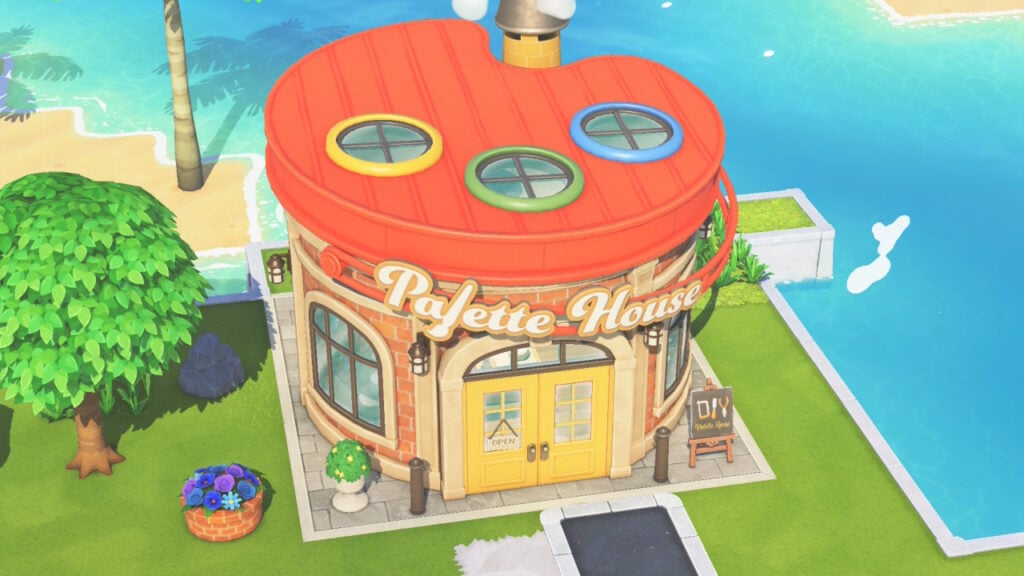
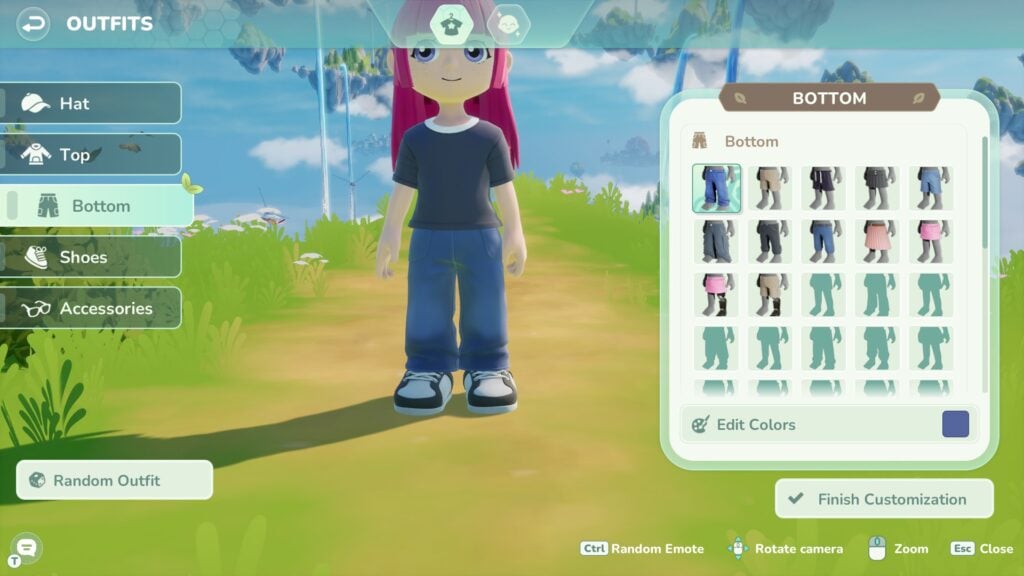
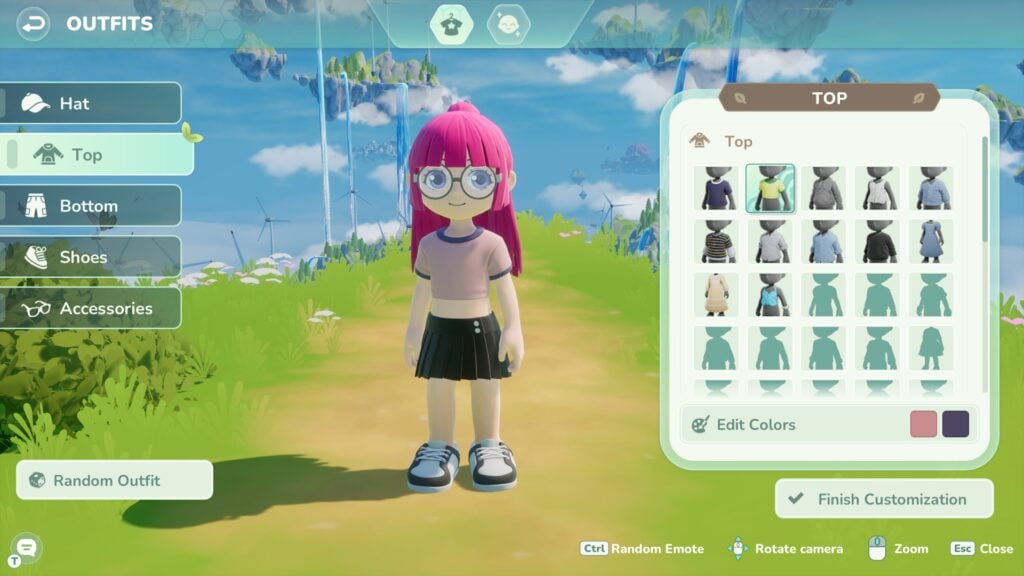
When it comes to creativity, you really can live your dream in Tomodachi Life Living the Dream. With the introduction of the Palette House, you can make custom Tomodachi Life items. If your favorite food is missing from the game, you can design it. If you want to have a fictional creature as a pet, you can create it. If you don’t like any of the 8,356 pieces of clothing in Living the Dream, good news — you can make your own line of Mii clothing.
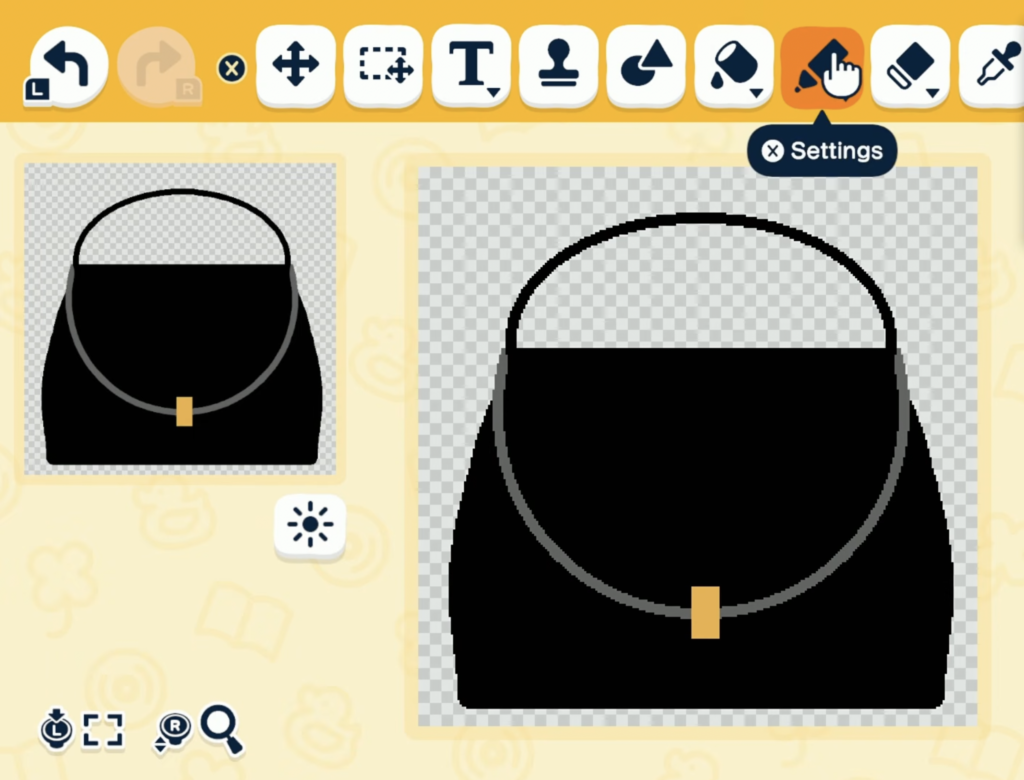
Making custom Tomodachi Life items is as easy or as hard as you want it to be. Living the Dream offers you templates for each custom item category, but you can also create items from scratch (with a few exceptions). Taking the latter route requires some elbow grease and more time than we probably have, but you can really go all out if you’re dedicated enough. Interested in spending even more hours in Living the Dream to outfit your island with custom decor, pets, and more? Then please, read on.
Table of Contents
ThePalette House: The Basics
You can build the Palette House after making a sixth Mii. There are six categories of custom Tomodachi Life items: food, clothing, treasures, house interiors/exteriors, objects, and landscaping. However, you won’t have the ability to make all of these immediately. Instead, you need to unlock them as level-up rewards.
Some of your custom Tomodachi Life items will need to be purchased at another new building, the Treasure Shop, which will be unlocked upon the completion of creating a custom item that needs to be sold there.
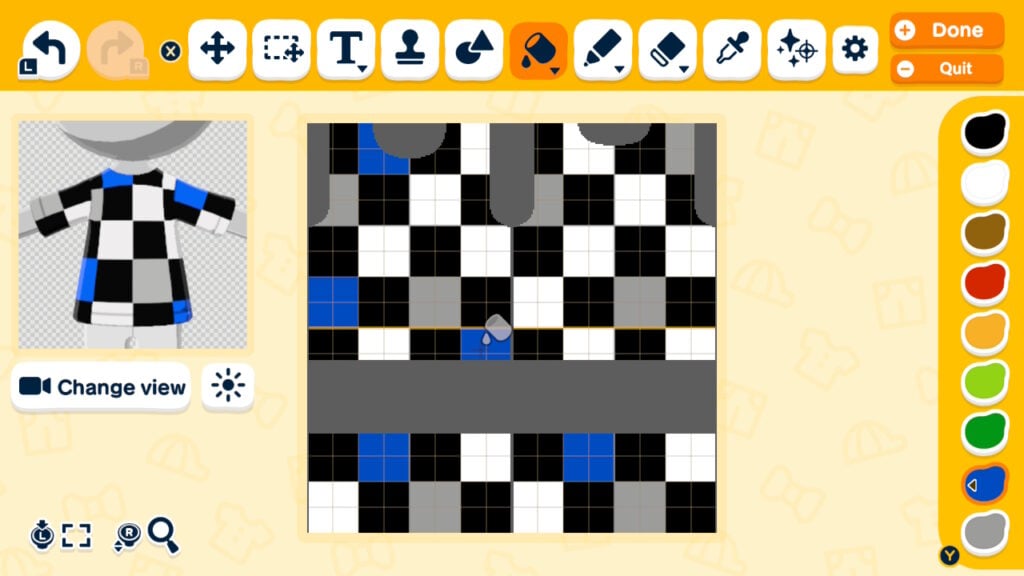
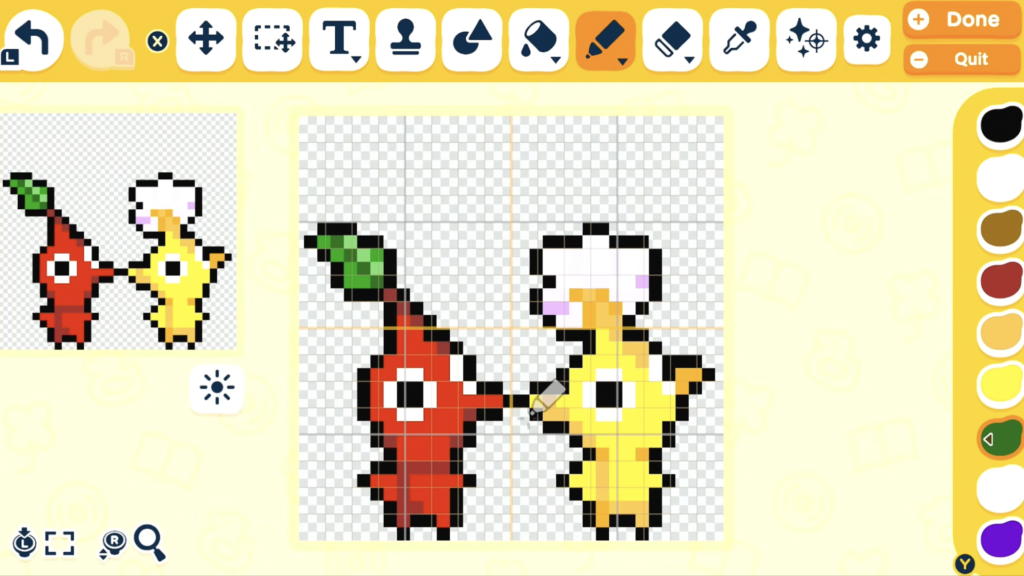
There are two modes when designing custom Tomodachi Life items in the Palette house — easy mode and pro mode. For simple designs, especially when you’re using a template, easy mode will suffice. But if you’re looking to get artsy, pro mode is the way to go as it’s going to allow you to change brushes, shade easier, make your own colors, and more.
If you make items that you decide you don’t like (like, perhaps, that initial cake they force you to decorate), you can either edit or delete them. Go into the Palette House, click on List of creations, and then on an item. From there, you can change the item’s name, edit any aspect of the item, or delete the item.
Everything Custom Tomodachi Life Item You Can Make In The Palette House
Food
Food items are the first things you can make in the Palette house, and sometimes Miis will ask to eat something you made. You can use their templates of dishware or containers or start with a blank canvas. Pro tip: if you’re using the can template and want to change the color, try using the colorize filter. It’s limited in color options, but the fill bucket is a complicated hassle due to shading.
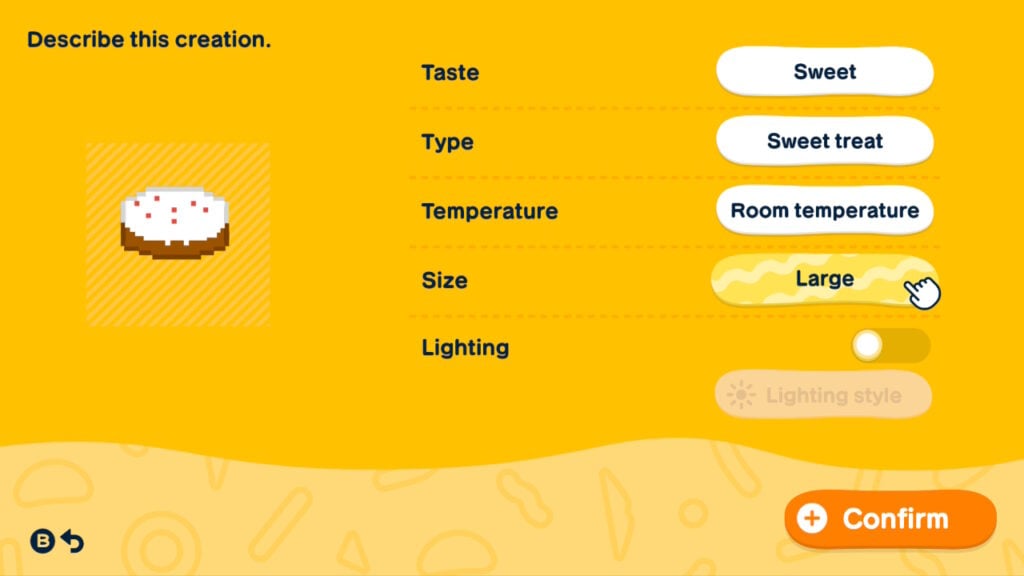
Once you’re finished, you’ll get to further customize your item by choosing its taste, type (drink, dessert, meat, etc.), temperature, and size. You can also make it glow, if that’s up your alley.
Clothing
Custom clothes are the only custom Tomodachi Life items that you can’t completely build from the ground up. You have to choose a shape: tops, dresses, bottoms, or hats. From there, you can pick a template or design from scratch. But this means you can’t make custom accessories or headwear that isn’t hat-shaped or even wide-legged pants. Clever drawing, use of colors, and shading can enable you to craft custom necklines or fidget with sleeves, but it’s still somewhat restrictive.
After designing your clothing item, you can assign a season, style (as in, when you typically wear it), and gender to it.
Treasures
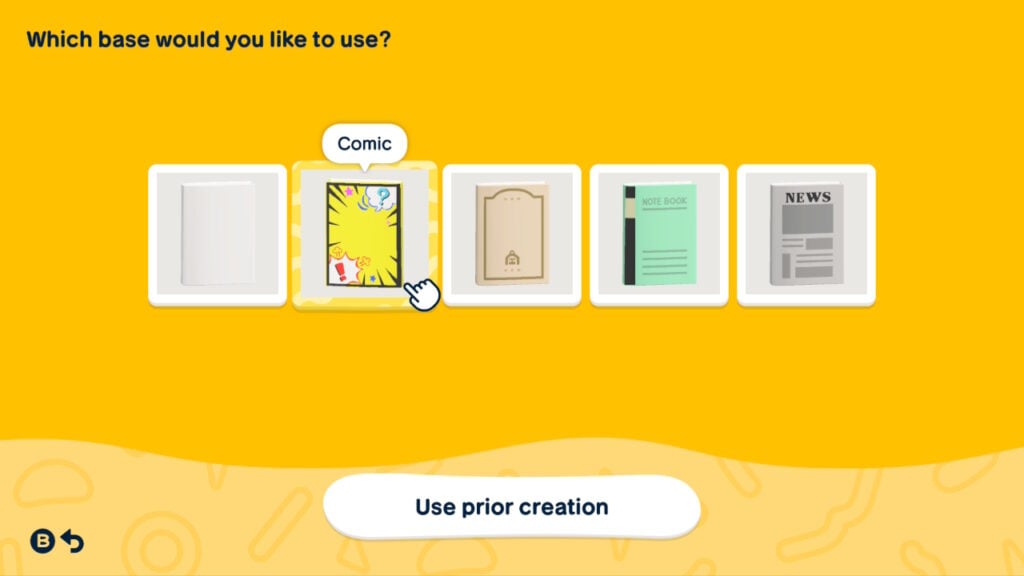
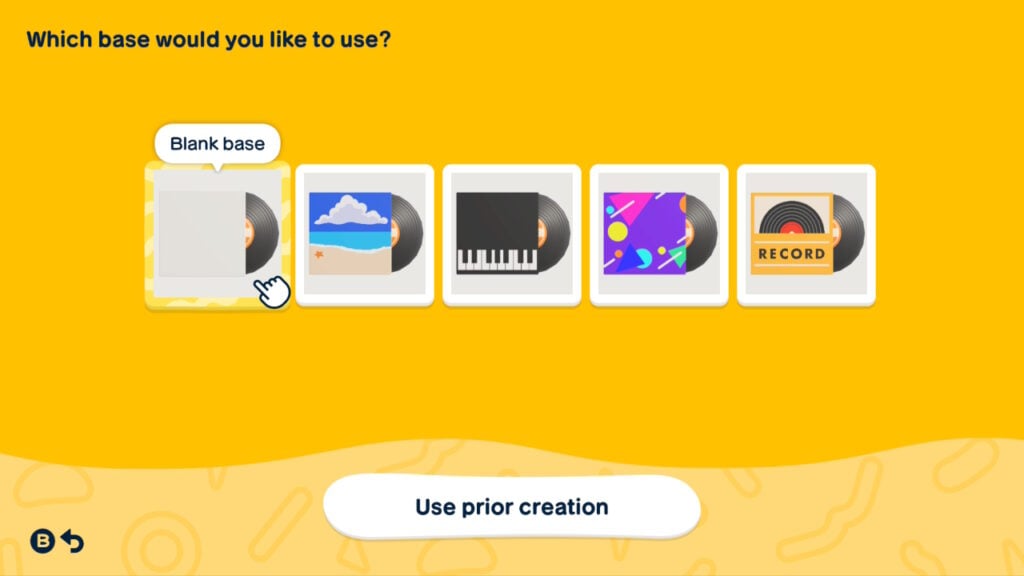
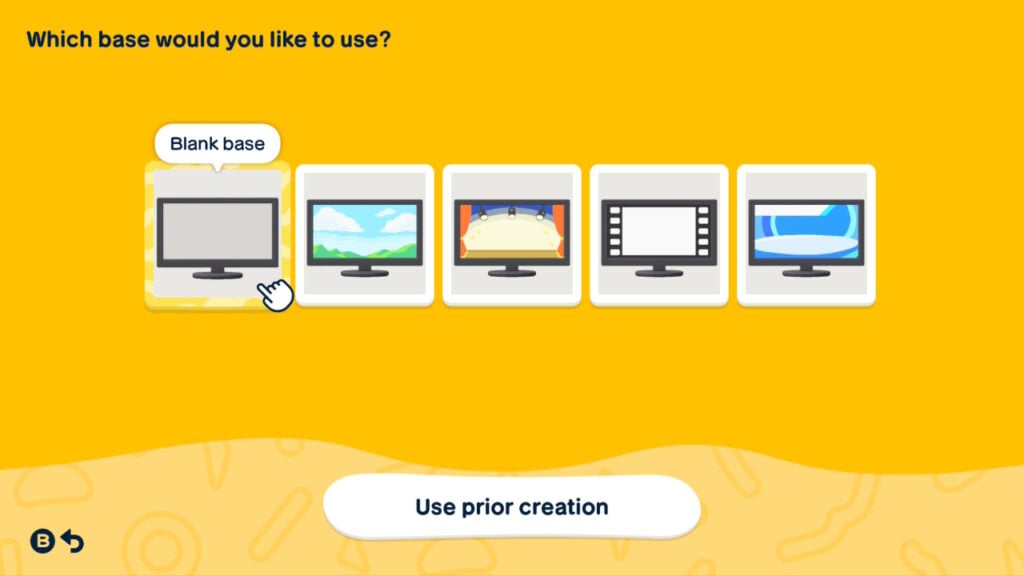
Within the treasure category, there are six more categories: books, music, videos, video games, pets, and “anything.” “Anything” is your blank slate option to create whatever your heart desires. The pets category, too, allows you to design whatever you’d like. The books, music, videos, and video games categories all have a mandated shape that you have to work with, like a book template or a vinyl sleeve.
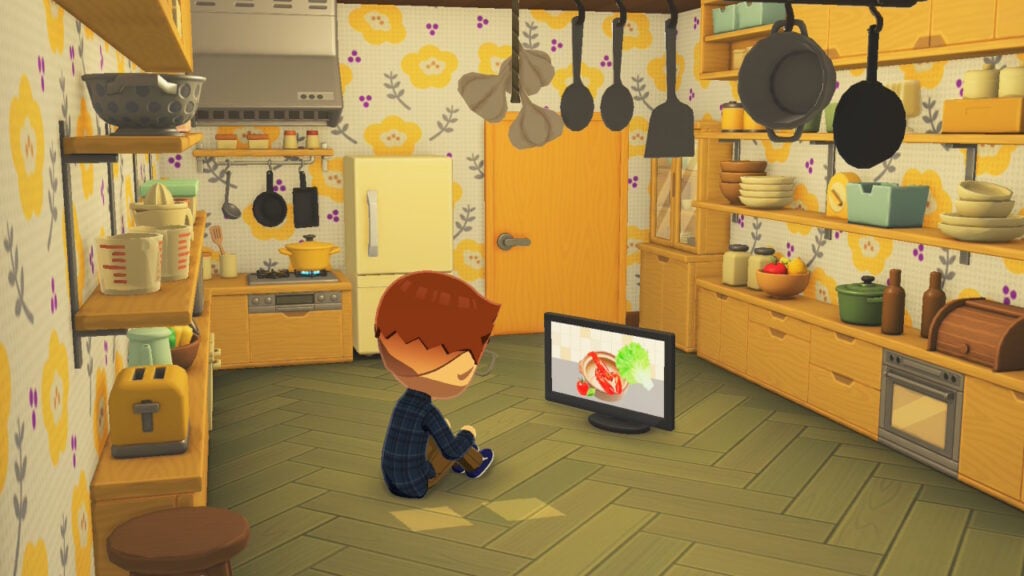
Each kind of treasure has unique attributes to add to it, like what type of noise your pets make or the genre of your media. The digital custom Tomodachi Life items are interactive — your Miis will watch TV or play their video game or listen to music.
House Interiors And Exteriors
If you aren’t feeling the T&C Reno room options, you can design your own wallpapers and floors at the Palette house. However, you can’t choose which objects to put in Miis’ rooms and you don’t get the benefit of mansion furniture changing wood tones or colors.
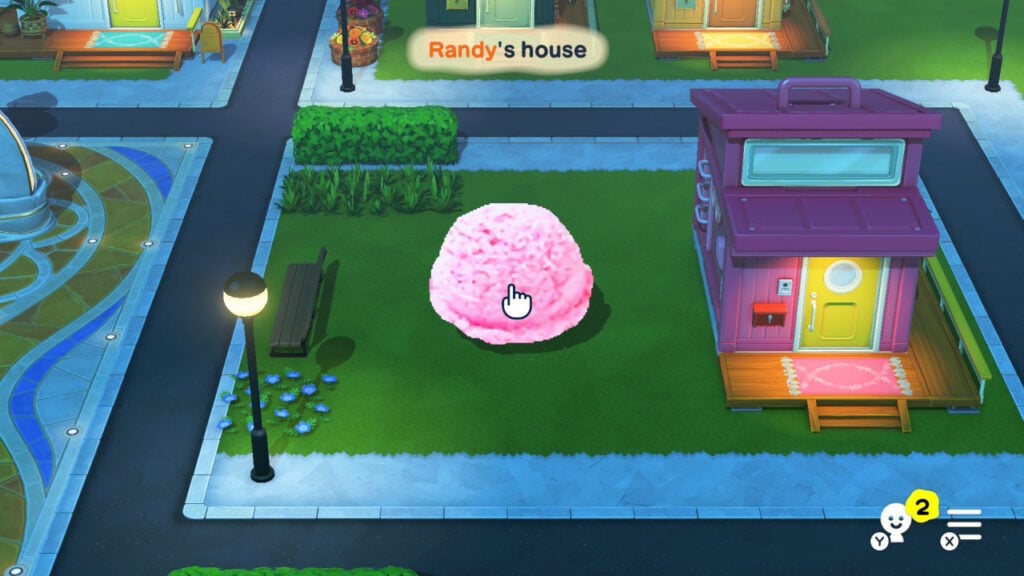
Lumped in with house interiors are house exteriors, which are more complicated. Basically, you can replace the default beach-hut-like Mii houses with your own design. While you do have to start with some form of template, it’s transparent, so you can design any kind of abode you want. Which does in fact mean that a Mii’s house can just be a floating scoop of pink ice cream, if you so desire.
Objects
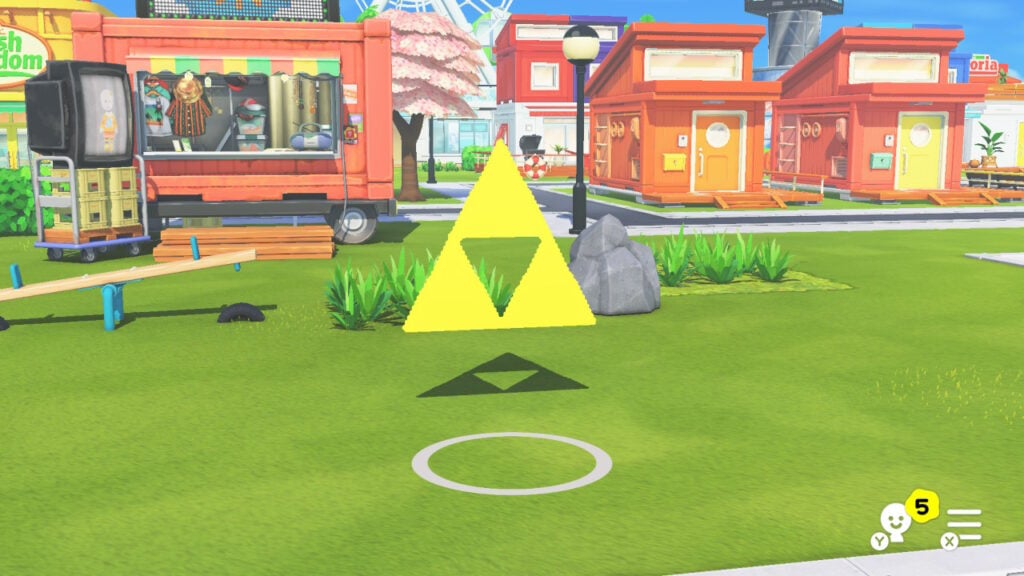
The “objects” custom Tomodachi Life items category really just means outside decor. Like the exteriors, you start with a transparent shape, meaning you can create anything you’d like. You can choose the dimensions of these objects via a sliding bar, and can give them textures, smells, and vibes, if you’d like. They also have the light option, meaning you can make custom lamps.
Landscaping
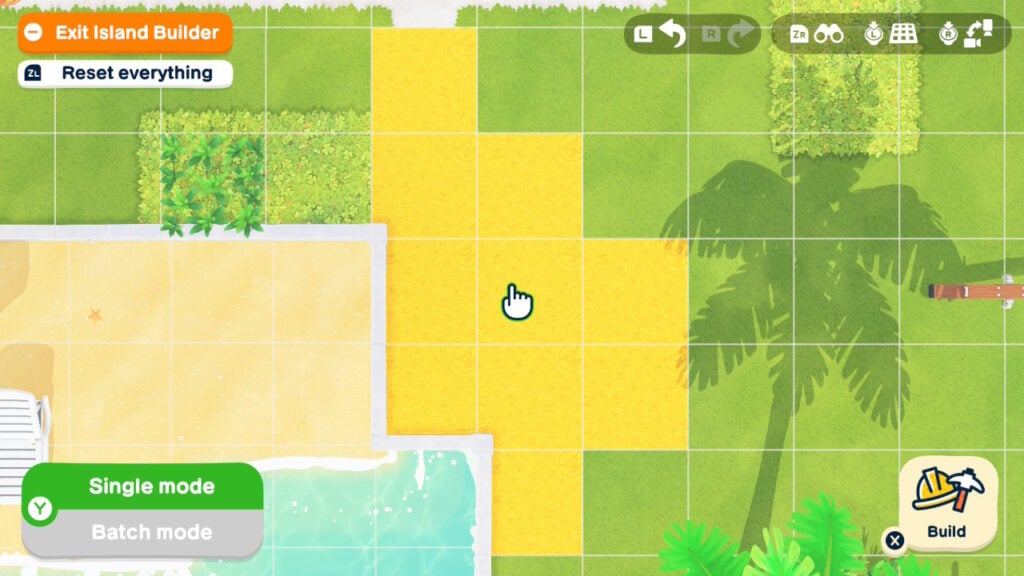
Finally, you can create outdoor paths to place down, which you might want considering Living the Dream doesn’t have that many path options. Once you’ve designed your new path, you can choose its texture as well as, interestingly enough, whether or not Miis should walk on it. If there’s somewhere on your island you want to keep off-limits, custom pathing is the way to go.
Tips And Tricks
If you’re committed to making custom Tomodachi Life items, there are a few ways to make your life easier. For one, a stylus might be a good investment (if you have one for a tablet already, that will likely work), as the Palette House allows touchscreen. Drawing with the joysticks can be wonky, and you could try using your finger, but a stylus is ideal.
There’s also the ‘Living the Grid’ Pixel-Art tool that you can use to design your items ahead of time. While you can’t directly transfer the design into the game, you can use it as a reference. The game, when in pro mode, has a grid that you should turn on to make the copy process easier. Building items pixel by pixel can be arduous, but it does yield good results.
Find Inspiration On The Internet
People are already making anything and everything they desire on social media platforms. From making Pokémon pets to famous fictional character houses to photo-realistic cookies, the internet artists are out there showing us how it’s done. The creativity is seemingly endless.
Whether you’re trying to create a themed island, bring your favorite fictional franchise to life, or just simply add an item the game doesn’t already have, the Palette House is going to be your best friend.
What items and custom homes do you plan to create in Tomodachi Life: Living The Dream? Let us know in the comments below and stay tuned for more Tomodachi Life guides and content!
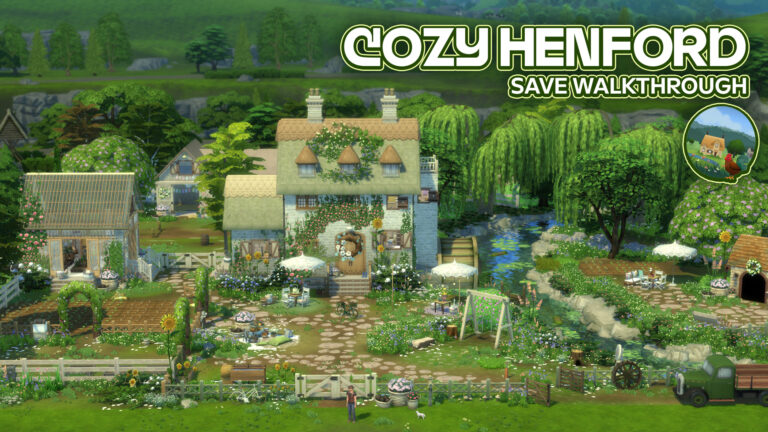
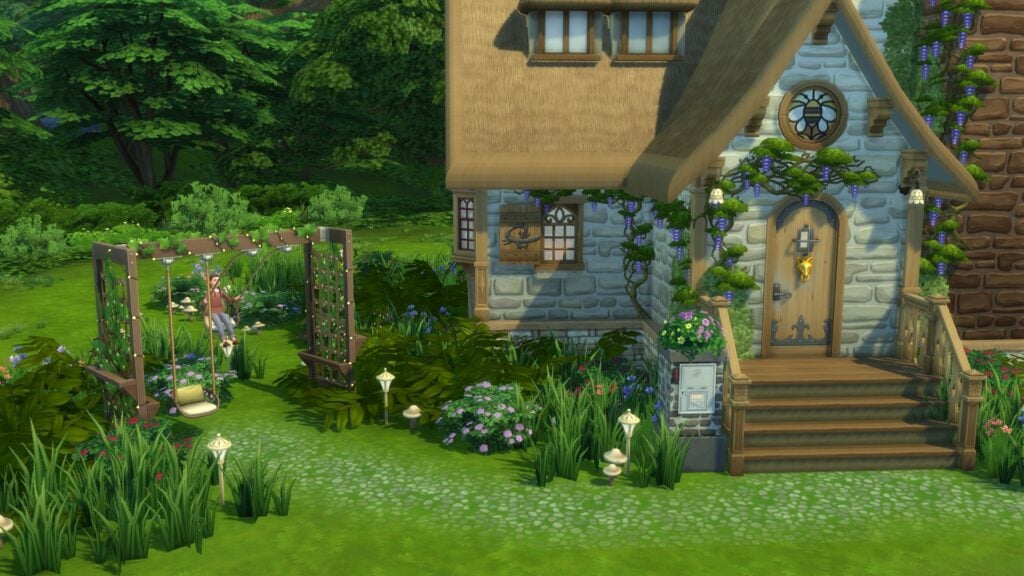
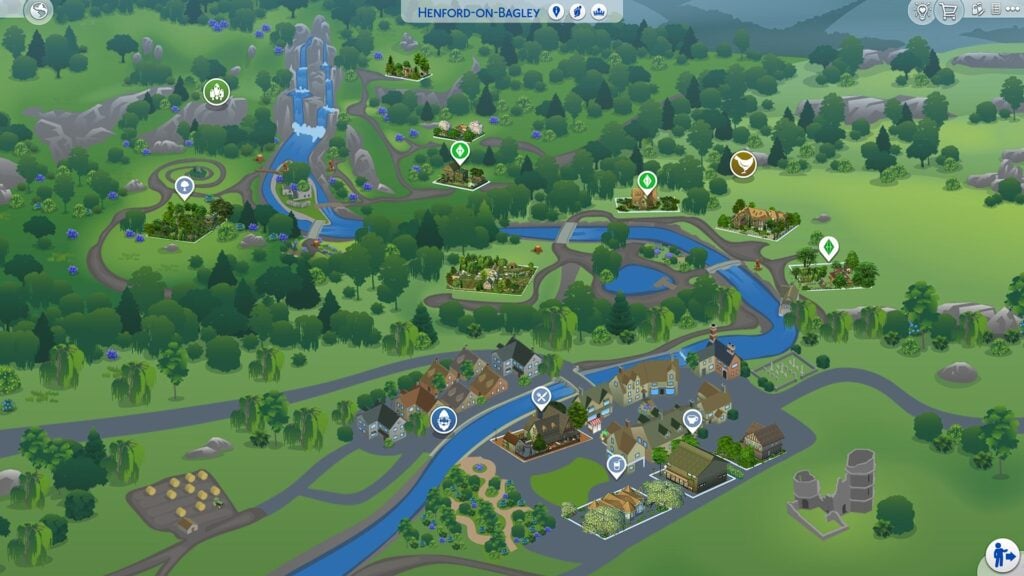
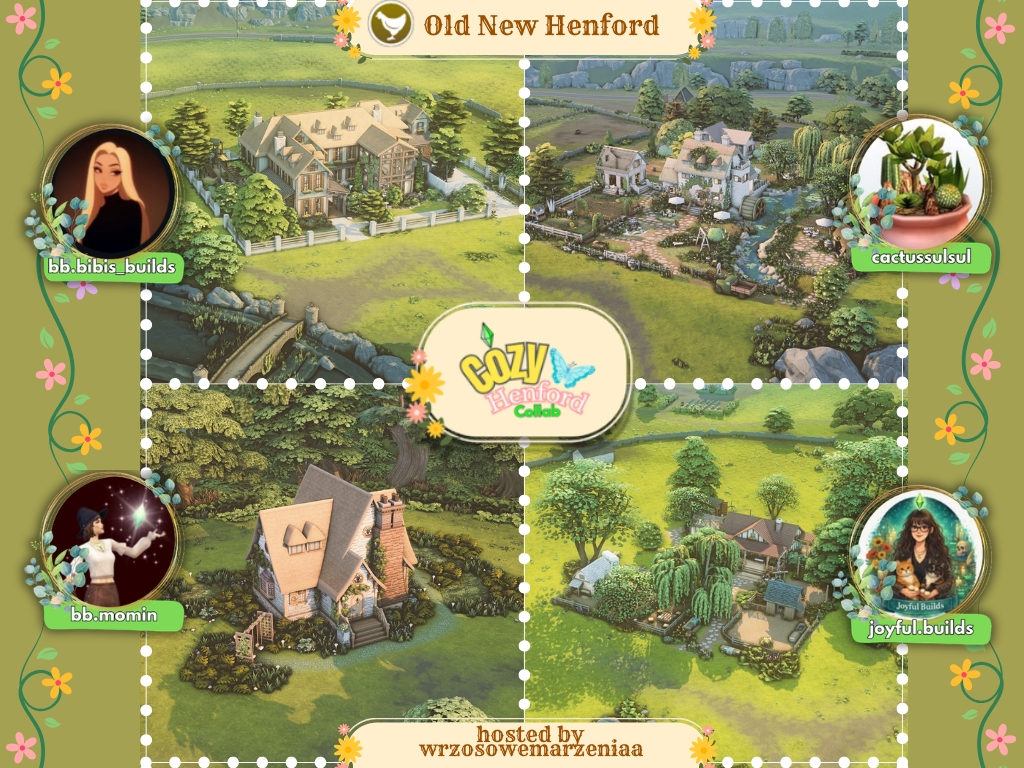
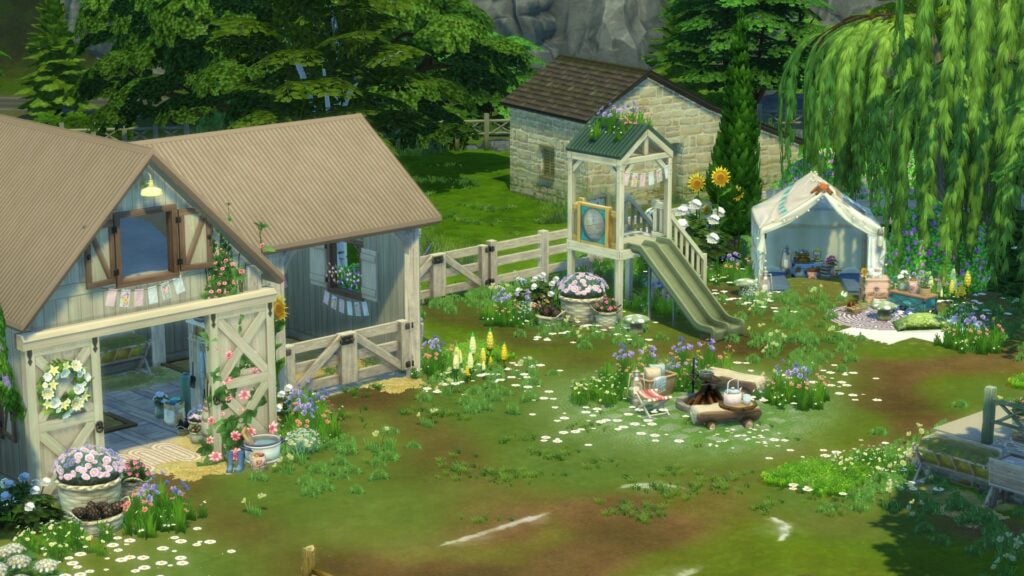
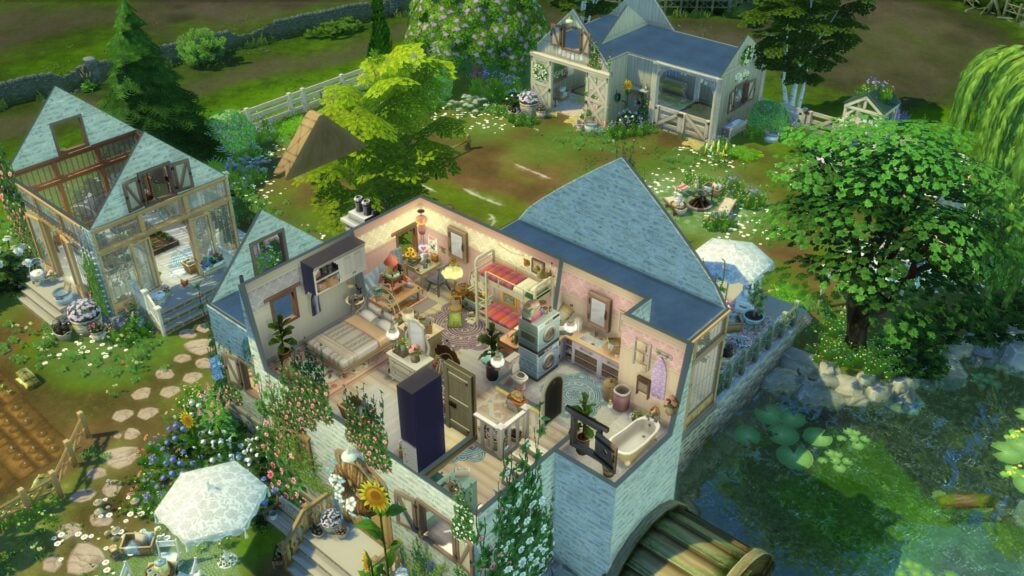
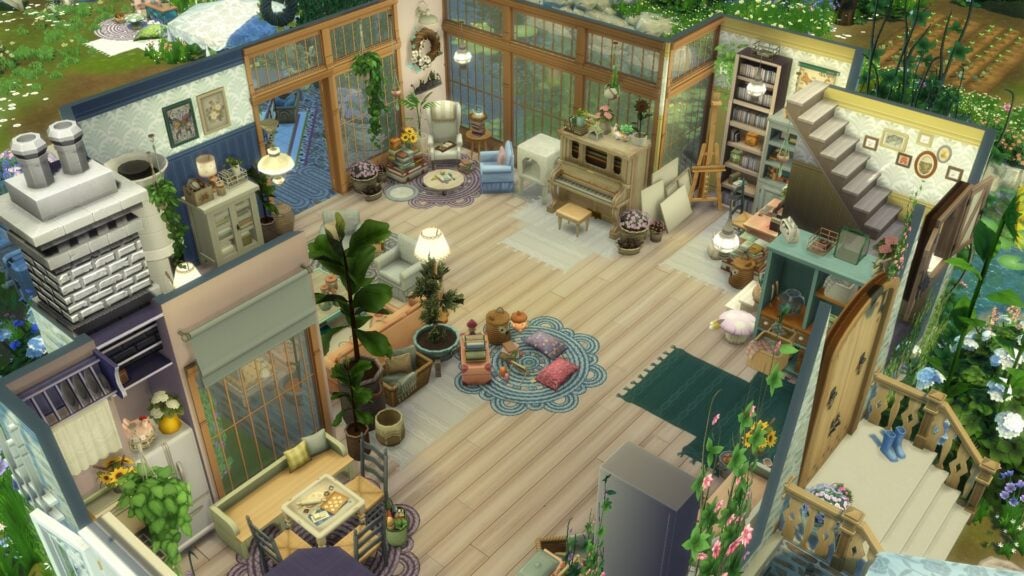
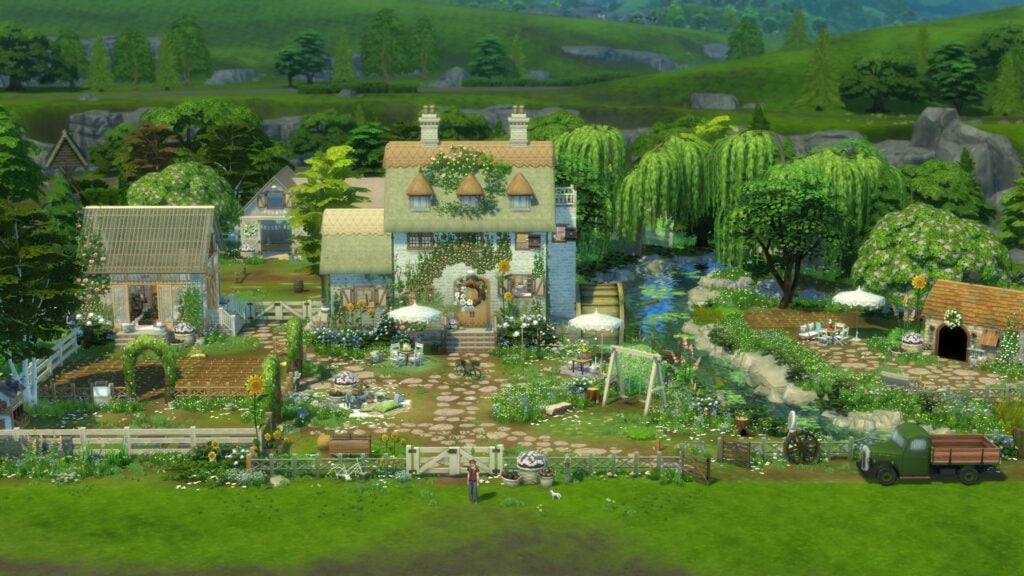
The Sims 4 Cozy Henford Save File transforms Henford-on-Bagley into a peaceful countryside world filled with charming cottages, detailed family homes, and cozy cottagecore-inspired landscapes. Created as a large community collaboration, the save file brings together builders from across the Sims community to completely reimagine every section of Henford-on-Bagley while still preserving the warm rural atmosphere that made the world so popular with players.
From sprawling family estates and overgrown gardens to tiny starter cottages and riverside retreats, the Cozy Henford Save File delivers a version of Henford-on-Bagley that feels beautifully cohesive from one neighborhood to the next. Every area features carefully landscaped lots, thoughtfully designed interiors, and plenty of storytelling details that make the world feel lived in.
One of the biggest strengths of the save file is how naturally the different creators’ builds blend together. Even though multiple builders contributed to the project, the overall aesthetic remains consistent throughout each neighborhood. The countryside scenery, soft color palettes, floral landscaping, and rustic architectural styles all work together to create a world that feels immersive and inviting.
The save file also includes several playable households that help bring the world to life. While some families feature lighter storytelling elements than others, it is always nice to see additional Sims included with collaborative save projects, especially when the homes themselves already provide so much environmental storytelling.
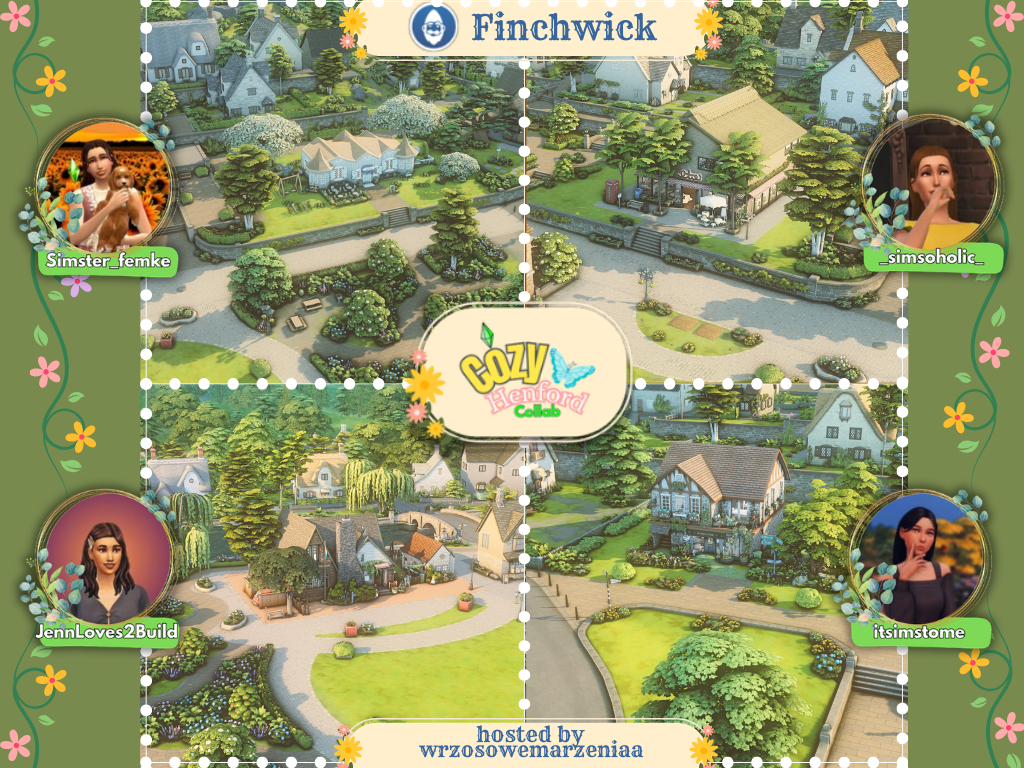
🏠 BUILDS & FAMILIES INCLUDED IN THE SAVE FILE:
Restaurant by JennLoves2Build
Bar by Simster_Femke
Coffe shop & library by simsoholic
Community lot / shop by itsimstome
Residential with farm & Family by Joyful.Builds
Residential by bb.bibis_builds
Residential & Family by bb.momin
Residential with farm by cactussulsul
Residential & Family by SimischL
Residential by L_iz_a.tv
Starter Residential by wasabisimmer
Park & Family by WrzosoweMarzeniaa
Table of Contents
Finchwick Neighborhood
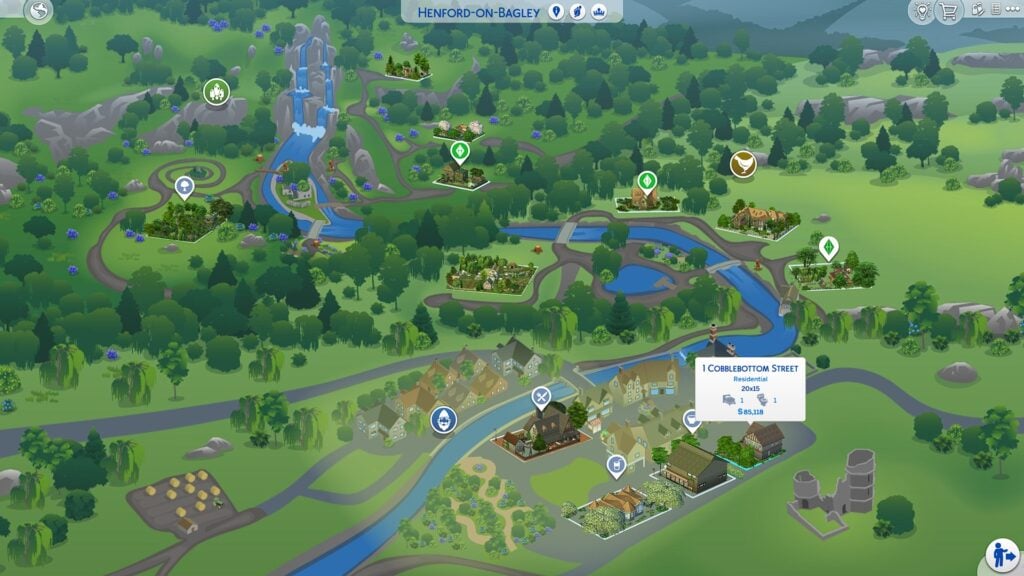
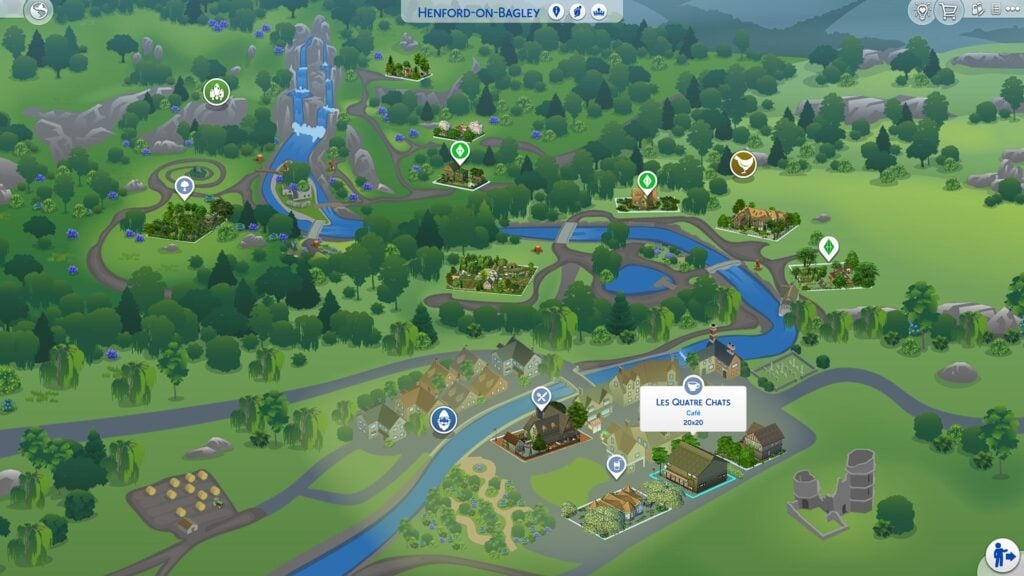
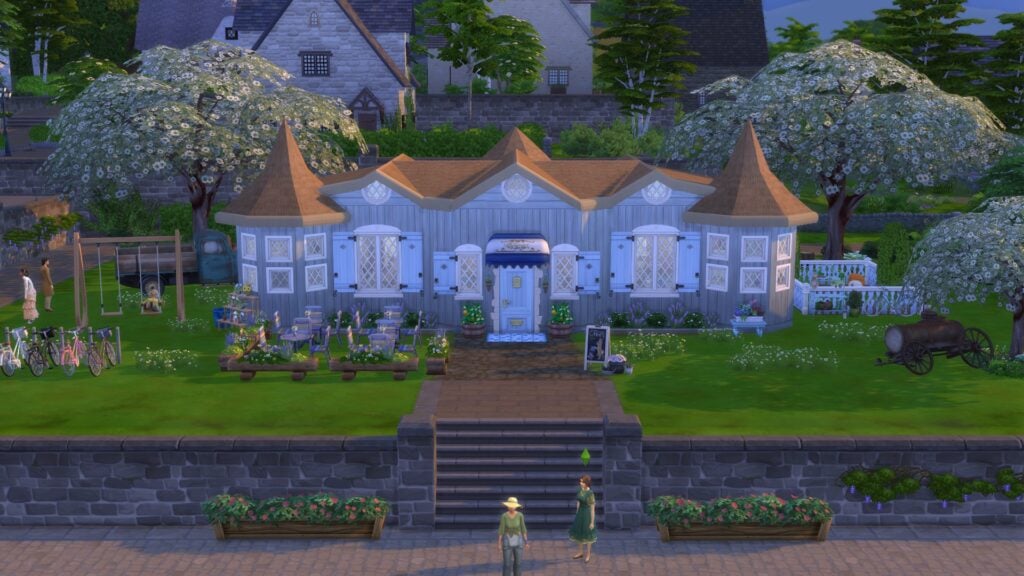
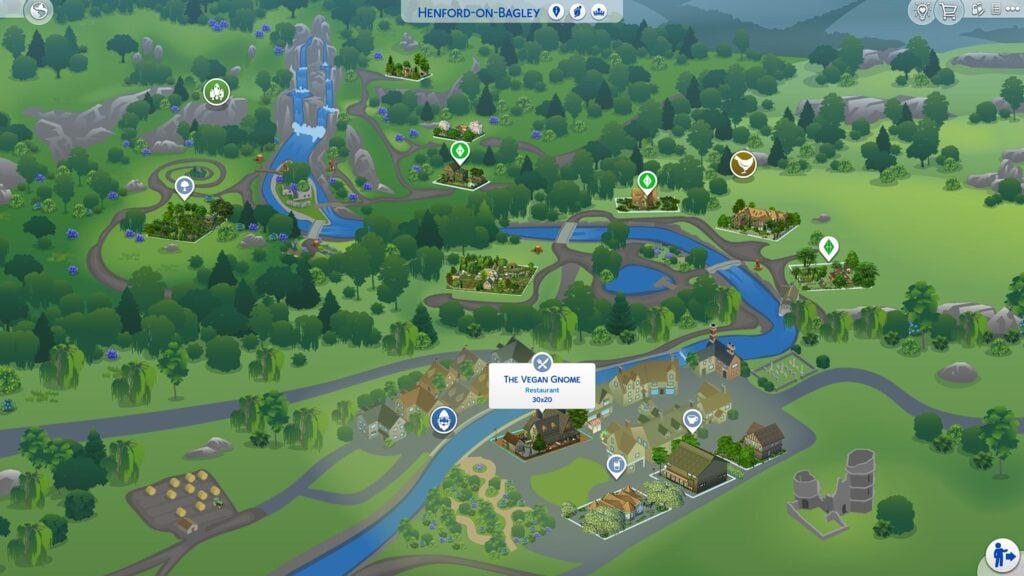
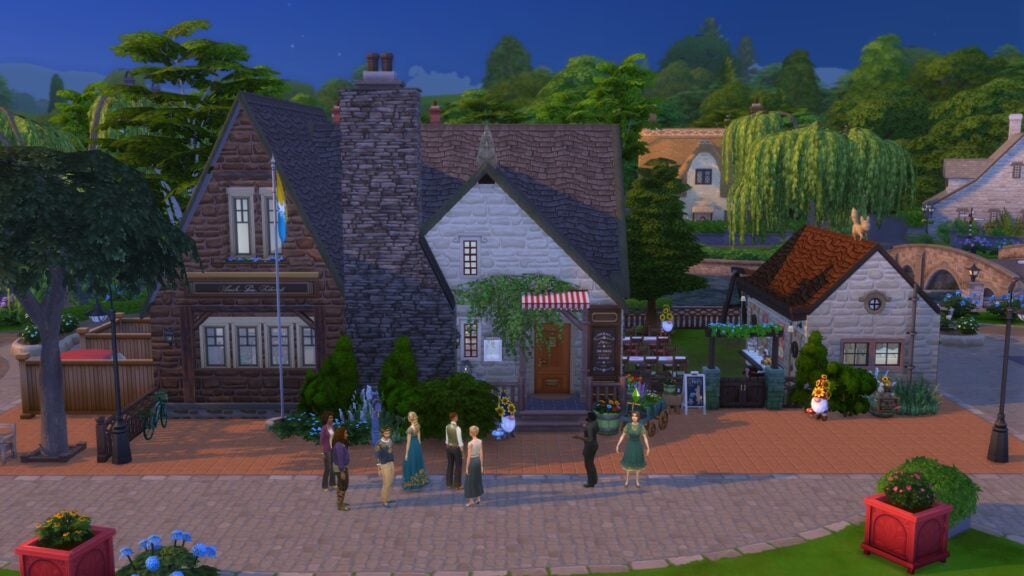
The Finchwick neighborhood focuses on the lively village center of Henford-on-Bagley with a mix of residential and community lots that make the neighborhood feel active, social, and full of charm. This section of the save file includes 1 Cobblebottom Street, Les Quatre Chats Cafe, Cozy Bar, and The Vegan Gnome Restaurant, with each build adding its own personality to the heart of Finchwick.
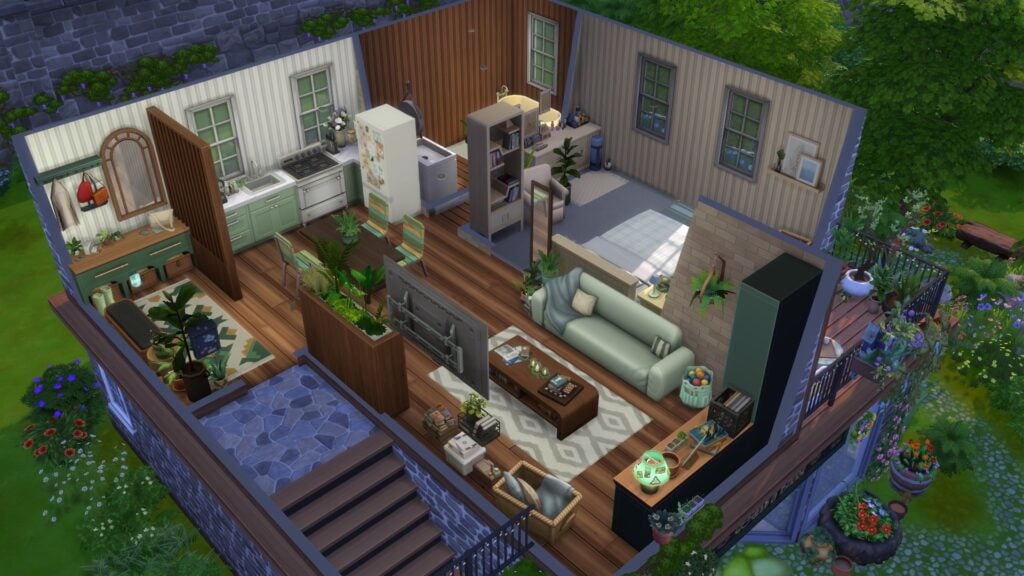
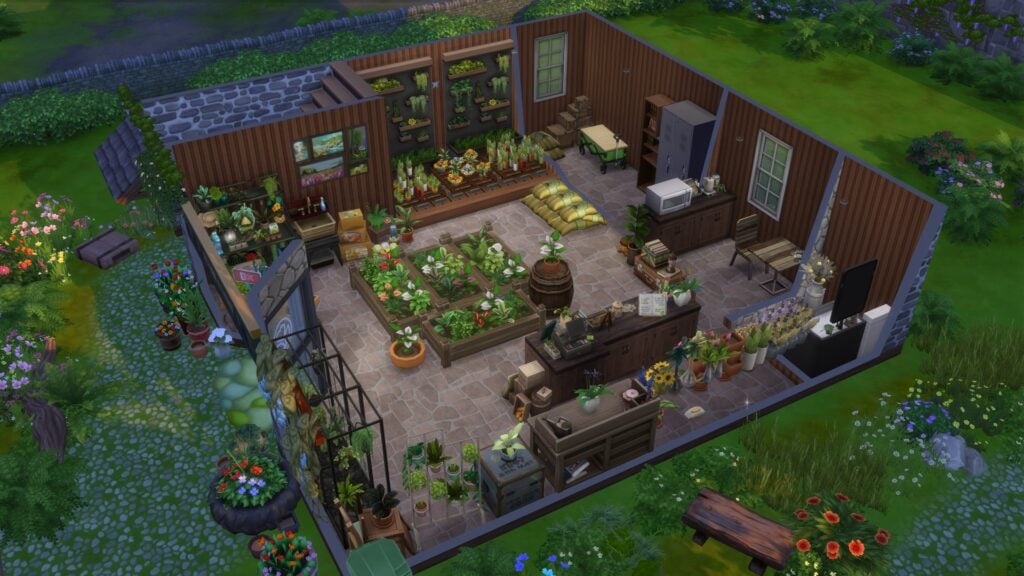
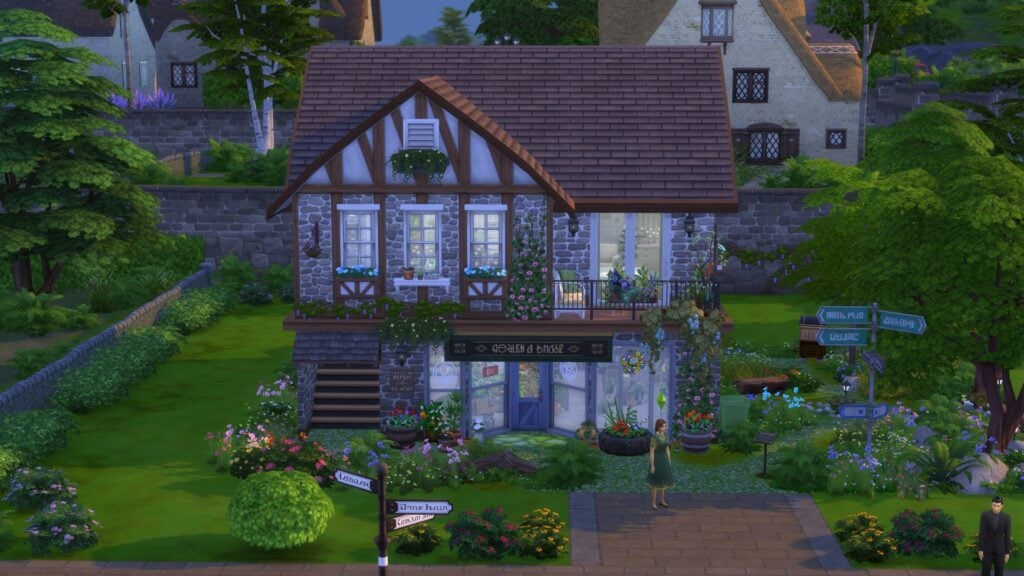
1 Cobblebottom Street transforms the lot into a charming mixed-use space with a cozy flower shop on the first floor and a warm apartment above. The build blends soft countryside landscaping with detailed interiors that make the property feel naturally integrated into Finchwick’s village atmosphere. From the flower arranging spaces downstairs to the comfortable living quarters upstairs, the lot feels both highly functional and full of personality.
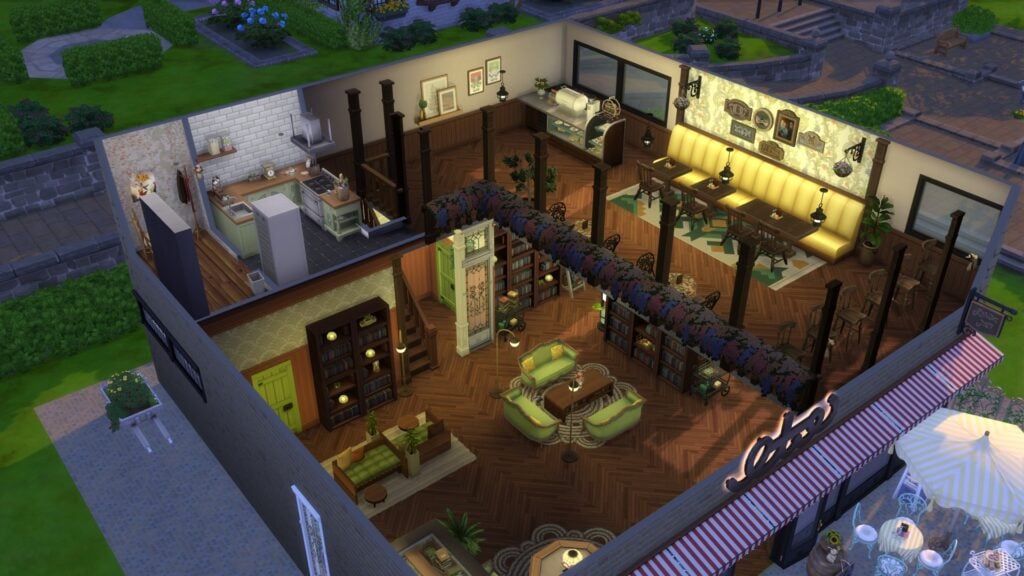
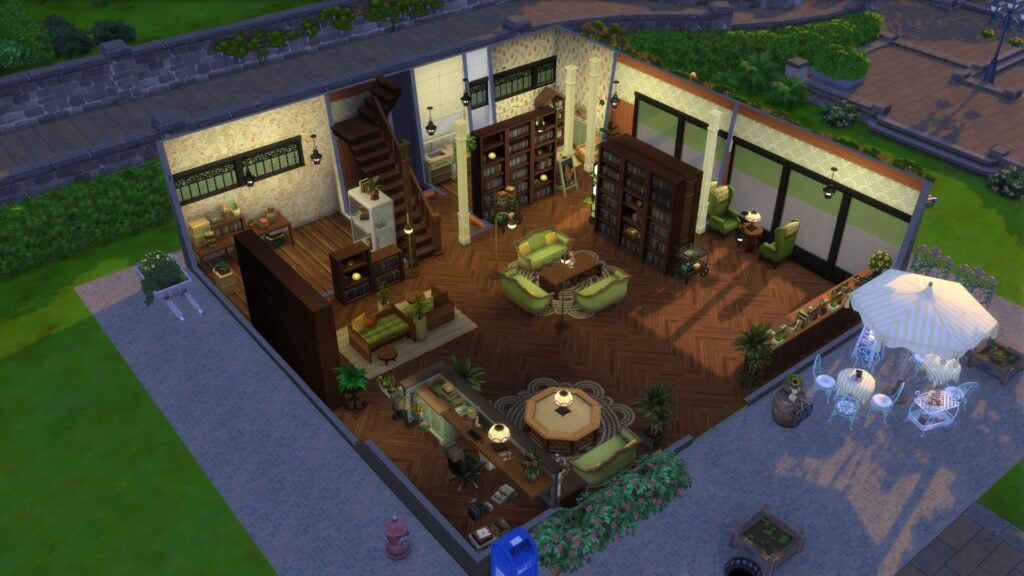
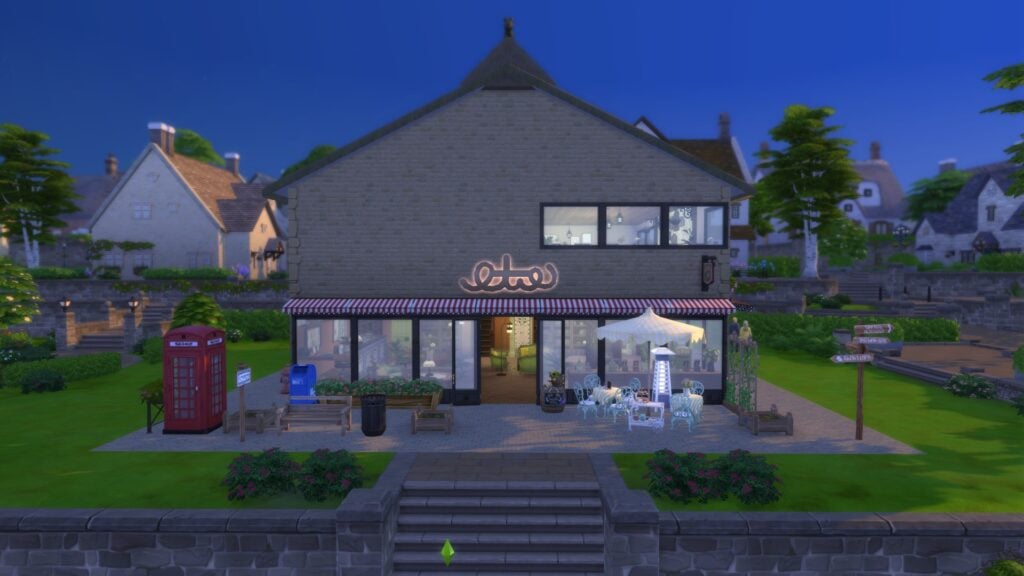
Les Quatre Chats Cafe gives Finchwick a cozy café and library space that feels perfect for Sims looking to relax with coffee, books, or conversation. The build combines warm woods, comfortable seating areas, and layered décor to create an inviting community lot that feels both stylish and functional for everyday gameplay.
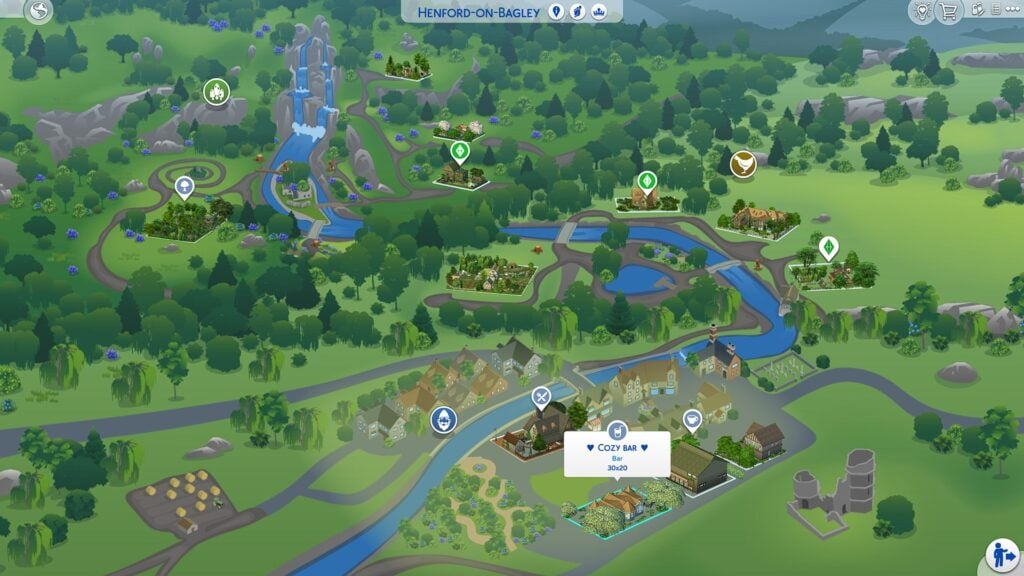
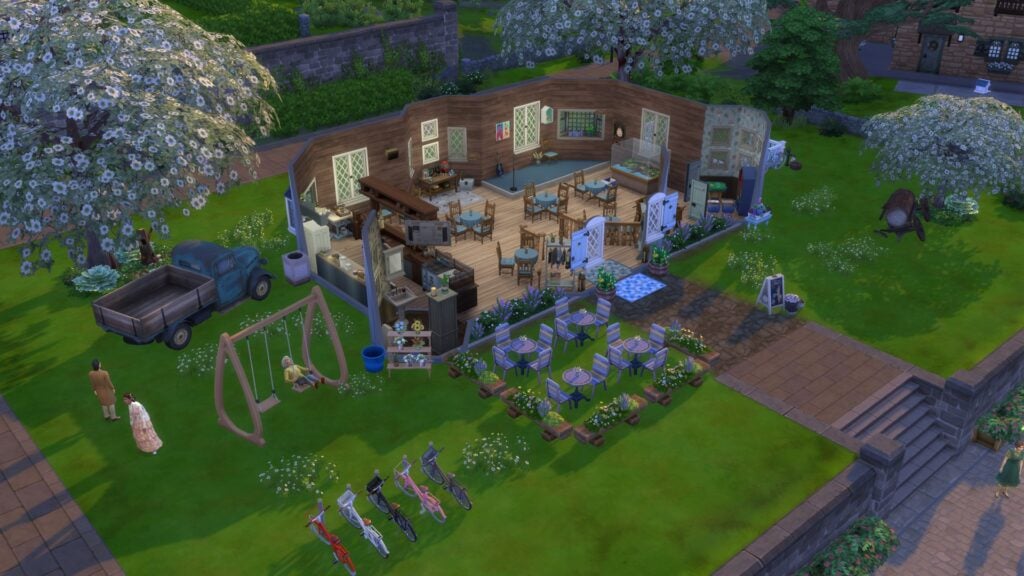
Cozy Bar brings a softer countryside approach to Henford’s nightlife with a charming exterior, outdoor seating areas, and a welcoming interior space that feels ideal for gathering with friends after a long day in the village. The build balances decorative detail with open space particularly well, helping the lot remain both visually appealing and highly playable.
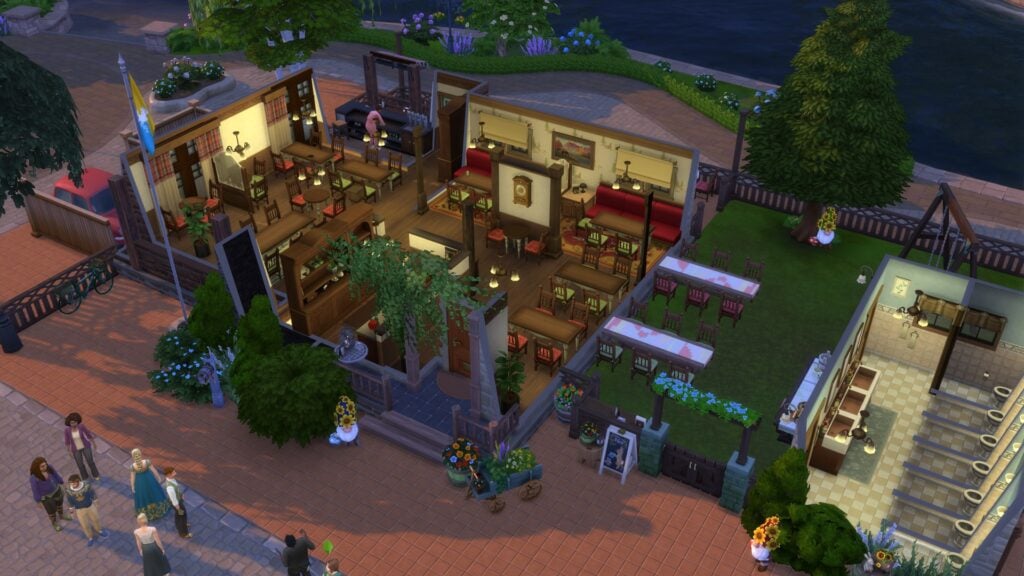
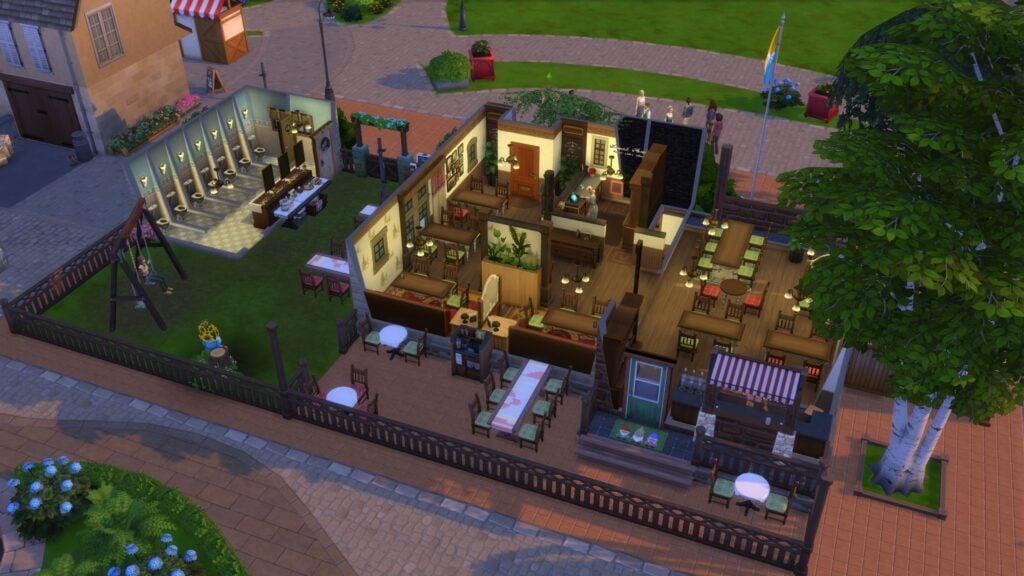
The Vegan Gnome Restaurant stands out as one of the most detailed community lots in the neighborhood with its layered architecture, countryside-inspired exterior, and cozy dining spaces. The restaurant feels especially immersive thanks to its warm interior palette, multiple seating areas, and riverside surroundings that help the build feel naturally integrated into Henford-on-Bagley’s world design.
Old New Henford Neighborhood
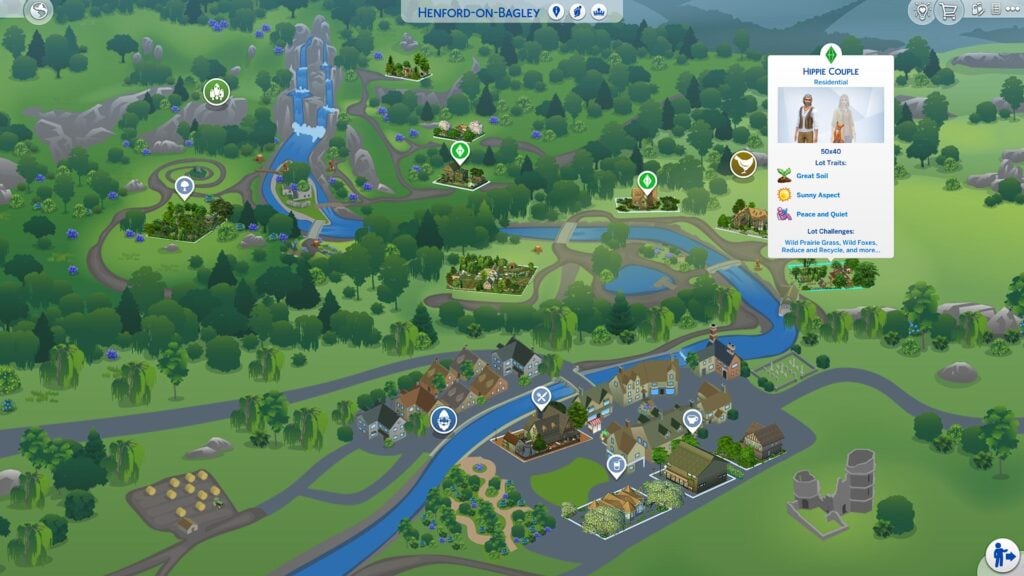
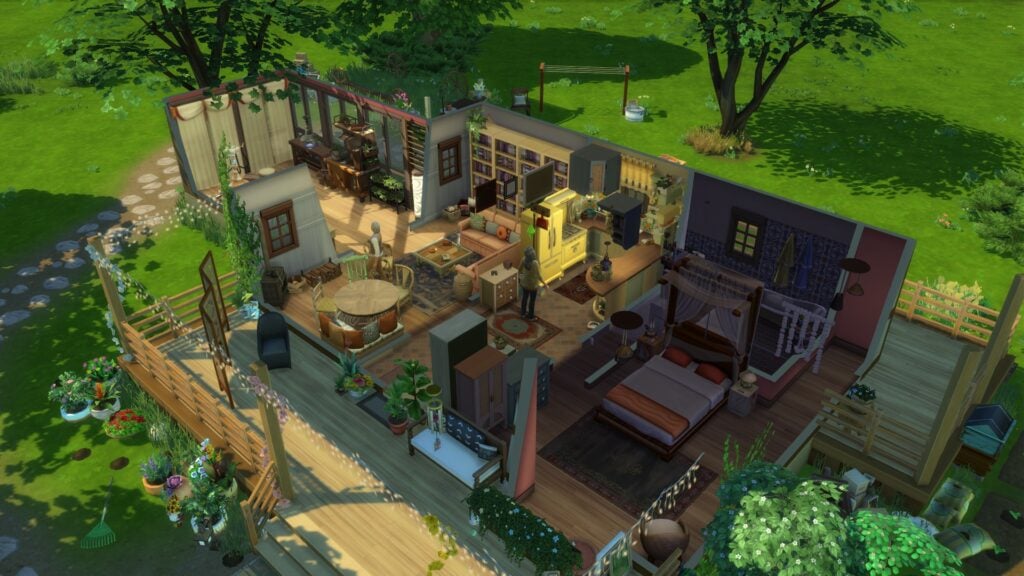
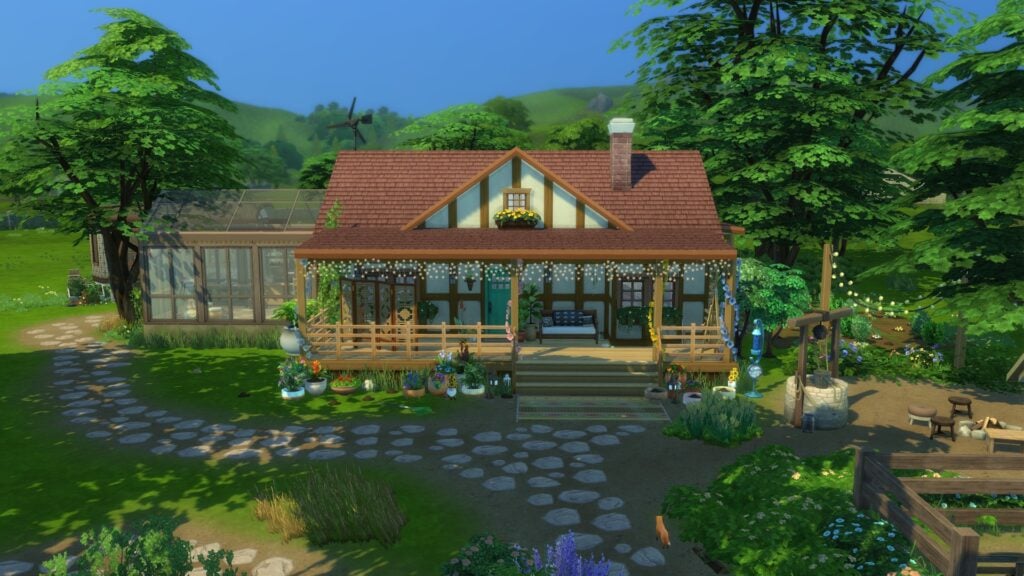
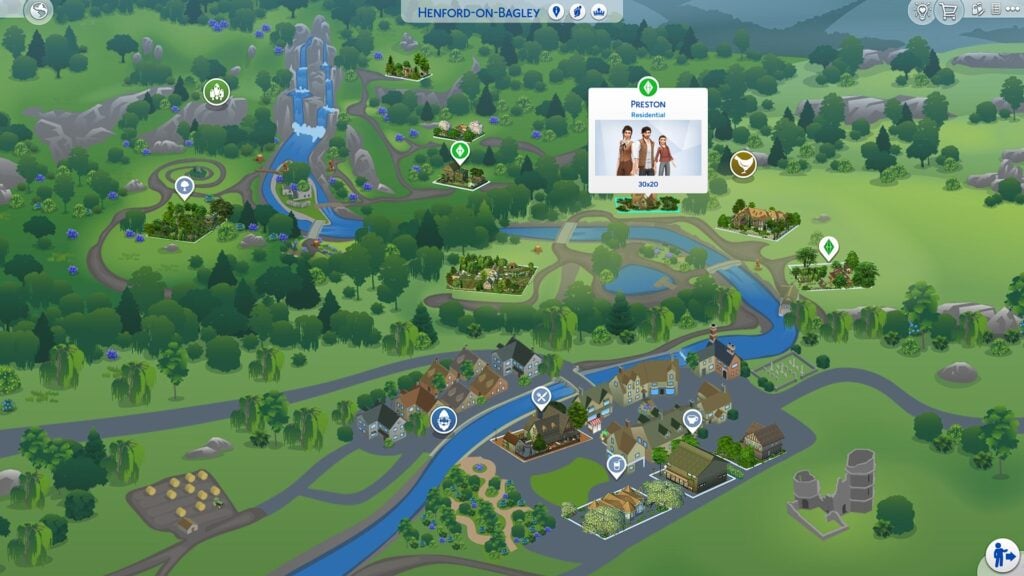
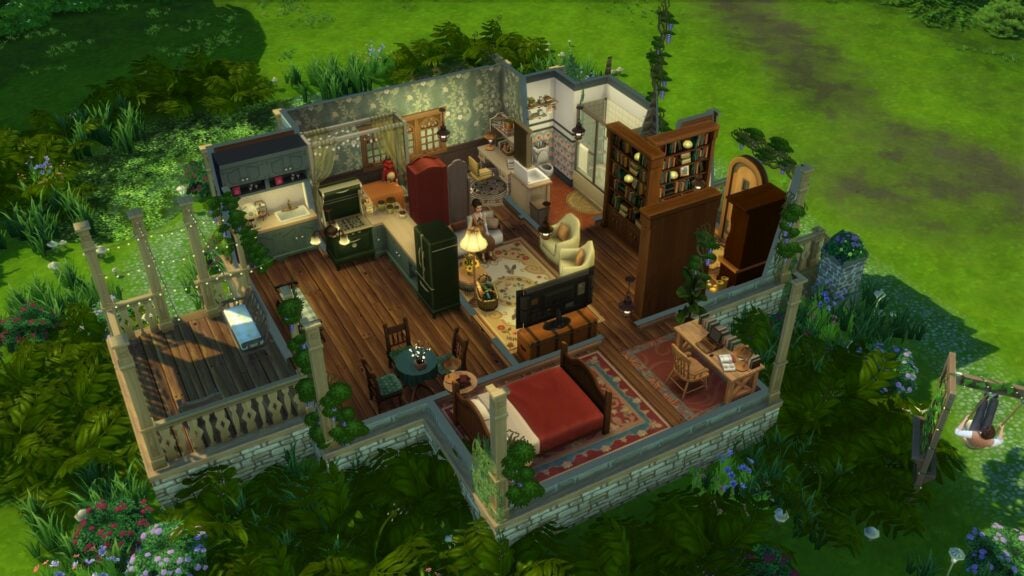
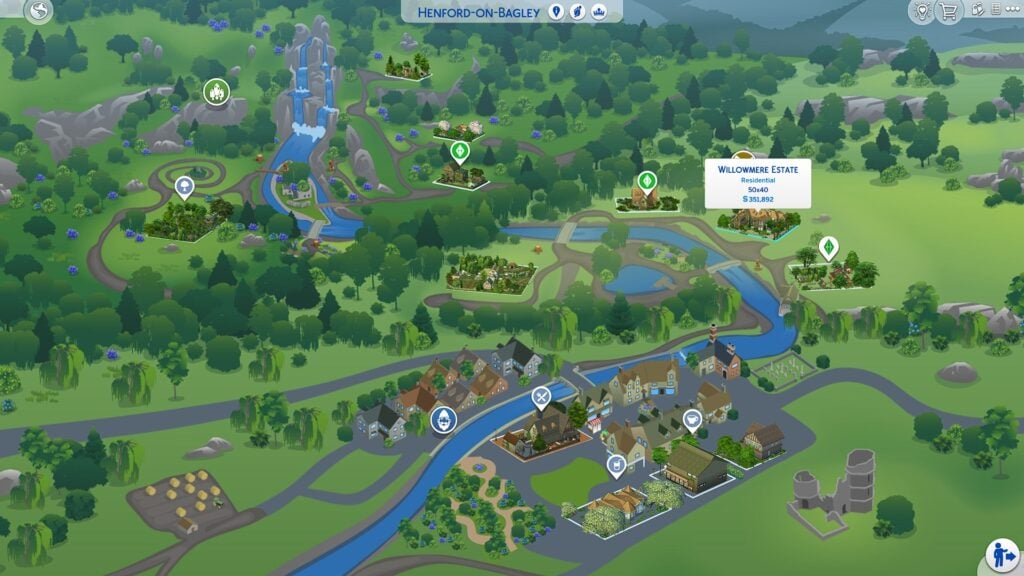
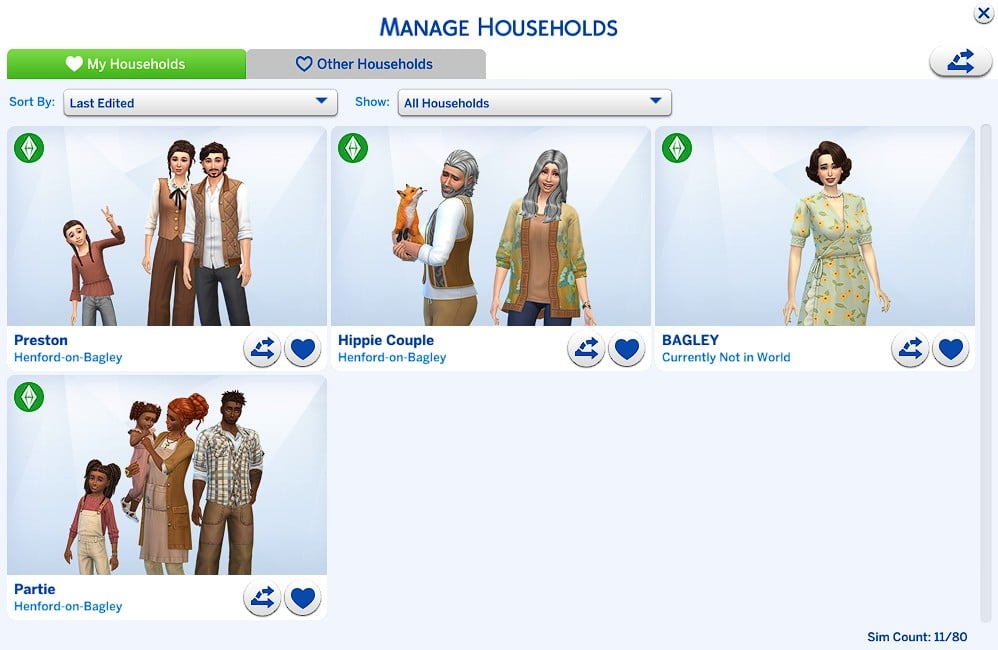
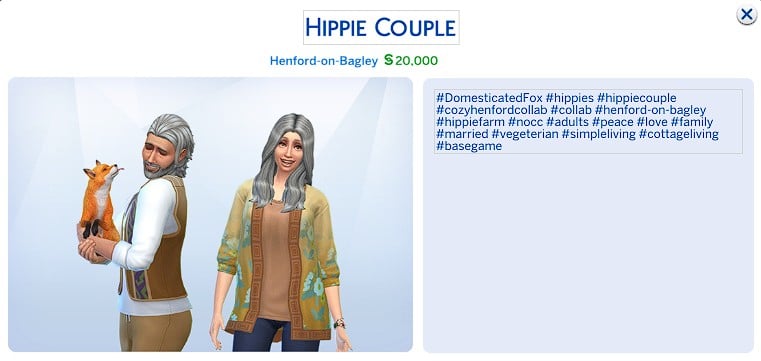
The Old New Henford neighborhood leans heavily into the cozy countryside atmosphere that defines the entire save file with larger family homes, peaceful farmland scenery, and beautifully landscaped properties that feel naturally woven into the rolling hills of Henford-on-Bagley. This section includes the Hippie Couple Lot, Preston Household Lot, Willowmere Estate, and Cozy Family Farm, with each build offering its own unique take on countryside living.
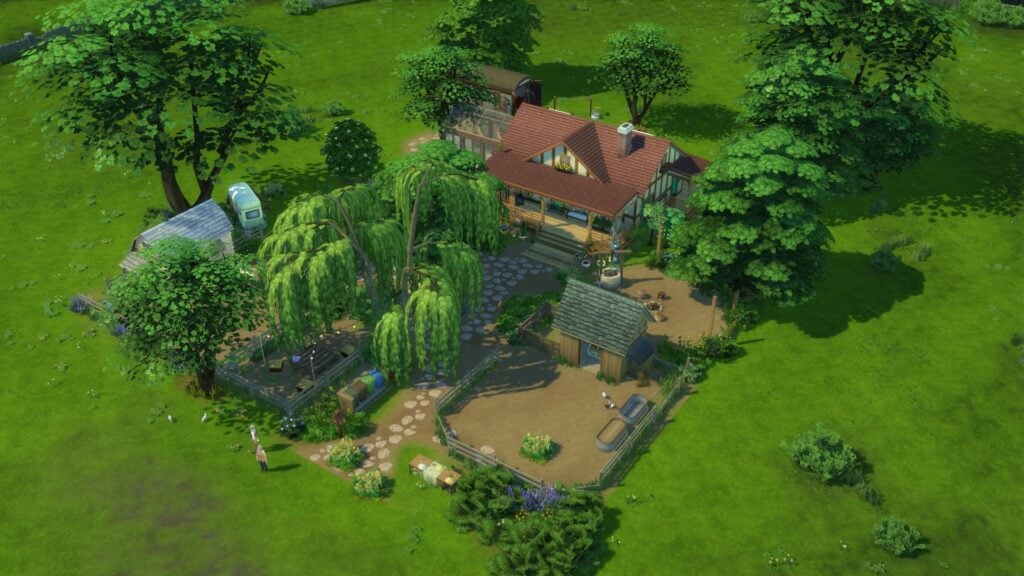
The Hippie Couple Lot embraces a softer bohemian-inspired style with overgrown landscaping, warm interiors, and a peaceful greenhouse space that helps the property feel relaxed and lived in. The build blends gardening gameplay with cozy cottage living particularly well, creating a home that feels ideal for Sims focused on simple living, crafting, and nature-filled storytelling.
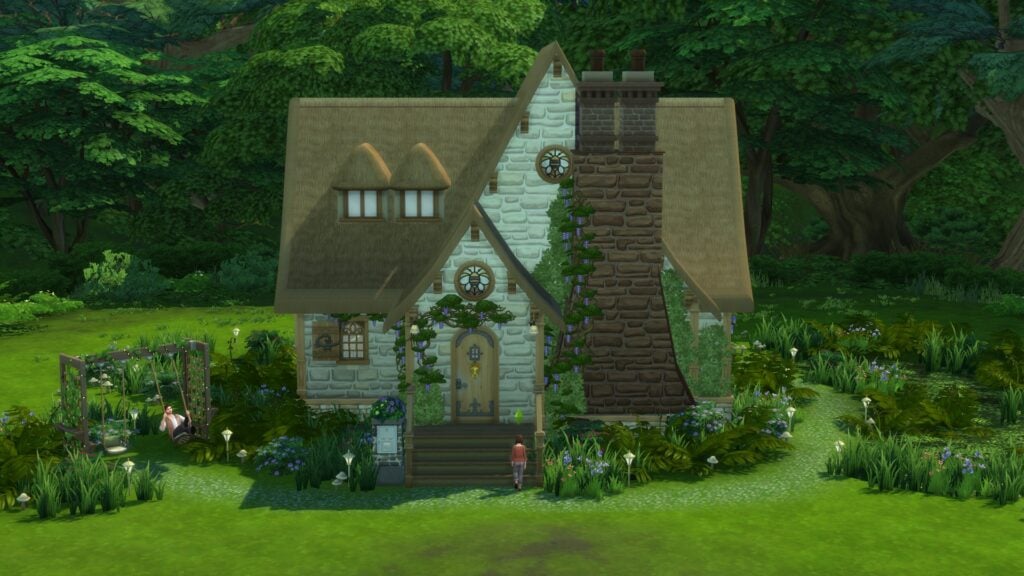
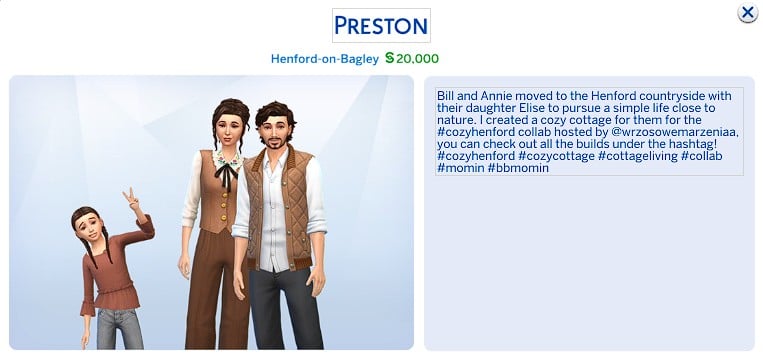
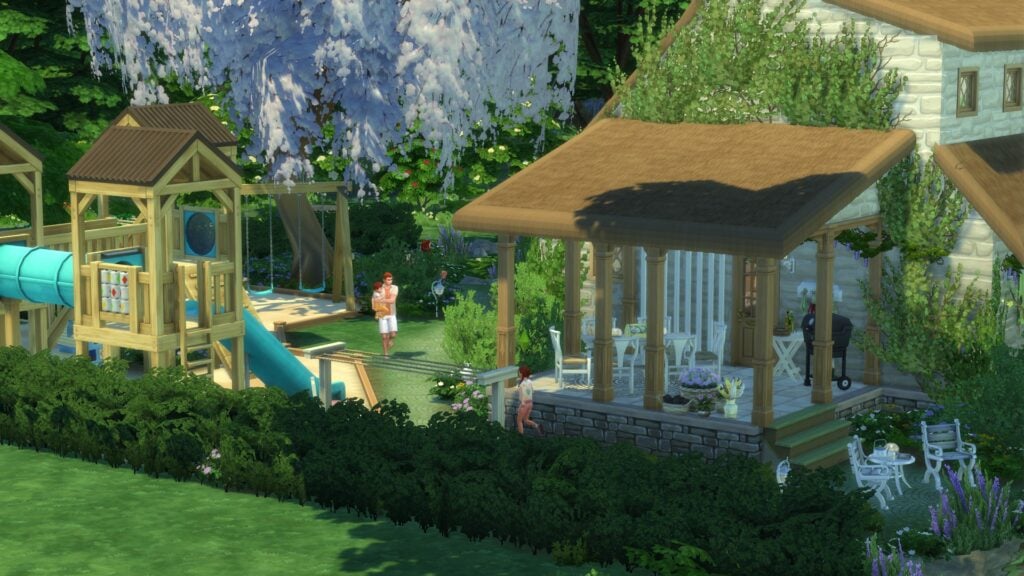
The Preston Household Lot brings a more storybook-inspired design to the neighborhood with its dramatic rooflines, climbing ivy, and charming countryside architecture. The compact cottage feels especially warm and inviting thanks to its earthy interior palette, cozy living spaces, and thoughtfully layered landscaping that helps the lot feel tucked naturally into the surrounding environment.
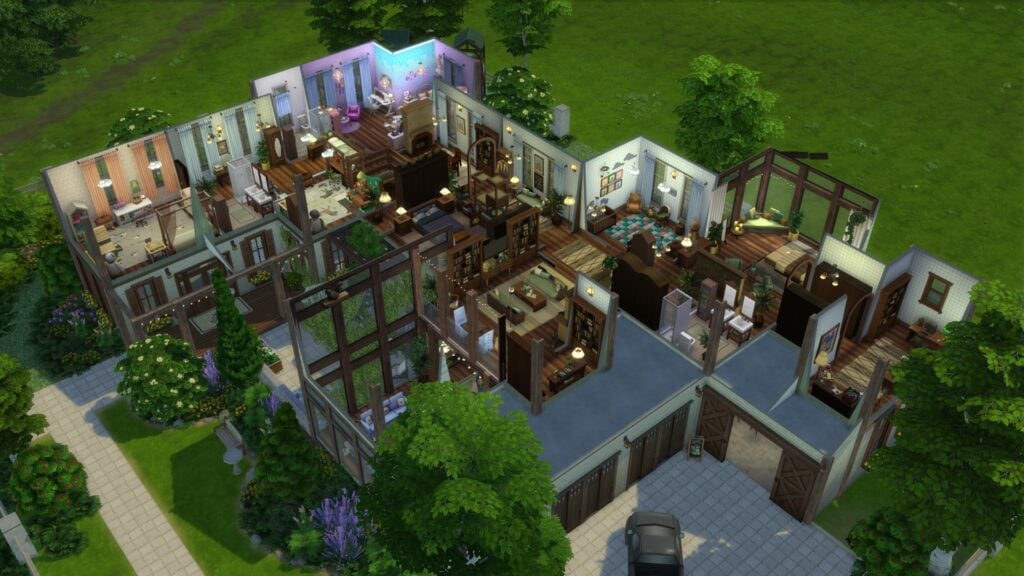
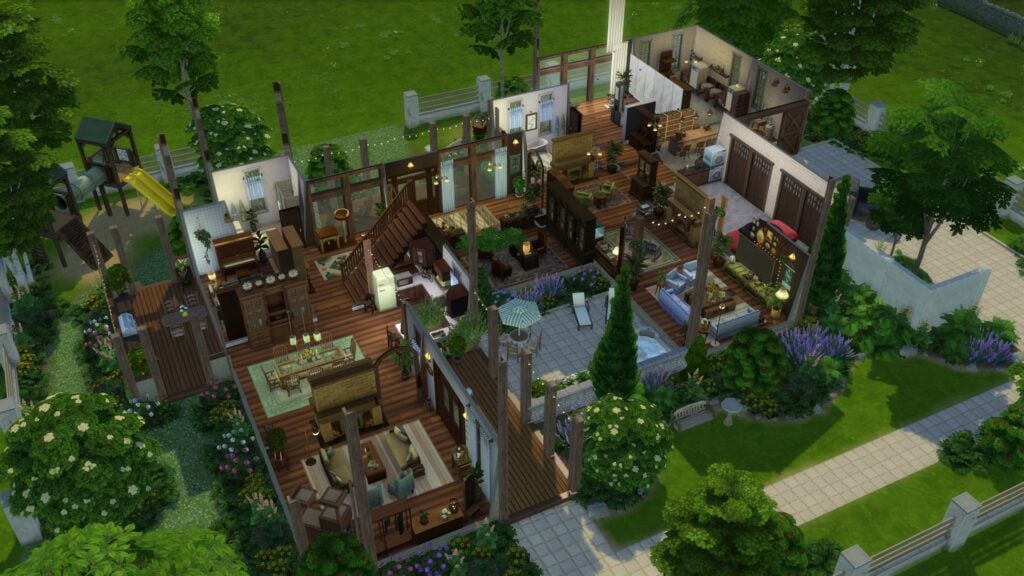
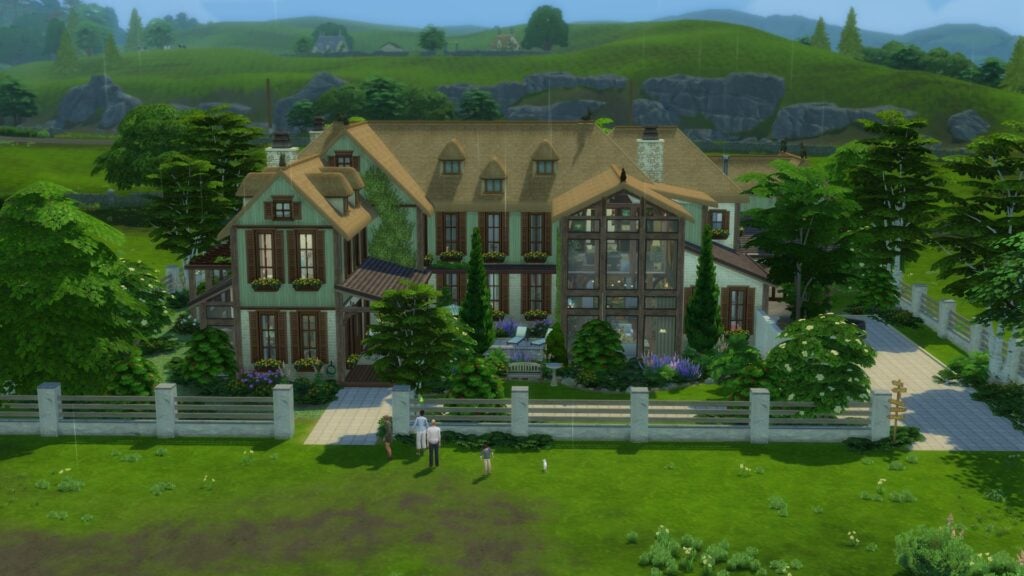
Willowmere Estate stands out as one of the largest and most ambitious residential builds in the save file. The estate combines elegant countryside architecture with detailed landscaping, large family spaces, and bright interiors that still manage to feel cozy despite the home’s larger scale. The carefully designed layout helps the lot feel functional for gameplay while maintaining the soft cottagecore atmosphere seen throughout the project.
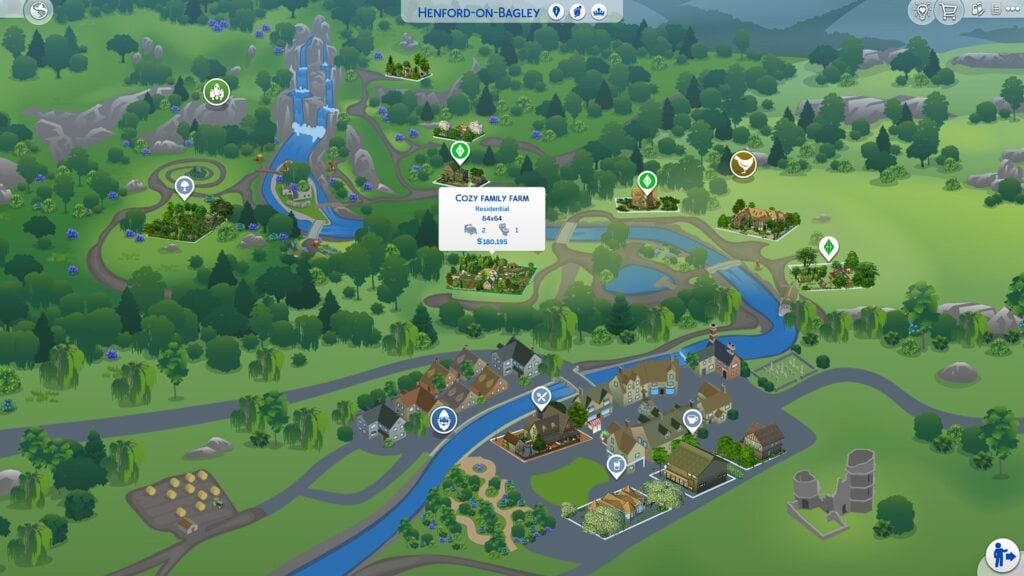
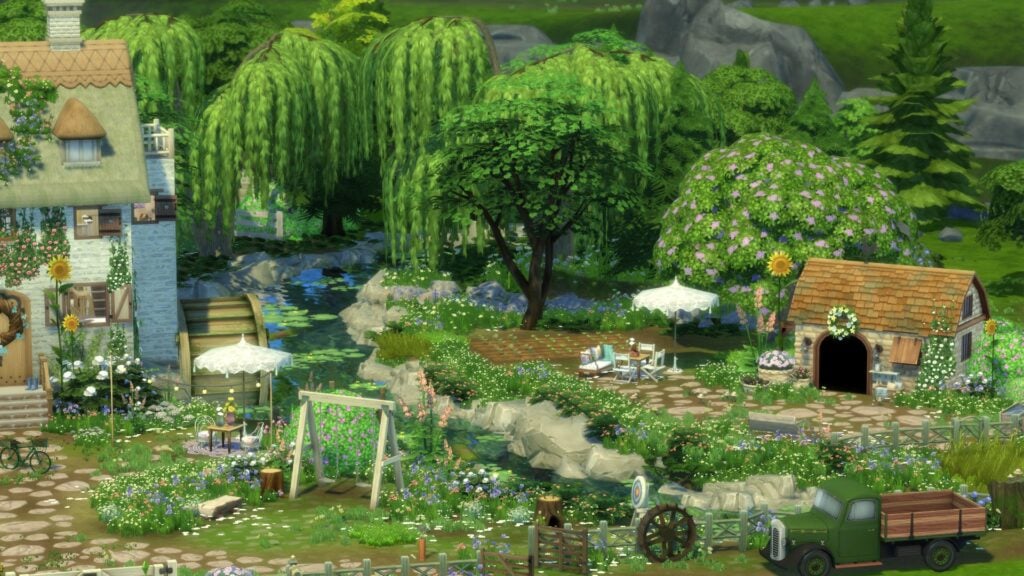
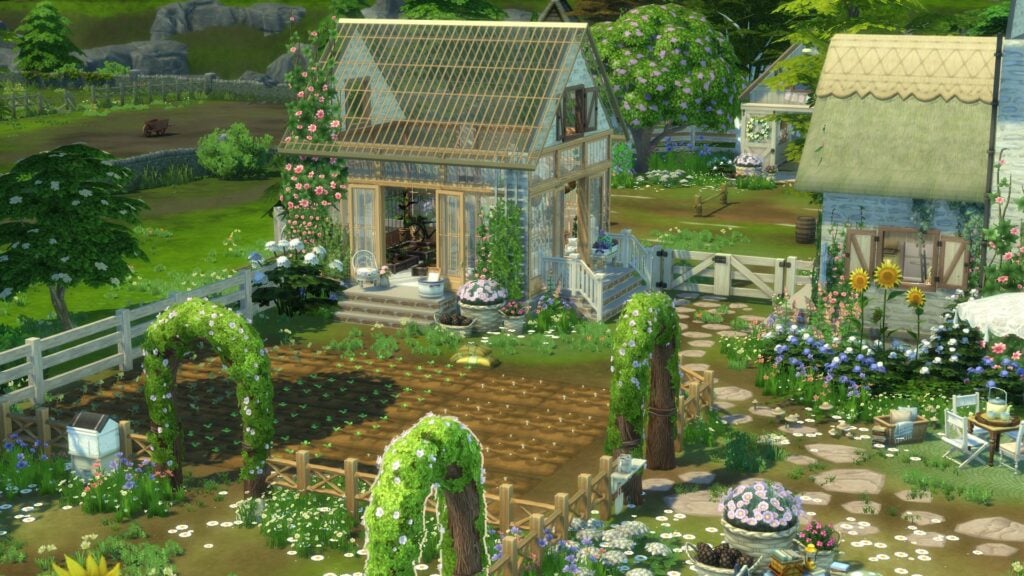
Cozy Family Farm is easily one of the most visually impressive builds included in the collaboration. The property features detailed farmland, flowing water features, a beautiful greenhouse, and heavily landscaped outdoor areas that make the entire lot feel immersive from every angle. Inside, the home balances warm family living spaces with soft countryside décor, creating a build that feels both highly detailed and comfortable for long-term gameplay.
The Bramblewood Neighborhood
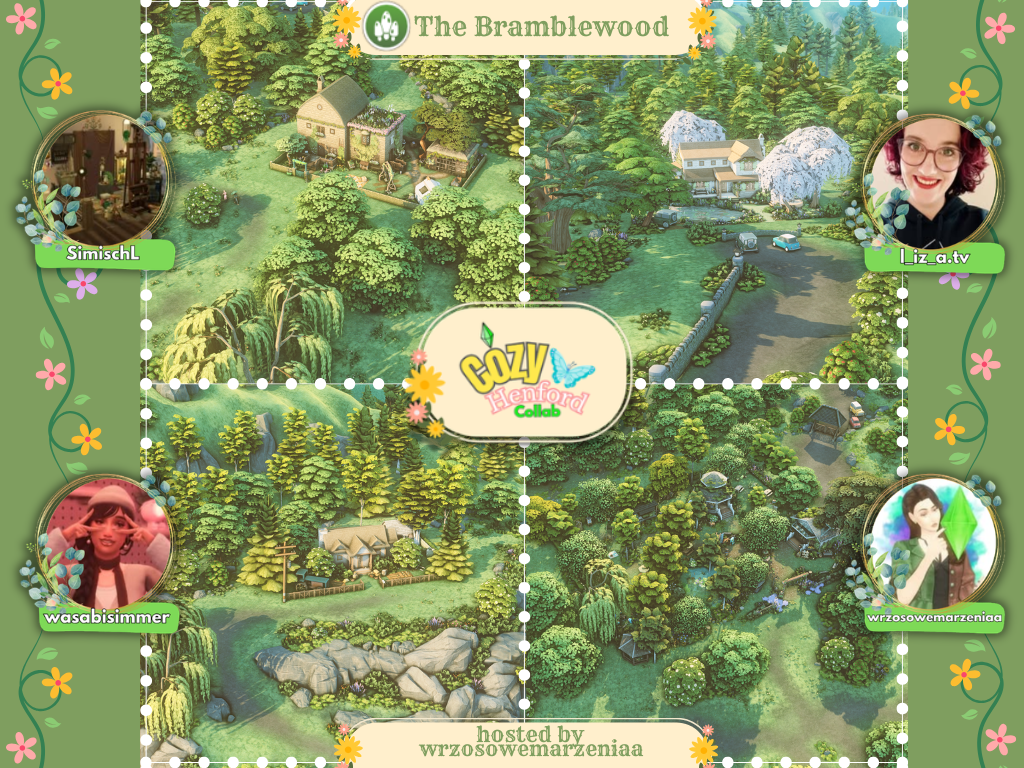
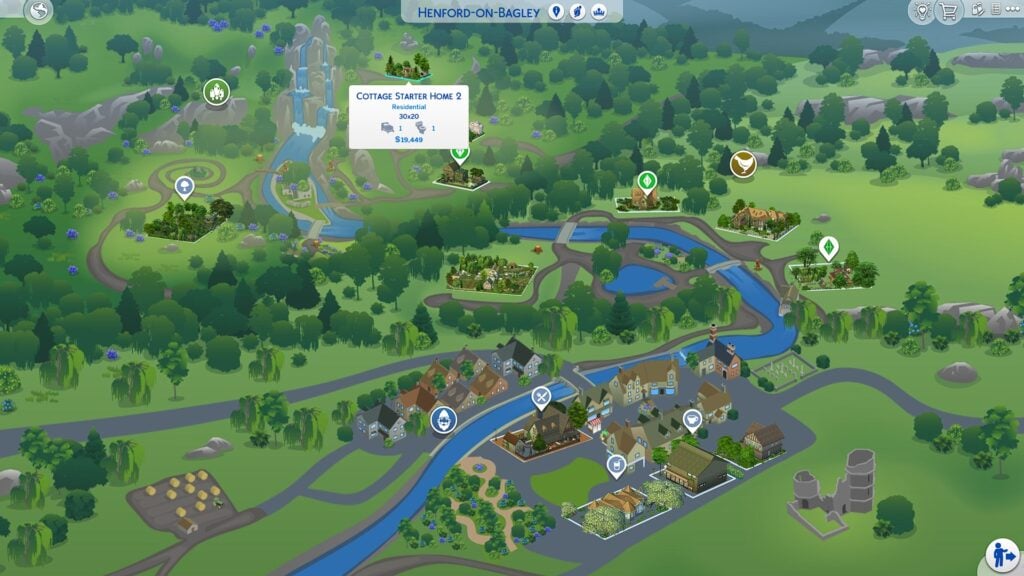
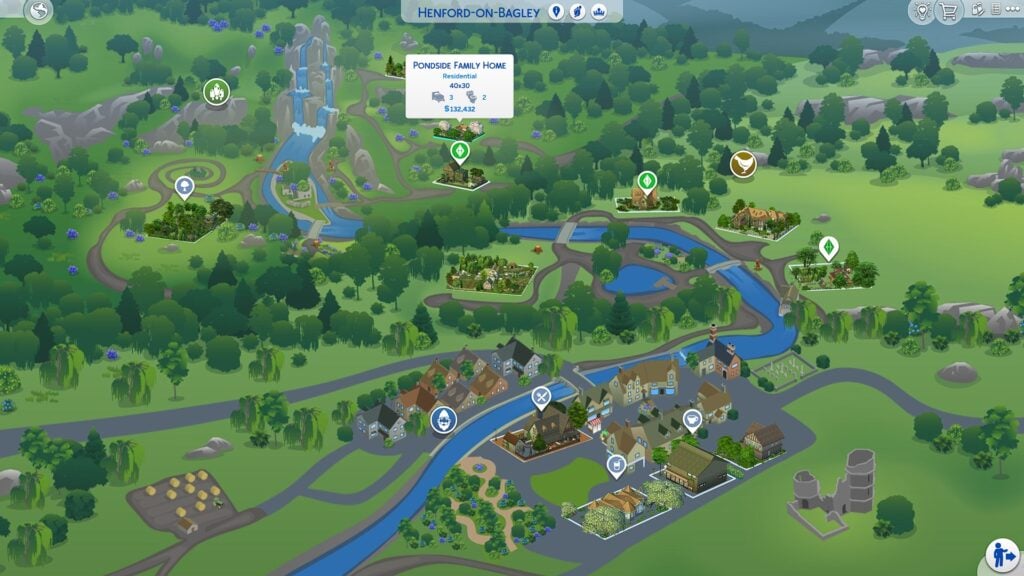
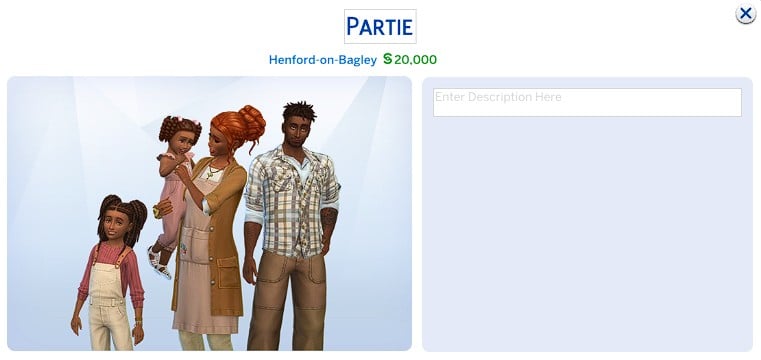
The Bramblewood neighborhood fully embraces the forested side of Henford-on-Bagley with peaceful countryside homes, lush greenery, and heavily landscaped lots that feel tucked away within nature. This section of the Cozy Henford Save File includes Cottage Starter Home 2, the Partie Family Lot, the Pondside Family Home, and Cozy Henford Park, with each build contributing to the calm and storybook-inspired atmosphere of the district.
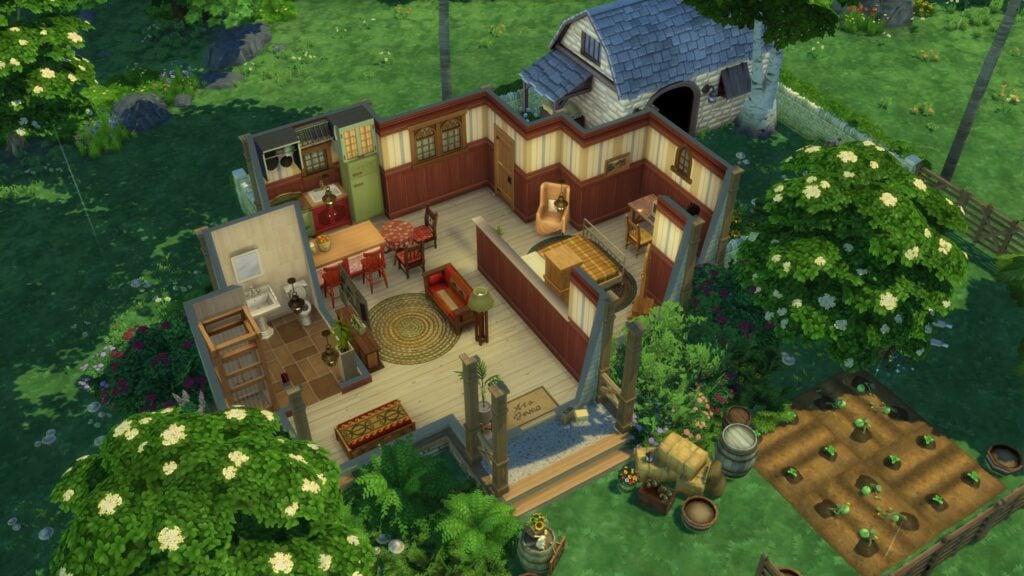
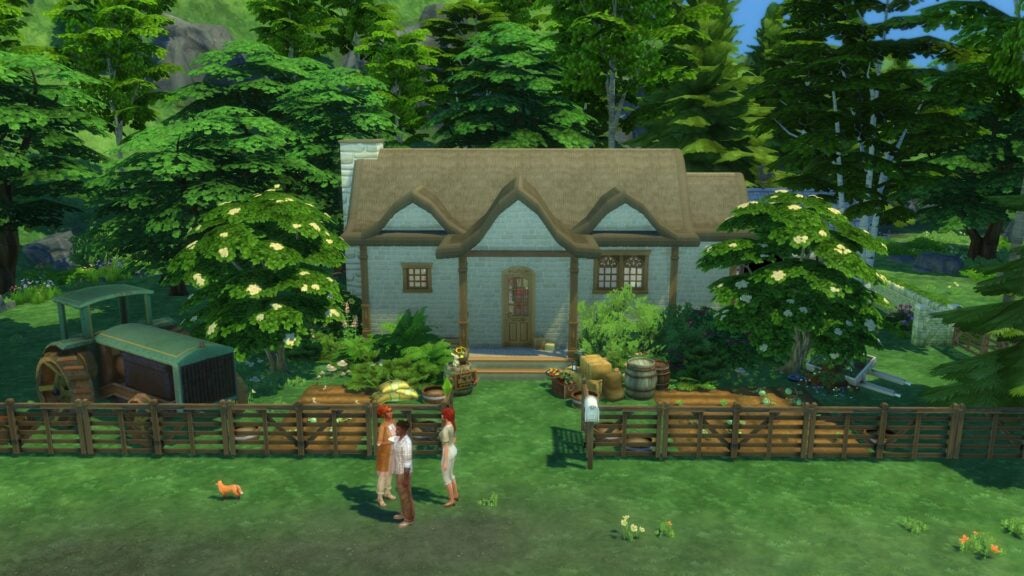
Cottage Starter Home 2 offers a smaller and more affordable countryside home while still maintaining the cozy charm seen throughout the rest of the save file. The build uses soft landscaping, warm wood interiors, and practical gardening spaces to create a starter home that feels realistic, welcoming, and ideal for players beginning a new life in Henford-on-Bagley.
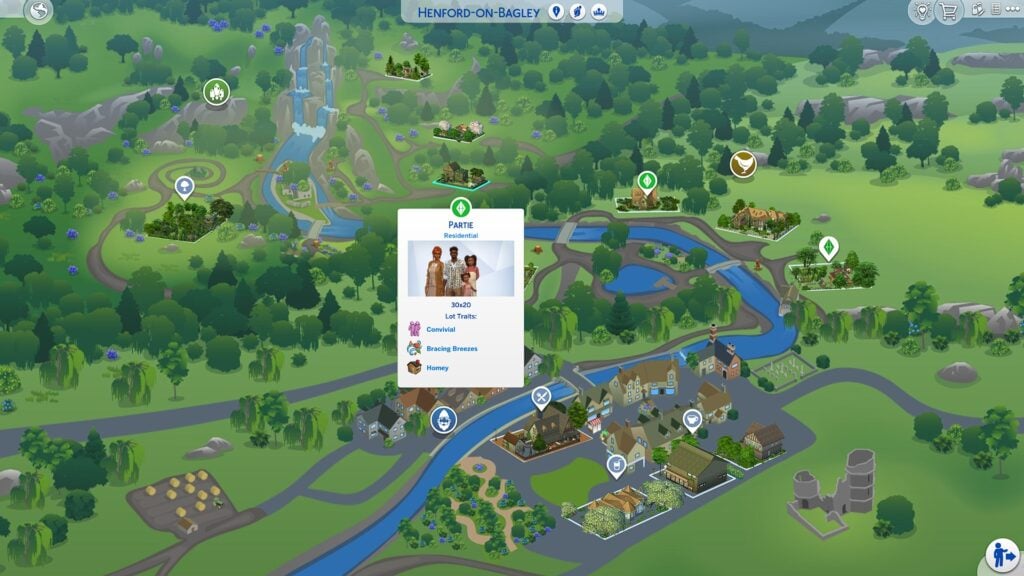
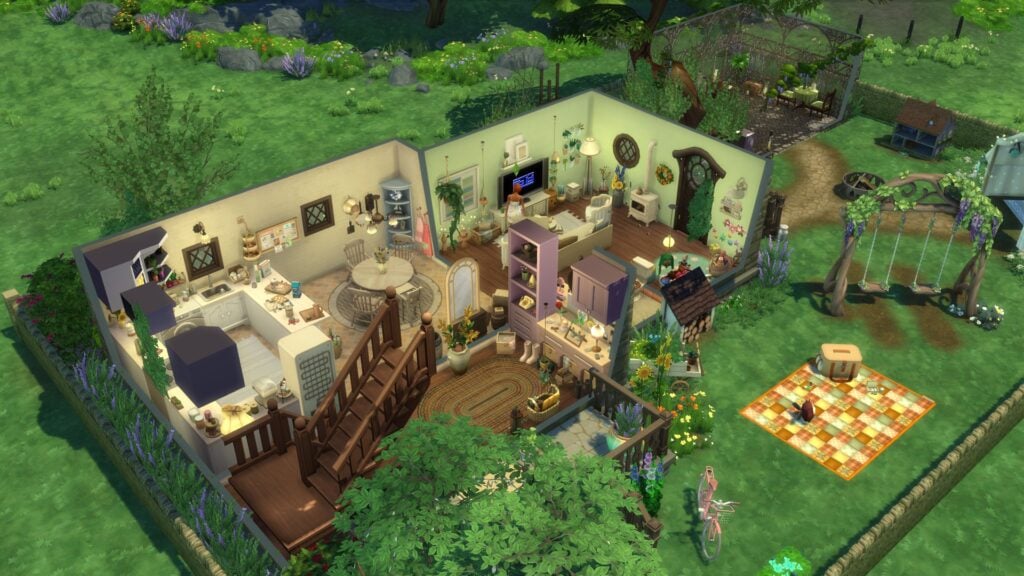
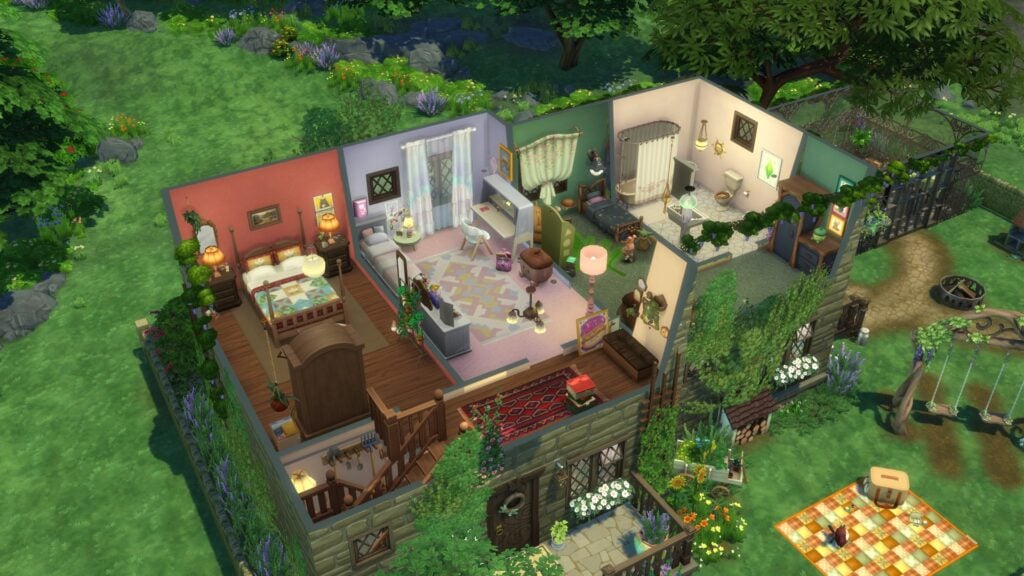
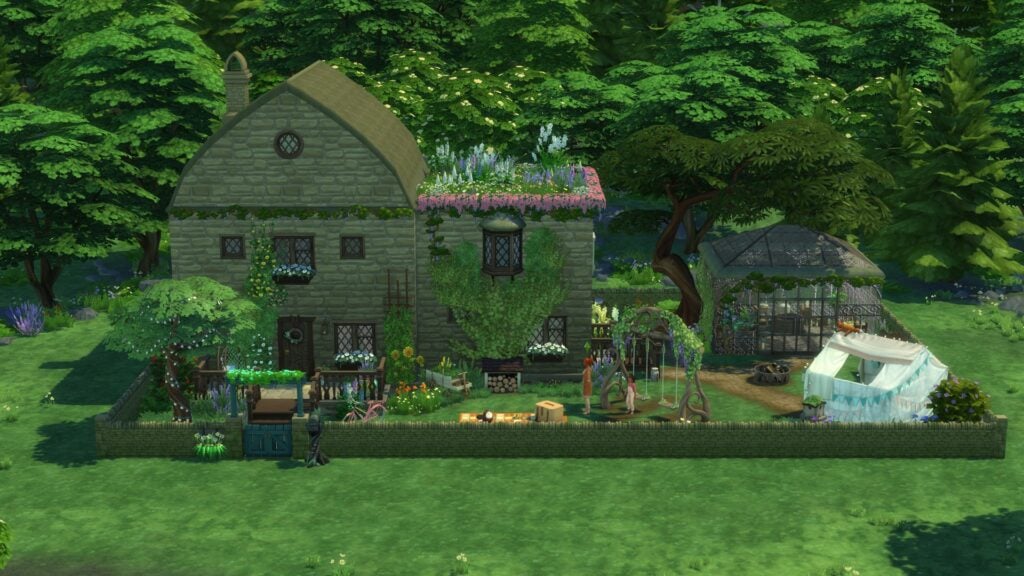
The Partie Family Lot leans heavily into family gameplay with a beautifully landscaped property, warm interior spaces, and plenty of outdoor areas that make the home feel lively and lived in. The build balances decorative detail with functionality particularly well, helping the lot feel both visually cozy and highly playable for larger households.
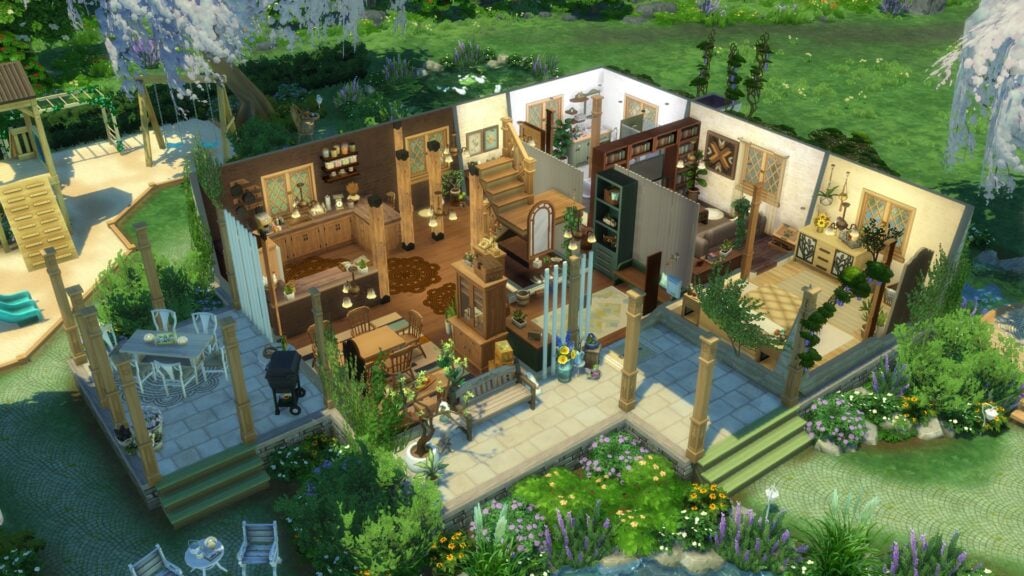
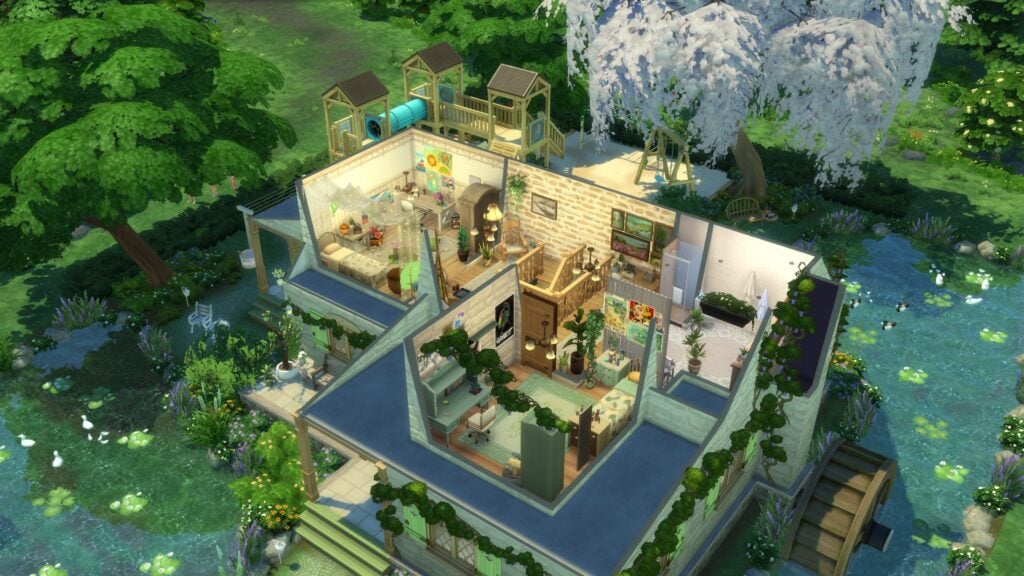
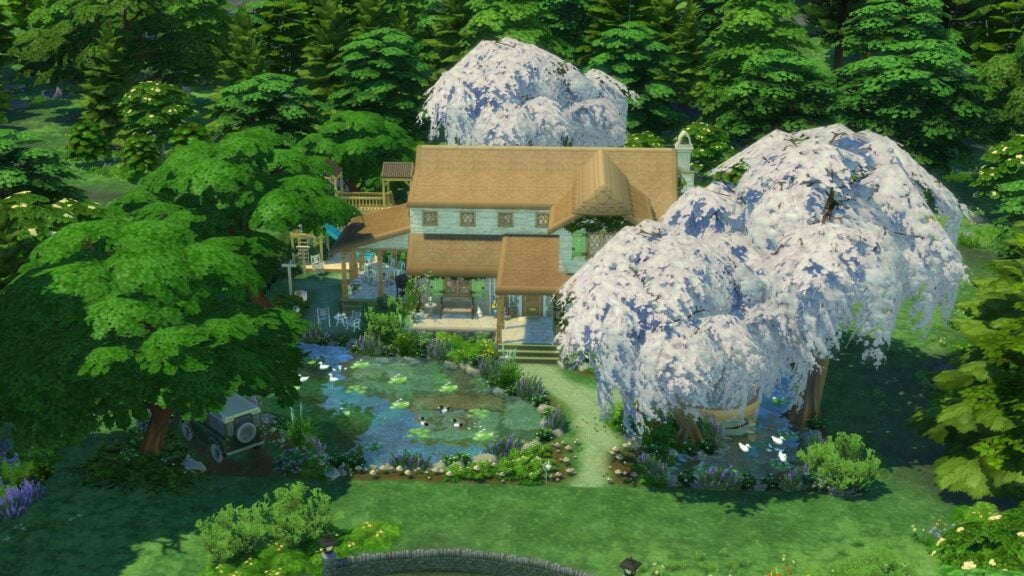
Pondside Family Home stands out thanks to its stunning natural scenery and peaceful countryside setting. Surrounded by water features, soft greenery, and flowering trees, the lot feels especially immersive within Bramblewood’s wooded environment. The interiors continue the same cozy atmosphere with warm colors, comfortable living spaces, and layered décor that gives the home a welcoming personality.
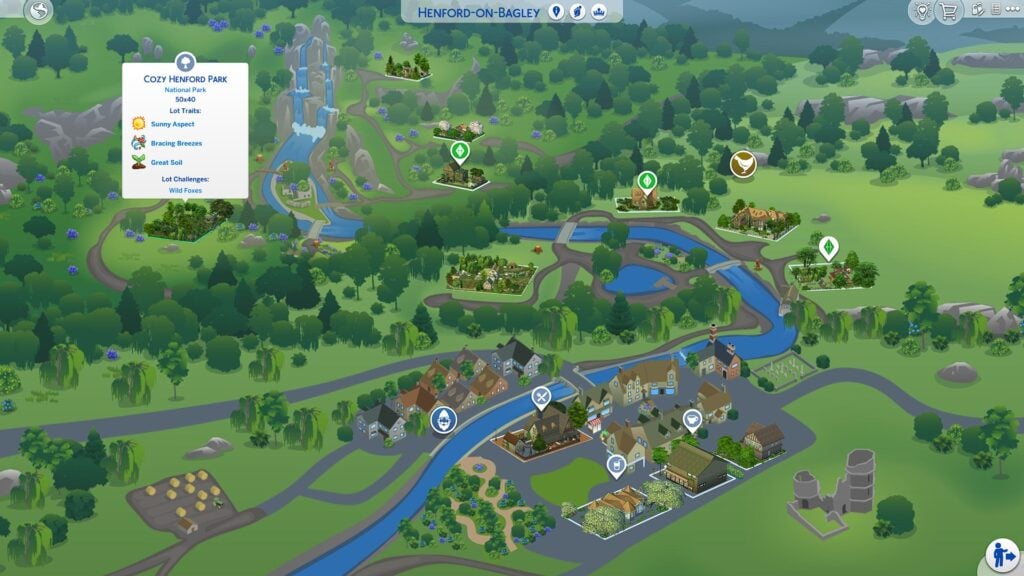
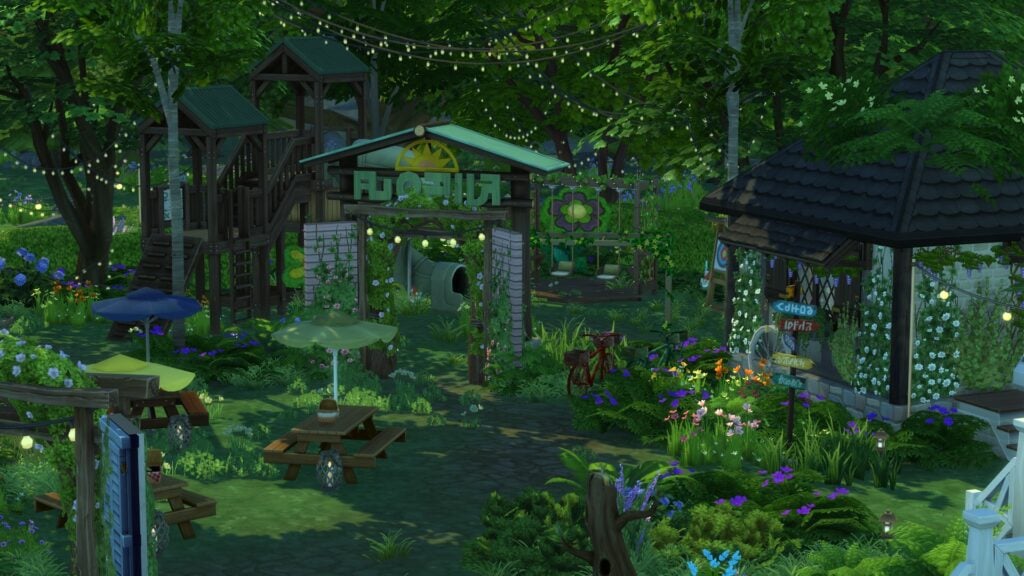
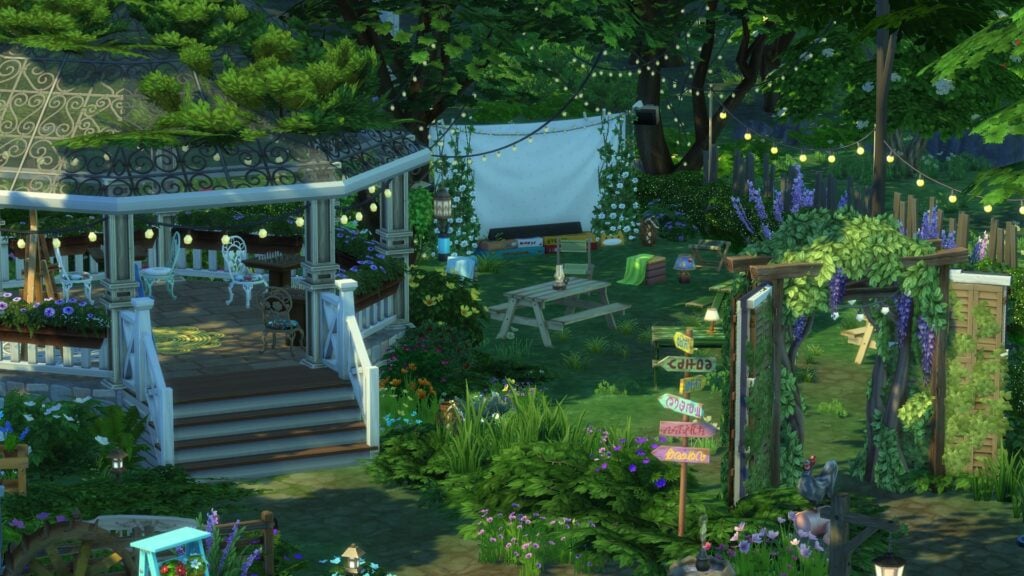
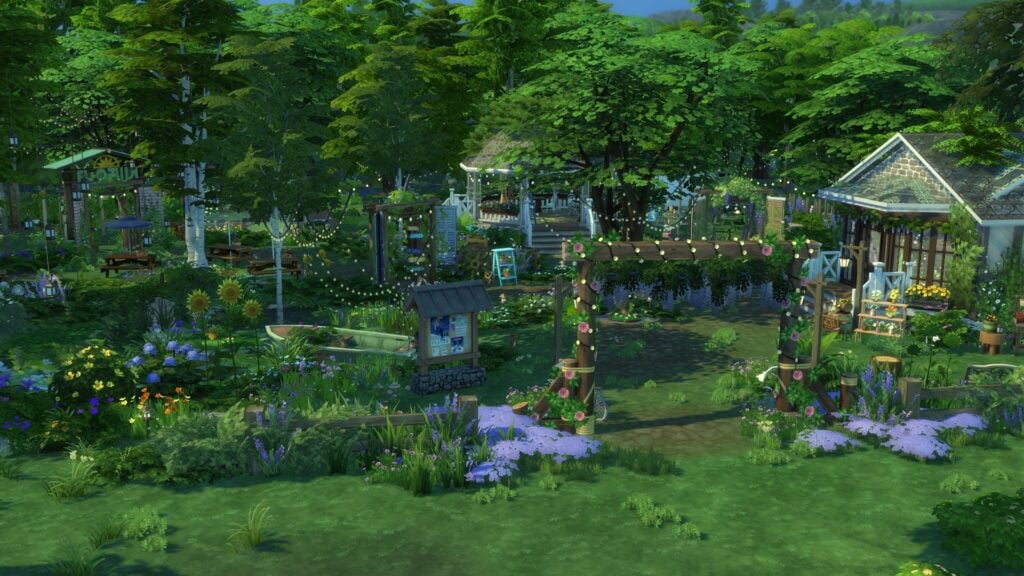
Cozy Henford Park helps bring the entire neighborhood together with a large community-focused space filled with gardens, seating areas, a pond, and scenic walking paths. The lot creates a beautiful gathering place for Sims of all ages while adding even more environmental storytelling to the surrounding neighborhood.
The Families Included in the Cozy Henford Save File
In addition to the builds themselves, the Cozy Henford Save File also includes several playable households that help make Henford-on-Bagley feel more active and lived in. Many of the families fit naturally into the countryside setting with homes designed around gardening, farming, and cozy family gameplay.
While some players may wish the households included more detailed backstories and lore, it is always nice to see original Sims included in collaborative save projects. The added families help bring personality to the world and give players an easy starting point for storytelling and rotational gameplay.
How to Download the Cozy Henford Save File
The Cozy Henford Save File by creator Wrzosowe Marzenia is available to download through Patreon. The project includes collaborative builds, updated households, and redesigned neighborhoods across Henford-on-Bagley.
After downloading and extracting the folder, players only need to move the .save file into Documents > Electronic Arts > The Sims 4 > Saves. The additional PNG files included in the download are reference images and maps for the collaboration.
Once installed, launch The Sims 4 and select “Load Game” to start exploring the Cozy Henford Save File.
The Sims 4 Cozy Henford Save File succeeds because it fully embraces the comforting countryside atmosphere that made Henford-on-Bagley such a beloved world for Sims players. Across every neighborhood, the collaboration delivers highly detailed homes, thoughtfully designed landscapes, and a cohesive cottagecore aesthetic that makes the entire save feel polished and immersive.
Several builds stand out as especially memorable, particularly the larger estate homes and heavily landscaped countryside lots. At the same time, even the smaller cottages still feel detailed and inviting thanks to the creators’ attention to cozy interiors, overgrown gardens, and all the little decorative touches that make the homes feel lived in.
The collaboration also deserves praise for how unified the overall world feels despite featuring contributions from multiple creators. Every district maintains a consistent visual identity while still allowing each builder’s style to shine through.
For players who love Cottage Living, countryside storytelling, gardening gameplay, and cozy family saves, the Cozy Henford Save File offers a beautifully reimagined version of Henford-on-Bagley that feels both relaxing and highly playable.
Disclaimer
Some minor visual differences or missing objects may appear depending on your installed packs, mods, or individual game setup.
Which area of the Cozy Henford Save File would you explore first? Let us know in the comments below and stay tuned for more spotlights coming your way!
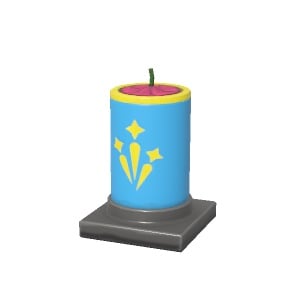
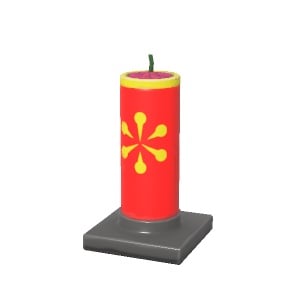
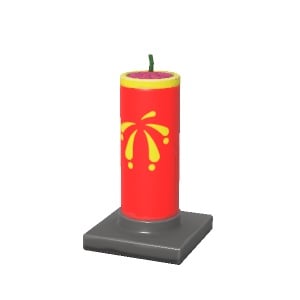
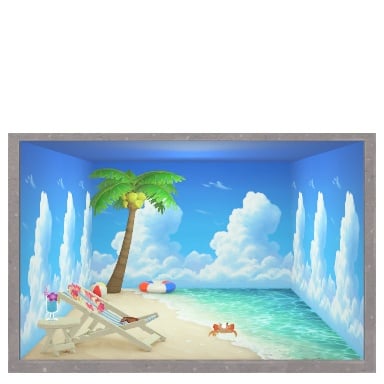
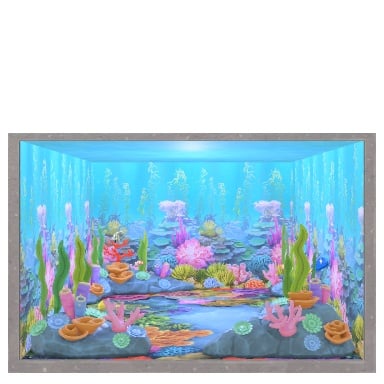
With players everywhere nose deep in their new islands and brand new residents and all that Tomodachi Life: Living The Dream has to offer, the sand and sun have made many players wonder about the overall passage of time in the game and what to expect later on. While many players are currently experiencing the Spring season and all that the game has to offer, it has been confirmed and found that a four-seasons cycle is included in the game. This also means that certain Wishing Fountain items will rotate out once a new season rolls around in the form of seasonal unlocks.
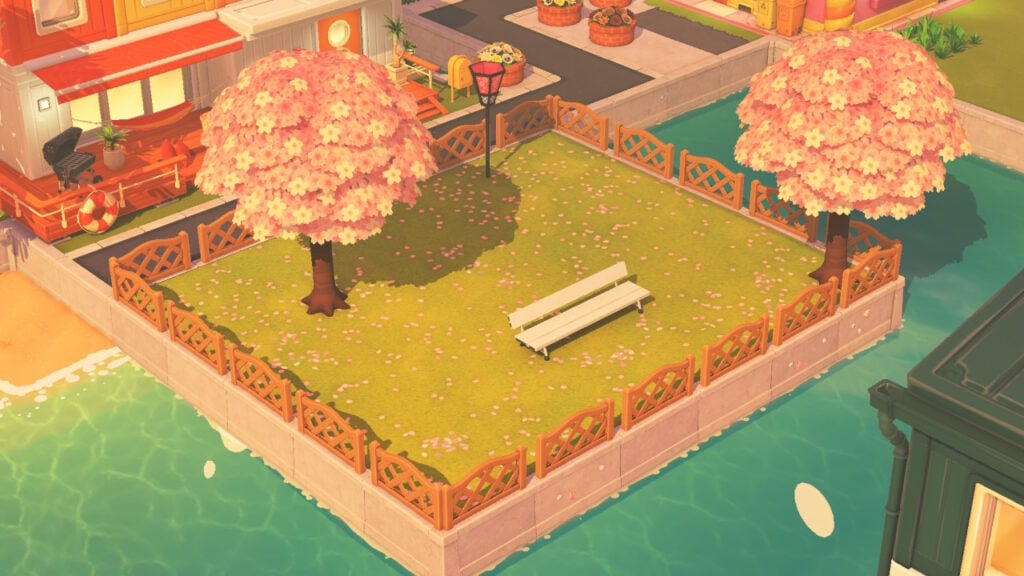
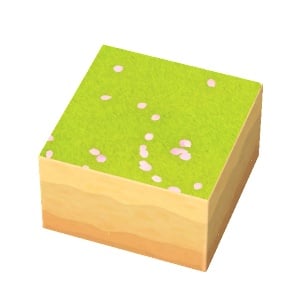
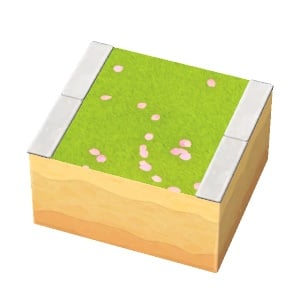
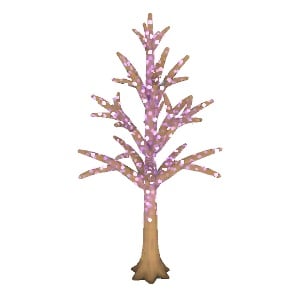
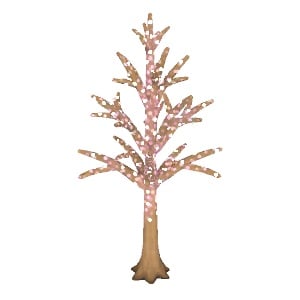
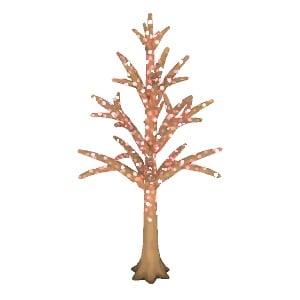
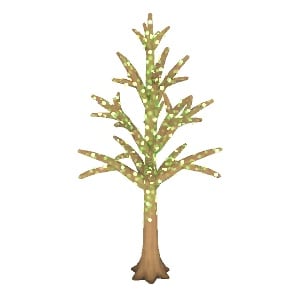
With the Spring season, current items are overwhelmingly bright green or pink, celebrating the return of warm weather and the perfect weather for the Cherry Blossom trees included. These are the Spring variant of Hardwood trees that appear in every season, and generally around your island. Unique flowers, landscaping options, hedges, and even interior room sets are seasonal and will rotate in and out depending on the month of the year!
Table of Contents
Tomodachi Life Seasons & Durations
Season
Time Period
Spring
March to May
Summer
June to August
Autumn
September to November
Winter
December to February
If you’re not patient, you can time travel using your Nintendo Switch settings to change the date and time. Doing so will change it for your system, as well as for any games played on said system.
However, to discourage this, there are small penalties for the game detecting significant changes in the date. This will stop the shop refreshes in Fresh Kingdom (Grocery Store), Where & Wear (Clothing Store), Marketplace, and T&C Reno (Home Improvement) for 24 hours. Miis will also not lose hunger, nor will they donate to the wishing fountain to avoid exploits.
Wishing Fountain Seasonal Unlocks
Spring
Image
Item Name
Category
Description
Cost (USD $)
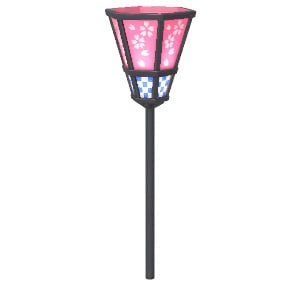
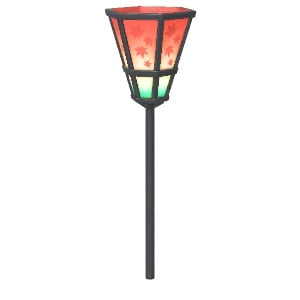
Spring-picnic Lantern
Objects
Add a touch of elegance to your island with this Japanese-inspired lantern.
$7.00
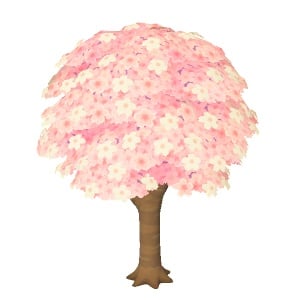
Cherry-blossom Tree
Objects
You’ll know spring has sprung when the bloom has bloomed.
$10.00
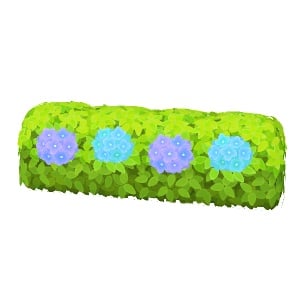
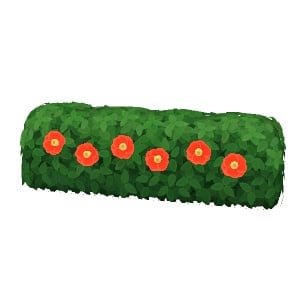
Hedge (Hydrangea)
Objects
Say hi to your drangea for me.
$5.50
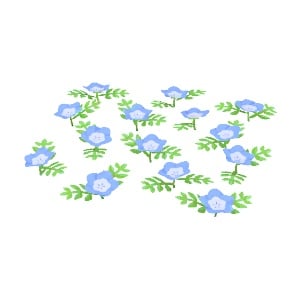
Baby Blue Eyes Flowers
Objects
A patch of cute spring flowers. Think they’re watching you? They probably aren’t.
$2.50
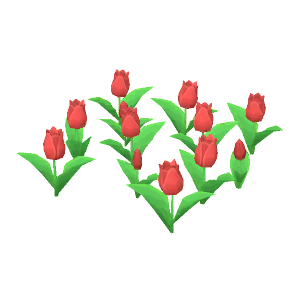
Tulips
Objects
Flowers so lovely that one might be tempted to invest one’s life savings…
$2.00
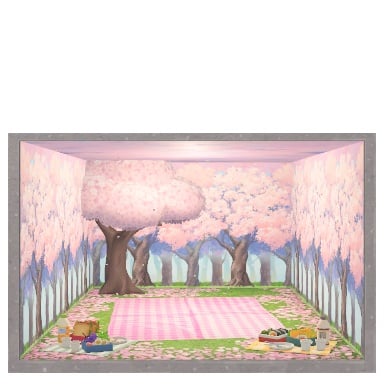
Sakura Bloom Set
Interior Sets
You can’t stop the cherry blossoms from getting in your lunch, so just eat them.
$250.00
Cherry Blossoms
Landscaping
Someone should sweep up all these cherry blossoms.
A path enhanced by cherry blossoms.
N/A
Summer
Image
Item Name
Category
Description
Cost
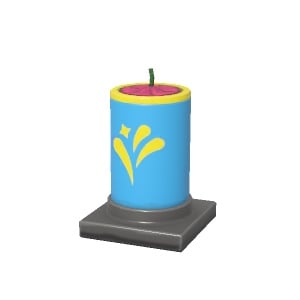
Fountain Firework
Objects
Look—don’t touch.
$10.00
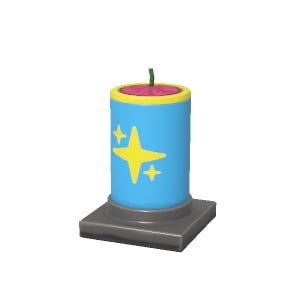
Aerial Firework
Objects
Please use responsibly.
$10.00
Cactus
Objects
Don’t get too close to this angry plant.
$8.00
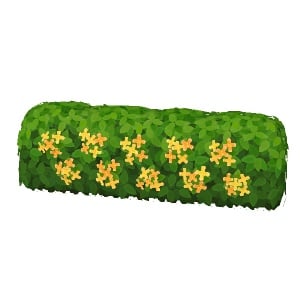
Hedge (Gardenia)
Objects
A hedge of gardenia. A favorite of those who garden by word association.
$5.50
Sunflowers
Objects
The sunflowers are always watching.
$2.50
Lavender Flowers
Objects
These versatile flowers are good for making fine lotions and balms or for just smelling.
$3.00
Beach Set
Interior Sets
I’m told the sea breeze and sound of waves gently crashing can be relaxing for some.
$300.00
Coral Reef Set
Interior Sets
Live like a fish, as long as that fish doesn’t need real water to survive.
$130.00
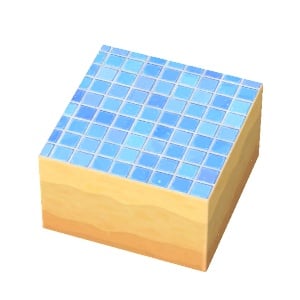
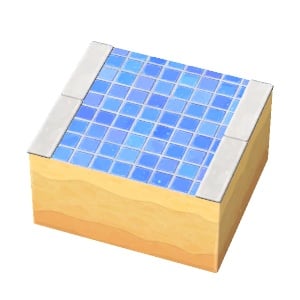
Tiles
Landscaping
Simply stunning tile work.
A path of well-grouted tile.
N/A
Autumn/Fall
Image
Item Name
Category
Description
Cost
Hardwood Tree (fall colors)
Objects
This tree’s vibrant fall colors will have you shouting “Timber!” in return.
$7.00
Ginkgo Tree
Objects
Can’t wait for the fall? Place a few of these and imagine a chill in the air.
$5.00
Hedge (fall colors)
Objects
Dive behind one of these to avoid detection.
$5.50
Hedge (Fragrant-Olive)
Objects
I guess it’s called this because it grows olives, maybe? It smells nice either way.
$5.50
Cosmos Flowers
Objects
These flowers represent innocence but cannot be used in a court of law.
$2.20
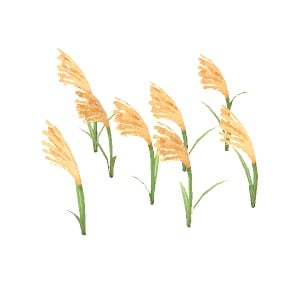
Silver Grass
Objects
These flowers represent autumn and are second to none, despite the name.
$1.80
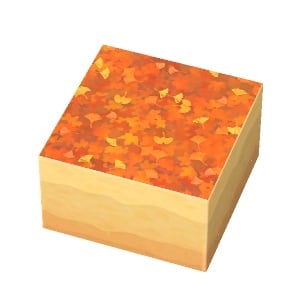
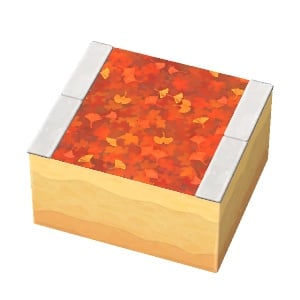
Fallen Leaves
Landscaping
You won’t regret going slightly out of your way to step on these crunchy leaves.
A path punctuated by fallen leaves.
N/A
Winter
Image
Item Name
Category
Description
Cost
Snowfriend
Objects
This icy friend will stay by your side regardless of the weather.
$5.00
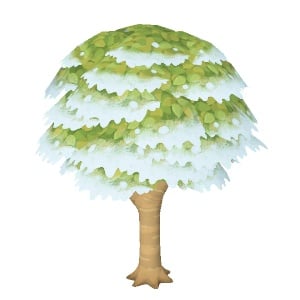
Hardwood tree (snowy)
Objects
This tree evolved into a shape it hoped would keep snow from gathering on it.
$7.00
Conifer Tree (snowy)
Objects
The snow is designed to soften the impact when this tree falls.
$7.00
Hedge (camellia)
Objects
This hedge is said to be prettiest in winter, but feel free to use it year-round.
$5.50
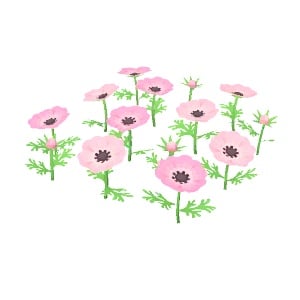
Anemone Flowers
Objects
These anemone flowers would make a nice amenity for an amenable frenemy.
$2.00
Narcissus Flowers
Objects
These flowers just won’t stop talking about themselves.
$1.80
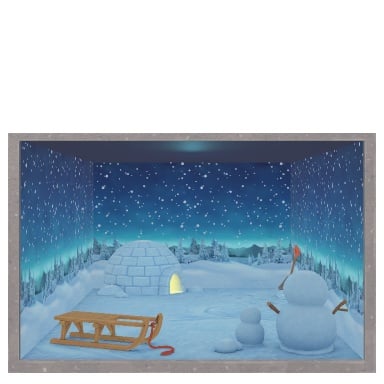
Winter Wonderland Set
Interior Sets
Build a snowman, make a snow angel, or take a nap. You can do it all in this room.
$80.00
Snow
Landscaping
The millions of snowflakes that make this up are identical in every way.
A path covered in snow.
N/A
Miscellaneous Holidays or Multi-Season
Image
Item Name
Category
Seasons or Holiday
Description
Cost
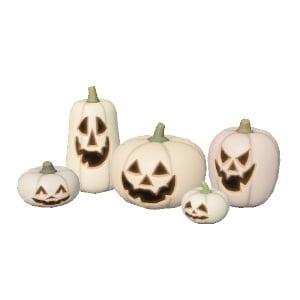
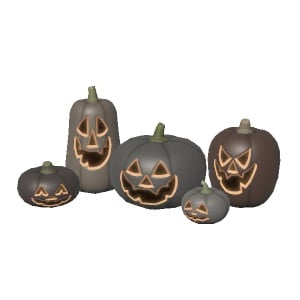
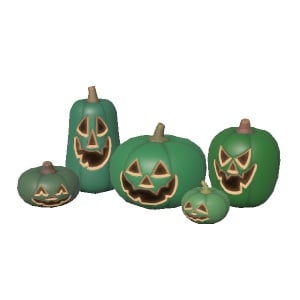
Jack-O’-Lanterns
Objects
Halloween
These totally not-haunted pumpkins don’t float around or sing spooky songs at night.
$15.00
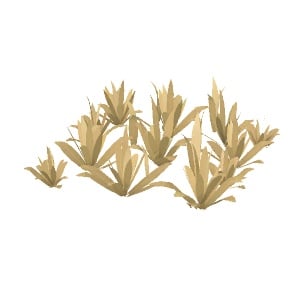
Weeds (dried-up)
Objects
Autumn & Winter
Nature took care of these weeds so you don’t have to.
$1.00
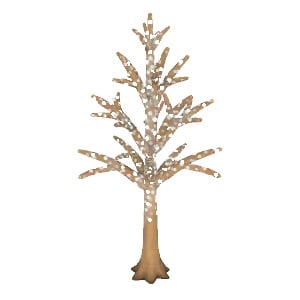
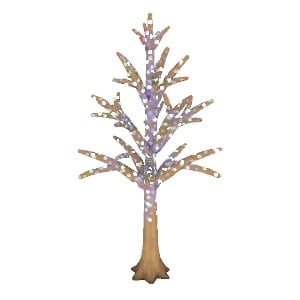
Illuminated Tree
Objects
Christmas
Turns your CO2 into light.
$8.00
Festive Tree
Objects
Christmas
Now available to enjoy all year long.
$23.00
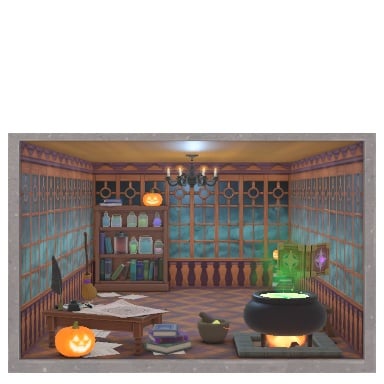
Witch’s Study Set
Interior Sets
Halloween
What sort of mysterious and magical experiments will you do with that cauldron?
$290.00
Have you time traveled, or are you enjoying the accurate and real-world passage of time built into the game? What season or holiday are you most excited for, or are you looking forward to specific items becoming available?
We’re covering more and more about Tomodachi Life: Living the Dream and other Life Simulations, so keep an eye on The Sims Community for more guides, breaking news, and community stories!
See how two decades of main Sims Pack releases have allegedly performed.
The mysteries of Sims 4 Pack sale numbers are now known to public, thanks to the alleged leak from a well known Sims insider. The same who’s been reporting on The Sims Project X, predicted The Sims 4 Marketplace and contributed to other speculation articles we’ve posted recently.
From Marketplace performance to new information about The Sims 4 and The Sims 3 Pack sales, this leaker on ATRL could be right about the behind the scenes information about the sales performance. Do take it all with a grain of salt, but if the predictions about The Sims Project X solidify in the future then that will make this information about The Sims Pack sales a lot more credible.
The Sims 4 Star Wars Game Pack sold 2.1 million units by March 2025, according to the report.
We’ll know for sure as we update you on future talks, but for now let’s break down the statistics and information shared by the insider on The Sims sale numbers:
Table of Contents
The Sims Insider Report from May 2nd, 2026
Question: sis do you have any in-depth tea on best selling DLCs for Sims 4 you can spill?
Sims Insider: I do (however most of my updated numbers are from March 2025 and the rest I only know from asking at certain points).
I’ll try to locate who it was I was talking to, I’m not sure I have exact figures, just ballpark but I’ll need to check. The rest post that are just because I asked. I don’t work for Firemonkeys anymore but still keep in contact with people.
I have data going back to 2003, I’ll answer the rest of your questions when I can locate the data.
What I will say is long term data definitely plays an impact and I’ll explain better later.
Sims Insider: Alrighty this is what I have;
I don’t have exact figures for the Sims 2 expansions outside the Sims 2 Pets Expansion simply because that data was lumped and revealed alongside the console and handheld data. The lowest selling Sims 2 Expansion sold approximately 300k, the Sims 2 Pets sold 1.7m on PC. I swear I have the data but I just can’t find it.
The Sims 3 Expansions sold as follows (don’t have exact figures just rounded up figures)
WA = 2.1m, A = 1.1m, LN: 1.4m, G = 750k, P = 1.2m, ST = 800k, Su = 400k, Se = 900k, U = 1.1m, IP = 350k, ITF = 300k
The Sims 4 Expansions (as of March 2025, but the data could be older)
GTW = 7.8m, GTo = 6.5m, CL = 14.5m, C&D = 17m, S = 15m, GF = 9m, IL = 8.5m, DU = 12m, EL = 5m, SE = 4.1m, CoL = 13m, HSY = 3.5m, GrT = 12m, HR = 7m, FR = 4.5m, LS = 2.8m, L&D = 6m.
Game Packs:
OR = 2.5m, SD = 2.7m, DO = 9m, V = 3.5m, PH = 3m, JA = 4m, SV = 4m, ROM = 3m, SW = 2.1m, DHD = 600k, MWS = 750k, W = 800k.
Stuff Packs I know have data for but I just can’t find it. They on average from memory sold around 1 million or so each at least, none of them fell below 1million.
Kits I do not have any data for but I can ask.
I do know that I’m sure some of these packs have had larger figures that I’ve mentioned but this is the only data I could find so if there’s newer numbers I’ve posted, just go off that.
But that said, they do look at long terms sales because they look at how similar content sold in prior games and also earlier packs as well. They knew Cottage Living would likely sell well because Cats & Dogs sold well.
Life & Death was very much a surprise to everyone as far as I recall. I think the promotion for it was very good, but it had a lot of things people wanted I suppose.
Sims Insider: The numbers before 2020 or so weren’t as high, they exploded during Covid and then further after the releases of Cottage Living and Growing Together and of course Free to Play. People got into the game in those periods and went backwards for packs that interested them I suppose.
The Sims 3 started really strong, World Adventures seemed to either benefit from being the first pack or is the reason why people started to turn away. I know it’s quite a crash prone pack so potentially it did more harm than good.
Would anyone be interested in Kit data or other data? I won’t bother people if no one cares.
Yeah, people do say it’s bad, but people also say it’s meh, good, great, the best etc.
It’s one of those things where if your audience is 10 times bigger, you’re going to have 10 times the amount of people who play it, so even if majority of people like it, you may still end up with millions of players who don’t, which can feel like a lot. EA very much know even if they got backlash for keeping The Sims 4 going as long as they did (and also via X in some capacity), they know the majority of The Sims audience love 4 and don’t to move on. Which makes X such an interesting case as EA is going to have to convince people it’s worth moving over.
Breaking down The Sims Pack Sale Figures
All of the information mentioned above is “alleged” information about The Sims 3 and The Sims 4 Pack sale figures that date back to March 2025. Meaning that data for 1 year and 2 months of alleged data is missing from the total number, including information about Packs released after that (Businesses & Hobbies, Enchanted by Nature, Adventure Awaits, Royalty & Legacy).
The Sims insider reports that they’ve rounded up the numbers as well, but given that enough time has passed since March 2025 they’re all probably higher than reported below already.
Let’s break down all the sale figures revealed in seperate table spreads:
The Sims 3 Pack Sales Figures
Sims 3 Expansion Pack
Sales Figures
World Adventures
2.1 Million Units
Ambitions
1.1 Million Units
Late Night
1.4 Million Units
Generations
750 Thousand Units
Pets
1.2 Million Units
Showtime
800 Thousand Units
Supernatural
400 Thousand Units
Seasons
900 Thousand Units
University Life
1.1 Million Units
Island Paradise
350 Thousand Units
Into the Future
300 Thousand Units
The Sims 4 Expansion Pack Sales Figures
Sims 4 Expansion Pack
Sales Figures
Get to Work
7.8 Million Units
Get Together
6.5 Million Units
City Living
14.5 Million Units
Cats & Dogs
17 Million Units
Seasons
15 Million Units
Get Famous
9 Million Units
Island Living
8.5 Million Units
Discover University
12 Million Units
Eco Lifestyle
5 Million Units
Snowy Escape
4.1 Million Units
Cottage Living
13 Million Units
High School Years
3.5 Million Units
Growing Together
12 Million Units
Horse Ranch
7 Million Units
For Rent
4.5 Million Units
Lovestruck
2.8 Million Units
Life & Death
6 Million Units
The Sims 4 Game Pack Sales Figures
Sims 4 Game Pack
Sales Figures
Outdoor Retreat
2.5 Million Units
Spa Day
2.7 Million Units
Dine Out
9 Million Units
Vampires
3.5 Million Units
Parenthood
3 Million Units
Jungle Adventure
4 Million Units
Strangerville
4 Million Units
Realm of Magic
3 Million Units
Star Wars: Journey to Batuu
2.1 Million Units
Dream Home Decorator
600 Thousand Units
My Wedding Stories
750 Thousand Units
Werewolves
800 Thousand Units
Biggest surprise here? That Star Wars: Journey to Batuu Game Pack was allegedly able to sell over 2 million copies! Much higher than the Game Packs that came after that.
If these sale figures are true, they also might reveal the motive behind The Sims Team switching to publishing strictly Sims 4 Expansion Packs after Werewolves, if we ignore the concept of inflation. We don’t know how well the newer packs like Enchanted by Nature sold, but that information might not be a secret for long if we keep up this pace!
The Sims insider also revealed that Sims 4 Stuff Packs were able to sell around 1 million copies each – “with none of them [that] fell below 1 million”
If we look at the alleged chart data for The Sims 3 Pack sales, we can safely send some packs to the “Khia asylum” – even if they’re popular among many Sims players. It was one of the most “Occult-packed” DLC releases, but The Sims 3 Supernatural was still able to sell only 400 thousand copies, according to the insider.
Funnily enough, even one of the lowest selling Sims 4 Game Packs which is Sims 4 Werewolves was able to generate the same revenue as The Sims 3 Supernatural. Given the 20USD price and double the sales figure. Add millions from Vampires and Realm of Magic and the sale percentage increase is in hundreds!
It’s worth noting that The Sims 3 Expansion Packs were primarily released only for PC and Mac players. The Sims 4 Expansion Packs and other DLC types were introduced in 2018 for Xbox and Playstation players, which could’ve been a significant boost for sales.
What are your thoughts on the alleged information about The Sims 3 and The Sims 4 Pack sales? Join the conversation below and stay tuned to Sims Community for all the latest Sims leaks and updates!
Have an impact on the upcoming changes coming to The Sims 4 – Dine Out included!
The Sims Team is commited to their Quality of Life Updates for 2026 with a new Feedback Discussion thread for The Sims 4. This time dedicated to Food, Dining and Drinking autonomy within the game. Interestingly enough the EA Community Manager also mentioned Dine Out Game Pack, asking the big “what would make it better?” question.
Take a look at what The Sims Team shared in their latest message on the official Discord channel and Reddit:
Sul Sul! I’m Cade from The Sims Community team.
We’ve been listening to your feedback on infants and autonomy (as you’ll see in the Laundry List on Tuesday), and we’re back for more. This time, we’re focusing on food, drinking, and dining as part of our Quality of Life work.
We want to know how this stuff actually feels in your game – what’s working, what’s frustrating, and what just feels off.
Especially curious around:
Sims eating (together or not)
Sims drinking (we know about “Always Thirsty” and that fix is coming in mid-May)
Dine Out, what would make it better?
Biggest dining issue you’ve noticed
Dining overall
Please do try and keep feedback constructive, any specifics I can take back to the team are helpful. Please share whatever comes to mind, we’re reading everything and using it to shape what we tackle next.
You can choose to submit your feedback in the official Sims Discord channel through the #feedback-forum > Food, Dining and Drink Feedback. Or if you already prefer sharing your opinions through Reddit you can do so on this thread!
It’s cool seeing The Sims Team show interest for The Sims 4 Dine Out Game Pack, but don’t hold your expectations for major Pack Refresh level of updates. These are primarily going to be autonomy and interaction priority updates to make your gameplay experience more seamless.
What do you plan to share with The Sims Team on the topic of Food, Dining and Drinking in The Sims 4? Let us know what you shared in the comments down below!
A single new Maker Pack has hit The Sims 4 Marketplace.
The Marketplace got a new Sims 4 Maker Pack addition today. For the entire month of April there were two Maker Pack releases each Thursday, but today we have one single CAS Maker Pack release.
TwistedCat’s The Sims 4 Urban Refined Maker Pack costs 400 Moola, or around 4USD if you ignore the fact that you have to pay for the 5USD 500 Moola Pack first.
It looks certainly better than light switches, but the price tag is just not it compared to full sized Kits that offer at least double the money value.
See the latest Sims 4 Maker Pack release yourself down below:
The Sims 4 Urban Refined Maker Pack by TwistedCast
Maker Pack Features
Step up your style game with these new staples! Urban Refined is a modern clothing collection that blends elegance with streetwear aesthetics. Each piece is designed to be versatile, whether you’re dressing for everyday life, a casual hangout, or a lively festival.
COMBINE COLORS AND STYLES
Create unique outfits and express your style by mixing and matching different pieces and colors!
DISTRESSED DENIMS AND GRUNGE-CHIC
This set draws inspiration from elements of casual streetwear and a rocker-grunge-chic.
Maker Pack Items
Price: 400 Moola
What do you think about the latest Sims 4 Maker Pack release on The Marketplace? Let us know your opinion in the comments down below and stay tuned to Sims Community for other Sims News and Updates!
The CEO still boasts how there’s more QA job positions than ever.
It appears that our April Fool’s joke wasn’t that far from the truth. Andrew Wilson, the CEO of Electronic Arts shared the stage at a private “iicon” convention for gaming, sports, tech and entertainment executives to talk about his company, Electronic Arts.
The event took place in Las Vegas, during which Andrew repeatedly tried to “repeatedly downplay the idea that AI might take the jobs of workers”, per the latest report by Game File. Here are some quotes and statements shared by this publication:
“I saw some data recently, I think, now almost all—like 85%—of our quality assurance [work] is done with some kind of machine learning or AI-driven algorithm,” Wilson told Fox Business Network’s Liz Claman, who interviewed the EA boss on stage in front of hundreds of industry attendees in a conference room at the Fontainebleau Resort.
“Yet as a company, we hire more QA people than we ever have.”
AI is being used for rudimentary QA work, Wilson said, giving examples of it being tasked with “the simple stuff: turn the box on, turn the box off, boot it up, shut it down, does it crash, all these things.”
But, he said, droves of QA hires are needed to analyze the AI’s findings.
Asked by Claman where she might see AI replacing jobs at EA, instead of augmenting them, Wilson said, “So far, it’s been almost entirely augmentation.”
Andrew Wilson is very proud in saying that “we hire more QA people than we ever have” but all of that could come with an expiration date. When asked if he sees AI replacing jobs at EA, he answered “So far, it’s been almost entirely augmentation.”.
Huge emphasis on the “So far” used in that statement.
It was officially announced in October 2025 that Electronic Arts will be partnering with Stability AI to add machine learning into the workflow. However, a report from Business Insider released the same month told a different story. Anonymous developers at EA claimed that AI causes “hallucinations” and makes them often correct mistakes of AI’s thought process rather than working on QA work directly.
Some Electronic Arts staffers who spoke with Business Insider under the condition of anonymity say the AI tools they’re encouraged to use, including the company’s in-house chatbot ReefGPT, produce flawed code and other so-called hallucinations that they need to correct. Others say that creative staff are expected to train AI programs on their own work, and that they fear the technology will ultimately slash demand for talent, such as character artists and level designers.
What are your thoughts on Andrew’s claims about 85% of QA work now being done by AI? Have you seen any improvements in examples of The Sims in the last couple of months? Let us know in the comments below and stay tuned to Sims Community for the latest Sims and EA updates!
Loftia is already causing a lot of buzz in the indie and cosy gaming scene, and it has recently launched into its first closed beta test.
The highly anticipated solarpunk inspired cosy life simulation game, which is also a massively multiplayer online (MMO) game, is set to launch later this year, and players are already making their first impressions of the game so far.
Table of Contents
About the Studio
Loftia has been created and developed by the independent studio, Qloud Games. Hailing from Sydney, Australia, Qloud Games features a team with experience working on both indie games and AAA from across the world. A studio that, in 2022, initially started off with just two people has continued to bloom into a much respected and highly talented team spanning over thirty passionate team members.
This will be the studio’s debut release. One that is striving to pioneer a new subgenre into their genre. By combining popular features from life simulation games and social elements as well as more traditional cosy game elements. All of this and so much more encased in a solarpunk inspired world.
Key Game Features
There’s no denying that Loftia is truly packed full of fun and exciting features. For example, farming, tailoring, exploring, fishing, building, home customisation, crafting and more!
Throughout Loftia, the game encourages positive in game interactions through playing solo and with others through the likes of community events and quests. Loftia strives to blend those into the social elements traditionally found in a massively multiplayer online game.
While Loftia has many familiar features, it’s done in a different and unique way. The stunning solarpunk inspired world holds more meaning than what meets the eye. Players will find themselves looking at ways to help curate a world that is sustainable and eco-friendly. Exploring things such as renewable energies, green technologies and environmental stewardship. All of this combined into a world where players can relax, show their creativity and partake at their own pace in a welcoming environment.
You can take a closer look at the game’s features in the Loftia Hanging Gardens trailer below:
Platforms & Release Details
Loftia is currently in its first closed beta access period, which ends on 6th May 2026. During this time, many players are getting hands on with the game for the first time.
As for the release itself, we know the Qloud Games are aiming for Loftia to release in 2026. There is currently no specifically confirmed date.
When it comes to release platforms, the game will be launching on PC & Mac for early access. Loftia is also planned to launch on Nintendo Switch consoles once the game leaves early access. There’s currently no word on if Loftia will launch on Xbox or PlayStation consoles. The team are also looking at getting Loftia Steam Deck verified, too.
Are you ready to jump into a world where you can be yourself, make a difference, explore and adventure with friends and repurpose discarded objects and materials into something new? Then Loftia might just be the game to add to your wishlist!
However, if you are curious to find out more, you can continue to read about what our first impressions are of Loftia from the current closed beta playtest.
Our Loftia First Impressions
The only way to describe how we felt jumping into the Loftia closed beta is excited. Having followed Qloud Games’ development of Loftia over the last few years, being able to see the studio’s hard work even in this smaller scale look is something we’ve looked forward to for a while now.
It’s important to note that while this is a closed beta for Loftia, this is not going to be representative of the final finished product.
Character Creation
Having chosen a character name for our Loftian, it was time to jump into customising our character. There truly is so much to choose from in every section when it comes to how your character looks.
When it comes to your character’s body, there are a lot of default options, but the game lets you jump in and fine-tune many of these further. With a good range of options as well as colour options and a diverse range of hairstyles, you’ll be able to truly create your own unique Loftia.
When it comes to outfits, you have a good range of basic ones you can choose from and select from and colours you want. While there aren’t lots of options in the closed beta, you can see some of the ‘locked’ options which are likely to come in the release of Loftia.
With creating our Loftian done, let’s jump into the world of Loftia and see what it has in store for us!
Upon landing in Loftia, we met Pebble, the cute and adorable leader. At least that’s who they say they are. Regardless, our new friend already has us on our way with meeting locals and getting our bearings with the new world around us.
Next thing I know, we were off to the Neighbourhood Island where our home was. This meant we’d get our first taste of Loftia’s build mode.
In fact, the build mode is incredibly easy and straightforward to use. It’s as simple as opening up the build menu, selecting the items you want to place and then adjusting them if needed before placing them down. If you make a mistake, simply pick the object back up and put it back down the correct way.
This was also the same time that we placed down our Project Station which allows us to craft a variety of different objects. These range from tools and machines to help us get started on our Loftia journey.
As you continue your time through Loftia, you’ll be taught the basics of crafting, gardening, decorating, building, scavenging and more. It gives you those fundamental skills that will help you as you continue your way through Loftia.
The more you progress in areas, the more you can unlock and also improve your proficiency in various ways. Earn skill points, master crafts and continue to broaden your knowledge.
For the next few hours, I continued to work my way through the various stories and quests that Loftia presented me with. Unlocking new skills and knowledge and slowly piecing things together one by one.
There are many things that I’ve thoroughly enjoyed exploring in these early hours of Loftia. Many stand out however, one that stuck with me is how you utilise green energy, for example, solar power, to help power and recharge your Loftian’s battery. This battery is used for a variety of different tasks but mainly for using various machines on your island. Of course, as you continue to progress, you learn to manage the battery power based on what energy supplies you have and in a way, that adds to the fun of Loftia.
Overall Thoughts on Loftia so far
There’s no denying that Loftia is packed full of fun and exciting features. Already, from this early snapshot of the game itself, you can tell how much hard work has gone into the game. The passion and talent truly shine even at this early stage.
As for the game play itself, it has been pleasant learning all of the mechanics that make up the Loftia experience, customising my Loftian and getting the hang of those key skills. The world is wonderful, bright and colourful with a relaxing soundtrack. There’s no rush to progress, and you can work through quests at your own speed with ease. It really is just a relaxing experience regardless of what you find yourself up to in-game.
During our time playing, I did encounter a couple of minor glitches, which, with it being an early build of the game, is expected but, at the same time, didn’t impact the overall experience with the game.
There certainly is a lot of promise to Loftia, and already, we can see so much of it! While there’s still plenty to discover and explore before this closed beta period ends, it does leave us curious as to what else the Qloud Games team have up their sleeve and have planned for the game. There’s no denying that Loftia is going to be a game to get involved with when it launches especially since it has already won an award for Best Upcoming Game in the Cosy Family & Friends catergory.
Loftia truly is pushing the boundaries and is working hard to incorporate features and elements in new ways to create this solarpunk inspired world, looking at sustainability, friendship and making memories.
For now, we’ll be hopping back into Loftia, but be sure to stay tuned for more news and information about Loftia from the Life Sim Games team going forward!
Have you been playing the Loftia closed beta recently? Let us know what you have been enjoying and what you’ve been up to in the comments below.
New Careers, Interactions and Bug Fixes for InZOI!
The early access era improves with the latest InZOI Update, out now for Steam on PC and Mac platforms. The latest update adds several new Careers and ways of interacting in each one, Freelance opportunities, everyday improvements and bug fixes!
The patch also switches the game code and modkit to a new version of Unreal Engine 5.6 so make sure everything is updated and backed up properly before playing the game!
Discover everything new and fixed in the full InZOI Patch Notes and Bug Fix releases, listed below:
Official InZOI Patch Notes – April 29th, 2026
◆ Update Information
◽️ Patch Date: April 29, 2026
◽️ Build Version:
Mac Steam: 20260429.12173.M
Windows PC Steam: 20260429.12169.W
Gameplay
Career
New careers have been added to all cities.
Dowon & Bliss Bay: Researcher, IT Developer, Architect, Music Producer, Journalist
Cahaya: Travel Agent
For the new careers, Zois will first have to apply for an interview then impress the interviewer to be accepted to begin work.
School and business have been separated from careers as independent categories.
As long as the schedules do not overlap, these three categories can be assigned to the same Zoi simultaneously.
Schedules are prioritized in the order of school first, career, then business last.
Zoi card displays the Zoi’s occupation in school, career, business, or freelance category.
Salary is given on a daily basis.
Zois can register for paid leave, sick leave, and remote work on the computer.
Companies can sometimes provide company-wide holidays but also assign overtime work.
The amount of leaves is determined by the Zoi’s job position.
Team projects have been added.
Zois can collaborate with co-workers to work on team projects from day 1 through day 4.
Progress can be tracked on the dedicated phone app and the mission UI.
The amount of contribution at the end of a project will determine their grade and rewards.
New workplace interactions have been added, and after work missions have been added.
Arriving to work late will cause your Zoi to be marked as tardy or absent and will negatively impact their evaluation.
If a Zoi’s performance is insufficient, they may be fired from their position.
Zois can retire after meeting the required amount of time spent in that company.
Once your Zoi announces its retirement, a retirement party social event will take place.
After retirement, your Zoi will become eligible for pension funds.
Zois who are fired, leave their workplace, or retire will receive severance pay.
Loading a save file from before this update will automatically sync previous career information to its updated version.
Freelance
The following freelance jobs have been added.
Delivery: Deliver a good given by the client to its designated recipient.
Creative: Create writing, music, program, or media as requested by the client.
Publishing: Publish your created work to earn commission based on its performance.
Sell Online: Sell your created work using the computer for a much lower price than if you had submitted to a client or published it.
A license must be obtained on the computer to begin freelance work.
Once obtained, the grade of a license will be determined by the Zoi’s reputation in that line of work and the number of successful tasks.
Holding a higher grade license will allow your Zoi to take on more difficult tasks with higher compensation rates.
A dedicated app for freelancers can be used to check license status, available jobs, and the status of current tasks.
Business
New business types have been added.
Hair Salon: Place hair salon chairs to change other Zois’ hairstyles.
Clothing Store: Place mannequins that you can dress up with preset or customized outfits that Zois can interact with to try on that outfit.
Empty employment slots in employee management are displayed more clearly.
Objects that are recommended and those that are required are better distinguished in business presets.
Crime
Minor crimes such as stealing tips or snacks can be performed without a prerequisite crime skill level.
After obtaining level 1 in crime skill, all crime interactions are unlocked.
After obtaining level 5 in crime skill, criminal masks can be obtained from the suspicious job agency.
Committing a crime while wearing this mask can cause nearby witnesses to flee instead of calling the police.
Simulation
Autonomy
Specific autonomy behaviors can be selected for all Zois, household members, or self.
Behaviors for self follow behaviors set for household members, which follow behaviors set for all Zois settings.
Zois do not automatically engage in conversations with Zois who are far away.
Interactions
Interactions needed to complete tasks are more easily visible.
Items can be interacted with directly from the backpack.
Getting killed by a shark and jellyfish have been enhanced to look more realistic.
Zois can kiss on top of the desk if they are in intimate love relationships.
Dancing on top of the table can only be performed when in appropriate emotions.
Surrounding Zois display reactions that are appropriate to their current emotion.
Zois can sit next to trees.
Stickers placed on walls can be removed.
Baby
A pregnant Zoi can visit the hospital to get an ultrasound, check the gender and the overall health of the baby.
If a baby tries standing up and falls down, the parent or the babysitter will run over to comfort them.
When a baby urinates, there will be a puddle of urine that the parent or the babysitter will have to clean up.
Social Event
Multiple social events can be assigned on the same day.
Gender reveal social event has been added.
Important social events like a job interview will appear on the calendar differently from regular social events.
Memory
In the recent memories menu, you can view relationship logs of other Zois.
New milestones have been added for freelance activities and new careers.
Certain milestones will record the names of Zois your Zoi achieved the milestone with.
※ This feature may not apply to certain saves from before this update.
Phone
Text messages can be sent to more Zois than before, and more types of messages can be sent.
Zois can ask for phone numbers flirtatiously to Zois they are attracted to.
Skill
Doing push-ups produce varying outcomes, with higher fitness skill levels likely to produce better outcomes.
Doing performances produce varying outcomes, with better outcomes possible even at lower performance skill levels.
Other Improvements
A new UI displays emotions of other Zois involved in the current conversation.
Teleport to destination pop-up appears when selecting a destination that is far away.
This pop-up can be disabled in game options.
When a home service Zoi arrives at the entrance, you can now select whether they ring the doorbell or a pop-up appears to allow their entrance.
Ghost play can be toggled on or off in the game options.
The number of days is now displayed alongside each aging speed setting in game options.
Weather impact on Zois can be adjusted in game options.
Create a Zoi
Situational Looks
Situational looks go beyond just outfits to include hairstyles, makeup, and skin settings.
Default face settings will be initially applied to all situational looks and any changes made can be reverted at any time.
You can set up to 5 different looks and 1 signature look for each situation.
Automatically changing outfits based on the situation can be turned off in Create a Zoi.
Improvements
Higher high heels have been added.
Facial appearances have been modified to more realistically reflect each age group.
Control gizmo movements follow your controls of the mouse.
A European countryside background has been added to the studio.
Family trees can be captured and saved as .png image files.
The background color of the image can be changed.
New Items
Hairstyles: 2
Tops: 10
Bottoms: 7
Outerwear: 4
Shoes: 9
Watches: 1
Build Mode
Multi-select
Multiple items can be selected at once using the following controls:
Drag Select: Hold shift and drag to select multiple items.
Drag Deselect: Hold alt and drag to deselect multiple items.
Add Select: Hold shift and use the left mouse click to add individual items to selected items.
With the dedicated multi-select toolbar, you can choose which types of items can be selected using multi-select.
Improvements
Refrigerators with a water dispenser and the tap can be used to drink water.
Up to 3 cooking appliances can be placed on the countertop.
Short broom and dustpan combo has been added for cleaning.
Side tables placed in homes can be decorated with different objects.
Zois can check the laundry basket and feel uncomfortable if it smells bad.
Control gizmo movements follow your controls of the mouse.
New Properties
European countryside residential presets have been added to the following properties.
Dowon, Bliss Bay: Architecture firm, IT company, record label, laboratory, newspaper company
Cahaya: Travel agency
New Items
Module roofs: 2
Gates: 1
Fences: 1
Handrails: 2
Pillars: 1
Windows: 7
Doors: 5
Window decorations: 8
Tile textures: 10
Interaction objects: 149
System
Unreal Engine Update
The game has been updated to run on Unreal Engine version 5.6.
Optimization
A new category to adjust optimization settings has been added to game options.
Simulation Preset: Includes various simulation settings to improve performance.
Performance Safeguard: Enabling this will automatically adjust optimization settings when performance overload has been detected.
Graphics Preset: This has been mirrored from the graphics category for better navigation.
Language
Incorrectly expressed texts can be reported to the inZOI Team by pressing Ctrl+Alt+Shift+F9, then clicking the target text.
Current Text: Displays the current version of the targeted text.
Suggested Text: Write what you believe is the correct replacement for the current text.
Reason: Explain why the current text is wrong and why your suggested text is right.
The following languages have been added to the game.
Dutch (Netherlands)
Turkish (Turkey)
These new languages are currently only supported in-game and will later be supported on our official websites as well.
While providing translations for new languages used to be logistically unfeasible, we are currently experimenting with AI translation to make this a possibility. While we are continuously working hard to improve the accuracy of our model, there may be some errors in our initial outputs.
If you notice these errors during your gameplay, please use the Report Translation Issue tool mentioned above to help us improve the accuracy of the texts for your language.
Cheats
changeSeason [Season]: Change the current season to one of the following seasons: Spring, Summer, Fall, or Winter. ※ This feature was temporarily removed and has returned with this update.
Smart Zoi
A notification will appear when enabling Smart Zoi on a system with 7GB or less VRAM.
You can select whether or not to enable this feature after understanding that your system’s performance can be negatively impacted by this feature.
Controls
Hotkey customization has been moved to game options.
Mouse sensitivity control adjustments in game options have been refined.
Mods
ModKit has been updated to support Unreal Engine version 5.6.
MetaHuman meshes can be automatically converted to the game.
An FAQ button has been added to the deactivate mod and application failed popup.
Filters have been added to CAZ and Build Mode to show or hide items applied with mods.
Update Video Trailer
Bug Fixes
Gameplay
Fixed an issue where the ‘Listen to Halloween Music’ interaction appeared outside of the Halloween festival period
Fixed an issue where some guests did not return home after a social event ended
Fixed an issue where moving while in prison would relocate the Zoi to their home instead of within the prison
Fixed an issue where traffic congestion was not cleared after the occupied vehicle despawned
Fixed an issue where the prompt to wear winter clothing persisted even when a situational outfit had already been applied during a season change
Fixed an issue where the probability of business employees performing work activities dropped abnormally low when their need stats were depleted
Fixed an issue where social events could not be created when loading certain save files
Fixed an issue where the winter season tag was missing from newborn/infant outfits
Fixed an issue where the character and camera briefly teleported to an abnormal position when climbing stairs before snapping back
Fixed an issue where the housewarming event flow did not proceed as intended
Fixed an issue where some emotional dialogue options were not disabled while in an angry emotional state
Fixed an issue where certain property visitor-related settings were not applied correctly
Interaction
Fixed an issue where autonomous cleaning behavior caused the Zoi to move to a location without cleaning tools and attempt to clean there
Fixed an issue where the ‘Give Massage’ interaction did not appear when performing cooperative actions on the sofa
Fixed an issue where the medicine object was not visible when using the take medicine interaction
Fixed an issue where the greeter NPC at the Cafe Gaon property performed the ‘Welcome Guest’ interaction from inside the dressing room
Fixed an issue where positive/negative context tags were partially missing from conversations with newborns/infants
Fixed an issue where some object animations did not play correctly
CAZ
Fixed an issue where texture dependencies were incorrectly recorded for parts that do not use AI textures
Build Mode
Fixed an issue where dust effects were not removed after updating a property
Fixed an issue where the lattice door wardrobe could not be used for the change outfit function
Fixed an issue where setting the day/night slider to night in Build/City Decoration mode displayed brighter lighting than intended
Fixed an issue where certain shortcut key inputs in object placement mode caused the list to scroll unintentionally
UX & UI
Fixed an issue where the system message displayed upon recalling a vehicle appeared awkward
Fixed an issue where the update lobby pop-up scroll behaved abnormally in English
Fixed an issue where the cheat activation tooltip on property presets displayed awkward wording
Fixed an issue where the bottom of business template text was cut off in English
Fixed an issue where some text translations were missing on the Recent Memories screen
Other Issues
Fixed an issue where the game remained in a running state even after closing
What do you think about the latest InZOI Update drop? Let us know in the comments below and stay tuned to Sims Community for the latest on Life Sim Games!