

After the first module of the Sims 4 Drama Generator by Pandasama was released, the Abandoned Baby module, it wasn't long before the well-known modder got to work on a brand new module to spice up gameplay. While the abandoned baby module added a small chance (And a cheat trigger) for an abandoned baby to show up at your doorstep, this new Sims 4 runaway child mod adds the ability for your children or teens to autonomously runaway, or you can trigger it yourself!
Pandasama is most commonly known for her work on The Sims 4 Realistic Childbirth mod, which has added loads of content expansions on pregnancy, newborns, and birth over the years. Recently, she began to create a standalone mod called the Drama Generator, and has since added two modules; The Sims 4 Abandoned Baby module, and The Sims 4 Runaway Child module.
Table of Contents
General Mod Installation Instructions

While we do recommend reading our Beginner Guide to Mods & CC for a more detailed overview of how to mod The Sims 4 and how those mods should be handled, a quick run down for adding The Sims 4 Runaway Child mod (as part of the overall Drama Generator mod) by Pandasama to your game would be...
Using your operating system's file explorer, find the location of your Sims 4 Mods folder.
To add the items to your game on Windows, follow this folder path:
C:\Users\[USERNAME]\Documents\Electronic Arts\The Sims 4\Mods
To add the items to your game on MacOS, follow this folder path:
Macintosh HD/Users/User/Documents/Electronic Arts/The Sims 4/Mods
Since the mods comes as a compressed zip file, you need to ensure that you have an extraction program installed. You can use 7Zip, Winrar, Winzip, etc., and both Windows and MacOS have an unzipping function native to their system. Right click on the zipped file and choose to Extract Here/Files or Extract to... to extract directly to a folder.
Since the Drama Generator and Sims 4 Runaway Child mods includes both a .package file and a .ts4script file, it must not be placed more than a single folder deep in your mods folder. We would recommend separating the mod entirely on its own, or at least keeping it with other script mods. Also, the.ts4script file and .package file must be kept in the same folder.
Since this is a standalone script mod with additional modules, you do not have to install every module and you can pick and choose. However, the major files necessary include Pandasama_DramaGenerator_CORE_v1.1.package and Pandasama_DramaGeneratorScript.ts4script . These files handle the overall mod, while the modules Pandasama_DramaGenerator_AbandonedBaby_Module_V1.1.package and Pandasama_DramaGenerator_RunawayChild_Module_V1.15.package.*
*NOTE: The ending of three of the packages, specifically the "V#.##" version numbers, will likely change over time. Make sure to check Pandasama's Patreon or Website directly to see which versions are up to date!
It is important to watch for updates from the author when the main game receives a patch, and as of April 29th, Pandasama has stated that all of her mods are compatible with the recent April 28th update, which are versions 1.123.85.1020 on Windows & 1.123.85.1220 on MacOS.
Sims 4 Runaway Child Mod: Pandasama's Drama Generator & Runaway Child Module
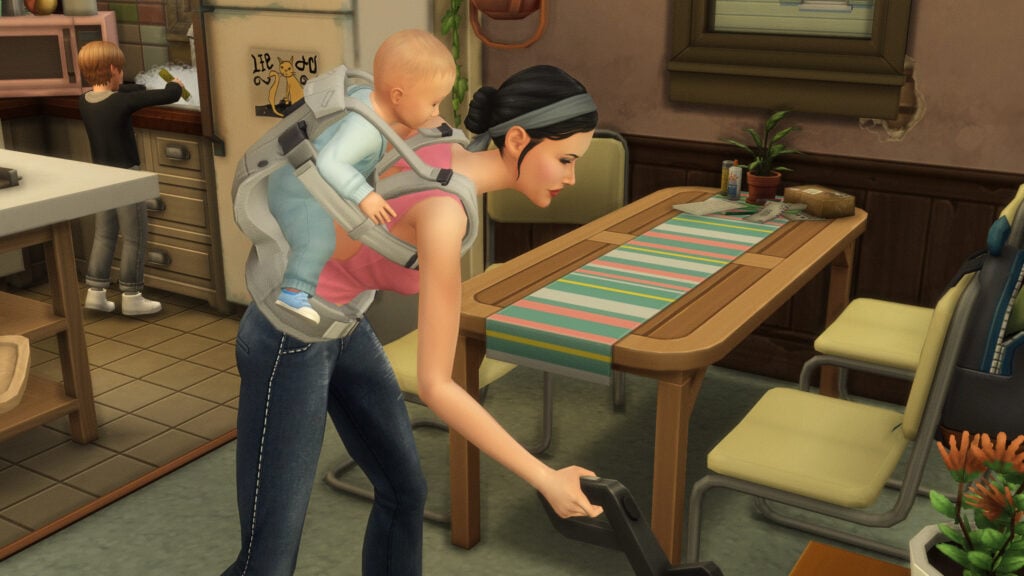
Brandi was left to raise two boys alone following her husband's suspicious pool ladder accident. With Dustin acting out, can Brandi teach young Beau to make the right choices in life?
The Broke Family's Household Description in The Sims 2 (2004)
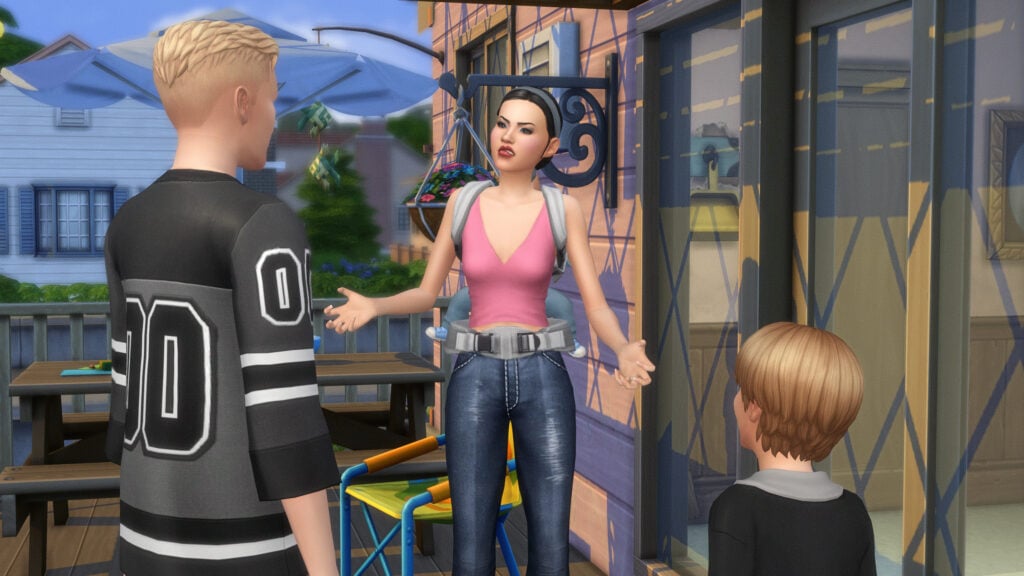
Triggering a Runaway Child Event
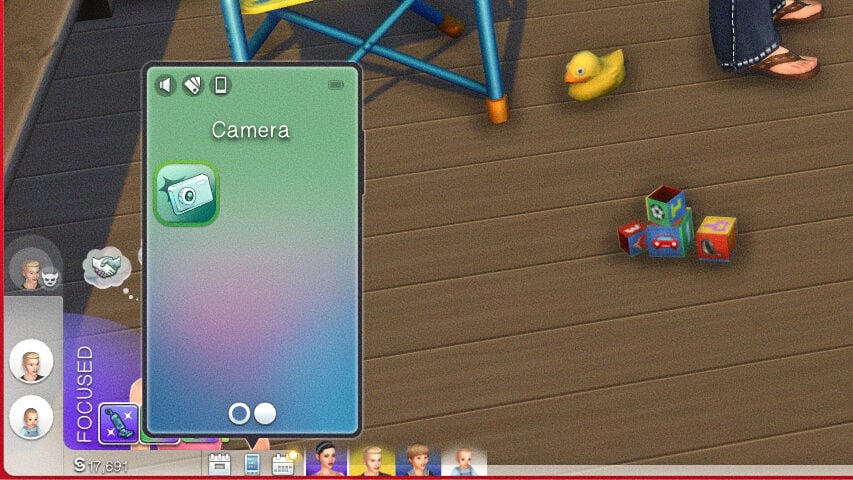
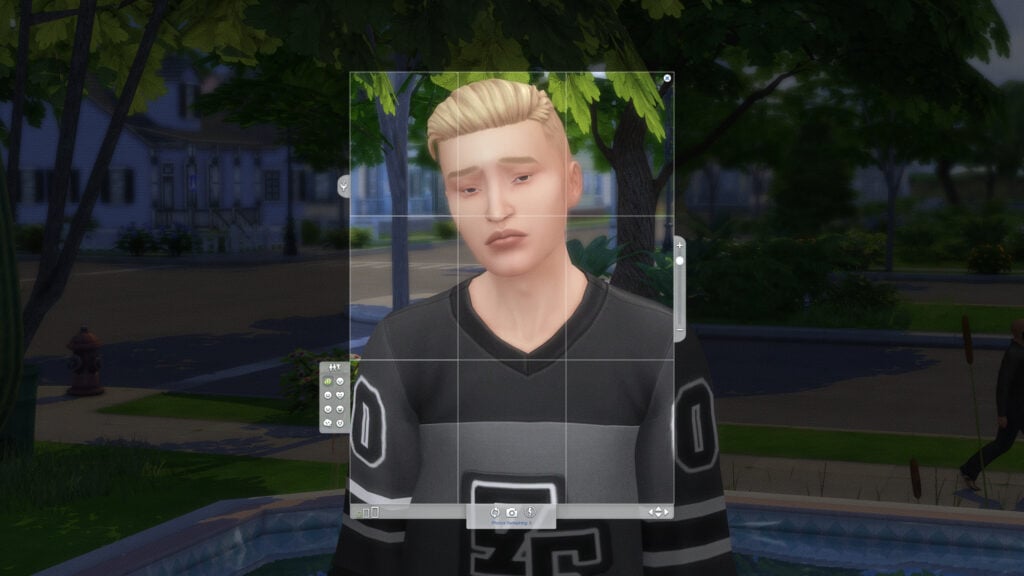
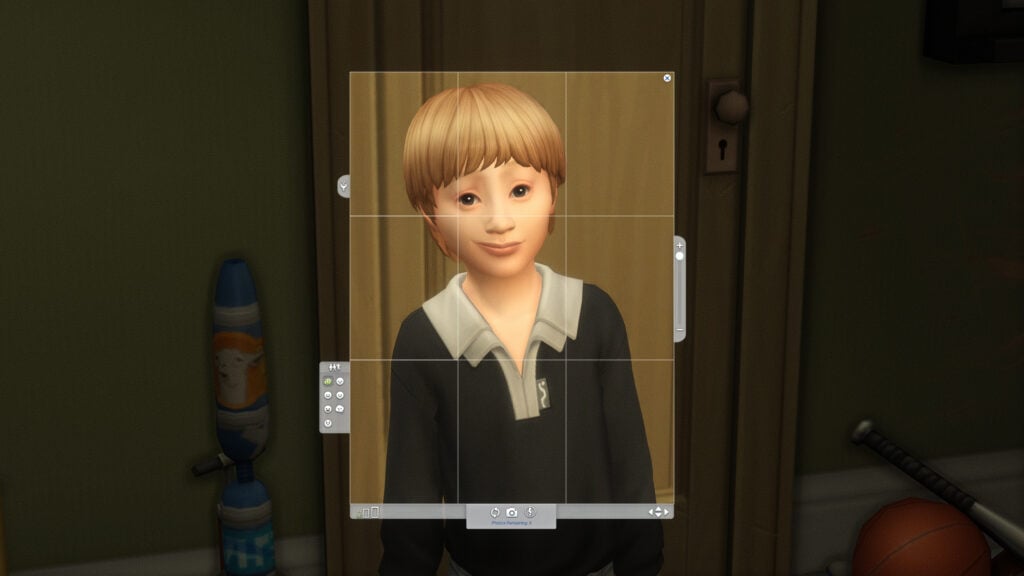
Prior to playing with the mod, it is stated by Pandasama to make sure that you have images of the children in question, as one part of the gameplay and interactions requires an image in the Sims' inventory.
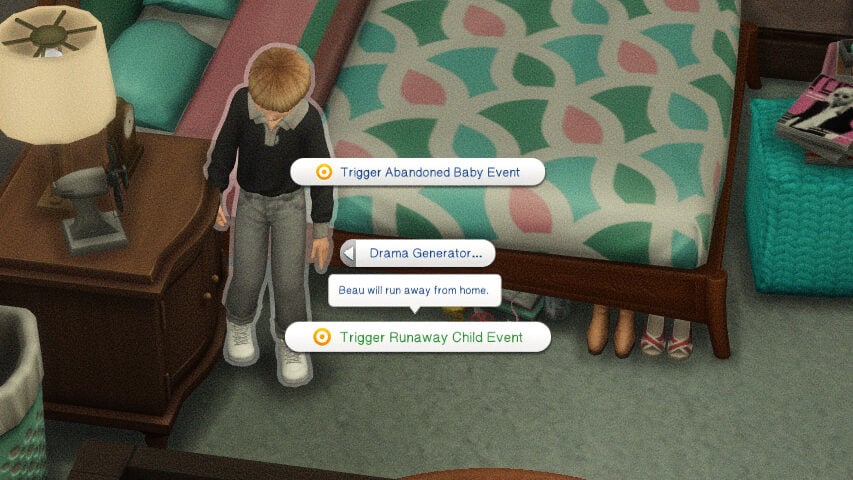
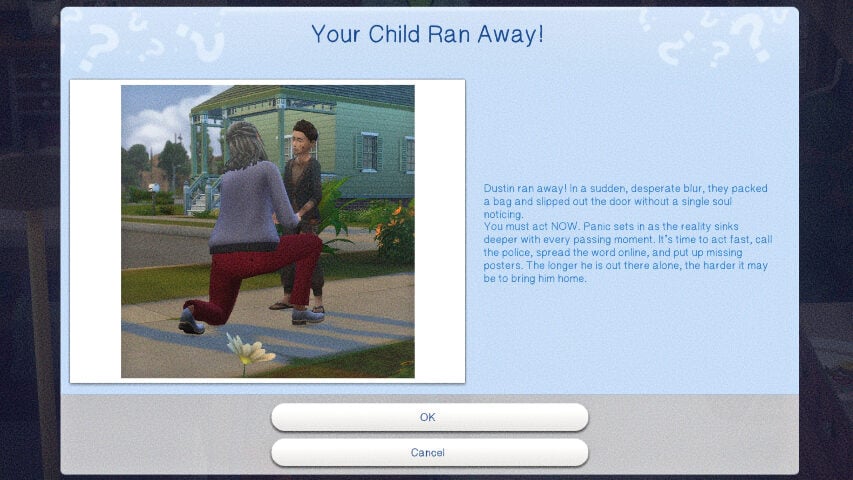
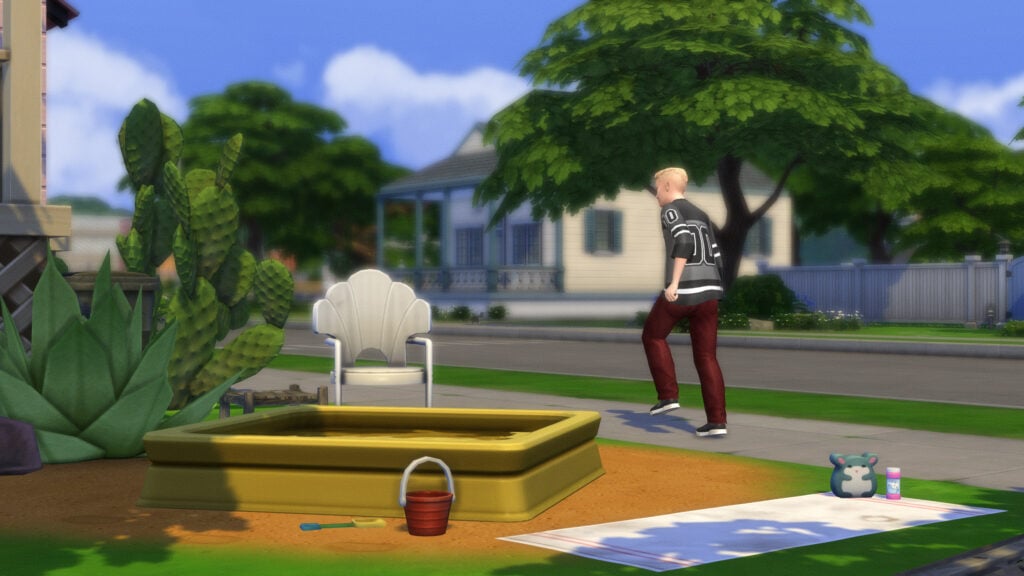
While there is a small chance that it will happen naturally, the easiest way to get it going is to enable testingcheats true, and right click on the sim aged child or teen, click on the Drama Generator pie menu tab, and click "Trigger Runaway Child Event". You will receive a pop-up, and the child will immediately leave the lot. The child will also be removed from your family portrait menu, making them nonselectable. I also could not find them in the relationship panel while they were runaways.
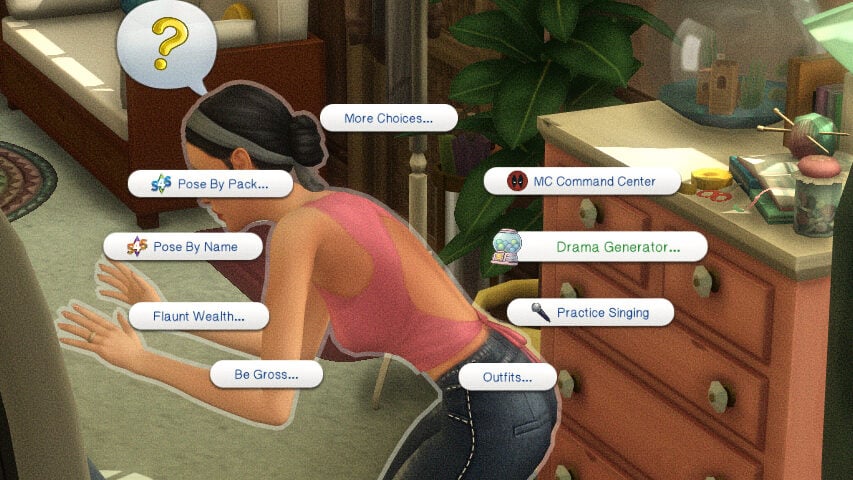
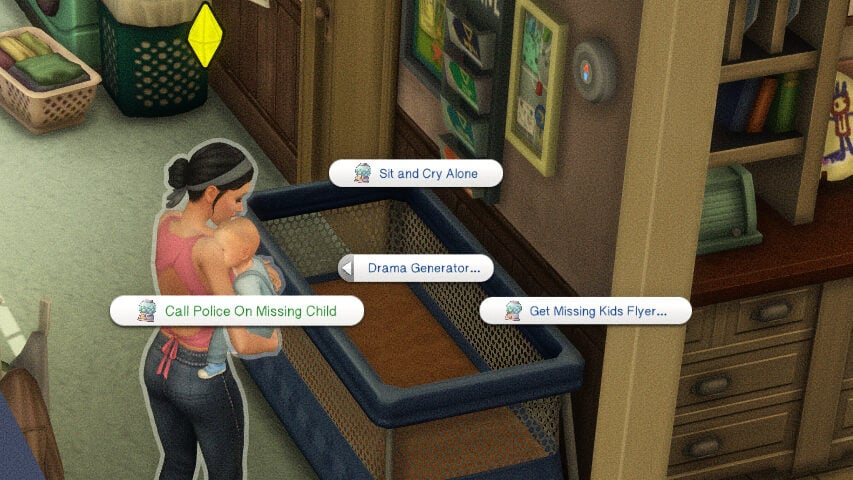
Immediately after, click on a parent or guardian sim, the Drama Generator pie menu tab, and you will see multiple courses of action you can take.
Calling the Police
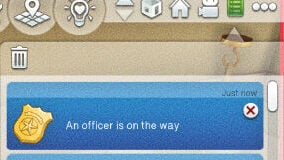
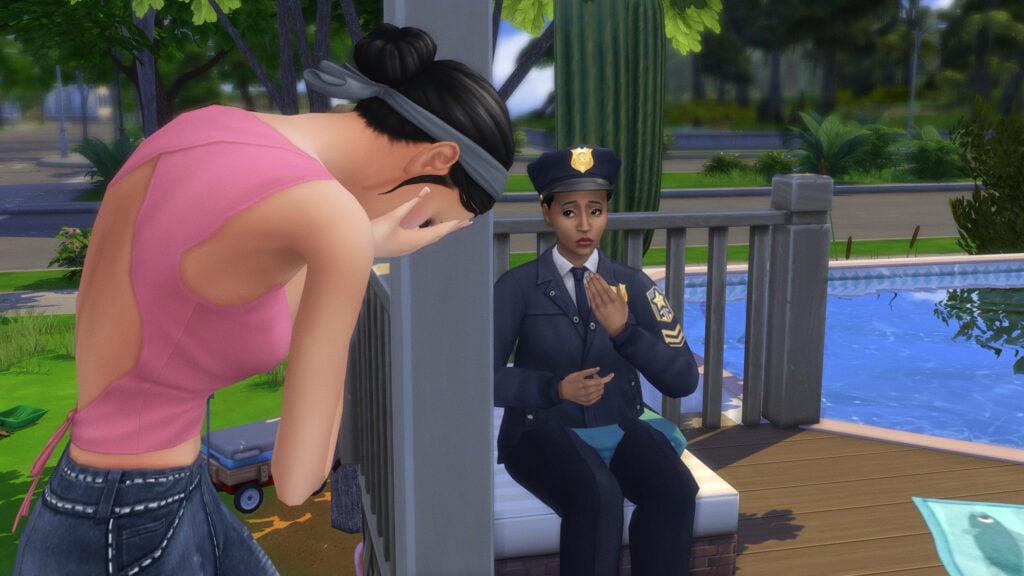
The best general course of action is to first report the runaway child to the police. This will alert you that an officer is on the way, and an NPC police officer will show up to your sims home. Once there, click on the officer to discuss multiple details regarding the child and their running away to give them a full picture of what happened.
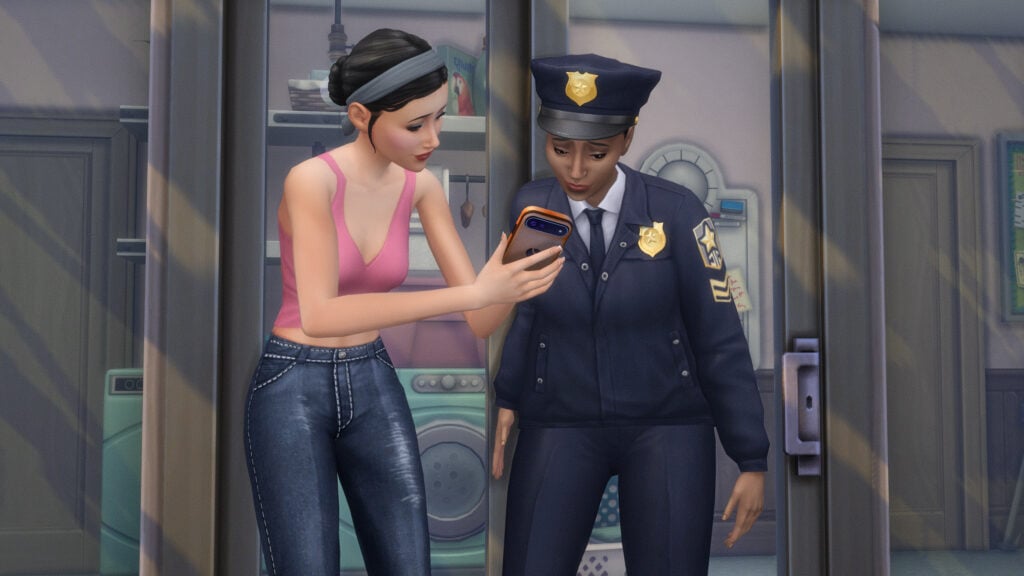
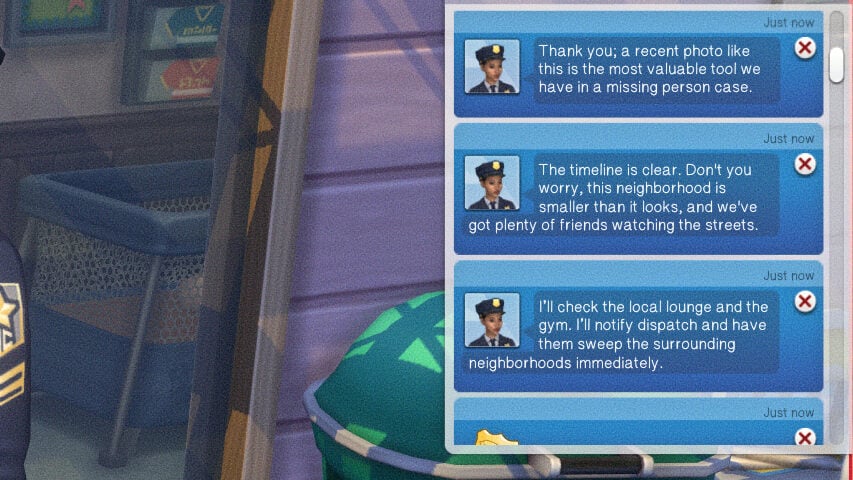
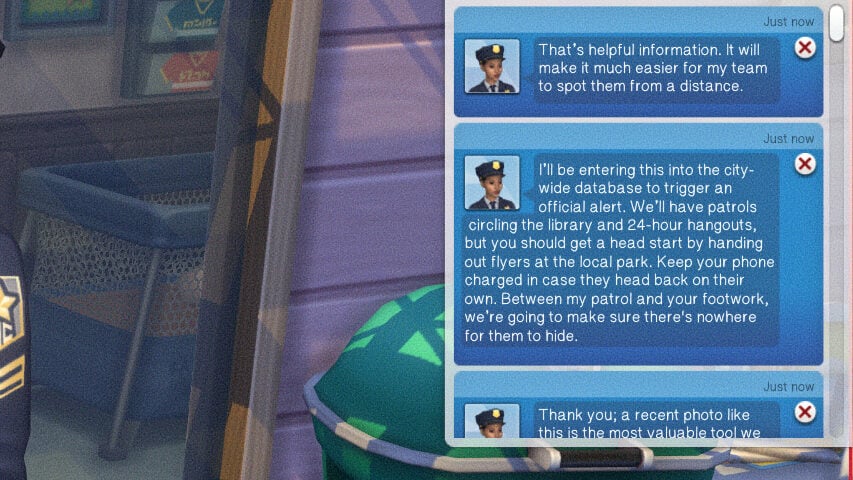
You can Share a Picture of the child, Provide a Clothing Description, Share Last Known Details, and Ask What Happens Next. For each interaction, a notification will pop up of the officer reassuring your sim an explaining what is going to happen, what is likely to happen, etc.
Making Missing Kid Flyers
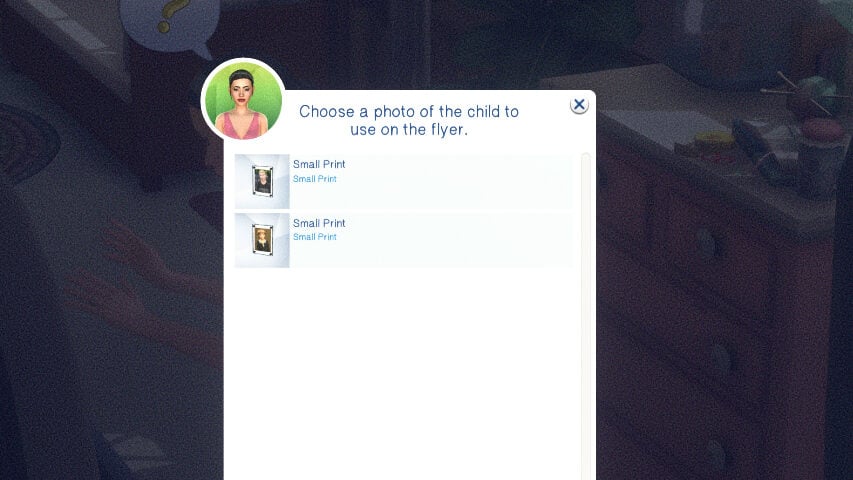
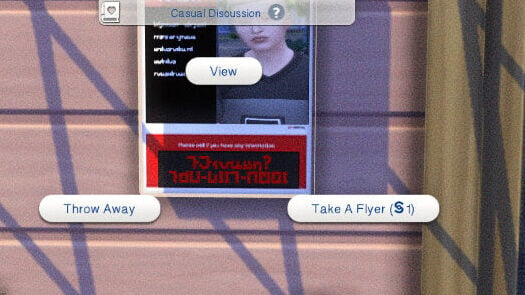
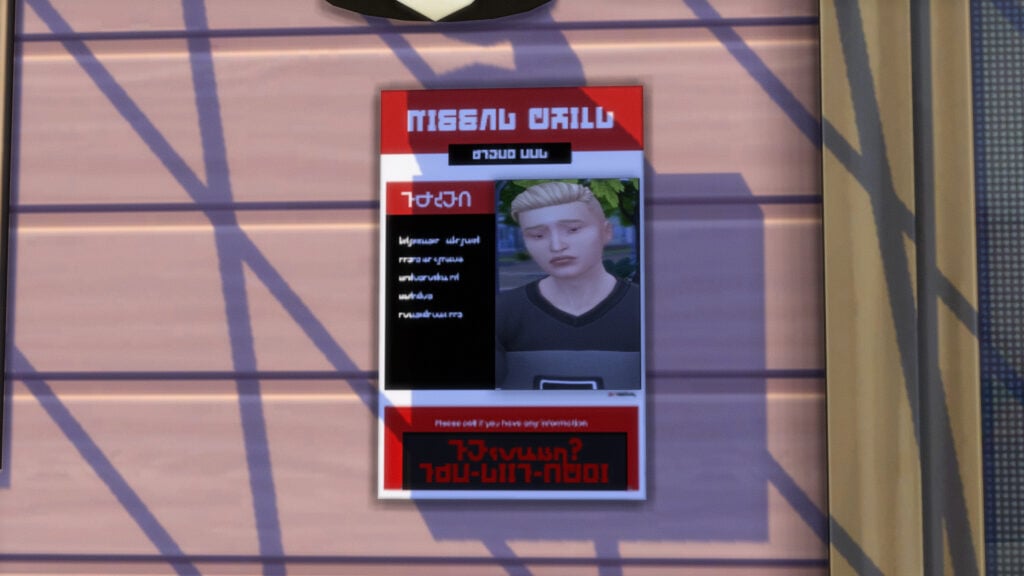
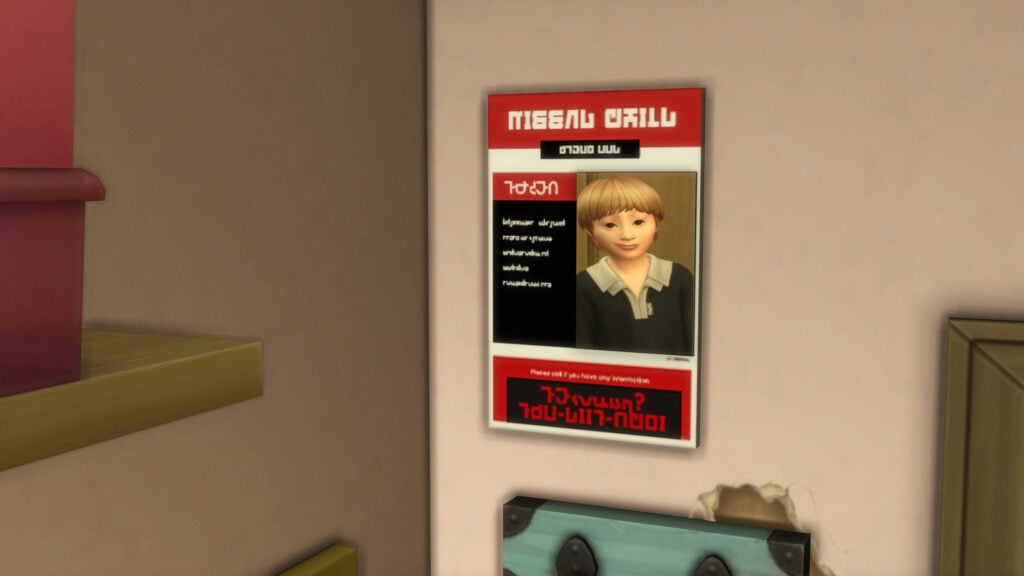
To make flyers to post in or around your home or on community lots, click on your parent or guardian sim and click "Get Missing Kids Flyer..." under the Drama Generator pie menu tab. Then, select the image in your sims inventory that you would like on the flyer. This will generate a flyer, which can be posted on just about any wall. When it is, Sims can interact with it, including paying a single simoleon to take a flyer for themselves, throwing it away, or simply viewing it.
Crying Alone
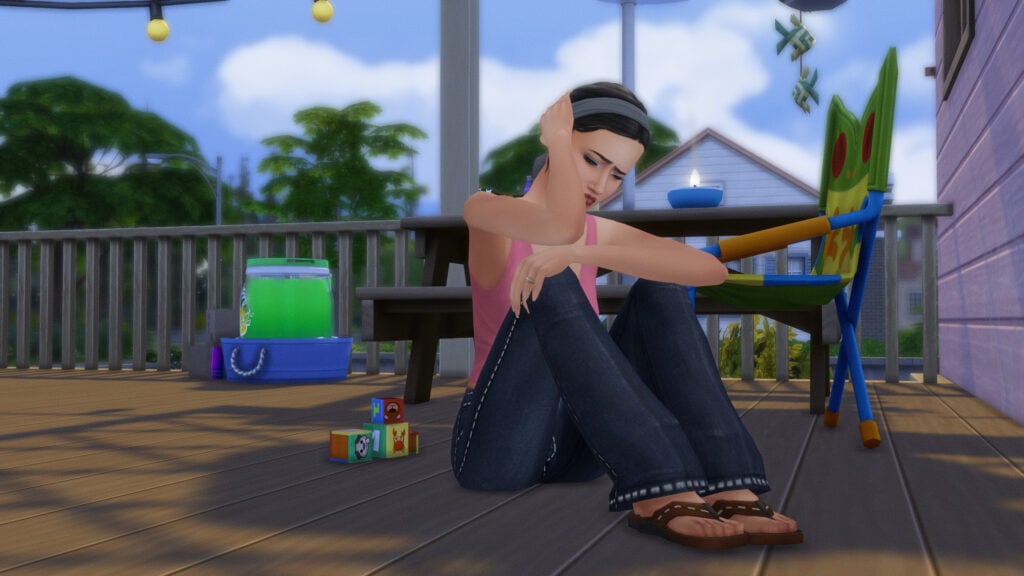
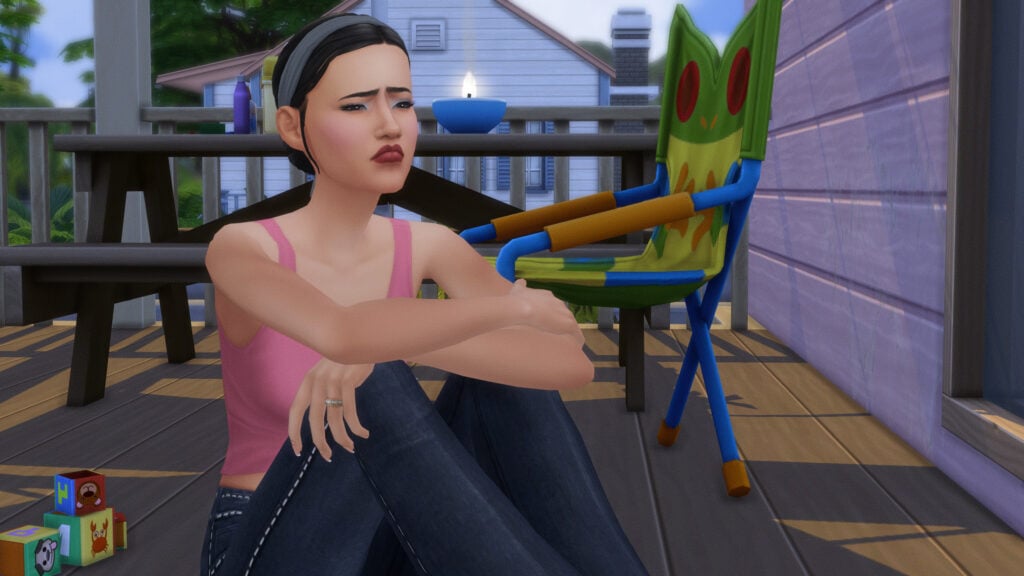
Just to make this all the more dramatic, since it is a Drama Generator mod, Pandasama also created a brand new animation and interaction called Sit and Cry Alone. Your sim will sit on the ground with their knees to their chest, and begin to sniffle, cry, and hold their head in their hands. It is stated on the mod page that there is a small chance that the runaway child will show back up during this interaction.
Bringing Your Runaway Child Home
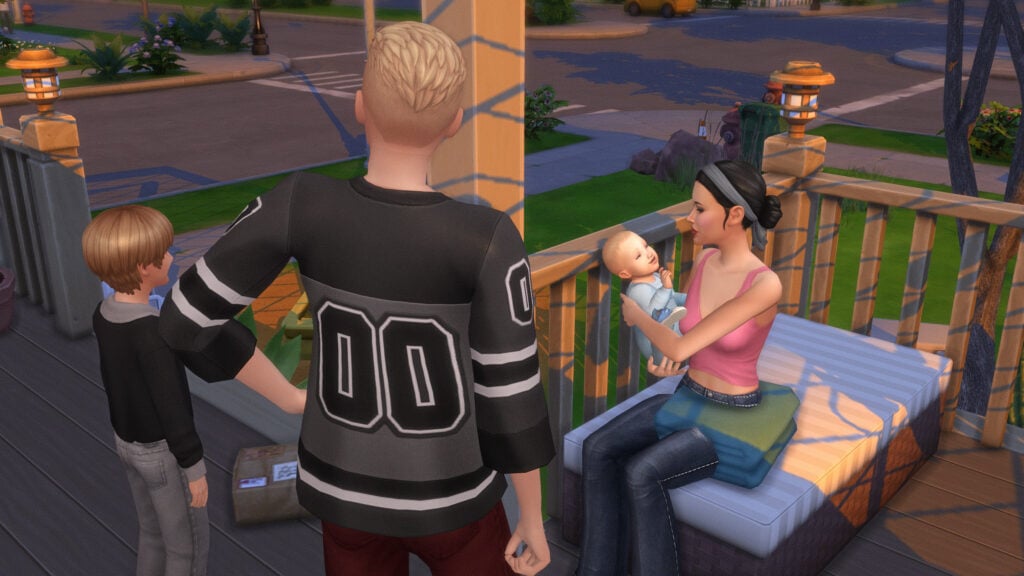
There are a few possible ways a child can return home. These can include strangers sighting them on community lots and alerting your sim, just returning home on their own, when triggered by the Sit and Cry alone interaction, or by the police themselves finding and bringing them home. If you've not had them return home autonomously or just want them back, you can right click on your sim, click the Drama Generator tab, and select either Make Police Bring Child Home or Trigger Child Sighting Call to have one of these events happen and add the child back to your family.
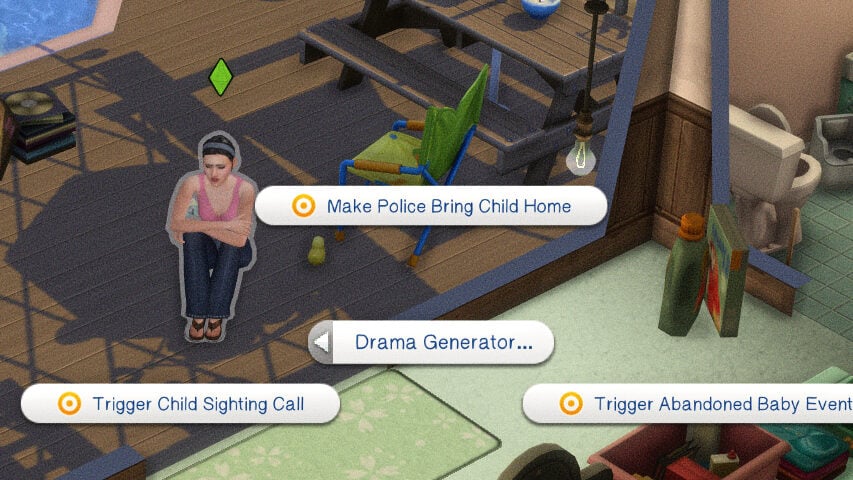
Making the Police Bring Your Child Home
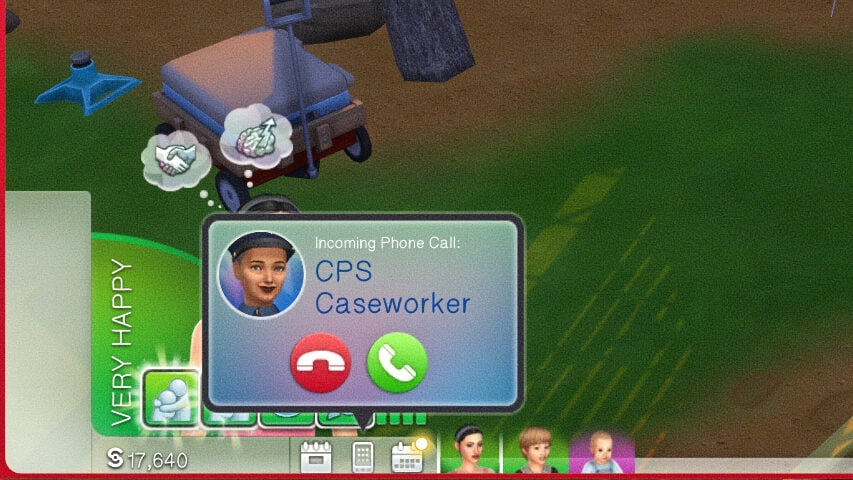
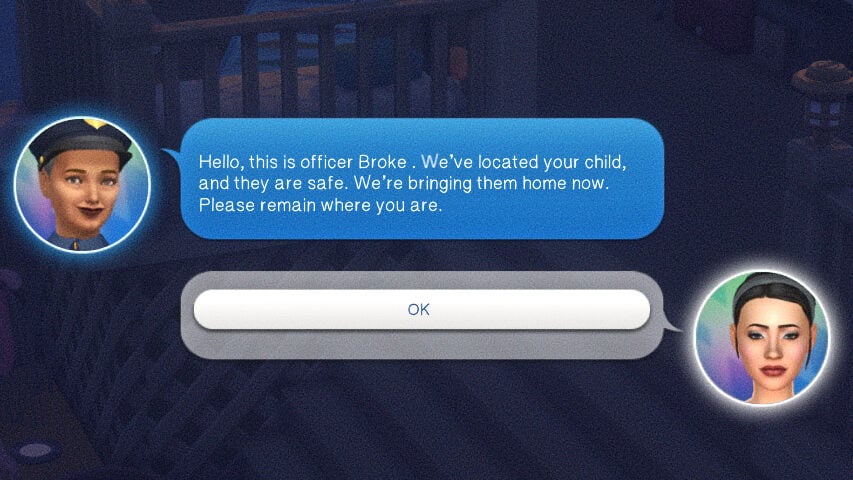
Either naturally or through the cheat trigger, you can get a call from a CPS Caseworker NPC, stating that your child was found and they will be brought home. After roughly a half hour to an hour in-game, my sims teen returned home and appeared on the edge of the community lot, as they would when returning from any standard travel, work, or school.
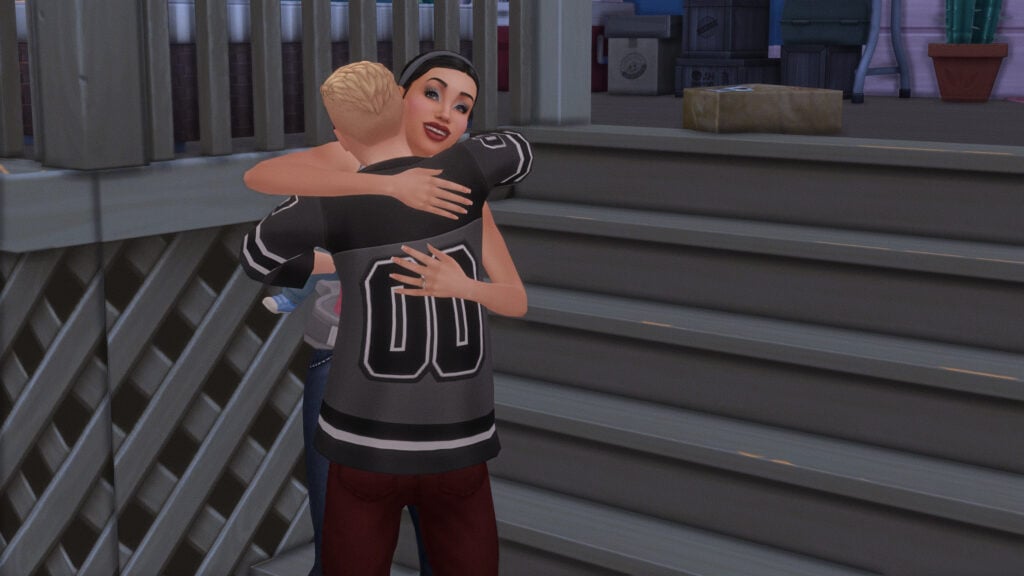
Child Sighting Call & Community Lots
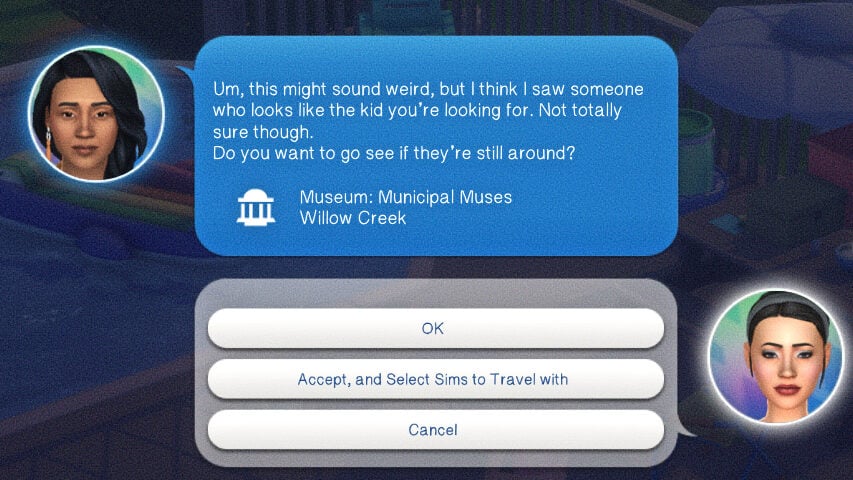
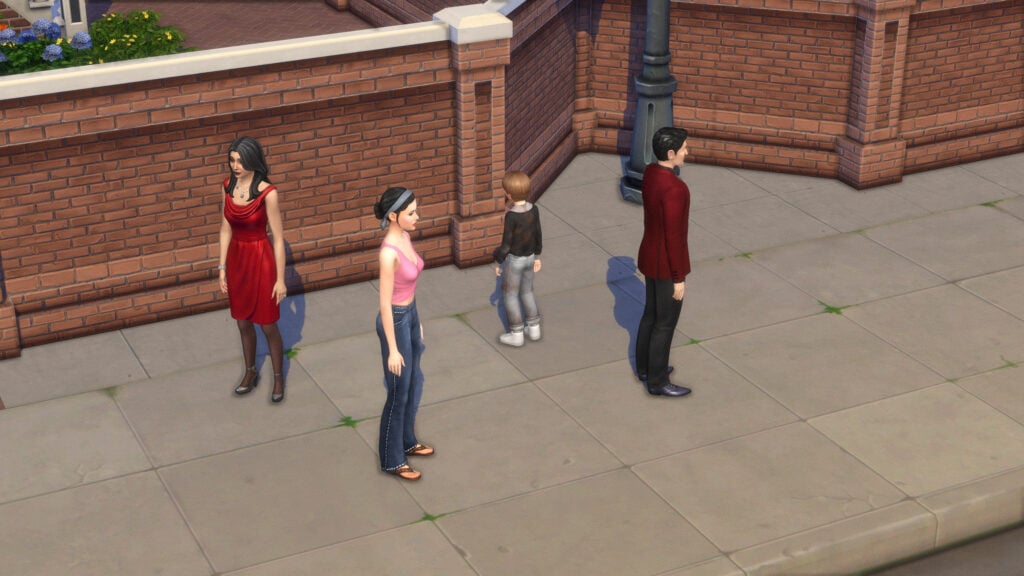
Again, either naturally or through the cheat trigger, you can also get a random call from a complete stranger. This stranger will point you to a nearby community lot and tell you that they saw a kid that looked just like the ones on the missing posters. When you travel to the community lot, the child will be there and can be greeted and brought back into the household.
They're Back, Now What?
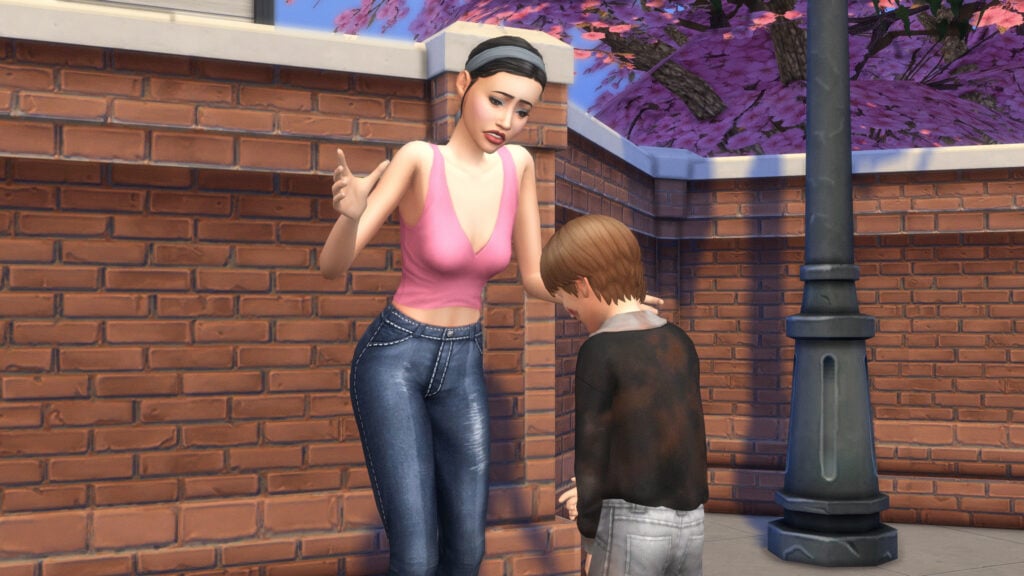
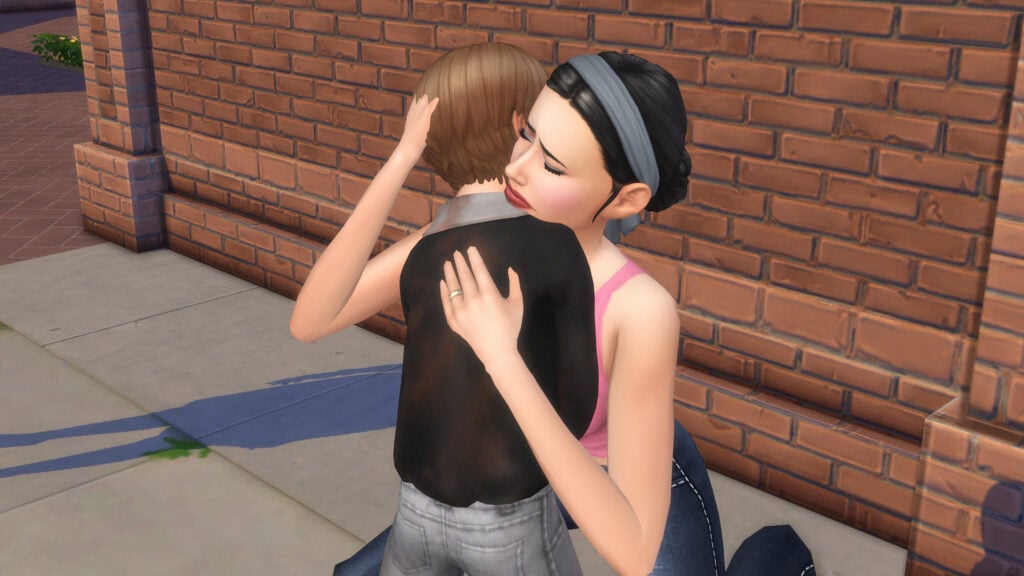
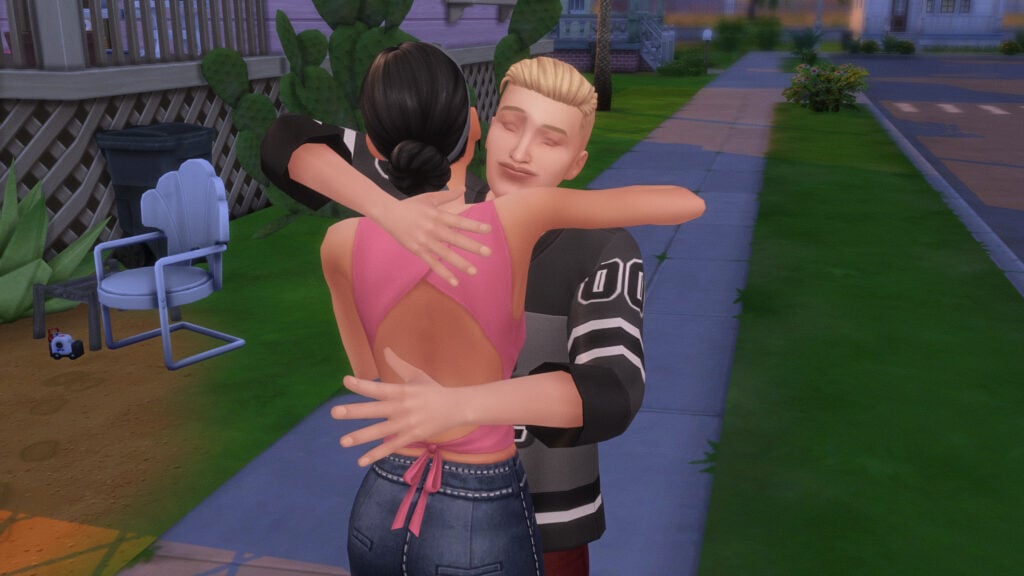
When your runaway child is first spotted again, an interaction called Run to Child will be available under the Drama Generator pie menu tab. While it is a standard hug for teen sims, child sims have a custom animation of their parent getting down to their level, hugging them, looking them over, etc. You will also get a notification that the child has been found.
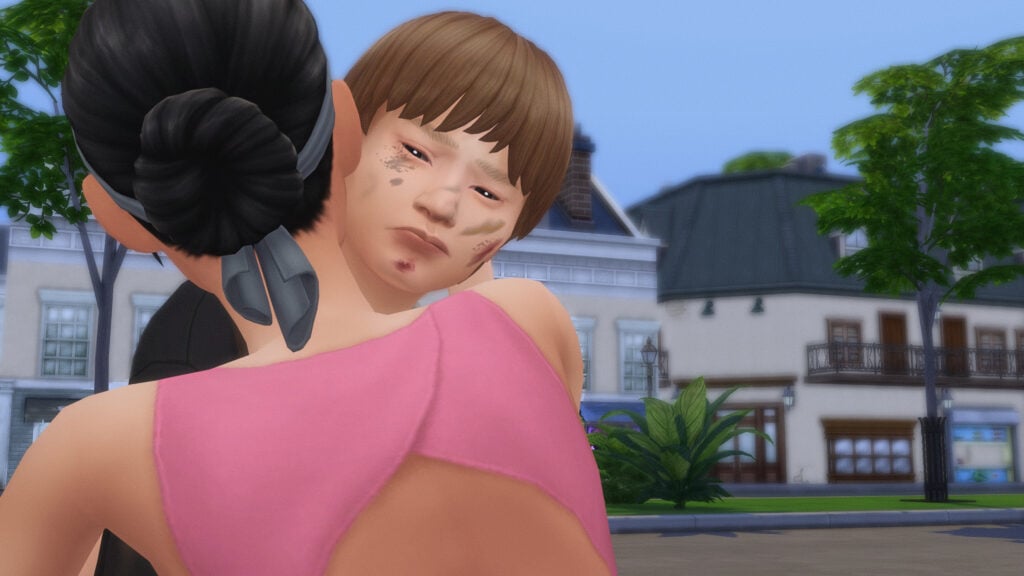
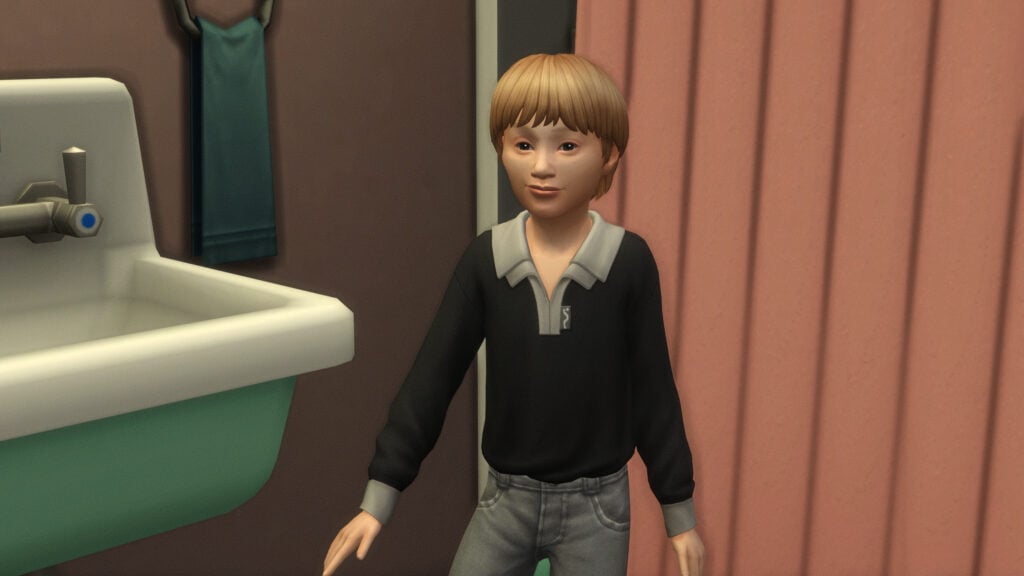
You may also notice when looking at your runaway child, that there is a chance they will have dirt, scrapes, and bruises on them. This is very temporary, and goes away after bathing.
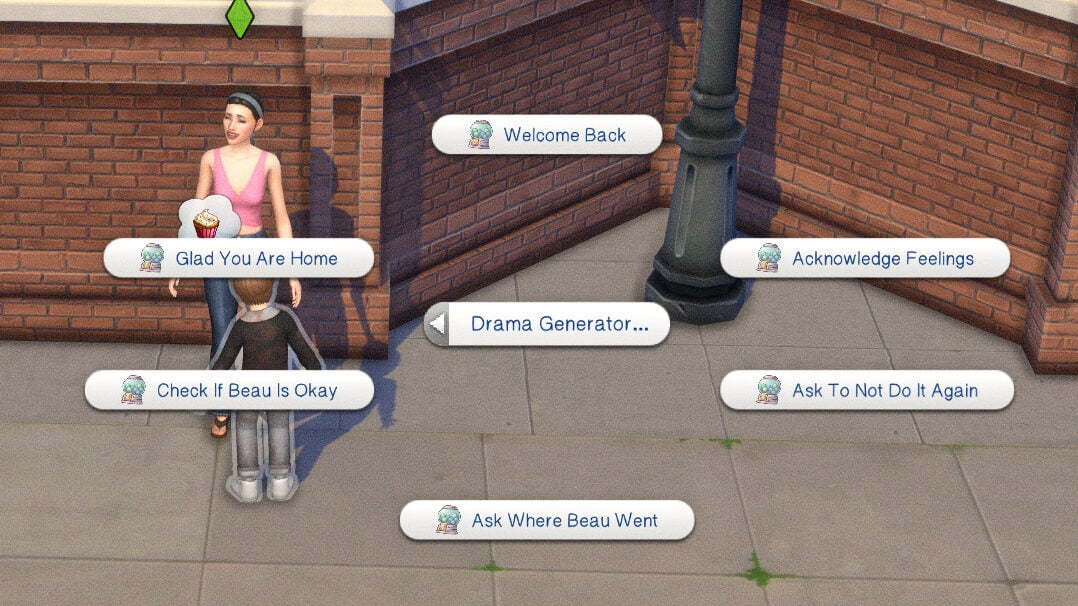
Afterwards, your sim will have the option to talk to their child or teen about their running away. Your sim can ask multiple questions and provide reassurance. These interactions include Welcome Back, Acknowledge Feelings, Ask To Not Do It Again, Ask Where [CHILD NAME] Went, Check If [CHILD NAME] Is Okay, and Glad You Are Home.
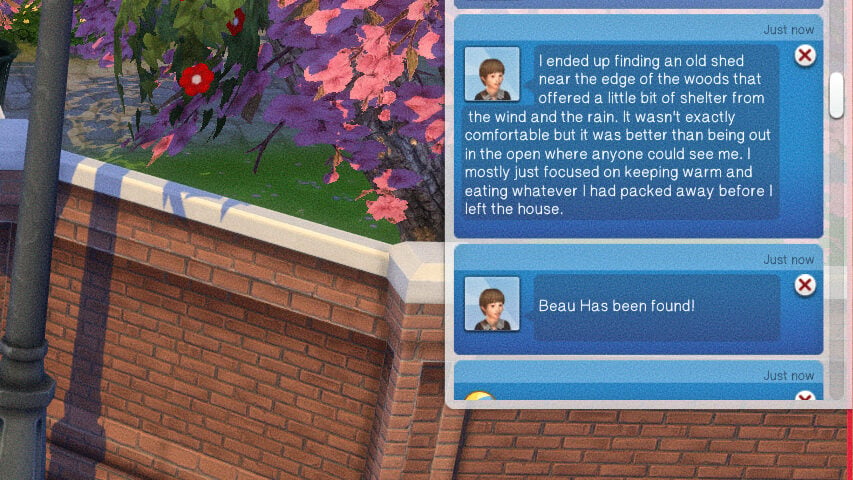
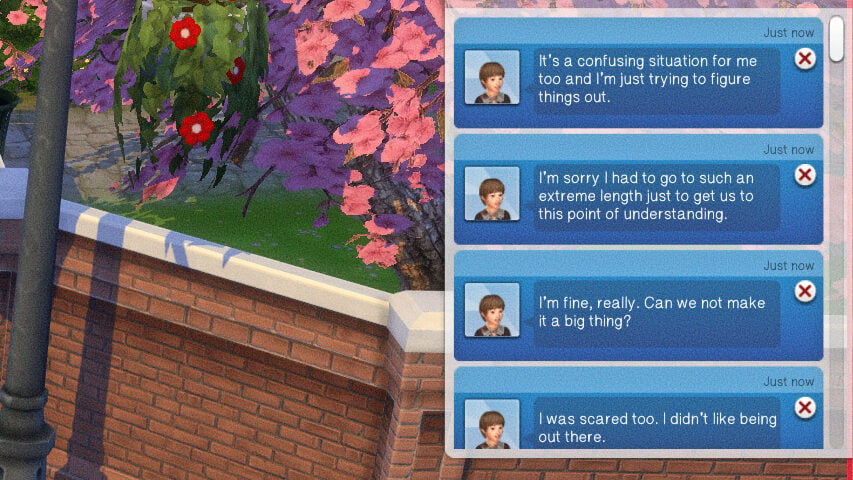
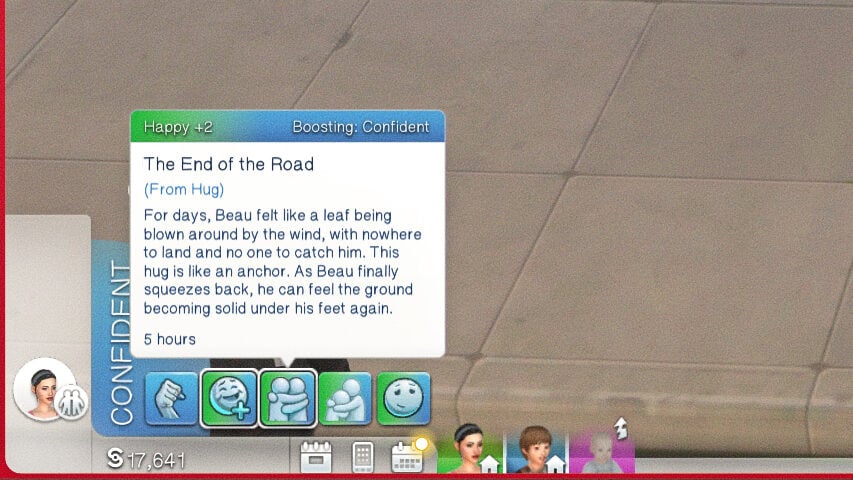
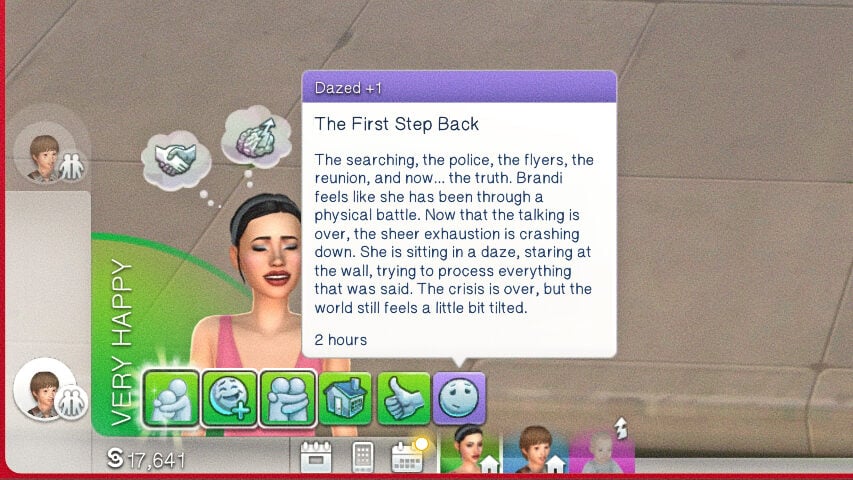
Similarly to talking to a police officer, all of these interactions will give various answers, and provide moodlets and buffs for both the parent and child in question. Both parent and child sims will also have happy and dazed moodlets, wondering how things will change and adjust after this event.
Pandasama's Drama Generator is freely available with the Abandoned Baby module, but the Runaway Child module is in early access and will be publicly available on May 16th, 2026.
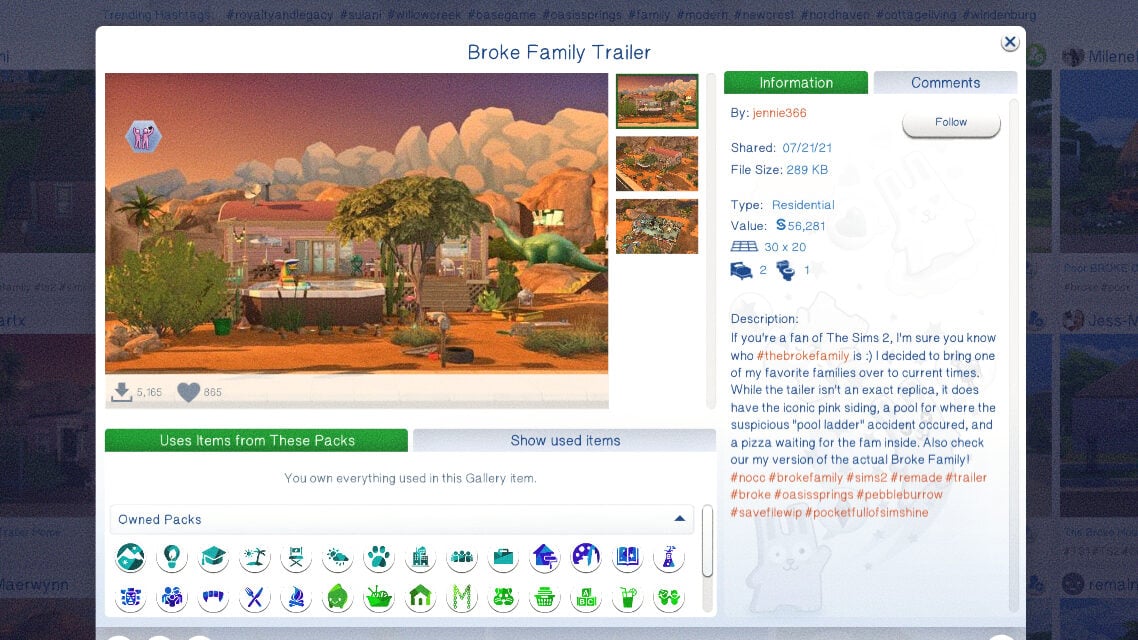
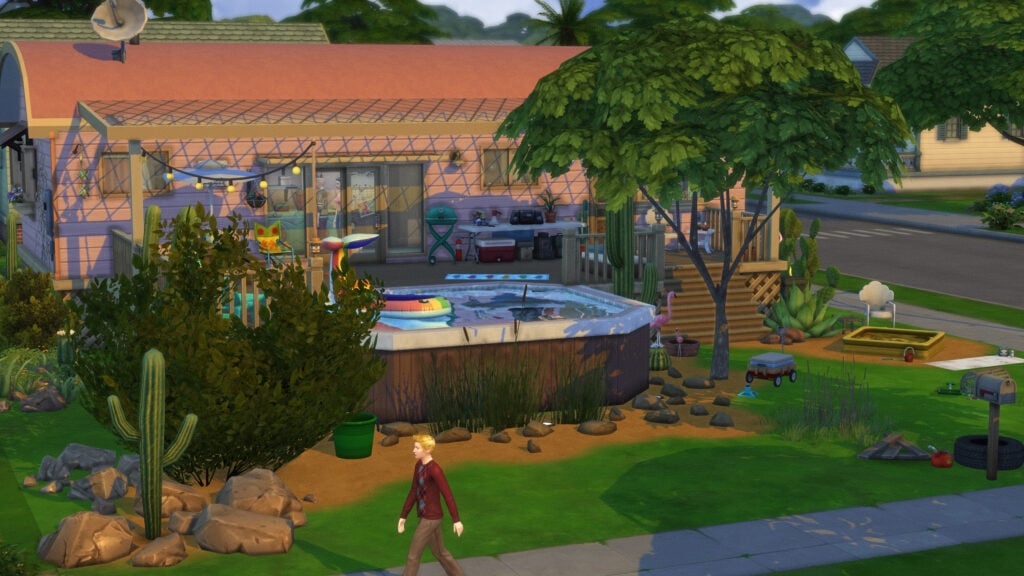
Thank you to Sims 4 Gallery User jennie366, for the Broke Family Trailer lot used in this article!
Have you played with this mod or the Abandoned Baby module yet, or do you plan to? Let us know how you feel about it, and what you hope to see from Pandasama in the future! Make sure to follow The Sims Community as we provide guides, tips, and news about big and upcoming mods in The Sims 4 and otherwise!







0 Comments
Be the first to comment.
Welcome to Sims Community!
Our community is about connecting people through open and thoughtful conversations. We want our readers to share their views and exchange ideas in a safe space.
In order to do so, we've created a simple set of rules that will improve your experience. Simply put, keep it civil.
Your post will/might be rejected if it contains:
User accounts will/might be blocked if we notice:
So, how can you be a power user?
Thanks for reading our community guidelines. Please note that we're aware of certain issues with Sign In / Log In and Create Account / Email Confirmation issues. We're working behind-the-scenes on a new Account Creation process. Thank you for your patience and remember - freedom of speech is not freedom of reach