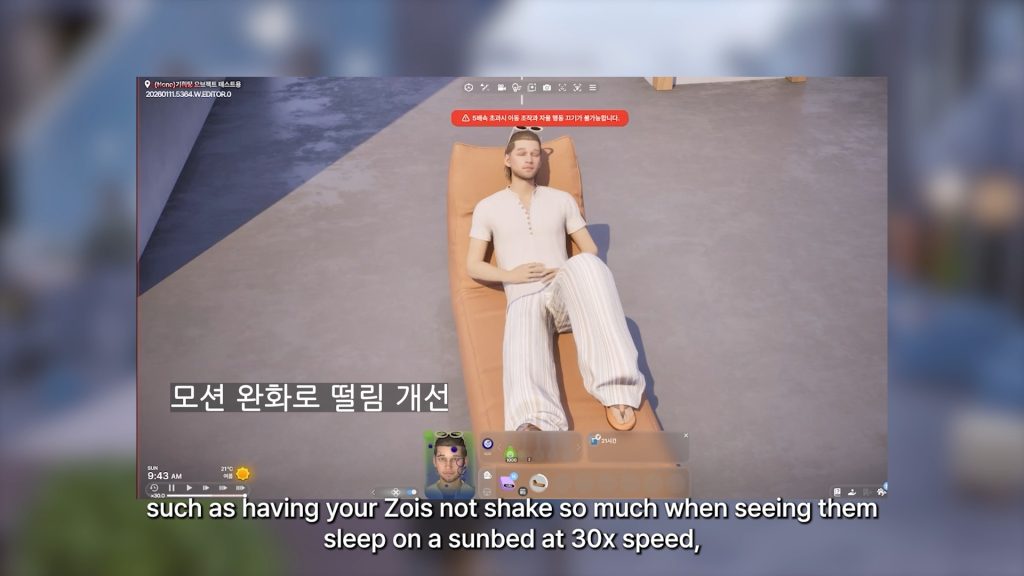
Learn what to avoid before this annoying Sims 4 bug gets fixed in early February!
The latest Sims 4 Update promised that it’ll fix an issue with Photos turning black in the game. Unfortunately for many players, especially those who didn’t encounter this issue before – the issue returned.
Players who never reported having the black photos bug have gotten their photos turned dark with a Sims 4 Update that promised to deliver an appropriate fix.
The Sims Team addresed the Sims 4 black photos issue publicly, stating that they’ll deliver a new fix in early February. Possibly packing the fix along with the pre-Expansion Pack Sims 4 Patch that’s coming for Royalty & Legacy.
Simmers, We have identified a fix for the issue causing photos to turn black that was reported after our recent Base Game update. You can expect to see this fix in our next Base Game update in early February.
That’s still a few days left to avoid using this precious Sims 4 feature. In the meantime, there’s a possible workaround shared by a player that will help you prevent photos turning black until the hotfix comes.
The Sims 4 Black Photos Bug – Player Workaround
Reddit user u/Elfinemly shared a handy workaround that helped them from Sims 4 black photos bug happening in their game. Note that this testing was only done on a PC / Mac version of the game, so it’s not known how the workaround takes effect on the Console version of the game.
So being able to recover all my photos, I took the opportunity to test out which actions end up causing the glitch, and I hope this helps to prevent some of you from losing the photos.
Here’s the workaround that helped them. Apparently, it all comes down to avoiding the “Save & Exit” feature:
Mind you these are actions to take if your in-game photos have YET to turn black. Also this is just what I could gather from my testing and I cannot guarantee if these will help everyone. (I play on a PC so i don’t know if this will help console users)
Do not use the “save & exit” button at all! This action will turn your photos black no matter what. Save first and then exit without saving. This way the bug won’t occur
Do not try to exit to the main menu at all from your save! Doesn’t matter if you save or not, this will break the photos in the save you left from, when you come back to it. Until EA fixes the bug i recommend closing the game completely and opening it back up if you want to change the savefile your playing.
“Save as” won’t break the photos in the earlier version of the save. I recommend doing this from time to time, to make sure you have back ups of the saves. This way you can go back to an earlier version of your save and recover your photos IF something causes the bug to occur in your game.
As you take in game photos, make a room with all of them, and upload it to your library. This way you can also recover them without having to go back to earlier versions of your saves later if the bug occurs.
Tune in for new gameplay reveal from The Sims 4 Royalty & Legacy!
The Sims Team is doing a special premiere of The Sims 4 Royalty & Legacy Gameplay Trailer today – January 22nd, 2026. This feature trailer will dive deeper into new features such as Scandals, Prestige, Kingdom Customization and hopefully new previews of the Ondarion World.
The premiere of this trailer is set for 8AM PT / 5PM CET / 4PM BT. We’ve included a handy countdown right below to help you prepare for the trailer reveal times!
00
Days
:
00
Hours
:
00
Min
:
00
Sec
Countdown to The Sims 4 Royalty & Legacy Trailer Premiere
A new open-neighborhood Single Player Sims game has been mentioned by an official EA Survey.
We’ve gotten our hands on a new limited-time private Sims Survey that was sent out to select The Sims players by EA. The survey heavily talks about other games and studios, the Life Sim Genre, player’s choice of purchasing subscriptions vs paid DLC and even talks of upcoming Sims games. Currently in development by EA and Maxis, the new Sims games are described by the survey as “ideas for possible future The Sims games”.
This is what the introduction of the official Sims 2026 Survey was like:
WE WANT TO HEAR FROM YOU!
You have been selected to take a special Sims survey so we can better understand you, what you love about games, and how you play The Sims 4. As a thank you, the first 5,000 eligible participants who complete the survey will receive a $5 EA App coupon to put toward TS4 DLC you’ve been eyeing. Spots are limited, so you may not qualify this time, but there will be more chances to join future research.
Let’s break down the contents of The Sims 2026 Survey and what it could mean for the future of The Sims Franchise:
Table of Contents
The Sims 2026 Survey – Introduction
The beginning of The Sims 2026 Survey starts off simple. With user research about user’s habits on spending money on gaming and DLC and which statements do they agree with most.
Things started to get a little more interesting when the official EA survey started to differentiate Life Simulation and Deep Life Simulation game experiences.
The survey wanted to see which players are interested in genuinely playing (and spending their money) on different aspects of a Life Simulation. Mentioning features including Discovery & Matchmaking, Community & Groups, Safety & Controls, Creation Sharing and Co-Play features, that already overlap to the multiplayer area.
There were also some very dramatic sliders that put The Sims in the middle of Roblox and Animal Crossing. With the answers ranging from “I don’t care about this game at all” to “I love this game and would be devastated if it no longer existed”.
And when it comes to non-Sims news and bits of information, the last part of general questions from this Sims Survey asks about the player’s insight on general gaming news. Including Xbox Game Pass cost increase, Nintendo Switch 2 release and EA’s acquisition by Saudi Arabia PIF, Silver Lake and Affinity Partners.
At least they’re self aware!
New The Sims and MySims Games: Survey Suggestions and Features
In the first portion of the survey about The Sims games overall, EA asked players to rate 18 different statements from Strongly disagree to Strongy agree. Here’s an example of one of the questions:
Here are all the 18 different statements that they’ve shared in the official Sims 2026 Player survey:
DLC packs are released too frequently for me to keep up.
The Sims paid content is worth the price (e.g., expansions, event packs, etc.)
There are not enough free content updates / releases to keep me engaged
The Sims games feel old (e.g., outdated visuals, clunky gameplay)
In-game customization options feel outdated, lacking modern trends / aesthetics
The Sims has a strong, supportive fan community
I enjoy engaging with The Sims content online (e.g. Youtube, Twitch)
The Sims is my favorite creative outlet to express my imagination
The Sims has more robust / deeper gameplay compared to other Life Simulation games
I associate The Sims with my childhood or teenage years
The Sims feels rooted in Western culture and values
The Sims does a good job representing diverse identities and cultures
I see The Sims being published by EA (Electronic Arts) as a positive
I see The Sims as a leader in the Life Simulation games category.
I trust The Sims Team to make decisions in players’ best interests
I trust EA (Electronic Arts) to make decisions in players’ best interests
The Sims is investing in the future of the franchise
I want to experience The Sims beyond games (e.g., movie, board game, etc.)
New The Sims Single Player Game Suggested
Here comes the interesting part! It’s worth noting that this official Sims 2026 Survey mentions these new Sims games as “possible future The Sims games”. And it’s the first time we’re getting an official description for a long-rumored new Sims Singleplayer Game!
As we’ve talked before in the initial speculative articles about The Sims Project X and EA’s reference on “The Sims Next Evolution” for The Sims Single Player, we now have a first official list of suggested survey features for this game. Confirming the original rumored open neighborhoods system.
The game is suggested as a new single player life simulation game, available across PC and Console systems. It sounds pretty much like The Sims 4 but with Open Neighborhoods with a description like this, but you be the judge:
A new Sims single-player life-sim game for PC and console, where players create unique Sims, build imaginative spaces, and shape stories that unfold across lively open neighborhoods. Designed to feel vibrant, expressive, and endlessly creative, it’s a living world where every Sim, relationship, and choice leaves a lasting mark.
The text is definitely there. But the random official EA player survey said “confidental” so we decided to blur that part out.
The Sims Project Rene
A new Sims multiplayer life-sim sandbox game, playable across all devices, serves as a digital hangout where players can connect, create, and express themselves through fashion, design, shared activities, and playful roleplay with friends. Here, players can discover new creations and communities in an ever-evolving city of style and apartment living.
New MySims Game for Switch, Console and PC
The official survey also mentions a new MySims game after almost two decades! Last year in January we’ve had a leaked listing of two new MySims games, including titles such as MySims Action Bundle and MySims Beacon Bay.
It seems one of those was just mentioned in the new Sims product release survey. Read the description below:
A new MySims cozy, collaborative adventure simulation game for Switch, console and PC that invites players to explore a whimsical world, customize their village, befriend residents & pets, and uncover delightful secrets-solo or with up to four friends.
Some of the potential new features of this new MySims game have been possibly listed in the survey:
New The Sims Mobile Games
There are two different Sims Mobile games mentioned in the survey. One that is most definitely The Sims Town Stories and another title that sounds unknown. Read about them below:
The Sims Town Stories
A new Sims narrative driven, town-builder mobile game where you explore the story-rich town of Plumbrook, befriend memorable characters, and unlock quests and new areas as you play. Uncover mysteries, experience meaningful moments, and discover the stories that shape the town.
Untitled Sims Mobile Game
A Sims mobile game where you begin with one household and expand into a thriving Sim Town of your own design. Build and decorate homes, customize quirky Sims, progress through careers & hobbies, and express your creativity through generations of stories.
Ending Survey With Basic The Sims 4 Questions
I didn’t look up too much into these questions. The very last part of the official Sims 2026 Survey asked me about The Sims 4 and some usual customer questions related to it. Take a look below:
The official Sims 2026 Roadmap clearly wasn’t wrong when it said that they’re preparing for the next evolution of The Sims. This is the first time we have an official acknowledgment from EA about a new single player open neighborhood Sims game. Albeit it’s refered to as “a possible Sims game” and not “100% confirmed for release”, we at least know that The Sims Project X rumors are true. Maxis and The Sims Team is working on a new Single Player game!
With that being said, let’s see what you think about the possibility of jumping over in our recent unofficial Community Poll!
[totalpoll id=”185443″]
What are your thoughts on the latest official Sims 2026 Survey? Let us know in the comments down below and stay tuned to all the latest Sims News and Information on Sims Community!
We’re celebrating the limited launch of a Grand Bundle (Royalty & Legacy + 2 New Kits) with a Grand Giveaway!
Giveaway Winners
GIVEAWAY UPDATE: The giveaway has ended! Thank you all who entered this rounds of Sims 4 Pack Giveaways. The winners chosen by random.org for The Sims 4 Royalty & Legacy Grand Bundle are:
SimQueenie95
Azurrka
Lueur
HenfordSims
Sophia
You will be emailed with an inquiry about your preferred platform for The Sims 4 Royalty & Legacy Bundle code.
For all of those who entered thank you so much and make sure you stay tuned to Sims Community for more giveaways in the near future!
It’s been a while since we last hosted a giveaway on Sims Community. We’re back to soft launch our regular Sims Community giveaways and celebrate the launch of the next Expansion Pack with a Sims 4 Royalty & Legacy Bundle Giveaway.
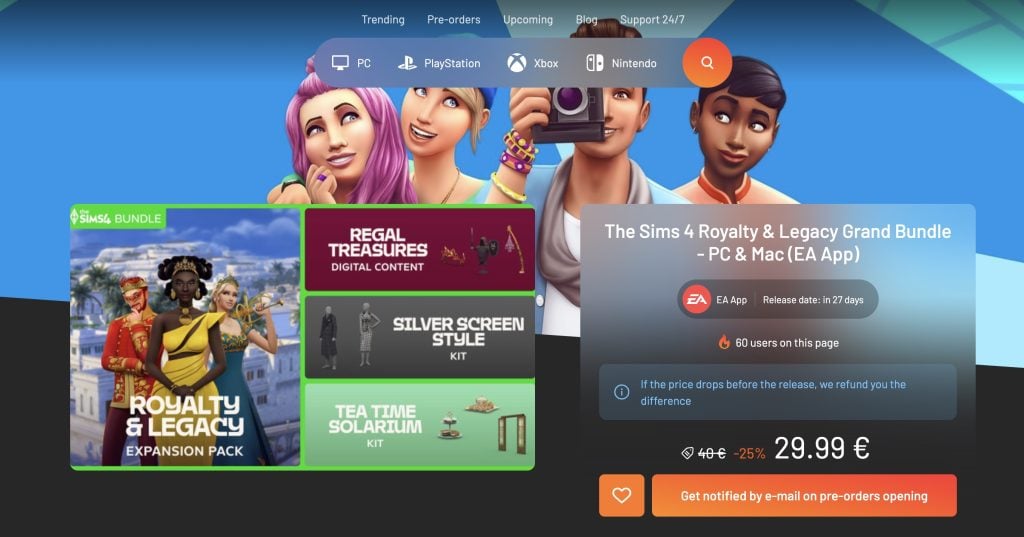
This giveaway offer is applicable for users across PC, Mac and Console supported platforms (Xbox and Playstation). And if you’re wondering yes – this Giveaway also includes the contents of the Grand Bundle offer. Containing the Regal Treasures Digital Content, Silver Screen Style and Tea Time Solarium Kits.
This giveaway is open worldwide to all the players who can play The Sims 4 on supported platforms, plus the rules to entering are pretty quick and simple. Let’s break it down below!
Table of Contents
The Sims 4 Royalty & Legacy Grand Bundle Giveaway
The next Sims 4 Expansion Pack titled Royalty & Legacy is set for a February 12th, 2026 release To celebrate the occasion for our readers we’ve decided to host a Grand Bundle Giveaway as a thank you. There are going to be more retroactive Sims DLC code giveaways and giveaways from other Life Sim Game genres in the near future. Stay tuned!
What type of Kingdom would you create in The Sims 4 Royalty & Legacy?
That’s all there is to it it! Leave your comment down below and we’ll select five random winners in the dates mentioned below.
Five lucky winners will be chosen through a random generator using random.org. Your comment ID number will be used in the final comments number draw, and we’ll let the website randomize the rest!
This giveaway ends almost two weeks before the release of the Expansion Pack bundle. You’ll be able to leave your single comment entry by January 30th, 2026 at 10AM PT / 7PM CET / 6PM BT. We’ve also included a handy countdown below which lets you exactly when the giveaway entry period is over!
00
Days
:
00
Hours
:
00
Min
:
00
Sec
Before entering this Sims 4 Royalty & Legacy Bundle Giveaway, make sure you’re met up with all the official giveaway rules we’ve listed below:
Giveaway Rules:
Be respectful and follow the Sims Community Commenting Guidelines linked below.
Not more than 1 comment! We have ways of identifying multiple entries so don’t try!
Your comment might be saved for manual approval. Don’t worry, we will manually approve your comment in 24 hours if all is correct. There’s no need for creating multiple comments!
Make sure you leave your correct information when filling in the user details. We’ll need a correct E-Mail address to contact the winners!
Expect The Sims 4 Royalty & Legacy Grand Bundle Code to be delivered up to 48 Hours after the release of the Expansion Pack on February 12th.
Do not share your personal email and data in the conversation!
You can contact us at contact@simscommunity.info for any technical difficulties or additional inquiries about the giveaway.
That’s all there is to know about entering The Sims 4 Royalty & Legacy Bundle Giveaway! Make sure to bookmark this page for February 2nd, 2026 at 10AM PT / 7PM CET / 6PM BT when we’ll announce 5 lucky winners!
Let us take you through all the items available in the Sims 4 Cozy Bistro Kit to see if this could be the kit for you.
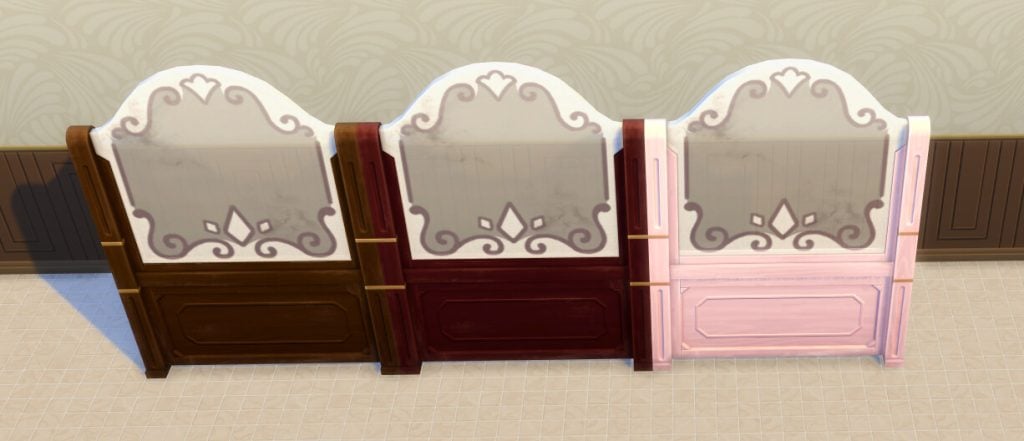
This kit is aimed at builders who want to give their Sims cosy spaces to meet up and share a meal, featuring cozy booth seating, a new table, chairs, shelving, wall decorations, various lighting options, a new privacy divider, a bar, and a coffee maker.
We’ve reviewed lots of other Kits available for The Sims 4, you can read all our posts about the different Kits here.
Table of Contents
About The Sims 4 Cozy Bistro Kit
According to the EA app listing, this is the kit for you if you want to make cosy dining spaces.
Stop by your favorite hole-in-the-wall bistro and take in the antique ambiance of The Sims 4 Cozy Bistro Kit. Craft a space that’s all about good Nectar and great company. Decorate with all the trappings of a treasured local bistro, including wood-paneled walls, polished metal accents, and vintage furniture that’s been beautifully maintained. Serve the finest Nectar by night and the richest coffee by day. Fill your bistro with candlelight and classic décor to create the perfect spot for Sims to connect with friends or dates.
Craft a space that’s all about good Nectar and great company. Decorate with all the trappings of a treasured local bistro including wood paneled walls, polished metal accents, and vintage furniture that has been beautifully maintained.
Serve the finest Nectar by night and the richest coffee by day. Fill your bistro with candlelight and classic décor to create the perfect spot for Sims to connect with friends or dates.
Everything Included In The Sims 4 Cozy Bistro Kit
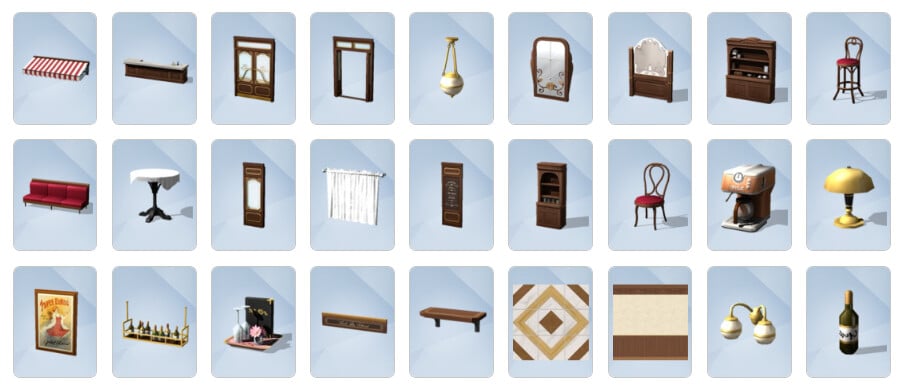
Here are all the catalogue images and descriptions for each item included in this kit.
Catalogue thumbnails
Buy mode items
Build mode items
Item swatches
Here are all of the swatch options for each item included in The Sims 4 Cozy Bistro Kit.
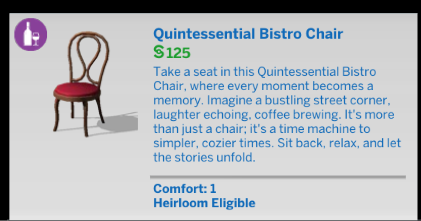
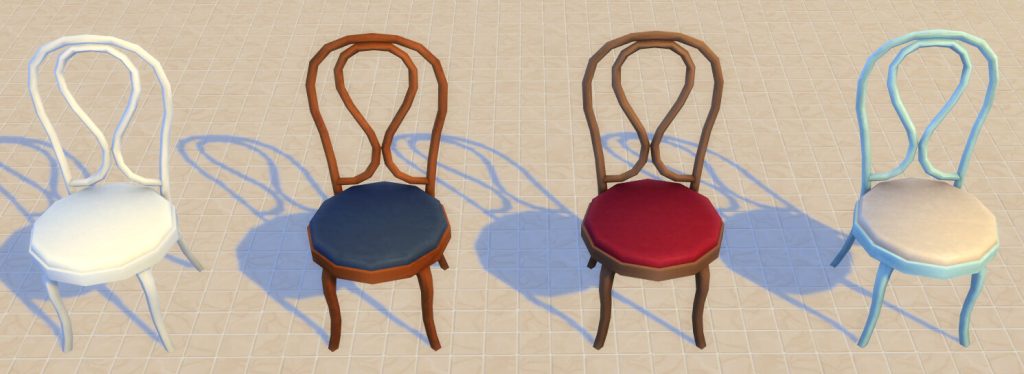
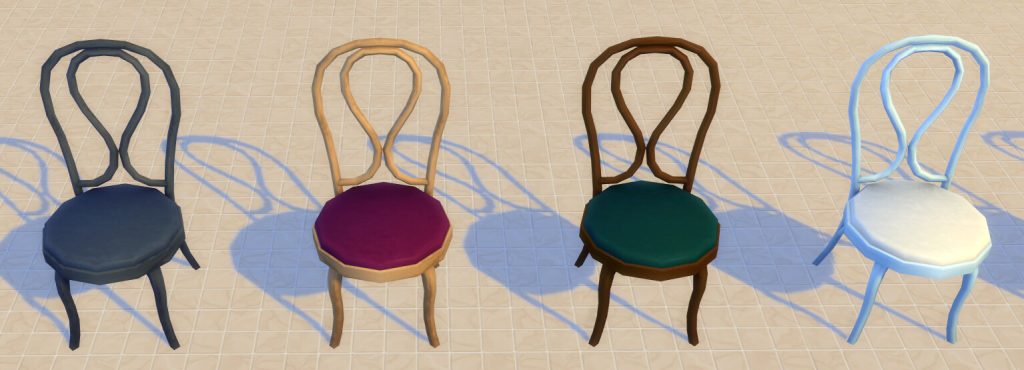
Quintessential Bistro Chair
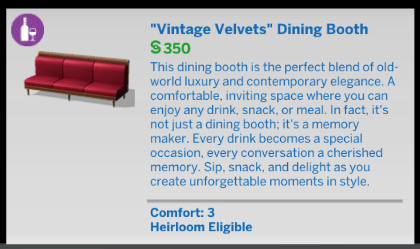
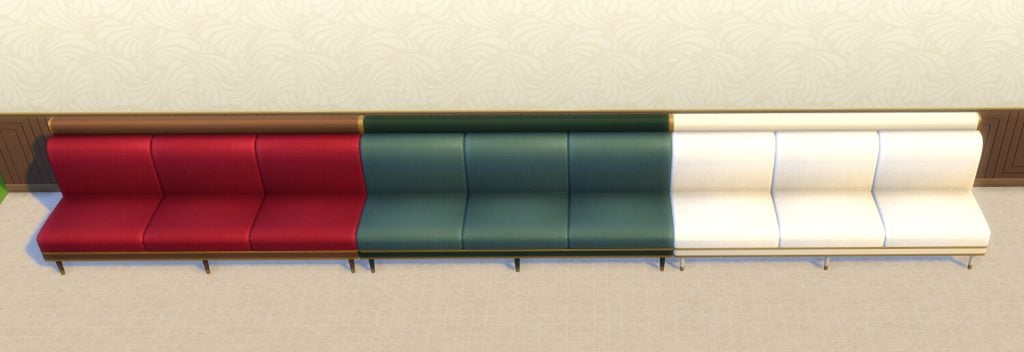
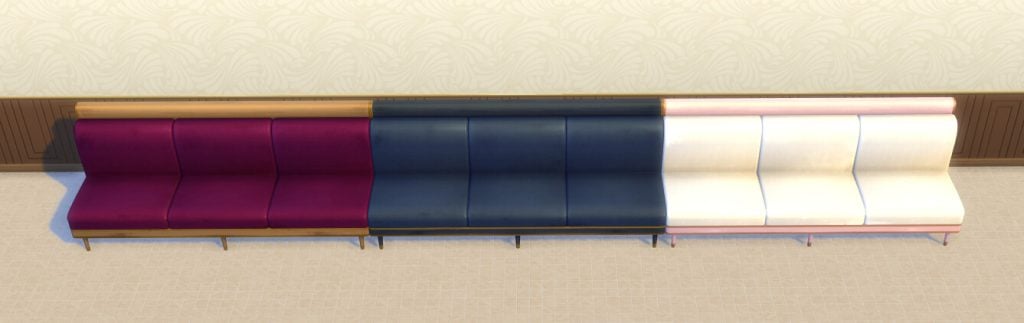
Vintage Velvets Dining Booth
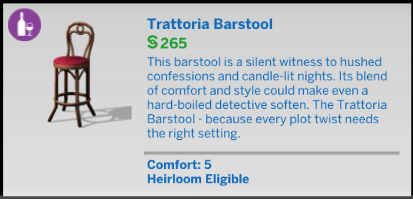
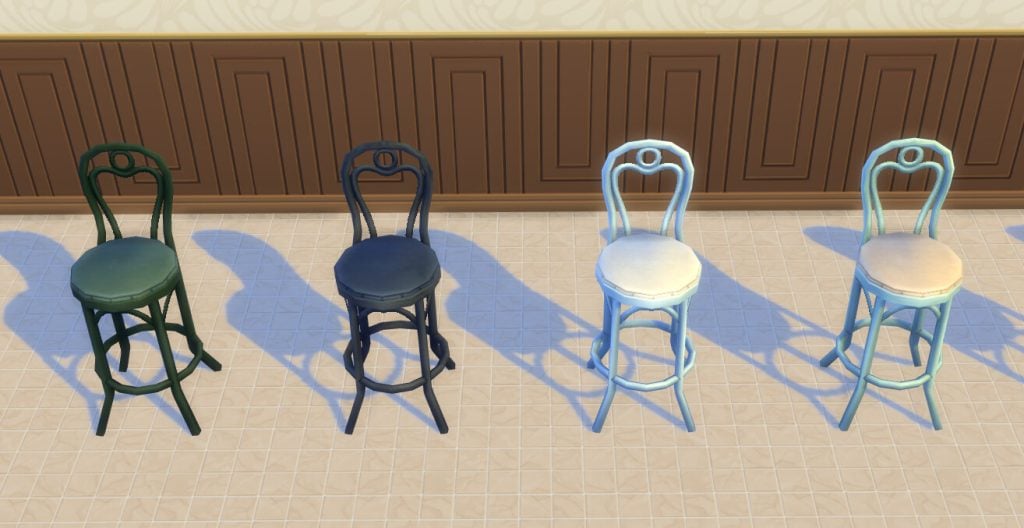
Trattoria Barstool
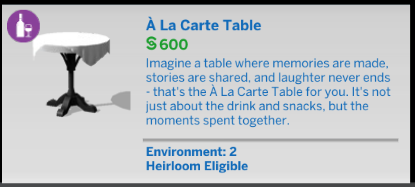
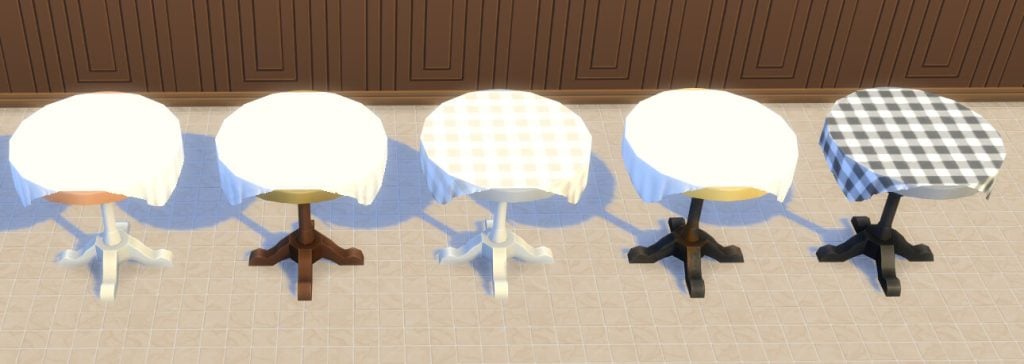
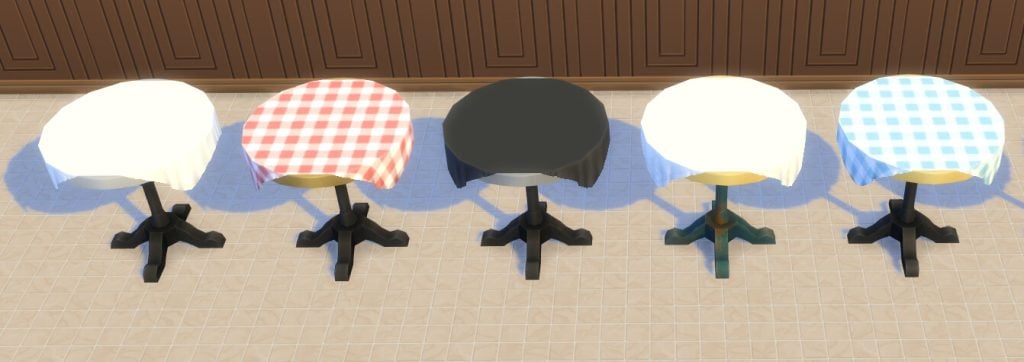
A La Carte Table
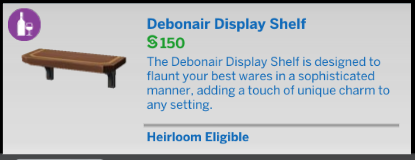
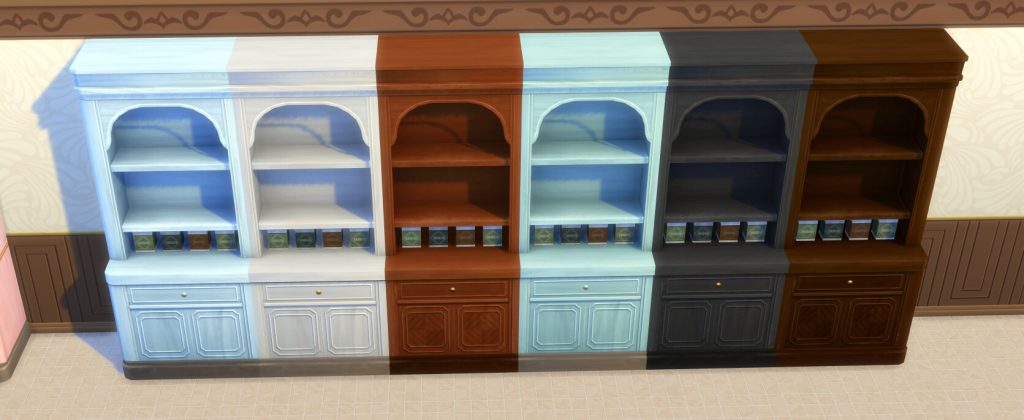
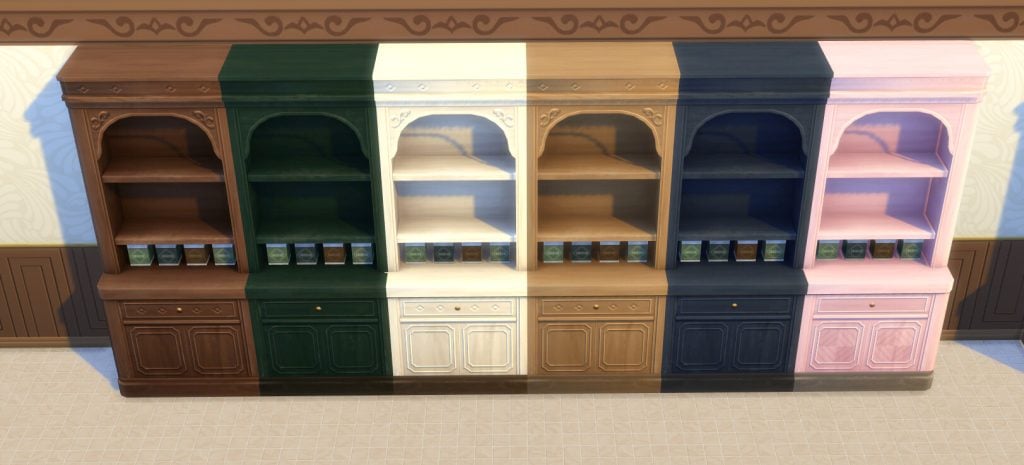
Debonair Display Shelf
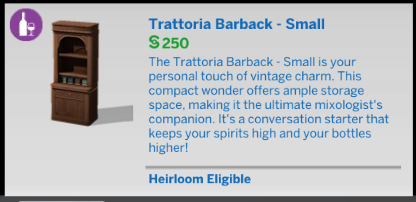
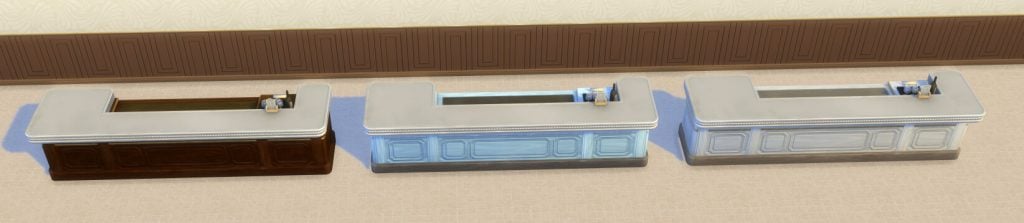
Trattoria Barback – Small
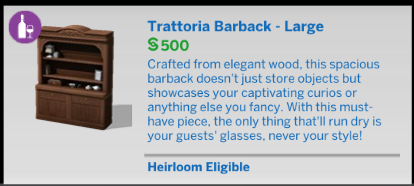
Trattoria Barback – Large
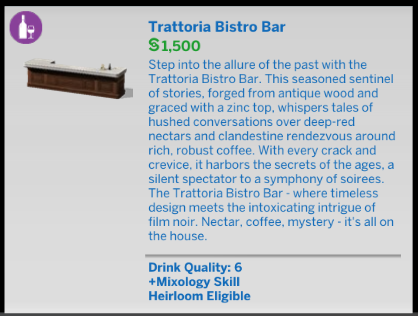
Trattoria Bistro Bar
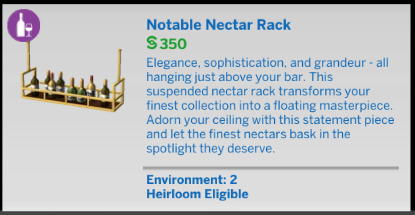
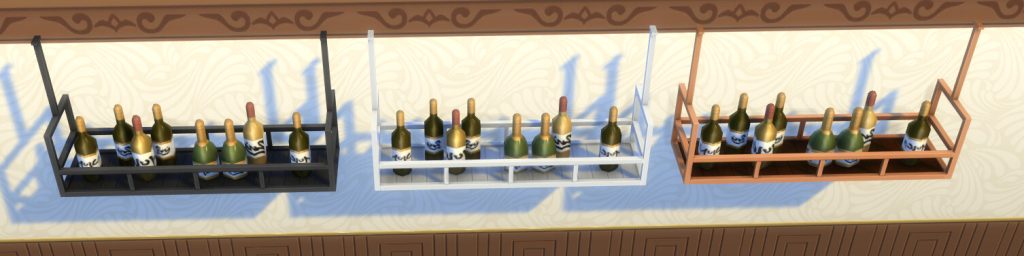
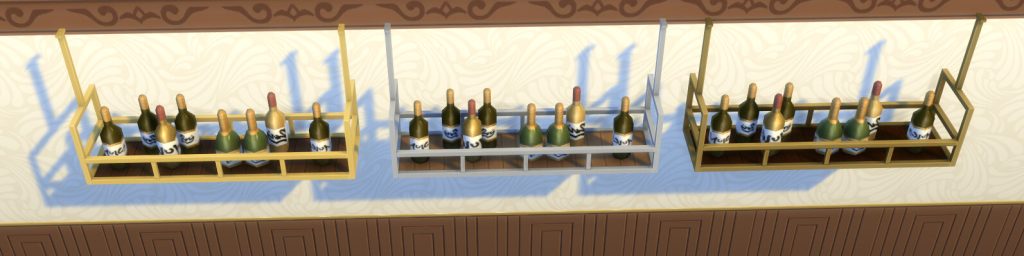
Notable Nectar Rack
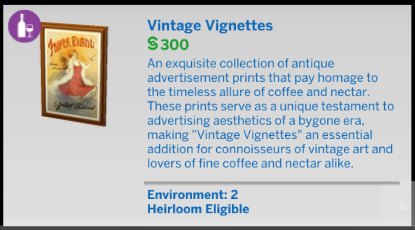
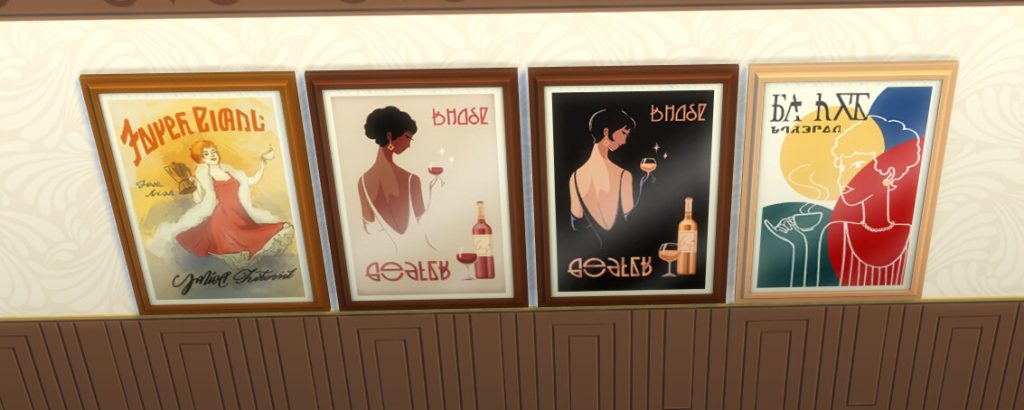
Vintage Vignettes
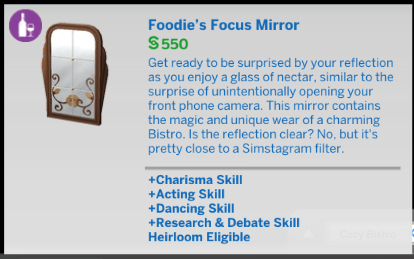
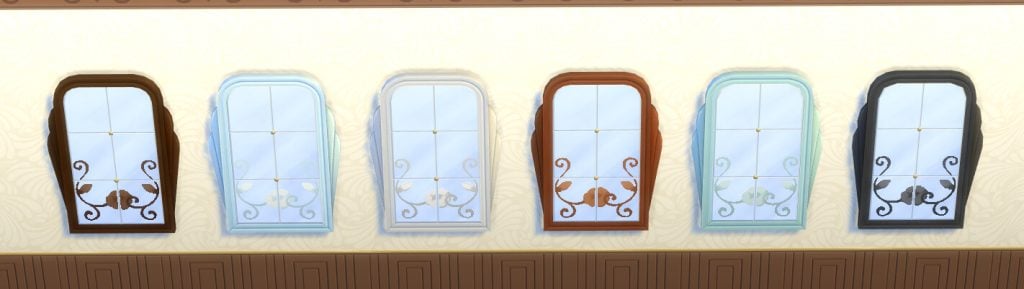
Foodie’s Focus Mirror
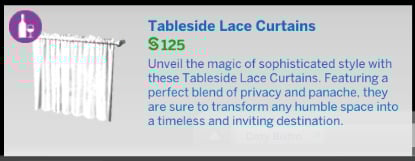
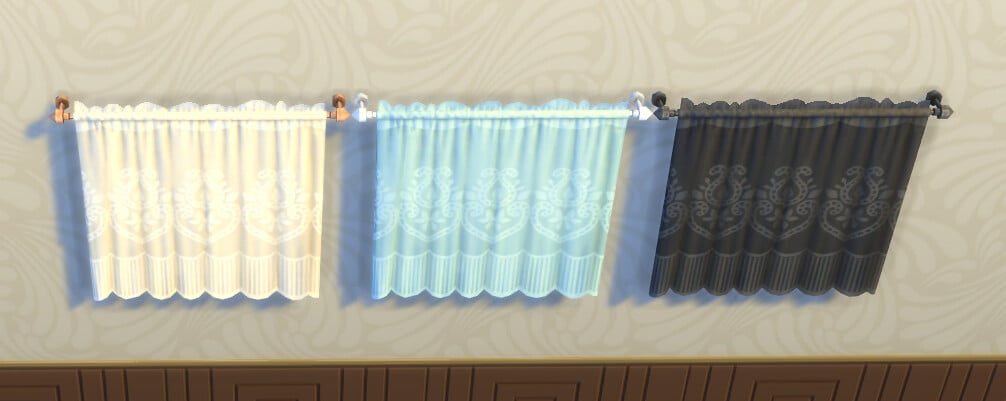
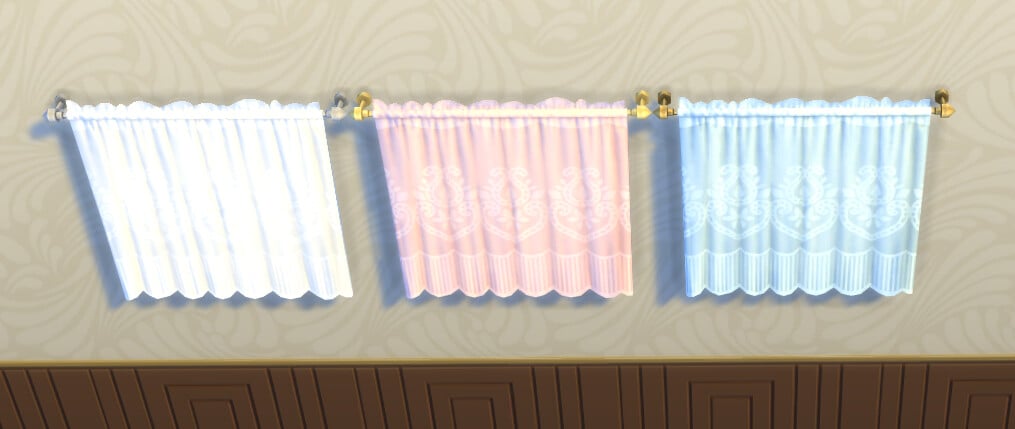
Tableside Lace Curtains
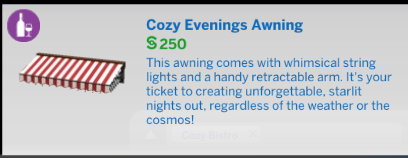
Cozy Evenings Awning
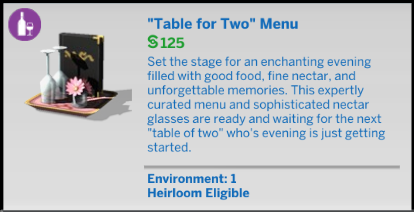
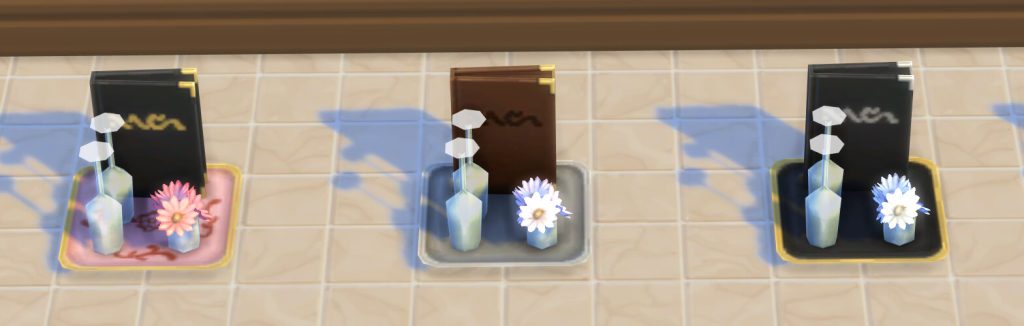
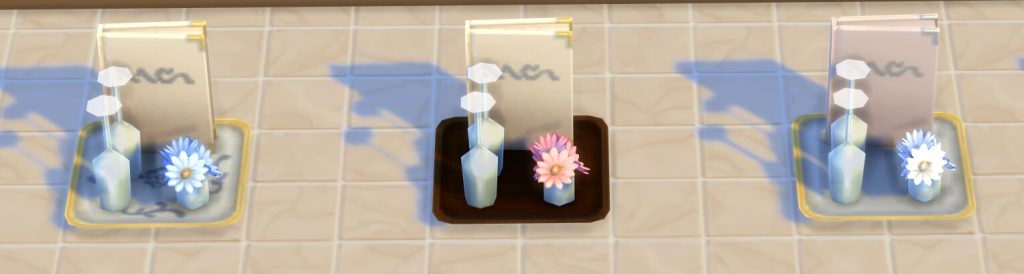
Table for Two Menu
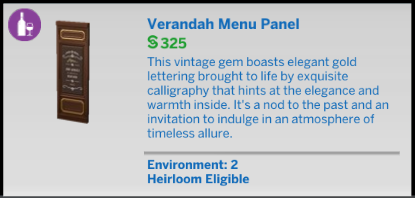
Verandah Menu Panel
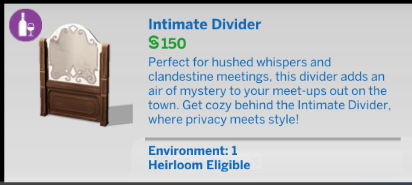
Intimate Divider
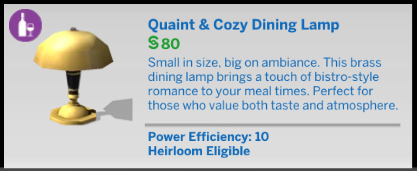
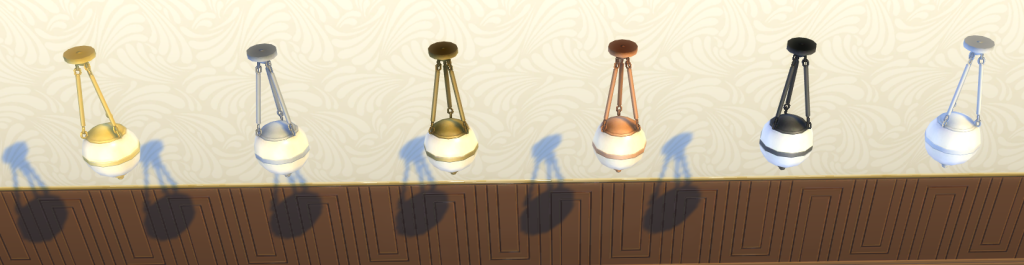
Quaint & Cozy Dining Lamp
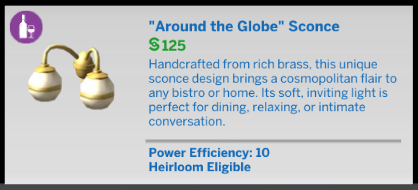
Around The Globe Sconce
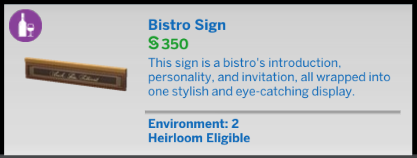
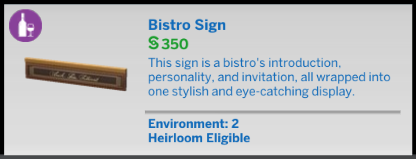
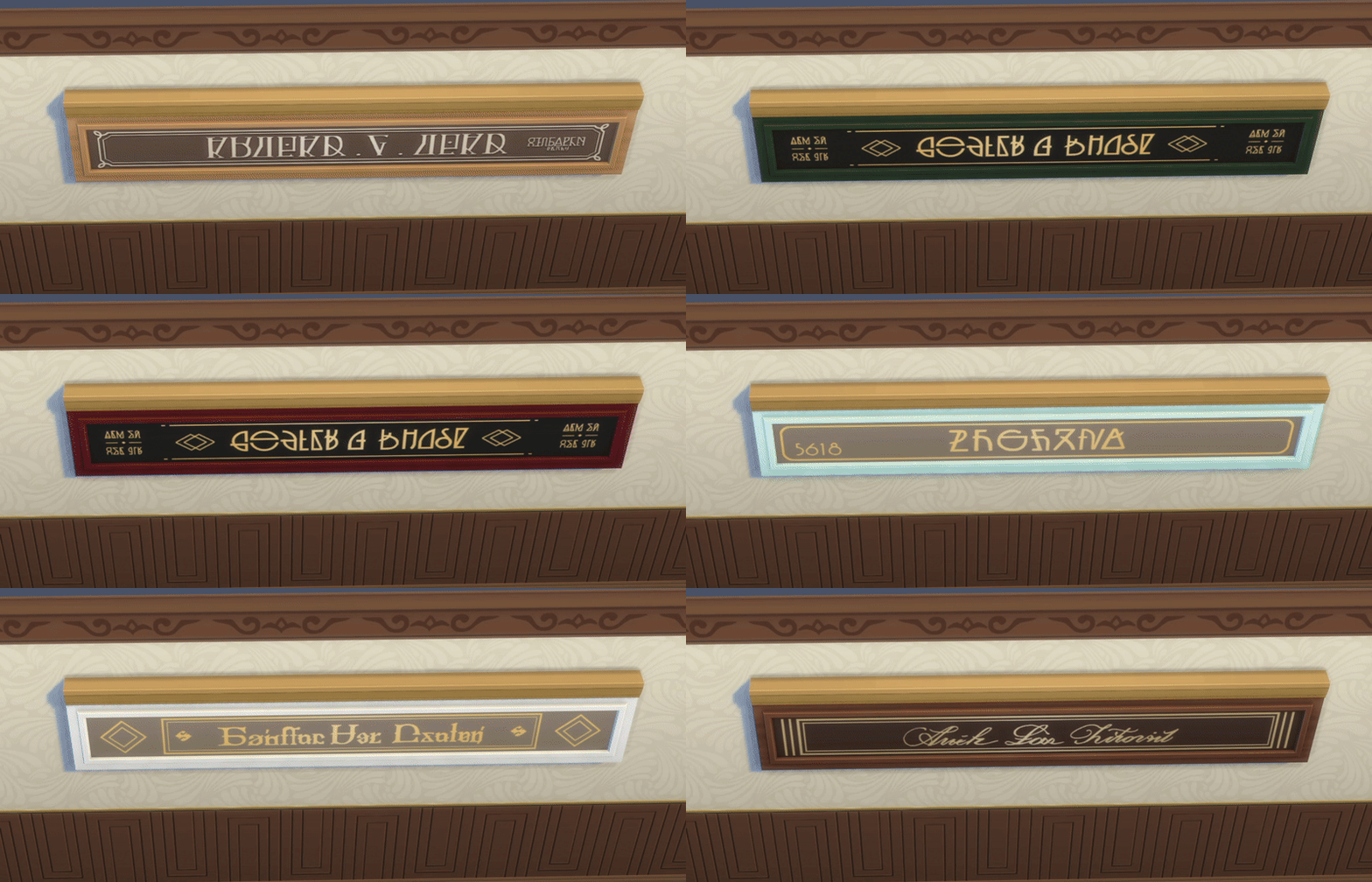
Bistro Sign
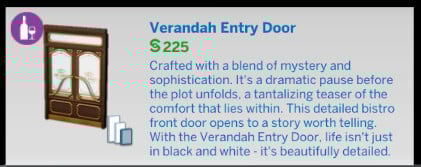
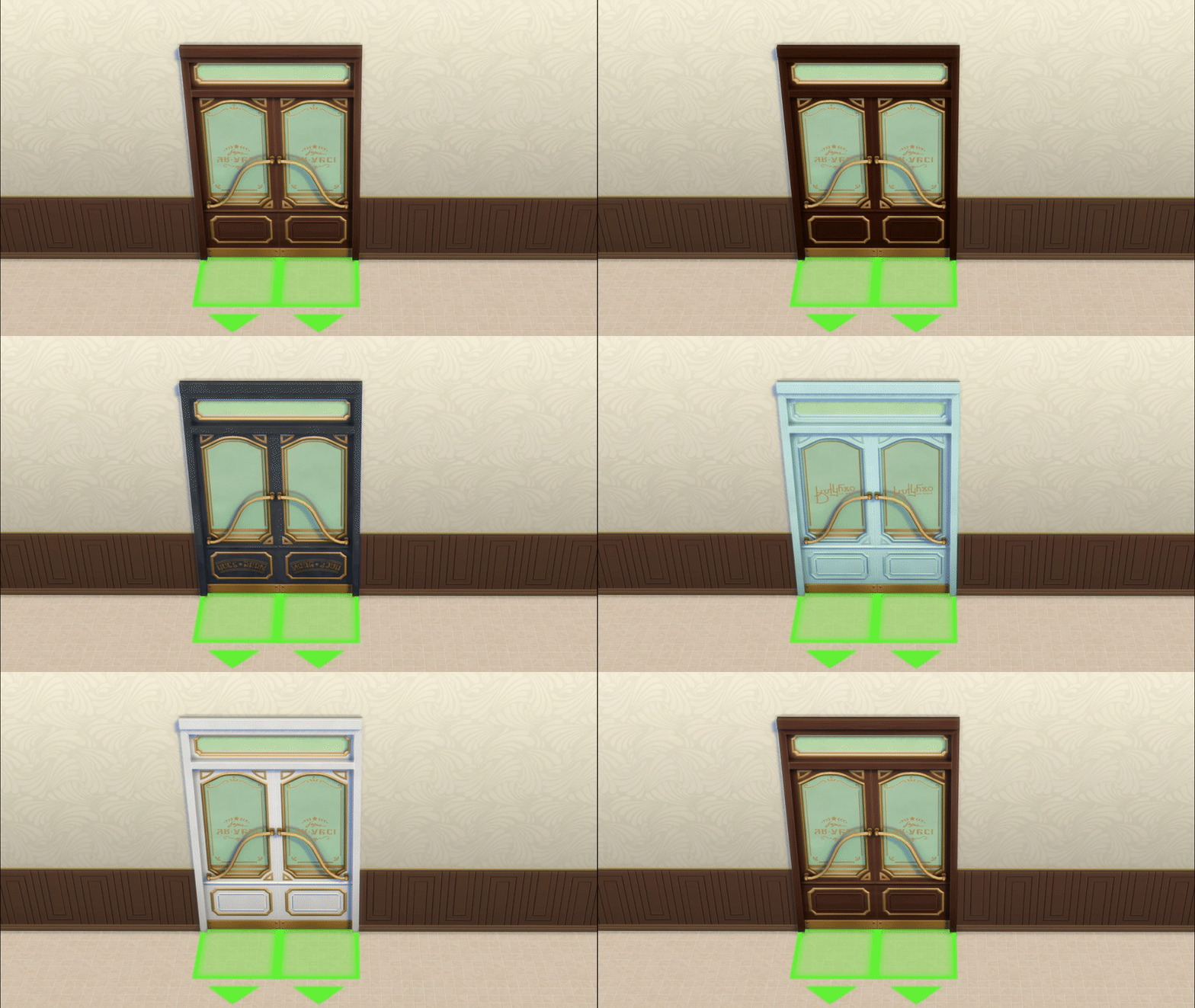
Verandah Entry Door
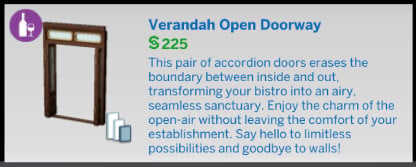
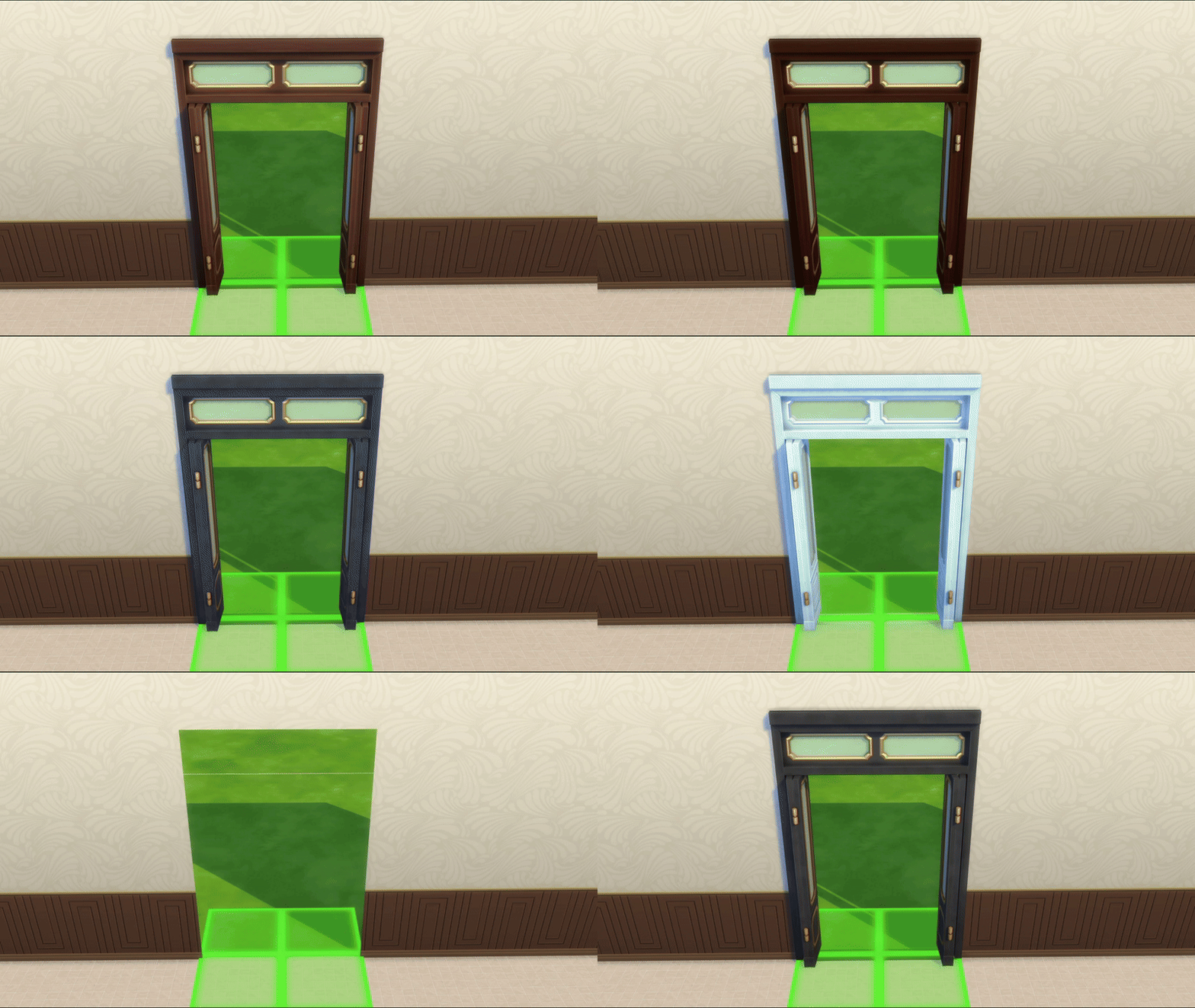
Verandah Open Doorway
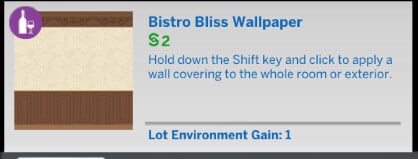
Bistro Bliss Wallpaper
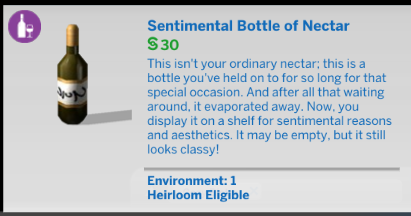
Sentimental Bottle of Nectar
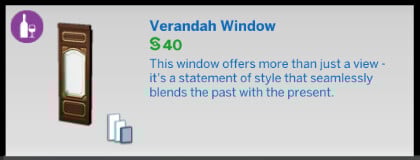
Verandah Window
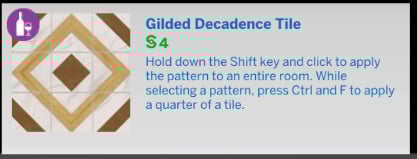
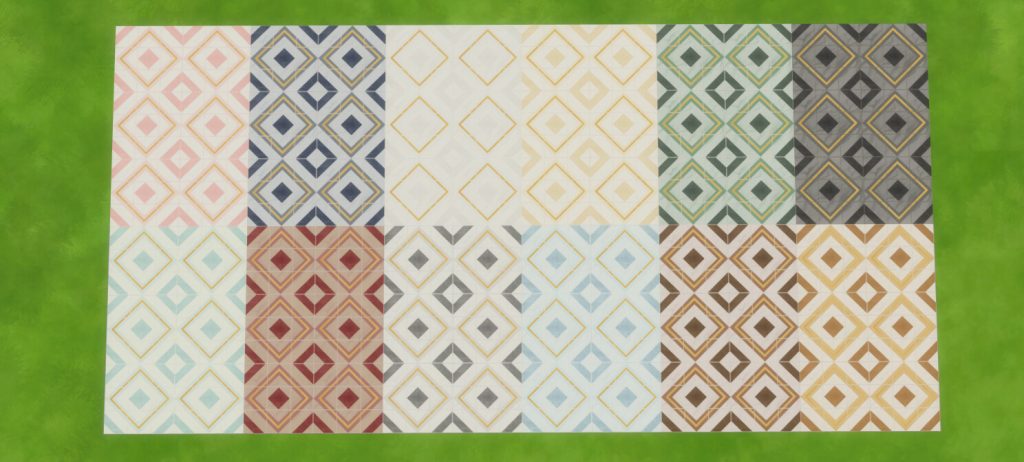
Gilded Decadence Tile
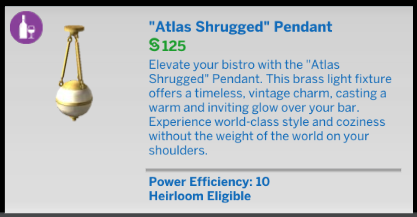
Atlas Shrugged Pendant
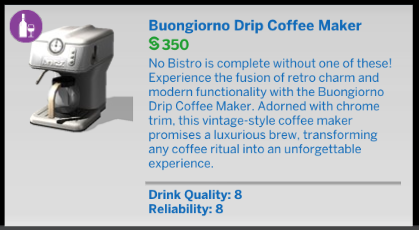
Buongiorno Drip Coffee Maker
New Gameplay
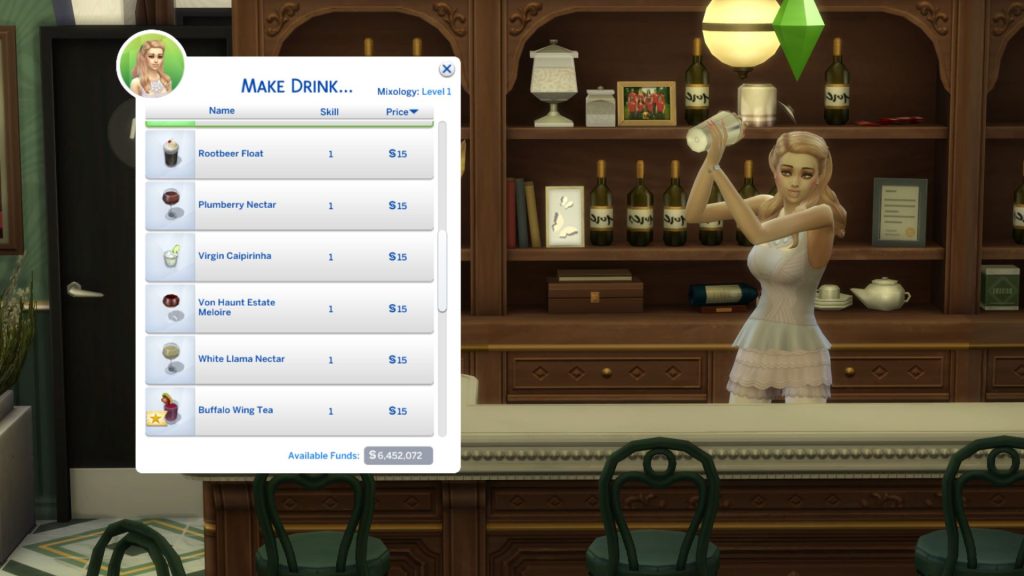
This kit comes with two new drinks – Plum Berry Nectar & White Llama Nectar, which your Sims can learn at Mixology Level 1.
Our Review of The Sims 4 Cozy Bistro Kit
One major highlight is the matching swatches and theme. Doors and windows come in a broad range of colours with matching swatches across items; there are multiple awning styles, matching signage, vintage art pieces, and thoughtful details like menu boards and display shelves.
However, the kit does not introduce a new lot type, there’s no dedicated “bistro” lot category, and unless you own Dine Out, Get To Work, or Businesses and Hobbies, you can’t have a live service gameplay where Sims work as staff or manage a bistro themselves. Many players on forums have pointed out this limitation: it’s purely aesthetic and build-focused, so while it creates great visuals, it doesn’t add much gameplay.
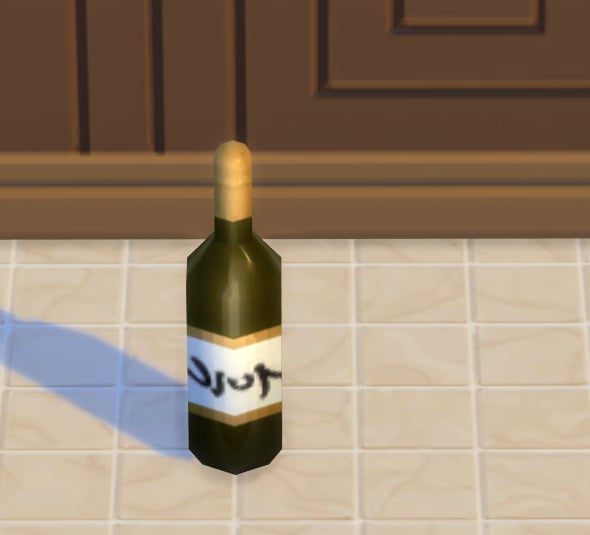
Also, the quality of the nectar bottle item leaves something to be desired.
Overall, the Sims 4 Cozy Bistro Kit is a stylish kit that gives builders plenty of decorative tools to craft charming cafés and intimate hangouts. But if you were expecting deep new gameplay systems like owning or managing a live bistro, you might be underwhelmed, as this kit focuses on aesthetics over mechanics.
Maxis tells all about collaborating with EA Creators in a new The Sims 4 Royalty & Legacy blog.
The Sims Team has released a brand new The Sims 4 Royalty & Legacy Blog, featuring a new story talking about collaborations with its players. And how Sims content creators within the EA Creator Network have helped develop some of the Lots, Stories and Features for this Sims 4 Expansion Pack. This also includes early work where public players got a say in The Sims 4 Expansion Pack theme, during one of the previous official Sims 4 Surveys when The Sims Team suggested “Modern Monarchies”.
How Players Shaped The Sims 4 Royalty & Legacy Expansion Pack
Player collaboration has always been at the heart of The Sims, and The Sims 4 Royalty & Legacy Expansion Pack is no exception. Our Player Experience team worked closely with players to test everything throughout development. From the very beginning, your ideas, reactions, and feedback helped shape how this pack came to life.
Today, we’re sharing a closer look at how players have helped guide, inform and support this regal expansion pack, playing a key role from early concepts to the final playtests.
How Players Informed the Theme
Research began a year ago, after two passionate marketing team members and long-time Simmers, Chelsea Nesbeth and Lexi McIntosh, pitched a modern royalty concept based on their listening and engagement with The Sims community. With support from Anna Huerta, The Sims Creative Director, the team incorporated the idea into their exploration of various expansion pack themes as part of a survey for players worldwide.
“We knew that if we did royalty, we wanted to explore it in a way we hadn’t before,” says The Sims 4 Brand Manager Lexi McIntosh.
When we introduced the Modern Royalty theme in the survey, we saw a strong positive response from players, helping to reinforce it as the theme we would pursue for the upcoming expansion pack. Players were drawn to Modern Royalty as a way to enhance legacy-driven storytelling, up the drama, and add power plays. That excitement also came with clear feedback. Players consistently emphasized the importance of depth, noting that Modern Royalty would feel most compelling when supported by dynamic systems and interactions that meaningfully expand how stories unfold.
Once it became clear that Modern Royalty resonated with players, our Lead Producer, alongside the Design and Art teams, began defining the pack through an early concept exploration study.
Early concept exploration studies help us gauge how players felt about the team’s early ideas. The Design team used player studies to support many decisions from helping to validate the feature list to informing the directions of the feature designs.
“This pack was created with the player in mind every step of the way,” says Azure Bowie, The Sims 4 Lead Producer.
One variation emerged as a clear favorite, focusing on the drama between having status and responsibility. It explored what it means to belong to a prestigious family, honoring or reshaping a legacy while navigating the weighty expectations of the crown and the household. The results showed that players were most drawn to the fantasy of legacy, status, and long-term family progression.
Designing Stories You Can Make Your Own
As we continued to develop the pack, we used storyboards and mock-up designs in Player Experience Studies to further support and validate key gameplay and feature priorities. Early on, some players expressed a desire for touches of fantasy. The team knew, from this feedback, to prioritize Powershifts, a system built around dramatic, storybook moments that influence a Sim’s ascent to Nobility or their downfall.
Adding nuance to how both your Sims and the world around them respond was important to capturing the complexity of royal life. To support this, the team designed the Dynasty and Nobility systems as separate but complementary experiences, allowing players the freedom to engage with them together or independently. Whether you rule your dynasty, your world, or both, it’s entirely up to you.
“We didn’t want to lock players into a single narrative. Our goal was always to provide Simmers with systems and mechanics that support a wide range of stories that felt right to them. We keep in mind that each player should engage with the simulation in the way they prefer.” says Xènia Peña, The Sims 4 Lead Game Designer.
Similarly, we wanted to make sure players had plenty of ways to create organically messy and dramatic moments. Enter the Scandals system. The game recognizes, reacts, and remembers these misdeeds like if your Sim is having an affair or a secret child. If discovered, these scandals can have undue consequences on your Sims’ social, personal, and professional lives.
Building Authentic Worlds & Neighborhoods Together
We saw an opportunity to embrace the vast concept of royalty and imagine a place where people from different backgrounds intersect and coexist, reflecting the diversity of our own community. West Africa was a foundational influence throughout this vision, and getting it right meant incorporating diverse voices and perspectives into the process.
Within a fictional narrative, we aimed to celebrate and pay tribute to the richness of West African aesthetics and its coexistence with Southern European influences, all while maintaining the utmost respect. For both cultures, our goal was to reflect how each has evolved in meaningful and positive ways through different periods, remaining culturally valid, influential, and alive up to the present day.
“Each stands on its own with distinct beauty, identity, and lore, while existing together harmoniously. The complex process of creating this pack, drawing from many different inputs and cultural influences, became a meaningful metaphor for the experience we wanted to deliver,” says Eva Garces, The Sims 4 Art Director.
To ensure the world of Ondarion and the neighborhood of Dambele, was built thoughtfully, the Design and Art teams worked closely alongside consultants from the Pan African Gaming Group (PAGG), as well as a group of Simmers, Nardvillain, SpringSims, Oshinsims, Ebonix, EmeraldStories, Creativelyanzy, whose combined perspectives reflect connections to West Africa and the broader Black diaspora in the United Kingdom and North America. We also partnered with these groups for last year’s free West African update. Both these players and PAGG were present through every phase of research, including regular check-ins and reviews with our Art Directors and Production.
Internally, Design and Art partnered with the Games for All team to facilitate and gather feedback from PAGG, weaving in cultural details across the pack’s decor, setting, and gameplay – such as the Anansi’s Trials Power Shift, to handmade patterns and motifs, hairstyles, how fufu is eaten, and much more. Games for All is a team dedicated to helping game teams create experiences where every player feels welcome, safe, and can see themselves reflected.
“The Design, Art and Production teams’ interest in understanding everything from symbology and tradition to emerging trends and regional differences made collaborating with consultants on this pack especially rewarding,“ says Otilia Joao, Senior Specialist, Games for All.
Refining the Experience Through Playtests
With all these features and blends of perspectives, it was time to put them to the test. Through playtesting, which players can sign up through The Sims Labs to get involved, feedback at this stage ensured gameplay was not only fun, but also readily accessible and easy to understand.
We made swift improvements, including clearer tutorialization and better progression cues within systems.
At its end was the birth of an ambitious pack rooted in legacy where players revel in chaos, calculated rule, good-hearted leadership, and everything in-between.
A Kingdom Built Together
We want to thank everyone who played a role in shaping this expansion pack. We’re deeply committed to our players and communities, and listening to your feedback and collaborating with players will continue to shape and refine future experiences. After all, that’s what makes The Sims special: it’s your story, we just provide the tools.
What are your thoughts on the collaborations done for the upcoming Sims 4 Royalty & Legacy Expansion Pack? Let us know in the comments down below and stay tuned for more Sims 4 Royalty News!
In a Reddit AMA, The Former Developer Reflects On Building Three Generations of The Sims and how the Franchise Evolved Behind Closed Doors
Former Creative Director of The Sims, Matt Brown, answered fan questions on r/Sims3 back in May 2025, delving into many unknown Sims 3 facts and The Sims 4 Development challenges. Matt joined Maxis in 2002 during the early development of The Sims 2, starting as a Technical Director before later serving as Creative Director on The Sims 3 and SimCity. He then went on to become Studio Creative Director for The Sims 4 and several of its expansion packs.
Let’s take a look at some of the questions fans put to him, and how he chose to answer them. His replies offer a clearer picture of The Sims 4’s early development, a handful of unexpected Sims 3 details, and even a few glimpses into how The Sims 2 grew behind the scenes.
Matt Brown – Former member of The Sims Team
Table of Contents
Reddit AMA With Former Developer Matt Brown
Scrapped Ideas & Packs
u/survivorfan1123: Were there any scrapped EP ideas? Also, were there any ideas you pushed for that never made it into the game?
Matt Brown: I can provide some context here actually.
Well, this probably isn’t a fun answer :), but I really can’t recall any particularly interesting expansion pack ideas that were thrown away entirely. One thing about designing the Sims at that level is that every pack needs to be broadly appealing, because we don’t release that many of them and they take a long time to create (SPs not withstanding, which can be more niche). I know people sometimes complain how many were released, but trust me, we thought carefully about each of them :). EPs in particular need to satisfy all of the core player types and play styles (story tellers, builders, CASers, dollhousers, etc.), and any EP idea has to have fertile ground in all of those areas.
What does happen pretty commonly though is that a pack idea is deemed too small or too big, and then it gets either expanded or combined with another concept, or if it’s too big, it might get chopped up into multiple, possibly smaller packs. Sometimes the approach changes from iteration to iteration.
In Sims 3 for example, vampires, werewolves and whatnot were combined as none was deep enough to support an entire EP, but in Sims 4, we felt vampires had enough in them once you wpul [sic] from the Buffys, Twilights, What We Do in Shadows etc. that they could support a GP. And the team itself is usually so in tune with what fits with the Sims that while there are wacky ideas during brainstorms, they get whittled down pretty early.
As for ideas that I pushed for that didn’t make it… Probably the biggest, and it’s not really a single feature, but it was really important to the core of the game was in Sims 3. Central to the “reinvention” of the game was this idea that you were moving up Maslow’s hierarchy (both the Sims and the players). Sims in earlier games spent much of their time worried about peeing and sleeping and starving. And the bulk of the design detail was at that level. But in modern life, that’s not what most people spend most of their time thinking about.
They’re thinking about how they’re going to maybe pay rent. They’re thinking about how they’re going to get fired and if they’re raising their kids right, and higher order goals like that. And I wanted to shift the entire experience to those higher level needs and desires and away from the emphasis on peeing and the sleeping and the eating. And I wanted the underlying systems and simulation to shift the detail to those elements and remove detail from the lower order needs.
We tried probably a dozen different ways of doing that, and it just became clear that we weren’t going to be able to maintain the semblance of a little being going through its daily routine while maintaining the flexibility and potential for emergent chaos without those motives. I’m proud of the progress we made though, and I think Sims 3 definitely takes the emphasis off of the peeing significantly, while leaving those motives to serve their purpose as part of the simulation. So from a player mindset, I think, I guess we did technically ship it, although mechanically I was never able to get rid of those motives entirely as I’d hoped.
Sims 4 Updates and “The Apology Tour”
SkysEevee: Thank you for introducing the toddlers back into Sims 4!
Matt Brown: Absolutely! I can’t take credit for the fact of them being added and making them free, and all of that. Maxis was already well into what I jokingly referred to as their “Apology Tour” when I rejoined the studio, adding back in features that were absent from Sims 4 but which were expected from previous iterations (ghosts, pools, etc.). And toddlers was always going to happen at some point. They were clearly extra missing.
I personally like toddlers in the Sims as a designer because they do something that I have a silly name for. I refer to a specific aspect of design, as “perturbing the strategic landscape”… which is intentionally pretentious because it makes me giggle.
What I mean by that in the case of The Sims, is that you have a lot, a house, a family, careers. You’ve got things working. You have a sleep schedule. Your Sims don’t pee themselves. Somebody can cook. You’ve got decent objects and whatnot. It’s all humming. And you feel like you’ve got this, just like in real life sometimes.
And then you have a baby. And then they grow up and become a toddler. And they fundamentally screw up everything that was working perfectly, and you love them deeply, but now you have to re-solve all those problems in new and creative ways.
They perturb the strategic landscape.
And as a parent, that felt extremely core to what makes a toddler a toddler. You felt that in the Broke house in Sims 2 for sure, probably too strongly. That house was almost unplayable :). And I wanted to get that back double in Sims 4. I also wanted to add more depth, so that you actually felt like you were raising the toddler, and that to sort of drive that anxiety of being a parent, where you don’t know what to do, and you’re sure that everything you’re doing is screwing them up, and sometimes it is, and sometimes it’s actually making them something incredible, but you just couldn’t see it.
The team really squeezed a lot more than was supposed to be in there into that. We argued for more time. We went way over budget and apologized. I apologized a lot. It was a huge effort across every discipline, and the team was very very passionate about it. There were a ton of people involved (on the design side that was Lakshmi, who was pregnant at the time and presumably not made less anxious by her design 🙂 and later Dan Klein… I think that’s the first time I’ve realized that the designer for toddlers had a baby while designing them… that’s funny).
Item Description Inspiration
u/move_along_home: How do you come up with the item descriptions in build/buy?
Matt Brown: The item descriptions, I think, are something that it’s easy to take for granted, and definitely lots of people never even read them. But generally the way it worked was someone on the team, usually a producer, who had a particularly appropriate sense of humor, who “got it” and was a decent writer, would take it on. And then they would work their way through them bit by bit as the game was developed. We’ve had a professional dedicated writer from time to time as well.
At various times, we tried to codify the style to keep things consistent, but for the most part, that consistency came from the fact that the people writing the the descriptions were/are really big fans of The Sims and were very familiar with the tone of the games that came before them. So they sort of organically played it forward.
I think that scrappy human-ness and that lack of any heavy structure is part of what gives it that weird charm.
The Sims 3 Scrapped ‘Internal Memory’ Feature
u/jannaromantic: This is really cool! I’m curious to know if there are any in-game features (in any iterations, but esp Sims 3) that you feel like not many people know about? Or any features that didn’t get the traction you expected?
Also, are there any interesting in-game features that didn’t make it into the final version(s) that people may not know about? If so, why didn’t they make it in?
Matt Brown: Absolutely! I love talking about The Sims and gaming history and development in general.
And that’s a really good question. I’m sure I’m missing something (I’ll post back here after I poll some of the other designers). I think at this point, the game has been around long enough, and the community is so passionate about digging in and finding everything that I really don’t think there’s anything super secret hiding in there.
At this point, I can say that the best chance of there being something that no one’s ever seen is probably in The Sims 3, just because we made it so easy to add random little features or little one-offs, Non-art content (e.g. books) were so incredibly cheap to make that it didn’t really matter if no one ever saw it. You could still justify slipping it in. But looking through the wikis, I can’t think of anything that people haven’t found.
The meaning behind some of the random text and objects might not be known, or the origins of common terms like “rabbit holes”, “moodlets”, etc. But those aren’t really easter eggs per se.
One huge planned Sim 3 “feature” that many of us felt very passionately about was full player scripting of new content in C# (a well-known flexible programming language). I was and still am a C# fanboy, and I felt that moving away from the rickety visual scripting language in Sims 1 and 2 (called Edith) to a “real programming language” that was still accessible to hobbyists would significantly open up what we could do with the game as well as allow us to give players the same capabilities and just generally unleash the crazy :).
The goal was to basically provide a “Sims SDK” with a robust and documented API that anyone could use to create pretty much every type of content in the game. Objects, interactions, careers, rabbit holes, new motives… anything.
In the end though, The Sims really was the first game/entertainment oriented product to actually try to use C# in that way (Unity, which uses C# extensively, didn’t even exist yet). And while we managed to build the game on that foundation, and the flexibility of it definitely enabled the crazy breadth and depth of The Sims 3, enabling it for players ran into too many additional hurdles (legal, security and safety, performance, etc.) and had to be cut. Bruce Wilkie (also the guy that did genetics in Sims 2 amongst many other things) was driving everything C# related and made amazing progress, but we just couldn’t address all of the complications.
Reasons For Bella Goth’s Disappearance
u/OcarinaGamer4: The Sims 2 Bella Goth plot line, what was the inspiration for her to go missing? Fan circles have speculated for years that it was because she was accidentally deleted during the games creation but that always sounded far fetched to me.
Also, what sims 3 and 2 towns would you choose to live in? I love Sunset Valley and Bridgeport!
Matt Brown: Wow. You guys are really into Bella :). I confess I don’t actually recall what the actual reason for that was, or if there was a deeper reason than just it sounding interesting. (if someone’s here from the dev team that remembers better, please chime in :))
Really the only constraints we put on those stories were that, we wanted them to be true to the players who knew these characters and their histories from previous games/packs, and we had usually had some design requirements. We often wanted to show off the diversity of new game mechanics, whether it’s genders or personality traits, aging, whatever… anything, that would showcase as much of the game as possible across these different families. But beyond that, I don’t know. It definitely was not that she was deleted. We have backups of backups of everything. And you know, recreating a character like that, is not particularly difficult. It’s a fun theory though :).
As for which towns/neighborhoods I would live in… I know they’re not the objectively “best”, but honestly, I’d live in Pleasantview and Sunset Valley. I just spent so much time with those OG towns during development that they’re special to me. And they’re cozy for all of the little quirks and things that I can see that could have been better and that were often improved upon significantly in subsequent towns/neighborhoods/worlds. But I love ’em 🙂
The Challenging Side To Development
Deleted User: What gameplay ideas sounded good on paper but were horrible to implement? Did any of them make the cut?
Matt Brown: Well, I don’t think this is maybe quite what you mean, but in Sims 2, where we introduced genetics, or playdough genetics at any rate, where your children would inherit physical traits of the parents, that was a feature that I really, really wanted. I prototyped it myself in a little app with actual art (thank you Charles London :)). You could mix and match facial parts, edit a mom face and a dad face, and then keep making kids to see that they look like the parents and that they didn’t fall apart or break down (at least not in the prototype :)). I even made each change or baby generation needlessly squashy stretchy bouncy so that it would feel playful for no reason. Whenever you generated a new head, it went BOING.
That took me maybe three days, maybe a long weekend, and I showed it off, and the team loved it. But actually translating that into something that worked within the incredibly complicated environment of The Sims, and so that the Sims could do everything that Sims need to do, all of the things necessary for a sim to be a real sim while looking like their parents in the actual game was significantly harder.
And the outstanding engineer implementing that, Bruce Wilkie, then had to spend almost a year just getting back to what I had hacked together all smoke and mirrors and shown off in a little prototype. I’m still apologizing to him for that, but the end result, I think, was pretty awesome. There are little issues with it, but I think just that it exists, is amazing.
Another feature that I can think of along those lines would be, anytime we try to script or overly direct Sims behavior. It always seems like something that it should be easy to do, or that’s necessary, but then just the nature of everything else in The Sims is so emergent and organic. It’s just so against the grain of what The Sims is that just never works. You see this in, I think a lot of Sims 4 expansion packs (although it’s not unique to them), where there’s extensive “scripted” behavior (e.g. restaurants). The scripting fights against the existing emergent systems. And it also loses a lot of the opportunity for emergence that is inherent in the underlying simulation. Just loosely bounding them a little bit, but not not actually prescribing what they do, ends up being far more interesting.
So those are more a class of features that somehow always make it in. They’re much harder to implement than people imagine, and then they largely don’t work very well.
The History Of Sim Deaths
u/amburgundy: Was it your idea for meteors to hit schools and take out an entire town’s child/teen population in ts3? not cool, man.
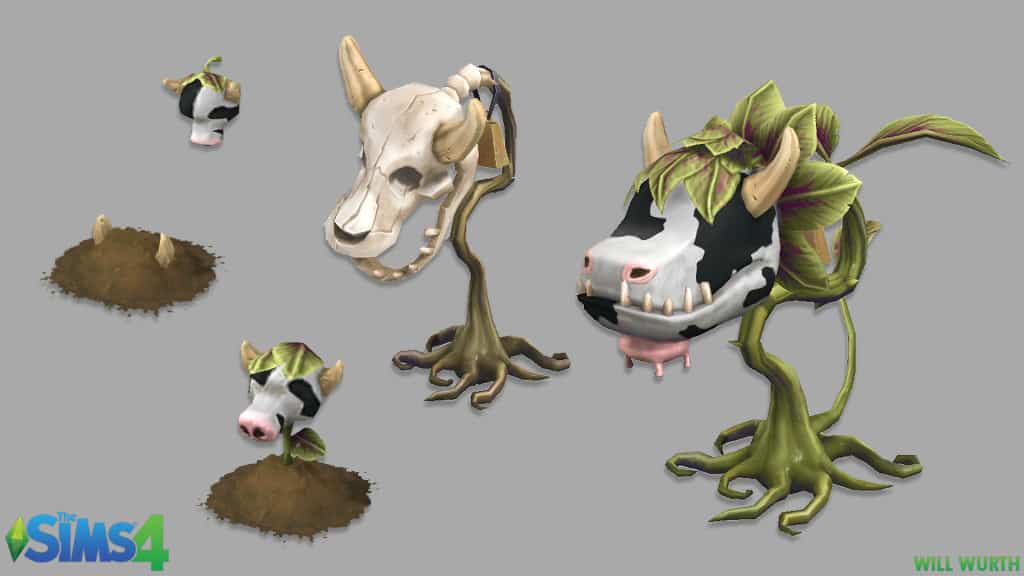
Also, would love to hear more about the development & design processes of the cowplant & of plantsims- what did early drafts look like? What was changed from the original ideas?
Matt Brown: The meteors aren’t specifically my fault, no :). But Sim deaths have an interesting history. When designing Sims 2, we recognized that some Sims 1 players really enjoyed torturing or killing their Sims in funny, creative ways. We really wanted to acknowledge and “yes and” that.
So in subsequent iterations, we tried to come up with more fun ways for Sims to die beyond removing the pool ladder. And initially, the intent was entirely, sort of fan service, or to give players more of what they were enjoying and but not to take away any agency from the player. Over time though, some of that intent has been lost, and various ways to die have been either more catastrophic or game ending than fun emergent storytelling. They’ve too often become not driven by the player or at a minimum, the player’s risk taking.
Unfortunately I wasn’t involved with the cow plant, but I did always have a design mantra of 80% stuff you see every day, 15% stuff you have maybe never personally seen but you’re sure it happens, and 5% ridiculous/farcical/magical or just weird. The cow plant was clearly in the 5% 🙂
Planning For The Future
u/Sad_Click5373: If this isn’t too personal, what’s the reason for your departure from EA/Maxis?
Edit: Another question I have is, were the number of Stuff Packs & Expansion Packs to be released for The Sims 3 predetermined during its development?
If not, why did the series end with Into the Future specifically? I’m aware ITF coincided with TS4 release but TS4 was criticized for being an unfinished game (I.e., no toddlers and no pools in the base game).
Surely EA could’ve taken time to release more packs for TS3 while simultaneously giving devs extra time to polish TS4?
Matt Brown: I’ve actually left EA/Maxis twice :). Once in 2008 and once in 2018.
Near the end of Sims 3, I began focusing on spinning up Sims 4, largely focusing on identifying the key areas we’d need to dig into first if we wanted to make the Sims an MMO. At the time, I’d made two Sims games end to end, and having witnessed the alpha/beta/live of Sims Online and seen all of the issues, I really wasn’t at all on board with the idea of making another “Sims MMO”. I also had the opportunity to go to Blizzard to co-lead the design at the very beginning of a new MMO (ironically enough) that would let me bring my quirky Simsy-ness to a whole new genre. If I was going to learn how MMOs are developed, I figured I should do it where my favorite MMO was made :). That was Titan fwiw. I plan to talk about some of those prototypes on my site and do some deep dive videos in the next little while. It’ll be clear why it was relevant 🙂
In 2018, the stream of EPs, GPs, and SPs had become a little rote, and I’d spent the last 6-9 months helping spin up a reinvention of SimCity (lead by Eric HW) that had morphed into something more creative and sandboxy and Maxis silly magical to the point that we stopped calling it SimCity. We’d gotten to a place where the studio was seeing something special there, and I wanted to find another way to “pay it forward” I guess. Roblox (what I left for) ended up being the perfect opportunity to work with young creators and to build systems and tools to help them discover game development and content creation and become game developers themselves.
EDIT: Not really, no. We always know we’ll end up making additional content, for no other reason than we had so many fun ideas during base game development that just wouldn’t fit. But I’m not aware that we ever plan packs ahead of time. There are a few “gimmees” like pets that we know we’ll end up doing at some point, but nothing beyond that.
I wasn’t there for the transition from Sims 3 to 4, but from what I understand, there was some regret later that there wasn’t more overlap. I think there’s always a “but if we don’t stop making the old one, they won’t buy the new one” with executives, but I’ve never seen that play out on any franchise I’ve been a part of. New iterations are mostly additive. If you loved the previous game, you’re not going to ignore the cool new version of it. And just because you buy the new one, you’re not going to throw away the game you’re already so invested in.
The Removal Of Open Worlds
u/CadyMoring: What was the reasoning behind removing the open world? It was such a step backwards. Sims3 is the best and I’ve played less than 5 hours of Sims 4, just not the same vibe.
Matt Brown: While I was only involved in the first couple of months of planning for Sims 4, my understanding of why the open world was removed was due to the mid-project shift in development goals. Sims 4 was initially designed to be a multiplayer MMO-like experience (although I’m not sure how big the world was or how heavily it relied on streaming… maybe one of the designers who bridged Sim 3 and 4 will see this and chime in :)). As such, it had very different technical requirements and a whole host of its own complexities and hard problems.
My understanding was that once they decided to go back to a single player experience, the shortest path to shipping was to simplify things back to what had worked in Sims 2 (more or less). There just wasn’t time to rearchitect everything.
(apologies to anyone who was directly involved for any misrepresentation, but I think that’s pretty much the gist)
What Would You Go Back And Change If You Could?
u/Ezuu: What was your favorite thing to work on for the sims 3? Also now looking back at the game after all these years, what are some thing you would do differently or change if you could?
Matt Brown: It’s maybe not the sexiest element of Sims 3, but I would have to say my favorite was probably the personality traits. They were loosely inspired by the advantages and disadvantages system in a tabletop RPG system called GURPS.
The specific implementation in Sims 3, I felt, was very elegant. It was incredibly flexible and easy to add traits that could affect pretty much anything. I think they really, really helped give a lot of character to Sims and a lot of storytelling opportunities. I really, really wish that we’d been able to open up the scripting though so that the community could have created their own personality traits. That would have been magical and justifiably insane. I also really enjoyed the design process for those and how different people came up with different traits and how they could be manifest in the in the game. Everyone bounced off of each other creatively. A gameplay engineer might be implementing some random object, look at the list of traits and often could trivially add a little tweak or modulation to their system/object based on a Sim having that trait. It all just kept building on itself.
I also have a soft spot for story progression, but I know that’s contentious :). The concept and design and the prototype (a Ray Mazza gem) were just this “Oh wow. This can work! And we can do all sorts of cool shit with it!”. The reality of implementation in a shipping game unfortunately couldn’t quite live up to that prototype hackery (see Sims 2 genetics above), but I still have a soft spot for it. I have a deeper dive on youtube if you’re curious about how it was original intended to work.
I also loved the customization. I’d wanted that for Sims 2, but we just weren’t ready. That it worked as well as it did is still amazing to me. I still can’t believe that that many very talented and patient engineers and artists actually put up with me for so long getting that all to work. It was pretty herculean on their part.
That customization is also one of the things I would have done differently. I’ve also been a proponent of creativity tools that almost “trick” you into feeling more creative than you actually are :). But the Sims 3 customization was so exhaustive that it wasn’t easy to work with. You could do anything in the world, but you had to be an interior designer to make anything look even remotely passable. I still can’t make a pretty sofa, but I really enjoy making my ugly ones :).
I would have loved to have focused more attention on the player experience and invested more in making it more accessible to everyone.
How Is The Game Prototyped?
u/Bus_Stop_Graffiti: When starting the development of The Sims 3, what was the very first system/function of the game that was focused on and made it to the first prototypes and how did this shape the rest of the development?
Matt Brown: That’s an easy one… the open world, and how we could get 100 Sims (I think 160 was our original target) in the world, existing, doing anything, and then simulating in the world simultaneously without the whole thing just falling over. That included the LOD system so that you could have those hundred Sims on screen at the same time if necessary. Probably a close second and third were the material customization and the usage of C# as the scripting language. Those were also core to the vision for the foundation that we wanted to build this new experience on.
Those were largely tech prototypes, but almost all of our designs had to start with “how will it work in a big seamless world with hundreds of sims”. Transportation (“How can you travel across the map? We need cars? Do I need a garage? What if I walk bit by bit across town? Do I have to walk back because I left my car at home?”)… How can I keep from losing my Sims?… Do I need to account for my commute time when leaving for work?.. those sorts of things.
The crazy customization didn’t affect design all that much, but it fundamentally complicated a lot of engineering work that now had to account for its unique performance characteristics. And it most definitely complicated asset creation. Sims 3 artists (including my wife who was the lead for object art :)) had to look at everything very very differently than in previous games. Rather than mapping a painted texture to shirt with a painted on pocket and sleeves, they now had to think carefully about how that shirt would be cut and sown. They were effectively creating a sowing pattern that would then be overlaid on a player-chosen print (like a pattern over fabric) and then remapped onto the shirt geometry. It’s a very alien way for artists to work and difficult to get your head around. If you didn’t do that, things like pockets or sleeves wouldn’t look like real clothing, cushions on sofas wouldn’t look at all like real cushions, etc. When it clicked though, it let us do incredible things that looked great and gave players that ridiculous creative freedom.
And lastly, the usage of C# heavily affected development in that it allowed us to do certain things much much more cheaply (creatively, not necessarily performance) than in Sims 1 and 2 and it gave our designers and “object engineers” (the team members creating objects, socials, etc.) the flexibility to prototype, often to a near shippable quality, almost anything really quickly.
That also allowed for way more of what I call “long tail” designs. A long tail design is a design that very few players may ever see or care about, but which the players that do experience it will appreciate. They can make a game feel much larger than it is because you have the feeling that even years later, you might discover something new. Every corner could be hiding something magical or just plain silly… often more magical and silly because you can’t believe it’s actually there at all.
Those designs are normally the first to get cut because the cost/benefit just isn’t there or is difficult to measure. But the ease with which the new foundation allowed for certain content to be created meant that a ton of those long tail features and quirky fun edge cases could be slipped in almost for free. That in turn was what allowed them to exist at all.
The Sims 3 Engine & Worlds
u/HouseUnstoppable: From what I can see, the Sims 3 runs on a heavily upgraded Sims 2 engine right? Was it difficult taking that and making it go from the single lots to an open world?
Was is ever intended for the game to launch with more than one world, before Sunset Valley? Or was Sunset Valley always meant to be the big one?
Matt Brown: I can see why people might think that, given that some key aspects of the game, like interactions on objects, object placement, rendering houses, build mode fundamentals, etc. could have been done in Sims 2, at least on the surface. But Sims 3 was an entirely new engine, from the ground up. Very ground up to the point that, we started with a green square and 100 instances of the same sim standing there in that field as a test. Everything from the core of the rendering to the language everything is scripted in to customization and the entire simulation are brand new. The requirements were just too different between Sims 3 and Sims 2.
Sims 2 was built on much of the core of Sims 1 however. The rendering, animation, build mode and whatnot were all new as they were much more sophisticated and properly 3D. But the simulation, scripting system, etc. were evolutions of the original game. Sims 4 is also an entirely different engine than any of the others… again, due to wildly different requirements, at least at the start of development.
I confess I couldn’t initially recall if we ever planned multiple worlds at launch. If we did plan that, we scaled it back so very very really really early that I blocked it out entirely :). In fact, according to a friend who was directing the engineering, World Adventures was extra difficult due to assumptions in the code that there would only be a single world. Properly supporting multiple worlds was part of what made that first pack particularly difficult.
Scrapped Sims 3 Ambience Feature
u/LizaKhajiit: Hi Matt! Mike Sellers, who was a lead designer on The Sims 2 early in development, once talked about a feature that didn’t make it into the final game: an adaptive environment system that would change the lighting, music, and camera angles based on the kinds of objects the player placed – like shifting the tone toward horror or romance depending on your decor. He said it was his favorite removed feature.
Do you remember this system? I’d love to hear more about how it was supposed to work, how far it got in development, and why it was ultimately dropped.
Matt Brown: That’s really interesting. I don’t know that Mike and I ever overlapped. Although, when I came on as the technical director, initially on Sims 2, the game barely existed as a game. It was kind of a green screen with some gray boxes and really, really early, build mode largely brought over from Sims one. But the 3D engine was propped up, and the Sims 1 simulator and the Sims 1 tool chain for scripting objects and whatnot, was functional… very, very buggy but technically functional.
As to that specific feature, I wasn’t there when it was being discussed. That must have been extremely early in development, and I never saw a design for it. I think I heard it mentioned briefly in a conversation. The description on that Quora page sounds roughly like what I heard mentioned. The idea was basically to analyze various contextual elements moment to moment (objects, placement, sims and sim state, current interaction, etc.) and then procedurally place cameras and lights, trigger music and SFX, etc. to create a more cinematic moment that (hopefully) amplified and elevated the moment.
Personally, I wouldn’t have incorporated that design, and in the end we didn’t. I would see that as having similar issues to emotions in Sims 4 in that it over prescribes a narrative. I got into the emotions design a bit in an earlier answer and why that seems cool on the surface but largely goes against what makes The Sims special. I could see providing those same tools to builders or puppeteers though, so that they could apply them to a room, or even apply them to a sim, so that when they did a certain social that always happened. I think that could be really funny, and it would allow players to create some compelling moments and some very strange ones :).
But similar to the emotion discussion, I think that runs the same risk. Sometimes you’ll get it right, and it’ll be almost like a magical easter egg that the game noticed all clever like and really embraced and amplified what you were trying to do. But more often than not, you’re likely to be wrong. And that means you might be trying to have a romantic moment, and your Sims are kissing for the first time, and suddenly it starts playing horror music and lights everything demonic red, because there’s a Sim who hates you standing in your front yard, but you didn’t even see them.
Obviously, you can imagine a system that’s perfect, but you also can imagine that it likely rarely would be and in general I would consider those violations of players’ mental models to be more negatively impactful than the benefit that you might get from occasionally correctly guessing their intent. Moreover, you’d need to do a crazy number of them or players would get tired of them really quickly, particularly in an “evergreen game” like The Sims.
The little “life moment” cinematics in Sims 2 (e.g. first kiss, giving birth, etc) for example, already bug people, and even though those were intended to be extremely low frequency and were quite well done, they still get old fast.
But that’s just my take. Design is subjective :).
The Removal of Create-A-Style
u/sosteph: Why step away from the customization of sims clothing and all items?
Matt Brown: With the caveat that, other than a month or two of some very preliminary planning for Sims 4, I was not involved in the development of the base game… I’m very aware of its development history.
But the main reason from my understanding is that that level of customization, that sort of layers and layers and layers of every material on every object that could be comprised of any print with multiple regions with custom colors for every region… All of that was extremely difficult to to implement and extremely difficult to make performant (and it arguably still isn’t always). So that capability was baked into the very core of the engine from the beginning. It was actually something I’d wanted to do on Sims 2, and when we started Sims 3 from scratch, I finally had a chance. So it’s baked into the “soul” of that engine.
When they went to make Sims 4, it was being designed initially as an MMO… a massively multiplayer client/sever sorta joint. And those often rely very heavily on optimizing streaming and compression and lots of things to make the world function properly at that scale without load screens. And as a result, MMOs generally have very different constraints and limitations than traditional “load-screen” games.
And with that many players just running around with individually customized Sims in their pink and purple paisley slacks all willy nilly, and everything being unique, it really just couldn’t have been done practically in that world. Then when the Sims 4 pivoted back to a a single player experience that customization hadn’t been baked into the core of the engine, and there was no practical way to bring it back in time. Incidentally, we did largely pull this off many years later in Titan at Blizzard (before it pivoted to Overwatch). Unironically, Bruce Wilkie also worked on that :).
That’s my understanding. It’s possible there were some design disagreements as well. There was always a contingent that thought being able to change the materials on an object kind of screwed with the gameplay mechanic of nice objects satisfying motives more efficiently and being more expensive, and lame objects being less efficient, cheaper, and more ugly. That crazy Sims 3 level of customization basically decoupled the aesthetic from the function, and I know there were some people who didn’t care for that. That was part of the reason we didn’t do it in Sims 2, but I don’t believe that’s the reason that it was removed between Sims 3 and 4.
How Modders Impact Development
u/casey4190: Did the modding community impact the development of the game in any way?
Matt Brown:
Oh definitely. The modding community had a significant impact on the way we thought about a lot of features. I can think of several examples where the consideration of the health of the modern community and all of that were significant factors in the design.
For example some of the communally viral ways that people played sims 2, like legacy challenges and similar “long play” challenges were always front of mind during Sims 3 development, as both from a technical perspective and a design perspective, we needed to make sure that everything stayed as stable as possible when played that way. We wanted the game to keep running as well as possible when you’ve played for 20 generations, and we also needed the game systems and simulation to continue to function that far down the line. When things simulate and systems run for long timelines, they often accumulate small (rounding)errors, imbalances, multiplicative compounding (see Sim genetics :)), etc.
In many cases in and out of The Sims, designs don’t have to deal with those issues and can be much simpler for it. Often that’s due to most systems having natural “reset points” like levels, rounds, runs, matches, etc. that prevent most systems from accumulating state. Thanks to legacy challenges, we didn’t have that luxury :).
Another example might be the extensive customization of objects… materials, prints, colors and all of that. That was a something I was very passionate about (since early Sims 2). I wanted the capability as a service/present to custom content creators, as they clearly love that sort of customization, and this felt like a crazy enabler for them. But on the other hand, I had a real concern that this could gut the modding/custom content community. So much custom content, at least superficially, was retextures and recolors, and making it trivial might devalue that content to the point that no one bother to share it. That simpler custom content creation also served sort of as an “on ramp” for creators to more sophisticated custom content, and building it all into the base game could potentially remove the motivation to step into that broader custom content world.
In the end we decided that it was important enough and sort of transformative enough for the franchise that we were willing to take that risk with the hope being that the community would step up or step into other types of customization. And they clearly did. 🙂
And I’d also consider the use of C# as the scripting language in Sims 3 (used for all of the systems, objects, etc.) to be heavily influenced by the modding community. The primary reason for using it was to enable modders to do much much more than they could in previous games and to make it actually “professional” and properly supported. Imagining what crazy things future Sims 3 modders would want to do (based on the Sims 2 mods at the time) was key to designing the whole environment.
In the end, we weren’t able to ship it to players (reasons and longer discussion elsewhere in this thread), but the crazy depth and breadth of content in Sims 3 is a direct result of using C# for scripting and the flexibility that gave us… and that was motivated by the modders (even if they never got to unwrap their present).
The Sims 2 Development Troubles
u/LizaKhajiit: What was the most stressful part of developing The Sims 2?
Matt Brown:
There were several notably stressful bits in The Sims 2 development. For me personally, I was directing the engineering for the sequel to one of my favorite games at arguably my favorite game studio, and I desperately didn’t want to screw that up.
But as to the game itself, I’d say the most stressful part was probably how incredibly successful The Sims had already been. Some of the original team was working on Sims 2 and that helped bridge the gap, but Will wasn’t involved, and there was a pervasive sense that no one was really quite sure exactly what made it so successful. I used to joke that our “mission” on Sims 2 was “Don’t screw it up”. That largely led to what I call a 3M design (3M = More More More) in which you mostly look at what worked in the previous version and just do a bunch more of it. There’s nothing inherently wrong with that, and it led to vastly expanded build tools, gorgeous visuals, tons more objects, teenagers, etc.
However, it also meant that as we were nearing the end of development, we realized that the core of the game loop felt eerily similar/identical to the original game. There was a bit of a panic at that realization and a worry that all a “pretty Sims 1” wouldn’t be enough to carry the franchise forward. That wasn’t a remotely accurate or fair assessment of what was there, but it stuck with someone, and we needed to propose a “fix” (not really quite how game development works :)). In the end, we promised that if we could get another 6 months (iirc), we could add “key new features that will more clearly differentiate Sims 2 from Sims 1”.
In the end, they did give us the time, and those features turned out to be a bunch of extreme personality-based behaviors/interactions/socials and Wants and Fears. I don’t know that those transformed the experience (although wants and fears did give the Sims more depth and could make them feel “smarter”), but the extra time also let the team fix tons of bugs, optimize things, and to add a ton of smaller little bits that really made the game feel loved. And being trusted enough to be given time to “extend” and polish the game ended up being a positive thing for the team.
Plus… those heavy handed personality bits pointed the way towards personality traits in Sims 3, and Wants and Fears led to Dreams and Promises (both of which are some of my favorite systems).
What new facts were you surprised to hear in this AMA? Make sure to stay tuned to Sims Community for all updates on The Sims, and its development!
Players uncover interesting Sims 4 features shown in the official Sims 4 Royalty & Legacy footage!
The Sims 4 Royalty & Legacy is the 21st Expansion Pack in The Sims 4 Series. Presumably just like with the previous Sims 4 Expansion Pack releases this one will be followed with new features. More will definitely be revealed as we get closer to the February 12th, 2026 release date, but the Sims community has already been talking about these new Sims 4 build features that we can’t help but wonder. Are they really coming to The Sims 4?
Let’s break them down below:
Table of Contents
Sweeping Stairs and Customized Railing Addition
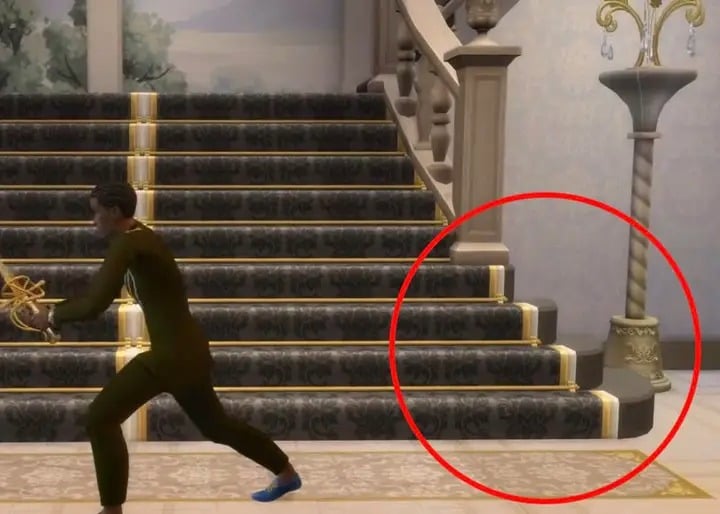
Players have discovered a new type of stairs in two different frames from The Sims 4 Royalty & Legacy Expansion Pack. They’re described as “sweeping” stairs, as they include a round edge / corner with matching trims.
Player @SerXefrosTritoh discovered these, along with what appears to be more customizable railings in The Sims 4. Do you notice how they end halfway the stairs?
Stairs (with carpet & customized railings) update??? Screenshot from Simourèdesigns
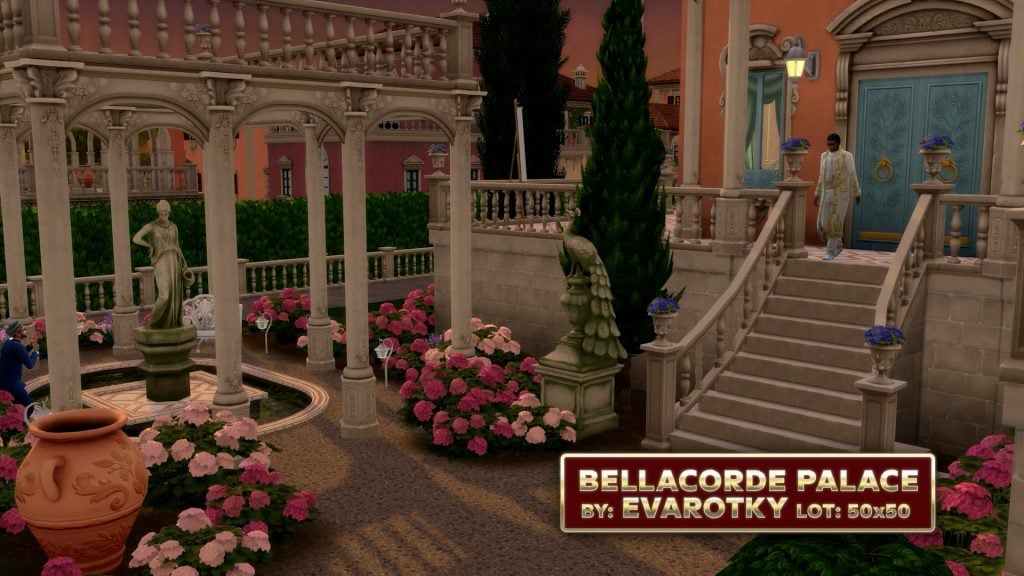
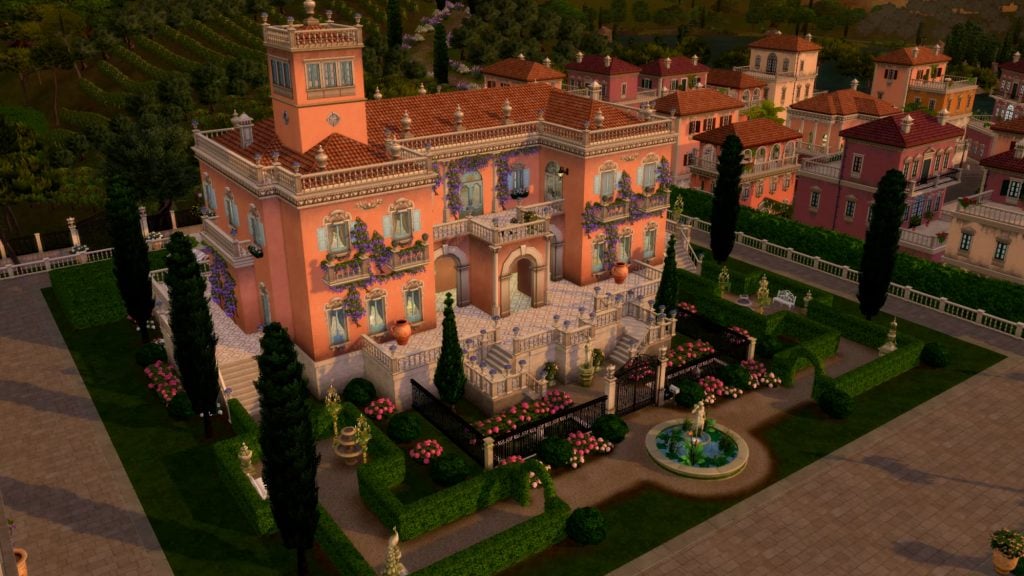
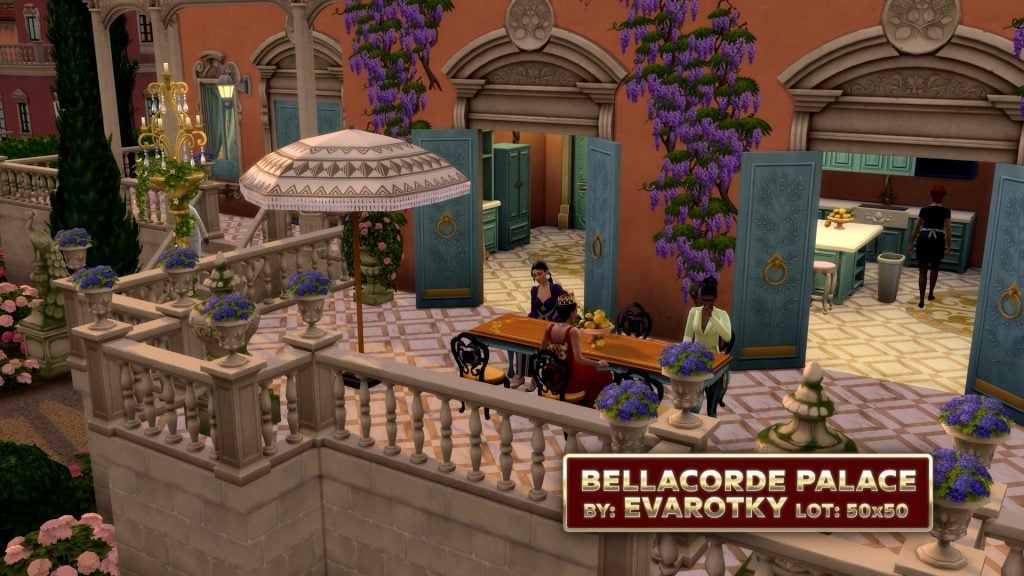
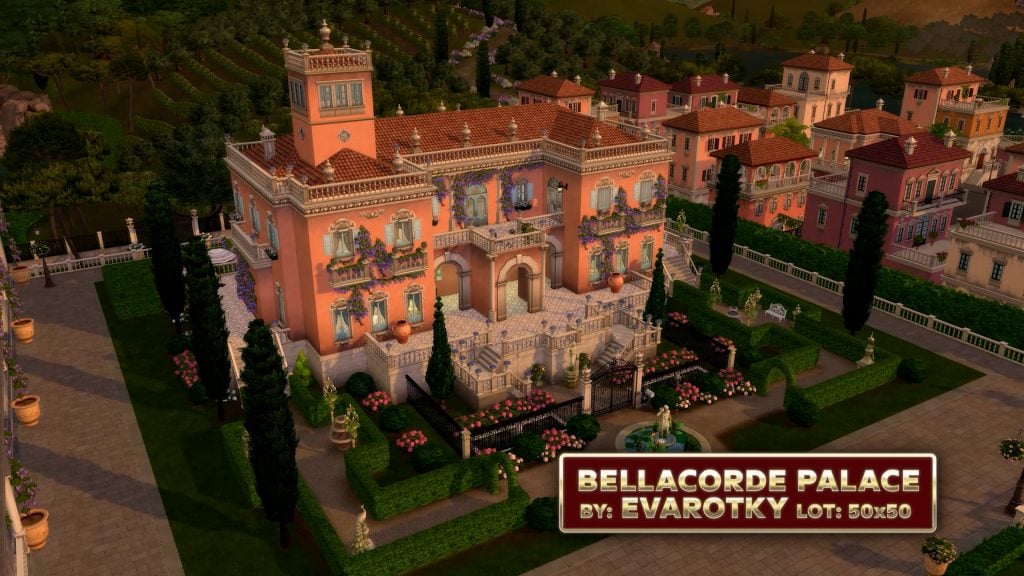
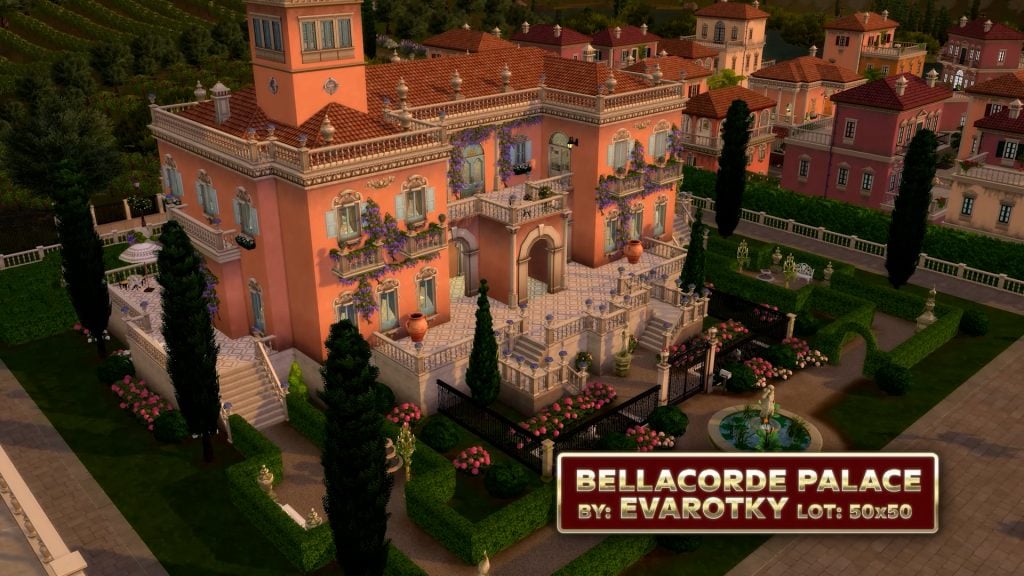
The new Sims 4 stairs have later been shown in The Sims 4 Ondarion World Reveal with the Bellacorde Palace! See a closer look below:
Single Railings
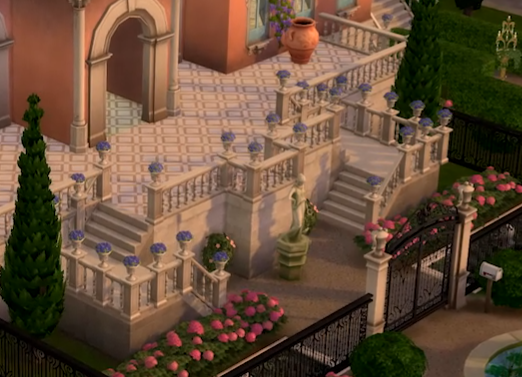
Discovered by @phii_oda, it appears The Sims 4 is getting single railings. Currently in The Sims 4 you can only place double railings automatically on configurable stairs or no railings at all. This footage appears to show no railing on the other side of the configured stairs:
This setup can be seen in a larger picture also from The Sims 4 World Reveal trailer:
New Lot Types
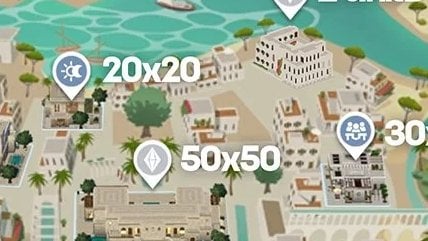
These are 99.9% most probably exclusive to The Sims 4 Royalty & Legacy Expansion Pack. We’re talking about the two new Market and Backrooms Lot Type!
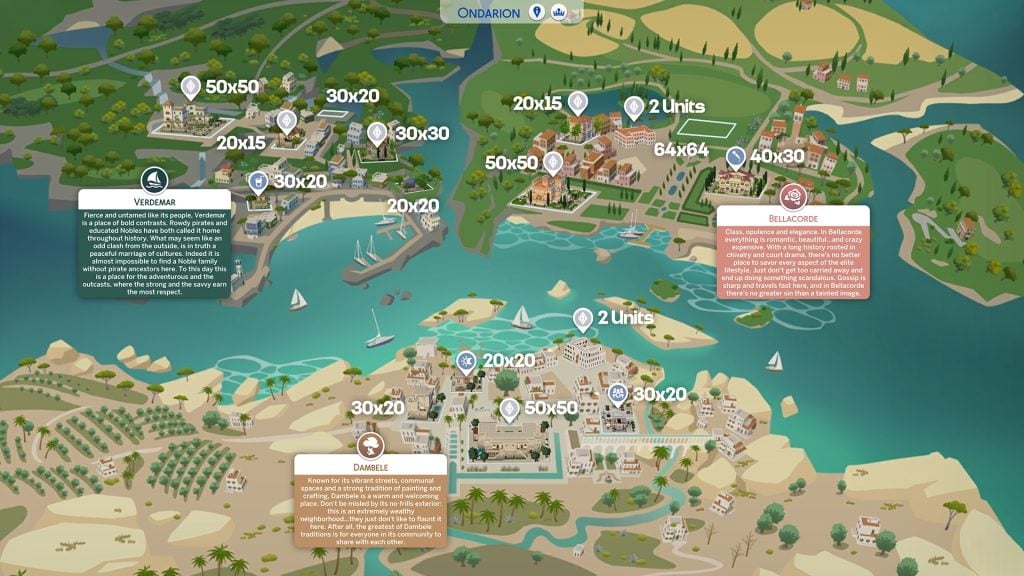
The first icon preview can be seen from The Sims 4 Ondarion World Map Reveal. The new lot icon on the left seems to be the Backrooms lot type while the one on the right is the new Market lot type.
The backrooms lot type was announced already, but there’s a new market lot type too, built by @EmeraldStorie!
We currently have no previews of The Sims 4 Market Lot Type, but we’re probably getting to know more in the Noble Gameplay Trailer premiere coming this week. We have some fun facts about the Backrooms Lot Type featured in the reveal blog:
The Backroom Lot, a new Lot type, leads a double life. By day, it functions as a Library, Gym, or Museum depending on how you build it, but when night falls, it transforms into a Night Club. Sims can experience this shift in Dambele, home to a premade Backroom Lot that trades quiet study for nightlife after dark.
What do you think about the upcoming features coming with The Sims 4 Royalty & Legacy Expansion Pack? Let us know in the comments down below and stay tuned for more confirmations and talks of town in our News section!
There Are Rumors From a Sims Insider on the Future of Project X and Cancelled Features in The Sims 4!
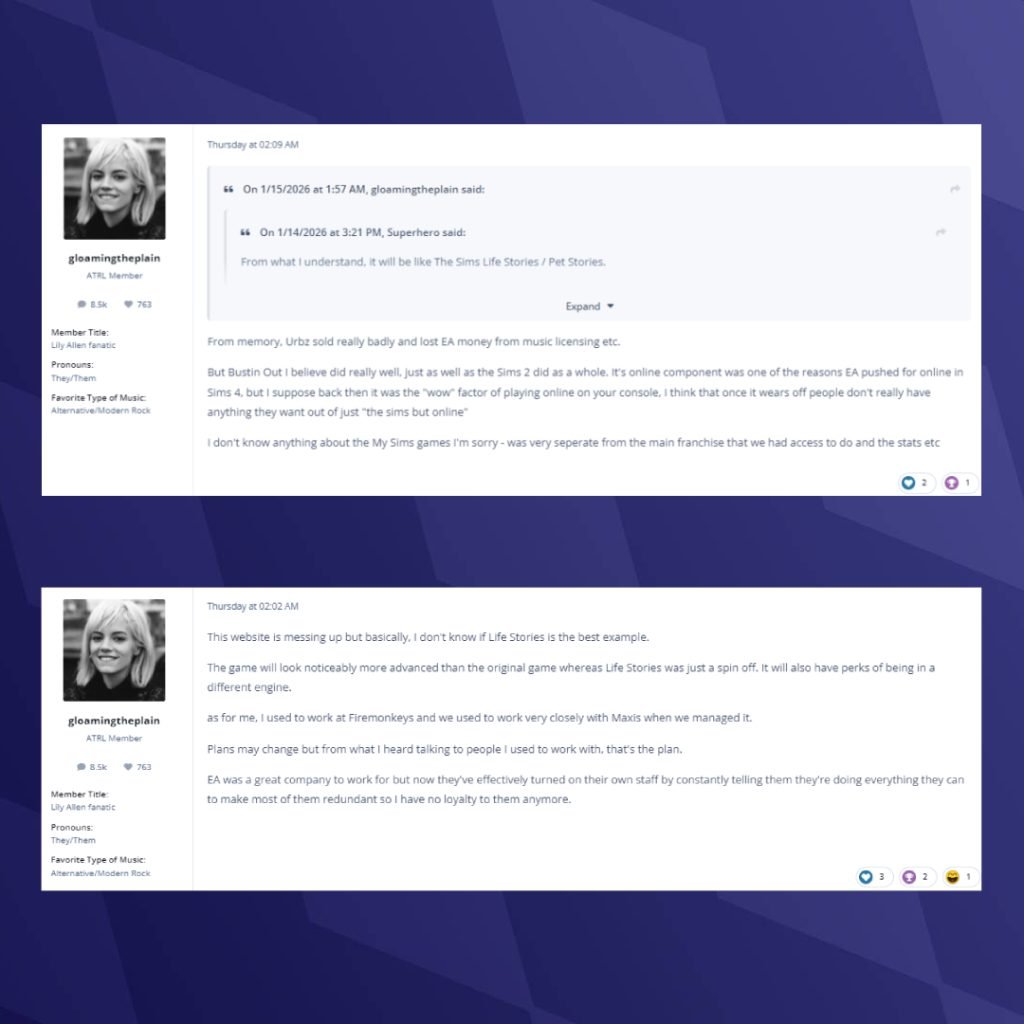
As the rumoured final Expansion Pack for The Sims 4 looms, a Sims insider has dished out some gossip on what is in store for the next instalment of The Sims (currently titled Project X) and why certain fan-requested features, such as cars, haven’t been included. The rumour was posted on ATRL by a user named gloamingtheplain, who claimed to be a former Firemonkeys Studios developer. The studio briefly developed The Sims Mobile. While we cannot confirm whether they were employed by Firemonkeys Studios, the leak aligns with and corroborates previous reports from the same site, most notably the first rumours surrounding Project X. Let’s take a look at what the poster has claimed, and what this could mean for the future!
Table of Contents
The Sims 4 Insider Info & Project X Rumors
The aforementioned user has posted several replies in The Sims 4 discussion thread on ARTL. Take a look at them below!
Why Features Like Cars and Pool Tables Haven’t Returned
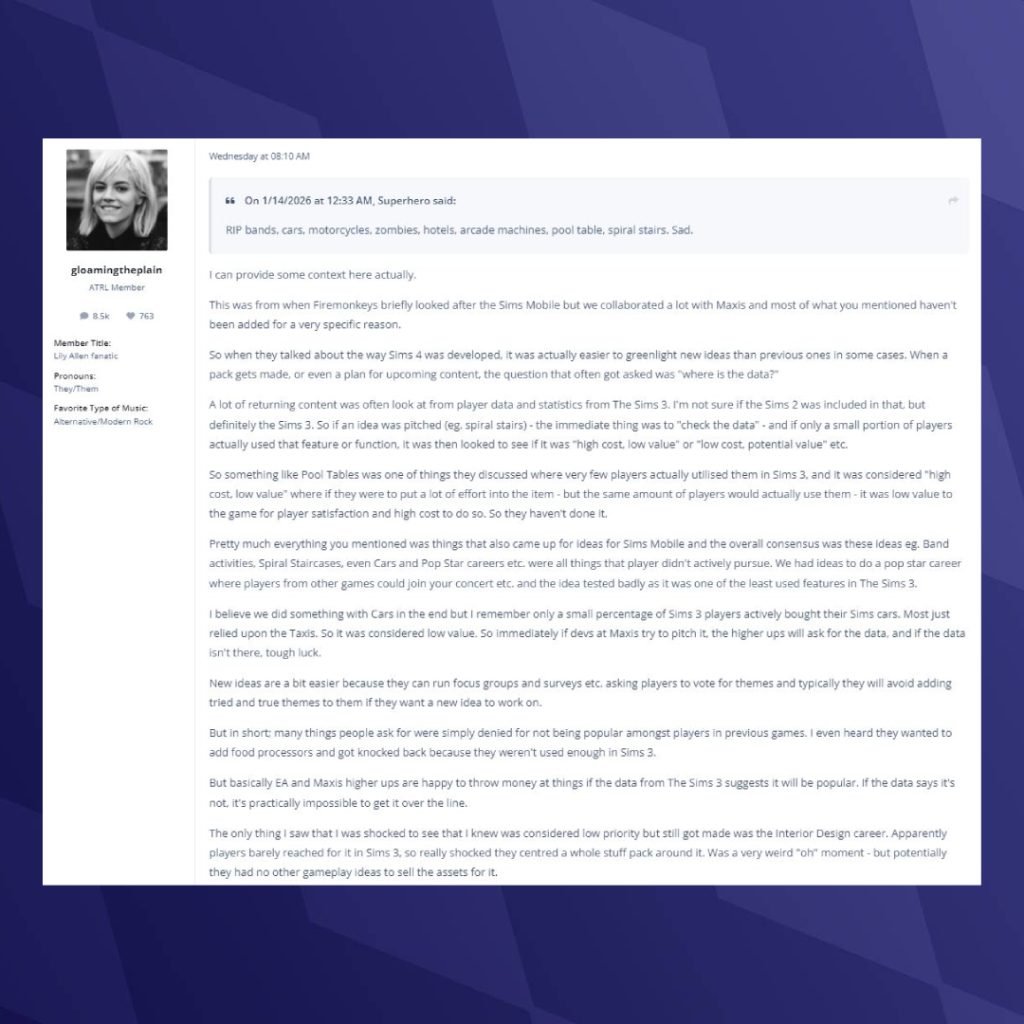
January 14th 2026 – 08:01 AM
Superhero: RIP bands, cars, motorcycles, zombies, hotels, arcade machines, pool table, spiral stairs. Sad.
gloamingtheplain: I can provide some context here actually.
This was from when Firemonkeys briefly looked after the Sims Mobile but we collaborated a lot with Maxis and most of what you mentioned haven’t been added for a very specific reason.
So when they talked about the way Sims 4 was developed, it was actually easier to greenlight new ideas than previous ones in some cases. When a pack gets made, or even a plan for upcoming content, the question that often got asked was “where is the data?”
A lot of returning content was often look at from player data and statistics from The Sims 3. I’m not sure if the Sims 2 was included in that, but definitely the Sims 3. So if an idea was pitched (eg. spiral stairs) – the immediate thing was to “check the data” – and if only a small portion of players actually used that feature or function, it was then looked to see if it was “high cost, low value” or “low cost, potential value” etc.
So something like Pool Tables was one of things they discussed where very few players actually utilised them in Sims 3, and it was considered “high cost, low value” where if they were to put a lot of effort into the item – but the same amount of players would actually use them – it was low value to the game for player satisfaction and high cost to do so. So they haven’t done it.
Pretty much everything you mentioned was things that also came up for ideas for Sims Mobile and the overall consensus was these ideas eg. Band activities, Spiral Staircases, even Cars and Pop Star careers etc. were all things that player didn’t actively pursue. We had ideas to do a pop star career where players from other games could join your concert etc. and the idea tested badly as it was one of the least used features in The Sims 3.
I believe we did something with Cars in the end but I remember only a small percentage of Sims 3 players actively bought their Sims cars. Most just relied upon the Taxis. So it was considered low value. So immediately if devs at Maxis try to pitch it, the higher ups will ask for the data, and if the data isn’t there, tough luck.
New ideas are a bit easier because they can run focus groups and surveys etc. asking players to vote for themes and typically they will avoid adding tried and true themes to them if they want a new idea to work on.
But in short; many things people ask for were simply denied for not being popular amongst players in previous games. I even heard they wanted to add food processors and got knocked back because they weren’t used enough in Sims 3.
But basically EA and Maxis higher ups are happy to throw money at things if the data from The Sims 3 suggests it will be popular. If the data says it’s not, it’s practically impossible to get it over the line.
The only thing I saw that I was shocked to see that I knew was considered low priority but still got made was the Interior Design career. Apparently players barely reached for it in Sims 3, so really shocked they centred a whole stuff pack around it. Was a very weird “oh” moment – but potentially they had no other gameplay ideas to sell the assets for it.
NeverReallyOver: So at some point they thought that a game that can’t have two lots loaded at the same time would handle infinite dlc till the end of time Excited for the neXt [sic] evolution
gloamingtheplain: The game definitely could, it was the system requirements that likely stopped them. I know for a fact that they had a functional prototype open neighbourhood in Sims 4 for feature testing and it worked absolutely fine, just exceeded the system requirements beyond what could be considered a reasonable jump.
It was the neighbourhood where the Goths lived and I even believe it’s been used in trailers.
Project X and The Future of The Sims 4
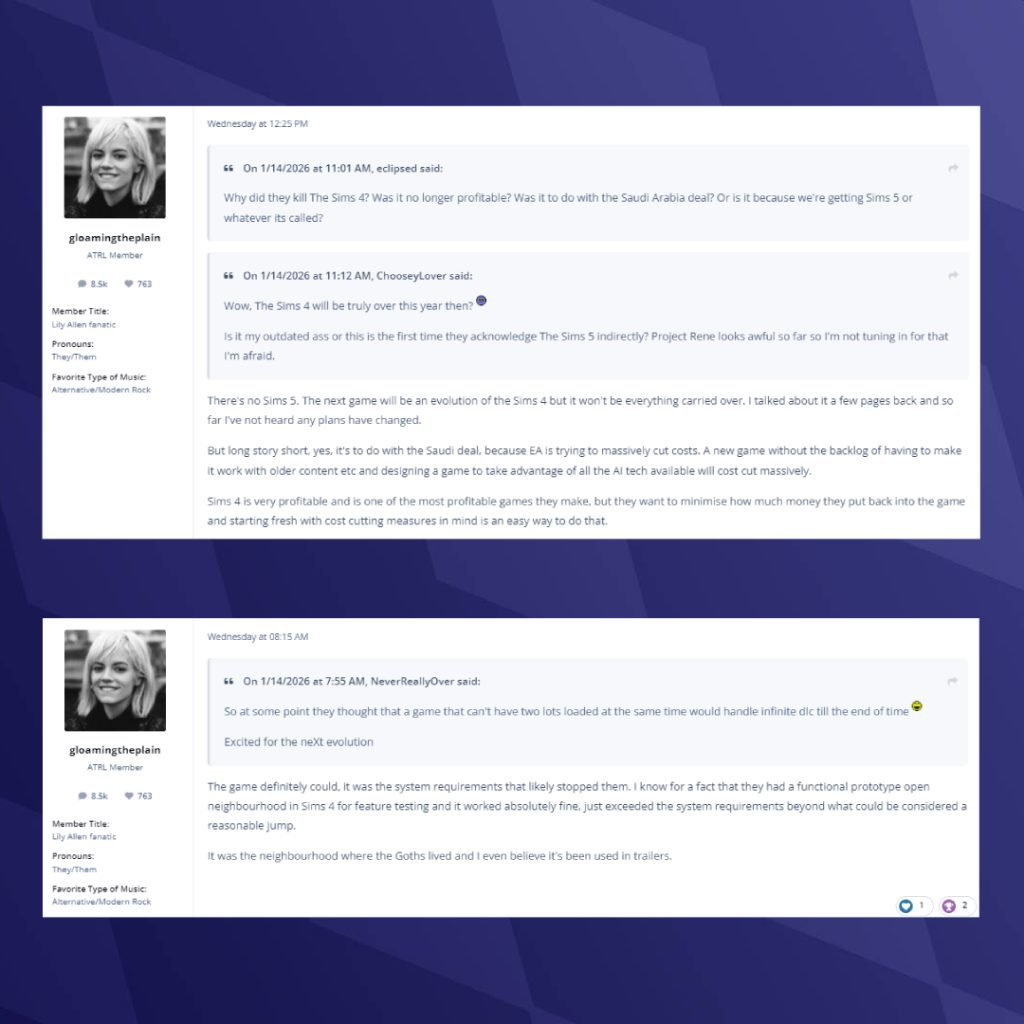
January 14th 2026 – 12:25 PM
eclipsed: Why did they kill The Sims 4? Was it no longer profitable? Was it to do with the Saudi Arabia deal? Or is it because we’re getting Sims 5 or whatever its called?
ChooseyLover: Wow, The Sims 4 will be truly over this year then?
Is it my outdated ass or this is the first time they acknowledge The Sims 5 indirectly? Project Rene looks awful so far so I’m not tuning in for that I’m afraid.
gloamingtheplain: There’s no Sims 5. The next game will be an evolution of the Sims 4 but it won’t be everything carried over. I talked about it a few pages back and so far I’ve not heard any plans have changed.
But long story short, yes, it’s to do with the Saudi deal, because EA is trying to massively cut costs. A new game without the backlog of having to make it work with older content etc and designing a game to take advantage of all the AI tech available will cost cut massively.
Sims 4 is very profitable and is one of the most profitable games they make, but they want to minimise how much money they put back into the game and starting fresh with cost cutting measures in mind is an easy way to do that.
Project X’s New Engine
January 15th 2026 – 02:02 AM
gloamingtheplain: This website is messing up but basically, I don’t know if Life Stories is the best example.
The game will look noticeably more advanced than the original game whereas Life Stories was just a spin off. It will also have perks of being in a different engine.
as for me, I used to work at Firemonkeys and we used to work very closely with Maxis when we managed it.
Plans may change but from what I heard talking to people I used to work with, that’s the plan.
EA was a great company to work for but now they’ve effectively turned on their own staff by constantly telling them they’re doing everything they can to make most of them redundant so I have no loyalty to them anymore.
Bustin’ Out’s Impact and The Sims 4 Online
January 15th 2026 – 02:09 AM
gloamingtheplain: From memory, Urbz sold really badly and lost EA money from music licensing etc.
But Bustin Out I believe did really well, just as well as the Sims 2 did as a whole. It’s online component was one of the reasons EA pushed for online in Sims 4, but I suppose back then it was the “wow” factor of playing online on your console, I think that once it wears off people don’t really have anything they want out of just “the sims but online”
I don’t know anything about the My Sims games I’m sorry – was very seperate from the main franchise that we had access to do and the stats etc
What Can We Learn About The Sims 4 and Project X from the Rumor?
Taken at face value, the claims suggest that The Sims 4 is not ending because it failed, but because it has reached the limits of what EA wants to invest back into it. The game is still highly profitable, but long-running design decisions appear to have been guided heavily by player usage data from The Sims 3. Features that fans frequently request were reportedly deemed too costly to justify if past data showed limited engagement. This does not mean The Sims Team ignores player feedback. Instead, it points to a wider issue at EA, where the focus is on what can be developed, shipped, and monetised efficiently, rather than on the features players request most often.
The Sims Labs Playtest
If these claims are accurate, Project X is not being positioned as a traditional Sims sequel. It instead appears to be a technical reset designed to move the franchise forward without the weight of The Sims 4’s accumulated content. The focus seems to be on building a newer, more flexible foundation suitable for modern hardware that allows EA to cut long-term costs while still continuing the series. Rather than carrying everything forward, Project X is framed as a cleaner break that prioritises modern systems and scalability over feature parity. This suggests a future where The Sims continues in a more controlled form, shaped by business strategy.
There is one important takeaway from all of this. Simmers online often conflate The Sims Team at Maxis with the higher-ups at EA who ultimately make the decisions. The Sims Team does listen to players, running surveys and engaging with the community, but final calls appear to be shaped by the priorities of their EA overlords
What do you think about the latest rumors? Let us know in the comments below, and stay tuned to Sims Community for all the latest on Project X!
The Sims Team reveals The Sims 4 Royalty & Legacy World Map, Lot Sizes and MORE!
New week marks a new era of The Sims 4 Royalty & Legacy news. Electronic Arts has just done a reveal of The Sims 4 Ondarion World, a brand new World coming with The Sims 4 Royalty & Legacy Expansion Pack. Even giving a detailed look into the Map with a new teaser video!
The Sims 4 Ondarion World Reveal – Table of Contents
The Sims 4 Ondarion World Map
The Sims Team has revealed The Sims 4 Ondarion World Mapp, revealing three Neighborhoods / Kingdoms and 16 new Lots. The second neighborhood Bellacorde and third African-themed Neighborhood called “Dambele” both feature a “2 Units” Lot, adding up to the 18 Living Lots total count. See the world map Lot Sizes and placement below:
Also, there appears to be a new User Interface icon on the top of the World menu. Presumably letting you see more about who’s ruling which kingdom? More is expected in the Gameplay Trailer set for this week!
Learn more about each Ondarion Neighborhood in the following official descriptions below:
Verdemar: Fierce and untamed like its people, Verdemar is a place of bold contrasts. Rowdy pirates and educated Nobles have both called it home throughout history. What may seem like an odd clash from the outside, is in truth a peaceful marriage of cultures. Indeed it is almost impossible to find a Noble family without pirace ancestors here. To this day this is a place for the adventurous and the outcasts, where the strong and the savvy earn the most respect.
Bellacorde: Class, opulence and elegance. In Bellacorde everything is romantic, beautiful… and crazy expensive. With a long history rooted in chivalry and court drama, there’s no better place to savor every aspect of the elite lifestyle. Just don’t get too carried away and end up doing something scandalous. Gossip is sharp and travels fast here, and in Bellacorde there’s no greater sin than a tainted image.
Dambele: Known for its vibrant streets, communal spaces and a strong tradition of painting and crafting, Dambele is a warm and welcoming place. Don’t be misled by its no-frills exterior: this is an extremely wealthy neighborhood…they just don’t like to flaunt it here. After all, the greatest of Dambele traditions is for everyone in its community to share with each other.
The Sims 4 Ondarion World Trailer
The Sims Team has released an official Sims 4 Ondarion World Trailer for the Royalty & Legacy Expansion Pack. Showcasing the three new Neighborhoods and unique Lots placed down throughout the world. Take a look below:
To help highlight the world better we’ve included some original HQ screengrabs from the trailer down below. Where you can spot the new World details and Sims rocking brand new fashion!
The Official Blog for Community Made Lots
To top it all off for The Sims 4 Ondarion World Map reveal, The Sims Team released a new blog talking about the community made Lots for The Sims 4 Royalty & Legacy world. See what the team and creators have to say about these new places of living and secret hangout:
In The Sims 4 Royalty & Legacy Expansion Pack, the world of Ondarion was brought to life through a collaborative effort rooted in creativity, storytelling and community.
To showcase the unique culture of each Dynasty in the kingdom of Ondarion, we partnered with four talented creators from The Sims community, Plumbob Kingdon, Eva Rotky, Emerald Stories, and Studio Gabri, inviting each of them to design original lots that help define the kingdom’s Dynasties, neighborhoods, and stories.
Each creator was given the freedom to interpret Ondarion through their own creative lens, building everything from grand palaces and noble estates to a bustling market and lived-in commoner homes. The result is a kingdom made up of distinct regions, layered storytelling, and spaces designed to spark drama, legacy, and imagination.
We sat down with each creator to talk through their inspiration, their approach to storytelling, and the craftsmanship behind their builds, to uncover the secrets hidden within Ondarion’s most illustrious lots.
Roko, better known as Plumbob Kingdom, designed the Abrantes Estate as well as the Renaissance Road and La Vivace.
Based in Brasil, Roko has been playing The Sims since the original game. With a background in fashion and a love for decoration, architecture, and art, his builds are rich in detail, layered with inspiration from antique décor and vintage finds. Drawing from dark academia, Victorian, classic, and rustic influences, Roko’s spaces feel dramatic and lived-in.
❔THE SIMS TEAM: One of the design challenges for Renaissance Road was balancing an exterior that fits Bellacorde’s luxury with a more modest interior. How did you approach that contrast?
ROKO: This lot was quite challenging. I’m used to building on large lots, and having to bring all of the ideas together and concentrate them into a smaller space really pushed me out of my comfort zone. On top of that, there was the contrast between more opulent elements and more humble ones. In the end, we conveyed the idea that the more affluent pieces were Juliette’s belongings, brought with her when she left her family home to join Romeo and gradually build her dynasty.
❔THE SIMS TEAM: La Vivace is such a gorgeous social space, how did you ensure social elements were at the center of the design?
ROKO: The first thing that came to mind when I thought about this lot was that classic idea often seen in films, with a dance floor surrounded by mezzanines and, right in front of it, a grand staircase. This was the main scene I imagined everyone would want to see when bringing their Sims to the ball. For the exterior architecture, I aimed to build something characteristic of the eclectic style – a combination of renaissance, classical, neoclassical and Baroque styles with the “Theatro Municipal do Rio de Janeiro” as a major inspiration.
❔THE SIMS TEAM: One standout feature of the Abrantes Estate is the administration room. How do you imagine this space being used in everyday storytelling?
ROKO: We know that the family’s matriarch has a great thirst for power and a constant concern with elevating her family’s prestige in society. I imagine the throne room as the place where she grants audiences to commoners, and takes the opportunity to delve into what is happening around the neighborhood. Especially when it comes to her son’s marriage, thus exercising her influence and manipulation, and further strengthening her legacy.
Eva, commonly known as Eva Rotky, designed both the Bellacorde Palace and Verdemar Palace, bringing two very different royal households to life.
Originally from Austria and now based in London, Eva is an interior designer whose love of architecture and interiors was shaped in part by her love for The Sims, ultimately inspiring in her decision to transition into interior design as a career. Since 2020, Eva has been sharing her highly detailed, realistic builds that blend contemporary and vintage elements within a minimalist framework, often inspired by the historic architecture of cities like London, Paris and New York.
❔THE SIMS TEAM: What storytelling elements did you include in your builds?
EVA: Both palaces are the homes of very prestigious families who bring a lot of lore into The Sims 4 universe! I definitely wanted to ensure that the different Sims‘ personalities and traits are reflected in their palaces. For example, the Capp household is very materialistic, snobby and likes to feel exclusive which the interiors show by use of heavy gold accents and pompous, decadent furnishings as the head of the family, Tybalt, likes to flaunt his wealth.
The household of the Verdemar Palace, Cordelia and Thiago, couldn’t be further from the Capp‘s. They are adventurous, avid collectors and love the sea. The whole colour palette of the palace is much darker and moodier with heavy accents of teal and blues to reflect the household‘s closeness to the sea. Since Cordelia is a big hoarder of treasures, I’ve included a secret room at the top of the tower filled with only the most expensive treasures!
❔THE SIMS TEAM: You built two beautiful palaces, how do they differ from one another?
EVA: Not only are the two households that live in each palace vastly different characters, but the two neighbourhoods they live in are also very distinctive areas, and both factors majorly influenced my design of the palaces. While Bellacorde is very orderly with traditional romantic elements, Verdemar is a lot more untamed and unpredictable like the sea. The Bellacorde palace therefore has a very symmetric shape with orderly landscaping: every bush and tree has its place and even the hedges of the maze are trimmed to precision! The neoclassical palace here feels very romantic with warm pastel colours, grand staircases, gorgeous wisteria, hydrangeas and luxurious decorative sculptures.
Verdemar palace on the other hand is designed with a totally asymmetric shape in mind and it sits at the top of a hill, isolated from the town. I exaggerated the palace‘s elevation by giving the build a lot of height to make the most of the clifftop views. The palace is also adorned with highly ornate decorative elements with cooler tones of blue and teal, and plenty of weathering details to reflect the proximity to the sea. Verdemar also feels very romantic but in a more untamed way than Bellacorde with secluded spots hidden in nature which adds to the secretive nature of the neighbourhood.
❔THE SIMS TEAM: How did you integrate Secret Passageways into the palaces?
EVA: I really wanted the Secret Passageways to feel exactly that: secretive! That meant not easy to spot, not in obvious places but in handy locations for the Sims who are in the know. Since the passageways look like old grandfather clocks, they were easily disguised in grand principal rooms where most Sims would just glance to check the time.
Linda Zaranyika, also known as Emerald Stories, designed the Casa do Corsário and
Fisherman’s Hut, as well as the Zanbira Market in Dambele.
Linda has been playing The Sims for more than 14 years, starting with The Sims FreePlay before falling fully in love with The Sims 3. Her creative journey led her from build tours on TikTok to full speed builds inspired by nostalgia, dreams, and carefully curated Pinterest boards. No matter the style, Linda’s goal is always the same: spaces that feel warm, safe, and genuinely lived-in.
❔THE SIMS TEAM: The Verdemar neighborhood is definitely “fierce.” How did you implement this aesthetic while keeping the commoner residence cohesive?
LINDA: There are six completely different versions of Casa do Corsário. All wildly different and complicated, but I stuck with my final design because I chose subtle chaos rather than the outright havoc I had before. There are a few brown terrain paint marks on the ground, fading out the stone; all the walls are weathered, and the charm comes from the interior. A moody, regal feel with a purposeful, muted grandeur from both the Verdmar and Dambele neighbourhoods.
❔THE SIMS TEAM: How did you ensure the design captures the essence of a fishing hut while still providing a cozy, livable environment?
LINDA: Colours and textures are everything. I wanted something that had to have the air of a boat house whilst not standing out too much. Similar to the commoner house, this had to look covert, unassuming, and simple. I went with natural tones of the sea, light brown (the sand), blue (the ocean and sky), and white (the clouds). I didn’t veer too much off of the simplistic woods and stone, but I purposely steered away from metals and other harsh materials. Finally, the space had to be open, breathable and fluid. With the traditional lack of windows in boat houses, I needed the build to feel less like a confined space, but a well-thought-out conversion. This meant open access to the bedroom in the loft, entrances from the front, side, or back and being able to see into the kitchen from the living room.
❔THE SIMS TEAM: The market can definitely be a top, center space for the community! What strategies did you use to create a cohesive and inviting atmosphere that encourages community interaction throughout the market?
LINDA: I did not want there to be isolated areas, no full walls, no closed sofas and barely any doors. I wanted Sims to walk past and see the community occurring, to hear the conversations and (using imagination) to smell the food, and without barriers, this was possible. There is this fundamental connection West African homes have with the earth, and I wanted this to also be apparent in the build. The roofs cover what needs to be covered, I do not deny my Sims of the sun, and the walls are full of greenery, letting life exist within the material itself. I had a lot of fun imagining my Sims simply walking through to get to the destination quicker and being immersed for a second then moving on, monetary shelter, shade or reprieve. Either way, it isn’t obstructive, it purposefully connects, Sim to Sim, Sim to Earth and Destination to Destination.
Gabby, known online as Studio Gabri, designed the Ye Olde Voyager, Sankofa Residence and Hardcover.
Gabby is an interior designer whose love for The Sims began with the original game and has come full circle into her real-life career. With a Bachelor of Science in Interior Design and a current role as a Senior Designer, Gabby credits The Sims as a key creative influence behind her professional journey. Since launching her Sims content in late 2024, she’s become known for contemporary and modern heritage-inspired builds that treat every lot like a real-world design challenge, with the goal of inspiring and encouraging the community to “always keep going.”
❔THE SIMS TEAM: Hardcover, TheVerdemar Barused to be frequented by pirates! How did you ensure that history was reflected in the build?
GABBY: Verdemar, or as I’ve nicknamed “the old sea,” is rich in maritime history. I wanted to ensure that the bar reflected this history in both the exterior and the interior of the build. I wanted the exterior to be a nod to the old and the new, which is represented in the materials and structure. From the exterior, you will see weathered limestone and lush vegetation, deep emerald green windows and doors, along with a sleek, round glass window on the second floor that pays homage to that of modern seafaring navigation equipment. On the interior, as it was once frequented by pirates, I wanted it to feel like an opulent extension of a pirate ship through the rich wood paneled walls, flooring and ceiling, a mix of furnishings and décor. Touches of the deep emerald green, shell motifs and nautical items (scrolls, treasure chest, etc.) throughout both floors of the interior add to the maritime charm.
❔THE SIMS TEAM: The Sankofa Residence in Dambele is very luxurious! What elements of luxury did you implement in this build?
GABBY: Dambele, though known for its sense of community, is very luxurious in cultural and environmental elements. To capture the luxury and beauty of the environment and implement it into the Noble residence, I initially started with the fountains in the front of the home as a focal point and worked on the shell of the build around that! Paired with a neutral limestone, geometric tiles, and columns, I wanted the structure to have a modern, visually interesting shape that had varying heights, half walls, and Dambele-style doors and windows. Think modern opulence with West African influence! The exterior stairs seen from the second floor were also a design decision that I worked through towards the end that added texture and character to the build.
❔THE SIMS TEAM: Hardcover is a library by day and a nightclub by night! How did you create the two very opposing ideas into one space?
GABBY: The Backroom is such a cool concept! Because a library by day and a nightclub by night are two very different social environments, I wanted to ensure that the exterior and the interior made sense together! Truthfully, I came up with several different ideas for this build because my mind went in several different directions of where I could take it, but I’m very happy with where I landed in the end! Structurally, I wanted the shape to also be characteristic of the modern architecture throughout Dambele, but also feel historic as if it has been there for a long time.
A huge thank you to Plumbob Kingdom, Eva Rotky, Emerald Stories and Studio Gabri for helping bring the kingdom of Ondarion to life. Collaborations like these allow The Sims to keep telling new stories, celebrating creativity, and building unforgettable spaces alongside our community.
The Sims Discord Introduction
The Sims Team on Discord has concluded The Sims 4 Royalty & Legacy World Reveal with more text and information about Ondarion and its Neighborhoods.
You have seen the world.
The lands of Ondarion now lie open before the court! Three vibrant regions shaped by history, culture, and the ambitions of the dynasties who rule them. Where you choose to settle will define the foundations of your legacy. Today’s Decree: Start a Shell or Sketch Your Royal Estate
Begin the early form of the estate your household will one day inhabit. This may be a shell build in-game or a simple sketch capturing the structure, scale, or layout of your future residence. As you plan, consider where your estate takes root: A region shaped by art, generosity, and shared spaces. Open gardens, communal markets, and gathering halls define daily life, though some buildings may reveal a second purpose after dark.
Verdemar: Surrounded by a restless sea, Verdemar is home to daring outlaws and calculating nobles. Estates here favor strength, adaptability, and watchful vantage points.
Bellacorde: A land of romance and opulence, filled with candlelit corners and intimate spaces where secrets flourish as easily as beauty.
Across Ondarion, noble estates rise, Grand Balls are held, and dynasties maneuver for influence, yet the royal throne remains unclaimed.
What are your thoughts on all the new Sims 4 Ondarion world map reveal news? Do you like the contents of the world and its size? Let us know in the comments down below and stay tuned for all the latest Sims 4 Royalty & Legacy News!
For 2026, InZOI Updates have an overall theme of “Fundamentals First”, meaning that developers are pushing resources and work time towards building up the in-game base systems and life simulation features, creating a better basis for the game itself both in early access and upon final release. While new and flashy features will likely still be present in upcoming updates, Hyungjun “Kjun” Kim, the Producer and Director of InZOI, has released a new video highlighting recent fixes to come in a future InZOI Update, as well as an overall expansion on their 2026 roadmap for InZOI and future plans.
InZOI Updates Incoming: Fundamentals First and Base Game Expansion
Per InZOI’s official Discord, Kjun released a new message to players, highlighting current activity behind the scenes, some simple fixes made over the past week or so, as well as where the game’s development is heading in 2026.
Fundamentals First
Hello! Wow, even though it’s winter here in Korea, it’s 10°C today—it feels warm. Lately, the temperatures here swing dramatically between -10°C and +10°C. It seems like development doesn’t always follow a fixed rhythm either. Some days progress quickly, while others feel like we’re stuck in place, but what’s important is that we keep moving forward without stopping. This week, although we didn’t include it in the video, we spent a lot of time discussing the record system. In a life simulation game, it’s easy to lose track of what a Zoi is doing if you look away even for a moment. Since we’re not the ones playing, but more like observers, it becomes difficult to understand Zoi’s actions without some kind of record. That’s why we’ve come to think that a system for recording things like memories, diaries, and activity logs is something we need to build sooner rather than later. It would help players understand Zoi’s behavior patterns and get a sense of what happened in their day. Even if there aren’t any flashy results to show, I believe the bits of code and thoughts we add each day will eventually come together to create an amazing version of inZOI. I hope you enjoy the development updates we worked on this week. As for me, I’m going to see The Lord of the Rings—it’s getting a re-release! Wishing you a wonderful weekend~ — Kjun via InZOI’s Official Discord, January 16th 2026.
Fundamentals First: Upcoming InZOI Update Features
○ Added separation to Zoi’s Arms so that they act independently to the rest of the body. Plans on expanding further to allow more complex actions and a wider variety of possibilities.
○ When running into objects, zois previously clipped in objects and tended to break animations. these have been corrected to allow for objects being pushed out of the way, to avoid breaking animations.
○ Planning on allowing for smaller grid snaps for more precise object placement.
○ Notifier icons will now disappear based on the distance you have zoomed out to, instead of appearing at any distance.
○ Storable objects now have a clear indicator to show when they have been stored in household inventory, or they can be.
○ The animation for bathtubs filling in with water has been sped up.
○ Animations for sleeping or resting on sunbeds have been improved, removing Zois shaking when time is sped up 30x.
○ Zois no longer get stuck in walls or clip into walls when leaving the bathtub.
○ Zois no longer automatically rotate oven trays.
○ Zois no longer appear to be actively spilling water when making coffee.
Conclusions
Per Kjun, the overall items improved this week may be less flashy, as they are primarily focusing on improving core game systems and the basics of the life simulation aspect of the game, rather than adding in tons of extras. While it is nice to provide new experiences and things that not many life simulations have actively tried to add to their games, the primary driving force behind InZOI’s plans for this year is to build up the core of the game to provide players, both current and future players, with a great basis for their gameplay and experience with the game in general.
Although, this does not mean new features are paused indefinitely. Kjun also noted in the video that they still have a separate team working on adding shiny new and fun features to InZOI, but that most developers are working heavily on expanding the base game systems.
Are any of these features something you’ve been wanting changed, or are there any others you’re hoping they focus on in 2026? Let us know! Follow The Sims Community for more news on InZOI Updates and other life simualtion updates, and make sure to check out InZOI’s 2026 roadmap for an idea of what we should expect over the next 12 months!
The Sims Team shares a recap of new information about The Sims 4 Royalty & Legacy.
The Sims Team is slowly revealing The Sims 4 Royalty & Legacy news cycle, this time with a brand new Frequently Asked Questions. Posted on their Discord, this short & sweet summary capitalizes on all the key features that are coming with this Expansion Pack.
Check out the full message below:
The Sims 4 Royalty & Legacy: Official Frequently Asked Questions Thread
When does Royalty & Legacy release?
The Sims™ 4 Royalty & Legacy Expansion Pack arrives February 12, 2026 and is available for pre-order, and if you order before March 15 you’ll get two new Kits and the regal treasures for free!
The Royalty and Legacy Expansion Pack introduces Ondarion. Discover three new neighborhoods: Dambele, Verdemar, and Bellacorde. Immerse yourself in distinctive townies, historic charm, vibrant culture, and the occasional whisper of scandal. ㅤ
Are there new Traits, Aspirations, Skills, Careers, and Fears?
Are there any new careers?
The new Noble Career lets Sims climb the ranks from Noble Newcomer to Monarch across 10 levels, unlocking a story of court intrigue, pageantry, and power.
Are there any new lot types?
Our new lot type is called Backroom, and it leads a double life. It’s a special lot type that acts as a Library, Gym, or Museum by day and transforms into a Night Club at night. The Backroom Lot, called Hardcover, in Dambele is a highlight!
Are there any new skills?
Swordsmanship is a new Level 10 skill. Sims can duel in tournaments, win love, Simoleons, promotions, and resolve rivalries.
Are there any new WooHoo or death spots?
Secret Passageways offer a WooHoo spot and a new death type tied to the Cuckoo Clock, perfect for drama and scandal.
Do you need any other packs to play the Royalty & Legacy Expansion Pack? Is there any crossplay with other packs?
No other packs are required to play Royalty & Legacy. However, cross-pack play is supported, allowing Sims to rule kingdoms in other residential worlds in the base game and packs (like Enchanted by Nature, Cottage Living, Get Famous, and so much more). Keep an eye on this channel for more news and updates on Royalty & Legacy.
What are your thoughts on the latest Q&A from Discord? Let us know in the comments down below and stay tuned on Sims Community for the latest Sims 4 Royalty & Legacy News and Updates!
The Sims 4 is somewhat infamous in the AAA games market as notoriously buggy, even for it being from a AAA Gaming company like Electronic Arts, and even with most games in the industry themselves releasing in a buggy state more often than not. The last few years, the narrative from The Sims Team has shifted into a focus on correcting past mistakes, fixing both old and new bugs, and trying to make the game better than it currently is after years of players complaints.
Therefore, The Sims Quality Assurance Team has a primary goal of testing for bugs or oversights in the game and correcting them, while also communicating with the community itself to explain their work and what they are actively doing to better the experience of The Sims 4 for its player base. This includes articles like the one written here by SimDevAlex, but also includes the Q&As hosted on their discord,laundry lists, and active communication in the Sims 4 Bug Reports forum.
SimDevAlex, the voice behind The Sims 4 Quality Assurance team and their work to fix issues plaguing the experience and gameplay of the Sims 4 itself, recently posted an article discussing recent work, and pulling back the curtain for consumers to see what it is they actually do. This includes finding oversights that create some strange gameplay, like… small dogs being eligible for a romance retreat?
The Sims 4 Quality Assurance Team – Rinse & Reveal
Rinse & Reveal; The Sims QA Team 👋
Ahoy and welcome! Alex here, your resident QA Sims… dude. You may remember me from such previous chats like the Discord Q&As! The Sims community has been so wonderful in engaging and asking questions about what QA actually does that I thought it was about time to peel back the curtain and give ya’ll a more in-depth look at what it is QA does (and doesn’t do!).
This write up (article?) will cover most (but not all) of the things QA does, not just for The Sims, but also for most other games (and even traditional or non-interactive software).
I’m pretty geeky about my chosen discipline, and love info dumping, so by the end of this I’m hoping ya’ll will have a better feel for the ins and outs of QA and why it matters!
What is QA?
QA stands for Quality Assurance and the name explains it pretty well! Our job is to assure the quality of the game by ensuring that we are checking various aspects of the game (including, but not limited to checking for bugs). Much of the work we do is hidden, done in the shadows of early development, but we are also responsible for assuring the quality once it gets into your hands!
Every piece of software has bugs, and games are no exception. Our job is to catch the big ones, while making sure players run into as few of the little ones as possible. We start by looking for the obvious issues, but we also hunt down the subtle ones that can destabilize saves, block progress, or trigger cascading problems. (This hunt is the fun part of the job!)
When a fix is proposed, we first confirm the fix is valid, then we work to identify any side effects it might cause. (It’s not really a fix to fix 1 thing and have it break other things!) For The Sims 4, we take what we learn from the developers and share that knowledge with TheSimsDirect team to assure that our communications with you via the Save File investigation blogs, Laundry Lists, and Patch Notes are accurate. In QA, we take our technical knowledge of the game to bridge the gap between the people who make the game (the developers) and the people who play the game (you!).
So… what does the QA teamactuallydo?
Glad you asked, because this is where things get fun! Since QA plugs into every stage of development, our days look different depending on what part of the game we’re working on…
During early development (this can range from “a couple months” to “a couple years” depending on the project), QA spends much of their time partnering with the developers and watching for anything that looks like it might wobble stability or affect gameplay. When a system or feature is taking shape, we flag potential pitfalls, validate that changes behave the way the team intended, and start running the game through common scenarios to see what breaks. During these early stages we can and are encouraged to offer up feedback. (This is where we try our best to represent you, the player.)
As fixes come in, we retest them from a bunch of different angles to make sure they actually solve the issue and don’t introduce new surprises. Actually, hang on, I got a story for this…
Tales From QA Storytime (an interlude).:
Recently, when testing Adventures Await’s new Getaway feature, we came across a pretty silly bug:
“Small dogs can be slotted as Singles in the Romance Competition Getaway”
Yeah, you read that right. You could get Toto to join your new Reality Dating Game!
We found this bug during our “ad-hoc/halo testing” stage of development. This is a stage that happens after we validate that things are “basically” working as the developer intends them to be. BUT! This stage is where we in QA get to have some fun with our job.
Before I jump into how we found the bug let’s define some terms:
“Halo” testing is simply “testing around something specific” (in this case the Romance Competition Getaway).
“Ad-hoc” testing is a form of “scriptless” testing (think of it like Improv Night at the comedy club).
So the tester was figuring out their plan of attack on how to halo around the new Getaways and thought to themselves, “Can I make a Romance Competition that has non-humans?”
This leads to them trying different things while verifying with the developer on what the intended behaviour ought to be. Until they came across dogs.
Specifically, small dogs. And flagged the bug for the developer to address.
Why just small dogs? Why not anything else? Who knows! But what QA did know is that despite how handsome Dilbert Wing is, he did not belong in the Romance Competition Getaway as a competitor! This is a small glimpse of some of what we do behind the scenes to ensure that we are assuring the quality.
Poor Dilbert will have to find love the old fashion way..
Now back to our regularly scheduled article:
As fixes come in, we retest them from a bunch of different angles (we call this “halo testing”) to make sure they actually solve the issue and don’t introduce new surprises.
We also take the saves YOU shared with us in the past via EA Forums (plus ones we create internally), and use them to help us playtest different scenarios in the game (in an attempt to emulate real life playstyles). We also use different platforms, hardware setups (like different types of computer parts), and pack combinations, to better understand how the game may behave out in the wild. We do this all while checking that new content “plays nicely” with the rest of the game (including older packs). A lot of our time spent out of the game itself goes into crafting checklists and testing frameworks that help the entire studio catch problems earlier. (This is business speak for “We assure the quality of how the game is made AND the game itself.”)
As we approach release (about a month or so out, again depending on the project) things get more intense. This is where we begin to lock everything down, confirm the developers have eyes on any remaining risks, and start revalidating every set of changes that went into the upcoming release. We run some more scenario testing, more edge case investigations (just to be sure), and another round of fix verification to ensure nothing major slipped between the cracks on the way to launch.
Once an update goes live, our focus shifts to post-release feedback. We monitor community conversations, track the reports put into EA Forums, and look for patterns that help us understand how widespread, and severe an issue is. We take your feedback seriously, and we use your reports and turn them into bugs for the developers to work on for a fix. All this information feeds straight back into our development pipeline, shaping how we follow-up on fixes as we plan for the future.
Whatcan’tQA do?
There’s a lot QA is responsible for, but we also have our limits. QA doesn’t choose which features or content get made (or what they are meant to do); our role is to stay as objective as possible. We reach agreements with the developers to establish what data we can use to measure whether what’s built reaches their intended quality bar . Mod-related issues are also outside of our control, though we stay up to date on the popular mods of the day and look for patterns in player reports that might point to deeper compatibility concerns.
While QA tests an enormous range of scenarios, all video games or software have practically an infinite amount of possibilities. Think about every choice YOU can make from the moment you boot The Sims 4 and how it creates a different branching possibility that makes your game unique to you. Now consider how many people play this game (there’s a lot of us!). No two Simmers have the same journey (and we love this!) despite arriving at similar destinations. Due to these variations, unfortunately, some issues will inevitably slip through the gaps. When this happens, we listen to your feedback and take that to get those bugs filed, and then evolve our testing models so that we can continue to get better.
What changes has QA made recently?
We’ve been really focused on getting top community voted fixes out quicker, and en masse. Part of our ability to do this is predicated on QA’s ability to turn your reports into actionable bugs. Back in January 2025 we updated to the new EA Forums. (Time flies!) This move has given us better telemetry (data) so that we can better understand the reports ya’ll care about. The data on the back end is helpful for us to get better information, quicker. From a player perspective we have the statuses on the reports so you can see how it moves through the flow. These statuses also help us flag when we need YOUR help to get a report reproduced internally (the “Needs Info” status). Better info, better communication from us, and more saves has allowed us to get the developers more comprehensive bugs.
While we’ve been collecting saves for a long time, we’ve recently added an extra bit of emphasis around how we can expand our testing using these saves beyond the bug they were initially sent to help with. It’s not enough to just address the bugs you report, we’re using the data we’re getting to expand our understanding of how you are playing the game!
(Deep breath cuz this sentence is a doozy) These improvements to how we measure/monitor what issues are causing the most pain to ya’ll in our community, with a specific focus on the top 20 issues, coupled with the expanding use of our vast collection of player saves and expanded tools that look at data across different time periods beyond just votes, has gotten 27 of the 40 most voted community reports fixed!
We acknowledge that this process isn’t perfect, and we are constantly looking to improve on it. (Your feedback has been incredibly helpful in this regard!) QA (to me) is an art form, and we strive to evolve with our medium. For the QA team on The Sims 4, we’re constantly evolving our processes to meet the standards we expect from ourselves, in order to put out a quality product for ya’ll.
How QA + Simmers Work Together
Player reports are a major part of how we understand what’s happening at scale. Comparatively, there’s a handful of us, and an army of you! An old saying in QA is “The best playtest is the day you launch your game!” Effectively, no matter how many test hours you put into your game, the feedback you receive on launch day is always the best. Somewhere out there one of you will do something we never thought to do. This is where your reports are so important. (And why I love Simmers for being so proactive about reporting things!)
We have a team dedicated to parsing through reports to find patterns, figure out frequency, and identify potential severity. All the information ya’ll share with us from the EA Forums is read and taken into account as we try to get the bug to happen on our end. When you share your saves, videos, and/or step-by-step instructions are helpful for our team to get the bug tracked and reproducible. At the end of the day it’s QA’s job to get the bug filed, and to use our tools to help decipher the potential root cause so the developer can get in there and fix it, but I cannot understate how appreciative we are to have a community as engaged as ya’ll as it’s a huge help.
Sometimes bugs are trickier than they appear on the surface. So clear-well defined “reproduction steps” are what we in QA use to communicate with the developers and with each other. Our goal is to get it 100% of the time, but that’s not always possible. We can try a thousand scenarios in a thousand different saves we’ve created in an attempt to repro an issue reported by the community, but I reckon there’s nothing better than getting the info straight from the people who are actually experiencing it. Because at the end of the day it’s not enough to just say “the bug exists”, we in QA have to prove it exists and we do that by figuring out how it happens.
A Hearty Thank You
Again, I want to share our team’s appreciation for the community around The Sims 4. We are incredibly fortunate to have players committed to quality, who are willing to share their experiences, and are giving us the opportunity to improve our game. QA is an imperfect artform, one that is at its best when you’re able to work together as a team. The more perspectives you can assemble from a variety of backgrounds, the better you get at finding the bugs. So if you ever think something feels weird, broken, or just not right, please drop a report. Your info makes a real difference!
How do you feel about The Sims 4 Quality Assurance team? Did you feel this article provided transparency, as they’ve been attempting to do in recent years, or do you still have questions? Make sure to follow The Sims Community as we cover bug reports, new updates, and communication from The Sims Team.
Find out what’s coming next from The Sims 4 Royalty & Legacy News!
We’re just getting started with the news cycle when it comes to The Sims 4 Royalty & Legacy Expansion Pack. There’s going to be a staggered release schedule for Sims 4 Royalty & Legacy news, with new aspects of the pack being revealed at different times of upcoming weeks.
Some dates and events have already been confirmed by EA, and some we can only expect and speculate if they’re going to happen (such as Livestream). Until then, let’s go in order from confirmed to speculated events for this Expansion Pack release!
Table of Contents
The Sims 4 Nobility Gameplay Trailer – January 22nd
We’re getting an in-depth look of The Sims 4 Royalty & Legacy gameplay in a new official trailer from The Sims Team. Scheduled to premiere worldwide on January 22nd, 2026 at 8AM PST. You can tune in for the premiere on the official YouTube video. We’ll be doing a deep dive on the gameplay features as soon as the premiere is over!
The Sims Team usually covers a social media announcement and extra features reveal for The Sims 4 Cross-Pack functionality for an upcoming Sims 4 Expansion Pack. We have yet to discover the Kingdom customization that will be unlocked with previous DLC releases!
Livestream – Not Confirmed
It’s not known yet about the official date of The Sims 4 Royalty & Legacy Expansion livestream. And if it’ll happen before or after the release date, as those expected times often seem to shift. Stay tuned for updates!
New Reveals and Mini-Trailers – To Be Expected
Often times The Sims Team will follow up a new Sims 4 Expansion Pack release with creative mini trailers and footage that promote upcoming Pack content. And we think that The Sims 4 Royalty & Legacy news cycle will be no different!
We took a peek at the Discord Royal Court and saw channels that currently only revolve around sharing Royalty-themed creations, discussing the Pack with weekly new info drops and general meetup. Won’t be surprised to see a spot for discussing some of the upcoming features soon – we’ll be ready with a recap as always!
That’s currently the Sims 4 Royalty & Legacy News Roadmap we know for now. But we’ll make sure to update this article and reveal new info drop dates right here on Sims Community!
Are you interested in the upcoming Sims 4 Expansion Pack release on February 12th, 2026? Let us know in this unofficial community poll below:
Why is The Sims Team being generous all of a sudden?
We always witness something new from The Sims Team when it comes to content releases, rollouts and roadmaps. This time around the team announced the latest Sims 4 Royalty & Legacy Expansion Pack through the form of an exclusive Bundle.
Table of Contents
Titled “The Sims 4 Royalty & Legacy Grand Bundle“, this Bundle release doesn’t contain just the upcoming Expansion Pack. But also the regal Treasures Digital content and two Kits including Silver Screen Style and Tea Time Solarium.
The first time we got something new in the form of Expansion Pack releases was for The Sims 4 Cottage Living. The Sims Team incentivized players to get a new Expansion Pack release in a timed window of around a month after the EP’s release all to get an exclusive DLC set of 3 extra items.
This tradition later carried on with all the future Sims 4 Expansion Pack releases, now with Royalty & Legacy too with the Regal Treasures Digital Content. Including A Crown of Leaves and Sparkles, Enemies to Lovers Practice Dummy and Under the Stars Lantern.
What does this have to do with Key Reseller Websites?
The popularity of Sims players getting their Sims 4 Expansion Pack and other DLC releases from key reseller websites skyrocketed over the last few years. There are many reasons why some players opted in for buying from sites like G2A, Loaded (formerly CDKeys) and others. Primarily for the reason of very affordable prices, which match to official Sims 4 Sale offers and even lower at times.
There’s no clear information about if EA and Maxis get any profit when players purchase their games from websites like these. But I’m assuming the percentage cut is much bigger when players get their games through official sources like the EA App (where 100% of profit goes to EA), Playstation, Microsoft, Steam and Epic stores.
Some Sims creators (and even official gaming news outlets) have opted in for affiliate partnerships with these websites for a percentage cut for using an affiliate code. And my assumption is that EA doesn’t like that, nor the methods of how these key reseller websites obtain their code.
Current Disadvantages of Getting Sims 4 Codes from Key Resellers
Players who have chosen to get their Sims 4 DLC from these key reseller websites often report no incidents or faulty game code that they receive in their inbox. But there are some clear disantvantages for using these websites, and most of them were slowly but surely prioritized by EA:
You can’t get access to Bonus Digital Content for new The Sims 4 Expansion Pack releases
(Some websites like Loaded offer the Digital DLC key codes later for a price varying from $3USD to $15USD, depending on DLC content key availability)
The Sims 4 Kits are not sold on most of Key Reseller website platforms
Maxis managed to make an official way of purchasing The Sims 4 Expansion Packs a bit more exciting digitally by providing players a bonus set of 3 items.
Publisher EA always had an upper hand at providing exclusivity with The Sims 4 Kits releases. By making sure they’re not being sold physically anywhere – removing any chance for a key reseller to get their hands on a Sims 4 Kit code. The Sims 4 Kits can still be obtained only exclusively through official platforms.
A recent great example of how EA made their Sims 4 release feel fully exclusive is with The Sims 4 Bikini Bottom Bundle. A double-Kit collaboration which offered extra three items for players who choose to get the new Sims 4 Kits digitally. All through approved sellers and platforms only!
The Bikini Bottom Bundle was not able to be purchased at a lower price on any of the key reseller websites. Making the “FOMO” an upper advantage in the newer release strategy of Sims 4 content…
How This Applies to The Latest Sims 4 Royalty & Legacy Bundle
The good news is that you can get The Sims 4 Royalty & Legacy Expansion Pack from unofficial key reseller websites for a good price!
Example of The Sims 4 Royalty & Legacy key reseller listing on Loaded.com
The bad news? That’s all that you’re getting. For the first time in forever, EA is bundling two new Sims 4 Kits releases along with the expected exclusive Digital Content.
If players choose to purchase The Sims 4 Royalty & Legacy Grand Bundle for the same Expansion Pack price of $39.99USD (or a price equivalent to your local currency), players also get two Kit sets for free. Who wouldn’t want over 50 new items across CAS and Build for the same Expansion Pack price offer, right?
Needless to say that there will be some unofficial codes popping out on services such as G2A, but the price won’t be able to reach an exclusive offer as regular Expansion Pack listings without bonus content.
Example of The Sims 4 Royalty & Legacy key reseller listing on G2A.com
But, Some Platforms are Succeeding?
Platform Instant-Gaming seems to be offering the entire Bundle for 25% off for PC & Mac platforms. It’s not known how their resellers have been able to obtain the exclusive Kits Bundle for a lower price, but I wouldn’t be surprised if it all goes through properly for players who Pre-Order from there.
Example of The Sims 4 Royalty & Legacy key reseller listing on Instant-Gaming.com
At first I was under impression that EA and Maxis were successful at preventing key resellers from getting the Bundle, but I stood corrected. This will only be proven as time goes by and key retailer websites confirm if they’ve stocked up on the Grand Bundle DLC codes.
If you want to throw a fresh tea party and dress up for the ocassion, the deal of getting Silver Screen Style and Tea Time Solarium looks tempting enough through official retail store channels. Especially if you play on platforms like Xbox and Playstation. But we’ll never judge a way the player plays their games – or gets them! 😉
There is currently no confirmation from The Sims Team and EA if the two Kits will become available individually after the March 15th, 2026 limited window. It would be a first of its kind scenario for a DLC release to disappear after two months!
Either way, there’s still major advantage for EA to sell extra exclusive Kits content and get more profit through official retail sources. But will they succeed in that?
These new attempts of releasing Sims 4 Expansion Packs and general Sims 4 content only spark imagination for what they might do next for their next evolution. What are your thoughts on the new Sims 4 Expansion Pack bundle offer and are you interested in new ways of content releases or keeping it the same? Join the comments down below and stay tuned for more Sims News and updates!


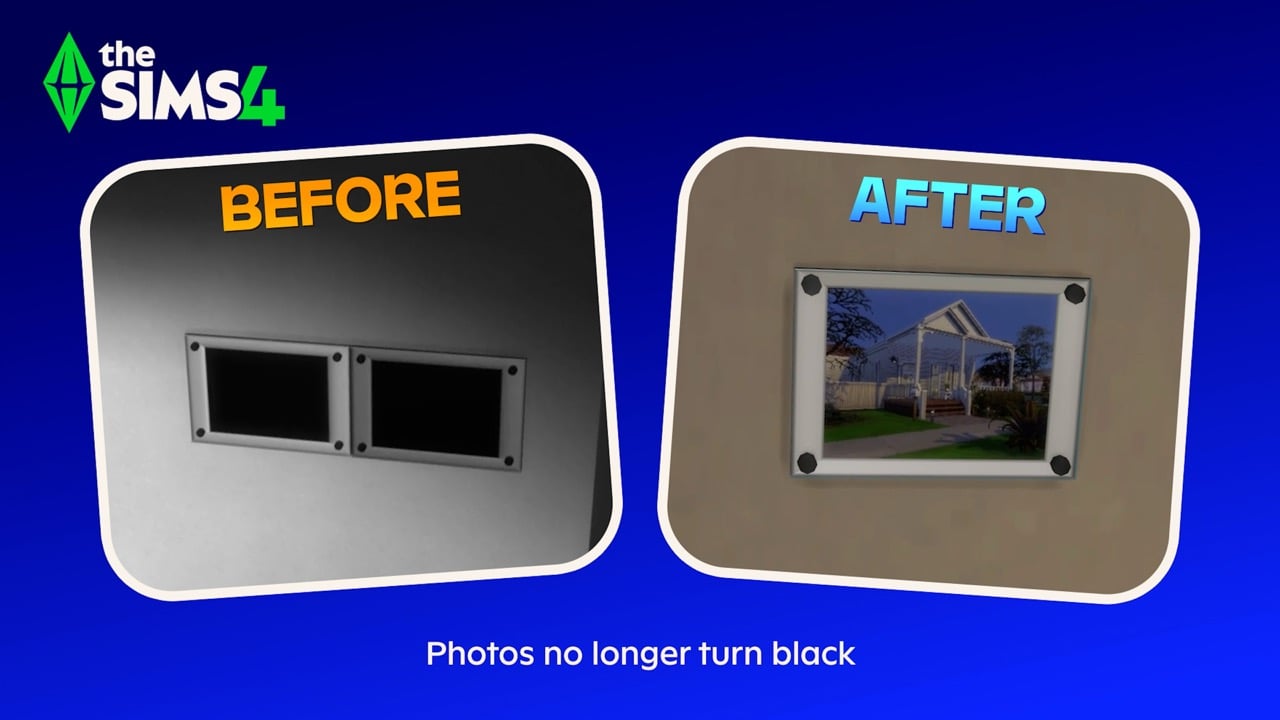

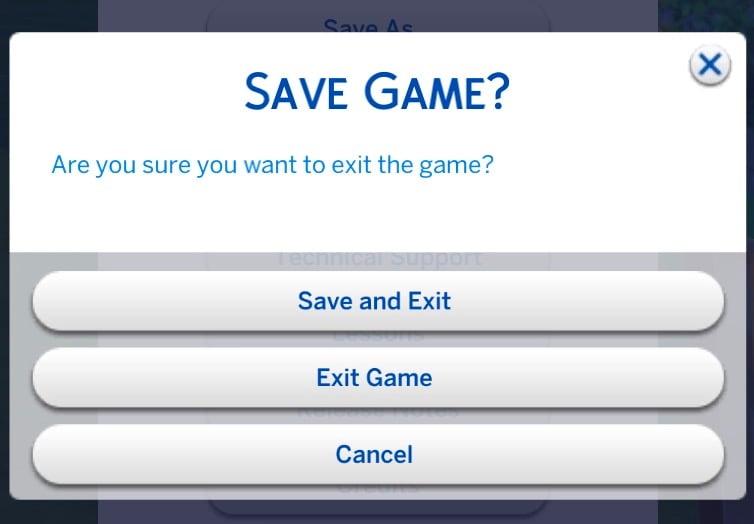


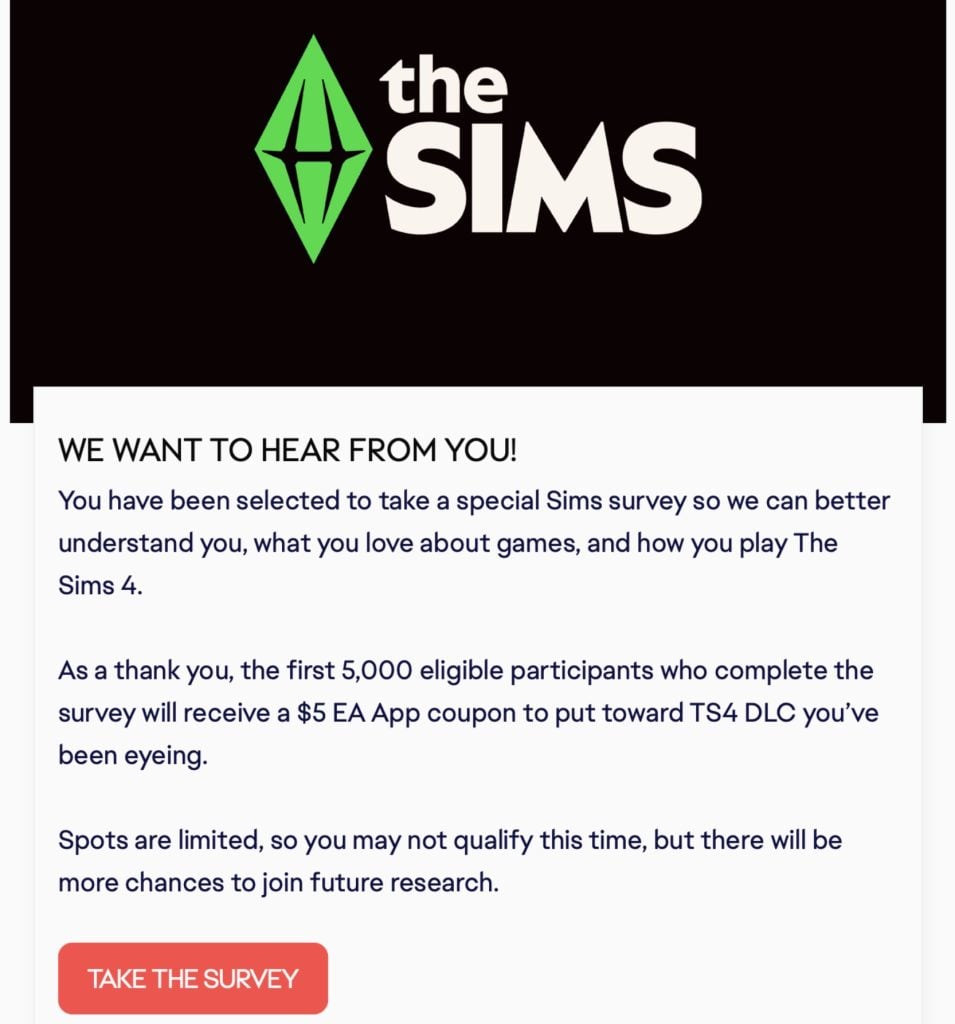
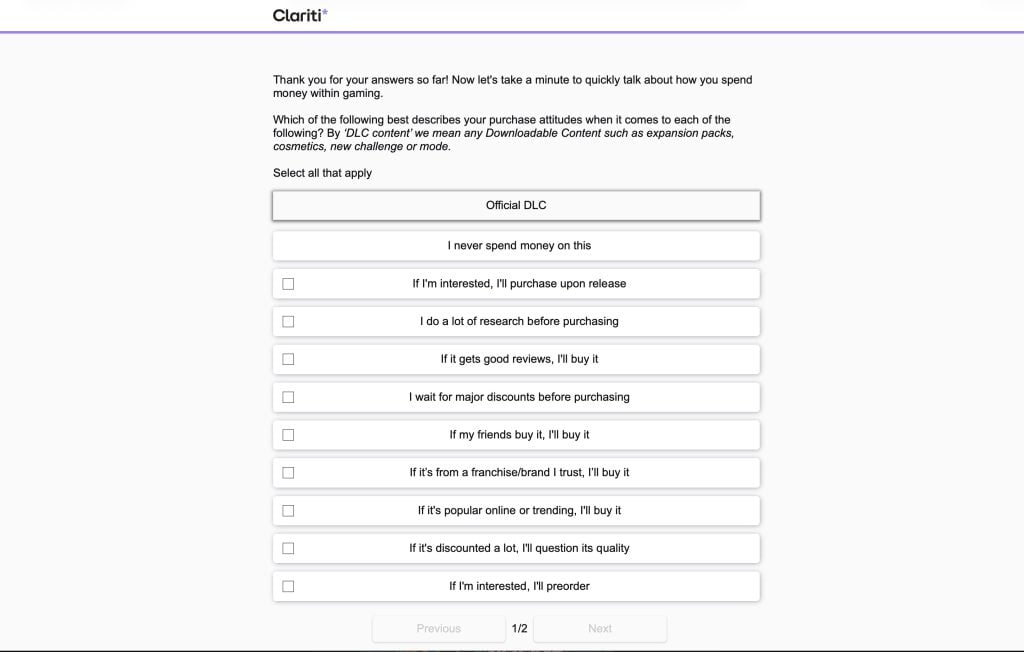
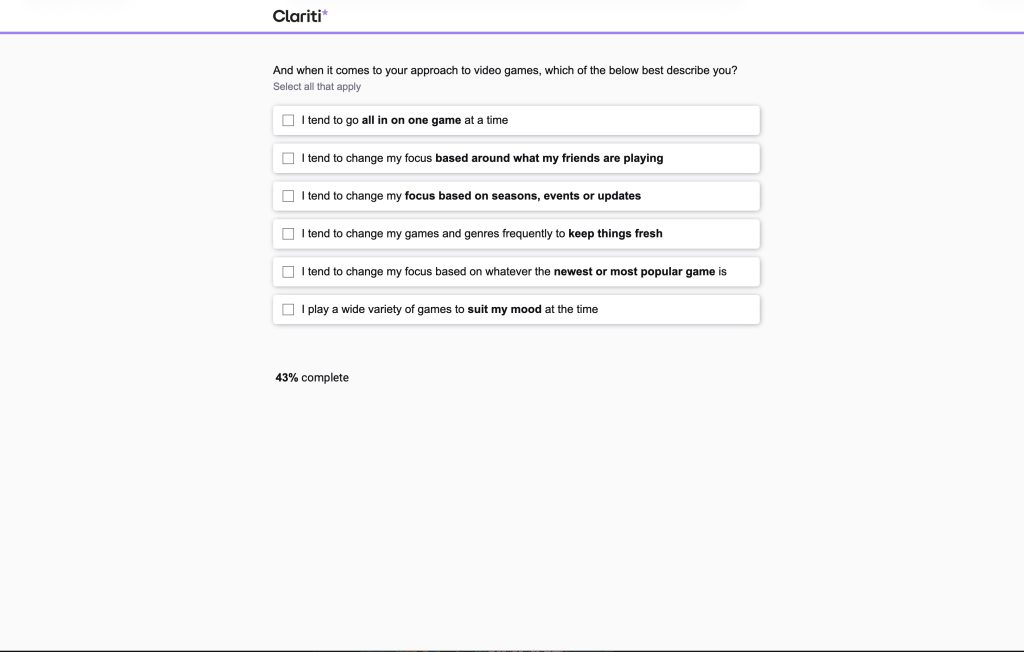
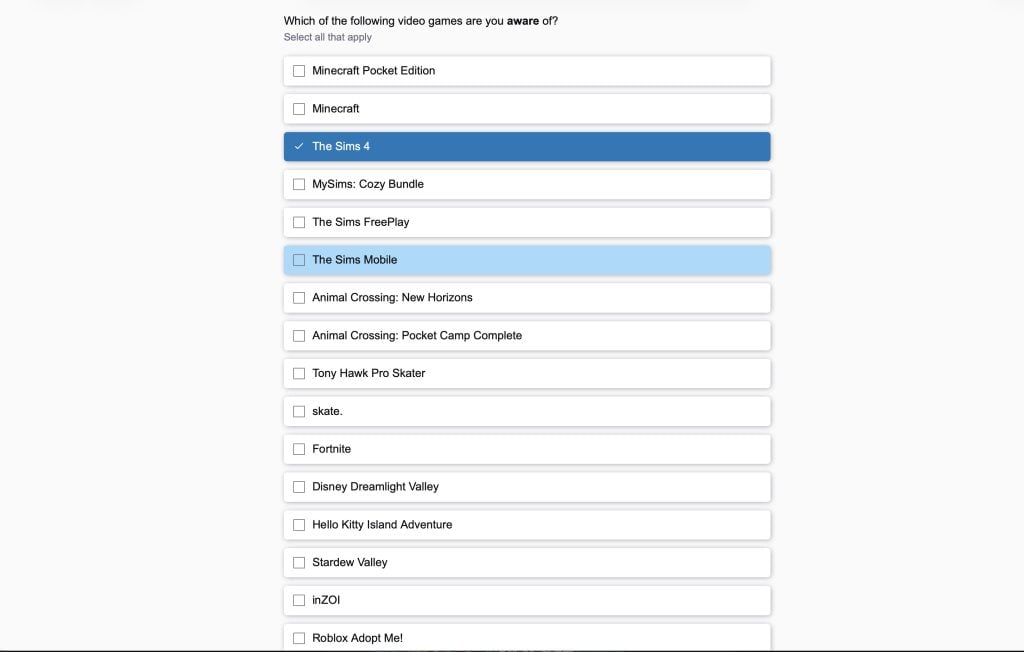
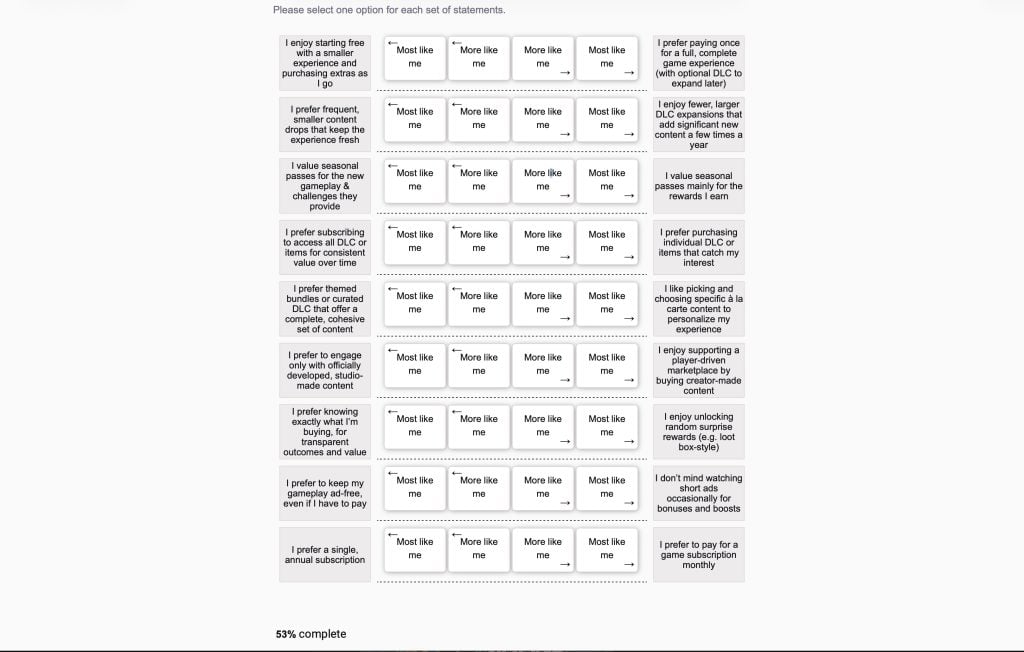
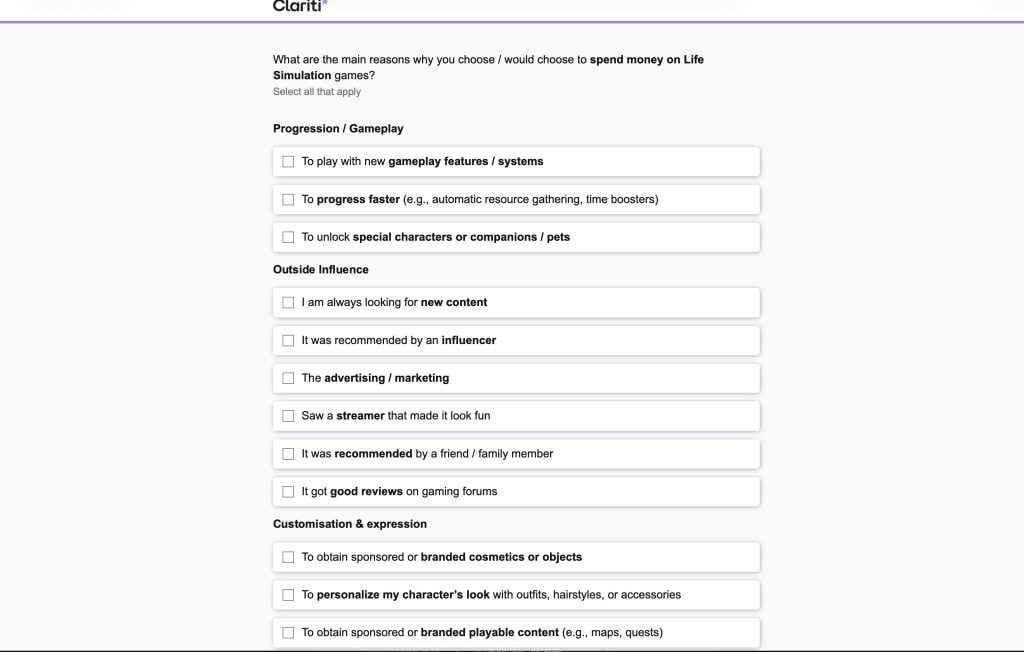
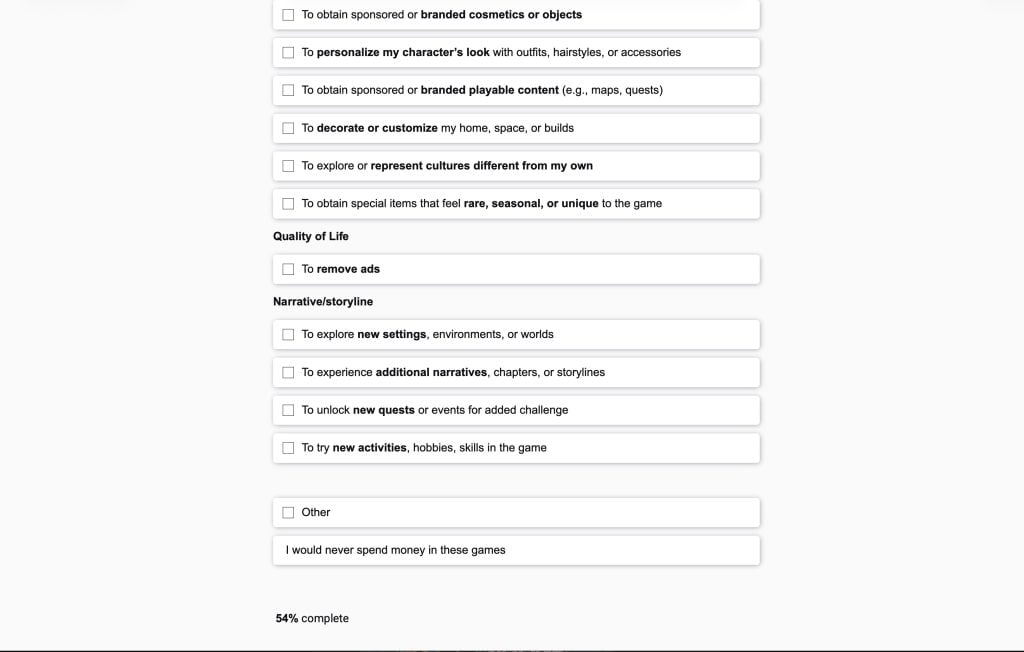
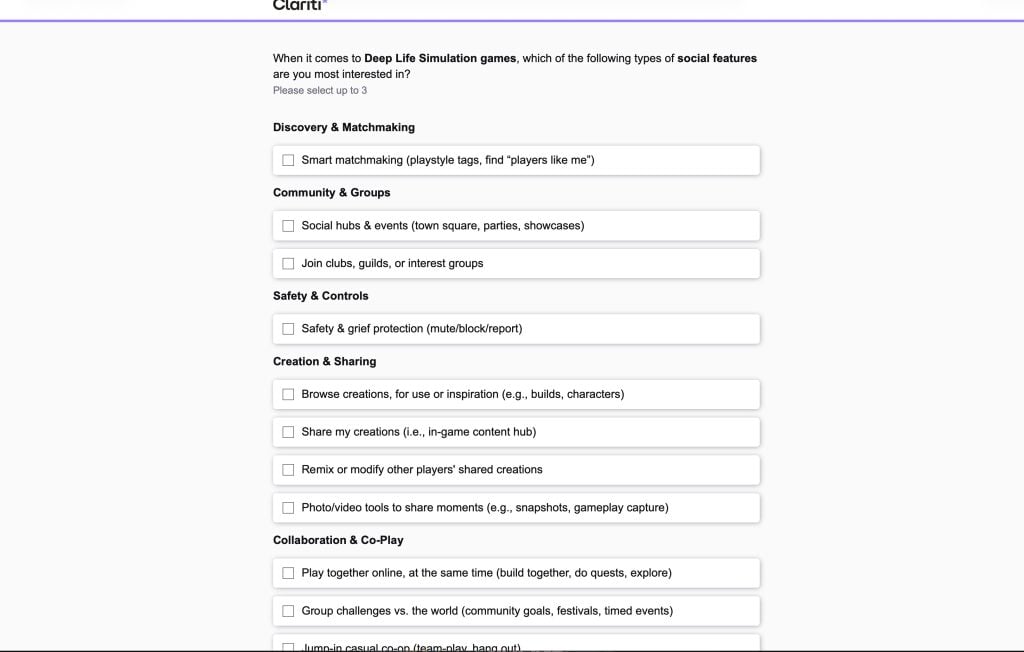
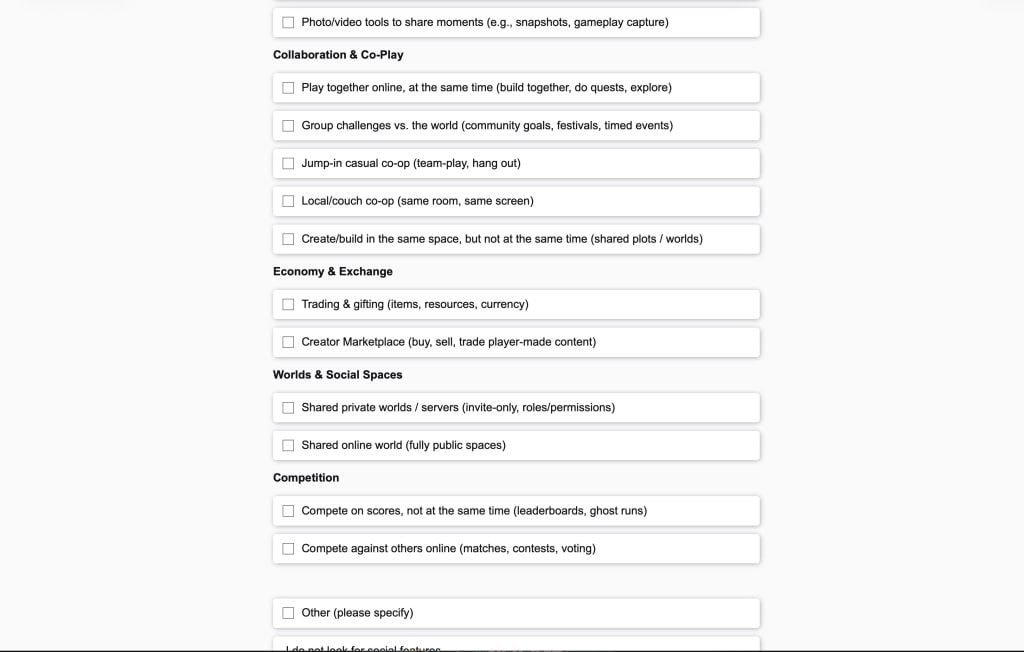
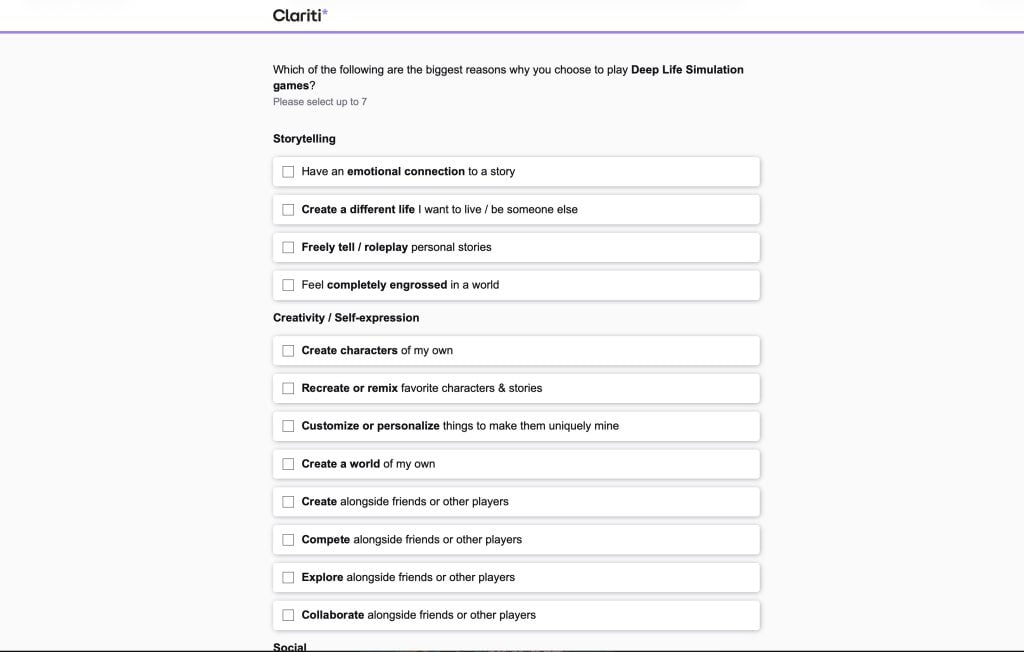
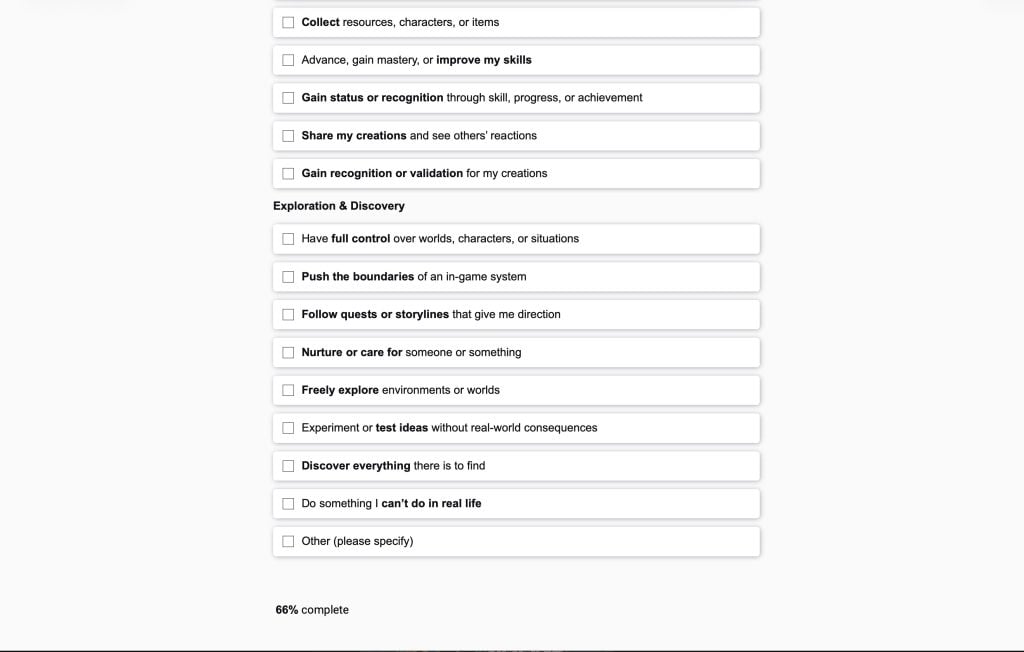
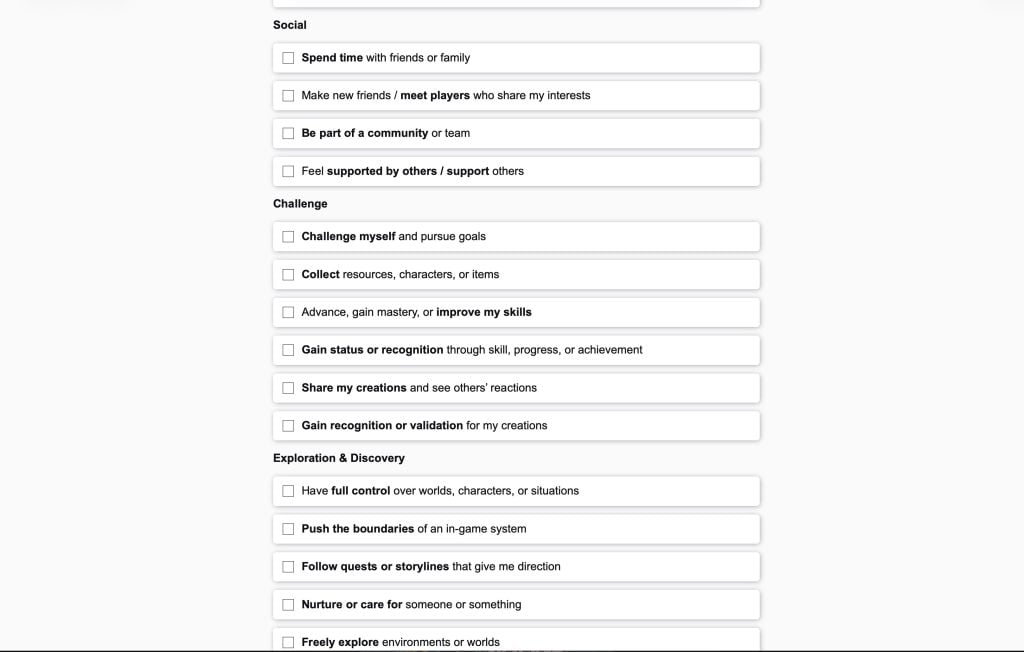
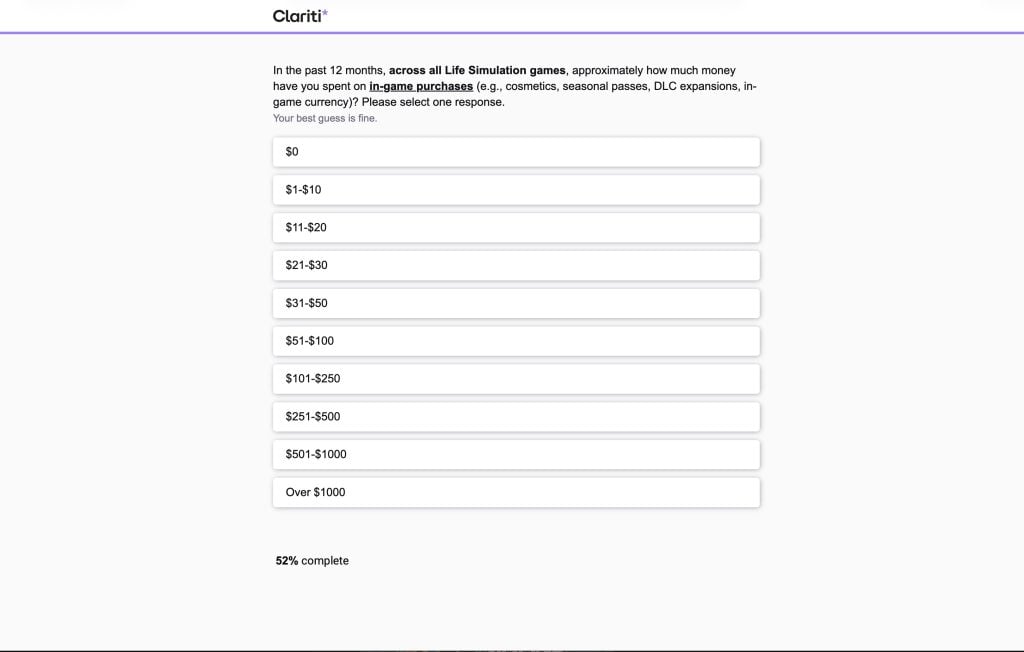
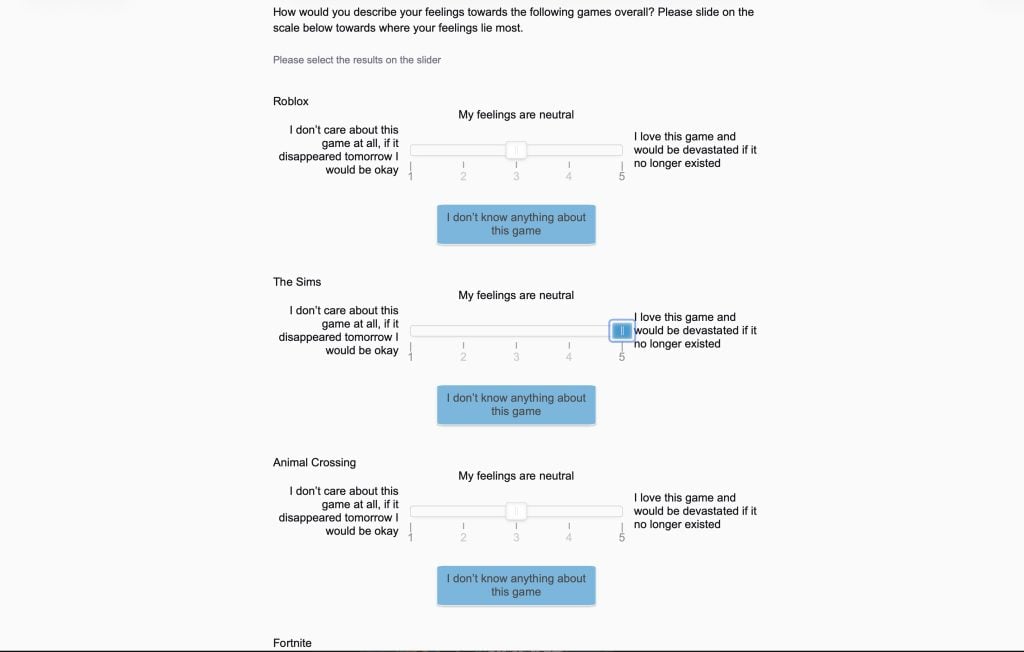
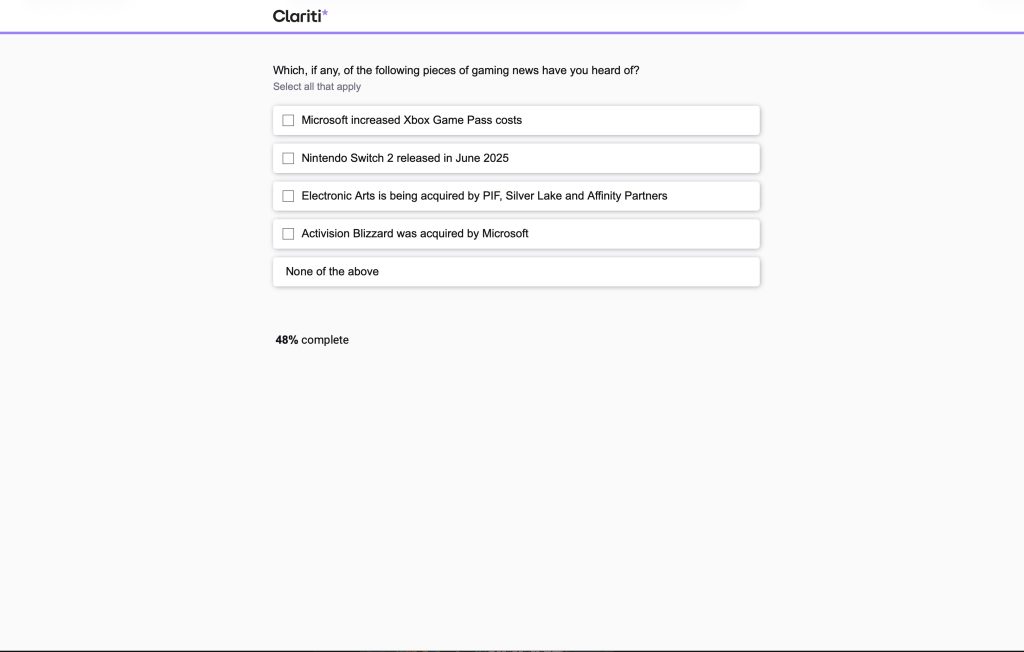
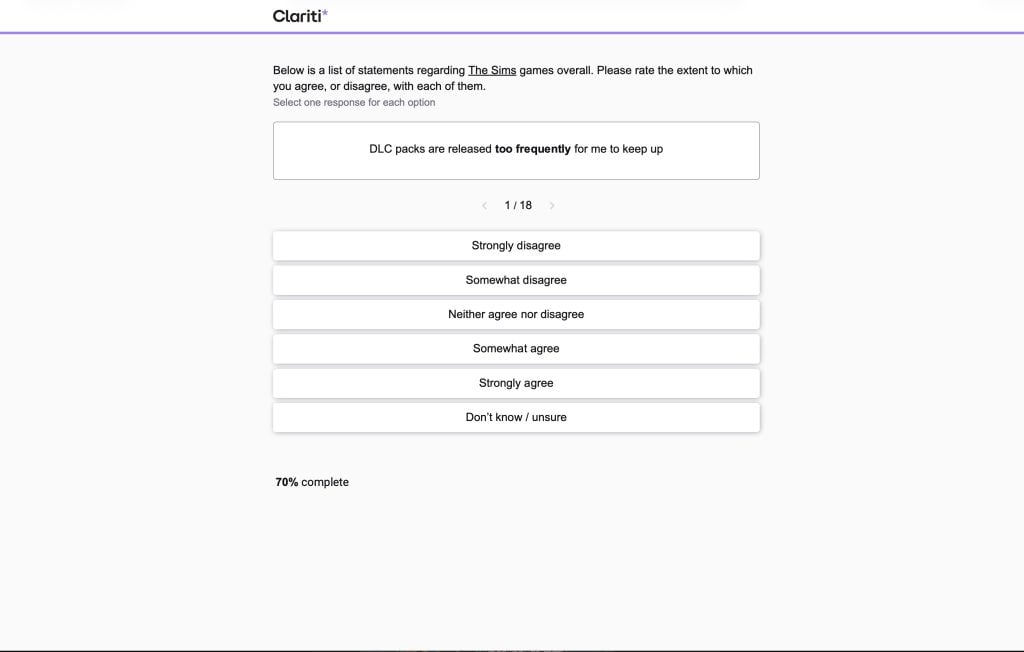
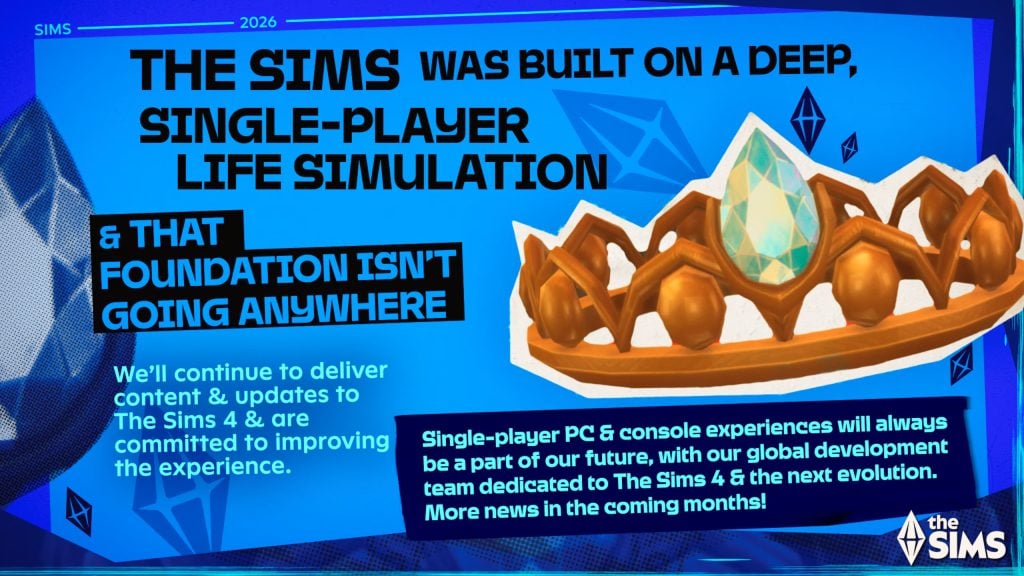

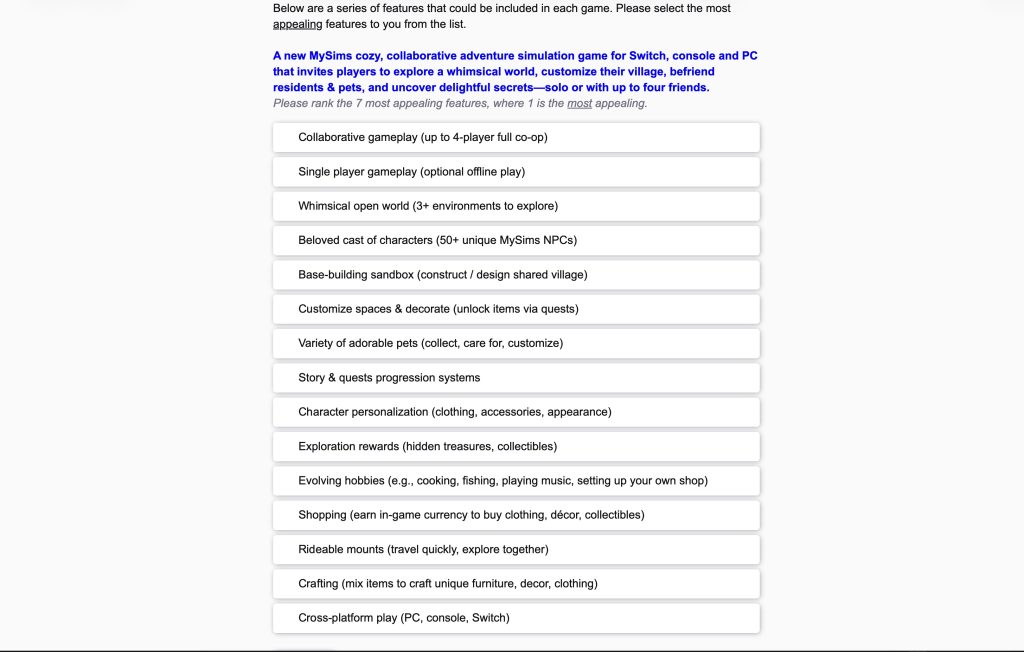
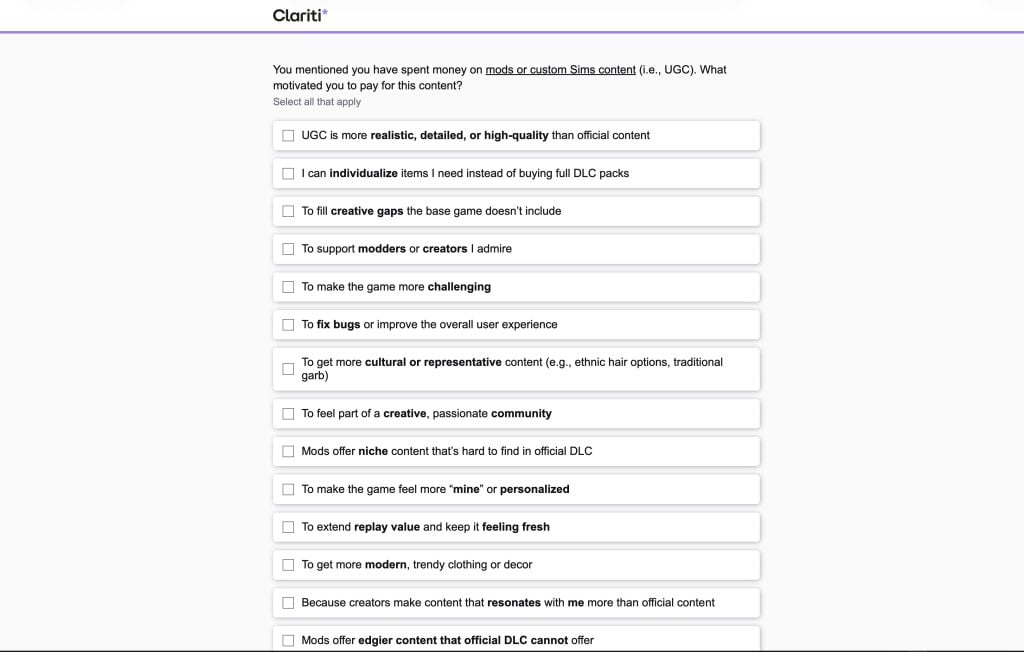
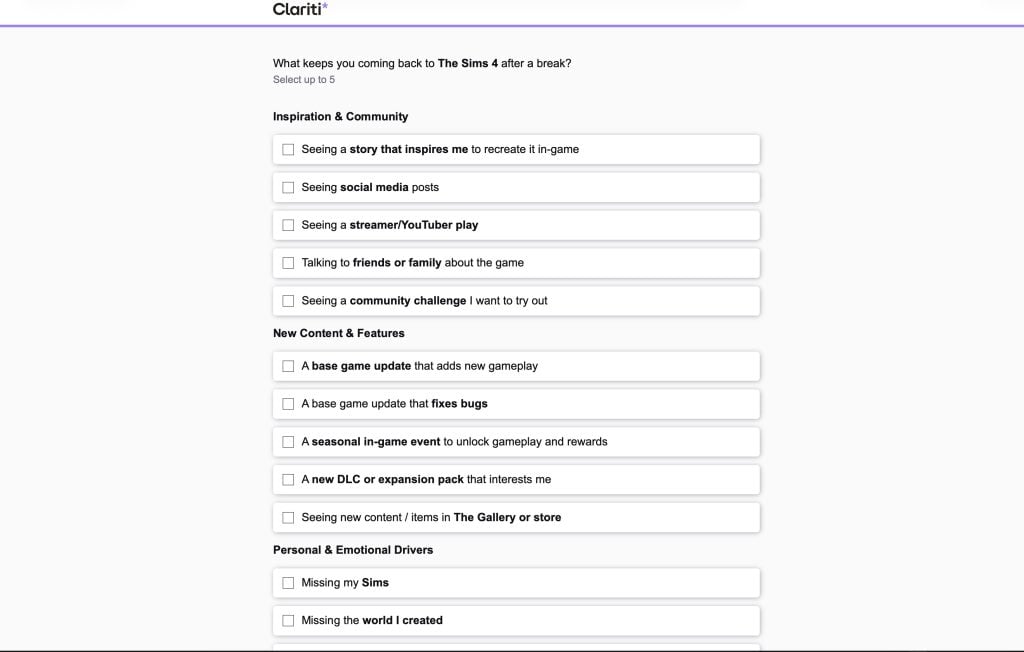
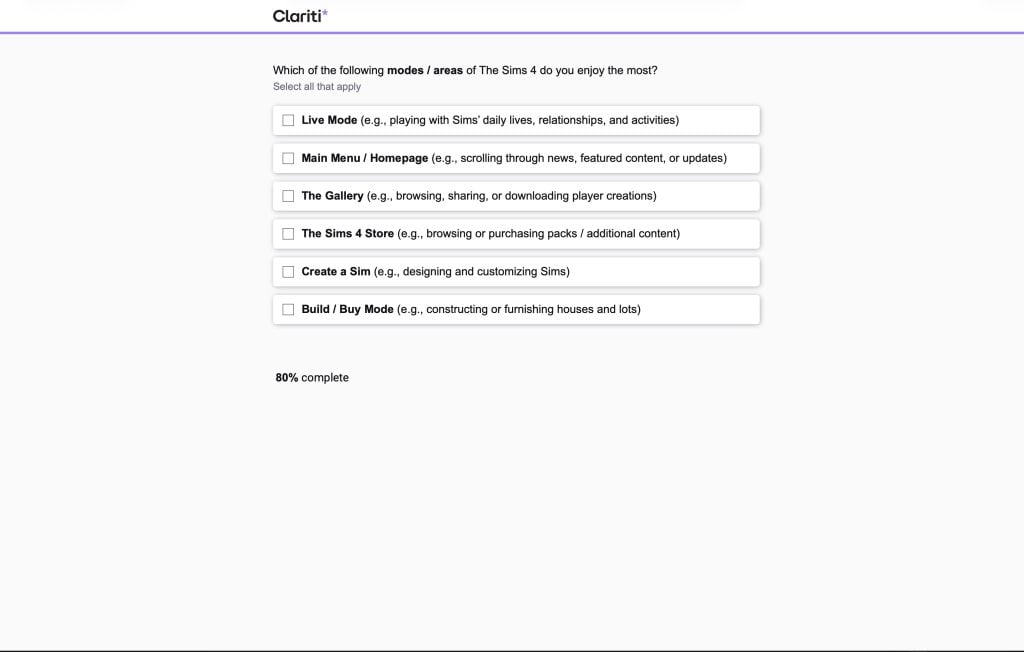
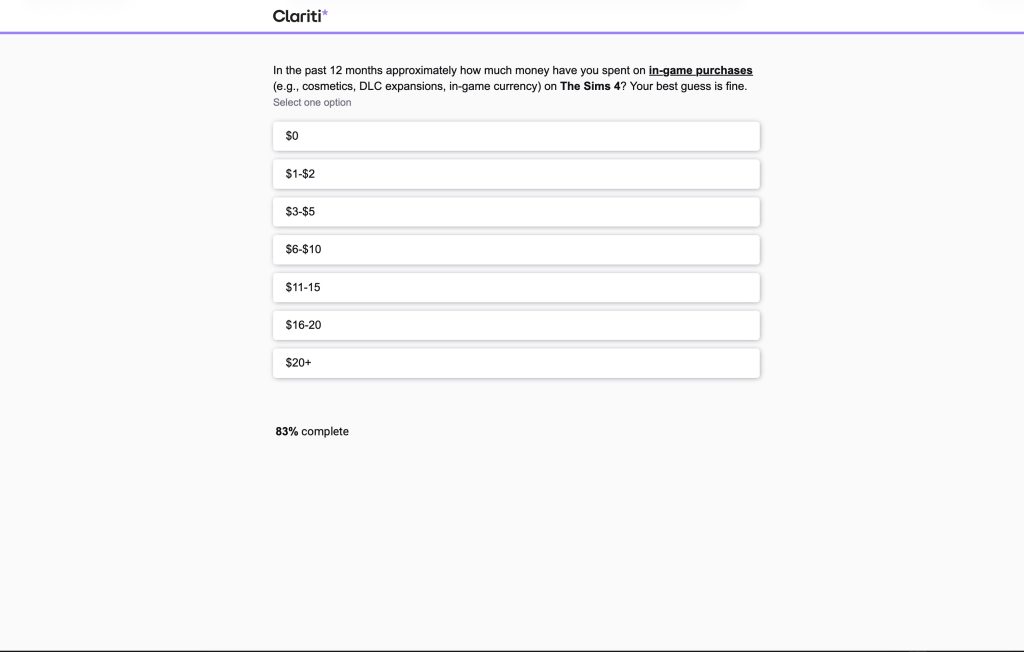

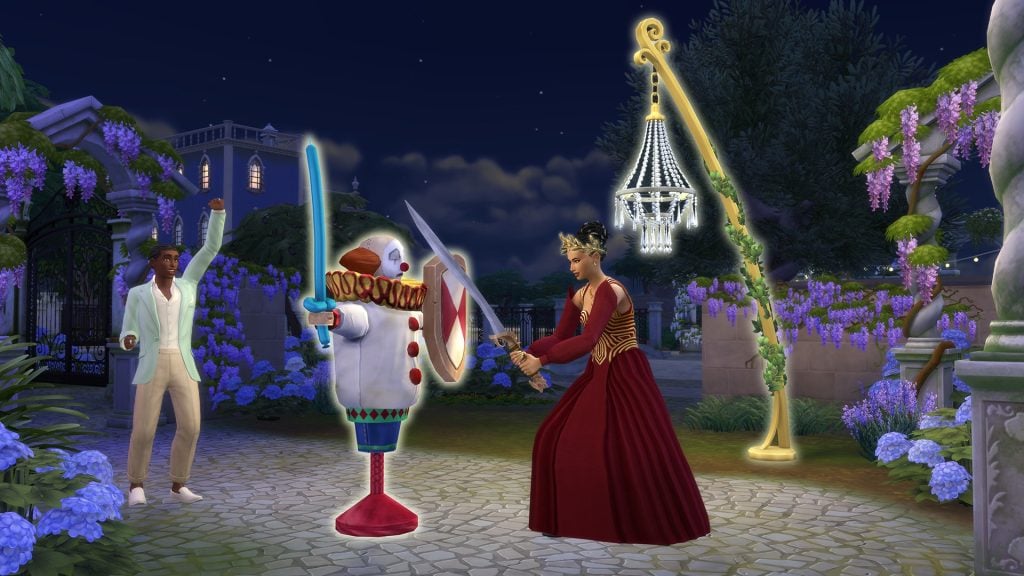
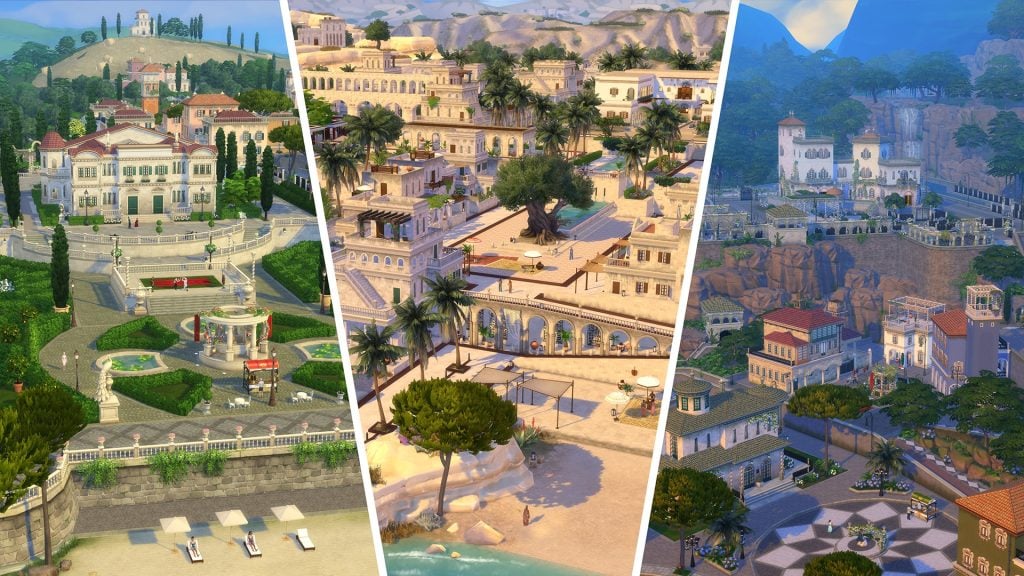
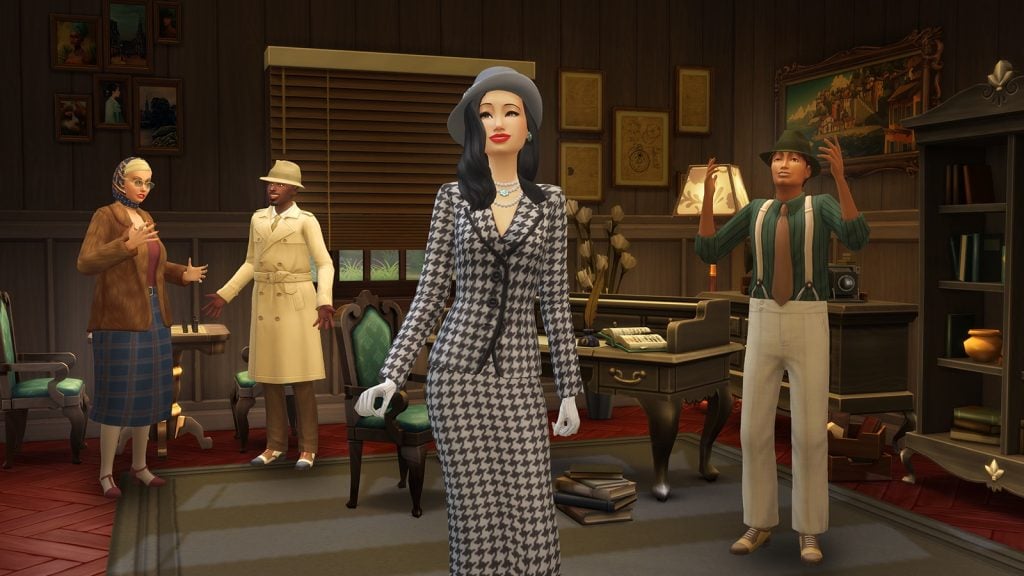
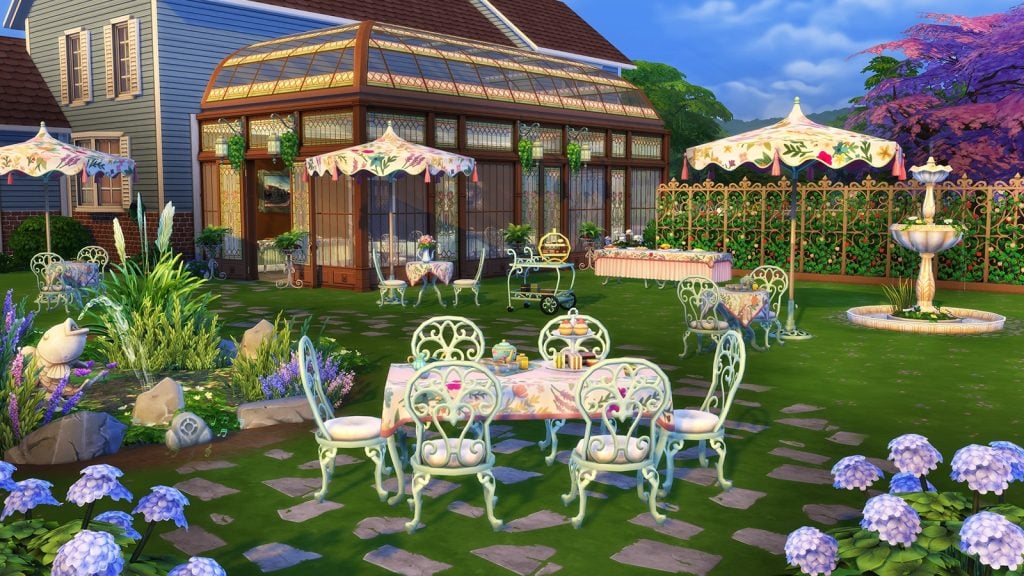
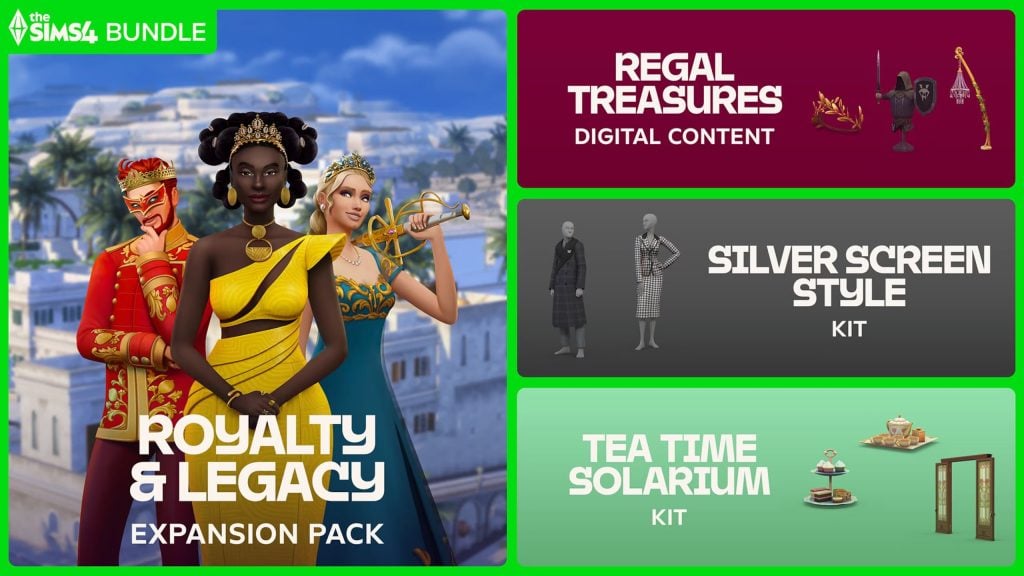
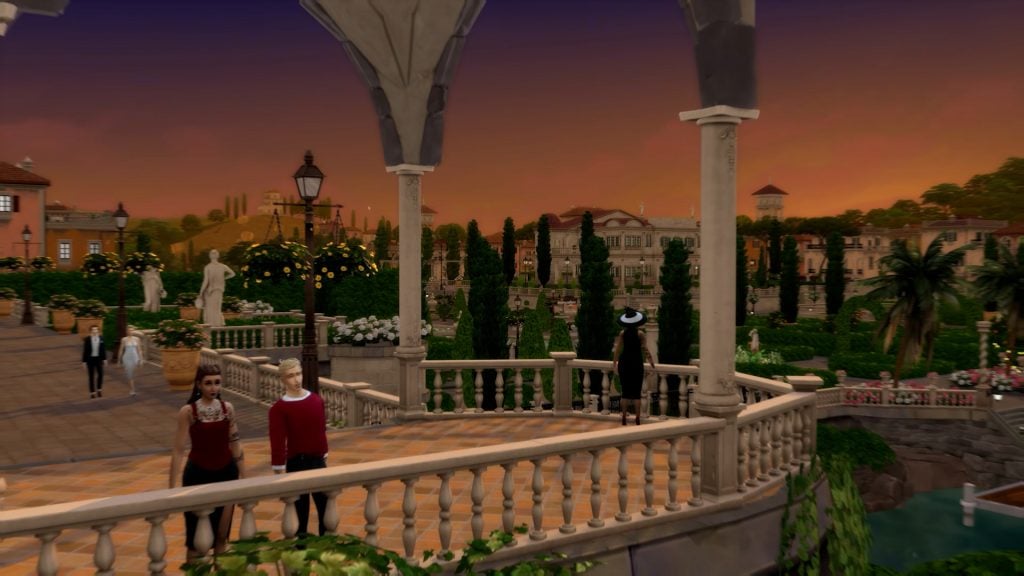


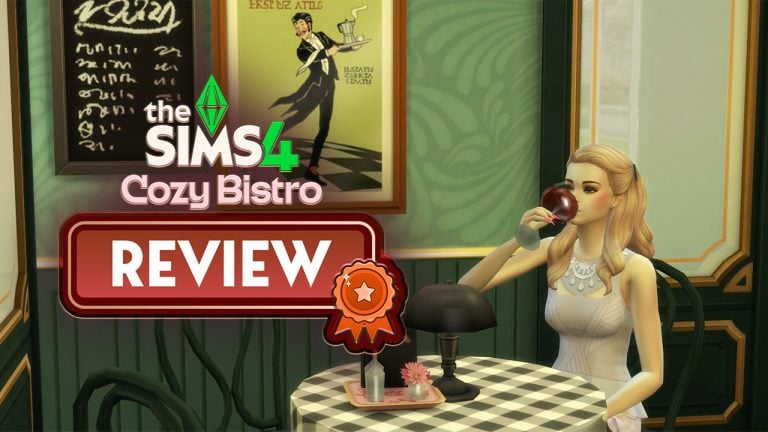
&q=85 "The Sims 4 Cozy Bistro Kit Review 39")
&q=85 "The Sims 4 Cozy Bistro Kit Review 40")