
Home Blog Page 318

The Sims 4: New Update + Patch Notes! (March 8th, 2018)

The Sims 4: New Update + Patch Notes! (March 8th, 2018)

The Sims Team has released a brand new Update for The Sims 4 on PC and Mac!

To download the latest version of The Sims 4, simply open your Origin program and if the game doesn’t update automatically, right click on The Sims 4 and select ”Update”.

In case you have Mods or Custom Content, the game will automatically disable them for you after first launching The Sims 4 after the update. To re-enable all your Mods and Custom Content, select the Settings option in the Menu and select Settings. Under the”Other” section you’ll find the ”Enable Custom Content and Mods” option. Check it and restart your game in order for it to take effect!

Patch Notes

Version PC 1.41.38.1020 / Mac 1.41.38.1220 

Hey Simmers,

Just a small update here for you, while we clean up the hamster cages, and fluff the pygmy fur.

Something new…
In Create a Sim, you can find a new full body outfit based on the one worn by Noctis Lucis Caelum from Final Fantasy XV. The outfit can be found under the full body category, or in the Styled Looks! This outfit can be worn by male and female Sims.

And we have addressed some issues…

General Issues

  • We fixed an issue that could cause the Set as Front Door interaction to be greyed out inappropriately.
  • The Defender light that keeps the monster under the bed from appearing will now also work for non-household children.
  • We fixed a clipping issue that occurred around the legs with the yfBody_DressFlutter.
  • We have addressed some flow issues with the Save As option that could result in overwriting saves unexpectedly, as well as file naming issues.
  • Bars can now be found in the Creative sort under Activities and Skills (in Build Mode).
  • Chicken Nuggets is now an option under Have a Quick Meal on the microwave.
    • What’s that?
    • Nuggets.
    • Nuggets?
    • Breading, under cooked chicken, and a mushy texture.
    • Can I eat?
    • I don’t know. Give it a try.
  • The “Ghostly” achievement text has been updated to clarify how to satisfy it… the text now says “Have a Ghost join your household.”

Get to Work

  • Sims should no longer pick an Out of Stock sign to read as a book.
  • Doctors, have you been asked to Deliver a Baby for your daily tasks, only to find that nobody is showing up at the office ready to go? Well, we’ve taken care of that for you! Our baby guarantee states that within the first couple hours on the job, you will be sure to find a pregnancy ready and waiting for your care. No longer do you need to fear losing out on that promotion, the babies are eagerly awaiting upon you!

City Living

  • The Bubble Blower is now an available club rule option.
  • Sim Statues will once again wear gold makeup.

Movie Hangout

  • The Run Run Runnerway table will now properly change color as you choose different swatches.

Vintage Glamour

  • A hungry Sim that orders a butler to make a meal will now wait a reasonable amount of time before giving up on the butler and making their own meal.
  • Butlers should no longer hoard How To Serve and Not Be Served books in their inventories.
    • Many butlers are still anticipating the To Serve Sim novella, but translations are taking longer than expected.

Bowling Night

  • Ghost sims can now be invited to bowl with you on a bowling lane.
    • “It is by will alone I set my mind in motion, and the ball down the lane,” the mantra of the ghostly bowler.

Fitness

  • Earbuds can no longer be salvaged into parts, as this was leaving them in a bad state.
  • Sims should no longer attempt to stare through walls in order to watch a climber on the Treadmill Rock Climbing Wall.
    • We’ve added a lead component to most wall materials.

Laundry Day

  • Sims can now load clothes into their washer and dryer even if there is a shelf above the object.
  • Warm laundry should no longer kill your Sims.
    • The playful buff received from wearing warm laundry has been reduced in its strength.
  • Sims will now autonomously unload the wash tub when they are finished washing.
  • Laundry left in the wash tub will no longer dry from being ignored.
    • Is your room clean?
    • I dunno, I’m waiting to see.
  • Replacing a washing machine after a fire, should no longer cause the machine to lose all of its functionality.
  • yfTop_SP13BlouseRuffles can now be worn with many necklaces, and the necklaces will remain visible.
    • Also, we have fixed various clipping issues with this blouse and long hairs.

Thank you for reading to this point. If you have a moment longer, I hope you make it to the end.
-SimGuruGnome

Are you here yet?

The Sims Mobile: Improving Your Lifestyle

What the heck are lifestyle points, anyway?

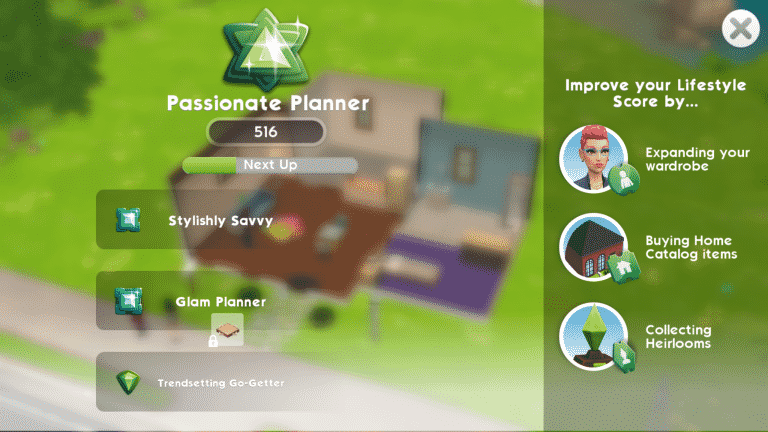
If you want to improve your Sim’s home, you’re going to need to improve your Lifestyle. There are three main ways to earn Lifestyle points; expanding your wardrobe, buying home catalog items, and collecting heirlooms.

Buying new clothes and furniture are the easiest ways to improve your lifestyle. Many of the furnishings in the game are part of collections. It’s to your benefit to finish these collections because having completed collections also contributes to your lifestyle score.

The Sims Mobile: Improving Your Lifestyle

Improving your lifestyle score is essential for significant home upgrades. If you want more land to build on or more rooms for your home, you’re going to need to raise your Lifestyle score. There are a total of 50 Lifestyle levels. Lifestyle levels start at First Furnishings and go all the way up to Toast of the Town.

Not sure what your Lifestyle score is or how close you are to adding that extra bedroom you’ve wanted for a while? Your Lifestyle score can be accessed at any time by tapping the green triangle at the top centre of your screen. On the Lifestyle screen, you’ll be able to see exactly how to earn more Lifestyle points along with your current progress towards your next level and which levels will allow you to expand your property or add a new room to your home. Your Lifestyle is key to your Sim’s quality of life, so make it a priority if you want your Sims to go from rags to riches and live a life of luxury.

The Sims Mobile: Improving Your Lifestyle

So what are you waiting for? You know the saying “You’ve got to spend money to make money,” so get spending those simoleons to start making those Lifestyle points and turn your humble starter home into the Toast of the Town.

Getting Started in The Sims Mobile

Getting Started in The Sims Mobile

Did you just install the highly anticipated game, The Sims Mobile, yesterday? Feeling a little lost? No worries, Sims Community is here with a quick rundown of how to get the ball rolling on your Sim’s first day in the mobile world.
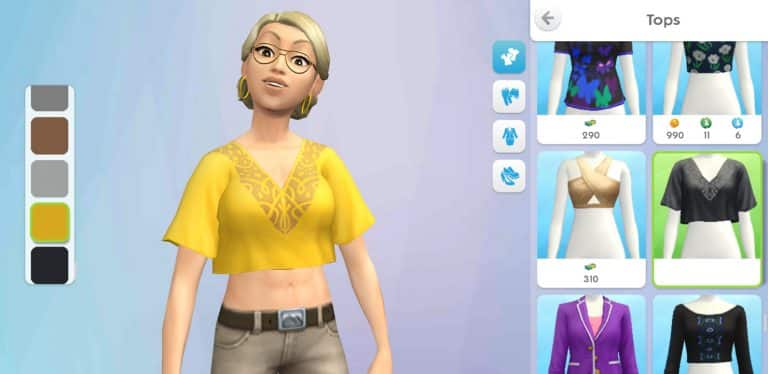
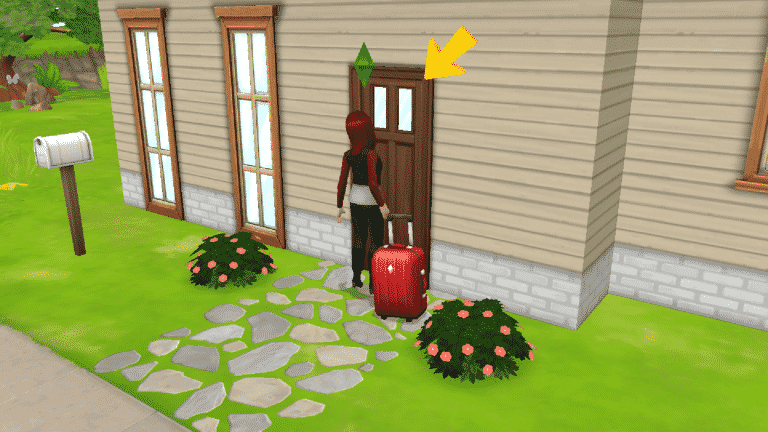
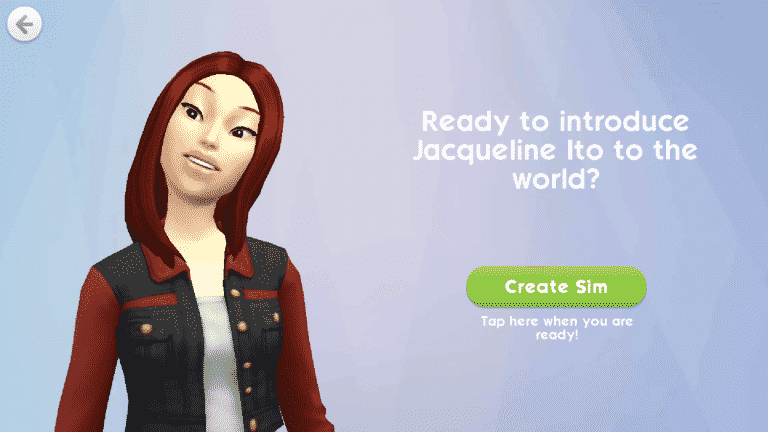
After creating your Sim in CAS, your Sim will be introduced to their new home, which needs some fixing up. With time and simoleons, your Sim’s home will become the envy of all your friends, but for now, tidying up the place will do. After getting the living room in order, you’re introduced to a major component of The Sims Mobile; stories.

Getting Started in The Sims Mobile

Almost everything from relationships to career advancement is done through telling stories. You get just a small taste of this when you get to decide which room in your house to fix up next. I chose the bedroom.

Fixing up the bedroom allowed me to finish furnishing it, which is where collections are introduced. Many furnishings for your home are part of collections. Finishing collections and making other improvements to your Sim’s home adds to your Lifestyle score. Reaching higher Lifestyle levels allows you to make major improvements to the home, such as adding rooms and getting more land to build on.

Fixing up the house also raised my player level. Your player level is the most important level, since gaining new levels not only unlocks new areas, clothes and furnishings, but also unlocks new major game features, like parties, marriage, and children.

Once the home is looking presentable, Bella Goth will show up to welcome you to the neighbourhood and introduce your Sim to the mechanics of building relationships with other Sims. It’s not so different from making friends in The Sims 4, except for the events. Use social interactions until milestone events open up, then complete the event to reach a higher friendship status with that Sim.

Now that your Sim has a house and a potential new friend, it’s time to go hunt for a job. How else are you going to earn simoleons to turn your basic starter home into a magnificent estate? Head on over to Parkside and open up the cafe to get your first job as a barista. This is where you’ll get to see stories in action. The only story available is The Way of the Latte, but you’ll find that there will be many situations where you can choose from many different story options.

Starting The Way of the Latte story will hire your Sim as a barista at the cafe and you can begin your first shift. Remember the friendship event you did with Bella not long ago? Career events aren’t too different. Each shift your Sim does at work is an event. Your Sim will finish the event just fine on their own if you decide to go do something else for a while, but they’ll finish much faster with your help. Choose different options marked by the pink stars that pop up around the workplace to finish the event. When your Sim has done enough of these successfully, they’ll have enough confidence to try a risky action. Completing risky actions successfully gives your Sim a lot of stars towards their event progress to finish faster, but your Sim has a chance at failing these risky actions, too, so gauge odds of success carefully.
Completing a shift completed the current story chapter, promoted my Sim to level 2 of the barista career, and unlocked a new fridge for her to use at home. Let’s go home and place it to raise our Lifestyle score a little more.

After your Sim has their house, a job, and a few friends, you might be thinking “Now what?” That’s when your quests and daily task list will come in handy. Whenever you’re not sure what you should be doing next, refer to the quests and task list for direction on what to focus on that day. Your Sim will introduce you to these when you get back home from your first shift.

My Sim wanted to finish fixing up the house, so I went ahead and took care of that by restoring the run-down bathroom. Doing that completed a task on my task list which allowed me to collect a reward. Make sure to complete your task list every day to earn even better rewards.

And that’s it for getting started! After fixing up your new house, getting a job, and making a few friends, you’re all set up to explore the rest of the game. Pay attention to your quests, as these will allow you to progress in the game, but daily task lists are a great way to earn extra rewards and spend some time away from questing when you feel like it.

How to Make the Perfect Sim in The Sims Mobile

How to Make the Perfect Sim in The Sims Mobile

If you’re used to playing The Sims 4, creating a Sim in The Sims Mobile can be a little overwhelming at first. This is because Sim customisation is set up a little differently in The Sims Mobile. The good news is that once you understand where everything is and how the different tools work, creating your perfect Sim in The Sims Mobile is just as easy as it is in The Sims 4.

There are three main categories in CAS; Head, Body, and Style. The Head category deals with facial structure, hairstyle, hair colour and eye colour. The Body category deals with body build, and the Style category has clothes, makeup, and accessories.

How to Make the Perfect Sim in The Sims Mobile

The most powerful tool in the Head and Body categories is the detailed edit tool, which allows you to go beyond preset facial features and customise the exact size and shape of just about any physical feature of your Sim using XY axis sliders. If this sounds complicated, don’t worry, it’s not! It only took me a minute or two of fiddling to master these controls!

Every category, from eyes to legs has a detailed edit mode. Tap the pencil icon underneath any body modification category to bring up a set of sliders. The sliders will tell you which parts of the body can be adjusted. Then it’s just a matter of playing around with the slider positions until you’re happy with your Sim’s look. Feel free to spend some time getting the details just right; these new XY axis sliders allow for much more in-depth customisation than the sliders you may have seen in previous installments of The Sims.

Once you’ve fine-tuned your Sim’s body, tap the Style category to give your Sim some personality with an array of clothes, makeup options, and accessories, all of which have various colour swatches in thumbnails on the left of the screen. You’ll find there are only a handful of options while making your first Sim, but more clothes will be available to your Sims as you level up and progress in the game. Some clothes can be purchased later on with SimCash as well.

How to Make the Perfect Sim in The Sims Mobile

Wondering where the traits are? In The Sims Mobile, your Sims develop their personalities as they go through life with a little guidance from you. This means you’ll get to pick traits for your Sims as you play the game and not in CAS. This opens up more possibilities to tell unique stories because you’ll be able to base your Sim’s personality on their actions and decisions so far in the game instead of having to set their entire personality in stone right away.

How to Make the Perfect Sim in The Sims Mobile

So dive right into CAS and create your perfect Sim in The Sims Mobile… and don’t forget those nifty sliders!

Livestream for The Sims 4 My First Pet Stuff is taking place this Friday

The Sims Team has just announced that they’ll be doing a livestream for The Sims 4 My First Pet Stuff Pack at 11AM PT / 8PM CET / 7PM BT on Twitch where SimGuruGraham will be answering some of your questions about the pack as well as showcase the new items and gameplay.

As always we’ll be covering all the important information from this livestream as well as capture a YouTube Replay on our channel for those who can’t watch content on Twitch for technical reasons.

Livestream for The Sims 4 My First Pet Stuff is taking place this Friday

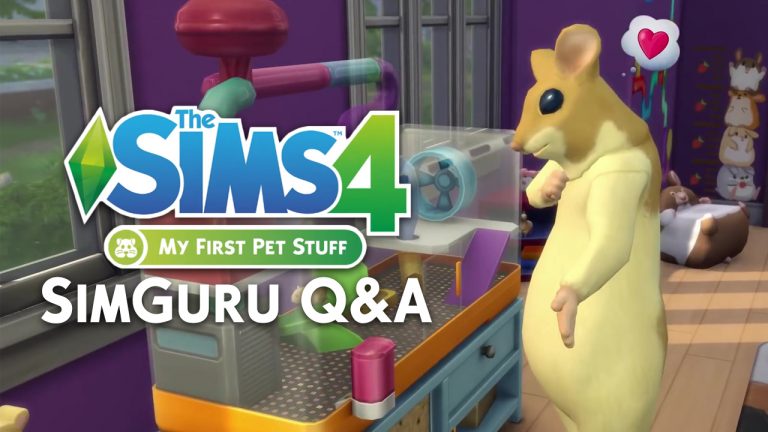
The Sims 4 My First Pet Stuff: SimGuru Q&A

0

Simgurus are currently answering questions about the upcoming The Sims 4 My First Pet Stuff Pack on twitter.

We’ll make sure to update this post as new tweets get posted!

You have 15 days to claim these Free Gifts in The Sims Mobile

18

Now that The Sims Mobile is out worldwide, the team has made sure to give some gifts to its early players.

You have 15 days to claim these Free Gifts in The Sims Mobile

People who download and play The Sims Mobile in the next 15 days will unlock the following items in Create A Sim and Build Mode:

  • 1 new Top for Female Sims
  • 1 new Top for Male Sims
  • Burst Your Bubble Rug

This offer ends on March 21st at 9AM PT. Make sure you take advantage of this offer by downloading the game on your device!

The Sims 4 My First Pet Stuff: 50 Screens from the Trailer

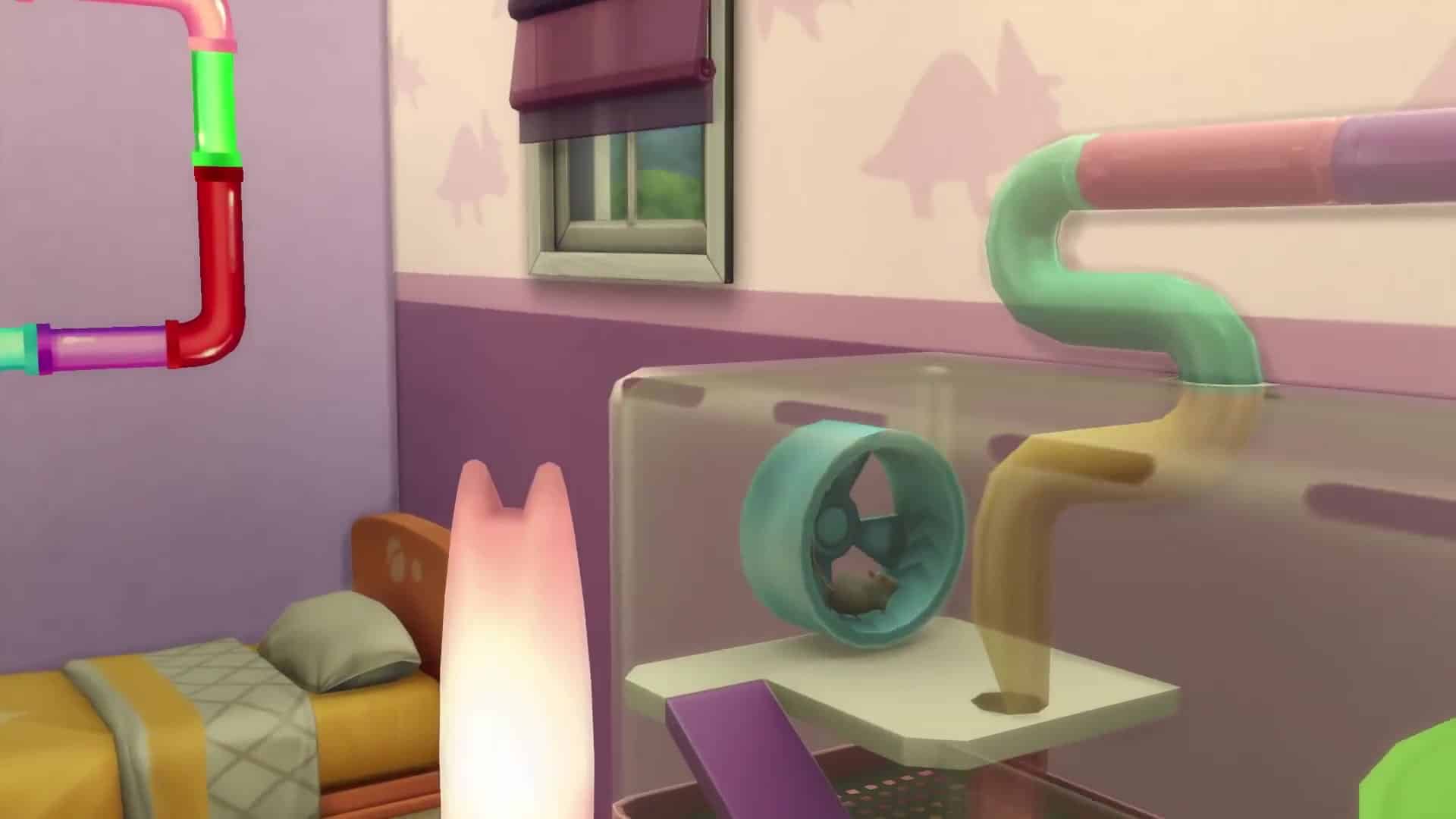
Looking for more details from The Sims 4 My First Pet Stuff Announce Trailer? Look no further! Down below we’ve provided 50 screen captures so you can find all the important details in each frame. Just click on an image of your choice to enlarge it!

The Sims 4 My First Pet Stuff: New Screen & Render

0

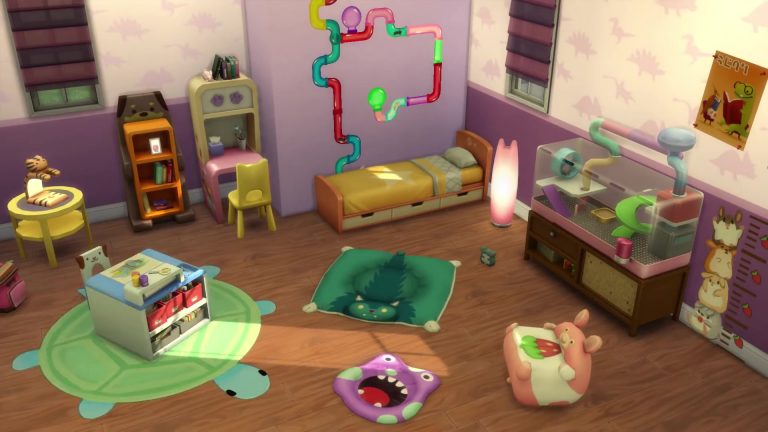
EA released some new assets for The Sims 4 My First Pet Stuff Pack including a new screenshot and a wide render!

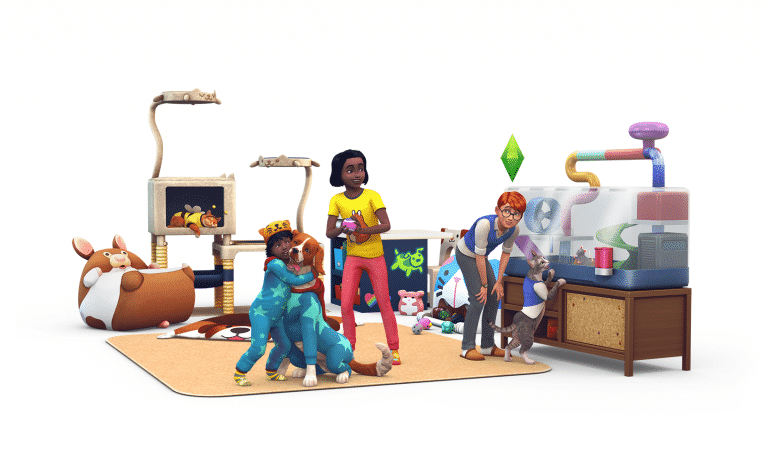
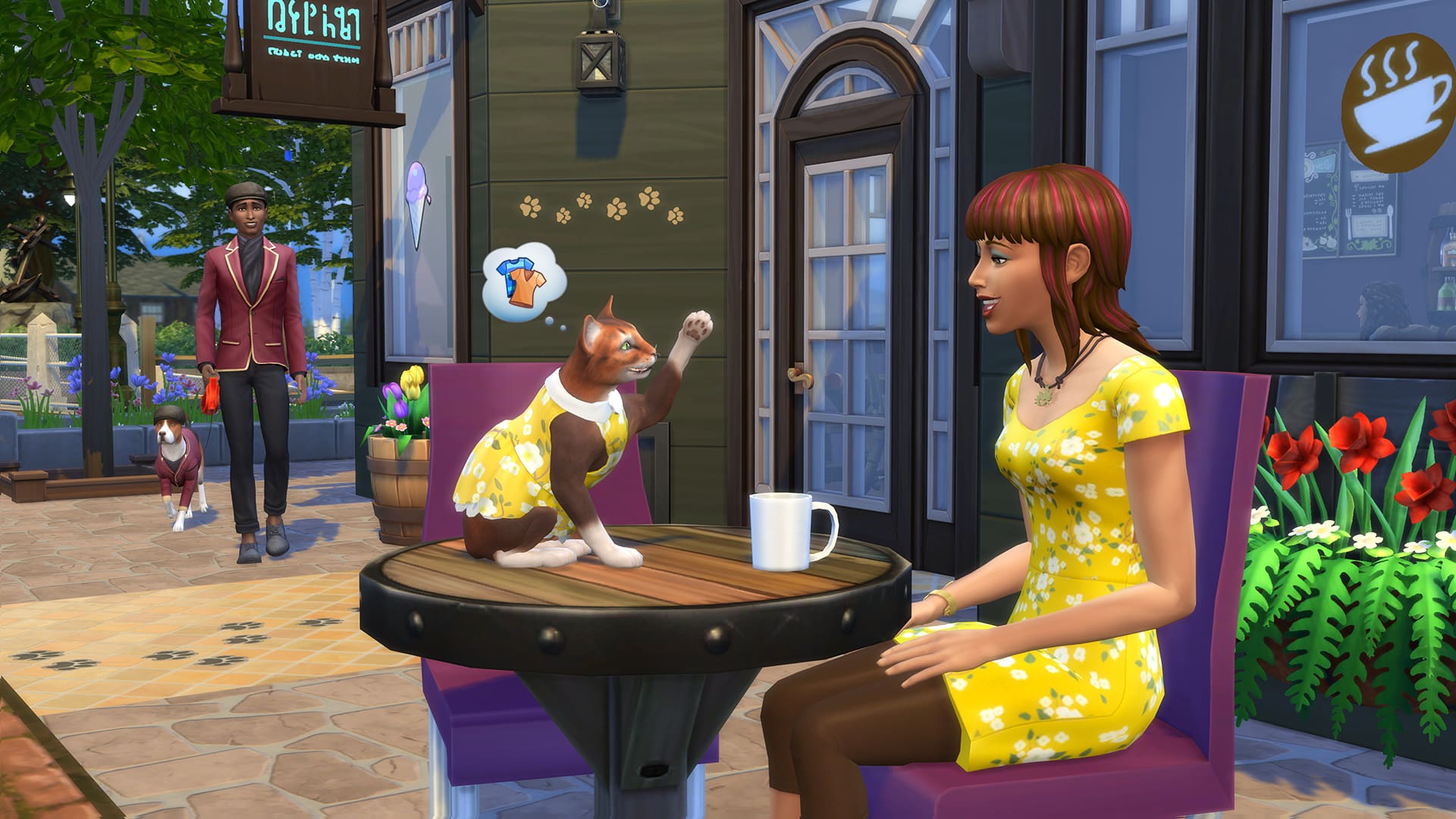
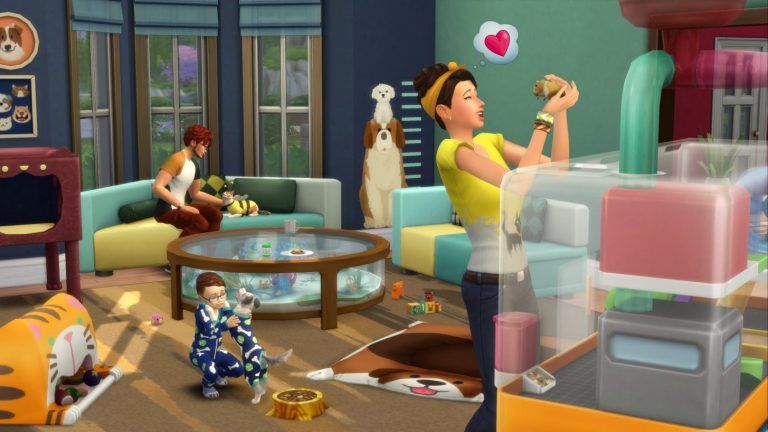
The Sims 4 My First Pet Stuff: New Screen & RenderThe Sims 4 My First Pet Stuff: New Screen & Render

The Sims Mobile Launch Trailer

0

https://www.youtube.com/watch?v=dcDy1CCd-F8

The Sims Mobile is now finally available worldwide. To celebrate The Sims Team has released a full worldwide release trailer that you can check out above!

The Sims 4 My First Pet Stuff: Announce Blog

via EA.Com

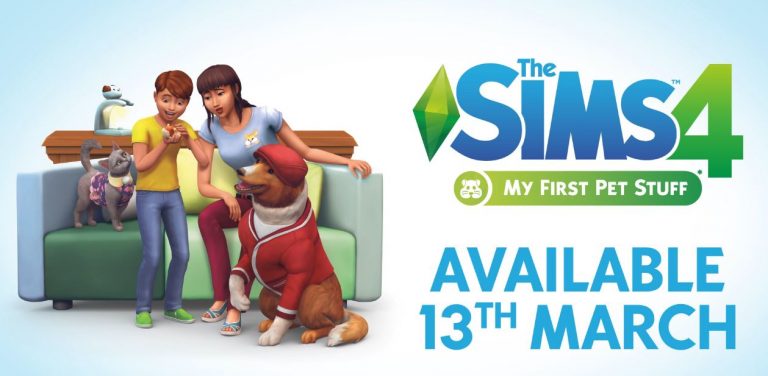
Simmers, do your Sims love their pets? Do said pets add sunshine and rainbows and scratched furniture to your Sims’ lives? Do you want to add to their lives, too? Are you tired of reading all these questions? Of course you are! Let’s cut to the chase: The Sims(TM) 4 My First Pet Stuff* pack is coming soon, and it’s all about – you guessed it – pet stuff.

Your Sims will now be able to dress their cats and dogs in fresh outfits. Yes, it’s happening, people. Pet costumes are in the building. Your furry besties can now strut in style! Now that’s what we call a catwalk.

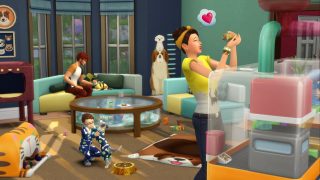
But wait, there’s so much more! If you can’t get enough of The Sims 4 Cats & Dogs, you’re probably a huge animal lover. With The Sims 4 My First Pet Stuff, you can add small pets to households, like a hamster, rat, pygmy hedgehog, or miniature bubalus. So. Freaking. Cute. Each one lives in a fun, interactive habitat, and your Sims will learn to take care of them, play with them, and keep them happy and healthy, too.

ts4 sp14 official screens 01 002

Finally, Sims can show their pets, friends, and families how much they care about their fur babies by decorating their homes with pet-inspired furniture. Brighten up a kid’s room, toss a kitty throw pillow in your living room, and show your pride for all things pets!

Ready to show your Sims’ pets some love? The Sims 4 My First Pet Stuff pack arrives March 13, 2018 on PC and Mac.

The Sims 4: My First Pet Stuff Official Trailer

https://www.youtube.com/watch?v=I1ixm_lE4xg

The Sims Team has released the official trailer for The Sims 4’s upcoming Stuff Pack – My First Pet Stuff. Check it out!

The Sims Mobile is Now Available Worldwide!

26

The Sims Mobile can now be downloaded on iOS and Android devices WORLDWIDE!

To download the game simply click the button below and you’ll be redirected to the App Store / Google Play page to download the game, depending on the device you’re using. Please note that it might take some time for the game to show up in all stores and territories.

Stay tuned to our Sims Mobile News Category for upcoming news and articles!

[mks_button size=”large” title=”DOWNLOAD (FREE)” style=”rounded” url=”https://smart.link/5a9d853d3e62c” target=”_blank” bg_color=”#81d742″ txt_color=”#FFFFFF” icon=”fa-arrow-down” icon_type=”fa” nofollow=”0″]

The Sims Mobile is Now Available Worldwide!

The Sims Mobile is releasing worldwide – TODAY!

14

After 10 months the day has finally come! Numerous updates, upgrades and bug fixes during the soft launch phase of The Sims Mobile have lead to this very moment.

The Sims Mobile Team will be releasing The Sims Mobile WORLDWIDE in the next few hours on iOS and Android devices. It’s expected to go up around 9AM PT but it may vary considering the fact that it needs to roll out in multiple countries on two mobile operating systems.

Make sure you stay tuned to our The Sims Mobile News Category for all the latest updates and information about this game.

The Sims Mobile is releasing worldwide – TODAY!

The Sims 4 Mod: Voidcritter Display Boxes and Comics

0

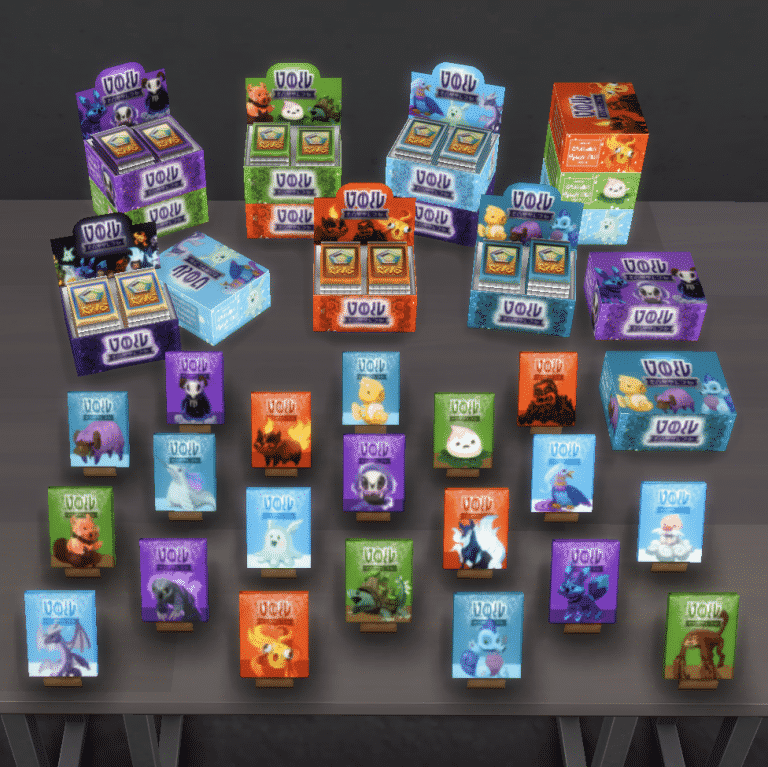
The modder BrazenLotus has created a small mod adding a Display Box for Voidcritters, Voidcritter Type Booster Packs, and Comic Books! This Mod is perfect for those with the Kids Stuff Pack.

(You must have The Kids Stuff Pack for this mod to work) 

Here’s some information about the mod:

OBJECTS INCLUDED:

  • Multi Booster Pack
  • Fire Booster Pack
  • Water Booster Pack
  • Void Booster Pack
  • Earth Booster Pack
  • Air Booster Pack
  • Open Card Box
  • Closed Card Box
  • Comic Books – All 20 Voidcritters

So the  booster packs work just like they used to and provide you with a higher chance of getting a rare foil. The boxes are for display, be sure to stack boosters in them on the ground before moving them to a surface, it’s easier that way. The comic books are all functional; you can read them all the way through then reread them later. While your sim is reading them, they will have thought balloons that correlate to the Voidcritters that are in the comic that they’re reading. They will also add a playful buff to your sim when they are finished reading them.

The Sims 4 Mod: Voidcritter Display Boxes and Comics

The Sims 4 Mod: Voidcritter Display Boxes and Comics

Even SimGuruGraham has tweeted about this mod:

https://twitter.com/SimGuruGraham/status/970874811609067520

To download the Mod head to its page HERE! 

If you want to know how to download Mods and CC head over to our handy guide!

Pictures and Mod Descriptions belong to BrazenLotus

Please note this mod is for PC not console.