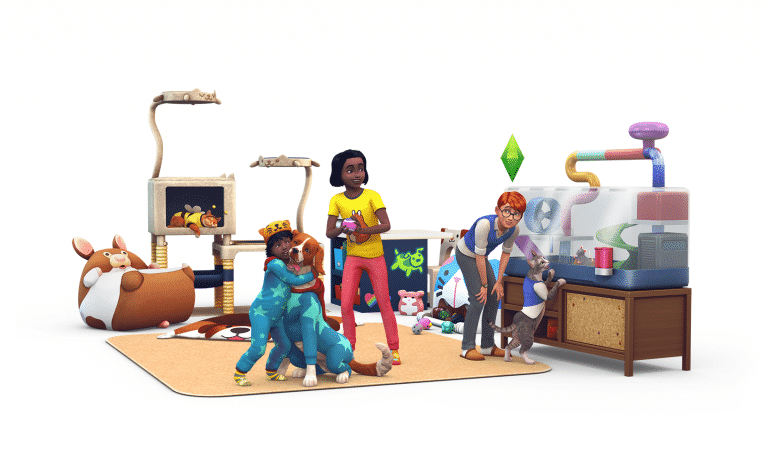
We’re only a few days away until the worldwide release of The Sims 4 My First Pet Stuff Pack!
My First Pet Stuff Pack comes out on March 13th. According to previous Stuff Pack release times this pack will come out at 7PM CET / 10AM PT / 6PM BT. We know how many of you get confused by the time zones so we’ve provided a countdown down below. Please note that it is usual for Stuff Packs to come out a few minutes early from the usual time frame that we’ve marked in this post so make sure you keep checking our My First Pet News Category to be the first to know exactly when it comes out.
The Sims Mobile is all about building a strong legacy over many generations and leaving behind precious family heirlooms to make life easier for the next generation. Naturally, this means your Sims will be raising children. There’s a lot to know about having babies in The Sims Mobile. Your Sims will need to prepare for their little bundle of joy.
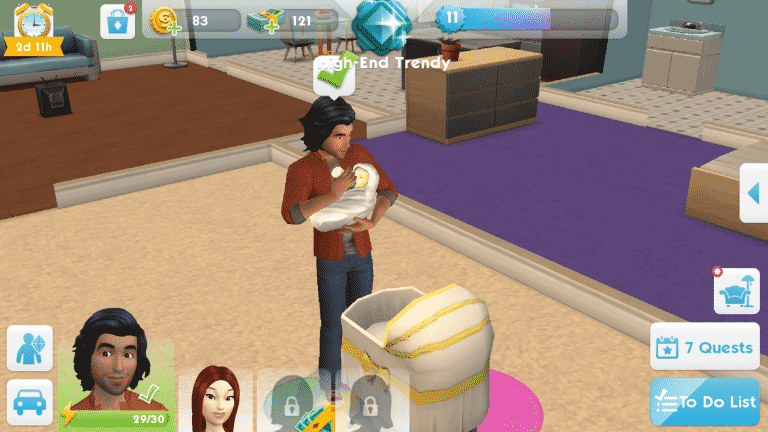
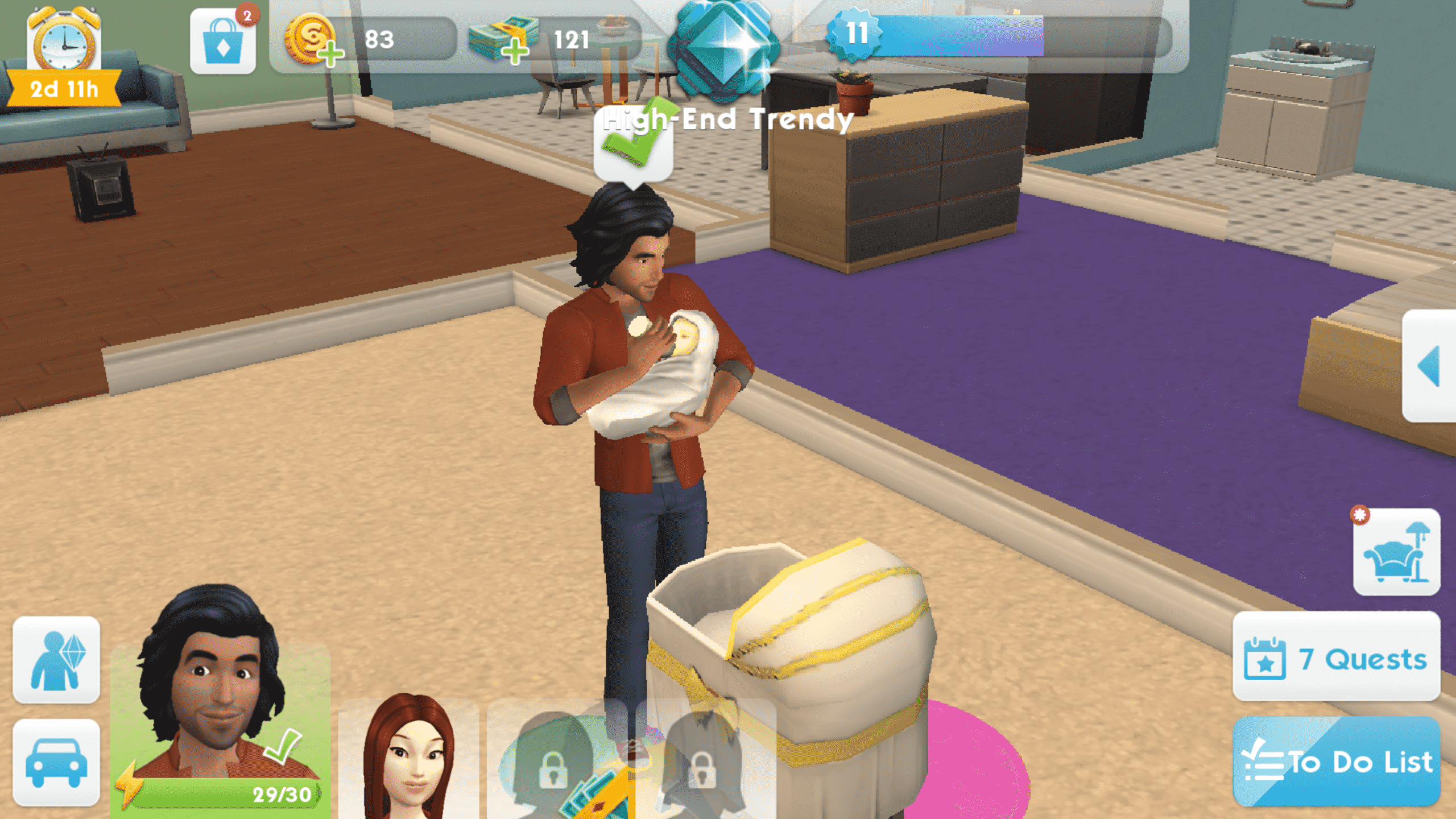
Babies are unlocked at level 11. After reaching level 11, you’ll receive two quests: Baby Crazy and Oh, Baby!
You’ll need a bassinet before you can have a baby, so finish the Baby Crazy quest by purchasing one from the Buy catalog and placing it in your Sims’ home. The baby bassinet costs a pricey $600, so if your Sims are still getting on their feet, they might need to work a few long shifts to afford it. No one said babies are cheap, after all. There is an optional hanging mobile you can purchase for the baby as well, which will open up extra interactions with the baby, but the mobile is not necessary. Only the bassinet is needed to have the baby.
Screenshot 20180309 193345
Screenshot 20180309 200559
Once your Sims have purchased a baby bassinet, they will be able to become parents. Tap the bassinet to get a series of options: Adopt a Boy With…, Adopt a Girl With…, and Have a Baby With…
Adopting allows you to choose the gender of your Sim’s child, but if you have a baby the natural way with your Sim’s partner, the baby’s gender will be a surprise, just like in real life.
Select the option that’s right for you. Having a baby naturally will result in your Sims going to the bedroom for some “fun” (oooh la la) for 30 real-time minutes, which can be sped up with SimCash if you’d like. When they’ve finished up, you will welcome a new bundle of joy into the home! You’ll be able to name the baby.
Screenshot 20180310 002811
Screenshot 20180310 002820
Children don’t become part of the playable household, though they will live in the home with your playable Sims. You can’t control your Sims’ children directly, but your Sims can interact with them. Interacting with your Sims’ children is very important for their development.
Screenshot 20180310 005952
Screenshot 20180310 083541
Screenshot 20180310 083645
Screenshot 20180310 112821
Completing family events with your child will give them the Good Upbringing trait. This trait will help them in many aspects of their adult life. This trait can be strengthened by continuing to complete family events with your child and interacting with them frequently. Make sure your little ones get lots of attention from their parents while they’re young because it will make life much easier for them when they grow up.
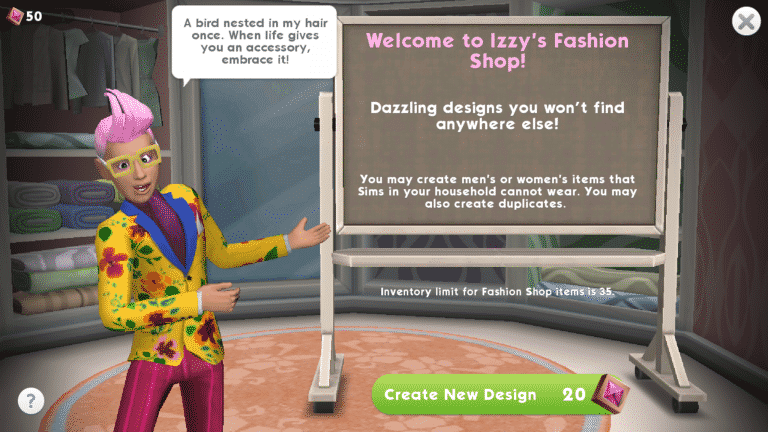
Unsatisfied with the basic clothes you get as you level up? Are the paid clothing sets not your style? Not to worry; Izzy has what you’re looking for.
Who is Izzy, you ask? Izzy is your personal fashion assistant and you’ll want to visit him often if you want your Sims to stay at the height of fashion. You’ll meet Izzy shortly after getting to level 5, so you won’t have to wait long to be introduced to custom fashion designs.
Screenshot 20180307 115203
Screenshot 20180307 115210
Izzy will show you where his shop is located the first time he comes to see you, but for future reference, you can find Izzy’s Fashion Shop in the Parkside neighbourhood right next to the cafe. You can’t miss it; it’s the trailer decked out in Izzy’s signature style, dramatic hair roof and all. You can visit Izzy anytime you want, but make sure you can pay him for his services. Luckily, Izzy isn’t interested in your hard earned simoleons. His currency of choice is fashion gems. You can earn two fashion gems a day just by completing the “Give Stickers” task in your To-Do List, but participating in weekly sticker events will also reward you with fashion gems that you can redeem for new outfits designed by Izzy. Fashion Gems can be purchased with SimCash as well.
It costs 20 Fashion Gems to have Izzy create a new design for you. Izzy will come up with a random new style for your Sims. If you like the design, you can keep it, but if you’re not a fan of what Izzy offers you, you can discard it and ask him to design something else, instead. It will cost you some more Fashion Gems to do this, however.
Screenshot 20180307 115247
Screenshot 20180307 115318
Some of the clothes Izzy designs provides trait boosts and other benefits in-game while your Sims are wearing them, so it’s a good idea to pay Izzy a visit whenever you’ve saved up a nice stack of Fashion Gems. Wearing Izzy’s custom designs will also help your Sims get noticed at parties and events and they might get stickers from other Sims. Getting lots of stickers during weekly sticker events is a great way to earn Fashion Gems to get more cool clothes from Izzy, so it’s all connected in one big fashionable circle.
Screenshot 20180307 115348
Screenshot 20180307 115504
On top of all the other benefits, expanding your wardrobe raises your Lifestyle score, allowing you to expand your property and add new rooms onto your Sims’ home. The benefits of using Izzy’s Fashion Shop are nearly endless.
So gather up those gems and get Izzy to whip up something special for that next big party your Sims are attending.
For those who have issues or just prefer watching content over YouTube we’ve added The Sims Team’s official The Sims 4 My First Pet Stuff Livestream from Twitch onto our YouTube Channel.
The original livestream with the chat can be found here!
The Sims Team held a livestream for The Sims 4 My First Pet Stuff Pack showcasing some of the new items and gameplay features that come with this pack. We’ve written down all the important facts from the livestream that you can check out below!
The My First Pet Stuff Pack is only building on Cats & Dogs because it has extra content for Cats & Dogs. If you don’t have Cats & Dogs EP you are still able to enjoy new content for Sims.
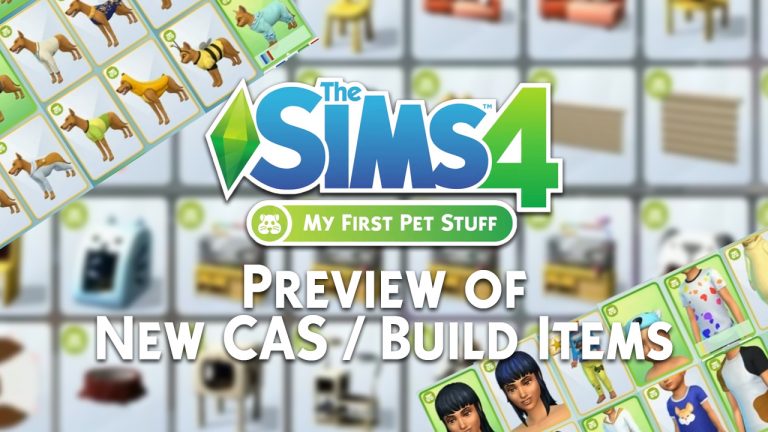
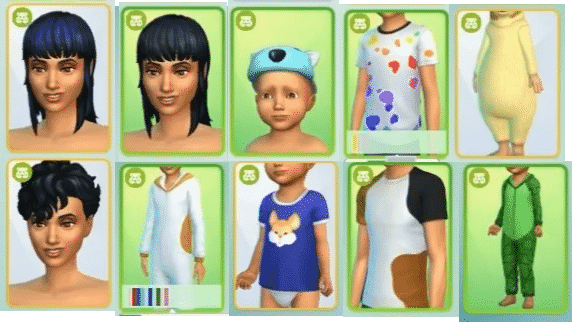
This Stuff Pack has new Create A Sim assets for both Cats, Dogs and Sims.
Cats and Dogs also get matching outfits that are already available for Sims in the base game.
There are new onesies for Children and Toddlers. Some of them match with already existing Cats & Dogs clothing.
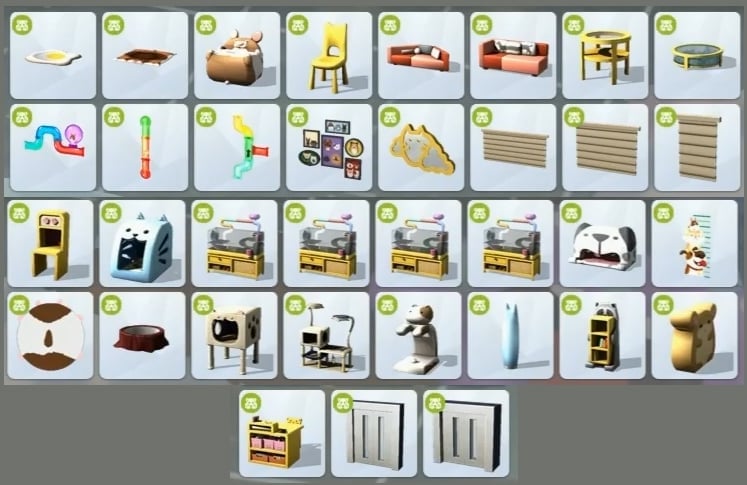
The build aspect of My First Pet mostly focuses on playful-looking items for Children / Toddlers.
There are 4 new Pet Beds / Sleeping Stations in this pack.
There’s a new kid activity table and a hamster toy for kids.
This pack comes with hamster tunnel decal pieces that you can connect yourself.
If you don’t have Cats & Dogs Expansion installed, all the pet objects that come in My First Pet will only be decorative without any functionality.
Pets also get a new food bowl.
This pack introduces the first round coffee table in the game – which is also a decorative fish aquarium.
There’s a new pet door.
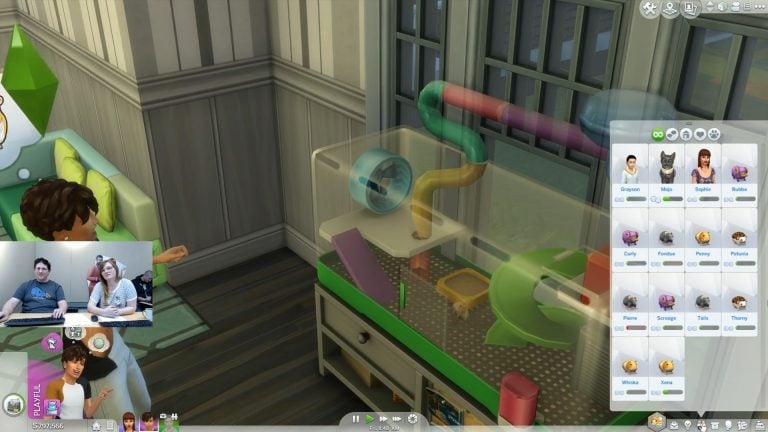
Rodents have 3 needs: Hunger, Attention and Activity. You can check up on them by hovering over the rodent cage.
You can form relationships with rodents and name them.
You can socialize with rodents. Higher relationships will unlock new social interactions.
You can only have 1 hamster per cage.
There are different cages in build mode for each type of rodent including: Bubalus, Hedgehog, Rat and Hamster
Rodents have thought bubbles, showcasing what they’re doing, thinking about and what they need.
Rodents can pass away from starvation.
You can take hamsters out of the cage to play with them.
Rodents have secret lives as well. You’ll get notifications about rodents writing books, donating their organs and more.
They can have a dance rave, blast off a bomb (all within the cage) and use their own mini-rocket.
Rodents can also travel and bring back certain postcards.
There are new additions to the Postcard Collection, all of which are rare.
Rodents can also die from old age. Their normal life span is 3 weeks but you can feed them with the anti-aging treat, making them immortal.
Sims suffering from the Rabid Rodent Fever will eventually sneeze. The fever causes Sims to be Dazed – until they die eventually (that’s of course unless you decide to prevent that and cure them). It’s also very contagious.
The disease will decay bladder and hygiene really fast.
Standing near a Sim who suffers from the Rabid Rodent Fever gives you a chance to get contaminated.
Sims in your neighborhood who get sick by the Rabid Rodent Fever can get sick to the third and last stage of this sickness but can’t die. Only Sims that can die from this disease are the ones you’re playing with.
You can order a rodent remedy via computer. There’s a serum to cure your Sim from the fever and also a fever which will prevent them from getting sick forever.
Placing rodent cages on community lots is possible. You won’t have to take care of rodents while being away from the community lot but you will have to take care of them while on the community lot.
You won’t be able to sell rodents using retail features that come with The Sims 4 Get to Work.
Sims who die from the Rabid Rodent Fever will have foam coming out of their mouth until they pass away on the ground.
Sims who die from the Rabid Rodent Fever and come back as ghosts wear a hamster costume and have foam coming out of their mouth constantly.
Ghosts are able to use the innoculation serum and turn themselves back to normal ghosts without the hamster costume and foam coming out of their mouth.
You can purchase treats from the Vet Clinic that comes with The Sims 4 Cats & Dogs and purchase treats for your hamsters. You’re also able to chat about the new disease with the Vets in this clinic.
Kids can do their homework by selecting the hamster cage and selecting “Study Rodent”. That will also level up their Creativity skill.
Cats can react to hamsters and interact with them.
Hamsters who blast off to space at 1AM have a chance to bring back space rocks.
Sims can autonomously take care of pets and socialize with them.
With yesterday’s patch you may have noticed a few new items in Build Mode under the Walls, Floors and Roof catergories. Now it is believed that these were previously hidden/locked items but they are now all unlocked and available for you to use in your builds.
UPDATE: The livestream has ended. You can watch the Twitch Replay down below!
The Sims Team will be hosting a livestream for The Sims 4 My First Pet Stuff Pack, showcasing the new items and gameplay features. The stream begins at 11AM PT / 8PM CET / 7PM BT.
In case you miss the livestream we’ll be posting a YouTube Replay shortly after as well as a written overview of features mentioned during the stream.
What would a life simulation game be without a milestone as important as marriage?
At level 7, you’ll unlock the ability to get married. You’ll also get a quest to get married shortly after reaching level 7. Getting married in The Sims Mobile isn’t hard, but just like in other Sims games and in real life, you’ll need to spend some time building a meaningful relationship with another Sim.
Don’t worry if you’ve already started a non-romantic relationship story with the Sim you want to marry, you can still marry that Sim as long as you spend enough time doing romantic social interactions with that Sim.
After spending enough time being romantic with the Sim you want to marry, you’ll have the option to start a Proposal event in the Flirty interaction menu. The proposal event works the same way as any other relationship event. Perform event socials to fill the performance bar. Just like other events, your Sim will finish the event on their own, but you can help them finish faster.
Screenshot 20180308 005710
Screenshot 20180308 010146 1
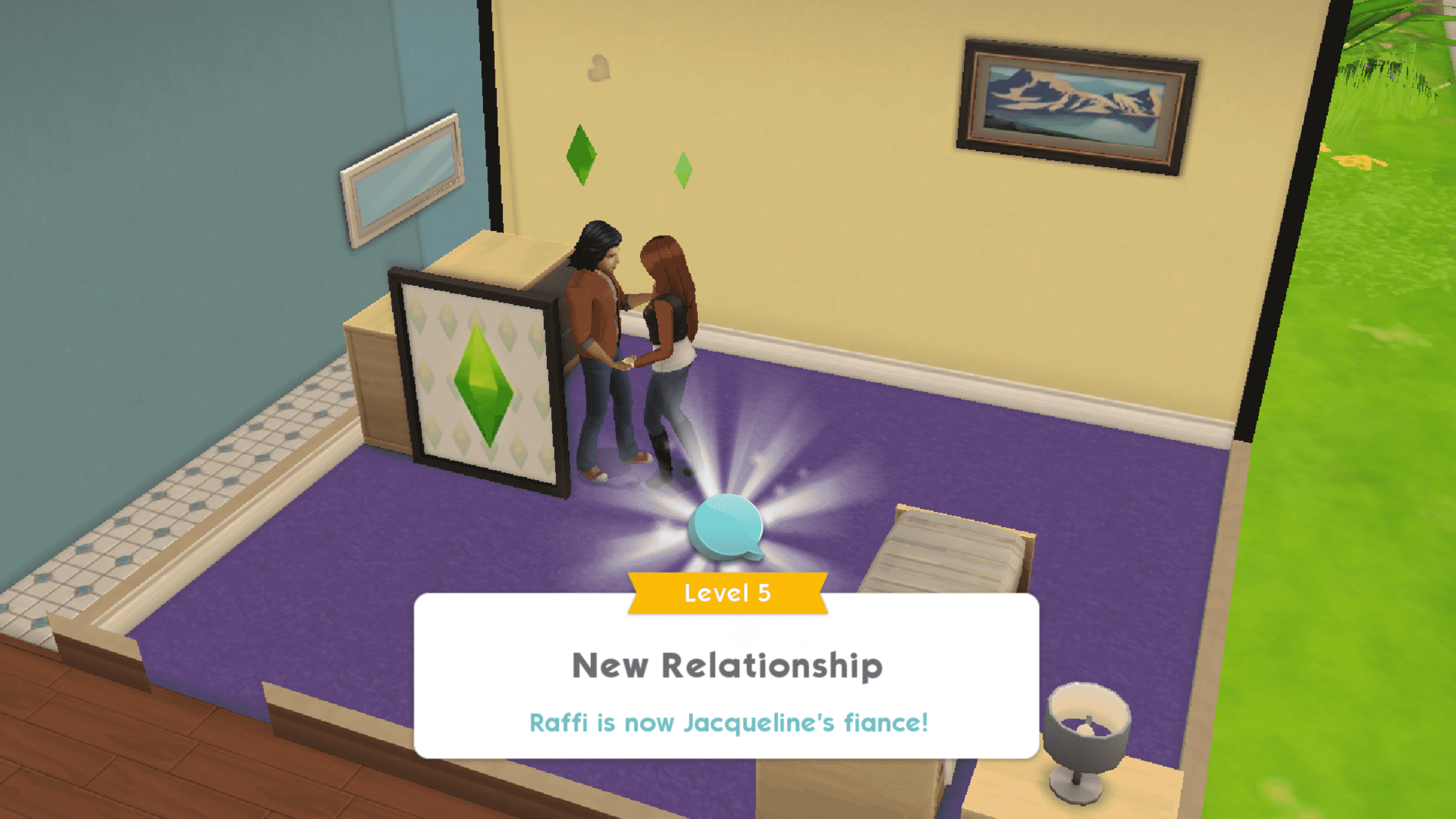
When the Propose event is finished, your Sims will become engaged and you can get married under a wedding arch, but before getting married, you’ll need to complete the wedding collection in the Buy menu. The wedding collection consists of three items; Windowed Rose Lattice, Floral Pillar, and the Wedding Arch. You’ll need one of each to get married.
Once your Sims are engaged and you have the wedding decor set up, it’s time for the big event. If you’ve spent enough time playing with your Sims, you’ll have the ability to throw a wedding party, but don’t worry if the wedding party isn’t available to you, yet. The wedding party is optional; your Sims can still tie the knot without one.
Screenshot 20180308 011027
Screenshot 20180308 011038
After the vows have been said and the rings exchanged, your Sim’s new spouse will move in with your Sim if they don’t already live with your Sim.
Congratulations on your new marriage! We hope your Sims will be very happy together for the rest of their lives!
One of the greatest features of The Sims Mobile is the ability to interact with other players and their Sims. Parties are a great way to do this. Meet new people, make new friends, and earn rewards along the way.
Parties are unlocked when you reach level 6. After getting to level 6, a Sim will invite you to your first party and walk you through the process of attending parties.
Screenshot 20180307 122941
Screenshot 20180307 123021
Open the tab with the blue arrow on the right side of the screen, then tap the icon with the balloons. Select Find Parties.
Several parties that other players are hosting will show up in this tab. You can see the possible rewards from the party and the name of the person hosting the party here. For your first party, select the one the tutorial guides you to, but in the future, you’ll be able to choose any available party you’d like to attend.
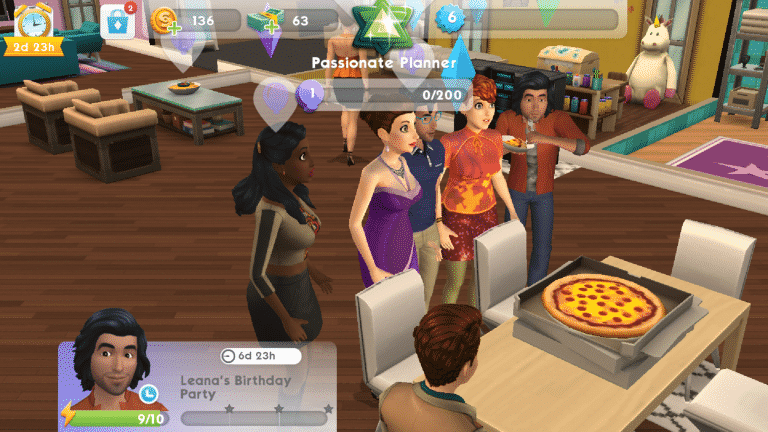
Once you’re at the party, your goal is to perform party actions to help the party go up a level. All Sims attending the party receive the party rewards for gaining new party levels. Socialise with other Sims and interact with objects that have a purple balloon icon above them in order to help raise the party level. This is a great way to meet new players and make more friends. It’s also a good way to give and receive stickers and make more friends for your Sims.
Screenshot 20180307 123035
Screenshot 20180307 123050
Your Sims can attend two parties a day and it’s a good idea to attend them both every day. Doing so will reward your Sims with new friends, simoleons, cake slices (which can be consumed by your Sims to give them more stamina for performing party actions) and Sim Tickets that can be used to expand your Sim’s wardrobe.
It pays to be social in The Sims Mobile, so put your party hat on and go mingle with the masses.
The Sims Team has confirmed that The Sims 4 Get to Work will indeed come to Xbox One and PS4 on March 20th.
They’ve released an announcement blog and a trailer that you can check out below:
Hey, Simmers!
We’re excited to announce that The Sims 4TM Get to Work* expansion pack is coming to Xbox One and PlayStation 4 on March 20, 2018. With three brand new active careers, and so much more, there are plenty of ways for you to build your Sims’ careers and earn Simoleons. There’s loads to discover in The Sims 4 Get to Work, so let’s start with five fun features that will have you clocked in on this pack.
An Emergency Room – of Fun!
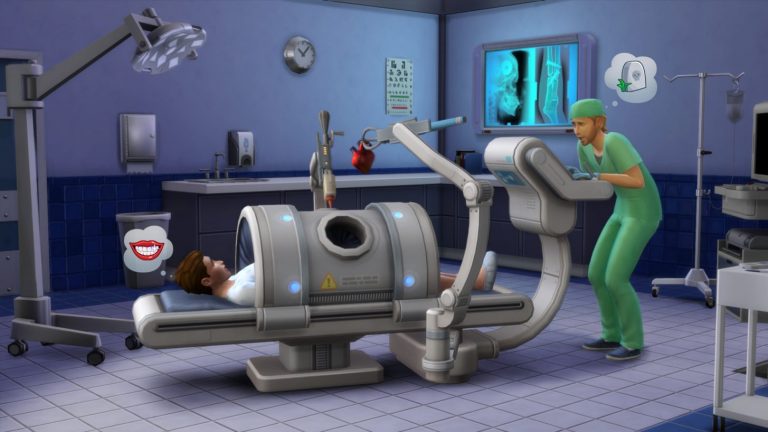
Your Sims can now spend their days saving lives, treating patients, performing emergency surgery, and being an overall hero. Plus, they can even deliver babies. Dr. Sim, report to the operating room, stat!
CSI: Crime Sim Investigation
Grab your badge and become a detective! Study crime scenes, interrogate Sims, and arrest criminals while you work your way from Cadet all the way up to the Chief of Police.
Down to a Science
Scientist Sims spend their days dreaming up crazy inventions and collecting unique specimens for diabolical creations like the Sim Ray. Like every moral scientific dilemma, your Sims can decide to use their inventions to help – or torment – their fellow Sims. Muahaha!
Set Up Shop
Start something awesome like a bakery, clothing boutique, art gallery, or bookstore. Customize every facet of your business with Build Mode, then select what items to sell, manage your employees, and even upsell customers. Cha-ching!
New Career Venues
Unique career venues and neighborhoods like the Hospital, Police Station, and Science Lab are fully stocked with a variety of objects to help your Sims achieve their professional dreams! The Retail District will be the hub for all the businesses you’ve created, and where Sims will flock to spend their hard-earned Simoleans.
BONUS: Close Encounters of the Sims Kind
We can’t keep this one a secret. Aliens have landed and walk amongst us. With this expansion pack, you’ll find out which Sims are truly out of this world, and discover the mysterious alien dimension!
Get ready to rule the workplace and make your Sims seriously successful! The Sims 4 Get to Work is coming out March 20, 2018 on Xbox and PlayStation 4.
With so much to do and experience in The Sims Mobile, it can be hard for a beginner to figure out what to focus on to progress in the game. Lifestyle points, Izzy’s Fashion Shop, careers, relationships, heirlooms, where on earth do you even start?
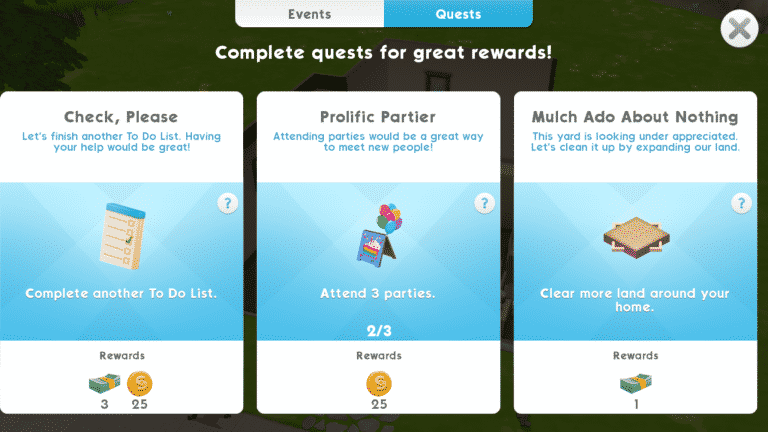
The answer? Quests and daily tasks. Whenever you’re in doubt about what to do next, consult your quest log and daily task list. They’ll always point you in the right direction. Completing quests and daily tasks will help you progress further in the game, so whenever you find yourself not knowing what to do, always default to these.
Quests are what push your Sim’s life forward, so it’s best to focus on those, first, but it’s always a good idea to complete your daily tasks every day to get some cool rewards, like simoleons and cupcakes. Cupcakes replenish your Sim’s energy so they can do much more for much longer.
Access your quests and daily tasks by tapping the To-Do List and Quests icons in the bottom right corner of your screen. These screens will be your go-to throughout the entire game so be sure to return to these screens often. They’ll tell you exactly what you need to do next so you can never go wrong if you’re referring to your quests and daily tasks.
So the next time you’re feeling overwhelmed or lost while playing The Sims Mobile, your quests and daily tasks will be there for you. They’ll point you exactly where you need to go so just follow their lead and both you and your Sims will be well on your way to success.
Oh, and did we mention completing quests and daily tasks will give you some pretty cool rewards? There’s that, too, so pull out your mobile devices and get questing!
The Sims 4’s latest game update unveiled the official description and key features for The Sims 4 My First Pet Stuff Pack.
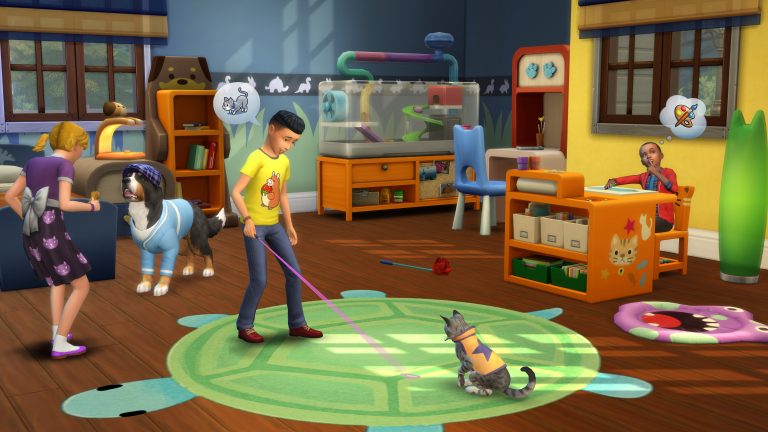
Welcome home a new small animal and show off your love for Cats and Dogs with The Sims™ 4 My First Pet Stuff. Teach your Sims how to care for smaller household pets, decorate a home with pet-inspired furniture, and dress pets in your favorite Sims outfits!
Care for a New Pet: Add a habitat to your household with all-new small pets like a hamster, rat, pygmy hedgehog, or miniature bubalus! Have your Sims name their new pet and learn how to take care of them.
Dress your Cats and Dogs: Show your Sims and their pets are made for each other with matching pet outfits like a comfy robe and purr-fect pajamas. Put a glamorous dress on your feline friend or have your dog don a hat for the right occasion.
Decorate with Pet Prints: Have Sims decorate their living room with uniquely-designed décor and paw-some pet-inspired furniture for the kids’ room. From cute cat pillows for your Sims to bright beds for your cats and dogs, there is something for everyone.