

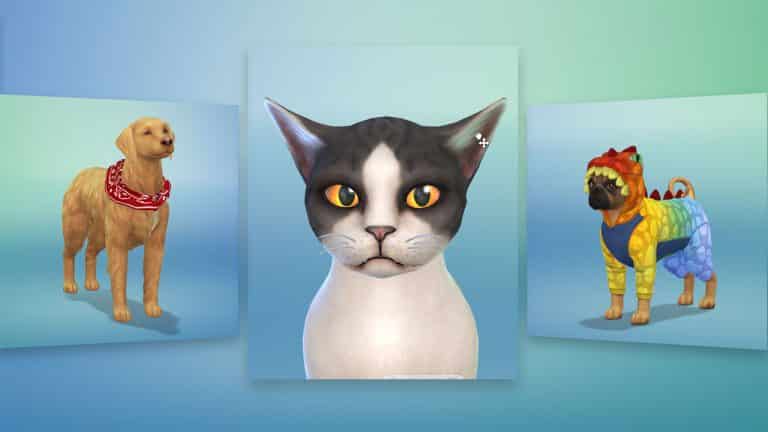
The Sims Team has released a brand new trailer for The Sims 4 Cats & Dogs Expansion Pack, showcasing all the features in the Create A Pet tool!
Welcome to SC Social 2.0!
After teasing for so long I can finally reveal to you that Sims Community Social 2.0 is NOW LIVE!
The new version of SC Social is the same social network you love with a new, modern design twist to it. We updated the site with better functionality and responsiveness for all types of devices you’re browsing the site on.
In case you don’t know what SC Social is – it’s a social network designed exclusively for Simmers with the ability to upload your images, create your albums, share your stories, have conversations with other Simmers and earn certain rewards for being active on the website.
We’re currently working on new features for the site as well which should roll out this weekend. We’ll be looking for beta testers so make sure you stay tuned!

News Recap: Cats & Dogs Exclusive Information / New Trailer / 2
I wanted to create a quick little recap of all the news about The Sims 4 Cats & Dogs that have been published in the last 24 hours. There are still plenty in preparation for publishing so don’t worry! I also talked about the upcoming trailer which is coming out today and the mysterious number 2 which is popping all over the place. Check it out!
Traits and Aspiration for Sims coming with The Sims 4 Cats & Dogs
Sponsored by EA!
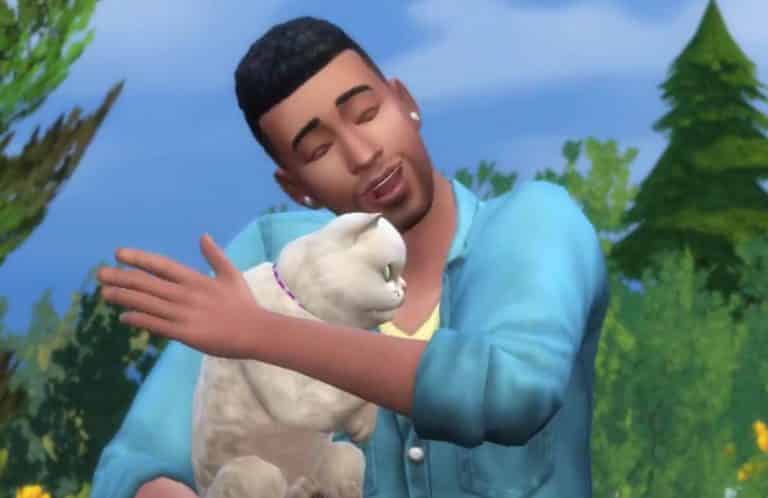
The Sims 4 Cats & Dogs won’t be only bringing new traits and personality details for cats and dogs – your Sims will also get 3 new traits and an Aspiration!
2 of the traits (Dog Lover and Cat Lover) are available in the Traits menu while the 3rd trait is a reward trait which you get by picking the Friend of the Animals Aspiration.
Aspiration
 Friend of the Animals – This Sim wants to be friends with the animals.
Traits

Dog Lover – These Sims love to be near dogs. They will gain relationships faster with dogs and socialize with dogs more than the average Sim.
 Cat Lover – These Sims tend to make cats their companions, preferring the company of cats to other Sims.
The Sims 4 Laundry Day Stuff: New Appliance Colors
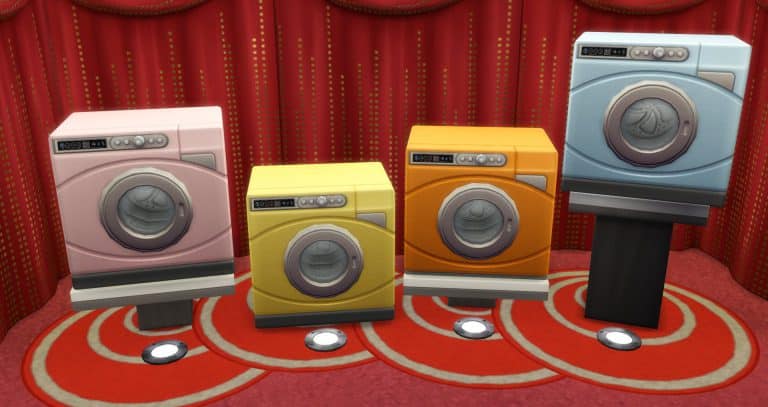
A few days ago SimGuruGraham posted a GIF of the new washing machine in The Sims 4 Laundry Day Stuff, mostly showcasing the new swatches / colors.
He posted a new screen today letting us know that the art team has decided to add 4 more color swatches for the appliances: Pastel Pink, Luscious Lemon, Orange Appeal, and Baby Blue!

The Sims 4 Cats & Dogs: Exclusive Create A Sim Overview
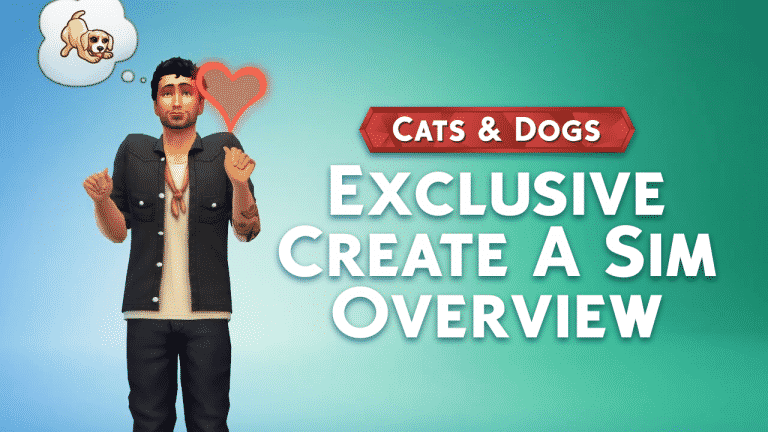
In this video I’m showcasing all the new items for adult Sims in The Sims 4 Cats & Dogs including new hairstyles, outfits, tops, bottoms, traits, aspirations and more!
The Sims 4 Cats & Dogs: HQ Shots of Brindleton Bay
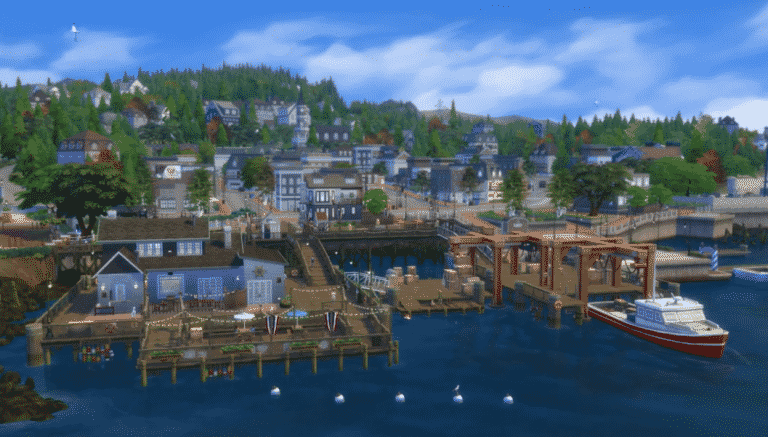
The Sims Team released a short teaser of tomorrow’s new Create A Pet trailer for The Sims 4 Cats & Dogs and with it they included a small shot of Brindleton Bay, a new world coming in this Expansion Pack.
We found the HQ version of this video and wanted to provide you with 2 HQ shots of this gorgeous world!


The Sims 4 Cats & Dogs: Create A Pet Developer Information from Sims Camp
Sponsored by EA!
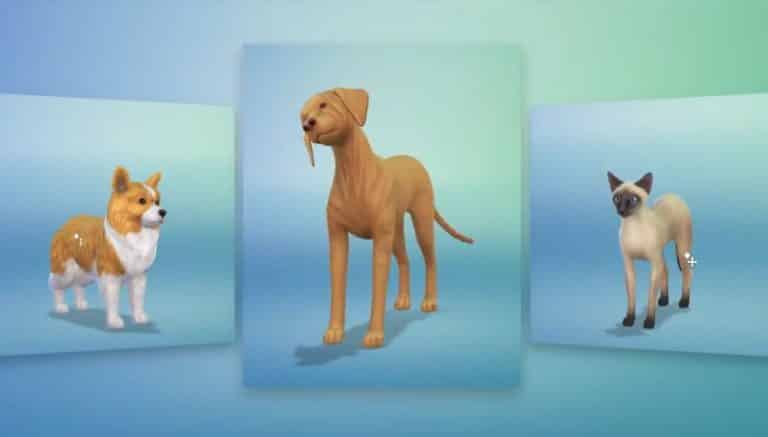
During Sims Camp 2017 we had an opportunity to listen to the presentation by some of the producers who work on The Sims 4 Cats & Dogs Expansion Pack. For the Create A Pet presentation we listened to a presentation by SimGuruRomeo and SimGuruJM which was rich with new information! Here’s all the interesting details about Create A Pet that we wrote down:
- Breed option panel – There are presets for each breed with different colors and shape variations. Unique fur pieces and fur textures.
- There are also small dogs, a boston terrier. There are animations based on their traits. Dogs will come with pre-suggested traits. You can go in and change any of the traits and add new ones. There are traits each for Cats and Dogs.
- You can search for breeds – type in “bull” and you’ll find bull terrier, bull mastiff, french bulldog, pit bull, staffordshire bull terrier.
- The body paint or the pre-paint – you can start off with a typical color and give other pet’s patterns. You can search for a german shephard and apply the pelts that you can put on your dog. You can change colors for certain pre-set areas which speeds up the entire process.
- In 20 clicks you can create your own pet without the paint tools. They wanted to make it quick and seamless so you can create your pet in only a few quicks.
- There’s a patchwork pattern and even a robot, skeleton.
- There’s a breed mixer where you can pick two breeds and mix them creating a unique mix of breeds. You can even randomize the mix breeds option so you can find multimple presets for the breeds.
- There are face modifiers. You can move the ears up and downand then there are presets where dogs can have one ear down and one up giving you more options.
- You can turn the ears.
- You can make the pets crosseyed.
- There’s heterochromia which lets you change your pet’s single eye color. There are around 9 eye color presets.
- You can make them frown or smile and make goofy looking dogs.
- There are color swatches for the nose. You have the ability to paint the nose. There are a lot of sets of basics that you can later continue in the paint mode.
- There are 5 tail presets. Curly up, curly down, short tairs for boxers and corgis. There are fur patterns with plenty of presets for the patters.
- There are plenty of combinations and you can customize every part of the body just like with Create A Sim.
- There’s pet clothing.
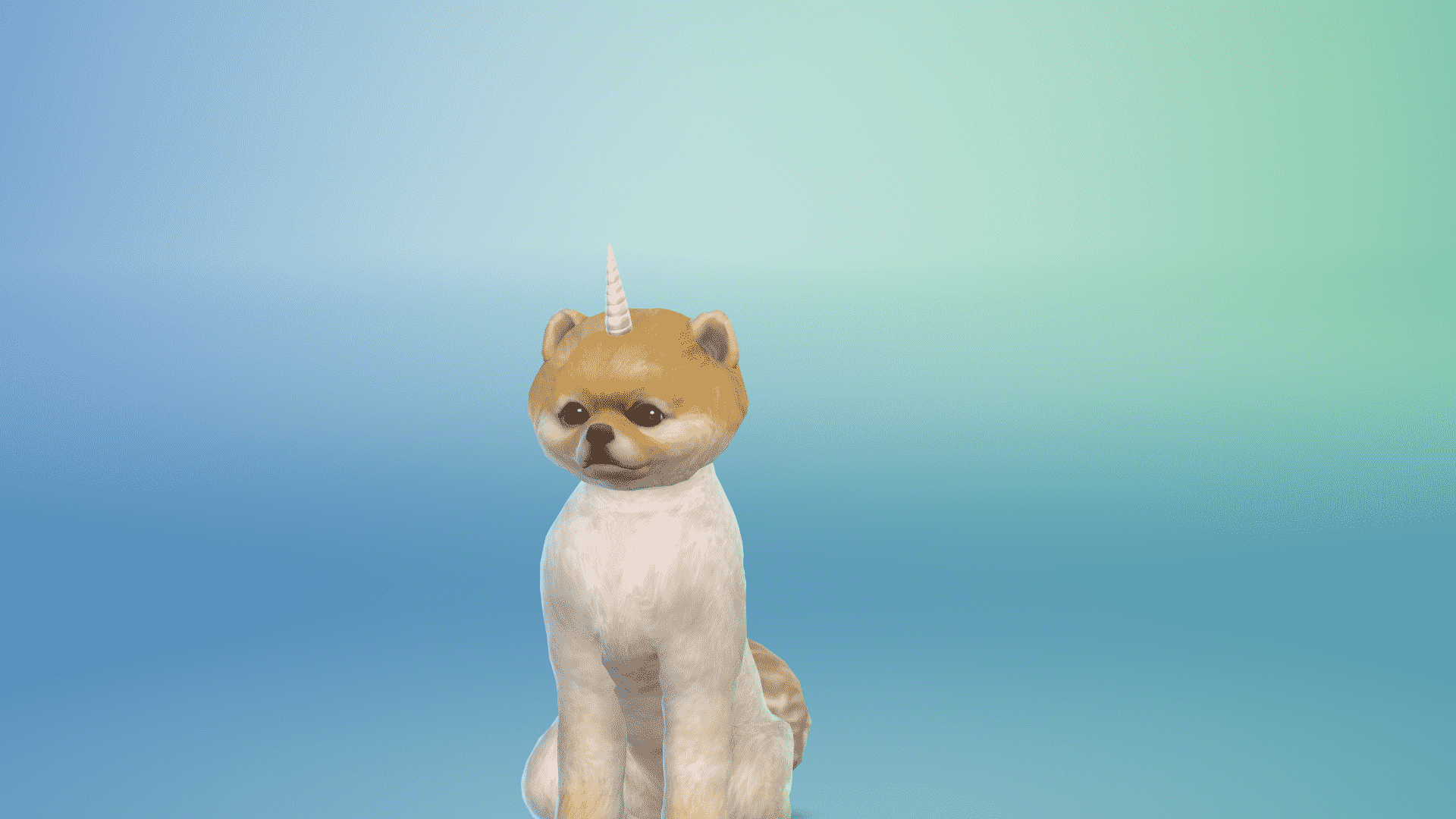
- There are bows, grilled cheese pijamas, the dino, the unicorn hat, a fancy tupe, the shark, the hot dog and so on. A lot of stuff is still in production so some swatches and objects
are still not present in the game.– were still not present in the game – this is from a presentation back in September 2017. - The paint mode has a lot of options. There are plenty of basic brushes where you can change the color and the brushes can be mirrored or not. You can make spots and paint any part of the body. There are spots that you can add all over the body and the brush options are numerous.
- There’s a color wheel in paint mode which functions similarly to optuons you get in photoshop.
- There are stamp sections like flowers. They won’t overlap. There’s also a ghost, freezer bunny, a plumbob, sun, poop, raindrops and plenty more including the cactus.
- There’s also the stencil mode. You can paint certain parts all you want so it won’t go over the lines. You can go detailed without manually painting.
- You can use the fill bucket as well which fits the stencils. Ther are zombie patch dogs, zebra patterns and more. You can really go crazy with it.
- You can also change the poses which will help you paint certain areas of your pet.
- There’s an eyedrop tool and an eraser. You can go into detail paint mode where you can paint smaller details like the nose.You can paint the paws.
- There’s a special dog breed – Foxes, with a unique Fox voice.
- For special cat breeds there’s the Raccoon – it was a late addition but The Sims Team eventually added it.
- There are new clothing for cats. There’s samurai armor, a bobble headed dragon, there’s a hoodie, a sushi and the taco cat, there’s a jacket. There are lion bands where they pretend like they have fur. There’s even a sharkhead.
- You can have and create kittens and puppies in CAP.
- There are special presets for kittens and puppies as well.
The Sims 4 Cats & Dogs: Create A Pet / Sim Random Screens
Sponsored by EA!
Before we continue with this article please note that this is NOT the final software of the game.
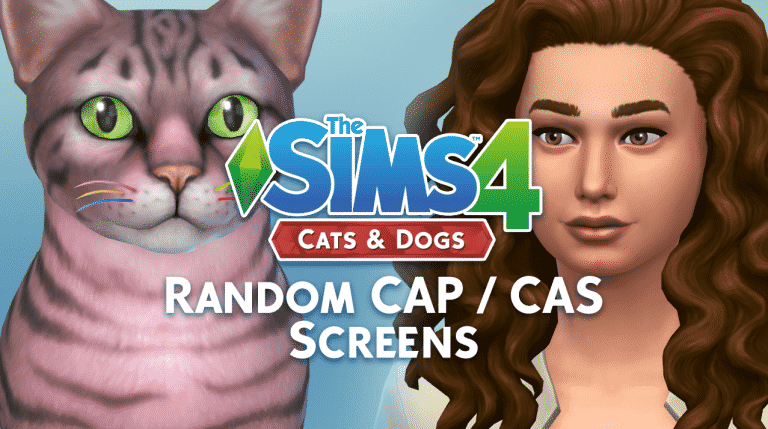
For this article I just wanted to provide you with some of the random screenshots that I’ve made in The Sims 4 Cats & Dogs’ Create A Pet and Create A Sim. You can see some of the interesting pet poses, as well as outfits, accessories and new CAS items for Sims.
Hope you enjoy these!




The Sims 4 Cats & Dogs: Cat and Dog Traits
Sponsored by EA!
Before we continue with this article please note that this is NOT the final software of the game.
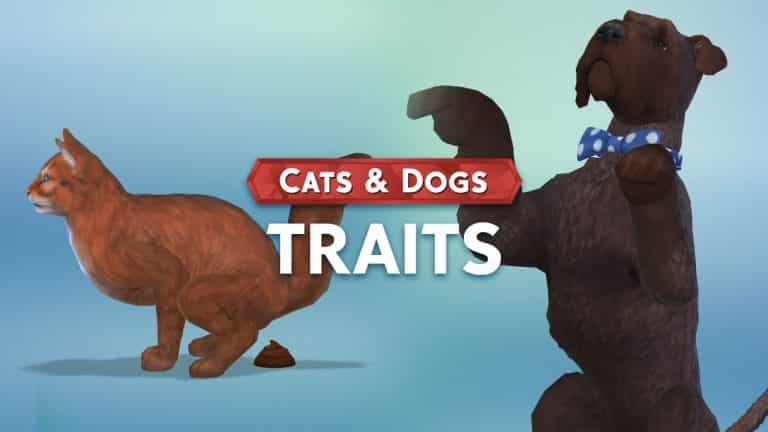
The Sims 4 Cats & Dogs Expansion Pack offers a different set of traits for both cats and dogs. Below you’ll see a list of all the traits available for cats and dogs in Create A Pet tool.
Interesting thing about traits: each breed preset comes with different traits that usually fit nicely with the breed.
Cat Traits
- Affectionate
- Aloof
- Clever
- Curious
- Fluffy
- Free Spirit
- Friendly
- Frisky
- Glutton
- Lazy
- Mischievous
- Playful
- Prowler
- Skittish
- Spoiled
- Talkative
- Territorial
 Dog Traits
- Active
- Adventurous
- Aggressive
- Couch Potato
- Friendly
- Glutton
- Hairy
- Hunter
- Independent
- Jumpy
- Loyal
- Playful
- Sleuth
- Smart
- Stubborn
- Troublemaker
- Vocal

Sponsored by EA!
The Sims 4 Cats & Dogs: ALL Breeds and Filters
Sponsored by EA!
Before we continue with this article please note that this is NOT the final software of the game.
The Sims 4 Cats & Dogs offers plenty of preset breeds that you can choose in Create A Pet. There are different breeds for Small Dogs, Big Dogs and Cats.
Before we dig into all the breeds that are available in the game, let’s take a look at some of the filters that will help you find the perfect breed! Using filters you’re able to find a breed that you want without needing to know the name of a certain breed. Here are all the filters that were available in this build:
Dog Filters
- Dog Size
- Small Dog
- Large Dog
- Breed Group
- Herding
- Hound
- Sporting
- Terrier
- Toy
- Working
- Non Sporting
Cat Filters
- Colors
- Red
- Brown
- Gray
- Black
- Orange
- White
- Coat Markings
- Solid
- Spotted
- Striped
- Bicolor
- Tipped
- Colorpoint
- Fur Length
- Short Hair
- Long Hair
- Hairless
Here are ALL the breeds that are available in the game. If you can’t find a breed that you like don’t worry – there are enough customization features that’ll let you create any breed you want!
In case you’re wondering what the black dots below each breed are – they are breed presets – meaning that some breeds will come in different shapes and colors. They’re currently black because the game is still in development.
Small Dog Breeds

Large Dog Breeds

Cat Breeds

This article is sponsored by EA!
The Sims 4 Cats & Dogs: 30+ MINUTES of Create A Pet Gameplay
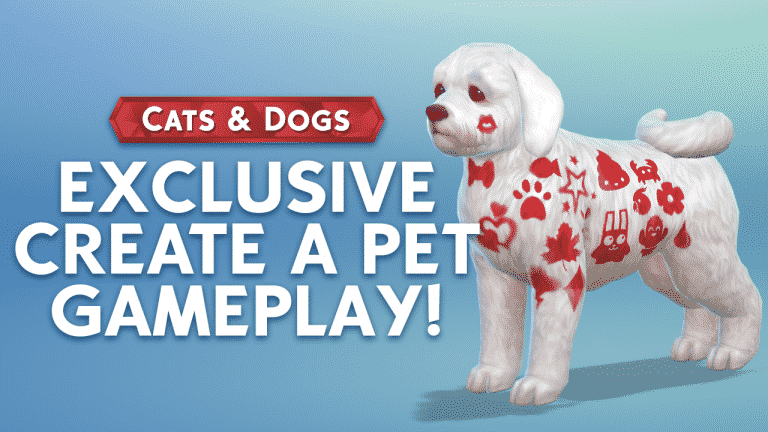
Want to see everything that The Sims 4 Cats & Dogs’ Create A Pet feature has to offer? Check out this HUGE gameplay video that’s over 30 minutes long, showing off all the things that you can do and customize in Create A Pet.
The Sims 4 Cats & Dogs: Exclusive Create A Pet Walkthroughs by SimsCampers
Sims Camp 2017 trip has been sponsored by EA!
During Sims Camp 2017 we were able to capture exclusive footage of The Sims 4 Cats & Dogs. This embargo lets us give you ALL the details about the Create A Pet tool.
Down below you’ll see a list of articles and videos published by other SimsCampers (including us) that you can watch and read.
After each event atendee adds new footage we’ll update this post so make sure you have this post bookmarked for new footage and info!
Articles
- All Breeds and Filters (Sims Community)
- Cat and Dog Traits (Sims Community)
- CAS / CAP Random Screens (Sims Community)
- Create A Pet Developer Information (Sims Community)
- Traits in Cats & Dogs (Sims-Online)
- How to Paint your Pet in Create A Pet (Sims-Online)
- How to Create A Pet (Sims-Online)
- List of Breeds (Sims-Online)
- Create A Pet Overview Article (SimTimes) (German)
- 62 Create A Pet Screens (DotSim) (Polish)
- Create A Pet Preview (L’UniverSims) (French)
Videos
- 30+ Minutes of Create A Pet Gameplay (Sims Community)
- Create A Sim Overview (Sims Community)
- Creating a Cat / Dog in Create A Pet (SimTimes) (German)
- Cats and Dogs: Create A Pet (KrystinMyrieXo)
- Create A Pet & Create A Sim Walkthrough (jessamica92)
- Create A Pet Walkthrough (SpringSims)
- Create A Pet Hands-On (DutchSimsMaster)
- Overview (Create A Pet + Create A Sim) (AndrewArcade)
- First Look – Create A Pet (EnglishSimmer)
- Cats & Dogs Create A Pet / Create A Sim (Iron Seagull)
- Cats Create A Sim Walkthrough (AviatorGaming)
- Create A Pet Overview (XUrbanSimsX)
- Create A Pet Footage (Hatsy)
- Create A Pet Review & Walkthrough (Make2)
- Create A Pet First Look & Review (Deligracy)
- Create A Pet Review (Xureila)
- Create A Pet Overview (Kaleidow)
- Create A Pet Walkthrough (Vixella)
- Create A Pet / Sim Video (RoryPlays)
- Create A Pet Walkthrough (DefiFreakyBoo) (Czech)
- Create A Pet Overview (funBABE) (Portugese)
- First Look at Create A Pet (lilsimsie)
- Create A Pet First Look (Arsen Girl Gaming)
- Create A Pet Walkthrough (Steph0Sims)
Tweets
A Messy News Recap: Create A Pet Embargo, New Screens and More!
I decided to give a small twist to the content I create by focusing on our YouTube audience as well. We have a lot of simmers on YouTube who might want to tune in to some news, thoughts and opinions from us and this was a good opportunity to do so considering we’re expecting plenty of new information about The Sims 4 Cats & Dogs.
Hope you enjoy the video and let me know if you have any feedback!