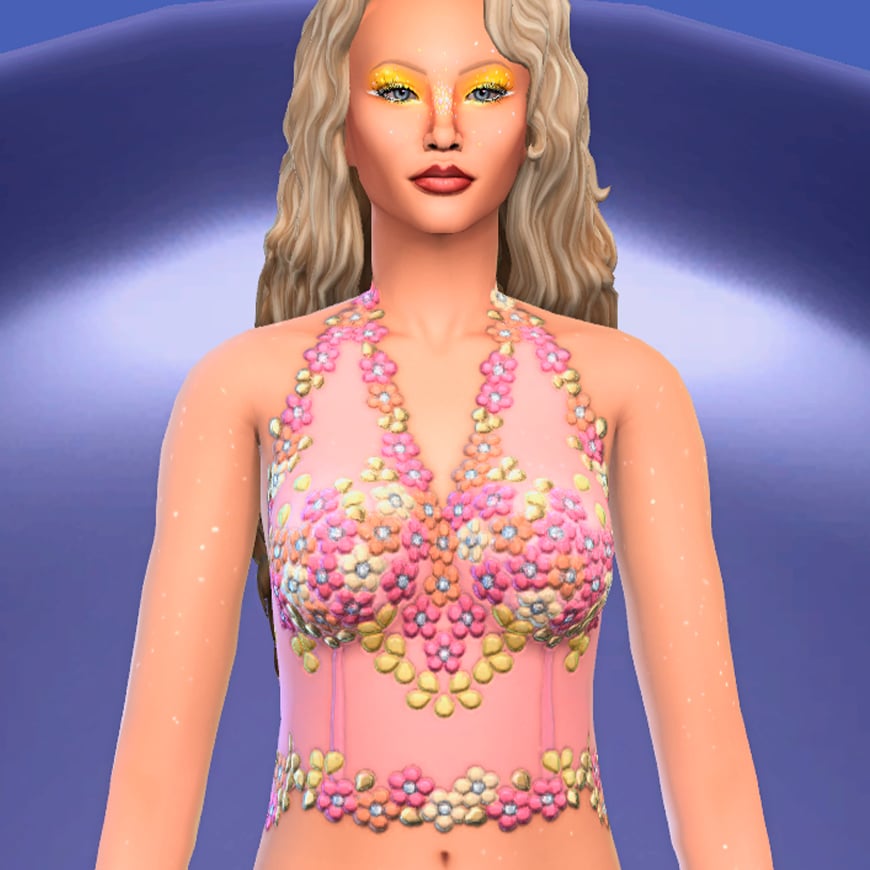
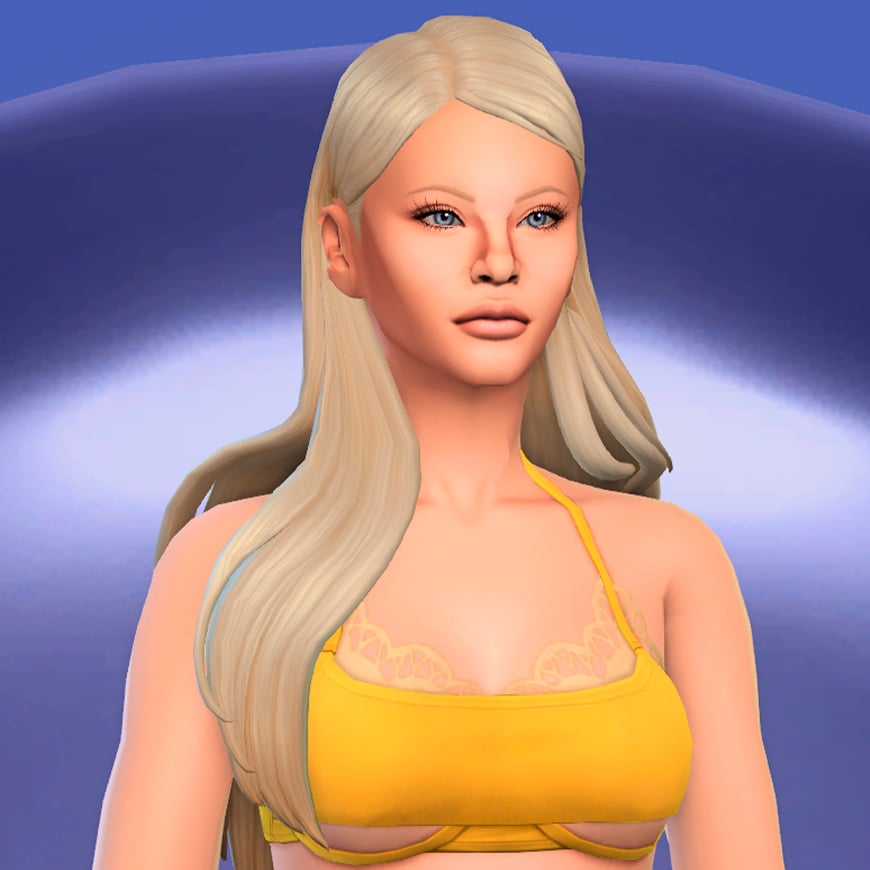
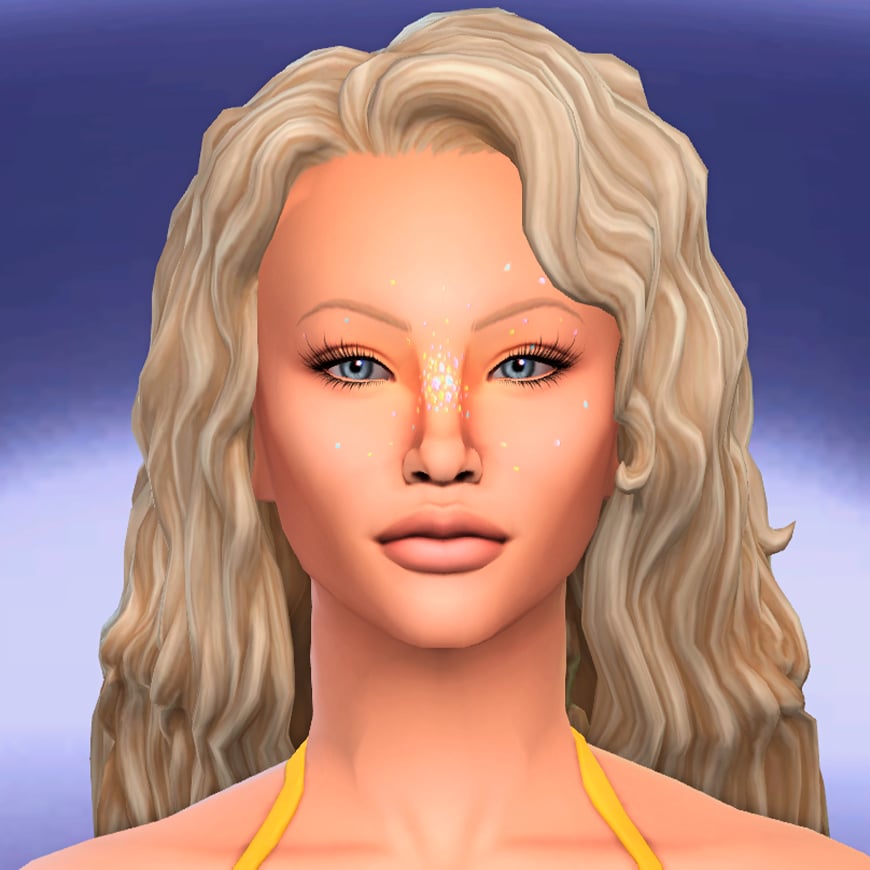
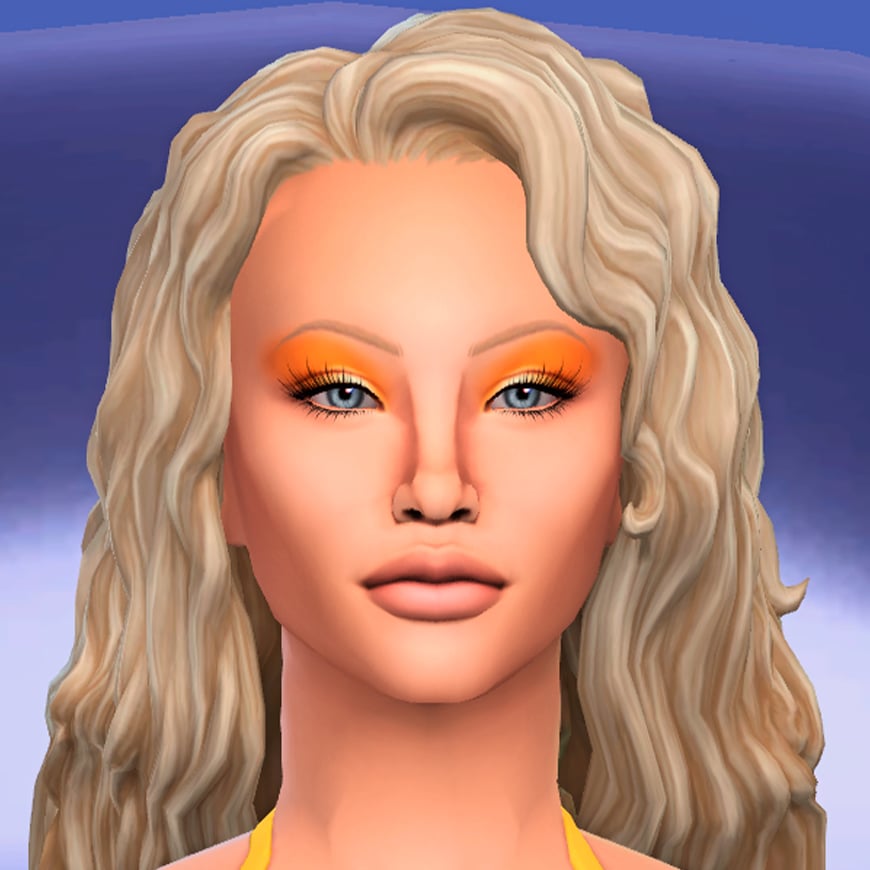
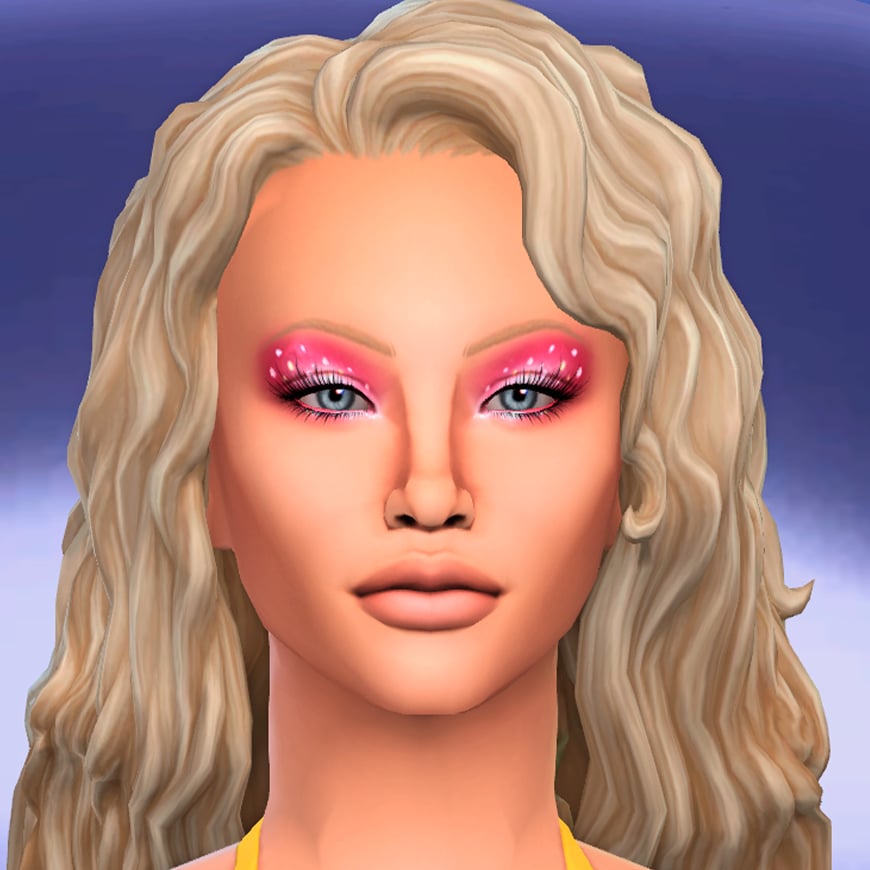
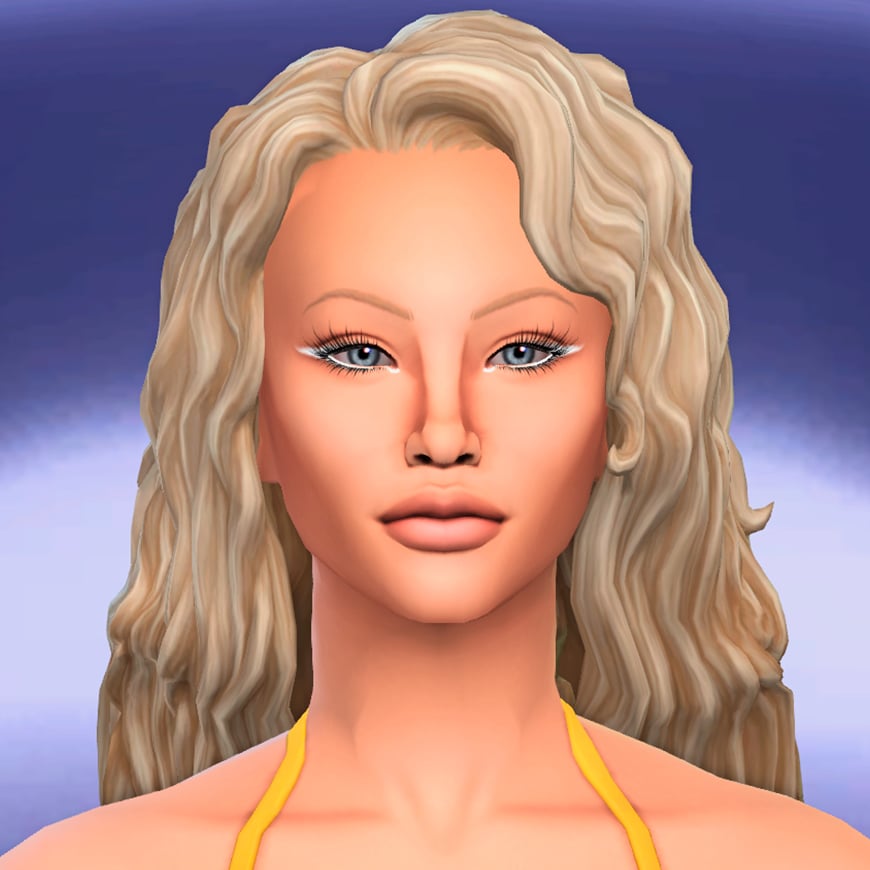
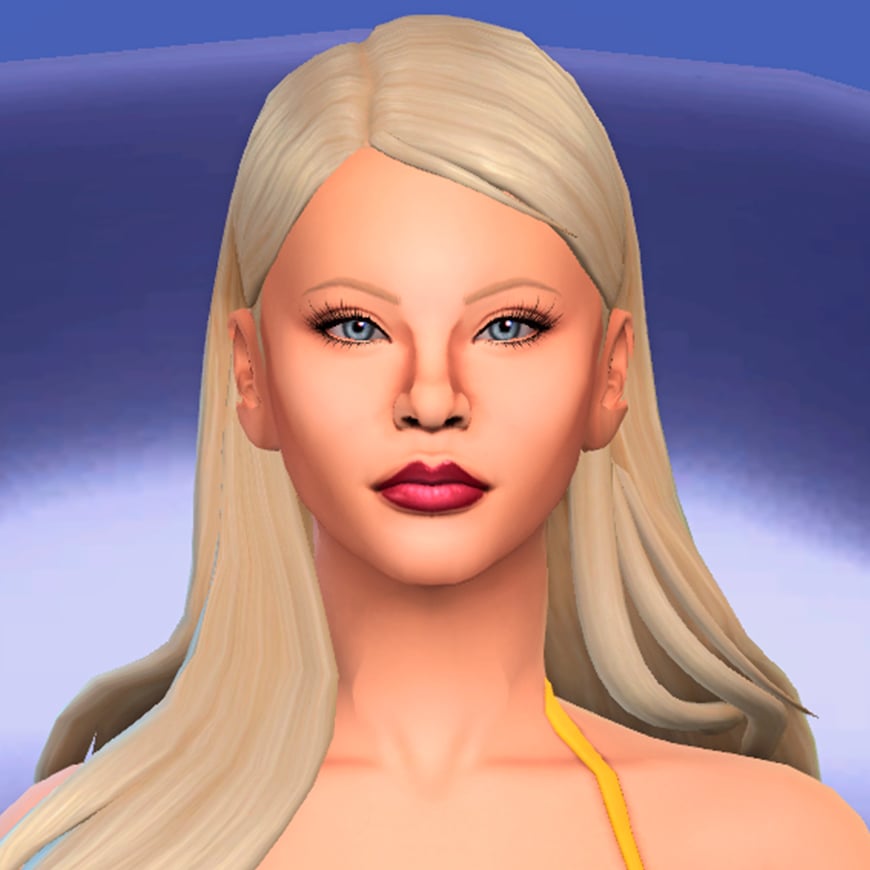
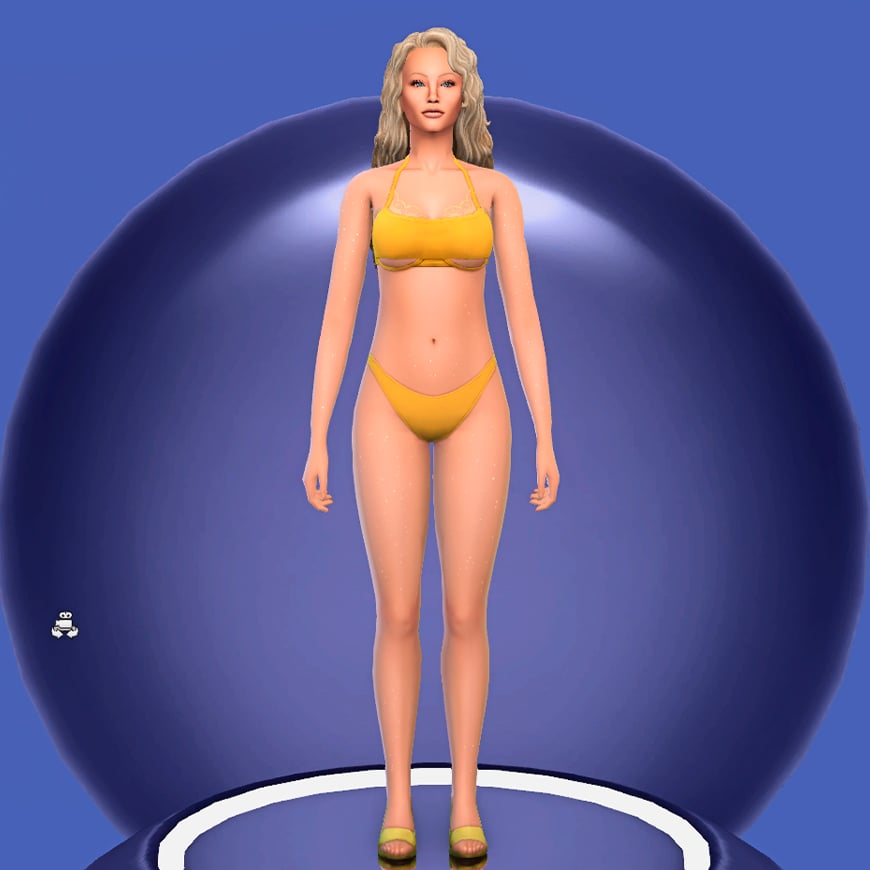
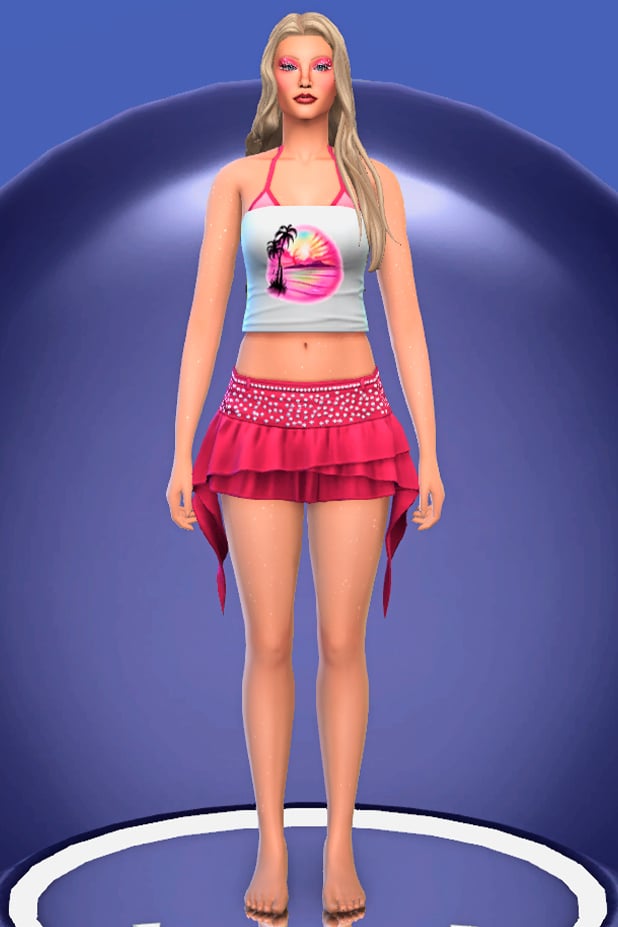
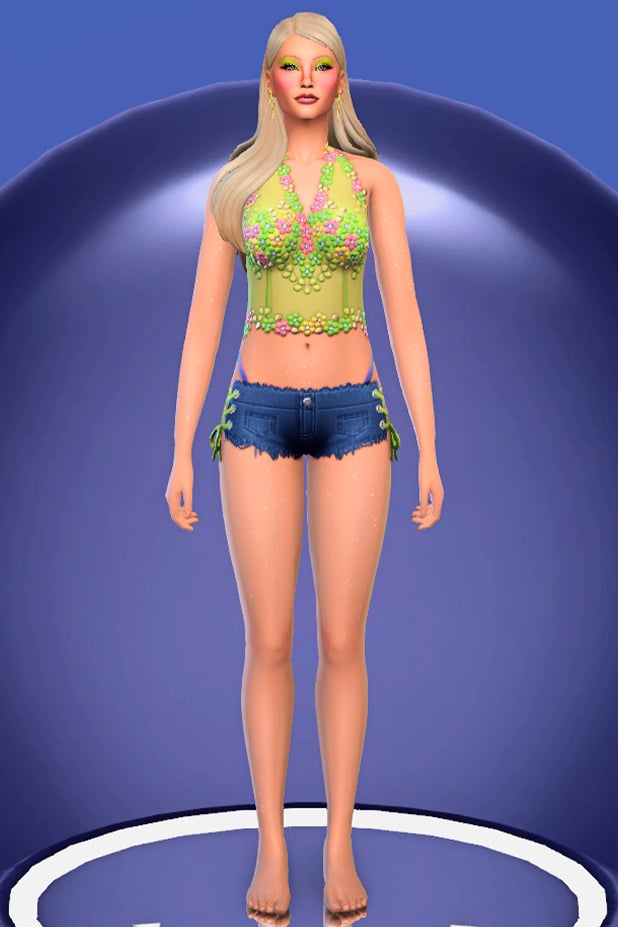
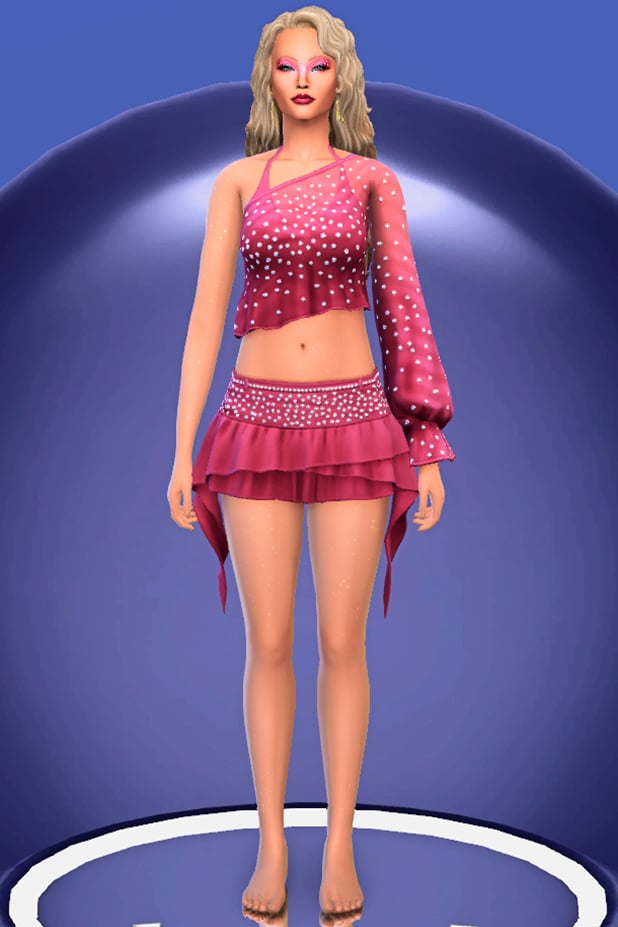
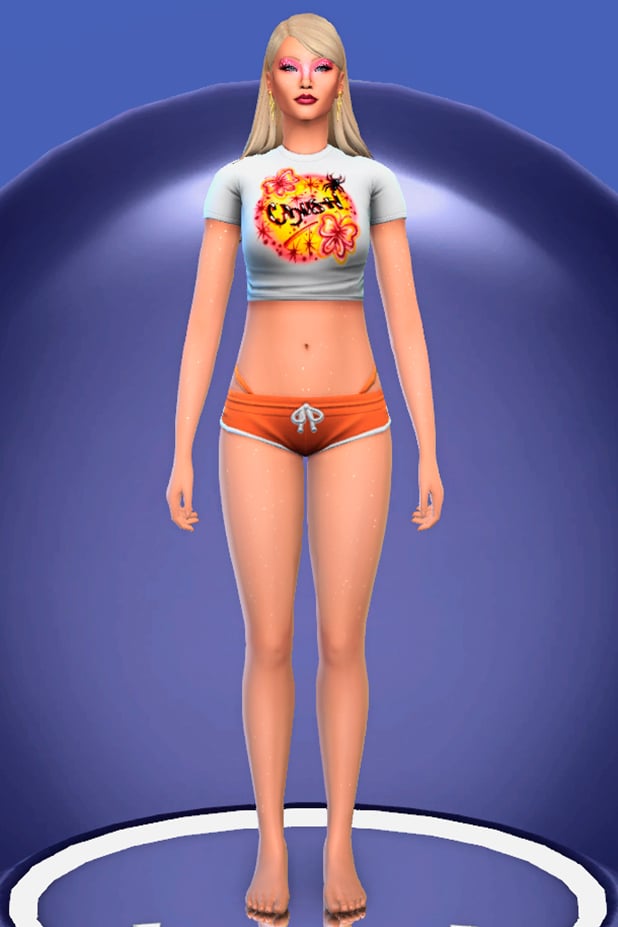
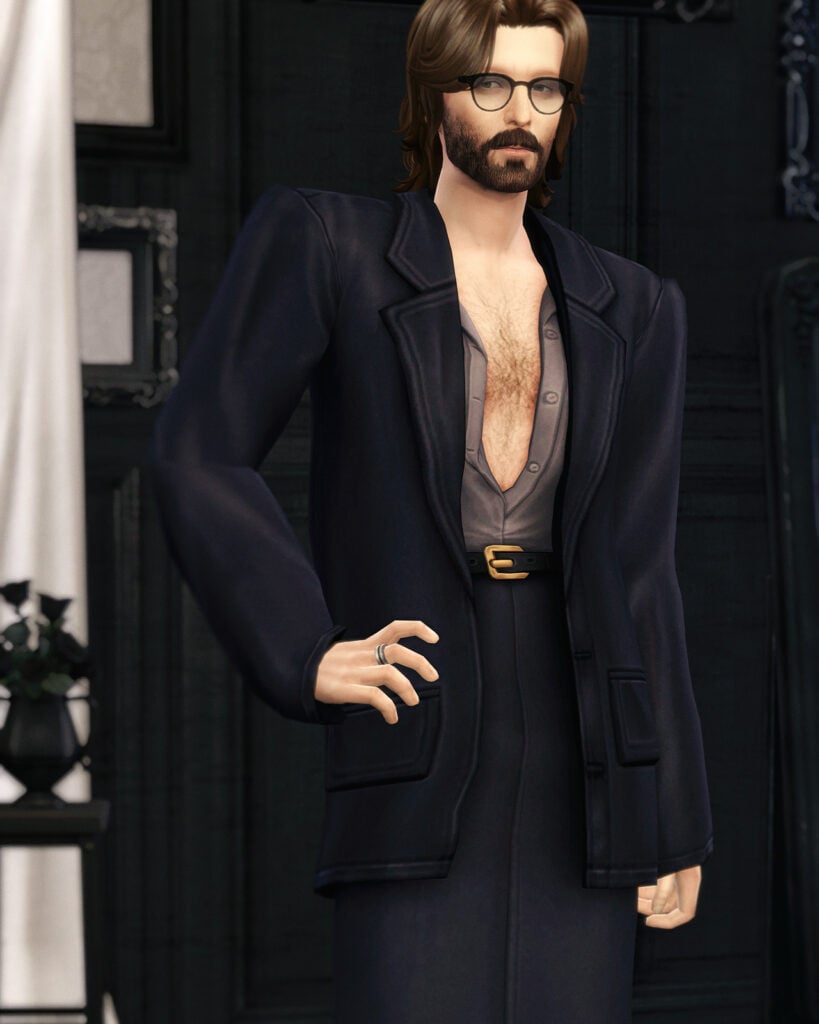
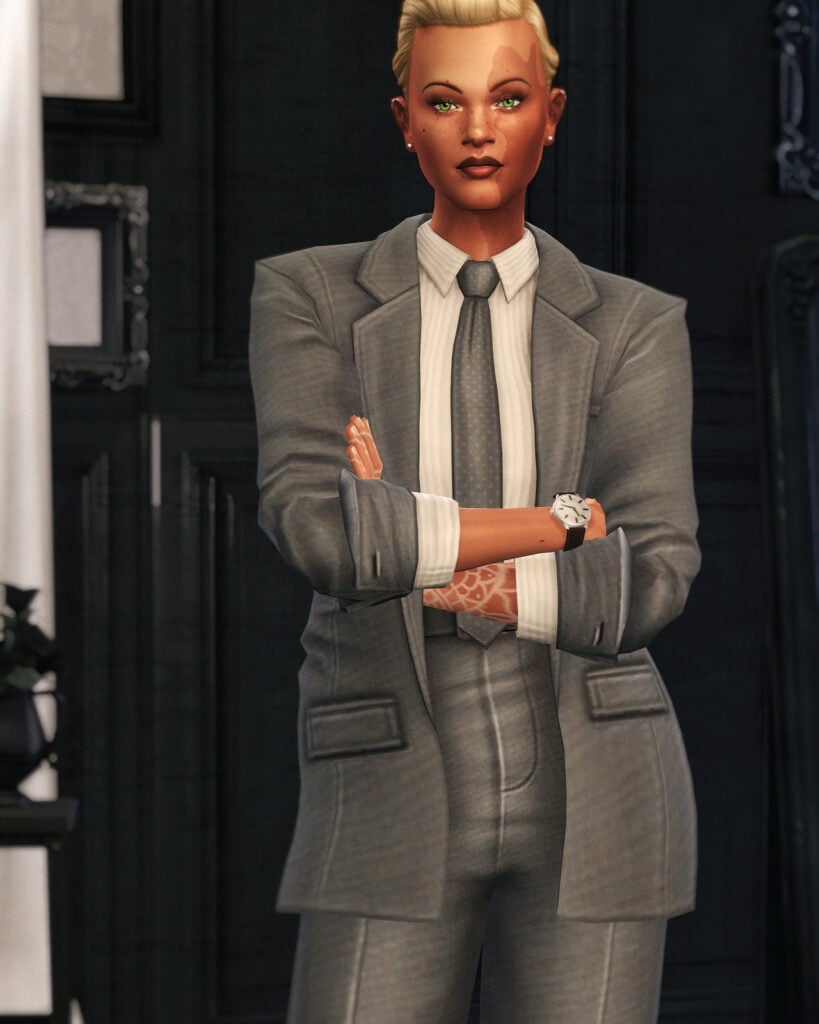
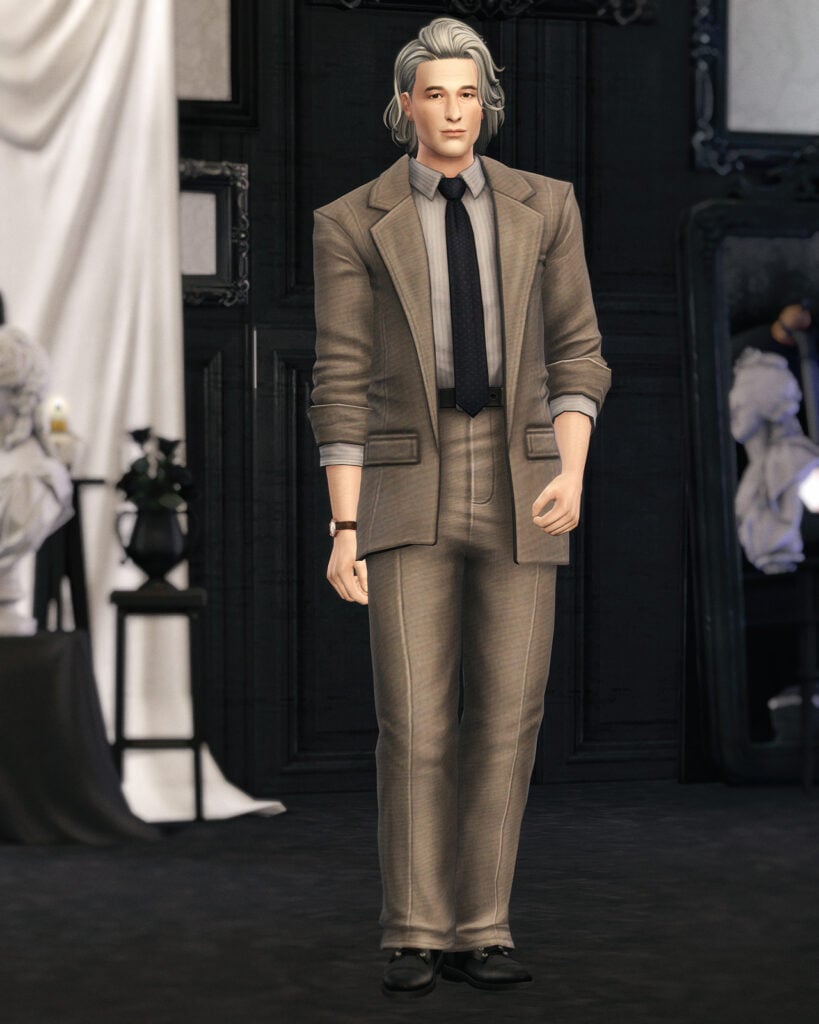
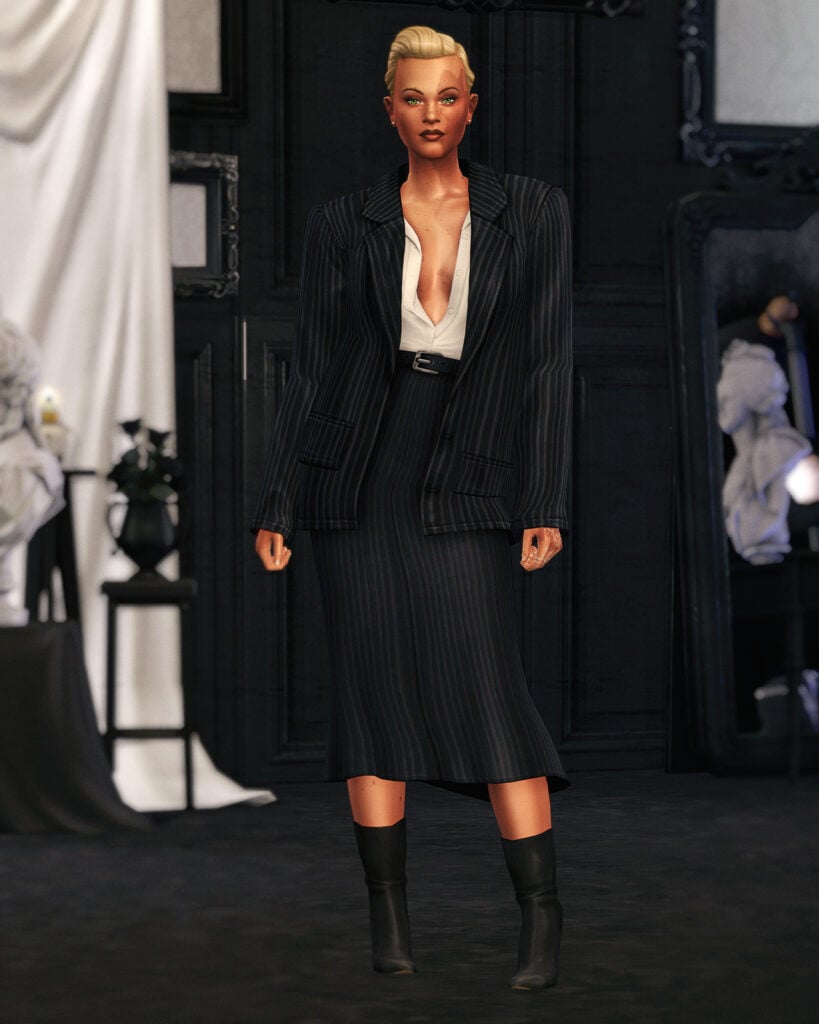
(Euro)Summer is coming, and with it, the best styles for your Sims!. If you have been following the latest pop music trends, Zara Larsson’s Midnight Sun is probably one of the most talked-about albums on social media right now. With its dreamy visuals, vibrant colors, Y2K-inspired fashion, and tropical aesthetic, the era feels almost made to inspire new custom content for The Sims 4.
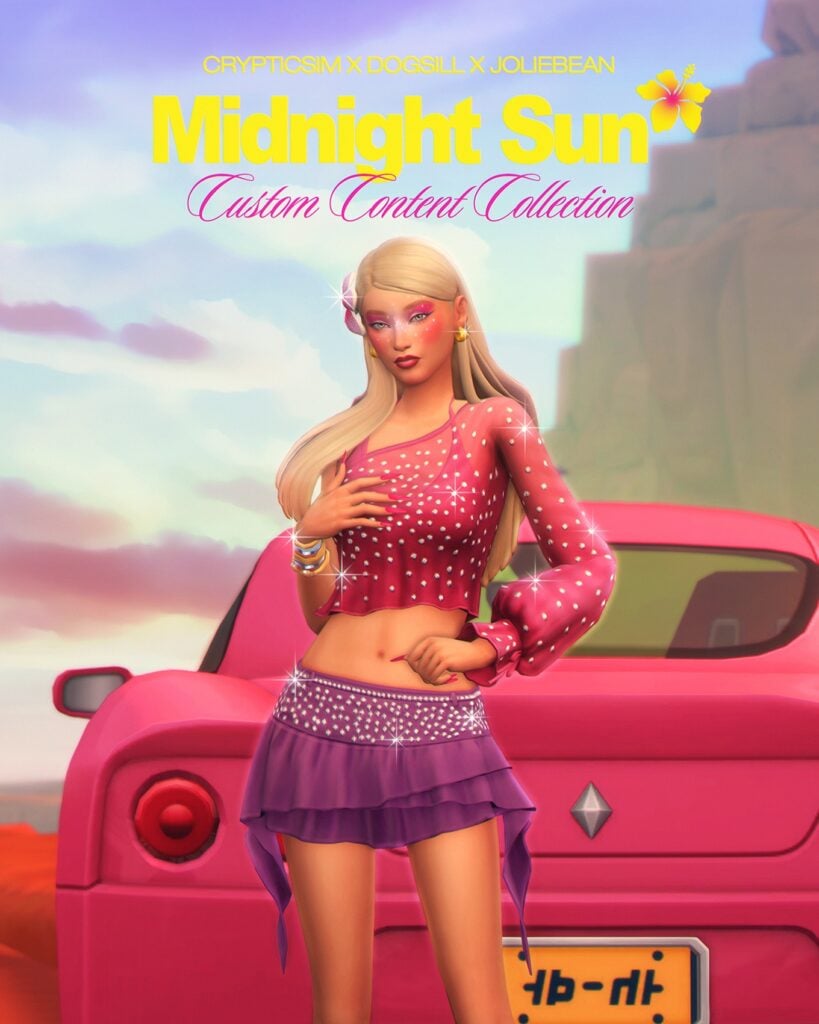
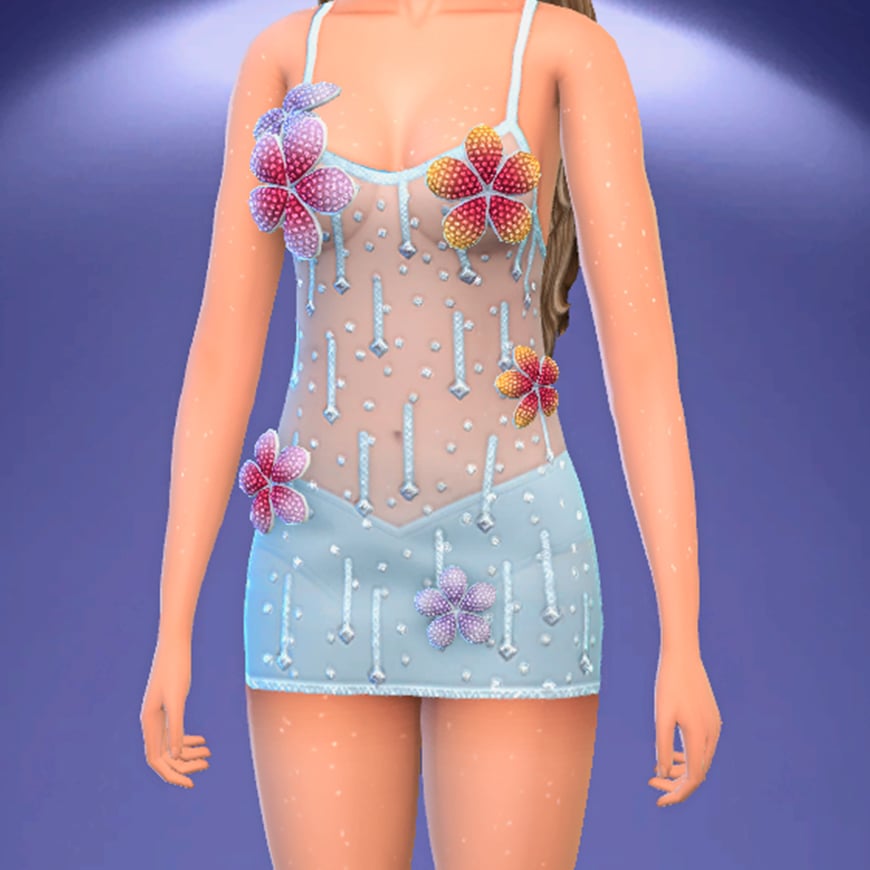
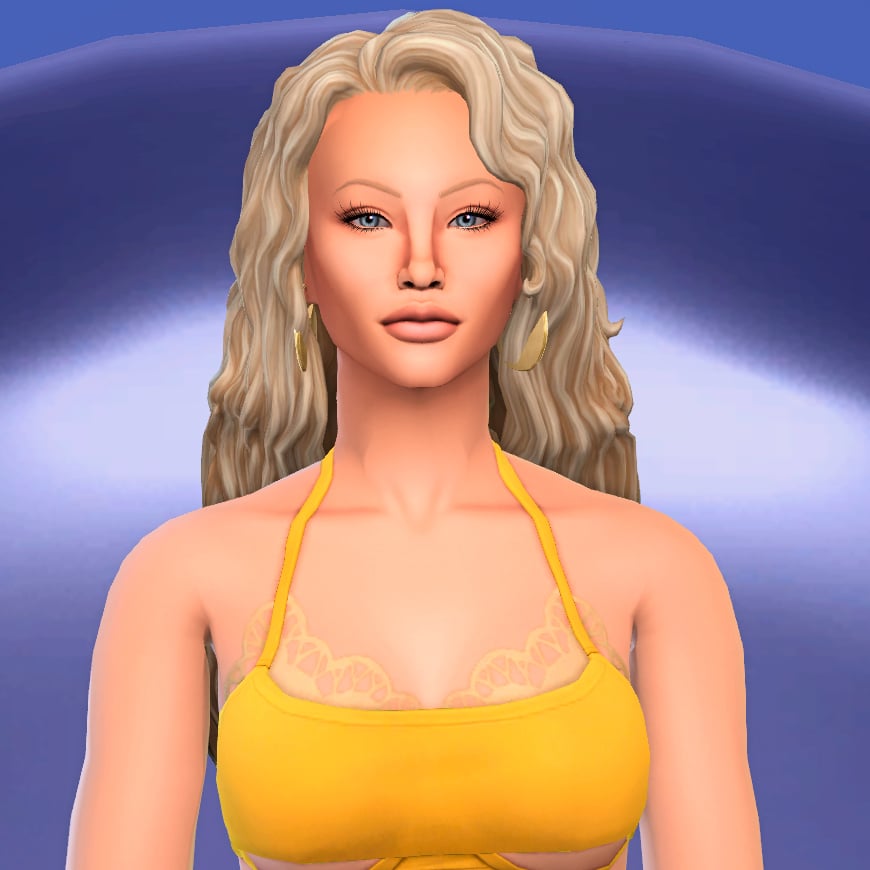
Created by Crypticsim, Dogsill, and Joliebean, The Sims 4 Midnight Sun CC collection brings Zara’s summery aesthetic directly into Create-A-Sim. Inspired by the album’s vibrant visuals, the collaboration includes trendy clothing pieces, sparkling makeup details, and stylish hairstyles that perfectly match the carefree energy of the era. From glittery outfits and colorful beauty looks to soft beach-inspired hair, the collection captures the nostalgic pop aesthetic that has made Midnight Sun so recognizable online.
Whether you want to recreate Zara Larsson herself or simply give your Sims a bright summer makeover, this collection is packed with stunning pieces that feel straight out of a music video. All three parts of this collaboration are currently available in Early Access and will be released publicly on June 6th.
Table of Contents
Let’s Take a Look at Joliebean’s Part
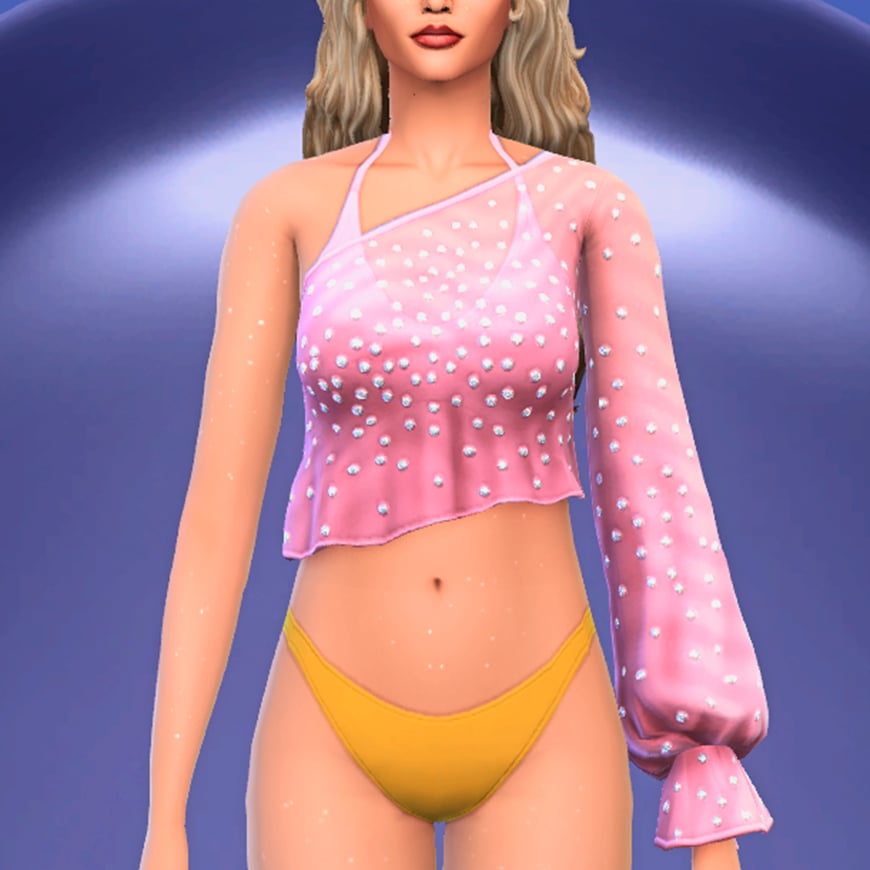
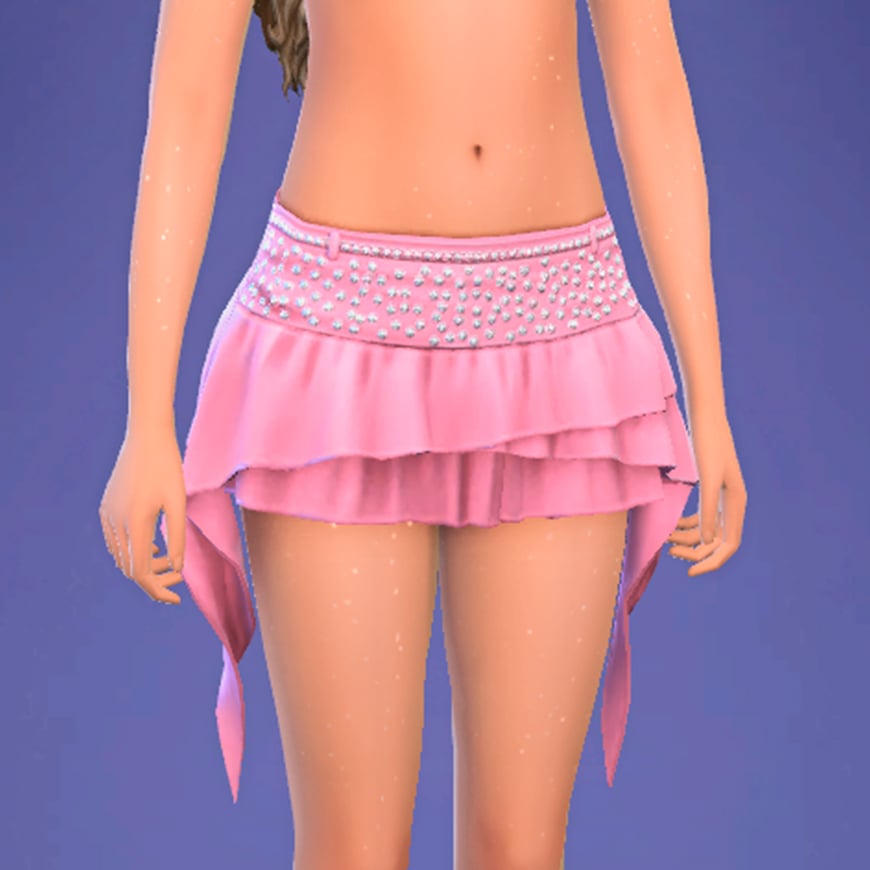
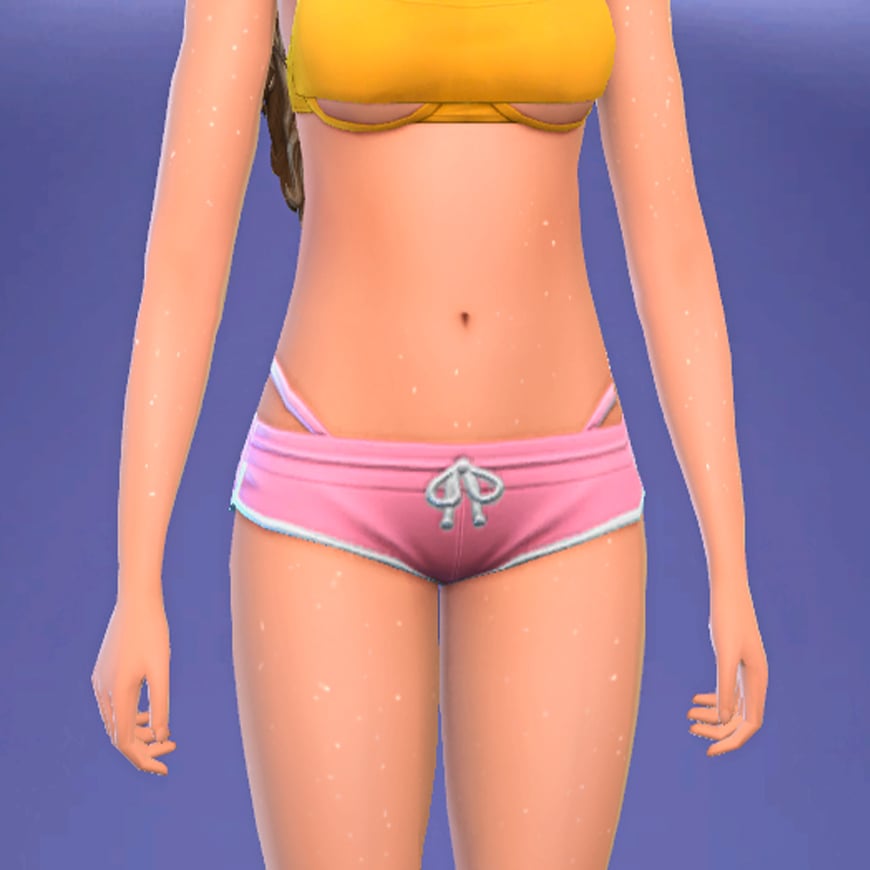
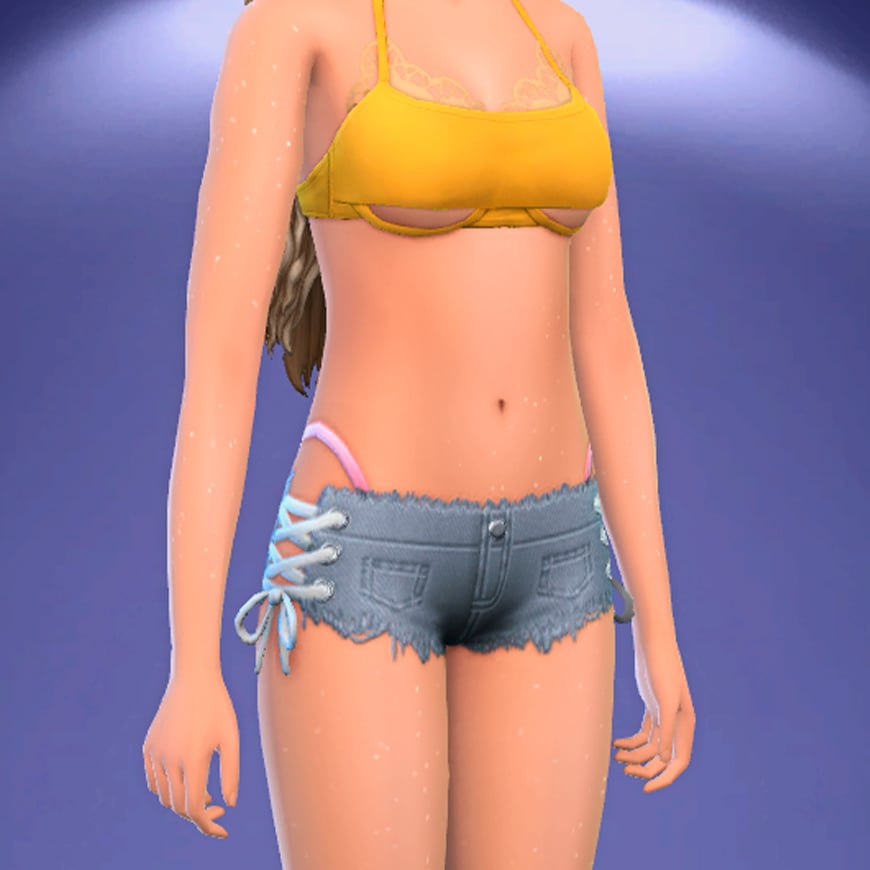
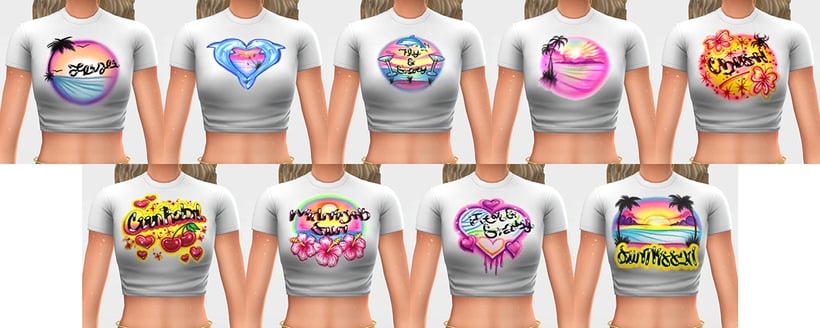
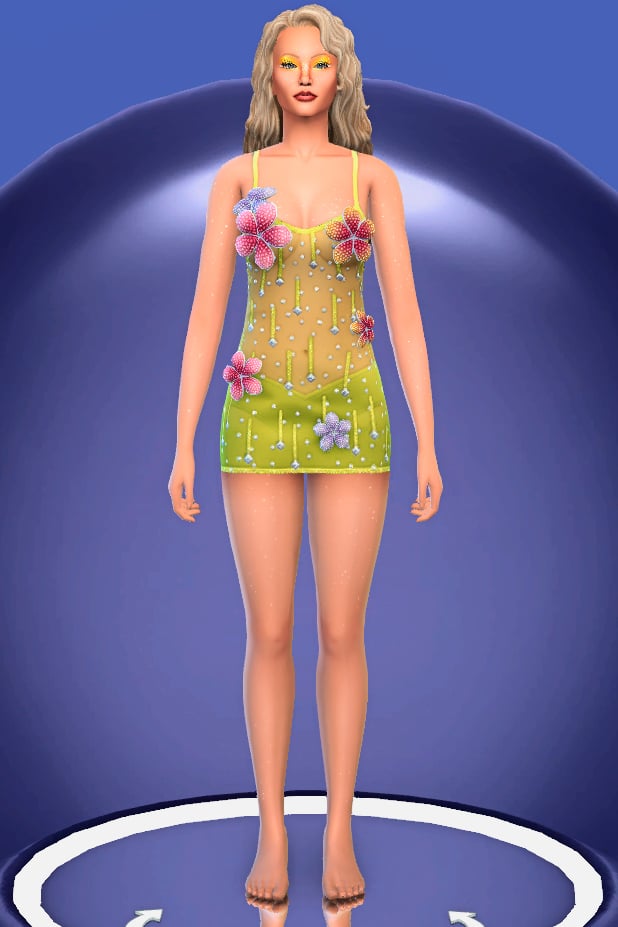
Created by Joliebean, the fashion side of this collaboration is all about recreating the playful, colorful, and slightly nostalgic aesthetic that defines Zara Larsson’s Midnight Sun era. Drawing inspiration from the singer’s recent promotional looks, music videos, and album visuals, the collection introduces eight new CAS items that can be mixed and matched to create the ultimate summer wardrobe.
The set includes a variety of tops, bottoms, and full-body outfits that embrace bright colors, sparkly details, and Y2K influences. From graphic baby tees and beach-ready crop tops to layered mini skirts, denim shorts, and delicate floral dresses. What makes these items particularly appealing is how easily they work together. Whether you’re recreating Zara’s iconic Midnight Sun outfits or simply looking to give your Sims a fresh summer makeover, Joliebean’s creations offer plenty of styling possibilities.
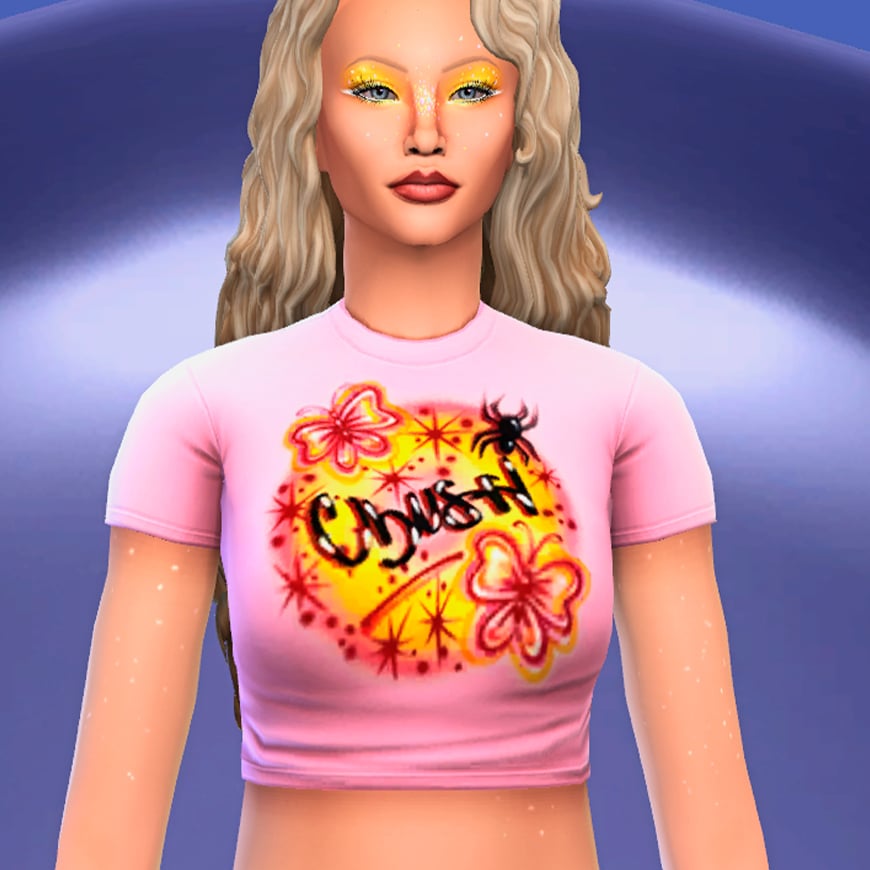
All T-shirts share the same graphic design concept, with nine unique prints inspired by songs from Midnight Sun. The artwork combines colorful Y2K-inspired visuals with references to the album’s themes and imagery, while recurring dolphin motifs pay homage to the aesthetic many fans associate with Zara Larsson’s rise to international fame during the Symphony era.
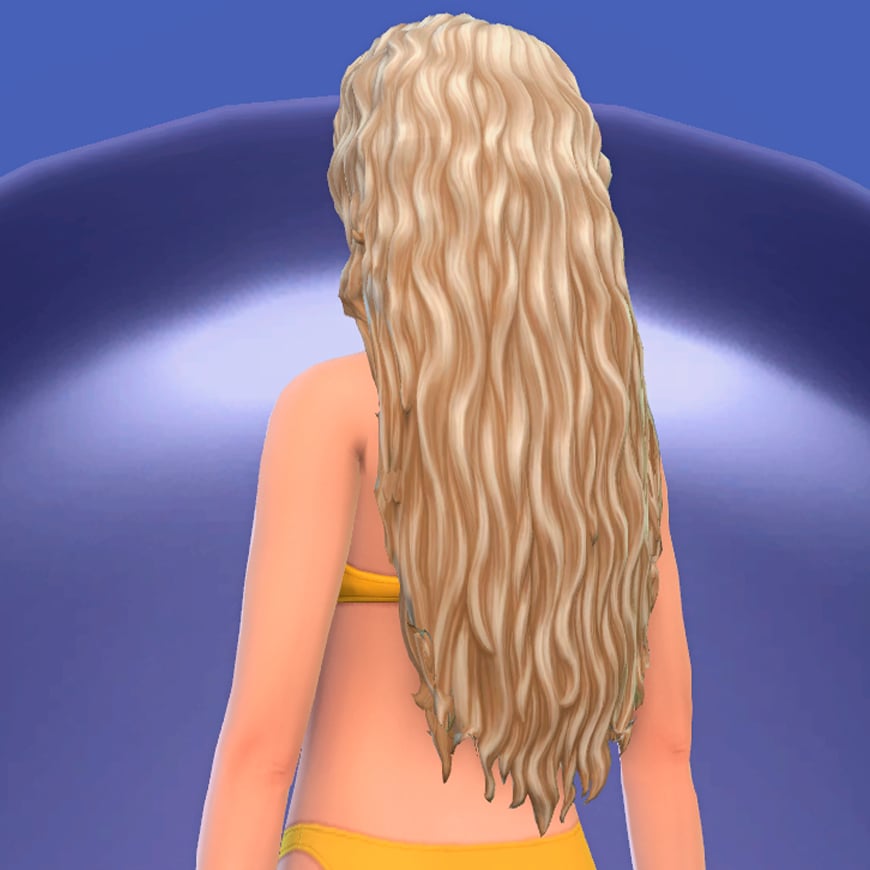
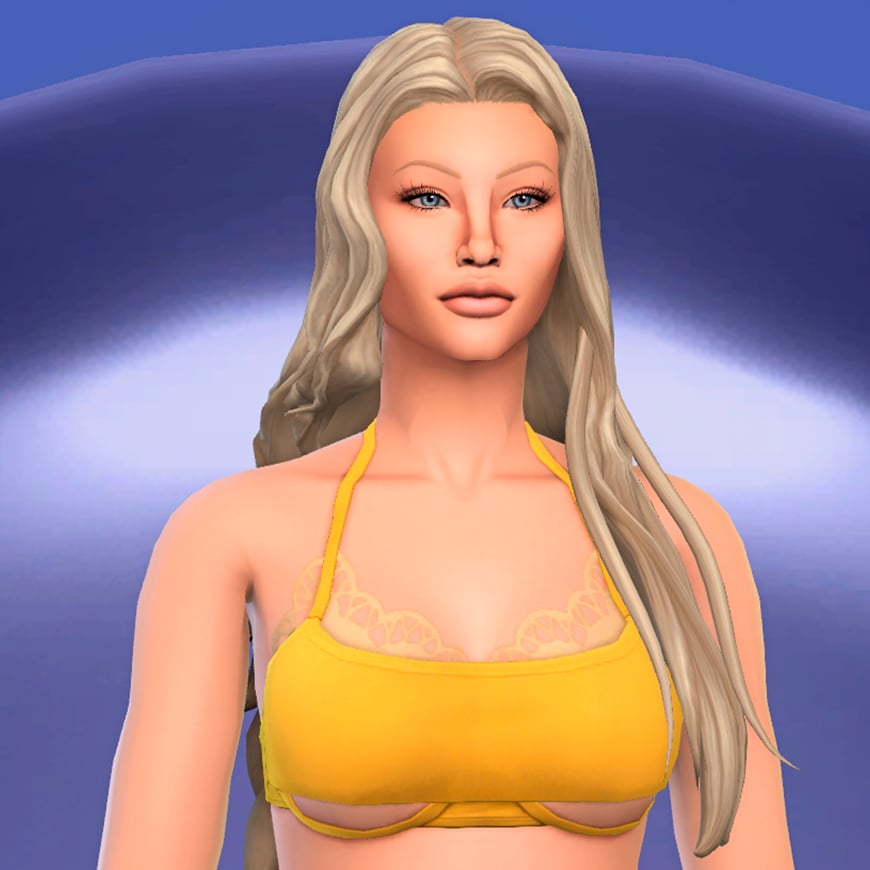
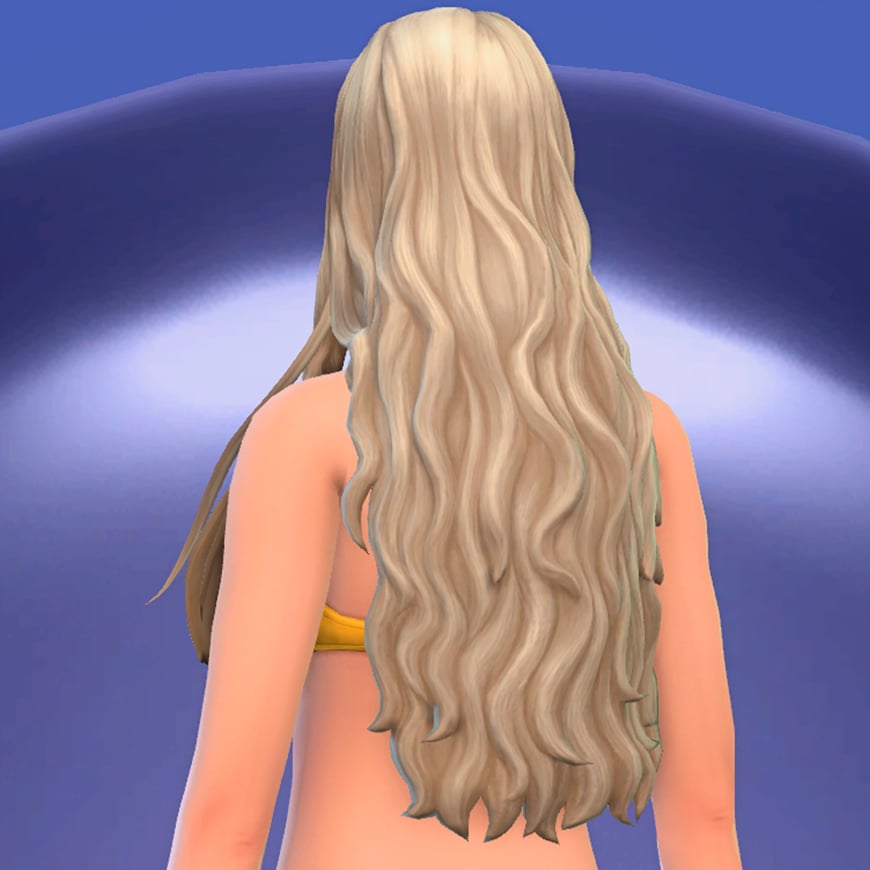
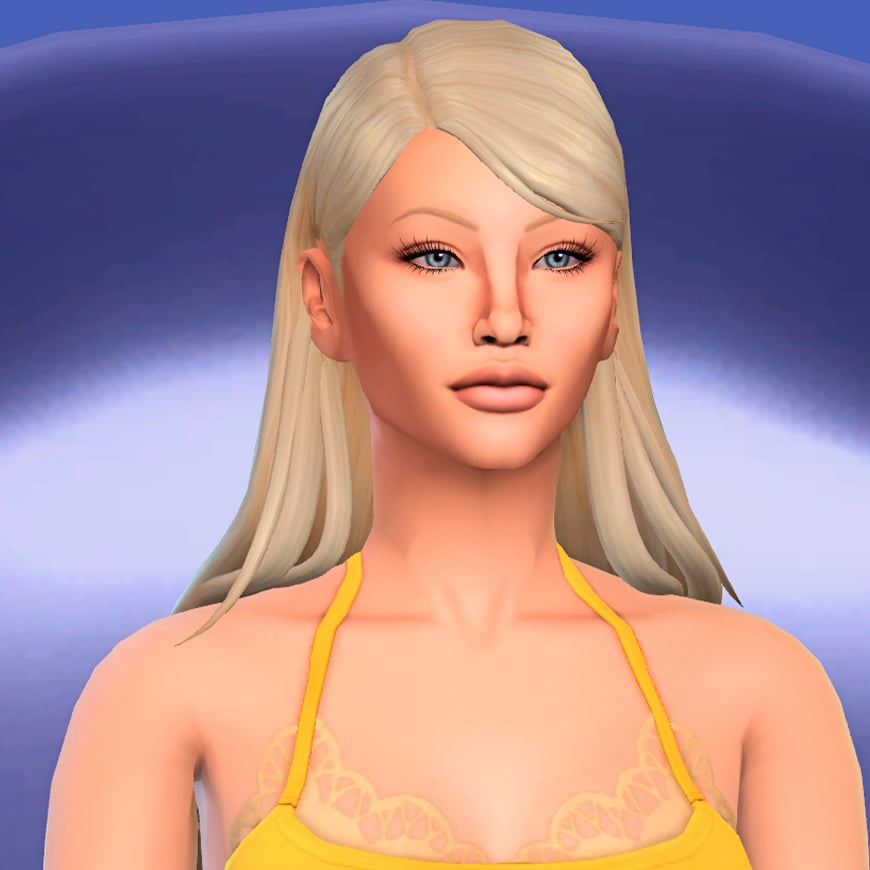
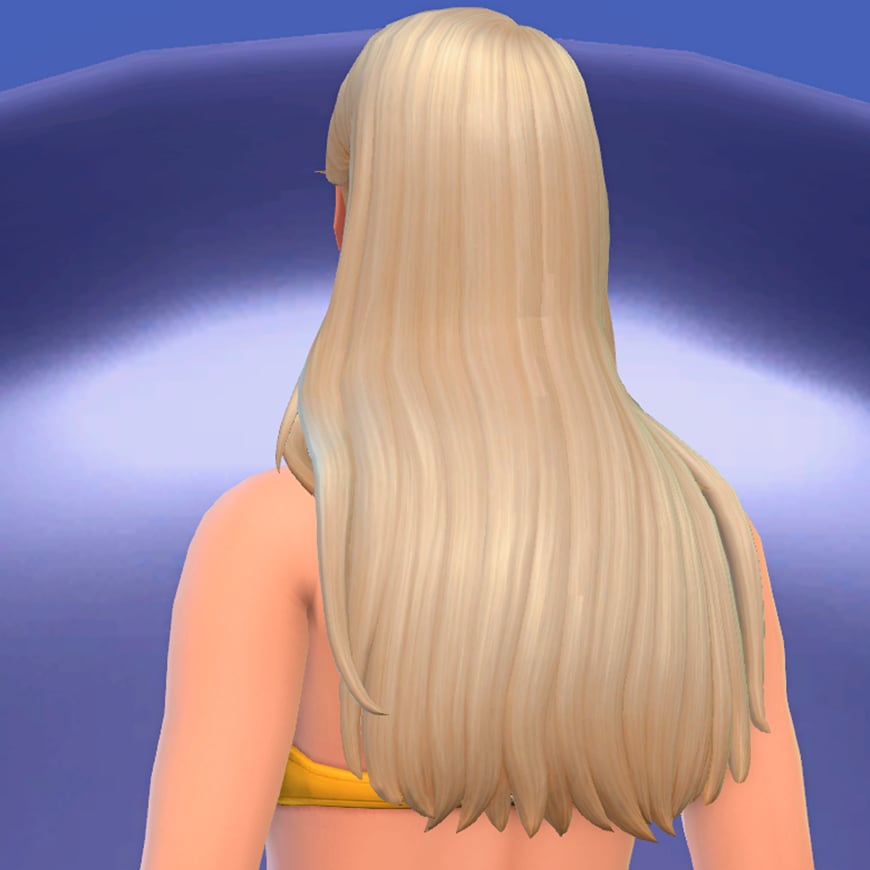
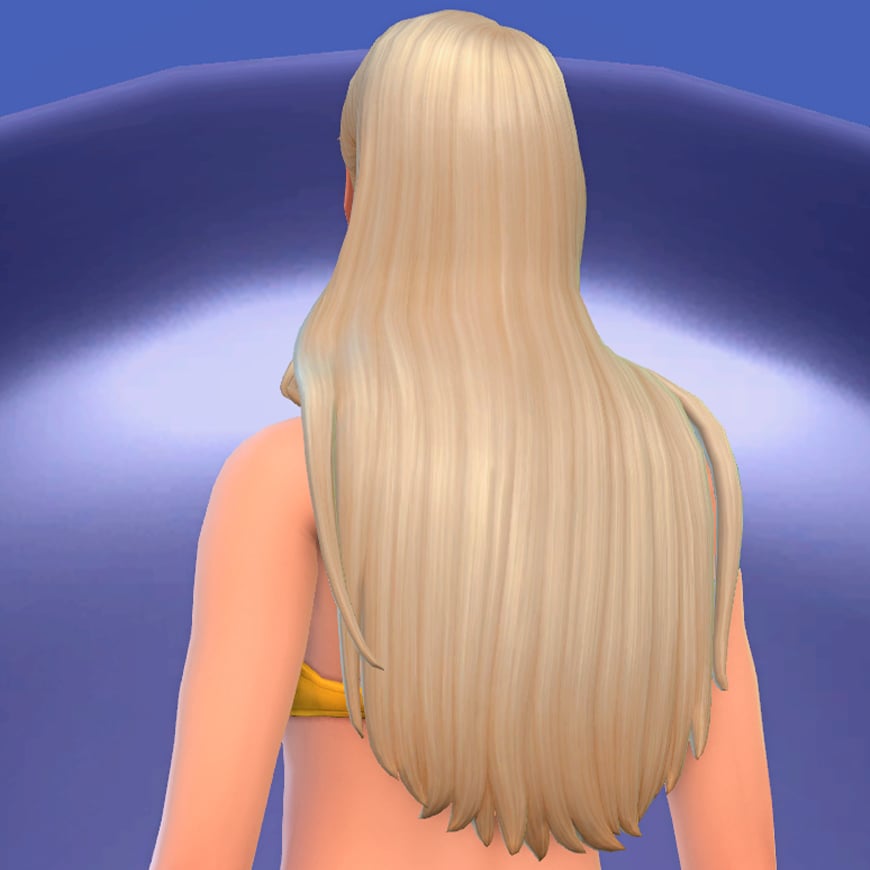
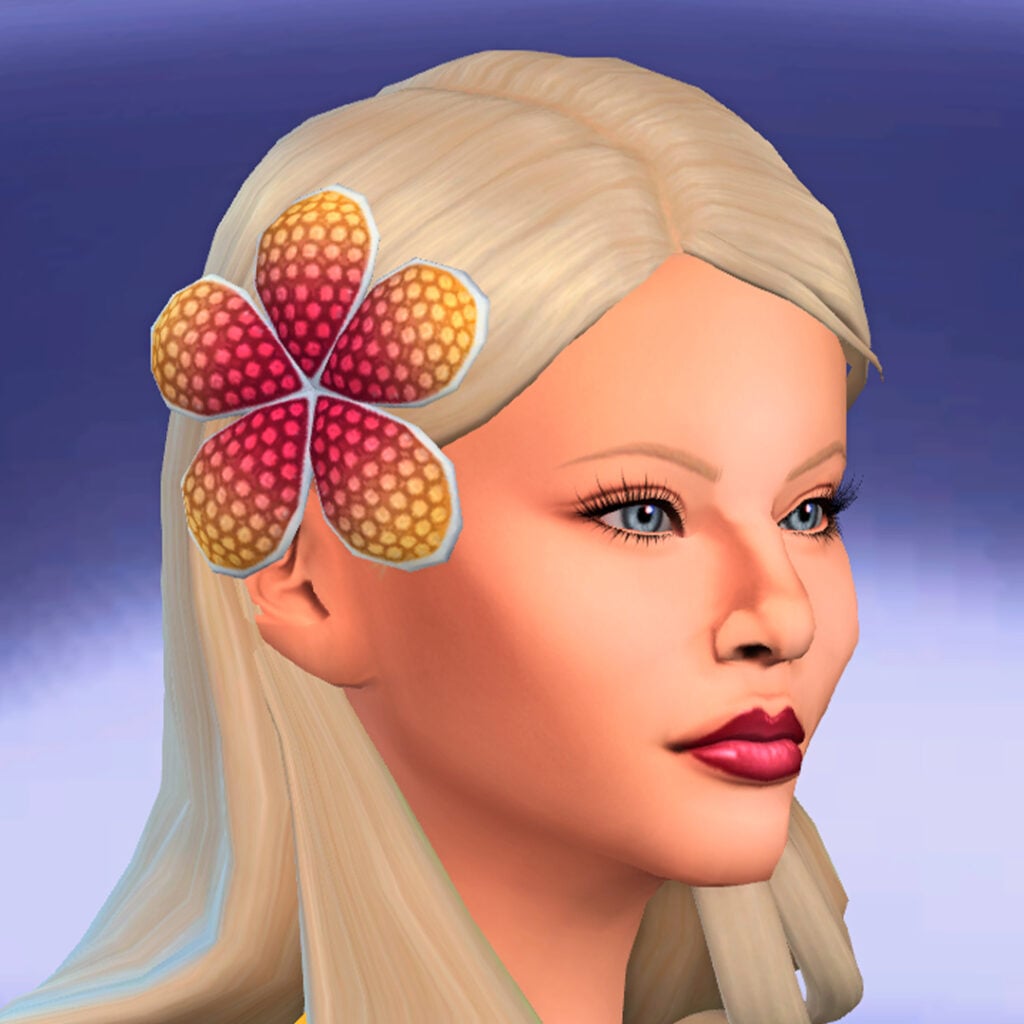
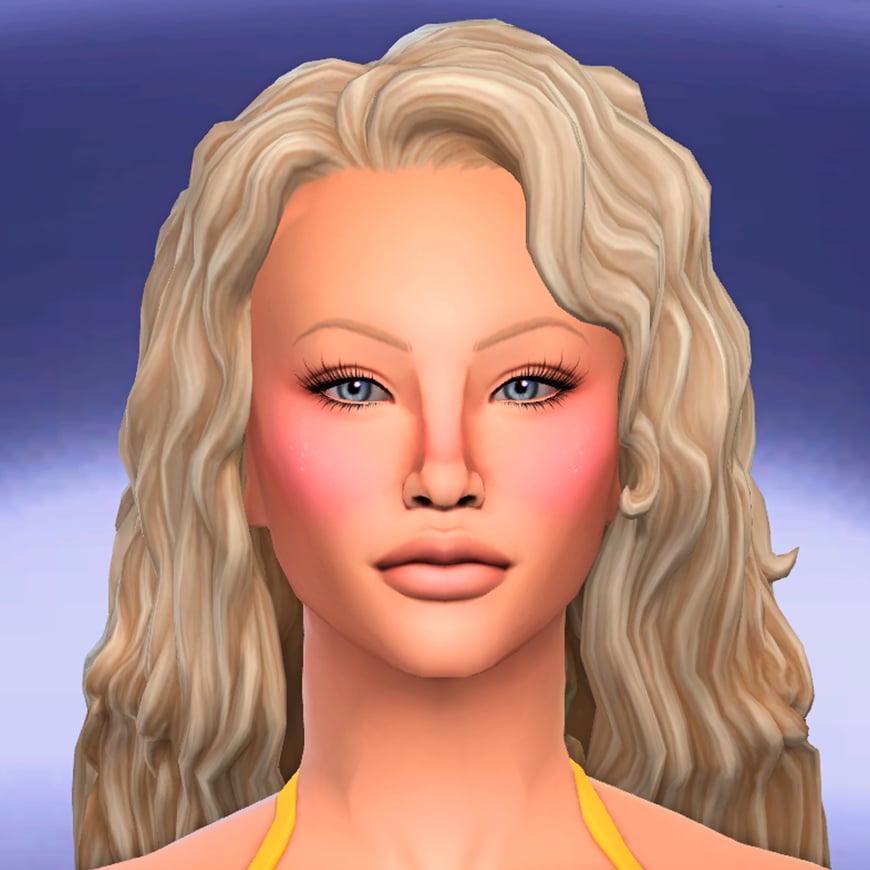
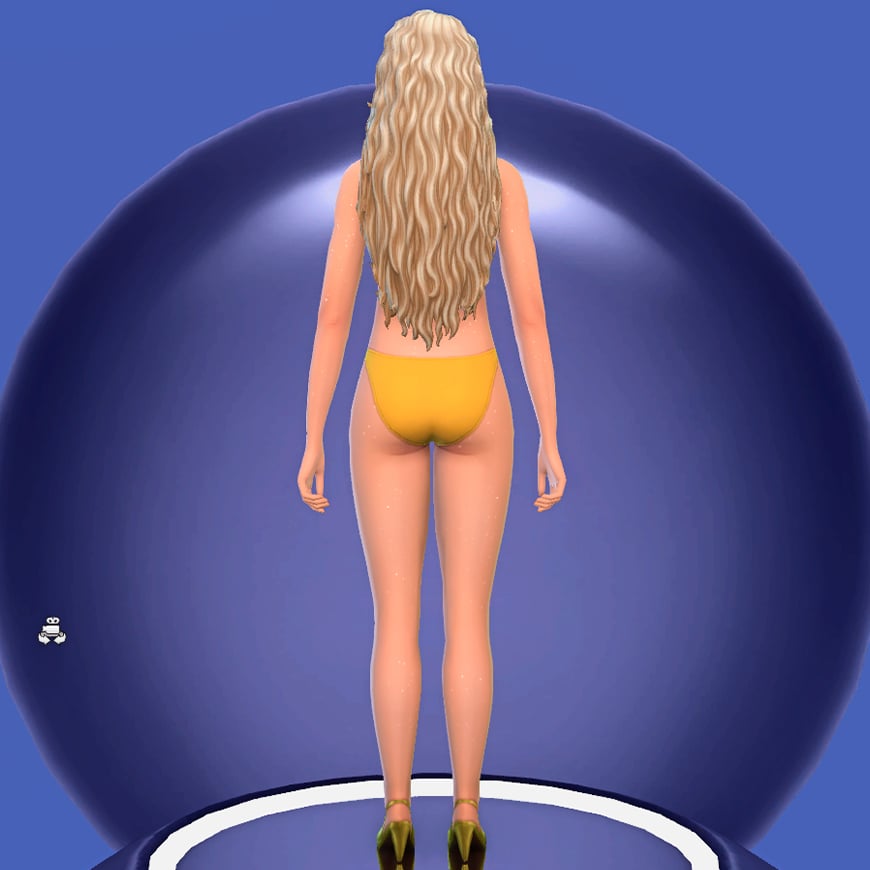
Dogsill contributes four new hairstyles that perfectly complement the collection’s vibrant summer aesthetic. All of them share a similar philosophy: long hair, relaxed textures, and slightly tousled finishes that capture that effortless, just ‘spent the day at the beach’ look.
The selection includes both wavy and straighter styles, offering enough variety while maintaining a cohesive visual identity. Their loose silhouettes pair especially well with the collection’s colorful outfits and makeup, helping create Sims that feel stylish without looking overly polished.
As an extra detail, the set also includes the iconic flower hair accessory seen throughout the collection’s promotional imagery.
The final part of the collaboration comes from Crypticsim, who takes inspiration from one of the most recognizable elements of Zara Larsson’s current image: her makeup. Much of the singer’s recent visual identity has been shaped by makeup artist Sophia Sinot, whose work combines modern beauty trends with strong Y2K influences to create colorful, playful, and instantly recognizable looks.
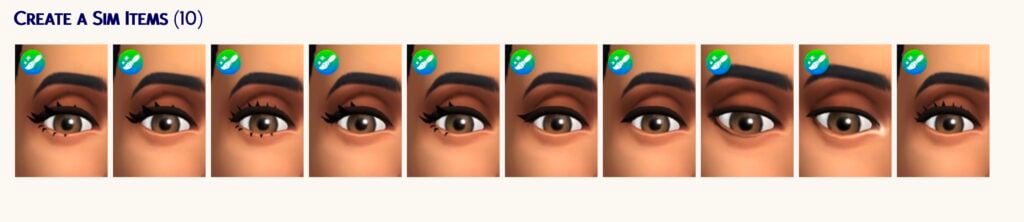
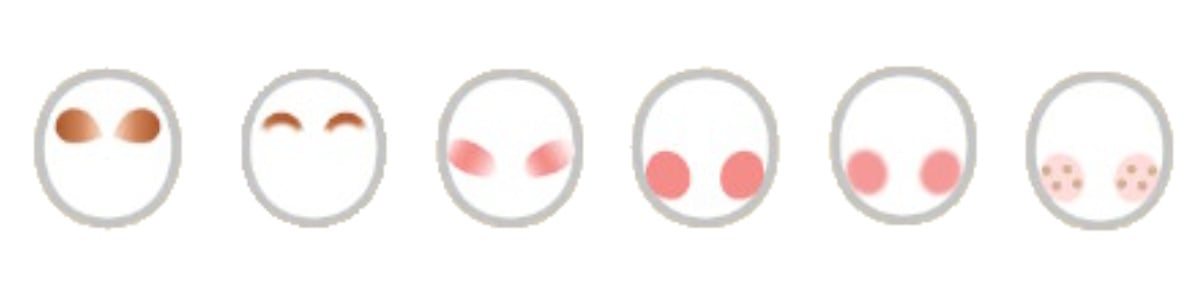
This influence is evident throughout the CC collection’s makeup selection, which focuses on bright colors, glossy finishes, and glittery details. The set includes three blushes, two eyeshadows, an eyeliner, a lipstick, and a body glitter overlay to recreate the radiant and sun-kissed look often seen in her recent photoshoots and performances. Together, these pieces make it easy to capture the bold beauty aesthetic that has become closely associated with Zara’s current era.
My Thoughts on The Sims 4 Midnight Sun CC Collection
I think this collaboration arrives at the perfect time. As we head into summer, the simmer community is naturally looking for fresh seasonal content, and few aesthetics feel as relevant right now as the one surrounding Zara Larsson’s current era. Pop culture has always influenced how players create Sims, tell stories, and customize their worlds, so seeing creators bring contemporary fashion and beauty trends into the game feels like a natural evolution of the community’s creativity.
What impresses me most about this collection is how cohesive it feels. Every item, from the clothing and hairstyles to the makeup and accessories, follows a clear artistic direction. Crypticsim, Dogsill, and Joliebean spent time researching the visual identity behind this era rather than simply creating generic summer-themed content.
My favorite part is undoubtedly the makeup. Sophia Sinot’s work has become one of the defining elements of Zara Larsson’s current image, and seeing that influence translated into The Sims 4 is incredibly exciting. The body glitter, face gems, colorful blushes, and bold eye looks don’t just work for recreating Zara herself; they’re versatile enough to become staples in many players’ CAS libraries for all kinds of summer-inspired Sims.
The clothing is another highlight. The cropped baby tees, ultra-short shorts, layered mini skirts, and playful graphics perfectly capture the carefree spirit of the collection. I especially love how the T-shirt designs reference bothsongs from the album and some of Zara’s most recognizable visual motifs.
If I had to point out one thing I would have loved to see, it would be a few more accessories. A pair of sandals, an anklet, additional bracelets, or even a wearable version of the towel Zara has used during some of her Eurosummer performances could have beenfun additions. That said, this is a very minor criticism in what is otherwise an incredibly complete collaboration.
Ultimately, I can see The Sims 4 Midnight Sun collection becoming a staple for many players, even beyond those who are fans of Zara Larsson. The pieces fit perfectly in worlds such as Sulani, Tartosa, and Ondarion, but their versatility means they can be used almost anywhere. The Sims 4 Midnight Sun CC Collection releases publicly on June 6, though players can already access it through the creators’ Patreon pages during the Early Access period.
What do you think about this amazing collaboration? Are you planning to dress your Sims using the iconic imagery of Zara Larsson’s Midnight Sun era? Let us know, and don’t forget all about CC in Sims Community!
More to Explore: Mermaid Content in The Sims 4 Island Living
It’s Mermay my fellow Simmers, and by celebrating that I will share a few good additional The Sims 4 mermaids content for The Sims 4: Island Living and our merfolk in the game. Let’s dive in and see what treasures we can find!
Table of Contents
Expanded Mermaids Mod
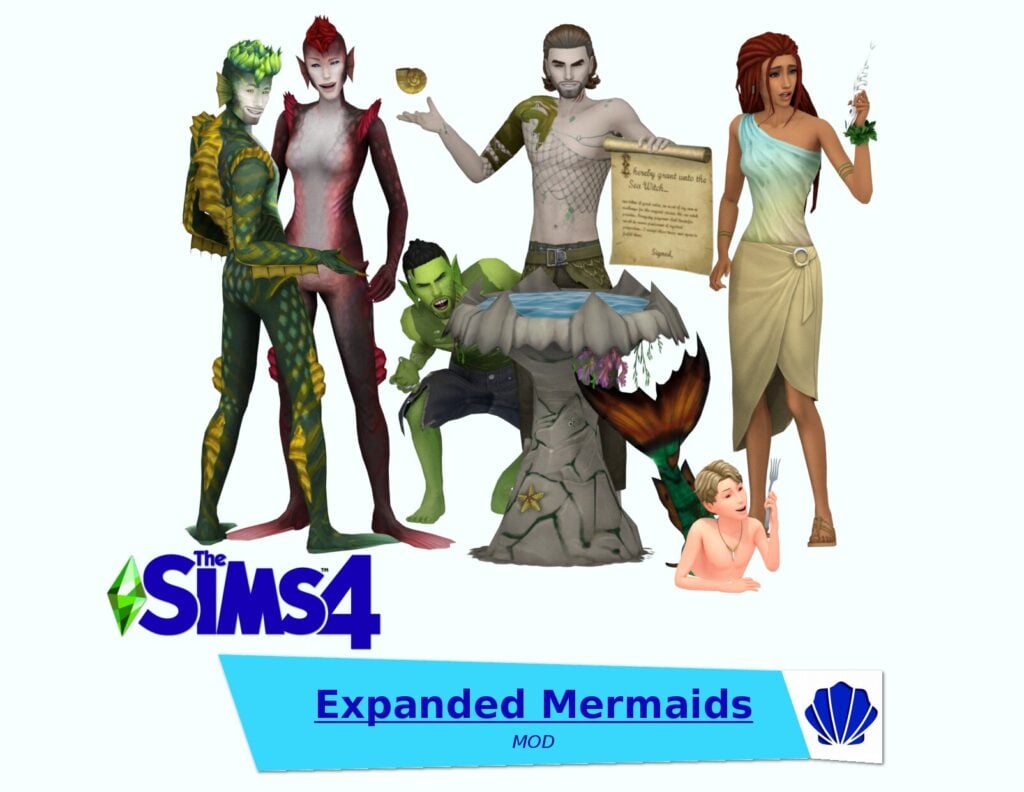
This Expanded Mermaids Mod 2.0 by SpinningPlumbobs is one of the biggest mermaid mods out there for sure. It’s now compatible with The Sims 4: Royalty and Legacy pack, which would make it fun to make royal merfolks. In this mod you’ll find mermaid mythology, sea witches, child mermaids, and more! See our guide on Expanded Mermaids Mod here.
Sadly, we don’t have enough mermaid themed decorations in the game. So if you want to decorate your ocean home with a cute mermaid theme, these paintings created by Ethacrea would make your Sim happy, and hopefully you too.
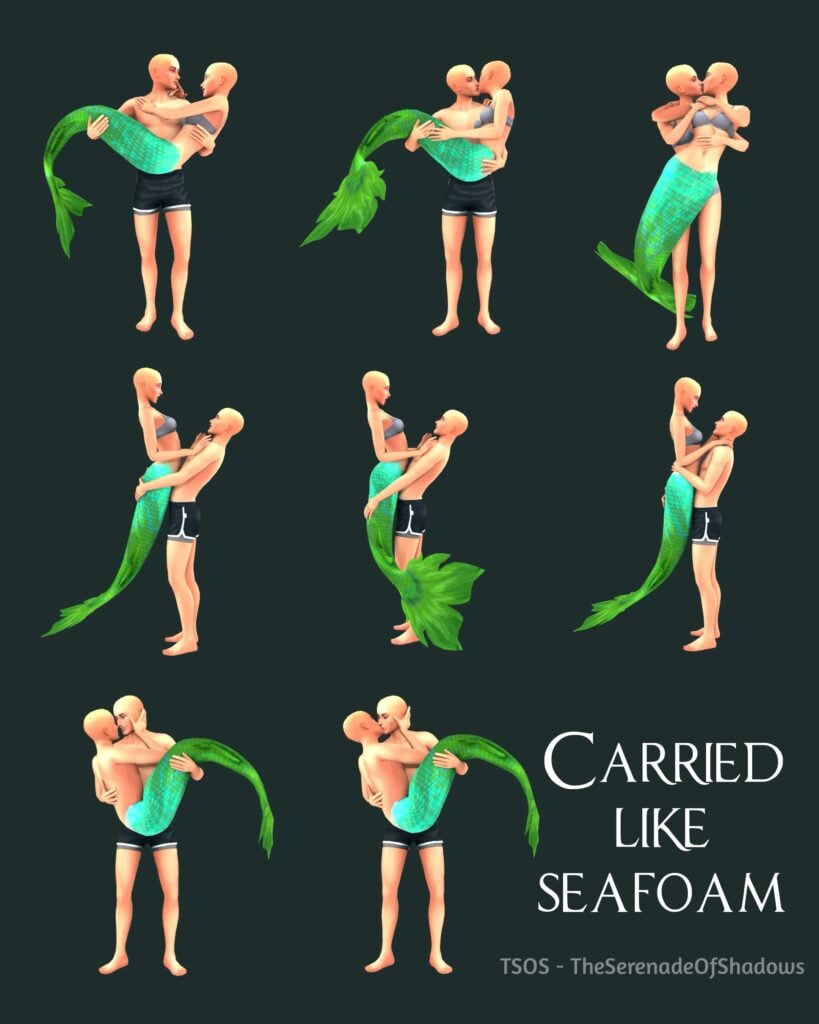
If you want to have a photoshoot with your mermaid who may have a secret romantic relationship with a human on land… this pose pack made by The Serenade Of Shadows is a perfect option.
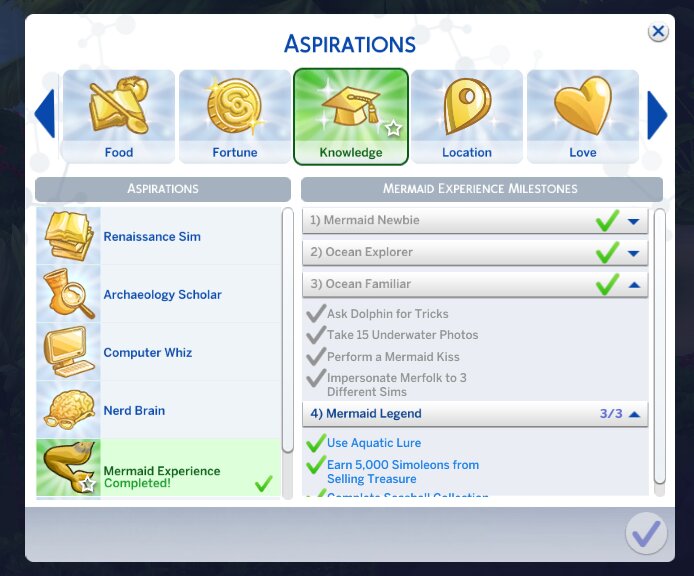
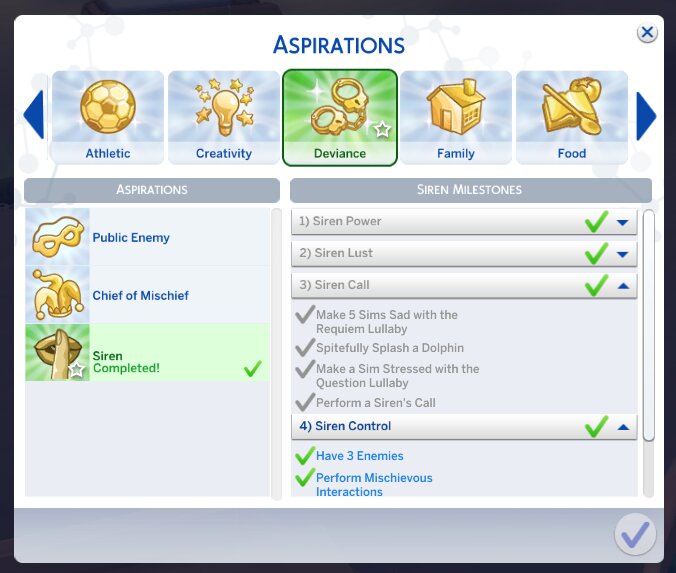
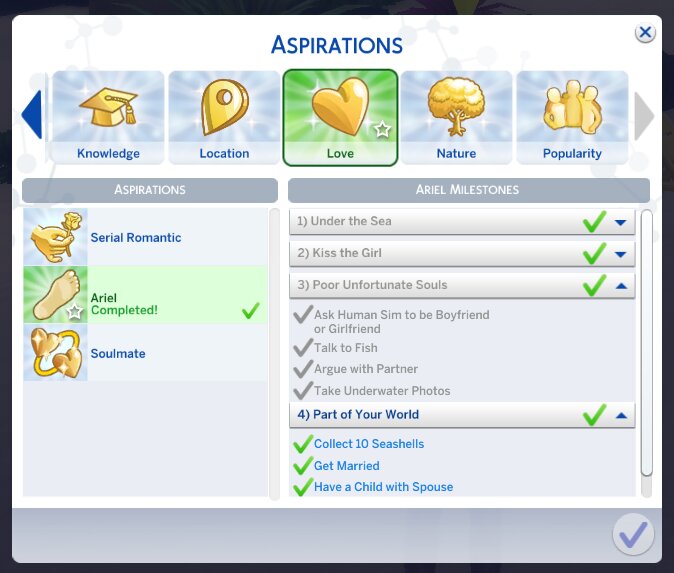
Three aspirations, three different stories, made by Marlynsims. There’s one called Mermaid Experience, then Ariel, and lastly Siren. All of them have 4 aspiration levels, new buffs, and in the end you’ll earn a reward trait. The Mermaid Experience aspiration is about knowledge and become united with nature. The Ariel aspiration is about learning how to live between two worlds on land, and in the ocean. The last one, Siren is about romance and having Sims wrapped around your finger.
Taken by MarlynsimsTaken by MarlynsimsTaken by Marlynsims
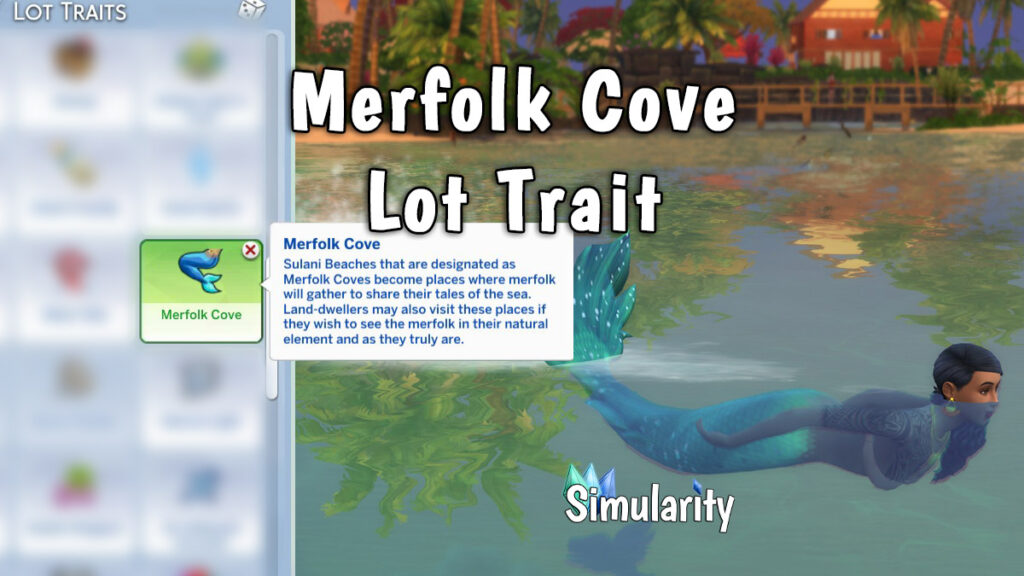
Simularity makes it possible for you to add mer-glory to your game. This Merfolk Cove lot trait will spawn more merfolk to the lot you apply the trait on. They will gather there and if you interact with them you can get different buffs. There’s also an option to ask for Mermaidic Kelp, and if they’ll give it to you, your Sim can eat it and become one of them.
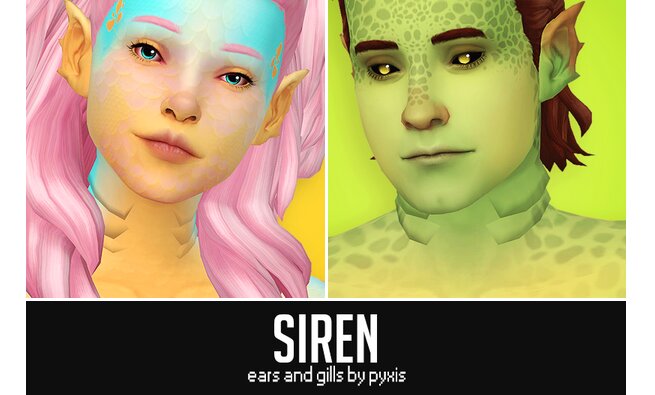
These mermaid siren accessories by Pyxis will add an even more realistic merfolk look. The ears are for all ages/genders, as for the gills they’re only for teens/adult/elders.
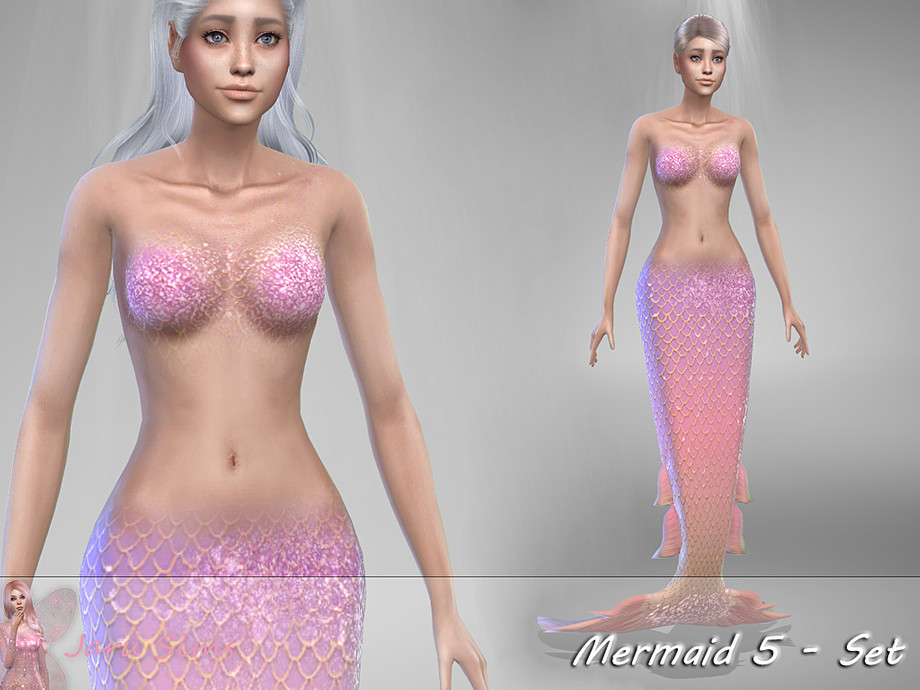
Lastly, this mermaid tail by Jaru Sims. You can choose from a few different pastel-neon colors with extra spark. It definitely gives a fantasy mermaid look.
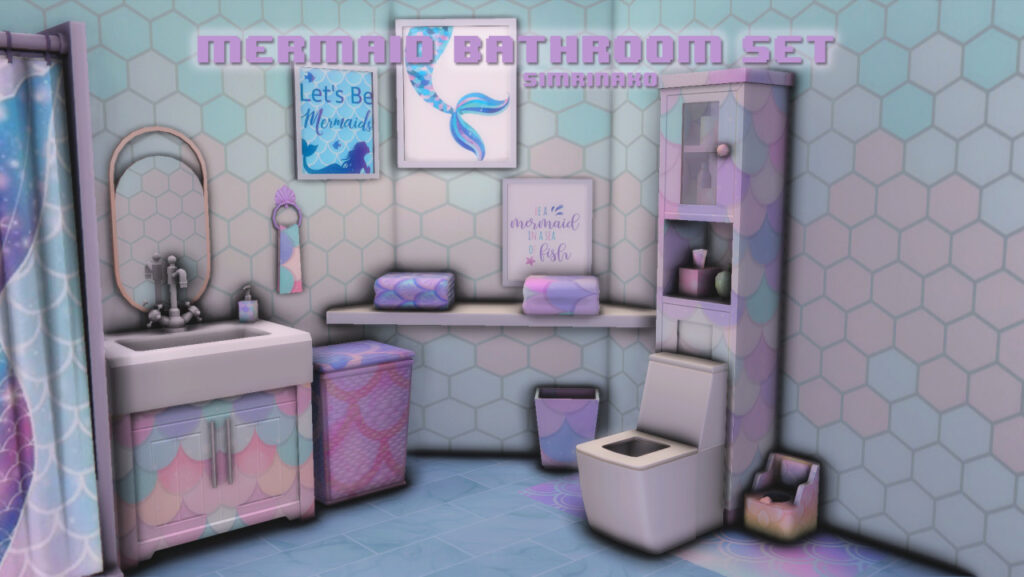
We can not forget build buy objects so that you can also decorate your home in a mermaid theme. This mermaid bathroom set is created by Simrinaxo. There is a total of 15 objects and I believe your Sim will love it.
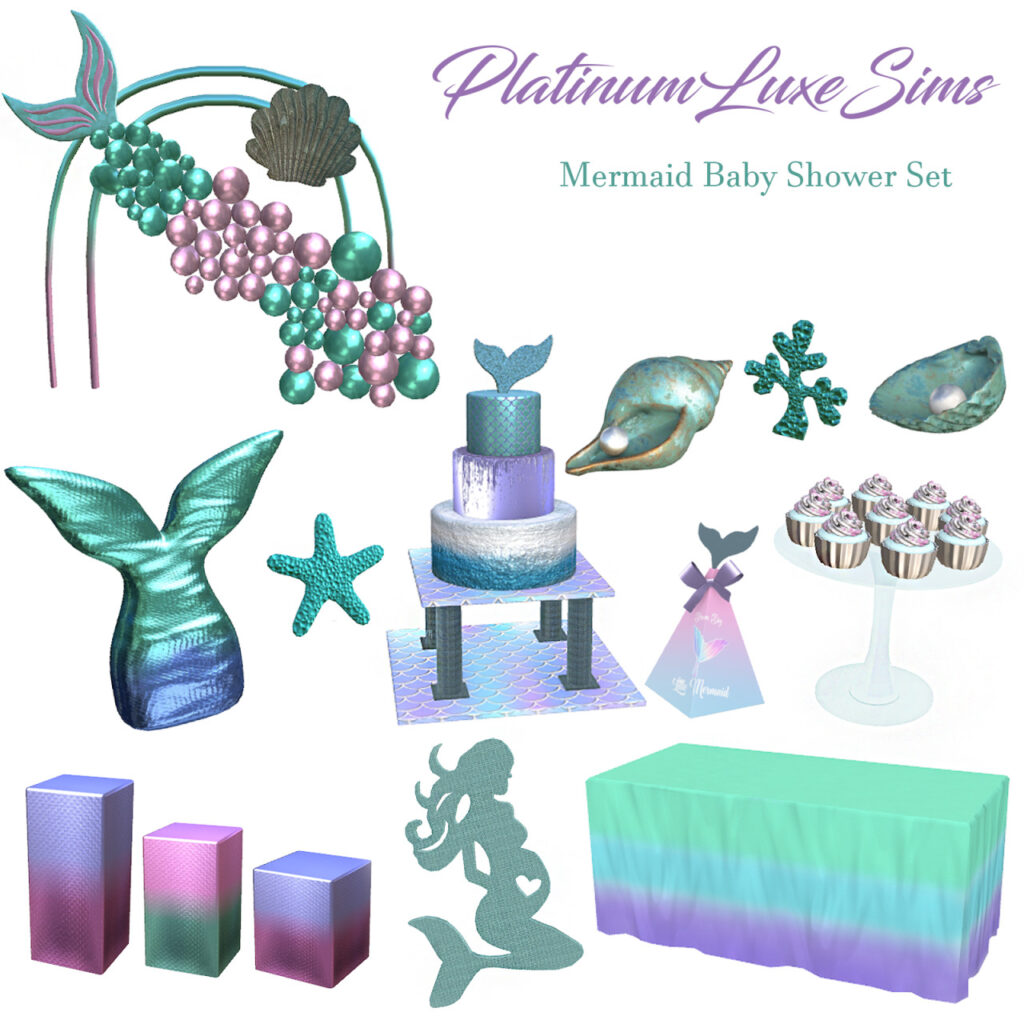
How does a mermaid celebrate a baby shower? With this mermaid baby shower set you don’t have to worry about that any more. Platinumluxesims got you covered! It includes 14 different objects like a mermaid tail balloon, cupcakes, and so many different decorations.
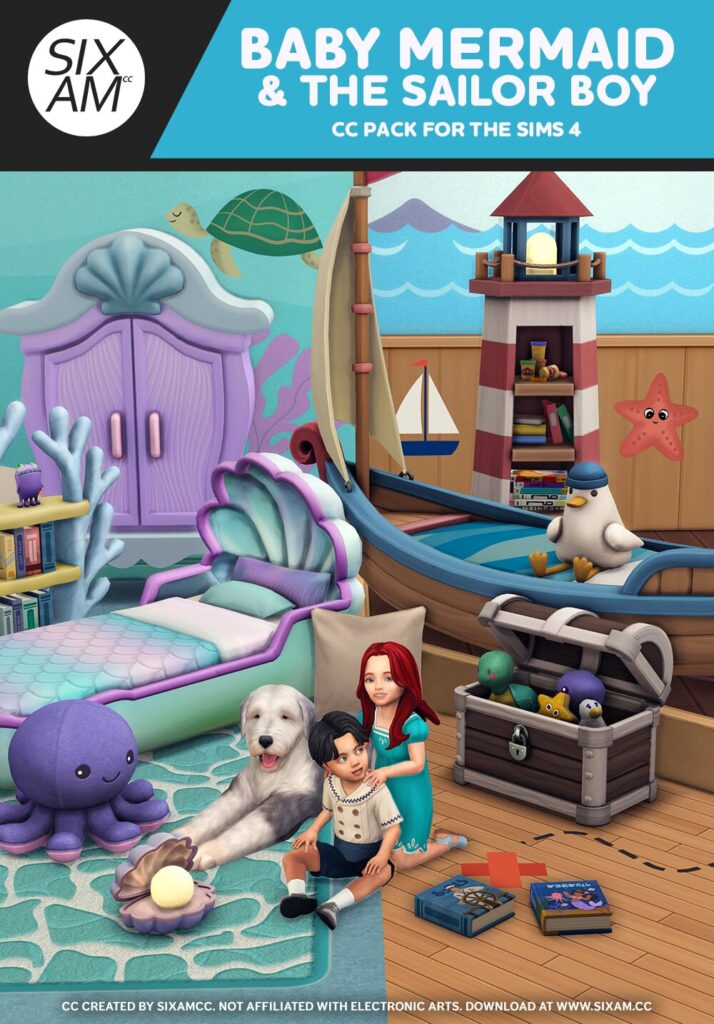
Lastly, the Baby Mermaid & The Sailor Boy CC pack by SixamCC. It’s inspired by the famous Ariel and her prince Eric. While the aesthetics of the baby mermaid set is under the sea the sailor boy is above the it. These two combined gives your toddler the dreamiest room possible, and there are a total of 27 build buy objects.
What is your favourite occult in The Sims 4? Let me know in the comments bellow. Mine is for sure mermaids. Don’t forget to keep up with the latest news here on Sims Community.
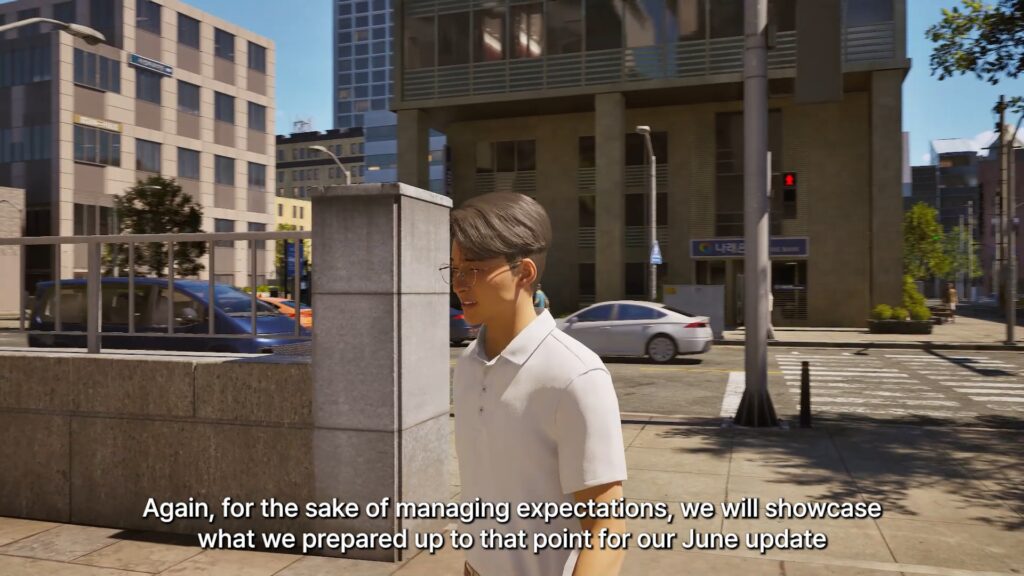
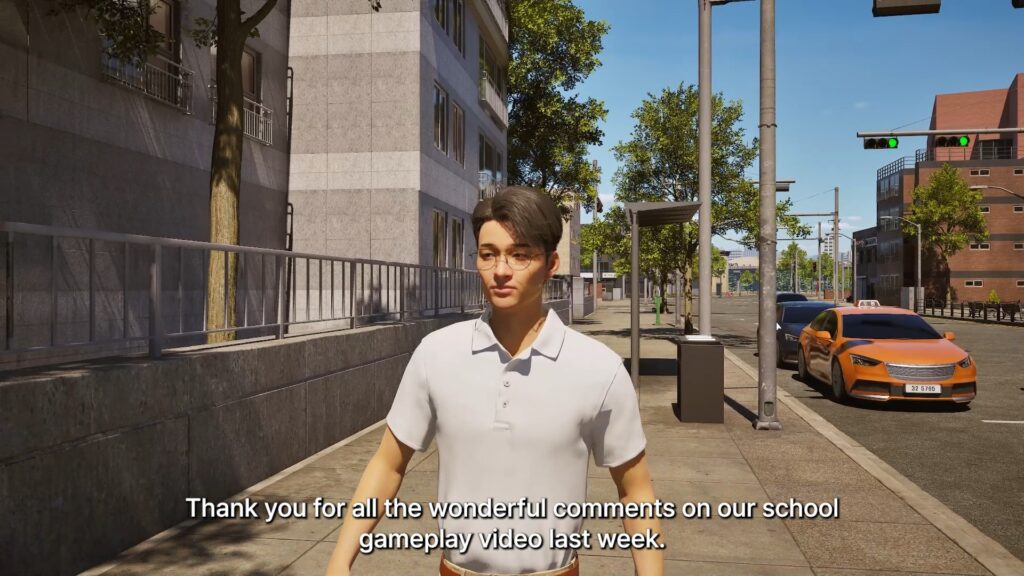
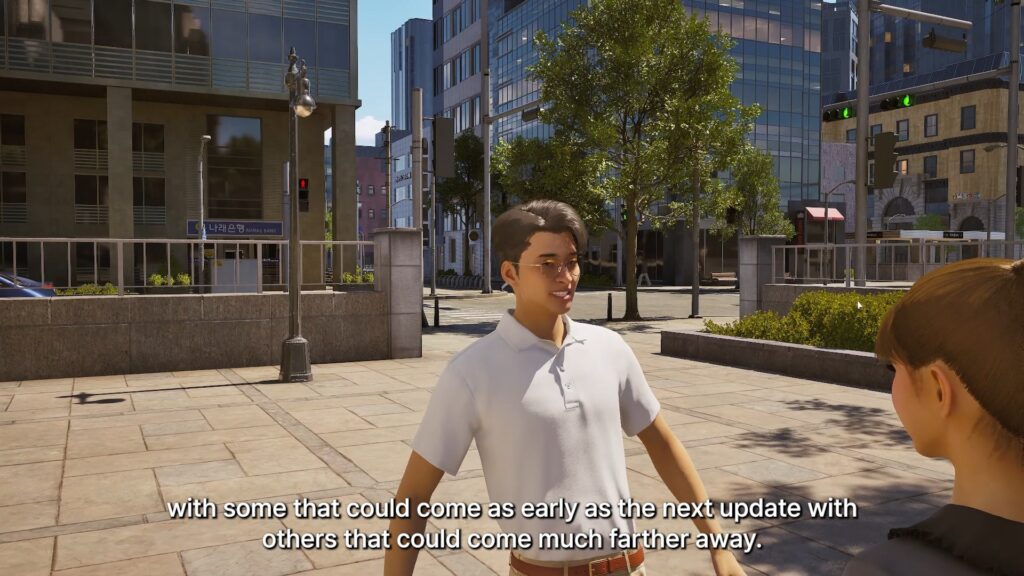
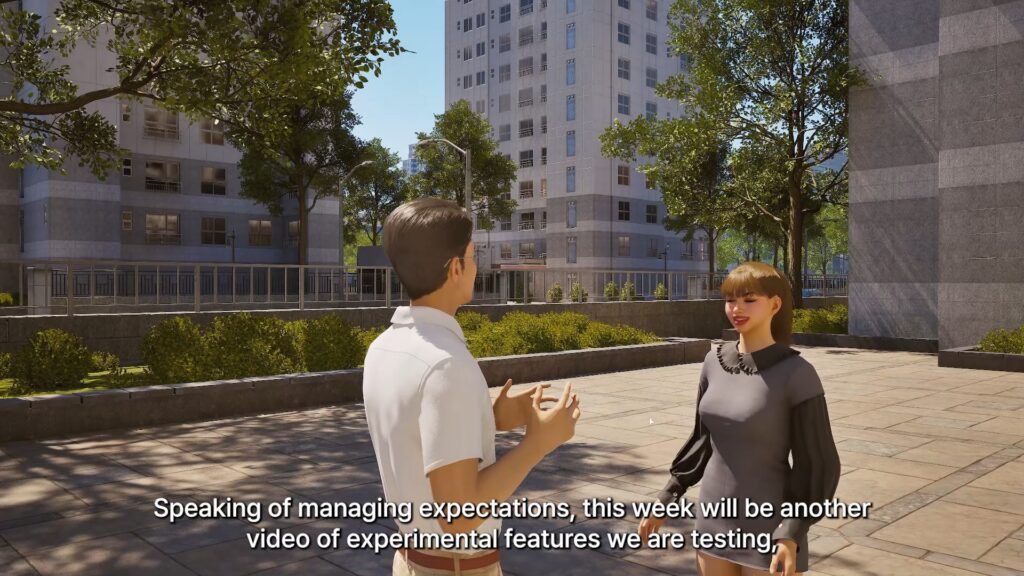
As per usual, it never takes long for the InZOI developers to release a new video showcasing the work they’re putting in for the next update to engage with the community and receive feedback. After the voiceless High School Update previews we received last week, the next InZOI update is likely to feature the addition of active schooling and some other additions not yet fully confirmed.
InZOI Producer and Director Hyungjun ‘Kjun’ Kim spent the video
Upcoming InZOI Updates: Basement, Car Physics, and First Person!
○ This video was a showcase of what is prepared for the June Update up to this point, but development will continue based on feedback from community.
○ This video also included experimental features being tested. Some will come in the June update, some will come later.
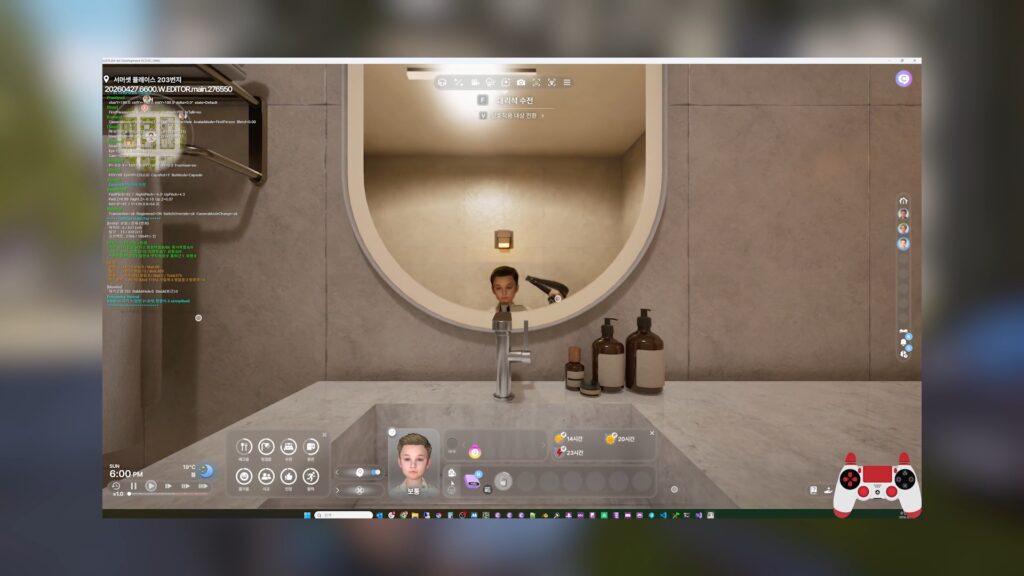
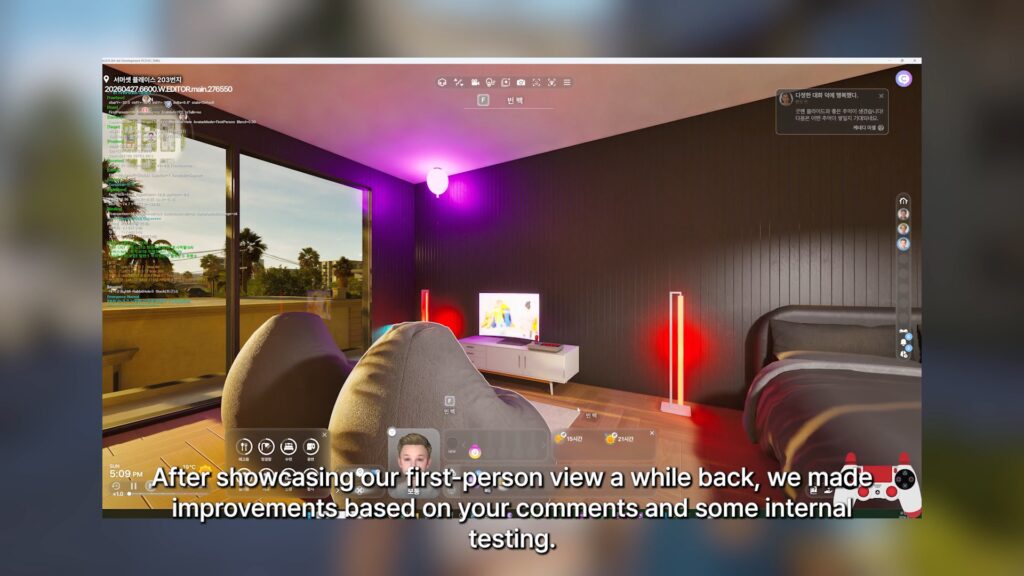
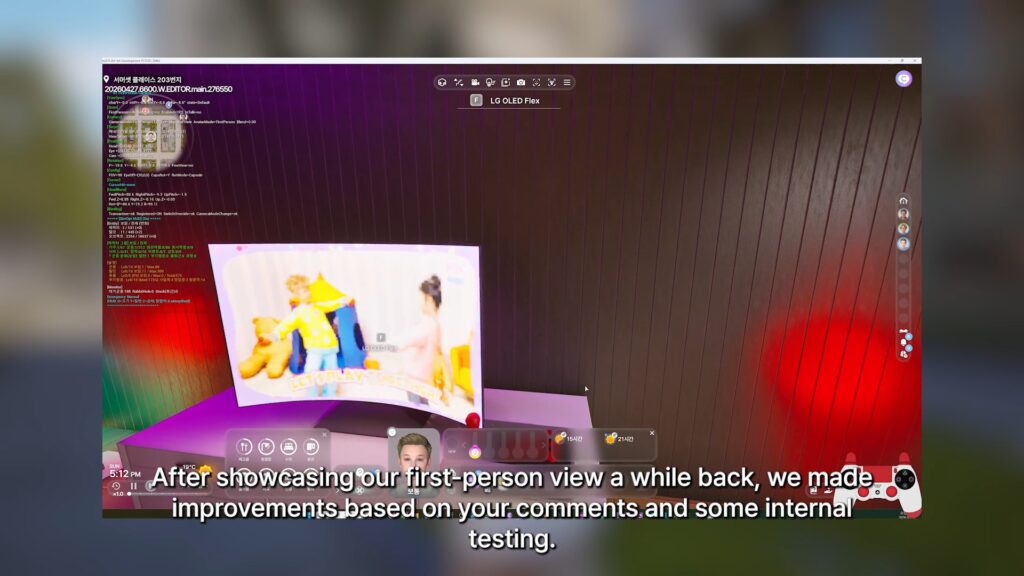
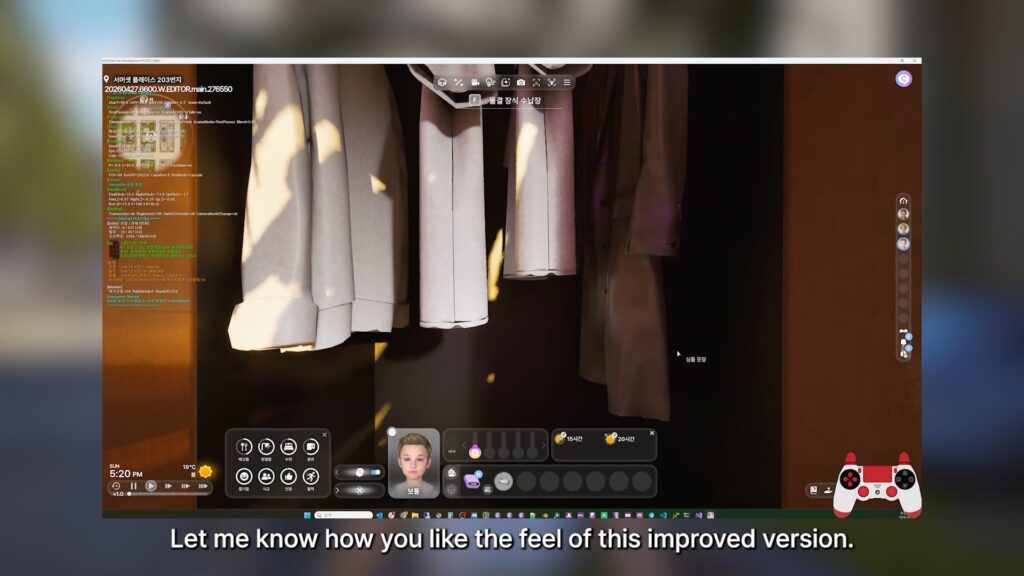
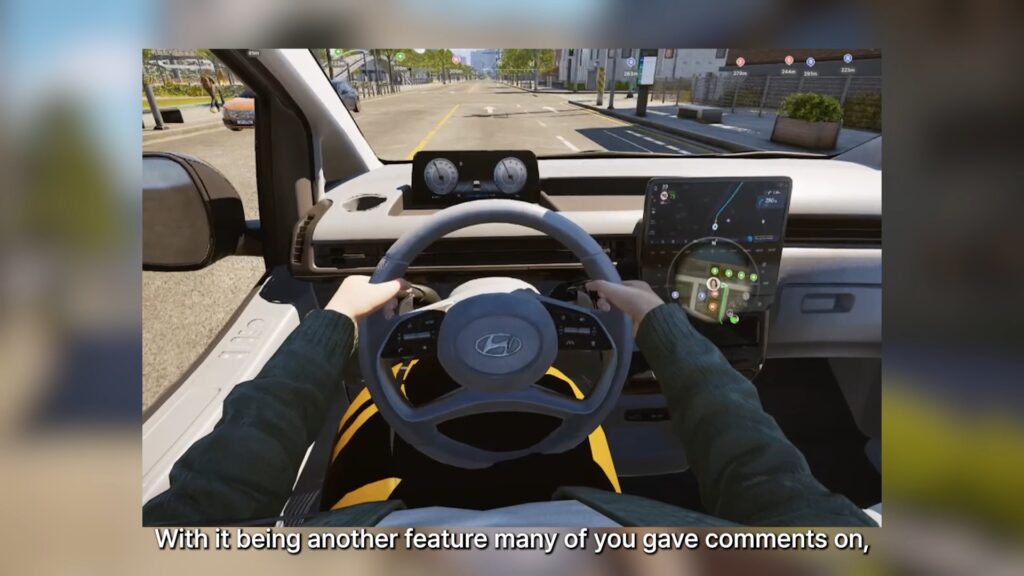
○ Improvements made to the First-Person view feature teased a while back.
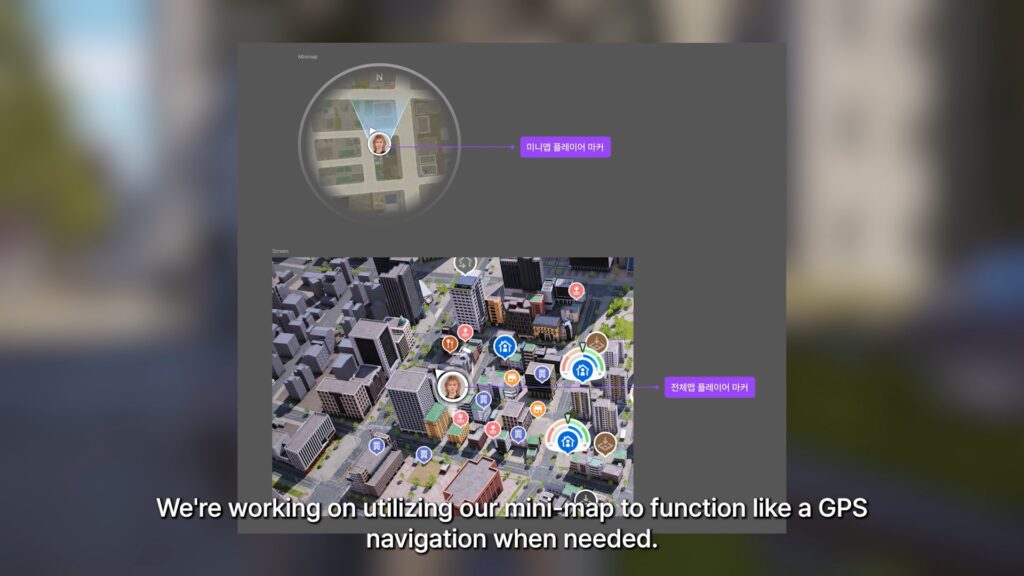
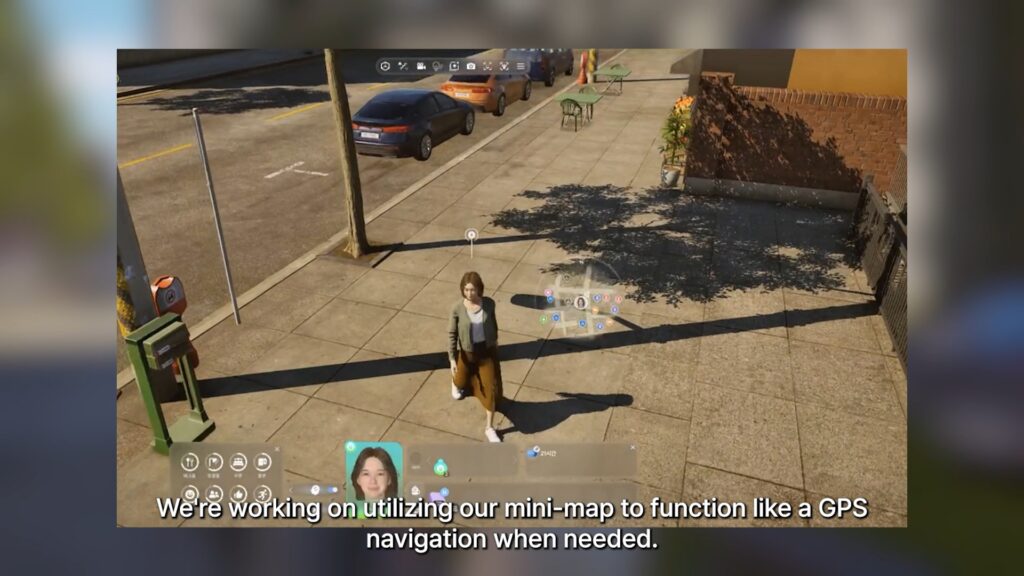
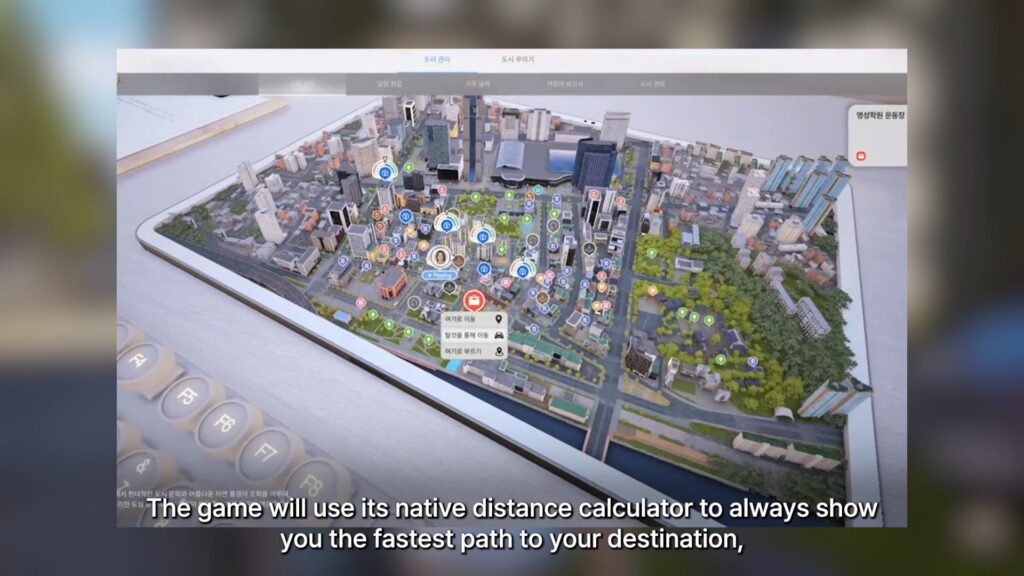
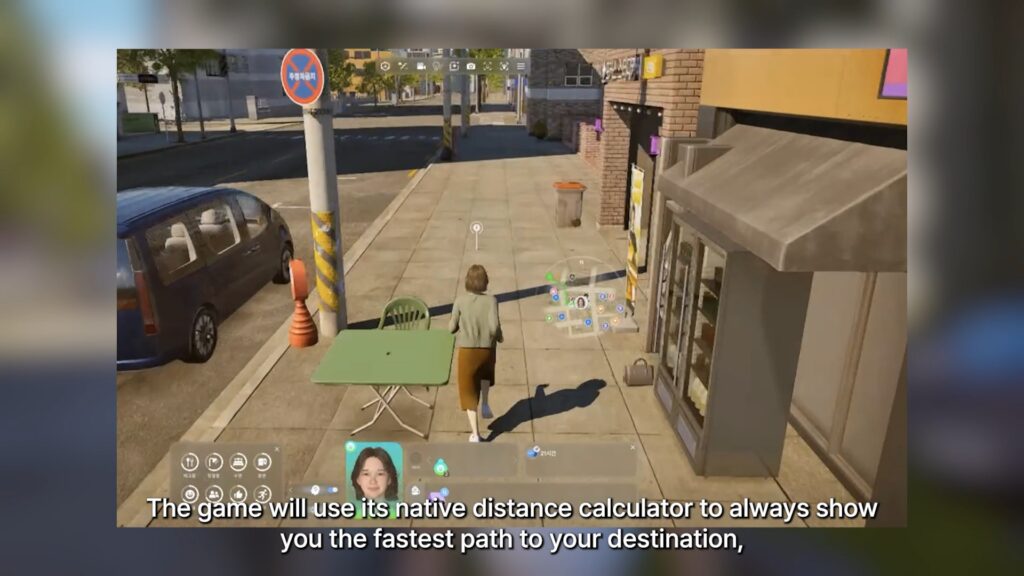
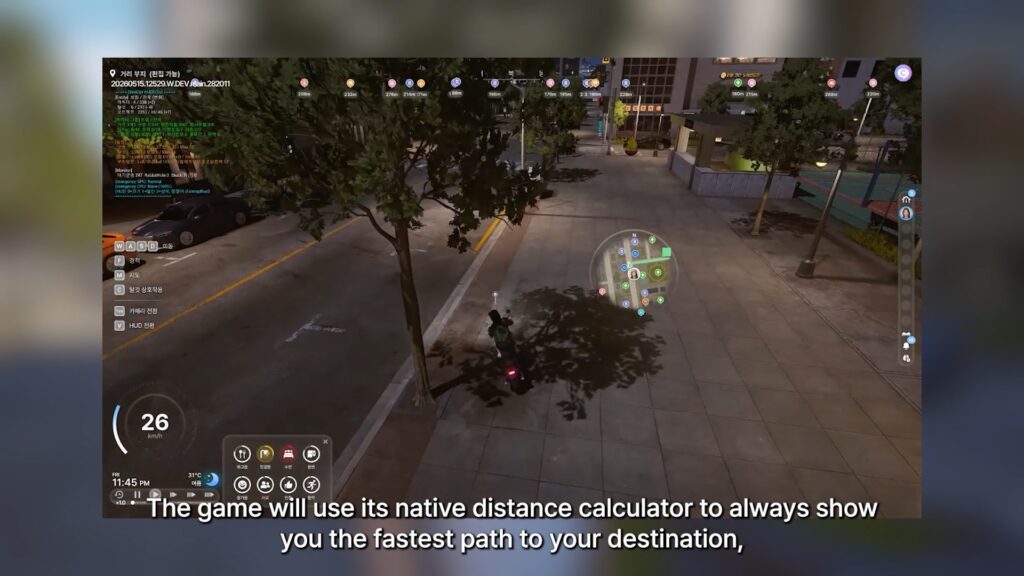
○ Changes to the mini-map to utilize it as a GPS and show you the fastest route to a chosen destination.
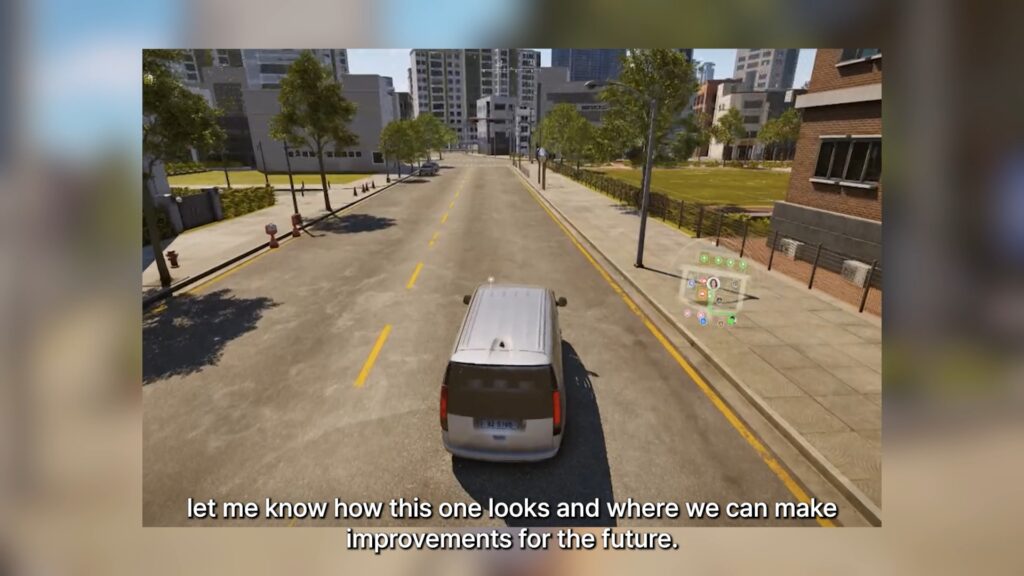
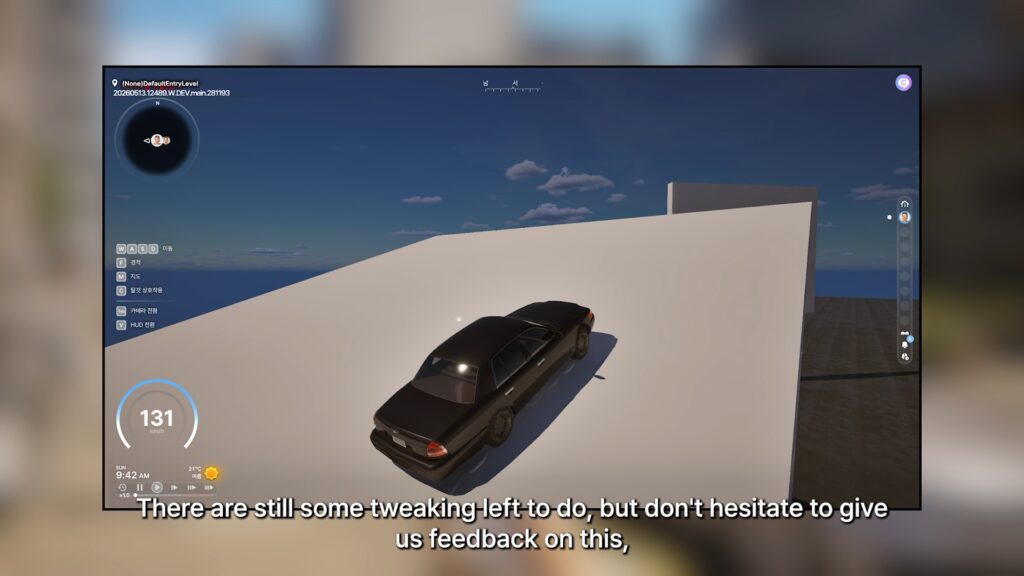
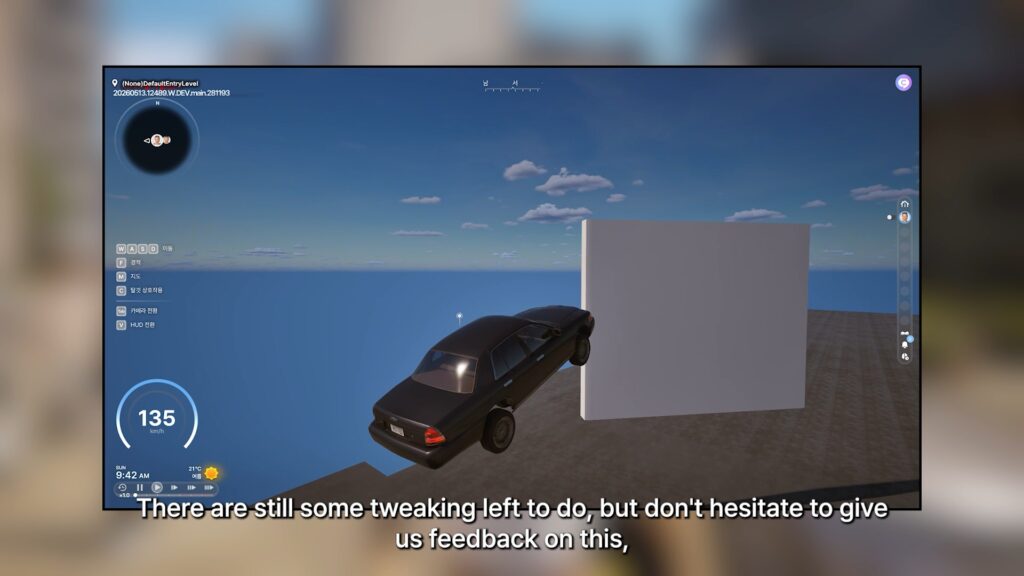
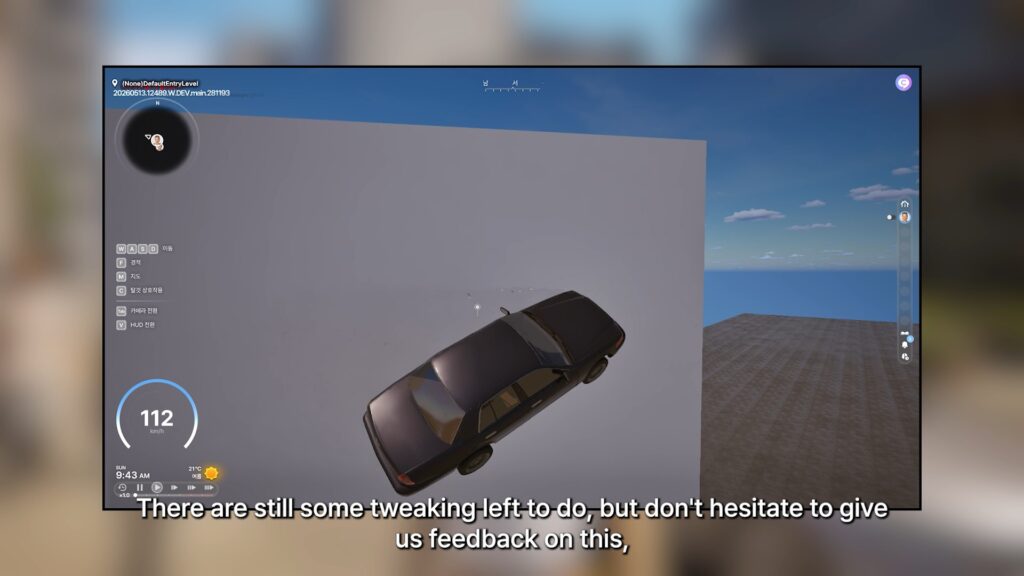
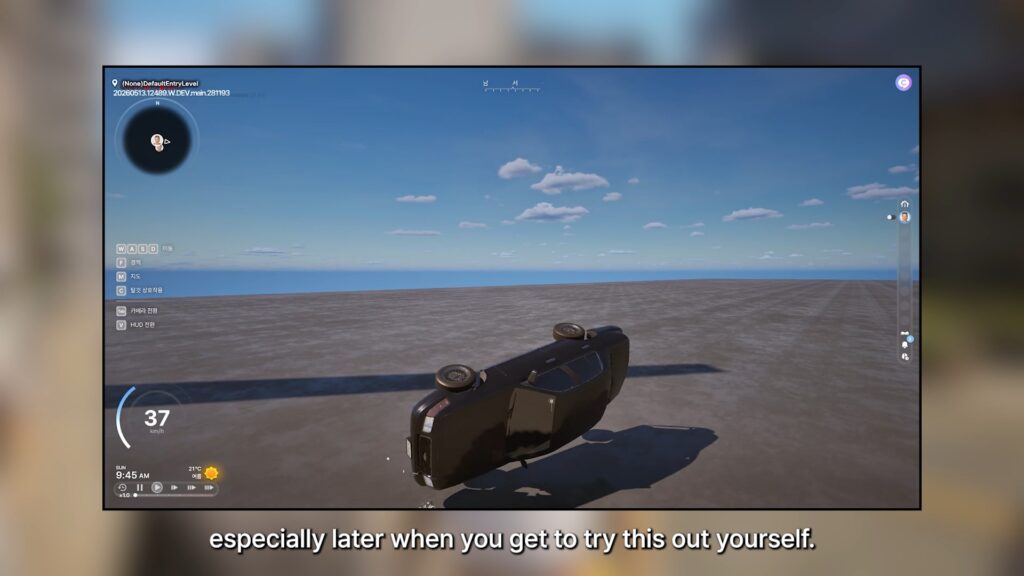
○ More progress being added for realistic car physics.
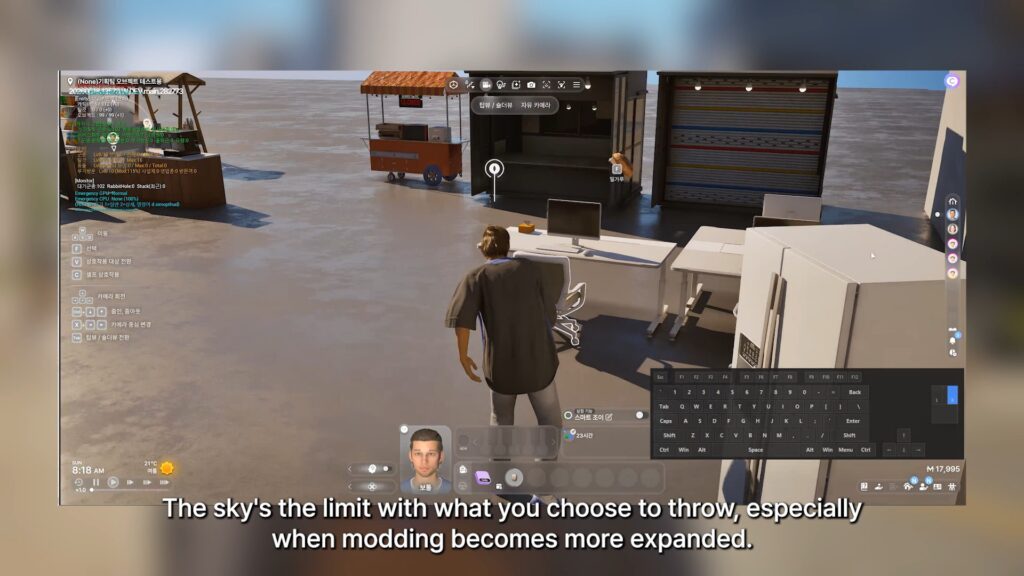
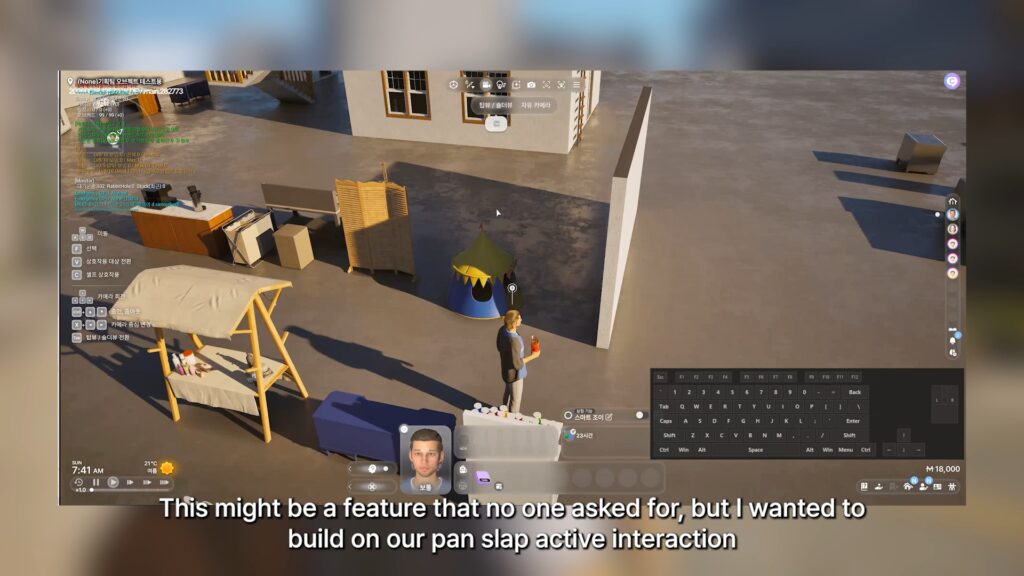
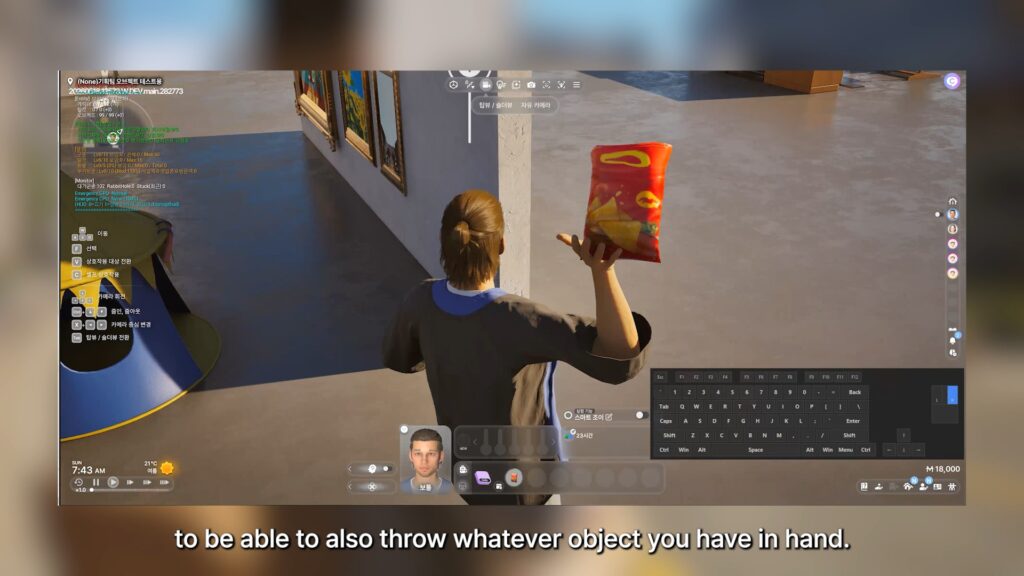
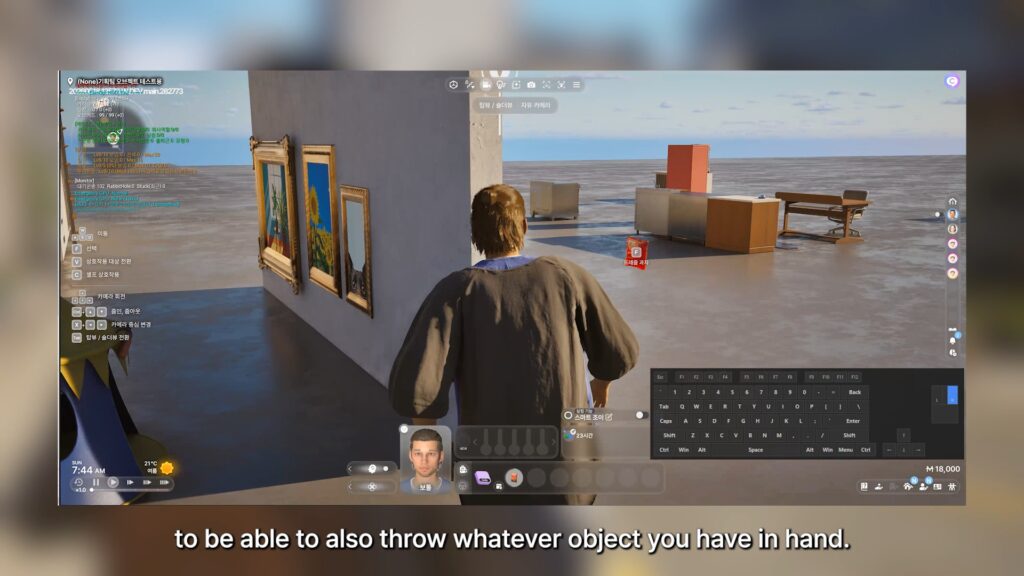
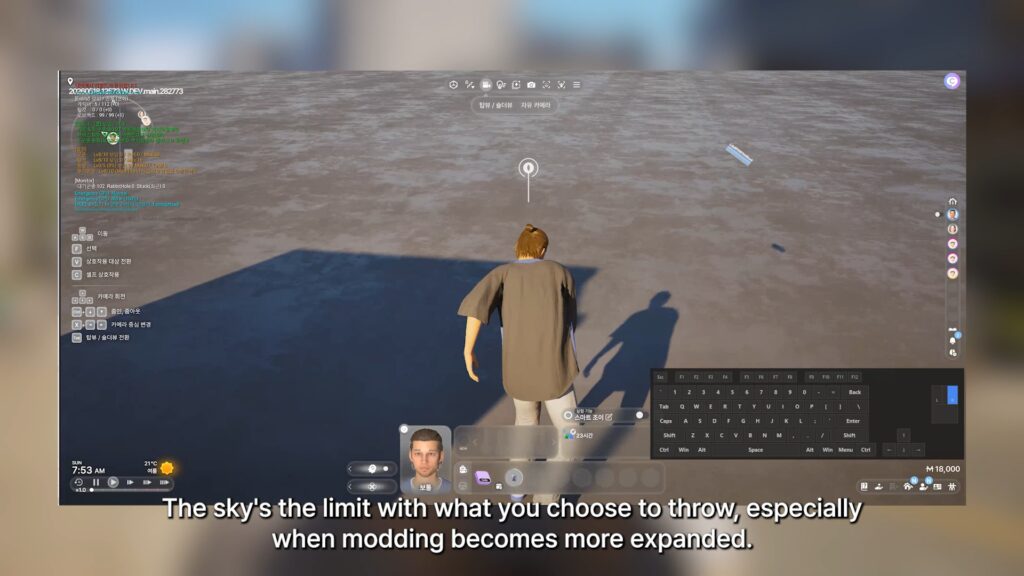
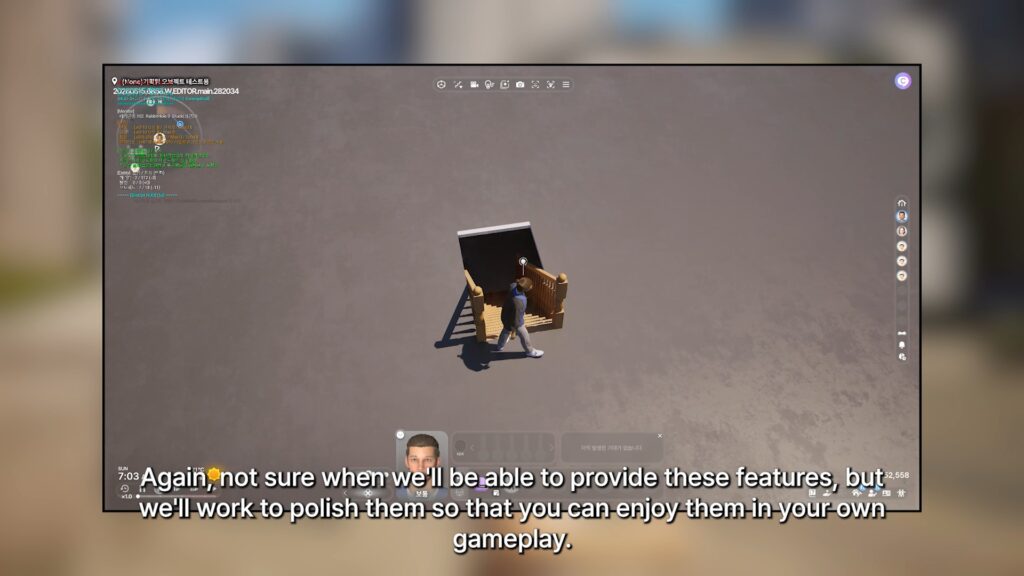
○ The ability to throw any held objects is being worked on, expanded upon from the pan slap interaction showcased a few months back.
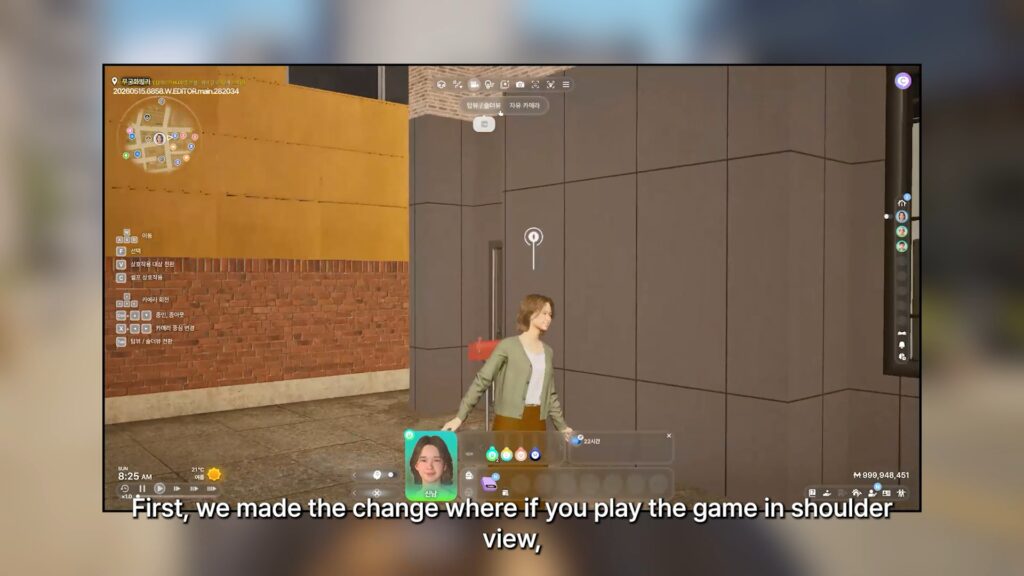
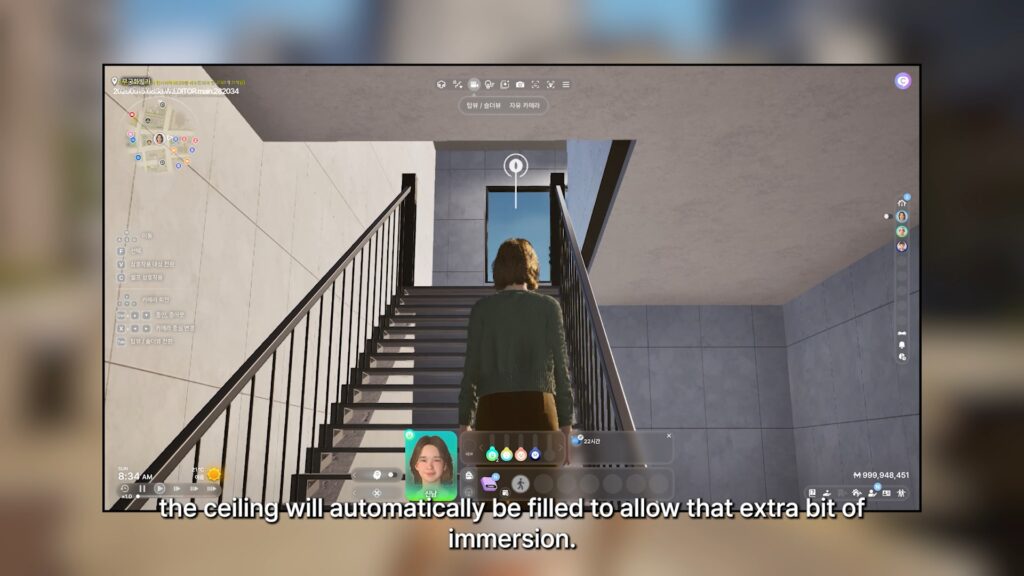
○ If you’re playing in shoulder view, meaning right behind and slightly looking up at your Zoi, the ceiling will be filled in now.
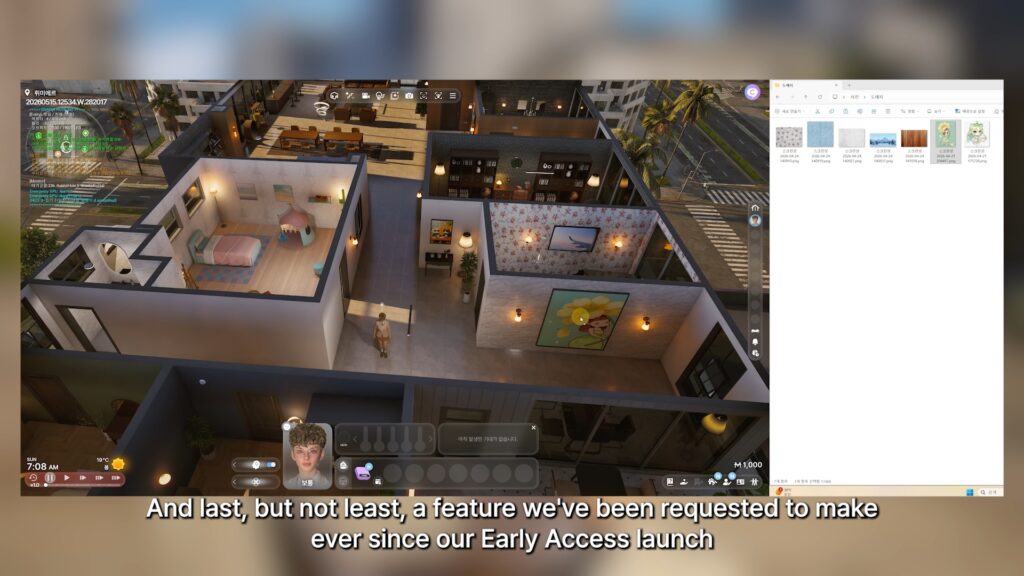
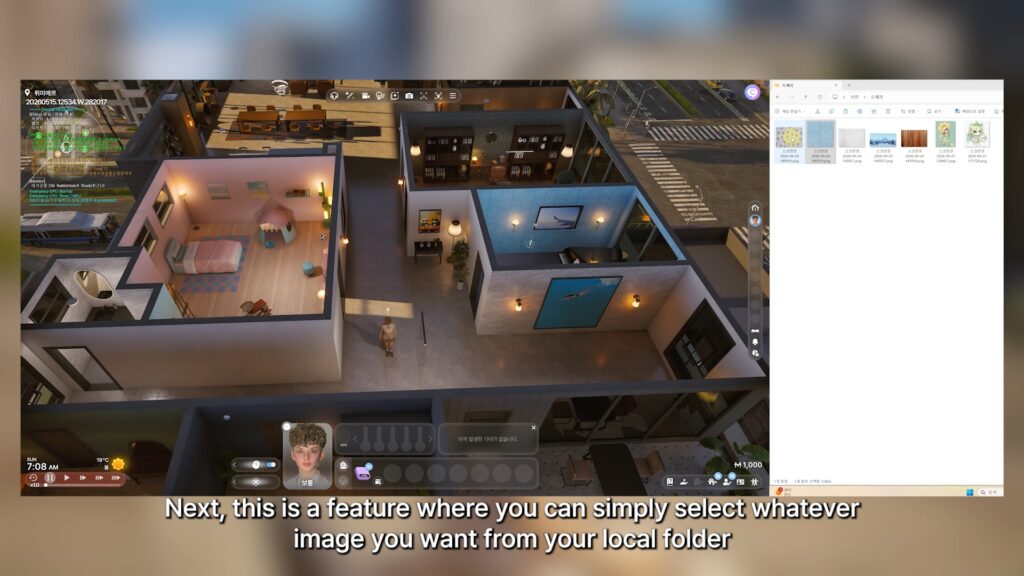
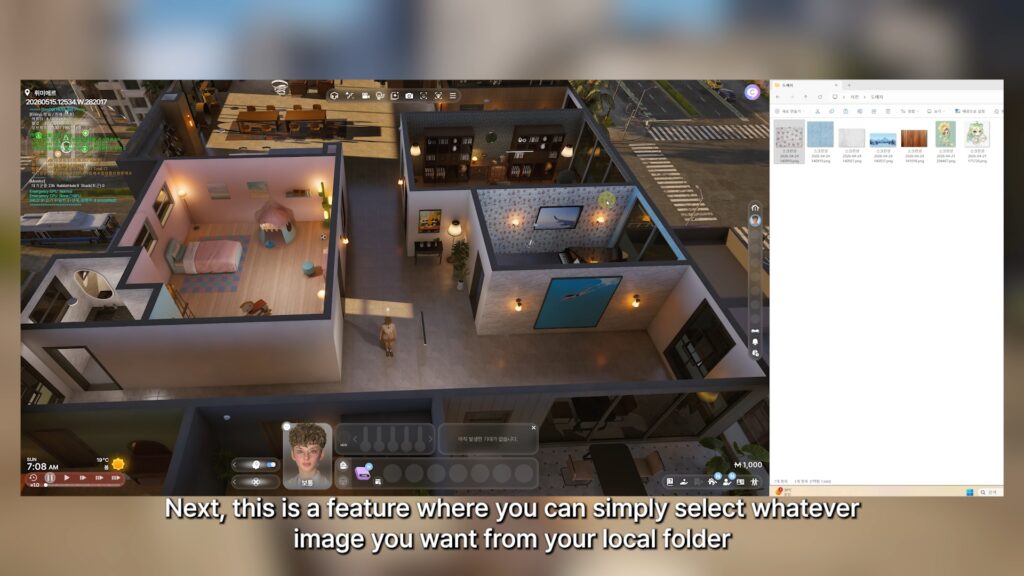
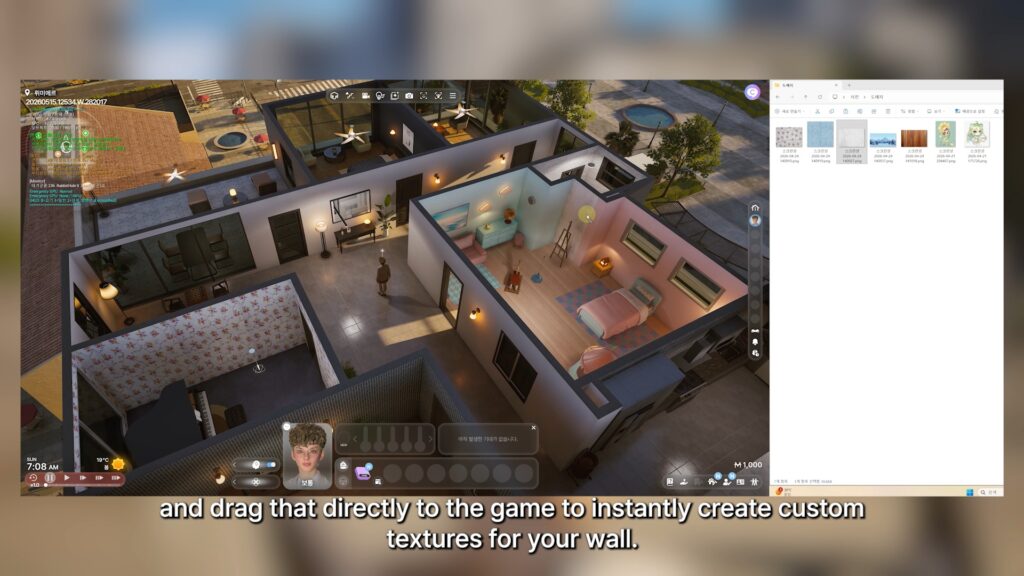
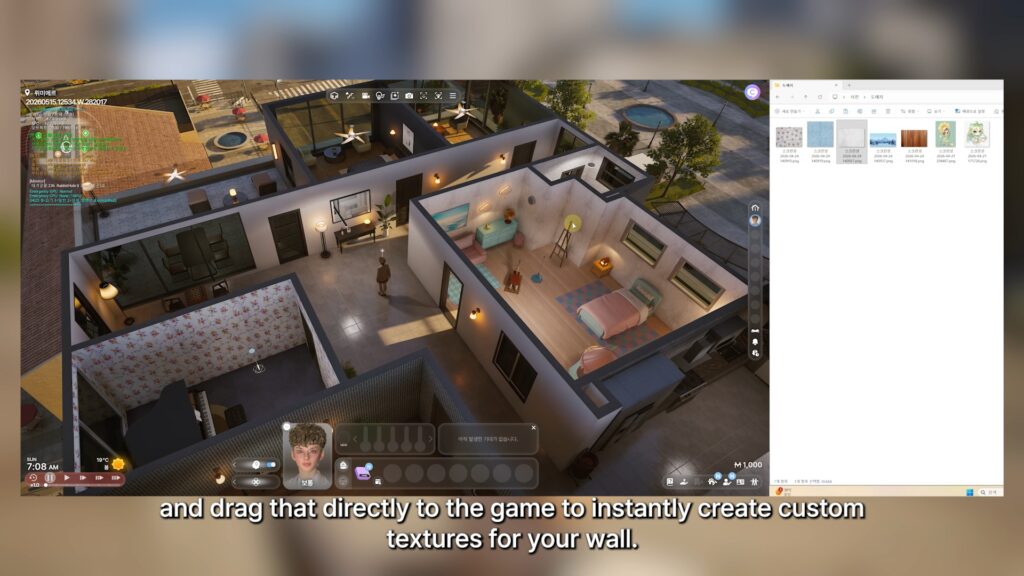
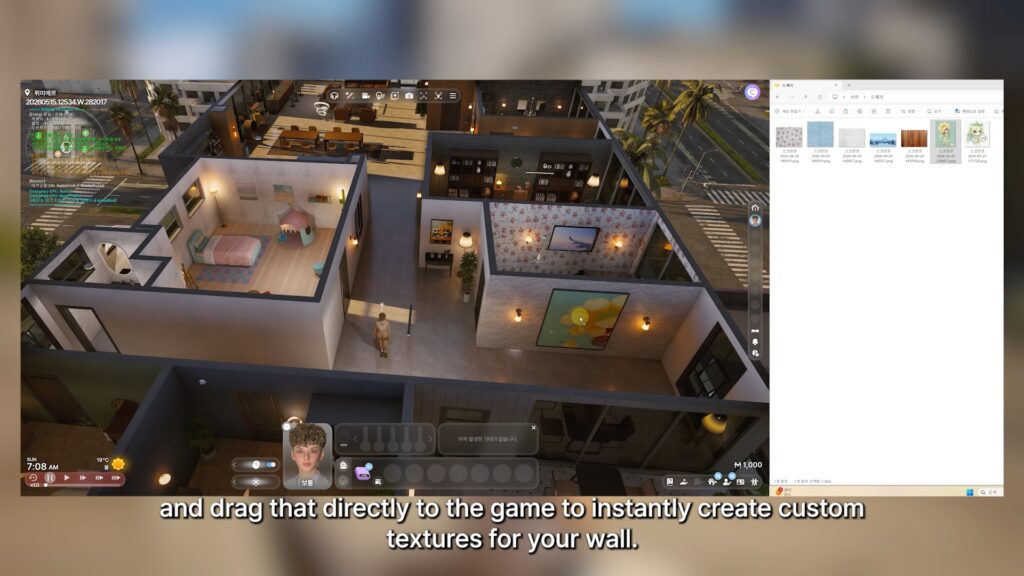
○ Custom wall textures will be implemented by just dragging images from a local folder to the wall in-game directly.
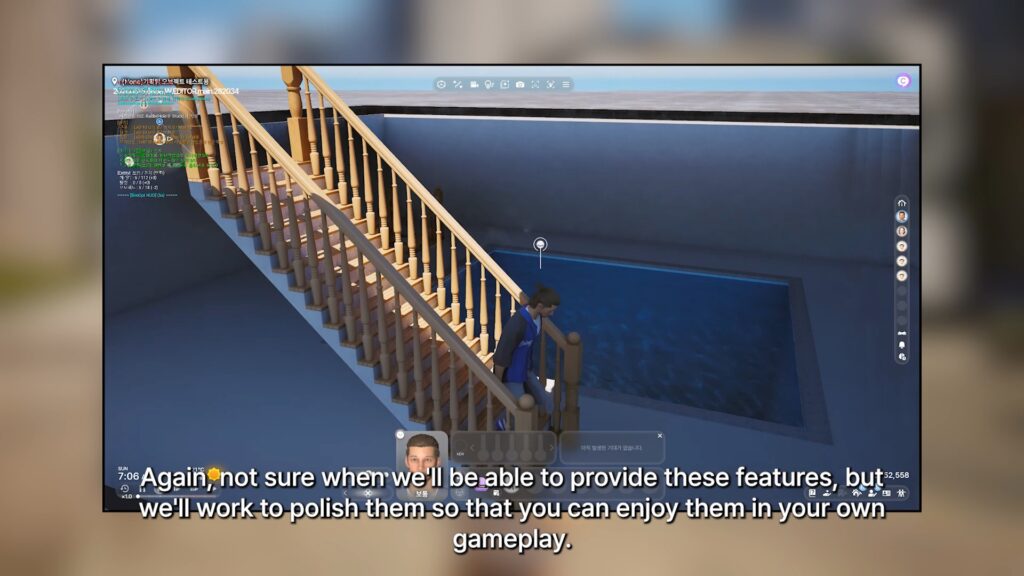
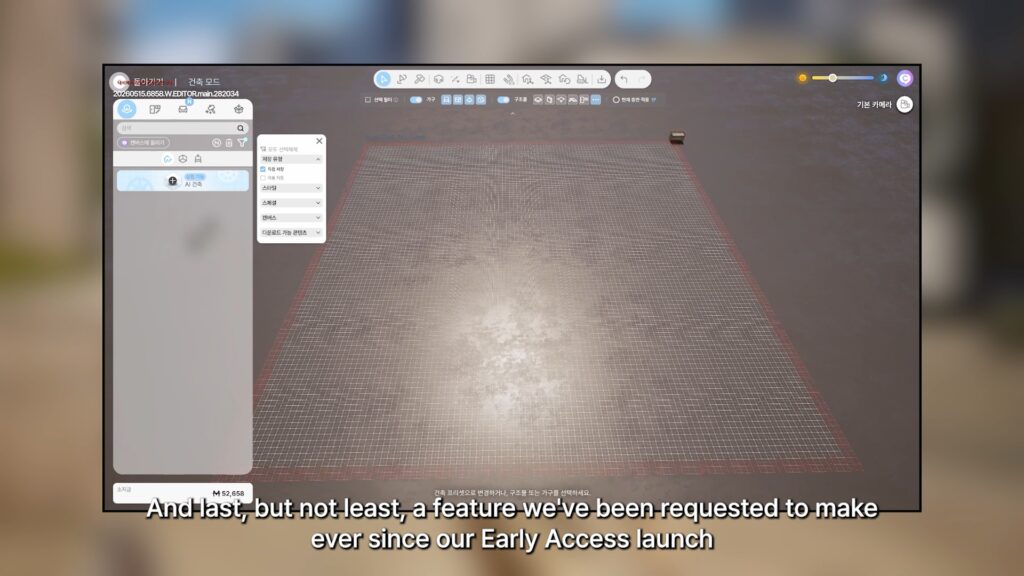
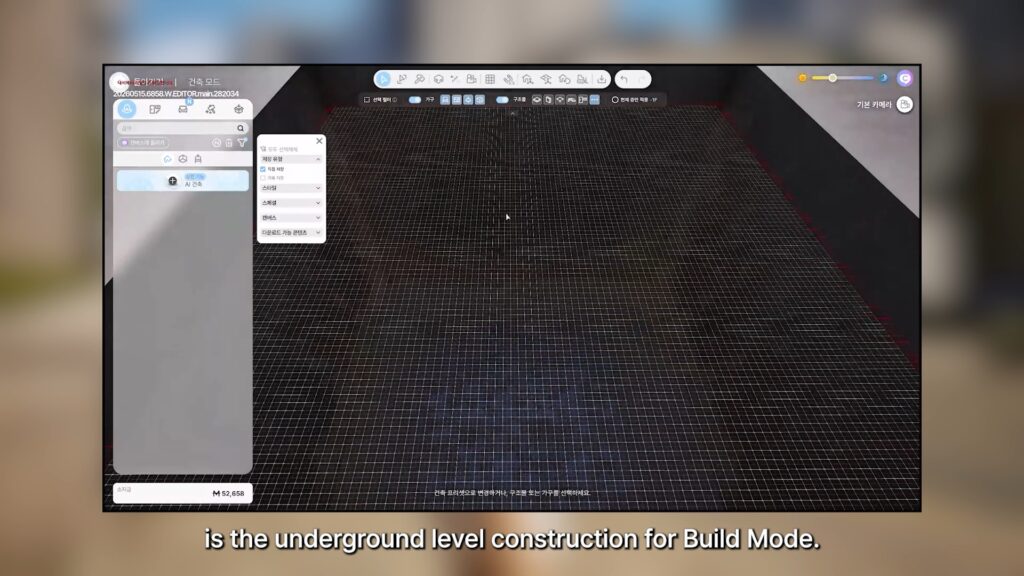
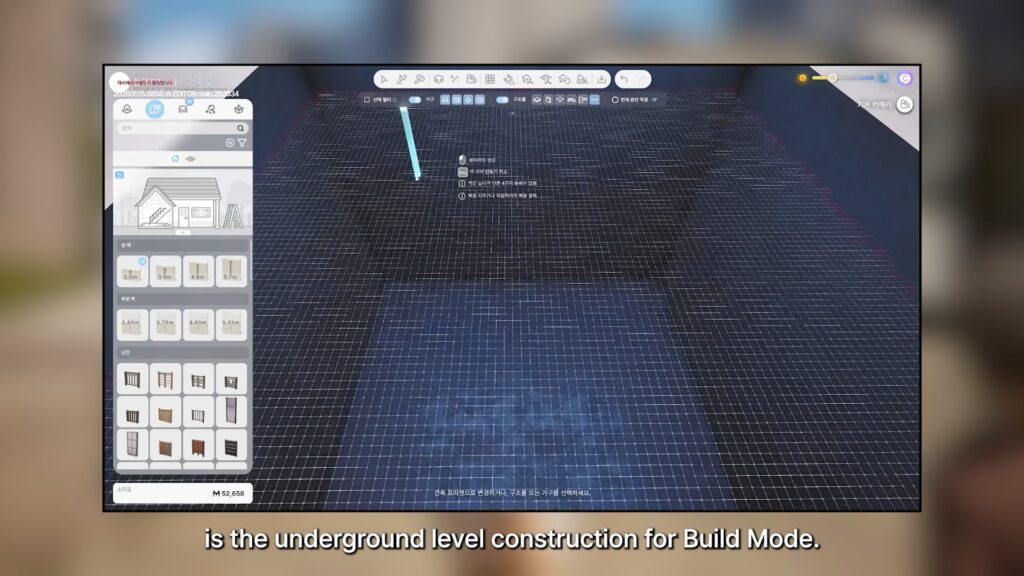
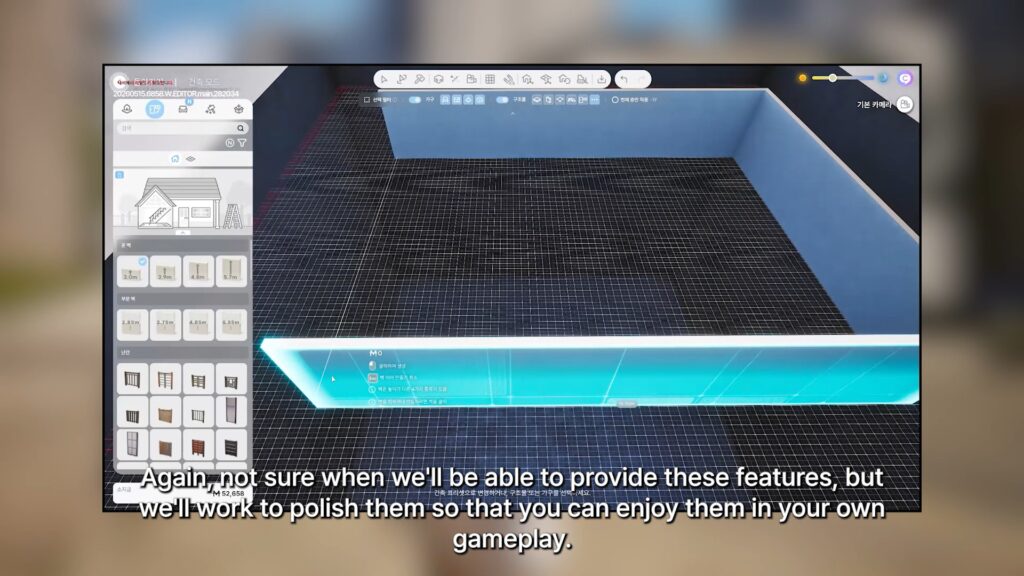
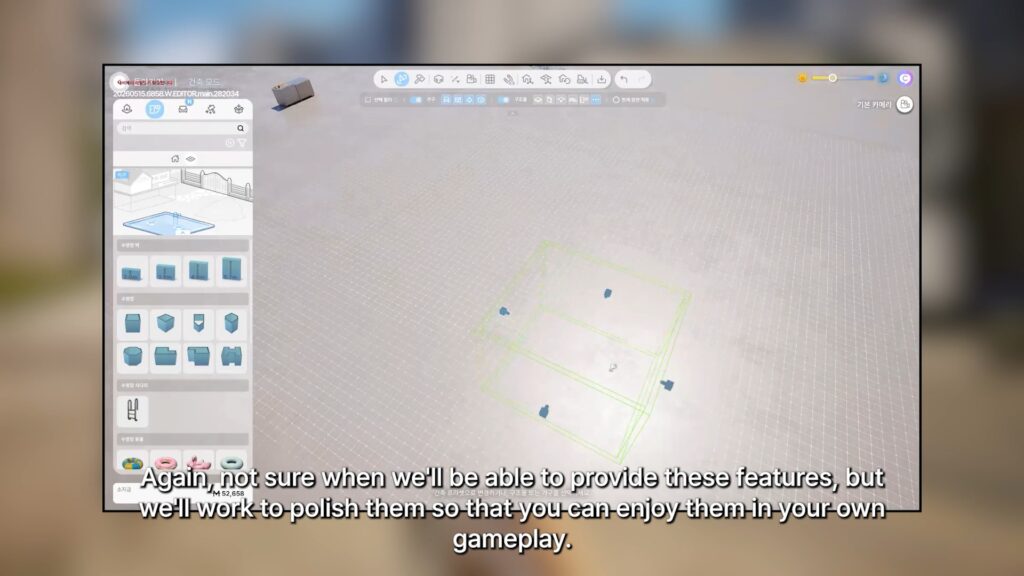
○ Underground Level/Basement construction for Build Mode is now in-progress.
Hello everyone.
For some reason, I feel especially happy to see you all today.
Our team worked incredibly hard again this week. But when I arrived at the office this morning and checked the latest build, I was reminded that there is still so much left to improve. Lately, there are times when I feel overwhelmed and wonder whether the game I’m making is truly heading in the right direction. Reading through your feedback from the recent survey reinforced something important for me. Our highest priority is to create clear goals for players to pursue, build interactions and situations that feel natural rather than awkward, and ensure that our various systems and content have enough depth and work together organically. Of course, improving stability and reducing awkwardness remain essential challenges as well. Even so, I think I’m fortunate. I genuinely love making games. This week, there were moments when looking at the build left me feeling exhausted, but then an idea would suddenly come to mind—something that could dramatically improve Zoi’s interactions and conversations—and before I knew it, I’d be completely absorbed in development, forgetting about lunch for a while. Still, I believe things will work out because all of you are here with us, and because everyone on the team is giving their best. Working hard doesn’t guarantee that everything will go perfectly. We all have things we cannot do, and we all make mistakes. But as the saying goes, the darkest hour comes before dawn. Who knows? Maybe everything will come together like a movie, and inZOI will become a game loved by even more people around the world. There is one truth about life that I firmly believe in: life is always changing. Even when things are difficult today, better days can arrive tomorrow. Today’s post ended up sounding a little like a personal reflection. I suppose I’ve become more comfortable talking with all of you on Discord. I still vividly remember the first day I had to write a post here. I couldn’t even log in properly and had to ask a colleague sitting next to me for help. I also remember trying to reply to every individual comment because I wasn’t sure how to respond, only to be amazed by the sheer number of messages coming in. Over time, that naturally evolved into the format I use today. I guess that, too, is something that changed with time. Thank you, everyone.
I’ll see you again next week. Thank you. kju
Are you still actively playing InZOI, and are any of these features something you’re looking forward to? Do any of these features make you more interested in InZOI? Let us know down below, and follow The Sims Community as we’ll keep you updated on everything life simulation games!
For the current 2026 Roadmap, make sure to check out InZOI’s official form to get a peek at what might be coming up next!
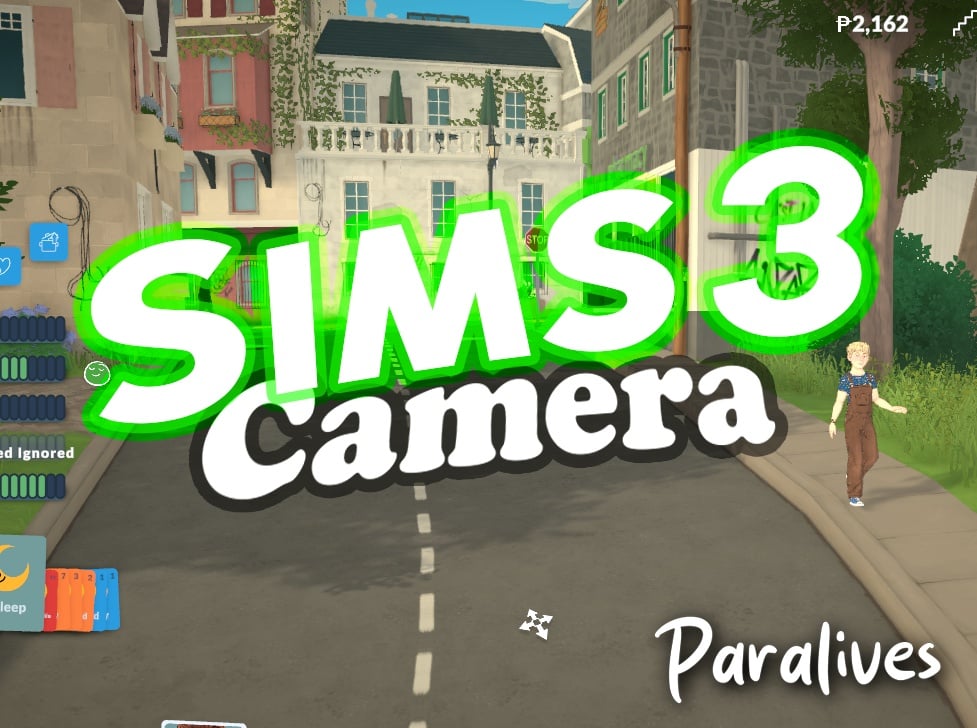
Two mods for Paralives bringing the same Camera Solution from a 2009 game!
The Paralives Mods have exploded with the game’s first launch week. Ranging from funny “twerking” dance animations to useful solutions – like the latest Sims 3 Camera for Paralives Mods!
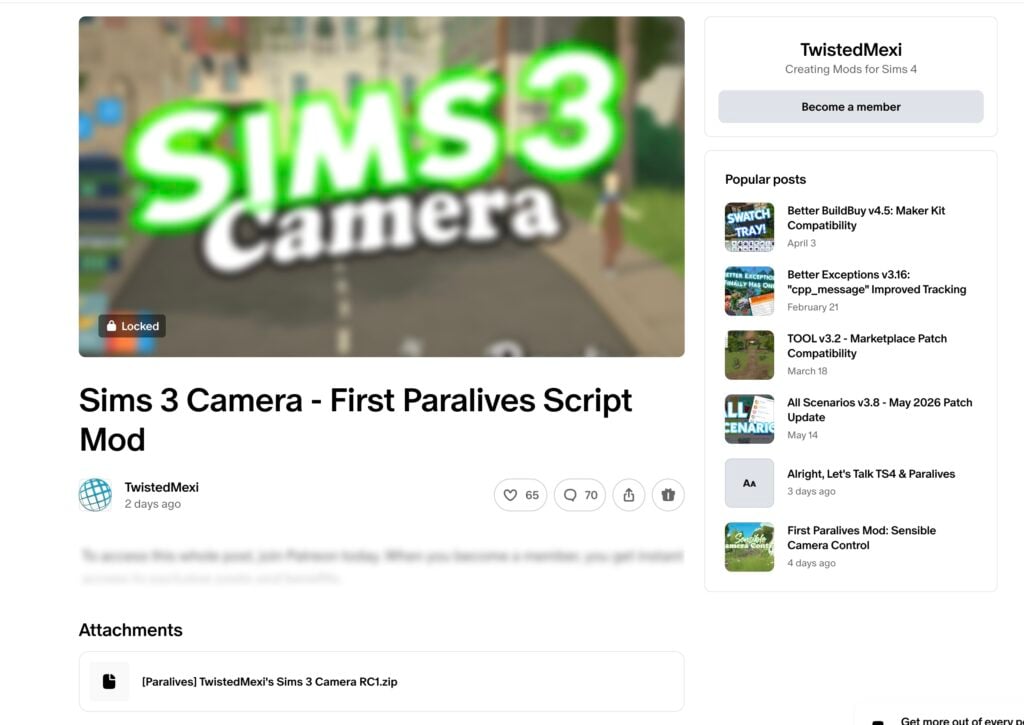
There are currently two Mods available: the first one was released by TwistedMexi titled “Sims 3 Camera – First Paralives Script Mod” from the same longtime Sims 4 .package and script modder who brought expanded Mod solutions like Better Build / Buy, T.O.O.L. and many more! The second mod titled by a longtime Sims 3 Modder ArroNow – who brought Sims 3 Mod solutions and even Expanded CAS UI to the 2009 entry – released a mod called “Paralives Sims 3 Camera”.
In this review we’re going to talk about the pros and cons of both Paralives mod solutions and what they bring to the table!
Table of Contents
Sims 3 Camera – First Paralives Script Mod by TwistedMexi
The first Sims 3 Camera mod that was released is titled “Sims 3 Camera – First Paralives Script Mod” released by Twisted Mexi two and a half days ago. According to the modder, it’s also the “First Paralives Script Mod” released by them.
The public statement on social platform X states the following:
First Paralives Script Mod is out!
Sims 3 Camera: Swaps camera controls out for Sims 3 Camera controls we all know and love.
We tried to access the Sims 3 Camera mod content and files for review but unfortunately it was hidden behind a first-tier $5 dollar paywall. We’ll make sure to update the article with new information and mod usabilty after the Mod goes public in twenty five days.
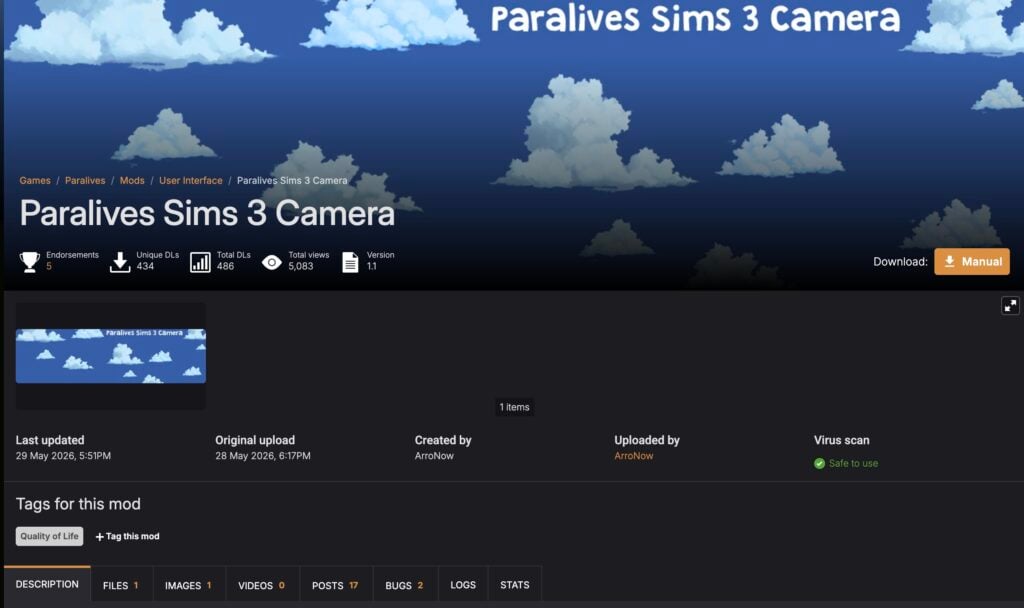
The Paralives Sims 3 Camera by ArroNow released more than two days ago, with what I’m guessing a similar principle and delivery of game camera controls from The Sims 3. This one was uploaded with the same dependency on script modding Paralives, except it links to the source of the first script mod released 5 days ago.
Installing BepInEx
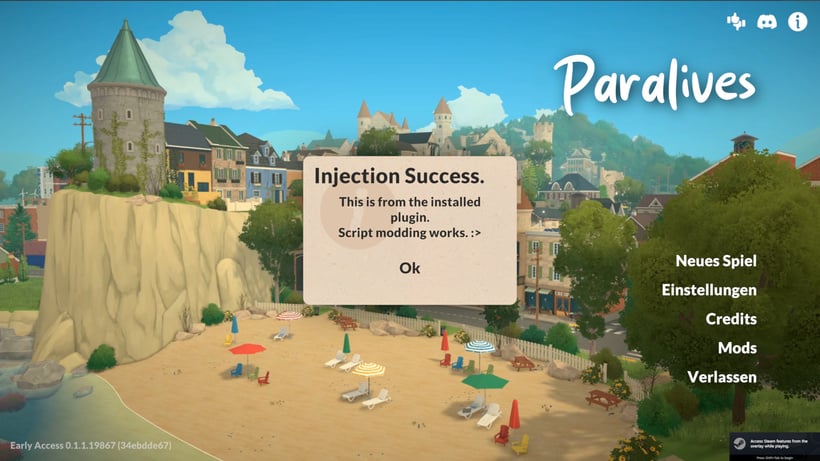
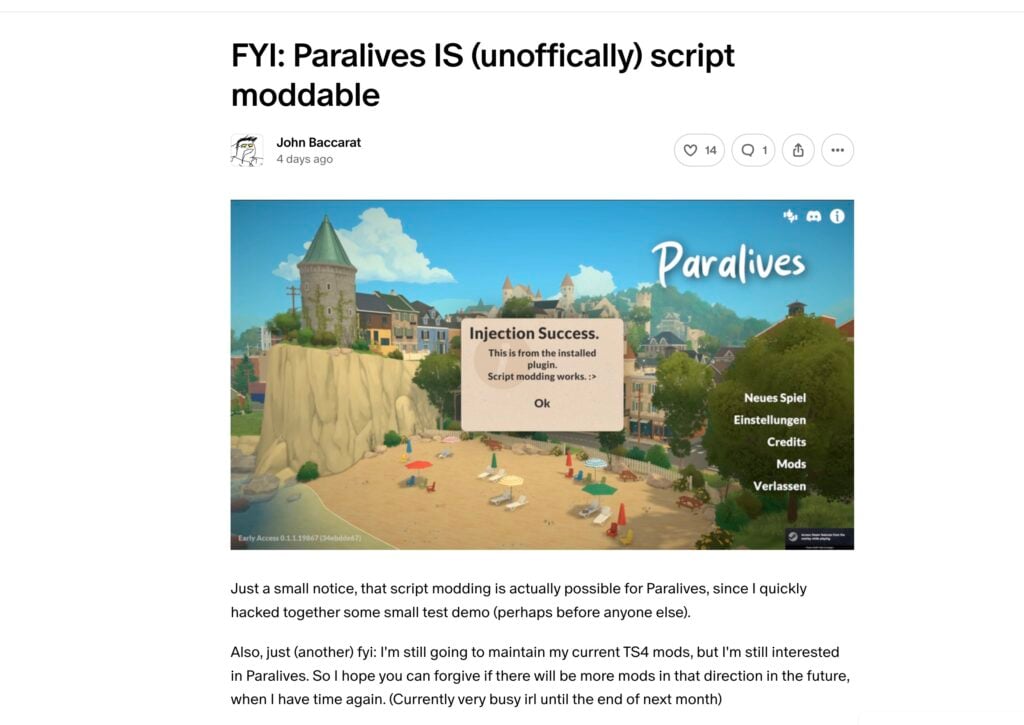
Before installing The Sims 3 Camera Mod for Paralives by ArroNow, the player has to download and setup the new “BepInEx” script modding system first discovered by John Baccarat and posted just hours after Paralives Early Access release.
Just a small notice, that script modding is actually possible for Paralives, since I quickly hacked together some small test demo (perhaps before anyone else).
Also, just (another) fyi: I’m still going to maintain my current TS4 mods, but I’m still interested in Paralives. So I hope you can forgive if there will be more mods in that direction in the future, when I have time again. (Currently very busy irl until the end of next month)
The same modder who discovered Paralives script modding also provided a video and install instructions, along with the file that allows for script modding. All within a public Patreon post released first May 25th, 2026:
0. A WARNING – READ ME Do NOT install random script mods on a whim, but make sure that the creator is trustworthy first. Mod plugins are just .dll files, which are program libraries that can contain viruses or other malicious code.
With that said…
1. Download BepInEx This is a modloader that basically works with pretty much all Unity games. Download “BepInEx_win_x64_5.4.23.5.zip” from here: https://github.com/BepInEx/BepInEx/releases
2. Extract to Paralives directory: From the downloaded .zip file extract: – winhttp.dll – doorstop_config.ini – BepInEx (The whole folder) into the same folder as where Paralives.exe is
3. Run the game once and then close the game when at the main menu This is so that BepInEx creates its own directories.
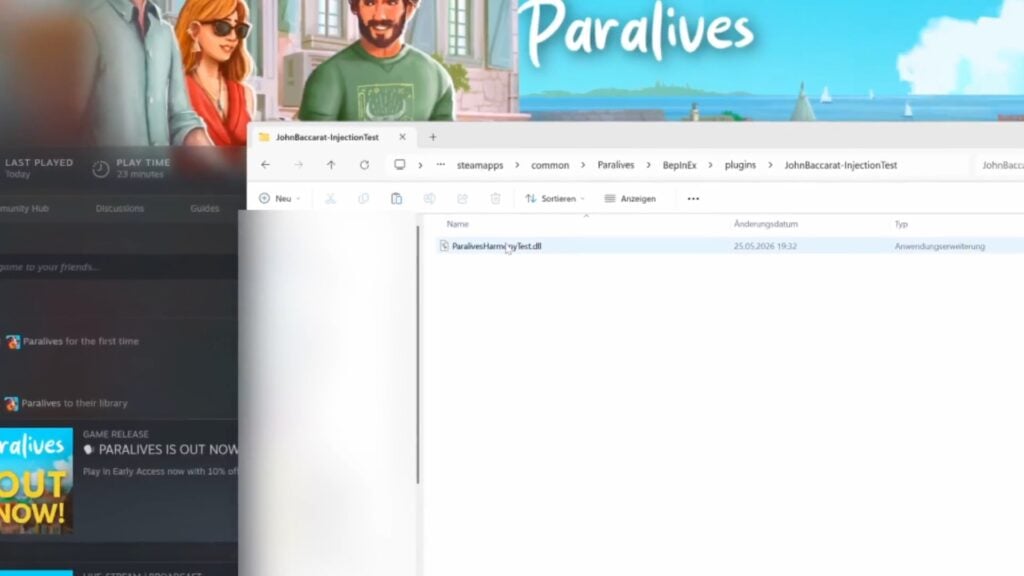
5. Go to the right directory Go to: Paralives -> BepInEx -> plugins
6. Extract the contents of “TestDemo.zip” into the plugins folder. So that “JohnBaccarat-InjectionTest” exists in the plugins folder and in that folder is “ParalivesHarmonyTest.dll”
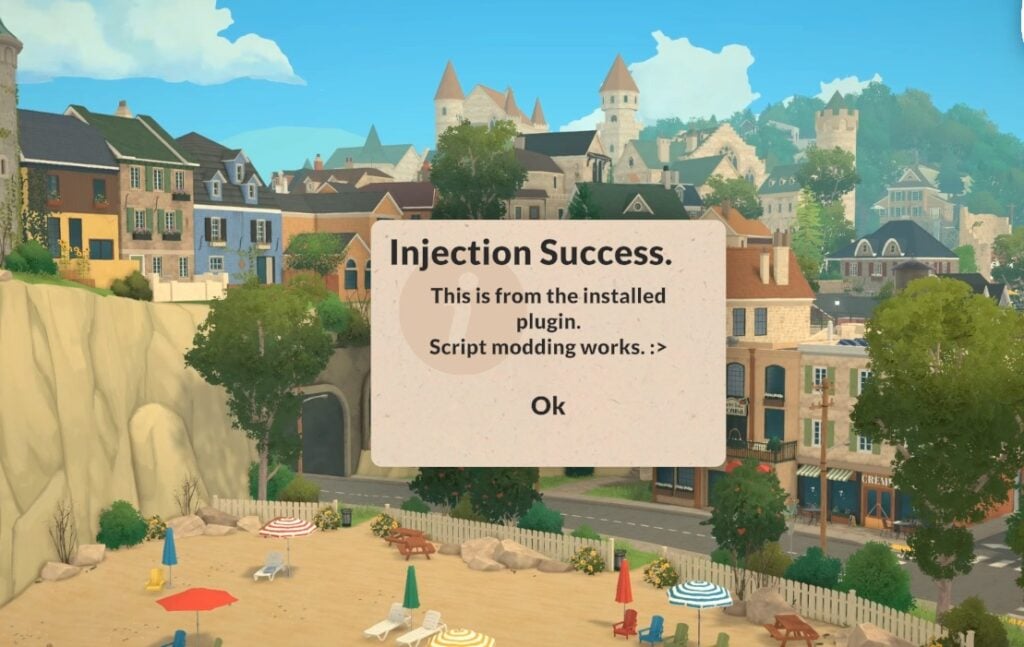
7. Start the game It should now show you the prompt when at the main menu.
After following the instructions on Paralives script modding, posted publicly just hours from game’s first release, I was able to continue downloading the free Paralives Sims 3 Camera Mod by ArroNow.
Here are the modder’s instructions posted for their Camera Mod:
Installation instructions 1. Make sure you have BepInEx installed. Great guide! 2. Place “Arro_ParalivesSims3Camera.dll” inside *\Paralives\BepInEx\plugins (create a “plugins” folder if you don’t have it).
A small note: The information about script modding test file has been removed as you only require one mod file after installing BepInEx – and that’s Arro_ParalivesSims3Camera.dll!
In-Game Impressions
After injecting the script Mod released shortly after the game’s early access launch, I also installed the Sims 3 Camera Mod by ArrowNow released 2 days ago. The game immediately recognized the Paralives script Mod solution from John Baccarat and recognized the camera Mod by ArrowNow behind the scenes.
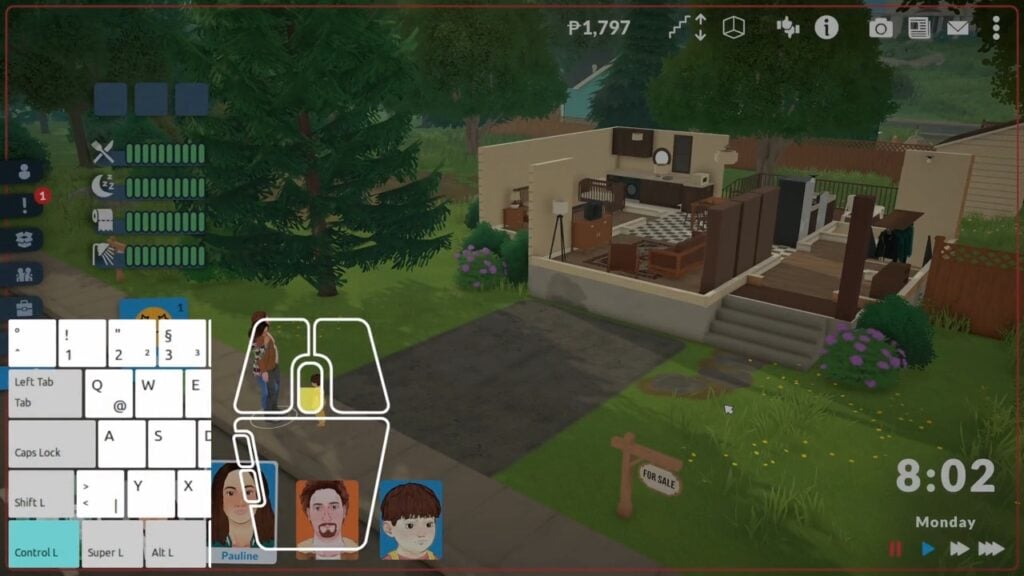
I clicked, dragged and moved the camera using the WASD key combinations alongside regular mouse controls like right click and mouse wheel rotation. It felt nostalgic coming back to old controls on a new Early Access game release!
There are definitely some bugs to be considered such as the focal point effect happening when moving around town, objects being hidden when they shouldn’t be at certain camera angles and more. But that’s the joy of exploring new game mechanisms together, first week into the game’s release!
Final Verdict
We decided to wait for the public release of TwistedMexi’s First Script Mod released almost 3 days ago, considering the mod is going public later next month. We will update the article with in-game overview, functionality and install instructions from them once it goes public June 23rd!
For The Sims 3 Camera Mod by ArroNow released 2 days ago I was impressed how similar it felt to Sims 3 Controls, down to the full zoom out effect and checking up what my Parafolks are up to more up close.
John Baccarat, who first tested script modding for Paralives publicly also posted a great new mod titled “Scroll to change Floor” which uses a special keyboard + mouse functionality. Read more and download here!
Both mods are great solutions for Simmers and all those players who want to know what controlling The Sims 3 felt like, and it’s great to see efforts in making a new Life Sim game entry as moddable as possible.
What are your thoughts on The Sims 3 Camera Mods released in the Launch Week of Paralives Early Access? Let us know your thoughts in the comments down below and stay tuned for the latest Life Sim Games coverage reports on Sims Community!
A brand new Paralives Patch has been released on Steam!
The Paralives indie team has just released a brand new Paralives update across PC and Mac platforms through the Steam launcher.
The latest Paralives Update brings a ton of new bug fixes and game improvements to the existing game systems. Within the Patch Notes they’ve also included a list of Known Issues that the Paralives team aims to fix in the next couple of updates.
The current Paralives Patch is estimated to be around 460MB.
Paralives updating on Steam.
You can download the latest Paralives Update by opening up your Steam launcher. If you don’t have automatic updates enabled make sure you check for an update!
Table of Contents
Paralives Update: Official Patch Notes
Bug Fixes
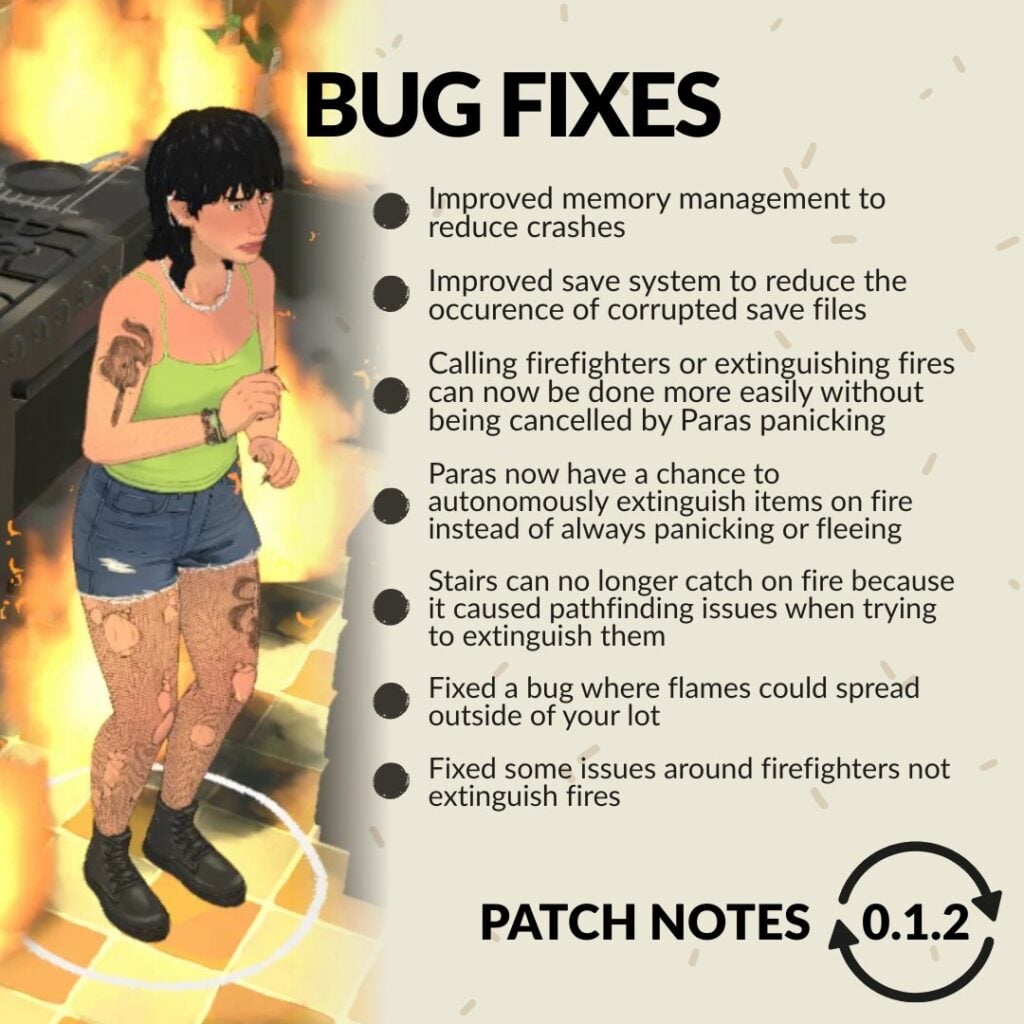
Made improvements to memory management to eliminate a memory leak and reduce crashes.
Fixed a bug where some interface windows could not be closed.
Fire: Parafolks now have a chance to autonomously extinguish items on fire instead of always panicking or fleeing.
Fire: Stairs can no longer catch on fire because it caused pathfinding issues when trying to extinguish them.
Fire: Fixed a bug where flames could spread outside of your lot.
Fire: Fixed some of the issues around firefighters not extinguishing fires.
Fire: Calling firefighters or extinguishing fires can now be done more easily without being always cancelled by Parafolks panicking.
Chinese localization: Players should now be able to type Chinese characters for their Paras’ name in the Paramaker and in the other text fields as well.
In a new save file, players will now correctly receive an in-game letter from the devs.
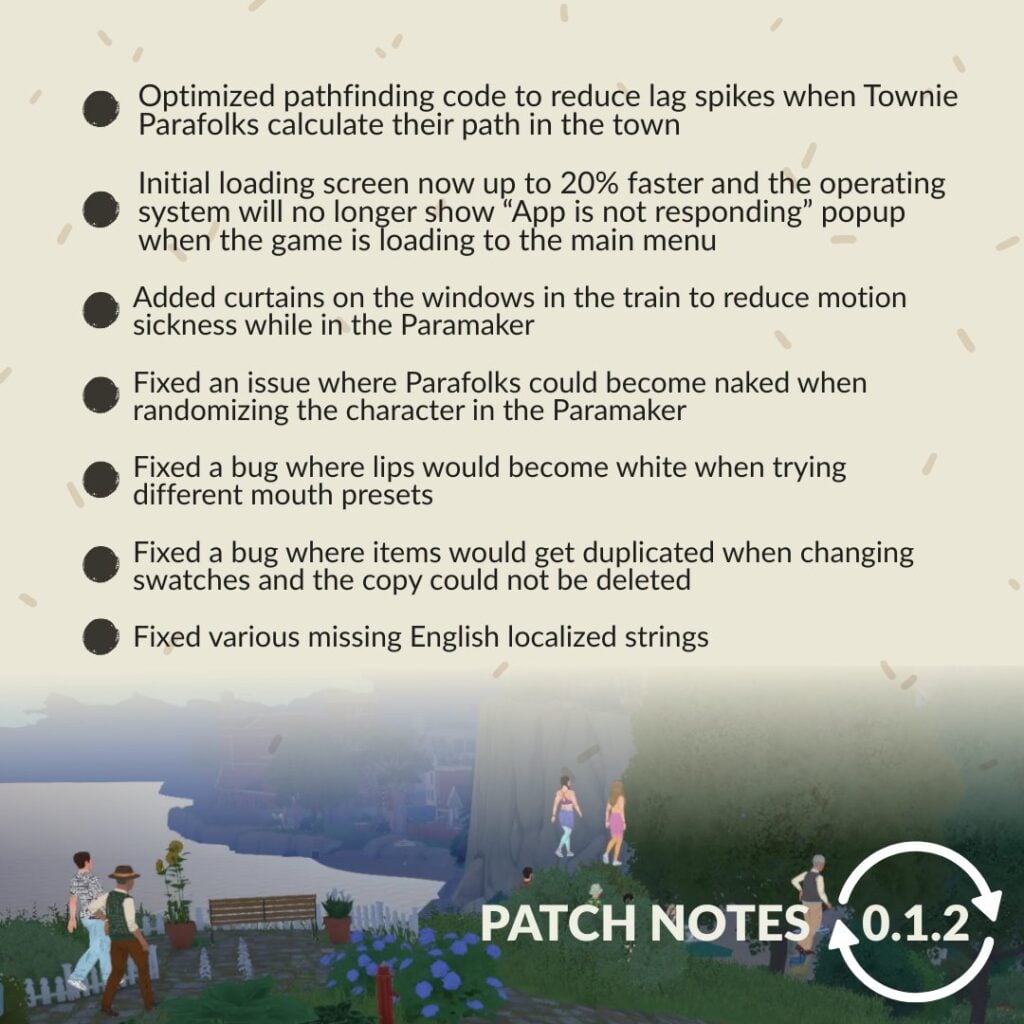
Fixed a bug where lips would become white when trying different mouth presets.
Updated and added the names of some Patreon supporters in the credits.
Fixed the default angle of the grid on certain empty lots to make sure it’s aligned with the street (this fix will only be applied to new save files).
Added a divider to cover the windows in the train to reduce motion sickness while in the Paramaker.
Fixed an issue where Parafolks could become naked when randomizing the character in the Paramaker.
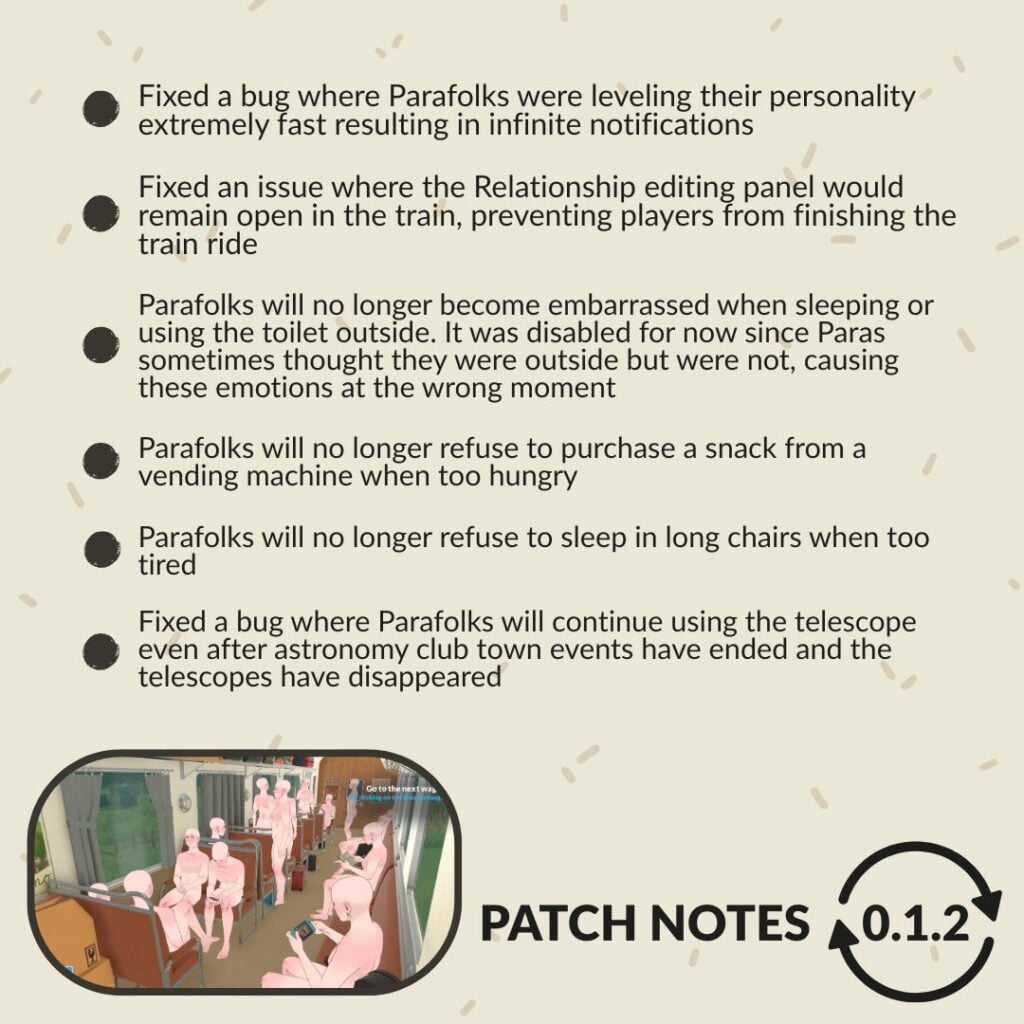
Parafolks will no longer become embarrassed when sleeping or using the toilet outside. It was disabled for now since Paras sometimes thought they were outside but were not, causing these emotions in the wrong moment.
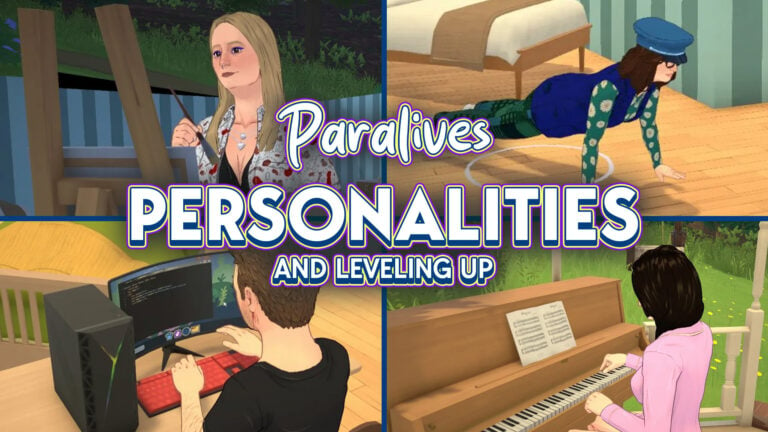
Fixed a bug where Parafolks were leveling their personality extremely fast resulting in infinite notifications.
Made improvements to the save system to reduce occurrences of corrupted save files.
Fixed a bug where items would get duplicated when changing swatches and the copy could not be deleted.
Fixed an issue where the Relationship editing panel would remain open in the train intro, preventing players from finishing the train ride.
Optimized one aspect of the pathfinding code to reduce lag spikes when Townie Parafolks calculate their path in the town.
Fixed various missing English localized strings.
Parafolks will no longer refuse to purchase a snack from a vending machine when too hungry.
Parafolks will no longer refuse to sleep in long chairs when too tired.
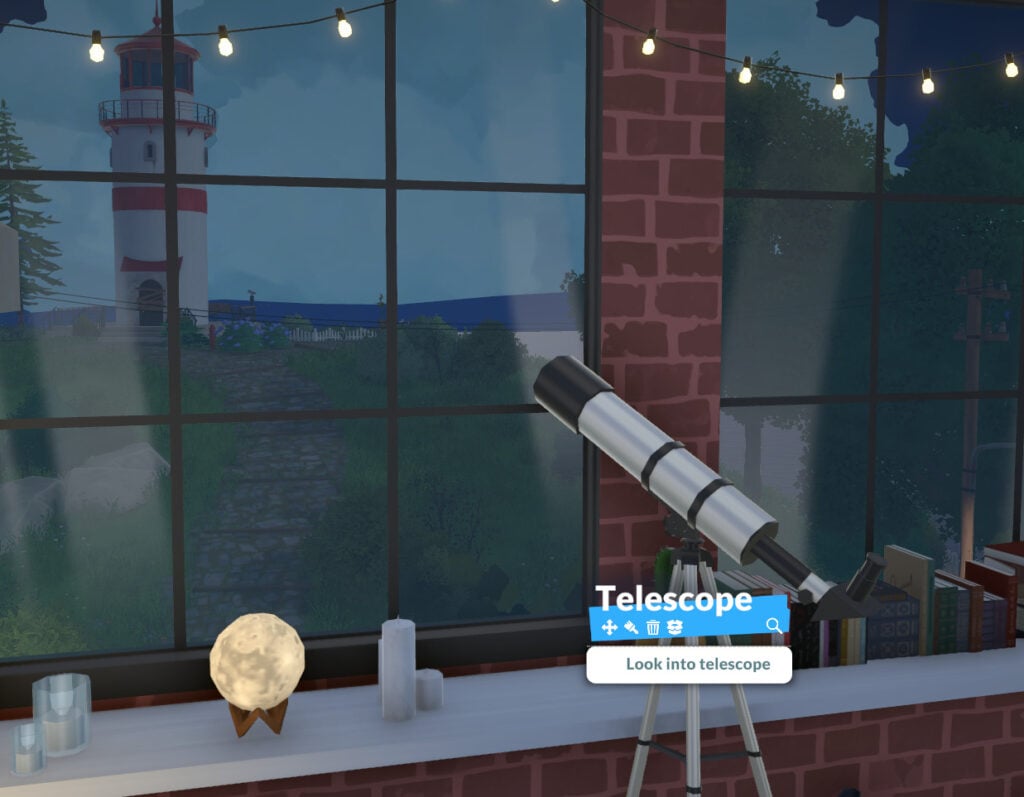
Fixed a bug where Parafolks will continue using the telescope even after astronomy club town events have ended and the telescopes have disappeared.
The operating system will no longer show the “App is not responding” popup when the game is loading to the main menu. Also, this initial loading screen now takes up to 20% less time.
Known issues
*We are aware of many other issues but we will only list some of them here.
Crashes and freezes
Today’s patch should reduce crashes and freezes.
Make sure your computer meets the minimum system requirements listed on our Steam page.
Stutters in live mode
We will be working on more optimizations to reduce these lag spikes over the next few months.
Save files not loading
We are investigating and working on fixing these issues. Today’s patch might reduce the chances of future save files getting corrupted.
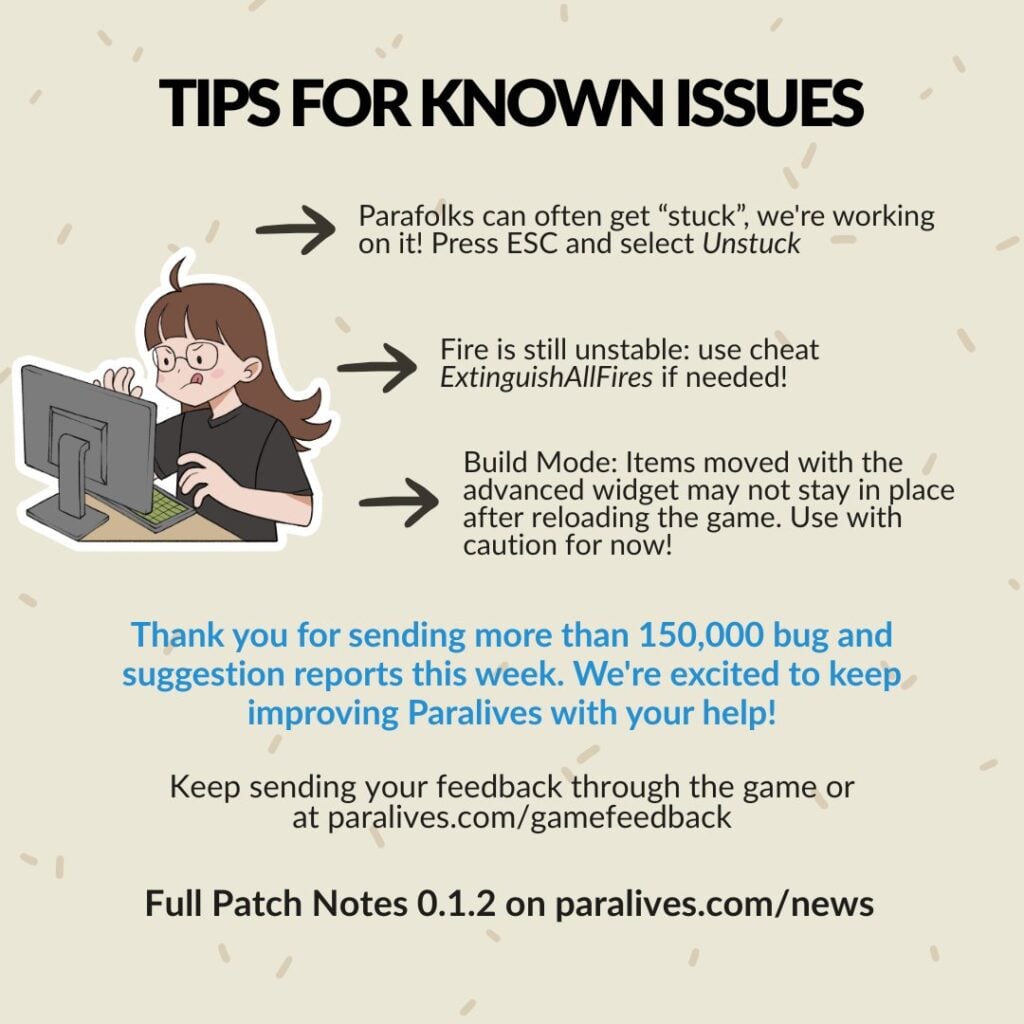
Build mode: Advanced widget
If you move or rotate items using the advanced widget, these items might not remain at their position when reloading the save file. Use this widget with caution until we can fix it (no timeline for that yet).
Parafolks get stuck and can’t do anything
Press the “Unstuck” button in the ESC menu.
Fire is hard to take control over
We did some improvements in today’s patch but please use the cheat ExtinguishAllFires if other fire-related problems persist for you.
Parafolks thumbnails do not always update
We are investigating and working on a fix.
Mac inputs
Some Mac users have trouble with clicks and rotating the camera.
We will be working on that issue. In the meantime, playing with a mouse instead of the trackpad could help.
Thanks for your patience with these issues and for the feedback you send us! We received over 150 000 bug and suggestion reports so far! It’s a great tool for us to identify the issues that get reported the most and fix them in priority. Thank you for helping us improve Paralives during Early Access!
What are your thoughts on the latest Paralives update? Have you managed to test out some of the fixes listed above? Let us know in the comments down below and stay tuned to Sims Community for the latest Paralives Updates!
*Update: The Paralives development team has clarified their stance on Early Access and Paywalling Mods as of May 29th, 2026.
If you’re someone who is involved in or who keeps up with The Sims mods and custom content communities, you’ve likely heard of “Early Access” as a concept in mods and custom content. This is also used in the gaming industry in general, like with Paralives being in Early Access release. This means that you pay to receive access before something is available to the public, even if it is an unfinished or testing stage.
Table of Contents
Early Access Modding Culture Explained
Early Access is when a creator makes content and releases it to paid members, often through platforms like Patreon, for a limited time before it is openly available to the public. There are also creators who are Perma Paywallers, meaning they will put their items behind a paywall forever and do not plan on releasing them to the public.
While this is a familiar topic for many The Sims 4 players, it was not really present in any major capacity prior to The Sims 4. While there were websites and individual creators from prior mainline entries that thrived off of donation and paid content, it was largely not engaged with by the community since so much content was available without having to pay. The communities were largely fostered by players modding and adding custom content as a hobby and sharing that with others.
While nowadays, some modding communities have paywalled or paid mods, most modding communities mod as part of the hobby and for, frankly, the love of the game. Most games do not police this if it does happen, rather allowing the community surrounding the game to do any policing and to socially decide what is acceptable and what is not. EA is one of the only companies to have made a specific statement and developed a policy surrounding it,
. . . Mods must be non-commercial and distributed free of charge. Mods can’t be sold, licensed, or rented for a fee, and they can’t contain features that would support monetary transactions of any type.
We recognize that creating Mods takes time and resources. To offset these development costs, Mod developers may:
offer an early access incentive for a reasonable amount of time. After a reasonable early access period, all players must be able to access the Mods in full for free regardless of whether they donate.
run passive advertisements and requests for donations so long as they are limited to the Mod website or distribution site, and don’t appear within the Mod itself.
UPDATE: Paralives Developers Stance on Paralives Mods being Paywalled or Early Access
On May 29th 2026, after this article had been published, some did wonder what the actual stance was from the Paralives Developers. While they did make a statement quite a while back during a Dev Chat before the game was available, their stance has been reinstated. Although they plan on keeping DLC free for the life of the game, especially while it is in early access, their stance on paywalling mods and early access is a bit different.
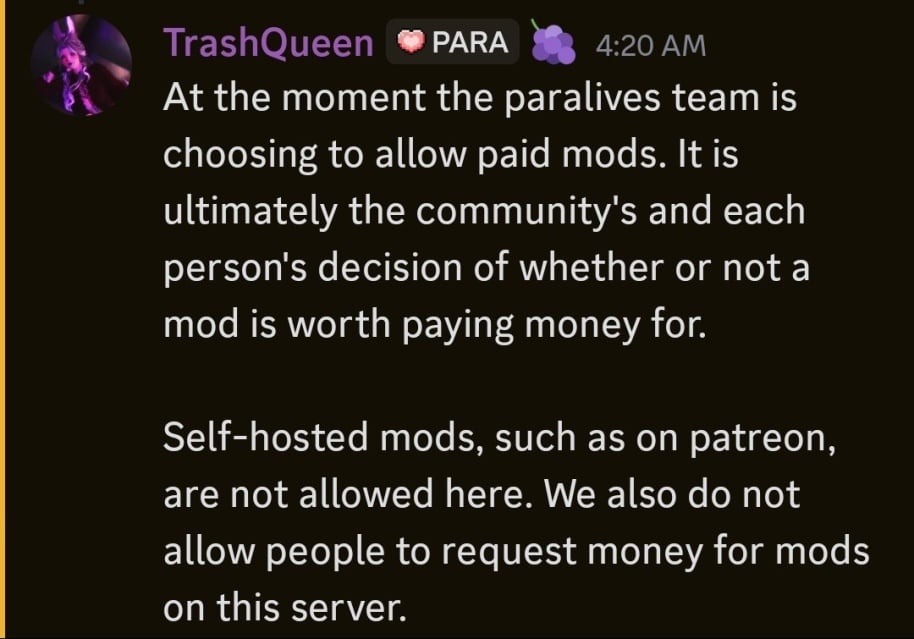
At the moment the paralives team is choosing to allow paid mods. It is ultimately the community’s and each person’s decision of whether or not a mod is worth paying money for. Self-hosted mods, such as on patreon, are not allowed here. We also do not allow people to request money for mods on this server
TrashQueen, a Helper/Mod of the Paralives Official Discord on May 29th, 2026
The Paralives team, which is a fairly small team with only 15 developers and no plans on tons of expansion currently, decided against policing paid mods. They will not allow advertisements of paywalled mods or self-hosted mods on the Paralives Official Discord server, as they are not supported like Steam Workshop mods, but they will not stop modders from doing so.
Paralives Mods And The Fast Coming Early Access Culture
Only a few days post release of Paralives Early Access period, making it available to the public, the first few script mods have begun to trickle in. Since script mods are not officially supported through the Steam Workshop, where the vast majority of Paralives Mods and Custom Content are uploaded, those building script mods have had to upload them on separate platforms since they often require additional external programs, similar to XML injectors for certain The Sims mods.
Two modders well known for their The Sims 4 mods are TwistedMexi and Plumlace. TwistedMexi is best known for utility mods like BetterExceptions, BetterBuildBuy, and T.O.O.L (Take Objects Off Lot). Plumlace is best known for gameplay mods like Immersive Social Bunny, SimFi, and SimCare.
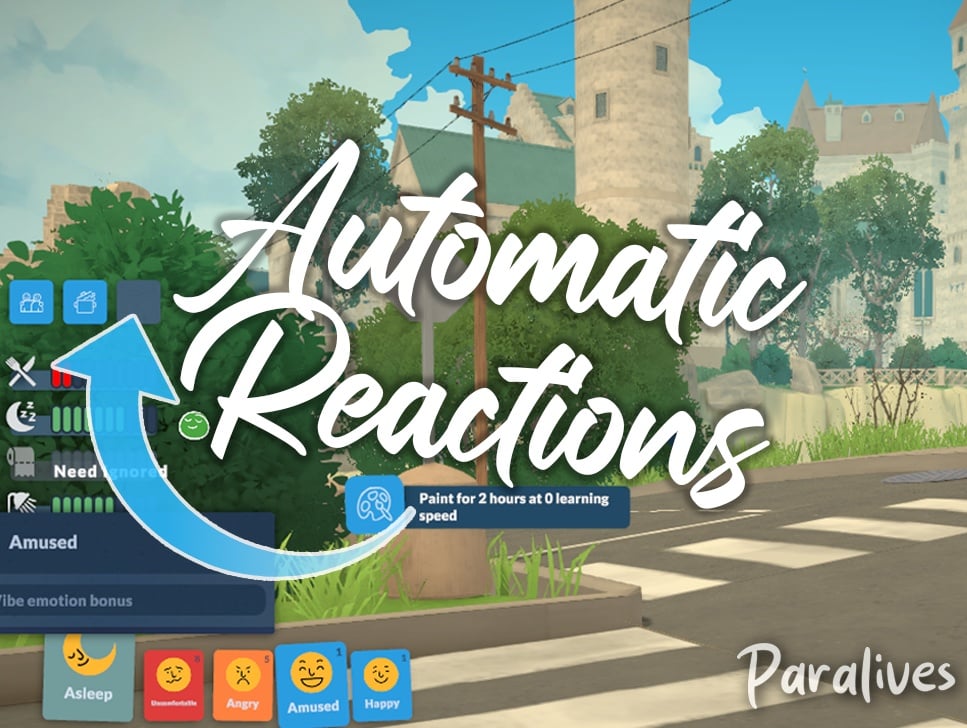
TwistedMexi claimed the title for the first Paralives Script mod when they released TwistedMexi’s Sims 3 Camera, and soon after, released TwistedMexi’s Automatic Reactions for Paralives. The prior changes the camera controls to best reflect the camera from The Sims 3, which players are typically familiar with since it is also a popular camera setting option in The Sims 4. The latter will automatically pick wants/reactions from Parafolks emotions, adding a randomization aspect instead of players having to manually pick their wants over and over again.
Both mods are currently in Early Access. TwistedMexi’s Sims 3 Camera will publicly be available on June 23rd, 2026, and their Automatic Reactions mods will be publicly available on June 18th, 2026.
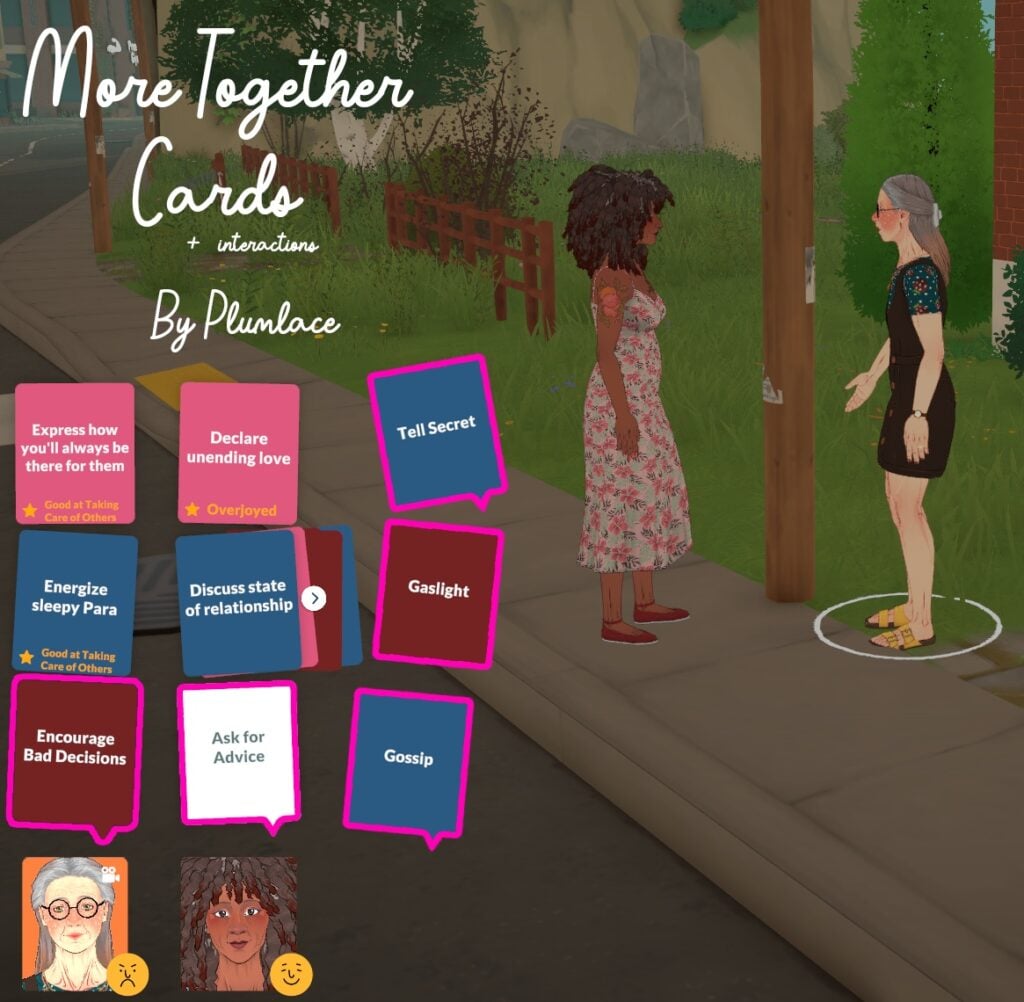
Plumlace’s first mod for Paralives is More Together Cards + Interactions. This mod specifically adds more phone interactions, as well as new together cards, which are the interactions used to influence Para relationships while they are having a conversation. This mod will be publicly available on June 3rd, 2026.
Community Reaction & Feedback
Reddit
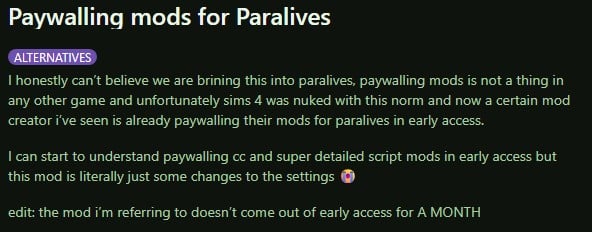
From a thread by Reddit User u/Spare_Conclusion_861 titled Paywalling mods for Paralives on the subreddit r/HighSodiumSims,
I honestly can’t believe we are bringing this into paralives, paywalling mods is not a thing in any other game and unfortunately sims 4 was nuked with this norm and now a certain mod creator i’ve seen is already paywalling their mods for paralives in early access.
I can start to understand paywalling cc and super detailed script mods in early access but this mod is literally just some changes to the settings
edit: the mod i’m referring to doesn’t come out of early access for A MONTH
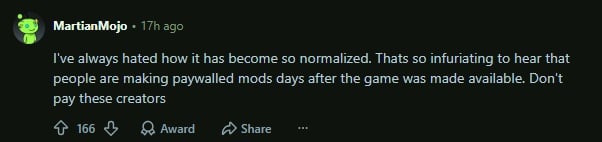
I’ve always hated how it has become so normalized. Thats so infuriating to hear that people are making paywalled mods days after the game was made available. Don’t pay these creators
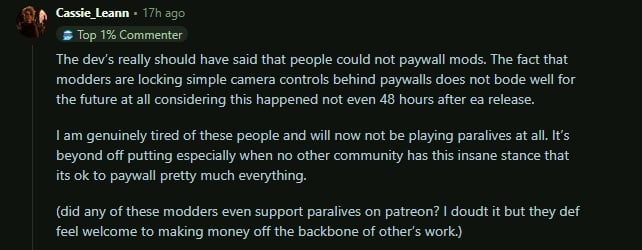
The dev’s really should have said that people could not paywall mods. The fact that modders are locking simple camera controls behind paywalls does not bode well for the future at all considering this happened not even 48 hours after ea release.
I am genuinely tired of these people and will now not be playing paralives at all. It’s beyond off putting especially when no other community has this insane stance that its ok to paywall pretty much everything.
(did any of these modders even support paralives on patreon? I doubt it but they def feel welcome to making money off the backbone of other’s work.)
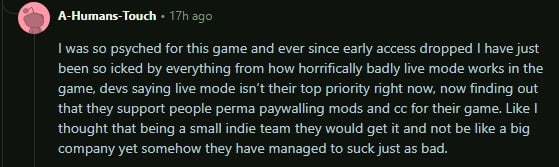
I was so psyched for this game and ever since early access dropped I have just been so icked by everything from how horrifically badly live mode works in the game, devs saying live mode isn’t their top priority right now, now finding out that they support people perma paywalling mods and cc for their game. Like I thought that being a small indie team they would get it and not be like a big company yet somehow they have managed to suck just as bad.
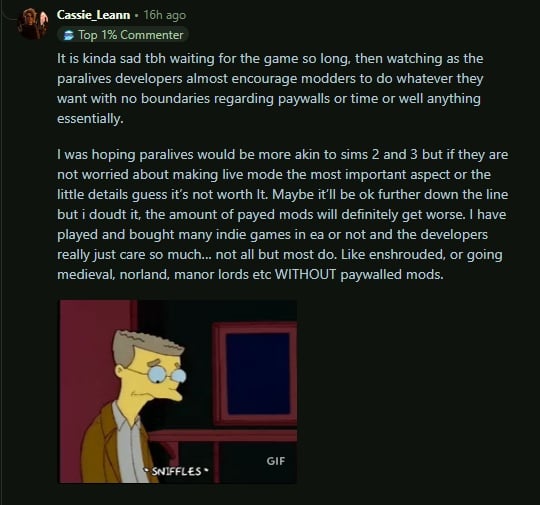
It is kinda sad tbh waiting for the game so long, then watching as the paralives developers almost encourage modders to do whatever they want with no boundaries regarding paywalls or time or well anything essentially.
I was hoping paralives would be more akin to sims 2 and 3 but if they are not worried about making live mode the most important aspect or the little details guess it’s not worth It. Maybe it’ll be ok further down the line but i doudt it, the amount of payed mods will definitely get worse. I have played and bought many indie games in ea or not and the developers really just care so much… not all but most do. Like enshrouded, or going medieval, norland, manor lords etc WITHOUT paywalled mods.
im not understanding the point in “early access” for paralives MODS. am i tripping and being entitled? like, the para team themselves don’t even wanna charge us for DLC. why are are mods being early accessed??
User @missmani09 on X
im not understanding the point in "early access" for paralives MODS. am i tripping and being entitled? like, the para team themselves don't even wanna charge us for DLC. why are are mods being early accessed??
I didn’t wanna say nothing but- yeah it’s crazy to bring your EA antics over here to a different community especially where the game devs not even co opting off of their own game in that manner. This let’s me know this is something strictly unique to the sims community.
User @agustmehhh on X
I didn't wanna say nothing but- yeah it's crazy to bring your EA antics over here to a different community especially where the game devs not even co opting off of their own game in that manner. This let's me know this is something strictly unique to the sims community. https://t.co/UelXOJiEuIpic.twitter.com/ZffuFyIoe4
Paralives is an indie game from a team that rejected paid dlc and refused to exploit their community, yet now their work is being held hostage by greedy people foaming at the mouth to cash in on it. I’d feel absolutely sick being on that team.
User @billypereke on X
Paralives is an indie game from a team that rejected paid dlc and refused to exploit their community, yet now their work is being held hostage by greedy people foaming at the mouth to cash in on it. I’d feel absolutely sick being on that team. pic.twitter.com/C2IiwwoSFz
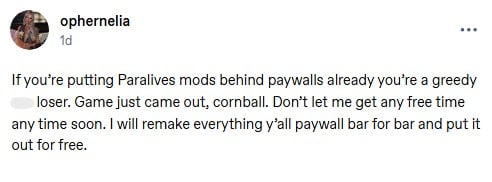
If you’re putting Paralives mods behind paywalls already you’re a greedy a** loser. Game just came out, cornball. Don’t let me get any free time any time soon. I will remake everything y’all paywall bar for bar and put it out for free.
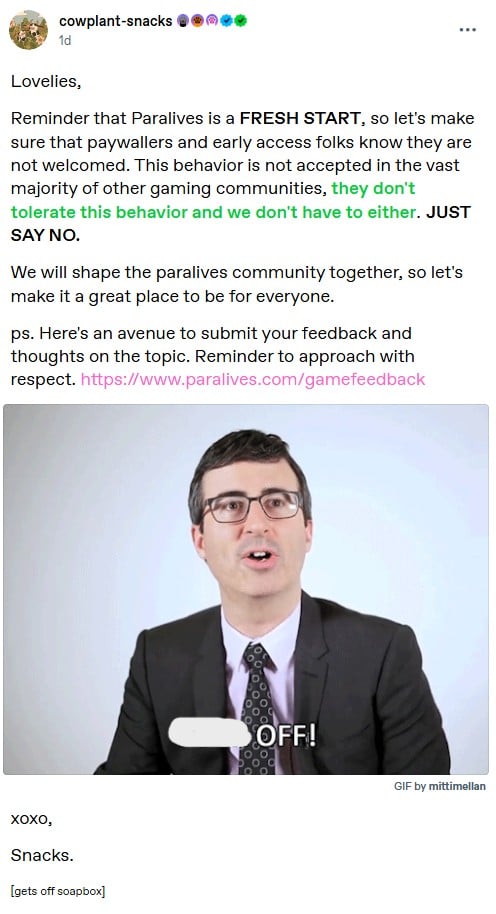
Reminder that Paralives is a FRESH START, so let’s make sure that paywallers and early access folks know they are not welcomed. This behavior is not accepted in the vast majority of other gaming communities, they don’t tolerate this behavior and we don’t have to either. JUST SAY NO.
We will shape the paralives community together, so let’s make it a great place to be for everyone.
ps. Here’s an avenue to submit your feedback and thoughts on the topic. Reminder to approach with respect. https://www.paralives.com/gamefeedback
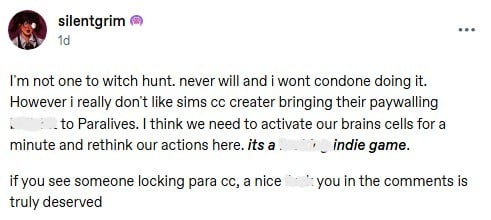
I’m not one to witch hunt. never will and i wont condone doing it. However i really don’t like sims cc creater bringing their paywalling b******* to Paralives. I think we need to activate our brains cells for a minute and rethink our actions here. its a F****** indie game.
if you see someone locking para cc, a nice f*** you in the comments is truly deserved
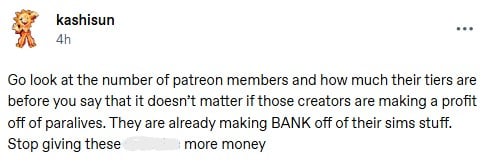
Go look at the number of patreon members and how much their tiers are before you say that it doesn’t matter if those creators are making a profit off of paralives. They are already making BANK off of their sims stuff. Stop giving these a******* more money
We’re doing early access mods/cc for an INDIE game that has been out for no more than 3 DAYS?
If you’re gonna be a bunch of greed driven m************, keep it in the sims 4 and leave that newly started community of players alone… holy F***, dude.
What are your opinions on paywalling custom content and mods in general, and how do you feel about that sprouting up in the Paralives Mods and Custom Content Community? Let us know! Make sure to follow us on The Sims Community and we’ll keep you up to date on all things Life Simulation games and the communities surrounding them!
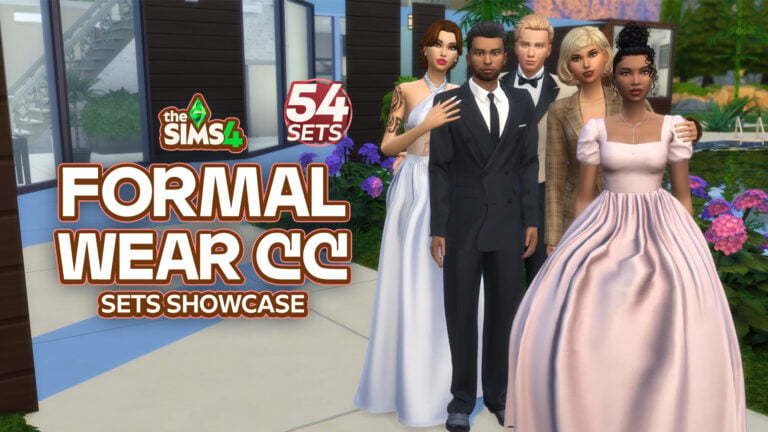
When creating elegant Sims in The Sims 4, nothing upgrades your gameplay quicker than high-quality Formal Wear CC CAS downloads! Whether your Sim is headed off to a friend’s wedding, prom, a fancy dinner, or a celebrity event, these Sims 4 CC Formal Wear CAS pieces will have your Sim looking runway-ready. From glamorous gowns and handsome tuxedos to trendy hairstyles and luxury accessories, these picks will provide all the glam your Sim needs!
54 Sims 4 Formal Wear CC CAS Finds
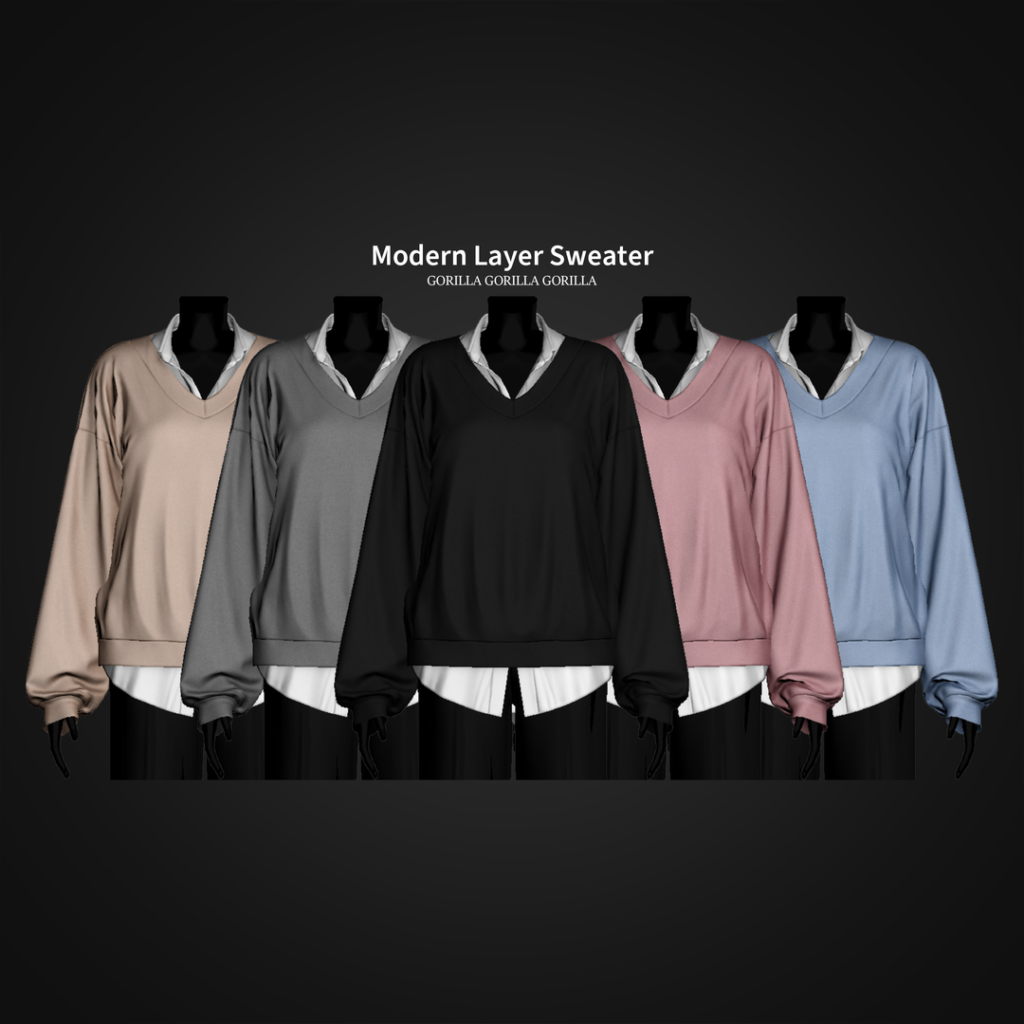
Modern Layer Sweater by Gorilla Gorilla Gorilla
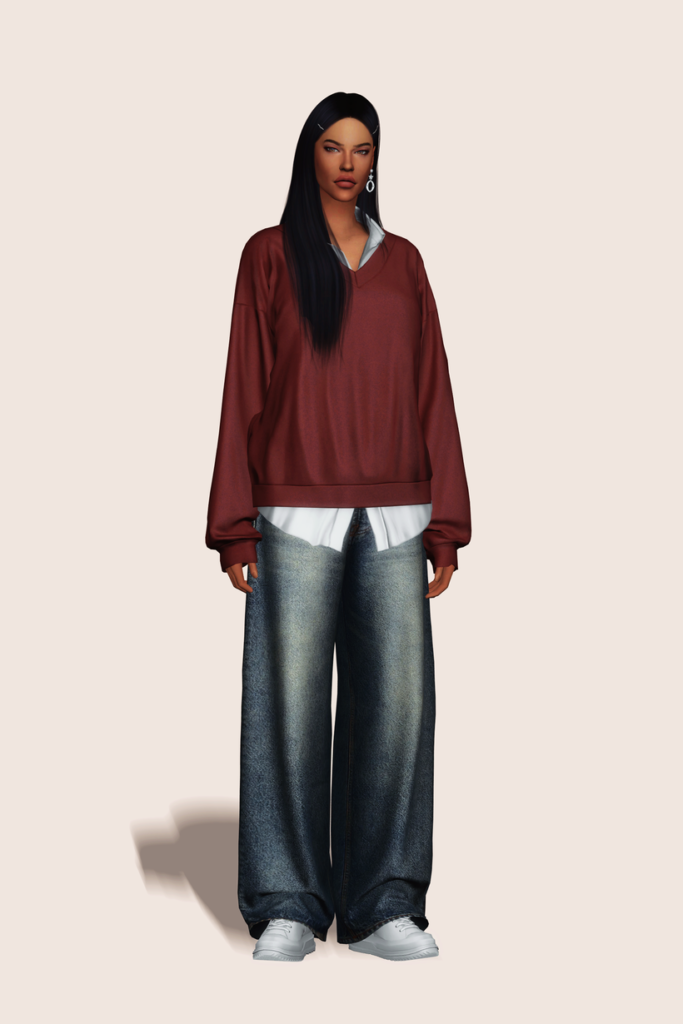
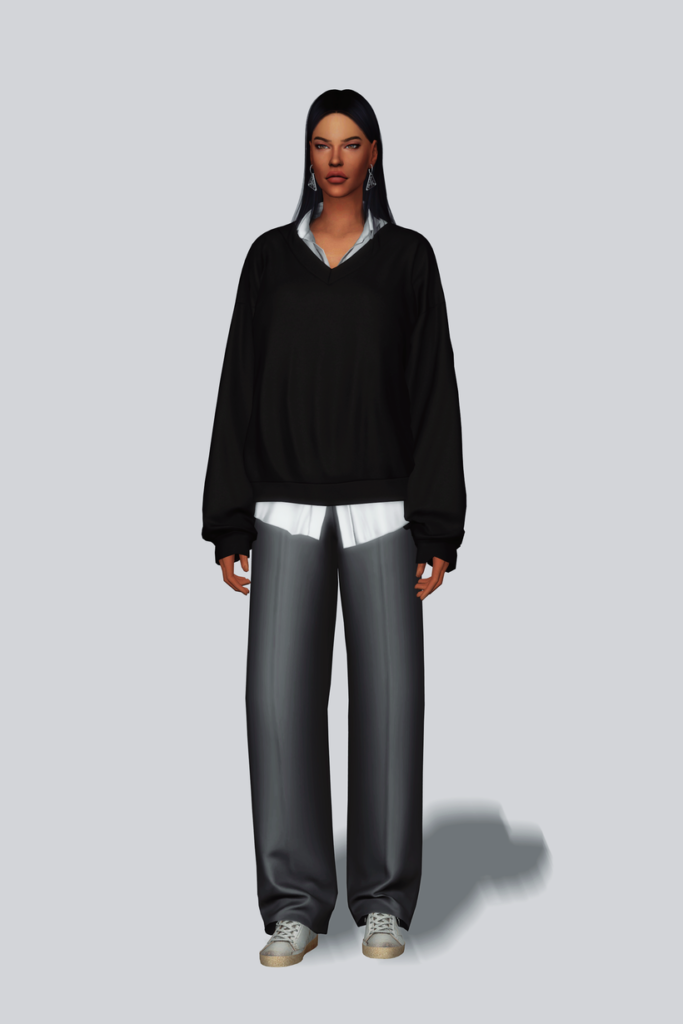
Modern Layer Sweater by Gorilla Gorilla Gorilla gives off serious CEO vibes! This Sims 4 Formal Wear CAS CC sweater features a collared, long-sleeved, buttoned undershirt, with a cozy, V-neck sweater layered over top. Perfect for the office or stepping out for an upscale lunch – available in 25 sleek swatches.
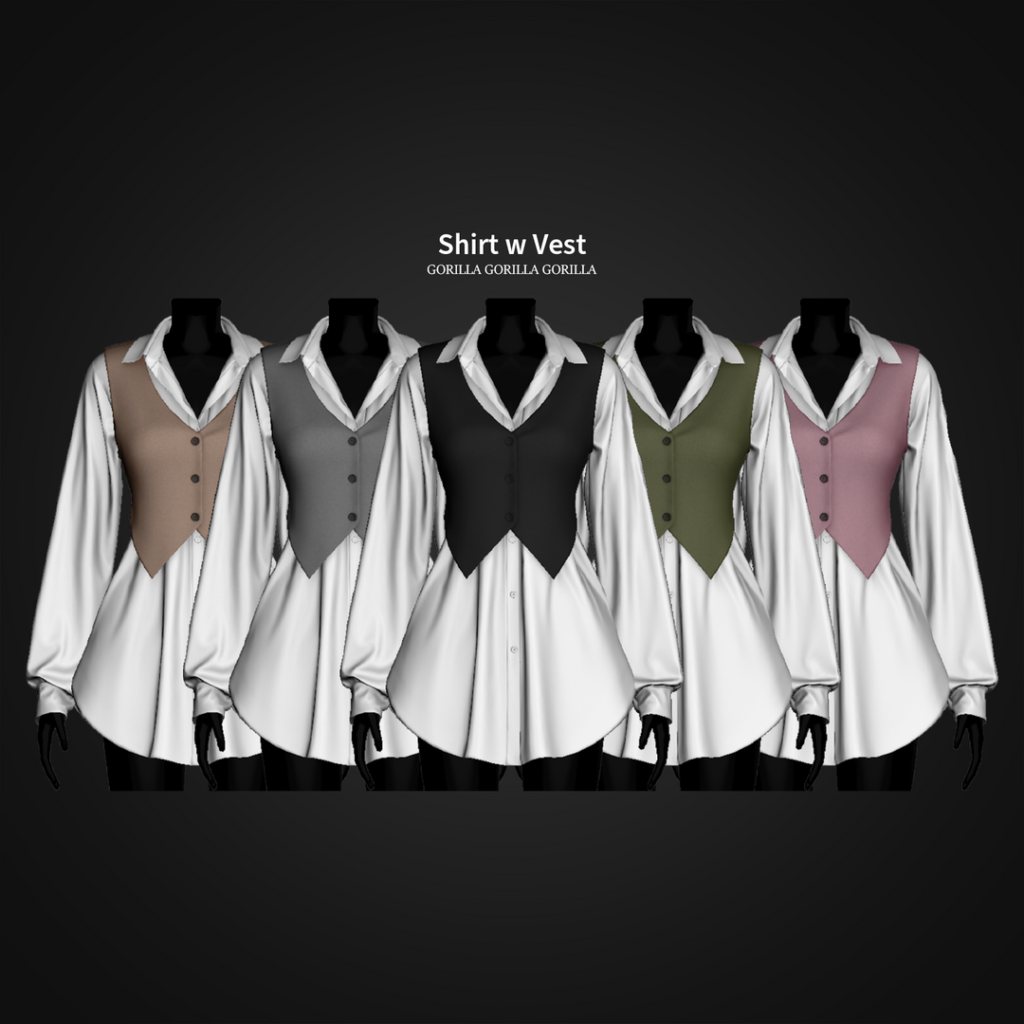
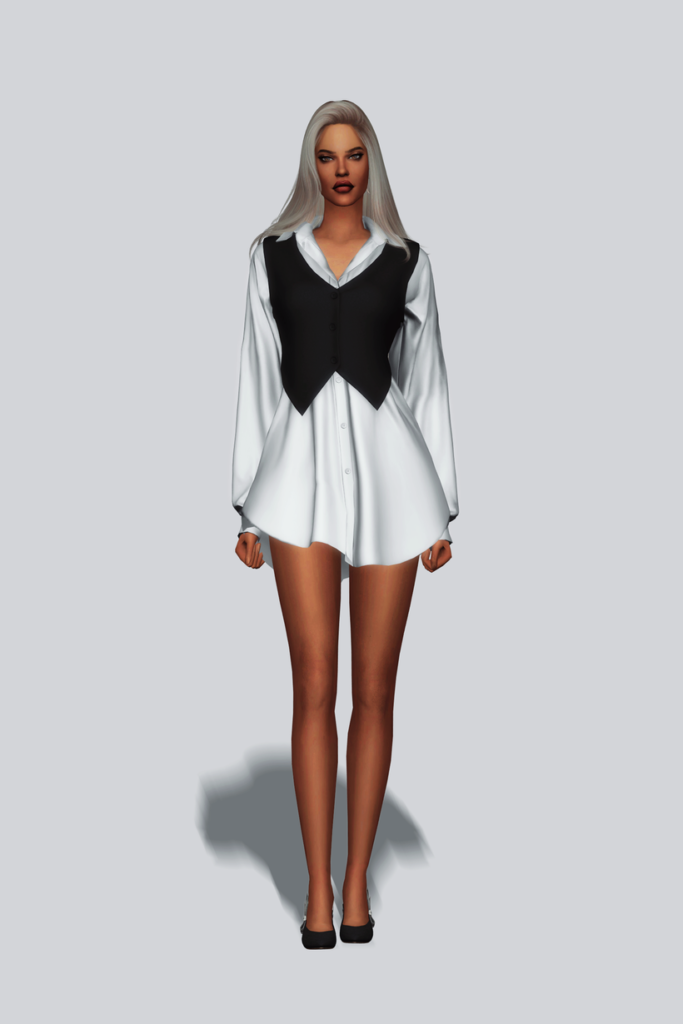
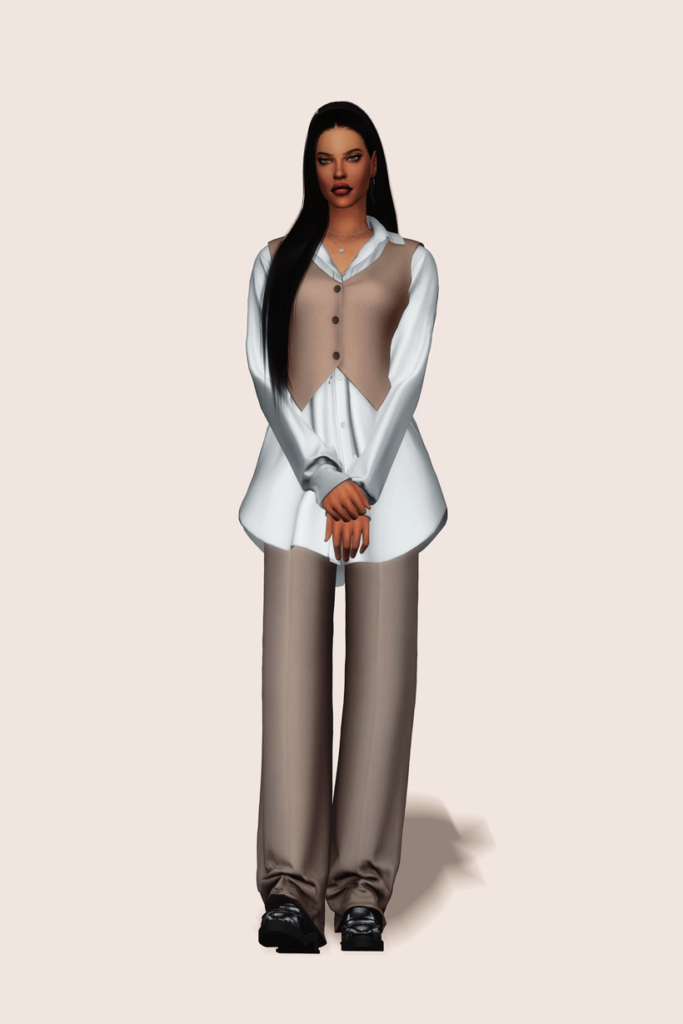
Corporate cutie! Shirt With Vest by Gorilla Gorilla Gorilla features a detailed, long-sleeve, buttoned top with a cropped vest layered over top, creating a sleek office style look – available in 20 swatches.
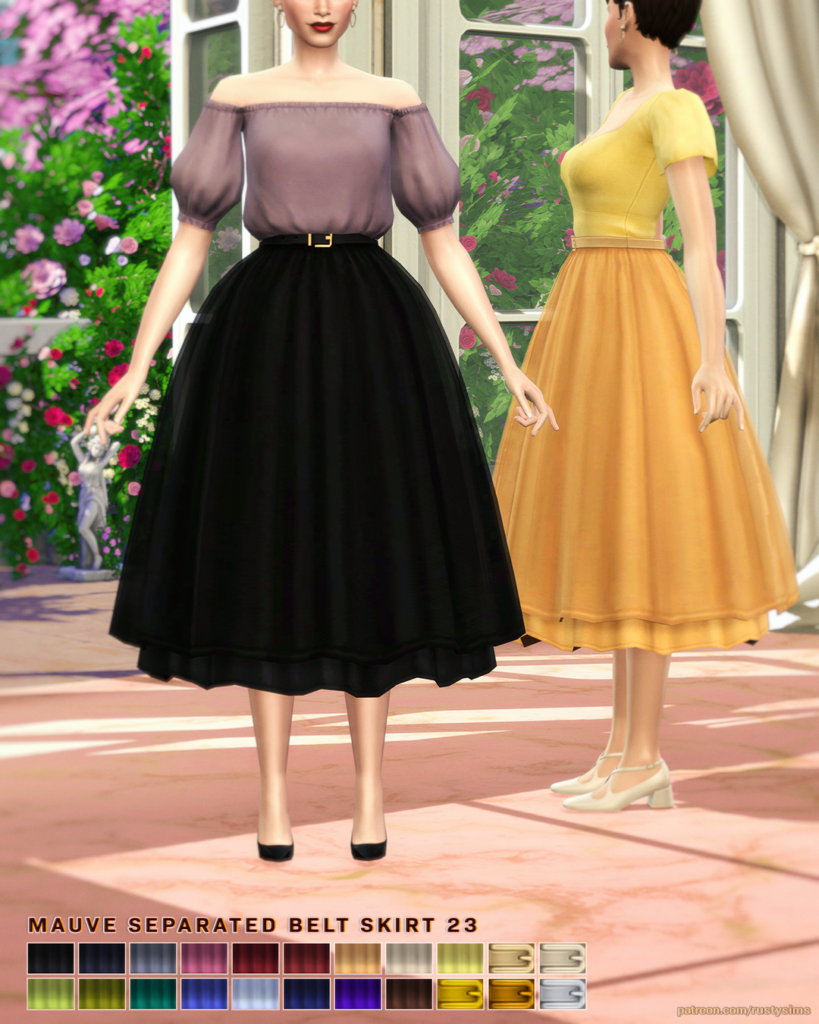
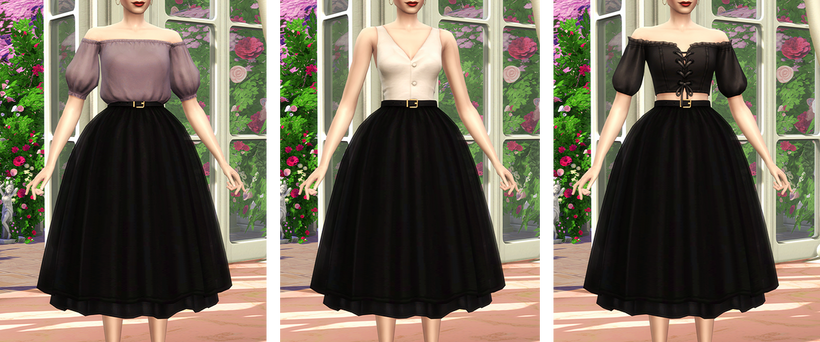
MAUVE Seperated Belt Skirt by Rusty’s will have your Sim looking elegant in every step with its long, flowing, puffed style and simple belt – available in 22 lovely swatches.
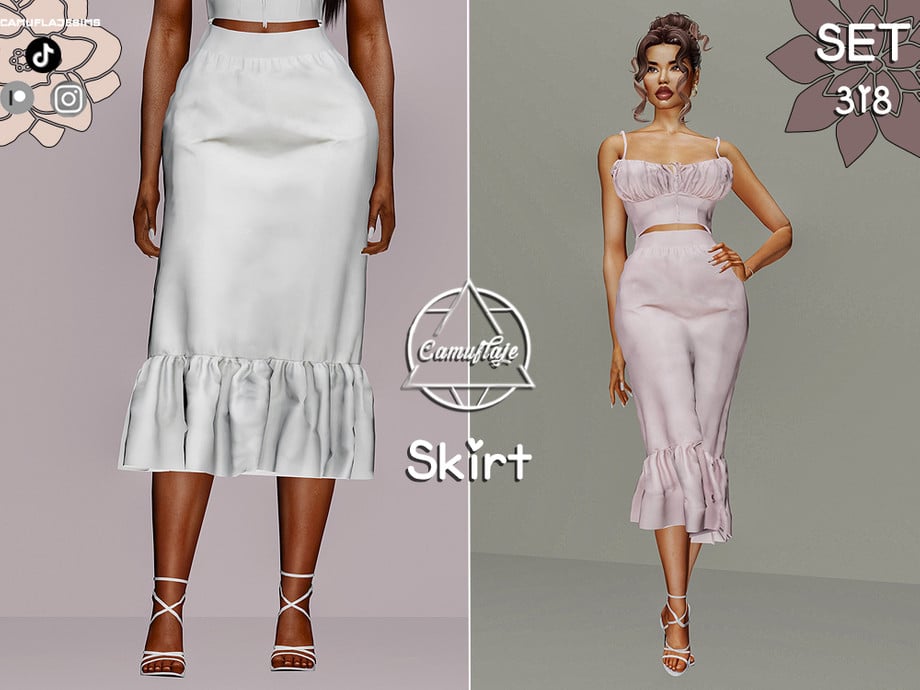
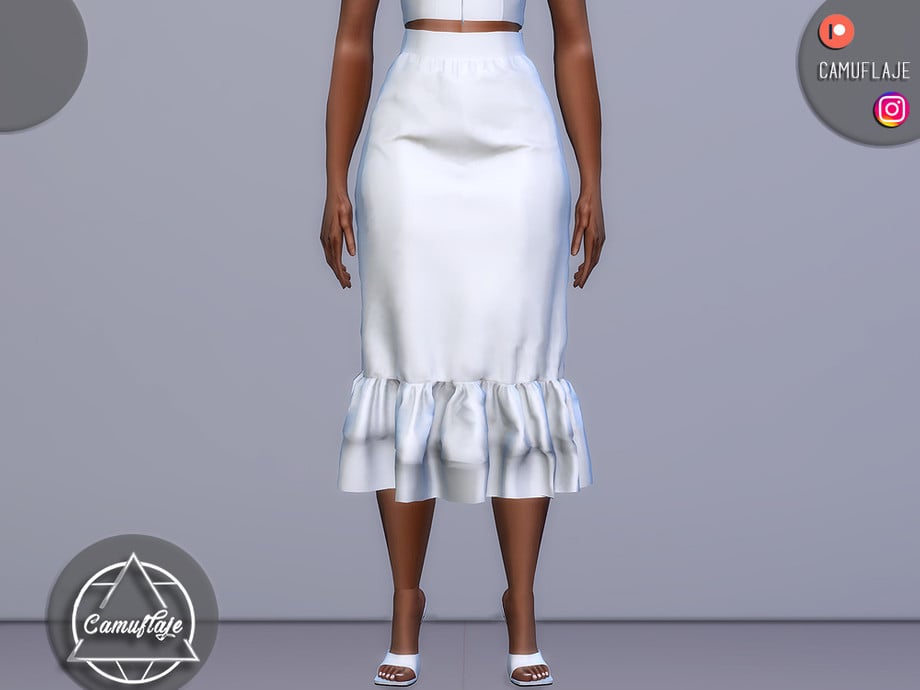
Skirts can be the ultimate, classy staple to any elegant outfit, and this skirt by Camuflaje definitely fits the bill! This lovely, formal wear, CC skirt hangs just below the knees and features a small ruffle at the bottom with a sleek waistline. A perfect addition to a soft tank top or fitting top, to create a classy, modern, and elegant outfit – available in 6 swatches.
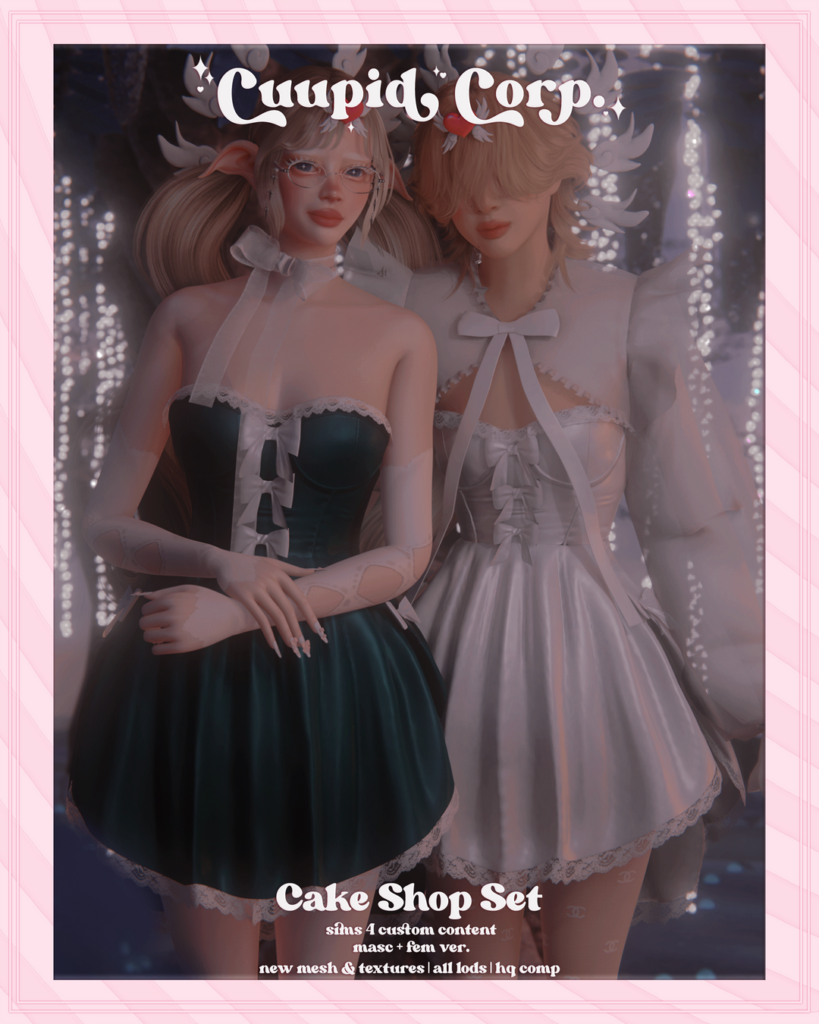
Elegant with a touch of sweetness, Cake Shop Set by 1-800-CUUPID includes a short, sleeveless dress with small lace details and bow ties. This amazing CC creator has also included a bolero featuring large, puffy sleeves, with lace details, and a large bow to tie the top together. The dress is available in 13 swatches, and the bolero in 11 swatches.
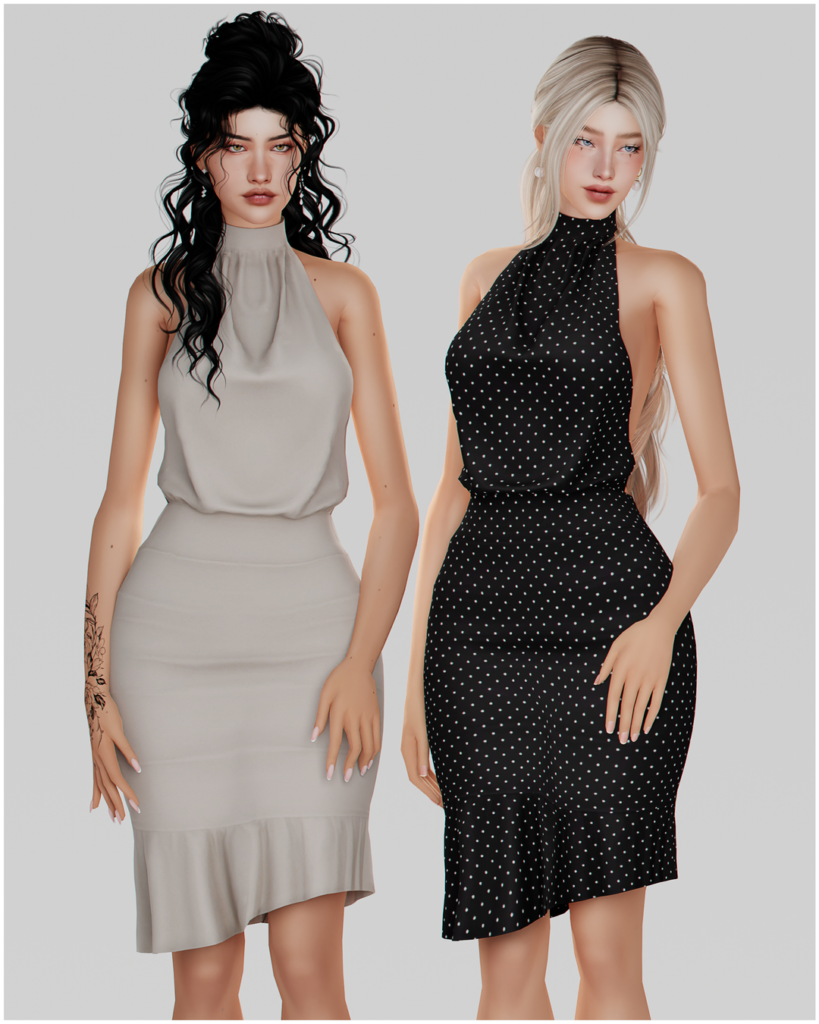
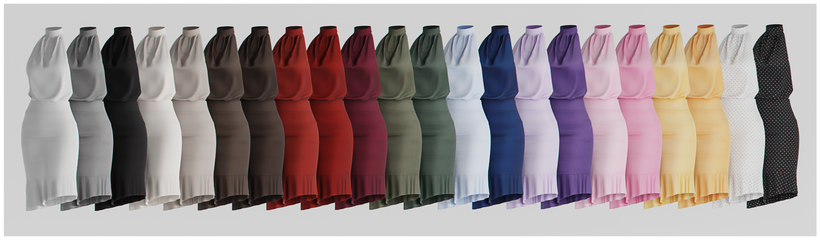
Sophisticated and stylish! Halter Open Back Dress by korkassims is an Alpha formal wear dress with an open back and a slight fringe at the bottom. Whether your Sim wants to turn heads at dinner or be in the spotlight during a “Red Carpet Moment,” this dress will have your Sim looking their best! Available in 22 beautiful swatches.
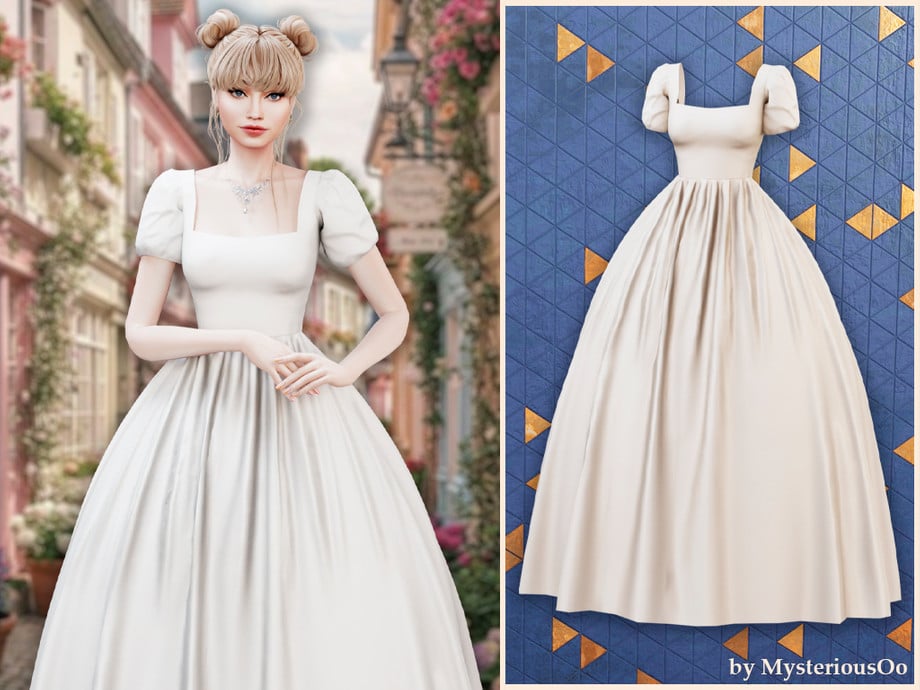
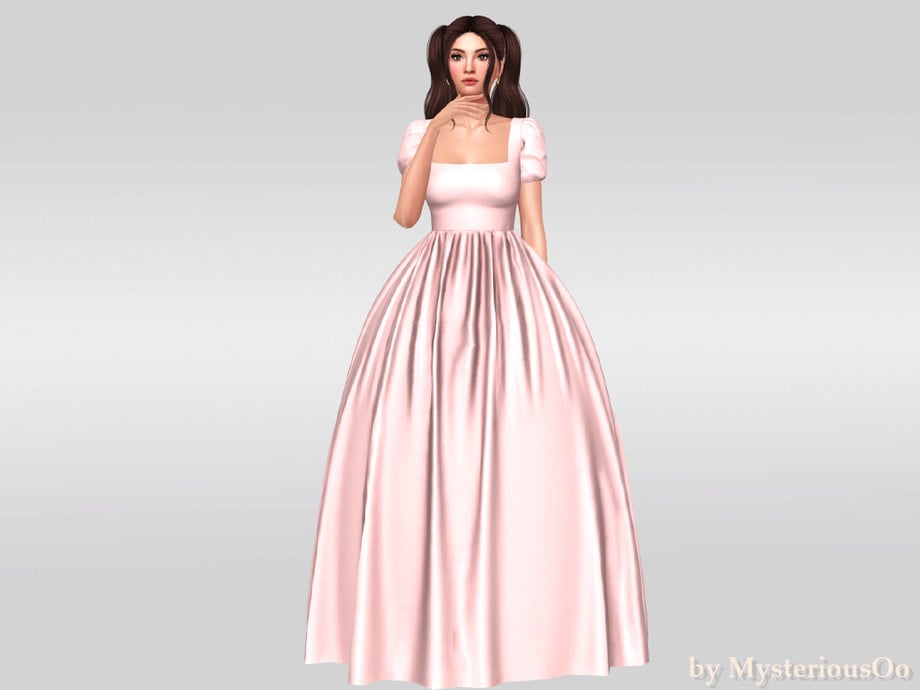
Fairytale fashion at its finest! This gorgeous, formal wear, CC dress by MysteriousOo is a classic ball gown in Alpha style, with puffy sleeves, a fitted top, and a lovely, flowing bottom, with small fabric wrinkles.
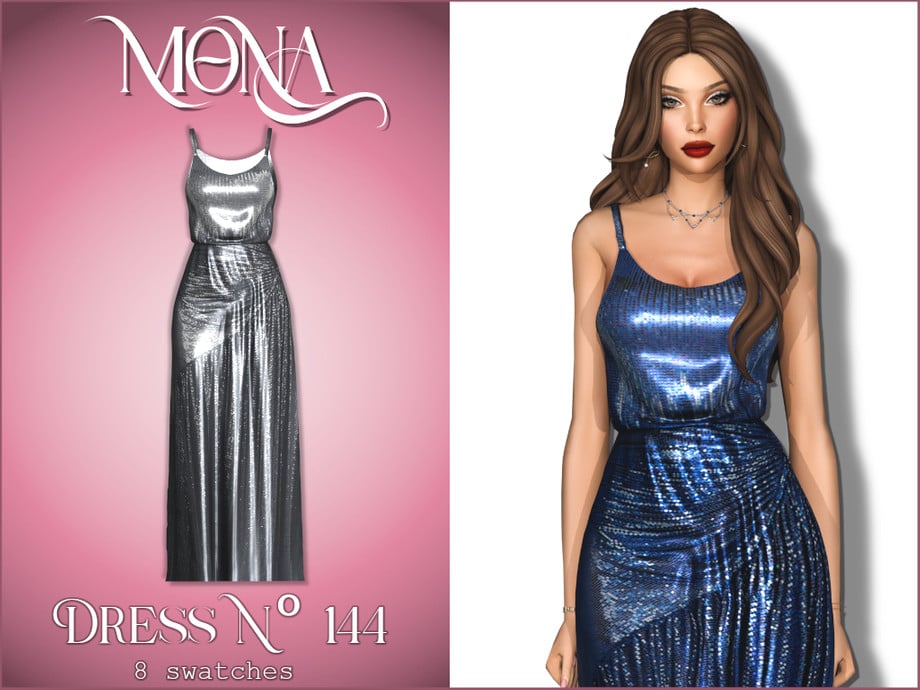
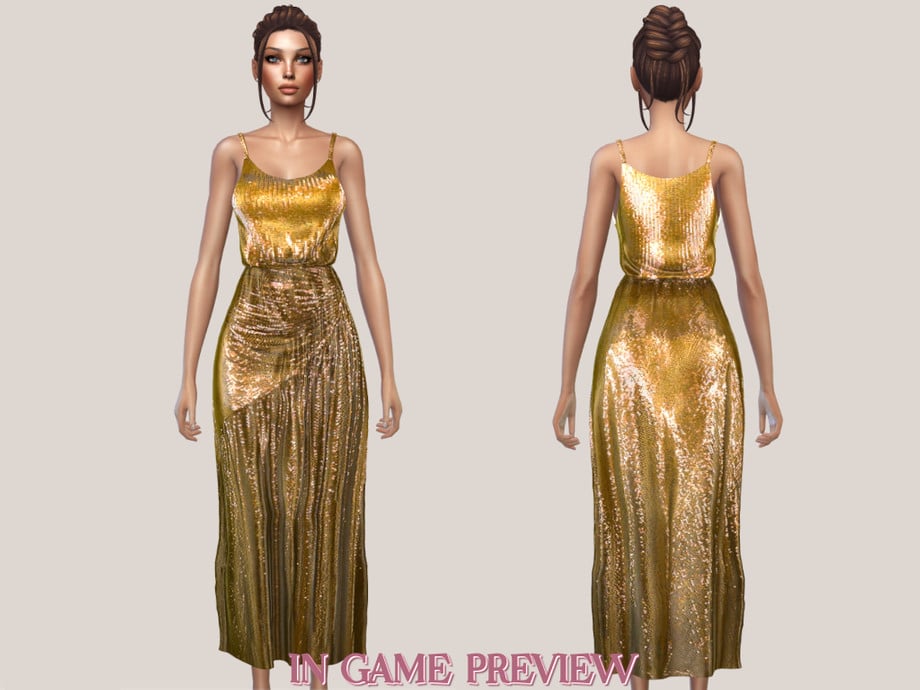
Straight from the runway! This glamorous and commanding dress by Mona is inspired by the “Devil Wears Prada 2” film and features shiny sequins, with a wrapped bottom, and a fitted, spaghetti-strap top – available in 8 eye-catching swatches.
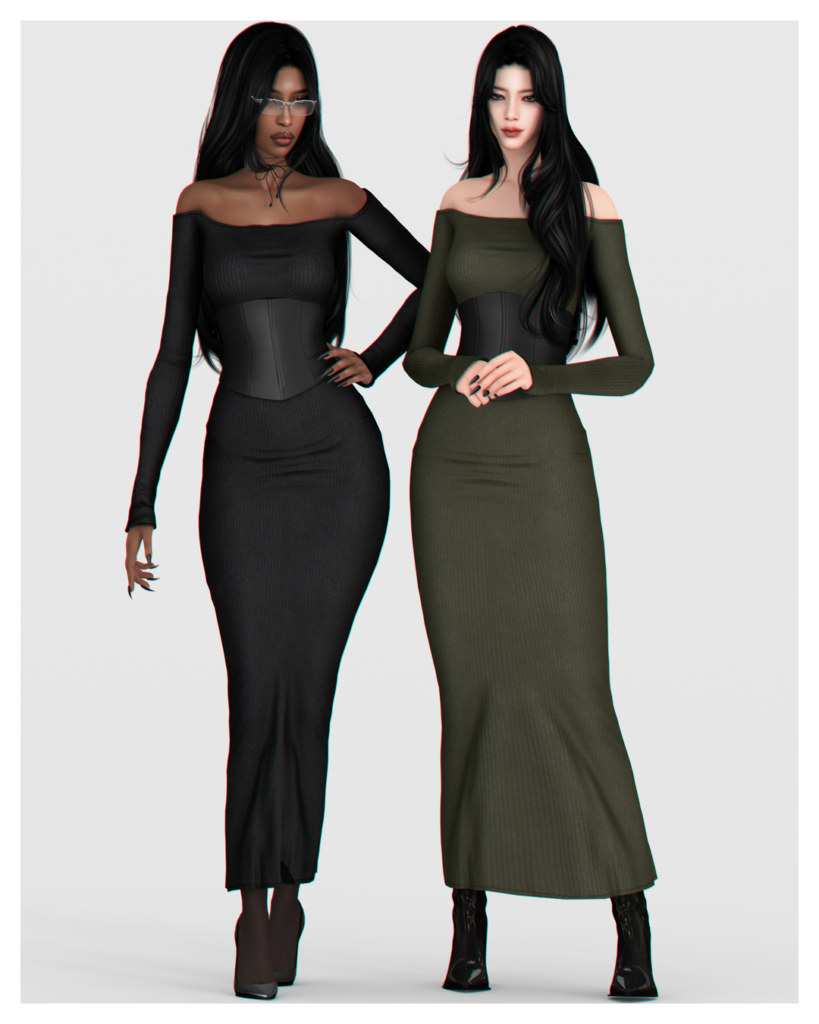
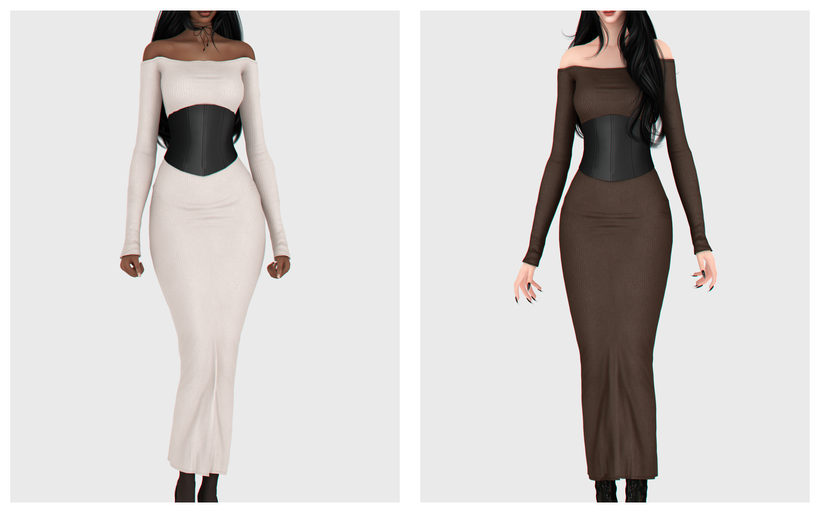
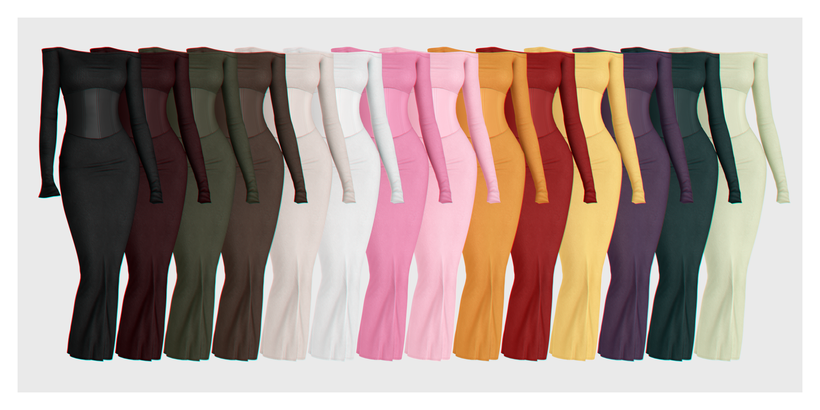
Rosa Dress by BackTrack is definitely a classy, CAS essential! This fitted, Formal Wear, CC dress features off-shoulder, long sleeves, with a fitted look, and a black corset adorned at the waist. Elegance at its finest! Whether your Sim wants a darker look or something brighter and eye-catching, the 14 swatches will have you covered.
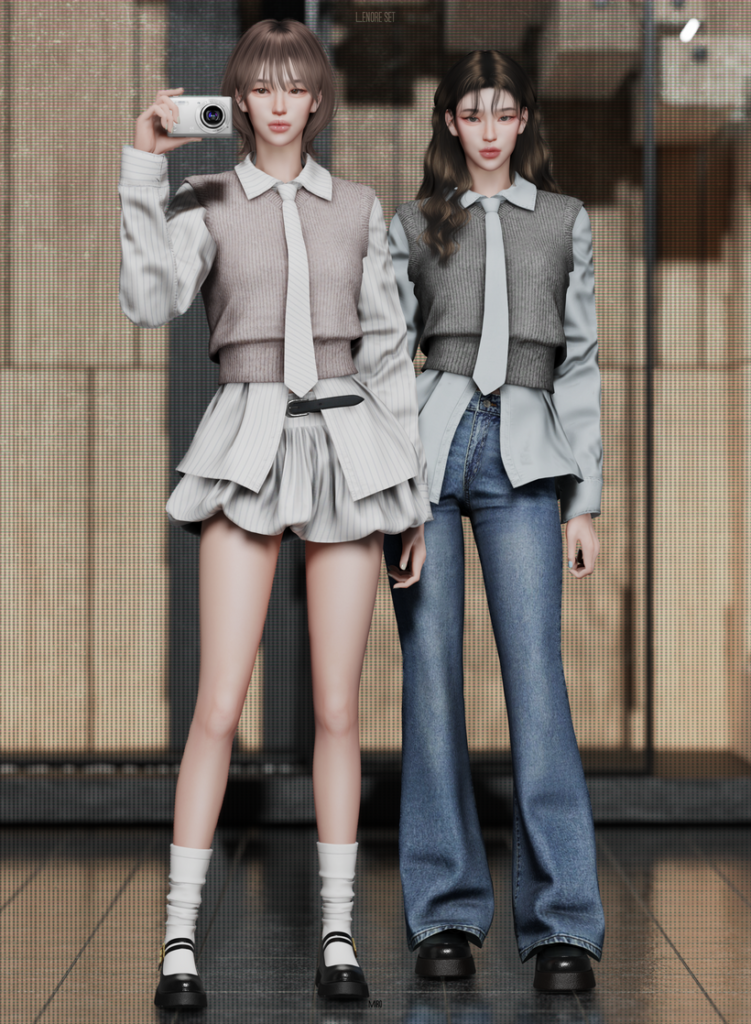
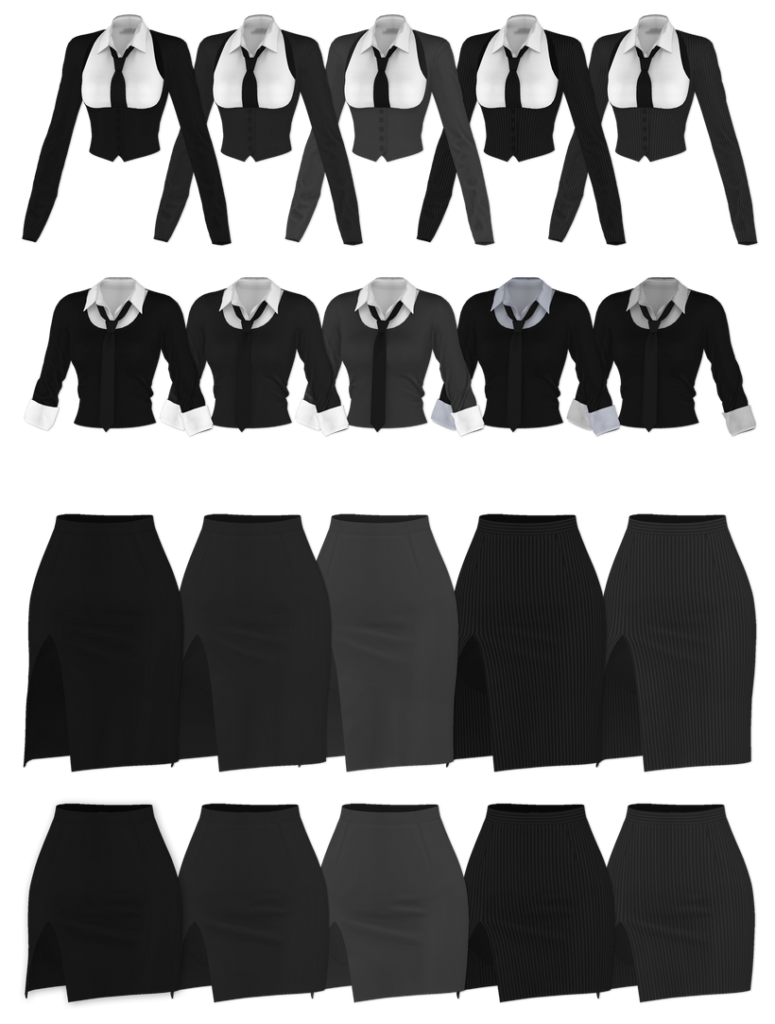
Looking for a more casual, business-ready look for your feminine-frame Sims? Check out this CC pack by MIRO. Included is a long-sleeved, collared button-up, with a cropped sweater layered over it, and an adorable tie. Pair it with the adorable, matching, ruffled skirt with a simple belt or the tight-fitting, boot-legged jeans for a more casual vibe – each item is available in multiple swatches as well for the perfect mix and match, CC pack!
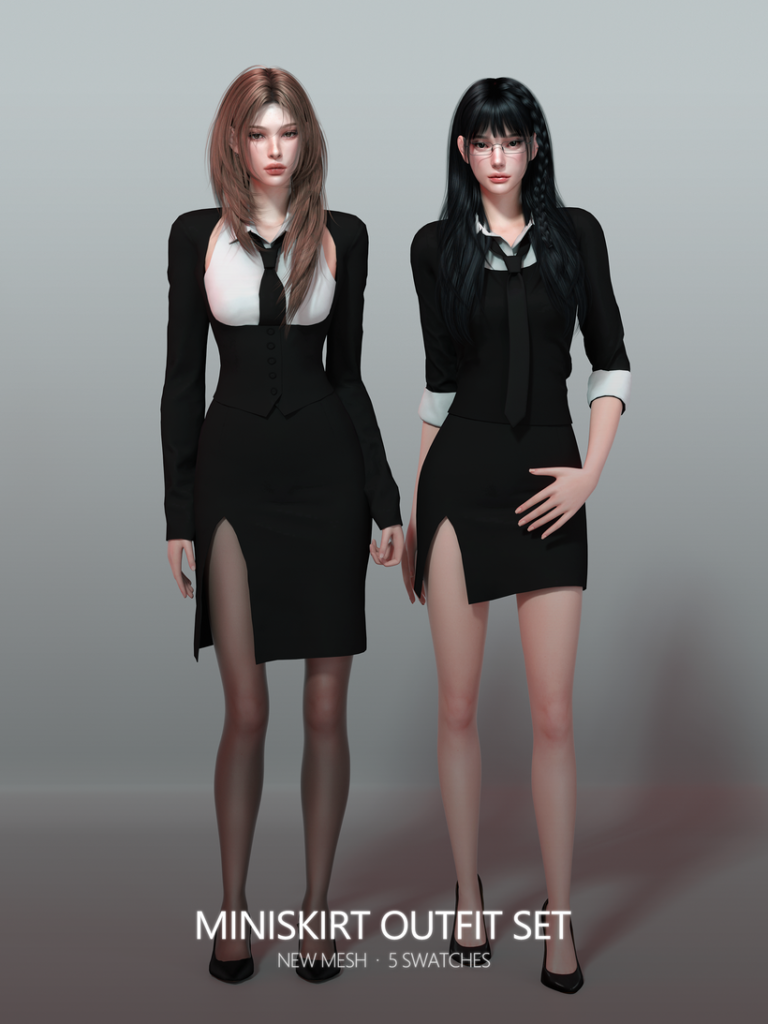
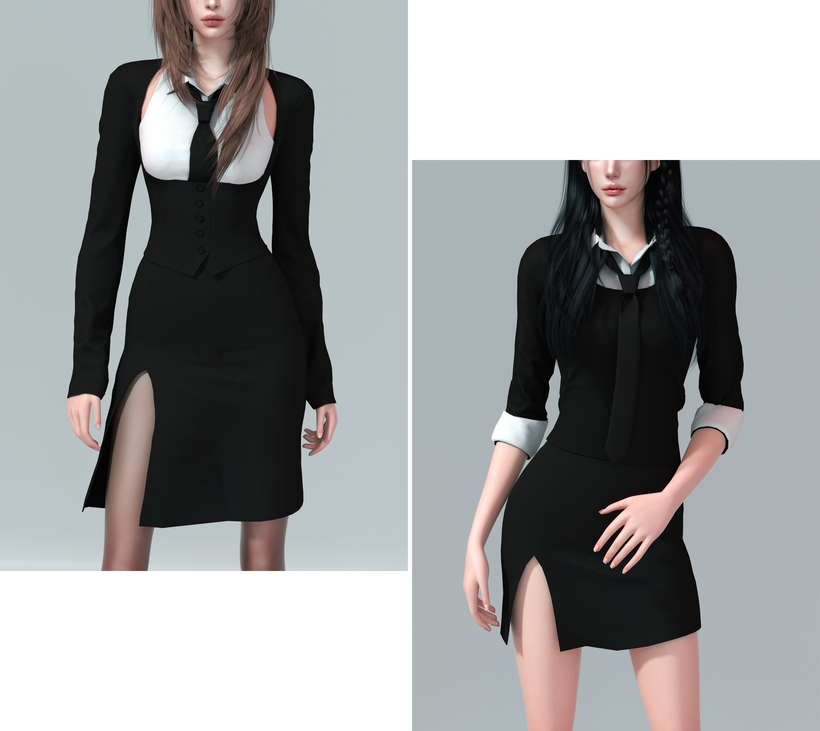
Simple, chic, and stunning! Miniskirt Outfit Set by RONA_SIMS includes 2 different Formal Wear outfits that provide the same business-ready energy but in different styles. A day in the office or for a date afterwards, this CC pack will have your Sim looking their best – available in 5 swatches each.
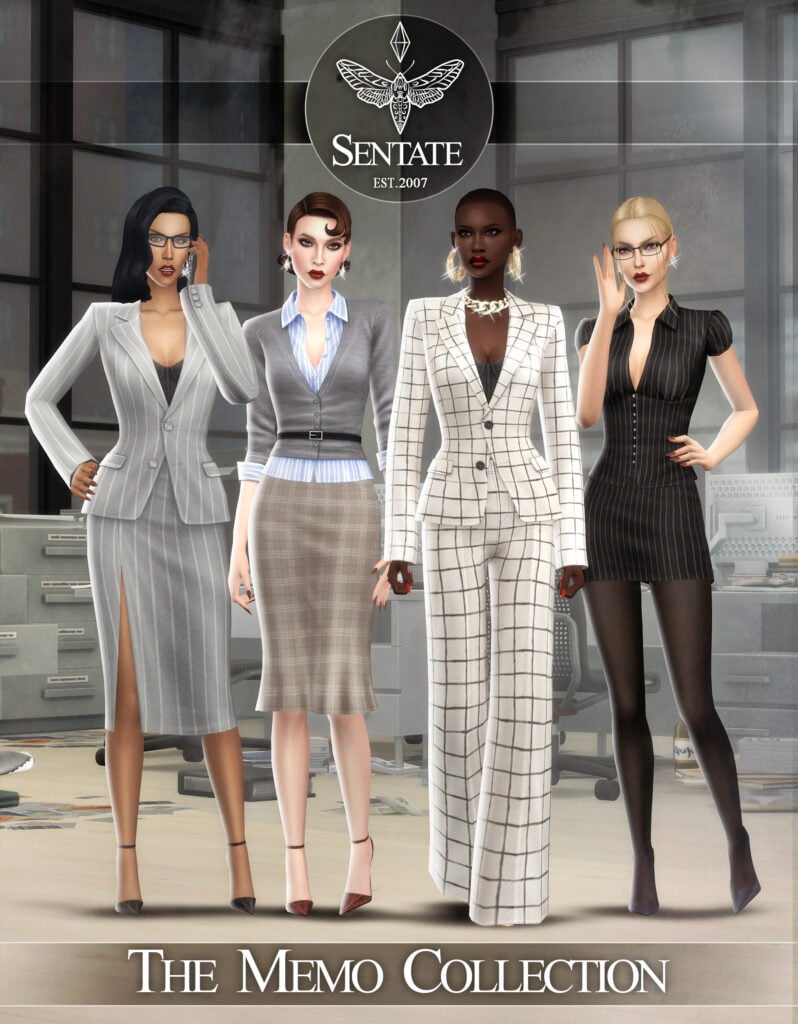
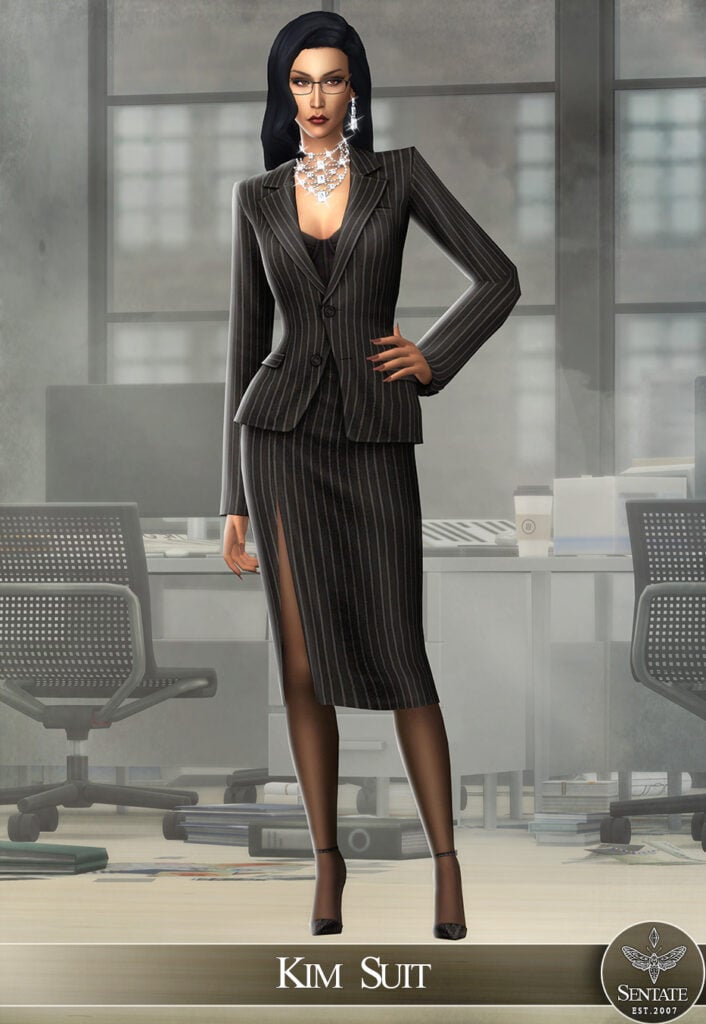
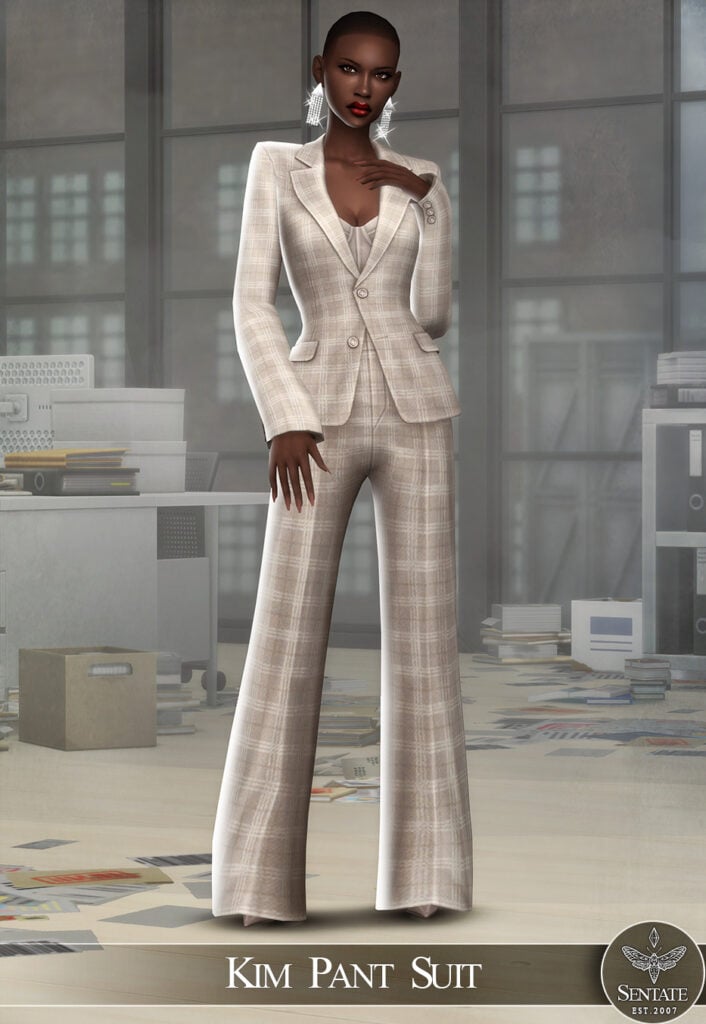
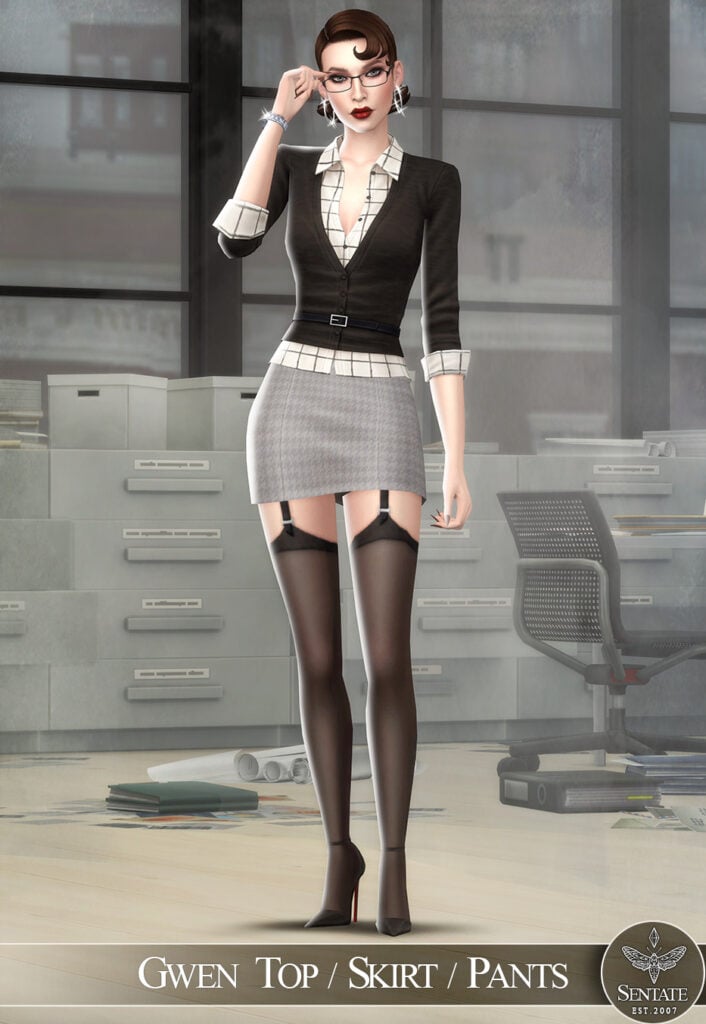
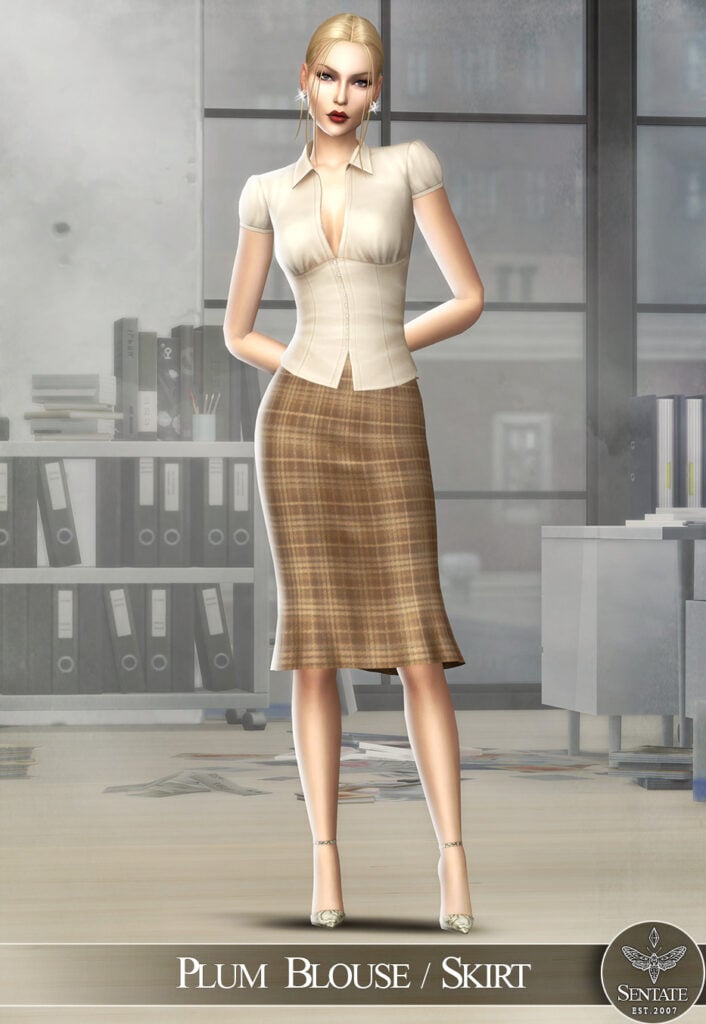
Sentate never fails to impress with their realistic and beautiful CC packs! The Memo Collection is no different, with 8 stunning items that make 4 different Formal Wear outfits that are modern, sleek, and flawless. Some of the items included are a pair of Monique Pumps that go with all of the outfits, the Kim Pant Suit – a gorgeous, flowing outfit, A Plum Blouse with a matching skirt, and more!
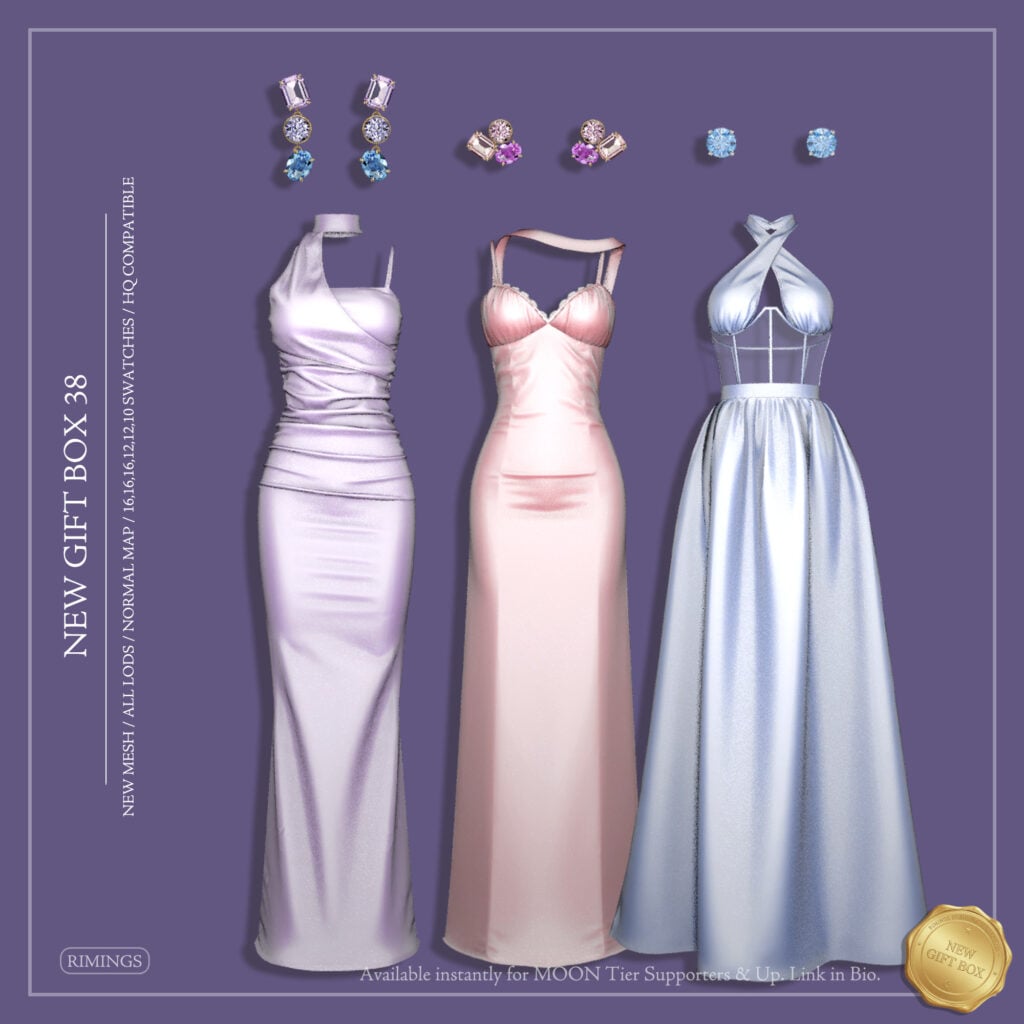
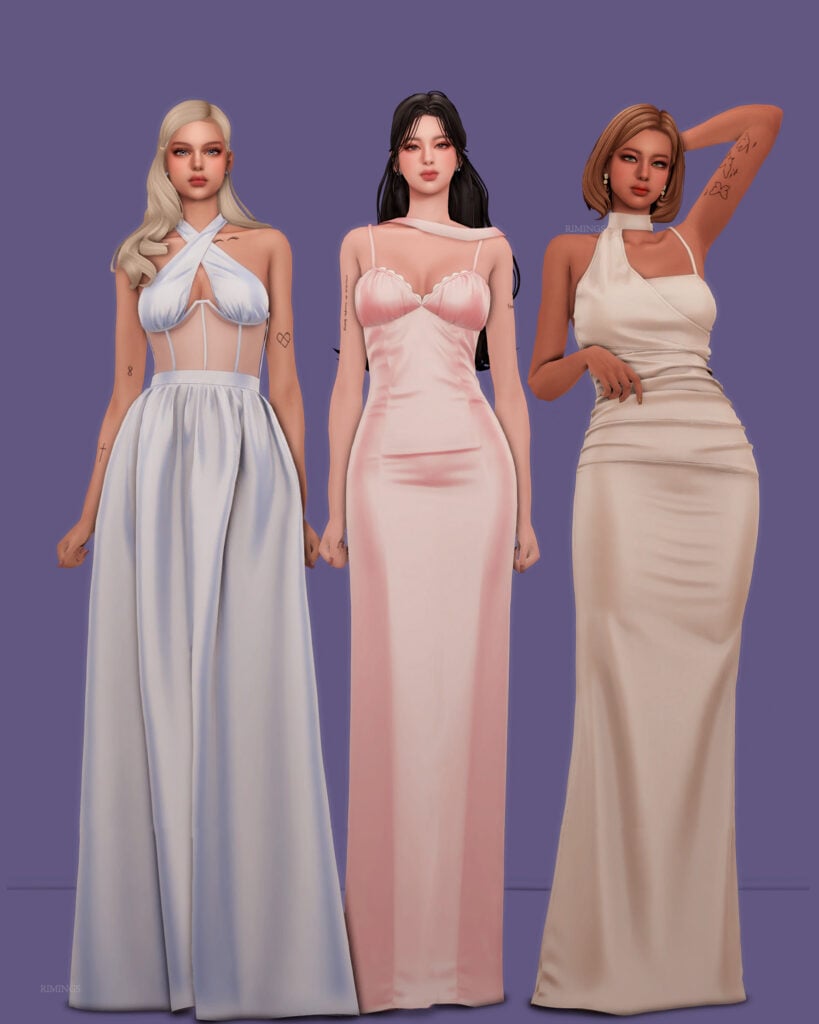
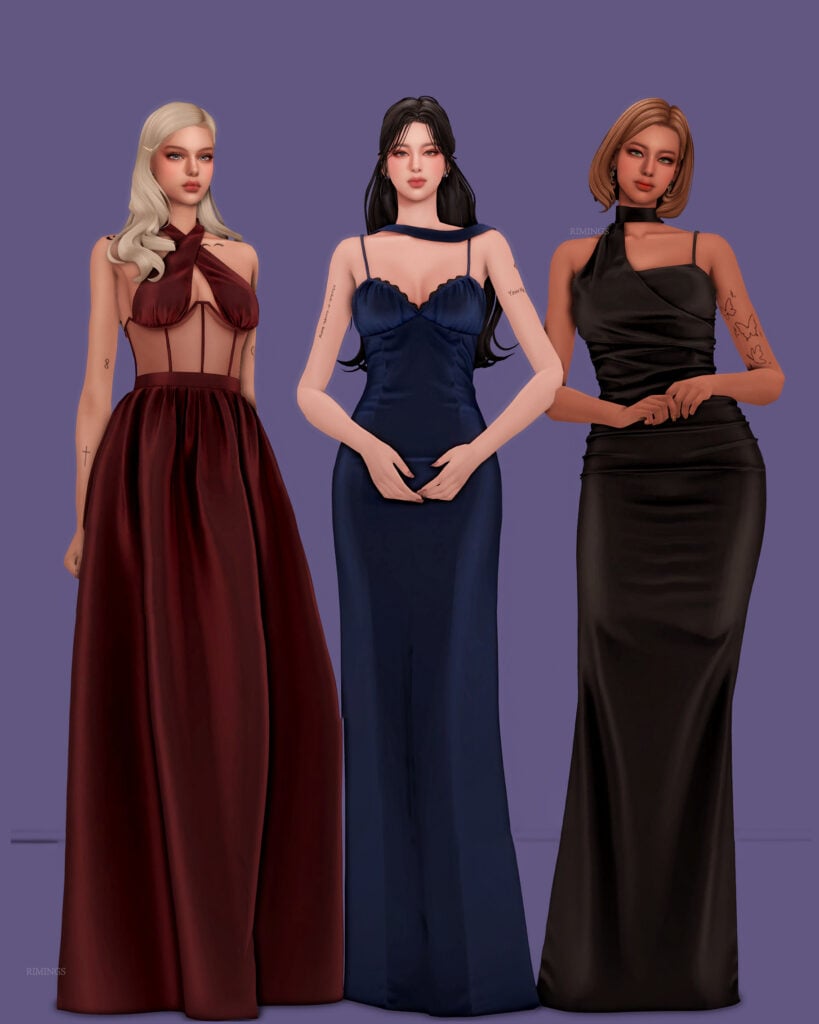
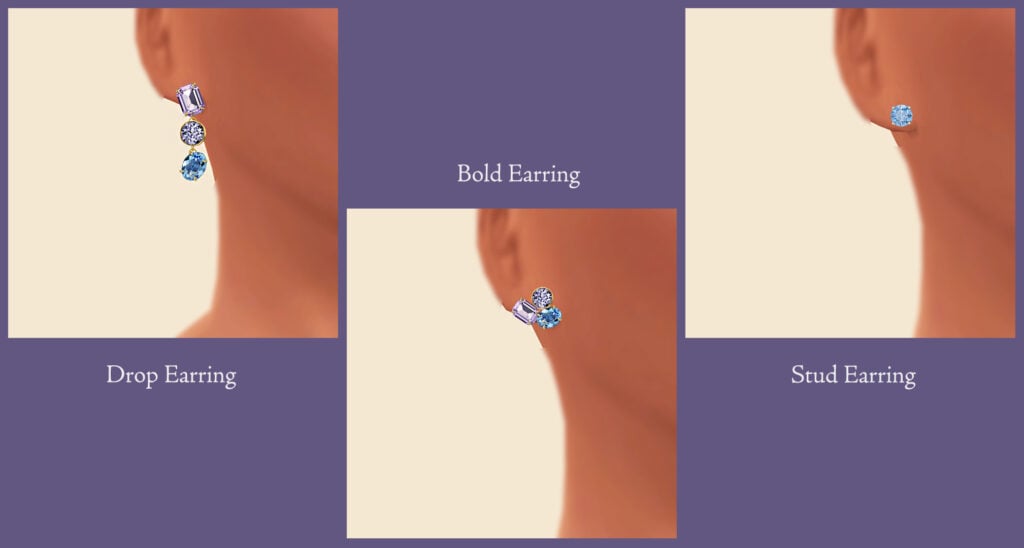
Your Sim will be a total show-stopper in any of these amazing, Formal Wear, CC, CAS dresses by RIMINGS! Included are 3 different sleeveless dresses and 3 pairs of gorgeous earrings to go with them. These would be perfect for prom or a fancy ball! Available in multiple swatches each, this CC pack is a must-have, and I can see myself using this in multiple saves!
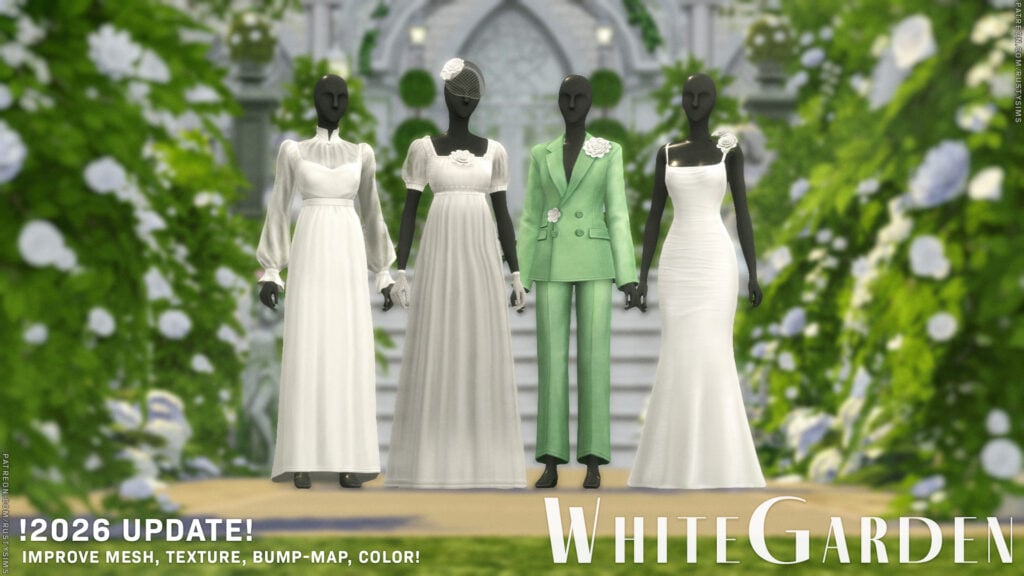
Blooming with style and springing in elegance, 2026 White Garden by Rusty’s is a gorgeously done Formal Wear, CC pack that includes 4 different, feminine-frame, Sims outfits, an accessory veil with matching gloves, and an elegant, multi-generational, CC hairstyle. Some of the outfits included are a lovely, fitting pantsuit, adorned with flower accents, as well as a long, flowing dress with puffy sleeves and a flower at the top.
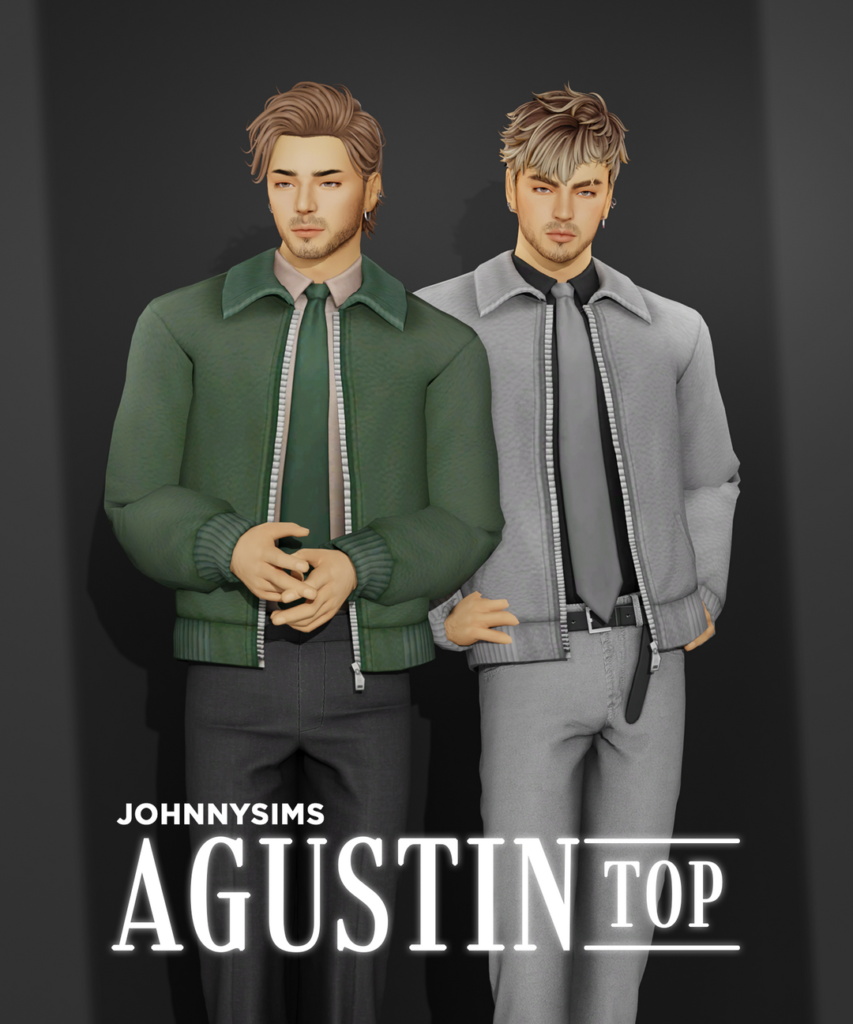
Formal made simple with Agustin Top by JohnnySims! This masculine-frame, Formal, CC top features a casual overcoat with zipper details, and a clean, collared undershirt, paired with a long, well-done tie – available in 21 handsome swatches.
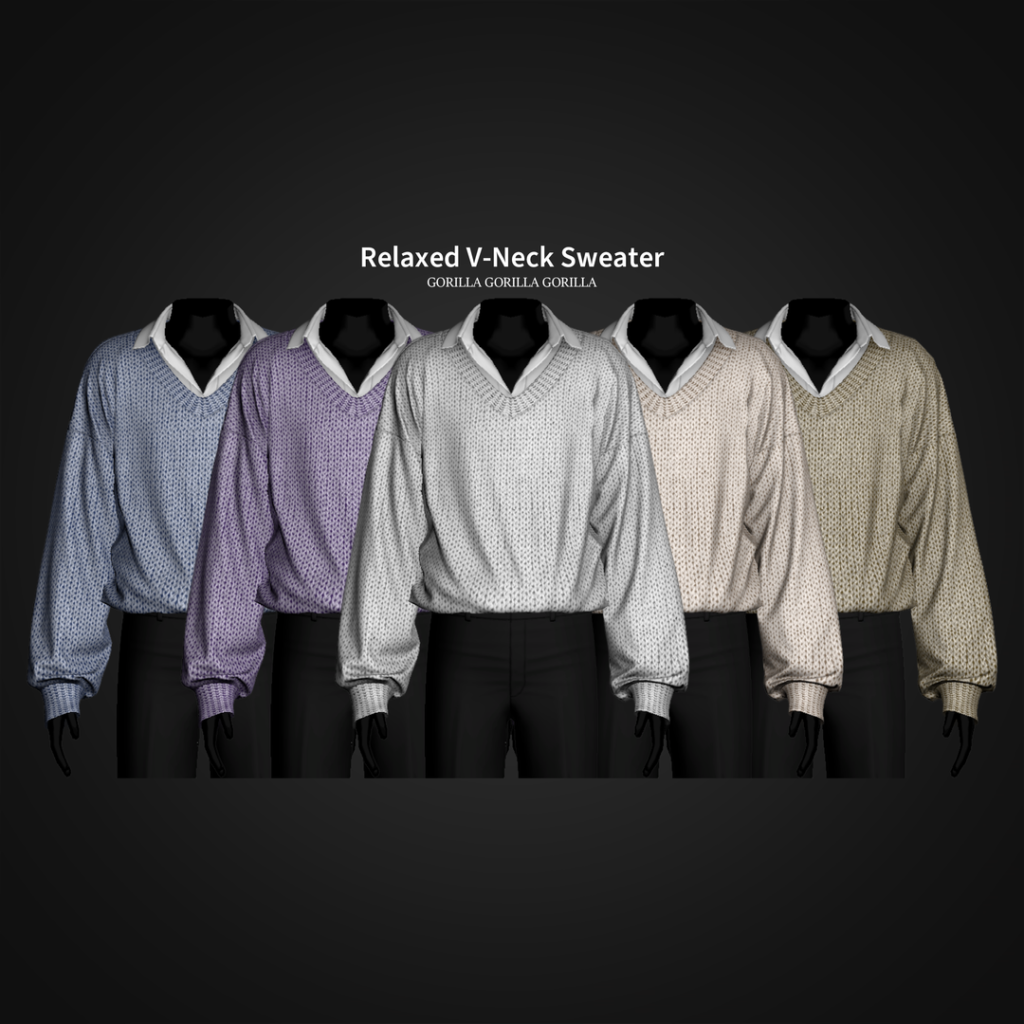
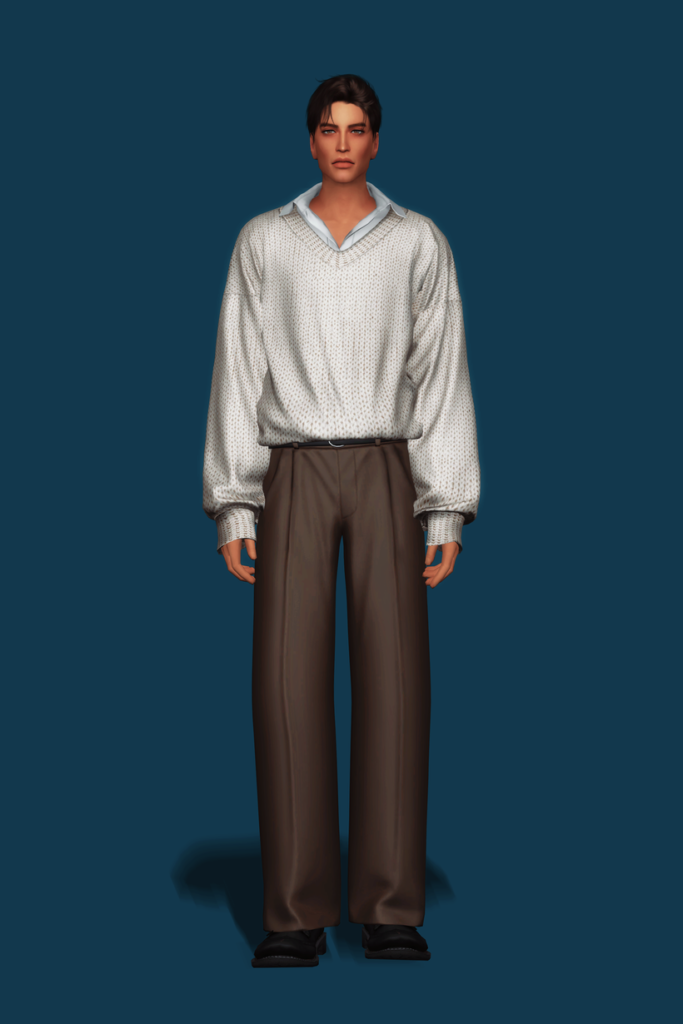
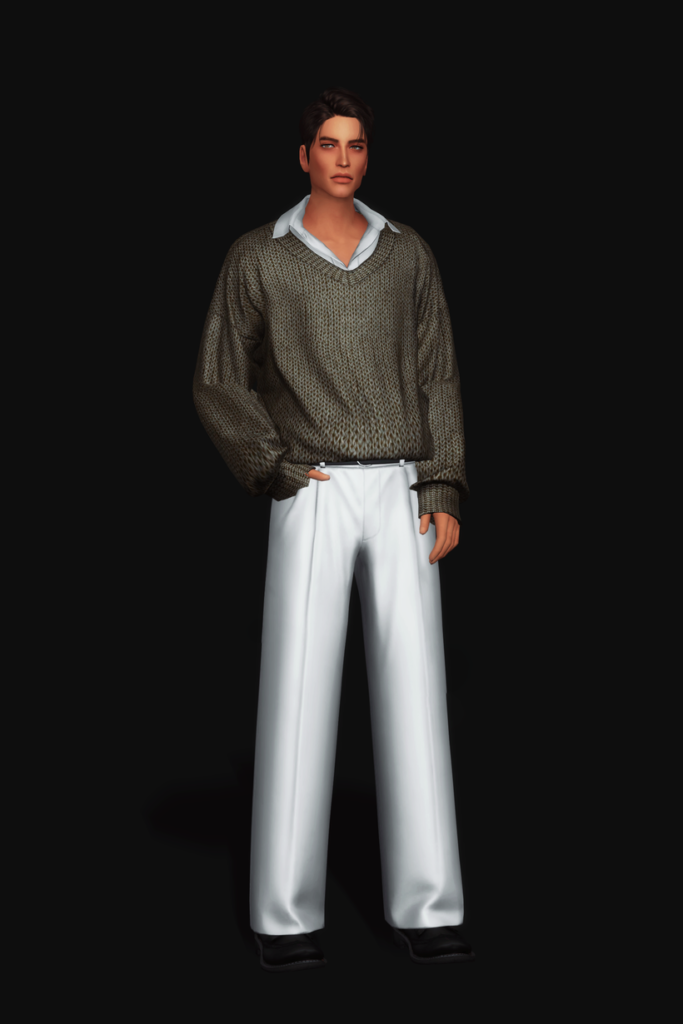
Relaxed V-Neck Sweater by Gorilla Gorilla Gorilla is a polished and professional CC top for your masculine-frame Sims that features a collared undershirt, with a slight open at the top of the chest, and a textured, V-neck sweater overtop with fabric details and loose sleeves – available in 20 swatches.
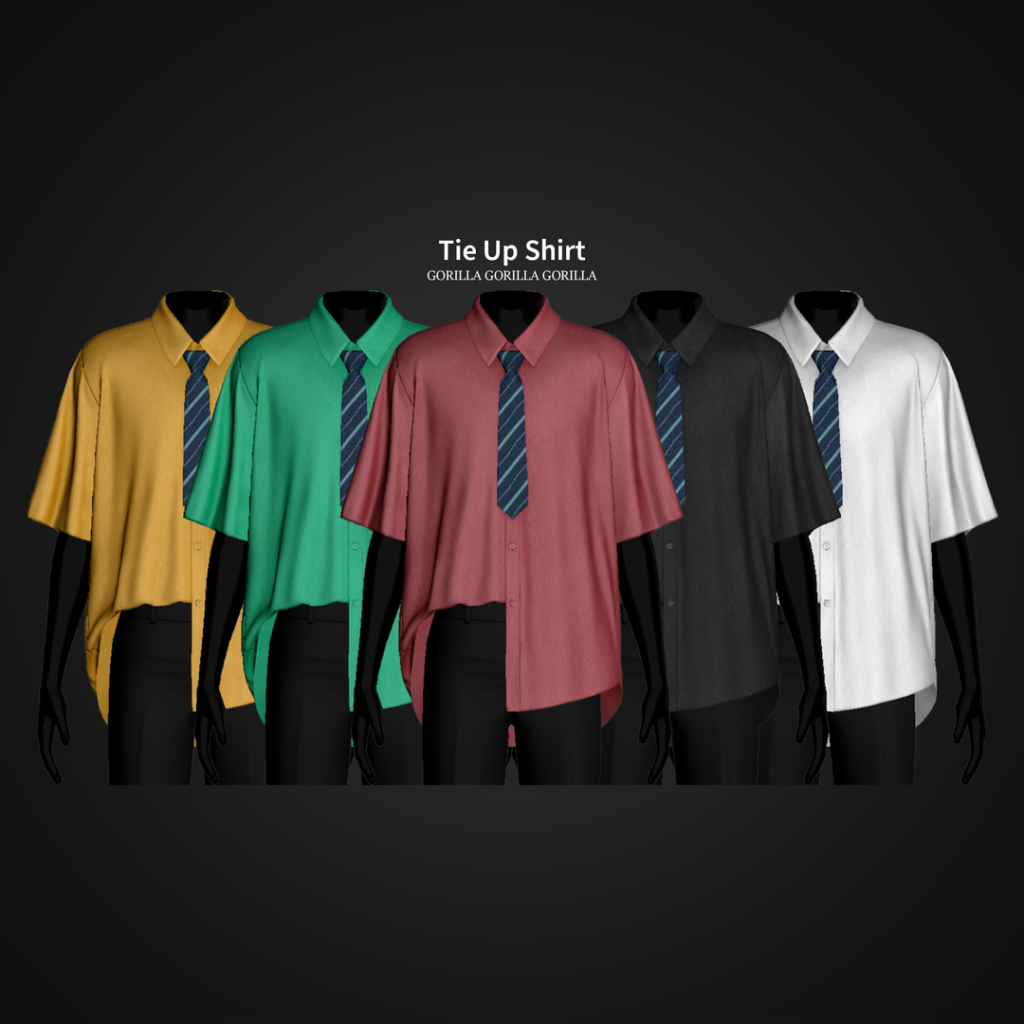
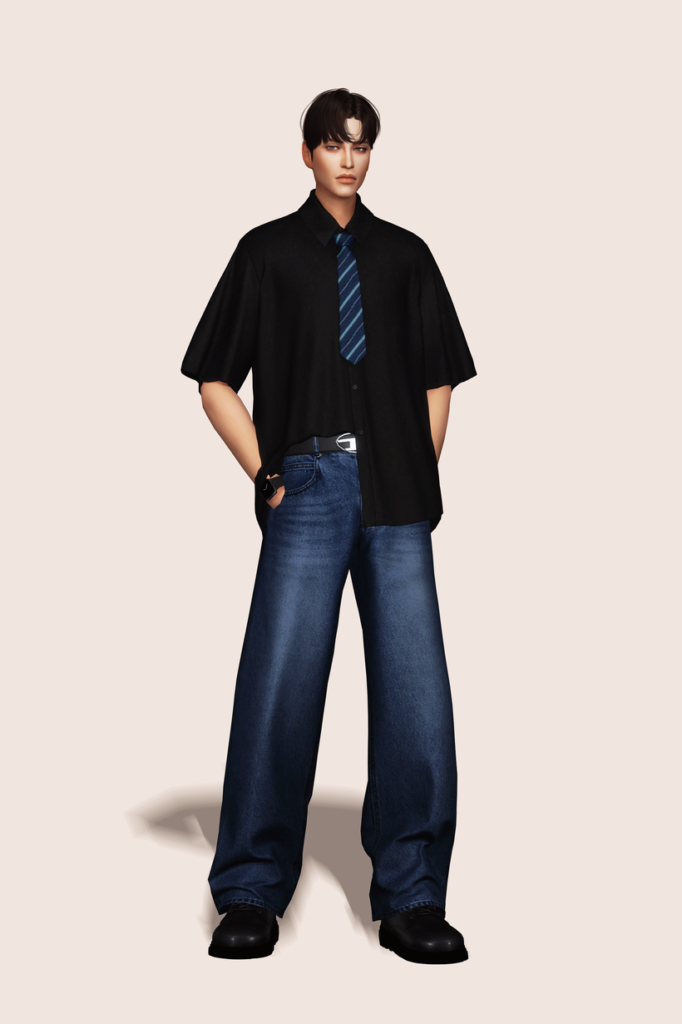
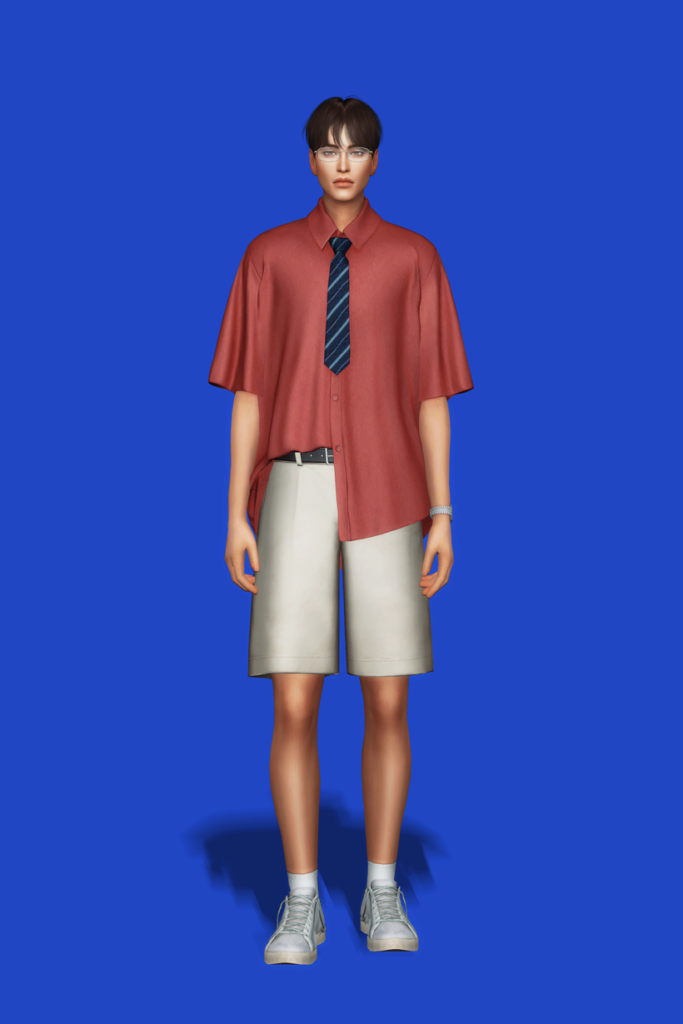
Chill but classy! Tie Up Shirt by Gorilla Gorilla Gorilla features a short-sleeved, buttoned-up top, with one side tucked in and one side tucked out, adorned with a handsome tie – available in 25 swatches.
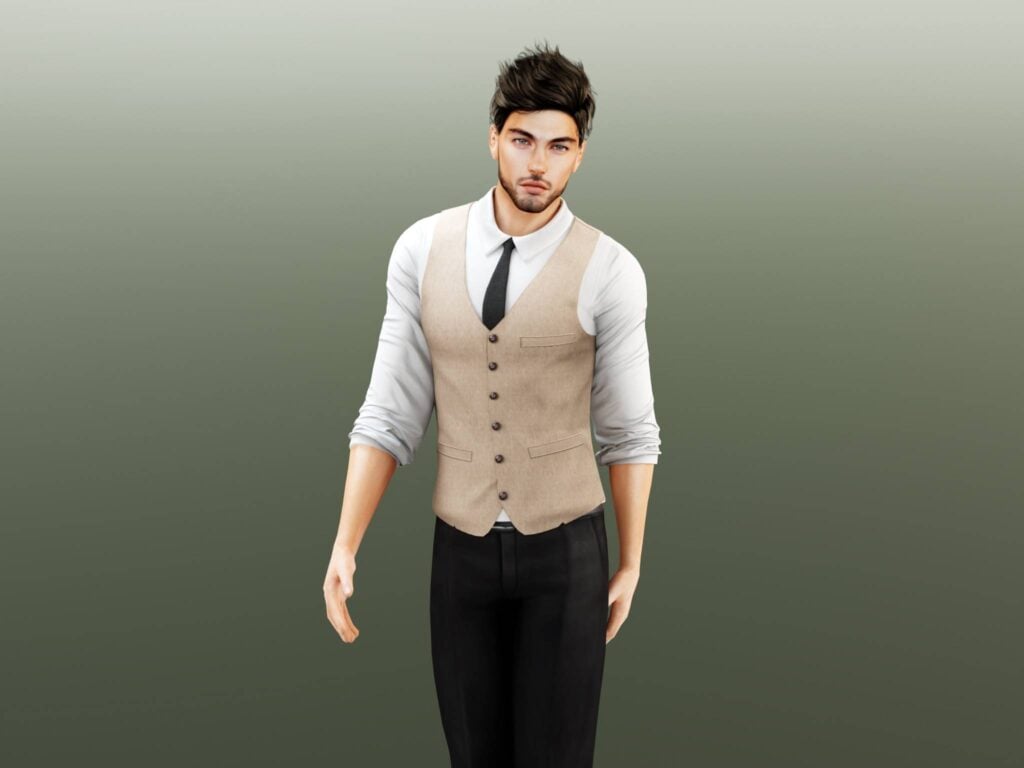
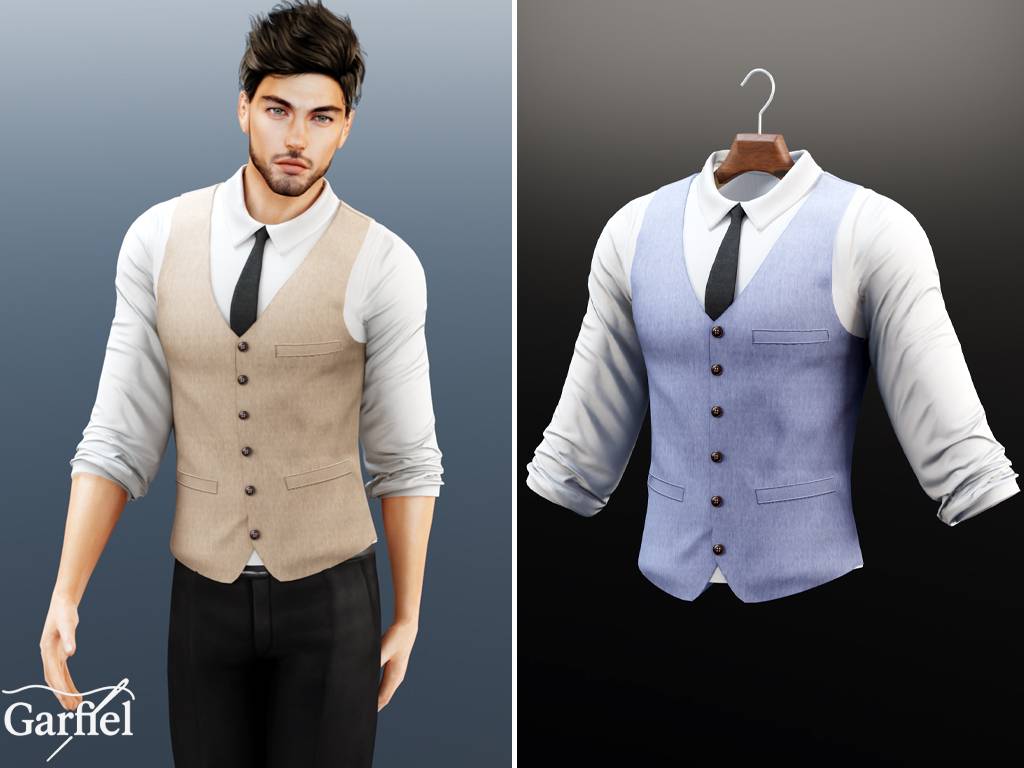
Your Sim will be dressed to impress in this stunning, CC top by Garfiel for your masculine-frame Sims! This top features a long-sleeved undershirt, with its sleeves rolled up, a simple vest over the top, and a matching tie. A must-have download for your Formal Wear CC folder!
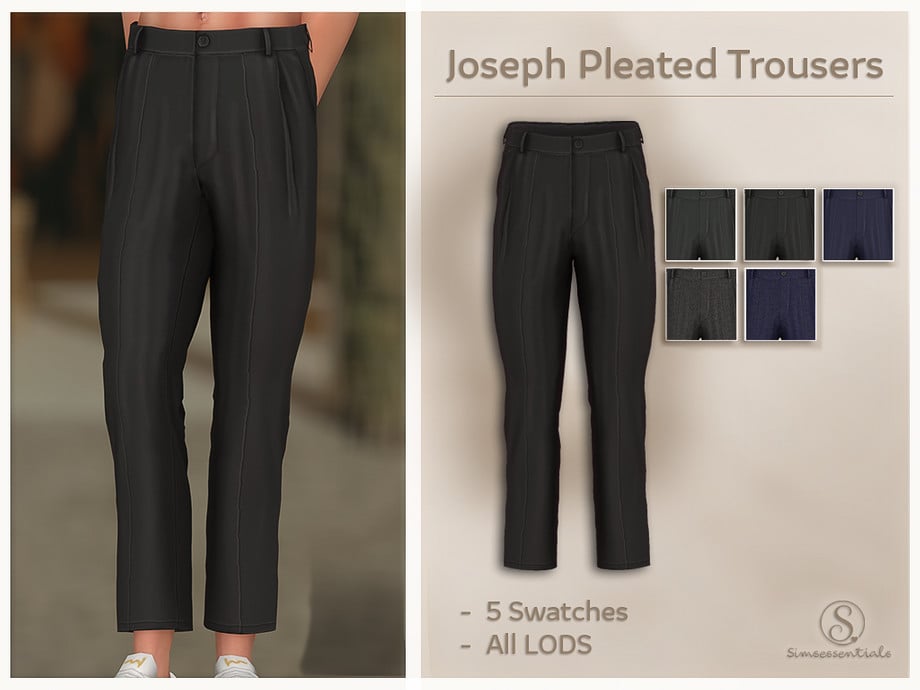
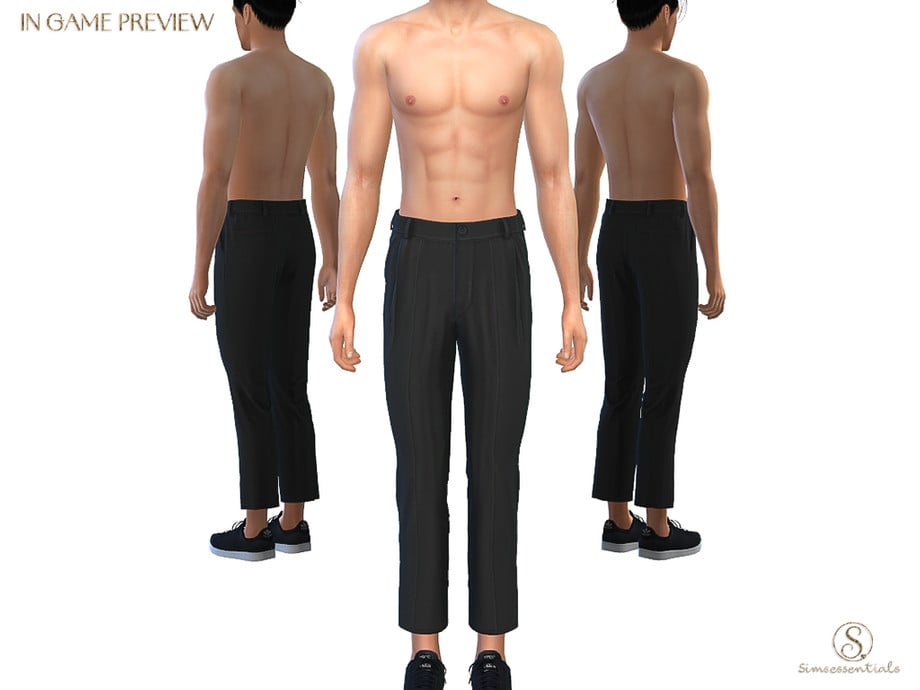
Sharp, simple, and timeless – Joseph Pleated Trousers by Simsessentials is a Formal, CC bottom that features simple cleats and a tailored waistline – available in 5 swatches.
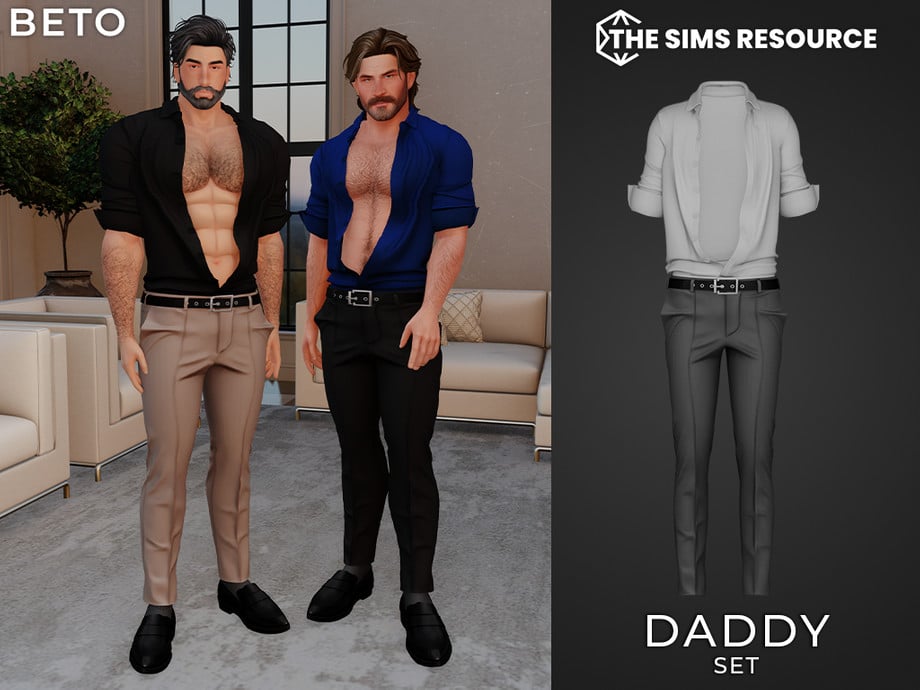
Need a tighter, more modern CC bottom for your Formal wear? Daddy Pants by Beto_ae0 are a pair of pleated, skinny-legged pants for your masculine-frame Sims, and it is also available as an entire outfit set. If you love these, make sure you check out the matching shirt, found on the download page as well.
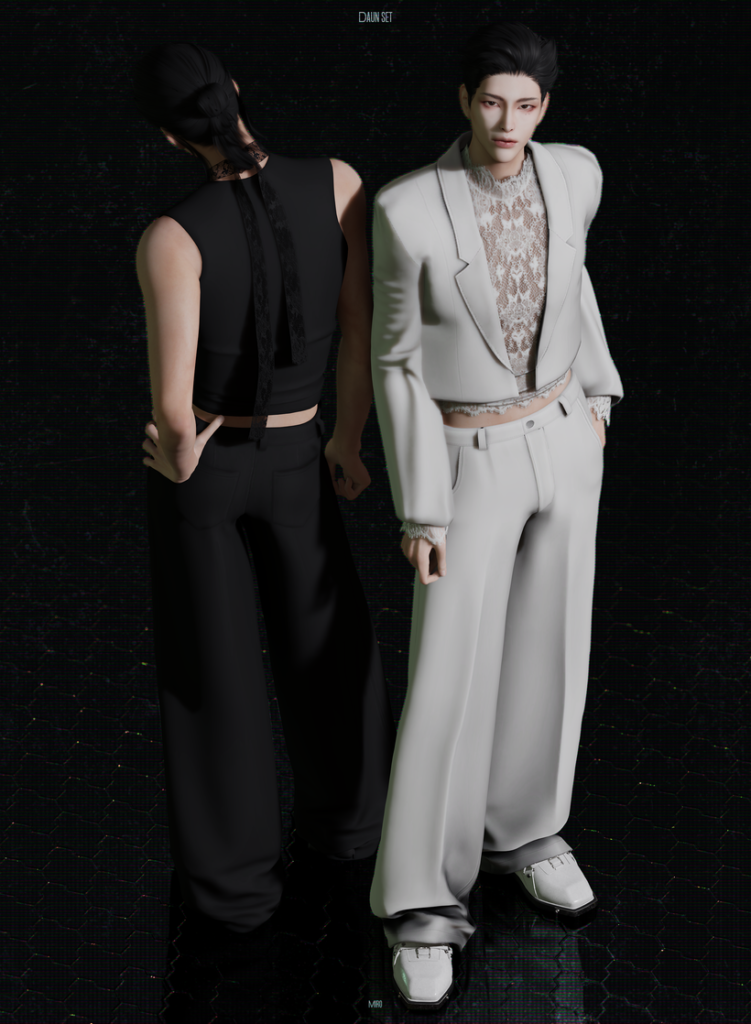
Daun Set by MIRO offers head-to-toe sophistication with its loose, pleated pants, sheer, lace undershirt, and matching suit jacket to bring it all together. Wear with or without the jacket for a more elegant or casual look. The 2 tops included are available in 28 swatches each, while the bottom is available in 18 swatches.
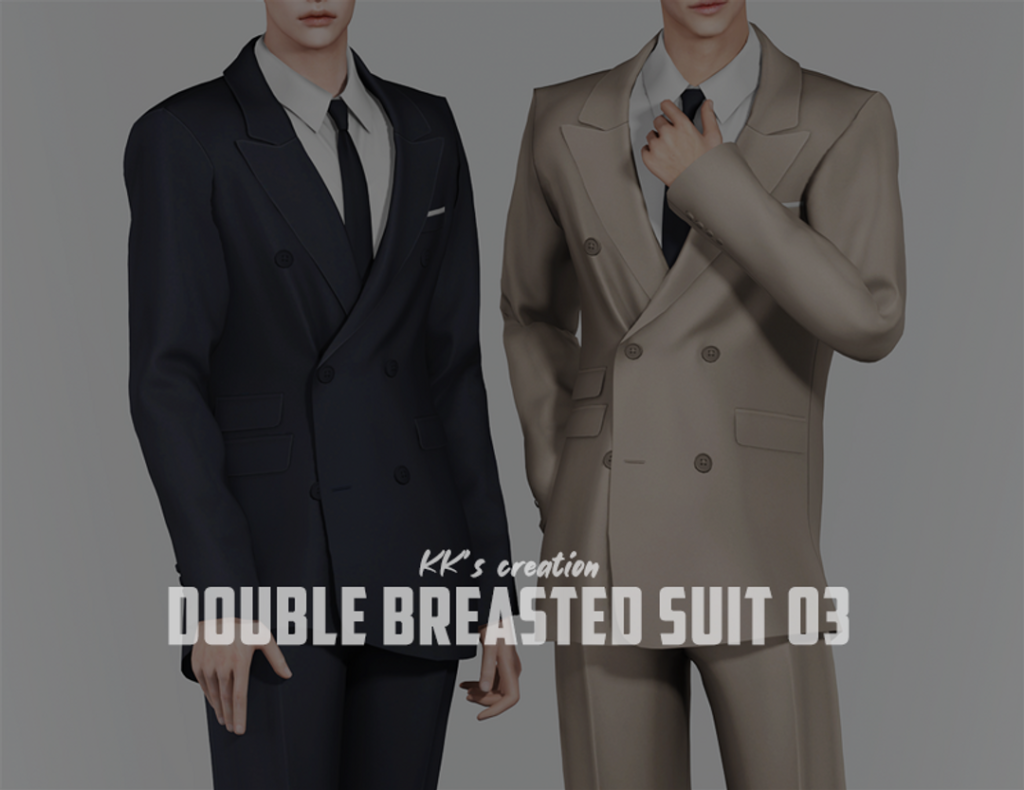
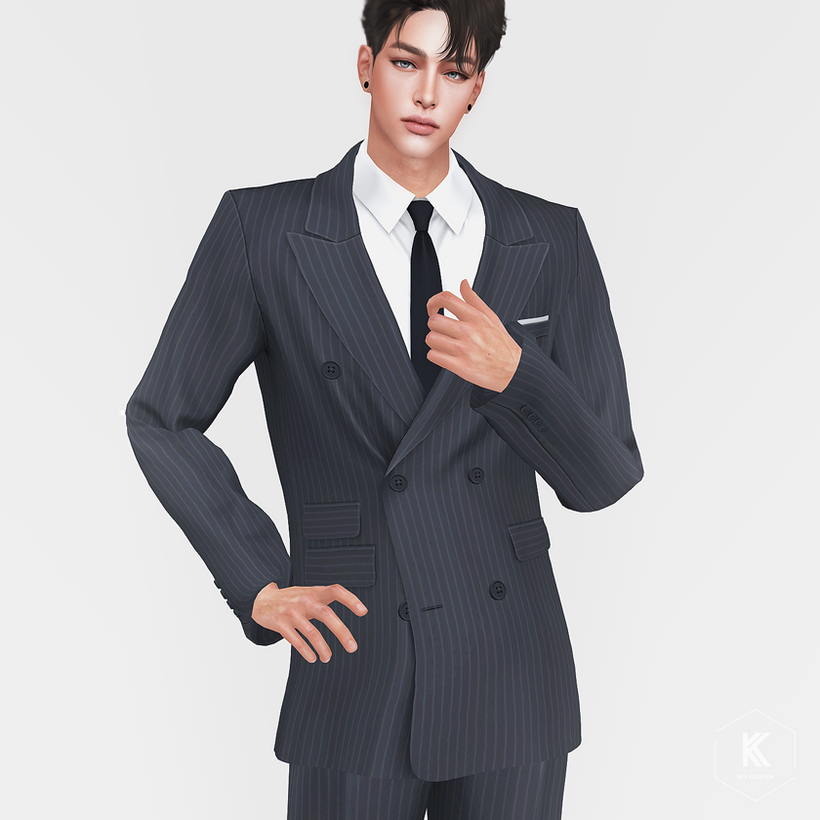
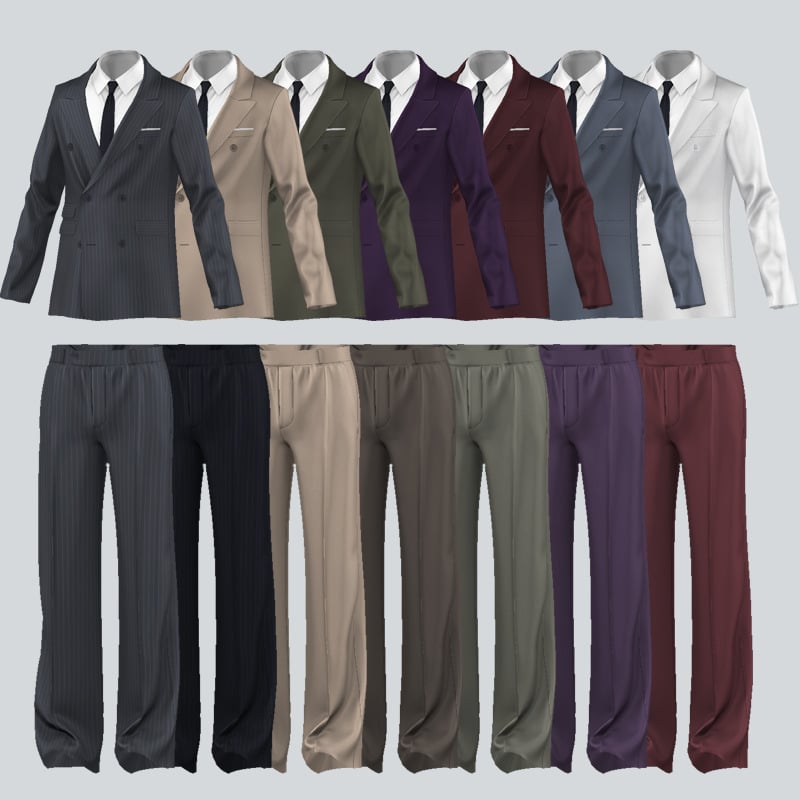
Suits are the ultimate classy, formal look, and thanks to KK’s creation, you can bring a bit more of that to your game with their Double-Breasted Suit 03. Included is a sleek suit top, with a white undershirt, tie, and matching suit bottoms – available in 25 swatches each.
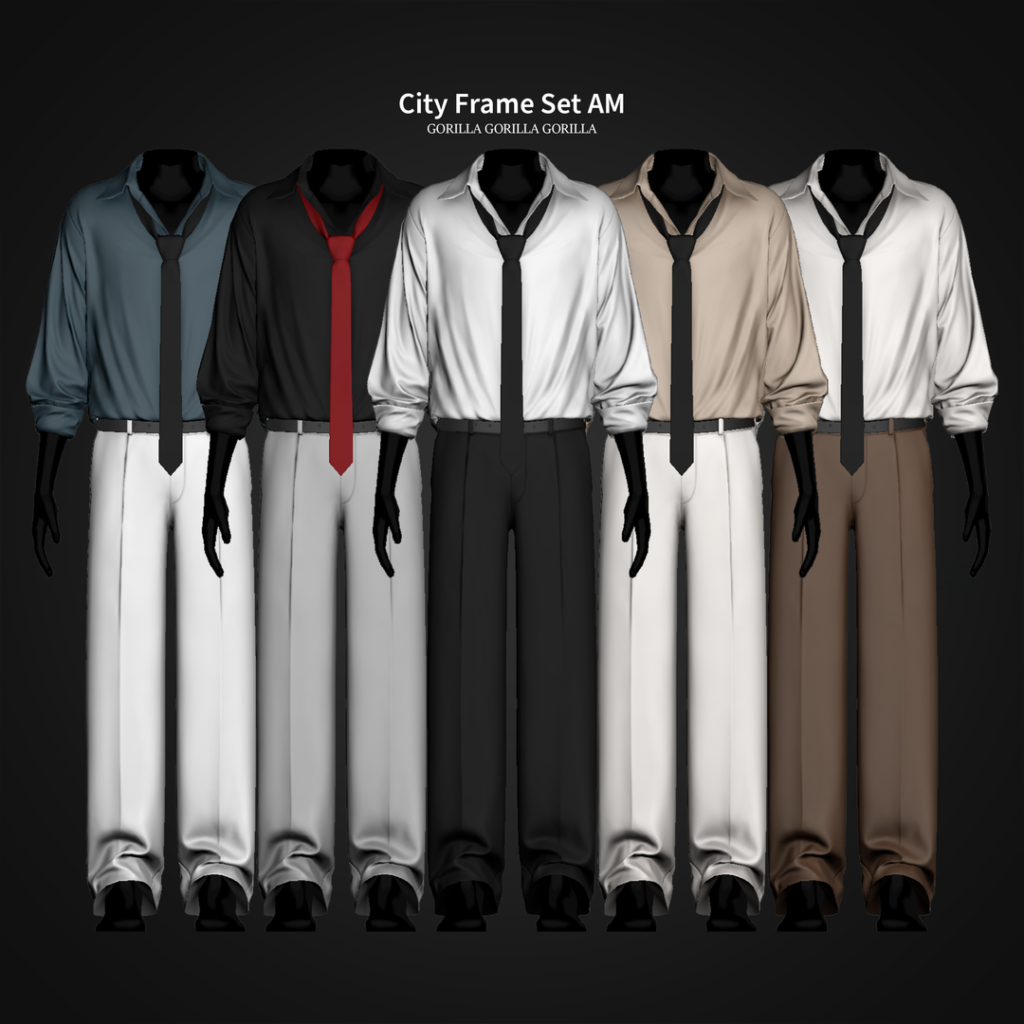
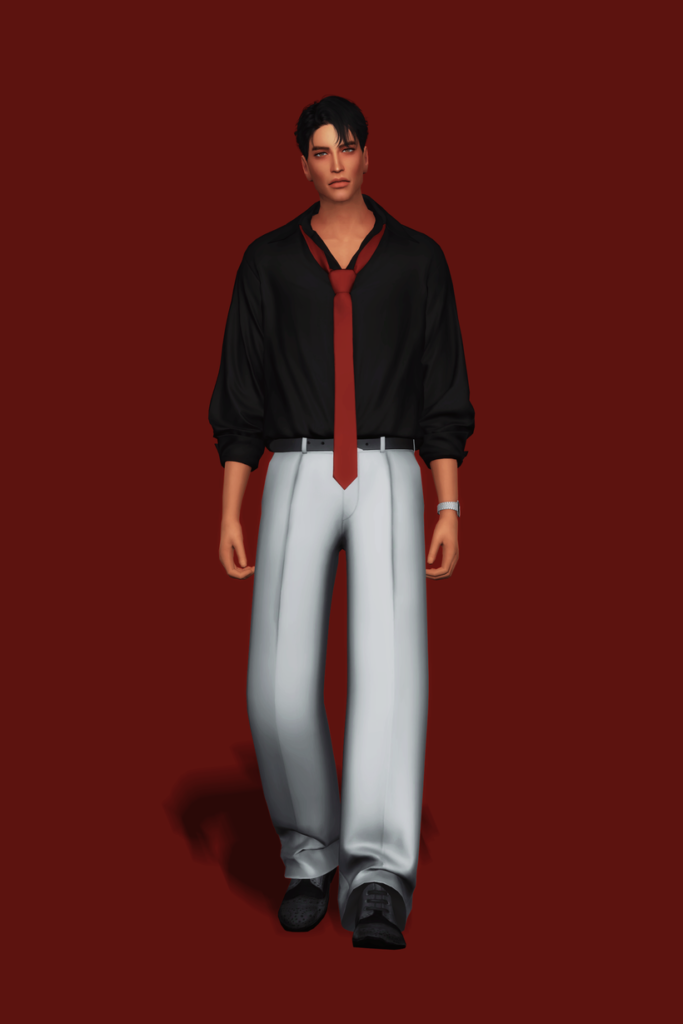
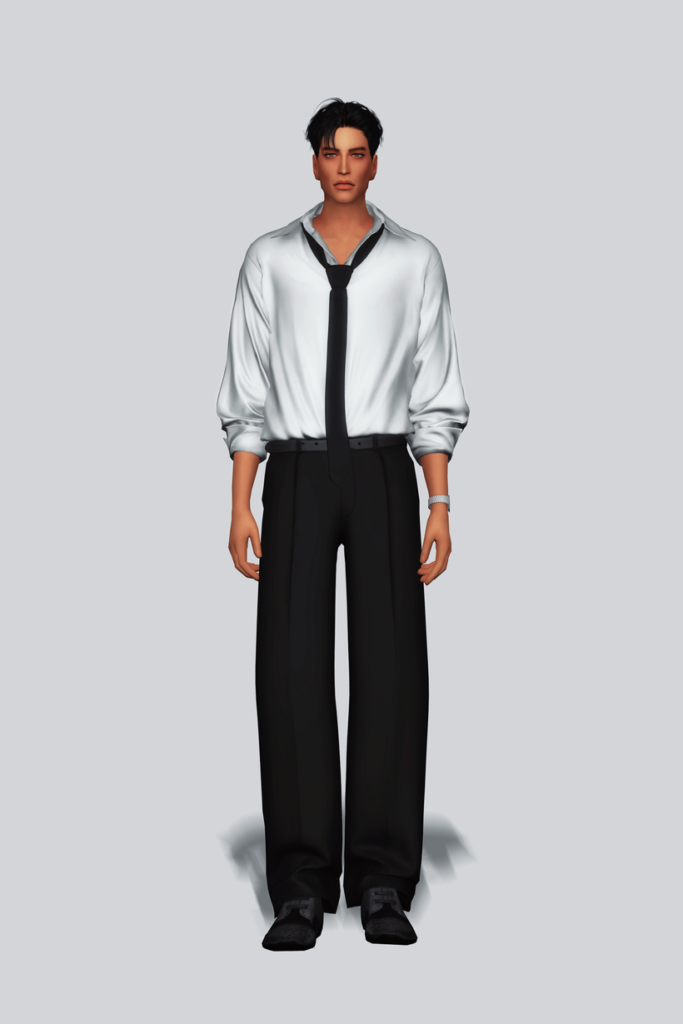
Polished but without overdoing it, City Frame Set AM by Gorilla Gorilla Gorilla is a relaxed, Formal, CC outfit for your masculine-frame Sims that features a plain, loose, long-sleeved undershirt that is slightly undone at the top, a loose tie, and a pair of suit bottoms – available in 20 swatches.
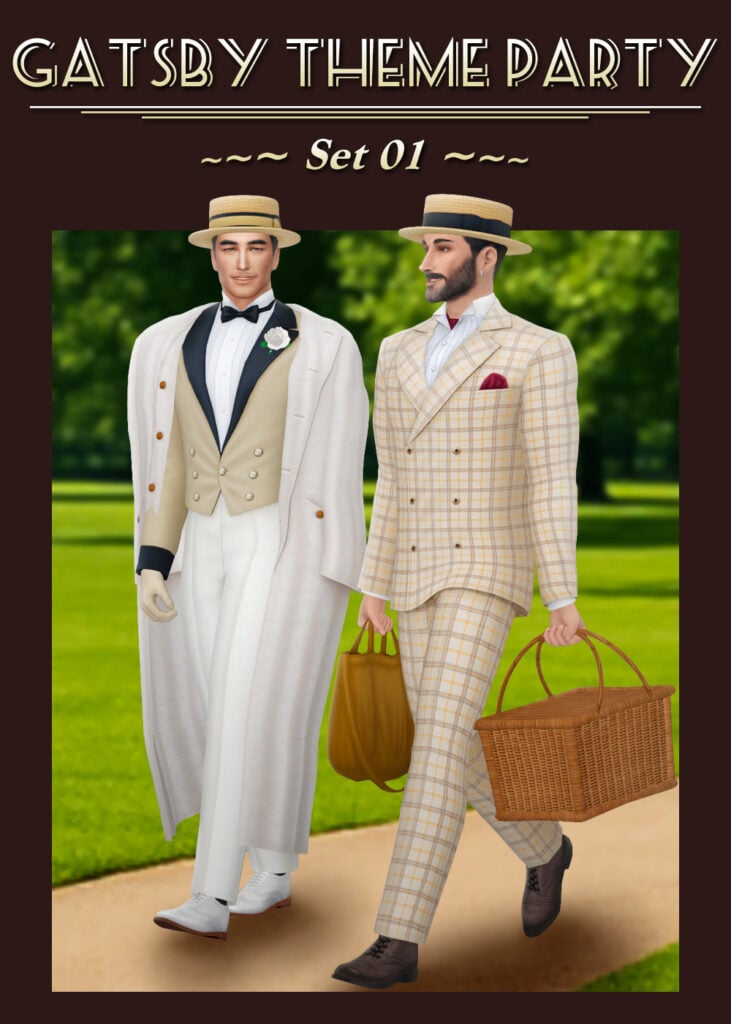
A perfect blend of vintage luxury and timeless sophistication, this Gatsby-inspired formal set by HappyLifeSims brings serious roaring twenties energy to CAS. From the sharp tailoring to the elegant details, everything about this look feels rich, refined, and effortlessly classy with its 3 stunning outfits and accessories! Whether your Sim is attending a lavish mansion ball or a glamorous garden party, this CC outfit set delivers pure old-money elegance with a touch of vintage charm – a must-have download for your Formal Wear CC folder.
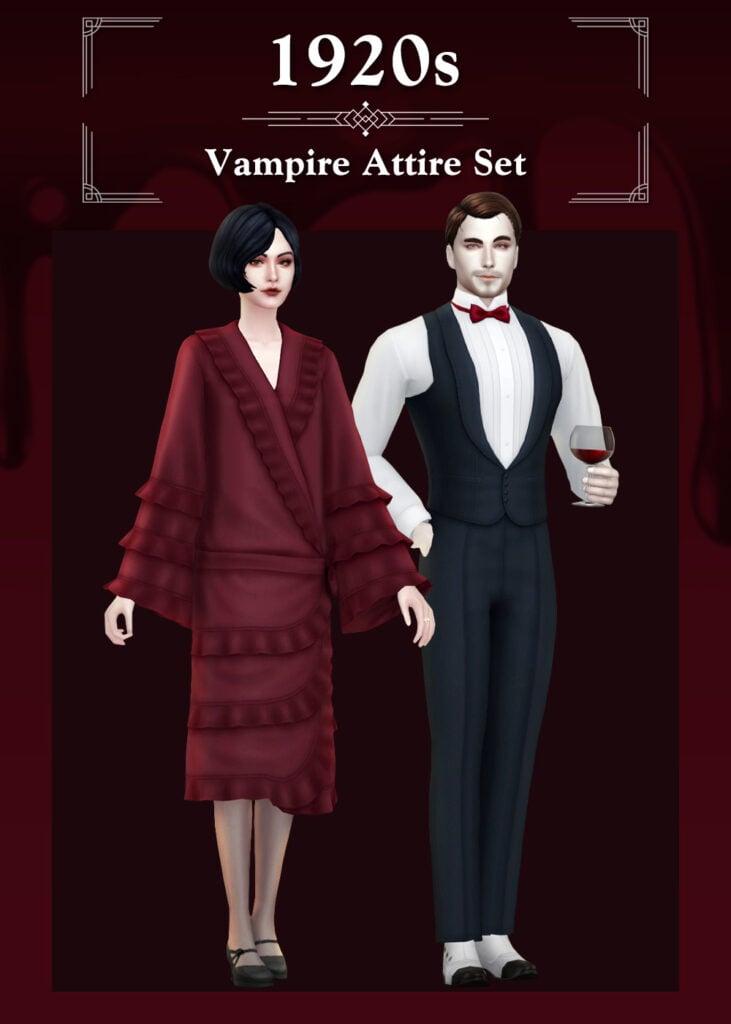
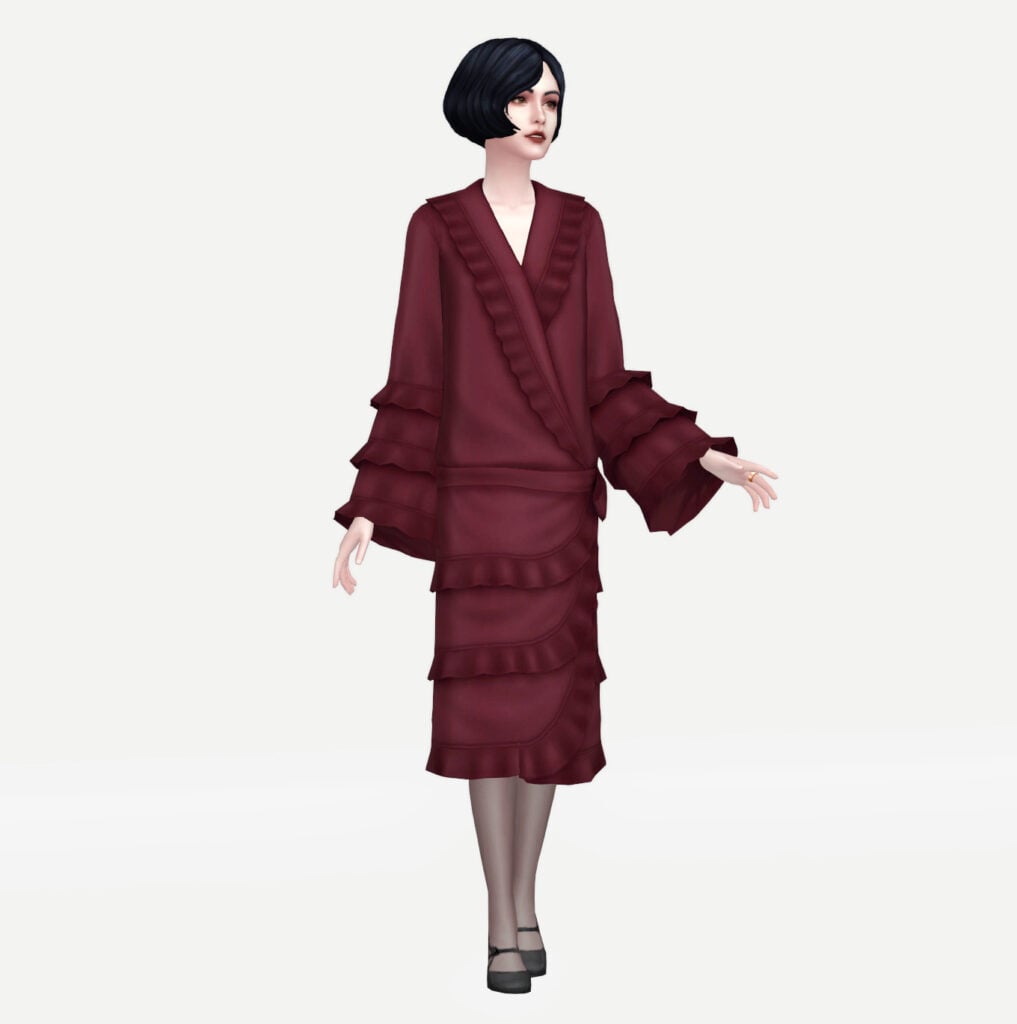
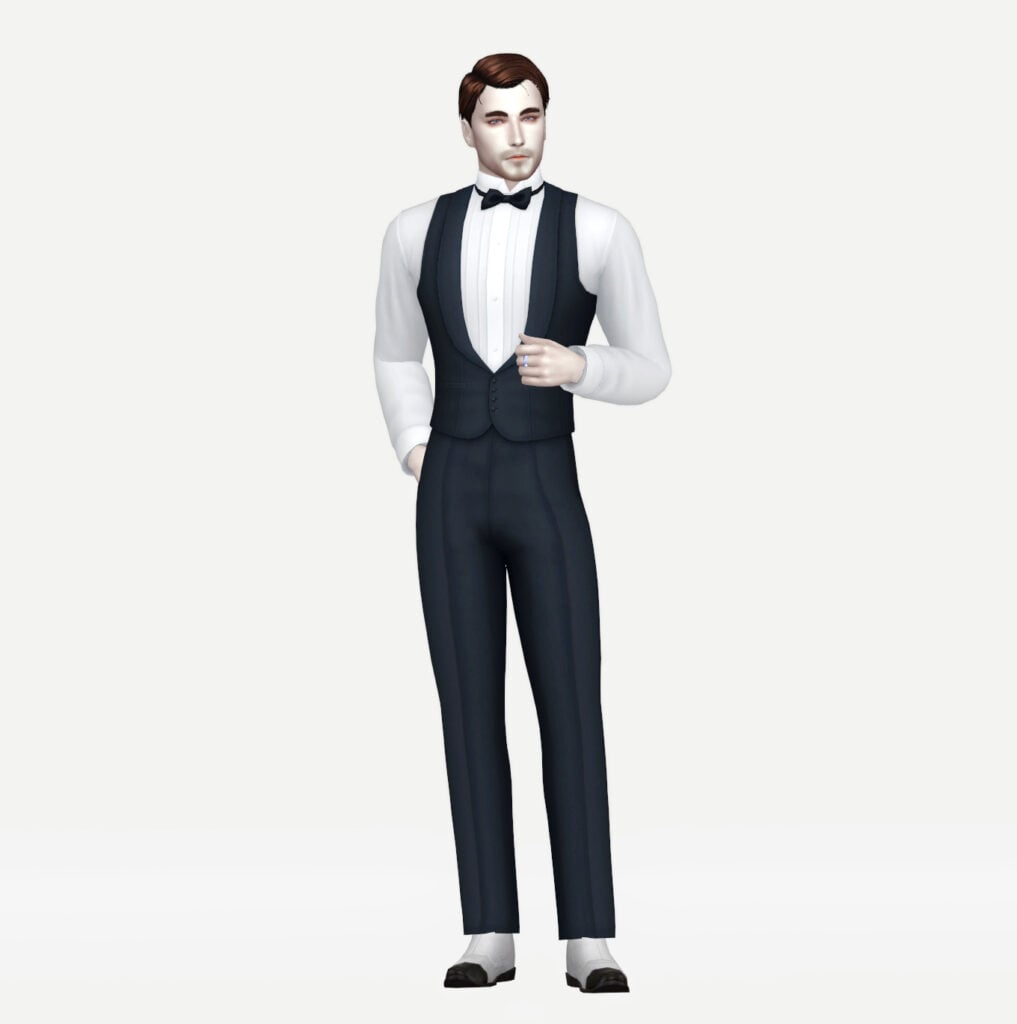
Dark, elegant, and effortlessly dramatic, this vampire-inspired formal outfit set by HappyLifeSims brings gothic luxury straight into your game! Included are 2 formal outfits for your Sims that have a vintage, classy charm and are available in over 8 swatches each.
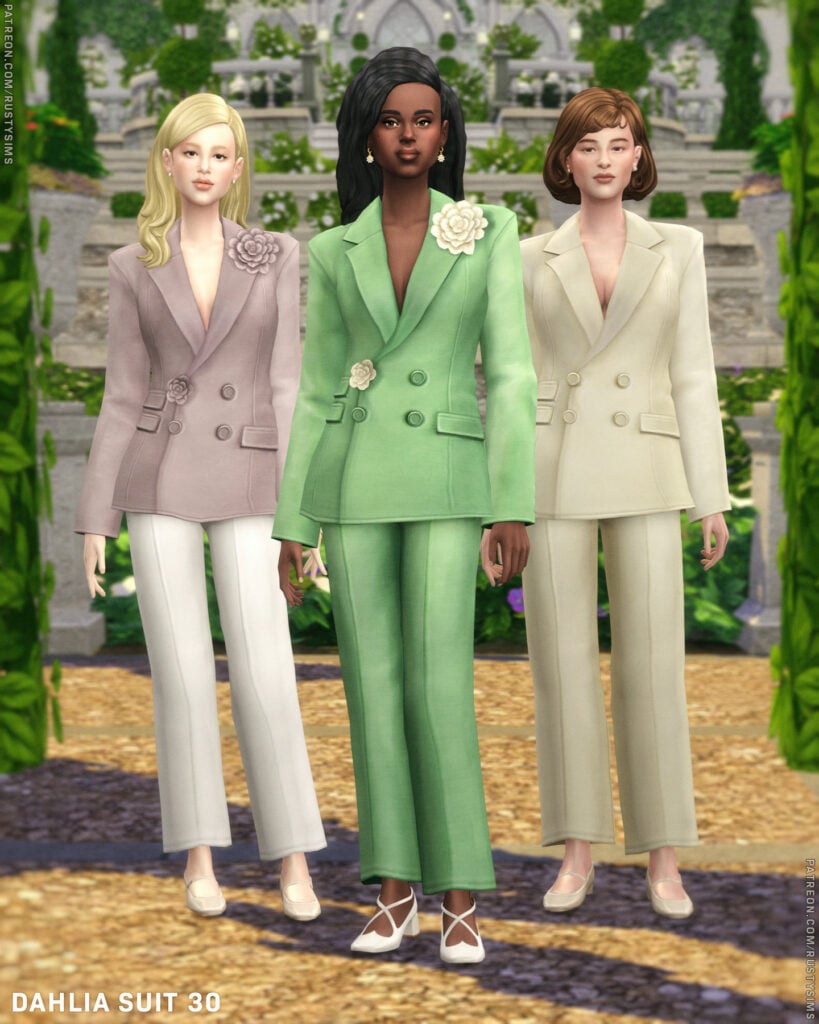
Rusty’s has all of your Sims’ formal wear/business attire needs with Tailored Collection II CC, CAS pack! Included are 5 different formal outfits, from entire suits to casual looks, to business skirts. This CC pack has it all and is available for both feminine and masculine-frame Sims!
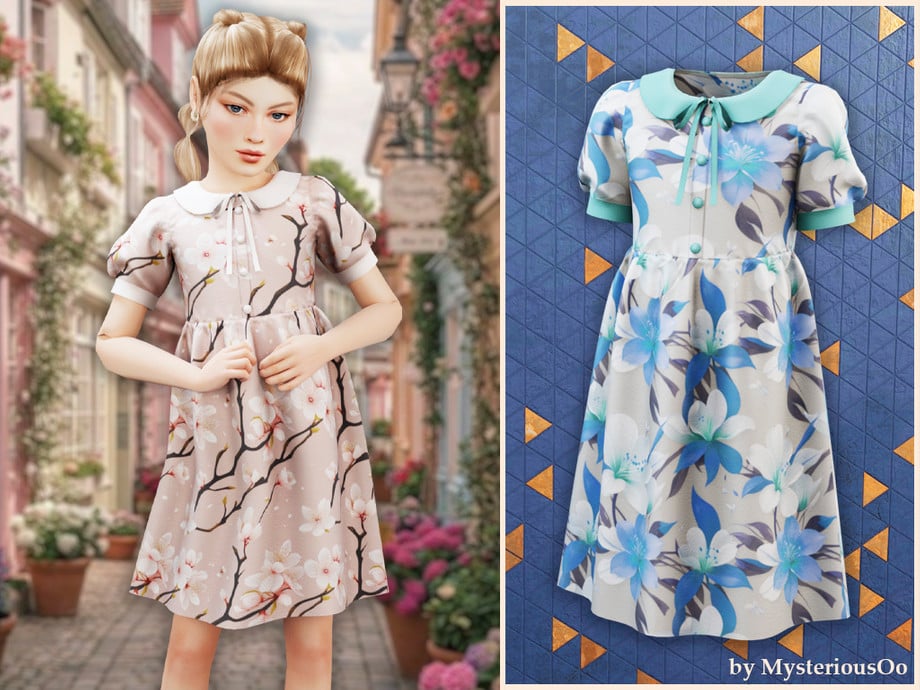
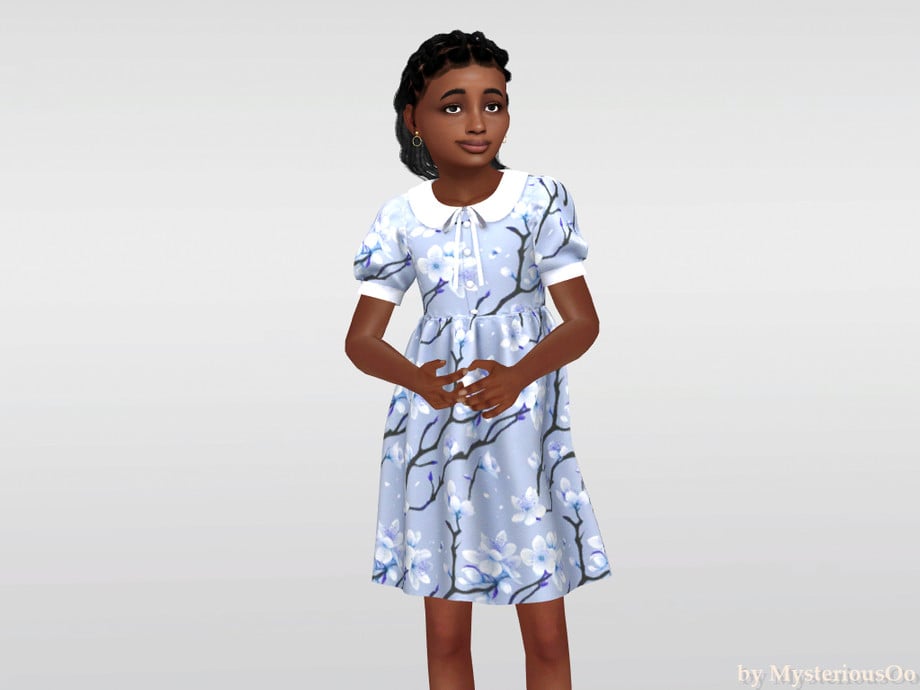
Your Sim will be adorably elegant in Floral Collar Dress by MysteriousOo. This CC for feminine-frame, child Sims features a mid-length, flowing cut with puffed sleeves, and a cute collar with a small ribbon. Perfect for tea parties or small formal get-togethers!
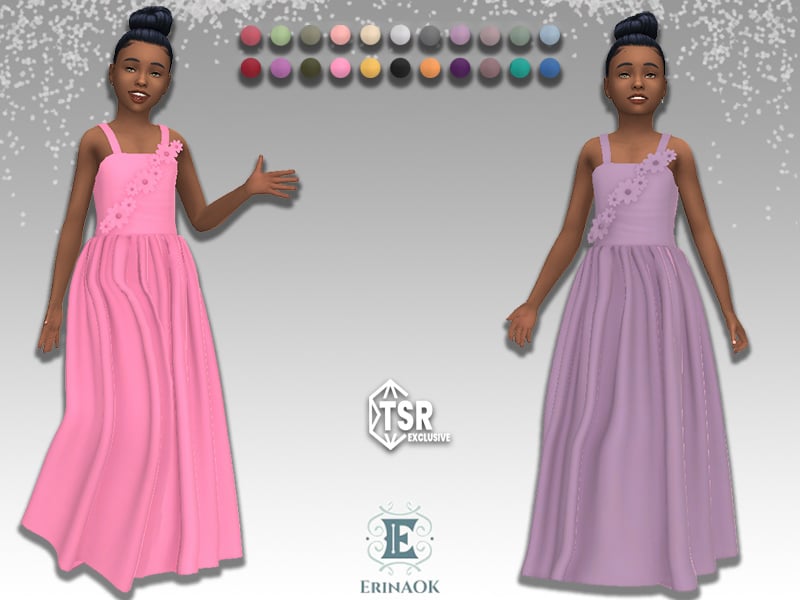
Formal wear made extra sweet! Girls’ Gown 062025 by ErinAOK is a long, flowing, CC, formal dress that features spaghetti straps, small fabric wrinkles, and flowers that stretch from one hip to a shoulder in a diagonal pattern – available in 22 cute swatches!
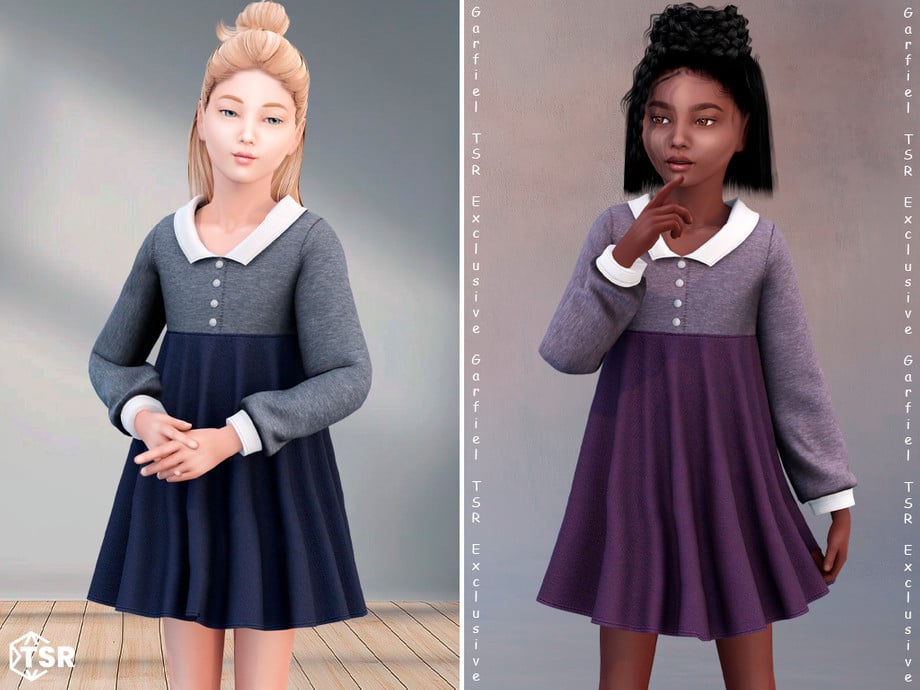
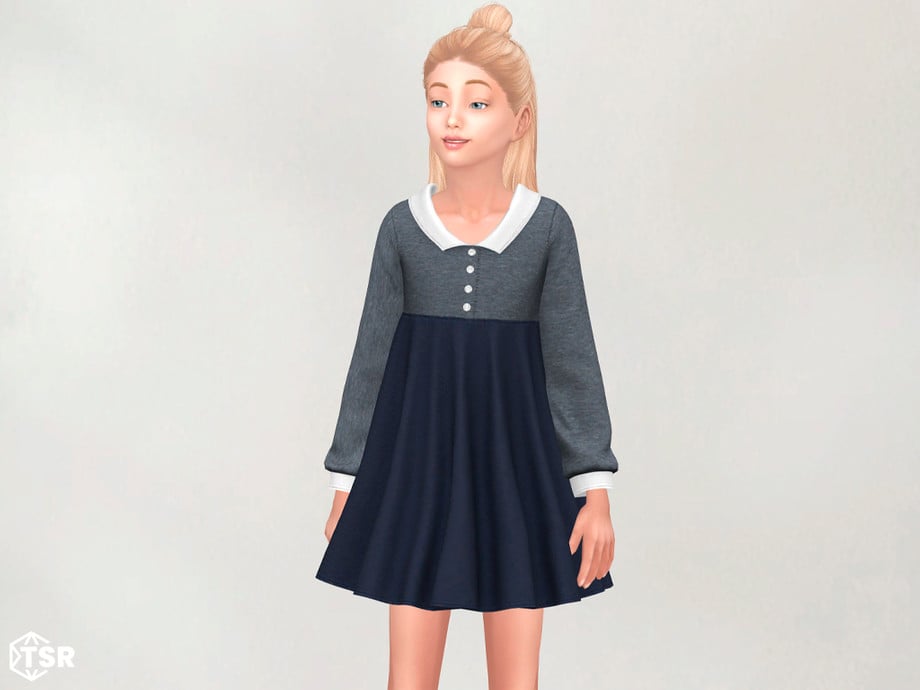
Edeline – Cozy Long Sleeve Dress With Collar by Garfiel
This CC dress by Garfiel is twirl-worthy cuteness with its shorter cut, fabric wrinkles, long sleeves, and simple collar that give off serious classy, vintage vibes. Available in multiple swatches, this dress is perfect for fancy dinners or to show off a little class in school!
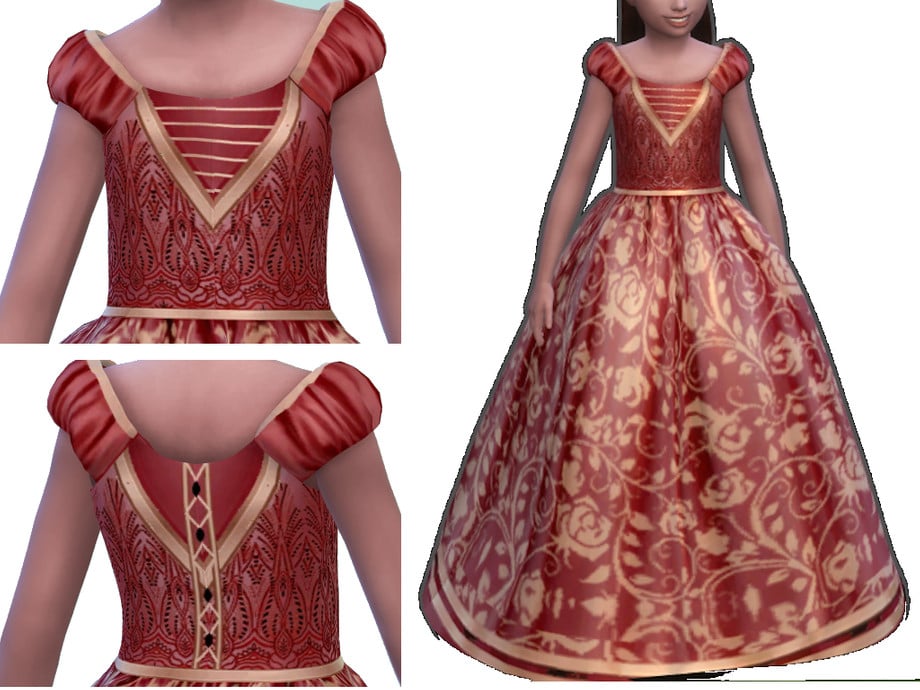
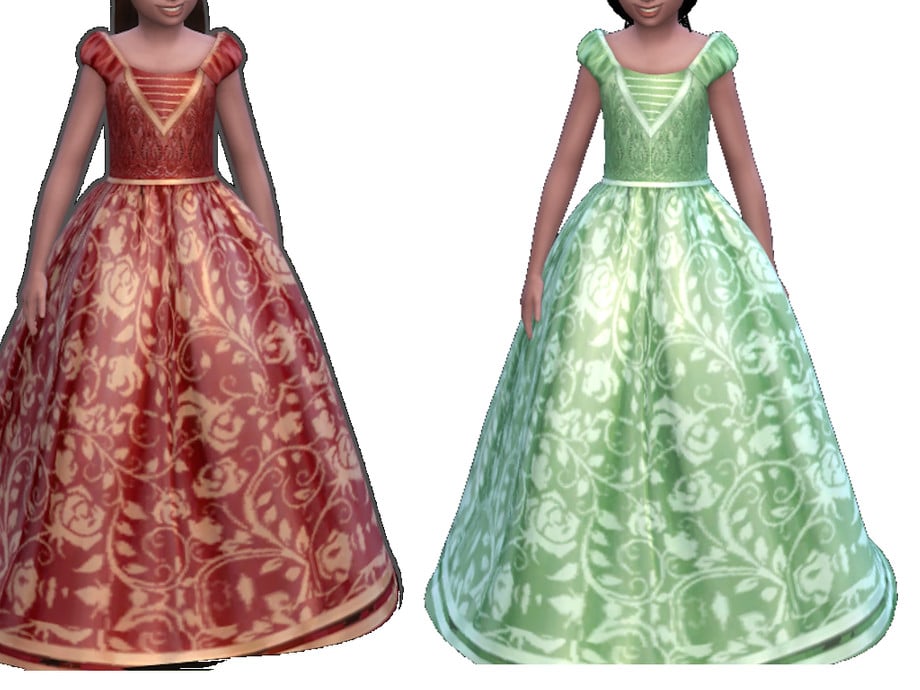
Made for magical moments, Regal Brocade Girl Ball Gown by ayshala is a recolored CC dress that features a long, puffy bottom, short, puffed sleeves, and comes with beautiful lace, beads, and ribbons! You will need to download the original CC dress named “Melody Dress” by Sifix for this to work. An absolute must-have for your Sims’ first gala or ball!
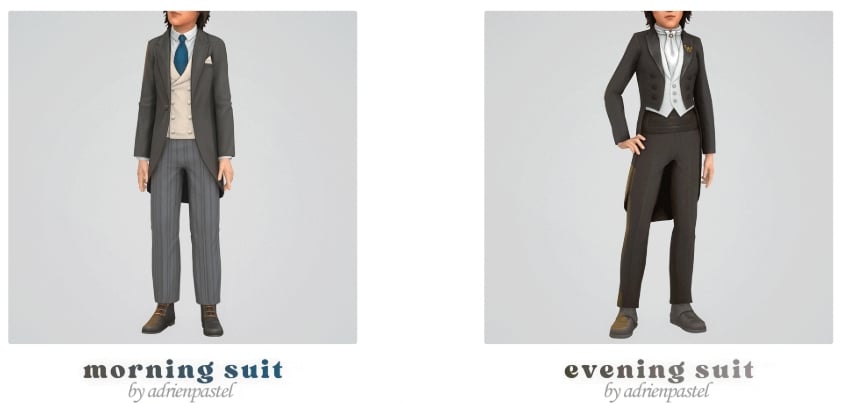
Formal wear for future gentlemen! Morning & Evening Suit by adrienpastel includes 2 formal, CC suits for your masculine-frame, child Sims. Morning Suit features a looser fit and a tailored jacket. While the Evening Suit features a tighter look with a flared suit top, these outfits are also boot compatible.
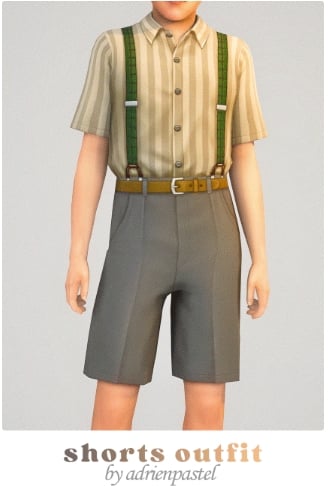
Classic formal wear done right! High Shorts Outfit by adrienpastel is a full formal, CC outfit that includes a pair of high-waisted, pleated shorts, a short-sleeved, buttoned-up, collared shirt, and suspenders to complete the vintage vibe – available for both feminine and masculine-framed, child Sims.
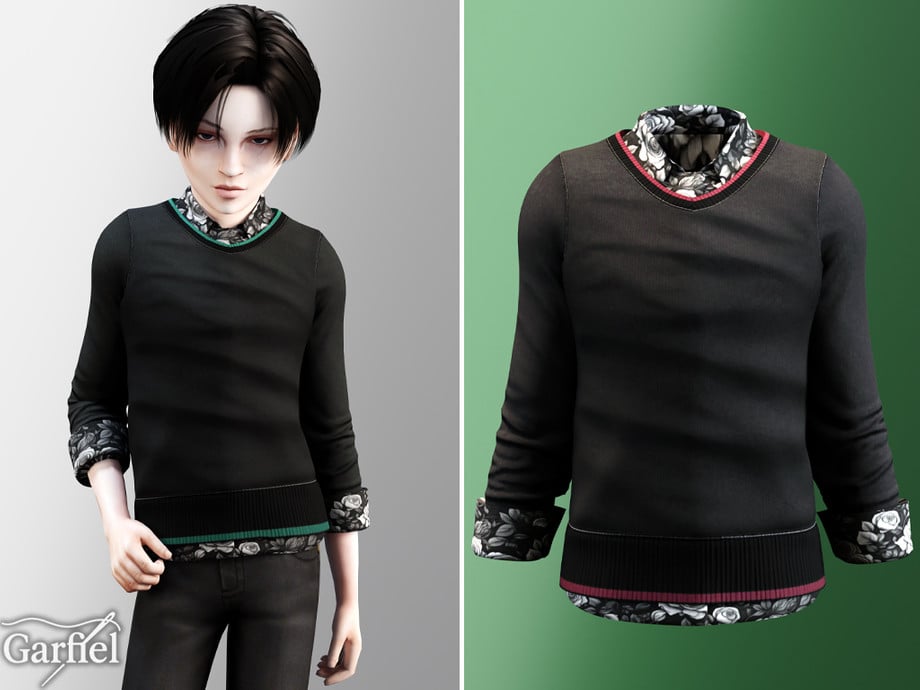
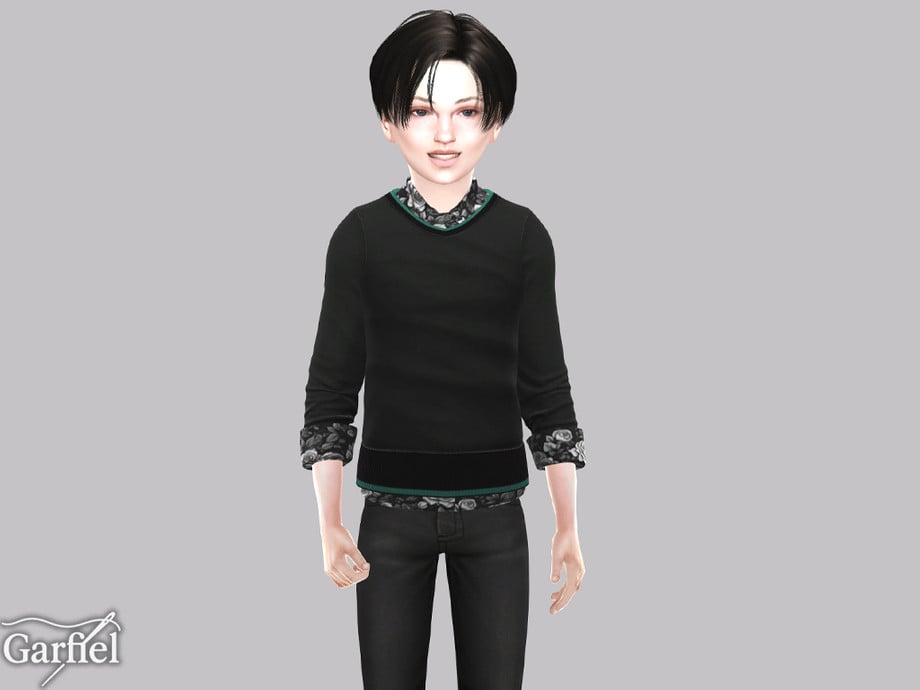
Casual Sweater With Floral Shirt Underneath Details by Garfiel
Your Sim will look sharp and adorable in this CC top by Garfiel! This quarter-sleeved top features a floral undershirt and a plain sweater with colored lines, layered over top to create the perfect party-ready formal wear!
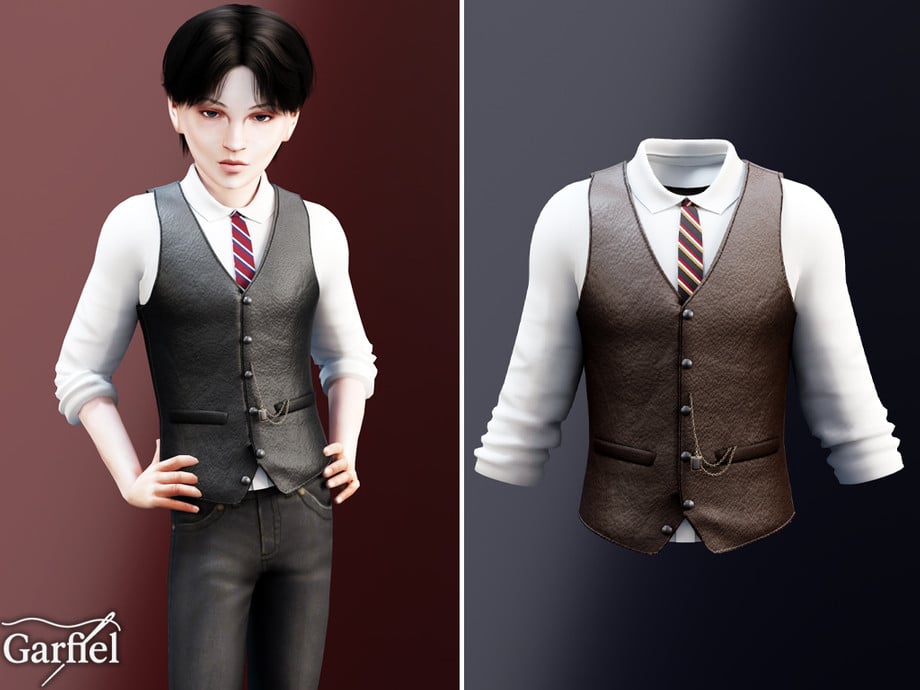
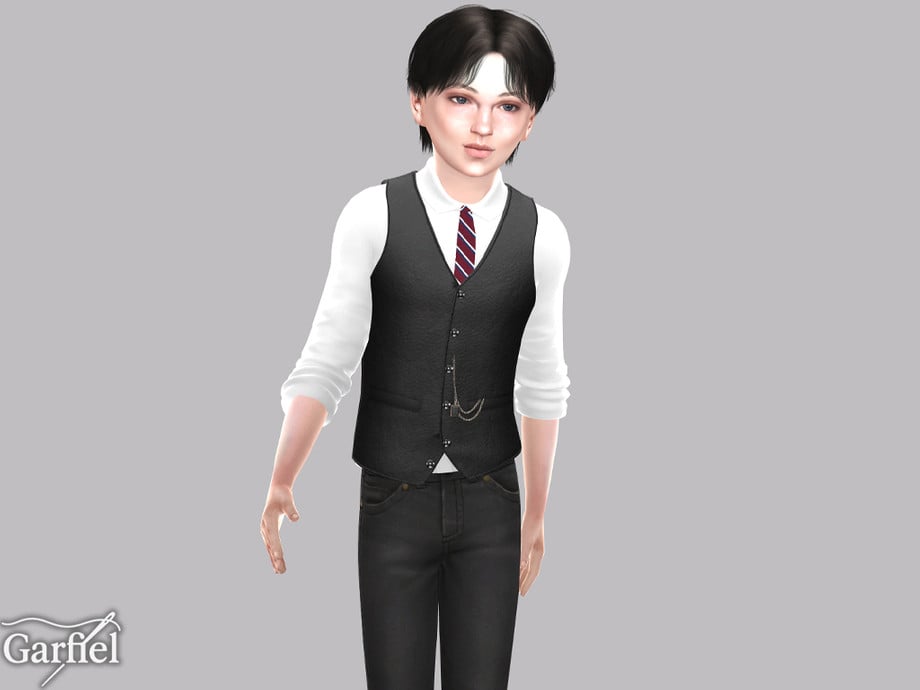
Leather Waistcoat Outfit With Tie & Chain Accent by Garfiel
This formal, CC top by Garfiel gives off serious little gentleman energy! This top features a plain undershirt, with its sleeves rolled up a quarter of the way, a leather waistcoat, and is adorned with a tie and a metal chain. The perfect formal, modern touch to any outfit!
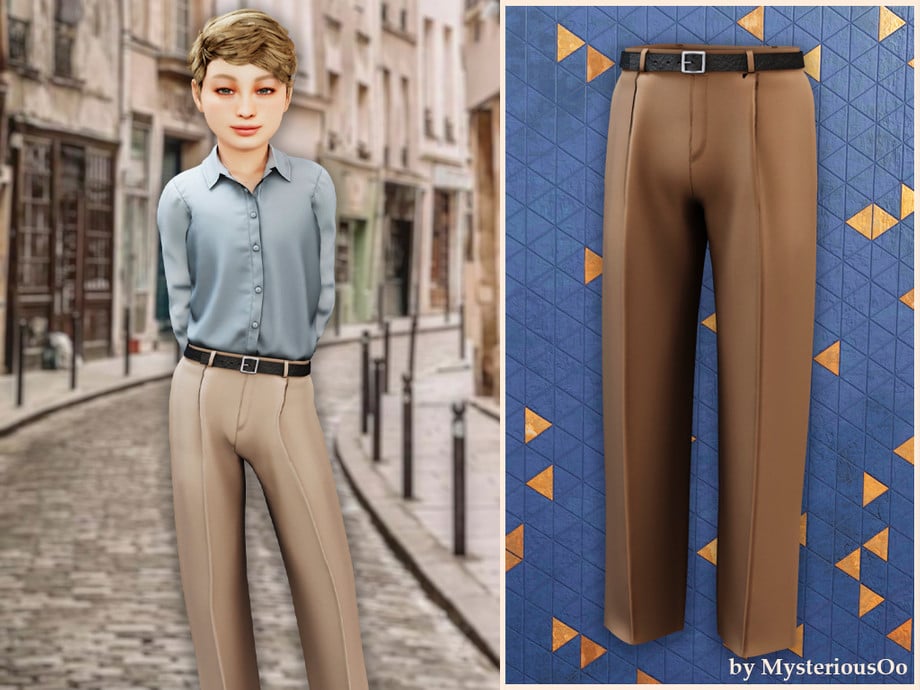
Tailored Straight Pants With Belt by MysteriousOo are the ideal finishing touch for any masculine-frame child Sim’s formal outfit! Its pleats provide a tailored look, and it also comes with a simple, leather belt to help elevate your Sims business-ready vibe.
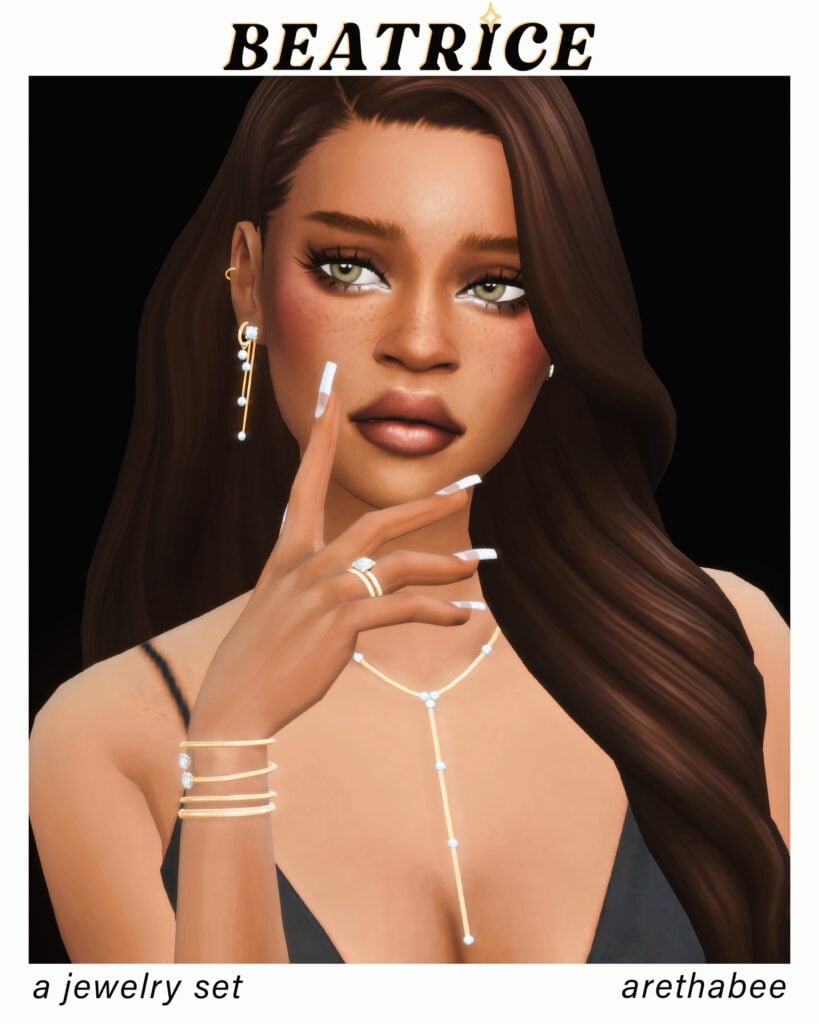
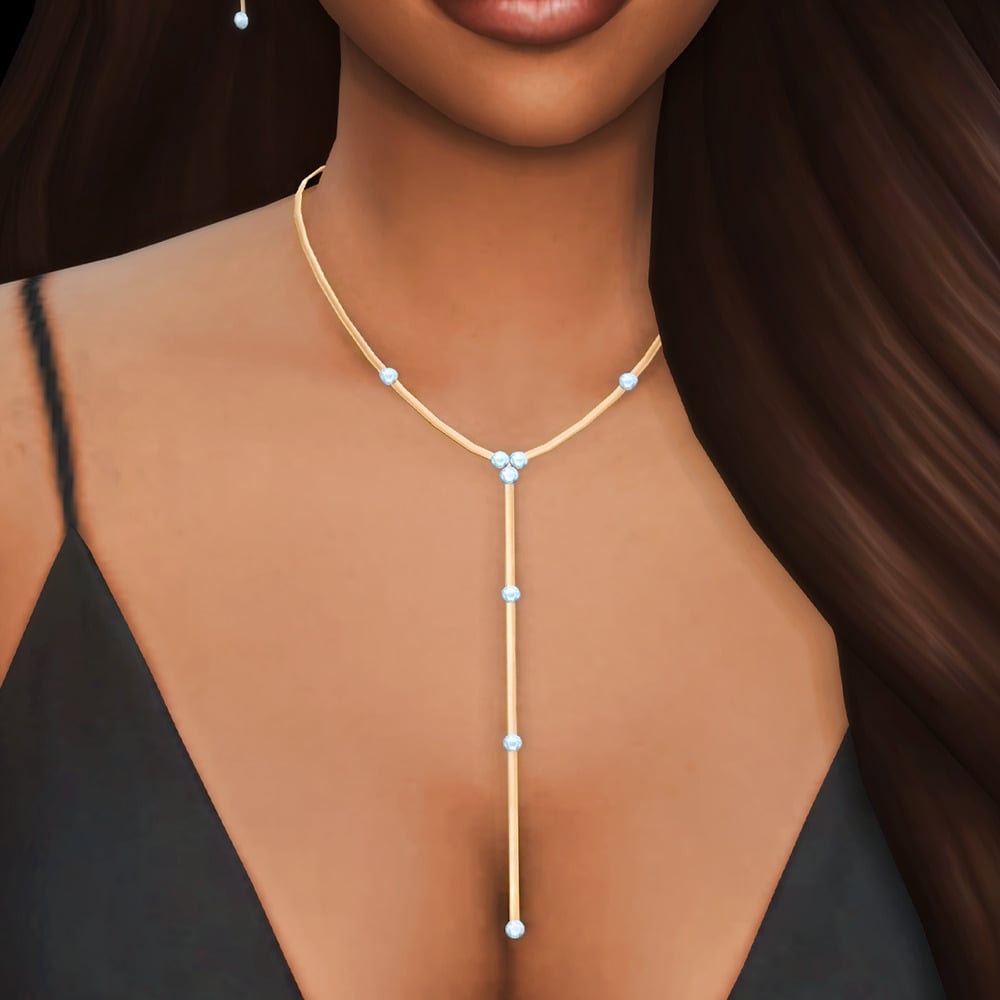
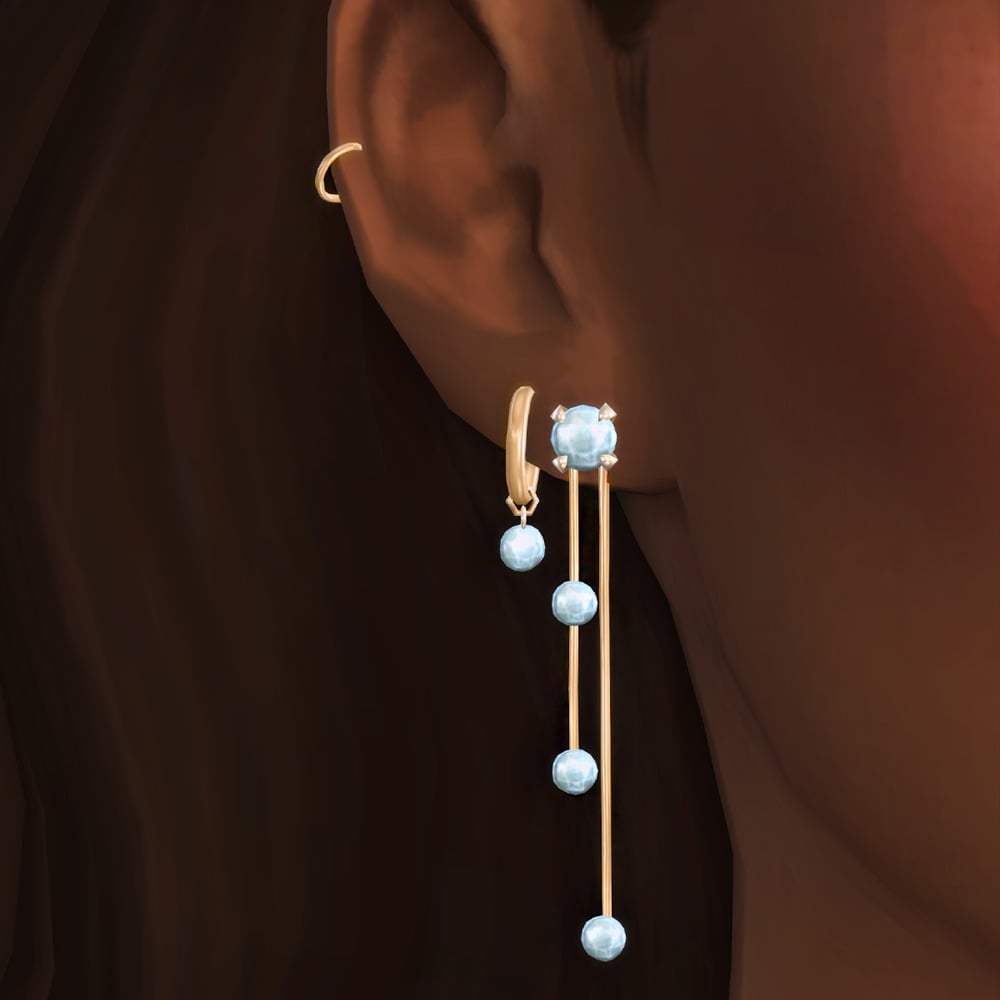
Delicate yet eye-catching, these formal accessories by arethabee add a polished and luxurious feel to any Sim. Beatrice Jewellery Set includes an elegant necklace, ring set, bracelet, and double earring set. These pieces are available in silver or gold, and the swatches come with different gem colors as well.
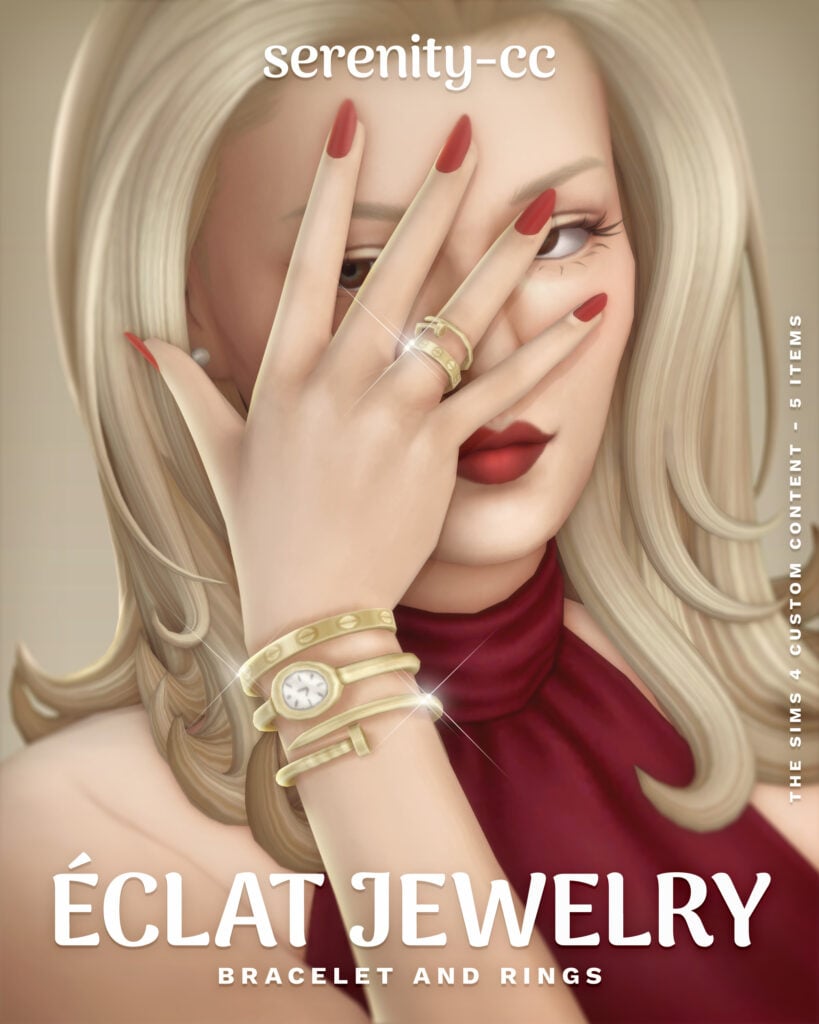
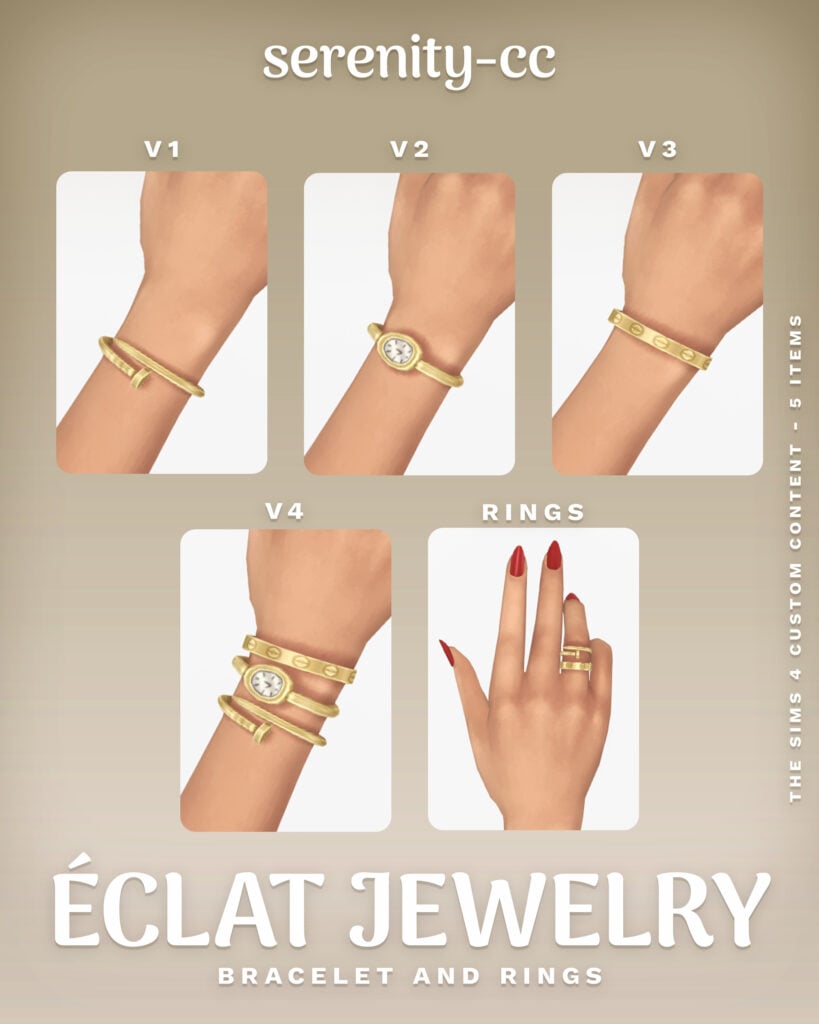
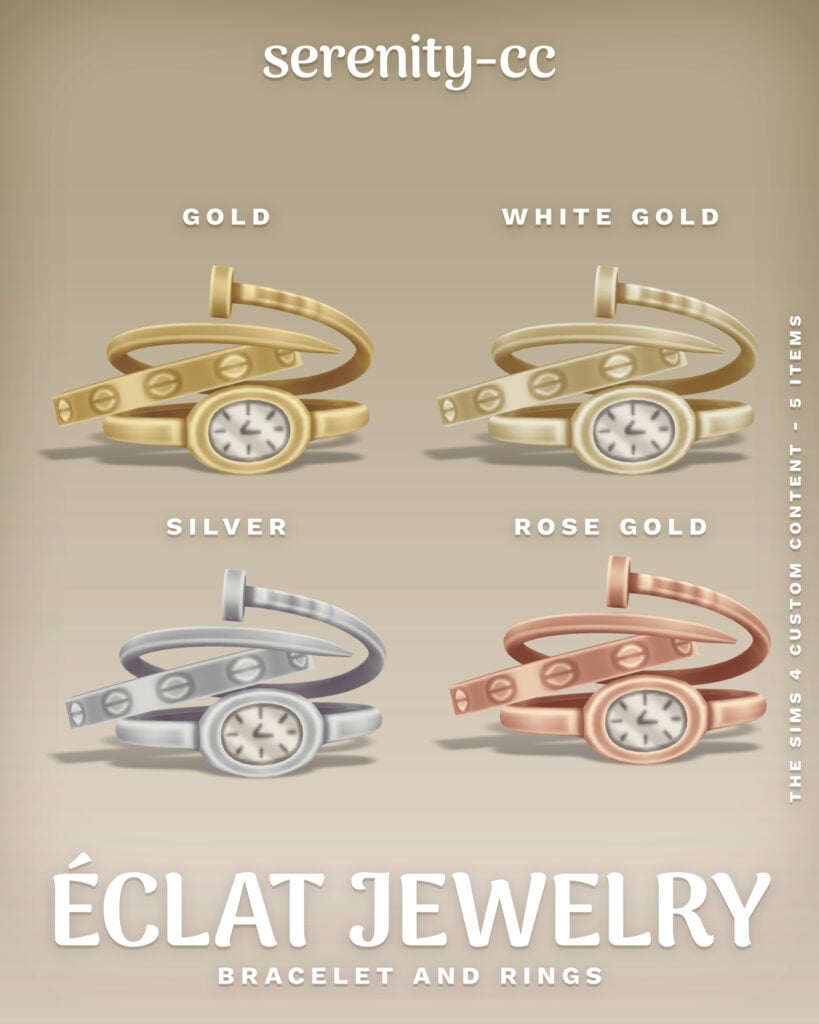
Eclat Jewlery Collection by Serenity-cc is the perfect watch-and-jewelry combo for a refined, classy finish. This set is available in 4 different swatches, as well as 4 different styles and a bonus accessory ring!
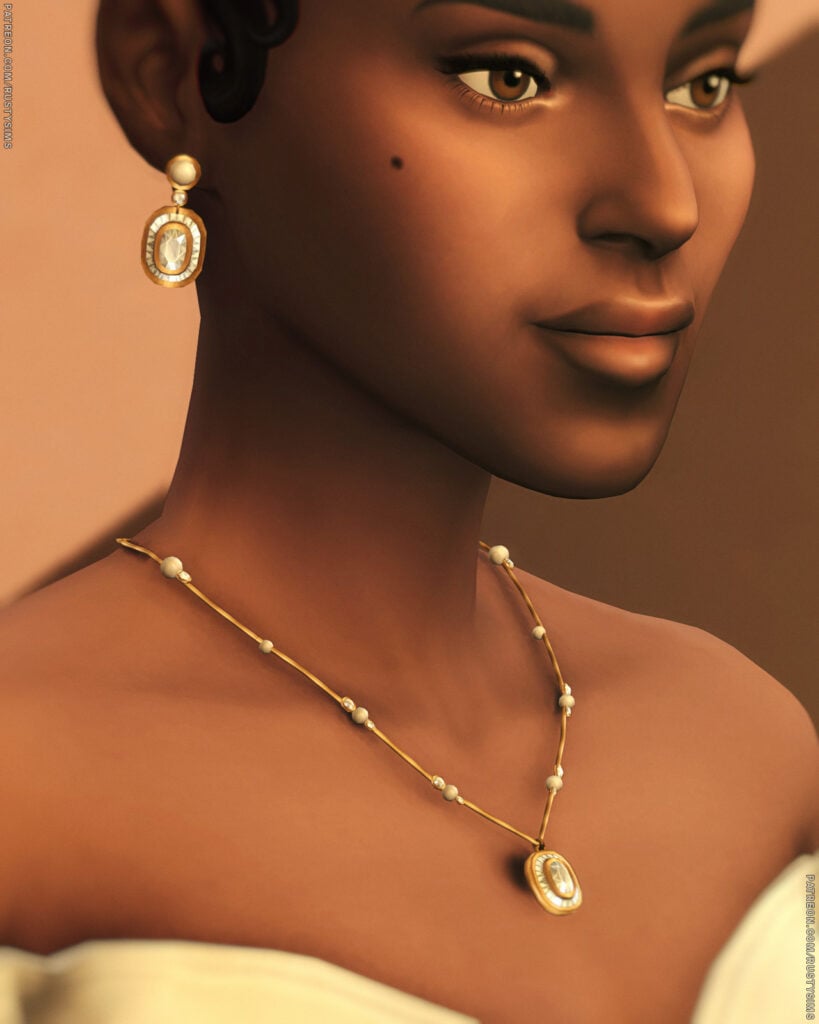
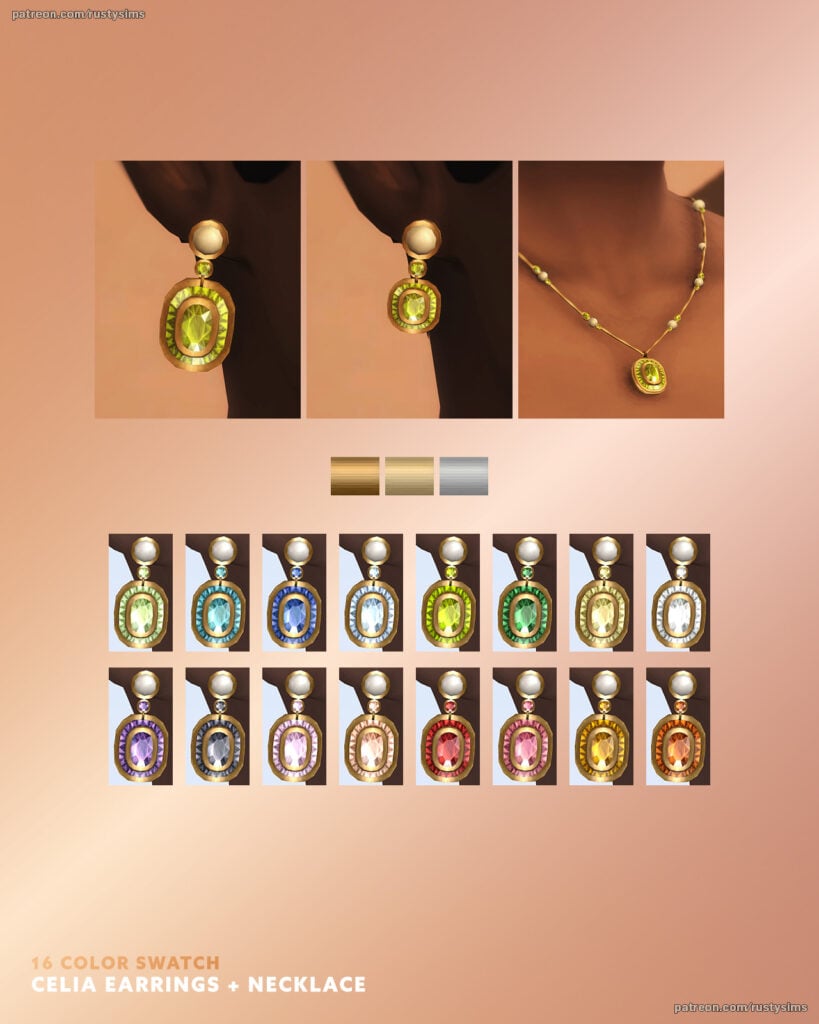
Chic and sophisticated, these accessories by Rusty’s are perfect for weddings, galas, and upscale events. CELIA Jewelry Set includes a sparkling necklace with a gem and a pair of matching earrings, available in 2 different versions. The gems are available in 16 swatches, and the jewelry set is available in gold, silver, and bronze.
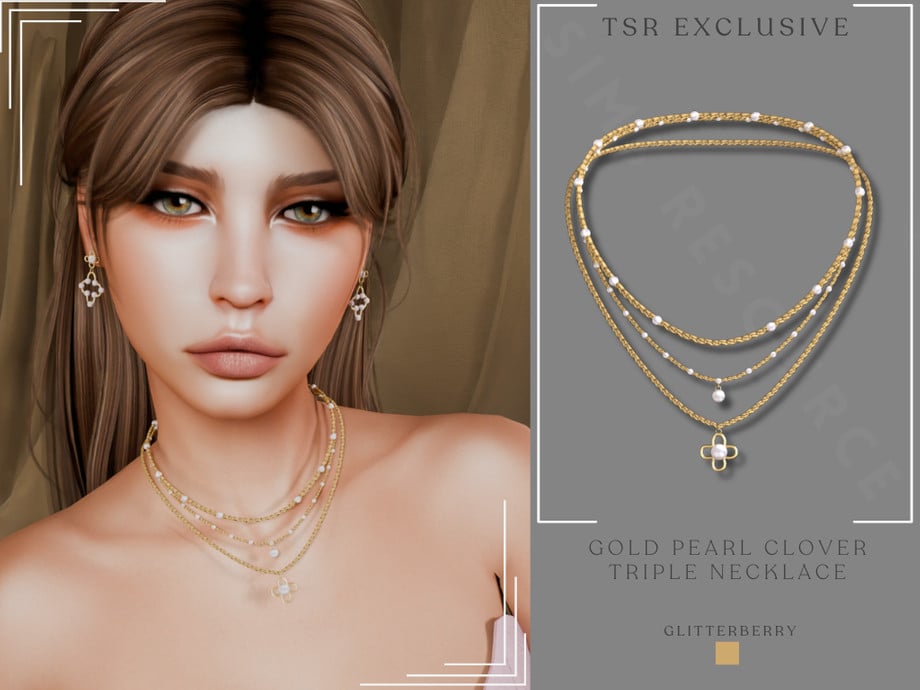
Gold Pearl Clover Triple Necklace by Glitterberryfly
Designed to elevate every formal outfit instantly, the Gold Pearl Clover Triple Necklace by Glitterberryfly is a triple-layered, gold necklace set with pearls and a clover pendant.
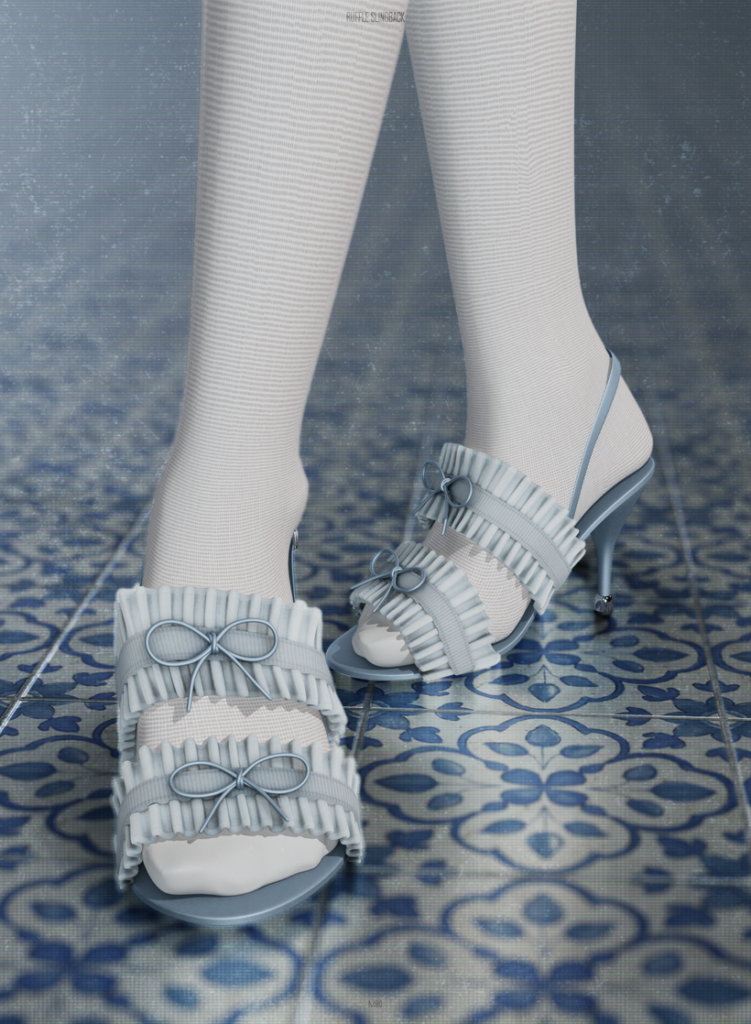
Step into elegance with these beautifully detailed formal shoes by MIRO. Ruffle Slingback is a small heel with a double ruffled top, and small bows to create a soft, elegant look – available in 20 cute swatches.
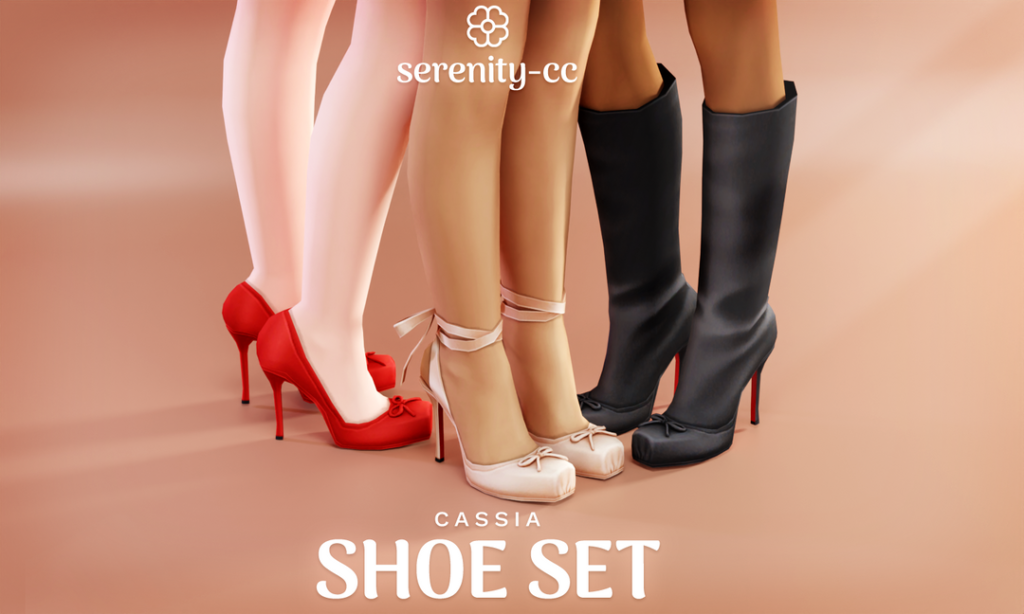
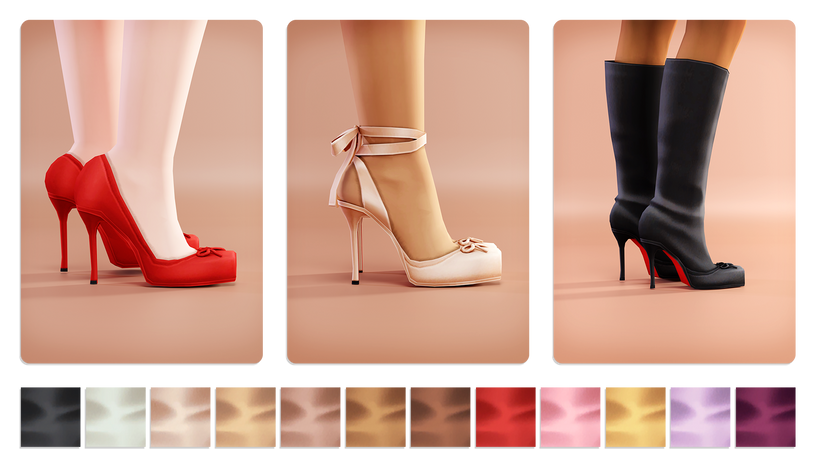
Cassia Shoe Set by Serenity-cc is designed to complete your Sim’s look with subtle, elegant flair with 3 different, CC shoes. You will find a mid-height, simple heel with a bow adorned on top, the same heel but with an elegant ankle strap, and a tall heeled boot version – available in 12 swatches each.
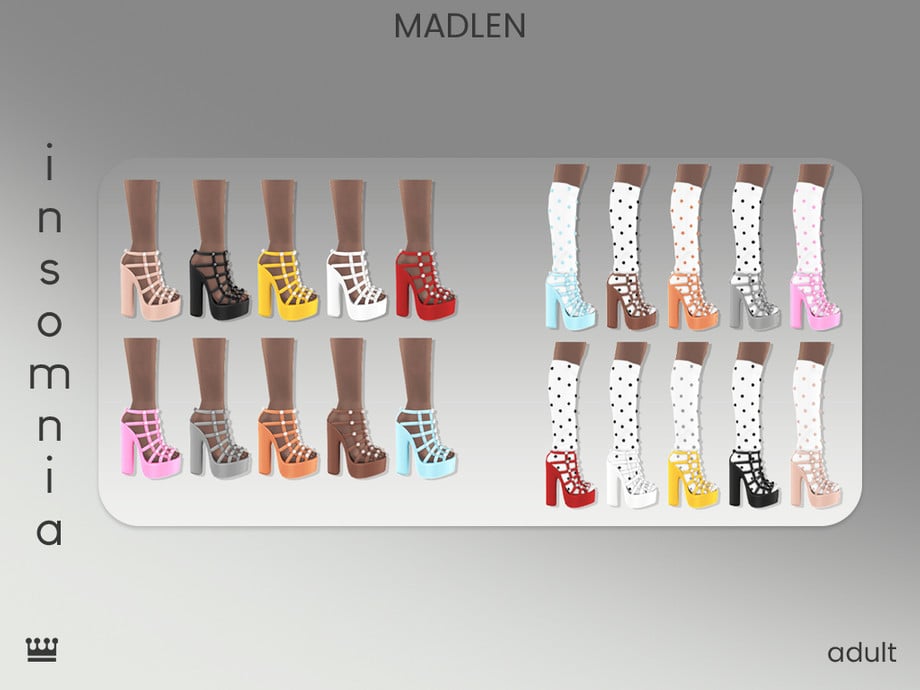
Insomnia Shoes by Madlen is a chic footwear choice that brings polish and sophistication to your Sim with its tall heel, caged look, and metal accents. Perfect for walking the red carpet in! Available in 10 swatches, and there is a second version that includes socks, which is mentioned on the download page as well.
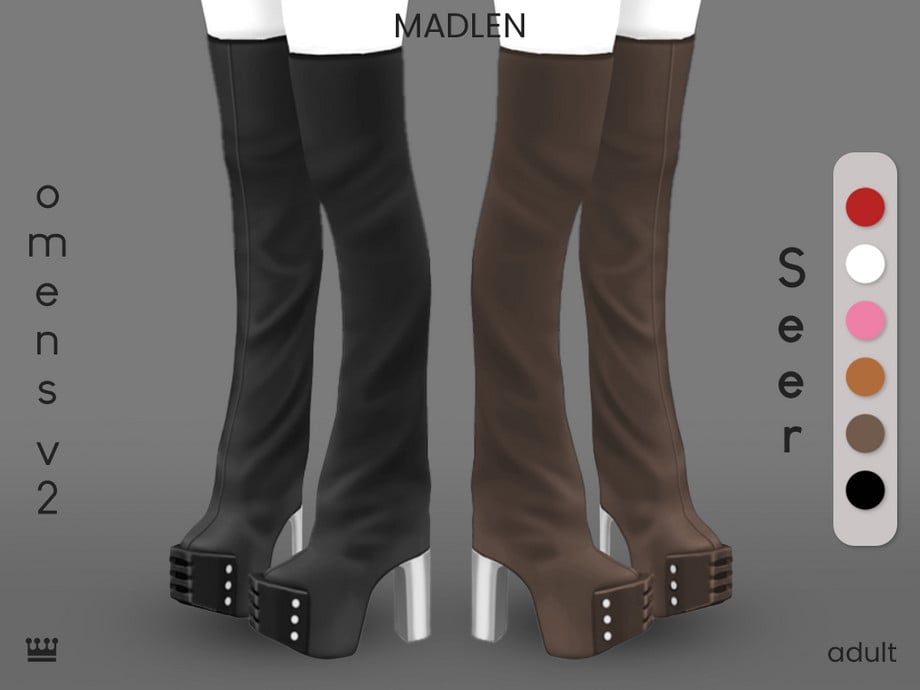
Boots are a must for any Formal CC closet; they add sophistication, modernism, and elegance. Omens V2 Seer by Madlen is an over-the-knee, chunky, platform style boot with a leather look.
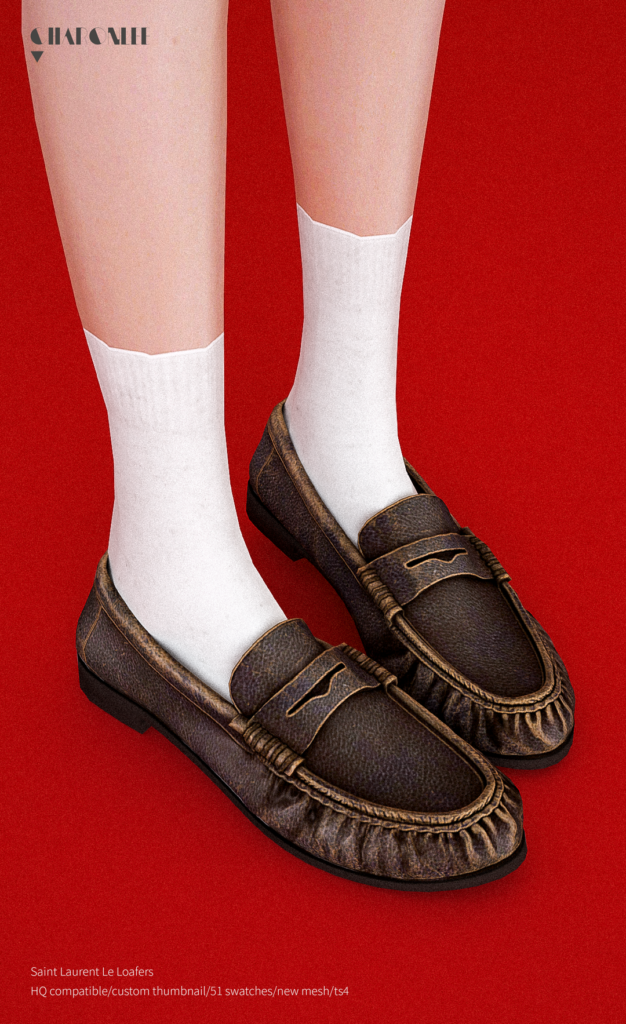
Loafers work well for formal looks in The Sims 4 when you want something neat and understated, giving an outfit structure without drawing too much attention. These Alpha, CC loafers by Charonlee SIMS feature a realistic look with a small heel – available in 51 swatches.
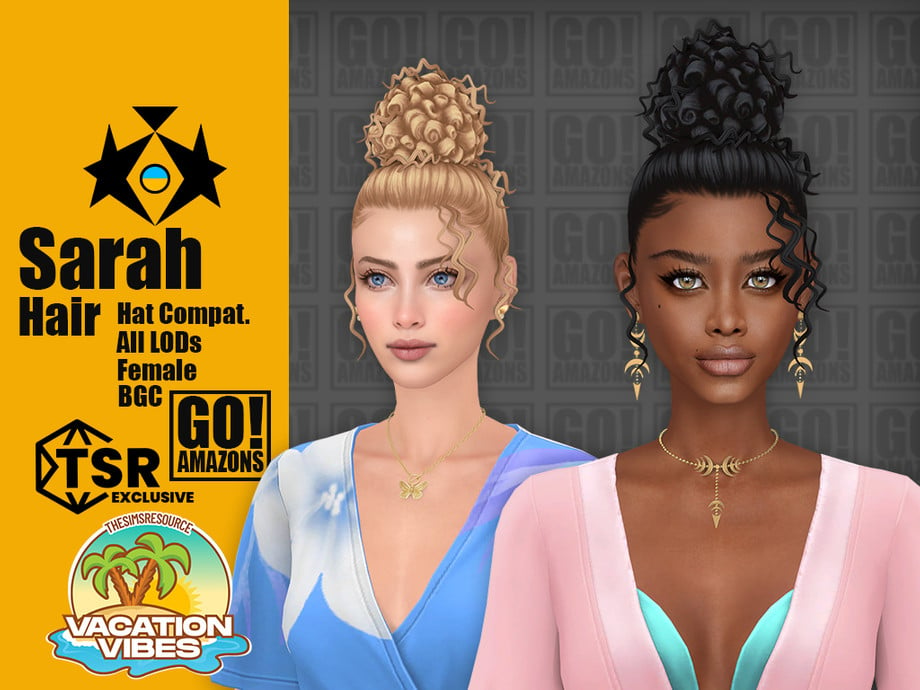
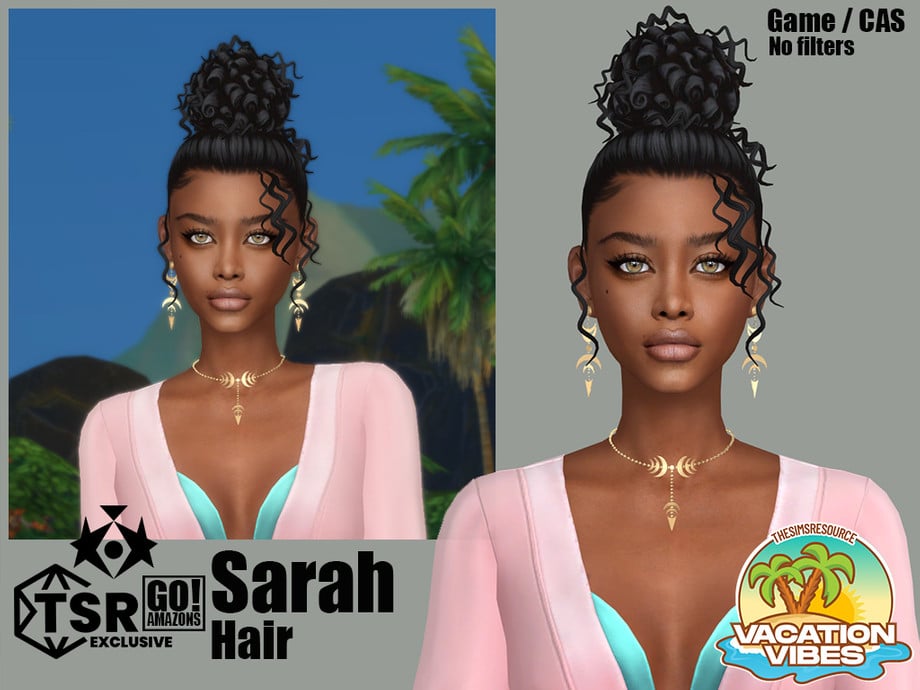
Elegant updo perfection with Sarah Hair by GoAmazons! This lovely, CC, formal hair features a tight, tall, curly updo, with some loose curls hanging at either side. Perfect for your Sims’ next dance or upcoming date!
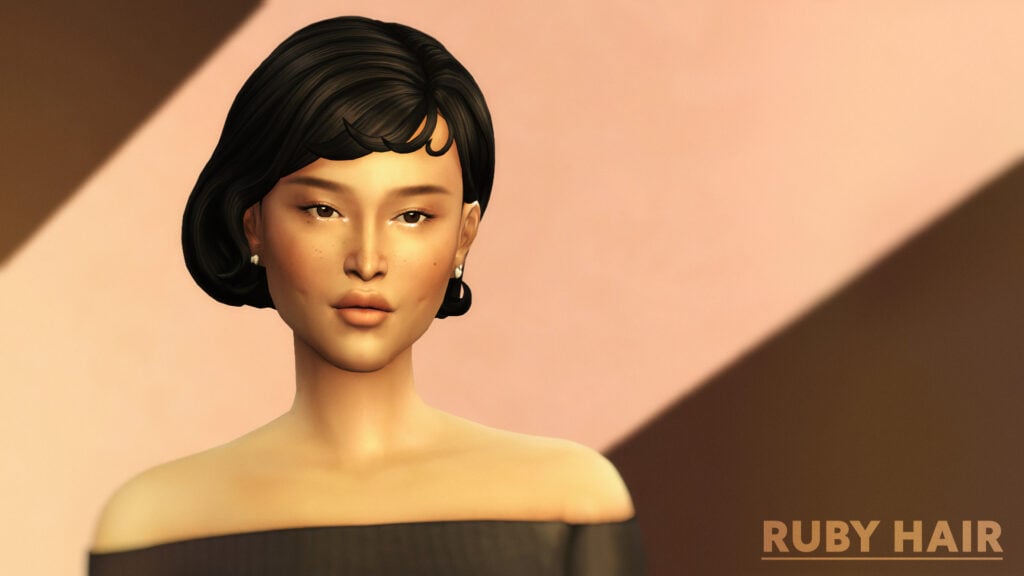
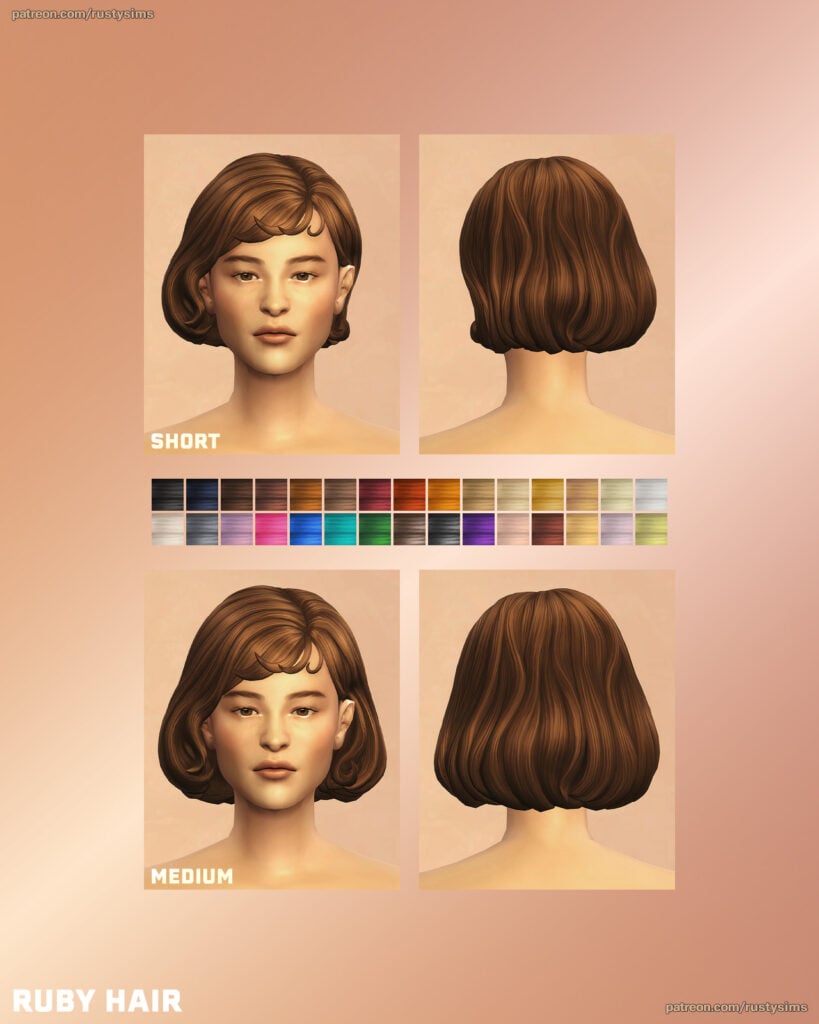
Ruby Hair by Rusty’s gives off serious old-school glamour vibes. This short hairdo features short bangs with the hair pulled behind one ear – available in 30 different swatches.
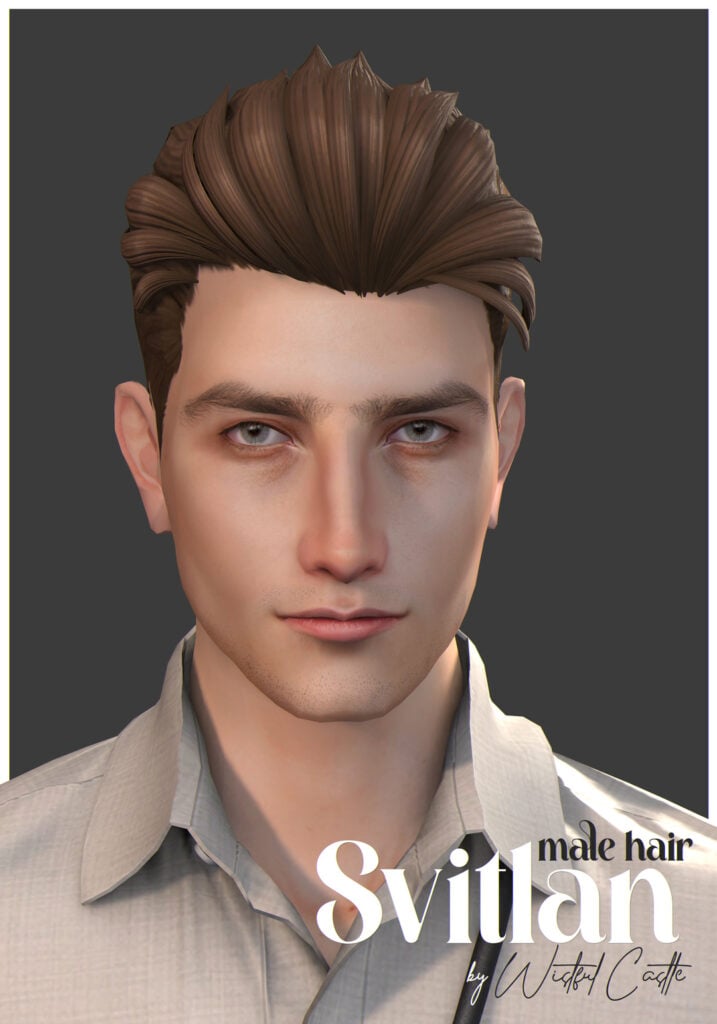
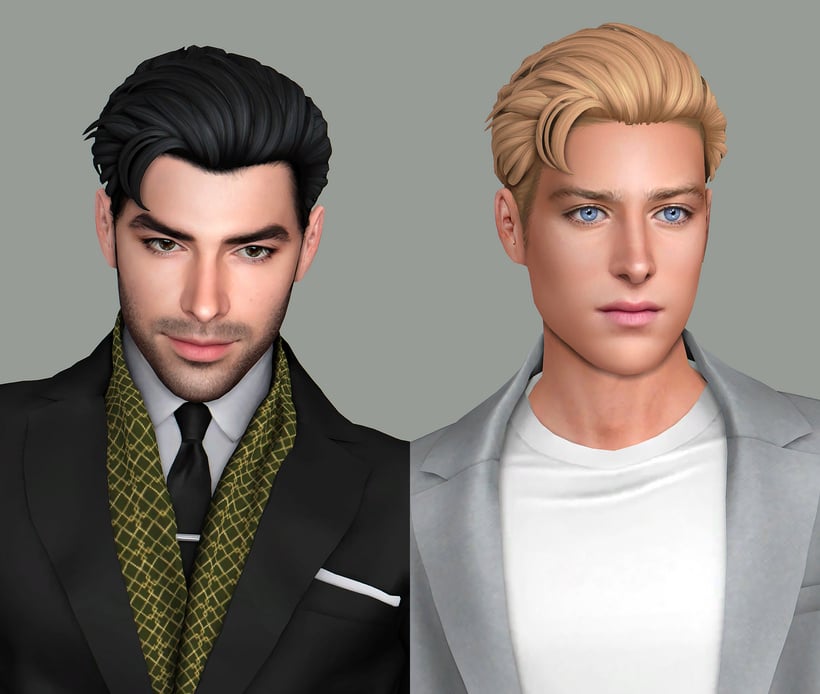
Neat, modern, and clean, Svitlan Male Hair by Wistful Castle is a staple formal CC hairdo for masculine-frame Sims that features a flowing look, pulled back into a business-ready vibe.
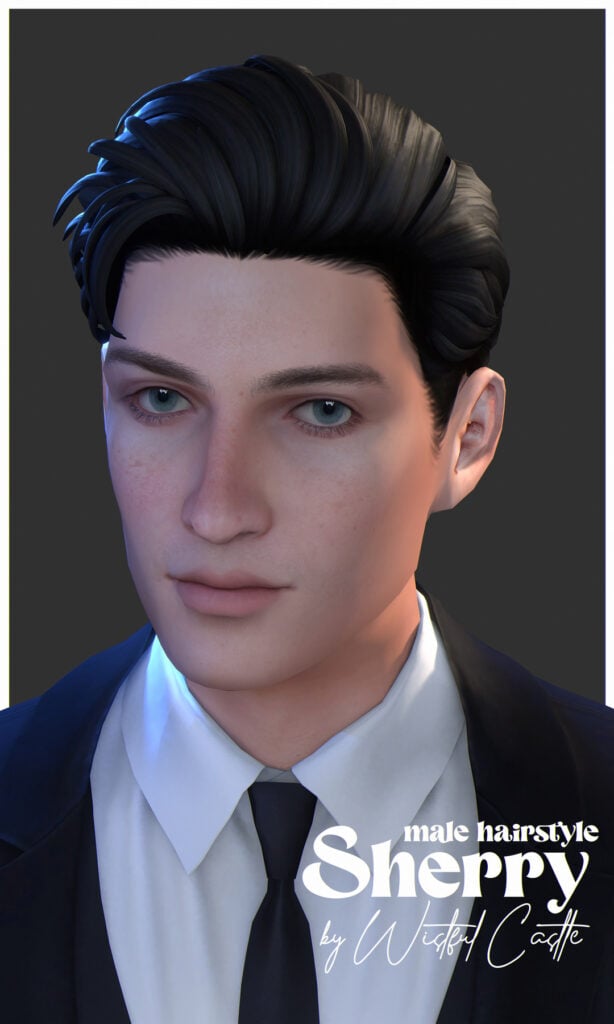
Simple but sharp, Sherry Male Hair by Wistful Castle is a clean, modern, formal, CC hair that has short sides but with a longer top pulled back for a more elegant, handsome look – available in 32 EA swatches for masculine-frame Sims.
With so many stunning Sims 4 formal CC options available, it’s easier than ever to create elegant, stylish, and sophisticated looks in CAS. Whether you’re dressing your Sims for weddings, galas, prom nights, or red carpet events, the right CC can completely transform their style and bring your CAS outfits to life. Don’t forget to mix and match pieces to create unique looks that match your Sims’ personalities and story. If you loved this CC list, be sure to check out some of our other amazing CC finds!
Paralives skills are similar to the skills in other games of the genre, but at the same time, they have a completely new system. Even though the game is still at the beginning of early access, it already has many skills that your Para can learn as a hobby or to help them in their career. In this guide, we’ll talk about each skill and how to learn them.
Let’s get started!
Table of Contents
How to Learn Skills in Paralives
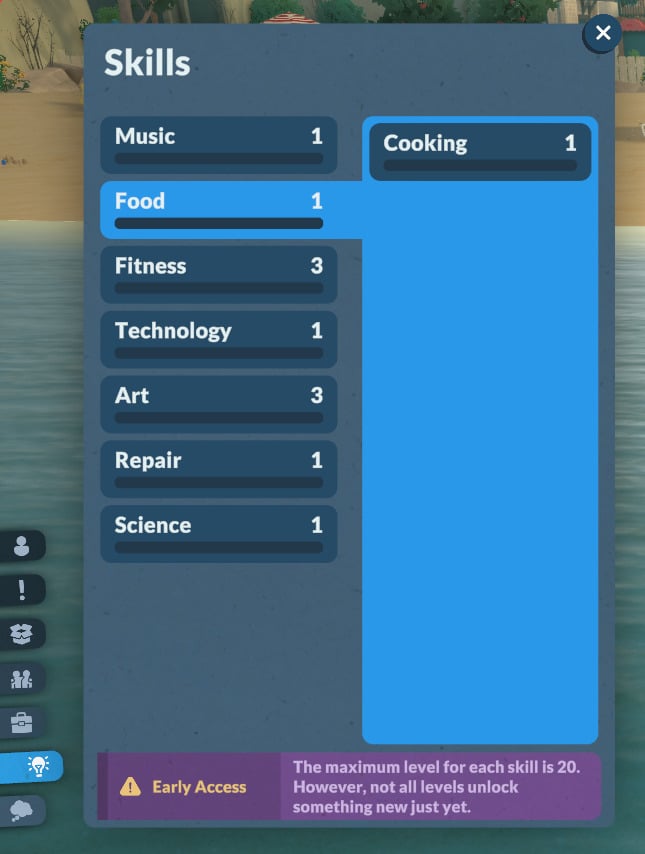
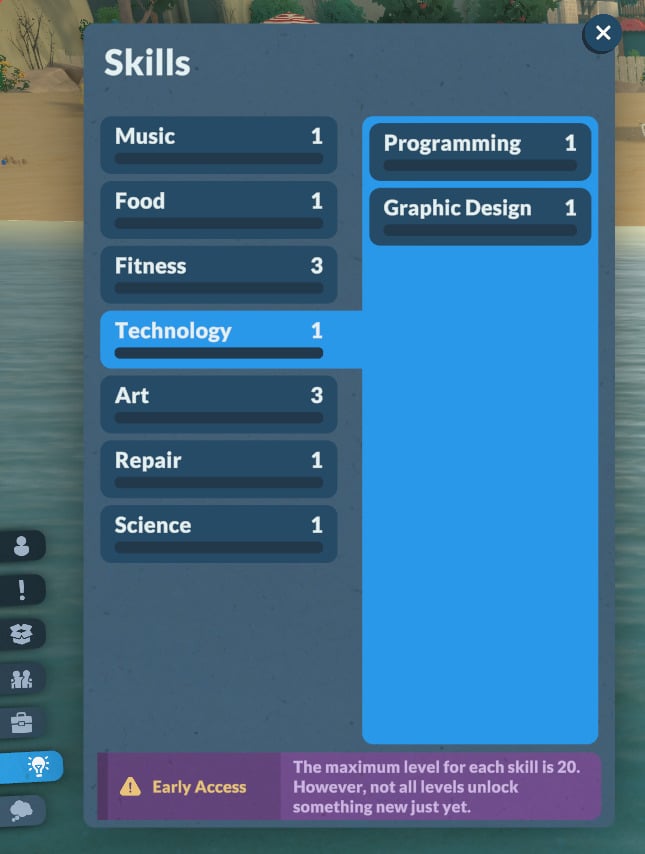
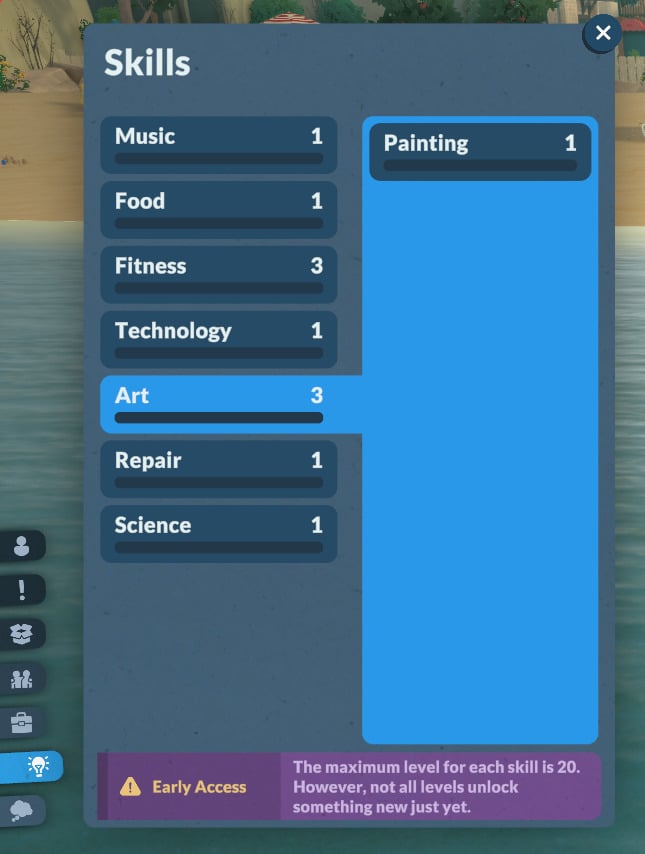
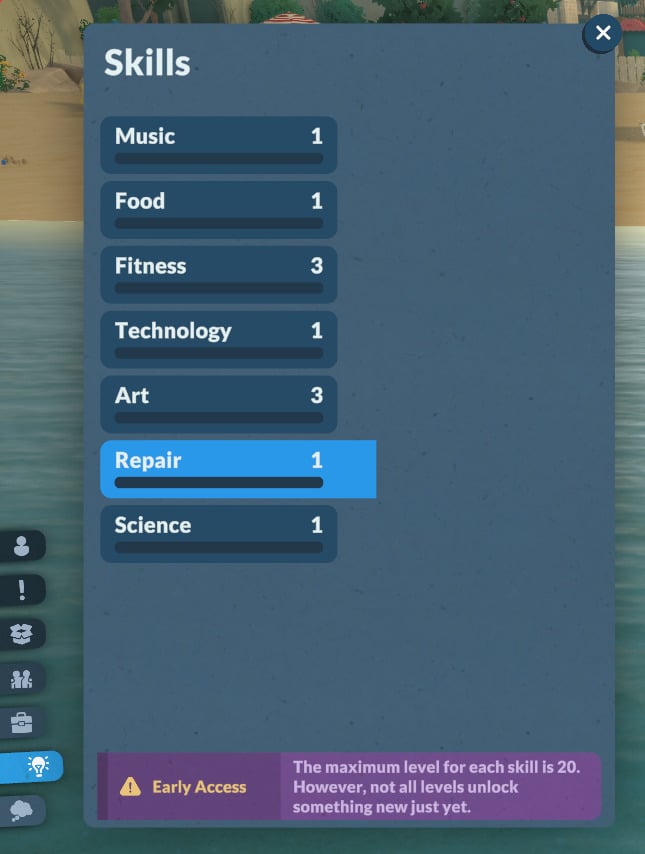
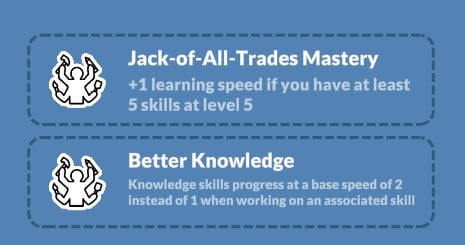
Paralives skills work similarly to learning skills in other games of the genre. The main difference, though, is that in Paralives, you also gain ‘knowledge’ while learning a skill, and you can also learn a ‘knowledge’ skill by itself.
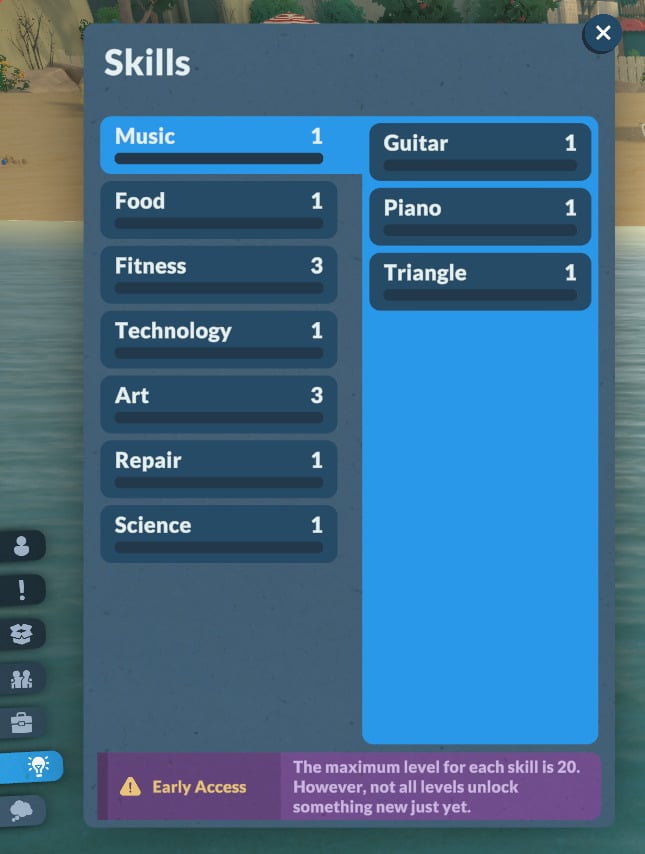
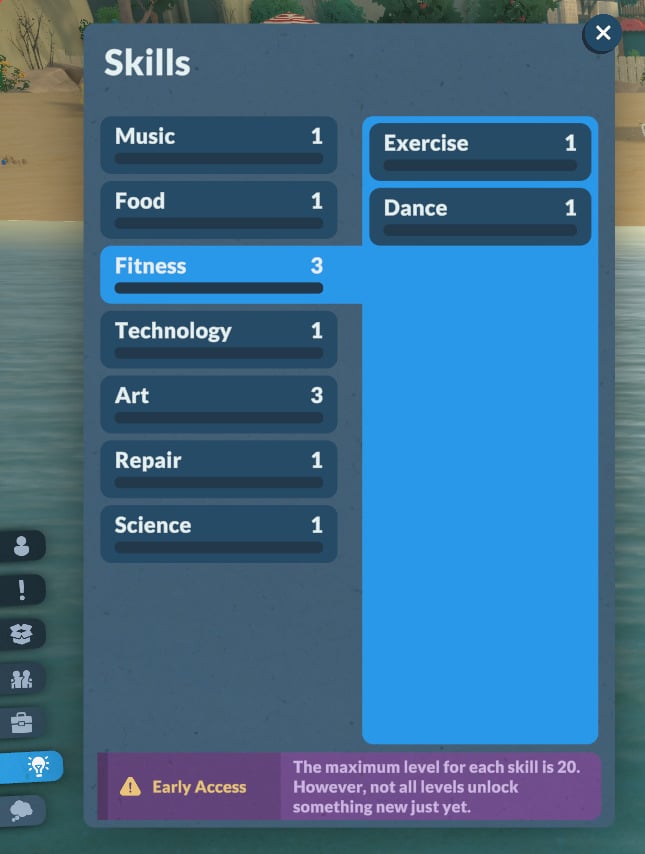
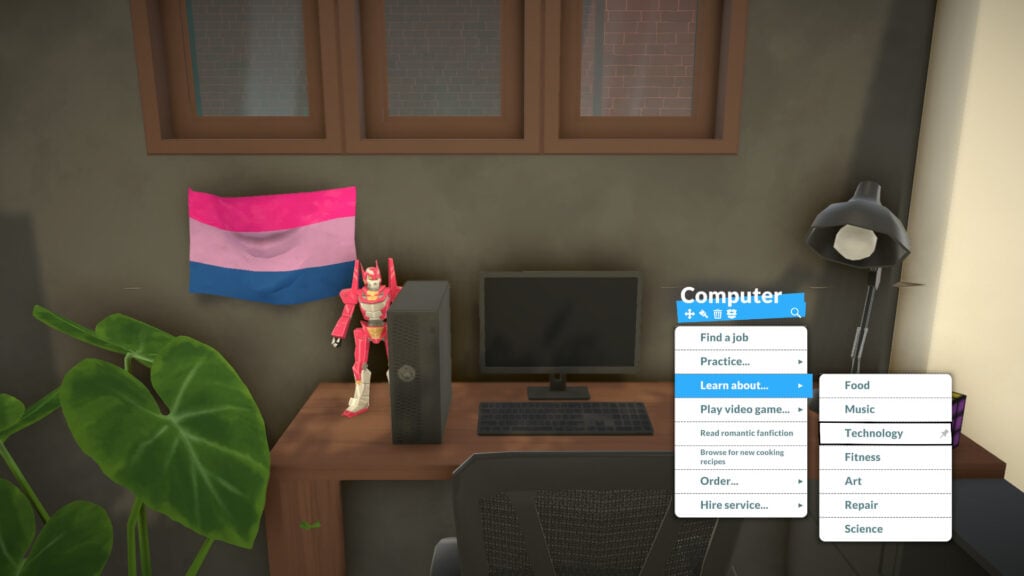
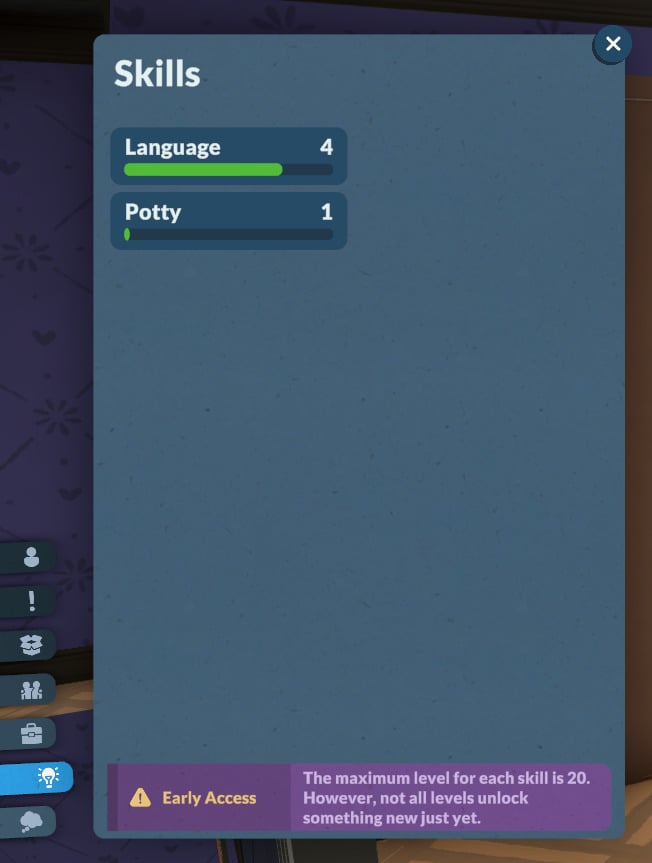
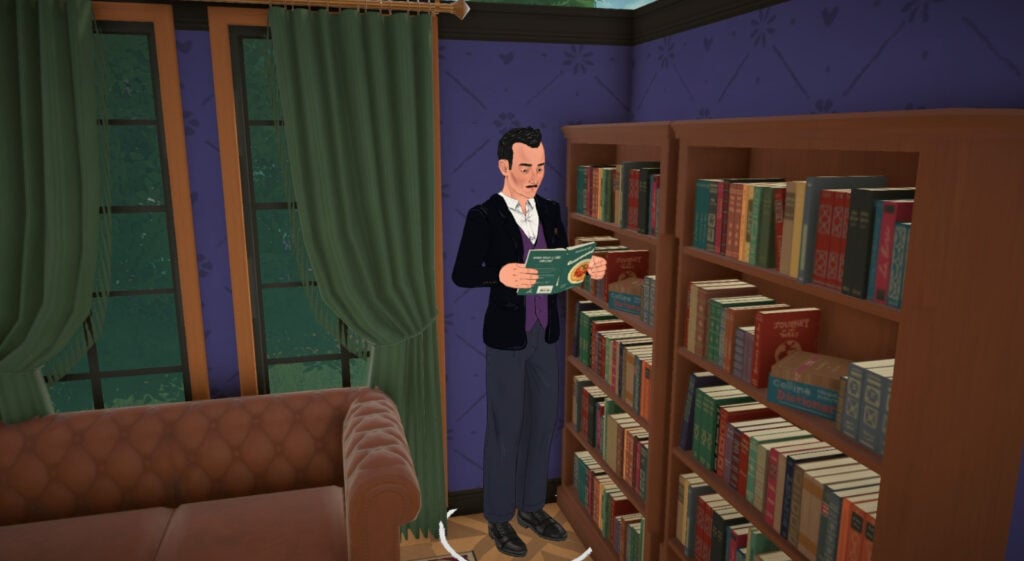
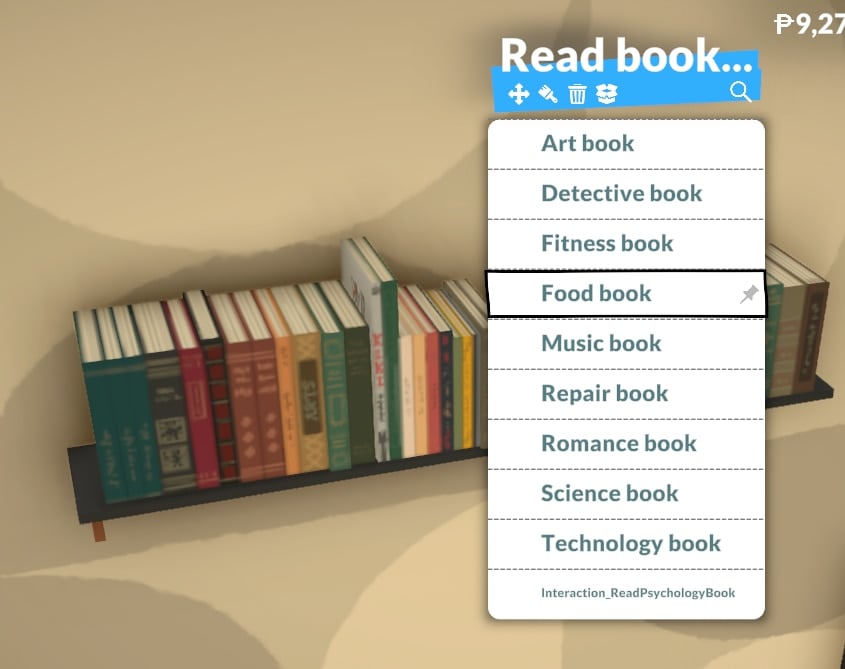
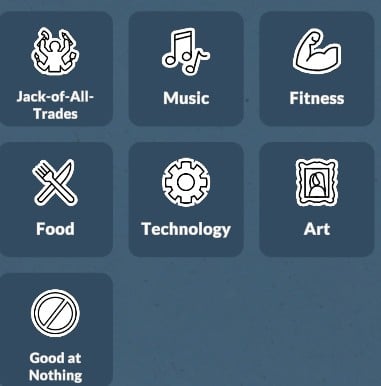
For children to elders, the knowledge skills available are: Music, Food, Fitness, Technology, Art, Repair, and Science. Toddlers can learn Language and Potty skills, and babies can only learn the Language skill.
Let’s take a look at how to learn each of them and how they work!
Music
First on the list is the Music knowledge skill. The official description reads:
In-game description: The knowledge of instruments, songs, and rhythm. Improve it by learning about it on the computer. This is a knowledge skill — improving skills under it will improve it as well. Improving your knowledge will also increase the learning seep of the skills under it.
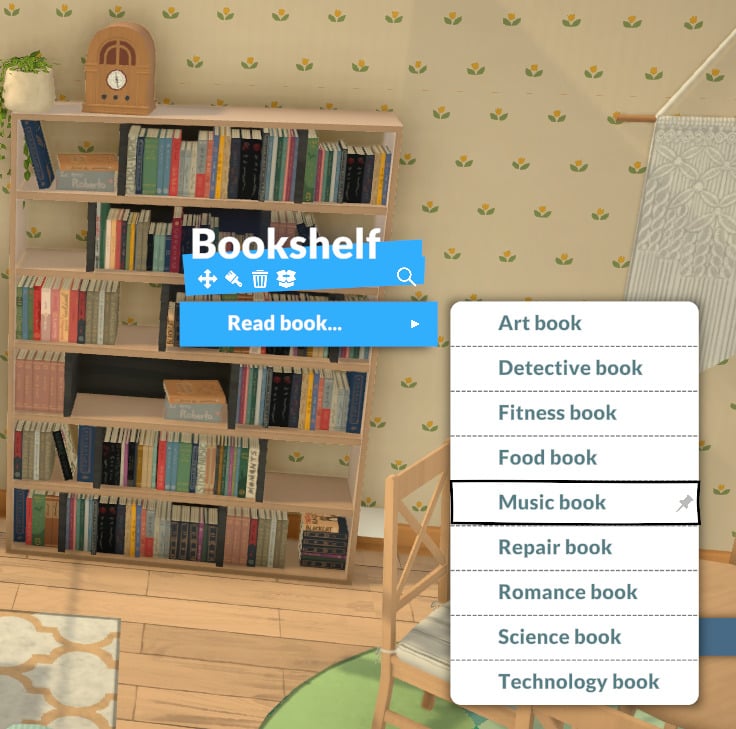
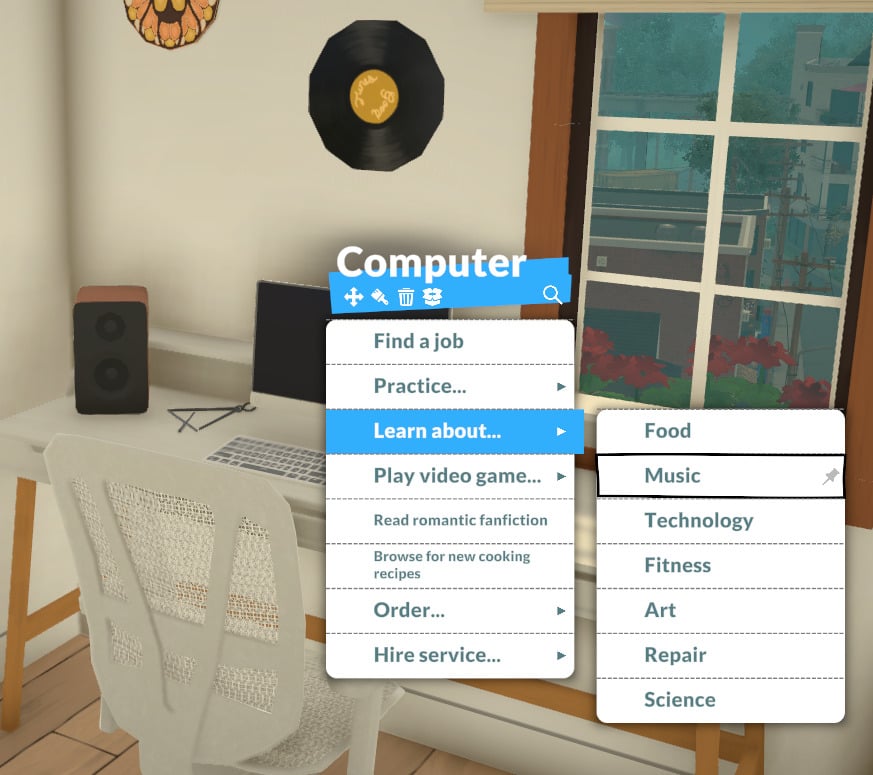
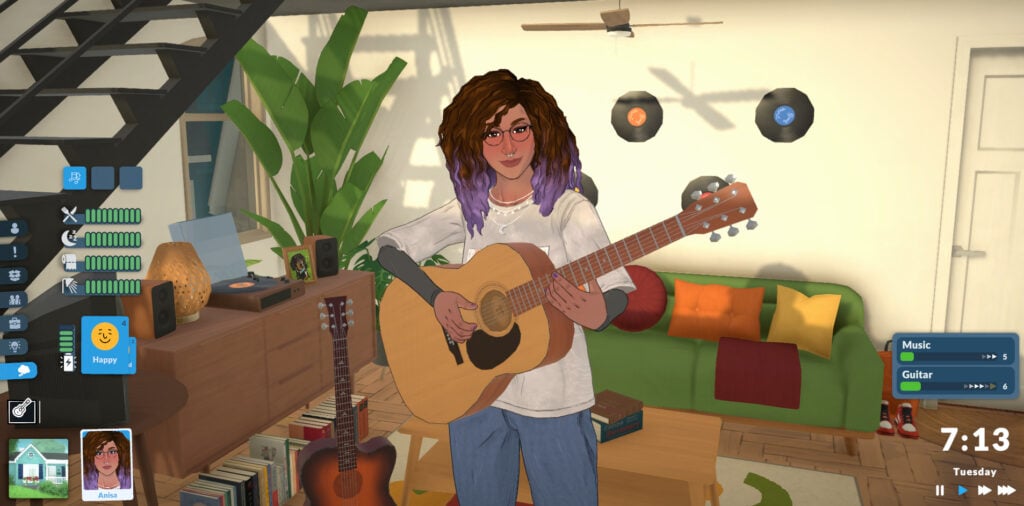
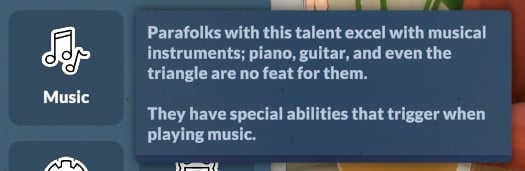
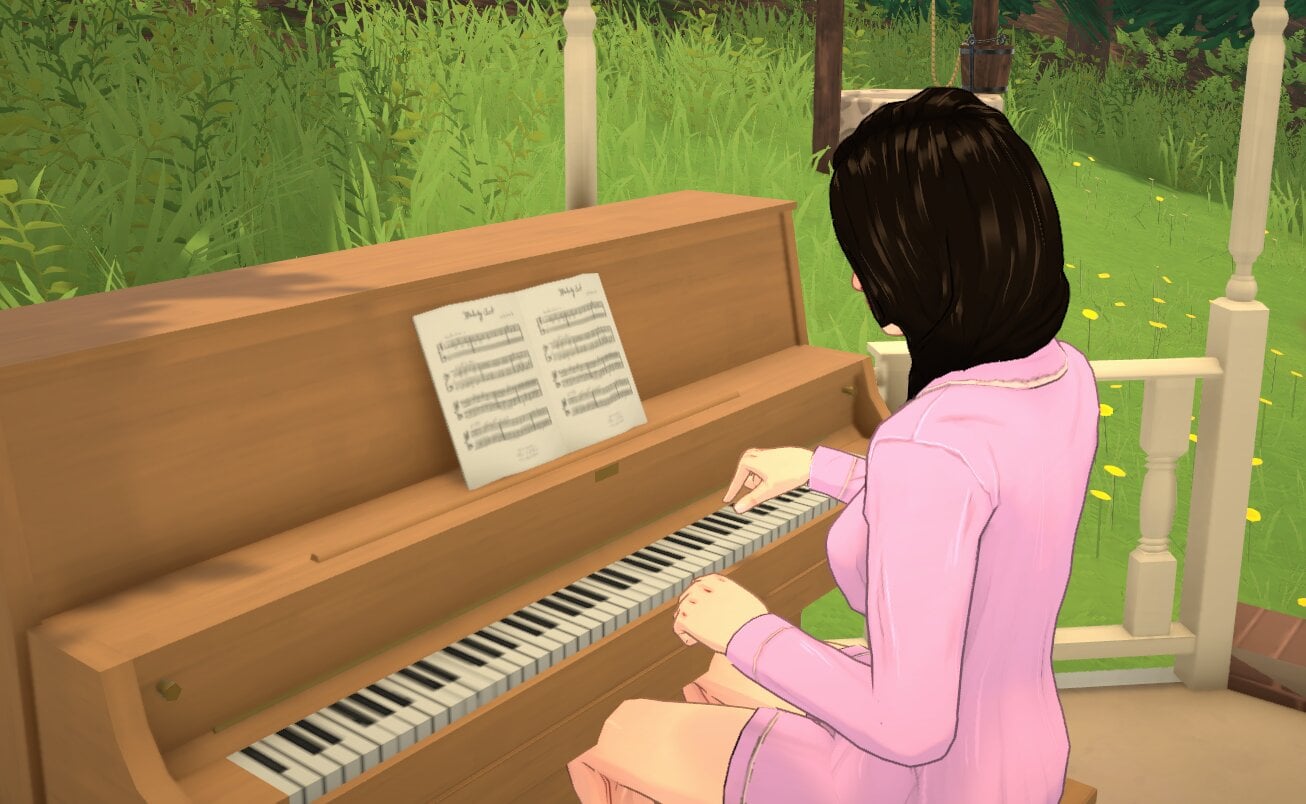
Currently, you can learn Music while your Para is playing any instrument (guitar, piano, or triangle), searching for information about it on the computer, or reading at the bookshelf. It’s also possible to unlock a perk to learn it at work.
Guitar Skill
In-game description: Your skill level in guitar. Improve it by practicing and playing songs on the guitar.
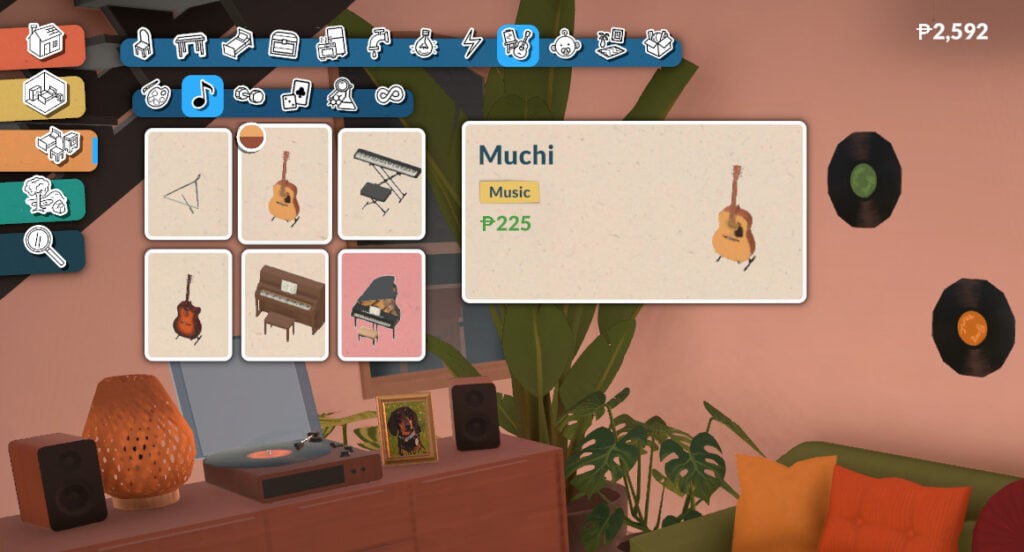
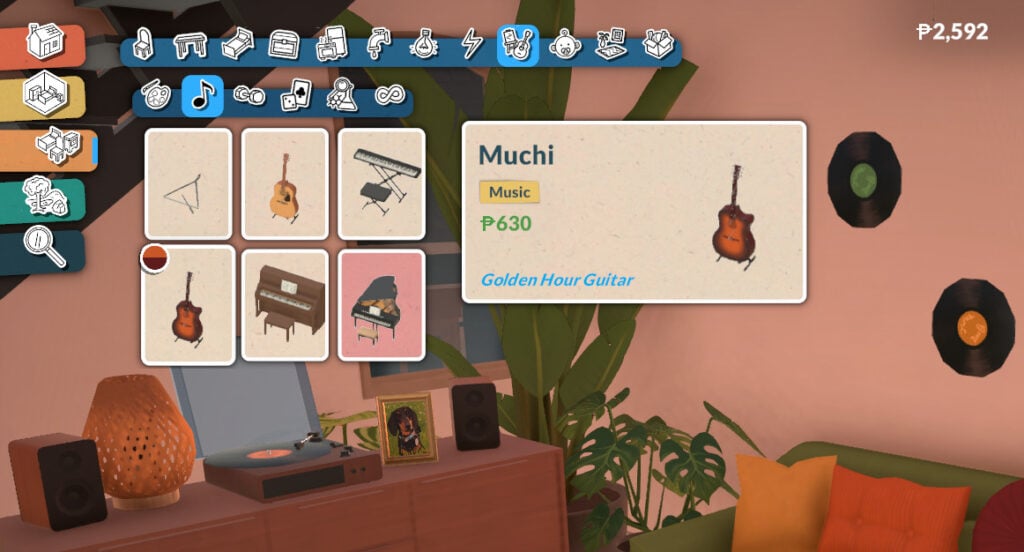
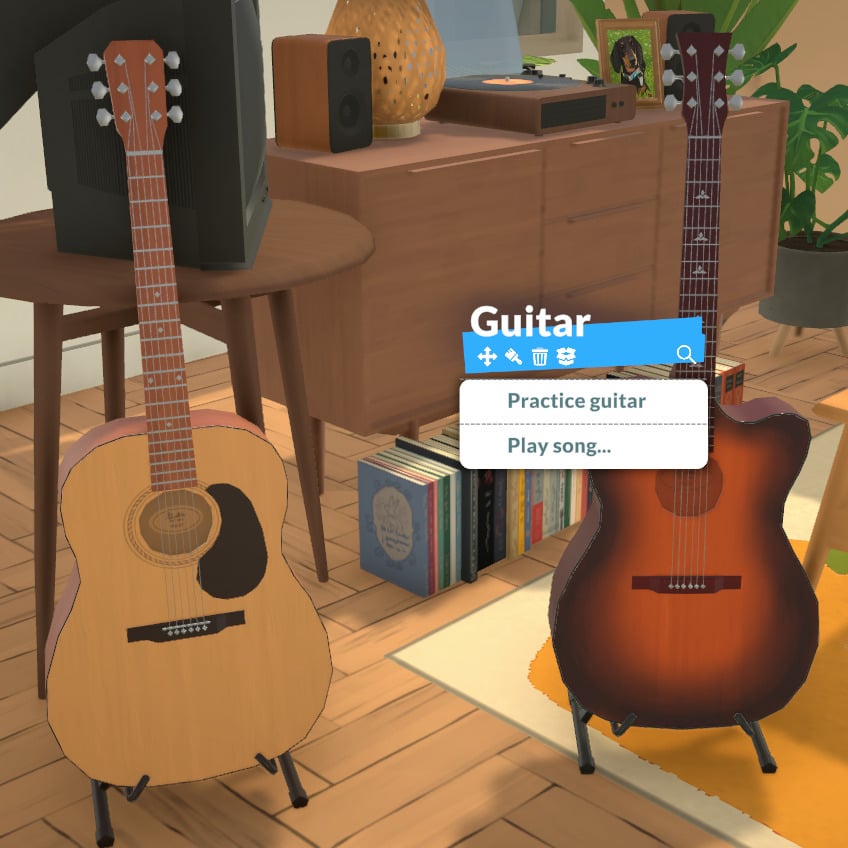
Your Para will develop the Guitar skill while practicing guitar. There are currently two guitar options in the game:
The guitar has two interaction options: “Practice guitar” and “Play song…”:
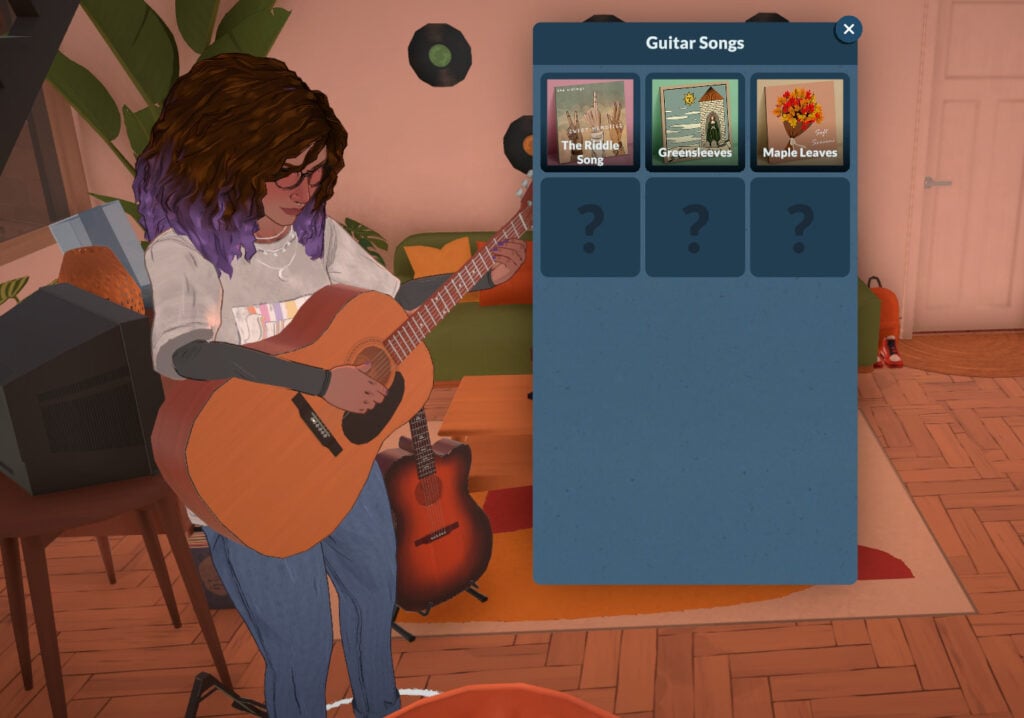
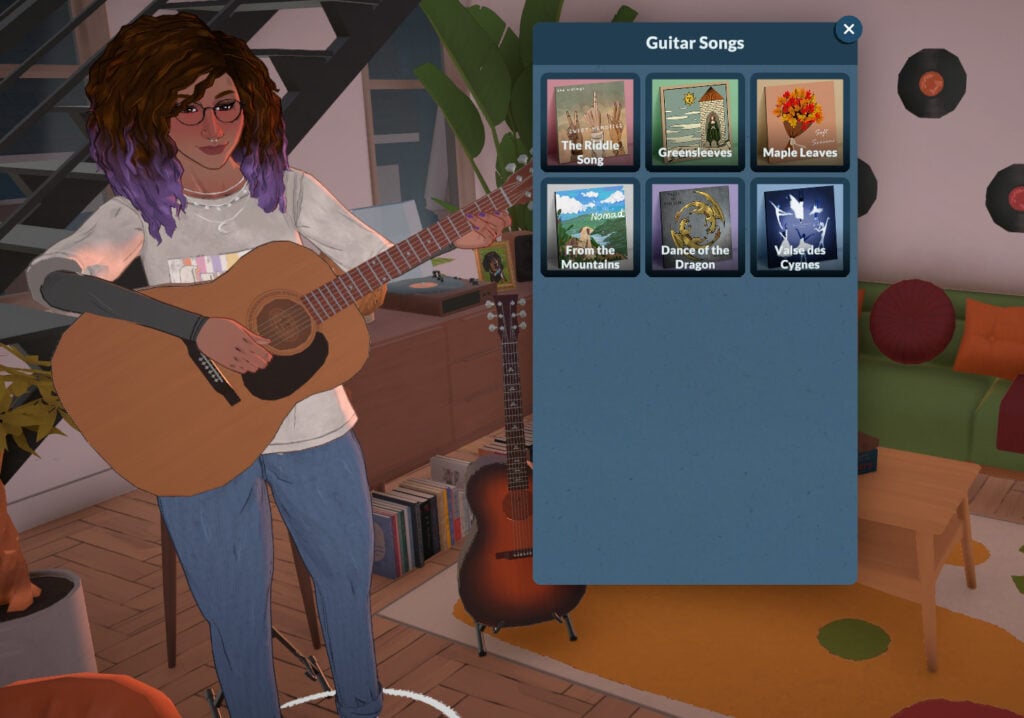
The songs available will depend on your Para’s current Guitar skill. If they are below level 5, they will be able to play “The Riddle Song”, “Greensleeves”, and “Maple Leaves”. After reaching level 5, they will also be able to play “From the Mountains”, “Dance of the Dragon”, and “Valse des Cygnes”:
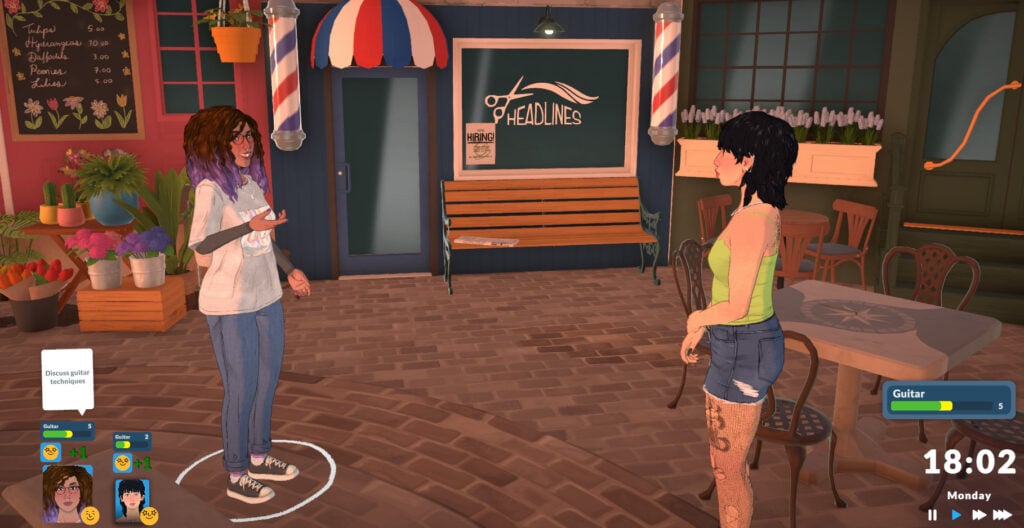
Your Para can also improve their Guitar skill by discussing it with other Paras:
The higher your level in the Music skill, the faster your Para will learn guitar. The higher your Guitar skill, the more confident your Para will look while playing.
Piano Skill
In-game description: Your skill level in piano. Improve it by practicing and playing songs on the piano.
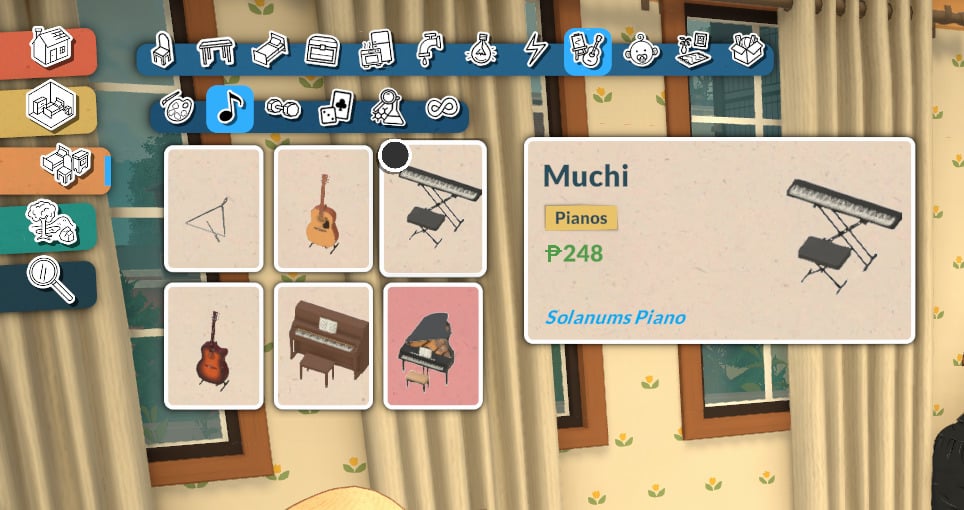
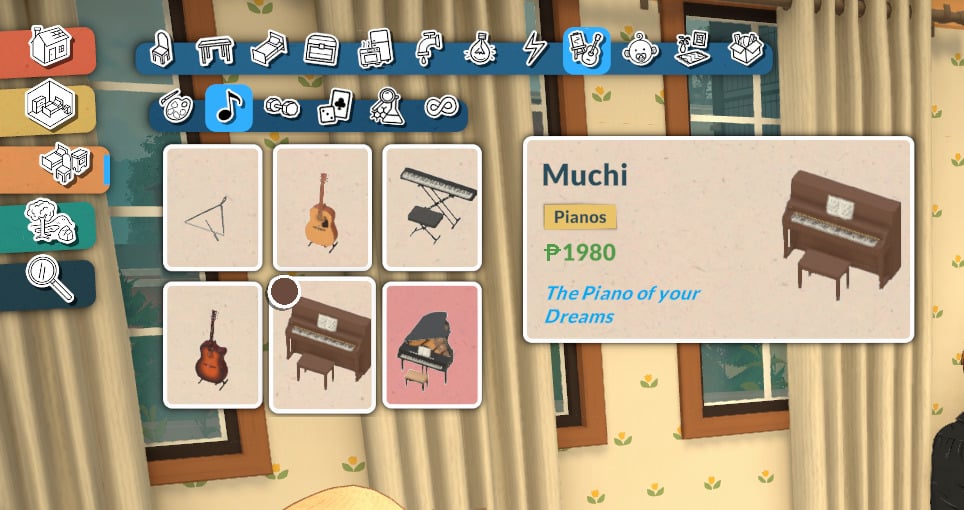
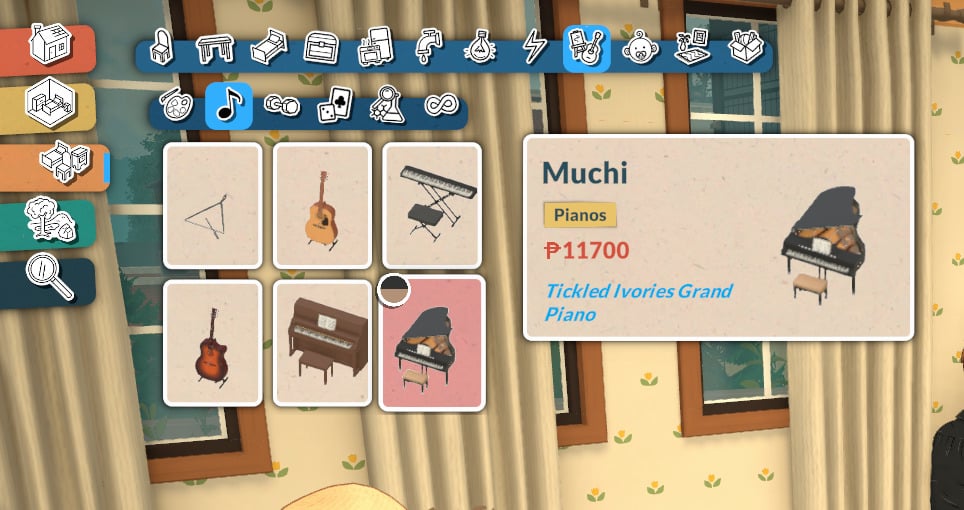
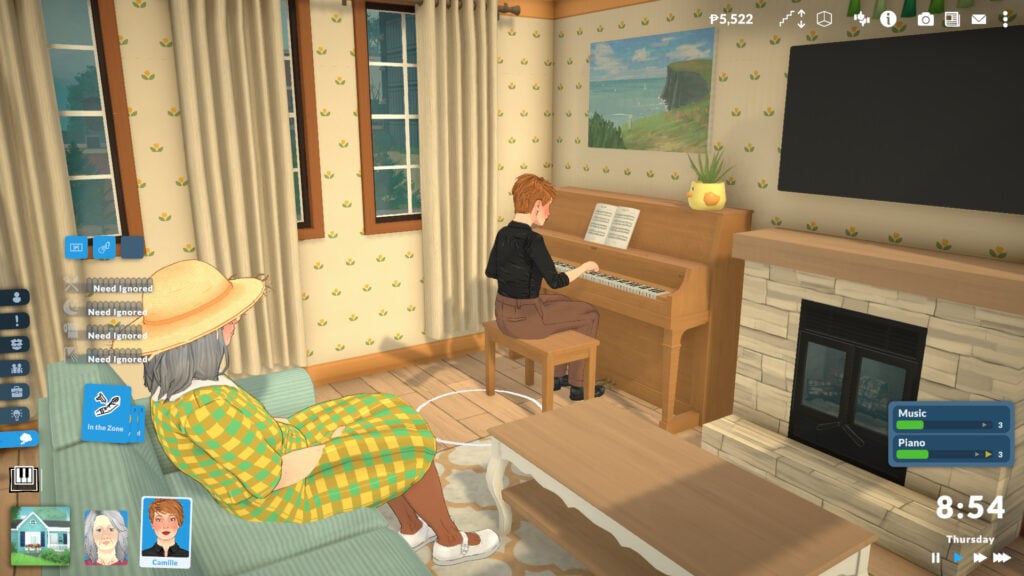
Your Para will develop the Piano skill while practicing piano. There are currently three piano options in the game:
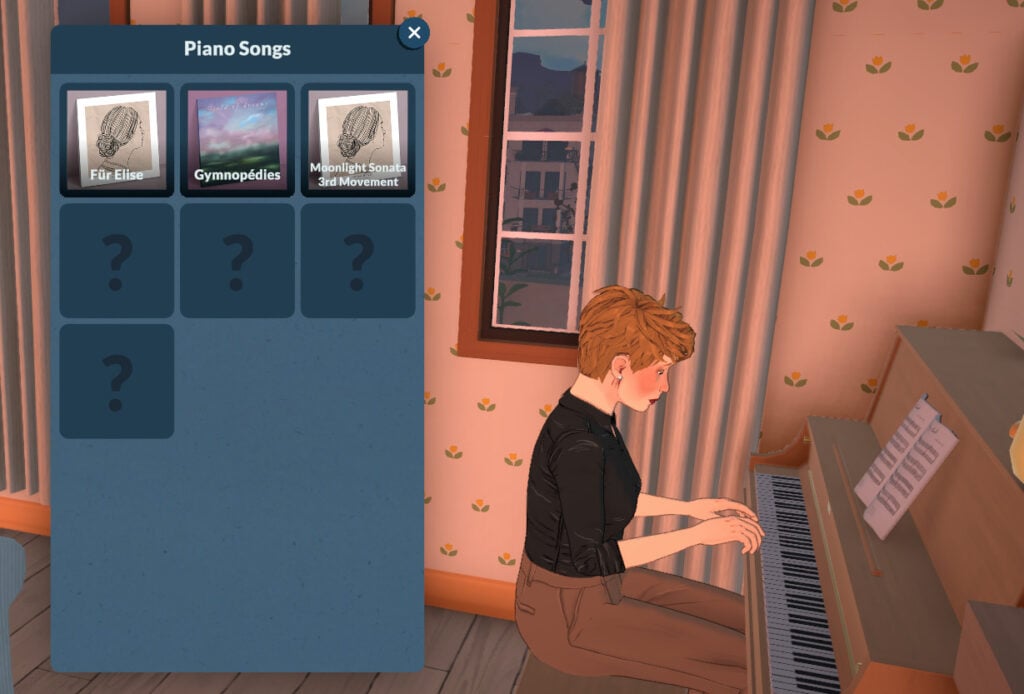
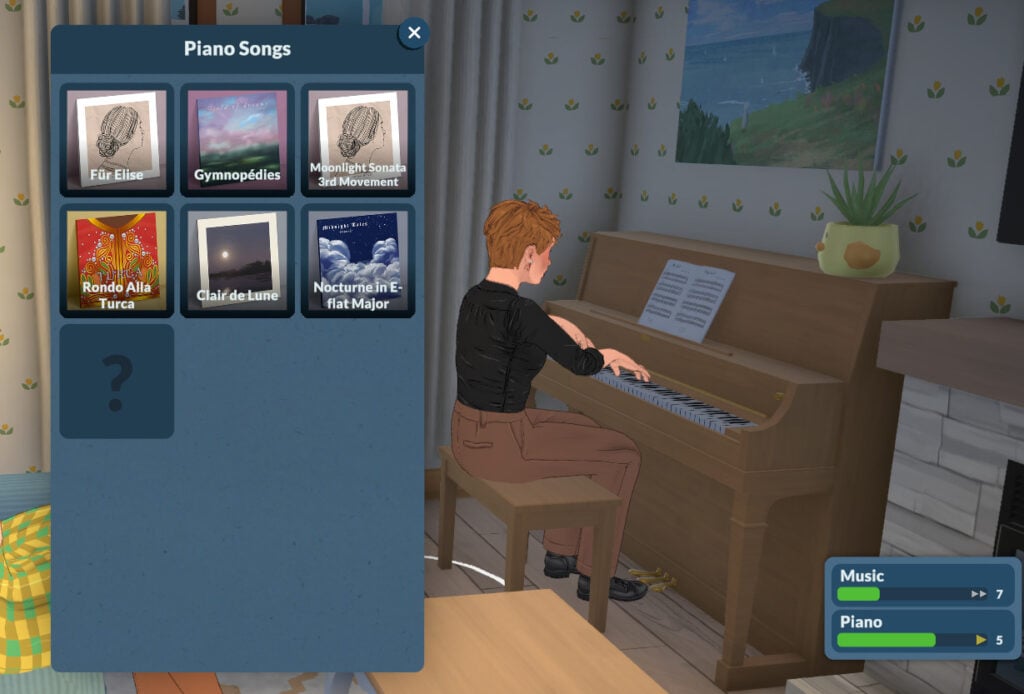
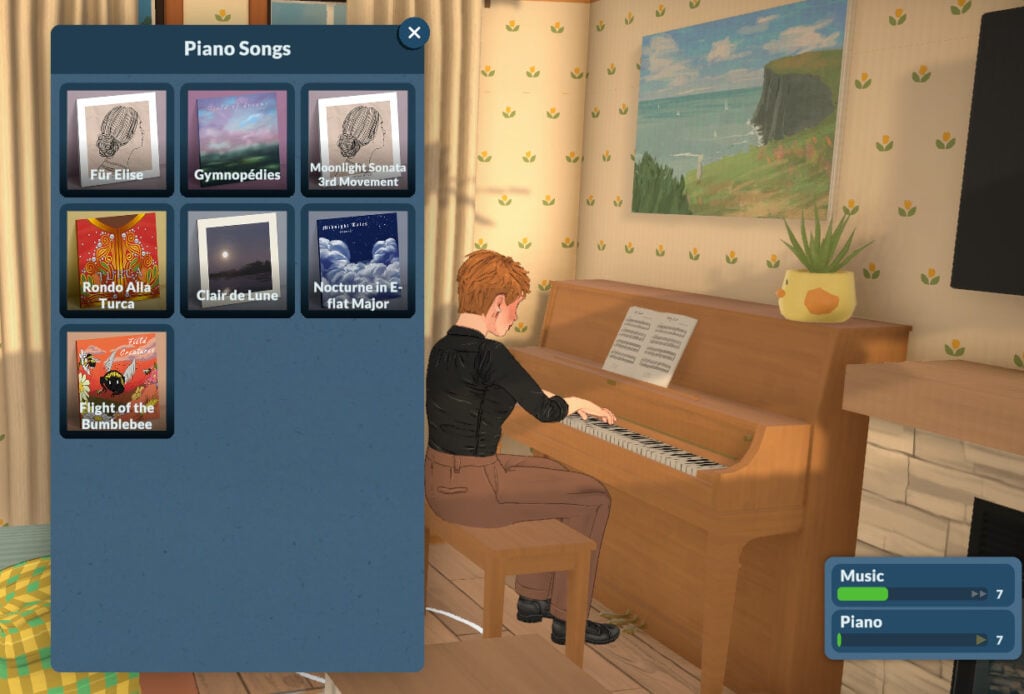
If your Para’s Piano skill is below level 3, they will be able to play “Für Elise”, “Gymnopédies”, and “Moonlight Sonata 3rd Movement”. When your Para reaches Piano level 5, they can also play “Rondo Alla Turca”, “Clair de Lune”, and “Nocturne in E-flat Major”. To unlock the final piece, “Flight of the Bumblebee”, your Para must have the Piano skill at level 7.
The higher your Para’s skill level, the more confident they will look while playing. They will also learn the Piano skill faster the higher their Music skill is.
Triangle Skill
In-game description: Your skill level in triangle. Improve it by practicing and playing songs on the triangle.
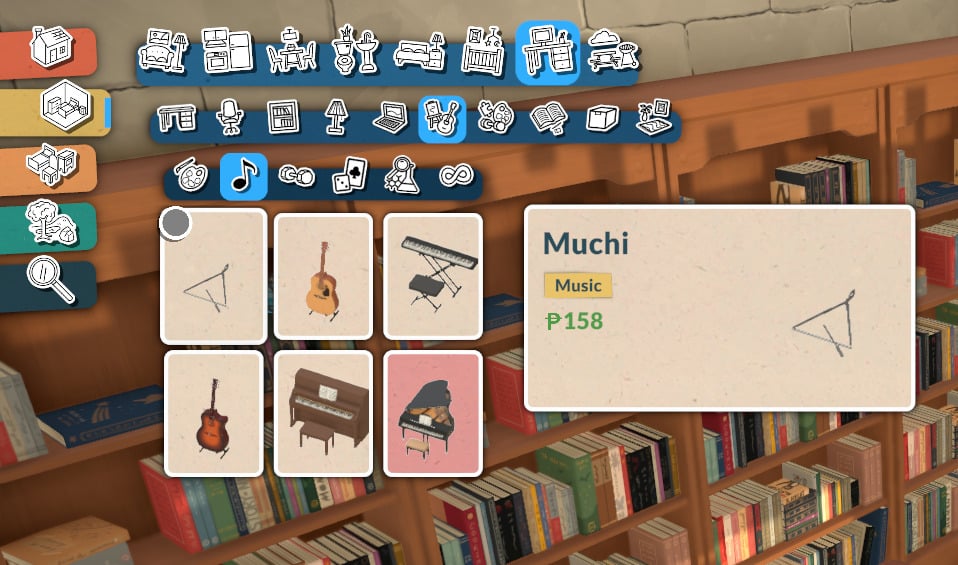
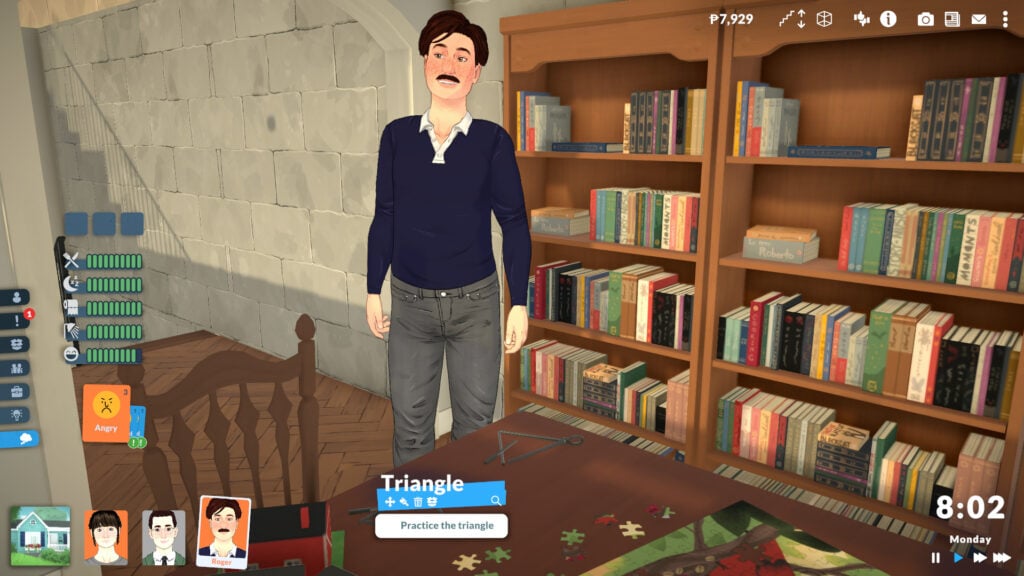
There is currently one triangle available in Buy Mode:
The game technically allows you to learn the triangle, but the animation isn’t implemented yet, so your Para stops playing right away. We’ll update this guide when new patches arrive, so keep an eye on our Paralives section!
Food
The next topic on Paralives knowledge skills is Food.
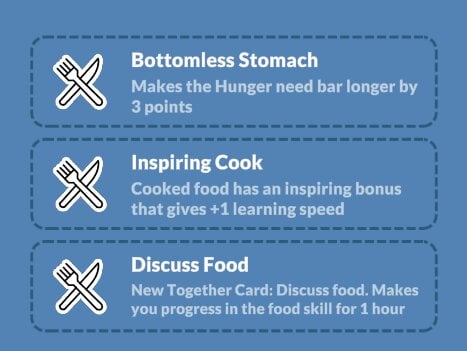
In-game description: The knowledge of taste, ingredients, and cooking techniques. Improve it by learning about it on the computer. This is a knowledge skill — improving skills under it will improve it as well. Improving your knowledge will also increase the learning seep of the skills under it.
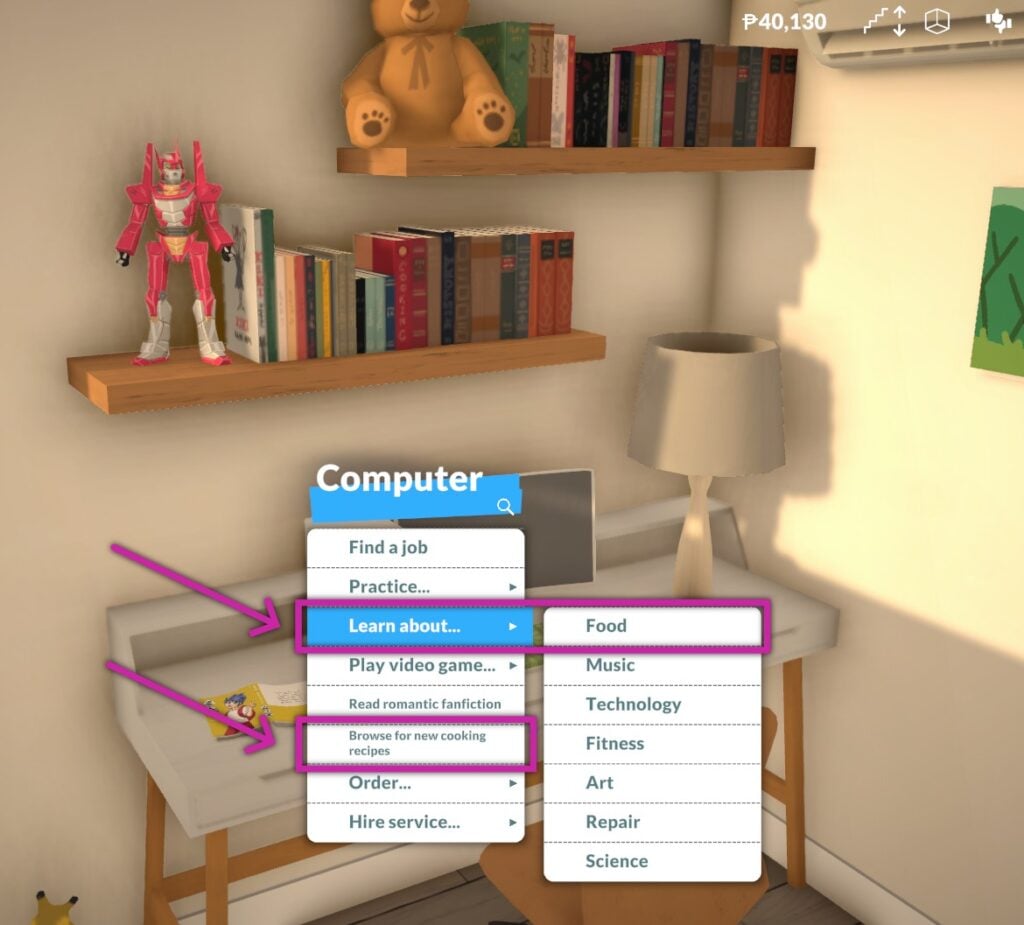
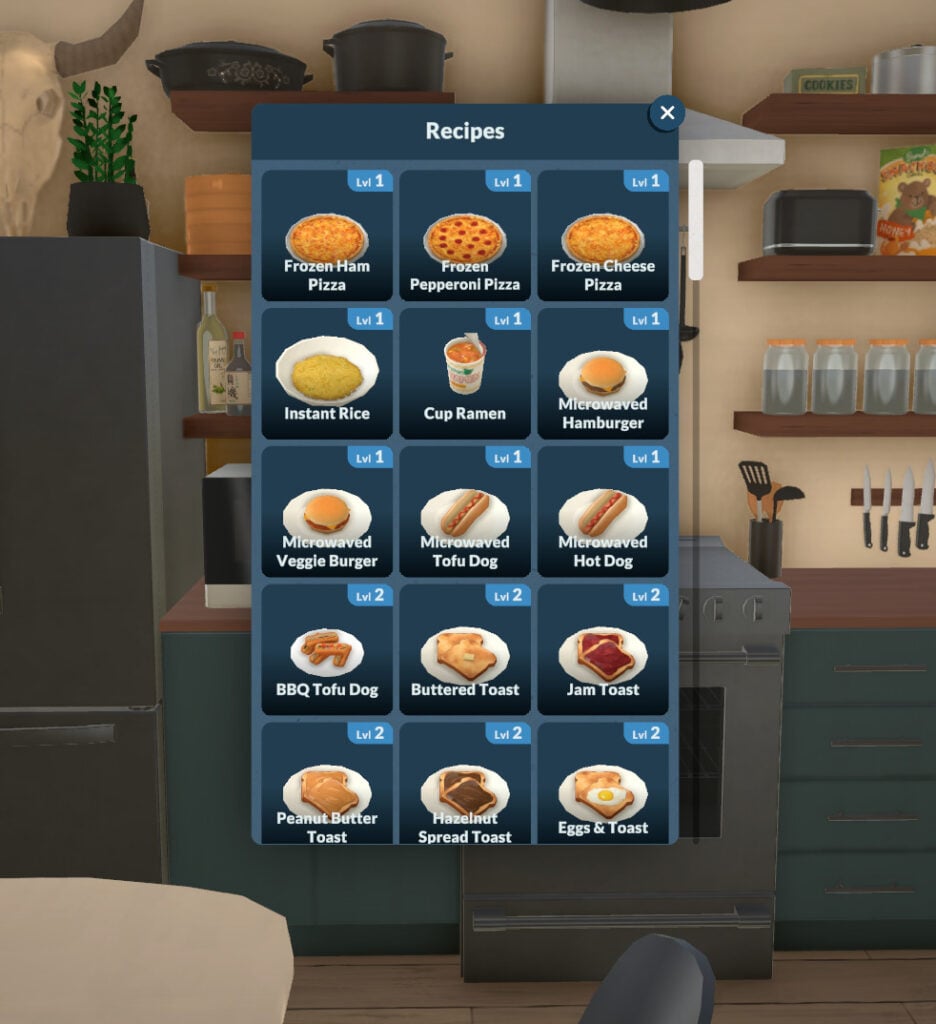
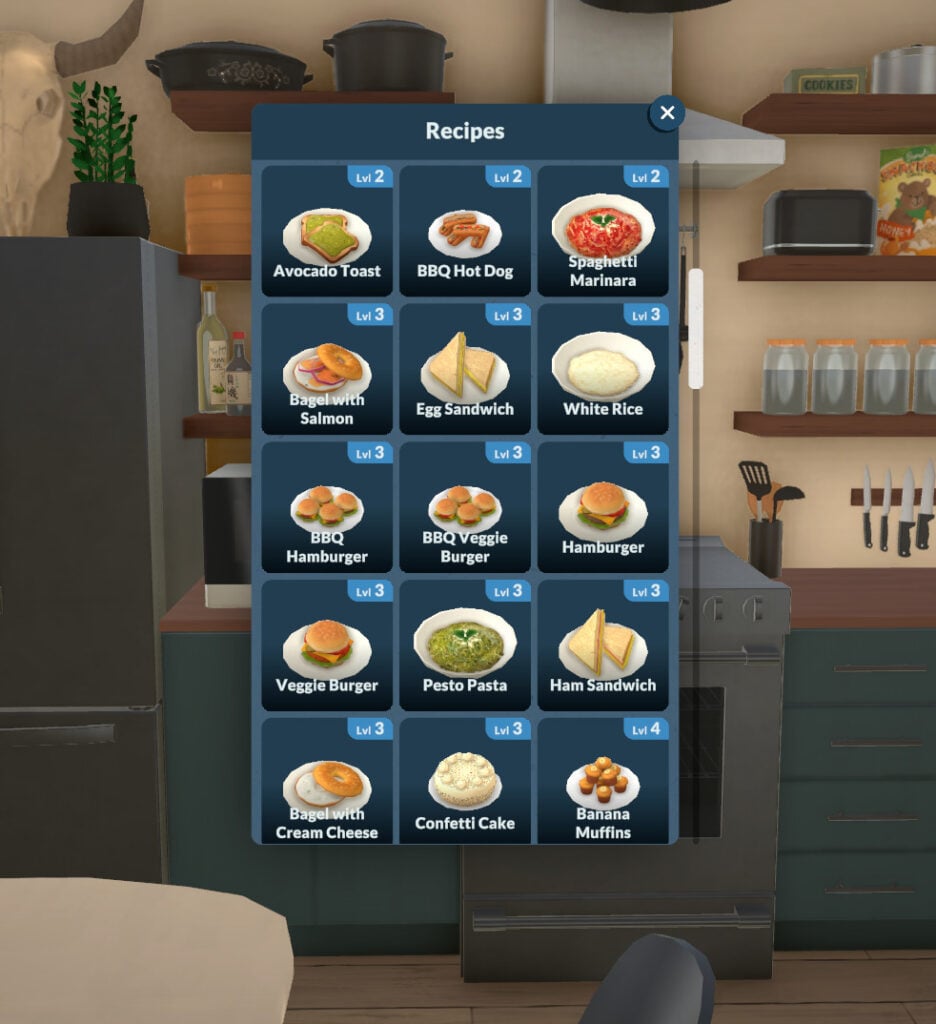
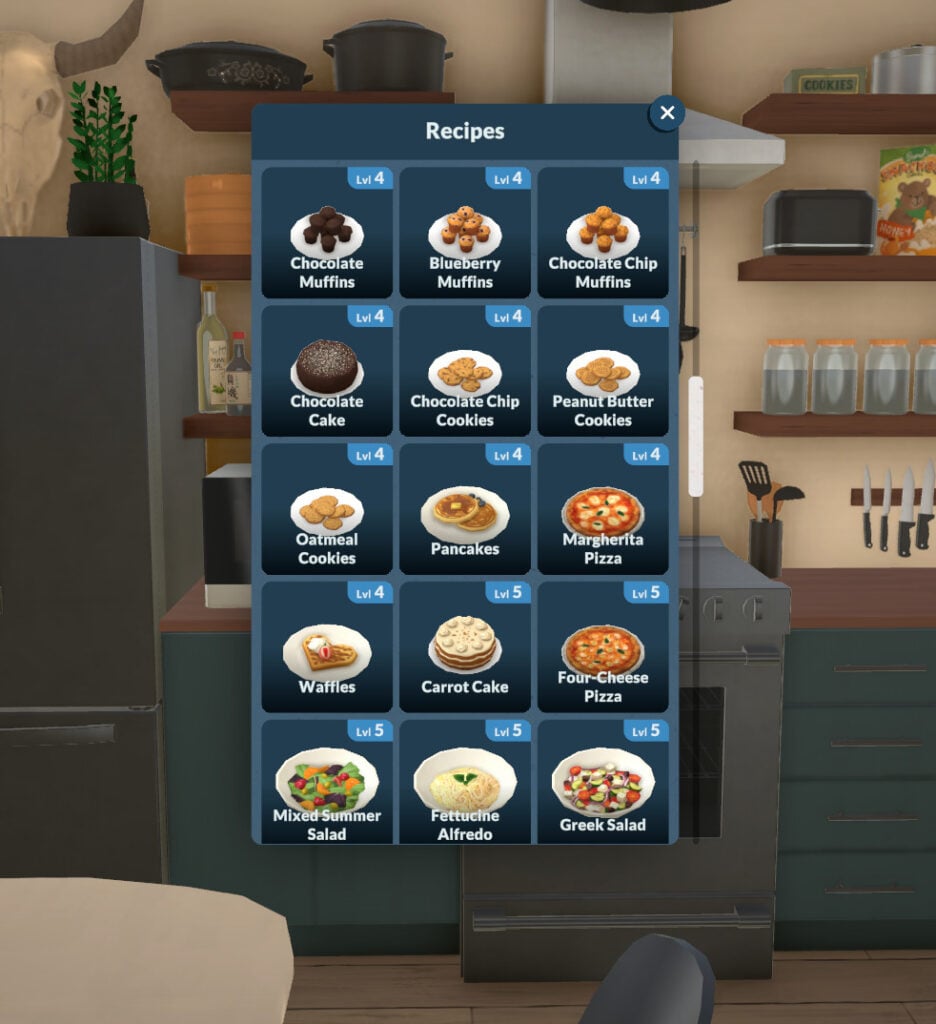
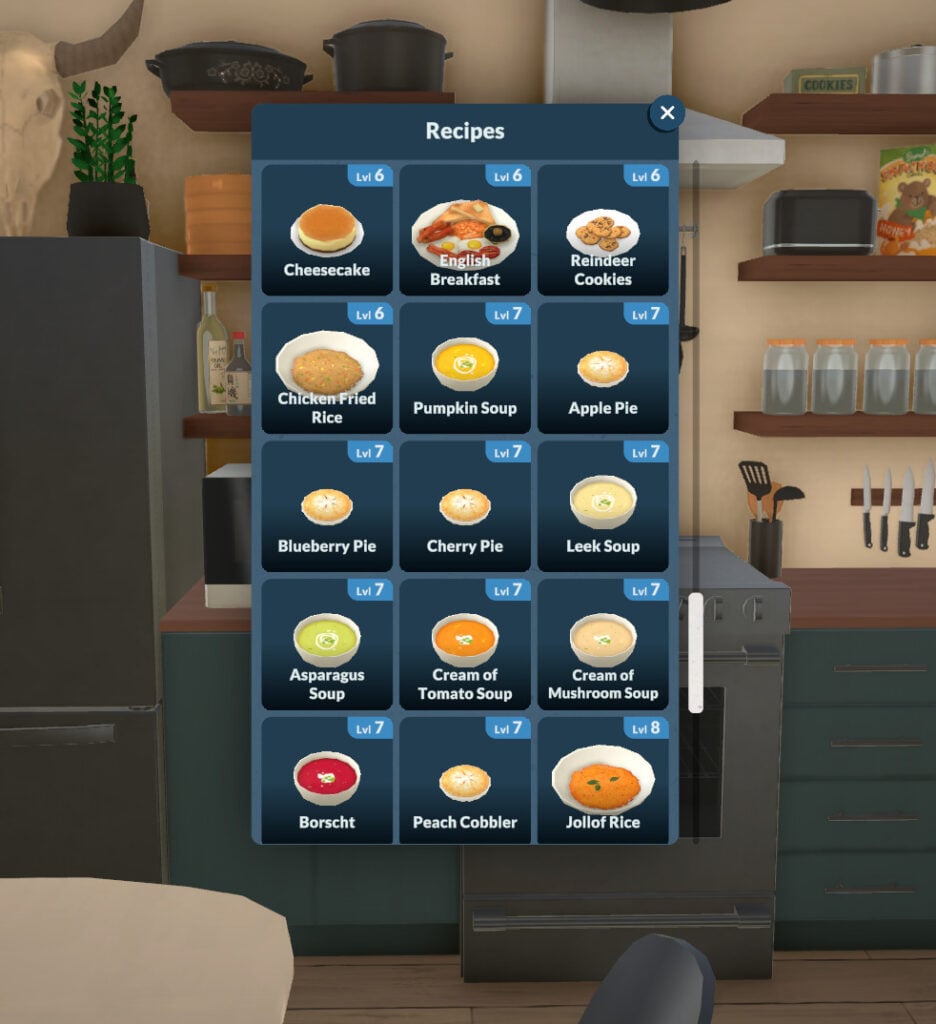
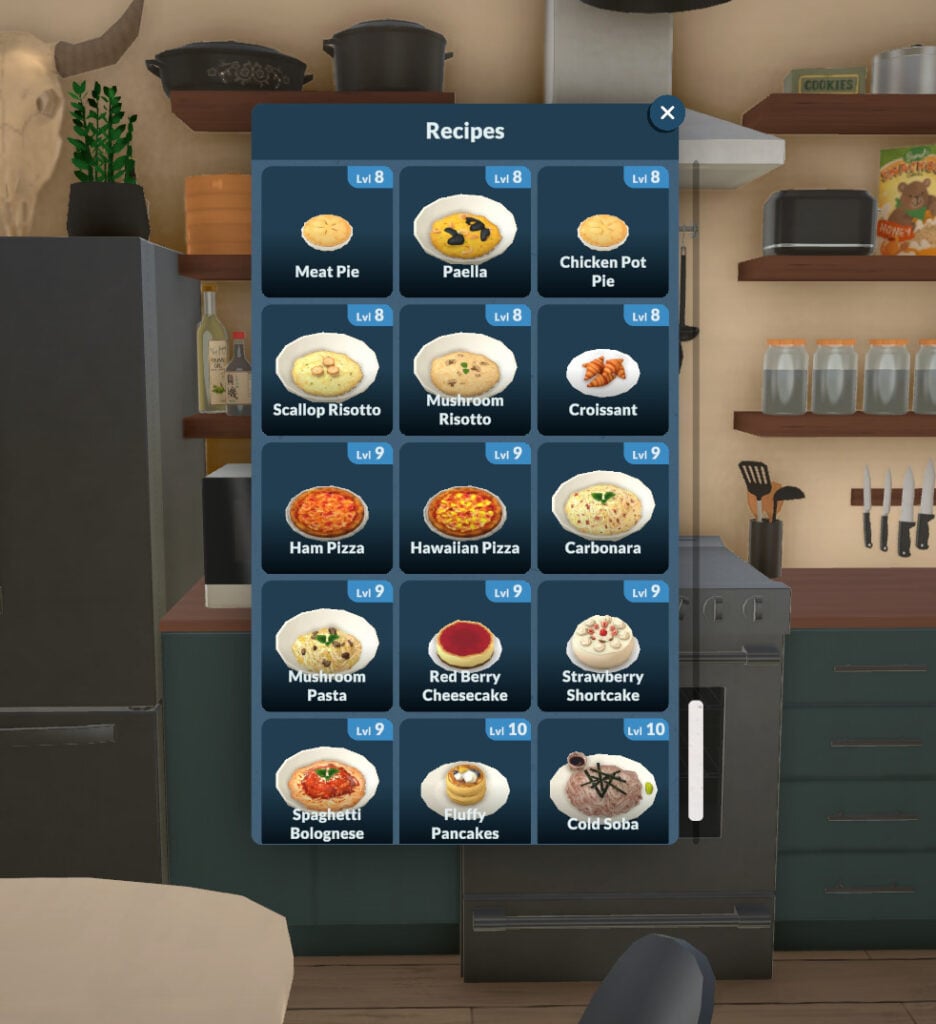
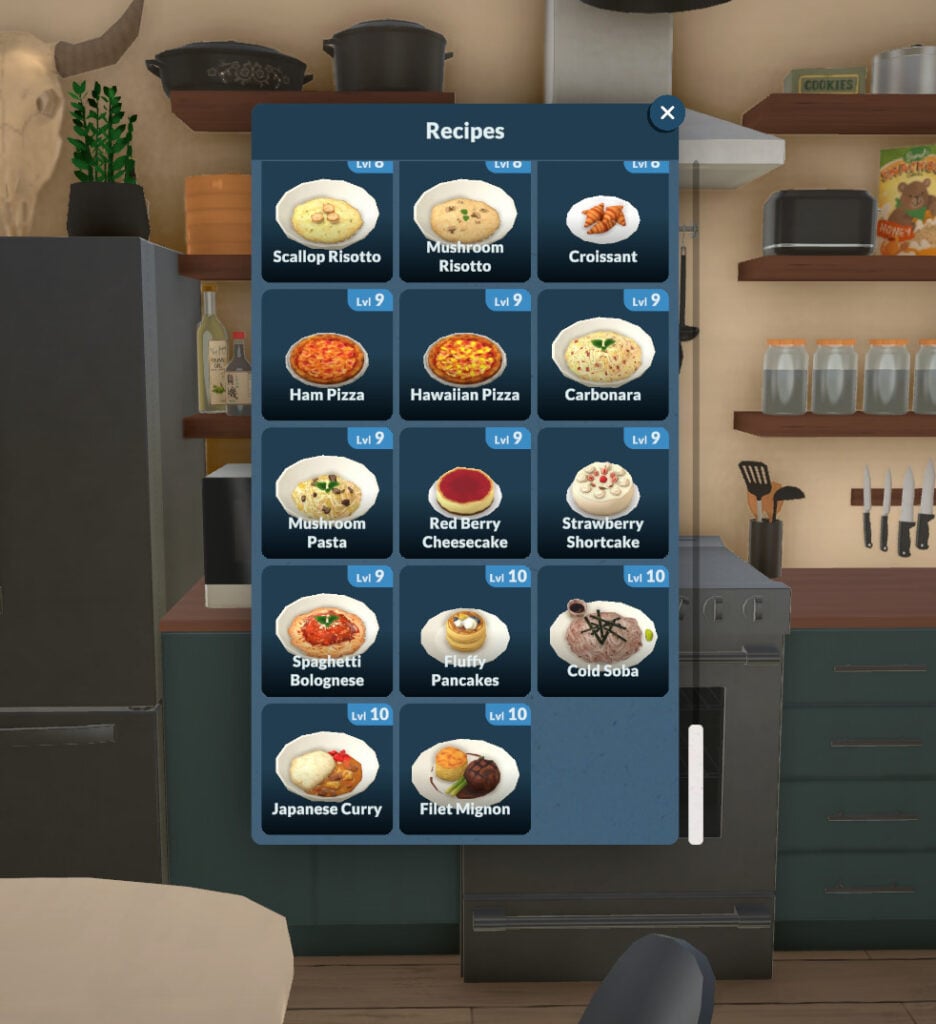
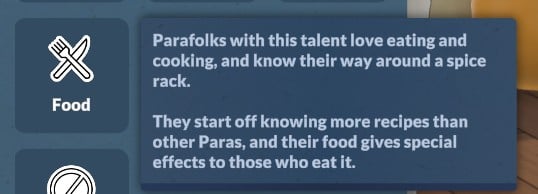
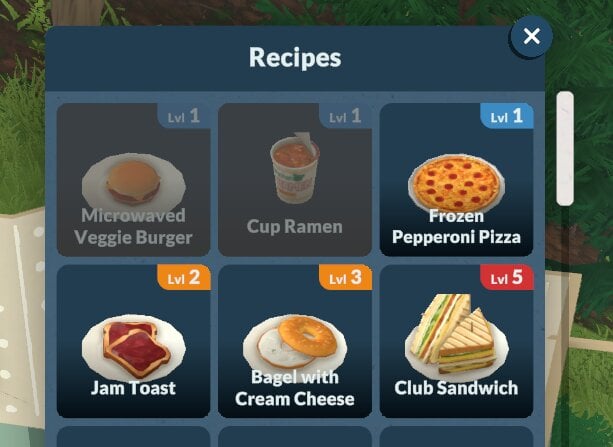
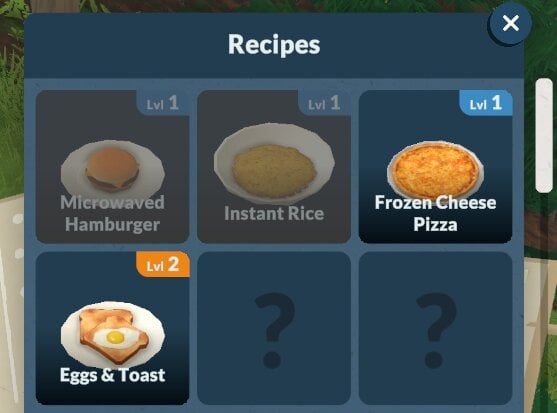
In Paralives, Food knowledge and recipe learning are independent. You can learn recipes through computers or bookshelves, but your Cooking skill level doesn’t affect recipe discovery. Your Para could know all recipes but be unable to cook them due to low skill, or have max skill yet miss certain recipes they never studied.
You can check the list below for all the recipes available and what level they require to be successfully cooked:
Cooking Skill
In-game description: Your skill level in cooking. Improve it by learning about it on the computer.
The Cooking skill, as you can imagine, is strongly tied to the Food skill. The higher your Food skill, the faster your Para will learn Cooking. At the moment, the available snacks don’t change regardless of the Cook or Food skills.
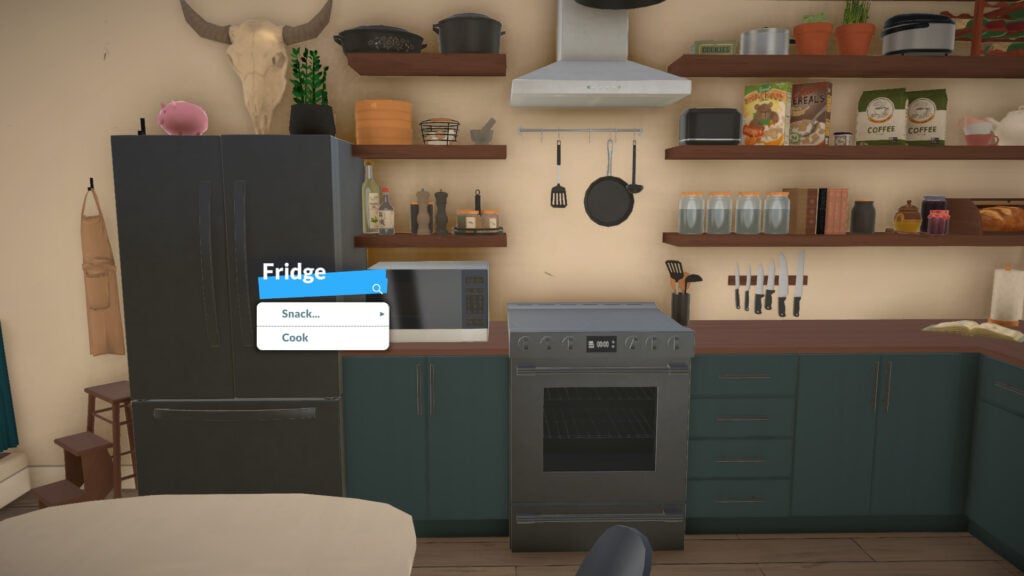
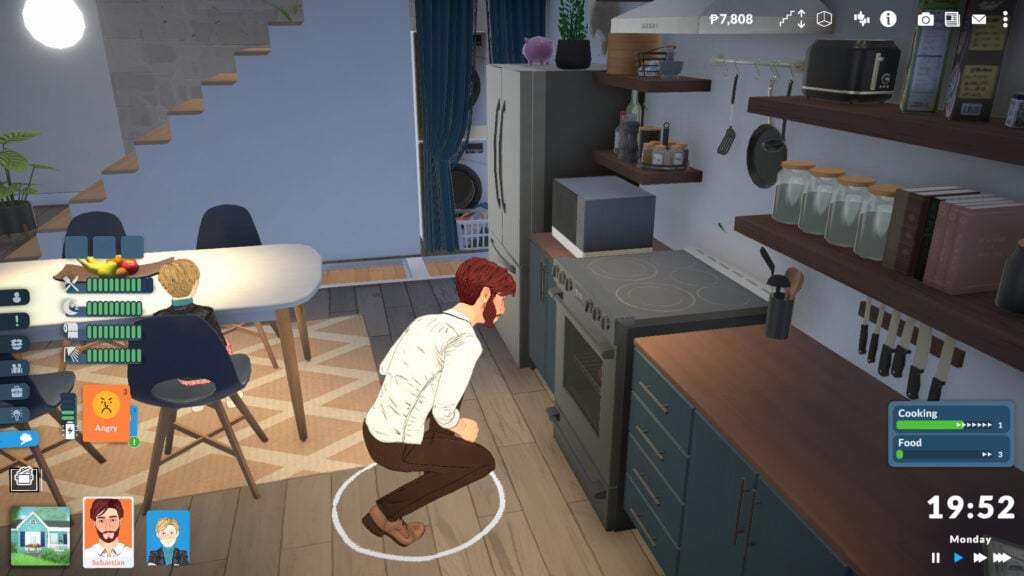
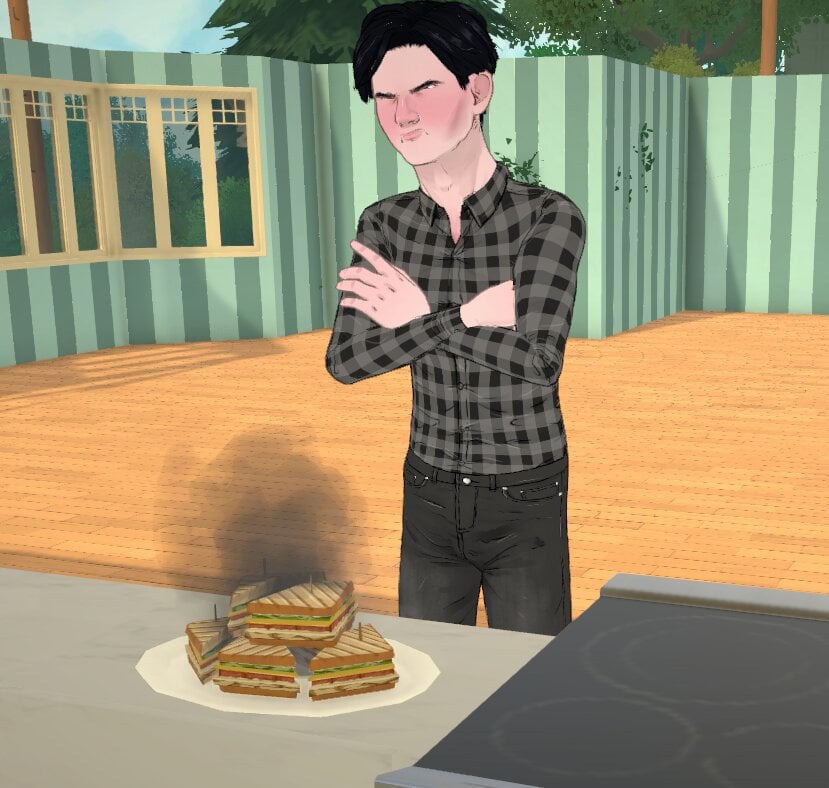
As your Cooking skill increases, you’ll have a better chance of cooking high-quality meals and a lower risk of starting a fire with the stove.
Fitness
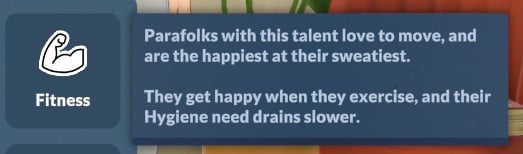
In-game description: The knowledge of improving one’s body. Improve it by learning about it on the computer. This is a knowledge skill — improving skills under it will improve it as well. Improving your knowledge will also increase the learning seep of the skills under it.
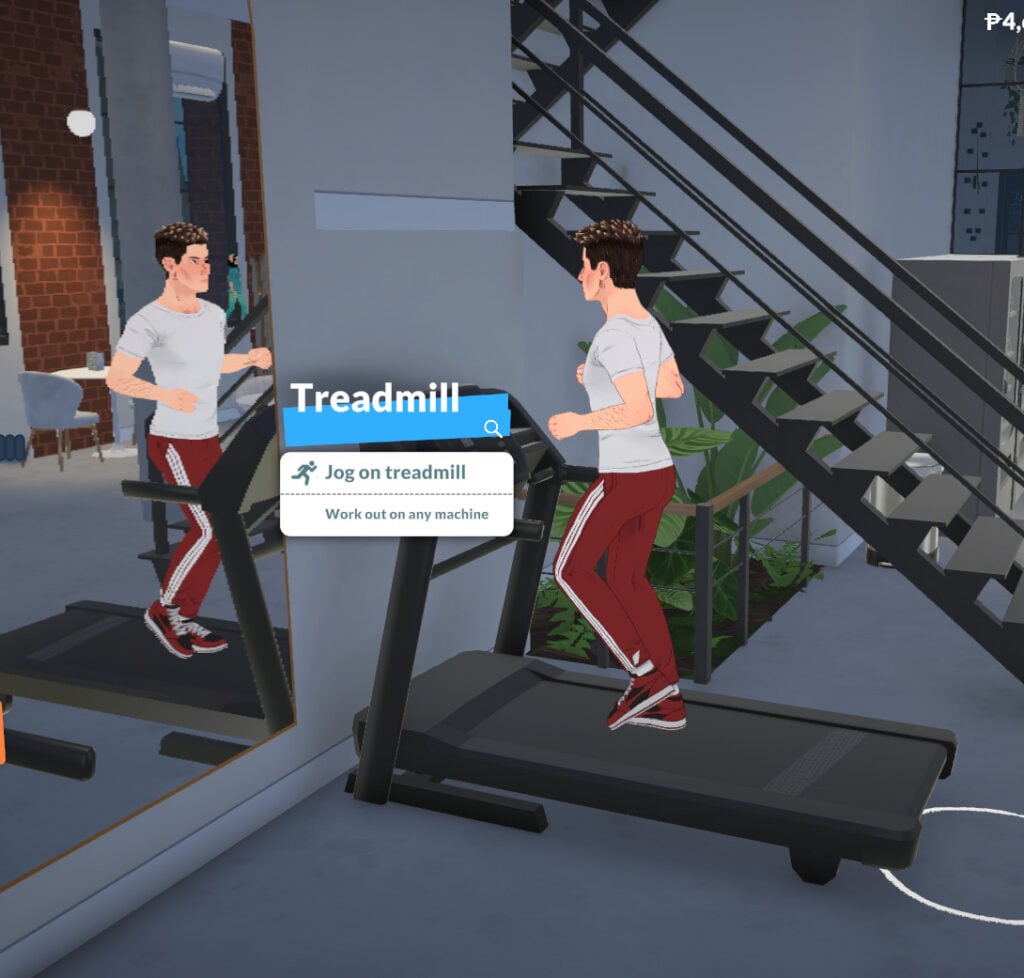
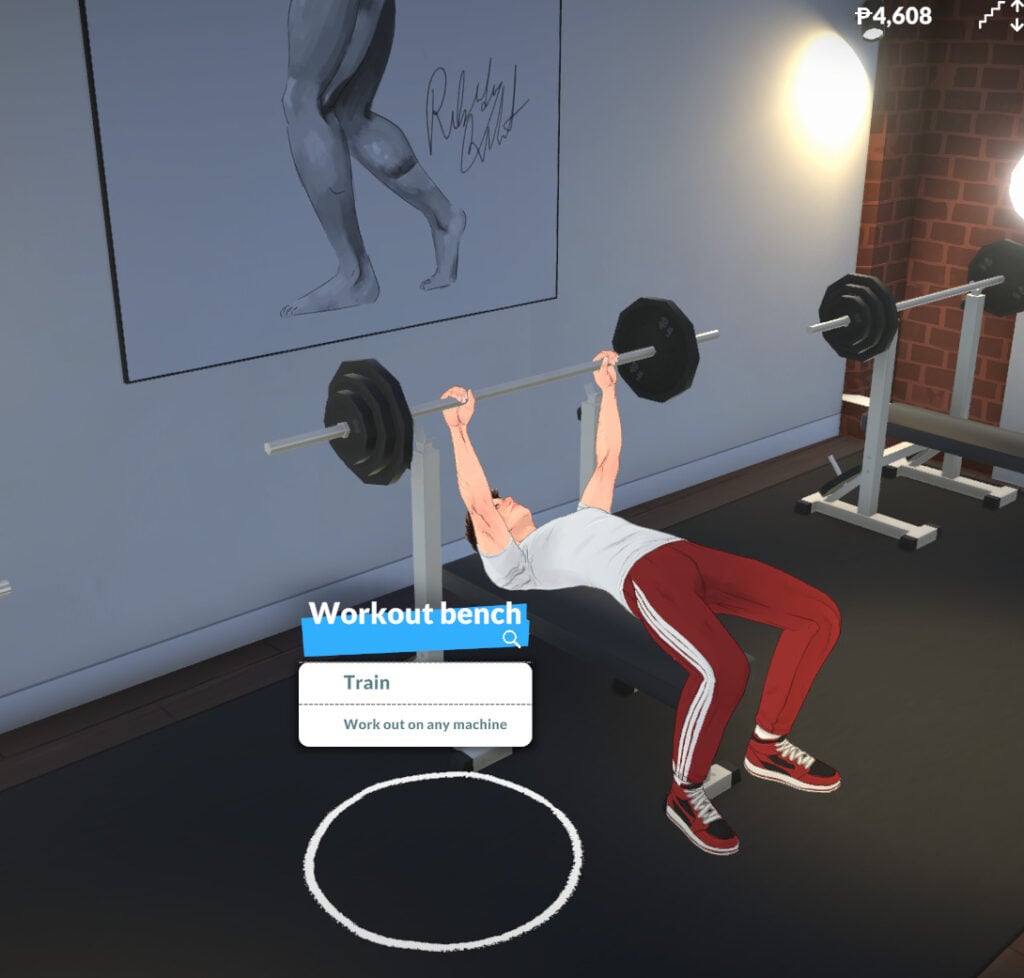
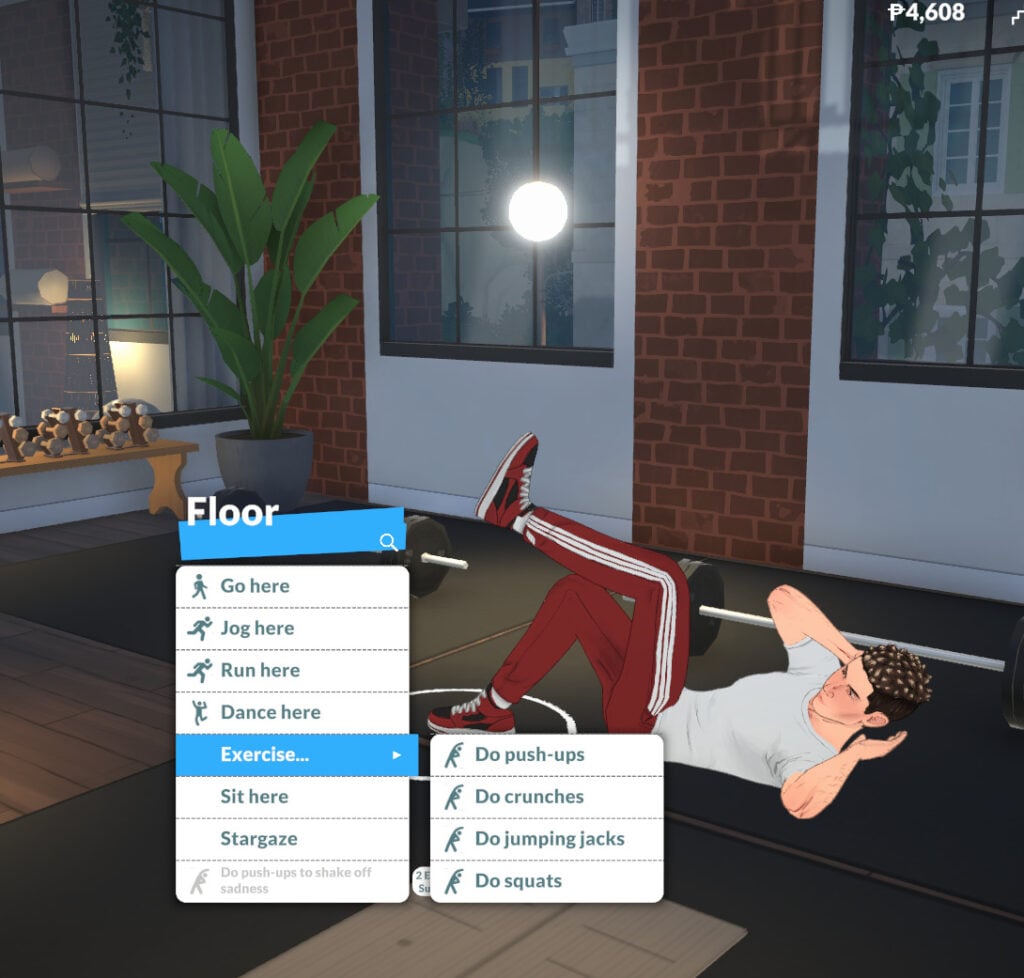
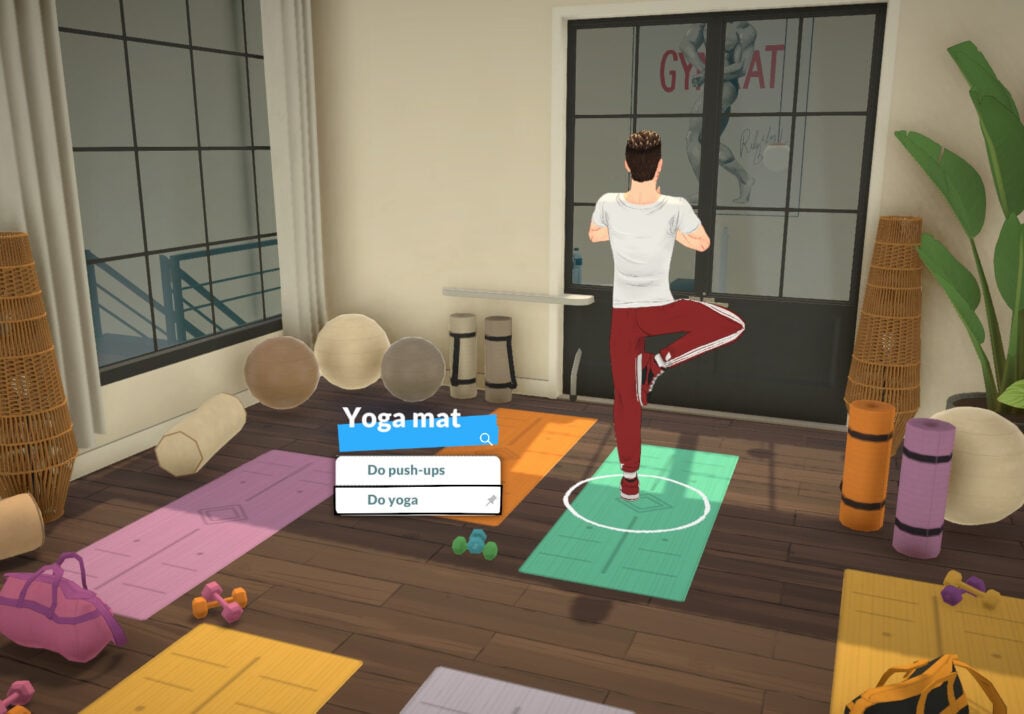
The Fitness knowledge skill in Paralives has two related skills: the Exercise skill and the Dance skill. You can learn about Fitness by reading about it on the computer or at a bookshelf, and you can also gain this knowledge skill by doing yoga, exercise, running, jogging or dancing.
Exercise Skill
In-game description: Your skill level in exercise. Improve it by doing floor exercises or using exercise machines. Running and jogging also improves it.
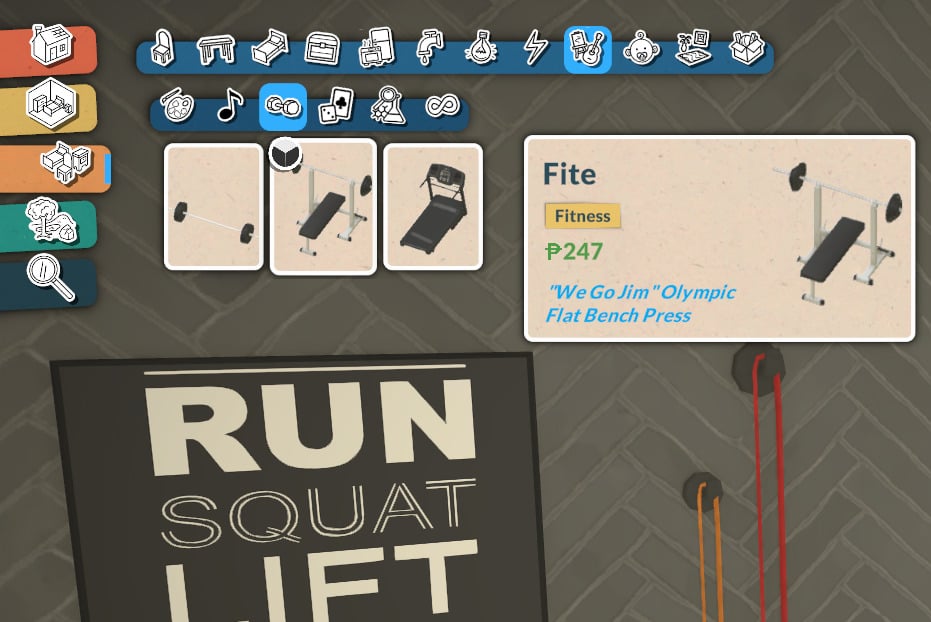
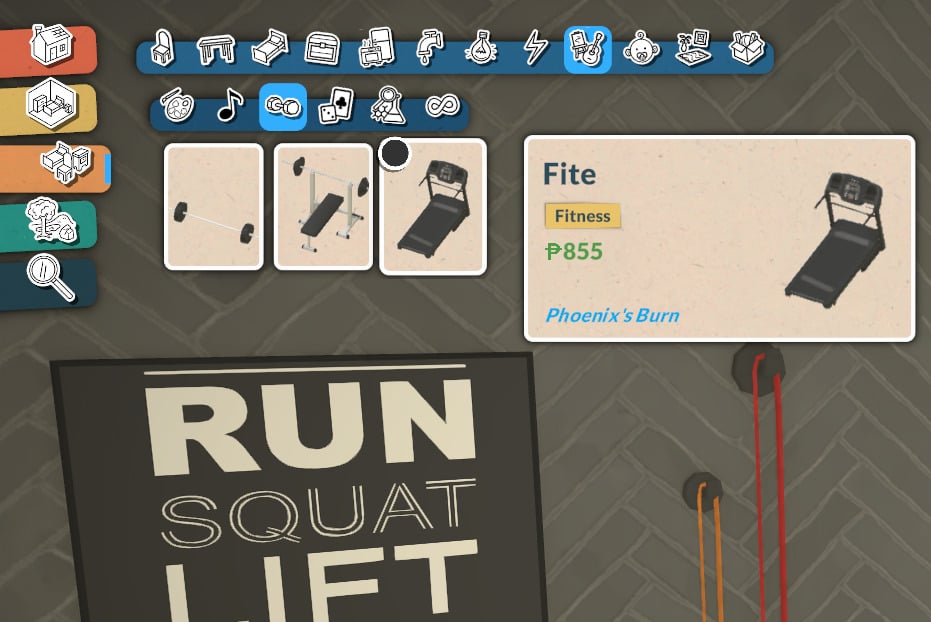
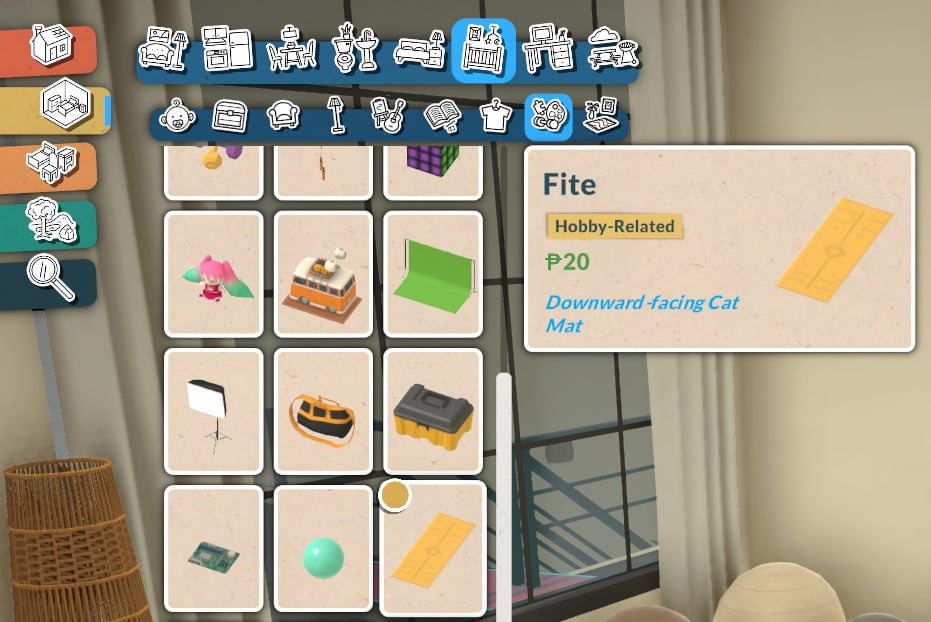
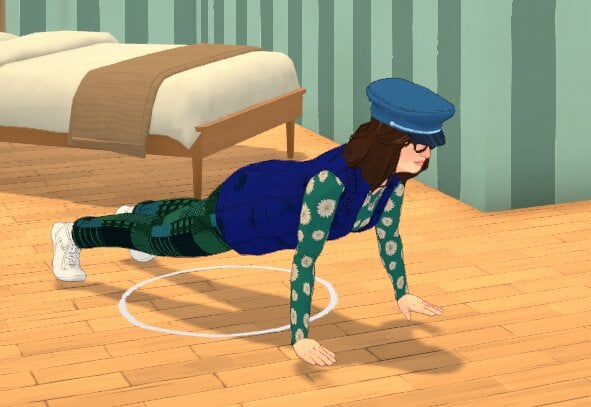
Learning the Exercise skill in Paralives doesn’t require any expensive gear. You can click on the floor anywhere to run, jog, or do exercises. That said, Buy Mode also offers some items that let you practice and improve the skill:
To exercise, you can use a workout machine, a treadmill, or a yoga mat. If you don’t have room at home, you can find all of this equipment at the gym. As always, the higher your Fitness skill level, the faster your Para will learn exercises!
Dance Skill
In-game description: Your skill level in dance. Improve it by dancing, which can be done anywhere.
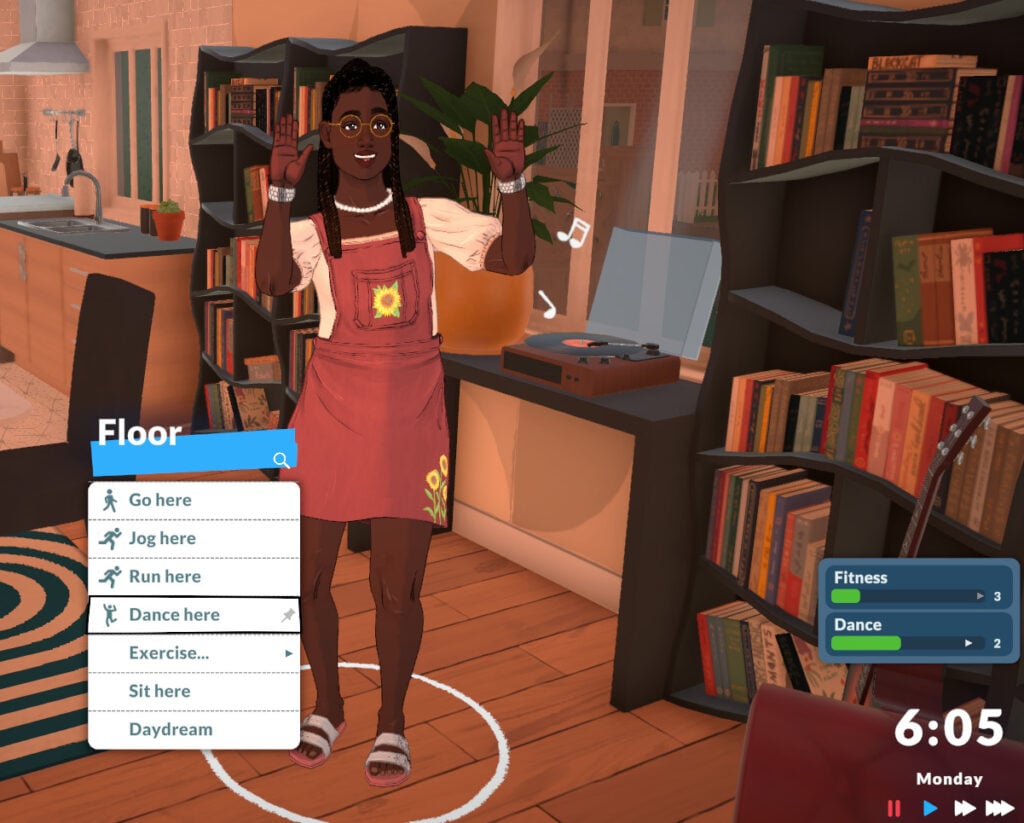
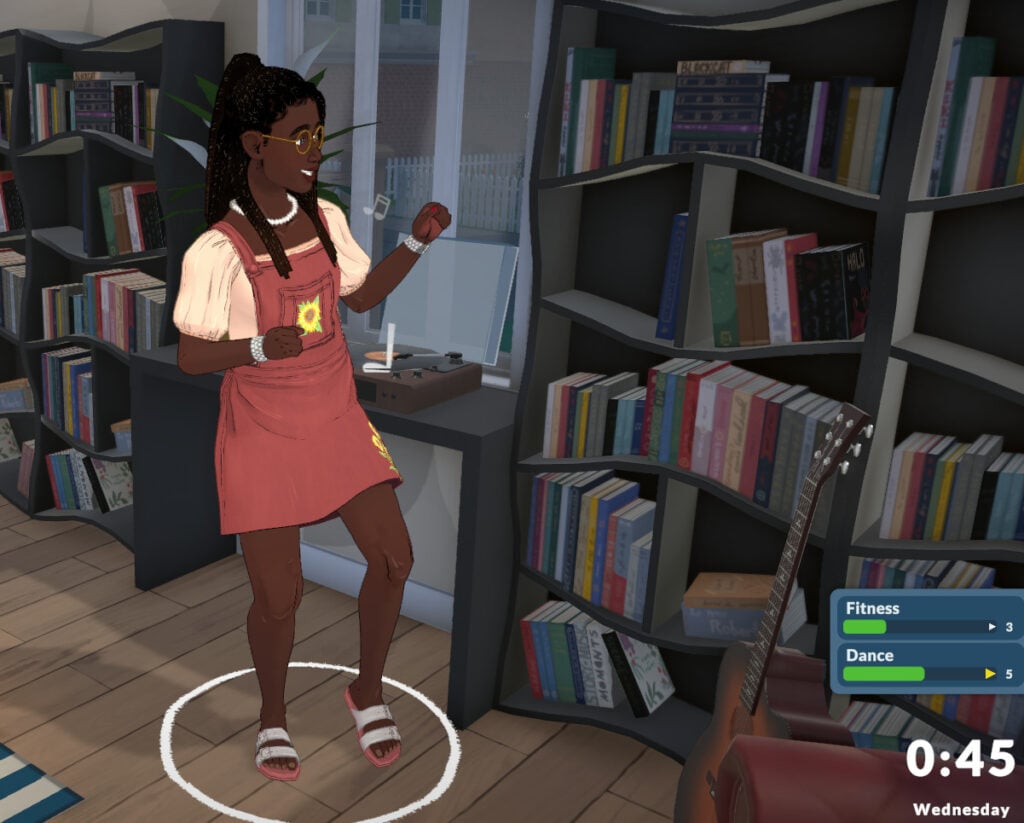
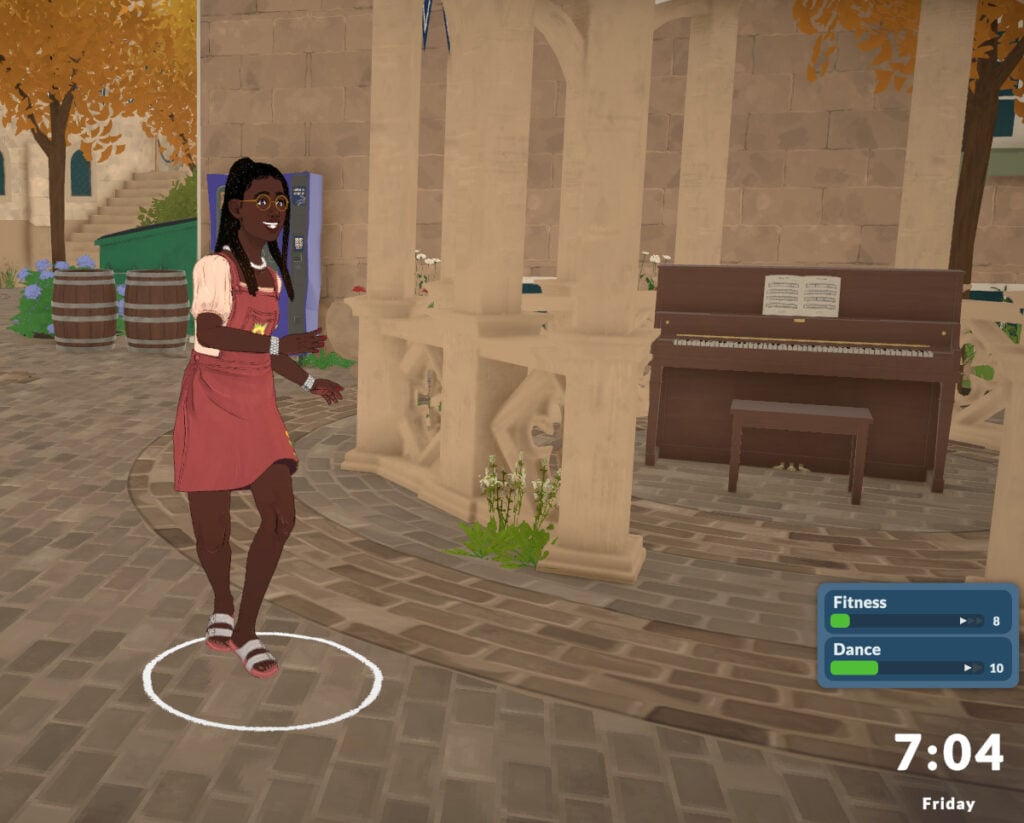
Learning to dance in Paralives doesn’t currently require any items. When you click on the floor anywhere, you’ll see the option to “Dance Here”, and your Para will immediately start dancing. The higher your Dancing skill level, the more confident and proficient your Para will look while dancing.
Technology
In-game description: The knowledge of all things technological. Improve it by learning about it on the computer. This is a knowledge skill — improving skills under it will improve it as well. Improving your knowledge will also increase the learning seep of the skills under it.
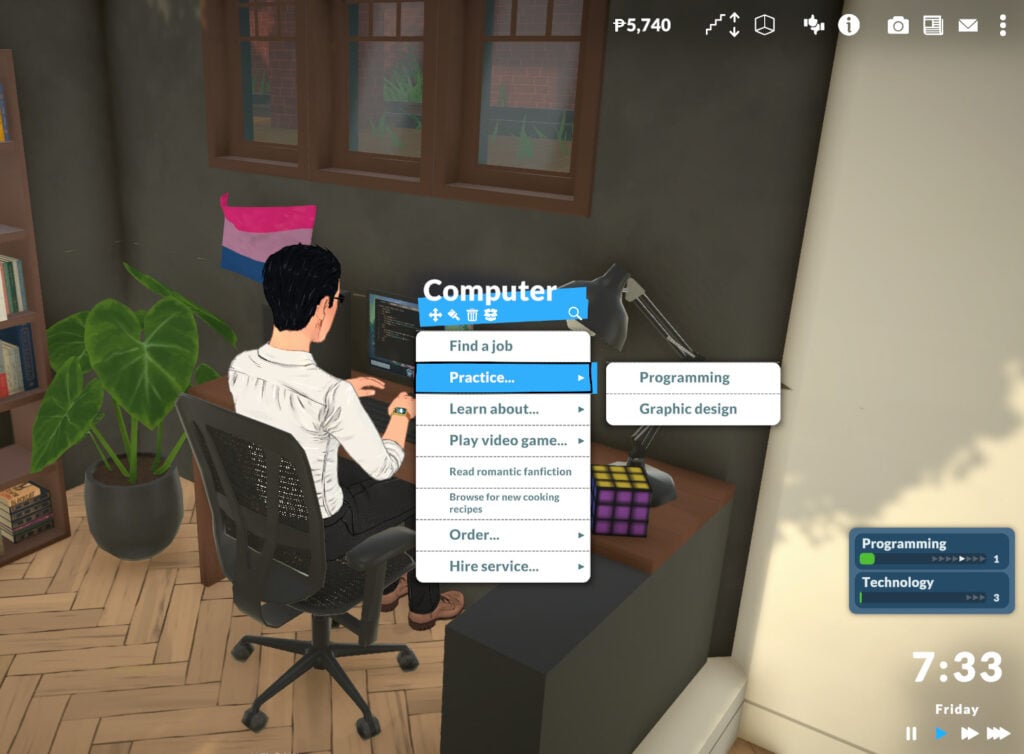
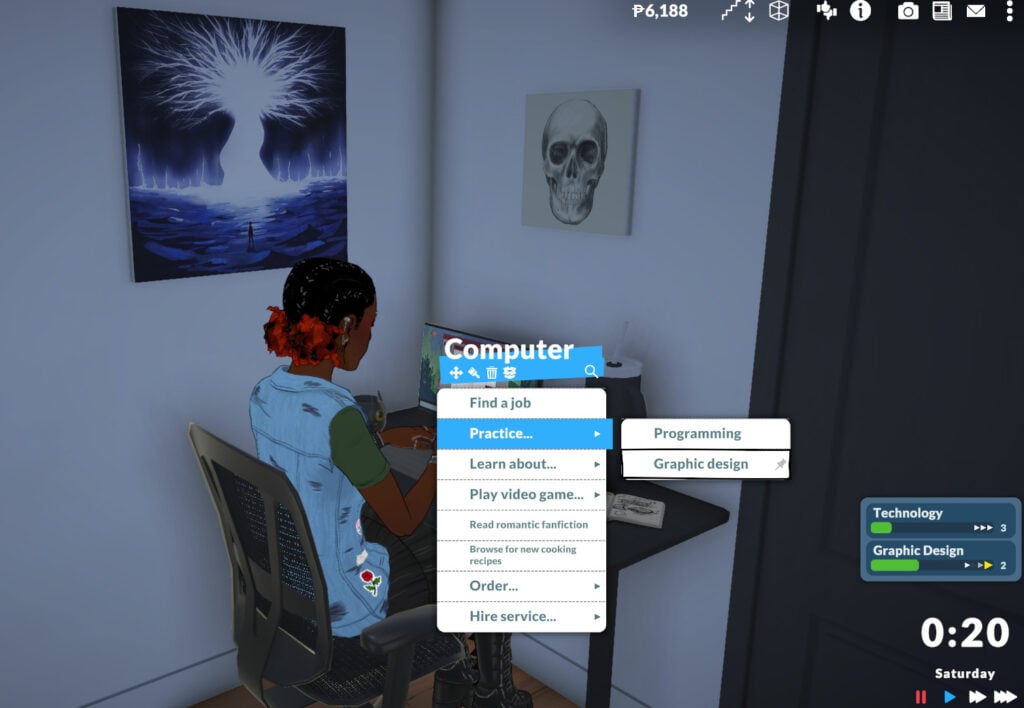
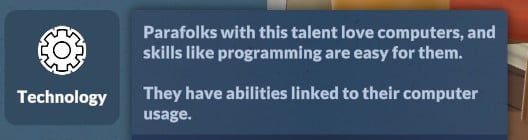
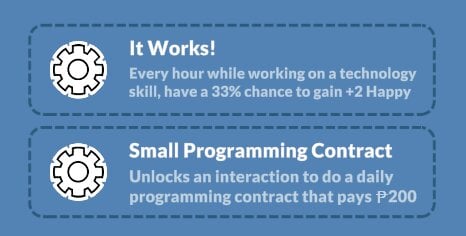
Your Para can learn the Technology knowledge skill by reading about it on the computer or at a bookshelf. Your Para will also gain Technology knowledge when learning Programming or Graphic Design.
Programming Skill
In-game description: Your skill level in programming. Improve it by learning about it directly on computer.
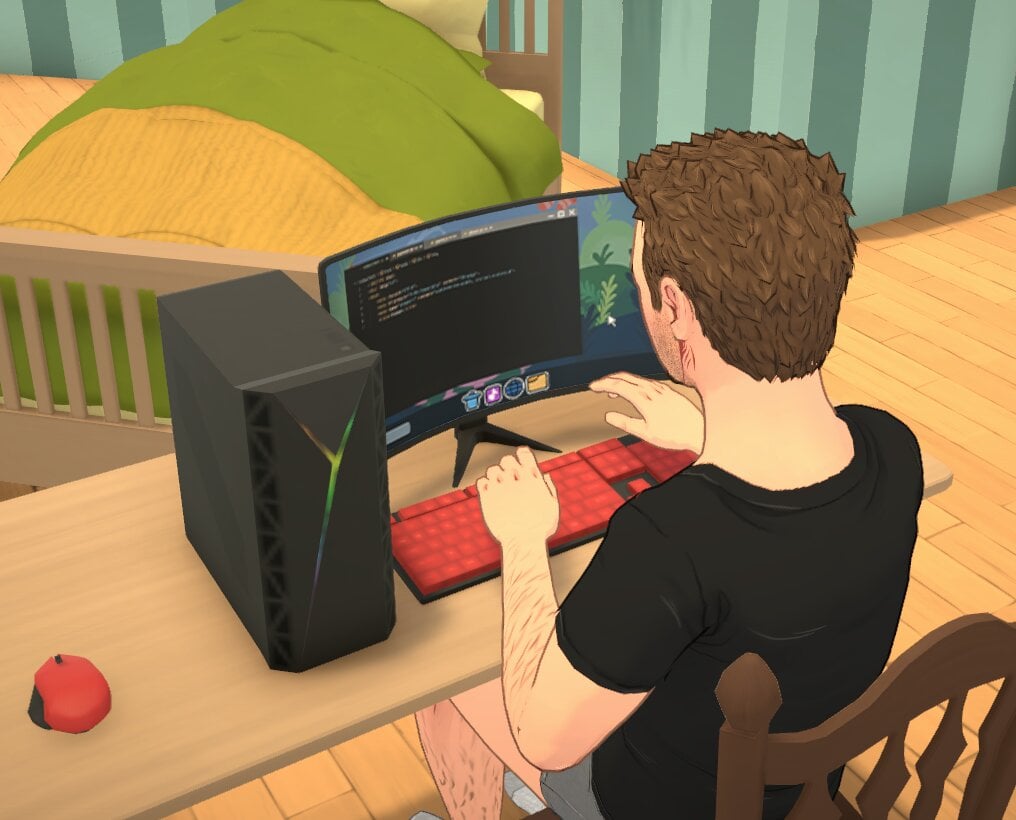
To learn Programming, go to a computer and choose the “Practice…” interaction. Your Para can also gain the Programming skill through certain job perks, and the higher their Technology skill, the faster they will learn to program.
Graphic Design Skill
In-game description: Your skill level in graphic design. Improve it by learning about it directly on computer.
Similar to the Programming skill, Graphic Design can currently be learned by interacting with the computer and clicking “Practice…”. The more your Para knows about Technology, the faster they will learn Graphic Design.
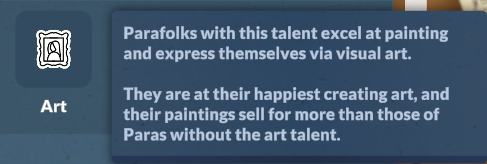
Art
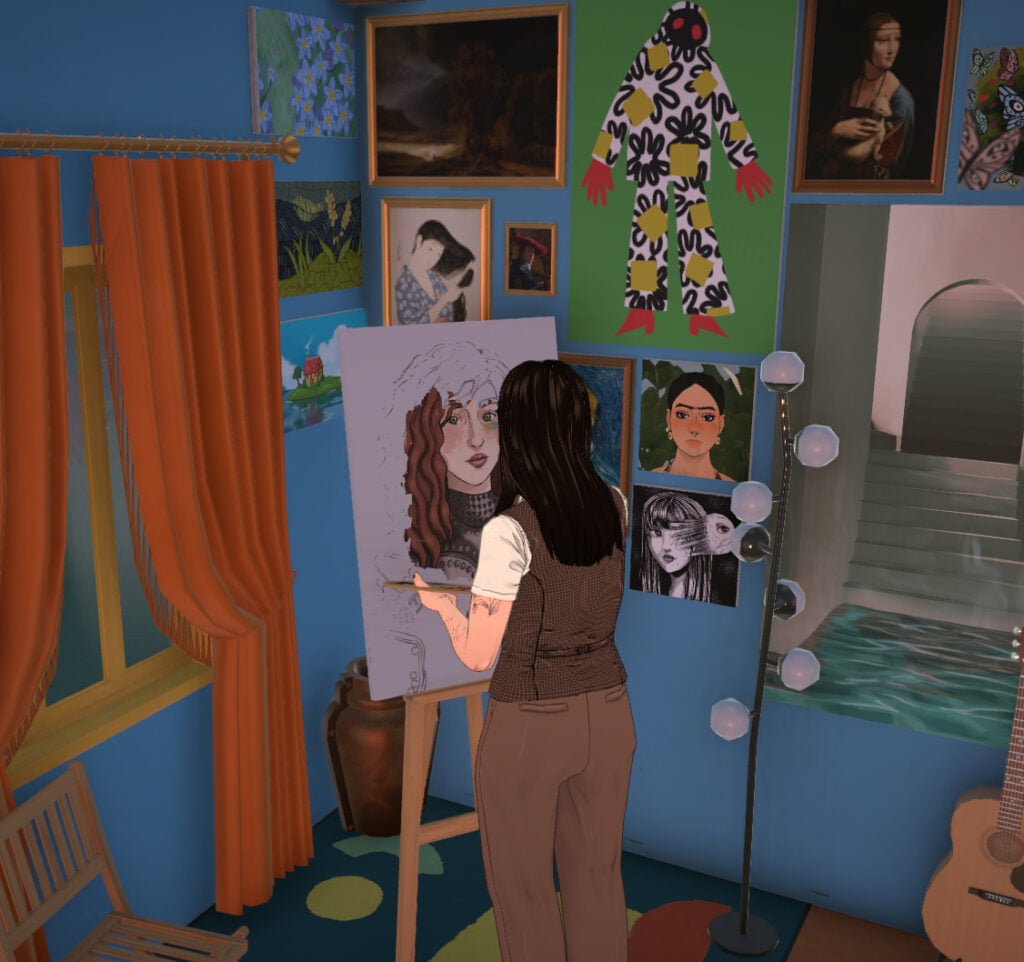
The next knowledge skill is Art. Your Para can learn about Art by reading about it on a computer, at a bookshelf, or by creating paintings on an easel, as you might have guessed.
In-game description: The knowledge of visual arts and painting. Improve it by learning about it on the computer. This is a knowledge skill — improving skills under it will improve it as well. Improving your knowledge will also increase the learning seep of the skills under it.
Painting Skill
In-game description: Your skill level in painting. Improve it by learning about it by painting on an easel.
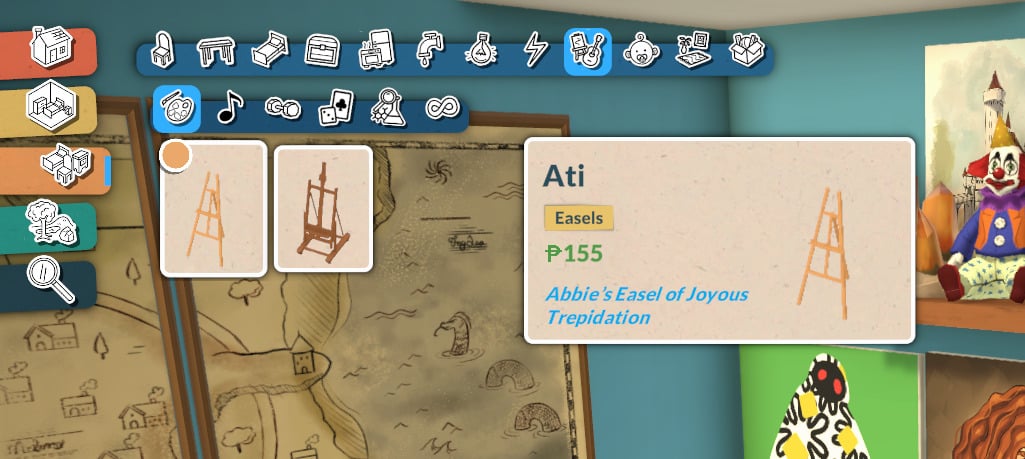
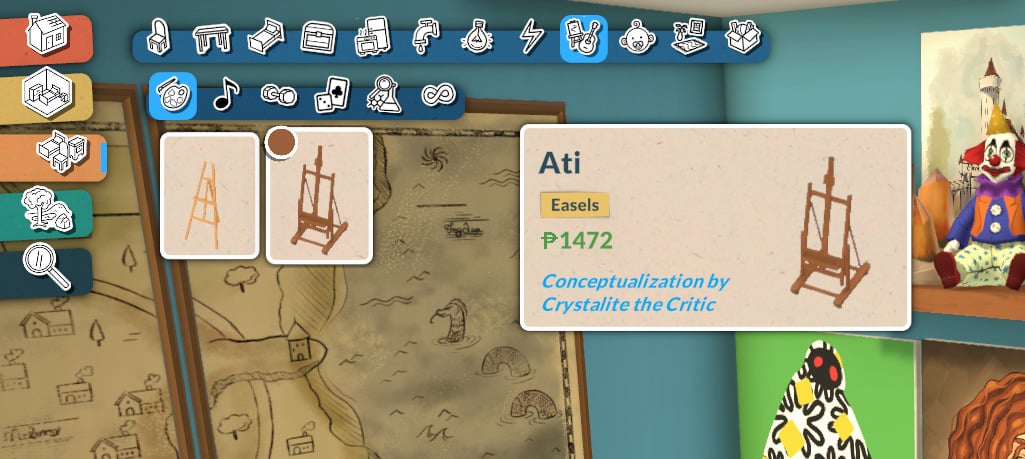
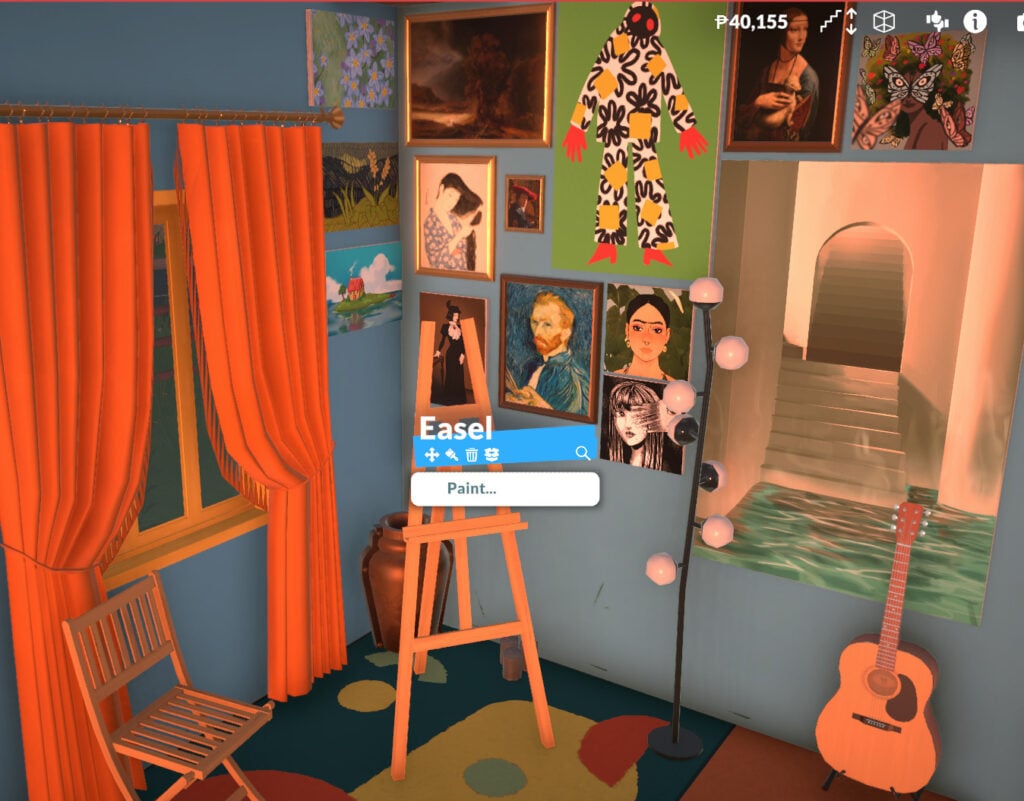
To start learning how to paint, your Para will need an easel. You can buy one for your home lot or use one at certain locations around Melino.
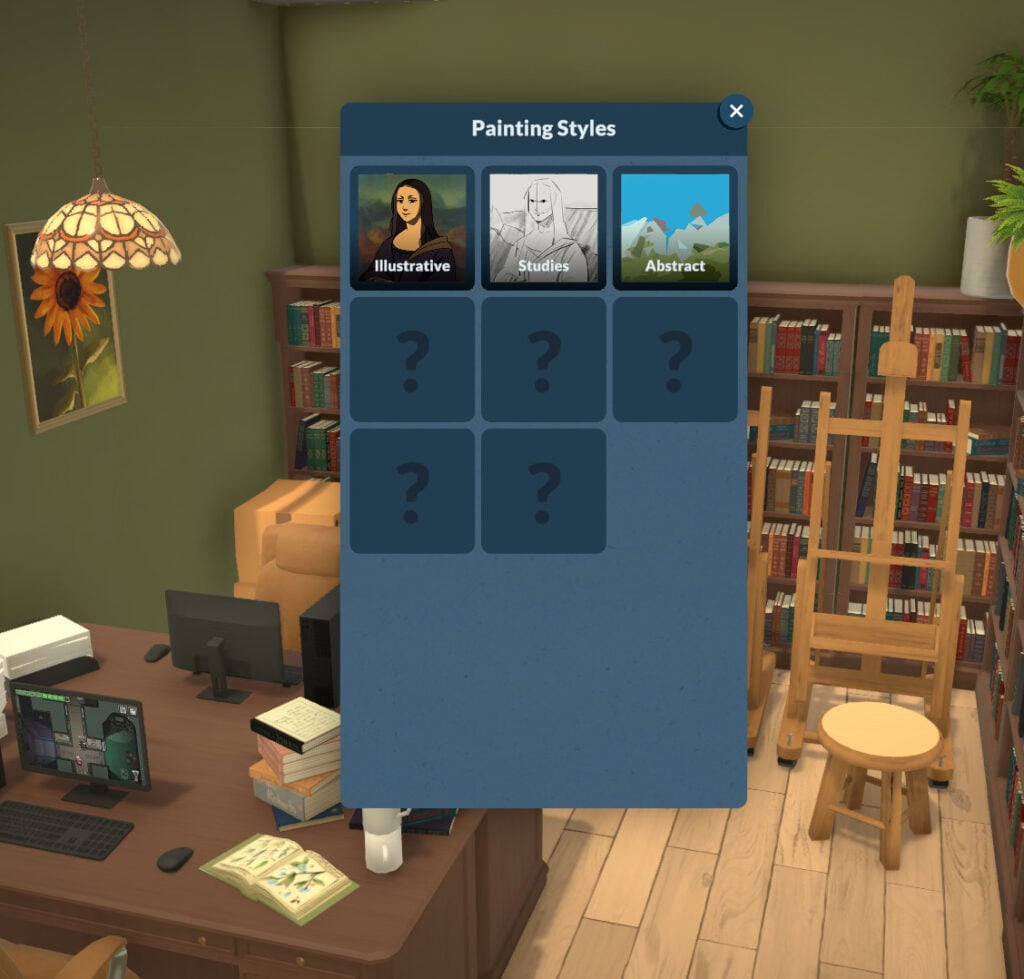
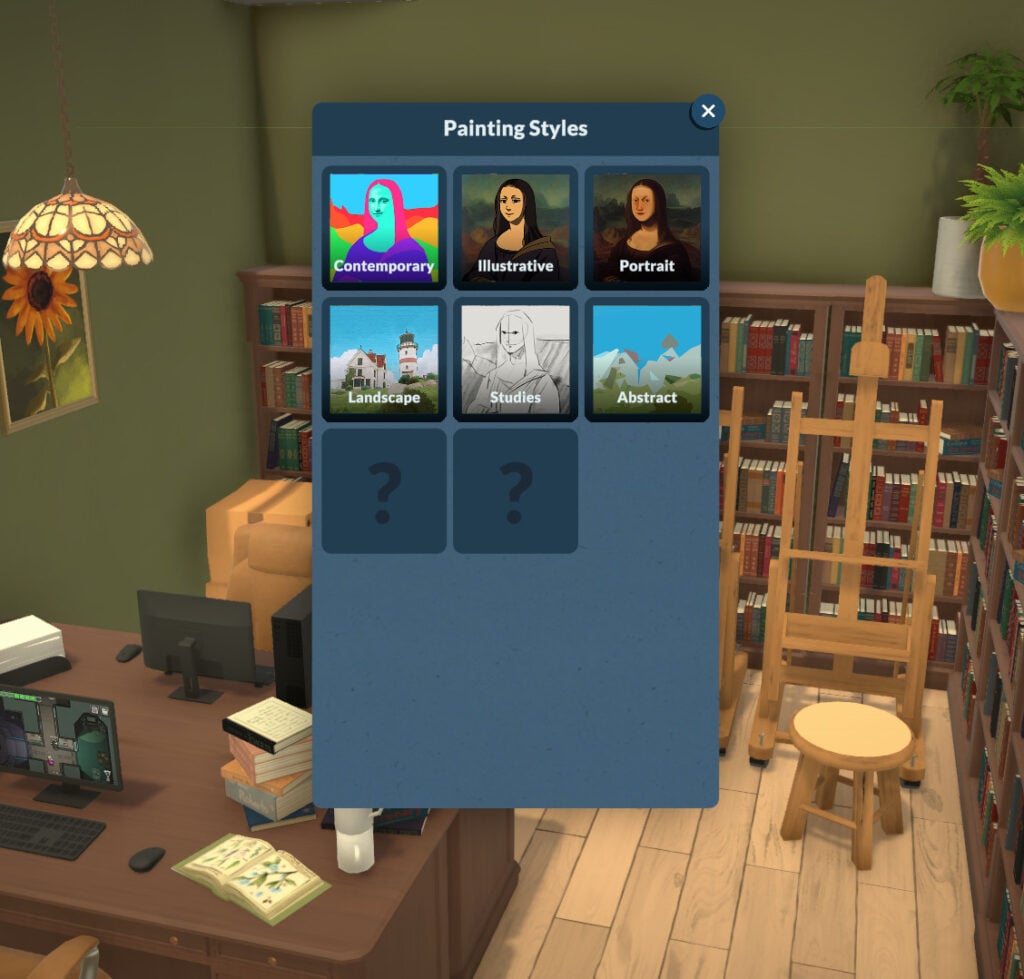
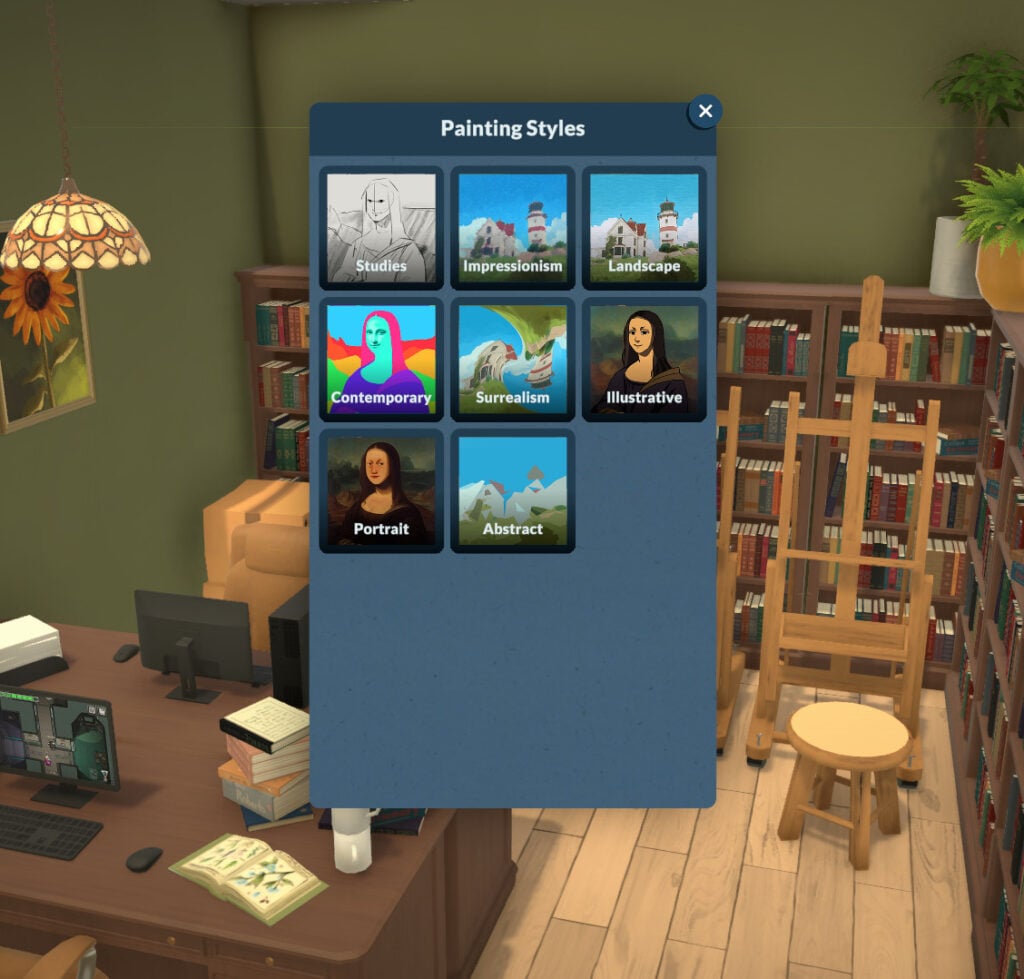
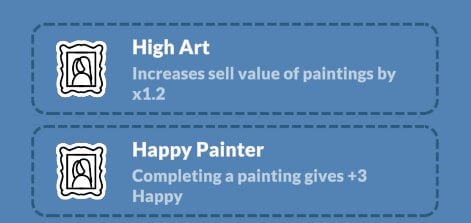
The type of art your Para can create depends on their Painting skill level. If they are below level 3, they can paint small paintings in the Illustrative, Studies, and Abstract categories. At level 5, they can paint small and medium paintings in the categories mentioned earlier, and can also paint Contemporary, Landscape, and Portrait. After reaching level 10, your Para can also paint large paintings in all previously mentioned categories and unlock two more categories: Surrealism and Impressionist.
Repair
In-game description: The knowledge of fixing broken items. Improve it by learning about it on the computer. This is a knowledge skill — improving skills under it will improve it as well. Improving your knowledge will also increase the learning seep of the skills under it
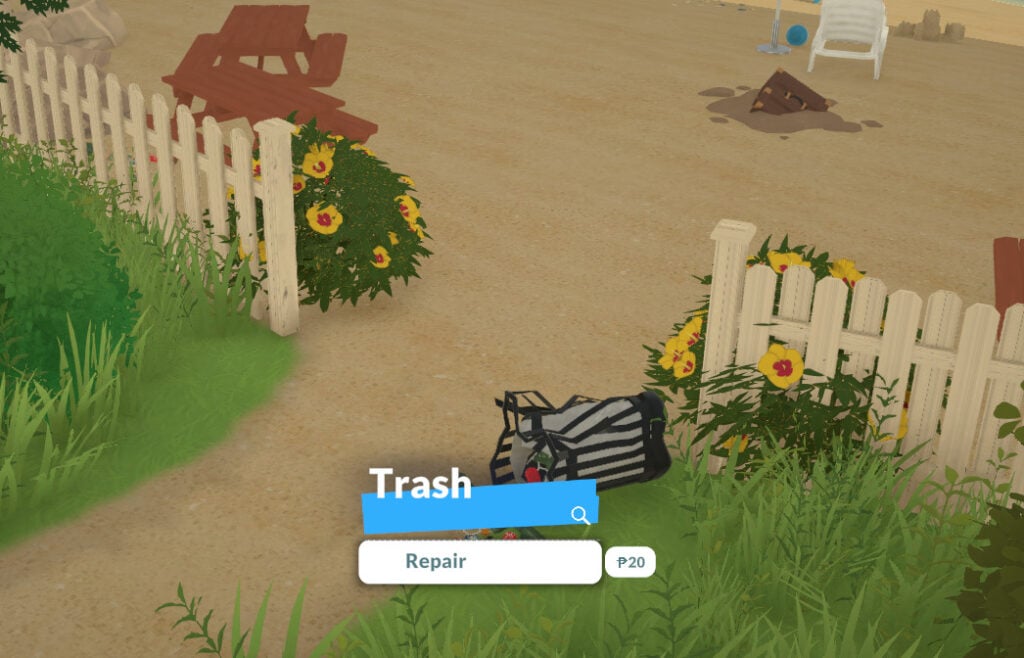
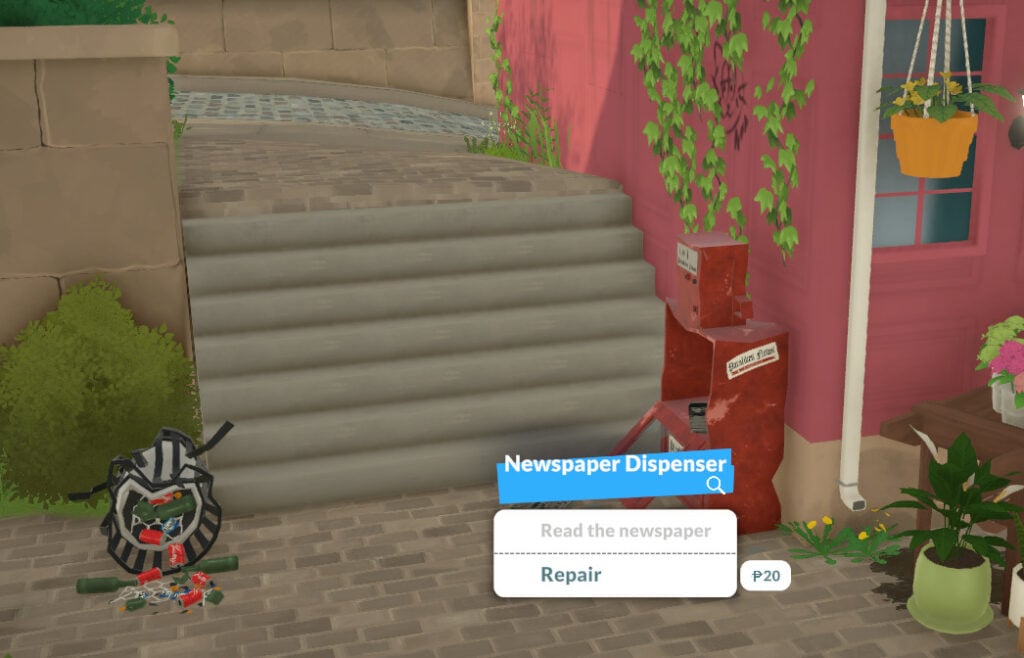
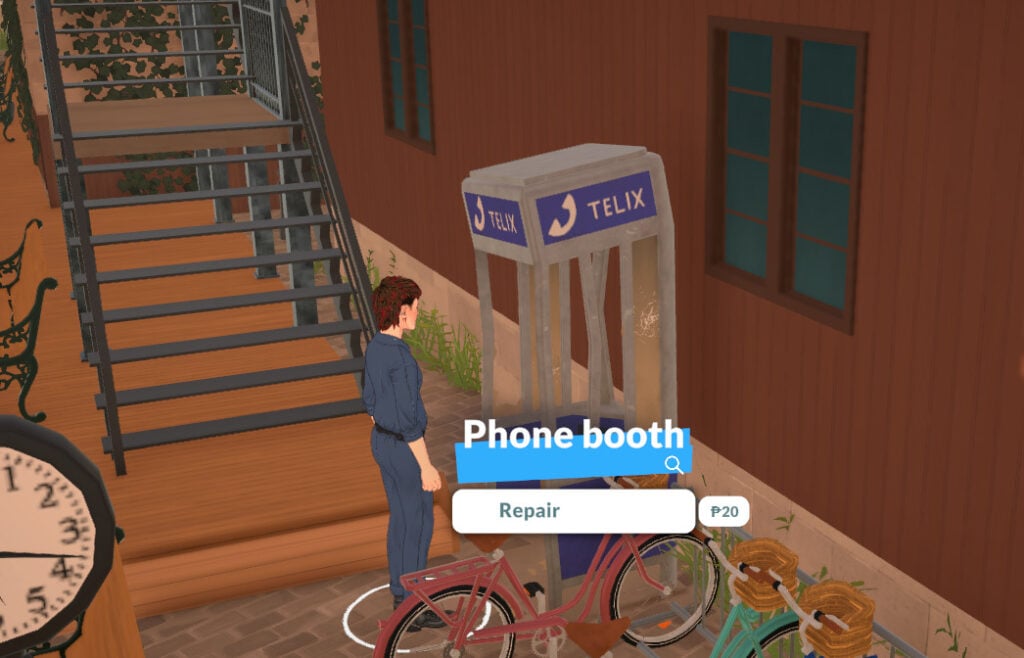
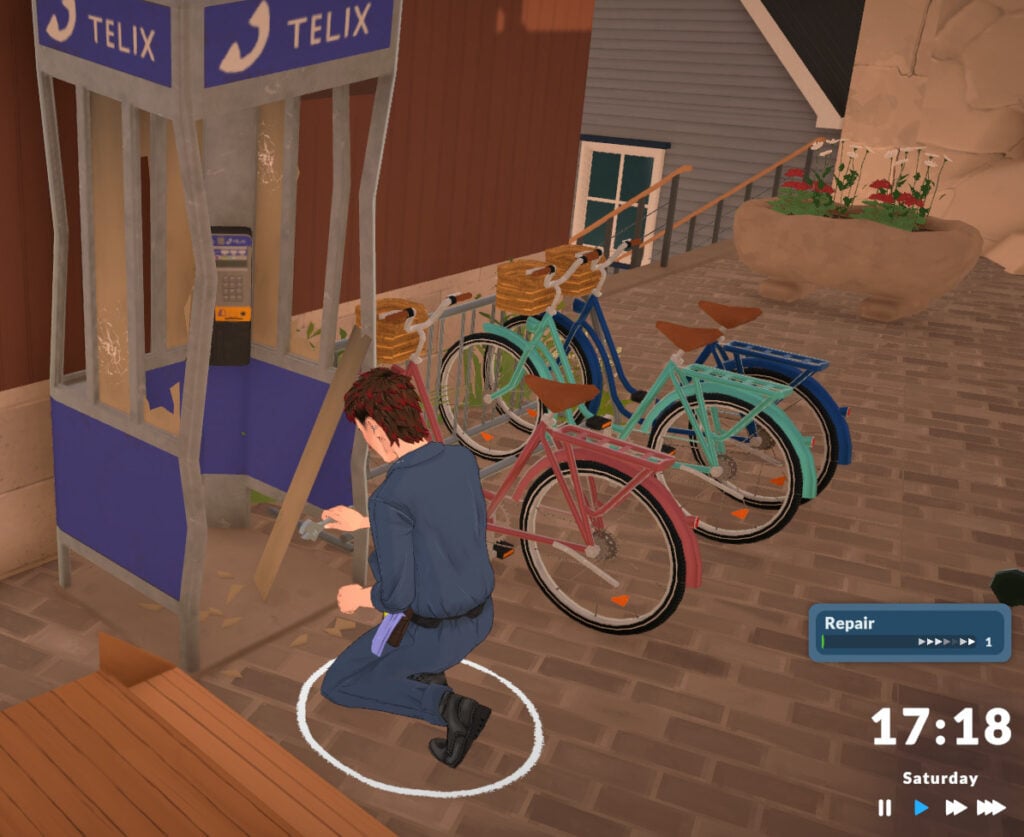
The next knowledge skill is Repair. It doesn’t have any related skills right now, but it’s one of the skills you can practice almost all the time. You can learn it by reading about it on the computer, by using a bookshelf, or by repairing any broken item.
Your Para can repair any vandalized item around town, and they can also vandalize items themselves to then fix them right after! I’m just saying.
Science
In-game description: The knowledge of different sciences. Improve it by learning about it on the computer. This is a knowledge skill — improving skills under it will improve it as well. Improving your knowledge will also increase the learning seep of the skills under it
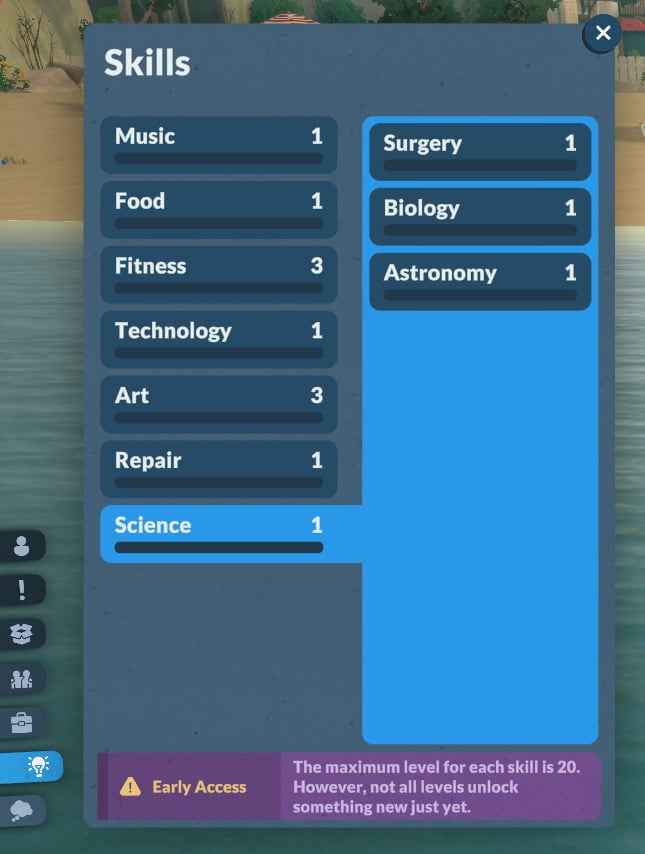
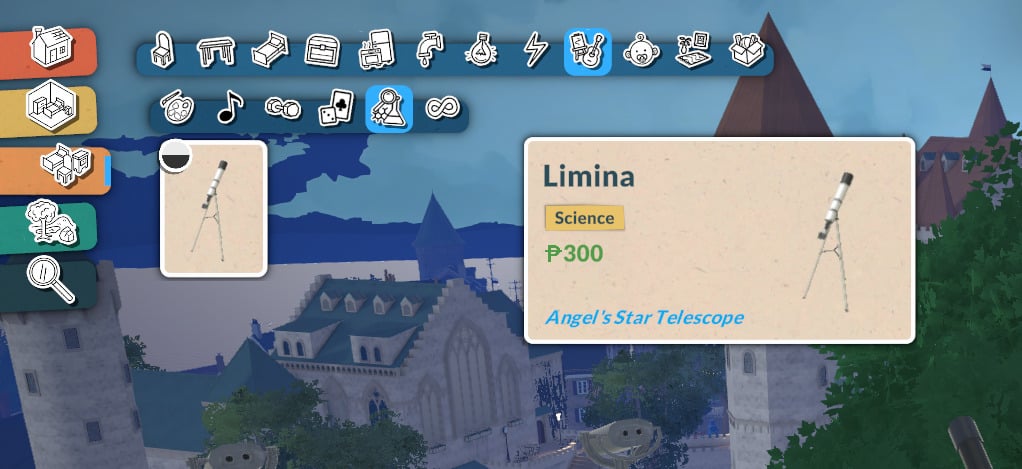
The Science knowledge skill is a very promising one! At the moment, it is linked to Astronomy, Biology, and Surgery. Unfortunately, it is not possible to easily learn any of them yet, but we’ll leave the official in-game descriptions here. When the patch fixing these skills is released, we’ll update this article to keep it up to date.
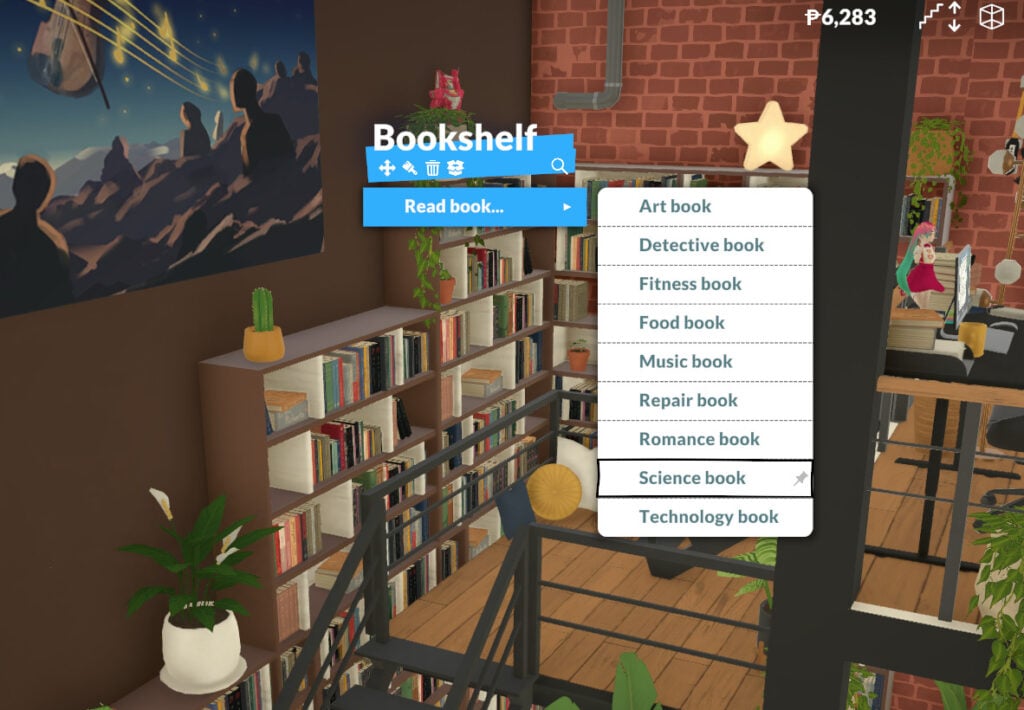
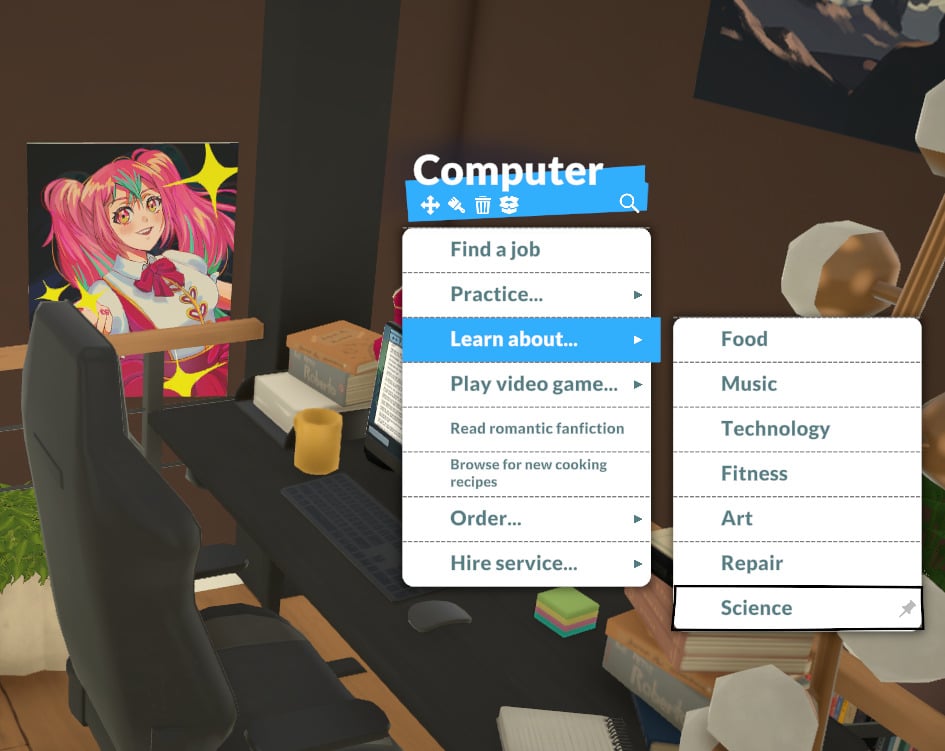
But even if the related skills cannot be learned yet, the Science skill can be increased by reading about it on the computer or at a bookshelf!
Astronomy Skill
In-game description: Your skill level in astronomy. Improve it by learning about it on the computer.
As said before, your Para is not able to learn Astronomy right now. However, by using the telescope, you can improve your Science knowledge skill!
Biology Skill
In-game description: Your skill level in biology. Improve it by learning about it on the computer.
Surgery Skill
In-game description: Your skill level in performing surgery.
Babies and Toddlers Skills
Babies and toddlers also have specific skills they can learn. They aren’t fully implemented, but they are already present in the game!
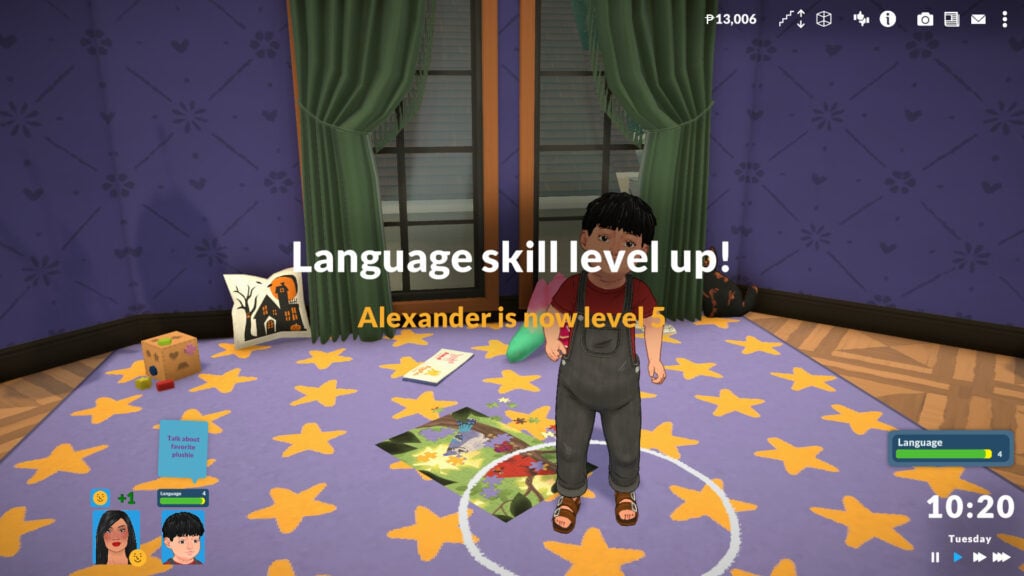
Language (for babies and toddlers)
In-game description: Babies and toddlers need to learn how to talk. Use Together Cards in a group with them and see how far they go!
Babies and toddlers can gain Language skills by interacting with other Paras, so don’t forget to include them in group activities so they can learn it faster!
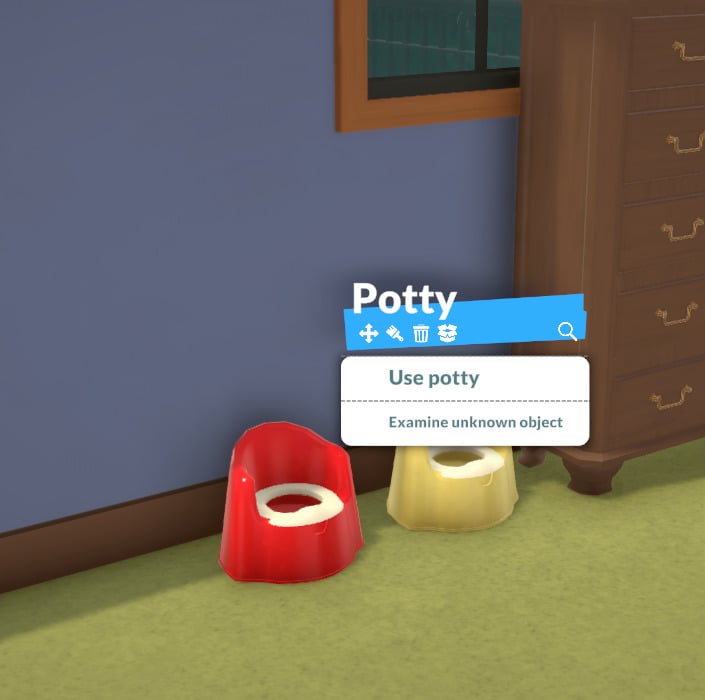
Potty (for toddlers)
Toddlers can increase their Potty skill on their own. Currently, they don’t require adult supervision.
In-game description: Your skill level in using the potty.
Final thoughts
Those are all the skills in the game right now. Even though they aren’t fully implemented yet, there’s plenty to learn about them, and additional skills are on the way!
Now we want to hear from you! What do you think about the skills in the game? Which ones are you hoping will be added? Let us know in the comments!
A unique twist to the life simulation genre, the Paralives Storytellers system, allows you to tailor your game difficulty and settings to your liking. While there are three default options to choose from, all three of these can be further refined to your exact specifications with more options coming as game development continues.
Let’s take a look at all of the Paralives Storytellers settings you can define.
Table of Contents
Paralives Storytellers
When you first boot up the game and start a save file, you’ll be greeted with a lovely train intro tutorial that is reminiscent of your first moments in the OG Animal Crossing. Here you will create or choose your first Paras and be introduced to the Paralives Storytellers.
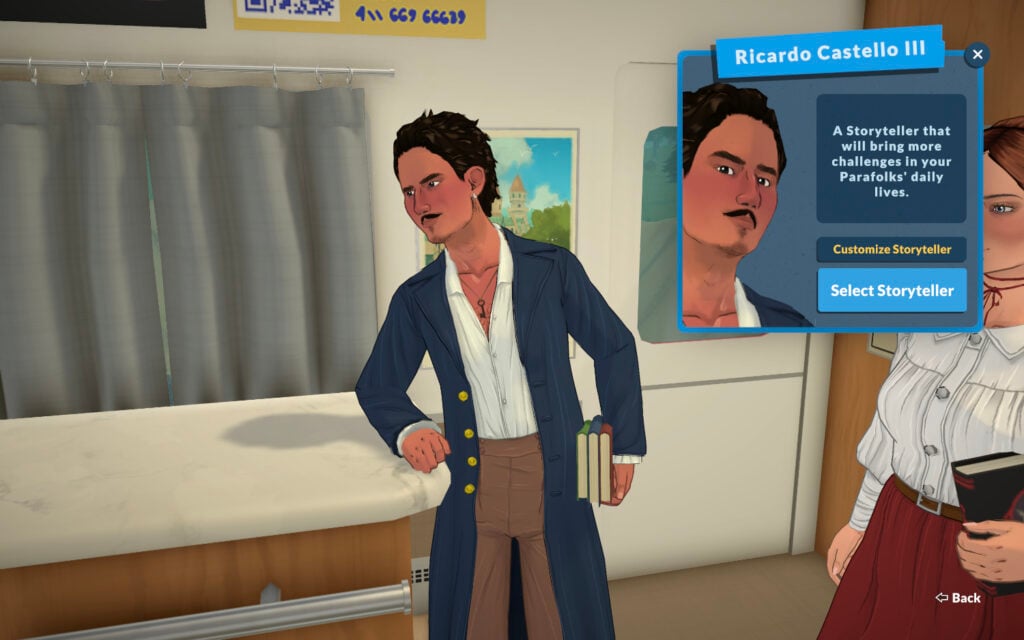
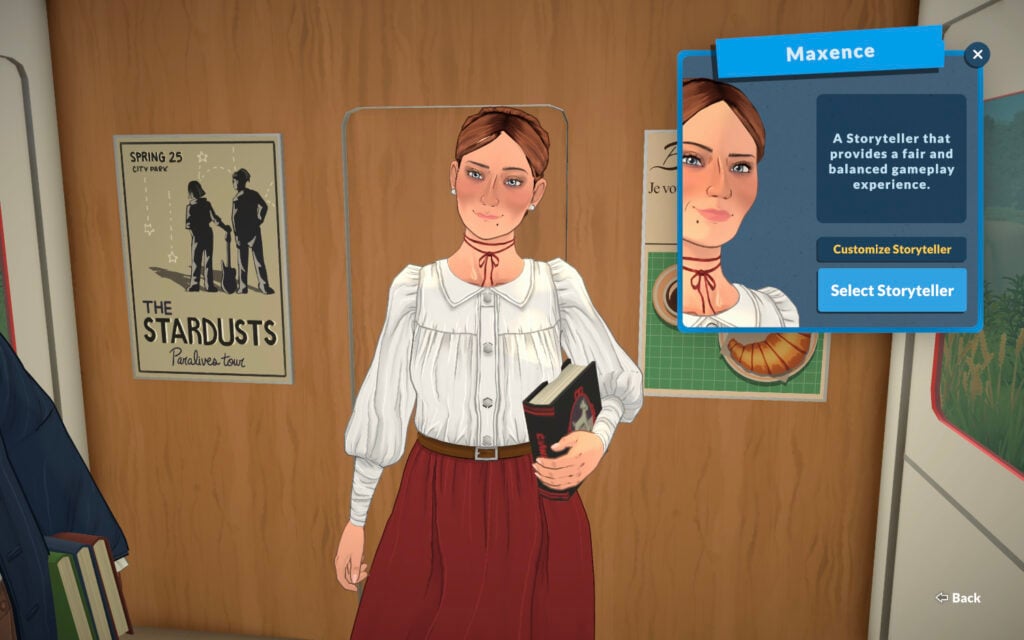
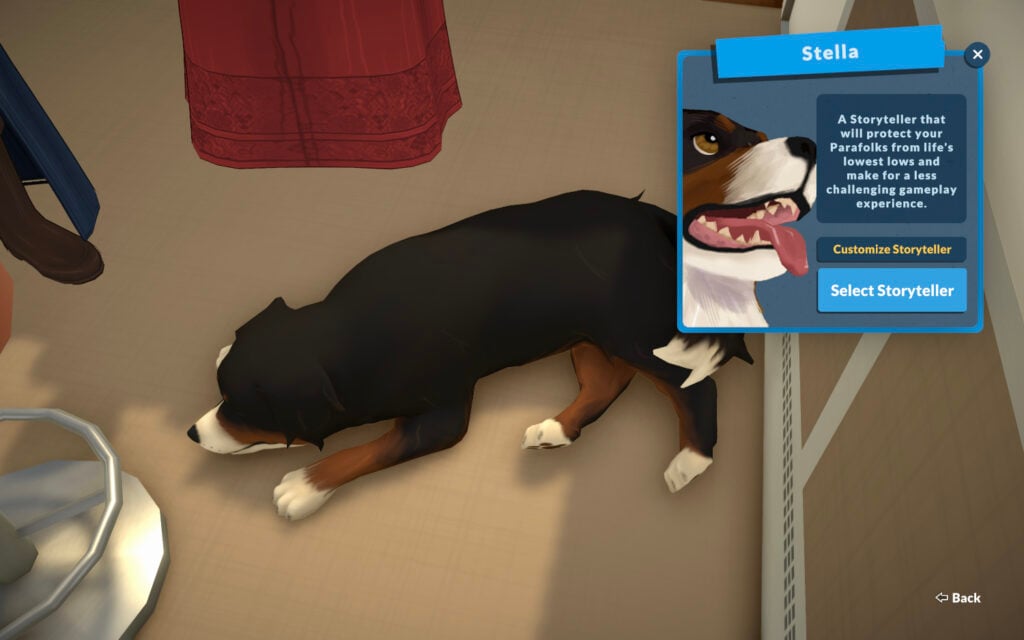
The three default Paralives Storytellers are Ricardo Castello III, Maxence, and Stella the dog. The predefined difficulty levels of the three has Ricardo as the most difficult, Maxence as a balanced experience, and Stella as the easiest.
ScreenshotScreenshotScreenshot
Now that we’ve been introduced to the three Paralives Storytellers, let’s have a closer look at their default configurations.
Default Configurations
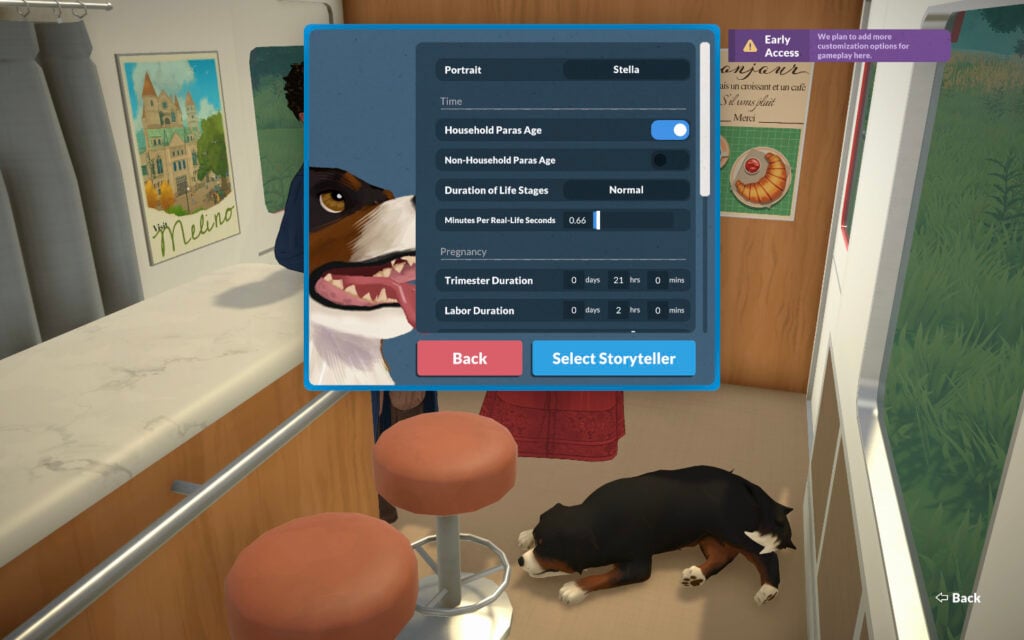
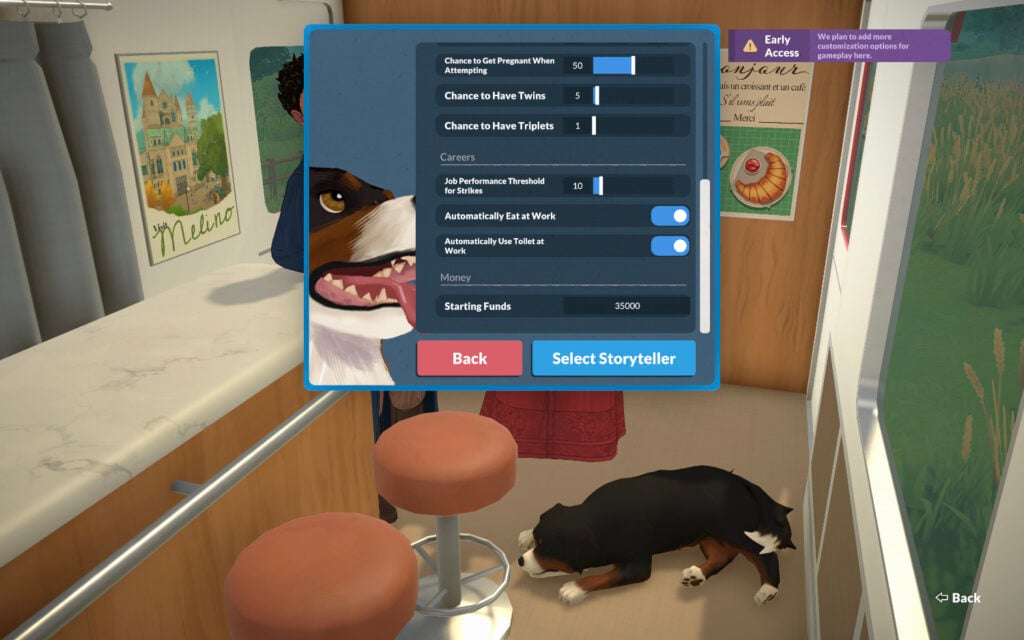
At the game’s launch, there are a total of thirteen aspects to the Paralives Storytellers system that affects your game in various ways. These aspects are separated into four categories: Time, Pregnancy, Careers, and Money.
ScreenshotScreenshot
Time
Setting
Ricardo Castello III
Maxence
Stella
Household Paras Age
Yes
Yes
Yes
Non-Household Paras Age
No
No
No
Duration of Life Stages
Normal
Normal
Normal
Minutes Per Real-Life Seconds
.66
.66
.66
Pregnancy
Setting
Ricardo Castello III
Maxence
Stella
Trimester Duration
0 Days, 21 Hours, 0 Mins
0 Days, 21 Hours, 0 Mins
0 Days, 21 Hours, 0 Mins
Labor Duration
0 Days, 2 Hours, 0 Mins
0 Days, 2 Hours, 0 Mins
0 Days, 2 Hours, 0 Mins
Chance to Get Pregnant When Attempting
50
50
50
Chance to Have Twins
5
20
5
Chance to Have Triplets
1
10
1
Careers
Setting
Ricardo Castello III
Maxence
Stella
Job Performance Threshold for Strikes
10
10
10
Automatically Eat At Work
No
Yes
Yes
Automatically Use Toilet At Work
No
Yes
Yes
Money
Setting
Ricardo Castello III
Maxence
Stella
Starting Funds
30,000
30,000
35,000
As you can see from the charts above, not too much changes between the default configurations for each of the Paralives Storytellers. The good news, however, is that you’re able to fine-tune each of these settings to your heart’s content.
While you can choose short, normal, or long for the duration of life stages, it doesn’t clarify how long each of these settings actually are. Hopefully in the future this will be rectified. Never fear, however, as we have a chart of life stage durations for your convenience!
Changing Storytellers
As Paralives is a game all about customization, it’s no wonder they allow you to change Paralives Storytellers on the fly, whenever you’d like. Not only can you choose a new default storyteller, but you can still edit all of their settings or create a new one entirely at any time.
To change Paralives Storytellers, go the to pause menu (… in the top right corner) and choose “Storyteller.” Here you’ll be able to switch back and forth as you fancy. All settings are able to be changed anytime no matter how long you’ve been playing a save file.
It’s this dedication to player choice that Paralives excels at already even from the very beginning. I personally cannot wait to see what options will be added to the Paralives Storytellers system in the future.
Storytellers Gameplay
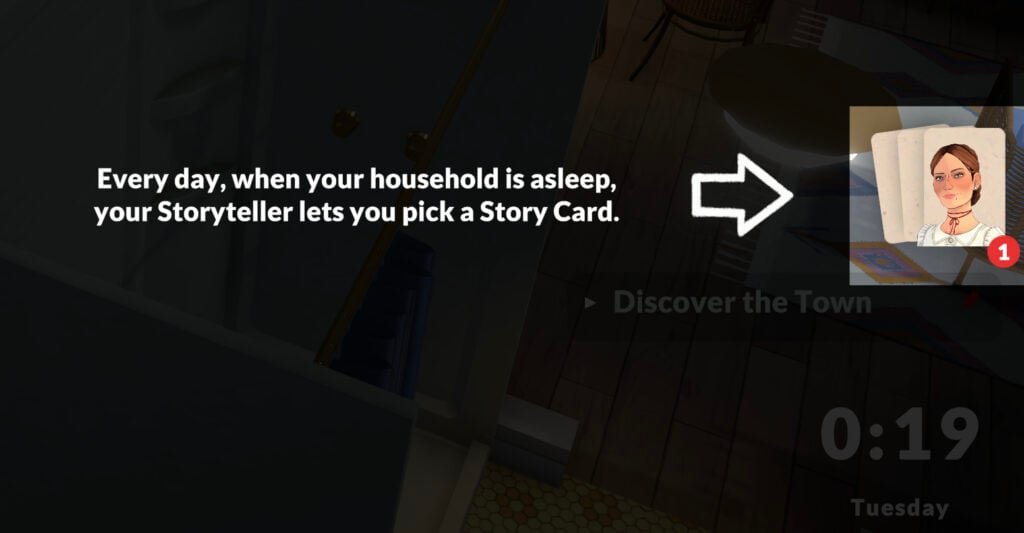
The effects of which of the Paralives Storytellers you choose does not end with the aforementioned settings options. They also play a large part in your gameplay as each night while your Paras are sleeping, your chosen storyteller will appear and allow you to choose a Story Card.
Screenshot
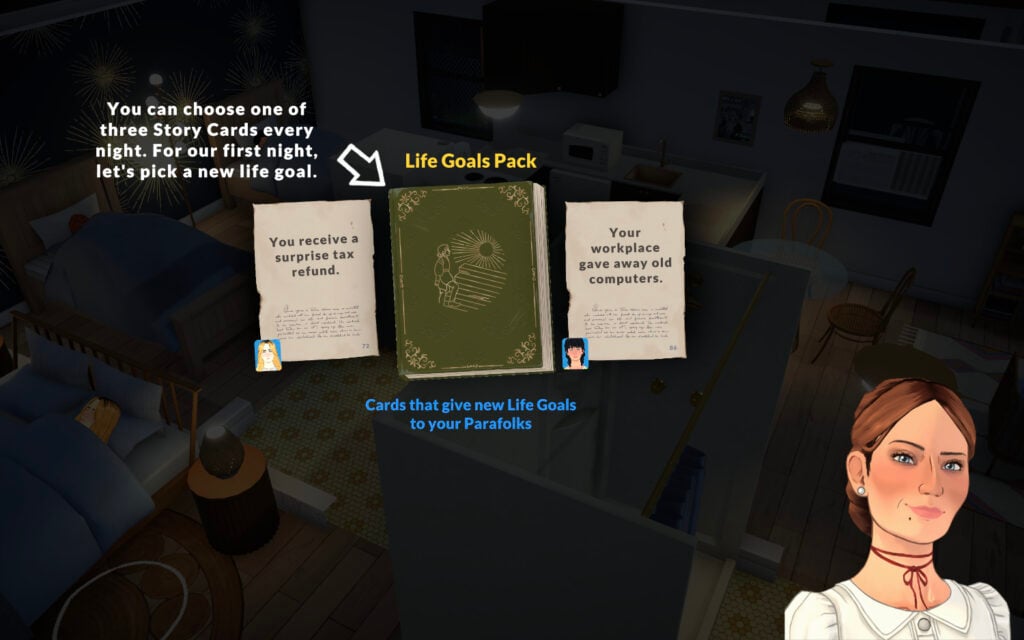
You’ll be given several options each night and it’s up to you which to choose depending on what you’re prioritizing for your Paras. For the tutorial, it has you choose a Life Goals Pack. Once you do, you’ll then be given another option between three different life goals.
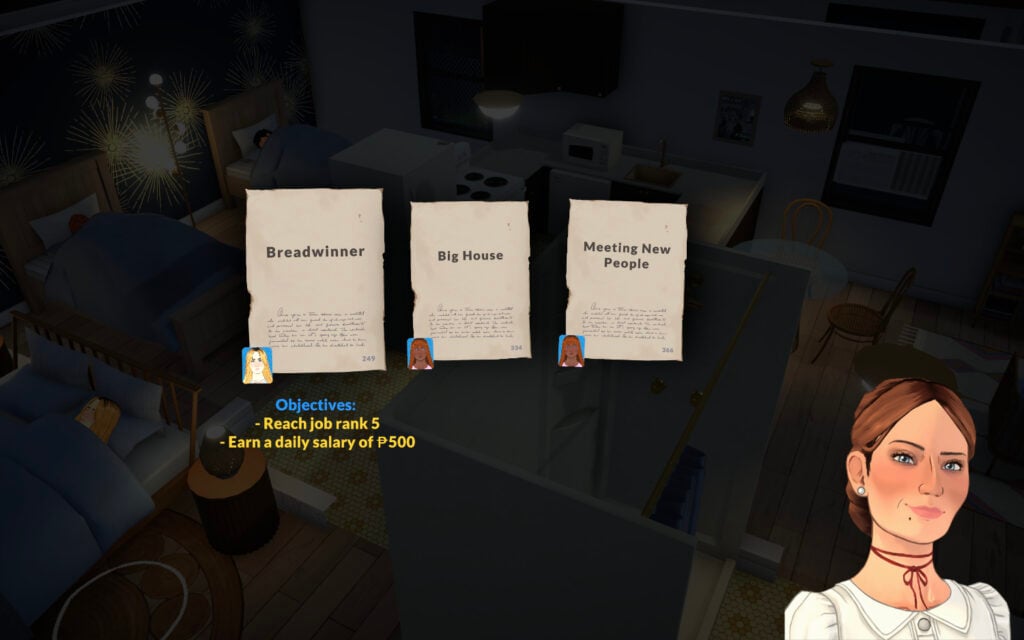
Screenshot
These life goals vary drastically so you can choose the type of life you want for your Paras. Each goal is also specific to different Paras, so make sure you select the right goal for the right one if you have an idea in mind for them.
Screenshot
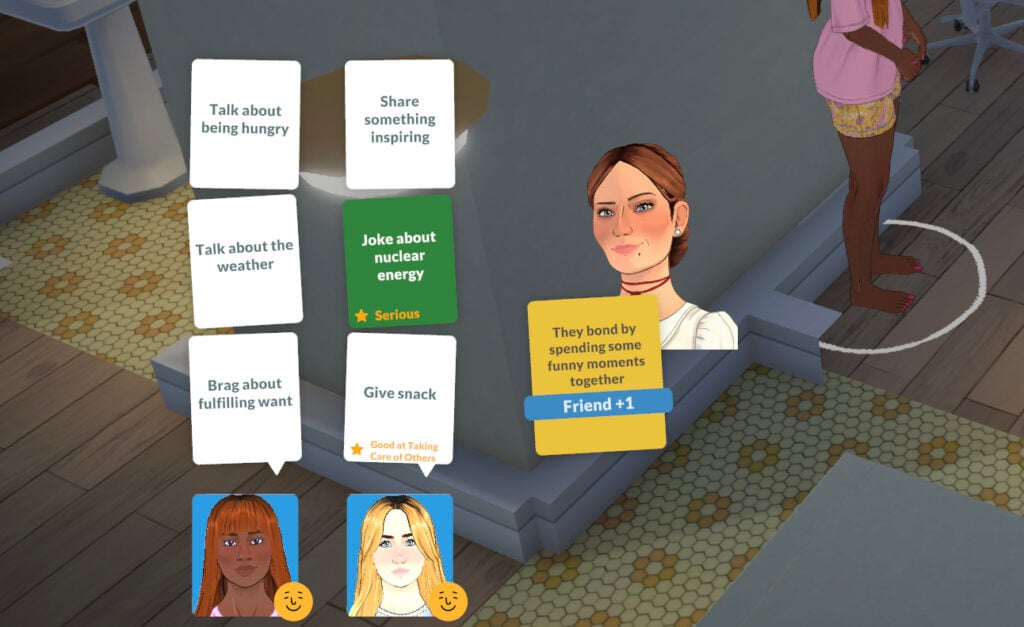
Occasionally when your Paras are socializing you’ll also get a visit from your chosen storyteller who will give you a special dialogue action with a bigger benefit than the others. It’s unclear what causes them to appear and how often they do, but it’s in your best interest to choose their option for the boost given.
Screenshot
The Paralives Storytellers is one of the biggest standout differences between any other life simulation game out there. It’s a unique system unlike any I’ve seen before and I cannot wait to see it grow and develop alongside the game.
For all things Paralives, follow along with our full game coverage for a steady stream of articles, guides, and news.
Only halfway through the first week of Paralives Early Access being openly available and public, the modding scene is warming up and we’re seeing huge influxes of mods and custom content being added! As of writing, there are over 600+ modpacks on the Steam Workshop, and Paralives Mods for all sorts of new features, fixes, and changes have been released and the scene is changing quickly. For some more popular options from Day 1, make sure to check out our first showcase article!
Table of Contents
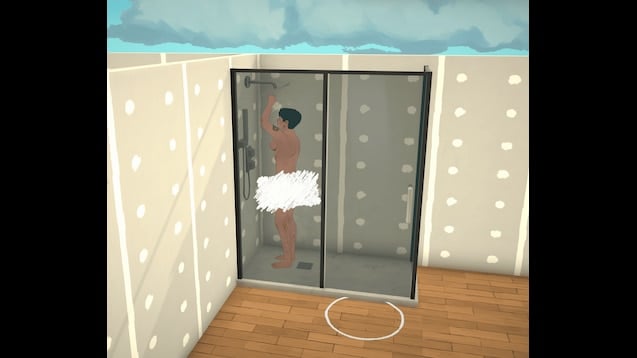
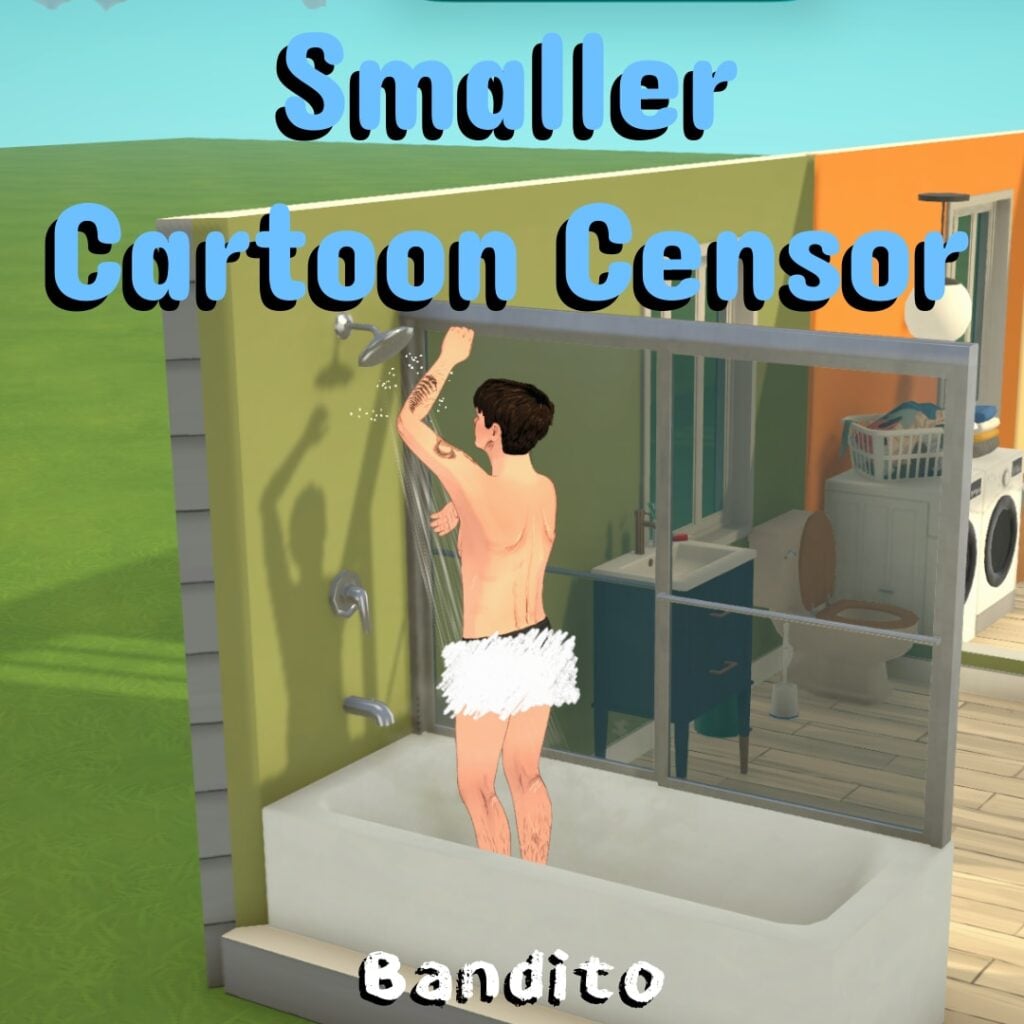
Cartoon Censor & Smaller Cartoon Censor by Bandito
Replaces the pixelated censor effect with a hand-drawn cartoon version.
Occupations Expanded: Mental Health adds new mental health-focused occupations to Paralives, designed to fit the tone, structure, and flavor of the vanilla occupations.
This mod expands several workplaces with new career paths related to counseling, therapy, psychology, social work and mental health administration. Whether your Para wants to work in a clinic, hospital, or school setting, this mod gives them new ways to build a career helping others.
What This Mod Adds:
New Domain: All new mental health occupations can now be found under their own custom domain banner. . .
New Occupations:Clinic:
Intake Specialist – Level 1
Mental Health Clinician – Level 2
Mental Health Supervisor – Level 3
Child Psychologist – Level 3
Director of Mental Health – Level 4
Hospital:
Case Manager – Level 1
Intake Specialist – Level 1
Social Worker – Level 2
Mental Health Clinician – Level 2
Mental Health Supervisor – Level 3
Child Psychologist – Level 3
Director of Mental Health – Level 4
Elementary School:
School Counselor – Level 2
High School:
School Counselor – Level 2
Career Perks:This update adds 4 Career Perks that you can unlock as your Para progresses through the new mental health careers.
Breakthrough with Client: At the end of the workday, your Para has a random chance of receiving +1, +3, or +5 Happiness.
Group Clinical Supervision: At the end of the workday, your Para gains +1 coworker relationship level with a random coworker.
Burnout: This is an instant event that gives your Para +2 Stressed.
Counseling Training: This event allows your Para to slowly learn the Counseling skill throughout the workday.
New Skills:
This mod also adds two new skills connected to the mental health career paths.
Counseling (Previously Therapy): The Counseling skill is learned while learning about science. You can also take the Occupation Unlockable: Counseling Training so that your Para can learn this skill slowly while working.
Psychology: The Psychology skill can be developed by learning about psychology on the computer or reading a psychology book. This skill is useful for Paras pursuing more advanced mental health and psychology-related roles.
Occupations Expanded: Legal adds new legal branching career paths to Paralives, designed to fit the tone, structure, and flavor of the vanilla occupations.
This mod expands several workplaces with new career paths related to the legal field. Will your Para protect the people and their rights, or chase ambulances and sellout to massive corporations? The choice is yours.
What This Mod Adds:
New Domain:The legal occupations can now be found under their own custom domain banner.
New Occupations: City Hall:
Legal Secretary – Level 1
Paralegal – Level 2
Public Defender – Level 3
Assistant State’s Attorney – Level 4
State’s Attorney – Level 5
Judge – Level 5
Hospital:
Healthcare Attorney- Level 3
Billmore Law Group: (All New Custom Company)
Legal Secretary – Level 1
Paralegal – Level 2
Associate Attorney- Level 3
Partner – Level 4
Celebrity Attorney – Level 5
Parallel:
Corporate Attorney – Level 4
MappleWeb:
Corporate Attorney – Level 4
ClickMark:
Corporate Attorney – Level 4
New Skill:This mod also adds one new skill connected to the legal career paths.
Public Speaking: The Public Speaking Skill is learned by practicing your speeches in the mirror (geez where have we seen that before).
Future Plans: I am still exploring the Paralives modding tools but future updates may include:
A basic mod for disabling embarrassment emotion you get from doing certain tasks on outside or on same room.
I made this mode primarily because currently parafolks think they are outside even if they aren’t. This mod should be quick fix if you don’t want to be embarrassed using toilet in your HOME.
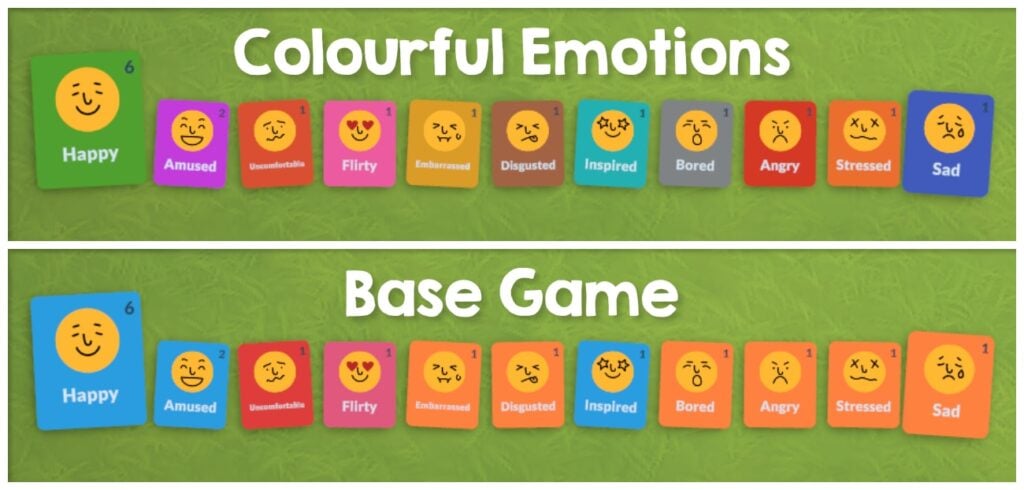
This mod gives every emotion a unique colour so they are easier to tell apart in the UI and on Parafolks’ portraits, inspired by the The Sims 4’s moodlets and made to fit nicely within Paralives.
All 11 of the base game emotions have a new unique colour:
Happy
Amused
Uncomfortable
Flirty
Embarrassed
Disgusted
Inspired
Bored
Angry
Stressed
Sad
. . .
The Digestive System Virus, Mushroom Poisoning, and Food Poisoning status effects are also changed so you can tell which Paras are sick. Some status effects like Asleep already have a colour in the base game and aren’t changed by this mod.
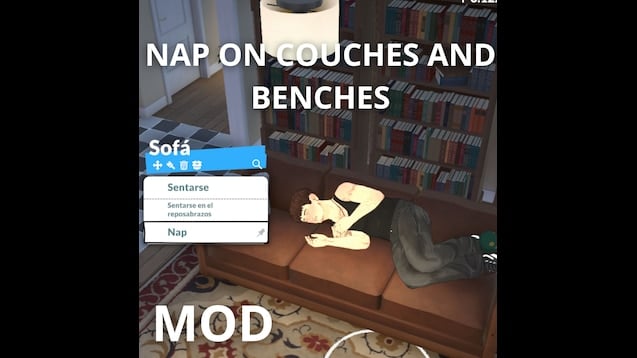
This mod allows you to take a nap on the couch, or on a bench, works exactly the same as doing it on the bed. I might improve it in the future, thanks!
A quick mod to make Parafolks do things by themselves more often. They decide to do something every 2 in-game minutes now. Town autonomy is unaffected.
I used the wiki and made this in less than 5 minutes. Thank you devs for making the game so moddable.
The Writer’s Path: Journalism & Careers at The Paragraph by fituflautaasas
Breaking News! Your journey at The Paragraph starts now.Do you have what it takes to keep the city informed? This mod unlocks the professional path you’ve been waiting for. Choose your specialty and climb the ranks:
The Paragraph (Journalism)
Newspaper Columnist: Build your reputation by sharing unique takes on neighborhood life. From the best coffee shops to local legends, your voice is the soul of the community.
Sports Reporter: Live for the roar of the crowd! Whether it’s a neighborhood tournament or a city-wide championship, you’re on the front lines—even if the crazy schedule keeps you up all night.
Investigative Reporter: Uncover the city’s deepest secrets. Follow every lead, interview anonymous sources, and expose the truth that others want to keep hidden.
Section Editor: Manage the chaos of the newsroom! You decide what’s front-page news and keep the reporters on their toes to meet every midnight deadline.
Managing Editor: Oversee daily newsroom activities and coordinate between all reporting sections.
Executive Editor: Lead high-level strategic decisions and define the overall editorial policy.
Inkwell & Oak (Publishing)
Mailroom Clerk: The first step of your literary journey. Organize the chaos of incoming mail, sort manuscripts, and ensure every envelope reaches its destination.
Manuscript Transcriber: Bridge the gap between ink and screen. Meticulously digitize raw manuscripts while being the first to read potentially legendary stories.
Book Layout Artist: Design the soul of the book. Master typography and page structure to turn a simple story into a visual masterpiece.
Manuscript Reader: The gatekeeper of literature. Dive into the “slush pile” to separate the duds from the diamonds and hunt for the city’s next big bestseller.
Senior Editor: Review major manuscripts and supervise the creative development of key authors.
Publishing House Editor: Direct the publishing process and select high-potential works for mass production.
Academic & Teaching (Education)
Literacy Tutor: Help young Paras find their voice and discover the magic of letters.
Grammar Teacher: Master the rules of the language and inspire the next generation of writers.
New School Subjects!Education just got a revamp! Paras in Elementary and High School can now enroll in specialized Grammar classes, perfect for those aiming to join the literary world later in life.
New Professional Features!Journalism Skill (Writing Specialty) I have introduced a specialized Journalism Skill nested directly within the Writing category! This skill is now essential for those pursuing a career in The Paragraph, as it directly affects your performance and promotion chances in the newsroom. The Press Portal Access the brand-new Press Portal! This dedicated function allows you to perform professional journalistic actions to sharpen your skills.
Current Feature: Perform specialized reporting tasks to increase your Journalism skill levels. More actions and professional tools are coming in future updates!.
New Together Cards Socializing as a reporter is now more immersive! I’ve added new Together Cards specifically designed for journalists. Use these cards to interact with other Parafolks, discuss the latest headlines, or gather information for your next big scoop
The Writing Skill
We’ve introduced the brand-new Writing Skill! Get ahead of the game and start typing away: for now, you can level it up by practicing on any PC.
Future Vision: From Headlines to Hardcovers
I’m planning to expand this mod far beyond the newsroom! My goal is to eventually introduce Parafolk Desires and specific wants related to writing and these new careers. I am also working on expanding the Writing Skill with more depth and unique interactions. Soon, you’ll be able to pursue the dream of becoming a world-renowned Novelist, climbing the literary ladder from a junior editor to a legendary author!
So I was trying to get my dating Paras to start a family, and the storyteller just would not give me the “Discuss State of Relationship” card. Six conversations in a row, nothing. So I made this.
This mod forces “Discuss State of Relationship” to always show up as one of the Together Cards when your dating Paras are chatting. Thus its easier to get pregnant, engaged, married etc.
Makes it so you can click on the row or stack of books clutter items and use the read interaction.
I only added the interaction for book rows/stacks that have 3 or more books. I’m going to make a seperate mod that adds the read book interaction to clutter items that have just 1 or 2 books.
It uses the same bookshelf grab animation that’s already in the game, so it’ll look odd if the book clutter items are placed low or on the floor.
Important: Only use ONE performance profile at a time to avoid conflicts with other performance settings mods.
Ultra Low-End Performance Mode
Ultra Low-End Performance Mode is designed for players running Paralives on weaker hardware or systems below the recommended requirements.
This mod aggressively reduces several background simulation and social calculation systems to improve overall game performance, reduce stuttering, and create a much smoother gameplay experience on low-end devices.
Optimizations include:
* Reduced social simulation complexity * Smaller social interaction radii * Lower animation point calculations * Reduced cloth physics load * Simplified group simulation behavior * Lower background processing overhead
This mod was built using only existing in-game settings systems and does not use experimental or invented parameters.
Recommended for:
* Low-end PCs * Older laptops * MacBook Air systems * Devices experiencing lag, stuttering, overheating, or unstable framerates
Performance Profile is designed for players who want noticeably smoother gameplay while still keeping most of the original Paralives experience intact.
This mod reduces simulation and animation overhead to improve framerate stability, responsiveness, and overall game smoothness without heavily impacting the feel of the game.
Balanced Performance Profile is designed for players who want a lighter and smoother Paralives experience while keeping the game as close as possible to its original behavior and visual feel.
This mod applies gentle optimization changes focused on improving stability and reducing unnecessary simulation overhead without significantly changing gameplay behavior.
Optimizations include:
* Slightly optimized social simulation * Reduced background calculation load * Improved group interaction efficiency * Minor animation processing optimizations * Lighter cloth physics calculations
This mod was built using only existing in-game settings systems and does not use experimental or invented parameters.
Recommended for:
* Players wanting small performance improvements * Systems close to recommended requirements * Users wanting smoother gameplay with minimal visual compromise
I couldn’t figure out how to clean babies, and an internet search showed that others were having the same issue, so I just edited the bathe toddler interaction to also allow babies. I’ve seen the suggestion for a bath in the sink option, and that was my initial idea, but that would require animations and an entirely new interaction instead of a simple edited action.
Thanks to some helpful comments, I now realize that babies hygiene can be increased by changing their diaper while they are in the crib. I still like the option to bathe them, though. 🙂
Adds chance 10% for intimacy interaction to be unprotected. (Negative emotions increase unprotected chance the same way they do for other social interactions)
If interaction is rolled to be unprotected pregnancy chance is determined by storyteller try for baby settings.
Example: With Storyteller Pregnancy Chance at 50% 0.1 * 0.5 = 0.05 5% Pregnancy Chance During Intimacy
Are there any mods you’ve discovered that have changed how you play Paralives? What are your favorites? Let us know! We’ll keep you up to date over here at The Sims Community on all things Life Simulation games!
New ways to search the gallery have arrived in-game; say hello to the Sims 4 SimSearch features. Let’s put it to the test and see if it’s a worthy addition to the game.
Table of Contents
What Is Sims 4 SimSearch?
The feature was officially announced a few days ago with a blog post explaining in detail what the Sims 4 SimSearch features entail. There are two additional ways for you to search gallery items, Cross-Language and Text-to-Image.
Both of these features are still in their beta phase, so enjoy being an unpaid beta tester for EA.
Cross-Language (Beta)
This search option combines and expands on the Item Name and Hashtag searches by also integrating Description text for any matches. As well as looking through different text fields, the search will look at other supported languages to return results where the creator may not speak your set language. This means that if you were to search for “Big Red House,” you would also see results such as Spanish – “Gran Casa Roja,” French – “Grande Maison Rouge,” and German – “Großes Rotes Haus,” all without needing to know additional languages yourself. This allows us to surface more of the creativity on The Gallery which may have been hidden to you in previous searches.
Results will also be appended by related results acting as “things you may also like” which will open up discoverability for Simmer uploads that may be of interest to you but that you didn’t specifically search for.
Text-to-Image (beta)
Initially, this search is limited to Lots and Rooms. Households will not be available while we continue to work on the feature.
This new search function goes beyond text matching your search criteria with the image you see in The Gallery. If you were to search for “fireplace” you should see results where there is a fireplace or a camp fire within the images. For best results in this example, you can then use the Lots and Rooms filters to narrow in on more suitable results for your needs.
Cross-Language Search
First up we have the least interesting of the Sims 4 SimSearch features, Cross-Language Search. This feature sounds great in theory. Allowing users to search and see items across all different languages is a great way to bring the spotlight to players whose language might not have as large a player base.
Sadly, it doesn’t seem to make a difference at all.
I started my testing using the example from the announcement blog post, “Big Red House.” I had to scroll 15 lines before I saw a single lot that wasn’t English. This was true for sorting by Most Popular and Most Recent.
Even more interesting, and sad, is that the results were actually spitting out all kinds of results, in English, or completely different color houses. Some examples included below for the search results of Big Red House include: Little Yellow House, Green House, Blue House, White House, White House, Small Yellow House, and Pretty in Pink.
I tried several other searches as well for various lot types such as Floral Garden and Royal Palace, but none of the results included any from a language other than English after scrolling continuously for quite some time.
As I said, it’s a great feature in theory, but if results are going to be overwhelmingly in a player’s native language where they need to scroll for several pages, it’s not really doing much. Even worse is that it’s not even giving results of what is being searched for in the first place.
If the Sims 4 SimSearch features can’t even produce positive results with the literal example given by EA, is the feature really worthy of being implemented for the players? I’d have to personally say no.
Text-to-Image Search
The Text-to-Image concept of the Sims 4 SimSearch features intrigues me, mostly because I’m unsure how beneficial it can actually be for players. The idea is simple, you search for a word or concept and it gives you results that include that item in the screenshots of the lot. The unfortunate part is that most gallery listings have terrible auto-generated photos.
Case in point: My search of “Well Bench Flowers.”
Not only are these results tragic because of the trees covering everything in the default photo, but on further inspection, none of these lots had a visible well aside from the bottom right. For a majority of the results, it didn’t even give me what I had asked for.
I decided to again use their example from the blog post and searched for “Fireplace.” Thankfully, I was actually given results for lots that included fireplaces. So, I guess that’s a win? I’m unsure how beneficial this will be to players, though, because I can’t fathom who is going to download a house they can barely see just because it includes a close-up of a chimney.
I decided to push further and do some comparisons between the different types of searches to see if the text-to-image function of the Sims 4 SimSearch features produced better results than the original search types.
First, I searched “Fossil” with the Item Name feature. I think the results are pretty great.
I then did the same search of “Fossil” with the Hashtag function. Again, great results.
Lastly, I used the text-to-image function for “Fossil” and the results are… these.
Maybe my search was too uninspired. I decided to try “Royal Palace” like I did for the Cross-Language function.
The results for “Royal Palace” by item name are as expected.
The Hashtag function for “Royal Palace” as essentially the same.
It was time for the moment of truth. “Royal Palace” by way of text-to-image.
Well, would you look at that. Those are the best results so far for any of the Sims 4 SimSearch features. Maybe there’s hope for it after all.
One of the biggest drawbacks of the text-to-image search, however, is the 25 character limit. Your searches can’t be descriptive, wordy, or include several different items because you’ll run out of characters before you’re done. Simple searches only, like when I searched “Floral Playground.”
As it stands, the Sims 4 SimSearch features aren’t the greatest. They’re great in theory and rough in execution. As mentioned, they’re still in their beta phase, so they have tons of room to grow. We’ll see what the future has in store for the Sims 4 SimSearch features as they move beyond their infancy.
What do you think? Are these features you’ll be using or do you find them lacking? Do you see a future for them with improvements or are they a lost cause? Let us know what you think below.
For even more news and coverage about all things Sims 4, head over here.
At least we’re slowing down the momentum of The Marketplace releases!
It’s the day that everyone’s been eagerly waiting for – the day of a new Sims 4 Marketplace Release. Today on the menu: A pair of 10 eyelashes for 2 dollars – or 200 Moola.
There are 6 eyelashes to choose from: bat wings, swoop lashes and ones that we can’t tell the difference from the free Base Game release. There are also 4 eyeliners and highlights included as well.
Hurry up now – it’s just 200 Moola and it’s a great favor for Sims 4 Console players.
See the full official Sims 4 marketplace release set overview below:
The Sims 4 Essential Lashes
Official Features
Essential Lashes is a versatile collection of 3D lashes and eyeliners. Go for a natural style using brown lashes and soft highlights, or create something more defined with thicker lashes and a smoky or colorful liner. The inner-corner and waterline highlights are perfect for adding a touch of detail and glam to everyday looks.
EYELASHES
A variety of eyelashes that all come in six swatches.
EYELINER AND HIGHLIGHTS
A very soft, dark eyeliner paired with an inner-corner highlight; the highlight on its own; a white waterline liner; and finally, the last two combined.
SMOKEY EYELINER
The smokey eyeliner comes in ten swatches and pairs perfectly with the lashes.
Items Preview
Price: 200 Moola
What do you think about the latest Sims 4 Marketplace release? Let us know in the comments below!
For more information on The Sims Franchise (and more) – stay tuned to Sims Community.
Let’s take a look at how Nintendo expanded Tomodachi Life’s Mii Maker compared to others on Nintendo Switch.
As Tomodachi Life: Living the Dream is a Mii-focused game by Nintendo, it introduces new Mii customization options that builds on Miis. However, instead of sticking with clothing and voice, one of the biggest additions in the game is the improved Mii Maker, which allows even more customization than the system’s Mii Maker. Let’s take a look at how it compares with Nintendo Switch’s Mii Maker.
Table of Contents
Looking into the System’s Mii Maker
Before looking into what’s new in Tomodachi Life’s Mii Maker, let’s take a look at what the system’s Mii Maker introduced.
The Mii Maker for Switch and Switch 2 can be found in the System Settings. Its main improvement is expanded color options for Mii parts, such as hair, eyebrows, eyes, mouth, facial hair, and glasses (with the exception of skin color). Instead of choosing from a limited amount of colors tailored to the part, players can expand the options to 100 different colors. In addition, there are also some new skin colors and glasses.
Upon starting to create a new Mii, players can choose between Start from Scratch, Create from Likeness, and Copy Mii from amiibo. When creating from likeness, the player is prompted to choose a gender/style, after which 18 randomly generated Miis are presented. If none of them look good, the player can press the Y button to refresh the choices. After choosing one, you’ll be taken to the Mii Maker. Copy Mii from amiibo will copy the Mii set as the owner of the amiibo figurine. This is the only way to transfer Miis from Wii U and 3DS consoles though.
In Switch 2, the only change made was renaming gender to style. However, as all other options remain the same, Switch 2 Miis are essentially the same as Switch 1 Miis as they can be transferred between the consoles easily.
Some things lost however are the birthday date and sharing settings. In addition, moving the Mii Maker from the Home Menu into the System Settings has made many Switch owners overlook it. However, as system settings no longer require you to close the game, some games allow you to create a Mii from the Mii Maker before continuing. The application also lacks music (unless activated through a game).
Miis made on the system can be transferred to Tomodachi Life: Living the Dream by ‘Create from Mii on Console’ button. They can also be shared to other Switch and Switch 2 owners locally.
Miitopia’s Innovations for Miis
Miitopia is a 3DS port released for Switch on 21th of May 2021. It’s the first Mii-centered game on Switch, being an RPG that uses some Tomodachi Life elements like relationships and unpredictability of Miis. When creating a new Mii in the game however, you will be taken to the system’s Mii Maker first. However, more options open up after the character is created.
One of the new features in the port is Wigs and Makeup. This allows more expanded customization options like Tomodachi Life does. However, make-up allows customization of each part individually, making them work with the parts better than Tomodachi Life’s drawings.
In Makeup, after choosing a category, you can add new makeup elements to your Mii, from pre-sets to simple shapes. After adding one, options to edit makeup (position, size, rotation, and color), delete makeup, and change layering become available. For makeup that gets mirrored like eyes, it is possible to edit each side separately. Under Other category, it is possible to change the color of the face, nose, and eyes separately (unlike Tomodachi Life, Miitopia allows heterochromia). For glasses and eyebrows, the game allows you to remove the original Mii part, giving you an empty canvas to work on these.
There are limits however. While each category can have multiple makeup elements, overall each Mii can have up to 100 makeup elements. Due to mirroring, eyes, eyelashes, eyeshadows, and eyebrows will count as two. And there are times when Miis are shown in game without make-up, for example when looking through the Monster collection.
However, wigs are a separate customizable ‘hat’ for Miis that look like animated hair. However, wigs are customizable in three parts: bangs, back, and cowlick. These have some limitations though. Miis wearing wigs can’t wear hats in-game, with a setting to remove the wig when the Mii is out on an adventure. In addition, status effects that affect the hair color (like aging) won’t change the wig’s color.
While Miis made on Miitopia can’t be directly brought to Tomodachi Life, they can be added to System’s Mii Maker (removing their make-up and wigs in the process). However, Miitopia allows Mii sharing with Access Codes, allowing people to share their Miis and download others’ over the internet (Nintendo Switch Online membership required).
Tomodachi Life Improvements
Tomodachi Life: Living the Dream brought some big improvements to Miis. So big that the game features its own Mii Maker complete with music to create new Miis, though system’s Miis can be imported there. However, due to Mii improvements, Miis in Tomodachi Life cannot be brought to the system’s Mii Maker.
When beginning, players are given 4 choices: using prompts, from scratch, create from Mii on console, and create based on existing island Mii. Creating from scratch begins from choosing a default Mii to start from, with now an option to change the default skin tone.
Creating using prompts will have the game ask the players questions on the features. After questions are answered, a Mii is generated, with an option to start over, tweak it, or go with it. When choosing to tweak, other similar faces are presented, akin to Wii’s ‘Choose from a lookalike’ option. In addition, certain parts can also be locked from the Shuffle menu. To enter the usual Mii maker, simply select Adjust the details button.
There are a lot of new options in each part. Here’s the count of how many parts were added into each category alongside with the picture showing it:
Part Category
Amount of New Parts
Added Modifiers
Picture of New Parts
Face Shapes
4
More skin colors with 4 extra natural colors
Hairstyles
115 (2 with hats removed)
Sub-colors Fringe and back Tying style for Back
Eyebrows
19
–
Eyes
15 (+ None)
Eye customization options
Noses
13 (+ None)
–
Mouths
16 (+ None)
Rotation Add/Remove Lipstick
Glasses
38
Frame color (for sunglasses) Stretch/Shrink
Facial Hair
30 (2D & 3D separated)
Flip Stretch/Shrink
Wrinkles
10 (+ 1 set separated)
Change Position Change size Stretch/Shrink
Facial Details
6 (Sets separated)
Change Color Change Position Change size Stretch/Shrink
Hairstyles have received a visual overhaul, with texture and movement added to it. While all the original hairstyles (except the two variants with hats) are in the game, there are more hairstyles to choose from, with an additional ability to create a new hairstyle by choosing a fringe and a back separately. There are 83 fringes and 111 backs to choose from, with some backs allowing you to change the tying style.
Sub colors can also be added to hairs, changing the color of the accessory (hair tie, headband, ribbon etc) or adding highlights to the hairstyle. If customized with a fringe and back, both of these can have the sub color toggled separately, but they always share the color chosen.
Eyes have received further customization options. After choosing an eye, you can further edit the eyelashes, eyebags, eyeshadows, and even add a sparkle to the eye. Some eyes already come with these details, which can now be removed from there, unlocking more eye shapes. Eyeshadows’ color can now also be changed. While mouths get a simple lipstick toggle, this effectively doubles the mouth shapes availabe.
Facial details have been overhauled into a one separate category. For most of them, it is finally possible to change their size and position. Wrinkles are now contained in two categories: upper wrinkles and lower wrinkles. Facial hair is in three categories: stubble (2D beard), beard (3D beard), and mustache (which has been in a separate category before). Finally, upper make-up and lower make-up categories have been added, even allowing players to change their colors.
The brand new part category are the ears. Miis were shown with ears in Wii Sports pre-release footage and in Nintendo World attractions. Yet with Tomodachi Life, players are finally able to add them. There are 4 options to choose from, with players being able to change their height (8 options) and size (5 sizes).
There is one feature removed however: favorite color. This used to determine the color of clothing and equipment Mii would use in games. However, it also affects the color of hair accessories, be it hats or hair ties. If you import such Mii to Tomodachi Life: Living the Dream, the hair appearance will change. Hair ties will take the same color as the hair and Miis with hats will get a free hat in their clothing inventory (Plain baseball cap or Plain beanie), which may not match the Mii’s favorite color. Below is the picture which favorite color translates to which hat color.
Finally, face paints have been added, allowing further customization by drawing. For inspiration on what to draw, check out this article. It is worth keeping in mind that these parts aren’t animated.
After the face is done, body type selection remains the same. The character limit for Mii’s name has been increased from 10 to 31, though if the name won’t fit into the bubble inputted in, fewer letters can be entered. Birthdays make a comeback, alongside with some other Tomodachi Life staples like voice and personality. Relations can also be set between any Mii, rather than the first Mii in the previous games.
The final improvement is the gender and dating preference. After creating a Mii, you can choose their gender from 3 options. If you import from Mii Maker, the gender is pre-set, but can be changed. This will affect the initial dating preference, event outfits, and pronouns. Dating preferences can be changed by pressing X in the gender selection, while the others can be changed after choosing the personality. The gender and dating preference can also now be changed anytime during the gameplay, though it will end the incompatible relationships if done so, reverting the couple back to friends.
Miis created in Tomodachi Life: Living the Dream can only be shared locally. Miis shared that way will also retain phrases, quirks, and clothing given by the player.
Conclusion
Tomodachi Life: Living The Dream’s Mii Maker is a huge step towards modernizing and improving Mii characters, be it creating human or non-human characters. While this removes the option to transfer Miis from Tomodachi Life: Living the Dream to the system, there still remains a question: when will the possibilities become available to the system’s Mii Maker? Whether it’ll come with Switch 2 update or in the next console, only the time will tell.
So what do you think about the Mii improvements? Would you like to see Tomodachi Life: Living the Dream’s possibilities in the system’s Mii Maker? Share your opinions down below and stay tuned to Sims Community for more original LifeSim articles.
The first beta version of SimSearch for The Sims 4 Gallery is here.
EA has announced today the first iteration of The Sims 4 Simsearch feature for The Gallery. Introducing a new way of using text-to-image and cross-language search filters to look for the creation you want more quickly.
We first reported about SimSearch coming to The Sims 4 back in November 2025, when some of the first features accidentally leaked to the public. Now, we have a first official introduction to how the feature works:
Sul Sul, Simmers!
Today, when you head into The Gallery, you may notice new search functionality. SimSearch introduces two new features, Cross Language and Image Search, designed to improve how you search and discover content. These new features are currently in Beta so we’re still fine tuning the experience, but starting today, they are available for Simmers who want to try them out.
Cross-Language (Beta)
This search option combines and expands on the Item Name and Hashtag searches by also integrating Description text for any matches. As well as looking through different text fields, the search will look at other supported languages to return results where the creator may not speak your set language. This means that if you were to search for “Big Red House,” you would also see results such as Spanish – “Gran Casa Roja,” French – “Grande Maison Rouge,” and German – “Großes Rotes Haus,” all without needing to know additional languages yourself. This allows us to surface more of the creativity on The Gallery which may have been hidden to you in previous searches.
Results will also be appended by related results acting as “things you may also like” which will open up discoverability for Simmer uploads that may be of interest to you but that you didn’t specifically search for.
Text-to-Image (beta)
Initially, this search is limited to Lots and Rooms. Households will not be available while we continue to work on the feature.
This new search function goes beyond text matching your search criteria with the image you see in The Gallery. If you were to search for “fireplace” you should see results where there is a fireplace or a camp fire within the images. For best results in this example, you can then use the Lots and Rooms filters to narrow in on more suitable results for your needs.
These new options are currently in “Beta” as we test the functionality. As such, there may be results in the new searches that do not meet your expectations or desired results which we would love to hear from you about to improve the results. While we are in Beta, the new search options will be available only in The Sims 4 game client while we gather your feedback and hear about your experiences. Eventually we will look to add the search options to the Web Gallery for a seamless searching experience. The new searches are in addition to the existing Item Name, Hashtag and EA Account ID searches that you currently see in the Gallery.
Some areas we are working on while in Beta, and taking on your feedback, for these new search options include:
The Sort By section in the Gallery does not work against the two new search options. This is due to how we are running our queries and the order we get the results in. This does have the added benefit of potentially exposing results from new creators and uploads you may never have seen before.
The Text-to-Image search currently uses an OR operator so you will get better results from single word searches. We are looking to expand this to an AND operator in the future. This means that at launch if you were to search for Cozy Fireplace, you would get results representing Cozy and results representing Fireplace mixed together. In the future, Cozy Fireplace could be combined in the search to get more precise and customizable results.
Head to the EA Forums or Discord to share your feedback. As SimSearch is in Beta, we will continue to refine the feature over time and we would love to hear your input.
If you are ever browsing in-game or on the Gallery webpage and encounter any inappropriate content or comments, report it by selecting the flag icon. For more information on content guidelines and how to flag Gallery content, head over to EA Help.
What do you think about The Sims 4 Simsearch feature being introduced to The Gallery? Let us know your thoughts in the comments below and stay tuned for more Sims News!
In Paralives personalities are heavily impacted by a lot of different things, and will evolve with them as time goes on, as you are able to complete more of their wants, goals, and tasks around town.
Learn all about the different Paralives personality traits in this handy guide, as well as how to level up your Parafolk.
Paralives Personalities
Personality Vibes
If you want Paralives personalities to be varied, that means selecting different vibes for each Parafolk.
There are five different vibes for you to choose from in Paramaker: Overjoyed, Gloomy, Energetic, Serious, and Jester.
Serious
Having a Para with a serious vibe will unlock unique together cards, like “introduce yourself in a serious manner” when meeting someone new.
Serious Parafolk can also benefit from the “in the zone” buff, where you will be able to ignore all your needs while levelling up a skill for a short period of time. It also increases your learning speed slightly.
Jester
Parafolk with the jester personality love cracking jokes, and can make other Parafolk feel amused more successfully.
They are also prone to mood swings, however, and will feel the effects of a random emotion every so often, which will last a few in-game hours. Sometimes they can also get a huge ten-point bonus to their learning speed, which can be really helpful!
As well as random emotion bonuses, these Parafolk will also have a fun need. There aren’t any negative consequences of having low fun, but having a full fun bar will make them much happier and less bored.
Energetic
Energetic Paras will have an energy surplus, which means they get tired less quickly than other Parafolk.
However, having a surplus of energy will make them stressed, so you need to give them outlets for it.
Gloomy
Gloomy Parafolk are sad more often than they are happy, or any other emotion for that matter. The big perk here is that when they do get sad it doesn’t negatively affect things like their skill gain or performance – in fact, it actually will give them a learning boost.
Overjoyed
Out of all the Paralives personalities, overjoyed provides the most bonuses overall.
They will be happier much more often, can make other Parafolk happy more often through together cards, and they also produce a happiness aura that impacts the people around them, even when they aren’t interacting with them.
Personality Perks
As well as vibes, Paralives personalities come with unique perks for you can use these to customise your Parafolk even further.
The five main perks are: Good at Being Alone, Good at Making Friends, Good at Taking Care of Others, Good at Romatic Relationships, and Good at Cooperating.
Good at Being Alone
As the name suggests, Parafolk with this perk thrive when they’re alone. They will also get a unique “Me Time” need metre which goes up when they spend time by themselves/not in a group.
Good at Making Friends
These Parafolk have much more successful and positive interactions, and build friendship levels faster.
Good at Romantic Relationships
Like the name suggests, these Parafolk will have better chances with romantic interactions and will get unique romantic together cards when talking to love interests.
Good at Taking Care of Others
Having a Para with this personality perk in your household is a great way to help manage the needs of others, they’ll be able to offer comfort to others and try and reduce their negative emotions.
It doesn’t necessarily make them more autonomous when it comes to caring for young Parafolk, you will still need to encourage them to manage babies and toddlers needs.
Good at Cooperating
This personality perk will make Parafolk happier when doing things in groups.
Special Talents
Special talents are a big part of Paralives personalities, and are one of the things which you can level up once you have enough points.
There are seven talents you can choose from: Jack-of-all-trades, Music, Fitness, Food, Technology, Art, and Good at Nothing
Music
The Parafolk with the music special talent will learn musical instruments and music theory faster than others without this talent, especially as they level up.
They also start out at a higher music level, meaning they also have higher application points to get a job in the music sector when starting out.
Good at Nothing
A good choice if you want a challenge!
Not only do Parafolk with the Good at Nothing trait fail at doing things more often, but as they level up, you will also be able to upgrade their personality to make their incompetence impact the skill gains and mood of the people around them.
Fitness
Parafolk with the fitness talent adore exercise, and their hygiene needs decay more slowly than other Parafolk. You’ll unlock more fitness benefits as they level up to help them with their gains.
They will also experience exercise-related wants to relieve their sadness, like levelling up in a fitness skill, and start with a fitness level of three instead of one.
Jack-of-All-Trades
Variety is the key in Paralives for anyone with the Jack-of-all-trades talent; they want a broad, versatile skill set rather than deep expertise in a single area.
As the saying goes, “Jack of all trades, master of none”.
Technology
Tech-loving Parafolk are happiest when they’re in front of a computer screen and enhancing their skills like programming, and will excel in careers which involve technology, like software development.
Parafolk will start with a base level of three instead of one in the technology skill with this talent.
Food
Parafolk with the food talent have a natural knack for cooking, and that shows right from the start as they begin having more recipes than other Parafolk.
Food special talent starting recipesOther special talent starting recipes
They are also less likely to fail at cooking a recipe (but get really angry when they do).
Art
Artistic Parafolks love painting and being creative, and will start with a higher art skill than other Parafolk.
If you’re looking for the perfect talent to complement a rags-to-riches challenge, these Parafolk create artwork that also sells at a higher price than others.
Level Up Your Parafolk
In Paralives, the personalities of your Parafolk change and grow just as they do, and one reason for this is the levelling up feature that came with the game.
Looking at your starting stats at level one, you’ll see two slots for levelling up your Paralives personalities via their talent and vibe.
Levelling up your Parafolk and their personality starts with gaining enough XP to increase your level.
Gaining XP
Gaining XP can be done by completing wants, completing long-term goals, and also by completing tasks around town – these can all be found on the noticeboard, and they change daily, not all will offer an XP bonus.
Once you gain enough points, you’ll get the notification that you can now level up!
Once you choose to level up your Parafolk, you’ll be given three different options to choose between, all of which will link to either your vibe, perk, or special talent. The first time you level up, the options will always link to your talent.
Although you will be ‘levelling up’ your personality, not all of them will be positive! For example, levelling up your Good at Nothing perk will actually make you more incompetent, and give you an aura that impacts everyone around you.
Have you played Paralives yet? What kind of Paralives personalities will you be curating? Let us know below.
We have a lot of unique Paralives guides available now and will be adding more as early access continues. Browse all of our Paralives updates and guides here.