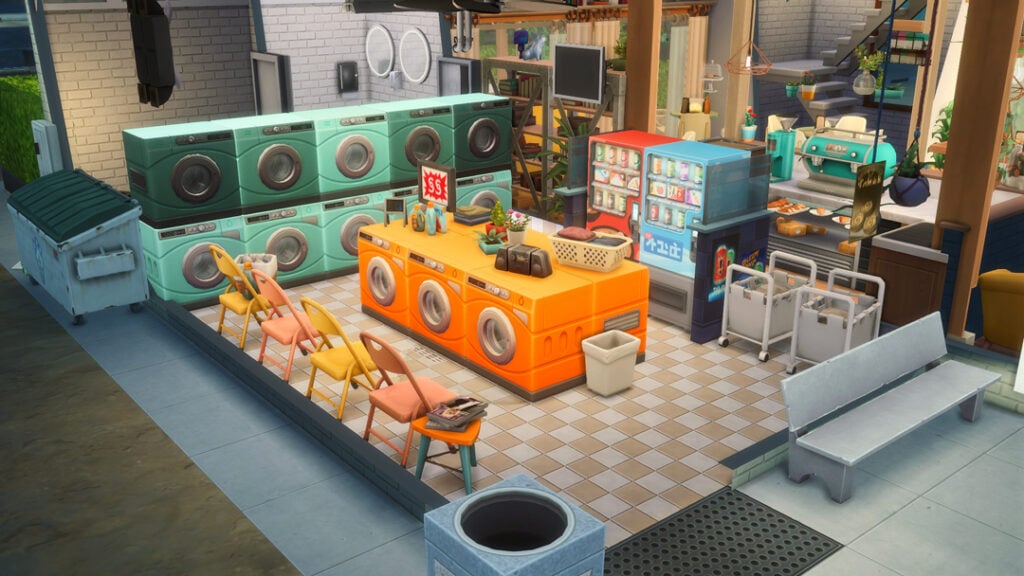
Overrides and defaults function as replacements for in-game assets. Because they replace individual in-game items, they can easily conflict and will conflict with any other mods that override or replace those items. For example, if you have one creator’s mod that replaces the base game recipes with versions with better textures, you cannot have another creator’s override of those same recipes.
Custom Food & Recipes Mods
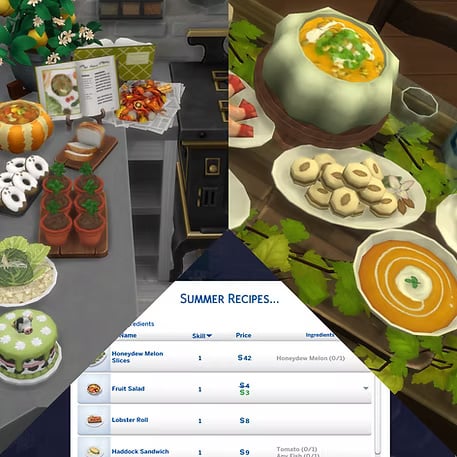
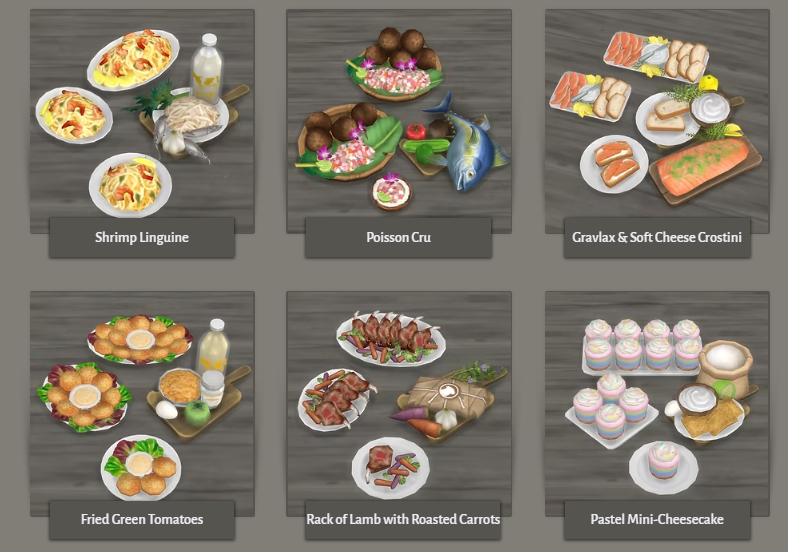
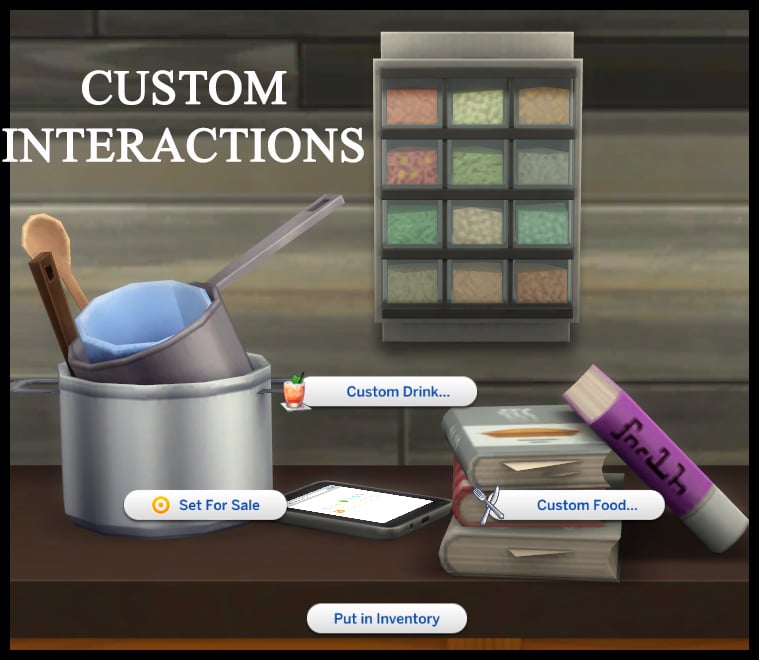
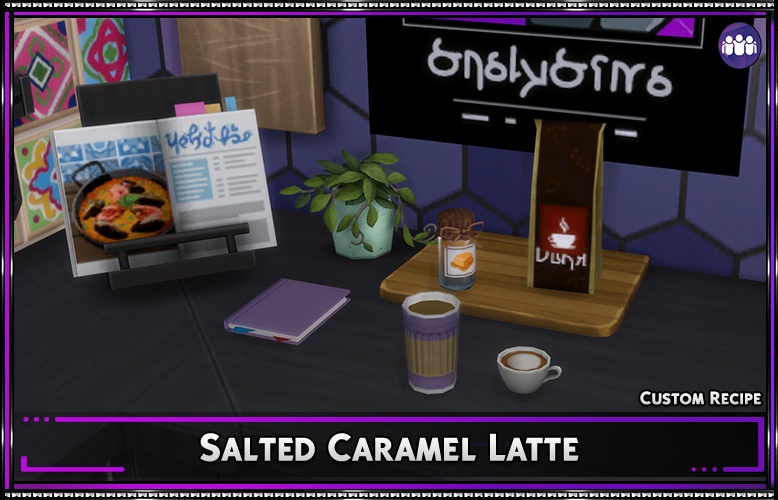
Almost every custom food creator has their own individual “Food Enabler” mod that is required to see their recipes in-game. Many of them are available by clicking on specific items added by the mod. These items are usually some form of clutter that can easily blend into a kitchen without sticking out, but that you can use to browse their recipes.
These are installed the same as any other mod, and I personally recommend that you separate your food mods by creator. Since these are generally all script mods, they cannot be placed more than a single folder deep, so keep this in mind. Separating them by creator avoids issues like duplicate recipe files, outdated versions of the food enabler mods, etc. Provide example of folder?
To add the items to your game on Windows, follow this folder path: C:\Users\[USERNAME]\Documents\Electronic Arts\The Sims 4\Mods To add the items to your game on MacOS, follow this folder path: Macintosh HD/Users/User/Documents/Electronic Arts/The Sims 4/Mods
Once you’ve downloaded the files, make sure you have an extraction program installed. These can include 7Zip, Winrar, etc. After that, highlight one or multiple zipped/compressed files and select “Extract Here”. Drag the extracted contents to your Mods folder. You can also sort them into their own folders within your Mods folder, but it is recommended to not nest them too many levels deep as it can cause longer loading times, and some CC items and mods stop working when too deep within folders.
Tip: While many creators provide additional files, like .txt/ReadMe, .jpg/.png files, and more possible file types for previews or instructions, it is best practice to not put those into your Mods folder as they can also lead to longer load times and excessive clutter. Creators will often specify any files that need to be put into the folder, along with where, so primarily focus on .package and .ts4script files!
Sims 4 Custom Food
Sims 4 Custom Food Overrides by Creator
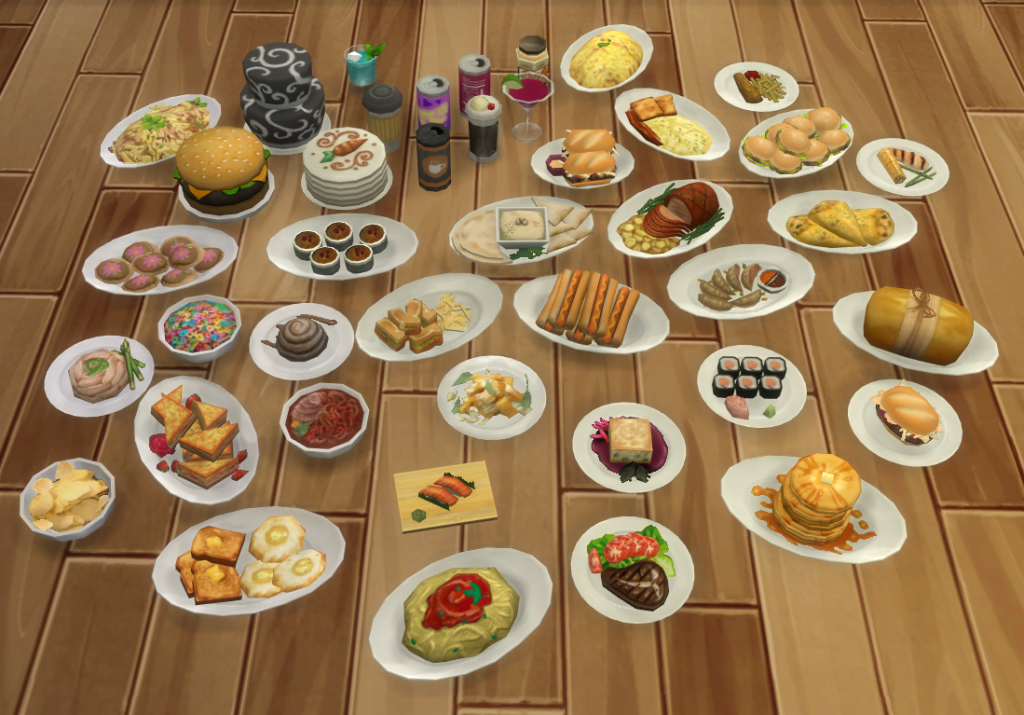
If you’re looking to just update some base game textures or improve the visuals of the base game without adding any new recipes, multiple creators have defaults or overrides for meals and other food items from The Sims 4 Base Game and DLC. Whether it completely overhauls the mesh and creates a fresh new look, or just updates the textures to make them look much better than the 2014 original low-resolution textures, there’s options for those that don’t want to install entirely new food mods.
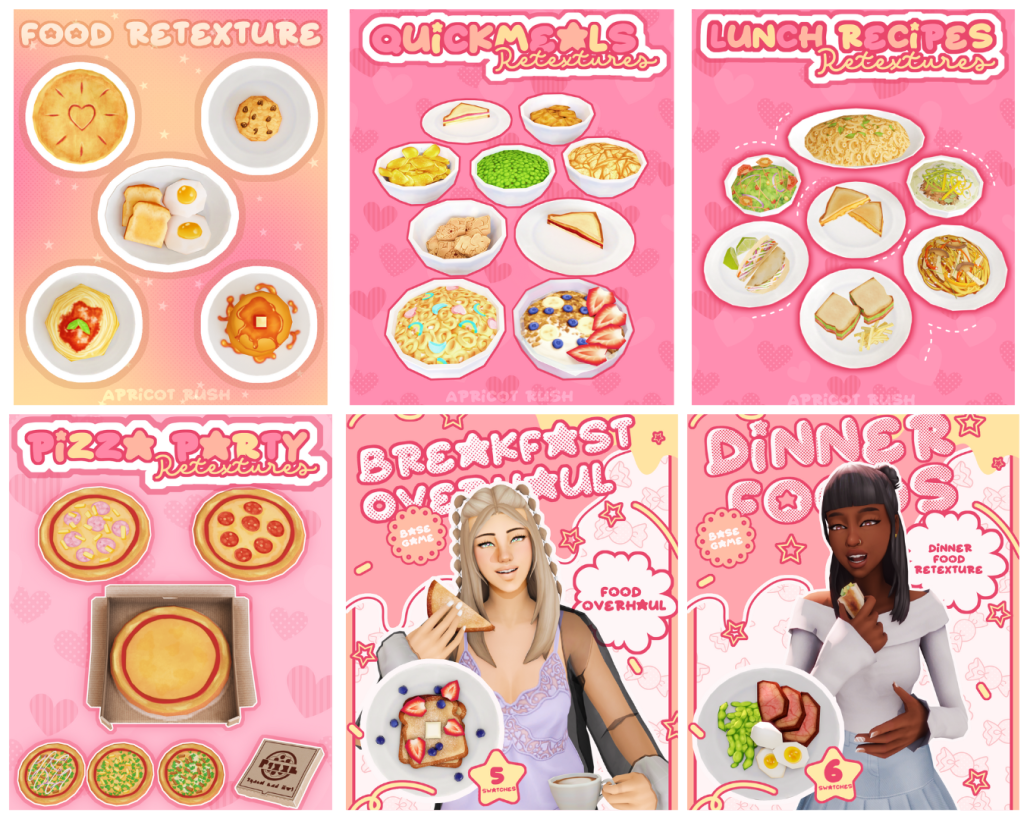
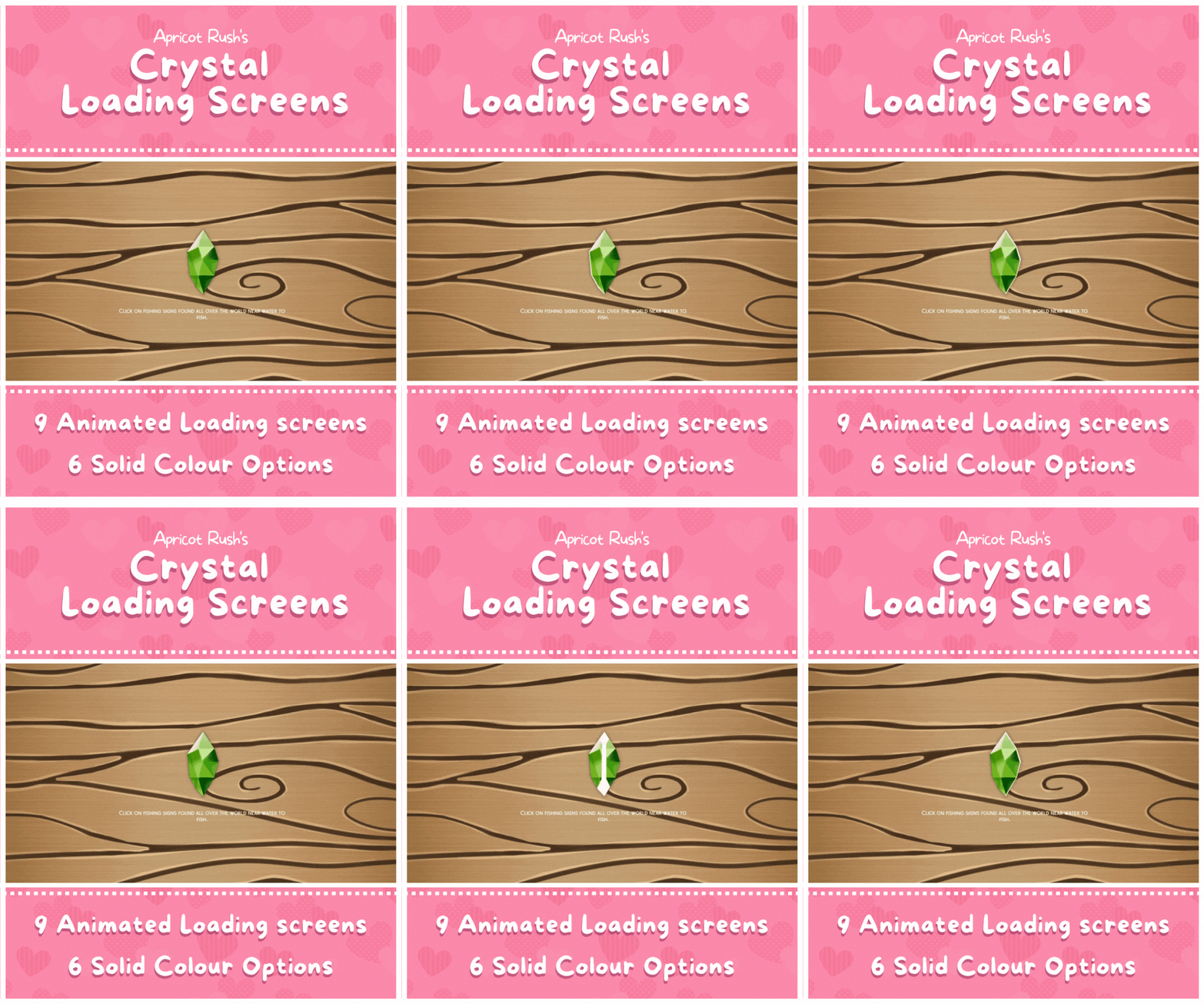
Apricot Rush’s Food Retextures
Leaning into the cutesy nature of their custom content, ApricotRush’s overrides for the base game food including quick meals, lunches, dinners, pizzas, breakfast items, and more, are well-textured, vibrant, and delicious looking!
A fix for the issue of grainy or off-color textures in The Sims 4, particularly in the food found in the earliest updates of the Base Game as well as early DLC, Cowplant’s Cake has a work-in-progress AI-Upscaled food override.
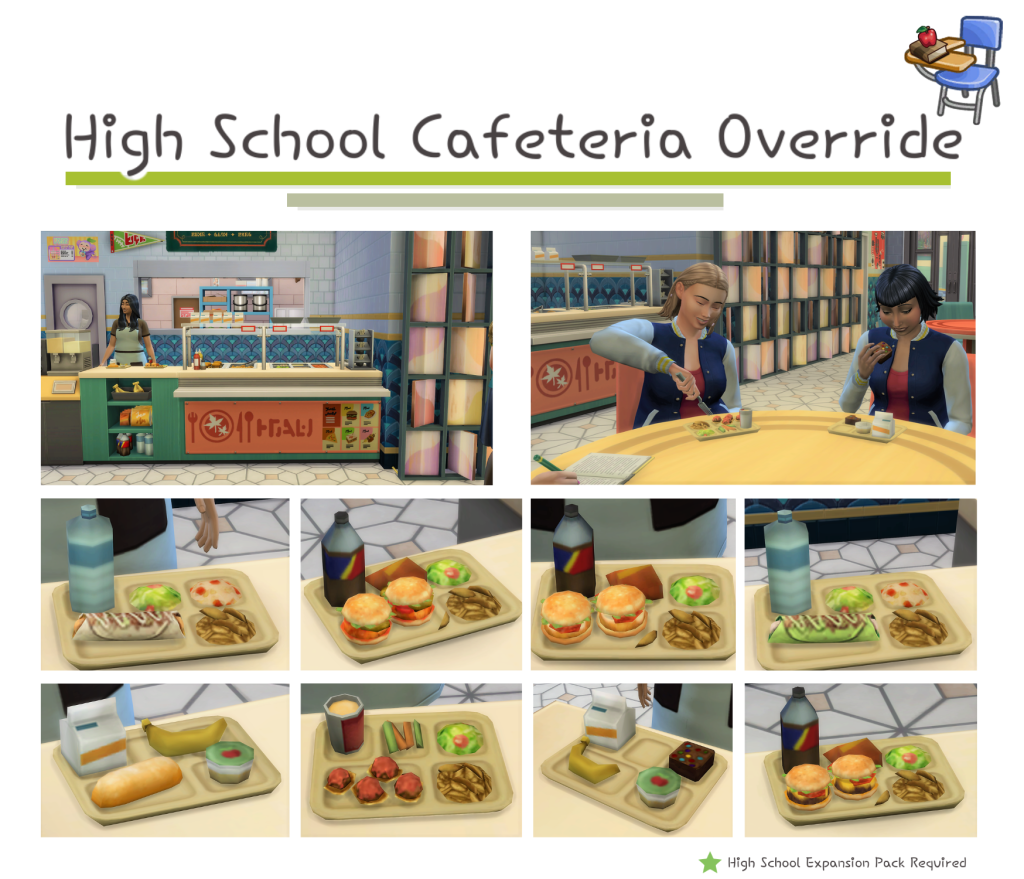
Replacing the pre-existing lunch options for your teens, Littlbowbub’s overrides keep true to the title of the dishes themselves, but completely upgrades the textures and meshes, making the meals look more complete and filling for a growing high schooler.
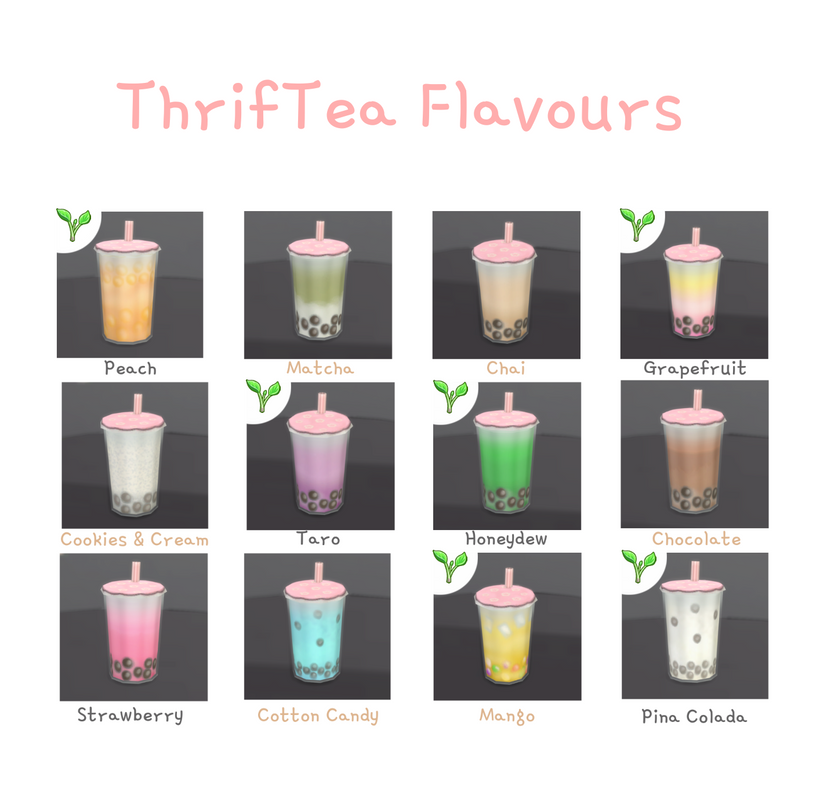
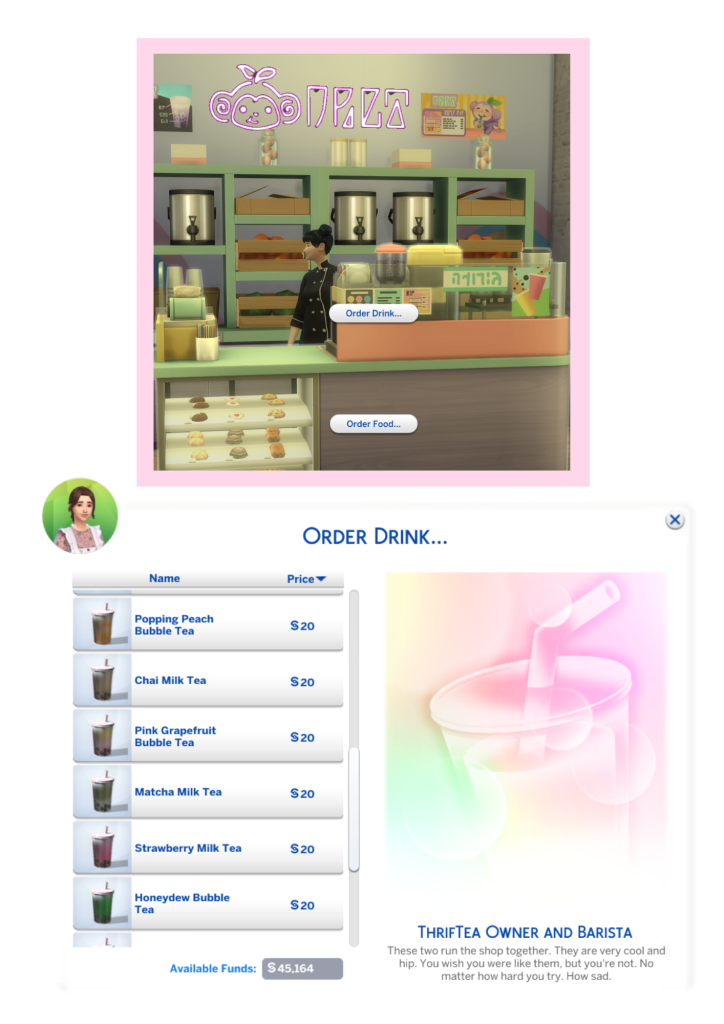
While Bubble Tea was a well-loved addition, Littlbowbub’s overrides of the textures for the drinks makes them bright, colorful, and delicious looking. The pearls are shiny and a nice updated detail, with color schemes that match common Bubble Tea Shop flavor options.
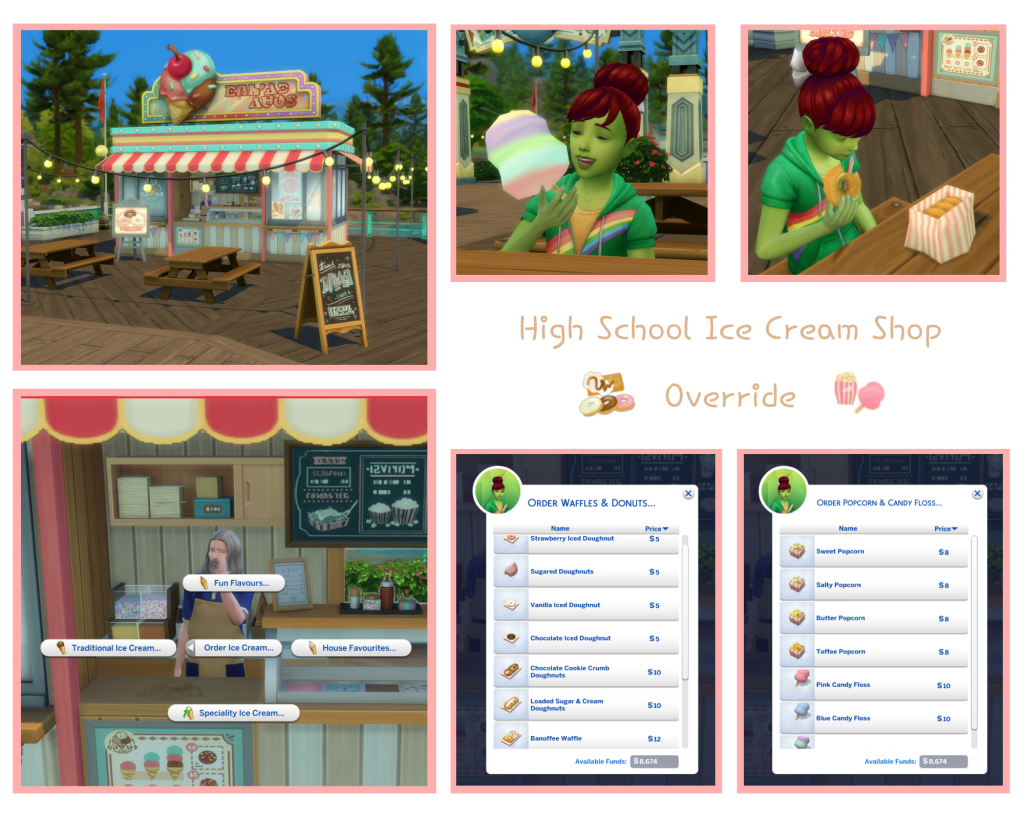
Complete your family trip to the pier with a delicious snack, now overridden by Littlbowbub to include more items with well-done textures, bright colors, and a hint of childhood nostalgia!
This mod is the required core for Brazenlotus’ recipes, allowing for simple and modular installation without tons of extra files. This avoids performance issues and mod folder bloat. It sorts recipes into custom categories including meal type, special diet, culture, seasonal recipes, animal food, etc.
Brazenlotus has a wide variety of recipes available on their website, with an expansive number of cultural recipes, delicious desserts, and even some occult or special recipes for different holidays.
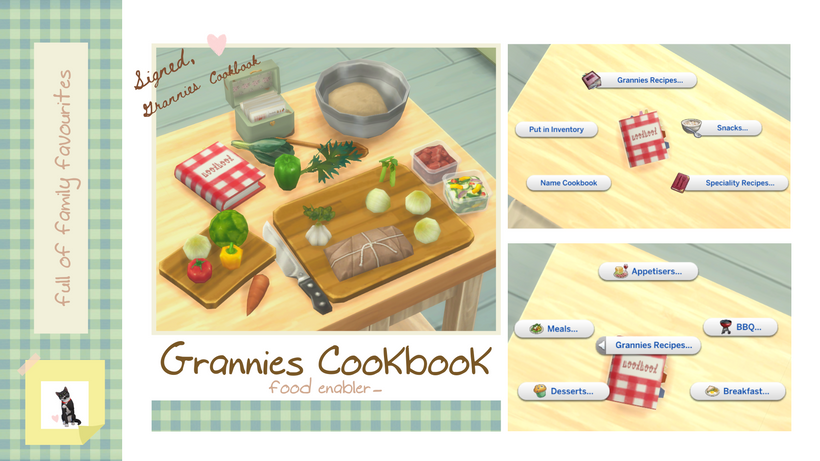
Grannie’s Cookbook is one of two core mods available for LittlBowBub’s recipes, appearing as a little cookbook with a variety of swatches, allowing you to access all your downloaded recipes in one place.
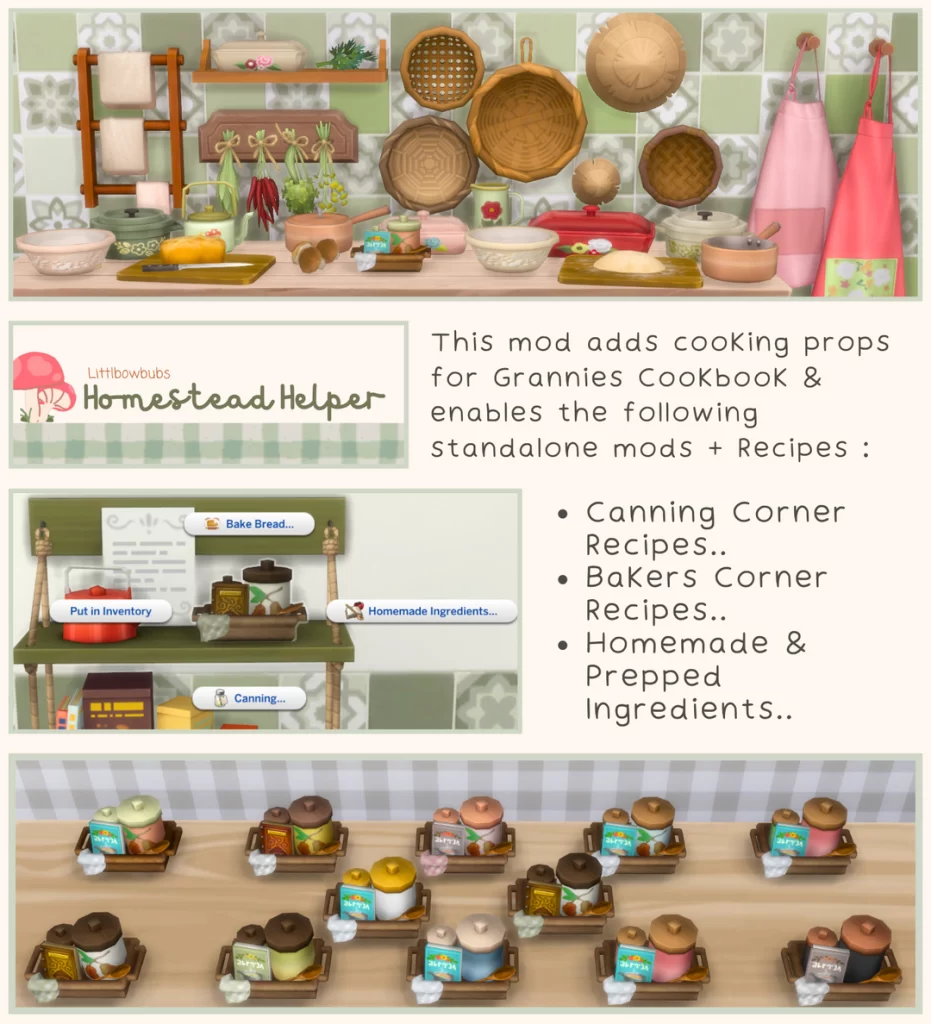
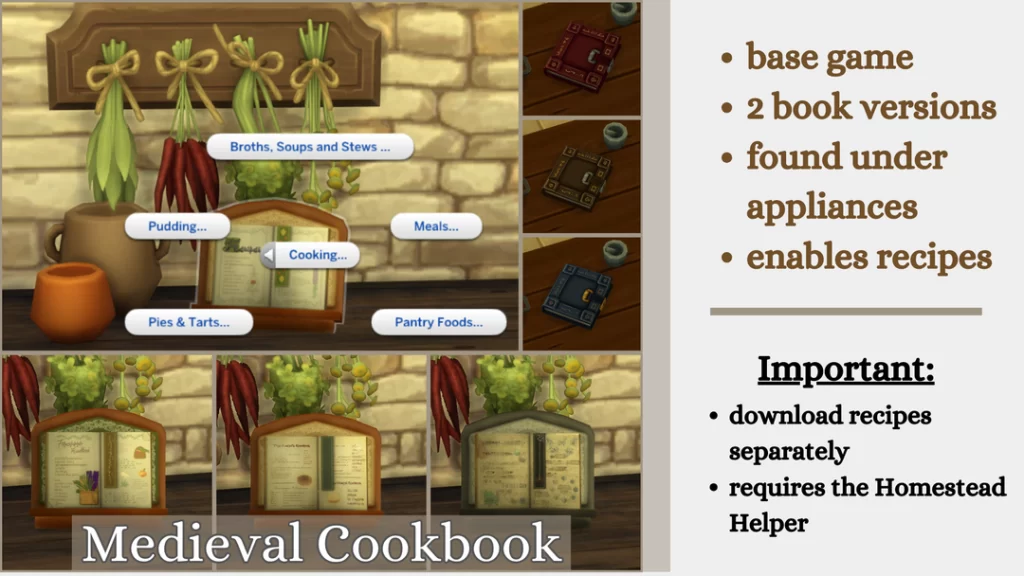
Homestead Helper is a secondary core mod, required overall for others like Grannie’s Cookbook, Medieval Cookbook, etc. This adds additional props and enables standalone functional items and recipes.
If you’re playing The Sims 4 Decades Challenge or a generally historically-accurate save set in the medieval period, you also have option for additional recipes that emulate early cooking recipes, while the core mod itself is made to blend right into the background of a historical game.
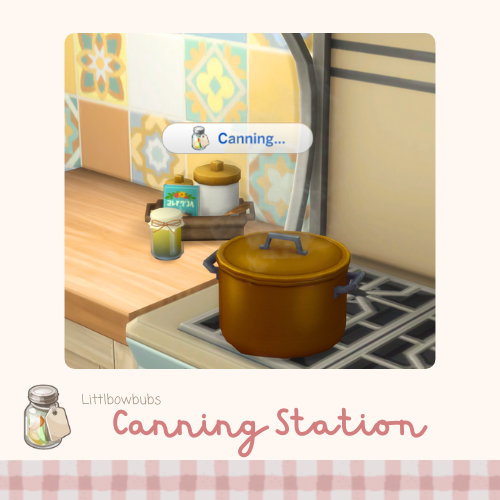
Recommended as something to work alongside Grannie’s Cookbook and The Sims 4 Cottage Living Pack, which introduced canning as a gameplay feature, this mod adds additional canning recipes for your sims to sell, preserve, or eat right out the jar! The recipes are a wide variety, but include soups, curds and preserves, puddings, salad dressing, etc.
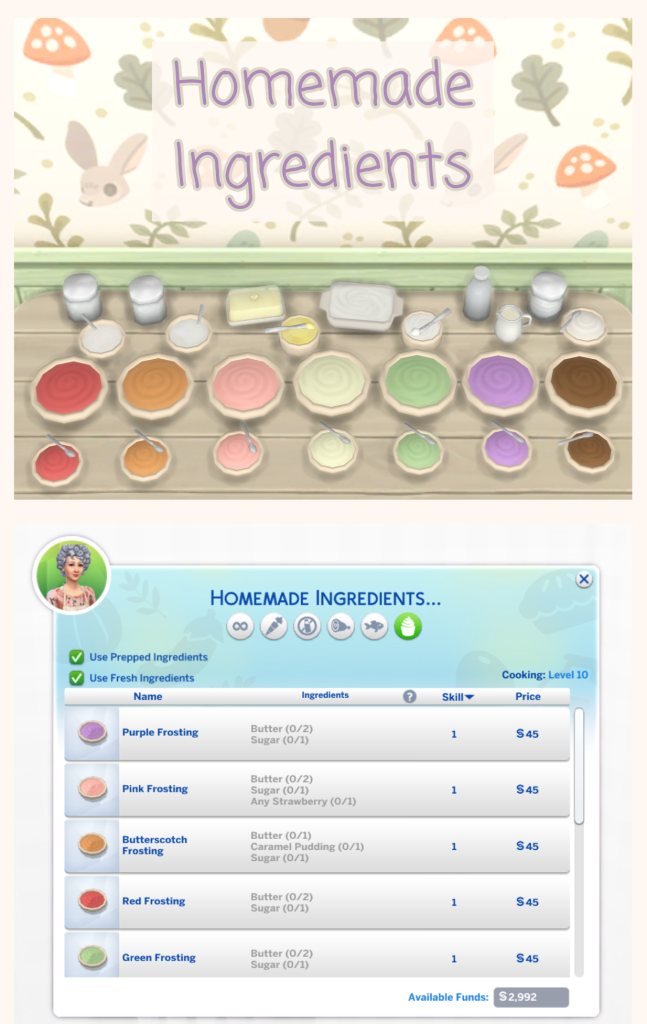
While no homemade ingredients are required for recipes to be present, if you’re someone who plays a game that is rooted in realism, prefer a bit more of a challenge and preparation for cooking, or you’re wanting to use the Simple Living Lot Challenge, LittlBowBub offers a wide array of custom ingredients that act as standalones or work alongside other recipes.
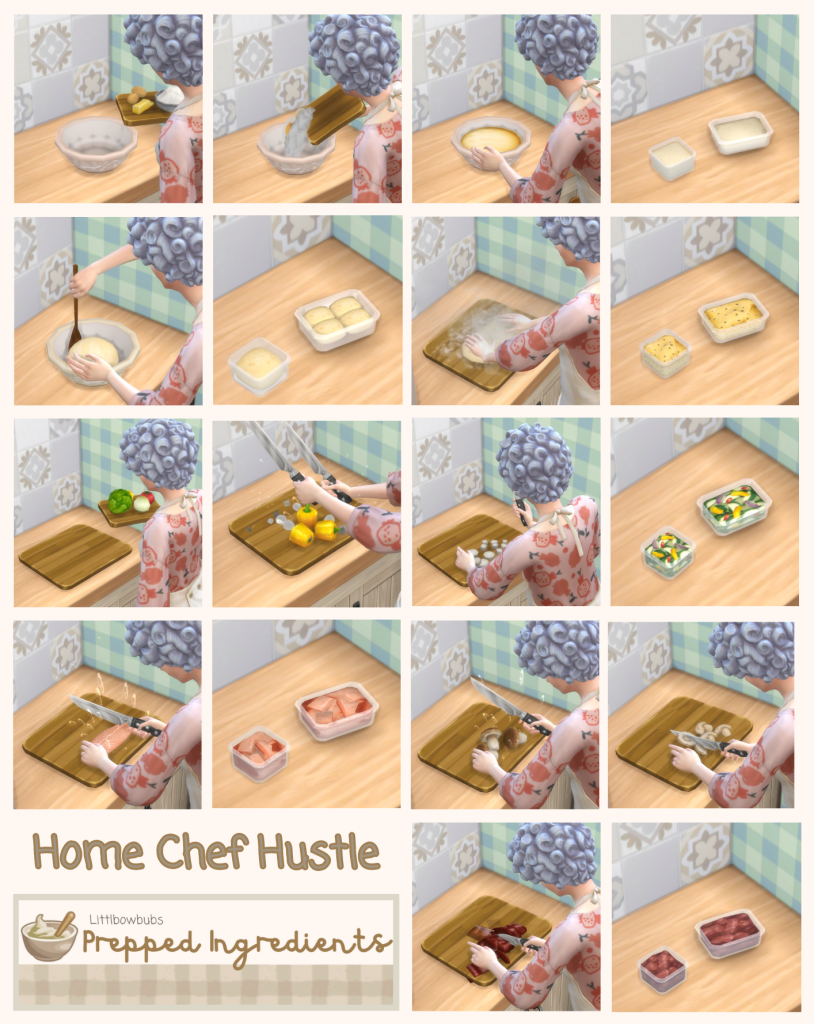
Based around Home Chef Hustle’s prepped ingredients system, using the stand mixer to make pre-prepared ingredients and give your sim a speed boost in the kitchen, Littlbowbub has added more options for preparing ingredients to store away for future recipes.
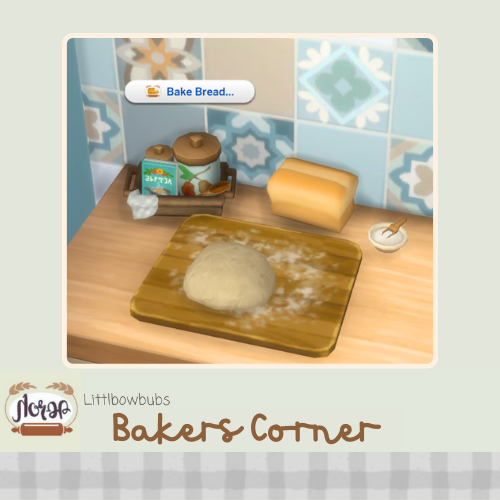
With so many people always getting into the hobby of baking, especially breadmaking, LittlBowbub added a great set of recipes to make a multitude of bread loaves. Once your sim has cut a piece off to eat, they can even select topping options!
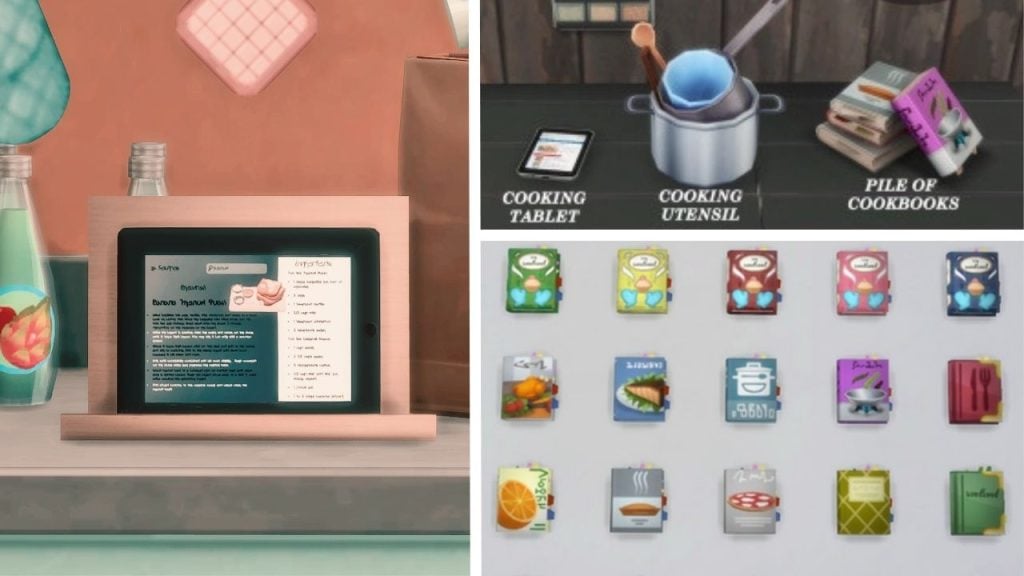
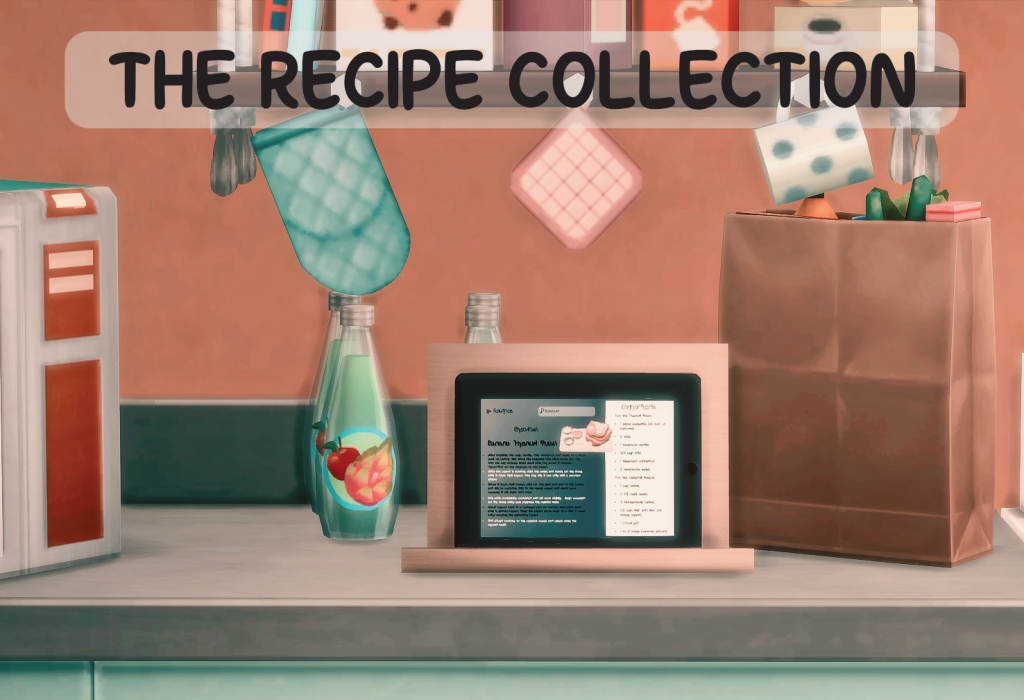
AlwaysJustJay’s food enabler is a sleek tablet with multiple swatches for its wood-grain stand, letting it mesh well with most kitchens and be easily tucked into a corner, by an appliance, or in a cupboard.
AlwaysJustJay’s recipes are typically released in collections on a monthly basis, with a standard theme. This can include a holiday coming up that month, a general weather type, a recent trend in cooking, and so many more options for creartive and well-made recipes.
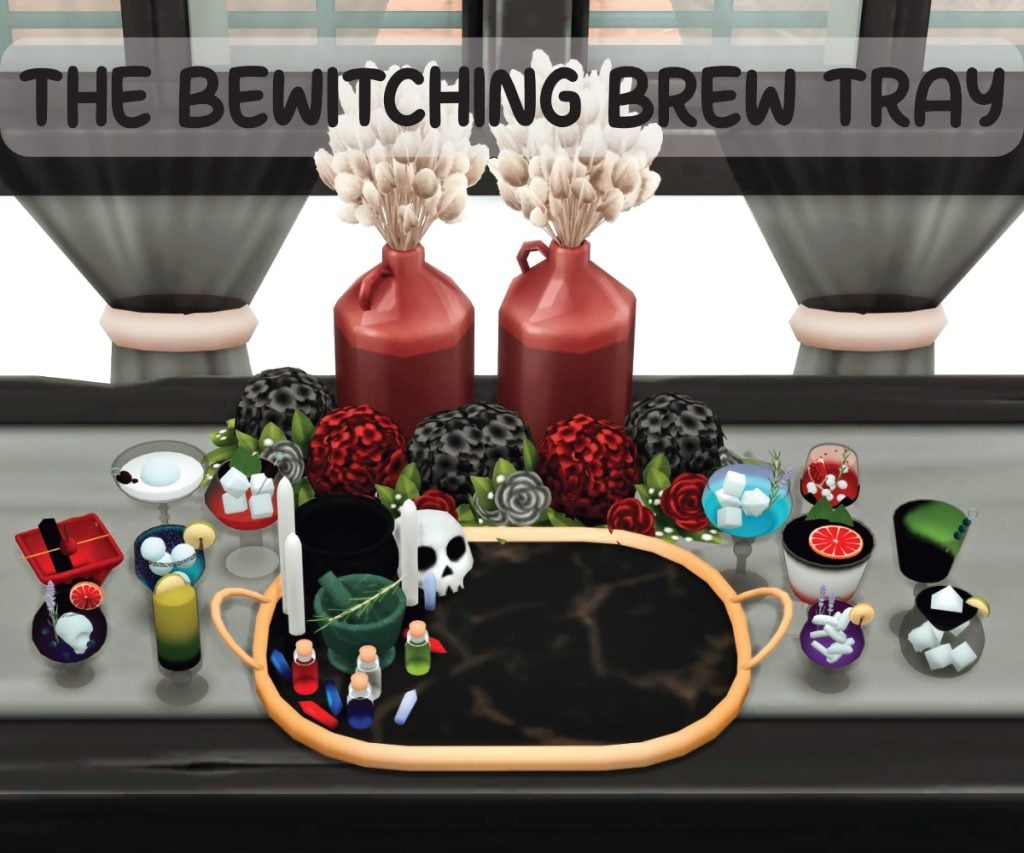
Craft magical and medicinal beverages with the Bewitching Brew Tray! Acting as a drink tray similar to the Hot Cocoa Tray or the Sugarcane Juice Tray, you can serve an entire group custom bewitching beverages.
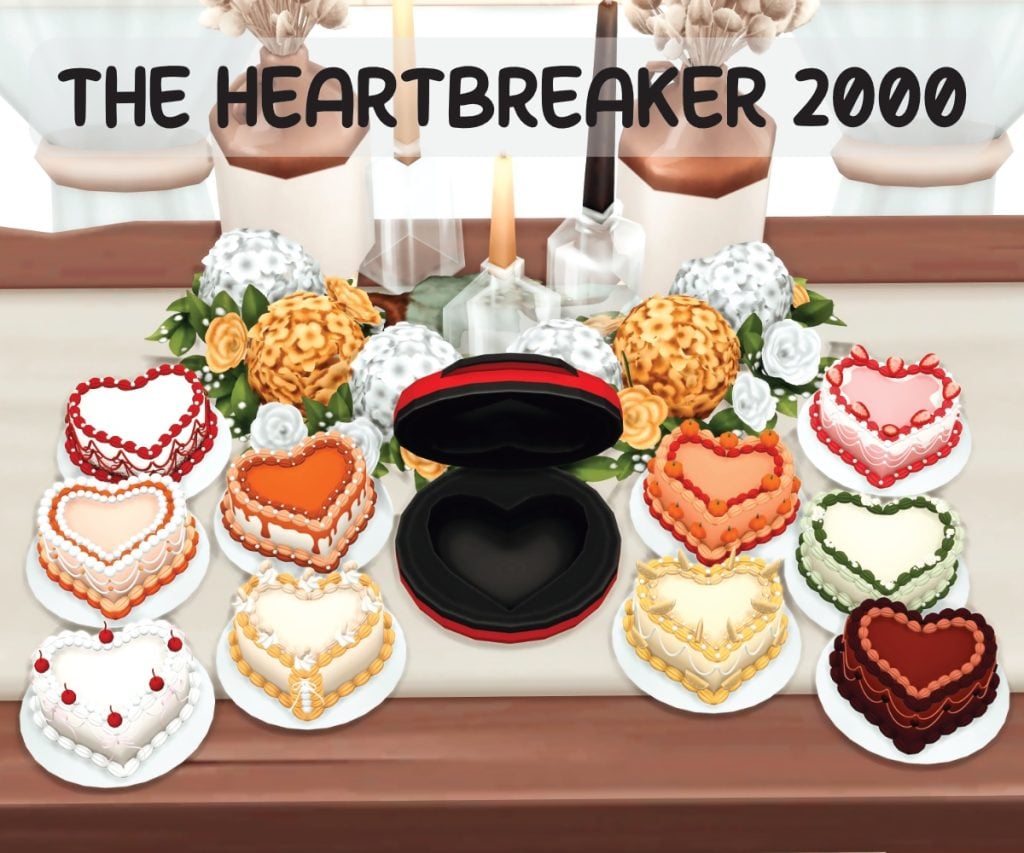
Make single-serving trendy cakes for your sims to snack on with the Heartbreaker 2000. Let your sims cook them up and decorate them as a little treat for themselves, or a gift for a loved one!
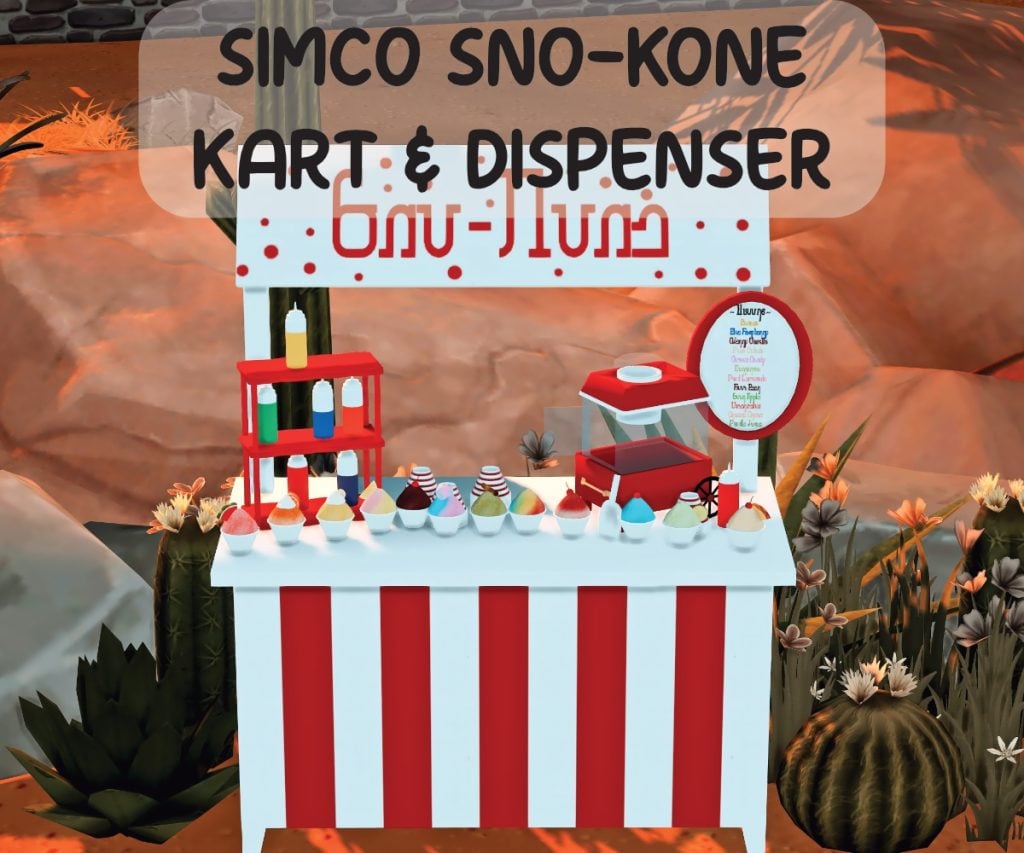
Cool off with a variety of snowcones and shredded ice on a hot day in Oasis Springs, setting up the Simco Sno-Kone Cart & Dispenser at any park or public place to help beat the heat.
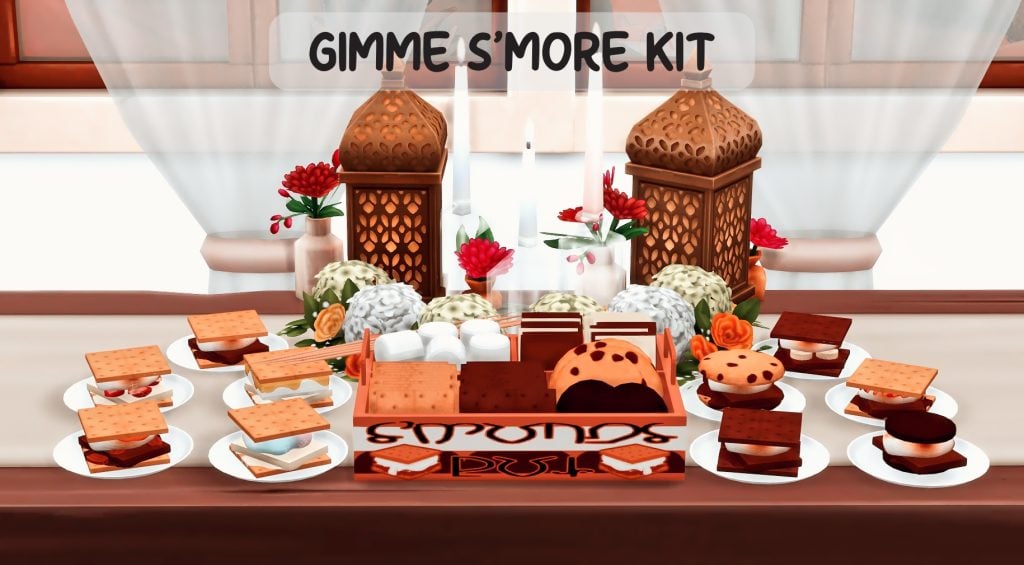
Instead of being forced to sit by a raging campfire, or just miss out on this sweet treat because your sim lives in a San Myshuno high-rise, the Gimme S’More kit gives your sim custom new recipes for s’mores that can be made from the comfort of their home.
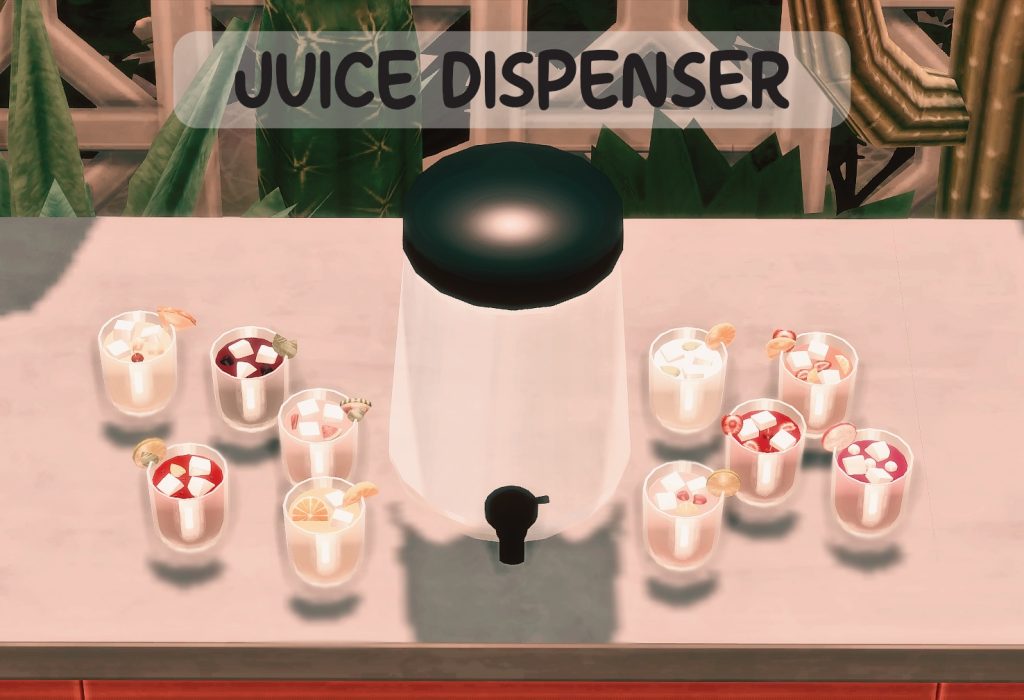
Serve small groups simple juices or delicious mocktails from AlwaysJustJay’s juice dispenser, from Citrus Coolers to Watermelon Punch, every sim should find something refreshing from this item!
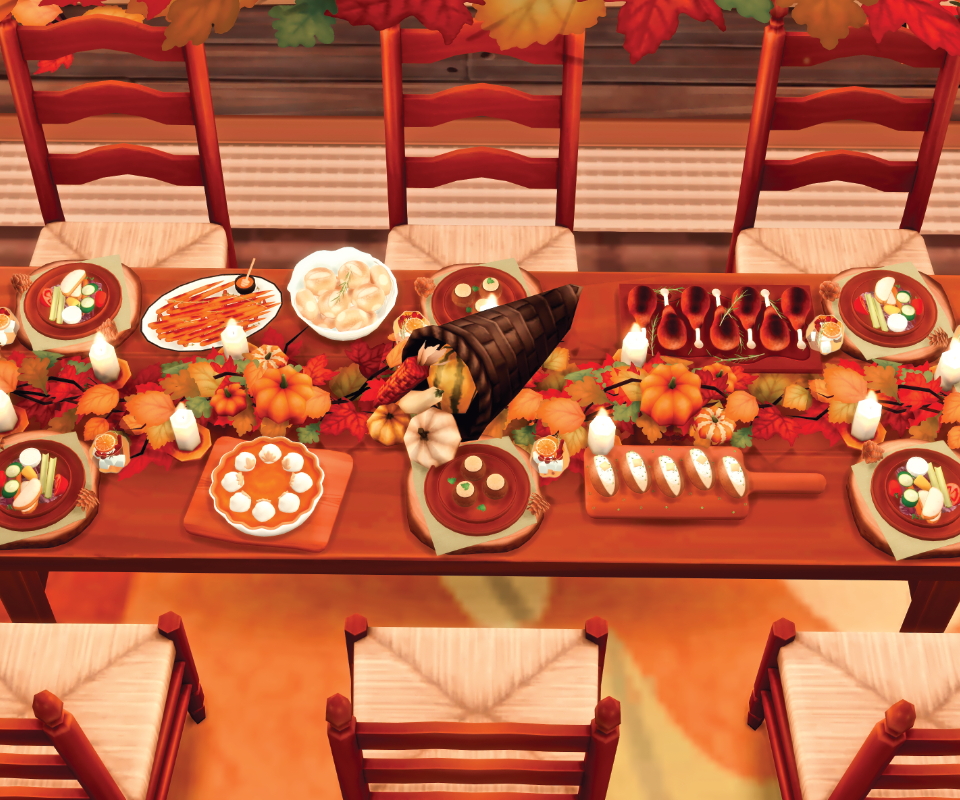
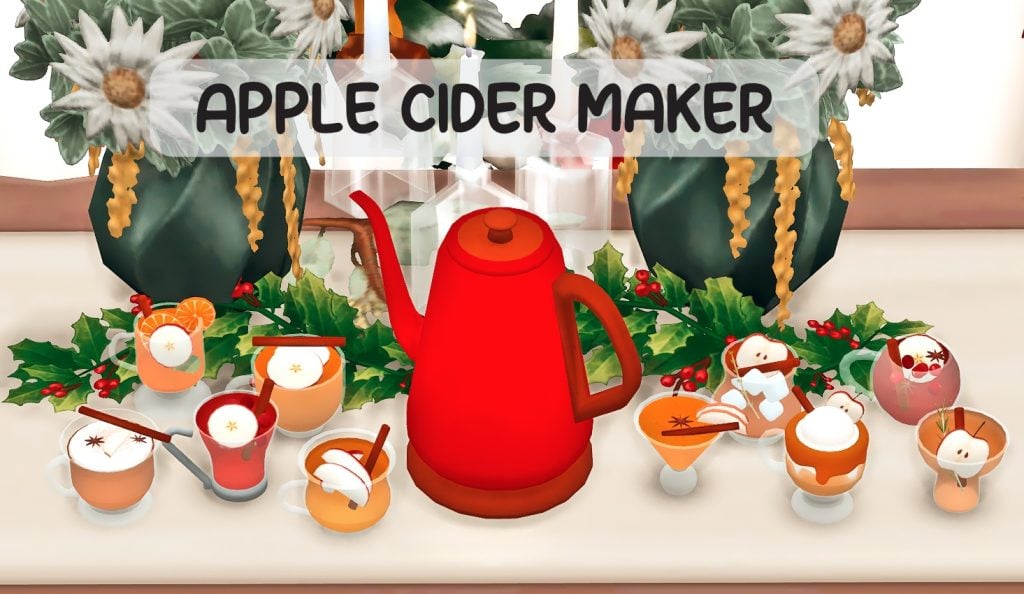
Cozy up in the colder months, whether its Harvestfest or Winterfest, and make a delicious variety of apple ciders. Go simple with some hot cider, or spice things up with Maple or Mulled cider options, the choice is yours!
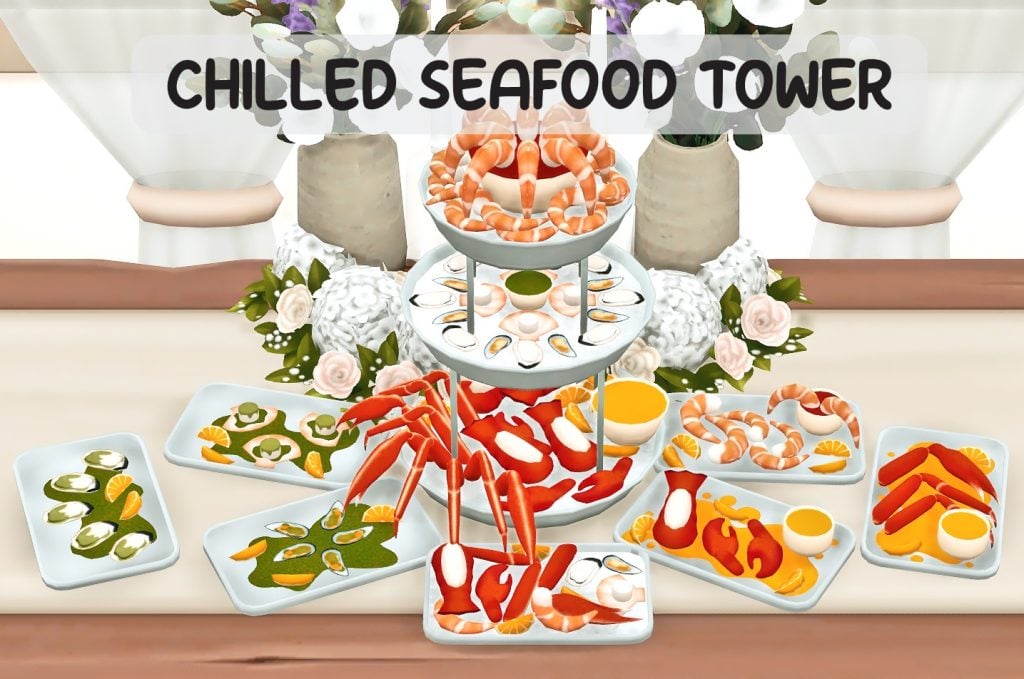
Perfect for weddings, large family gatherings, or your local seafood buffet! You can grab lobster, crab legs, oysters, and so much more from this chilled seafood tower.
This is the core mod for Icemunmun’s custom food recipes specifically, unlocking the ability to access these recipes from any cooking item in the game, such as fridges, stoves, etc.
Having issues with the custom food menu showing on your fridge? Add in the Custom Food Objects to act as standalone menus for everything Icemunmun offers in these categories, blending in with your kitchen clutter and being easily accessible without diving through the main fridge pie menu.
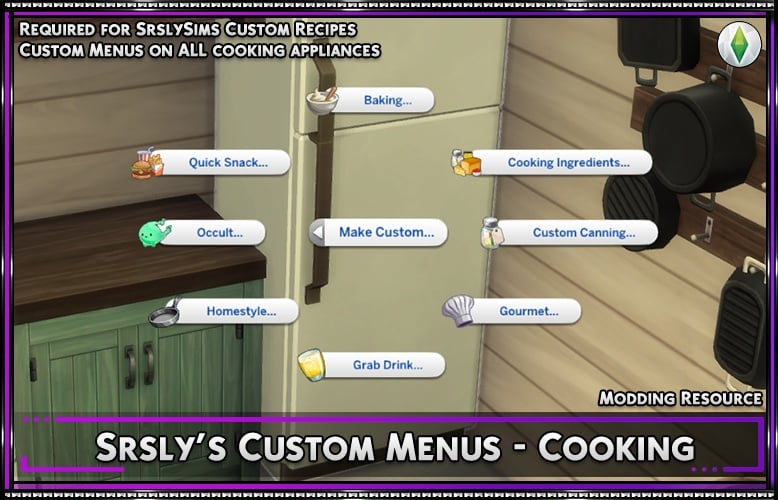
This is the base mod used as the recipe-enabler for Srsly’s mods. This can and is recommended to be used alongside SCCO or SCCOR, and is used so all of the custom recipes and ingredients provided by Srsly can be access through the fridge, stove, or any other cooking apparatus or crafting station.
SrslySims’ Complete Cooking Overhaul OR Srsly’s Modding Resource
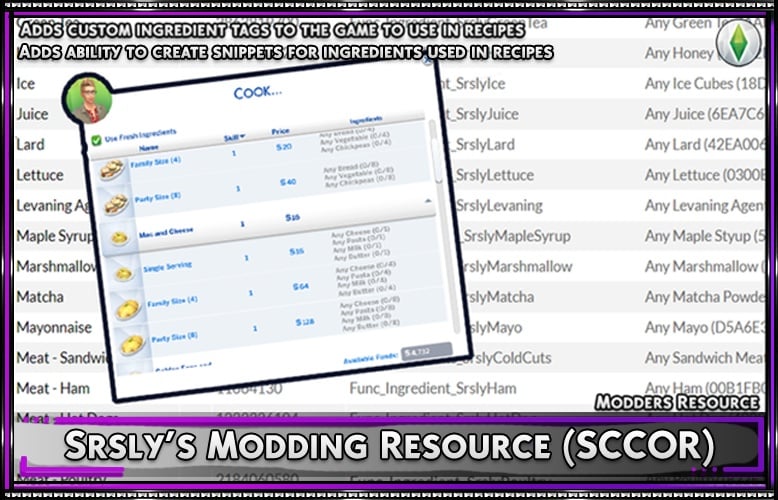
These are two of SrslySims’ possible base mods to be able to add their custom recipes to the game. Srsly’s Complete Cooking Overhaul (SCCO) expands EA’s existing in-game mechanics to make recipes more in-depth, including adding more ingredients, expanding service size options, grocery shopping, re-allocating desserts to the baking skill, and so much more! SrslySims Modding Resource (SCCOR) can also be used instead, allowing other creators to provide compatibility with their recipes and the main mod. SCCOR does nothing on its own.
Make sure to read both download pages to select the option that would work best for you! Only download one or the other; SCCO includes the functionality of SCCOR, and therefore, you do not need both.
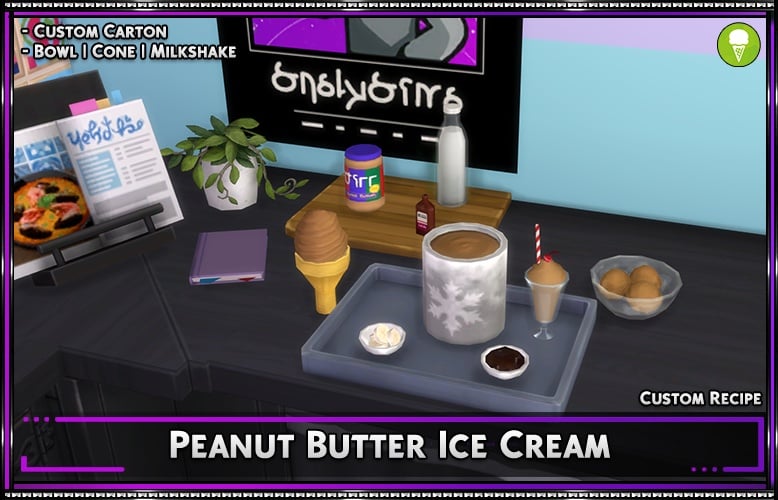
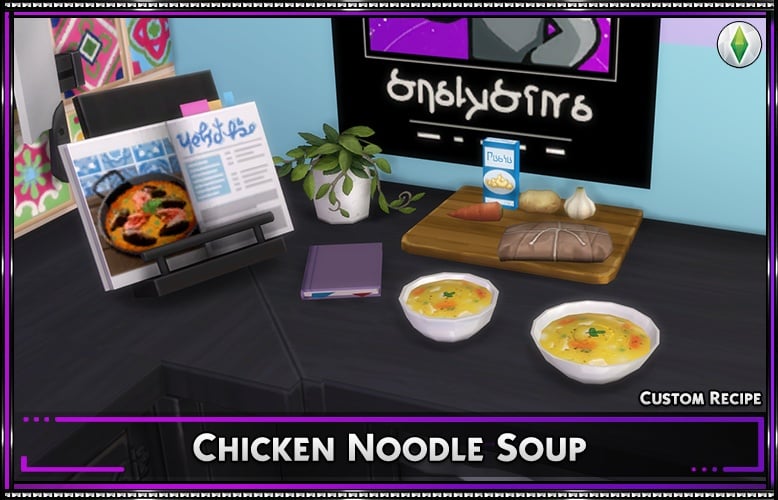
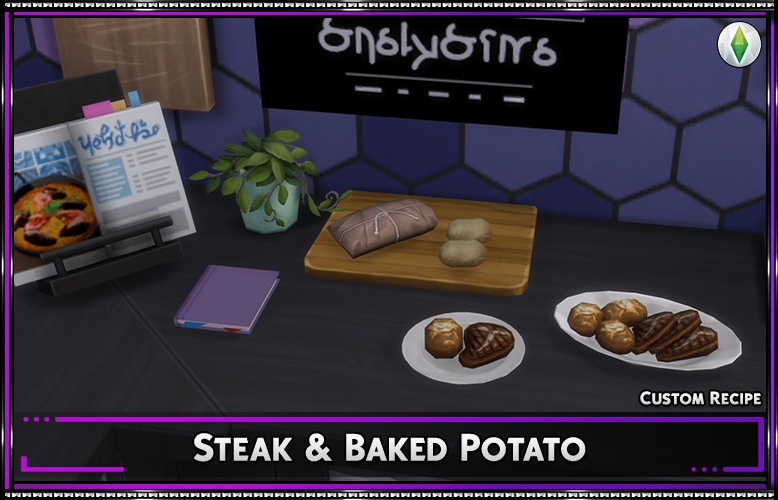
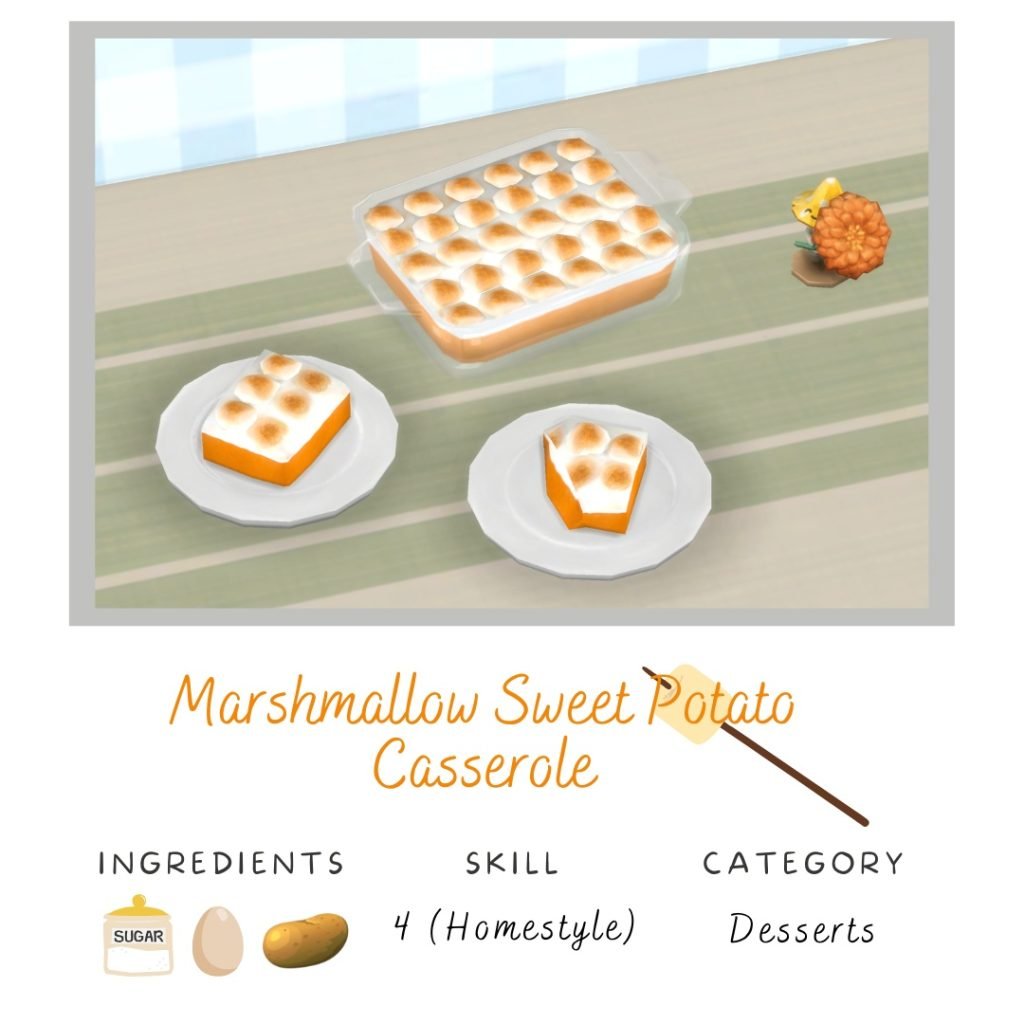
Srsly’s collection of recipes bring realism and suspended fantasy to the game. Adding simple recipes recognizable to many like new ice cream flavors, warm chicken noodle soup, and new steak recipes, while also adding interesting occult-themed recipes like Plasma Pudding and Chunky Hemoglobin Soup.
Individual ingredients have been both edited and added, to expand the EA ingredient functionality and to add compatibility for custom ingredients created by SrslySims and other creators who make compatible items with their mod. Ingredients and Recipes can both be downloaded on Srsly’s Patreon, and often come in sets or groups based around certain themes.
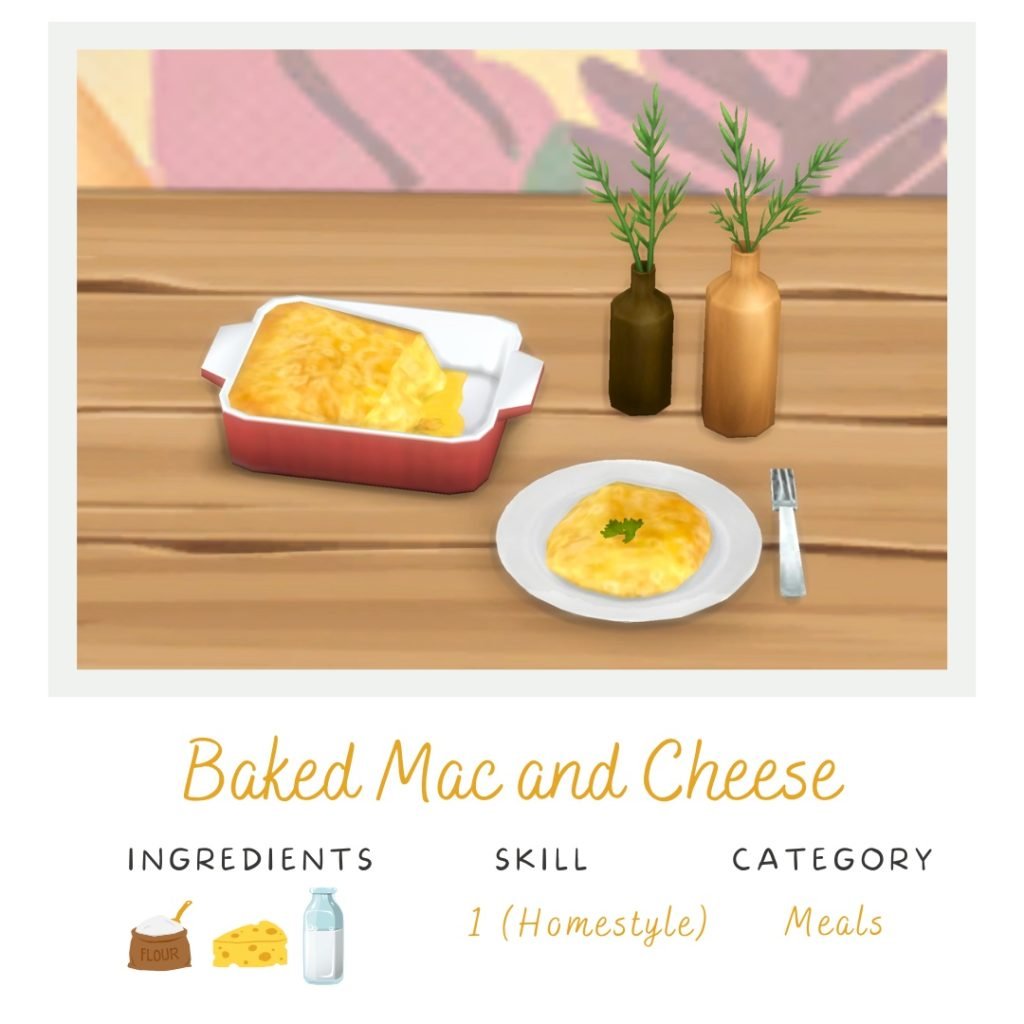
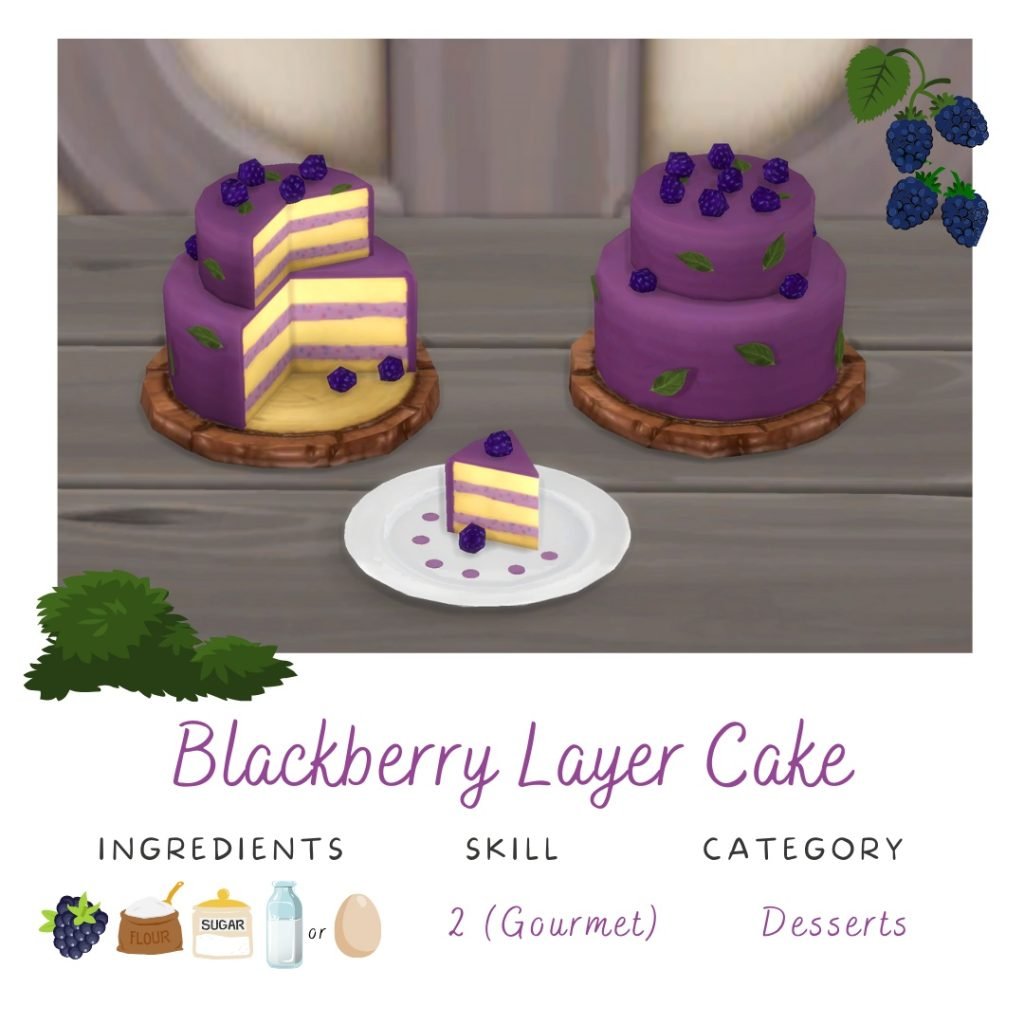
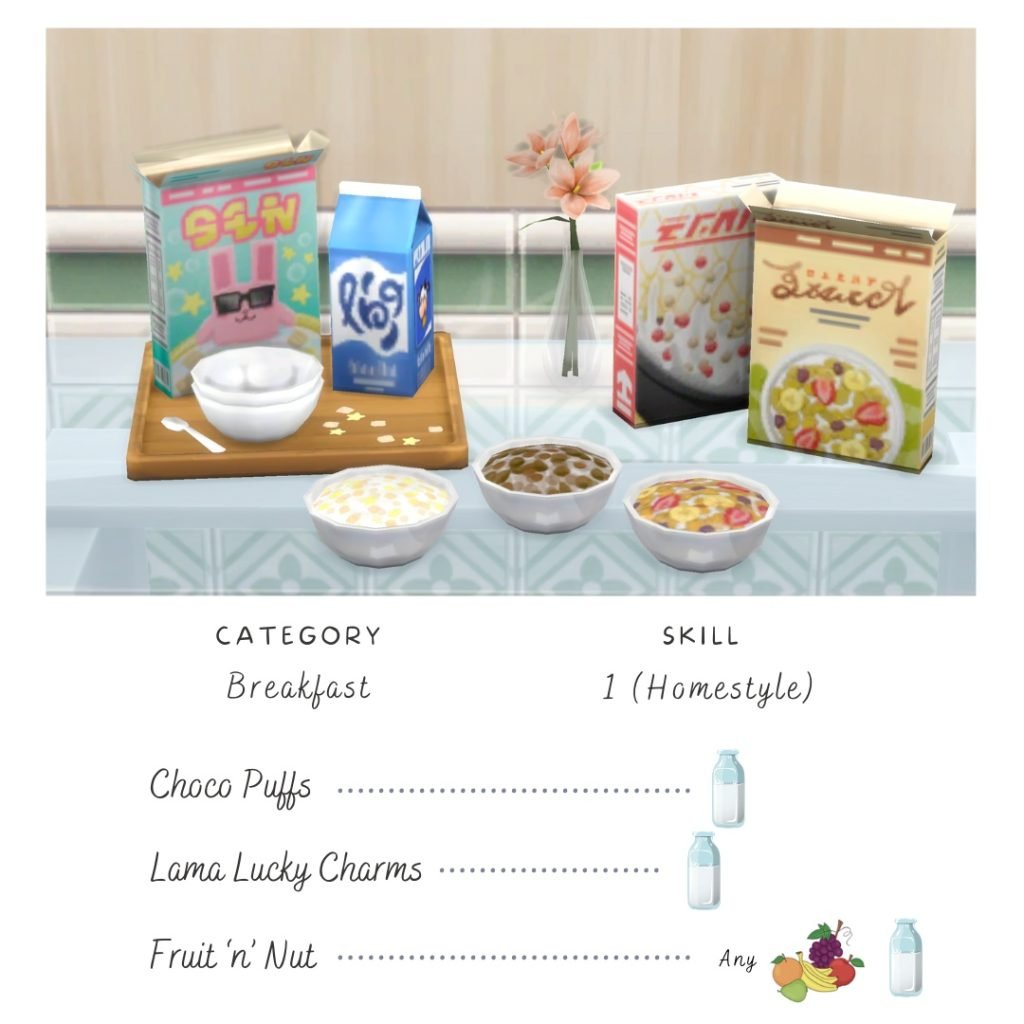
With a wide variety of recipes and a catalogue now spanning years of creation, Tianasims has tons of cutesy and yummy looking recipes. Many of them are family-based, but they come in a variety of categories, including breakfast, general meals, desserts, baking, etc.
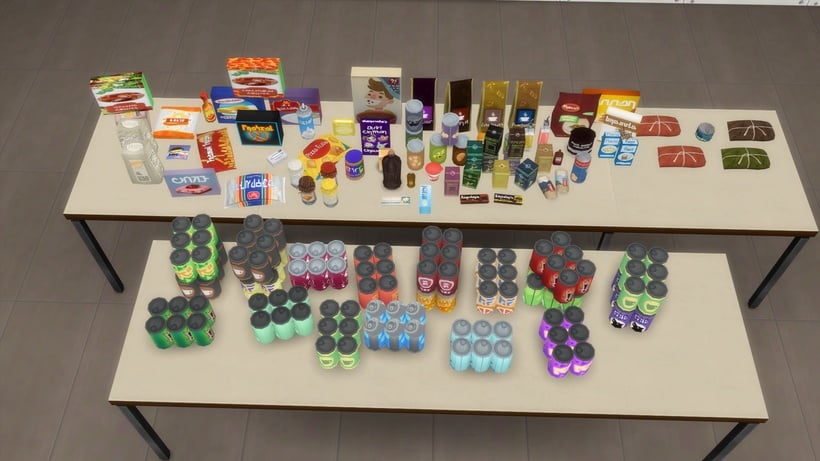
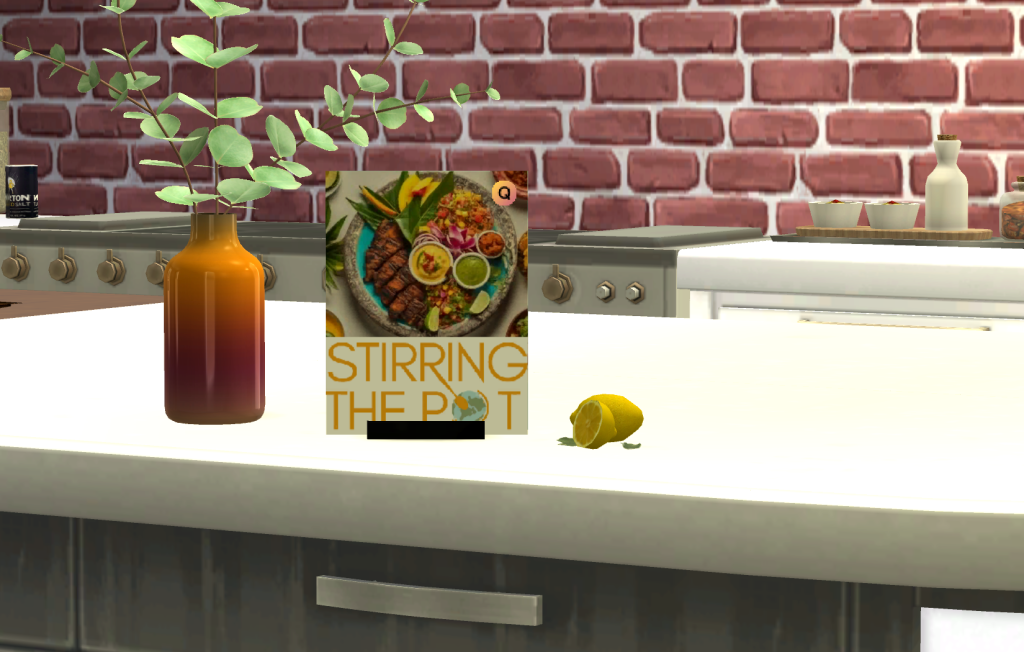
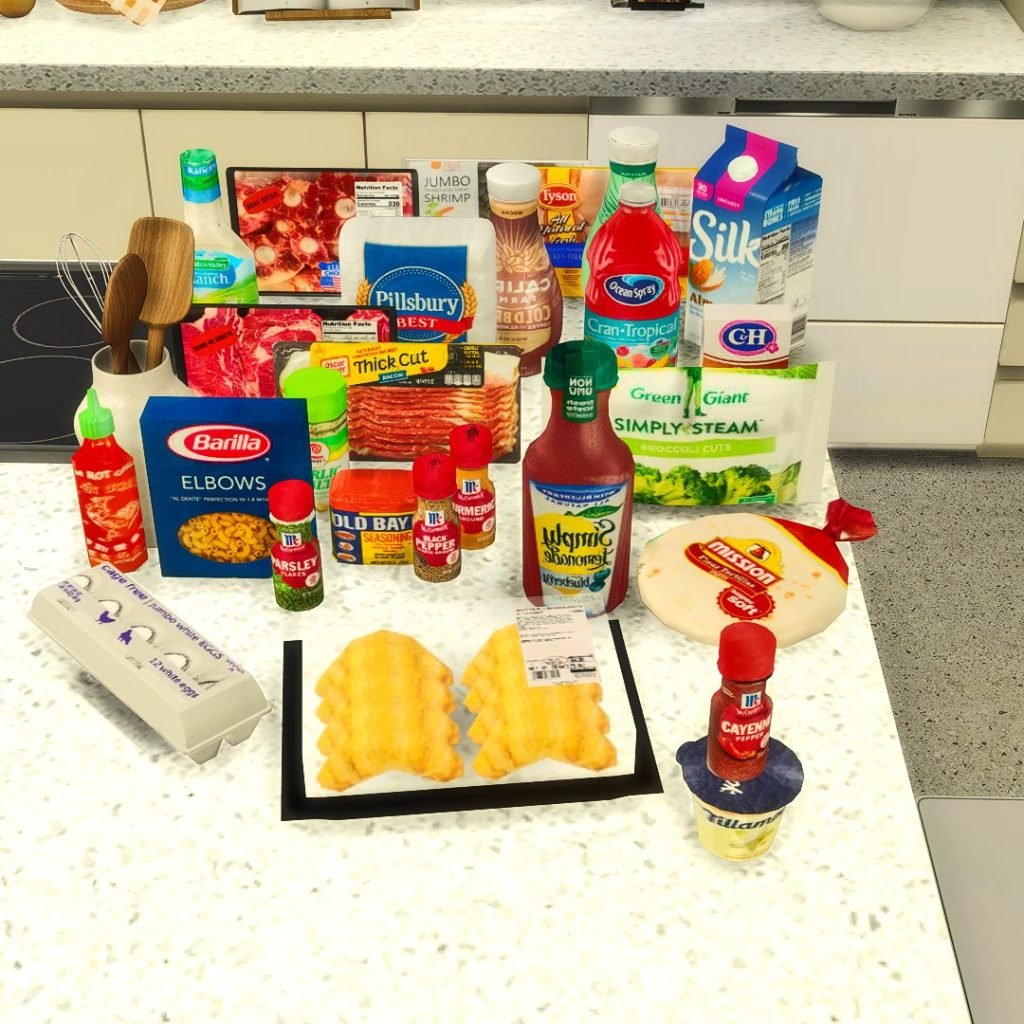
QMBiBi has added real-world brands directly to the game, to go along with their realistically textured recipes. Stock store shelves for your sim to have a grocery shopping experience, or make it easy and order any of them through the phone.
With recipes that have more realistic or “Alpha-styled” textures, QMBiBi creates great recipes for players looking to blend their game into their realistic style more, instead of maxis-match or base game items.
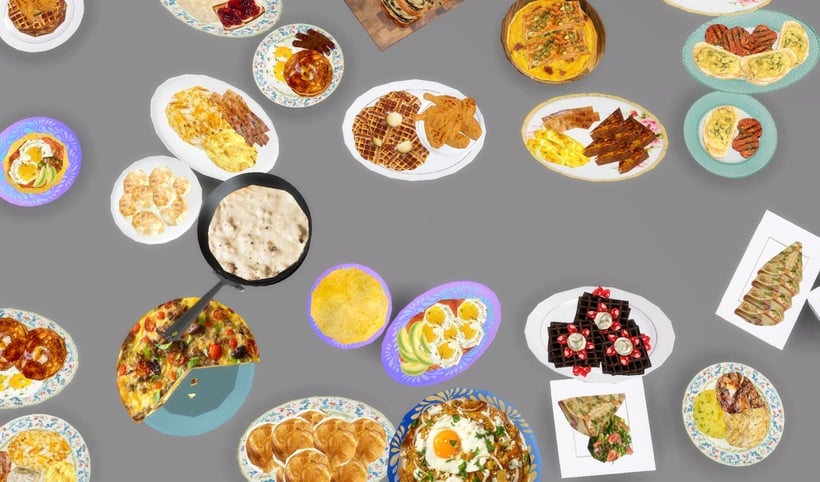
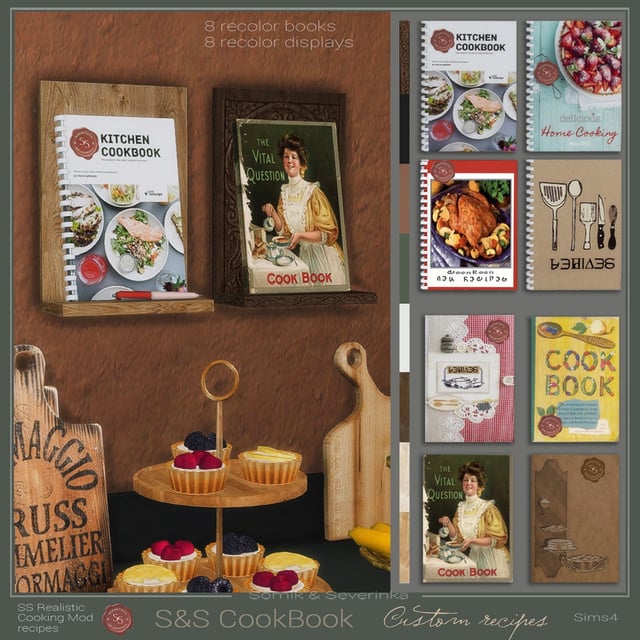
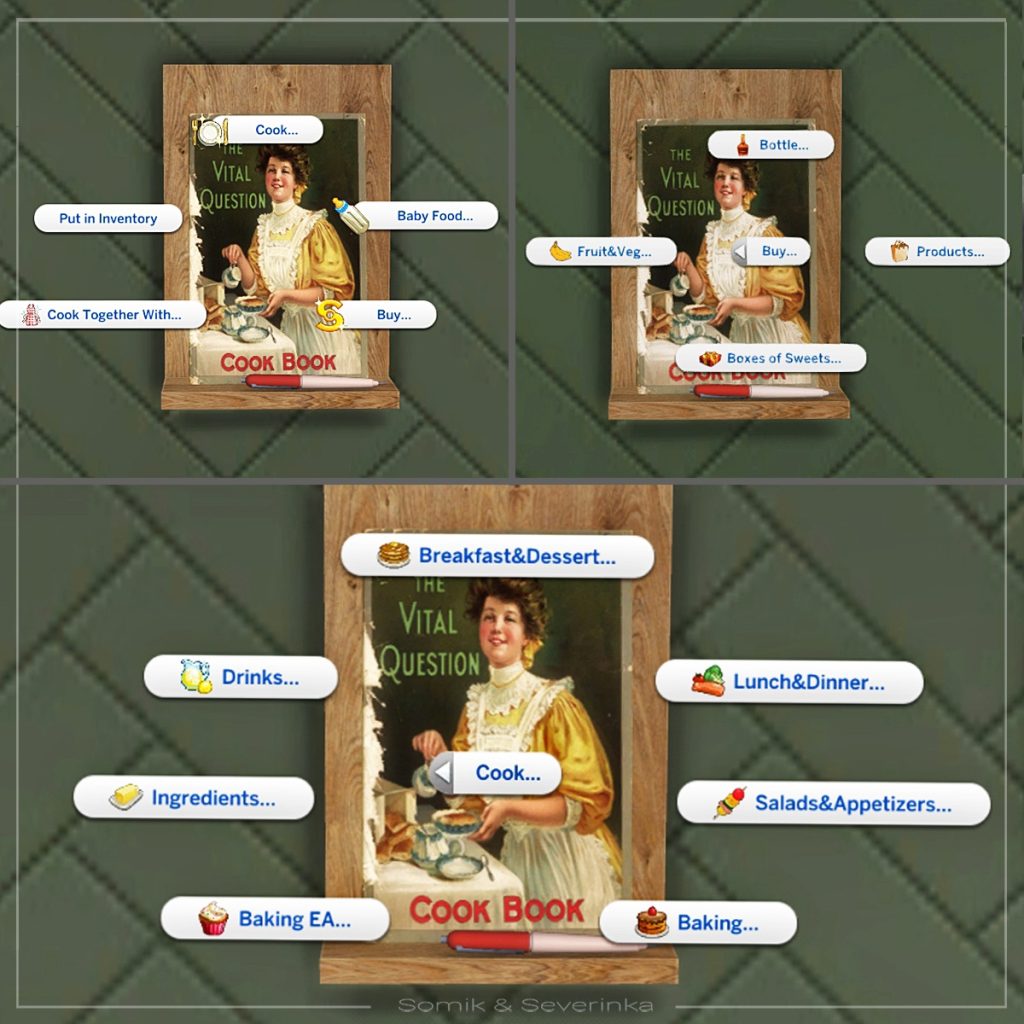
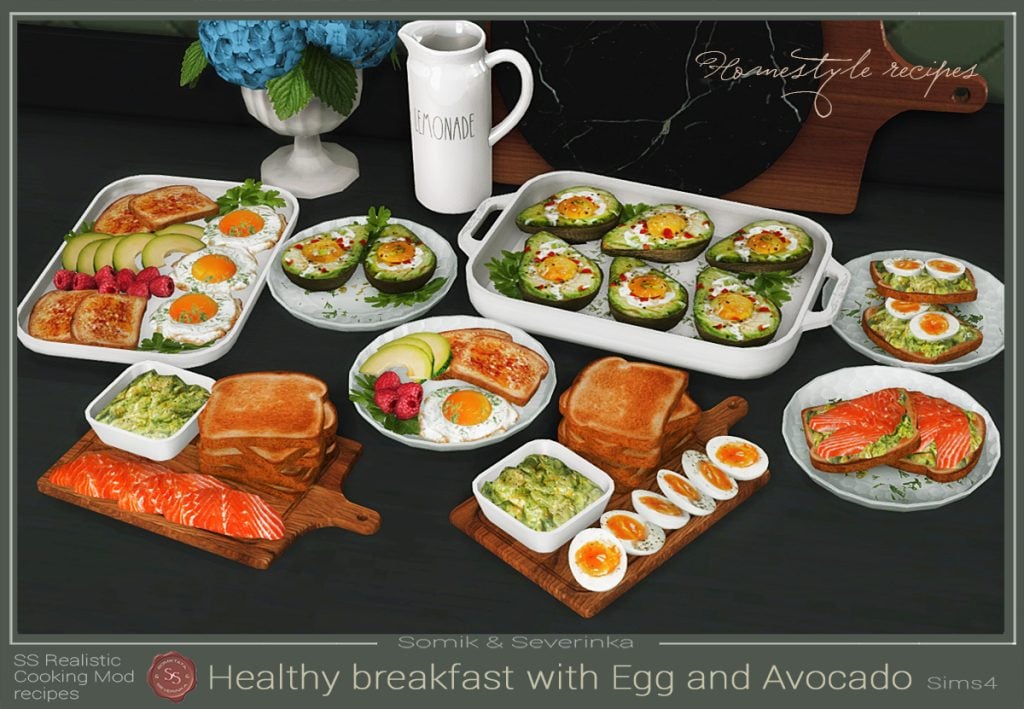
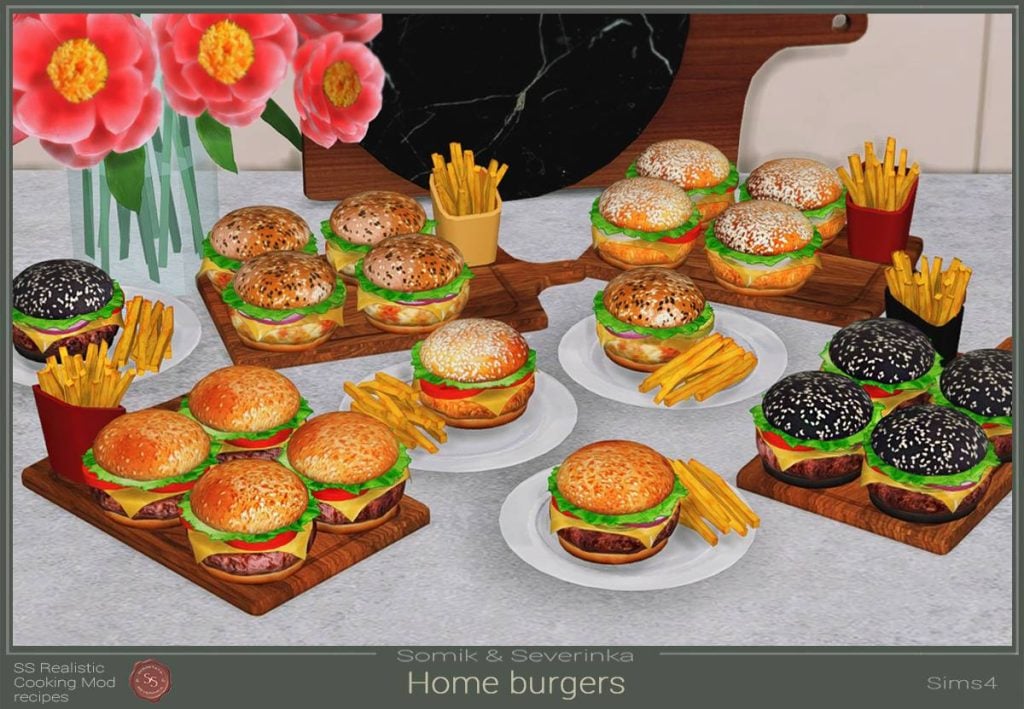
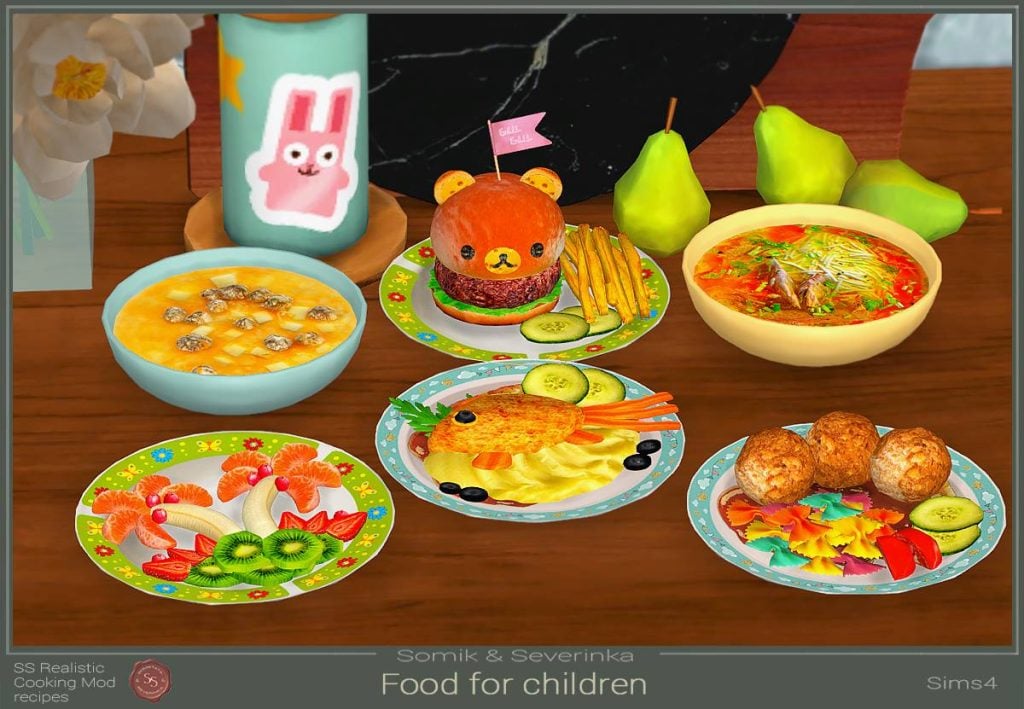
Somik & Severinka are a CC creation duo, focusing on expanding their recipe book with hyperrealistic recipes and high-quality textures. They present another great option for those looking for items on the realistic side!
S&S’ recipe collection includes basics like burgers and fries or well-known foods from a variety of cultures, or hyper-specific items like foods made to be cutesy and cater to children.
If you’re also looking to change the look of the pots, pans, and utensils your sims use while cooking, many creators have replacements for those! Since these are defaults, you can only use one at a time and cannot have two mods for the same item.
Apricot Rush
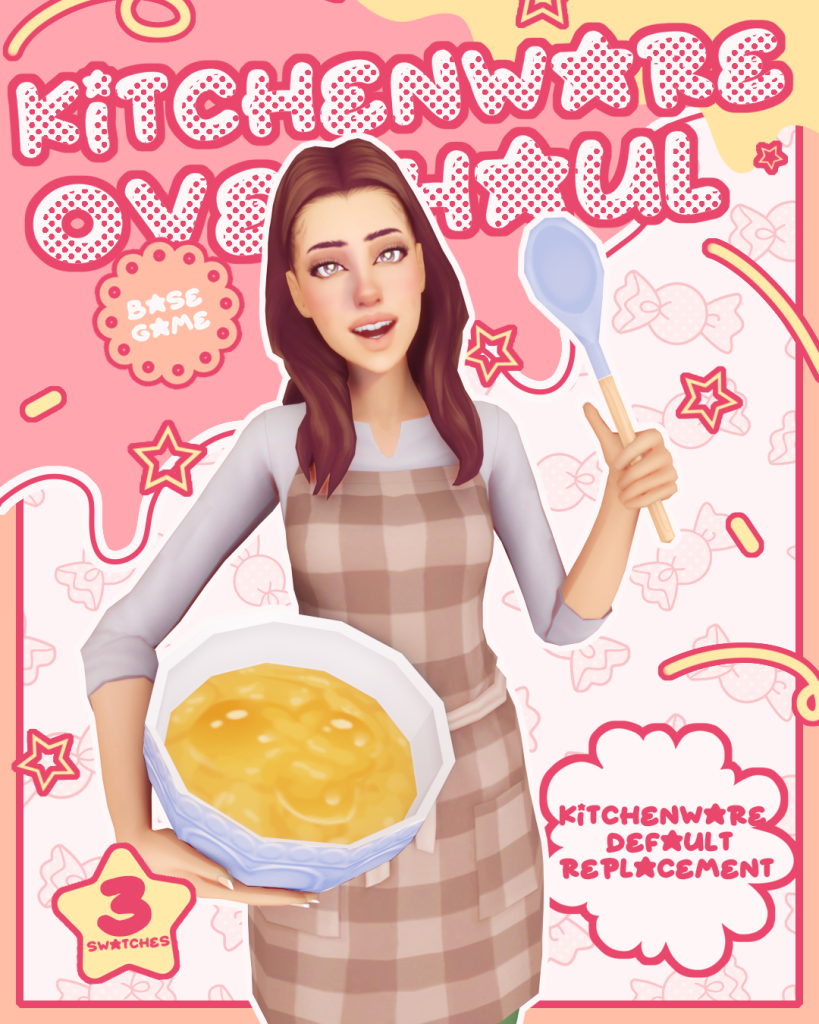
Apricot Rush’s Kitchenware Overhaul set comes in three options; Pink, Blue, and White. The options are in a pastel color-scheme, so the pink and b lue options are both very light and the white is a nice, subtle, off-white color.
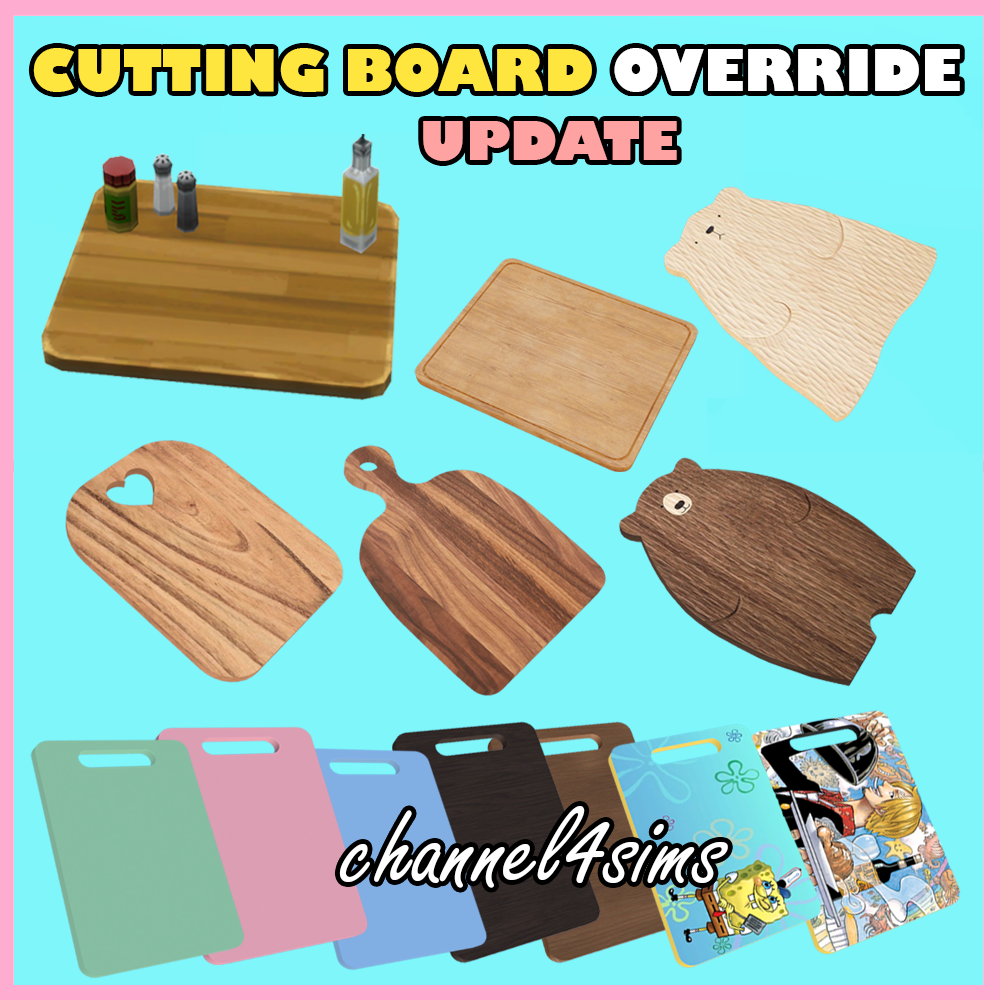
Channel14sims typically releases replacements for individual items in sets, allowing you to pick from many options for a single item. From cutting boards and sponges to knives and spatulas, you can individually replace almost every item your sim uses in their kitchen and customize them to your preferred taste and aesthetics!
Lukaszu has created a set of replacements, changing pots and pans to cast iron skillets, and increasing the quality and recoloring the cutting baord and other utensils to look more modern and smooth.
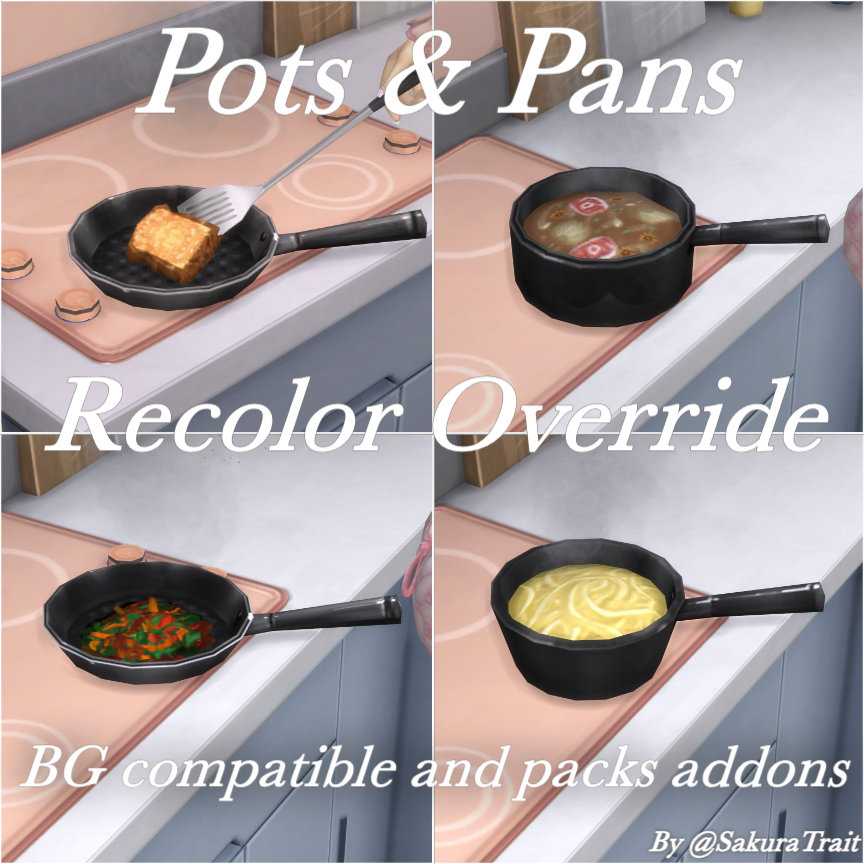
Sakuratrait’s set replaces your sims’ cooking pots and pans with simple black recolors, creating a concise and simple recolor set that removes the dated textures of the original pots and pans.
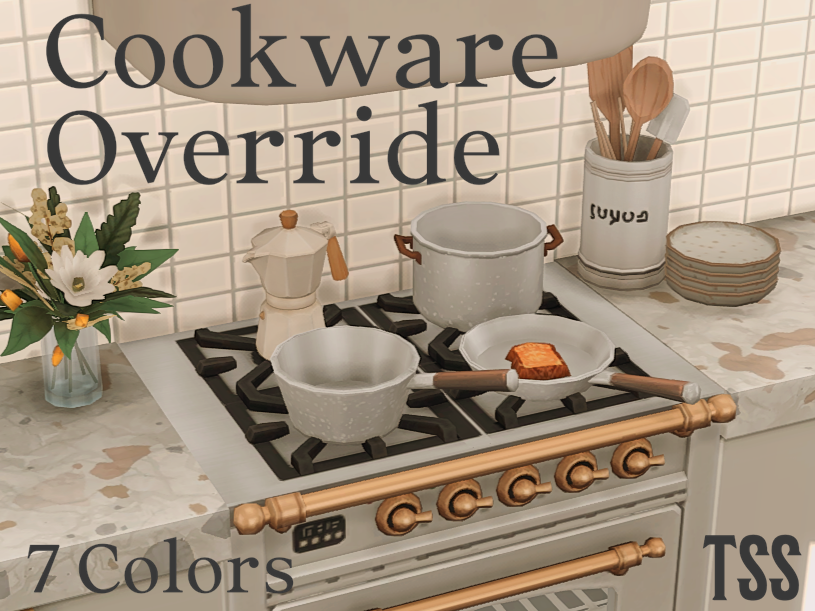
The Southern Simmer’s set comes in seven color options, allowing customization and mixing and matching the sets to your preferred aesthetic and color palette. In fact, their pots & pans set is specifically intended to match and work well with Apricot Rush’s Kitchenware Utensils replacements.
Are there any other recipe or food override creators you enjoy that you would like to see featured? Or any recipes you hope to find from custom creators that don’t exist in the Sims 4 normally? Let us know! Make sure to follow The Sims Community for more mod spotlights and custom content recommendations!
As announced in the beginning of December, The Sims 4 Deck The Palms Live Event will take place starting today (December 16th) all the way through January 13th, 2026. During this time you can claim free items just by opening up The Sims 4 Main Menu!
Unlike previous Sims 4 Live Events, this one doesn’t require you to play through specific Live Mode quests to earn Event Points in order to claim the rewards. Logging into The Sims 4 online is all that’s required to get your rewards.
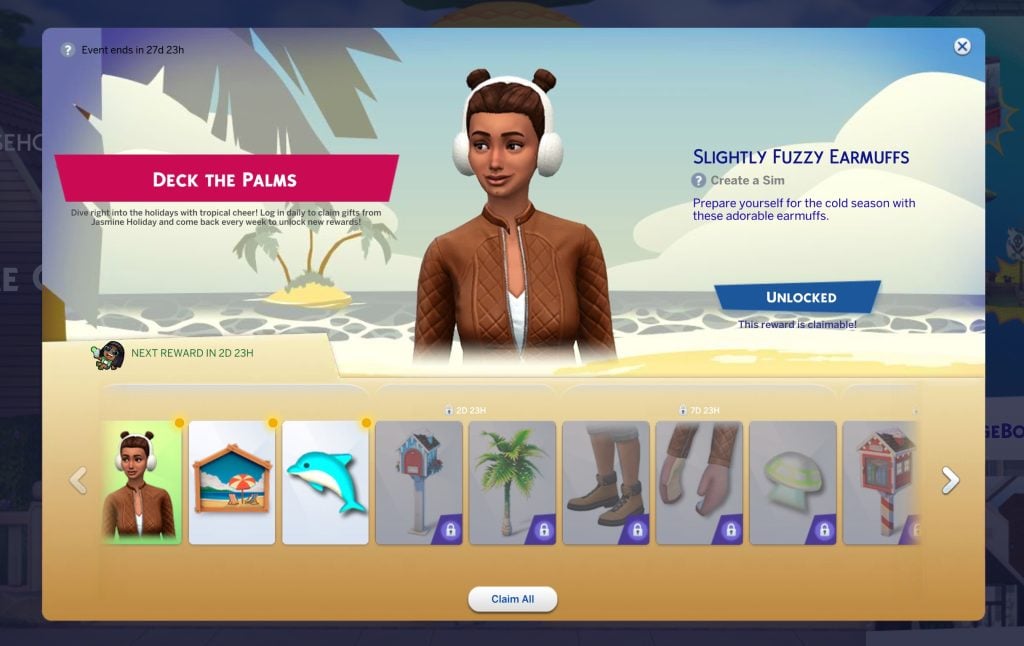
If you logged onto The Sims 4 from January 4th, 2026 the latest, you’ll be on the right track to claim all the Rewards from this Live Event. The new item segments get unlocked depending on when your last login time was, as seen in the screenshot above.
Here’s the general schedule of when The Sims 4 Deck the Palms Live Event items unlock:
The Sims 4 Deck The Palms Unlock Schedule
Day 1 (December 16th)
Slightly Fuzzy Earmuffs
Naturescapes Magnet Board
Playful Dolphin Magnet
Day 4 (December 19th)
Happy Home Mailbox
Festive Fronds Palm Tree
Day 8 (December 24th / Christmas Eve)
Slightly Fuzzy Mountain Boots
Slightly Fuzzy Mittens
Stellar Spaceship Magnet
Day 9 (December 25th / Christmas Day)
Littlest Neighbourhood Library
Frosty Snowman Magnet
Day 10 (December 26th / Boxing Day)
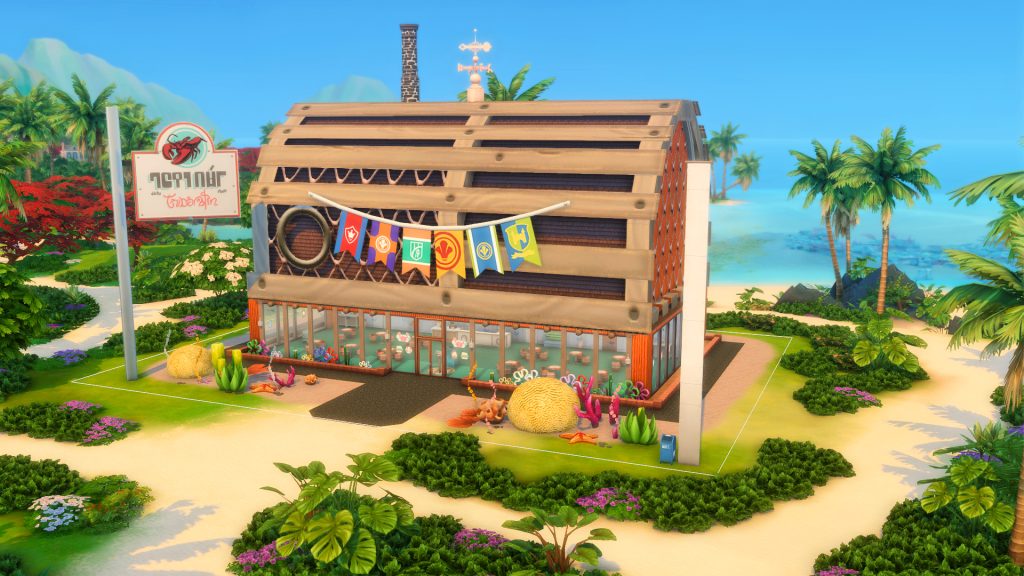
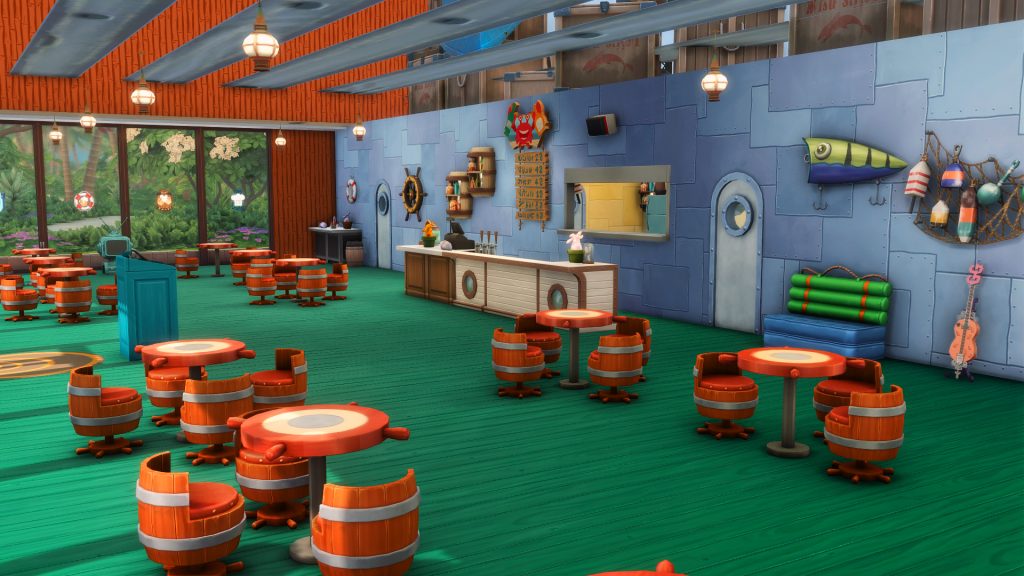
Krabby Patty Secret Recipe
Serious Business Ticket Machine (Business & Hobby Expansion Pack)
Day 11 (December 27th)
Bikini Bottom Hoodie
Creature Comforts Pet Hoodie (Cats & Dogs Expansion Pack)
Day 12 (December 28th)
Holiday in Sulani Button Up
Chilly Days Magnet
Day 14 (December 30th)
Cutest Kiwi Magnet
My Little Void Critter Toddler Slide
My Big Voidcritter Child Slide (Adventure Awaits Expansion Pack)
The Sims 4 Gallery has some amazing and creative builds just waiting to be discovered. Some old, some new but no matter what there is always something to find. This Christmas season we are diving into The Sims 4 Holiday Lots created by the talented Sims community members. Not all lots will be fully functional with everything they have but with a bit of storytelling and imagination these lots can take your stories and photos to the next level.
Christmas Town – SarahAmina
The Sims 4 Holiday Lots
Christmas Markets / Shopping Streets
Christmas markets are a big thing in most parts of the world, so much so that the gallery is packed with Christmas market builds to fill your game with and use for some great storytelling and imaginative gameplay moments. Do you go explore Christmas markets wherever you are in the world? These Holiday Lots are filled with the festive spirit for your Sims to enjoy. We are definitely bookmarking these to use in our games in the future!
Christmas Shopping Alley – yukihyo6121
Lot Type: Generic Lot Size: 30×20 Price: §370,646
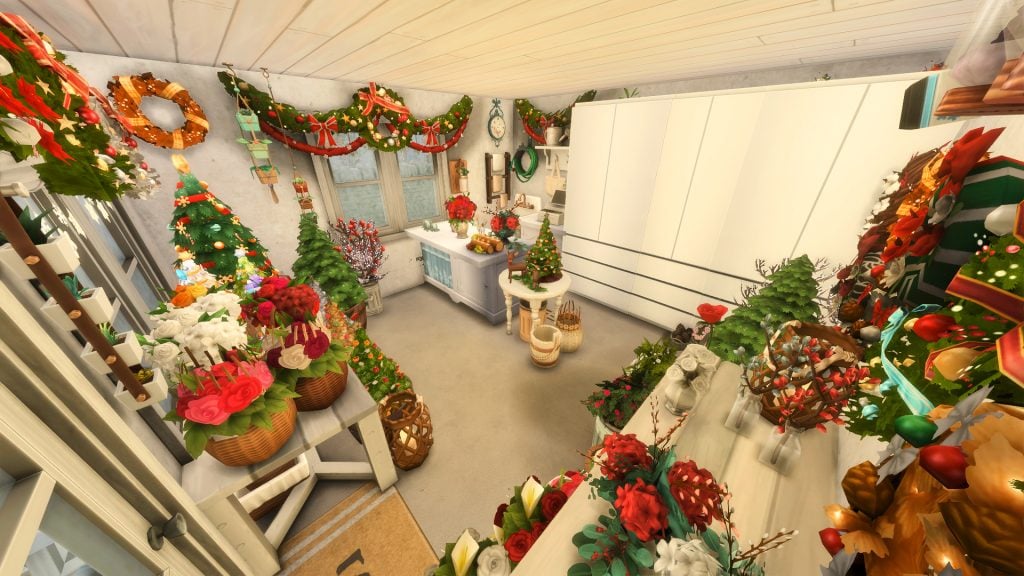
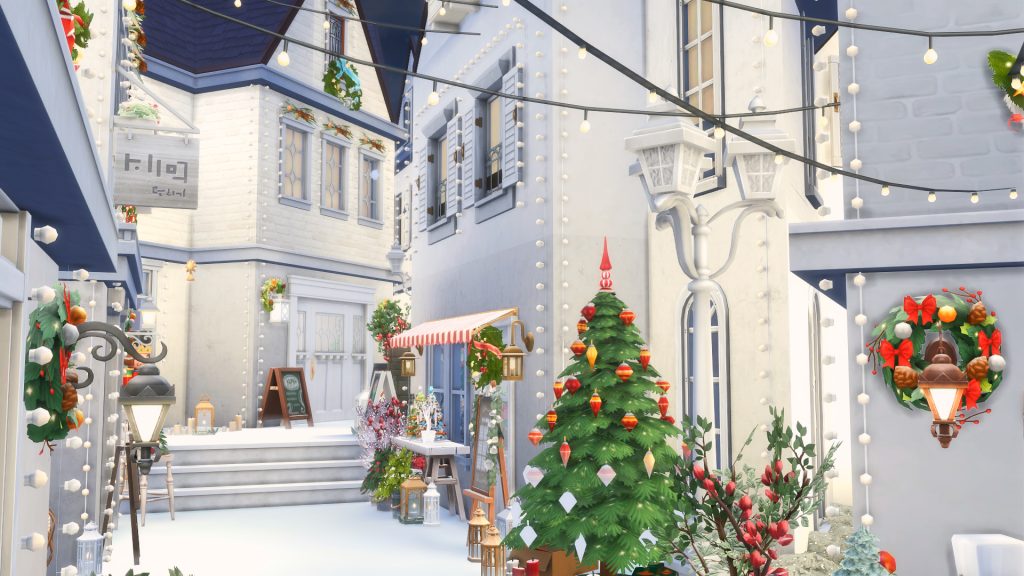
Beautifully decorated, this alley is jam packed with things to do! A café to warm up on those cold and snowy Christmas days and a bakery for some delicious sweet treats. There is a florist and a gift shop for the perfect presents for your Sims this Christmas as well as a Christmas store filled with, you guessed it, all things Christmas. There is even a bar for your Sims as they head into the evening, and all of this will keep your Sims entertained and busy all day and all night this Christmas season.
Check out Yukihyo6121 on the gallery – they have so many amazing and creative builds, it was tricky to pick which build to showcase from their amazing holiday lot themed builds. But never fear, like we said it was too tricky to pick just one so we have included a special build by them later on.
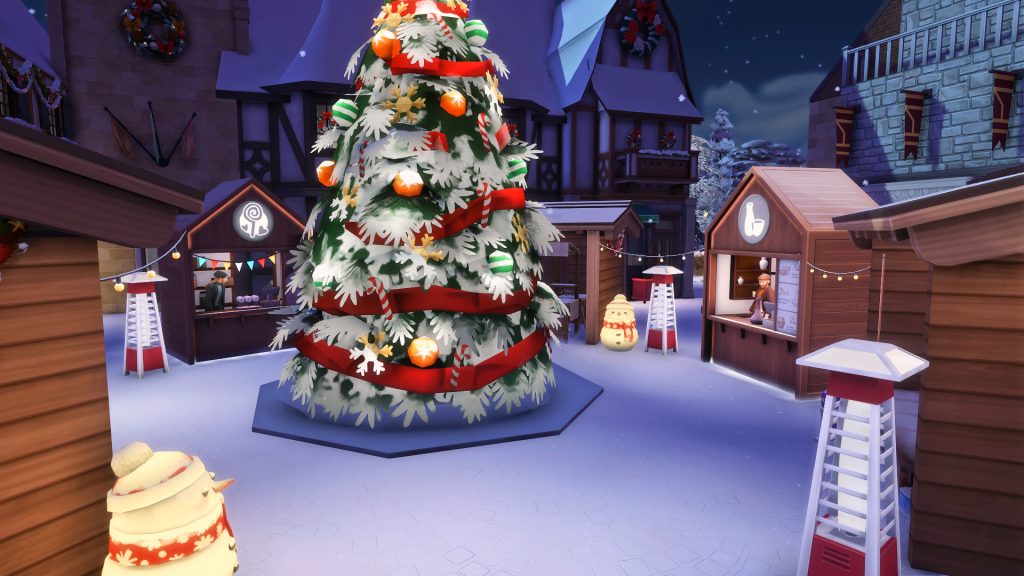
A traditional German village filled with some fun and practical things a village would need. From a chapel with a wedding arch for your Sims to get married, to a tattoo parlor for a little Christmas themed tattoo, to a spa after a long day in the cold, and a hotel to rest at the end of the day (or use it as residential space for your Sims to live on this lot). There is a café, and bar to quench your Sims thirst and hunger as well as a library with bookshelves and computers. There is even a graveyard (with a dug out grave ready for the next unfortunate Sims death).
The build is available with and without the Christmas market on their gallery. The addition of the Christmas market in the center of the square brings this little traditional village to life! It has a candy stall, pottery stall, selling tables for your own Sims or others to use, and a big Christmas tree in the middle. This a beautifully thought out lot with amazing details all around, beautiful and multi functional for your Sims to come visit and explore.
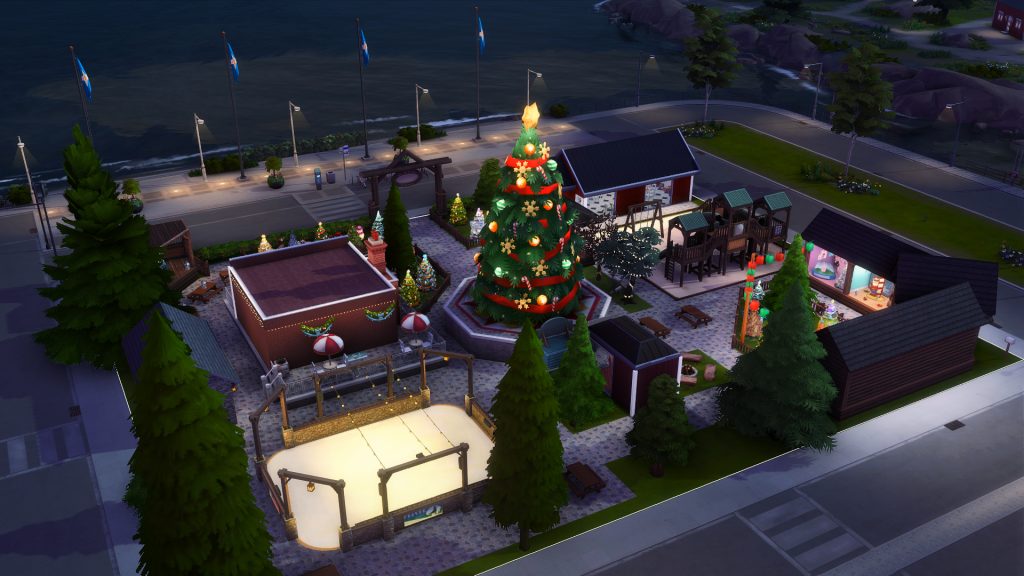
Step into this basegame park, or rather this white, bright and stunning Winter Christmas lot, by Siimphoney on the Sims 4 gallery and experience Christmas in a whole new magical way. From hang out spots to sit and sip hot chocolate, marveling at the giant Christmas tree or playing in one of the igloos filled with toys for kids – your Sims are bound to have an unforgettable time at this lot.
There is a mini kitchen should your Sims want to cook up a meal while they are here, there are skill building items like easels dotted around with great placement to paint from reference. And even more skill building items include chess tables and an observatory to view the stars and observe the sky… just watch out for meteors. A giant flying llama ice sculpture stands proudly to one side of the giant Christmas tree and there are plenty of spots all around for some beautiful photo opportunities too.
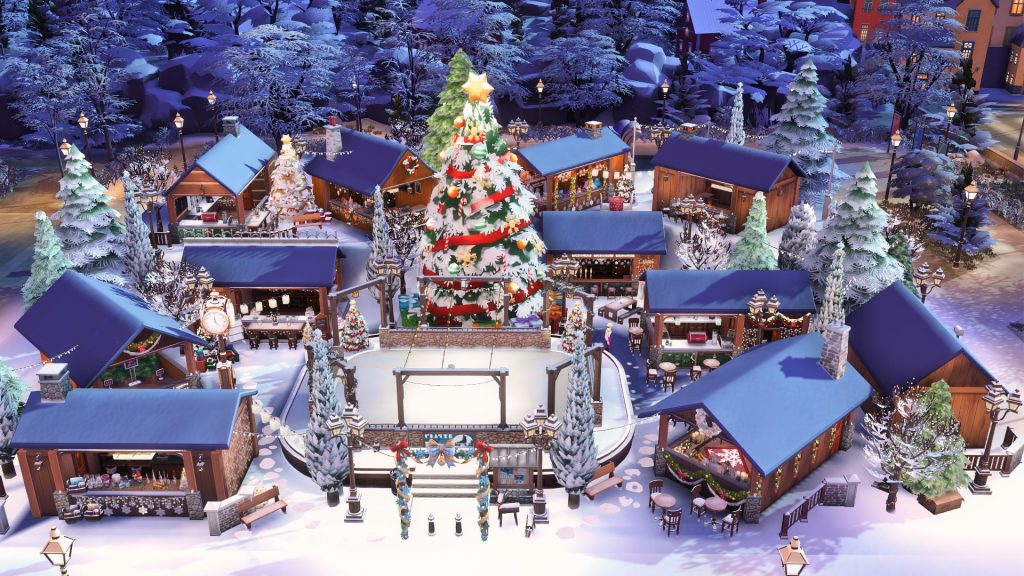
This lot features an ice rink dead center, lit up with beautiful lighting to reel your Sims in. There are a few food and drink stalls all around including a cupcake stall, American and Japanese food stalls, hot drinks and hot chocolate stalls to warm up with while exploring this lot. There are also some music spots to perform live and an art board to display your art should you want to try do some selling at this Christmas Winter Wonderland.
In the cozy little buildings dotted around we have a warm and homey place to rest and watch TV, warm up by the fireplace and play some foosball. Other features on this lot include a grill should your Sim not feel like any of the food stalls available, karaoke and a dance floor to keep all Sims entertained and busy throughout the day, and last but not least a little bar and café. There are so many storytelling moments to explore on this lot as well as things to keep your Sims busy and entertained for a fun day out.
This cute little mini market boasts a bar, a bakery and a campfire to roast some marshmallows or heat up your Sims. The little stalls include a bookstore and a toy shop. Again we are using our imagination to browse these stalls, and do some window shopping for what fun things your Sims can gift this Christmas.
Lot Type: Residential Lot Size: 64×64 Price: §478,238
This Christmas village was build by Frankivalerie, UKSimmer, Antonglader, Simmergirl and Simproved and is available on the Sims 4 Gallery under Simproved’s gallery ID. This is an oldie but a goodie, a collaboration that we are glad came to be! The creativity and thought that went into this lot shines through in all the detail and different spots around the lot. There are 6 houses for your Sims to stay in (or live in should you want to stay on this lot) all cute and quaint with everything they might need… unless you have a Sims family bigger than 3!
Down all the little paths and in all the different areas are new things for your Sims to find. In one back corner there is a Christmas tree spot for your Sims to check out the possibilities for your Sims Christmas tree. In the other back corner we have a beautifully festive Santa’s grotto filled with all things Christmas décor and a special seat for Santa! There is a little gift shop filled with knick knacks to choose from, a church for Christmas services with a mini graveyard just outside. We have both a café and a bar to fill your Sims needs, and last but not least a giant tree in the middle of the town square.
Another oldie but a goodie, this magical Christmas market is filled with a few gift stores selling things from snow globes to candles and even Christmas décor. There is a central ice rink which is a great Winter activity, and a spot to search for a Christmas tree. There is café and a bar, which seem to be quite common on these Christmas lots as we have seen with previous builds we have featured and there is a giant Christmas tree just next to the ice rink to admire and even take photos around.
Now this is a fun lot to stumble across! A Christmas amusement park with a lot of fun activities to keep your Sims fun up and busy for an all day and all night experience. There are plenty of things to do like play basketball – we all love a good “dream big” moment for our Sims – and just next to that are some bowling lanes for the skilled bowlers out there… if only we could have railings up for those of us who aren’t so talented with our bowling. To keep your Sims nice and warm there is a hot chocolate stand, because who doesn’t love a good, delicious hot chocolate?
Other features include a games room, some archery, a Ferris wheel from The Sims 4: High School Years and of course we couldn’t forget a community favorite – the ice skating rink! There is also a make-shift carousel right in the center of this lot which is purely for decorative purposes but so pretty to look at… more photo opportunities? And finally to remember the day for years to come there is a photo booth to take memorable pictures too!
Lot Type: National Park Lot Size: 64×64 Price: §754,140
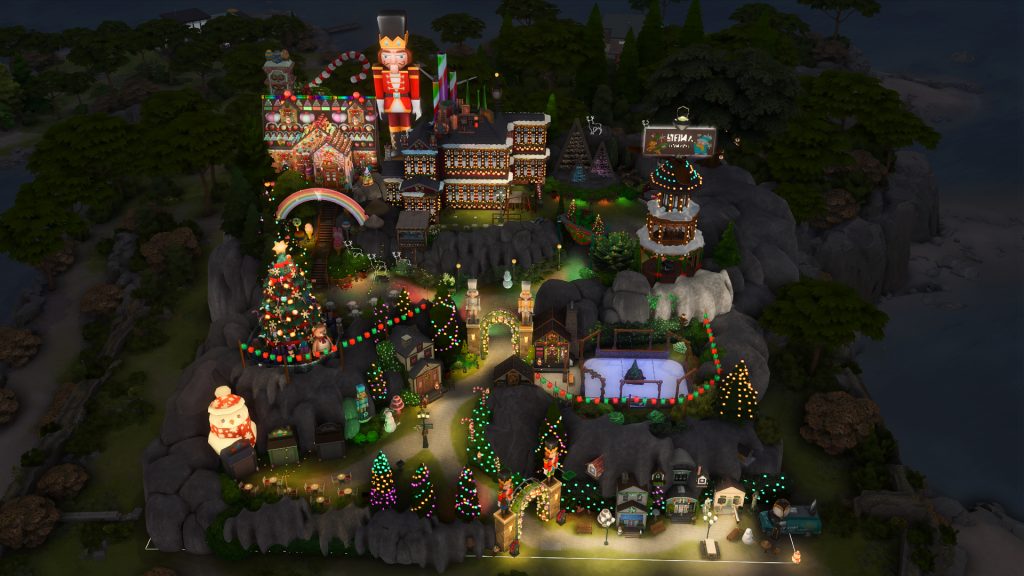
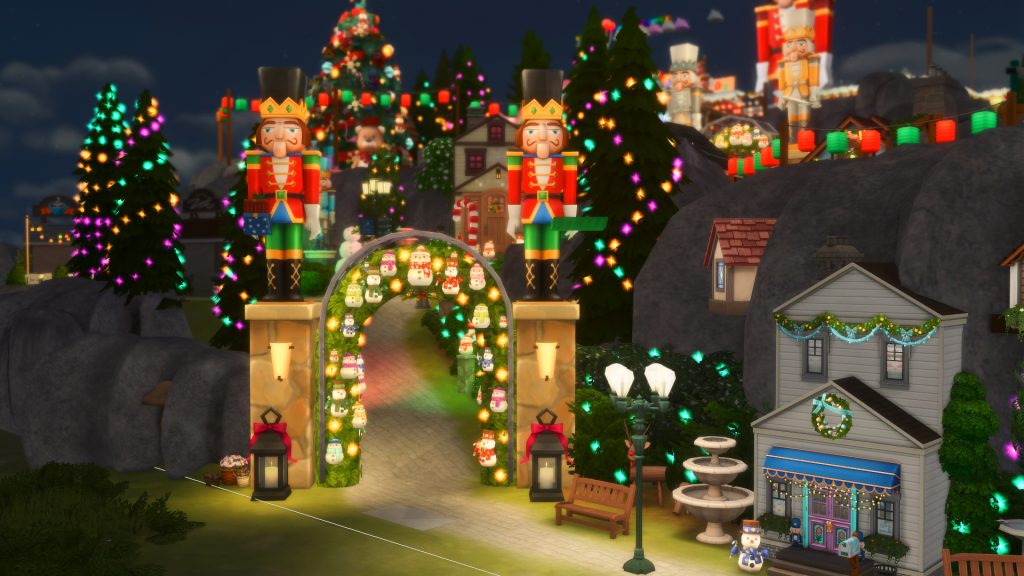
“The most Christmasy place you’ll ever lay your eyes upon” – this is part of the description Jamesonthesims gives for this incredibly detailed and awe-inspiring Christmas lot. From individually placed lights to create outlines of reindeer, to millions of colorful lights all over the place to bring that festive spirit – this lot has plenty to do and discover. It is catered mainly for child Sims to enjoy the magic of Christmas, with a candy cane build filled with toys and games and activity tables to another building with a puppet show booth.
But never fear, above the puppet show is a bar and dancefloor with karaoke on the side to keep our adult Sims busy too. There is even a hot tub! Along with food stalls and grills there is, of course, an ice rink which seems to be a staple for Christmas community lots and why not – as we said before, it is a perfect Winter activity. With plenty of specially decorated areas for photos including a makeshift Santa sleigh and stunning over the top objects and lit up builds, this lot is sure to bring a festive vibe to your Sims gameplay.
There are also 5 hidden baby yodas if you feel like a bit of a fun challenge!
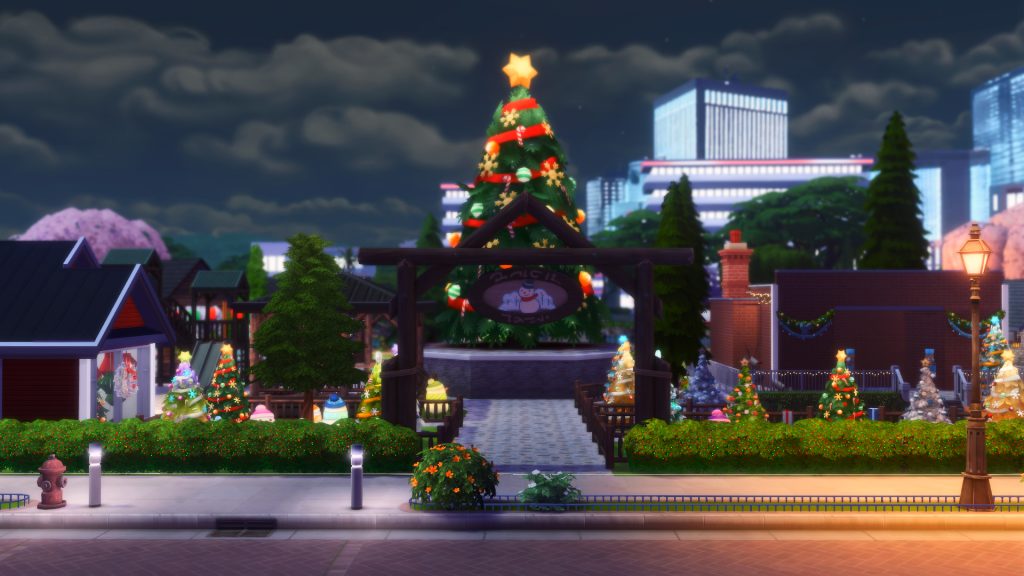
A Christmas park featuring an ice rink (checking it off the must have items on the list), a coffee shop which is needed to warm up on cold Winter days (and nights, another check off on the list) as well as a separate hot chocolate stall because as we have said – who doesn’t love a good hot chocolate? There is also an arts and crafts room with paper crafts and activity tables, friendship bracelet kits and just outside a jungle gym to burn off any extra energy.
A main feature we loved on this lot were the decorative Christmas displays in the one corner. These Christmas displays including the freezer bunny, a summer themed Christmas with Santa on the beach with a “sandman”, a forest scene with a little reindeer, Santa’s workshop, and lastly a Christmas tree with tons of presents all around! Great for photos this festive season! There is a café to keep your Sims fed, some chess tables to keep Sims busy and finally a giant Christmas tree to bring the whole lot together.
Do you go buy the perfect Christmas tree each year? Well your Sims can go shopping for a Christmas tree too, with these fun Christmas tree lots found on the gallery. Though we may not be able to actually buy the trees, these Sims 4 holiday lots are great for storytelling and great photos leading up to your Sims Christmas.
Christmas Tree Farm – Leafglasses
Lot Type: Residential Lot Size: 30×20 Price: §42,577
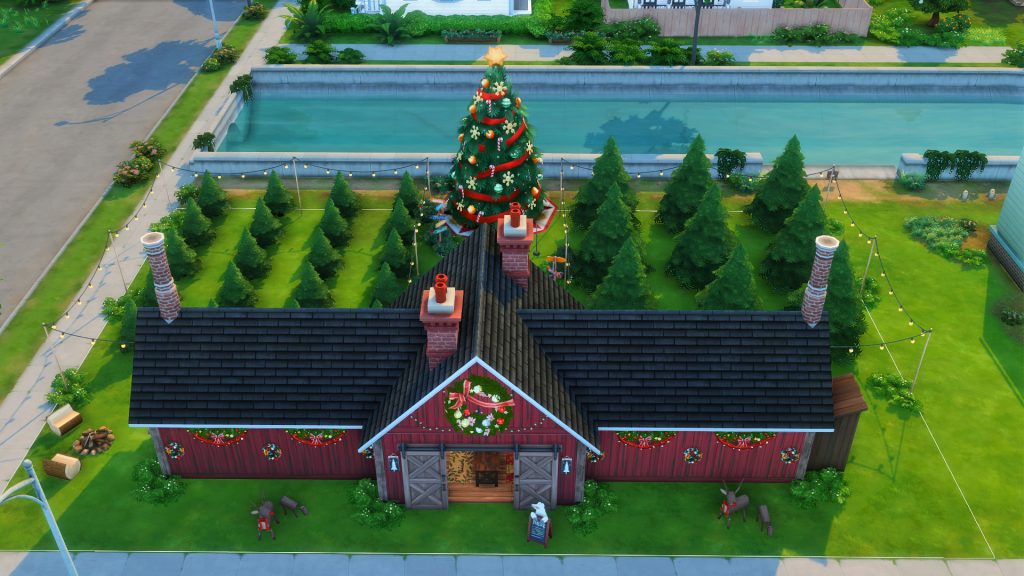
With a ticket kiosk to help bring in money and retail shelves filled with gifts to choose from this cute little lot is a good little day trip for your Sims. Inside we have Christmas gift shopping and a cozy room with a fireplace, while outside we have a variety of trees to browse through, a microphone and guitar for entertainment, a firepit and barbeque to keep your Sims fed and warm and lastly, of course, we have a giant Christmas tree.
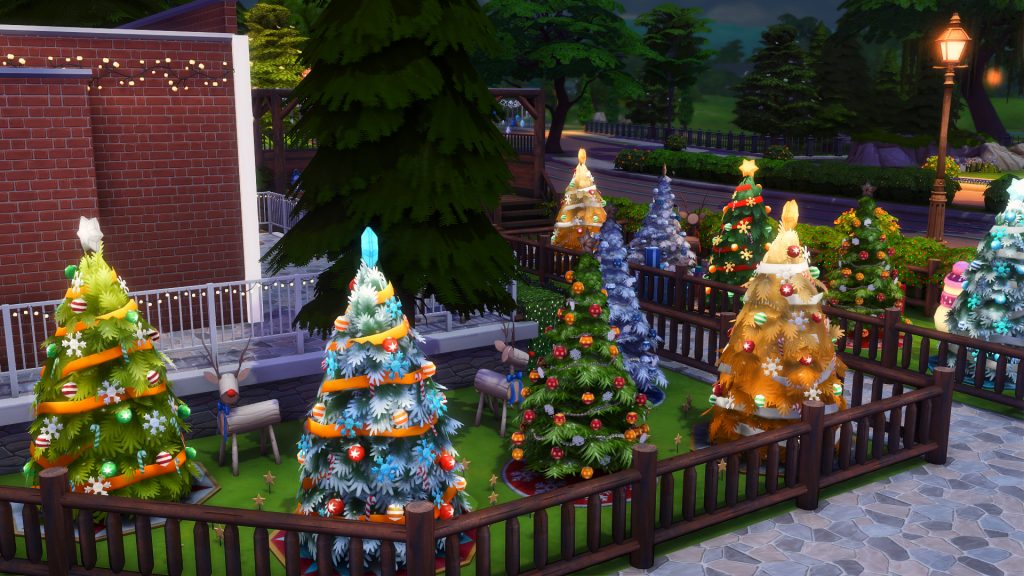
A cozy little tree farm to buy the perfect Christmas tree for your Sims, there are spots to sit and eat, and decorated Christmas trees to inspire your Sims this festive season.
Lilsimsie has created two recent Christmas tree lots available on the gallery which are perfect for gameplay and storytelling. There are spots to relax, browse all the trees available and grab a hot chocolate
Lot Type: Small Business Venue Lot Size: 40×30 Price: §96,162
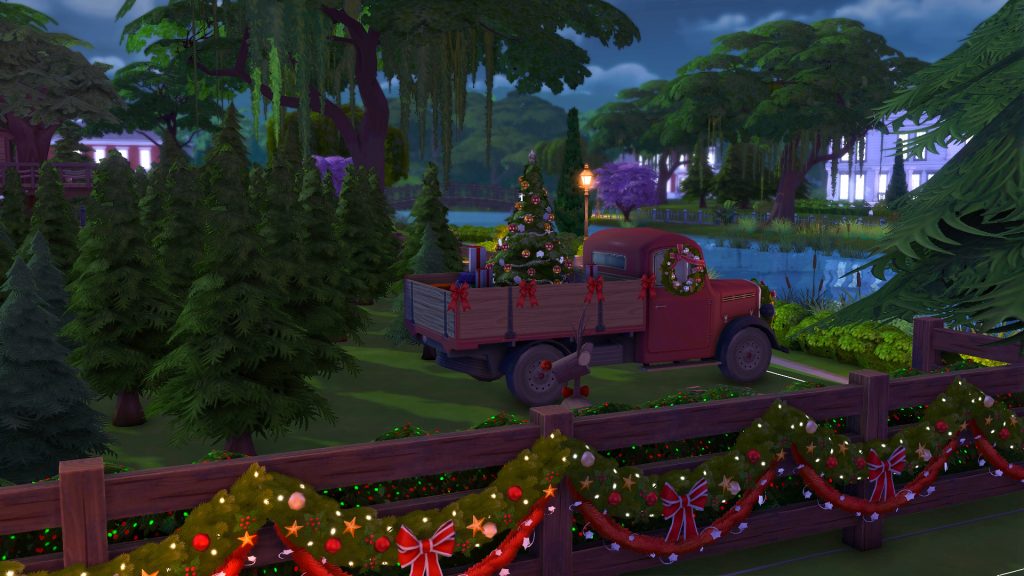
This particular lot has a photo opportunity spot inside upstairs by a fireplace, with a giant comfy chair for Santa to sit in and a Christmas tree surrounded by presents. There are details of chopped down trees, and a truck filled with presents and a Christmas tree ready to go off to it’s new home outside. The lot also has a full kitchen and food stalls including candy, hot-to-go food and a bakery. There is even a pottery stall for some last minute gift shopping.
Christmas lights can be so beautiful to see when done right. A beautiful backdrop of sparkling colors, a glistening tree filled with tiny globes of light, fairy lights illuminating a cozy outdoor spot – lights can add so much to a space and the following lot encompasses all of these.
Christmas Lights -gold- – yukihyo6121
Lot Type: Generic Lot Size: 30×30 Price: §177,306
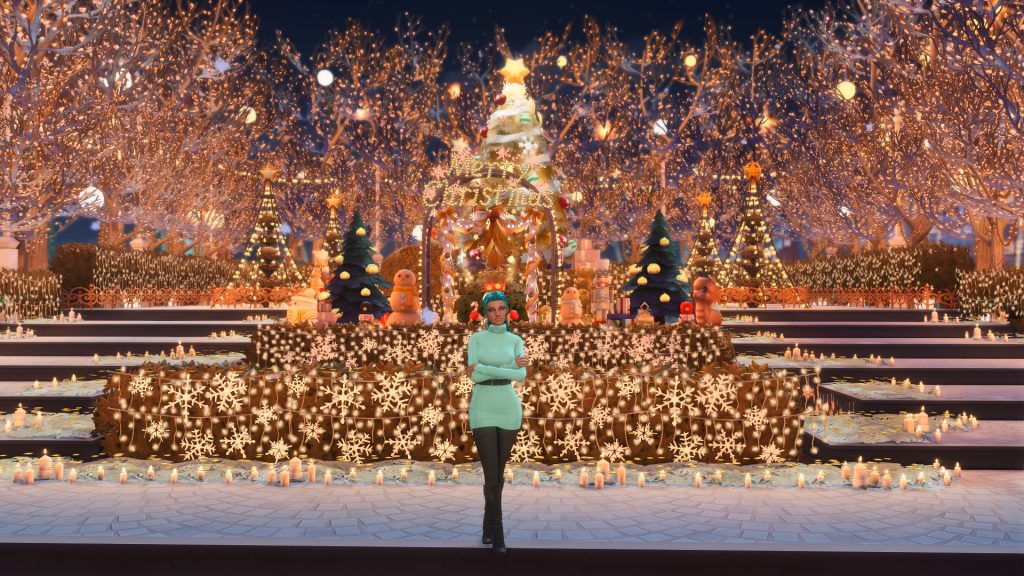
Purely decorative but amazing for photos and story telling, this lot is filled with light. From fairy lights lighting up trees and bushes, to candles dotted everywhere and finally the lit Christmas tree, there is so much beauty on this lot despite there not being much to do. Imagine putting down a wedding arch for a beautiful festive ceremony – the photos would be stunning!
Great use of the TOOL mod by TwistedMexi to create pyramids of light surrounding smaller trees which are framing the bigger Christmas tree at the back center of the lot. Tiered steps lead up to the giant tree and there is a Christmas scene in the front with decorative Christmas objects and lights spelling out “Merry Christmas” as a perfect final touch.
Lot Type: Residential Lot Size: 50×50 Price: §102,803
Now for something a little different, quirky and fun! This build is an advent calendar meant to be “opened” each day leading up to Winterfest. Loaded under the hashtag #trymesyd, meant for and played out – if you want to see how it works – by Syd Mac here. It is a shell challenge of sorts with different ways to play it out. But the idea behind building a house and decorating each room with the items you get inside each day of the advent calendar is definitely something different to try and have a lot of fun with.
A thought that sticks with us is how magical that these Simmers shared these beautiful lots with the community. As much as we would love a lot of these lots to be fully functional with everything they have, unfortunately that isn’t the case but with a little imagination and a lot of make believe these lots can add a whole lot of fun to your gameplay this Christmas season! Will you be using any of these lots? And have you seen some fun, beautiful or festive Sims 4 holiday lots on the gallery? Let us know in the comments down below! Stay tuned to the Sims Community for all future Community Spotlights!
The Sims 4: Life and Death Expansion Pack adds more meaning to life, and the afterlife, with the addition of the Soul’s Journey. Keep reading to learn how your Sim can live life to the fullest!
Table of Contents
The Eight-Level Soul’s Journey
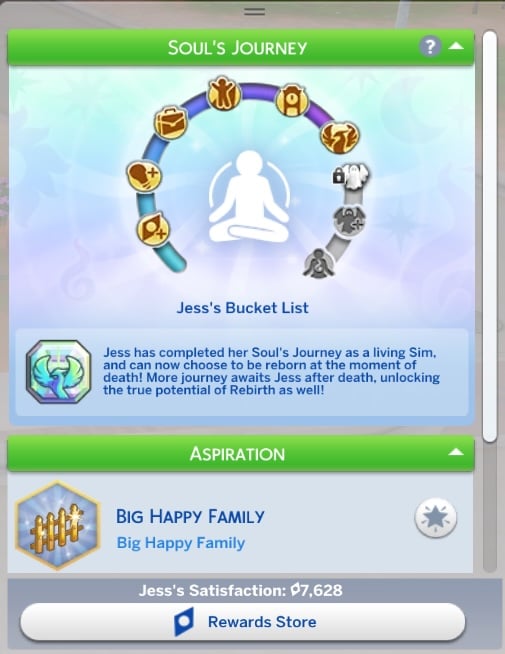
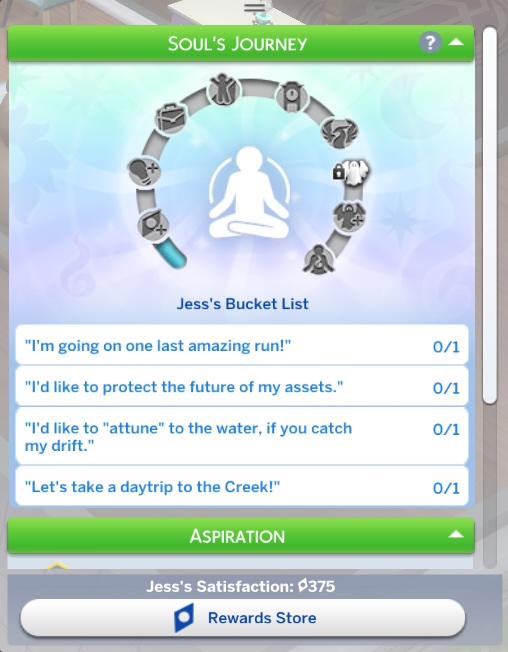
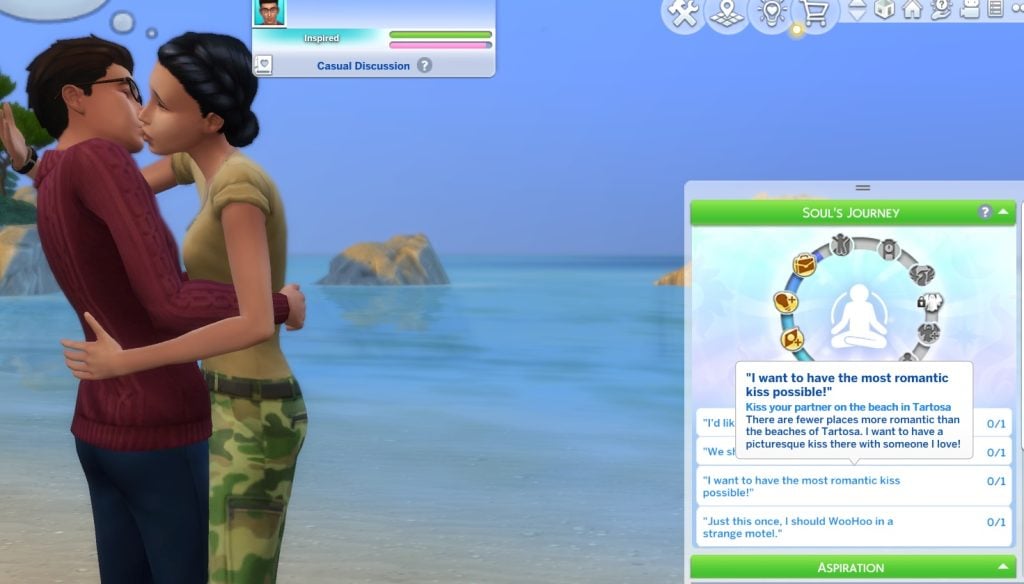
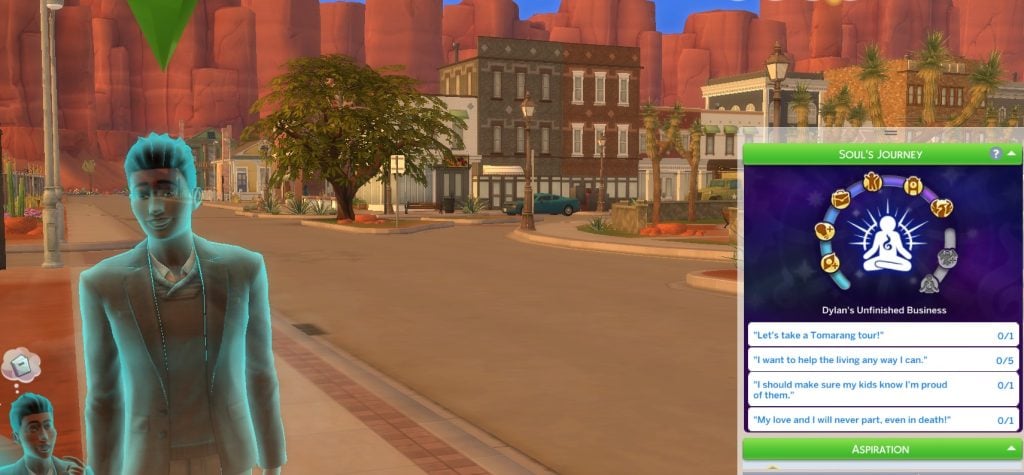
All Sims ages Young Adult and older have the option to embark on their Soul’s Journey with The Sims 4: Life and Death. This journey has eight levels, and can be tracked in the Aspirations panel. Your Sim can progress through each tier by checking items off of their Bucket List.
The Road Ahead
Sims that have reached the first level of their Soul’s Journey will earn extra Satisfaction Points. Every time they complete an action that earns a reward point, these Sims will earn a few more points than normal!
Making Headway
The second level of the Soul’s Journey gives your Sim a boost when earning Skill points. Now they can level up their Skills a little quicker!
Finding Purpose
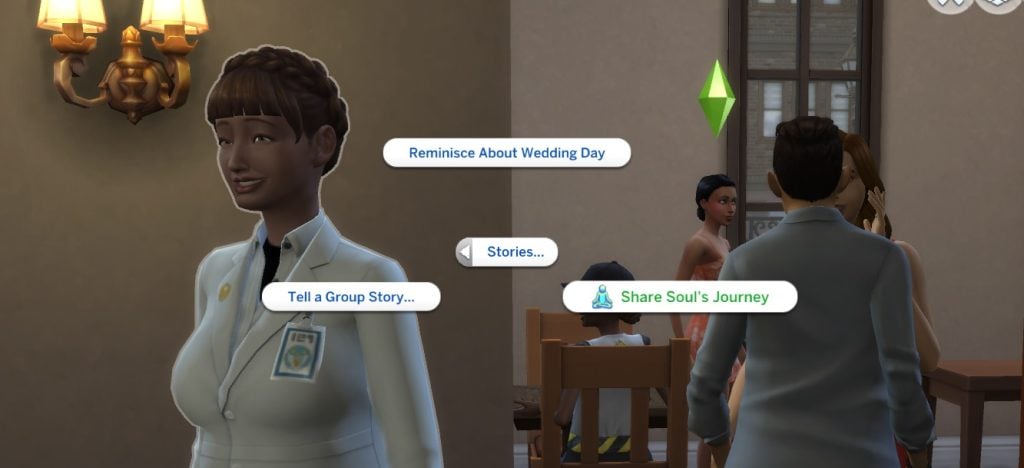
At the third level of the Soul’s Journey in The Sims 4: Life and Death, your Sim is closer to finding their true purpose. They will receive a Career performance boost, a discount on all Computer purchases, and the Share Soul’s Journey social interaction. Start encouraging others to look within themselves, like your Sim has!
No Regrets
Sims at the fourth level of the Soul’s Journey have put a lot of work into bettering themselves and feeding their soul, and are rewarded with an extended lifespan as a living Sim. Ghost Sims at this level can choose to Move Onto the Great Beyond to let their soul find peace in the afterlife.
Quite a Journey
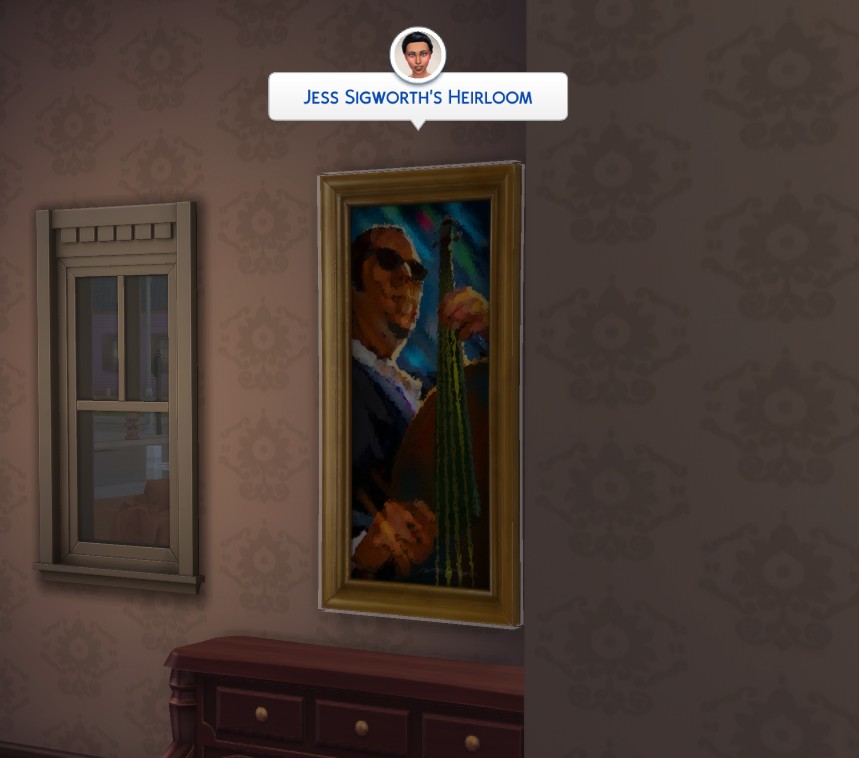
The fifth level of your Sim’s Soul’s Journey unlocks the ability to create three additional Heirlooms, with a max of eight heirlooms, and use the Pass Down social interaction to share aspirational knowledge with others. Make sure your Sim’s special memories and first-hand knowledge last even after they’re gone.
Dreams Fulfilled
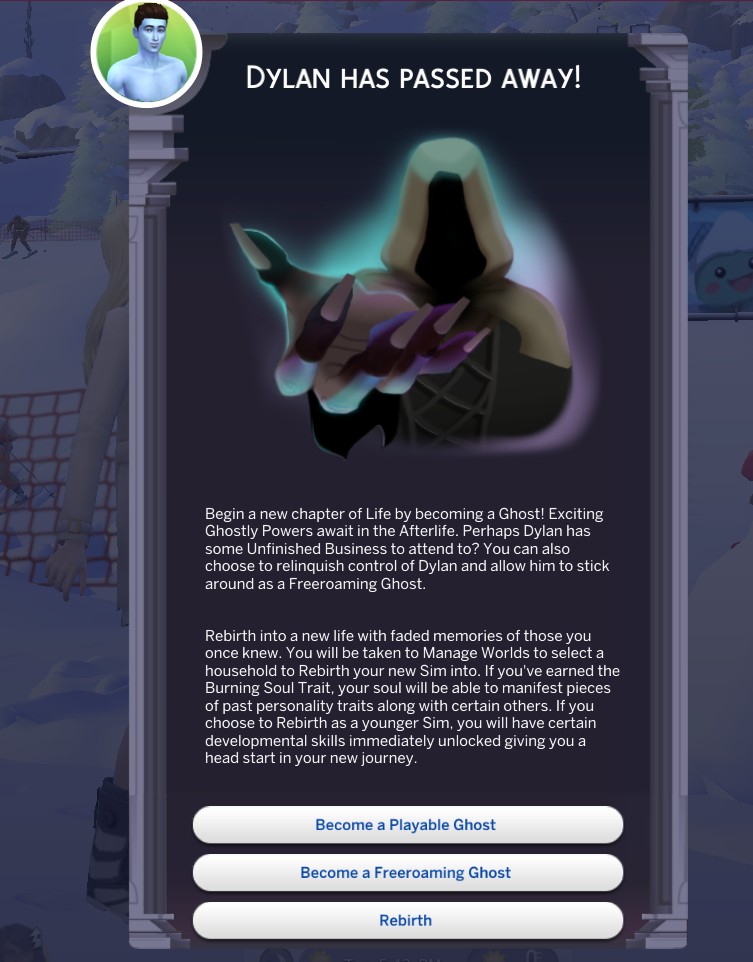
Your living Sim will reach the end of their Soul’s Journey at level six. Reaching this level is a sign that your Sim has lived their life to the fullest and completed everything they could imagine from their Bucket List. This level unlocks the option for your Sim to choose Rebirth at the Moment of Death. Rebirth will let your Sim start life over as a new Sim with memories from their previous life.
Ghost Sims can choose Rebirth at any time by visiting the Baleful Bog in the Ravenwood neighborhood.
Newfound Purpose
At the seventh tier of The Sims 4: Life and Death‘s Soul’s Journey, your Sim has formed a strong bond between the living and the afterlife. They will now earn bonus Ghost Mastery Experience Points when completing Ghost Mastery interactions.
Big Picture
The final level of the Soul’s Journey earns your Sim the Burning Soul Trait. This trait will make your Sim more resilient and prevent them from tiring out as quickly when performing Ghost Mastery abilities.
If your Sim chooses Rebirth, they will be able to keep one personality trait in their next life with the Recall Past Life self interaction. They will also have the Peer into Soul interaction on mirrors to inherit reward traits earned in their past life. Sims that choose to be reborn as young Sims will instantly unlock certain developmental skills, thanks to their success in their Soul’s Journey.
Benefits of a Soul’s Journey
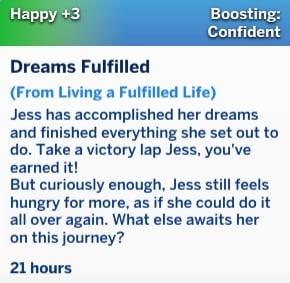
Completing your Sim’s Soul’s Journey and Bucket List doesn’t just set them up for a nice afterlife, they’ll be rewarded as a Living Sim as well! Sims that have reached the sixth level of their Soul’s Journey will earn the Dreams Fulfilled Moodlet for a long-lasting confidence boost.
Has your Sim completed their Soul’s Journey from The Sims 4: Life and Death yet? Is there anything you wish was different throughout the Soul’s Journey? Let us know your thoughts below!
Kits, kits, and more kits. Ever since the Sims Team announced the creation and release of Kits in 2021, we have seen a massive increase in the announcement, creation, and release of kits. Over this time, from 2021 to 2025, many people have struggled to even rate the “Best Sims 4 Kits”. From the minor beginnings of Bust the Dust and Throwback Fit, all the way to Creator Kits from EA Creator Network members, the evolution of Sims 4 Kits as a downloadable content option has been quite a ride. With almost five years of kits under our belt, with a total of 53 kits, which ones do players actually enjoy and appreciate? What is the Best Sims 4 Kit as of December 2025?
Electronic Art’s way of making a quick buck and keeping consumers coming back has been various forms of downloadable content (DLC). In The Sims, released in 2000, they added a total of 7 expansion packs with no other forms of DLC. In The Sims 2, released in 2004, they added a total of 8 expansion packs and 10 stuff packs. In The Sims 3, released in 2009, they added 11 expansion packs and 9 stuff packs. The Sims 3 also had the Sims 3 Store, which added a massive amount of additional content, allowing players to customize their experience without buying entire content packs.
A small glossary to provide some context…
Expansion Packs – Present in every entry in The Sims mainline franchise. Typically priced at $30-$40 USD depending on the time period and series. Contained larger amounts of content, particularly including Create-A-Sim Items, Build/Buy Mode Items, Gameplay Mechanics, and often New Worlds or Neighborhoods.
Game Packs – Present only in The Sims 4. Typically focuses on gameplay of a specific nature, like the addition of an Occult Sim Type, or specific expansions on basic gameplay. Priced at about $20USD.
Stuff Packs – Present in The Sims 2, The Sims 3, and The Sims 4. Depending on the series and exact pack, prices ran around $10-$15 USD. These packs were smaller, often contained heavily specific or small amounts of gameplay, typically with heavily themed Create-A-Sim or Build/Buy Mode Items.
Kits – Present only in The Sims 4. While a handful did introduce new gameplay mechanics, such as the Bust The Dust kit which added the dust and vacuum systems, almost entirely cosmetic items. Most are entirely Create-A-Sim or entirely Build/Buy Mode, with very few that are hybrid kits*. These are typically priced at $4.99-$6.99 USD**.
*The hybrid kits are The Sims 4 Casanova Cave Kit, The Sims 4 Secret Sanctuary Kit, and The Sims 4 Spongebob Kid’s Room Kit.
** Only two kits have been priced at $6.99, which are The Sims 4 Spongebob Kid’s Room Kit and TheSims 4 Spongebob’s House Kit, likely due to licensing fees or giving Nickelodeon a cut of the kits’ sales for the collaboration.
Table of Contents
2021: The Beginning
With the expected lifespan of The Sims 4 now surpassed and many players beginning to notice the almost seven year run-time of the game, compared to its predecessors four or five year lifespans, The Sims Team was already hearing of how “money-hungry” the Sims 4 series especially seemed, with so many stuff packs, game packs, and expansion packs being released with bugs and other issues, or with lacking features and items.
In comes The Sims 4 Kits. These kits were initially found in a string of code within a new update, hinting at the fact that these content packs were smaller and more themed. Specifically, “What is a kit? Kits are mini bits of content design to enhance the way YOU play!” and Explore Our Kits! Each Kit is a little bit different. Play around!“. After that, The Sims 4 and their production of kits was off to the races, with 9 kits being created and released in 2021 alone.
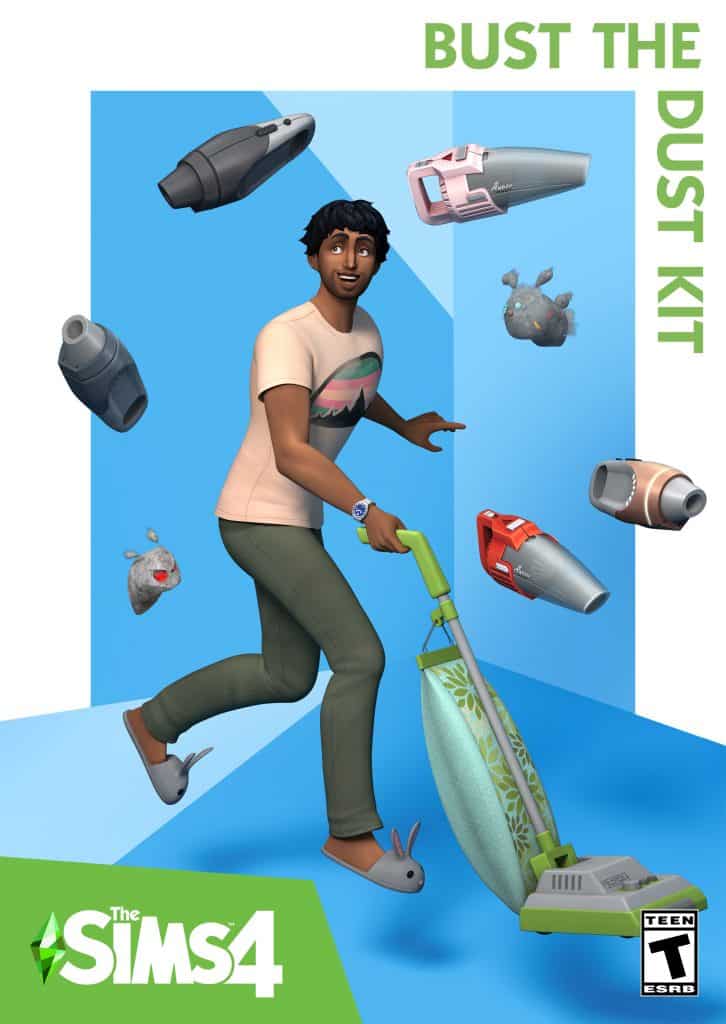
The Sims 4: Bust The Dust Kit (Release Date: March 21st, 2021)
Dust off the vacuum and tidy up in The Sims™ 4 Bust the Dust Kit*. Dust is piling up and spawning friendly bunnies and dastardly filth fiends in Sims’ homes. Get rid of the muck by cleaning, or settle in for a messy life.
What starts as a film of dust builds up into piles, and then takes on a life of its own! As time passes, homes go from clean to dusty to filthy if Sims don’t clean up.
Explore two new aspirations! Perfectly Pristine Sims won’t let a single speck of dirt remain, while Filthy and Fabulous Sims revel in allowing grime to thrive.
Find full-size and handheld vacuums in Build Mode for your fight against the encroaching dust. Make your Sim’s chores easier—and more fun! Even kids can help out.
The Sims 4: Country Kitchen Kit (Release Date: March 21st, 2021)
Transform your Sim’s kitchen into the most charming part of their home with The Sims™ 4 Country Kitchen Kit*! From vintage refrigerators to casserole dishes, these Build/Buy objects offer a delightfully trendy take on a timeless style.
Build the kitchen of your Sim’s dreams with a completely new set of counters, islands, cabinets, and mix-and-match pieces. Small details add to the unassuming elegance of the items, while multiple color palettes match any room.
The kitchen is the heart of the home for a reason! Every object works together to foster a warm atmosphere with vintage furniture, decor, and materials.
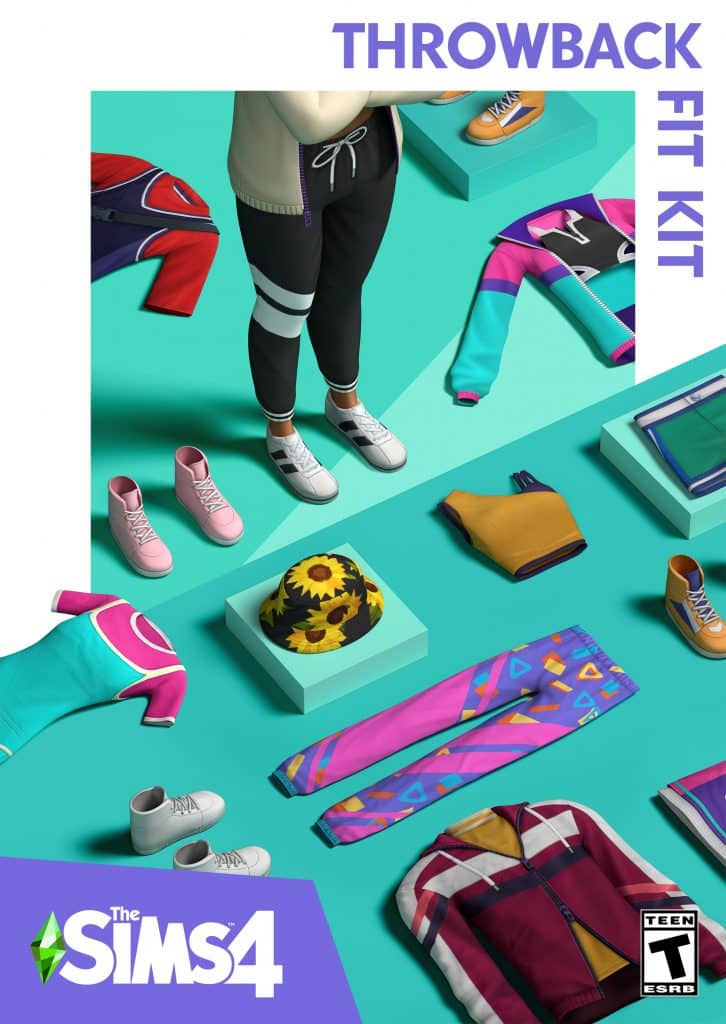
The Sims 4: Throwback Fit Kit (Release Date: March 21st, 2021)
Outfit your Sims in retro-inspired athleisure looks with The Sims™ 4 Throwback Fit Kit*. Take it back to nostalgic colors, bold patterns and trend-forward silhouettes with these all-new Create-a-Sim items.
Hit the gym or take it easy at home with nineteen comfortable, sporty pieces that call back to the energy and simplicity of the ‘90s. Show off with bright colors, modular shapes, and unexpected details that are sure to catch the eye.
The kids might not have been around for it the first time, but now they can discover the neon joy of the past. Dress them up to impress with five child versions and one toddler version of the adult clothing items. Bucket hats for everyone!
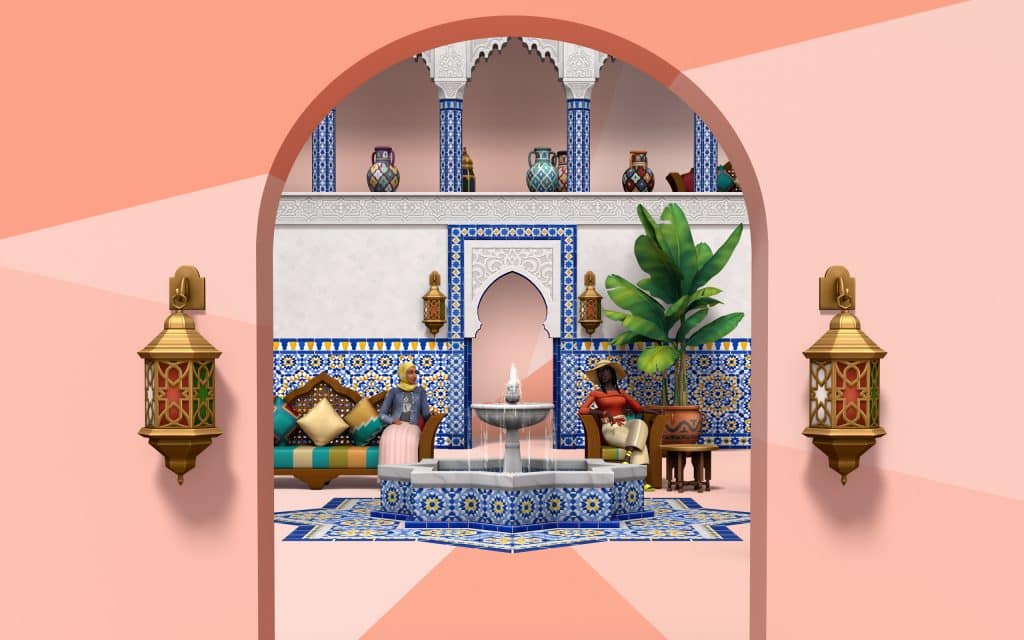
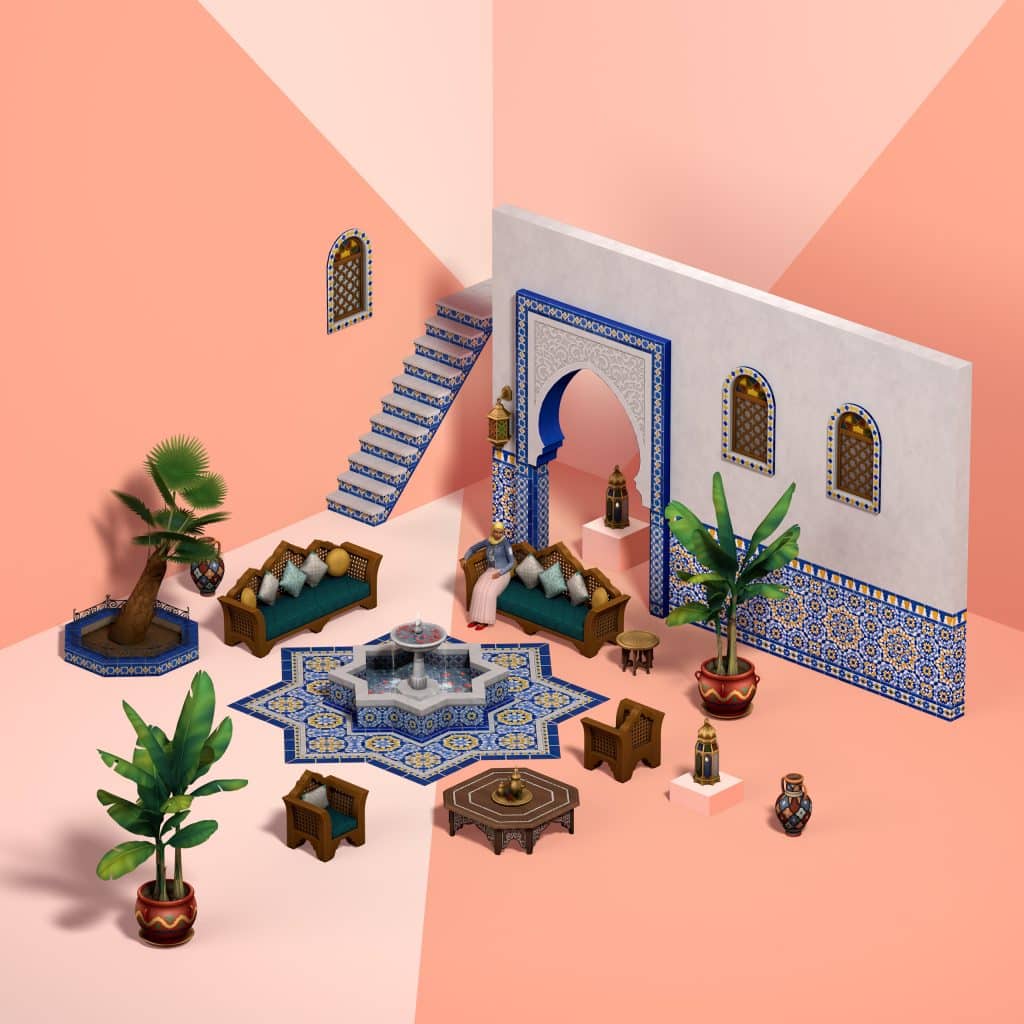
The Sims 4: Courtyard Oasis Kit (Release Date: May 18th, 2021)
Turn the center of your Sim’s home into a lush, vibrant space inspired by the riads of Morocco with The Sims™ 4 Courtyard Oasis Kit*. Lounge around the fountain, admire the decorative tiling,and bring your family together in absolute harmony.
Construct a dreamy, stylish courtyard for the family to enjoy. Play with filigree designs, vivid colors and intricate tile patterns to tie it together; then decorate with hanging lanterns, resplendent textiles and tropical plants.
Invite a refreshing breeze and bright sunlight into the home with new columns and archways while maintaining your privacy with beautifully latticed wooden windows. It’s the best of both worlds!
The Sims 4: Industrial Loft Kit (Release Date: August 26th, 2021)
Embrace reclaimed architectural design with The Sims™ 4 Industrial Loft Kit*, inspired by the converted warehouses of Brooklyn, New York. Oversized windows, exposed hardware, and sturdy statement pieces highlight the beauty of raw materials and unfinished detailing.
Trendy wood and steel frames give weight and character to this furniture collection for a comforting, warm aesthetic. Smaller features like sharp angles, wheels, and mesh mix and match neatly.
Metallic vents, piping, and lighting fixtures evoke a sense of history that melds with modernity. Make the most of the space with sliding double doors and large windows that fill it with light.
The Sims 4: Fashion Street Kit (Release Date: October 5th, 2021)
Expand your style with The Sims™ 4 Fashion Street Kit collection, inspired by the trendsetting designs of Mumbai. Rich colors, iconic silhouettes, and high-contrast patterns bring energy and vibrancy to each item. Show off your individuality by integrating trendy statement pieces with traditional details for a whole new style.
Bright, flowy fabrics and contemporary cuts guarantee stunning streetwear looks for every Sim. From embroidered details to dynamic hues, each piece works alone or integrated into an existing closet for effortless style.
What would an outfit be without accessories? Bangles, sparkling necklaces, and flashy rings catch the eye while sandals finish it off with laid-back flare. Express your style with henna tattoos and fun sunglasses, too.
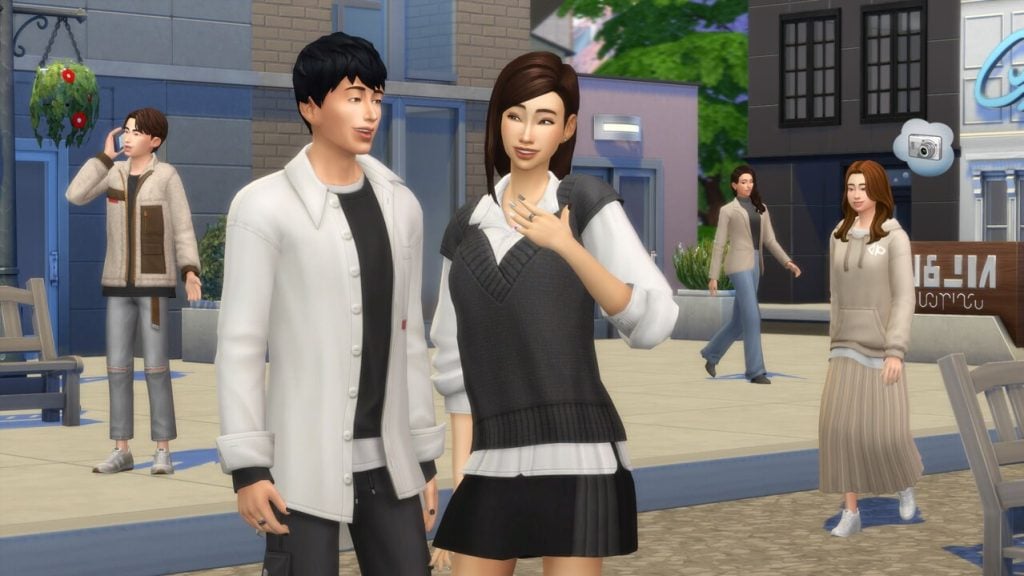
The Sims 4: Incheon Arrivals Kit (Release Date: October 5th, 2021)
Upgrade your Sim’s wardrobe with The Sims™ 4 Incheon Arrivals Kit, inspired by iconic Seoul airport fashion. Trendy Korean styles get a modernized twist for clean, minimalist looks in muted colorways.
Dress for any occasion with both semi-formal and casual pieces. Blazers, coats, jackets, and cardigans pair neatly with loose-fitting skirts, sweatpants, slacks, and pants, topped off with sneakers or heeled boots.
Structured oversize pieces combine with flowy materials for a study in contrasts. Find comfort in baggy silhouettes and understated details like a high waist and half-tucked shirts.
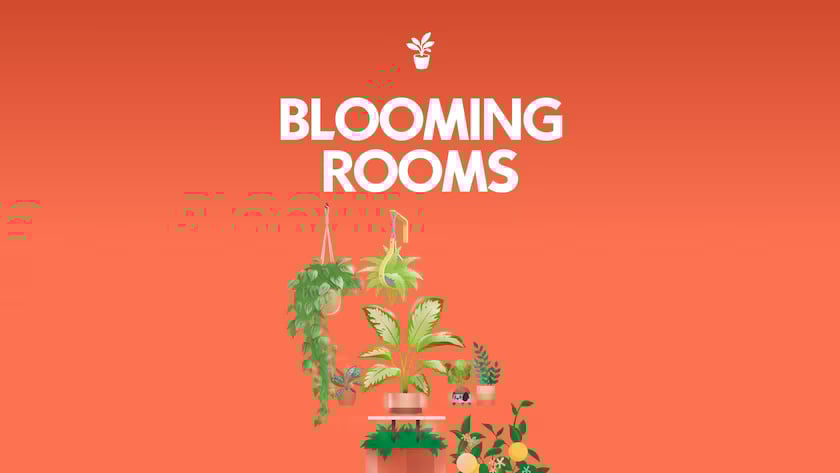
The Sims 4: Blooming Rooms Kit (Release Date: November 9th, 2021)
Bring the outdoors inside with lush greenery that breathes new life into any space in The Sims 4 Blooming Rooms Kit. Fill your Sim’s home with cheerful, peaceful plants. From dangling vines to decorative propagation stations, a perfect tranquility awaits.
Shelving, tables and even light fixtures become living decor with the addition of enchanting foliage. Delight in a lush, soothing atmosphere of growth all around with unexpected leafy details and natural beauty.
Potted and hanging plants transform any room into a small slice of paradise. Vibrant vegetation even takes the place of curtains and wall art. With so many verdant colors, it will feel like living in a literal greenhouse.
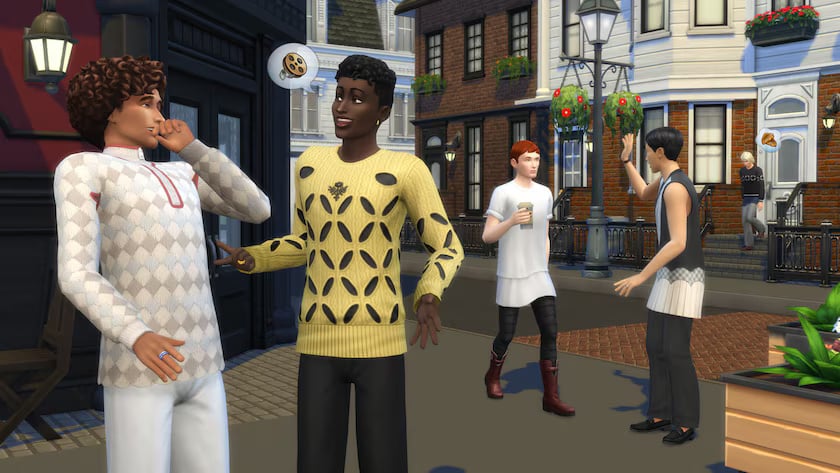
The Sims 4: Modern Menswear Kit (Release Date: December 2nd, 2021)
Revolutionize the classics with The Sims 4 Modern Menswear Kit, featuring a thought-provoking, accessible collection designed by Stefan Cooke. Reimagined shapes redefine traditionally masculine fashions, while textiles and patterns elevate each unique piece for today’s style.
Update your Sim’s closet with trendy wardrobe staples. Fluid shapes add intrigue to any outfit, while zippers, cutouts, and pleats lend everyday outfits a touch of the contemporary.
Refined and subversive, these looks reinvigorate the basics. Play with scalloped or pleated skirts and latticed sweaters, or pair a polished shirtdress with iconic loafers to model up-and-coming culture.
2022: Experimentation and Finding Their Footing
Roughly a year into kits being added to the wide array of DLC available for The Sims 4 entry in the mainline series, we began to see a blossoming of specific styles, patching holes where gameplay sometimes lacked, and expanding into new architecture styles that they often could not fit into upcoming worlds added in other DLC. Although creator kits were still not due for another year or two, creator Jenn/xUrbanSimsx did help with the creation of The Sims 4: First Fits Kit!
The Sims 4: Carnaval Streetwear Kit (Release Date: February 3rd, 2022)
Bring the energy with The Sims™ 4 Carnaval Streetwear Kit, designed in partnership with Pabllo Vittar to celebrate the vibrancy of Brazil’s Carnaval. Embody the confidence and creativity of the world’s biggest party through fashion and accessories with a one-of-a-kind collection.
Level up your Sim’s everyday wardrobe with the lively culture of Carnaval, as represented by Pabllo Vittar. Exuberant, fierce, and luminescent, these looks, styles, and colors personify Pabllo’s sense of freedom and fun.
Capture the spirit and aesthetic of Carnaval with dynamic clothing, makeup, and accessories for all Sims. The fluidity of the collection encourages Sims to blend these interesting pieces into any look for an abundance of joy.
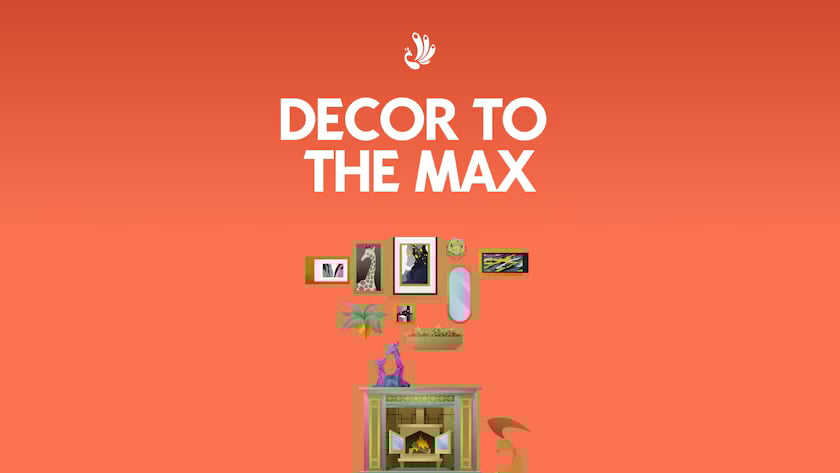
The Sims 4: Décor to the Max Kit (Release Date: March 21st, 2022)
Play with patterns and let colors collide with mix-and- match furniture in a variety of styles. Layer in contrasting and complementary details like new wallpapers and rugs to coordinate over-the-top looks that build a busy but beautiful atmosphere.
Combine elements featuring Regency, Chinoiserie, and Abstract Modern aesthetics with a plethora of prints, shapes, and colors. Delve into self-expression by getting surreal with gilded pastel tones, geometric patterns, and intimate textures.
The Sims 4: Little Campers Kit (Release Date: May 26th, 2022)
Stay up past your bedtime with cozy, crafty backyard camping gear from The Sims 4 Little Campers Kit*. Play games outside in the safety of a DIY blanket fort — this collection has everything you need for a night of creative family fun.
That’s not a cardboard box — it’s a car! Or a rocket ship. Embrace DIY aesthetics with toys, blanket-forts, and even an outdoor projector made out of a bed sheet and other household items.
Let the kids take over the back yard with cute furniture, playful camping gear, and toys. Create childhood memories roasting marshmallows with your stuffed sasquatch pal in the glow of a million string lights.
The Sims 4: Moonlight Chic Kit (Release Date: May 26th, 2022)
Dress for a night to remember with The Sims 4 Moonlight Chic Kit, inspired by Parisian creator Paola Locatelli. Swoon over the color, flow and modern style of a collection that’ll help your Sim look great for dates and maybe break some hearts.
A slinky dress, flowing shirts, and smart jackets are staples that are always in style. Help your Sim find that romantic spark with fashions built to last (even if the romance doesn’t).
Pair shorts with sneakers for casual fun or dress up your look with some silk or sparkles. The youthful fashion of today draws inspiration from classic styles to build something new and trendy.
The Sims 4: First Fits Kit (Release Date: September 1st, 2022)
Fresh fashion for trendy kids. Dress the next generation of trendsetters in fashion that’s fit for a playdate, with The Sims 4 First Fits Kit. Whether child Sims want to turn heads on the first day of school or run around having fun with friends, these versatile styles will keep them looking fashionable (and so, so cute).
A lifetime of fashion choices starts when you become a big kid and can dress yourself. Give child Sims more ways to express themselves with the kinds of leopard-print jackets, patterned leggings, and colorful shades they’ll want to wear when they grow up.
Dress child Sims in trendy looks that are fit for birthday parties, the classroom, or just hanging out with friends. These casual looks don’t require a special occasion, but they won’t be out of place at one either.
*Technically in collab with xUrbanSimsx/Jenn, before Creator Kits were a thing.
The Sims 4: Desert Luxe Kit (Release Date: September 14th, 2022)
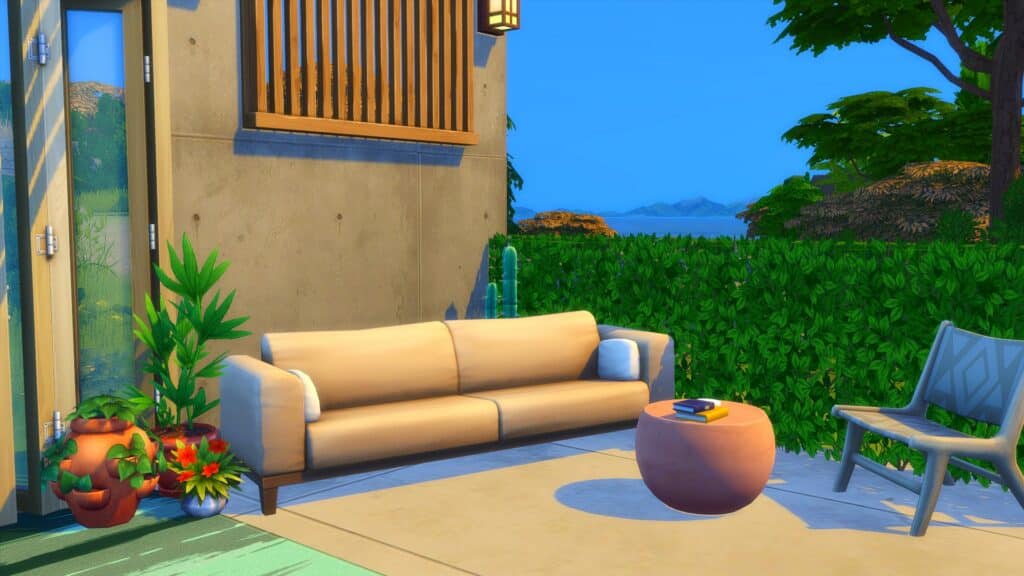
Soak up the sun with luxurious indoor/outdoor pieces from The Sims 4 Desert Luxe Kit. Arrange matching neutral-toned furniture, curtains, and more to create a bright, sophisticated space for Sims to relax and entertain in. This collection features neutral colors inspired by the natural landscape of the Southwestern desert and materials like stone and wood. The overall look is luxurious and understated — ideal for building a relaxing oasis in your Sims’ home or on their patio. Arrange a bar, loveseat, fireplace, and more to look like functional architectural elements built into your space, and create the perfect venue for your Sim’s next big party or intimate dinner.
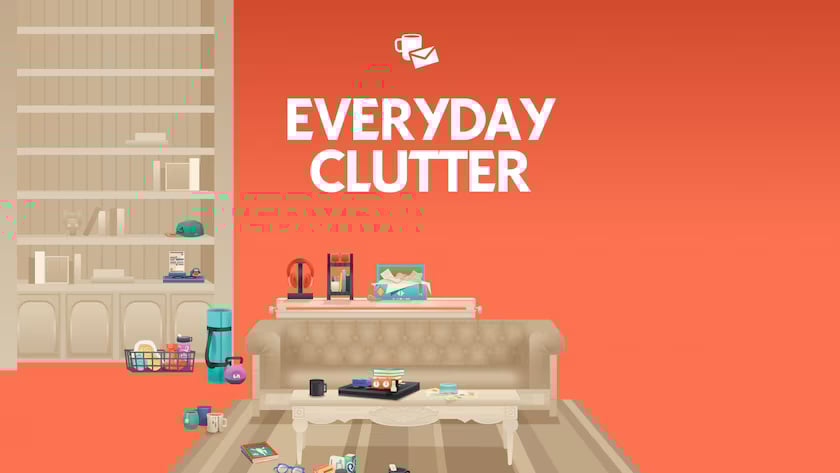
The Sims 4: Everyday Clutter Kit (Release Date: November 10th, 2022)
Craft spaces that look loved and lived-in with The Sims 4 Everyday Clutter Kit. Tell the stories of your Sims’ personalities through scattered items related to their hobbies and daily lives, like used coffee cups, stacked magazines or beauty supplies.
A cell phone case in your Sim’s favorite color, a stack of books and games placed off to the side in their living room, a creative display of pictures – this collection includes tons of small, personal, touches that will make your Sim’s house feel more like home.
Scattering used coffee cups to show your Sim is a big fan of caffeine or adding makeup and jewelry boxes to the top of their dresser for a hint at their morning routine are just a couple examples of the visual storytelling this kit empowers.
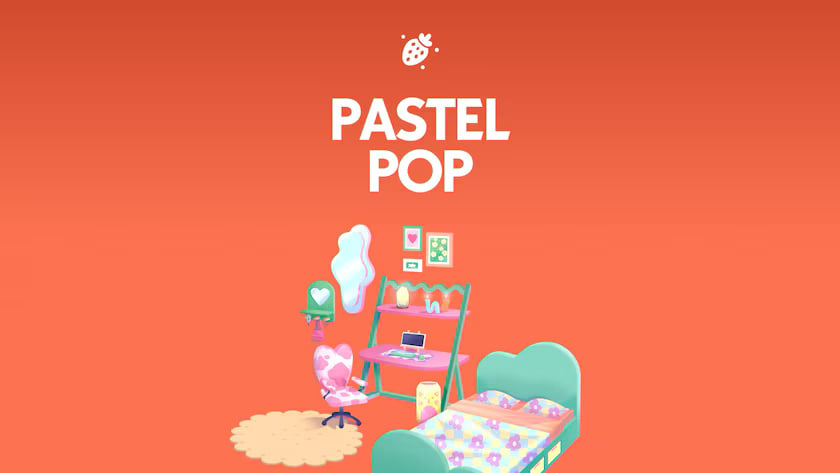
The Sims 4: Pastel Pop Kit (Release Date: November 10th, 2022)
Design a soft and playful bedroom that’s perfect for daydreaming with The Sims 4 Pastel Pop Kit. Blend simple and psychedelic with quirky pastel prints, irregular shapes and vintage vibes. This collection is perfect for your Sim’s dorm, bedroom or studio apartment.
Decorating should be fun and carefree! Give your room a quirky side with irregular, but simple, shapes in dreamy pastel colors. This collection has heart chairs, mirrors shaped like puddles, and even more ways to incorporate whimsy into everyday design.
Create a contemporary space that draws inspiration from times gone by. The patterned bed sheets and psychedelically curved table legs in this kit are nostalgic for summertime in the 60s and 70s, but they still fit right in with modern, understated, décor.
2023: Baring It All & The Nitty Gritty
The best way to word and theme the content of the 2023 was that they intend to bare it all, and lean heavily into the parts of life that feel more intimate or hidden with the Build/Buy kits, and expanding on long-forgotten clothing types and styles with the Create-A-Sim kits. Clutter and non-perfect items was the main focus of many of the Build/Buy mode kits, like Bathroom Clutter and Basement Treasures. Baring it all in the name of summer fun and the very intimate practice of Woohoo, they branched out with both the Simtimates Collection and Poolside Splash Kits.
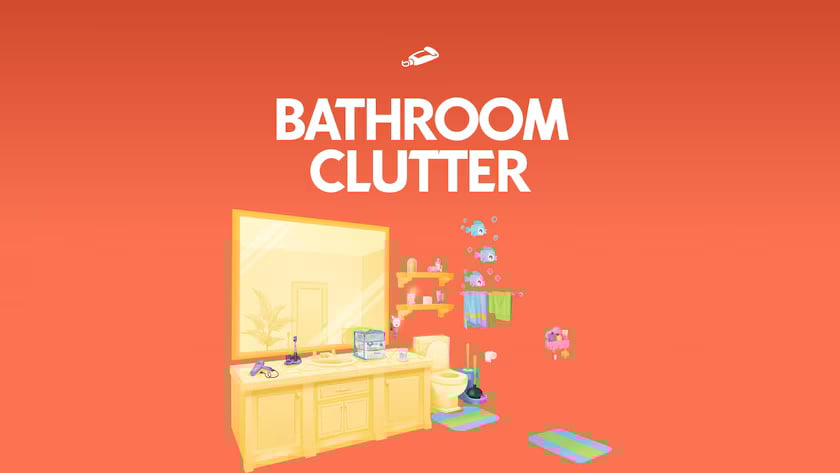
The Sims 4: Bathroom Clutter Kit (Release Date: January 19th, 2023)
Embrace the mess of daily life or create an organized oasis with The Sims 4 Bathroom Clutter Kit. This kit features decor for all ages, from cute wall decals for kids to grandma’s dentures. Create a realistic picture of a family by adding little touches for all ages. Transform your Sim’s bathroom into an elegant retreat where they can escape life’s mayhem. Or let that mayhem spill over into this space as well. With this kit, you can create spaces that reflect the personalities of a variety of Sims.
The Sims 4: Simtimates Collection Kit (Release Date: January 19th, 2023)
Set the mood with fun, flirty loungewear from The Sims 4 Simtimates Collection Kit. Put the “woo” in “Woohoo” with charming looks featuring lace, straps, and silhouettes that flatter every body. Update your Sims’ intimate wardrobe with fashions based on current material, color, and pattern trends. Lacey bodysuits, a variety of underwear styles, and boxers with playful prints will have your Sims’ bedrooms feeling like runways. To inspire confidence in every Sim, we collaborated with MeUndies to create styles that look good on a variety of body types to help any Sim look bold, flirty, and charming.
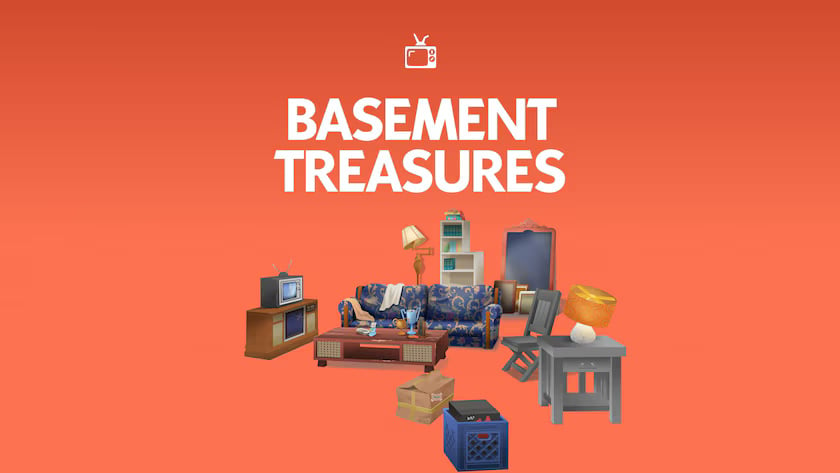
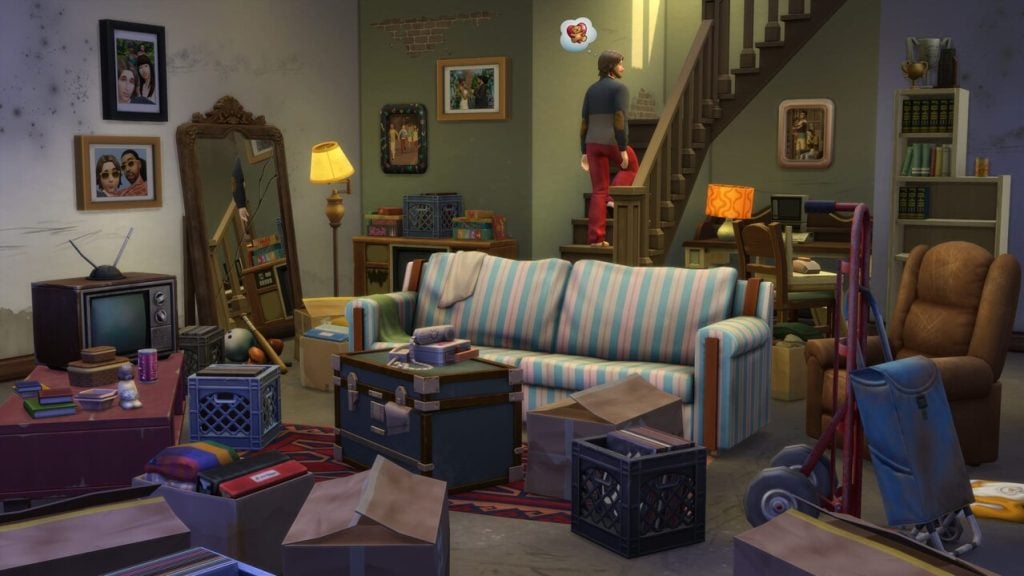
The Sims 4: Basement Treasures Kit (Release Date: April 20th, 2023)
Hand-me-down furniture and forgotten favorites await in The Sims 4 Basement Treasures Kit. Sometimes the most beloved seat in the house is one that’s a little worn down. That’s why this collection is full of pieces with wear and tear from lots of use and love.
Sometimes you have to sift through the basement to uncover a few gems. They might look a little scuffed up, but they still have plenty of use and a whole lot of character.
Add a little history to your décor. Do these items have sentimental value to your Sims or are they simply what they’re making do with? Maybe that was their mom’s favorite recliner, or their grandparents’ old television. Create new memories from the old.
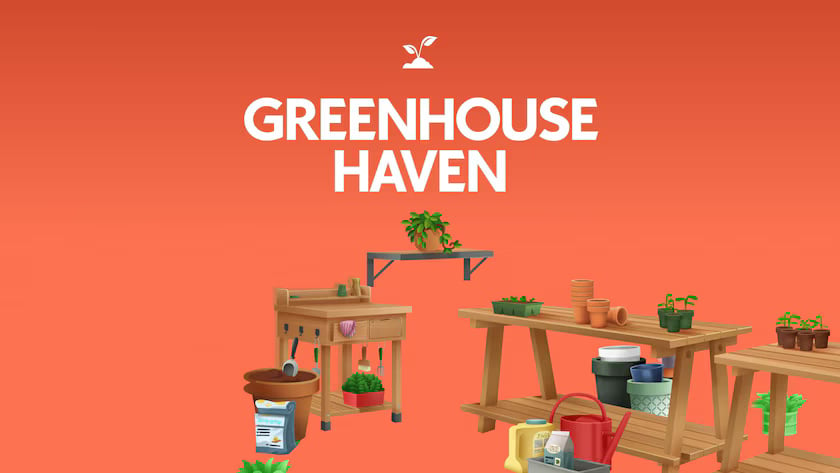
The Sims 4: Greenhouse Haven Kit (Release Date: April 20th, 2023)
Create a place for Sims to enjoy some quality plant time with The Sims 4 Greenhouse Haven Kit. Whether they love taking in serene greenery or organizing the perfect planting workspace, use paned windows and doors to construct a bright and tranquil retreat for your Sims to delight in.
This kit includes build items designed for creating the perfect greenhouse structure. Craft an ideal windowed haven for your Sims to indulge their green thumbs and live out their gardening fantasies.
Even the most organized gardeners need tools. Pots, plant starters, gloves, and spray bottles will make your greenhouse look like a space your Sim loves to spend time in.
The Sims 4: Grunge Revival Kit (Release Date: June 1st, 2023)
Explore nonconforming styles and make them your own with The Sims 4 Grunge Revival Kit. Whether it’s rocking an old band tee or a baggy hoodie from the thrift store, this kit is all about bringing new energy and bold intention to everyday looks.
It’s in the Fit — Whether clothes were found or passed down, these slouchy silhouettes and faded jeans are now yours to make new with styles for every frame. Embrace the Unpolished — Challenge expectations with a wardrobe that’s all about experimenting with effortless, confident fits.
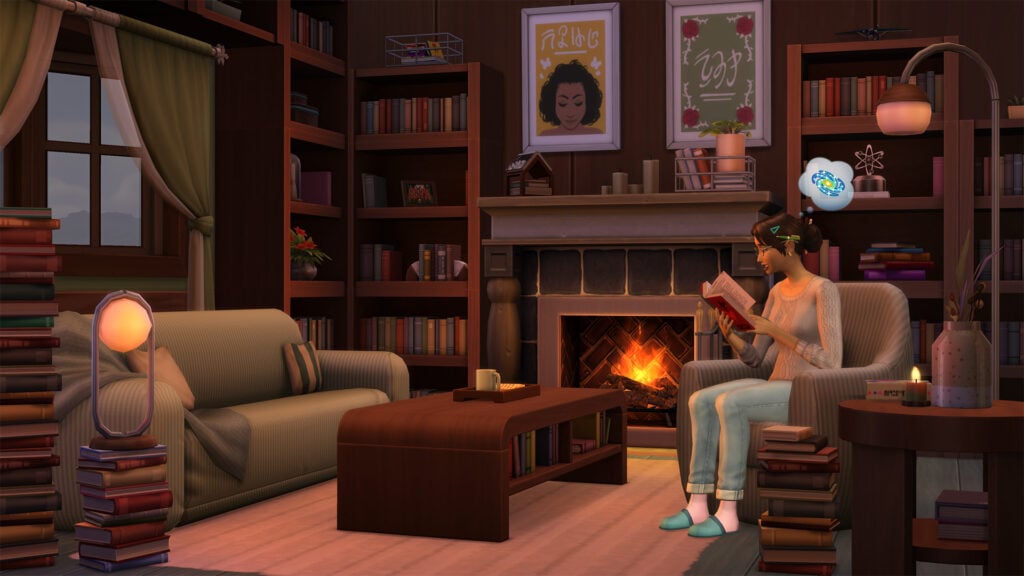
The Sims 4: Book Nook Kit (Release Date: June 1st, 2023)
Relax in a plush, cozy space and get lost in a good story with The Sims 4 Book Nook Kit. Create the perfect spot to curl up after a long day or to enjoy on a sunny afternoon. Design your Sim’s book nook to be their favorite spot in the house.
A Reader’s Retreat — Arrange stackable bookshelves and décor in a way that suits your Sim’s style, whether that means a light-filled window seat or a cozy hideaway in the corner. Comfy & Cozy — Sink into a good book and a cushy sofa. This kit features plush seating with soft, relaxing accents that’ll help your Sim unwind.
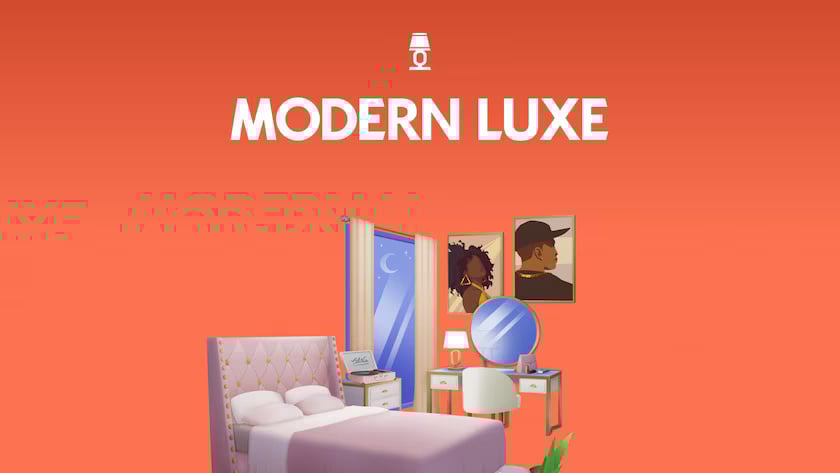
The Sims 4: Modern Luxe Kit (Release Date: September 7th, 2023)
Treat yourself to luxurious modern furniture that says “I made it!” with The Sims 4 Modern Luxe Kit. You’ve worked hard; it’s time to celebrate how far you’ve come. With this kit, we’re leaving frugal in the past and choosing elegant art, sophisticated décor, and cushy comfort. Design a stylish and inviting space with high-end pieces. Upgrade your lifestyle with a little extravagance. Make a statement with luxury items, like a TV disguised as wall art, designer handbags, sculptures, and a functional record player.
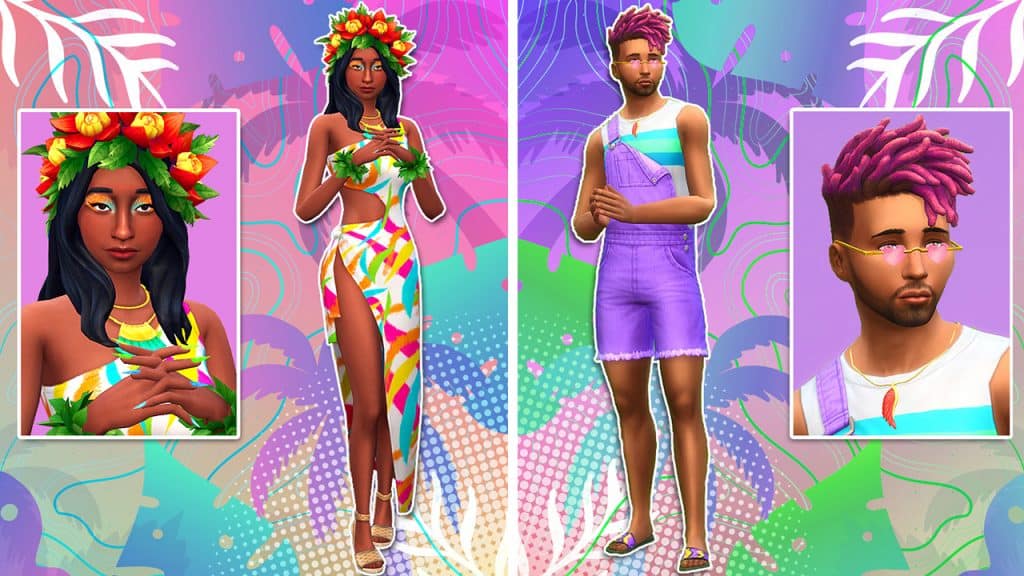
The Sims 4: Poolside Splash Kit (Release Date: September 7th, 2023)
Turn heads at the pool with bright & playful swimwear from The Sims 4 Poolside Splash Kit. The colorful patterns and trendy cuts of this collection complement a variety of skin tones and body types. Whether your Sim is looking to get flirty in the hot tub or party by the pool, these lively looks will help them stand out. Mix and match for uniquely dazzling results. Complete your poolside ensemble with stylish shades, rainbow nails, sandals, fabulous floaties, and more! Indulge your sense of fun.
2024: Creators Join in On The Fun
The addition of the EA Creator Network members allowed EA to produce way more kits, provide a spotlight to creators, and even bring custom content to console players, in a way. Creators like Trillyke and Myshunosun were the first introduced, creating a boom of excitement for new DLC options without heavily relying on EA to know exactly what their players want.
The Sims 4: Castle Estates Kit (Release Date: January 18th, 2024)
Capture the classic grandeur of a castle with The Sims 4 Castle Estate Kit. This community-voted collection features stone walls, leaded glass, and everything you need to create the perfect dramatic backdrop for your next story. Get inspired by the majesty of castles, and build using gothic arches, stackable ornate windows, grand staircases, gorgeous stonework, and a large portcullis gate — it’s all about the gravitas. Parapets, stained glass, arrow slits, and even a gargoyle are among the classical details that will make your manor magnificent.
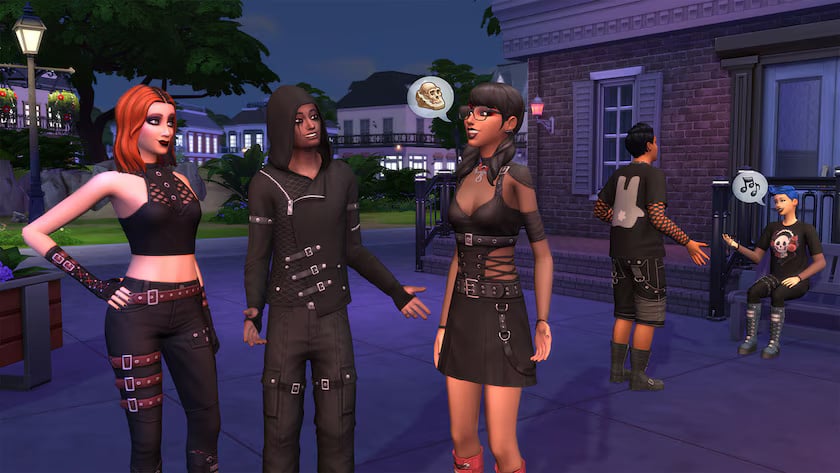
The Sims 4: Goth Galore Kit (Release Date: January 18th, 2024)
Embody the darkness with new goth styles from The Sims 4 Goth Galore Kit. You voted for this kit, now get ready to outfit your Sims in fashion inspired by the contemporary goth scene, featuring mesh, leather, and that signature moody makeup. Variety isn’t always about color; sometimes, it’s about textures and embellishments. Add points of interest with mesh, belts, buckles, straps, and harnesses. Your Sims will flirt with their dark sides in platform shoes and sleek silhouettes that are perfect for everyday wear, parties, or any occasion where they want to stand out.
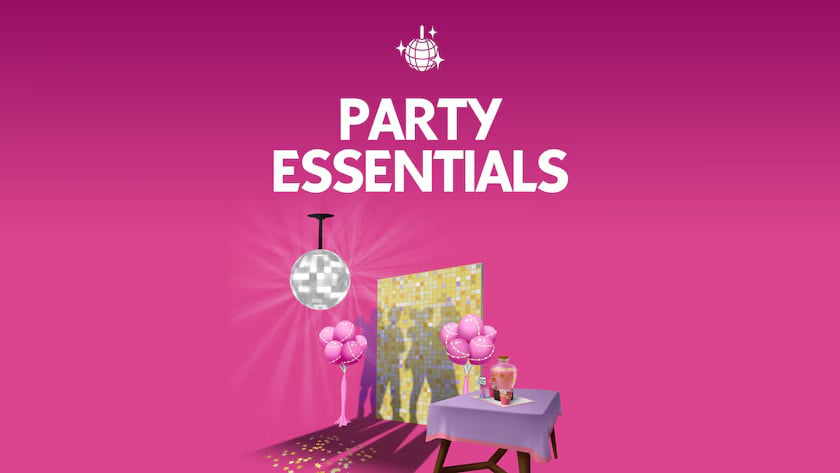
The Sims 4: Party Essentials Kit (Release Date: April 18th, 2024)
Coordinate your décor to build the perfect party atmosphere with The Sims 4 Party Essentials Kit. Set the mood with matching decorations that come in swatches perfect for any party you want to throw, plus a disco ball to add some sparkle and a fog machine to add some mystery.
These decorations don’t just fade into the background – not even the backdrops! Coordinate with matching pieces or mix and match to create the perfect mood for any occasion.
This kit has all the essentials your Sims need to share some good times. Throw a birthday party, a big bash complete with a disco ball, or a chill hangout session with friends.
The Sims 4: Urban Homage Kit in Collab w/ Ebonix (Release Date: April 18th, 2024)
Strut boldly into the now, with iconic styles from The Sims 4 Urban Homage Kit. Simmer Ebonix collaborated on every detail of this collection, which features expressive colors, striking patterns, and accessories that inspire confidence.
These modern looks are inspired by a time and place near and dear to Ebonix. They’re bold, unapologetic, and reflect a style Ebonix wanted to share with the Simmer community.
Embrace a medley of stand-out colors and lively patterns! Iconic graffiti shirts, a bright bodysuit, and glamorous nails are just some of the options your Sim has for self expression.
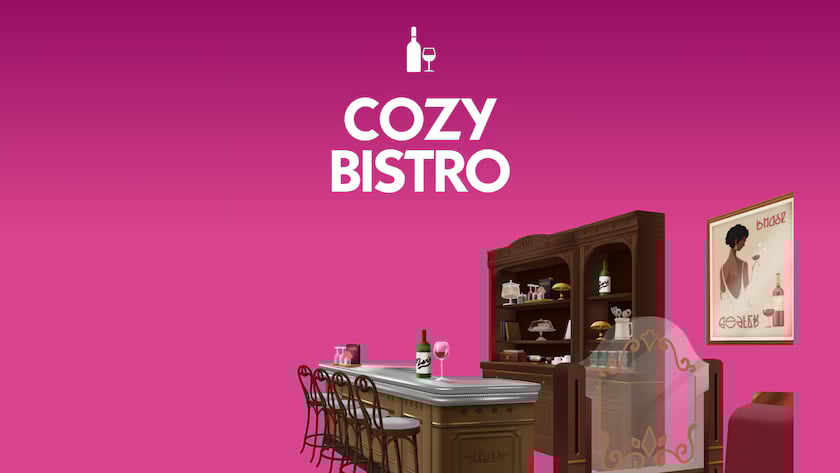
The Sims 4: Cozy Bistro Kit (Release Date: May 30th, 2024)
Stop by your favorite hole-in-the-wall bistro and take in the antique ambiance of The Sims 4 Cozy Bistro Kit*. Craft a space that’s all about good Nectar and great company. Decorate with all the trappings of a treasured local bistro, including wood-paneled walls, polished metal accents, and vintage furniture that’s been beautifully maintained. Serve the finest Nectar by night and the richest coffee by day. Fill your bistro with candlelight and classic décor to create the perfect spot for Sims to connect with friends or dates.
The Sims 4: Riviera Retreat Kit (Release Date: May 30th, 2024)
Bask in the rustic scenery surrounding your secluded, peaceful pool with The Sims 4 Riviera Retreat Kit*. It’s time to relax in a wicker lounge chair, watching as sunlight shines through the vine-covered pergola and sparkles in your private waterfall. Create the perfect secret spot for your Sim to spend some quality time alone or with someone special. Set your comfortable linen furniture up among rustic décor and earthy features like stone pavers. This space is timeless, blending the fresh and clean with the natural to create a space where troubles melt away.
The Sims 4: Artist Studio Kit (Release Date: September 19th, 2024)
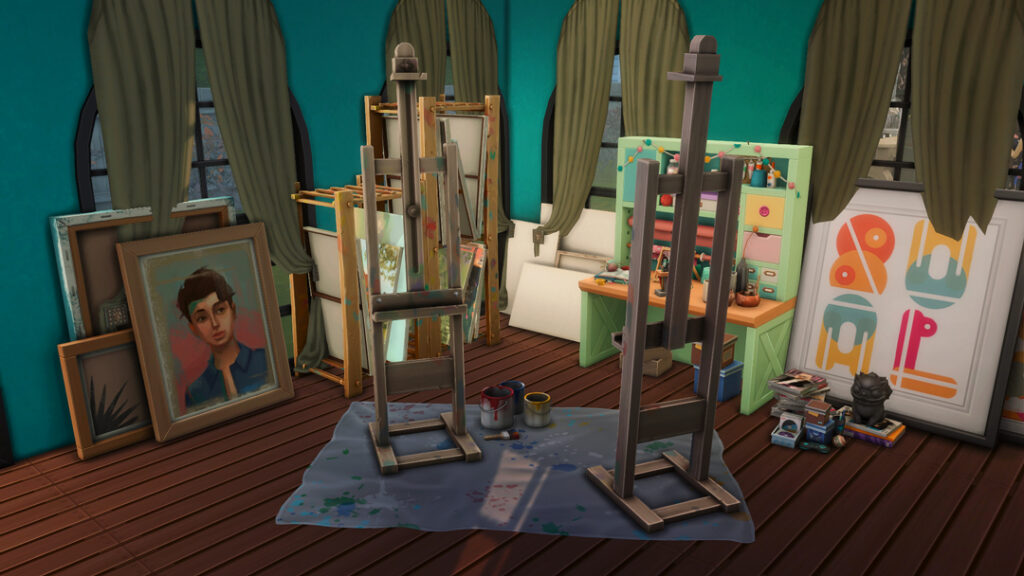
Design an inspiring space for Sims to hone their creative skills with The Sims 4 Artist Studio Kit*. Your easel is surrounded by the tools of your trade: brushes, paint cans, still-life references, and more all scattered artfully, just the way you like it. You know your studio — its clutter, its drawers and shelves, and every drop of splattered paint — because you’ve left your mark on it, just like your canvas.
Give your Sims more ways to express their creativity. There’s a new easel, tablet, and woodworking table for Sims to use in their artistic endeavors. Place inspiring still-life references, a backdrop, and other props to really help your creativity flow.
Add an artistic flourish to your canvas and your studio. Add paint splatter to the ground and clutter items like palettes, cans, tubes, brushes, and stacked sketch books to every shelf and corner.
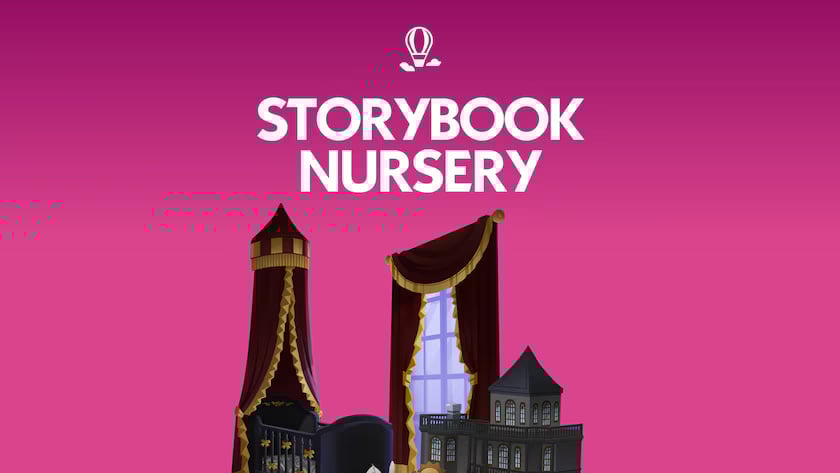
The Sims 4: Storybook Nursery Kit (Release Date: September 19th, 2024)
Surround new additions to the family with the elegance they deserve in The Sims 4 Storybook Nursery Kit*. This nursery is a refined space that instills a sense of sophistication, featuring ornate furniture as well as whimsical toys. Made in collaboration with creator SixamCC, this collection balances the joy of a new arrival with elevated charm. Some items even pay homage to the lore and legacy of The Sims.
Inspired by classic fairy tales and the elegance of ages past, this collection features delicately crafted toys, pleasant wallpaper, a dreamy mobile, and a dollhouse modeled after the traditional home of an old, prominent family.
Raise your little one among ornate furniture including shelves and a changing table. Some of these items, like the crib with the sweeping canopy and the tasteful chandelier, may have been passed down through the generations.
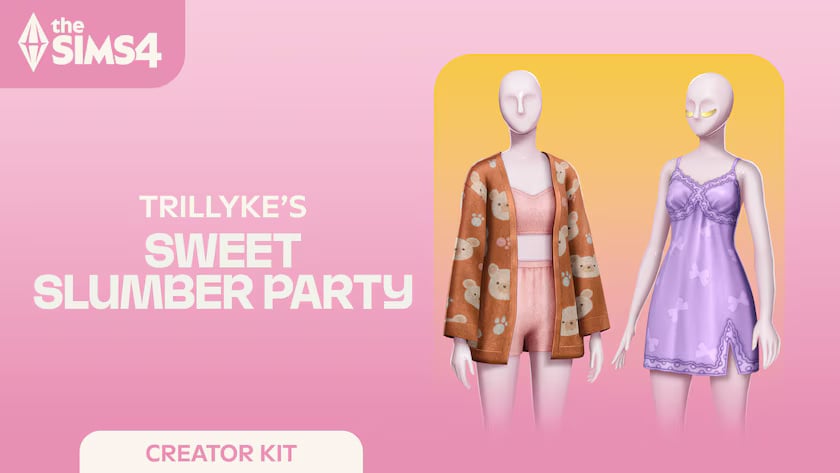
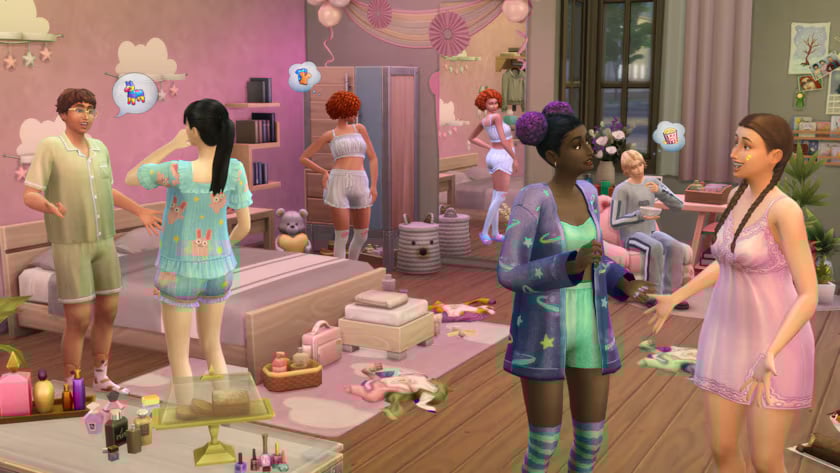
The Sims 4: Sweet Slumber Party Kit in Collab w/ Trillyke (Release Date: November 14th, 2024)
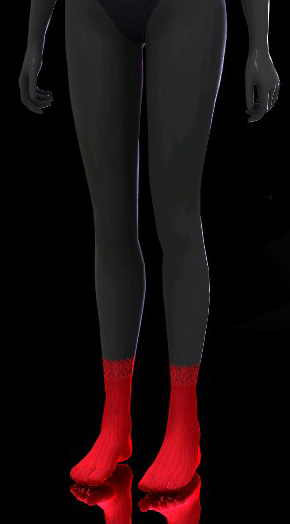
Look cute even when the venue of your party is your own bedroom with The Sims 4 Sweet Slumber Party Kit*. The pastel colors, fluffy fabrics, adorable designs, and patterns will make you feel like you’re in a dream. Complete your sleepwear attire with cute nail designs, fuzzy socks and slippers, and fun skincare items. Created by Trillyke.
Whether your Sim prefers comfy and soft loungewear, or the most delicate silk attire, these dreamy looks make them feel cozy and stylish during an overnight stay with friends.
Accessorize your sleepy time looks with pore strips, sparkly under eye masks and star shaped acne patches.
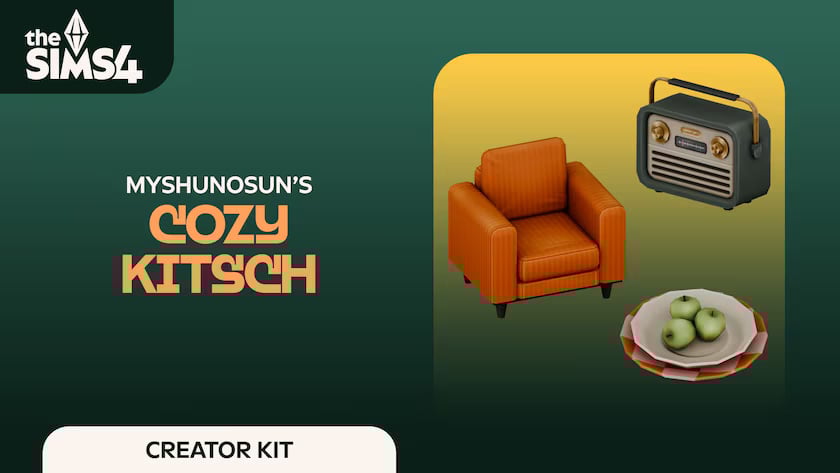
The Sims 4: Cozy Kitsch Kit in Collab w/ Myshunosun (Release Date: November 14th, 2024)
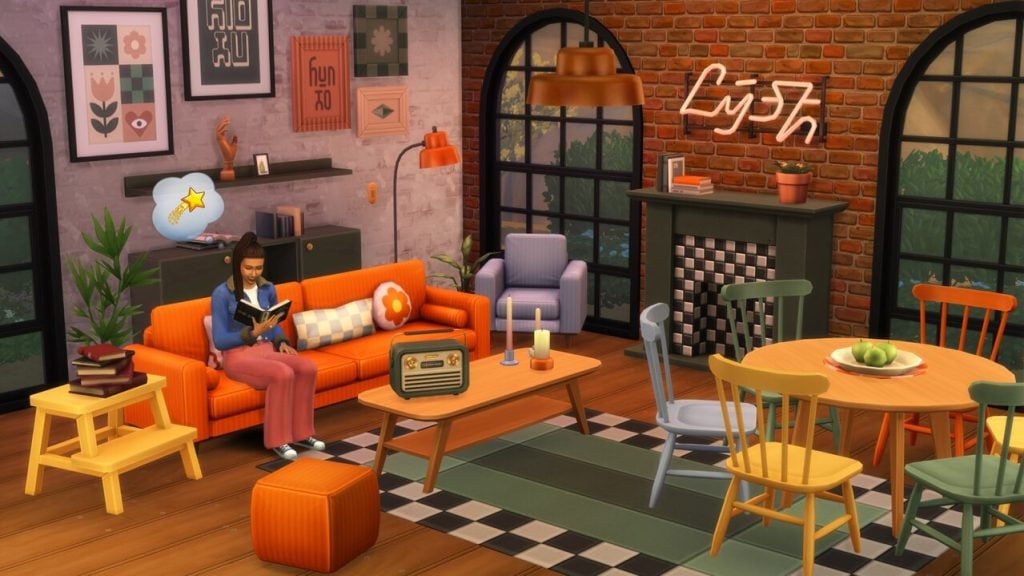
Embrace vibrant colors and mid-century modern design with The Sims 4 Cozy Kitsch Kit*. Inspired by the 60s and the 70s, this collection of living room items features bold color and pattern combinations, stylish surfaces, and cute décor with delightful character. Add subtle accents to your room, or make a statement with every piece. Created by myshunosun.
Show off trinkets on a chic faux fireplace, tune your vintage radio to your beloved station, and cozy up on your favorite corduroy sofa.
Decorate your room with bold artwork and a daring neon sign. Combine sleek mid-century surfaces with unique heirloom finds.
2025: What You See is What You Get
The largest year for kits yet, with a whopping 16 kits, including the first two licensed collaboration kits. The previews and promotional box art materials have become much more minimalistic, often showcasing the title, a simplified background with a matching color set, and 2-3 items from the kit itself. Create-A-Sim items are showcased on plain mannequins, while Build/Buy mode items are showed by themselves in their first swatches. The days of doodled promotional box art, special renders with all items laid out in front of a sim, and other more complex box art pieces are long behind us in the past.
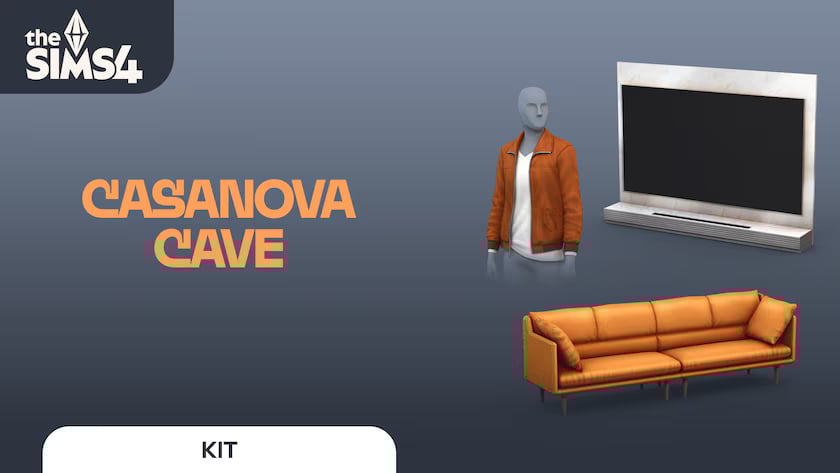
The Sims 4: Casanova Cave Kit (Release Date: January 16th, 2025)
Impress guests with a modern entertainment space and suave fits from The Sims 4 Casanova Cave Kit*. This laidback, masculine fashion will have Sims looking confident, and the contemporary style of your den’s décor — a stylish bar, sleek coffee table, and more — will guarantee the right atmosphere, whether it’s game night or date night.
A jumbo, state-of-the-art TV and stylish modern furniture will make your den an undeniable hotspot. Have friends over for a chill night at the card table – or have a date over for an exciting night on your stylish, well-loved leather sofa.
Dress in high-quality, understated fashions made for the masculine Sim. These styles are relaxed, achieving a polished look that is still a bit rough around the edges.
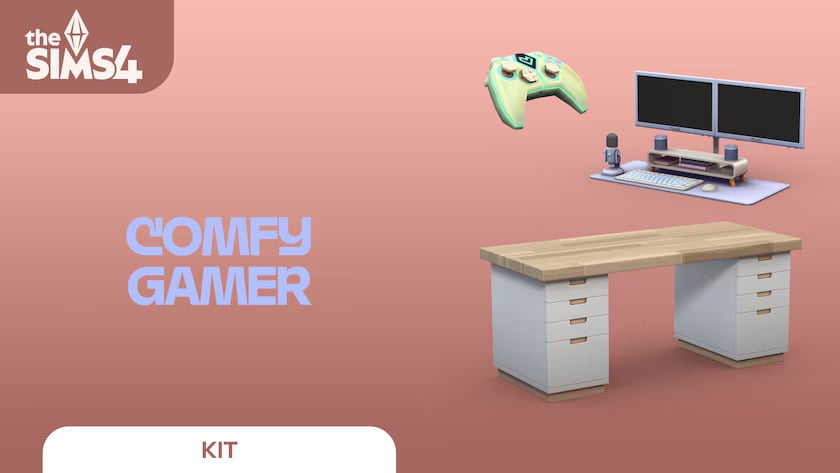
The Sims 4: Comfy Gamer Kit in Collab w/ Lilsimsie (Release Date: January 16th, 2025)
Settle in for a cozy time at the computer with The Sims 4 Comfy Gamer Kit*. With this collection, you’ll craft warm, inviting spaces that feel personal with a large desk, playful clutter items, and of course a comfy gaming chair. This kit was created in collaboration with Lilsimsie to be fun and relaxing with subtle references to The Sims.
Use the décor in this kit to make your computer area feel homey, relaxing, and completely yours with plants, clutter, and gaming accessories. There are even cubed cubbies for displaying knickknacks and other treasured items that make you happy!
Who wouldn’t want a mini cow plant hanging over their head? This kit has all kinds of callouts to The Sims, including a grilled cheese mini-library and an adorable alarm clock.
Not technically a creator kit as Lilsimsie did not make the items, rather consulted on them and guided their creation/designs.
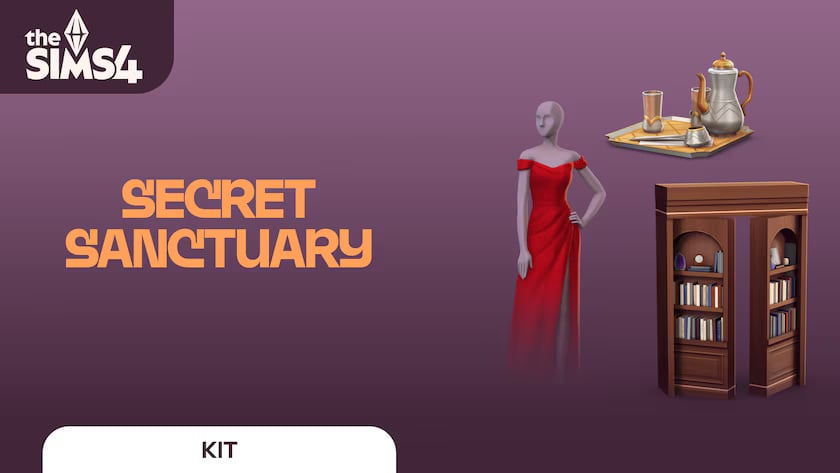
The Sims 4: Secret Sanctuary Kit (Release Date: January 16th, 2025)
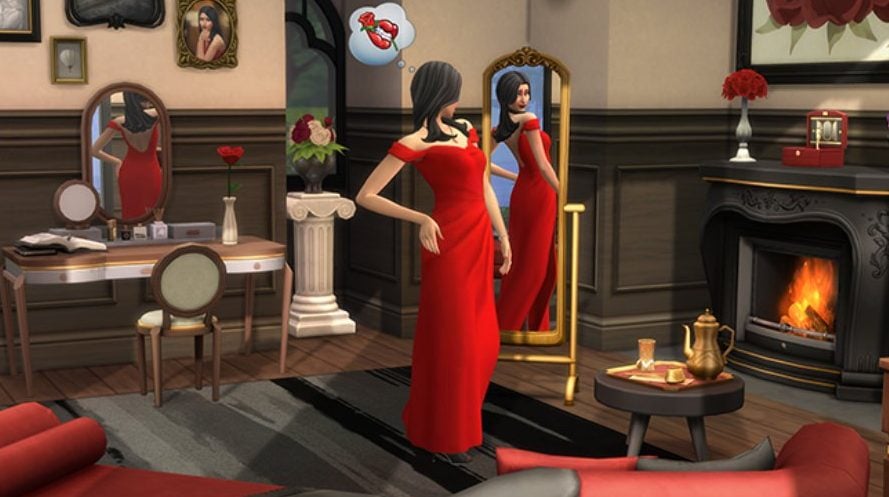
Indulge in iconic fashion and enchanting décor with The Sims 4 Secret Sanctuary Kit*. Create a luxurious space full of opulent furniture concealed behind a secret passage in a bookcase. When you’re inside your hideaway, let the world melt away as you relax on your chaise lounge or try on polished Italian-inspired fashions in your floor-length mirror.
This is a private retreat featuring a mysterious hidden entrance, elegant antique vanity, charming tea set, and more high-end touches sure to delight Sims with a sense of refinement.
These finely-tailored italian-inspired fashions are polished, sophisticated, and feature classic silhouettes. It’s a cohesive collection that feels curated, as if hand-picked by someone with exquisite taste.
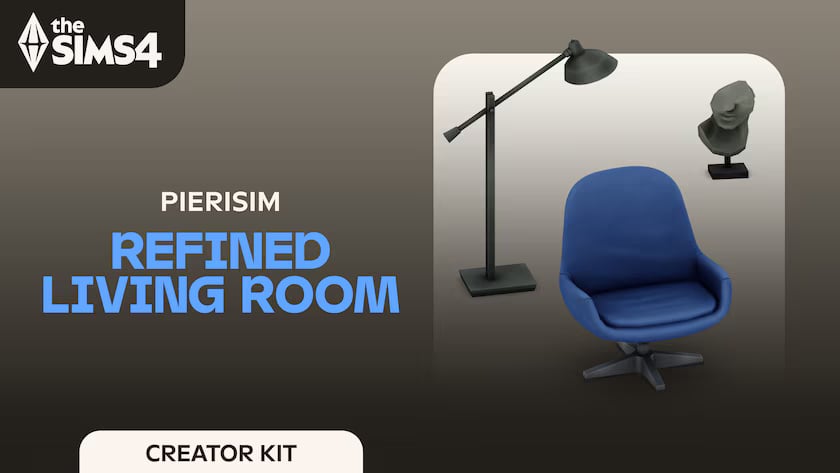
The Sims 4: Refined Living Room Kit in Collab w/ Pierisim (Release Date: January 30th, 2025)
Embrace elegance and sophistication with The Sims 4 Refined Living Room Kit*. With a clever mix of modern and retro furniture, you can create the perfect base. Add extra personality with unique and chic decor pieces. And voilà, you’ll have a living room worthy of a design magazine. Created by Pierisim.
You’ve done your research and you’ve finally found the perfect items. Every time you step into your living room, you can feel that this space has been made by you and for you.
The Sims 4: Business Chic Kit in Collab w/ Madlen (Release Date: January 30th, 2025
Give your Sims a professional edge with chic and stylish outfits from The Sims 4 Business Chic Kit*. From tailored suits to elegant dresses, Sims will feel confident and fashionable. Complete the look with sleek shoes and fancy accessories for an extra touch of class. The Business Chic Kit ensures Sims always look up to the task. Created by Madlen.
It’s time for your Sims to shine with outfits that showcase their career achievements! Elegant accessories and standout shoes are making sure they don’t go unnoticed. Taking their fashion game to the next level!
The Sims 4: Golden Years Kit (Release Date: May 1st, 2025)
Dress Elder Sims in relaxed, practical styles tailored just for them with The Sims 4 Golden Years Kit*. Elder Sims have lived long, interesting lives. These comfortable looks will help them display their personalities wherever their stories take them next, whether that’s the garden, the gym, or on a stroll through the neighborhood.
Tell the stories of aging Sims with clothing tailored specifically for Elder body types, as well as convenient accessories like glasses with straps, a toupee, gardening gloves, and more.
With these fashions Elder Sims will be able to express their individuality in understated ways. There are styles for gardening and working out as well as comfortable clothes for everyday life.
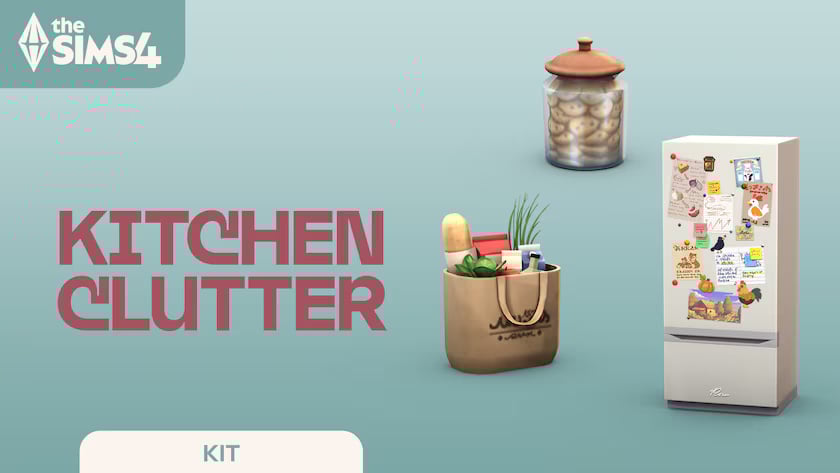
The Sims 4: Kitchen Clutter Kit (Release Date: May 1st, 2025)
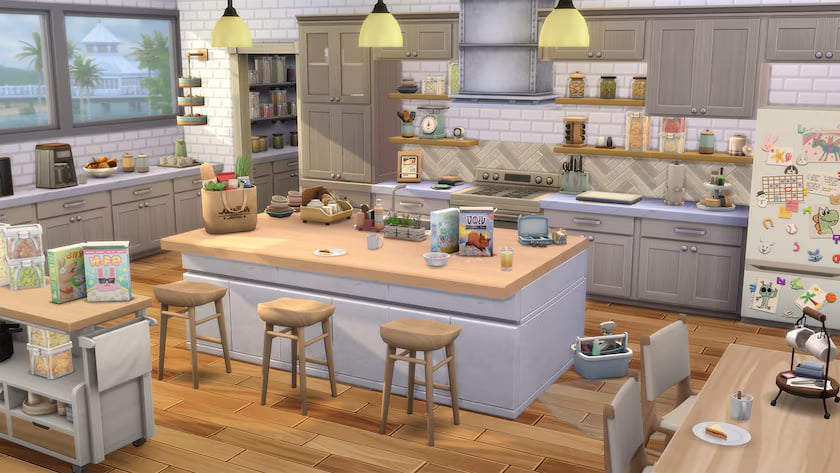
The kitchen is the hub of family life, so make yours look lived-in with The Sims 4 Kitchen Clutter Kit *. Tell stories about lives in-progress with everyday items, some of which are open or appear to be in use, like groceries or a drying rack. This kit includes all the homey touches you need to make more realistic kitchens.
A whole lot of living happens in the kitchen, and this kit will help you highlight that with groceries, open cereal boxes, cleaning supplies, and more. There’s even a refrigerator with magnets and drawings to show the impact of the family on the space around them.
The functional, family-focused items in this kit include a lunchbox, kitchen timer, recipe tablet, cookie jar, and more. Whether Sims are cooking or grabbing a quick bite to go, this kit has them covered. It’s perfect for busy families!
The Sims 4: Restoration Workshop (Release Date: May 1st, 2025)
Complete satisfying repairs in your own versatile workshop with The Sims 4 Restoration Workshop Kit*. Take old, broken-down appliances and revive them with your Handiness skill. This kit will help you capture the full handy-Sim experience with shelves, workbenches, and other details for building a functional space.
This kit includes four antique appliances – a microwave, coffee maker, refrigerator, and stove – in need of a little TLC. Sims with the Handiness skill can go to work restoring them to their former glory and making them functional again.
Create a workshop that’ll inspire Sims to improve their skills! This space has modular shelves so you’ll have ample storage, plus interactive objects like a water heater, fuse box, floor fan, and woodworking bench.
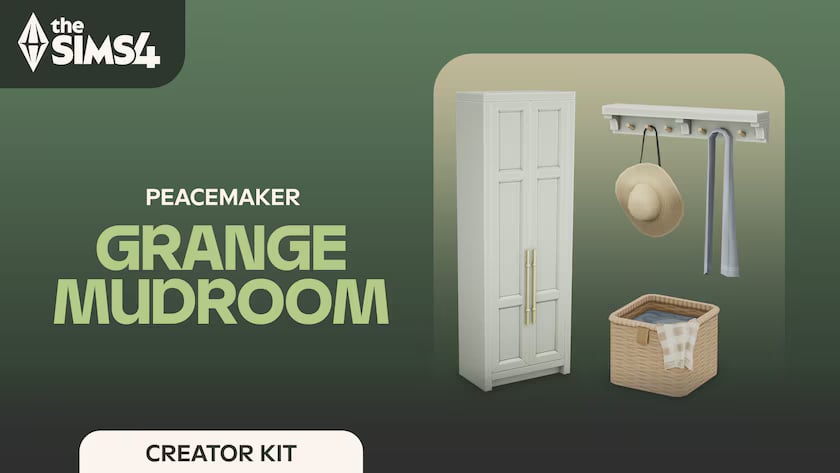
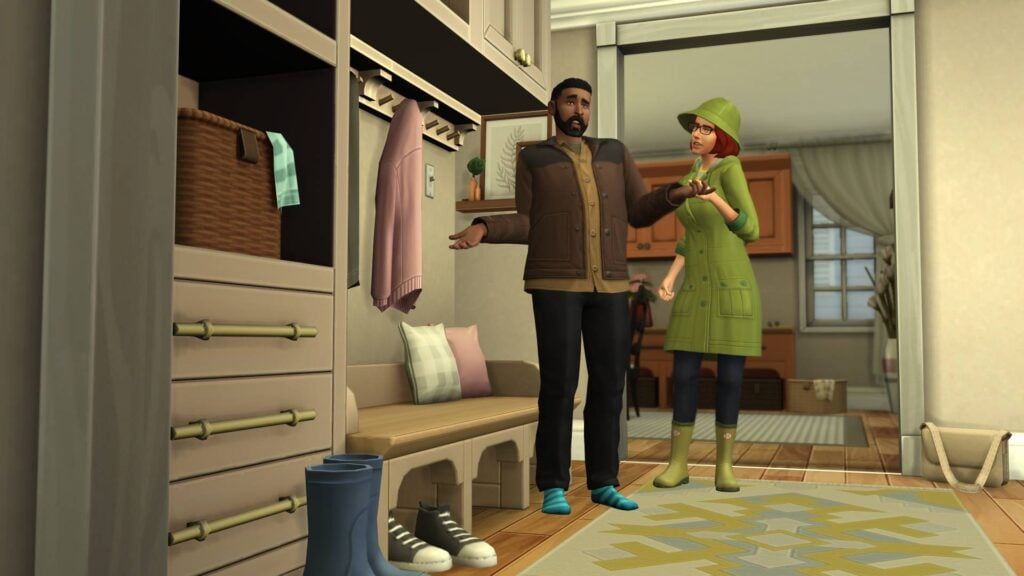
The Sims 4: Grange Mudroom Kit in Collab w/ Peacemaker (Release Date: August 21st, 2025)
Decorate and organize your entryway into the perfect mudroom with a range of built-in items, walls, flooring, and decor. Whether your Sim’s home is on a ranch or an inner city dwelling, if they enjoy gardening or other outdoor activities, a mudroom is a perfect addition for an active, outdoor lifestyle. Use the space to tell a story of their interests and hobbies — such as a set of gumboots for muddy times in the garden — or help show the day-to-day life of a family home, where leaving a pile of mail to be opened is commonplace. A mudroom is the entryway into your Sim’s lives. Created by Peacemaker_ic.
Bring your entryway to life with a tailor-made set of mudroom items and decor.
Add some organization and style to an often neglected part of the home.
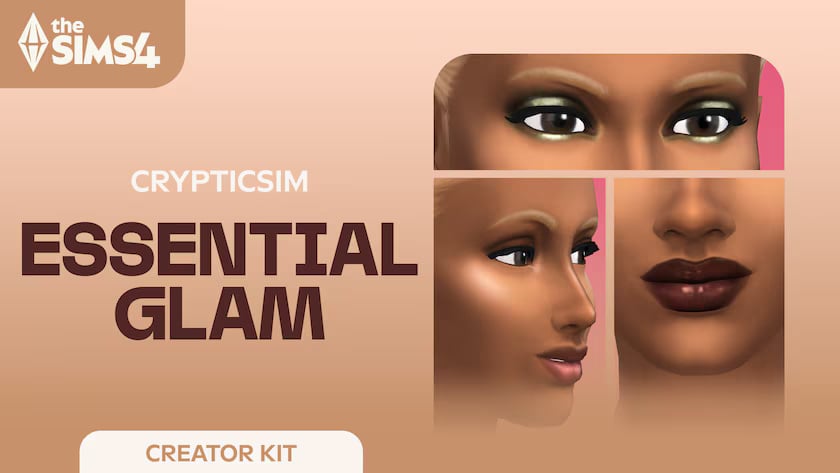
The Sims 4: Essential Glam Kit in Collab w/ Crypticsim (Release Date: August 21st, 2025)
Upgrade your Sim’s makeup collection. Easily transition from subtle daytime looks, featuring soft eyeshadows and neutral lip glosses, to striking smoky eyeshadows with bold lipsticks. Transform your Sims’ makeup look with items like foundation, contour, and highlight. Add unique items like faux freckles and beauty marks to complete your look. Whether it’s for date nights, weddings, award ceremonies, or graduations, this Kit guarantees every Sim can showcase their unique style. Created by CRYPTICSIM.
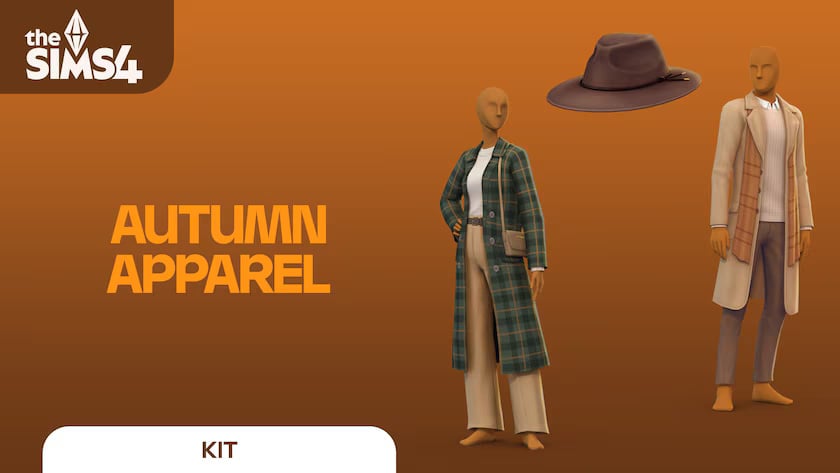
The Sims 4: Autumn Apparel Kit (Release Date: October 9th, 2025)
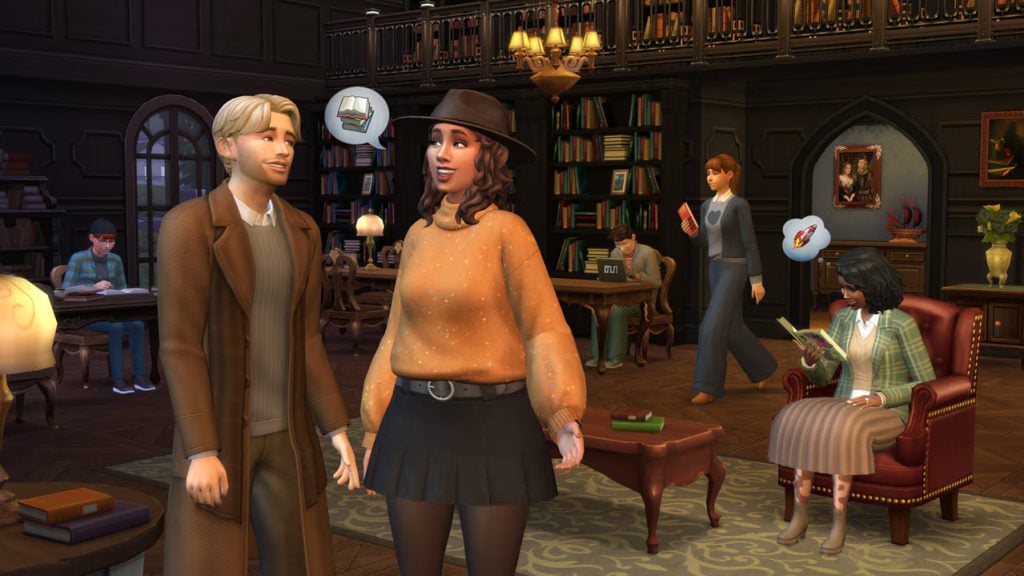
Breathe in that crisp autumn air, watch the leaves change color, and reach for something warm from The Sims 4 Autumn Apparel Kit†. This collection features layered looks plus accessories. When it’s too late for beach wear and too early to break out the snow shoes, this kit has you covered with comfy sweaters, matching beanie & scarf combos, and more cold weather looks. Embrace the chill with luxurious fabrics and rich autumnal hues. These sophisticated, layered fashions will keep Sims both comfy and put-together with pieces that exude charm, like a wide-brimmed hat, wearable purse, and stylish boots.
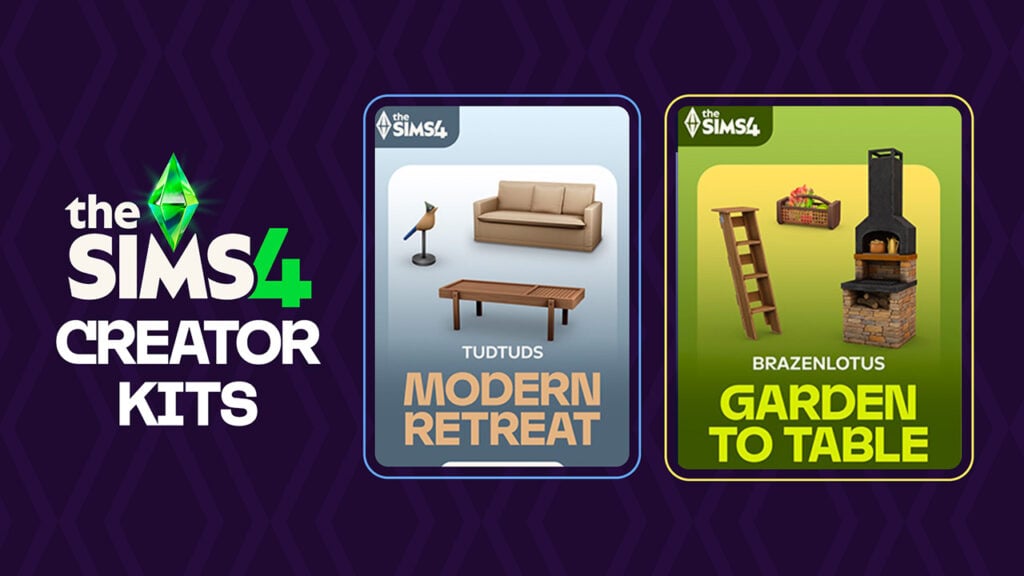
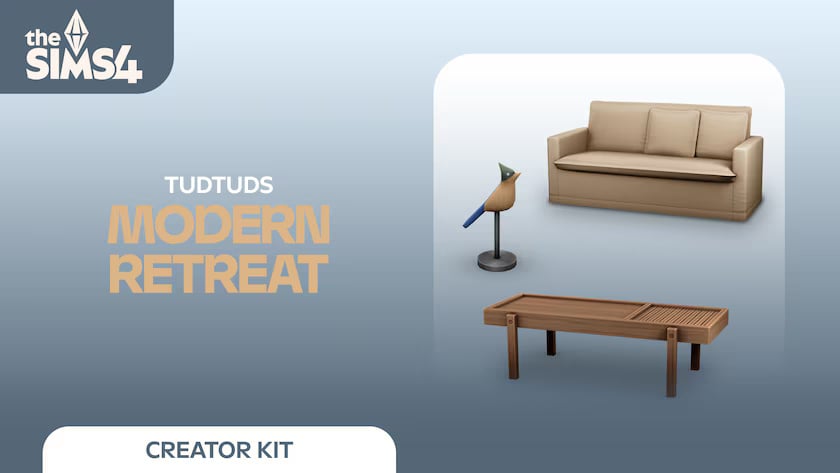
The Sims 4: Modern Retreat in Collab w/ Tudtuds (Release Date: November 13th, 2025)
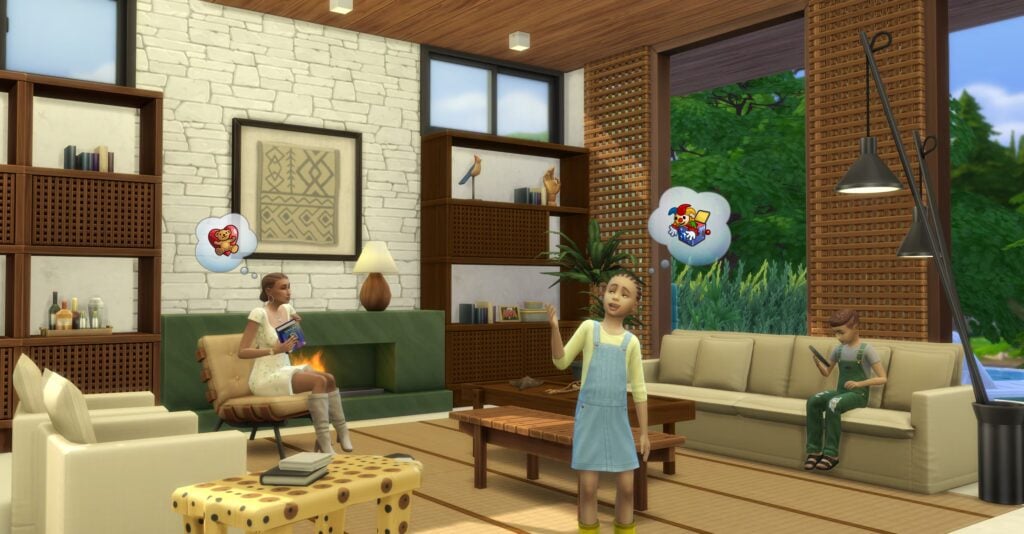
Bring a modern vision of nature’s spirit into your Sims’ living rooms with The Sims 4 Modern Retreat†. Blending handcrafted items, cozy seating, and sleek furniture in a variety of natural materials, this kit celebrates the touch that transforms nature’s raw beauty into timeless modern pieces, where simplicity meets sophistication in every detail. Created by TudTuds.
Whether they’re napping on a sofa after swatting away mosquitoes, reading a good book by the marble fireplace on a cold night, or gathering around the coffee table after a long hike, your Sims will find comfort, connection, and style in every corner of their retreat.
Used as wall decor or layered over a large glass window, the Muxarabi panel provides your Sims with privacy, shade, and style all in one. Pair it with furniture pieces inspired by the same intricate latticework to create a cohesive and elegant look!
The Sims 4: Garden to Table in Collab w/ Brazenlotus (Release Date: November 13th, 2025)
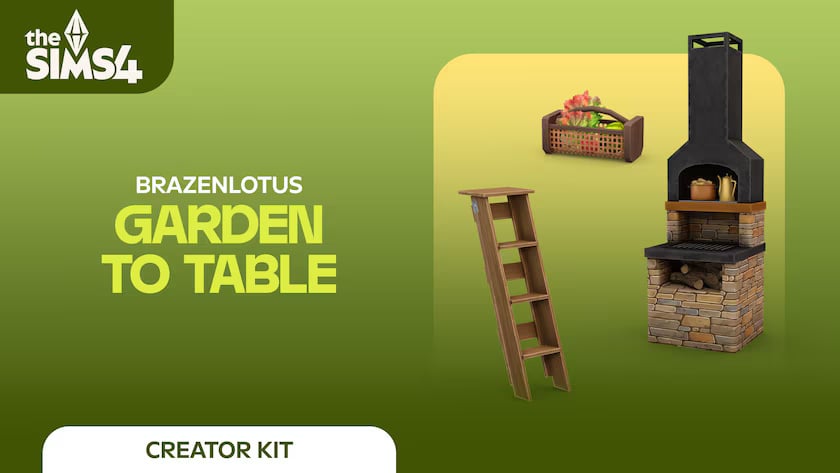
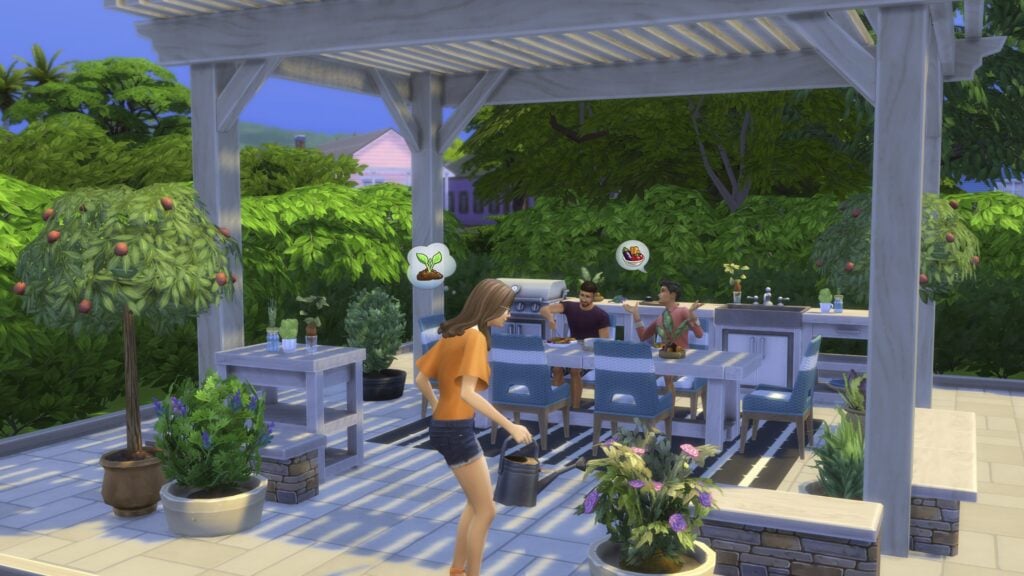
Transform your outdoor dining area into a rustic retreat where homegrown harvests are the cornerstone of meal time with The Sims™ 4 Garden to Table Kit†. Blend rustic charm and modern style with versatile furniture crafted from natural wood and smooth, stacked fieldstone. Natural materials provide organic warmth, while metal and ceramic pieces add modern flair. Keep it neutral for a rustic feel or add pops of color for a modern twist. Tie it all together and bring your outdoor space to life with veggie-inspired decor and lush potted plants. Created by BrazenLotus.
Anchor your outdoor dining area with a stacked fieldstone grill paired with matching side tables for an earthy, inviting vibe. Define the space by using a stacked fieldstone bench that cleverly doubles as a low garden wall. Layer in some rustic appeal with rough-grained wooden furnishings, and showcase your bountiful harvest decor with a repurposed wooden ladder display.
Elevate your outdoor entertaining spot with modern furnishings grounded in rustic warmth. A sleek charcoal grill and coordinating side tables feature clean lines softened by smooth wood textures. A rustic-modern stone sink simplifies outdoor meal cleanup and adds practical charm. Bright wicker dining chairs, vibrant rugs, and garden-inspired veggie decor provide energetic pops of color.
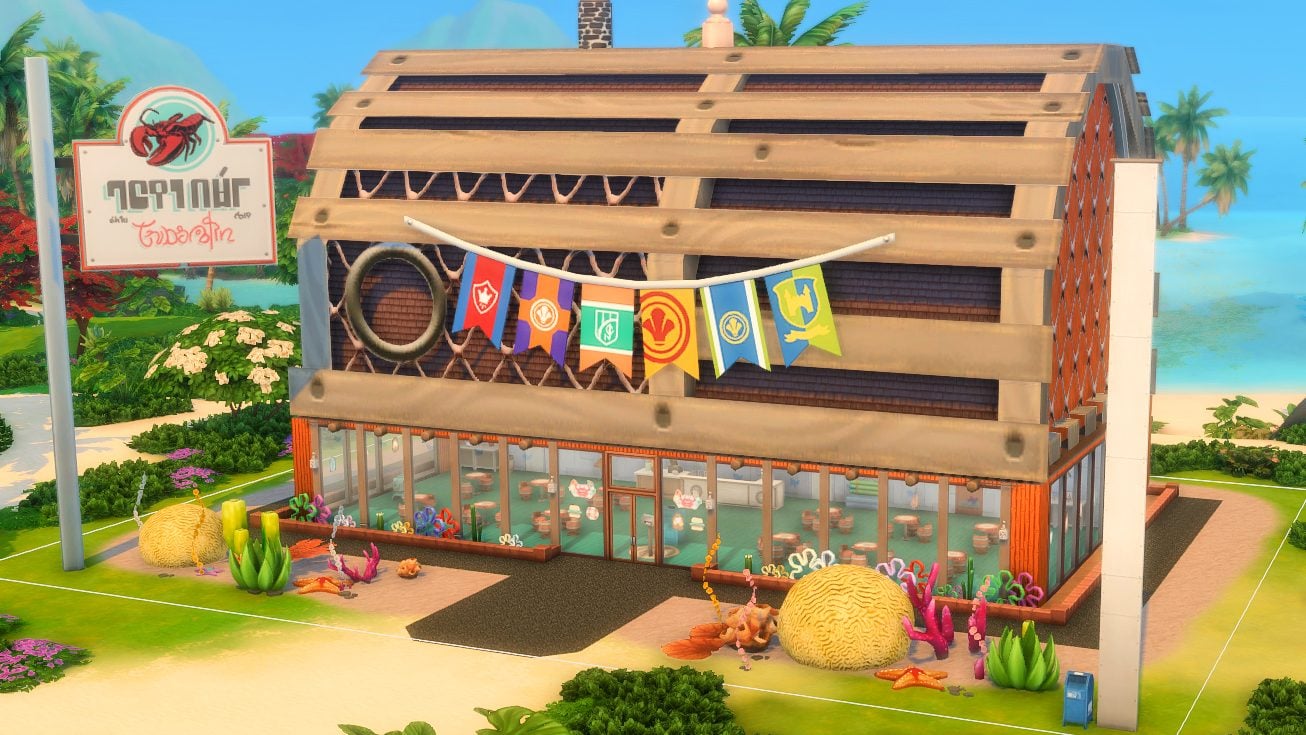
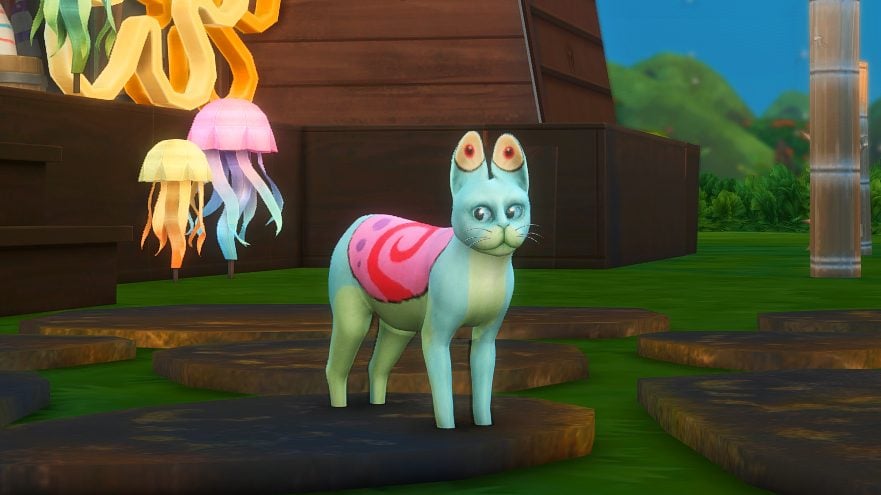
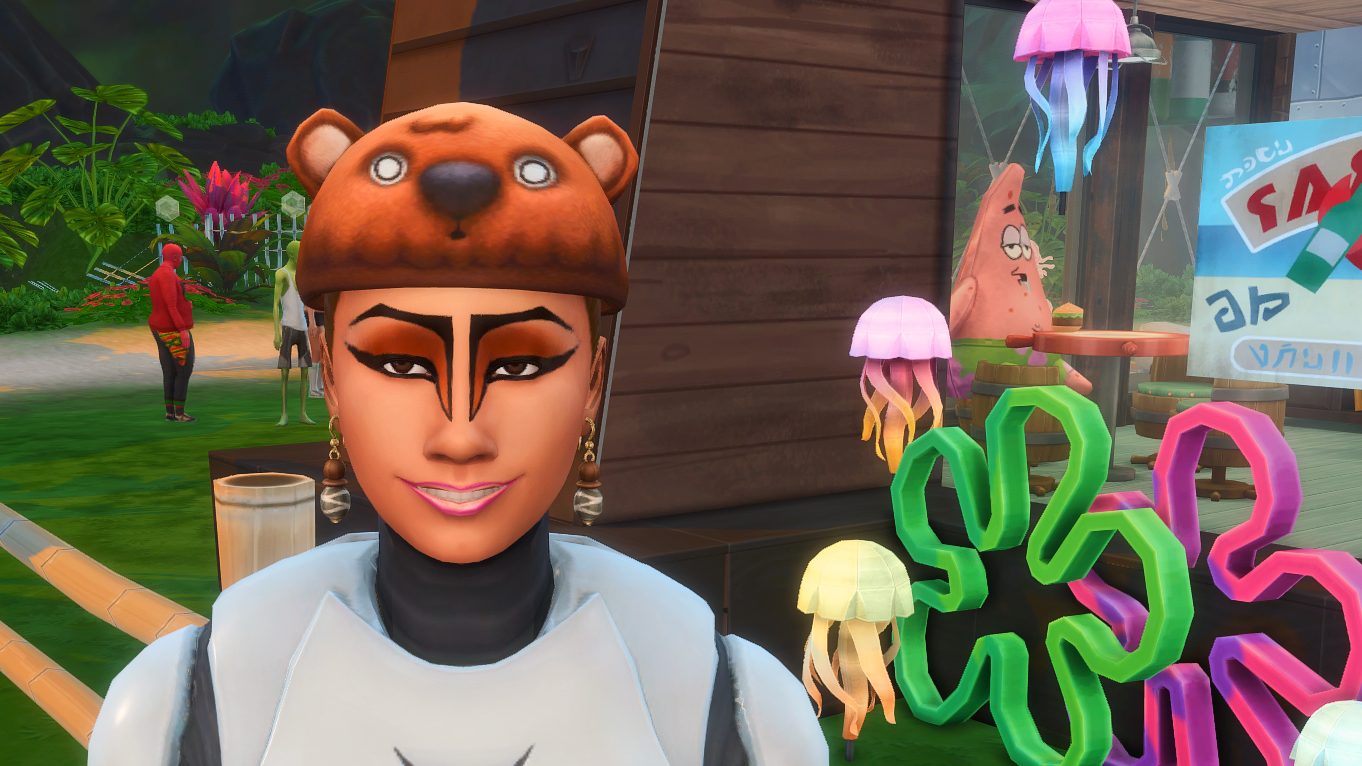
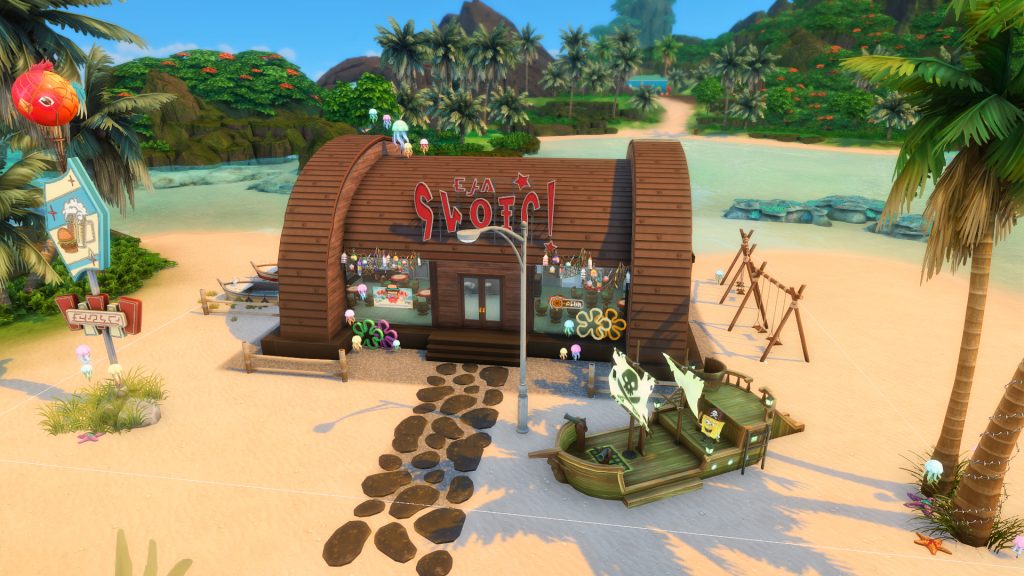
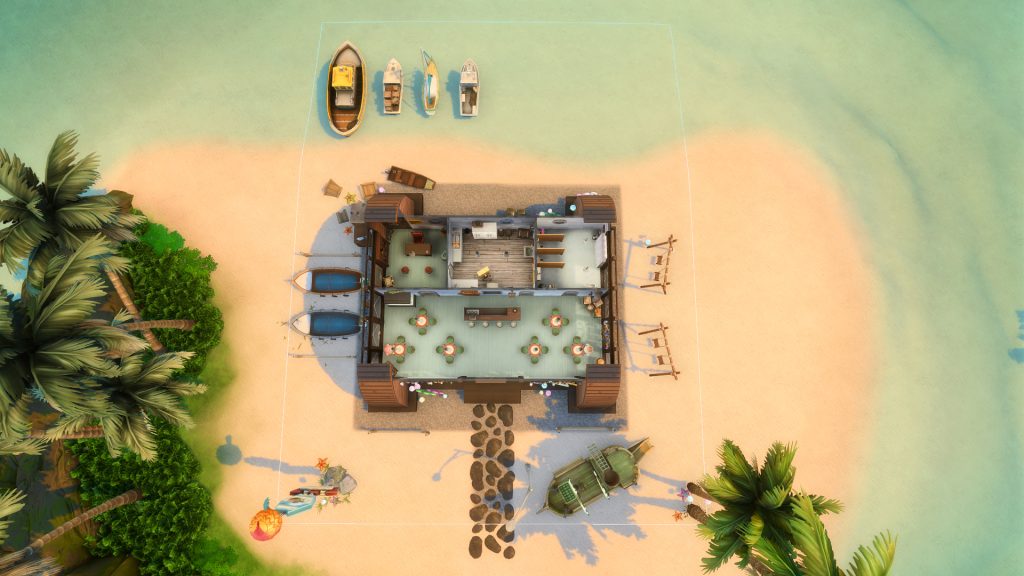
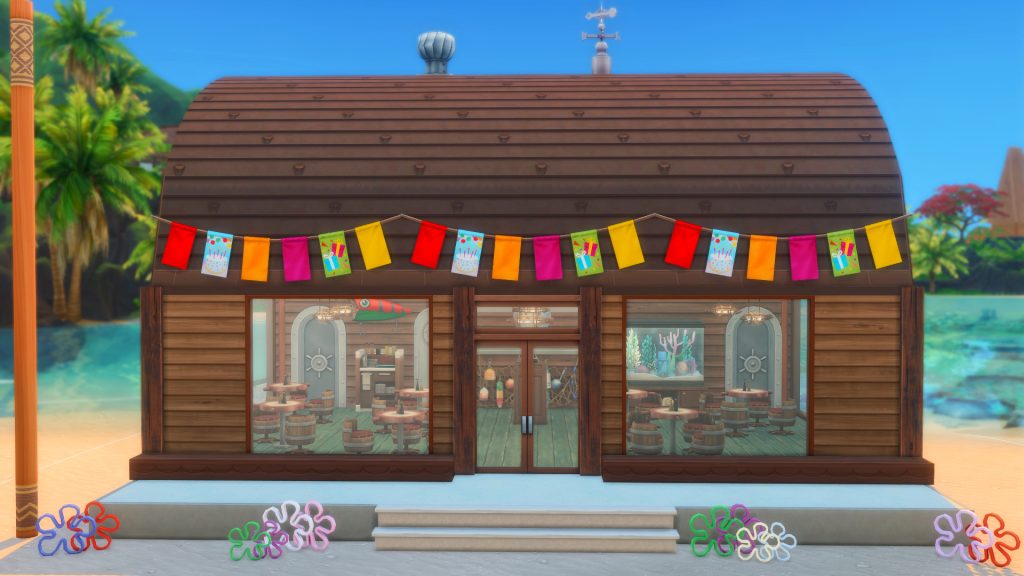
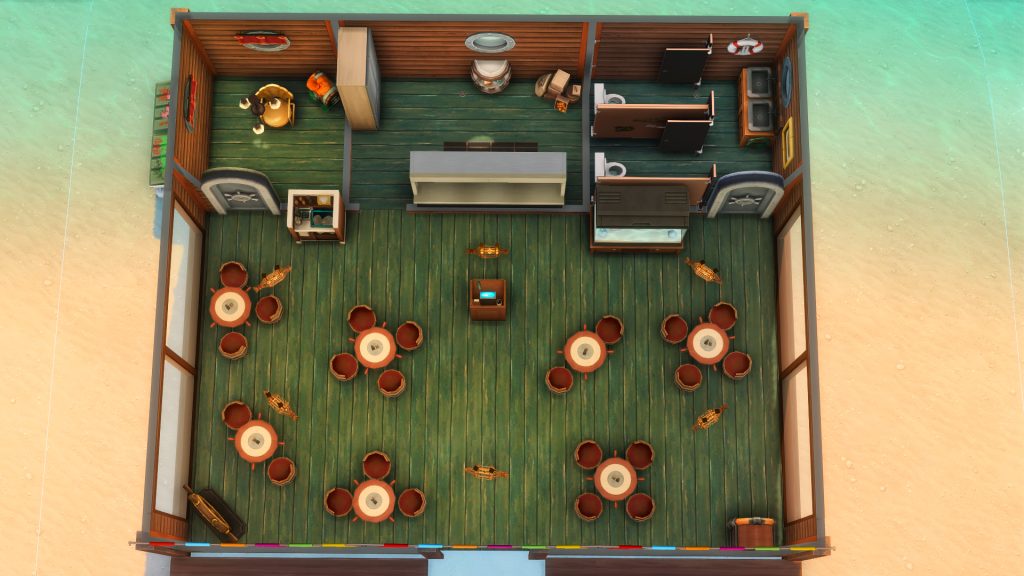
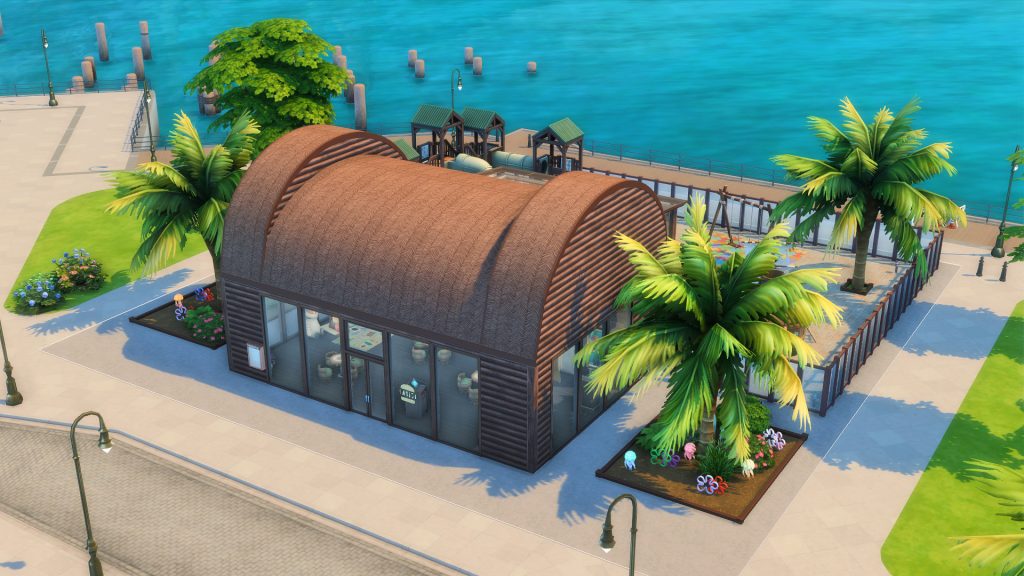
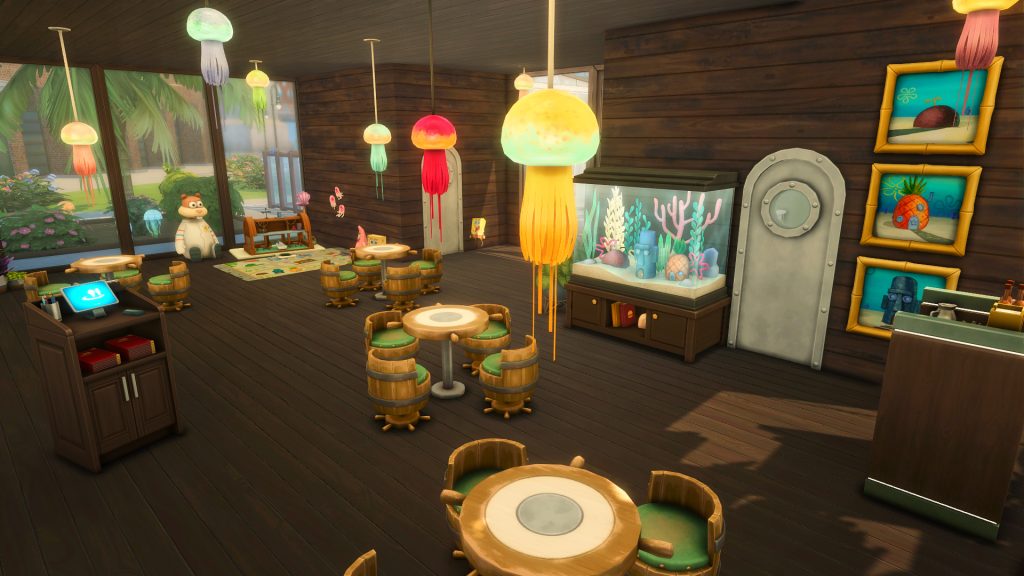
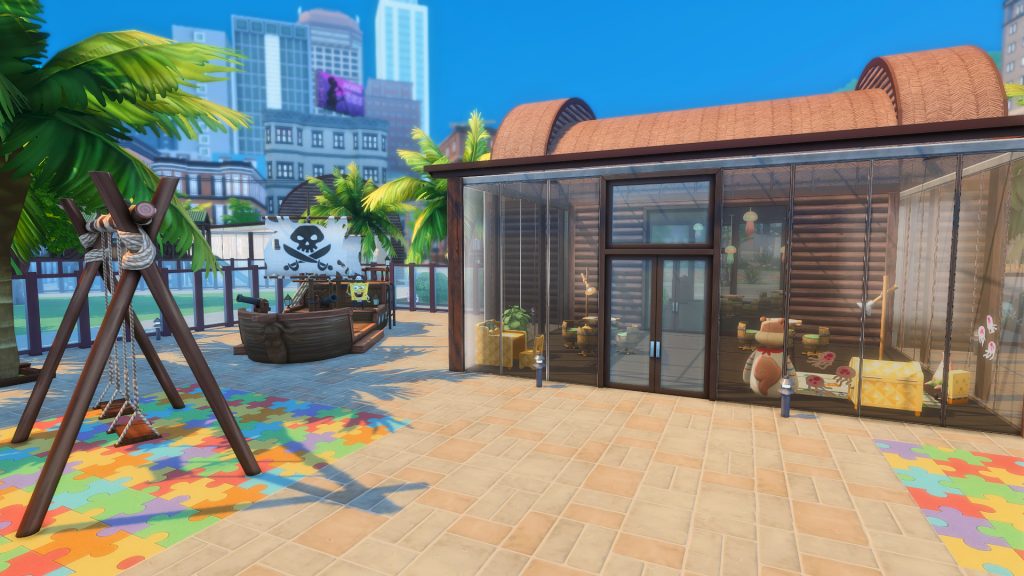
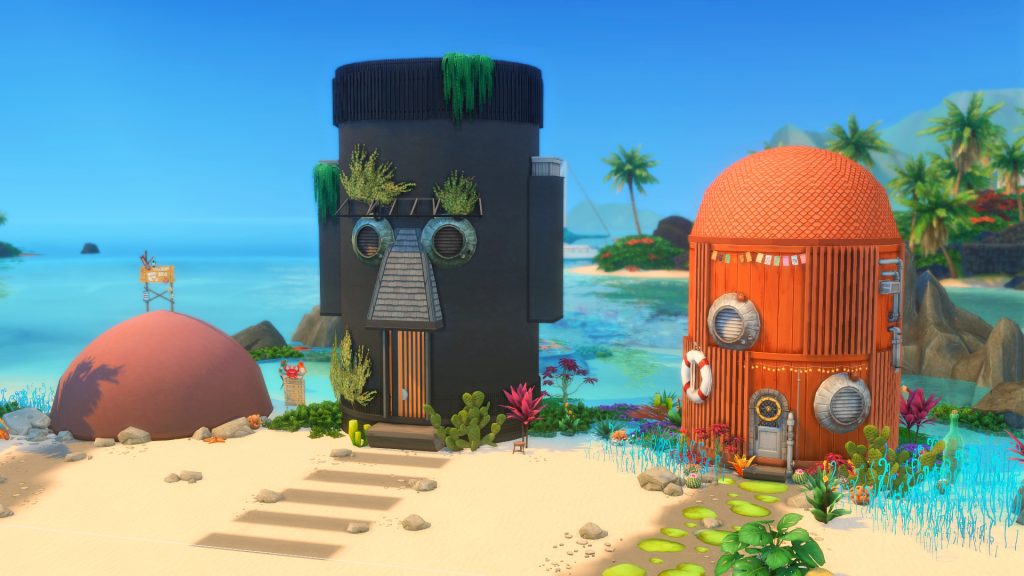
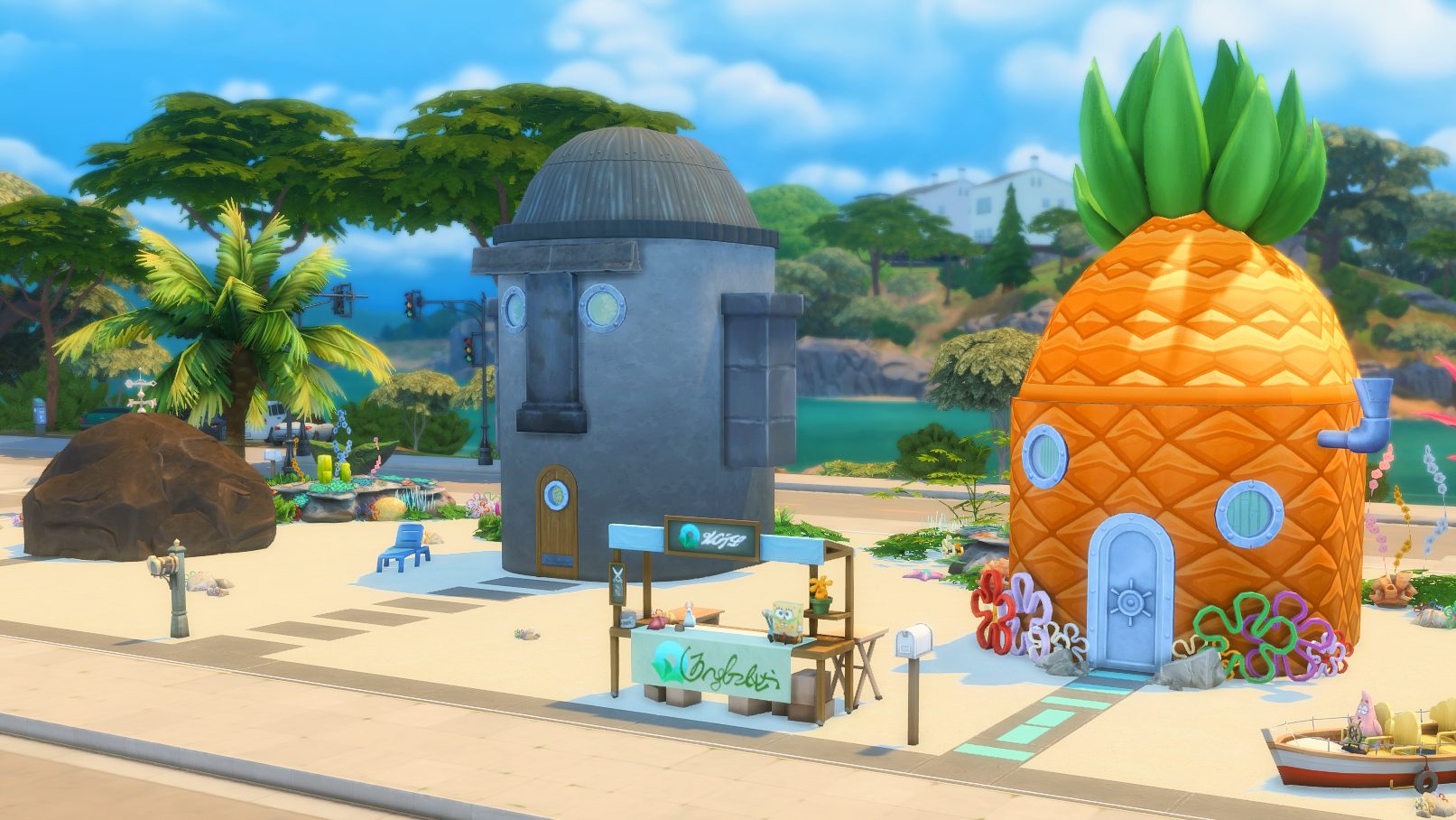
The Sims 4: Spongebob’s House Kit (Release Date: December 2nd, 2025)
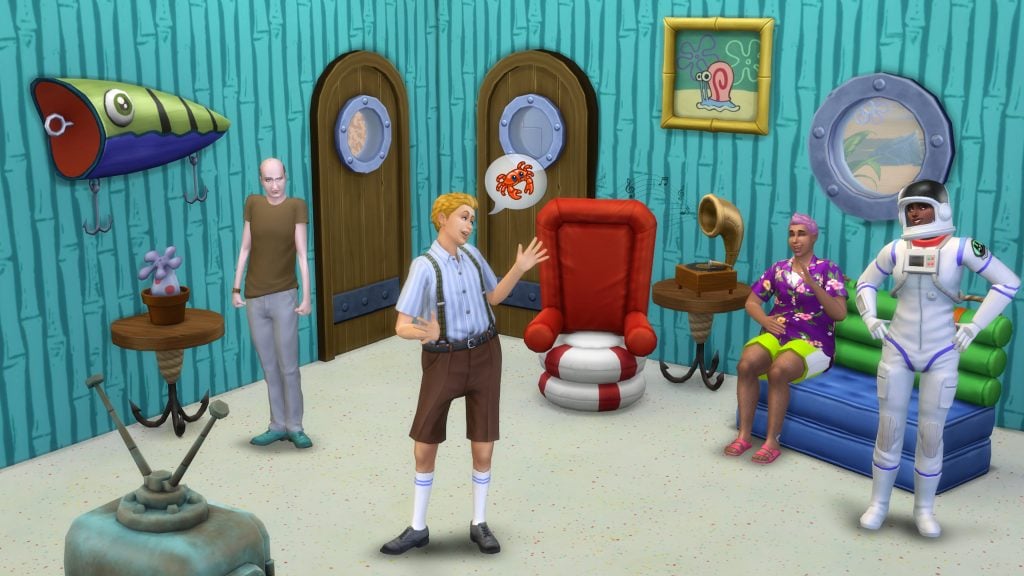
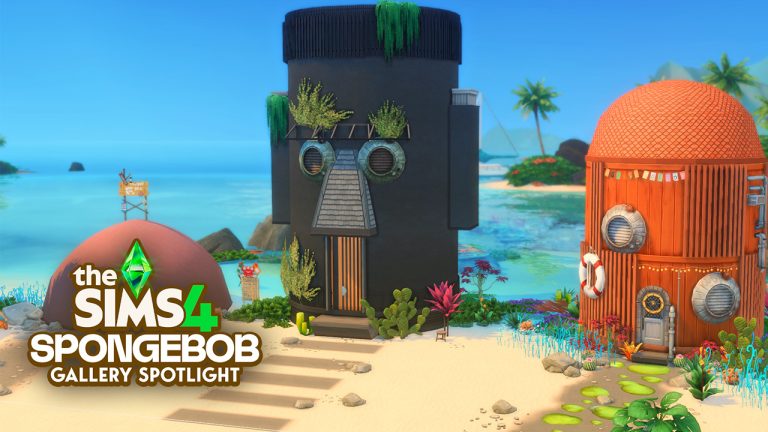
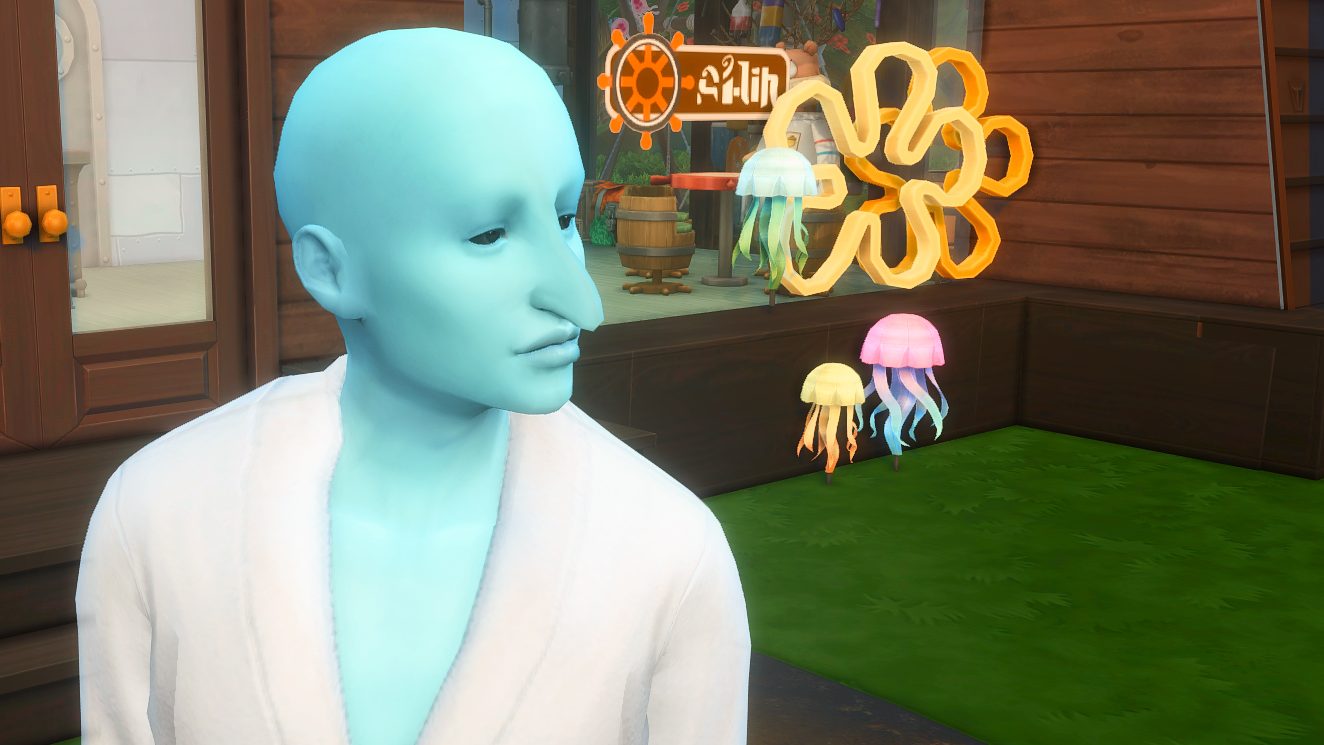
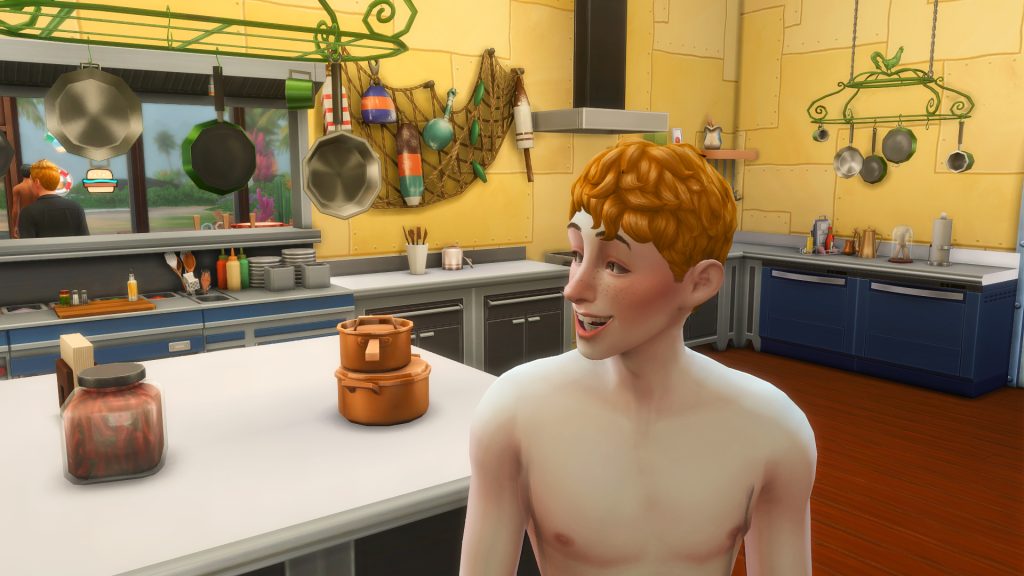
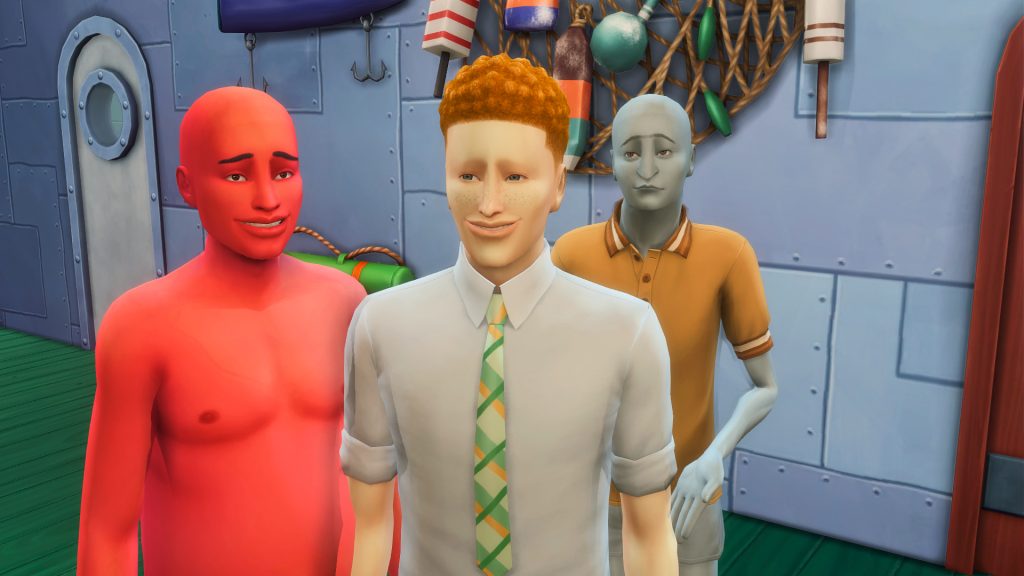
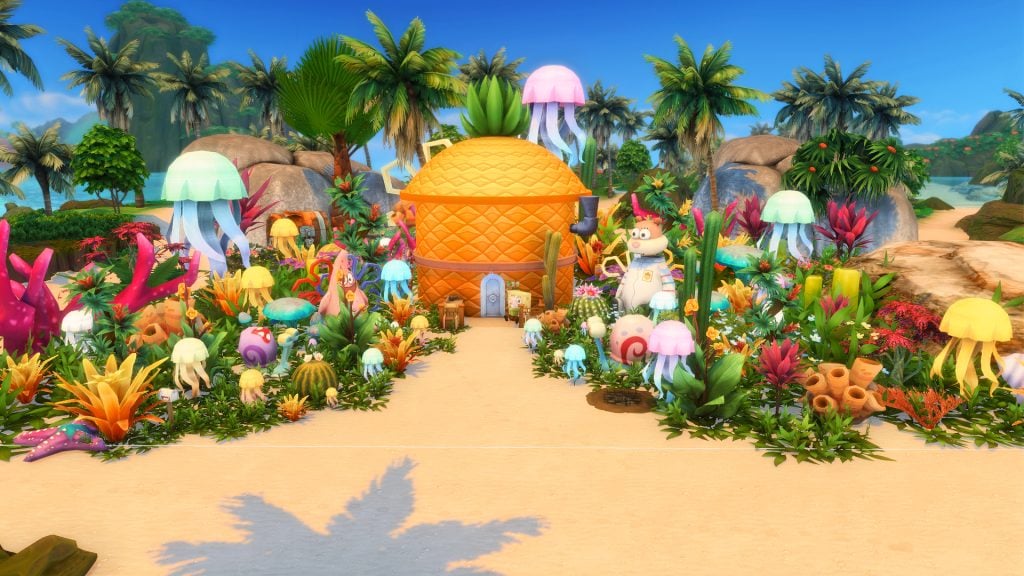
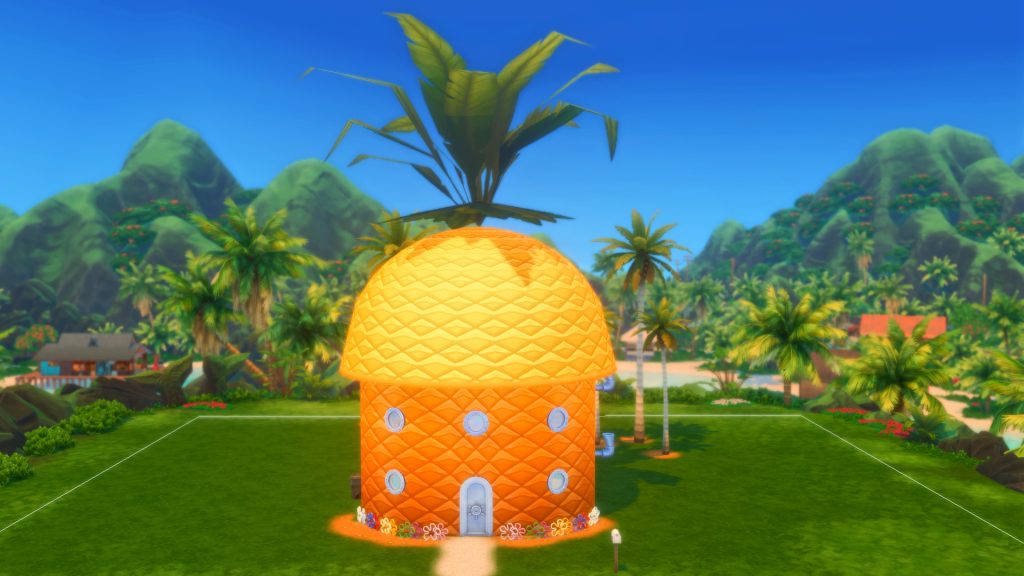
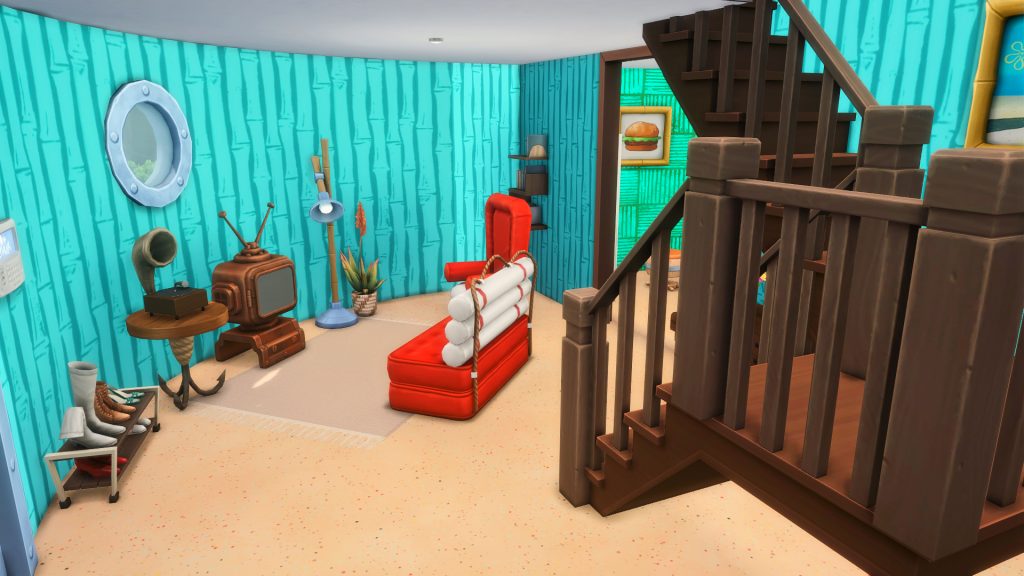
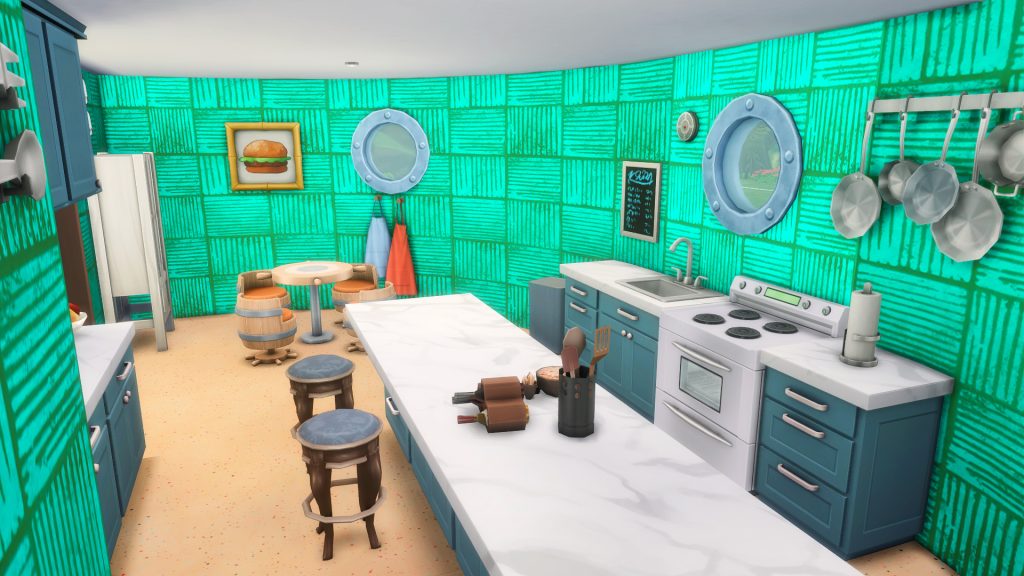
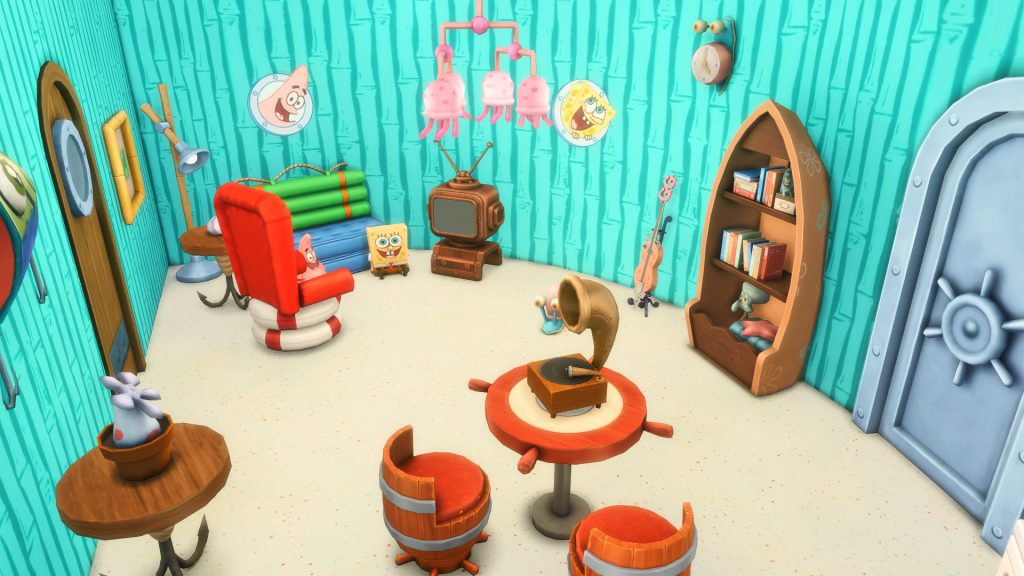
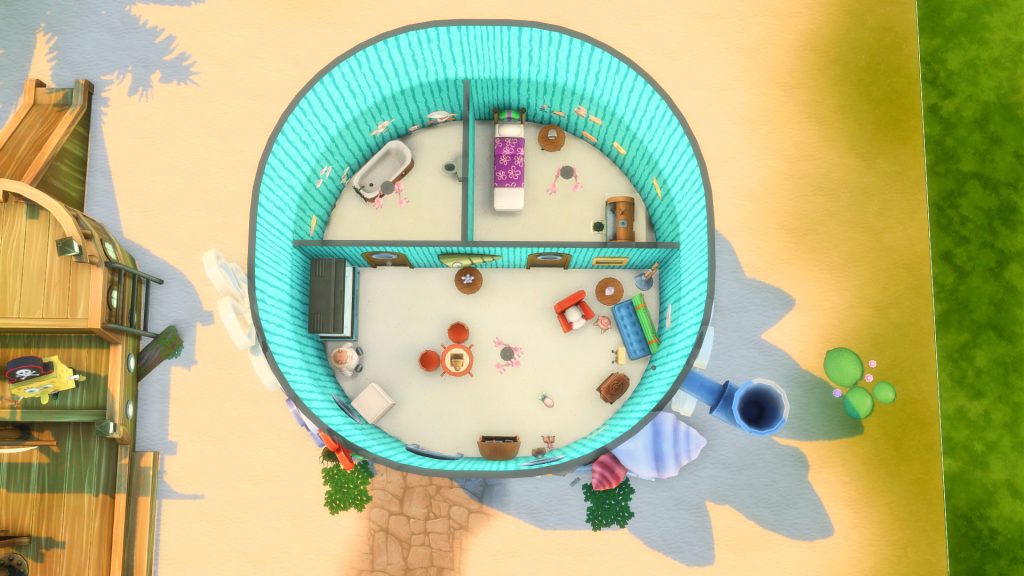
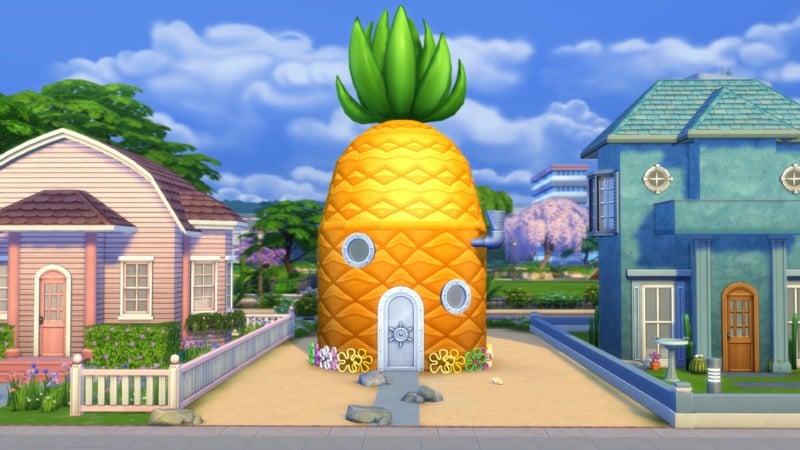
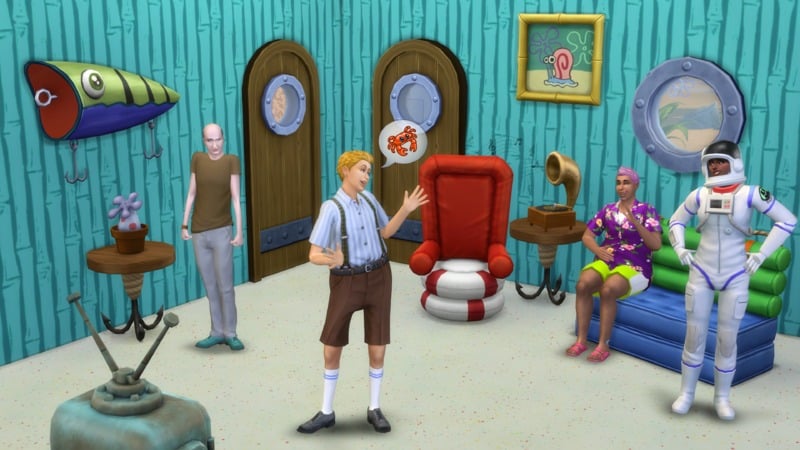
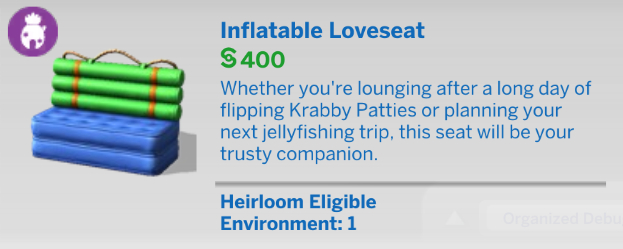
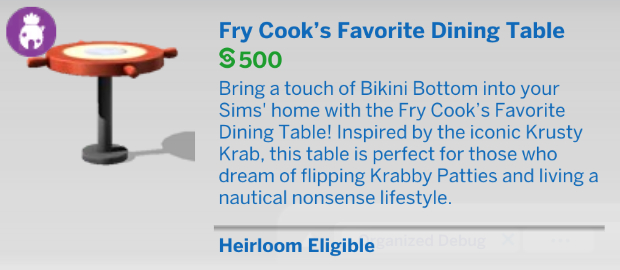
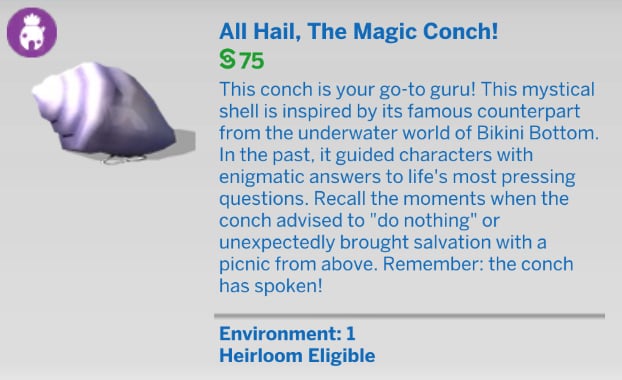
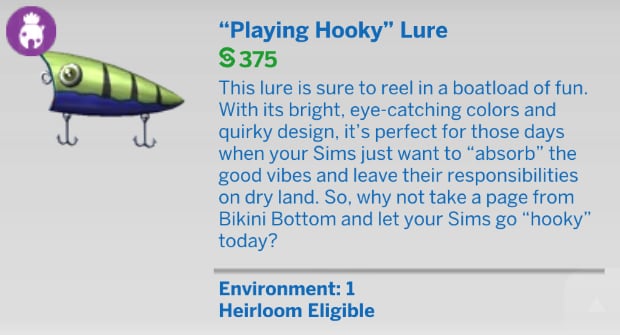
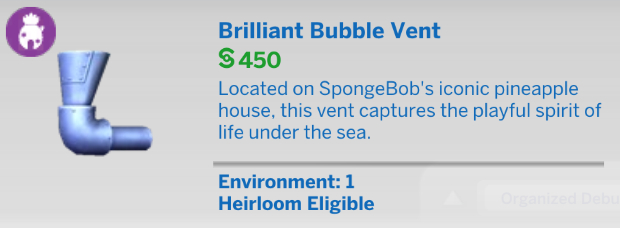
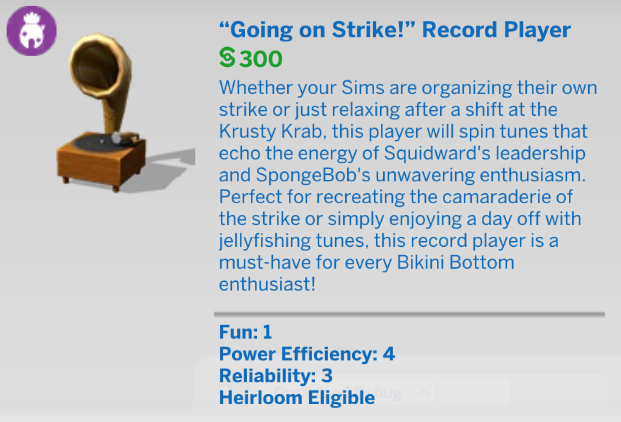
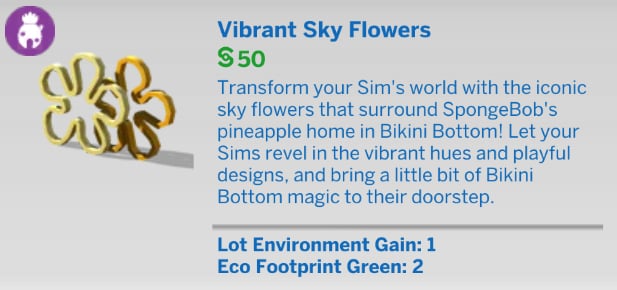
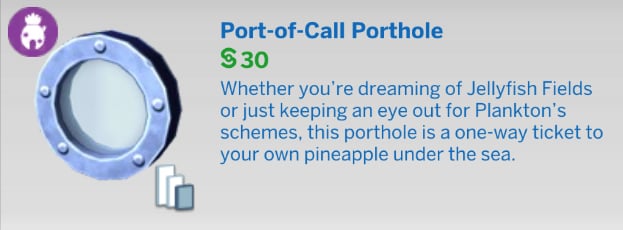
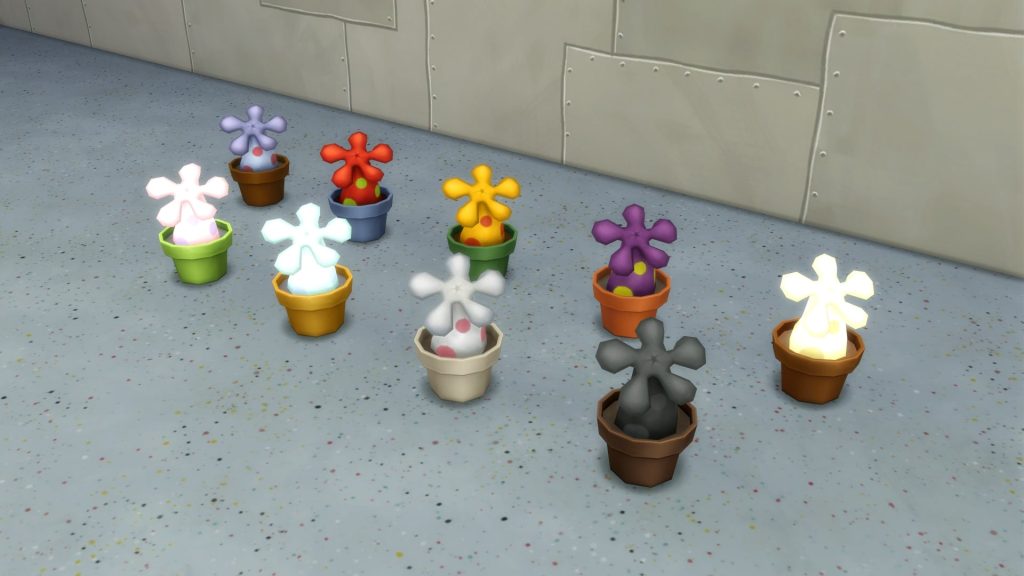
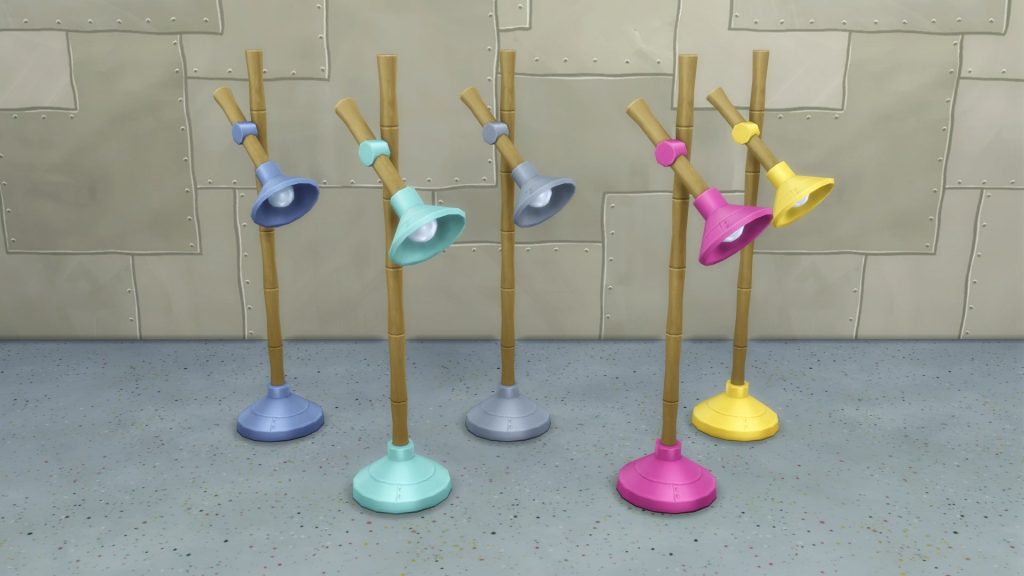
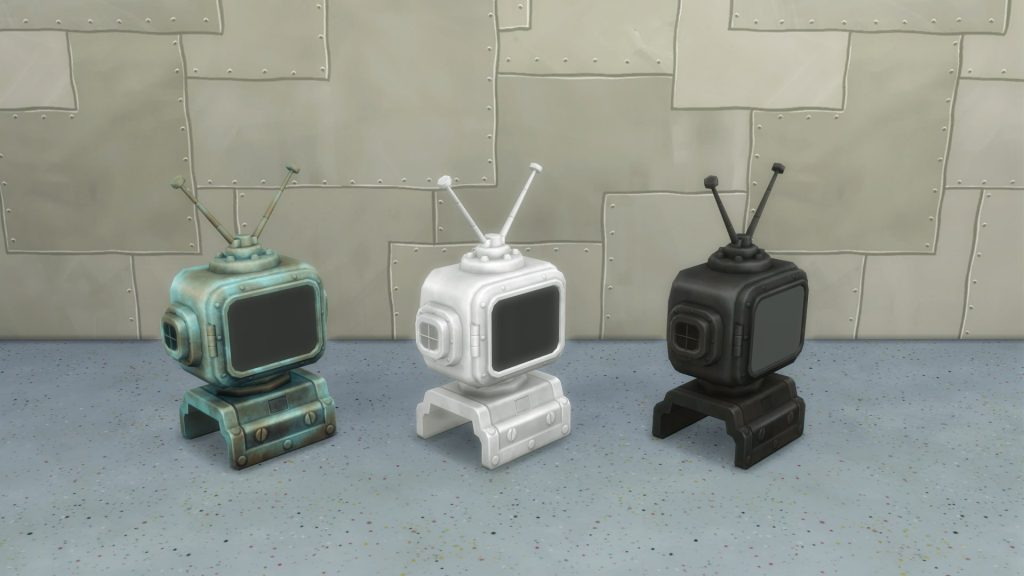
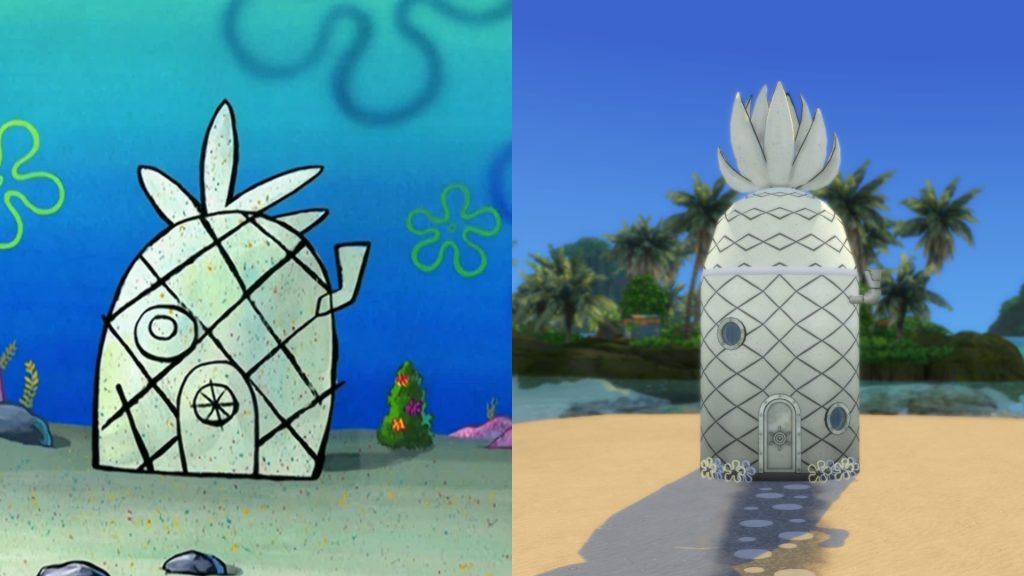
Create your own iconic pineapple home with nautical décor from The Sims 4 SpongeBob’s House Kit‡. Snag yourself a collection of knickknacks and furniture pulled straight from the cartoon — like SpongeBob’s diver helmet TV and foghorn alarm clock — and help your Sims get in touch with their spongy sides.
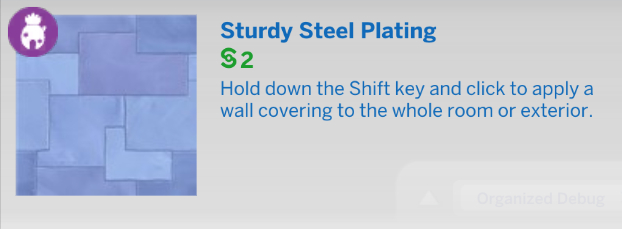
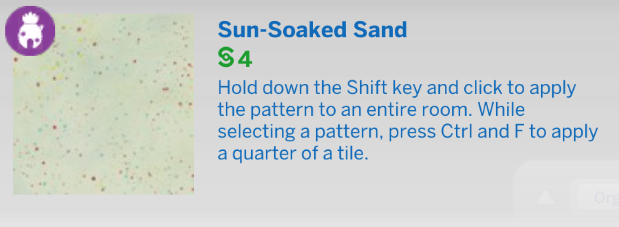
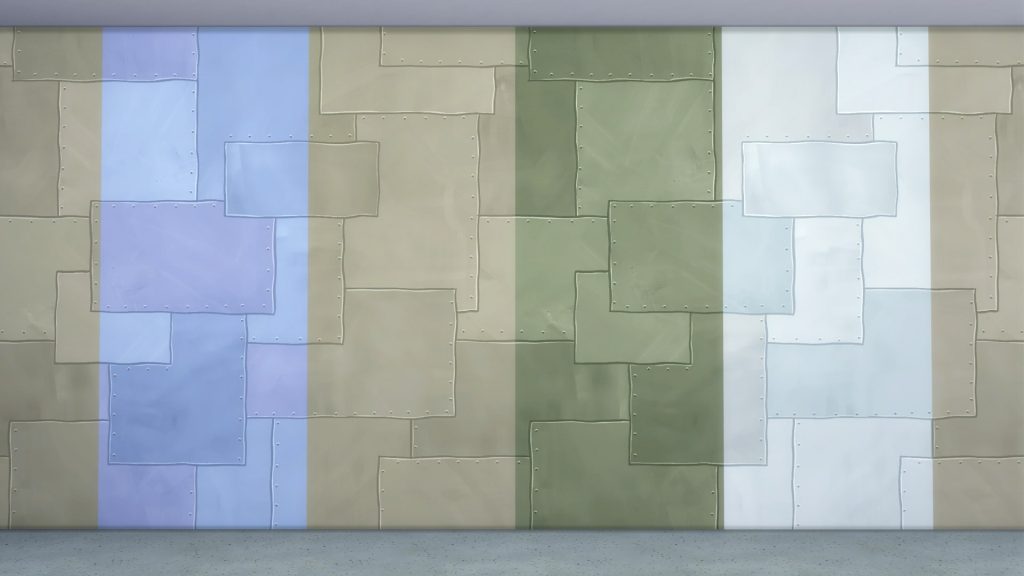
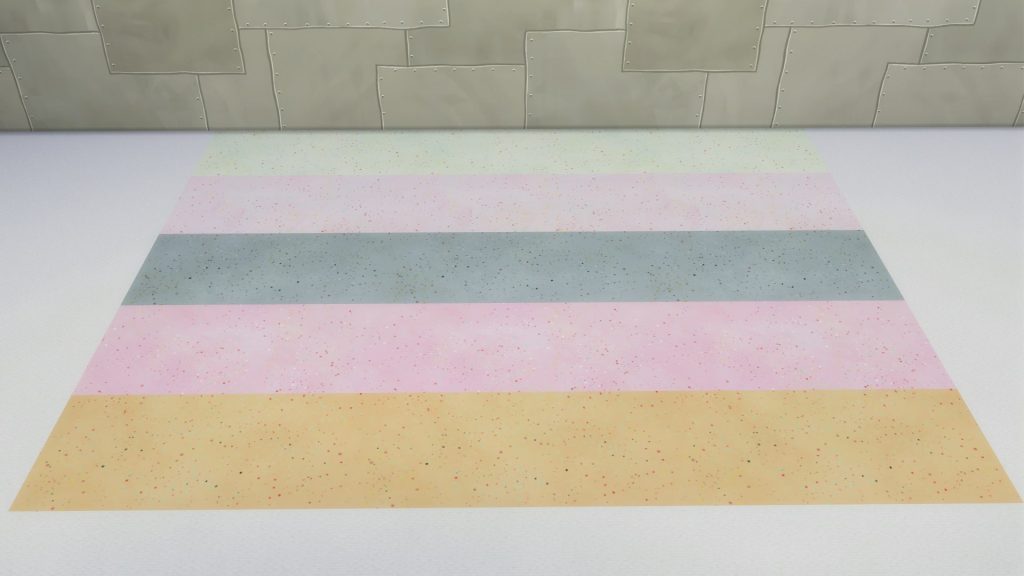
A pineapple is technically a berry, and your house can be too! Use siding, a roof pattern, and spikey leaves to create a home fit for your quirkiest Sims. You can even use a sand-like floor tile to give your home an “under the sea” feeling.
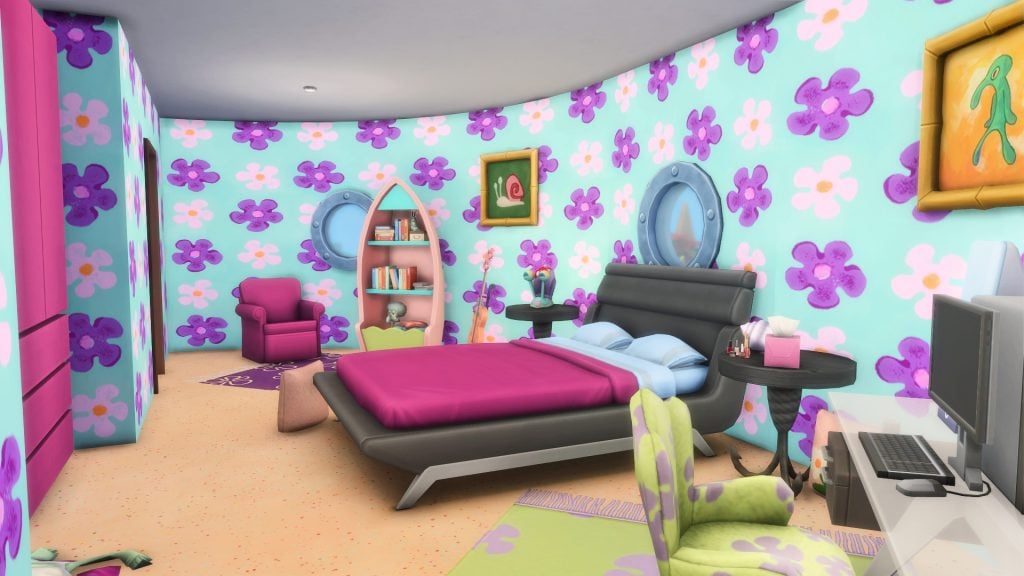
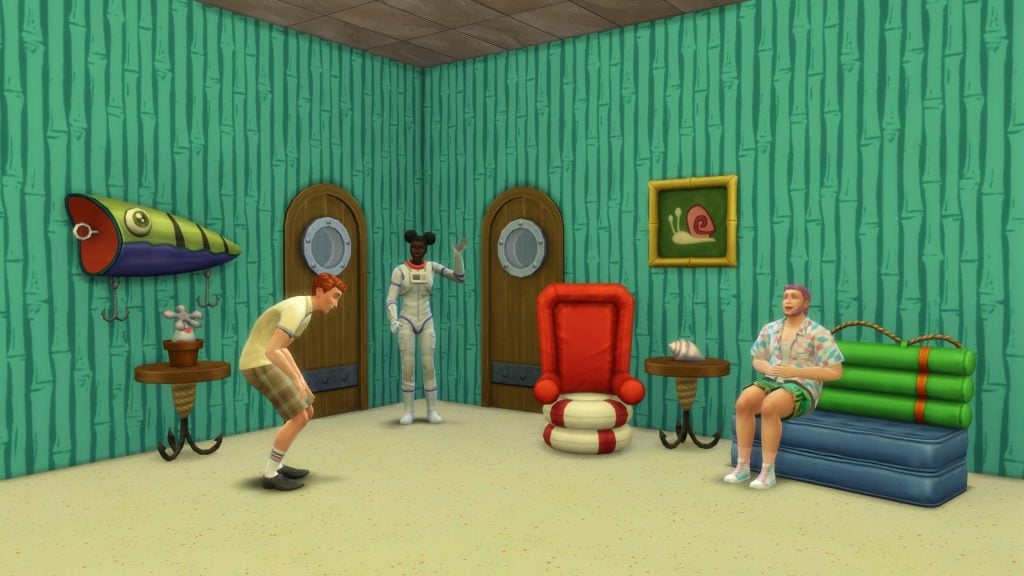
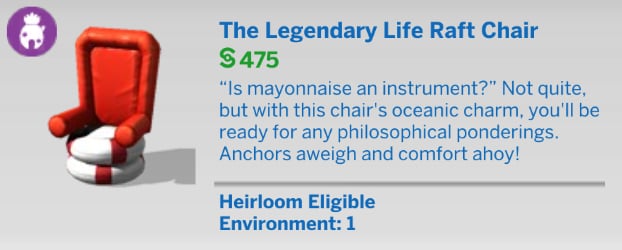
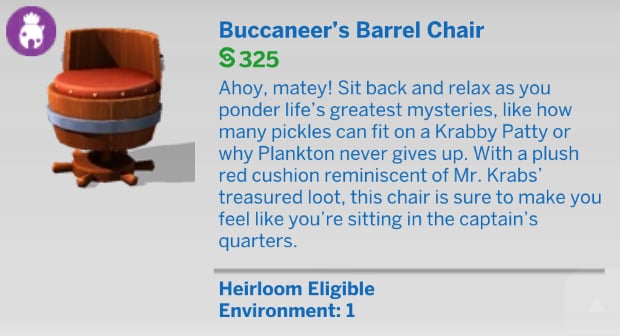
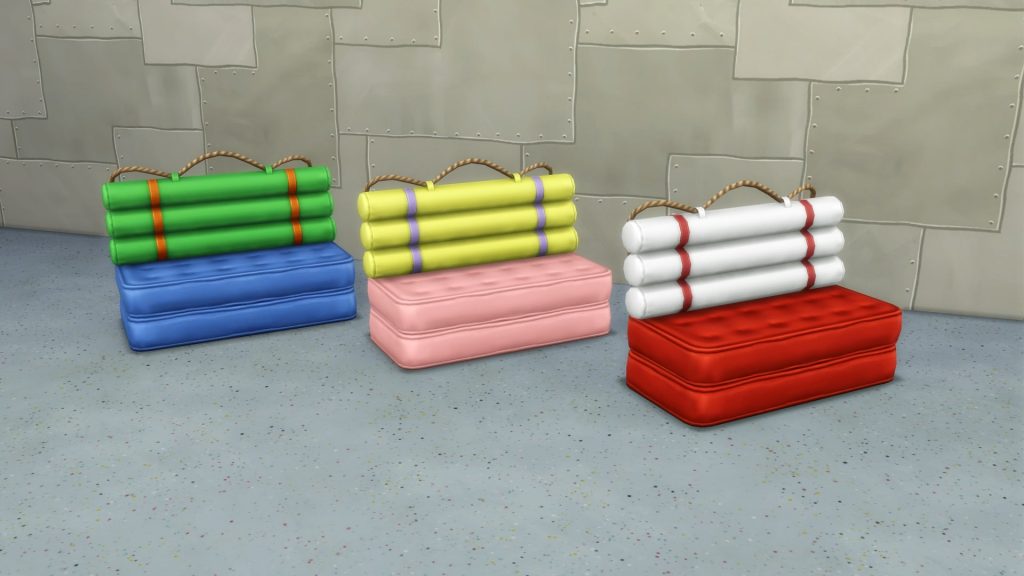
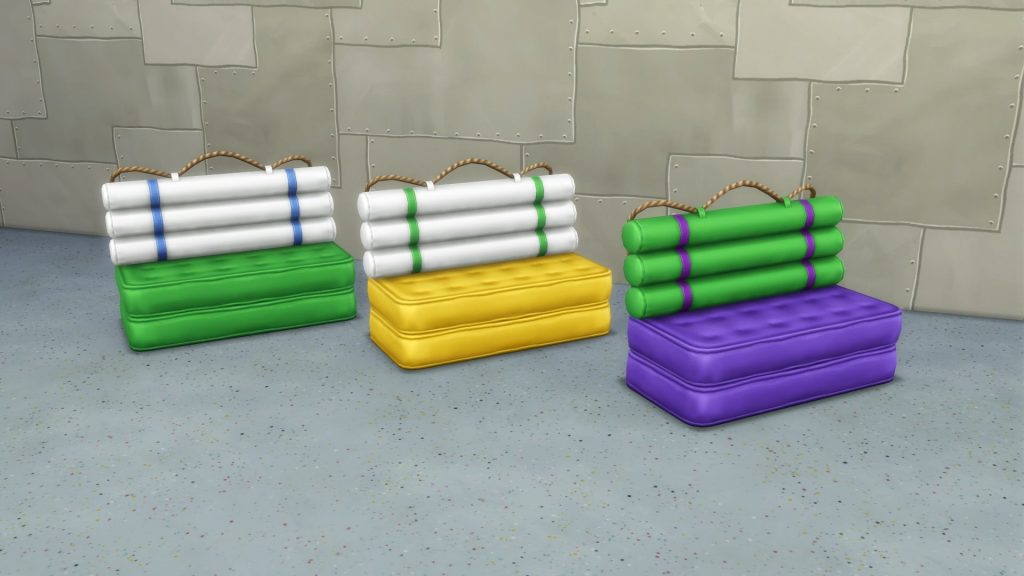
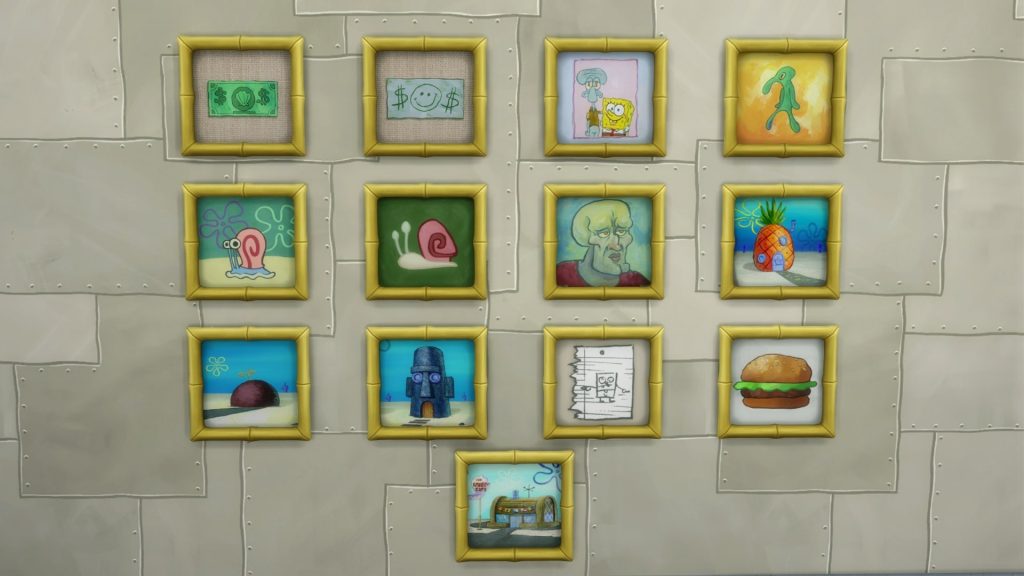
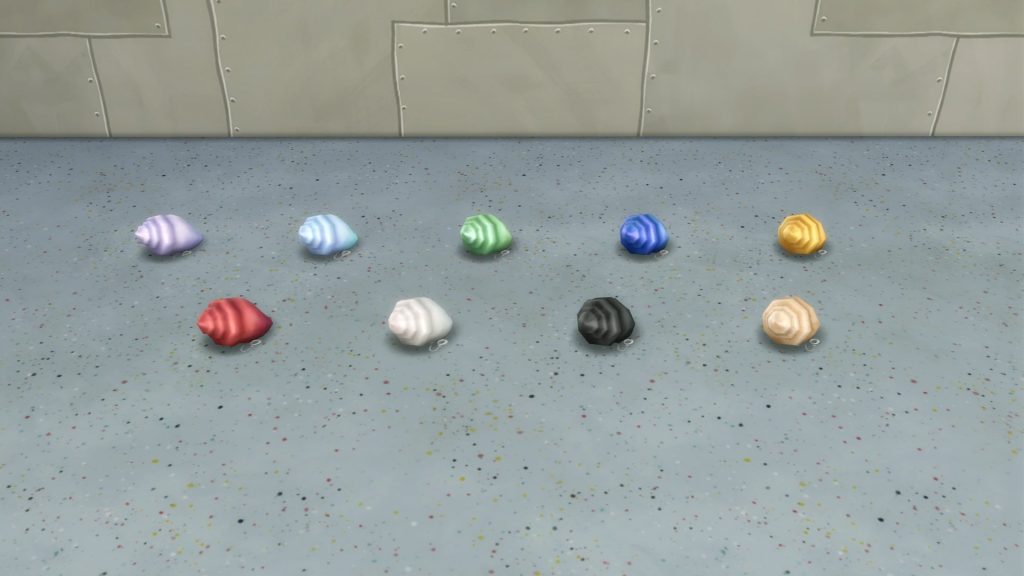
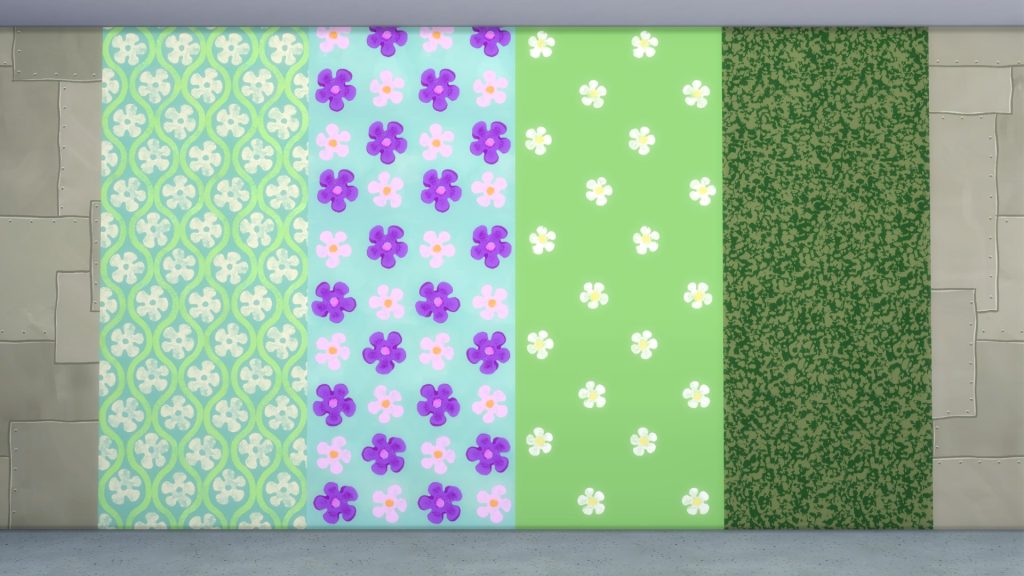
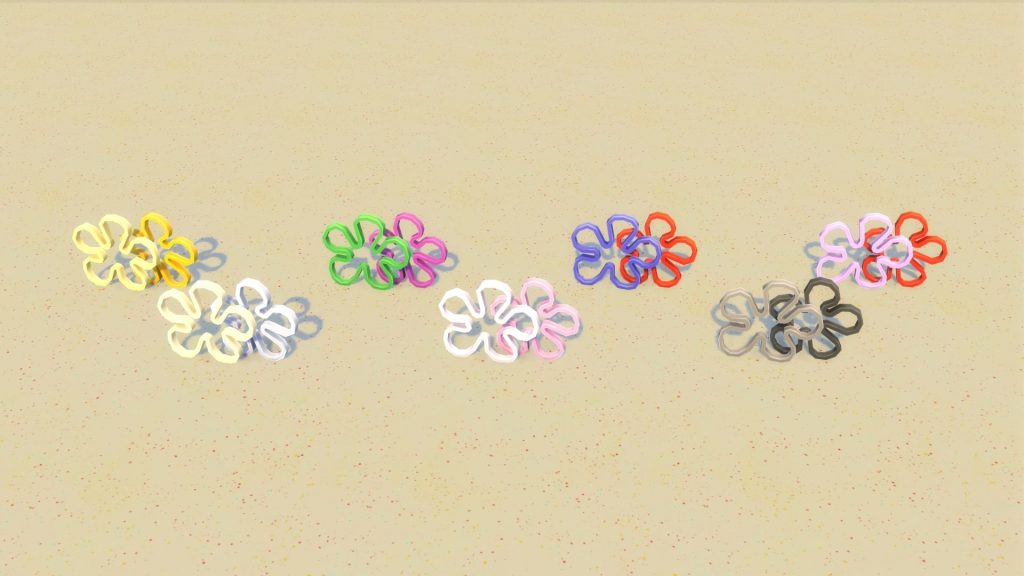
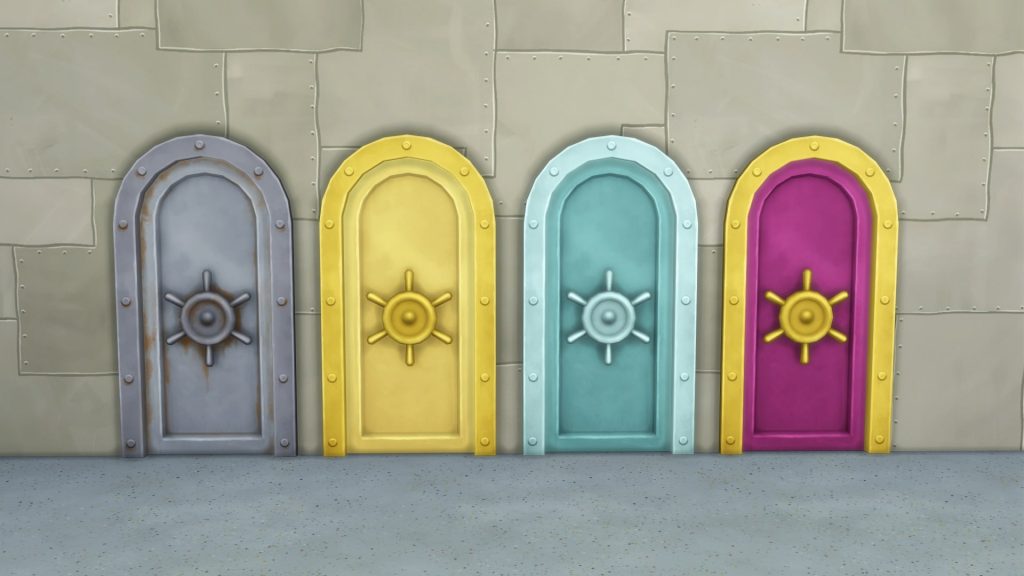
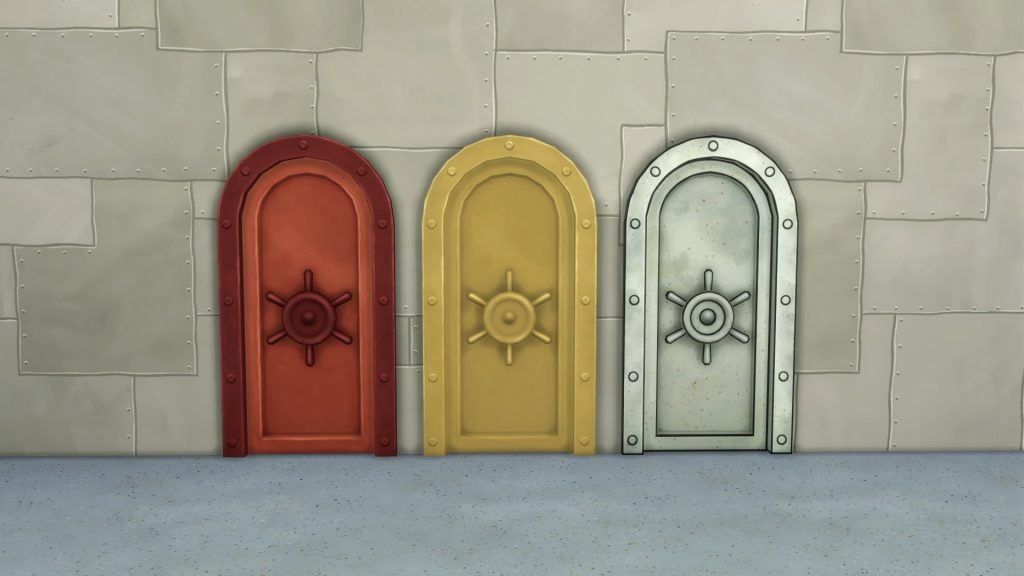
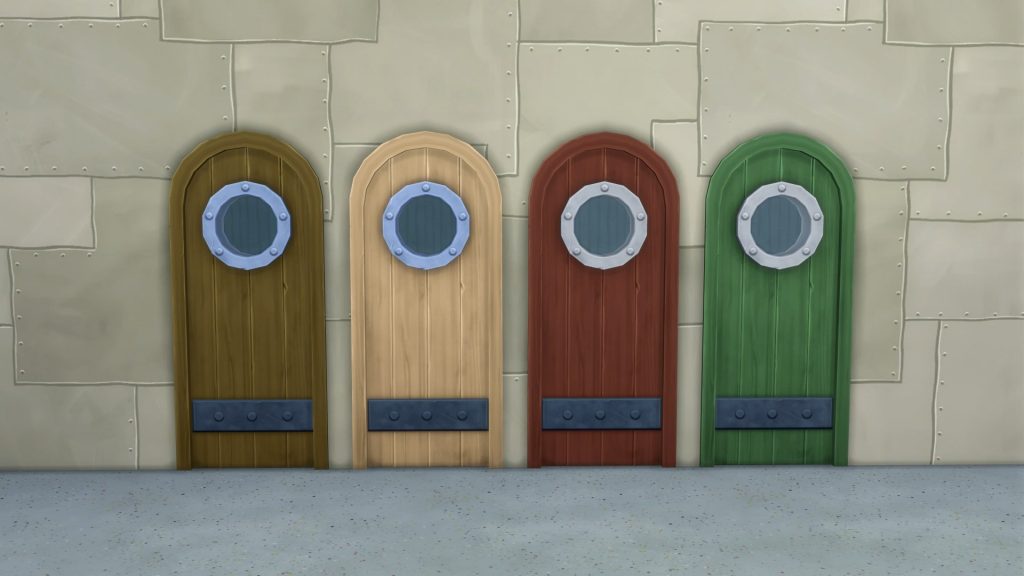
Fill your space with objects straight out of Bikini Bottom. There’s furniture made from floaties or salvaged from ships, a peculiar plant, nautical knickknacks, and more including doors, a window, and new wallpapers with a variety of swatches pulled right from SpongeBob’s living room.
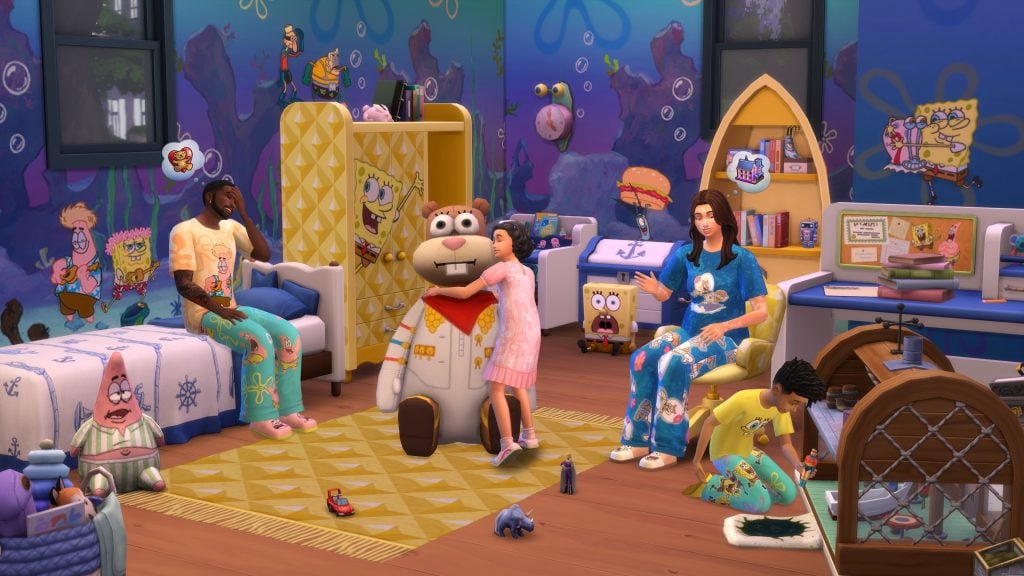
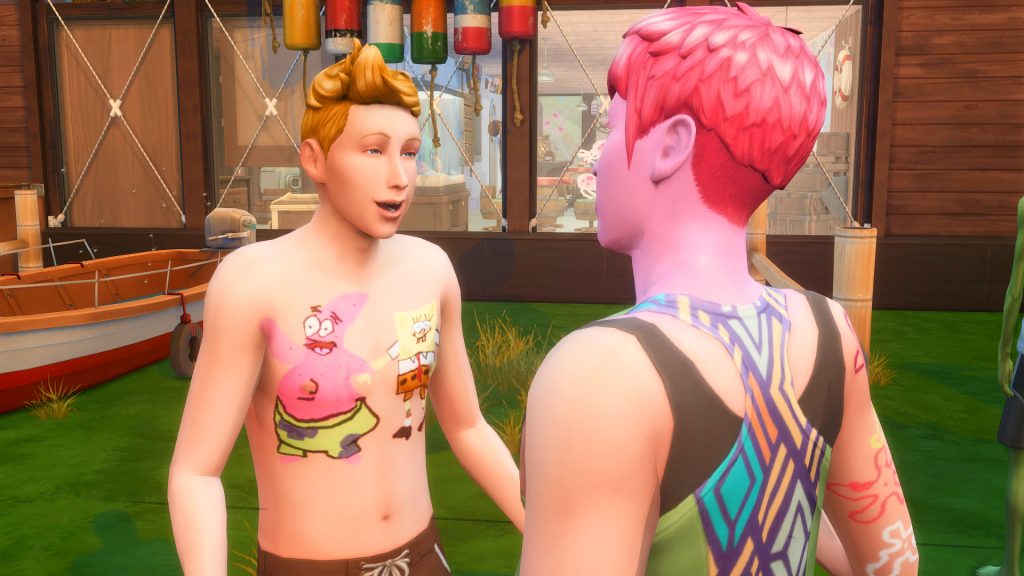
The Sims 4: Spongebob Kid’s Room Kit (Release Date: December 2nd, 2025)
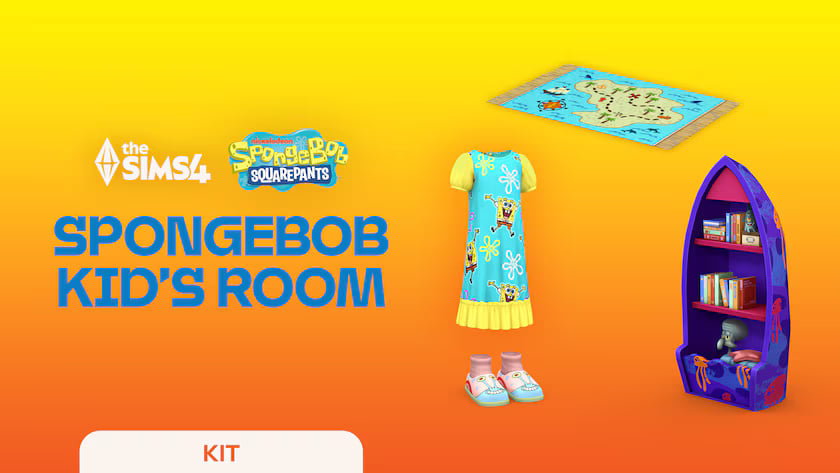
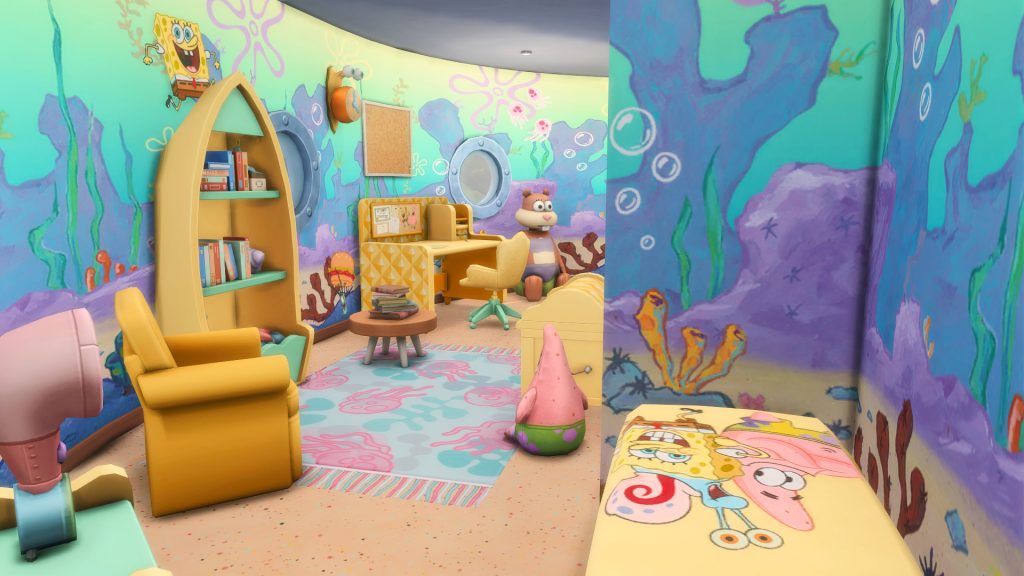
Decorate a bedroom with furniture inspired by the iconic cartoon with The Sims 4 SpongeBob Kid’s Room Kit‡. If nautical nonsense be something you wish, you can fill the room with toys and cozy outfits that celebrate all things SpongeBob.
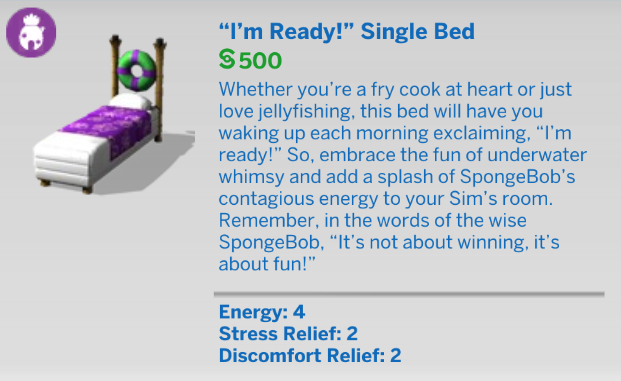
Plaster the walls with decals of your favorite characters, including SpongeBob and Patrick! There are toys, like a dollhouse replica of The Krusty Krab, plus pineapple furniture including a dresser and bookshelf ! It’s a collection that’ll make even the sourest squid smile.
Display your love of SpongeBob with comfy clothes! There’s a t-shirt, pjs, and you’ll feel especially snuggly in slippers that look like SpongeBob, or his friends. Take your favorite character wherever you go!
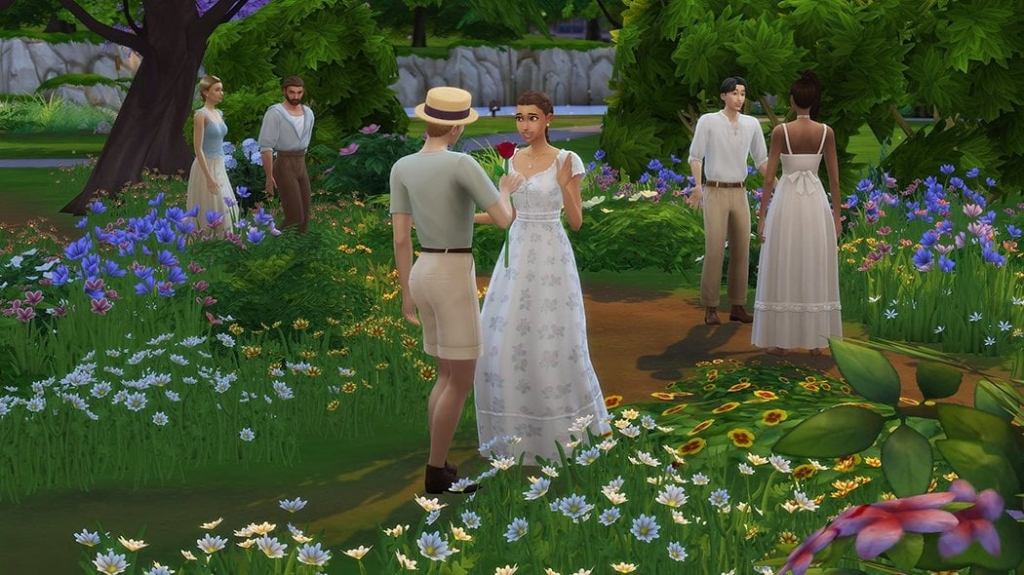
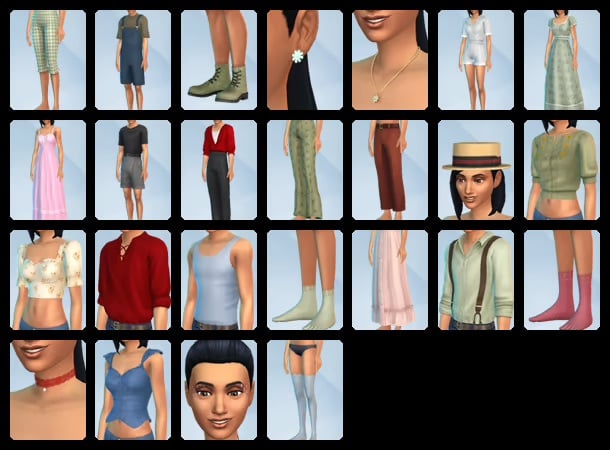
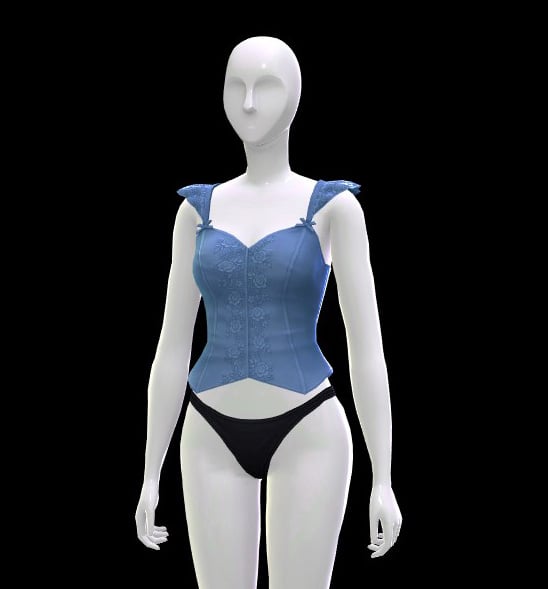
The Sims 4: Prairie Dreams Kit in Collab w/ Miiko (Release Date: December 11th, 2025)
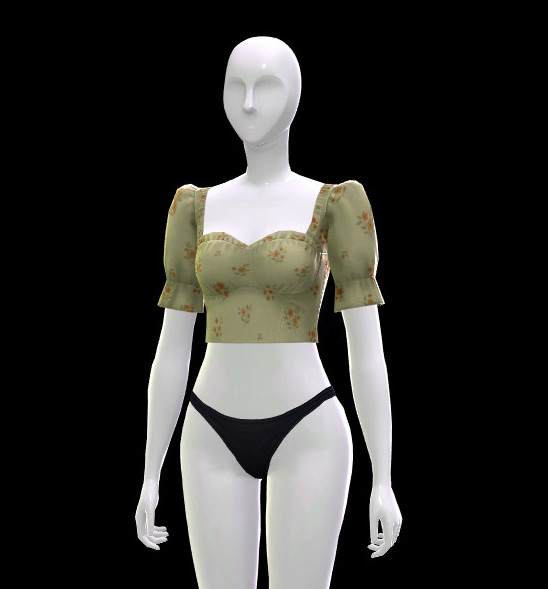
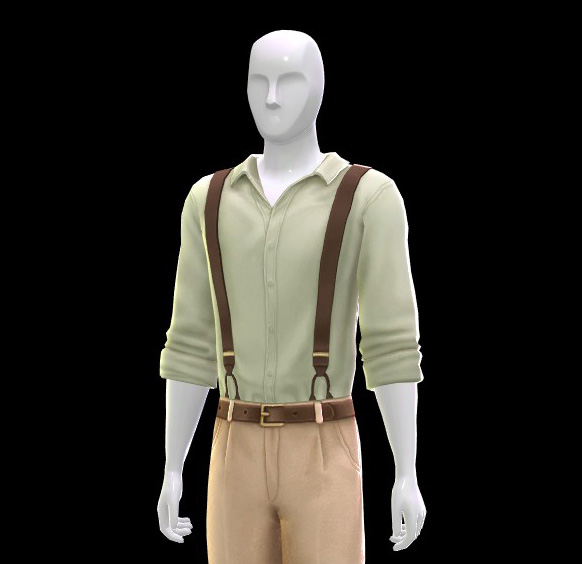
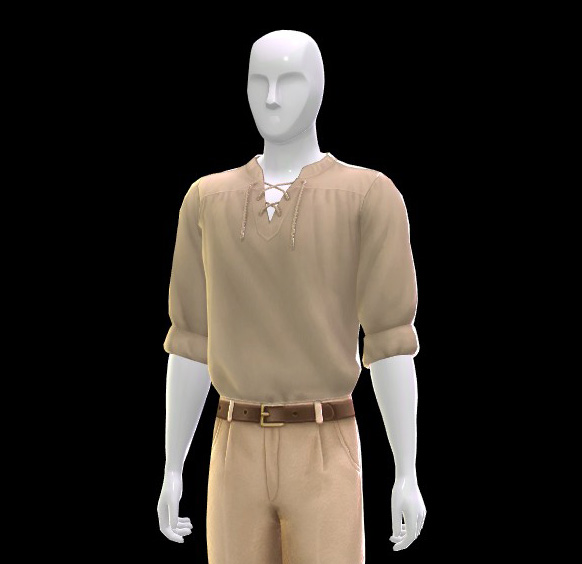
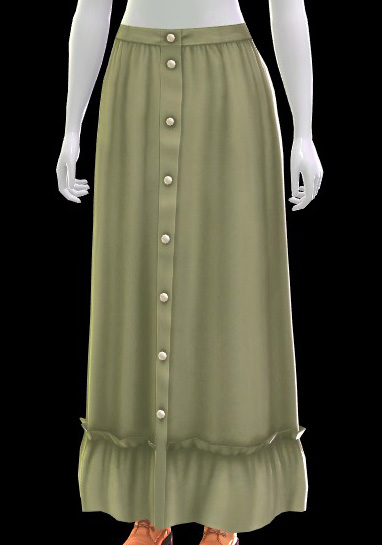
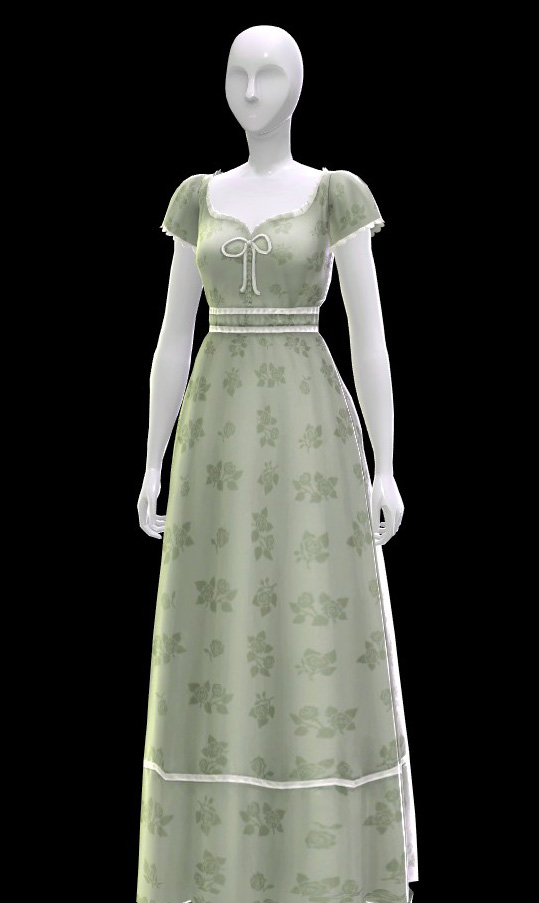
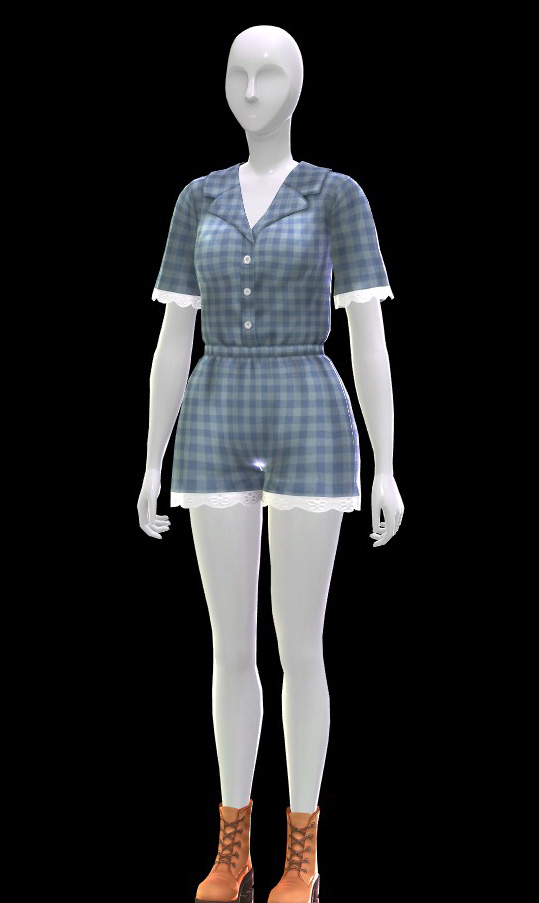
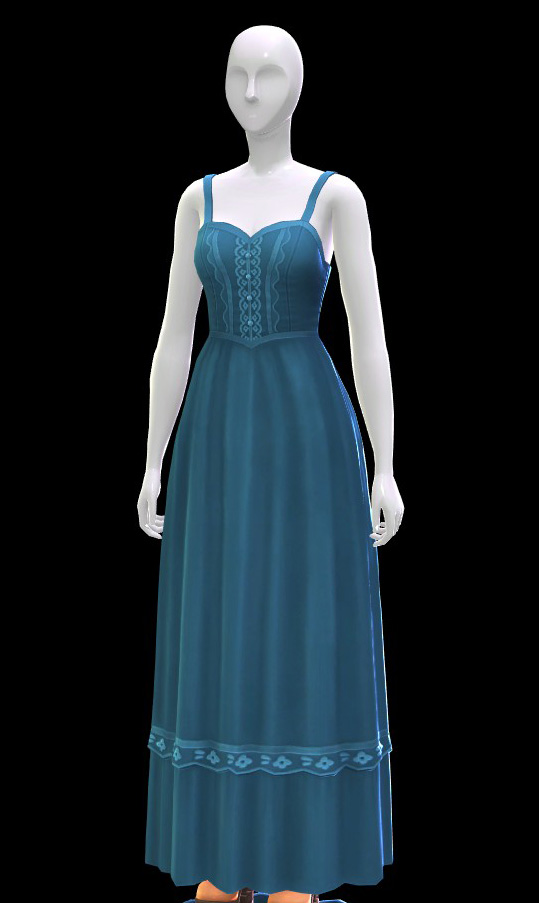
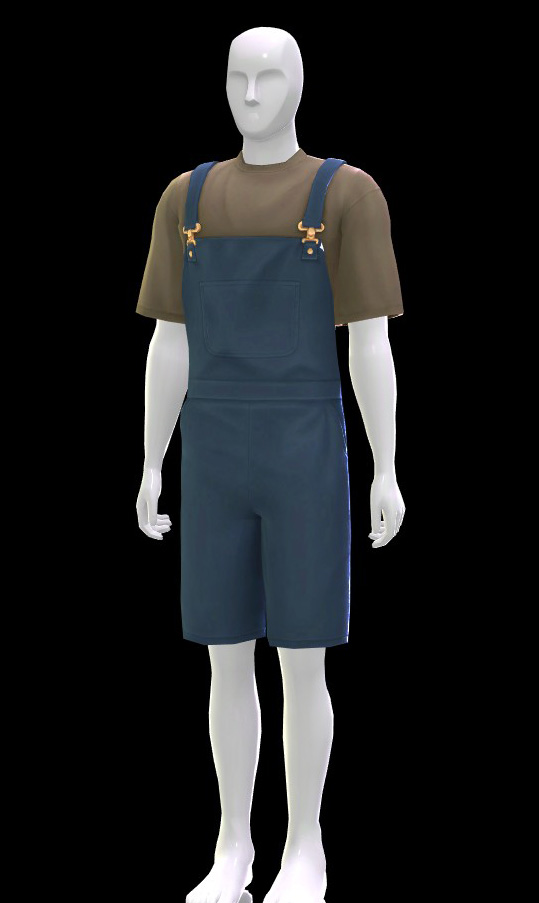
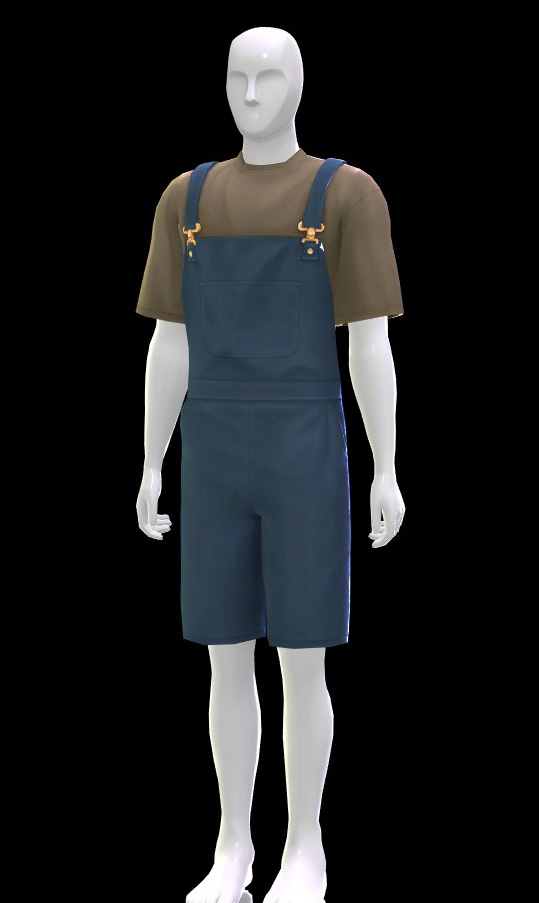
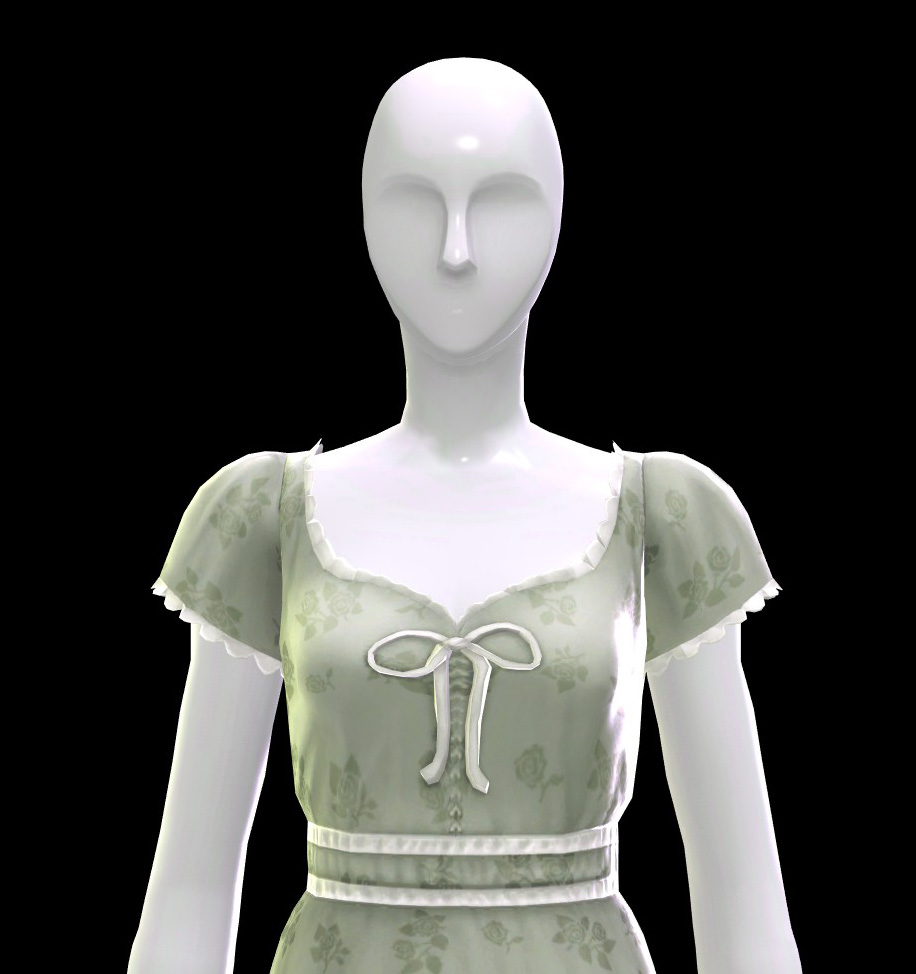
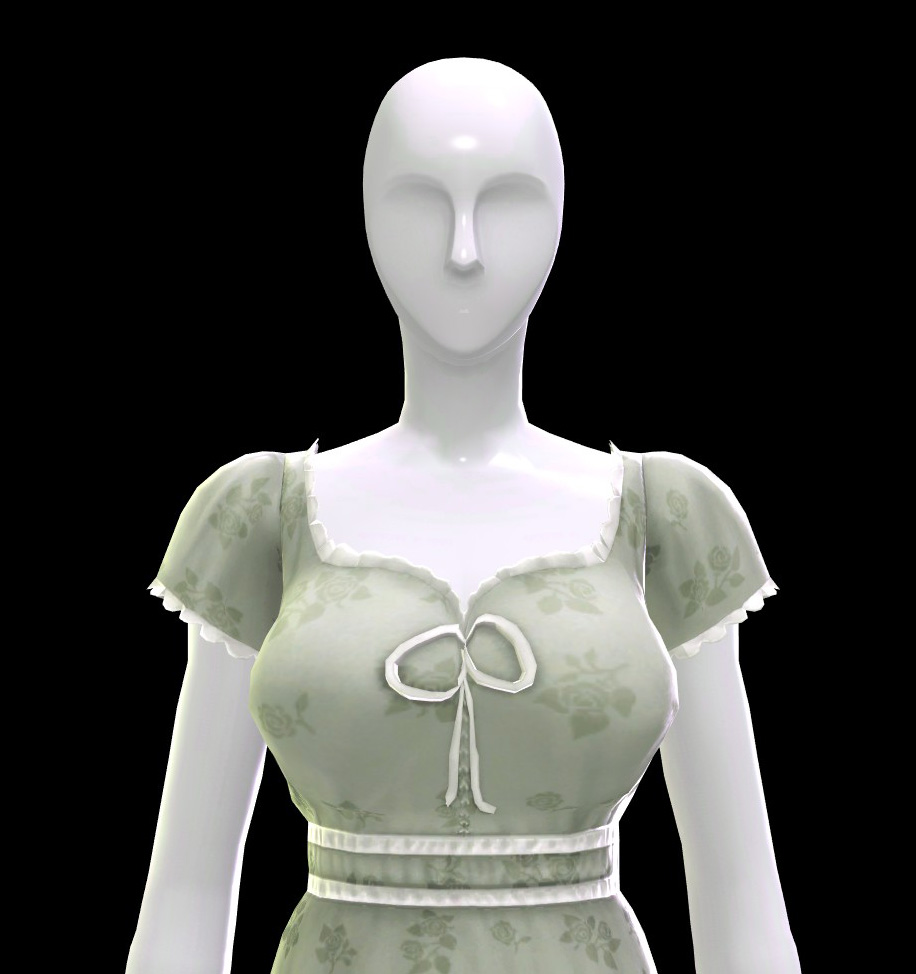
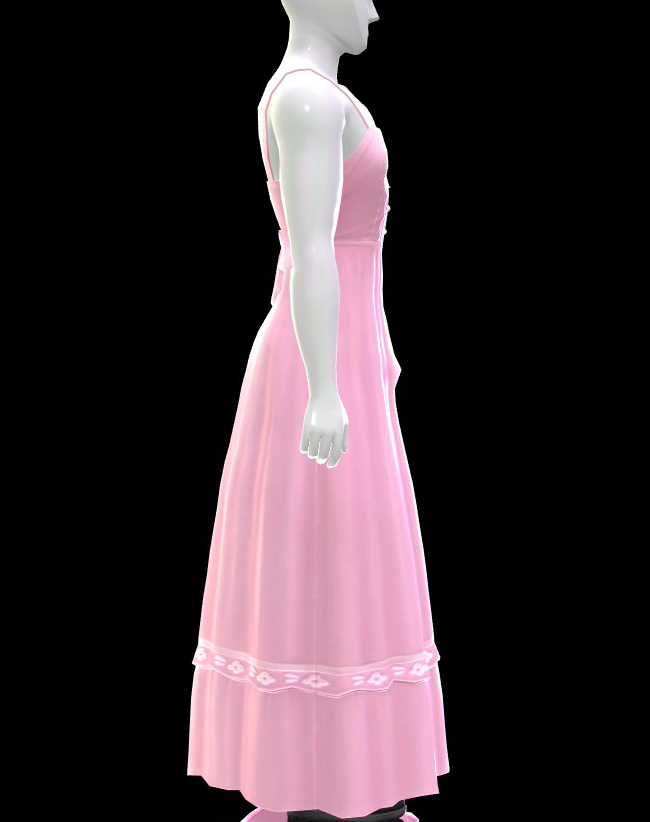
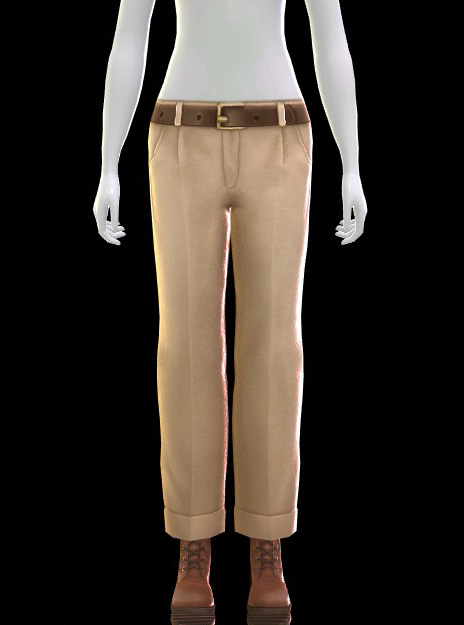
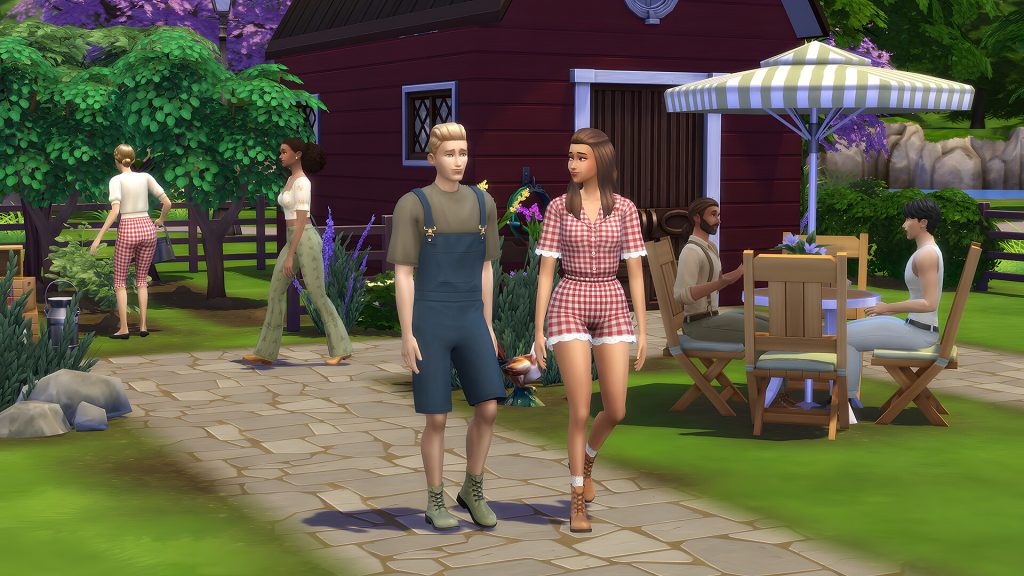
Mix charming prairie fashion and vintage pieces with The Sims 4 Prairie Dreams Kit*. From rustic to elegant, these looks bring the romance of countryside. With pieces like short overalls, leather boots, daisy jewelry, and lace-trimmed dresses, the soft and dreamy vibes of prairie life can be part of any Sim’s story. Embrace the prairie life, and send your Sims outdoors with charming rustic outfits like short overalls. Style your Sims for timeless romance. Whether you’re having a romantic date or a carefree afternoon, celebrate vintage outfits, floral patterns and dreamy details. Created by Miiko.
The Poll: What Are The Best Sims 4 Kits as of 2025?
[totalpoll id=”184291″]
What was your favorite kit over the years? Or was there anything you hoped to see that we never caught wind of or that got released? Sound off below and let us know! Make sure to follow The Sims Community as we cover the ever increasing collection of kits for The Sims 4.
The Sims 4 Prairie Dreams Kit is finally here! Releasing today, December 11th, and initially revealed in the patch notes of the latest update, we’re going to go over the contents of the newest CAS kit made in collaboration with CC creator @miiko_CC. This new kit adds 25 new assets, so hopefully, this cottagecore-inspired kit will provide a plethora of new looks for your Sims to turn as they sustainably grow their own produce and tend to their flock of chickens.
Table of Contents
The Prairie Dreams Kit – Description at a Glance
We’re able to divine the general vibe of the pack from the official EA description.
Embrace the prairie life – Send your Sims outdoors with rustic outfits that balance practicality and charm. Dress for work in the garden with short overalls, check pattern fabrics and leather boots.
Style your Sims for timeless romance – Whether it’s a romantic date or a carefree afternoon under the sun, celebrate love and leisure with vintage outfits, floral patterns and dreamy details.
This kit adds 25 new assets exclusively for Teen to Elder Sims, with an emphasis on clothing items and some accessories. There is a relatively even divide of items for both the Masculine and the Feminine body types, though, as always, Feminine-framed Sims are given slightly more.
In total, feminine-framed Sims get three tops, three bottoms, three full-body outfits, three accessories (an earring, a choker, and a necklace), two pairs of socks, and a pair of stockings.
Masculine-framed Sims get three tops, one bottom, and three full-body outfits.
The hat and shoes included in the pack are unisex and morph perfectly between the two frames.
Tops
Bottoms
Fullbody
Shoes
Accessories
Makeup
Styled Looks – An Assortment of Cute Fits
An ensemble of cute fits. Some using The Prairie Dreams Kit exclusively, and some mixing in Base Game items. These are used with the individual Top and Bottom assets to show how they can be customized.
Our Review of The Sims 4 Prairie Dreams Kit
In my opinion, the Prairie Dreams Kit is a bit of a mixed bag in terms of execution. On the one hand? The texturing of the assets is exquisite. The feminine frame assets all have a level of daintiness that is a theme in @miiko_CC‘s wonderful content…which is sad to say, because this paid kit doesn’t hold a candle to what you can get from this creator for free.
Overall…it all feels a bit…plain? Basic, I feel, would be a better word. Not in its informal day-to-day use, but in that this pack is full of good, plain, basic items you can integrate into your Sim’s fit rotations. Everything is well-textured and looks quite nice, but it just doesn’t pop. The masculine framed items also feel very phoned in. A ribbed tank top? Really? Those overalls??
I’m baffled. Honestly.
“Prairie Dreams” brings about the idea of something more ethereal and whimsical. Something that would play with the obvious cottagecore vibes that the pack’s assets and promotional materials display, but it all feels very safe. Too manicured. Everything is quite solid, but it’s a solid C+, as there isn’t an asset in this kit that screams “hero item” that would rip the fiver (and tax) out of the hand of the average Simmer. Maybe I’m a maximalist, but I want more (all capital letters, bold, italicized) when I purchase a kit. The Sims 4 is now past its 100th piece of downloadable content, and that content needs to be worth my dollar. I fear The Sims 4 Prairie Dreams Kit doesn’t qualify unless you’re console-locked, and the only way you’re able to acquire these items is through this kit.
Also, and this may be a nitpick (but I get paid to nitpick, so, teehee, I’ll mention it anyway), I noticed adverse morphing on one of the dresses for fuller-busted Sims.
This, along with Feminine-framed Sim having very poor morphing on their bodies in Masculine-framed clothing, as well as some iffy morphing with Masculine-framed Sims in Feminine clothing, is somewhat frustrating. Maybe it would be forgivable in an expansion with a dozen other features that needed to be prioritized…but this pack is primarily just the clothing assets.
And they look like this out of the box?
I know some Simmers will grumble about this point in particular, but your gameplay is not the only gameplay that should exist, and fixing this? It’s very simple to do. It is not difficult to make sure the clothing assets snap onto both available Body Frames. This isn’t even speaking exclusively in terms of gender inclusivity (which is very important, and top priority), but also—
Feminine Sim’s can’t have these chinos fit correctly on their body? Really? It would double the usage of the pack if either frame presentation could wear whatever…But I digress.
If you’re looking for more light and feminine clothing in your game, this is the pack. It’s whimsical in a very corporate way, but the beauty of the texturing can’t be denied. Now that I own it, I can definitely see myself using the items a time or two. I think it would pair wonderfully with the CAS assets from The Sims 4 Cottage Living. The full-body feminine frame dresses could also work as nightgowns, and the masculine frame peasant blouse could also become a literal peasant blouse if you want your Sims to look a bit more medieval.
Finally, I will, again, recommend downloading the many amazing pieces of custom content created by @miiko_CC. Not only does her content have a bit more oomph, but it’s completely free! Always be sure to support members of the community when/if you’re able. Even if you don’t create content, your support is always invaluable.
What are your thoughts on this latest custom content creator collaboration? Let us know in the comment section down below, and always know that The Sims Community will bring you all the latest and greatest updates on The Sims 4 and other LifeSim games! Make sure to check out our other The Sims 4 Kits overviews before your next binge purchase.
With thanks to Helgatisha for the poses used in this article.
Are you tired of staring at the same old loading screen while you wait for your sim to commute to their active shift at the Science Lab, or while you’re just trying to load up an old save? Sims 4 Loading Screen Mods will change your life! Tons of custom content creators and modders have created a wide array of Sims 4 Loading Screen Mods, truly allowing you to customize your experience playing The Sims 4 to a T.
Whether the loading screens are a part of a themed set, are a simple recolor, or a complete overhaul with new animations (and no Plumbob!), we have gathered many beautiful options for your new loading screens, made by a wide variety of creators from all corners of the Sims community!
Table of Contents
Sims 4 Loading Screen Mods
Sims 4 Loading Screen Mods are considered Overrides or Default Replacements. Overrides and Default Replacements are mods and custom content that replace an existing in-game item. Just about anything seen in the game can overridden and replaced! This includes Create-A-Sim backgrounds, the entire user interface (UI), cursors, food, props, and so much more! These mods and custom content options let you completely change your Sims 4 experience, creating your own aesthetic or replacing little details you aren’t a huge fan of.
To add the items to your game on Windows, follow this folder path: C:\Users\[USERNAME]\Documents\Electronic Arts\The Sims 4\Mods To add the items to your game on MacOS, follow this folder path: Macintosh HD/Users/User/Documents/Electronic Arts/The Sims 4/Mods
Once you’ve downloaded the files, make sure you have an extraction program installed. These can include 7Zip, Winrar, etc. After that, highlight one or multiple zipped/compressed files and select “Extract Here”. Drag the extracted contents to your Mods folder. You can also sort them into their own folders within your Mods folder, but it is recommended to not nest them too many levels deep as it can cause longer loading times, and some CC items stop working when too deep within folders.
We recommend separating default replacement or override mods into their own folder. They are less likely to break during updates, unless the update changes that specific item or asset in the game, but it is helpful to separate them avoid conflicts! You cannot have multiple overrides for the same item or asset in the game, as this causes errors and conflicts.
Sims 4 Loading Screen Mods by Creator
20th Century Plumbob
Hello Simmers and welcome to my Patreon page! I can’t believe I’m doing this. Okay. This is 20th Century Plumbob, most of you all know me from my videos on YouTube. I’m mainly a storyteller, but recently I’ve dabbled into the art of making custom content for The Sims 4! It started with a few recolors here and there, then I got to do a map replacement. So excited to see what else I can do!
– 20th Century Plumbob’s Patreon Bio
Whether you want to spend your load time staring at the warm gaze of the Tomarang tiger plushie from the Sulea Tiger Sanctuary or play a game of strip poker with The Sims most notorious playboy, 20th Century Plumbob has created a massive collection of unique and high-quality loading screens for you to browse and swap in and out of your game!
I’m a UK Sims 4 CC creator, I’ve played the Sims for as long as I can remember and recently have gotten into making my own custom content. I mostly focus on content that revolves around cooking/homesteading, my current goal is make the food in the Sims 4 to be more appetizing (if you’ve noticed the food in game is very dull and grey). I just want to make the game colourful, bright and pink!
– Apricot Rush’s Patreon Bio
Fitting right in with Apricot Rush’s bright and vibrant style, their loading screens come with a special crystal style plumbob to really change things up! The background can be a simple and beautiful color palette, a lovely soft cloudy sky, or a deep wood-grain to ring in the festive time of the year!
If you’re playing a save in a specific world, or just have a favorite one in mind, choosing one of Debbiepearl’s multitude of scenic images from worlds throughout the Sims 4 series can really set the mood for your gameplay. Not feeling a specific world, or do you happen to travel a lot in-game? They also have created a beautiful series of sky loading screens, some leaning on the cartoony and stylized side while others are fittingly realistic.
Hi, I’m Elle! I create mods and content for the Sims 4.
– Ellesimsworld’s Patreon Bio
Ellesimsworld is best known for her very aesthetically pleasing overrides, as well as mods to immerse you deeper into your gameplay. Her Sims 4 Loading Screen Mods are simple yet aesthetically pleasing, either using classical art, mesmerizing patterned backgrounds, or cutesy seasonal doodles.
Hi! 👋🏻 I’m Matt, a Sims enthusiast and creator. Here you’ll find my latest mods and custom content, plus ways to support my work. Thanks for being here, and happy Simming!
– SimMattically’s Patreon Bio
SimMattically, aka Matt, is well-known for thinking outside of the box and revolutionizing the Sims 4 with his user interface override mods. A lot of these are Sims 4 Loading Screen Mods that play on the transportation theme as you load in between lots, or can get you into the Winterfest spirit with a warm and cozy glowing fire. His work is often animated, heavily customizable, and overall dynamic!
New Refreshed Loading Screen
Make sure to read SimMattically’s Post for the New Refreshed Loading Screen Mod, as it has additional instructions.
I’m Simsiboy, I make content for The Sims 4, as well as making music in my free time!
– Simsiboy’s Patreon Bio
Simsiboy’s Sims 4 Loading Screen Mods are often heavily themed, either calling back to The Sims 3’s style of loading screen, adding a progress bar and beautiful in-game landscape shots with the Simorphic Loading Screens, or by even adding interactive and real-world features found in the Desktop Styled Loading Screen and the Seasonscape Loading Screen!
I’m vyxated and I create & share whatever it is I’m inspired by 🙂
– Vyxated’s Patreon Bio
Vyxated’s best work lies in their UI overhaul mods, allowing you to fully customize your game’s interface and make it your favorite color with any of the pastel UI series, a dark mode like experience with the Chalk’d UI series, or incredibly nostalgic with the Sims 1 & 2 UI series. Use these Sims 4 Loading Screen mods standalone, get an entire set and change up your UI, or mix and match to your preferred tastes!
Do you have a favorite Sims 4 Loading Screen Mod, either featured here or not? Any other recommendations? Let us know! Be sure to follow The Sims Community for more mod spotlights and overviews, with recommendations from Simmers like you!
The latest Creator Kit done in collaboration with Miiko is now available!
If you’ve been looking to add more country and rustic looks to your Create A Sim fashion look no further. The collaboration with The Sims Team and Custom Content creator Miiko brings a unique Creator Kit called The Sims 4 Prairie Dreams.
Just like previously released Kits for The Sims 4 this one is retailed at $4.99USD, or a price equivalent to your local currency. You can get the Kit from official web stores for your Desktop, Laptop and Console supported platforms. All the official links are included at the bottom of this article!
Get a look into all the features and first look at the CAS items thumbnail down below and stay tuned for a full review on Sims Community!
Official Description and Features
Mix charming prairie fashion and vintage pieces with The Sims™ 4 Prairie Dreams Kit. From rustic to elegant, these looks bring the romance of the countryside to wherever your Sims live. This kit is all about mixing rustic and vintage fashion for a timeless aesthetic. With pieces like the short overalls, leather boots, daisy jewelry, and lace-trimmed dresses, the soft and dreamy vibes of prairie life can be part of any Sim’s story. Created by Miiko.
Kit Features:
Embrace the prairie life – Send your Sims outdoors with rustic outfits that balance practicality and charm. Dress for work in the garden with short overalls, check pattern fabrics and leather boots.
Style your Sims for timeless romance – Whether it’s a romantic date or a carefree afternoon under the sun, celebrate love and leisure with vintage outfits, floral patterns and dreamy details.
What are your thoughts on The Sims 4 Prairie Dreams Creator Kit release? Let us know in the comments below and stay tuned for a full swatch review on Sims Community!
In this The Sims 4: Adventure Awaits cross-pack ideas guide we will be going over cross-pack ideas, because we all love well thought out playability between all the packs we now have and the latest one being released.
A new big part of this pack is the formative moments and their cross-pack features which is something we will be skipping over in this article as that is all covered in the guide here.
The Sims 4: Adventure Awaits is mainly focused on getaways and outdoor activities, and it introduces new activities like papercrafts, archery, and diving. That being said, although part of the focus is on those aspects of the game, with a little thought, imagination and some gallery hunting, you can make good use of the cross-pack ideas that EA have put out there, plus what we have in store for you and you could have a whole host of adventures in your Sims future.
With all that out of the way lets dive into The Sims 4: Adventure Awaits Cross-Pack ideas and the fun things EA had to share as well as what we have seen from the community.
The Sims 4: Adventure Awaits Cross-Pack Ideas Guide Table of Contents
What we know already – The Sims 4: Adventure Awaits Cross-pack ideas from EA
When The Sims 4: Adventure Awaits launched, EA pointed out some of the great cross-pack ideas that would be coming with the new pack (see the image below). Mainly focused on getaways and camps they also offered ideas such as corporate retreats and a much anticipated idea for child care. Though, through some testing, the community and ourselves found that the dog training cross pack feature doesn’t work as well as one would hope… much like not being able to ride the horses as part of a getaway schedule. The cross-pack ideas mentioned below are a great starting point to get those creative minds going but we have a few more ideas and possibilities hiding up our sleeves.
With the amount of packs we now have, we would hope for great cross-pack compatibility and in my opinion this is a good one. From competitions to getaways, camps and retreats, custom venues have us covered when it comes to letting our imaginations run wild.
One such idea that we have seen floating around is the idea of a petting zoo or animal farm. Moving away from the very popular idea of a horse camp, we look at bringing both The Sims 4: Horse Ranch and The Sims 4: Cottage Living together to host a day or a full getaway that revolves around caring for animals and live stock. Cottage Living brings with it chickens, cows, llamas, wild rabbits and wild birds where Horse Ranch brings not only horses but mini goats and sheep, all of which our Sims can interact with and care for.
A petting zoo/animal farm is a great idea for an outing with the family to get your young ones involved in caring for animals, plus who doesn’t love a cute green sheep to interact with on a sunny day. Nothing like building our child Sims up from a young age with a skill and trait they will love and nurture into their young adult lives, maybe one day owning a petting zoo just like this of their own.
Club gatherings from The Sims 4: Get Together can be started while at a custom venue (keep in mind they cannot be started on a getaway), but what a fun way to have your book club meet up at a specific venue for some quiet reading, catch ups and a warm drink.
How about somewhere for your cheerleading squad to gather after school and practice your latest routine, or somewhere to throw a football with the team using The Sims 4: High School Years. Even a specific spot to dream big on a basketball court with The Sims 4: City Living… how about all of the above in one space? Clubs and Small Businesses can also have the new activities and skills added to them such as free weights, diving and archery.
We have also seen that getaways can be scheduled on the High School Years lot, which makes after school activities even better with chess club or computer club being able to gather right there on the school grounds. There are some great builds on the gallery that incorporate all kinds of skill building and gym equipment in them already to really make this work in your favor.
Plumeria in the Sims Community has built an entire Sports Academy Getaway for the fitness Sims among us. From soccer and football, diving and archery to spin bikes and yoga, this is a very sporty lot perfect to get that fitness skill up.
We have a few packs that have brought with them occult Sims. The Sims 4: Enchanted by Nature, Werewolves, Vampires, Island Living, Get To Work and Realm of Magic. Occult Sims have unique skills, ranks and abilities that they can perform specific to them, like casting spells or drinking plasma. The occults that those packs bring are fairies, werewolves, vampires, mermaids, aliens and spell casters.
With occult Sims in mind you could re-create one of the many popular vampire movies/series that have been around for the past few years, such as Twilight or The Vampire Diaries. Want to mix a bunch together and take some inspiration from Legacies? One big venue with every occult we have trying to get along and not destroy themselves or each other along the way sounds like it could be a lot of fun!
Chaos could ensue or you could have a peaceful lot with multiple occults all co-existing merrily together. Maybe they each have their own wing or floor of the build you create and a common area when they need some joint socializing. Why not create your own custom venues with specific schedules around the particular occult type you have built for, each with their own roles and activities they do in specific time slots. The possibilities seem endless.
Focusing on vampires? A Vampire academy where they can learn all about vampire lore, learn about plasma fruit, growing it (tend and harvest garden), and drinking it (drink plasma), even using vampire powers could be a fun route to take. Your schedule can be solely nocturnal so your vampires sleep all day to avoid the sun.
What about an exclusive witches coven where practicing casting spells, using the cauldron, and improving your magic rank are all in a fun filled scheduled day at a specially built witches abode. These ideas can be applied and adjusted for each occult like a mermaid’s cove, a werewolf den or full moon camp where they can hone their abilities or even a fairy forest. And for those more fun and out there ideas what about an alien spaceship for all your aliens to hangout in. A home away from home!
Keep in mind our dear sweet mermaids seem to have been left off the activities list again so nothing out of the ordinary for them in this pack, no mermaid calls or special abilities have been added so with a mermaids cove you would have to really use your imagination and let your storytelling do the work.
Think of all the possible skills and skill items we have available to us in the game… now think of a camp or retreat that is solely focused on that skill. Archery camp, knitting retreat, even your own take on a chess tournament with elimination rounds using the new The Sims 4: Adventure Awaits system, just like The Queen’s Gambit.
On the note of existing competitions out there what about following a similar idea to The Voice, or America’s Got Talent. With a competition setup you can have your sims compete in dancing with The Sims 4: Get Together, acting with Get Famous, and singing with City Living. Along the way you can setup the elimination element of Adventure Awaits and see who the last Sim standing is!
Another fun idea would be getting your creativity skill up at an art retreat, there are so many different ways to gain creativity that your lot can be buzzing with life, cluttered with all the creative and artsy things plus a full schedule jumping from one activity to the next, but remember to include some free time or down time – we all need a break now and then.
With skills based custom venues/getaways you can bring your club along or send your Sim alone on a skill specific adventure. See the vision yet? The possibilities are almost endless when you pair a skill with a getaway/custom venue and when you pair more than one skill/activity with all of that you can get a magical combination limited only by your imagination.
Thought about playing some of the community challenges? James Turner recently did a short prison challenge during The Sims 4: Adventure Awaits early access based off his original challenge from 2014. He has also just started a new one that looks to be an ongoing series around the prison challenge using custom venues and a scheduling system (October 2025).
The Sims 4 Asylum challenge could work now with schedules and roles as well as other Sims spawning in to take up the other patients slots – just remember to lock all the doors! With the Not So Berry Challenge you could make an athletics camp, science camp, and so much more because each generation has skills needed that could be turned into a camp/getaway or custom venue. Remember the Evil Villain’s Social Hideaway from the gameplay trailer? Orange gen could use something like that! The ideas really are almost endless.
You could make your own geek con filled with games and set specific outfits for sims to wear like costumes from different packs. You could build a space camp with chemistry tables, chess tables, and telescopes – even the giant observatory and rocket would fit well at a venue rather than your Sims house. And if you are more game focused there is always making a military style bootcamp for your Sim to attend before joining the military career that came with The Sims 4: Strangerville.
Space Camp – LadyKarmaQueenSpace Camp – LadyKarmaQueen
Before we flood you with too many ideas and inspiration we wanted to end off this section with the idea of a festival, and not just a food festival but a full blown all day, all weekend long festival. This would include food stalls from various packs like The Sims 4: City Living, and live performances on a stage where performing sims can sing or play instruments.
Sims can then dance and drink and enjoy all the entertainment on offer. You could even have different stages with different acts – one performing comedy, one doing a musical set and even a DJ booth. The options with this one can get as wild as you like and as fun as you like, using as many packs as you like!
Cross-Pack Ideas – Gameplay with Single Packs
As seen so far the options are as endless as your imagination could allow, and although some ideas require more imagination and playing pretend than others, there are still plenty of options when it comes to The Sims 4: Adventure Awaits cross-pack ideas out there. Whether you are performing a séance on a witchy getaway with The Sims 4: Paranormal and reading tarot cards with Life and Death, or hosting a competition of fitness, cooking or survival, there is sure to be something fun that you can come up with.
With a bit of pretend, or if your Sims really are having a tough time, you could send your Sims on a couples retreat. Using The Sims 4: LoveStruck feature of cupids counseling so that your Sims can work through any problems the relationship might be facing and then spend the rest of the time bonding, lounging and relaxing in the new in-ground hot tub!
Street Food Market – its_JoimStreet Food Market – its_Joim
You could host a family reunion, have a street food feast using The Sims 4: City Living and the variety of food stalls that come with that pack (and others), using The Sims 4: Get Famous for a singing or acting camp or The Sims 4: Island Living for a beachy themed conservation camp. Gotta get those conservationists started early! Comb the beach, go diving/snorkeling in your off time, but most of all have fun!
Speaking of combing the beach and snorkeling, what about a destination wedding? You cannot set “get married” as an activity but what if you brought your friends and family on a week long vacation and control your Sims to get married at some point on the trip. If you don’t want to get married on the trip, you could do it before or after and switch it to a bachelor/bachelorette getaway for before or a family-moon or honeymoon for after. And you don’t have to go to a beach, you can have your wedding getaway wherever you fancy!
The Sims 4: Cottage Living brings with it the opportunity to either create a competition or host a getaway where you have to use what you grow – think of a farm to table style idea with crops and farm animals to help bring your meals together.
Laundroma-Cafe & Yoga – Volespriit
Another popular idea that has been floating around for a while is a laundromat using The Sims 4 Laundry Day pack to create a space where Sims can come do laundry and grab a coffee or bite to eat while they are waiting. Most laundromat lots on the gallery have a second purpose or function like a coffee shop/library or a yoga studio attached.
While you cannot host a getaway at a rental lot, you can create custom venues or host getaways at existing lots, which means trips to Granite Falls from The Sims 4: Outdoor Retreat, Selvadorada from The Sims 4: Jungle Adventure and Mt. Komorebi from The Sims 4: Snowy Escape, don’t have to be stay overs but rather day trips. You could host a whole scheduled day in Mt. Komorebi with skiing, snowboarding and rock climbing.
Not only can you expand your entomology skill in Granite Falls and now catch insects with nets, but you can also add to the skill with the bees from The Sims 4: Seasons, and the insect farm from Eco Lifestyle. In Jungle Adventure your Sims could visit for one day of the weekend at a time, learning about the culture, exploring the jungle and gaining the archeology skill.
Although you can’t “Get Married” as part of the activities available to you within the custom lot schedule, you can still control your sim on a custom venue and that means there is a work around for getting married. Why not make a Town Hall where you can have a wedding arch set up for Sims to come and get hitched who don’t want a big, extravagant wedding. Even your political Sims can come to an office somedays, give speeches and gather votes. Co-working office spaces for those active work careers or freelancers could also be created with a coffee shop in the lobby for those hard earned breaks, even a gym for employees to sweat out the stress.
Town Hall Schedule – CinderellimouseTown Hall Schedule – Cinderellimouse
We know how unreliable The Sims 4: Dine Out can be but what if you used the basics and ideas behind Dine Out for a pop up restaurant that your Sims can go to for a special occasion. Backyard Stuff brings in waterslides for those extravagant waterparks, Bowling Night brings the bowling alley and skill so you could go on a retreat together as a team.
Even Movie Hangout can be fun to play with if you create an indoor or outdoor cinema with set times for Sims to watch movies and eat popcorn. We know there is a rabbit hole cinema your Sims can go to but it would be way more fun to send them to a cinema with scheduled times and big couches for your Sims to enjoy a good movie.
As was mentioned before, the ideas and options are only limited by your imagination, your creativity and how far you can stretch your building and gaming skills.
Create A Sim – The Sims 4: Adventure Awaits Cross-Pack Ideas
Since getaways and custom venues are so unique and can be altered in almost anyway you can think of, almost every CAS item from every pack could work with The Sims 4 Adventure Awaits. Looking for cozy country clothes for a comfy getaway look no further than Cottage Living, and Outdoor Retreat will help you out for all your camp and outdoor activity needs.
If you are leaning more into the wellness retreat and fitness side of things not only are the Spa Day and Fitness stuff packs a good fit for build buy but they are excellent for CAS. Perfect for lounging by a pool in a robe, sweating it out on a spin bike, doing some free weights in the gym or out on a deck with the cool breeze – these three packs together make a very aesthetically pleasing look.
Seen any great The Sims 4 Adventure Awaits cross-pack ideas look books out there? Let us know in the comments down below!
Build/Buy – The Sims 4: Adventure Awaits Cross-Pack Ideas
The Sims 4: Adventure Awaits gives off a rustic, outdoorsy, and cabin-chic aesthetic with a strong focus on adventure and outdoor activities. Ring any bells? The quick link is to The Sims 4: Outdoor Retreat being an outdoorsy, wood cabin vibe as well as the focus on outdoors and camping. Though that isn’t the only pack that meshes well with Adventure Awaits.
The Sims 4: Cottage Living has a focus on cozy and comfortable style, primarily cottage core, and a romanticized version of rustic, countryside life. There are very similar looking fireplaces, woods and brick/stone textures that go well together with these two packs. Although some of the other furniture like beds and chairs don’t have too much in common there are pieces that blend well.
The Sims 4: Horse Ranch has a western and rustic ranch life style, with a general focus on rural and equestrian themes. These packs intertwine well because of the tones and swatches that have been included in them as well as the similarities in some of the furniture. The build and buy blend well together.
Looking at The Sims 4: Fitness Stuff Pack and The Sims 4: Spa Day they both come with a host of outfits and and a few pieces of equipment and furniture to add to your build to give it that extra sense of wow.
Extras – Because why not
A few mentions before we go include a “Mini and Me” themed venue where your adult sims and their child sims, toddlers, or infants can bond and get some alone time away from home. “Child care and mentoring” is one of the activity options available to you in the custom venue schedule so why not bring your little one and learn a new skill around other moms and dads. Retirement centers have been popping up quite a bit, a place for your elders to go on a week long getaway which I guess you would just keep repeating or extending if that is the idea behind it – for your Sim to be at a retirement home.
JessicapieYT from the Sims Community has made a stunningly beautiful retirement home for all your elder Sims needs from outdoor activities to indoor activities, your elder Sims are sure to never be bored!
Retirement Home – JessicapieYTRetirement Home – JessicapieYT
Apart from a retirement center where you can send your elder sims what about a elders day center that caters for elder sims on a day to day basis. Elder sims can come through for the day and play all kinds of games, you could set up a bowling alley or have some dance floors laid out for them to dance and socialize the day away. What better way to meet other elders than a center catered specifically for them.
On that note you could create an entire community center that caters to all ages depending on the time of day. Start with toddler care in the morning and elders gaming and socializing midday. In the afternoon after school care could begin for your child and teenage sims who can work on skill based learning and homework with a mentor to help them along.
Retirement Home – JessicapieYT
In the evenings a singles and mingles vibe could take place on a rooftop bar or a cozy café where your single Sims can get to know other single Sims around town. What if you are more into family gameplay? Swap the singles and mingles night activity for a full family BBQ instead, where the whole neighborhood can come together, kids and all, once a week for some good food and a good bonding session.
An exciting thing to note in this cross-pack ideas guide is that there is weather in Gibbi Point with The Sims 4: Seasons, it snows! But be careful… papercrafts can get wet and soggy in the rain if you play with them or leave them out, like the paper airplane. Also during heatwaves the slides can become super hot and if you choose to brave going down one you could catch on fire! You have been warned…
And just like that we have come to the end of our The Sims 4: Adventure Awaits Cross-Pack Ideas Guide. Have you come across any other ideas that would fit well into our cross-pack ideas guide that you think are worth mentioning? Tell us all about them in the comments below!
Who lives in a pineapple under the sea? SpongeBob SquarePants of course! The Sims 4 Bikini Bottom Bundle arrived last week so we will be going over some The Sims 4 SpongeBob gallery spotlights of iconic lots and Sims. The bundle included some exclusive objects, and contains The Sims 4 SpongeBob’s House Kit (you can read our review here) and The Sims 4 SpongeBob Kids Room Kit (see our review here).
We did notice a few great builds floating around social media but unfortunately some of them haven’t made it up onto the gallery yet, but what we have done is spend the last few days scoping out the gallery for some iconic builds and Sims too. We have gathered some iconic pieces together to showcase just for you!
The Krusty Krab (2025) – Fritosaurio
The Sims 4 SpongeBob Gallery: Iconic Lots and Sims
SpongeBob and his crew!
Amongst all the fun builds we stumbled across, we also found some fun CAS creations along the way! From singular characters to the whole crew there are some great households all over the gallery featuring the new The Sims 4 SpongeBob’s House Kit. A fun thing to see was the creativity behind each character, how simmers were putting them together and using all the features in CAS to get the perfect looks, Squidward has been a highlight to see on the gallery!
SquarePantz – Denise4sims
The whole gang is here! From SpongeBob, Patrick, Sandy and Squidward, to Mr Krabs, Plankton and even Gary! This particular group included so many characters we couldn’t leave them out! The thought behind each character is definitely noted.
SpongeBob ❤︎ Patrick Star – Laq_Ayla
Then we have the best of friends, SpongeBob and Patrick! Laq-Ayla has turned these two into a bit more of a playable pair of besties for your Sims gameplay.
SpongeBob & Friends – Perngwens
The fabulous three who all live next door to each other, SpongeBob, Patrick and Squidward.
Handsome Squidward – HakunaMatata_33
And of course we couldn’t leave out handsome Squidward!
Up First in build mode – some Pineapples
Why not start off with the ever popular and most iconic build of them all, SpongeBob’s Pineapple house! We have seen some beautiful recreations of The Sims 4 SpongeBob pineapple house and here are a couple that caught our eye.
SpongeBobs House – Lexiebabyxo
Lot Type: Residential Lot Size: 50×50 Price: §34,709
The detail… thats all we really need to say! The detail on this lot is absolutely incredible. Lexibabyxo has gone all out on the landscaping for this build and we are all for it! The amount of time and effort that went into the landscaping alone must have taken ages BUT so worth it for this magnificent finished piece.
Lot Type: Residential Lot Size: 30×20 Price: §50,967
This gorgeous two story Pineapple home might not be identical to SpongeBob’s iconic home but from the outside it is stunning and on the inside even more so. This house is functional, beautifully designed and decorated on the inside and has the look and feel of SpongeBob on the outside.
Nothing is more iconic than SpongeBob himself but what about Mr Krabs and The Krusty Krab? Everyone and everything goes hand in hand down in Bikini Bottom and we found some really fun replicas of the famous Krusty Krab to show off.
The Krusty Krab (2025) – Fritosaurio
Lot Type: Restaurant Lot Size: 40×30 Price: §95,976
Big, bold and beautiful! This lot is perfect for Sulani and a great spot to take your Sims out for a bite to eat. The detail, the décor and the delight of walking into this Krusty Krab restaurant should find your Sims and yourself traveling down memory lane.
A great part about this build is seeing The Sims 4 SpongeBob, Patrick and Sandy scattered around the lot keeping themselves busy. From SpongeBob making Krabby Patties, to Sandy and Patrick eating them, this build is fun and functional for a great day or night out at the bar with your Sims.
Lot Type: Residential Lot Size: 40×30 Price: §54,806
Although saved to the gallery as a residential lot, we think this build would be perfect as a restaurant for your Sims to visit. This build has great décor, and a fun build with bright pops of color.
Lot Type: Restaurant Lot Size: 30×20 Price: §35,880
Warm and welcoming, and beautifully put together! This Krusty Krab restaurant is meant to be located on the beach, so you are just a stones throw away after a fun day out in the sun and sand.
Lot Type: Custom Venue Lot Size: 40×30 Price: §175,110
As much as we love a good iconic build done as close to the original as possible, we also love adding your own twist, flair and something a little different. This Krusty Krab has been renovated to include a whole outdoor play section for the kids to enjoy.
With iconic builds we can’t forget about the iconic trio, that being SpongeBob’s Pineapple House, Squidward’s Easter Island Head (Moai house) and Patrick’s Rock! Here are a couple of recreations we found of Conch Street down in Bikini Bottom.
Under The Sea – ttmmee03
Lot Type: Residential Lot Size: 50×50 Price: §42,952
The detail on these buildings is beautiful, with the landscaping and exterior of the builds really popping in the Sulani environment. A great use of shapes, colors and smaller details brings these homes to life.
So are ya ready, kids? The Sims 4 SpongeBob Gallery Spotlight for iconic builds and Sims is done and we would love to hear your thoughts about these kits and what Simmers have managed to come up with in the comments down below! Stay tuned to the Sims Community for all future Community Spotlights!
Paralives’ recent big announcement that they’re delaying the early access to the game until May 2026, and the upload of their first public livestream displaying some of the game’s features, has left many with mixed reactions – some hopeful, some critical.
As we’re now at the date when Paralives was scheduled to release, and people have had time to digest the news that the game isn’t coming anytime soon, we’re going to break down for you the latest reactions to the Paralives news, as well as people’s thoughts on the recent public livestream.
For other Paralives content, you can also read our previous articles, covering all the latest updates and announcements.
Paralives and Community Reaction
In case you missed it
In a recent post across social media and an update to the game’s Steam page, the team announced the pushing back of the release untli 25th May 2026 – six months after it was originally scheduled.
Read the full announcement by Alex and the Paralives team here.
In the delay announcement, they also revealed that there would be a livestream demonstration of Paralives live mode to show off the currently available features, which people again were both excited and apprehensive of since the announcement came at the same time as the delayed release date.
Community reactions
Many people, including our own readers, expressed disappointment about the delay and worry about the current state of the game.
Reddit: disappointed, but not surprised
In the comments on a Reddit thread discussing the Paralives delay on the official Paralives Reddit page and other threads in the LifeSimulation subreddit, fans and supporters shared candid thoughts and feelings about the delay, ranging from disappointment and apathy to hope that this delay will help address the issues identified in early playtests.
Talking about the recent live mode preview of Paralives, one Redditor also discussed worries over the actual gameplay, saying it was “lacking in any kind of imaginative spark or unique vision from the developers”.
Reddit thread scepticism and calling ethics into question
Because Paralives is fully community-funded and has already earned over $2.7M, and has a steady monthly income stream coming from subscribers, some feel this approach of delaying the early access could be ethically questionable.
While delays aren’t inherently problematic, concerns were raised that the way the announcement was delivered felt inappropriate. In the same message announcing a six-month delay, the team promoted Patreon tiers, highlighted paid benefits, and released the only live gameplay footage exclusively behind a paywall, leaving non-patrons to wait two weeks for any update.
As of now this thread has 645 upvotes, showing that lots of people agree with the concerns shared. Many of the comments on the thread also shared eloquent thoughts and different perspectives.
Instagram: “They may be doing their best but I need better”
Comments on the Paralives Instagram page have been a mix of scepticism, passionate fans excited for more updates and praising how cute the new features look and supporting the decision to delay the release until updates are made, and, unfortunately, verbal abuse of the team.
X: Lots of positivity and excitement
On the Paralives X posts, the community reactions have been generally very supportive, with most people leaving comments about how excited they are for the game to release and to see more updates.
In comparison to other social media platforms, there are only a small minority of comments highlighting worries or scepticism over game features, and most of the interactions on the most recent X posts seem really positive.
BlueSky: Lots of support, a little criticism
The comments under any recent Paralives post on Bluesky are very positive and complimentary, with people being understanding about the delay and praising the updates released on the platform. However, there are still some critical posters, claiming that toxic positivity amongst supporters is not helpful and that scepticism shouldn’t be so quickly dismissed.
YouTube comments: Excited to see more and understanding of the delay to release
The comments underneath the latest livestream showed that Paralives supporters have a real appetite to see more from the team and are already talking about the kinds of Paras they want to make.
People in the comments on YouTube also seem to be much more sympathetic towards the devs with regard to the decision to delay release, saying they’d rather see a delay than play a broken or unfinished game.
What do people think about the Paralives updates?
In the sea of comments and amongst the sceptics, there is still a lot of support for Paralives and for the development team. However, the sceptical voices are also multiplying and have a real presence in the community now.
From looking at the community reactions across the different posts made by the Paralives team and different subreddits, the general feeling seems to be that the bones of the game are there, but it is in need of being fleshed out. The general theme seems to be that people are disappointed over the delay, but not surprised.
Gameplay revealed in the latest livestream of live mode seems to have lifted community spirits but while people are happy to see a public post showing the latest state of the game, people continue to take it with a grain of salt and keep hope that fixes are being implemented.
If previews available to the public – ie non-patrons – look unpolished or show more routing or performance issues, scepticism may harden, and with people already comparing Paralives to games like Life by You and doubting if the game will ever be ready to be released, real care needs to be taken to manage expectations and still keep people excited about the early access release in May 2026.
What do you think about Paralives? Have the latest updates and public livestream filled you with hope or doubt? Let us know below.
Here’s the current progress of The Sims 4 Save File issues and ongoing investigations to help fix them.
Electronic Arts has shared a new blog revealing their current progress with The Sims 4 Save File issues and plans for the future. The first report came out in late August 2025 with promises to keep the players up-to-date on all investigations on a regular basis.
Today, a new blog was just released talking about the current progress that the team has made to ensure the Save File corruption issue is no more. Revealing a new internal python-based tool that helps the team encover issues faster, investigations on complex lots and more what to expect in the early 2026.
Check out the full report down below:
Sul Sul, Simmers!
Over the past few months we’ve been sharing our progress with you as we work our way through concerns about save file issues, disappearing Lots, white screens, and loading problems. We know how frustrating it is when a beloved save doesn’t behave the way it should, and we want to keep you in the loop about the work happening behind the scenes to protect your hard-earned progress, stories, and creations.
Our team has been deep in the trenches testing, reproducing, analyzing, and building new tools, to understand the many factors that can contribute to save corruption. While there’s no single bug to fix that fixes them all, we’ve made meaningful progress across several key areas, thanks in large part to the saves and reports you’ve shared with us.
Here’s a recap of what’s been happening, where we are right now, and what our early 2026 plans look like.
Investigation, Fixes, and New Tools
At the start of this quarter, we kicked off a large-scale review of community-reported issues. We’ve been tracking everything from Lots disappearing in heavily populated Residential Rental worlds to white screens, endless loading loops, and cases where the game loads but saves show missing neighbors, objects, or builds. These issues vary widely with some only occurring on certain platforms, others only under very specific conditions, but we’ve been treating each one with care and urgency.
To support this work, we created a new Python-based tool that helps us analyze the structure and contents of affected save files much more efficiently. This tool has already helped us spot patterns in file size, mods, Lot complexity, and version history – giving our engineers more concrete leads to investigate. We’ve also built an expanding database of player-submitted saves, which helps us compare cases and identify common traits more quickly.
What We’ve Fixed So Far
We’ve shipped several meaningful steps forward this quarter:
Infinite Loading Fix Released
We identified an issue that caused infinite loading when converting Penthouses or Dorms into Residential Rentals, something that arose with Adventure Awaits. A fix was released in the November 4 Base Game update.
Several Error Codes Solved in Player-Submitted Saves
We’ve resolved the underlying causes of Error 109:4fe45107, 109:d7e16575, and 123:b378c837 in the saves where they originally occurred. These fixes were released in the December 2nd Base Game update, and if you see these errors again we want your saves so we can track down additional causes.
What We’re Investigating Right Now
Protobuf Overflow – A Leading Theory for Missing Lots
We’ve found compelling evidence that some cases of missing Lots or disappearing houses may be caused by what we call a Protobuf Overflow – a situation where Lot or save data grows so large it hits its storage limit. Our early testing suggests that the Memory Boost feature reduces this risk on some hardware configurations, and in certain cases, even makes missing Lots reappear when loading a broken save. This is an active area of testing and one where your data can heavily accelerate our progress.
Error 801 and Scratch File Behavior
Error 801 remains a top priority. Current findings suggest that multiple game processes may compete during load, causing inconsistent results. We’re also taking preventative steps by relocating scratch files from the Documents folder to AppData in an upcoming update to avoid conflicts with cloud backup services.
Complex, Cheated, or Modded Lots
We’re testing how extreme builds like heavily decorated Lots, MoveObjects placements, or builds using cheats behave when placed into saves that don’t have those cheats active. Some of these cases can create unexpected complexity that the game struggles to resolve, especially when mods or custom Lot traits were involved.
Data Carrying Between Saves
In rare cases, data from one save can carry into a second newly created save in the same session. This behavior started in Lovestruck, and while it doesn’t explain older corruption reports, it does give us valuable insight into how systems interact internally.
Your Reports Continue to Drive This Work
Across this quarter, your reports, votes, comments, and shared save files have been essential to every discovery we’ve made. Many investigations like scratch file questions or Lot data inconsistencies began with specific saves you sent us. And when we say we’re still collecting saves, we truly mean it: every single one helps.
To help us push further into the Protobuf and missing Lot investigations, we’ve put together a Missing Lot Data Survey. If you’ve experienced disappearing Lots, odd load behavior, or interactions between Memory Boost and missing data, this survey will help us gather the targeted information we need.
What You Can Expect in Early 2026
In early 2026 you can expect to see fixes for flea market items disappearing and reappearing, more fixes around photos turning black, our previously announced moving of scratch files, and more. For the scratch files, we will be staggering the roll out behind the scenes so that we can closely monitor for any issues before a full roll out to all players. You can also expect more updates from the team on our save file investigations, including testing around our investigations into mod data being shared via the Gallery.
Thanks for sticking with us, for sharing your saves, and for helping us make The Sims 4 safer and more stable for everyone. Your willingness to share details, files, and feedback directly impacts the work we’re doing, and it accelerates our progress toward long-term fixes.
We’ll see you back here in January with more updates.
Dag dag!
What are your thoughts on the current progress with The Sims 4 Save File issues? Drop a comment down below and stay tuned for more Sims 4 News right here on Sims Community!
This feature from The Sims 4 Lovestruck got unexpectedly affected by the latest game update.
The Sims 4 Turn-Ons and Turn-Offs have been affected by the latest Sims 4 Game Update on December 2nd, 2025. Over a hundred people have reported a broken User interface in the Create A Sim Menu, where the icons for Likes and Dislikes have disappeared from the interface.
Choosing any of the preferences in the Turn-Ons and Turn-Offs menu will still work as intended, and you’ll be able to assign any preferences successfully. It’s just that the Thumbs Up and Thumbs Down icons are missing from the menu:
Players in the EA Forum have tried many official solutions to resolve this issue. From clearing the cache files in save games to completely reinstalling the game. The issue persists for players who have never used Mods / CC and also for players who play The Sims 4 on Console.
It was confirmed only a few hours ago by The Sims Team on Discord that the issue has been spotted by the team and that they’re investigating a fix for a future Sims 4 game update.
Sul Sul, Simmers We’re aware of an issue in CAS showing the correct icons for Turn On/Turns Offs. We’re currently investigating a fix and will update this thread when we have more info.
Until the issue gets fixed at least you know you can blindly click on the empty icon spots and choose your Sim’s Turn-Ons and Turn-Offs.
SpongeBob Sim-Pants Is Here! Check Out Our Kit Review, And Overview Of Each New Item.
It’s about time we had another random brand collaboration, or is it? The team over at Maxis have partnered with Nickelodeon to bring the world’s most famous Sea Sponge to The Sims 4. As you might expect, The Sims 4 SpongeBob’s House Kit is filled with items from SpongeBob’s home on Conch Street in Bikini Bottom. The latest wave of Kits also saw the release of The Sims 4 SpongeBob Kid’s Room Kit, as well as the Bikini Bottom Bundle, which includes both SpongeBob-themed kits and three exclusive items. Let’s take a look at each item included, and make sure to stick around to the end for our full review of The Sims 4 SpongeBob’s House Kit!
Table of Contents
Features Overview
Take a look at the official overview and description provided by EA on the EA App, PlayStation & Microsoft Store, and all other compatible storefronts.
A pineapple is technically a berry, and your house can be too! Use siding, a roof pattern, and spikey leaves to create a home fit for your quirkiest Sims. You can even use a sand-like floor tile to give your home an “under the sea” feeling.
Fill your space with objects straight out of Bikini Bottom. There’s furniture made from floaties or salvaged from ships, a peculiar plant, nautical knickknacks, and more including doors, a window, and new wallpapers with a variety of swatches pulled right from SpongeBob’s living room.
Items Preview
Screenshot
Object Overview
See below for an in-depth look at each item’s description, cost, and attributes.
Object Swatches
“I’m Ready” Single Bed
The Legendary Life Raft Chair
Buccaneer’s Barrel Chair
Inflatable Loveseat
Fry Cook’s Favourite Dining Table
“Hook, Line, and Sinker” Side Table
Little Sky Flower
F.U.N. Frames
All Hail, The Magic Conch!
“Playing Hooky” Lure
Brilliant Bubble Vent
Light For “Advanced Darkness”
The Diver’s Helmet TV
“Going on Strike!” Record Player
Foghorn Alarm
Bamboo Block Print
Pineapple Under The Sea – Wall
Sturdy Steel Plating
Sun-Soaked Sand
Pineapple Under The Sea – Roof
Pineapple Topper
Vibrant Sky Flower
Steel Hatch
Privateer Door
Port-Of-Call Porthole
Our Review of The Sims 4 SpongeBob’s House Kit
I should probably start off by clarifying that I am by no means a SpongeBob fan. That isn’t to say I don’t enjoy it; I just didn’t grow up watching it. Here in the U.K., we could only access Nickelodeon if we had SKY TV (a cable package), so SpongeBob was beyond my reach. However, what I don’t enjoy is The Sims 4 SpongeBob’s House Kit. Brand collaborations only work for me if they have true seamless integration.
This isn’t the first time we’ve had a branded pack. In The Sims 2, we had both the H&M and IKEA Stuff Packs that offered new clothing and furniture, respectively. Both of these packs are fondly remembered now; at the time, those packs were slammed for being aimless cashgrabs. Will the SpongeBob’s House Kit be remembered in the same way? I highly doubt it.
For me, the marker of a good Kit is the versatility of the Build-Buy or Create-A-Sim items included. When a catalogue of items is tied too heavily to a theme, or contains a limited number of swatches, I lose interest. Neither of the recent SpongeBob Kits could be tied closer to a specific theme. Outside of a nautical restaurant build, or a background for a SpongeBob-themed Tumblr look-book, I can’t see these objects being of much use. Another collaboration with IKEA or a similar furniture brand would receive a warmer welcome from me. As I said, I’m looking for versatility.
On the other hand, Kits are the perfect home for a brand collaboration with an intellectual property such as SpongeBob. Kits were launched with the intention of providing players with optional bite-sized pieces of content for a low price, as a home for themes and items that would not integrate well in larger packs. And thank goodness it is a Kit. While a Bikini Bottom world would be fun to explore, it would only be fun to explore for a day, and then it would never see me return. It would almost certainly join the low ranks of Batuu from the Sims 4 Journey to Batuu Game pack.
Despite not having much VERSATILITY (Today’s keyword), the quality of the meshes and textures cannot be understated. As each item is based on an existing item in SpongeBob’s home, each object has to be crafted with precision, while also blending in with The Sims 4’s art style. The variety of swatches was also unexpected. Since 1999, the general public has had a standardised concept of SpongeBob’s house, so adding new colour swatches is tough work. A nice touch is the addition of swatches that resemble the DoodleBob art style from the episodes “FrankenDoodle” and “Doodle Dimension”, in which DoodleBob is created by a magic pencil that brings doodles to life.
While a SpongeBob fan may find a short burst of entertainment from either of the SpongeBob Kits, it is clear that The Sims 4 SpongeBob’s House Kit has very little appeal to the average Simmer. After writing this review, exploring the swatches, and taking a few screenshots, I find it unlikely that I will ever use these items again. For a higher asking price of $6.99 / £6.49, you aren’t getting anything extra besides a cash-grab brand deal. But hey, at least Katy Perry hasn’t made her return… yet!
What are your thoughts on The Sims 4 SpongeBob’s House Kit? Let us know in the comments below, and stay tuned to Sims Community for all the latest on The Sims 4 Kits.
Simmers, time to rewind the clock and let your imagination run wild!
With the new The Sims 4: Adventure Awaits expansion pack comes an old favorite (or not so favorite) item – the Imaginary Friend! With some of us turning our clocks back around this time of year we thought it would be an interesting idea to take a step back in time to The Sims 3, more specificallyThe Sims 3: Generations and the Imaginary Friends that came with that pack!
Few things in The Sims 3: Generations are as mysterious and beloved (or feared if you ask LilSimsie) as the Imaginary Friends. They begin as a harmless toy doll, given at birth or gifted to your toddler, that will grow into an invisible companion, a loyal helper, and, with a little science, a real and playable Sim.
This guide walks you through everything you need to know about Imaginary Friends in The Sims 3: Generations, from receiving them to bringing your Imaginary Friend to life.
The Sims 3 Generations – Imaginary Friends
What Are Imaginary Friends?
Let’s start at the beginning with what an Imaginary Friend in The Sims 3 actually is. The Imaginary Friend is a unique life state introduced in The Sims 3: Generations which begins as a toy doll mailed to a newborn or toddler. When nurtured properly, this doll can come to life, interact with your Sim, and even transform into a fully functional Sim later on.
Only the Sim who owns the doll can see and interact with their Imaginary Friend until it’s made real. Once “made real,” the Imaginary Friend becomes a controllable household member with needs to fill and a whole new life to live.
How to Get an Imaginary Friend
There are two ways that we know of for your Sim to receive this special doll. When a baby is born, a mysterious package may appear in the mailbox. Once your Sim collects the package the Imaginary Friend doll will appear in your babies inventory.
Tip: The gift isn’t guaranteed so saving your game before the birth of your new little Sim and reloading can improve your chances of receiving one.
Sometimes, with a bit of luck on your side, toddlers created directly in CAS may start with an Imaginary Friend doll already in their inventory.
Tip: If your Sim did not get one, try moving the family out and back in again, it occasionally resets and triggers the doll delivery. A work around or trickery one might say but, either way, you could get a doll if that is the goal!
Waking up the Imaginary Friend
To bring your Imaginary Friend to life from the doll state, your Sim must bond with their new friend as a toddler and as a child, in-between living their daily lives and keeping those needs up. In the beginning and starting as early as possible, you should name your doll and assign its gender (we know… The Sims 3 days *sigh*). Play and sing to your Imaginary Friend while your Sim is a toddler to get that bond nice and strong.
When your Sim ages up from a toddler to a child, place the doll on the ground beforehand (do not leave it in your inventory!).
Tip: If the doll stays in the Sims inventory during the birthday transition, it may get “stuck” and never come to life.
You’ll soon receive a notification along the lines of:
“It seems [Imaginary Friend Name] has become a very special friend…”
Once that message appears, your Sims Imaginary Friend will spring to life! (Much to your horror or delight, depending how you feel about them…)
It’ll be invisible to all other Sims apart from your child Sim and will follow them almost everywhere they go. And when we say follow we mean strut… Imaginary Friends like to strut around with a little bounce in their step for added imaginary fun.
Living with an Imaginary Friend
When active, the Imaginary Friend behaves like a loyal invisible companion. From the fun side of things like playing tag, pillow fights, and tea parties, to the mundane house chores like helping clean up dishes and toys, even grabbing your Sim a snack. Your Imaginary Friend is here to stay and keep you company… unless you choose otherwise. If your Sim tells their Imaginary Friend to “Go away” then the Imaginary Friend will go back to doll form unless called upon again.
Don’t forget that other Sims cannot see the Imaginary Friend, only your Sim whose Imaginary Friend it is. If others see your Sim talking to themselves then they very well may wonder if they are really ok, or losing their minds just a little bit.
Since other Sims cannot see the Imaginary Friend they cannot give commands, ask anything or engage in anyway (because really, for them, there is nothing there). Your Imaginary Friend cannot travel or leave the lot without you, so don’t worry they won’t be running away anytime soon! They also cannot be controlled by the player since they are imaginary, though one less sim to worry about right now in terms of needs, right?
A fun note to keep in mind is that the Imaginary Friend grows and ages with your Sim. So when your Sim is a child, so is the Imaginary Friend and when they age up to teenagers, so do the Imaginary Friends!
Bringing your Imaginary Friend to life
Once your Sim has grown up and bonded deeply with their Imaginary Friend, you can bring them to life permanently. Don’t be fooled though, this requires effort, science, and a strong friendship. There are two ways to bring your Imaginary Friend to life. The first is to build your Sims Chemistry Skill up and discover a lot of new potions, you’ll need to keep experimenting until your Sim unlocks the Imaginary Friend Metamorphium potion (possibly around logic 7 or 8). Now that you have your potion you need to make sure you have a very close friendship with your Imaginary Friend, preferably best friends if you can, then there will be a social option for “Offer to make real”.
Choose this, and your Sim will give the potion to their Imaginary Friend. who will then transform into a real Sim, fully playable, with unique traits and appearance.
The other way to turn your Imaginary Friend real is to find a Rainbow Gem which is a rare gem that can be found by collecting, consignment shops, or occasionally by exploring. Don’t be fooled, when we say rare we mean rare, if you have enough Lifetime Happiness Rewards you can obtain the “Collection Helper” trait which helps you find collectables on the map view.
Life After Being A Doll
Once real, your Imaginary Friend joins the household as a normal Sim (taking up a household slot). Your Imaginary Friend can now switch between Sim form and toy form if you click on them and should retain a quirky and fun ragdoll-inspired appearance. The Imaginary Friend turned Sim can now also have romantic relationships, marry another Sim, and even have children of their own!
Fun fact: Imaginary Friend offspring sometimes inherit colorful hair, unusual eye colors, or slightly “doll-like” features. Not always… but sometimes so keep your eyes peeled.
Common Issues and Fixes
Imaginary Friends that won’t come to life probably stayed in your toddlers inventory as a doll during the aging up process. To solve this either try to reload or revert to an earlier save and make sure the doll is on the ground. If the “Offer to Make Real” interaction is not available it might be because your Sims relationship with the Imaginary Friend is too low or your Sims household may be full (remember that the Imaginary Friend takes up a Sim slot when they become real). To avoid this, make sure you have a good relationship with the Imaginary Friend and make sure there is a free slot in the household.
Tip: Always save before birthdays or transformations to avoid losing progress due to bugs.
Extra Fun Facts
If twins are born, it’s possible for both to receive their own dolls. Imaginary Friends cannot drown, burn, or die until they are made real and once real, they can pursue careers, attend school, get married and even start their own families! Was your Sim abducted by aliens and did they have a baby? Fear not, even alien babies can get an Imaginary Friend doll!
And just like that we have come to the end of The Sims 3: Generations guide to Imaginary Friends! Did you ever play with Imaginary Friends in The Sims 3? Did you find it challenging or was it quite an easy process to go through all the steps? Let us know in the comments down below!