

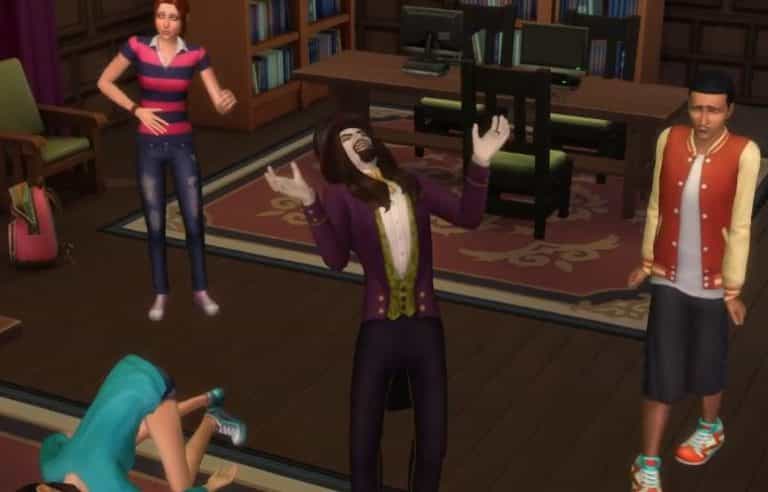
The Sims Team released a new clip for The Sims 4 Vampires Game Pack, showcasing some of the new vampire powers!
The Sims 4 Vampires: SimGuruNinja Explains Powers and Weaknesses
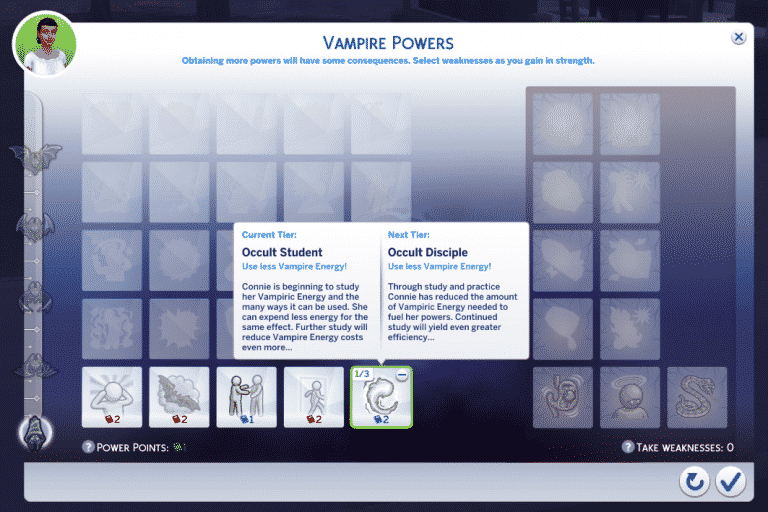
SimGuruNinja explained how Vampire Powers and Weaknesses function in The Sims 4 Vampires Game Pack. He also added that some powers and weaknesses can be leveled up which will further boost the effect! Check out what he said:
- Doing Vampire stuff gets you Vampire Experience (VXP) & Power Points.
- VXP gain unlocks tiers of Powers to choose from.
- Power Points are used to actually purchase the powers (each power costs some amount of Power Points).
- You can spend freely in any of the unlocked tiers (for example, you can buy all the tier 1 powers, buy all the tier 2 powers, or mix and match between the tiers).
- Each time your VXP unlocks a new tier, you’ll be required to take on a new weakness.
- Super smart Vampires (ones that have done their due diligence regarding studying Vampire Lore) may know how to reconfigure their Powers/Weaknesses.
Some of the Powers & Weaknesses can be leveled up for further effect. For example: I’ve already purchased “Occult Student” which means I’ll spend less Vampiric Energy when using my Powers. I can spend additional Power Points to level this up and it’ll become “Occult Disciple” which will further reduce my Vampiric Energy expenditure.
Some Weaknesses also allow 3 tiers of development.

The Sims 4 Vampires: Vampire Needs

SimGuruNinja shared an image of Vampire Needs! Unlike the regular Hunger, Energy, Bladder, Fun, Social and Hygiene needs, Vampires will come with only Thirst, Hygiene, Social and Fun needs. Along with that they seem to have a Vampire Energy bar.
EA: Building Toddlers in The Sims 4
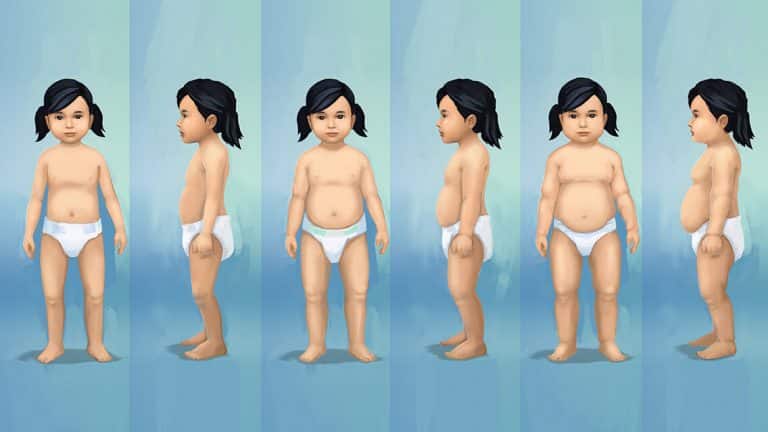
Via EA.com!
We know how badly so many of our most passionate Simmers wanted to see toddlers in The Sims 4, and we’re so excited to add them in the latest free content update to the game*.
Go behind-the-scenes with Jeff Weir, Art Director; Sarah Holding, Associate Producer; Joel Eckert, Game Designer and Brian Schubert, Senior Animator to see how the dev team built toddlers from scratch.
Q: What was the most challenging part of your work with toddlers?
JW: Toddlers have all that wonderful baby fat, huge checks, pug noses and doe-y eyes. It was a challenge to reverse engineer the look of children back into a younger age that still felt true to the character art direction of The Sims 4.
SH: Scope is always the most challenging part of any content design, but it was especially tricky with toddlers. We knew we wanted to support multiple skills with skill progression. We had to make sure we had enough content for each skill and that each skill felt unique.
BS: We had to update and improve on many core systems in our game engine. This presented many challenges to the entire team. We moved past this by prototyping and iterating heavily on things that required new tech to be added to the engine. Such as how a toddler is picked up by an adult Sim and carried around the world.
Q: Walk us through the end to end rendering of a toddler – how long does it take? How does animation improve throughout iteration?
BS: I was the Animation Lead and established the animation style for toddlers. We first start by establishing what the gameplay goal is of an interaction. We then plan what acting choices will best communicate the gameplay message using reference of toddlers or even reference of adult animators pretending to be toddlers. Then we start animating!
We start by blocking out the animation then refine it through what we call a polish pass. Once the animation is finished in Maya we will hook up and test the animation in our proprietary animation sequencer to ensure that all the technical aspects of getting an animation to work in the game engine are working as expected.
How did the dev team use research to build out the earliest versions of Toddlers?
SH: We spent time comparing the height and proportion of the toddlers in The Sims 2 and The Sims 3 to their respective adult Sims to get a solid visual of what we made in the past. Then we took those toddlers and we compared them with The Sims 4 Sims.
The Sims 4 art style is scaled differently than past games, so we adjusted our toddler to fit with the current art style, then we scaled him up a bit to account for the fact that we wanted to make an older toddler than we had made previously.
How did discussions about adding toddlers begin for you?
BS: It started by working with the Design and Production teams to figure out new interactions and skills for toddlers that would establish them as new and unique from previous versions of toddlers. On the animation team, we started by defining a style guide for toddlers that would help them feel different from other Sims in their world and give them character that made them stand out.
Q: How much work was done with the community to make sure the team met expectations?
JE: The team made a real effort to look back at previous threads on The Sims 4 forums to hunt and search for players posting good feedback on things they wanted to see in The Sims 4. Family players of course was a main focus but we also tried to listen to other player feedback about wanting a more challenging The Sims 4 experience and we wondered how we could get our toddlers to fulfill both of these needs, and still make it so players who wanted nothing to do with toddlers were not forced into playing with them.
Q: Tell us about iterating. How does that strengthen in-game content?
BS: An example of where we iterated heavily on toddlers was through locomotion when they walk around the world. Something that we wanted to show with this new version of toddlers was how they progress with their motor skills as they get older. We did this by creating two distinct walk styles. They start out looking like they just learned to walk and are still not really in control of how they move, out of balance and almost falling over as they are walking.
Later as they get older and improve on their movement skill, they start to gain more control and walk around more like an older child. This helped strengthen in game content by giving players a new “movement” skill to level up and explore.
How did the team make sure that Toddlers look and feel like they belong in The Sims 4?
JE: It was important early on for us to have an early prototype we could easily rip apart and put back together in different ways to give us maximum flexibility when it came to our iterations. I think at about the fifth day in development we had created a very simple toddler and the very basic logic needed. We had a constant cycle of iteration and playing to ensure we were creating something that felt good within The Sims 4.
JE: We had a good list of Design Pillars that we used to keep laser focus on the right efforts, these four pillars guided our thoughts and designs. It was essential that toddlers were always doing something that fit into at least one if not more of these pillars.
- Nurturing
- Growth
- Cute
- Chaos
How did the team improve upon early renders of toddlers? What were the milestones that the dev team was most excited about?
JE: The Team was very excited for hitting alpha and really getting a chance to play a fairly polished experience to really get a feeling for what we had made and to find the holes that needed to be filled.
What were the big features that the dev team wanted to include for toddlers?
JE: We really wanted to deliver on some key objects and moments, two of the biggest being the Toddler Bed and High Chair. These are two motive solving objects that are used daily with real toddlers and we really wanted to try and capture all the cute and chaotic moments that these objects help to facilitate or solve.
It’s really cute watching a parent read a toddler sim to bed and then seeing them tuck the toddler in at the end, but things can get real chaotic later when that same toddler wakes up in the morning and is crying and throwing tantrums to be fed.
Q: What was the trickiest part of nailing down the animation for toddlers?
BS: Establishing an animation style that gave toddlers characteristics that were in line with the style of the other Sims but also set them apart. Toddlers are much smaller than other Sims and need to stand out. An example of this would be in how large their arm and body gestures are when they talk or grab an object.
What’s the most exciting part of working on toddlers for The Sims 4?
BS: Delivering on a part of The Sims 4 that our fans have been missing and wanting since we released base game. But not just delivering on content, creating a new version of toddlers that is an improvement on previous versions of The Sims that will surprise and thrill our fans.


The Sims 4: Toddler Skills Video Guide
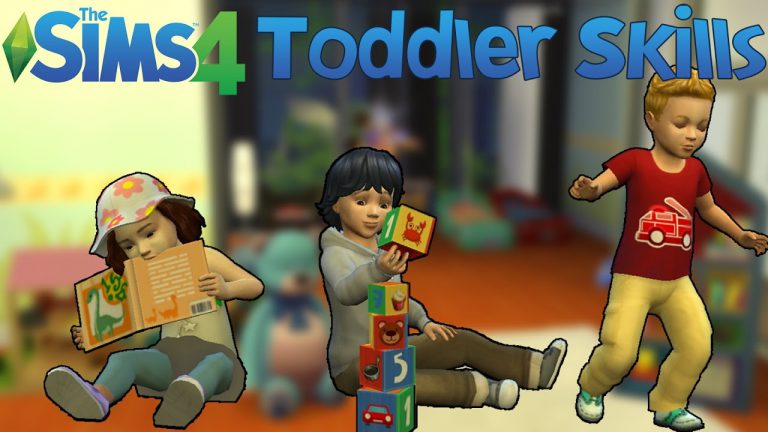
onlyabidoang has put together a nice The Sims 4 video showcasing toddler skills and how toddlers improve with each level. Check it out!
The Sims 4 Vampires: Vampire Plasma Clip

The Sims Team published a new clip for The Sims 4 Vampires Game Pack, showcasing the 2 sources of vampire plasma.
The Sims Swag Twitter Giveaway by SimGuruSarah

Want to win some cool Sims Swag shown below? Simply reply to SimGuruSarah’s tweet shown down below with a #TheSims4 hashtag and your The Sims 4 screenshot featuring toddlers.
The giveaway lasts for the next 3 days!
Win Sims schwag!
1) Share Toddler screen shots w/hashtag #TheSims4
2) Follow me on Twitter
2 winners today, 2 tomorrow, 1Thur
Random draw pic.twitter.com/2aZ6Jms3ay— Sarah Holding (@SimGuruSarah) January 17, 2017
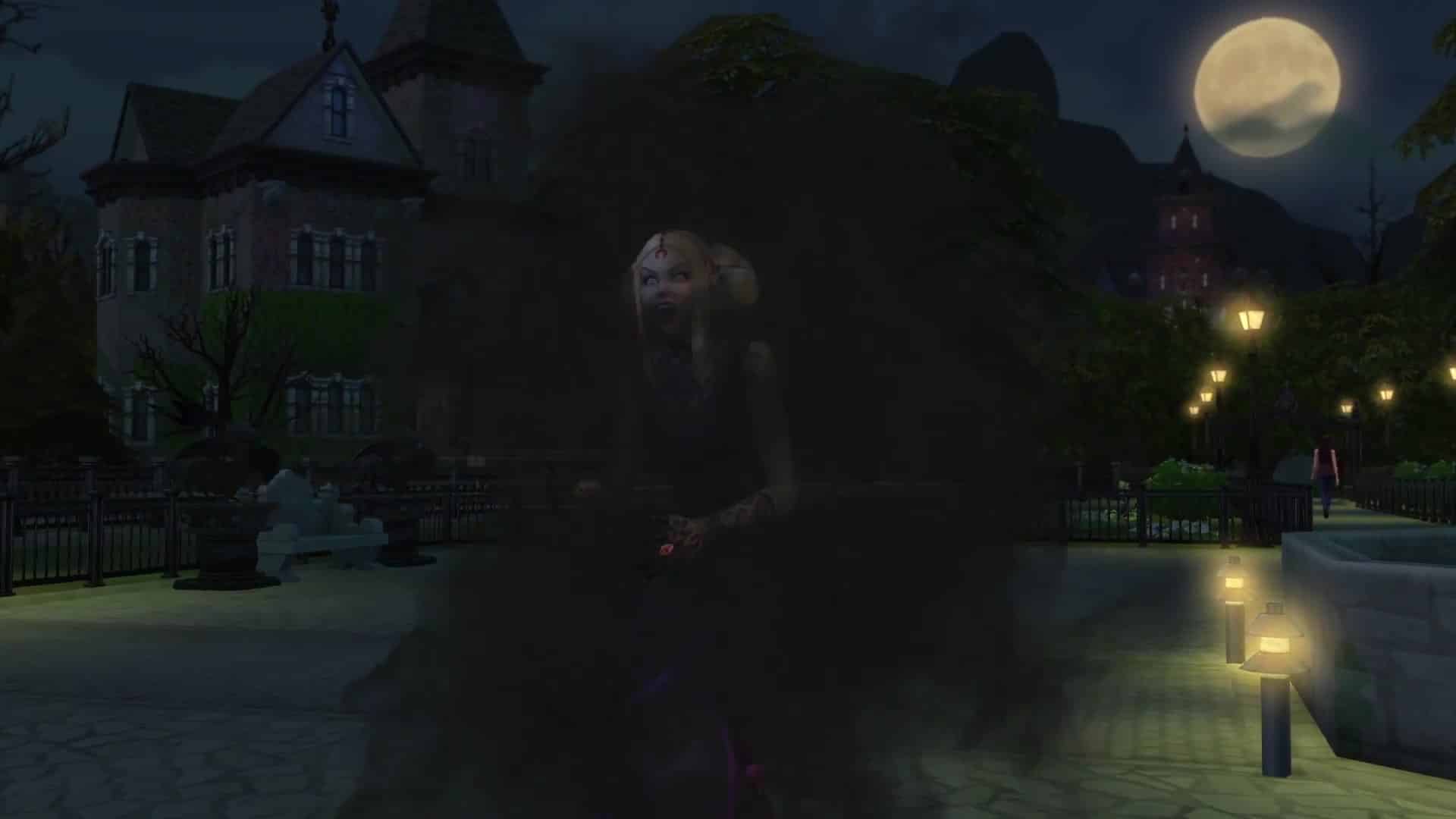
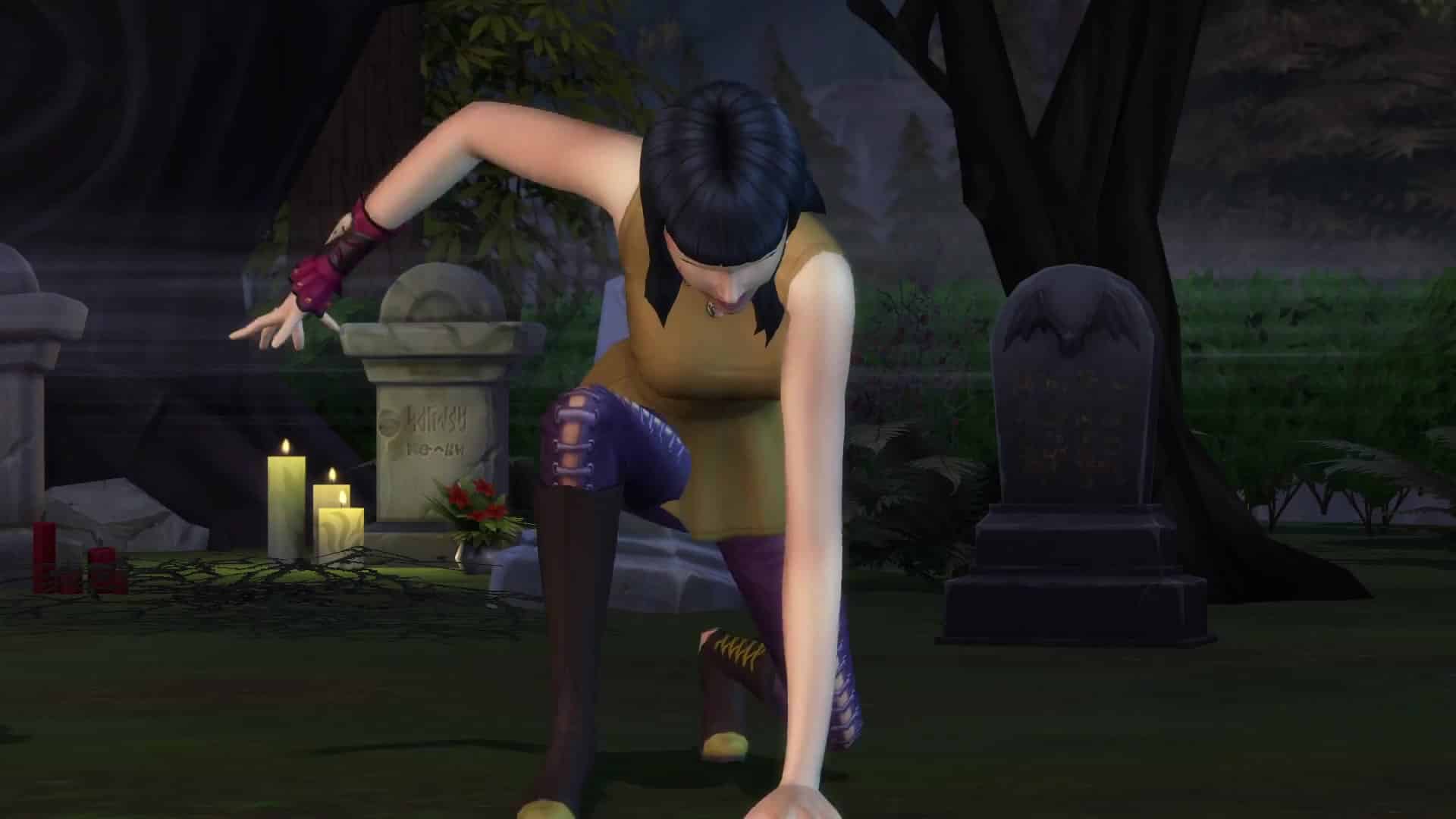
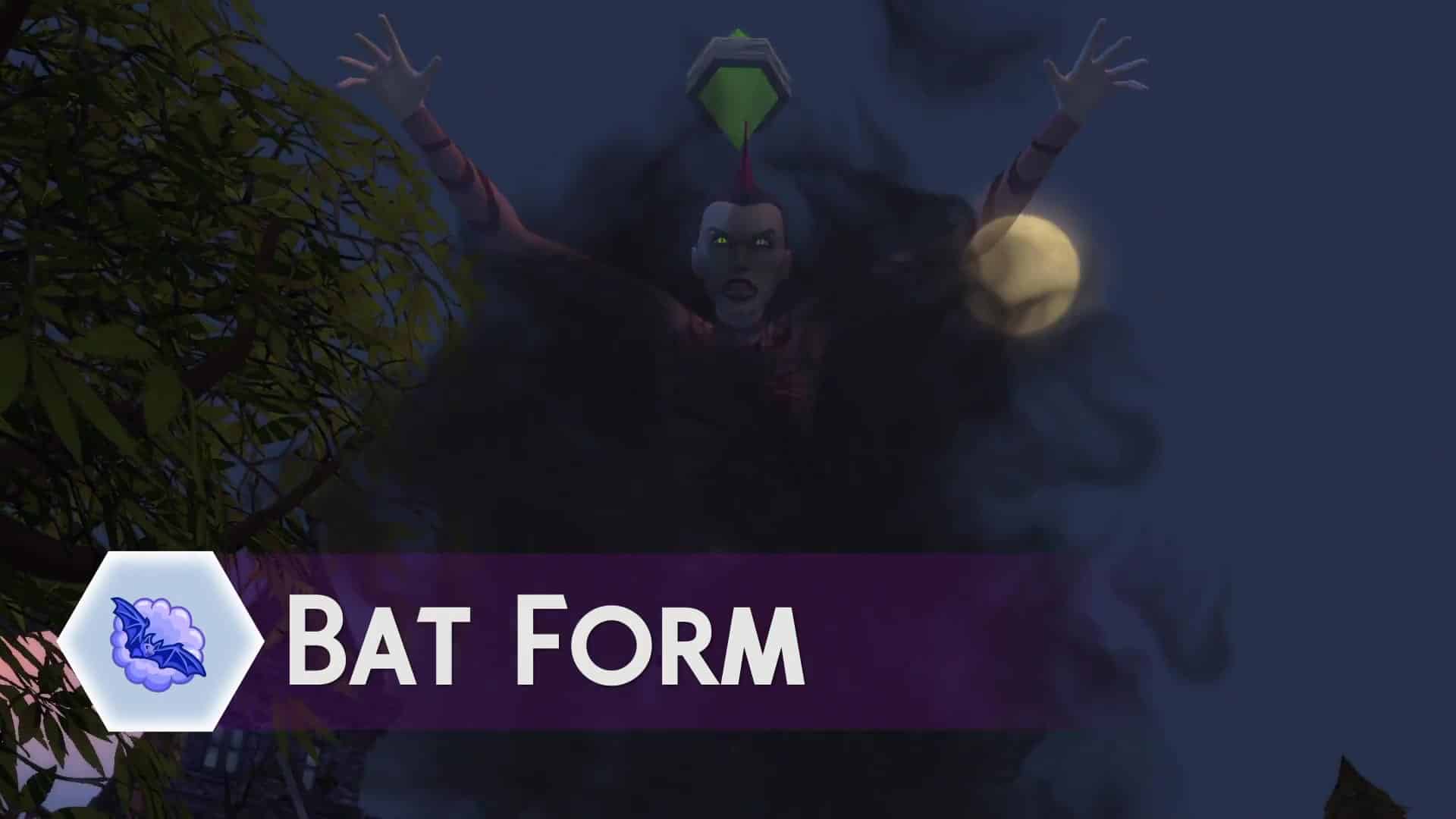
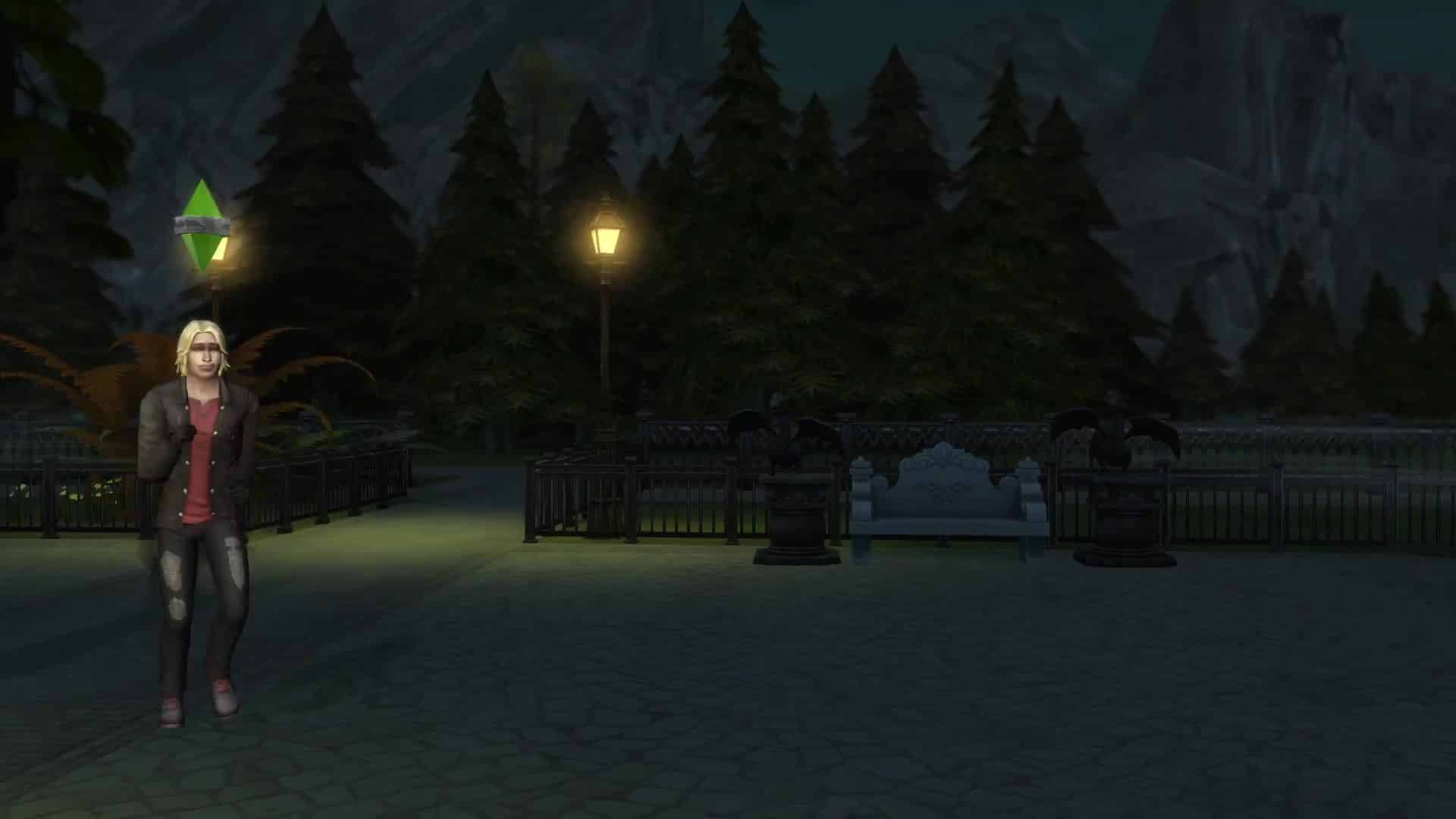
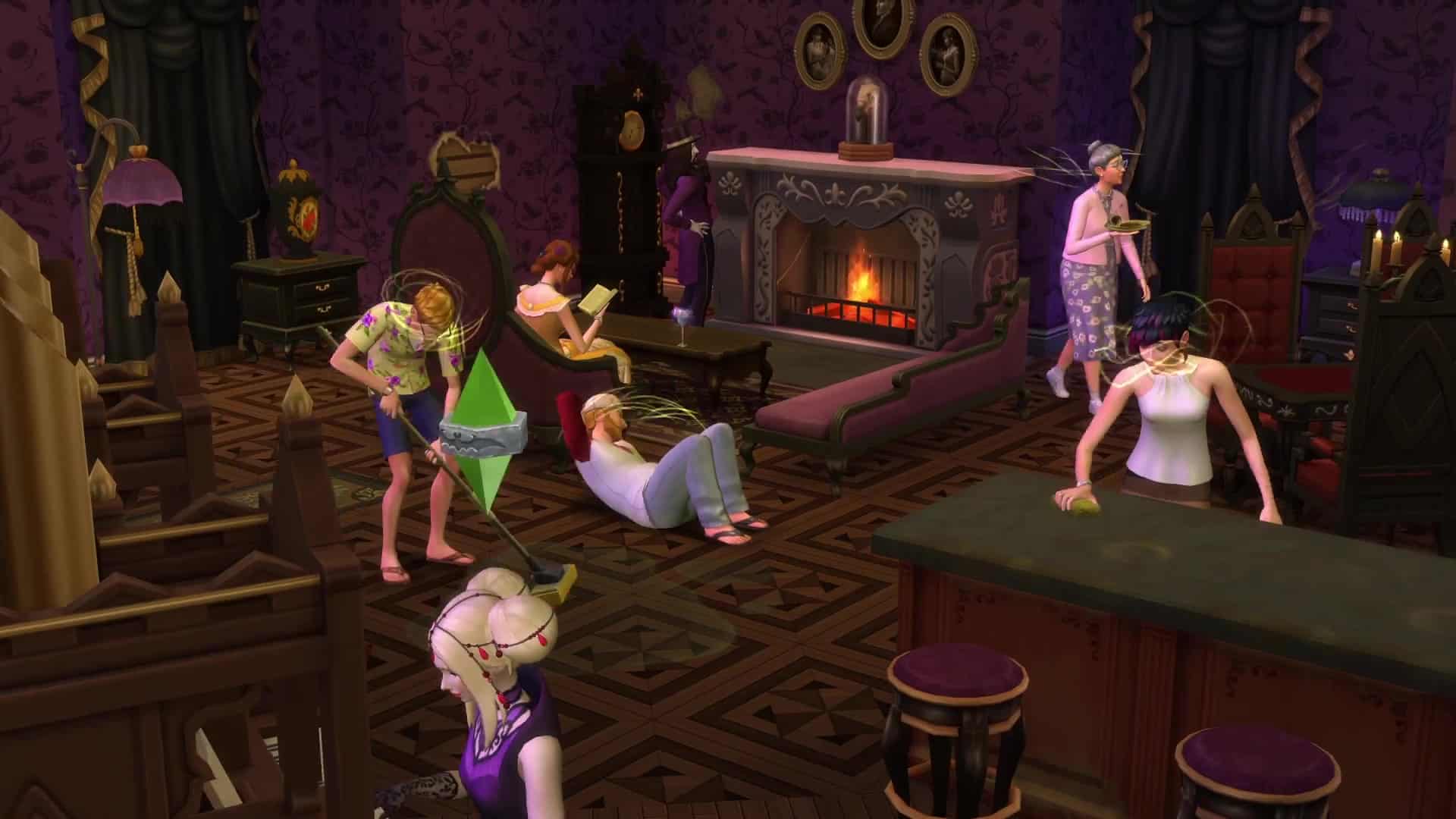
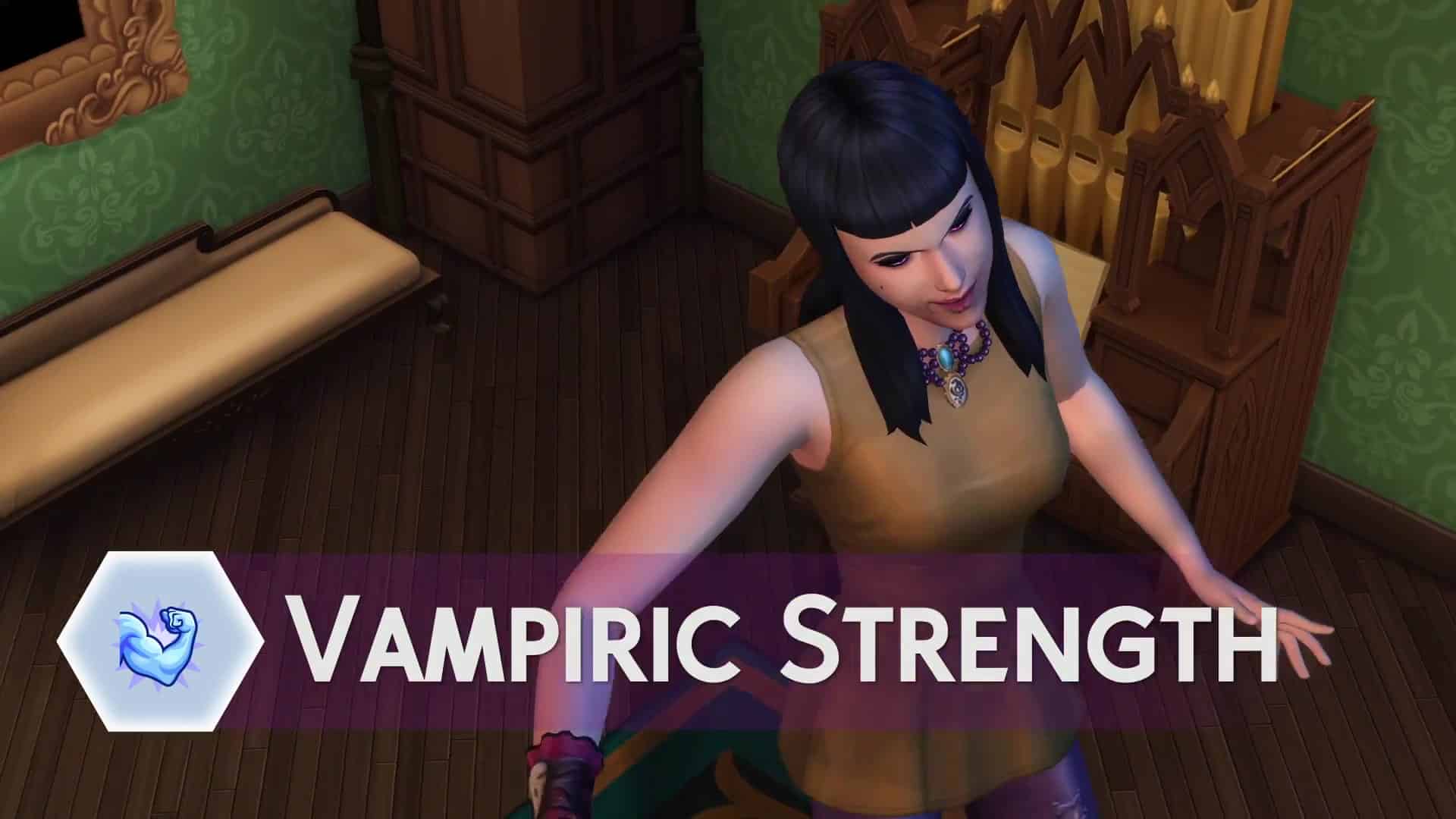
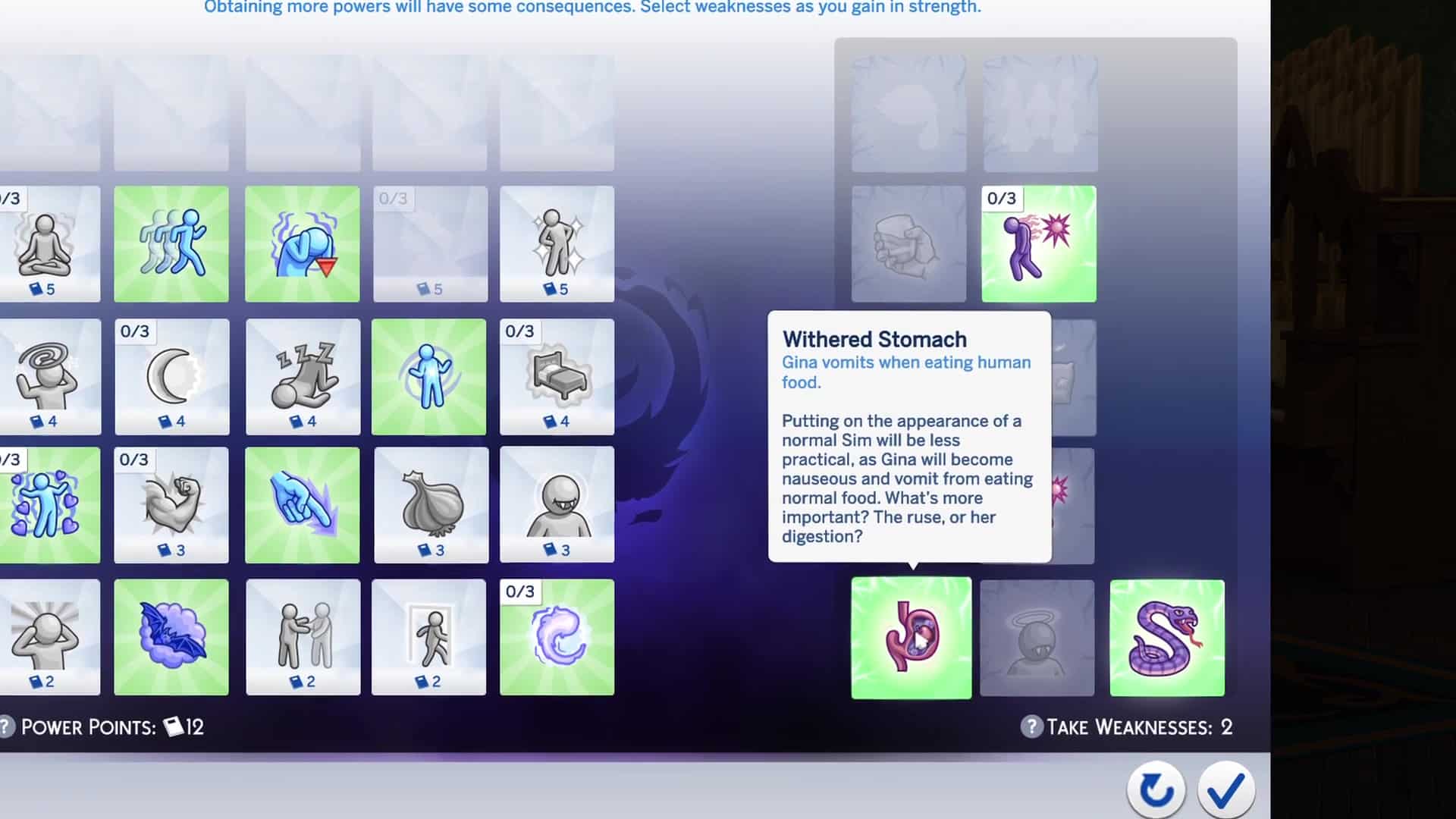
The Sims 4 Vampires: 145 Screens from the Vampire Powers Gameplay Trailer
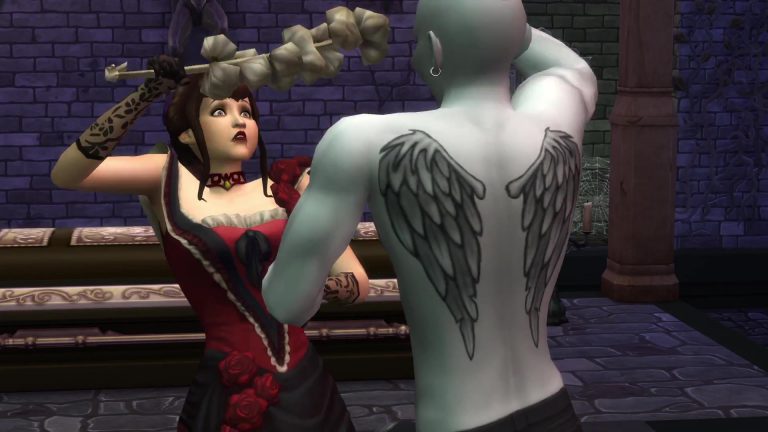
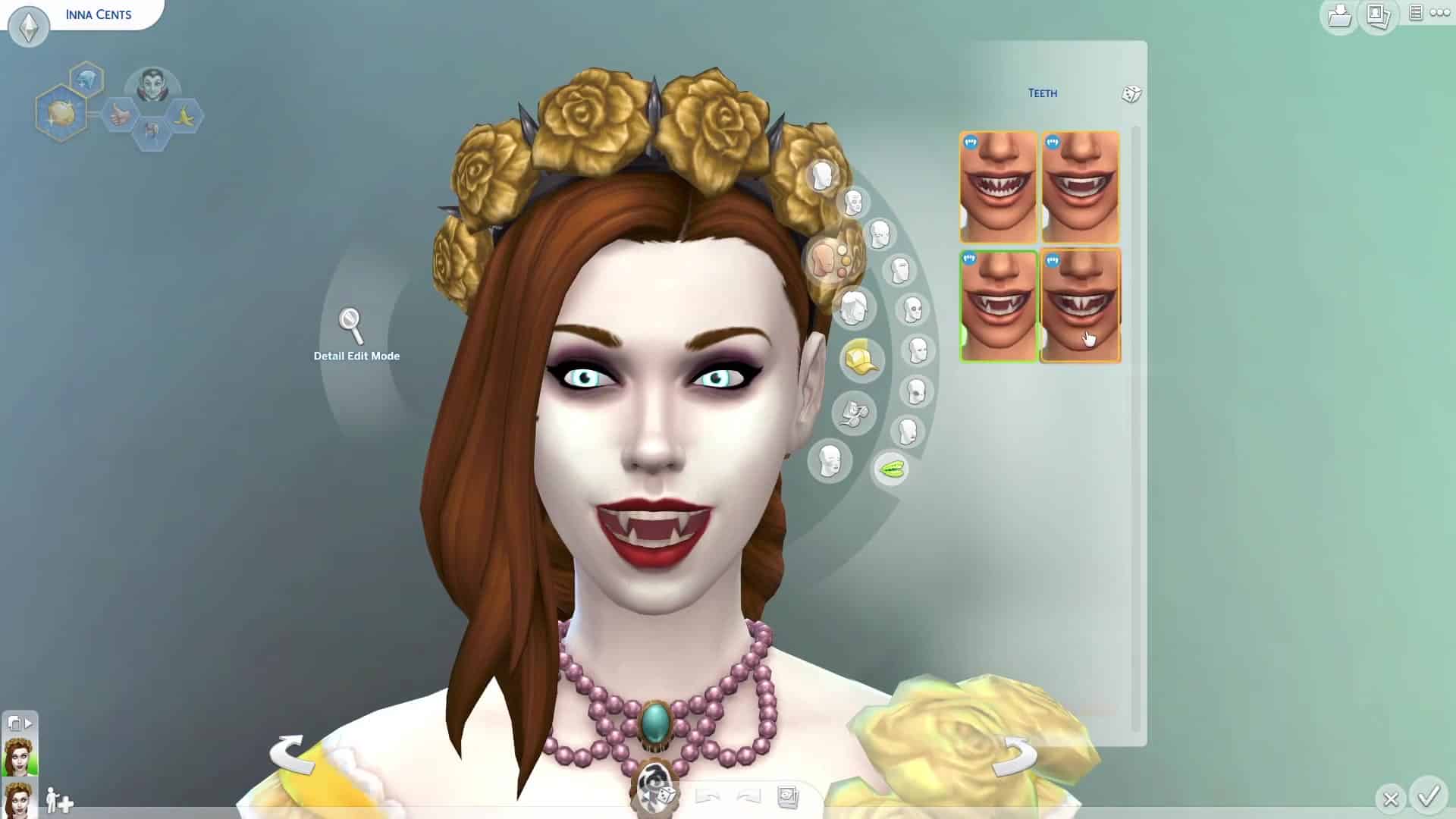
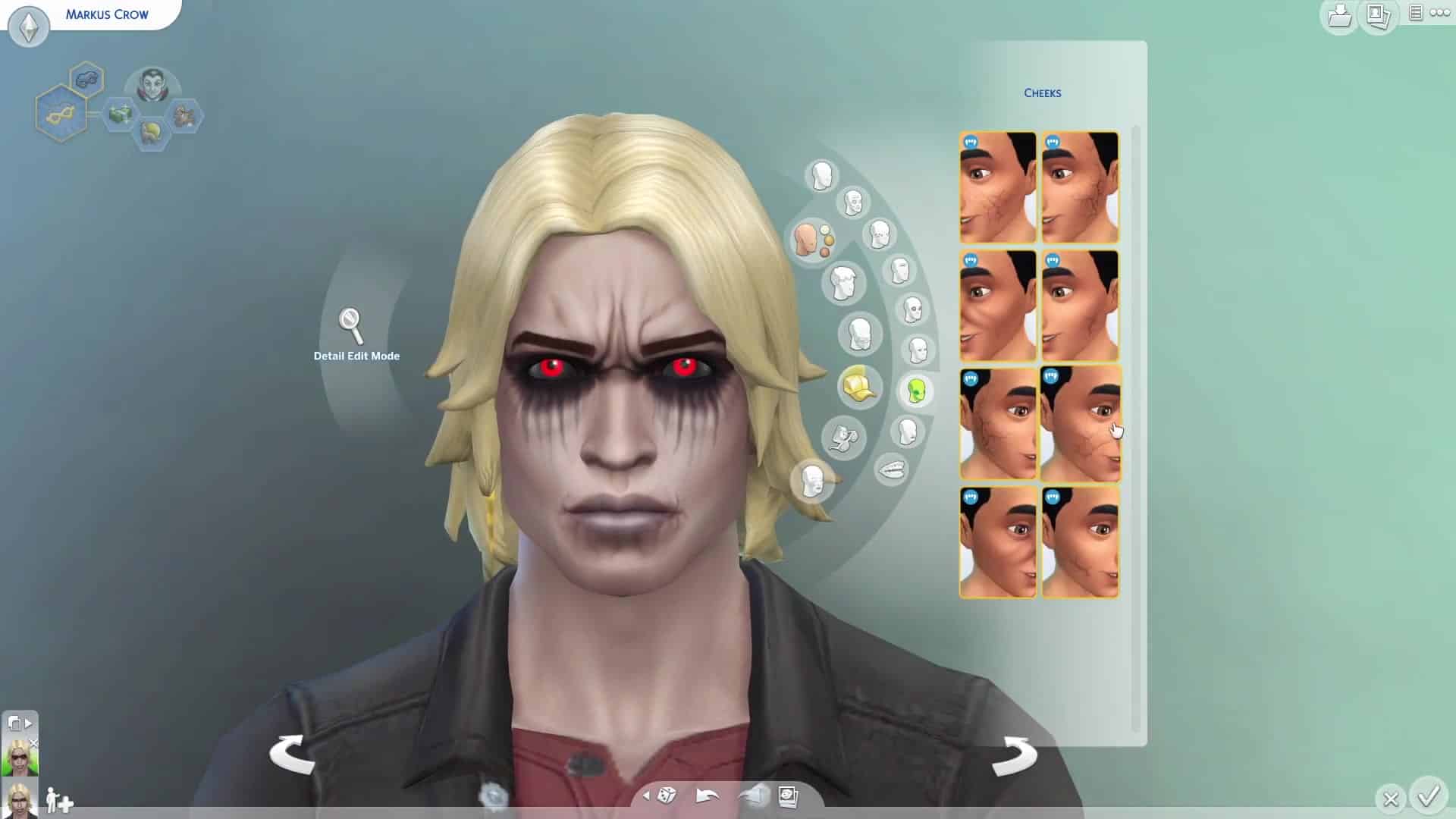
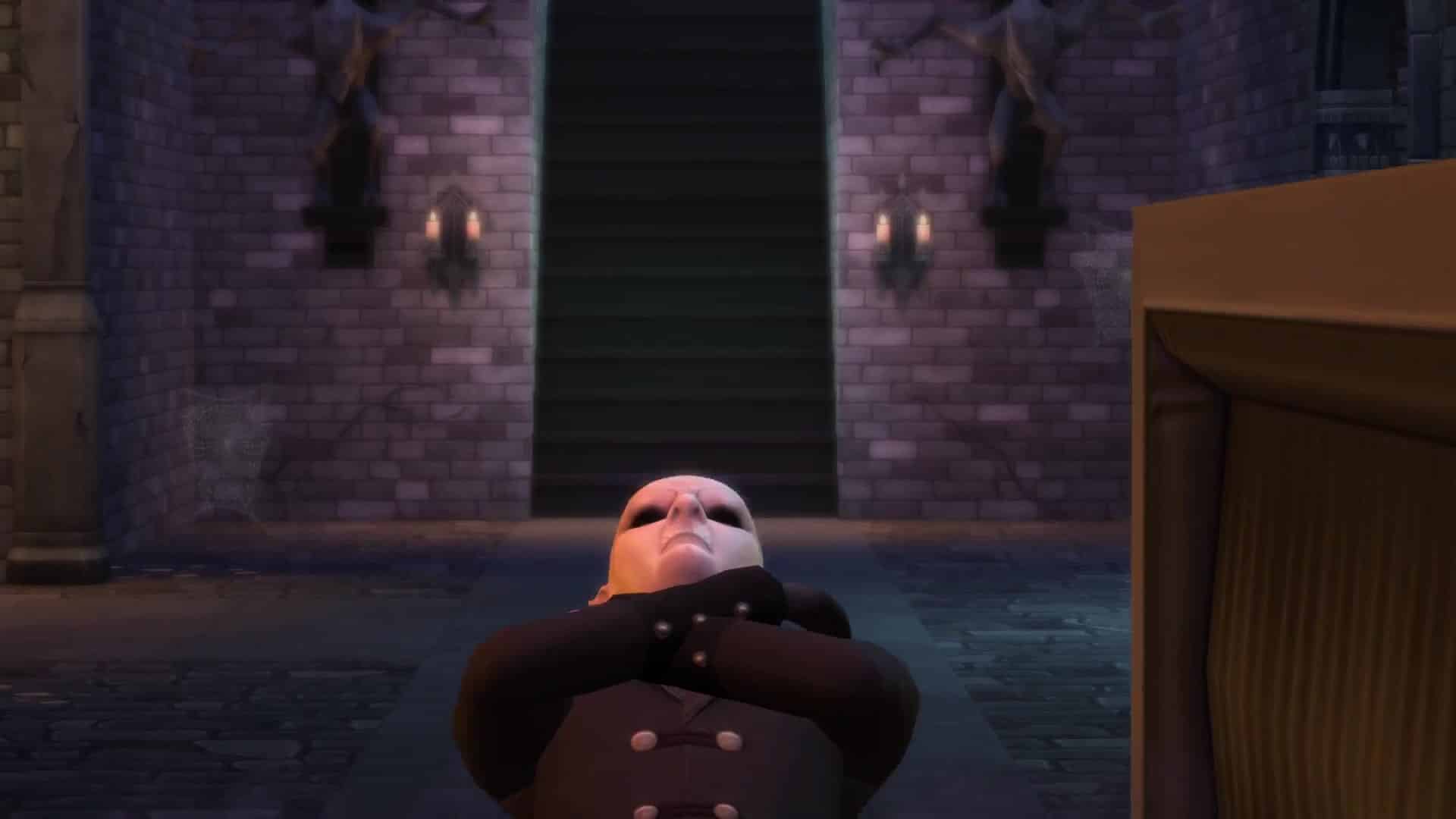
Check out 145 screens from the latest The Sims 4 Vampire Powers Gameplay Trailer!























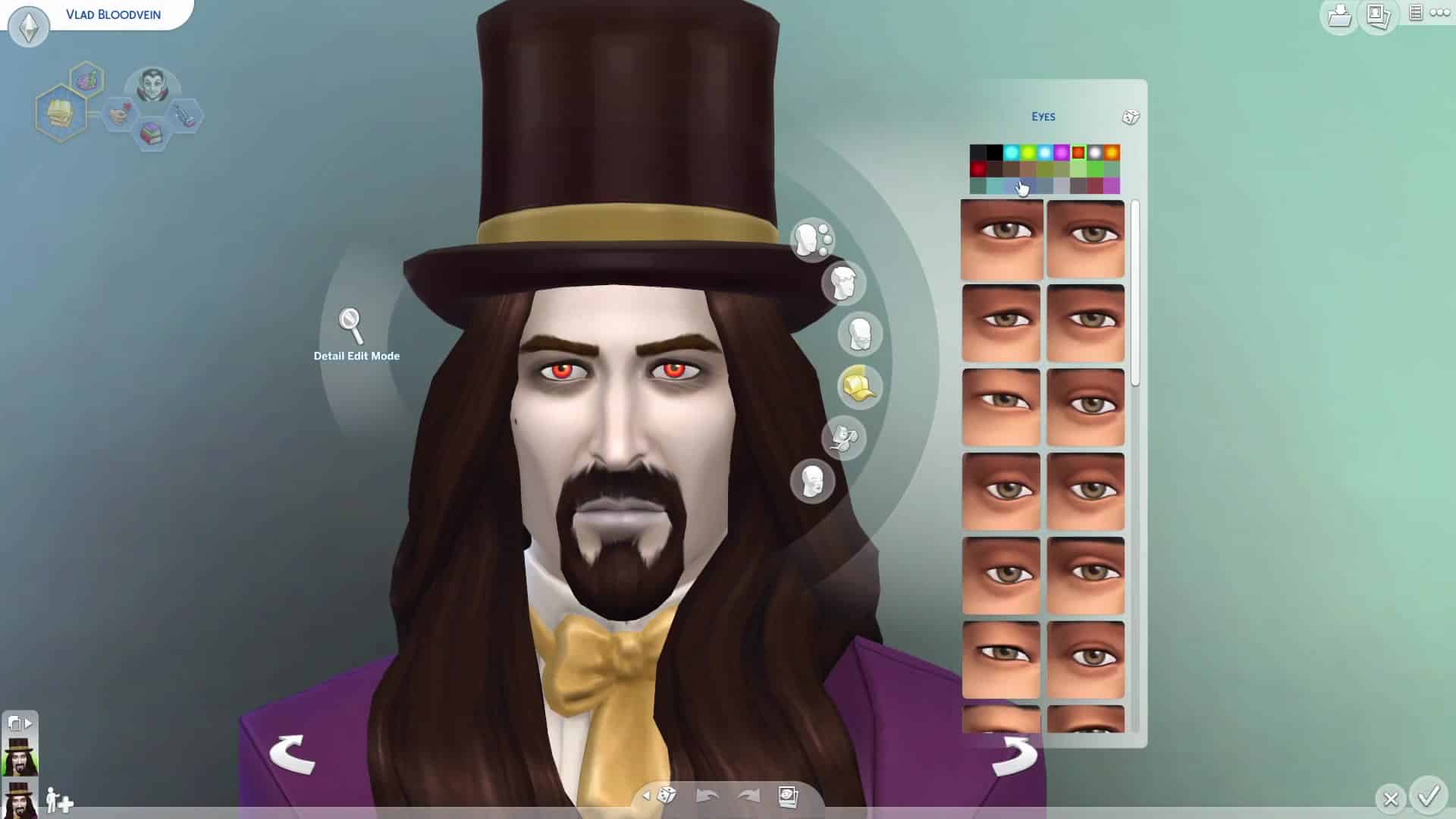
The Sims Blog: Gain Ancient Powers with The Sims 4 Vampires Game Pack
Via TheSims.com!
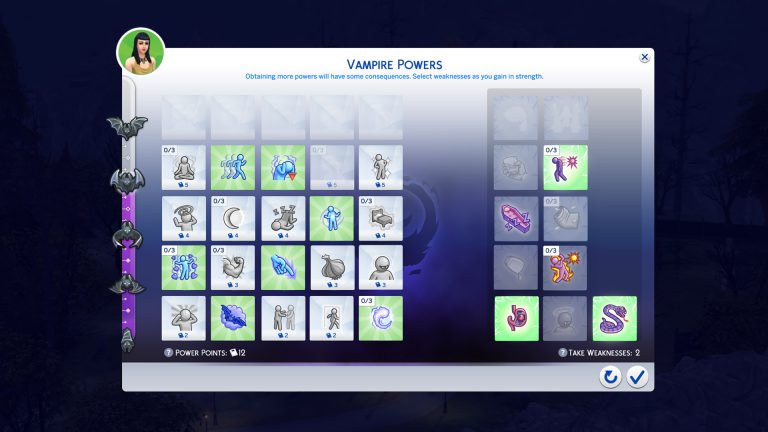
With only a week left before The Sims™ 4 Vampires* Game Pack launches, we are so excited to dive a little deeper into one of the biggest game-changing parts of being a Vampire… Powers! This is a unique new Powers progression system, that gives Sims new Powers & Weaknesses that are new to The Sims 4! So, let’s take a look.
Exciting, right?! Your Vampire Sims will have great options to increase their Vampire Rank, including duelling, reading Vampire lore and being mentored by other Vampires. Increasing their Vampire Rank unlocks an assortment of unique supernatural Powers. Mutate into a bat to travel, control Sim’s minds, slip into the darkness, wield vampiric strength, and more! But take heed, with every up, comes a down. And as powers are unlocked, you must also choose weaknesses to maintain balance.
Thin skinned Vampires will find themselves with extra flammable skin, which can sure make going out into the sunlight difficult. Sims who don’t want to treat their friends as lunch can choose to drink from the Plasma fruit. Meanwhile, other Sims could suffer from uncontrollable hissing, which always makes for an awkward social situation…
Now, if you are fretting about having to pick between all of those awesome Powers – worry no longer. You can unlock almost all of the Powers and Weaknesses through research, experience, and duelling, even after you’ve reached the maximum Vampire Rank. But do you know which Power Points you’re going to take first?


The Sims 4 Vampires: Vampire Powers Trailer
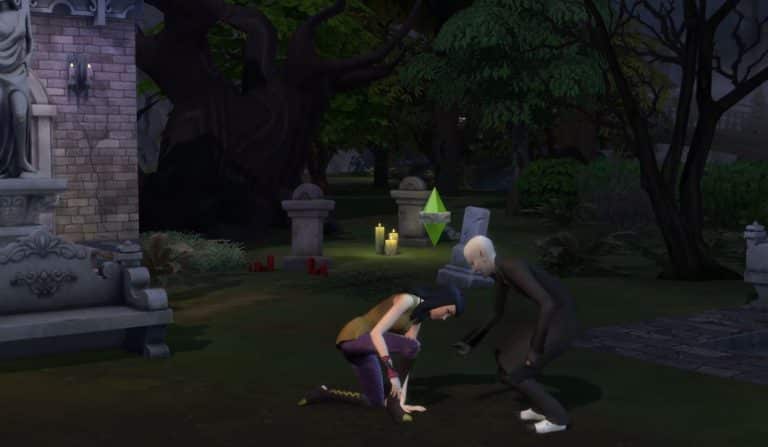
The Sims Team released a new Trailer for The Sims 4 Vampires Game Pack, showcasing Vampire Powers!
The Sims 4 Vampires: First Look at the New Objects
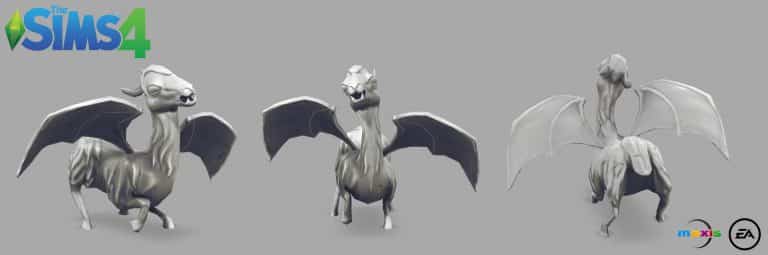
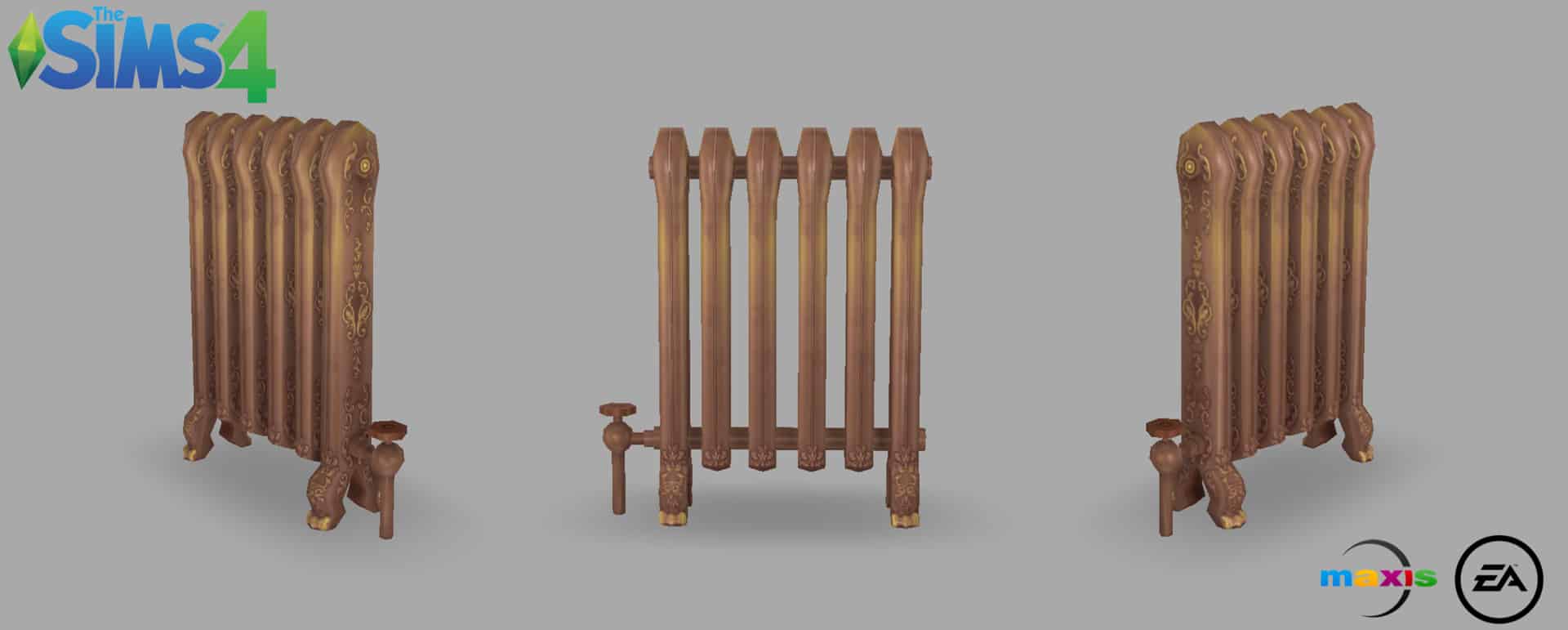
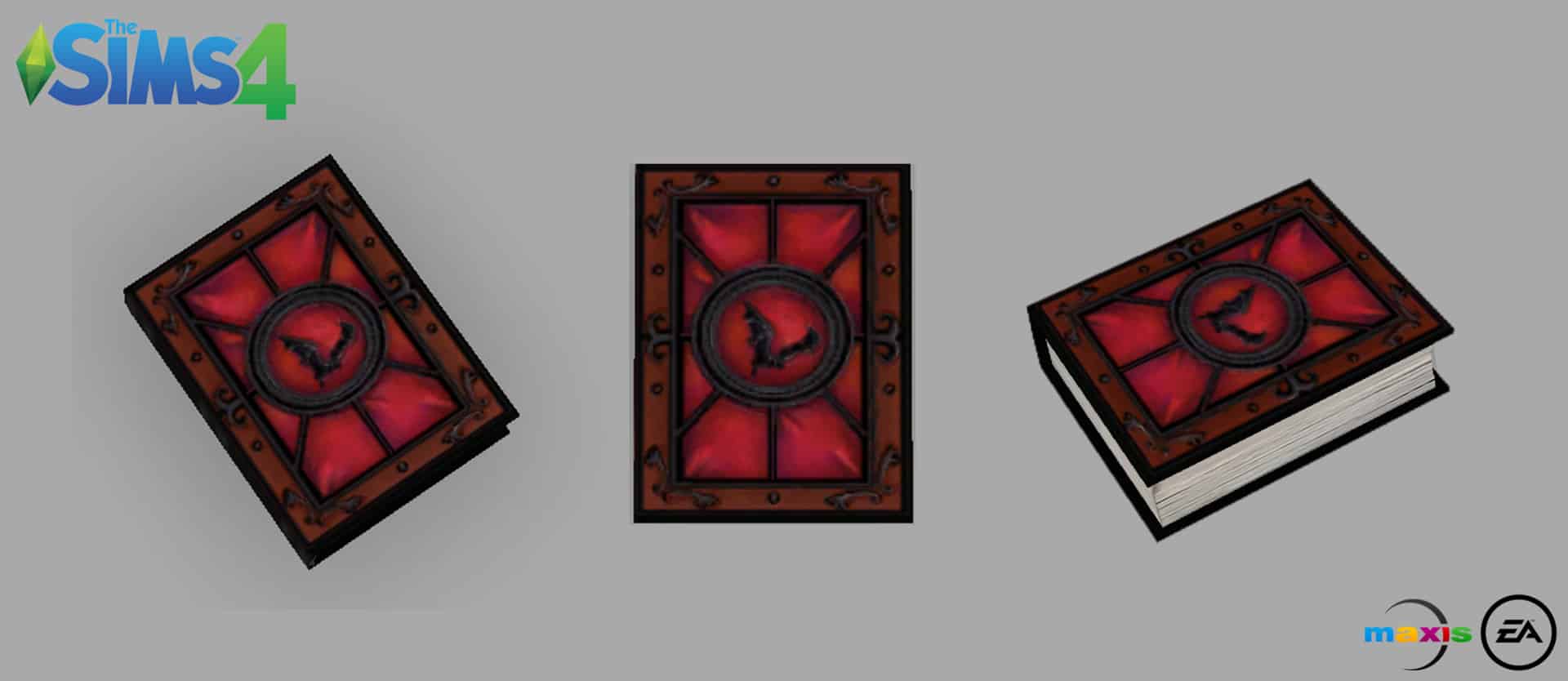
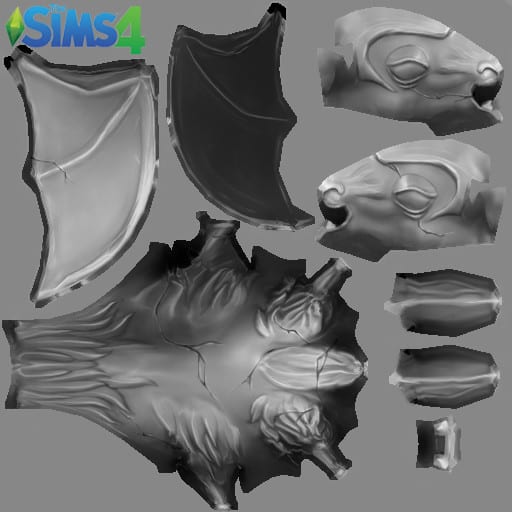
Lauren Neel, one of the 3D Artists who worked on The Sims 4 Vampires Game Pack, published some of the objects she worked on for this pack. Check them out!




The Sims 4: Possible Seasons Hint Found In Toddlers Update (SPECULATION)
Please note that this post is pure speculation and contains no solid evidence regarding seasons!
UPDATE: Even though we’re aware that SimGuruDrake described the description of the book down below as ”just something cute and fun” and explained the whole situation as they have nothing to say regarding future content, there are 2 new icons that I’d like to bring up to attention that have been recently found in the game files. Do keep in mind that this post is all pure speculation and unlike with Pets, there is no solid evidence that anything is hinting towards Seasons Pack coming soon.
Tip: AlalaSims


This is something I’ve been told about A LOT since the new Sims 4 game update and I still don’t know what to think about it.
Basically, there’s a new book for toddlers that, not only is named “When is Winter?” but also comes with the following cryptic description:
Is it spring? Not now, but soon. Is it fall? Perhaps, by noon? Is it summer? The heat, seems likely. When is winter? Who knows, but it’s coming.

This isn’t the first time The Sims Team got suddenly comfortable to tease and use seasons-related words. Just a month ago in a Holiday Celebration! Free Pack Update they added holiday crackers which sometimes come with a joke after your Sim opens them. One of the holiday cracker jokes states the following:
Q: What do you get when you cross seasons with pets?
A: Rain Deer.

The only official statement we have about Seasons is a comment from SimGuruDaniel that he posted a few months ago on reddit.
Q: Do you think TS4 will get pets and seasons?
SimGuruDaniel: I think so. But what do I know?

Now, we can almost definitely conclude that pets are coming before seasons as a lot of coding changes have been made that now mentions Cats, Dogs and Small Dogs. But, does this mean that we’re getting closer to the announcement of Seasons now that the developers are more prone to use definitions related to Seasons?
Let us know what you think in the comments below!
The Sims 4 Gallery Spotlight: Toddler Rooms
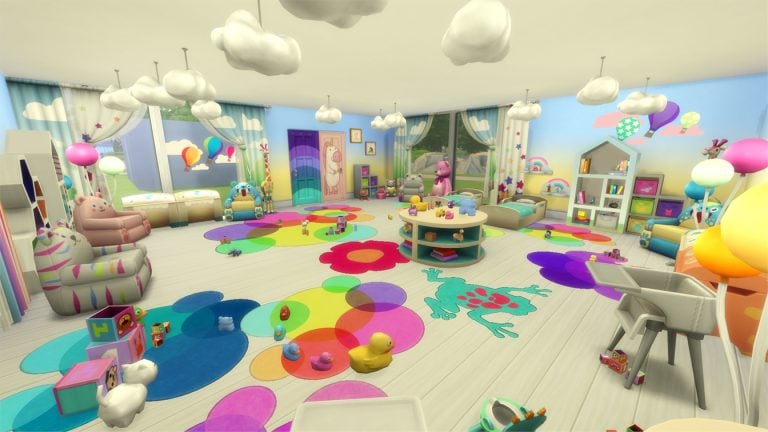

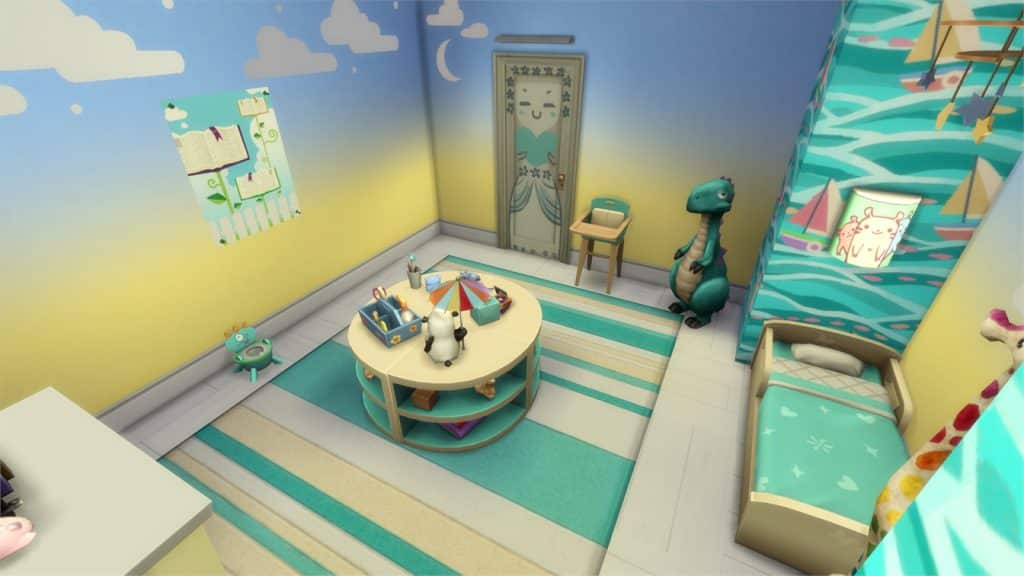
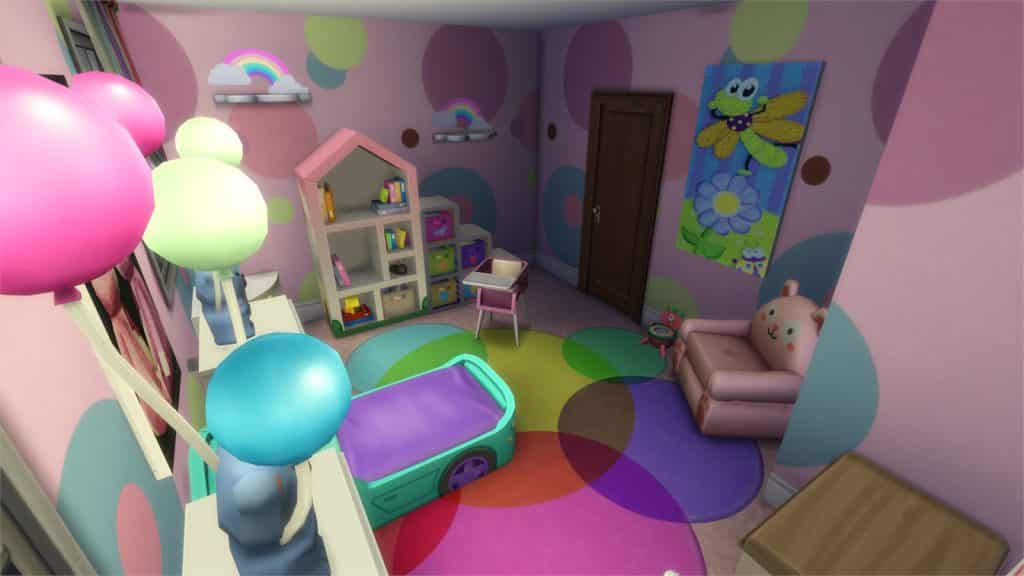
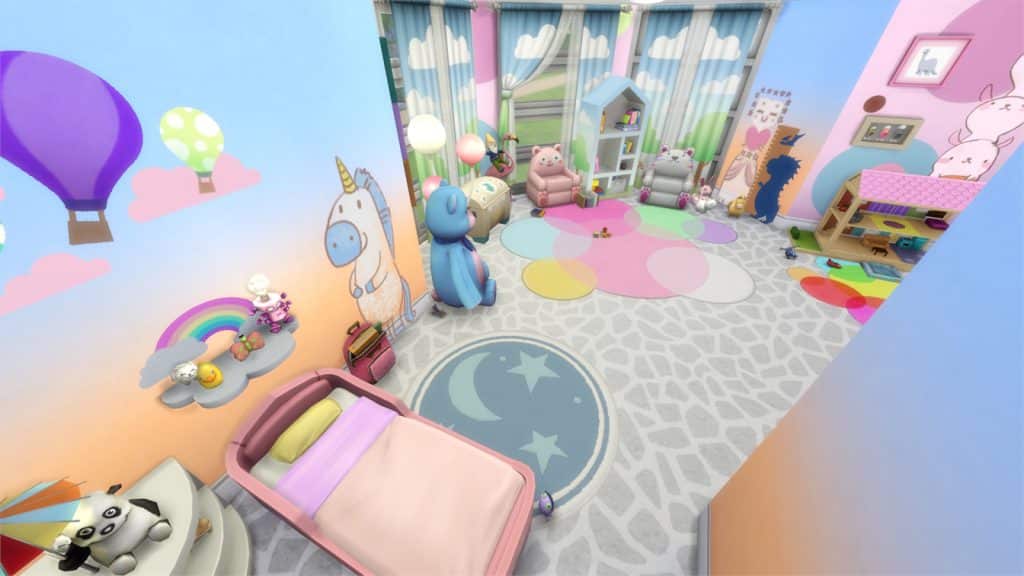
In this Spotlight, we’re featuring rooms for toddlers!
Hover over the pulsing plumbobs to see screenshots of marked areas. Pulsing plumbob that’s on the left bottom corner contains all the info (and download link) of the lot.
To see more of our previous Gallery Spotlights, CLICK HERE!
[ult_hotspot main_img=”id^57347|url^https://simscommunity.info/wp-content/uploads/2017/01/01-17-17_4-56-59-PM.jpg|caption^null|alt^null|title^01-17-17_4-56-59 PM|description^null”][ult_hotspot_items icon_type=”custom” icon_img=”id^39525|url^https://simscommunity.info/wp-content/uploads/2015/09/plumbob2.png|caption^null|alt^null|title^plumbob2|description^null” img_width=”38″ tooltip_custom_color=”” tooltip_custom_bg_color=”rgba(255,255,255,0.01)” tooltip_width=”400″ tooltip_position=”right” enable_bubble_arrow=”off” tooltip_continuous_animation=”on” hotspot_position=”14.407068777292576,56.93251533742332″]
[/ult_hotspot_items][ult_hotspot_items icon_type=”custom” icon_img=”id^39525|url^https://simscommunity.info/wp-content/uploads/2015/09/plumbob2.png|caption^null|alt^null|title^plumbob2|description^null” img_width=”52″ tooltip_custom_color=”#1e73be” tooltip_custom_bg_color=”#ffffff” tooltip_width=”450″ tooltip_position=”right” tooltip_continuous_animation=”on” hotspot_position=”89.61858624454149,3.190184049079755″ tooltip_custom_border_size=”border-style:solid;|border-width:2px;border-radius:5px;|border-color:#81d742;”]
Fun In The Sun Bedroom (Download Here)
by Cindelst
Value: §6,877
Size: 5×5
Room Type: Kids’ Room[/ult_hotspot_items][/ult_hotspot][ult_hotspot main_img=”id^57361|url^https://simscommunity.info/wp-content/uploads/2017/01/01-17-17_4-56-39-PM.jpg|caption^null|alt^null|title^01-17-17_4-56-39 PM|description^null”][ult_hotspot_items icon_type=”custom” icon_img=”id^39525|url^https://simscommunity.info/wp-content/uploads/2015/09/plumbob2.png|caption^null|alt^null|title^plumbob2|description^null” img_width=”38″ tooltip_custom_color=”” tooltip_custom_bg_color=”rgba(255,255,255,0.01)” tooltip_width=”400″ tooltip_position=”right” enable_bubble_arrow=”off” tooltip_continuous_animation=”on” hotspot_position=”6.232942139737991,49.8159509202454″]
[/ult_hotspot_items][ult_hotspot_items icon_type=”custom” icon_img=”id^39525|url^https://simscommunity.info/wp-content/uploads/2015/09/plumbob2.png|caption^null|alt^null|title^plumbob2|description^null” img_width=”52″ tooltip_custom_color=”#1e73be” tooltip_custom_bg_color=”#ffffff” tooltip_width=”450″ tooltip_position=”right” tooltip_continuous_animation=”on” hotspot_position=”89.61858624454149,3.190184049079755″ tooltip_custom_border_size=”border-style:solid;|border-width:2px;border-radius:5px;|border-color:#81d742;”]
Sugar & Spice (Download Here)
by Jillicious27
Value: §5,584
Size: 4×5
Room Type: Kids’ Room[/ult_hotspot_items][/ult_hotspot][ult_hotspot main_img=”id^57349|url^https://simscommunity.info/wp-content/uploads/2017/01/01-17-17_4-57-21-PM.jpg|caption^null|alt^null|title^01-17-17_4-57-21 PM|description^null”][ult_hotspot_items icon_type=”custom” icon_img=”id^39525|url^https://simscommunity.info/wp-content/uploads/2015/09/plumbob2.png|caption^null|alt^null|title^plumbob2|description^null” img_width=”38″ tooltip_custom_color=”” tooltip_custom_bg_color=”rgba(255,255,255,0.01)” tooltip_width=”400″ tooltip_position=”right” enable_bubble_arrow=”off” tooltip_continuous_animation=”on” hotspot_position=”22.004639737991265,30.67484662576687″]
[/ult_hotspot_items][ult_hotspot_items icon_type=”custom” icon_img=”id^39525|url^https://simscommunity.info/wp-content/uploads/2015/09/plumbob2.png|caption^null|alt^null|title^plumbob2|description^null” img_width=”52″ tooltip_custom_color=”#1e73be” tooltip_custom_bg_color=”#ffffff” tooltip_width=”450″ tooltip_position=”right” tooltip_continuous_animation=”on” hotspot_position=”89.61858624454149,3.190184049079755″ tooltip_custom_border_size=”border-style:solid;|border-width:2px;border-radius:5px;|border-color:#81d742;”]
Base Game Toddler Room (Download Here)
by SannAxl81
Value: §8,810
Size: 8×7
Room Type: Kids’ Room[/ult_hotspot_items][/ult_hotspot][ult_hotspot main_img=”id^57351|url^https://simscommunity.info/wp-content/uploads/2017/01/01-17-17_4-57-45-PM.jpg|caption^null|alt^null|title^01-17-17_4-57-45 PM|description^null”][ult_hotspot_items icon_type=”custom” icon_img=”id^39525|url^https://simscommunity.info/wp-content/uploads/2015/09/plumbob2.png|caption^null|alt^null|title^plumbob2|description^null” img_width=”38″ tooltip_custom_color=”” tooltip_custom_bg_color=”rgba(255,255,255,0.01)” tooltip_width=”400″ tooltip_position=”right” enable_bubble_arrow=”off” tooltip_continuous_animation=”on” hotspot_position=”10.186954148471617,5.889570552147239″]
[/ult_hotspot_items][ult_hotspot_items icon_type=”custom” icon_img=”id^39525|url^https://simscommunity.info/wp-content/uploads/2015/09/plumbob2.png|caption^null|alt^null|title^plumbob2|description^null” img_width=”52″ tooltip_custom_color=”#1e73be” tooltip_custom_bg_color=”#ffffff” tooltip_width=”450″ tooltip_position=”right” tooltip_continuous_animation=”on” hotspot_position=”89.61858624454149,3.190184049079755″ tooltip_custom_border_size=”border-style:solid;|border-width:2px;border-radius:5px;|border-color:#81d742;”]
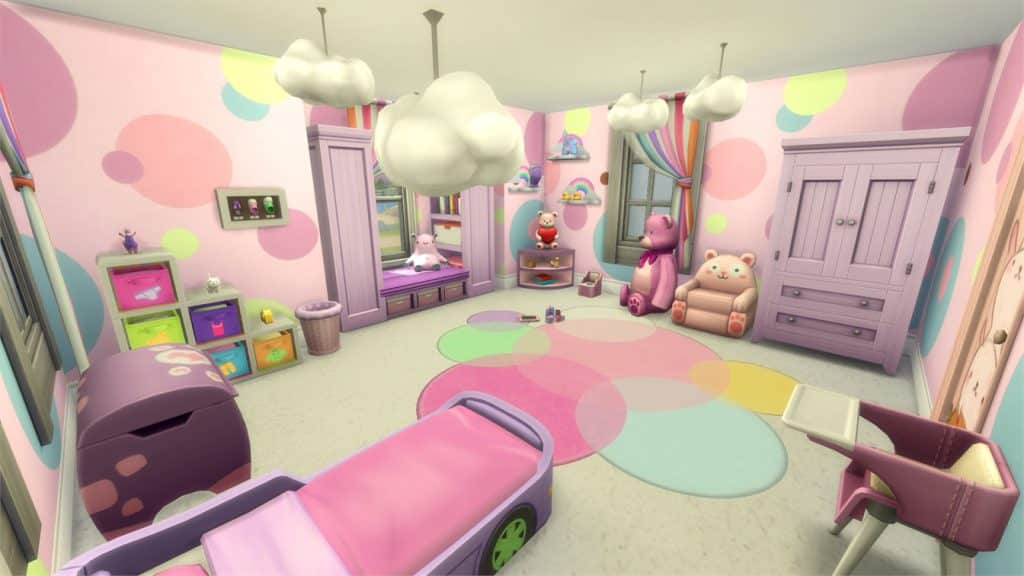
Toddler Room (Download Here)
by b0nny_bonbon
Value: §9,900
Size: 6×6
Room Type: Kids’ Room[/ult_hotspot_items][/ult_hotspot]
The Sims 4: Toddlers & Restaurants
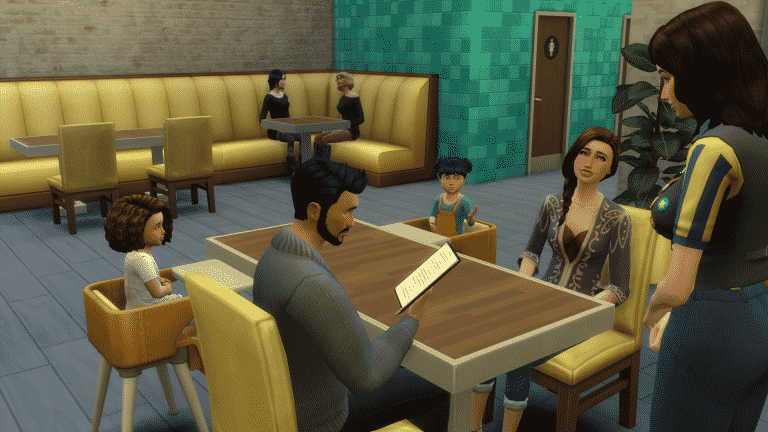
Hey guys!
So it’s been almost a week since THE UPDATE, the one that brought us toddlers. I’m sure you’ve all had a chance to play and may have noticed that toddlers come with some game play limitations. I’ll be addressing one of those today and how to workaround it.
Limitation: Toddlers can’t go with their family to a restaurant, they’re sent to “daycare” instead.
To overcome this you will want to do the following:
1 – Add highchairs to your restaurants.
2 – Put a tablet in the toddlers inventory or they will get bored.
3 – Send the family as a group to the restaurant and once they are there, bring the toddler to them. Don’t worry that it still shows them at the daycare, your sims can interact with them anyways.
4 – Request your table. Select one of your toddlers and then click on the high chair and have an adult carry them to it.
5 – Have the parents share their meal with the toddlers or click on the highchair and have the adult give them food.
And there you have it!
(Hope you didn’t forget that tablet or the other restaurant patrons are going to be upset at your family, lol)


The Sims 4: Aging Mods by Kai Updated for Toddlers
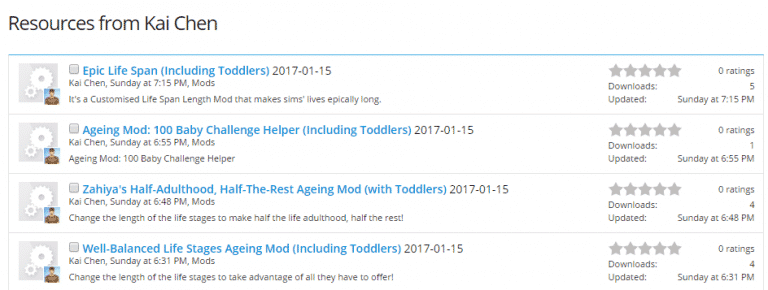
Kai’s aging mods that were published back in may 2016 have recently been updated for the latest The Sims 4 update which introduces toddlers. Each aging mod alters a life span of each life stage.
The aging mods can simply be downloaded by clicking the image below!
