



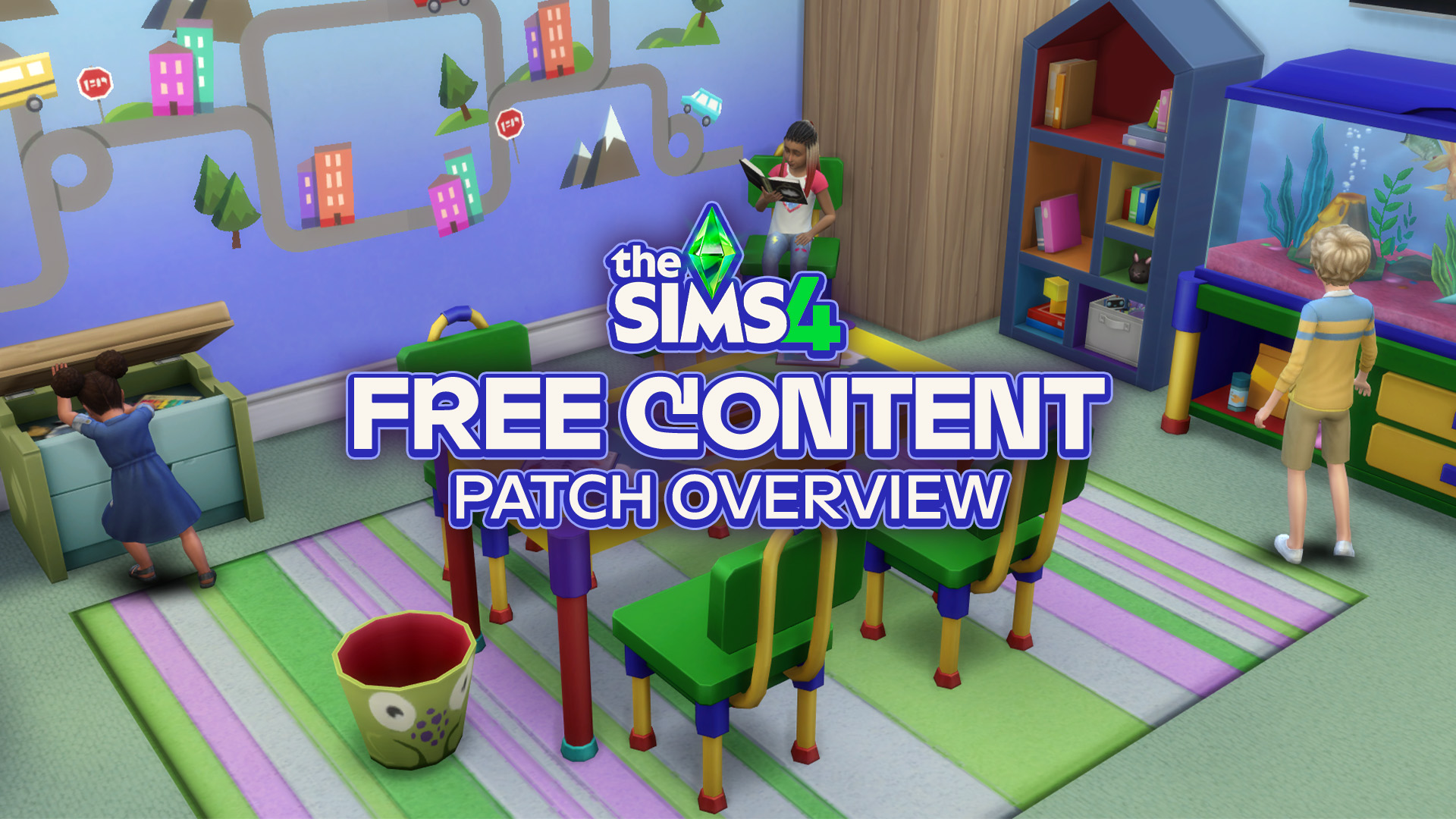
The Sims Team has released a brand new update for The Sims 4 on PC, Mac, Xbox One and PS4!
To download the latest version of The Sims 4, simply open your Origin program and if the game doesn’t update automatically, right click on The Sims 4 and select ”Update”.
In case you have Mods or Custom Content, the game will automatically disable them for you after first launching The Sims 4 after the update. To re-enable all your Mods and Custom Content, select the Settings option in the Menu and select Settings. Under the ”Other” section you’ll find the ”Enable Custom Content and Mods” option. Check it and restart your game in order for it to take effect!
Patch Notes
PC: 1.85.203.1030 / Mac: 1.85.203.1230
Console: Version 1.55Sul sul, Simmers!
We hope you are safe and sound wherever you are right now.
Today’s update includes a range of bug fixes, several new Scenarios, and the expansion of Neighborhood Stories as a configurable system that applies to Neighbor Sims throughout your game!
As usual, thank you all for your continued support and feedback, and – most importantly – have fun!
– SimGuruKuxiku.
WHAT’S NEW?
Play with Neighborhood Stories!
Ever wonder why those Sims next door never move out? Or expand their family? …Or die from causes other than old age?
Well, Neighborhood Stories is the answer! Last November, we rolled out an update for everyone that added a set of life changes for Neighbor Sims who have a personal connection to your active household. With this release, Neighborhood Stories expands to breathe more life into Sims around town without your Sims even having to know them. They’re your neighbors, or your Sims that live across town, or even across the world. The Sims that you don’t actively play now have story moments happen to them. This includes allowing neighbor Sims to die in accidents, have an adoption or baby, make changes in their career or move in and out of Lots.
But maybe you’re saying, “I like the Pancakes the way they are! I don’t want them to move or have children! That’s not my story!” Don’t worry – Neighborhood Stories can be enabled for all Sims in My Households or Other Households, or on an individual basis per Household. Not only that, but each type of story can also be turned on or off individually. So, you can turn off the Pancakes from moving out or having children, but Bob can still change his career or die in a fiery accident!
To change configurations, just select Manage Worlds in the Options menu, and then select Manage Households. From there, you can choose either My Households or Other Households, and then configure the Neighborhood Stories by selecting the button at the top-right for all the Households in that tab. Or you can configure them separately per Household, using the Neighborhood Stories button in each Household.
To see what changes have taken place each day, go to a Mailbox and select ‘Check Recent Neighborhood Stories’. A Notification will appear, letting you know what changes have happened. See what’s happening to the Sims around the world, no matter who they are!
New Scenarios Now Available Along with Existing Household Support in Select Scenarios!
Would you like to try out some brand new Scenarios? With today’s base game update you can!
We’ve added 7 new Scenarios to The Sims 4. When you boot up the game today you’ll have access to:
- Too Many toddlers
- In this updated version of the previously limited time Scenario, aim to get the happy toddler reward trait for this gaggle of whiz kids in the making
- Troublemaker
- The kid’s a menace! Choose the path of villainy or surprise them with a redemption arc!
- Rom-Com
- Is this relationship a joke? Only you can write the punchline!
- Super Rich Supervillain
- Making a fortune is great, but you know what’s even better? Stealing one.
- Extraterrestrial Researcher
- This Sim wants to… believe! Bring the truth from ‘out there’ to your own home.
- Unlucky Chef
- Luck has nothing to do with how fire this chef is…
- No Skills, No Problem
- Who said Sims need to be skilled to make it in life? Time to prove your street smarts!
In addition to these Scenarios we’ve updated the feature to add existing household support to select Scenarios. You’ll also notice several tweaks and improvements to various aspects of the feature.
Take these new Scenarios for a spin today!
BUG FIXES
The Sims 4
- We fixed an issue that caused Wedding Venues not to be available for Base Game Weddings.
- If a new Scenario is available, you will see a notification now after logging into the game.
- Opening and closing the Scenarios interface in Live Mode comes with a proper animation now.
- Simmers should no longer see the “Happily Ever After?” outcome for the Engaged in Conflict Scenario when both Sims have a good sentiment.
- The Conditions for the “Too Many To Handle” ending in the “Too Many Toddlers” Scenario only apply to toddlers now that were present when starting the Scenario.
- We fixed an issue for some languages that caused Scenario outcome texts not to fit in the text box.
- The Power Couple Scenario will conclude now when one of your Sims receives a promotion to CEO.
- The audio response when starting a Scenario in a New Save Game and canceling a Scenario in live mode has been improved.
- The work task interface for your active career should no longer clash with the Scenario interface when joining a career and moving to the work place at the time of work.
- The yfHair_SP19CurlyLowPony hair style will be visible in Create a Sim catalog now when the Feminine Fashion Choice filter is selected.
- Fixed an issue with Scenarios where the requirement for Sims to be spouses displayed as completed although there was just one Sim in the household.
- The Scenario name also shows in the start Scenario interface now.
- When entering Create a Sim after starting a new Scenario, the household requirements will no longer be overlapped by the Create A Sim Catalog and all information on the panel will be easy to read.
- Calling off an Engagement will now count towards the Villainous Valentine Aspiration correctly.
- We also made a few updates to the friendly calls from other Sims that your Sims receive:
- Your Sims will no longer be called by a neighbor Sim and asked about becoming friends with another active household Sim your neighbor has never met before.
- It will also be much clearer for friendly relationship calls now, whether the Sims’ get-together is of a platonic or romantic nature.
- NPC Sims will also have sufficient confidence now and will no longer call your Sims asking for permission to be friends with their own spouse.
Seasons
- Your Sims who are right on time to activity meetings no longer are chastised for being late.
Get Famous
- Uninvited Sims no longer walk into your Sims house to “catch up” after your Sim’s Fame increases.
Cottage Living
- Some Simmers reported that Cows and Llamas were getting stuck in their inventory after the Finchwick fair had ended. We clarified how to return your animals to their sheds in the fair-end notification.
Spa Day
- Selecting “Teach/Lead” Yoga interactions now cancels “Practice Yoga” automatically.
Strangerville
- Performing the “Ask about career” interaction with the ‘Conspiracy Theorist’ Erwin Pries will no longer cause a Llama icon to show on the Sim’s career tab and on hovering on the Sim in the relationships tab, but it should display the correct icon now.
My Wedding Stories
- Ceremony interactions are now available when doing a Vow Renewal or Reception at another Sim’s home.
- Sims should now show up in their appropriate attire for Wedding Ceremonies
- Vow Renewal is now only available to Married Sims, and Wedding Ceremony is only available to Engaged Sims.
Romantic Garden Stuff Pack
- Ghost Sims revive properly now when living Sims use the Wishing Wells “Wish for Life” interaction.
Bust The Dust Kit
- Sims no longer get the “Rage Cleaning” angry moodlet when Bust the Dust is disabled.
- We also optimized vacuum cleaners so your Sims won’t need to fight dust everyday.


5 Comments
Ok, the neighborhood stories feature sounds cool tbh, I like that you can control how much autonomy they have, can have kids or not, move out or not, change careers or not, die or not other than old age. And that you can view the changes via mailbox.
How can I turn off the Neighbourhood stories for my households (I want this cuz I’m a storyteller.)
Reply to Lucas Hearsay
Reading isn’t your thing huh?
Reply to mossiemoss
I read a lot! I think I did read past that or something!
I had just commented about wanting some Wedding Stories bug fixes and here we are a few for My Wedding Stories in this big patch!
Welcome to Sims Community!
Our community is about connecting people through open and thoughtful conversations. We want our readers to share their views and exchange ideas in a safe space.
In order to do so, we've created a simple set of rules that will improve your experience. Simply put, keep it civil.
Your post will/might be rejected if it contains:
User accounts will/might be blocked if we notice:
So, how can you be a power user?
Thanks for reading our community guidelines. Please note that we're aware of certain issues with Sign In / Log In and Create Account / Email Confirmation issues. We're working behind-the-scenes on a new Account Creation process. Thank you for your patience and remember - freedom of speech is not freedom of reach