

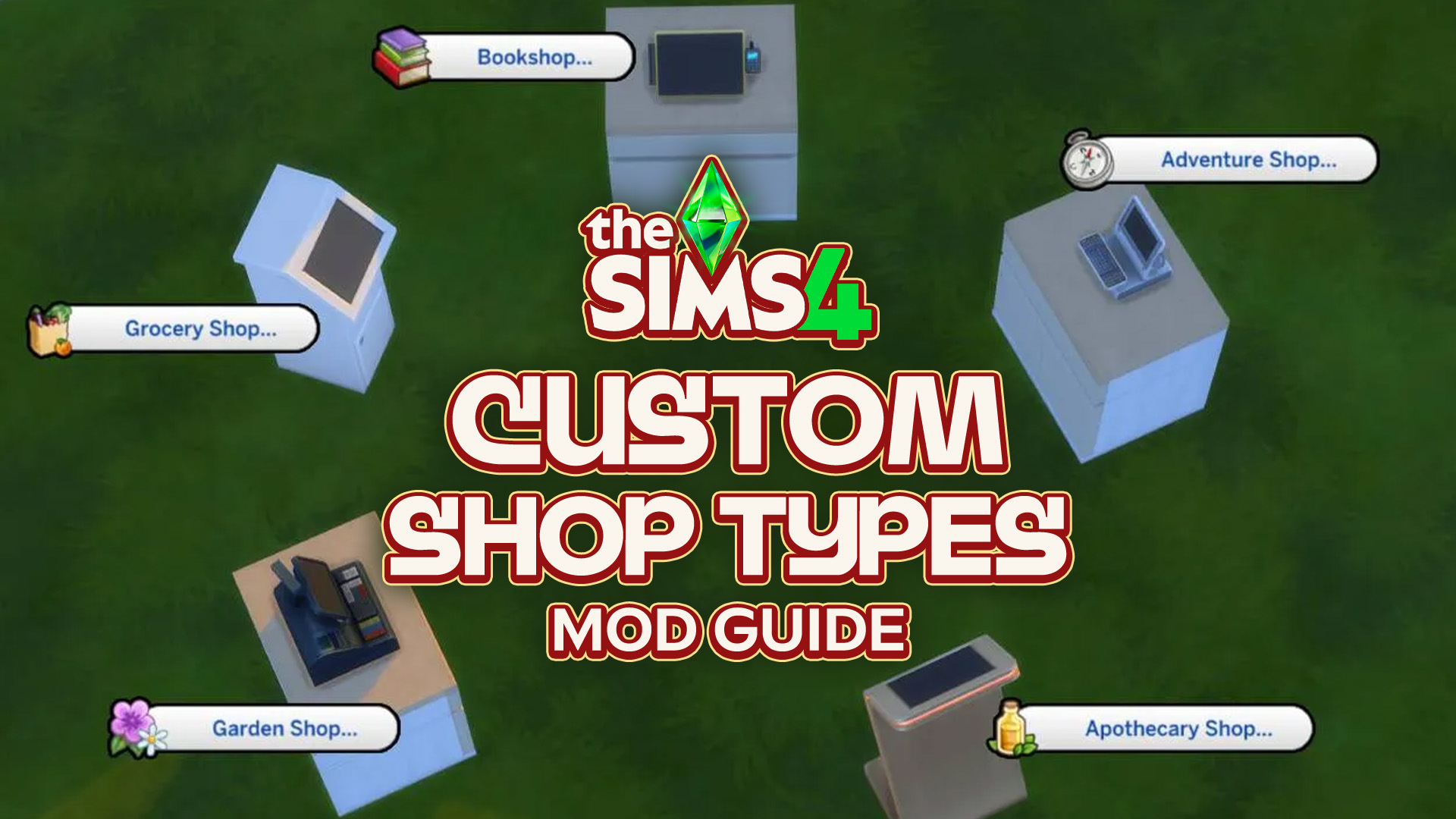
Have you ever wanted to be able to shop from home? What about the gym? How about the beach? Well, now you can! Well, in The Sims 4. Thanks to Simsefin’s Sims 4 Custom Shop Types mod! This mod turns every corner of any lot into a functional store, with a selection of items available for purchase. Here’s how it works:
Table of Contents
How To Set Up a Custom Shop
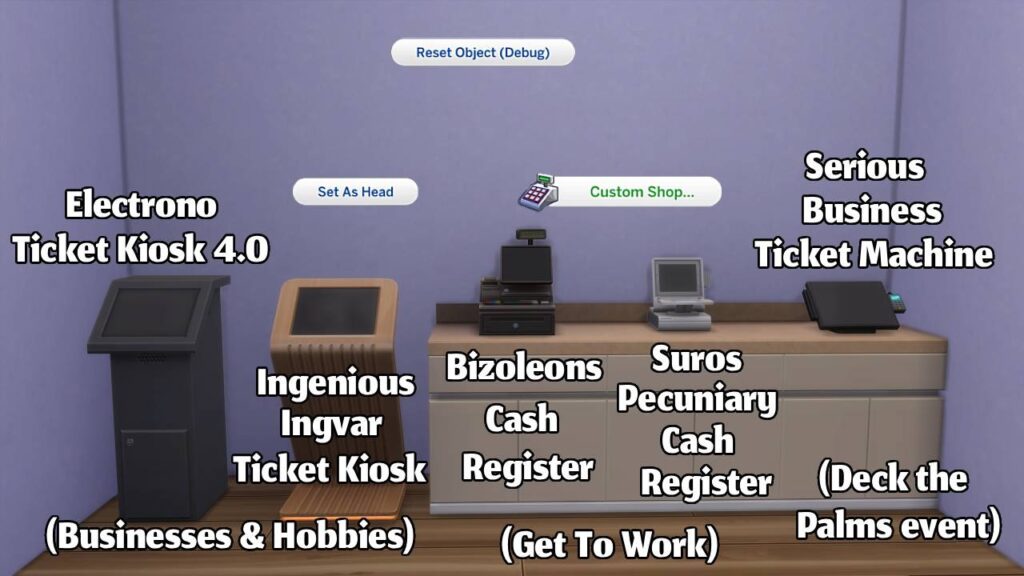
Shopping from any lot is just one shift + click away from being a reality. Simply place down any register or ticket kiosk (or multiple) on a lot, make sure cheats are enabled (you can do this by pressing Ctrl + Shift + C and typing "testingcheats true" in the box), and shift + click to bring up the Custom Shop menu. The Custom Shop Types mod is compatible with the registers from The Sims 4 Get To Work, the ticket kiosks from The Sims 4 Businesses & Hobbies, and even the ticket machine from the Deck the Palms login event, which ran from December 16th, 2025 until January 13th, 2026.
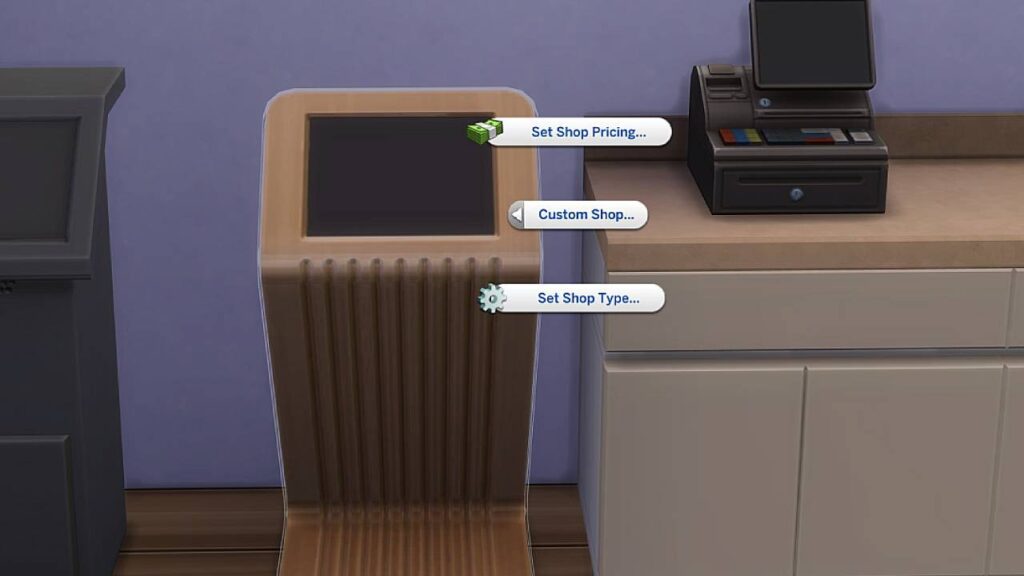
Upon accessing the Custom Shop menu, you’ll have the options of setting the shop pricing and setting the shop type. Unlike the small business settings from Businesses & Hobbies, which has five price modifying options, there are only three pricing modifiers for the Custom Shop Types mod.
Normal- 25% markup
Pricey- 50% markup
Exorbitant- 100% markup
The pricing modifier will affect all items being sold through that specific register or kiosk, meaning you can have various price settings for each shop without them conflicting with each other.
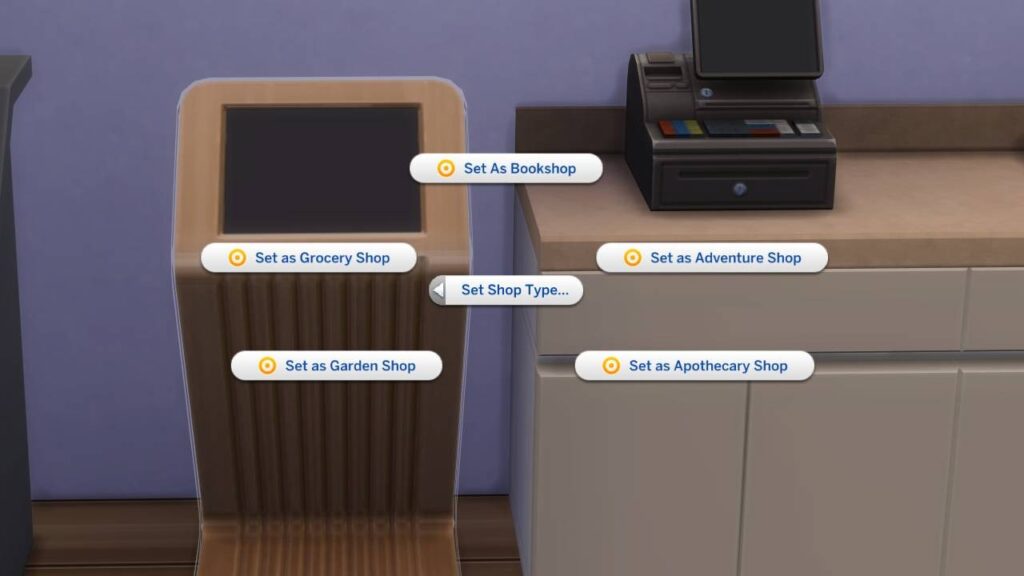
As for the shop types, there are five different types of shops you can assign to any register or ticket kiosk.
- Bookshop
- Adventure Shop
- Apothecary Shop (requires Enchanted by Nature)
- Garden Shop
- Grocery Shop
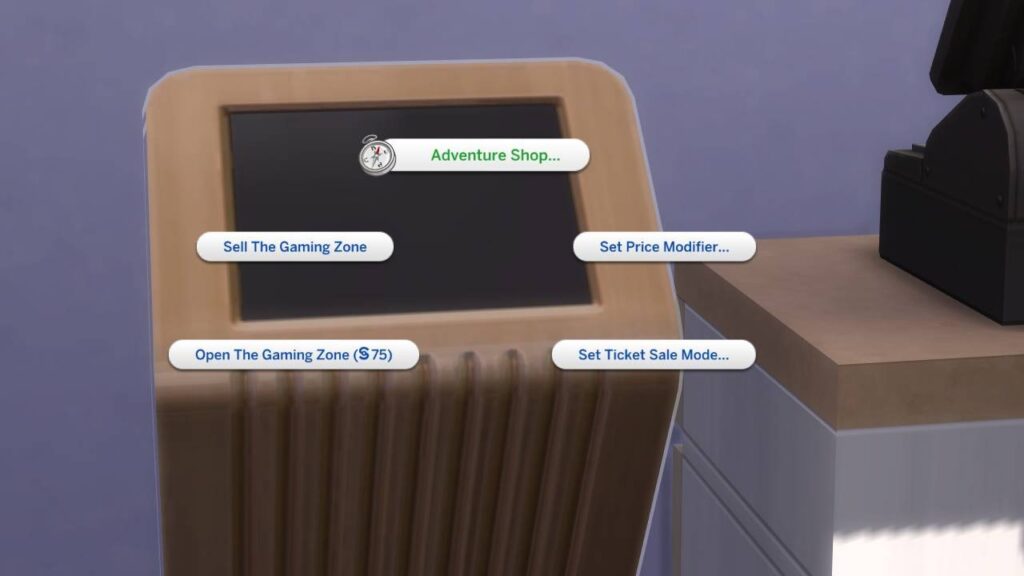
An Array of Purchasables
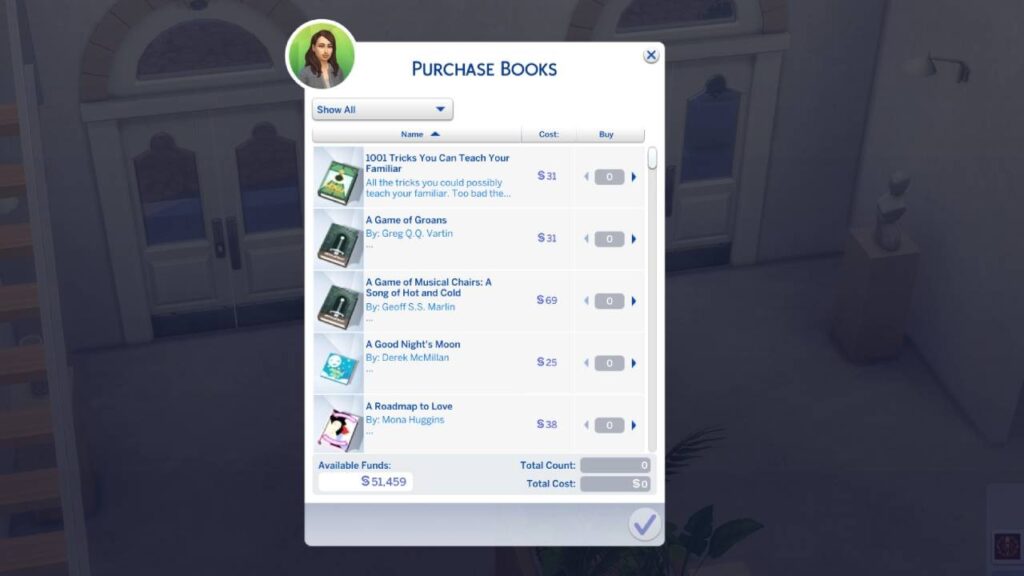
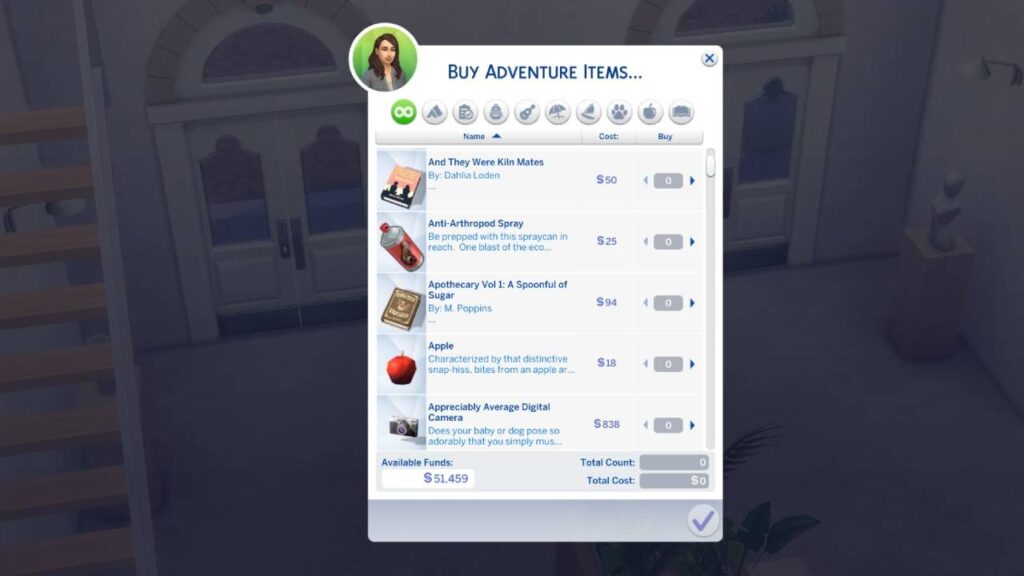
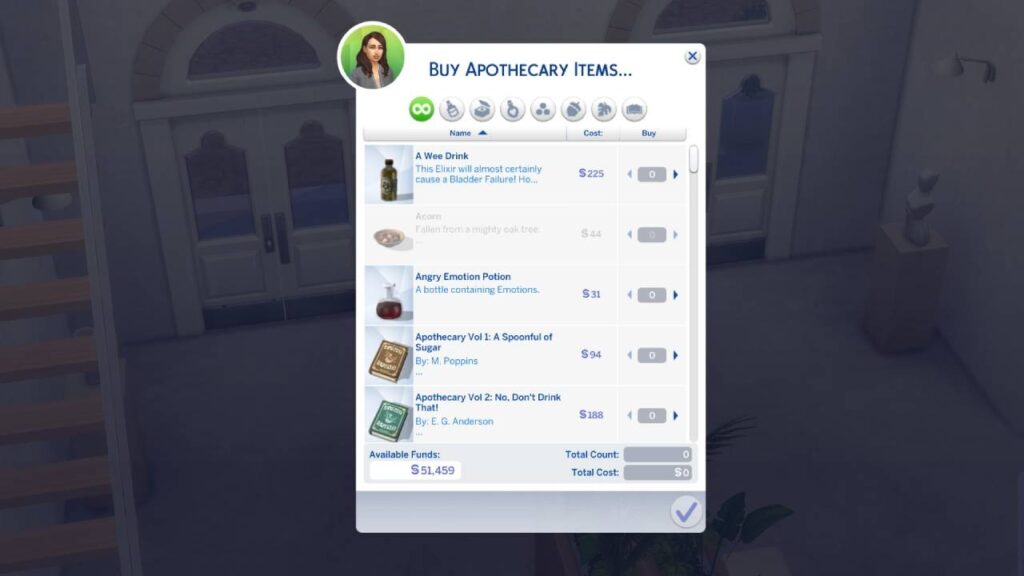
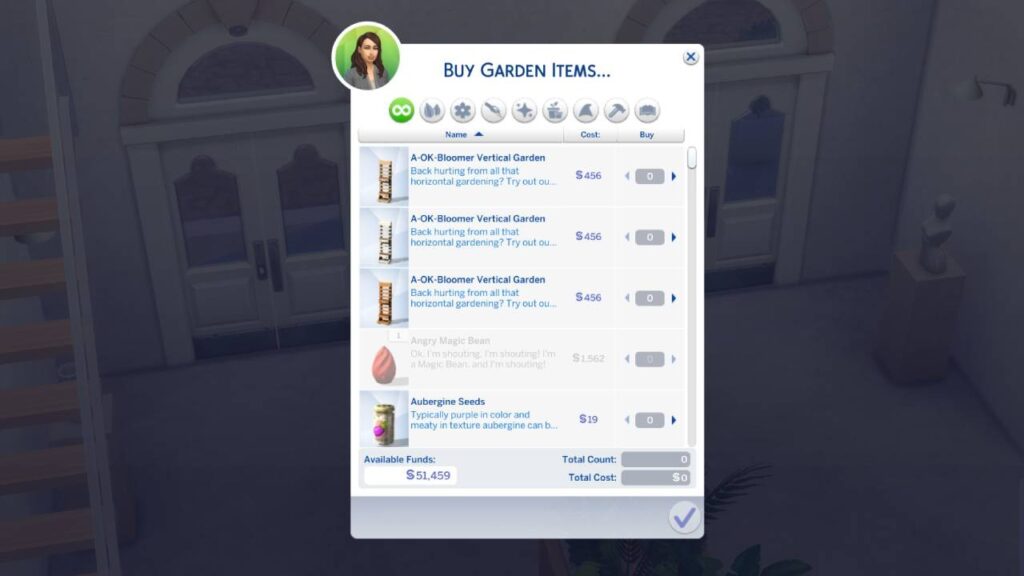
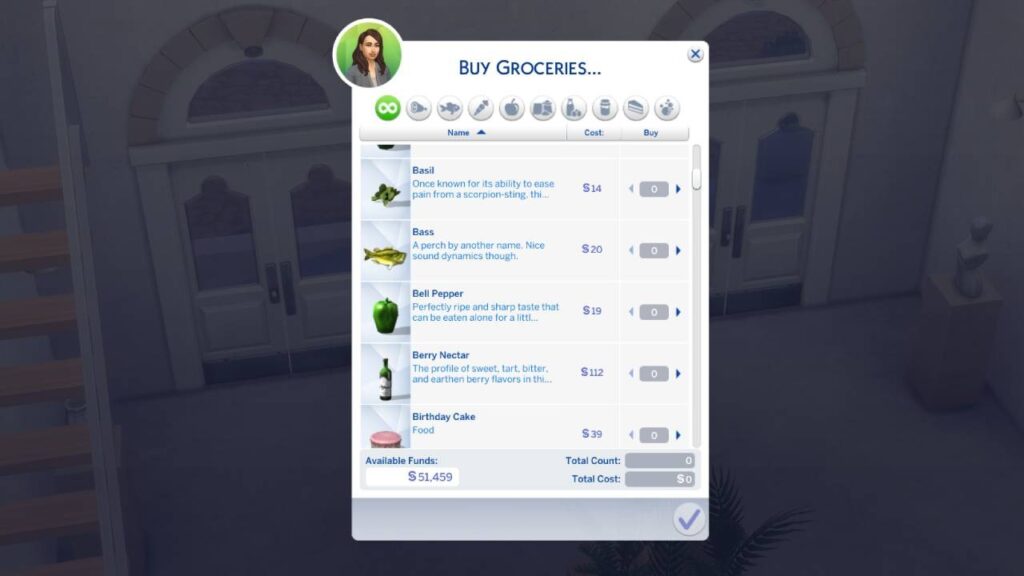
After assigning a shop type, you can access the shop's wares with one click. If using a ticket kiosk, it will be on the same menu as the management settings for small businesses. If using a register, it will be the only option. Below are some of the items available for purchase from each shop type.
Bookshop:
Adventure Shop:
Apothecary Shop:
Garden Shop:
Grocery Shop:
Shopping Has Never Been So Easy
The Sims 4 Custom Shop Types mod is convenient not only for when your Sim is out and about, but for when they’re knees deep in work at their small business. No more closing up shop early to get to the grocery stall all the way in Henford-On-Bagley.
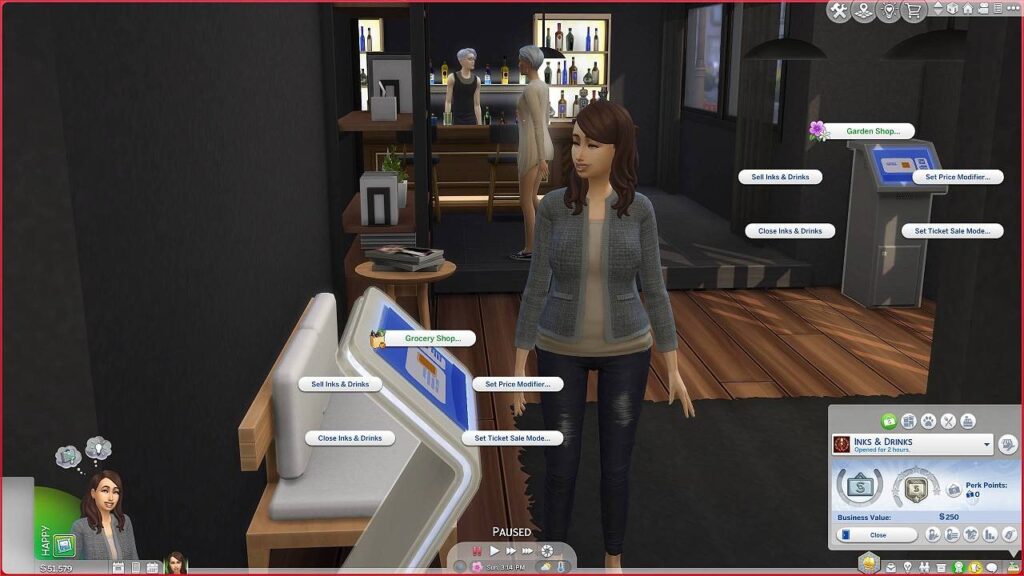
What’s even more convenient is that you can have access to all assigned shop types in one space! If you have the sudden urge for your Sim to go on a shopping spree, the Custom Shop Types mod supports multiple shop types on one lot or one room, as long as you have multiple registers or kiosks placed. Now, your sims never have to leave home to shop ‘til they drop!
Bonuses
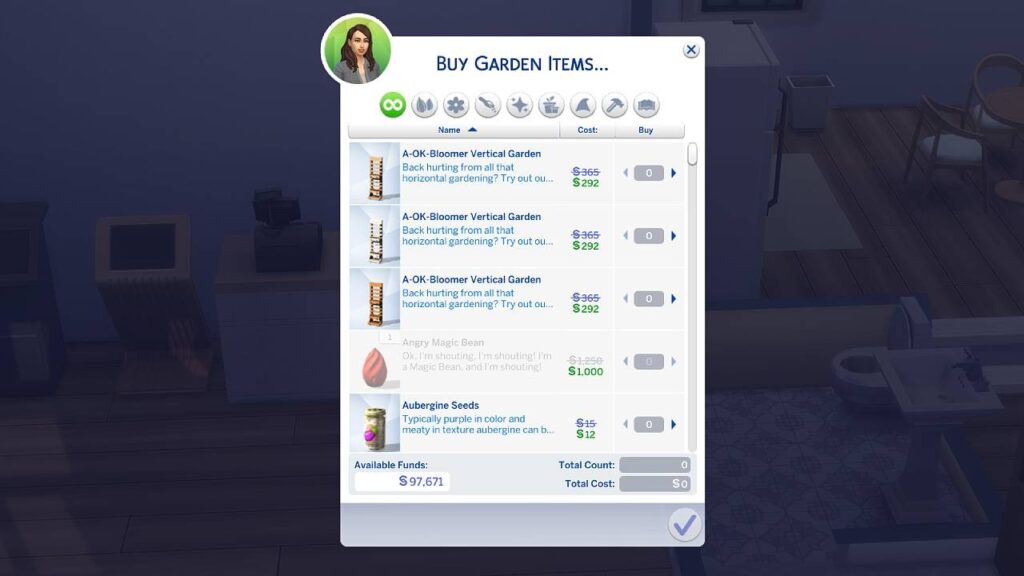
Who doesn’t love discounts? When you assign a custom shop to a register or kiosk on a lot that your Sims own, you get a special 20% discount on all items! So, if you want to restock your own business, you can do so without spending a fortune. Then you can sell it all for a much higher price. Talk about profit, am I right?
Speaking of profit, something to keep in mind is that these shops will not generate any revenue for your Sims. They are there for easy access to shops around the worlds and from the comfort of your residential lots.
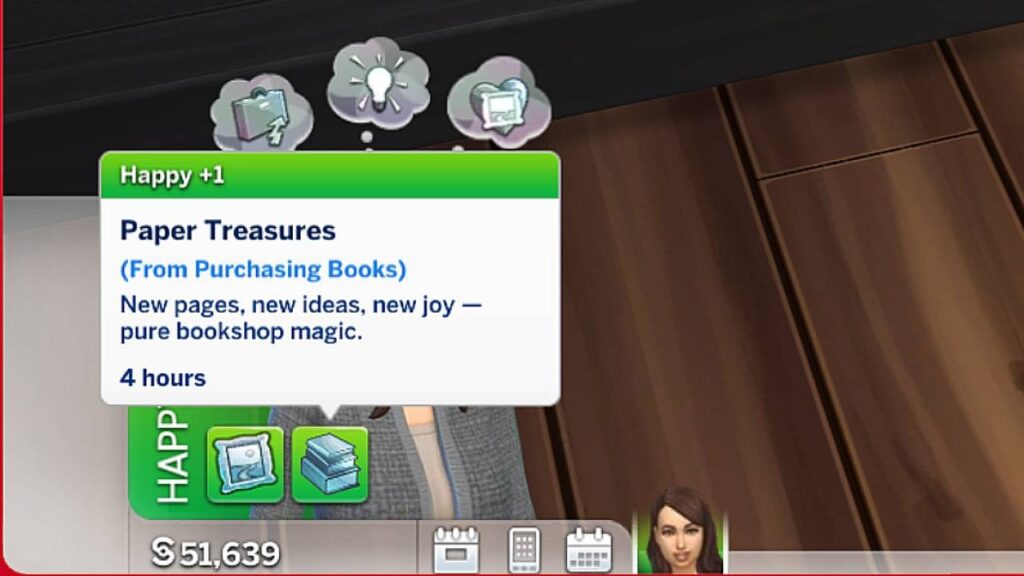
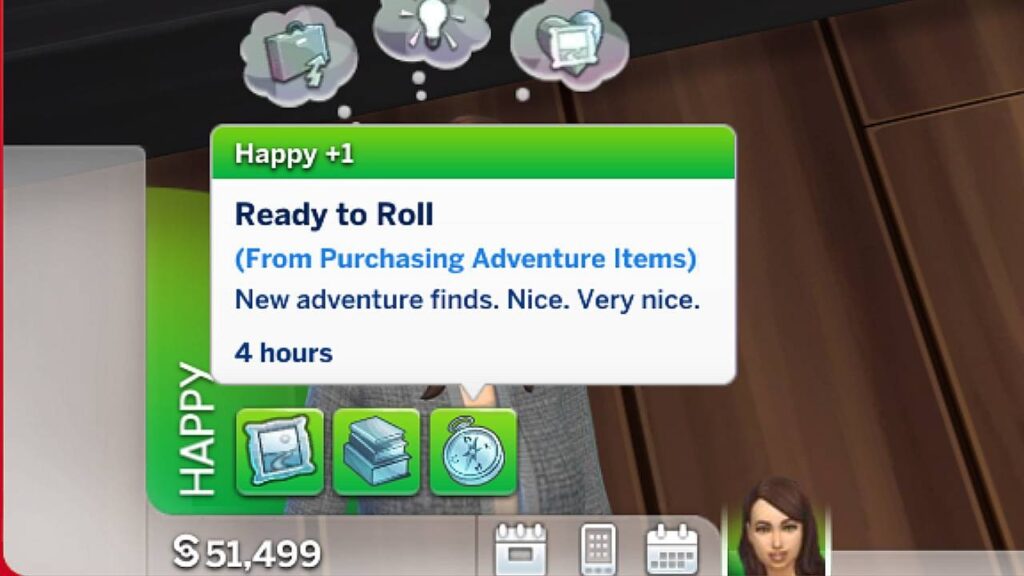
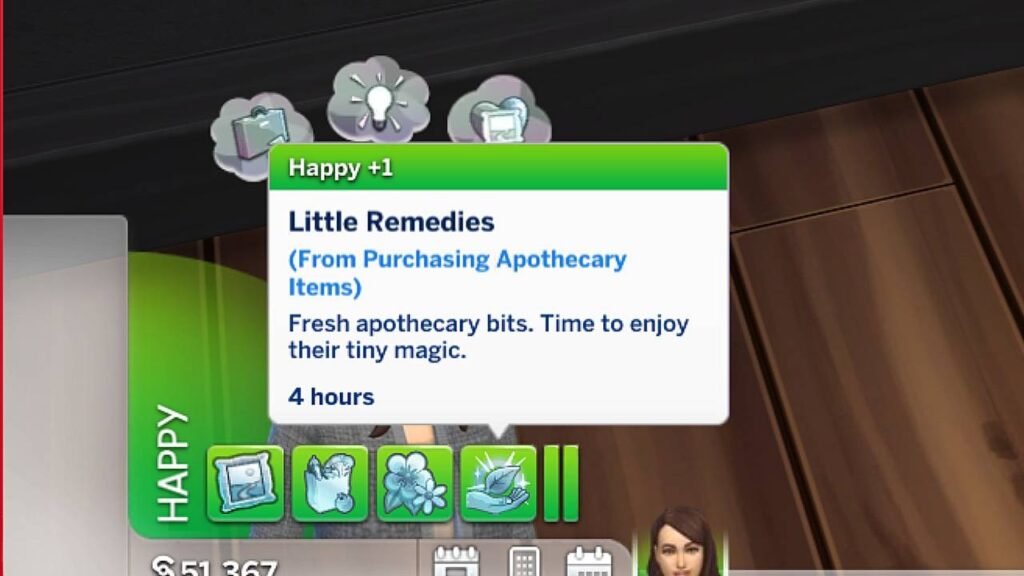
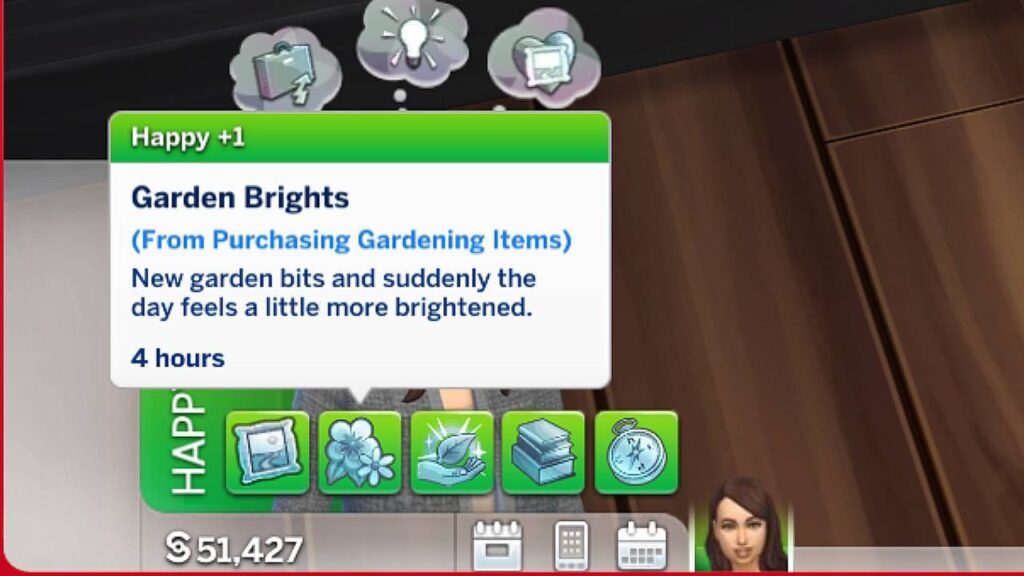
Now, the discount isn’t the only bonus of your Sim using these. When your Sim makes a purchase, they get a buff that boosts their happiness. We’re all happier when we buy stuff for ourselves, right? Each happiness buff is unique to the different shop types.
Bookshop:
Adventure Shop:
Apothecary Shop:
Garden Shop:
Grocery Shop:
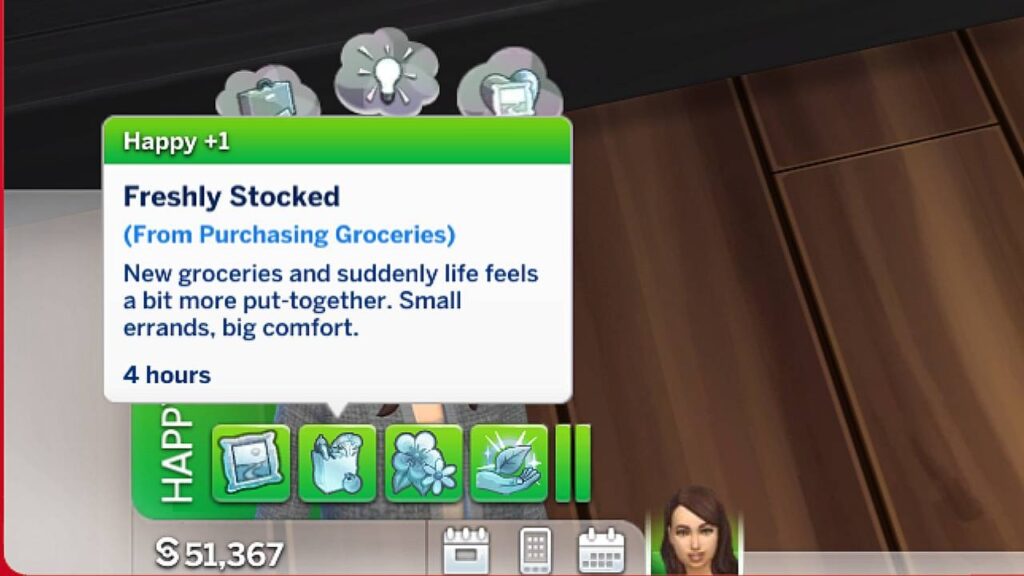
It's the little things that can end up changing your gameplay in a big way, and this mod is one of those things.
Download and Requirements
If you want to shop for books, groceries, and more from the comfort of your residential lot, the museum, the park, or even the gym, this is the mod for you! Keep in mind that you'll need either The Sims 4 Get to Work, Businesses & Hobbies or both expansions to have the Mod operating.
Download the mod here:
Plus, you'll need to get the following two "core Mods" in order to get it fully functional:
You can install the Mod by simply pasting all the downloaded content into Electronic Arts > The Sims 4 > Mods folder.
For more overviews and guides on Community Mods, check out our dedicated Sims 4 Mods category!
0 Comments
Be the first to comment.
Welcome to Sims Community!
Our community is about connecting people through open and thoughtful conversations. We want our readers to share their views and exchange ideas in a safe space.
In order to do so, we've created a simple set of rules that will improve your experience. Simply put, keep it civil.
Your post will/might be rejected if it contains:
User accounts will/might be blocked if we notice:
So, how can you be a power user?
Thanks for reading our community guidelines. Please note that we're aware of certain issues with Sign In / Log In and Create Account / Email Confirmation issues. We're working behind-the-scenes on a new Account Creation process. Thank you for your patience and remember - freedom of speech is not freedom of reach