The Sims 4 Wills & Heirlooms will help your Sims pass on their precious items and leave a lasting legacy!
Even our Sims lives come to an end at some point (well for most Sims at least). If your Sim is worried about leaving their loved ones behind, a Will is a great way to put their mind at ease. With The Sims 4 Wills and Heirlooms features from The Sims 4 Life & Death, Sims can preserve their treasured items and care for their loved ones from the afterlife.

Table of Contents
About The Sims 4 Wills
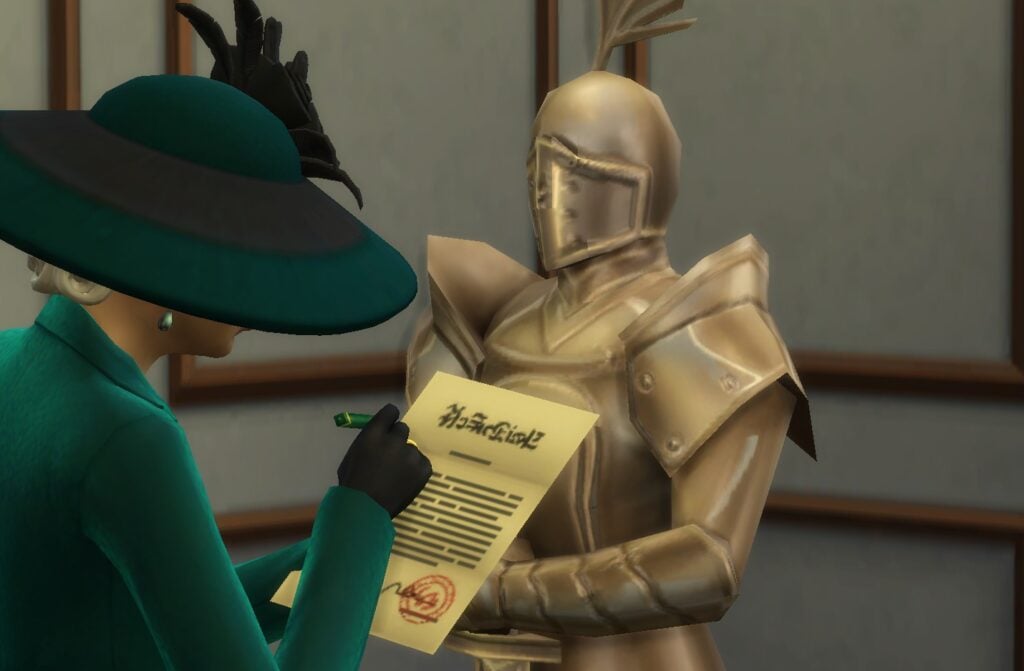
Wills in The Sims 4 include the ability to choose how your Sim’s Dependents, Simoleons, Heirlooms, Funeral Activities, and Sim Remains are handled after death. Your Sim can also Leave a Personal Note that will be included in the reading of the Will. Sims can Will these to individual Sims and other Households, depending on the category.
Dependents
Use this category to determine where the Household’s dependents will be placed following the entire Household’s death. Dependents include any Sims Child and younger as well as pets.
Simoleons
Simoleons can be willed to another Household after the death of the entire Household. With this category, your Sim has the following options to leave their Simoleons behind to Another Household or to Charity:
- 100% of the Household Funds
- 80% of the Household Funds
- 60% of the Household Funds
- 40% of the Household Funds
- 20% of the Household Funds
Be careful, though, because donating household funds to charity impacts Dynasty Prestige.
Heirlooms
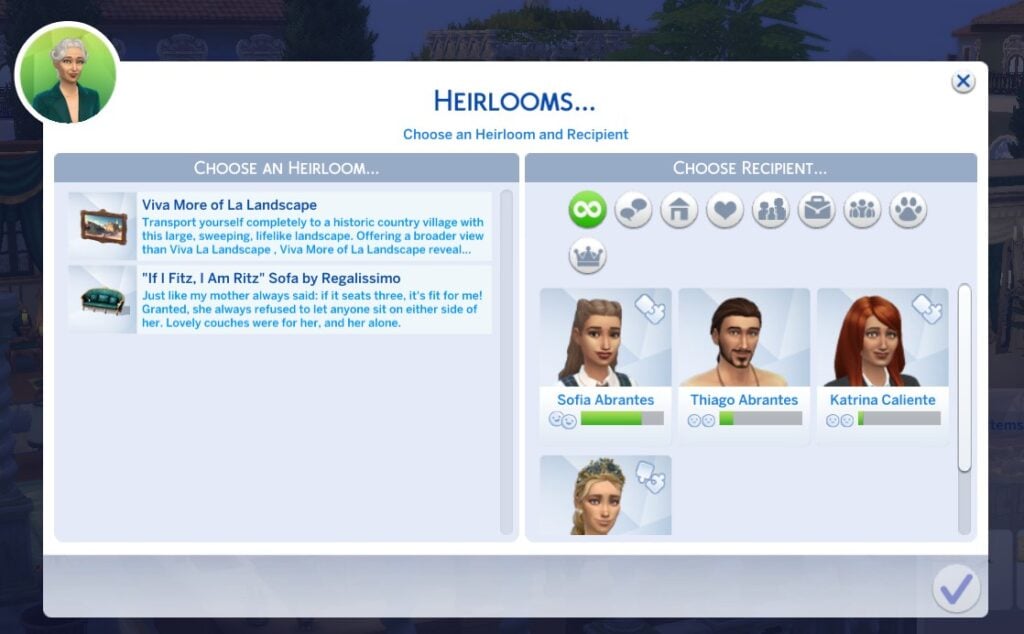
Choosing this category will open the Heirloom manager, allowing you to choose which Sim inherits any precious items. Heirlooms will be inherited upon the death of the individual Sim.
Funeral Activities
This category lets you plan out your Sim’s funeral, choosing how they will be honored by their loved ones. Check out our How to Create a Funeral guide for details about planning a funeral in The Sims 4!
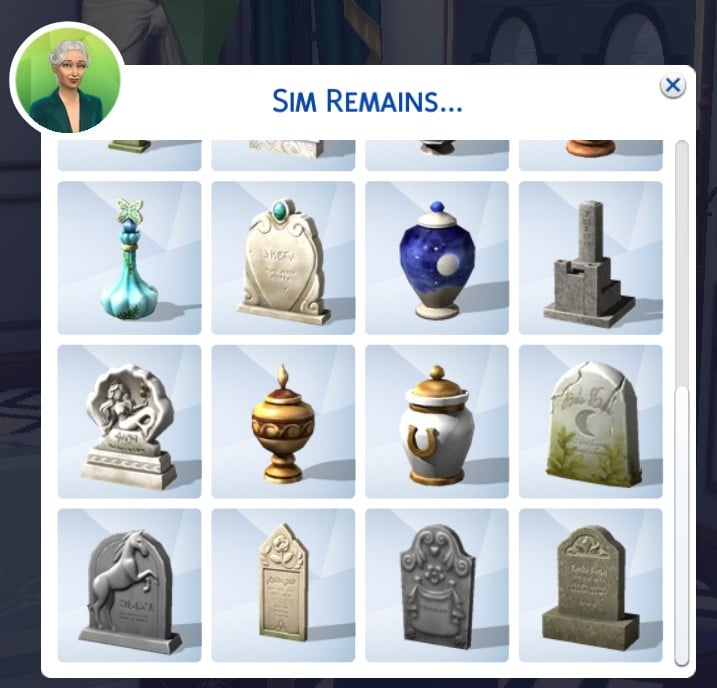
Sim Remains
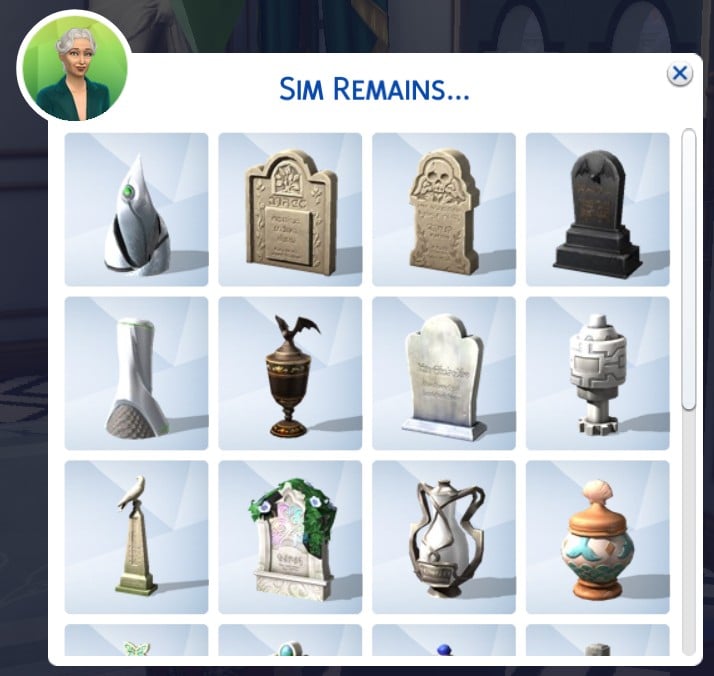
This category lets you choose from one of the 24 gravestones and urns available for your Sim. Choose how you want your Sim to be remembered by all!
Leave a Personal Note
To send love (or anger) to your loved ones beyond the grave, your Sim can use the Leave a Personal Note category. You also can choose to convey their emotion through the note with the Set Emotion interaction.
Start a Will
Now, Sims ages Teen and older have several ways to Start a Will when they are ready to take that step. Once your Sim has written their Will, they can Read the Will, Update the Will, or Destroy the Will by selecting it from their inventory.
Hire an Inheritance Lawyer
The wealthy Sim who does not want to leave the house can use their phone or computer to hire an Inheritance Lawyer for 225 simoleons. The Inheritance Lawyer is available during normal business hours, but will arrive at 9:00am the next day if they are called after hours.
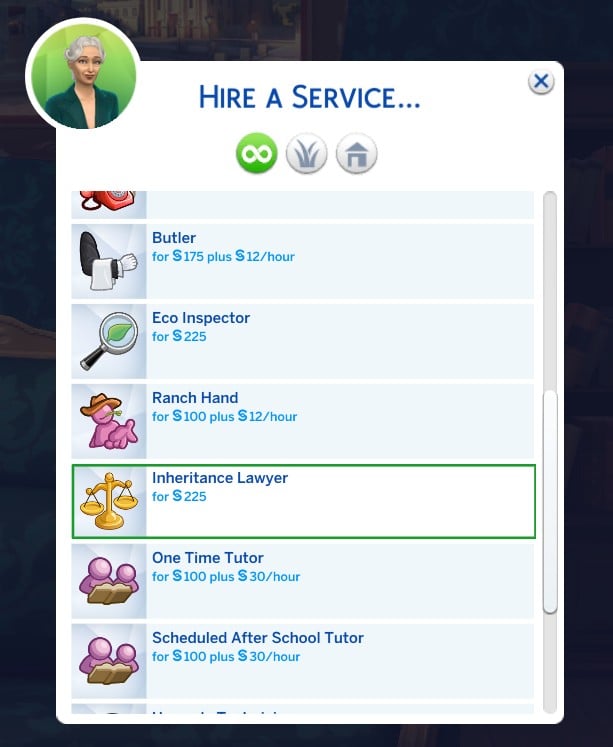
An Inheritance Lawyer is there to share advice on Wills, Heirlooms, and Funerals. You can ask the lawyer about each of these topics, or cut to the chase and choose the Start a Will interaction.
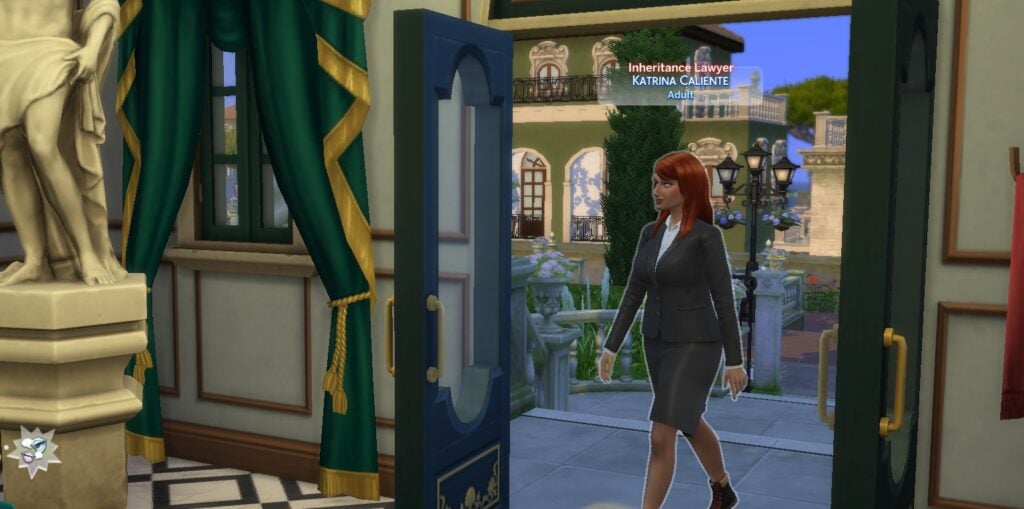
The lawyer will hand your Sim their Will, and your Sim can get started writing out their plans!
Visit Town Hall
While your Sim is out and about, they can stop by the Town Hall in the Crow’s Crossing neighborhood of Ravenwood to Start a Will. Choosing this interaction will add a Will to your Sim’s inventory. This interaction is only available to Sims who do not have Wills.

Do it Yourself
To simply create a Will at home, use the Start a Will interaction under the Household category on the Computer. This will automatically add a Will to your Sim’s inventory.
Heirlooms in The Sims 4 Life & Death
The Sims 4 Life & Death also gives your Sim the ability to will their treasured items to their loved ones through the Heirloom feature. Sims, ages Child and older, can claim just about anything as an Heirloom, from special reward items to everyday household decorations.
Creating Heirlooms
To mark an item as a Heirloom, click on the item and select the “Make Heirloom” interaction. This will automatically add the object to your Sims’ list of Heirlooms, but not their Will. To ensure an item will be passed on after your Sim’s death, you will need to ensure to Update the Will to include Heirlooms.

All Sims can have up to 5 Heirlooms, but Sims who have reached the fifth level of the Soul’s Journey unlock the ability to mark 8 items as Heirlooms.
A Sim that created a Heirloom can Engrave a Message, Remove the Heirloom, or Pass on the Heirloom to another Sim by selecting the item directly. These Sims and Sims in their Household can use the Claim Higher Value interaction to increase the value of the item over time, letting the Sim who inherits the item sell it for more Simoleons.
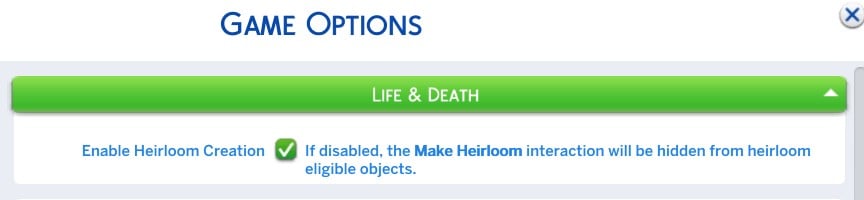
Heirlooms can be adjusted at anytime by directly selecting the Will from the personal inventory, and the Heirloom feature can be disabled entirely from the Pack Settings in Game Options.
Receiving Your Inheritance
After a loved one has passed on and has written your Sim in the Will, your Sim will get the Will in the mail. Your Sim can Read the Will Out Loud or Give the Will to another Sim. To receive the inheritance in The Sims 4 Life & Death, use the Read Will Out Loud interaction.
Upon reading the will, any dependents will automatically join your Household and inherited Heirlooms will be added to the Household inventory. In Live Mode, all inherited heirlooms will have an identifier over the item when you mouse over it, including the engraved message.
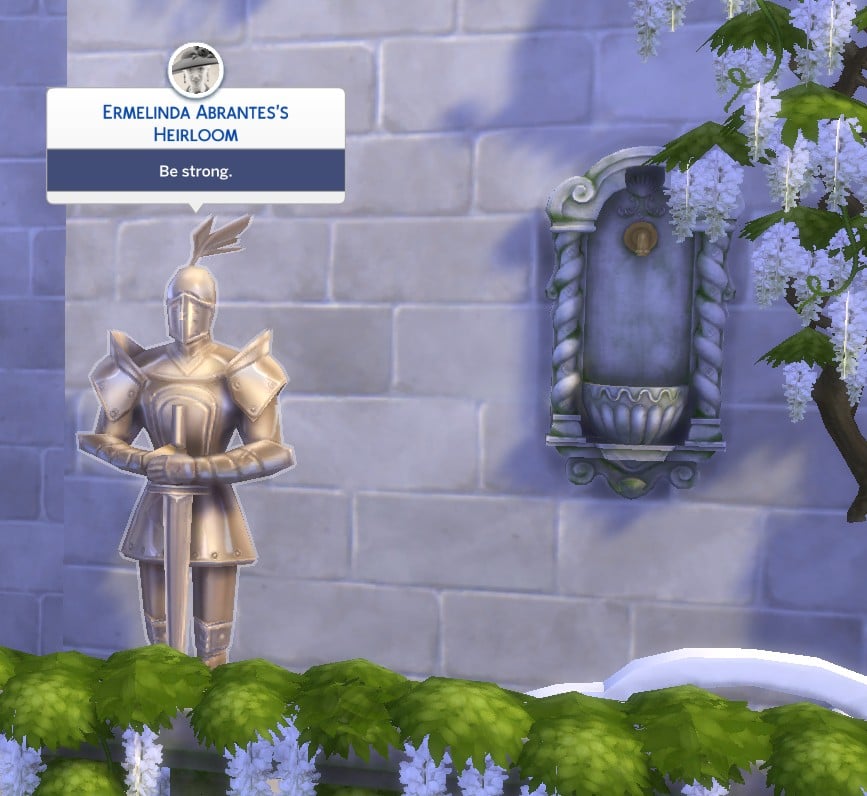
Household members can interact with the Heirlooms in several ways, such as Claim a Higher Value, Think about the Original Owner, Pass on the Heirloom to another Sim, Call upon the Sim, and Pawn the Heirloom for Simoleons. Pawning a Heirloom may cause rifts in relationships and other unintended consequences.
Have you used The Sims 4 Wills and Heirlooms features to pass on a legacy? What are your thoughts on this addition from The Sims 4 Life & Death? Let us know in the comments below!