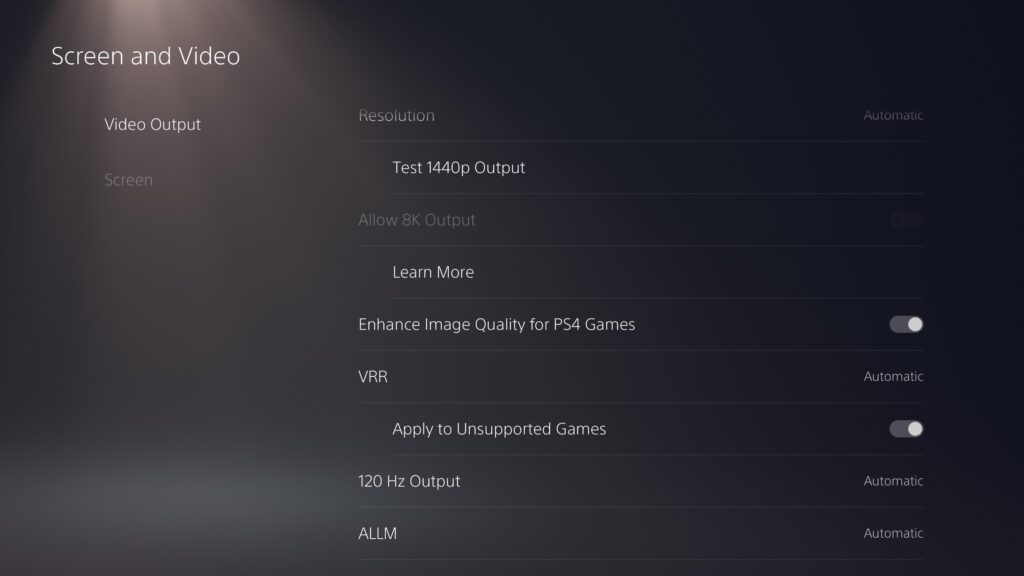
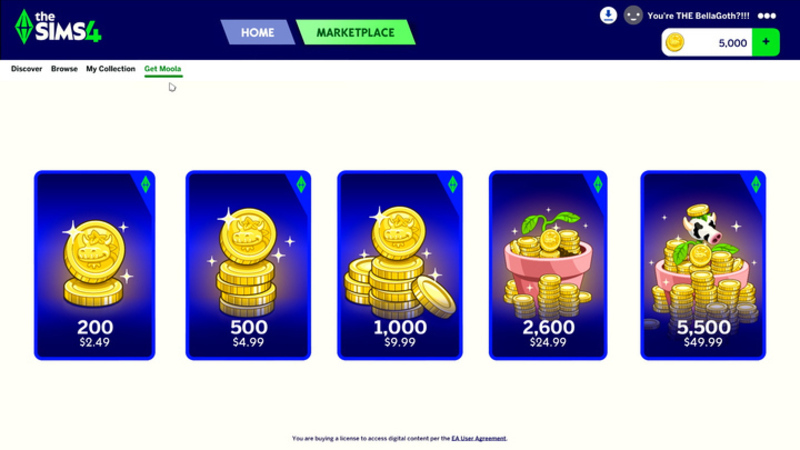
A player on PlayStation 5 Pro has uncovered a strange bug in The Sims 4 this week, allowing all marketplace content to be purchased for FREE! Upon enabling the "Enhance Image Quality for PS4 Games" feature on PS5 Pro, the players Moola balance will be wiped in the marketplace, and any maker pack can be purchased, regardless of prior balance.
Table of Contents
How The Glitch Works
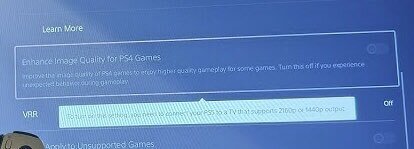
Over on X, user habitsandvices shared a screenshot of their PS5 Pro options menu with the "Enhance Image Quality for PS4 Games" option enabled. This was posted in response to a recent post by TheSimsDirect, the offical Sims account that shares information about game updates and fixes.
i have 200 moola but there is a bug on ps5 pro when you have this setting enabled for better graphics for ps4 games it breaks the moola section to be blank and lets you download it all for no money? every kit says buy with moola and doesn’t use my 200 will u fix it?
The poster explains that, once the seeting is enabled, the Moola balance will be displayed as blank, and upon purchasing a Maker Pack the player will be charged 0 Moola.
The Enhance Image Quality setting is only available on PlayStation 5 Pro, so for players on base PS5 and XBOX are out olf luck this time. The issue does not seem to have been reported elsewhere, however, there have been multiple instances of the Marketplace displaying incorrectly for players, specifically those with mods.
As the initial post was in reply to an official account for The Sims, it is likely that this issue will be quickly patched, and it is unclear what the repercussions for partaking in this loophole will have.
Have you tried the glitch yourself? Let us know in the comments below, and stay tuned to Sims Community for all the latest on The Sims 4 Marketplace!
13 Comments
Silver
” it is unclear what the repercussions for partaking in this loophole will have.”
Whooooo boy. If you need someone to tell you not to do this, don’t do this.
At *best*, accounts could be put into negative balance until the amount they glitched/stole is paid off, though whether this would be the PSN account or the EA account, I’m not sure!
Also an option–particularly for those with linked financials–is that the storefront takes a payment equal to the amount of Moola that was taken through use of the glitch and calls it even. Do you suddenly want a charge of XYZ amount on your card you didn’t budget for? NO! DO NOT!
ALSO an option is the affected accounts are simply banned for some ToS violation regarding the storefronts and use thereof, therefor costing them whatever games are linked to that account, in which case goodbye Sims at best and the entire PSN store + any games that require a PSN account at worst.
Just. don’t do the thing.
Zophorax
Reply to Silver
The last option is highly unlikely. Penalizing players for a bug or glitch in the game would be extremely unfair and distasteful, and not a good look on the company at all.
Silver
Reply to Zophorax
For a bug in the *game*? Absolutely not. For exploiting the *store*? Different problem. Users of this exploit would be penalized for using the exploit because doing so violates the Terms of Service agreement *you have to sign when you sign up*. I’m sure there’s a clause on both the PSN and EA Store that’s along the lines of “don’t take what you haven’t paid for”/”don’t exploit”. Accounts have been banned for less.
Also, do you *really* think a company like EA or Sony is going to care about their reputation or what makes a “good look” at this point? EA won the golden poo award multiple years running before the buyout, and Sony just poo’d the sheets with their announcement of phasing out physical media. It’s all about the money.
Leandro
Reply to Silver
exploiting violate agreement? What?
I mean, is not a competitive game, even no an online game
Zophorax
Reply to Silver
The in-game Marketplace is a feature of the game, so no, it’s not different.
And, no, they absolutely cannot penalize players for this, because there’s no way for them to verify whether a player knowingly or unknowingly did this, whether a player know that purchasing a Kit on PS5 Pro with the enhanced PS4 game setting enabled would give them the Kit for free.
Cleez
Reply to Zophorax
Bruh. Use a little common sense. If you went to walmart and the checkout counter glitched and you tried to take out a whole bunch of free stuff, when they arrest you for shoplifting are you going to call that “extremely unfair and distasteful and not a good look on the company at all”?
What arguments do you think you’d use in the ban appeal to show that what you did is actually extremely fair and tasteful and a good look for you?
Zophorax
Reply to Cleez
You’re talking about shoplifting, like purposefully trying to steal something.
In the case of this Marketplace exploit in TS4, unless they’ve actually read or heard about this exploit beforehand, a player would not know, nor expect, that purchasing a Kit from the TS4 Marketplace, while the enhanced PS4 game setting happens to be enabled on their PS5 Pro, would result in them getting the Kit for free. And EA have no way of verifying which players had that prior knowledge, and which did not. So they can’t ban anyone.
Ayla
Reply to Zophorax
As an on and off player of Maplestory, a MMORPG just as buggy and ill-managed as modern Sims, I absolutely have seen admins make decisions on which players used an exploit unintentionally (and only have the items removed) and which ones used it knowingly (and get hit with suspensions/bans). There’s a lot of nuance and sometimes they don’t make the right call, but someone cleaning out the entire shop in one go is a pretty obvious suspect. And on that note problems involving premium currency get addressed faster and punished stricter than a regular gameplay exploit, because it (in theory) directly effects the company’s income.
Don’t get me wrong, I have zero respect for EA and any developer or creator involved with the marketplace, and I *love* that this is happening to them. But actually using it still falls in the realm of fooling around and finding out. Plus if EA’s TOS is anything like other TOSes I’ve seen, they might be allowed to just obliterate your account for any reason. Again, not a defense of EA, just an acknowledgment that this would probably not land in the user’s favor.
Zophorax
Reply to Ayla
If they can’t know for certain whether a player acted with prior knowledge of the exploit, they shouldn’t take any action. It wouldn’t be fair to penalize potentially innocent players.
And honestly, I don’t expect they will.
Zophorax
Reply to Ayla
Of course, if a player purchased more Kits than they’d be able to afford with their Moola balance at the time, then that most likely does mean they did know about it, or found out while purchasin and just continued to take advantage of it. But in all other cases, they can’t be sure.
Zophorax
Well, since EA have no way of actually verifying whether a PS5 Pro player, with the enhanced PS4 setting enabled, that purchased a Kit(s) did so with prior knowledge of this glitch and that they would end up not being charged for their purchase(s), they can’t issue account bans for this.
The most they can do, is removing the free-purchased Kits from players’ accounts, so they have to repurchase them, but for actual Moola this time.
Sam
Hold your horses everyone. This has happened before and no, you won’t get in trouble but once the bug is noticed and fixed, the licenses of the games/DLC/currency/… you acquired will be revoked.
So whatever you buy with the free moola glitch will be unavailable in your game after they fixed the problem. You will need to actually buy it properly once the bug is fixed.
Every PS user has an account. So yes, they can easily tell what account has acquired DLC due to the glitch and yes they can easily revert that account to the status before the glitch.
It’s just a matter of time for them to notice and fixed, which they probably are already aware of as articles as this helps spreading the news.
Lolilo
J’espère que les gens qui ont eu le bug en ont bien profité pour vider la marketplace !! Ce n’ est que justice rendue pour cet Arnaque de marketplace… Et ça ne serait pas correct de reprendre les kit achetés aux joueurs, après tout c’est leur bug, il fallait faire plus attention.. comme pour le reste!
Welcome to Sims Community!
Our community is about connecting people through open and thoughtful conversations. We
want our readers to share their views and exchange ideas in a safe space.
In order to do so, we've created a simple set of rules that will improve your experience.
Simply put, keep it civil.
Your post will/might be rejected if it contains:
Spam
Insults, profanity, incoherent, obscene or inflammatory language and threats of any kind
Attacks on the identity of other commenters or the article's author
User accounts will/might be blocked if we notice:
Continuous attempts to re-post comments that have been previously moderated/rejected
Racist, sexist, or homophobic comments
Attempts or tactics that put the site security at risk
So, how can you be a power user?
Stay on topic and share your passion. Feel free to elaborate to get your point across.
'Like' or 'Dislike' when you are filled with emotions!
Protect your community. Use the report tool to alert us when someone breaks the rules.
Thanks for reading our community guidelines. Please note that we're aware of certain
issues with Sign In / Log In and Create Account / Email Confirmation issues. We're working
behind-the-scenes on a new Account Creation process. Thank you for your patience and
remember - freedom of speech is not freedom of reach
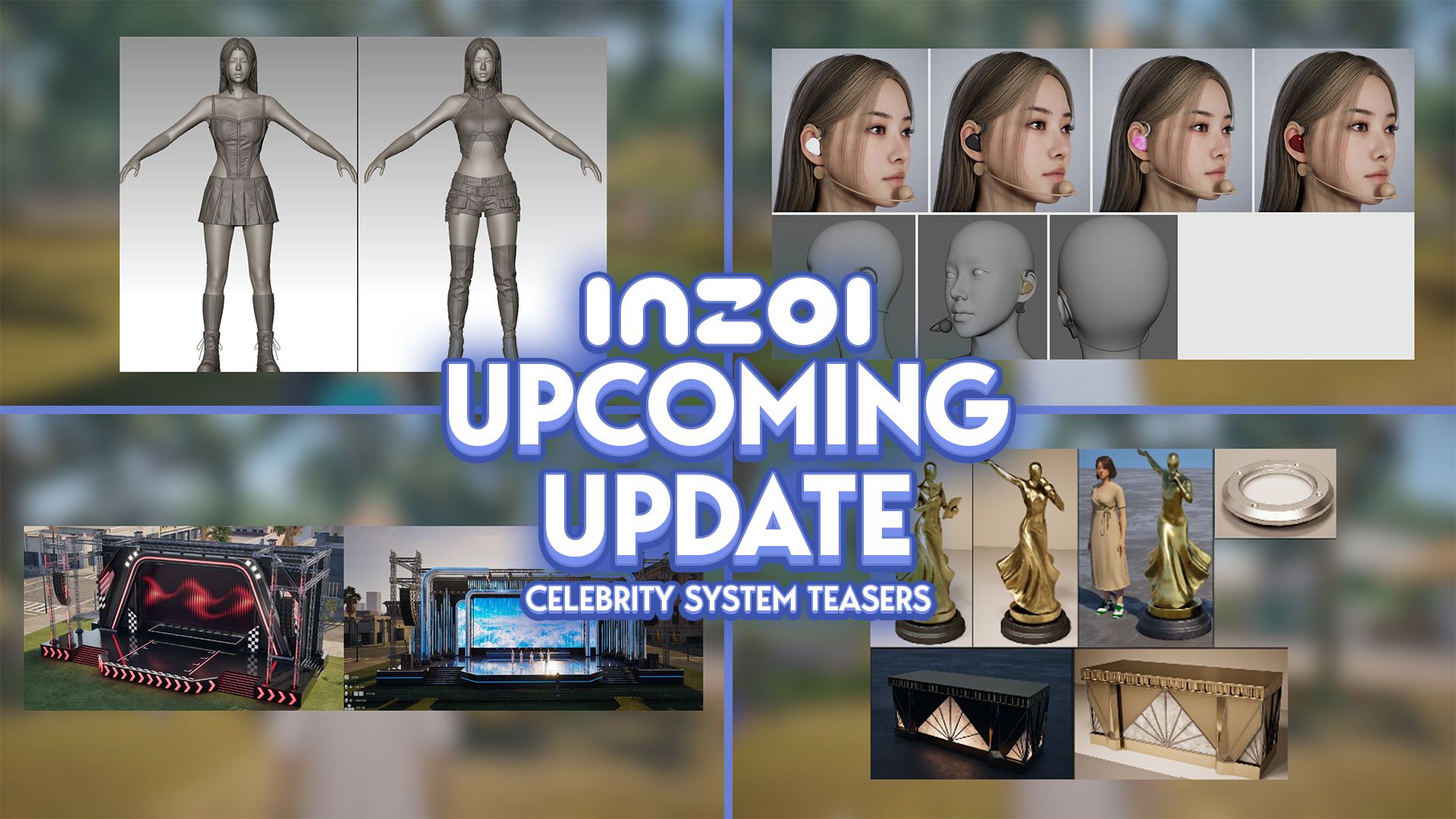
It sure hasn’t felt like it, but it has now been one full year since the InZOI Developers began doing weekly Friday developer diaries, also known as “Brainstorming with Kjun”; A weekly diary where Director & Producer of InZOI Hyungjun ‘Kjun’ Kim speaks with players, showcases new and upcoming features, provides insight into what the…
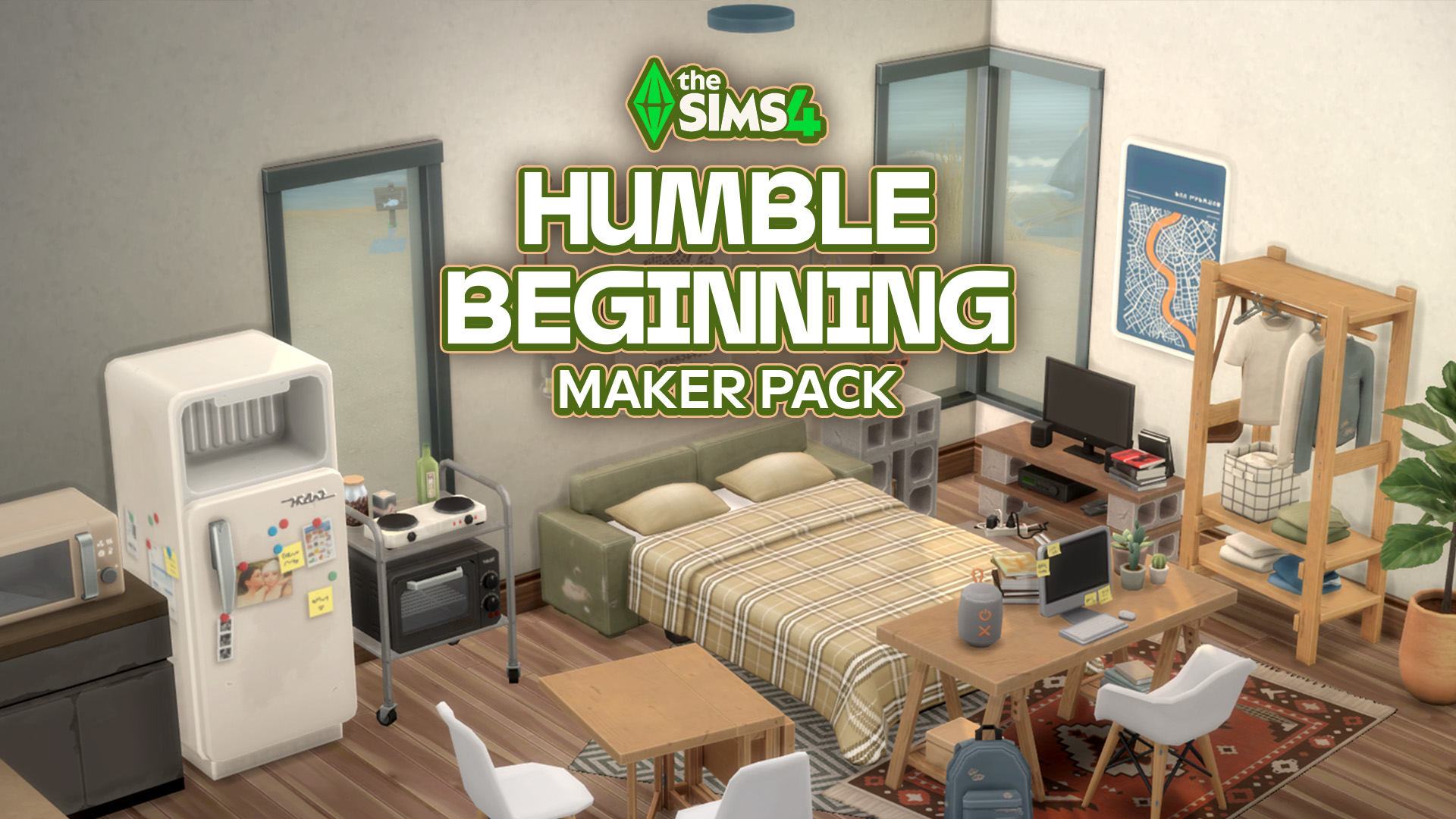
Syboulette brings a 5 dollar Maker Pack to The Sims 4 Marketplace. Are we switching to daily singular Maker Pack drops? After yesterday’s single CAS Maker Pack release titled Summer Trip we’re getting another one today for Build Mode. Titled The Sims 4 Humble Beginning, the latest Maker Pack comes from Syboulette and includes 30…
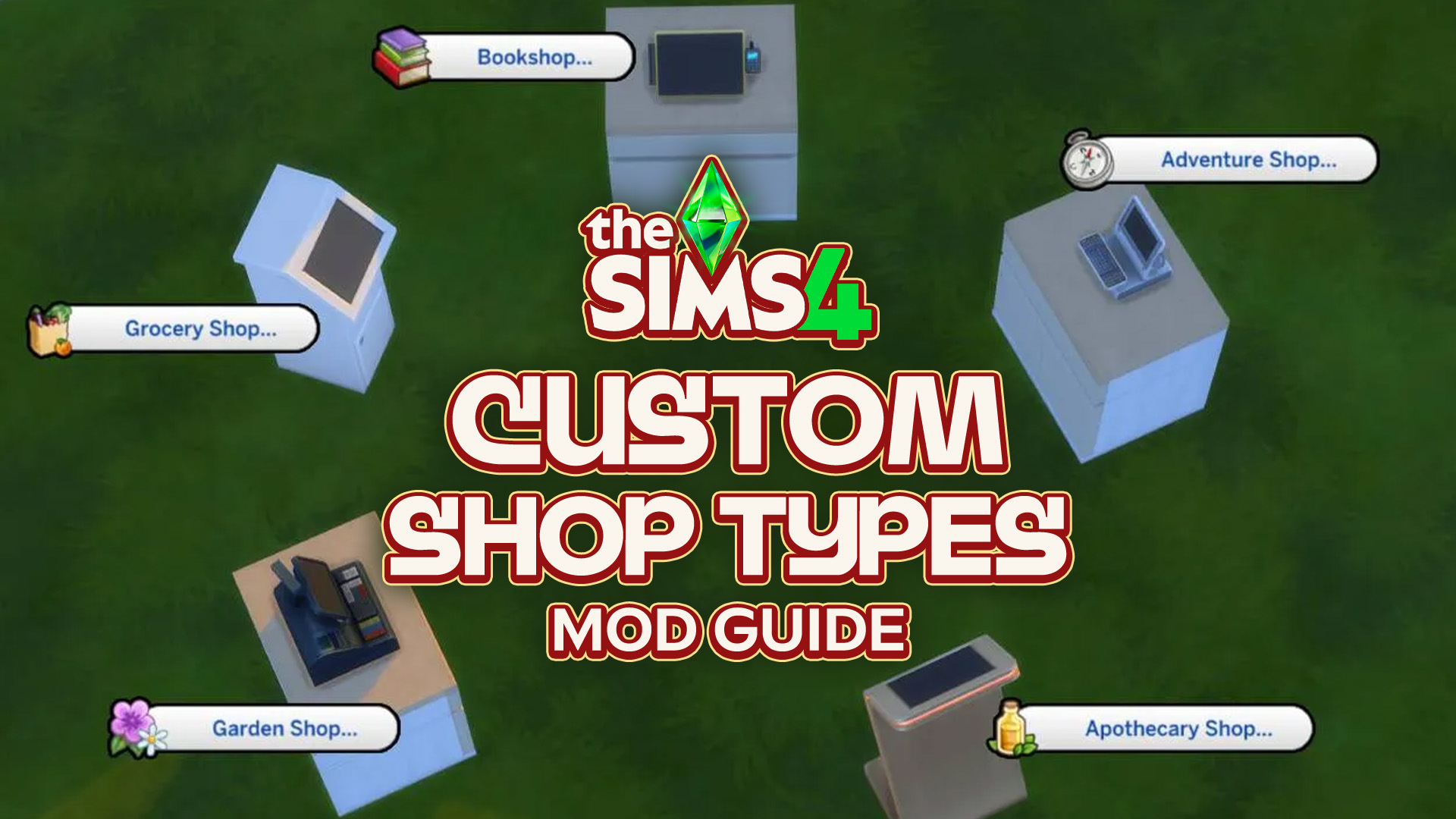
Have you ever wanted to be able to shop from home? What about the gym? How about the beach? Well, now you can! Well, in The Sims 4. Thanks to Simsefin’s Sims 4 Custom Shop Types mod! This mod turns every corner of any lot into a functional store, with a selection of items available…
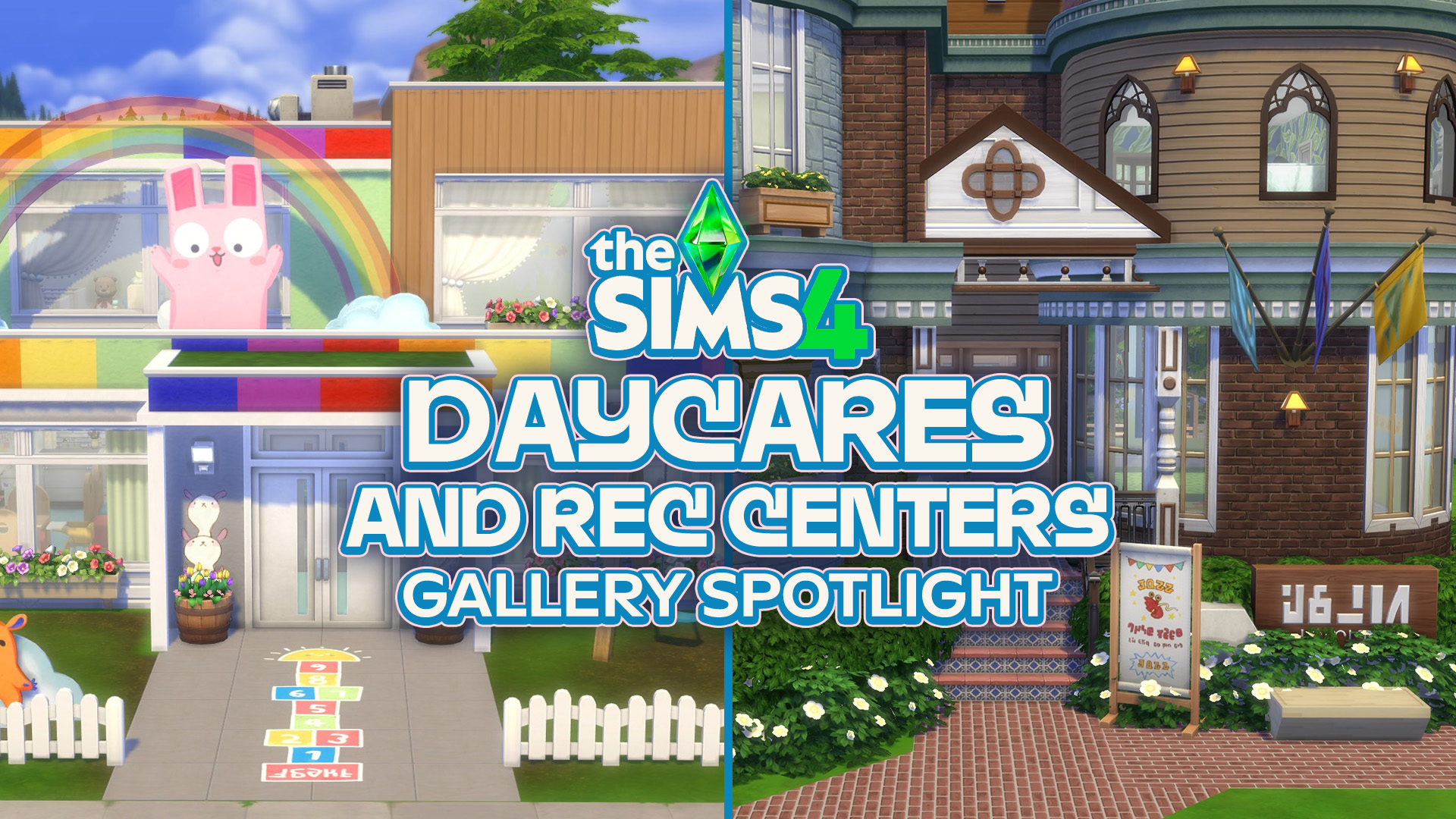
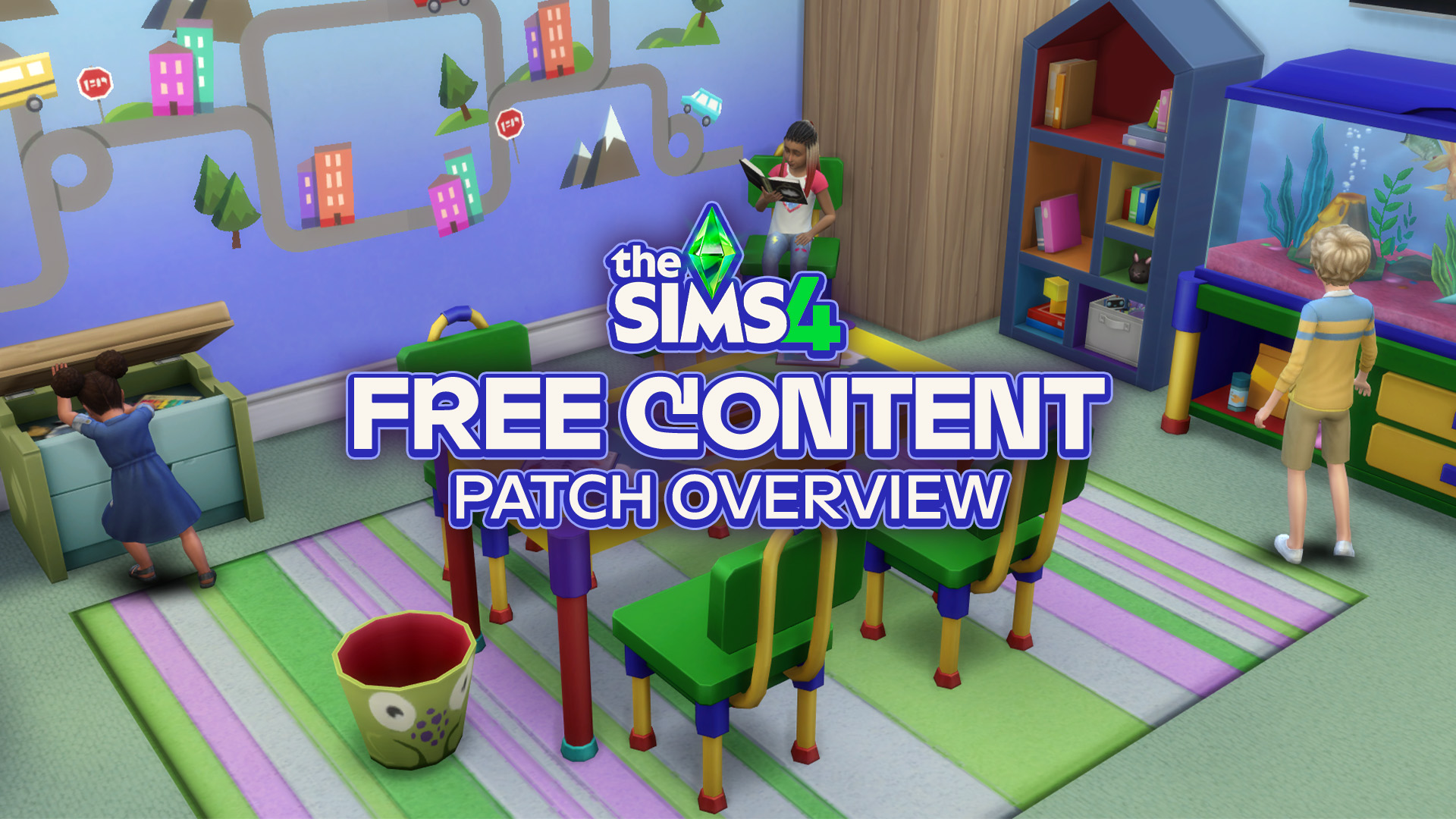
From adorable daycares to recreation centers packed with activities, these Gallery creations give your Sims new places to play, learn and spend time together. The September 22 update for The Sims 4 brought some adorable new additions for children, including furniture and decorations that make creating family-friendly spaces even more enjoyable. If you’re looking for…
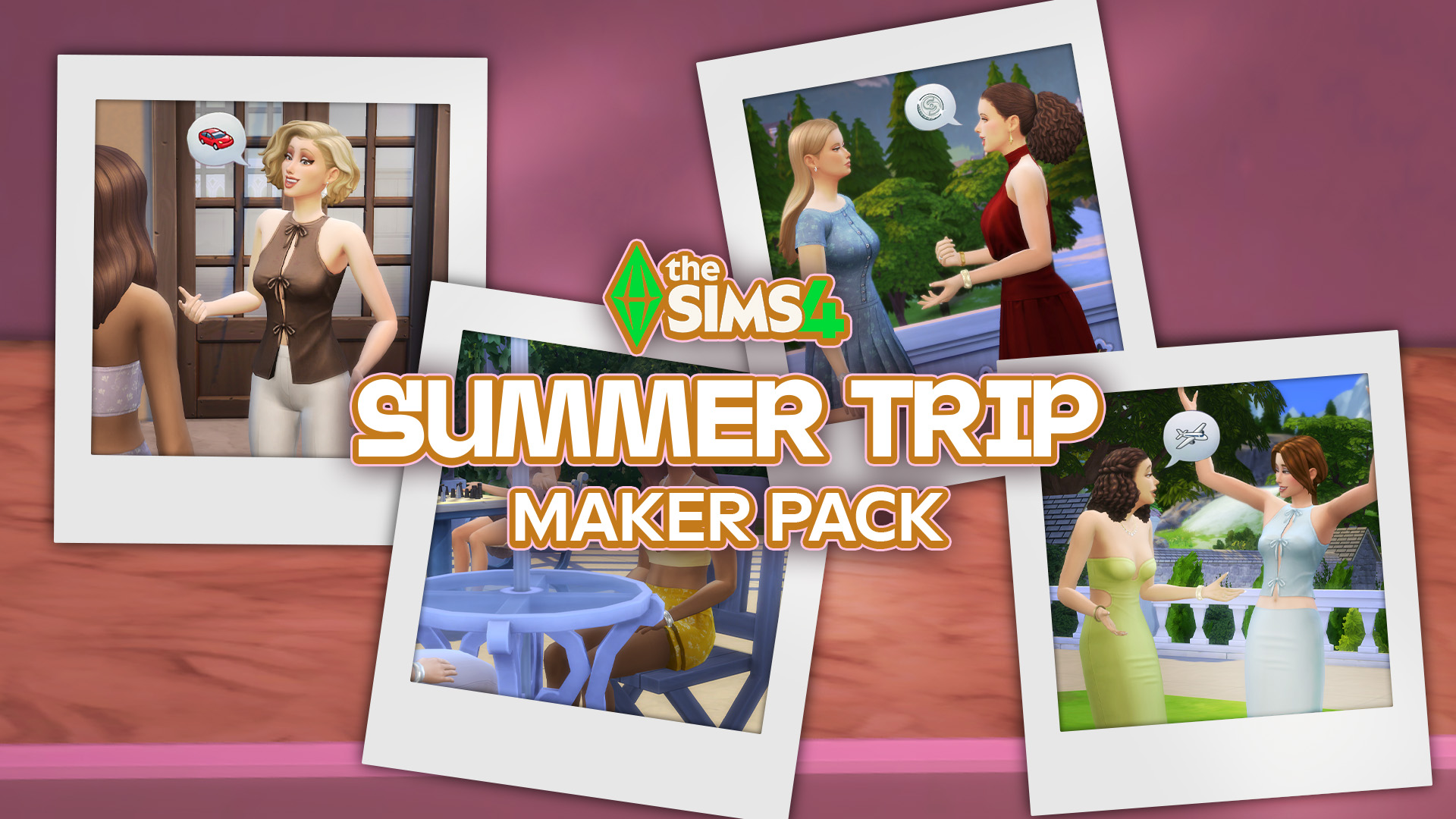
A single new release out now on The Sims 4 Marketplace! The Marketplace got updated with a single new Sims 4 Maker Pack today titled Summer Trip. For 3USD you get to enjoy 11 CAS items that revolve around feminine Tops, Bottoms, Outfits and Shoes. Check out the full preview down below and discover all…
Here’s everything you need to know about the release of Free Lives’ new game, Dressmaker. Dressmaker, a cozy crafting game inspired by real dressmaking, is out now! The game has just released on Steam for Windows and Mac with a special launch discount. This charming job simulator brings crafting and storytelling together. You play as…
A brand new Sims 4 patch has been released across both PC and Consoles, bringing with it some new items (previously teased back in August) and a whole bunch of fixes and improvements! Let’s take a look at everything the latest update has to offer! Bug Fixes: New and Improved As with every update, there…
Discover everything new and fixed in today’s update! The Sims Team has just released a new The Sims 4 Update across PC, Mac, Xbox and Playstation supported consoles. The update includes over 95 bug fixes for the Base Game and Packs, including additional improvements to Sim Autonomy, Relationship & Family Dynamics, Infants & University and…
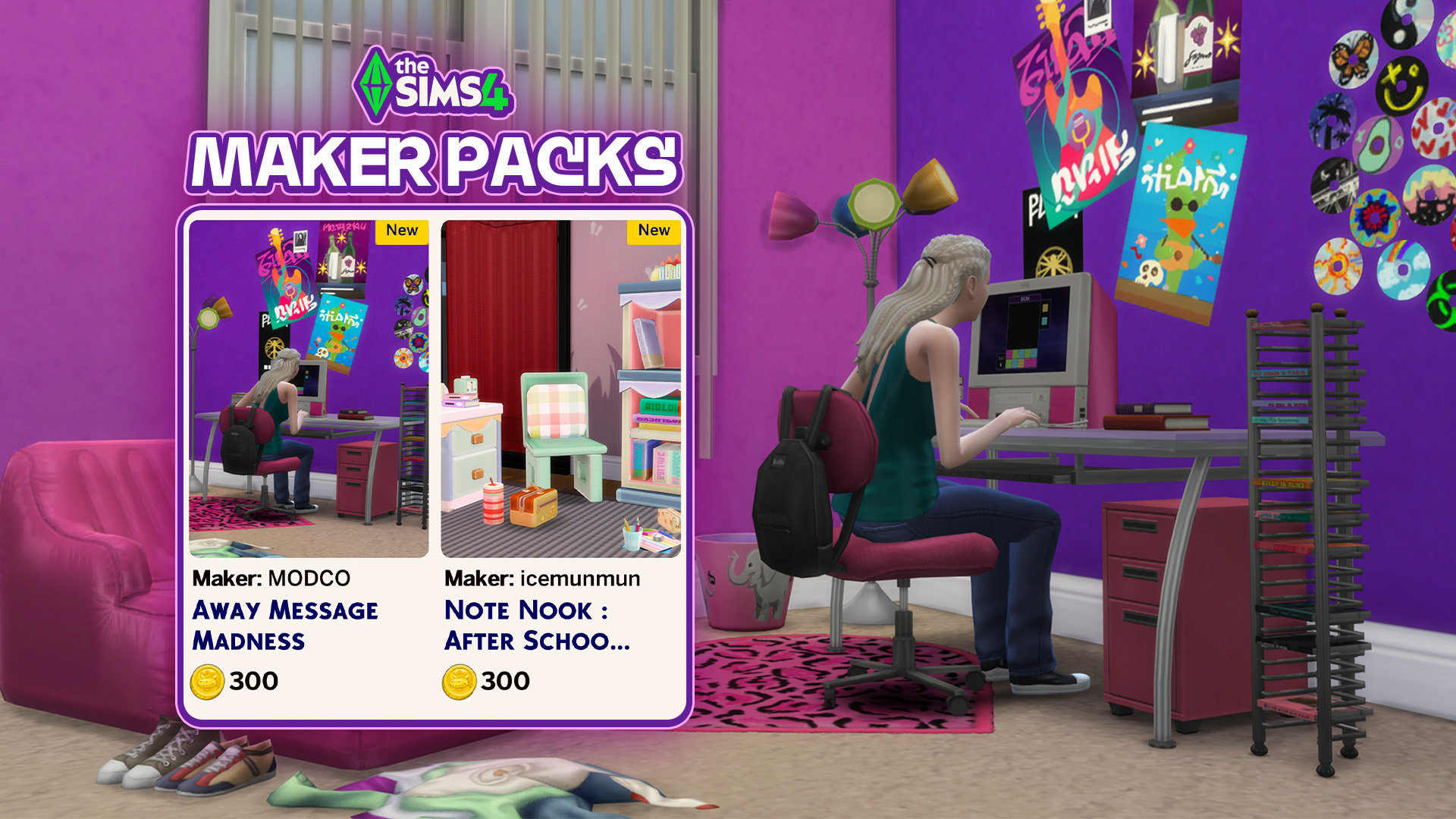
New Maker Packs Have Launched on The Sims 4 Marketplace! Sick of the Y2K theme? Well, tough luck, because The Sims team sure aren’t. Two new Maker Packs following the current “Flashback to School” theme have been released on The Sims 4 Marketplace for PC, Mac, and console players. The latest Maker Packs come from…
Living the Dream should mean living in style and with the island builder, you really can create the island of your dreams (or your Miis’, if you’re feeling considerate). However, considering your island is basically a blank slate, able to be completely leveled up and landscaped, it can be difficult to figure out how to…


13 Comments
” it is unclear what the repercussions for partaking in this loophole will have.”
Whooooo boy. If you need someone to tell you not to do this, don’t do this.
At *best*, accounts could be put into negative balance until the amount they glitched/stole is paid off, though whether this would be the PSN account or the EA account, I’m not sure!
Also an option–particularly for those with linked financials–is that the storefront takes a payment equal to the amount of Moola that was taken through use of the glitch and calls it even. Do you suddenly want a charge of XYZ amount on your card you didn’t budget for? NO! DO NOT!
ALSO an option is the affected accounts are simply banned for some ToS violation regarding the storefronts and use thereof, therefor costing them whatever games are linked to that account, in which case goodbye Sims at best and the entire PSN store + any games that require a PSN account at worst.
Just. don’t do the thing.
Reply to Silver
The last option is highly unlikely. Penalizing players for a bug or glitch in the game would be extremely unfair and distasteful, and not a good look on the company at all.
Reply to Zophorax
For a bug in the *game*? Absolutely not. For exploiting the *store*? Different problem. Users of this exploit would be penalized for using the exploit because doing so violates the Terms of Service agreement *you have to sign when you sign up*. I’m sure there’s a clause on both the PSN and EA Store that’s along the lines of “don’t take what you haven’t paid for”/”don’t exploit”. Accounts have been banned for less.
Also, do you *really* think a company like EA or Sony is going to care about their reputation or what makes a “good look” at this point? EA won the golden poo award multiple years running before the buyout, and Sony just poo’d the sheets with their announcement of phasing out physical media. It’s all about the money.
Reply to Silver
exploiting violate agreement? What?
I mean, is not a competitive game, even no an online game
Reply to Silver
The in-game Marketplace is a feature of the game, so no, it’s not different.
And, no, they absolutely cannot penalize players for this, because there’s no way for them to verify whether a player knowingly or unknowingly did this, whether a player know that purchasing a Kit on PS5 Pro with the enhanced PS4 game setting enabled would give them the Kit for free.
Reply to Zophorax
Bruh. Use a little common sense. If you went to walmart and the checkout counter glitched and you tried to take out a whole bunch of free stuff, when they arrest you for shoplifting are you going to call that “extremely unfair and distasteful and not a good look on the company at all”?
What arguments do you think you’d use in the ban appeal to show that what you did is actually extremely fair and tasteful and a good look for you?
Reply to Cleez
You’re talking about shoplifting, like purposefully trying to steal something.
In the case of this Marketplace exploit in TS4, unless they’ve actually read or heard about this exploit beforehand, a player would not know, nor expect, that purchasing a Kit from the TS4 Marketplace, while the enhanced PS4 game setting happens to be enabled on their PS5 Pro, would result in them getting the Kit for free. And EA have no way of verifying which players had that prior knowledge, and which did not. So they can’t ban anyone.
Reply to Zophorax
As an on and off player of Maplestory, a MMORPG just as buggy and ill-managed as modern Sims, I absolutely have seen admins make decisions on which players used an exploit unintentionally (and only have the items removed) and which ones used it knowingly (and get hit with suspensions/bans). There’s a lot of nuance and sometimes they don’t make the right call, but someone cleaning out the entire shop in one go is a pretty obvious suspect. And on that note problems involving premium currency get addressed faster and punished stricter than a regular gameplay exploit, because it (in theory) directly effects the company’s income.
Don’t get me wrong, I have zero respect for EA and any developer or creator involved with the marketplace, and I *love* that this is happening to them. But actually using it still falls in the realm of fooling around and finding out. Plus if EA’s TOS is anything like other TOSes I’ve seen, they might be allowed to just obliterate your account for any reason. Again, not a defense of EA, just an acknowledgment that this would probably not land in the user’s favor.
Reply to Ayla
If they can’t know for certain whether a player acted with prior knowledge of the exploit, they shouldn’t take any action. It wouldn’t be fair to penalize potentially innocent players.
And honestly, I don’t expect they will.
Reply to Ayla
Of course, if a player purchased more Kits than they’d be able to afford with their Moola balance at the time, then that most likely does mean they did know about it, or found out while purchasin and just continued to take advantage of it. But in all other cases, they can’t be sure.
Well, since EA have no way of actually verifying whether a PS5 Pro player, with the enhanced PS4 setting enabled, that purchased a Kit(s) did so with prior knowledge of this glitch and that they would end up not being charged for their purchase(s), they can’t issue account bans for this.
The most they can do, is removing the free-purchased Kits from players’ accounts, so they have to repurchase them, but for actual Moola this time.
Hold your horses everyone. This has happened before and no, you won’t get in trouble but once the bug is noticed and fixed, the licenses of the games/DLC/currency/… you acquired will be revoked.
So whatever you buy with the free moola glitch will be unavailable in your game after they fixed the problem. You will need to actually buy it properly once the bug is fixed.
Every PS user has an account. So yes, they can easily tell what account has acquired DLC due to the glitch and yes they can easily revert that account to the status before the glitch.
It’s just a matter of time for them to notice and fixed, which they probably are already aware of as articles as this helps spreading the news.
J’espère que les gens qui ont eu le bug en ont bien profité pour vider la marketplace !! Ce n’ est que justice rendue pour cet Arnaque de marketplace… Et ça ne serait pas correct de reprendre les kit achetés aux joueurs, après tout c’est leur bug, il fallait faire plus attention.. comme pour le reste!
Welcome to Sims Community!
Our community is about connecting people through open and thoughtful conversations. We want our readers to share their views and exchange ideas in a safe space.
In order to do so, we've created a simple set of rules that will improve your experience. Simply put, keep it civil.
Your post will/might be rejected if it contains:
User accounts will/might be blocked if we notice:
So, how can you be a power user?
Thanks for reading our community guidelines. Please note that we're aware of certain issues with Sign In / Log In and Create Account / Email Confirmation issues. We're working behind-the-scenes on a new Account Creation process. Thank you for your patience and remember - freedom of speech is not freedom of reach