Home Blog Page 245

Why Get The Sims 4 Moschino Stuff if You Already Own Get To Work? Here’s Why!

Presented by EA Game Changers

The Sims 4 Moschino Stuff opens up almost unlimited possibilities when it comes to taking photographs, but some Simmers have valid questions about why exactly Moschino Stuff is so revolutionary. After all, didn’t we already get a Photography skill in Get To Work? Wasn’t the Photography skill later added to the base game in an update? If we have Get To Work, don’t we already have access to a professional photo studio that can take better shots than the handheld cameras?

The answer to all of these questions is yes, which leads to a bigger question: Why buy Moschino Stuff if you already have Get To Work?

It’s a fair question, but I’m going to tell you exactly what makes the photography equipment in Moschino Stuff different from what we got in the Get To Work expansion.

Why Get The Sims 4 Moschino Stuff if You Already Own Get To Work? Here’s Why!

Anyone who owns Get To Work will have access to the photo studio, which can take much better pictures than the handheld digital cameras. So why do you need the photography equipment in Moschino Stuff if you already have a fully functioning, all-in-one photography studio from another pack?

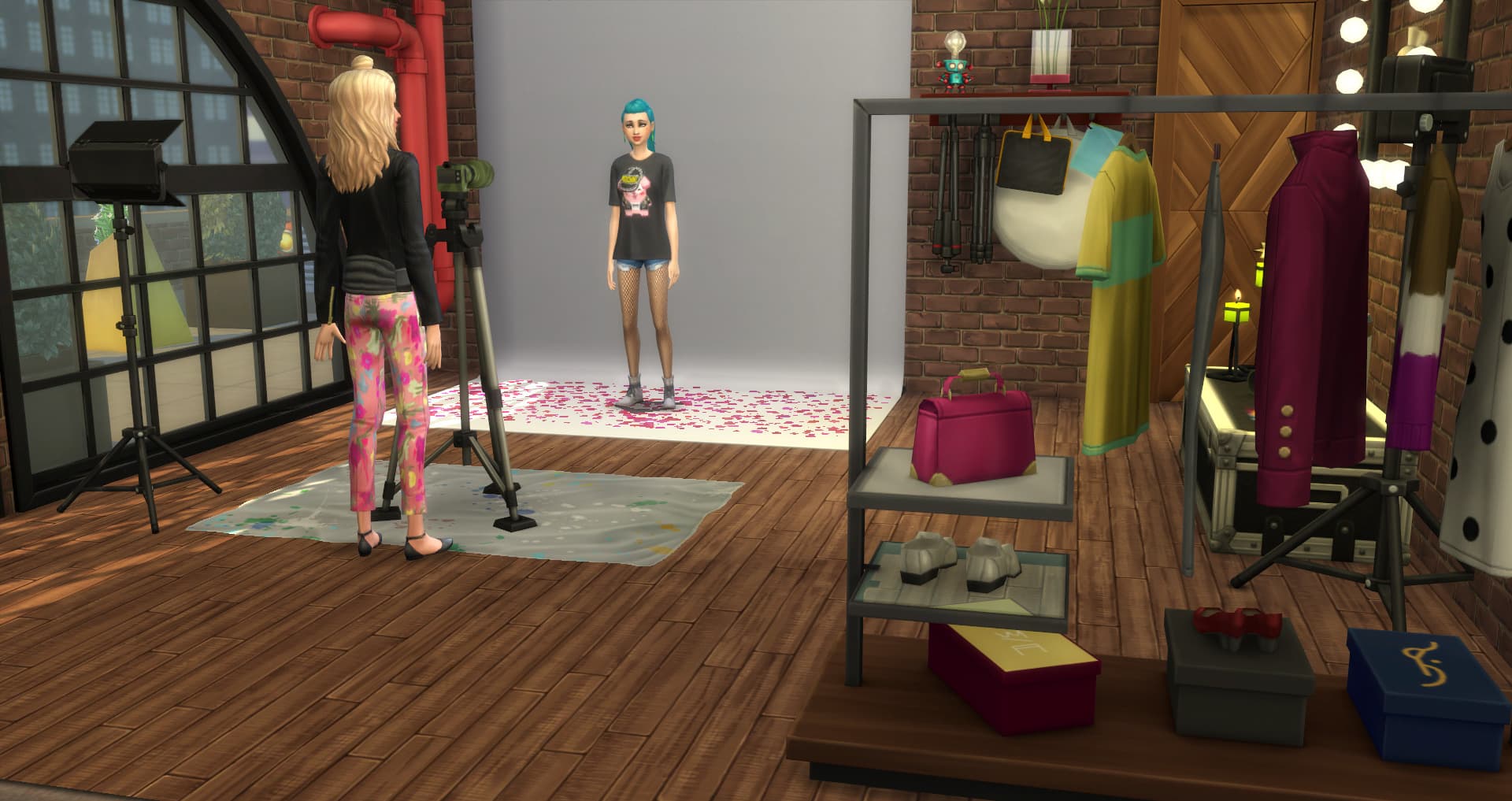
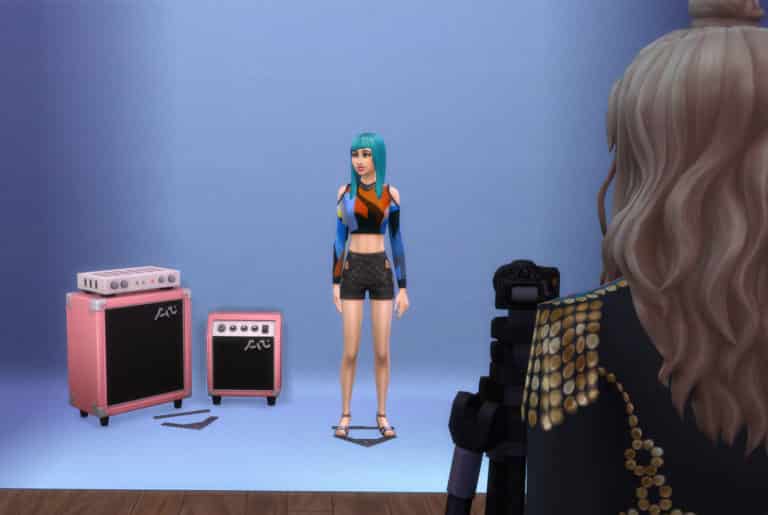
While the photography studio is a great tool to have in your game, it is very limited compared to what the tripod, Sim position marker, and lights from Moschino Stuff can do.

Why?

Because they’re all separate objects that can be moved around independently of each other! They are also completely portable!

Why is this a big deal? The photo studio from Get To Work is one giant object that can’t be carried around in your Sim’s inventory. It must be placed on a lot. You are also limited to the set backgrounds of the built-in backdrop. This really limits what you can do with the photo studio.

Why Get The Sims 4 Moschino Stuff if You Already Own Get To Work? Here’s Why!

Having portable equipment in several different pieces allows you to take epic shots anywhere in the world. The entire world is your backdrop! This is especially great for beginner photographers who may not be able to afford their own studio, yet.

The Sims 4 is known for its stunning worlds with breathtaking scenery but until now, it was difficult to really capture that beauty on camera. Now that your Sims can take their tripod with them anywhere, the whole world is now open to your Sims’ creativity. No lot boundaries to worry about! Take anything you may want or need wherever you like; lights, tripod, Sim markers… they’re all fully portable and ready to take absolutely anywhere.

Why Get The Sims 4 Moschino Stuff if You Already Own Get To Work? Here’s Why!

However, if you do want a more staged, flashy look and would like to utilize some manufactured backdrops, Moschino Stuff has you covered, too. There is a simple backdrop in a variety of solid colours and patterns that can be used in your Sim’s studio. There is also a new digital backdrop that comes in two pieces; one curved and one straight piece. These pieces can be attached to create a seamless wraparound backdrop, but that’s not even the best part. The digital backdrops are animated! This means your shots will never be exactly the same, even when you’re using the same backdrop!

Why Get The Sims 4 Moschino Stuff if You Already Own Get To Work? Here’s Why!

With all of its new features, gameplay objects, and freedom, Moschino Stuff is a huge step up from the photography tools we’ve seen in the game previously. If you or your Sims are passionate about capturing all those special moments in life (or getting the perfect glamour shot), Moschino Stuff is well worth the investment.
The Sims 4 Moschino Stuff x City Living

Presented by EA Game Changers

When The Sims 4 City Living launched not only were we introduced to the world of San Myshuno, we were also introduced to our Sims being able to live in apartments and penthouses in the City. There is a very modern and somewhat luxury theme seen in the Build & Buy mode objects and also in Create-a-Sim that could be seen running throughout the pack as well. Not to mention some themes are influenced by different cultures too. We also saw the introduction of several new careers including the Social Media career. 

But what has this got to do with The Sims 4 Moschino Stuff Pack?  

Simply it’s looking at how the two packs can and do work well together.  

When you think of a Freelance Fashion Photographer or even luxury fashion, you think of many different things. Working from home, designing sets for photo shoots, setting the latest trends and much more. Then you may be thinking how your Sims home could look if they are working from home or even in general. They might even have their own home studio.

There are a number of things you could be thinking about how the two packs work together.  

Location

San Myshuno is filled with many places where your Sim can grab their camera and take photos. That could be by the waterside in the Spice Market, outside the Casbah Gallery in the Arts Quarter or at a fun photo booth located in Planet Honey Pop! in the Fashion District. Your Sims could even run their own photo studio from the comfort of their own penthouse in Uptown if they wanted to.  
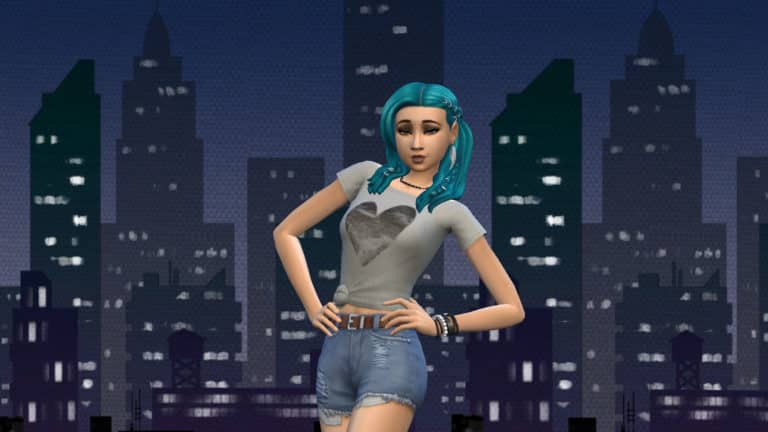
There are plenty of places for a budding fashion photographer to get the perfect shot in San Myshuno. 

Themes 

The Sims 4 City Living comes packed full of different themes. Ranging from every day modern to more luxury items. Many of the build  & buy mode objects will work perfectly with The Sims 4 Moschino Stuff Pack. You really can make the perfect home or photo studio for your Sims using both packs.

The Sims 4 Moschino Stuff x City Living


Apartments & Penthouses

Whether your Sim lives in one of the many apartments or even in one of the Penthouses in San Myshuno, they will truly want to make their home reflect who they are. Both packs offer something for every Sim and regardless of where in San Myshuno they live, adding a little pop of colour or even some big industrial windows will bring a new lease of life to their homes.

Create a Sim 

 Like with all packs, there are plenty of options for mixing and matching different pieces of clothing for your Sims. The Sims 4 City Living came with some fabulous pieces for your Sims to wear many of which work well with the pieces in The Sims 4 Moschino Stuff Pack. Whether your Sims are going for a more casual everyday look or something special for a formal event, both packs have got you covered.

Both packs have plenty to offer and work brilliantly together. Not just from the content in build & buy mode and Create a Sim but also in terms of different aspects of gameplay. There so many possibilities for these two packs and also a number of others too!

The Sims 4 Moschino Stuff Pack: Freelance Fashion Photographer Career Overview

Presented by EA Game Changers

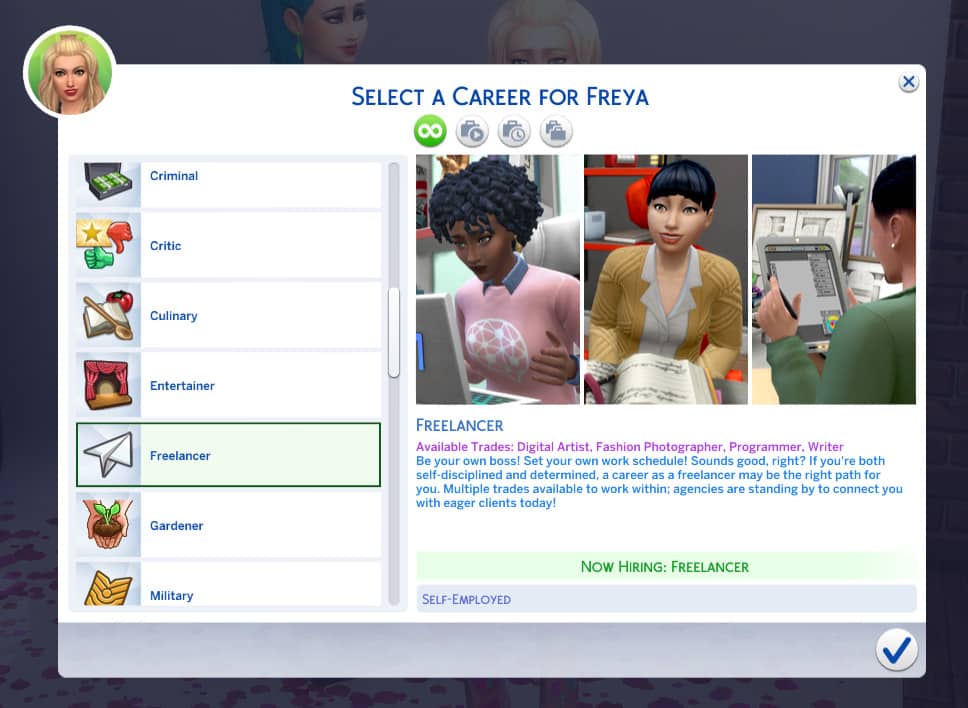
We first saw the introduction of the Freelance Careers back in April this year which came with three different trades which included Writer, Programmer and Digital Artist. The Sims 4 Moschino Stuff Pack is the first pack to add to the Freelance Career in the form of a Fashion Photographer.

The Fashion Photographer trade follows the same format as the other trades. Either via your Sims phone or a computer, you can select to become a part of the Freelancer career.

The Sims 4 Moschino Stuff Pack: Freelance Fashion Photographer Career Overview

Once confirming you want your Sim to be a Freelancer you will then be presented with another pop-up box asking which agency you would like your Sim to be a part of.

As a Freelance Fashion Photographer, you will be under the Agency Tomorrow’s Style.

The Sims 4 Moschino Stuff Pack: Freelance Fashion Photographer Career Overview

But how do you get work as a Freelancer?

If you have played with one of the other Freelance trades or even as an actor in The Sims 4 Get Famous, it is exactly the same way. If not you simply just have to check for Gigs. This can be done by going to the Career panel and selecting the clipboard or again via the work panel on your Sims cell phone.

The Sims 4 Moschino Stuff Pack: Freelance Fashion Photographer Career Overview

Likewise with each of the Freelancer Trades, the kinds and types of Gigs your Sim has available to them all depends on their skill level. This is displayed at the bottom of each Gig. Those that are highlighted are currently available to your Sim. Those that are greyed out are currently unavailable to your Sim as they do not have a high enough skill needed for that gig. The higher the required skill the higher the payout will be for that Gig.

Types of Gigs

Tomorrow’s Style will offer your Sim a variety of fashion-focused Gigs. Paywise, Gigs can range from a hundred Simoleans to a few thousand Simoleans. New Gigs are added at 9 am every Sim day so there is always plenty to choose from.

Here are a few examples of some of the Gigs your Sims can choose as a Freelance Fashion Photographer.

[table id=73 /]

Completing Gigs & Tasks

Once you have selected a Gig, all the information that you need will be under the Career panel of the user interface. It will tell you when the Gig is due by as well as specific tasks your Sim needs to carry out in order to complete the Gig. Your Sims is usually given around four to five days to complete a gig.

If you get stuck on how to complete a task you can hover over the task and it will let you know what you need to do.

The Sims 4 Moschino Stuff Pack: Freelance Fashion Photographer Career Overview
Remember, your Sim does not need to wait until the due day/time to hand it in. Keep in mind that a client could reject your Sims work or even want you to make edits to the work your Sim has done. If this happens simply start the task(s) again and then hand in the Gig again.

The Sims 4 Moschino Stuff Pack: Freelance Fashion Photographer Career Overview
Don’t worry if your Sims work gets rejected. Simply double-check the task(s) and try again.

However, if your Sim fails to complete a Gig on time not only can it have an effect on your Sims overall performance but will also leave your Sim with an angry client and of course they won’t have been paid.

On the other hand, if your Sim gets ahead, completes the Gig early and their work is of a high standard, there is a chance that they may get a small bonus alongside their payment for the Gig.

There are no restrictions as to how often your Sim has to pick up Gigs. It really is up to you when and how often they work. There will always be Gigs available for your Sims to choose from.

Career Rewards

Of course, no career within The Sims would be complete without a few new Career Rewards!

Supreme Freelancer Award ($500) – Unlocked the first time a Sim maxed out their performance meter in any trade within the Freelance Career.

ClickShot10 P10 Mirrorless Camera ($2,300) – Unlocks by maxing out the performance meter in the Freelance Career as a Freelance Photographer for the first time.

As well as these two locked Career rewards, your Sims can also receive increased pay, new features (i.e. ability to use a computer to Edit a photo’s mood enhancement) and also various object rewards.

The Sims 4 Moschino Stuff Pack: Freelance Fashion Photographer Career Overview

This new addition to the Freelance career is definitely a welcomed addition to what we already have. There really is so much to explore as a Fashion Photographer and that isn’t just limited to the career but throughout the game overall. Not only that, the new career adds even more variety and flexibility to your Sims everyday lives without having to leave their house.

Don’t forget you can read all about becoming a Freelance Writer, Programmer or Digital Artist here.

Let us know what you think of the new Freelance Career and even what trades you would love to see hopefully added to the career in the future.

Countdown to the release of The Sims 4 Moschino Stuff

20

COUNTDOWN UPDATE: The pack has been released and is now available on Origin!

The Sims 4 Moschino Stuff Pack is the 15th Stuff Pack in The Sims 4 Series that’s being released worldwide on August 13th, 2019.

Similar to previous release times this Stuff Pack is expected to come out at around 10:30AM PT / 6:30PM CET / 5:30PM BT. Considering that there are so many different time zones we wanted to make things easier for you by providing you with a countdown!

The countdown below is ticking to the exact release time of the Moschino Stuff Pack. As soon as the counter turns zero you should expect the pack to be available on Origin.com. Other official gaming retail websites should be offering the pack at a bit later date including Amazon, GAME UK and others.

Countdown to the release of The Sims 4 Moschino Stuff

LIVESTREAM REPLAY: The Sims 4 Moschino Stuff Pack Showcase

4

UPDATE #2: The livestream replay is now also available on YouTube!

UPDATE: The livestream has ended. You can catch the Twitch Replay down below:


The Sims Team is doing an official livestream today, August 9th for The Sims 4 Moschino Stuff Pack where they’ll be showcasing new Create A Sim and Build items, as well as some of the new gameplay elements that will come with this pack.

The stream begins at 11AM PT / 8PM CET / 7PM BT. To make things simpler we’ve also included a countdown below so you can know exactly when the stream goes live! As soon as the timer hits zero the stream should begin.

In case you miss out on the stream we’ll also be including the official replay of the stream, as well as some facts and information shared during the stream.

The Sims 4: New Update + Patch Notes! (August 8th, 2019)

ts4logo

The Sims Team has released a brand new Update for The Sims 4 on PC and Mac!

To download the latest version of The Sims 4, simply open your Origin program and if the game doesn’t update automatically, right click on The Sims 4 and select ”Update”.

In case you have Mods or Custom Content, the game will automatically disable them for you after first launching The Sims 4 after the update. To re-enable all your Mods and Custom Content, select the Settings option in the Menu and select Settings. Under the”Other” section you’ll find the ”Enable Custom Content and Mods” option. Check it and restart your game in order for it to take effect!

Patch Notes

Happy August Simmers!

We hope you’re having a nice summer (or winter, depending on your hemisphere…)

Have you had a chance to go on vacation recently? If so, did you take lots of fabulous photos? If not, have you taken some fun selfies with your friends? At the very least I’m sure you’ve photographed your dinner…

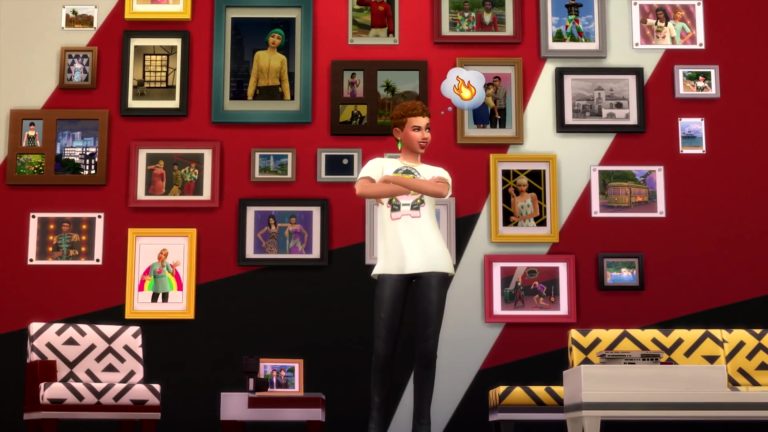
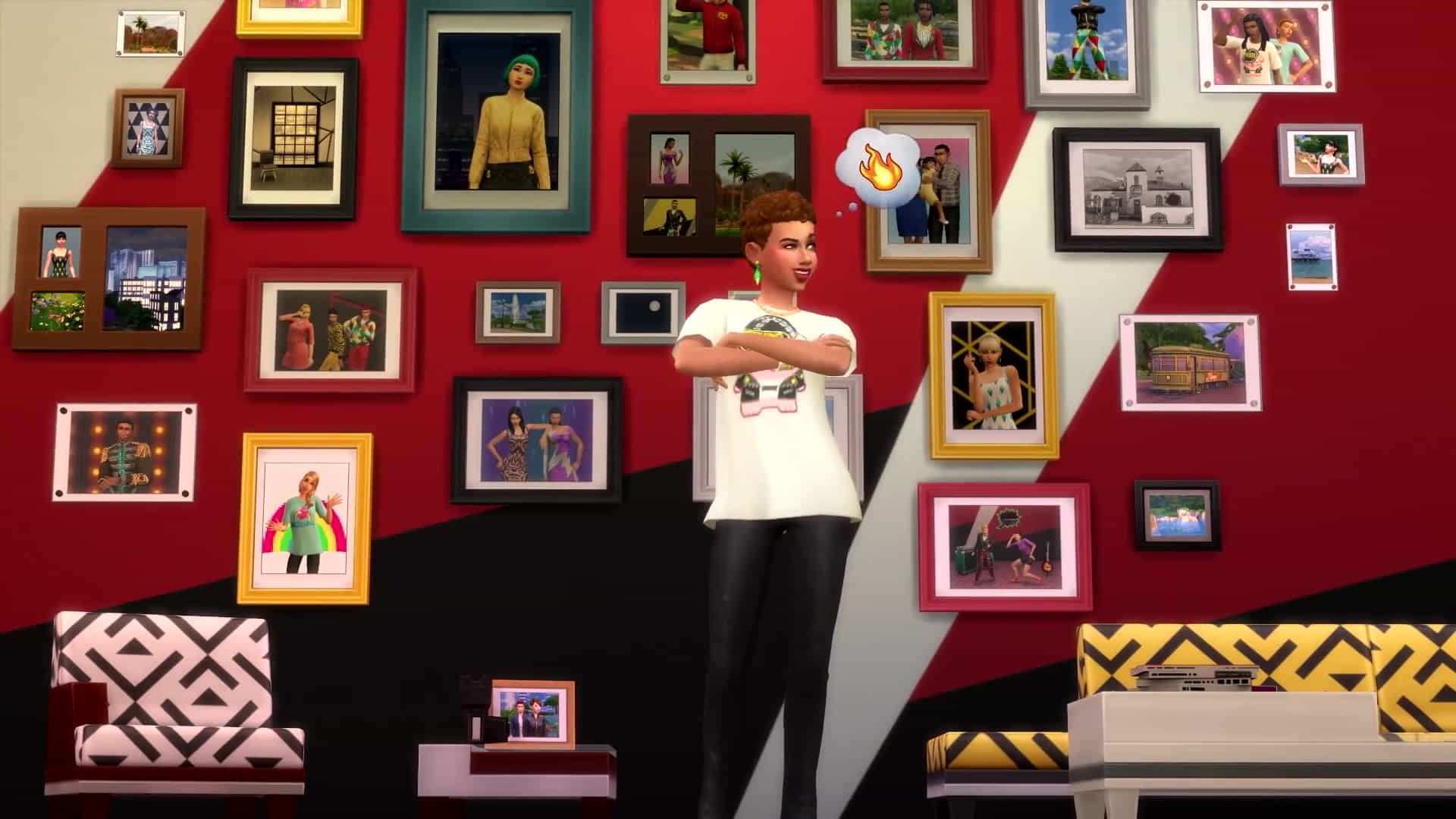
Well, your Sims have been busy taking photos (or they will, once you tell them to), and now there are new ways to display photographs in The Sims 4.

It’s easier than ever to create new looks for ordinary walls: place a photo on the wall from your Sim’s inventory, then click on it – you’ll find a new “Change Orientation” option that lets you quickly and easily rotate between landscape and portrait.

Fill your Sim’s surfaces with pictures of family and friends (and anything else you can imagine) by grabbing a photo placed on the wall and dragging it on to a table or a shelf – it will magically turn into a standing photo with a frame.

Personally, I plan to build a tiny home and decorate it with nothing but artistic photographs of grilled cheese sandwiches.

Have fun!

SimGuruSandwich

FIXES & UPDATES

The Sims 4

  • Invites from NPCs to social events at venues will no longer end seconds after your Sim arrives at the venue.
  • Sims can no longer Serenade other Sims through a wall.
  • Fixed an issue where venue lot types were sometimes not displaying correctly.
  • Walls will now show in photographs taken in basements without stairs.
    • Why you may have a basement without stairs is none of our business.
  • Take Photo Of will now work when the photo subject is lounging on a lounge chair.
    • No changes were made to subjects sitting in a sit chair, or laying on a lay bed.

Get Together

  • Toddlers no longer stretch when getting their photo taken.
  • Selected NPC Sims who are off lot will now come to take photos at the In a Flash Photo Studio.

Pets

  • The boat at the lighthouse in Brindleton Bay now has a Travel With… interaction.
    • Because the boat was lonely, and wanted to travel with you.

Seasons

  • Sims will no longer obsessively open and close their umbrellas while walking to chat with another Sim.

Island Living

  • Beach Towels are now visible when the lighting is set to low settings.
  • Mermaids now properly pass along their genetics to the next generation.
  • Mermaid conservationists can now successfully survey wildlife in the ocean.
  • Research Conservation on the computer no longer causes every skill the Sim knows to increase rapidly.
  • NPC Sims from other worlds can now successfully travel with your Sim to Sulani, instead of vanishing before arrival.
    • NPC Sims from other dimensions still disappear prior to arriving.
  • Sims will no longer get stuck when other Sims are lounging on float loungers.

Multiple updates for the Off the Grid lot trait:

  • A new search term was added to Buy Mode, “Off the Grid”, to make finding valid items in the catalog easier.
  • Fish can now be added to Fish Bowls.
  • Sims can now clean dirty sinks that work Off the Grid
  • In a Flash Photo Studio no longer emits light when placed on a lot with the Off the Grid lot trait.
  • The following objects now work Off the Grid and/or are labeled appropriately in the catalog:
    • All photography cameras
    • Sulani Volcanic BBQ Searer
    • NanoCan Touchless Trash Can
    • Wabbit Tablet, Slablet, and Digitalistic Sketchpad
    • Digirad Keyboard
    • Fireplaces
    • Rocks of Fire and Roast’em and Toast’em Campfire from Outdoor Retreat
    • The Quadpod Grill from Toddler Stuff
    • Ole Timmy’s WashTub from Laundry Day Stuff
    • Kiddie Pools from Seasons
    • To make caring for Pets easier the Petmate Programmatic Pet Feeder, Litter-Laser: Self-Cleaning Litter Box, and Litter-Matic Scoop Free are now battery powered

Dine Out

  • Random Sims will no longer steal your Sim’s food and eat it.
  • Restaurants now work in Sulani.

The Sims 4 Moschino Stuff: 3 Official Screens

0

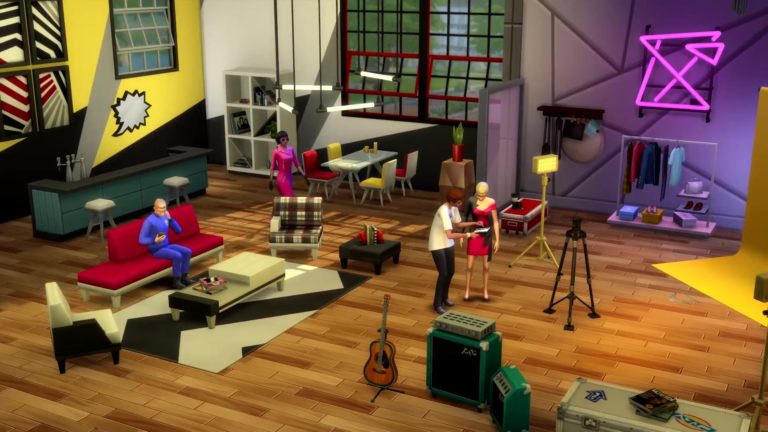
The Sims Team has shared 3 official screens for The Sims 4 Moschino Stuff Pack. Check them out!

The Sims 4 Moschino Stuff: New Screens and GIFs

1

The Sims Team has been very active recently with sharing new footage from The Sims 4 Moschino Stuff Pack showcasing the new items, clothing and some of the possibilities with enhanced photography features.

Check out some of the screens and GIFs that they’ve shared:

The Sims 4 Moschino Stuff Official Livestream set for this Friday!

0

SimGuruFrost has announced that The Sims Team will be doing a 1-hour deep dive livestream of the upcoming The Sims 4 Moschino Stuff Pack this Friday, August 9th.

The livestream, which begins at 11AM PT / 8PM CET / 7PM BT will be accompanied by SimGuruNinja and SimGuruGeorge where they’ll be covering the topics of new Create A Sim Items, new Build Items and new gameplay including the Freelance Fashion Photographer career.

The livestream will be taking place on The Sims’ Official Twitch Channel. We’ll also be covering all of the important information and will keep you posted with a replay in case you miss out on the stream!

The Sims 4 Moschino Stuff Official Livestream set for this Friday!

The Sims 4 Moschino Stuff: Official Assets (Logo, Render, Boxart, Icon)

0

The Sims Team has provided us with the official assets for The Sims 4 Moschino Stuff Pack including the official logo, render, box art and icon!

Logos

The Sims 4 Moschino Stuff: Official Assets (Logo, Render, Boxart, Icon)The Sims 4 Moschino Stuff: Official Assets (Logo, Render, Boxart, Icon)The Sims 4 Moschino Stuff: Official Assets (Logo, Render, Boxart, Icon)

Render

The Sims 4 Moschino Stuff: Official Assets (Logo, Render, Boxart, Icon)

Boxart

The Sims 4 Moschino Stuff: Official Assets (Logo, Render, Boxart, Icon)

Icon

The Sims 4 Moschino Stuff: Official Assets (Logo, Render, Boxart, Icon)

The Sims 4 Moschino Stuff: SimGuru Q&A

2

The announcement of The Sims 4 Moschino Stuff Pack brought a ton of questions revolving the pack. Luckily SimGurus have already started answering them revealing new features, items and more that come with the pack!

We’ll make sure to update this post as new tweets surface.

https://twitter.com/FCowplant/status/1158787022561189889

The Sims 4 Moschino Stuff: Key Features

0

The Sims Team has released the official key features of their upcoming The Sims 4 Moschino Stuff Pack!

Check out what’s included:

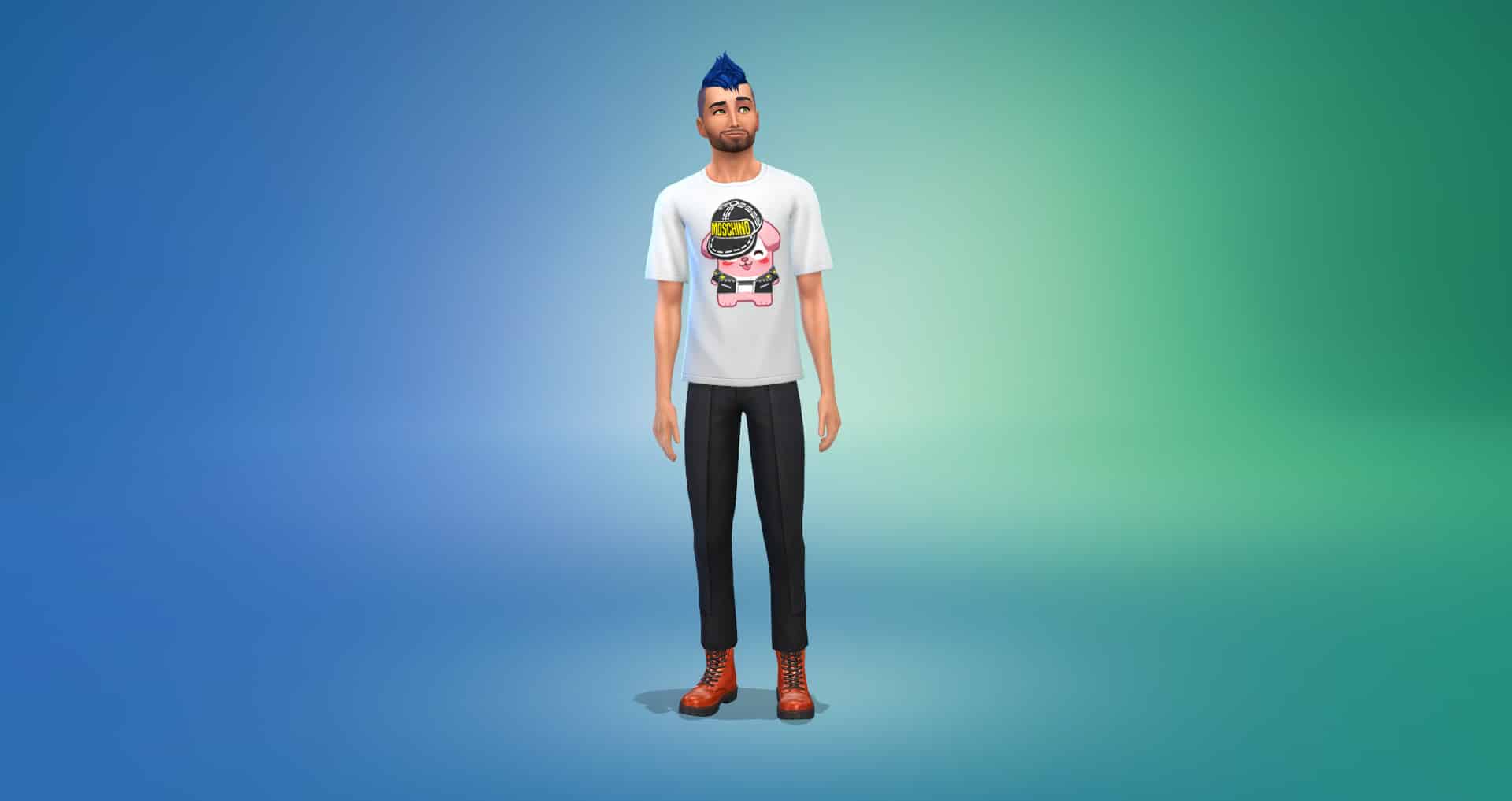
  • Moschino X The Sims – Show your love for fashion by dressing your Sims in the latest Capsule Collection inspired by The Sims or choose clothing styles from iconic Moschino collections.
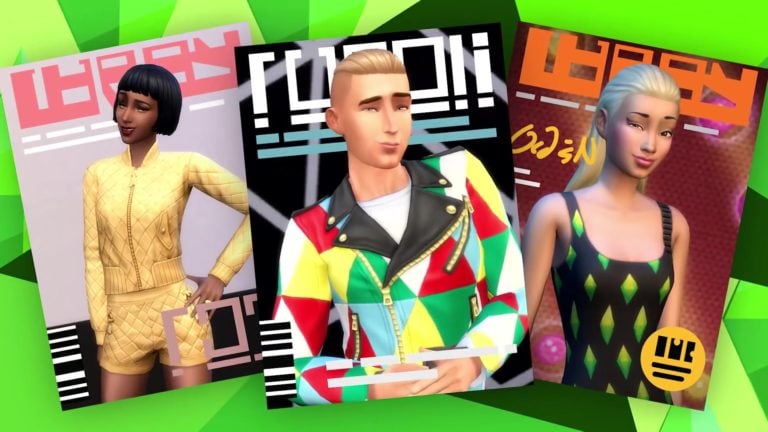
  • Join A Flashy Career – As a freelance fashion photographer, your Sim will grow their career with fabulous opportunities. Learn how to curate a collection and select the perfect subject to shoot, then find the right angles to accentuate the bold, stylized looks. Grow your Sim’s career as a freelance fashion photographer, live a flexible lifestyle and get inspired to shoot for the next big campaign or cover!
  • Have A Studio Session – Bring your own studio to life, where the spotlight is on and so is the pressure. Accessorize with pictures, new furniture and décor, and personalized touches for an inspiring space to photograph your muse.

The Sims 4 Moschino Stuff: Key Features

The Sims 4: Back To School Console Bundle Now Available

0

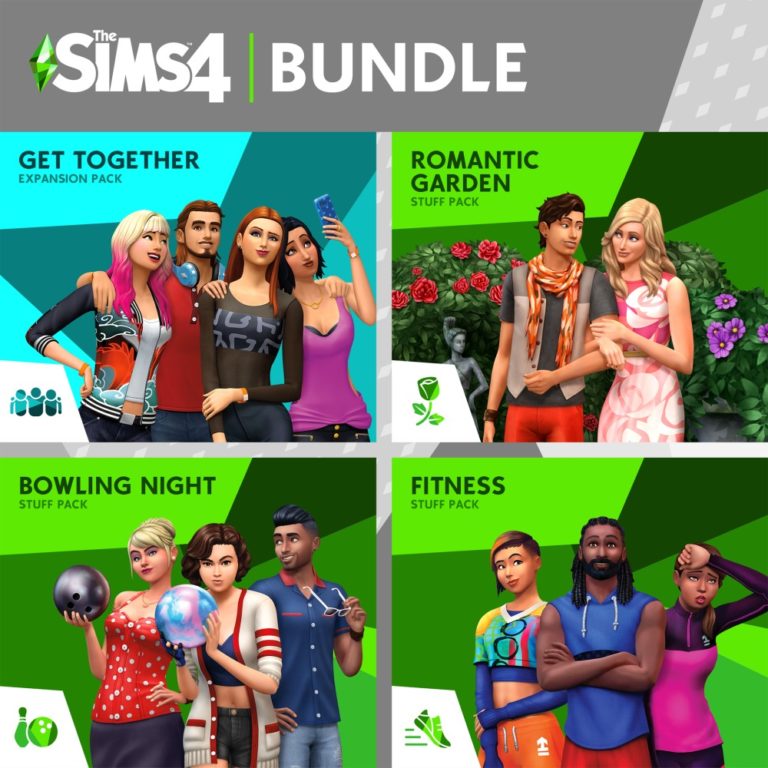
The Sims Team has released a special bundle for Xbox One and PS4 players called Back To School Bundle.

This Sims 4 Bundle consists of one Expansion Pack and 3 Stuff Packs, including:

  • The Sims 4 Get Together
  • The Sims 4 Fitness Stuff
  • The Sims 4 Bowling Night Stuff
  • The Sims 4 Romantic Garden Stuff

The bundle can be purchased right now for the price of $49.99 on both the Microsoft Store and Playstation Store!

The Sims 4: Back To School Console Bundle Now Available

The Sims 4 Moschino Stuff: New Screen

0

SimGuruNinja has updated his Twitter profile with some new imagery from The Sims 4 Moschino Stuff Pack!

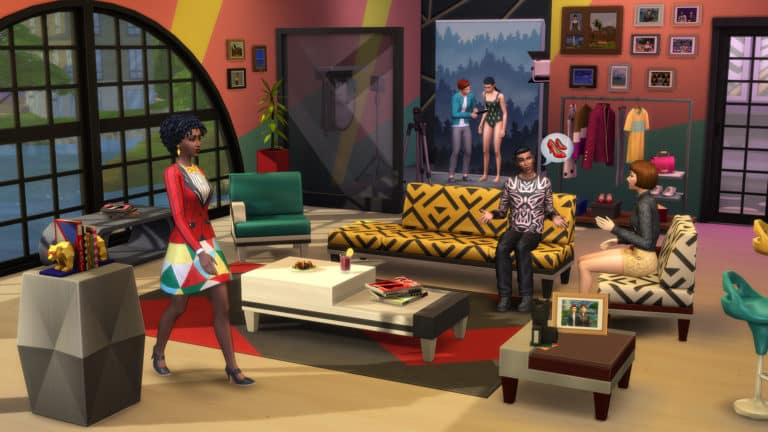
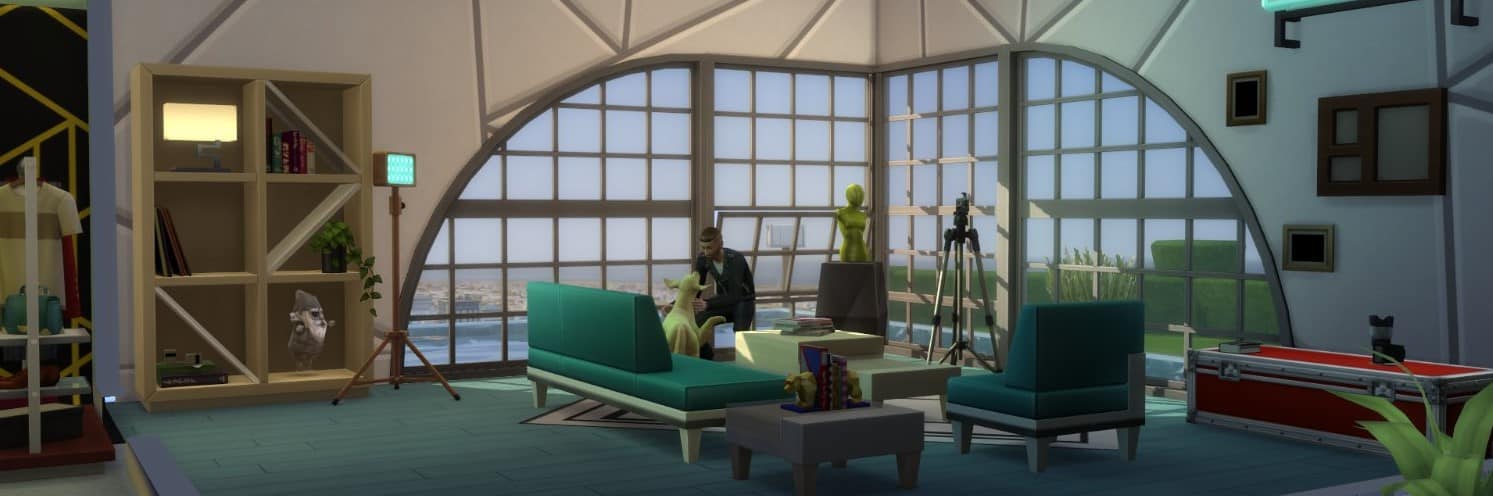
The first thing that we have to discuss is the header which he posted – featuring round windows, beautiful decor, artsy wallpapers and more that you can see down below.

The Sims 4 Moschino Stuff: New Screen

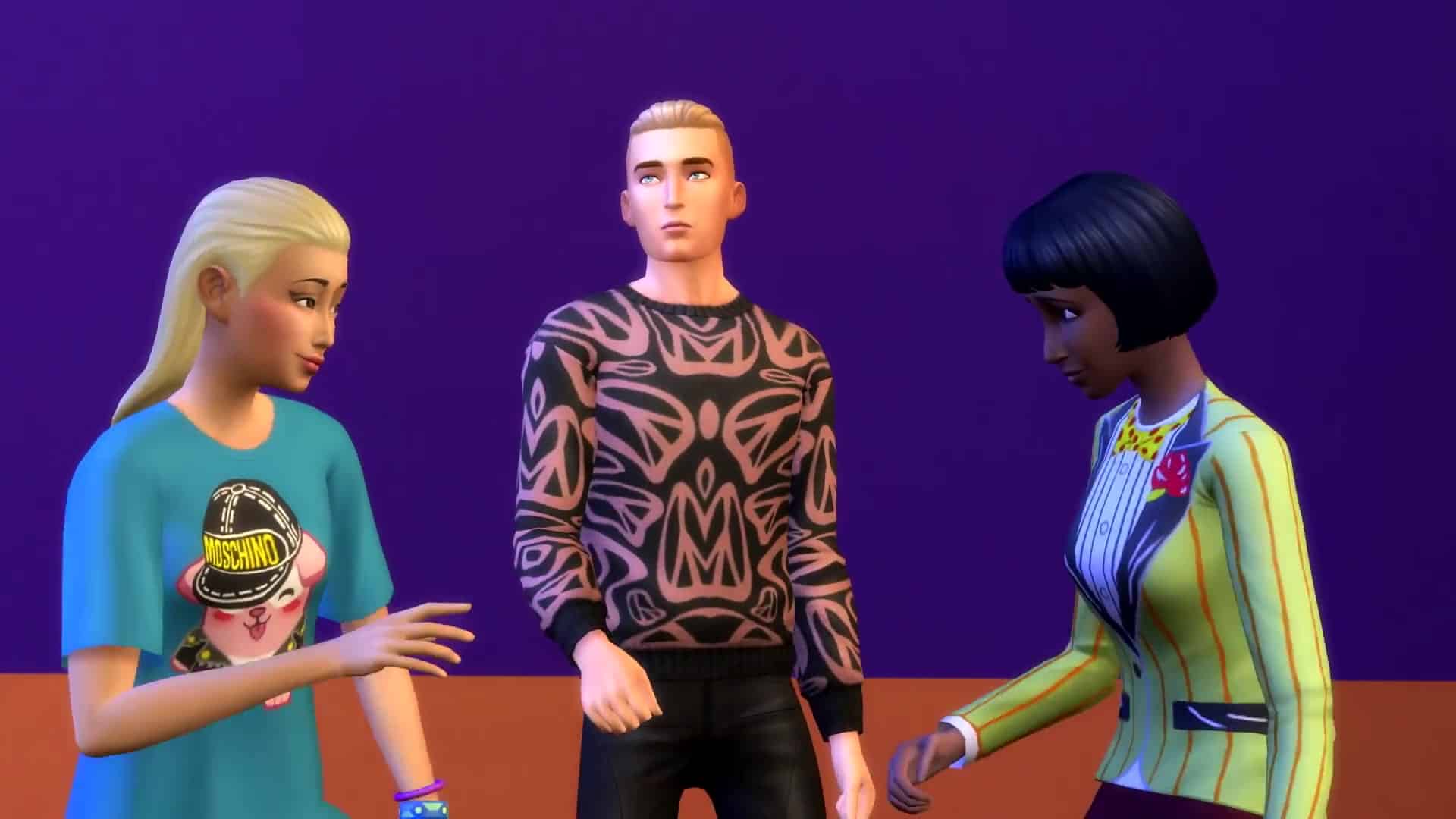
He also updated his Twitter profile with some new CAS items from the pack!

The Sims 4 Moschino Stuff: New Screen

The Sims 4 Moschino Stuff: Over 45 Screens from the New Trailer

4

The Sims 4 Moschino Stuff Pack trailer is really short but showcases a lot of cool new things which is why we’ve put up over 45 screenshots from the trailer for you to look over.

Check them out!