Home Blog Page 244

Countdown to The Sims 4 Realm of Magic Reveal

3

The Sims 4 Realm of Magic Game Pack is being revealed in just a few hours! More precisely the pack will be shown first via the YouTube Premiere where they’ll be revealing the announcement trailer at 8AM PT / 5PM CET / 4PM BT.

To make things easier with the time zones we’ve included a countdown timer down below that’ll count to the exact time of the trailer premiere. As soon as the counter turns zero we should be expecting the trailer to come out along with pack information, assets, official blog post and more.

We’ll make sure to keep you posted on all the latest news regarding the pack, so make sure you stay tuned to our The Sims 4 Realm of Magic News Category!

Opinion: I hated The Sims 4 Moschino Stuff… then I changed my mind

The views expressed in this article are that of its author and do not necessarily reflect the views and opinions of Sims Community or the rest of its staff.


When The Sims 4 first announced its partnership with Moschino, I was one of its most vocal haters. It’s hard to even express how much I despised the idea of a partnership with Moschino. I was familiar with Moschino as a brand before the announcement and to put it mildly… I was not a fan. In my personal opinion, Moschino represents everything I hate about consumerism. Cheap, tacky products being marketed at exorbitant prices to foster an attitude of financial and social elitism. That, to me, does not represent the spirit of The Sims at all.

Long story short, I was not rushing out to buy any of the clothes or accessories from the Moschino x The Sims collection.

When The Sims 4 Moschino Stuff was announced, I had virtually no expectations for it. I was convinced it was going to be a disaster. I had pretty much written it off long before we got any information whatsoever about it. In hindsight, that seems unfair, but in my mind at the time, I thought “What could they possibly put in a stuff pack for this terrible brand that I would actually like?”

While I was very appreciative for the opportunity to explore a press review copy, I had no intention whatsoever of trying to “sell” this pack to anyone. I couldn’t in good conscience promote something to people that I didn’t believe in. I expected most of my articles to be highly critical when I loaded up the game to delve into Moschino Stuff.

Opinion: I hated The Sims 4 Moschino Stuff… then I changed my mind

Well colour me more surprised than anybody because I like it.

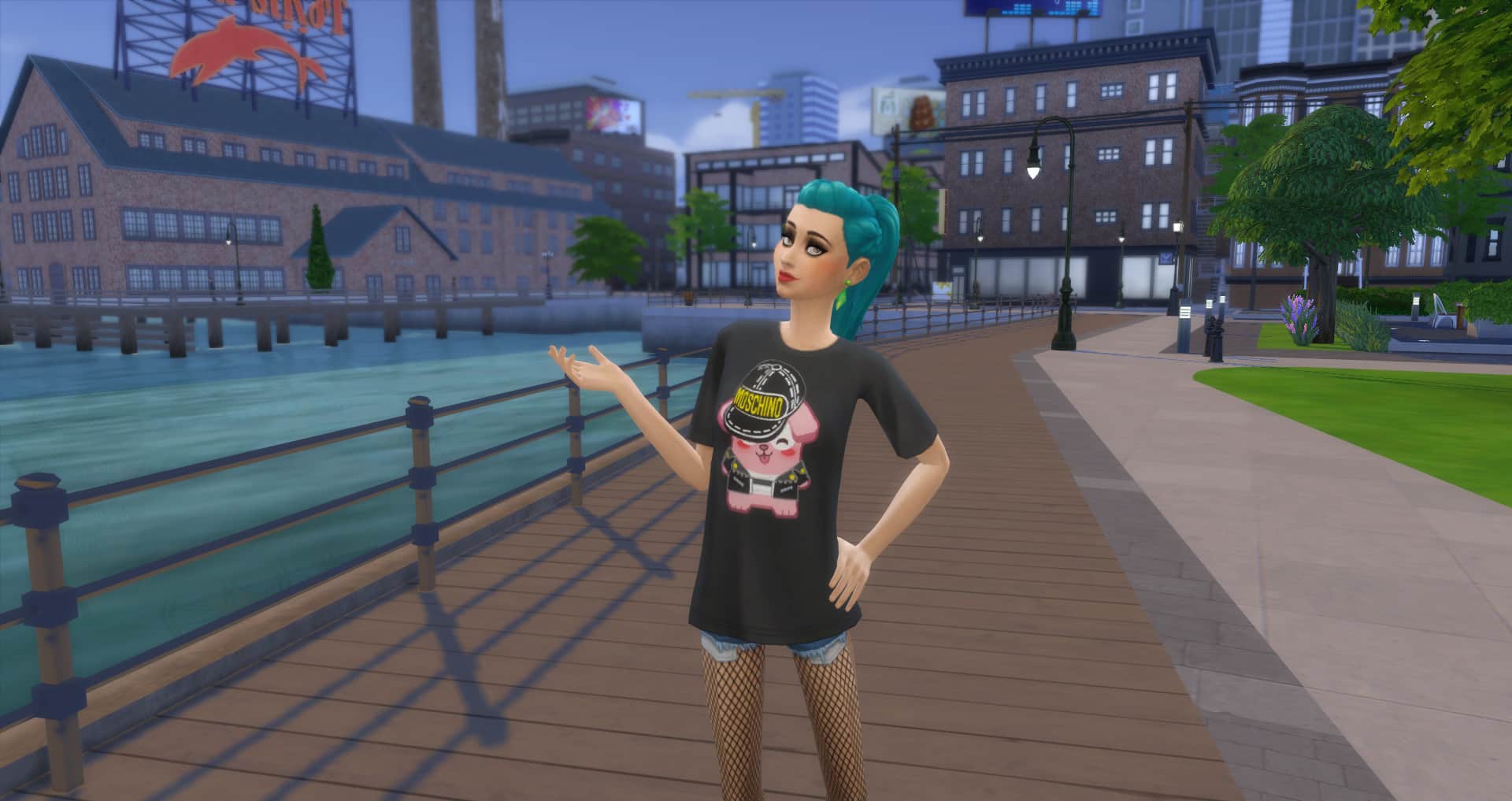
Now let me clarify; with the exception of maybe one or two clothing pieces, I don’t like any of the actual Moschino content in Moschino Stuff, which is hilariously ironic, given that Moschino is in the name of the pack. It’s pretty much the same handful of tacky, cheap junk I would expect to see from Moschino. Everything is well-made; the Gurus did a fantastic job of bringing it into the game in a seamless way, but it’s still Moschino, which means it’s still ugly. To me, anyway.

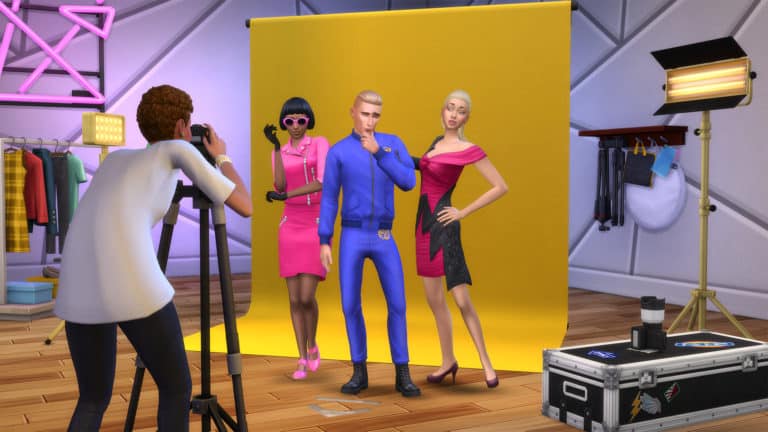
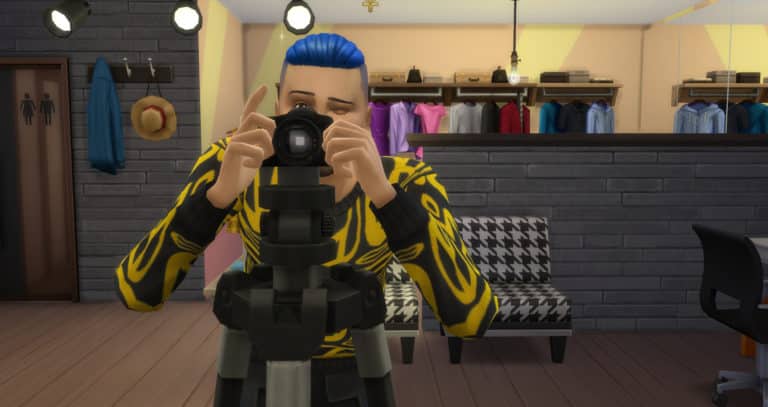
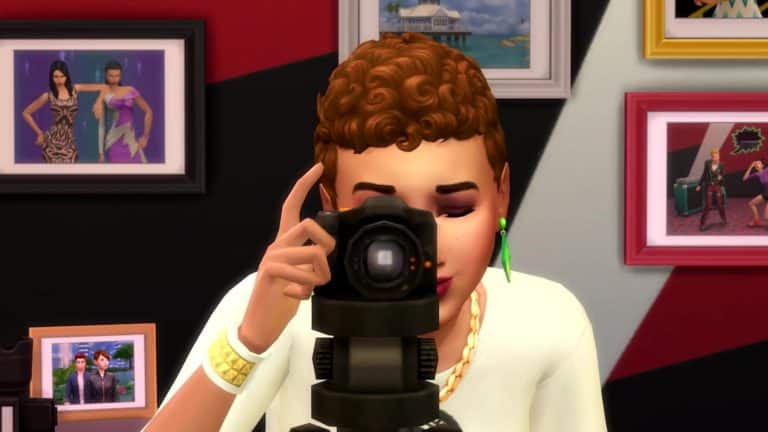
What I do like is the gameplay. Wow. Just wow. I spent days playing through the new Freelance Fashion Photographer career. Outside of the career, I spent even more hours exploring all the different ways we can use the new photography tools. Candid shots, still life, family photos, selfies, scenery, landscapes, wildlife, studio glamour shots, celebrity sightings, the list goes on and on. Even though we did have photography before this, I still felt like I was building an entirely new skill and the Moschino Stuff photography tools made it that much better. I actually felt like a real photographer. I could not believe how much fun I was having with this new career and just using the new tripod, markers, backdrops, and lights in general.

I can honestly say I have not gotten this many solid hours of engaging gameplay out of a stuff pack since Kids Room Stuff. Collecting, training, and trading the Voidcritters from Kids Room Stuff gave me the same feeling Moschino Stuff gave me; that I had gotten a really satisfying experience out of something that normally would only offer some aesthetic additions to your homes and Sims and not much else.

Opinion: I hated The Sims 4 Moschino Stuff… then I changed my mind

While we’re on the subject of aesthetic, I am also pleasantly surprised at how much I like almost all of the build/buy stuff. The furnishings and decor are all very trendy and funky without being obnoxiously over the top and the new frames are fantastic, especially the digital picture frames. As someone who takes so many family photos that the walls eventually become full and I have to start putting older pictures in storage, I can definitely see myself using the digital frames in every single house I play in. I love being able to rotate through lots of pictures in one frame.

Opinion: I hated The Sims 4 Moschino Stuff… then I changed my mind

Between the endless hours of gameplay in a small stuff pack and the stylish new furnishings, Moschino Stuff is actually pretty great, and not just because it’s slightly better than the dumpster fire I expected it to be. It’s genuinely a really solid pack that’s both useful and fun to play with. The only thing I’m still confused about is why the pack is called Moschino Stuff and not just something like Fashion Runway Stuff. Y’know… since the actual Moschino items are easily the least impressive portion of the pack.

So there you have it. Straight from a former hater’s mouth. I hated The Sims 4 Moschino Stuff… then I changed my mind.

Introducing Sims Community Create

0

You may have noticed recently that Sims Community has been completely refurbished!

Over the last few weeks I’ve been working on a huge new feature for all of you to enjoy in and express your creativity and I’m glad to finally announce that Sims Community Create (beta) is now open!

How do I join Sims Community Create?

It’s easy! Simply add in your details such as e-mail, username, password and other account details that you want to be featured publicly and you’re good to go! You can find the registration / sign in page by simply hovering over the avatar icon next to the create button that can be found on the blue header.

As soon as you verify your account via e-mail you’ll have your own author page that you can customize with your own avatar photo and a cover image. You can add in your details too such as your bio, social links and your creative outlets so that readers can learn more and follow up on your own content!

Introducing Sims Community Create

What is Sims Community Create?

Sims Community Create is a brand new set of tools that allows you to draft up your own post, submit it and have it published for hundreds of thousands of people who visit the website on a monthly basis to read, give impressions and interact with.

Currently we offer 6 different post types for you to use, each explained thoroughly over here!

Introducing Sims Community Create

We offer a unique post editor that allows you to upload your own images, add paragraphs, embeds, link videos, content and so much more!

You can choose between different categories that we currently have on the website to better categorize your post, add tags and a featured image. If you feel like you can’t draft up a whole post at once you can always save that certain post as a draft and pick up where you left off at a later point!

Introducing Sims Community Create

What can I write about?

Literally almost anything as long as it’s related to The Sims and follows our post guidelines!

You’re free to express your thoughts and opinions, share your stories and gameplay, create interesting article pieces for others to enjoy in and talk about your own content as well!

What are the benefits?

  • Each published post will be promoted across our social networks including Facebook, Twitter, Instagram and Tumblr – counting over 300 thousand followers in total.
  • You get to share your unique content and promote your creations to hundreds of thousands of people that visit the website every month.
  • You can link your social networks to your profile, meaning more exposure for your personal outlets.

Things to note:

  • The Sims Community Create feature is currently in beta, meaning that we’ll be changing / improving onto some certain aspects as time goes by such as better categories, more tools, new profile features and more.
  • We’ll be adding different sections on the home page to seperate Sims News from original content as the site gets populated with new content.
  • We will closely monitor all the new user registrations to make sure things go safe and smooth.

If you have any questions or feedback feel free to reach out to us:

[ult_buttons btn_title=”CREATE!” btn_link=”url:https%3A%2F%2Fsimscommunity.info%2Ffrontend-submission%2F|||” btn_align=”ubtn-center” btn_size=”ubtn-large” btn_title_color=”#ffffff” btn_bg_color=”#1e73be” btn_hover=”ubtn-fade-bg” btn_anim_effect=”ulta-pop” icon_size=”32″ btn_icon_pos=”ubtn-sep-icon-at-left” btn_font_style=”font-weight:bold;” btn_font_size=”desktop:36px;”]

The Sims 4 Realm Of Magic: New World Confirmed

5

UPDATE: SimGuruRomeo shared a few more tweets regarding the new world:

The teasers for tomorrow’s The Sims 4 Realm Of Magic Game Pack announcement have already sparked up so many questions in the community regarding the pack. One of the most asked questions so far has been about the new world and will there be a new world at all with this pack.

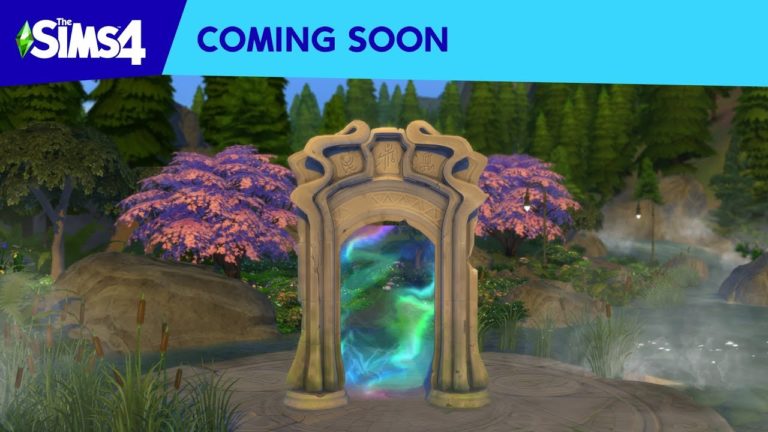
SimGuruRomeo was quick to answer this question, saying that there is indeed a new world being added with Realm Of Magic. According to Romeo, the world is going to be similar to Forgotten Hollow from The Sims 4 Vampires Game Pack but with a fun surprise…

The Sims 4 Realm Of Magic: First LQ Image Previews

14

UPDATE #2: SimGuruHouts replied regarding these thumbnails saying that there’s no werewolf transformation happening in any of the images down below.

UPDATE: TheSimsClub has tweeted us the thumbnail image previews in a larger, better quality! Check them out:

The Sims Team added a YouTube Premiere for their upcoming trailer for The Sims 4 Realm Of Magic Game Pack. However, it seems they weren’t able to hide some of the preview thumbnails of the pack in time…

@sims_blog_de was quick enough to spot these low quality image previews from the announcement trailer. Check out the first look for Realm Of Magic!

The Sims 4 Realm Of Magic Announce Trailer Premiering Tomorrow!

3

The Sims Team has just set up a YouTube Premiere for their upcoming pack announcement – The Sims 4 Realm Of Magic Game Pack!

As the link suggests, the 8th Game Pack will be fully unveiled with a brand new trailer at 8AM PT / 5PM CET / 4PM BT.

We’ll make sure to keep you posted on all the latest about Realm Of Magic right here on Sims Community!

The Sims 4 Realm Of Magic: First Official Teaser

The Sims Team has just shared their first ever teaser for The Sims 4 Realm Of Magic Game Pack!

Just a few moments after we reported on SimGuruHouts’ tweet asking if he should be sharing “something cool” this week, The Sims Official Instagram Page shared this teaser video with the following caption:

The Sims is not attending gamescom this year, we are taking a different path…

https://www.instagram.com/p/B1WYYriiMnO/

Could it mean that The Sims 4 Realm Of Magic Game Pack is finally being fully revealed this week? Time will tell, but we will definitely keep you posted on all of the latest information here on Sims Community!

The Sims 4: SimGuruHouts Teases “Something Cool” for This Week

0

Time for another post about a cryptic tweet from a SimGuru!

This time around SimGuruHouts, designer working on The Sims 4 has posted a Twitter poll with a cryptic message saying Hey, wanna see something cool this week?”

That’s it. That’s all we know. The tweet could be referring to multiple things: a potential announcement, an announcement that’s hinting an announcement, Realm Of Magic Game Pack teaser or something entirely else.

Whatever it is we’ll make sure to update you!

Origin Sale: Save up to 80% off on select The Sims 4 Games

4

Origin is having a huge storewide sale to celebrate Gamescom 2019 where you can save up to 80% off on select titles – including The Sims 4 and all of its Expansion Packs and Game Packs!

Here are all of The Sims 4 games that are currently on sale:

  • The Sims 4 Base Game (80% off in US / 63% off in other regions)
  • The Sims 4 Expansion Packs (Island Living 25% off / other EPs 50% off)
  • The Sims 4 Game Packs (25% off)

The sale is active right now and will be available until August 29th, 2019 at 10AM Pacific Time. Make sure you take advantage of these offers before the sale runs out!

Want to see all of the offers available on Origin? Click here!

Origin Sale: Save up to 80% off on select The Sims 4 Games

The Sims 4: Island Living Island Counters to be added in the Next Update

8

Ever since the release of The Sims 4 Island Living Expansion Pack it has come to attention to many simmers that The Sims Team added a new counter called the Bewitching Wicker Counter. In tradition with previous counters you would expect that the team also added a new Island Counter to match along with it. However, that wasn’t the case for Island Living.

The Sims 4: Island Living Island Counters to be added in the Next Update

Luckily, it seems that it wasn’t the intention to only add a counter without it’s matching island counter. SimGuruFrost has issued a statement that there’s going to be a new update for The Sims 4 that among other things will include a matching Island Counter for The Sims 4 Island Living.

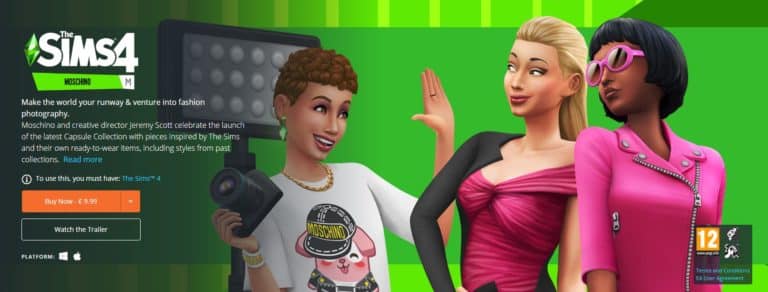
The Sims 4 Moschino Stuff is Now Available on PC / Mac!

4

Origin.com has just released The Sims 4 Moschino Stuff Pack for PC / Mac!

Simply click on the image down below to get redirected to the Origin product page of this pack. If the pack is not showing up for you wait a few minutes as the pack has just become available.

The Sims 4 Moschino Stuff is Now Available on PC / Mac!

The Sims 4 Moschino Stuff: Creating a Photo Studio

Presented by EA Game Changers

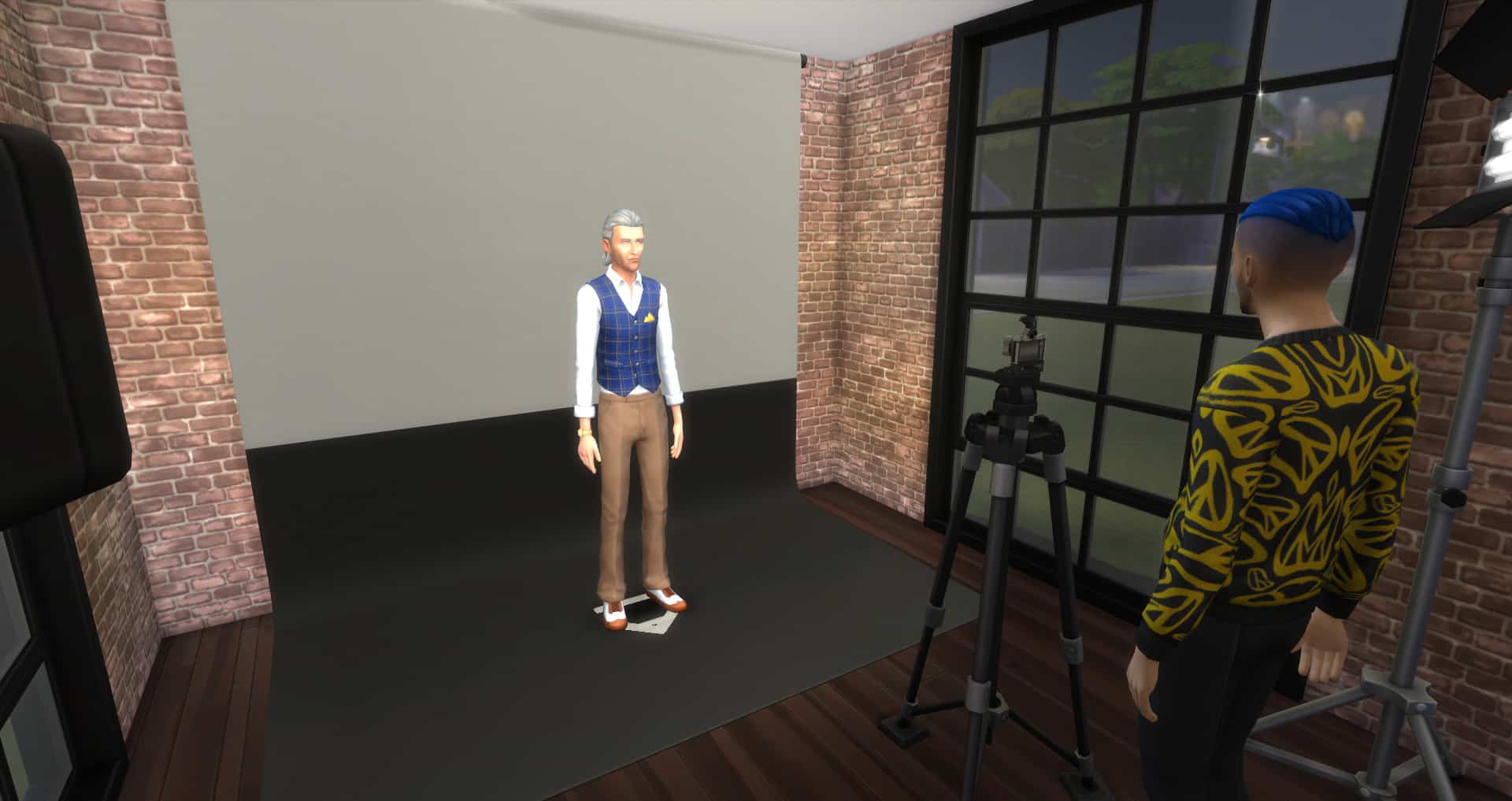
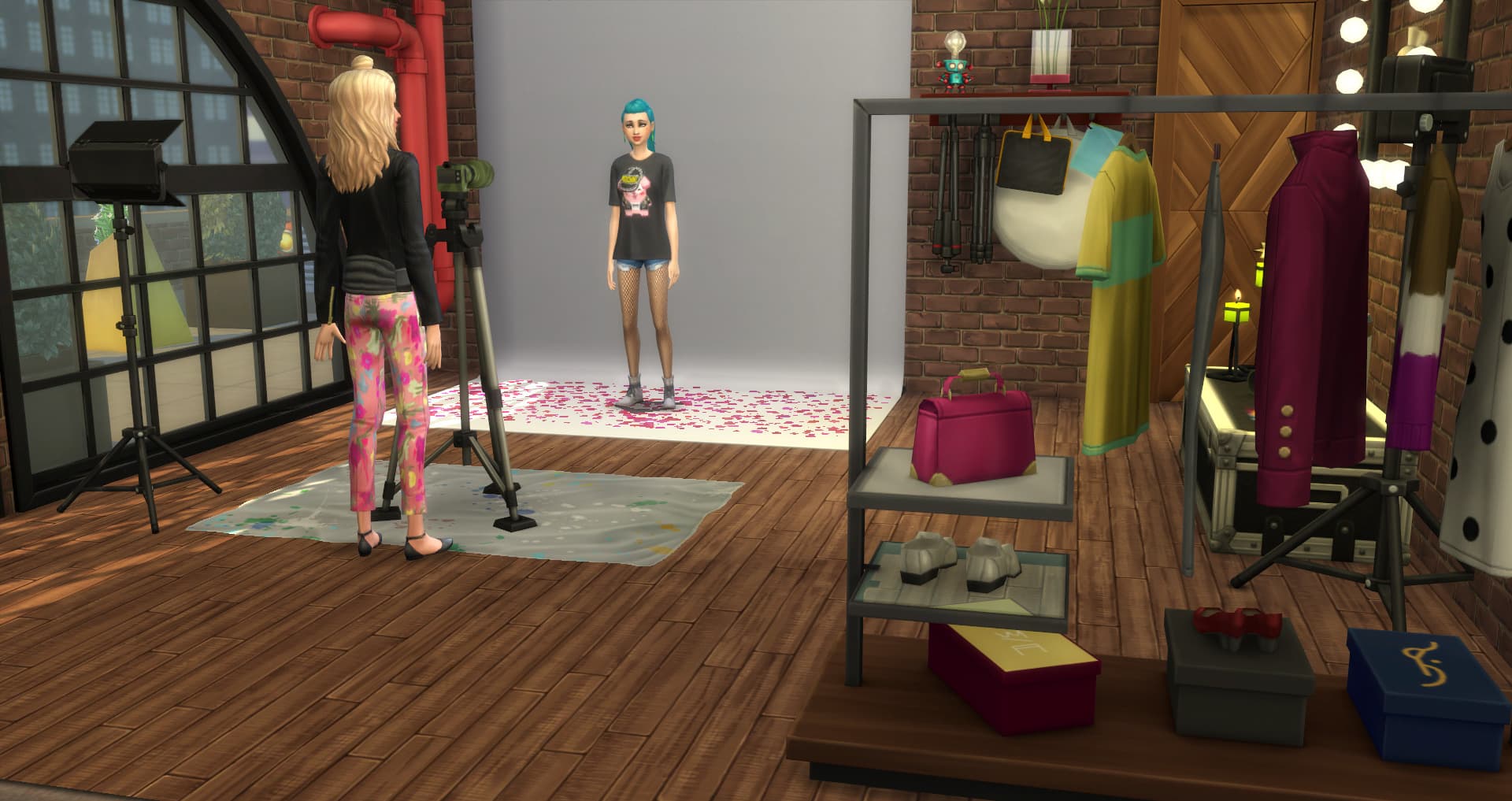
Whether you Sim loves photography as a hobby or they want to become a famous fashion photographer, you’re going to need access to some kind of photography set up. Now that could be a small simple set up in your Sims home or your Sim could have their own Studio located elsewhere. Regardless of what you chose it is possible to create something for every Sim.

Now if you want something small and straight forward that your Sims can have at home then you are able to create some brilliant starter setups.

By using the Photo Drape which costs just $100 as well as using a combination of the Fashion Studio Lights: Perfect Photo Floor Light and BEST Photo Shoot Light, both of which are $200 you already have the basic set up right there. All you need now is to add a camera of your choice and you are all set.

Don’t forget to you can also add a Fashion Studio Subject Mark to help with photographing those Sims. A Subject Mark will cost you $150

But what about a camera and tripod?

To start with, you can use any of the available base game cameras to get you started. As you Sims skill increases and your household funds then you can look at upgrading the camera and also adding in a Tripod.

A simple and basic home photography studio can easily fit into a 4×4 room and still leave you with space to easily move the lighting around into different positions.

The Sims 4 Moschino Stuff: Creating a Photo Studio

However, if you want to create something a bit more extravagant and fabulous then you might be thinking about having a large home studio or even creating a stand-alone photo studio elsewhere in the world.

The Sims 4 Moschino Stuff: Creating a Photo Studio

Of course, this opens up more possibilities for studio layouts. You can keep it nice and simple or you can go all out.

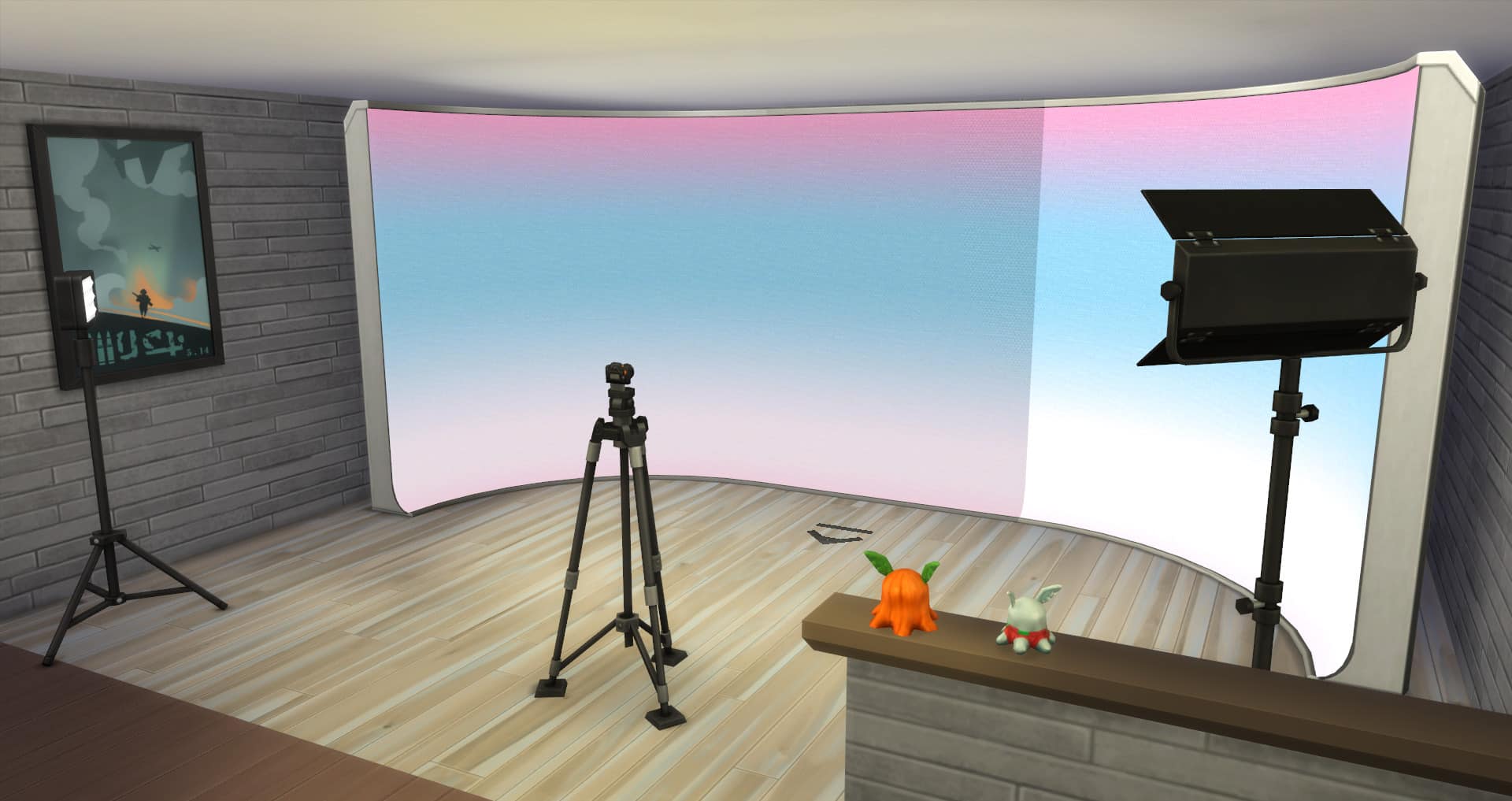
If you are going for a larger home studio why not swap out the Photo Drape for one of the animated Fashion Studio Backdrops. Whether you just want one standalone segment or create a bigger curved setting the choice is yours.

The Sims 4 Moschino Stuff: Creating a Photo Studio

With a bigger home studio, you can also add more to fill the spaces. An area to edit photos, a seating area, hair & makeup station, a wardrobe area and even props scattered across the room will help create that perfect studio look and feel.

Of course, if you are going for a completely separate studio on its own lot, then you can create so many different setups. If you want you can even have multiple studios set up across the lot each with their own styles.

The Sims 4 Moschino Stuff: Creating a Photo Studio

And why not add a welcoming entrance area for Sims to wait and talk to other Sims while waiting for their photoshoots too!

The Sims 4 Moschino Stuff: Creating a Photo Studio

There really is a number of possibilities when it comes to creating a Photo Studio. Whether you keep it nice and simple as a home studio or have a separate venue the choice really is yours.

So why not let your Sims creative side run free through photography. Who knows where it could take them?

Want to find out more about how Photography works in The Sims 4 Moschino Stuff? Then why not check out our Photography 101 article here. Alternatively you can find out more about the new Freelance Fashion Photographer career here.

The Sims 4 Moschino Stuff x Get Famous: Becoming a Model

Presented by EA Game Changers

It seemed odd to me that Moschino Stuff didn’t come with a modeling career. After all, isn’t Moschino a fashion label? Modeling seemed like the natural choice for a pack like this, especially since modeling is something we really haven’t seen in The Sims franchise since The Sims Superstar back in the early 2000s. Not that the Fashion Photography career isn’t good; it’s a lot of fun, but I do still wonder why modeling wasn’t the career of choice, instead.

When I got my hands on Moschino Stuff, I decided to play around with the Fashion Photographer career from both the standpoint of the photographer and from the photo subject; the model. I wanted to see if there was a way my Sims could still work and gain fame as a model, even if only indirectly.

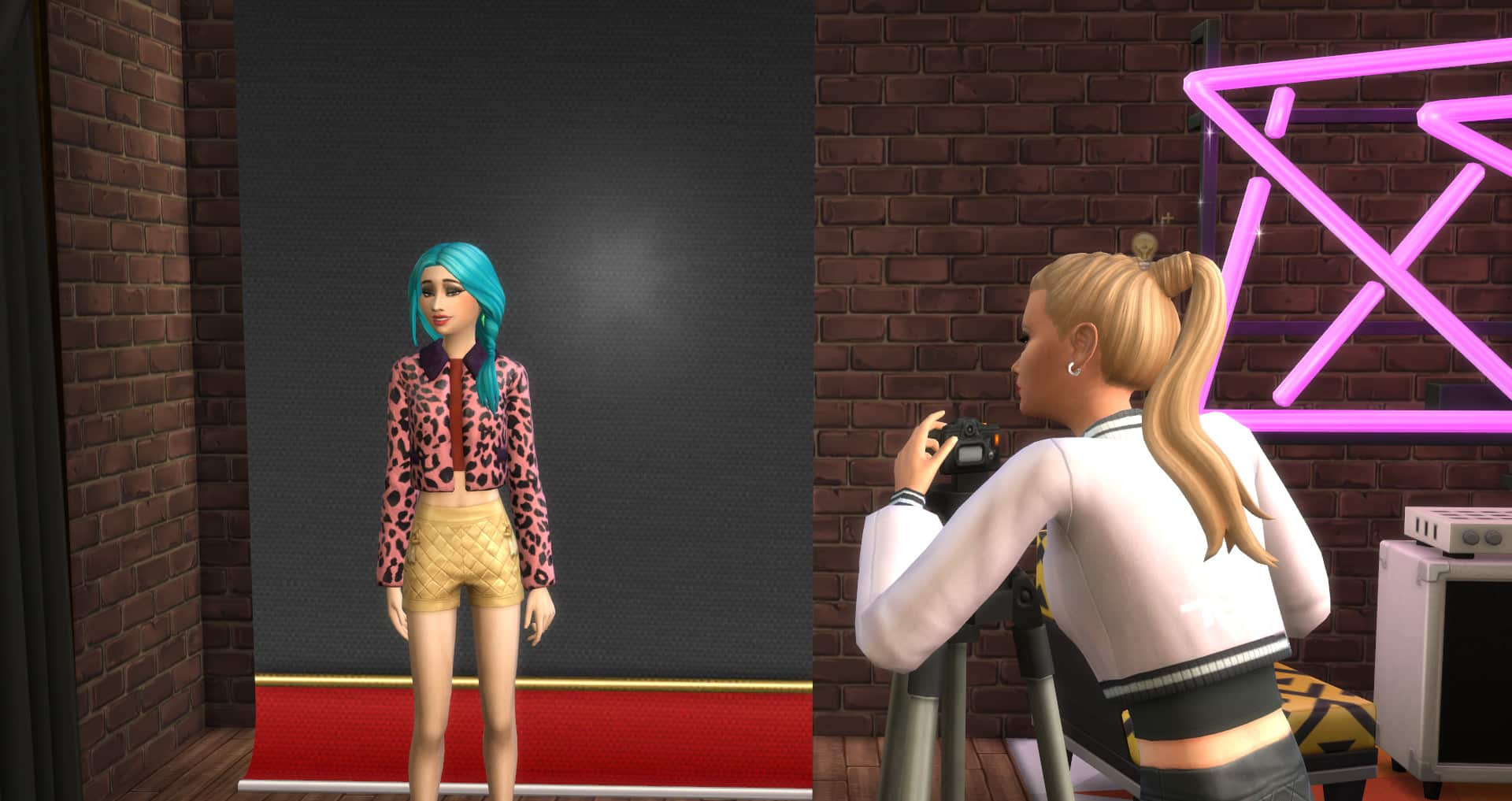
I made a Sim to be my photographer and moved her in with Venessa Jeong from the Get Famous expansion. Venessa would be my model. Then I placed the photo studio styled room from Moschino Stuff in Venessa’s spacious backyard and got to work.

What I discovered was that after a Sim has their photo taken, the photos automatically go into the photographer’s inventory, not the model’s. This makes sense, considering the pack is focused on the photographer, but I wanted to see if there was any way Venessa could receive either money or fame from the photos my Sim took of her. I dragged the photos out of the inventory and onto a wall, then had Venessa upload them to her Simstagram. I expected my photographer to gain fame from this action, not Venessa. I had tried something like this in the past and that’s what happened.

I was elated to see that Venessa was the one who received fame from uploading the photos! I then had her sell the photos to a publication and once again, Venessa got the fame boost for it. Since Venessa and my photographer were part of the same household, they both technically received the funds. I didn’t test what would happen if they were in different households, but I’d be very interested to see if Venessa still gets the money from that action if the photographer wasn’t in the same household.

So effectively, your Sims can become a famous model using Moschino Stuff and Get Famous, which is a neat little thing I didn’t expect. As long as the model is the one uploading and selling the photos, the model is the one who will receive the benefits of those actions.

Want to make your Sim’s modeling career feel a little more official? You can call the Ministry of Labour and register as a self-employed model to give your Sim their own job title and description. This feature was added to the base game in a previous free update.

The Sims 4 Moschino Stuff x Get Famous

Presented by EA Game Changers

When I got my hands on Moschino Stuff, the first thing I wanted to know was if my Sim could earn money and fame through the new Freelance Fashion Photographer career, so I decided to give the pack a test drive to find out.

The short answer? YES!

Your Sims can become world famous celebrities by taking, uploading, and selling awesome photographs either around the world or right at home in their own studio. While you could do this with photographs before Moschino Stuff, it’s really nice to see that The Sims Team didn’t forget to integrate this feature into the new photography tools. I was worried this feature wouldn’t be carried over, but I’m glad I was wrong.

The Sims 4 Moschino Stuff x Get Famous

I had a lot of fun playing as a Fashion Photographer and was able to get to 2 stars of fame in just a few hours of gameplay through photography-related actions alone. Being able to use the tripod played a huge role in this. With 10 shots per photo session instead of 5, I had a lot more pictures I could upload and sell to publications.

The bulk of my Sim’s income came from her freelance gigs, but the bulk of her fame came from uploading her pictures to Simstagram and selling them to publications. The two features complimented each other nicely. My Sim was able to make a living as a Freelance Fashion Photographer while gaining fame online and in publications.

The Sims 4 Moschino Stuff x Get Famous

It was also much easier for my Sim to become a celebrity through meeting other celebrities by using Moschino Stuff. When your Sim photographs another Sim using the tripod, that Sim instantly becomes good friends with your Sim. This allowed me to form strong relationships with high-level celebrities much more easily. All I had to do was ask Octavia Moon to pose for a photo and boom! Instant friends! And instant fame and reputation.

If you own Get Famous, adding Moschino Stuff to your collection will compliment your existing collection nicely.

The Sims 4 Moschino Stuff: Photography 101

Presented by EA Game Changers

The Sims 4: Moschino Stuff opens up a whole new world of photography that previously wasn’t possible in the game. It seems unreal, considering that photography has been a skill in the game since the release of Get To Work and was later added to the base game, but up until now, photography was very limited.

This guide will walk you through how to make the most of the new photography options to get the perfect shot every time, whether for profit or pleasure (or both).

Getting Started with Photography

Of course, Moschino Stuff comes with its own new freelance career; Fashion Photographer, but what if your Sim isn’t interested in fashion photography? What if they prefer to capture landscapes or wildlife? What if your Sim is just a hobbyist who wants to learn photography for fun instead of profit?
The Sims 4 Moschino Stuff: Photography 101

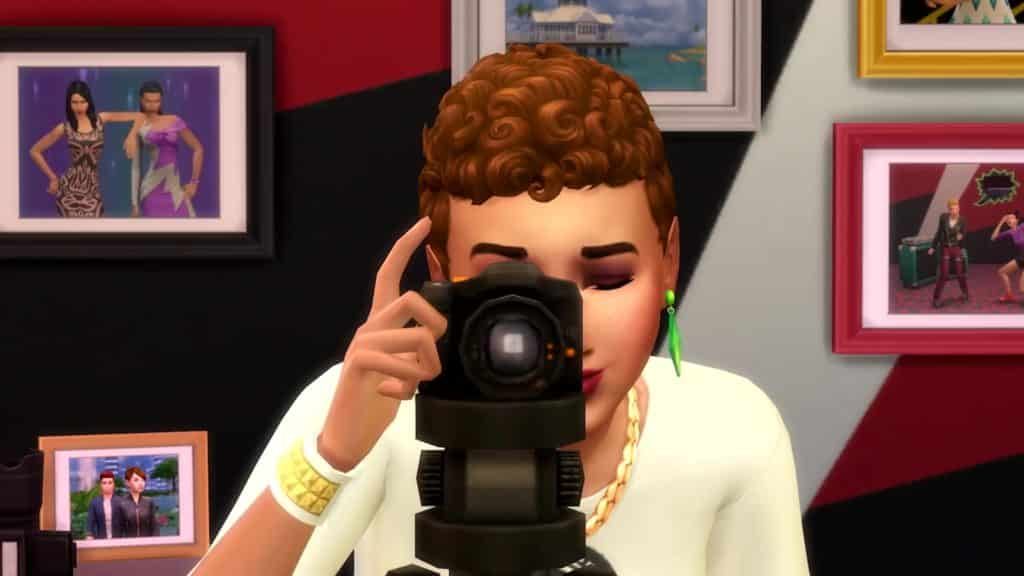
Well, all of that is possible with the tripod! Beginning your photography journey is as easy as buying a camera, a tripod, and setting off to make the entire world your subject. You can even save more money by buying the cheap Barely Better Digital Camera. The tripod is magical and will turn any camera into a pro camera.

With a tripod and camera in your Sim’s inventory, explore the world looking for interesting things to photograph. Sims, scenery, action shots, candid everyday moments in the city or suburbs, it’s all up to you. Click the tripod in your inventory and choose Place in World to set up the tripod wherever your Sim is standing. Then click the tripod to add your camera to it. If you’d like, you can place down a Sim marker to help you position the Sims in your photos with more precision, but this isn’t absolutely necessary. You can still photograph Sims without the markers.

The Sims 4 Moschino Stuff: Photography 101

While in camera mode, utilize every tool you have available, not just your filters, size/orientation, and zoom (but play with those, too, if you like!) You can now angle and move your camera around the same way you can in TAB mode. This gives you endless freedom to take your shots your way. Get a low to the ground shot for a dramatic effect or an elevated view over a fantastic landscape. Turn and rotate the camera any which way you please until your subject is at the exact angle you want. If you’re taking pictures of Sims, you can now select their poses from a wide variety of categories.

When you’re happy with your shot, click the camera button. You can take up to ten shots in one session using the tripod (which is double the number you can take using a camera without the tripod).

The Sims 4 Moschino Stuff: Photography 101

It’s up to you what to do with those finished shots. If you have Get Famous installed, upload them to Simstagram or sell them to a publication for a bit of money and fame. Display them on walls and surfaces, give them unique frames, or even collect all your photos in one handy digital picture frame which also comes with Moschino Stuff.

Time for an Upgrade

Okay so your photographer has some skill and experience now. They got a good start by taking shots around the world using whatever was nearby as a backdrop, but they’re more polished now. They want to be more professional. It’s time to upgrade to a proper studio.

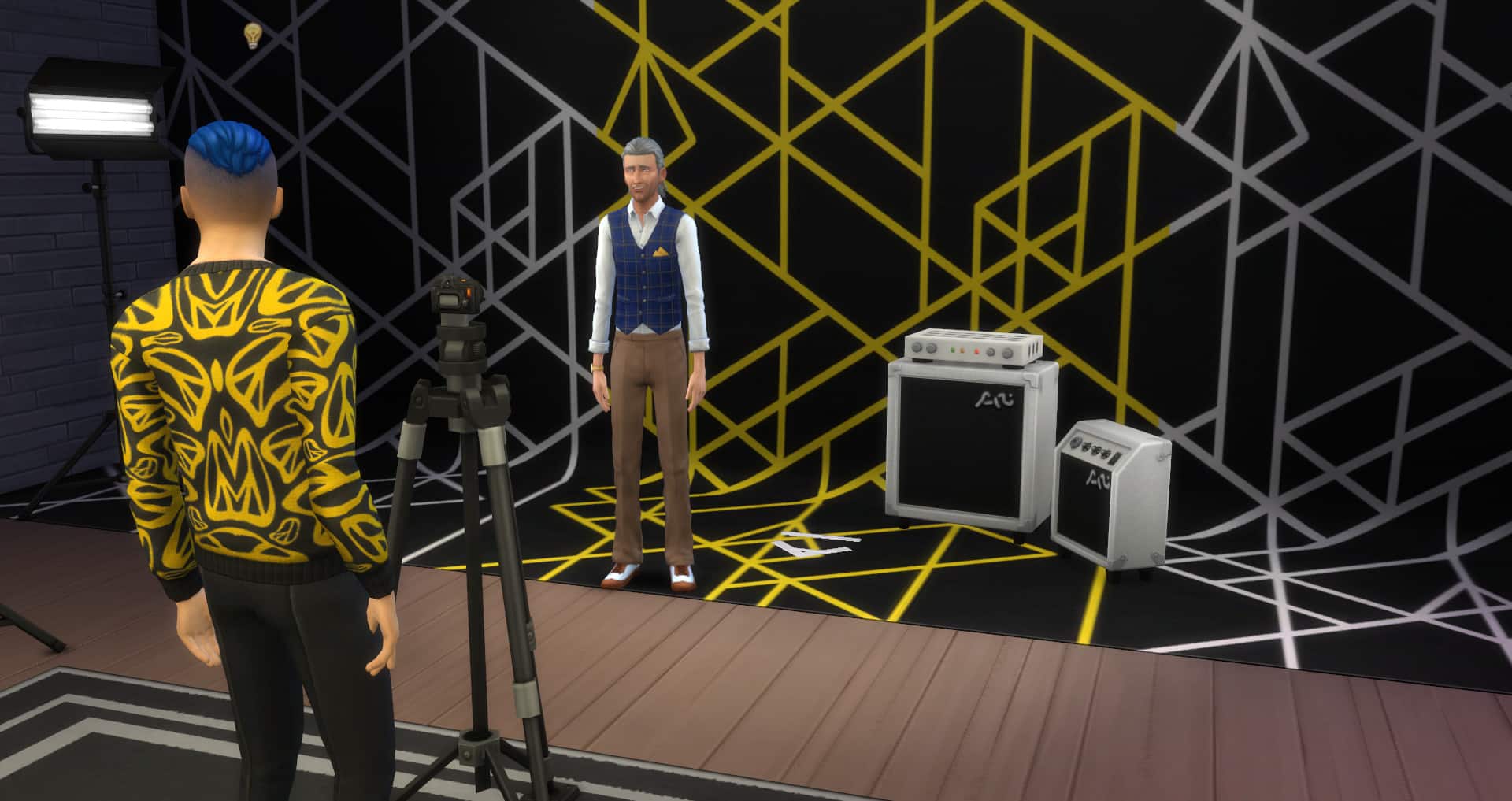
Studios give you even more control over your pictures. Pose Sims in specific spots using the markers, set up backdrops and lights, customise the brightness and colour of your lights to truly get the ambiance and vibe you’re after. Drag and drop spotlights and softer lights wherever you need them whenever you need them.

The Sims 4 Moschino Stuff: Photography 101

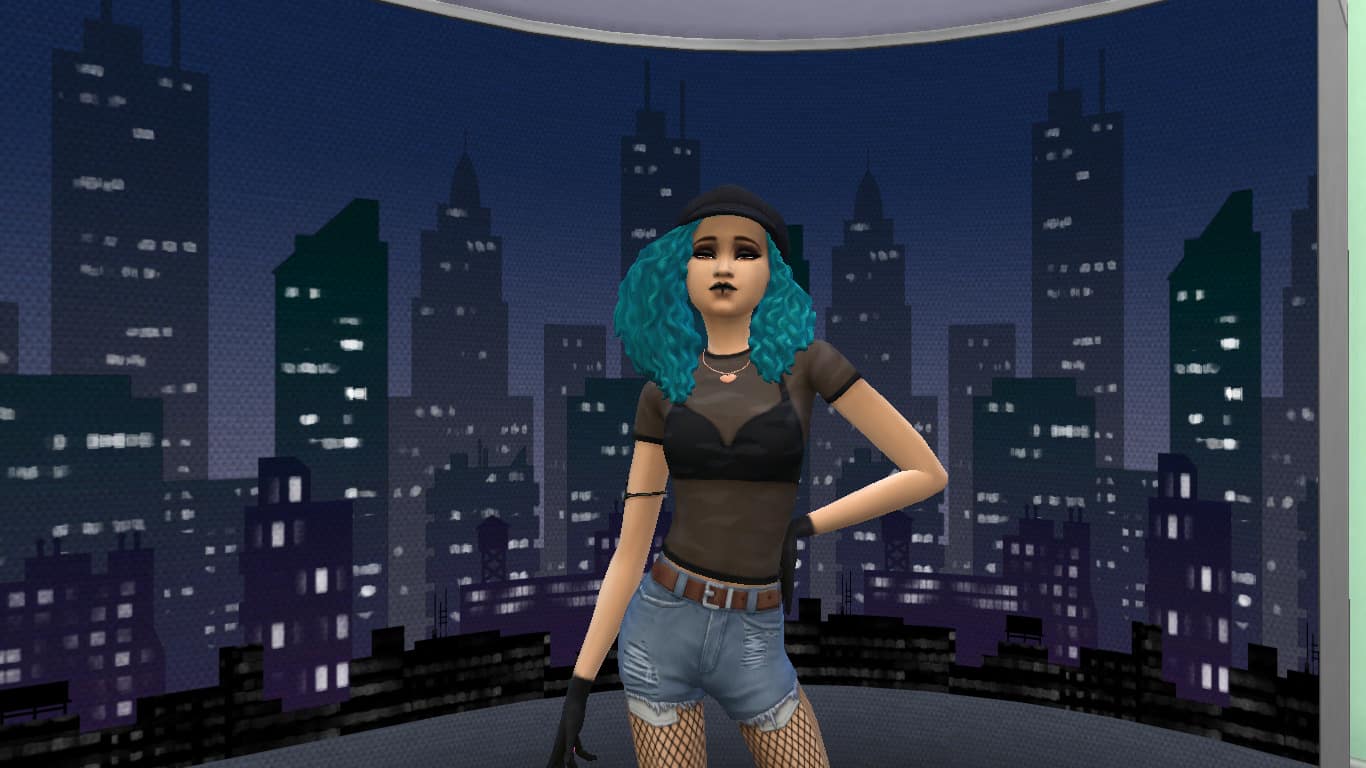
Moschino Stuff comes with a simple backdrop that comes in a few different solid colours and patterns, along with a very nifty digital backdrop that comes in two pieces; a flat piece and a curved piece, which you can connect to wrap fully around your scene. These digital backdrops are a step above traditional backdrops. The backgrounds are animated and have various effects. Even when you’re shooting with the same digital backdrop numerous times, your shots will always have that extra touch of uniqueness and variety thanks to the animations. It won’t be exactly the same background every time. Moschino Stuff also comes with its own portable lights designed for taking professional studio shots.

With all these more advanced tools at your disposal, your amateur photographer can become a seasoned pro. They might even want to consider becoming a professional.

For more information about the Freelance Fashion Photographer career, see our article, The Sims 4 Moschino Stuff Pack: Freelance Fashion Photographer Career Overview.