


Want to see all the cat and dog breeds featured in The Sims 4 Cats & Dogs Expansion Pack? Check out this video!
The Sims 4 Cats & Dogs: Build Mode Overview

Early Access code provided by EA!
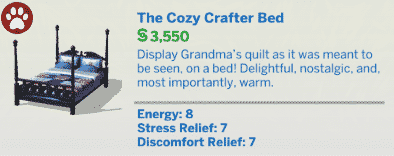
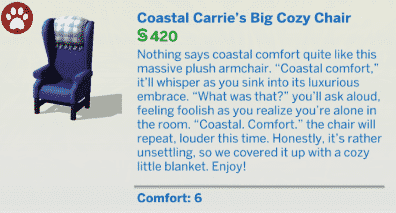
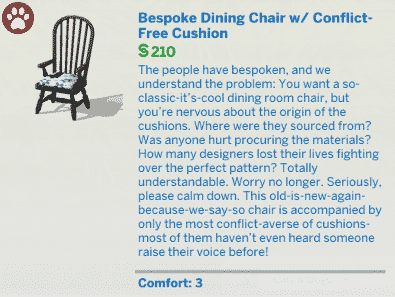
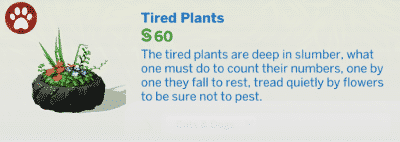
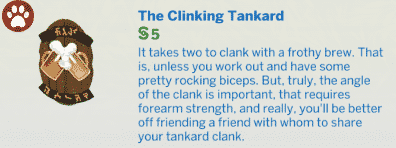
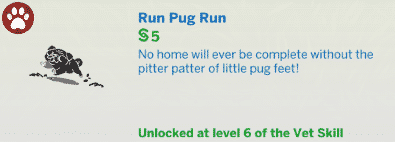
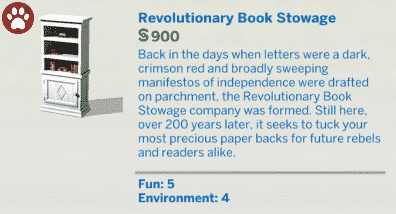
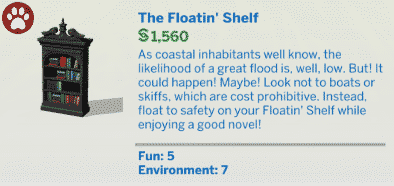
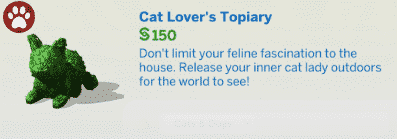
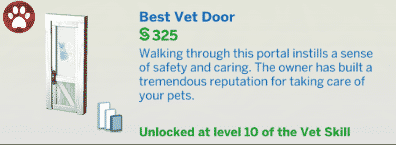
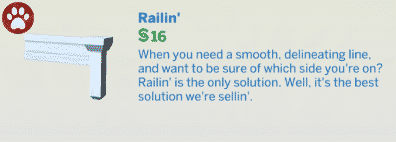
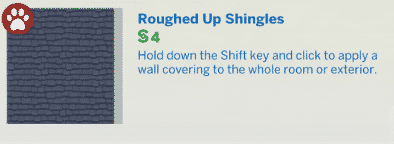
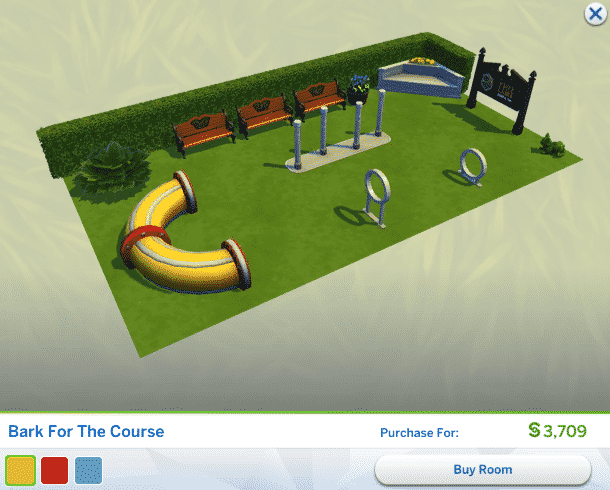
The Sims 4 Cats & Dogs Expansion Pack brings 330 new items in build mode, including new objects for your Sims and Pets, fences, wallpapers, floors, roof sculptures and a lot more!
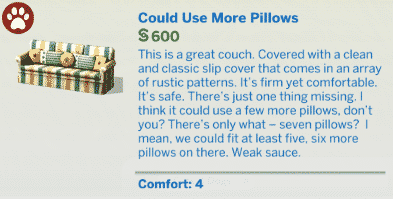
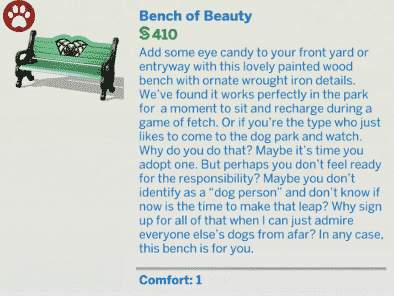
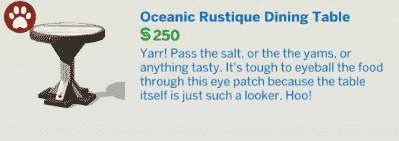
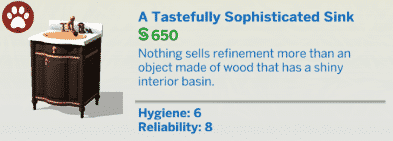
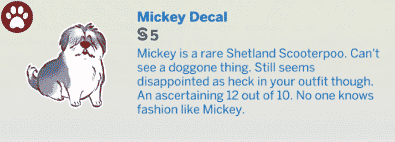
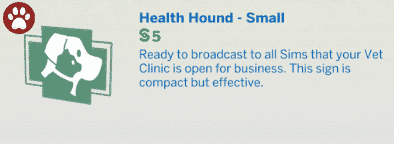
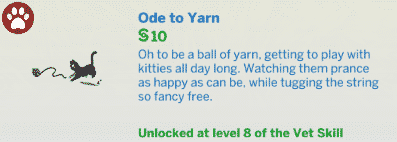
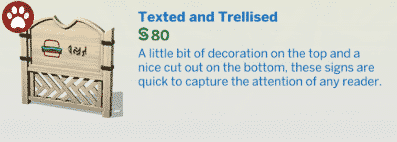
Down below you can check out the full overview of all these new objects. You can find more information about each object by simply clicking on the object image.
New Items






























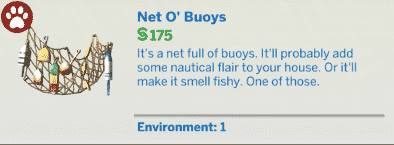


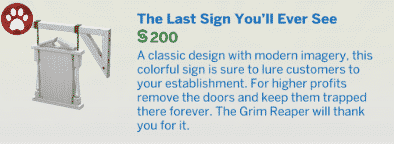


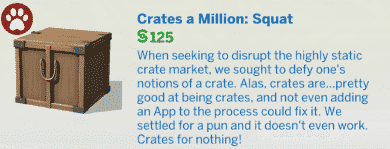


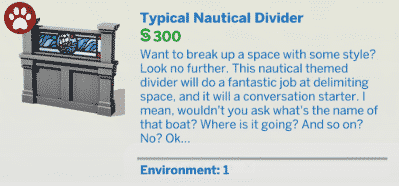









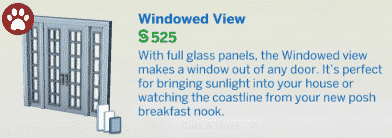


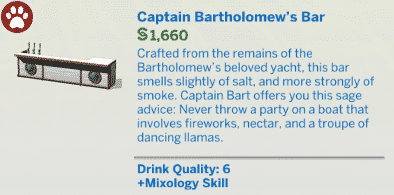


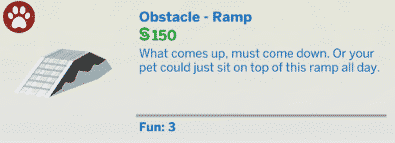


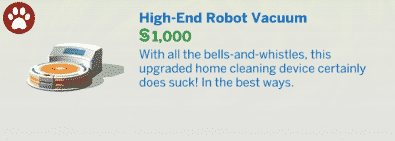




Styled Rooms



Early Access code provided by EA!
The Sims 4: New Collectable Spawners Added with November Patch
It seems there is no end to the number of new features included in the latest patch for The Sims 4!
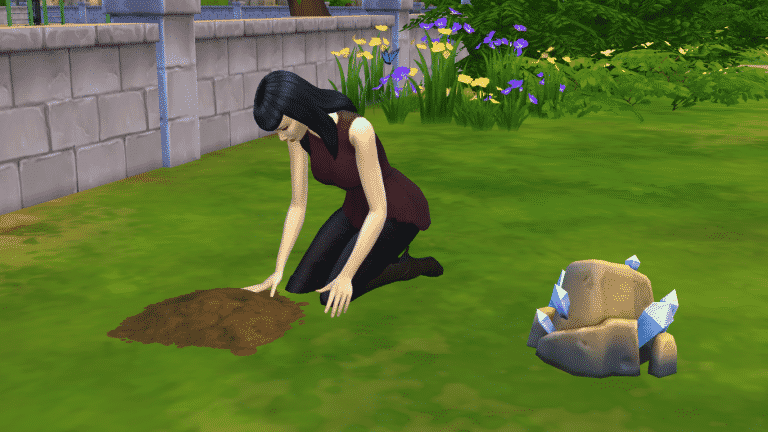
Yet another addition that went unmentioned in the patch notes are these dig spots, pictured below. They appear to be the same dig spots that dogs will use with the release of Cats & Dogs, but Sims can use them, too!

Selecting the “Dig” interaction on any of these dig spots will send your Sim over to excavate the area. Not only can your Sims find collectable items like fossils and MySims trophies, but they can even dig up other goodies like upgrade parts.
We think it’s pretty cool that this little piece of Cats & Dogs was given to players as a free update.
Happy collecting!
More Info
Want to see how these dig spots function with dogs? Check out the replay of The Sims 4 Cats & Dogs Live and Build Mode Livestream on Sims Community’s YouTube channel!
Check out the official patch notes right here!
Not sure how to update your game? Simply open Origin, go to your game library and right-click The Sims 4. Select Check for Updates and download if Origin hasn’t detected an update already.
The Sims 4 Cats & Dogs: Create A Sim Items Overview
Early Access code provided by EA!
The Sims 4 Cats & Dogs Expansion Pack brings, other than new pets and clothing & accessories for those pets, new items for your Sims as well.
There are more than 100 new items for Sims of all ages!
Adult Feminine
Hairstyles (15)


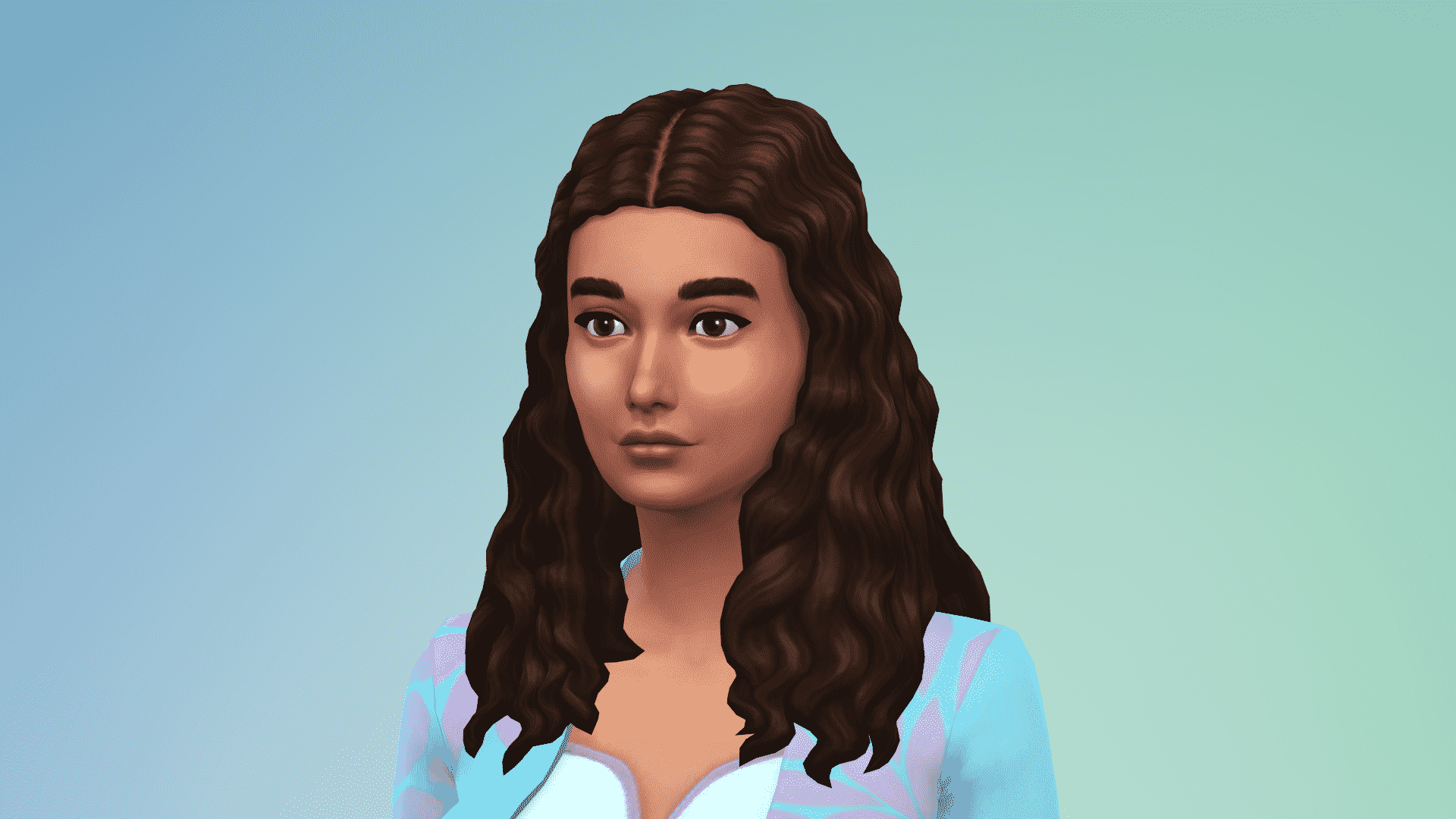


Head Accessories (2)
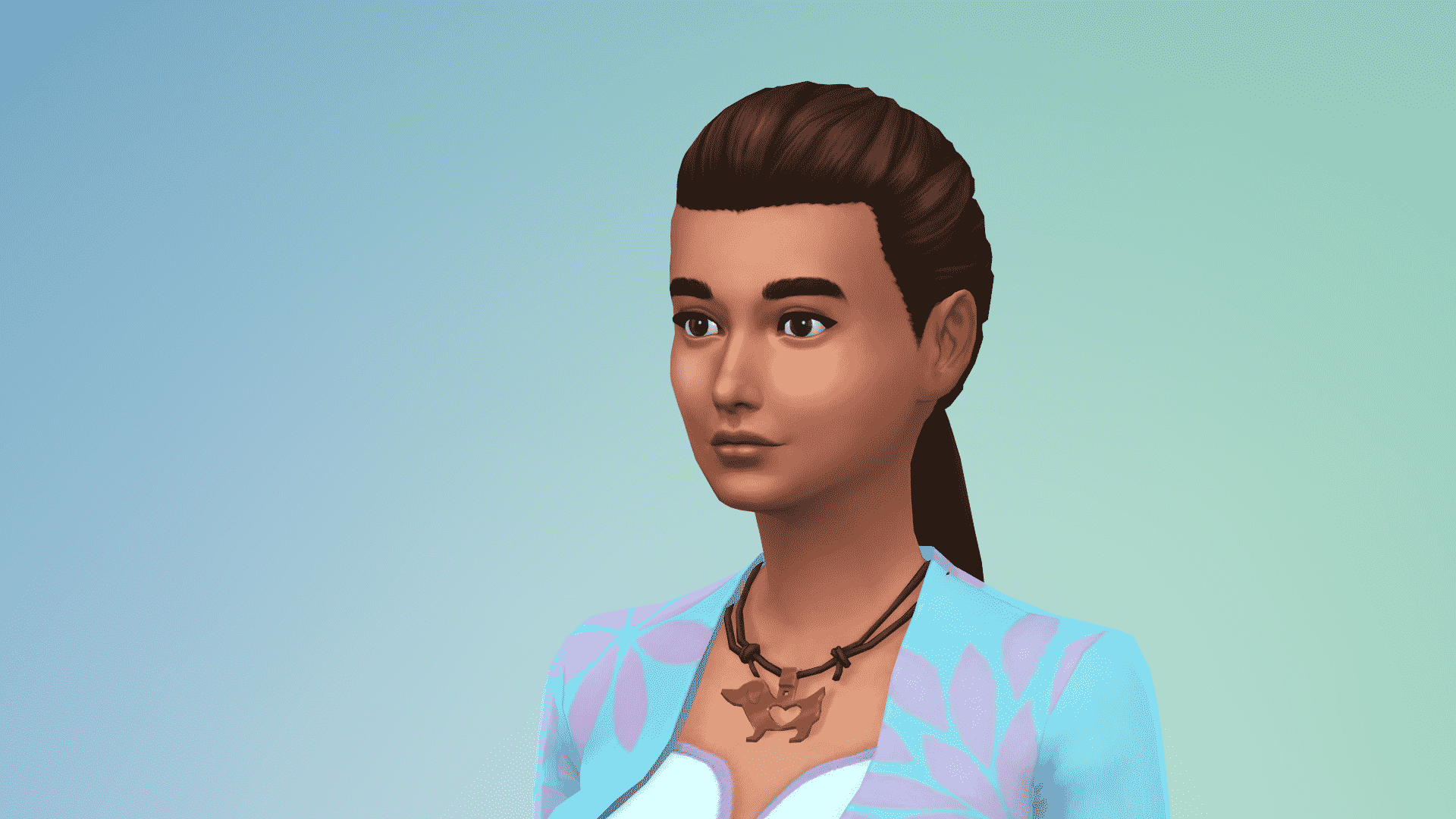

Tops (10)


Bottoms (5)

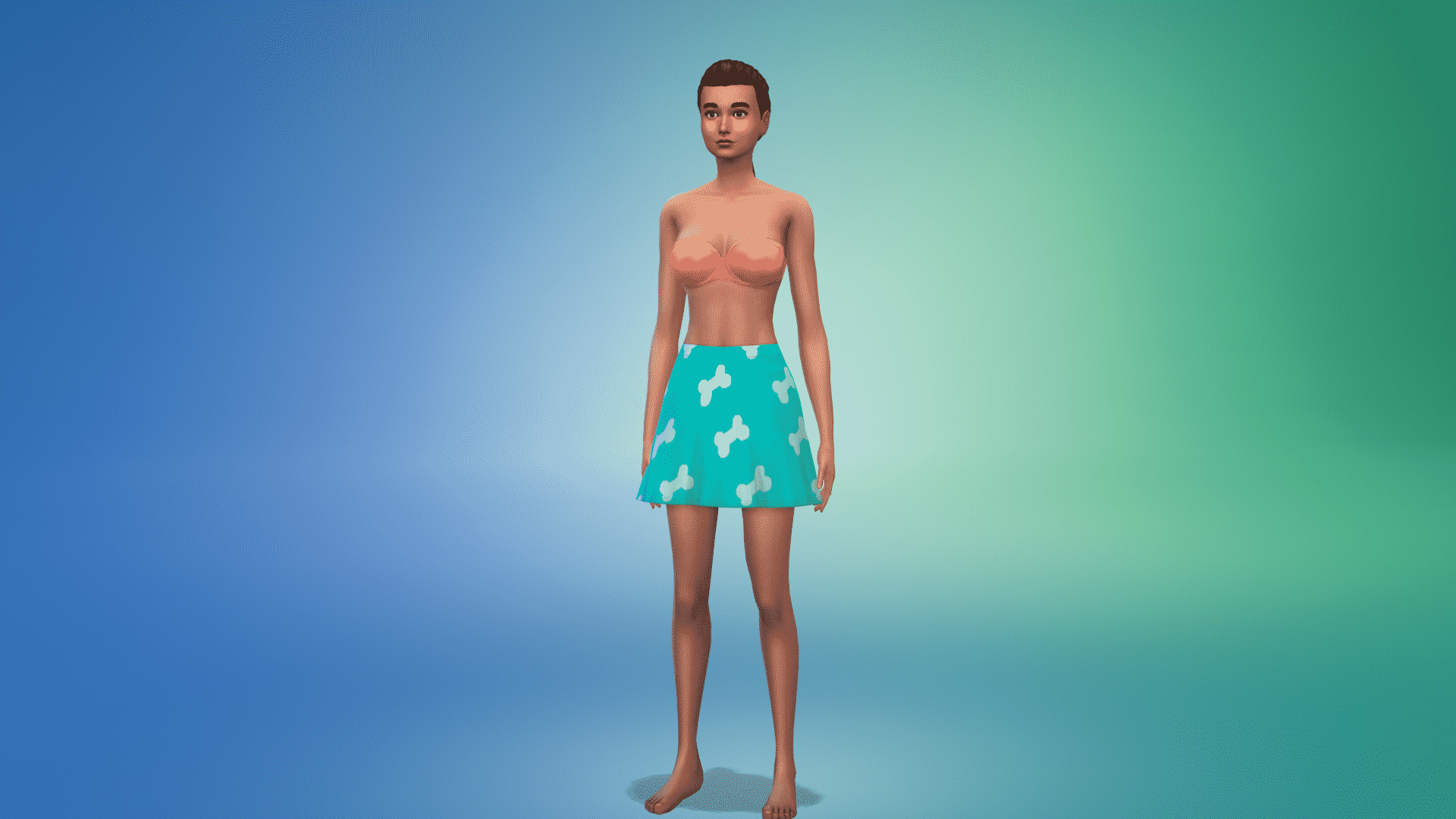


Outfits (8)


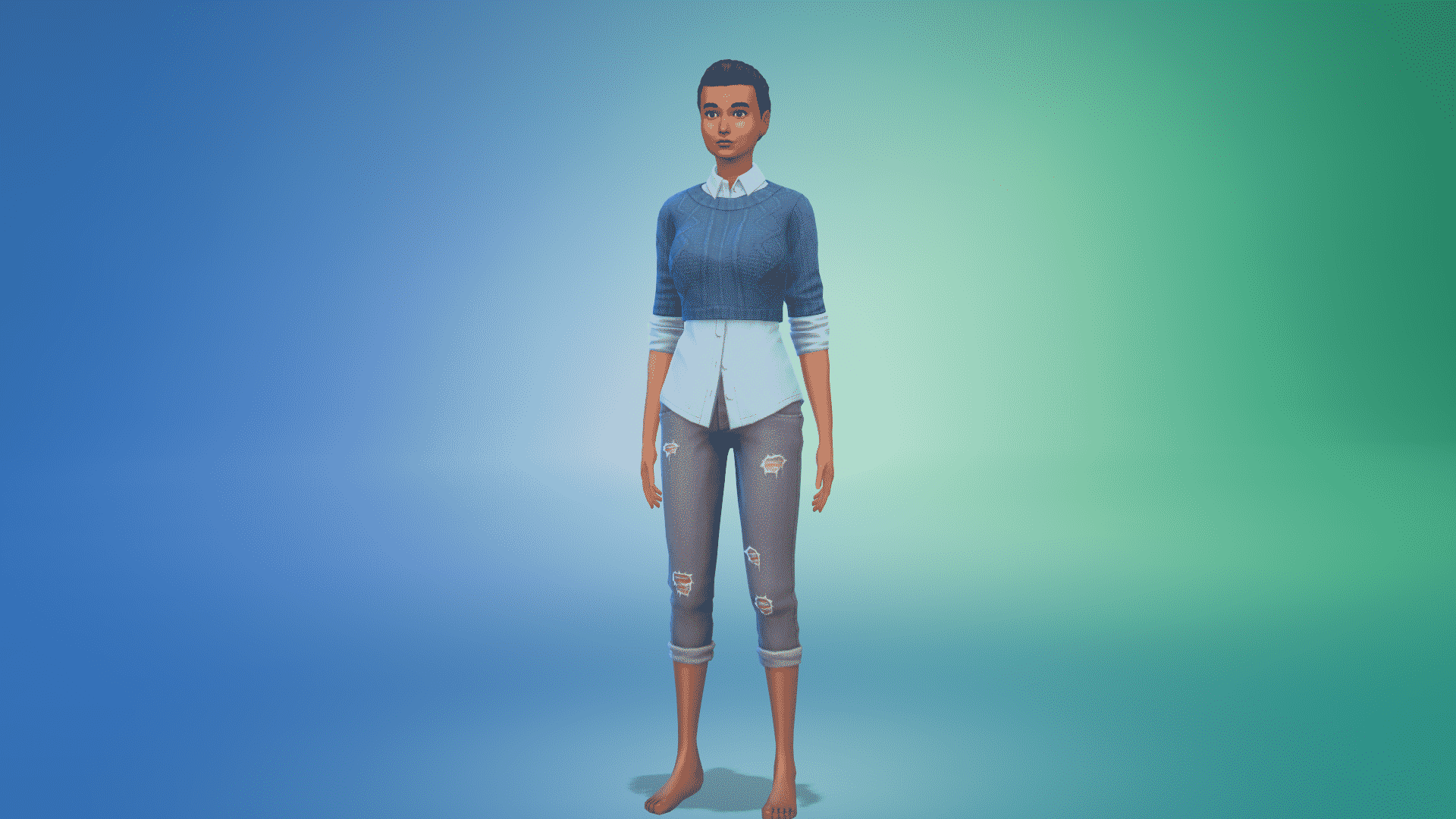

Accessories (2)


Shoes (2)


Styled Looks (5)


Adult Masculine
Hairstyles (12)


Facial Hair (1)

Head Accessories (2)


Tops (15)


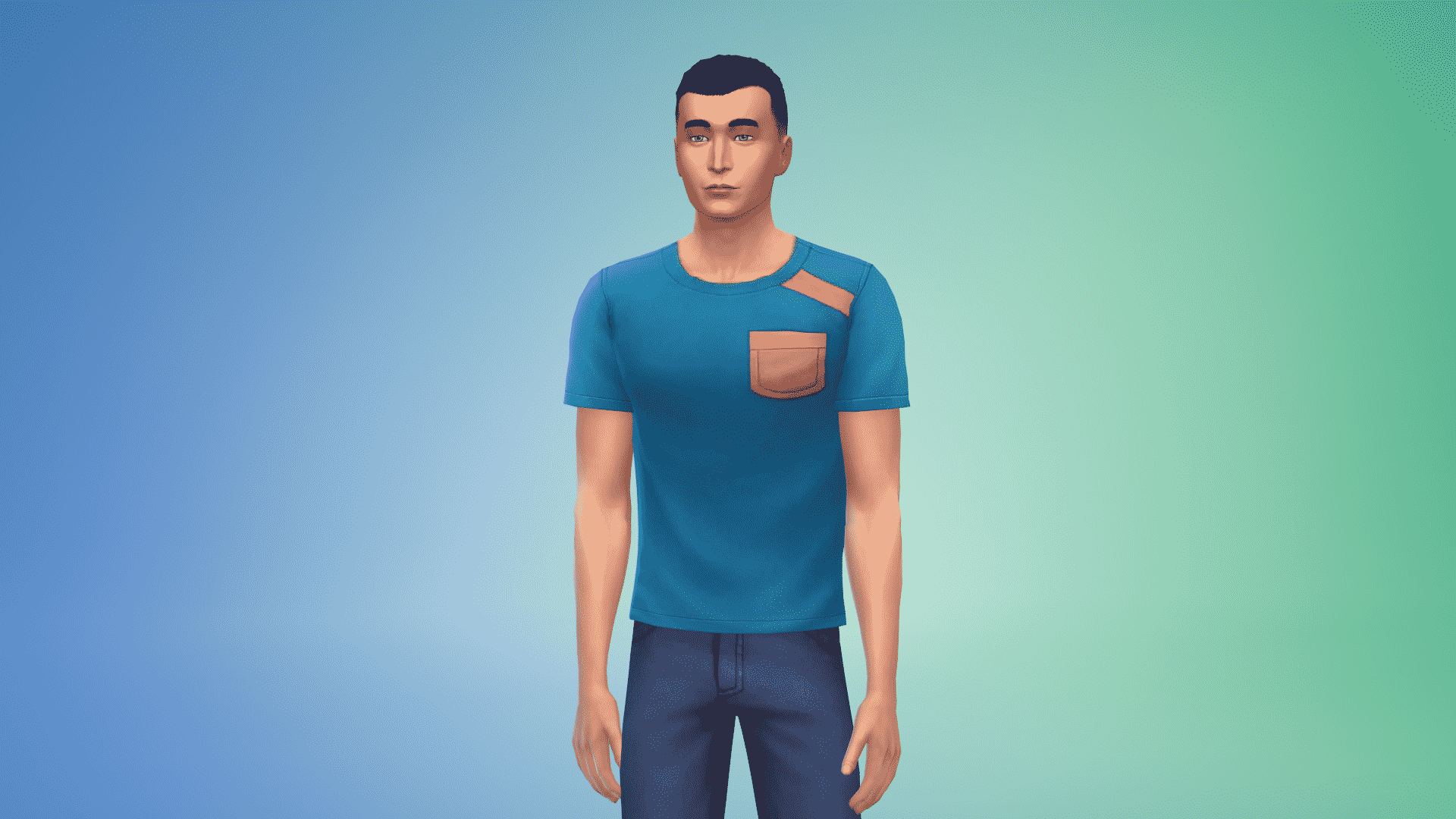


Bottoms (5)


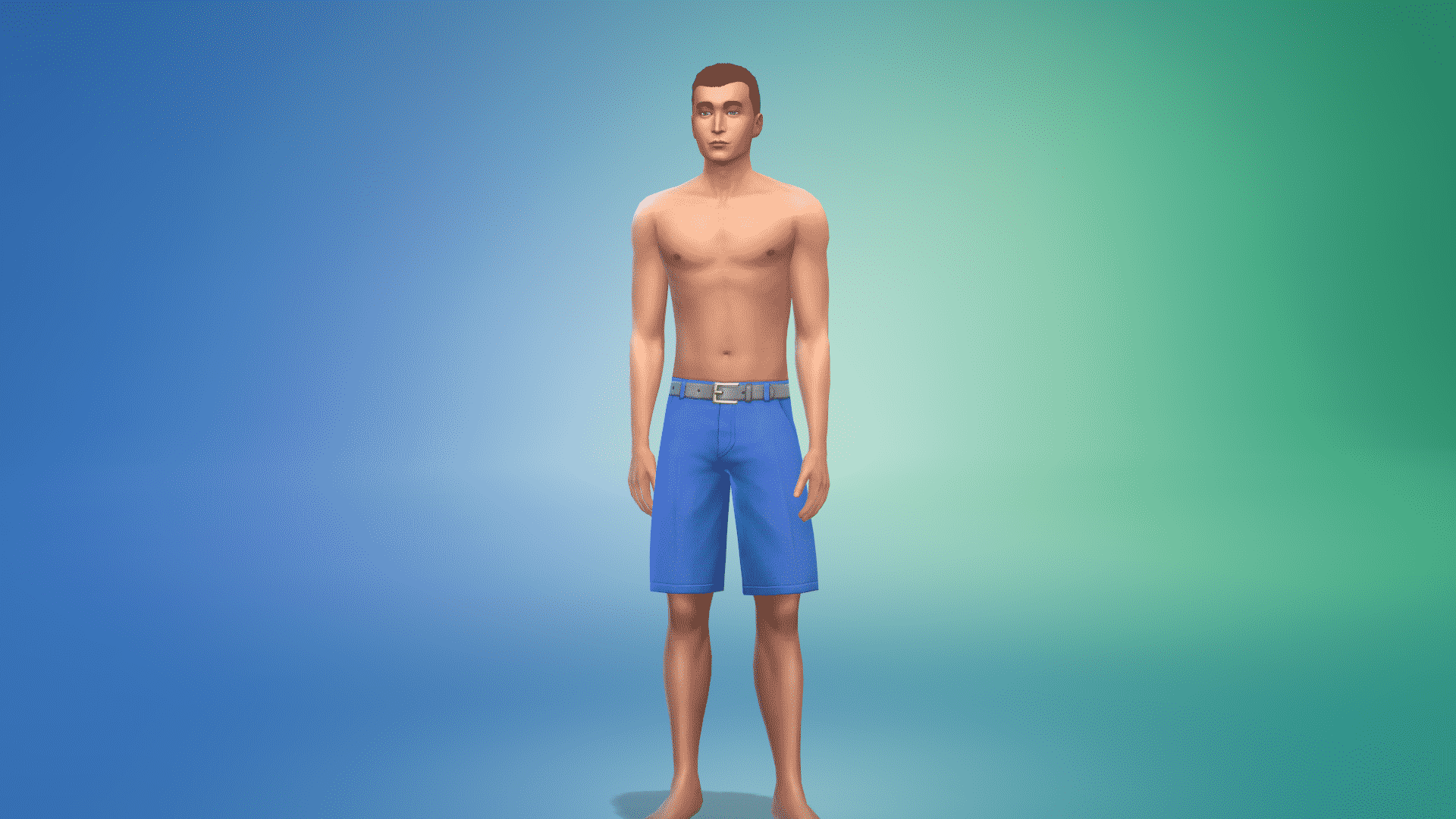
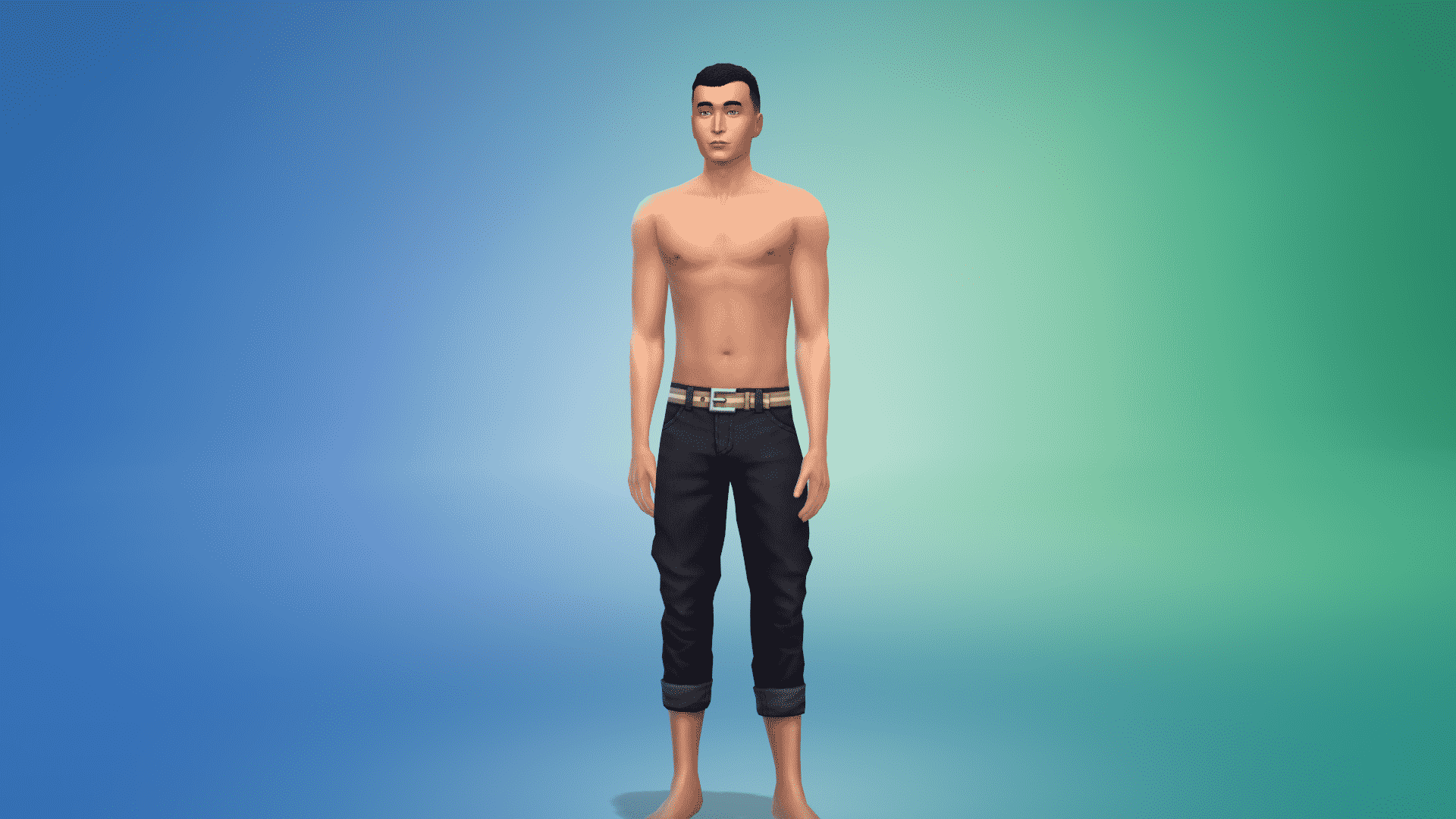
Outfits (1)

Shoes (1)

Styled Looks (5)


Child Feminine
Hairstyles (1)

Tops (3)

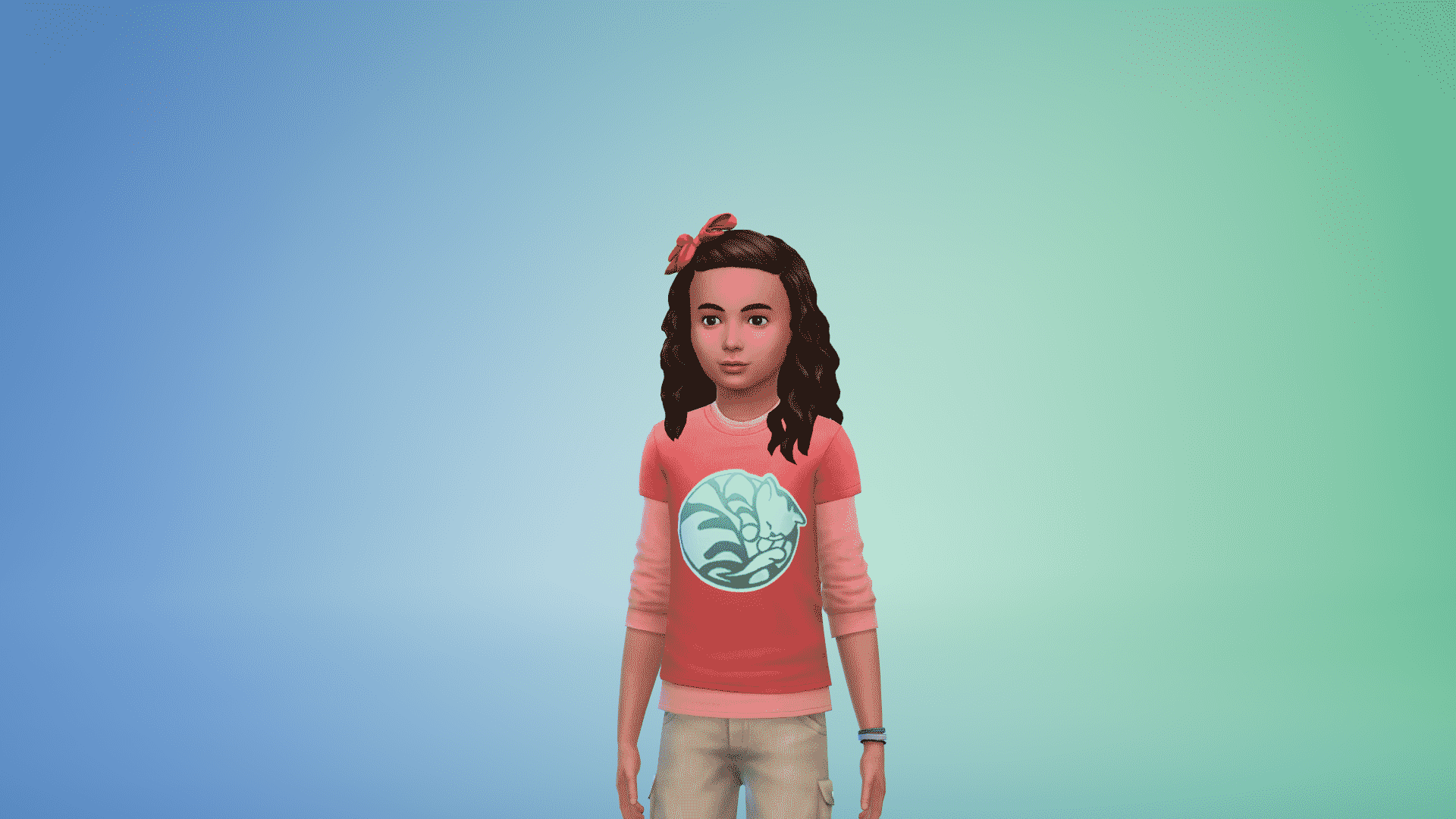

Bottoms (1)

Outfits (1)

Shoes (3)


Styled Looks

Child Masculine
Hairstyles (1)

Tops (4)


Outfits (2)


Shoes (2)
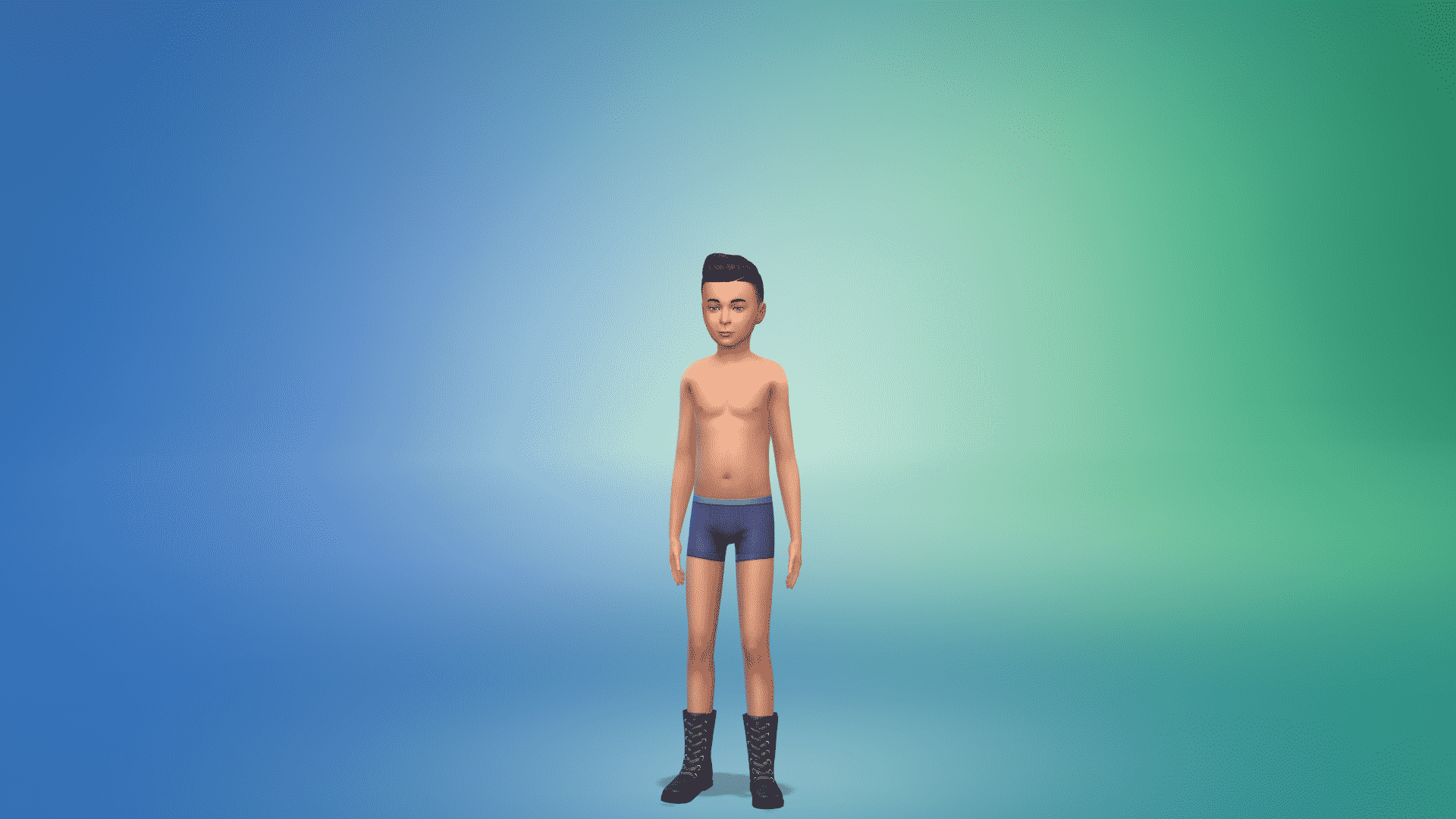

Styled Looks (2)


Toddler Feminine
Tops (1)

Outfits (1)

Styled Looks (1)

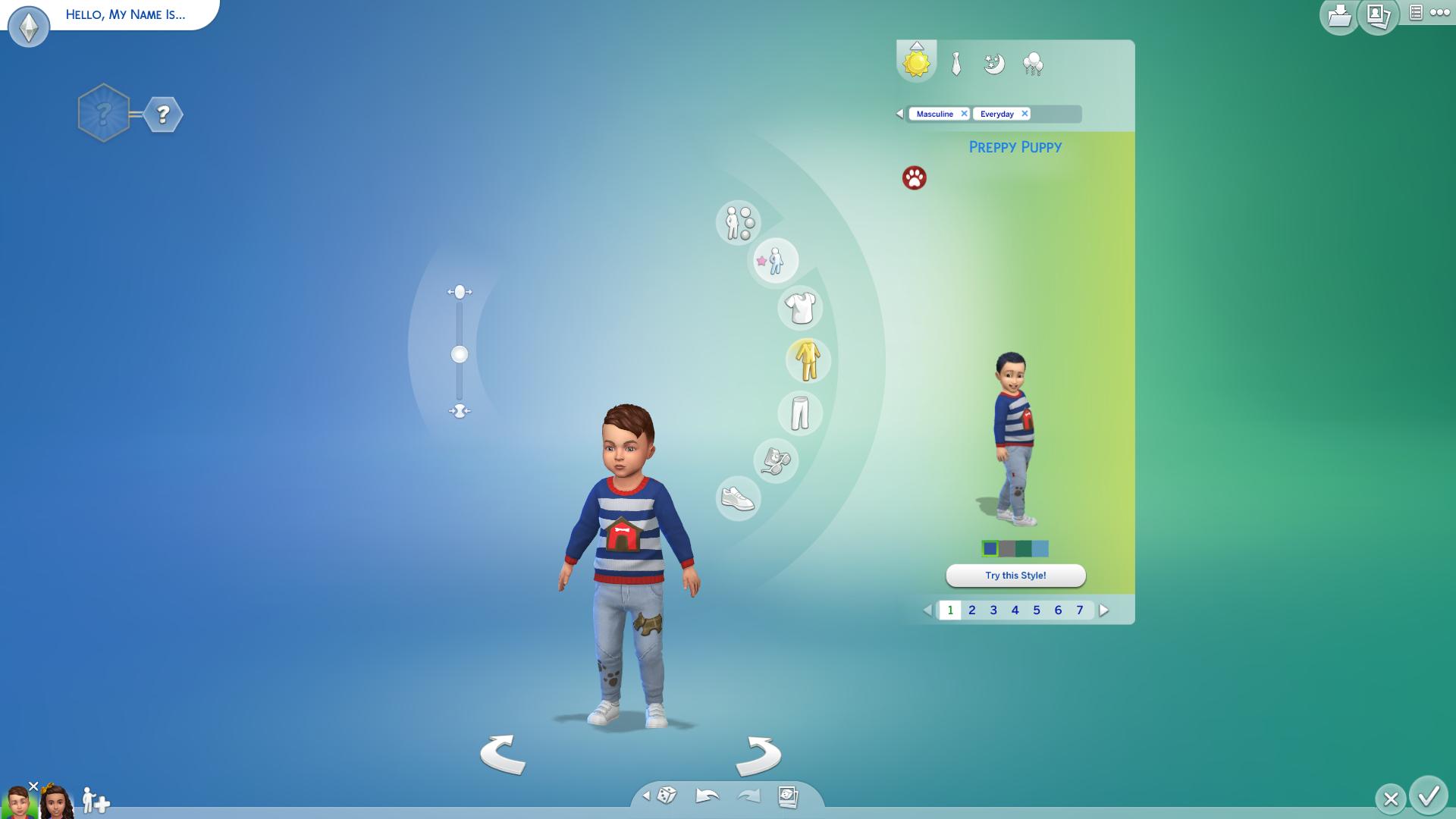
Toddler Masculine
Tops (1)

Outfits (1)
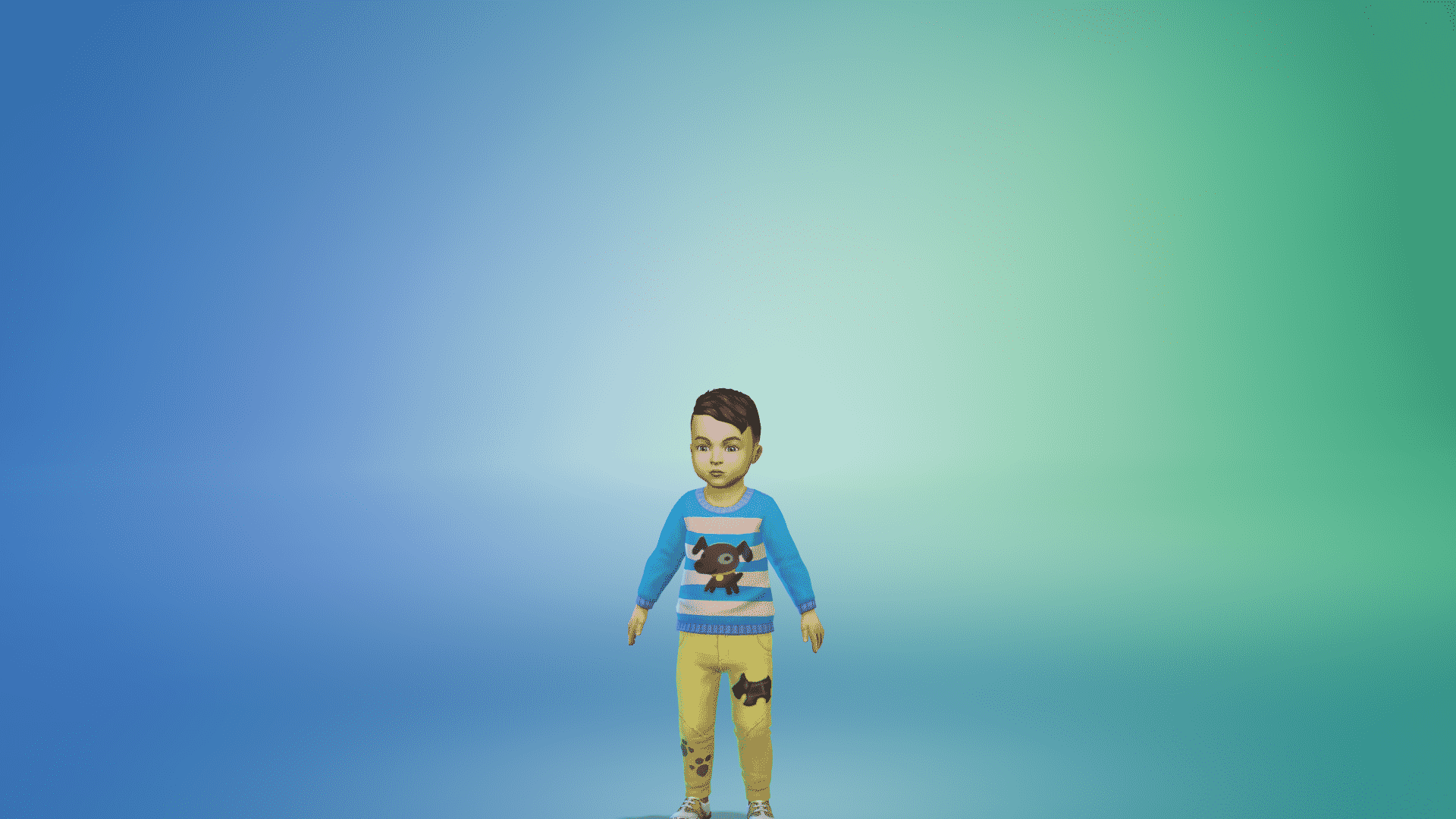
Styled Looks (1)
Early Access code provided by EA!
Hear The Sims 4’s NEW Theme Song!
Early Access code provided by EA!
The Sims 4 is FINALLY getting a new Theme Song with a new Expansion Pack release!
After installing The Sims 4 Cats & Dogs Expansion Pack you’ll be greeted with this new theme song. The Cats & Dogs Theme Song will randomly rotate with The Sims 4 Base Game’s theme song.
The Sims 4: New Counter Presets Added in the Latest Update
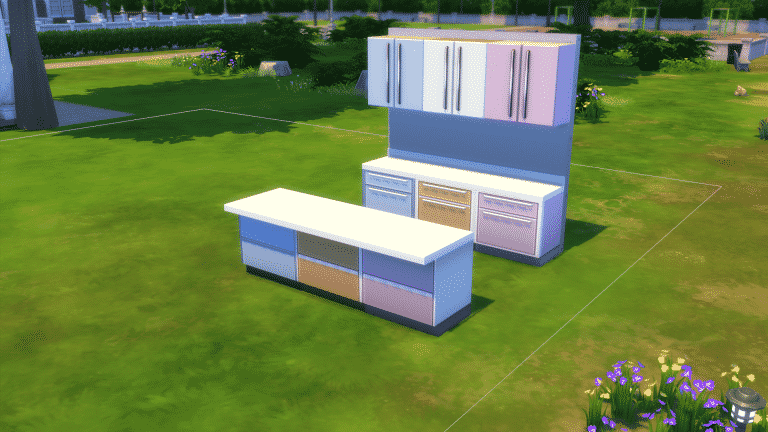
In the newest patch hidden in Build Mode twitter user, Jorge Luiz has pointed out there are the new counter, island and cupboard colours! We have baby pink shade, orange and baby blue with white countertops on The Harbringer Island, Counters and Cabinets. They can be found under Base Game, Surfaces and then Counters and Cabinets.

The Sims 4: November 2017 Update Overview
The Sims Team has released a new update for The Sims 4, adding new features, improvements and fixes to the base game. Let’s see what’s new!
New Roofs
There are 4 new roof types available: Pentagonal, Hexagonal, Octagonal and Circular roofs!

New Roof Curvature Points
Pressing Shift + C while having a roof selected will unlock new curvature points. These curvature points are available for any roof type!

New Roof Trims

Shrink Objects Feature
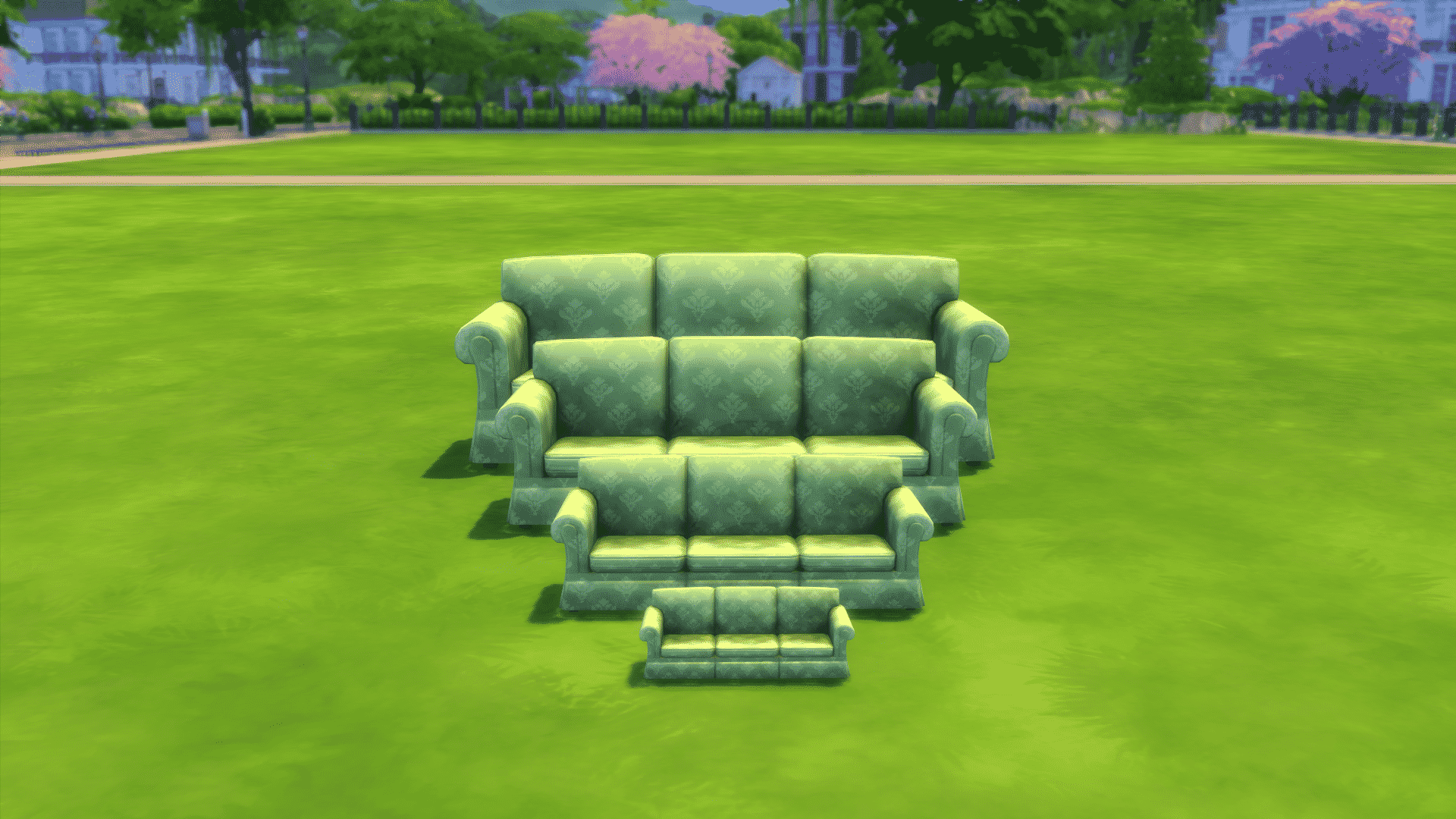
Just as you can make any object larger you can now make any object in build mode smaller. You can shrink an object by selecting an object of your choice and pressing the “[” key on your keyboard.
Household Manager and Sim Cap Limit Feature
The Household Manager now has new features. You can select your favorite Households that you’d like to remain with all progress saved. This means that, once you reach over the Sim Cap Limit, Sims who are not in your “My Households” section will start losing progress, relationships, skills and so on.
There are 4 Sim Cap options:
- 80 Sims
- 150 Sims
- 200 Sims
- Unlimited
Selecting the unlimited option might influence your game performance and stability as you use the save game with the unlimited option more and more.

Photography Skill
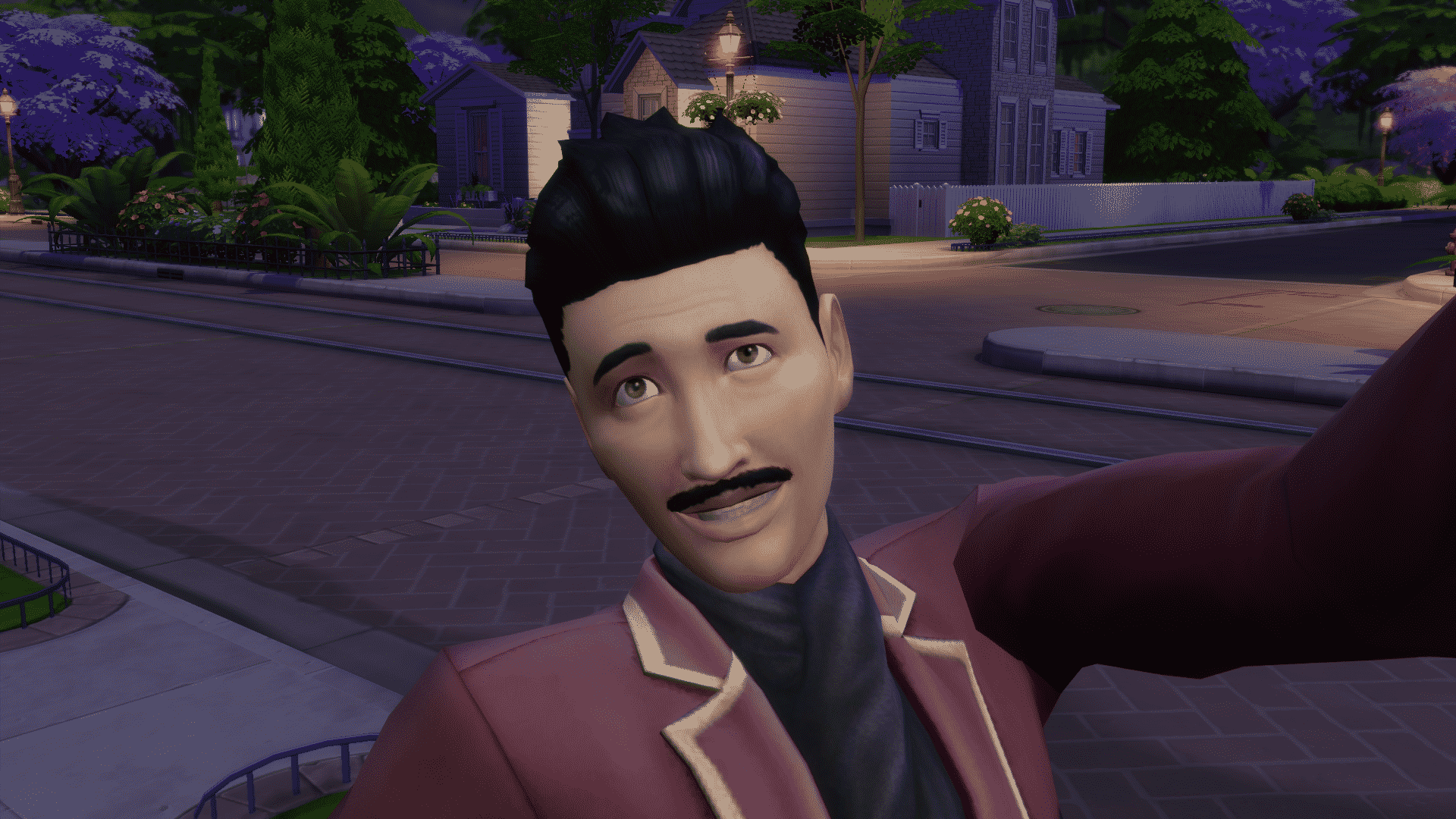
The Photography Skill, which was previously exclusive to The Sims 4 Get to Work Expansion Pack is now available in The Sims 4 Base Game. You can now buy 3 different cameras in Build Mode and level up your photography skill (up to level 5).
There are also new selfie options on your phone.
Bug Fixes & Other Improvements
Want to check out all the things The Sims Team has fixed? Check out this post!
The Sims 4 has been updated with new Simlish Soundtrack
Although The Sims Team hasn’t mentioned this in their patch notes, The Sims 4 Base Game has been updated with new Simlish Soundtrack!
Here’s a list of all the new Simlish soundtrack and their genre:
- All Time Low – Good Times (Pop)
- Andrew McMahon In The Wilderness – Walking In My Sleep (Alternative)
- Baio – Key Is Under The Mat (Alternative)
- Becky Hill – Unpredictable (Pop)
- Middle Kids – Mistake (Alternative)

One of the new Simlish Soundtracks is by All Time Low, whose music video for “Good Times”, a song now featured in The Sims 4 has been released just a few days ago!
The Sims 4 Cats & Dogs: Vet Render (HQ Transparent)
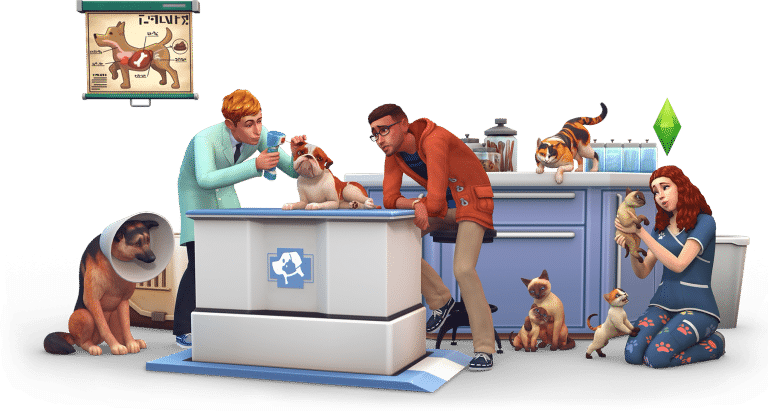
The latest Sims 4 Update contains the full render from The Sims 4 Cats & Dogs Expansion Pack. Check it out!

The Sims 4: New Update + Patch Notes! (November 7th, 2017)

The Sims Team has released a brand new Update for The Sims 4!
To download the latest version of The Sims 4, simply open your Origin program and if the game doesn’t update automatically, right click on The Sims 4 and select ”Update”.
In case you have Mods or Custom Content, the game will automatically disable them for you after first launching The Sims 4 after the update. To re-enable all your Mods and Custom Content, select the Settings option in the Menu and select Settings. Under the”Other” section you’ll find the ”Enable Custom Content and Mods” option. Check it and restart your game in order for it to take effect!
Patch Notes
Version # PC 1.36.99.1020 / Mac 1.36.99.1220
Hello Simmers!
You better sit down for this one. Sit! Stay. Good.
There’s a bit here, a bit new, a bit old, a bit no longer busted. And it might take a bit of time to bite through it. So, let’s roll over, try not to get dogged down, and dig on in.
What’s New?
- Four new roofs are available in Build Mode: Pentagonal, Hexagonal, Octagonal, and Round Roofs!
- All four can be found in the Roofs category.
- Advanced Curvature Mode!
- When you have a roof selected, hit SHIFT+C to expand your roof curvature edit options.
- Gabled and Hipped roofs have additional manipulation points so their eaves can be adjusted on all 4 sides.
- Photography has been made available to all players.
- The Barely Better Digital Camera, Appreciably Average Digital Camera, and Crystal Clear Digital Camera objects are now available in Build Mode.
- The Cell Phone interactions: Take Selfie, Take Photo With, Take Photo Of, and Take Photo, are available under from the cell phone entertainment menu.
- Photography Skill can be learned by your Sims up to a skill level of 5.
- Photos taken with the camera can have frames added to them.
- Place the photo in the world, click on it, and select Add Frame.
- My Households
- The “My Households” panel in the Manage Household screen allows easier management of which households are considered important. Households placed in this panel are protected from being… deleted.
- The “Maximum Sim Count” option specifies the number of protected Sims allowed. If the limit is reached, existing households need to be unprotected before new ones can be added.
- The limit can be changed and does include an “Unlimited” option, although this setting is not recommended as it may cause performance issues or other undesirable behavior.
- Shrink Objects, you can now shrink objects in your game using the Size Down cheat!
- Similar to the Size Up cheat, which uses the Close Bracket, the Size Down cheat uses the Open Bracket.
- This only changes the visual appearance of the object, and not the behavior.
- Using it alongside MOO can allow you to create some great decorative configurations – like shelves full of MySim collectibles, or a Gulliver land to explore!
- Be wary however, not all objects shrink or enlarge as expected. It is a cheat after all.
- Grim’s Ghoulish Guitar is now optionally available at the Main Menu, click on the button, and follow the instructions for how you can download the guitar.
Alright, stop playing dead. Time to heel in. Get through the final stretch, and really let our tongues wag.
General Issues
- Now when hovering over the rotate options for blocks and walls in Build Mode, objects that will be impacted by the rotate will highlight yellow.
- Teen Sims will now autonomously place their homework back into their inventory when finished.
- Archetypal “Rebel” teens decry the modification, claiming cruelty to animals, “What’s my dog gonna eat now?!”
- Homework that does end up in public spaces will be cleaned up after the active Sims have left the lot.
- Canine Lot Service Dogs have responded with their own claims of animal cruelty, offering their criticism of the modifications, “Arooo, arf rrrr-ruff, aroo’grr.”
- At time of publication, we are still waiting to hear back from the teens, but we can only expect things will not go well.
- Children will no longer float while drinking the essence from a Cow Plant… because they are not allowed to do so.
- If there is a top ten list of rules for Sims to live by, I’m going to add “allow my child to drink the essence of the dead” as one of those “don’t do that” items.
- The Write Cookbook interaction will now always be available when reaching level 8 or higher in the Culinary Career.
- Sims will once again receive a playful buff while taking a bubble bath.
- We addressed an issue that could prevent Sims from spinning into outfits after purchasing from a retail mannequin.
- The game clock should no longer skip forward and back when changing from 3x or ultra speeds back to speed 1.
- The game clock will also no longer flutter, skitter, or scamper, dance, prance, carom, cavort, canter, or run… no, it will run.
- Playing your old saves should no longer result in a mad rush for the restrooms.
- “Where have you been, I’ve been stuck here for WHO KNOWS how long! Ok, you know what, just forget it… get out my way-it a minute, why are you deleting the toi… no no no no no, d’d’don’t do that… I’m sorry. Really, it was my fault, I should have gone before you left.”
- Build Mode music should no longer indefinitely loop as a result of loading directly to Build Mode from the map screen.
- Sims should no longer weed chess tables near their garden, when attempting to weed their garden.
- Feminine framed male Sims with facial hair should no longer see chin distortions.
- The cowplant is now safer! And by safer we mean, Grim will no longer fail to resurrect those eaten by the cowplant that were successfully pleaded, or flower bribed.
- Deleting a household via the Manage Household dialog will no longer remove the option for a new family to move in to the lot and keep the old families furnishings.
- I love that rug.
- The entire family was last seen standing right there, on that rug, and then just *poof* they were gone, like they never even existed. It was really spoo…
- Yea, but the rug.
- The Angled Roof Trim now includes a red trim color, similar to the other roof trims.
- Sims path will no longer be blocked by the Gathering of Garden Stones.
- Looming high above the atoms upon which they stand, no longer shall the intrepid explorer of backyard rock gardens, stand frozen in fear, incapable of scaling the towering monument to Sim over nature!
- The inspired child will no longer see all available interactions as Draw, but instead will see the appropriately titled actions of Draw Shapes, Draw Vehicle, and so on, and so forth.
- ‘Sploit fix! Child and toddler Sims will no longer speed gain relationship with others in their toy playing relationship grind circles.
- Yea, cheaters never win.
- Btw, the modifyrelationship cheat still allows you to modify the relationships of Sims… cheater.
- Non played adult Sims will no longer attempt to purchase child clothing, as it was preventing them from completing the checkout process.
- Ok, so if you didn’t understand that purchase in Sims equates to wearing, you might think “this is a really odd fix”.
- Childish Sims are once again able to Play in Puddles.
- Angry Sims with appropriate mischief skill levels, and Evil or Mean child Sims can once again stomp on puddles.
- Angry writers will no longer only have the option to Write Furiously when choosing to Write Genre Book.
- Safety Seal Holiday Fireplace, Fiery Façade Fireplace, and Firewalkers Training Ground fireplaces now all provide environment scores.
- Attempting to complete the Smash Dollhouse whim by smashing a dollhouse will now award satisfaction points upon said smashing.
- Sims should now sit when attending a wedding…
- Or rather, the majority of Sims should now sit when attending a wedding. We can’t hold up the proceedings if you create some ominous maze of doom in order to arrive…
- or if you bring your starving friends past a grand buffet…
- or if the bladder is just not going to wait…
- But barring some great catastrophe, Sims should si… unless you just don’t like the groom.
- The microphone will no longer lose all detail when a Sim chooses to use the microphone.
- When learning that another Sim is a Regional Manager, you shall no longer learn they are a Business at Dewey, Cheatem & Howe Incorporated, but instead, you will learn that they are a Regional Manager.
- We however, didn’t fix the missing Oxford comma.
- I was always told an admission of grammar omission a day, keeps the grammar police at bay.
- Children born to a parent with the Beloved aspiration reward trait are now born with a parent-child relationship to that parent, rather than relationship unknown.
- Planter boxes now have a burned state.
- We fixed an issue where yfBottom_SP08Jeggings and ymBottom_SP08Jeggings were showing through the fyTop_BlouseCollarUp, yfTop_Ep02Blazer, fyTop_JacketTweedClassic, and ymTop_GP03Vest incorrectly.
- The Load option from the Main Menu will no longer go missing after creating a household in a new save, and exiting the game before placing them on a lot.
- The Ornate Victorian Roof Line will now properly place on Flat Round rooms.
- The pizza delivery Sim will now leave after an appropriate amount of time after the delivered takes the delivery from the deliverer.
- Toddlers can once again nap on chairs.
- Lazy Sims can once again Nap Lazily upon Living Chairs.
- Sensing a pattern here…
- We fixed an issue that sometimes prevented Sims from planting their seeds.
- The Contains New Items identifier for the Clutter category will now properly clear as expected.
- Instructing a Sim to eat from their inventory, while they are seated with a glass of water, will no longer cause adult Sims to pop up and down, and child Sims to float.
- Eat Leftovers and Put In Inventory will now have the correct text in Russian, rather than two versions of Eat Leftovers.
- Attempting to continue the Microscope upgrade for Improve Lens Quality will no longer require “2 drink.”
- Obviously lens quality decreases after 2 drink.
- Moving lots and keeping your furnishings will no longer prevent you from live dragging food into the fridge once it has been replaced on the lot.
- Sims not on their home lots will no longer disappear to the unknown after merging their household with another.
- Wonder if this is related to the hole outside of Vlad’s house…
- We have addressed some issues with the outfit combinations of festival goers, and have lessened the bizarre combinations.
- Children in the family tree will now remember their parents, even if the parent is deleted. Which means, they will no longer be considered half-siblings to their brothers or sisters if they did indeed share the same two parents.
- Using undo to change the age of a Sim from a toddler to another age will no longer cause the Swimwear and Athletic outfit types to disappear.
- Relationship status will now properly reflect its current state without the need of traveling.
- We don’t know each other, why are you bothering me?
- We’ve literally been talking for 8 hours.
- Um, I’d remember something like that. See, my panel says we’re just acquaintances.
- Ok fine, come with me to the park.
- Whatever… fine, we’re at the park no… WE’RE MARRIED?!
- Now if you are taking a selfie you will be holding a phone.
- Sims with the Connections reward trait will now receive the lower level career rewards as expected, when joining a new career and getting a career level boost.
- Troll teh Forums will no longer take a long time to cancel.
- Addressed an issue with the walls of the Landgraab lot that were incorrectly set and were preventing the placement of other objects.
- Socializing with your adopted child will now properly satisfy the Socialize with your child 10 times goal of the Big Happy Family aspiration.
- Using the Salvage into Parts interaction will now salvage the salvage into parts as expected.
- Fixed an issue that was preventing male Sims from receiving the Widower buff when their spouse dies.
- Lot traits are now in alphabetical order.
- Using the Set as Head cheat on an object, routing off lot, and then using the Reset Sim cheat will now properly clean up the duplicated object, rather than leave it in an unreachable location off lot.
- That couch yours?
- Yep, wore it on my head.
- How about the hot tub?
- Yep, headdress.
- The end table?
- Look, they are all mine, OK? The end table, the bookshelf, the treadmill, the DJ Booth, the guitar, all of them, OK?! I wore all of them on my head! Are you happy now?
- The toilet too?
- Downloading a lot from the Gallery will no longer cause wall placed items on half walls to sometimes be placed on the floor.
- Social events such as Birthday, Wedding, Dinner, Costume, House parties, or Dates, can now be hosted on Generic Lots.
- Of course, informing your fiancé that your wedding will be on “generic lot” may have other issues?
- The Brazilian Portuguese Sims, Morgana and Silvana, shall no longer be known as Marcio and Siobhan.
- On page one of the Lot Traits lesson under the Build Mode category, we have added a period at the end of the last sentence
- When randomizing your female Sims jaw in Create a Sim, randomization will now choose from all Jaws… duunnn dunnn, duuuunnnn duun.
- The science career interaction Tinker will now properly show a focused emotion interaction option when the Sim is focused.
- The Killer Queen Double Bed now says, as well as gives, 4 Energy, rather than saying 1 and giving 4.
- Turns out 4 energy is also dynamite with a laser beam.
- The Square Confection, Campanulate, Photopollution, and Round Confection Ceiling Lights will now all fade appropriately when viewed in Live Mode.
- We have added some more words to the profanity filter; among the words added are plum, plum, plum, and plum.
Get to Work
- We have increased the chance of alien abduction, slightly.
- Planted plants are no longer allowed to be put up for sale.
- Unplanted plants are still good.
- Baking skill gain is now boosted when inspired.
- Placing a mannequin in a room will no longer trigger auto lights to turn on.
- ‘Fraidy-catequins!
- We have removed an odd shadow that appeared along the neckline of the Adult Male Mannequin – Abstract mannequin.
- We addressed some issues that were causing retail employees to stop ringing up customers; employees should more consistently ring up customers now.
- The Corporate Fridge Raider Revenue Generating Cooler now states that it provides a Food Quality: 6.
- Out of This World Desktop can now have its focused emotional aura disabled.
- We fixed an issue that could prevent the cloning machine from properly functioning if it was upgraded prior to initiating an attempt to clone a Sim.
- Sir, I’m terribly sorry, but you have tampered with the factory settings, the tag on the underside clearly states “A Clone Machine may not function or, through function, allow a Sim to operate said machines function. The Clone Machine must obey its purpose of cloning except where such attempts would conflict with the first law of non-function.”
- And Sir, clearly the upgrade violated the Clone Machines primary function.
- THE Front Desk now believes itself to be a desk.
Get Together
- Radio music played at event lots will no longer continue to play when visiting that lot after the event ceases.
City Living
- Repair-Sims will now stay up to 10 hours on your lot fixing your busted and broken.
- The interaction to Scrap Unfinished Mix is now present on DJ Booth mix-tapes.
- Mix tapes? Tape… tapes. Yea…
- Do you put the tape in the phone booth before or after you set the clock on your newspaper?
- Fixing a broken electric box while the power is out will now fix the broken electric box, rather than permanently leave you without power.
- Solent Sink now properly gives (and states), Hygiene 4 and Reliability 5.
- The Public Throne now provides Hygiene 3.
- I’ve been to a public throne, I’ve never experienced this mythical “hygiene 3”.
- Vendors will no longer leave a stall unattended when joining in on group activities, but will instead close their stall before joining.
- The In the Know reward trait discount, from the City Native aspiration, is now properly applied to all festival swag including festival t-shirts.
- A Sims age information in their hover-tip will no longer disappear after interacting with an object socially.
- Your birthday? I, uh… hold still, I can’t… mouse over… wait a minute, have you been talking to the toilet again?!
- Cancelling a Practice Singing interaction will now also cancel the audio.
- Cream color for the yfTop_EP03JacketTie will now properly apply the cream, and not pink, version of the top.
- We addressed an issue that could cause festivals to overlap one another due to the previous festival not properly cleaning itself up.
- Welcome to the Romantic Spicy Hijinks-a-Con!
- Sims’ career outfits are no longer permanently altered when buying a Festival T-Shirt. However, this may still be an issue with the Curry Challenge tee.
- Yum Cooker will no longer revert to the yellow swatch color when it gets dirty, but remain the color initially chosen by you.
- Sims with the Instant Upgrade interaction, can now instant upgrade the garbage chute.
- Yes Ludo, we know, “Smell bad.”
- Toddlers can now talk to a Sim painting a mural, but are no longer allowed to Kick Off the Sim from the mural.
- What’s that lil’ Timmy? The puppy fell down the well? Dinner’s ready? You want to play ball? It’s bedtime? Want to roughhouse? You need help up the stairs? Your mother is talking with the repair man?
- No! Get off mural, my turn!
- The ceilings of some apartments were inconsistently painted. We’ve gone in and touched them up to appear consistently painted.
- Of course, you can see the ceiling if you zoom in close with the walls up, and then tilt the camera up!
- Um… you can… tilt the camera up if you are in Sims 3 camera mode!
- Yea, so… you can change to Sims 3 camera mode by… opening the options panel and switching to the game camera tab!
- Ok? Great!
- It’s the option called The Sims 3 Camera… put a check mark there.
- Walls up? Oh…
- Sims living in apartments can now initiate the jog action and expect that their Sim will start jogging.
- I often initiate the jog interaction, and then immediately allow myself to route fail on the couch.
- Working as intended.
- Giving another Sim your apartment key will no longer cause social events without goals to spontaneously occur.
- You aren’t participating in the event?
- What event?
- Um, the event everyone else is focused on.
- I don’t see..
- I understand. I’m going to need you to come with me, just some questions.
- The Location aspiration is now properly sorted in its location within the Live Mode Aspirations location… alphabetically.
- Played, but inactive households, will no longer moonlight as buskers.
- Sleeping Sims should no longer sink into the ground when directed to Dream Big on a basketball hoop.
- Sims will no longer fly away with a spin when choosing to Dream Big from a seated position.
- You get the feeling that “dream big” was misinterpreted by engineering?
- Festival T-Shirts can now be found under Tops -> T-Shirts in Create a Sim.
- You can also find undershirts under tops…
- And stomachs… stomachs are usually under tops.
- Also belly buttons.
- Sometimes arms and shoulders…
- …though if arms, it’s most likely shoulders too.
- Sims in City Life careers now receive promotion raises when achieving levels greater than the listed maximum level.
- Right AND left handed Sims can now hold a sparkler when given one.
- Equal hands for all.
- Birds will no longer fly through the Jasmine Suite Apartments.
- The building is on lockdown… the birds are held at bay, but for how long? Prepare yourself, Judgement is Coming!
- …this November, rated G by the motion picture association of Sims.
- Romance festival harvestable flowers are now properly named. Lily flowers are no longer called snapdragons, but now lilies. And dragonfruit are no longer called lilies, but now snapdragons.
- Mannequin heads should no longer distort when wearing the various hats found in City Living!
- Paint Mural interaction will now stay in queue until the action completes or the player cancels it, and will no longer remove itself from the queue but continue to play the action, preventing the player from cancelling.
- We fixed an issue that could result in object ownership issues when moving objects out of the household inventory onto a new lot after moving or merging in with a new family.
- In this case, the ownership of the object determined whether or not the player was allowed to move the object out of the inventory. The game thought the active household did not own the objects, and thus prevented the player from using them.
Outdoor Retreat
- When selecting to play a Sim that is currently on a vacation lot, you will no longer load into their home lot.
Dine Out
- We closed a hole in the world near the end of a sidewalk outside of Vlad’s home.
- In other news, farmer Merrel has accused Vlad of pumpkin sabotage.
Vampires
- Babies will no longer become invisible in a mirror when picked up by a vampire.
- Floating babies are adorable.
Movie Hangout
- Child Sims will no longer stretch when watching TV without any available chairs.
Romantic Garden
- The Sette from the Park Place bench and Marbleized Chesterfield bench now count as benches when creating a venue that requires a bench.
Ok, that was a lot. Let’s just close this out simply, with a handshake… shake. Good. Here’s a treat, now out you go. Go on, time to pee. I’m off to cat nap.
-SimGuruGnome
The Sims 4 Console: Base Game Official Livestream Replay
Missed the latest The Sims 4 Console Base Game Livestream on Twitch or just prefer watching it on YouTube? We’ve added the livestream replay on our YouTube channel. Check it out!
The Sims 4 Console: EA Access Trial Coming This Thursday To Xbox One!
For those of you who have an Xbox One/Xbox One X and have EA Access you will be able to play the 10 hour trial for The Sims 4 as of Thursday 9th November. Also anything that you do in the trial will carry over into the game when it is officially released.
To find out more about EA Access click here!
If you pre-order The Sims 4 on Xbox One from the Microsoft store the game will pre-install ready for the launch. The base game file size is around 12GB and Perfect Patio stuff is 167mb. Once pre-installed the game will list under My Games & Apps and will have a little pre-order tag line accross the bottom of the tile until release day.
Remember you will only need internet access to download and update the game. Playing The Sims 4 on console does not require internet access.

Two Features from The Sims 1 You Forgot About
When you look back at how far The Sims has come from those robotic pixel blobs moving across the screen of your clunky beige desktop, it’s hard to imagine that there’s anything we’ve lost between then and now. Would you believe us if we told you there are actually two useful features from those simpler days that are no more?


Back in the days of The Sims, clicking on the household’s simoleons would bring up the budget panel. This panel was used for managing your household’s finances. This was where players could see how much their Sims were spending and making. The Budget panel broke down income and expenses over the past three days so you could see exactly where all the money in the house was going. It was a great tool for keeping the books balanced.
Your household’s total funds are dynamically displayed below the Speed buttons. Remember, your Sims may lust for a plasma TV, but if daddy’s not bringing in the dough (nor momma as well), you might be sending your Sims to skid row. – The Sims guide booklet, pg. 17
In the house panel in Live Mode, players got a ten-point breakdown of just how cool (or lame) their Sim’s house was. The household was ranked from 0 to 10 in several categories, from size to landscaping to layout. Houses that Sims could move around in easily got a high layout score. Homes with beautiful gardens would do well in the landscaping category. It was an easy way to see just how well your Sims were keeping up with their neighbours.
Your Sims are quite concerned with their house’s structure and condition, at both the aesthetic and essential level. They like open spaces, comfortable rooms, lots of windows and nice furnishings… If you design or furnish their house in such a way that it makes the Sims long, cumbersome trips to accomplish a task, or if objects block the clear pathway to objects they’re interested in, they won’t hesitate to complain. Be a compassionate master: Make their house a home. – The Sims guide booklet, pg. 28
Would you like to see either of these features make a return in The Sims 4? Let us know in the comments!
The Sims 4 Console: Base Game Livestream Facts
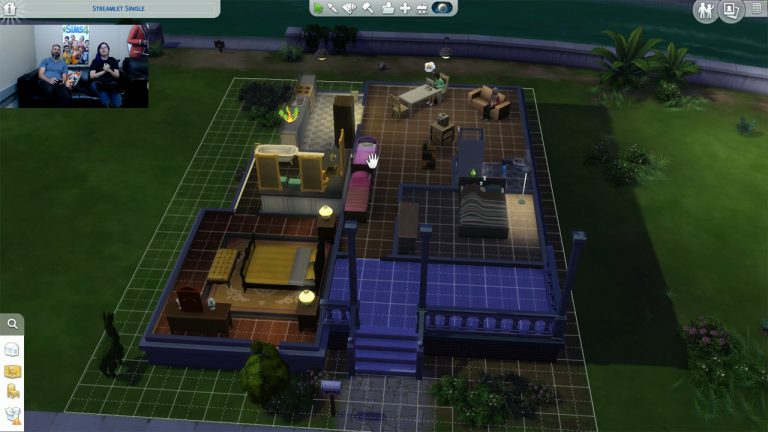
SimGuruDuke and SimGuruDrake held a livestream where they got their hands on The Sims 4 Console (Base Game). Here’s what we learned from the livestream:
- The Sims Team wanted the console game to make completely identical with the PC version.
- There is no Gallery available but you do have a Library.
- You have two options: to use the virtual cursor and to use the analog stick to switch between options.
- All the free updates and content made for The Sims 4 PC in the last 3 years are available in the console version.
- The user interface is enlarged in some aspects.
- There’s a loading bar in loading screens.
- The graphic settings are automatically set to the highest possible options.
- X and Y throughout the game are modifier keys.
- Speed is tied to the left and right bumpers on the controller.
- If you enable cheats you won’t be able to earn achievements on the save game where you enabled cheats – even if you disable cheats later.
- Custom Content won’t work on the console version.
- All maxis-created content including pre-made households and lots can be found in the Library.
- The game is offline. You only need internet to download the game + keep your game updated.
- All future game updates for the PC version will be available for Console as well.
- There are some special game options just for the console version:
- Trail Animation
- Controls Overlay Reminder
- There’s a re-imagined “Tab Mode” called “Free Cam” where you can freely move around your camera without the user interface getting in your way.
- Build Mode’s user interface is more nested, meaning that you have to go through a bit more clicks than you normally would on PC in order to uncover and find an object or a tool that you wanted.
- You can plug-in the keyboard on your PS4 / Xbox One and use it for areas that require writing.
- With PS4 Pro and Xbox One X you’ll get better results with loading screens.
- Some cheats are now moved and work only when you have the testingcheats true cheat enabled.
The Sims 4 Console: Deluxe Party Edition Livestream (REPLAY)
UPDATE: The livestream has ended. You can watch the replay down below!
The Sims Team is going to play The Sims 4 Console for the first time – LIVE! They’ll be covering the Base Game gameplay along with other extra content that come with Deluxe Party Edition of the game.
The livestream begins at 8PM CET / 7PM BT / 11AM PT. We’ll make sure to update this post with a livestream replay after it’s over!