Home Blog Page 337

The Sims 4: New Update! (November 9th, 2017)

The Sims 4: New Update! (November 9th, 2017)

The Sims Team has released a brand new Update for The Sims 4, fixing the relationship bug!

To download the latest version of The Sims 4, simply open your Origin program and if the game doesn’t update automatically, right click on The Sims 4 and select ”Update”.

In case you have Mods or Custom Content, the game will automatically disable them for you after first launching The Sims 4 after the update. To re-enable all your Mods and Custom Content, select the Settings option in the Menu and select Settings. Under the”Other” section you’ll find the ”Enable Custom Content and Mods” option. Check it and restart your game in order for it to take effect!

The Sims 4 Console: EA Access Trial Now Available

2

A few days ago we reported that there would be a free 10 hour trial of The Sims 4 on Xbox One/Xbox One X for EA Access members.

So if you want to try out The Sims 4 on Xbox One before buying the full game you can.

All you need to do is make sure you are an EA Access Member and visit Game Trials in the EA Access Xbox One App to start your trial. Remember if you buy the full game all progress made in the trial version will carry over into the full game!

The Sims 4 Console: EA Access Trial Now Available


The Sims 4 Cats & Dogs: Create A Pet 101

The Sims 4 Cats & Dogs: Create A Pet 101

Early Access code provided by EA!

Many of you I know are eager to get stuck in and start creating your Pets for when the game comes out on Friday! This article is going to take a look at some of the features in the new Create-A-Pet feature and how easy it is to create your purrfect pet companion!

How do I go about creating a Pet?

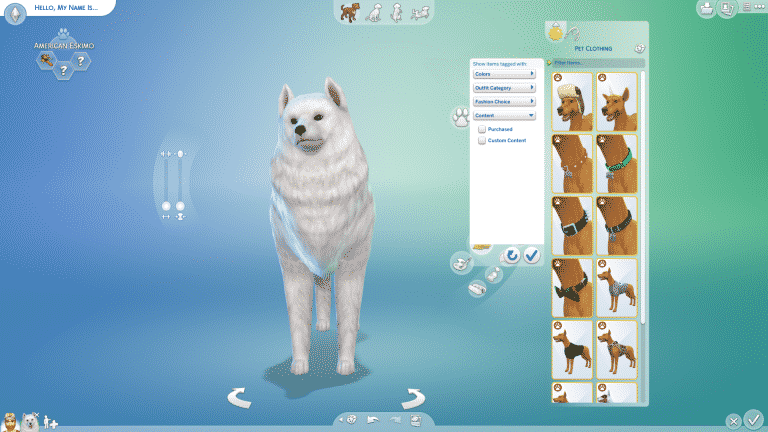
At the bottom left hand corner of the screen where you would add a new Sim just click add, then click the paw print and then choose whether you want a Cat or Dog.

The Sims 4 Cats & Dogs: Create A Pet 101

Step One: Do you want a Cat or Dog as your Pet?

Now this may seem like an easy question but it doesn’t just stop there. You then have the choice of having a kitten/puppy, an adult cat/dog or an edler cat/dog. Once you have made that choice you then have to decide on if you are going to have a preset breed of cat or dog or if you are feel adventurous creating a mixed breed.

Step Two: Face Detail, Body & Tails

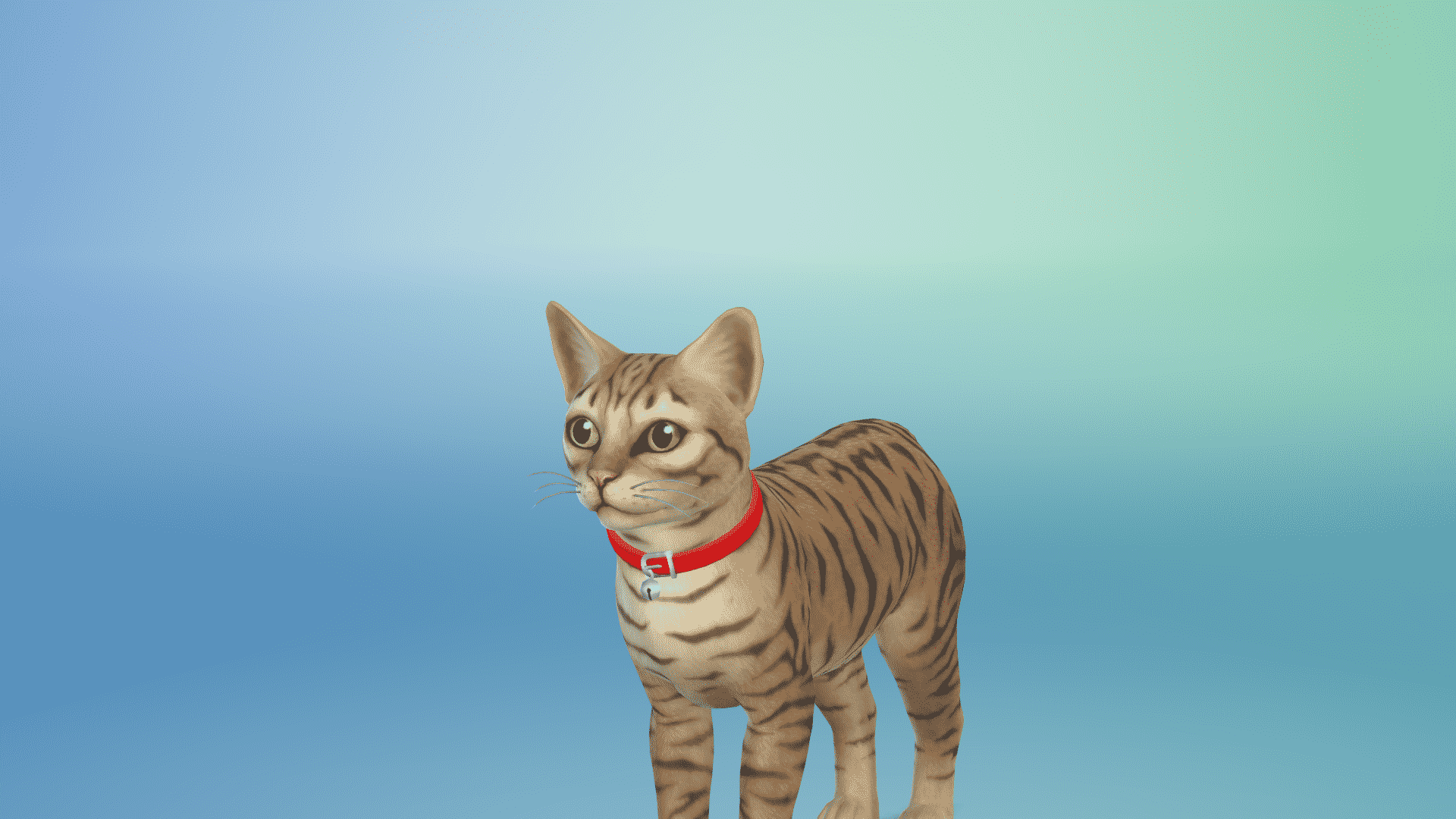
A nice easy step to get started is that you can choose one of the preset body shapes which is the same as if you were chooisng a preset body when creating a Sim. Alternativley you can create your  own body shape for your pet. Tails are excatly the same. You can use the one that your pet has when you first select them or you can choose from several different presets.

For your pets face you can really go into lots of detail. You can have different coloured eyes, different ear shapes, nose and face shape just like how you can change it when you create a Sim and there are plenty of presets to choose from too. Detail Edit Mode also allows you to customize your pet even more.

Step Three: Coat Colour/Patterns & Fur

Once you’ve chosen you Pet’s Body and Tail you can to start to make your pet unique and stand out from the others. Do you want a pink and blue polka dot Tuxedo cat or an orange Huskey? Then go ahead! The possibilities are endless. Seriously they are.

As for Fur you can choose from a selection of presets for both Cats and Dogs. Depending on the breed of Cat or Dog depends on the types of fur you can get as well.

Step Four: Pet Clothing

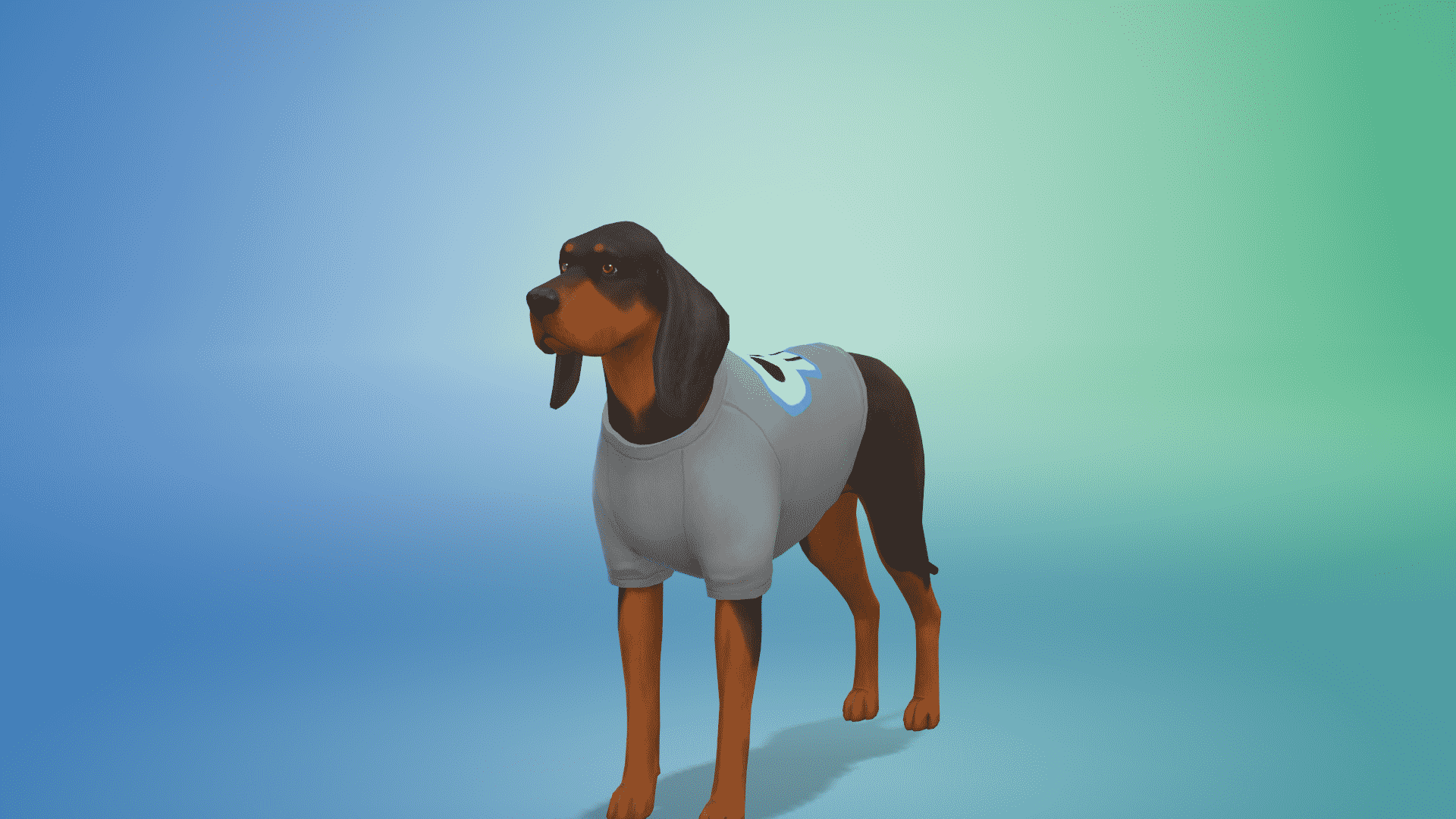
Apart from the traditional collar or bandana you can dress your pet up as a taco, a hot dog, a rainbow dinosaur, a unicorn, a shark, wear a unicorn headband, wear a top hat and so much more. So items of clothing are specifically for cats and the same for dogs.

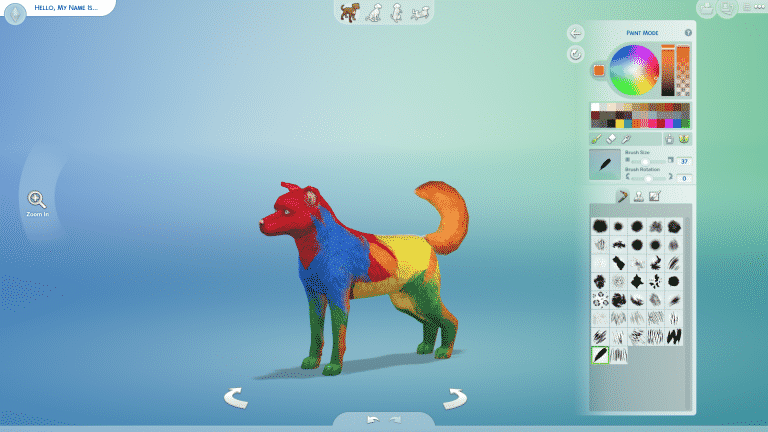
Step Five: Paint Mode

One of the most anticipated features of Create-A-Pet was the paint mode which is very similar to The Sims 3’s Create-A-Style feature. This feature is really easy & fun to use and again the possibilities of customizng your pet is endless. With the paint brush mode you what ever you do on one side of the pet will automatically copy to the otherside. The same with the stamp mode and also with the stencils as well. You can change the size of the brush/stamp and also rotate the position too.

Step Six: Traits & Naming Your Pet

Naming your pet and giving them three traits really helps bring out your Pet’s personality and that what makes them stand out from the others! Both cats and dogs have their own set of traits from!

Step Seven:

Finish of your household. Find a home. Get exploring the beautiful Brindleton Bay and say hello to a world full of Cats & Dogs!

The Sims 4 Cats & Dogs: Create A Pet 101


The Sims 4 Cats & Dogs: Create A Pet 101

Early Access code provided by EA!

The Sims 4: Relationship Bug Temporary Solution

0

Some simmers are reporting that ever since the latest Sims 4 Update their relationships in the game are being wiped out for no apparent reason.

SimGuruNick has confirmed that this is in fact an issue that’s currently being fixed by The Sims Team. Until then, here’s a workaround that he provided which helps you prevent relationships from being wiped out:

If you are loading into an older save on the new patch, please ensure that you press Play on your active household first, do not start by entering free-build mode on a lot. If you load into free-build mode first, you could potentially wipe all relationships in your game. If you encounter this issue make sure to exit without saving. If you accidentally save, you can use Recover Save (from the Load Game menu). Our engineers are actively investigating this issue, thank you for your patience.

The Sims 4: Relationship Bug Temporary Solution

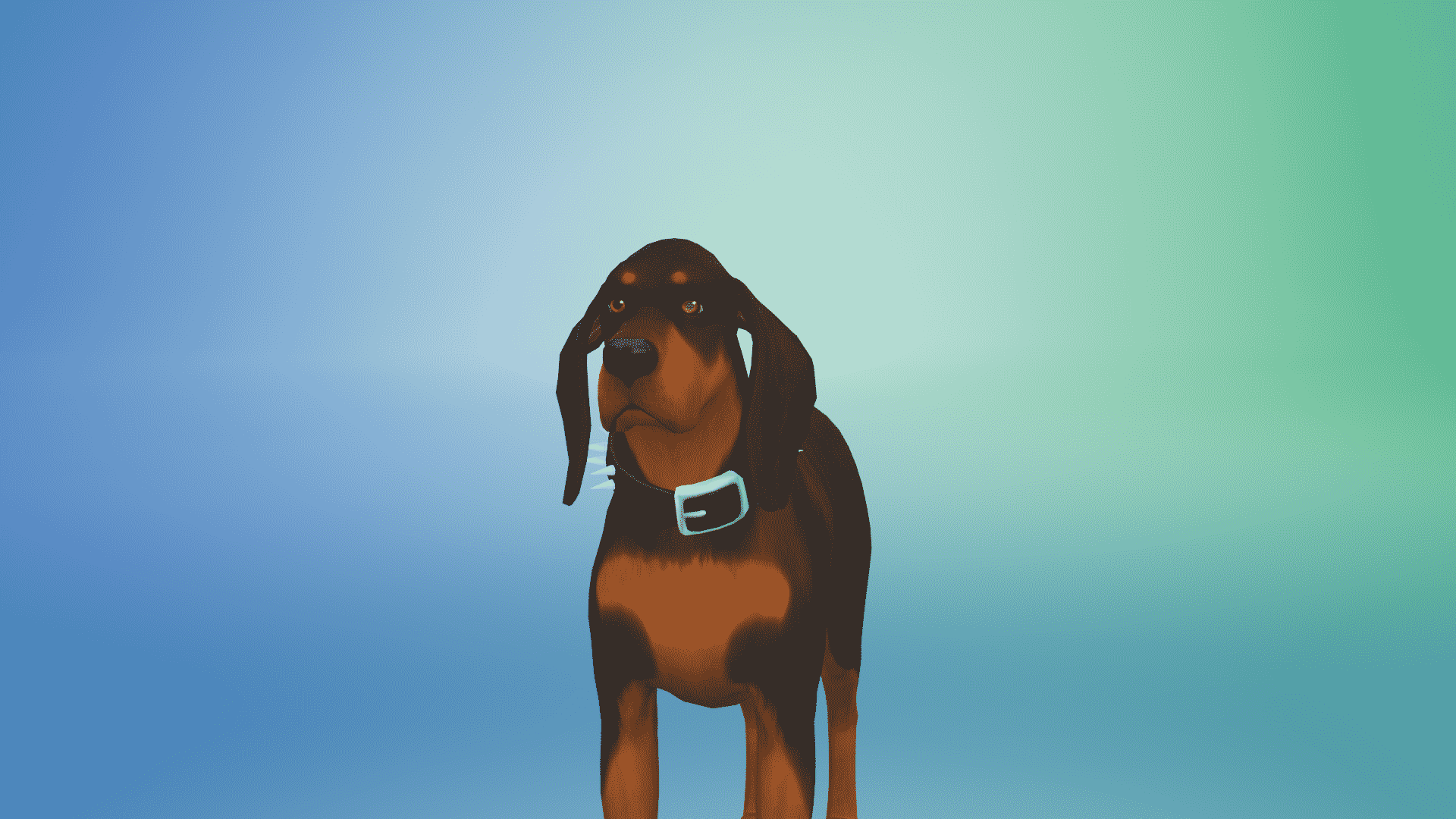
Pets in The Sims 4 Cats & Dogs have 9 different emotions

Pets in The Sims 4 Cats & Dogs have 9 different emotions

Early Access code provided by EA!

Just like Sims in The Sims 4 have different emotional states that make them react differently to various situations, Pets in The Sims 4 Cats & Dogs have a similar emotional system as well with x different emotions:

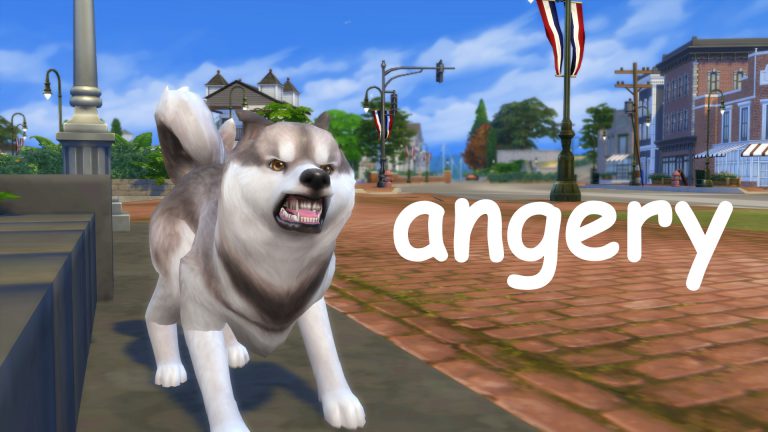
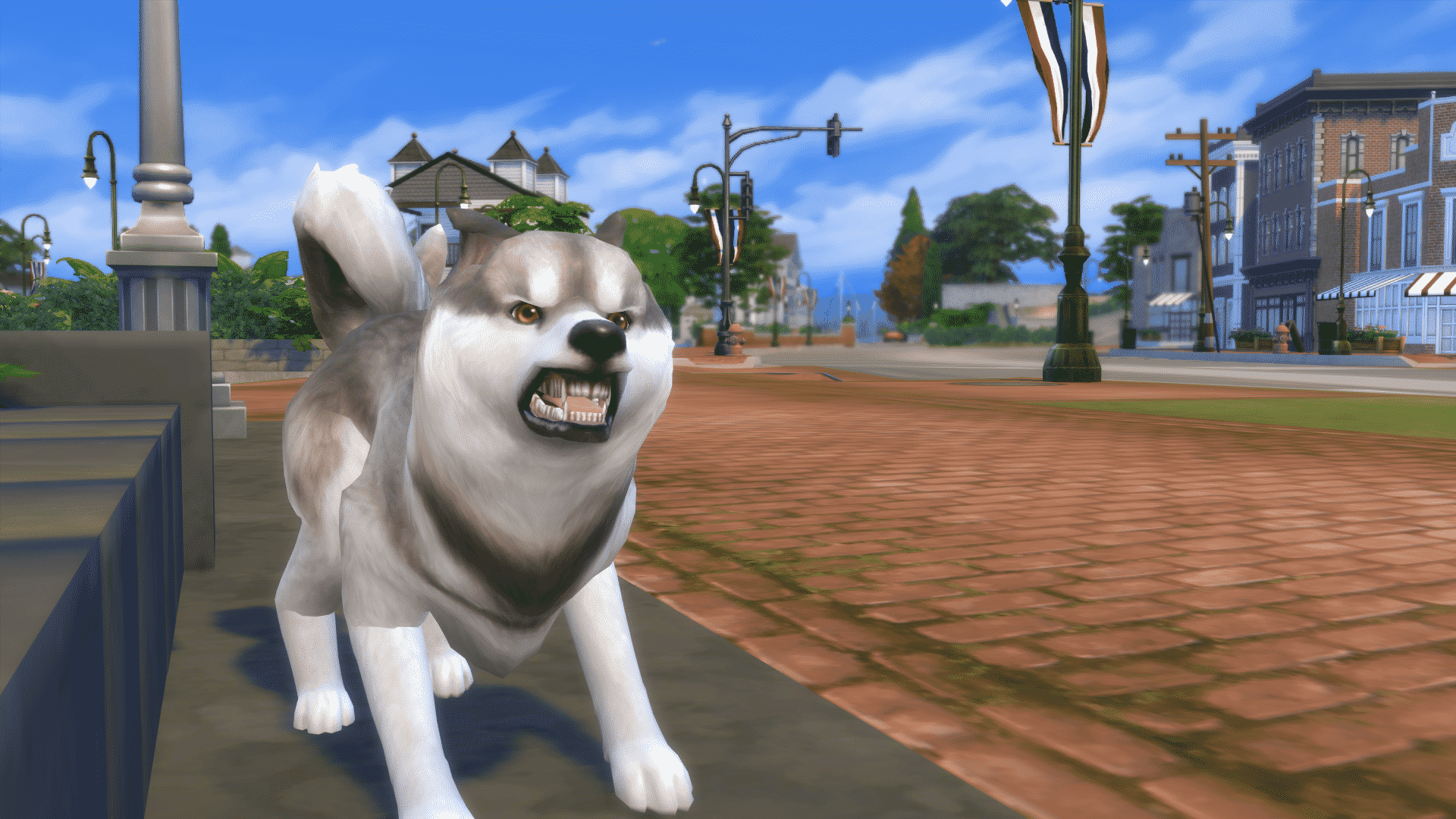
  • Angry
  • Anxious
  • Ashamed
  • Flirty
  • Happy
  • Excited
  • Mopey
  • Sad
  • Scared

The autonomous behavior of your Pet will be affected by their emotional state. For example: Pets who are scared are more likely to run away from your home.

Different interactions and socialization options with your Pet will trigger and cause different emotional states.

Although Cats and Dogs don’t have their own user interface you can watch your pets and their behavior and thought bubbles for more information about their current emotional state.

Pets in The Sims 4 Cats & Dogs have 9 different emotions

We’ll go deeper into pet behaviour and what triggers these emotional states and how to control them. Until then enjoy these random screenshots of my dog influenced by various emotional states!

Pets in The Sims 4 Cats & Dogs have 9 different emotions

Early Access code provided by EA!

Custom Content Breeds and Clothing are possible in The Sims 4 Cats & Dogs

Custom Content Breeds and Clothing are possible in The Sims 4 Cats & Dogs

Early Access code provided by EA!

The Sims 4 Cats & Dogs Expansion Pack brings a whole new field of Custom Content to the game.

You’ve probably heard that Cats and Dogs have their own accessories and clothing that they’re able to wear.

Custom Content Breeds and Clothing are possible in The Sims 4 Cats & Dogs

After going through some filters in the game it turns out that there’s also a “Custom Content” filter in the clothing category.

This means that the game allows you to use (and create) your own Custom Content for your pets! However, that’s not all…

Custom Content Breeds and Clothing are possible in The Sims 4 Cats & Dogs

It turns out that you can filter through breeds by selecting the “Custom Content” filter here as well. This means that there’s an ability for players to create their custom breed with certain shapes and sizes of certain body parts and use those custom breeds.

Custom Content Breeds and Clothing are possible in The Sims 4 Cats & Dogs

Custom Content Breeds and Clothing are possible in The Sims 4 Cats & Dogs

Early Access code provided by EA!

The Sims 4 Cats & Dogs: Brindleton Bay Interactive Neighborhood Overview

The Sims 4 Cats & Dogs: Brindleton Bay Interactive Neighborhood Overview

Early Access code provided by EA!

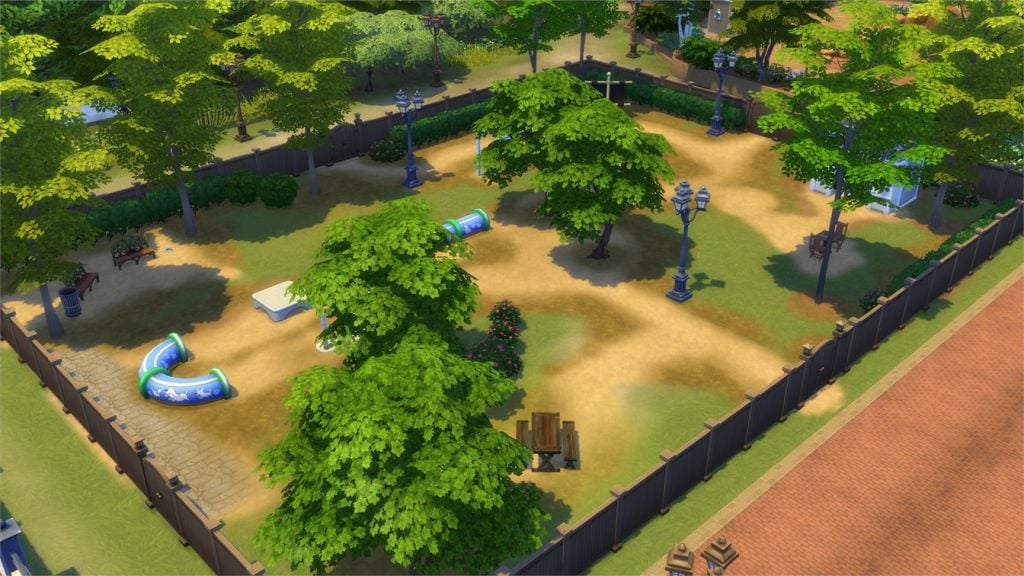
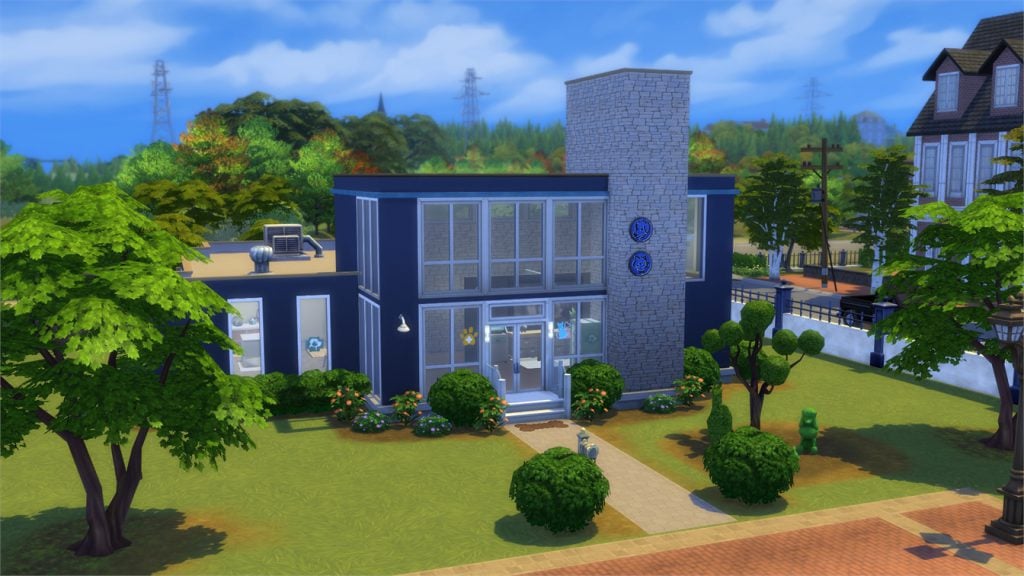
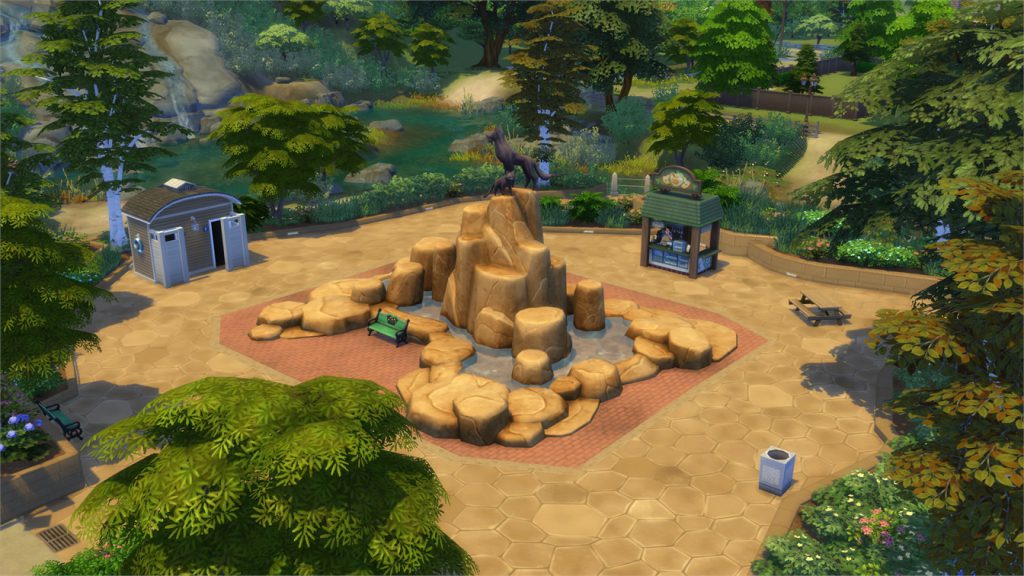
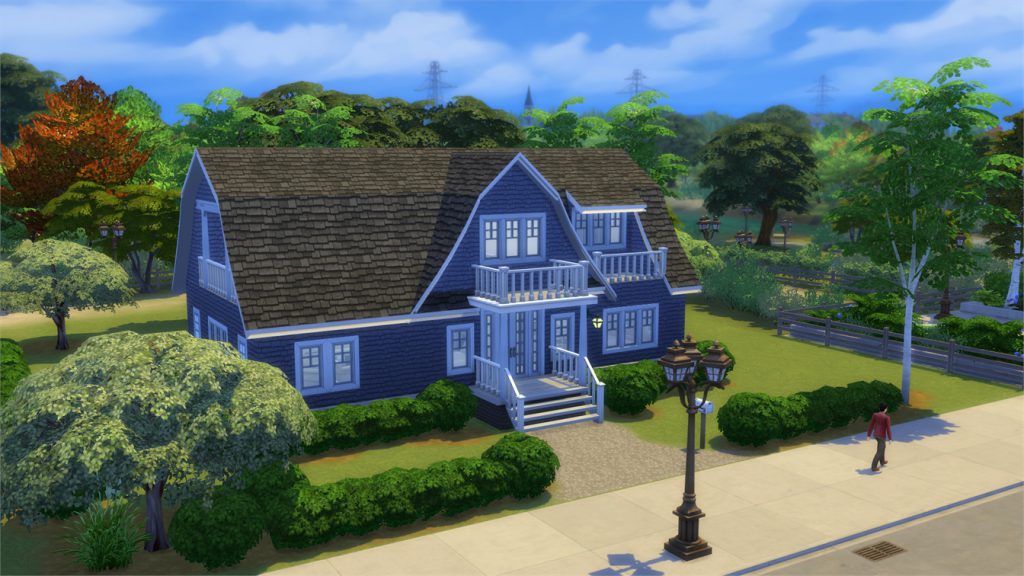
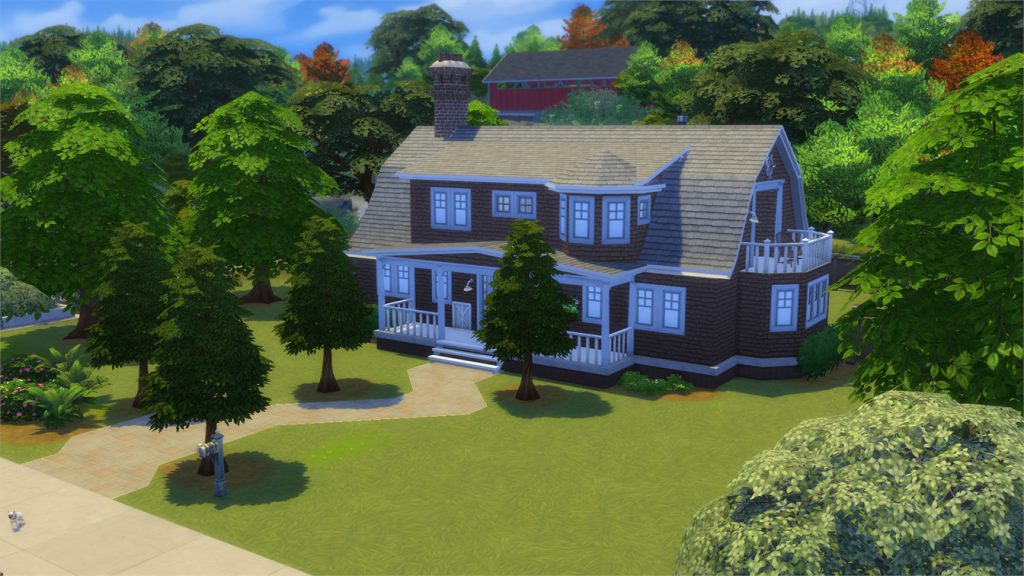
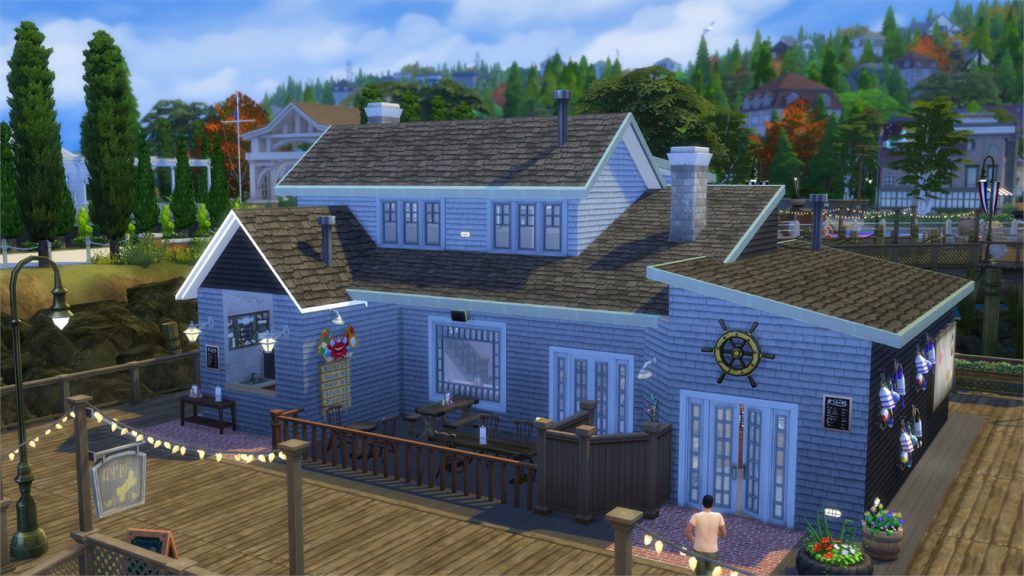
The Sims 4 Cats & Dogs Expansion Pack comes with a new world called Brindleton Bay. This world features 4 neighborhoods with reach new scenery, adorable homes and lots and vast space for your Sims and pets to walk around and enjoy.

Down below you can start exploring Brindleton Bay by hovering over the pulsing plumbobs.

For more information about lot sizes and lot types for each lot CLICK HERE!

[ult_hotspot main_img=”id^68513|url^https://simscommunity.info/wp-content/uploads/2017/11/11-08-17_4-10-11-PM.jpg|caption^null|alt^null|title^11-08-17_4-10-11 PM|description^null”][ult_hotspot_items icon_type=”custom” icon_img=”id^39525|url^https://simscommunity.info/wp-content/uploads/2015/09/plumbob2.png|caption^null|alt^null|title^plumbob2|description^null” img_width=”38″ tooltip_custom_color=”” tooltip_custom_bg_color=”rgba(255,255,255,0.01)” tooltip_width=”500″ tooltip_position=”right” enable_bubble_arrow=”off” tooltip_continuous_animation=”on” hotspot_position=”51.62049672489083,10.429447852760736″]
The Sims 4 Cats & Dogs: Brindleton Bay Interactive Neighborhood Overview

[/ult_hotspot_items][ult_hotspot_items icon_type=”custom” icon_img=”id^39525|url^https://simscommunity.info/wp-content/uploads/2015/09/plumbob2.png|caption^null|alt^null|title^plumbob2|description^null” img_width=”38″ tooltip_custom_color=”” tooltip_custom_bg_color=”rgba(255,255,255,0.01)” tooltip_width=”500″ tooltip_position=”right” enable_bubble_arrow=”off” tooltip_continuous_animation=”on” hotspot_position=”64.29789847161572,23.680981595092025″]
The Sims 4 Cats & Dogs: Brindleton Bay Interactive Neighborhood Overview

[/ult_hotspot_items][ult_hotspot_items icon_type=”custom” icon_img=”id^39525|url^https://simscommunity.info/wp-content/uploads/2015/09/plumbob2.png|caption^null|alt^null|title^plumbob2|description^null” img_width=”38″ tooltip_custom_color=”” tooltip_custom_bg_color=”rgba(255,255,255,0.01)” tooltip_width=”500″ tooltip_position=”right” enable_bubble_arrow=”off” tooltip_continuous_animation=”on” hotspot_position=”50.01023471615721,48.466257668711656″]
The Sims 4 Cats & Dogs: Brindleton Bay Interactive Neighborhood Overview

[/ult_hotspot_items][ult_hotspot_items icon_type=”custom” icon_img=”id^39525|url^https://simscommunity.info/wp-content/uploads/2015/09/plumbob2.png|caption^null|alt^null|title^plumbob2|description^null” img_width=”38″ tooltip_custom_color=”” tooltip_custom_bg_color=”rgba(255,255,255,0.01)” tooltip_width=”500″ tooltip_position=”right” enable_bubble_arrow=”off” tooltip_continuous_animation=”on” hotspot_position=”41.49495087336245,41.59509202453987″]
The Sims 4 Cats & Dogs: Brindleton Bay Interactive Neighborhood Overview

[/ult_hotspot_items][ult_hotspot_items icon_type=”custom” icon_img=”id^39525|url^https://simscommunity.info/wp-content/uploads/2015/09/plumbob2.png|caption^null|alt^null|title^plumbob2|description^null” img_width=”38″ tooltip_custom_color=”” tooltip_custom_bg_color=”rgba(255,255,255,0.01)” tooltip_width=”500″ tooltip_position=”right” enable_bubble_arrow=”off” tooltip_continuous_animation=”on” hotspot_position=”25.48103165938865,78.28220858895706″]
The Sims 4 Cats & Dogs: Brindleton Bay Interactive Neighborhood Overview

[/ult_hotspot_items][ult_hotspot_items icon_type=”custom” icon_img=”id^39525|url^https://simscommunity.info/wp-content/uploads/2015/09/plumbob2.png|caption^null|alt^null|title^plumbob2|description^null” img_width=”38″ tooltip_custom_color=”” tooltip_custom_bg_color=”rgba(255,255,255,0.01)” tooltip_width=”500″ tooltip_position=”right” enable_bubble_arrow=”off” tooltip_continuous_animation=”on” hotspot_position=”19.80758733624454,66.74846625766871″]
The Sims 4 Cats & Dogs: Brindleton Bay Interactive Neighborhood Overview

[/ult_hotspot_items][ult_hotspot_items icon_type=”custom” icon_img=”id^39525|url^https://simscommunity.info/wp-content/uploads/2015/09/plumbob2.png|caption^null|alt^null|title^plumbob2|description^null” img_width=”52″ tooltip_custom_color=”#1e73be” tooltip_custom_bg_color=”#ffffff” tooltip_width=”” tooltip_position=”right” tooltip_animation=”glow” tooltip_continuous_animation=”on” hotspot_position=”89.61858624454149,3.190184049079755″ tooltip_custom_border_size=”border-style:solid;|border-width:2px;border-radius:5px;|border-color:#81d742;”]

Sable Square

[/ult_hotspot_items][/ult_hotspot][ult_hotspot main_img=”id^68521|url^https://simscommunity.info/wp-content/uploads/2017/11/11-08-17_4-12-34-PM.jpg|caption^null|alt^null|title^11-08-17_4-12-34 PM|description^null”][ult_hotspot_items icon_type=”custom” icon_img=”id^39525|url^https://simscommunity.info/wp-content/uploads/2015/09/plumbob2.png|caption^null|alt^null|title^plumbob2|description^null” img_width=”38″ tooltip_custom_color=”” tooltip_custom_bg_color=”rgba(255,255,255,0.01)” tooltip_width=”500″ tooltip_position=”right” enable_bubble_arrow=”off” tooltip_continuous_animation=”on” hotspot_position=”51.63414301310044,11.16564417177914″]
The Sims 4 Cats & Dogs: Brindleton Bay Interactive Neighborhood Overview

[/ult_hotspot_items][ult_hotspot_items icon_type=”custom” icon_img=”id^39525|url^https://simscommunity.info/wp-content/uploads/2015/09/plumbob2.png|caption^null|alt^null|title^plumbob2|description^null” img_width=”38″ tooltip_custom_color=”” tooltip_custom_bg_color=”rgba(255,255,255,0.01)” tooltip_width=”500″ tooltip_position=”right” enable_bubble_arrow=”off” tooltip_continuous_animation=”on” hotspot_position=”42.586653930131,91.65644171779141″]
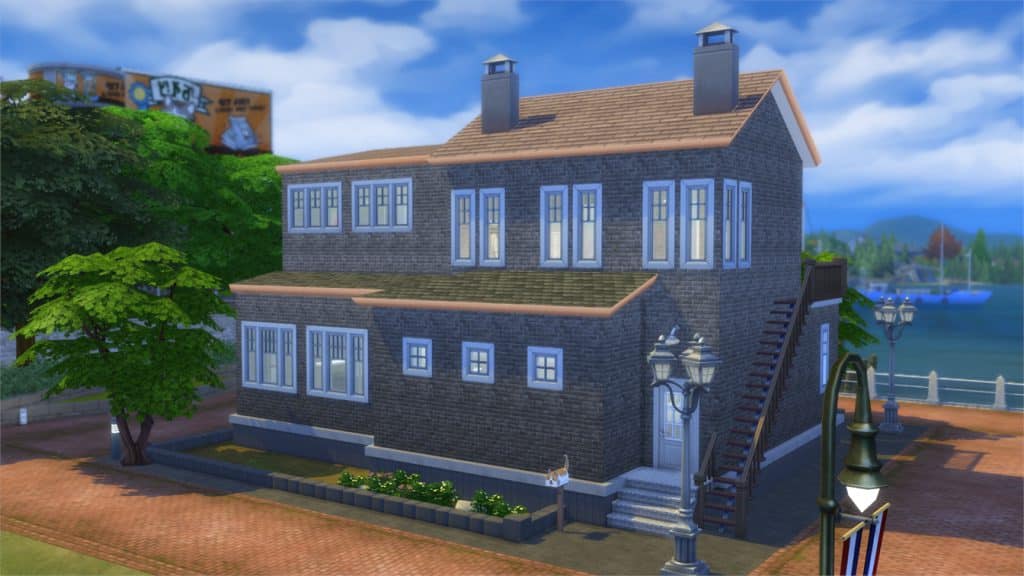
The Sims 4 Cats & Dogs: Brindleton Bay Interactive Neighborhood Overview

[/ult_hotspot_items][ult_hotspot_items icon_type=”custom” icon_img=”id^39525|url^https://simscommunity.info/wp-content/uploads/2015/09/plumbob2.png|caption^null|alt^null|title^plumbob2|description^null” img_width=”38″ tooltip_custom_color=”” tooltip_custom_bg_color=”rgba(255,255,255,0.01)” tooltip_width=”500″ tooltip_position=”right” enable_bubble_arrow=”off” tooltip_continuous_animation=”on” hotspot_position=”45.425081877729255,68.22085889570552″]

The Sims 4 Cats & Dogs: Brindleton Bay Interactive Neighborhood Overview

[/ult_hotspot_items][ult_hotspot_items icon_type=”custom” icon_img=”id^39525|url^https://simscommunity.info/wp-content/uploads/2015/09/plumbob2.png|caption^null|alt^null|title^plumbob2|description^null” img_width=”38″ tooltip_custom_color=”” tooltip_custom_bg_color=”rgba(255,255,255,0.01)” tooltip_width=”500″ tooltip_position=”right” enable_bubble_arrow=”off” tooltip_continuous_animation=”on” hotspot_position=”38.79980895196506,54.355828220858896″]
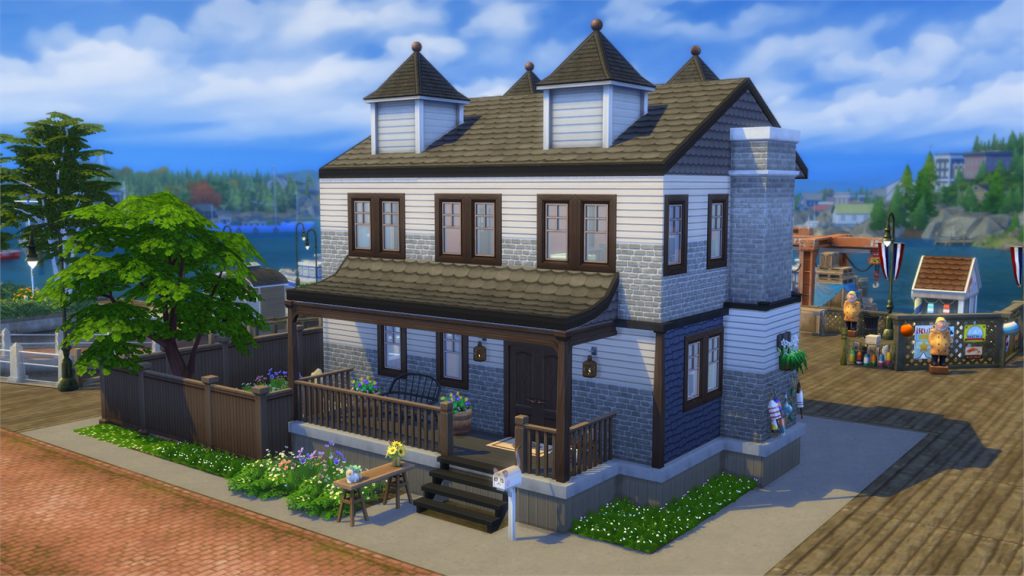
The Sims 4 Cats & Dogs: Brindleton Bay Interactive Neighborhood Overview

[/ult_hotspot_items][ult_hotspot_items icon_type=”custom” icon_img=”id^39525|url^https://simscommunity.info/wp-content/uploads/2015/09/plumbob2.png|caption^null|alt^null|title^plumbob2|description^null” img_width=”38″ tooltip_custom_color=”” tooltip_custom_bg_color=”rgba(255,255,255,0.01)” tooltip_width=”500″ tooltip_position=”right” enable_bubble_arrow=”off” tooltip_continuous_animation=”on” hotspot_position=”33.34470524017467,23.92638036809816″]
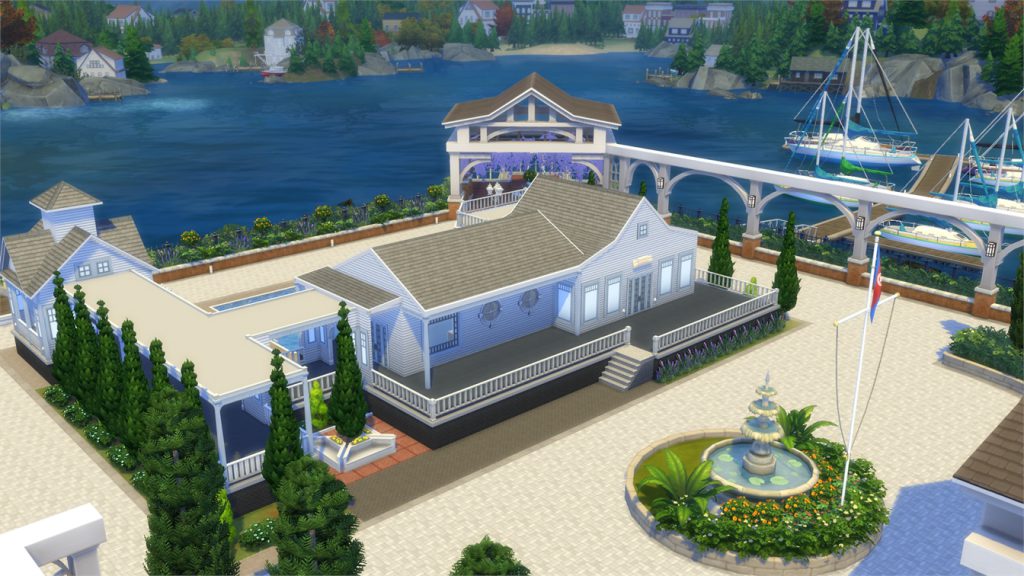
The Sims 4 Cats & Dogs: Brindleton Bay Interactive Neighborhood Overview

[/ult_hotspot_items][ult_hotspot_items icon_type=”custom” icon_img=”id^39525|url^https://simscommunity.info/wp-content/uploads/2015/09/plumbob2.png|caption^null|alt^null|title^plumbob2|description^null” img_width=”38″ tooltip_custom_color=”” tooltip_custom_bg_color=”rgba(255,255,255,0.01)” tooltip_width=”500″ tooltip_position=”right” enable_bubble_arrow=”off” tooltip_continuous_animation=”on” hotspot_position=”28.711790393013096,43.68098159509202″]
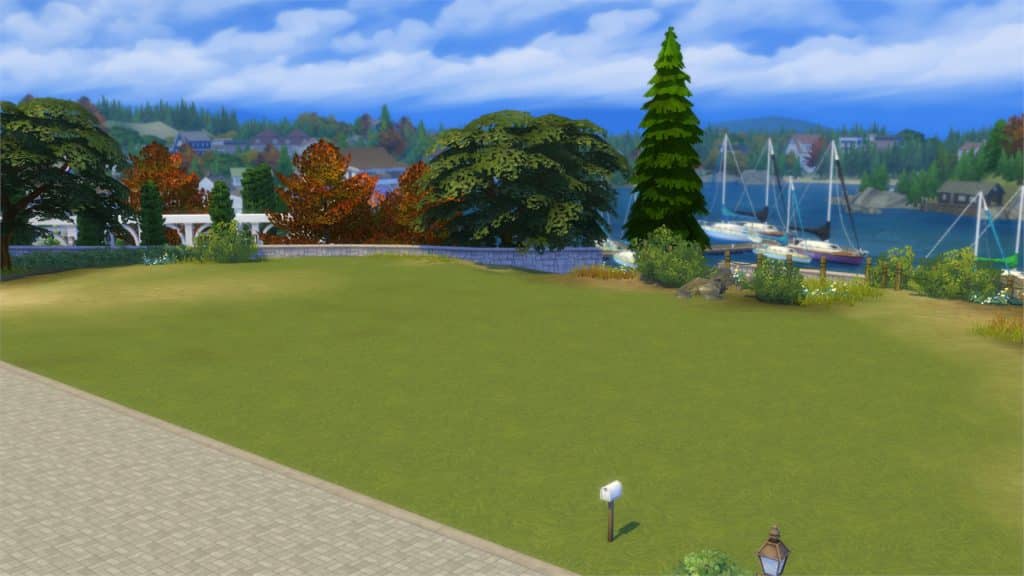
The Sims 4 Cats & Dogs: Brindleton Bay Interactive Neighborhood Overview

[/ult_hotspot_items][ult_hotspot_items icon_type=”custom” icon_img=”id^39525|url^https://simscommunity.info/wp-content/uploads/2015/09/plumbob2.png|caption^null|alt^null|title^plumbob2|description^null” img_width=”52″ tooltip_custom_color=”#1e73be” tooltip_custom_bg_color=”#ffffff” tooltip_width=”” tooltip_position=”right” tooltip_animation=”glow” tooltip_continuous_animation=”on” hotspot_position=”89.61858624454149,3.190184049079755″ tooltip_custom_border_size=”border-style:solid;|border-width:2px;border-radius:5px;|border-color:#81d742;”]

Whiskerman’s Wharf

[/ult_hotspot_items][/ult_hotspot][ult_hotspot main_img=”id^68528|url^https://simscommunity.info/wp-content/uploads/2017/11/11-08-17_4-14-45-PM.jpg|caption^null|alt^null|title^11-08-17_4-14-45 PM|description^null”][ult_hotspot_items icon_type=”custom” icon_img=”id^39525|url^https://simscommunity.info/wp-content/uploads/2015/09/plumbob2.png|caption^null|alt^null|title^plumbob2|description^null” img_width=”38″ tooltip_custom_color=”” tooltip_custom_bg_color=”rgba(255,255,255,0.01)” tooltip_width=”500″ tooltip_position=”right” enable_bubble_arrow=”off” tooltip_continuous_animation=”on” hotspot_position=”42.040802401746724,5.889570552147239″]
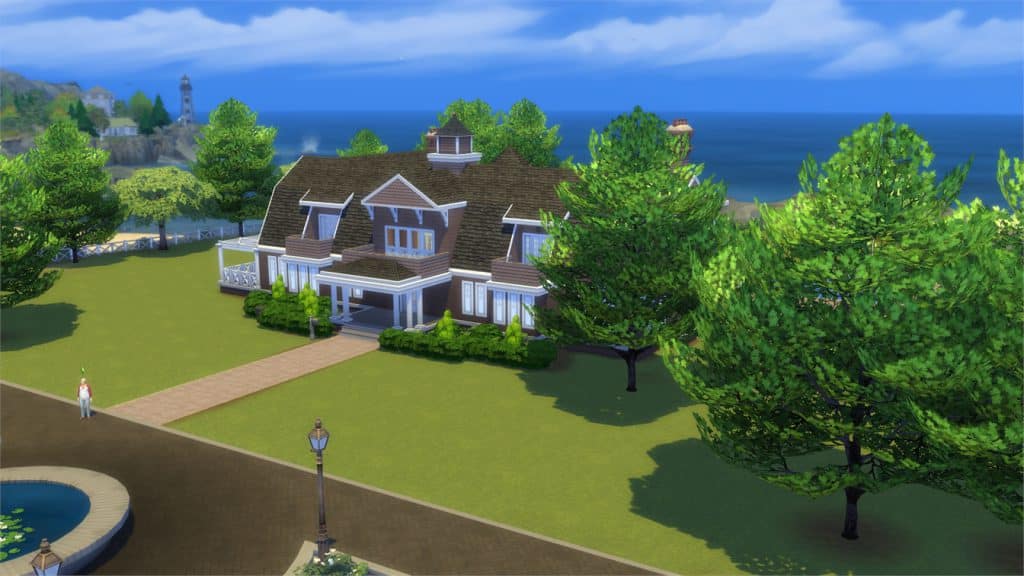
The Sims 4 Cats & Dogs: Brindleton Bay Interactive Neighborhood Overview

[/ult_hotspot_items][ult_hotspot_items icon_type=”custom” icon_img=”id^39525|url^https://simscommunity.info/wp-content/uploads/2015/09/plumbob2.png|caption^null|alt^null|title^plumbob2|description^null” img_width=”38″ tooltip_custom_color=”” tooltip_custom_bg_color=”rgba(255,255,255,0.01)” tooltip_width=”500″ tooltip_position=”right” enable_bubble_arrow=”off” tooltip_continuous_animation=”on” hotspot_position=”37.93668122270743,26.87116564417178″]
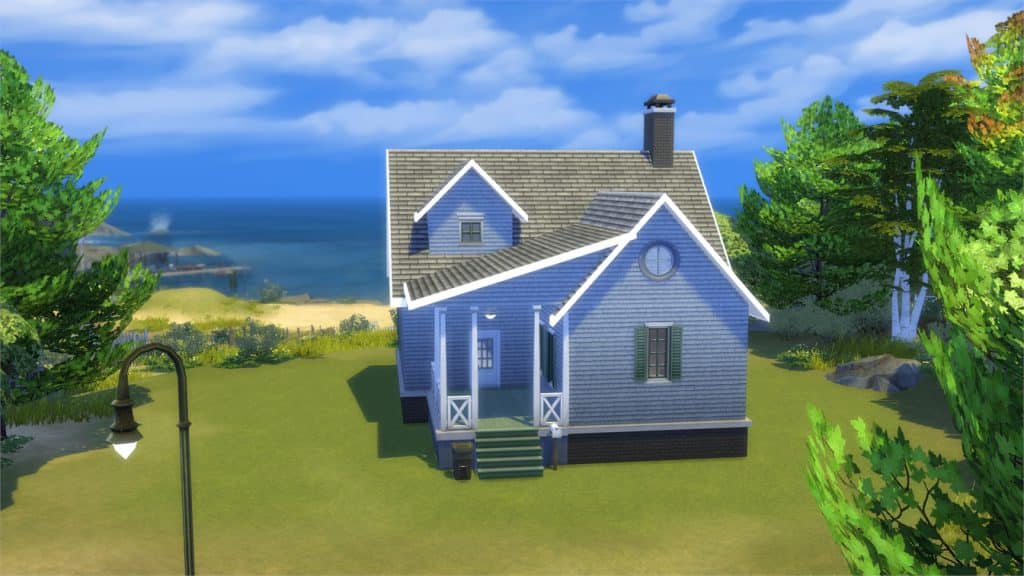
The Sims 4 Cats & Dogs: Brindleton Bay Interactive Neighborhood Overview

[/ult_hotspot_items][ult_hotspot_items icon_type=”custom” icon_img=”id^39525|url^https://simscommunity.info/wp-content/uploads/2015/09/plumbob2.png|caption^null|alt^null|title^plumbob2|description^null” img_width=”38″ tooltip_custom_color=”” tooltip_custom_bg_color=”rgba(255,255,255,0.01)” tooltip_width=”500″ tooltip_position=”right” enable_bubble_arrow=”off” tooltip_continuous_animation=”on” hotspot_position=”51.06099890829694,52.14532208588957″]

The Sims 4 Cats & Dogs: Brindleton Bay Interactive Neighborhood Overview

[/ult_hotspot_items][ult_hotspot_items icon_type=”custom” icon_img=”id^39525|url^https://simscommunity.info/wp-content/uploads/2015/09/plumbob2.png|caption^null|alt^null|title^plumbob2|description^null” img_width=”38″ tooltip_custom_color=”” tooltip_custom_bg_color=”rgba(255,255,255,0.01)” tooltip_width=”500″ tooltip_position=”right” enable_bubble_arrow=”off” tooltip_continuous_animation=”on” hotspot_position=”35.20742358078602,50.79754601226993″]
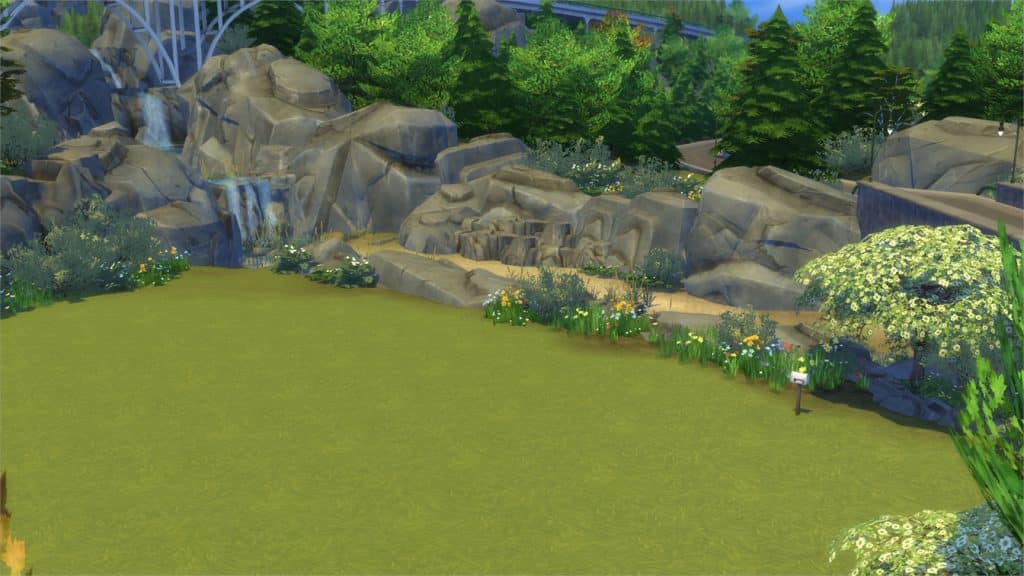
The Sims 4 Cats & Dogs: Brindleton Bay Interactive Neighborhood Overview

[/ult_hotspot_items][ult_hotspot_items icon_type=”custom” icon_img=”id^39525|url^https://simscommunity.info/wp-content/uploads/2015/09/plumbob2.png|caption^null|alt^null|title^plumbob2|description^null” img_width=”38″ tooltip_custom_color=”” tooltip_custom_bg_color=”rgba(255,255,255,0.01)” tooltip_width=”500″ tooltip_position=”right” enable_bubble_arrow=”off” tooltip_continuous_animation=”on” hotspot_position=”30.141239082969435,93.9877300613497″]
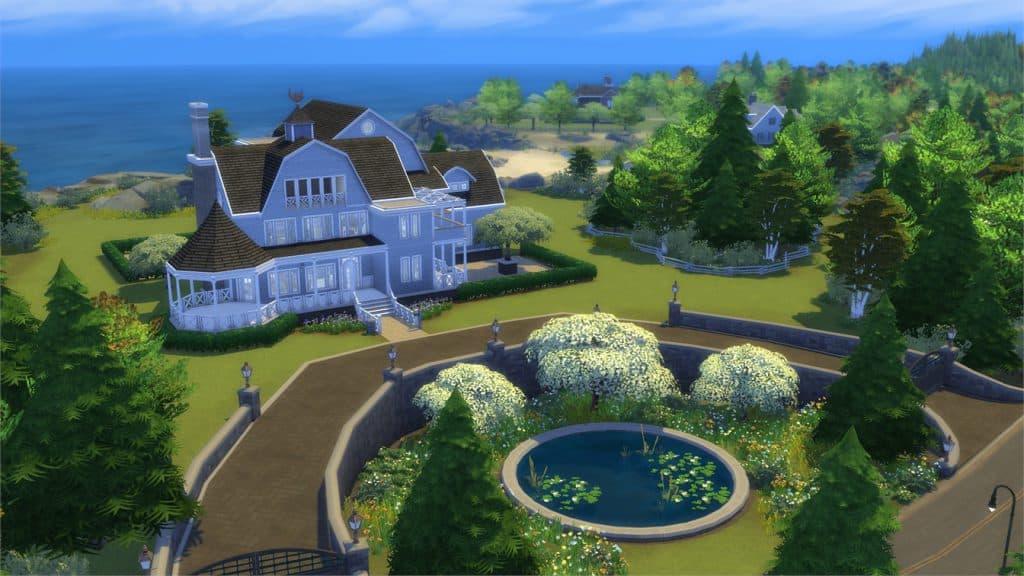
The Sims 4 Cats & Dogs: Brindleton Bay Interactive Neighborhood Overview

[/ult_hotspot_items][ult_hotspot_items icon_type=”custom” icon_img=”id^39525|url^https://simscommunity.info/wp-content/uploads/2015/09/plumbob2.png|caption^null|alt^null|title^plumbob2|description^null” img_width=”38″ tooltip_custom_color=”” tooltip_custom_bg_color=”rgba(255,255,255,0.01)” tooltip_width=”500″ tooltip_position=”right” enable_bubble_arrow=”off” tooltip_continuous_animation=”on” hotspot_position=”34.20100982532751,37.79141104294478″]
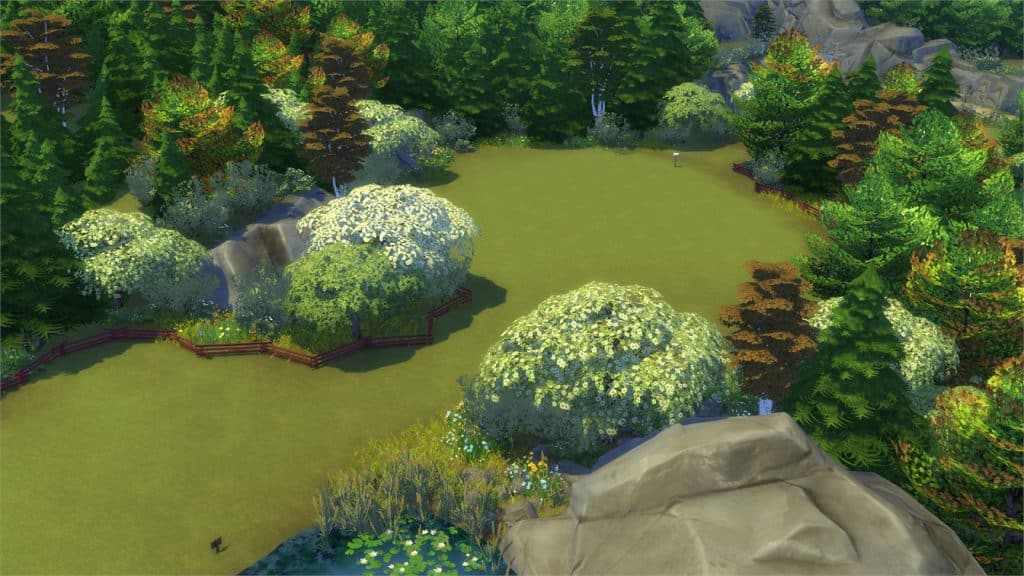
The Sims 4 Cats & Dogs: Brindleton Bay Interactive Neighborhood Overview

[/ult_hotspot_items][ult_hotspot_items icon_type=”custom” icon_img=”id^39525|url^https://simscommunity.info/wp-content/uploads/2015/09/plumbob2.png|caption^null|alt^null|title^plumbob2|description^null” img_width=”52″ tooltip_custom_color=”#1e73be” tooltip_custom_bg_color=”#ffffff” tooltip_width=”” tooltip_position=”right” tooltip_animation=”glow” tooltip_continuous_animation=”on” hotspot_position=”89.61858624454149,3.190184049079755″ tooltip_custom_border_size=”border-style:solid;|border-width:2px;border-radius:5px;|border-color:#81d742;”]

Cavalier Cove

[/ult_hotspot_items][/ult_hotspot][ult_hotspot main_img=”id^68535|url^https://simscommunity.info/wp-content/uploads/2017/11/11-08-17_4-17-23-PM.jpg|caption^null|alt^null|title^11-08-17_4-17-23 PM|description^null”][ult_hotspot_items icon_type=”custom” icon_img=”id^39525|url^https://simscommunity.info/wp-content/uploads/2015/09/plumbob2.png|caption^null|alt^null|title^plumbob2|description^null” img_width=”38″ tooltip_custom_color=”” tooltip_custom_bg_color=”rgba(255,255,255,0.01)” tooltip_width=”500″ tooltip_position=”right” enable_bubble_arrow=”off” tooltip_continuous_animation=”on” hotspot_position=”55.72461790393013,51.77914110429448″]
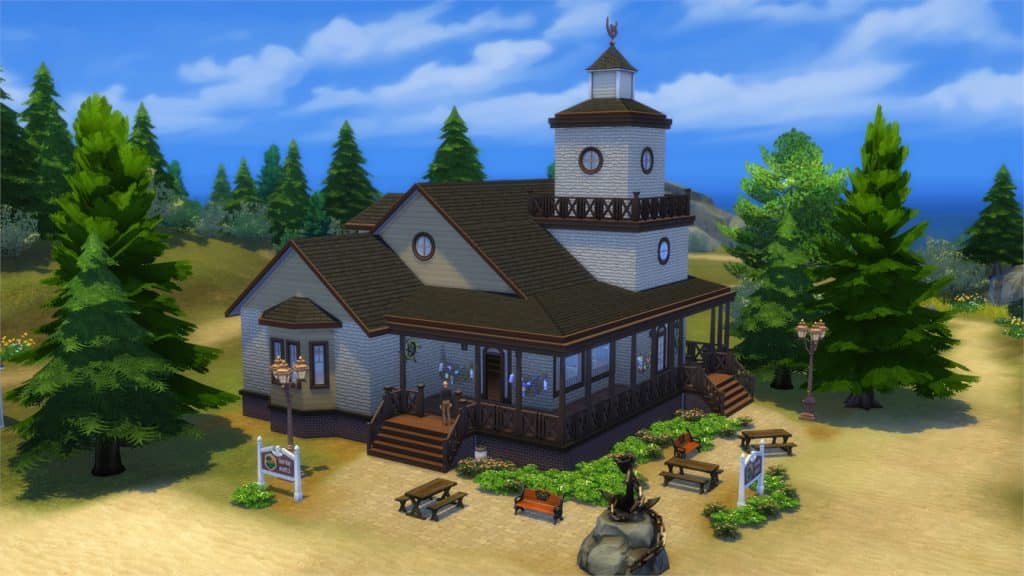
The Sims 4 Cats & Dogs: Brindleton Bay Interactive Neighborhood Overview

[/ult_hotspot_items][ult_hotspot_items icon_type=”custom” icon_img=”id^39525|url^https://simscommunity.info/wp-content/uploads/2015/09/plumbob2.png|caption^null|alt^null|title^plumbob2|description^null” img_width=”38″ tooltip_custom_color=”” tooltip_custom_bg_color=”rgba(255,255,255,0.01)” tooltip_width=”500″ tooltip_position=”right” enable_bubble_arrow=”off” tooltip_continuous_animation=”on” hotspot_position=”51.3680403930131,86.99386503067484″]
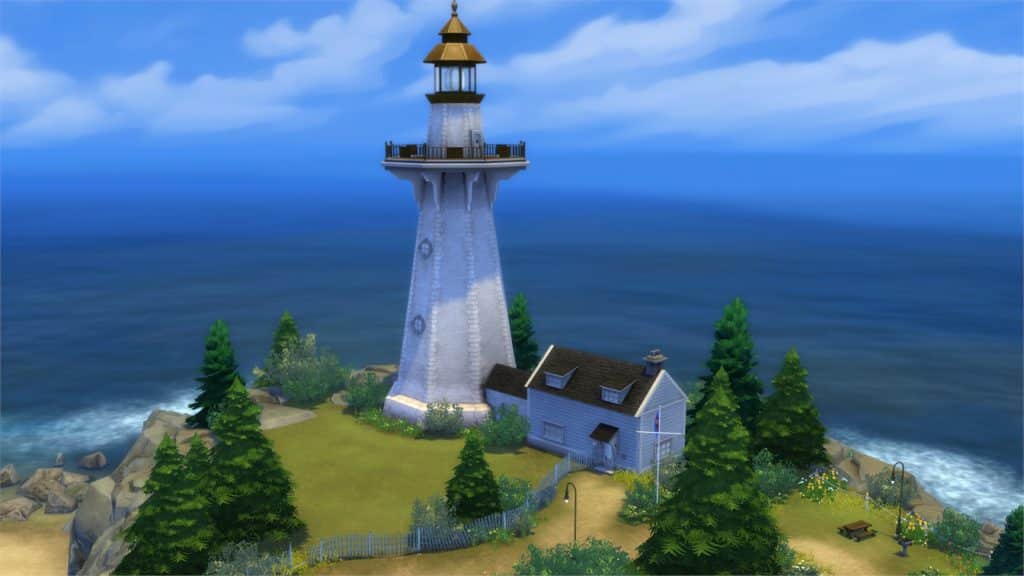
The Sims 4 Cats & Dogs: Brindleton Bay Interactive Neighborhood Overview

[/ult_hotspot_items][ult_hotspot_items icon_type=”custom” icon_img=”id^39525|url^https://simscommunity.info/wp-content/uploads/2015/09/plumbob2.png|caption^null|alt^null|title^plumbob2|description^null” img_width=”38″ tooltip_custom_color=”” tooltip_custom_bg_color=”rgba(255,255,255,0.01)” tooltip_width=”500″ tooltip_position=”right” enable_bubble_arrow=”off” tooltip_continuous_animation=”on” hotspot_position=”35.20742358078602,25.52147239263804″]
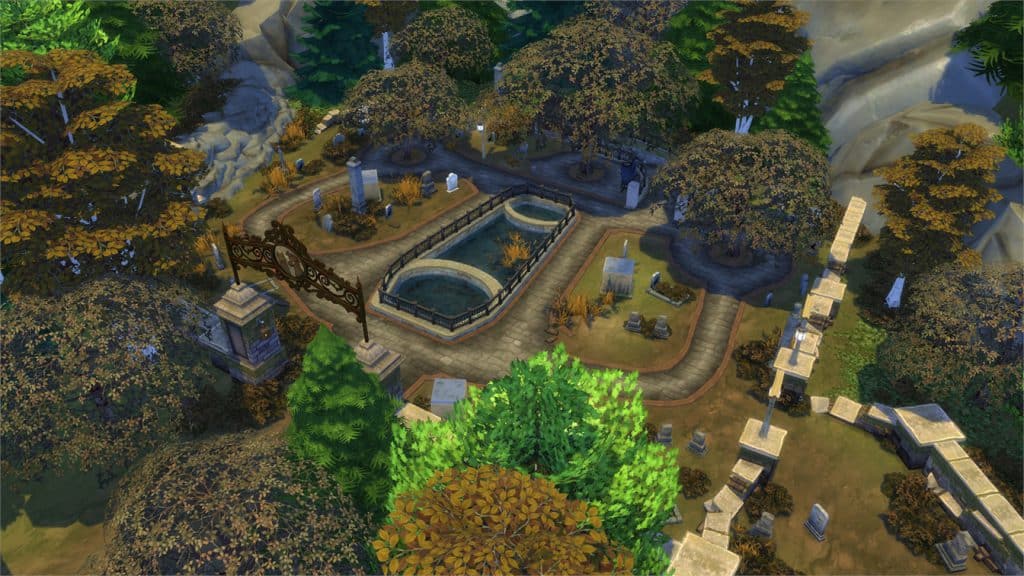
The Sims 4 Cats & Dogs: Brindleton Bay Interactive Neighborhood Overview

[/ult_hotspot_items][ult_hotspot_items icon_type=”custom” icon_img=”id^39525|url^https://simscommunity.info/wp-content/uploads/2015/09/plumbob2.png|caption^null|alt^null|title^plumbob2|description^null” img_width=”52″ tooltip_custom_color=”#1e73be” tooltip_custom_bg_color=”#ffffff” tooltip_width=”” tooltip_position=”right” tooltip_animation=”glow” tooltip_continuous_animation=”on” hotspot_position=”89.61858624454149,3.190184049079755″ tooltip_custom_border_size=”border-style:solid;|border-width:2px;border-radius:5px;|border-color:#81d742;”]

Deadgrass Isle

[/ult_hotspot_items][/ult_hotspot]

The Sims 4 Cats & Dogs: Brindleton Bay Interactive Neighborhood Overview

Early Access code provided by EA!

The Sims 4 Cats & Dogs: Pet Clothing Overview

The Sims 4 Cats & Dogs: Pet Clothing Overview

Early Access code provided by EA!
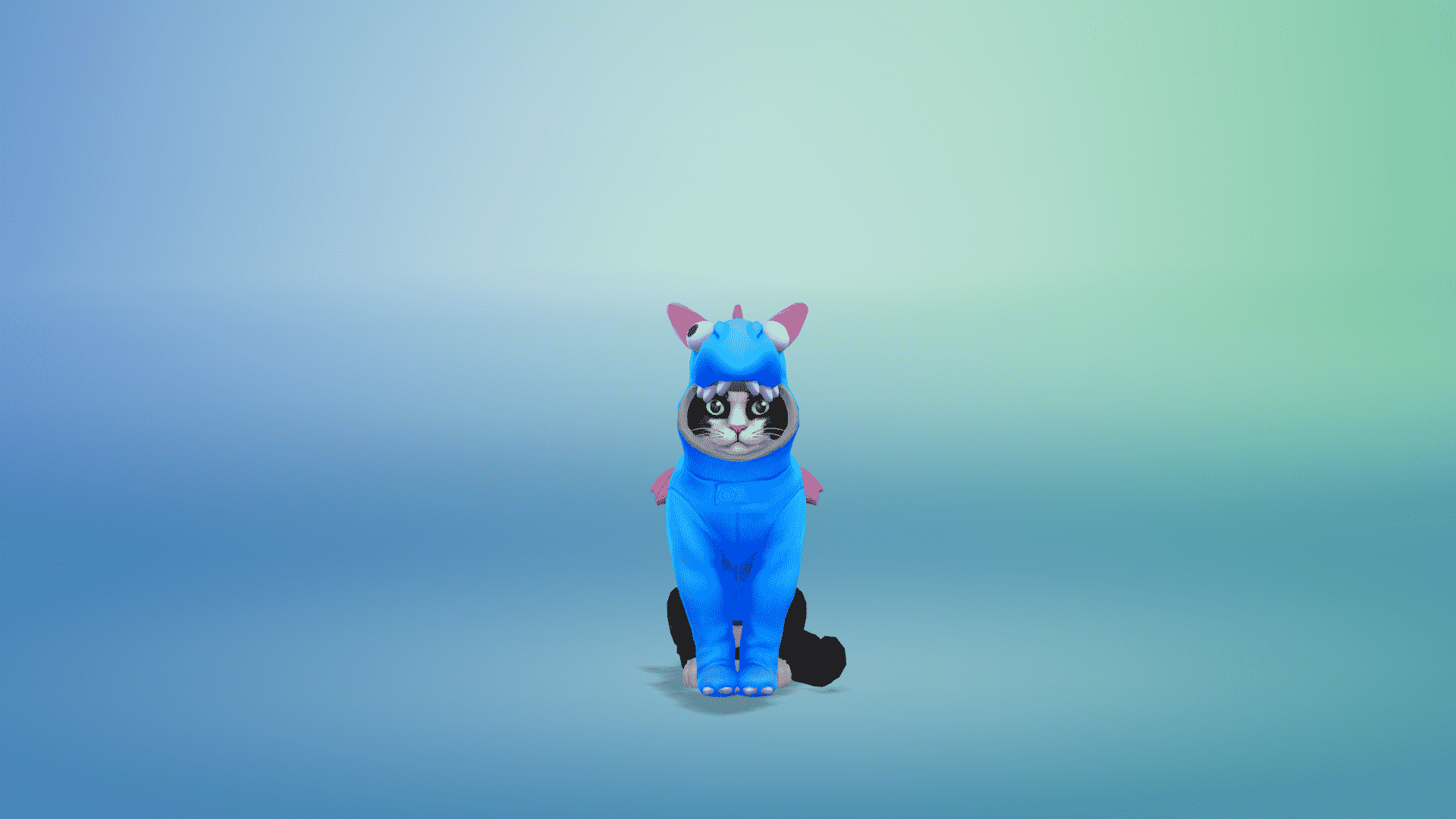
In addition to new clothing and accessories for Sims, The Sims 4 Cats & Dogs Expansion Pack also brings some new outfits and accessories for your pets as well!

Down below you can find all the new pet clothing and accessories that are featured in this Expansion Pack.

Large Dogs

Small Dogs

Cats

The Sims 4 Cats & Dogs: Pet Clothing Overview

Early Access code provided by EA!

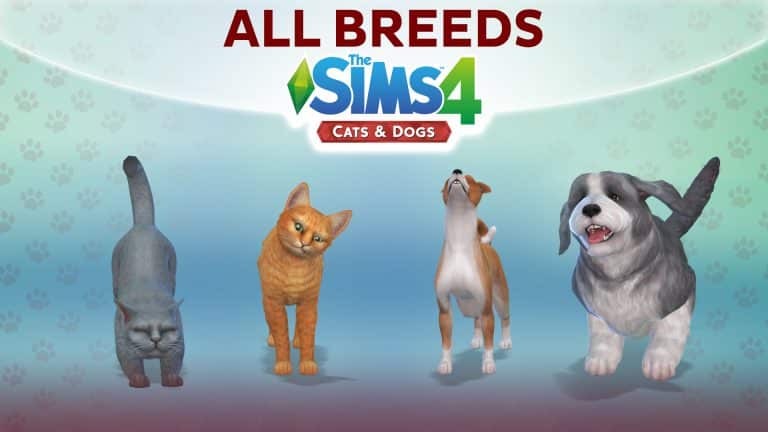
The Sims 4 Cats & Dogs: Overview of All Breeds

0

Want to see all the cat and dog breeds featured in The Sims 4 Cats & Dogs Expansion Pack? Check out this video!

The Sims 4 Cats & Dogs: Build Mode Overview

The Sims 4 Cats & Dogs: Build Mode Overview

Early Access code provided by EA!

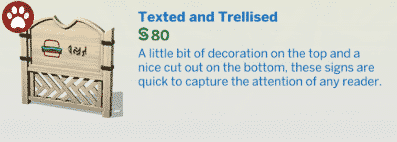
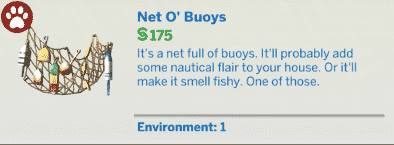
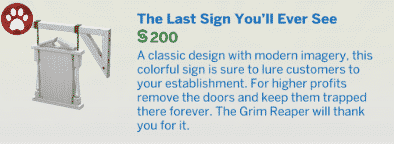
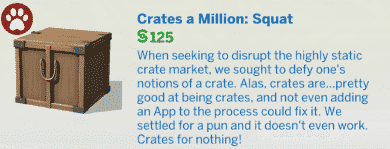
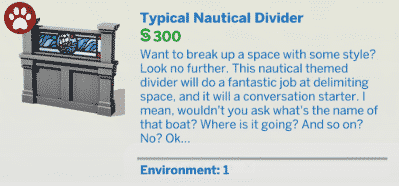
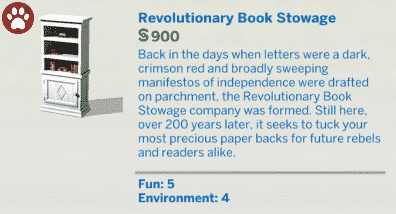
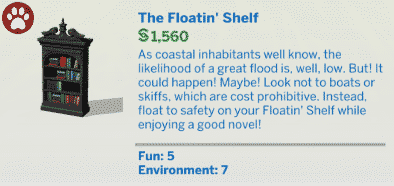
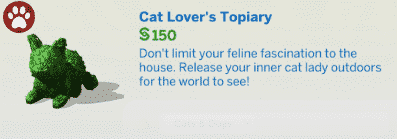
The Sims 4 Cats & Dogs Expansion Pack brings 330 new items in build mode, including new objects for your Sims and Pets, fences, wallpapers, floors, roof sculptures and a lot more!

Down below you can check out the full overview of all these new objects. You can find more information about each object by simply clicking on the object image.

New Items


Styled Rooms

The Sims 4 Cats & Dogs: Build Mode Overview

Early Access code provided by EA!

The Sims 4: New Collectable Spawners Added with November Patch

It seems there is no end to the number of new features included in the latest patch for The Sims 4!

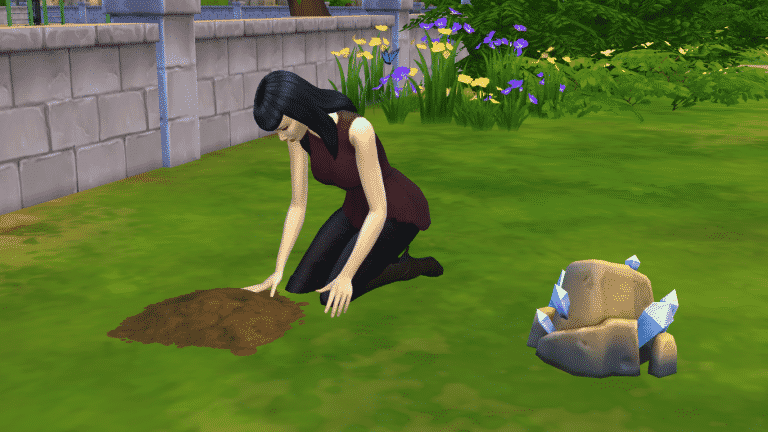
Yet another addition that went unmentioned in the patch notes are these dig spots, pictured below. They appear to be the same dig spots that dogs will use with the release of Cats & Dogs, but Sims can use them, too!

The Sims 4: New Collectable Spawners Added with November Patch

Selecting the “Dig” interaction on any of these dig spots will send your Sim over to excavate the area. Not only can your Sims find collectable items like fossils and MySims trophies, but they can even dig up other goodies like upgrade parts.

We think it’s pretty cool that this little piece of Cats & Dogs was given to players as a free update.

Happy collecting!

More Info

Want to see how these dig spots function with dogs? Check out the replay of The Sims 4 Cats & Dogs Live and Build Mode Livestream on Sims Community’s YouTube channel!

Check out the official patch notes right here!

Not sure how to update your game? Simply open Origin, go to your game library and right-click The Sims 4. Select Check for Updates and download if Origin hasn’t detected an update already.

The Sims 4 Cats & Dogs: Create A Sim Items Overview

The Sims 4 Cats & Dogs: Create A Sim Items Overview

Early Access code provided by EA!

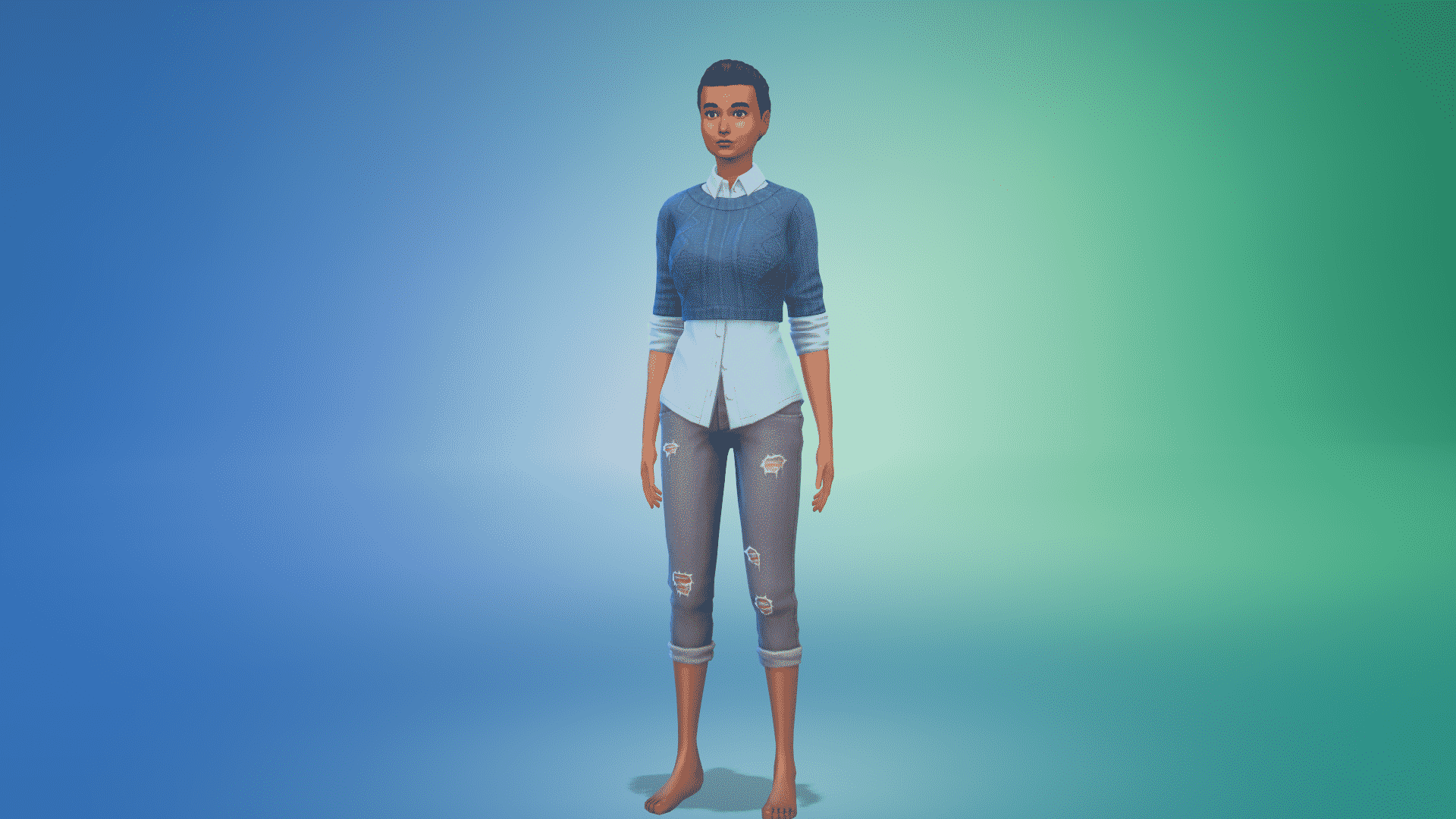
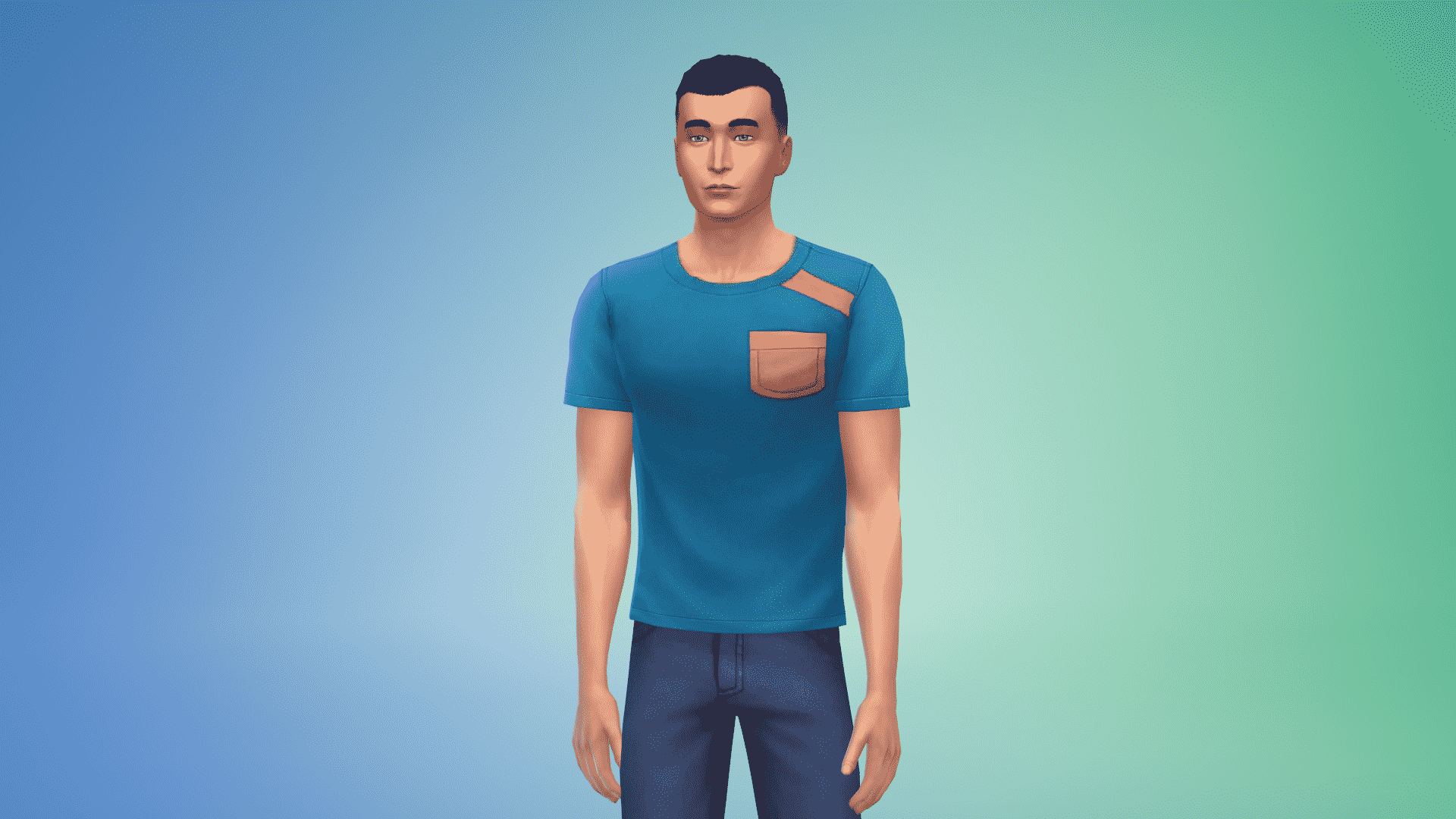
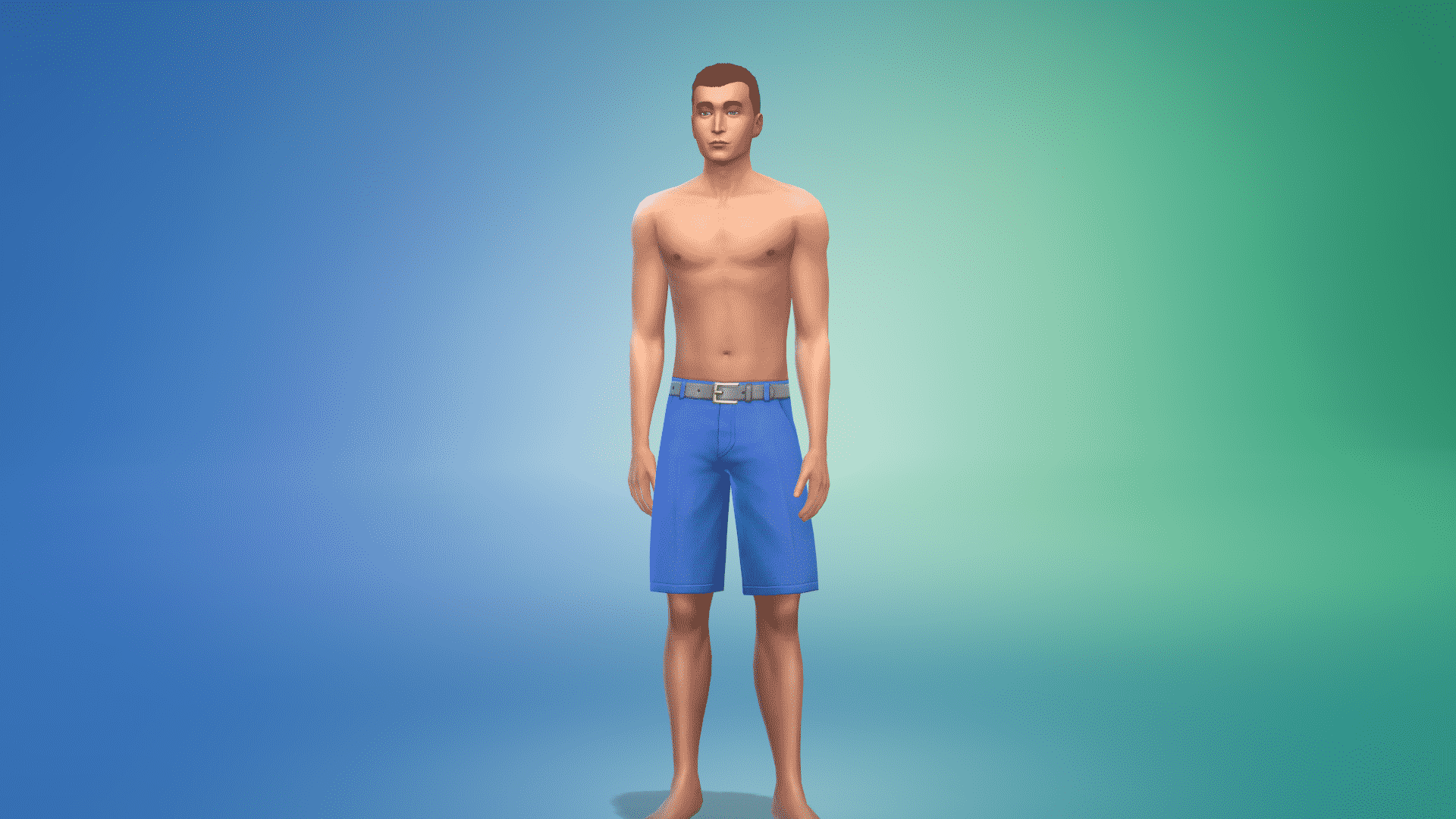
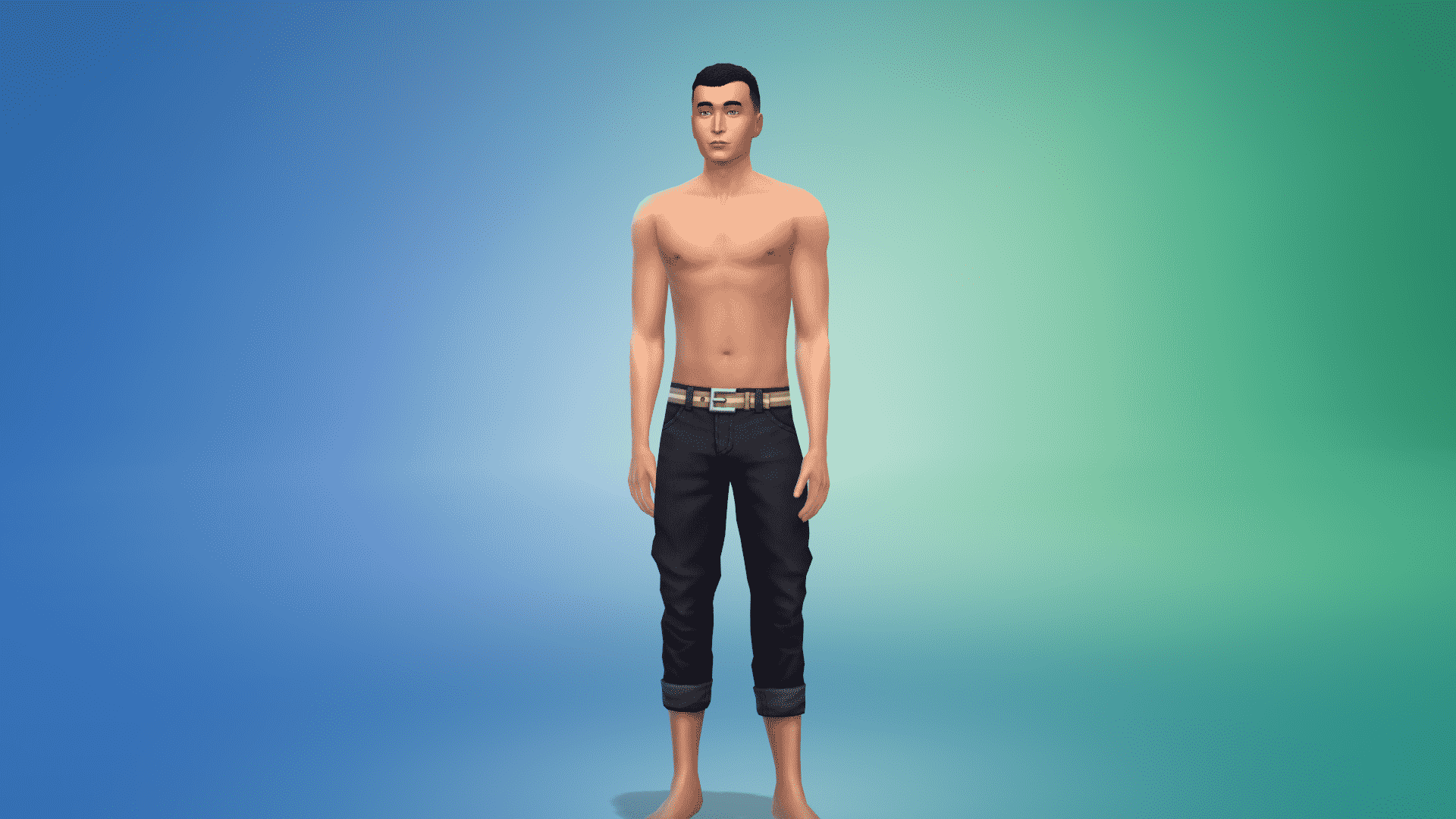
The Sims 4 Cats & Dogs Expansion Pack brings, other than new pets and clothing & accessories for those pets, new items for your Sims as well.

There are more than 100 new items for Sims of all ages!

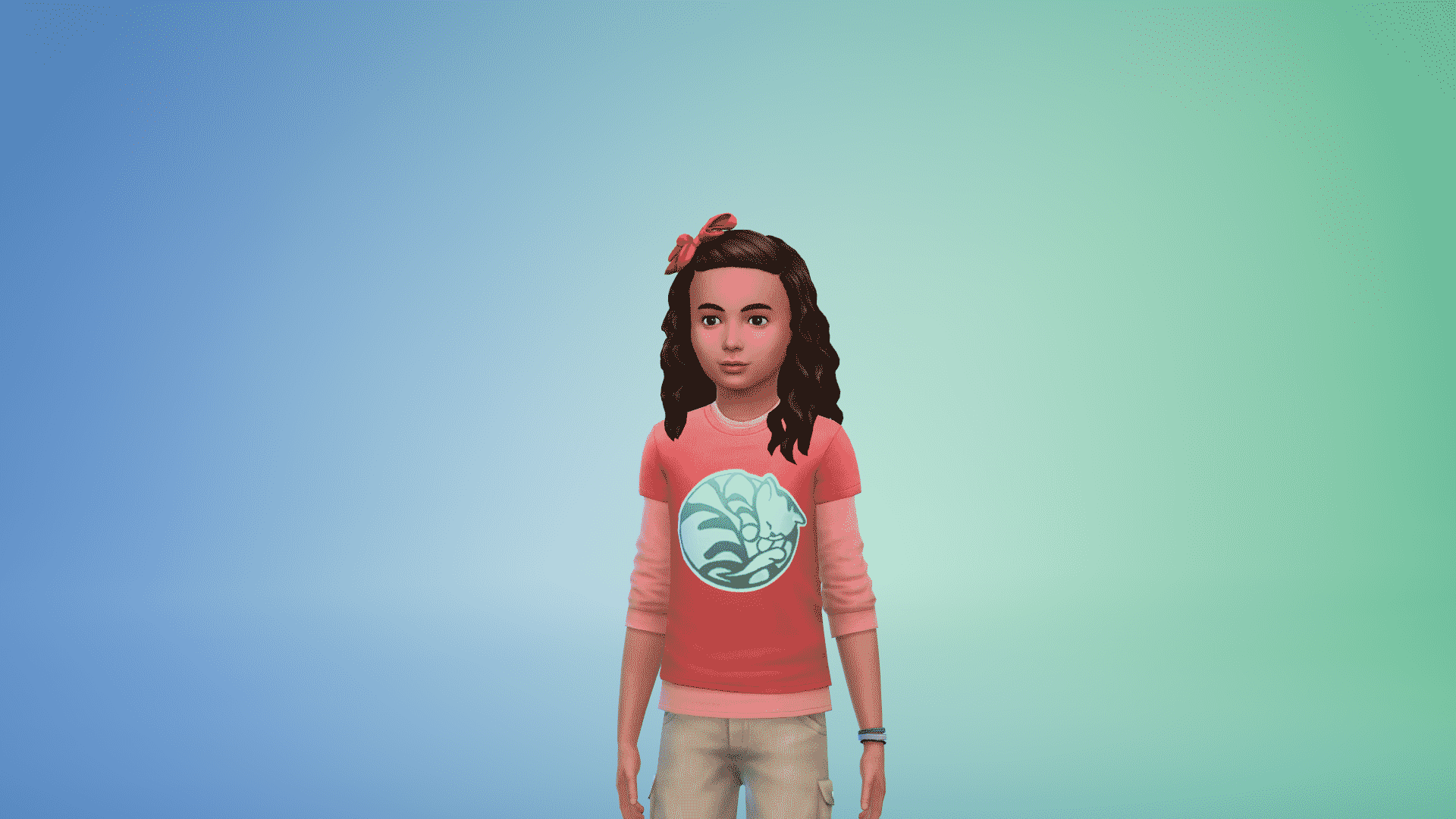
Adult Feminine

Hairstyles (15)

 The Sims 4 Cats & Dogs: Create A Sim Items Overview The Sims 4 Cats & Dogs: Create A Sim Items Overview The Sims 4 Cats & Dogs: Create A Sim Items Overview The Sims 4 Cats & Dogs: Create A Sim Items Overview The Sims 4 Cats & Dogs: Create A Sim Items Overview The Sims 4 Cats & Dogs: Create A Sim Items Overview The Sims 4 Cats & Dogs: Create A Sim Items Overview The Sims 4 Cats & Dogs: Create A Sim Items Overview The Sims 4 Cats & Dogs: Create A Sim Items Overview The Sims 4 Cats & Dogs: Create A Sim Items Overview The Sims 4 Cats & Dogs: Create A Sim Items Overview The Sims 4 Cats & Dogs: Create A Sim Items Overview The Sims 4 Cats & Dogs: Create A Sim Items Overview The Sims 4 Cats & Dogs: Create A Sim Items Overview The Sims 4 Cats & Dogs: Create A Sim Items Overview

Head Accessories (2)

The Sims 4 Cats & Dogs: Create A Sim Items Overview The Sims 4 Cats & Dogs: Create A Sim Items Overview

Tops (10)

The Sims 4 Cats & Dogs: Create A Sim Items Overview The Sims 4 Cats & Dogs: Create A Sim Items Overview The Sims 4 Cats & Dogs: Create A Sim Items Overview The Sims 4 Cats & Dogs: Create A Sim Items Overview The Sims 4 Cats & Dogs: Create A Sim Items Overview The Sims 4 Cats & Dogs: Create A Sim Items Overview The Sims 4 Cats & Dogs: Create A Sim Items Overview The Sims 4 Cats & Dogs: Create A Sim Items Overview The Sims 4 Cats & Dogs: Create A Sim Items Overview The Sims 4 Cats & Dogs: Create A Sim Items Overview

Bottoms (5)

The Sims 4 Cats & Dogs: Create A Sim Items Overview The Sims 4 Cats & Dogs: Create A Sim Items Overview The Sims 4 Cats & Dogs: Create A Sim Items Overview The Sims 4 Cats & Dogs: Create A Sim Items Overview The Sims 4 Cats & Dogs: Create A Sim Items Overview

Outfits (8)

The Sims 4 Cats & Dogs: Create A Sim Items Overview The Sims 4 Cats & Dogs: Create A Sim Items Overview The Sims 4 Cats & Dogs: Create A Sim Items Overview The Sims 4 Cats & Dogs: Create A Sim Items Overview The Sims 4 Cats & Dogs: Create A Sim Items Overview The Sims 4 Cats & Dogs: Create A Sim Items Overview The Sims 4 Cats & Dogs: Create A Sim Items Overview The Sims 4 Cats & Dogs: Create A Sim Items Overview

Accessories (2)

The Sims 4 Cats & Dogs: Create A Sim Items Overview The Sims 4 Cats & Dogs: Create A Sim Items Overview

Shoes (2)

The Sims 4 Cats & Dogs: Create A Sim Items Overview The Sims 4 Cats & Dogs: Create A Sim Items Overview

Styled Looks (5)

The Sims 4 Cats & Dogs: Create A Sim Items Overview The Sims 4 Cats & Dogs: Create A Sim Items Overview The Sims 4 Cats & Dogs: Create A Sim Items Overview The Sims 4 Cats & Dogs: Create A Sim Items Overview The Sims 4 Cats & Dogs: Create A Sim Items Overview

Adult Masculine

Hairstyles (12)

The Sims 4 Cats & Dogs: Create A Sim Items Overview The Sims 4 Cats & Dogs: Create A Sim Items Overview The Sims 4 Cats & Dogs: Create A Sim Items Overview The Sims 4 Cats & Dogs: Create A Sim Items Overview The Sims 4 Cats & Dogs: Create A Sim Items Overview The Sims 4 Cats & Dogs: Create A Sim Items Overview The Sims 4 Cats & Dogs: Create A Sim Items Overview The Sims 4 Cats & Dogs: Create A Sim Items Overview  The Sims 4 Cats & Dogs: Create A Sim Items Overview The Sims 4 Cats & Dogs: Create A Sim Items Overview The Sims 4 Cats & Dogs: Create A Sim Items Overview

Facial Hair (1)

The Sims 4 Cats & Dogs: Create A Sim Items Overview

Head Accessories (2)

The Sims 4 Cats & Dogs: Create A Sim Items Overview The Sims 4 Cats & Dogs: Create A Sim Items Overview

Tops (15)

The Sims 4 Cats & Dogs: Create A Sim Items Overview The Sims 4 Cats & Dogs: Create A Sim Items Overview The Sims 4 Cats & Dogs: Create A Sim Items Overview The Sims 4 Cats & Dogs: Create A Sim Items Overview The Sims 4 Cats & Dogs: Create A Sim Items Overview The Sims 4 Cats & Dogs: Create A Sim Items Overview The Sims 4 Cats & Dogs: Create A Sim Items Overview The Sims 4 Cats & Dogs: Create A Sim Items Overview The Sims 4 Cats & Dogs: Create A Sim Items Overview The Sims 4 Cats & Dogs: Create A Sim Items Overview The Sims 4 Cats & Dogs: Create A Sim Items Overview The Sims 4 Cats & Dogs: Create A Sim Items Overview The Sims 4 Cats & Dogs: Create A Sim Items Overview The Sims 4 Cats & Dogs: Create A Sim Items Overview The Sims 4 Cats & Dogs: Create A Sim Items Overview

Bottoms (5)

The Sims 4 Cats & Dogs: Create A Sim Items Overview The Sims 4 Cats & Dogs: Create A Sim Items Overview The Sims 4 Cats & Dogs: Create A Sim Items Overview The Sims 4 Cats & Dogs: Create A Sim Items Overview The Sims 4 Cats & Dogs: Create A Sim Items Overview

Outfits (1)

The Sims 4 Cats & Dogs: Create A Sim Items Overview

Shoes (1)

The Sims 4 Cats & Dogs: Create A Sim Items Overview

Styled Looks (5)

The Sims 4 Cats & Dogs: Create A Sim Items Overview The Sims 4 Cats & Dogs: Create A Sim Items Overview The Sims 4 Cats & Dogs: Create A Sim Items Overview The Sims 4 Cats & Dogs: Create A Sim Items Overview The Sims 4 Cats & Dogs: Create A Sim Items Overview

Child Feminine

Hairstyles (1)

The Sims 4 Cats & Dogs: Create A Sim Items Overview

Tops (3)

The Sims 4 Cats & Dogs: Create A Sim Items Overview The Sims 4 Cats & Dogs: Create A Sim Items Overview The Sims 4 Cats & Dogs: Create A Sim Items Overview

Bottoms (1)

The Sims 4 Cats & Dogs: Create A Sim Items Overview

Outfits (1)

The Sims 4 Cats & Dogs: Create A Sim Items Overview

Shoes (3)

The Sims 4 Cats & Dogs: Create A Sim Items Overview The Sims 4 Cats & Dogs: Create A Sim Items Overview The Sims 4 Cats & Dogs: Create A Sim Items Overview

Styled Looks

The Sims 4 Cats & Dogs: Create A Sim Items Overview

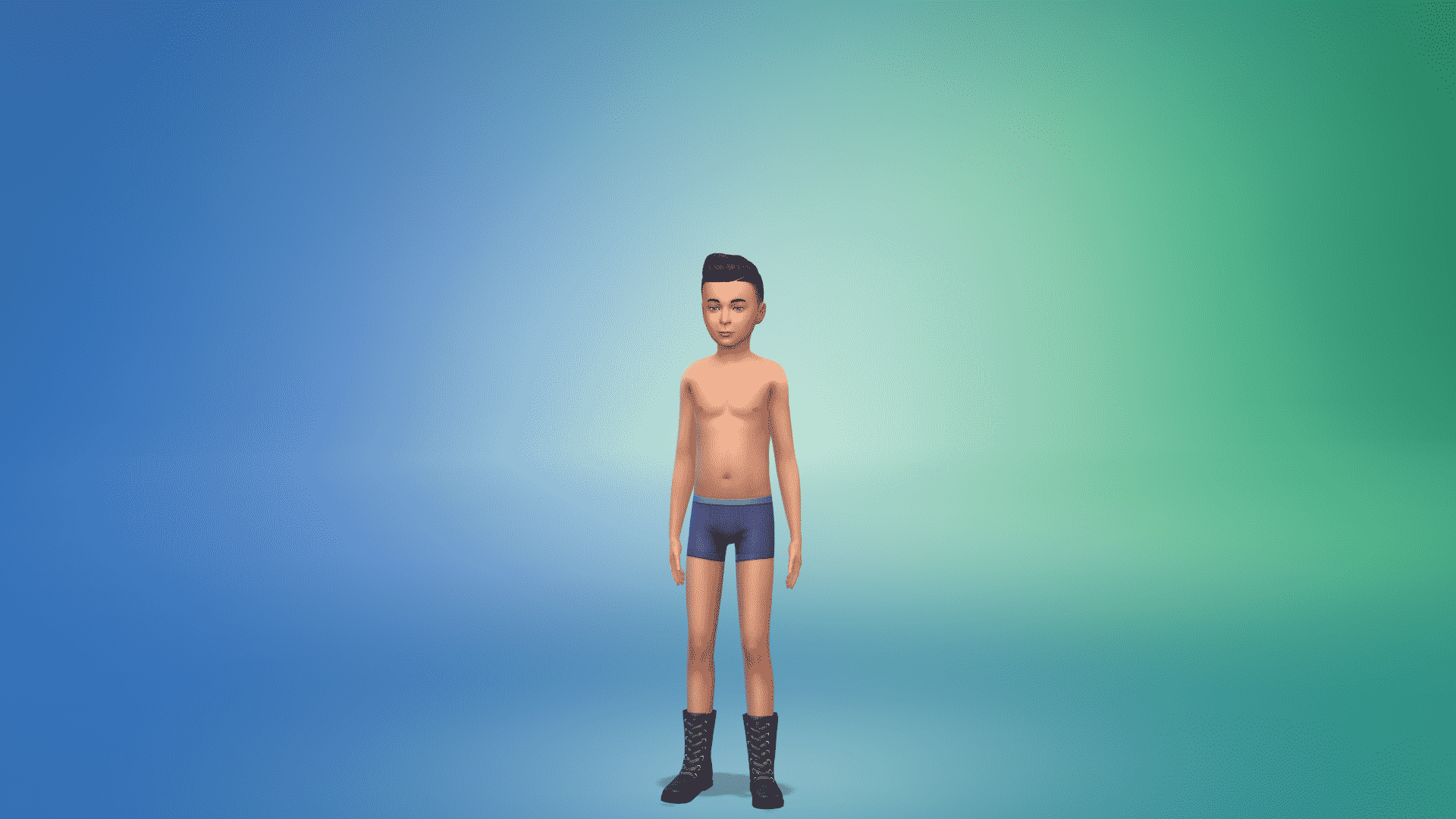
Child Masculine

Hairstyles (1)

The Sims 4 Cats & Dogs: Create A Sim Items Overview

Tops (4)

The Sims 4 Cats & Dogs: Create A Sim Items OverviewThe Sims 4 Cats & Dogs: Create A Sim Items Overview  The Sims 4 Cats & Dogs: Create A Sim Items Overview The Sims 4 Cats & Dogs: Create A Sim Items Overview

Outfits (2)

The Sims 4 Cats & Dogs: Create A Sim Items Overview The Sims 4 Cats & Dogs: Create A Sim Items Overview

Shoes (2)

The Sims 4 Cats & Dogs: Create A Sim Items Overview The Sims 4 Cats & Dogs: Create A Sim Items Overview

Styled Looks (2)

The Sims 4 Cats & Dogs: Create A Sim Items Overview The Sims 4 Cats & Dogs: Create A Sim Items Overview

Toddler Feminine

Tops (1)

The Sims 4 Cats & Dogs: Create A Sim Items Overview

Outfits (1)

The Sims 4 Cats & Dogs: Create A Sim Items Overview

Styled Looks (1)

The Sims 4 Cats & Dogs: Create A Sim Items Overview

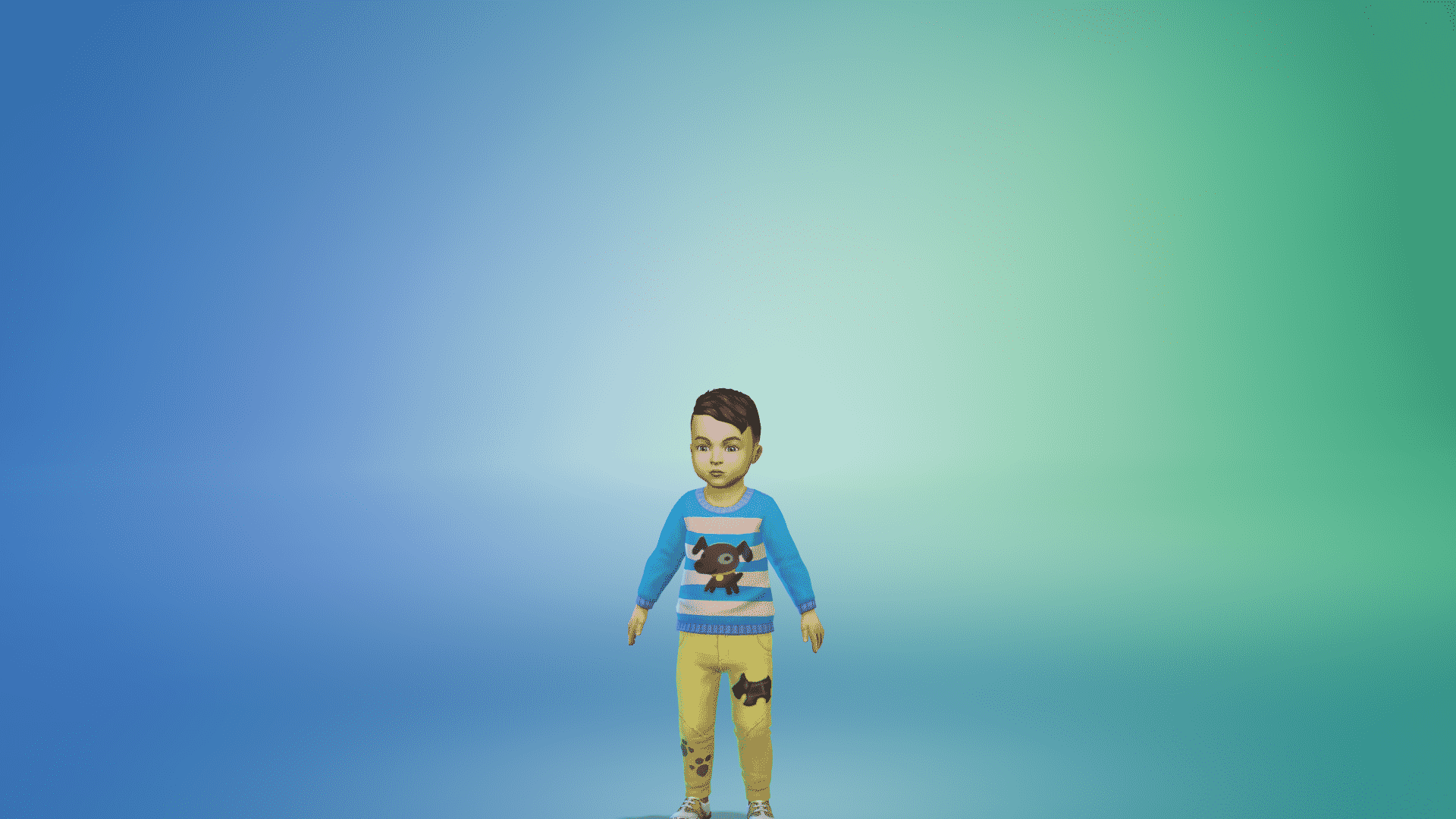
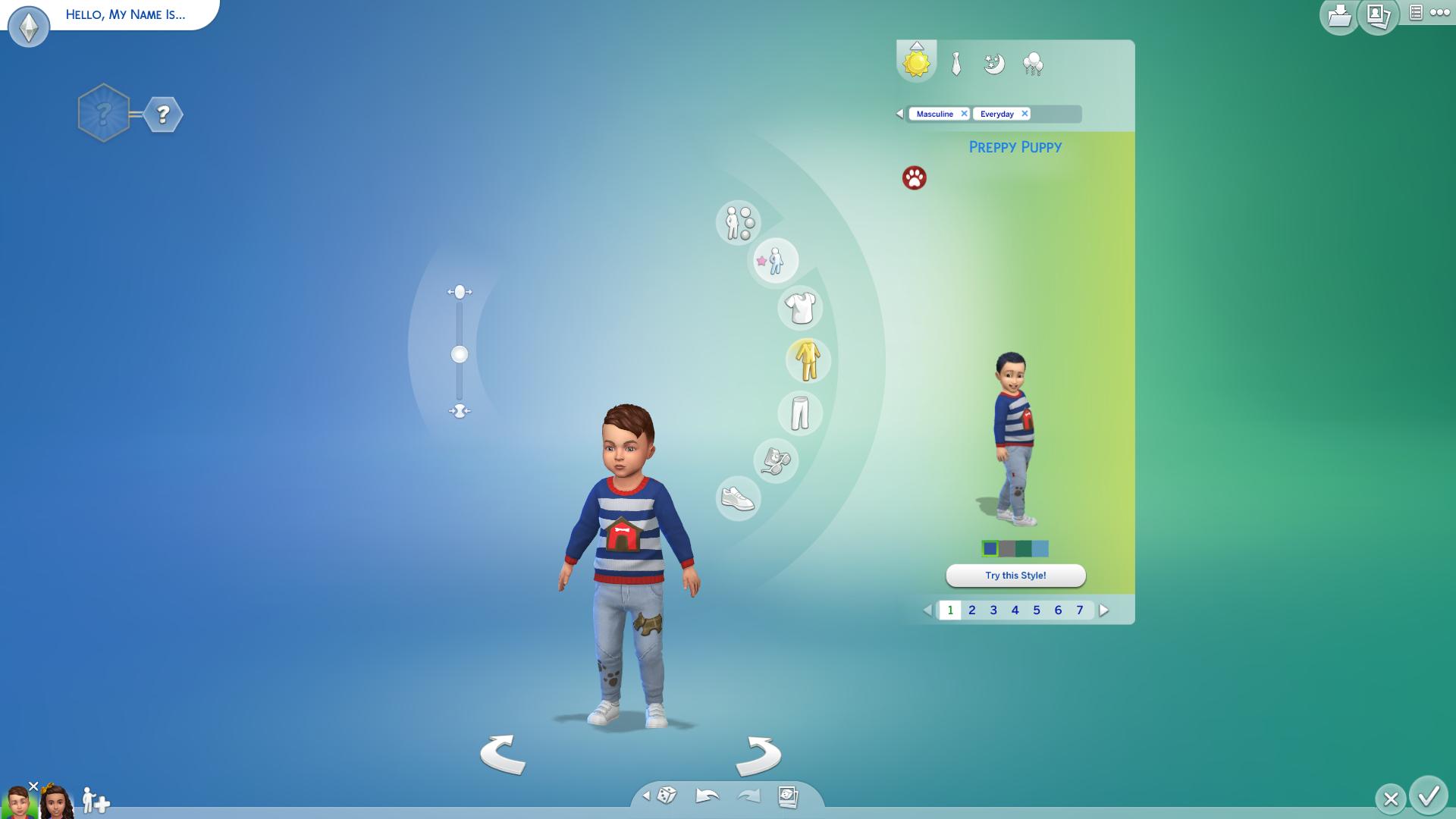
Toddler Masculine

Tops (1)

The Sims 4 Cats & Dogs: Create A Sim Items Overview

Outfits (1)

The Sims 4 Cats & Dogs: Create A Sim Items Overview

Styled Looks (1)

The Sims 4 Cats & Dogs: Create A Sim Items Overview

The Sims 4 Cats & Dogs: Create A Sim Items Overview

Early Access code provided by EA!

Hear The Sims 4’s NEW Theme Song!

3

Hear The Sims 4’s NEW Theme Song!

Early Access code provided by EA!
The Sims 4 is FINALLY getting a new Theme Song with a new Expansion Pack release!

After installing The Sims 4 Cats & Dogs Expansion Pack you’ll be greeted with this new theme song. The Cats & Dogs Theme Song will randomly rotate with The Sims 4 Base Game’s theme song.

The Sims 4: New Counter Presets Added in the Latest Update

2

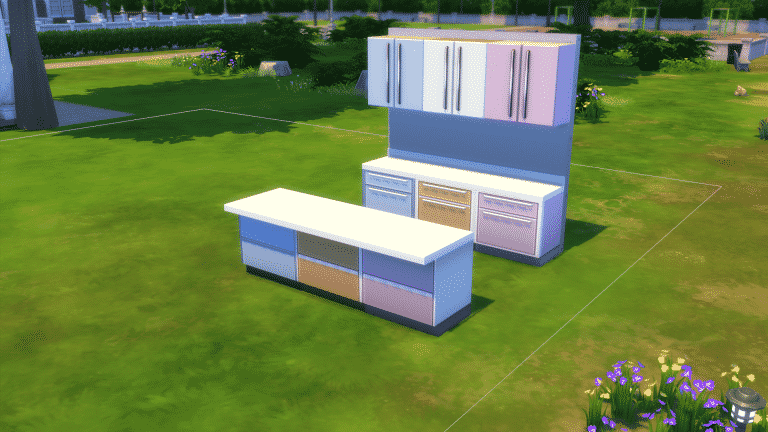
In the newest patch hidden in Build Mode twitter user, Jorge Luiz has pointed out there are the new counter, island and cupboard colours! We have baby pink shade, orange and baby blue with white countertops on The Harbringer Island, Counters and Cabinets. They can be found under Base Game, Surfaces and then Counters and Cabinets.
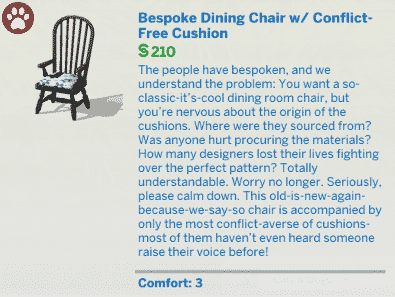
The Sims 4: New Counter Presets Added in the Latest Update

The Sims 4: November 2017 Update Overview

0

The Sims Team has released a new update for The Sims 4, adding new features, improvements and fixes to the base game. Let’s see what’s new!

New Roofs

There are 4 new roof types available: Pentagonal, Hexagonal, Octagonal and Circular roofs!

The Sims 4: November 2017 Update Overview

New Roof Curvature Points

Pressing Shift + C while having a roof selected will unlock new curvature points. These curvature points are available for any roof type!

The Sims 4: November 2017 Update Overview

New Roof Trims

The Sims 4: November 2017 Update Overview

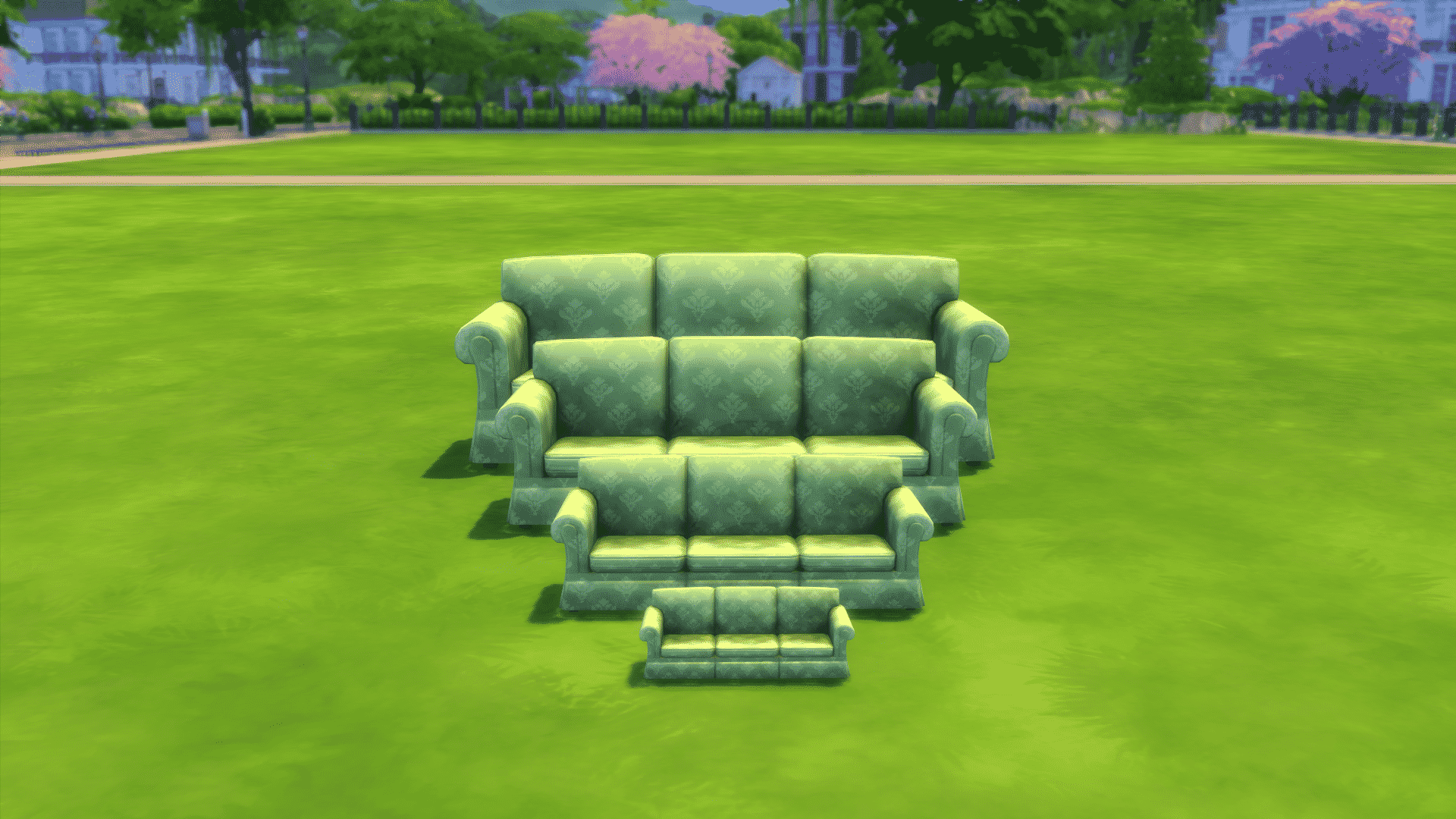
Shrink Objects Feature

Just as you can make any object larger you can now make any object in build mode smaller. You can shrink an object by selecting an object of your choice and pressing the “[” key on your keyboard.

The Sims 4: November 2017 Update Overview

Household Manager and Sim Cap Limit Feature

The Household Manager now has new features. You can select your favorite Households that you’d like to remain with all progress saved. This means that, once you reach over the Sim Cap Limit, Sims who are not in your “My Households” section will start losing progress, relationships, skills and so on.

There are 4 Sim Cap options:

  • 80 Sims
  • 150 Sims
  • 200 Sims
  • Unlimited

Selecting the unlimited option might influence your game performance and stability as you use the save game with the unlimited option more and more.

The Sims 4: November 2017 Update Overview

Photography Skill

The Photography Skill, which was previously exclusive to The Sims 4 Get to Work Expansion Pack is now available in The Sims 4 Base Game. You can now buy 3 different cameras in Build Mode and level up your photography skill (up to level 5).

There are also new selfie options on your phone.

The Sims 4: November 2017 Update Overview

Bug Fixes & Other Improvements

Want to check out all the things The Sims Team has fixed? Check out this post!