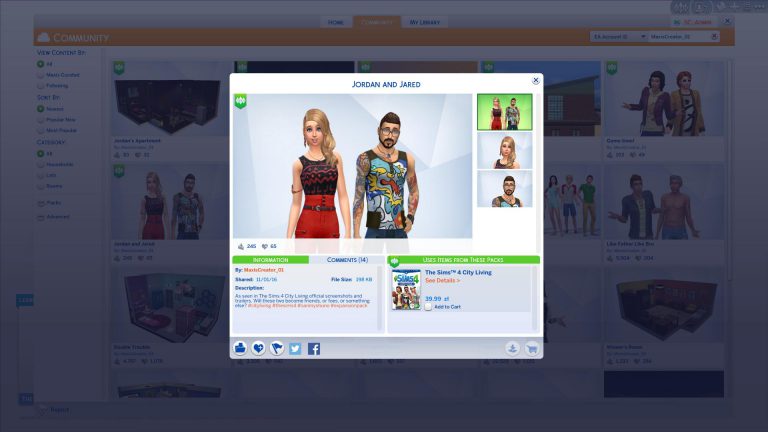
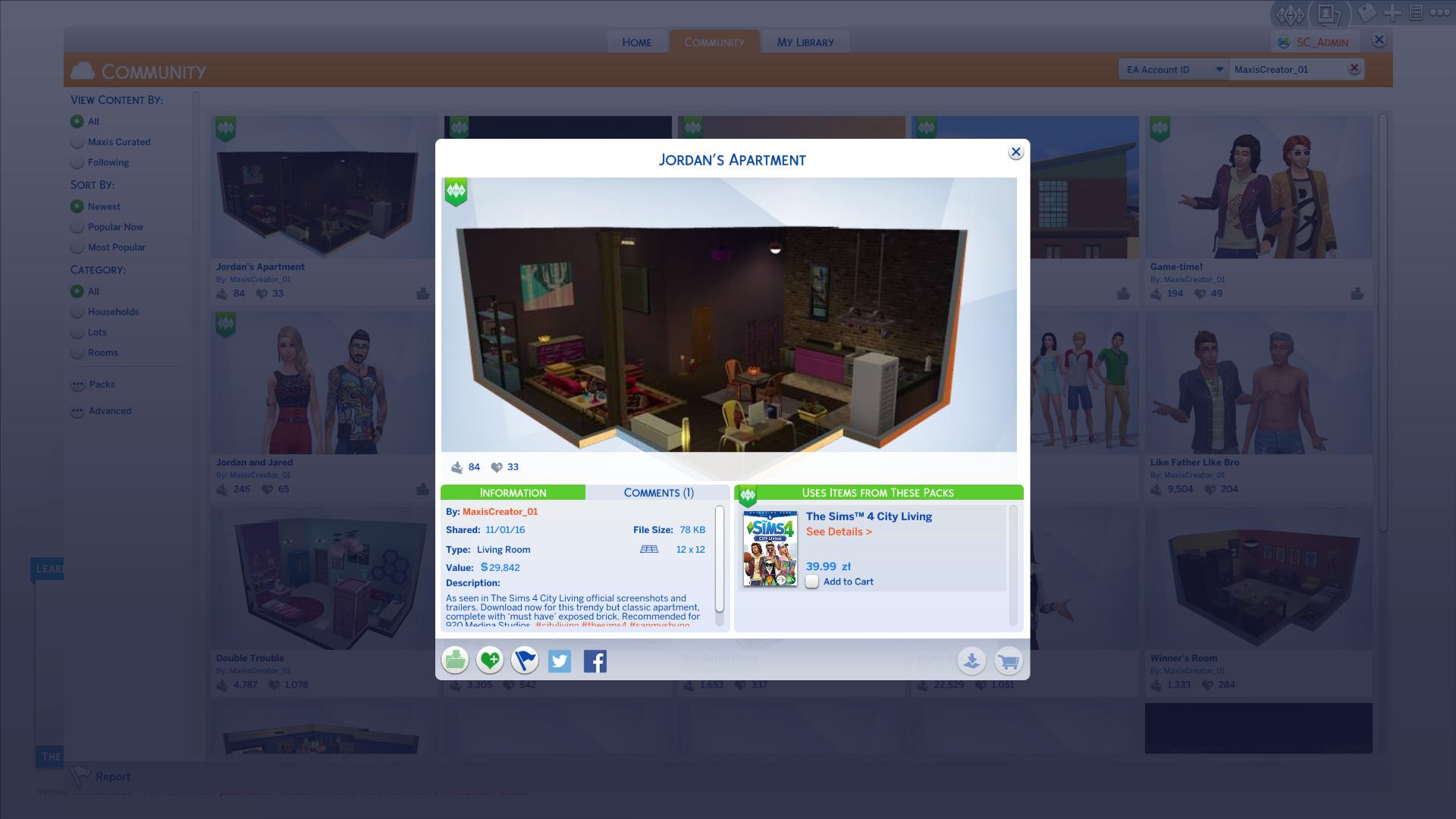
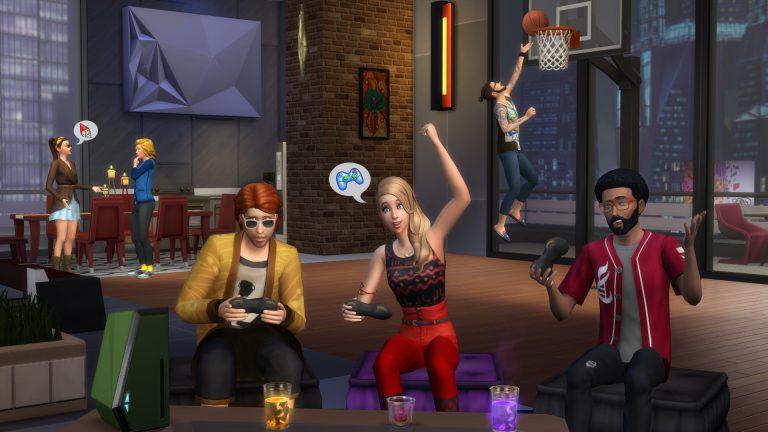
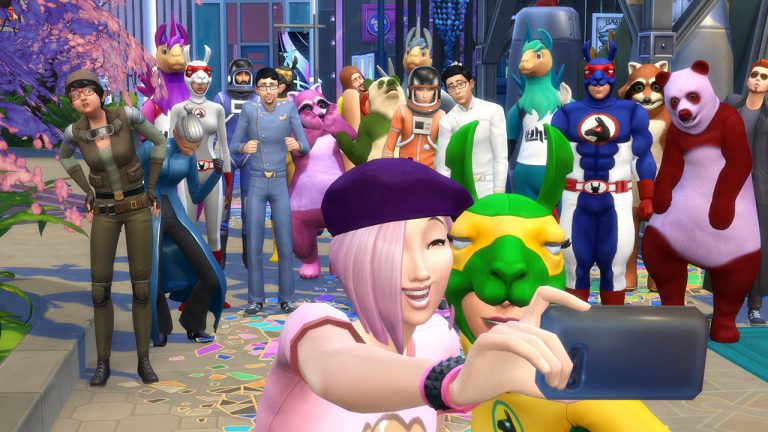
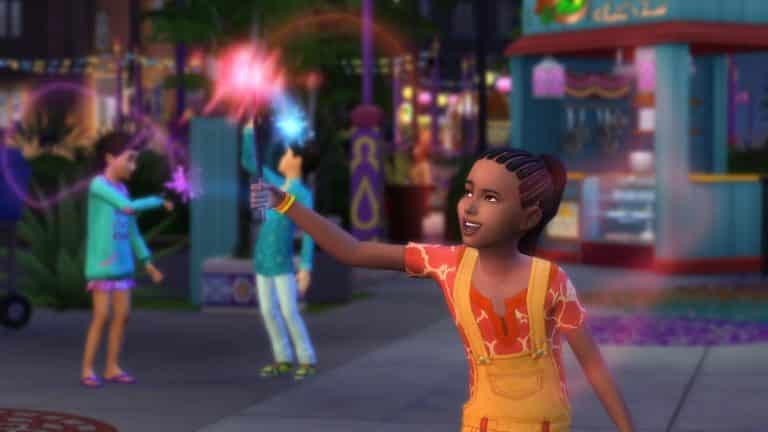
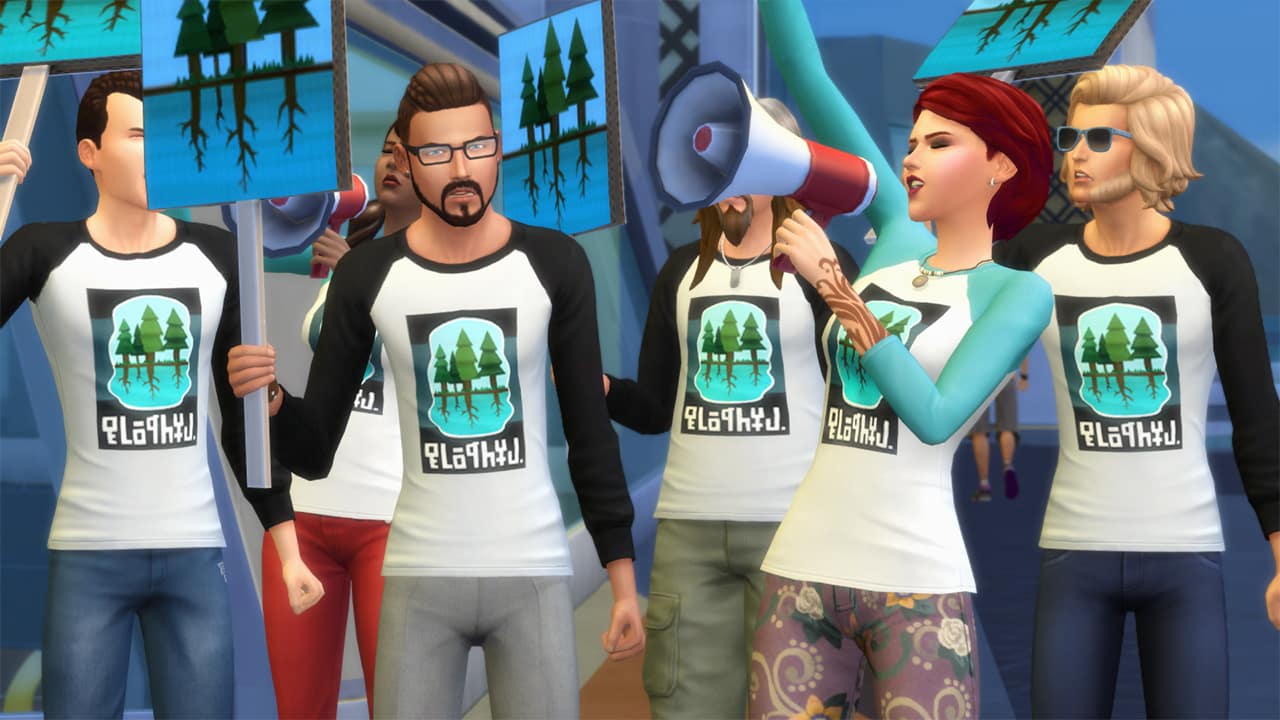
The Sims Team has released several new creations that you’ve seen in promotional videos and images for The Sims 4 City Living!
To download these creations just click on creation names that are listed down below with each screen.
The Sims Team has released several new creations that you’ve seen in promotional videos and images for The Sims 4 City Living!
To download these creations just click on creation names that are listed down below with each screen.
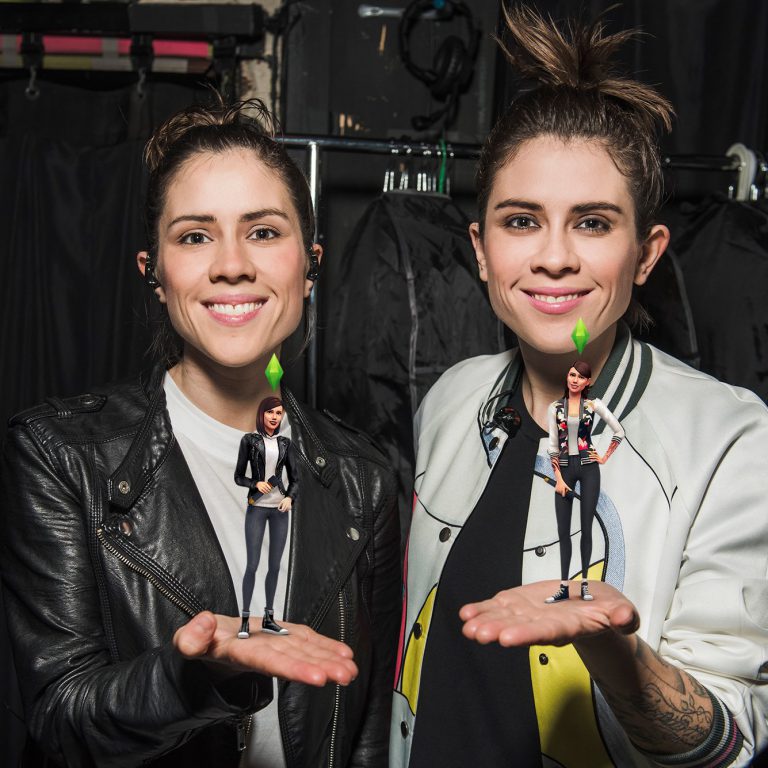
Tegan and Sara have recorded a Simlish version of their song ”Stop Desire” for The Sims 4 City Living! To celebrate the launch of the game, they have released the following promo image:
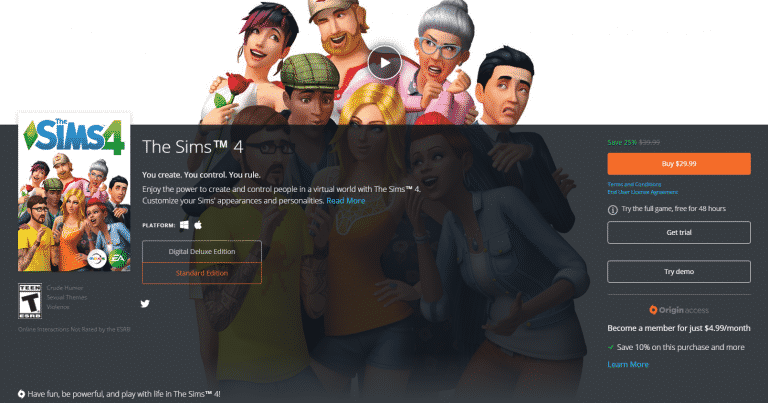
The Sims 4 Base Game is currently on sale!
Both standard edition and digital deluxe edition have been discounted. In North America you’ll be saving 25% while in Europe you’ll be saving 33%.
The Sims Team released 4 new Launch Screens for The Sims 4 City Living!
The Sims Team has released a launch trailer for The Sims 4 City Living. Check it out!
Via TheSims.com!
Great news! The wait is over, and it’s time for your Sim to pack up and move to San Myshuno because The Sims™ 4 City Living* is out now**! There’s a whole lot of new experiences awaiting them in the big city, so we thought it might be handy to re-cap all of the recent info about City Living!
New World: San Myshuno
The world of San Myshuno has a big city feel, with four neighborhoods inspired by different cultures. They all offer different living experiences and activities, and really make San Myshuno feel like a diverse city.New Living: Apartments & Penthouses
With City Living, Apartments and Penthouses made a lot of sense. That kind of communal living is common in cities, and it brings opportunities to add fun extra experiences for your Sims too.New Events: Festivals
Oh boy, where do we start? Festivals bring in so many new fun situations for your Sims, from the curry challenge at the Spice Festival, selling their creations at the Flea Market, or picking up some merch at Geekcon. Excited?New Possibilities: Careers
The Sims 4 City Living brings with it 3 new careers: Social Media, Critic and Political. These all work a little differently to traditional careers as you can either send your Sim off by themselves, or you can head out on assignment with them in San Myshuno.New Activities: Karaoke, Video Games & Basketball!
There are a whole bunch of new activities and items in The Sims 4 City Living, but the karaoke machine, video game console & basketball hoopare definitely worth a mention here. Get your Sim working on the new singing skill, their fitness or just relax with some gaming! Either way, we’re pretty sure they won’t be complaining.
The Sims 4’s third Expansion Pack – City Living, is now available for download in North America and Asia! You can expect a launch trailer later today with a full press release, so stay tuned on our City Living News Page to stay in the loop!
The Sims 4 City Living’s San Myshuno is FILLED with new Billobards. Here are some of them that feature new Sim Renders:
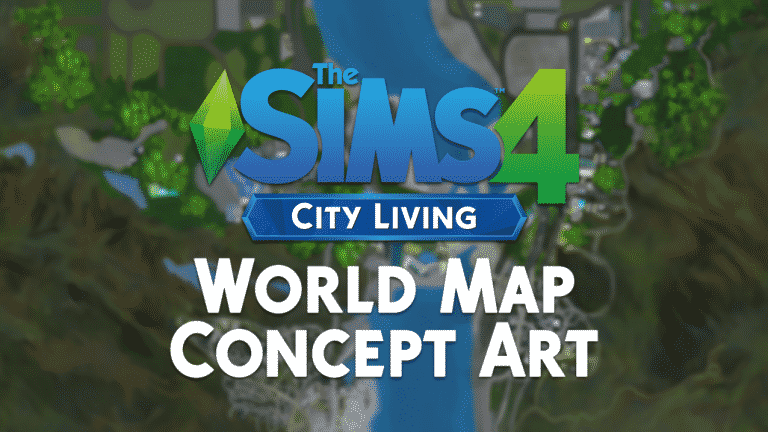
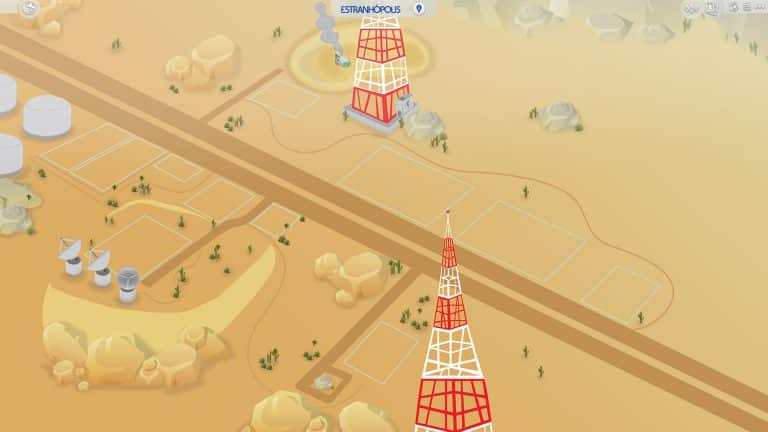
Rummaging through The Sims 4 City Living’s game files we came across some interesting images on how San Myshuno came to life! Down below you’ll see what appears to be a finished concept of San Myshuno’s layout:
What’s really interesting are the files they’ve left on how this layout was made. Seems like multiple screenshots from Google Maps were formed together to create a unique world:
They have also included an image of several San Myshuno backdrops that were never featured in-game:
These lovely fanmade World Map Illustrations for The Sims 4 were made by filipesims. Using Adobe Photoshop and Adobe Illustrator he was able to illustrate what would these 2 World Maps look like in The Sims 4. As you can see, he included all of the landmarks and accurately placed all the lots!
SAG-AFTRA (Screen Actors Guild) has announced the following on their website:
Despite years of concerted effort and negotiating sessions, video game employers have steadfastly refused to reach a fair deal during our contract negotiations.
A last attempt to reach an agreement with video game employers was not successful. Management remains unwilling to agree to fair terms that would bring the interactive contract into the 21st century. Therefore, as of Oct. 21, 2016, SAG-AFTRA is on strike against the following video game employers with regard to all games that went into production after Feb. 17, 2015:
SAG-AFTRA has updated their list of Video Games affected by this strike, and one of those games is The Sims 4 (codename Sims Olympus).
This means that, as long as the strike is active, voice-acting work for The Sims 4 Pack(s) will be put on hold. It’s still unclear how many upcoming Packs are being affected by these events as The Sims Team themselves have confirmed that they work on multiple Packs at a time. Of course, not all Packs are currently in the voice-acting stage but until the strike gets resolved, there will be no voice-acting for the game.

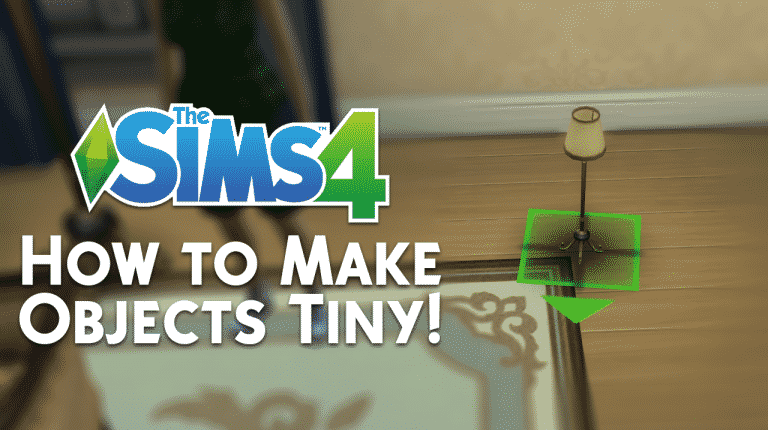
We all know how to make objects bigger and how to make those bigger objects turn to their original state – but what about making objects smaller than they really are? In this tutorial I’ll be teaching you just that!
First off, you need to enter the testingcheats true cheat. Then, shift + click on the object of your choice and select ”Set As Head”.
After you’ve done that, shift + click on the object on your Sim and select ”Reset Object”.
That object will appear right next to your Sim – smaller or bigger to the original object depending on the object.
Now, go into Build Mode, select the object that was on your Sim’s head and use the resize cheat to make it smaller ( Shift + [ ).
Please note that you’ll go through trial and error with some objects, so keep on trying!
With The Sims 4 City Living being just around the corner, you’re probably trying to come up with new household ideas to start a brand new life in San Myshuno. If you’re looking for some inspiration, we definitely have you covered! Here are 6 Sims that you should consider moving into San Myshuno:
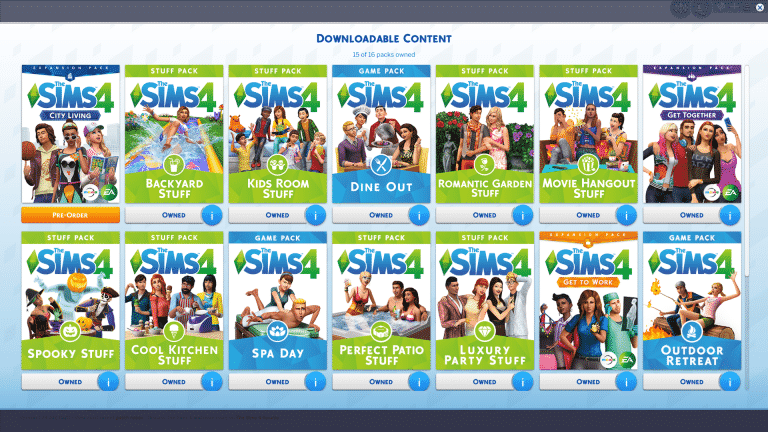
Tired of the new browser-based My Packs menu? There’s a solution to bring the old one back!
Modder weerbesu was able to bring back the old flash-based My Packs menu by creating a small mod! To download it, simply click the download button below.
[mks_button size=”large” title=”DOWNLOAD THIS MOD!” style=”squared” url=”http://modthesims.info/download.php?t=584985″ target=”_blank” bg_color=”#1e73be” txt_color=”#FFFFFF” icon=”fa-arrow-down” icon_type=”fa” nofollow=”0″]