Home Blog Page 422

The Sims 4 Kids Room Stuff: Official Description + Key Features

0

Game.co.uk published a page for The Sims 4 Kids Room Stuff where they unveiled the official pack description and it’s key features. You can order the game code by clicking HERE!

TS4_SP7_Packfront_EN

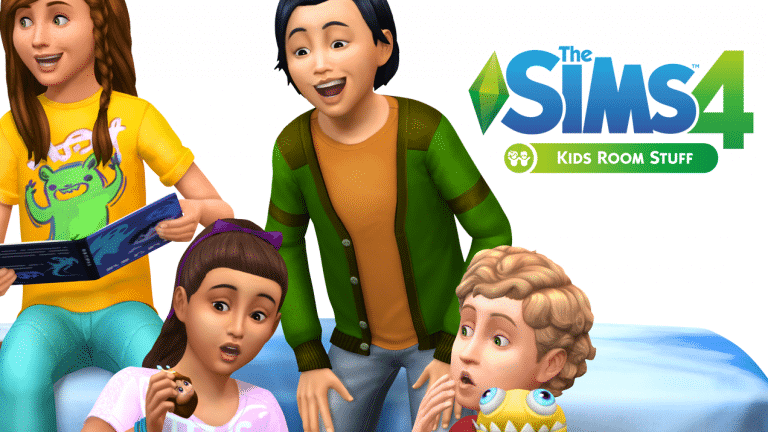
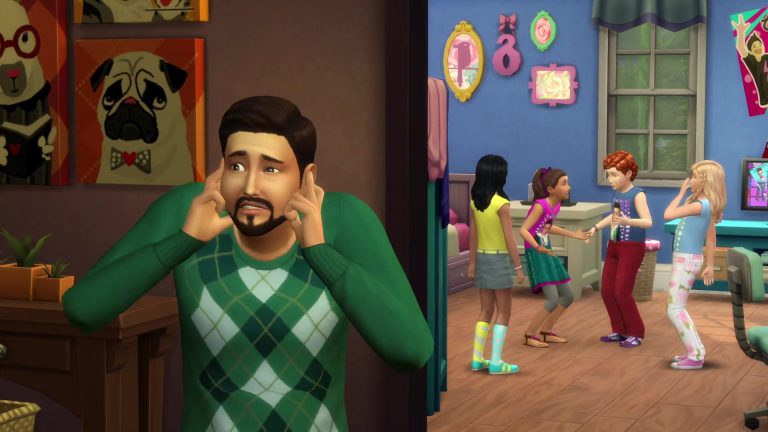
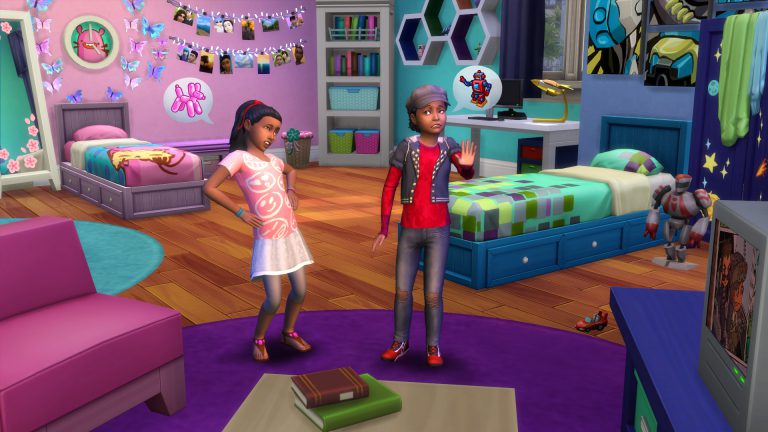
Design and personalise kids’ bedrooms that spark the imagination of your Sims with The Sims™ 4 Kids Room Stuff*. Collect and trade monster cards, then bring them to life in the electronic battle station. Put on a puppet show to tell stories and entertain family and friends. Outfit your Sims in kids clothing that expresses their individual style.

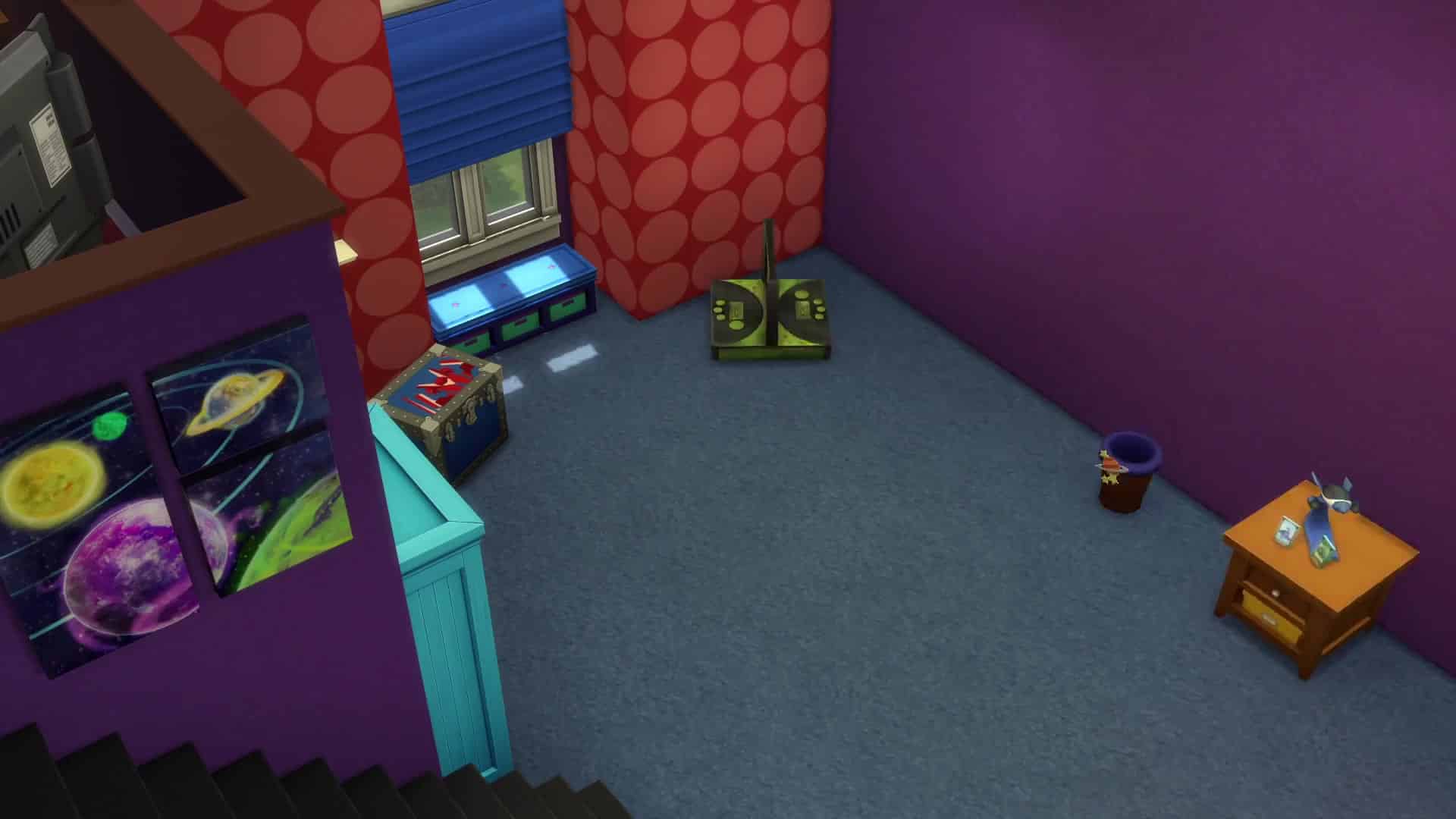
  • Customise Kids Rooms – Build kids bedrooms that are both expressive and full of style. Excite your Sim’s imagination with colourful new furniture and themed decorations ranging from space robots to fun flower flourishes.
  • Battle with Monsters – Collect and trade monster cards featuring your Sim’s favourite magical creatures. Use cards in the electronic battle station to bring them to life and challenge friends to a monster duel that’s sure to excite.
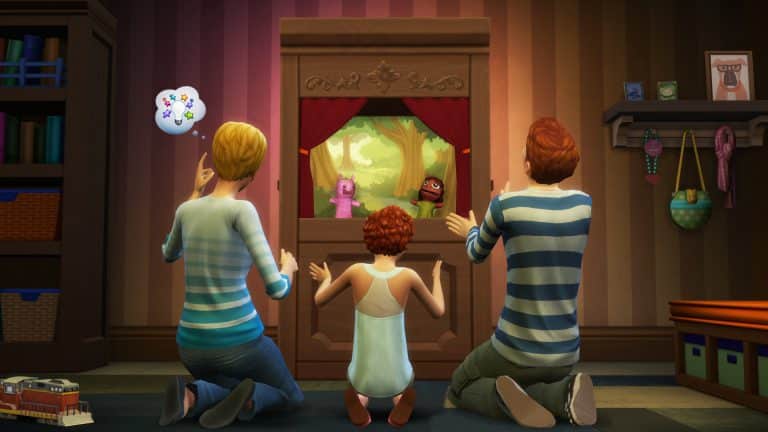
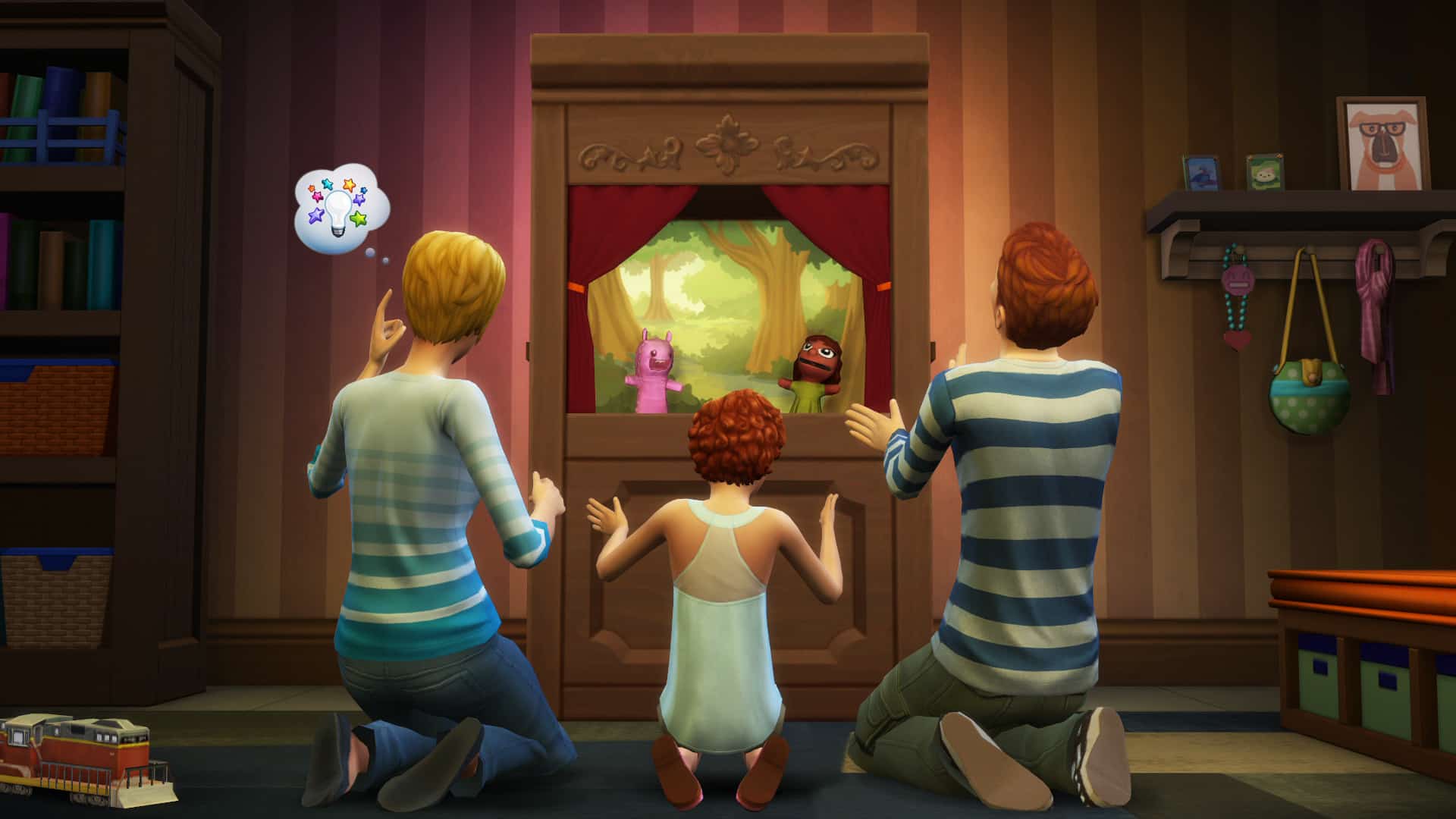
  • Play with Puppets – With the all-new puppet theatre and a bit of imagination, Sims can tell a variety of whimsical stories to entertain an audience of family and friends.
  • Kids Fashion – Trendy yet playful kids clothing and hairstyles let Sims showcase their individual style, or highlight their obsession with the latest tween heartthrob.
The Sims 4 Building: Decorating Your Backyard

Hello everyone!

I will be giving you decorating tips for your backyard in today’s article!

Giving Your Backyard A Layout:

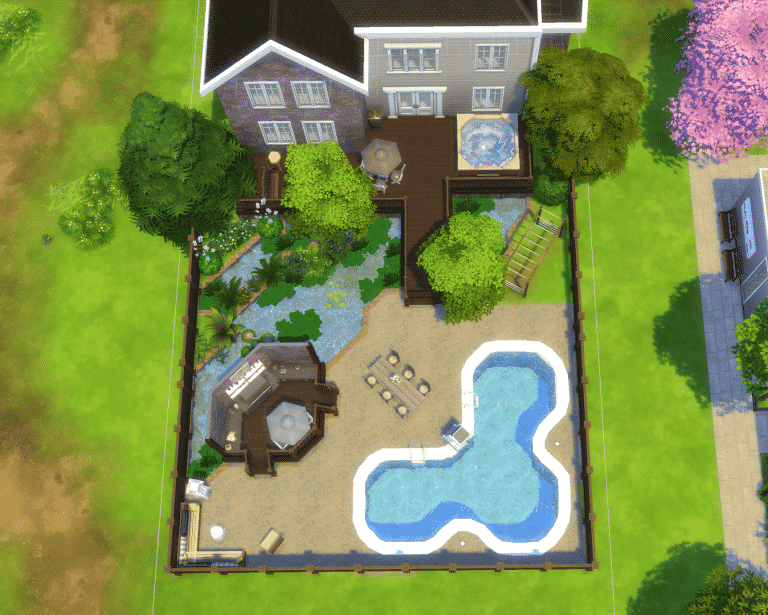
First thing to consider when decorating your backyard is to layout where everything will go using terrain paint and/or foundation!

06-21-16_6-00-15 PM

Using the fountain or pool tool to create a pond is a great decoration for your backyard! A pond takes up space and looks great! Using a foundation to create a outdoor kitchen area is great a way use the space that you are given.

Adding In The Details:

The details are a great way to show off your backyard! Your neighbors will totally be jealous of your backyard.

Adding In The Essentials:

Adding in things like the porch, outdoor kitchen, and pool will accentuate your backyard, giving your sims loads to do! Adding in a hot tub will make your sims very bubbly! (Get it, no… okay)

Adding in Kids Play Area(s):

Kids play area(s) are a great way to keep your kids busy while you are out tanning by the pool or cooking their favorite meal!

06-21-16_8-56-47 PM

Adding In Plants:

Add in plants to give the outdoors and a nice fresh smell! your pond can have algae in it using the algae clump from the Get Together expansion pack! Use plants to line the edge of the pond to give your pond a natural look.

06-21-16_6-20-03 PM

Seating Area(s):

Seating area(s) are important for your sims when they want to sit and relax or to sit and eat the delicious food that your sims make! Your sims love to make food? Why don’t you get the new game pack, Dine Out, to try out some new experimental foods!

Finish It Off:

Add in anything that you have forgotten or think that would top off your backyard! Now you have a beautiful backyard that you can call yours!

06-21-16_7-46-25 PM

The Sims 4 Summer Lookbook

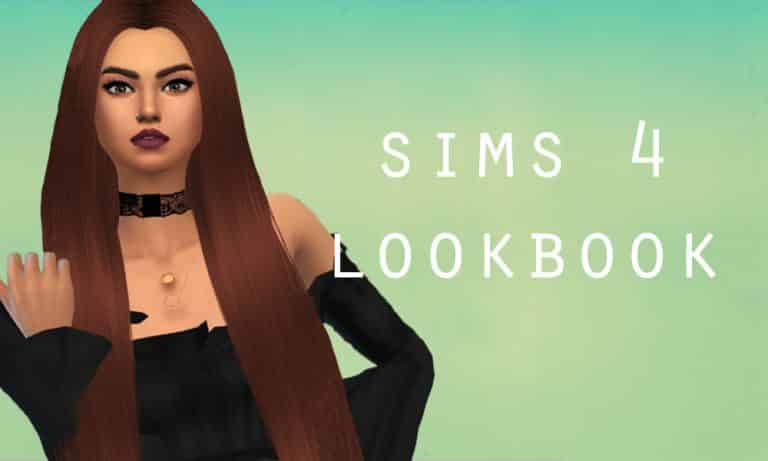
sims4lookbookfirstimage

THE SIMS 4 SUMMER LOOKBOOK

I wanted to showcase more custom content in the Sims 4 community – so what better way than to showcase the Create-A-Sim custom content than in a lookbook celebrating summer time (yes, I know it doesn’t appear traditionally ‘summer-y’, however, summer is all about interesting shapes and looking effortless, plus I guess the flower print can be attributed to summer).

Salem2342 has the most custom content items in the lookbook (only two though!), however, I tried to stay away from my ‘old favourites’ and explore what the simming community offers in the way of custom content to showcase simmers and creators who might not have as much credit as they deserve.

Download links are below the images.

sims4lookbooksecondimage

sims4lookbookthirdimage

Download this custom content:

Hair: salem2342 / Dress: melon-pixels / Shoes: mrantonieddu 

Freckles: pixelsimdreams / Nose Ring: johnnyzest / Lipstick: simply-king / Necklace: salem2342

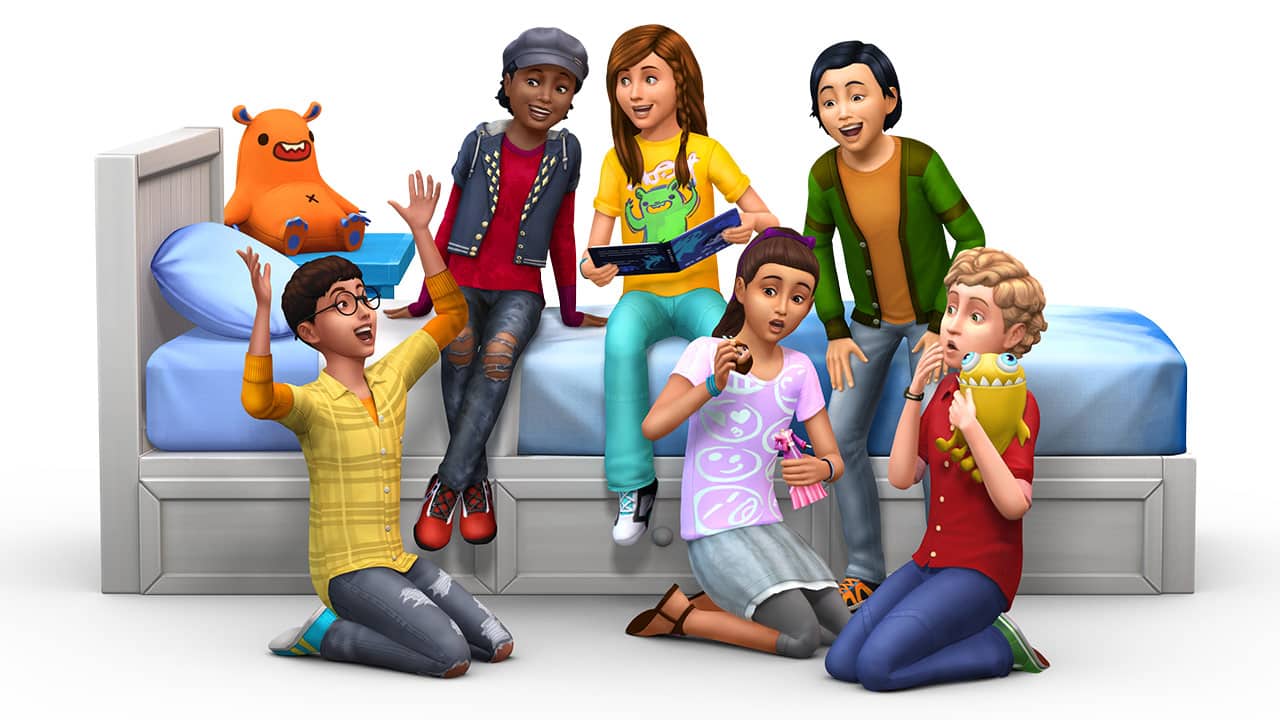
The Sims 4 Kids Room Stuff: New Render

0

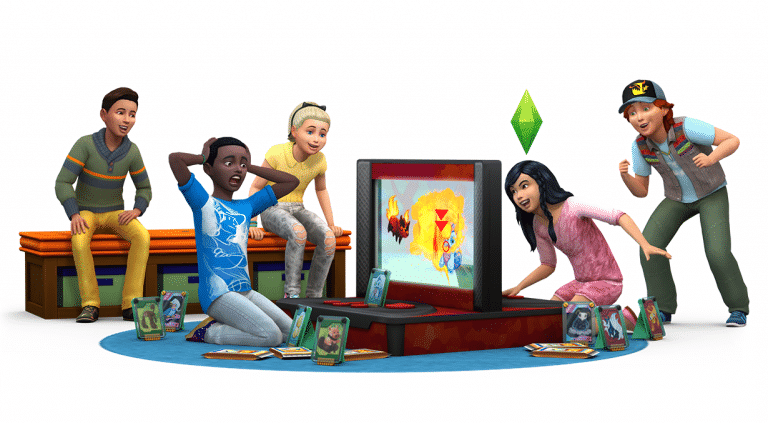
EA Germany released a brand new render for The Sims 4 Kids Room Stuff!

TS4_SP7_Render_Alt

Tip: SimTimes

The Sims 4 Kids Room Stuff: SimGuru Q&A

0

SimGurus are currently answering questions about The Sims 4 Kids Room Stuff! Check out what he has to say:

o52kt7Ds

The Sims 4: ‘Monster Under the Bed’ Coming for FREE in the next Update

0

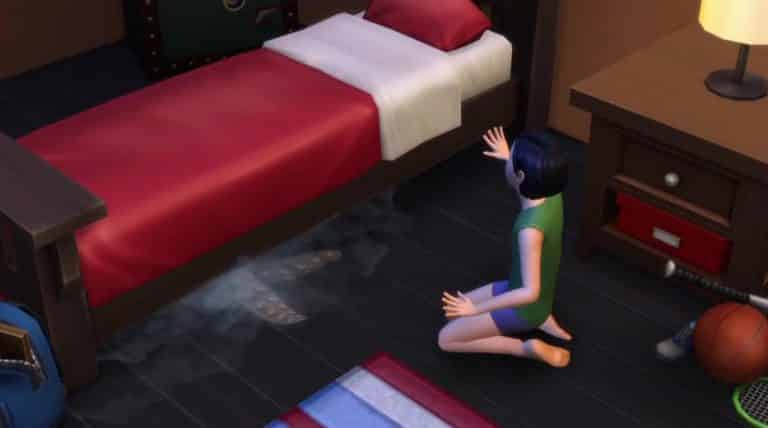
The latest Trailer for The Sims 4 Kids Room Stuff may have shown more than you think!

monsterbed

SimGuruGraham confirmed that Monsters under the Bed feature will arrive in the upcoming Update for The Sims 4 (for free, of course). He also confirmed that there will be a blog post about this new feature that’ll soon be available for all The Sims 4 players!

In case you missed, the Monster under the Bed also appeared in the April Teaser Video.

The Sims 4- Look What's Coming Spring and Summer 2016 38

The Sims 4 Kids Room Stuff: 70 Screens from the Trailer

1

Check out 70 screens from the latest The Sims 4 Kids Room Stuff Trailer!

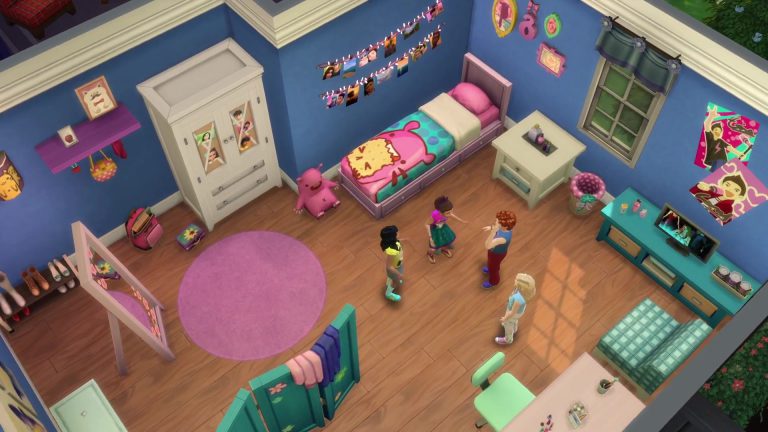
The Sims 4 Kids Room Stuff: 3 New Screens

0

Check out the 3 new Screens for The Sims 4 Kids Room Stuff sent to us by The Sims Team!

The Sims 4 Kids Room Stuff coming June 28th! (Blog Post)

1

The Sims Team has just announced the 7th Stuff Pack for The Sims 4 – Kids Room Stuff!

Check out more information about this Stuff Pack from the latest blog post:

Childish Sims and Simmers rejoice; The Sims 4 Kids Room Stuff* is arriving on June 28th, and it’s all about giving those little rascals more to occupy their time.

A child Sim can put on a performance in the Puppet Theater to help with their social development, they can stoke their competitive fire by challenging their friends at the Voidcritter Battle Station, and they can go out exploring in the world to discover and acquire the new Voidcritter collection.

SP7_Vid_Thmbnl

…hold on a second, a Void-what? Voidcritters! As the story goes, these cute and occasionally ferocious monsters are mysteriously appearing in your Sims’ world, and it’s up to the children in your family to capture, collect, trade, and train them. Voidcritters are a brand new collection of twenty collectible (duh!) cards, which can be battled against each other in the Voidcritter Battle Station. Each competitor inserts their critter’s card into this electronic arena, and the digital screen springs to life as kids attempt to button mash their way to victory while the battle unfolds. This collectible card game is unlike anything you’ve ever seen in The Sims before.

Children will also find the Puppet Theater waiting for them when looking for an amicable social undertaking. In another first for the franchise, friends and family will gather around as your child Sim puts on the performance of their lifetime. When the curtain rises, a variety of stories can unfold… will two friends lost in the woods make it back to safety? Will a monster with razor sharp teeth find living arrangements in a suburban family’s home? Will the dastardly deviant that stole a notebook be brought to justice by the school’s private eye? Five plays in total are unlocked as a child raises their social skill, and each one is positively adorable to watch as it’s acted out.

TS4_SP7_Screenshot_1

To complete the experience, we imagine you’ll want to do some renovations to your kid’s rooms, as well as a wardrobe overhaul to set the right tone. You’ll find that objects are aged up in style from the primary shapes and colors that adorn the existing kid’s furniture; the content in this stuff pack helps children start to define their own space. Clothing is similarly expressive and unique, with patterns, logos, colors, and fashions that help tell the world who they are and what they like. Finally, what better way for kids to pass idle time in their room than listening to the new Tween Pop radio station, or watching the new BEtween TV channel.

For the young Sims in the game, or those Simmers who are just young at heart, there’s plenty in The Sims 4 Kids Room Stuff to put a smile on your face when it launches this June 28th.

The Sims 4 Kids Room Stuff Announce Trailer

0

It’s finally time for Sim Kids to take their rooms to the next level with the all new The Sims 4 Kids Room Stuff Pack releasing June 28!

Kids will get to deck out their room with all new furniture, posters, and other items to make their digs their own. But that’s not all! Kid’s can take their imagination to new heights with two new game play objects, Monster Battlestation and the Puppet Theater.

More info can be found HERE!

The Sims 4 Dine Out: Hire Additional Host

3

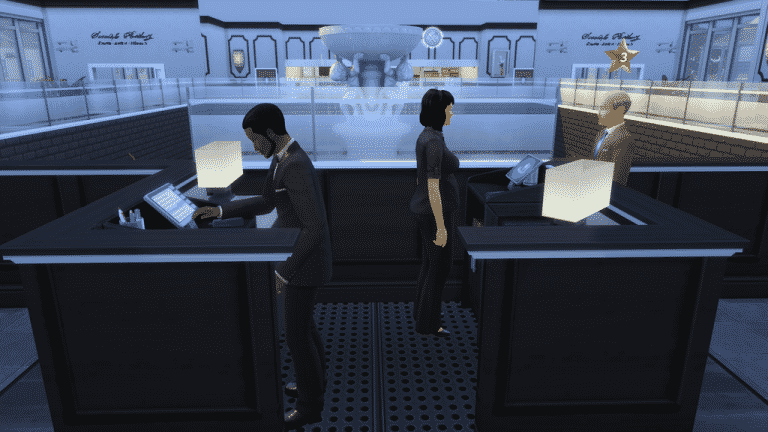
Are Sims making huge waiting lines to enter your Restaurant? Not to worry!

Our member nuna504 created a Mod for The Sims 4 Dine Out that lets you hire an additional Host for your Restaurant, making it a total of 2 Hosts per Restaurant available for hiring.

To download this Mod, click on the button below!

[mks_button size=”large” title=”DOWNLOAD!” style=”rounded” url=”https://simscommunity.info/social/resources/hire-additional-host.325/” target=”_blank” bg_color=”#1e73be” txt_color=”#FFFFFF” icon=”fa-arrow-down” icon_type=”fa”]

06-19-16_2-28-01nbspPM_zpsbln0bpwn

The Sims 4: Recording Session Snap for New Content

The Sims Team have shared a peek at upcoming content.

As you can see in the Snapchat video above, they’re currently recording new Audio for upcoming The Sims 4 Content!

The Sims 4: Build Mode Tool Tips for Beginners

Hello everyone!

I will be giving you build and buy mode tool tips in today’s article!

Building Your Structure:

First thing to do is to build your structure that you are experimenting with!

The “Ctrl” Key (Build Mode):

The “Ctrl” Key is used to get rid of a wall that you do not want to have any longer, just drag it across the existing wall to get rid of it.

The “Alt” Key (Build Mode):

The “Alt” key will flood fill a wall without placing wallpaper on all walls.

The “F5” Key (Buy Mode):

The “F5” key cycles between 1/2 tile and 1/4 tile grid snapping for object placement.

06-14-16_6-19-51 PM

The “G” Key (B/B Mode):

The “G” key is used to toggle the grid on and off.

06-14-16_7-13-30 PM

The “Shift” Key (Build Mode):

The “shift” key will flood fill floor & wall paint while placing floor or wall patterns.

The “L” Key (B/B Mode):

The “L” key will toggle day and night in build and buy mode.

The “Ctrl + F” Key (Build Mode):

The “Ctrl + F” key toggles 1/4 tile floor paint while placing floor tiles to make cool floor patterns. (You can find this room on the gallery ID SaraSimm3r)

06-14-16_10-06-56 PM

The “U” Key (Build Mode):

The “U” key is use to move the whole house. (You can find this house on the gallery ID SaraSimm3r)

06-15-16_11-15-01 PM

List Of Other Tools To Use:

  • Eyedropper Tool (toggle): E
  • Hand Tool: H
  • Sledgehammer Tool (toggle): K
  • Design Tool (toggle): R
  • Wall Tool: B
  • Allow off-grid placement while dragging around an object: Alt
  • Reduce Terrain Brush Size while Terrain Paint catalog is open: [
  • Increase Terrain Brush Size while Terrain Paint catalog is open: ]
  • Move Terrain Brush Softness Slider to the Left while Terrain Paint catalog is open: ;
  • Move Terrain Brush Softness Slider to the Right while Terrain Paint catalog is open: ‘
  • Toggle Terrain Paint/Eraser while Terrain Paint catalog is open: Ctrl
  • Toggle Video Recording: V
  • Capture Screenshot: C

Check out my other article for tips on decorating the interior of your restaurant here!