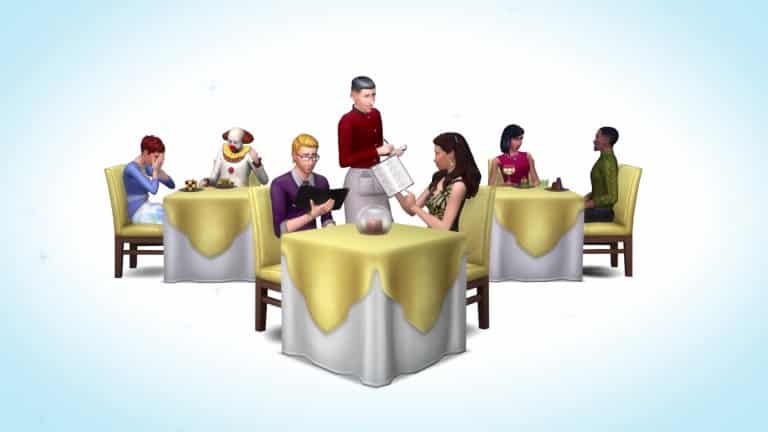
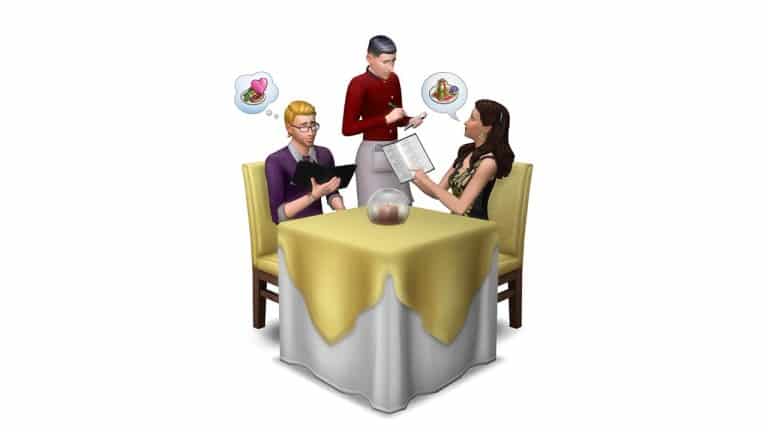
When asked about if sims can call in sick for work, he showed off the feature along with the Buy a Restaurant option that fits The Sims 4 Game Pack 3‘s theme.
When opening The Sims 2 (Ultimate Collection being the latest version), the first thing you’ll notice is the small 800×600 resolution being spread all over your monitor. Going to the Graphic Options menu won’t fix the issue as the only resolution listed will be the 800×600 one.
Don’t worry though – there’s an easy way to fix this!
Go to the directory where you installed your The Sims 2 game and then The Sims 2 > TSData > Res > Config (for Ultimate Collection it’s The Sims 2 Ultimate Collection > Fun With Pets > SP9 > TSData > Res > Config).
Find the Graphic Rules.sgr file and open it.
Search for option ScreenModeResolution and under settings $Low, change maxresWidth and maxResHeight to the current resolution of your monitor (1920×1080 resolution used for this article).
Save your Graphic Rules.sgr file and open The Sims 2.
You will now be able to select multiple screen resolutions, including the one that you’ve set up as the highest resolution.
Playing in Windowed Mode
Although you cannot set up the windowed mode in Graphics Options, you can use this small little cheat to force this mode whenever you open the game from your Desktop.
Find The Sims 2 shortcut on your desktop. If you can’t find the shortcut, find the Sims2EP9.exe file in The Sims 2 Ultimate Collection > Fun with Pets > SP9 > TSBin, right click and create shortcut.
Right click on the shortcut and select properties.
Under the Target section of the Shortcut Tab, add -w.
Press Apply and select OK.
Whenever you want to play The Sims 2 in Windowed Mode, use the shortcut that you edited using these steps.
Enabling Smooth Edges
For some reason, the Smooth Edges feature is always greyed out and cannot be set up.
This problem is often found in The Sims 2 Ultimate Collection version, but don’t worry, it can be solved with these tips:
Go to the directory where you installed your The Sims 2 game and then The Sims 2 > TSData > Res > Config (for Ultimate Collection it’s The Sims 2 Ultimate Collection > Fun With Pets > SP9 > TSData > Res > Config).
Find the Graphic Rules.sgr file and open it.
Search for enumerateMultisampleLevels and wherever it says false next to it, correct it with true. There are multiple lines with the enumerateMultisampleLevels so keep changing to true until there are no more results.
Save the file and close it.
You are now able to adjust the Smooth Edges!
Black Sim Shadows
Inside Lots, Sims will cast dark black shadows underneath them that may look like this:
There are 3 ways to fix this:
If you don’t mind mods, then download the Sim Shadow Fix Mod by Nopke. It will remove the black boxes + keep the Sim Shadows.
To install, download the Mod and extract the zip content in your save game folder (EA Games > The Sims™ 2 Ultimate Collection > Downloads – if you don’t have the Downloads folder, simply create it).
If you don’t like using mods, the second way is to simply set Shadows to Medium in the Graphics Settings.
The third way will save high Shadow quality but will remove Sim shadows.
Go to the directory where you installed your The Sims 2 game and then The Sims 2 > TSData > Res > Config (for Ultimate Collection it’s The Sims 2 Ultimate Collection > Fun With Pets > SP9 > TSData > Res > Config).
Find the Graphic Rules.sgr file and open it.
Search for option Shadows and under setting $high, change simShadows from true to false.
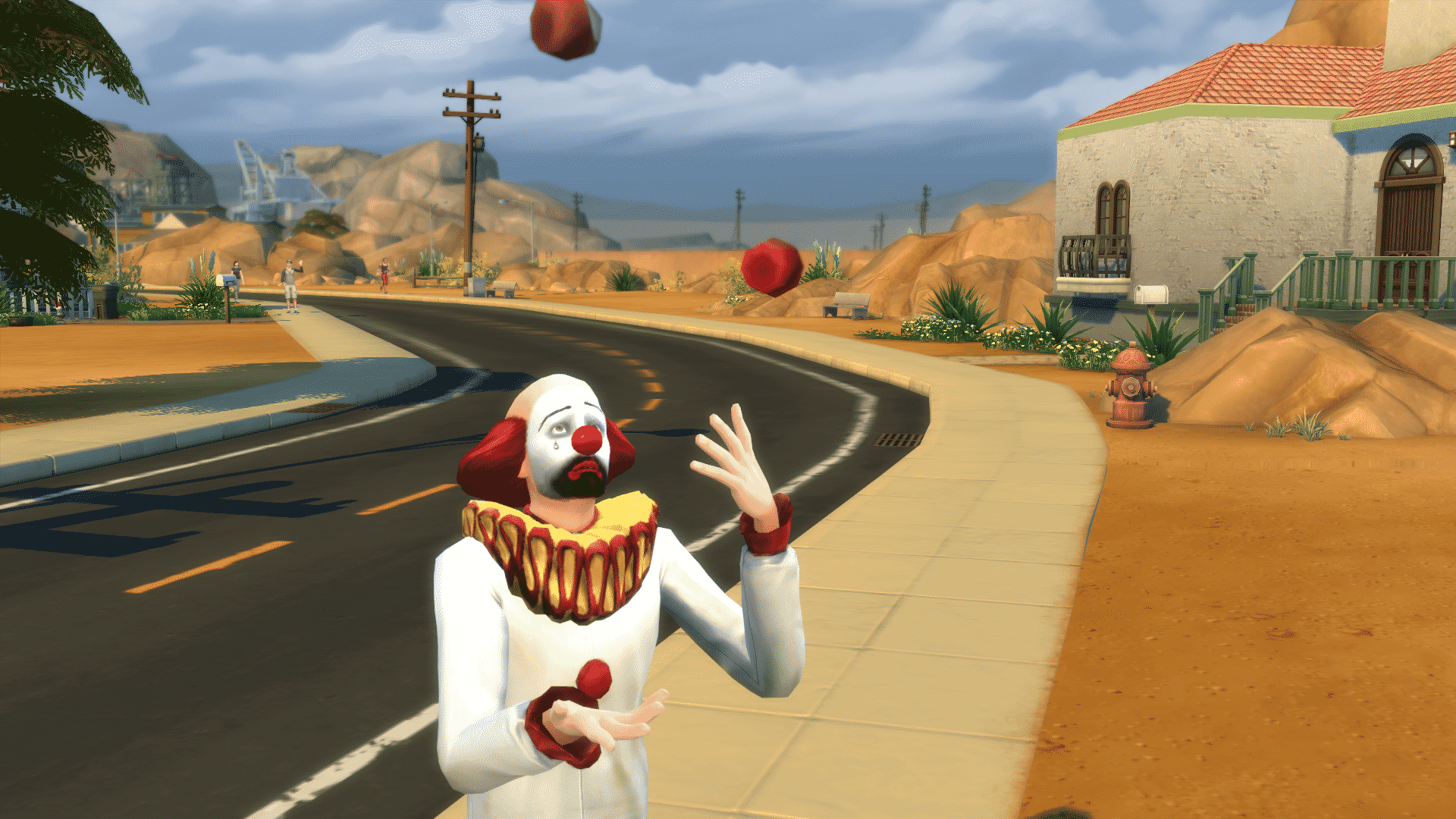
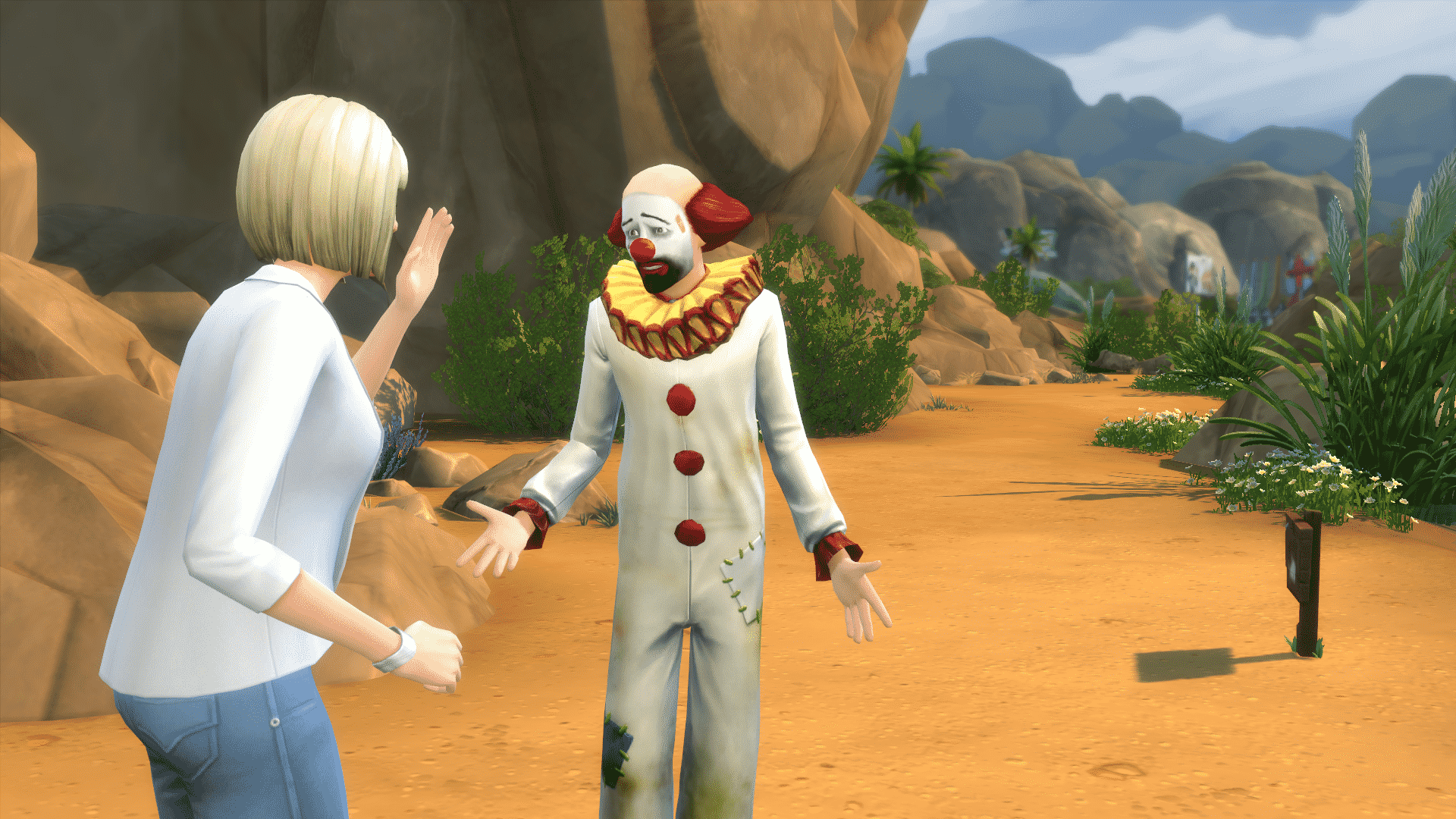
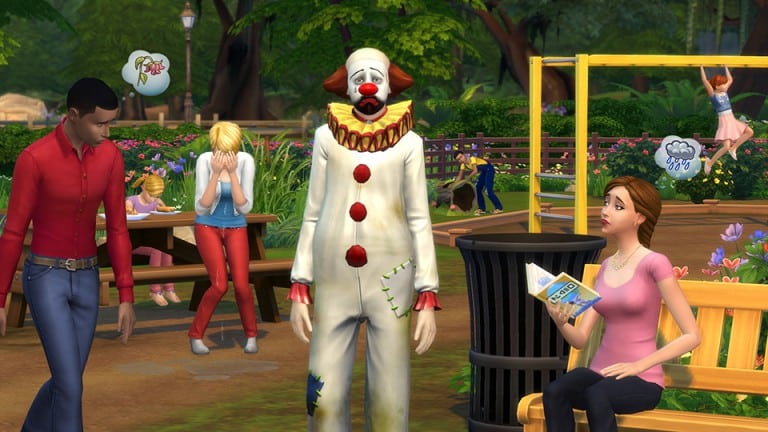
The Sims 4’s latest Game Update brings Tragic Clowns to the table! Unlike other NPCs (Non-Playable Characters), Tragic Clowns can both be played and found roaming around Neighborhoods.
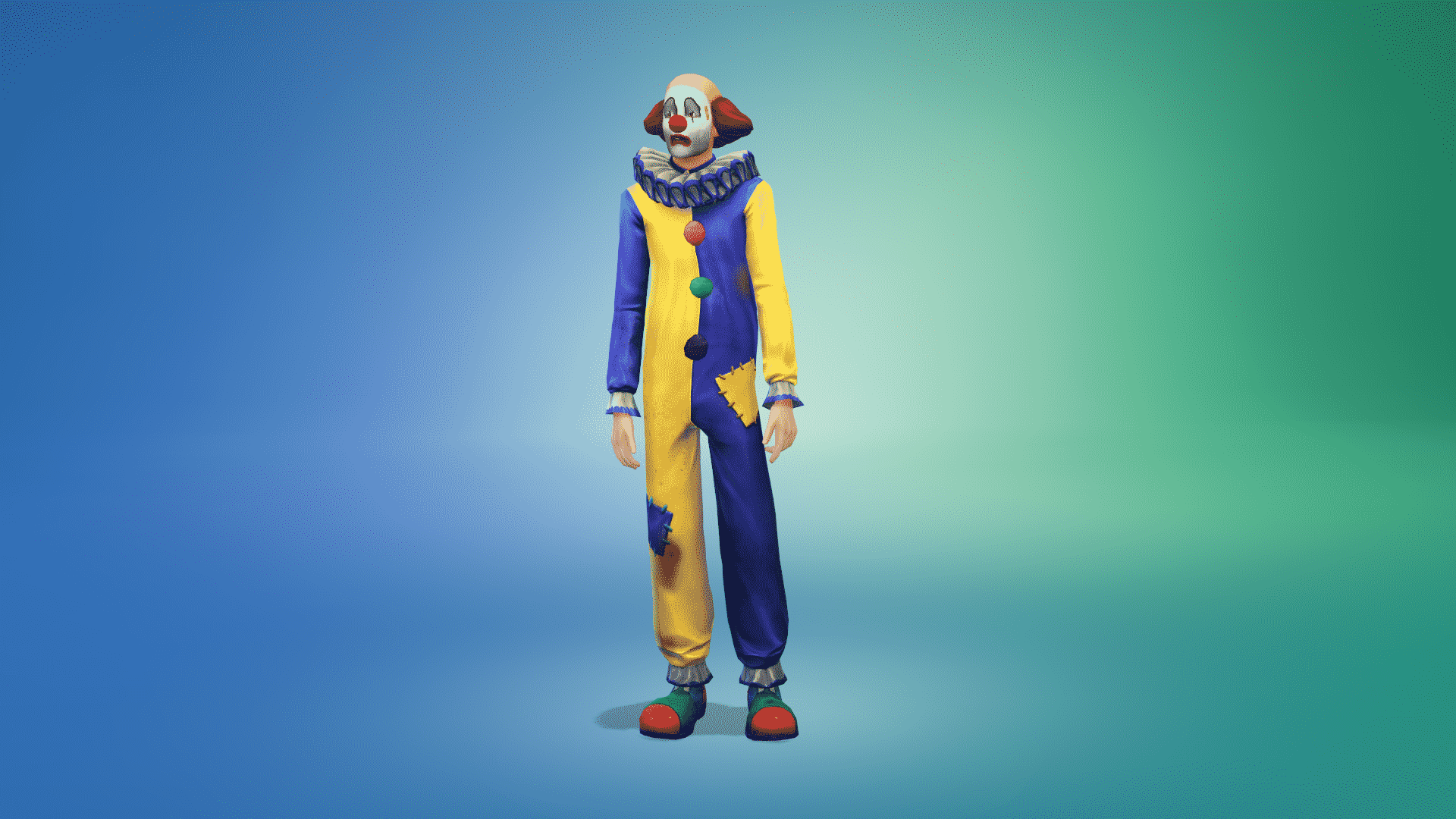
To make your Sim a Tragic Clown which will give him/her Tragic characteristics, you need to dress up your Sim with the following (new!) CAS assets:
Tragic Hairstyle
Tragic Face Paint (3 Swatches)
Tragic Outfit (2 Swatches)
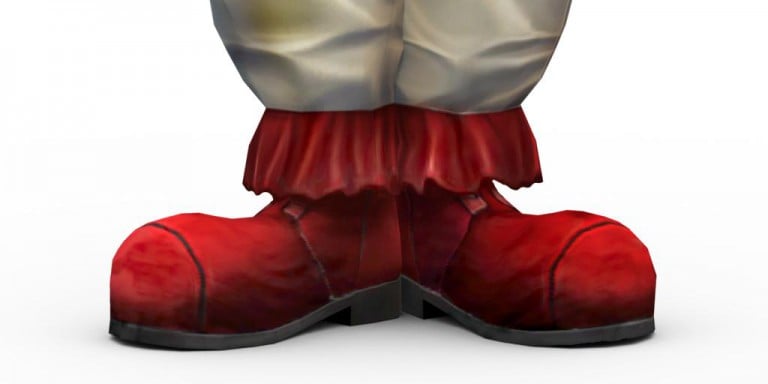
Tragic Shoes (2 Swatches)
04 23 16 5 21 23 PM
04 23 16 5 21 34 PM
04 23 16 5 21 45 PM
04 23 16 5 21 54 PM
04 23 16 5 24 32 PM
04 23 16 5 25 14 PM
04 23 16 5 24 59 PM
04 23 16 5 25 05 PM
Once you’re in the game, you’ll notice that your Sim now has some new interactions and moodlets!
Playing as a Tragic Clown
Tears of a Clown Moodlet
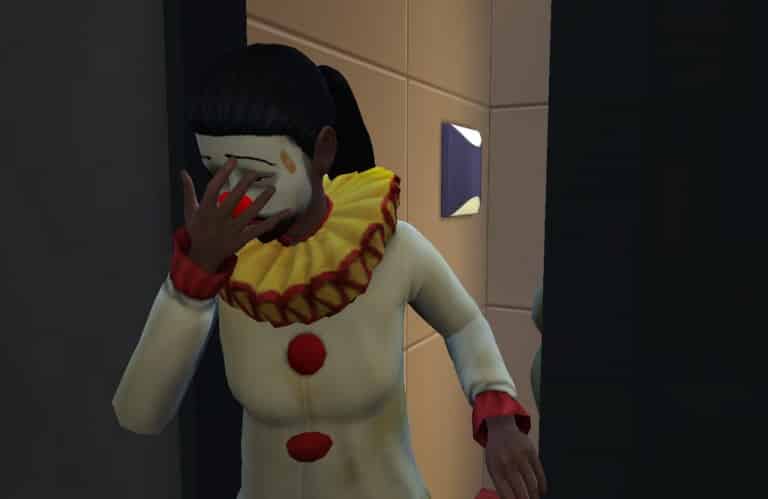
This is a Sad moodlet that will be entitled to your Sim once you dress him/her in Tragic clothing. As long as you’re wearing Tragic clothing, your Sim will have this +3 Sad moodlet – which, if you don’t have moodlets for different emotional states that are stronger, will put you in a Very Sad emotional state.
Juggle Interaction
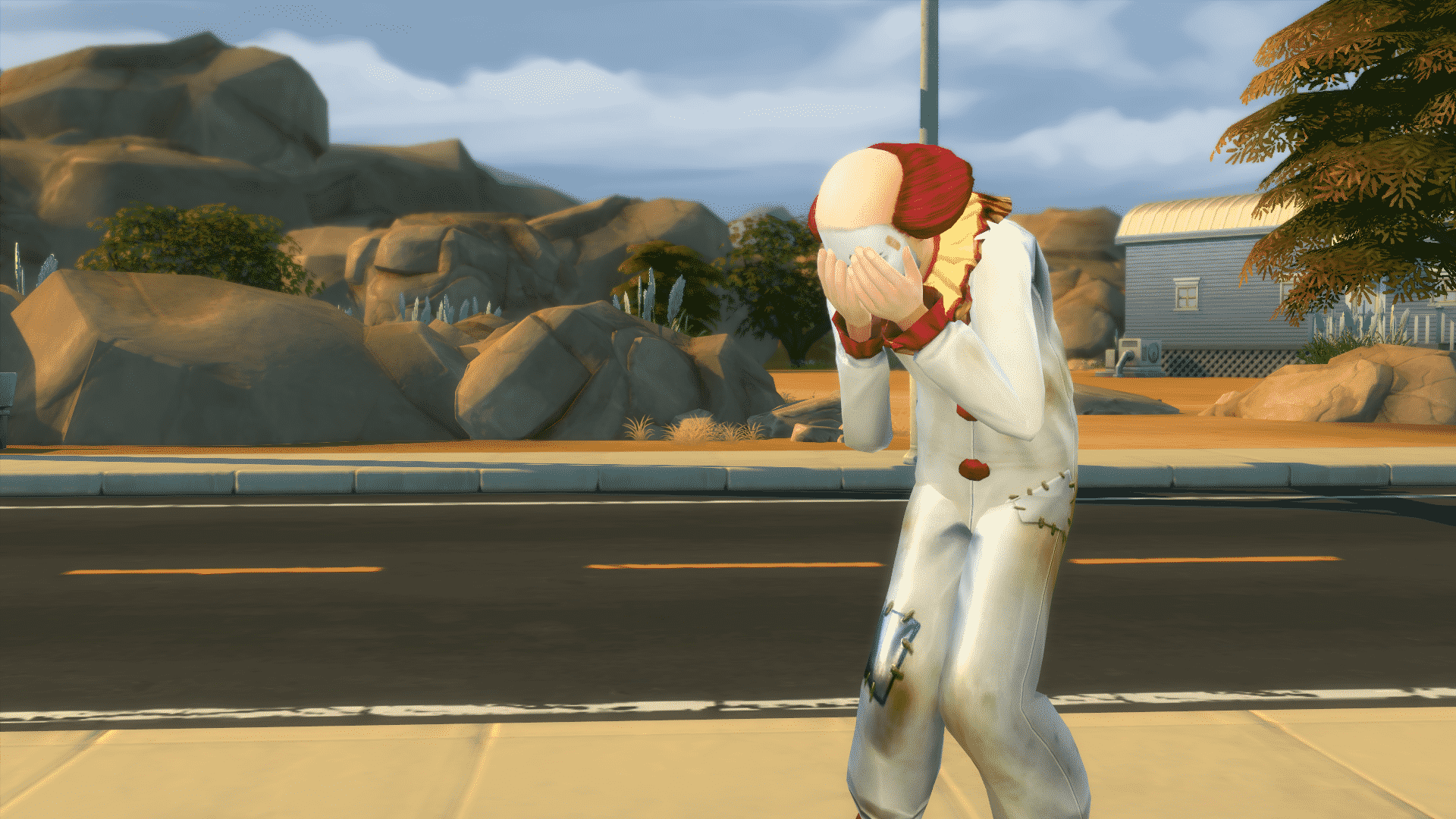
Your Tragic Sim can Juggle! Click on your Sim, select Juggle and watch him/her fail. The results will always be, well, very tragic.
Tragically Try to Cheer Up Interaction
As a Tragic Sim, your Sim can Tragically Try to Cheer Up other Sims that are sad!
Other Moodlets
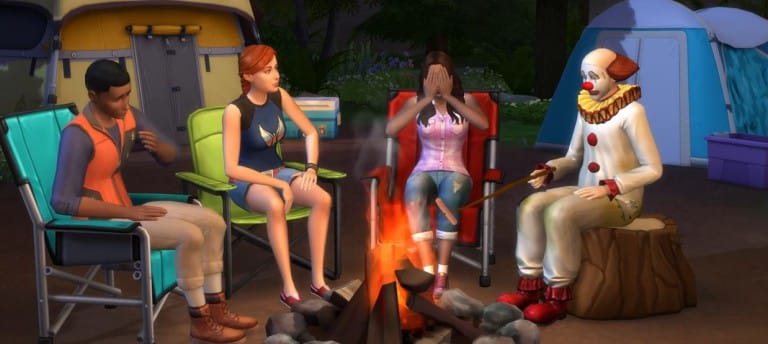
Such Tragedy!(+2 Sad Moodlet) – This Moodlet is given to Sims that are near to the Tragic Clown.
Misery Loves Company(+1 Happy Moodlet) – This Moodlet is given to Tragic Clowns who are found near other ‘Regular’ Sims.
Summoning the Tragic Clown
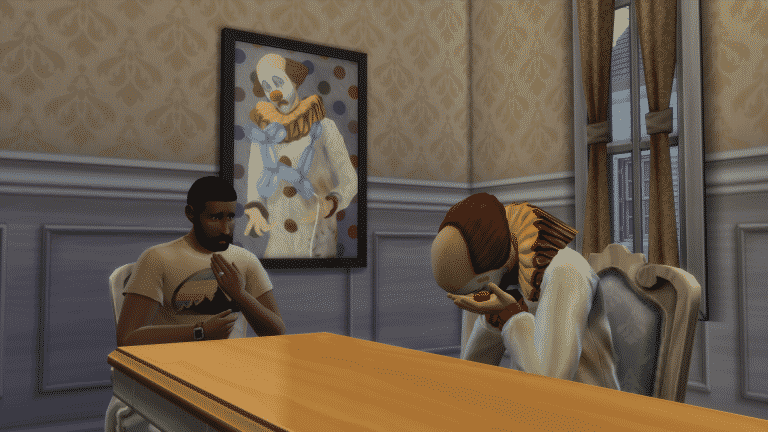
It’s very easy to summon a Tragic Clown. Simply buy the Tragic Clown painting in Build Mode for 200 Simoleons and select ‘View Tragic Clown’ until the Clown appears in your Room. Be cautious as the Clown will give your Sim the Such Tragedy! moodlet that will only disappear when you leave the Room where the Tragic Clown is.
We finally waved goodbye to The Sims news drought as info on upcoming content flooded our community! We have heard about a new Restaurant Game Pack and Kids Stuff Pack and on Thursday simmers were reunited with the much loved or hated Tragic Clown. This week I roundup the reactions from the community and note some of the top discussions taking place on SC Social.
SC SOCIAL POSTS – ROUND UP
Now the main topic of conversation has been our Tragic Clown, you may have already encountered him in your game and we have seen some fantastic screenshots so far within the community, check out Kai Chen’s thread – Post your Tragic Clown Sightings. However, some simmers have had a mixed reaction, if you didn’t play much of The Sims original game you may not know what all the fuss is about, Tatiana started this thread – What are your thoughts on the clown? If you would like to share your feelings about this new NPC. You can also find out more about the Tragic Clown HERE.
OK enough about clowns, what about our latest content news? Well this week The Sims announced we will be receiving restaurants in the next game pack and something for our little sims in the form of a kids themed stuff pack. Many were excited to hear this but wanted more than a 15 second trailer, Kai Chen also started this interesting topic – Will Children’s Stuff Pack Sales Determine If We Get ‘Generations’? Simmers are however keen to see never before used gameplay, content and expansions which is also discussed here in – What EP That Has Never Been Done Would You Like to See? Don’t forget we have dedicated threads on SC Social for each pack released by The Sims 4, keep up to date with all the latest news and discussions in our Kids Stuff Pack and Restaurant Game Pack threads.
As always I shout out to all my wonderful simmers on Twitter to send in your screenshots and this week I asked you to represent your reaction to the patch and trailer announcements, I really love this selection:
SCREENSHOT GALLERY
TS4 552 EP02 DJ DANCING 02 002
@jacob frittata
@SimmerNick
@SimsComplete
@TheAlexer
@Vihisha 1
Thanks so much for sending in your screenshots! Each week I will have a new theme and will be on the lookout for more awesome snaps.
CHALLENGE OF THE WEEK
This week I recommend you check out The Trailer Park Teens Challenge created by Rialrees it’s a super survival based challenge and it’s always fun to work with teenage sims, all the rules can be found on the linked thread above. Rialrees says the idea for making a trailer park challenge came about after trying to build an interesting lot for roomies to have their own spaces (a little easier to do now with the door locking, though it’s a bit tricky to let visitors in!). I had an image in my head of a bunch of teenagers trying to survive and thrive in a close community, and this is where I ended up! – Lots of simmers have had fun taking part so far, another top challenge!
TECHNICAL DIFFICULTIES?
Sometimes after a patch update simmers can experience the odd technical difficulty, why not make use of the forums dedicated Technical Discussion thread, here you can post up your issue and other simmers or staff will be on hand to help you resolve a problem so you can get back to simming as soon as possible!
GIVEAWAY TIME!!
In order to celebrate our recent success of 10,000 SC Social Members, we are hosting a series of giveaways, you can find out details on our latest giveaway by clicking the banner below:
The Sims Team has collaborated with Insert Coin to create a new Trailer for Tragic Clowns that have just made their appearance in The Sims 4 in the latest update!
The Sims Team has released a brand new Update for The Sims 4!
To download the latest version of The Sims 4, simply open your Origin program and if the game doesn’t update automatically, right click on The Sims 4 and select ”Update”.
In case you have Mods or Custom Content, the game will automatically disable them for you after first launching The Sims 4 after the update. To re-enable all your Mods and Custom Content, select the Settings option in the Menu and select Settings. Under the”Other” section you’ll find the ”Enable Custom Content and Mods” option. Check it and restart your game in order for it to take effect!
Patch Notes
Update: 04/21/2016 – PC Version 1.17.7.1020 / Mac Version 1.17.7.1220
Greetings Simmers, Community, and folks just tuning in!
Odd behaviors, issues of community concern addressed!
NPCs come and go!
Bad puns continue!
Queuing interactions on the hour… this is W-GURU, release information and random banter, signing on.
Our lead story tonight? We have to say goodbye to our very own Jasmine Holiday. Jasmine has been with W-GURU for about a month, and has done a terrific job. We are sad to see her go, but hopefully Jasmine will come and visit us again sometime soon!
Until next time Jasmine, we wish you well in all your endeavors.
But fear not friends, Jasmine is not taking any of the goodies you got from her challenge! Keep on planting, and glow your Growfruit, admire your eggs, and hug that bunny with great satisfaction at a job well done!*
*acquisition of super fertilizer, and purchase of Growfruits from Jasmine, will no longer be available.
Hey, who’s that walking through the door? It’s… oh… it’s him (or her) the Tragic Clown, and he’s… I’m feeling a little down right now.
He’s probably brought an outfit, sigh, that you can find in Create a Sim. And… oh just don’t look at the painting. He’s so sad… why does he even try to juggle? How do I get him to go awa… oh there, oh good, he’s gone.
Ok. Where was I? Back on schedule…
…General Issue segment
Sims will again be able to synthesize serums at the Chemistry Table…
Serums have long held the belief that syn-thesis is merely an immoral theory, and as such fled at the thought. Scientists have spent many hours reassuring the serums that their belief is just a bad pun.
Sims should no longer sit down at a pool when asked to put food away in the fridge.
Reports have indicated that refrigerators harbor jealousy towards the pools carrying capacity, and water processing capabilities. Sims have been asked to ensure they think about the feelings of all parties involved when deciding where to put away their foods.
Growfruit, used as a fertilizer, now hellishly better than before!
Intentions being good, do not always pave as meant to.
Custom music now plays as expected on all venue speakers!
Local DJs rejoice as they are once again free to play their music selections for all Sim-kind. Avant-garde, the Ballads, and Calypso… the Xoomii, Yodeling, and Zydeco! Styles to suit the needs of all playing issue free!
Previously addressed issue of Sims going to Painter and Tech Guru careers wearing face makeup, is now also addressed for all Sims saved prior to the introduction of the original issue.
Full face makeup has been known to cause temporary facial discoloration due to the application of color, and identification issues for the identifier, as well as prolonged restroom cleaning practices when de-applying the full face makeup.
Stacked rugs will remain in their stacked order after the lot has been saved to the Gallery. Issue may still persist with rooms saved to the Gallery.
A general malaise has been reported as the looming rug stacking competition is a mere millennia away. Front runners hopes are in knots, as they attempt to stitch together a plan for the up and coming event.
…MAC Issue segment
Having more than 2001 mods installed will no longer hinder your ability to connect to the Gallery!
Engineer Hal reports “it was an odyssey, finding space and time to address this issue.” He was also quoted as saying “[It was a] journey of monumental proportions. We beat the ground repeatedly trying to figure things out.” And though we can’t directly quote him, it was reported that he declared the engineering group to be “…full of stars…” Others however discount the quote, saying he never actually said that, but that it may have been in an email.
The finder bar will no longer appear when edge scrolling at the top edge.
Scrollers have reported that scrolling scrolls as well as ever. No longer are they finding the finder’s lack of a fix found, to impede with their scrolling. We at W-GURU can only hope that all edge cases of the top edge’s edge scrolling are edged out.
Until next time, this is SimGuruGnome signing off.
This is awkward. We wanted to add a new feature to The Sims 4 to make your Sims happier so we made a clown, but there seems to have been some sort of accident. Clowns are supposed to make people smile, right? Well, not this clown. This clown only makes people sad. It’s tragic, really. And totally accidental…
Just kidding. We made this clown bad at clowning around intentionally! Fans of the original The Sims might remember the classic Tragic Clown, a character that walked around making everyone miserable. The loveable(?) character is now back, free* in The Sims 4. If that doesn’t make you happy… well, the clown isn’t going to either. The Tragic Clown only makes Sims sad.
The Tragic Clown will be appearing around the world if you download the latest update to The Sims 4, so you’ll never know when this sad soul will show up and botch a juggling attempt. You can also summon him (or her, catastrophic tomfoolery is equal opportunity,) by viewing the Tragic Clown Painting, or you can even dress up in the Tragic Clown outfit if you want your Sim to be the bearer of bad fun. We’re excited to see how much your Sim loves this new addition to the game!
The Sims Team has just released a new Teaser for Tragic Clowns that will probably make their way into the game in tomorrow’s The Sims 4 Game Update. Stay tuned!
SimGuruDrake has announced a minor update to TheSims3.com Store, saying that they’ll remove the Gift SimPoints Feature.
Hello everyone!
Today we will be doing an update to TheSims3.com that will be removing the ability to gift SimPoints. You will still be able to purchase SimPoints through Origin that will allow you to purchase items for yourself or to gift items to friends / family.
The site will start under-going maintenance today at 11AM PDT.
Below is an FAQ that will help to answer some of your questions:
***
Where can I Gift SimPoints?
Gifting SimPoints is no longer supported through TheSims3.com
What benefits are there for purchasing SimPoints through Origin?
Purchasing SimPoints through Origin offers a number of benefits
Your Origin purchase rewards you with Bonus SimPoints
Gifted SimPoints did not include bonus Points, this means that your money now gets you more The Sims 3 content.
If you are an Origin Access subscriber you get 10% discount on your SimPoints purchase
Standard checkout process across EA titles
You can gift items on someone’s Wishlist or direct from TheSims3.com Store
You can gift items to your Internationally located friends and family something which wasn’t possible with SimPoints Gifting.
Can I still Gift items? You will still be able to gift items to your friends, family or community members.
How do I gift Wishlist items?
On TheSims3.com visit your friends profile page
Click on their Wishlist
Select “Gift this Item”
Follow the on screen steps to complete the gift purchase
After so many Restaurant Game Pack hints, The Sims Team has finally announced today that they’re working on a Restaurant-Themed Game Pack for The Sims 4 that’s coming out this Spring!
Although the Game Pack name and full release date is not yet official, we do know that they’ll release more info as we get closer to the release.
SimGuruLyndsay made a post on The Sims Forums regarding the recent announcement:
Hey Everyone!
I am really excited to share with you a new type of video today! This seasonal preview is something we will be presenting every few months to show you a look at the content to come in the next season for The Sims 4. (In this case a “season” means around 2-3 months)
This will NOT replace our usual announcement videos and blogs but will give you a preview of the type of content and themes you can expect to see coming up.
We’re really excited to share this with you, we’ve not done anything quite like this before, and look forward to giving you even more information and deeper dives on the content as we get closer to their announcement & release dates.
Update: the Teaser Video is now available in English!
The Sims Latin America has released a new video, showcasing the new Restaurants Game Pack that’s out in Spring and a Kids Stuff Pack that’s out this Summer!
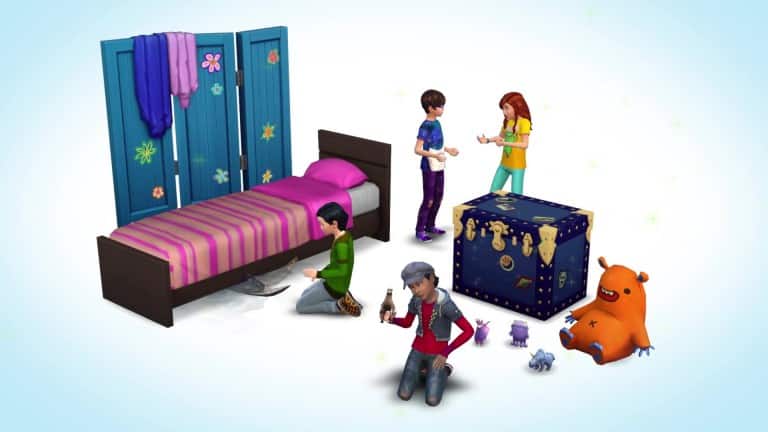
The Sims 4 Restaurants Game Pack seems to include the Tragic Clown NPC and if you look closely, The Sims 4 Kids Stuff Pack will bring Monsters under the bed as a premium object. More info to follow!