The Early-Access Embrago Has Lifted, And We Have New Info on The Sims 4’s Latest World!
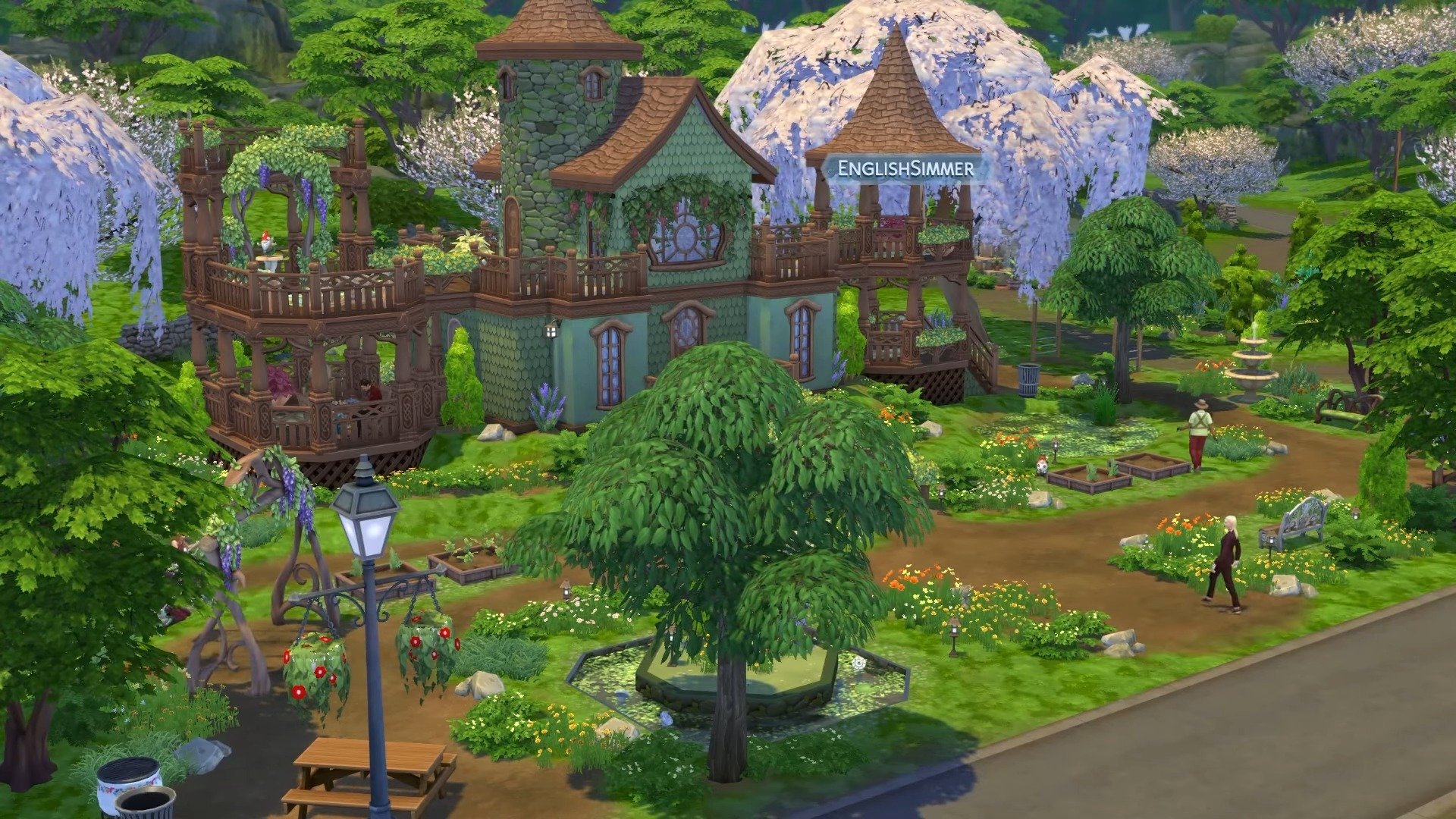
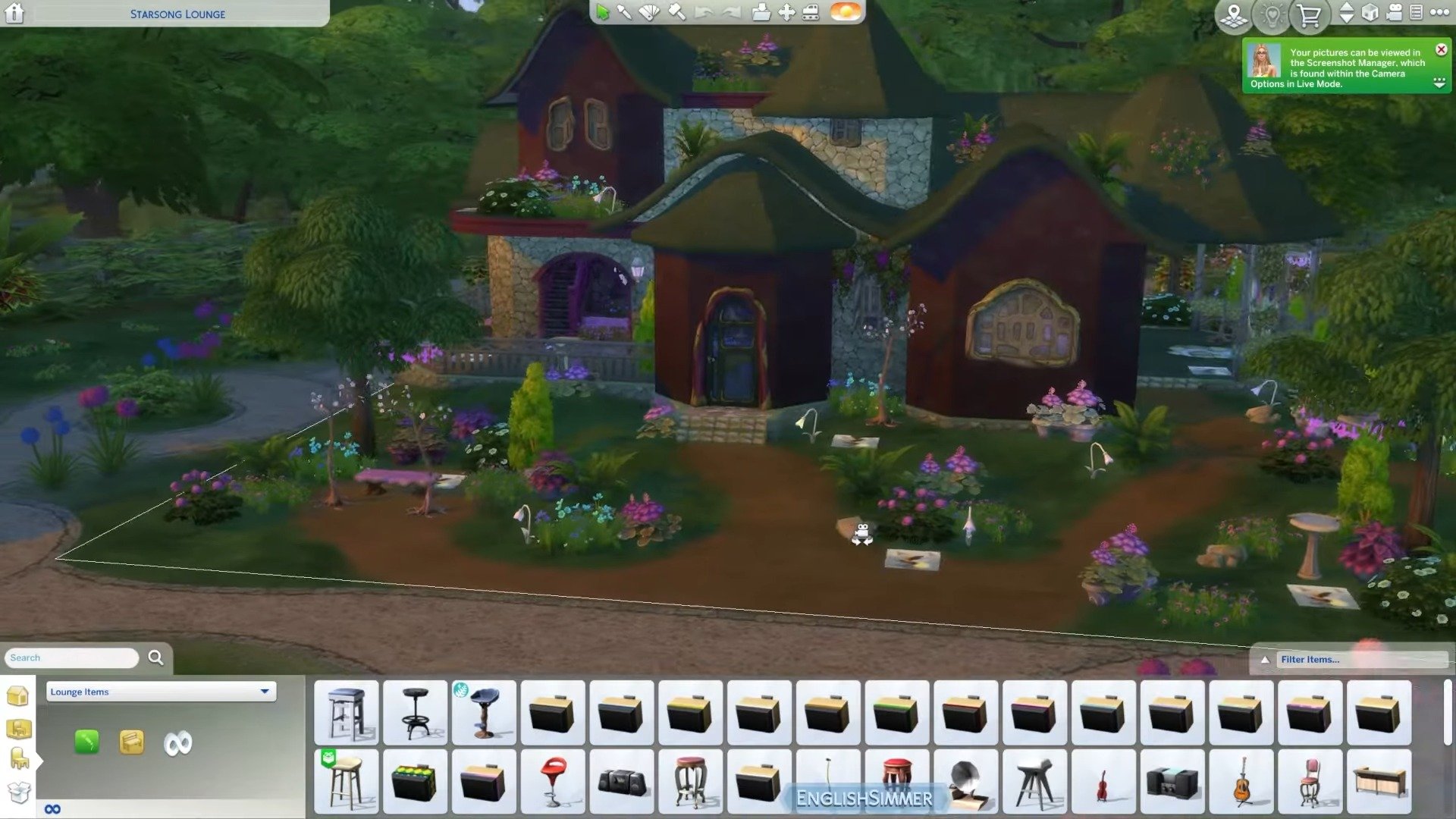
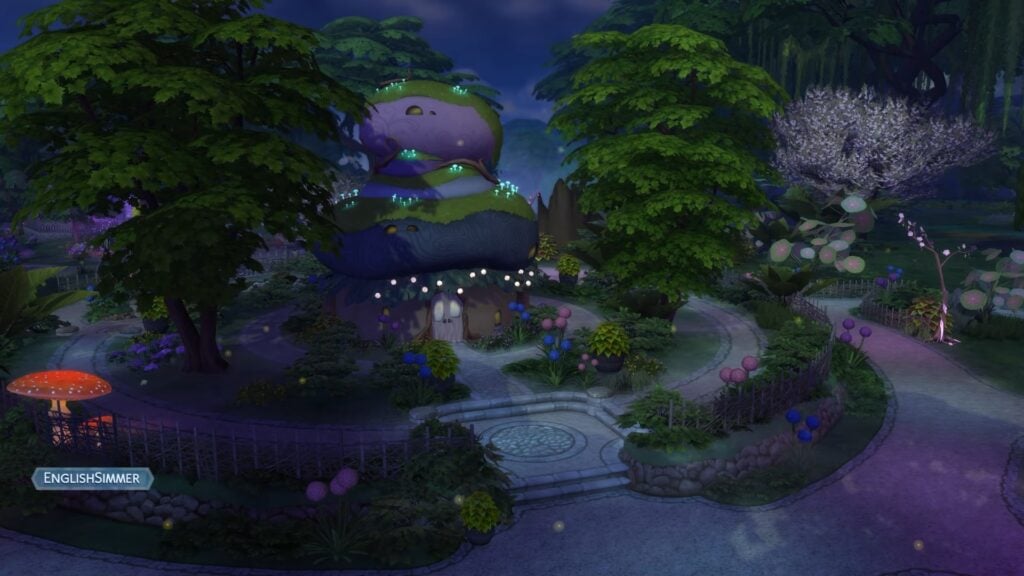
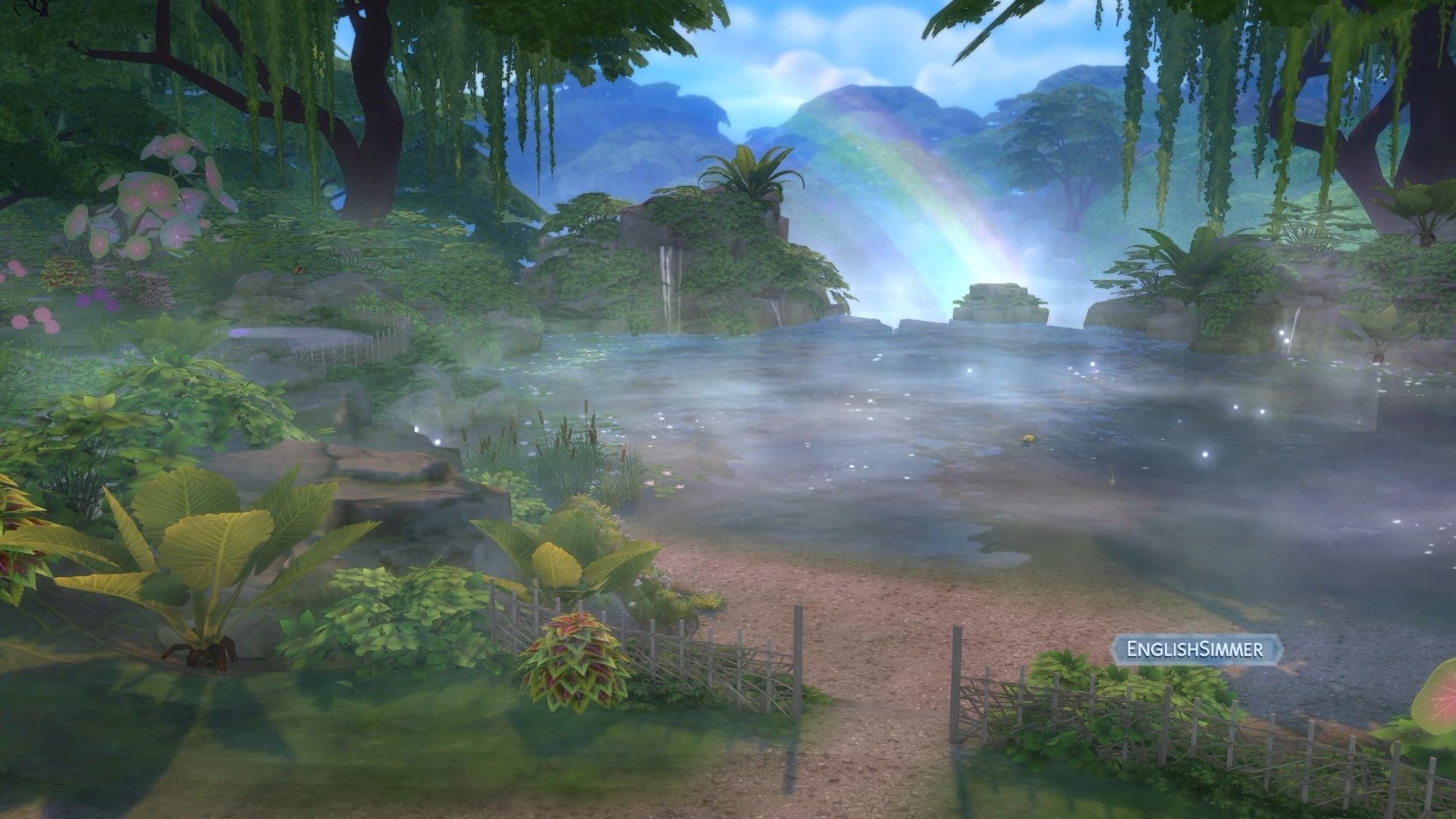
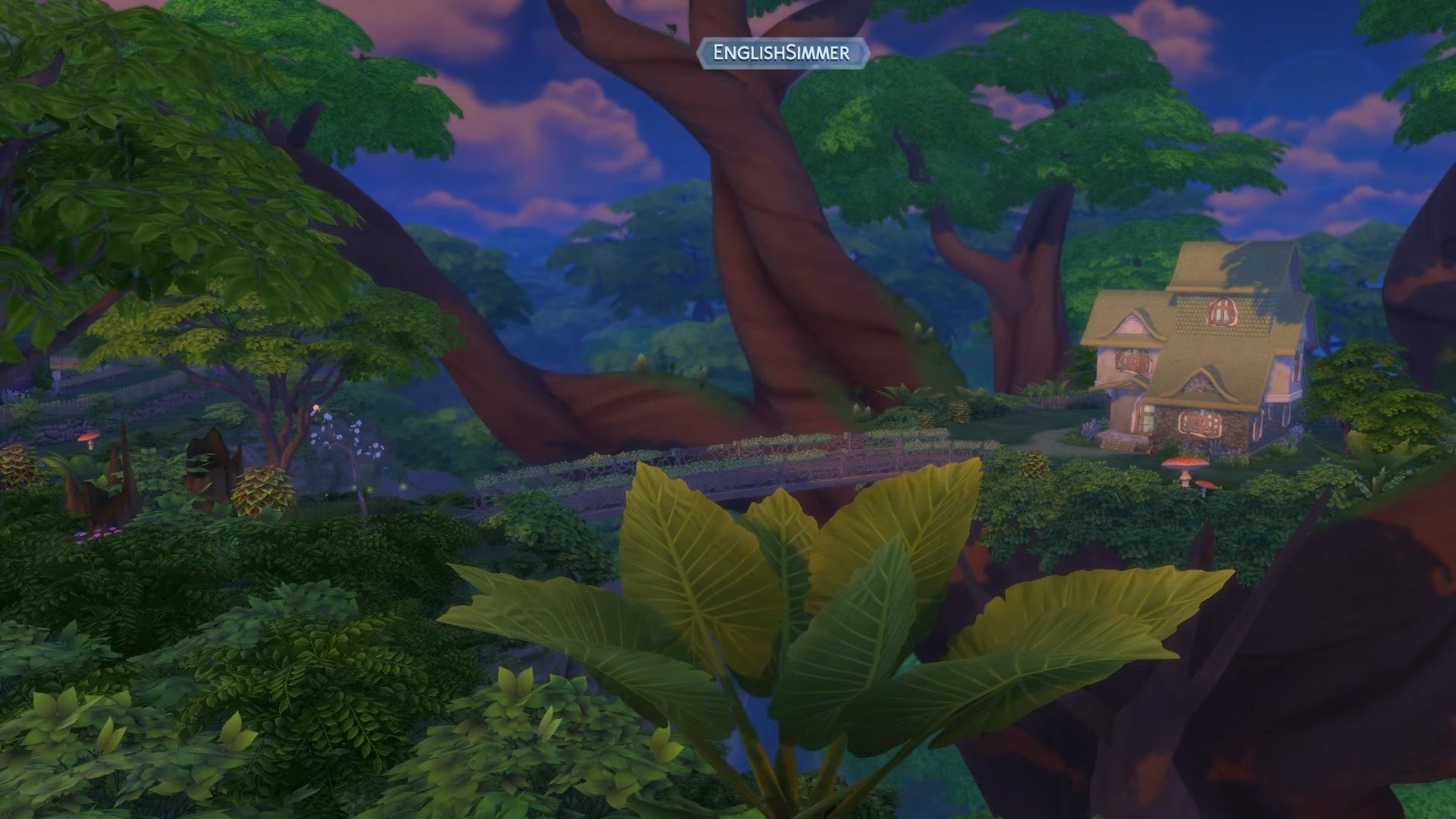
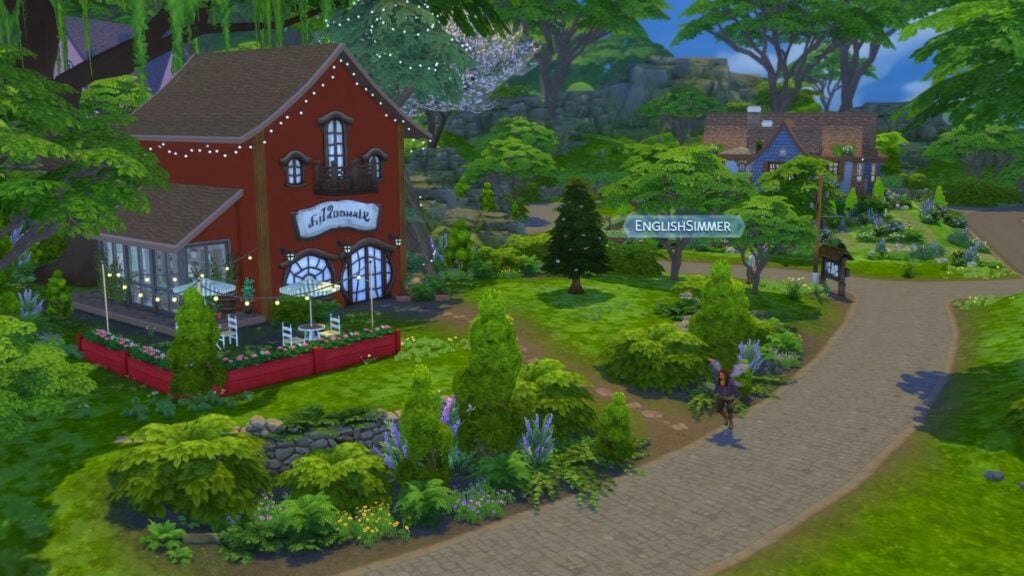
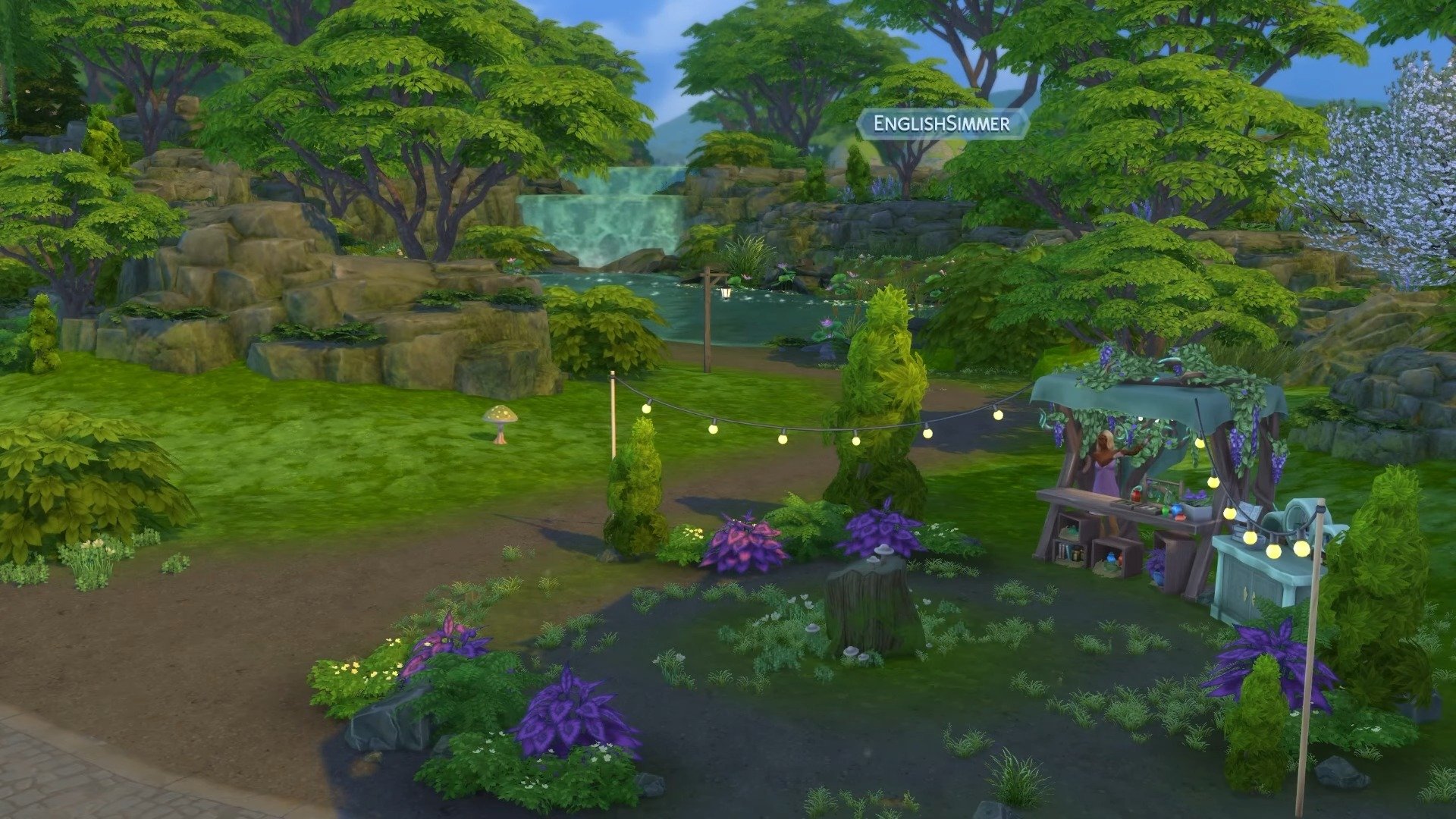
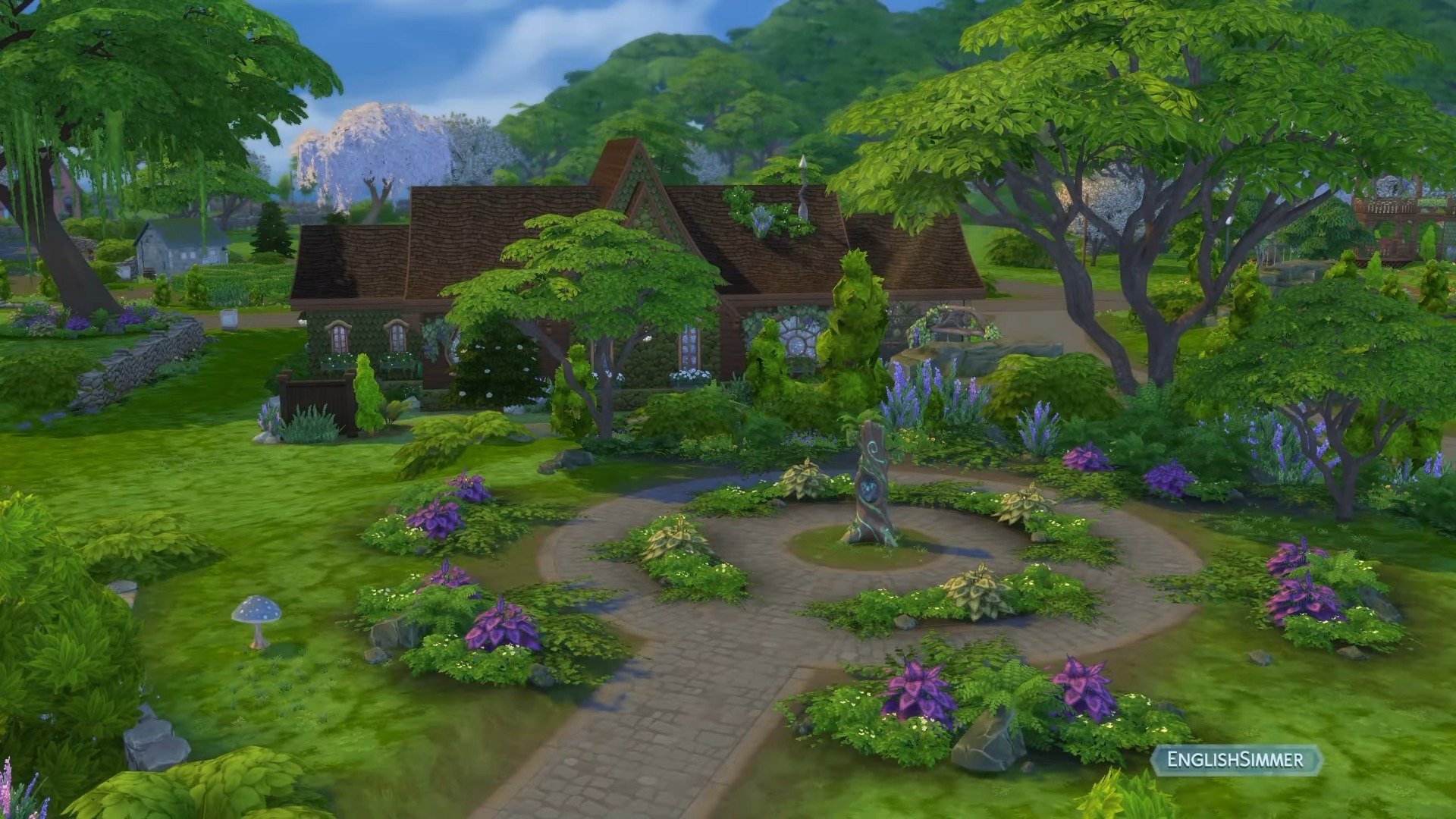
Yesterday, July 3rd 2025, the embargo lifted for The Sims 4 Enchanted by Nature, and there is no shortage of new information and videos provided by EA Game Changers. As with many packs, the piece of information most speculated on has been the lot count and lot sizes. The standard for worlds has been around 13/14 lots, and thanks to creators such as AvelineYT and EnglishSimmer, we can confirm that the lot count for Innisgreen sits at 14!
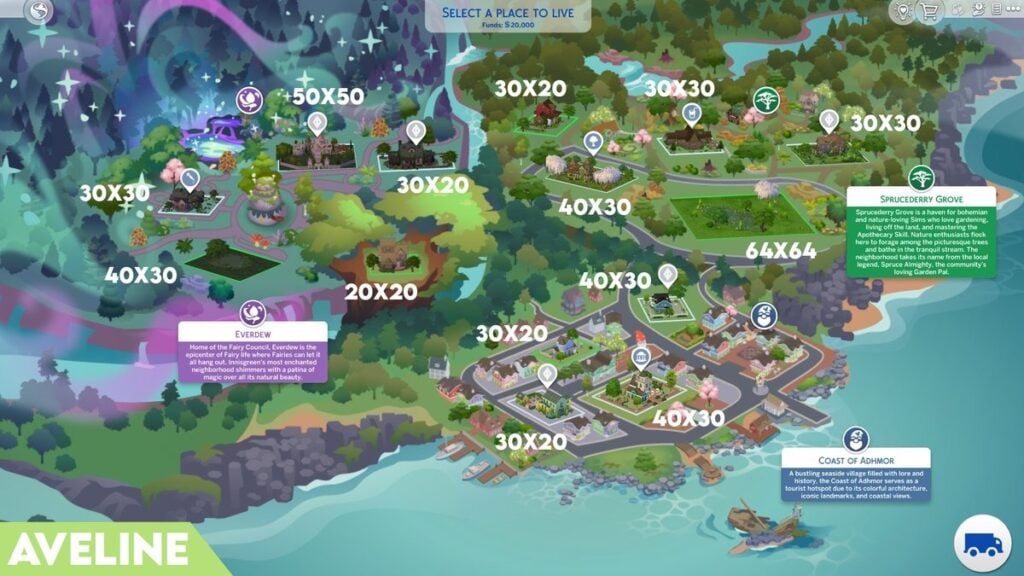
Thanks to AvelineSims over on Twitter/X, we have our first look at the lot sizes in Innisgreen. With a total of 14 lots, we have the largest being a 64×64 residential lot in Sprucederry Grove, and the smallest being the 20×20 residential lot situated in a giant tree in Everdew.
The new world of Innisgreen comes with three neighbourhoods: Everdew, Sprucederry Grove, and The Coast of Adhmor. Thanks to the creators, we’ve had our first look at the neighbourhood descriptions and a glimpse at the landmarks these hoods have to offer. Let’s take a look
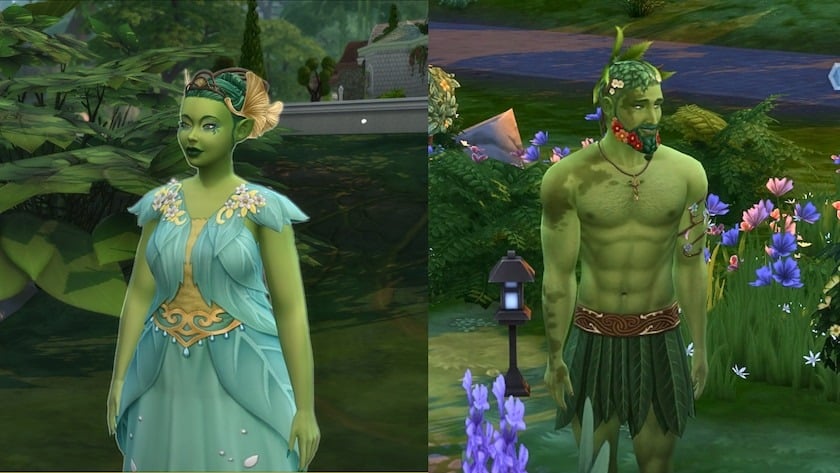
Home of the Fairy Council, Everdew is the epicentre of fairy life where fairies can let it all hang out. Innisgreen’s most enchanted neighbourhood shimmers with a patina of Magic over all its natural beauty.
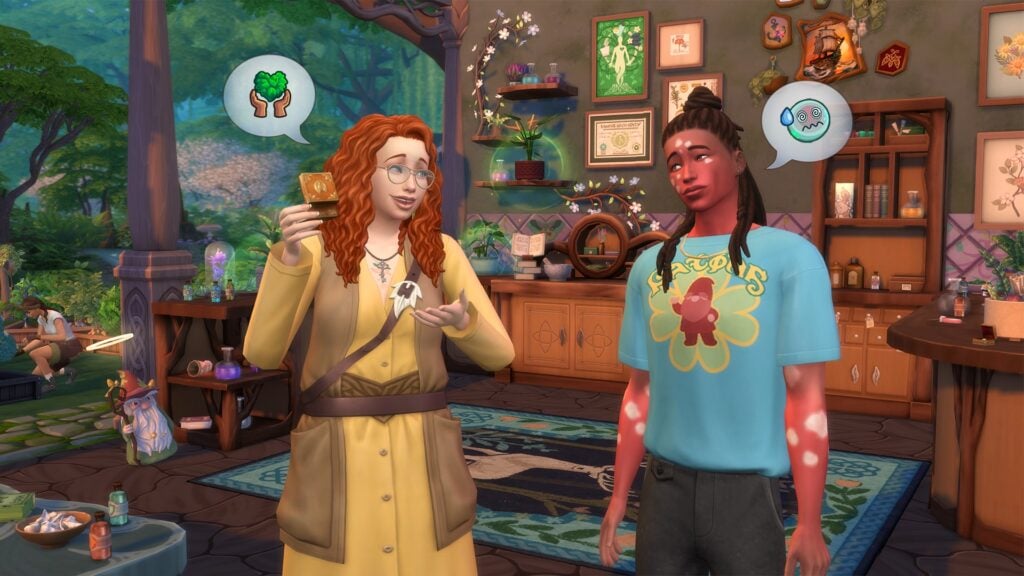
Spruce Derry Grove is a Haven for bohemian and nature-loving Sims who love gardening, living off the land, and mastering the Apothecary Skill. Nature enthusiasts flock here to forage among the picturesque trees and bathe in the tranquil stream. The neighbourhood takes its name from the local Legend, Spruce Almighty, the community’s loving Garden Pal.
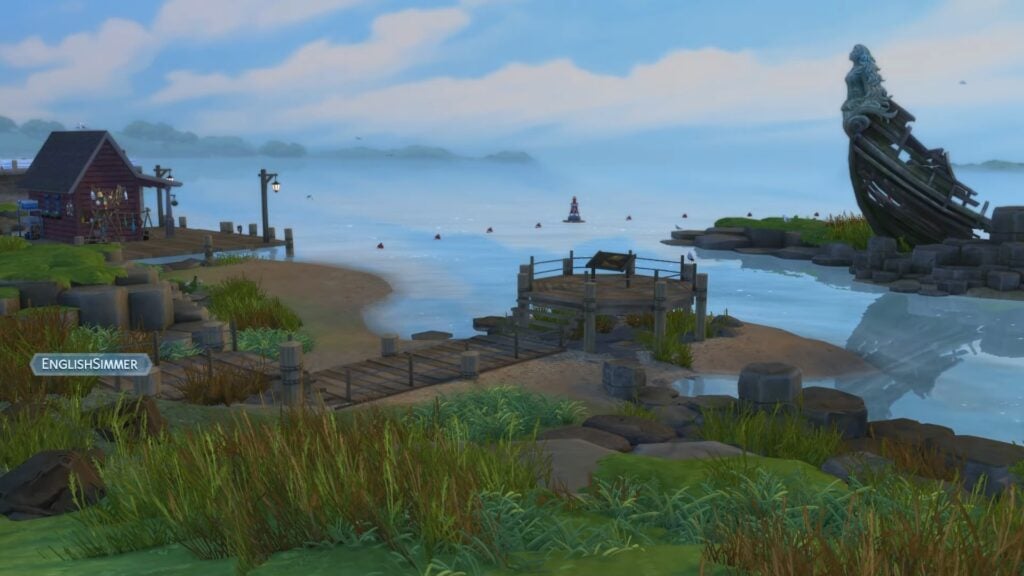
A bustling seaside village filled with lore and history, the Coast of Adhmor serves as a tourist hotspot due to its colourful architecture, iconic landmarks, and coastal views.
As the embargo on EA Game Changer’s early-access content, there is now a constant stream of new information and content to get players ready for the release of The Sims 4 Enchanted by Nature, which is due to release next Thursday, July 10th 2025. You can keep an eye on our release countdown, which will hit 0 the moment the pack is released.
Creator Support
If you would like to support the creators featured in this article, you can use their unique codes at checkout on the EA App, in which they will earn a 5% commission from your purchase. You can also find their social media links below!
Where will your Sims be living in Innisgreen? Let us know in the comments below, and stay tuned to Sims Community for all the latest news on Enchanted by Nature!
Well, don’t we have the perfect sea themed custom content collection to showcase to you today!
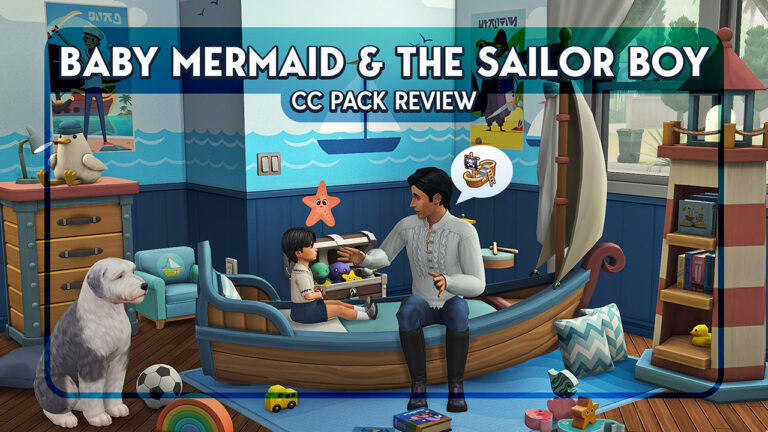
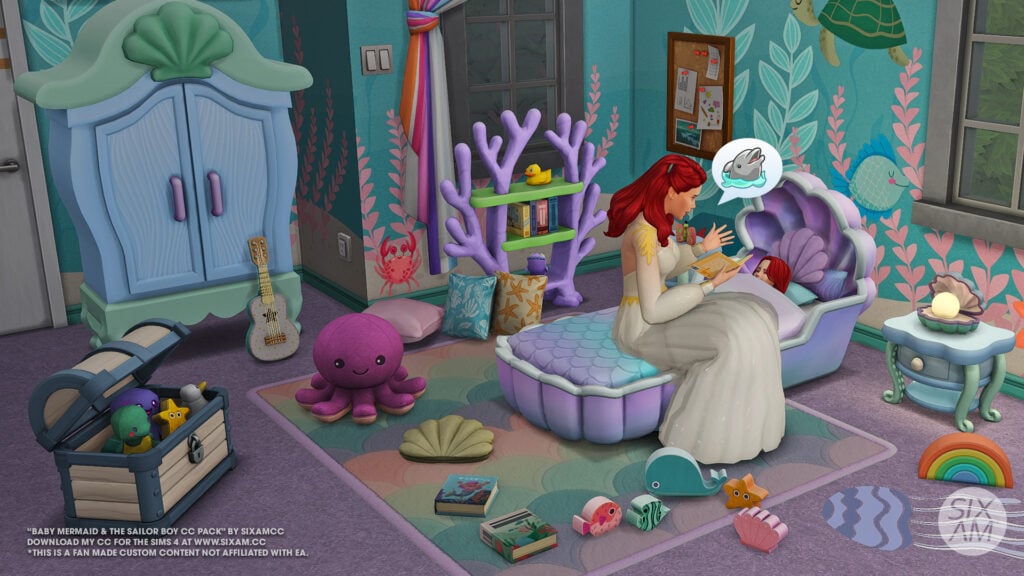
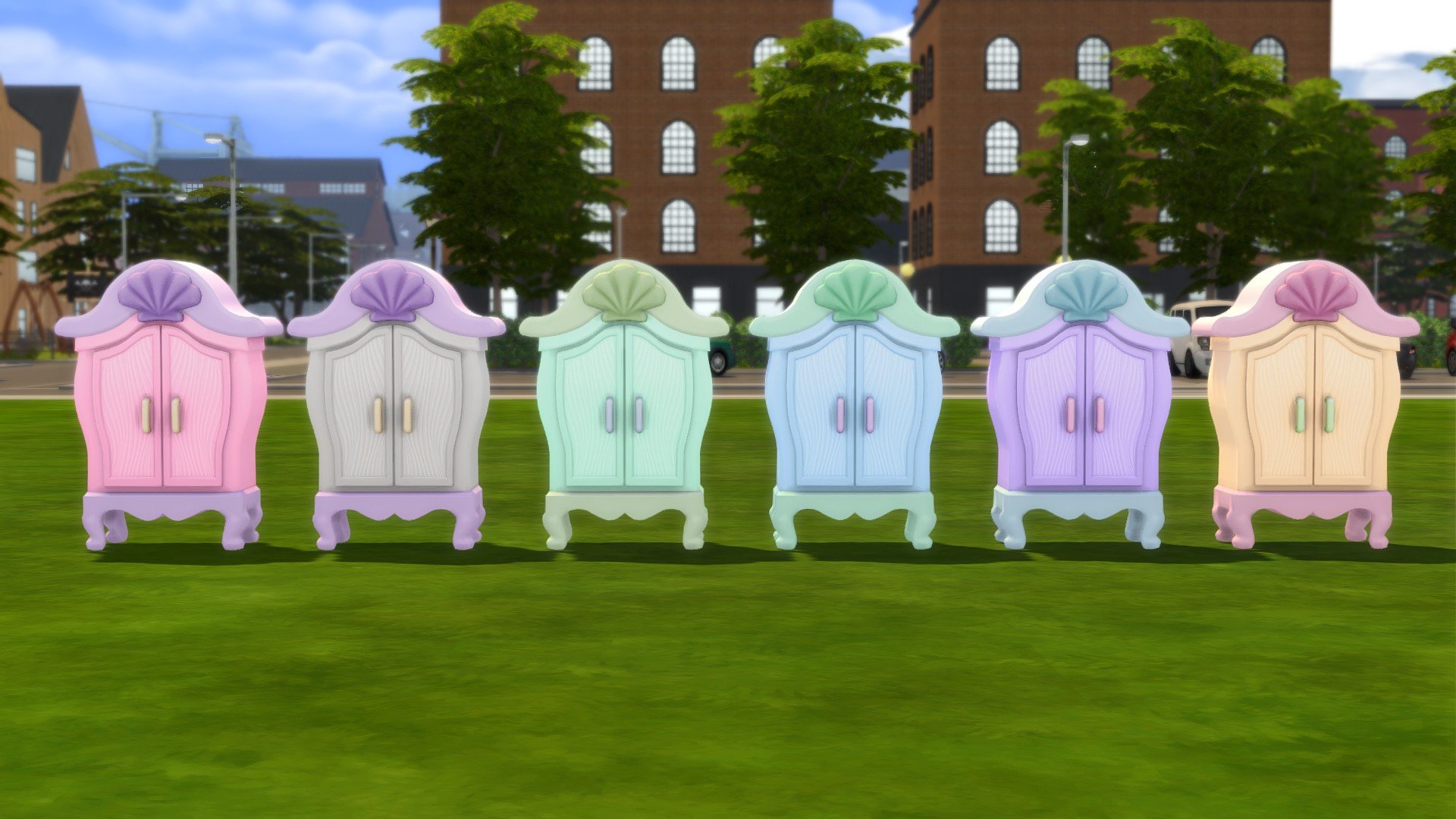
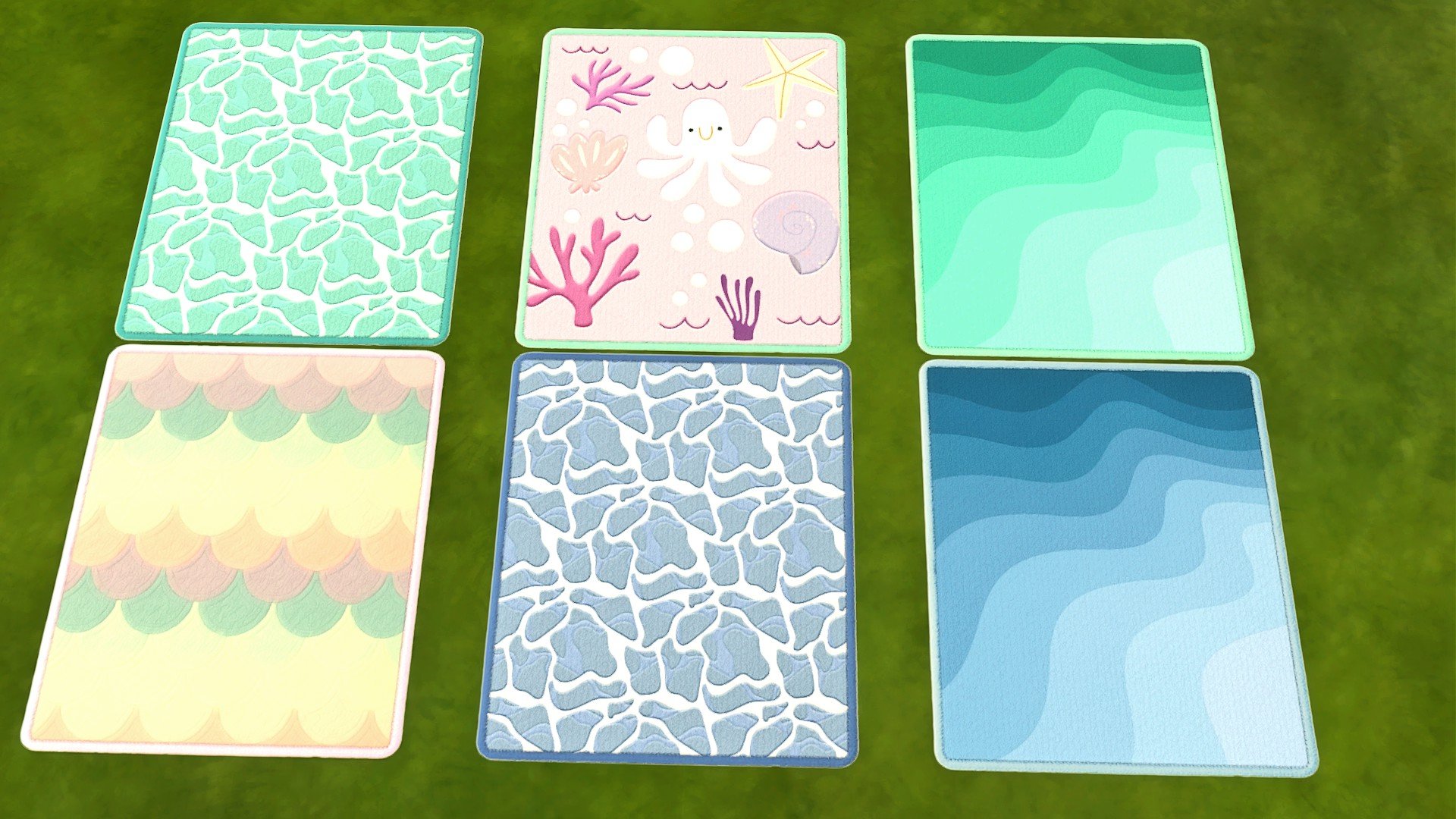
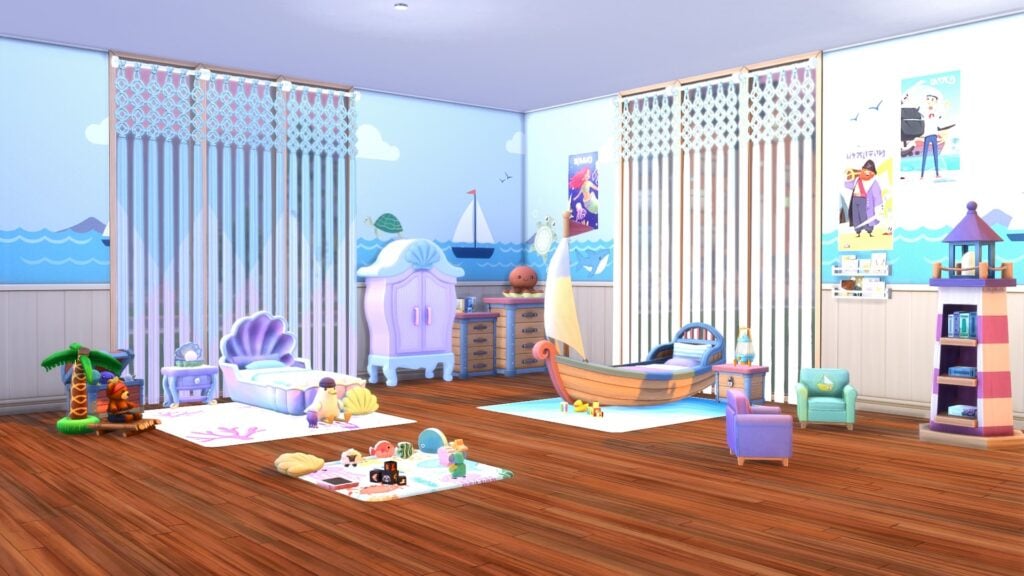
This beautiful The Sims 4 Baby Mermaid & The Sailor Boy CC Pack from the one and only SixamCC and is a pack specifically designed for our toddler Sims! This bedroom pack will certainly take your little dreamers to the seven seas and under the sea with a variety of adorably themed objects! It really is the perfect addition to your game to create unique mystical water themed bedrooms!
So, let’s set sail and take a deep dive under the sea to see what treasures come with SixamCC’s The Sims 4 Baby Mermaid & Sailor Boy CC Pack!
This gorgeous new CC Pack is packed full of fun and exciting new objects for your little sailors and mermaids. With everything from new walls and floors, a variety of new decorative objects, lighting, ocean themed beds and more, you’ll be equipped with everything you need to build the perfect room for your toddler Sims.
Here’s a breakdown of everything that comes in this The Sims 4 Baby Mermaid & The Sailor Boy CC Pack:
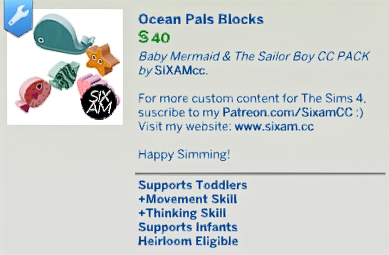
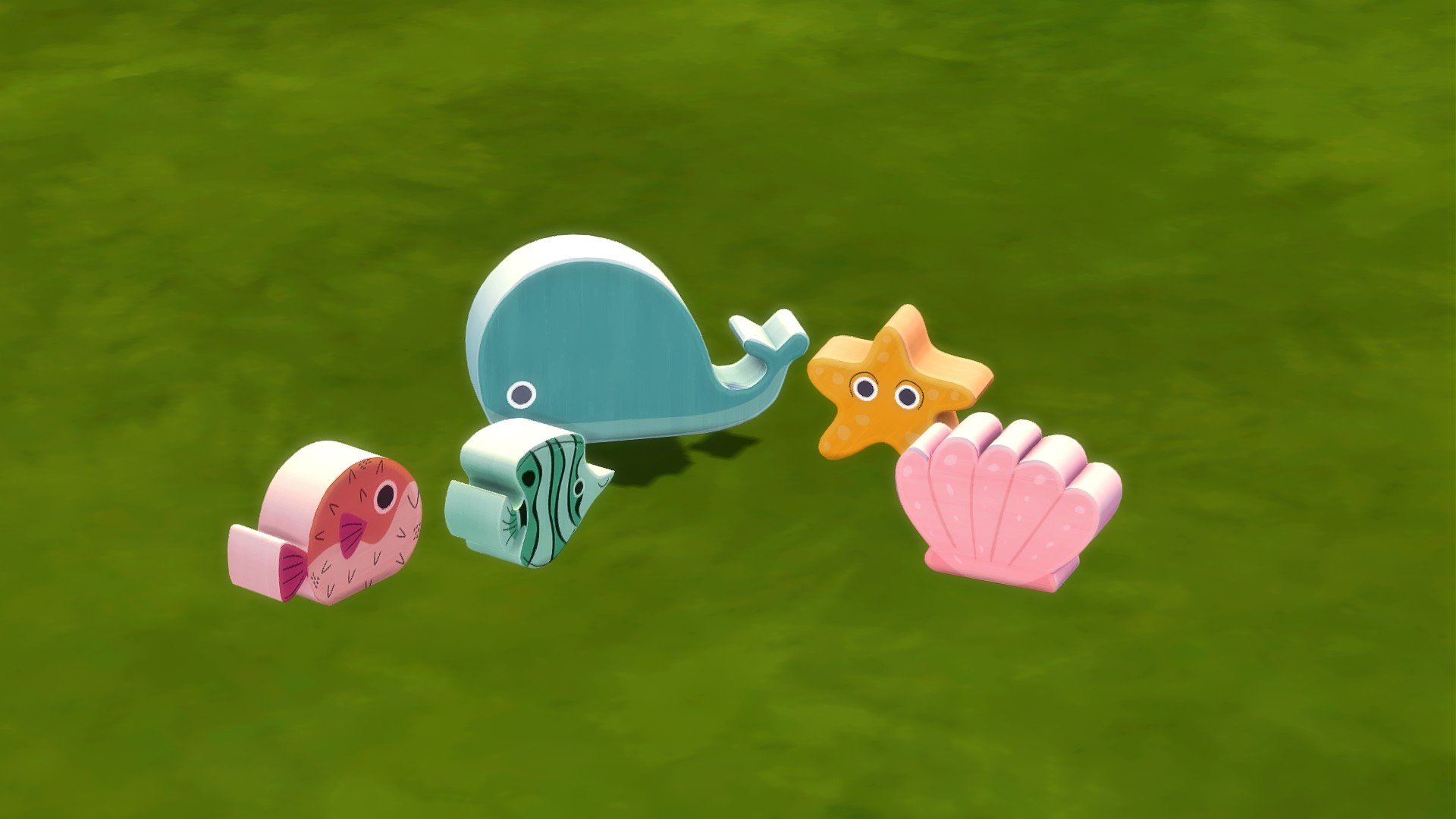
Activities: Marine Animal Block Toys
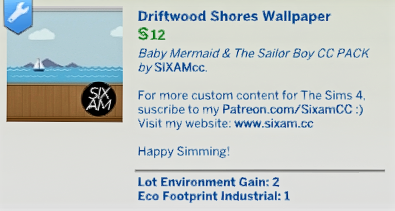
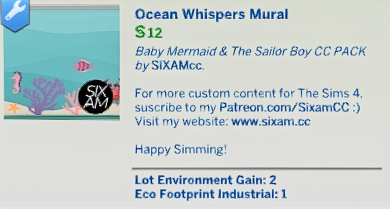
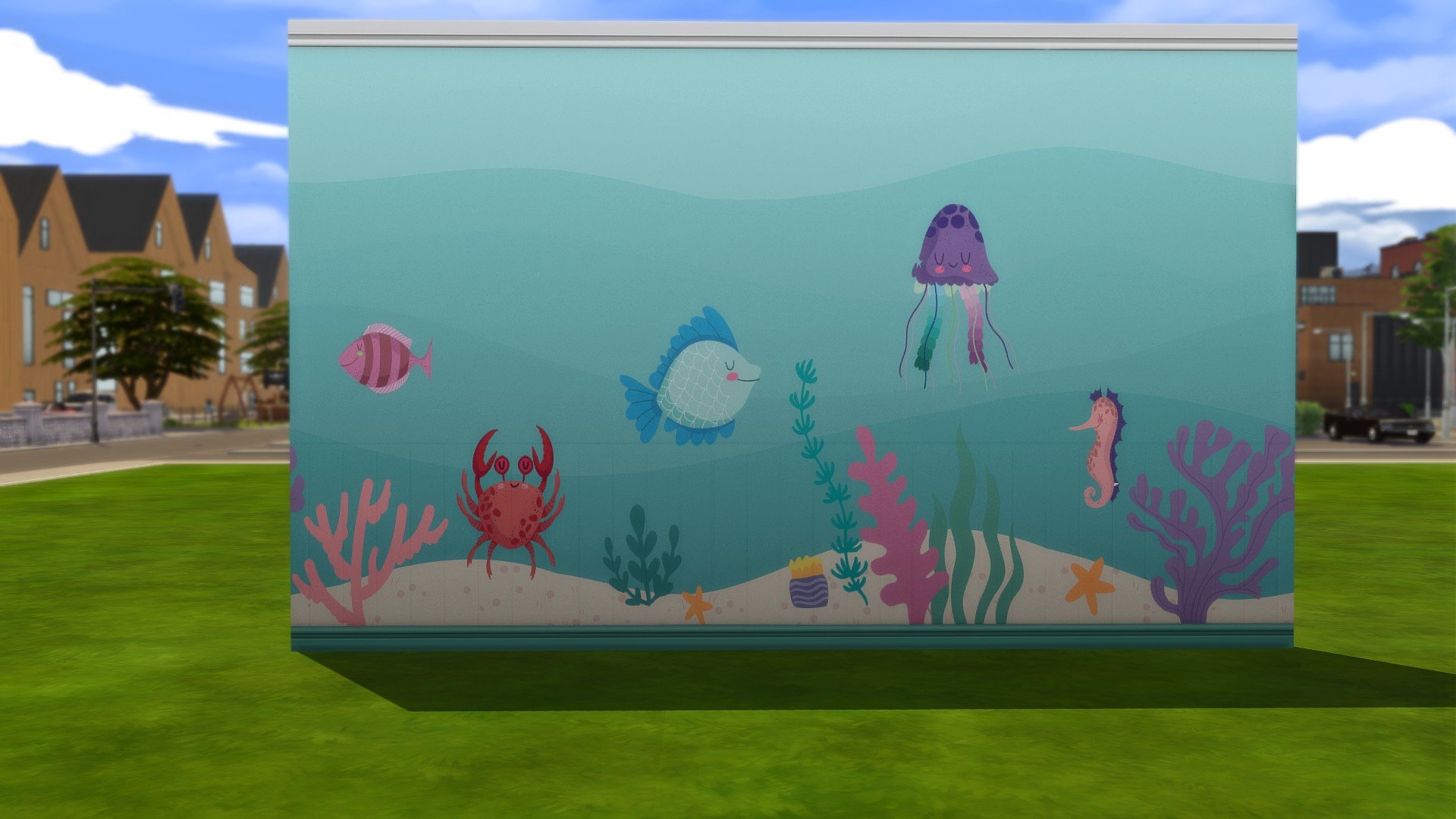
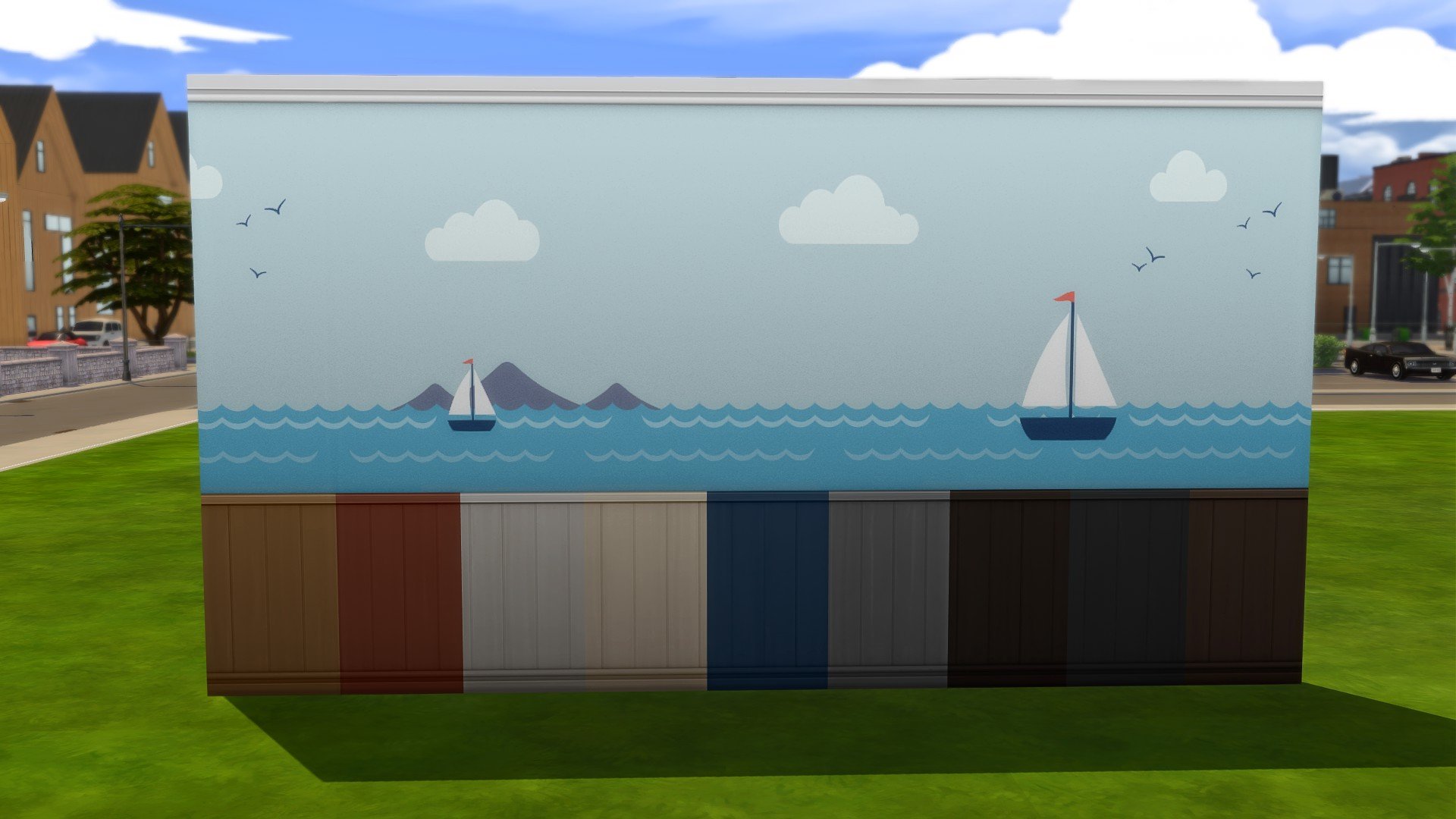
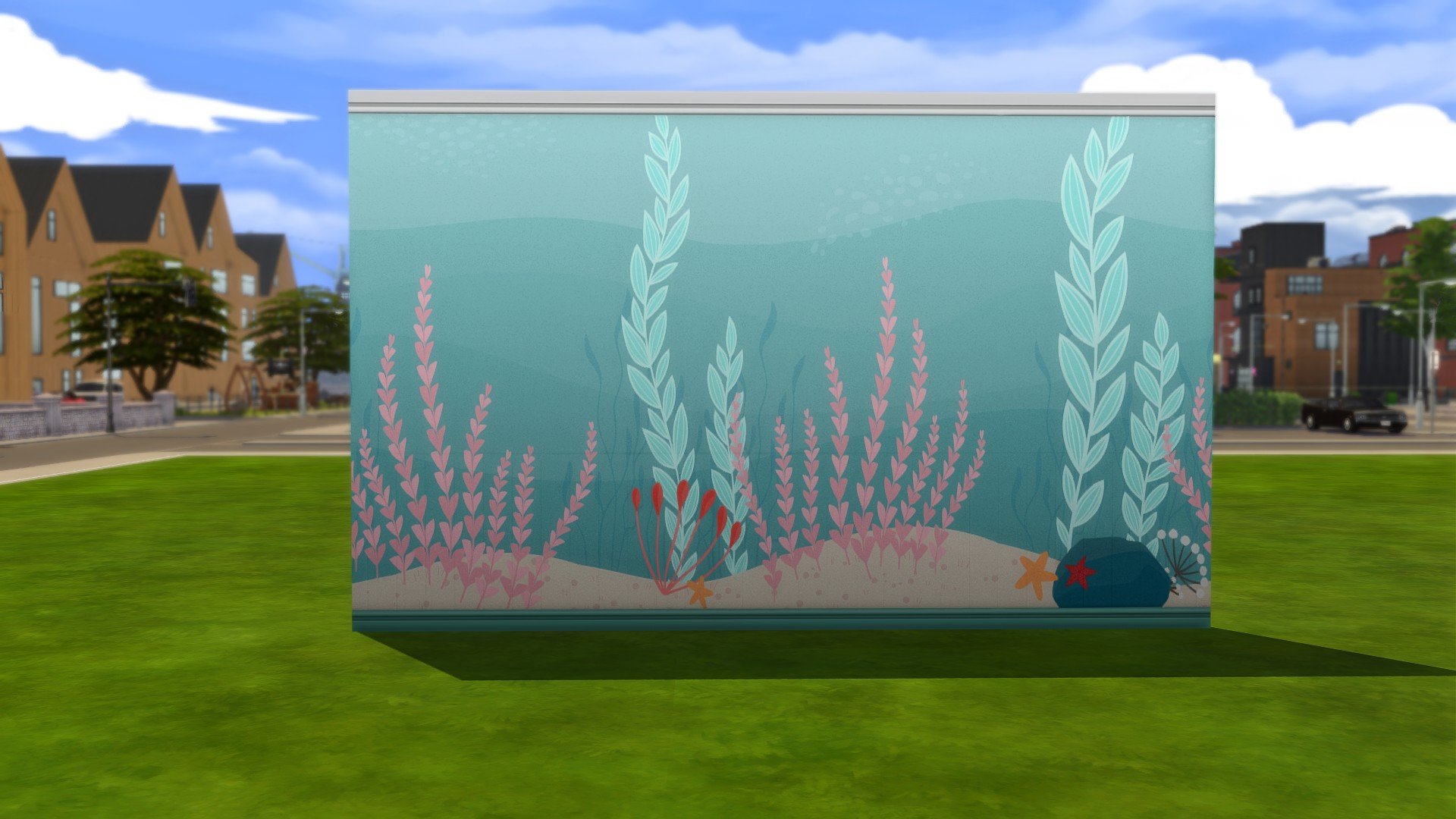
Build: 2 Under the sea mural wallpapers and 1 marine wood wallpaper
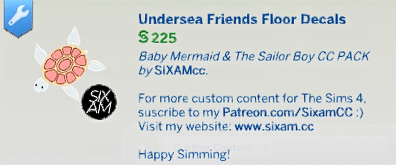
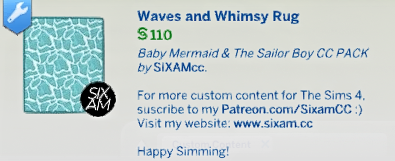
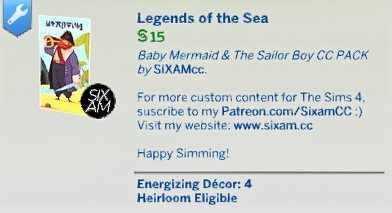
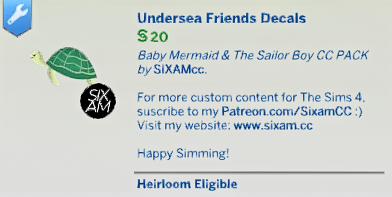
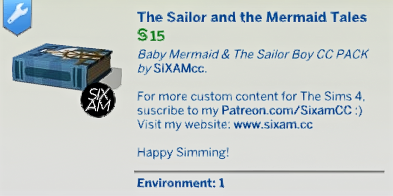
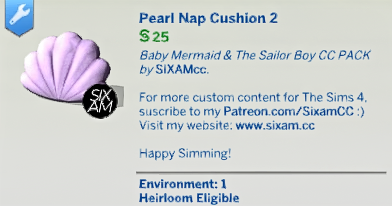
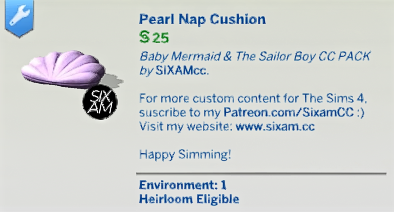
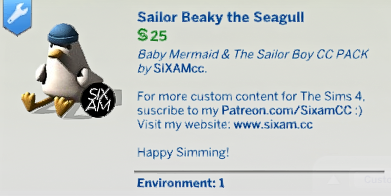
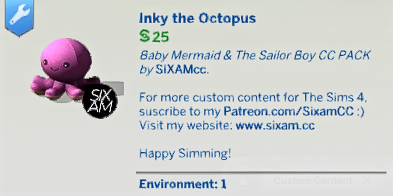
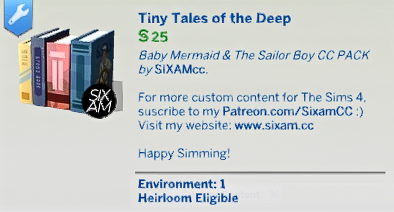
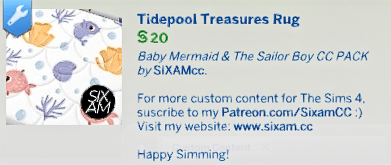
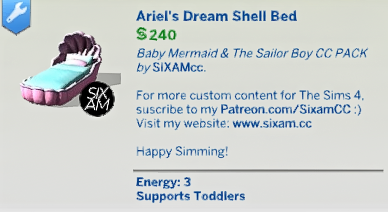
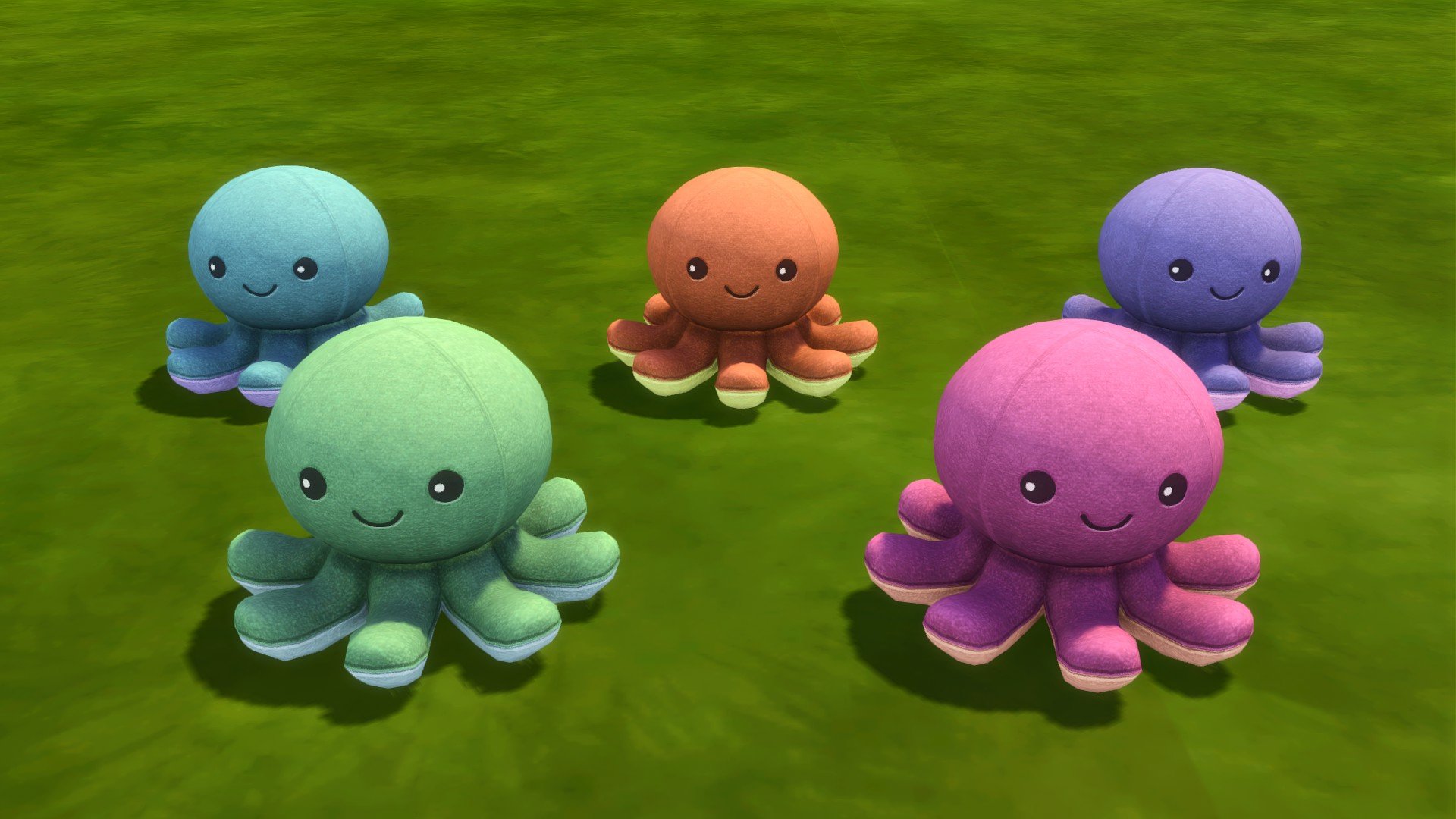
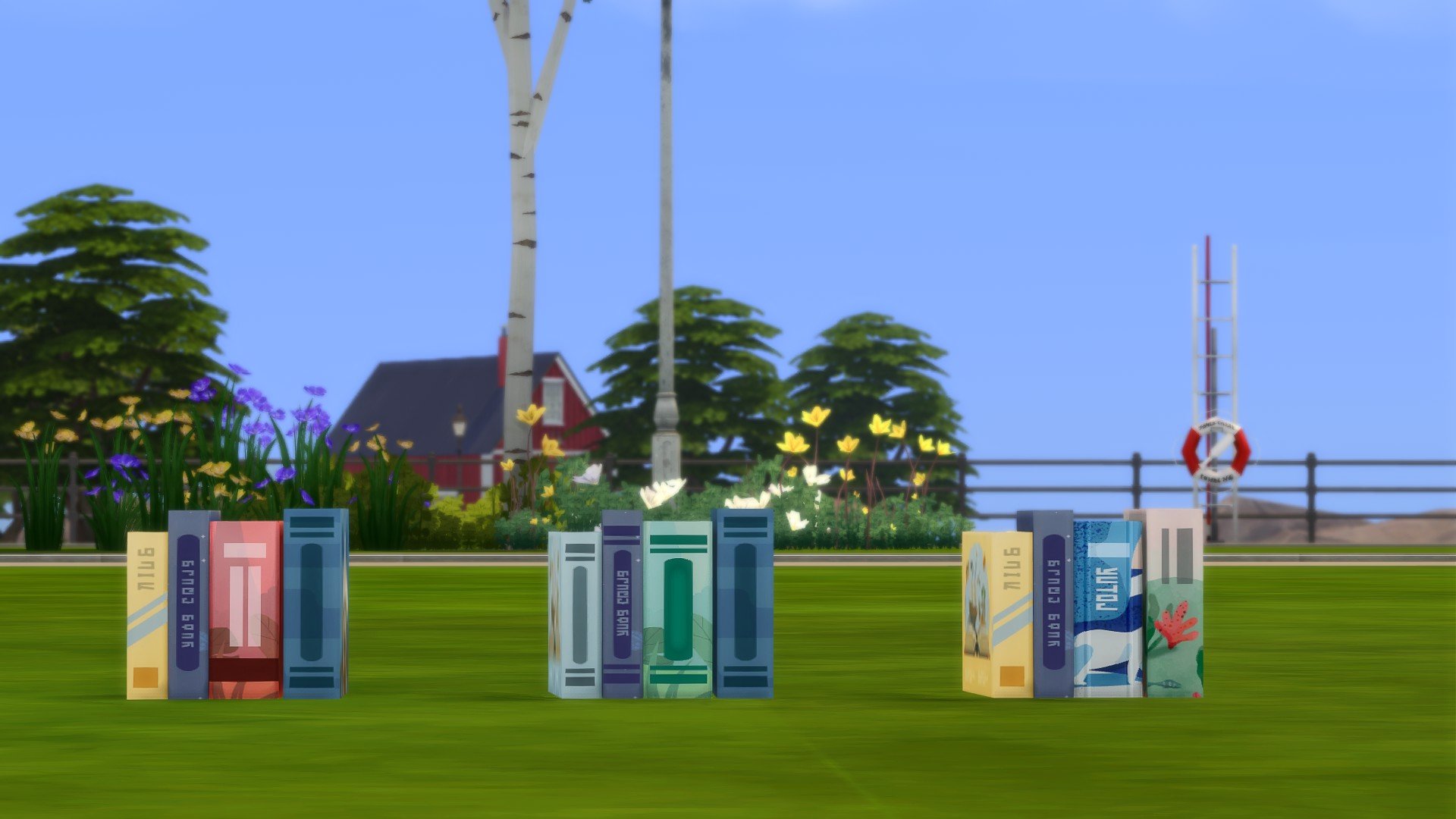
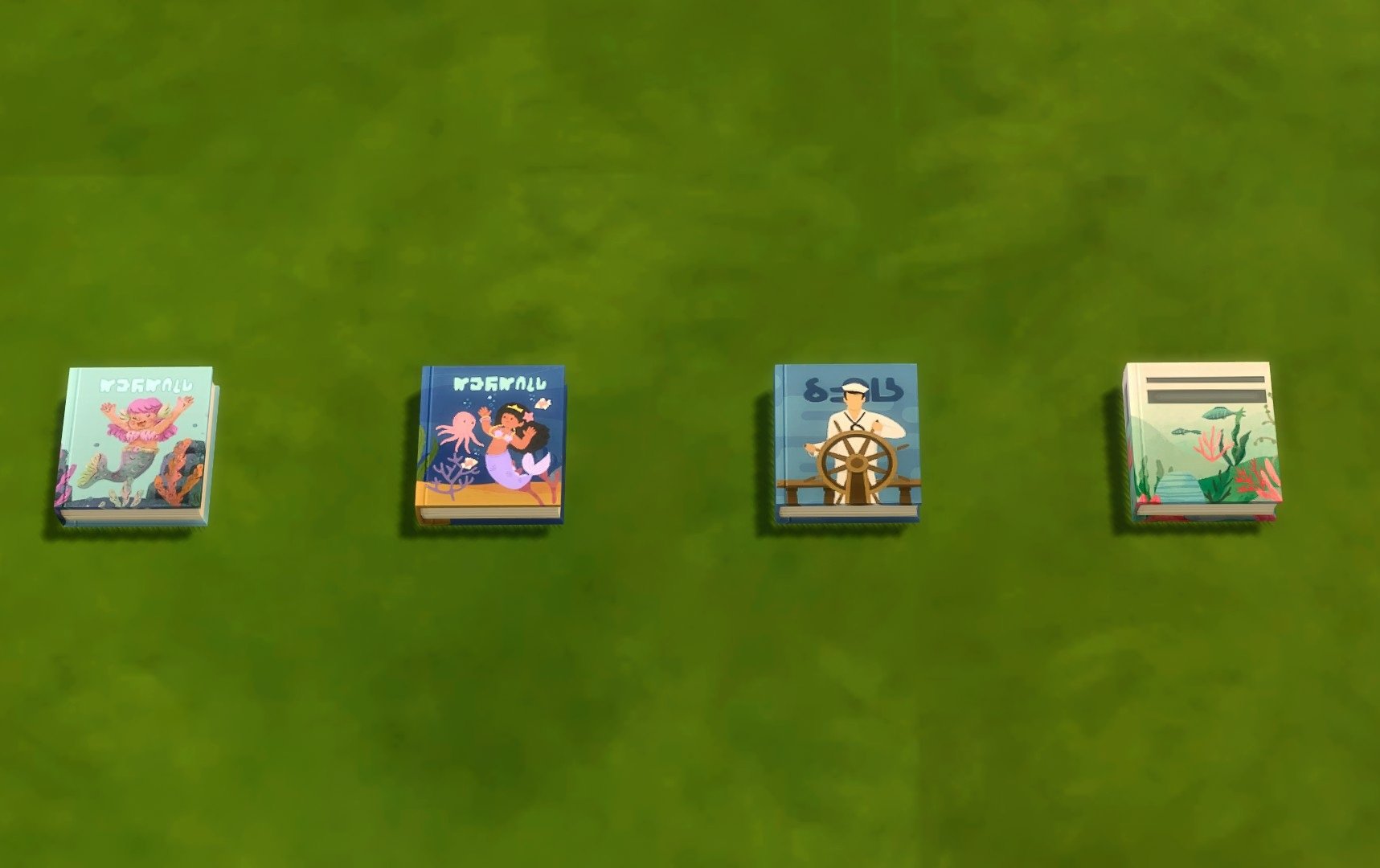
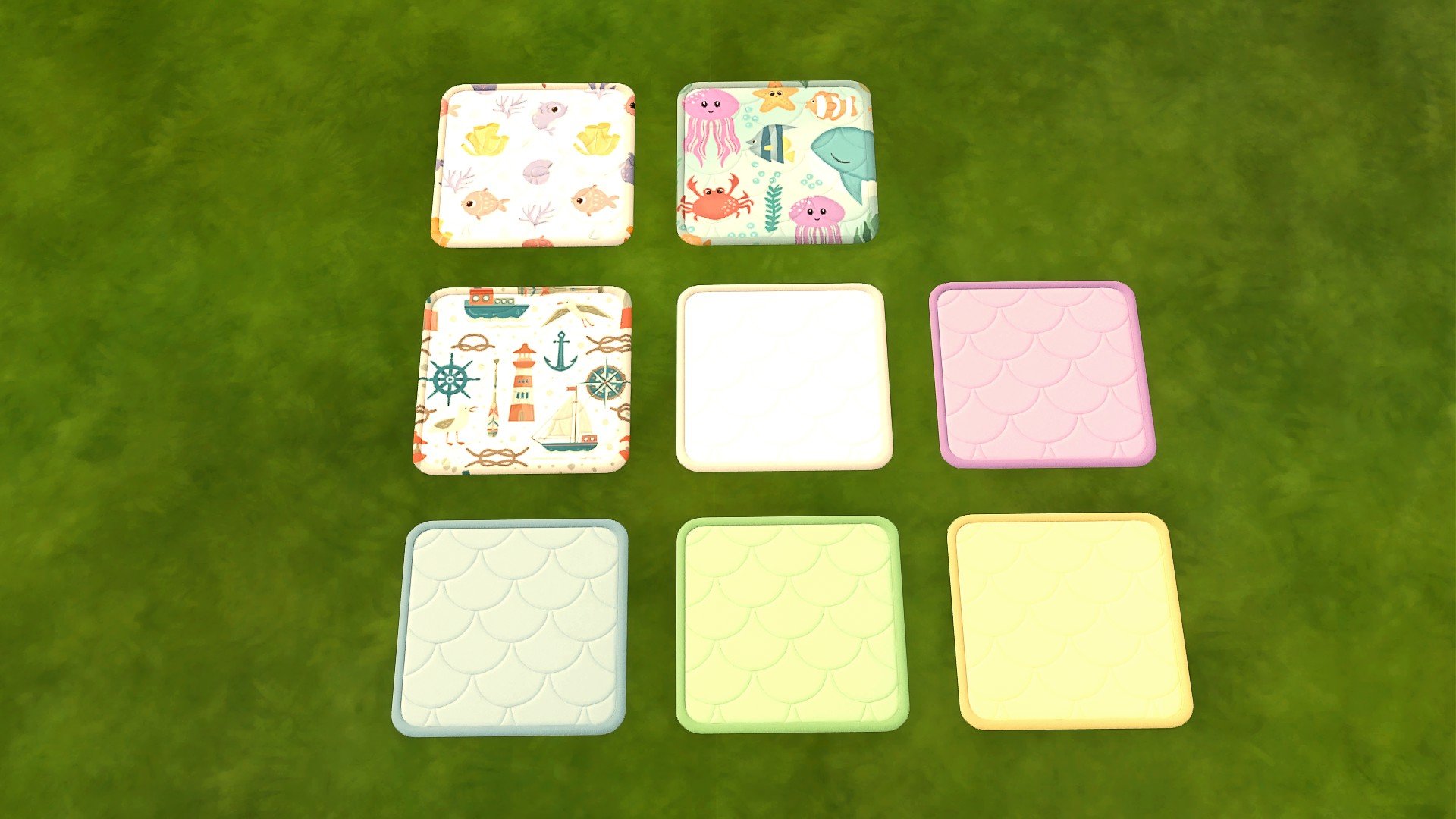
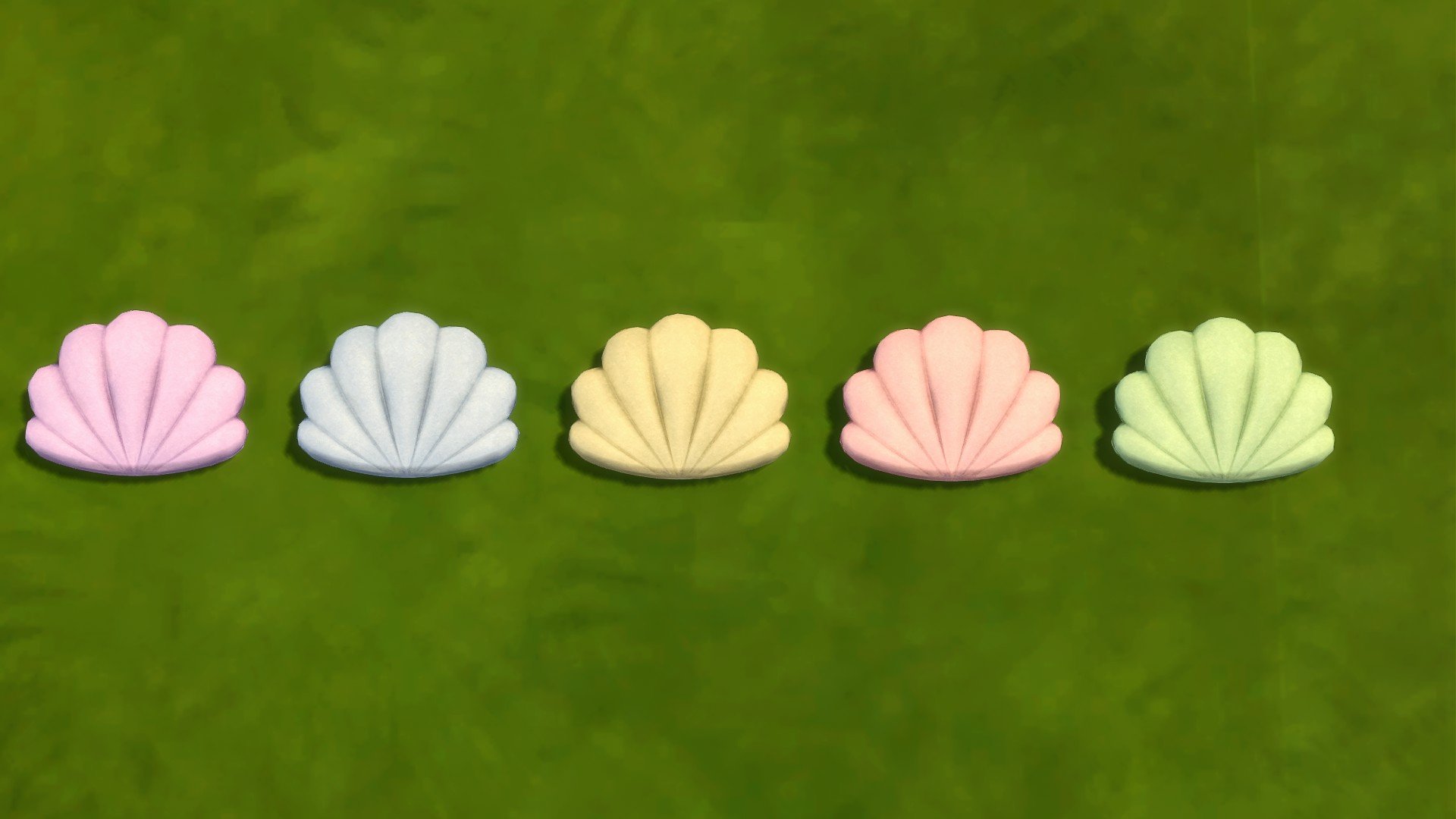
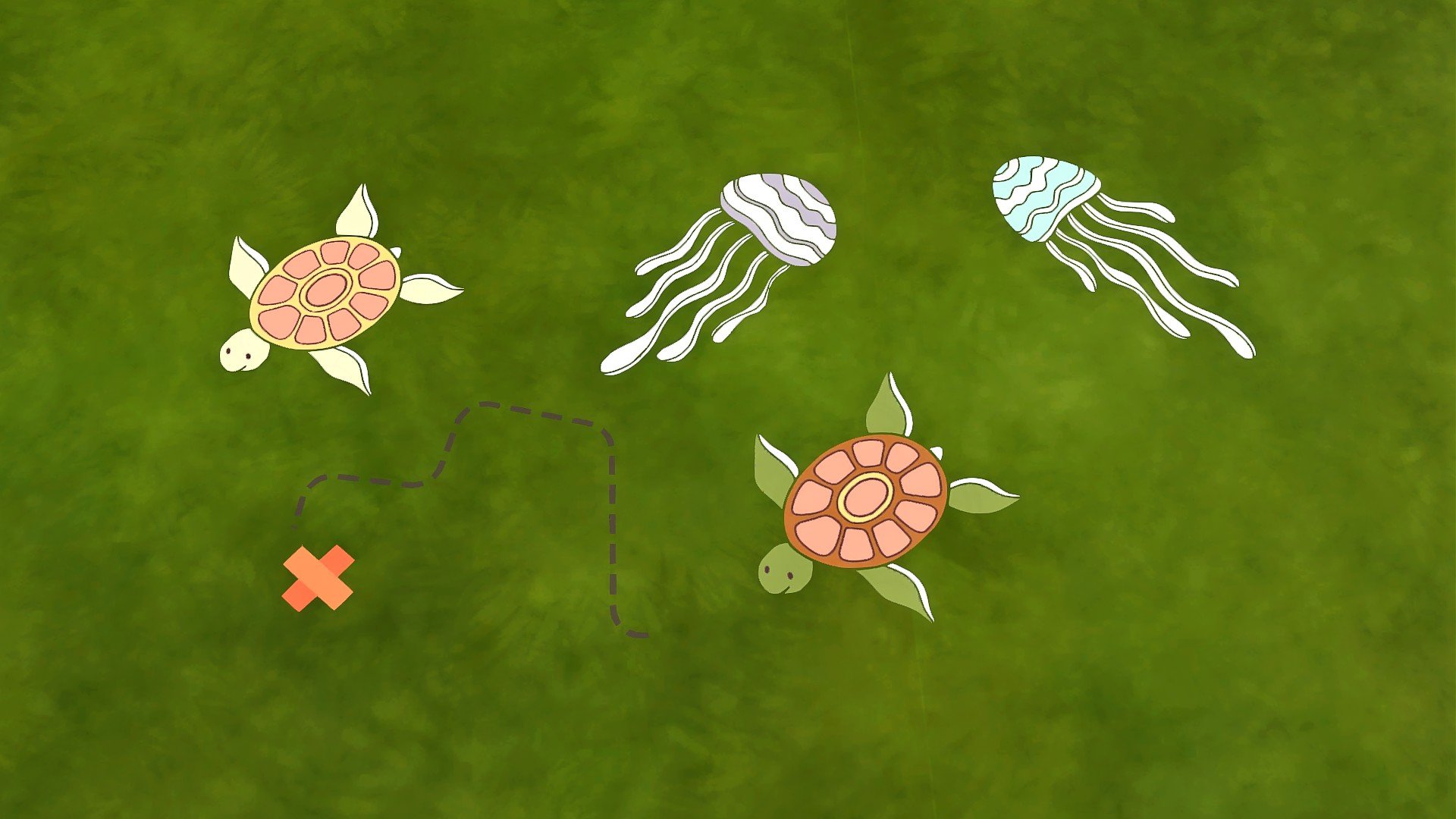
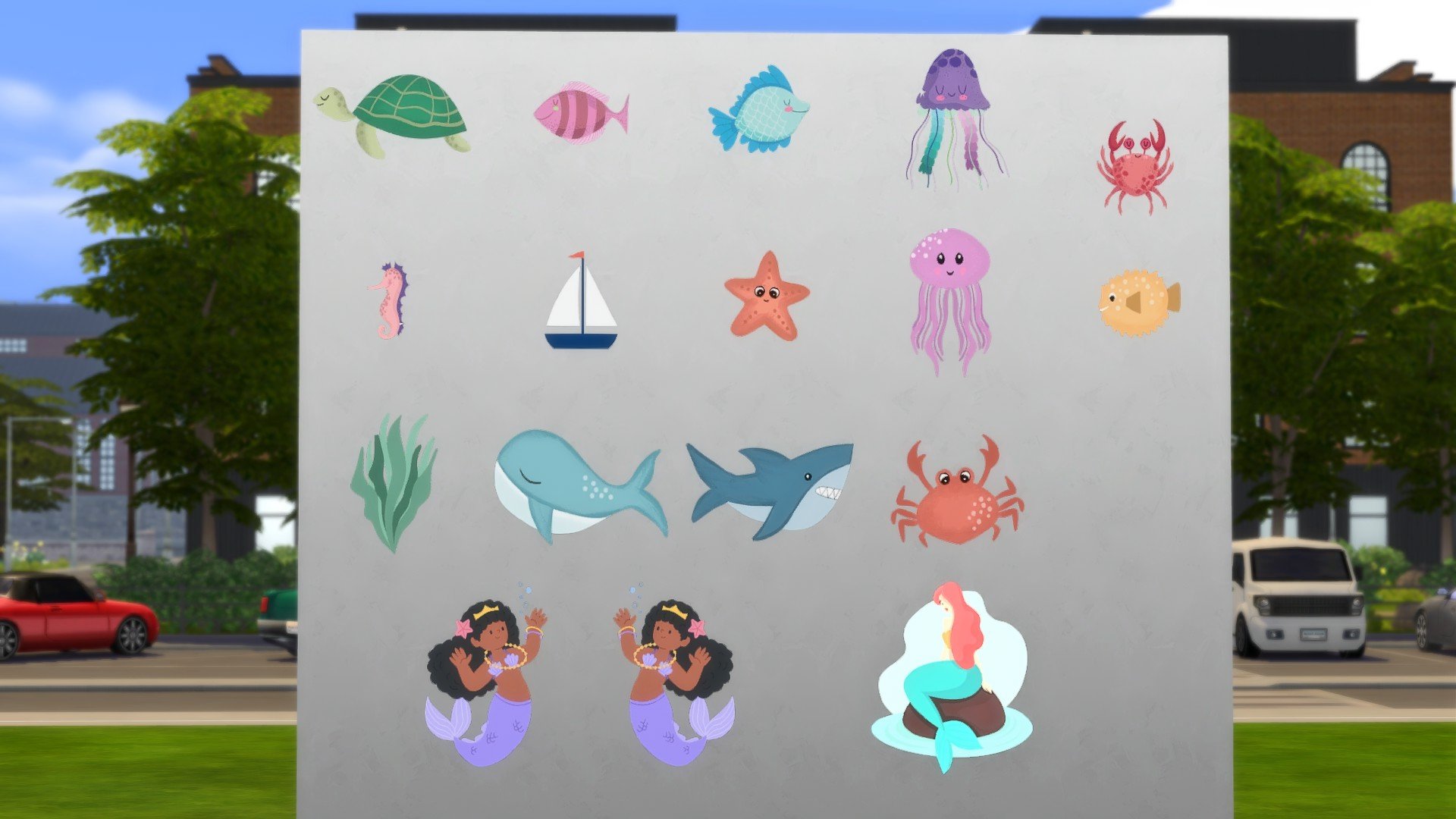
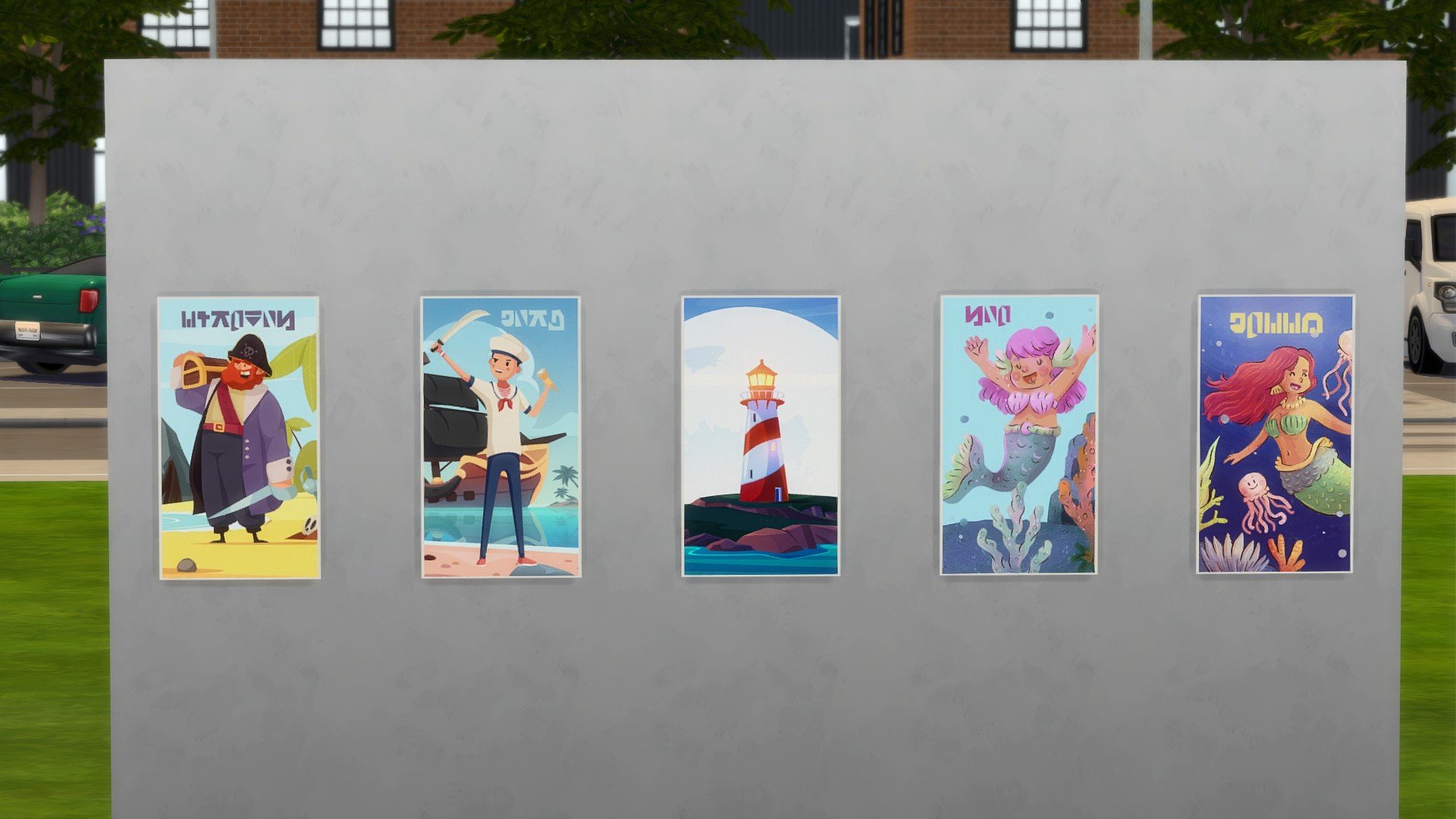
Decorative: Small Marine Design Rug, Two Book Sets, Wall Decals with Marine Designs, Octopus Plush Toy, Seagull Plush Toy, Medium Rug, Shell Shape Cushion, Books
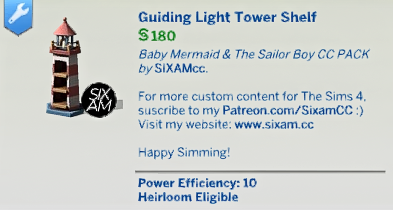
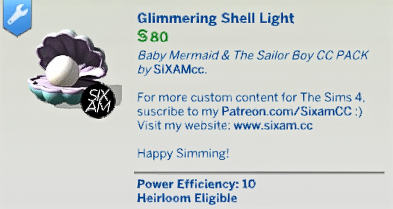
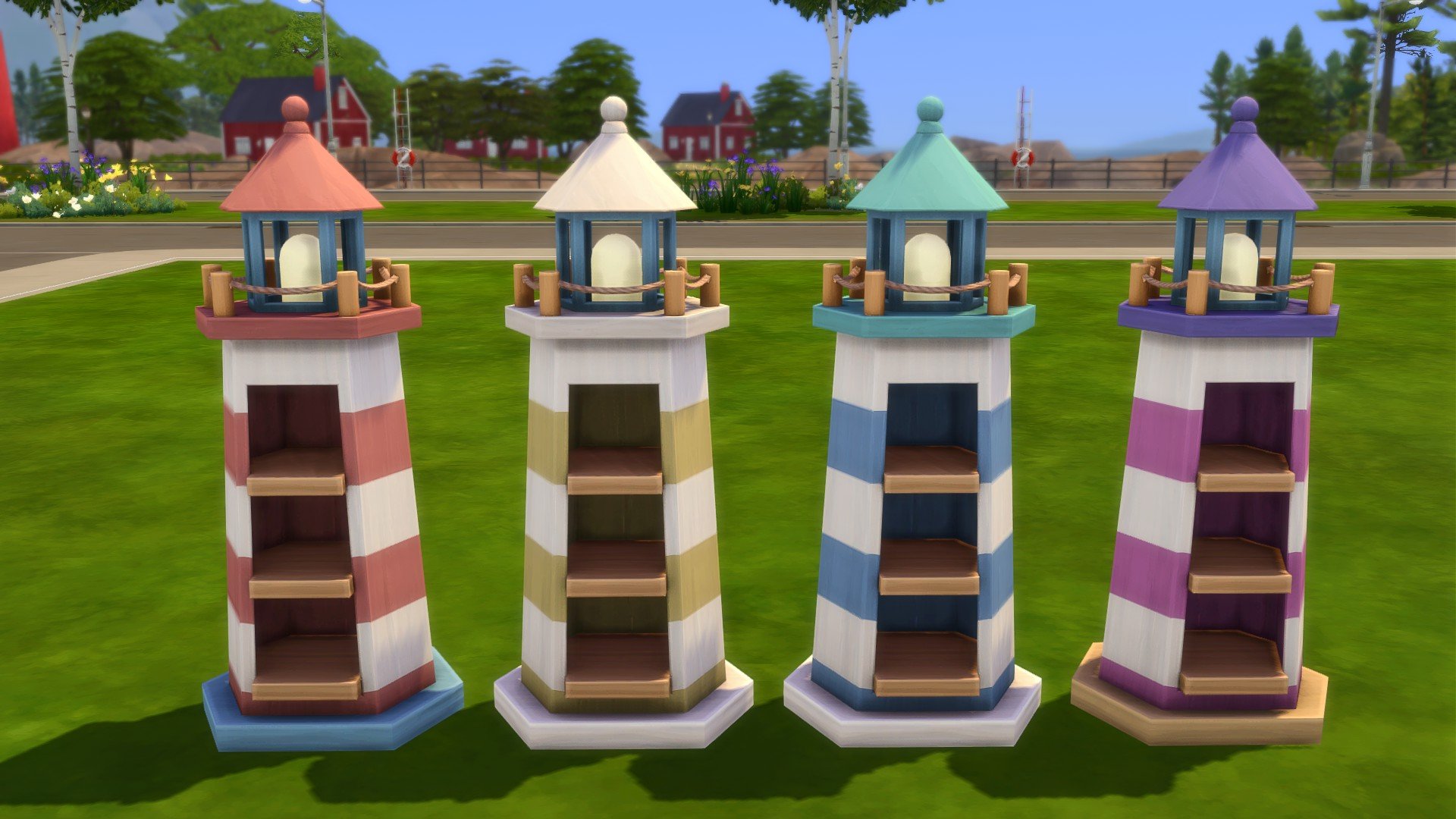
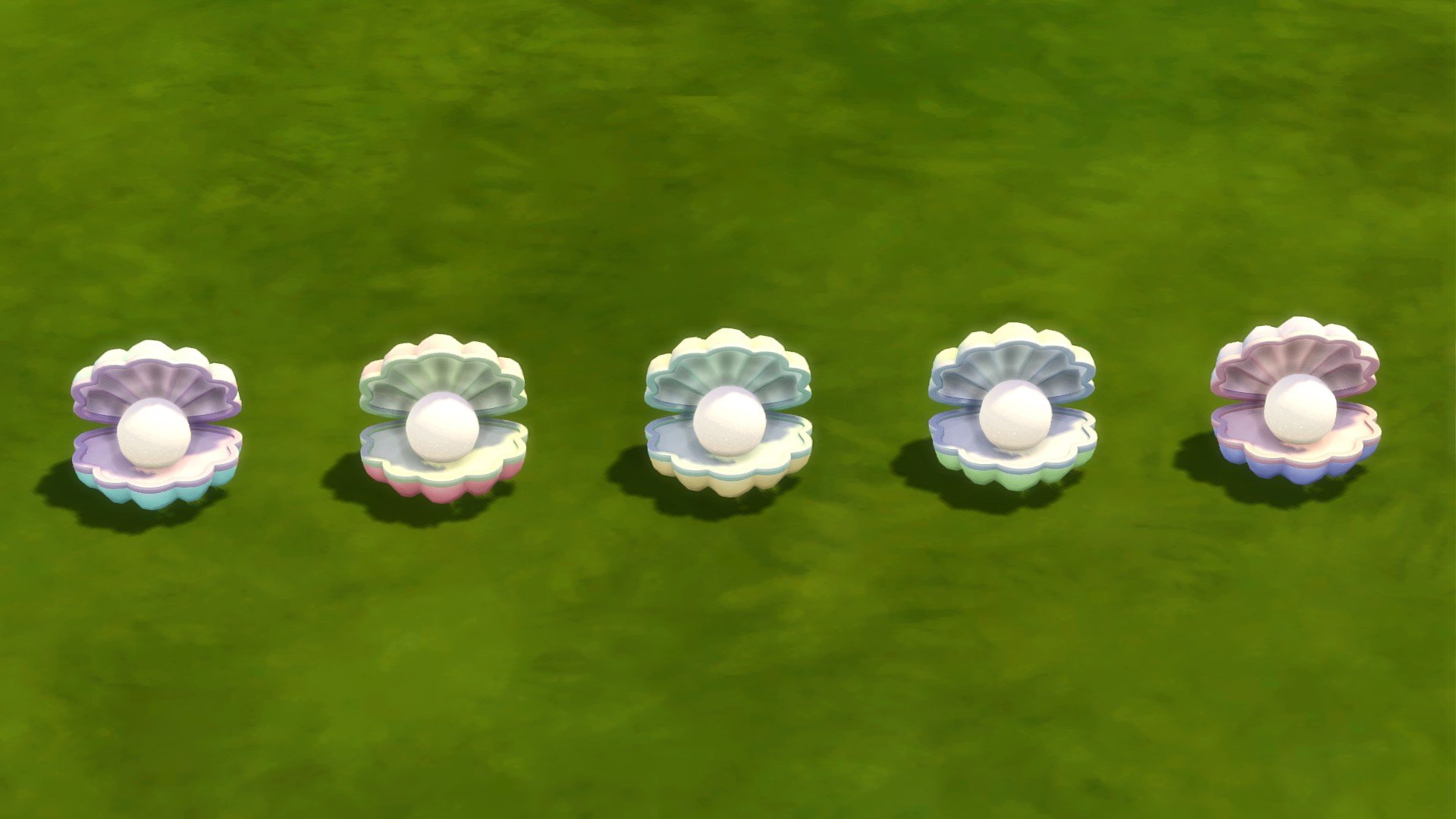
Lighting: Shell Night Table Lamp, Lighthouse Floor Lamp (bookcase)
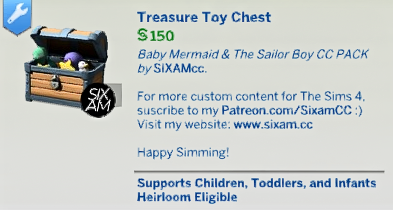
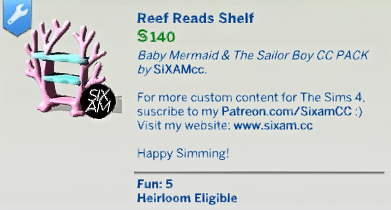
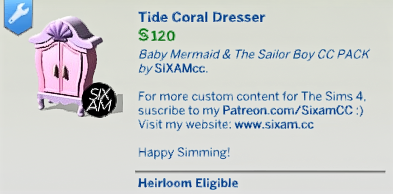
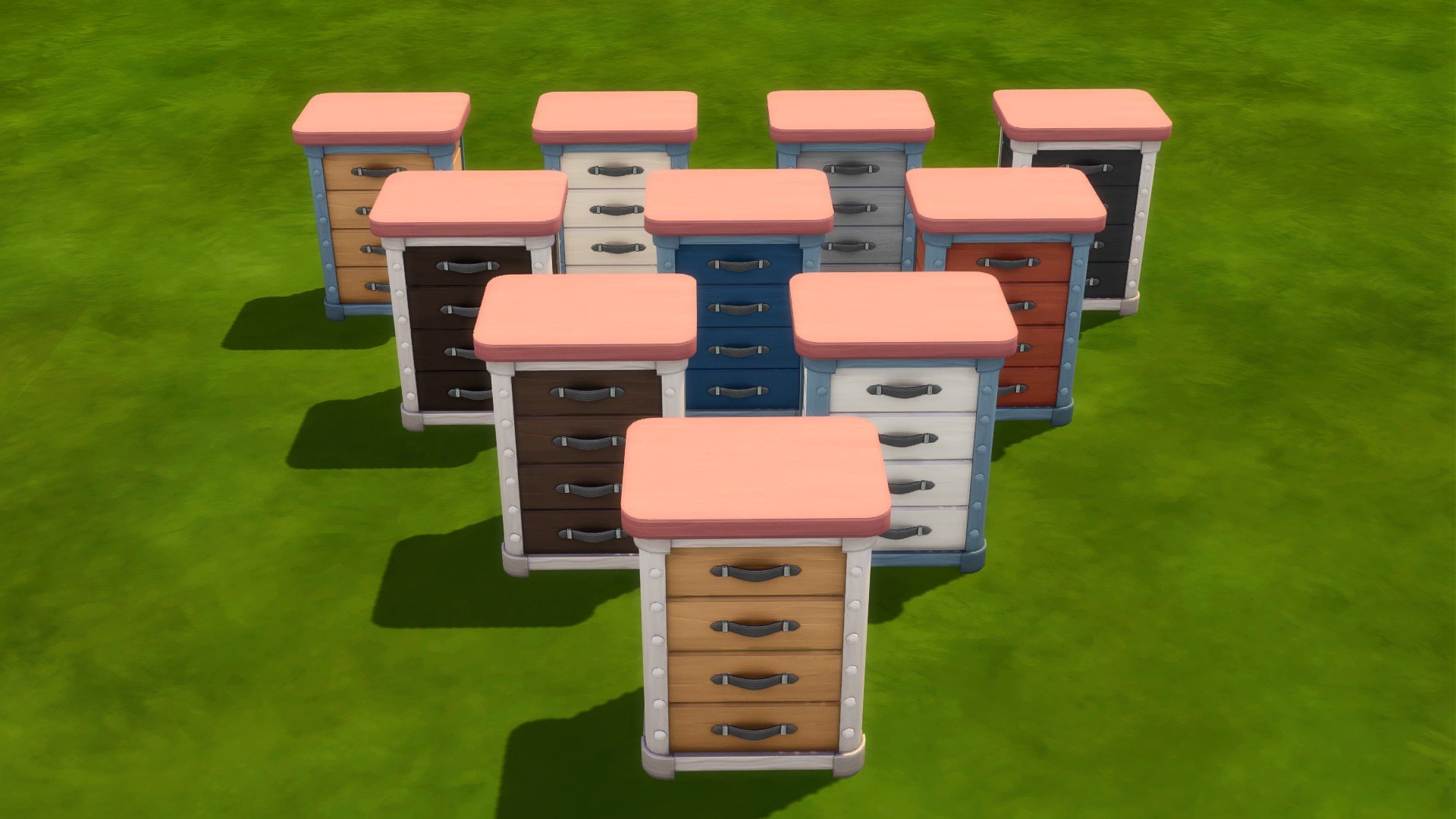
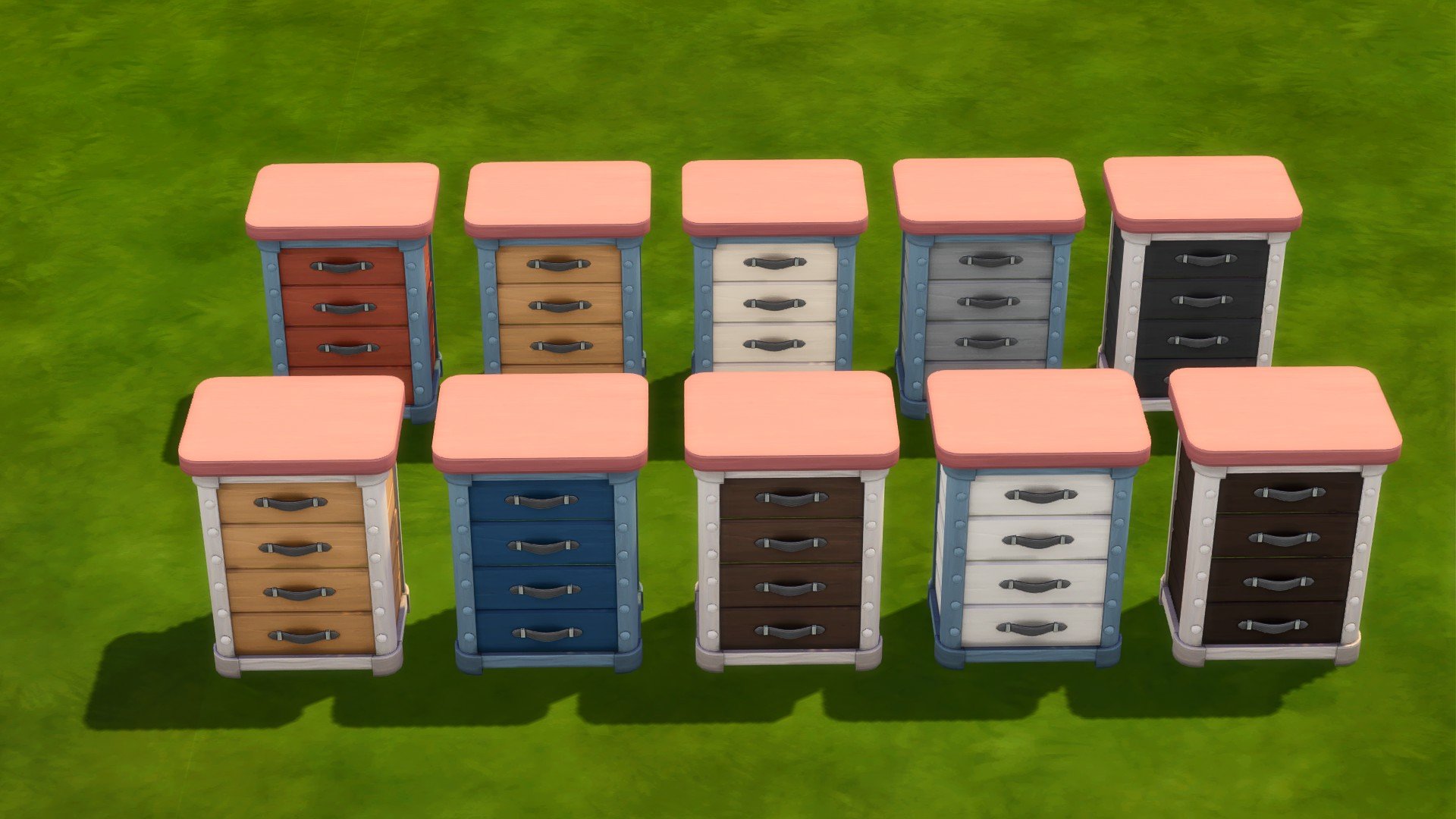
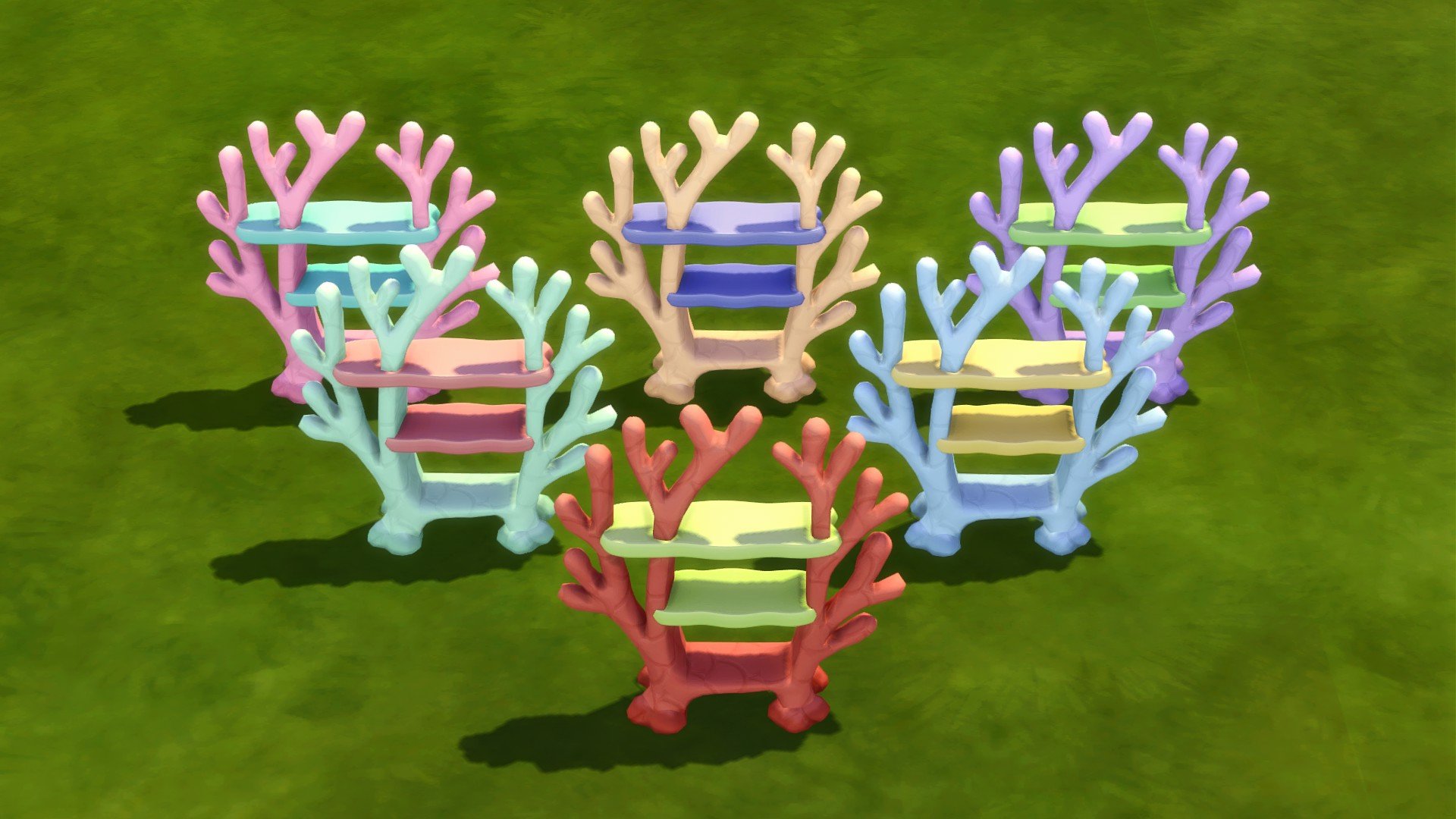
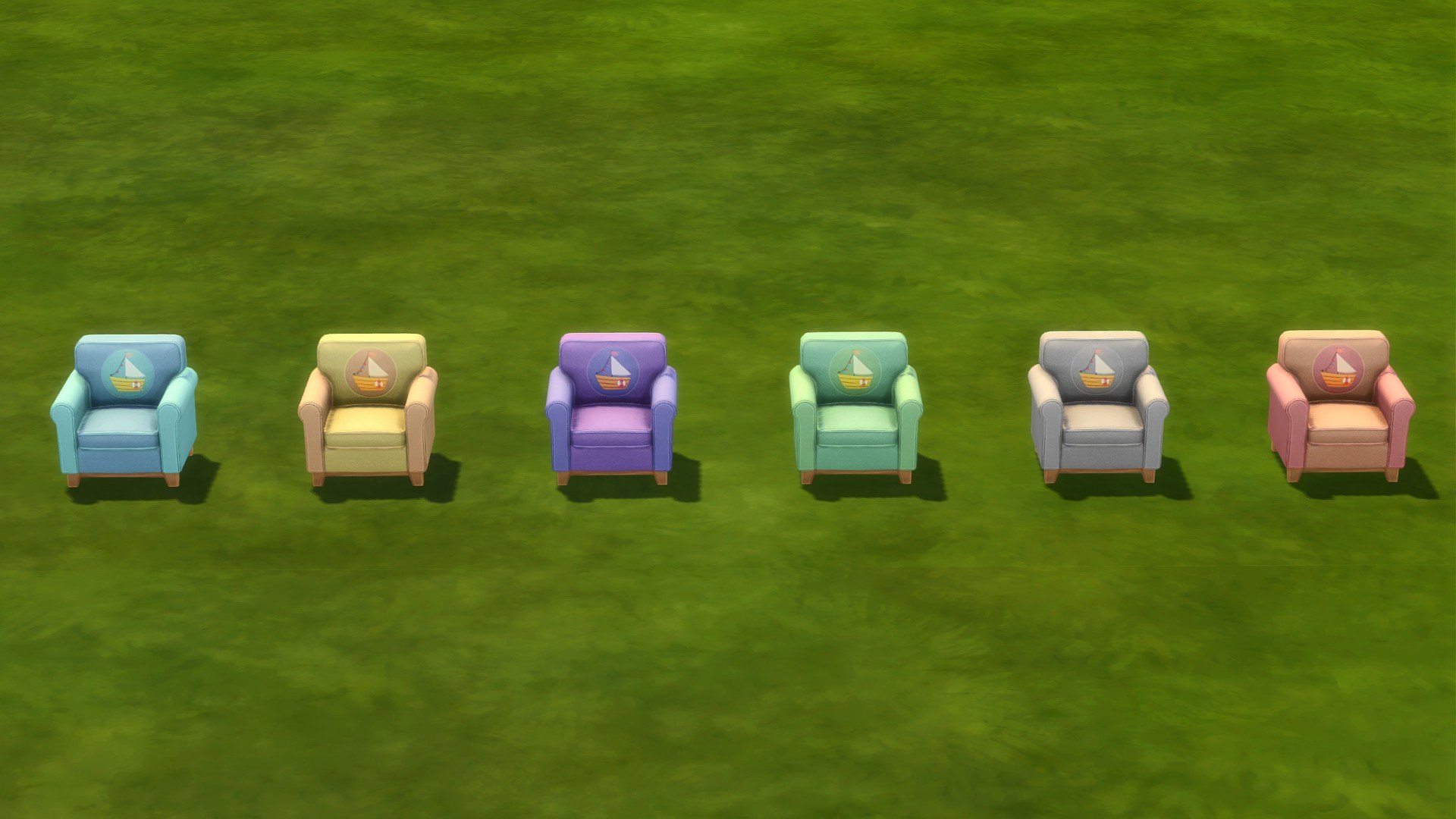
Storage: Coral Shaped Bookcase, Boat Design Dresser in Small and Extra Large, Coral Design Dresser, Chest Toy Box
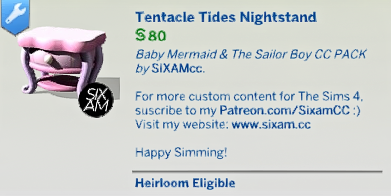
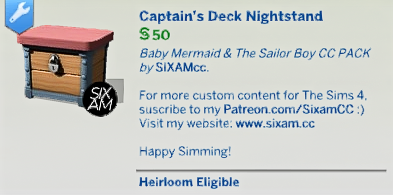
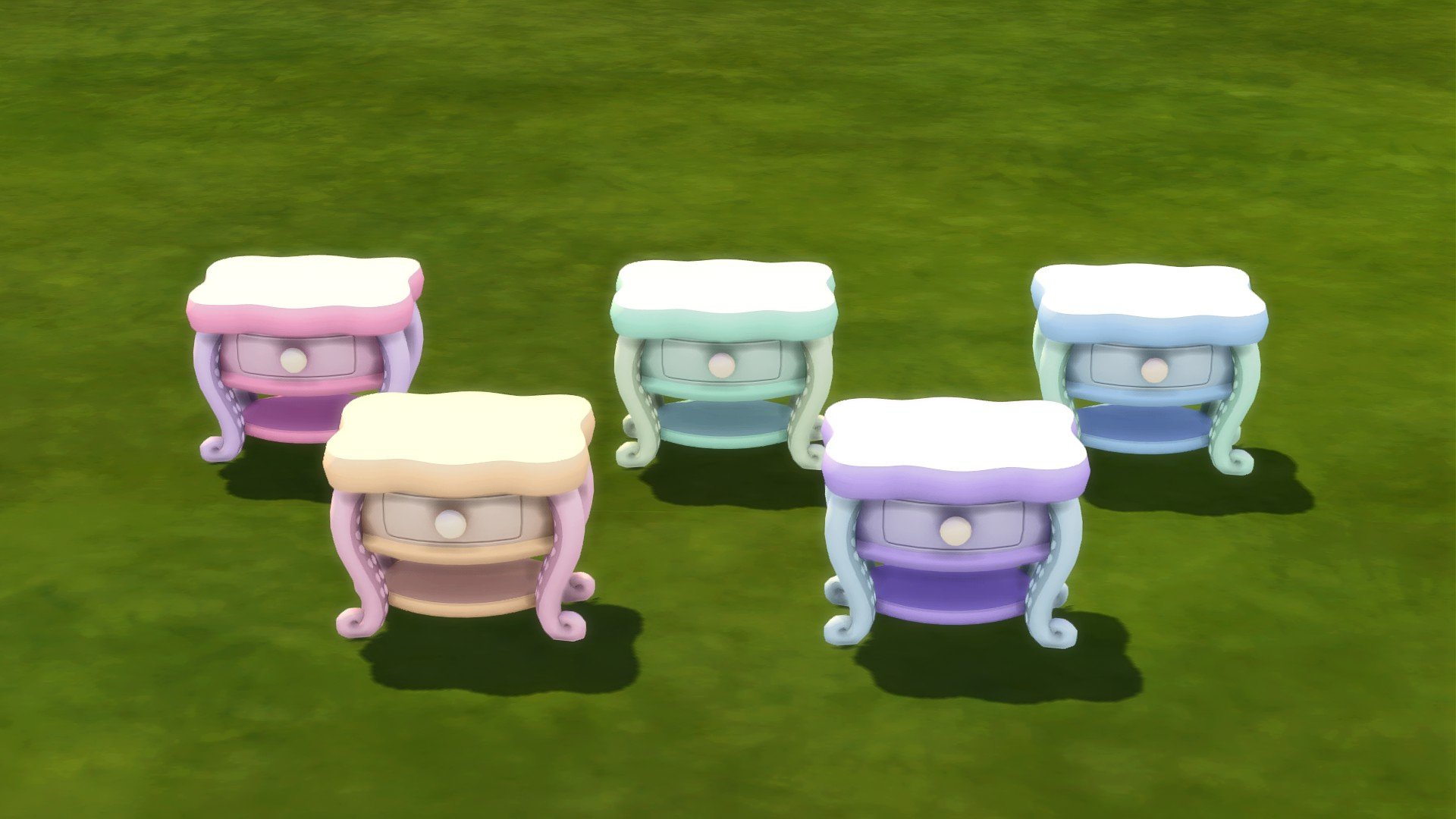
Surfaces: Octopus Night Stand, Boat Chest Night Stand
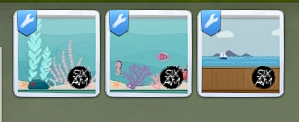
Catalogue Previews
The next point on our voyage is having a look at the catalogue previews for this CC Pack!
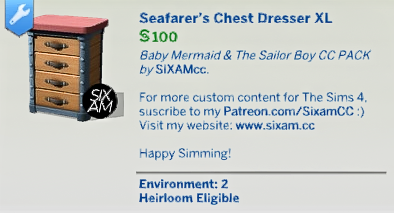
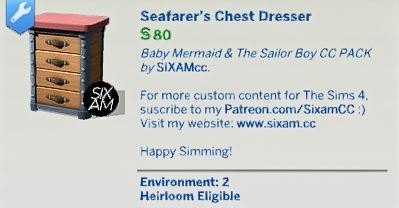
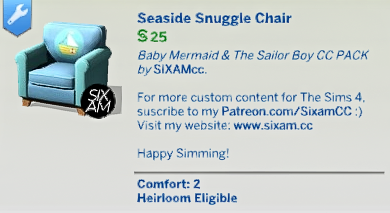
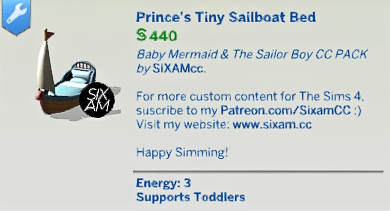
Have a look at each of the individual catalogue entries in this handy gallery!
You can click on the individual images to enlarge them.
Captain’s Top-Tip: You can search Sixam in the search bar of the catalogue to quickly discover all the objects from this CC Pack!
Deep Dive into the Details
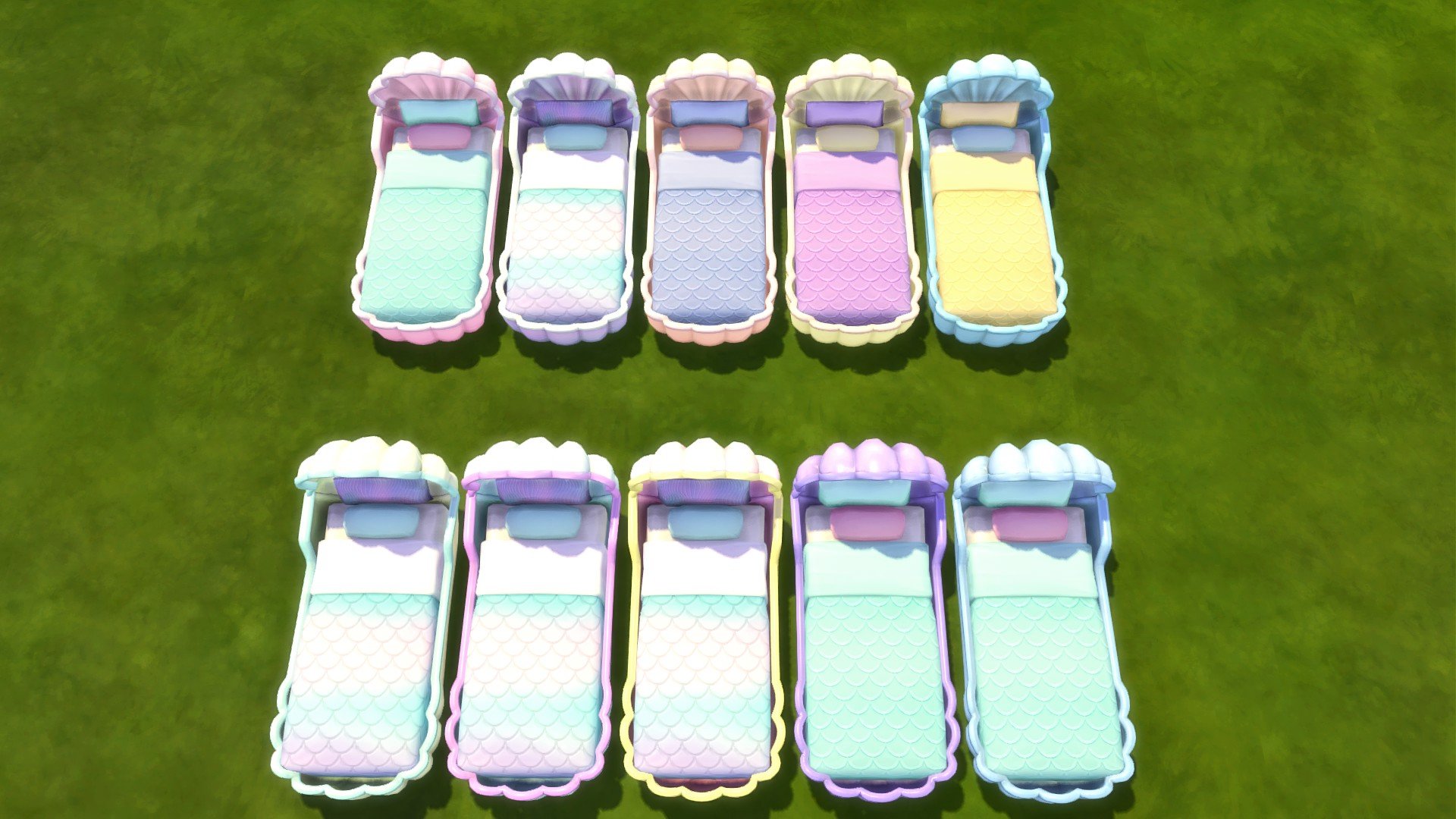
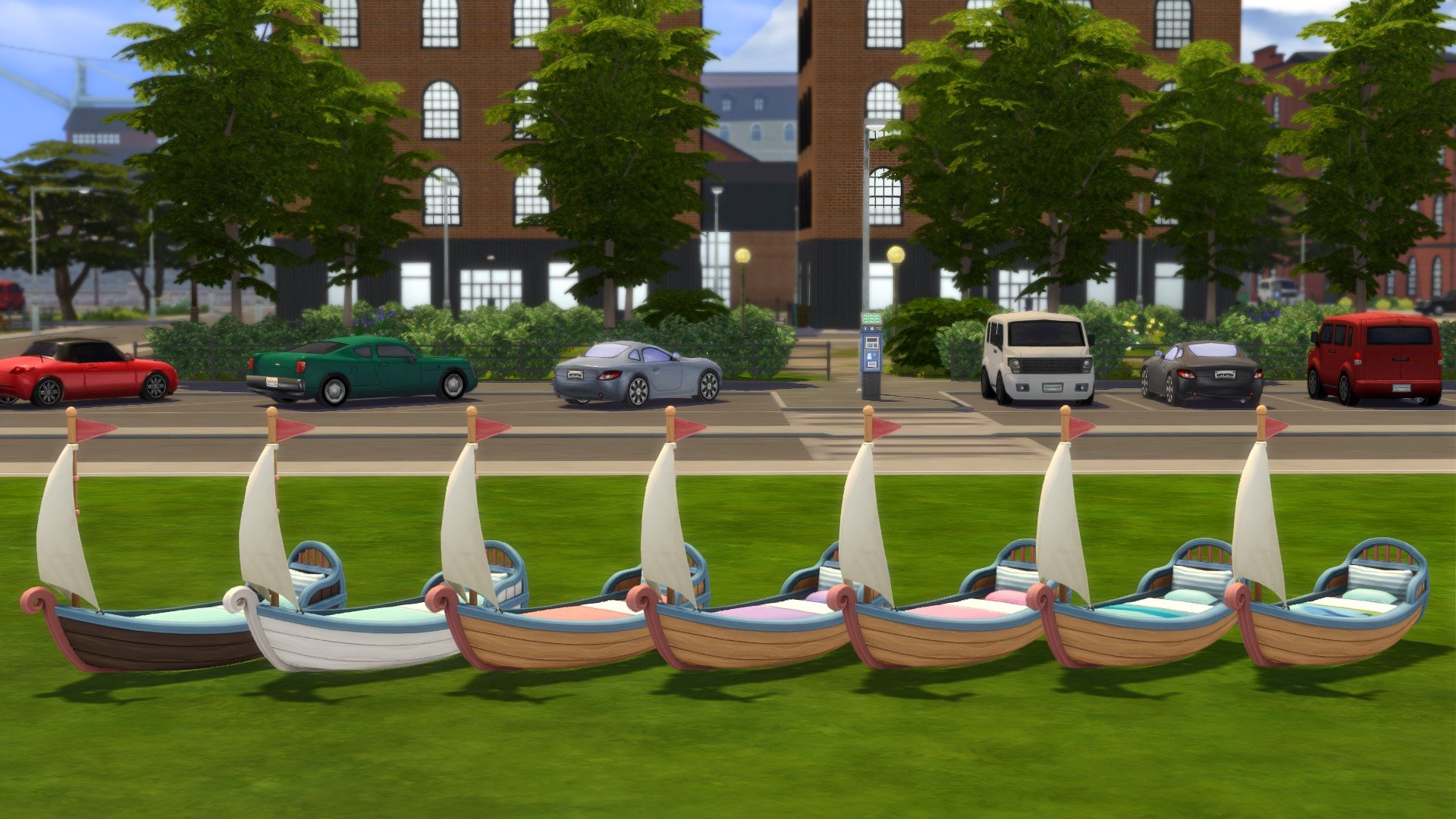
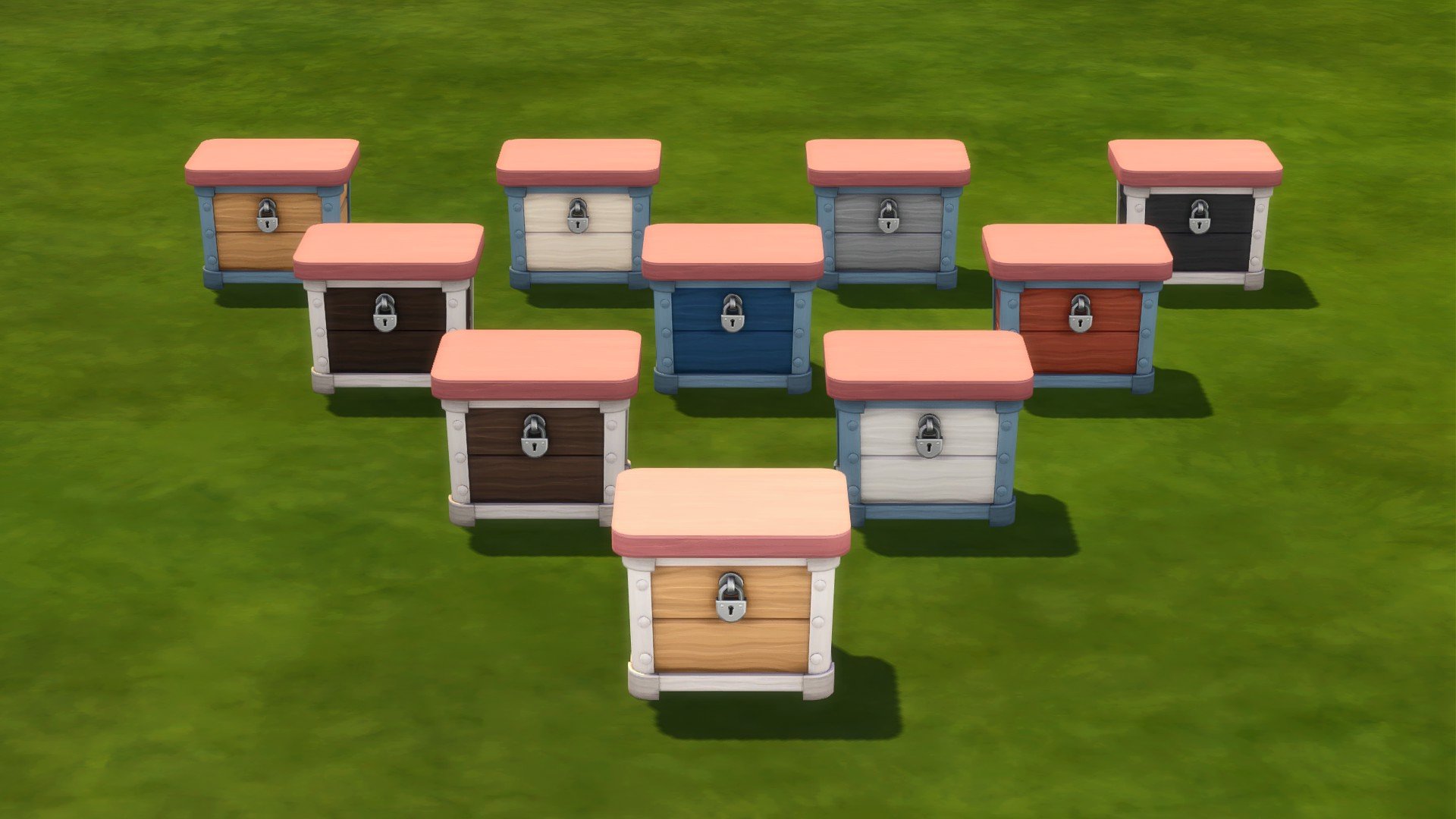
Now, this journey is taking us on a path to discover the hidden treasure, and we’ve done just that! Let’s dive even deeper under the sea and have a look at the swatches that come with each of the twenty-seven new objects!
Don’t forget, you can click on each image to have a closer look at the new object swatches!
The Finer Details of the Voyage
Now, you’re probably searching for the finer details of this The Sims 4 Baby Mermaid & The Sailor Boy CC Pack.
The pack is currently in its early access phase, with a public release coming shortly!
Want to find out more? Head over to SixamCC’s website below to find out more and download this CC Pack!
A Mermaids Tale
Okay, not quite a mermaid’s tail, but you get the idea!
After exploring this The Sims 4 Baby Mermaid & The Sailor Boy collection, we have been pleasantly surprised by not only how wonderful it looks, but how well it works with other objects already in The Sims 4. Naturally, we couldn’t resist combining a mixture of the new objects to create a quick little room build for two of our own toddler Sims!
Simple, but perfect for our own little toddler Sims to make a splash in and embark on new adventures. Learn some valuable life skills and dream of being a sailor or a mermaid!
The Sailor’s Conclusion
SixamCC’s The Sims 4 Baby Mermaid & The Sailor Boy CC Pack is a wonderful addition to your custom content folders. Especially those who enjoy family game play or love to build themed rooms. Full of beautiful pastel shades and nautical naturals, this collection has a variety of swatches perfect for every creation.
The Sims 4 Baby Mermaid & The Sailor Boy Collection is available in early access now and public release soon.
Don’t forget to keep your eye out for more Custom Content and The Sims Mods post right here on Sims Community!
Innisgreen is Full of Lore, War, and Returning Fan Favourites!
It seems that not a day goes by without a new piece of information about the upcoming Enchanted by Nature Expansion Pack. Today, the Sims Team’s latest article delves deep into the lore behind the new (and returning) Sims we will be meeting in Innisgreen on July 10th. Check out the full story below and find out about all the new Sims in Innisgreen!
The Sims 4 Enchanted by Nature Blog: New Sims in Innisgreen
Meet the Sims of Innisgreen from Enchanted by Nature
As Sims arrive and settle into the lush and charming world of Innisgreen, they’ll encounter many interesting beings along the way. From fairies buzzing about to ramblers offering necessary tidbits, this coastal land grows in abundance from an enchanted legacy with a dark past.
So let’s dig deep down into its roots and meet some of the Sims that make Innisgreen the perfect place to embrace your natural side.
The Great, Green Love of Innisgreen
Creator of all that is wonderful and awesome in the natural world (including her beloved fairies!), Mother Nature watches over Innisgreen and all that call it home. Although a gentle guardian that provides guidance and inspiration to any Sim that seeks it, her powers are as mighty as they come.
A dark time ago, she found herself in a great conflict known as The Gnome Wars, with a result that has shaped Innisgreen forever. Like many wars before, it sparked from love, between Mother Nature and Spruce Almighty.
Spruce was a gift to Mother Nature from nature itself, sprouting in her very own garden. Their love for Mother Nature lives deep in their roots and spreads to each needle, and like Mother Nature, they’ve dedicated their life to protecting the wonders of the natural world. Spruce, however, is not all-powerful like their eventual wife, but powerful nonetheless–they created the Gnomes, afterall. Devoted to their creator, the Gnomes have a special, but troubling bond with Spruce.
The Gnome Wars began when non-magical Sims of Innisgreen began developing technology that separated them from this land of natural wonder. This way of living enraged Spruce, leading to their loyal Gnomes attacking these Sims, in Spruce’s honor, and attempting to drive them out. The Fairies of the land stepped in to defend the non-magical community, eventually leading to Mother Nature herself getting involved and putting an end to the aggression. Spruce agreed to not engage in any further conflict, while the Gnomes were rendered inanimate as their punishment, except when Fairy magic temporarily permits them to animate once again.
The relationship between Mother Nature and Spruce Almighty is complicated, lingering in the very soil of Innisgreen today. Although divorced, Spruce still pines for Mother Nature’s warm embrace, never losing hope to one day rekindle their lost love.
Gnomes on the other hand can be quite simple, just ask resident “Gnome Enthusiast” Glen Nhoam. He’ll gladly sell you a gnome, or tell you how they can help your garden grow, or ask you to awaken the Great Gnome in Town Square. He really does Gnome-it-all.
Your Favorite Sprucederry Grove Couple
Meet Elric DeMuray and Todd Attenberry. Elric lives a simple, yet complicated life. Born a fairy, he hasn’t always embraced his magical nature. In fact, he often wonders about a life without his whimsical gifts and need for emotional fuel. Luckily he has Todd to keep him balanced.
Todd, who you may remember as “Apothecary Todd” from The Sims: Makin’ Magic, is the owner of his own Apothecary Stall–of course–and purveyor of many goods. He spends his days at the market doling out cures and elixirs, trading various ingredients, and even sending an occasional Sim out on a quest or two.
Despite Elric’s “winged affliction,” the two share a deep love for the natural world. They can often be found mucking about in their harvestables or taking a snooze in the lush grass. Todd–the more diligent of the two–always finds the perfect ingredients for his apothecary crafting. No matter what you need, Todd is often the Sim to see.
Drama Brews In Everdew
Welcome to a house of refuge with a dusting of rogue behavior from its new guest! This charming girl’s girl home is brimming with excitement ever since Nadya Kishka, a fairy friend, let “runaway” daughter Iris Lapido, crash with her. Why, you ask? Well, what started off as two besties under one roof, may be morphing into a flirtatious relationship. This home flutters with drama and magic, making it a lot of fun for these two rebellious ladies!
Stifled by her parent’s (Flora and Ayo Lapido) tech-heavy home, Iris moved into the enchanted forest of Everdew to explore a life in nature. She keeps her past a secret, with the hope that magic can one day write the future of her dreams.
Enter Nadya. Known for being devious with a sprinkle of good, she is a fashionably fuchsia fairy and supportive best friend to Iris. Between her ex Joe Trader and the Fairy Council Liaison, Nadya is just happy to be in the company of someone as fun as her.
Speaking of, say Sul Sul to Nadya’s former lover, Joe Trader, the Grove’s local tradesman. Joe pals around town offering quests and presenting trades, with goods he may or may not have stolen. Forming a bond with Joe may come with its problems, or even Ailments, but the reward may be sweeter than expected. Find out for yourself!
A Fairy Family With Fairy Problems
The Summerdreams–a fairy family–are currently tending to a bit of a rough patch in the garden of life. Titania, wife and mother, wants to be a free-spirit untethered to this realm of domesticity, while husband Oberon has high hopes for his family and their space in the community. No matter how steamy their love is, it seems that their marriage is in need of some serious watering.
Despite their troubles, they both deeply love their daughter, Mara. Titania enjoys teaching her how to forage in the woods, and Oberon allows her to venture wherever she pleases, instilling his love of nature within her.
Mara loves her family, home and all of the magic that swirls around her. She is counting down the days until she earns her wings. She’s adventurous, curious and full of aspirations; she often dreams about becoming the Queen of all fairies one day, should fairy society ever adopt a matriarchy.
Some Others You May Run or Fly Into
Care Ren, a liaison for the Fairy Council and member of the welcoming committee to Innisgreen, may be one of the first you encounter. She may look intimidating, with her blonde and sharp suits, but stay on her good sides and you’ll reap the rewards. You can start by offering her a grilled cheese.
It’ll be your pleasure to meet Zhaleh Amani, a wise elder fairy respected by all in the community. She can be found buzzing about in the forest looking for Sims to send out on quests.
From today’s article, it seems as though we are seeing the return of two Sims from previous entries in the franchise. Todd Attenbury, also known as Apothecary Todd, was last seen in The Sims Makin’ Magic Expansion Pack way back in 2003. In Innisgreen, he is found living with his partner Elric DeMuray, another win for the gays!
Also returning is the Summerdream family, last seen living in Veronaville in The Sims 2. This magical (and rather dramatic) family were inspired by A Midsummer Night’s Dream by William Shakespeare, a play about conflicting lovers and mischievous fairies. It seems their story has been changed a little in the latest announcement, as Titania and Oberon originally had two children, Puck and Bottom. This time around, they have a new daughter named Mara, a character not seen in the original play.
The Sims 4 Enchanted by Nature Expansion Pack is due to release next Thursday, July 10th! You can keep up to date with our live countdown that will hit 0 the moment the pack launches for PC, Mac, PlayStation, and Xbox.
The pack will retail for $39.99 or your local equivalent. If you purchase through August 21st 2025, you will receive the Fairy Garden Digital Content, which includes three exclusive items!
What are your thoughts on the newest townies in The Sims 4? Let us know in the comments below, and make sure to stay tuned to The Sims Community for all the latest on the Enchanted by Nature Expansion Pack.
A Full Walkthrough to Earning Rewards in The Sims 4 Nature’s Calling Event Week 2!
We are officially in the second week of the latest live event for The Sims 4! As with last week’s guide, I will be completing this event with Bob and Eliza Pancakes on their couples retreat in the forests of Copperdale. If you haven’t completed last week’s quests, you can check out our full guide and overview of the rewards here!
Let’s dive into week 2 of The Sims 4 Nature’s Calling!
Table of Contents
‘Enigma of the Cove’ Quest Steps
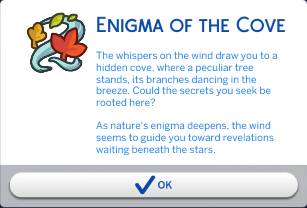
Upon loading into your save (and presuming you completed Week 1’s quests), you will be greeted by a pop-up informing you of the new quest, ‘Enigma of the Cove’.
The whispers on the wind draw you to a hidden cove, where a peculiar tree stands, its branches dancing in the breeze. Could the secrets you seek be rooted here?
As nature’s enigma deepend, the wind seems to guide you toward revelations waiting beneath the stars.
Enigma of the Cove – Quest
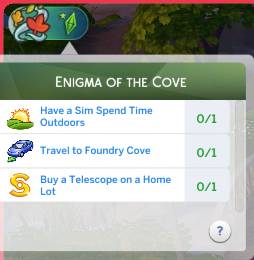
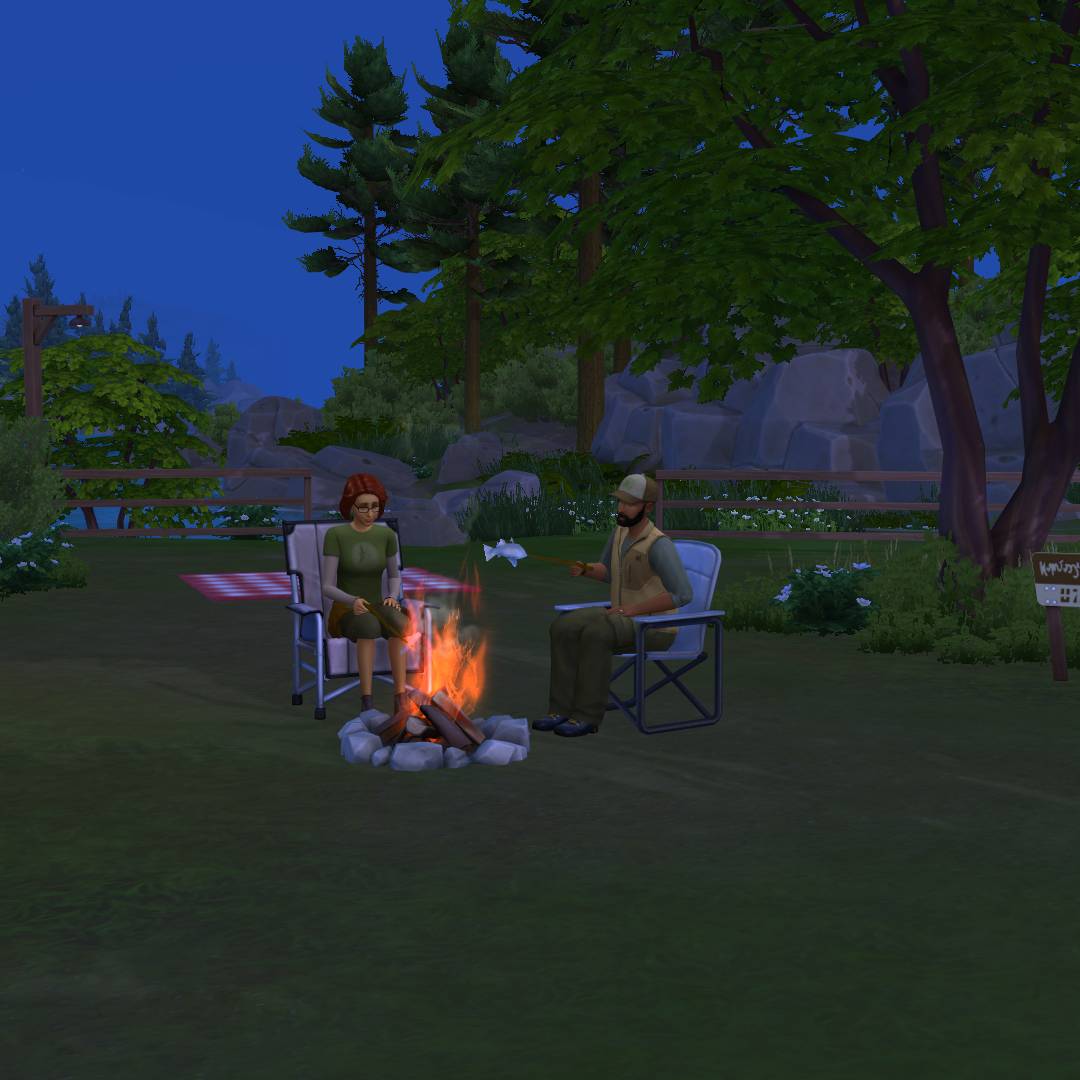
After clicking ‘OK’, you will be given 3 new tasks to complete. The first task on the list is ‘Have a Sim Spend Time Outdoors’, so I had Bob and Eliza have dinner around the campfire.
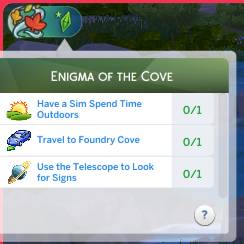
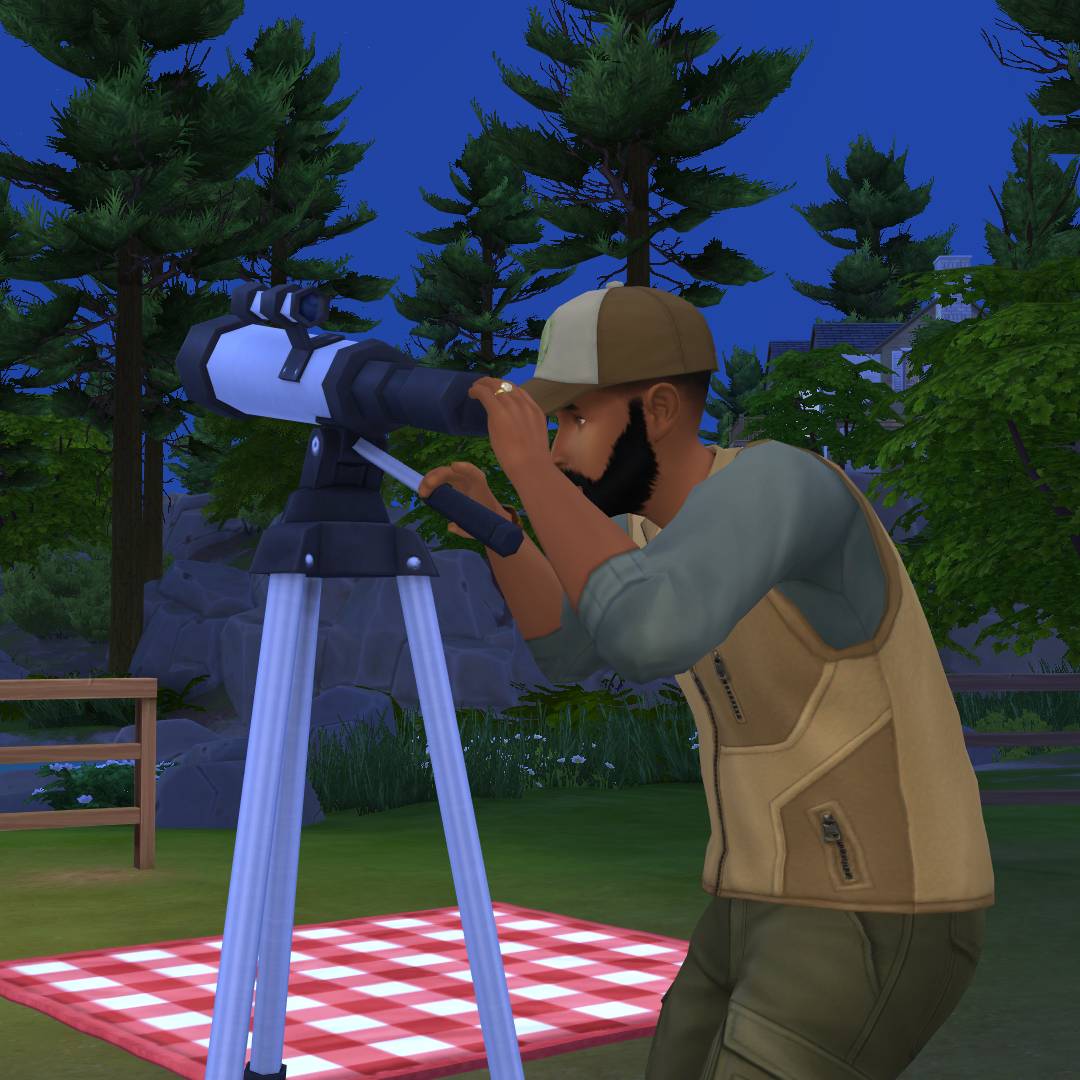
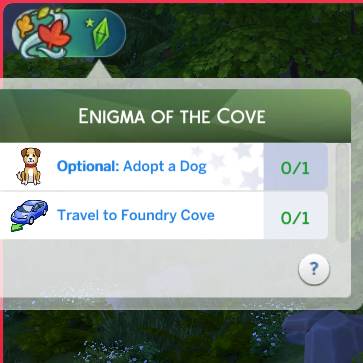
My other two tasks were to ‘Travel to Foundry Cove’ and ‘Buy a Telescope on a Home Lot’. I decided to start with the latter as the sun was setting. After purchasing the telescope, I received the task ‘Use the Telescope to Look for Signs’. To complete this, I clicked my newly purchased telescope and chose the new interaction.
After completing this, I received a notification that read:
A deep, rumbling voice seems to rise from the earth itself – Tread carefully, for some secrets are deeply buried for a reason. The path ahead may lead to unforseen consequences. Heed the warnings of the land.
Notification – Enigma of the Cove
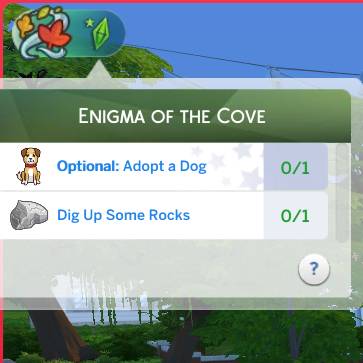
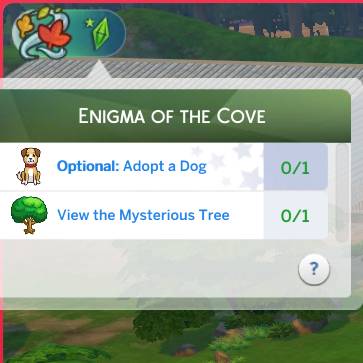
I then received a new optional task (These can only be completed if you own the required pack; however, you do not receive any bonus for completing it). The task was to adopt a dog – Bob and Eliza’s marriage is struggling enough, a dog won’t help, so I decided to skip this and instead send Bob to Foundry Cove in Willow Creek the next morning.
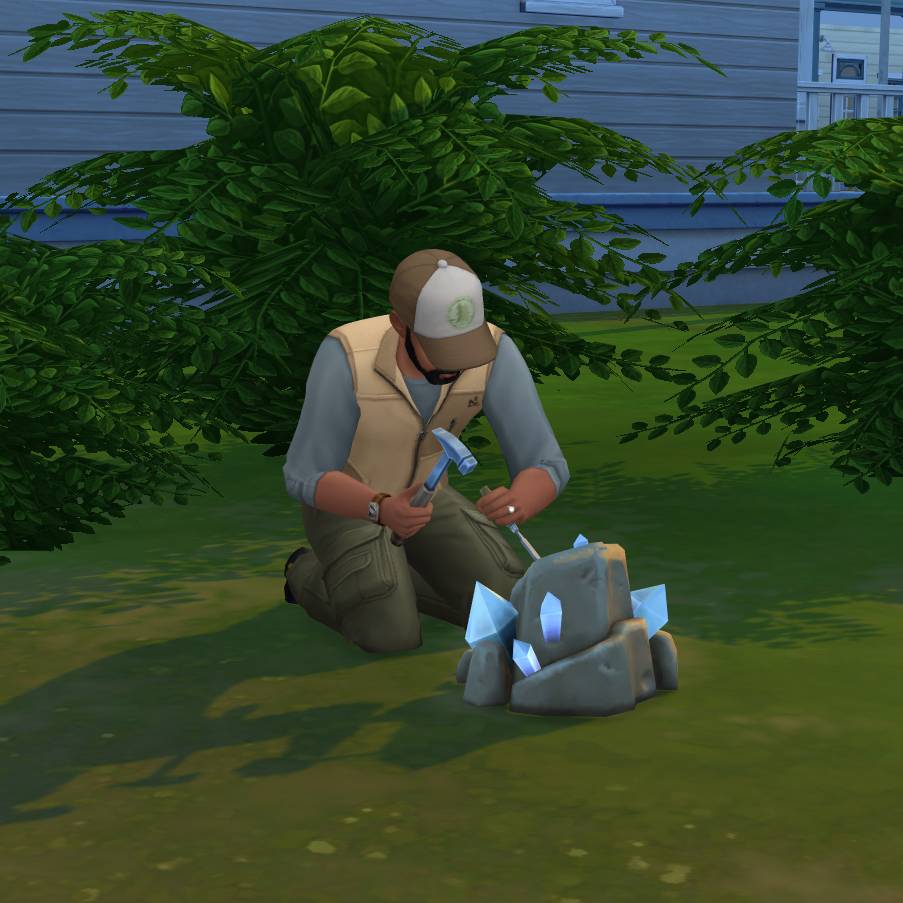
I was then tasked to ‘Dig Up Some Rocks’. Rock formations can be found by the river’s edge. If no rocks spawn, try travelling to Magnolia Blossom Park as they usually spawn there in abundance.
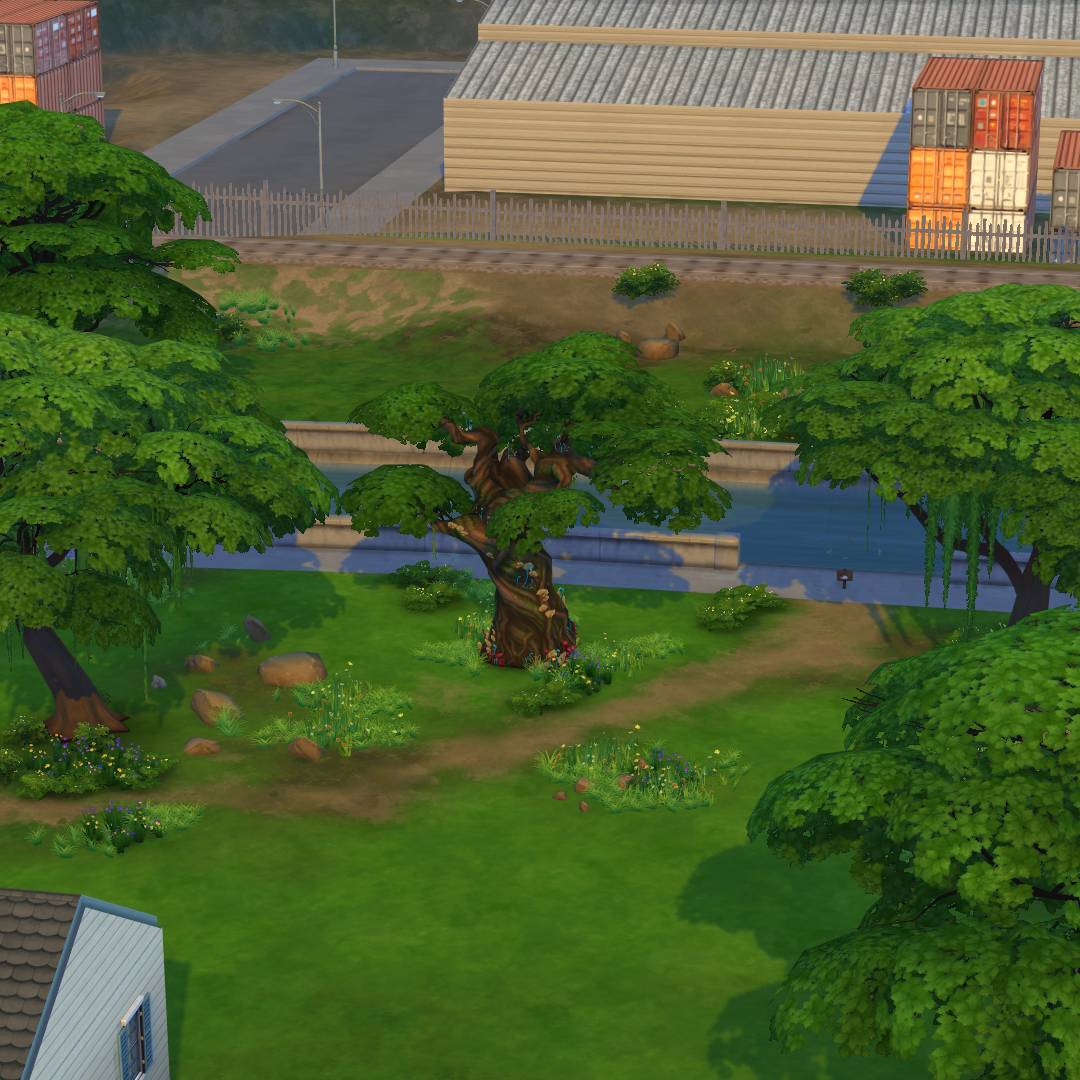
You will then be tasked with a slightly cryptic task. ‘View Mysterious Tree’ references the tree in Foundry Cove. This tree can be found between the Crick Cabana and Daisy Hovel lots.
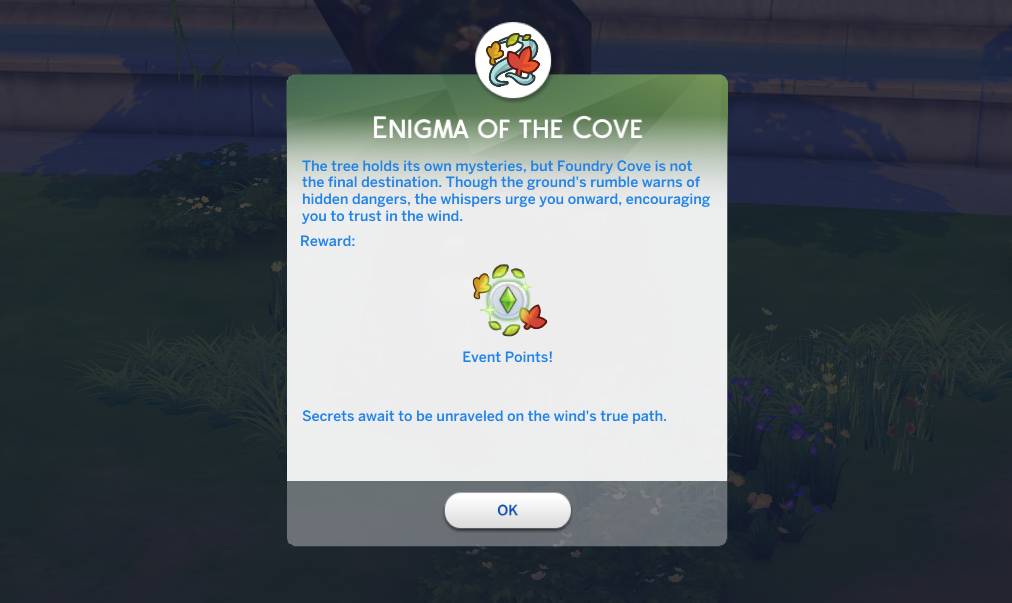
Finishing this task will signal the end of the ‘Enigma of the Cove’ quest. You will be greeted with a pop-up box and rewarded with Event Points that can be used to redeem the latest rewards.
The tree holds it’s own mysteries, but Foundry Cove is not the final destination. Through the ground’s rumble warns of hidden dangers, the whispers urge you onward, encouraging you to trust the wind.
Enigma of the Cove
‘The Comfort of Nature’ Quest Steps
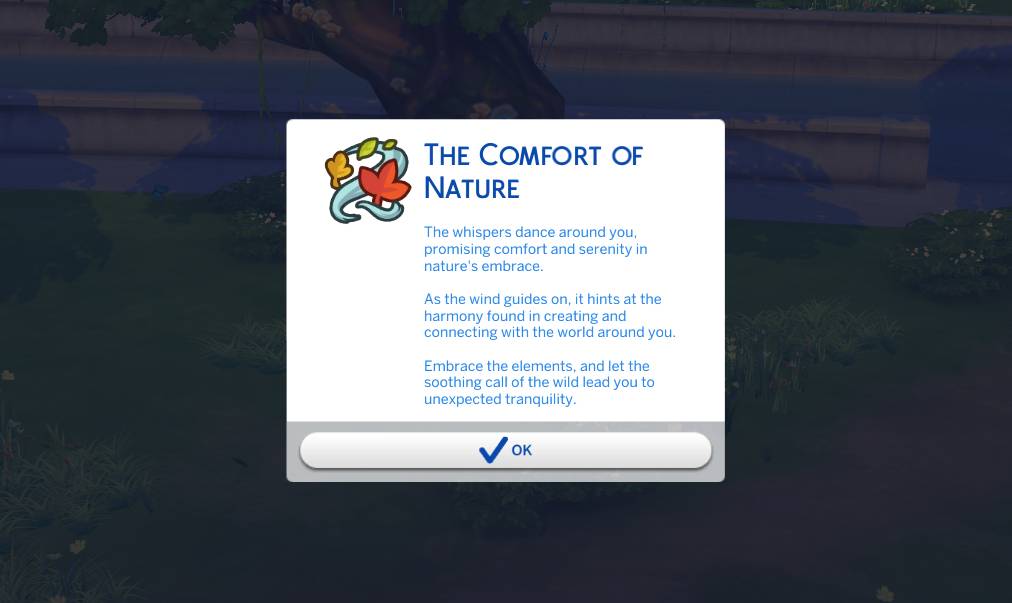
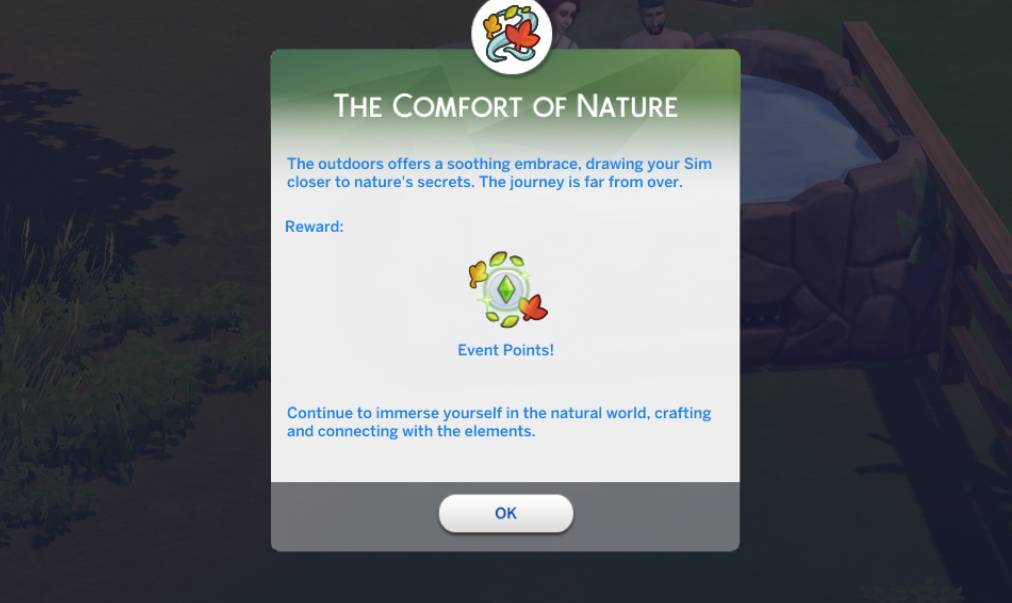
Upon completion of the ‘Enigma of the Cove’ questline, you will be greeted by the next quest, ‘The Comfort of Nature’!
The whsipers dance around you, promising comfort and serenity in nature’s embrace.
As the wind guides on, it hints at the harmony found in creating and connecting with the world around you.
Embrace the elements, and let the soothing call of the wild lead you to unexpected tranquility.
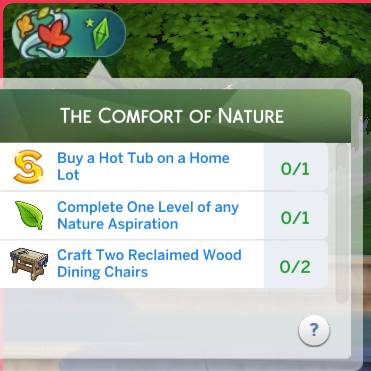
The Comfort of Nature
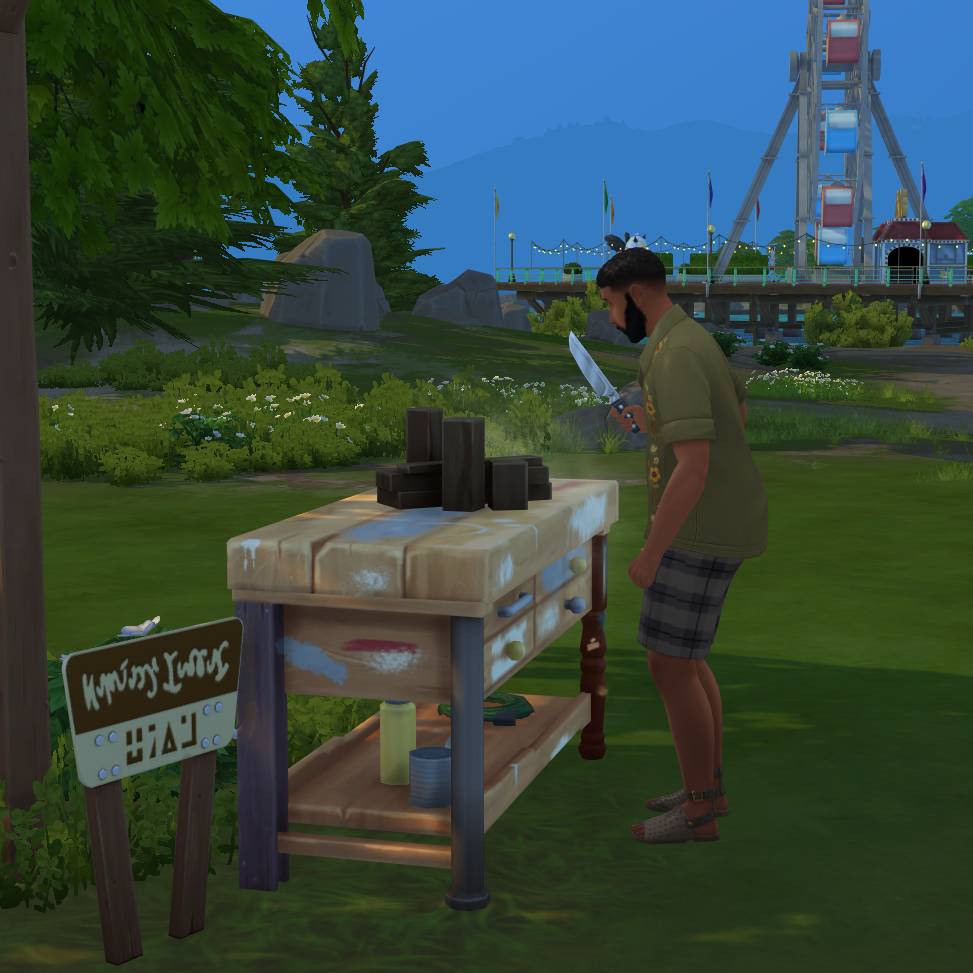
The first objective I chose to follow required me to claim the ‘Reclaimed Wooden Dining Chair’ in the rewards store. After claiming it, I was able to build it on the woodworking bench after levelling up to level 3 of the handiness skill! Do this twice to complete the task.
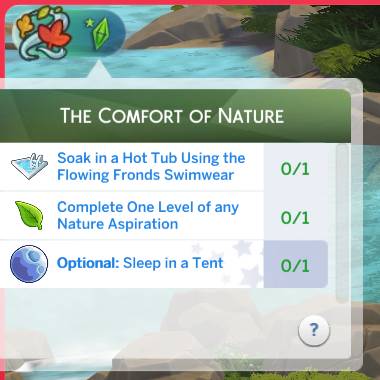
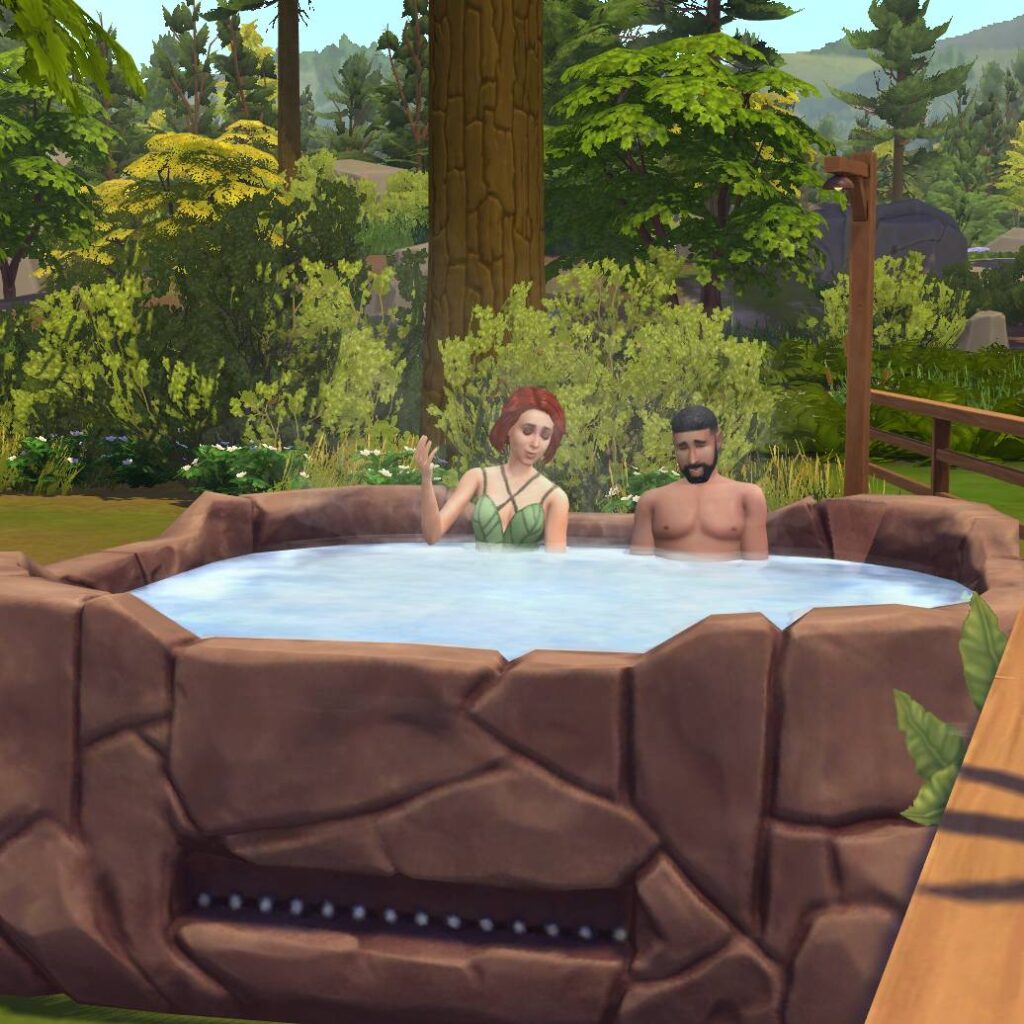
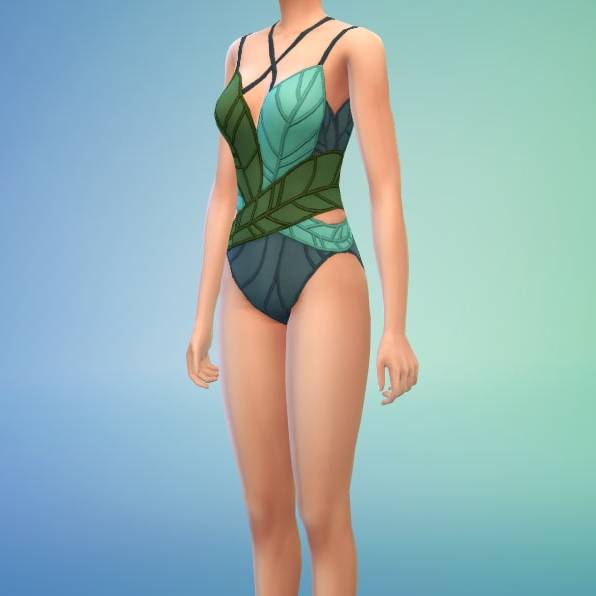
The next task to ‘Buy a Hot Tub on a Home Lot’, is simple enough. I chose to place the hot tub from the For Rent Expansion Pack. The following task will require you to ‘Soak in a Hot Tub Using the Flowing Fronds Swimwear’. The swimwear mentioned can be unlocked in the rewards store and then added to your Sim in CAS.
The next task that isn’t optional requires your Sim to complete one level of a Nature Aspiration. You can change your current Aspiration by opening the Aspiration tab, selecting ‘Select New Aspiration’ on the star-shaped button, and choosing any Aspiration in the category. Completing this task will trigger the end of the quest.
The outdoors offers a soothing embrace, drawing your Sim closer to nature’s secrets. The journey is far from over.
The Comfort of Nature Quest Ending
After completion don’t forget to head to the Event Rewards Store to claim your new items!
Week 2 Rewards
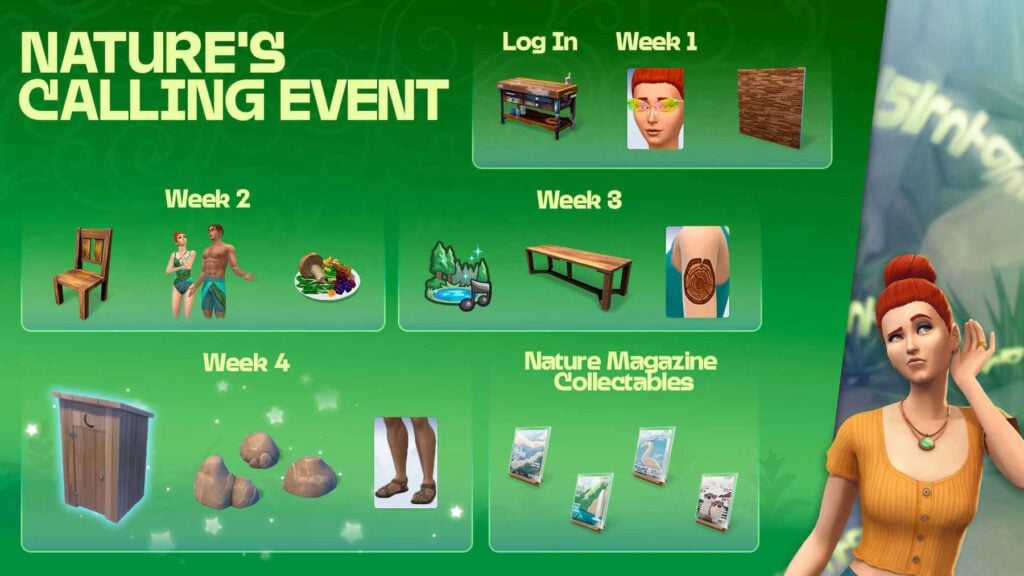
As with every week, players will be able to redeem their event points in the rewards screen. This week sees a new dish, a craftable chair, some new swimwear outfits, and another copy of Touch Grass Weekly!
Small Rewards
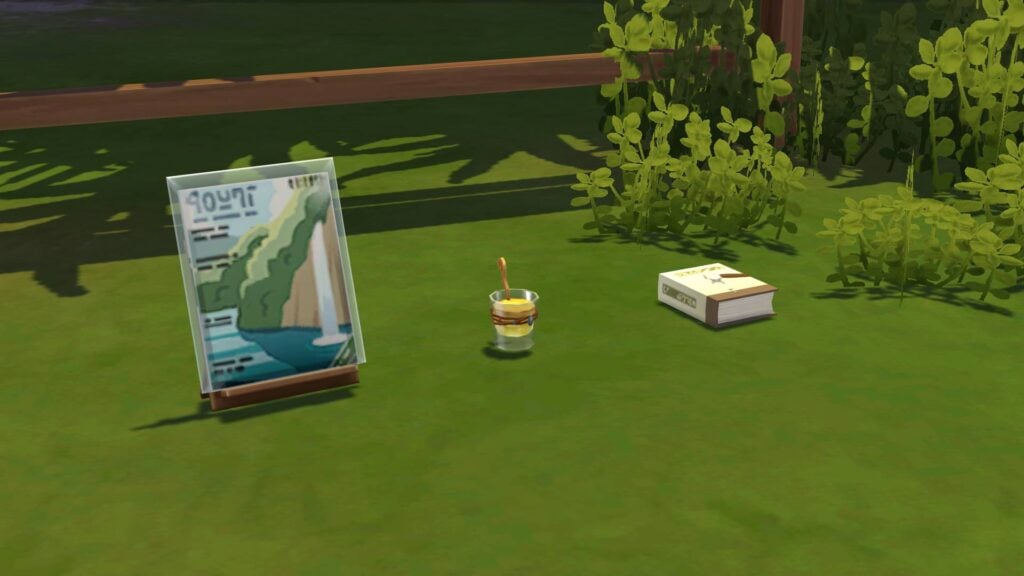
When all rewards are claimed, your current Sim will be gifted a copy of Touch Grass Weekly Issue #2, the Instant Fun potion that refills the fun need, and Handiness Vol 2: Sparks are Nature’s Kisses, straight to their inventory!
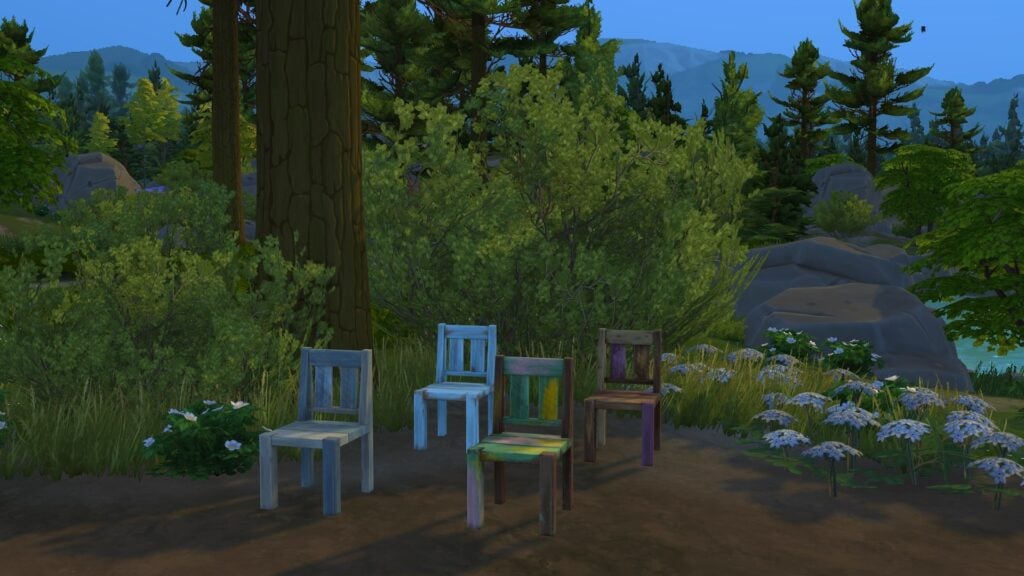
Reclaimed Wood Dining Chair
The latest addition to the woodworking table is the Reclaimed Wood Dining Table. It comes in 12 new swatches and can either be bought via the Build-Buy catalogue or crafted by Sims using any available woodworking table.
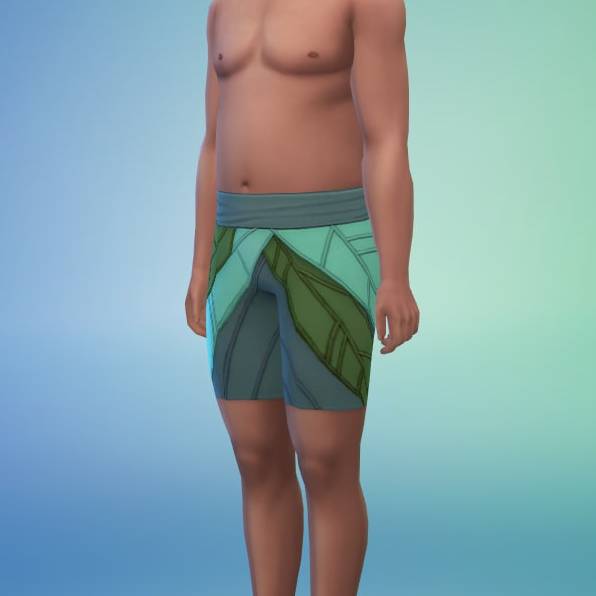
Flower Fronds Swimwear
This new swimsuit set can be found in Create-A-Sim under both Male and Female frames after being claimed in the store!
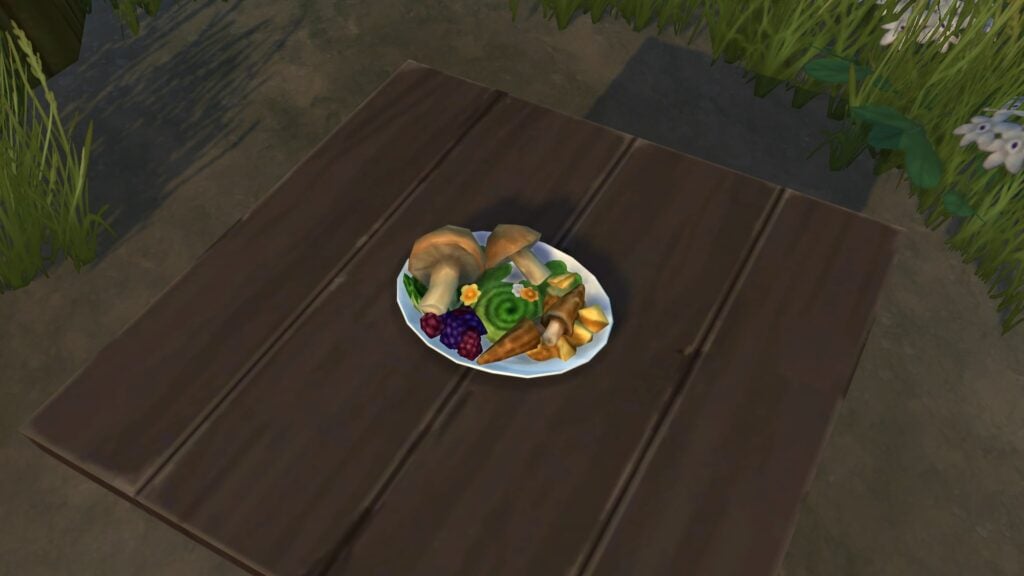
Foraged Feast
This new meal, The Foraged Feast, is a brand new recipe that can be cooked on a stove and requires level 2 of the cooking skill. If you have the simple living lot trait that came with the Cottage Living Expansion Pack, then your Sims will require any type of mushroom to cook it. It comes in the usual 3 sizes of dish: single for §13, family size for §24, and party size for §52. The price will be §0 if your Sim has a mushroom in their inventory or refrigerator.
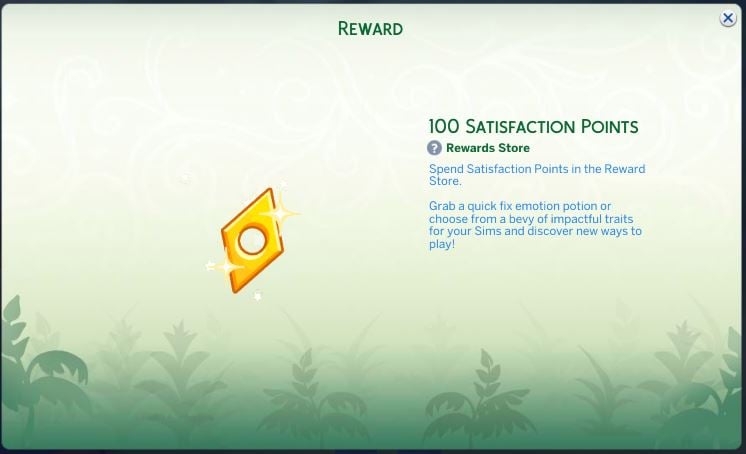
Bonus: 100 Satisfaction Points
Like with last week’s §5000 simoleons, we get 100 satisfaction points rewarded to our active Sim at the time of claiming the reward.
That’s all for this week, but make sure to check back next week for a full walkthrough of Week 3 of the Nature’s Calling event!
Did you enjoy this week’s event? Which reward are you most looking forward to? Let us know in the comments below and stay tuned to Sims Community for all updates regarding Live Events in The Sims 4!
Wouldn’t be a big Sims 4 Update release without something breaking, right?
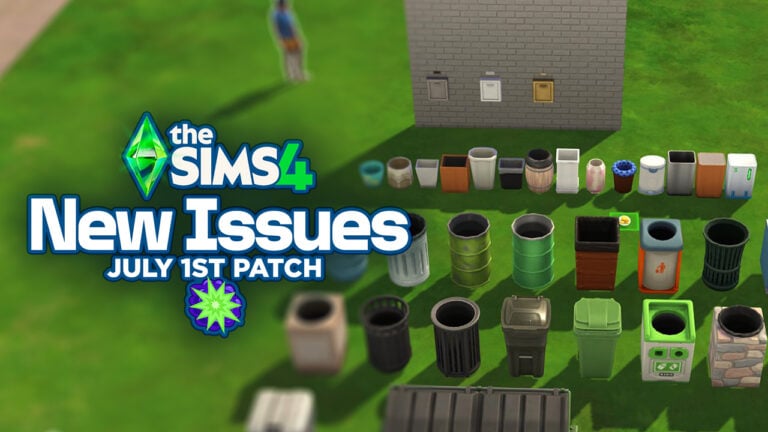
Yesterday The Sims Team surprised us all with a new Game Patch for The Sims 4. Which introduced brand new Glass Walls, Collections UI Revamp, Plants on Roofs and other hidden features like new Skin Effects and Gardening additions. However, new Sims 4 issues and glitches have also been spotted.
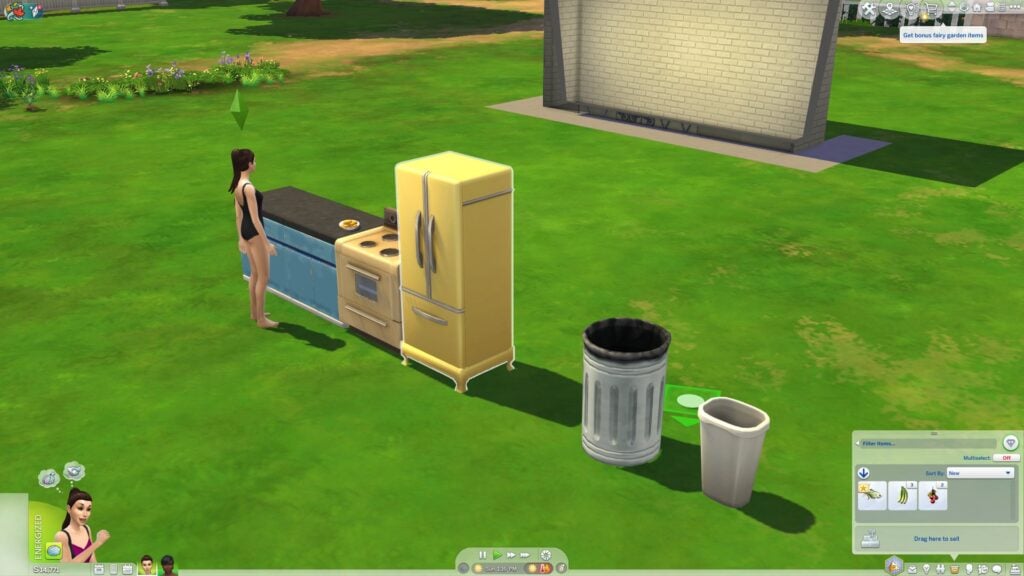
Food plates and leftovers can no longer be dragged to the trash bins. The whiteboards from Businesses & Hobbies can’t be placed, and pregnancy tests are obselete. Let’s see what are the main concerns and top reported issues by the community since the July 1st, 2025 Patch:
The Sims 4 Issues and Glitches: July 1st Patch
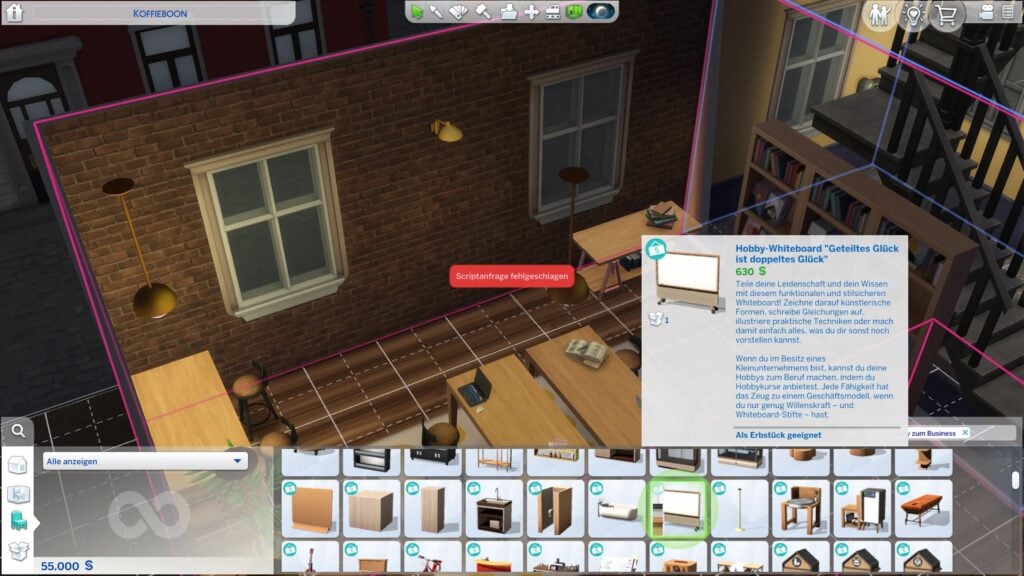
Hobby Whiteboard is Vanished and can’t be placed
The issue was first brought to attention by Shibuya_2508 on EA Forums. Who reports that the Whiteboard object from Sims 4 Businesses and Hobbies Expansion vanished from their lot and cannot be re-placed again.
Forum user simlindsims has further playtested this Sims 4 issue and discovered the following:
They were automatically deleted from my original save
I have tried on both residential and business lots.
My game currently has no mods
I have tried to do this in both an existing save file and a new, vanilla file
I have repaired my game
– simlindsims on EA Forums
The issue has currently been upvoted by more than 100 players on the EA forum thread, with the glitch happening across Desktop and Console platforms.
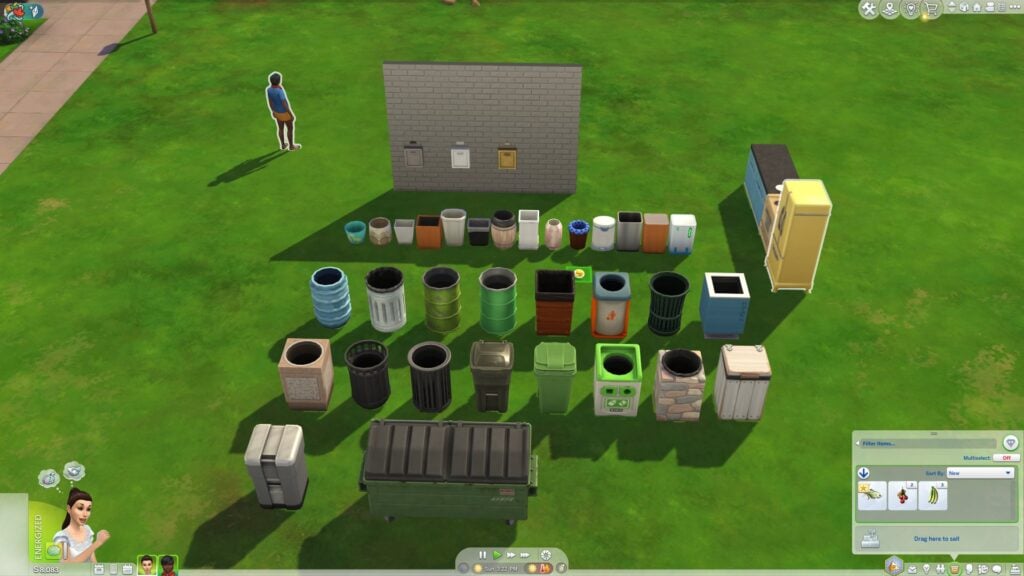
No shortcuts to clean dishes. At least for a while. The latest patch has brought a peculiar issue where players can’t drag food plates, leftovers, trash and even baby diapers to the Trash Bin / Sink. The only way to clean up after yourself, at least for now, is by instructing your Sim to do it.
Over 350 players have upvoted this issue on the first EA forum report thread, with the issue being present for all platforms and vanilla / modded games.
And if you were wondering if this Sims 4 Issue persists with all Trash Bins – it does.
Both the Businesses & Hobbies Whiteboard Object and Drag to Trash issues have already been marked as under investigation by EA.
No Pregnancy Test to Take
Your Sims might’ve successfully tried for a baby. But after the latest Game Patch there’s just no way of finding out until the first trimester. The new Sims 4 issue was first spotted by tx_boxy, with currently 10 upvotes on the thread.
So My sim is ready for a baby. But after they tried… when I wanted to see if she actually got pregnant or not. No options for any tests. I don’t use any mods or cc…
– tx_boxy on EA Forums
I have the same problem since yesterday, and I suspect pregnancies get reset (so the Sim is no longer pregnant) if I switch households and the pregnancy hasn’t yet been confirmed ‘naturally’. It’s very frustratring, since I’m finally successfully try rotational play and both Sims aren’t pregnant yet because I switch before 24 hrs have passed. Hope it’ll get fixed soon!
I’m also having the same problem with two different sims. They each tried for baby with their partners twice and both times when I clicked on the toilet there was no option to take a pregnancy test.
More information is needed regarding circumstances to when and why this specific Sims 4 Issue occurs. Make sure you share your experience in the linked thread!
Have you experienced other Sims 4 Issues and glitches in your game? You can report your experience and upvote others on the official Sims 4 Bug Reports Thread.
We’ll make sure to update this article with new information as they come to surface. Stay tuned on Sims Community for the latest updates on The Sims 4!
Krafton issues a new general fix update for their life simulation InZOI.
A new InZOI Update has just been released on Steam. Unlike the June 2025 Feature Update, this one is just a gameplay fix patch and focuses solely on minor improvements like personal interactions. And updates to several game issues with pregnancy, babies and other game features.
You can download the new update automatically after launching Steam if you have automatic updates enabled. If not, you can right click on InZOI in your game library and check for updates manually.
InZOI Update: July 2nd, 2025 Patch Notes
Hello, Creators.
We would like to inform you that the following hotfix has been applied to inZOI. Please refer to the details below for more information.
◆ Hotfix Details
◽️ Patch Date: July 2nd, 2025
◽️ Game Version: 20250701.5443.W
Bug Fixes
Gameplay
Made partial improvements to personal interactions
Added conditions and emotional rewards to personal interactions, improved reflection of autonomous behavior, and more.
Fixed an issue where camera controls became unresponsive when repeatedly clicking to enter Free Camera mode during Zoi control.
Fixed an issue where Zoi could occasionally become unresponsive after loading a saved game.
Fixed an issue where newborn babies would not appear in the family list after moving a pregnant Zoi to another household via Edit City .
This fix only applies when starting a new game via “New Game.”
Fixed an issue where a pregnant Zoi would not give birth in some save files.
This fix applies only to affected save files, where the pregnancy state will be reset and reverted to the pre-pregnancy state.
In such cases, the Zoi’s gender identity settings may also be reset. If this happens, the identity can be reconfigured and will be correctly reflected in the gender identity pop-up and Zoi profile.
Fixed an issue where NPCs would not go to work when the “timeSpeed” cheat was used.
Character
Fixed an issue where some hairstyles for boy Zois were appearing duplicated in the hairstyle category.
Fixed an issue where facial features of newborn Zois generated via genetics appeared unnatural.
Crash Fixes
Fixed a crash that could occur intermittently when loading a saved game or switching families.
※ To check ongoing issues under investigation, please refer to the Known Issues list.
We’ll continue working to make inZOI more stable and enjoyable for everyone.
Thank you, as always, for your continued support and valuable feedback.
The inZOI Team
You can find the latest Patch Notes on InZOI right here!
Why Your Sims Deserve Better Than Living Paycheck to Paycheck: The Sim National Bank Mod Revolution
Picture this: your Sim just landed their dream job as a tech guru, but they’re still stuffing simoleons under their virtual mattress like it’s 1995. Meanwhile, in the real world, you’re managing multiple bank accounts, dealing with mortgages, and probably stress-eating over your credit score. Shouldn’t your digital alter ego experience the same financial complexity that makes life… well, interestingly complicated?
Enter the Sim National Sims 4 Bank Mod – the game-changer that’s about to make your Sims 4 experience feel less like playing house and more like running an actual financial empire. This isn’t just another mod; it’s a complete overhaul that transforms your pixelated paradise into a realistic economic playground.
Guide to The Sims 4 Bank Mod
What Exactly Is the Sim National Bank Mod? (And Why Should You Care)
The Sims 4 Banking Mod, officially known as SNB by SimRealist, is like giving your game a financial makeover worthy of a Wall Street makeover show. Instead of your Sims hoarding cash in their household funds like digital dragons, they can now open multiple bank accounts, apply for loans, and even invest in shares.
But here’s where it gets interesting – this isn’t just about adding complexity for complexity’s sake. The SNB mod introduces genuine financial drama into your gameplay. Want your Sim to struggle with debt? Check. Need to simulate the stress of mortgage applications? Double check. Looking to create a rags-to-riches storyline that actually feels earned? Triple check with a cherry on top.
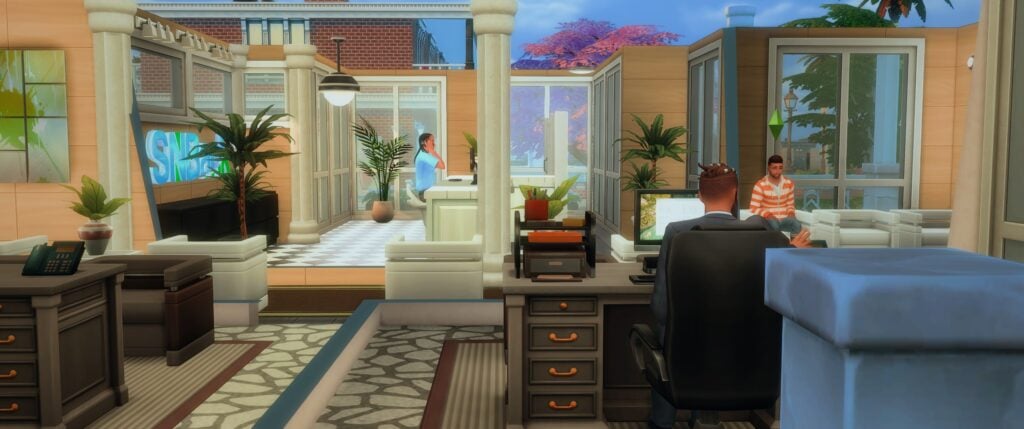
The mod comes in two main flavors: the core SNBank system and the SNB Financial Center expansion. Think of the core as your basic banking infrastructure, while the Financial Center is like adding physical bank branches where your Sims can have face-to-face conversations with loan officers who might actually reject their applications. Revolutionary, right?
The Core Features That’ll Make You Rethink Everything
Multiple Account Magic
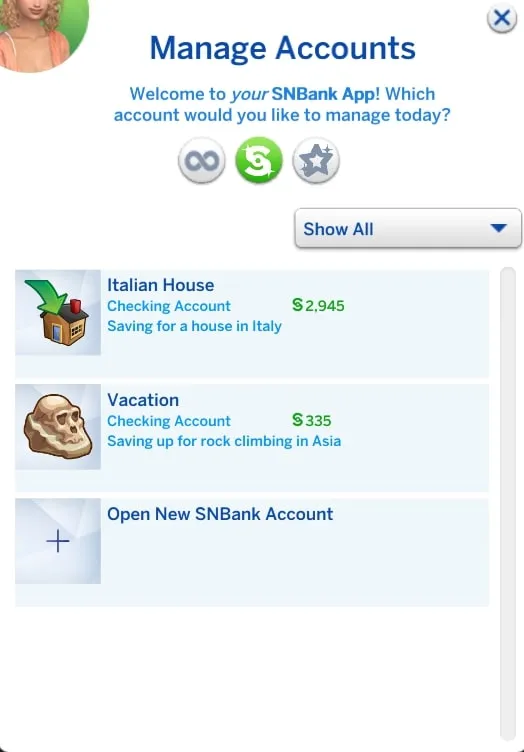
Gone are the days when your Sims had to keep all their money in one massive pile. With the SNB mod, your Sims can open multiple accounts – main accounts, savings accounts, education funds, and even joint accounts for those power couples who share everything (including financial stress).
Each account caps at §9,999,999, which sounds like a lot until you realize your mansion-building addiction knows no bounds. But here’s the clever part: you can open multiple accounts to store more. It’s like financial Tetris, but with better graphics.
Direct Deposits and Real Financial Flow
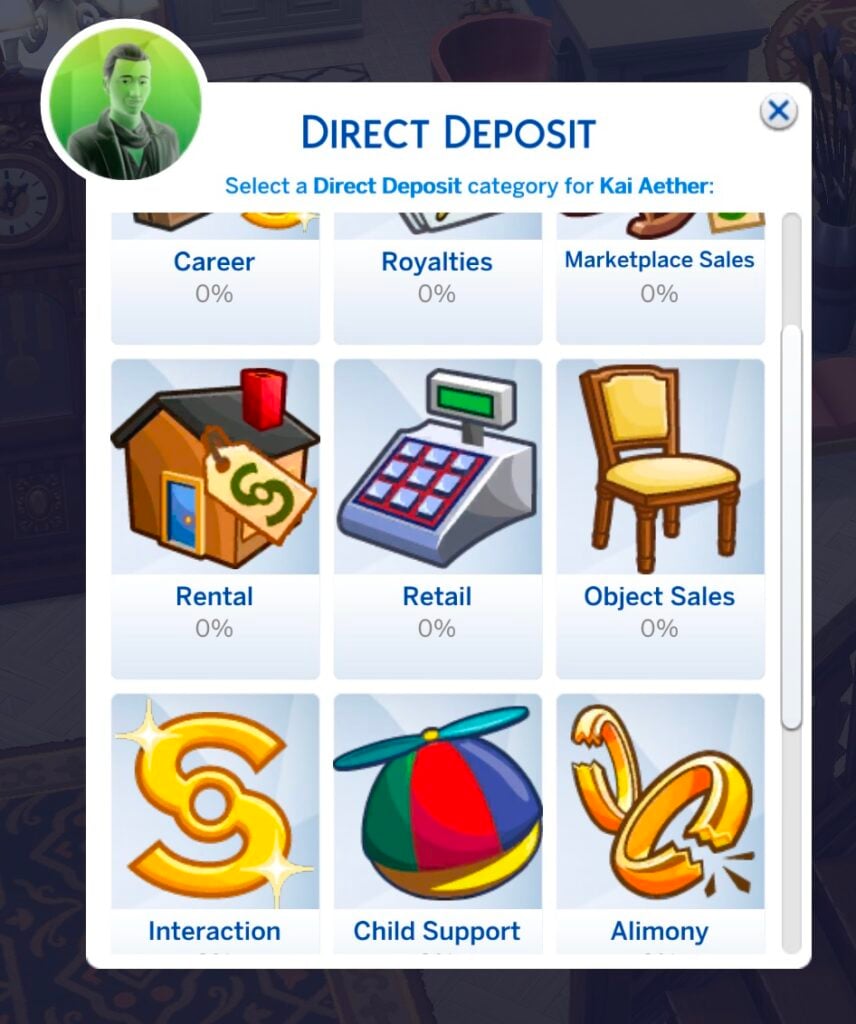
Remember when your Sim’s salary would just magically appear in their household funds? Those days are over. Now, career payments, royalties, and other income can be deposited directly into their SNB accounts. You can even set custom percentages – maybe 80% goes into the bank while 20% stays liquid for those impulse furniture purchases we all make.
This feature alone transforms how you think about your Sim’s financial life. Suddenly, payday actually means something beyond just watching numbers go up.
The Financial Center: Where Banking Gets Personal
Physical Bank Venues That Actually Matter
The SNB Financial Center expansion introduces something revolutionary: banks that feel like actual banks. These aren’t just decorative buildings; they’re functional spaces where your Sims interact with banking staff who have distinct roles and personalities.
You’ve got Account Managers for opening and closing accounts, Bank Tellers for deposits and withdrawals, and Loan Officers who can make or break your Sim’s homeownership dreams. Each NPC serves a specific purpose, and the interactions feel meaningful rather than just clicking through menus.
Loans, Mortgages, and Financial Drama
Real-World Financial Logic
The loan system isn’t just “click button, get money.” This Sims 4 Bank mod evaluates your Sim’s eligibility based on household income, assets, and debt-to-income ratios. Want an unsecured loan? Your DTI ratio can’t exceed 75%. Eyeing that mansion with a mortgage? Better keep that ratio under 43%.
This isn’t arbitrary complexity – it mirrors real-world financial decision-making. Your Sims finally have to consider whether they can actually afford that sprawling estate or if they should start with a modest starter home.
Mortgage Integration and Real Estate Reality
The mod integrates seamlessly with the Real Estate (R|E) mod, creating a comprehensive property management system. Your Sims can finance real estate purchases with proper mortgage products, turning house-hunting into a genuine financial strategy game.
Setting Up Your Financial Empire
Installation That Won’t Drive You Crazy
Setting up the SNB Sims 4 Bank mod is refreshingly straightforward. Download the core SNBank mod (required), add the Financial Center expansion if you want physical banks, and optionally include compatible mods like LittleMsSam’s ATM Cards or Scarlet’s SimCity Loans for even more financial complexity.
The beauty lies in the modular design. Start simple with just banking, then add features as you become comfortable with the system. It’s financial mod training wheels that you can eventually remove.
Lot Setup and Bank Creation
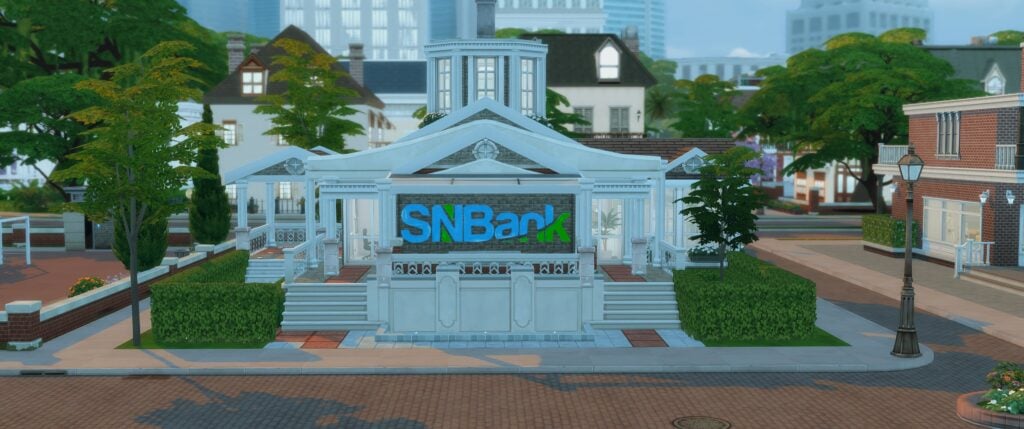
Converting any lot into a bank requires just the Sim National Bank lot trait and some essential furniture: Bank Computer, Teller Desk with Bar Stool, Credit Computer, and a Bank Lobby. The setup is intuitive, and the visual result feels authentically bank-like.
Frequently Asked Questions (Because Everyone Has Them)
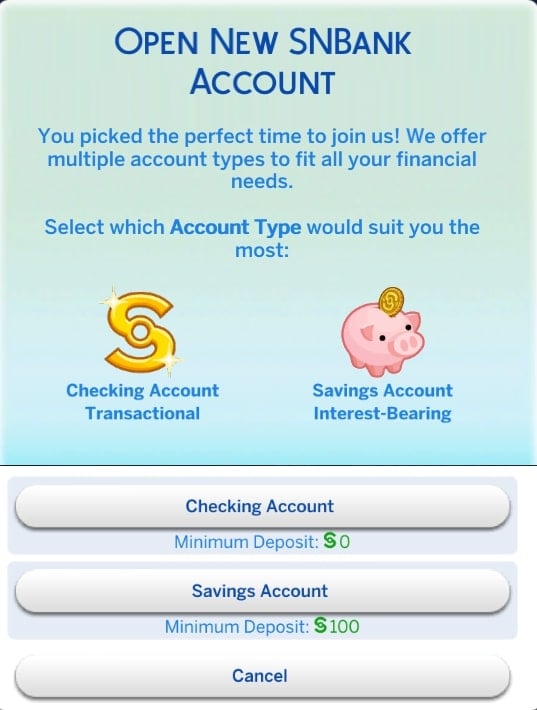
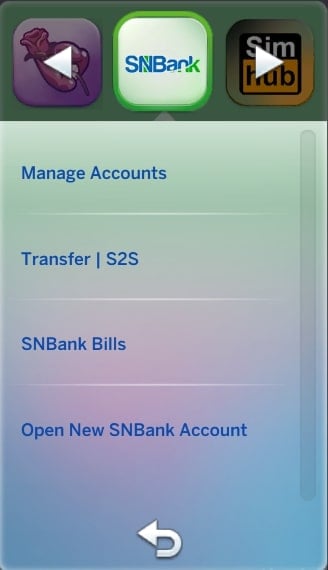
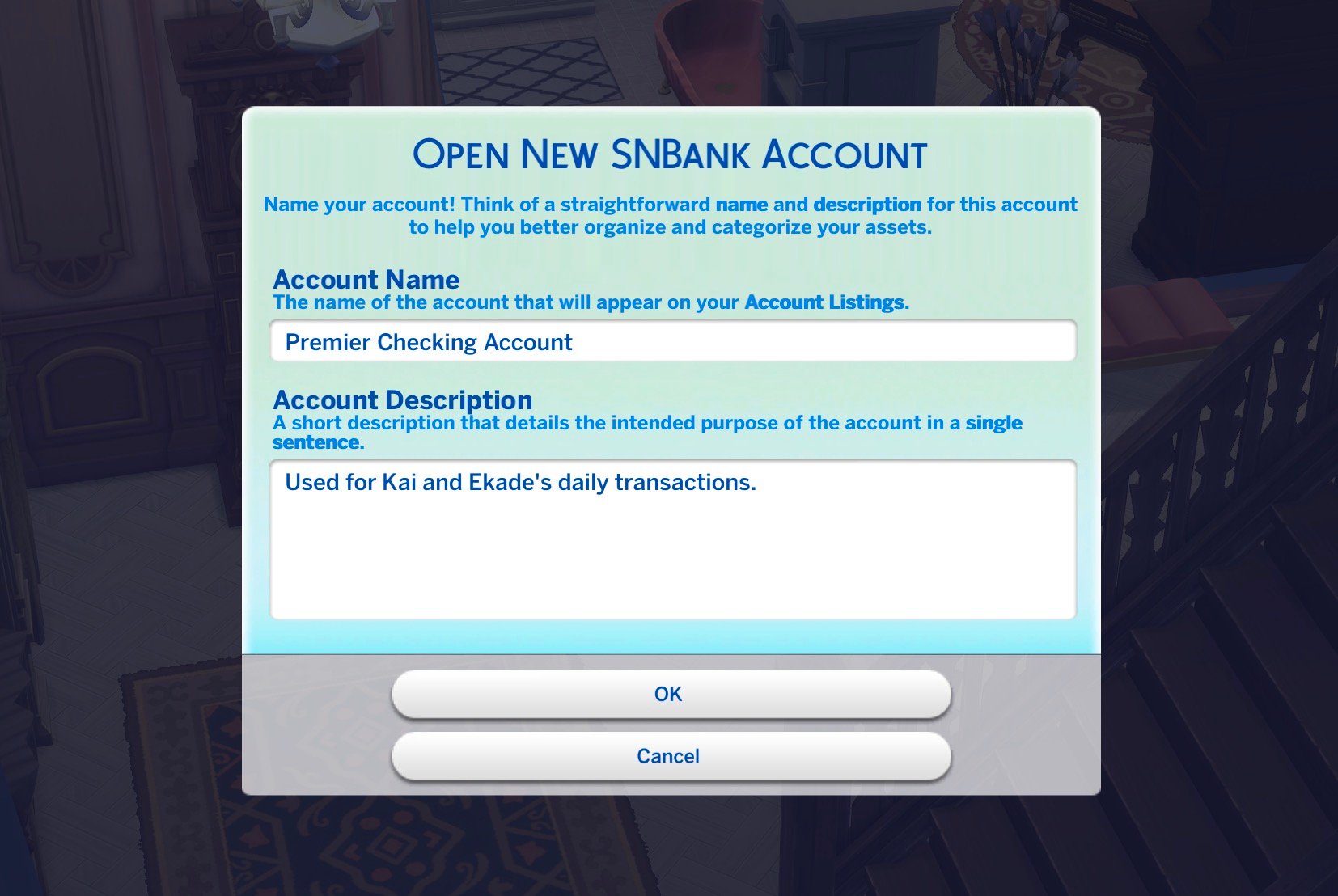
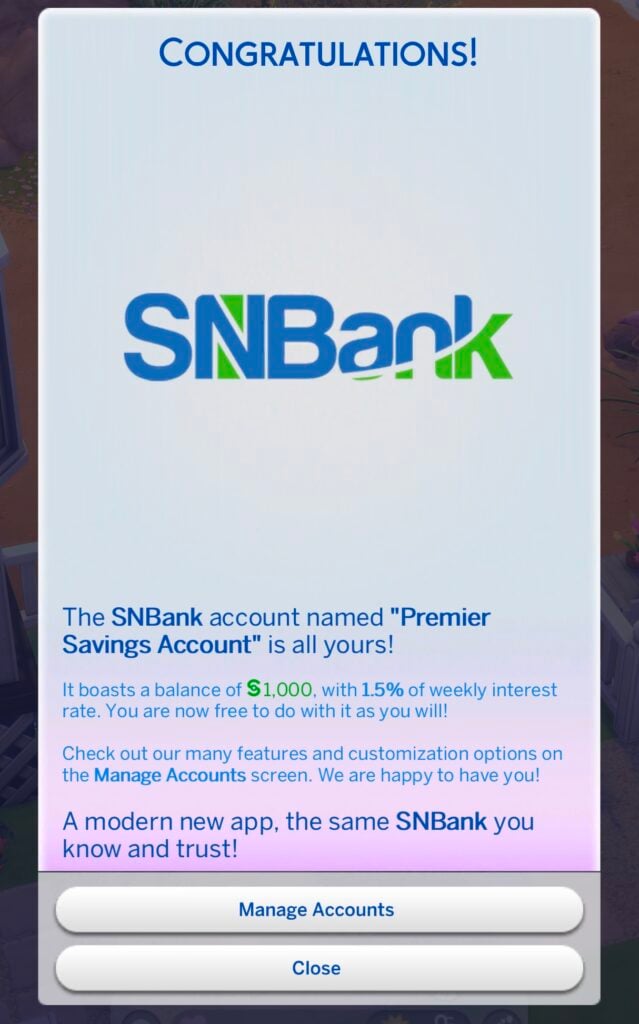
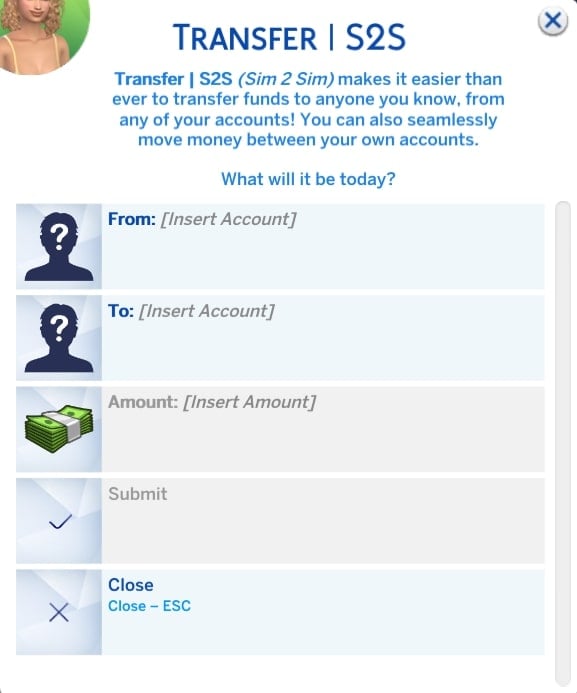
How do Sims open bank accounts? Opening accounts happens through the SNB phone app or in-person at bank venues. You’ll need a minimum deposit (typically 20 simoleons), and boom – your Sim joins the banking world.
Can multiple Sims share accounts? Absolutely. Joint accounts work exactly as you’d expect, with owners able to add or remove access through the Account Management feature. Perfect for households with complex financial arrangements.
Do bills get paid automatically? With the SNB-Bills integration, yes. Bills can be paid directly from SNB accounts, with autopay options available. No more forgetting to pay utilities and coming home to a dark house.
What happens if there are compatibility issues? The mod plays well with most others, but always backup your saves before installing. The SimRealist Discord community is incredibly helpful for troubleshooting any issues.
The Storytelling Revolution
Financial Drama and Character Development
The real magic happens in storytelling. Suddenly, your Sims’ financial decisions have consequences that ripple through their lives. That impulsive loan for a sports car? It might affect their ability to qualify for a mortgage later. The joint account with their partner? It becomes a source of relationship tension when one Sim overspends.
These aren’t just mechanical changes; they’re narrative opportunities. Your Sims develop more complex personalities based on their financial behaviors. The spendthrift Sim who can’t qualify for loans. The savvy investor building generational wealth. The couple whose joint account becomes a relationship battleground.
Rags to Riches, But Make It Realistic
Traditional rags-to-riches gameplay often feels hollow – your Sim goes from broke to wealthy through gameplay mechanics that don’t reflect real financial growth. The SNB mod changes this by introducing realistic financial milestones.
Your Sim’s journey from financial struggle to stability feels earned because it mirrors real-world financial challenges. Building credit, managing debt-to-income ratios, and making strategic financial decisions all become part of the narrative.
Pro Tips for SNB Success
Start Simple, Scale Up
Don’t try to use every feature immediately. Begin with basic banking – opening accounts, setting up direct deposits, maybe taking out a small loan. As you become comfortable with the system, add more complexity.
The Sim National Sims 4 Bank mod rewards gradual adoption. Rush into complex financial arrangements without understanding the basics, and you’ll find yourself in simulated financial trouble just like in real life.
Backup Everything, Always
This cannot be overstated: backup your saves before installing any major mod. The SNB mod is stable and well-maintained, but complex mods can occasionally conflict with game updates or other modifications.
Embrace the Financial Drama
Don’t fight the complexity – embrace it. The mod’s strength lies in creating realistic financial challenges. Let your Sims struggle with mortgage applications. Allow debt to become a genuine problem that requires creative solutions.
Troubleshooting Common Issues
The Disappearing Bank Problem
Sometimes bank lots revert to their original type after game updates. The fix is simple: reset the lot type in build mode and revisit with your Sim. The banking functions will reactivate automatically.
NPC Traffic Management
Bank lobbies can get crowded with NPCs who don’t know how to behave in financial institutions. Ensure spacious lobbies with single entrance/exit points to manage traffic flow effectively.
Music Menu Madness
If the SNB menu music drives you crazy, use the cheat – SNB.MUSIC OFF - to disable it. Your sanity will thank you, and you can always turn it back on with – SNB.MUSIC ON.
The Bottom Line: Is SNB Worth Your Time?
Here’s my honest take after extensive gameplay: the Sim National Bank Mod transforms The Sims 4 from a casual life simulation into a genuinely engaging financial strategy game. It adds layers of complexity that enhance rather than complicate the core gameplay experience.
This Sims 4 Bank mod excels at creating meaningful choices with lasting consequences. Your Sims’ financial decisions matter in ways that ripple through their entire virtual lives. It’s the difference between playing with action figures and directing a complex drama where every character has realistic motivations and limitations.
For players who want deeper gameplay, more realistic challenges, and storytelling opportunities that extend beyond career progression and relationship drama, the SNB mod is essential. It bridges the gap between casual simulation and serious financial strategy gaming.
Feature
Basic Sims 4
With SNB Mod
Financial Complexity
Minimal
Comprehensive
Banking Options
None
Multiple account types
Loan System
Non-existent
Realistic with credit checks
Investment Opportunities
Limited
Bank shares with dividends
Bill Management
Basic
Advanced with autopay
Financial Storytelling
Shallow
Deep and consequential
Your Next Steps in Financial Simulation Excellence
Ready to revolutionize your Sims’ financial lives? Start by downloading the core Sims 4 SNBank mod from SimRealist’s official page. If you want the full experience with physical bank venues, add the SNB Financial Center expansion.
Remember: this Sims 4 Bank mod transforms how you think about Sims gameplay. Your virtual people will finally have financial lives as complex and challenging as your own. Whether that’s a blessing or a curse depends on how much you enjoy financial management, but one thing’s certain – your Sims will never be the same.
The SNB mod suite by SimRealist represents the gold standard in Sims 4 financial modifications. It combines realistic mechanics with engaging gameplay, creating opportunities for storytelling that extend far beyond traditional simulation boundaries. For players seeking depth, challenge, and genuine financial drama in their virtual lives, the Sim National Bank Mod isn’t just recommended – it’s essential.
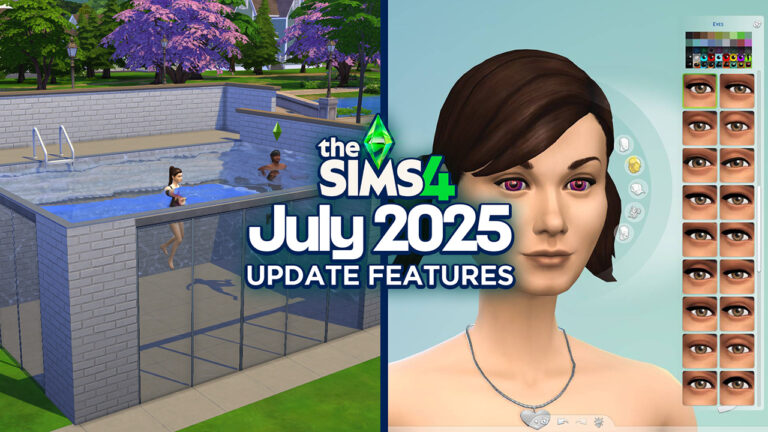
A brand new patch for The Sims 4has just dropped ahead of next week’s launch of The Sims 4 Enchanted by Nature, releasing Thursday, July 10th. We’ve got all the details on what’s new with this update. The latest update thankfully addresses the indoor weather bug that has been affecting players since January. Whether you’re a PC, Mac, or console player, here’s everything you need to know about the exciting new features added to the Base Game!
Patch Overview
Sims 4 Patch – July 1st 2025
Today’s patch brings glass walls and better UI, along with a host of bug fixes and extra features that are laying the groundwork for the release of Enchanted by Nature. Let’s take a look at everything new!
Indoor Weather Bug FIXED!
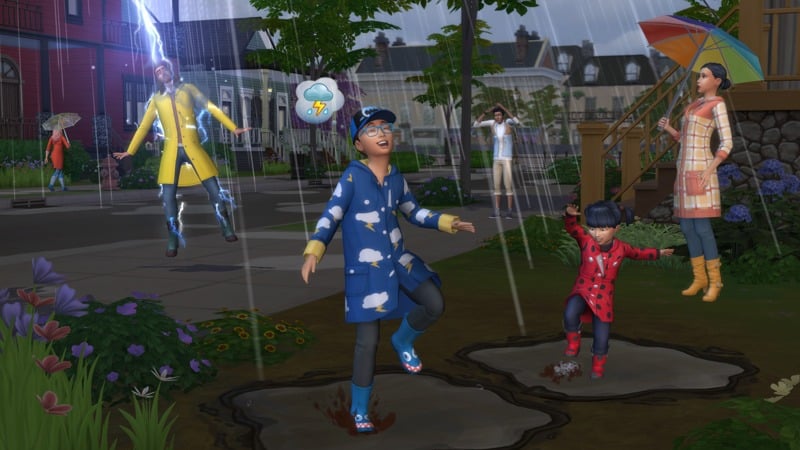
Players can finally close their umbrellas and take their wellington boots off as the indoor weather bug has finally been fixed by the dedicated bug fixing team over at Maxis! This fix was officially confirmed last month after being extensively reported on in the EA Forums. We wouldn’t usually include bug fixes in a list of features; however, players have been experiencing issues with this since the January 14th 2025 patch!
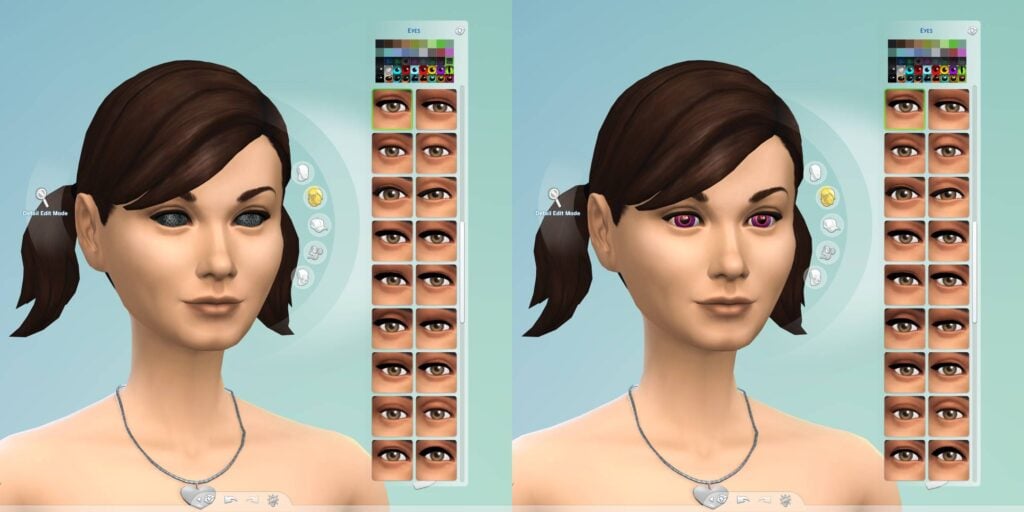
Non-Occult Eye Colours
Players who own the Vampires Game Pack or Get to Work Expansion Pack (as well as other occult-focused packs) will be familiar with different eye types. This update allows all non-occult Sims to have occult swatches for their eyes… creepy!
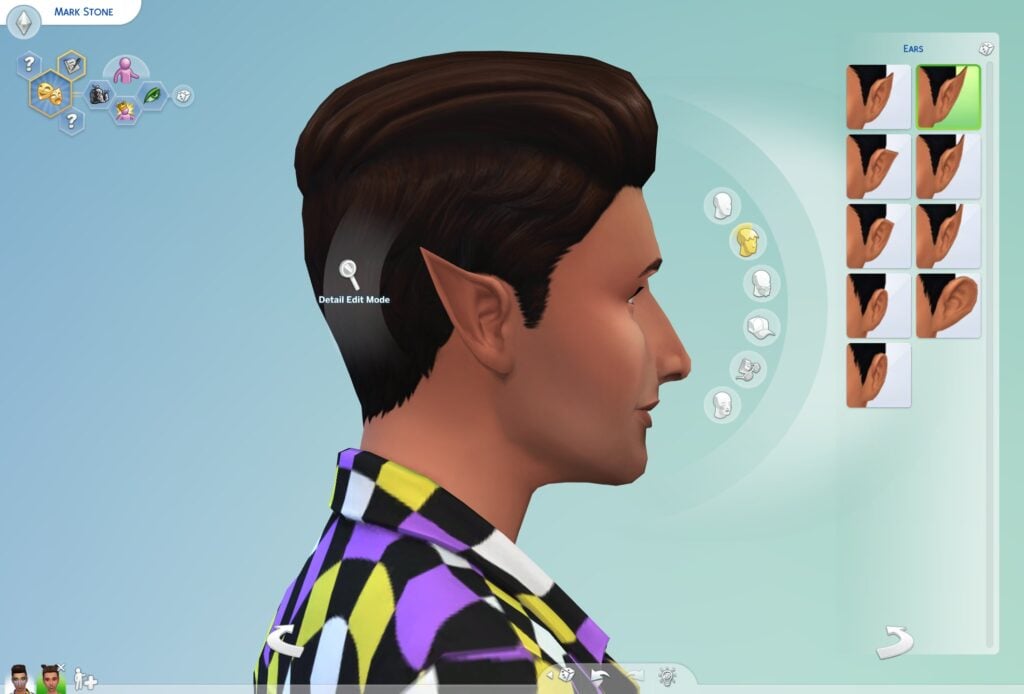
Pointy Ears
Along with occult eye colours, all Sims can now have pointy ears. Thank you to @onlyabidoang for pointing this feature out. Check out their screen below!
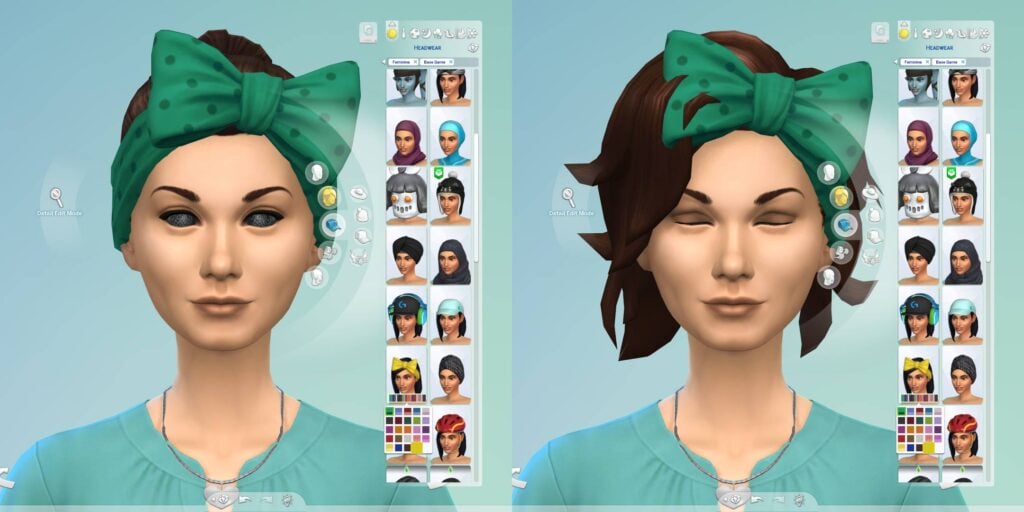
A new item has been added with this update. Check it out below!
The new headband can be found under the Hats category; however, it does not seem to work on the majority of hairs available in-game, and there are currently clipping issues. There is also a new ‘Head Decorations’ category.
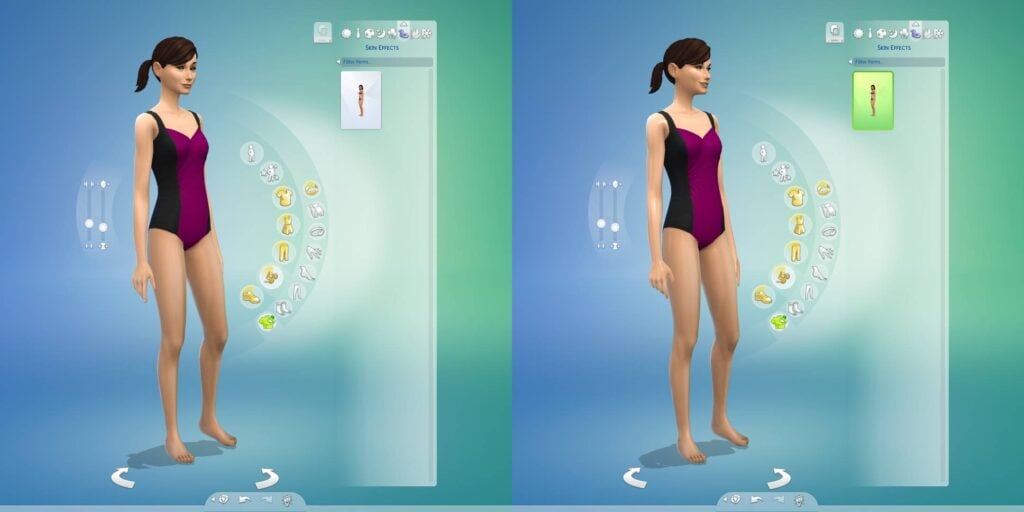
New Skin Effects Category
As was predicted, so we shall receive. Some of the expanded skin effects shown off in the Enchanted by Nature CAS trailer have made their way into the Base Game. This new category can be found under body accessories and in the new “Skin Effects” tab. Without Enchanted by Nature, players will have access to one new skin effect that gives their Sims a shiny new look!
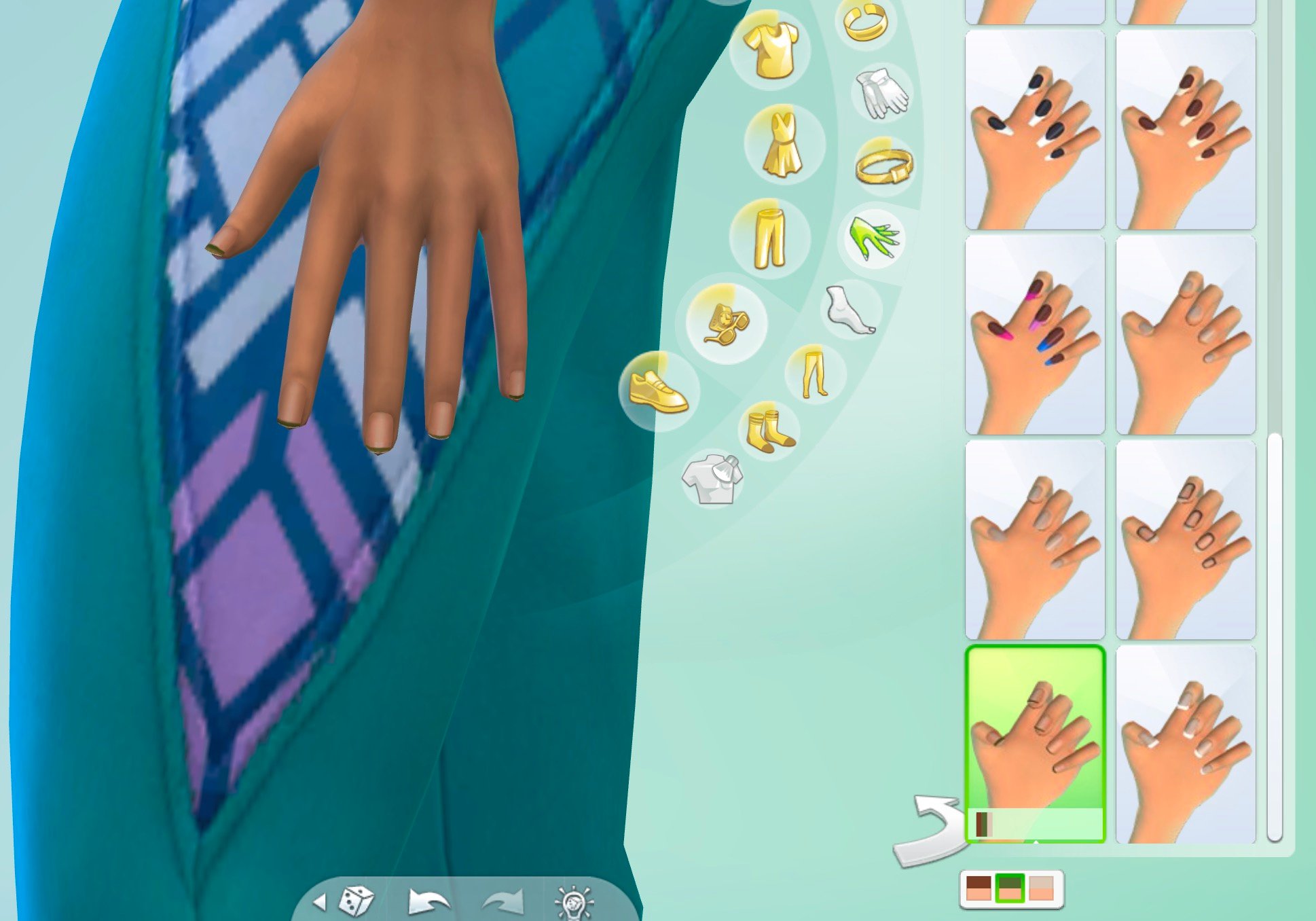
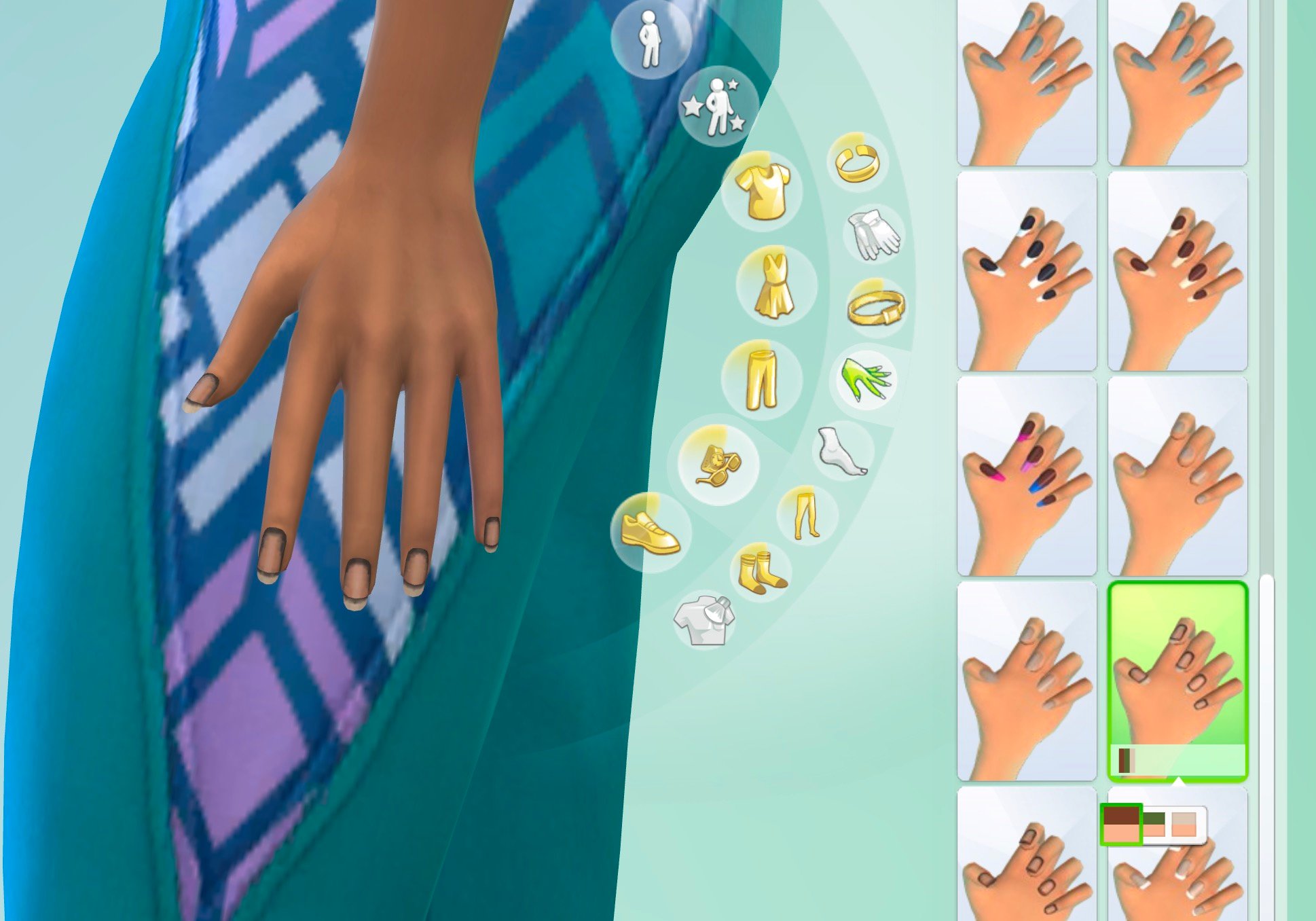
New Eyelash Colors and Dirty Fingernails
The Sims 4 Base Game Eyelashes have been updated with colors now! You can pick from 20 different presets for each eyelash option.
If you’re more into storytelling and hitting the dirt through gardening then these wonderful new dirty fingernails might be just for you!
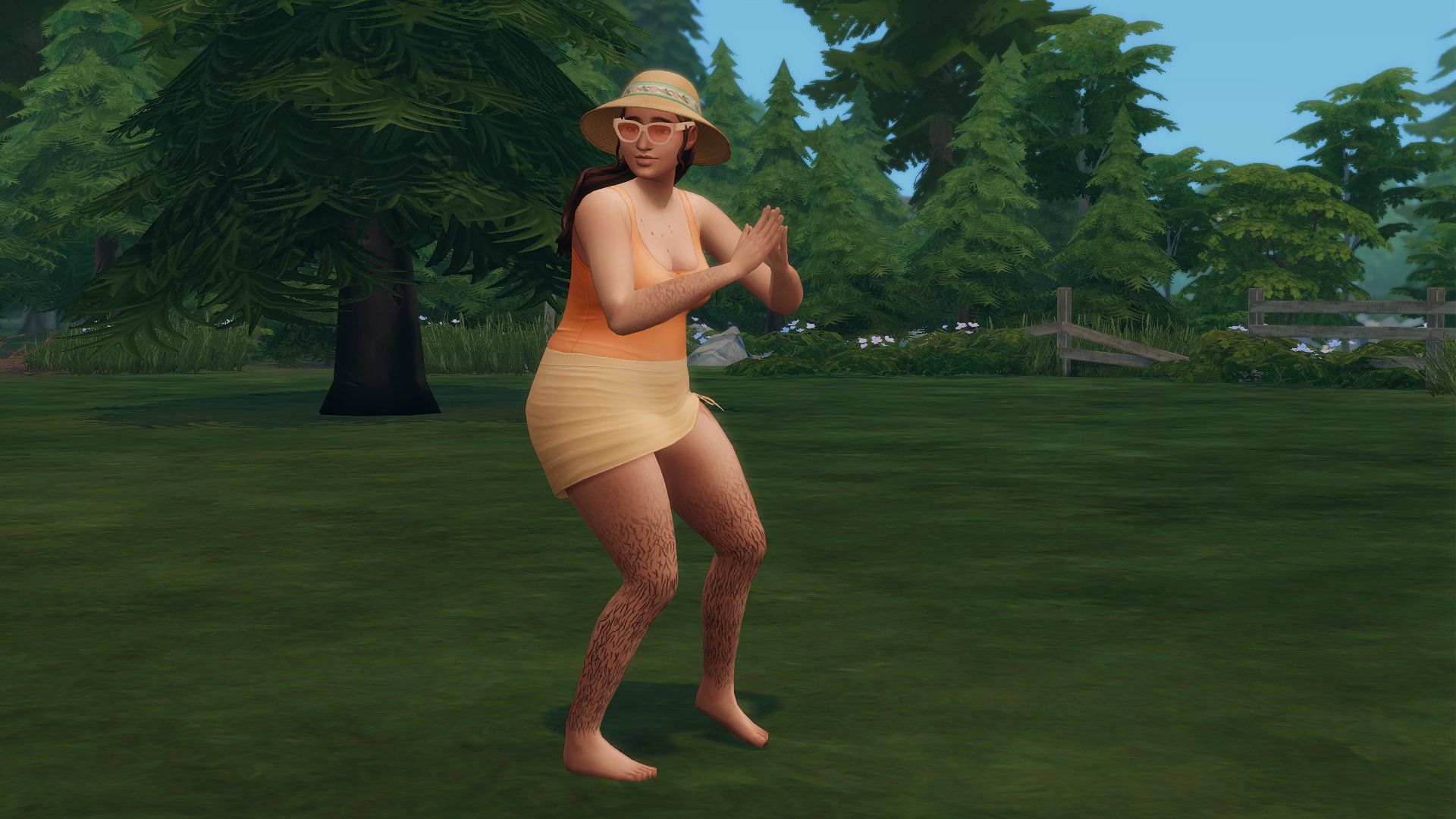
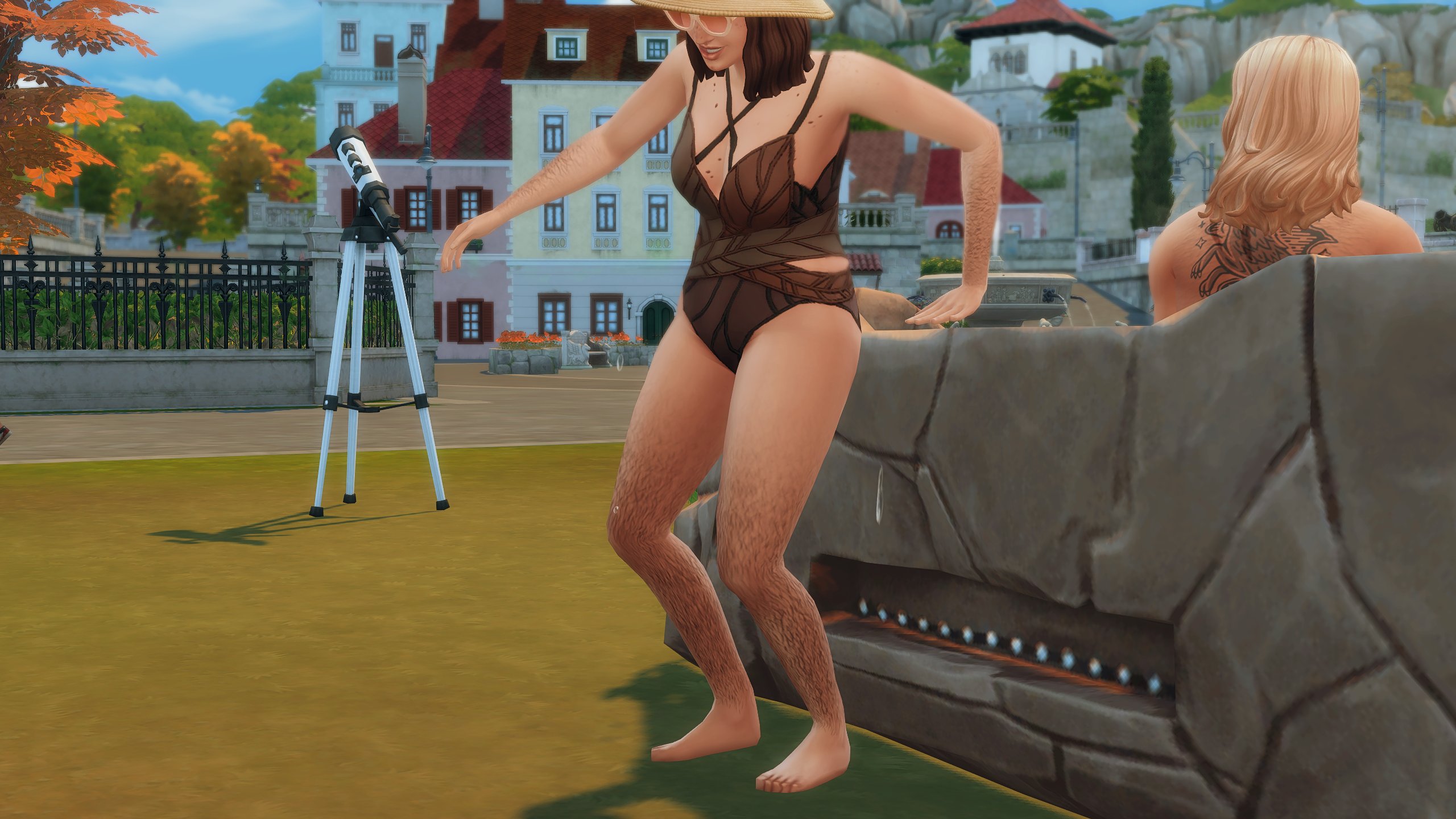
Does Body Hair in The Sims 4 Base Game look more…natural to you? That’s because it’s been revamped! The textures of the original Base Game Body Hair from the July 26th, 2022 Patch have been updated to look less…drawn on.
Thanks to @ghoulbrainz for the Body Hair showcase images! Left is July 2022 and right is July 2025:
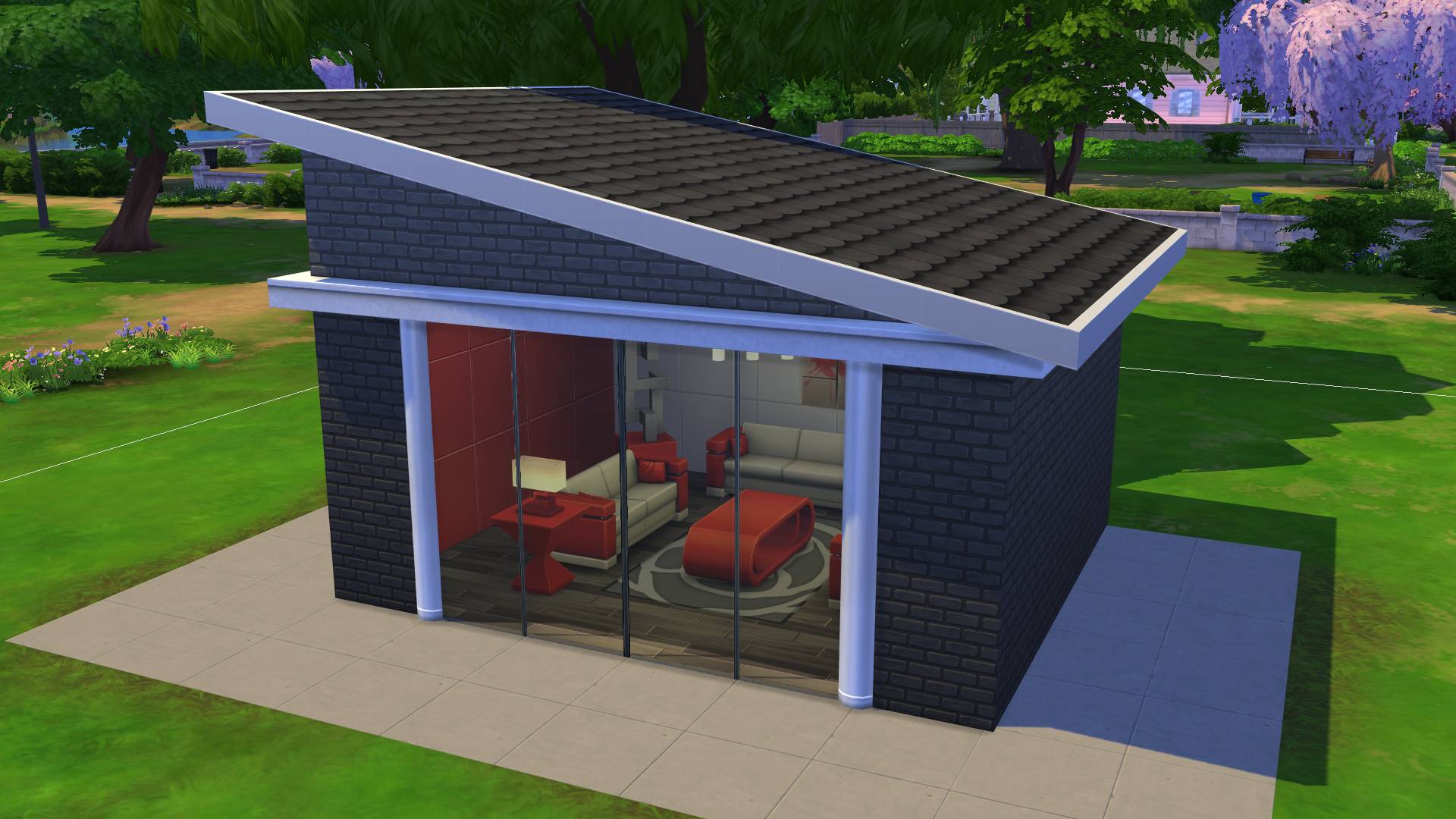
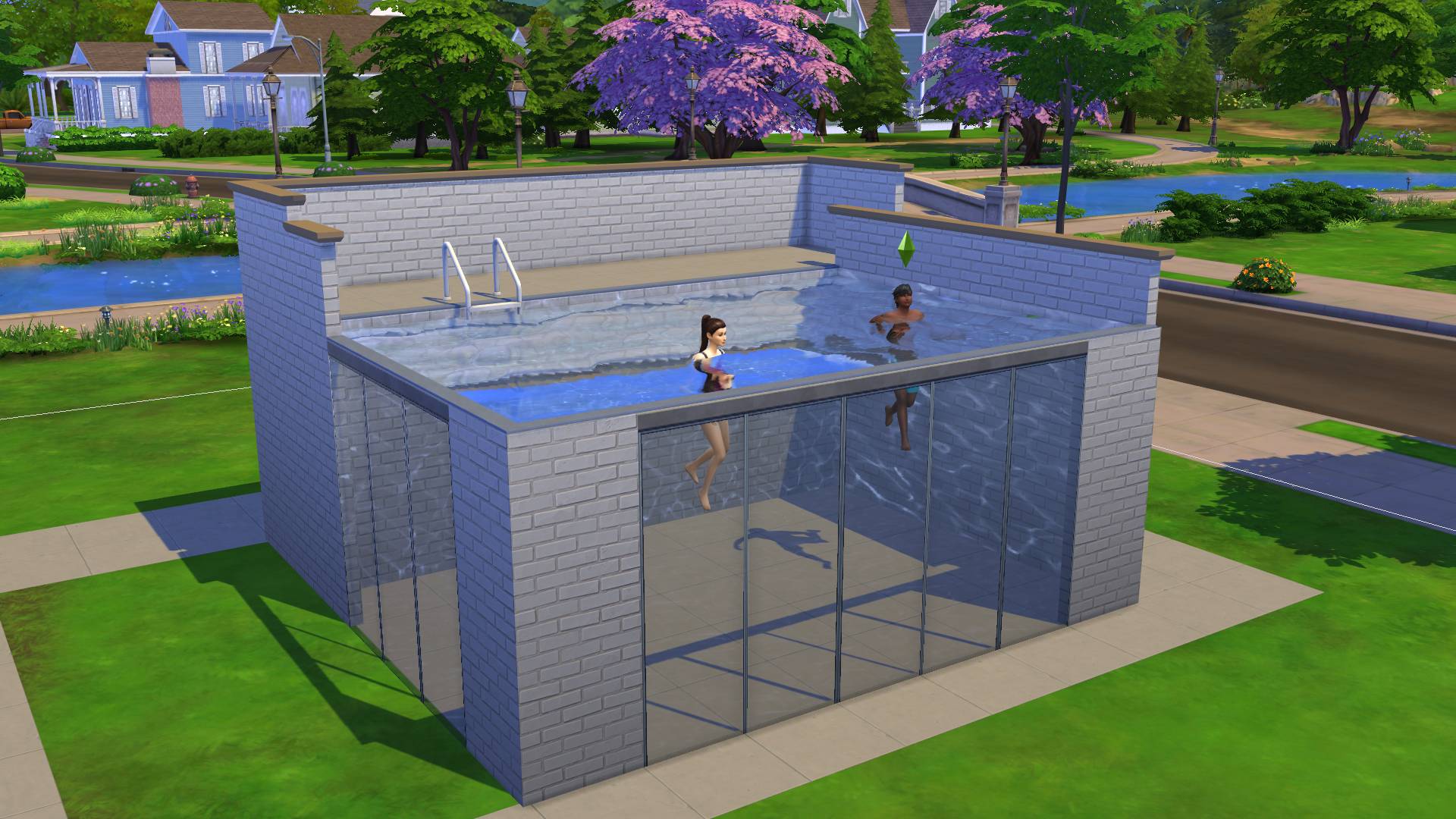
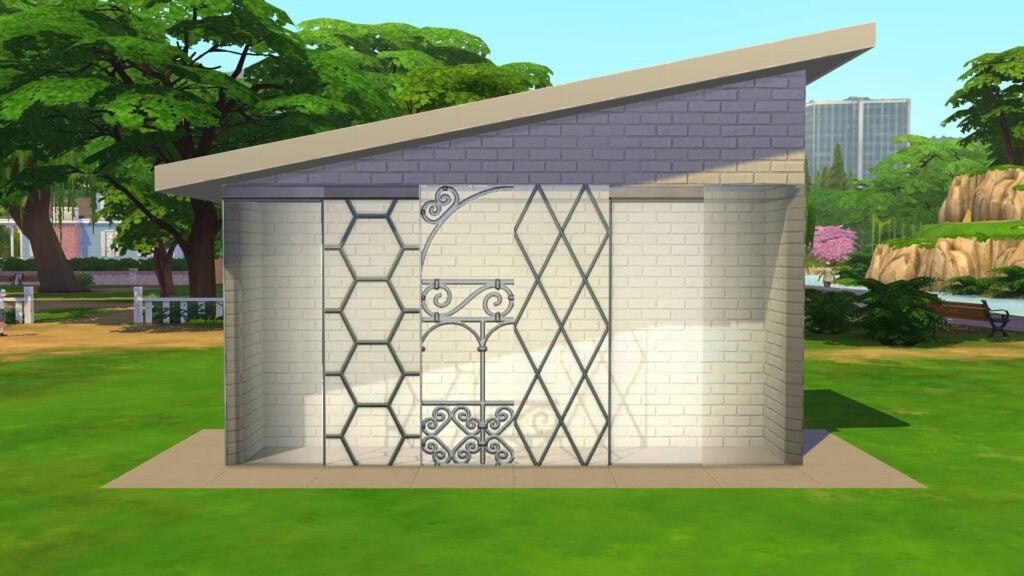
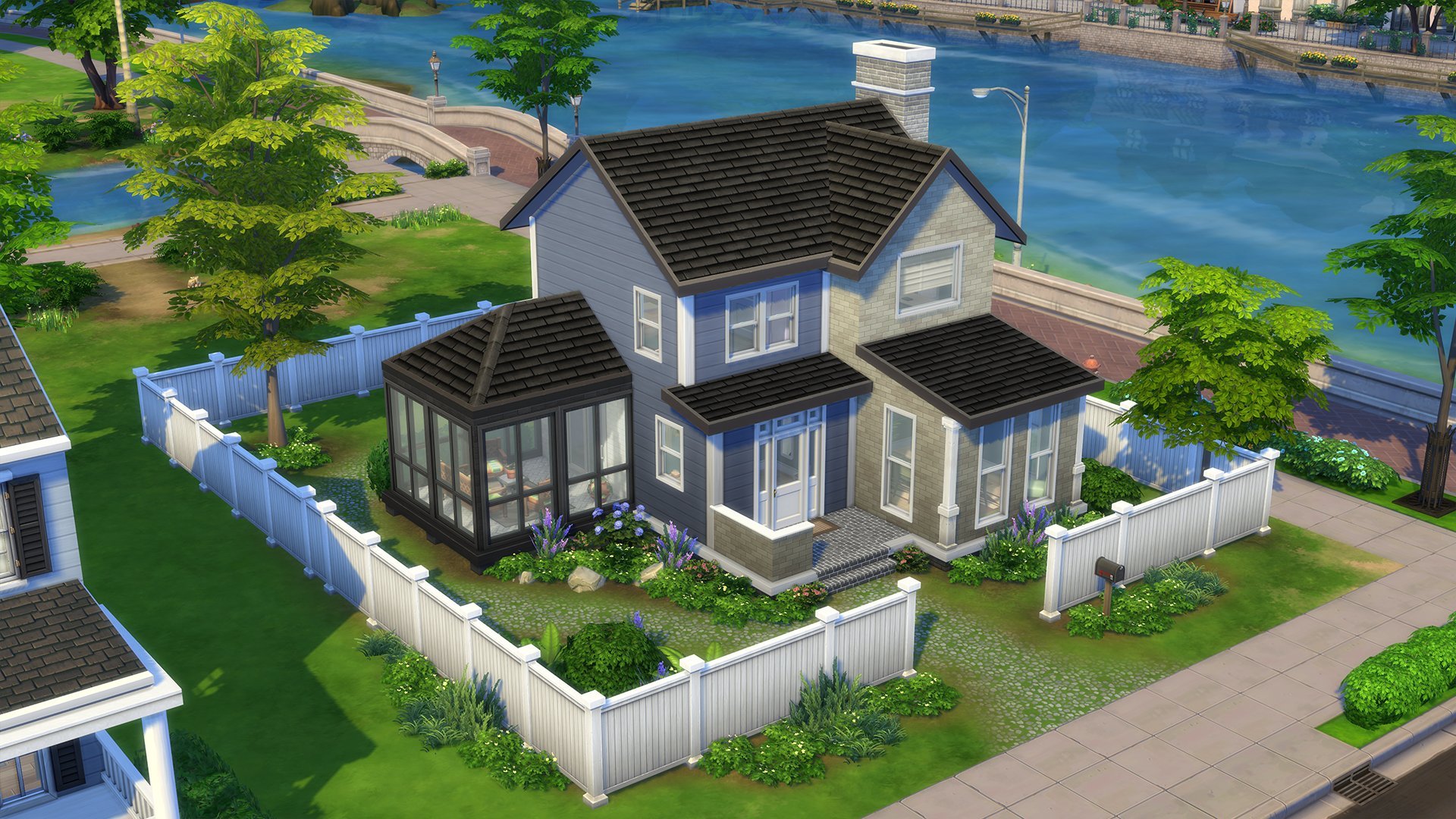
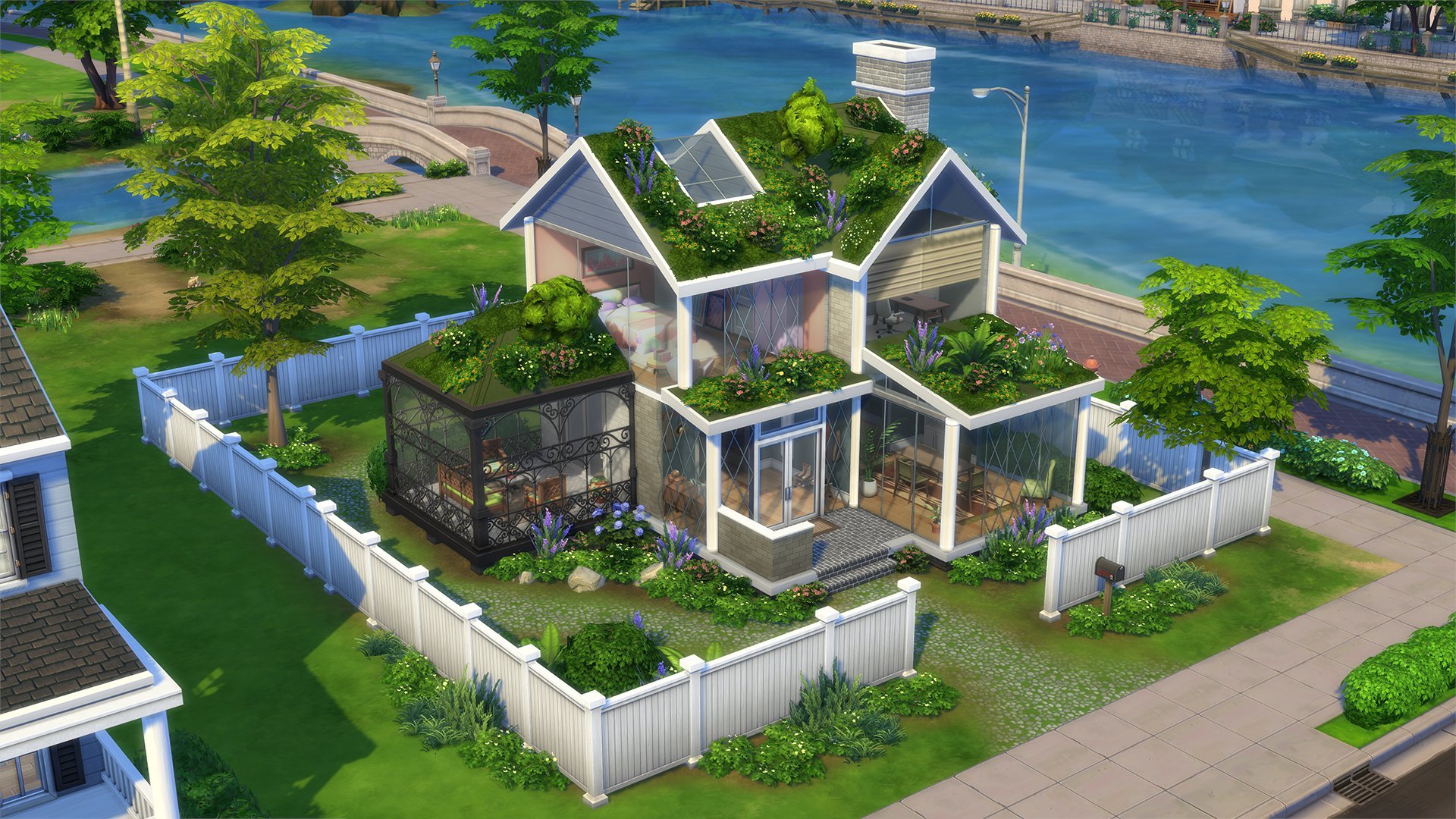
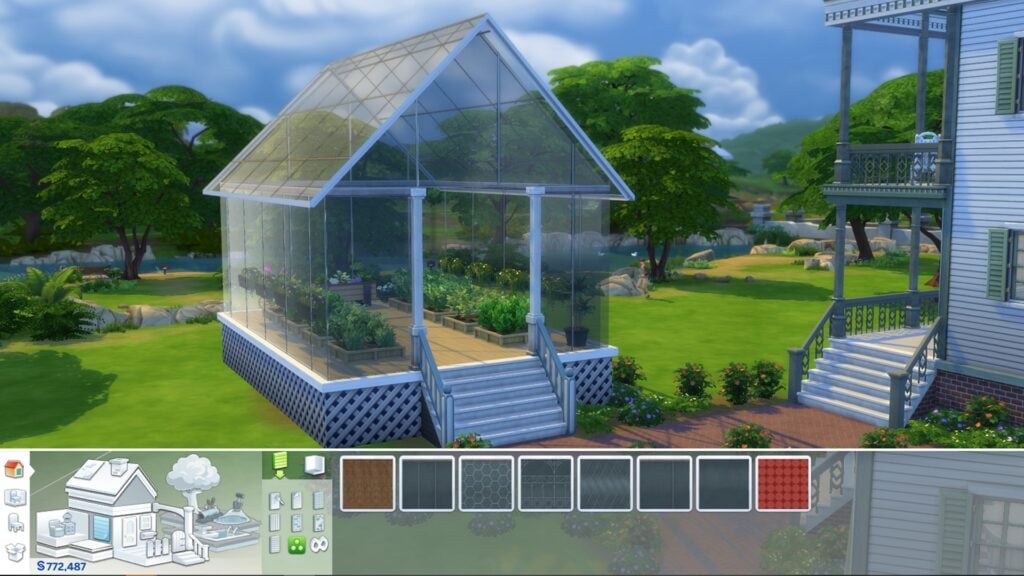
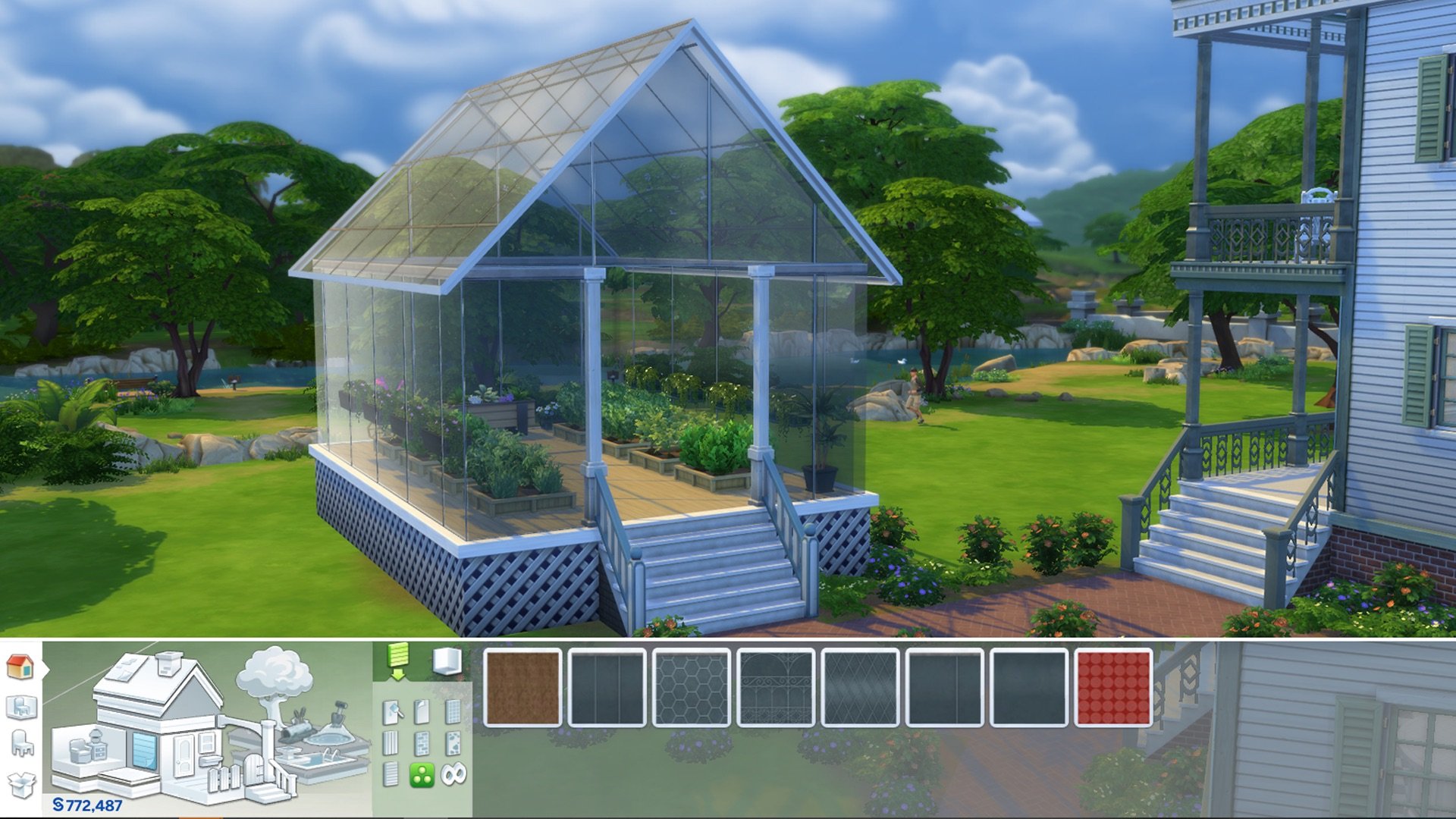
Today’s update sees the return of a feature we haven’t seen since The Sims 2 Seasons greenhouses. That’s right, glass walls are back! There are 6 designs of fully transparent seamless glass walls available in the miscellaneous tab within the wall patterns category of Build-Buy mode. These also work on Swimming pools!
You can check out all of the swatches below!
More Objects on Roofs
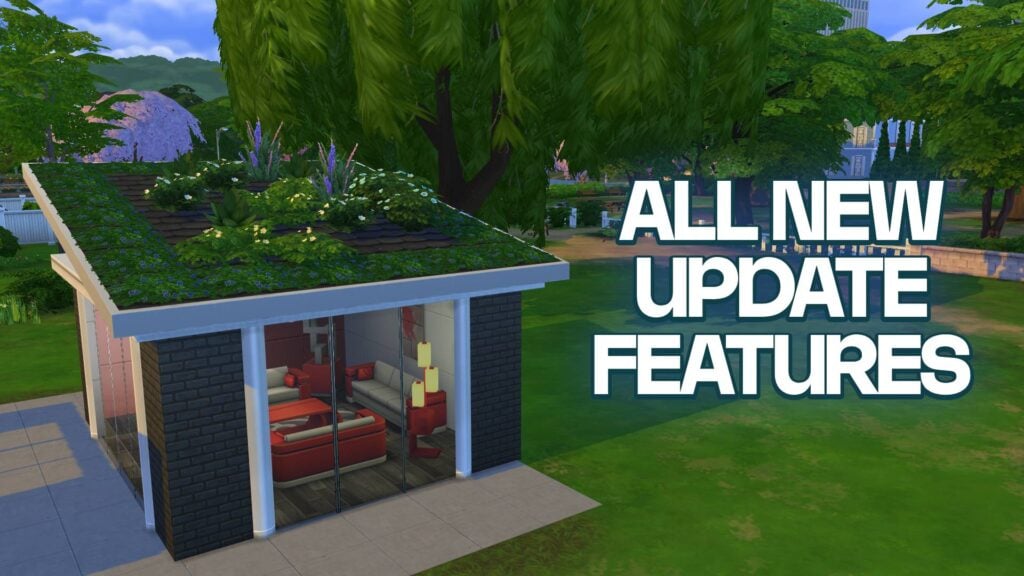
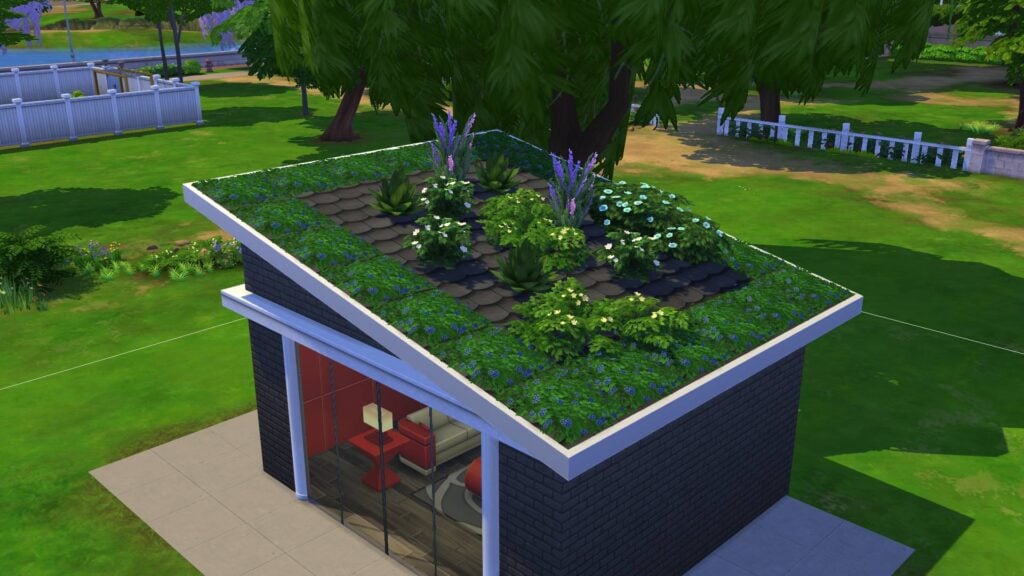
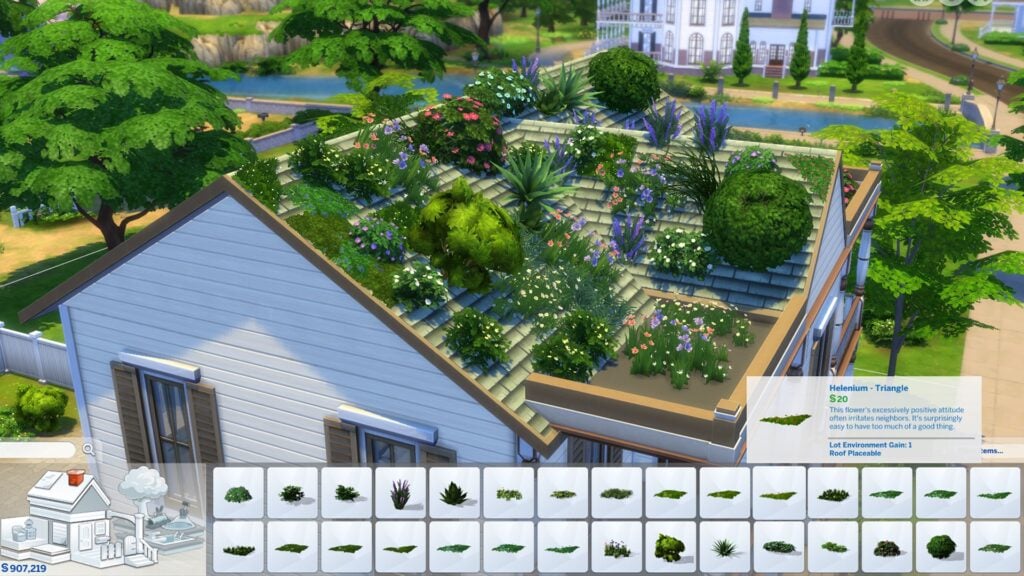
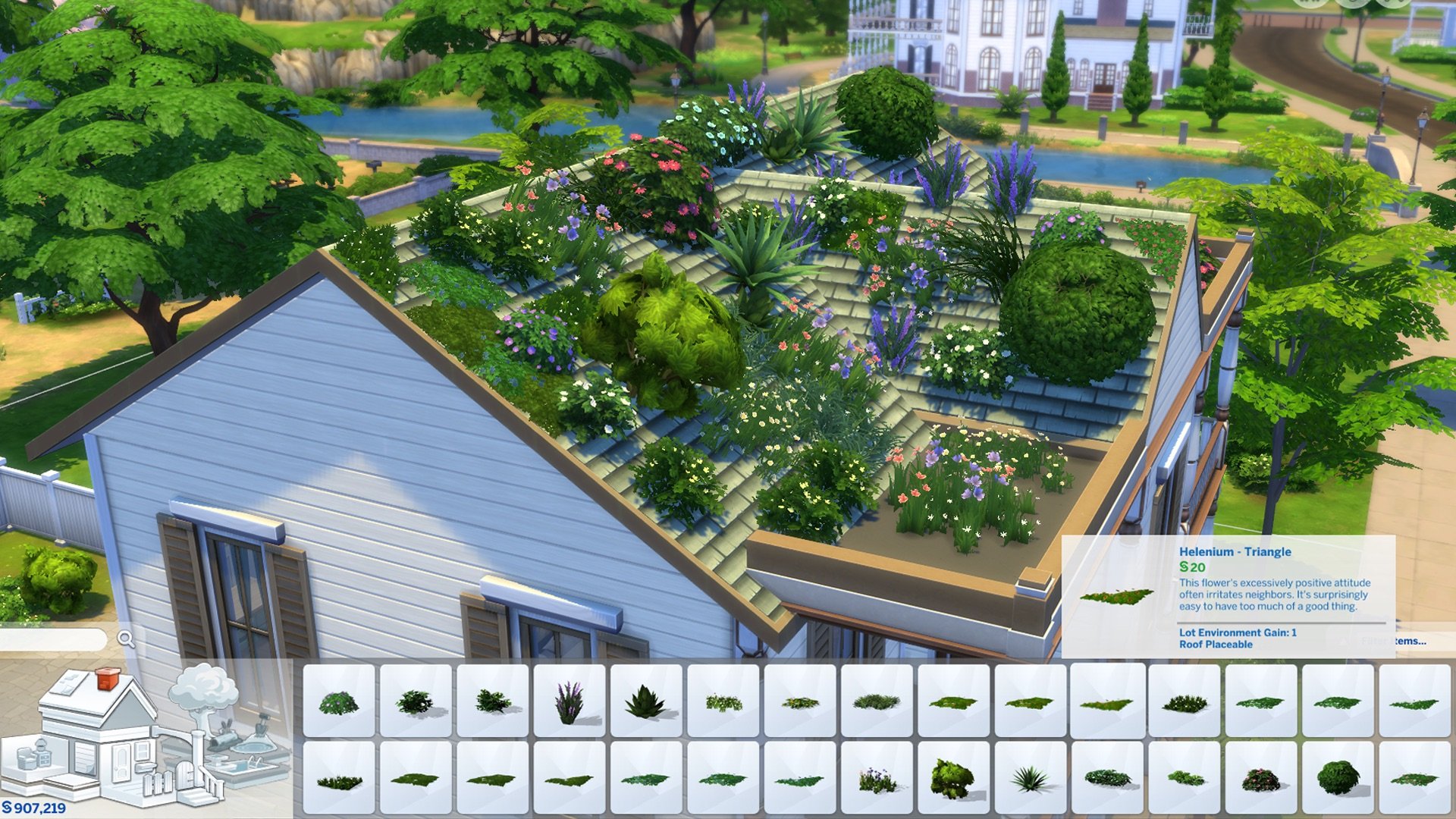
Since the release of The Sims 4, we have had the option to place various objects such as chimneys and decorations on pitched roofs. In today’s update, we have received 35 new greenery items that are placeable on rooftops and will follow the slant of the roof appropriately. Players who also own Vampires, Jungle Adventure, Island Living and Outdoor Retreat will have a few more options. This will be perfect for creating homes that blend seamlessly with the natural surroundings of Innisgreen in the upcoming Enchanted by Nature Expansion pack.
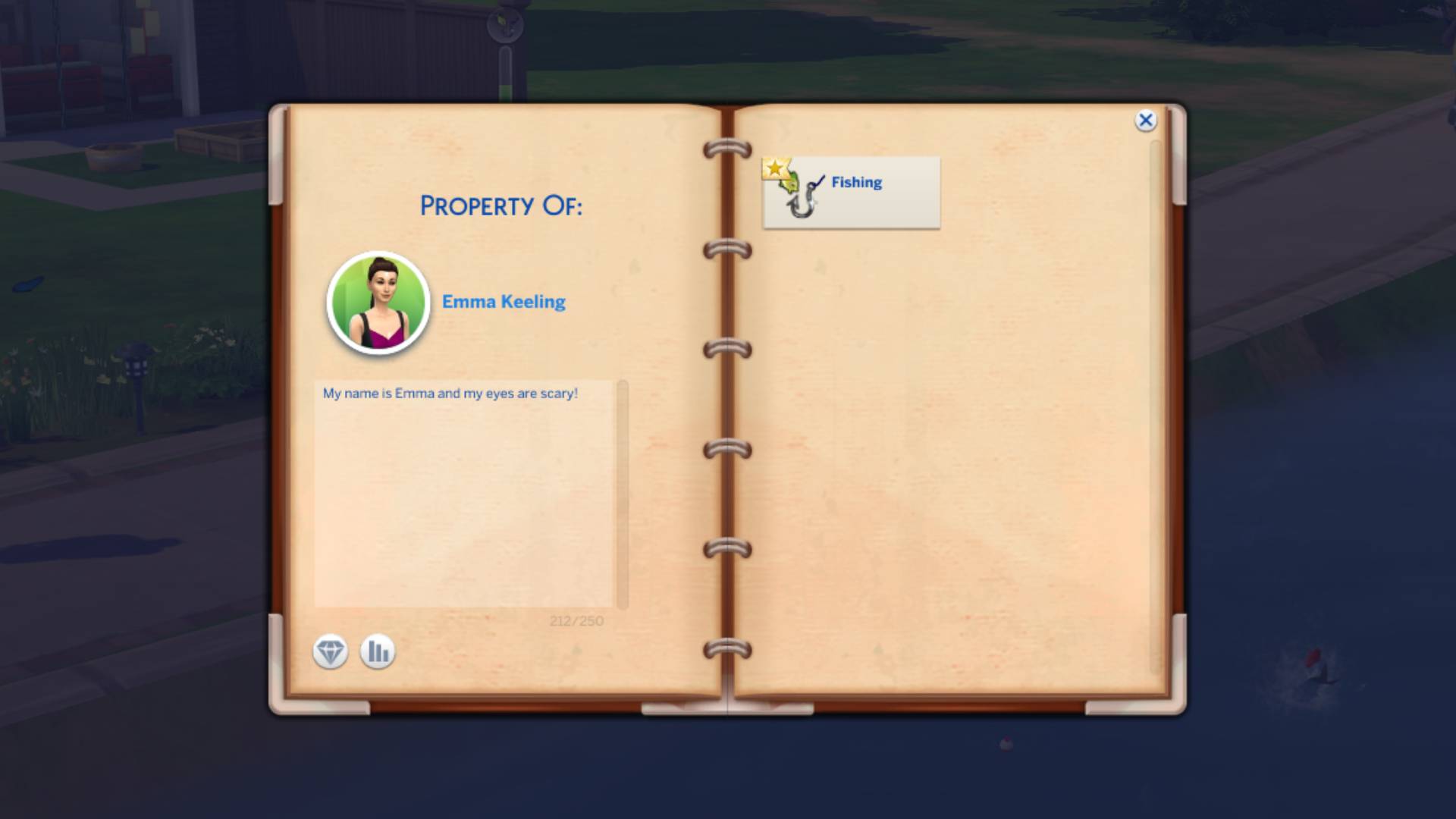
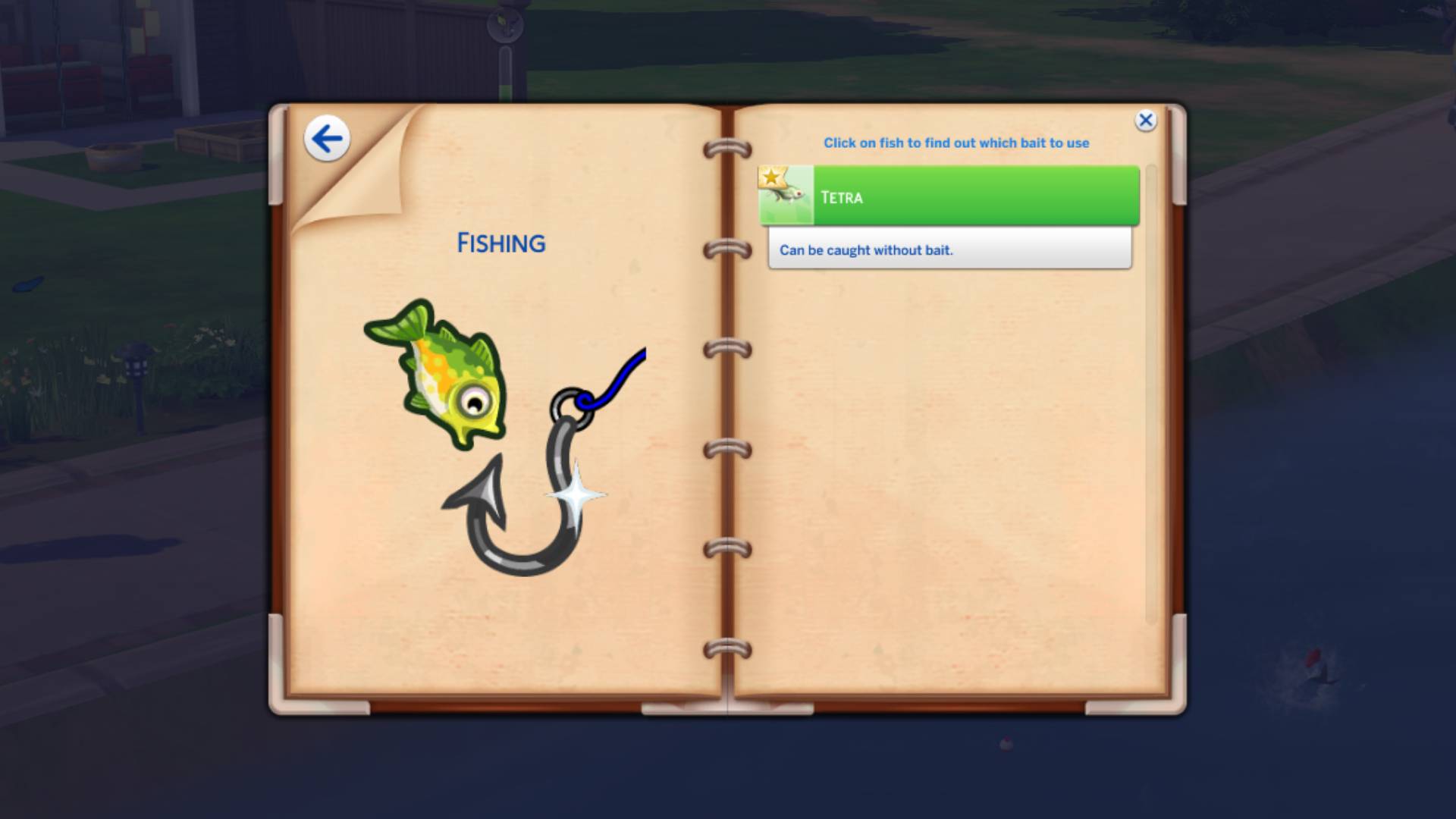
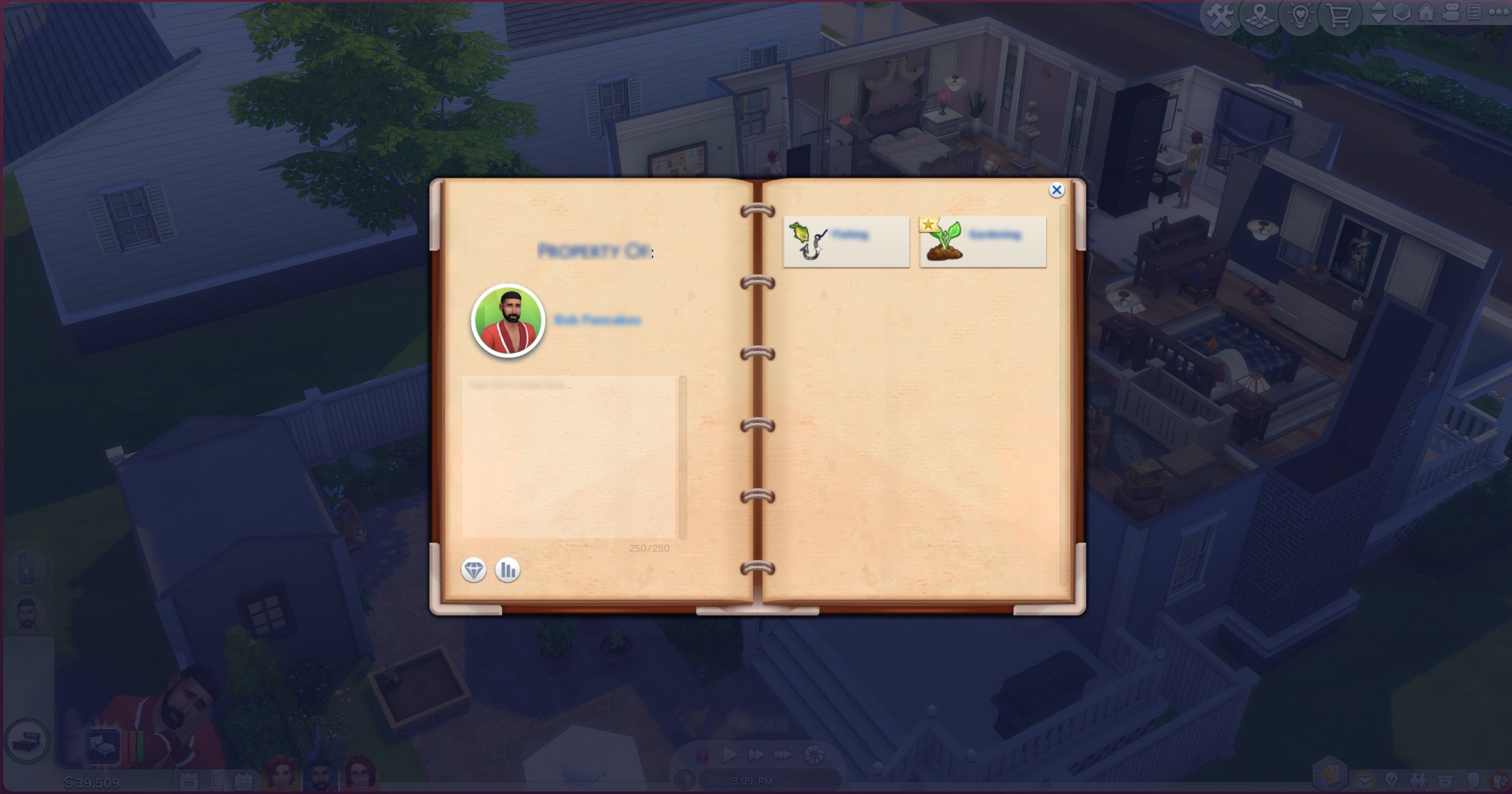
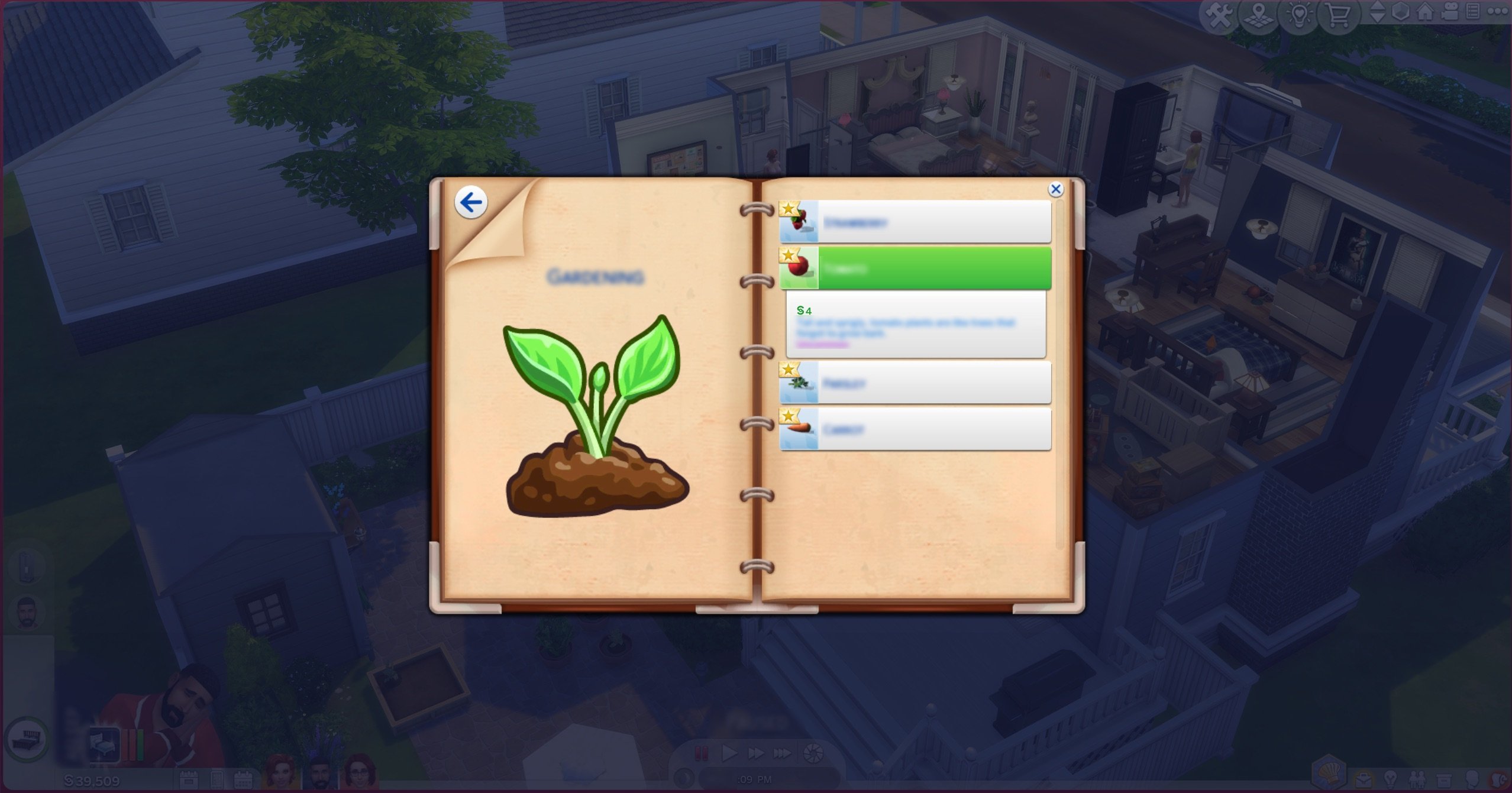
Better Notebook
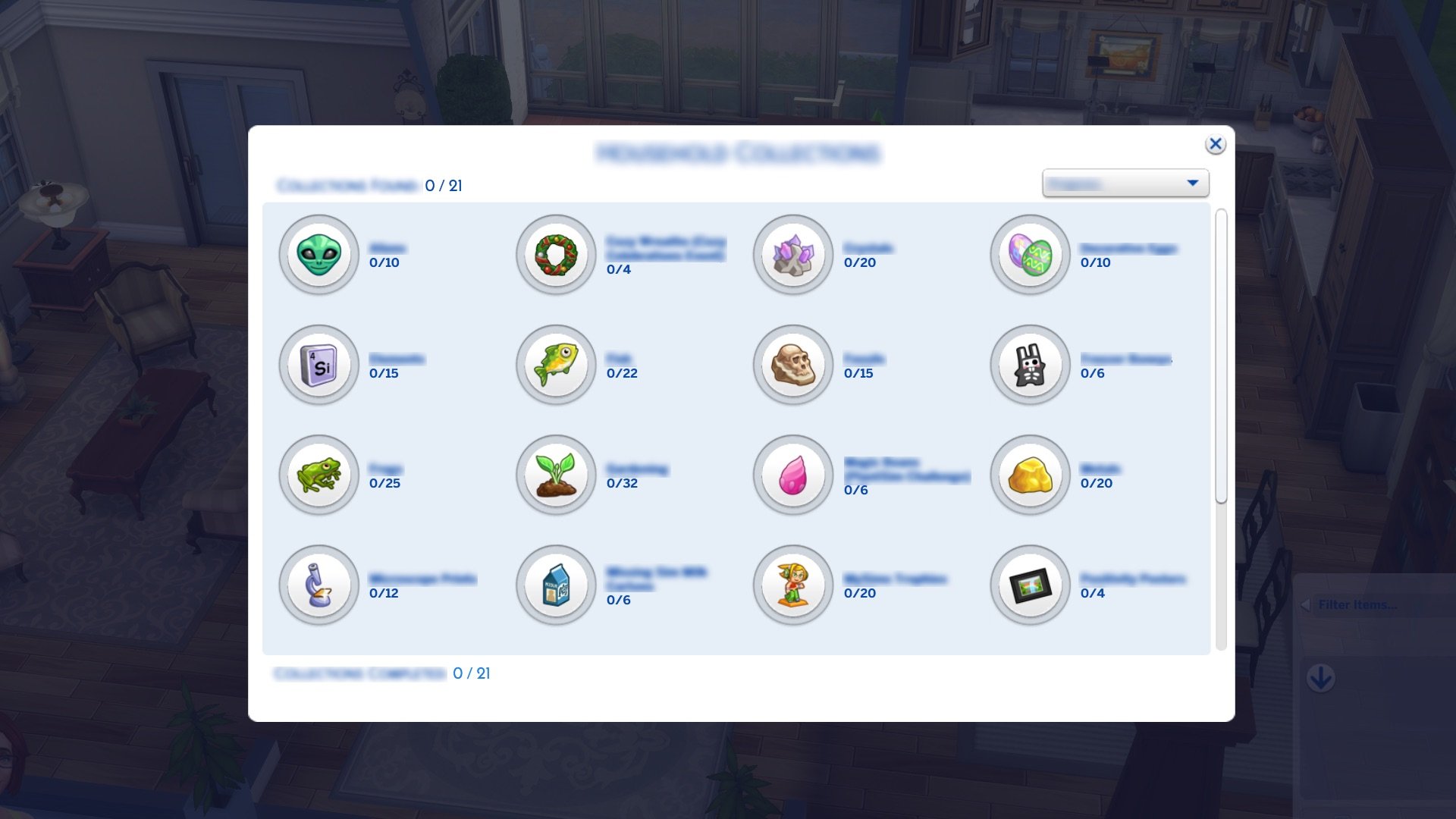
With so many collections available to players across all existing packs, it’s about time we received an update to the very messy collections notebook. Found next to the phone icon in the UI, the collections booklet has a whole new look to it, sorting collections and updates into neat menus so you can keep track of what your Sims have been up to. It is especially useful in the detective career in The Sims 4 Get to Work Expansion Pack, where you can use it to keep track of suspect notes and case files.
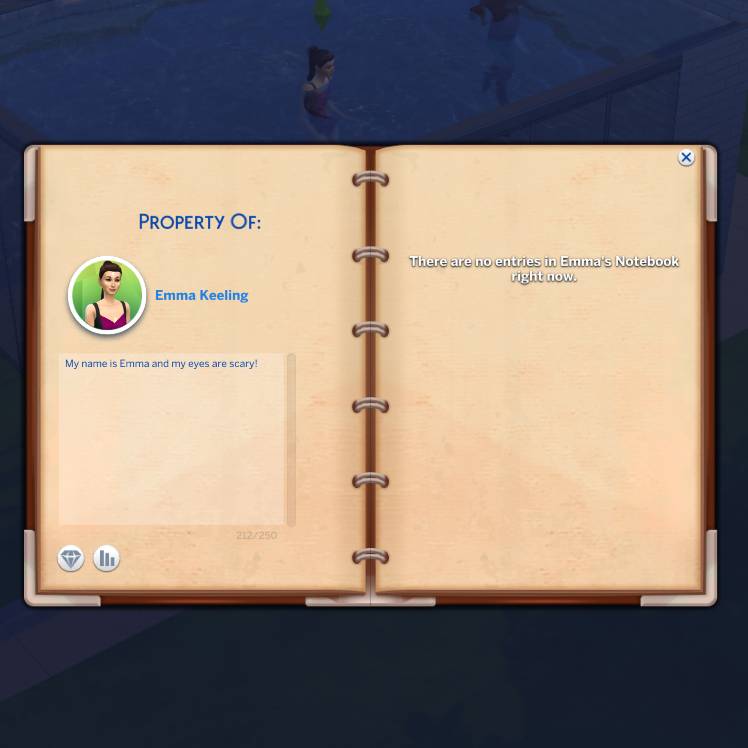
Personal Bios
A long-requested feature has been included in the notebook. Personal bios can now be written under your Sims’ name and photo!
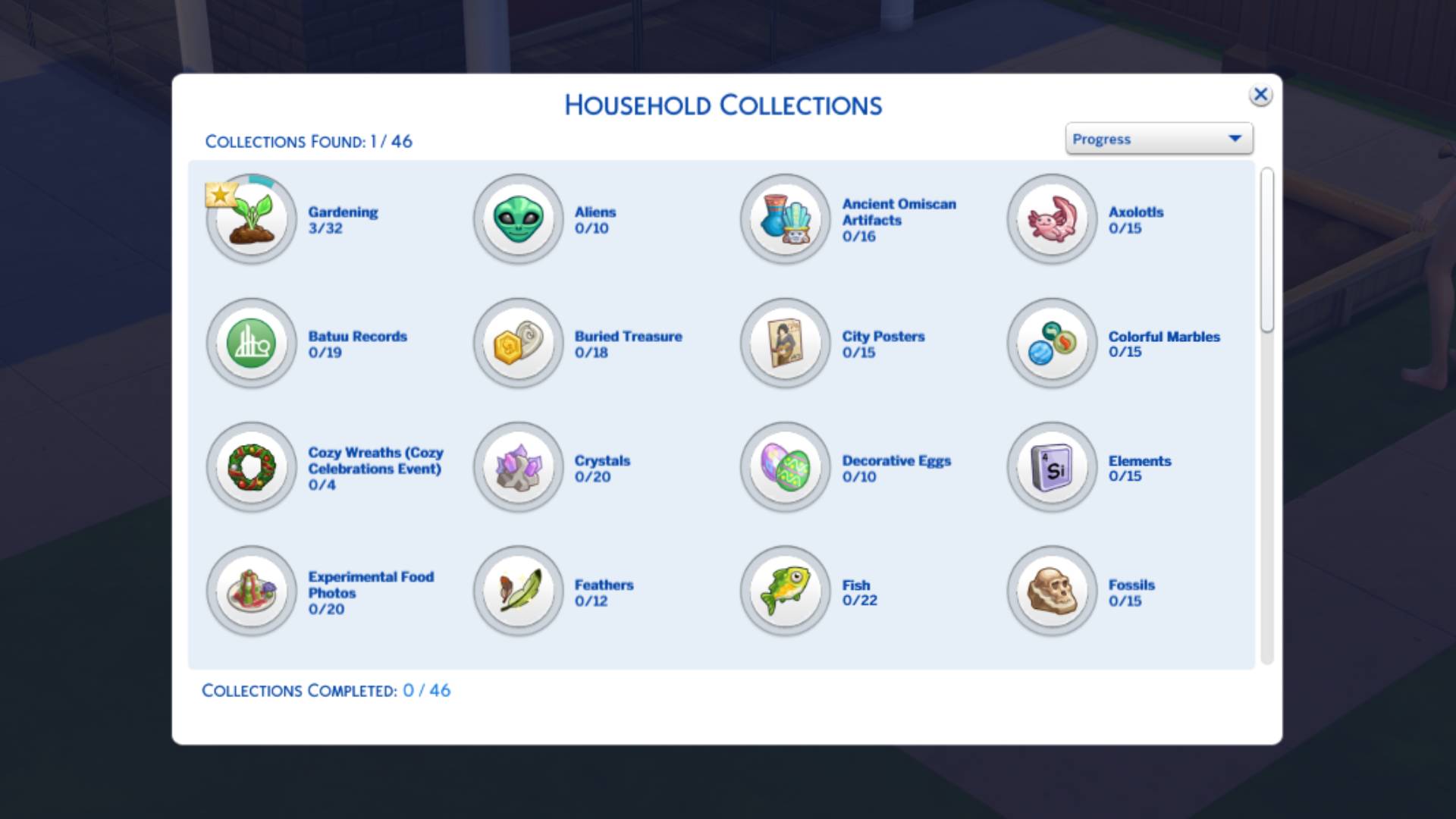
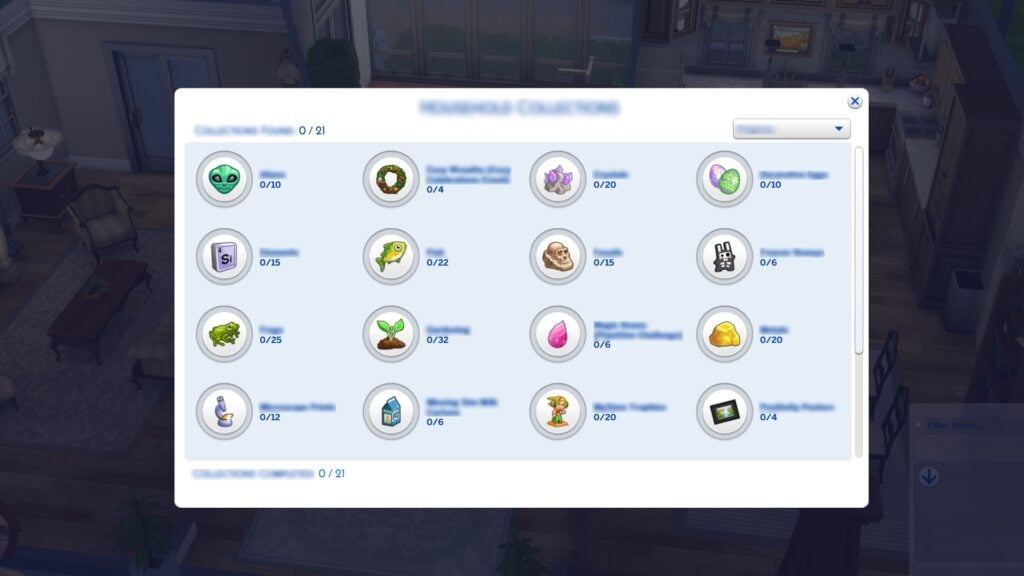
Better Collection Menu
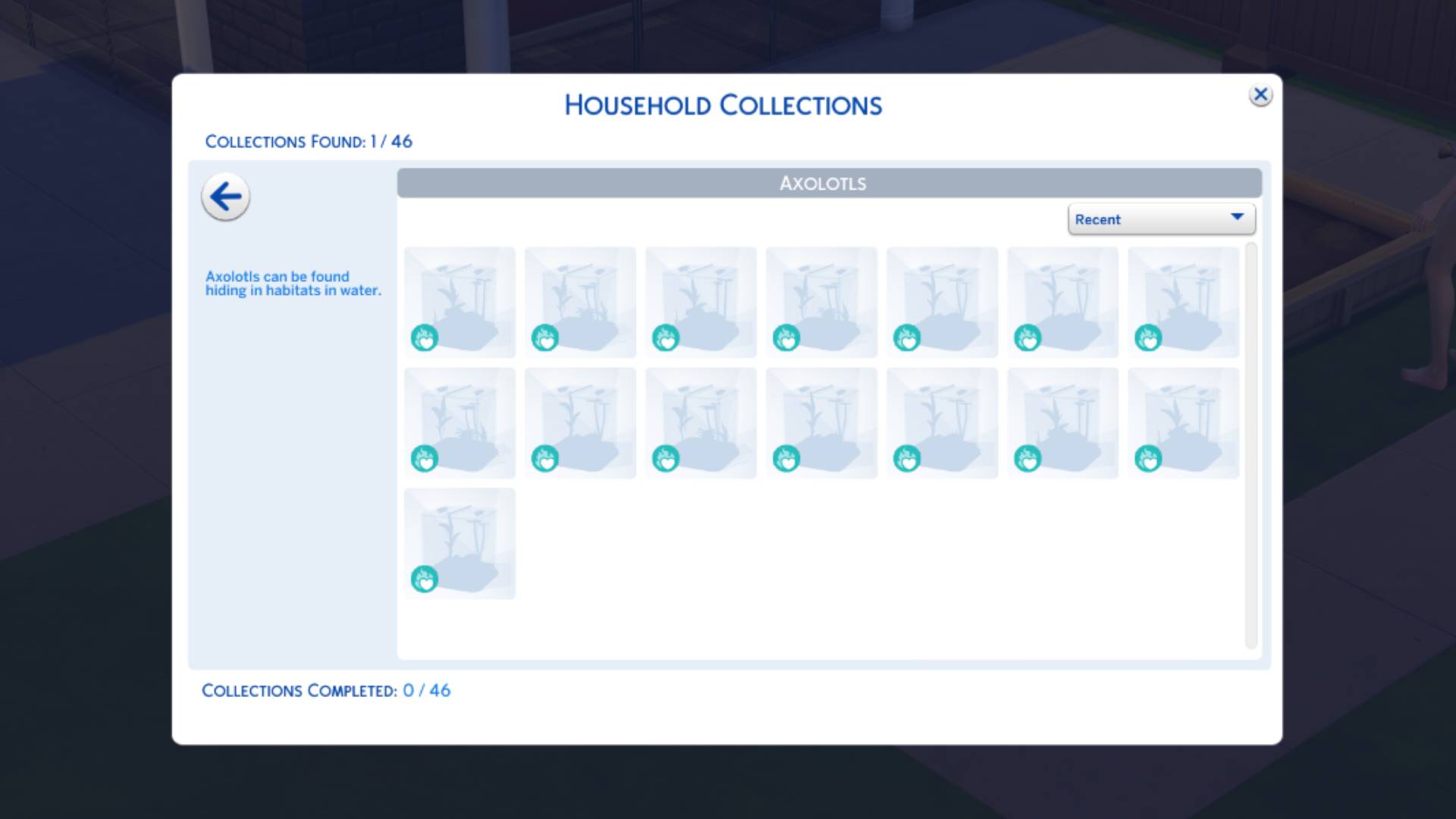
The collections menu has also been in dire need of an update. Each collection now has an icon instead of simply a name, and also includes the total number of items in that collection that your household has discovered.
Better Inventory Sorting
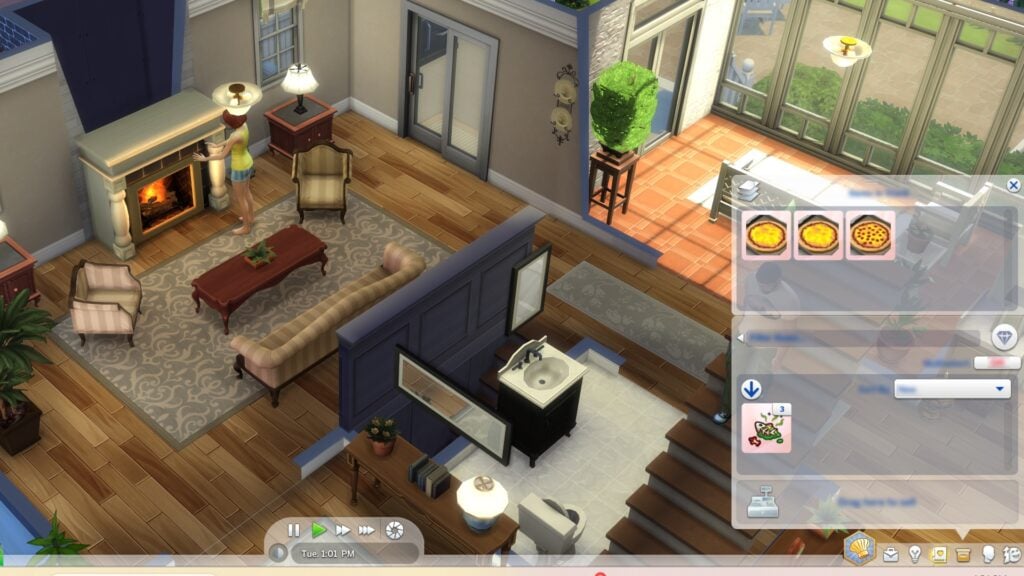
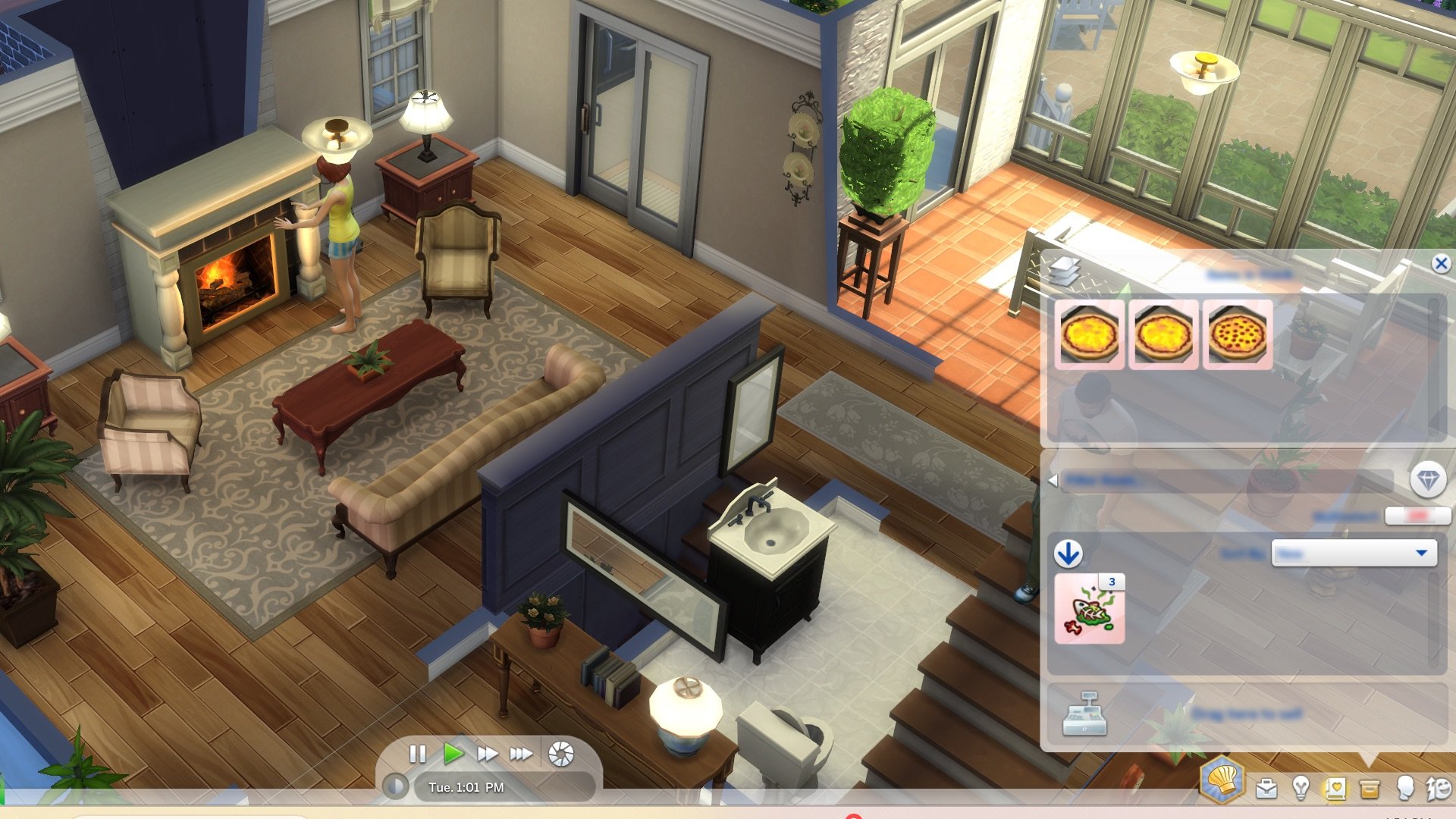
Since the release of The Sims 4, it has been a pain in the plumbob trying to figure out which food in a Sim’s inventory is making them feel uncomfortable. In today’s update, inventory items will now be sorted in stacks, similar to how photos are sorted, so you can grab all items of a specific category at once.
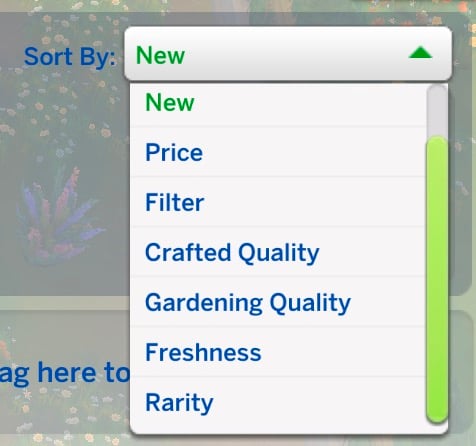
Along with the new stacking feature, new filters have also been added. By default, the inventory will be sorted by ‘New’; however, this can be changed to ‘Price’, ‘quality’, and ‘rarity’!
Gardening Additions
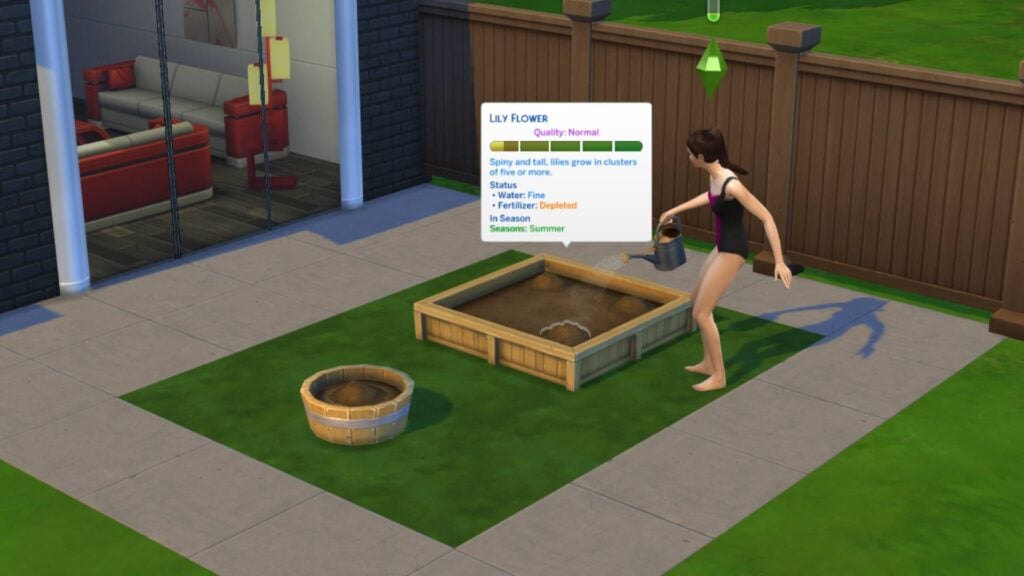
Gardening has been given a few new quality-of-life improvements. You can now choose to ‘Fertilize all” and “Evolve all” so you can instruct your Sim to tend to every plant. You can also see fertilizer and water status if you hover over a plant to bring up the tooltip!
Gnome Movement
After the last patch bought us Gnome relationship bars, the latest patch allows them to move about on their own accord. Thanks to @SimmerMikem for finding this over on Twitter. Check it out below!
What are you most excited about in today’s update? Let us know in the comments below and stay tuned on Sims Community for the latest news on the Enchanted by Nature Expansion Packand all future updates!
We have a complete preview of all the new CAS and Build Mode items!
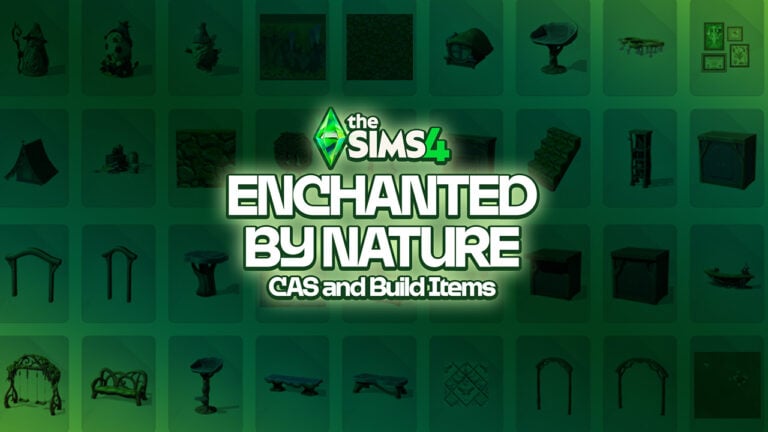
Today has been packed with new information. After getting to see the brand new World Map of Innisgreen, we’ve also gotten a chance to look at the entire Sims 4 Enchanted by Nature items catalogue. Including all Create A Sim pieces and Build Mode objects!
Check out the full breakdown of all the novelties down below:
Table of Contents
The Sims 4 Enchanted by Nature CAS Items
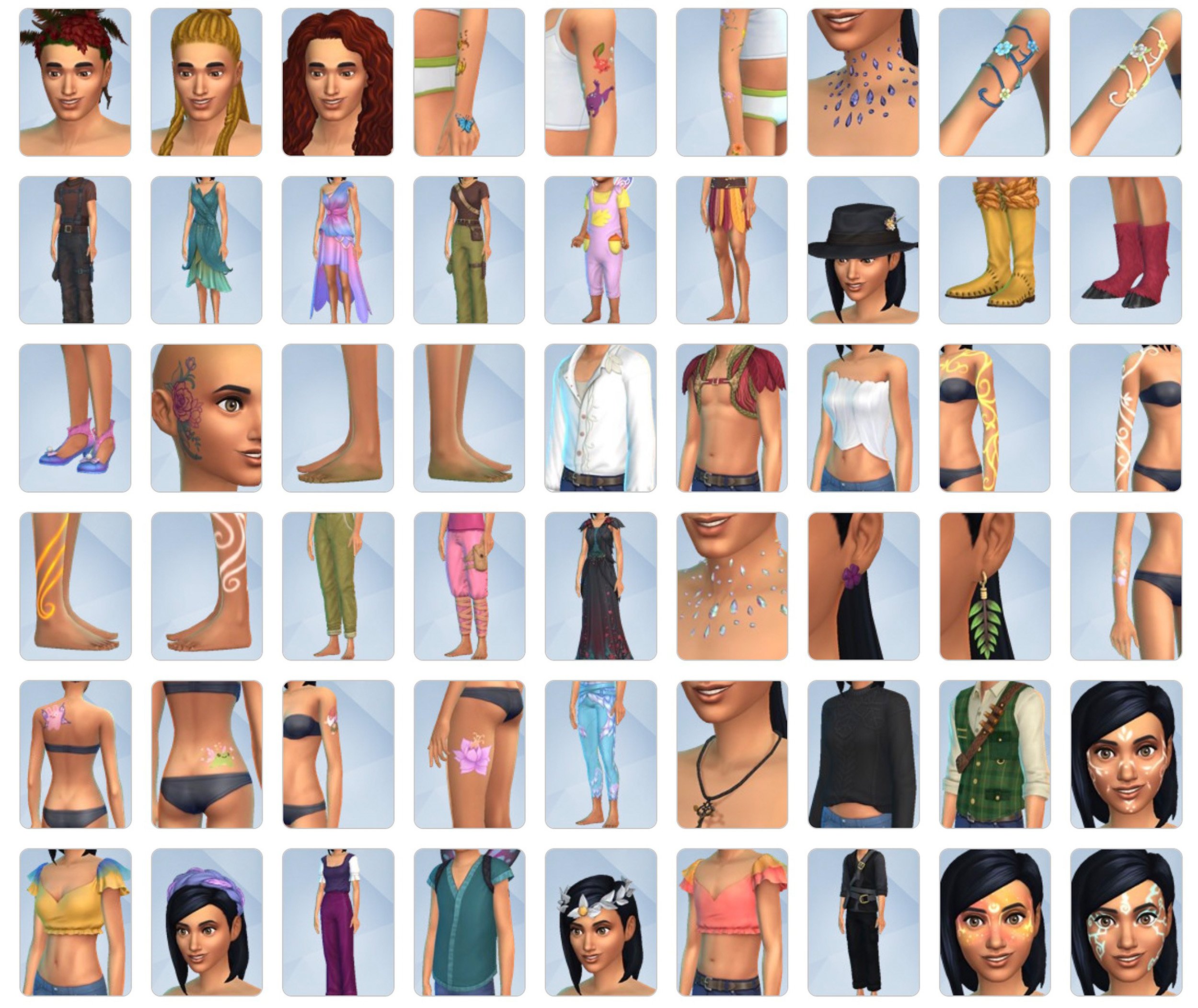
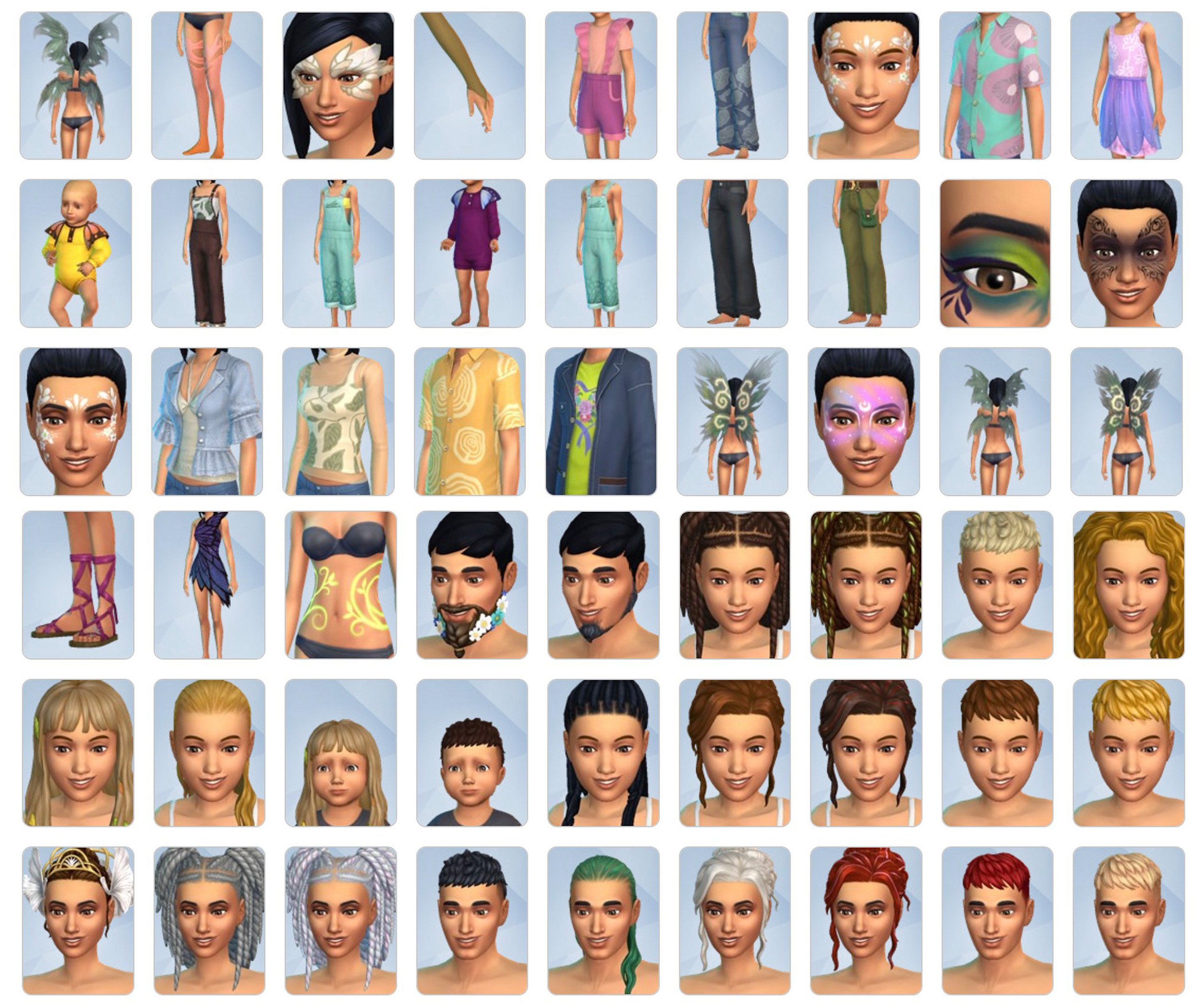
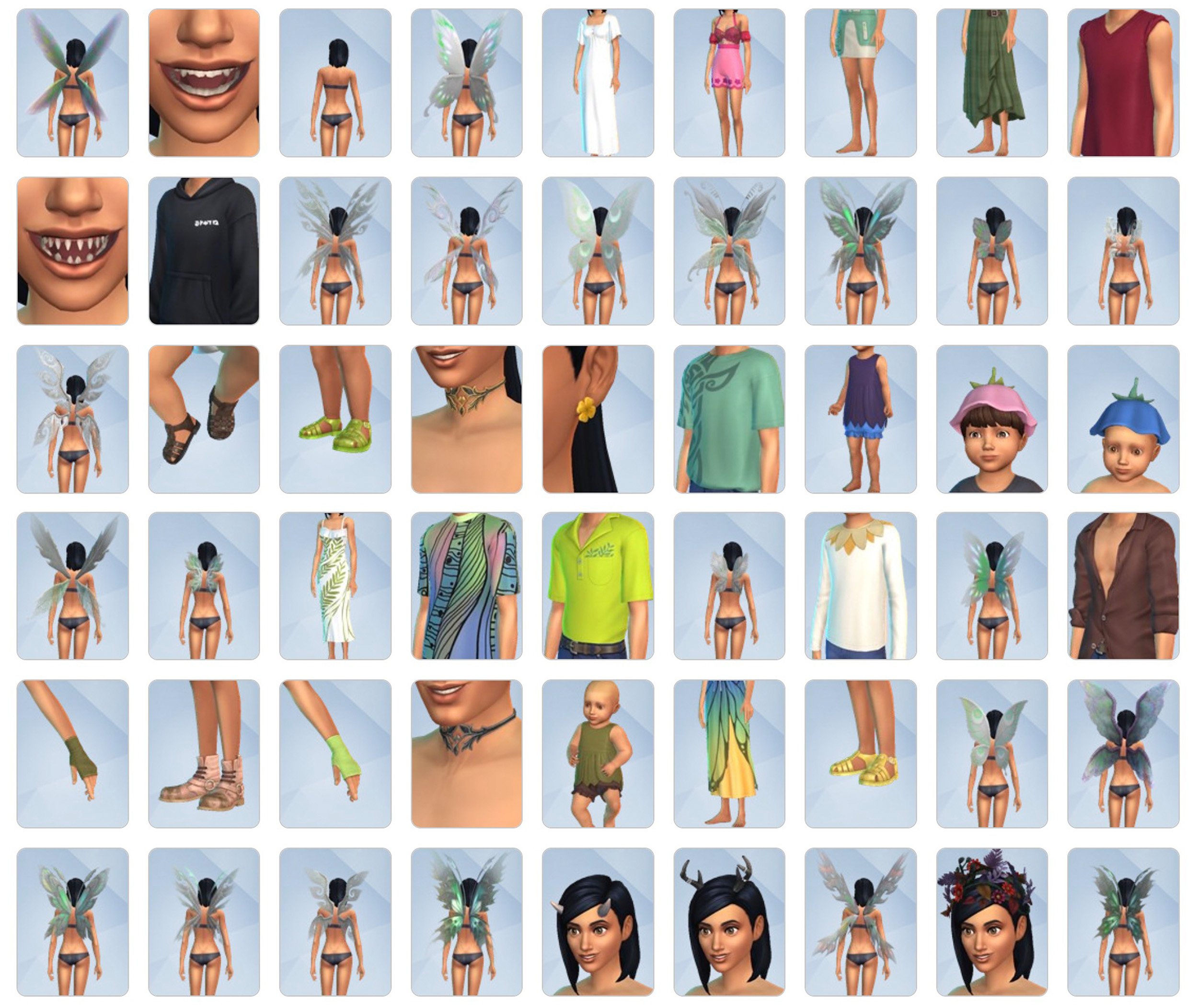
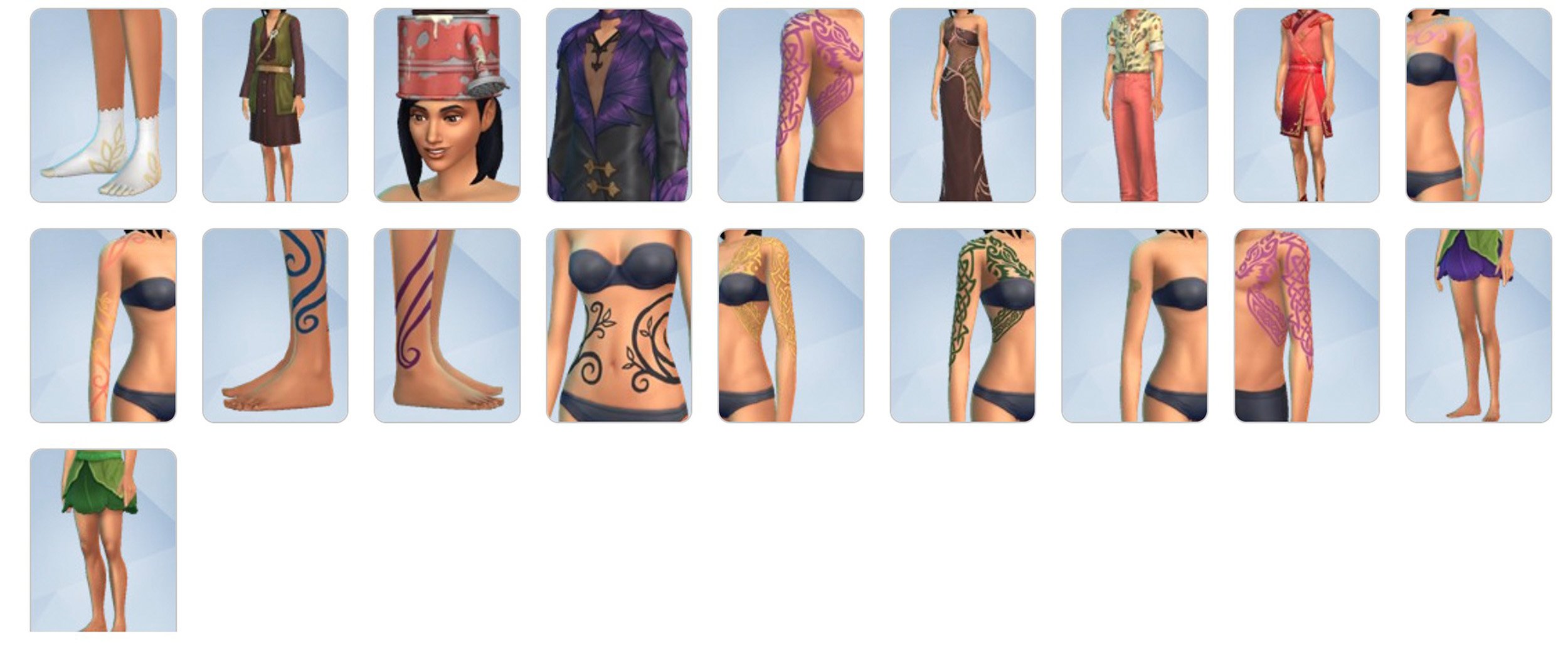
The total amount of new Sims 4 Enchanted by Nature items in Create A Sim counts up to 181 items. Including new clothing and accessories for all Sim ages, sparkly new body details and face paint, as well as various different Fairy occult presets and Wing options.
There’s several new hairstyles as well that you can expect for all ages. See the full preview down below:
The Sims 4 Enchanted by Nature Build Objects
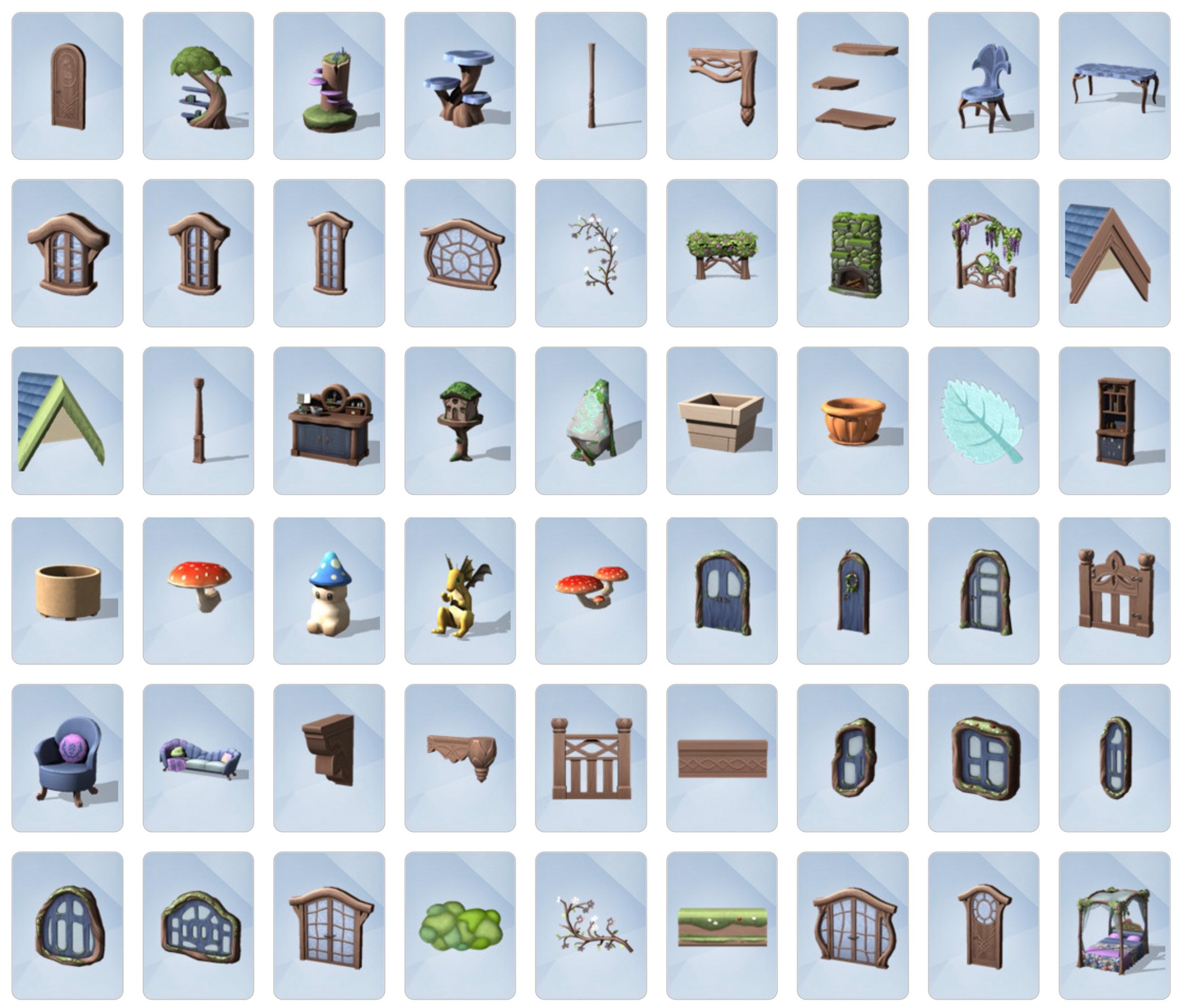
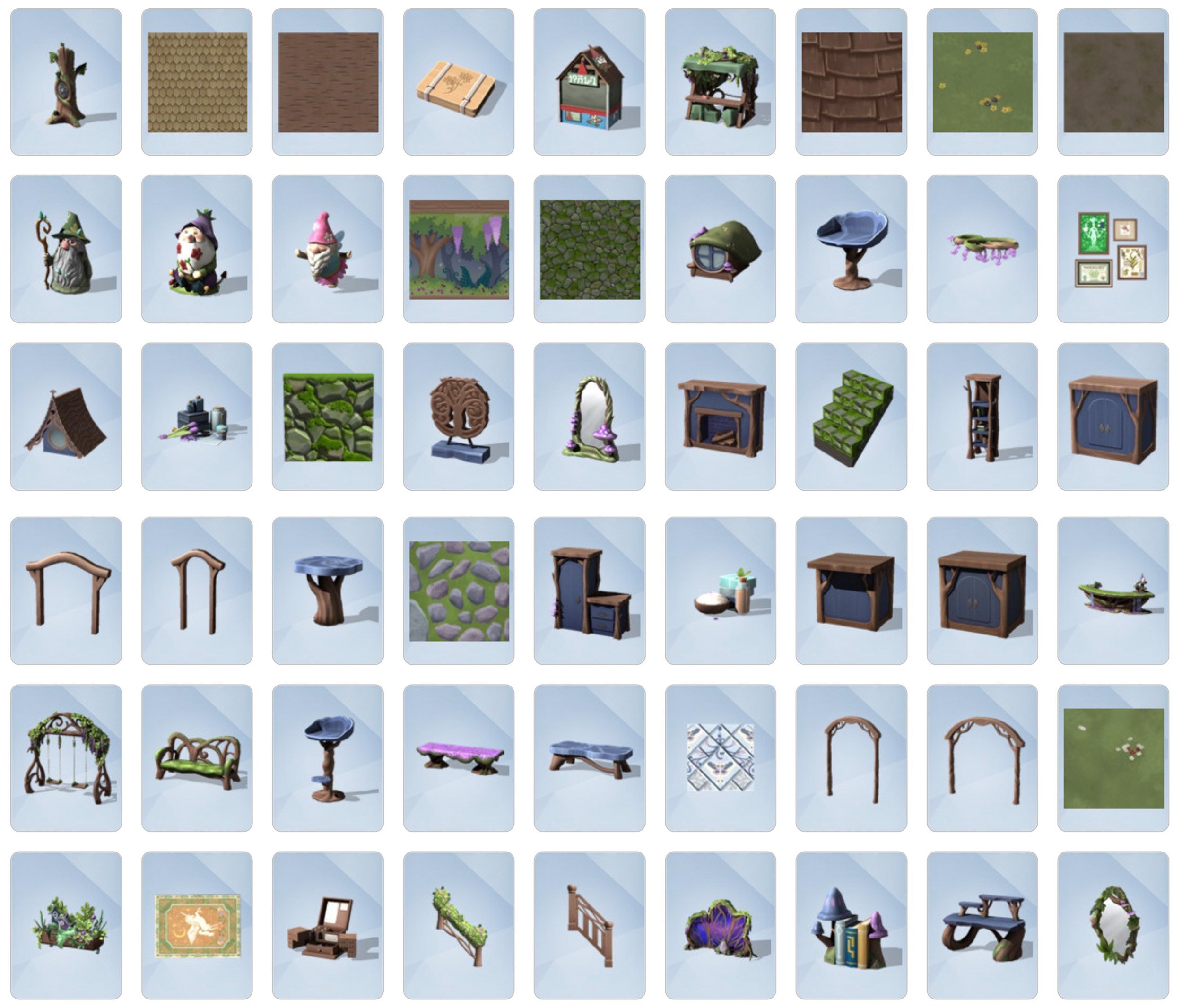
The Build Mode catalogue for The Sims 4 Enchanted by Nature Expansion counts 163 new objects. You’ll find items such as windows, fencing and new tile prints for Build Mode. If you’re looking to decorate your interiors with extra mysticism you’ll find plenty of new Gnomes, enchanting plants and wooden furniture.
See all of the new items in the gallery shown below:
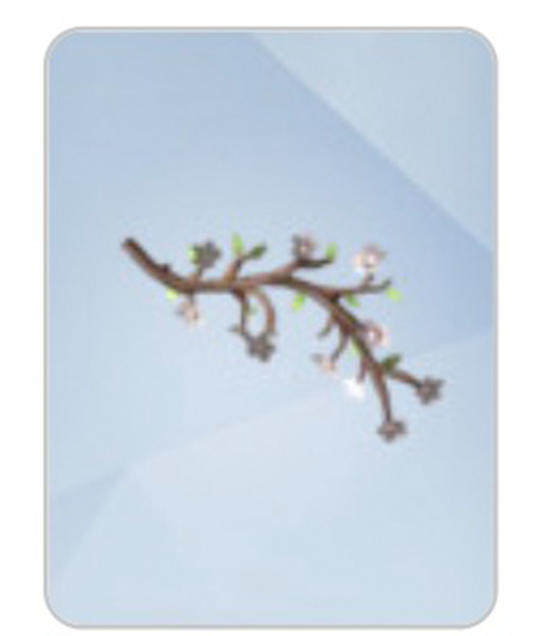
Plus, this flower branch wall decal that didn’t fit into the gallery preview:
What are your thoughts on The Sims 4 Enchanted by Nature Items? The 19th Expansion Pack for The Sims 4 is set to launch worldwide on July 10th, 2025 for PC and Consoles.
Which is when you should starting expecting a more detailed breakdown of all the new objects and features for this Pack. Stay tuned!
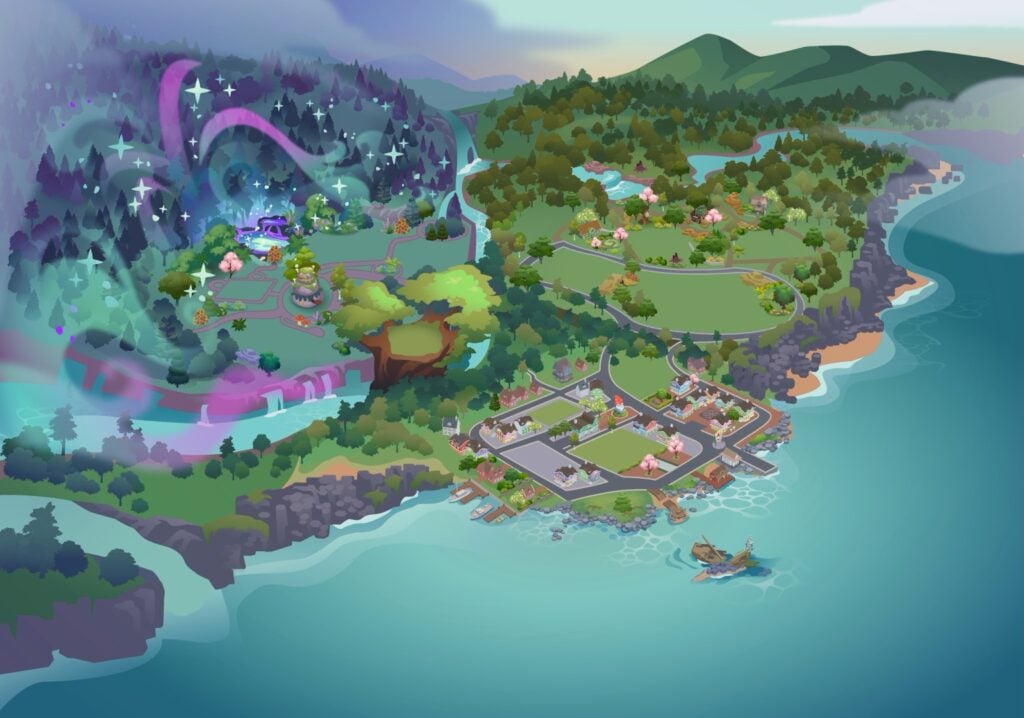
The latest Sims 4 Patch has just revealed the first look at The Sims 4 Enchanted by Nature World map. The new world called Innisgreen is an Irish inspired world coming exclusively with the latest EP.
Take a first look (without the lot previews) of the Innisgreen World Map down below:
Official World Map of Innisgreen from The Sims 4 Enchanted by Nature
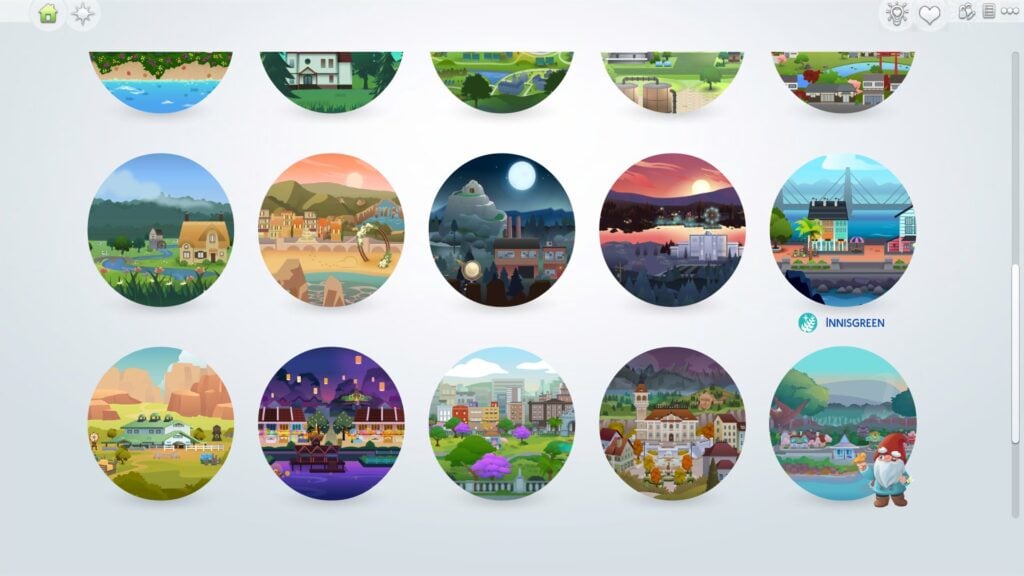
ARTICLE UPDATE: Sims creator NerdyDoll has uncovered what the Innisgreen World Map Icon looks like. Check it out below:
Explore a world in bloom
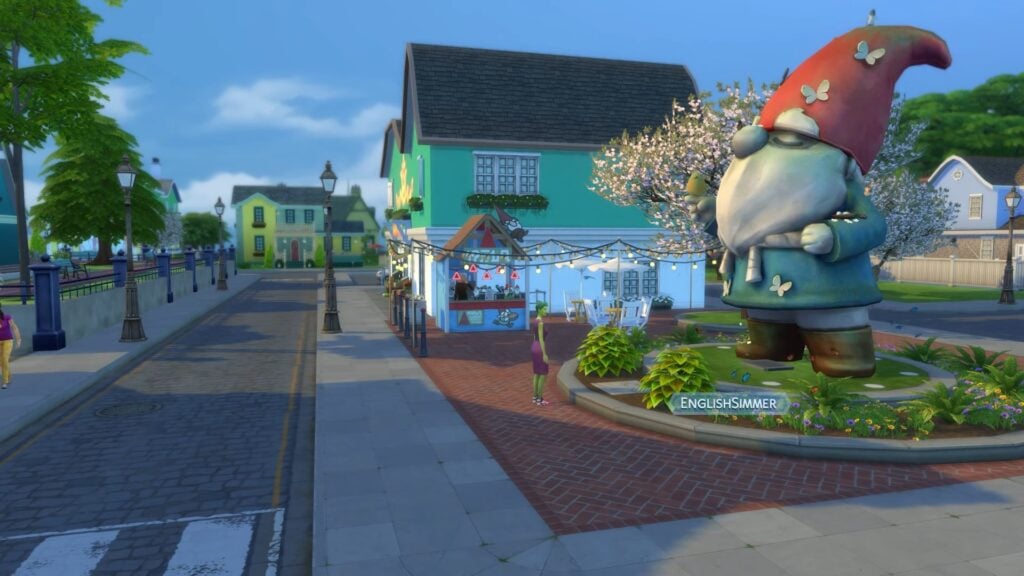
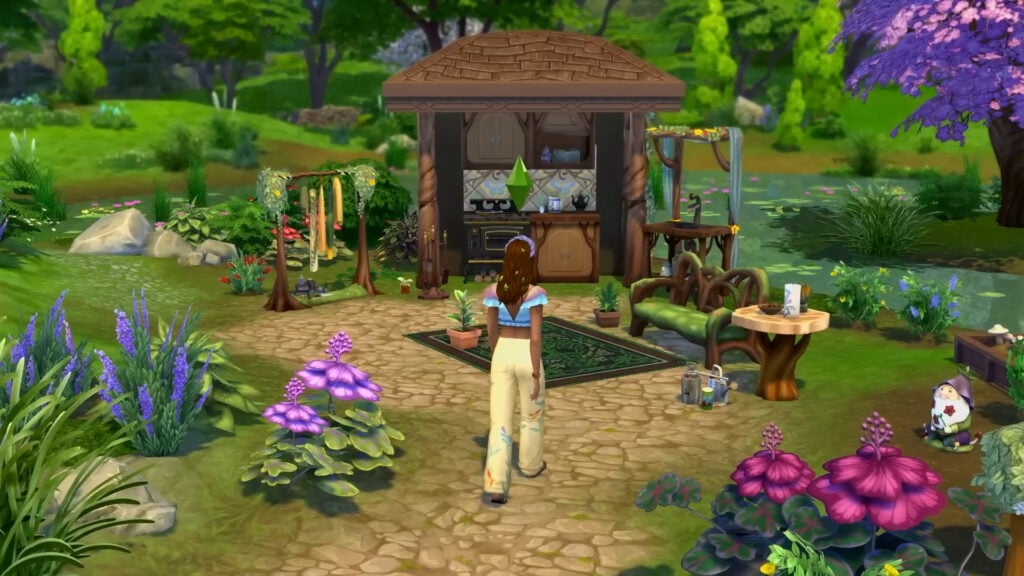
The Coast of Adhmor is a Celtic-inspired town with walkable streets, a giant gnome statue, and a lot of history. It’s the most down-to-earth of Innisgreen’s neighborhoods. Sprucederry Grove is a very nature-focused community, with a touch of the mystical thrown in. Everdew is a hotspot for Fairy activity where their powers are used openly and even the plants feel fantastical. The Mossveil Fairy Hub, a large mushroom, is located here. Explore to discover more enchanting surprises!
Learn more about the pack and the world in in the official EA App info release! We’ll have more to provide about the Lot Sizes soon.
What are your thoughts so far on The Sims 4 Enchanted by Nature World Map? Join the conversations down below and stay tuned for more updates on the world very soon!
The latest Sims 4 Patch is now out for Computers and Consoles!
Electronic Arts and Maxis have just released the latest Sims 4 Update across PC, Mac, Xbox and Playstation supported consoles. Helping prepare the Base Game for the launch of the upcoming Sims 4 Enchanted by Nature Expansion Pack, as well as bring new features and fixes. Which have already been confirmed in the latest Sims 4 Laundry List!
Find out everything new and improved in the official Sims 4 Patch Notes below. Including Glass Walls, Objects on Roofs, Collections UI Revamp and so much more! We’ll update the post as soon as the official release notes are out!
The New Features and Improvements Update
Table of Contents
Installing the Latest Sims 4 Update
You can get the latest The Sims 4 Update on the following official launchers and platforms:
You can download the latest Sims 4 Update by checking for a Patch through the EA App, Steam or Epic Games launcher for Desktop. If you have Automatic Updates enabled the update will automatically download through your client program. In case your EA App is not working properly ensure you’ve cleared your app cache!
If you play The Sims 4 on Xbox Series X / S and Playstation 4 and 5 you can request a new update by checking for updates under The Sims 4 game in the Main Menu. If you’ve enabled automatic updates the Patch should download right away.
This update is a pre-expansion pack release update. Meaning that a lot of gameplay and general feature Mods and CC can go broken. Make sure you backup your save files and ensure a healthy game!
Official Sims 4 Patch Notes
Sul Sul, Simmers!
How’s it growing? Today’s update prepares for the July 10 launch of the upcoming expansion pack, Enchanted by Natureand includes several new features that will raise the roof! And finally, we round out our notes with bug fixes and improvements to help with your Sim-playing experience.
Thank you for your support and continued reporting efforts via EA Forums. It really helps us identify the issues you care the most about. The Forums are also a great spot for reporting issues with text and translation.
We’ll see you soon. May the moon light your way!
– The Sims 4 Team
What’s New in The Sims 4?
Base Game Updates
Sim Inventory Improvements
Do your Sims have a lot of STUFF in their Inventory? We’ve made life a little easier with some usability improvements!
New Ways to Sort: You can now sort your Sim’s Inventory by “New,” which is the default option in the dropdown menu. Newly obtained items will appear at the top with a special badge. Additional sort options include “Price”, “Filter”, “Crafted Quality”, and “Rarity”. This also applies to object inventories such as Fridges, Bookcases, and other storage objects.
Spoiled Foods: Spoiled foods have a red background to indicate they’ve gone bad. They are grouped into a “Spoiled” stack with a trash icon.
Spoiled Items Handling: Once items spoil, they move from their original stack to the spoiled stack.
Spoiled Stack Access: Players can open the spoiled stack to view all items within it.
Notebook Update
Dive into the refreshed Notebook, where organization meets creativity. Our latest update brings a suite of enhancements that make managing your Sims’ notes and discoveries a breeze. Whether you’re jotting down notes for your Sim or exploring unique categories, the Notebook is now more intuitive and engaging than ever before.
New Layout: Enjoy a spacious layout that accommodates new content effortlessly.
Category Page Enhancements: Discover new category pages showcasing unique details.
Discovery Badges: Keep track of new discoveries with badges on unseen items in your collections. If a new discovery is added, a badge will highlight those categories.
Back Button: Navigate between categories and the main menu with the new back button.
Direct Access Buttons: Access Household Collections and Sim Stats directly from the Notebook.
Console Updates: Enjoy improved scrolling with the right analog stick for console users, making navigation even better.
New Household Collections Interface
Now it’s even easier to see all the things your Sims have collected as a household!
The Sim’s “Inventory” button animates when a new collection item is found. Once opened, the diamond icon in the top right glows green to notify you.
On the Collection page, categories have a badge to show they have new items.
Collections have a new layout for easier viewing of categories. Progress is shown by a progress around each collection.
A new dropdown menu lets you sort collections by completion progress or name.
Within specific collections, you can filter by “Rarity”, “Name”, “Recent”, “Bonus Items”, and “Missing”.
Collections can be accessed from both a Sim’s Inventory and the Notebook.
Glass Walls
Add some transparency to your Sim’s life with glass walls! In Build Mode, select “Build”, then select “Wall Patterns”. In the “Misc” filter, you’ll find a selection of Glass Walls that perfectly compliment the Glass Roofs.
Plants on Roofs
Want to add some organic greenery to your builds? Try placing Plants on Roofs! A selection of shrubs and flowers can now be placed on rooftops in Build Mode, if the footprint allows it. To see what kind of plants are available for roofs, enter Build Mode and select “Roof Sculptures”. If you happen to be looking at “Outdoor Plants”, hovering over any plant will tell you if the plant is “Roof Placeable” or not. For inspiration, we recently launched a Garden challenge in our Discord community!
Bug Fixes
Top Fixes
[EA Forums] Rain, rain go away. Come again, another day—just not inside. Rain and snow now stay out of enclosed rooms.
[EA Forums][EA Forums] The Eyedropper tool was grumpy about some items. We put them into proper categories so now the Eyedropper is much happier.
[EA Forums] Townies will now have more diversity in their names.
Live Mode
[EA Forums] Children no longer become silly stretchy Sims when picking up a Violin.
[EA Forums] The top-secret recipe for the Fear-Be-Gone potion has been altered to include [redacted] so it properly cures a Sim’s Fear of the Dark.
[EA Forums] The game descriptions of Business Chic Kit, Refined Living Room Kit, and Home Chef Hustle in the Main Menu now have consistent headers.
[EA Forums][DX11] Mature plants no longer are transparent in Laptop mode. Your garden will look lush—if you continue to care for it, of course!
[EA Forums] Sims’s eyes close better in more forms of sleeping.
[EA Forums] No longer shall false rumors of Friendship and Romance haunt your Neighborhood Stories updates. Nay, now they shall be nothing but true!
[EA Forums] Sims can now plant in off-lot Planters in Henford-on-Bagley, Chestnut Ridge, and Moonwood Mill.
Who doesn’t love a fabulously decorated space? When your Sim is surrounded by top-notch decor, they’ll now be able to enjoy related Moodlets.
No more getting lost in the snow. The “Go Home” interaction now stays in the queue even when your Sim is busy with snow activities.
Interactions for locking computers, mopping puddles, and autonomously leaving lots are now more performant.
Notebook highlights now appear only for the Sim with the relevant notebook content, even after switching household Sims.
Selfies using the “Take Photo with…” interaction now can include Flower Bunny, Yamachan, Bonehilda, Alice, Edith, Trashley Reelpearson, Sammy Garcia, Mysterious Rancher, Horse Trainers, Clones, and various Batuu Sims.
Grafting now only uses one shoot per plant so your inventory of shoots won’t vanish faster than a gardener’s afternoon tea! Enjoy your extra shoots for more gardening adventures.
“Purchase Seeds” remains available for all gardening surfaces, even when your Sim’s green thumb hits level 7. Keep your gardening spree going!
Ghost and Vampire parents now call to express their disappointment when your Sim is caught cheating on university homework, even during the day. No supernatural loopholes for academic mischief!
Even the most ethereal little ones can now be selected to be “Put to Bed”, ensuring child Ghosts are snugly tucked in for the night.
The occult Plumbob now appears for infant, toddler, and child Vampires, Merfolks, and Spellcasters, ensuring even the youngest occult beings display their unique status!
Cats and Dogs no longer have Turn-Ons or Turn-Offs. After all, they don’t care about our fashion or music tastes; they just want to get fed and charm us in their own quirky ways!
The Adventurous Gnome and High Rider Gnome now display halo and flame effects correctly.
Sparks are flying! Sims can now enjoy intimate interactions right in the Hot Tub!
Patchy the Scarecrow is now off the market for Create a Date.
Console
When selecting a Sim for Travel, the RT/R2 button now correctly confirms your selection, aligning with the controller legend’s instructions.
Controllers now can navigate through all sections of Live Mode interfaces and Game Options without skipping any sections.
Toddlers no longer can access the Rewards Store. Toddlers will stay focused on playtime, not shopping!
Build Mode
[EA Forums] The HBD Double Front Door now is a little taller to be on par with other Medium height doors.
[EA Forums] The classic, OG ceiling paint now has a name. Are you ready? Drum roll, please. Basic Matte Concrete. Tada!
[EA Forums] TVs no longer float when placed on the Bold Indulgence Hallway Table and the Superior Mission Foyer Table. (Note: For saved games, this fix will move any items on these tables into the Household Inventory.)
[EA Forums] Did you know an Aloe Vera Plant was hiding in Build Mode? It now has a category so you can find it.
Create a Sim
[EA Forums] The Reaper’s Rewards buckled boots (ymShoes_EF61BootGoth) now fit better and have zips that look great from every angle. They are also available under the “Feminine” Fashion Style.
[EA Forums] The adorable fuzzy bear slippers (ymShoes_EFDec24EVRanimalSlippers_Bear) from the Cozy Celebrations event are now fixed for female Sims. Enjoy cozy feet without distortion, and no more duplicate pairs!
[EA Forums] A handful of missing Feminine Fashion Choice clothes are now available for Masculine frame Sims.
The missing texture on the hoodie (ymTop_Hoodie) for female Sims has been restored. Your Sims can now rock their hoodies in style!
Clipping and missing textures on the clothes (yfTop_SP46ProTied & ymTop_SP46ProShirt) have been addressed.
Expansion Packs
Get to Work
[EA Forums] Retail workers have agreed to show up for work and open the store properly even if the owned business is not yet owned by the player Household.
[EA Forums] Want to make an out-of-this-world Alien nursery? The Nanoo Nanoo Bassinet is now available in Build Mode.
[EA Forums] The socks (cuAcc_SocksShortEP01_MixedBlueBrown) are now tagged as sleepwear, so they can fit in with all of the other Children’s socks that were also sleepwear.
Seasons
[EA Forums] As noted above, rain and snow now stay out of enclosed rooms!
What a socialite! On holidays, Sims now get a reminder to wait or select a later time for a new event when there is already an event in place. They can enjoy the event without double-booking!
Get Famous
[EA Forums] [Partial Fix] Fashion can be anything, but some Sims were taking it too far. Sims in the Style Influencer career now wear more appropriate accessories to work. This is a partial fix for the larger issue of Sims having questionable fashion choices in various situations. More to come!
[EA Forums] Added the missing swatches for two of the Acting Career hairstyles. Wearing a Georgian period wig never looked so good.
Calls about a Celebrity Feud now come from appropriate press sources, avoiding those awkward moments with Children or unexpected callers.
Actor Sims now complete their Auditions without any issue, ensuring Gigs are marked as finished. No more dramatic exits, just a star-studded wrap-up!
Island Living
[EA Forums] Added two missing/hidden variants to the Masculine and Feminine versions of the Lifeguard swimsuits.
Discover University
[EA Forums] The game was a little too excited about School Spirit Day and really wanted to make sure you knew it was happening. We asked it to chill so now it’ll just remind you once.
[EA Forums] Sims no longer get stuck in an infinite loop of “Packing Up” to move out of a Dorm. Nightmare averted.
Eco Lifestyle
[EA Forums] Children no longer pull out a tablet and stretch awkwardly for civic duties. They’ve traded in their stretch routines for playtime and homework instead!
Snowy Escape
[EA Forums] We have found you a shrubbery! The Komorebi Shrubbery is now available in regular Build Mode and no longer solely exists in the Wedding Venue category.
Cottage Living
[EA Forums] Agatha and Agnes Crumplebottom can no longer marry into a Household, sparing them from being cloned. Honestly, one Agnes Crumplebottom is enough. Also, when asking for Agatha’s hand in marriage, her response is now a polite yet firm decline instead of gibberish text. She’s having too much fun with cousin Agnes to settle down! And if you invite her to move in, she’ll now kindly remind you she’s perfectly content where she is. Keep trying, but don’t expect wedding bells!
[EA Forums] Chickens, Cows, and Llamas no longer Age Up (and eventually die) when Animal Aging is disabled in Game Settings. Players rejoice, but Grim is sad.
[EA Forums] Set 12 of the Garden Party Wainscoting Wallpaper now is distinct from set 9.
[EA Forums] The Child’s frilly blouse with a bow (cfTop_EP11ShirtBellSleeve) no longer appears for the “Masculine” Fashion Choice.
Fashion emergency averted! The SolidBlack variant of the pants (ymBottom_EP11JeansBoyfriend) now fit better around the waist so they don’t become high-waisted.
High School Years
[EA Forums][EA Forums] Prom now shows on the Calendar for Teens, even if their birthday will be before Prom. You can choose whether to delay their birthday for that once-in-a-lifetime Prom experience.
[EA Forums] Also, the Prom event will now properly appear on the Calendar and Teen Sims can attend!
[EA Forums] Class is back in session! High school goals now show with the Active Career format. Students can focus on class, exams, and activities without cancellations or errors.
[EA Forums] Graduation events now appear on a Graduate Sim’s Calendar after switching to Build Mode in Manage Worlds. They have no excuse to miss it now!
[EA Forums] Sims who travel no longer fail to gain Followers on Social Bunny.
[EA Forums] Sims were feeling a little too intimidated by Photo Booths to take pictures, specifically while on Dates, but that’s not a problem anymore. “Take Photo with…” on a Photo Booth now functions while on a Date and also while not.
[EA Forums] And Sims also can ride together on Pier Attractions while on a Date.
[EA Forums] High School Years hats now are in their proper Hat sub-categories. Silly hats.
Growing Together
[EA Forums] We’re all excited when an Infant reaches a new Milestone. However, we didn’t need to be reminded over and over again. Infant Milestones no longer are marked as New if a user switches to another Sim and back.
When carrying Infants in the back carrier, Sims can now plant seeds without resetting. Gardening with your little one right there looking over your Sim’s shoulder—absolutely adorable!
Canceling the “Make Friendship Bracelet” interaction now keeps Sims steady. No more unexpected resets.
Horse Ranch
Hiring a Ranch Hand via the Community Board now highlights the “Hire a Service” interaction correctly.
The Horse Ranch Expansion Pack tooltip now correctly displays the game’s title on the Store page.
For Rent
[EA Forums] Tenants can now Pay Rent after Bills are delivered.
[EA Forums] Sims who live in a Residential Rental or own one as a Landlord now have their Household funds removed after they have transferred them to a Business fund… much to their chagrin, I am sure.
[EA Forums] Child hairstyle (cfHair_EP15BluntBang) now has a previously missing swatch.
Save files with fifteen or more Rental Units on a lot no longer are missing thumbnails.
The Fisherman’s Slats Window – Tall now has a thumbnail that reflects its compatibility with Medium and Tall walls.
Moldy demise was giving Sims a funky spring in their step—even in the afterlife! Now Ghosts who died from mold levitate smoothly through 90-degree stair landings.
Lovestruck
[EA Forums] The Fear of Being Alone was causing relationships to drop drastically unless your Sim was mean to the other Sim. We had a sit down and informed the Sims that this wasn’t how healthy romance works, and the issue has been resolved.
[EA Forums] Romantic Satisfaction now appears properly in a Sim’s Profile and previously blocked romantic interactions are available—which might, in fact, improve that Romantic Satisfaction you can now view properly. Everyone wins!
[EA Forums] Getting a Degree at University now helps the Romance Consultant Career.
[EA Forums] Ever want to dress up your date you met on Cupid’s Corner? Outfits changed in Create a Sim now appear in that Sim’s Outfit Menu. Dates just got a whole lot more stylish.
[EA Forums] Sims no longer attempt to cuddle with another Sim who is already sleeping.
[EA Forums] The custom Relationship labeling in the Sim Profile no longer has Llamacorn icons or flow issues.
[EA Forums] The hairstyle (yfHair_EP16Long) has been placed in a hair category, making it easier to find than ever before.
[EA Forums] The Lovestruck stockings now are available for Everyday, Formal, and, of course, Party outfits.
As a Create a Date or Create a Hangout event ends, changing venues is quicker with events concluding and rewards given properly.
When Children become Teens, they develop their Romance skill from the ground up.
The tempting Sweetheart’s Box no longer is available on a locked computer. Unlock your device to enjoy these shareable treats!
The long wavy hair (yfHair_EP16LongWavy) now contours better to the torso so Sims can have a perfect hair day.
The romantic neck rose tattoo (yfTattoo_TorsoFrontUpperEP16Rose) thumbnail in Create a Sim no longer zooms in when selecting different swatches on console.
Life & Death
[EA Forums] Console players using a controller are now able to select genetics options after Rebirth.
[EA Forums] The “Make Heirloom” interaction is now available for all occult Sims on the active lot. Enjoy creating heirlooms with ease, wherever your Sims reside.
The Moon Revelry Festival no longer shows an empty interface in the upper left corner. Sims can freely enjoy Moonbathing, Night Swims, and fire dancing without distractions!
The Ghost Mastery interface now opens reliably from notifications.
Ghosts can now be selected for the “Ask to Be Introduced to” social for Infants, making supernatural meet-and-greets possible.
We had to calm Ghosts down a bit to smooth out the end of Possess and Transcendent WooHoo.
Summoning Lady Ravendancer Goth via her Tarot Deck no longer creates a new Lady Ravendancer Goth each time. There is only one… There can only be one….
The “Moment of Death” and “Rebirth” menus now resize appropriately with the game.
Planning a funeral at a Crypt no longer results in duplicate urns in the Sim Inventory.
When all of your household Sims go home to Ravenwood from a festival or another neighborhood, the camera now goes home with them.
Goals in the “I Wanna Get Busy!” category now display correctly.
The “Ghost Toggle” buttons in Create a Sim no longer flicker when hovering near the edge of the ghost icon—it was starting to feel a little haunted!
Ghosts’ abilities to repair and clean are now more performant.
Sims viewing an heirloom to remember departed Sims is more performant.
Businesses & Hobbies
[EA Forums] The cute little tuck-in top (yfTop_EP18TshirtTuck) has received “Masculine” and “Feminine” Fashion Choices tagging.
Deleting walls or items on the ground floor of a home business no longer causes the game to become unresponsive. You can modify your spaces without interruptions.
The Nordhaven vendor stalls and craft stalls are now correctly categorized in Build Buy mode. They no longer appear under “Life Event Activities” and are sorted under “Outdoor Activities” and “Misc”, reflecting their everyday use.
Game Packs
Vampires
[EA Forums] Vampires won’t lose their fangs in Live Mode if their Dark Form was selected in Create a Sim. Is a Vampire really a Vampire without their fangs?
Both Ghosts and Vampires now can hit the gym during the day and see mega gains. They didn’t want to do it before.
We fixed a variety of issues where Vampires without the Sun Resistance perks weren’t fully living their life during the day.
Vampires may not show up in mirrors, but Vampire teens now are available when selecting a Sim for “Slow Dance Together” on a Stereo.
Parenthood
The Modern Face Value Fridge now is available in teal to better match other teal kitchen appliances in Parenthood.
StrangerVille
StrangerVille’s description now spells everything correctly—no mysteries here except for the ones you’ll uncover with the town’s intriguing residents.
Realm of Magic
Be on the lookout! The Night Wraith now spawns for Spellcasters with the Curse of the Night Wraith.
Alien eyebrows no longer are available for Child Spellcasters.
Dream Home Decorator
[EA Forums] The shorts (ymBottom_GP10ShortsLong) are now appearing in the Hot Weather category.
The Interior Decorator Career kilt (ymBottom_GP10WorkKilt) now displays correctly in Create a Sim, showing the kilt instead of underwear.
My Wedding Stories
The dashing leather shoes (ymShoes_GP11DressShoes) are now free from distortion. Step out in style!
Werewolves
[EA Forums] The cute, little toddler Wolfie onesie (puBody_GP12OnesieWolf) was a little too warm as a “Hot Weather” outfit, so it no longer appears in that category.
[EA Forums] The Patched Punk Styled Look now puts on the proper pants.
[EA Forums] Removed some piercings, necklaces, and socks for Werewolves that weren’t so flattering for them in Beast form.
[EA Forums] Choosing a Werewolf head shape no longer resets muzzle length.
Kits
Poolside Splash
The poolside sandals (yfShoes_SP44SlidesPillow) can now be found under the shoes sub-category in Create a Sim. Now where’s my sunscreen?
Riviera Retreat
[EA Forums] The “On a Silver Platter” Drink Tray now is in the Kitchen Appliance category in Build Mode.
Cozy Bistro
[EA Forums] A number of items now are in more logical categories.
Sweet Slumber Party
[EA Forums] The appropriate shoes now appear for the “Masculine” Fashion Choice filter.
Secret Sanctuary
[EA Forums] The yfBody_SP59Dress — you know, the red one with the slit that is amaaazing — now fits larger Sims better for more dazzle and rizz.
[EA Forums] The Arcane Aroma Tea Tray now is in the Kitchen Appliance category in Build Mode. Drinks are served!
Business Chic
[EA Forums] The sleek, chic watch (ymAcc_WristLeftSP62CK004WatchLuxury_SolidGold) now appears for the “Masculine” Fashion Choice filter.
The update is 3.6GB on Mac computers!
Take a first look at the new features in The Sims 4 in the official image gallery below:
What’s your experience been so far downloading the latest patch? Stay tuned on Sims Community for a full guide overview on the new Sims 4 Update Features!
After many years without an official funeral event, The Sims 4 Life and Death expansion pack finally added funerals to the gameplay! Much like weddings from The Sims 4 My Wedding Stories, funerals can have customized dress codes, activities, and more. Funerals provide an opportunity for your Sims to gather and grieve together in a somber or lighthearted manner.
The Sims 4 Life and Death: How to Create a Funeral Guide
Planning the Funeral
There are multiple ways to plan a funeral in The Sims 4.
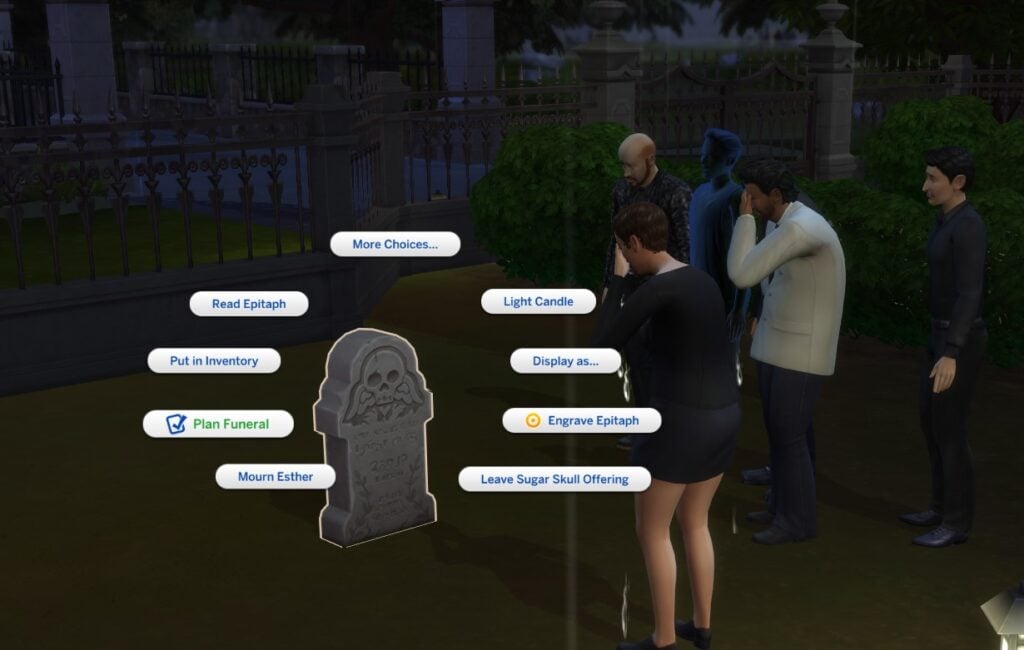
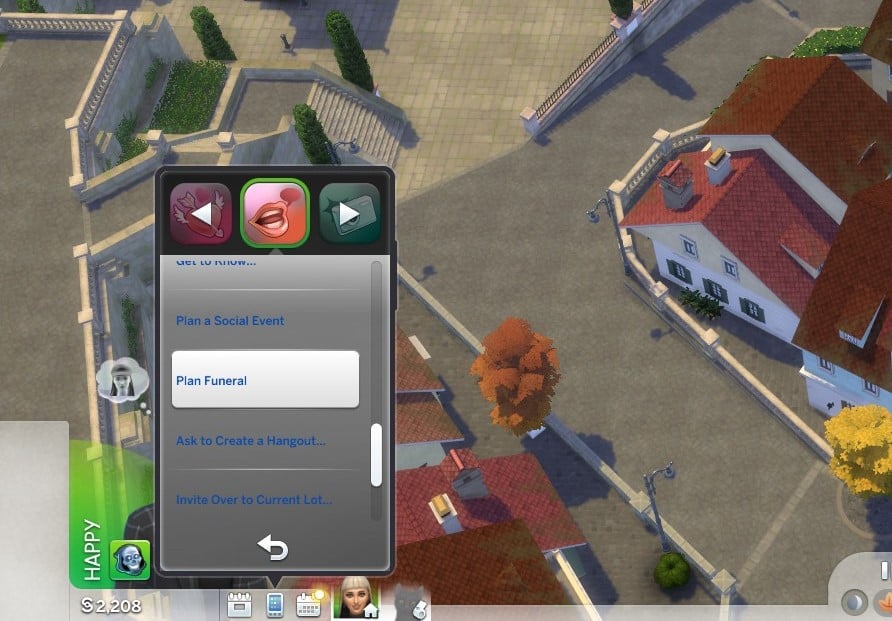
Using an urn or a gravestone If the Sim has recently passed and you have access to their urn or gravestone, you can select Plan Funeral by clicking on the deceased Sim’s urn or gravestone. This will automatically assign the Deceased Sim role in the Funeral Event panel.
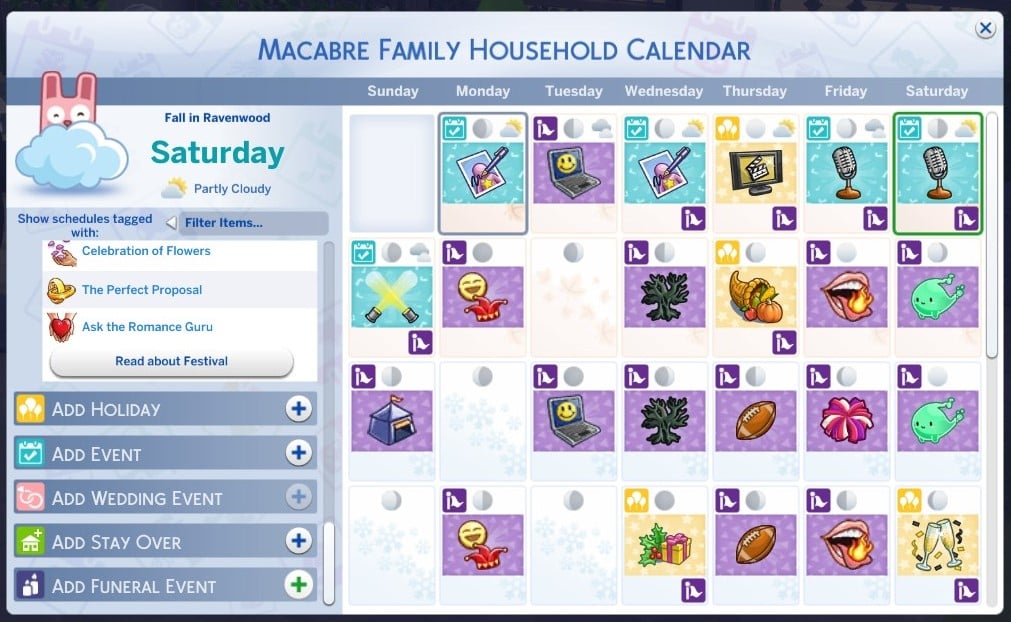
Using the Calendar The only way to plan a funeral in advance is through the Calendar. After selecting a day for the funeral, scroll to the bottom of the menu on the left and click Add Funeral Event. Alternatively, you can select Funeral from the list of social events under Add Event.
Using the phone You can also plan a Funeral Event under the social menu on the phone. This will cause the funeral to begin immediately.
Inviting Sims
There are five roles to fill when inviting Sims to a funeral. The most important role is the Departed Sim. If you have planned the funeral through a gravestone or urn, this will be automatically filled. Otherwise, you can select any ghosts your Sim knows (excluding Waylon Warez). The Departed Sim and Host are the only required roles.
You can invite up to eight guests, which includes family members of the Departed Sim, even if your Host Sim doesn’t have a relationship with them.
You can also hire up to four mourners. These can be Sims you know, or ‘professional’ mourners, for §100 each.
Lastly, you can hire a maximum of one entertainer for §250. Make sure there is an instrument or a microphone for the entertainer to use at the venue.
Assigning Guest Attire
After selecting your guests, you can assign the Guest Attire. This is similar to the Select Style menu when planning a wedding. You can assign a dress code, a color, or both. Your guests will arrive in randomly assigned outfits based on the dress code and color you choose.
The following are styles you can select for the dress code:
BoHo
Country
Basics
Outdoorsy
Polished
Preppy
Hipster
Rocker
Sporty
Streetwear
Planning Activities
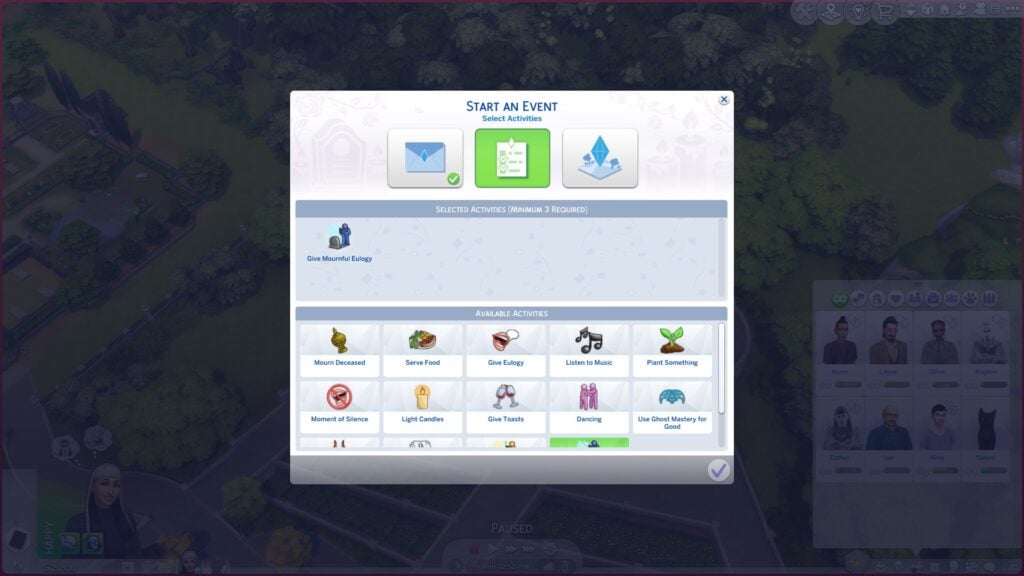
The next tab will let you select the activities for your funeral. You must select a minimum of three activities, but these are entirely customizable to let you set the tone of your funeral and personalize it for the Departed Sim. Departed Sims may have selected funeral activities to include in their Will as preferred funeral activities.
The following are activities you can select for the funeral:
Mourn Deceased
Serve Food
Give Eulogy
Listen to Music
Plant Something
Moment of Silence
Light Candles
Give Toasts
Dancing
Use Ghost Mastery for Good
Use Ghost Mastery for Evil
Play Instrument
Give Lighthearted Eulogy
Give Mournful Eulogy
To earn a Gold Medal for the Funeral Event, you will need to complete all of your selected activities.
If your activities require a certain object, such as an instrument, make sure to purchase one for your funeral’s venue. When hosting a funeral, the Departed Sim’s urn will be placed in the Host Sim’s inventory if it is not already there. Clicking on an urn or gravestone will give you the option to Light Candles, Give Toasts, have a Moment of Silence, or Mourn Deceased. You can use a Simple Life, Simple Death Podium to perform Eulogies or have a Moment of Silence.
There are other funeral specific objects that you may find useful when hosting a funeral. Memorial Displays and Memorial Portraits can be dedicated to the deceased, allowing another way to Mourn Deceased or honor the Deceased Sim through decoration. Alternatively, you can also purchase a Memorial Cannon to fire some confetti for an ‘epic send off!’
If you have decided to Serve Food at your funeral, make sure your Host Sim comes prepared with a meal, or purchase either a banquet table or drinks tray from the Buy Menu for the venue. I found that the Serve Food activity only completes once your sim has eaten a meal.
Selecting an urn, gravestone, or podium will also give you the option to Call Over Guests to help bring attention to certain activities.
Selecting a Location
You can select any lot to host a Funeral Event on, including residential lots of your invited guests. Ravenwood has a designated Cemetery lot called Eternal Hollow, which has a funeral home you can use to host a Funeral Event. The lot comes with a podium, a casket, and a number of Memorial Displays to help you complete some of the funeral activities.
Hosting the Funeral
Once you have invited guests, assigned a dress code, selected activities, and chosen a venue, you’re ready to start! Unless you have used the Calendar to plan your Funeral, the event will begin automatically. Hired mourners, entertainers, and guests will begin arriving immediately.
Funeral events last for eight hours, but can be ended earlier if you wish. Your main task to complete the Funeral Event is ‘Lead Funeral Activities,’ with the other activities you selected making up the other goals for the event. Make sure to retrieve any items you brought to the venue once the Funeral Event has ended.
Unfortunately, there are no rewards for completing a Funeral Event; however, your Sim will receive the ‘First Funeral’ milestone if you have The Sims 4 Growing Together expansion pack. Your Sim will most likely feel somber following a Funeral Event or sad if they have been mourning. Sims may experience different emotions while grieving depending on their traits and relationship with the Departed Sim.
An unconfirmed source talks about The Sims 4 Expansion Pack 20 and Project Rene development.
This weekend on X (formerly Twitter), a user, who has since made their account private, replied to one of our posts with information they had found regarding future development. The attached screenshots list details about the next Expansion Pack, the inner workings of Maxis and EA, and the future of the franchise as a whole. By an unknown source posting on an unknown forum. While these details are unconfirmed, the information shared has already sparked considerable conversations within the community.
DISCLAIMER
All information mentioned is unconfirmed, and any opinion conveyed is purely speculative. Take everything with a grain of salt!
Table of Contents
“The Leak” in Full
The user shared three screenshots with a considerable amount of new information. You can read these screenshots below, or read our transcript below!
News I have heard from a friend who’s partner works at Maxis:
Next Expansion after Fairies is the most expensive Expansion pack in the history of the franchise that doesn’t add a new Pet or Life Stage because of how long it was in development for.
But I have been told this is largely due to inflation, as for the last few years it costs Maxis more money now to develop a single Expansion than it did to develop The Sims Medieval (which was an entire spin off).
It’s a Vacation pack with a twist, that will allow you to customise and create Vacations beyond what Outdoor Retreat and Jungle Adventure can do. You will be able to create custom venues that your Sims will engage with on their Vacation. There will be a big focus on Family Vacations, as the existing Vacation packs are more focused on Adult gameplay.
EA are expecting the Expansion to sell over 7 – 10 million copies within the first 12 months because they know the themes within the pack are highly requested and that packs with similar focuses have achieved similar success. So the marketing team is already coming up with ideas on how to promote the game.
The majority of Sims 4’s profit from Expansions is reinvested by EA into other games development, rather than the game itself. EA set targets with Maxis to deliver a specific amount of Expansions per year.
Kits aren’t going anywhere, despite none in the latest roadmap. Maxis use the profit from Kits to invest in free base game updates as EA don’t give them much of a budget anymore since it’s now free. They’re on pause to see the community feedback of having more functionality within Kits, to see if people respond more favourably to them.
Maxis want to do more cultural worlds and have been trying for years to get a world based on Africa in the game, but higher ups at EA prefer culturally ambiguous worlds as they sell better. Maxis have come up with an idea to please both sides (but they wouldn’t tell me what that is).
Development of some Expansions will be developed in Europe instead of the US.
Project Rene is going smoothly and apparently rumours of it being in development trouble or being downgraded are false. It’s still the game it was when it was announced, a fully developed online Sims game.
This is what l’ve been told by the partner of someone who works at Maxis. I tried to ask about other stuff but they said they didn’t want to get their partner in trouble, and that everything they told me is what is already told to many creators (minus the sale projections) so it’s already semi-public.
They wouldn’t tell me anything that creators already don’t know. I don’t know if that’s all creators or just some. They didn’t know either.
What This Could Mean for the Future of The Sims 4
There is a lot to unpack with this latest leak, but if this information is to be believed, then Maxis are laying the groundwork for a major shift in how The Sims franchise is developed and evolves.
In recent years, we have seen a move away from game packs and stuff packs in favour of more expansion packs and kit releases. With the European team, the developers of The Sims 4 Businesses & Hobbies, now focused solely on expansion pack development, what could this mean for stuff packs? The next expansion pack, likely produced by the US-based team behind The Sims 4 Life & Death, sounds like a major milestone. Unlike previous travel-based packs such as Outdoor Retreat or Jungle Adventure, the next expansion pack seems as though it will be more sandbox-focused. The emphasis on custom venues sounds as though it may build on the tools introduced with Small Business lot types featured in Businesses & Hobbies.
The leak also states that this upcoming expansion pack will be the most expensive ever produced. This could be an indicator of just how ambitious this pack is, but also speaks to the rising cost of game development as a whole. We also got a glimpse of Electronic Arts’ internal target of 7-10 million copies in its first year. This is a very large number, but plausible for how well family-focused packs tend to do.
The leak also touches on cultural representation, something that fans have been campaigning for across social media for years. The call for an African-based world has been ongoing; however, it seems the Sims team have been facing pressure from higher-ups at Electronic Arts to make worlds more culturally ambiguous. This is disappointing to hear, as the last African-based world was back in 2009 with The Sims 3 World Adventures.
As for Project Rene, the reassurance that development is “going smoothly” and that no major downgrades have occurred will be welcomed by players who have been caustiously watching development, considering history and the original development of The Sims 4 and Project Olympus. It looks as though Rene is gearing up to be a big innovation for the franchise and is something that Electronic Arts is fully backing.
How This Aligns With What We Know
While we cannot confirm the accuracy of this leak, some of the claims do echo what we’ve been noticing for a while, both in Maxis’ behaviour and the wider industry.
In recent years, there has been an uptick in family-focused gameplay, with releases such as Growing Together, For Rent, and the Infants update. While EA and Maxis do not release their individual sales figures for packs, this leak does suggest that family-focused gameplay experiences perform better than niche concepts. During its early years, The Sims 4 was criticised for being too focused on the young-adult life stage and less on family gameplay.
The mention of Kits being on pause to assess whether or not players are responding well to functionality within Kits aligns with the recent release of the Restoration Workshop kit, which introduced the ability to restore broken appliances to their former glory. Perhaps this could usher in a new era of gameplay-focused kits, with the only gameplay kit to date being Bust the Dust.
Final Thoughts
Do keep in mind that no information stated is officially confirmed, and that this is speculation.
Whether you believe this leak is insider truth or carefully constructed fiction, it offers an interesting look into the future of The Sims franchise, and perhaps the internal conversations at Maxis.
If the details are accurate, we could be seeing this new, ambitious expansion pack later this year or possibly in 2026. If it is not true, the community reaction speaks to where Simmers’ priorities and wants for the future lie. Leaks are often messy and unreliable, but it does show us what players value the most.
With Project Rene in active development, and The Sims 4 still evolving, it is clear there is plenty more to come, and fans are always watching closely.
Sim your Summer with these essential Sims 4 Island Living Mods!
Since its sun-drenched release, The Sims 4: Island Living has been a favourite among players who want more than just a little bit of ocean breeze and cultural richness in their Simverse.
Sure, Island Living looks gorgeous—sun-drenched beaches, swaying palms, the whole postcard-perfect package. However, Island Living sometimes feels a bit empty beneath the surface. That’s where the modding community has truly shone, as our unsung heroes toss out lifelines of creativity and depth to breathe new life into the expansion.
We’ve rounded up a set of exceptional Sims 4 Island Living mods that do more than just add to the island vibe—they breathe new life into the game with deeper storylines, more engaging characters, and a wider range of career paths. These aren’t your average add-ons; they’re the kind of upgrades that completely transform how you play.
Ever noticed some of the most gorgeous Island Living items are locked away in debug? This pack liberates over 20 decorative pieces—think coral rocks, tropical signage, and sea-themed furniture—giving players more freedom to craft their coastal dreams. Whether you’re furnishing a resort or creating a beachfront lounge, this pack is essential.
Mermaids in the base game look cool, sure—but they’re oddly shallow in gameplay. This mod introduces three thoughtfully written aspirations: Oceankeeper (protecting marine life), Deep Dive (treasure hunting and exploration), and Sirensong (a charisma-fueled social game). Finally, your mermaid can do more than splash around and sing.
The snorkelling animation is adorable, but being locked to a single beach interaction? Not so much. This tiny but powerful tweak lets Sims snorkel anywhere with water: private pools, lagoons, or even your Sim’s garden if you’re creative enough.
Ever get annoyed by your hybrid Sims randomly reverting to full human? This mod keeps hybrid mermaids consistent, so they no longer glitch out or lose their aquatic perks mid-conversation. A must-have for narrative-heavy players.
Let’s face it: mermaids feel like watered-down spellcasters. This mod gives their ocean connection real teeth—enhancing hydration bonuses, boosting moodlets from the sea, and generally making mermaids feel magical again.
Weather manipulation shouldn’t be a mermaid-exclusive party trick. This patch allows all mermaids—regardless of age or life state—to call storms or summon sunshine. It’s great for storytelling and adds just the right bit of ocean goddess drama.
What if your Sim didn’t just live in Sulani… but owned it? With this mod, your Sim can run a resort from the ground up—hiring staff, planning beach activities, and curating the perfect vacation vibe. It adds a whole new layer to Island Living, turning your household into a hospitality empire.
Gameplay Ideas to Tie It All Together
With these mods combined, Sulani becomes more than a pretty backdrop—it becomes a playground of possibilities. Here are a few story prompts:
Eco-Mermaid Entrepreneur: Use the Resort Owner mod and mermaid aspirations to run an eco-conscious wellness spa on the beach.
Seafood Chef: Unlocked décor plus a seafood-themed home restaurant lets your siren Sim serve up fresh fish and local flavour.
Mythical Weather Guardian: Merge the weather control mod with stronger buffs to tell the story of a mermaid who controls Sulani’s climate for better or worse.
Final Thoughts
Island Living has always had the bones of a fantastic pack. With the right Sims 4 Island Living mods, it finally gets the muscle, heart, and mystery it deserves. Whether you’re in it for aesthetic builds, complex characters, or immersive careers, these mods breathe new life into Sulani—and give your Sims the island fantasy they’ve always deserved.
So dive in. The water’s more interesting than ever.
The Sims Board Game, one of many exciting things the Sims team is releasing with the Sim Your Summer roadmap, has stirred up some speculation about the possible addition of some new Sims 4 playground objects. Investigative Simmers might have noticed a hint in the recent showcase for the game, so let’s dive into the rumors and more below.
Table of Contents
Playground Gossip
The recent UK Games Expo (UKGE) showcased The Sims Board Game, giving us more than a peek into what we can expect from the gameplay. Pictures of the game show us Need Tracker, Aspiration, and Action Cards all laid out on a familiar, yet slightly different, map of the Willow Creek world included in The Sims 4 base game.
The map shows us buildings, both residential and public, and…wait, what is that? Over by what seems to be a high school, we can see bright yellow, red, and blue new playground objects! On the game board, the new and intriguing playground objects can be seen between the Foundry Cove and Courtyard Lane neighborhoods of Willow Creek. These are not the playground objects we are used to in The Sims 4.
Is What We See, What We Get?
On June 23, fellow Simmer and X/Twitter user @jackofallgames7 (thank you!), clued us into this possible hint, and we hope they’re on to something. Zooming in on pictures of the game board, we can see a group of four objects that are currently not found in the catalog for the The Sims 4 playground objects: A large jungle gym complete with two slides and a tube, a smaller jungle gym with one visible slide and what looks like a ladder, a two-swing swing set attached to a slide and walking platform, and a smaller slide with a ladder attached.
Speculation and Observation
Let’s look into these playground objects a little further. Starting with the largest jungle gym, as you scan the item towards the right, you’ll notice what looks to be a red wall, ladder, or slide that brings you up (or down) to a yellow and red platform. Thinking back to my playground days, I remember some jungle gyms were equipped with rock climbing walls or different types of climbing walls to crawl up. I’m wondering if something like this is what’s hiding on the end of that playground object.
Speculating on both the large and small jungle gyms, I would imagine that Kid Sims who interact with these playground objects will have options to increase skills like Motor and Creativity. Kid Sims can currently play different types of pretend, climb around, and more by themselves or with friends on larger Sims 4 playground objects, leading me to believe we would be able to expect more of these type of interactions with these objects.
The swing set and slide combination look fairly self-explanatory, except for the large platform connected to it. Will this be another spot for Kids to play pretend in The Sims 4, or could this add more interactions, such as Teen Sim hangouts?
Finally, the small, single slide playground object. Based on the slide’s height compared to the neighboring slides seen in the picture, I hypothesize that this slide could be specific for Toddler and, maybe, Kid Sims. How cute would it be to watch your tot slide on down a mini slide! Since this interaction is similarly available with the Toddler Safety Slide from The Sims 4 Toddler Stuff Pack, this guess might not be too far-fetched.
As mentioned earlier, these playground objects are shown with a primary color palette of red, yellow, and blue, so maybe these will be the default colors for each object when/if they are added to The Sims 4. Like other objects in the game, hopefully, these will also come with other color variants.
Will There Be New Sims 4 Playground Objects?
While this may be just speculation at the moment, updates and additions to this game have been keeping us on our toes lately, so I wouldn’t be surprised if we see these (and maybe even a few more) new Sims 4 playground objects soon.
Will they be included in an upcoming update? Will they be added as a special item available for those who purchased The Sims Board Game? We will have to wait and see. Let us know your thoughts and speculation about the possible new Sims 4 playground objects in the comments below!