

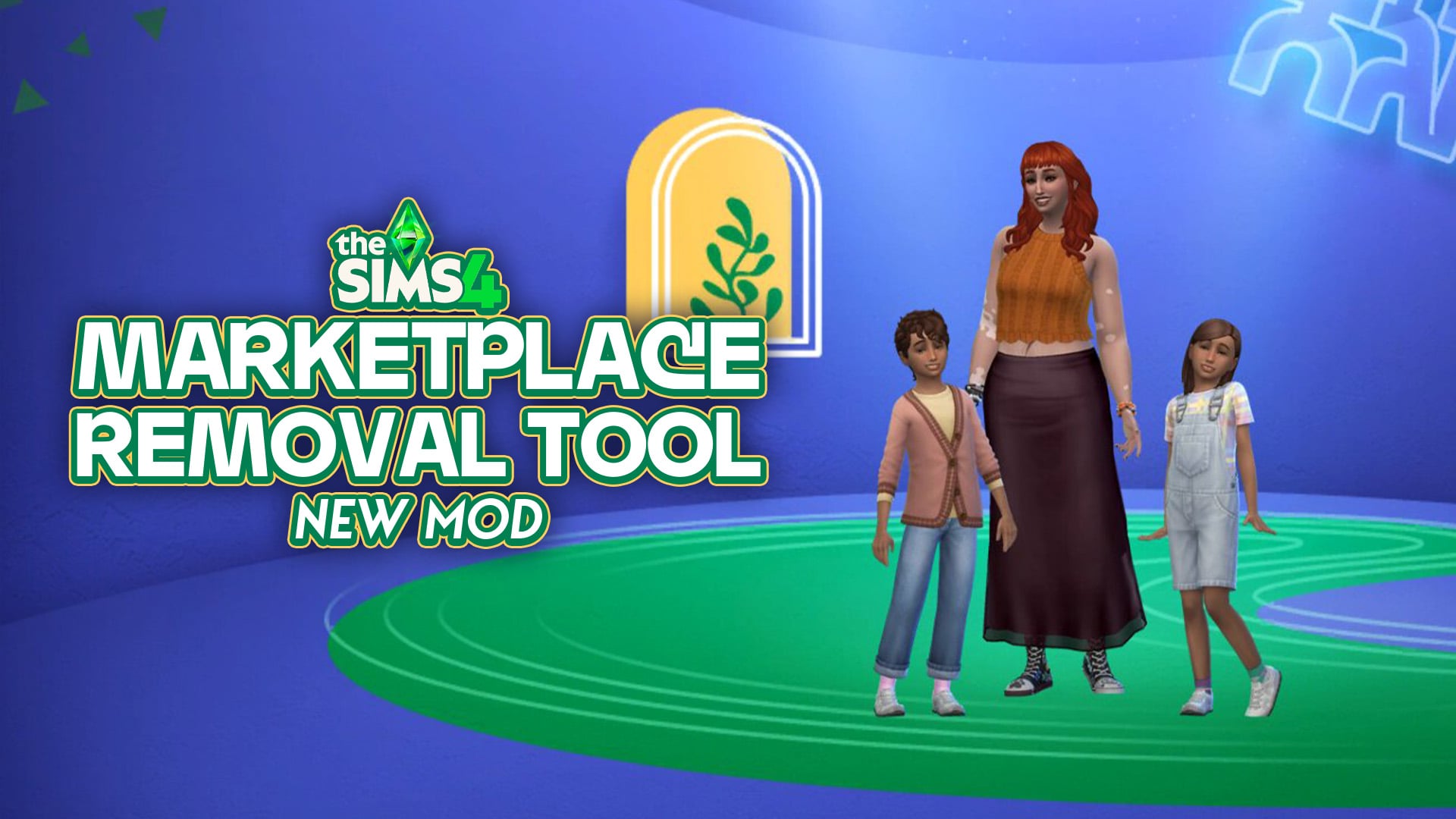
The mod cleans up your game by hiding all features relating to the Marketplace.
The Sims 4 Marketplace launched less than a week ago and players are already tired of it. Thankfully, The Sims 4 Marketplace Removal Tool by Just_Joe_ is giving players a way to play a Marketplace-free game. We recently covered an update to the Refreshed Main Menu mod which cleans up the game and hides Moola, but this mod is goes one step further and is focused on completely removing the entire Marketplace UI from your game.
The response to the Marketplace has been mixed. Although there has been a positive response to some of the new content, the introduction of microtransactions and digital currency has left a lot of players annoyed, feeling as if they are being pressured by the game into purchasing content through the Marketplace. This is where the Marketplace Removal Tool comes in – the mod hides anything related to the Marketplace, allowing you to play without constantly being reminded of your balance or the content you could be buying.
Table of Contents
No more Marketplace
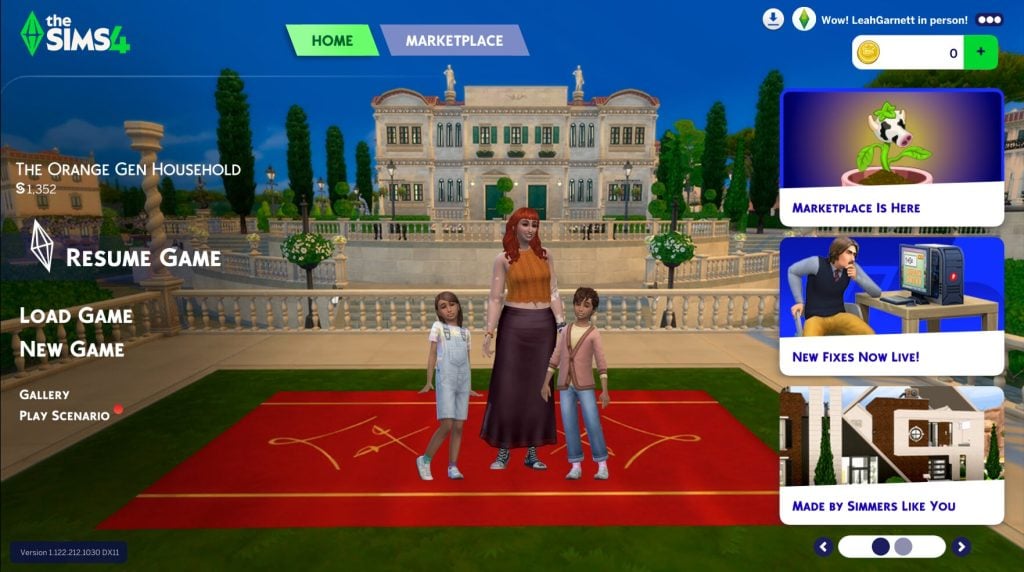
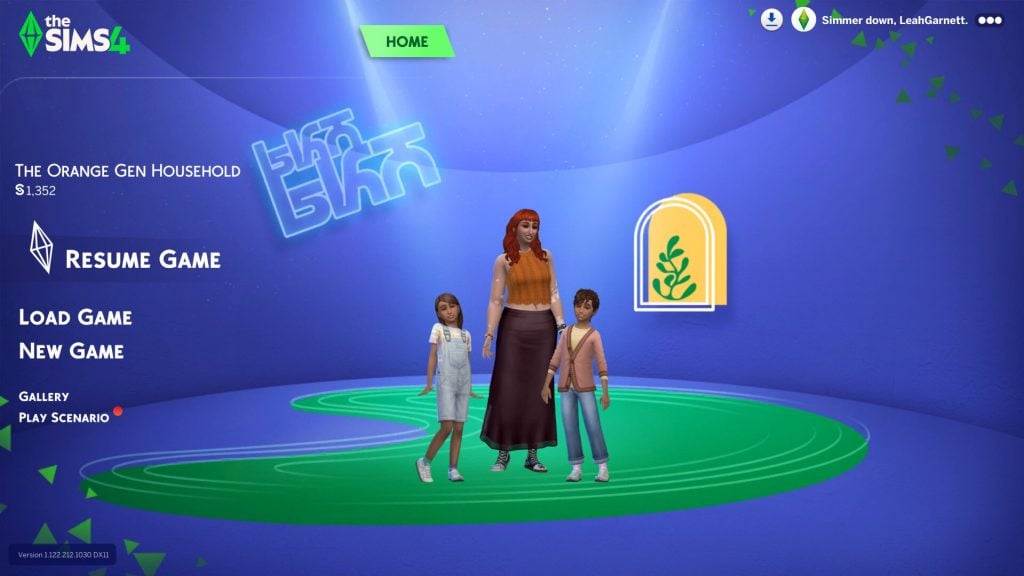
Currently, when you open up The Sims 4, the Marketplace is a major focus of the main menu, with your Moola balance showing in the top right corner. The Marketplace Removal Tool strips all of this, restoring the previous menu and letting players load their games without having digital currency and microtransactions shoved in their faces.
“No coins, no shop, no button, just gone” the mod’s creator Joe said in a TikTok. With the mod installed, the main menu is now free from adverts, the Moola wallet and the Marketplace tab on the main menu. Additionally, the shopping cart icon is also removed in-game.
In the post mentioned above, Joe also explained his reasoning for making the mod, citing a few key motivations. Reflecting on the polarised audience response to the Marketplace, he explains that “instead of just talking about it again, [he] decided to try and do something different”, asking why, instead of complaining or arguing, we don’t just choose to get rid of the Marketplace if we don’t want it.
@justjoeshow I beat the Sims 4 marketplace, by myself. Now you can beat it too. #sims4 #sims4cc #ts4 #thesims #simsmarketplace #sims4cc #gaming #sims4mod #streamer #3dartwork #3dart ♬ original sound – Just_Joe_ | Streamer
Another reason for the mod was his own curiosity. “If you take away everything that the Marketplace put in, does it feel any different?” he asks, before answering that, for him personally, playing without the Marketplace feels “quieter, cleaner, and like you’re just playing the game instead of being sold something.”
How to download the mod
The Marketplace Removal Tool is available to download for free on Patreon.
To install, make sure you have mods enabled in settings, and then simply download the package file attached to the Patreon post. Once the file has been downloaded, you can place it in your Mods folder. If you are unfamiliar with installing mods, this folder can be found under Documents/Electronic Arts/The Sims 4. When the mod is correctly installed, it will show up in your mods list, as shown in the screenshot below.
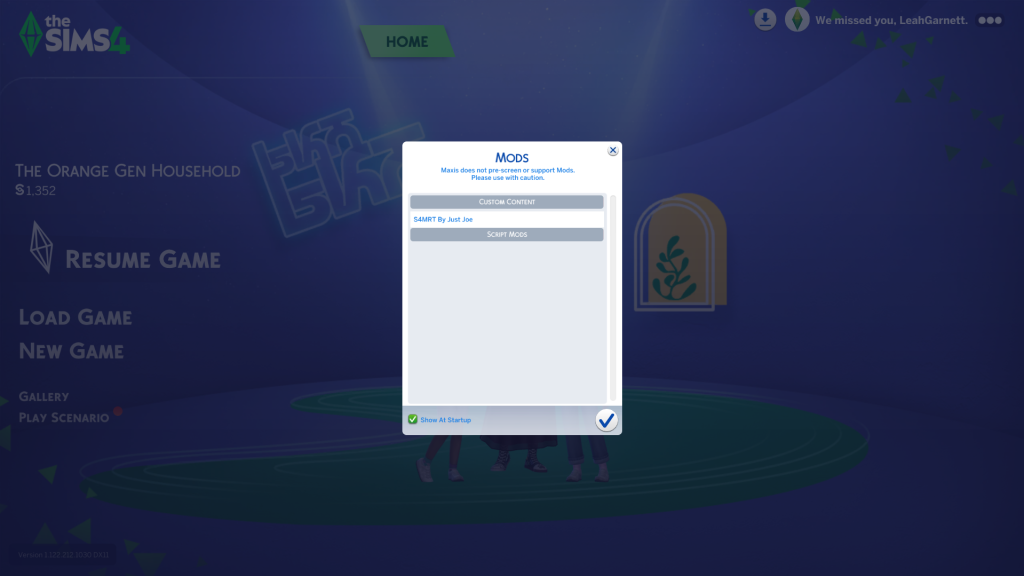
Please note that, at the time of publishing, this mod may cause conflict with other mods that remove elements of the UI, such as SimMattically’s Refreshed Main Menu and Remove the Cart Button mods. Joe stated on Patreon that a patch to fix these compatibility issues may be possible in the future.
While paid DLC is in no way a new thing for The Sims 4, the Marketplace feels different – more corporate – due to the fact the content is being advertised during gameplay, rather than just in the game’s store. With The Marketplace Removal Tool, players can enjoy the game again without feeling pressure from the repeated reminders of the content that they ‘should’ be buying.
How do you feel about the Marketplace? Let us know in the comments below. If you want to keep up to date with updates about the Marketplace, make sure to check out our other articles covering recent news.





Thanks for featuring my mod. Its my first time and its super tight to see people vibe with it.