Bug fixes and improvements have arrived as a first patch for Tomodachi Life on Nintendo Switch!
The first Tomodachi Life: Living The Dream Update has arrived for Nintendo Switch (1 and 2) players. Keeping things short (and mysterious), the latest patch addresses "several issues to improve the gameplay experience".
No further information has been released other than that, along with some instructions on how to apply the latest Update Version of Tomodachi Life to your Nintendo Switch console.
Read it all in the latest official update notes release from Nintendo:
Official Tomodachi Life Update Notes: Ver. 1.0.1 (Released April 22, 2026)
Fixed issues
Several issues have been addressed to improve the gameplay experience.
Living The Dream Patch Install Official Instructions
Follow these steps to update Tomodachi Life: Living the Dream, or review the software's update history.
Note
Save data will still be available for use after downloading the update.
The update will download and install automatically if the console is connected to the Internet and the Software Auto-Updates setting is enabled on your Nintendo Switch 2 or Nintendo Switch console. To ensure you have space to download the update, please review our storage tips for Nintendo Switch 2 and Nintendo Switch.
All players must be using the same version of the software to play together. Please make sure you have the same update version as the person you are playing with.
On April 22, 2026, a new software update for Tomodachi Life: Living the Dream became available for download. Please take a moment to download and install this update while your Nintendo Switch 2 or Nintendo Switch console is connected to the Internet.
Complete these steps
Connect your Nintendo Switch 2 or Nintendo Switch console to the internet.
From the HOME Menu, select the icon for the software you wish to update without starting the game or application.
Press the + Button or – Button on your controller. The current version number will display under the software title.
Select Software Update followed by Via the Internet.
What is your experience with the latest Tomodachi Life Update for Nintendo Switch? Let us know in the comments below and tune in for the latest Tomodachi Life Guides and Coverage!
4 Comments
Kiarasbutthole
Truly hope the concert gets added, even as paid dlc. Was one of the best parts about the 3ds game.
NOTKiarasbutthole
Reply to Kiarasbutthole
Let’s discuss the elephant in the room blud…
Kiara
Reply to NOTKiarasbutthole
It’s ok with me
Lenore Moreland
What was patch because my mii won’t have any babies
Welcome to Sims Community!
Our community is about connecting people through open and thoughtful conversations. We
want our readers to share their views and exchange ideas in a safe space.
In order to do so, we've created a simple set of rules that will improve your experience.
Simply put, keep it civil.
Your post will/might be rejected if it contains:
Spam
Insults, profanity, incoherent, obscene or inflammatory language and threats of any kind
Attacks on the identity of other commenters or the article's author
User accounts will/might be blocked if we notice:
Continuous attempts to re-post comments that have been previously moderated/rejected
Racist, sexist, or homophobic comments
Attempts or tactics that put the site security at risk
So, how can you be a power user?
Stay on topic and share your passion. Feel free to elaborate to get your point across.
'Like' or 'Dislike' when you are filled with emotions!
Protect your community. Use the report tool to alert us when someone breaks the rules.
Thanks for reading our community guidelines. Please note that we're aware of certain
issues with Sign In / Log In and Create Account / Email Confirmation issues. We're working
behind-the-scenes on a new Account Creation process. Thank you for your patience and
remember - freedom of speech is not freedom of reach
Turns out that all the years of reporting on The Sims 5 were true after all. Maxis and Electronic Arts were indeed working on The Sims 5. Or at least that’s what Project Rene initially was until it took several turns and expanded into two projects. Project Rene WAS The Sims 5 The game’s Art…
The Next Sims 4 Update is Landing on September 22nd, 2026! Be safe, not sorry! With over 95+ bug fixes and multiple corrections to simulation lag and other errors, this next major Sims 4 Update is going to be a large one. As with any major update, you need to make preparations if you want…
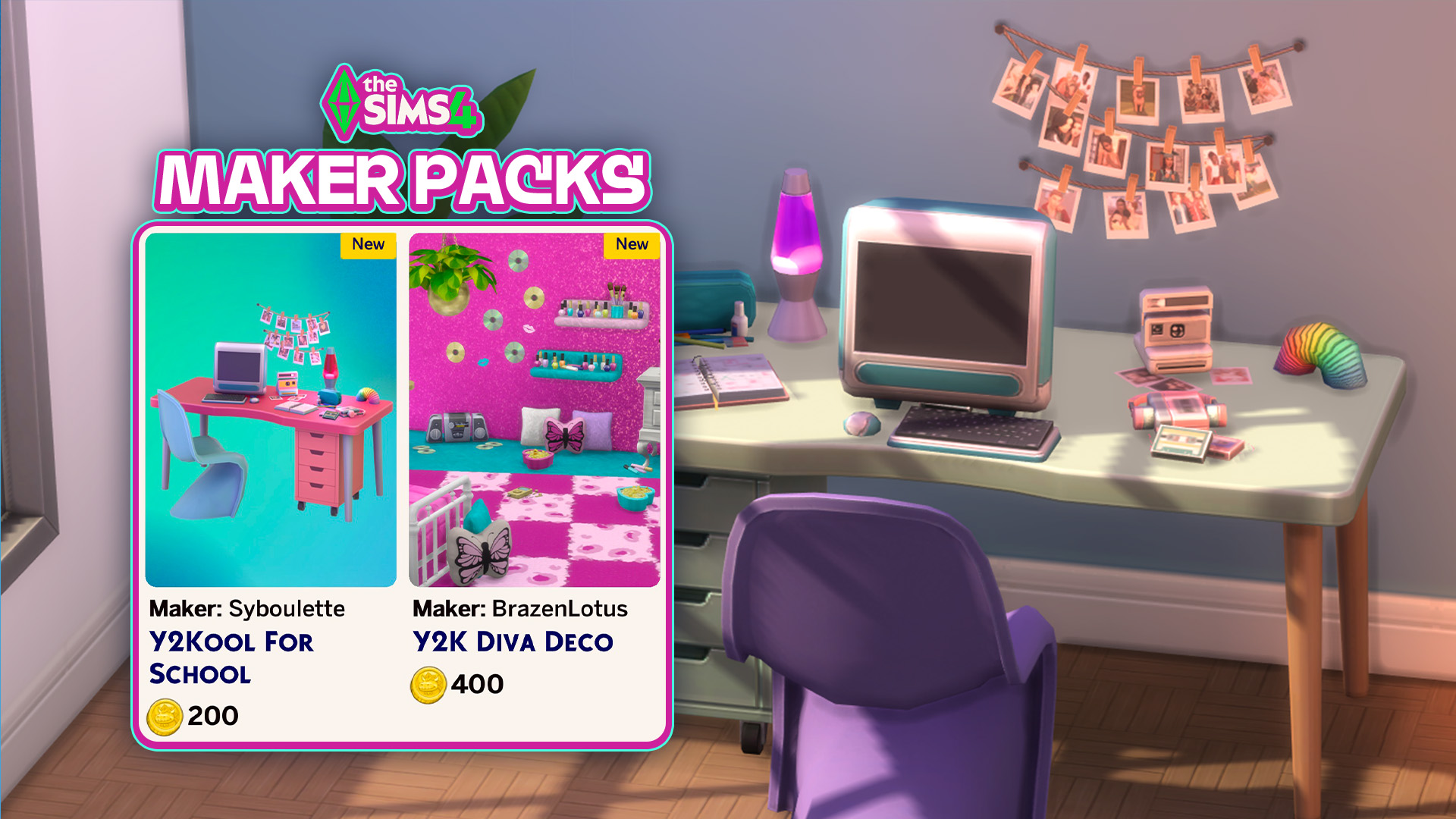
And by groundbreaking we mean the same Y2K fluff you’ve been seeing since start. It’s happened again just after a new release this Thursday. Two new Sims 4 Maker Packs have hit The Sims 4 Marketplace late last night. And you’ve guessed it correctly – they’re both Y2K inspired sets. After switching up Cozy and…
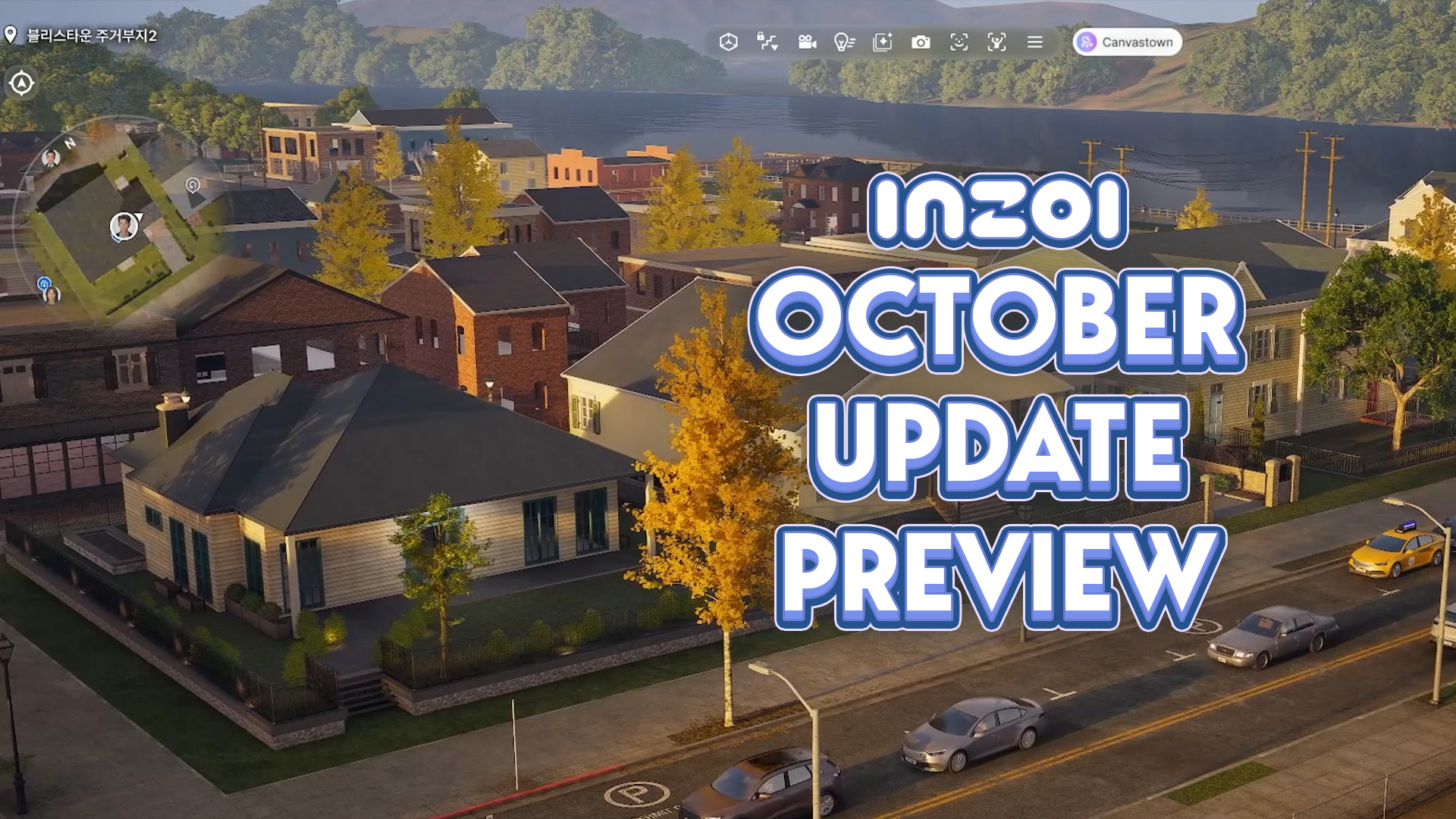
With the InZOI Development team returning from a special event in China where they discussed and previewed future multiplayer features for InZOI, Hyungjun ‘Kjun’ Kim and the rest of the InZOI Development Team addressed some muddy areas of communication, primarily regarding the creation of a multiplayer mode and how that could influence the creation of…
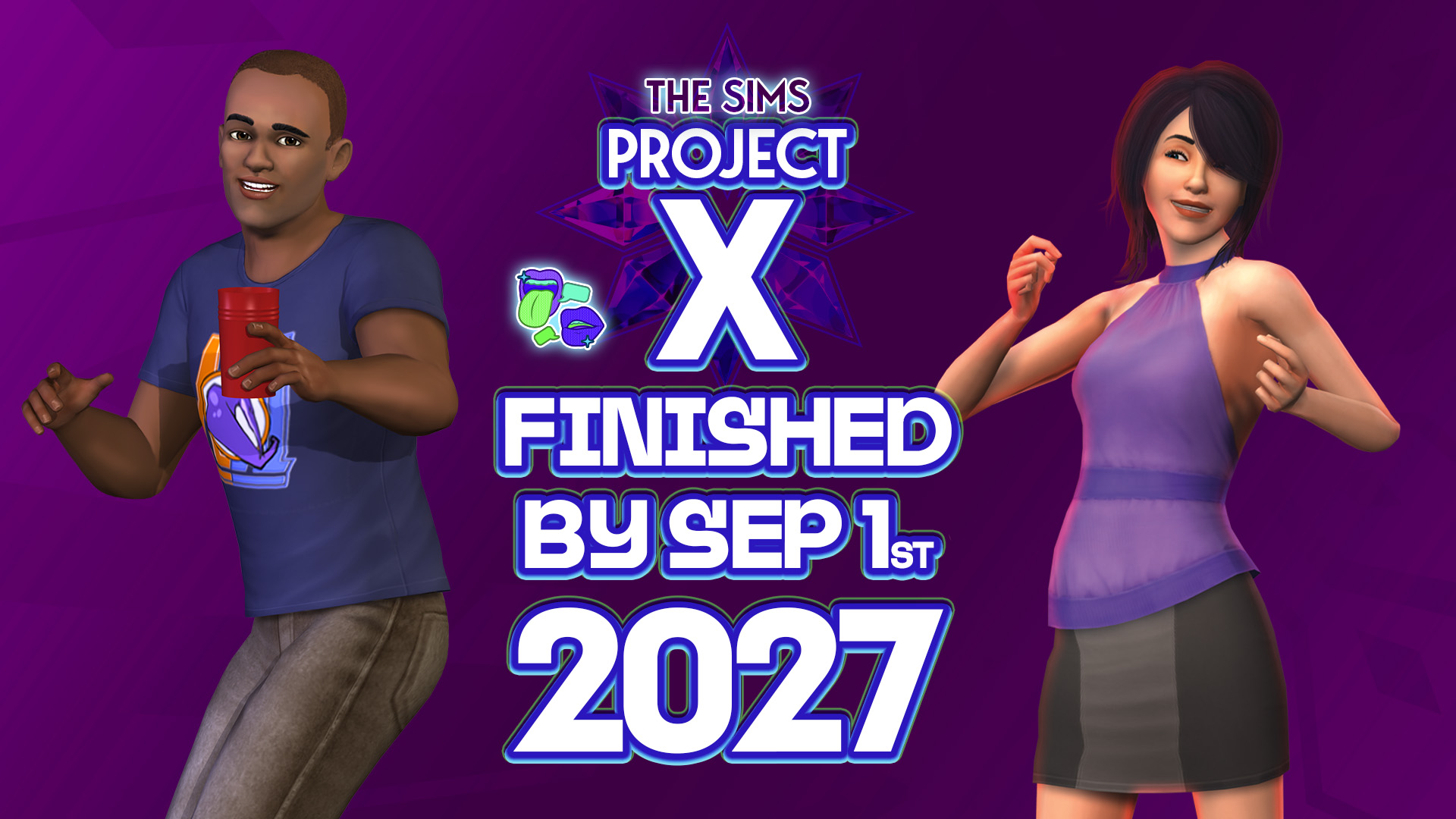
Plus, plans to make The Sims Project X DLC release exclusively through a virtual marketplace. Not the type of insider news that was expected for this week but we’ll certainly take it. The usual Sims insider that we’ve been reporting about for almost a year now has returned with breaking information on The Sims Project…
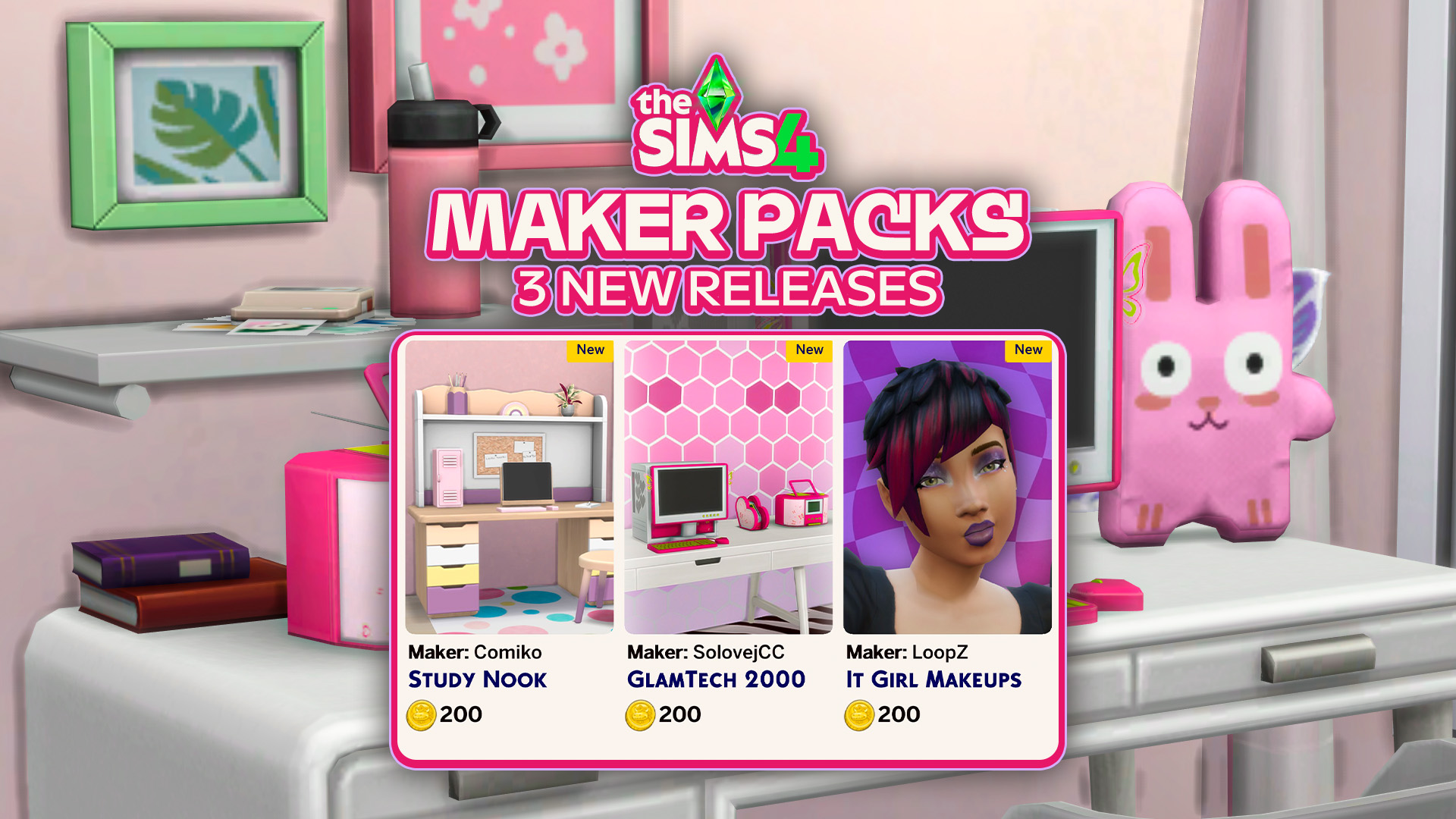
Three new Maker Packs have been released to The Sims 4 Marketplace. The Sims Team continues the rollout of absolutely adorable, cute and bubbly The Sims 4 Maker Packs. With three new being released today: 2 for Build mode and 1 for Create A Sim. Check out the official rundown of all the new content…
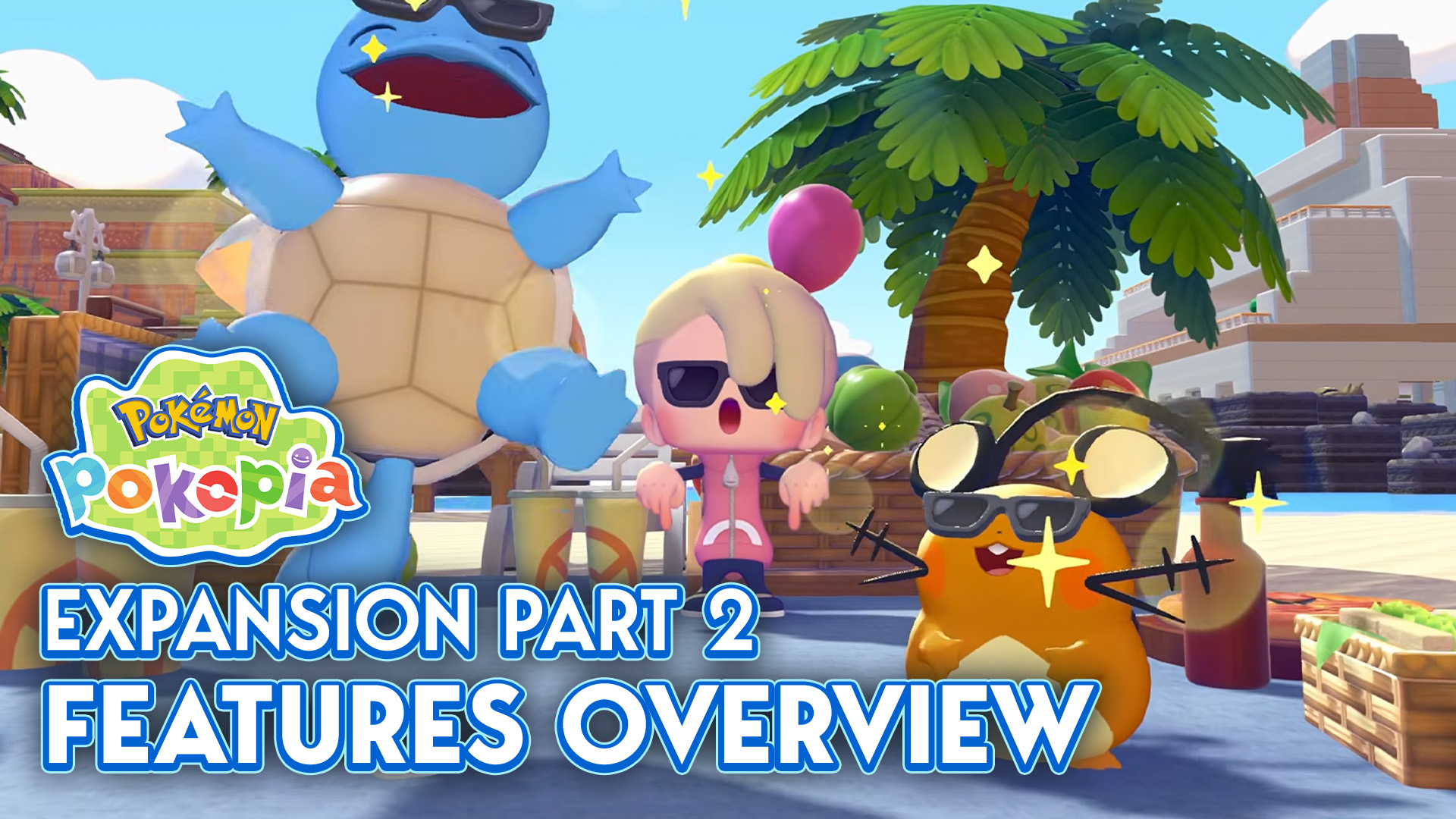
The first wave of Pokémon Pokopia’s Expansion Pass, Bubbly Basin, was released just over a month ago, showering us with a new world, new Pokémon, new furniture, and so much more (you can find a full overview here!). Now, thanks to the Nintendo Direct that aired September 9, we have a new look at the…
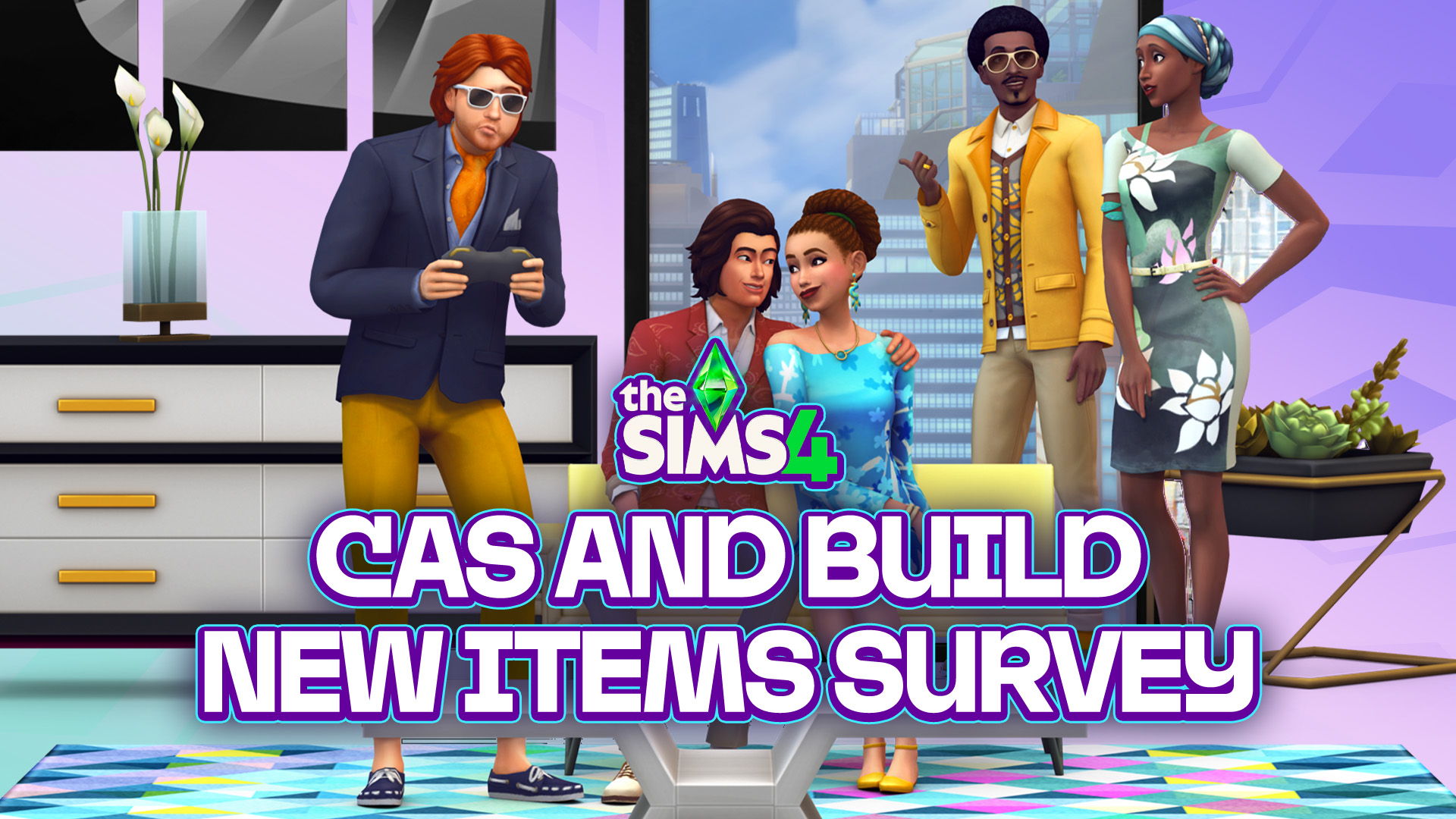
The latest public The Sims 4 Survey is all about cosmetic CAS and Build additions. The Sims Team has just published a brand new The Sims 4 Survey. Unlike the previous private Sims 4 Maker Packs survey in the beginning of this month, this one is completely public. Letting you parttake in selecting different CAS…
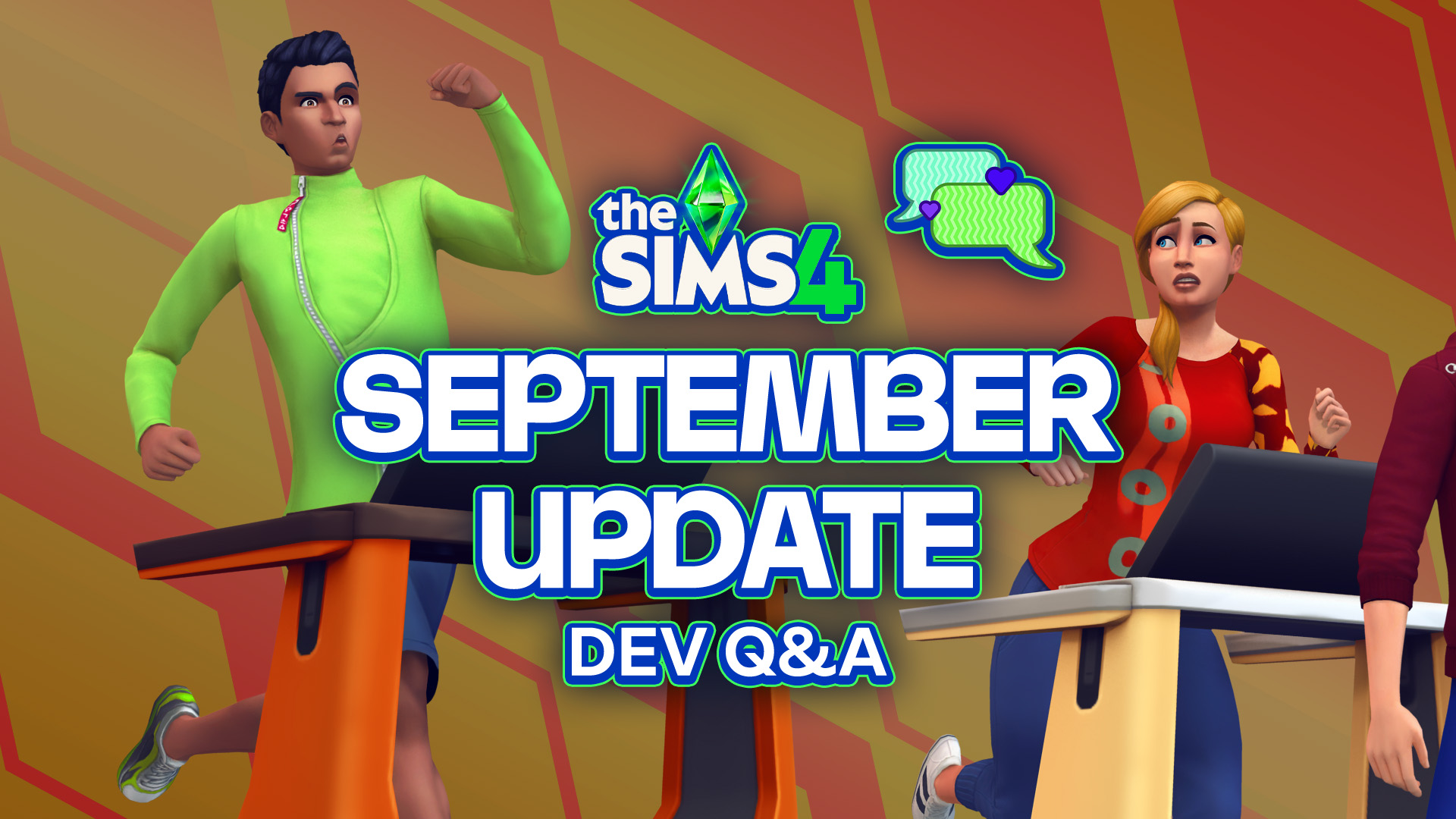
Everything shared by the developers during the Quality of Life Q&A for September 2026! The Sims Team hosted a virtual Q&A session over on Discord regarding the upcoming Sims 4 Quality of Life Update that’s arriving September 22nd. Here’s a quick recap from EA_Cade on everything that’s been discussed in the official Sims Discord. Including…
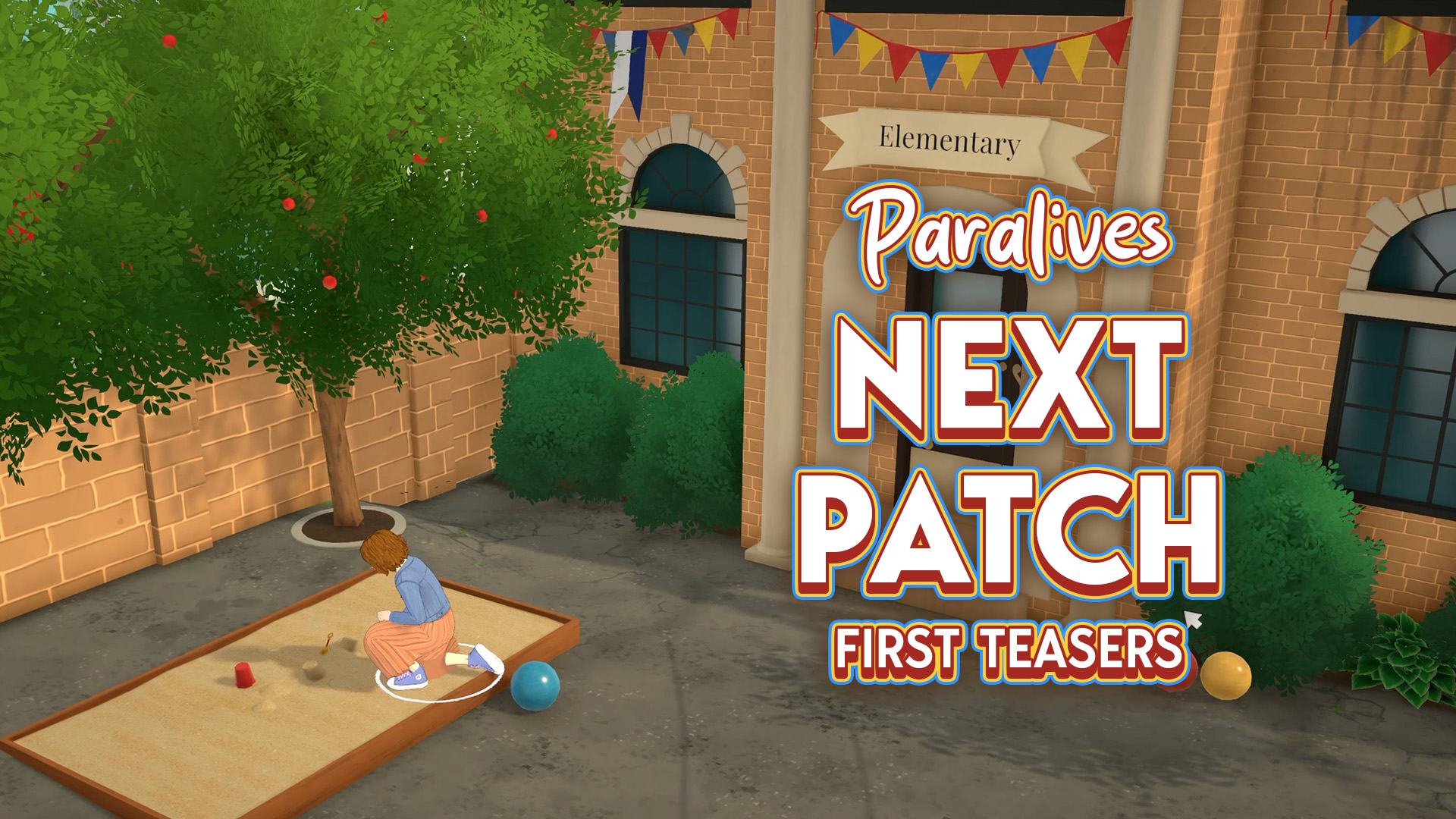
Extra classes for kids and…a crime scene? The Paralives Team is already teasing what’s coming in the next game update. Not to be confused with the Big Content Update / Expansion that’s set for later this year! First Teaser The first teaser that the team has shared was in the beginning of this month, revealing…



4 Comments
Truly hope the concert gets added, even as paid dlc. Was one of the best parts about the 3ds game.
Reply to Kiarasbutthole
Let’s discuss the elephant in the room blud…
Reply to NOTKiarasbutthole
It’s ok with me
What was patch because my mii won’t have any babies
Welcome to Sims Community!
Our community is about connecting people through open and thoughtful conversations. We want our readers to share their views and exchange ideas in a safe space.
In order to do so, we've created a simple set of rules that will improve your experience. Simply put, keep it civil.
Your post will/might be rejected if it contains:
User accounts will/might be blocked if we notice:
So, how can you be a power user?
Thanks for reading our community guidelines. Please note that we're aware of certain issues with Sign In / Log In and Create Account / Email Confirmation issues. We're working behind-the-scenes on a new Account Creation process. Thank you for your patience and remember - freedom of speech is not freedom of reach