Plenty of game issues fixed in the latest Tomodachi Life: Living The Dream Patch!
Nintendo dropped a surprise Tomodachi Life Update on May 14h to May 15th, 2026 for their latest Living The Dream entry. This patch is available for download across all Nintendo Switch consoles and can be downloaded by checking for updates in your Main Menu and / or just letting the automatic update feature do its thing.
The newest Tomodachi Life update promises to fix several game issues, including seamless island progression, Mii character customization improvements and plenty more listed down below.
Table of Contents
Tomodachi Life Update: Ver. 1.0.2 (Official Patch Notes)
Fixed issues
Fixed an issue where, after player builds up their island, the game sometimes will not be able to progress.
Fixed an issue where if you change to an exterior of a house you made at the Palette House, the game sometimes will not be able to progress.
Fixed an issue where, after a Mii character confesses successfully and the player tries to save, it is displayed that “your save data is corrupted,” and the player is not able to save.
Fixed an issue where, after multiple Mii characters start to live together, and when the player saves, it is displayed that “data has been corrupted” and the player is not able to save.
Fixed an issue where, when a scene switches over, an error would rarely occur and the game would stop.
Fixed an issue where the player could store the wishing fountain using Island Builder, but would not be able to place it on the island again afterwards, and wishes could not be granted.
Fixed an issue where, after a Mii character failed to patch things up with another Mii character after fighting, its crush for a different Mii character would disappear.
Fixed an issue where a Mii character did not feel better even when its Sadness ran out.
Fixed an issue where the player could not send/receive things through local play.
Since the game was incorrectly using the image of the southern flying squirrel for the image of the treasure “sugar glider,” it was changed to the correct image.
Other issues were fixed to improve the gameplay experience.
Living The Dream Patch Install Official Instructions
Follow these steps to update Tomodachi Life: Living the Dream, or review the software's update history.
Note
Save data will still be available for use after downloading the update.
The update will download and install automatically if the console is connected to the Internet and the Software Auto-Updates setting is enabled on your Nintendo Switch 2 or Nintendo Switch console. To ensure you have space to download the update, please review our storage tips for Nintendo Switch 2 and Nintendo Switch.
All players must be using the same version of the software to play together. Please make sure you have the same update version as the person you are playing with.
On May 14th, 2026, a new software update for Tomodachi Life: Living the Dream became available for download. Please take a moment to download and install this update while your Nintendo Switch 2 or Nintendo Switch console is connected to the Internet.
Complete these steps
Connect your Nintendo Switch 2 or Nintendo Switch console to the internet.
From the HOME Menu, select the icon for the software you wish to update without starting the game or application.
Press the + Button or – Button on your controller. The current version number will display under the software title.
Select Software Update followed by Via the Internet.
What is your experience downloading the latest Tomodachi Life update? Notice anything improved in Living the Dream? Let us know in the comments below and stay tuned for more Tomodachi Life News and Guides!
1 Comment
Aimee
Since the update my miis keep wanting me to place a yellow and white striped umbrella
Welcome to Sims Community!
Our community is about connecting people through open and thoughtful conversations. We
want our readers to share their views and exchange ideas in a safe space.
In order to do so, we've created a simple set of rules that will improve your experience.
Simply put, keep it civil.
Your post will/might be rejected if it contains:
Spam
Insults, profanity, incoherent, obscene or inflammatory language and threats of any kind
Attacks on the identity of other commenters or the article's author
User accounts will/might be blocked if we notice:
Continuous attempts to re-post comments that have been previously moderated/rejected
Racist, sexist, or homophobic comments
Attempts or tactics that put the site security at risk
So, how can you be a power user?
Stay on topic and share your passion. Feel free to elaborate to get your point across.
'Like' or 'Dislike' when you are filled with emotions!
Protect your community. Use the report tool to alert us when someone breaks the rules.
Thanks for reading our community guidelines. Please note that we're aware of certain
issues with Sign In / Log In and Create Account / Email Confirmation issues. We're working
behind-the-scenes on a new Account Creation process. Thank you for your patience and
remember - freedom of speech is not freedom of reach
The latest public The Sims 4 Survey is all about cosmetic CAS and Build additions. The Sims Team has just published a brand new The Sims 4 Survey. Unlike the previous private Sims 4 Maker Packs survey in the beginning of this month, this one is completely public. Letting you parttake in selecting different CAS…
Everything shared by the developers during the Quality of Life Q&A for September 2026! The Sims Team hosted a virtual Q&A session over on Discord regarding the upcoming Sims 4 Quality of Life Update that’s arriving September 22nd. The team answered burning questions from community members and shared some sneak peeks and previews of what…
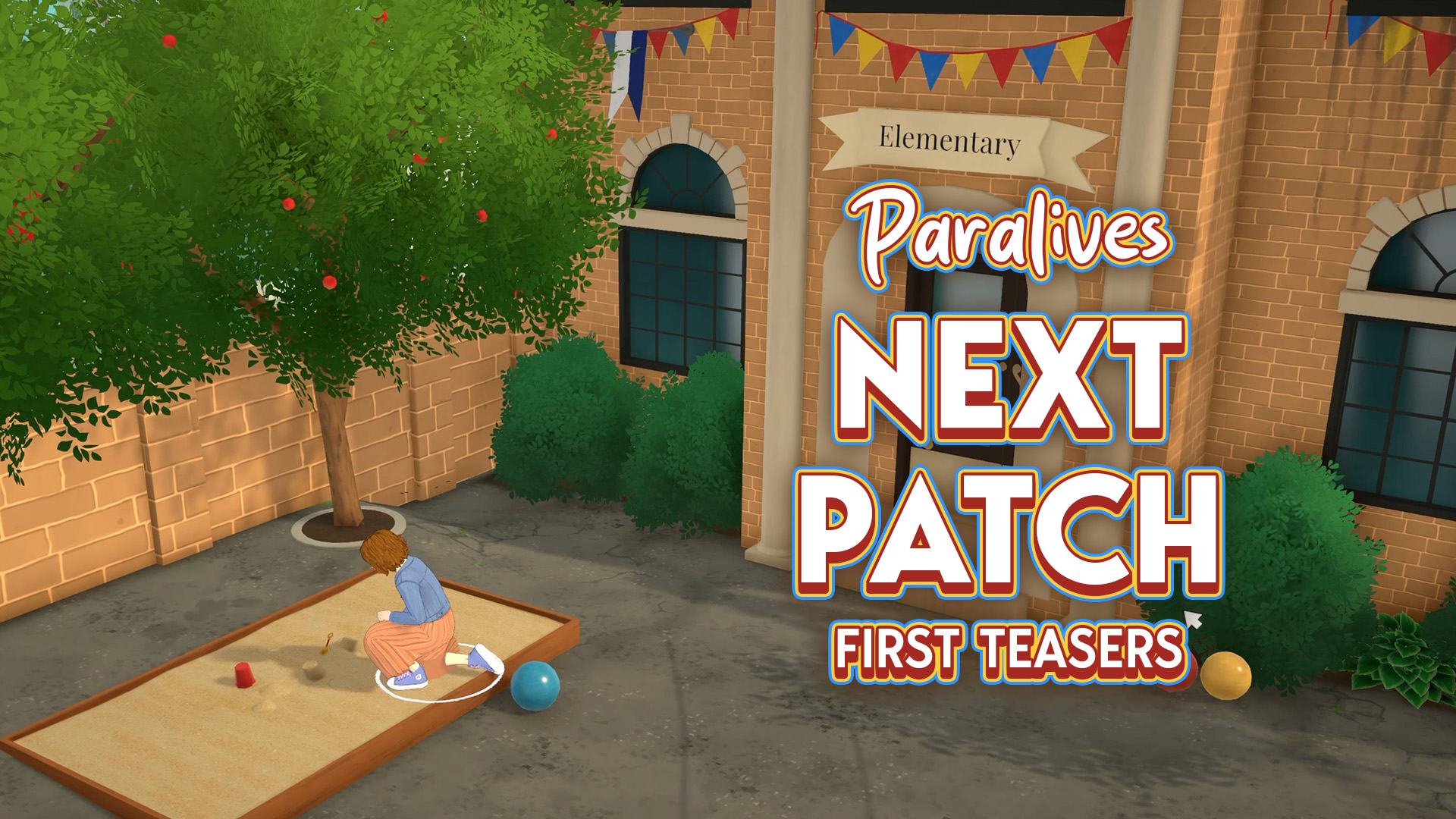
Extra classes for kids and…a crime scene? The Paralives Team is already teasing what’s coming in the next game update. Not to be confused with the Big Content Update / Expansion that’s set for later this year! First Teaser The first teaser that the team has shared was in the beginning of this month, revealing…
The official list of upcoming bug fixes is now out! The Sims Team has just released the latest Sims 4 Laundry List, covering bug fixes and game improvements that we should expect in the next Sims 4 Update. In this case, the next game update should be expected for September 22nd, 2026, with improvements to…
If you wanted to save money on The Sims 4 DLC and Legacy games, now’s your chance in this The Sims 4 Sale! For September, EA decided to run a new sale on The Sims 4. As was in the August Sale, all Expansion Packs, Game Packs, and Stuff Packs are up to 50% off,…
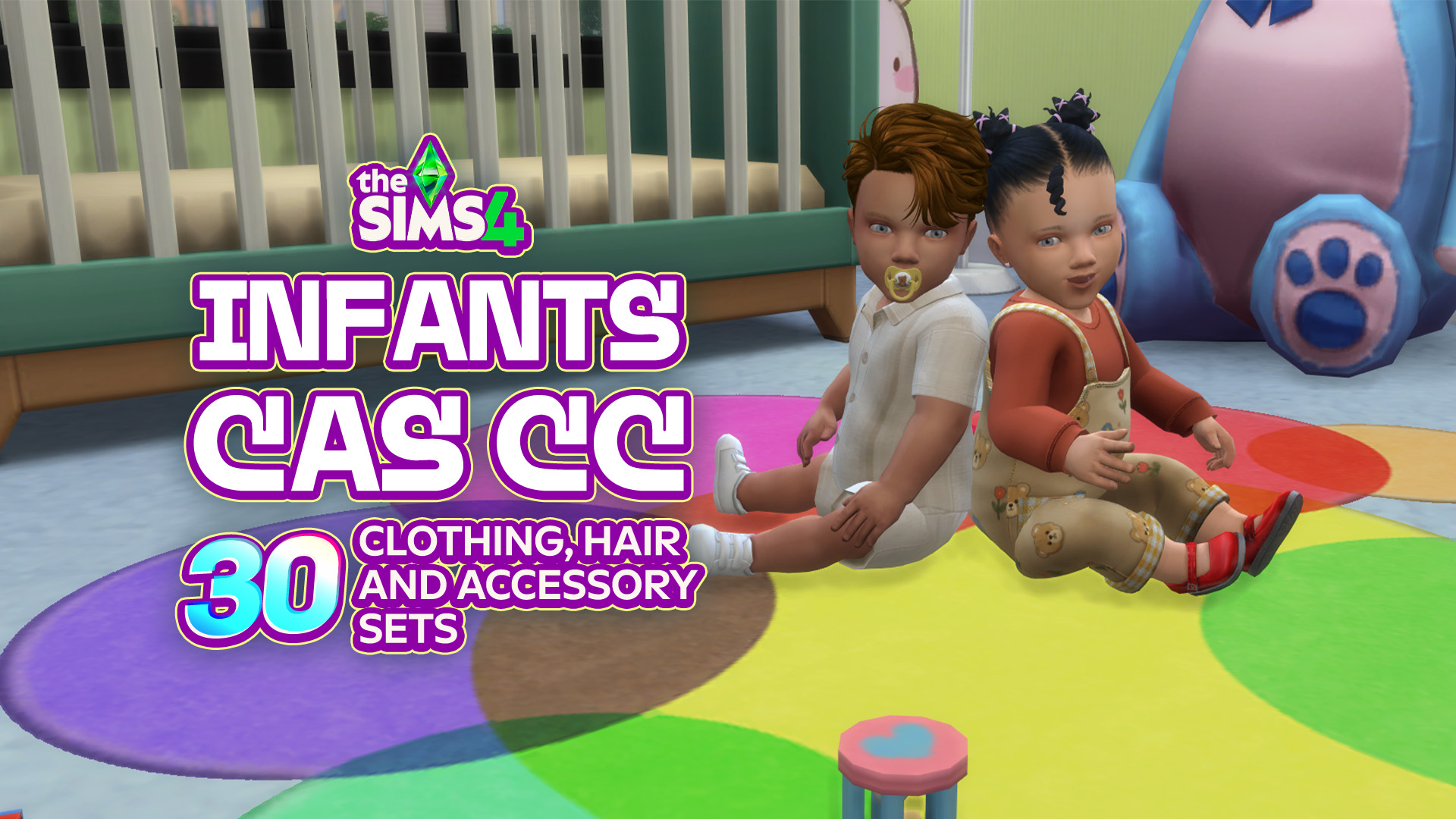
Infants in The Sims 4 are already adorable, but the right CC can make them even cuter! Whether you’re looking for new onesies, cozy outfits, or tiny accessories to complete those precious looks, there is plenty of Sims 4 Infant CC to make your baby even more stylish! From everyday essentials to outfits you will…
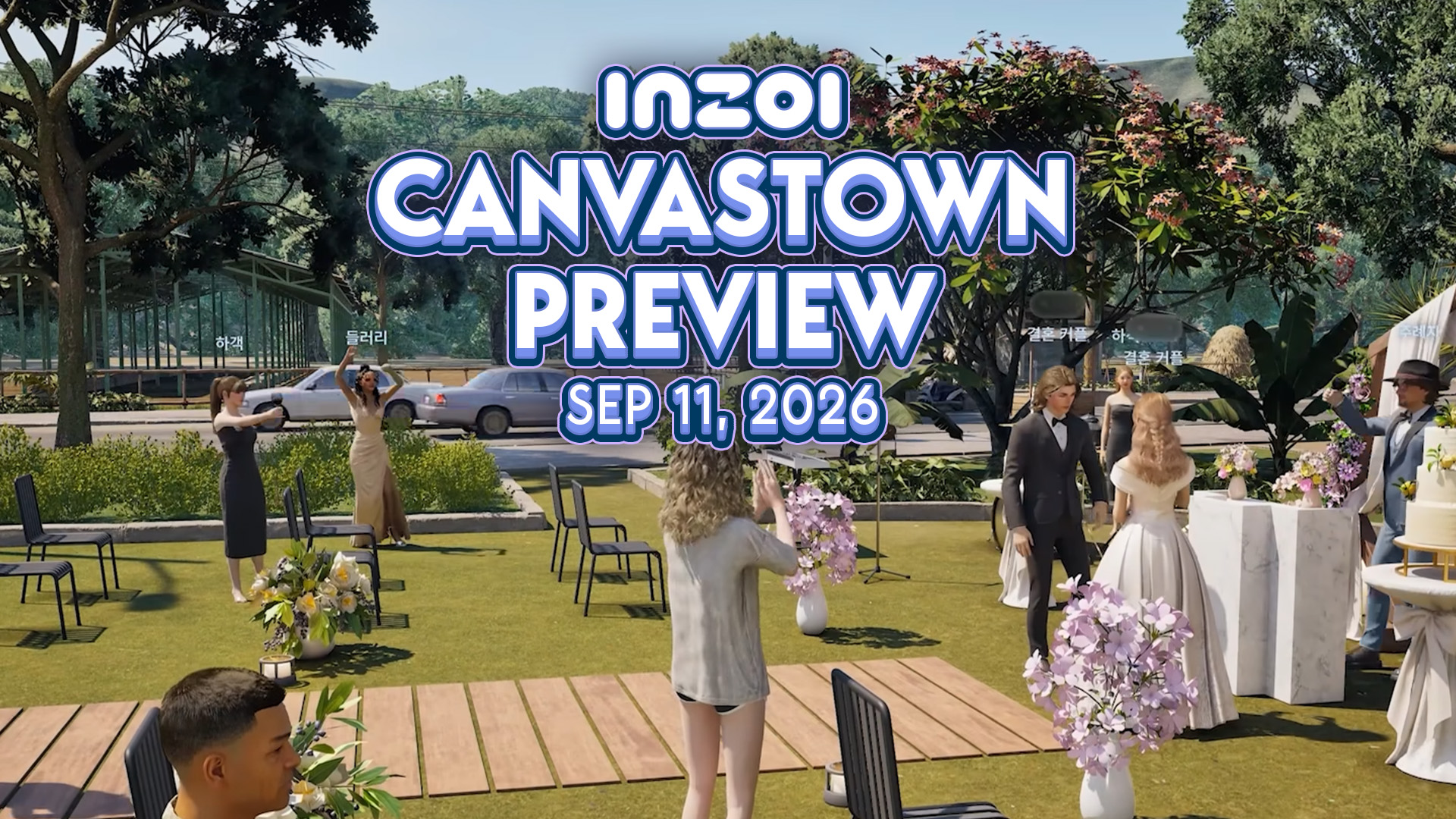
On November 14th 2025, Producer & Director Hyungjun ‘Kjun’ Kim first brought out the concept of Canvastown and asked for feedback. Since then, a small team has been working on this feature. Today, Kjun shared the first peek into the development to InZOI Canvastown, alongside the multiplayer feature coming with it. Wednesday September 2nd Catch-Up…
The EA Buyout was completed for $55 billion in August 2026, led by Saudi Arabia’s Public Investment Fund (PIF), and there’s talk of another change behind the scenes. In a recent report, Bloomberg claims that the PIF is considering folding EA into Savvy Games Group, another company it owns, to create a single mega publisher…
Three more Sims 4 Maker Packs have landed on the Marketplace, joining last week’s trio and the two released earlier this week. This round comes from Mechtasims, Kerriganhouse, and SolunaRae, adding everything from Stanley cups to new desks and even a giant dice block. You can take a closer look at what each creator has…
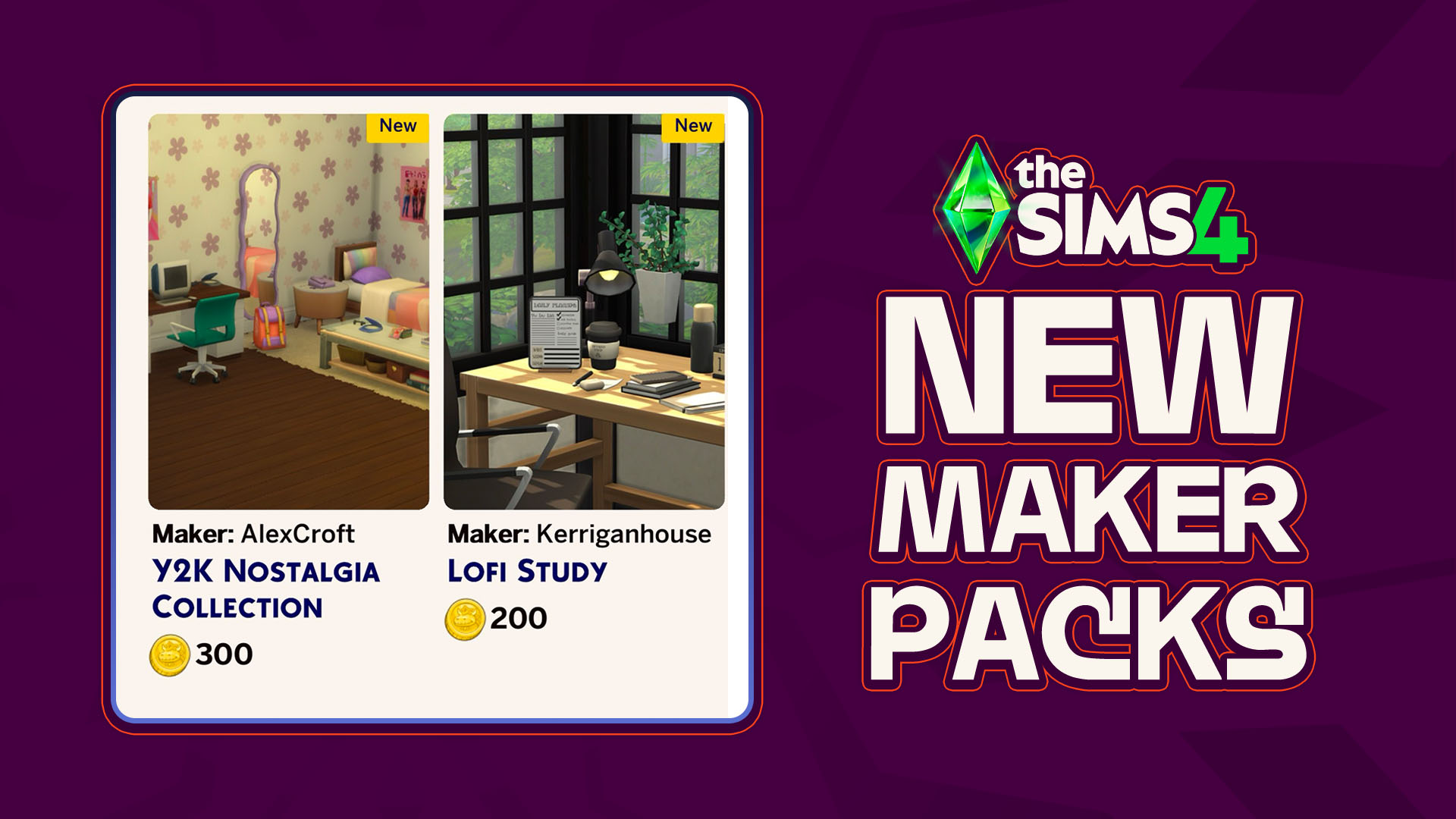
As though there has been any shortage of activity coming out of the marketplace and the Sims 4 Maker Packs that it produces, another two maker packs have hit the front page of the Sims 4 Marketplace; A new Y2K-themed bedroom collection by maker AlexCroft and a simple desk clutter collection by maker Kerriganhouse are…







1 Comment
Since the update my miis keep wanting me to place a yellow and white striped umbrella
Welcome to Sims Community!
Our community is about connecting people through open and thoughtful conversations. We want our readers to share their views and exchange ideas in a safe space.
In order to do so, we've created a simple set of rules that will improve your experience. Simply put, keep it civil.
Your post will/might be rejected if it contains:
User accounts will/might be blocked if we notice:
So, how can you be a power user?
Thanks for reading our community guidelines. Please note that we're aware of certain issues with Sign In / Log In and Create Account / Email Confirmation issues. We're working behind-the-scenes on a new Account Creation process. Thank you for your patience and remember - freedom of speech is not freedom of reach