New Bug Fixes Have Arrived for Tomodachi Life: Living The Dream, Version 1.0.3!
Another update to Tomodachi Life: Living the Dream has been dropped, bringing the game to version 1.0.3 as of June 2026. The patch is easily applied to your game, and all Nintendo Switch consoles can be updated by using the main menu to check for updates, or by clicking to launch the game and allowing the auto update to begin, so long as you're connected to the Internet. For further/more in-depth instructions, read below.
This patch is on the smaller side, but mainly mends some small bugs and visual issues players have reported with lingo, rubbing miis' heads, and game-closing errors that occurred.
Table of Contents
Tomodachi Life Update: Ver. 1.0.3 (Official Patch Notes)
Fixed issues
Fixed an issue that prevented game progression after trying to visit a Mii character from the Mii List at the same time that Mii character entered or exited the Ferris wheel.
Fixed an issue with receiving money that, on rare occasion, prevented the amount of money the player has from displaying properly, which then prevented game progression.
Fixed an issue where, on rare occasion, raising a Mii character’s satisfaction level repeatedly could trigger an error and cause the game to close.
Fixed an issue where the number of days after becoming sweethearts or after getting married could display incorrectly.
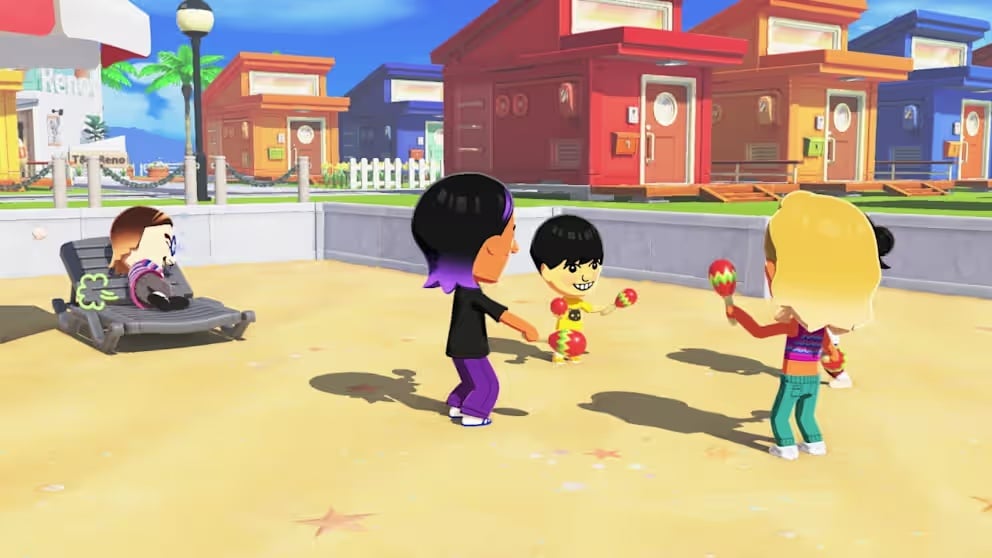
Fixed an issue where the camera would zoom in too much when giving a Mii character a head rub.
Fixed an issue where occasionally some objects would not display correctly during Mii News or within the photo studio.
Fixed an issue where a Mii character could have all of the clothing items necessary to create a particular outfit, but the game didn’t respond as if the Mii character owned that outfit.
Fixed an issue where sometimes lingo taught to Mii characters wasn’t always spoken aloud fully.
Other issues were fixed to improve the gameplay experience.
Changes to local play
Mii characters or other creations cannot be sent via local play if the island name or player name contains numbers or text that is subject to display restrictions.
Living The Dream Patch Install Official Instructions
Follow these steps to update Tomodachi Life: Living the Dream, or review the software's update history.
Note
Save data will still be available for use after downloading the update.
The update will download and install automatically if the console is connected to the Internet and the Software Auto-Updates setting is enabled on your Nintendo Switch 2 or Nintendo Switch console. To ensure you have space to download the update, please review our storage tips for Nintendo Switch 2 and Nintendo Switch.
All players must be using the same version of the software to play together. Please make sure you have the same update version as the person you are playing with.
On June 25, 2026, a new software update for Tomodachi Life: Living the Dream became available for download. Please take a moment to download and install this update while your Nintendo Switch 2 or Nintendo Switch console is connected to the Internet.
Complete these steps
Connect your Nintendo Switch 2 or Nintendo Switch console to the internet.
From the HOME Menu, select the icon for the software you wish to update without starting the game or application.
Press the + Button or – Button on your controller. The current version number will display under the software title.
Select Software Update followed by Via the Internet.
Has this patch fixed any persistent bugs for you, or are you still waiting for those to be addressed? Let us know in the comments below, and keep an eye on The Sims Community for Tomodachi Life News & Guides!
I hope they add a feature to archive miis because theres some miis I dont really wanna play with, but dont wanna delete either.
Welcome to Sims Community!
Our community is about connecting people through open and thoughtful conversations. We
want our readers to share their views and exchange ideas in a safe space.
In order to do so, we've created a simple set of rules that will improve your experience.
Simply put, keep it civil.
Your post will/might be rejected if it contains:
Spam
Insults, profanity, incoherent, obscene or inflammatory language and threats of any kind
Attacks on the identity of other commenters or the article's author
User accounts will/might be blocked if we notice:
Continuous attempts to re-post comments that have been previously moderated/rejected
Racist, sexist, or homophobic comments
Attempts or tactics that put the site security at risk
So, how can you be a power user?
Stay on topic and share your passion. Feel free to elaborate to get your point across.
'Like' or 'Dislike' when you are filled with emotions!
Protect your community. Use the report tool to alert us when someone breaks the rules.
Thanks for reading our community guidelines. Please note that we're aware of certain
issues with Sign In / Log In and Create Account / Email Confirmation issues. We're working
behind-the-scenes on a new Account Creation process. Thank you for your patience and
remember - freedom of speech is not freedom of reach
Everything we know About Loftia so far and Loftia Release Details This year has certainly been the year for cosy and wholesome life simulation-style game releases. Even now, there are still so many more on the way, and that’s with a few months left of the year! However, one highly anticipated game has a big…
With the power of knowledge, you too can fear fears less! Unlike in The Sims 2 where they are opposite of Wants, The Sims 4 Fears are more of aversions and insecurities Sims can develop from various experiences. These will negatively affect your Sim’s everyday life, but these can be conquered through certain interactions. Knowledge…
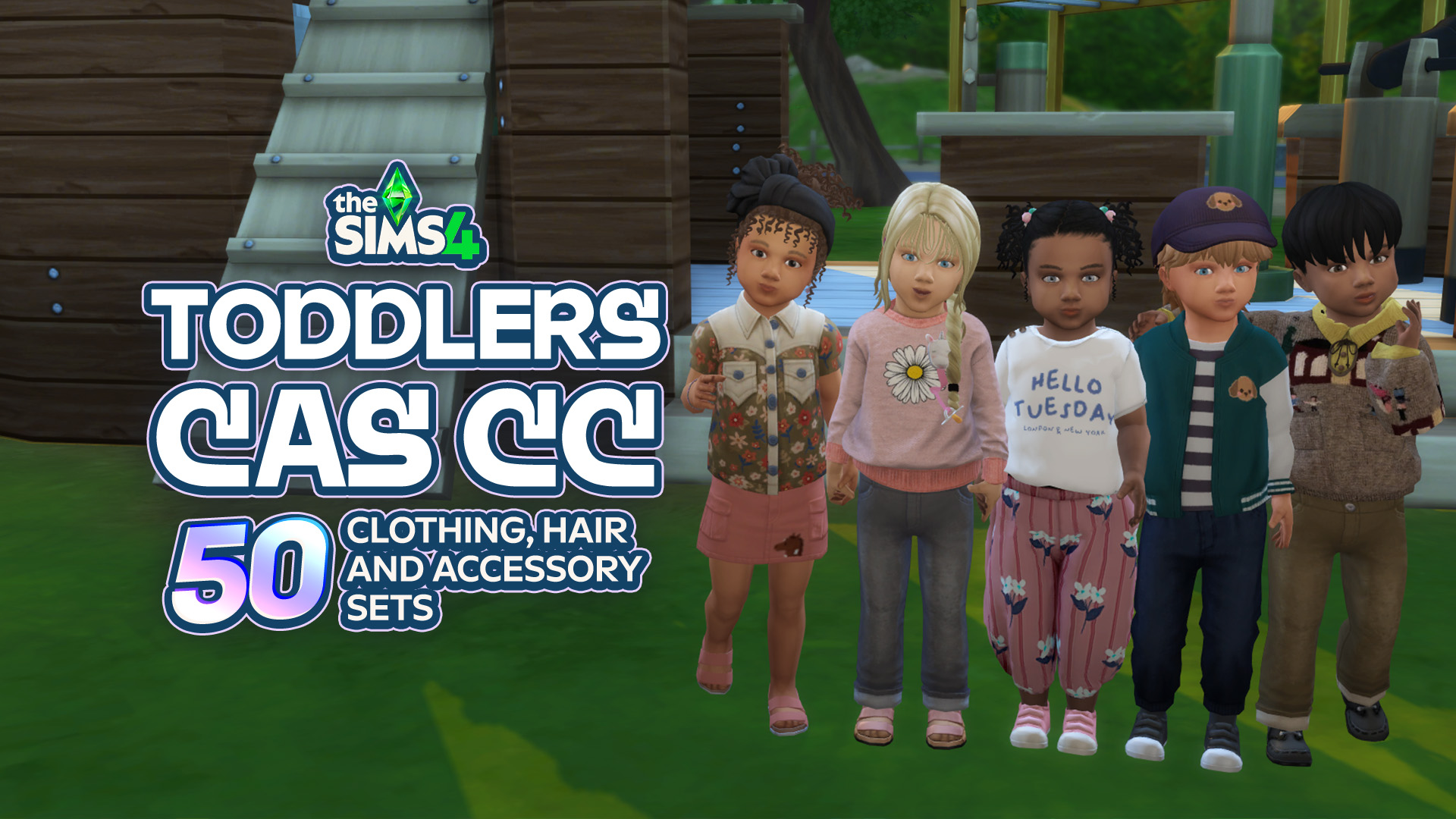
Toddlers might be tiny, but that doesn’t mean their CAS options have to be! From adorable everyday outfits and tiny accessories to fun hairstyles and outfits for every little personality, there’s so much amazing Sims 4 Toddler CC CAS content out there to make your little Sims even cuter. Whether you’re creating a little angel,…
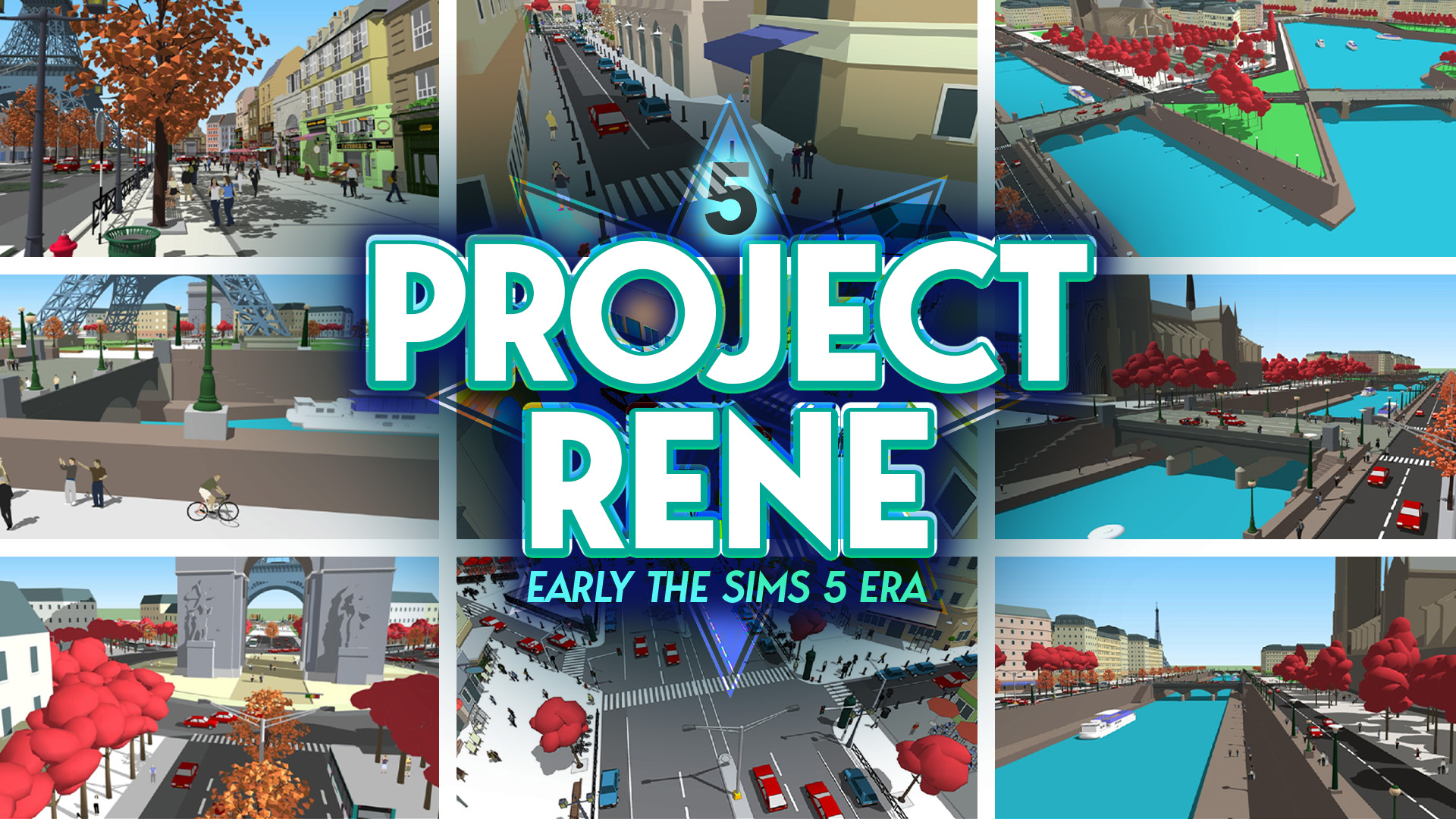
Turns out that all the years of reporting on The Sims 5 were true after all. Maxis and Electronic Arts were indeed working on The Sims 5. Or at least that’s what Project Rene initially was until it took several turns and expanded into two projects. Project Rene WAS The Sims 5 The game’s Art…
The Next Sims 4 Update is Landing on September 22nd, 2026! Be safe, not sorry! With over 95+ bug fixes and multiple corrections to simulation lag and other errors, this next major Sims 4 Update is going to be a large one. As with any major update, you need to make preparations if you want…
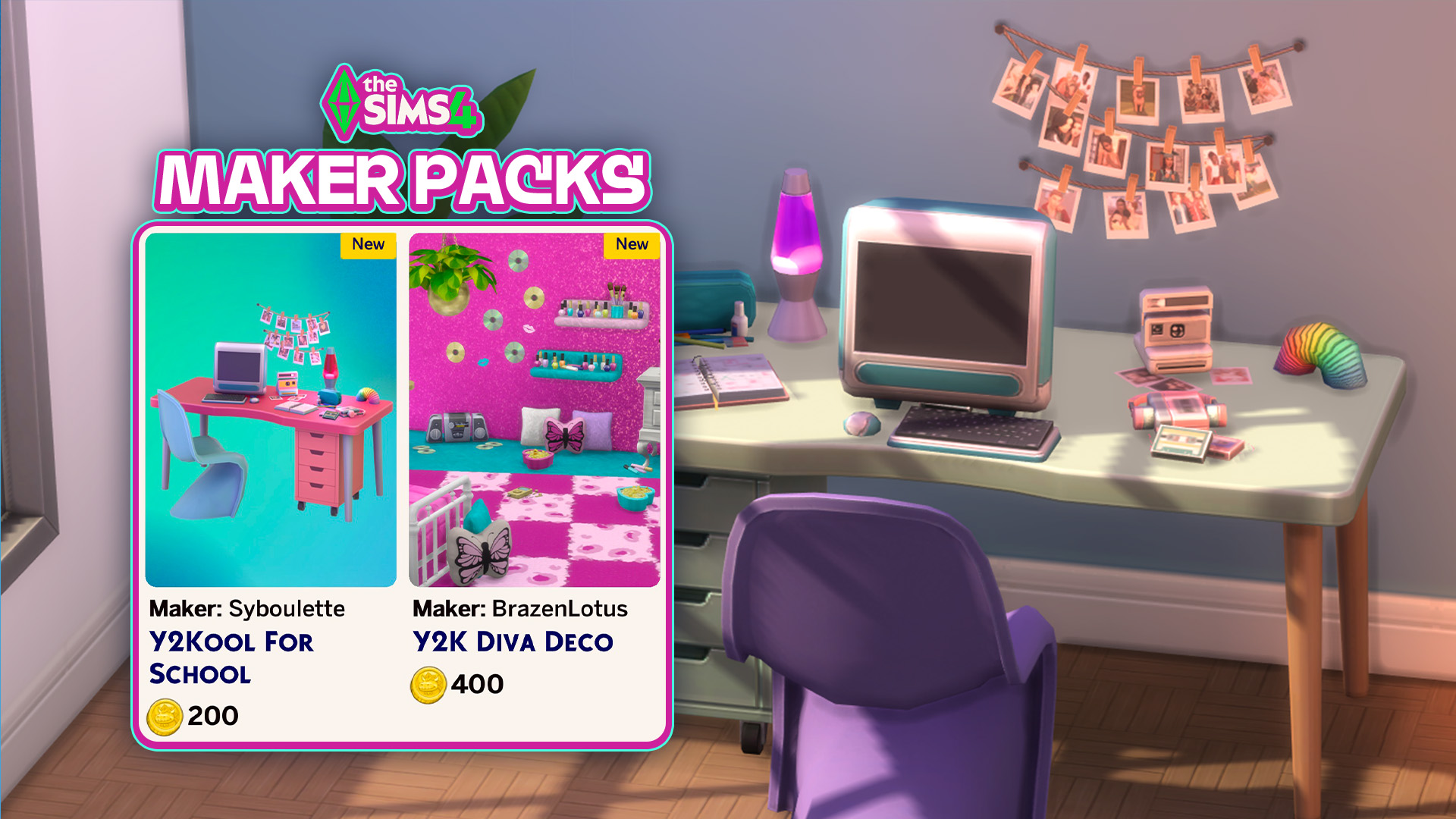
And by groundbreaking we mean the same Y2K fluff you’ve been seeing since start. It’s happened again just after a new release this Thursday. Two new Sims 4 Maker Packs have hit The Sims 4 Marketplace late last night. And you’ve guessed it correctly – they’re both Y2K inspired sets. After switching up Cozy and…
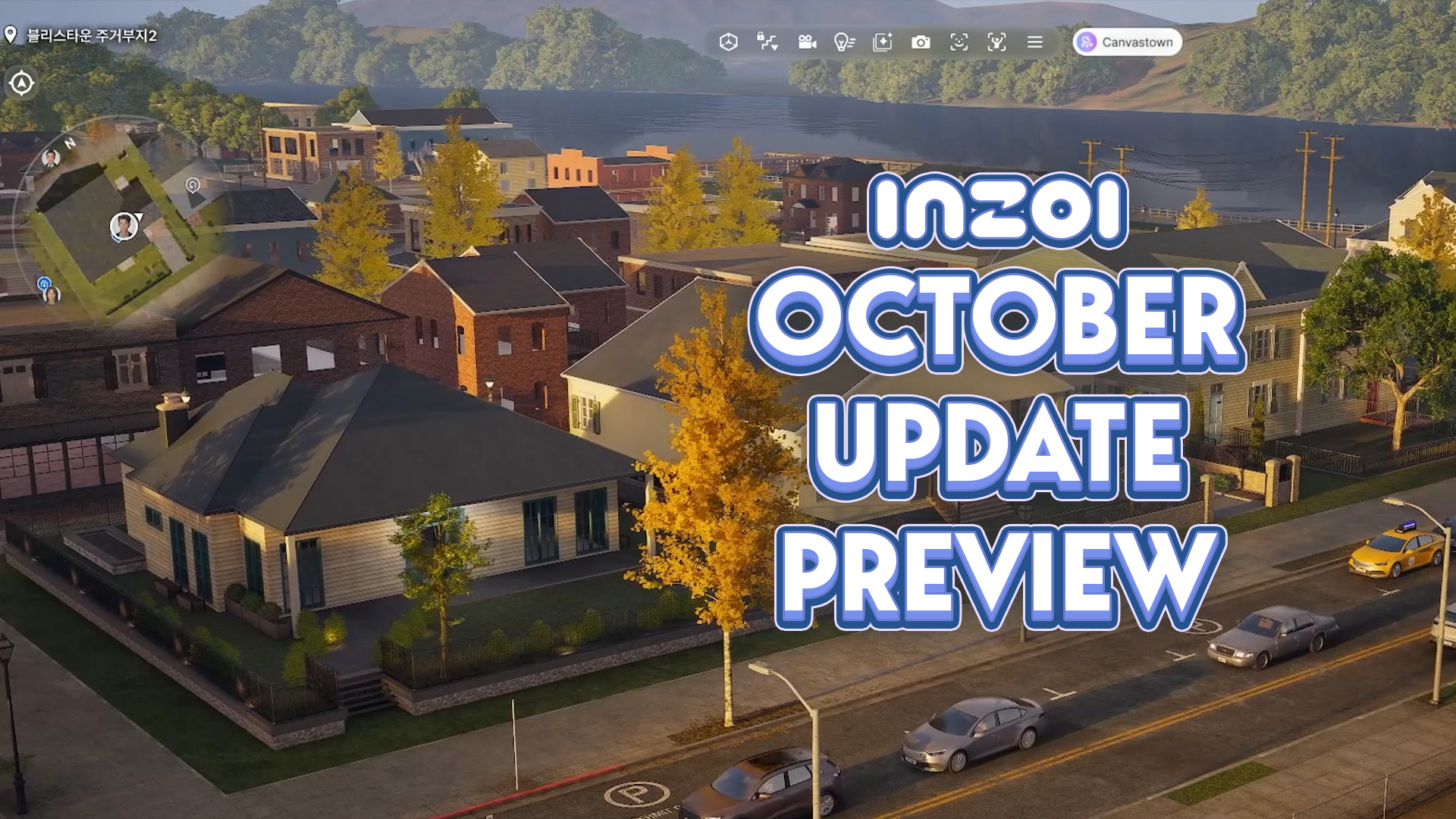
With the InZOI Development team returning from a special event in China where they discussed and previewed future multiplayer features for InZOI, Hyungjun ‘Kjun’ Kim and the rest of the InZOI Development Team addressed some muddy areas of communication, primarily regarding the creation of a multiplayer mode and how that could influence the creation of…
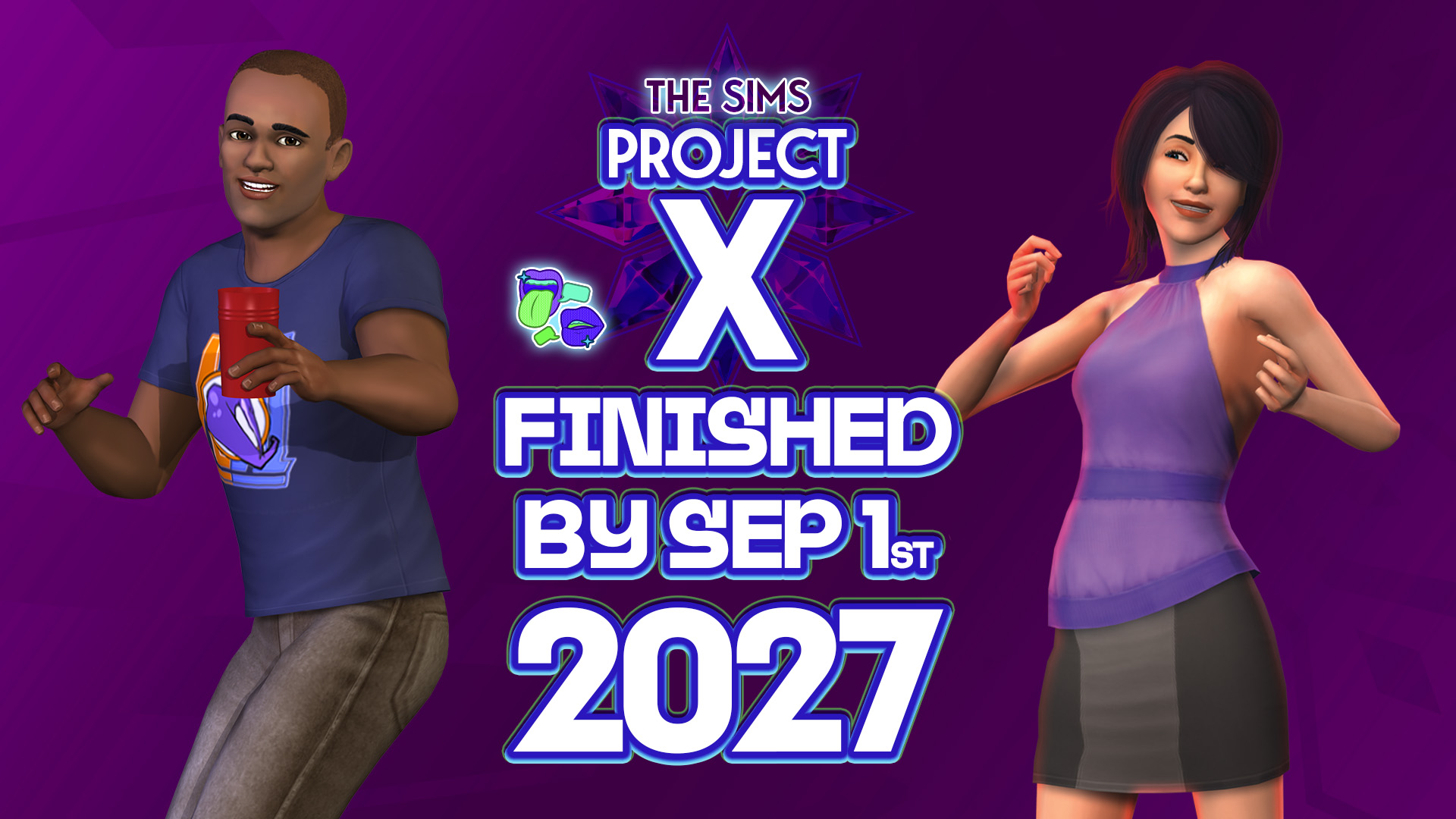
Plus, plans to make The Sims Project X DLC release exclusively through a virtual marketplace. Not the type of insider news that was expected for this week but we’ll certainly take it. The usual Sims insider that we’ve been reporting about for almost a year now has returned with breaking information on The Sims Project…
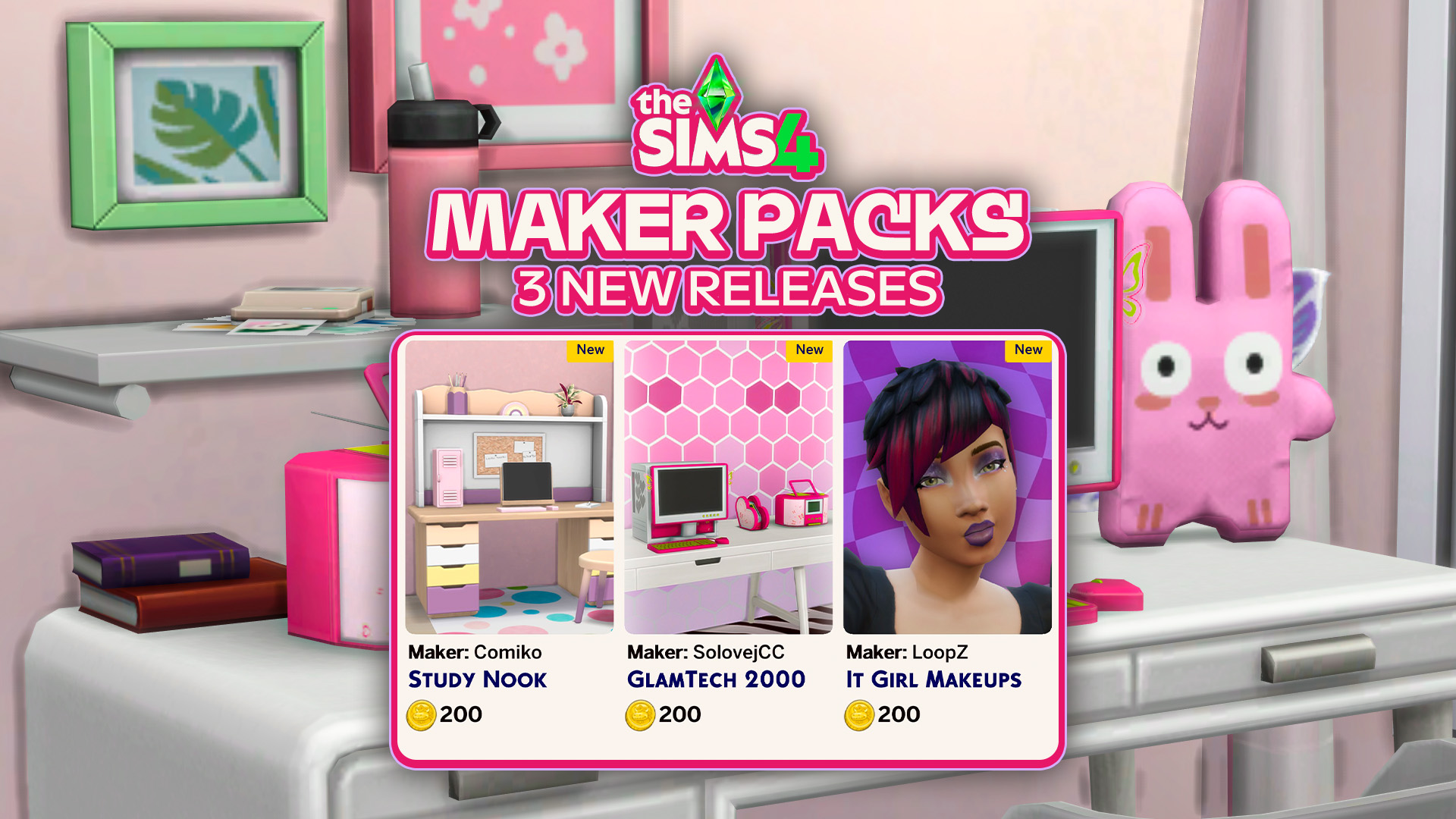
Three new Maker Packs have been released to The Sims 4 Marketplace. The Sims Team continues the rollout of absolutely adorable, cute and bubbly The Sims 4 Maker Packs. With three new being released today: 2 for Build mode and 1 for Create A Sim. Check out the official rundown of all the new content…
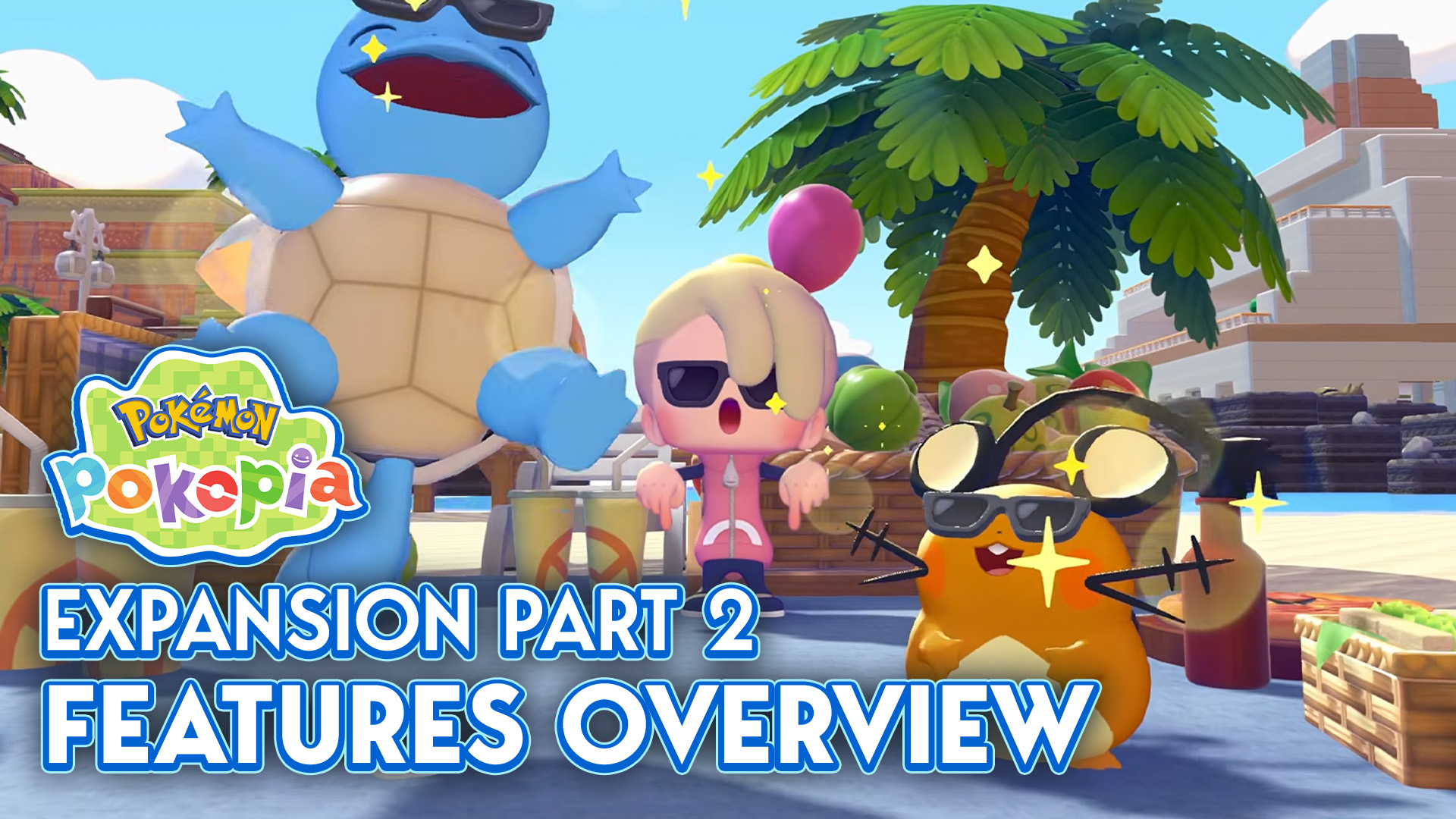
The first wave of Pokémon Pokopia’s Expansion Pass, Bubbly Basin, was released just over a month ago, showering us with a new world, new Pokémon, new furniture, and so much more (you can find a full overview here!). Now, thanks to the Nintendo Direct that aired September 9, we have a new look at the…



1 Comment
I hope they add a feature to archive miis because theres some miis I dont really wanna play with, but dont wanna delete either.
Welcome to Sims Community!
Our community is about connecting people through open and thoughtful conversations. We want our readers to share their views and exchange ideas in a safe space.
In order to do so, we've created a simple set of rules that will improve your experience. Simply put, keep it civil.
Your post will/might be rejected if it contains:
User accounts will/might be blocked if we notice:
So, how can you be a power user?
Thanks for reading our community guidelines. Please note that we're aware of certain issues with Sign In / Log In and Create Account / Email Confirmation issues. We're working behind-the-scenes on a new Account Creation process. Thank you for your patience and remember - freedom of speech is not freedom of reach