

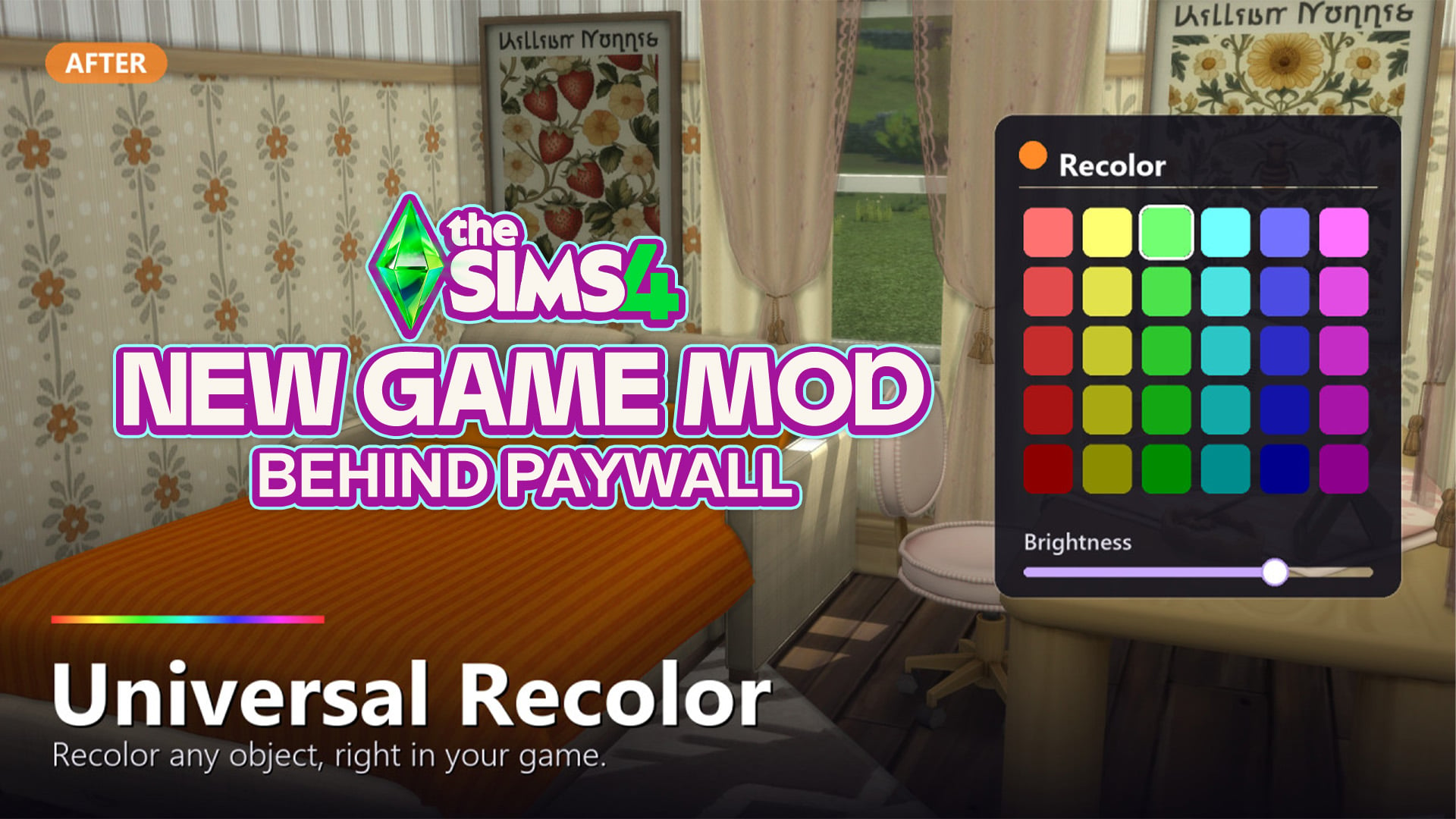
A feature many veteran The Sims series players often miss is color wheels in The Sims 3, which was a feature available for just about everything in the game, including Create-A-Sim, Build Mode, & Buy Mode. One of the primary reasons for the Create-A-Style feature not being fully implemented in The Sims 4 was that it tended to require higher specs and could cause severe lag in the game when using it or loading assets from it.
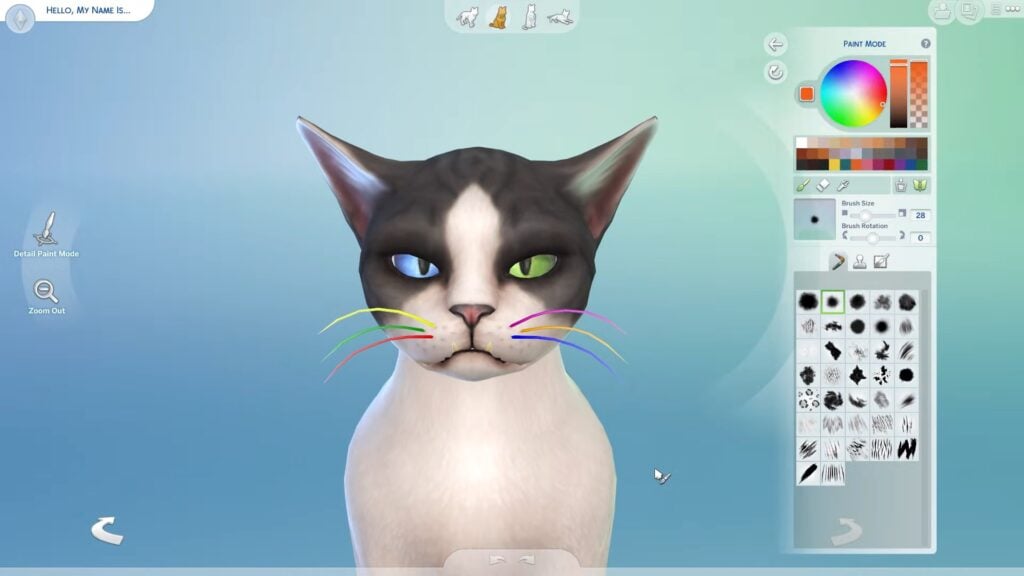

Since The Sims 4 went with set color palettes and swatch choices for most items in the game, there have been obvious pros and cons. While there is overall better performance without issues with lag caused by Create-A-Style and similar features, limitations in swatches, mismatched patterns, and non-matching swatches are often the issues players experience when working with the items in The Sims 4, excluding a certain few areas of the game. Although, some parts of The Sims 4 in DLC and Expansion Packs have access to a color wheel or recolor system, including Cats, Dogs, Horses, Werewolves, Makeup, and Custom Tattoos.
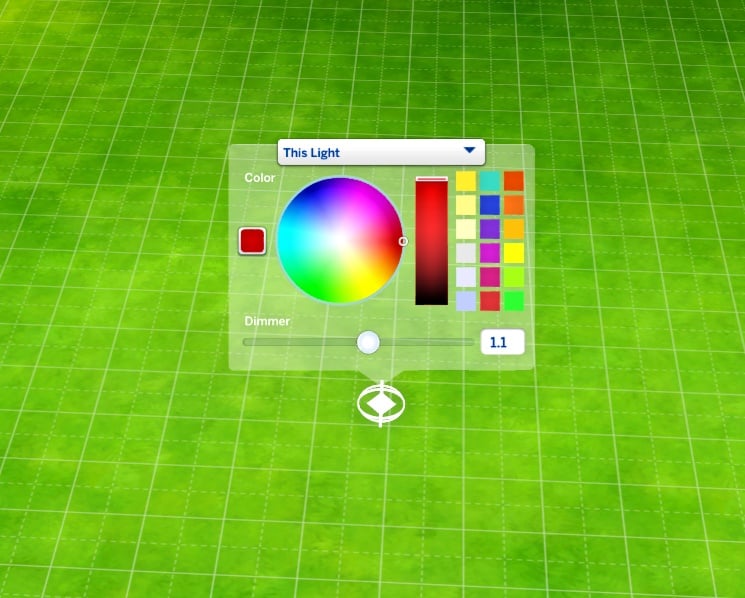
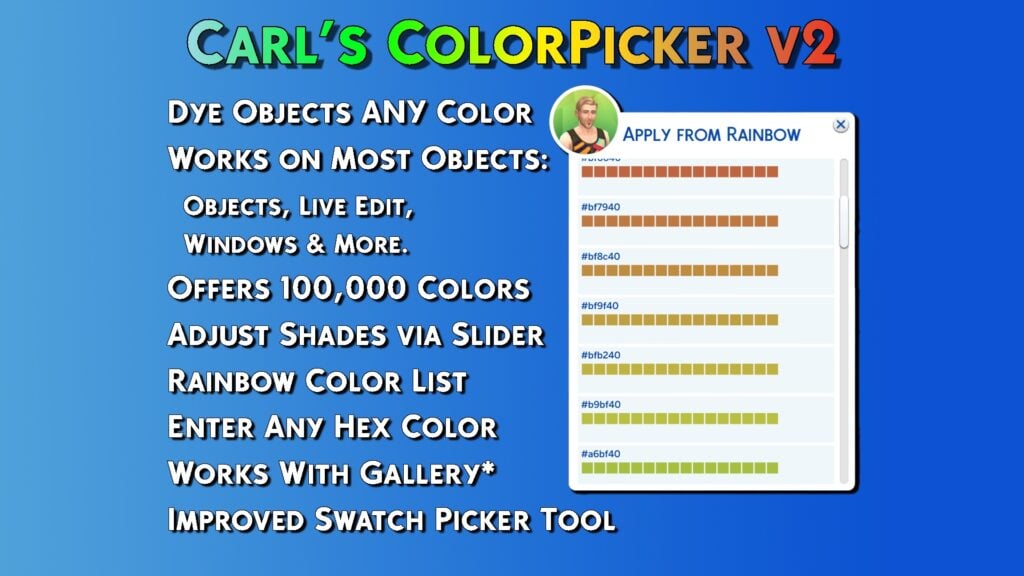
This isn't to say that there's no way to add these things to The Sims 4. Modders have already made mods like this that add color wheels to CAS, Build/Buy Mode, Lighting Settings, etc.; The original Color Slider mod by MizoreYukii and thepancake1 (now only maintained by thepancake1), Better BuildBuy by TwistedMexi, and ColorPicker by Carl's Guides. However, another modder has now claimed to have created a new Sims 4 Universal Recolor Mod, which would allow you to recolor just about any object in game entirely from live mode, including with a separate file where this info is saved to so it supposedly cannot cause save or game corruption.
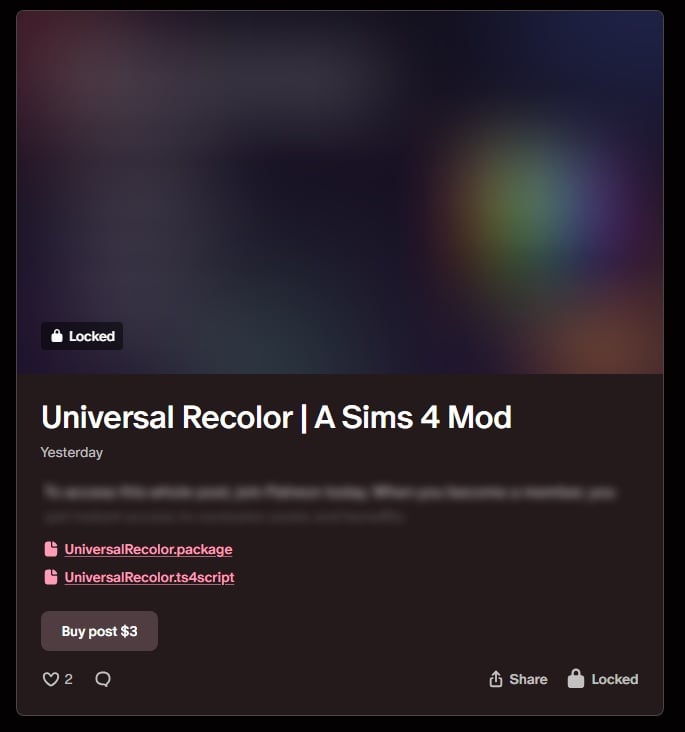
However, unlike most other modders in The Sims 4 Community that have early access for beta testing mods or for a limited period of time, this mod is behind a permanent paywall. The paywall is currently $3 on the creator, Jellypaws', Patreon.



While most of their recent large-scale mods and external programs have also made sweeping promises, like being able to draw in a program to model Sims 4 CC Hair or adding an entire weather and natural disaster system, those other mods are behind $3 paywalls but can also be accessed with a certain tier of Patreon membership. It seems that The Sims 4 Universal Recolor mod by Jellypaws is not accessible to early access members without paying the additional $3 USD "one-time" payment for the mod and "including future updates".
The Sims 4 Universal Recolor Mod by Jellypaws
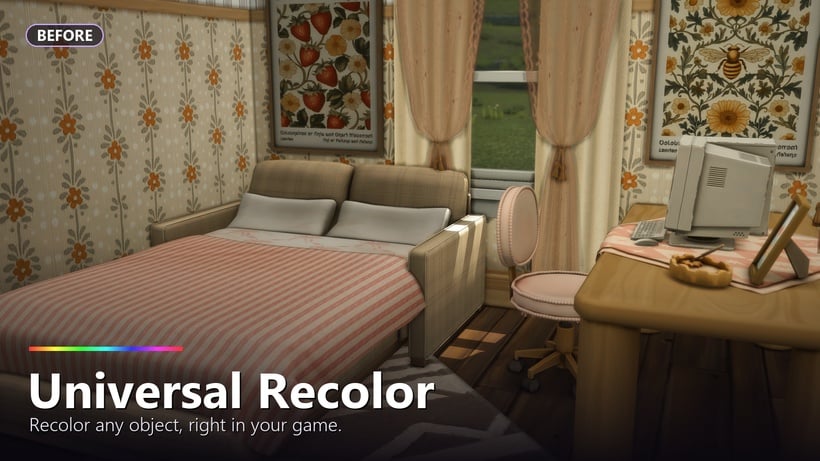
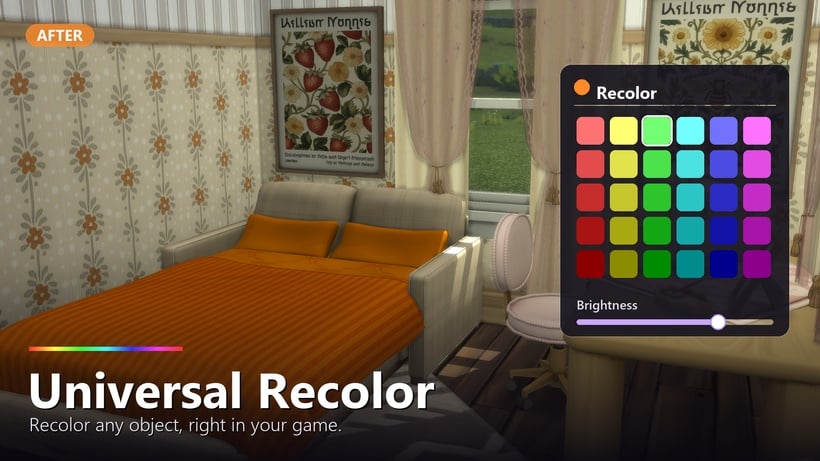
The Sims 4 Universal Recolor Mod: Public Post
🎨 Universal Recolor — Recolor ANY Object, Right in Your Game
Tired of hunting for the perfect swatch, downloading fifteen recolors of the same lamp, or settling for "close enough"? Universal Recolor lets you recolor any Build/Buy object directly in-game with a built-in color picker, a brightness dimmer and ability to use hex and rgb codes!
Just click an object, pick a color, done. 🌈
✨ Features
- Recolor any object — click any item → "Recolor..." → pick a color. Furniture, décor, clutter, beds, anything.
- Built-in color picker with a brightness dimmer for fine-tuning the shade.
- "Reset Color" to instantly return an object to its original look.
- Colors persist through saving & reloading — your recolors stick. ✅
- Exact colors via console — type a precise HEX or RGB value for perfect matching.
- Universal — works on every object, from every pack, any mod/cc, with zero per-object setup.
- No dependencies — just the base game with script mods enabled.
🖥️ Console Commands (optional — for exact colors)
Click an object's "Recolor..." first, then open the console (Ctrl+Shift+C):
- recolor.hex FF8800 — set an exact hex color
- recolor.rgb 255 136 0 — set exact R/G/B (0–255)
Bonus bulk commands (session-only, fun for experimenting):
- recolor.hsv 200 0.8 1 · recolor.all 1 0.2 0.2 · recolor.named chair 1 0 0 · recolor.reset
📥 Installation
- Download both files.
- Drop UniversalRecolor.package + UniversalRecolor.ts4script into your Mods folder (max one folder deep).
- In-game: Game Options → Other → enable Script Mods, then restart.
- Click any object → "Recolor..." 🎉
ℹ️ Good to Know
- Recolors show in Live Mode; the tint is a color overlay, so lighter objects take color most vividly.
- Colors save to a small separate file that never touches your actual save — it can't corrupt anything.
- Base-game compatible, works with all packs.
Yours forever, including updates. Thank you so much for supporting my mods!
The final statement at the end of Jellypaws' Mod Preview for The Sims 4 Universal Recolor Mod
As mentioned in our recent article discussing The Sims 4 Early Access culture popping up in Paralives' first month of release, EA is one of the few companies who have a specific stance on permanent paywalls.
. . . Mods must be non-commercial and distributed free of charge. Mods can’t be sold, licensed, or rented for a fee, and they can’t contain features that would support monetary transactions of any type.
We recognize that creating Mods takes time and resources. To offset these development costs, Mod developers may:
offer an early access incentive for a reasonable amount of time. After a reasonable early access period, all players must be able to access the Mods in full for free regardless of whether they donate.
run passive advertisements and requests for donations so long as they are limited to the Mod website or distribution site, and don’t appear within the Mod itself.
Although some could say that the water has been a bit muddied by the addition of The Sims 4 Marketplace, but either way, it is something that causes a good bit of tension in the community.
How do you feel about modders using permanent paywalls for The Sims 4 Mods? Let us know down below, and make to follow The Sims Community for more news about The Sims 4 and the community surrounding it!



9 Comments
I would highly suggest people interested in more color in their games to look up either “Recolor Tutorials” or the Berry Sweet Community as a whole. Both offer plenty of options, most if not all of which are completely free, and if you follow tutorials you can recolor things to your own specific swatches/desires. (Side note: if a thing asks you for Photoshop, look up Photopea; online photoshop for free.)
Because this is egregious. I offer a minuscule amount of grace to TMex’s CAW program, since that’s still in Alpha, but this? Of course it’s Jellypaws. Of course it is.
The greedier the modder the more dizzy water drinkers set sail.
tbh i dont really care about the paywall situation in general, bc for me its the same thing as the marketplace. ive seen it before with skyrim, and i see it now in the sims, you’ve chosen to make your mod pay only, and thats so cool for you, ALSO, im not paying for that.
it does, however, remain against the sims tos, and its always a poor idea to blatantly advertise a tos breach. could be looking at anything from a takedown notice, to an account ban, to legal action, if the company in question is particularly petty. imo it also just invites mod pirating. you think you’re special and no one would ever breach YOUR tos and share your files with someone? get over yourself.
not the greedy “ai” infused vibe coder with this one; so many community aligned creators out there to promote SC smh
This creator, JellyPaws…is known to use A.I. for their mods/cc. I’m pretty sure they use A.I. to make that cherry program.
They need to stop paying walling everything
Disappointed, but not surprised. Just web search their name and Reddit, and you’ll find dozens of posts calling out their blatant use of AI coding, AI previews, and complete disregard concerning EA’s TOS about perma-paywalling.
Someone should definitely contact EA about this, it’s 100% violating their ToS
Reply to Nonny
Back when EA first posted their Early Access Policy, I reported several perma-paywall CC creators. This was…oh, what, 3~4 years ago now?
They’re still there. Content is still perma-paywalled. Nothing happened, changed, or was done in response. EA’s “Mod Policy” exists solely as a conciliatory little handwave towards the community to say, “See? We did something! Keep buying our packs, we have your backs!”
Don’t count on EA to solve this. The best way to “solve” this is to not partake, same as with the Marketplace. There will always be free CC that meets the same aesthetic/need, and there are well entrenched ways to get more color into your game to counter this vibe-coded mess of a “mod”. Don’t partake or engage. Hit them in the wallet.
Welcome to Sims Community!
Our community is about connecting people through open and thoughtful conversations. We want our readers to share their views and exchange ideas in a safe space.
In order to do so, we've created a simple set of rules that will improve your experience. Simply put, keep it civil.
Your post will/might be rejected if it contains:
User accounts will/might be blocked if we notice:
So, how can you be a power user?
Thanks for reading our community guidelines. Please note that we're aware of certain issues with Sign In / Log In and Create Account / Email Confirmation issues. We're working behind-the-scenes on a new Account Creation process. Thank you for your patience and remember - freedom of speech is not freedom of reach