Electronic Arts and Maxis are announcing today the final farewell to The Sims 4 Build Your Bundle, with the introduction of another new feature titled The Sims 4 Stack & Save. Currently exclusive for the EA App launcher on PC and Mac.
The Stack & Save feature lets you add an additional discount by choosing DLC content from a EA-curated list. Letting you add a discount on top of a possibly another availble discount, or just giving a bigger discount by choosing to purchase more recommended content.
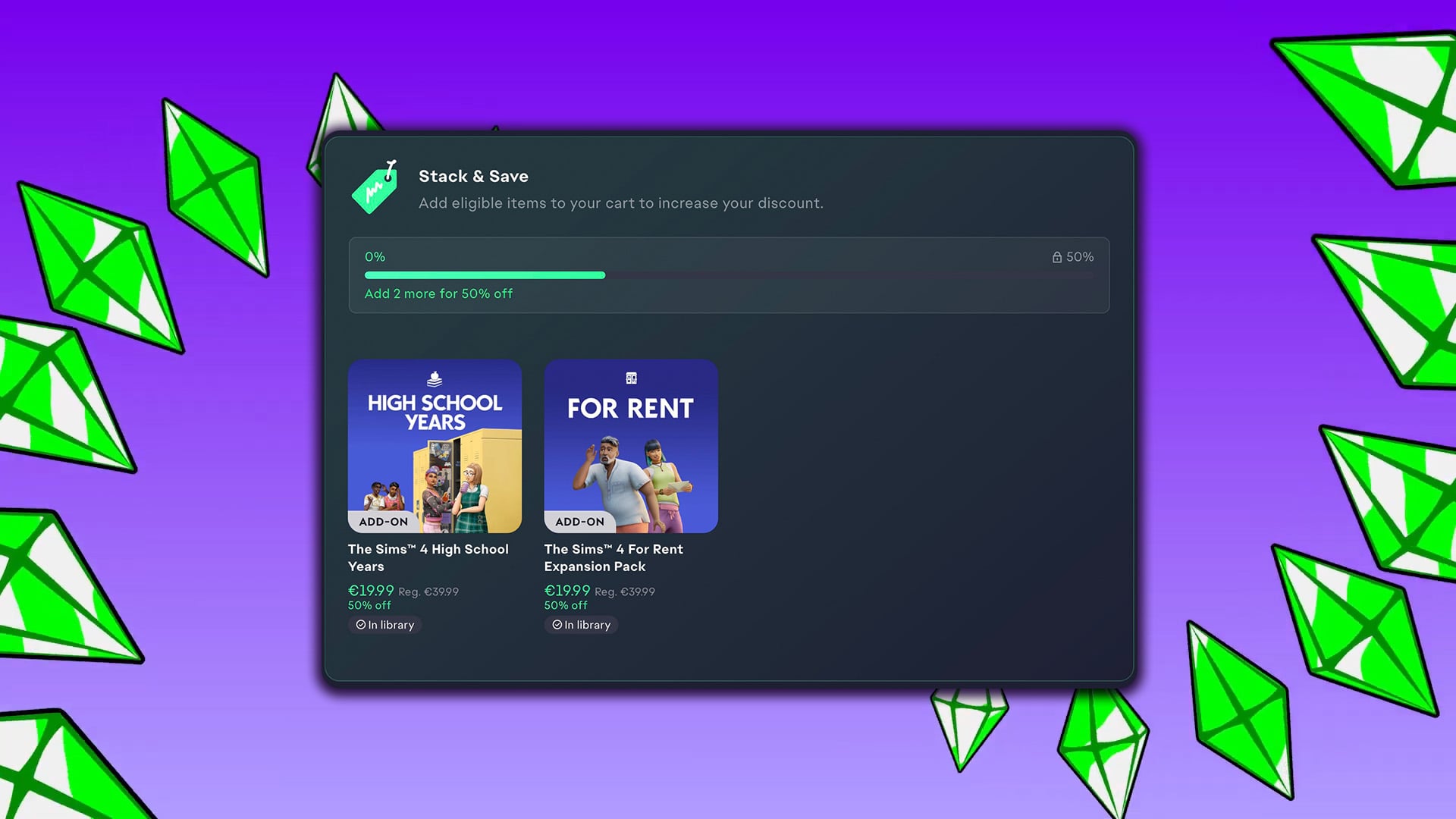
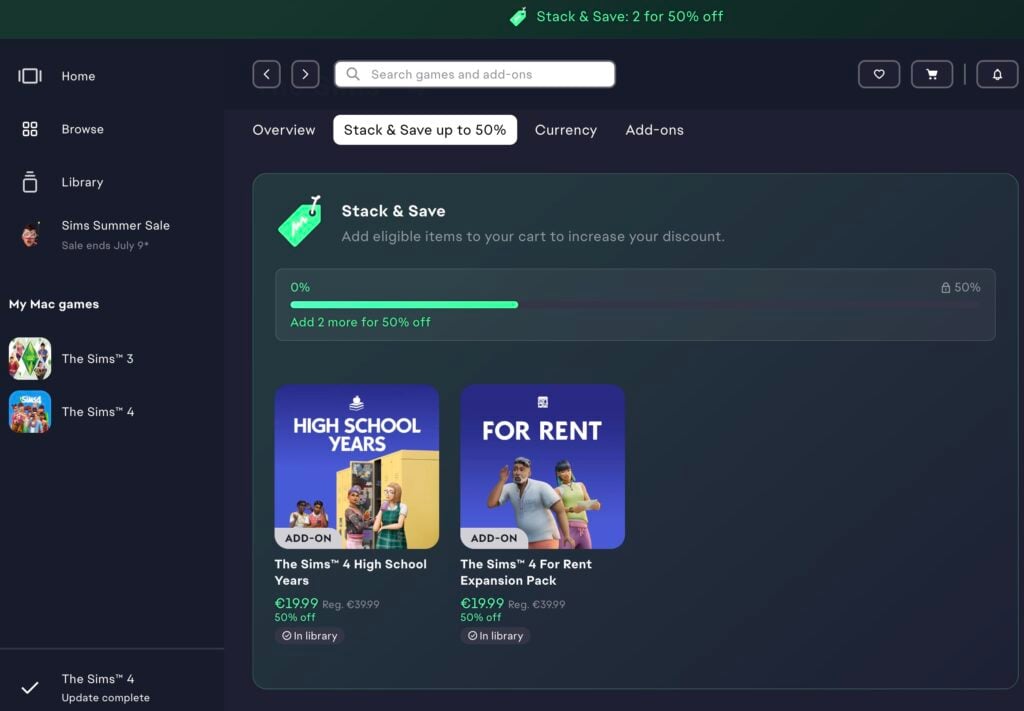
The Stack & Save Feature was first shown in the EA App today, letting you add an extra 50% off if you choose to purchase select Expansion Packs. The current offer for me shows the High School Years + For Rent Expansions combination, which will give you additional 50% off if you choose to purchase both:
Read more what the EA team has to say about The Sims 4 Stack & Save in their official info release on EA Help:
The Build Your Own Bundle feature for The Sims 4 Packs has been replaced by Stack & Save on the EA app, making it easier to choose a combination of The Sims 4 Expansion, Game, and Stuff Packs to unlock bigger discounts. Learn which Packs are eligible, what content isn’t, and how to get discounted prices when you buy.
Stack & Save is available only to PC and Mac players that use the EA app to play The Sims 4. It’s not available on any other platforms or storefronts.
How does Stack & Save work on the EA app?
The Build Your Own Bundle feature for The Sims 4 Packs has been replaced by Stack & Save on the EA app, giving you more flexibility to choose a custom stack of packs that fit your playstyle.Instead of choosing a specific combination of Packs, you can add eligible Packs to your cart and get a discount based on how many qualifying items you buy.The more eligible Packs you add to your cart, the more you can save compared to buying each Pack separately.Stack & Save is only available to PC and Mac players that use the EA app to play The Sims 4. Here’s an example of how Stack & Save works compared to Build Your Own Bundle.
Build Your Own Bundle
Restricted to choosing one of each Pack type:
1 x Expansion Pack
1 x Stuff Pack
1 x Game Pack
Stack & Save
Create any combination of Packs. For example:
multiple Expansion Packs
a mix of Expansion Packs, Game Packs, and Stuff Packs
several Packs from the same category
What Packs can I get discounts on?
The following downloadable content may qualify for Pack discounts on the EA app:
The Sims 4 Expansion Packs, with the following exclusions:
Enchanted by Nature
Adventure Awaits
Royalty & Legacy
The Sims 4 Game Packs
The Sims 4 Stuff Packs
What The Sims 4 content isn’t eligible for discounts?
Some downloadable content may not qualify for Pack discounts, including:
Kits
Creator Kits
Moola
Maker Packs
existing bundles
other promotional offers.
Some downloadable content may not be eligible for discount if other promotions are available at the same time. For example, if you’re buying an eligible Pack that’s included in another promotion, the best available discount will be applied automatically when you checkout.
Pack discounts can’t be combined with sale discounts or EA Play membership discounts.
The Sims 4 Base Game is free to play, so it isn’t eligible for a discount.
How do I get Pack discounts on the EA app?
Here’s how to use Stack & Save to get The Sims 4 Pack discounts on the EA app.
Open the EA app.
Go to your Library and select The Sims 4.
Select the Stack & Save tab and add eligible Packs to your Cart.
When you’ve finished choosing Packs, select the Cart button (shopping cart icon) to review your discounts and complete your purchase.
Eligible discounts are applied automatically in your cart and at checkout.In your Cart, you can check:
the discount applied to each Pack
the total discount on your overall purchase
how many more Packs are needed to reach the next discount tier.
You need to download The Sims 4 Base Game to get Stack & Save discounts on the EA app.
What happened to Build Your Own Bundle?
The Build Your Own Bundle feature for The Sims 4 Packs has been replaced by Stack & Save on the EA app. This gives you more flexibility to choose your own combination of eligible Packs and a discount based on the number of items in your cart.
To get a discount, do I need to choose a specific combination of Packs?
No. Eligible discounts are based on the number of eligible Packs in your cart, not on a required combination of Pack types.
Can I buy multiple Expansion Packs and still get a discount?
Yes, you can mix and match eligible Expansion Packs, Game Packs, and Stuff Packs in any combination.
What are the requirements for getting a discount?
To get Stack & Save discounts, you need to use the EA app to play The Sims 4 on PC or Mac.
Can I gift discounted Packs?
No, you can’t give a discounted Pack as a gift.
Will the discount appear automatically?
Yes. If your cart contains eligible Packs, the discount is applied automatically and displayed in your cart before checkout.
Is Stack & Save available on Steam, Epic Games, Playstation®, or Xbox?
No, the updated Sims 4 Pack discount system is only available to PC and Mac players on the EA app.
What are your thoughts on the latest Sims 4 Stack & Save feature on EA App? Let us know in the comments down below and stay tuned for more news on Sims Community!
5 Comments
max
Oh, saving like in saving money, nevermind..
nigel
i would buy some missing dlcs, but the game isn’t working once again after their update so what’s the reason to even thinking about buying anything? also, where’s the free maker stuff? did they break even that?
Miata
Reply to nigel
Exactly.
SimsHolic
C’est bizarre je n’ai pas les mêmes extensions éligibles, moi c’est “à la vie, à la mort”, “grandir ensemble” et “vie au ranch”.
Alana
Its a permanent deal then?
Welcome to Sims Community!
Our community is about connecting people through open and thoughtful conversations. We
want our readers to share their views and exchange ideas in a safe space.
In order to do so, we've created a simple set of rules that will improve your experience.
Simply put, keep it civil.
Your post will/might be rejected if it contains:
Spam
Insults, profanity, incoherent, obscene or inflammatory language and threats of any kind
Attacks on the identity of other commenters or the article's author
User accounts will/might be blocked if we notice:
Continuous attempts to re-post comments that have been previously moderated/rejected
Racist, sexist, or homophobic comments
Attempts or tactics that put the site security at risk
So, how can you be a power user?
Stay on topic and share your passion. Feel free to elaborate to get your point across.
'Like' or 'Dislike' when you are filled with emotions!
Protect your community. Use the report tool to alert us when someone breaks the rules.
Thanks for reading our community guidelines. Please note that we're aware of certain
issues with Sign In / Log In and Create Account / Email Confirmation issues. We're working
behind-the-scenes on a new Account Creation process. Thank you for your patience and
remember - freedom of speech is not freedom of reach
Everything we know About Loftia so far and Loftia Release Details This year has certainly been the year for cosy and wholesome life simulation-style game releases. Even now, there are still so many more on the way, and that’s with a few months left of the year! However, one highly anticipated game has a big…
With the power of knowledge, you too can fear fears less! Unlike in The Sims 2 where they are opposite of Wants, The Sims 4 Fears are more of aversions and insecurities Sims can develop from various experiences. These will negatively affect your Sim’s everyday life, but these can be conquered through certain interactions. Knowledge…
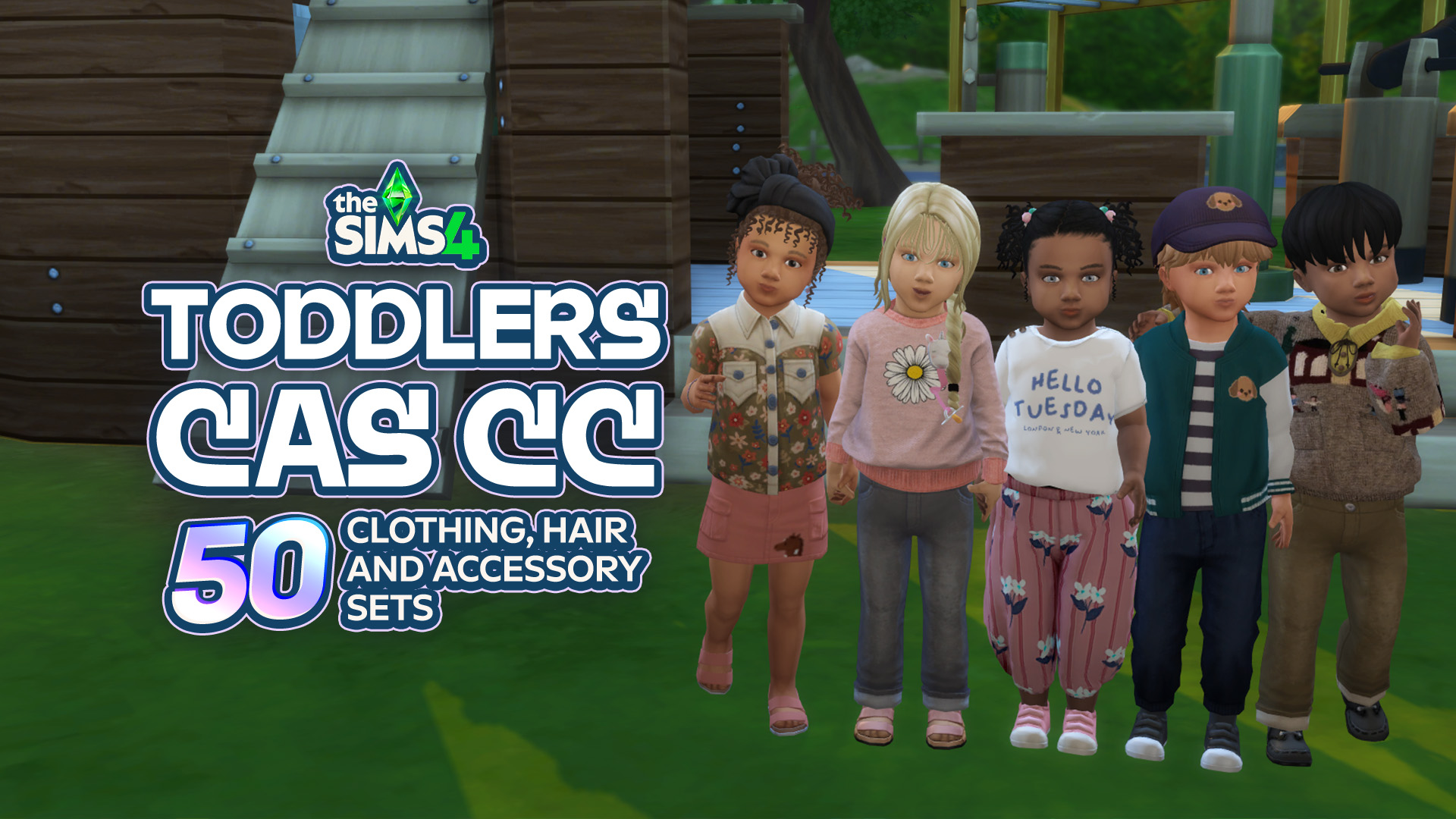
Toddlers might be tiny, but that doesn’t mean their CAS options have to be! From adorable everyday outfits and tiny accessories to fun hairstyles and outfits for every little personality, there’s so much amazing Sims 4 Toddler CC CAS content out there to make your little Sims even cuter. Whether you’re creating a little angel,…
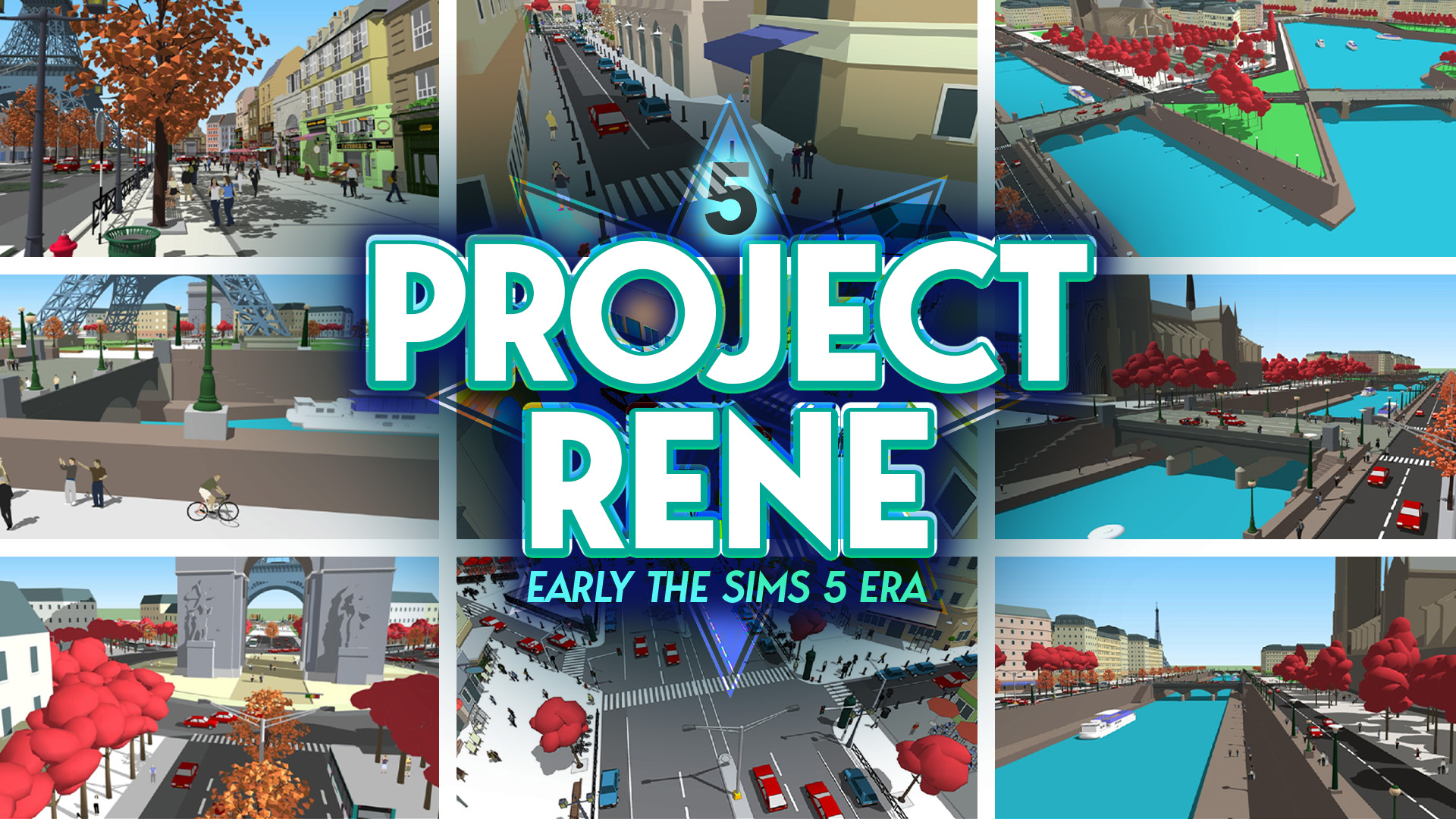
Turns out that all the years of reporting on The Sims 5 were true after all. Maxis and Electronic Arts were indeed working on The Sims 5. Or at least that’s what Project Rene initially was until it took several turns and expanded into two projects. Project Rene WAS The Sims 5 The game’s Art…
The Next Sims 4 Update is Landing on September 22nd, 2026! Be safe, not sorry! With over 95+ bug fixes and multiple corrections to simulation lag and other errors, this next major Sims 4 Update is going to be a large one. As with any major update, you need to make preparations if you want…
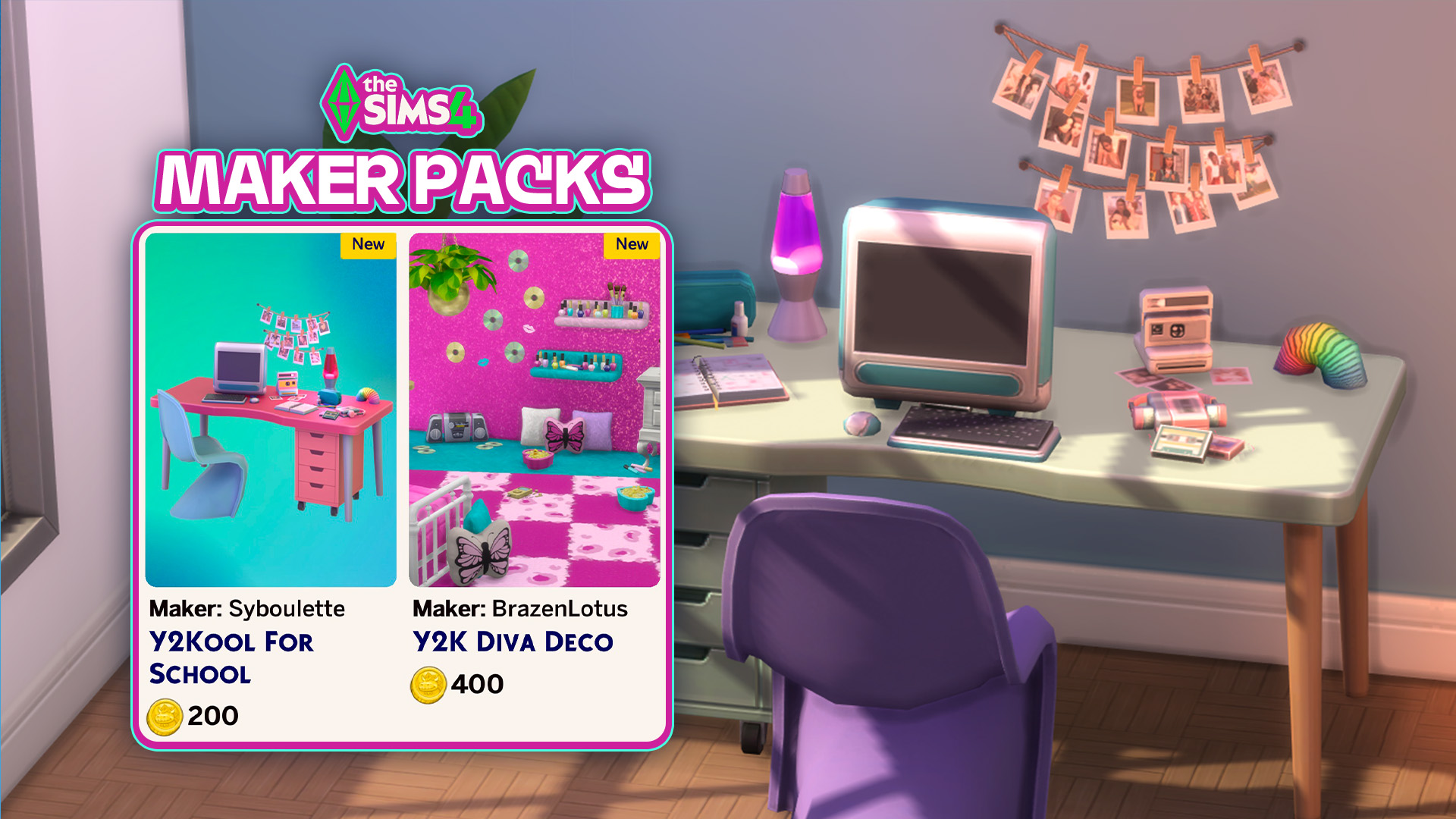
And by groundbreaking we mean the same Y2K fluff you’ve been seeing since start. It’s happened again just after a new release this Thursday. Two new Sims 4 Maker Packs have hit The Sims 4 Marketplace late last night. And you’ve guessed it correctly – they’re both Y2K inspired sets. After switching up Cozy and…
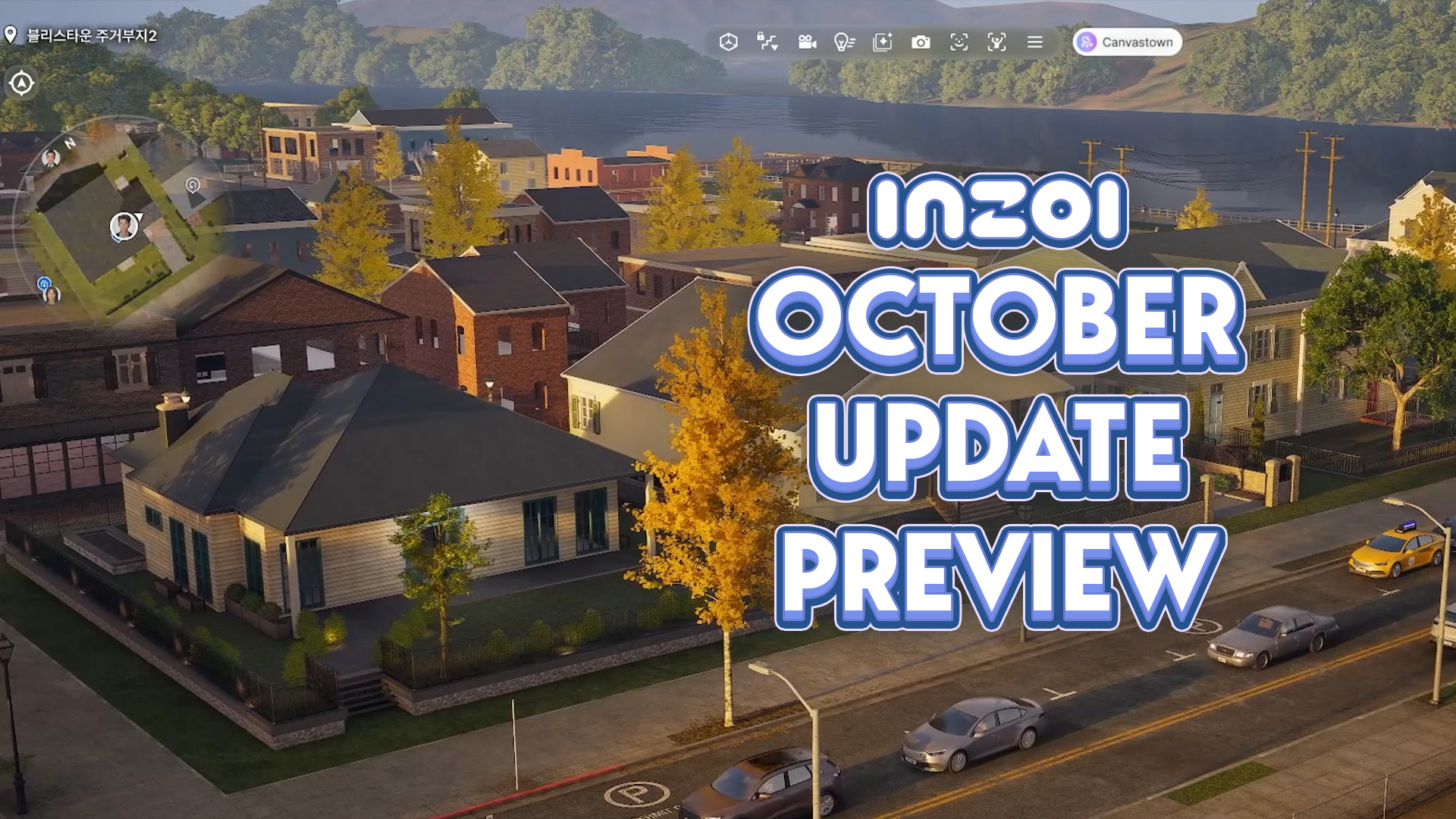
With the InZOI Development team returning from a special event in China where they discussed and previewed future multiplayer features for InZOI, Hyungjun ‘Kjun’ Kim and the rest of the InZOI Development Team addressed some muddy areas of communication, primarily regarding the creation of a multiplayer mode and how that could influence the creation of…
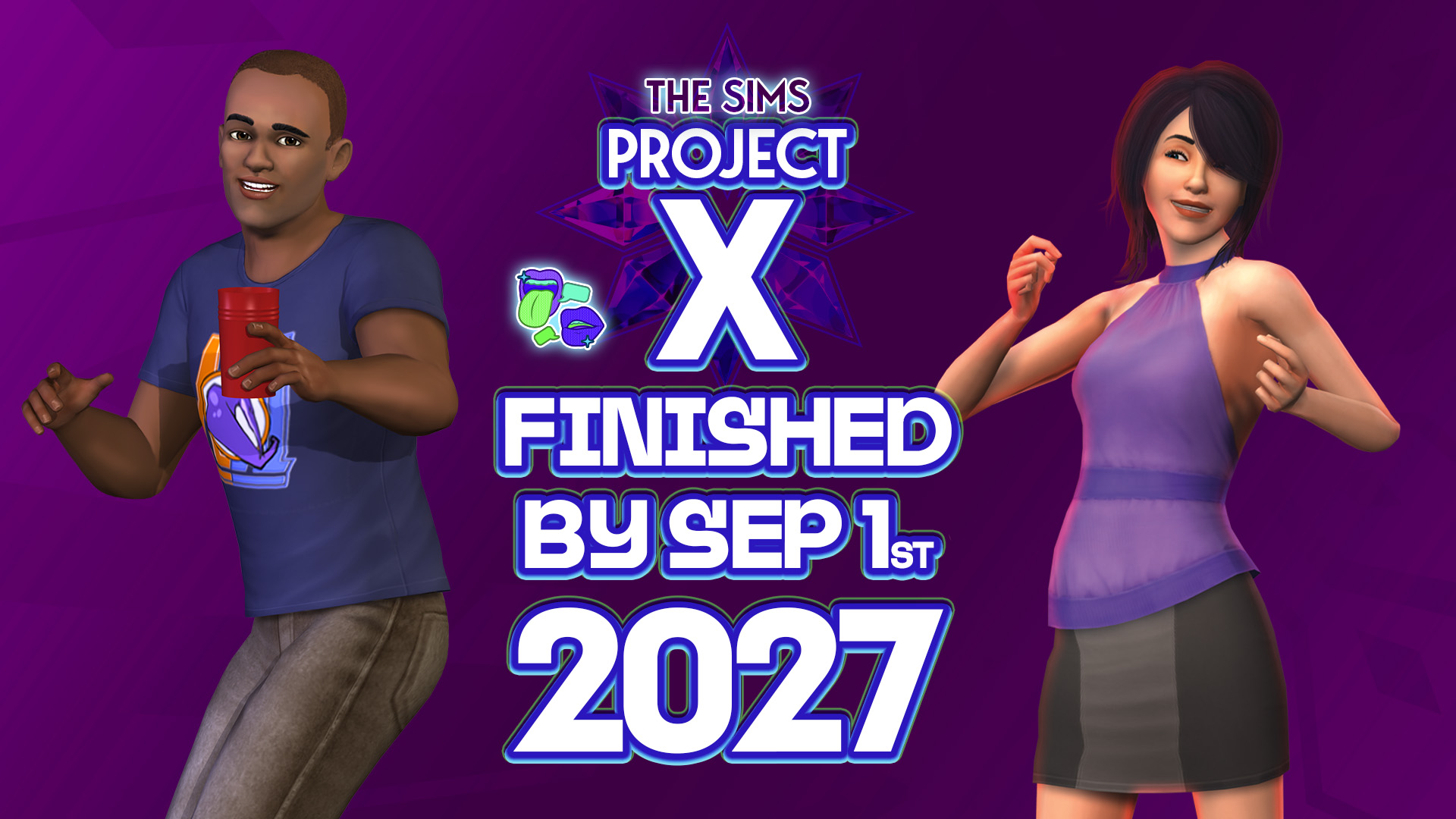
Plus, plans to make The Sims Project X DLC release exclusively through a virtual marketplace. Not the type of insider news that was expected for this week but we’ll certainly take it. The usual Sims insider that we’ve been reporting about for almost a year now has returned with breaking information on The Sims Project…
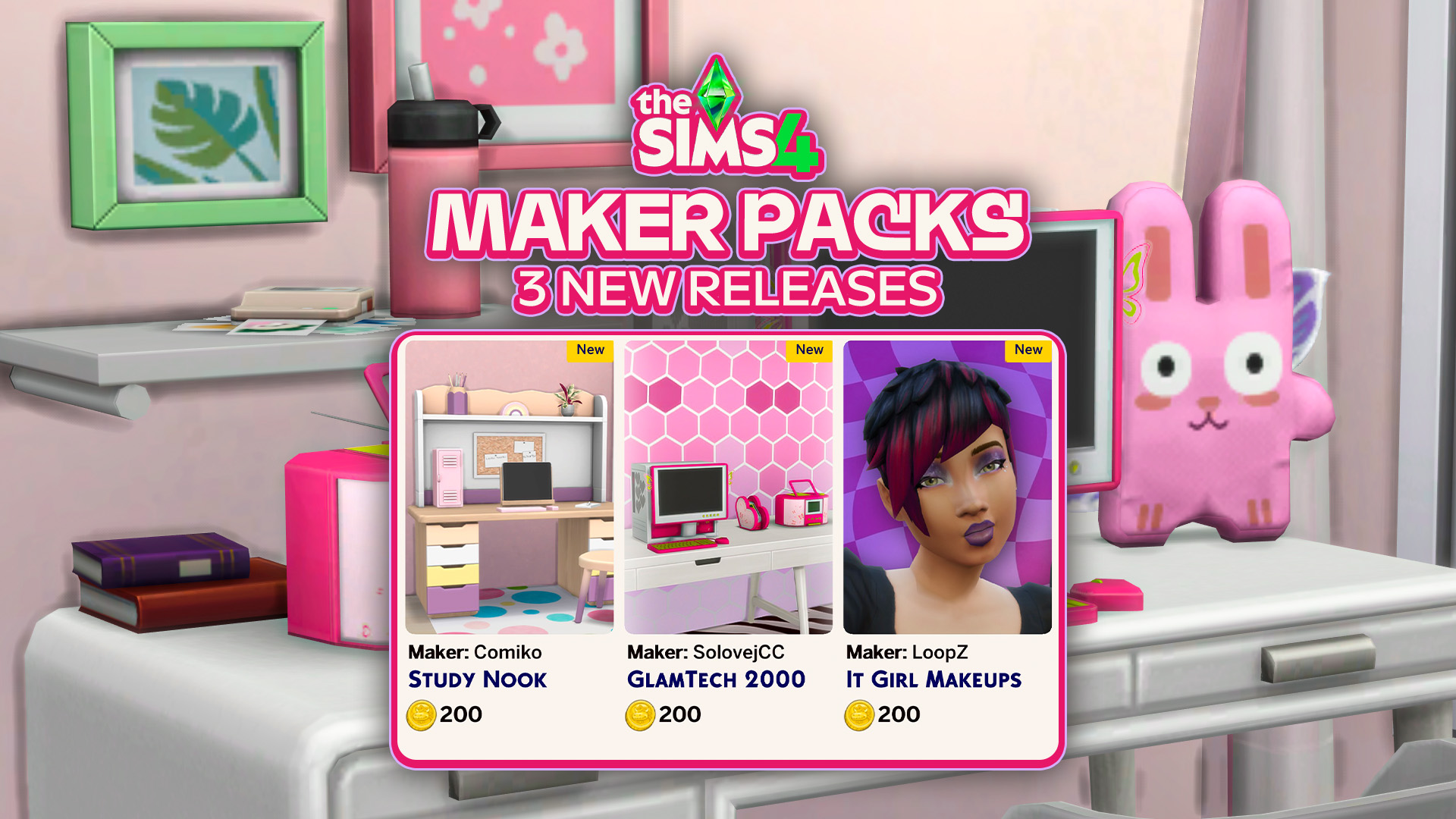
Three new Maker Packs have been released to The Sims 4 Marketplace. The Sims Team continues the rollout of absolutely adorable, cute and bubbly The Sims 4 Maker Packs. With three new being released today: 2 for Build mode and 1 for Create A Sim. Check out the official rundown of all the new content…
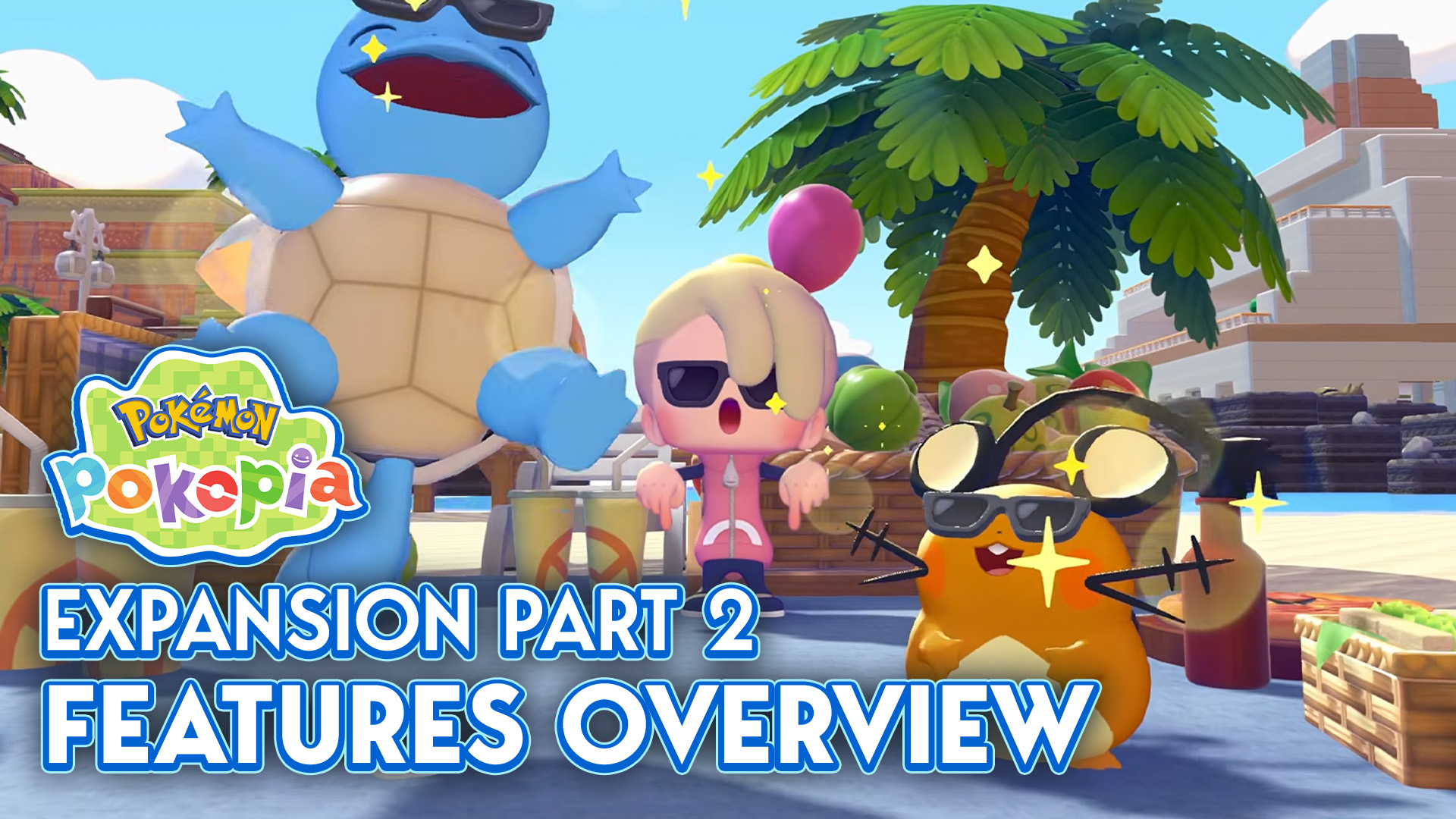
The first wave of Pokémon Pokopia’s Expansion Pass, Bubbly Basin, was released just over a month ago, showering us with a new world, new Pokémon, new furniture, and so much more (you can find a full overview here!). Now, thanks to the Nintendo Direct that aired September 9, we have a new look at the…



5 Comments
Oh, saving like in saving money, nevermind..
i would buy some missing dlcs, but the game isn’t working once again after their update so what’s the reason to even thinking about buying anything? also, where’s the free maker stuff? did they break even that?
Reply to nigel
Exactly.
C’est bizarre je n’ai pas les mêmes extensions éligibles, moi c’est “à la vie, à la mort”, “grandir ensemble” et “vie au ranch”.
Its a permanent deal then?
Welcome to Sims Community!
Our community is about connecting people through open and thoughtful conversations. We want our readers to share their views and exchange ideas in a safe space.
In order to do so, we've created a simple set of rules that will improve your experience. Simply put, keep it civil.
Your post will/might be rejected if it contains:
User accounts will/might be blocked if we notice:
So, how can you be a power user?
Thanks for reading our community guidelines. Please note that we're aware of certain issues with Sign In / Log In and Create Account / Email Confirmation issues. We're working behind-the-scenes on a new Account Creation process. Thank you for your patience and remember - freedom of speech is not freedom of reach