As with most recent updates for The Sims 4, some new bugs or errors have popped up as the Sims Team applies fixes or changes to the ever-growing and aging game. From the roof bug that has just been fixed after showing up in the Sims 4 June Patch to mod conflicts and more, the time surrounding a Sims 4 Update is almost always eventful.
However, a new issue has shown up for some players; An issue with the EA Launcher is causing a Sims 4 Trojan Horse FALSE Virus Warning, typically with Windows Defender. This is happening for some players, both modded and unmodded, due to an issue applied with the last update on July 21st to the EA Launcher.
Table of Contents
The Sims 4 Trojan Horse Reports: New Update Causes False Virus Warnings
Initial Reports on the EA Forums
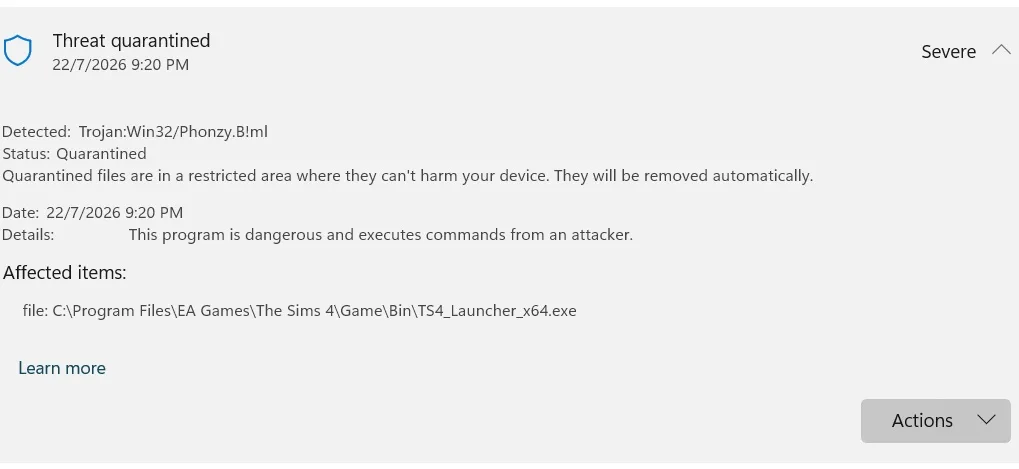
Not long after the July 21st 2026 update, adding a large patch to The Sims 4 to add autosave and save reminder features, some players popped up in the Official EA Forums with a new issue; Windows Defender is giving them a warning of a Trojan when they attempt to launch The Sims 4, the warning citing TS4_Launcher_x64.exe as the source. This means that Windows Defender is falsely flagging the game itself as a possible Trojan, causing players to have to jump through hoops and possibly disable their antivirus software in hopes of playing before an official fix is released from The Sims Team.
Game failing to launch. Windows flagging TS4_Launcher_x64.exe as Trojan
Hey everyone!
I was wondering if anyone else has the same issue as me since the newest sims update (21-7-2026). Basically what is happening for me is that I can no longer launch the game. I played the day before the update and had no issue whatsoever.
Whenever I try to launch the game, I get a notification in the EA app, saying: "Failed to launch game. An error on our end caused the launch to fail. Try again a little later." With that I also get a notification from Windows Security saying: "Part of this app has been blocked. Some features of EA may not work because we can't confirm who published TS4_Launcher_x64.exe that the app tried to load."
I looked at the properties of the sims, and the digital signature is gone. I tried repairing the game, which didn't work, and reinstalling both EA and the Sims in its entirety. Both did not fix my problem. I went on to check in powershell to see if the game truly wasn't signed, and indeed it wasn't.
I could turn off my smart app control, to see if that would allow me to launch the game, but I'd rather not do that for obvious reasons.
If there is anyone else who also has this issue, or may knows how to fix it, please let me know!
Forum User PokkiC's Threat Warning from Windows Defender
I am also having the same issue. Tried uninstalling and reinstalling. clearing the cache, and repairing. Nothing works. The threat is from the launcher it seems, but it's not reasonable to ask players to open themselves up to risk by disabling antivirus for this game. Hopefully EA will sort this out quickly because this is ridiculous.
Re: Game failing to launch. Windows flagging TS4_Launcher_x64.exe as Trojan
After updating The Sims 4 to version 1.126.58.1030 through Steam, I can no longer launch the game. System Platform: Steam EA App linked to Steam Windows Defender (Microsoft Defender) as the antivirus No third-party antivirus installed
Plataforma del sistema: La aplicación EA de Steam Windows Defender (Microsoft Defender) como antivirus No hay antivirus de terceros instalado
The game worked normally before the July 21 update. The issue started immediately after installing the latest patch.
Troubleshooting already performed Verified game files multiple times through Steam. Removed and restored the quarantined file. Restarted the PC. Ran Microsoft Defender full scan. Removed unrelated old malware detections found elsewhere on the system. The issue persists only with TS4_Launcher_x64.exe. Has anyone else experienced the same issue after updating to version 1.126.58.1030? Can EA confirm whether this is a known false positive or whether a new launcher build is being investigated?
Within about a day, The Sims Team through TheSimsDirect (On EA Forums, the Official Sims Discord, and Sims Direct social media accounts, announced that the issue has been identified and they will be working on a fix that should correct it, and will be updating the launcher with said fix in the coming days.
Hey Simmers, we're aware of a digital signature issue preventing The Sims 4 launching for some PC players, and our team is currently working hard to turn around a fix in the coming days. As this fix will only update the launcher, the game version won't change and will have no impact on any installed mods. Additionally, we're investigating a issue where manual saves can inadvertently override each other during a very specific flow. If you open a save file, make changes, and exit to the main menu without saving, and then load an autosave - choosing "Save and exit" from that autosave will override your latest save instead of the original one. We are actively working on a fix for this specific issue and plan to get it rolled out as soon as possible.
To avoid losing your progress in the meantime:
Please make sure to do a standard manual save before exiting a save file and loading an autosave, particularly if you are planning to load a different save file next.
We appreciate your patience while we work on getting this sorted out!
The Sims Official Discord Admin Mindy Plorbs
Since the recent update on July 21st 2026, have you run into the False Sims 4 Trojan error, and have you found a way around it yet? Let us know! Make sure to follow The Sims Community for all things The Sims and its many, many updates.
1 Comment
Mister
The classic EA tradition
Fix one bug, introduce three more.
Welcome to Sims Community!
Our community is about connecting people through open and thoughtful conversations. We
want our readers to share their views and exchange ideas in a safe space.
In order to do so, we've created a simple set of rules that will improve your experience.
Simply put, keep it civil.
Your post will/might be rejected if it contains:
Spam
Insults, profanity, incoherent, obscene or inflammatory language and threats of any kind
Attacks on the identity of other commenters or the article's author
User accounts will/might be blocked if we notice:
Continuous attempts to re-post comments that have been previously moderated/rejected
Racist, sexist, or homophobic comments
Attempts or tactics that put the site security at risk
So, how can you be a power user?
Stay on topic and share your passion. Feel free to elaborate to get your point across.
'Like' or 'Dislike' when you are filled with emotions!
Protect your community. Use the report tool to alert us when someone breaks the rules.
Thanks for reading our community guidelines. Please note that we're aware of certain
issues with Sign In / Log In and Create Account / Email Confirmation issues. We're working
behind-the-scenes on a new Account Creation process. Thank you for your patience and
remember - freedom of speech is not freedom of reach
An Absolutely ENCHANTING InZOI Magic Mod! After InZOI’s Modkit drop earlier this year, it was only a matter of time before large-scale gameplay mods begin to appear. Although we’d normally expect to see more utility mods or some “basics” we’ve seen in other Life Simulation games, a fun new magical surprise has appeared! A new…
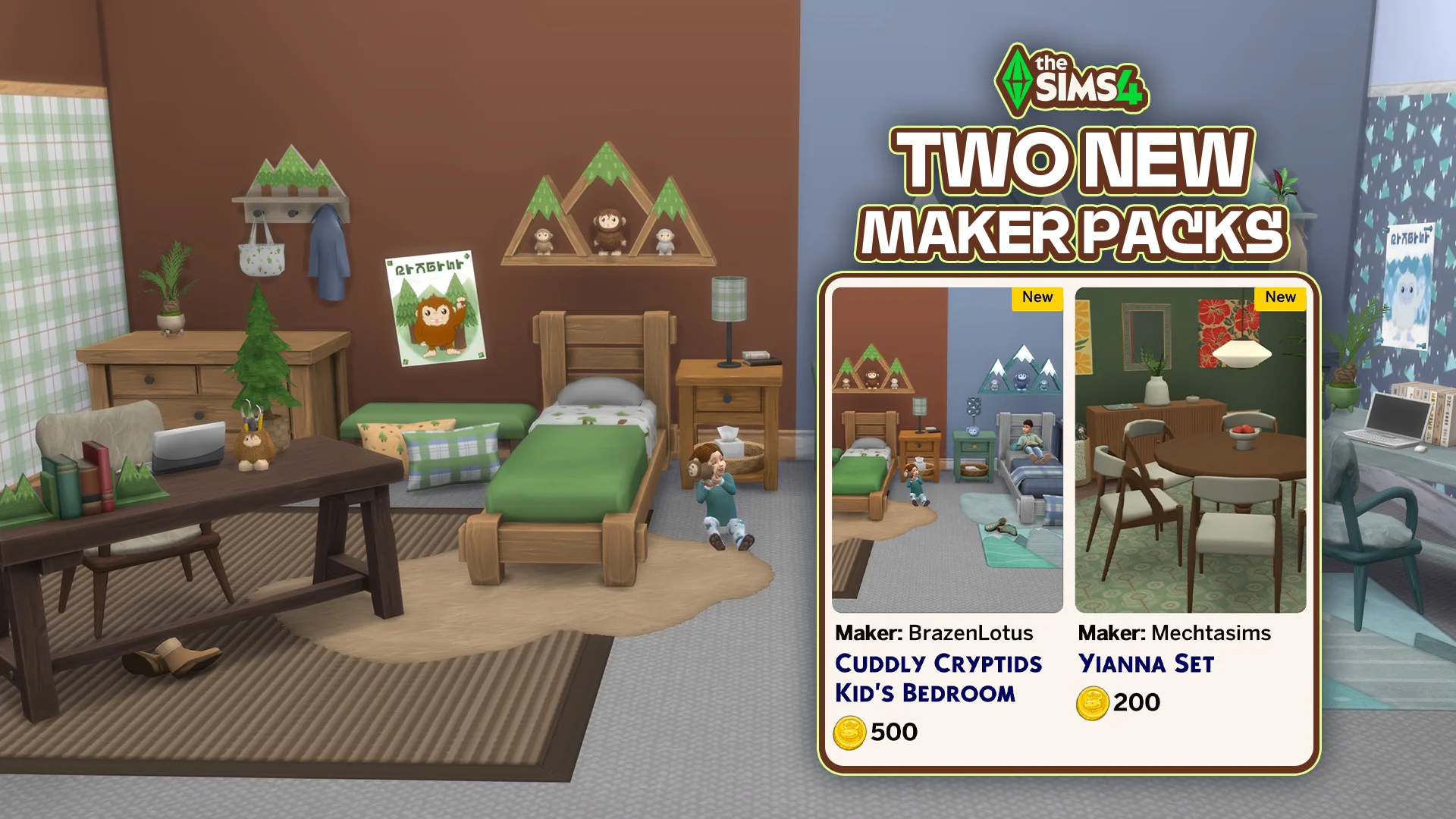
Two new Maker Packs have been released to The Sims 4 Marketplace! New week brings two new The Sims 4 Maker Packs to The Marketplace. With 7 dollars total worth of new releases, you get to decorate and furnish your Kid’s Bedroom and Dining Room. The first Maker Pack is from BrazenLotus titled Cuddly Cryptids…
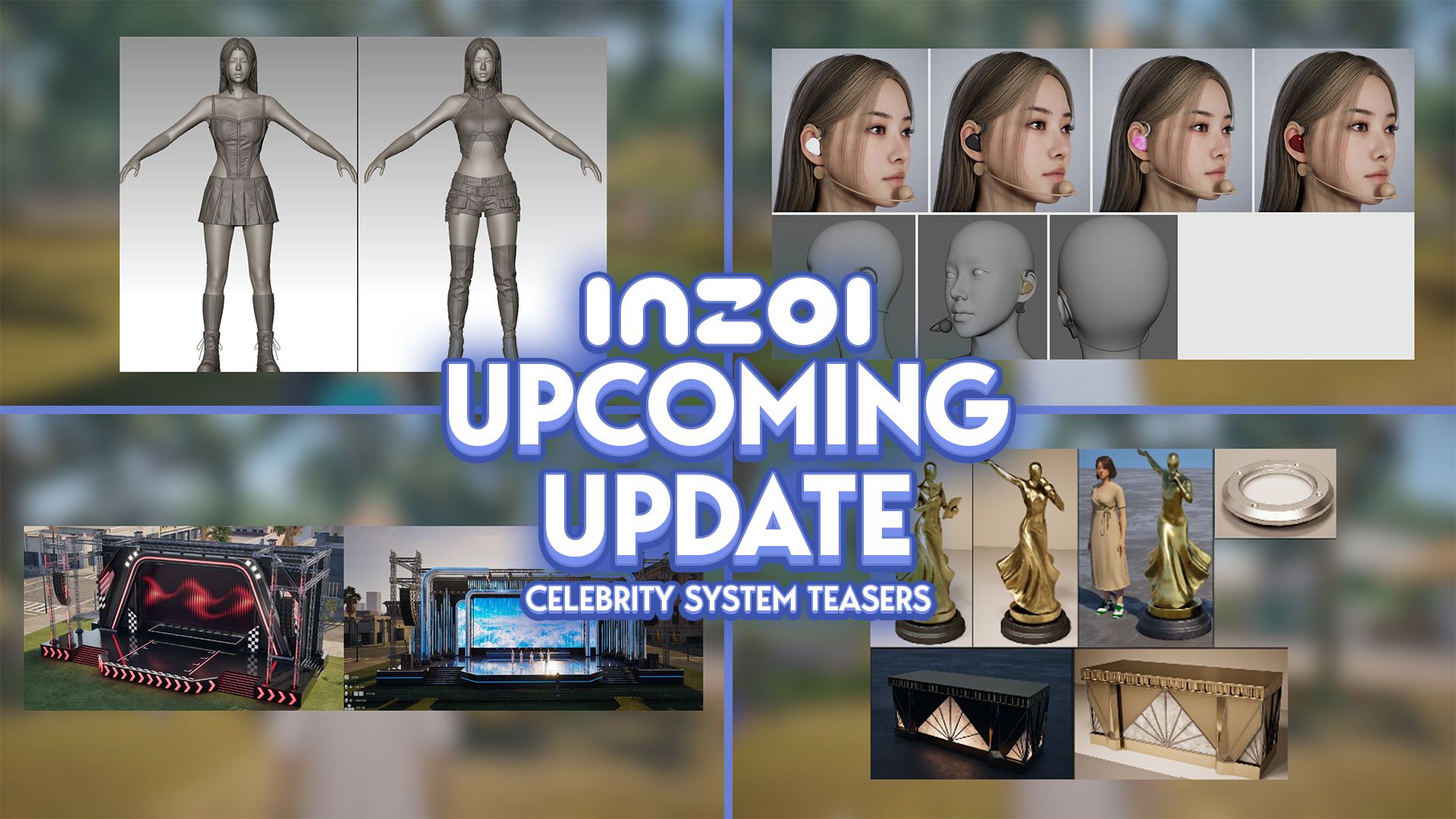
It sure hasn’t felt like it, but it has now been one full year since the InZOI Developers began doing weekly Friday developer diaries, also known as “Brainstorming with Kjun”; A weekly diary where Director & Producer of InZOI Hyungjun ‘Kjun’ Kim speaks with players, showcases new and upcoming features, provides insight into what the…
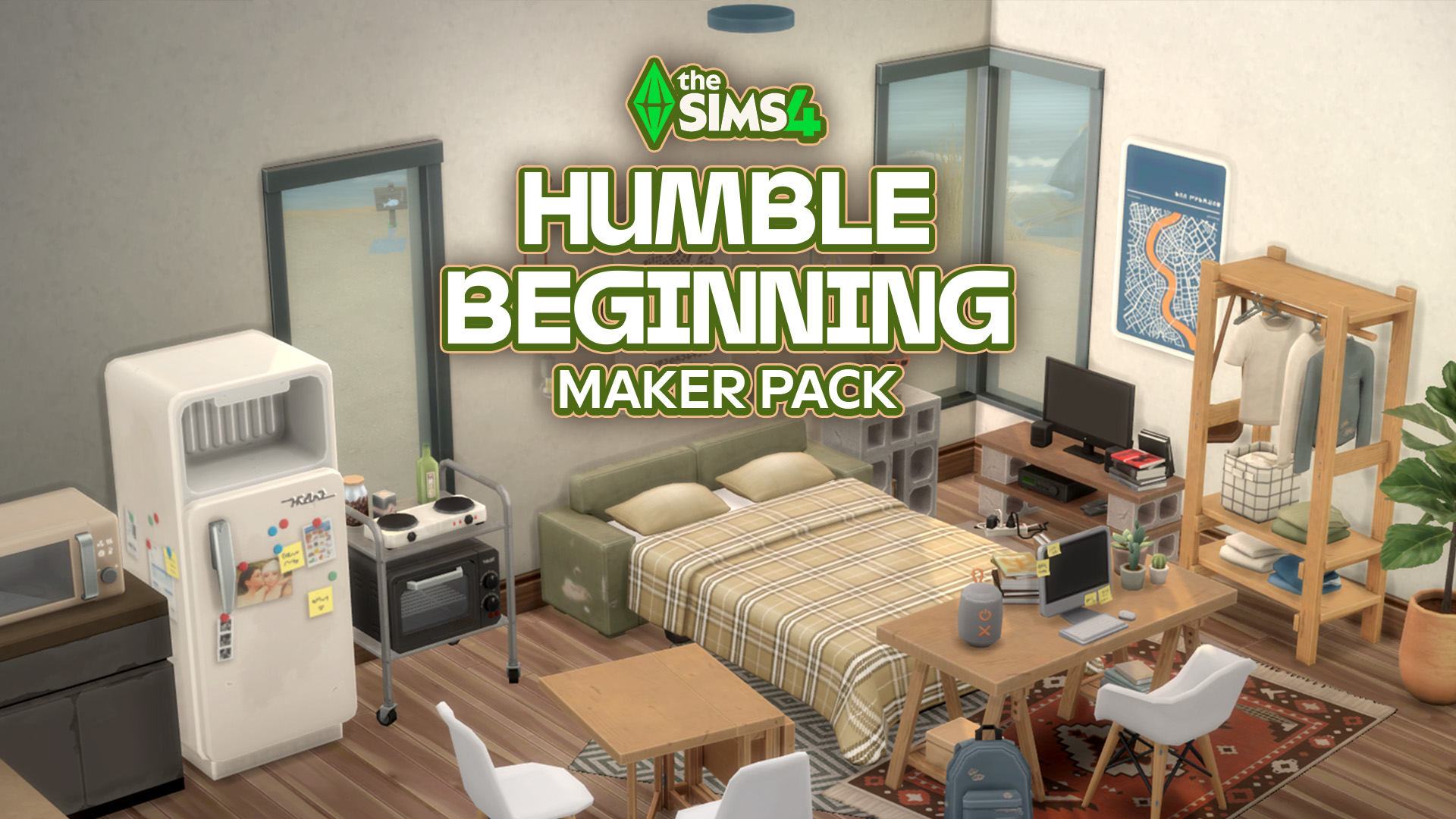
Syboulette brings a 5 dollar Maker Pack to The Sims 4 Marketplace. Are we switching to daily singular Maker Pack drops? After yesterday’s single CAS Maker Pack release titled Summer Trip we’re getting another one today for Build Mode. Titled The Sims 4 Humble Beginning, the latest Maker Pack comes from Syboulette and includes 30…
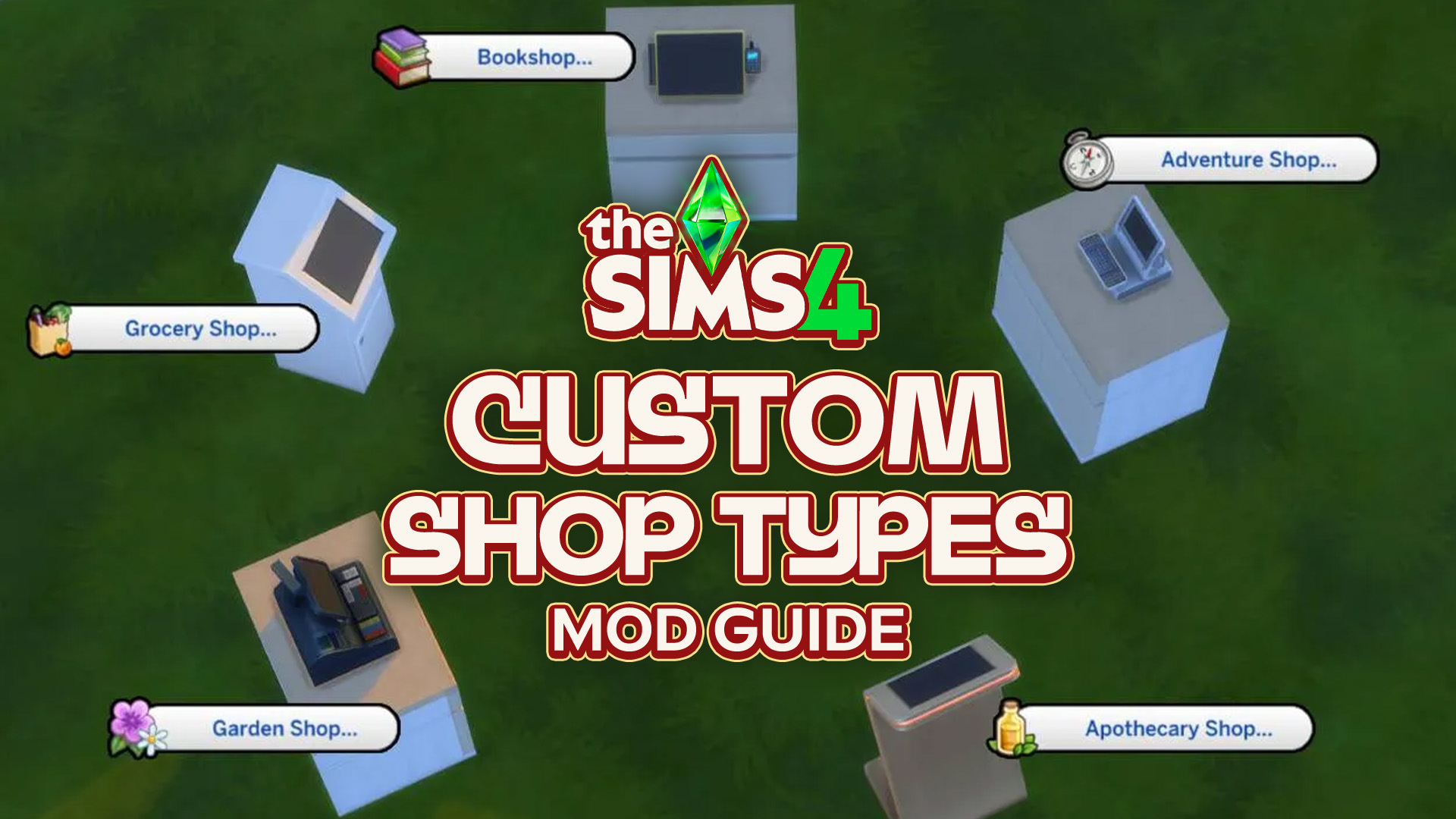
Have you ever wanted to be able to shop from home? What about the gym? How about the beach? Well, now you can! Well, in The Sims 4. Thanks to Simsefin’s Sims 4 Custom Shop Types mod! This mod turns every corner of any lot into a functional store, with a selection of items available…
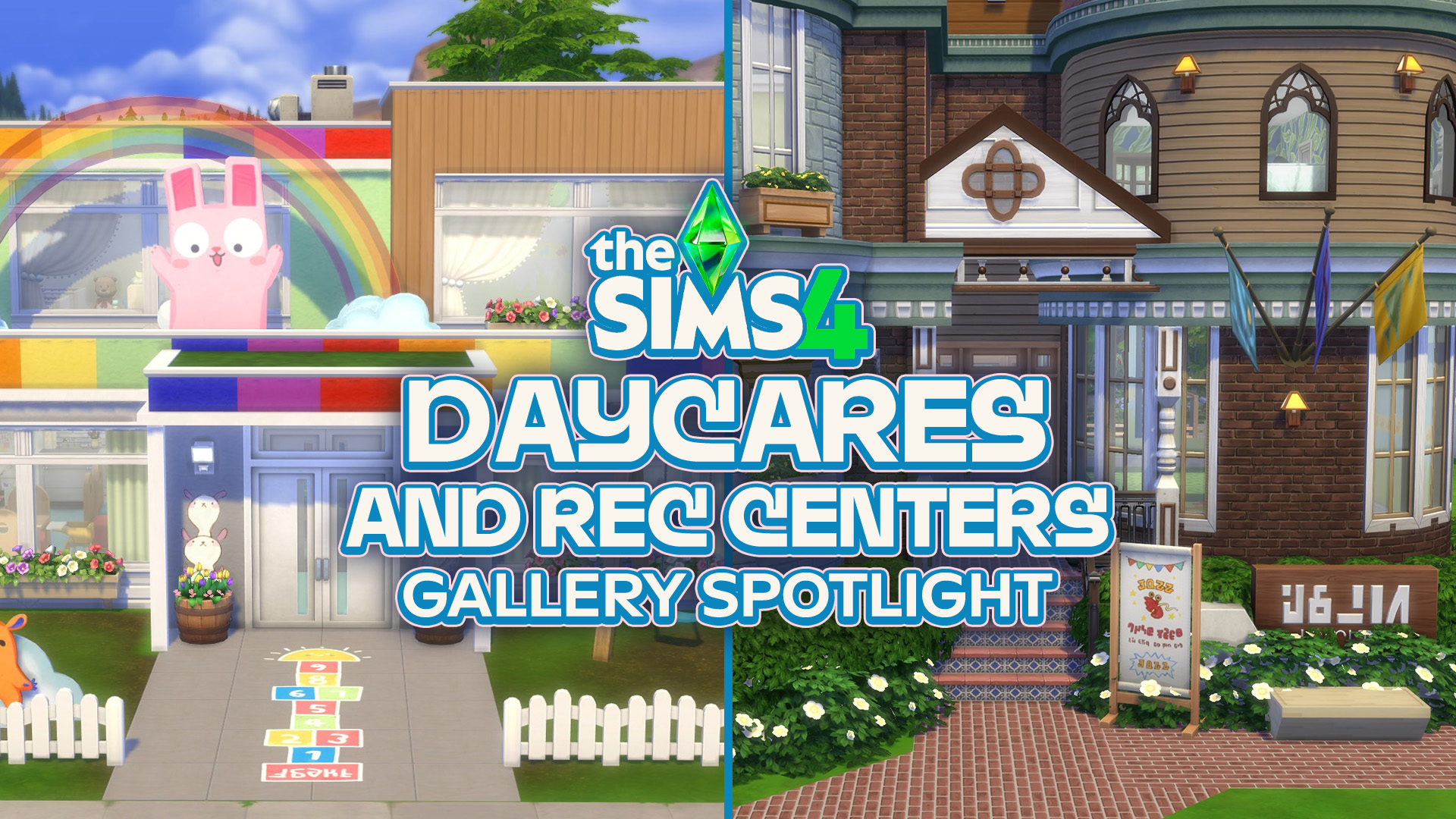
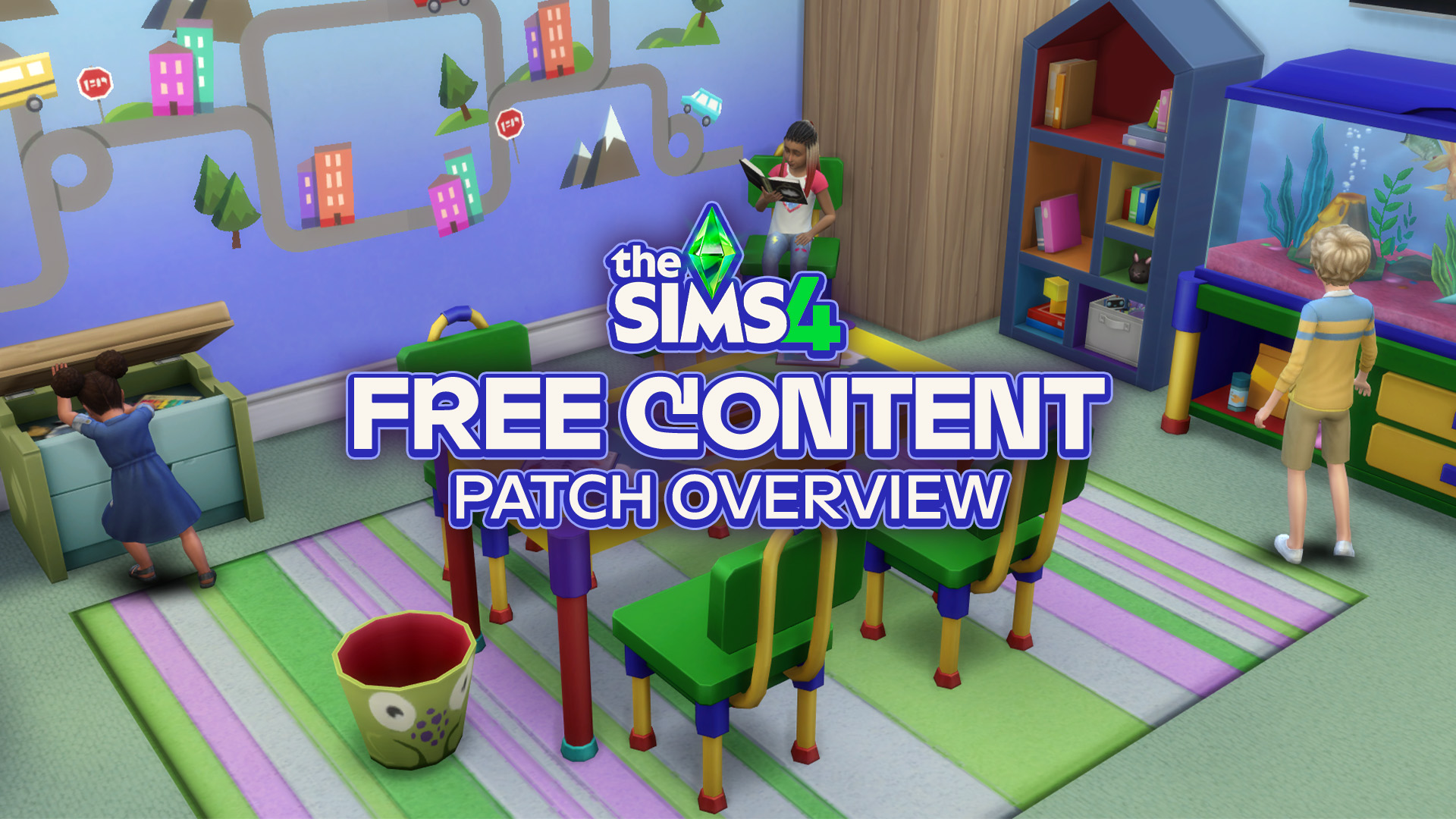
From adorable daycares to recreation centers packed with activities, these Gallery creations give your Sims new places to play, learn and spend time together. The September 22 update for The Sims 4 brought some adorable new additions for children, including furniture and decorations that make creating family-friendly spaces even more enjoyable. If you’re looking for…
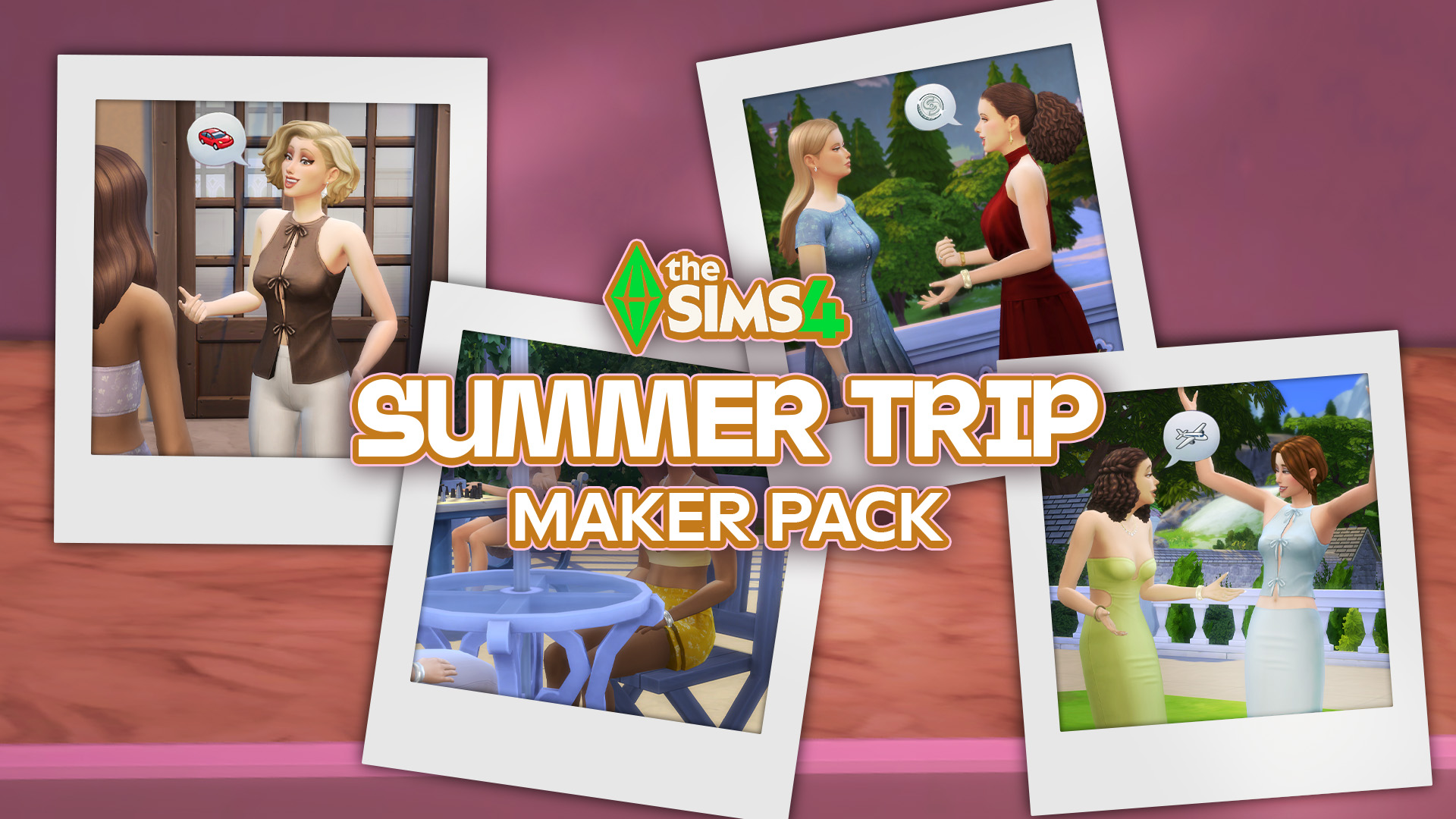
A single new release out now on The Sims 4 Marketplace! The Marketplace got updated with a single new Sims 4 Maker Pack today titled Summer Trip. For 3USD you get to enjoy 11 CAS items that revolve around feminine Tops, Bottoms, Outfits and Shoes. Check out the full preview down below and discover all…
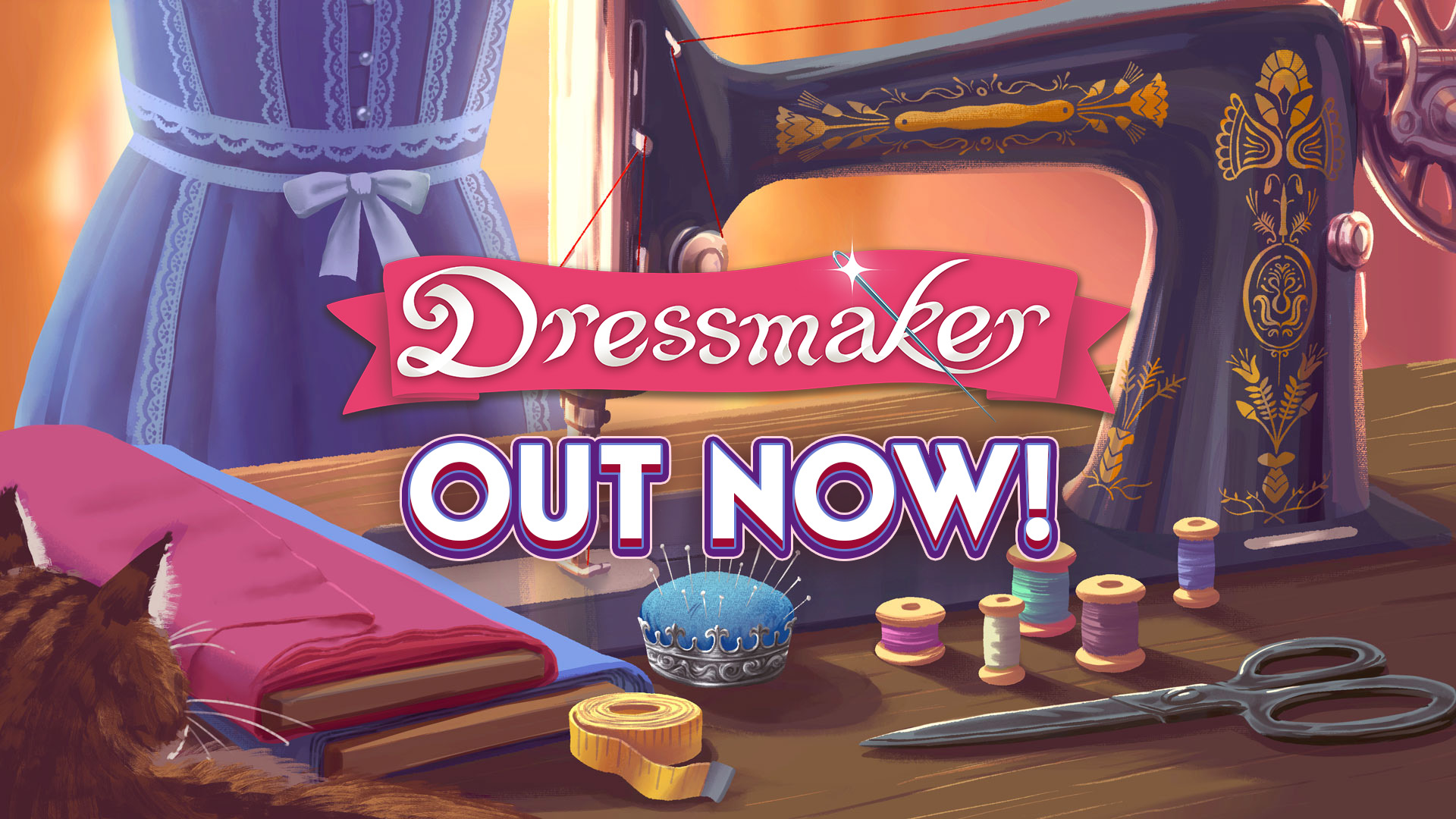
Here’s everything you need to know about the release of Free Lives’ new game, Dressmaker. Dressmaker, a cozy crafting game inspired by real dressmaking, is out now! The game has just released on Steam for Windows and Mac with a special launch discount. This charming job simulator brings crafting and storytelling together. You play as…
A brand new Sims 4 patch has been released across both PC and Consoles, bringing with it some new items (previously teased back in August) and a whole bunch of fixes and improvements! Let’s take a look at everything the latest update has to offer! Bug Fixes: New and Improved As with every update, there…
Discover everything new and fixed in today’s update! The Sims Team has just released a new The Sims 4 Update across PC, Mac, Xbox and Playstation supported consoles. The update includes over 95 bug fixes for the Base Game and Packs, including additional improvements to Sim Autonomy, Relationship & Family Dynamics, Infants & University and…


1 Comment
The classic EA tradition
Fix one bug, introduce three more.
Welcome to Sims Community!
Our community is about connecting people through open and thoughtful conversations. We want our readers to share their views and exchange ideas in a safe space.
In order to do so, we've created a simple set of rules that will improve your experience. Simply put, keep it civil.
Your post will/might be rejected if it contains:
User accounts will/might be blocked if we notice:
So, how can you be a power user?
Thanks for reading our community guidelines. Please note that we're aware of certain issues with Sign In / Log In and Create Account / Email Confirmation issues. We're working behind-the-scenes on a new Account Creation process. Thank you for your patience and remember - freedom of speech is not freedom of reach