

This Paralives MasterCore Mod lets you customise your entire game with ease!
If you are looking to take total control over your Parafolks, world mechanics, and storytelling, the Paralives MasterCore mod by NeonJay sets are an absolute must-have. MasterCore and MasterCheats give you full command over skills, relationships, physical appearances, and object states with the click of a button. It's like a cross between UI Cheats and MC Command Centre for The Sims 4.
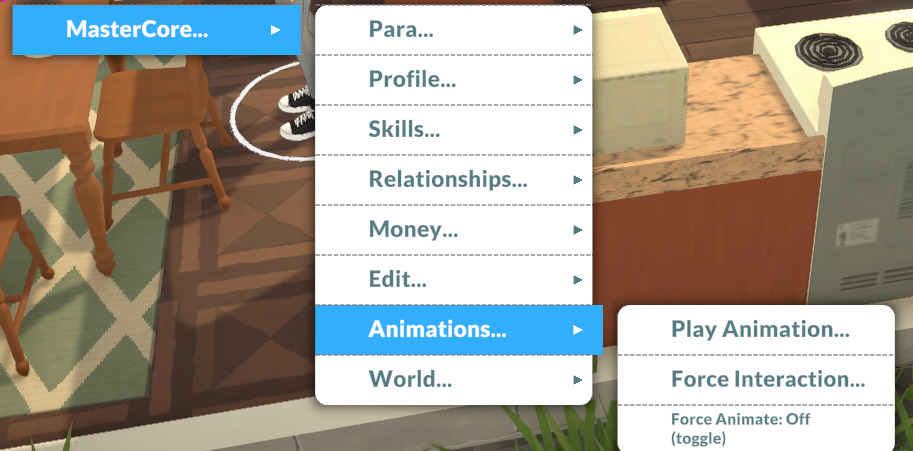
To utilise this tool just alt click on your Para, an object, or the floor to bring up the NeonJay menu.
We have covered a lot of Paralives news, including custom content and mod showcases, which you can read here.
Table of Contents
How To Install
Because this mod alters a lot of different things it can't be installed via Steam workshop, so take care following the steps below to make sure it all installs correctly.
Install BepInEx
Look for the BepInEx file in the requirements tab and install. Paralives is a 64 bit game so make sure you install this version or it will not work!
Add To Paralives Local Files
Open steam and right click on Paralives in the side panel, then go Manage > Browse local files to open the correct folder.
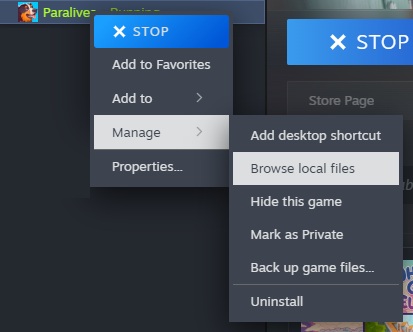
Add everything from the BepInEx files to this folder. This is also where you will add the mod modules you want to play with.
Repeat For The Other MasterCore Mod Folders
Follow that process for all the mod files you want to install!
It's important that you move everything from the folders to the files folder to make sure everything works properly.
Once you've done this you'll see the NeonJay menu pop up in the corner of the game on startup!
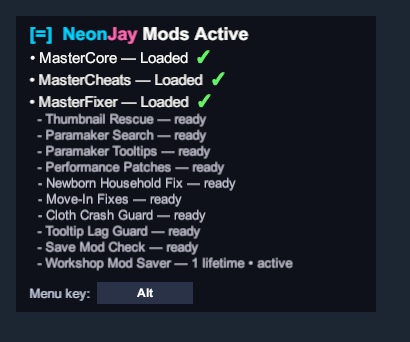
Everything Included In This Mod
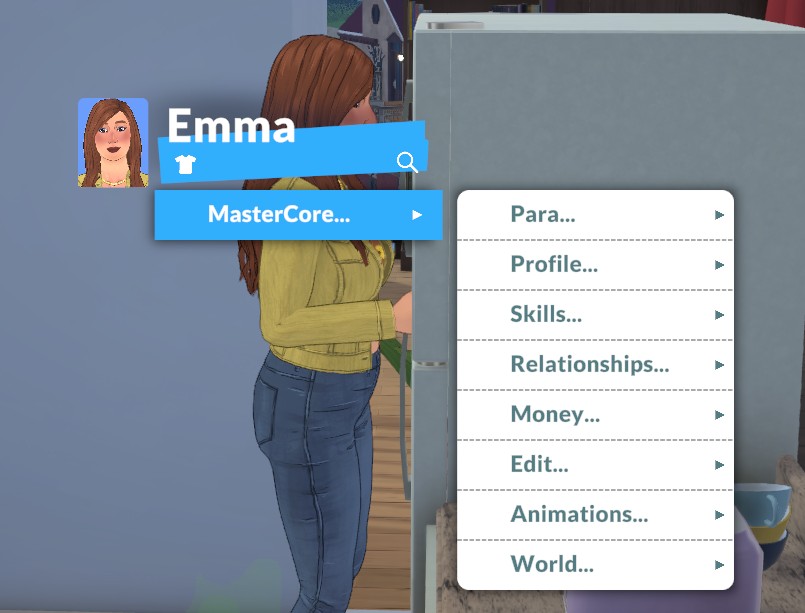
These mods truly do let you change everything about your game, so we're going to break down the main components of the MasterCore menu below.
Para
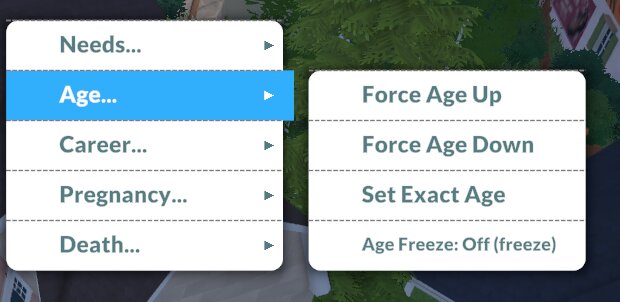
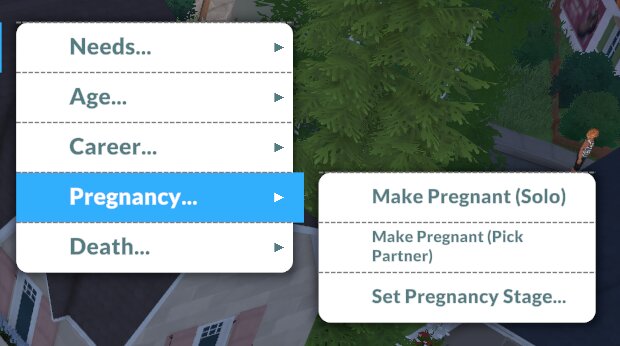
Everything in the Para menu is designed to easily edit your Parafolk.
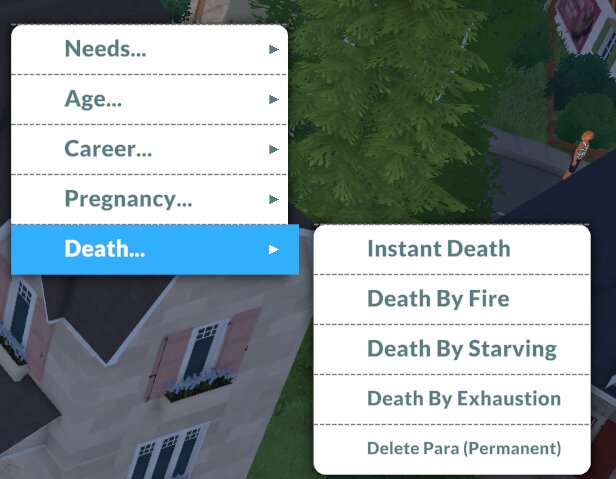
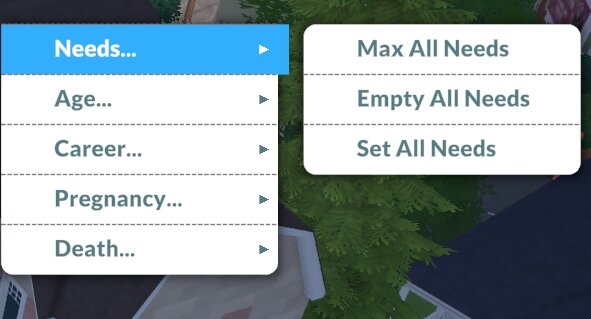
- Needs: An easy way to max or empty all of your selected Parafolk's needs.
- Age: Easily force your Parafolk to age up or down, or to adjust your auto ageing preferences.
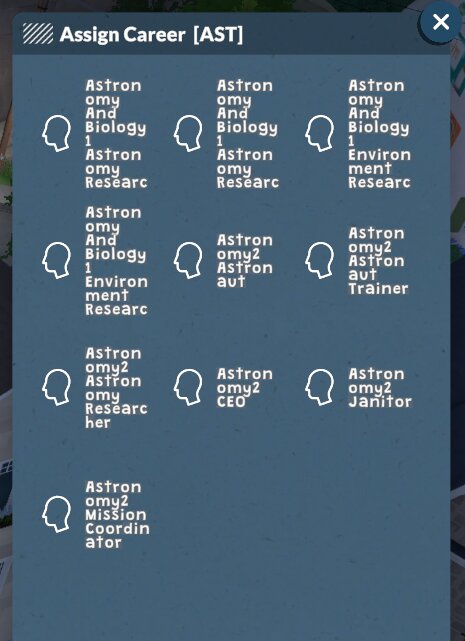
- Career: Add your Parafolk into any in-game career, regardless of application points, just be aware that doing this to get your Paras into a job they're very underqualified for probably means they will get fired pretty quickly.
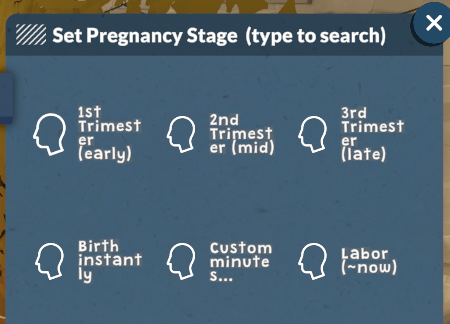
- Pregnancy: Change the stage of your Parafolk's pregnancy or even start one instantly!
- Death: Instantly kill off any Parafolk, and choose how they die.
Profile
The options in this menu let you change what makes and motivates your Parafolk.
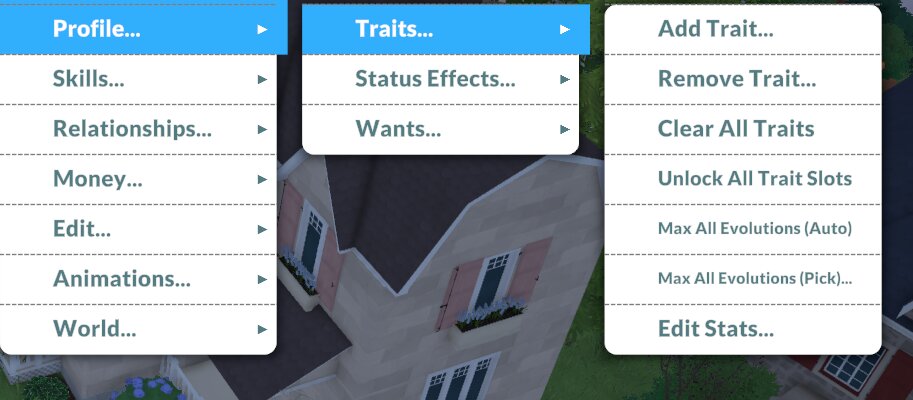
- Traits: Add or remove traits from your selected Parafolk.
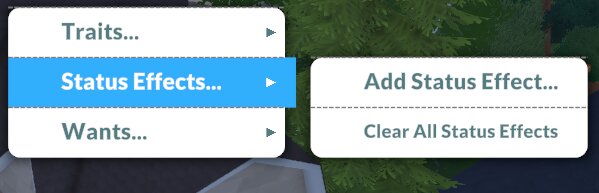
- Status Effects: This will add or remove buffs like depressed, stressed, happiness aura, or similar moods that impact your Parafolk, using a type to search function so you can easily find what you're looking for.
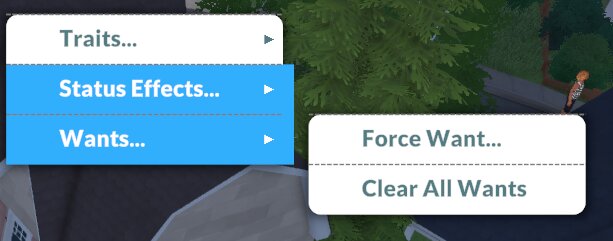
- Wants: Easily add or remove wants.
Skills
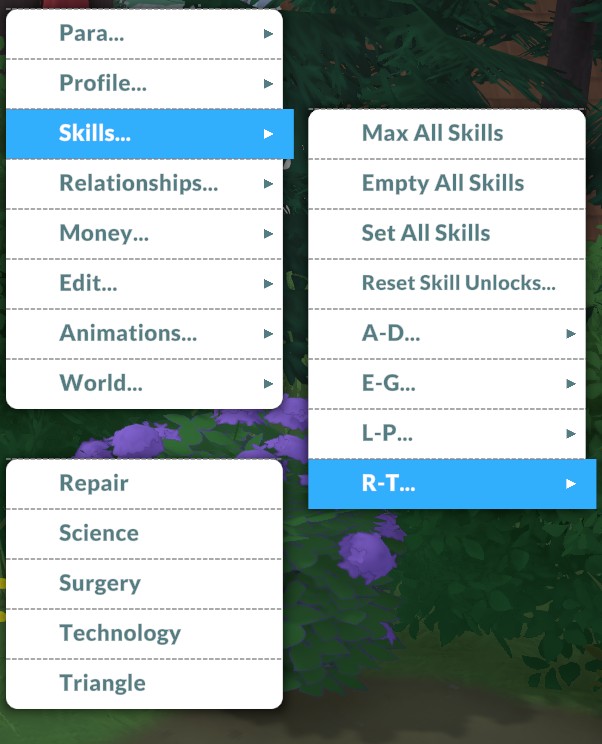
Easily max or empty all skills, set the skill level for particular skills, or reset any skill unlocks.
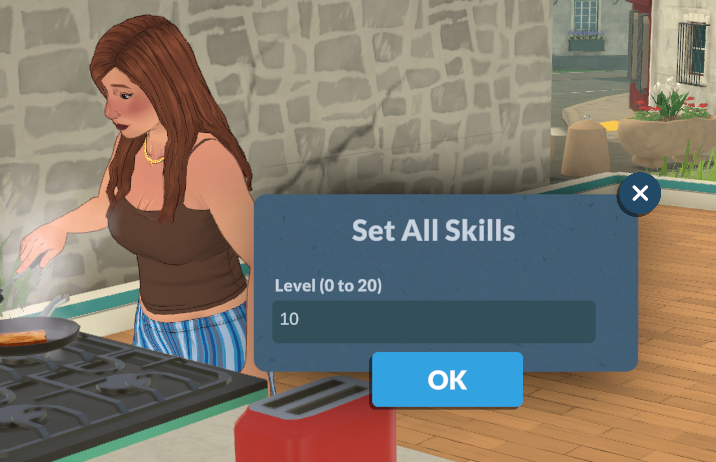
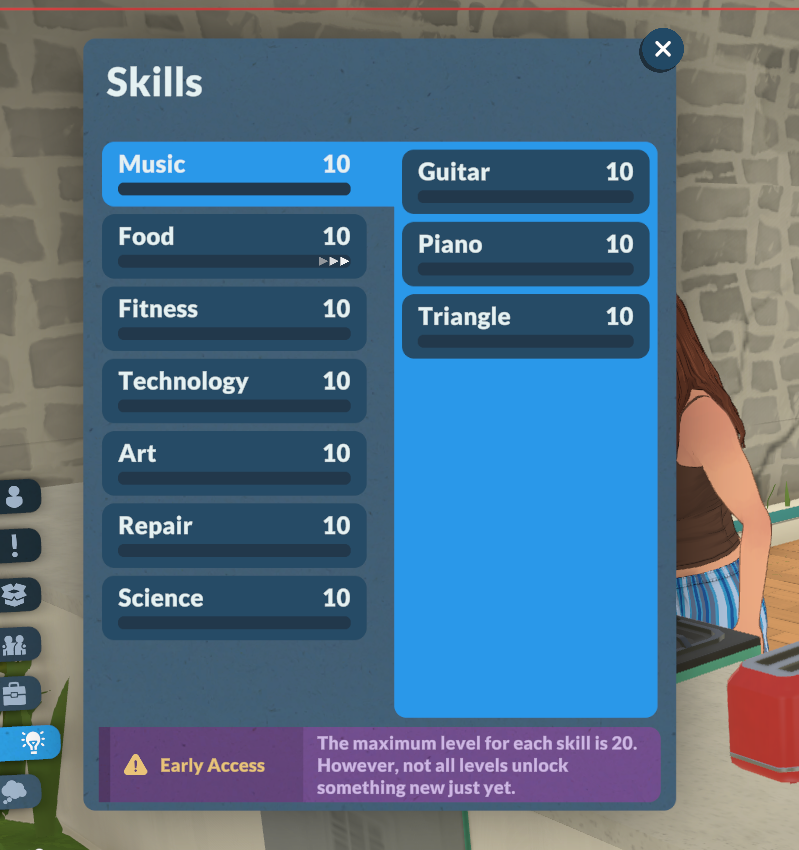
There are still some skills that you aren't able to access easily so this cheat is a really useful way of being able to make sure you're able to skill up and progress in your careers.
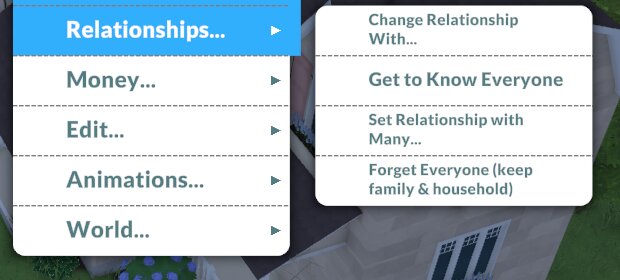
Relationships
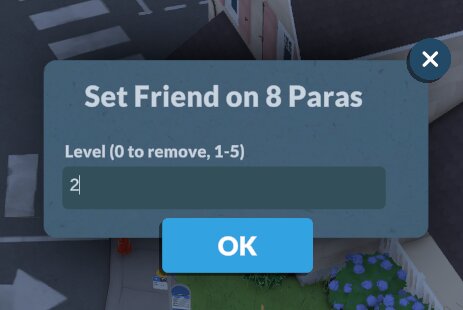
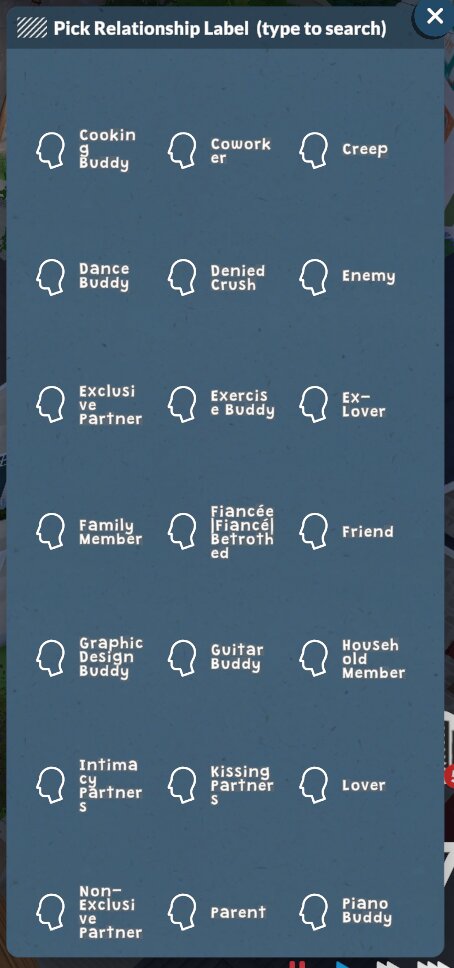
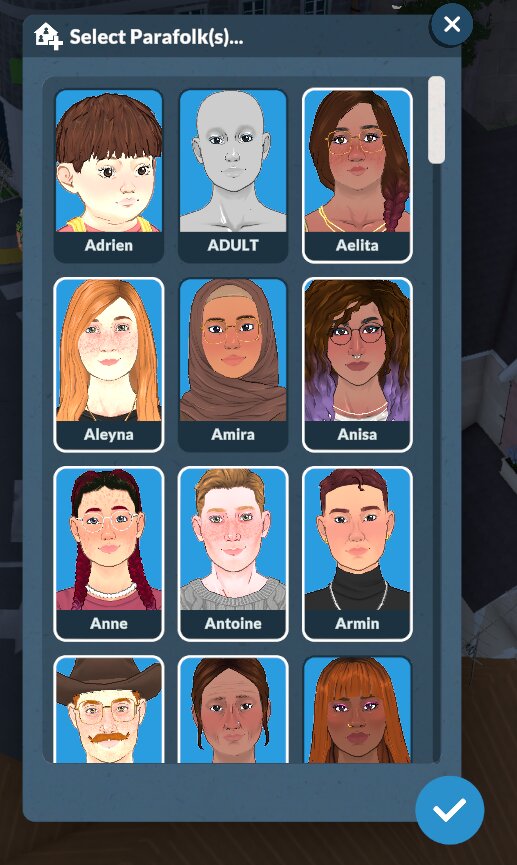
Add or change relationships between your Para and everyone else in town with ease!
World
All of the options in the world menu impact more than just your household, they'll change things for all of Melino.
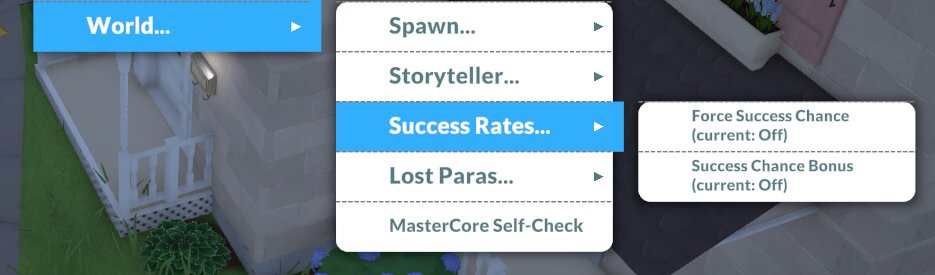
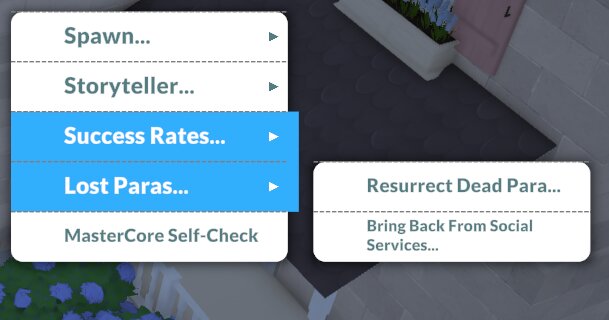
It also gives you an easy way to edit your storyteller settings without having to go into the settings menu, and lets you force success on interactions which could fail.
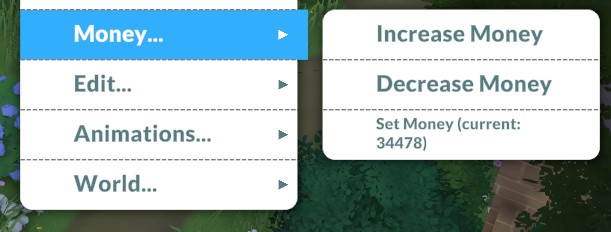
Money
Using these money cheats you can add or remove paradimes easily.
Edit
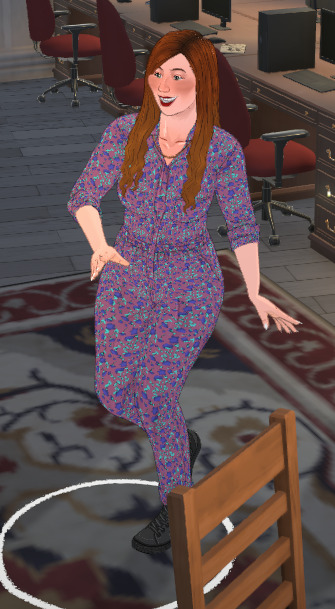
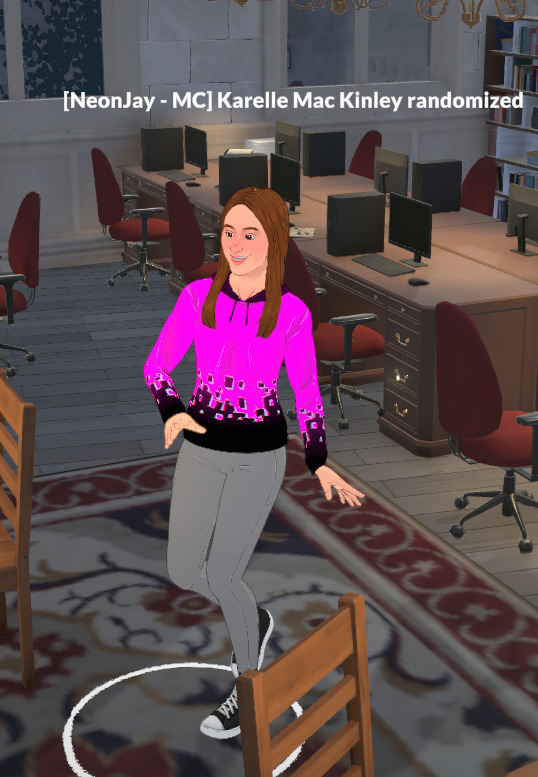
In the edit menu you can change your Para's appearance.
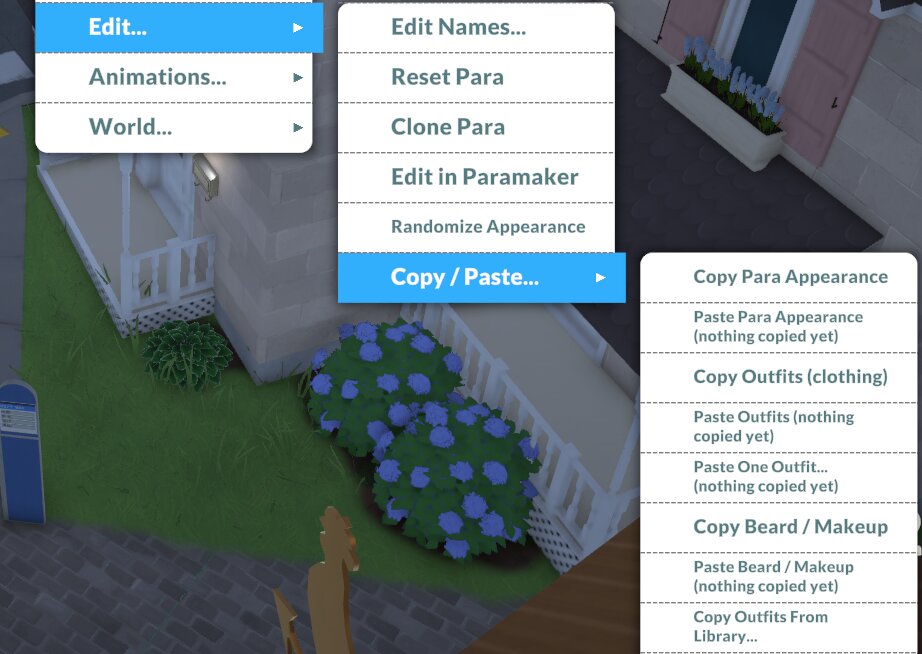
You are able to copy and paste make-up, clothing, and facial hair from other Paras and paste them onto your household, or you can randomise their entire appearance.
Animations
Easily run force animations for your selected Para. Once selecting either play or force animation the mod will bring up a type to search menu for you to find the animation you want to run, similar to using the poses in photo mode.
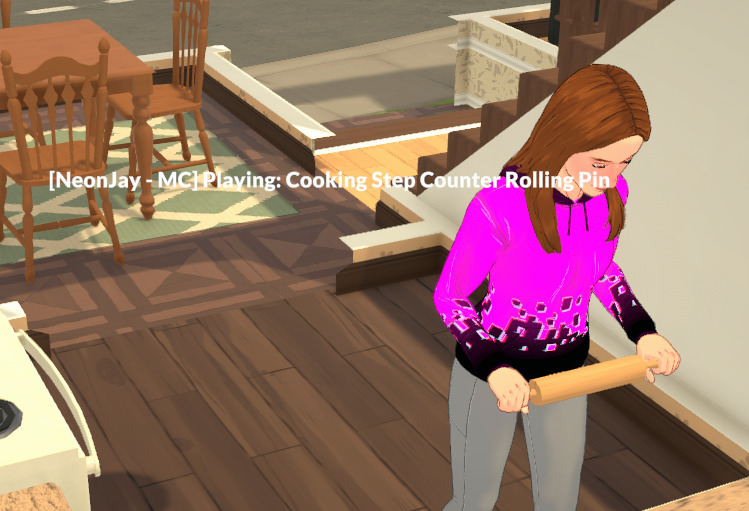
Testing this, it will work fine as long as your Para aren't in the middle of an animation already.
Objects
It's not just Parafolk that can be edited with this mod!
Alt clicking on any object in the game you'll be able to toggle for sale state, and make the object on fire or burnt.
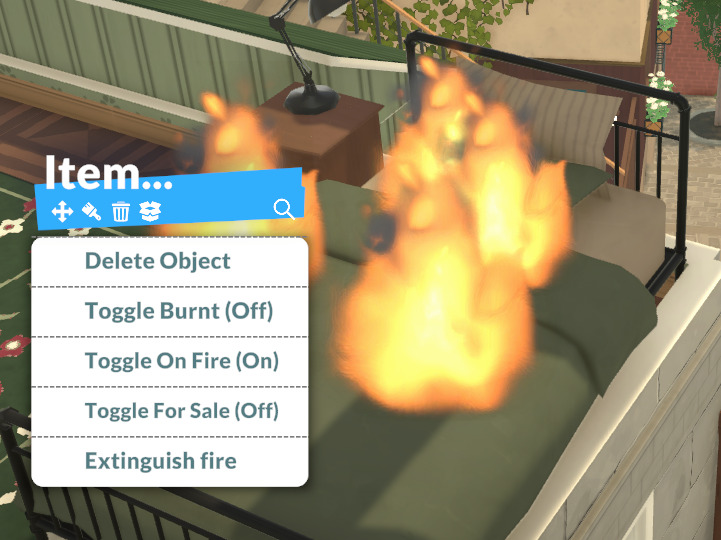
These can be toggled on and off, so its also handy if you have a fire that just can't be put out!
Floor
Alt clicking on the floor will give you the option to spawn Paras around town.
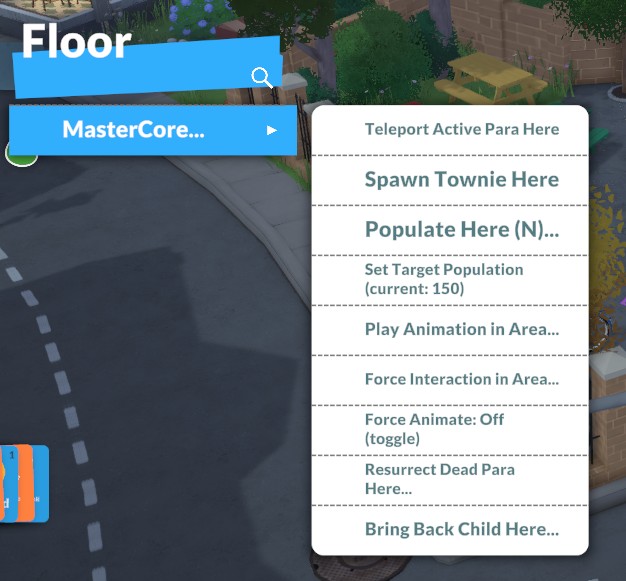
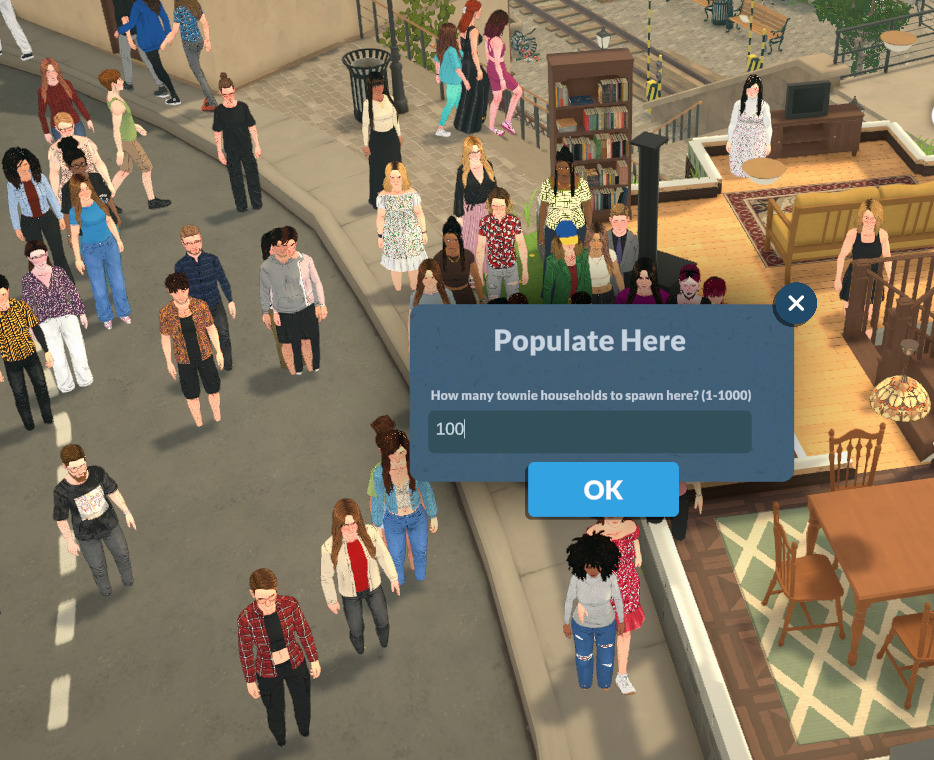
You can also force an animation or interaction in any area you click and it will affect all Parafolk in that area.
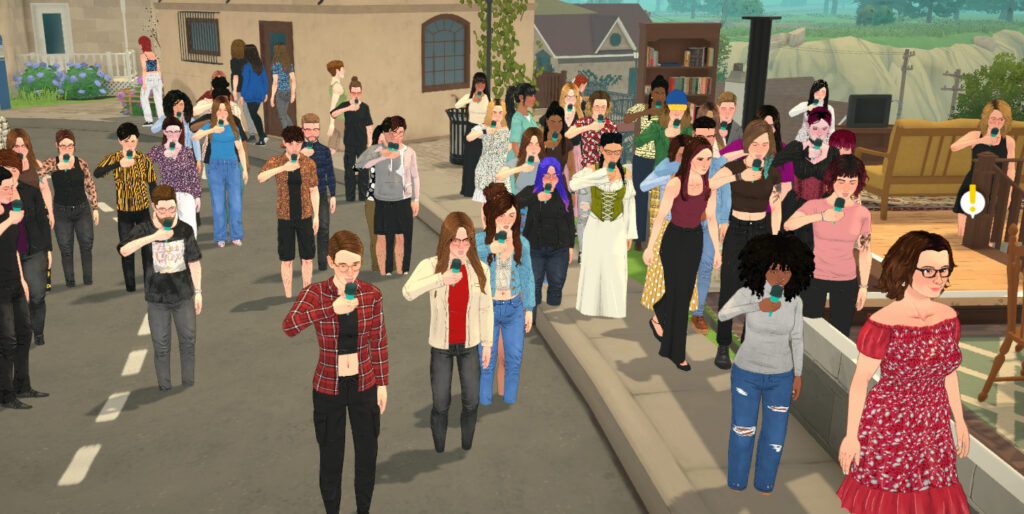
This mod gives you an incredible amount of customisation and control over not just your own household but over the entire town. Like similar mods such as MC Command Centre and UI Cheats, once you have it installed you will wonder how you played the game without it.
Let us know what you think below!
0 Comments
Be the first to comment.
Welcome to Sims Community!
Our community is about connecting people through open and thoughtful conversations. We want our readers to share their views and exchange ideas in a safe space.
In order to do so, we've created a simple set of rules that will improve your experience. Simply put, keep it civil.
Your post will/might be rejected if it contains:
User accounts will/might be blocked if we notice:
So, how can you be a power user?
Thanks for reading our community guidelines. Please note that we're aware of certain issues with Sign In / Log In and Create Account / Email Confirmation issues. We're working behind-the-scenes on a new Account Creation process. Thank you for your patience and remember - freedom of speech is not freedom of reach