Character creation is one of the core features that a life sim game must have. Whether you want to see yourself in the game, bring a beloved character to life, or start fresh with an all-new persona, the character creator is where you can start imagining what gameplay you will want to have. The ability to customize everything is one of the biggest necessities in character creation.
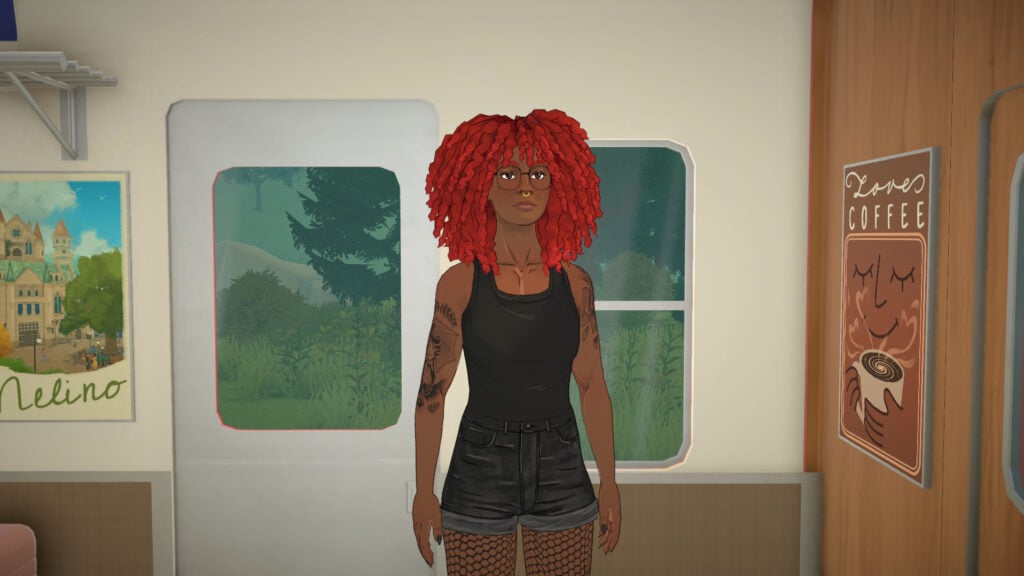
The Paramaker brings back player-favorite features such as the color wheel, while also presenting completely new character creation methods, such as not restricting options by gender, with all features being available by default for any Parafolk.
Let’s take a look at the Paramaker features!
Paramaker Features
What is Paramaker?
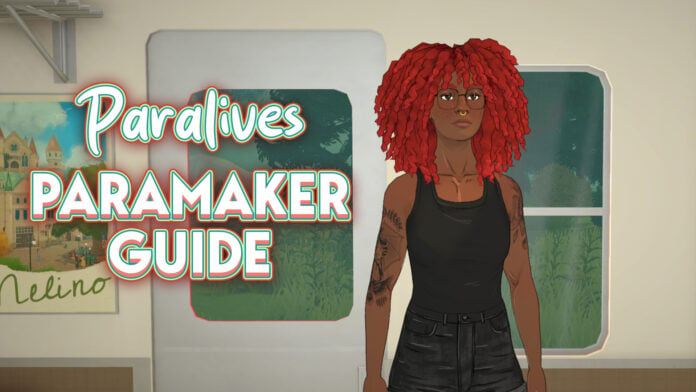
The Paramaker (PAM for short) is Paralives’ character creation tool. It’s one of the game’s largest features and has been teased to be one of the most highly customizable character editors ever seen in a life simulation game. One of the most anticipated returns for this character creation mode is the color wheel, as well as totally new ways to create a character, such as not restricting body parts and clothing pieces by gender.
We previously discussed Paramaker features in our article Paramaker Crash-Course: Everything We Noticed In The Recent Paralives Stream, but now that we’ve had exclusive access, and we can share our own impressions with you!
Paramaker Features
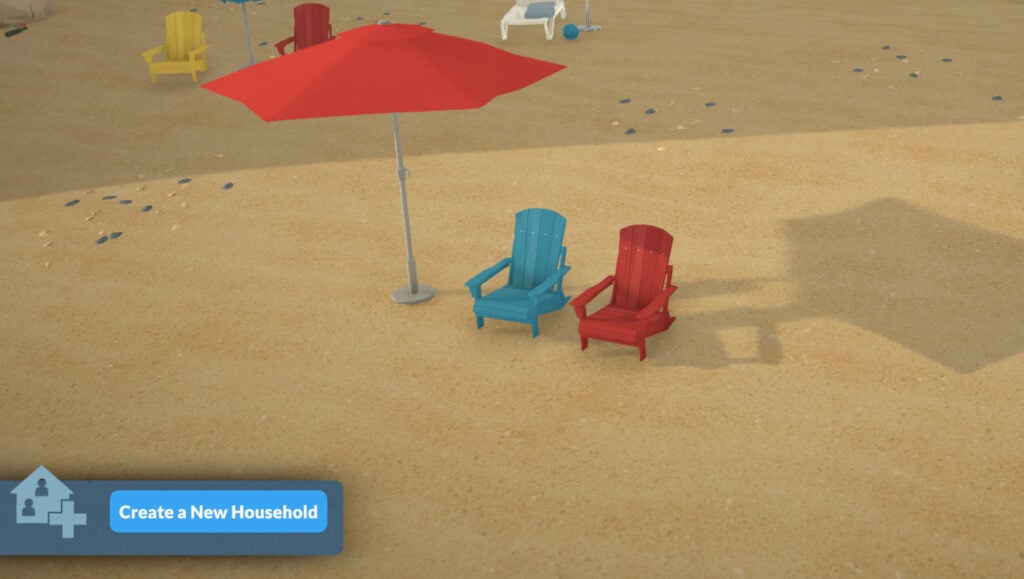
When starting a new household (whether after the tutorial, in an existing town, or a new town), the game will randomize one Parafolk with visuals ready but with no personality or name added to them. It was discussed in the past in their Patreon post Randomization in the Paramaker, Bugs Showcase & Conversations.
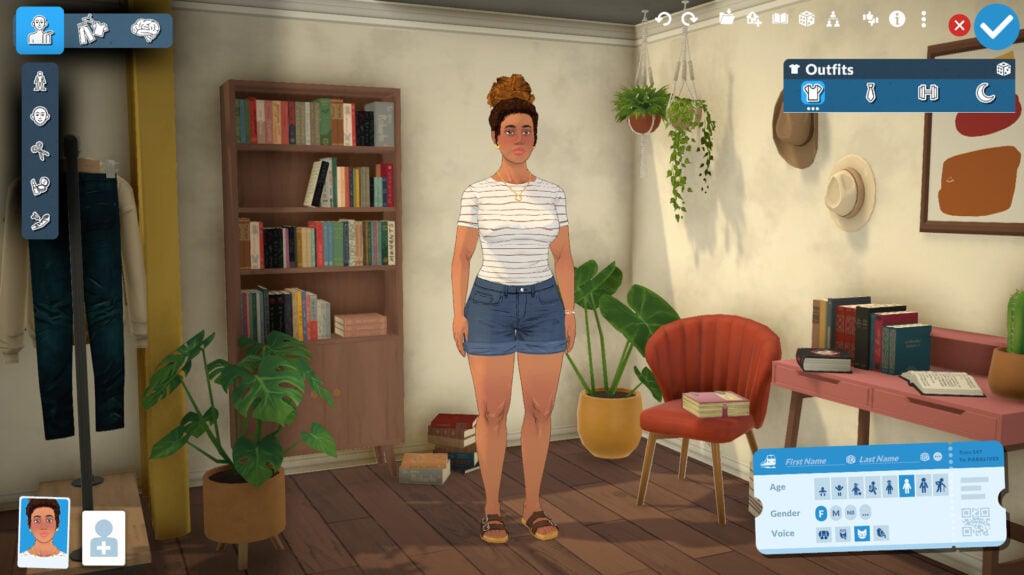
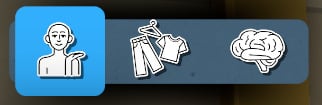
The three main categories in the Paramaker (menu at the top-left) are: Appearance, Clothing, and Personality. You can see the name of each category by hovering the mouse over it!
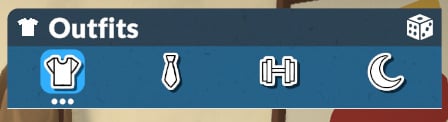
You’ll also be able to customize an indefinite number of outfits (menu at the top right) for the categories: Everyday, Formal, Workout, and Pajamas.
Let’s start talking about Appearance customization.
Appearance
In the Appearance menu, you can edit all of your Parafolks’ physical features, including skin tone, eye color, body shape, hair, makeup, and tattoos.
Body
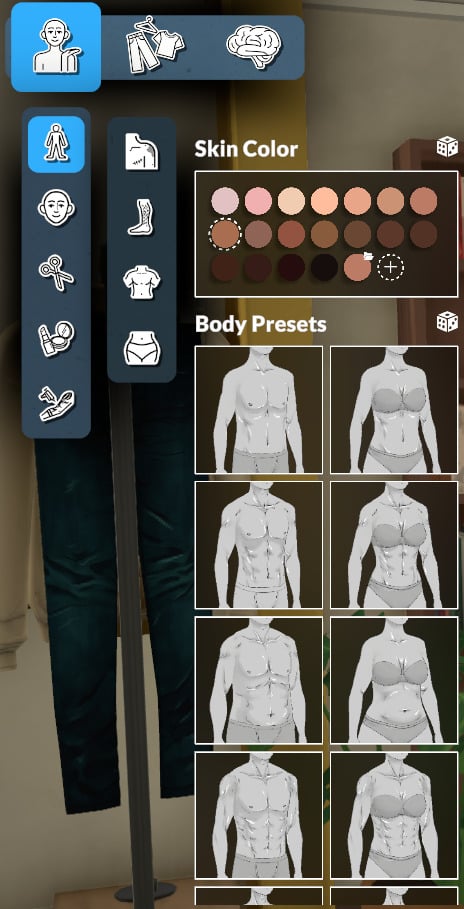
In this section, you can select and customize everything related to the body of your Parafolk, like skin color, body type, body hair, chest shape, and bottom shape.
Skin Color
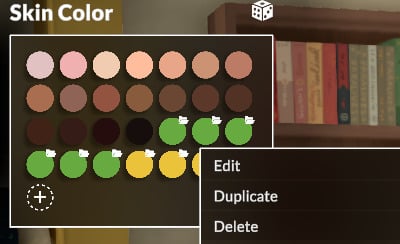
The Paramaker offers a preset with 18 skin tone options for you to choose from, and with the Style Creation Mode, you can literally create any color you want with the help of the color wheel and other customization options, as shown in the images below:
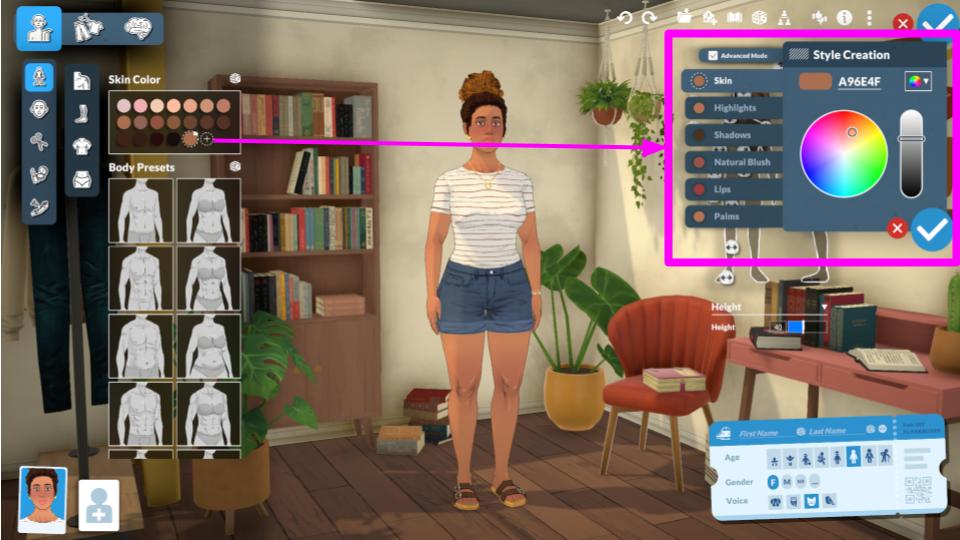
The Advanced Mode is pre-enabled by default, and with it you can customize individually: Skin, Highlights, Shadows, Natural Blush, Lips, and Palms.
Pro-tip 1: You can also deactivate Advanced Mode to create a base to work with without being overwhelmed by so many options!
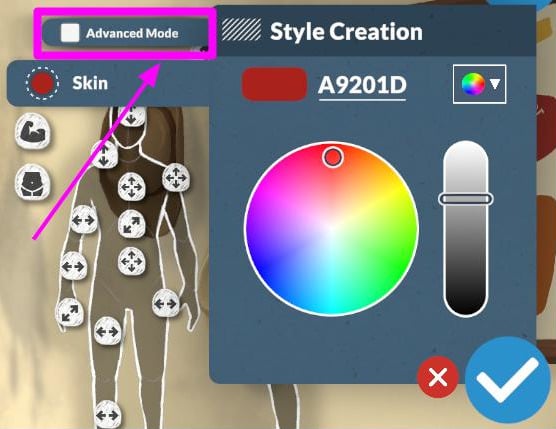
Pro-tip 2: All your custom colors are saved and you can delete duplicate or edit it by clicking with the right mouse button.
Body Preset
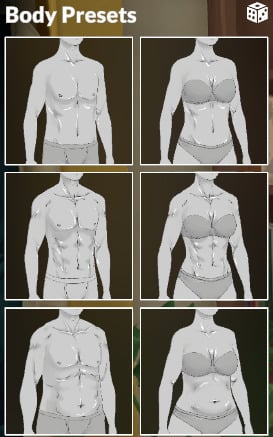
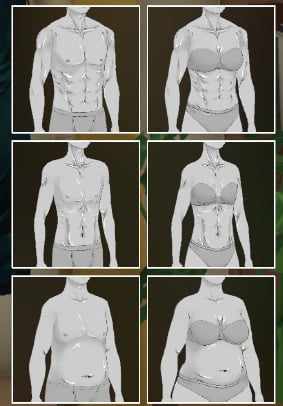
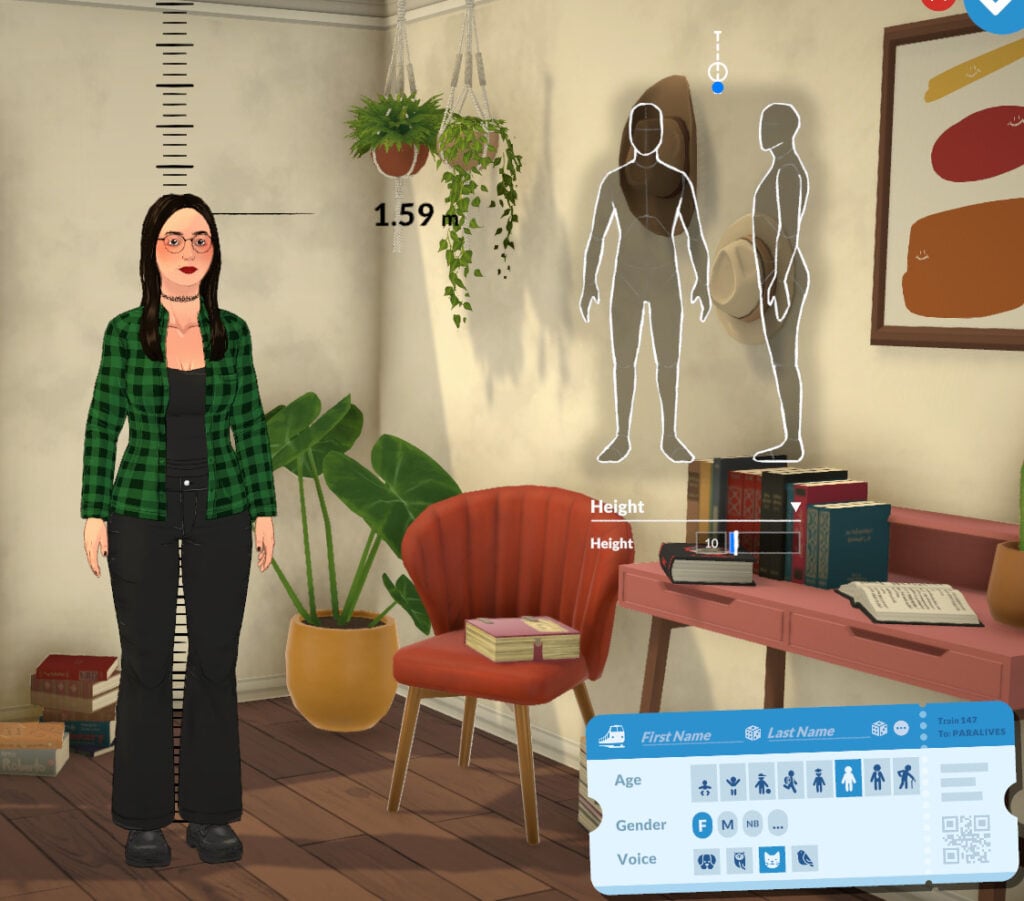
In addition to skin tone, you can select from 12 body presets, which you can then customize using the sliders on the right side of the screen.
Custom Slides and Height Dropdown Menu
Skin Details (for Bodies)
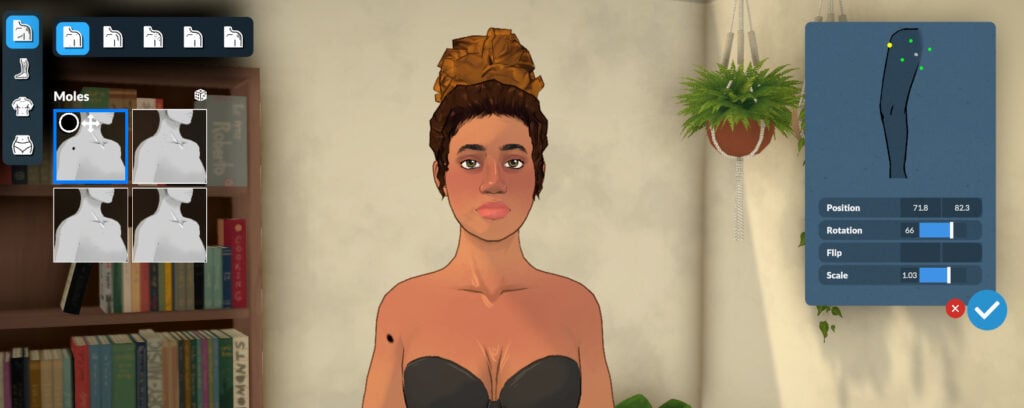
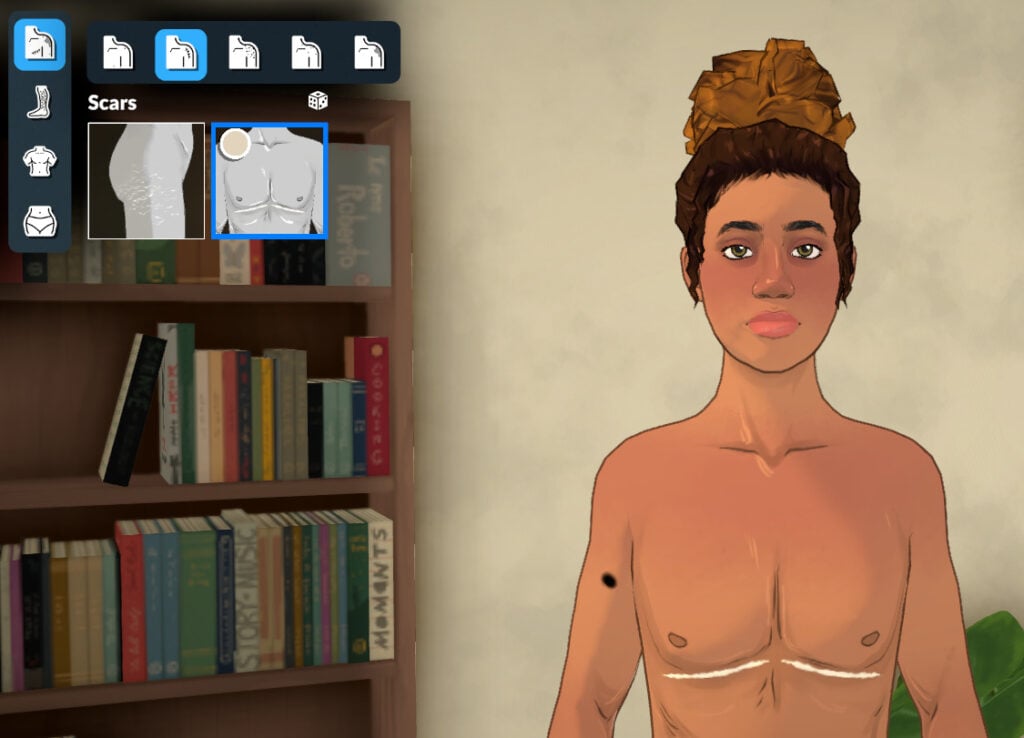
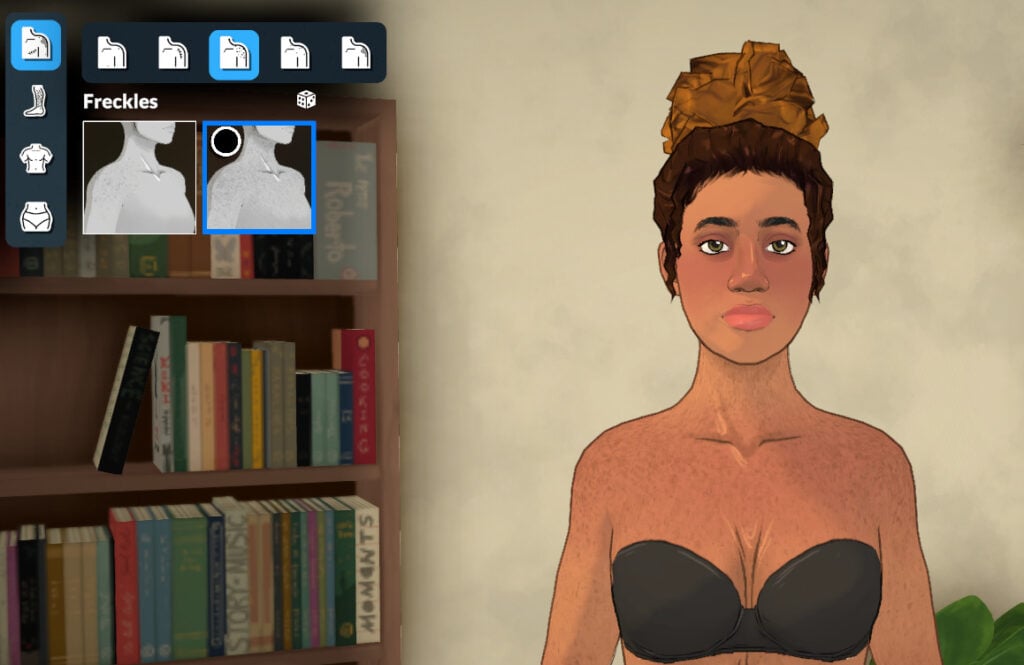
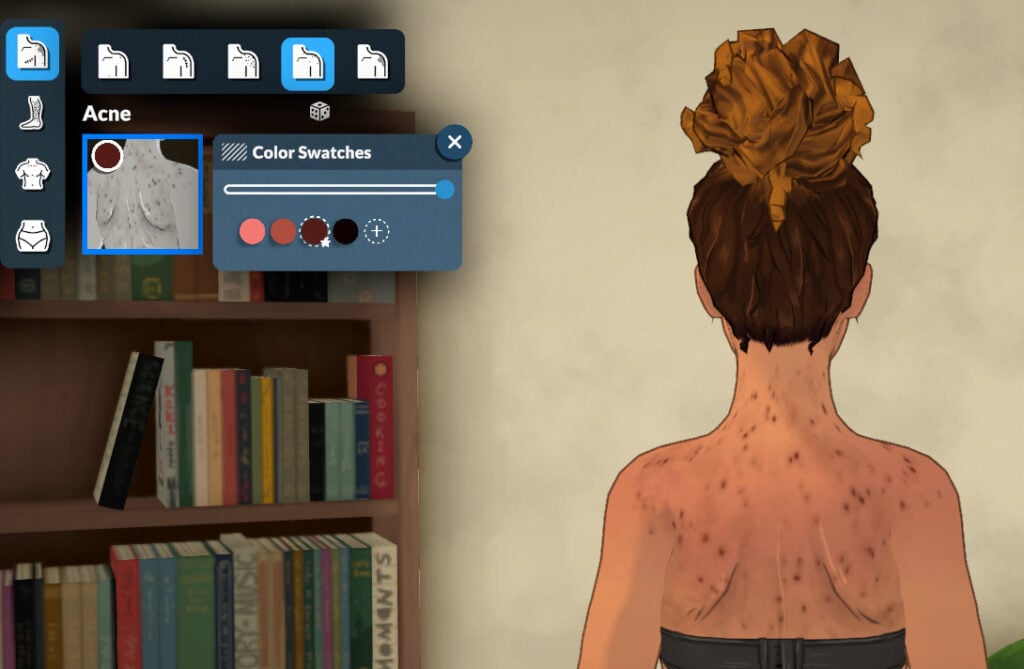
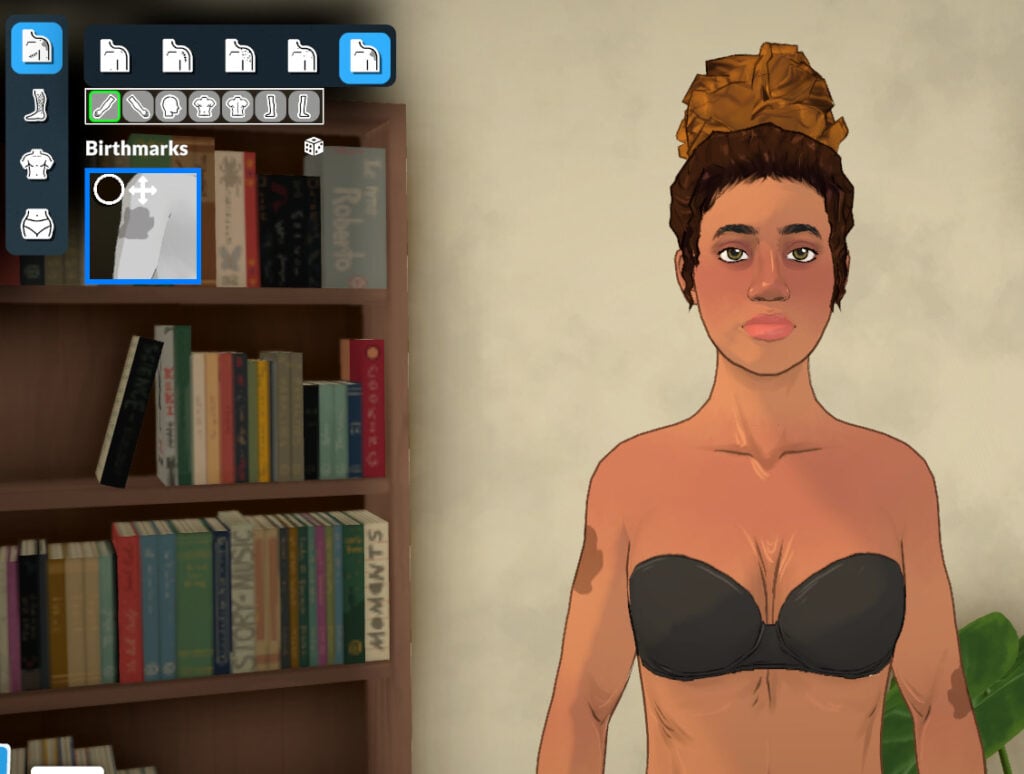
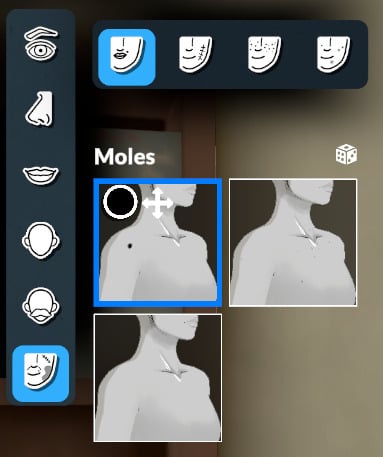
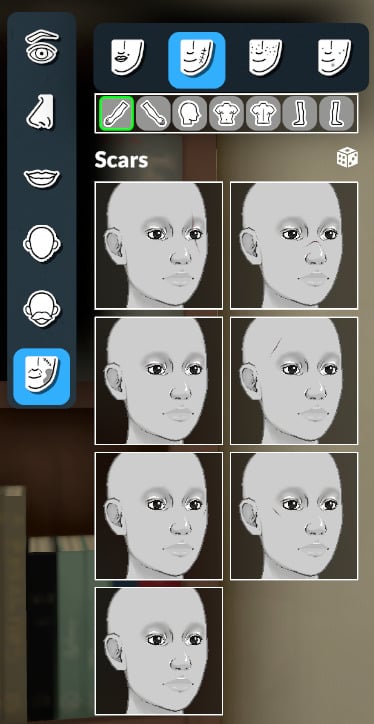
You can choose skin detail presets to add to your Parafolk, and you can customize the placement of some of the moles and birthmarks. The subcategories for body skin details are: Moles, Scars, Freckles, Acne, and Birthmarks.
Body and Facial Hair
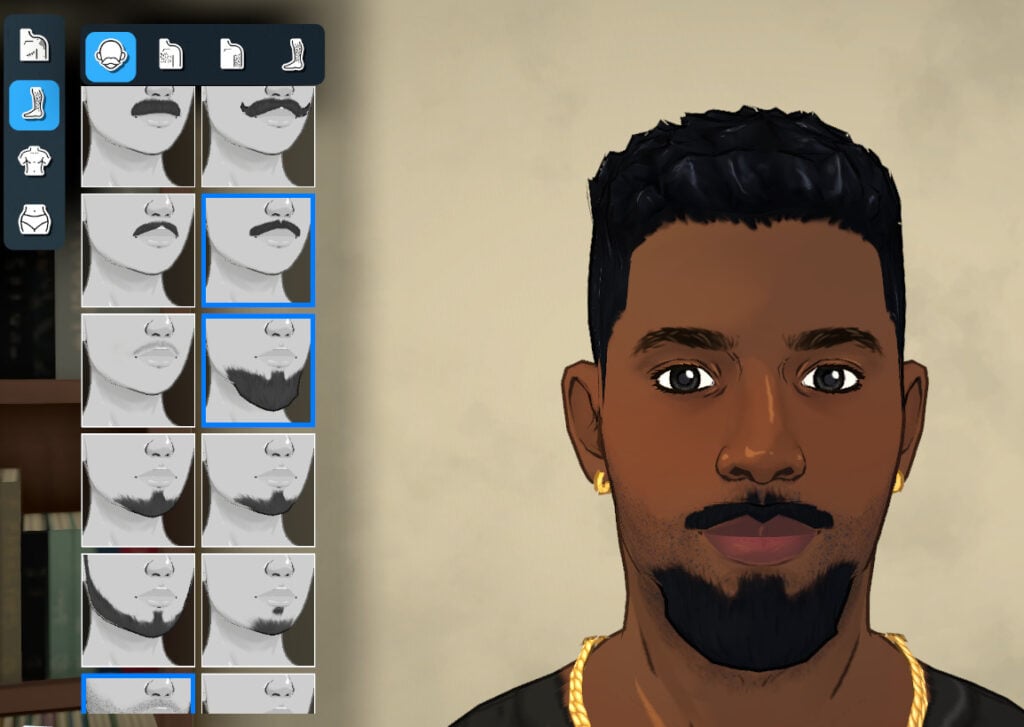
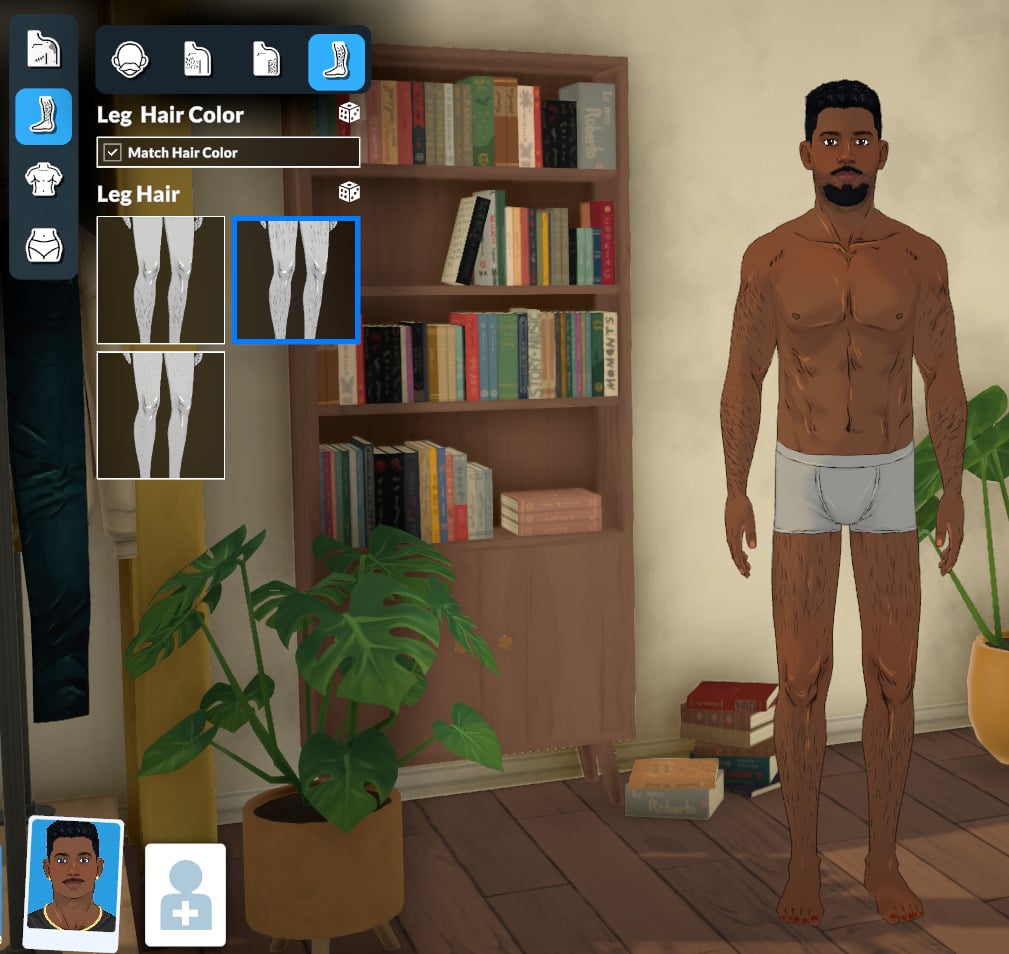
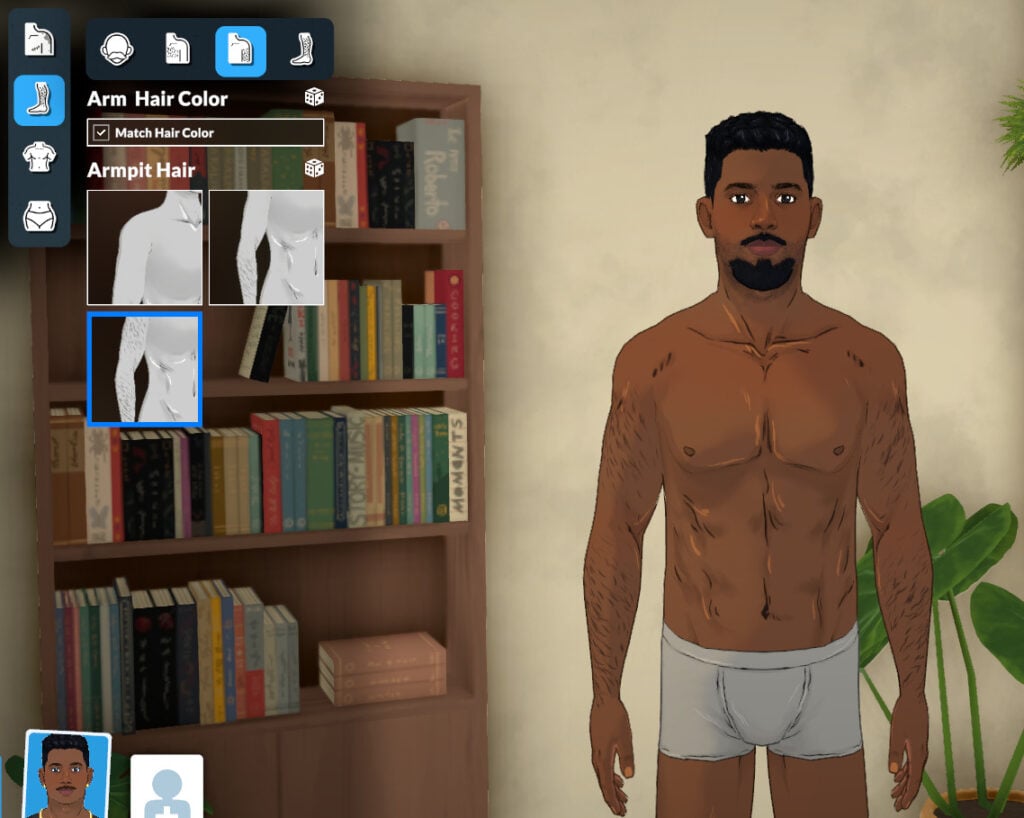
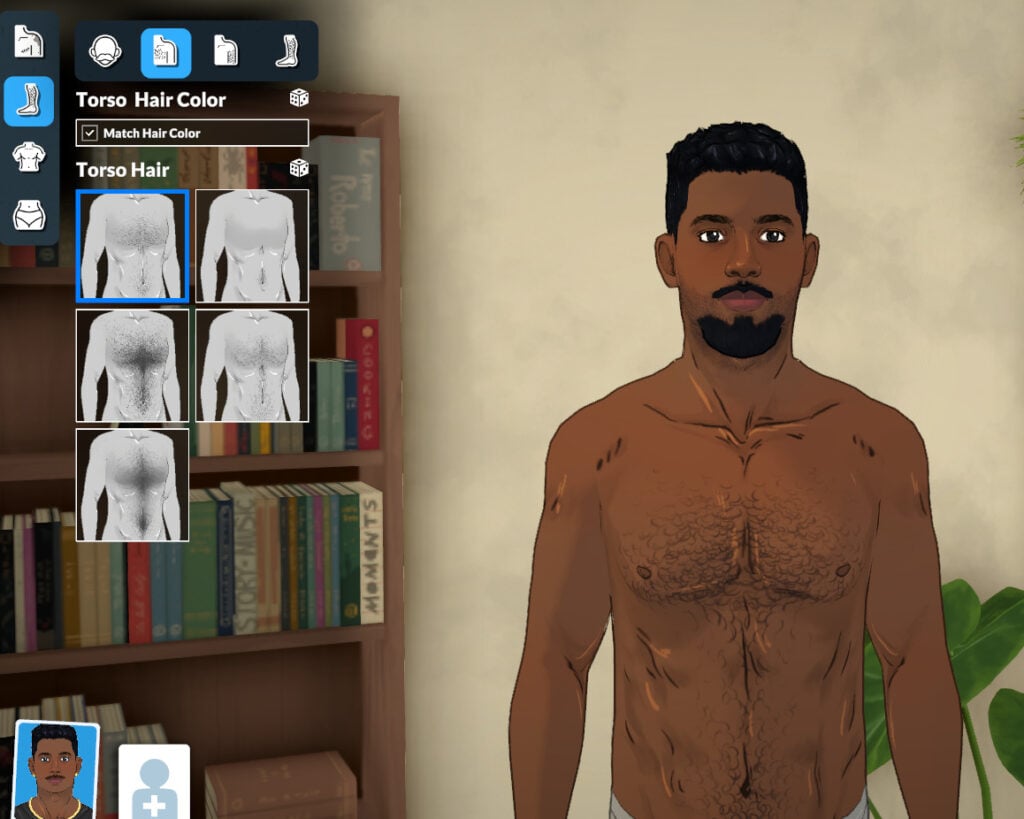
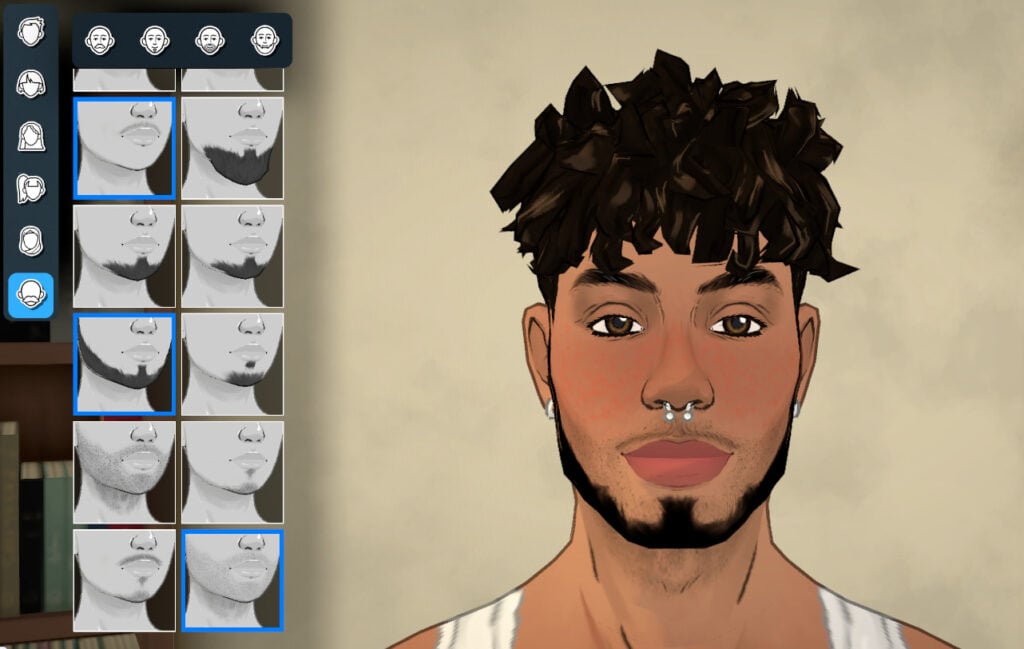
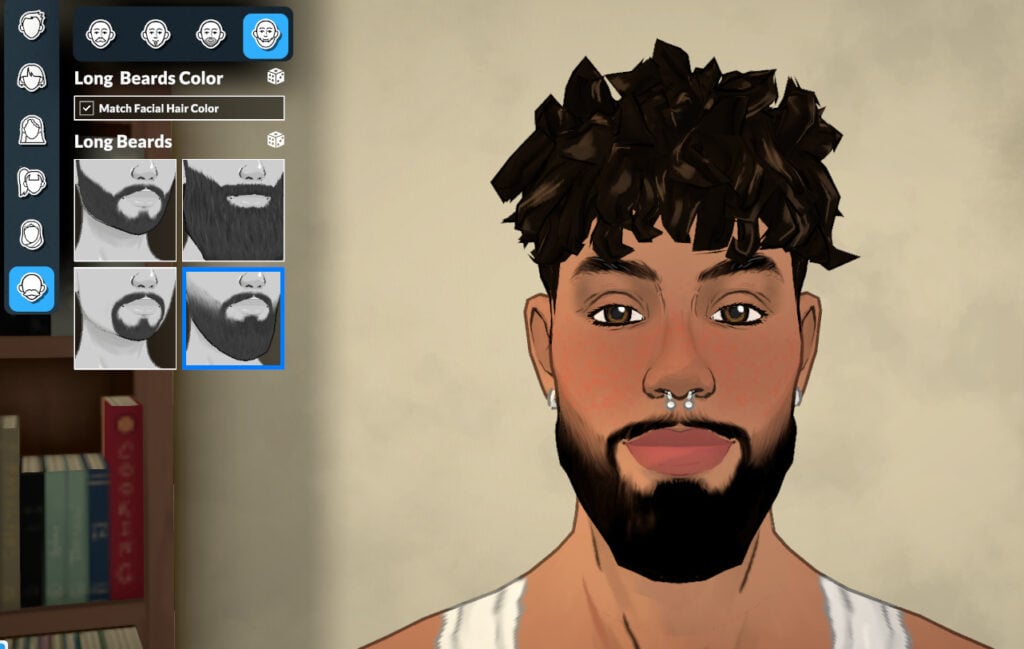
You can customize your Parafolk with 10 presets for body hair and 18 presets for facial hair. The subcategories are: Facial Hair, Torso Hair, Arm Hair, and Leg Hair. You can combine up to 3 types of facial hair (one from each category) to create unique styles!
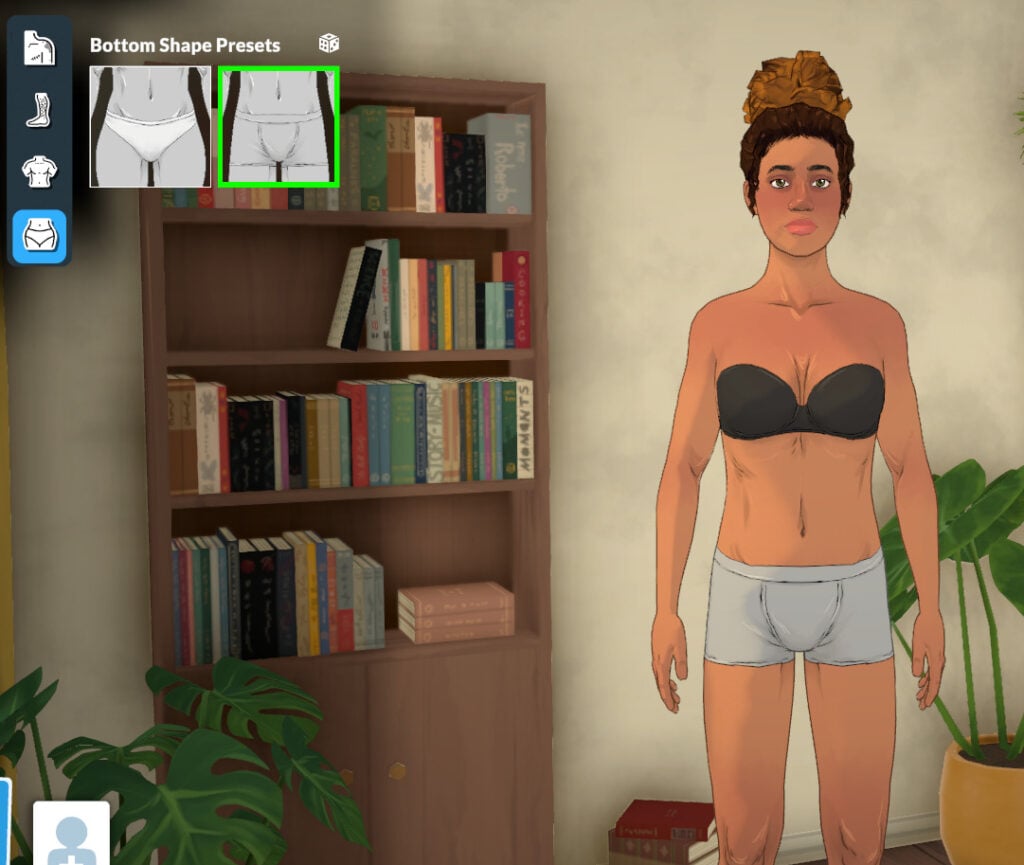
Chest and Bottom shape Presets
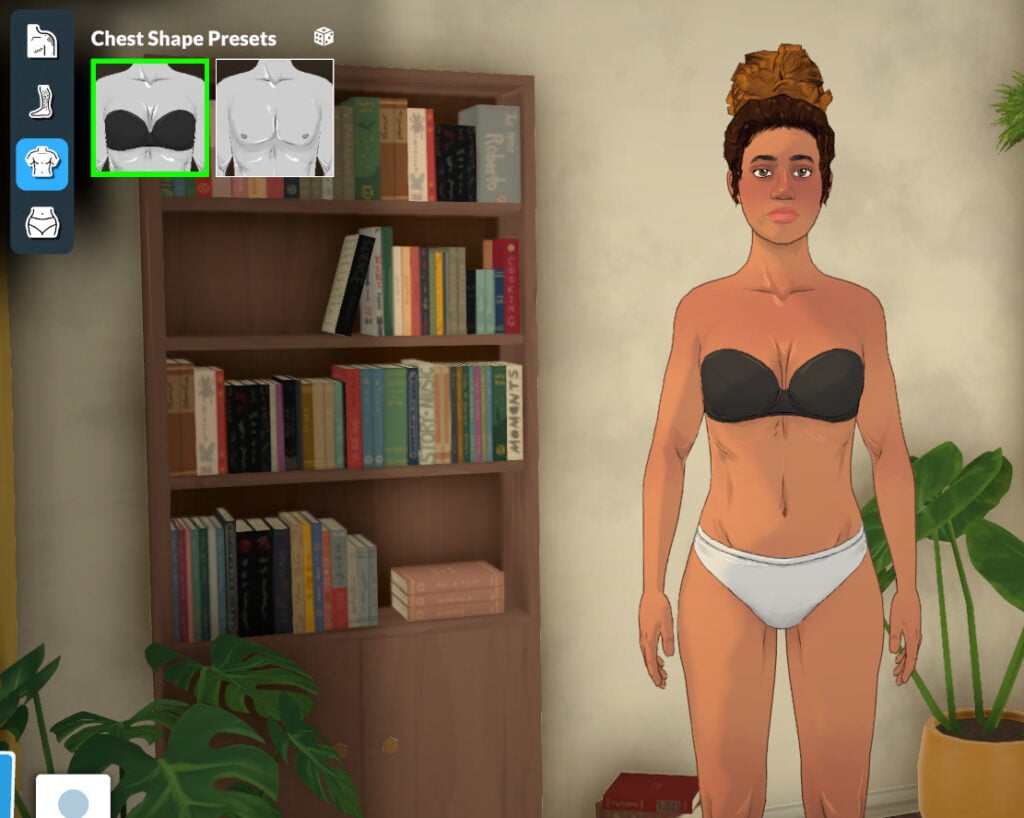
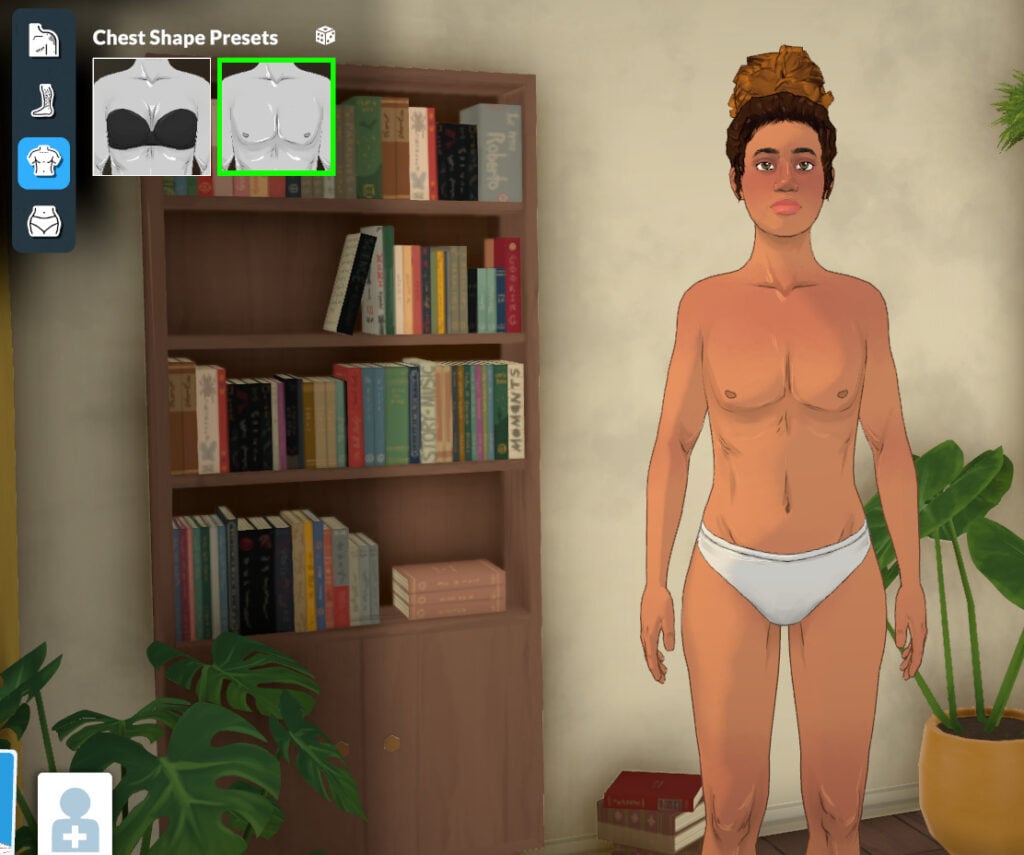
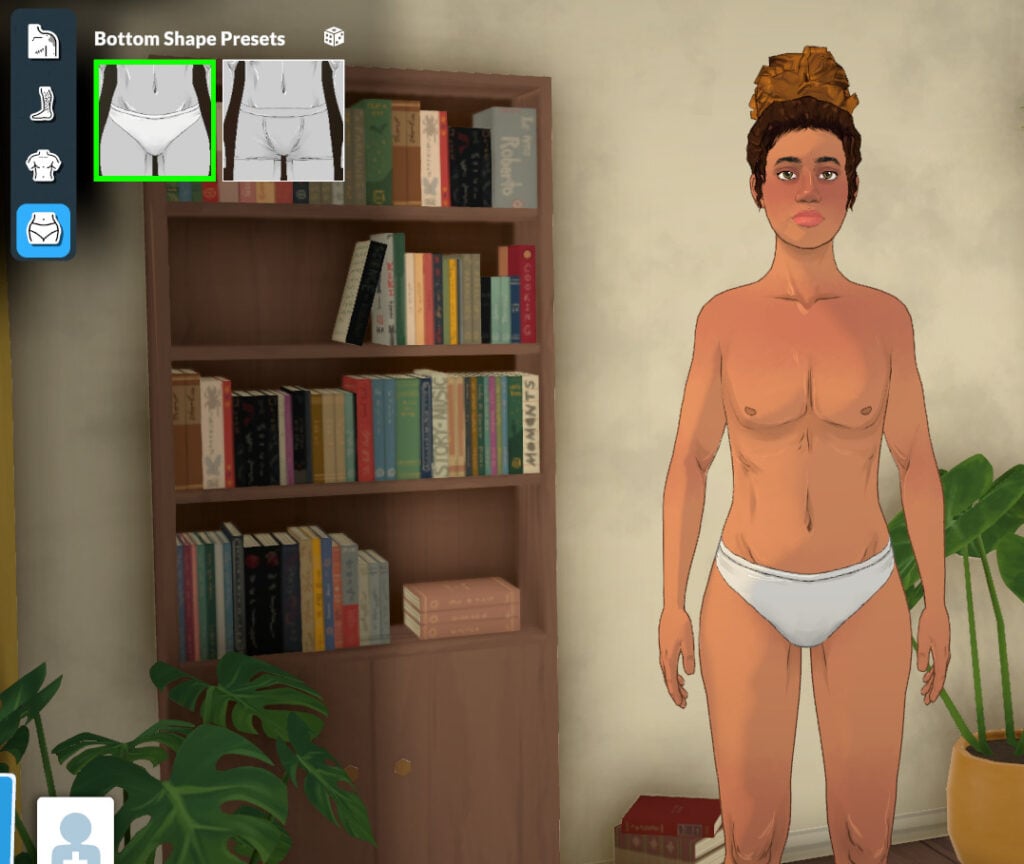
The Paramaker allows you to choose any chest or bottom presets for your Parafolk, as gender is not linked to physical features.
Face
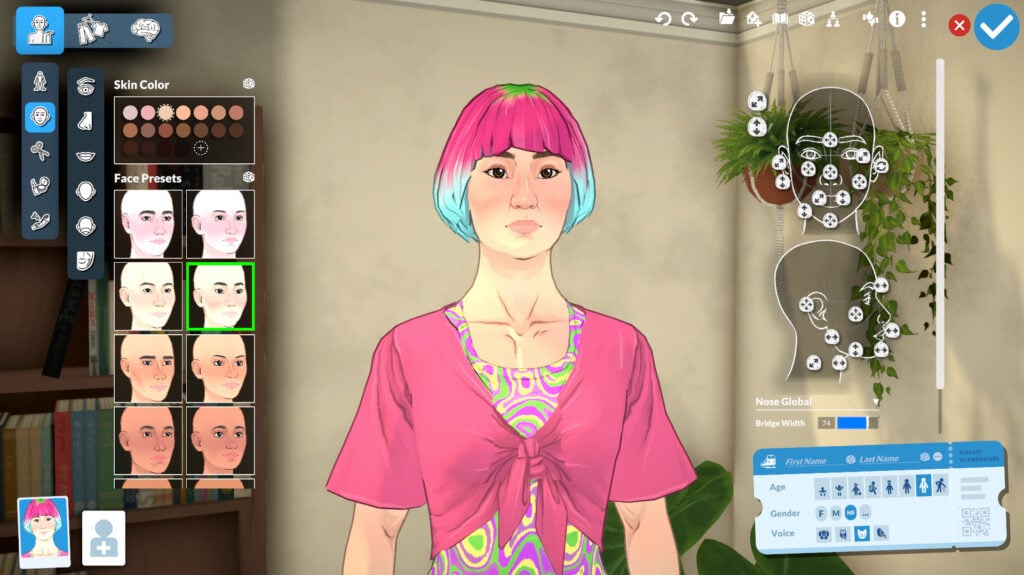
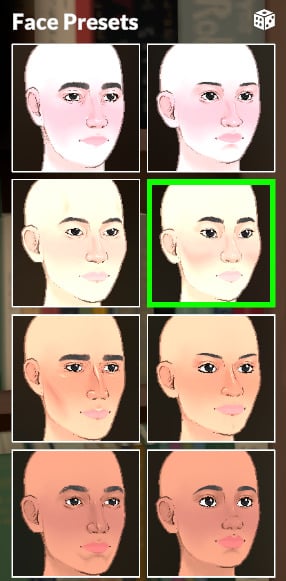
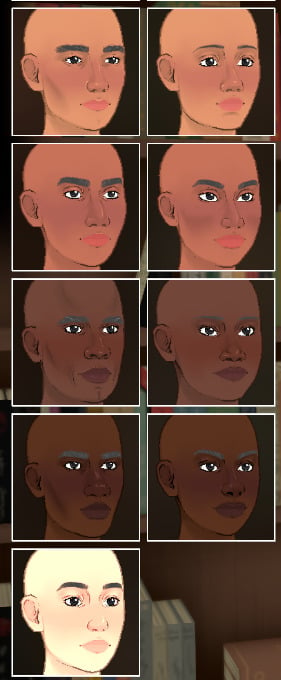
Moving to the Face category, you can select skin tone (the presets here lead to the same options as those in the Body category). There are 17 face presets to choose from, and you can also make adjustments with sliders, of course!
Eyes
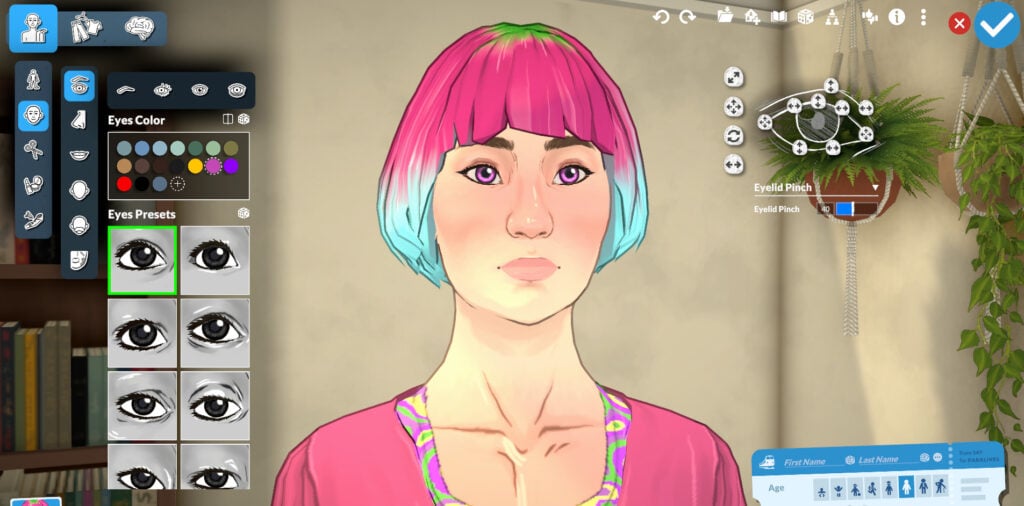
In this Paramaker section, you can customize every eye-related feature: color, heterochromia, shape, eyelashes, eyebrows, and even under-eye dark circles.
Eye Color and Eyes Presets
You can customize your Parafolk’s eyes to the color you want with the pre-selected colors or create your own style with the help of the color wheel in Style Creation.
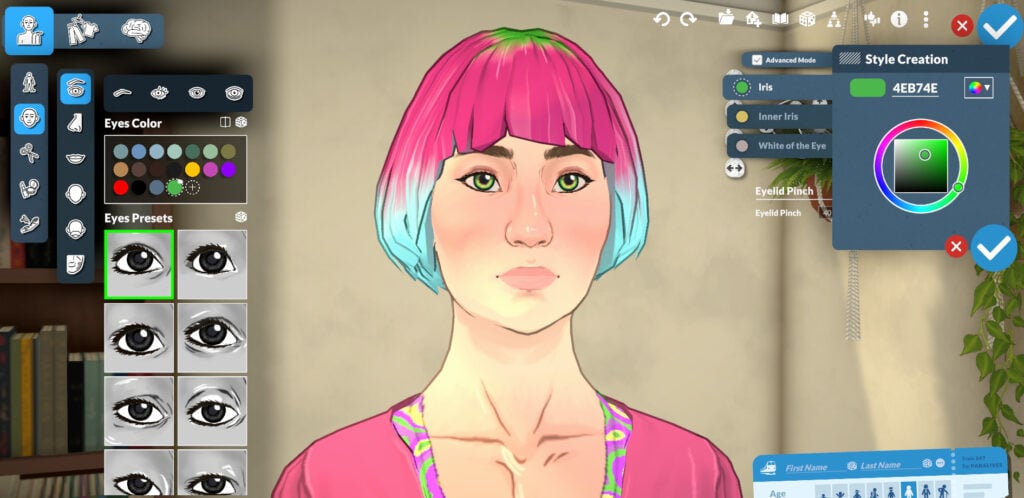
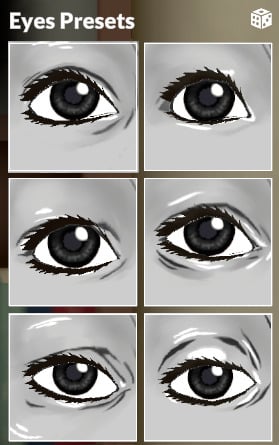
As for the eye shape, you can choose from 18 presets and adjust them with the sliders.
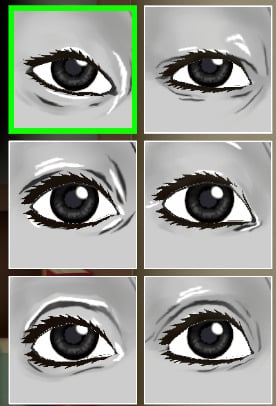
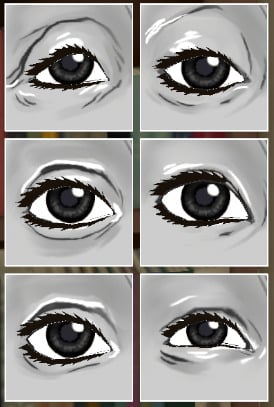
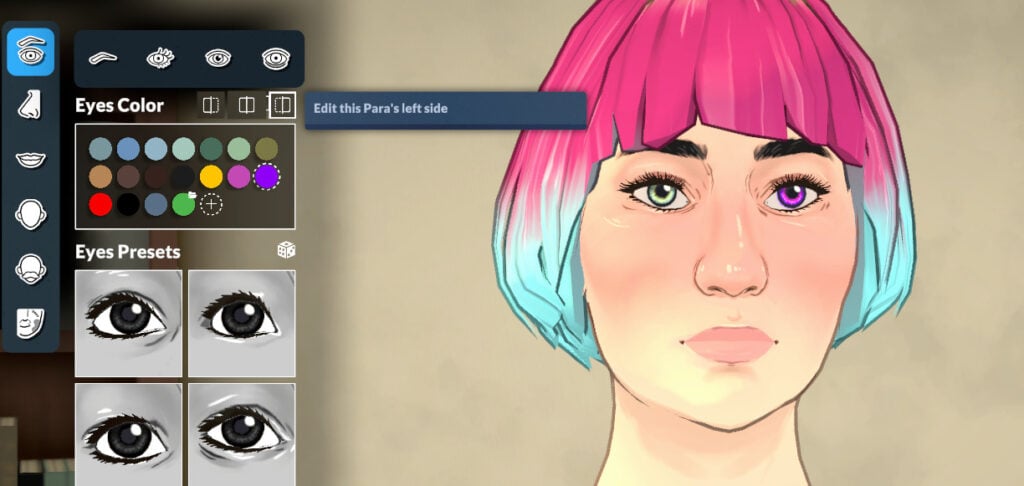
You can also create and customize heterochromia for your Parafolk.
Eyebrows
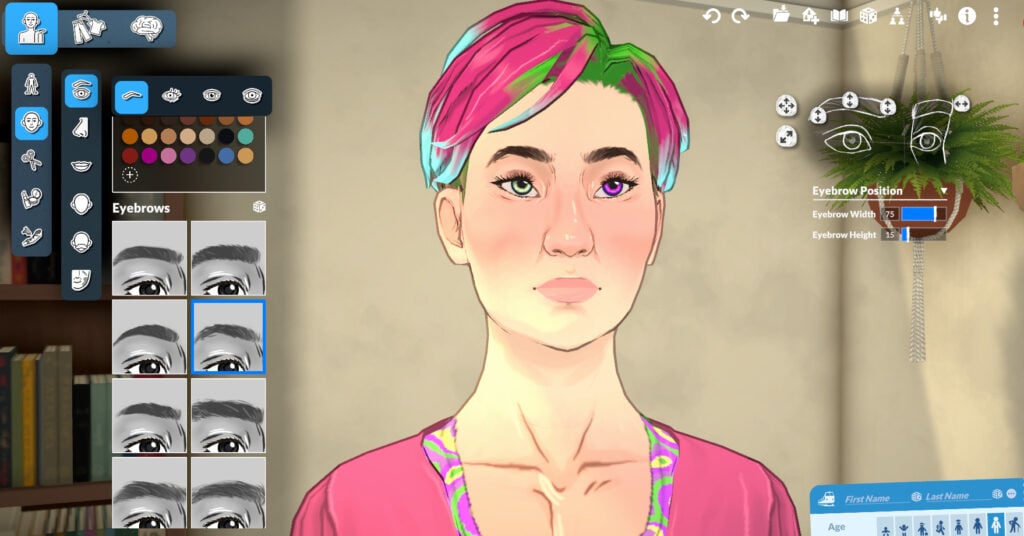
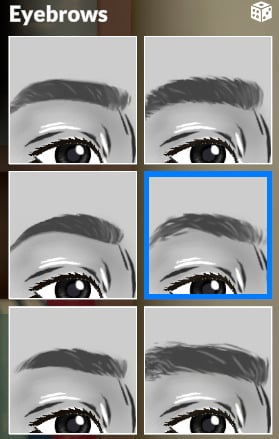
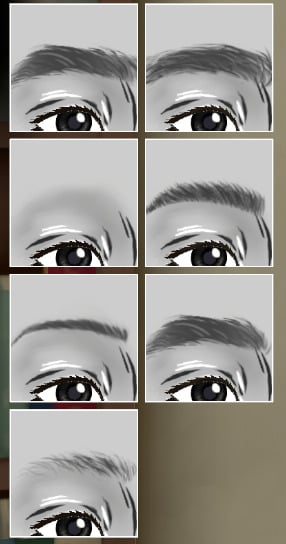
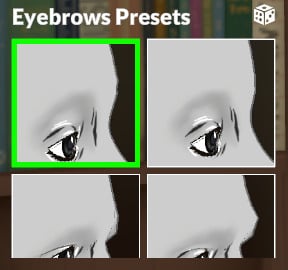
You can choose from 13 presets for the eyebrows and also choose the structure of the area with 4 presets. As always, you can also adjust the shape, width, height, and other features with the help of the sliders.
Eyelashes
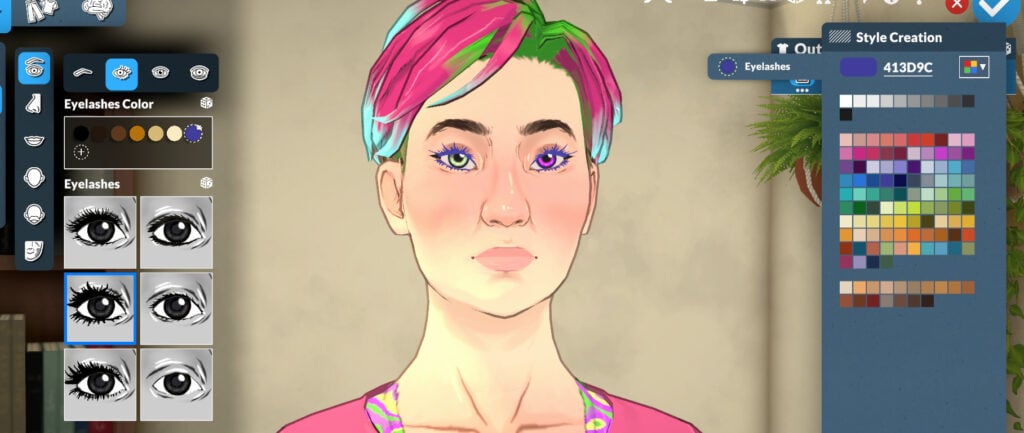
You can select from 6 eyelash presets and customize the style however you like.
Eye Highlight
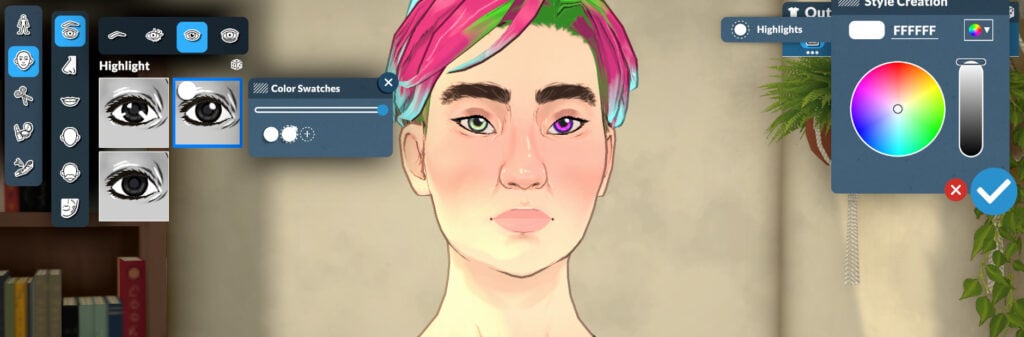
You can select from 3 highlights for your Parafolk’s eyes and also customize their color if you want.
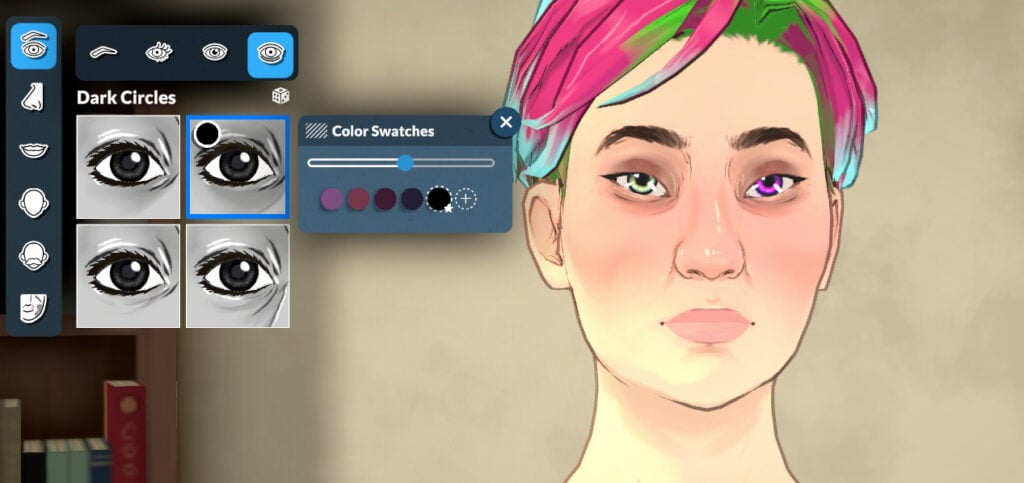
Dark Circles
You can also select from 4 dark circle styles, the colors of which you can adjust if you wish.
Nose
There are 16 nose presets to choose from, and adjustments can be made with the sliders in the top-right menu.
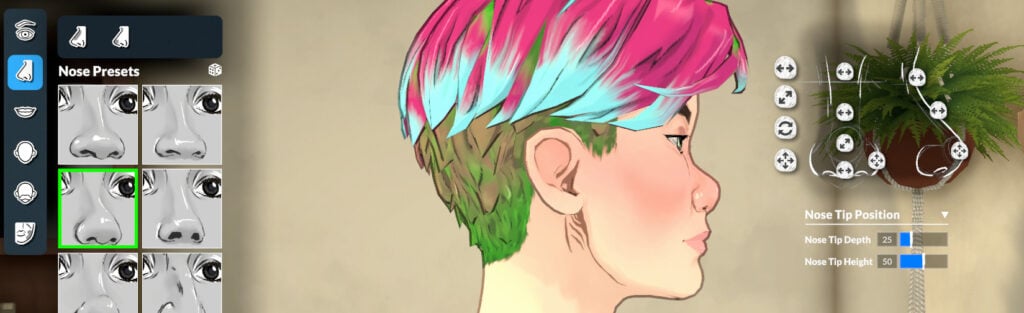
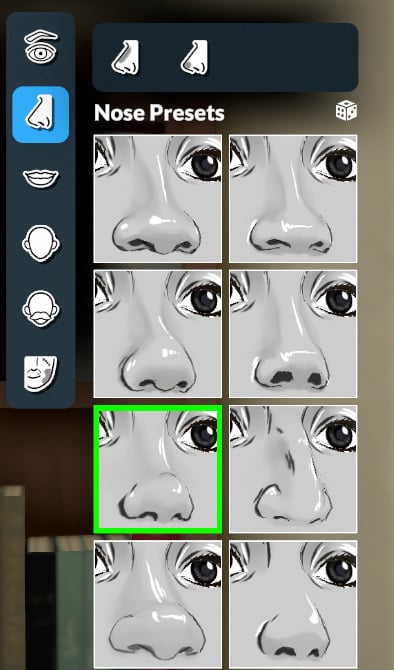
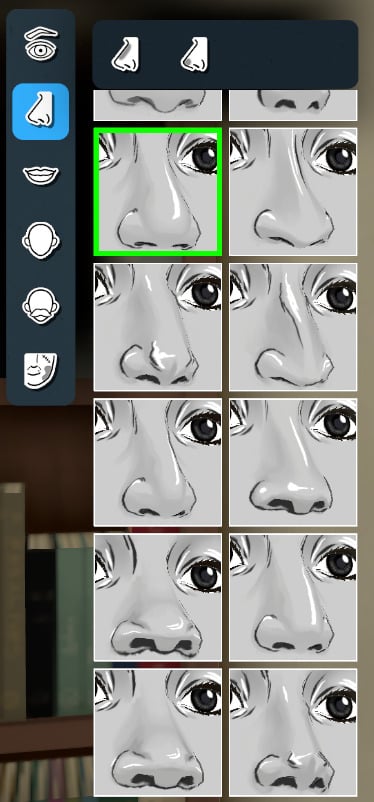
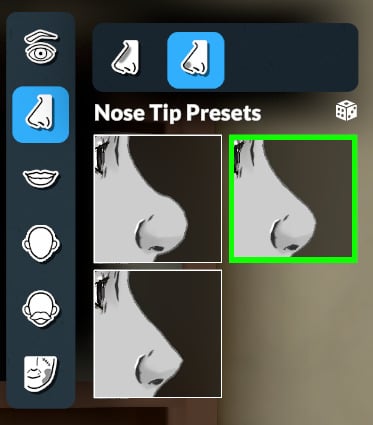
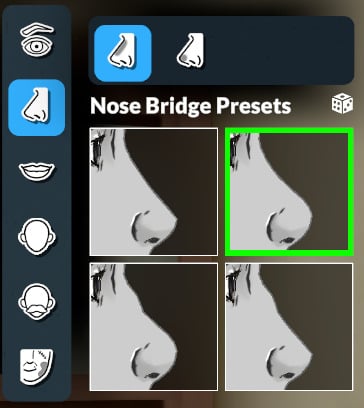
And you can also customize the bridge and tip using additional presets:
Mouth
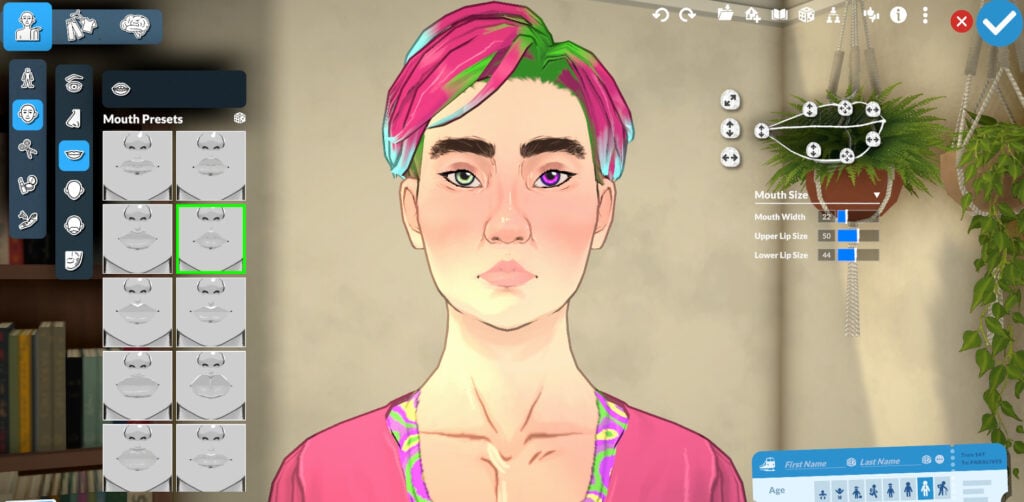
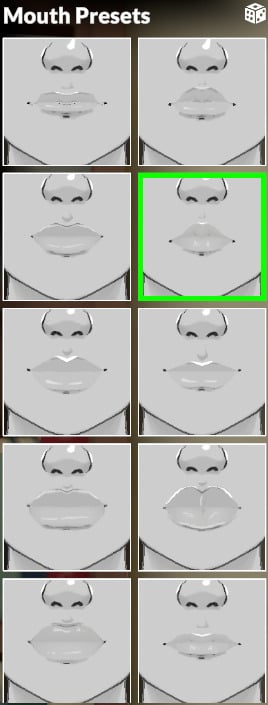
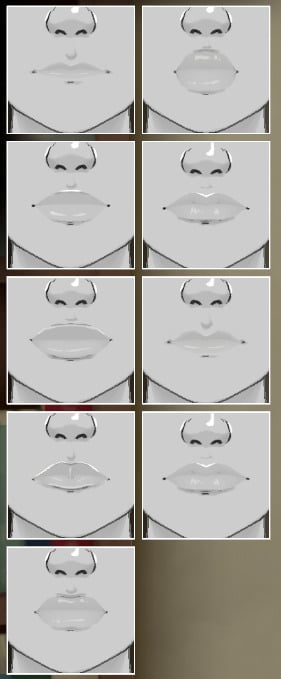
You can select from 19 presets for the mouth and adjust them however you like with the sliders.
Teeth
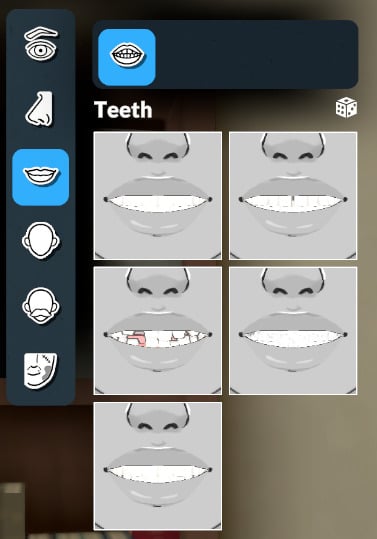
You can also customize the appearance of your Parafolk’s teeth with 5 presets, and if you don’t select any, it will choose the first one.
Facial Structure
The Paramaker offers the possibility to completely customize the face of your Parafolk with presets and with the help of the sliders.
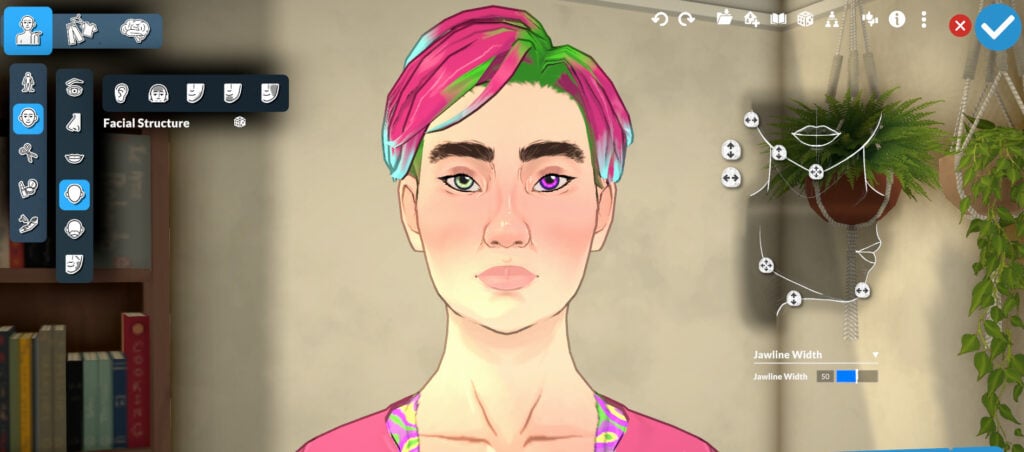
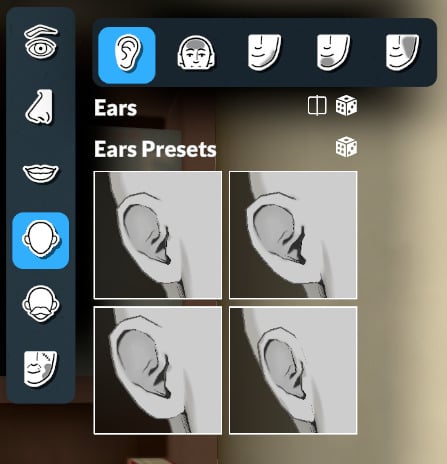
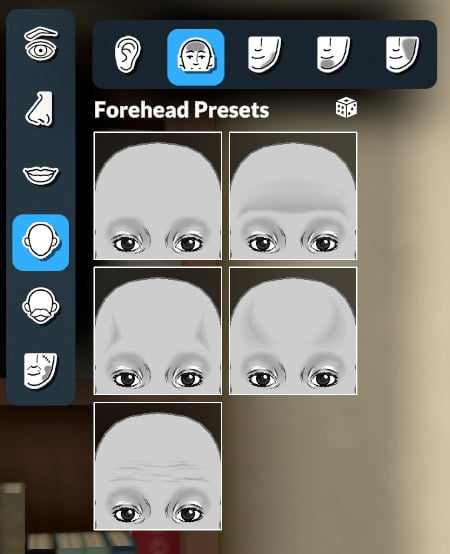
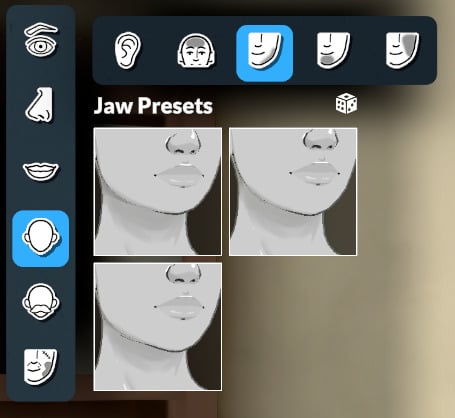
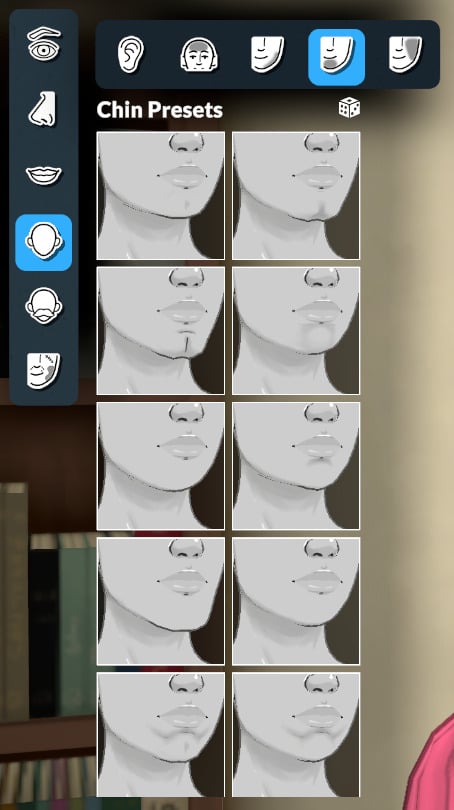
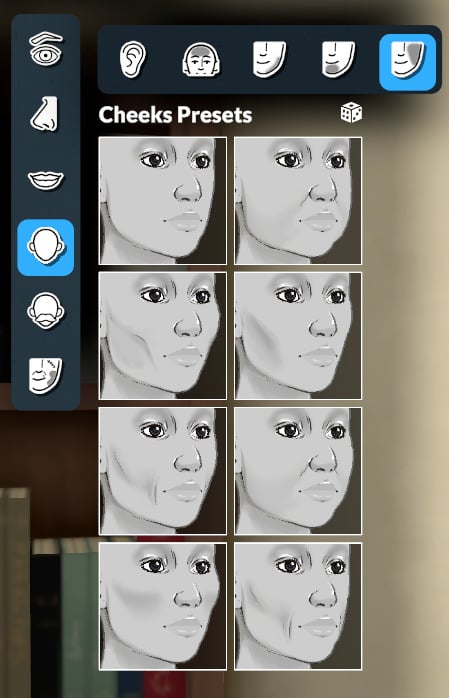
You can also customize the ears, forehead, jaw, chin, and cheeks with presets.
Facial Hair (again!)
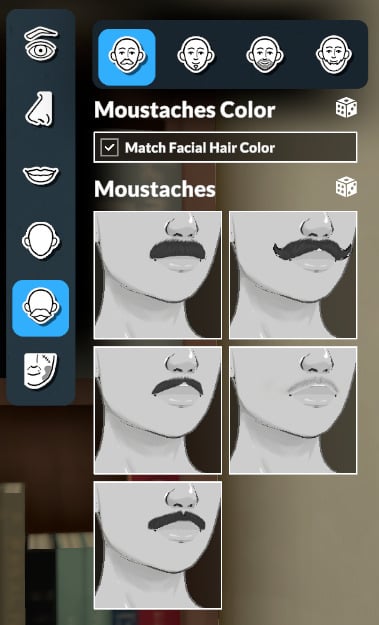
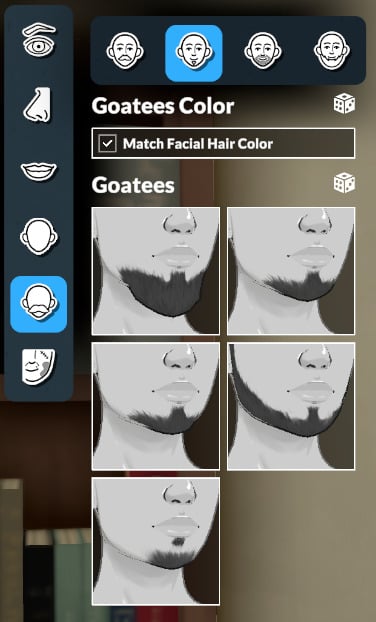
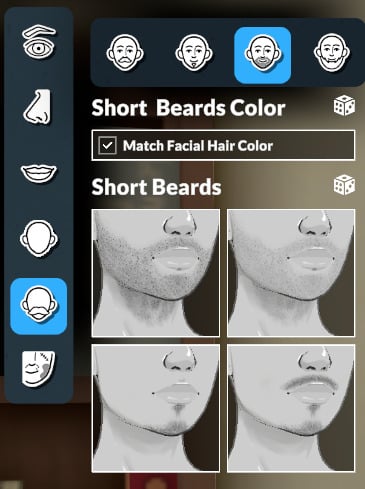
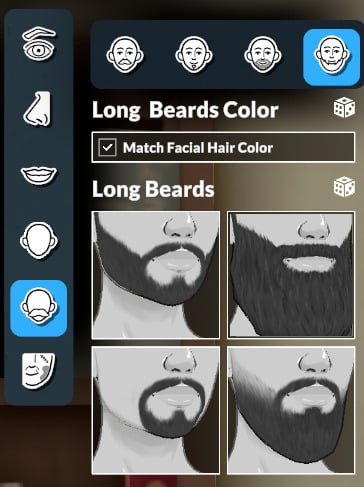
Certain categories appear across several sub-menus, and this is the case for facial hair, which can be customized in the Body menu, in the Face menu, and also in the Hair menu. In this menu, you can find more subcategories than in others. The categories are: Moustaches, Goatees, Short Beards, and Long Beards.
Skin Detail (for Faces)
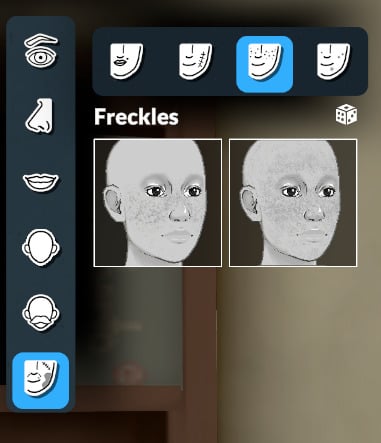
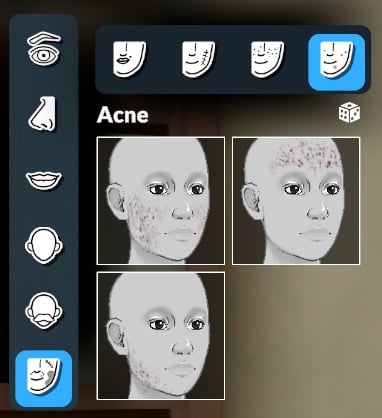
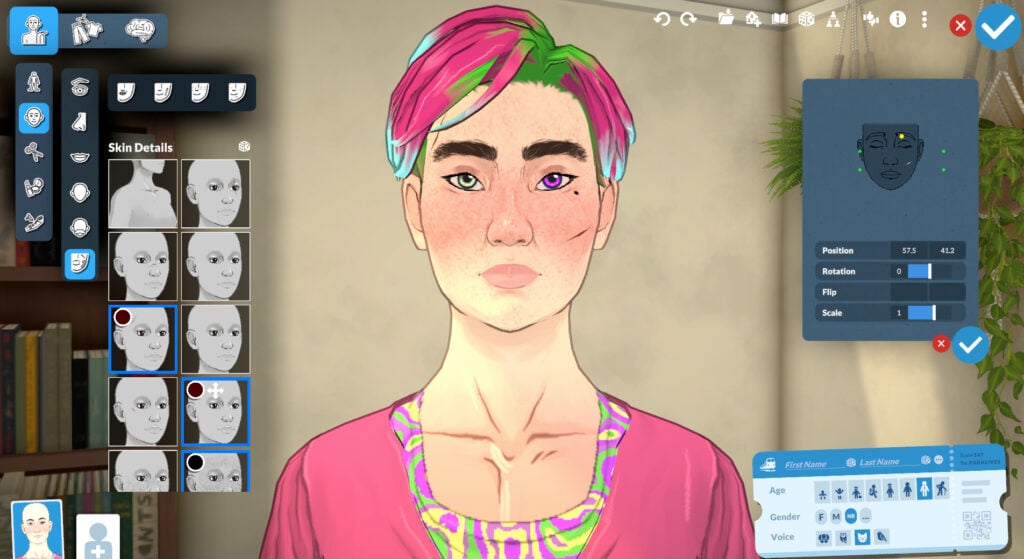
You can add and customize skin details like moles, scars, freckles, and acne. And you can place moles and scars wherever you want!
Hair
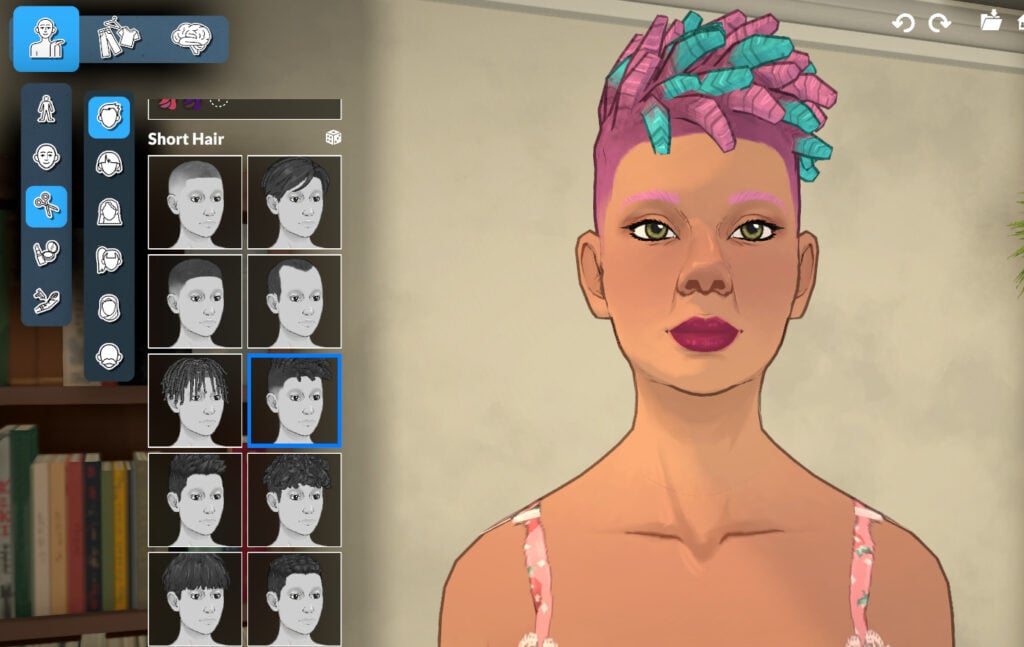
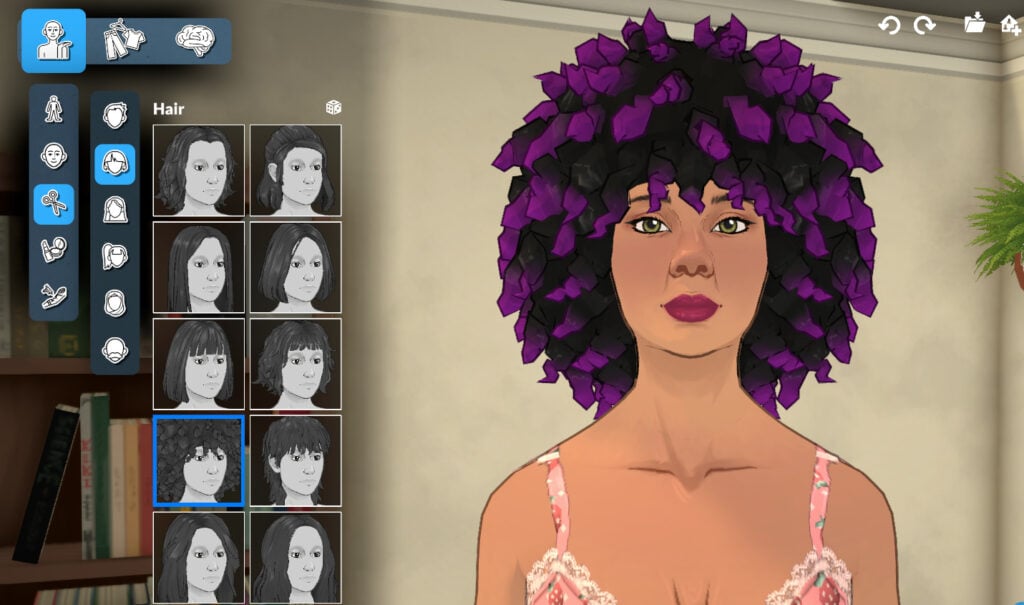
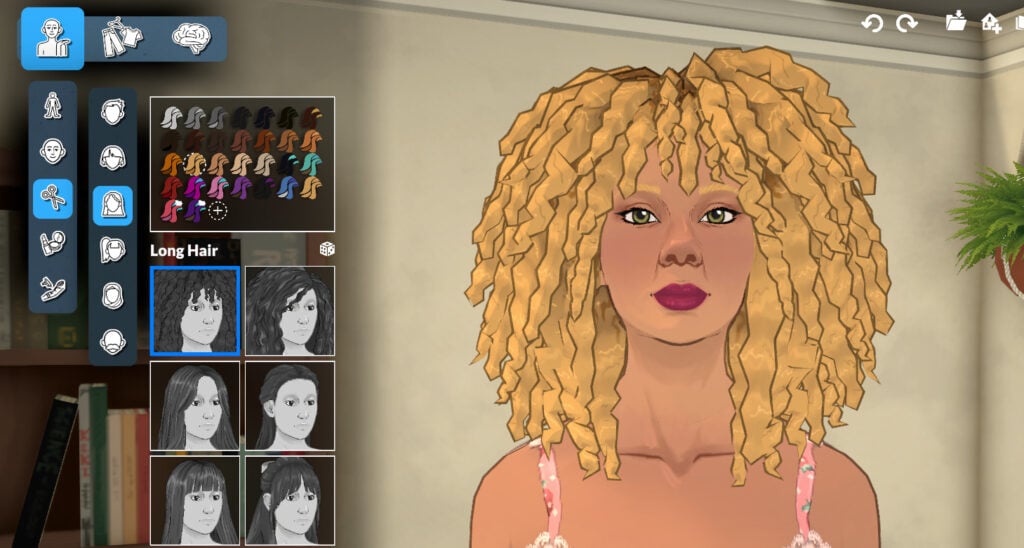
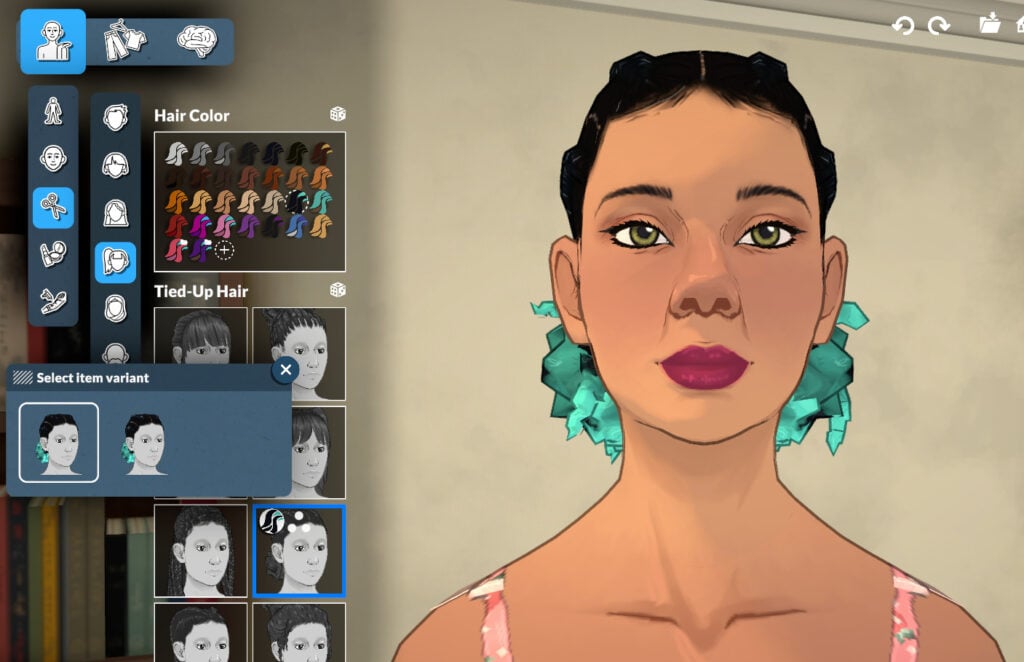
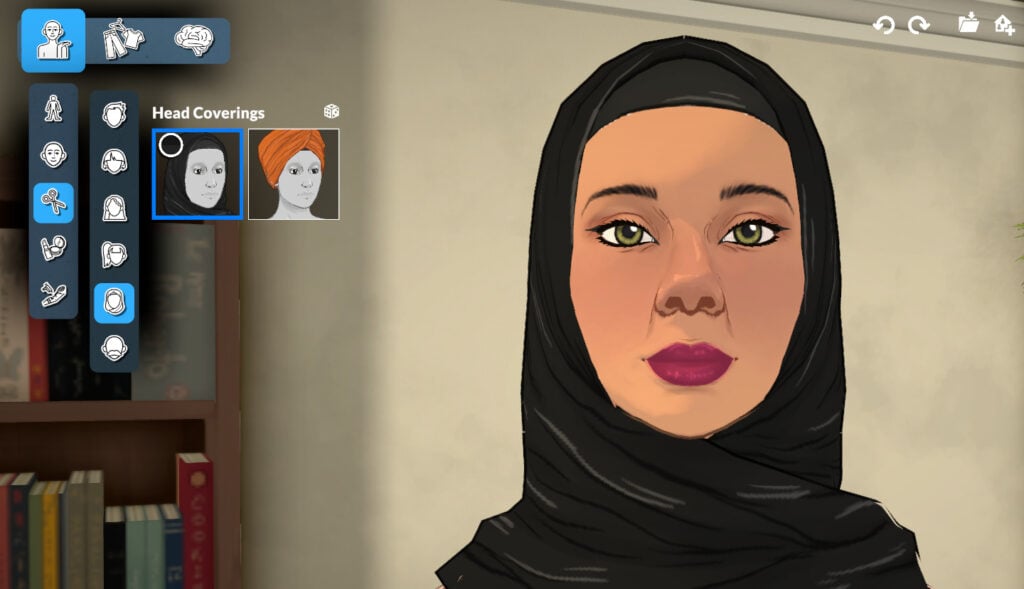
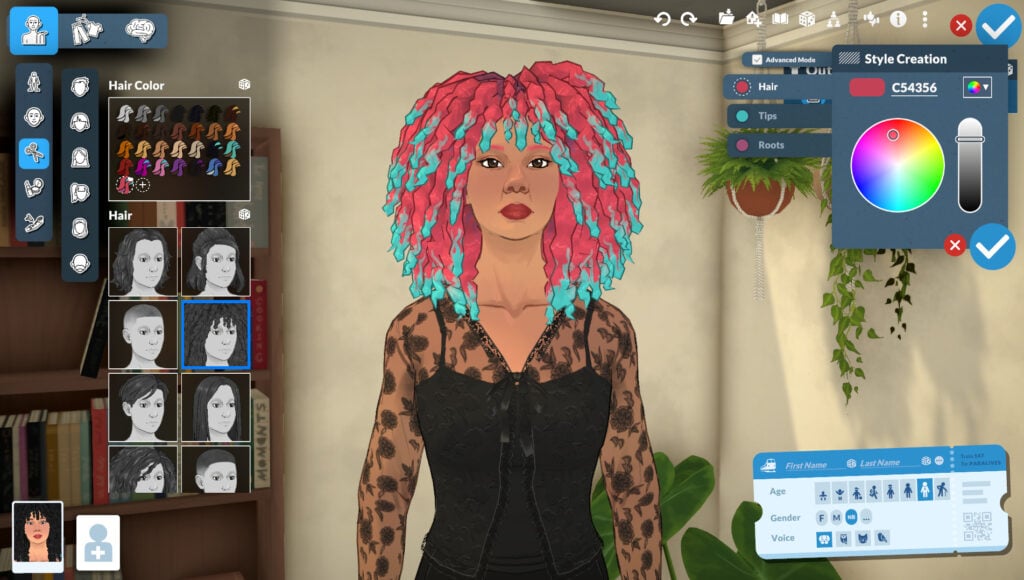
The Paramaker includes 66 hairstyles and 2 hair coverings in this section. In Advanced Mode, you can customize the main hair, tips, and roots with any color from the color wheel! The hair menu is divided into 6 sub-menus: Short Hair, Medium Hair, Long Hair, Tied-Up Hair, Head Coverings, and Facial Hair (same options as before).
Makeup
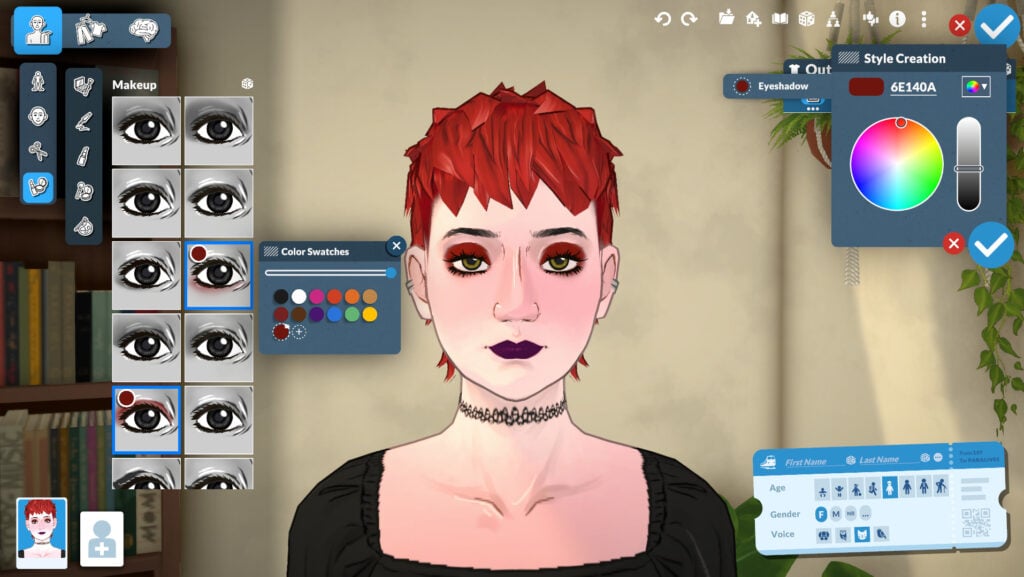
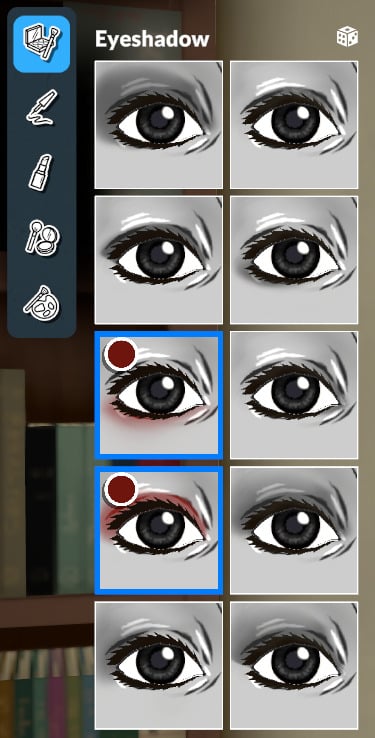
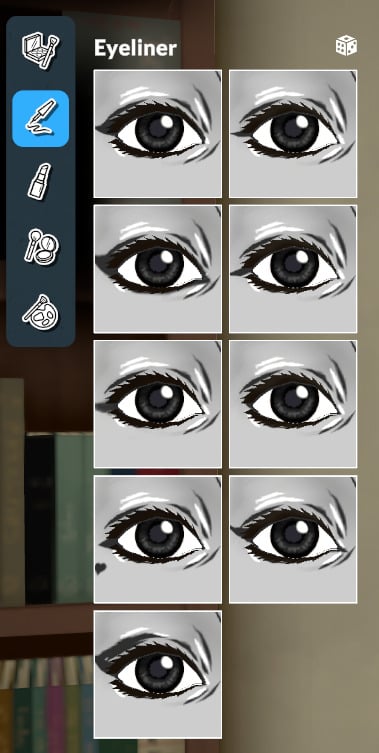
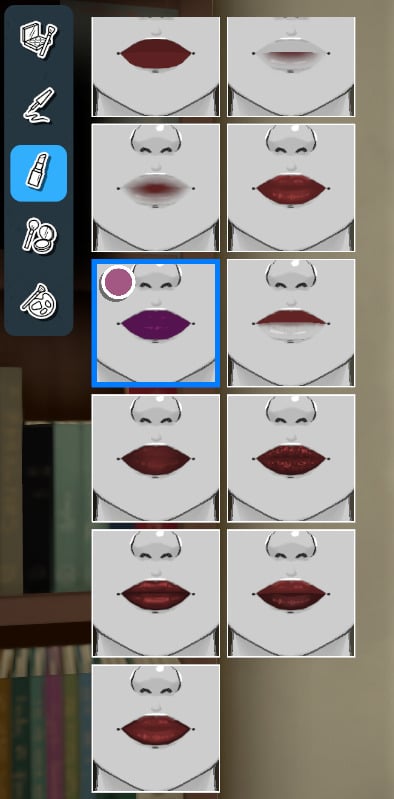
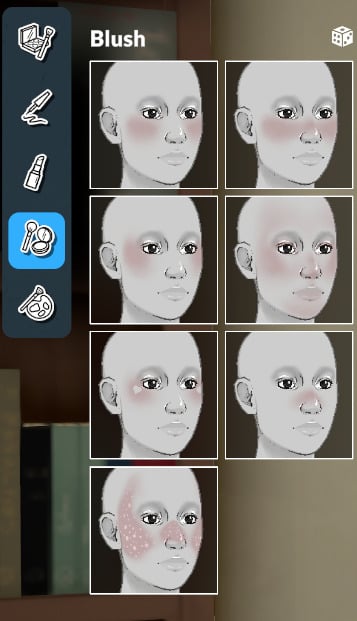
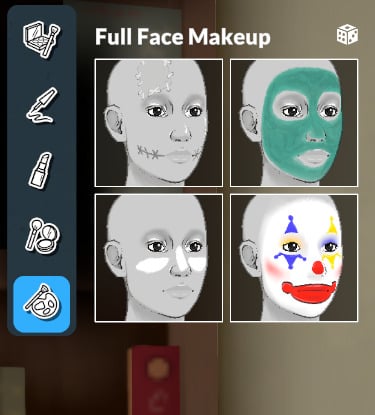
As for makeup, you can choose and customize from the following categories: Eyeshadow, Eyeliner, Lipstick, Blush, and Full Face Makeup.
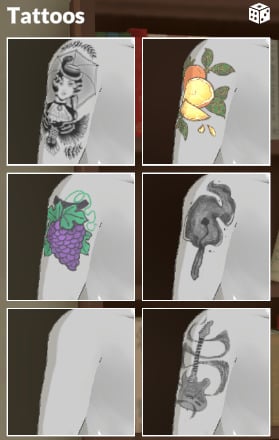
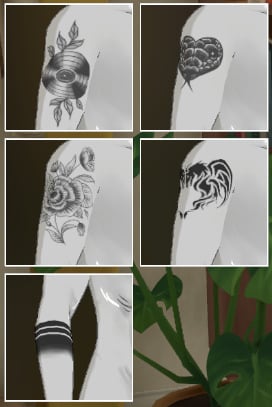
Tattoos
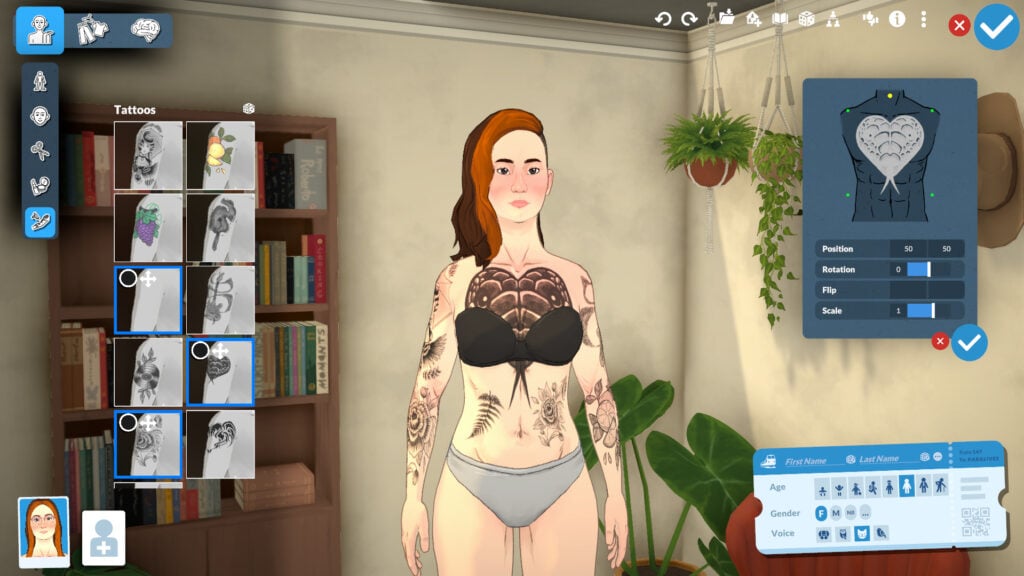
You can select as many tattoos as you want and customize the size, shape, location, and other options.
Clothing
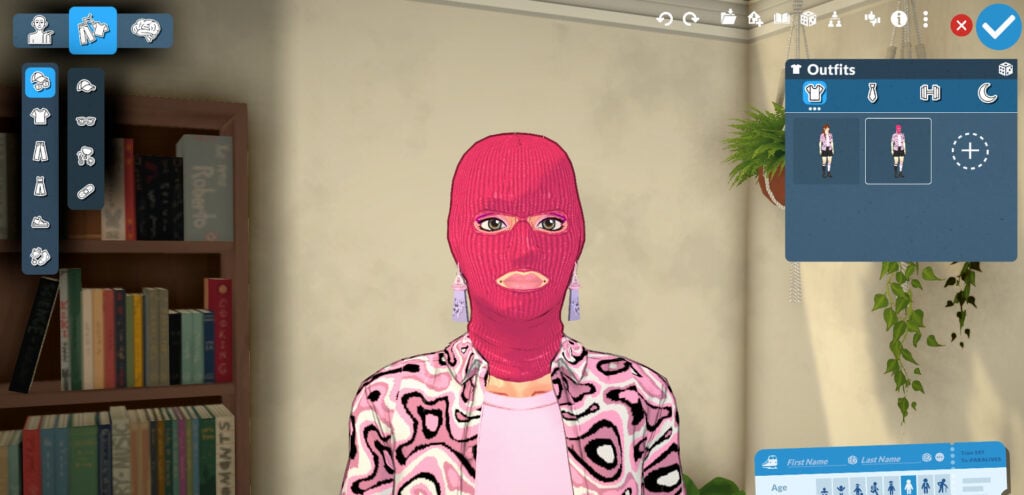
The Paramaker offers many new customization options for clothing, from color wheels to gender-neutral clothing. You can change patterns, add layers, and more. Let’s take a look!
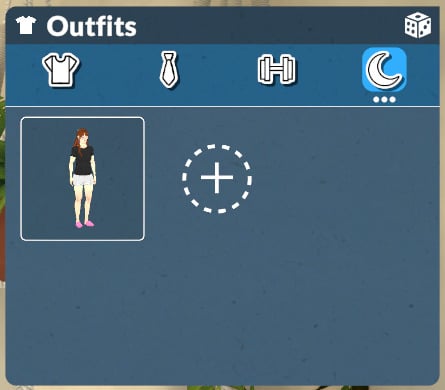
Outfits Categories
The outfit categories present in the game now are Casual, Formal, Workout, and Pajamas. There is no limit (at least for now) to how many options you can add to each category.
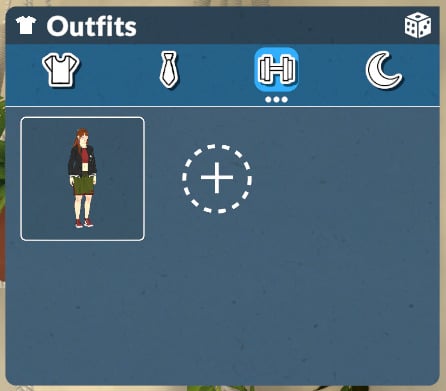
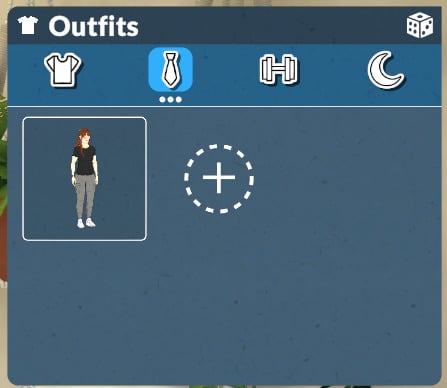
Clothing Categories
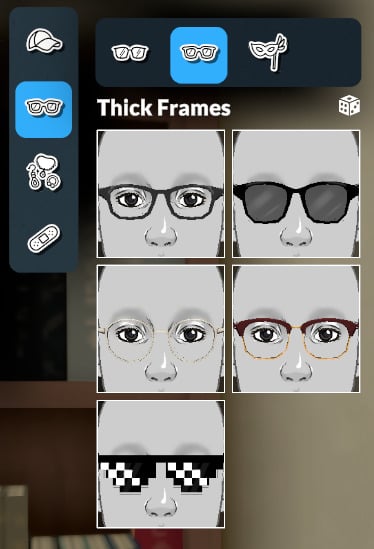
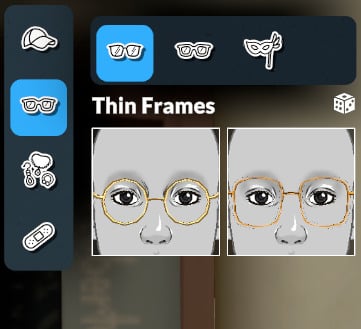
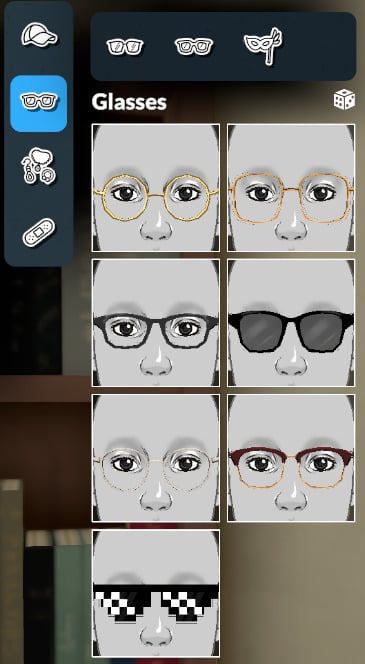
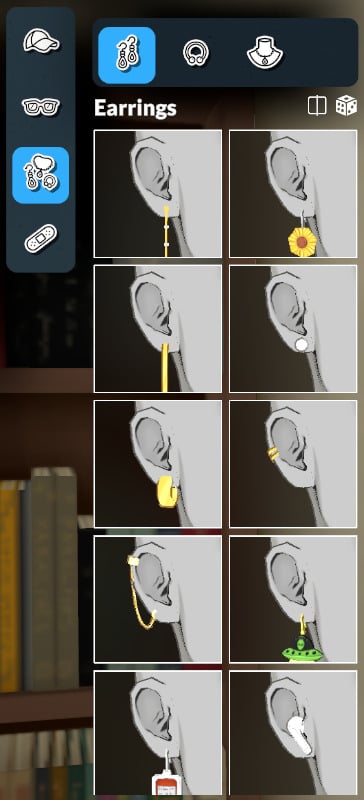
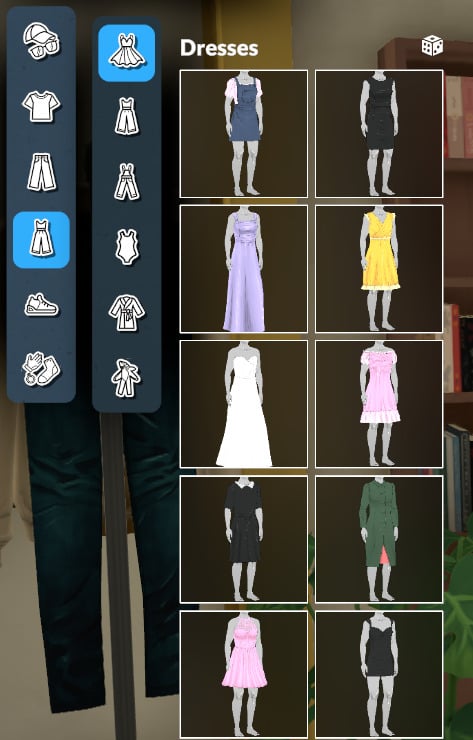
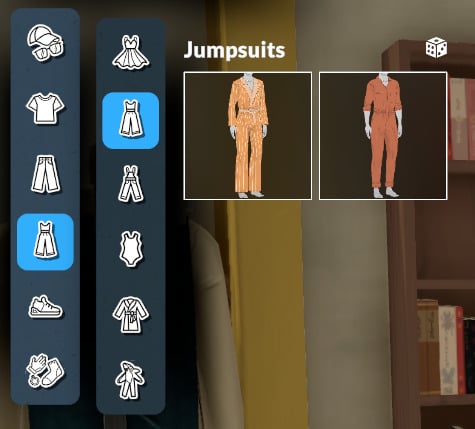
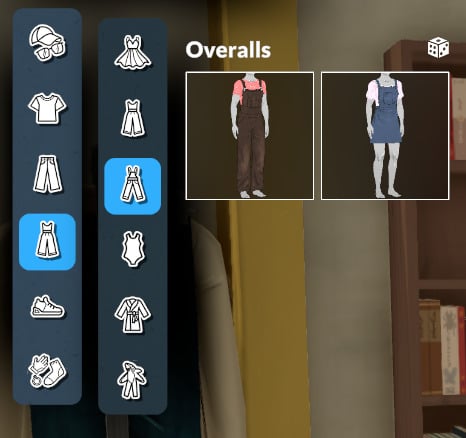
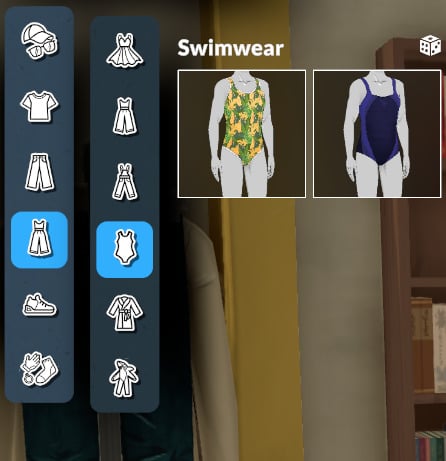
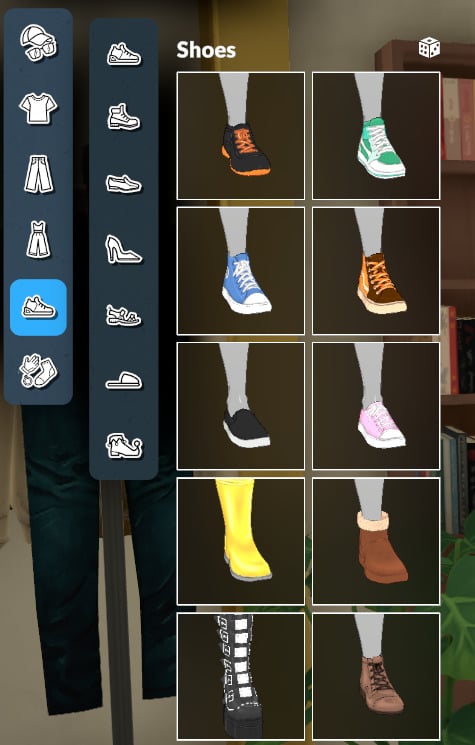
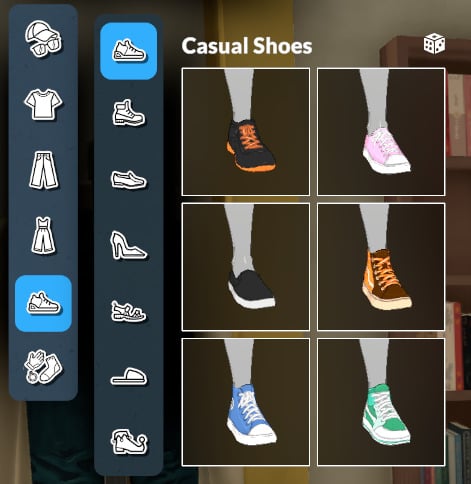
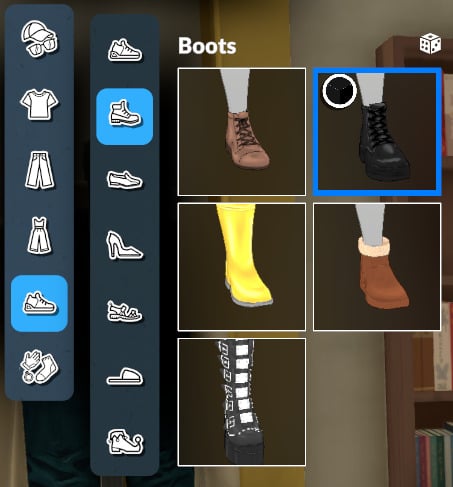
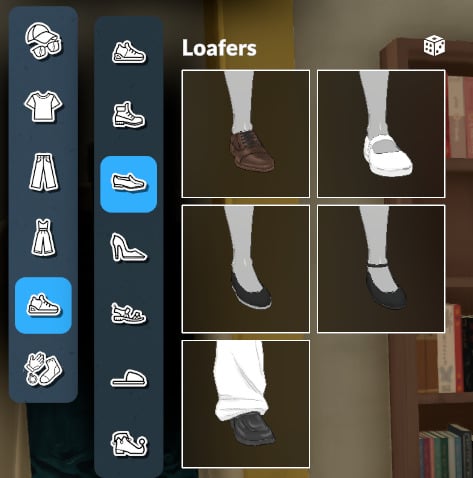
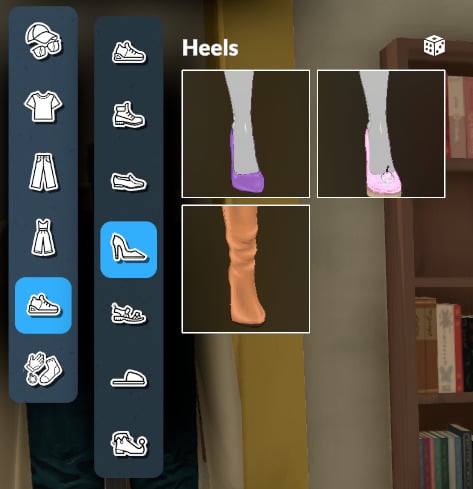
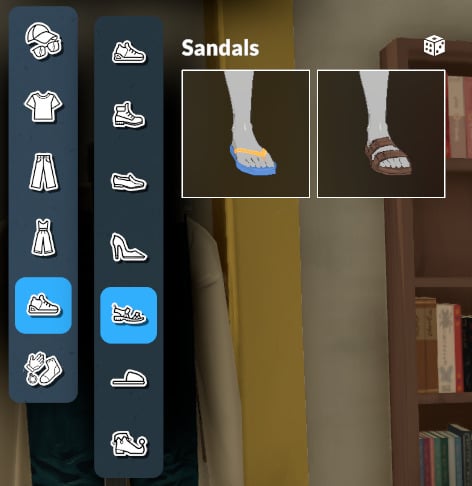
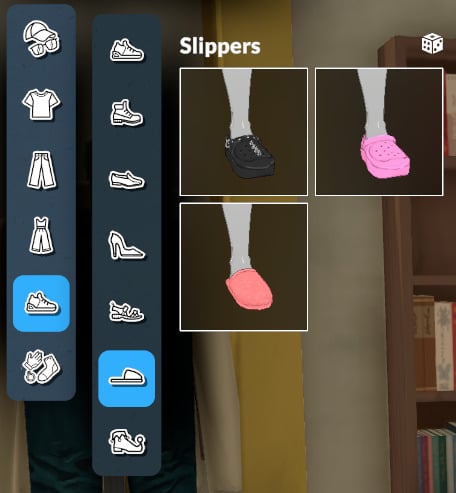
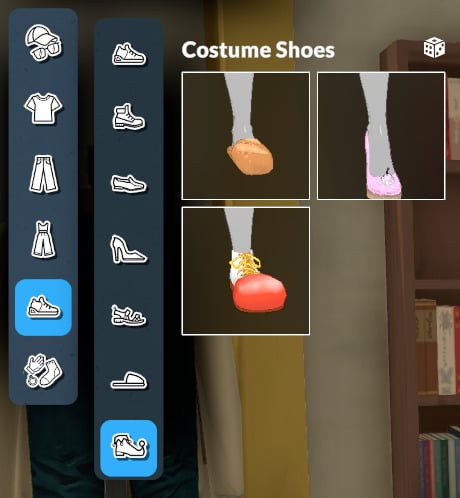
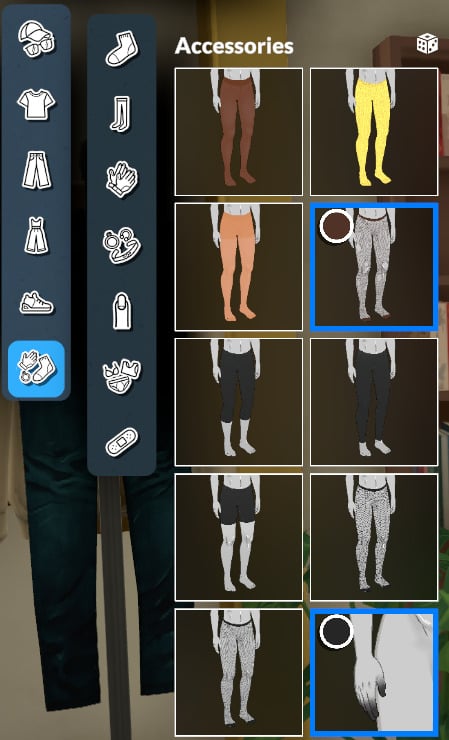
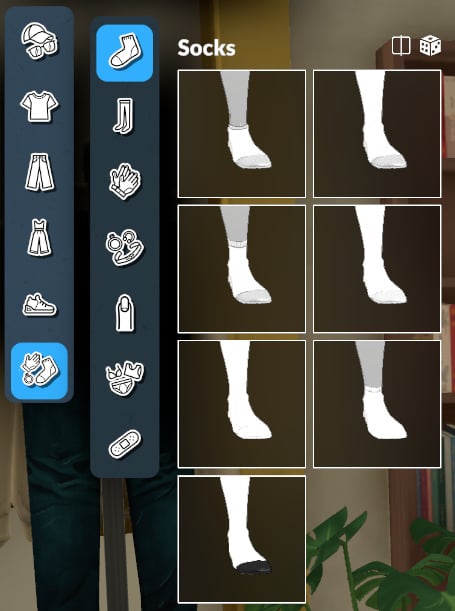
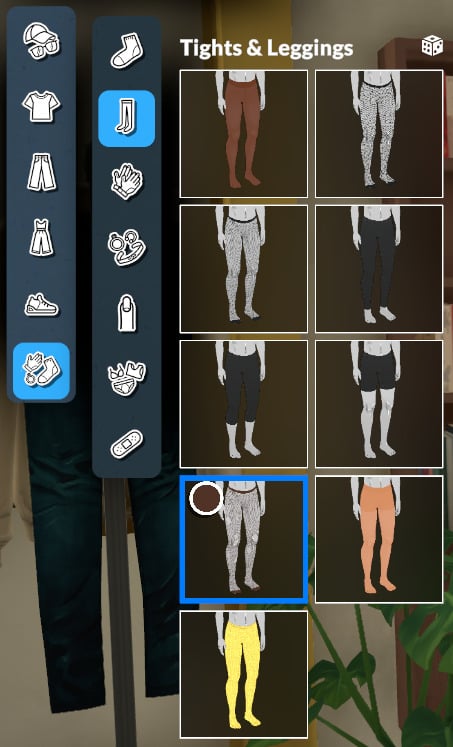
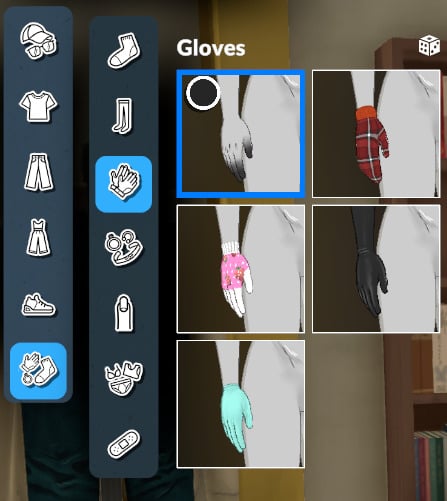
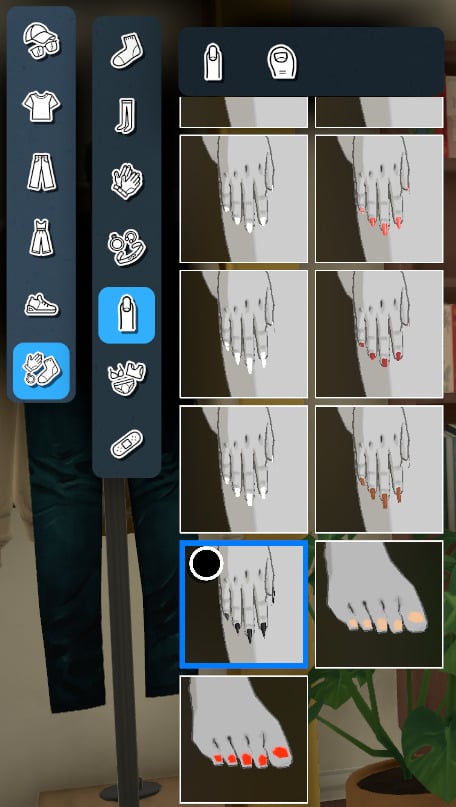
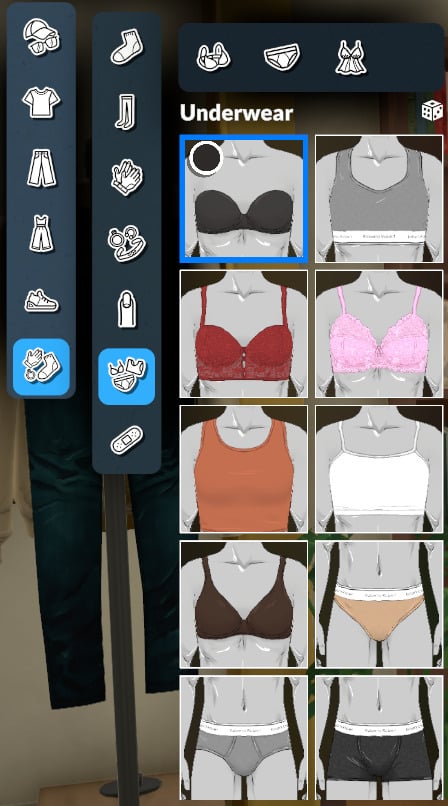
In the clothing categories, you can customize everything related to fashion and looks within the categories: head and face accessories, tops, bottoms, full-body outfits, shoes, and accessories (for the body).
Head & Face Accessories
Headwear
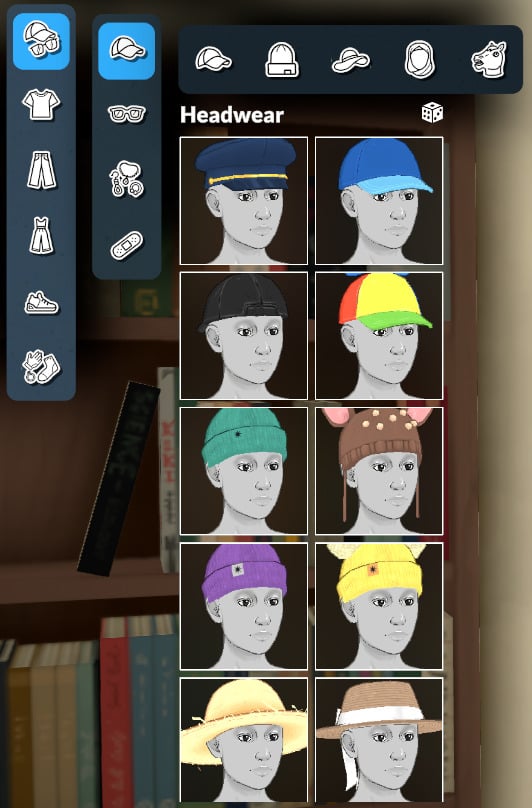
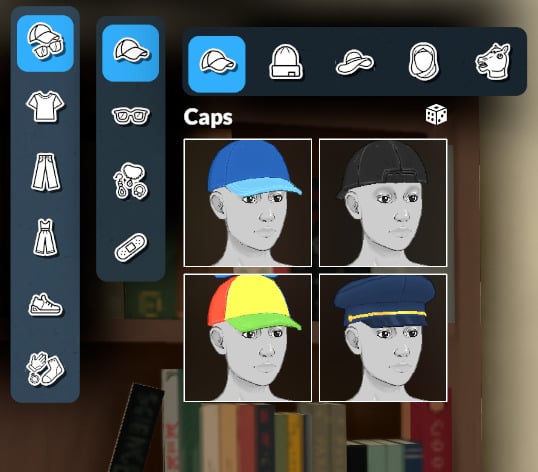
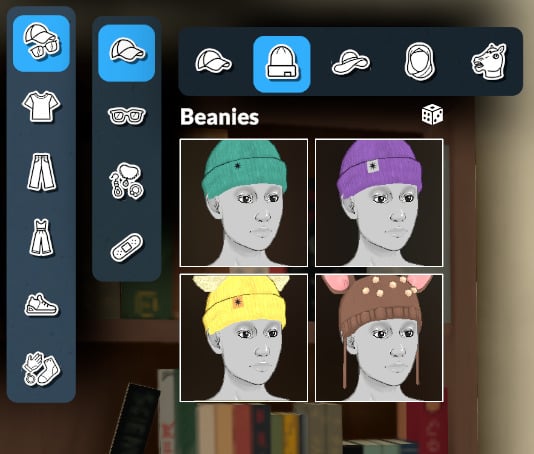
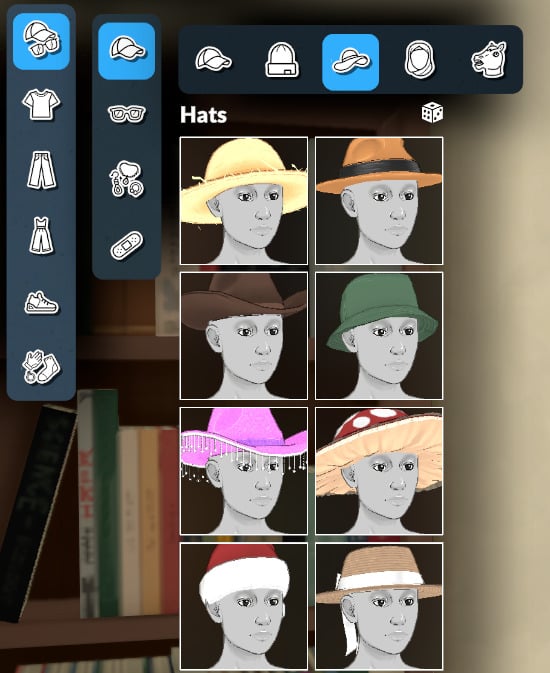
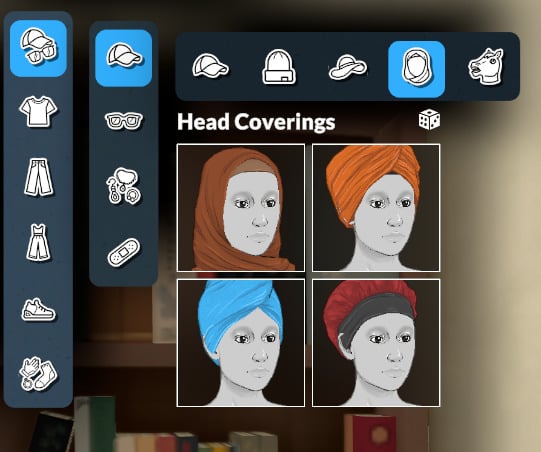
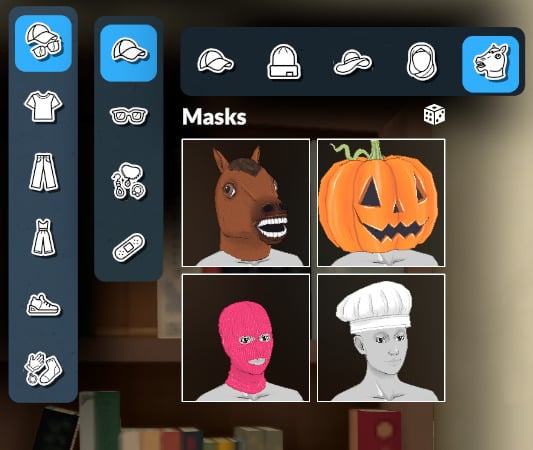
Glasses
The last category is empty for now!
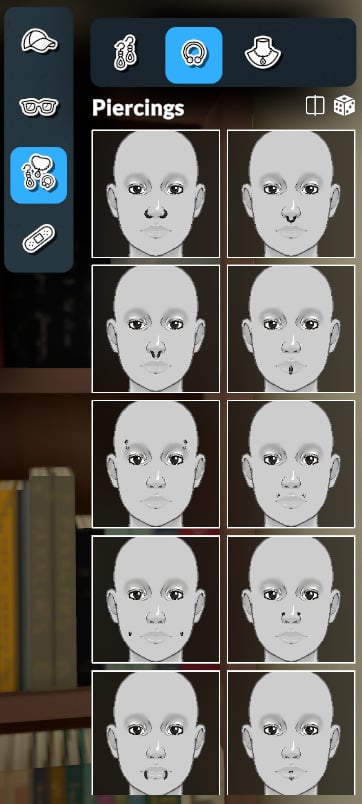
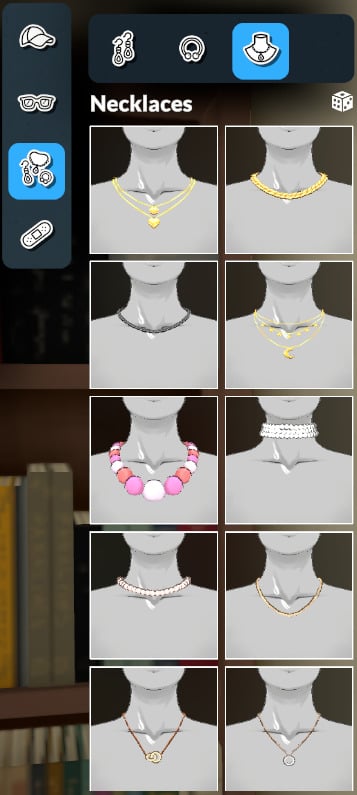
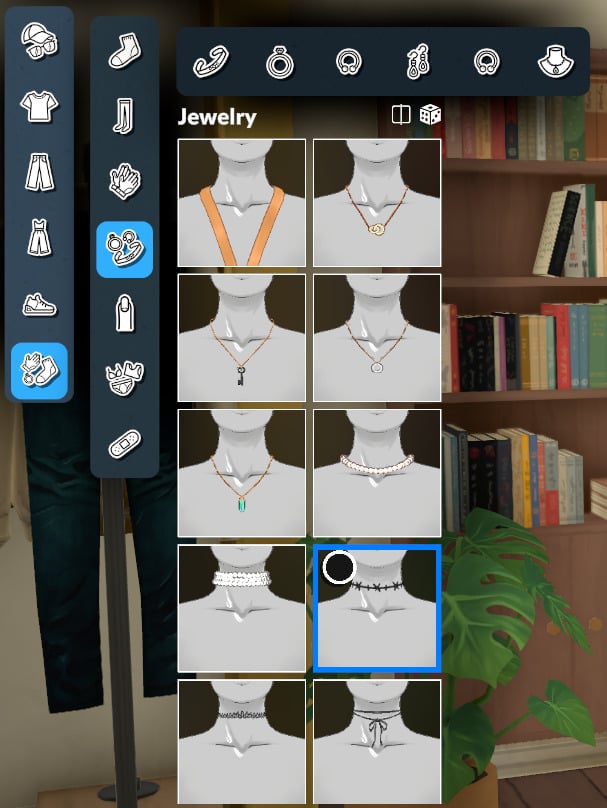
Jewelry
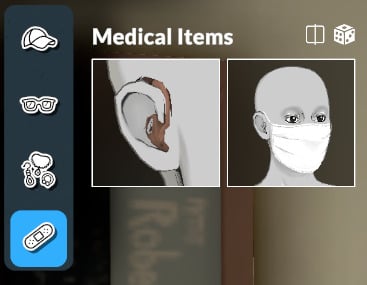
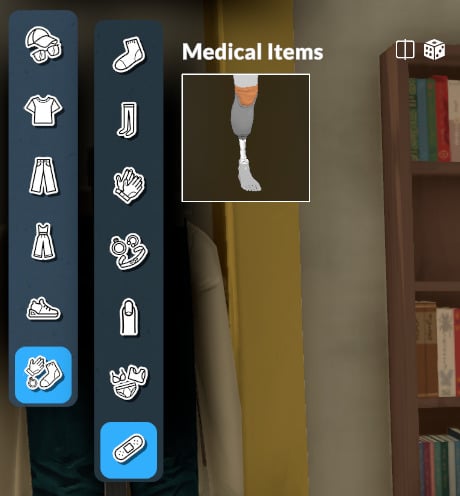
Medical Items
Tops
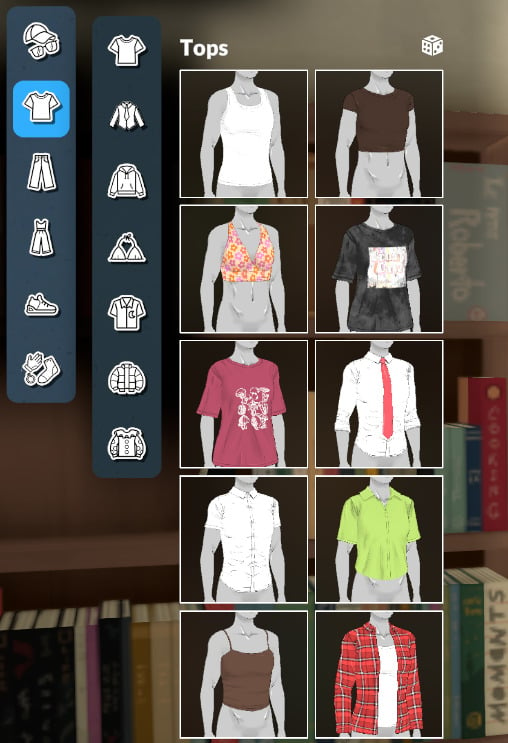
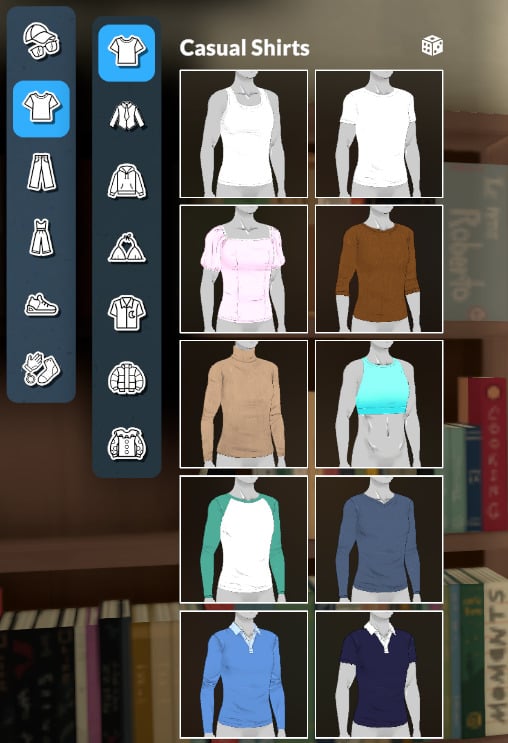
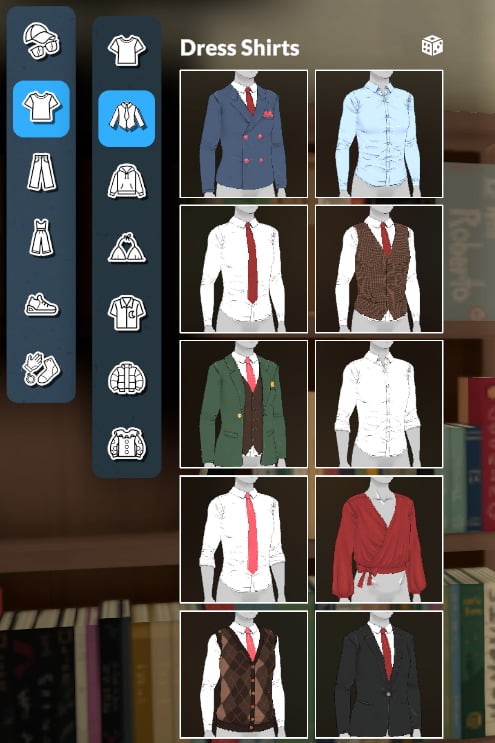
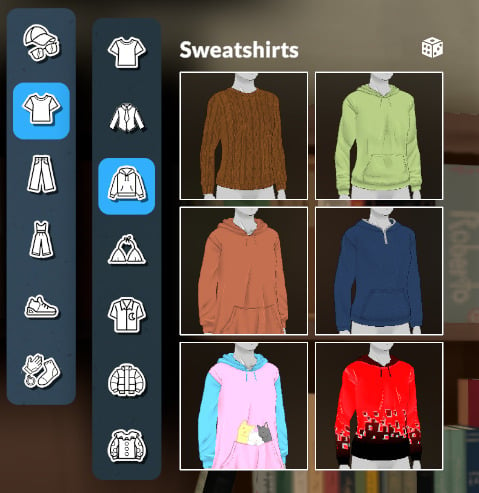
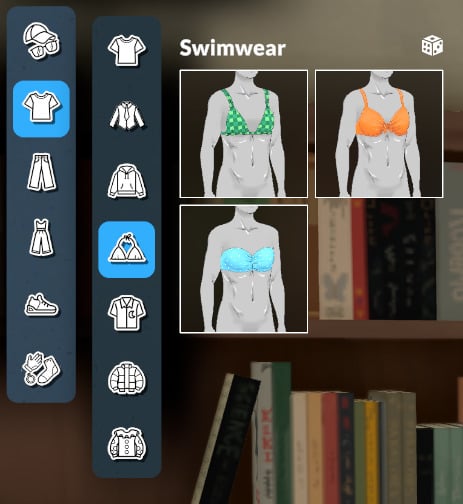
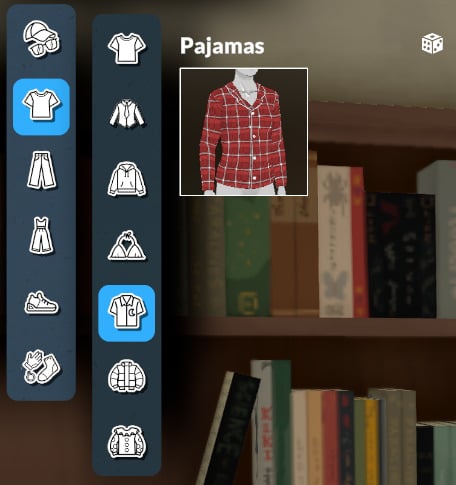
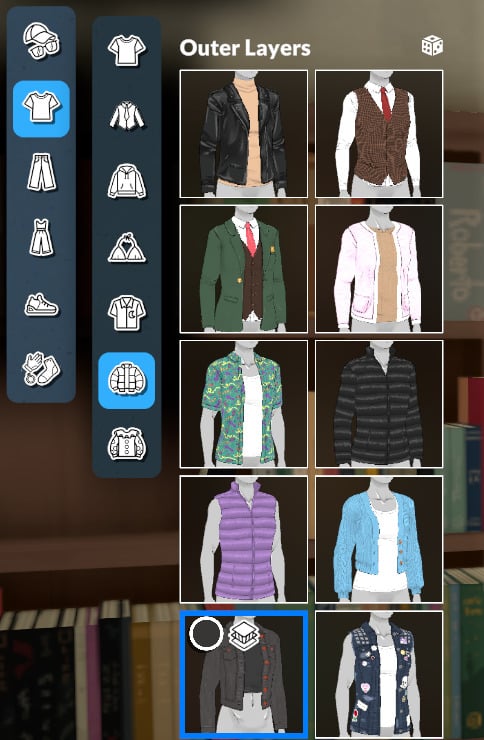
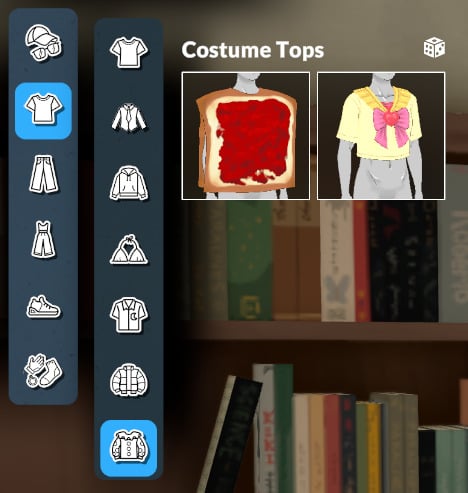
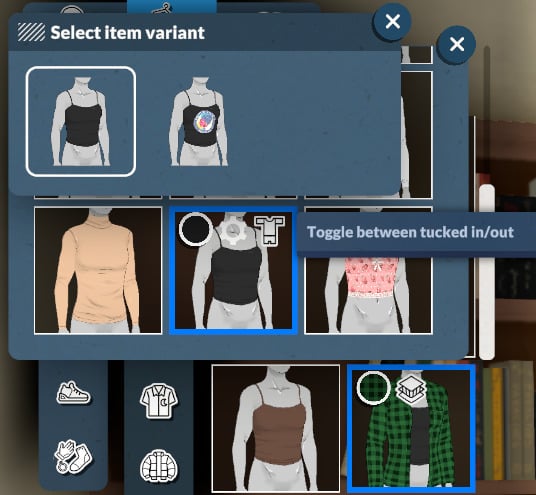
Pro-tip: Some clothing items allow you to change their layering.
Bottoms
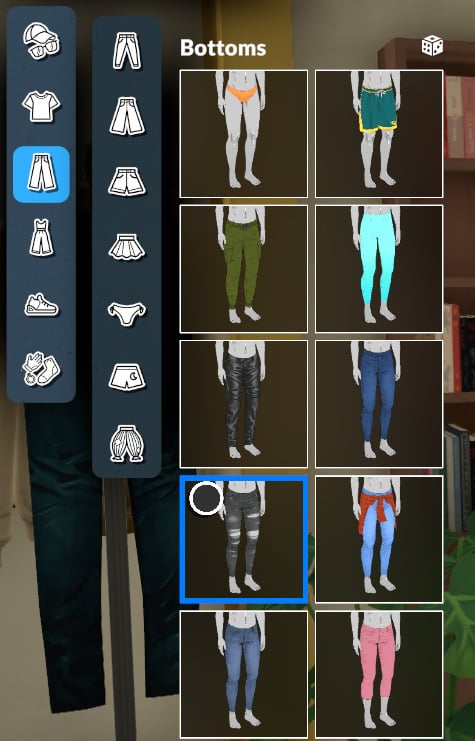
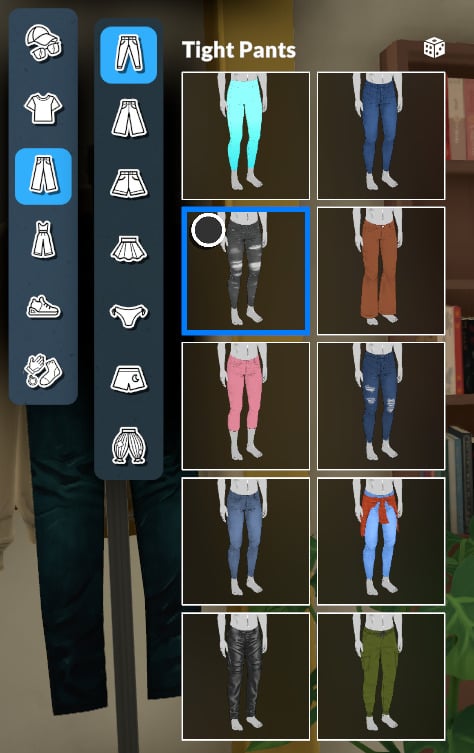
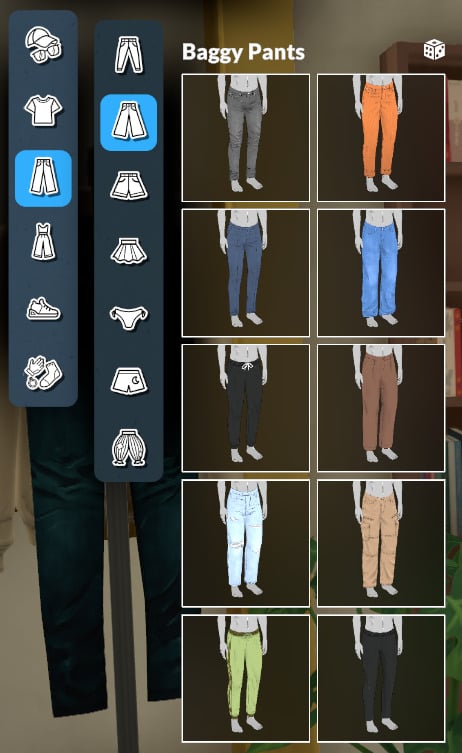
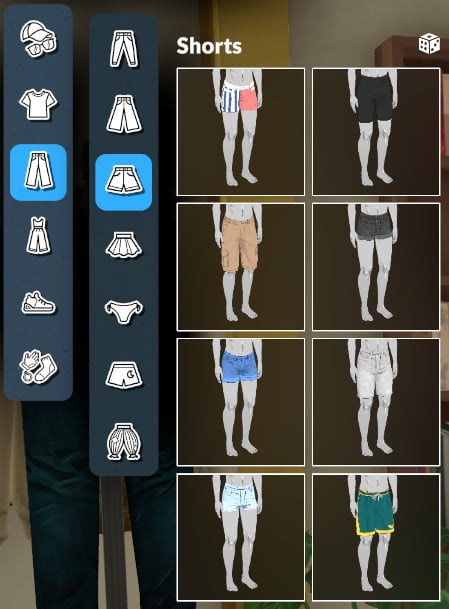
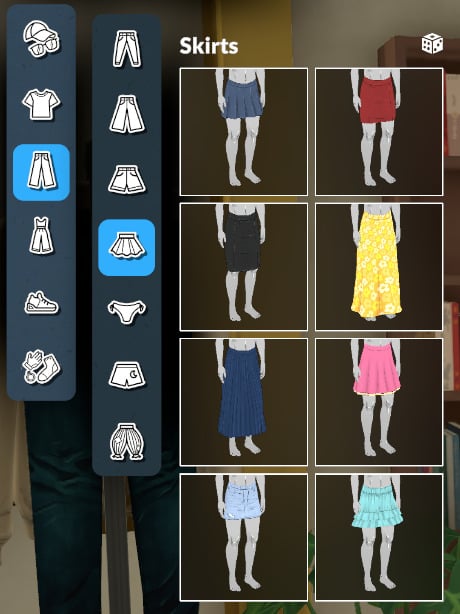
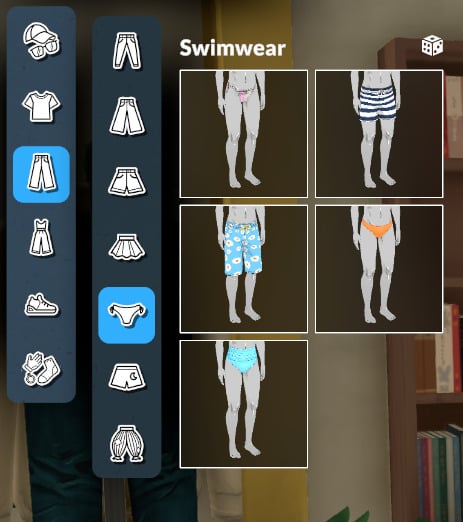
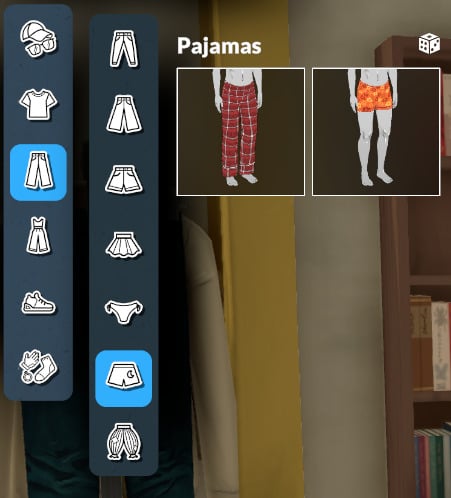
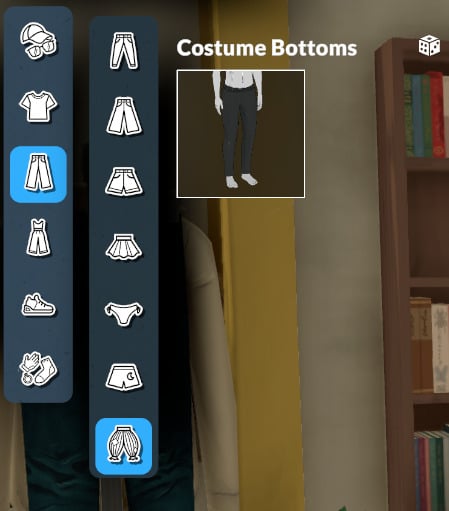
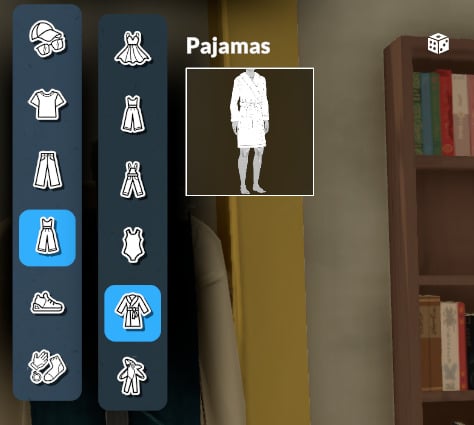
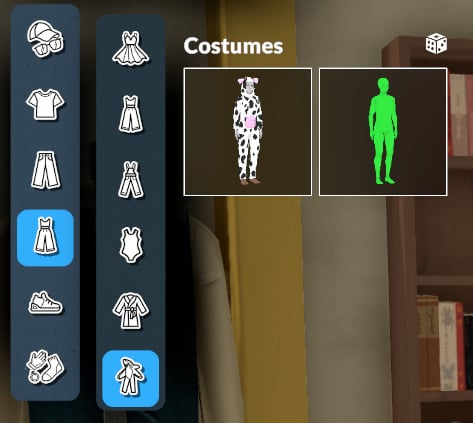
Full Body Outfits
Shoes
Accessories
Personality
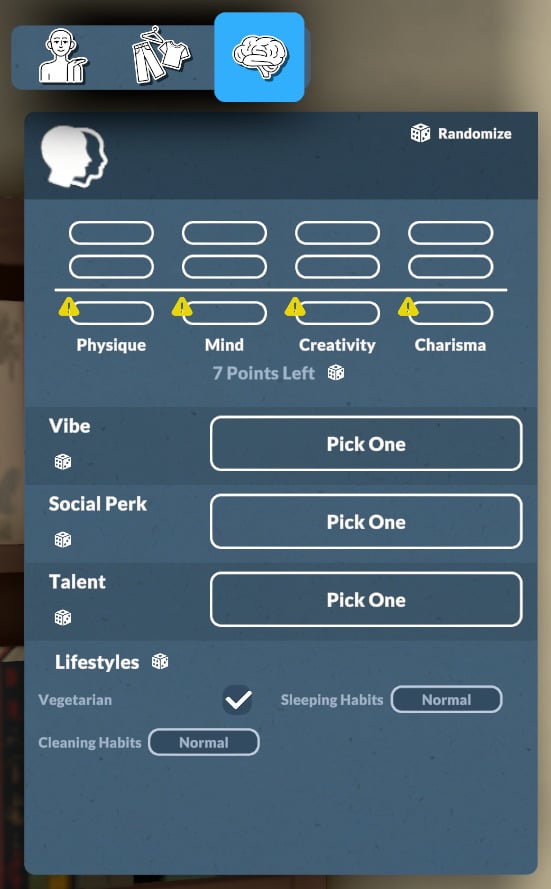
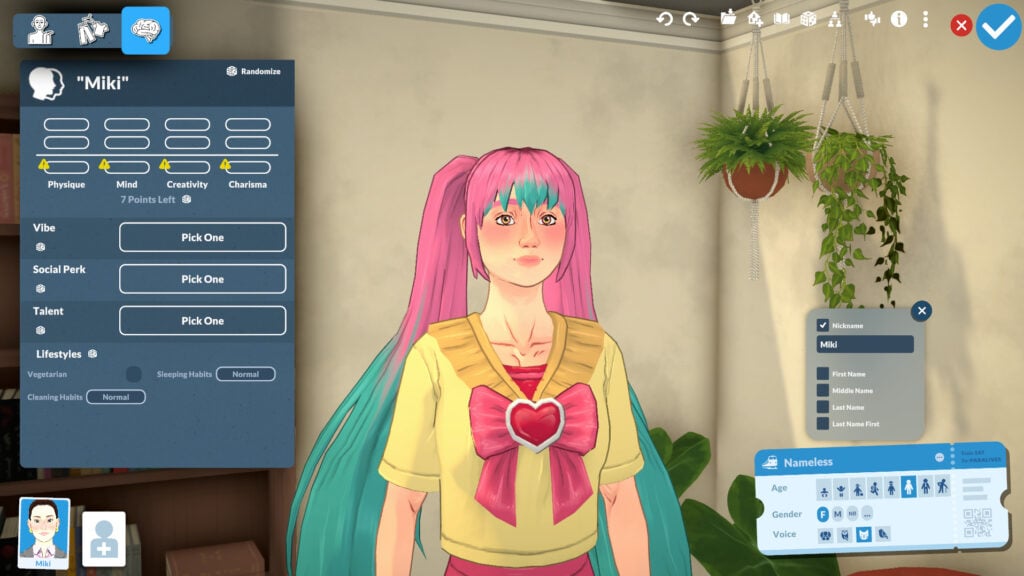
Personality is the final main category in the Paramaker. Here you can select your character’s stats, vibe, social perks, talents, and lifestyles. Let’s take a look at each of them.
Stats
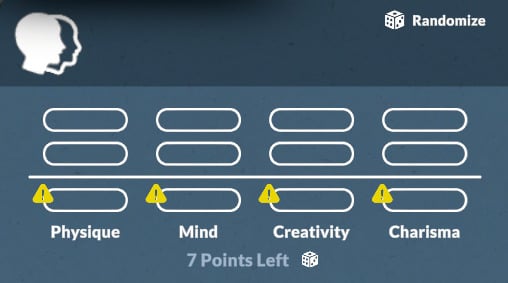
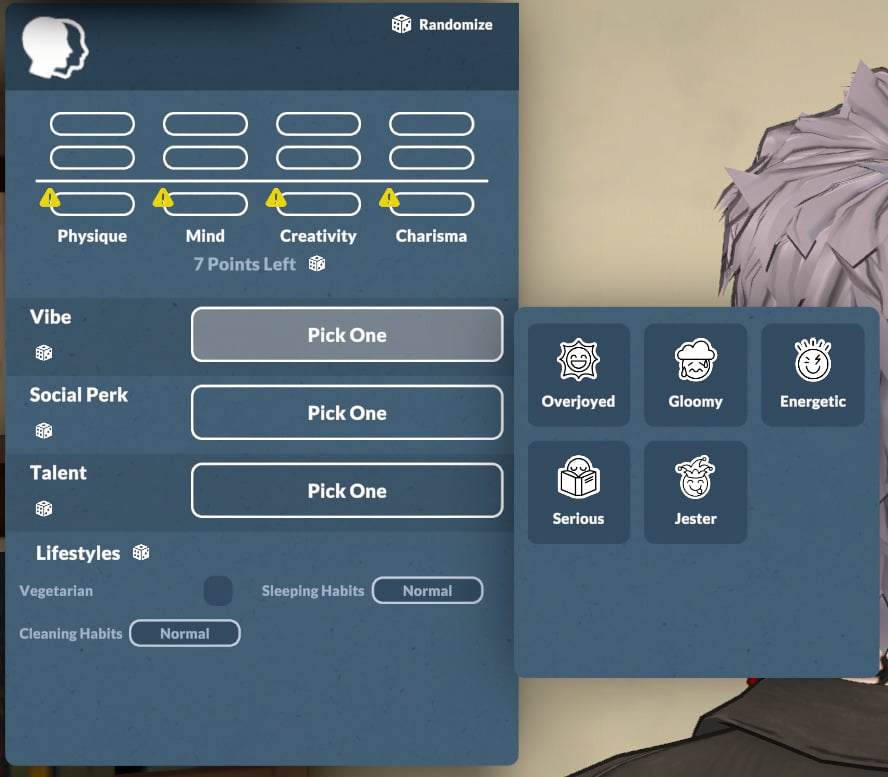
For an adult Parafolk, you’ll be able to distribute 7 points between the categories Physique, Mind, Creativity, and Charisma.
Vibe
The vibe category includes Overjoyed, Gloomy, Energetic, Serious, and Jester. Descriptions for each are available below.
Overjoyed
Description: Overjoyed Parafolks get happy easily and like to spread joy around.
They thrive the most when they are happy.
Gloomy
Description: Gloomy Parafolks get sad easily, but they choose to embrace it.
They thrive the most when they are sad.
Energetic
Description: Energetic Parafolks are very active and often have an energy surplus that allows them to do more with their day.
They thrive the most when they can use this extra energy.
Serious
Description: Serious Parafolks are ambitious and goal-oriented.
They thrive the most when they are achieving great things.
Jester
Description: Jester Parafolks are good at making fun of everything and are always full of surprises.
They thrive the most when they can make people laugh and follow their whimsy.
Social Perk
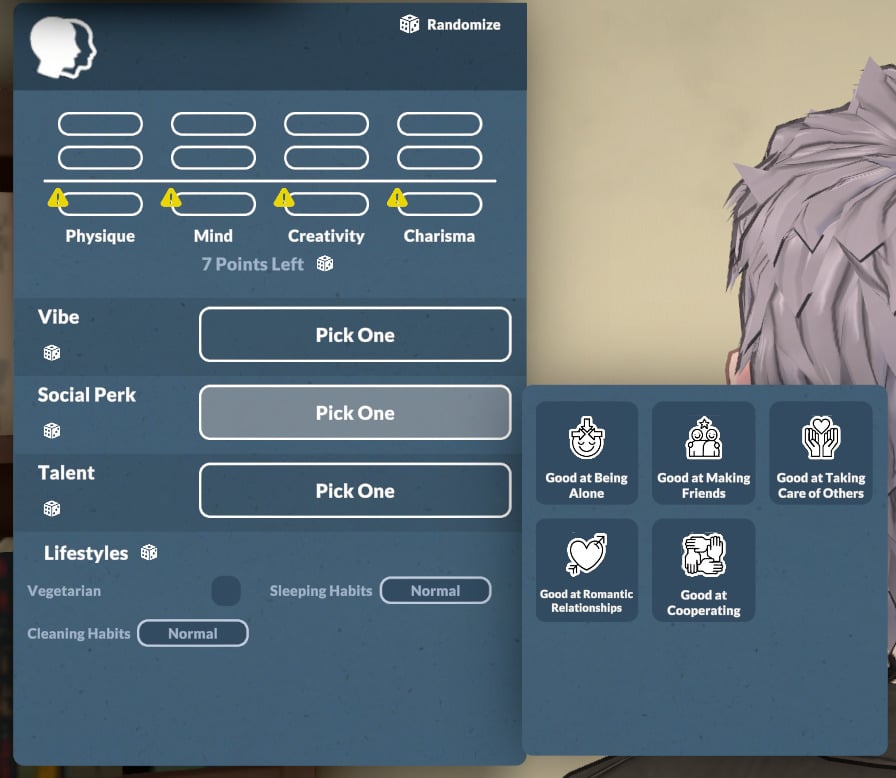
The social perk is another part of your Parafolk’s personality. You can choose from: Good at Being Alone, Good at Making Friends, Good at Taking Care of Others, Good at Romantic Relationships, and Good at Cooperating. Descriptions for each are available below.
Good at Being Alone
Description: Parafolks with this social perk prefer to spend time alone rather than with others.
Being alone gives them significant bonuses.
Good at Making Friends
Description: Parafolks with this social perk like the company of others.
They make friends very easily.
Good at Taking Care of Others
Description: Parafolks with this social perk put others first and are always there to help.
They can relieve other Paras’ needs and bad emotions.
Good at Romantic Relationships
Description: Parafolks with this social perk love having some romance in their lives.
They have more success with flirting and get more interesting flirting prompts.
Good at Cooperating
Description: Parafolks with this social perk love being with other and doing things together.
They shine the brightest in groups.
Talent
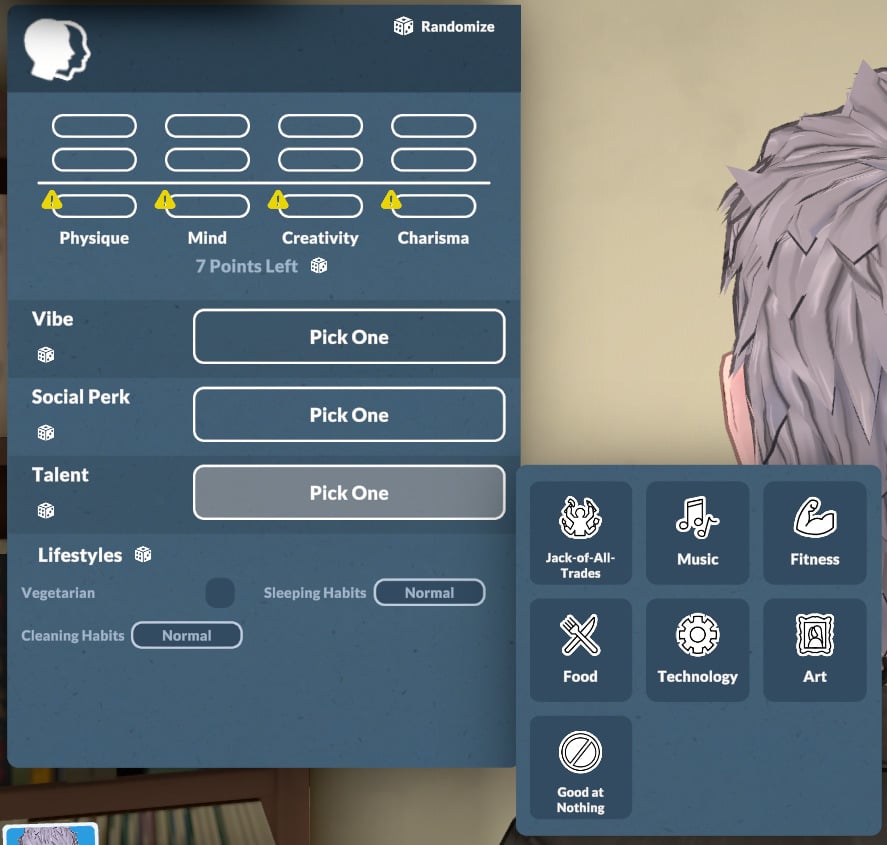
You’ll also need to choose your Parafolk’s talent. The categories are Jack-of-All-Trades, Music, Fitness, Food, Technology, Art, and for a more challenging game, Good at Nothing. You can read more about each option below.
Jack-of-All-Trades
Description: Parafolks with this talent perform well in all skills and want to learn as many things as possible.
They get bonuses when they work on all their skills.
Music
Description: Parafolks with this talent excel with musical instruments; piano, guitar, and even the triangle are no feat for them.
Fitness
Description: Parafolks with this talent love to move, and are the happiest at their sweatiest.
They get happy when they exercise, and their Hygiene need drains slower.
Food
Description: Parafolks with this talent love eating and cooking, and know their way around a spice rack.
They start off knowing more recipes than other Paras, and their food gives special effects to those who eat it.
Technology
Description: Parafolks with this talent love computers, and skills like programming are easy for them.
They have abilities linked to their computer usage.
Art
Description: Parafolks with this talent excel at painting and express themselves via visual art.
They are at their happiest creating art, and their painting sell for more than those of Paras without the art talent.
Good at Nothing
Description: Parafolks with this talent are good at nothing: not everyone can be talented.
Their skills progress slowly, they fail tasks more often, and they get sick easily.
Lifestyles
The lifestyles are the last categories to define your Parafolk’s personality. Let’s take a look at them!
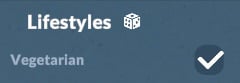
Vegetarian
In Paralives, being vegetarian isn’t a third of your Parafolk’s whole identity! You simply decide if you’re a vegetarian or not.
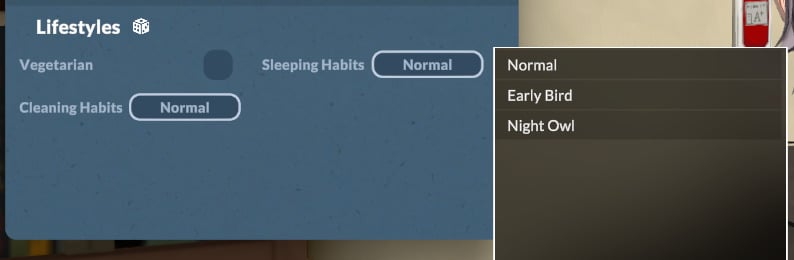
Sleeping Habits
You can choose your Para’s sleeping habit with the options: Normal, Early Bird, and Night Owl.
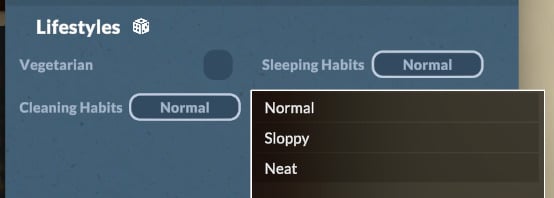
Cleaning Habits
Your Parafolk’s cleaning habits can be set to Normal, Sloppy, or Neat. This has a major impact on their autonomous cleaning behavior around the house.
Identity
In the Identity area, you can choose everything related to names, gender, pregnancy, breastfeeding, and jealousy. Let’s take a closer look.
Name + Advanced Options
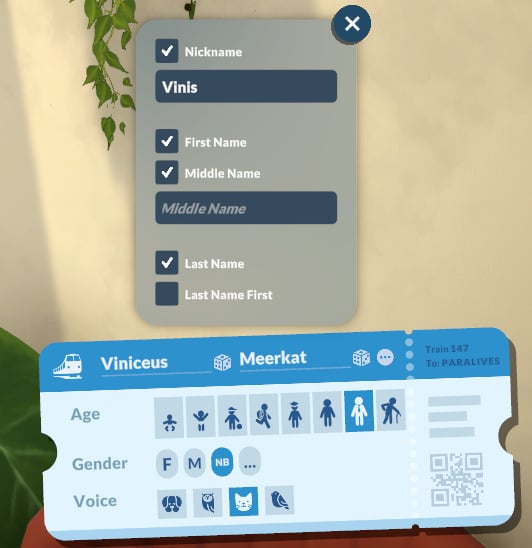
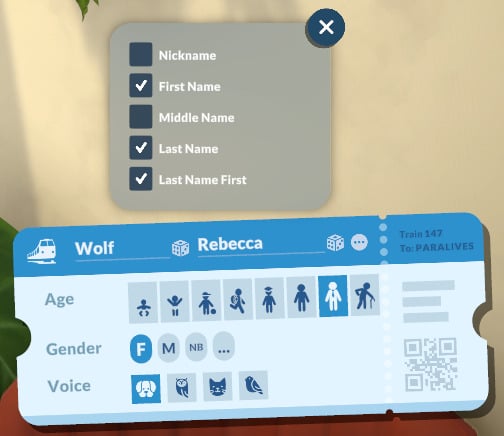
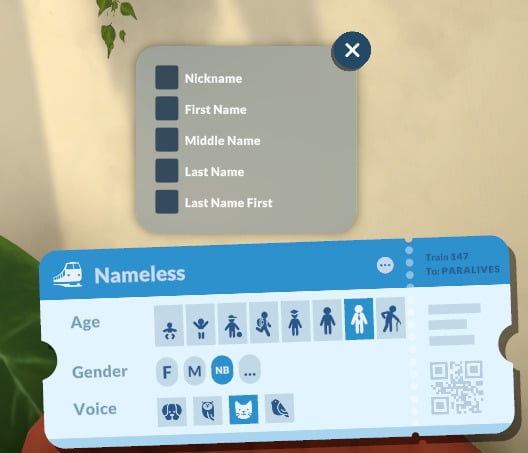
By default, you can choose the first and last name of your Parafolk. If you’re not feeling creative, you can also randomize first names and last names for them.
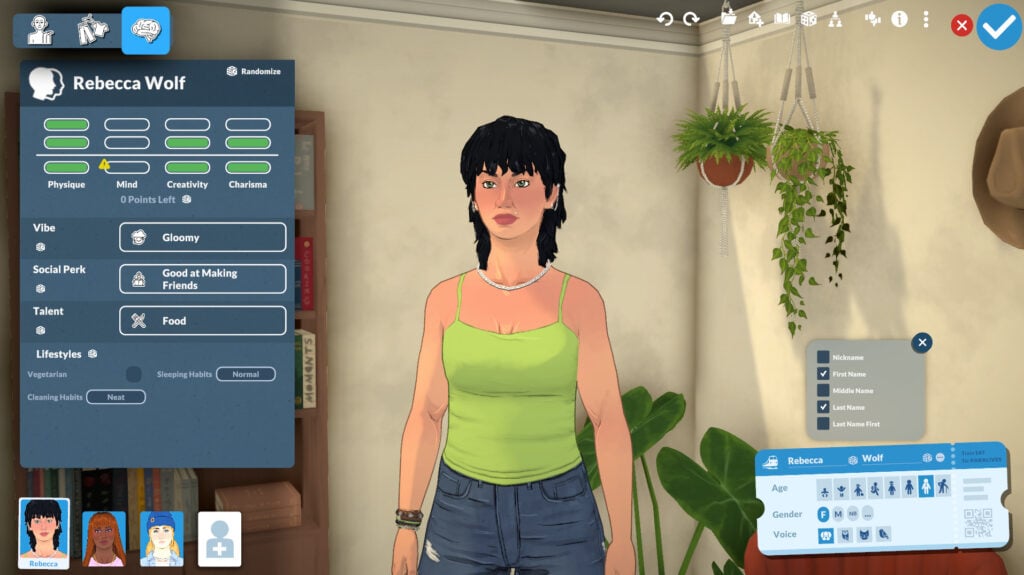
Using Advanced options, you can include a Nickname, Middle Name, and the option to put the Last Name First. You can also deselect everything, making your Parafolk literally nameless!
Age (Lifestages)
In the Paramaker’s Age category, you can set your Para’s life stage. The options are Baby, Toddler, Child, Pre-Teen, Teen, Young Adult, Adult, and Elder. A dedicated article on life stages is coming soon, so stay tuned!

Gender + Advanced Personality Options
Gender
In this category, you can select your Parafolk’s pronouns. The options are: Female (She/Her), Male (He/Him) and Non-Binary (They/Them).
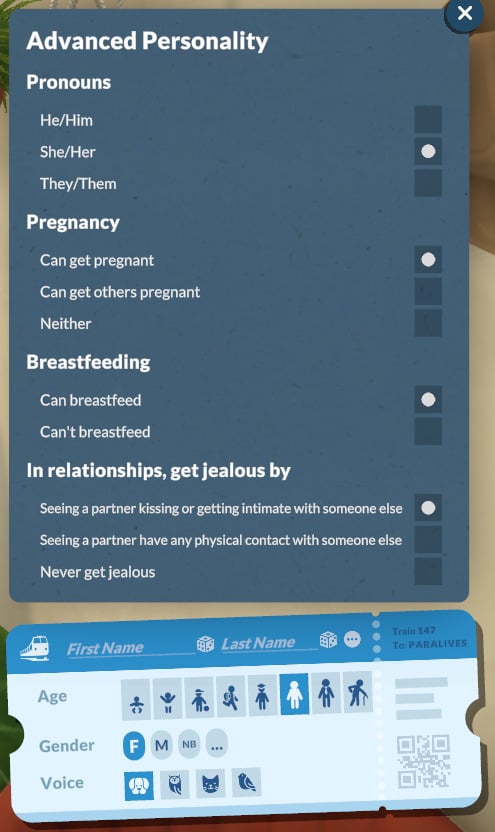
Advanced Personality Options
With the Advanced Options, you can also choose:
Pregnancy
The pregnancy options:
- Can get pregnant
- Can get others pregnant
- Neither
Breastfeeding
The Breastfeeding options:
- Can breastfeed
- Can’t breastfeed
In relationships, get jealous by
- Seeing a partner kissing or get intimate with someone else
- Seeing a partner have any physical contact with someone else
- Never get jealous
Voice
At the moment, babies, toddlers, children, and pre-teens each have only one voice option. From teens to elders, there are 4 options available, and they are the same for every gender.

Creating a new Para
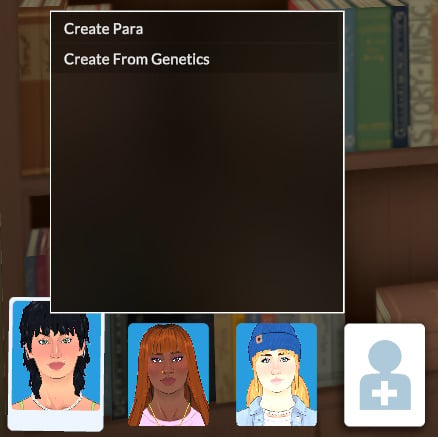
The Paramaker offers two ways to create a new Parafolk: Create Para or Create from Genetics.
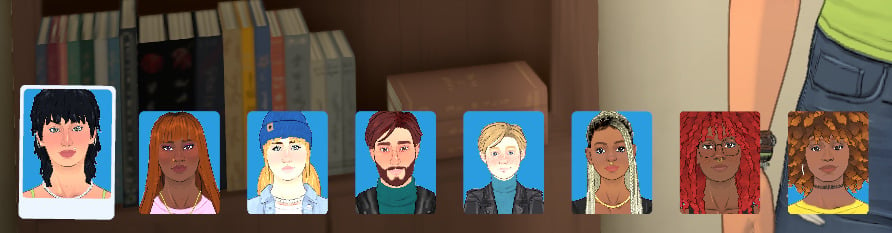
The maximum number of Parafolks per household is 8.
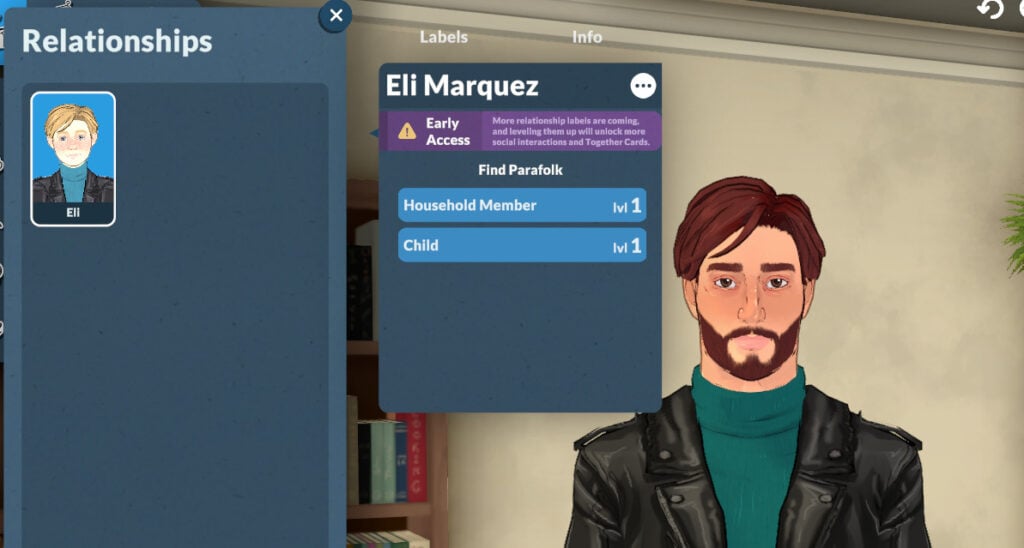
Relationships for Households and Family Members
In the Relationship menu, you can define family and friend relationships. The choices are: Household Member (cannot be changed), Romantic Interest, Friend, Parent, Child, Sibling, Lover, Fiancé/Fiancée, and Spouse.
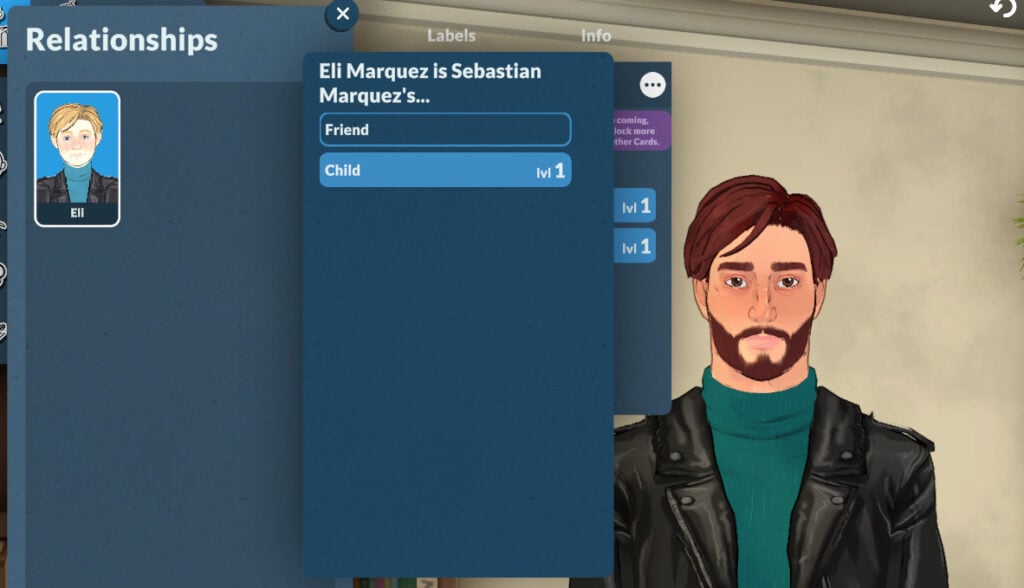
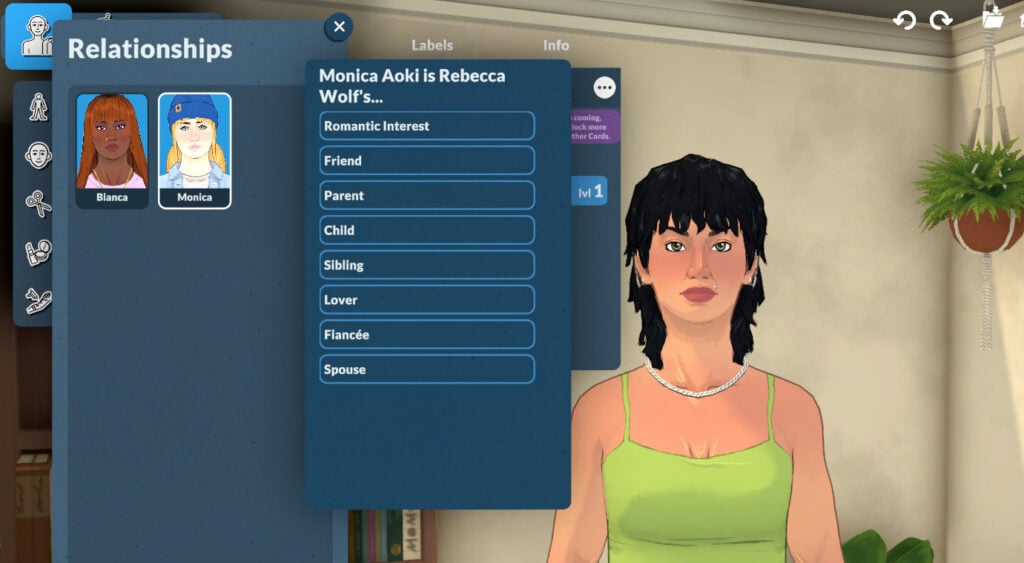
The Family Tree was promised to be delivered at some point during early access!
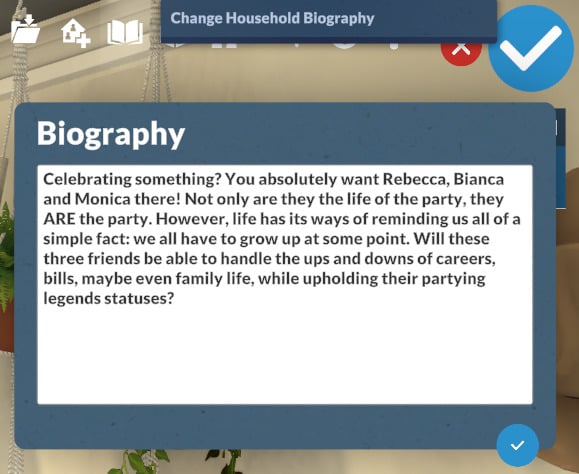
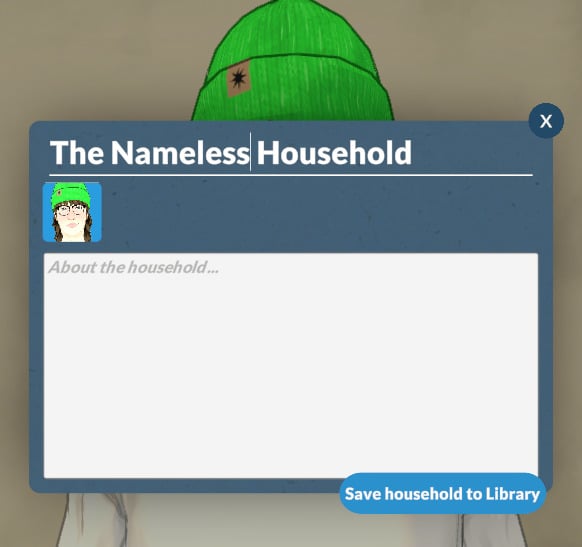
Household Biography
You can add a household biography if you want, but it is optional.
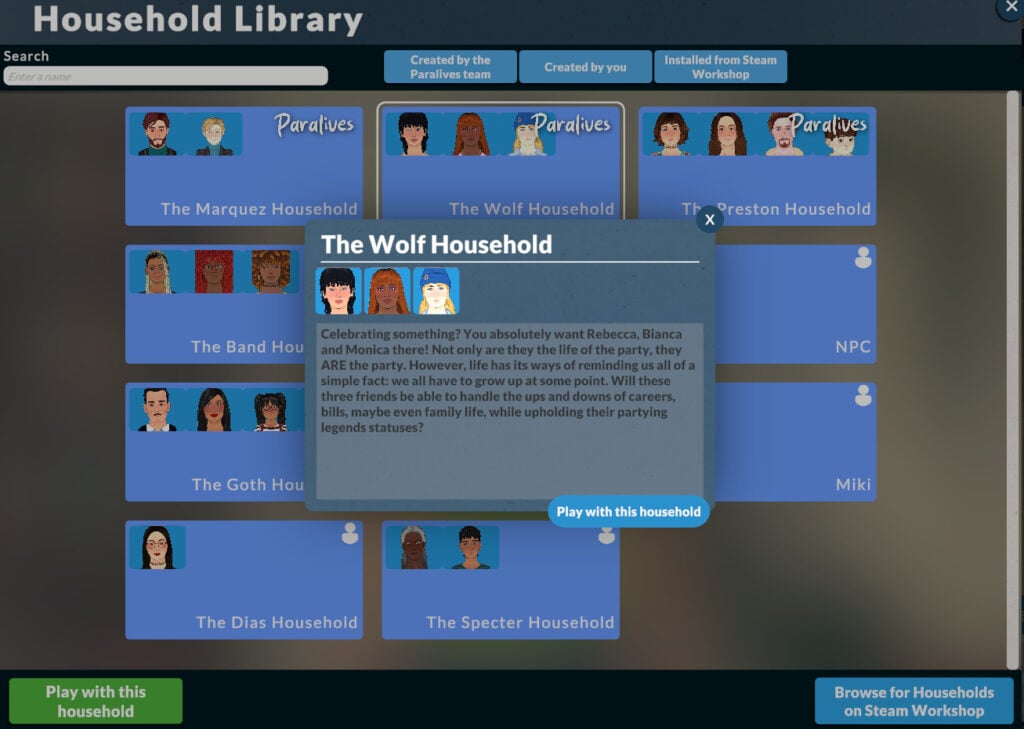
Household Library
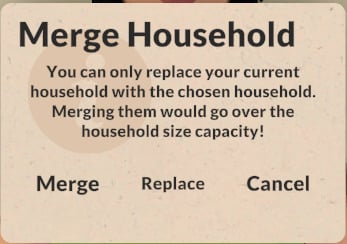
You can access the Household Library from the top-right menu of the Paramaker. It lets you load a premade household or save yours. Your saved households will be available in every save, and you can add them by starting Create a New Household.
Wrapping it up!
From bringing back beloved features to completely changing how character creation works, the Paramaker is already making history with so many customization options and offers life sim fans a truly new and fresh experience.
The Paralives team has emphasized that much more is on the way throughout early access. Stay tuned, because we’ll be covering everything new that comes out!
Now we want to hear from you! What are your thoughts on the Paramaker? Did you enjoy the new experience? Let us know in the comments!