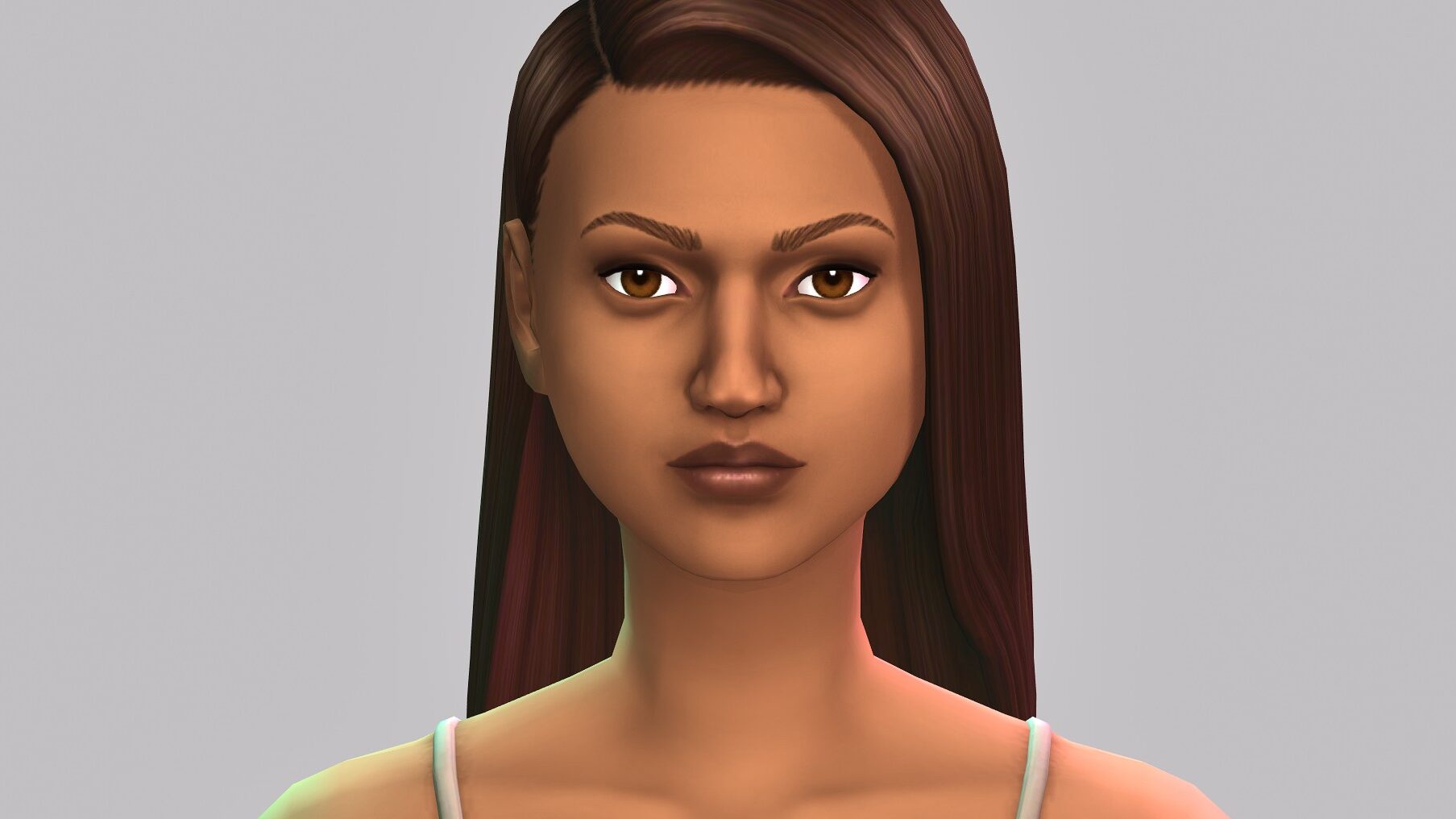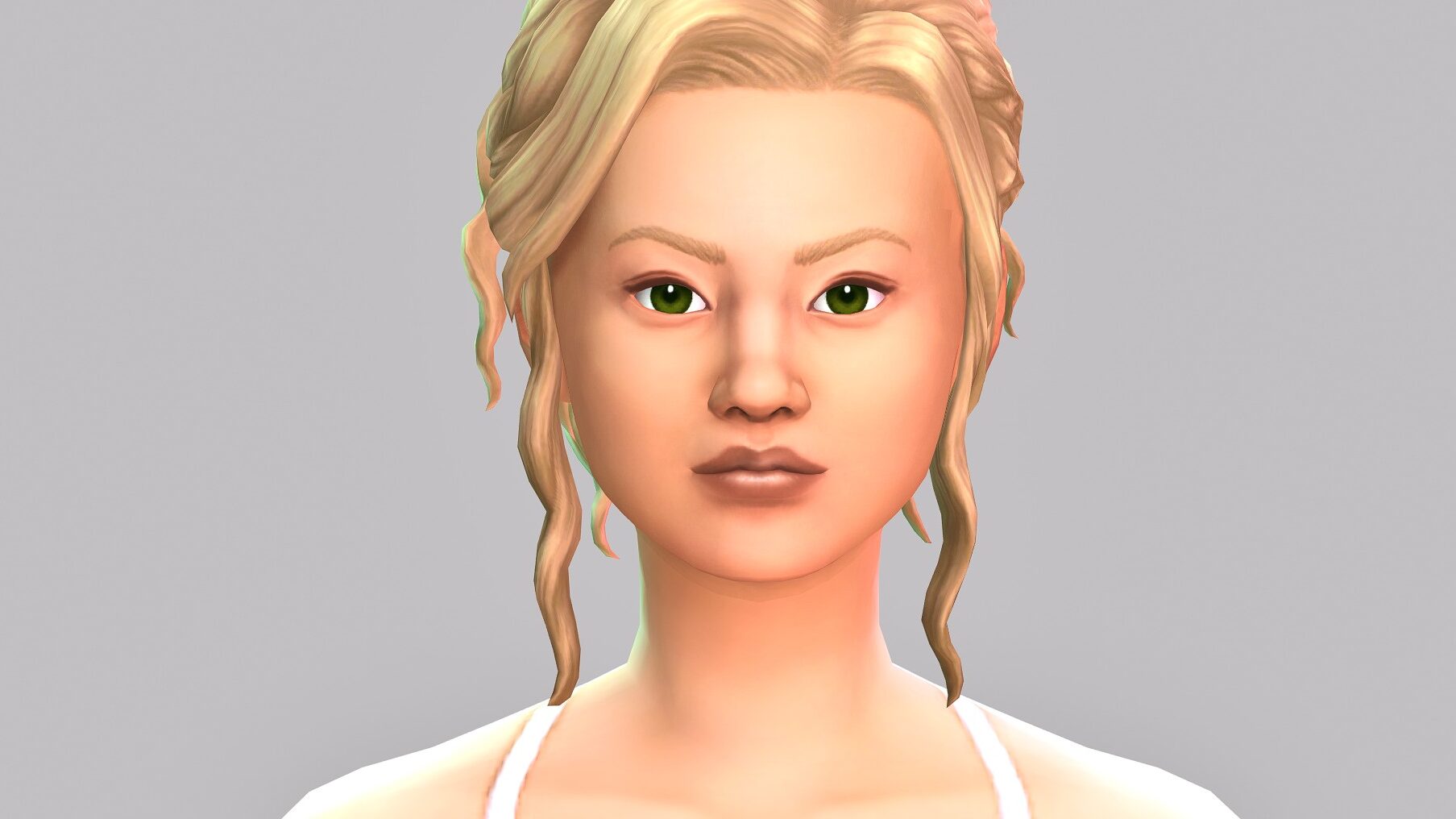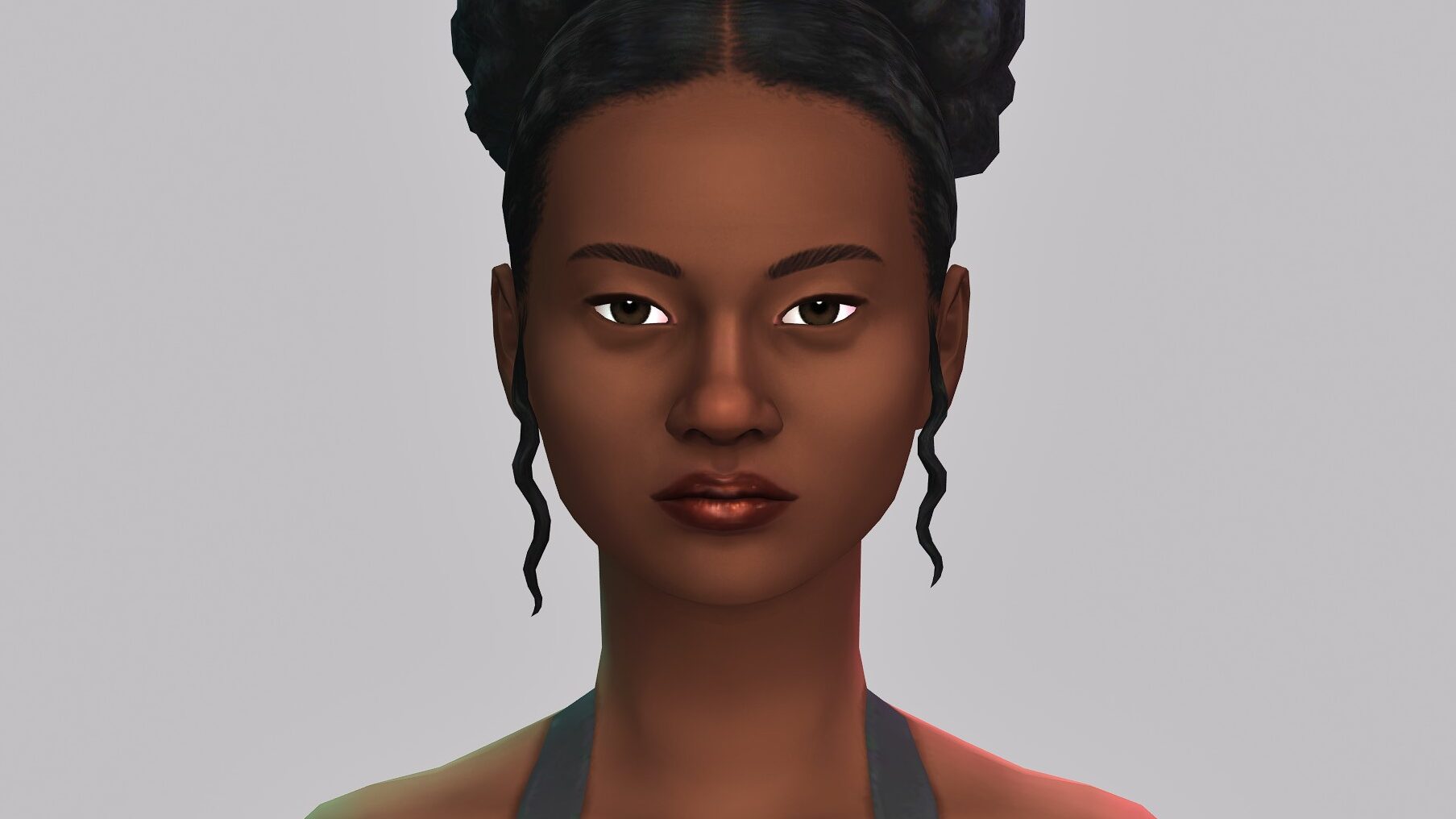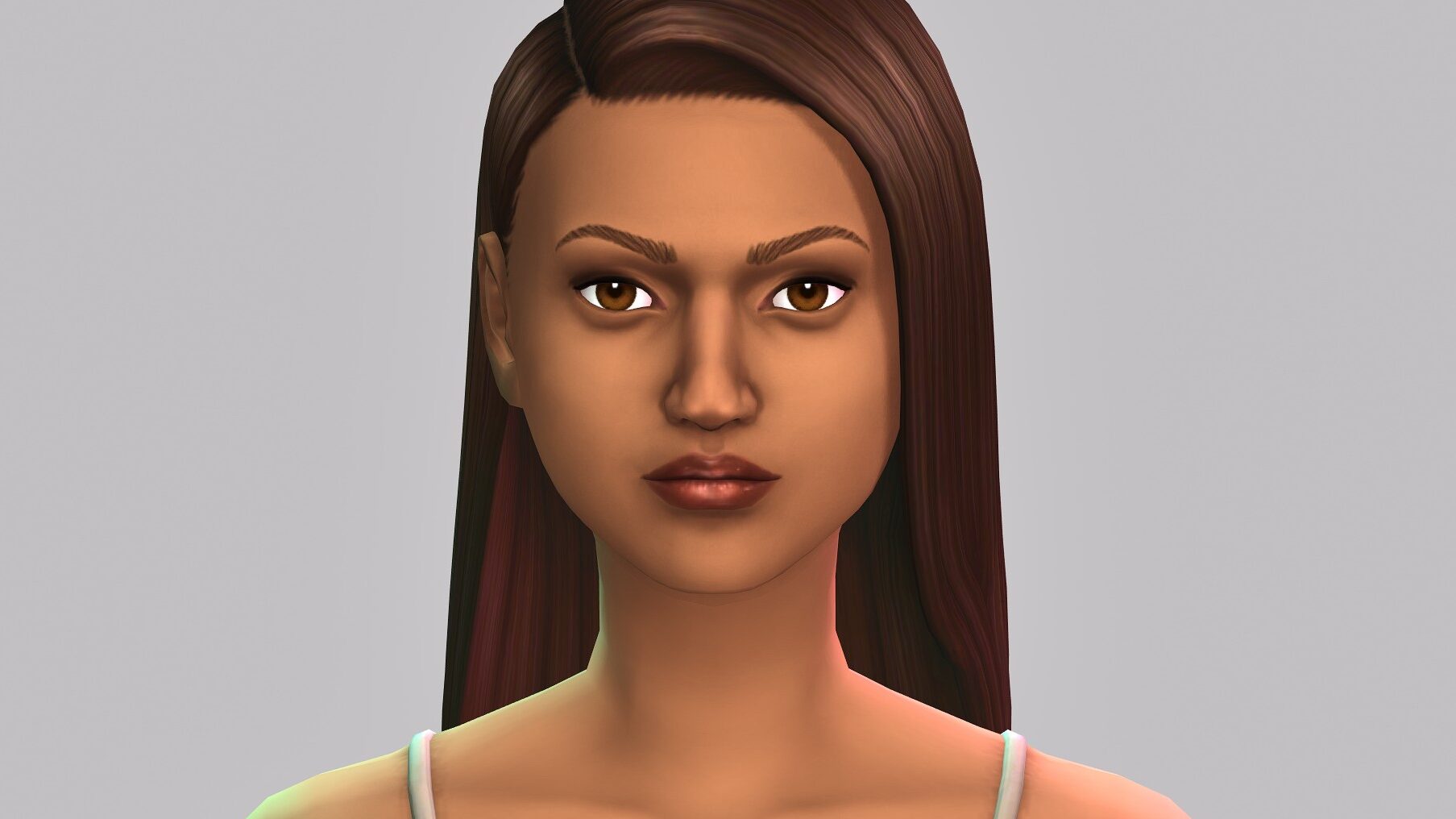
Home Blog Page 31

EA Releases an Official Statement on The Sims 4 Save File Issues and For Rent

14

Get to know the current state of the game, and where EA is headed with the fixes.

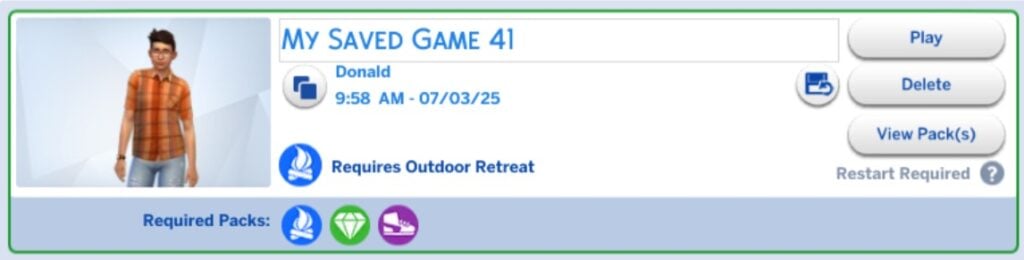
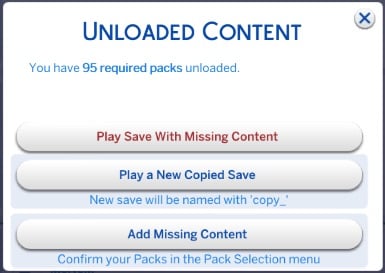
Electronic Arts is finally breaking the silence on The Sims 4 Save File corruption issue, with a new statement shared across EA Forums and The Sims Direct. The issue, which is heavily multiplied with Residental Rental Lot features in The Sims 4 For Rent Expansion Pack, is causing players to lose months of their save game progress without proper way of reverting back the save.

The Sims 4 For Rent Expansion Pack Official Reveal Trailer 0 33 screenshot

Today, EA released an official statement about the feedback from players about the concern of Sims 4 Save File corruption, as well as the state of The Sims 4 For Rent Expansion Pack.

“We’ve fixed 29 community reported issues on For Rent, and have 37 currently under investigation, with 11 requiring more info from players. 2 of those issues are related to save file concerns, with a combined total of 222 votes from players. We have a partial fix currently identified for the issue with the most votes, and will share updates as we have them.”

The investigation for fixing the Sims 4 For Rent continues. Until then, here’s how you can help close down the chapter of corrupted save games in The Sims with the official thread from EA:

CONVERSATION 2

The Sims 4 Save File Corruption and For Rent Issues: Statement from EA

Sul Sul Simmers,

We’ve received questions from players with concerns about the For Rent Expansion Pack, and what we’ve been doing to tackle save file issues in The Sims 4

To address this community concern, we’re providing an update below on:

  1. For Rent issues we’re currently investigating  
  2. Current issues with The Sims 4 that might impact saves 
  3. How we prevent issues before release 
  4. What to do if you’re experiencing serious issues with your game 

Nothing is more important to us than the performance of our game and players’ enjoyment of it, and we’ve been investigating these issues thoroughly before providing an update. What we discovered is this is not a single bug, and given the complex variance in devices, setups, packs, and other factors, it’s required extended investigation. With this being shared, let’s dive in. 

For Rent: Known Issues

We’ve fixed 29 For Rent issues that the community has reported, and as of August 26, we’re tracking 37 others across 2 different statuses.

  • 26 Issues Currently Being Investigated: This means we’re aware of the community report and it’s going through our internal processes. This can become a lengthy process that ranges from trying to replicate the bug to identifying the cause, working on a fix, testing the fix, or scheduling an update for the fix to come. Our team will share updates as the work continues.
  • 11 Issues Require More Info: This means we’re unable to make progress on this issue until we get more specific information from players who are experiencing it. Save files with the issue occurring is the most helpful for our teams, and you can learn more about how to report issues further down this post. 

For Rent: Save File Issues

Of these 37, we’re currently aware of 2 issues commonly associated with save corruption that players are experiencing:

  • Lots/Houses disappear in saves featuring a large number of rental units, with 173 votes.
    • We’ve identified a partial fix for this issue and will provide an update once we have more information about the scale of the fix. We won’t mark this as fully resolved until we’re confident we’ve fixed the issue as described by players in this post.
  • White screen when loading the world, with 39 votes.
    • We’re tracking this across PlayStation 4 and looking for more reports. 

If this is not your experience with For Rent, and you continue to face issues that specifically relate to this pack, we’d like to receive the info needed to investigate further. If you recognize an issue you’re facing, please drop a comment or a vote – it really helps us prioritize what to tackle next. If your For Rent issue is not listed here, please start a new post here so we can investigate it. 

The Sims 4 Save Issues 

Let’s look at what issues are impacting save files on The Sims 4 more broadly. 

A most severe issue would be if The Sims 4 game is completely unable to be opened and does not launch. We currently have zero confirmed reports of this; if any players are experiencing this, please leave a comment here so we can help troubleshoot.

The next type of serious issue is when a player is able to load the game, but unable to load their save. From what we’ve found in our investigations so far, we’re currently aware of 6 issues that players correlate with save corruption, and this is where we’re investing our focus to resolve. 

It’s important to note that just because these issues are not unique to For Rent, they may have connections to For Rent that could be uncovered during investigation. You can expect us to share updates as we find them. 

We’re committed to continue investigating these issues and work towards making progress, alongside shipping fixes for other top community concerns. We aim to deliver updates quickly, once we have new or helpful information, to keep players informed of our progress. 

Keep reading to learn more about how our team works behind the scenes to identify and address player issues. 

Investigating Game Issues  

Before we release new content, we complete compliance tests across platforms and multiple levels of quality verification, including playtesting with The Sims team and a paid group of experienced Sims players from the community. 

We’re unable to recreate every potential Sims scenario across the different combinations of packs, playstyles, and devices before launch. Once it’s been released, we utilize player feedback to understand what issues are being experienced, by how many people, and any patterns of what might be causing them to aid our resolution. 

Another variable is if players use Mods and Custom Content (CC), as we’re unable to test against those in our pre-launch testing. Some mods come with permissions that modify save file structure, which can have unintended consequences out of our control. We have best practices for mod players here, which include disabling mods before any update, and we do our best to let modders know when to expect a base game update via our roadmaps. We also share our TDESC (Tuning Description) files via Discord to help with their updates, as that provides essential information for understanding and modifying data like field names and options. 

Reporting Game Issues  

If you’re experiencing something that’s impacting your ability to play the game that’s not on these lists, we want to hear about it. If you’re unable to get your The Sims 4 game to load or have a save file that you cannot open anymore, we want to hear from you and review that save file. We’ve created this new thread for any reports that the game is not functioning as expected, as we want to capture the full situation. 

Fixing old issues and addressing new ones are both equally important to our team and to players.  While many players continue to play without interruption, we understand experiencing these issues is frustrating, and we remain committed to making progress against them. Plus, we’ve seen players ask for information on how to back up save files and improve the overall game performance, which we’ll be sharing soon.


What are your thoughts on the official statement for The Sims 4 Save File issues and the glitches with For Rent? Share your thoughts in the comments and make sure your voices are heard in the official EA Forums reports thread!
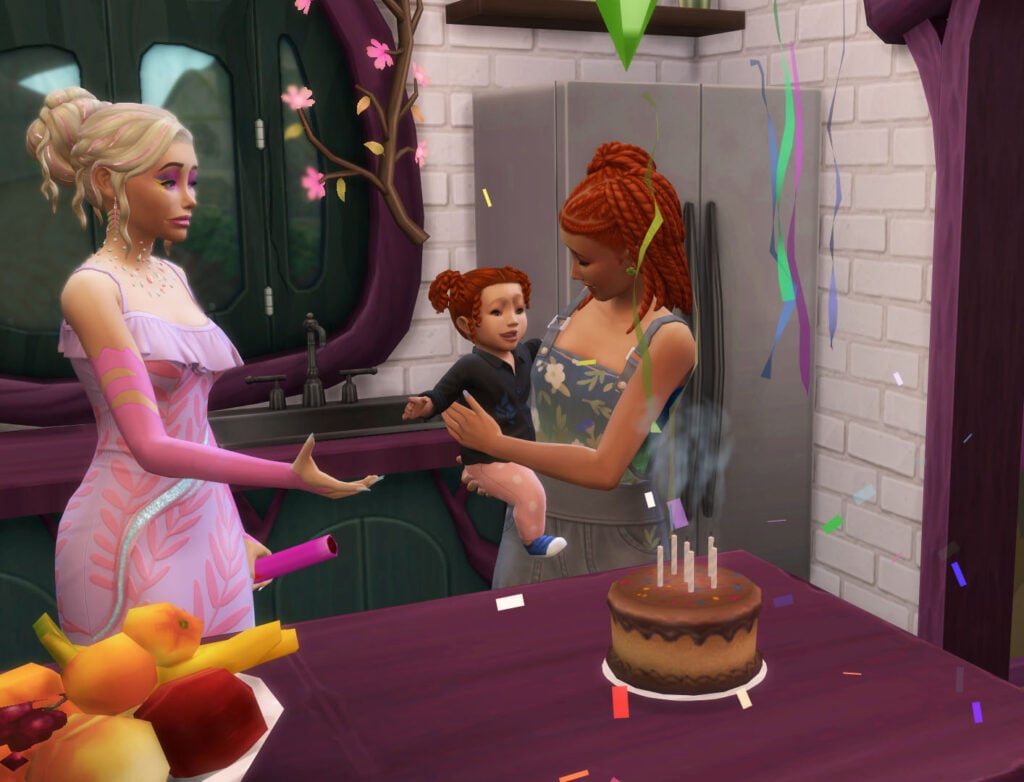
A Complete Guide to The Sims 4 Life Stages and Lifespans

3

A Complete Guide to the Life Stages and Their Lifespans in The Sims 4!

The Sims 4 is an immersive life simulation game that lets you create and play with Sims of various life stages, from Newborn to Elder. You decide the length of the lifespans in your game, and you decide how you play!

Life Stages in The Sims 4

There are eight total life stages in The Sims 4, allowing you to play along with your Sims from the very beginning to the very end. Your Sims will naturally age up based on the Lifespan you choose in Game Options, or you can bake a cake, click on it, and choose one of the many interactions it offers to Age Up.

The Sims 4 Life Stages and Lifespans, Age Up
Stages of lifeShort LifespanNormal LifespanLong Lifespan
Newborn0.5 day1 day4 days
Infant2.5 days5 days20 days
Toddler3.5 days7 days28 days
Child7 days14 days56 days
Teen10.5 days21 days84 days
Young Adult14 days28 days112 days
Adult21 days42 days168 days
Elder7 days14 days56 days
Total66 days132 days528 days
The Sims 4 Life Stages and their lifespans

Did you know we didn’t always have the Toddler or Infant Sims 4 life stages? These were introduced as free Base Game Updates, with the Toddler life stage released on January 12, 2017, and the Newborn life stage released on March 14, 2023.

Infant

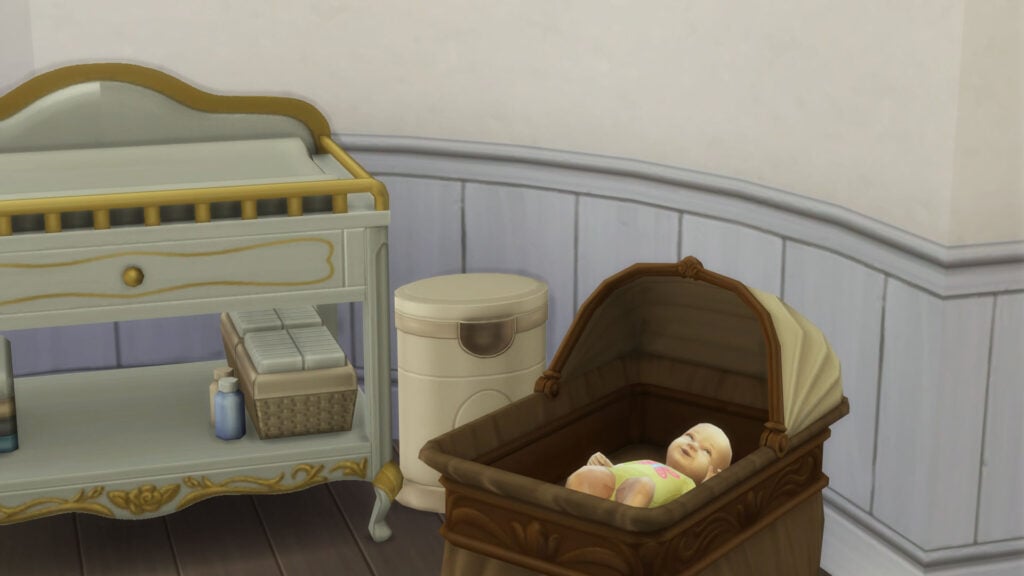
The Sims 4 has little bundles of joy that need love and care, just like real life! The Newborn life stage is a quick and cuddly time in any Sim’s life. The number of days in this stage of life will be determined by the lifespan you choose, but it will always be the quickest. Your Newborn Sim will spend this time either in their bassinet or in a loved ones arms, so you don’t have to worry about losing your baby on the ground anymore (sorry previous Sims games, I do love you).

The Sims 4 Life Stages and Lifespans, Newborn

Needs & Traits

Newborn Sims are not playable, and they do not have an interactive Simology panel. Their Needs seem to quickly deteriorate, so it is important to keep an eye on your little one. Newborns will get hungry require diaper changes, and spend a lot of time sleeping. This leads me me to believe their main Needs are Hunger, Bladder, Hygiene, and Sleep.

Social Interactions

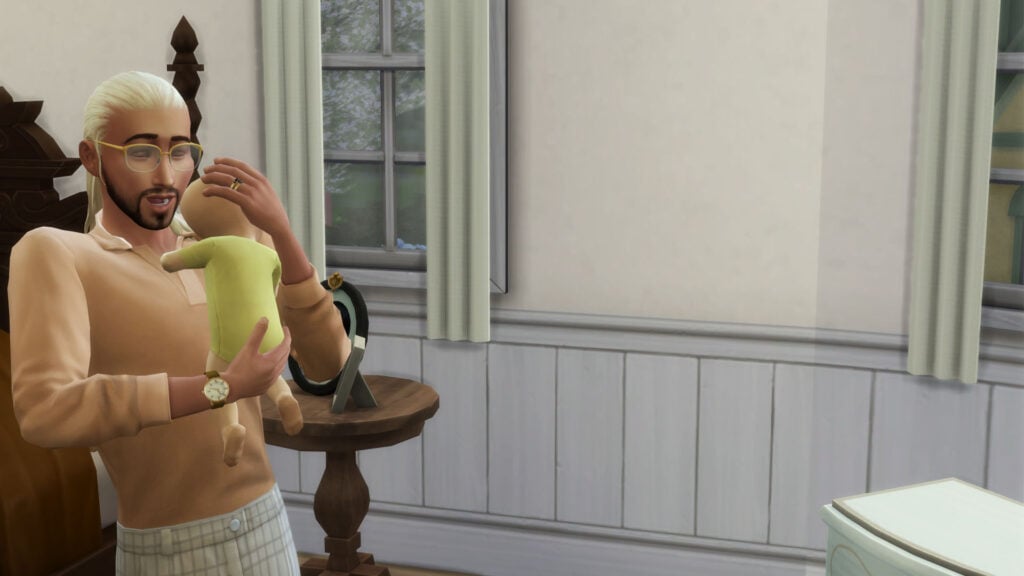
Teen Sims and older can take care of Newborn Sims’ Needs with several interactions, such as Change Dirty Diaper and Bottle Feed. The Newborn Sims’ biological mother is able to Breast Feed their baby as well.

The Sims 4 Life Stages and Lifespans, Newborn and Dad

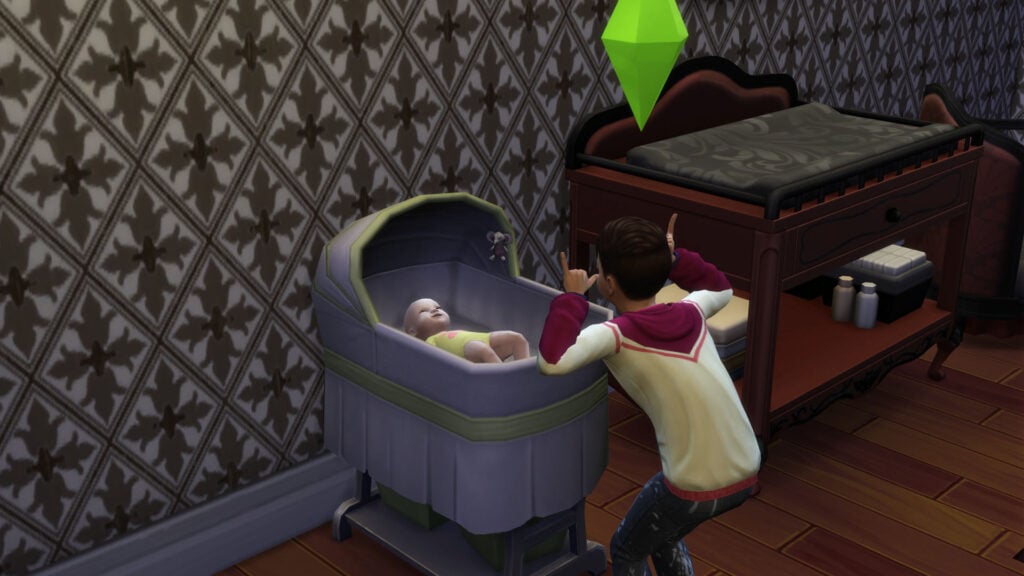
Sims ages Child and older can also build relationships with Newborns through interactions like Talk and Cuddle. Newborns can also grow up early with the bassinet’s Age Up interaction.

The Sims 4 Life Stages and Lifespans, Newborn and Child

Infant

If you thought the Newborn stage was stressful, let me introduce you to The Sims 4 Infant life stage. These cute and squirmy little infants sure do require a lot of care and attention, and good luck if they’re twins!

Needs & Traits

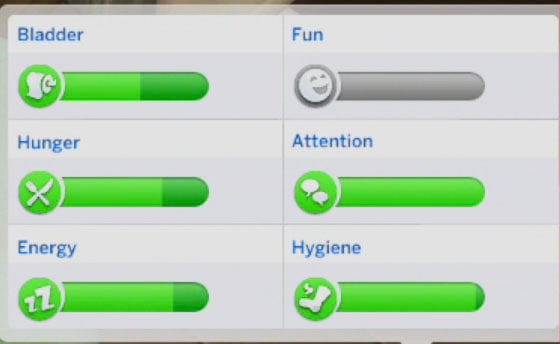
Infants have the basic Needs of Hunger, Bladder, Hygiene, Attention, and Sleep. These Needs tend to drain quickly and require a lot of attention to keep them filled.

The Sims 4 Life Stages and Lifespans, Infant Needs

At this stage of life, your little Sim is starting to show some personality through their one Personality Trait. Infants can have one of the following personality traits: Sensitive, Sunny, Wiggly, Calm, Cautious, or Intense.

Social Interactions

Social interactions with Infants typically center around the baby’s growth and development. Older Sims can help your Infant achieve important milestones through interactions such as Tummy Time Together.

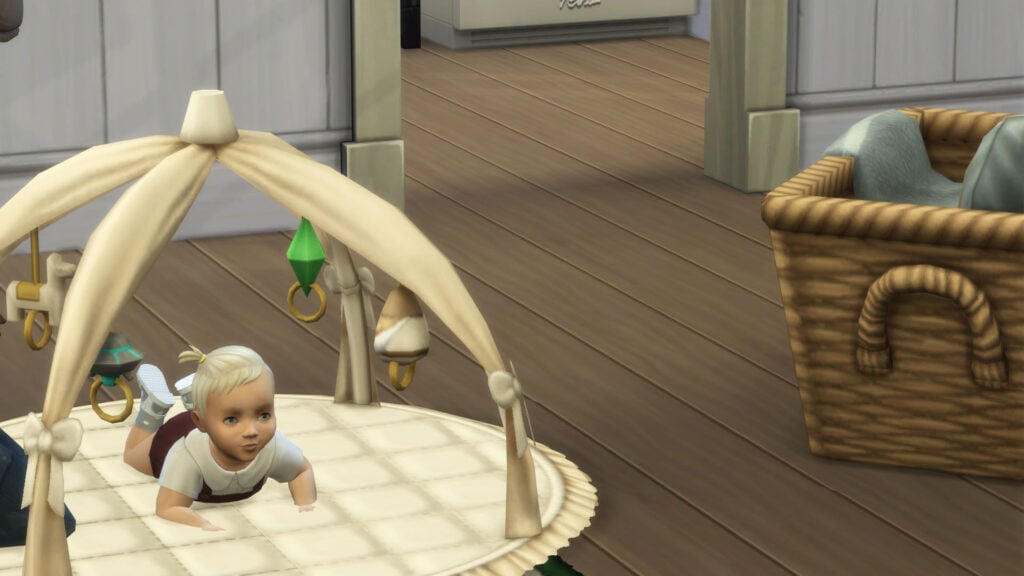
The Sims 4 Life Stages and Lifespans, Infant Tummy Time

Toddler

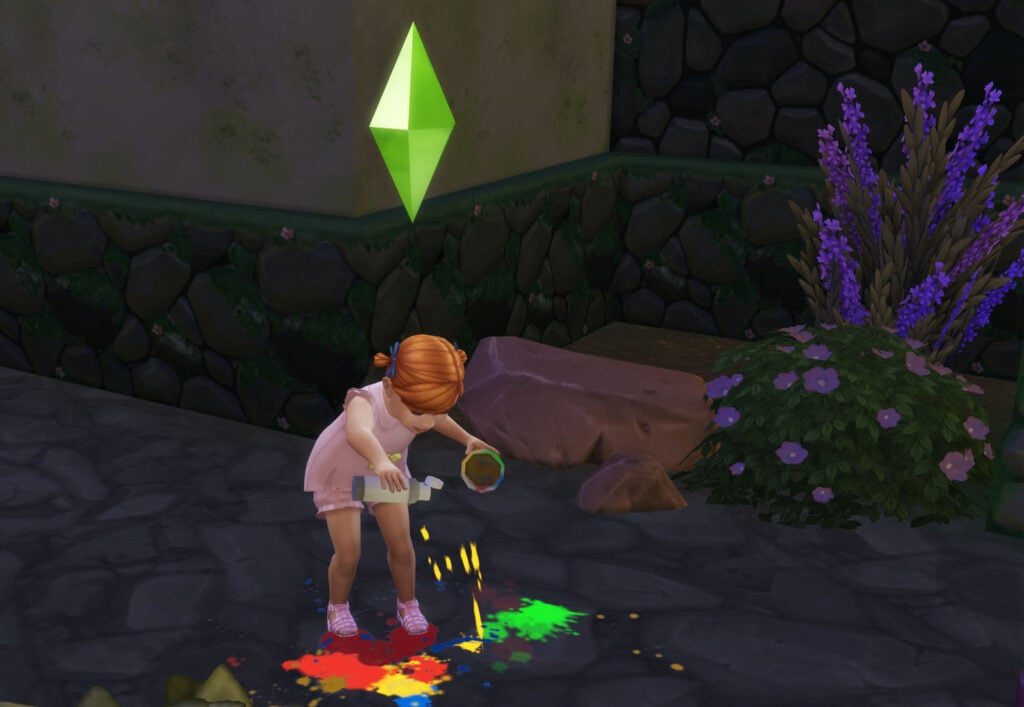
The Toddler Sims 4 life stage brings lots of learning and messes. Toddlers love to follow older Sims around, learning how to crawl and walk as they try to catch up, and practice their creativity by splattering paint on the ground. It’s a fun and colorful time in a Sim’s life.

The Sims 4 Life Stages and Lifespans, Toddler Make a Mess

Needs & Traits

Toddlers have the same basic Needs as Infants. These bundles of joy rely on older Sims for their Needs, but they can learn the Potty Skill to tend to their own Bladder Needs.

The Sims 4 Life Stages and Lifespans, Toddler

When a Sim ages up from an Infant to a Toddler, you can pick from the following traits: Clingy, Charmer, Inquisitive, Silly, Independent, Fussy, Angelic, and Wild.

Social Interactions

Toddlers, like Infants, spend a lot of their social life focusing on learning fundamental skills. Older Sims can use interactions like Teach to Walk and Teach to Talk to help their kid excel as a Toddler. Toddlers also love to play with items like toys and dollhouses.

The Sims 4 Life Stages and Lifespans, Toddler Teach to Talk

These young Sims have the Help social interaction category, letting them ask older Sims for food, a drink, and a bath.

Child

Childhood is full of wonder and imagination. At the Child stage of a Sim’s life, they have truly grown into their budding personality and are ready to take on the new challenges of school, friendship, and more.

The Sims 4 Life Stages and Lifespans, Child

Needs, Traits, & Aspirations

At the Childhood phase of life, Sims unlock the full Need panel that they will carry with them throughout their life. This includes Bladder, Fun, Hunger, Social, Energy, and Hygiene.

When a Child ages up, you will get the option to choose their Trait and corresponding Aspiration. Aspirations are introduced at this stage of life, giving your little one their first goal to work towards in life. Children have specific Aspirations, such as Slumber Party Animal and Whiz Kid.

Social Interactions & Friendship

With Childhood comes the magic of playgrounds, friendships, trading cards, and making crafts. While Sims can start forming friendships from the Newborn stage of life, Children can start working on their lasting friendships and making fun memories at sleepovers.

The Sims 4 Life Stages and Lifespans, Children

Children unlock the Mischief social interaction category and no longer have the Help social interaction category.

School & Afterschool Activities

Child Sims have to go to school in The Sims 4. School will require your Child to do homework and projects, and getting good grades in grade school will help them out when they get to high school.

At this stage of life, Children can join the Drama Club or the Scouts if they’re interested in an afterschool activity.

The Sims 4 Life Stages and Lifespans, Children Scouts

Rules for Young Sims

While Infants and Toddlers can’t die in The Sims 4, Child Sims and older can. Child Sims can die from fire, drowning, exposure to extreme temperatures, spoiled Pufferfish, a meteor strike, or Rabid Rodent Fever.

Sims ages Child and younger can not die from starvation, and will instead be taken by child services. This will result in the removal of all children ages Child and younger from the household.

Sims ages Child and younger can not live alone. If the older Sims die or are otherwise removed from the household, this will likely result in all children ages Child and younger being removed by child services.

Teen

From acne to heartbreak, Teenage Sims go through all the ups and downs we see in real-life adolescence. Teens Sims have to balance grades, relationships, mood swings, and more as they gear up for their Adult years.

Traits, & Aspirations

When aging up from Child to Teen, Sims unlock a plethora of new traits and Aspirations. Many of these are available to Young Adults, Adults, and Elders, but there are a few Aspirations exclusive to the Teen life stage.

The Teen Aspiration category has four Aspirations to choose from: Drama Llama, Goal Oriented, Live Fast, and Admired Icon.

Social Interactions & Budding Romances

Teen Sims have matured enough to unlock almost all of the adult social interactions, but there’s still plenty of room to grow. At this age, Sims can use a lot of the same Mischief, Friendly, Mean, and Funny interactions, with a few extras like the Enthuse about Candy and Talk about Favorite Animal Friendly interactions.

The Sims 4 Life Stages and Lifespans, Teen First Kiss1

A big change from Child Sims to Teen Sims is unlocking the Romance social interaction option. Teens can romantically interact with other Teen Sims to start their romantic journey in life. While they aren’t old enough for all of the Romantic social interactions, they do unlock the ability to Mess Around and even Exchange Promise Rings.

High School

Like Children, Teens can go to school and will have homework in The Sims 4. If you have The Sims 4: High School Years, your Teen can drop out or graduate early if they decide school isn’t for them! Teens can also get expelled from school if they skip school or have consistently bad grades.

The Sims 4 Life Stages and Lifespans, Teen High School

Part-Time Jobs & Afterschool Activities

Teenagers are unique in The Sims 4 because they can have part-time jobs or join afterschool activities. These help your Teens learn important life skills, earn money, meet new friends, create important milestones, and even look great on a college resume.

Moods Swing and Looks Change

At some point in their lives, teens experience mood swings and even puberty. These sims can get into negative moods and phases, making it difficult for them to complete tasks or feel themselves for hours or days. Try paying attention to what they want to help calm them down.

The Sims 4 Life Stages and Lifespans, Teen Advice

Teen Sims also unlock most of the same clothing, hair, makeup, and other Create-a-Sim items that are available to Young Adults and older.

A Fully Expanded Simology Panel

Teenage Sims unlock the fully expanded Simology panel. This includes their Traits, Balance & Imbalance, Luck, Preferences, Relationship Preferences, Milestones, Lifestyles, Public Image, and Neighborhood Action Plans. Teens also have the Character Values visual in this panel.

Young Adult & Adult

The Young Adult and Adult Sims 4 life stages are the most extensive and allow your Sim to fully unlock their world. With the ability to start new jobs and careers, go to college, expand the family, and more, these Sims can finally embark on their own life! Many of these carry on into the Elder stage of life as well.

The Sims 4 Life Stages and Lifespans, Young Adult

Traits, & Aspirations

Young Adult and Adult Sims unlock the full list of Traits in The Sims 4 and have access to dozens of Aspirations they can work towards throughout their lives. Aspirations include things like Public Enemy, Appliance Wiz, and Bestselling Author.

Social Interactions and Relationships

Along with the general conversation and social interactions all Sims Teens and older can use, Young Adult and Adult Sims can discuss their relationships on a deeper level. The ability to discuss personality quirks and attraction is available at these life stages, allowing older Sims to create personal boundaries and learn about others.

The Sims 4 Life Stages and Lifespans, Young Adult Friendships

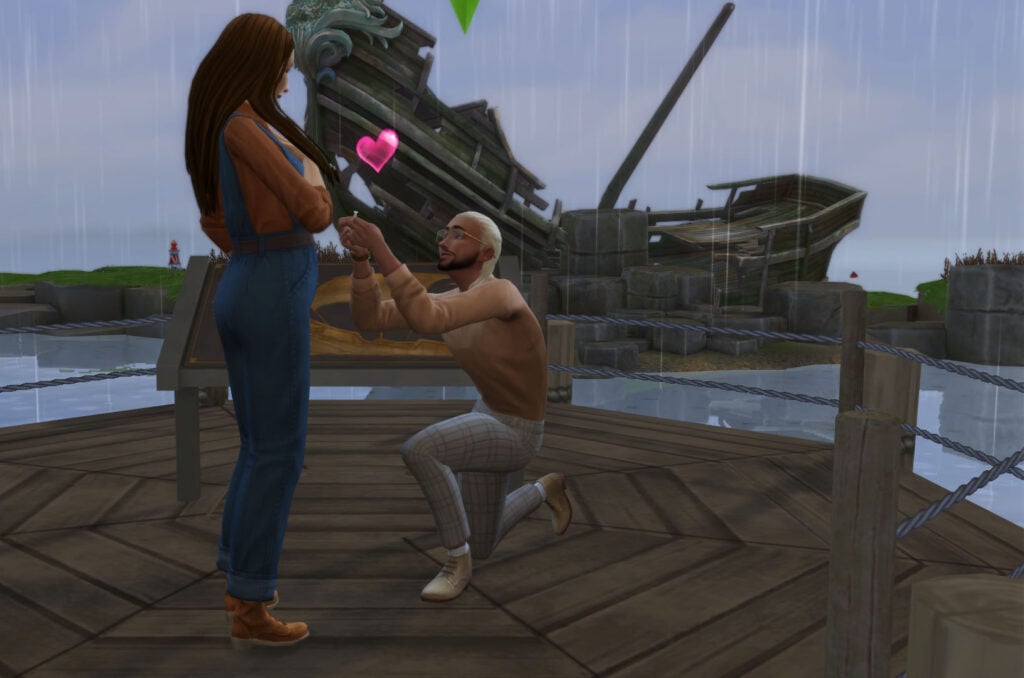
In The Sims 4, relationships can become more permanent during the Young Adult and older phases of life, with the ability to Move In, WooHoo, Try for a Baby, Propose, Get Married, and Get Divorced. These interactions will change the course of your Sim’s life and can help add some much-needed drama to any storyline.

The Sims 4 Life Stages and Lifespans, Young Adult Proposal

The saying goes, “First comes love, then comes marriage, then comes a baby in a baby carriage…” But this does not have to be the case in your Sims’ lives. The Sims 4 allows Sims aged Young Adult to Adult to have a baby in several different ways, no matter the stage of the relationship they are in.

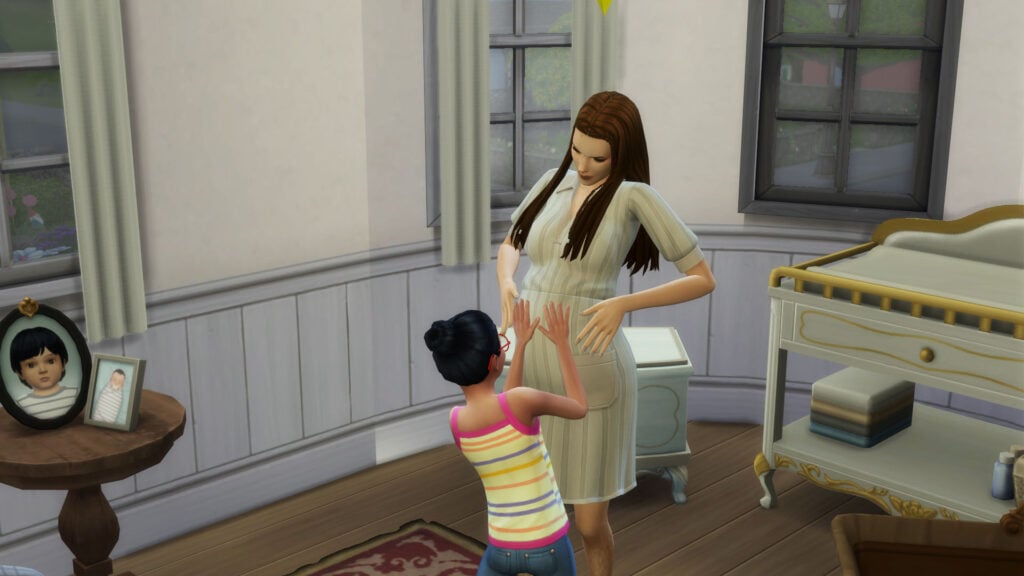
Sims can use the Try for a Baby interaction to make a baby the old-fashioned way, or go another route. Use the phone or computer to Adopt a Baby, Have a Science Baby as a Single Parent, or Have a Science Baby with a friend or romantic partner. Any of these options will make your Sim a parent just the same.

The Sims 4 Life Stages and Lifespans, Pregnancy

College and Careers

If you have The Sims 4: Discover University, the Young Adult life stage in The Sims 4 unlocks the ability to go to college and earn a degree, letting your Sim start their career a few ranks higher than normal. Sims ages Young Adult and up can enroll in university at any time.

The Sims 4 Life Stages and Lifespans, Young Adult Career

At this age, Sims can now focus on their career (if they choose). The Sims 4 has several ways to make a living, ranging from self-employed to Astronaut. How will your Sim make their Simoleons?

Deaths

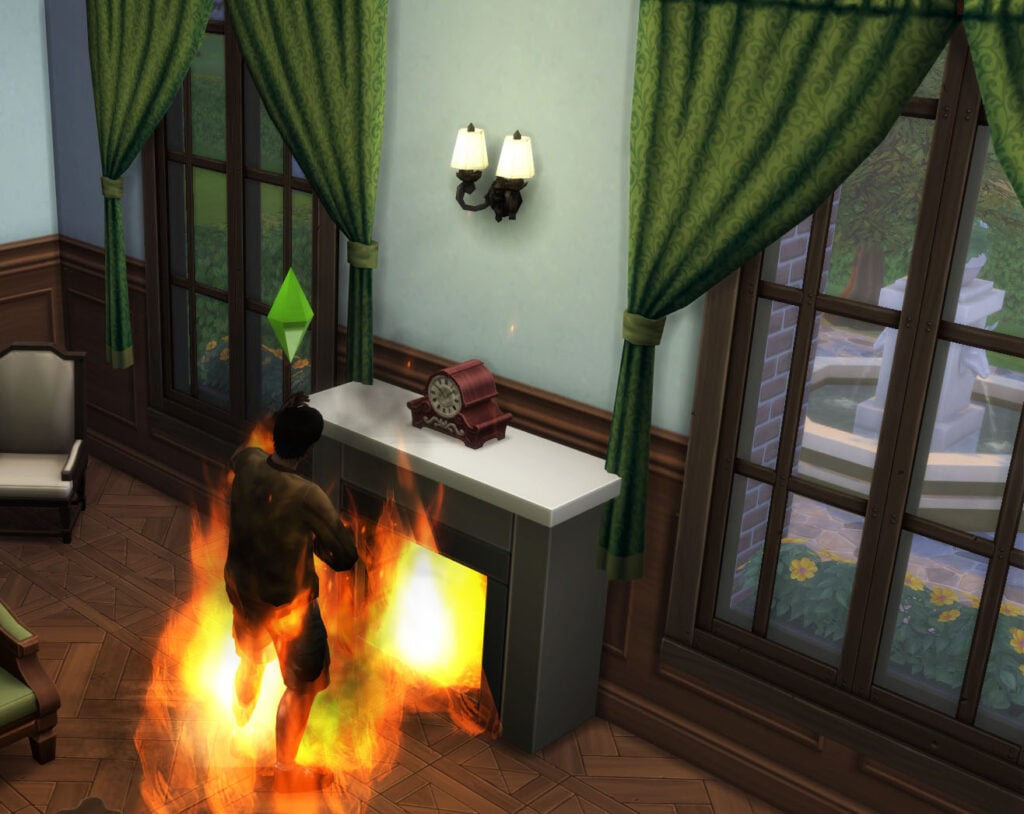
While Teens can die from many of the same fates, it is important to note that Young Adults, Adults, and Elders can pass away in The Sims 4. These untimely deaths can be Death by Fire, Death by Electrocution, Death by Cow Plant, and many, many more.

The Sims 4 Life Stages and Lifespans, Death by Fire

Elder

Elders are special Sims who have lived long lives and still have much to experience. This life stage includes the same Needs, Careers, and Aspirations, while making a few social changes. Elders can bestow wisdom on younger Sims and make preparations for their afterlife. Sims that are biologically female will not be able to Try for a Baby at this stage of life.

The Sims 4 Life Stages and Lifespans, Elder

Nearing the End of Life

As Elder Sims outside of your household near the end of their life, your Sim will receive notifications letting them know they should reach out to say their final goodbyes. With The Sims 4: Life and Death, Elder Sims will tend to start preparing for their end of life. Elders will have wants such as Start a Will, and can start their Will by clicking on themselves.

The Sims 4 Life Stages and Lifespans, Elders

Expanding Lifespans in The Sims 4

While our Sims have the ability to live long and fulfilled lives, there are several ways to give them even more time in their Sim world.

Aside from becoming an Occult Sim, Sims can extend their lifespans by earning the Long-Lived Aspiration Reward Trait, by drinking the Potion of Youth, or by drinking the Potion of Immortality.

Your Sim can also choose to continue their life in the Afterlife as a Ghost Sim. Ghost Sims have different Needs, powers, and gameplay.


What is your favorite of The Sims 4 life stages? Do you like to play on the short, normal, or long lifespan? Let us know in the comments below!

The Sims Primark Collaboration: New Fashion Collection Launching Soon!

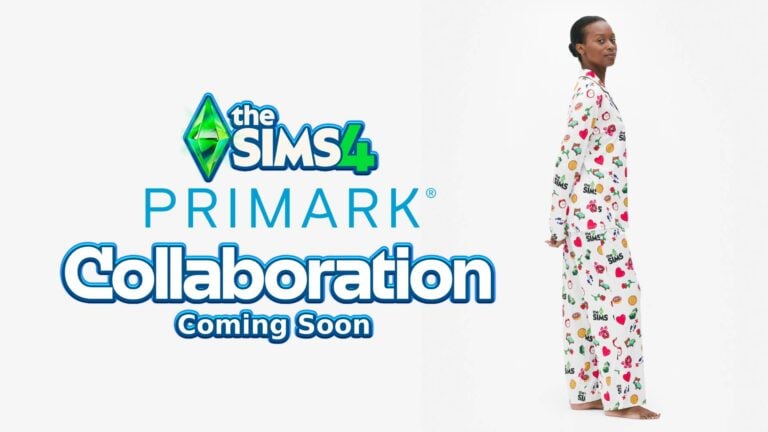
Simmers In The UK Will Be Excited To Know That The Sims Primark Collaboration Is Coming Soon!

The Sims merchandise will finally be available to UK Simmers for affordable prices in one of the region’s most popular clothing retailers. While only listed on the UK storefront, that isn’t to say the collection won’t make its way to the other 16 countries home to the discount brand (Penny’s for those in the Republic of Ireland). The collection so far consists of pyjamas, socks, and t-shirts, all listed in women’s sizes. That is not to say that those of other gender identities won’t fit.

What is included in The Sims Primark Collaboration?

Take a look at the collection below, including sizes and prices!

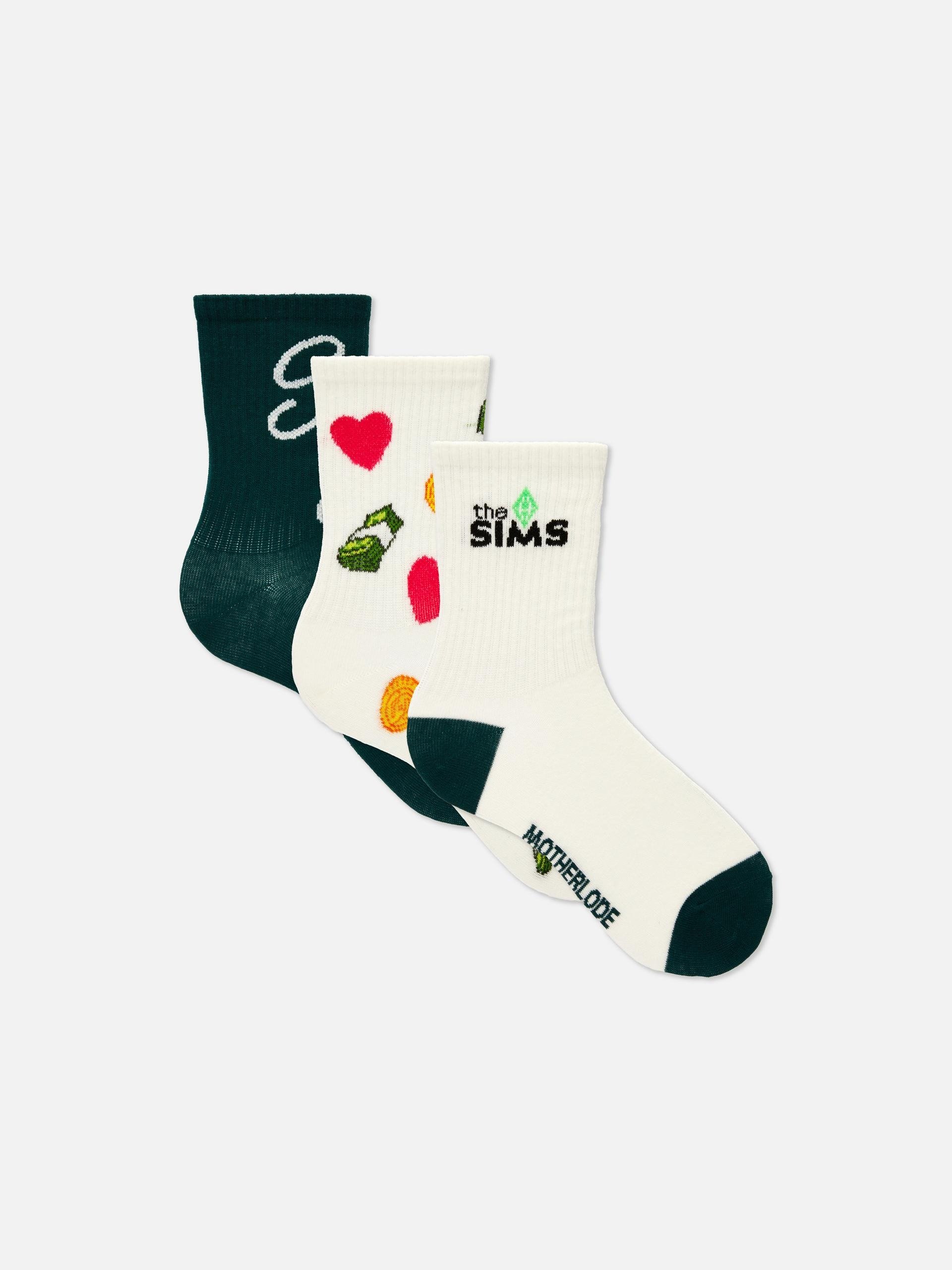
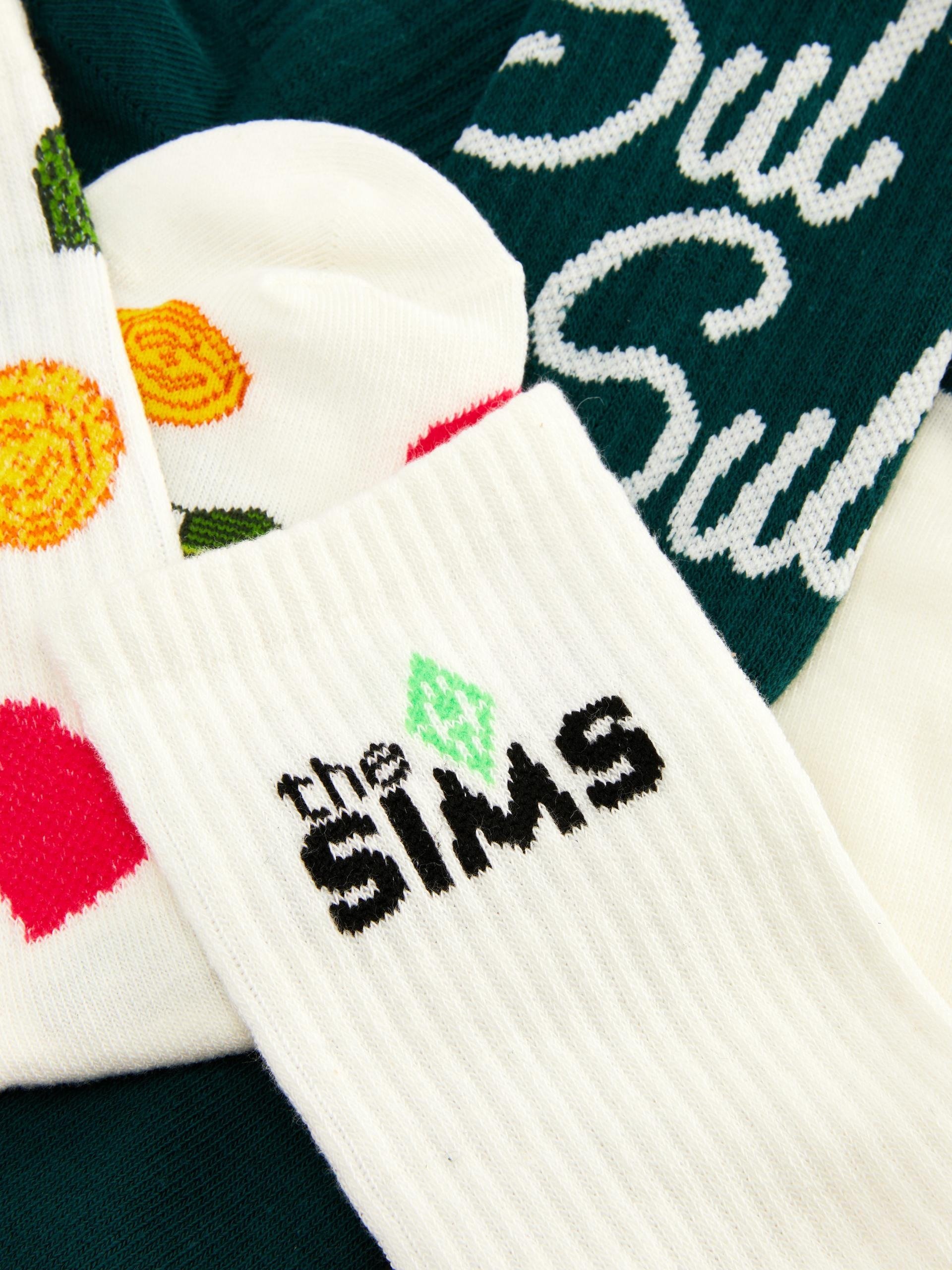
The Sims Crew Socks

£4.99

Build your own Sim outfit from the feet up with this three-pack of The Sims crew socks. With rib cuffs offering a secure fit, each pair is decorated with unique Sims-themed designs, from the iconic “Sul Sul” greeting to the Plumbob logo – there’s even a fun nod to the Motherlode cheat code on the sole of one pair. Why not wear them with low-rise trainers and sneakily show off your love for the simulation game? Yibs!

Primark.com

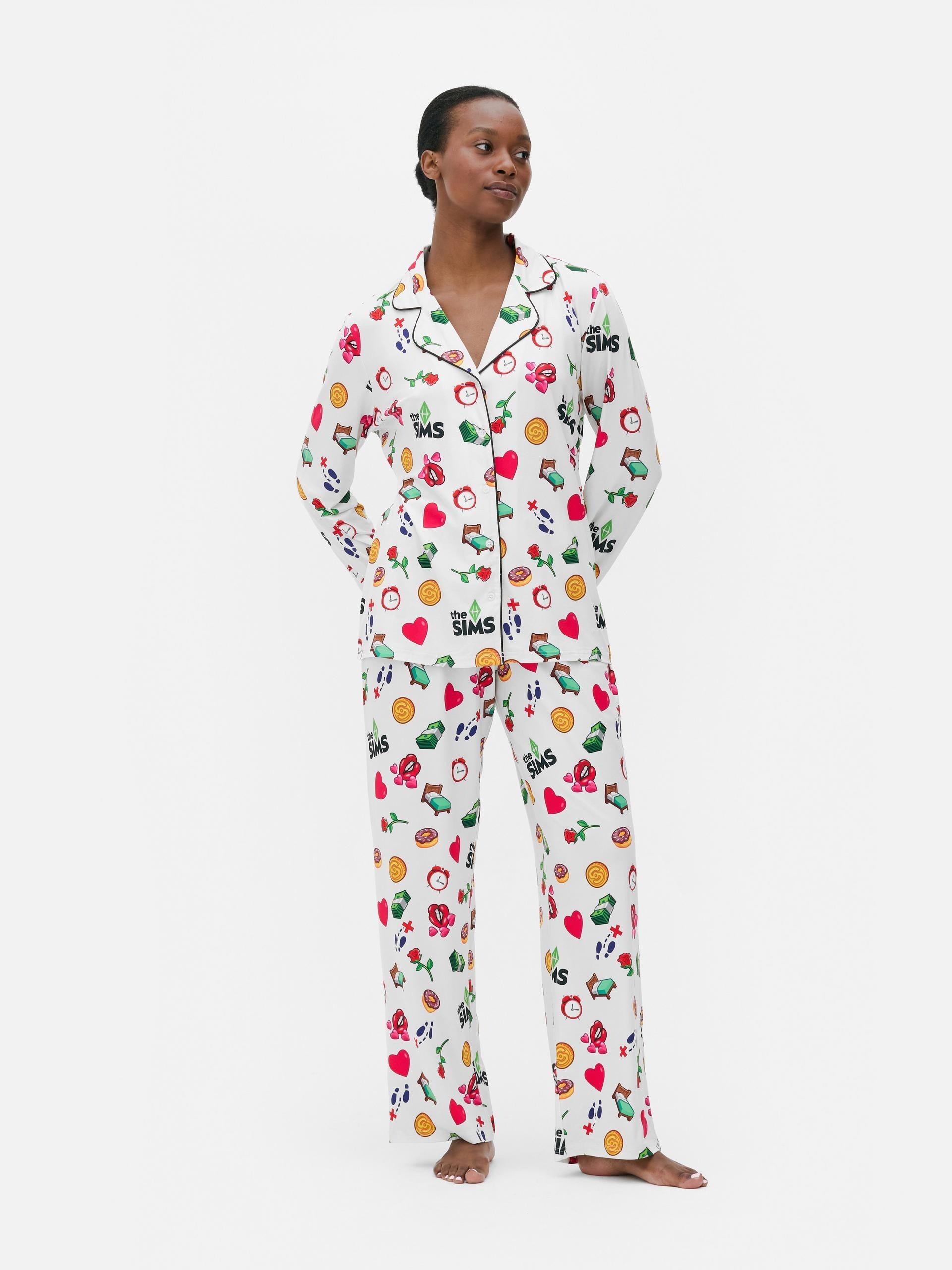
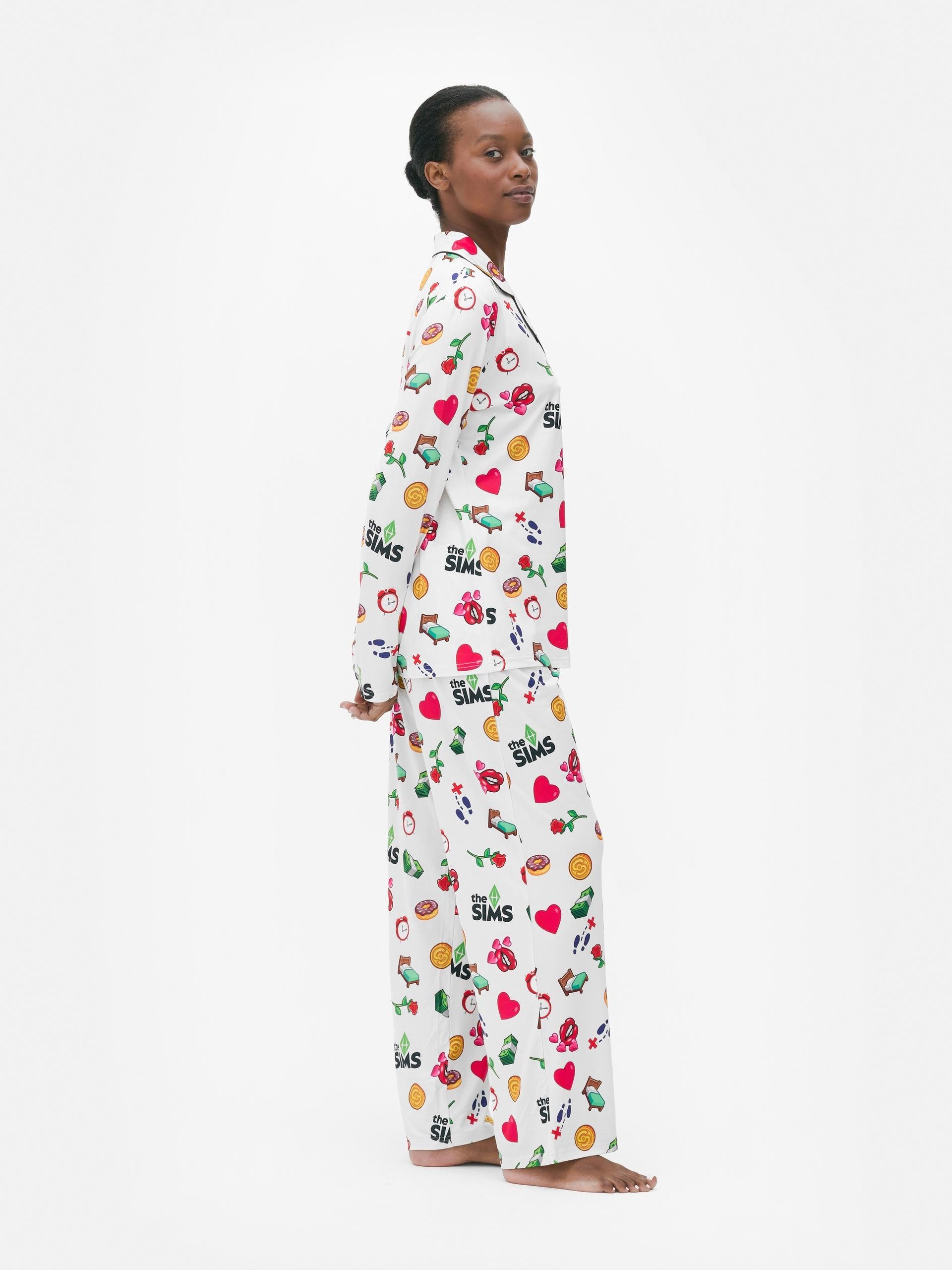
The Sims Boyfriend Pyjama Set

£22.00

Level up your lounge time with this playful The Sims boyfriend pyjama set. Made from soft cotton, it comes with a long-sleeved, button-up shirt and relaxed-fit trousers – both covered in colourful icons like strawberries, smiley faces, hearts and the iconic Sims plumbob. The collared shirt has red piping for a classic finish, while the comfy bottoms are perfect for chilling or drifting off. With its relaxed fit and bold all-over print, this set brings a fun twist to your sleepwear game.

Primark.com

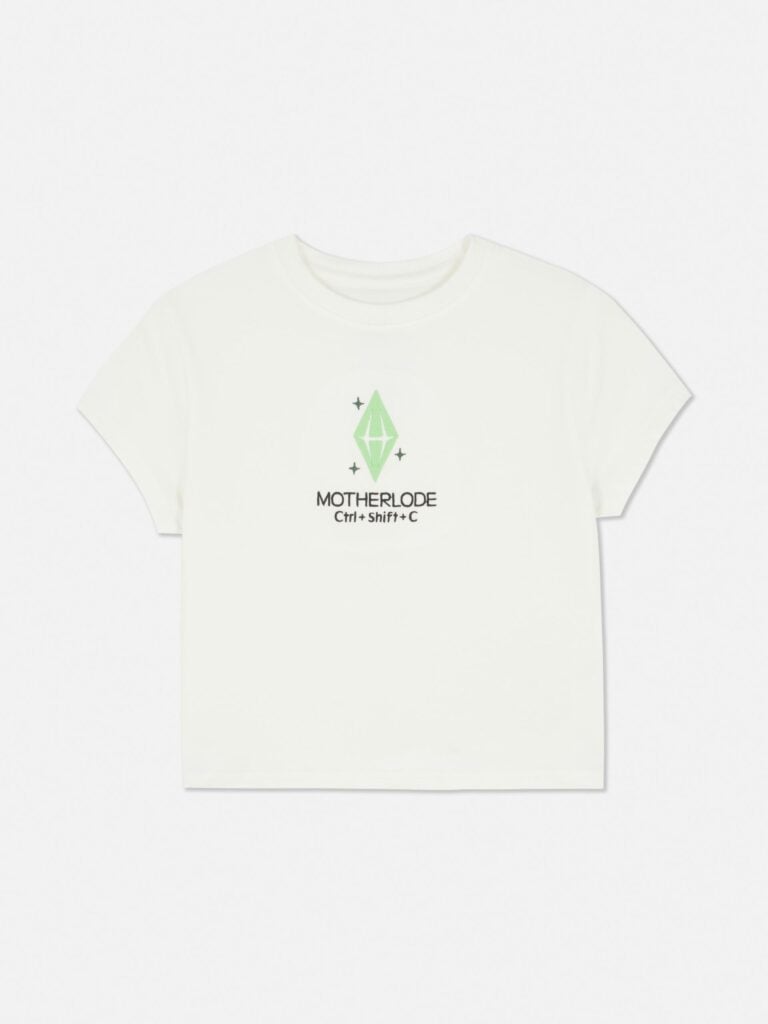
The Sims Cropped Pyjama Top

991151839002 05

£9.00

You’ve hit the nightwear jackpot with this one, no cheats required! This Sims PJ top is the perfect pick for fans of the beloved video game series. With short sleeves and a cropped baby tee silhouette, its classic white backdrop is oh-so-easy to style. But the star of the show, of course, is the design on the chest. Here, you’ll find a green plumbob icon, joined by “MOTHERLODE” in embroidered lettering, offering a fun nod to the infamous in-game “get rich quick” command. Worn with the complementary PJ bottoms and fluffy slippers, you can look forward to playing out your favourite storylines in, (our opinion), Sim-ply fabulous sleepwear.

Primark.com

The Sims Wide Leg Pyjama Bottoms

991151812415 05

£12.00

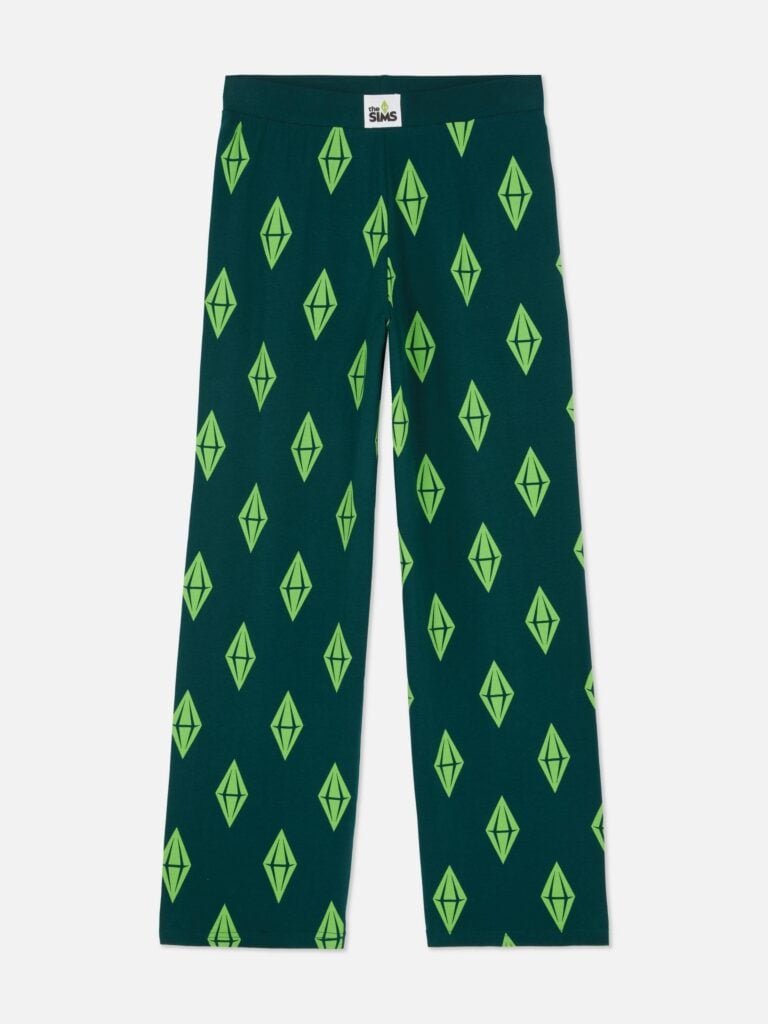
After a hard day’s work of fast-forwarding through errand runs and cooking up a storm, what better way to unwind than in these dark green The Sims pyjama bottoms? Cut to a wide leg silhouette for an ultra-breezy feel, they’re designed with a stretch waist and covered in green plumbobs. Perfect for settling in to start up a new neighborhood or wearing while you’re jamming to the Simlish music remixes (we know you do!), they pair perfectly with fluffy slipper socks and your favourite dressing gown. Bringing these PJ bottoms home via Click and Collect? In the queue of things to do!

Primark.com

The Sims Short Pyjamas

991151826006 05

£11.00

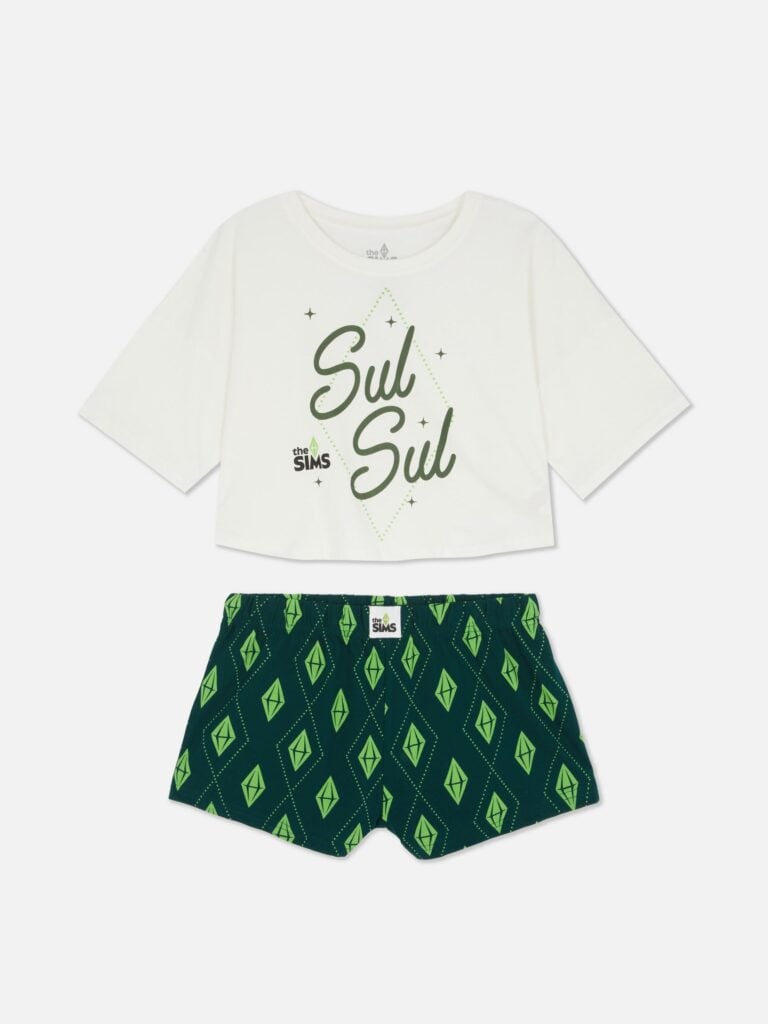
Say Sul-Sul to your new favourite nightwear duo! This Sims pyjama set will be a great accompaniment to chilled-out evenings spent setting up happy families in the EA gaming classic. It features a boxy-cut short sleeve top with a graphic front, starring the iconic Simlish greeting, plumbob outline and franchise logo. The complementary stretch-waist shorts are also covered in plumbob silhouettes – we feel they’re a reflection of your mood when you saw these PJs! Wear them with slippers while you’re designing dream homes down to the last perfectly placed plant, or when you’re deleting the pool ladder while your Sims swim (we saw you do it, don’t lie).

Primark.com

When will The Sims Primark Collaboration be available?

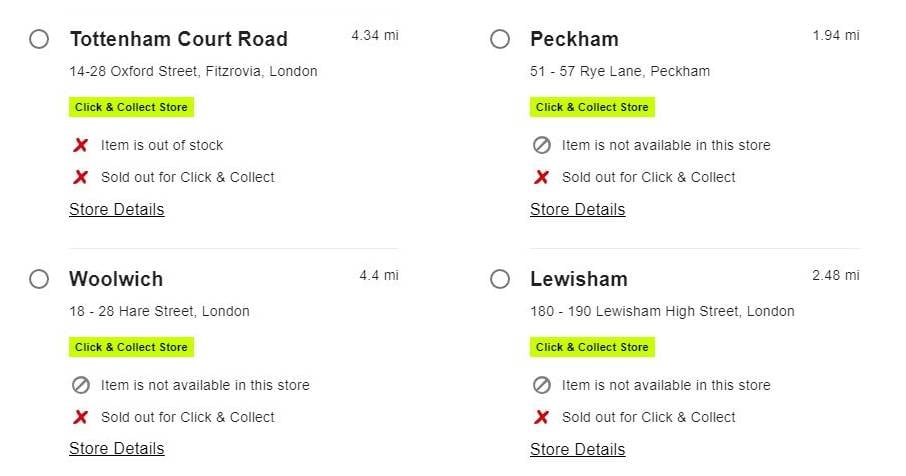
The site currently lists all items as out of stock and unavailable for Primark’s click & collect service, which is available in major outlets across the UK. This is common with branded collaborations as stores begin building their stock up before the official launch. The same happened with Primark’s collaboration with Wicked last year, with the site listing items before available.

stor elocations 2

One of our writers here at Sims Community, Bonehilda, spoke to a manager in a local branch about The Sims Primark collaboration. The manager explained that the larger city-based stores will receive a portion of the collection first before it is available in stores in smaller locations. Click and collect is your best bet before in-store stocks run out.

Where to buy?

The Sims Primark collaboration can be found by searching “The Sims” on the Primark website or using our handy button below! You can also find a number of other gaming brands at Primark, including Minecraft and Sonic the Hedgehog. Here’s hoping there is more Sims content to come!


Are you going to be purchasing anything from The Sims Primark collaboration? Let us know in the comments below, and stay tuned to Sims Community for all the latest on The Sims franchise!

InZOI Update: Two Hotfixes and Known August Patch Issues

0

InZOI is fixing the big Island Getaway rollout with 2 game patches.

InZOI has rolled out two game updates, shortly after the release of the first big InZOI Patch on August 20th. The last big patch, released August 22nd, addresses numerous fixes and improvements to the game.

IslandGetaway Influencer04

Plus, the InZOI development team has provided their own version of an InZOI Laundry List. Or known game issues and glitches in InZOI for the month of August.

Find the latest InZOI Update Patch Notes and Known Issues List down below:

BOOK PATTERN

Day 0 InZOI Update Hotfix

◆ Hotfix Details

◽️ Patch Date: August 20th, 2025

◽️ Game Version: 

  • Windows PC Steam : 20250820.6849.W
  • Mac Steam : 20250820.6851.M
  • Mac App Store: 20250820.6850.M

Bug Fixes

  • Fixed an issue where “Deliver” could not be used at the Resale Store
  • Fixed an issue where Zoi could not move if the purchase popup was quickly closed with the ESC key during the “Purchase” interaction
  • (Mac Only) Fixed an issue where the Canvas in-game browser’s detailed post page displayed abnormally
  • (Mac Only) Fixed an issue where the applied resolution was not set correctly on first game launch or after resetting options

Day 2 InZOI Update Hotfix – August 22nd, 2025 Patch

◆ Hotfix Details

◽️ Patch Date: August 22th, 2025

◽️ Game Version: 

  • Windows PC Steam : 20250822.6919.W
  • Mac Steam : 20250822.6920.M

Bug Fixes

Gameplay

  • Fixed an issue where Zoi could occasionally not be selected or certain interactions were unavailable
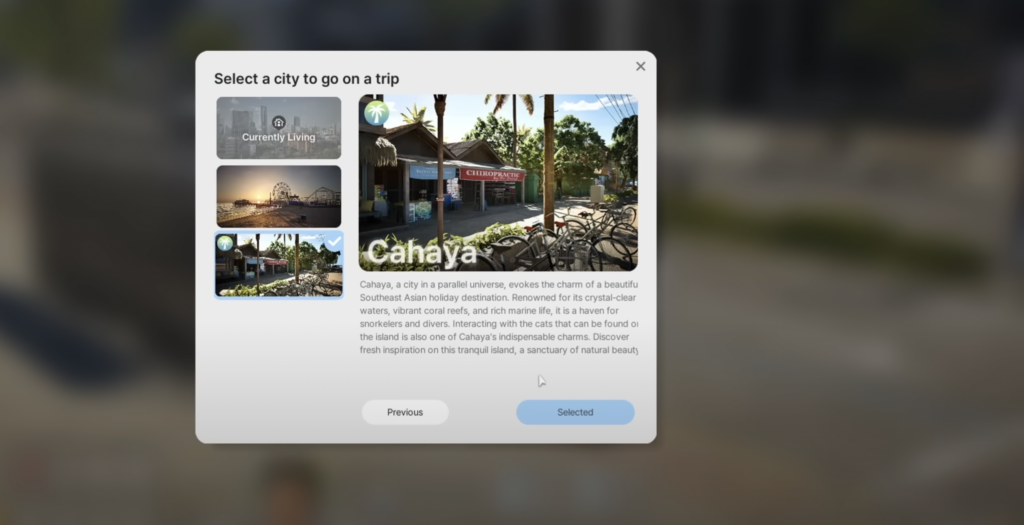
  • Fixed an issue where abnormal screens were temporarily displayed or the City Map screen repeatedly appeared during City Trips.
  • Fixed an issue where Zoi, the Resale Store owner in the traveled city, did not appear after City Trips.
  • Fixed an infinite loading issue when attempting City Trips after pressing the City Map shortcut key (M) while the City Trips popup was open.
     → In addition, pressing the ESC key will now close the City Trips popup.
  • Fixed an issue where Zoi would not move when continuing a game saved during the “Deliver” interaction in the Resale Store.
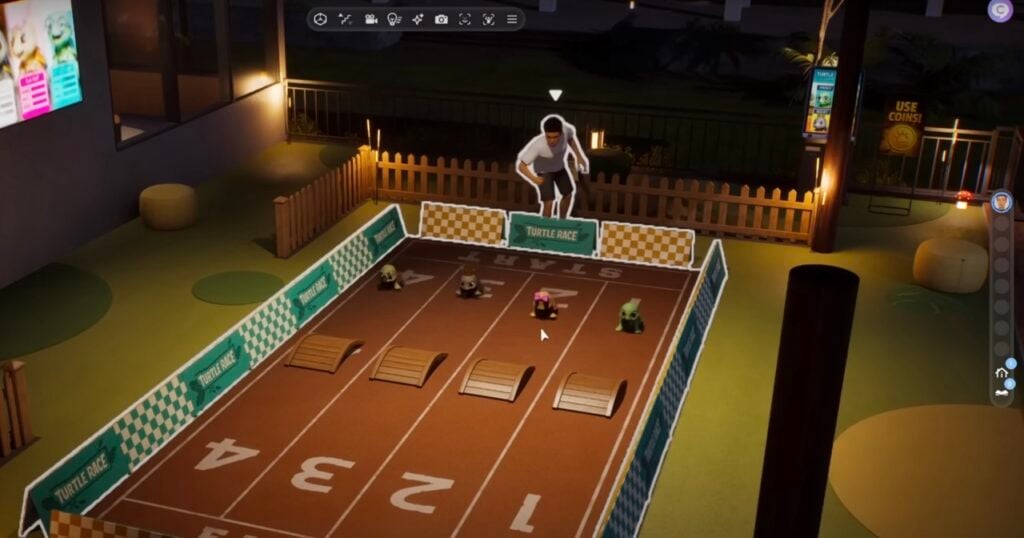
  • Fixed an issue where some interaction icons did not appear during the Turtlebot Race at the Cahaya Resort.
  • Fixed an issue where the time-skip popup did not close and repeated infinitely when continuing after saving during a traffic accident.

Build

  • Fixed an issue where placing stairs also created a hole on the upper floor.
  • Fixed an issue where the new background was not applied when entering mannequin appearance editing in the Build Studio.
  • Fixed an issue where funds would go into negative values when expanding a swimming pool without sufficient funds.

Character

  • Fixed an issue where infants occasionally displayed abnormal appearances during adoption.

Mod

  • Improved detection and automatic disabling of incompatible Mods

List of Known Issues in InZOI for August 2025

The InZOI Forums has updated their list of known issues and game glitches. See all the acknowledged reported issues down below. You can report the issues you encounter in the [Bug Reports] or [Technical Help] Forum channels.

clipboard sc

Gameplay

  •  When a child Zoi ask to do laundry, children’s clothes are not washed. (8/22)
  • At the ‘Bumi Indah House’ property, when a child Zoi asks to do laundry using the washing machine, the message ‘Another Zoi is using it’ appears even when it is not in use. (8/22)
  •  Some text is intermittently displayed in Korean. (8/21)
    → For translation-related issues, please refer to the official website announcement.
  • The remaining freshness time is not displayed for fish items.
  • Rotten fish can still be placed in aquariums.
  • When cooking with a large tomato, ingredients are consumed but cooking does not proceed.
  • If a Zoi gets into a traffic accident involving a motorcycle, the other driver’s outfit may suddenly change.
  • If the game is saved during a traffic accident and reloaded, the time skip pop-up may not close and repeat indefinitely.
  • The “Skip” button does not appear during the childbirth cutscene.
  • Infinite loading may occur if the Edit City shortcut (M) is pressed while the city travel pop-up is active.
  • When traveling between cities, abnormal screen display or repeated edit city screens may occur.
    → This issue may occur when you switch to another household in the destination city and then attempt to travel to a different city.
  • In Cahaya, objects placed on decks in the ‘Air Asri House’ and ‘Bumi Indah House’ become unselectable.

Character

  •  When a male Zoi wears swim shorts, underwear is also visible. (8/21)

Build Mode

  • The floor up/down buttons intermittently do not work after placing a property preset. (8/22)
  • When moving a wall placed on the 2nd floor or above, the preview appears higher than intended, preventing proper placement. (8/22)
  • When deleting an entire room in Build Mode, furniture is sent to the inventory instead of being sold. (8/22)
  •  Light leaks through building walls. (8/21)
  • The “Reset Property” function does not allow restoration to the last saved property.
    → This feature is temporarily disabled as of v0.3.0 for game stability.
  • If a pool is expanded with insufficient funds, the balance may go negative.
    → Once negative, pool expansion/shrink functions become unavailable.
  • (Mac Only) When deleting the entire property in Build Studio, the floor flickers.
    → The flickering is resolved if you cancel the delete.

UI

  • When multiple reward pop-ups appear at the same time, they may overlap.
  • Some dialogue icons in the “Conflict” category are missing in romantic relationships.
  • Turtlebot race interactions at the Cahaya Resort are missing certain interaction icons.

Crash

Some Creators have reported that the game immediately crashes upon launch.

We sincerely apologize for the inconvenience. Below are two potential solutions:

Workaround 1: Clear Shader Cache

If a PSO cache pop-up appears, please click ‘Yes’ to delete the cache. The game will automatically restart after the cache is cleared.

:warning: Note: This will delete shader cache for all games, not just inZOI. As a result, the next time you launch other games, they may take longer to load as the cache is rebuilt.

Workaround 2: Remove Mod Files Temporarily

If the game crashes immediately after launch, it may be mod-related.

  1. Move all files from [%username%/Documents/inZOI/Mods] to your desktop.
  2. Relaunch inZOI.
    ※ The game must launch with mods disabled.

Other Issues

If you meet the system requirements but still see “Insufficient video memory” error when launching the game, it may be caused by accumulated data such as web cache, mods, or Canvas download files.

How to fix

  • Delete the folder: AppData/Local/inZoi/webcache_4430
    :spiral_notepad: Tip: Before deleting, check the folder size—it may be useful to know.
  • If you’re using mods, temporarily disable all mods and try launching again.

Has your game performance improved with the latest InZOI Update Hotfixes? Let us know your experience in the comments below and stay tuned for more InZOI Updates!

From Here, To Sixam: Why Aliens Should Be The Next Big Sims 4 Occult Refresh

With the recent release of The Sims 4 Enchanted by Nature, Simmers were finally given one of the last major fan-favorite occults: Fairies! And while the inclusion of these whimsical (or wicked!) sprites has us just as elated as the rest of the community, it does bring to mind one of the earliest included life states that are still in a bit of a sad state. An occult that is not only deeply intertwined with the franchise’s DNA but also comprises a substantial portion of the most memorable townies. I’m referring to Aliens—and how the Sims Team should consider them next for a massive Sims 4 Occult refresh upgrade.

The Sims 4 Occult Refresh Ideas: Aliens

In Defense of Aliens

Screenshot 2025 08 18 211130

You could argue that Plant Sims and, certainly, Mermaids, are also as much in need of a refresh. They’re just as lackluster in the face of the more fleshed-out Occults we’ve been given. Though, while completely true, I also feel like Aliens being the next big Occult refresh would provide us with something that The Sims 4 severely needs: trope diversity.

This is most likely the last thing on someone’s mind when it comes to The Sims 4’s faults. It is most definitely at the very bottom of the list of said weaknesses. Though in The Sims 4’s long life, we can now argue that its supernatural elements now supersede those of science fiction. I will always scream for more nuanced and well-rounded gameplay, but the weird is part of The Sims 4’s lifeblood. The odd, strange, and chaotic parts are integral to this silly, imperfect game that we all love to be miffed at. By ignoring Aliens, a massive source of that wonderful weird, The Sims Team is letting a large portion of the game’s zeitgeist fall to the wayside. 

How a Refresh Could Work

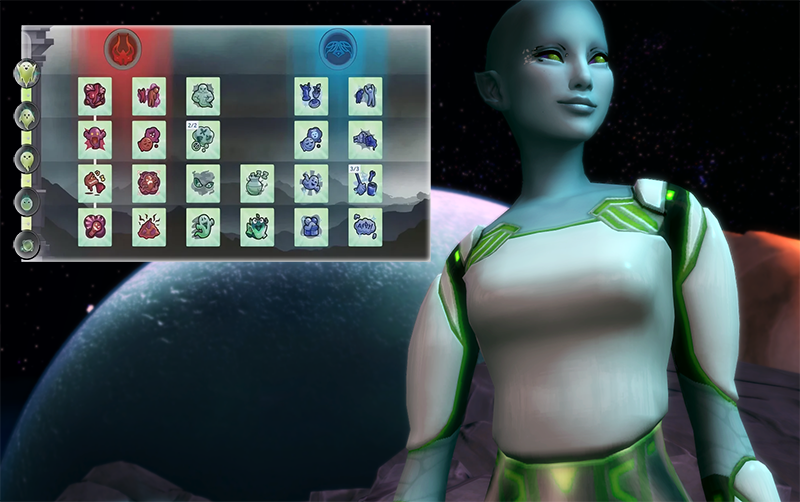
The Sims 4 Occult Refresh Ideas: Aliens Skill Tree

The concept of pack refreshes may have unfortunately gone the way of the dinosaur (as of this article; hopefully), but with the improvement of Ghosts by way of The Sims 4 Life and Death, we’ve been given a taste of what could be. Secrecy and concealment are already themes that are integrated within Aliens in The Sims 4, so if they were given a refresh their skill tree would play into that.

Balancing a need for stealth with a greater need to possibly collect samples of genetic material and/or information for their homeworld as a form of nefarious research. Though if the Alien likes it on Sim-Earth maybe the other half of the skill tree is set toward attempting to assimilate. Trying to shake off the shackles of their homeworld and embrace all the grilled cheese and Powersip that the world has to offer. 

An Alien-specific Aspiration and new trait (or two!) is also needed for a boost in identity. While the trait doesn’t need to explicitly be related to Aliens it should be complimentary to their nature.

Seeing Sixam…or Somewhere in the Galaxy

1B

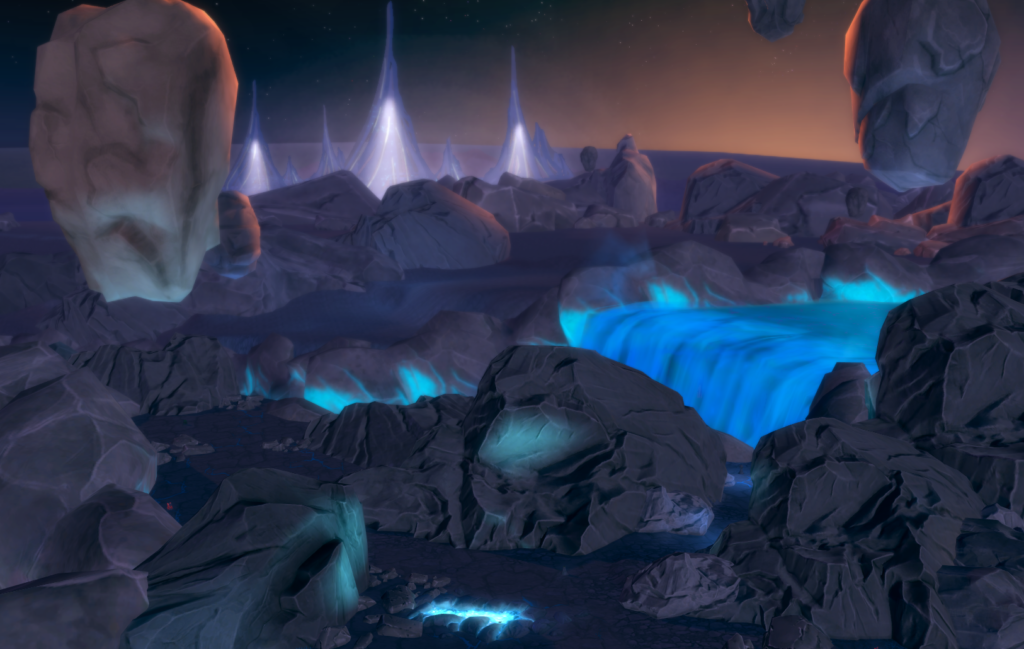
While the community is still waiting for even greater diversity in mundane Sim culture, a sci-fi-esque, Alien-centric residential world would be the perfect splash of uniqueness that the game has been missing. A common sentiment among Simmers is a feeling of general fatigue for suburban and rural areas. It makes sense, as much as each new suburban world does bring in a new patch of lore and culture to the greater tapestry of the game. I will say…it’s still exhausting to be stuck in the ‘burbs. 

We know that the Sims Team is more than capable of creating unique and eye-catching locales in-game. The Magic Realm in The Sims 4 Realm of Magic most definitely comes to mind. As well as the more fantastical neighborhoods in the latest two expansion packs. Mourningvale of The Sims 4 Life and Death, especially, displayed how beautifully they balance camp with realistic world design elements. So the “unreality” of a residential world set in space feels like it could be softened for the more traditional type of Simmer. Though I don’t necessarily see why someone would need it to be soft, family gameplay in space? Now that’s a new way to spice up a playthrough!

So a new residential world, perhaps likened to that of The Sims 3’s Lunar Lakes—a space colony set on a distant planet in the ambiguous far future—could be a breath of fresh air in the wake of all the magic and whimsy (not that I’m complaining, of course). A new world set in a far future world would also fit perfectly within the greater scope of the game’s advancing age. It could also finally be the excuse the Sims Team needs to add in a “townies stay in your neighborhood” feature…but, ahhh, we can dream, right?

(Crash) Landing Back to Reality

3D

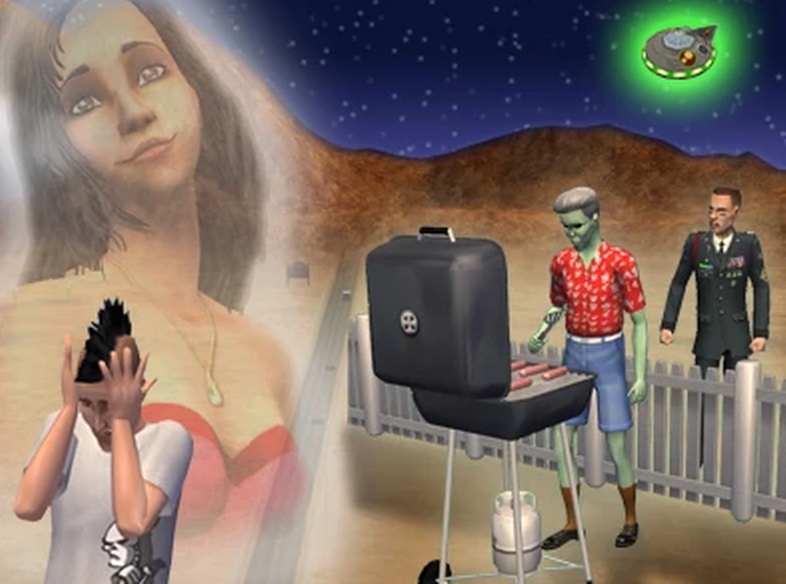
Hopefully, the Sims Team will think of our beloved extraterrestrial life state next time they’re huddled up in a meeting. Variety is the spice of life, and for a Life Sim? It’s integral for the unending gameplay that The Sims 4 aspires toward. If the game wishes to maintain its longevity and, most importantly, its relevancy, it needs to play to its strengths. Weird, chaotic, and true to its roots, and nothing’s more chaotic than a Sim getting beamed up into the sky to be spirited off to parts unknown.


Would you be excited for a sci-fi-themed residential world, or would you prefer the Sims Team focus on more real world inspired locations? Please tell us in the comments below!

InZOI Island Getaway DLC Review: A Breath of Fresh (Tropical) Air

3

Our take on InZOI’s first Free DLC Release.

When inZOI first launched earlier this year, it made waves mostly for its jaw-dropping visuals. Built in Unreal Engine 5, the game looked almost too real—like The Sims on steroids. But the big question was whether it could deliver the same quirky charm and gameplay depth that has kept The Sims alive for two decades.

InZOI Island Getaway DLC Review

The new expansion, InZOI Island Getaway, is Krafton’s latest attempt to prove that inZOI isn’t just a pretty face. Released on August 20, 2025 (and free for all Early Access players), the update whisks your Zois off to Cahaya, a tropical island that feels part vacation resort, part survival sandbox.

What’s New in Cahaya

Screenshot 2025 08 21 at 17.50.36

The InZOI Island Getaway expansion actually splits the island into two halves. One side is a residential hub where your Sims—I mean Zois—can live sustainably by fishing, farming, mining, and crafting. It has a very Stardew Valley meets The Sims vibe, clearly meant to add some long-term progression that was missing from the core game.

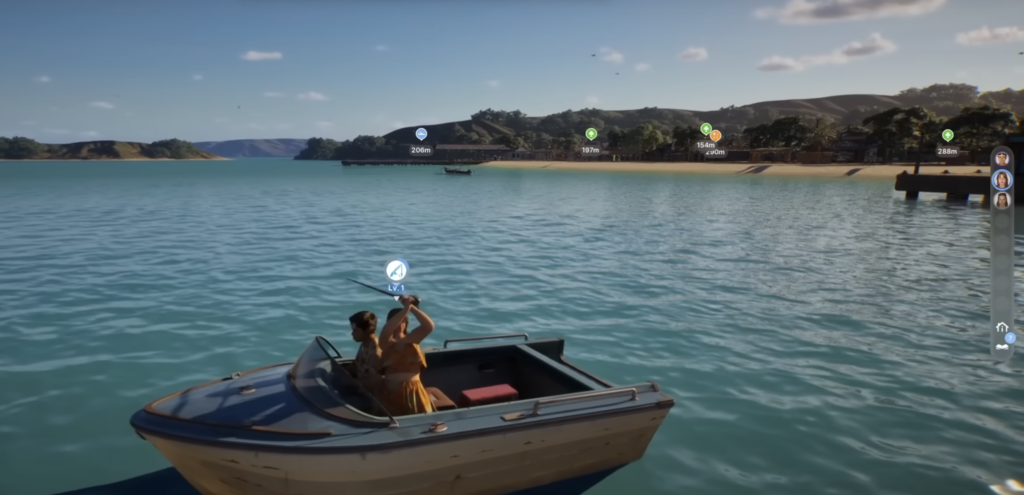
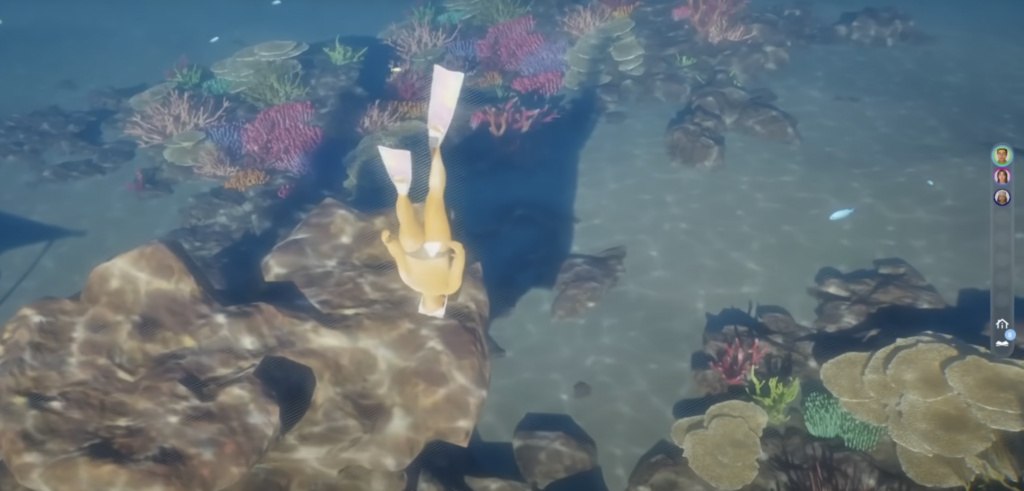
The other side is a resort paradise, full of leisure activities like snorkelling, treasure hunting, and arcade games. First, Zois must purchase snorkelling gear and improve their swimming skill before diving. With a high swimming skill, they can either swim out to deeper waters or rent a boat and climb off its back. 

While your Zoi can live on the main island, there is the option to visit the resort island and book a stay for some nights. There are plenty of villas to choose from, but be prepared to spend all your money, as there are extras like swimming pools. At the resort, they have activities like bowling and billiards. 

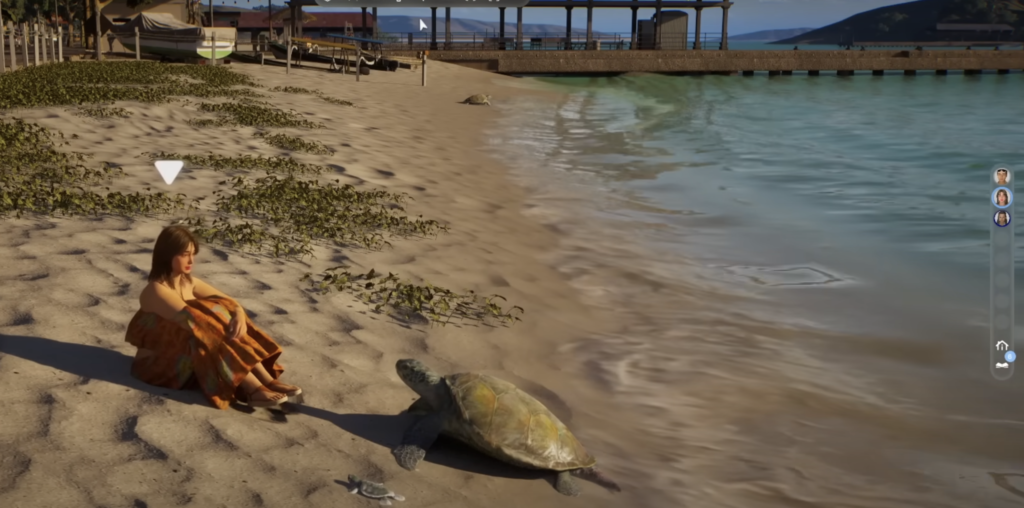
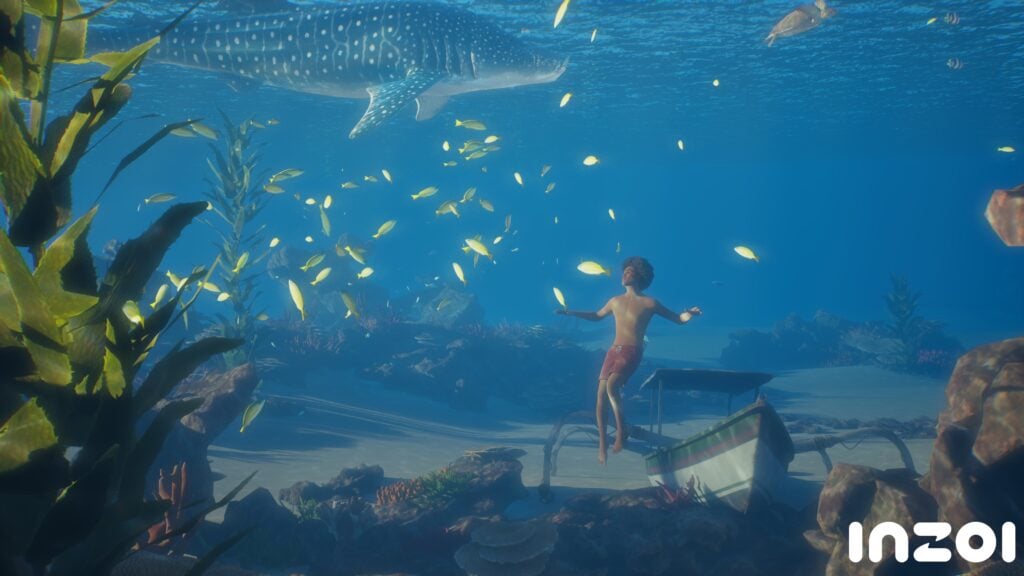
One of the main attractions of Cahaya is underwater diving, but first, Zois must purchase snorkelling gear. A zoi must also improve their swimming skill before they are able to dive. Exercises in the water, such as practising holding their breath, can also help level up this skill. Once underwater, they can swim with fish, turtles, dolphins, and dangerous marine life like sharks and jellyfish. Coral reefs and ancient temples are available to explore, and you might find treasure.

inzoi update aug 20 8

It’s the kind of content that makes the game feel more like a playful vacation simulator rather than just a hyper-realistic life sim.

Beyond activities, the InZOI Island Getaway Free DLC quietly overhauls the emotional depth of your Zois.

Jobs

Screenshot 2025 08 21 at 17.51.37

If you think that’s all, not even close. There are also more jobs, such as:

  • Junior Lawyer
  • Rookie Criminal
  • Tour Guide Trainee
  • Nestwatcher for Turtles
  • Investigator for an Encyclopedia Association
  • Rookie Taxi Driver
  • Lotus Space Assistant for Meditation & Yoga
  • Farmer
  • Miner

At the moment, they are all rabbit hole jobs.

Cahaya’s Resort

Screenshot 2025 08 21 at 17.54.31

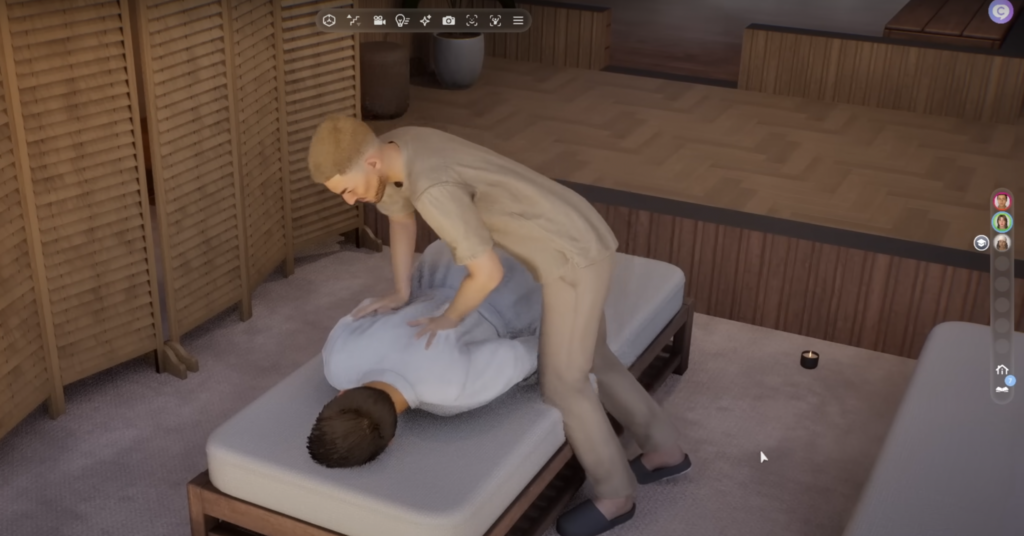
At Cahaya’s resort, this is something for everyone to enjoy, including a spa. Somewhere, my Zoi will be spending a lot of time. Players will find a sauna and a variety of massage options, such as separate massages for their feet, scalp and hands. If that’s not your speed, they can enjoy having their feet soaked in buckets of fish or roses (depending on your preference) or get a full-body massage instead.

Miatara Temple

Screenshot 2025 08 21 at 17.53.46

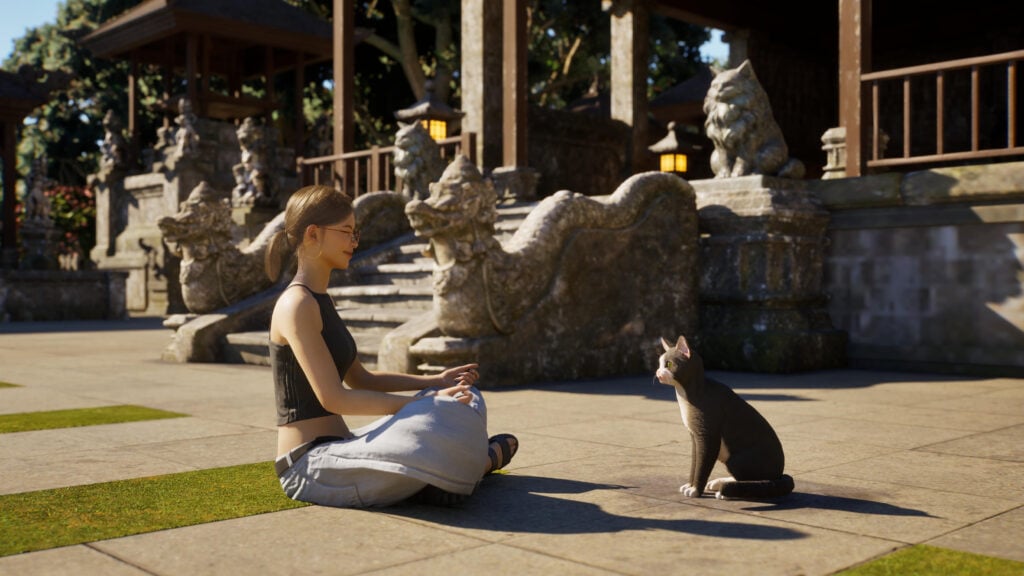
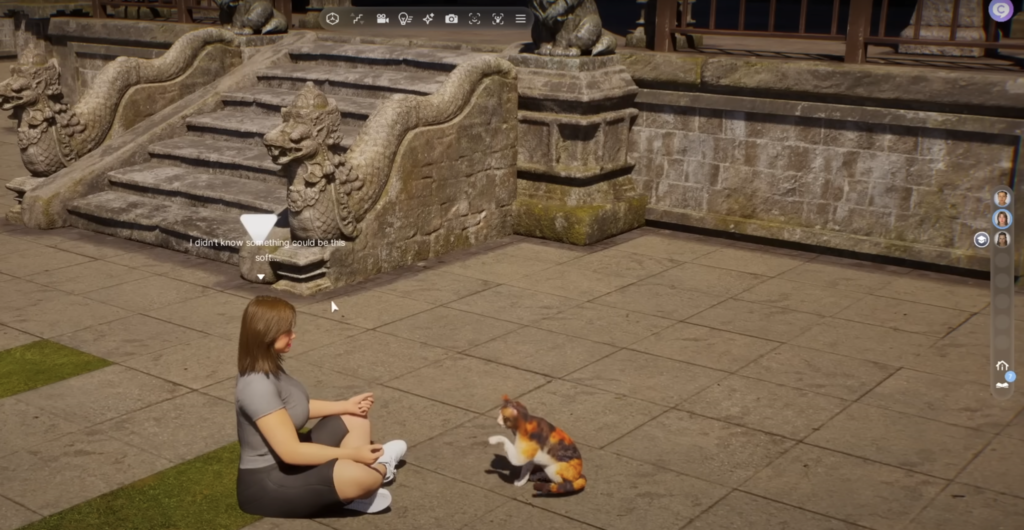
Although the DLC doesn’t allow us to have pets (which will change in the future), players can visit the Cat temple, which is called the Miatara Temple. You can purchase a variety of cat-related items like treats, a talisman, toys and catnip candy. After exploring, they can climb the temple and stairs and interact with cats. They can give them treats or play with them, making them happy and in cat heaven. 

What Works (and What Doesn’t)

Screenshot 2025 08 21 at 17.52.55

The good news: this is the most fun I’ve had with inZOI since launch. The tropical theme is relaxing, and the farming/fishing loop scratches that cosy sim itch without feeling like a copy-paste. The fact that it’s free is also a huge win—Krafton seems serious about delivering value during Early Access.

The bad news: the core criticisms of inZOI still linger. Although the new activities in InZOI Island Getaway are refreshing, the game sometimes feels like a collection of beautiful systems rather than a living, breathing world. Zois still lack the quirky charm of Sims—they’re expressive, yes, but a little flat in personality. And though farming and crafting are welcome, they can feel like a distraction from fixing the foundation of the life sim itself.

Verdict

Screenshot 2025 08 21 at 17.47.32

The InZOI Island Getaway free DLC is exactly what inZOI needed right now: a shot of colour, variety, and fun. It’s own quirky mix of realism and cosy escapism. Players have already started modding new outfits for everyone to try! Just watching out for the lightning, don’t be so shocked when it gets you out of nowhere.

For players who already own the base game, this expansion is a no-brainer—it’s free, it’s packed with content, and it makes your Zois feel more alive than before.

But—and this is the big but—if Krafton wants to keep up the momentum, future updates will need to focus less on mini-games and more on the core life simulation. Until then, Island Getaway is a fantastic vacation, even if it doesn’t fully solve inZOI’s identity crisis.

Let us know what you think and stay tuned for more InZOI Updates!

The State of The Sims 4 Mods After The Latest Update

Once again, a Sims 4 Update has caused bugs. But so did outdated mods!

My mods broke again…

A new Sims 4 update drops, and instead of excitement, it often comes with a wave of frustration. While updates are meant to improve the game and bring fresh content, more often than not, they end up introducing new glitches that break existing features or even cause long-time bugs to resurface. This is especially true for players who use mods. As a dedicated mod-user myself, I’ve learned to expect that after nearly every major patch, some of my favorite mods will stop working, sometimes temporarily, and other times completely.

(Image credit: EA)
(Image credit: EA)

In this post, we’ll take a closer look at the current state of mods after the latest update. We’ll go over which popular mods are confirmed broken, the types of mods that tend to be hit the hardest, and what you should do before diving back into your game. Whether you’re a casual player who uses just a few essential mods or a heavy modder with hundreds in your folder, knowing what is safe (and what’s not) can save you from hours of troubleshooting.

Why Sims 4 Updates Break Mods

We all know that mods seem to always break after an update. Why? Well, every time The Sims 4 gets updated, the game’s inner code changes, even if it’s just a small tweak. Since the game (and its mods) rely heavily on the game code to function, even the tiniest adjustment can throw off mods. Sometimes it’s nothing major, just a small hiccup, but other times it can completely just break the mod, crashing your game, or making features disappear altogether. Big gameplay-changing mods, such as UI cheats or MC Command Center, typically take the hardest hits, while smaller mods, such as CAS items or simple tweaks, might be just fine. Still, no mod is completely safe on update days.

UI Cheats is Broken (for some!)

UI Cheats Extension is created by super talented Mod creator weerbesu, and it is one of the most popular mods in The Sims 4 community for good reason. The last update for UI cheats was July 2, 2025, which means the current patch has unfortunately left the mod broken for now.
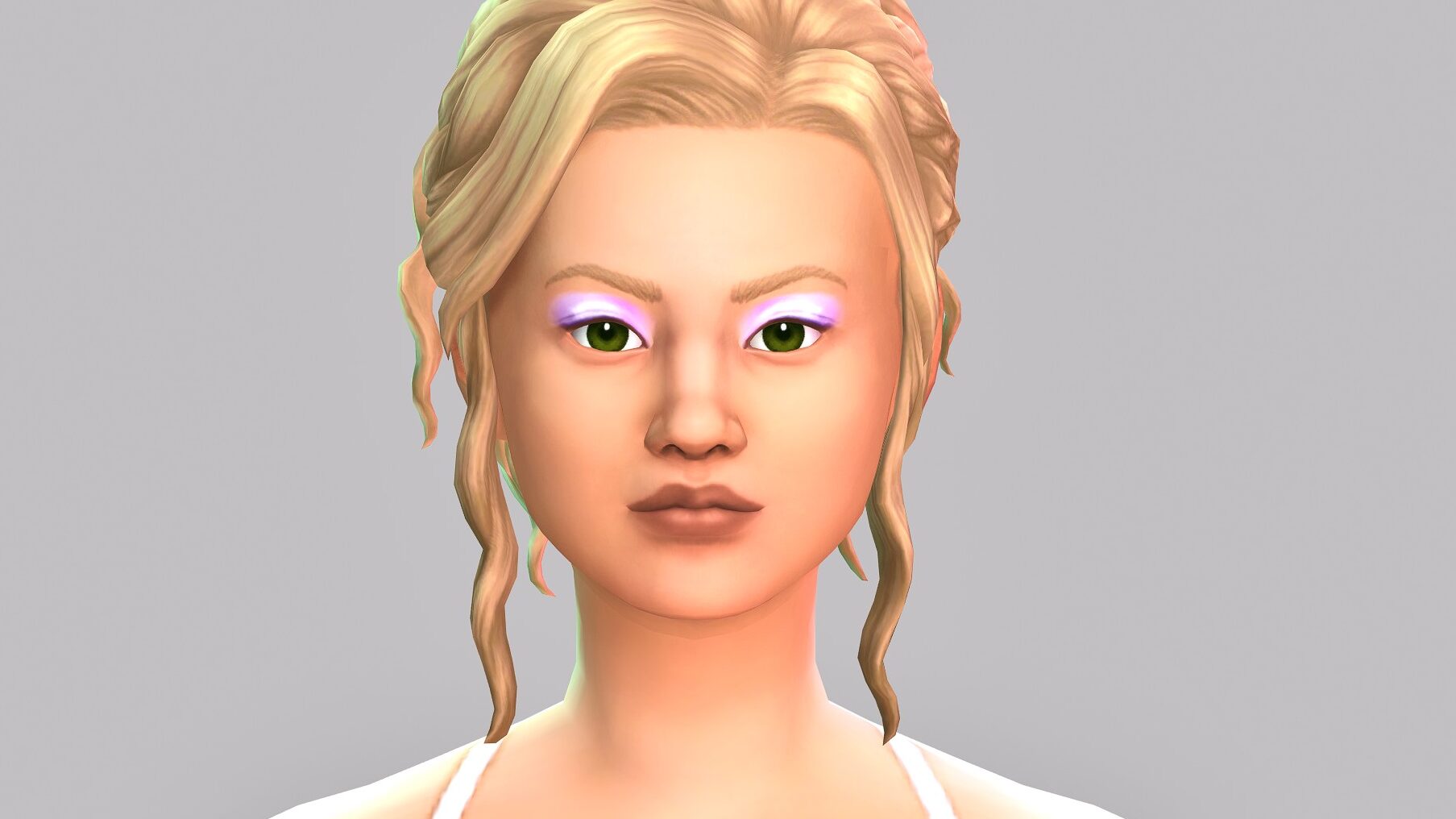
UI Cheats Extension v1.49
(Image Credit: Weerbesu)

With this mod, players can do super handy things such as drag needs up and down, add or remove Simoleons with just a click, or even speed through time without typing in cheats. It’s basically a quality-of-life lifesaver. It is important to remember that mod creators like weerbesu put a ton of time and effort into keeping their mods working, and so updates can take a little while. So while we wait, please, let’s stay patient and kind, knowing that a fix will come when they’re able to release it.

Broken and Updated Sims 4 Mods and CC: Patch 1.117 (August 19, 2025)

The latest Sims 4 patch (1.117, released on August 19, 2025) has once again sent shockwaves through the modding community. With almost every major game update, many Sims 4 mods and Custom Content (CC) have either stopped working, causing last exception errors, or broken world loading. Other Mods/CC have already been updated and cleared by their creators.

Screenshot 2025 07 24 14 16 25

If you use mods in The Sims 4, staying on top of these updates is essential if you want to avoid crashes, freezing, and game errors. Below, you will find a detailed guide to which mods are broken, what mods have been updated, and which core tools remain safe to use after patch 1.117.

Newly Broken or Obsolete Mods (Patch 1.117)

This update hit script mods especially hard. Many now generate Last Exception files and prevent world loading. Mods that alter the main menu are universally broken as well.

Some of the biggest affected mods include:

  • adeepindigo: Custom Nuptials, Healthcare Redux
  • Aramiteus: High School More Classmates
  • AstroBluu: Teen Jobs Collection
  • Carl: Easy Relationship Cheats
  • Chingyu (VickySims): 100 Traits Pack v2, Zodiac Signs, Random Social Compatibility
  • KawaiiStacie: Preschool Mod, Slice of Life
  • SimRealist: Private Practice, R|E, SNBank systems
  • TwistedMexi: All Scenarios
  • weerbesu: Longer Parties & More Guests, Improved Autonomy During Loading Screens

Other broken mods include new aspirations, careers, after-school activities, social interactions, and mental health-related traits.

Known Issues

image 40
Source: https://lot51.cc
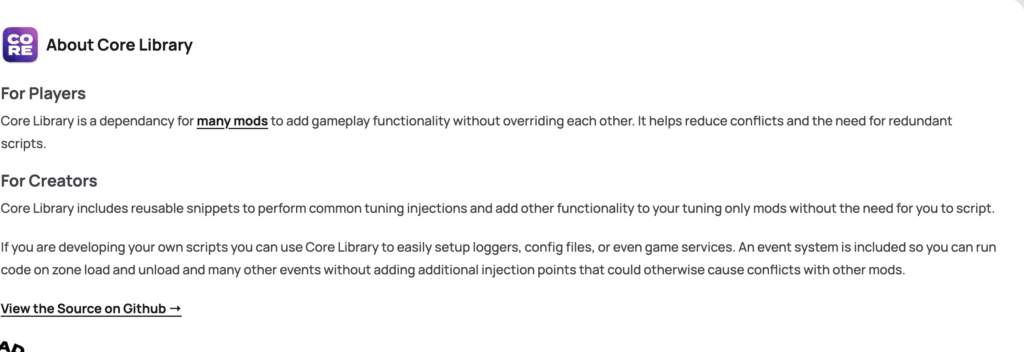
  • Lot 51 Core Library: not compatible with the new pack selection feature.
  • Scumbumbo XML Injector: not compatible with the new pack selection feature.
  • Zerbu’s Simvestigations: not compatible with Better Exceptions.

Updated Game Mods and Tools (A-Z)

Despite the patch chaos, many creators worked quickly to fix and update their mods. Below are highlights of those confirmed updates as of August 21, 2025:

A-L

  • AlainBM: Dreams & Nightmares, Sleep Naked Mod
  • Carl: ColorPicker, Seasons Tuner, Dine Out Reloaded, Gameplay Overhaul
  • Cepzid (Zulf): No New Random Townies
  • flauschtrud: Better Pet Hangouts, Ask to Invite Family, Funeral Service
  • JaneSimsten: Archery, Gradual Aging, Regency Romance, Child Prodigies
  • LittleMsSam: Pregnancy Overhaul, Small Ailments Overhaul, Plain Tea updates
  • Lumpinou: Toolbox, Talents & Weaknesses

M-Z

  • MissyHissy: Custom Wants, Hopes, and Fears
  • MizoreYukii: Custom Swatch CC Wrench, Custom VFX Resource
  • roBurky: Meaningful Stories, Fitness Controls
  • Scumbumbo/Basemental: Packing Crates
  • SimMatically: Better Simology Panel, Remove Cart Button
  • TwistedMexi: TOOL Mod
  • Zerbu: Go to School, Schedule Festivals Yourself, Simvestigations (with warnings)

Updated CAS and Build/Buy Content

Few reports of broken Build/Buy CC exist, but the latest updates include:

  • Gauntlet101010: Deco to Actual Tombstones

Creators are still rolling out fixes, so expect more in the coming days.

Mods Cleared for Patch 1.117

These mods have been reported as compatible by creators or their testers:

  • Deaderpool: MC Command Center
  • weerbesu: UI Cheats Extension
  • Basemental: Universal Venue List
  • LittleMsSam, Lumpinou, MissyHissy, AmethystLilac, Cepzid (Zulf), and others: non-updated mods confirmed working

Important Note: Mods relying on Lot 51 Core Library and XML Injector are not compatible with the new Pack Checklist feature. If you want to exclude packs, use James Turner’s alternative EA App method instead.

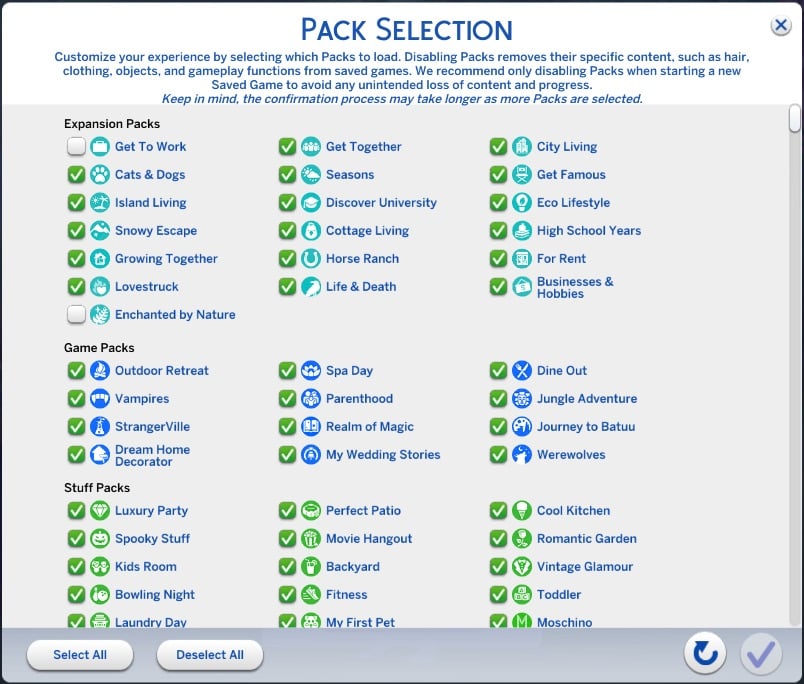
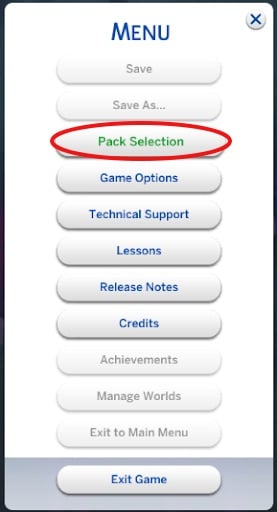
The Sims 4 Pack Disabler Feature can get very slow!

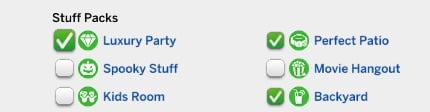
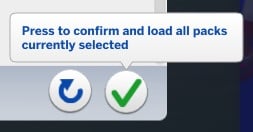
Beware of the latest official feature introduced with the new patch. If your The Sims 4 game contains a lot of installed Packs / Kits, then toggling activated DLC might take a lot longer than usual.

A new official workaround shared by EA Community Manager EA_Cade can help you get rid of the slow loading times when applying new Packs.

CONVERSATION 2

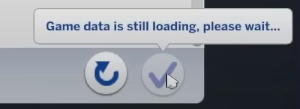
If you are seeing the error message “Game data is still loading, please wait…” you can resolve this by closing The Sims 4, then deleting the usersettings.ini file from The Sims 4 install folder (default directory is C:\Users\<username>\Documents\Electronic Arts\The Sims 4) and running a repair. 

The error message appears here: 

the sims 4 pack selection feature game still loading

Final Thoughts

Patch 1.117 is a reminder that modding comes with both perks and risks. While new game updates bring fresh content and improvements, they can also temporarily disrupt the gameplay experience for mod users. The key is preparation: keeping backups, following creators for updates, and staying patient as fixes roll out.

The Sims 4 Free Base Game Launch Trailer Screenshot 1
(Image Credit: EA)

Even if your favorite mods are temporarily broken, most creators are quick to release updates, and by staying informed, you can get back to enjoying The Sims 4 without unnecessary frustration.

Remember: modding is a community effort, and supporting creators with patience and kindness ensures the best gameplay experience for everyone.

EA Quietly Launches a New Version of The Sims 4 Base Game

29

The Sims 4 might be going “Full Power Balanced” soon.

The Sims 4’s August 19th Patch has brought in more than just a new Pack Disabler and Skin Details. First discovered by anadius, there are new files for The Sims 4 Base Game launcher hiding in the game files of the Windows version.

sims 4 new version base game memory boost

Here’s what we know so far about this discovery and what it could mean for the future of The Sims 4:

The Sims 4 -fpb Launcher Discovered in Game Files

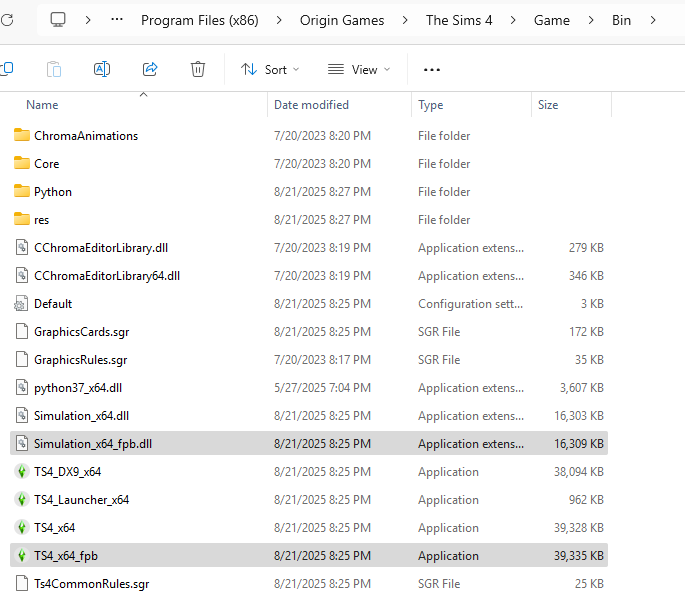
A new The Sims 4 executable, which is titled “TS4_x64_fpb.exe” has been found in The Sims 4 > Game > Bin folder of the Base Game files on Windows. Along with that is the new “Simulation_x64_fpb.dll” file that launches together with the first mentioned executable file.

the sims 4 new version base game files

According to anadius, there aren’t any official ways of activating and launching this version of The Sims 4. However, you can try adding -fpb tagline in your game launch options for EA App or Steam.

I’ve tried this method and launched my game, however I haven’t noticed any differences in game performance, nor any new features in the Game Options.

Here’s the full discovery shared by them:

CONVERSATION 2

In the newest update EA added these files to The Sims 4 on Windows:

  • TS4_x64_fpb.exe
  • Simulation_x64_fpb.dll

There are no in-game options to use this exe but you can force it by adding -fpb to the launch options. You can find them in game properties on EA app and Steam.

I haven’t tested the performance. The only difference I noticed is that the “FPB” executable can’t use DirectX 9. The option either disappears or is greyed out, with a tooltip that says “DirectX 9 is not supported in Memory Boost mode. To access this option, deactivate Memory Boost.”

As far as I know this is the only mention of “memory boost” in game but I might’ve missed a text line.

anadius

Discoveries from our Readers

10:39AM PT ARTICLE UPDATE: Another one of our readers thurask has discovered the main features of The Sims 4 Memory Boost Mode. Currently in early testing / early access.

BOLT Green

Memory Boost (Early Access)

  • Frees up memory, reduces lag, improves frame rates, and helps prevent crashes. Restart required.
  • Recovery saves will be labeled “Memory Boost”.
  • Compatible with DirectX 11 only.
  • Toggle Options: “Automatic” for game-managed settings, “Enabled” to activate (DirectX 11 only), or “Disabled” to keep original settings.
  • Switching modes may affect save compatibility.

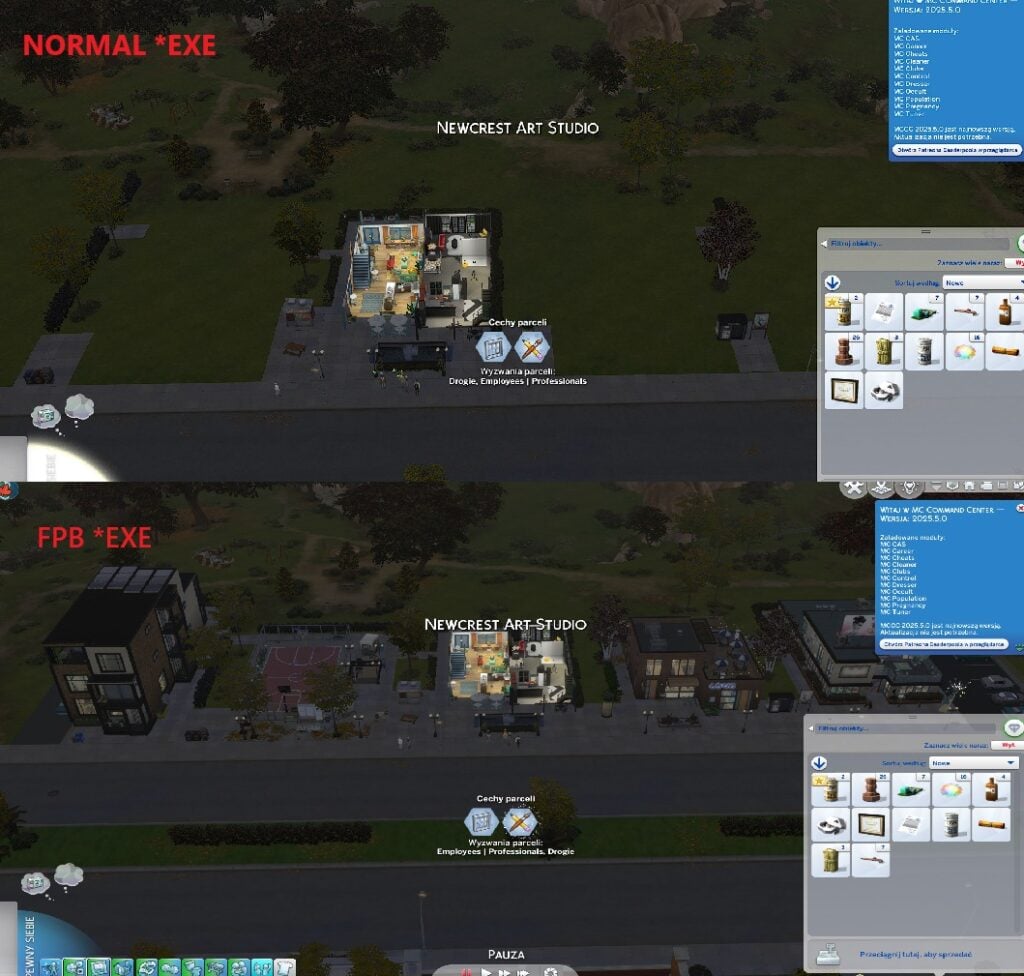
08:52AM PT ARTICLE UPDATE: Our reader Diffevair has tested the new executable version of The Sims 4 “-fpb”. According to them, the long-reported issue of Neighboring Houses showing as Default / Empty is fixed in the newly reported version of The Sims 4 Base Game.

Here’s what they’ve said:

CONVERSATION 2

OMG, can’t belive they fix problem with Default/Empty houses in neighbourhood!
This problem is huge when you have apartments from “For Rent” pack.

the sims 4 neighboring issues

– image source


What does this mean for the future of The Sims 4?

It’s too early to tell yet. For the first time ever, we’re hearing words of the “Memory Boost mode” feature. Which hasn’t been mentioned before ever by The Sims Team nor discovered (until now) in the game files.

I did a quick google search to see if the abbreviation “fpb” means anything. The top rated result on abbreviations.com is “Full Power Balanced”. Which has been used before in the world of Computing and Hardware.

The Sims 4 Base Game has gone through several technical changes in the past. First, it got updated from 32bit to 64bit version with the launch of The Sims 4 Get Together Expansion in 2015. Several months later, we enjoyed the new indoor lighting brought around with the launch of Sims 4 Dine Out.

The game adapted to a 64bit only version by seperating the game with The Sims 4 Legacy Edition around the Island Living era. Which got discontinued in November 2022.

The last big technical changes made to The Sims 4 Base Game started in May 2024, when EA introduced the first iteration of the game for DirectX 11.

This update is designed to increase the overall gaming experience, with improved rendering capabilities that will allow for more details and immersive environments in future releases!

– May 28, 2024 Patch Notes

At the moment, The Sims 4 supports both DirectX 9 and DirectX 11 versions. However, the new Sims 4 executable found in August 19th Patch includes a “Memory Boost Mode” that doesn’t support DirectX 9.


Time will tell what the new Memory Boost Feature will allow for players. And what switch might happen for The Sims 4 next. Until then, we already know that there are going to be three big Base Game Feature updates for The Sims 4 until the end of this year. Could the “fpb” version of The Sims 4 finally be activated in one of those updates?

Let us know your thoughts in the comments section below and stay tuned on Sims Community for the latest Sims 4 News!

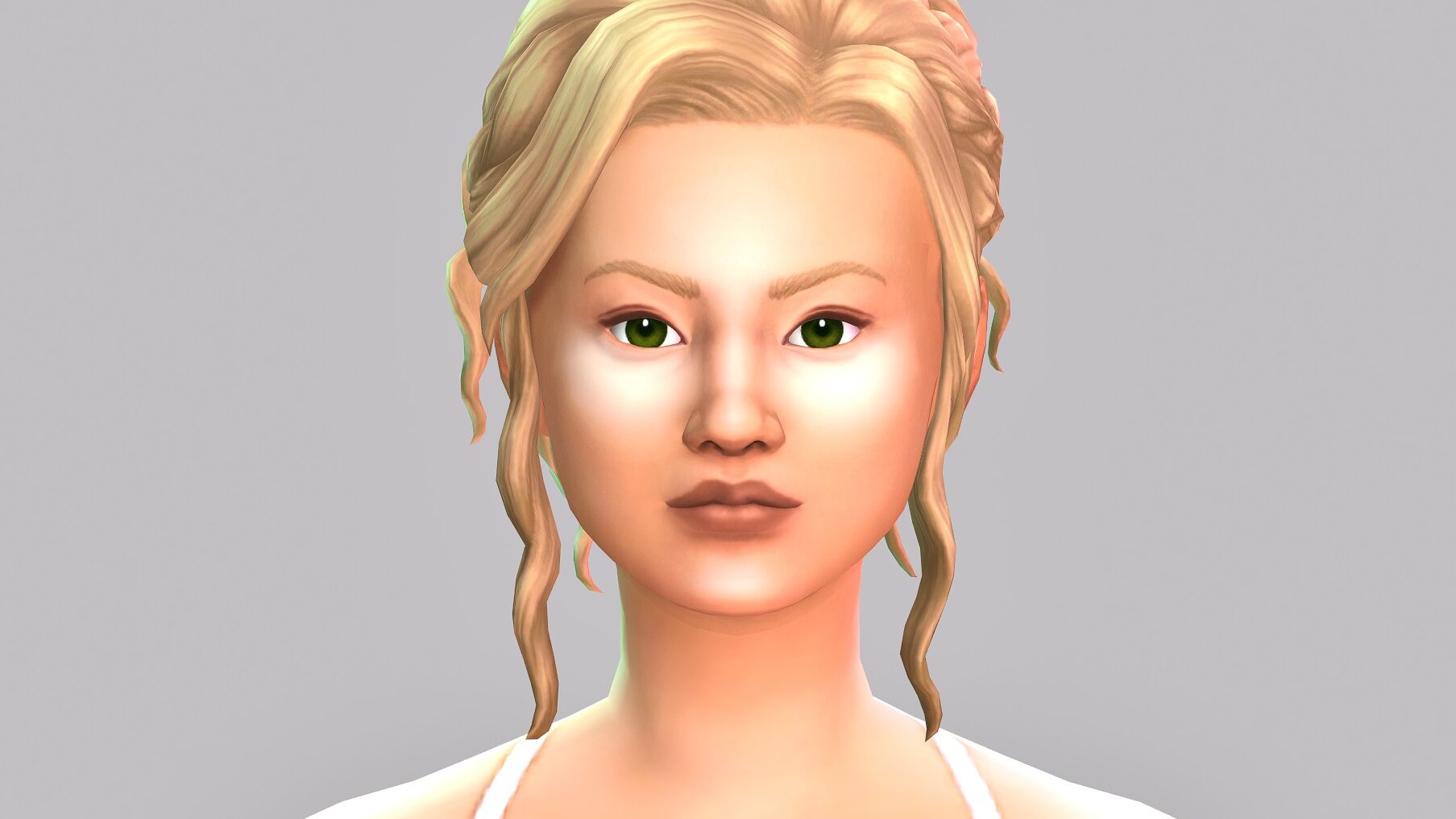
The Sims 4 Essential Glam Kit Review: Soo Pigmented!

See how the new makeup compares on different Sims!

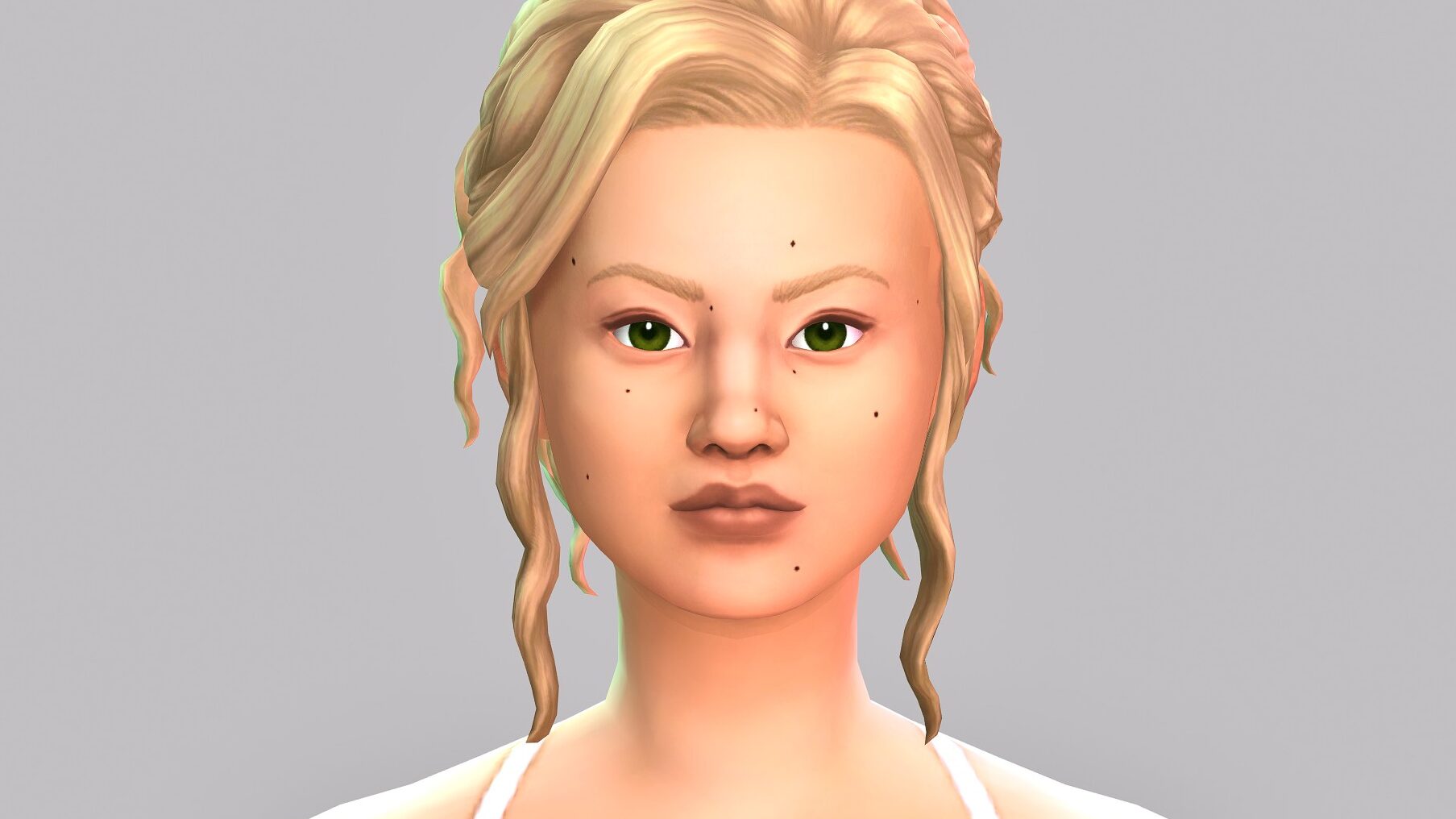
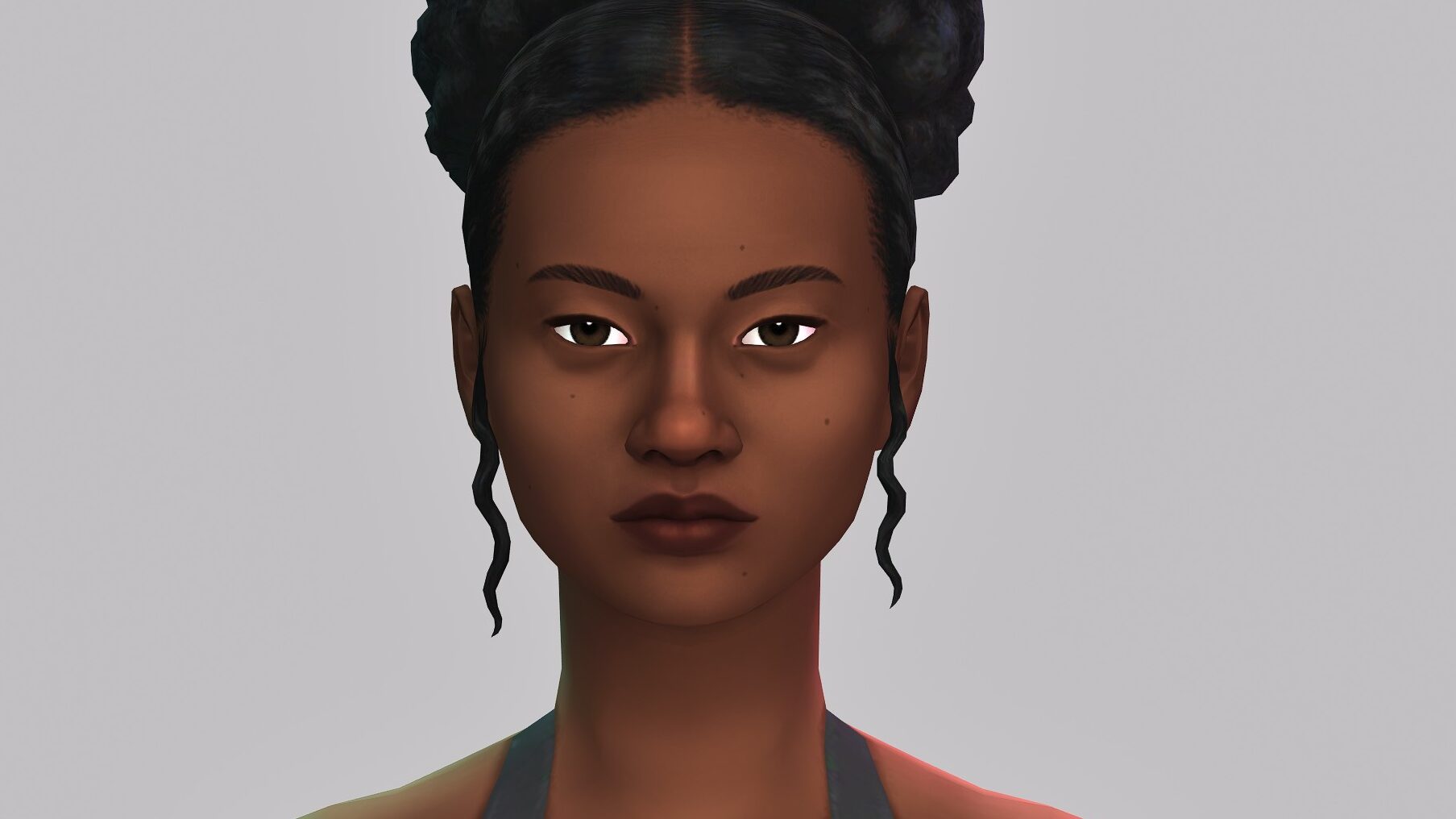
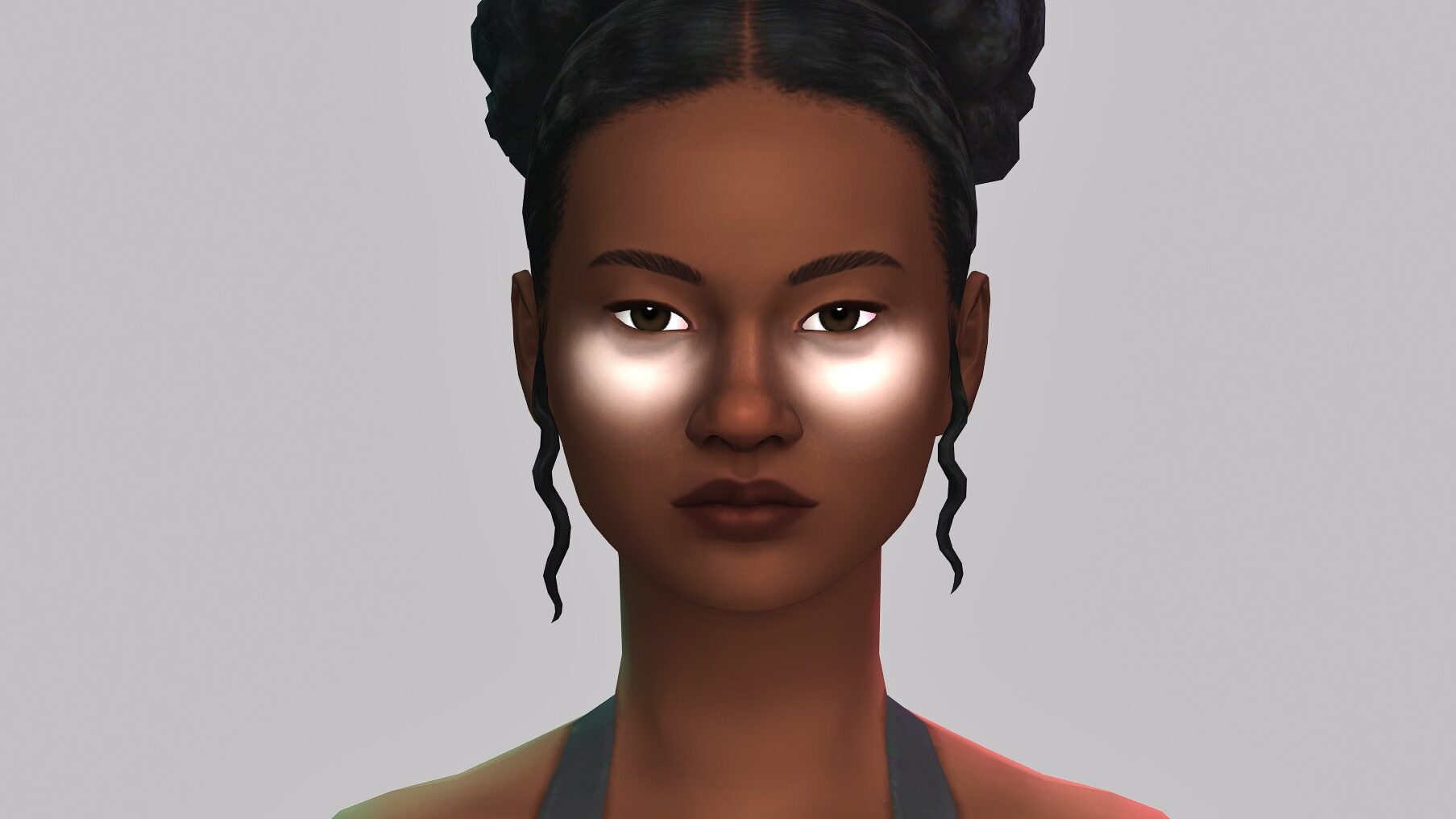
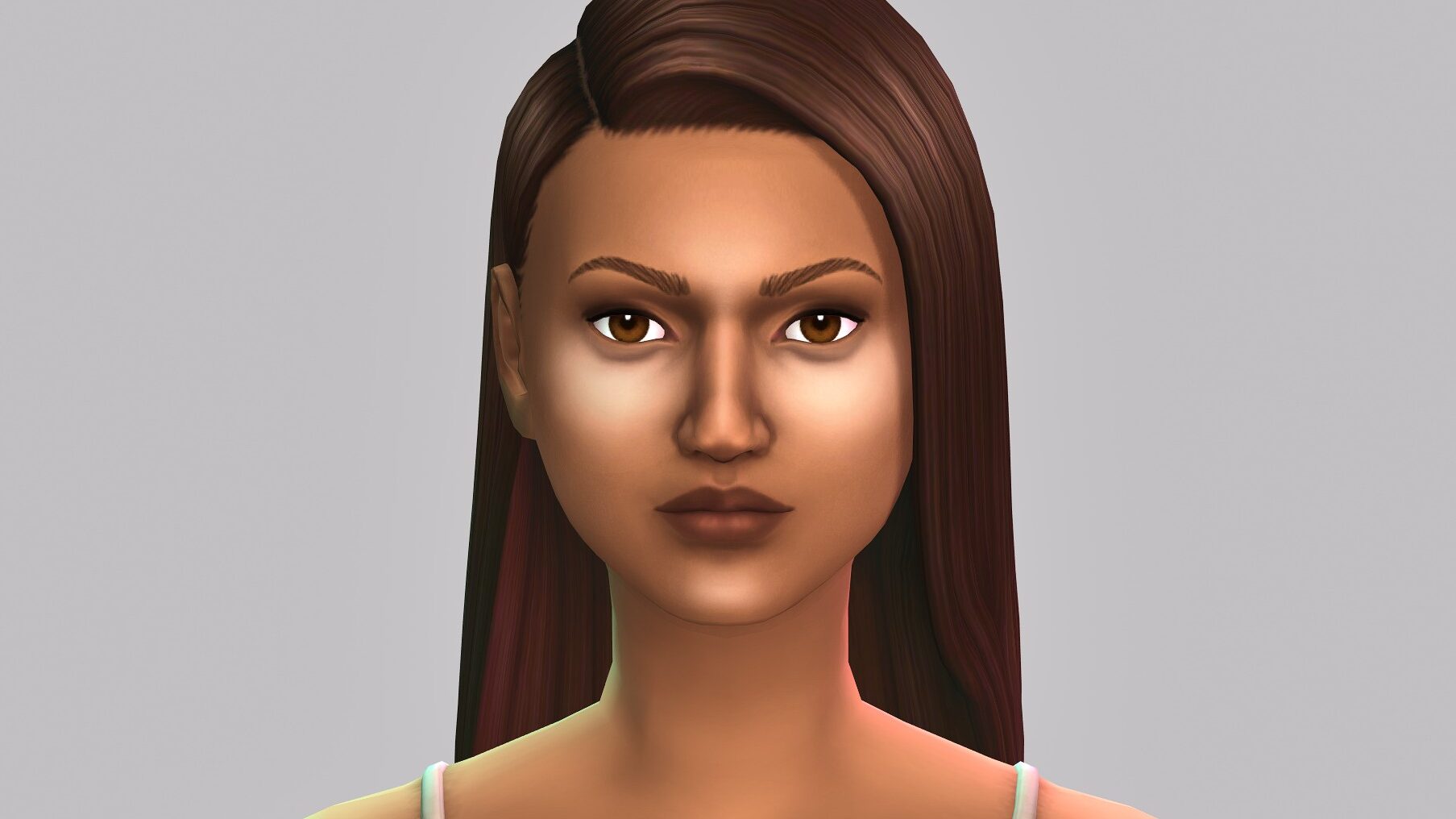
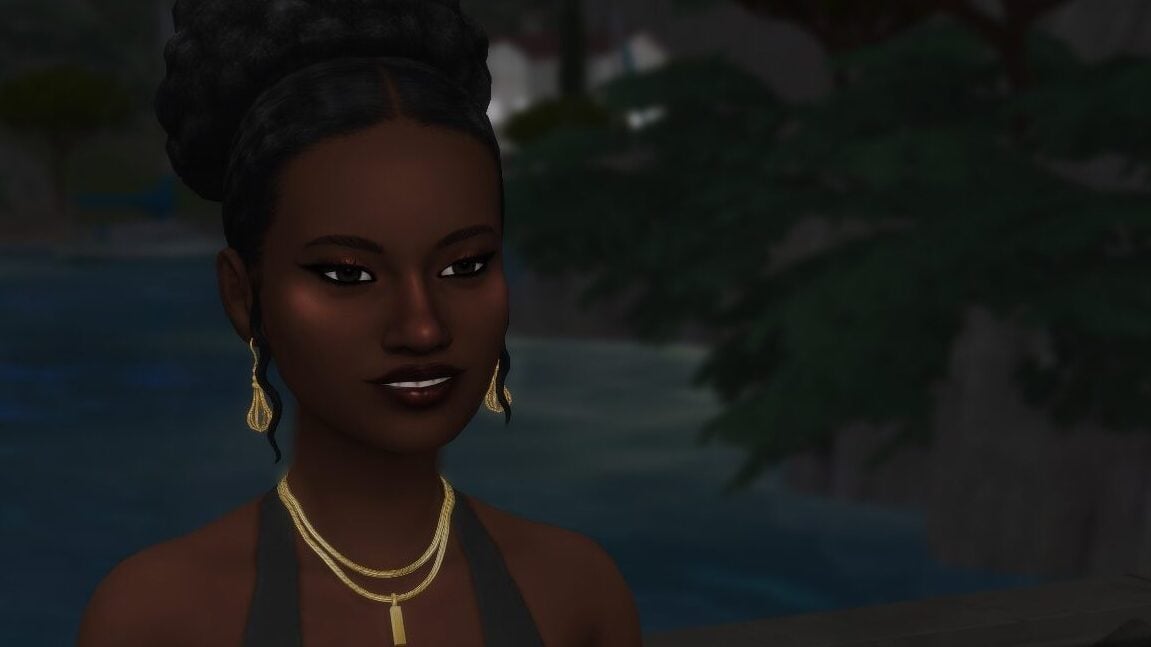
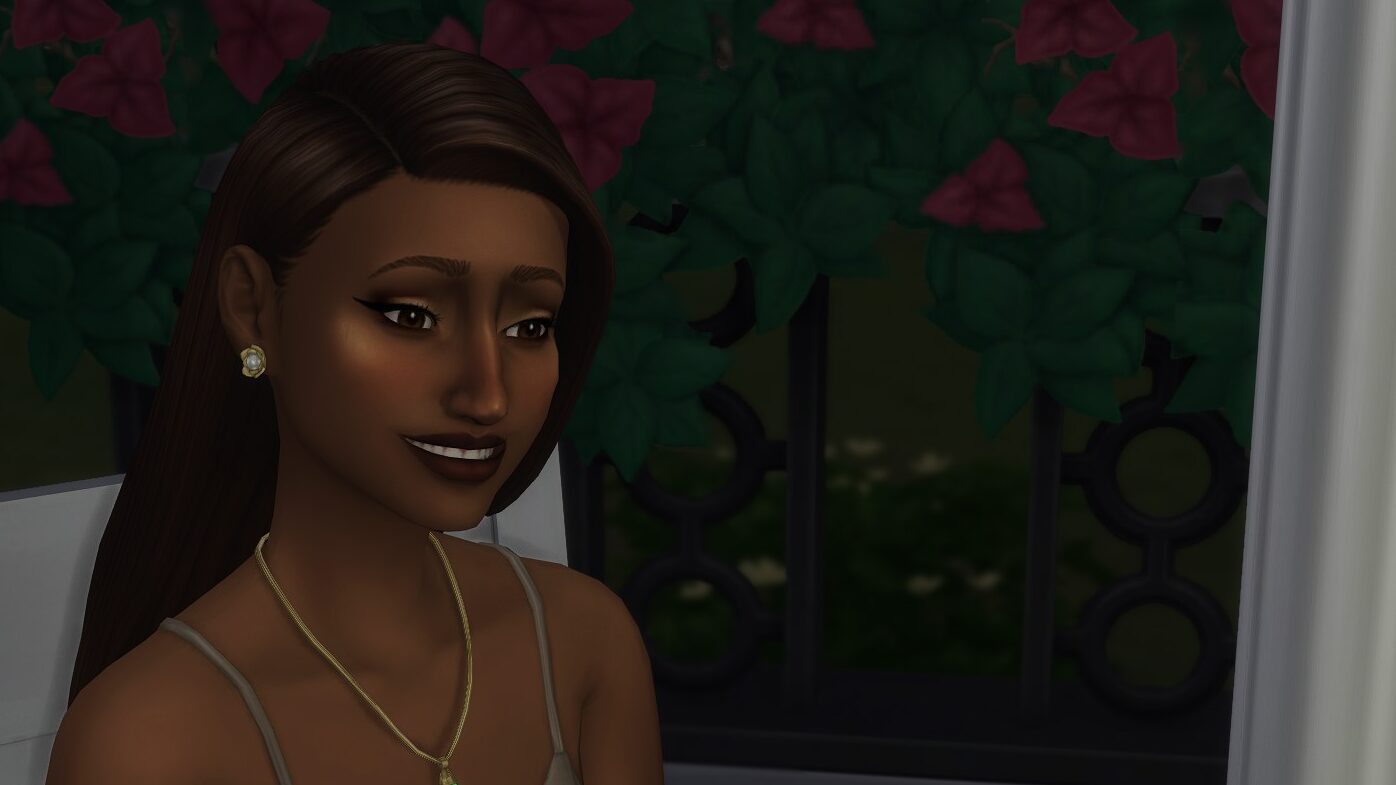
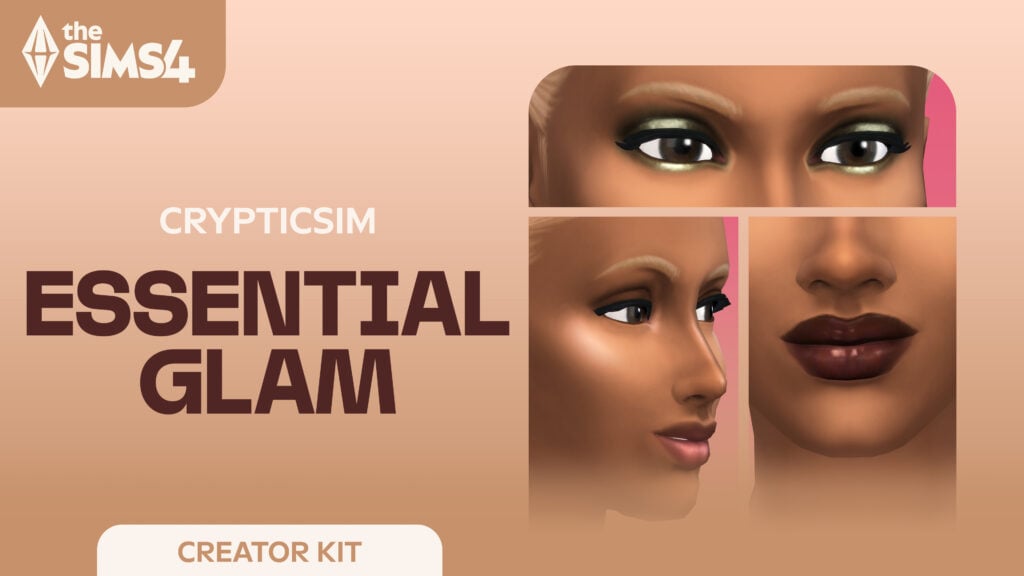
The Sims 4 Essential Glam Kit is a brand new creator kit, released alongside the Grange Mudroom kit and created in collaboration with the custom content creator crypticsim. Crypticsim, also known as Nathan, is a popular custom content creator, specializing in makeup and other forms of glam to expand your sims looks!

The Kit Description & Info

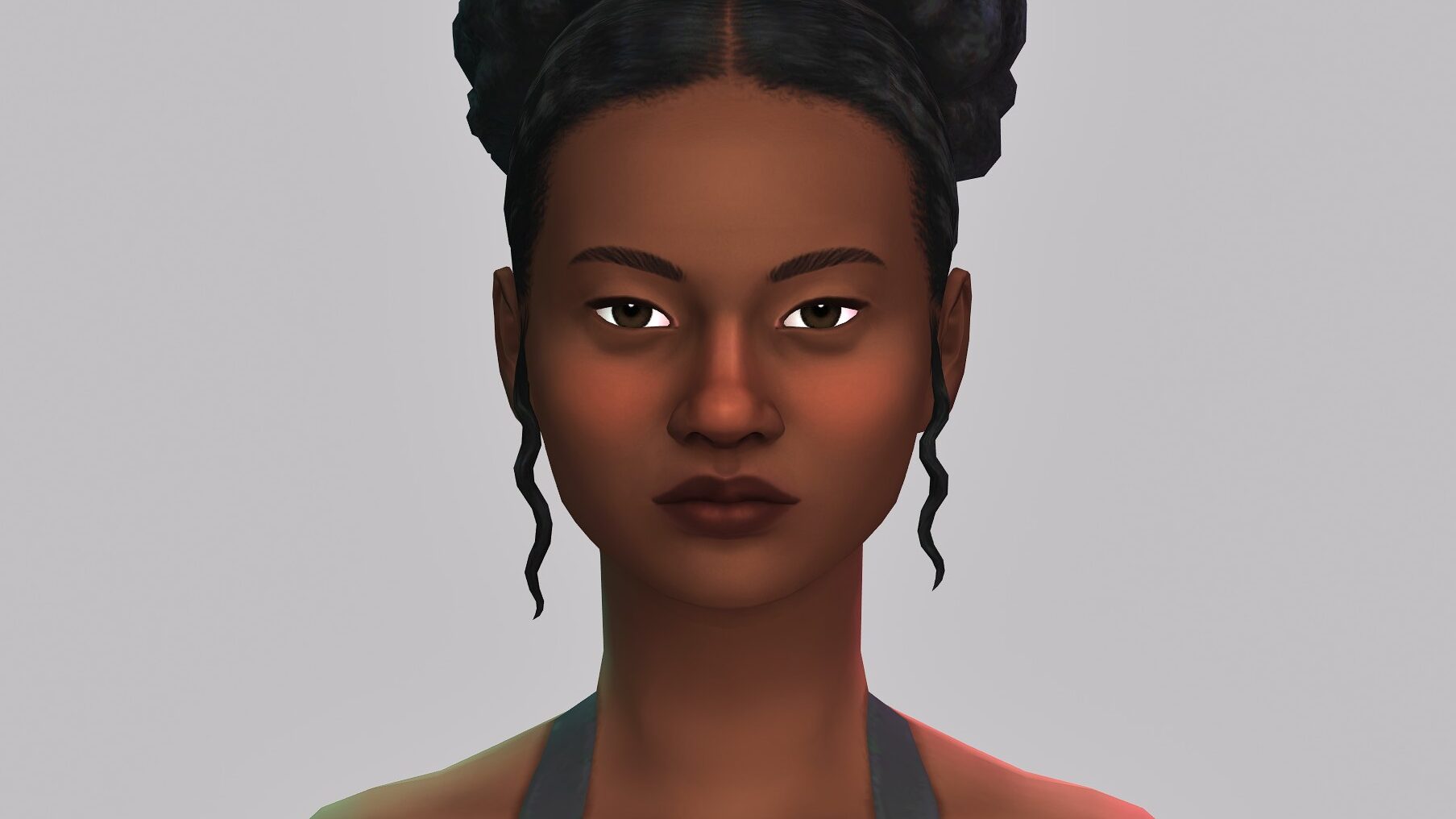
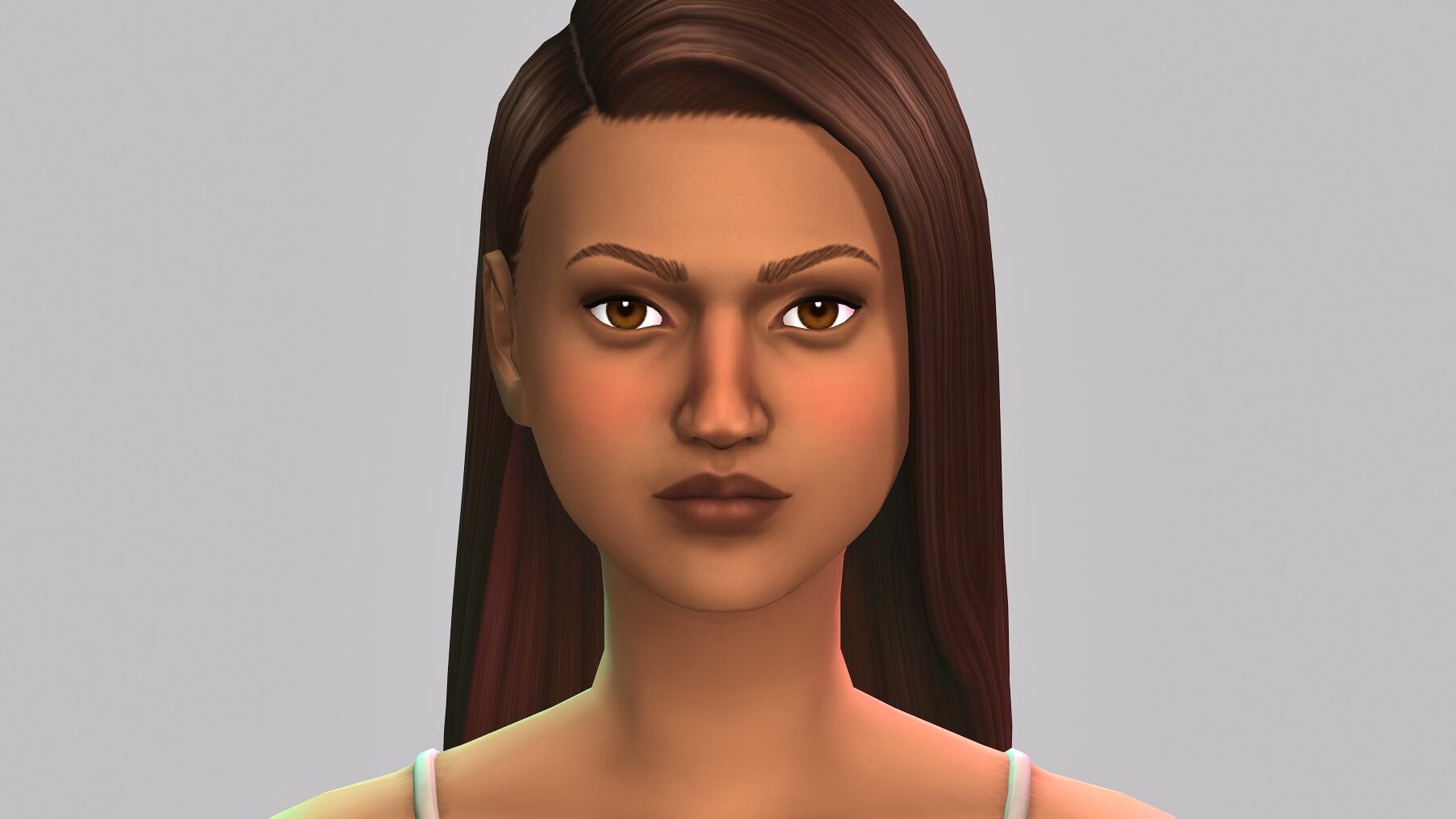
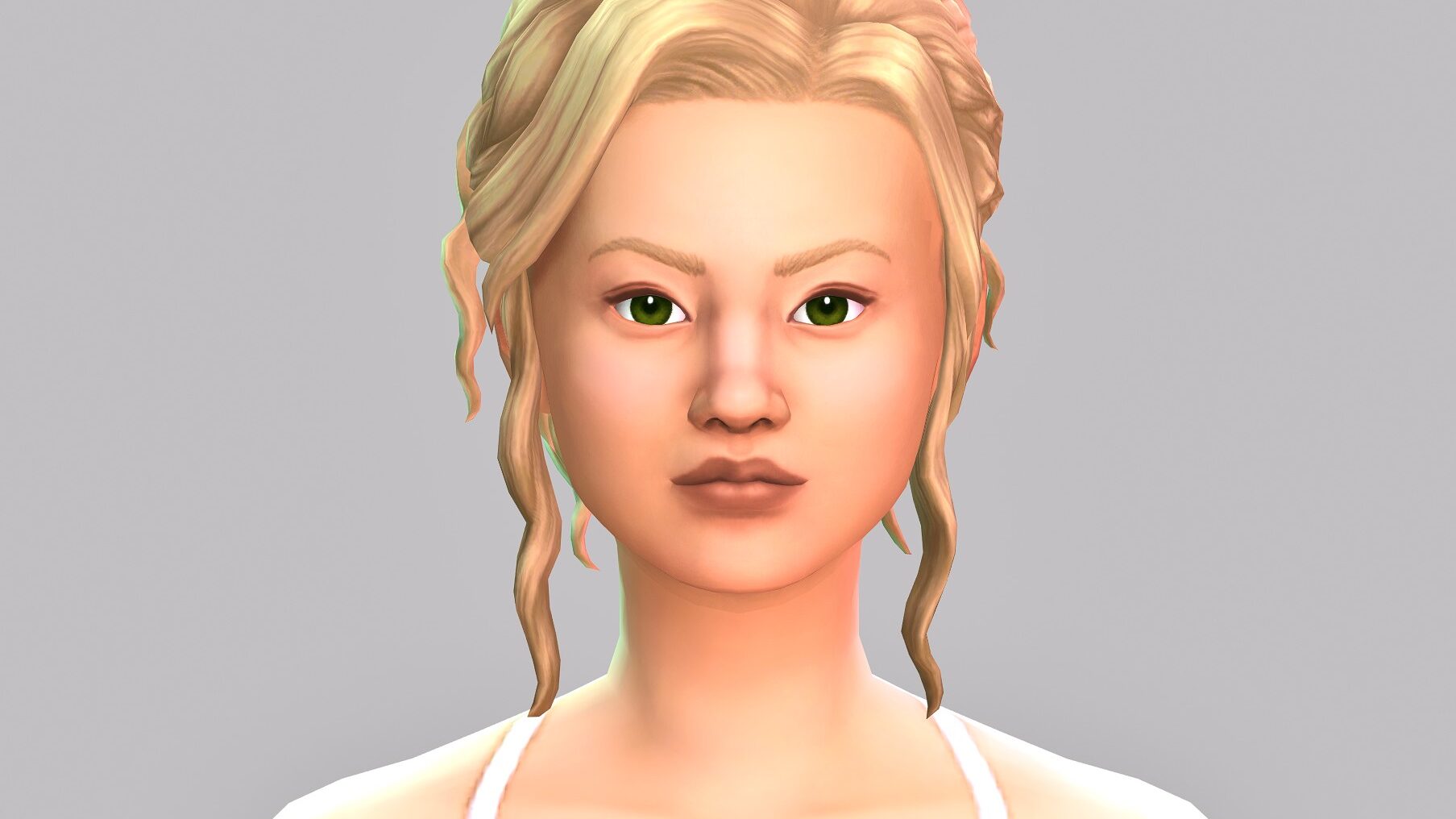
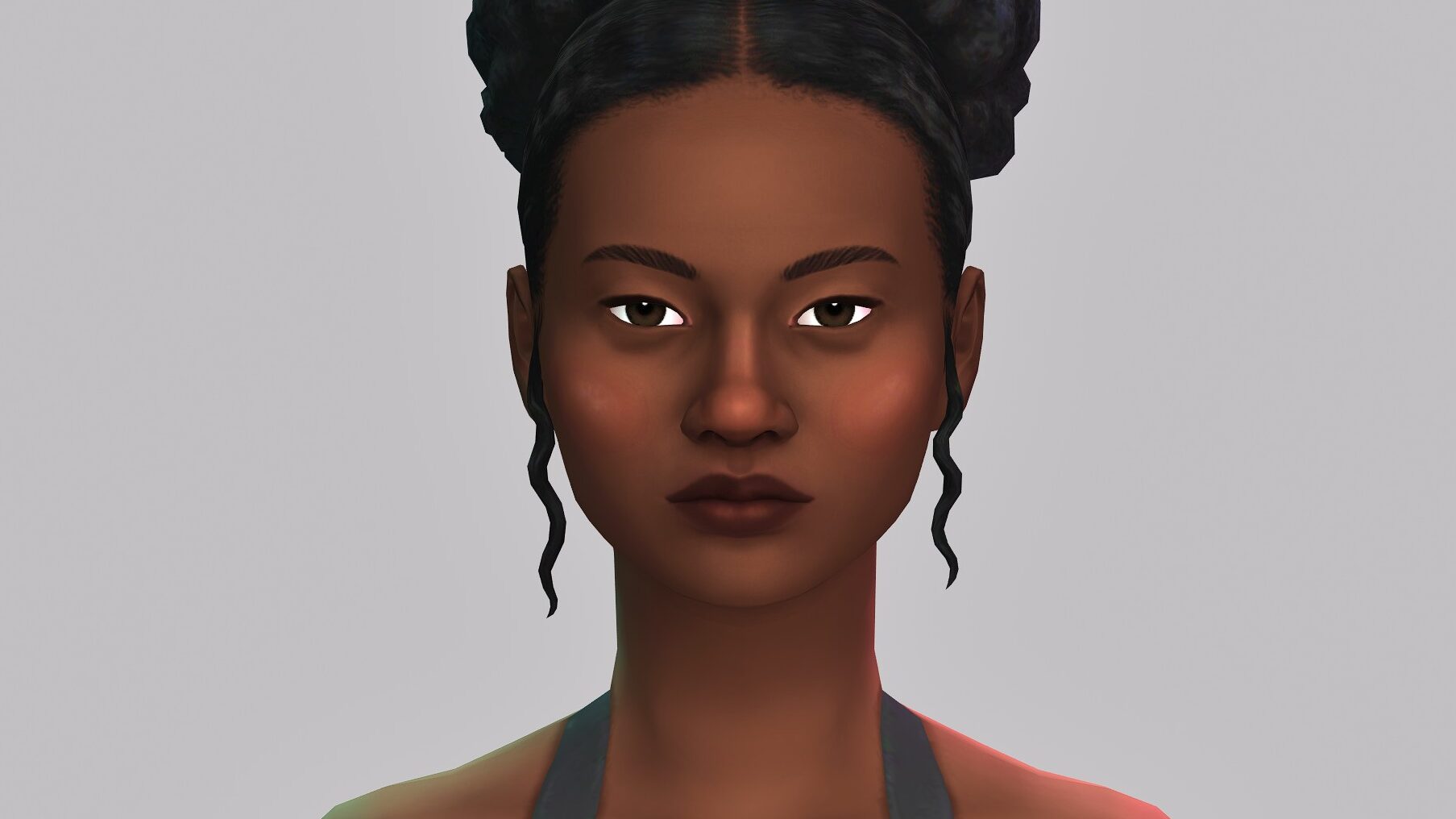
the sims 4 makeup kit

Per the Electronic Arts website, EA App, Steam, and any platform for the viewing of Sims 4 Kits…

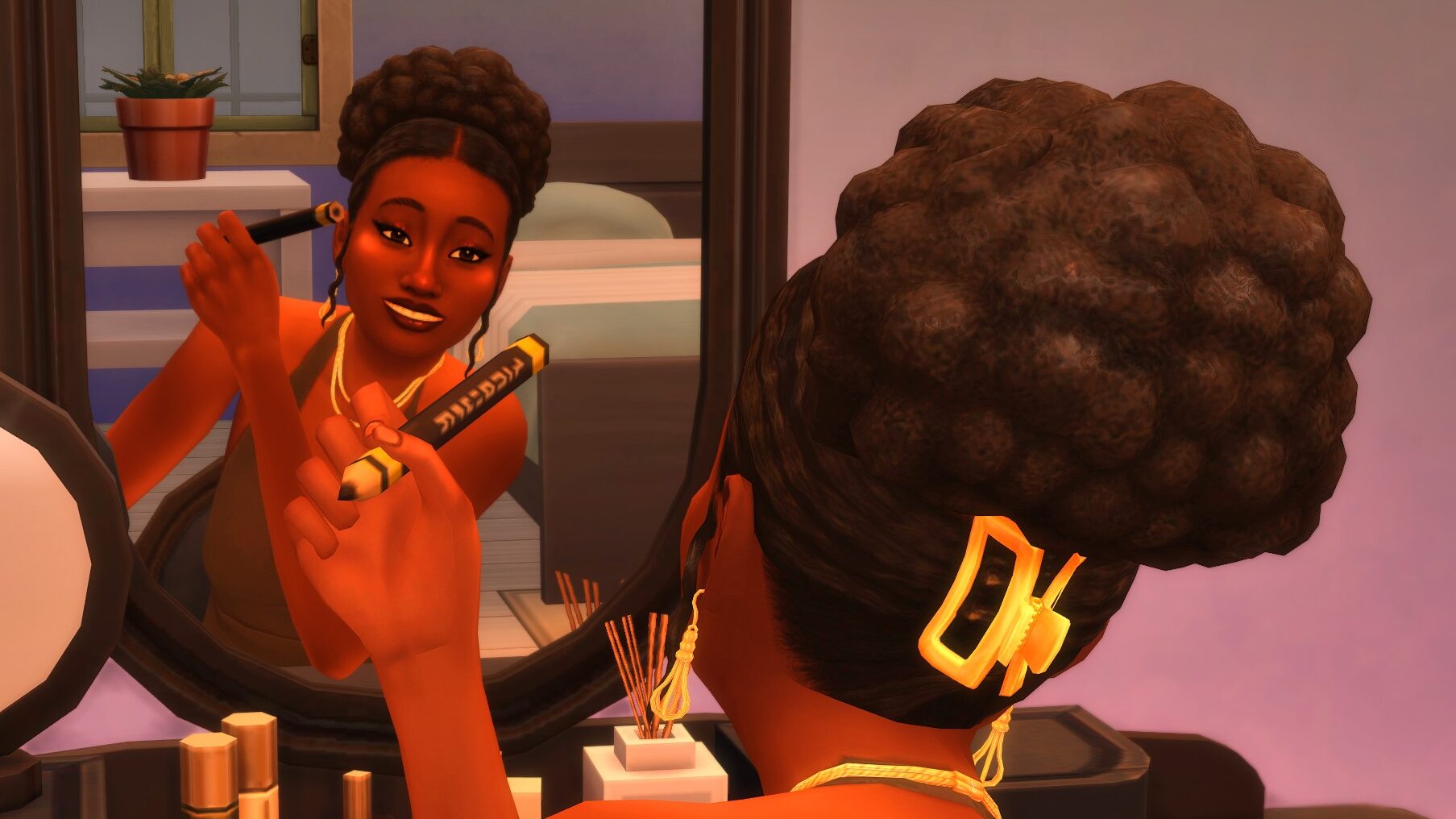
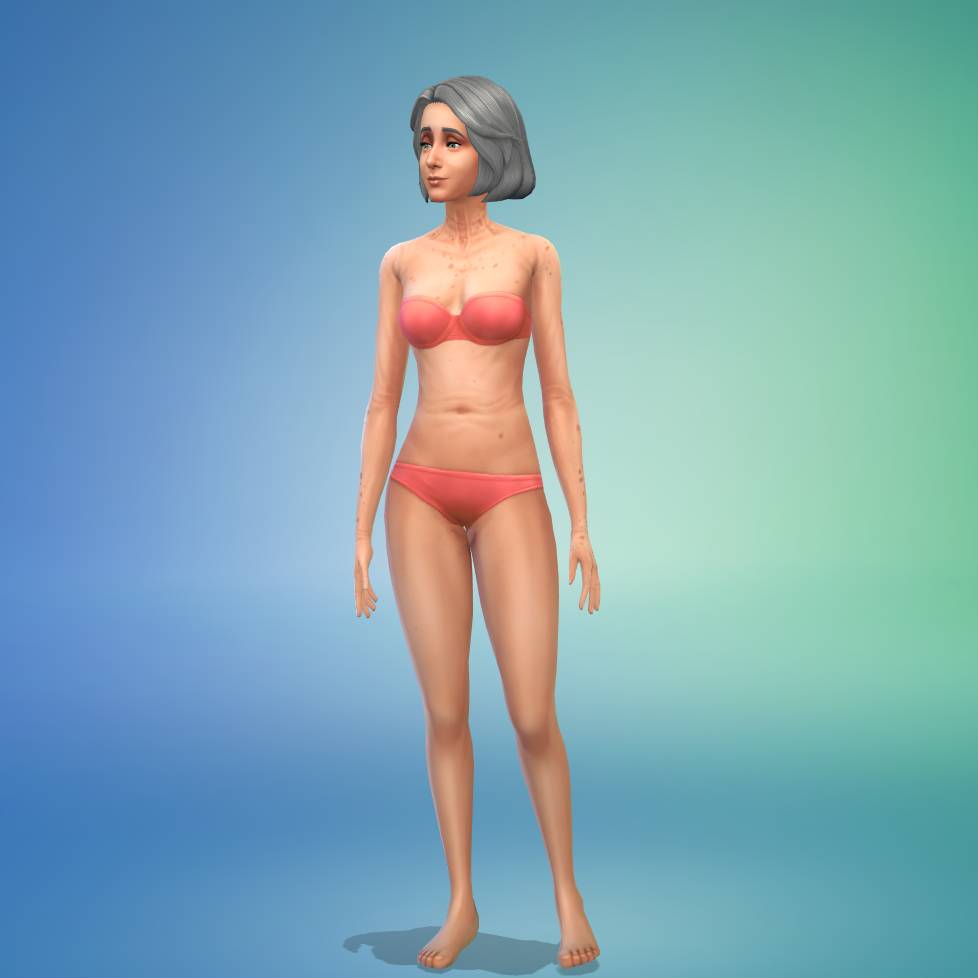
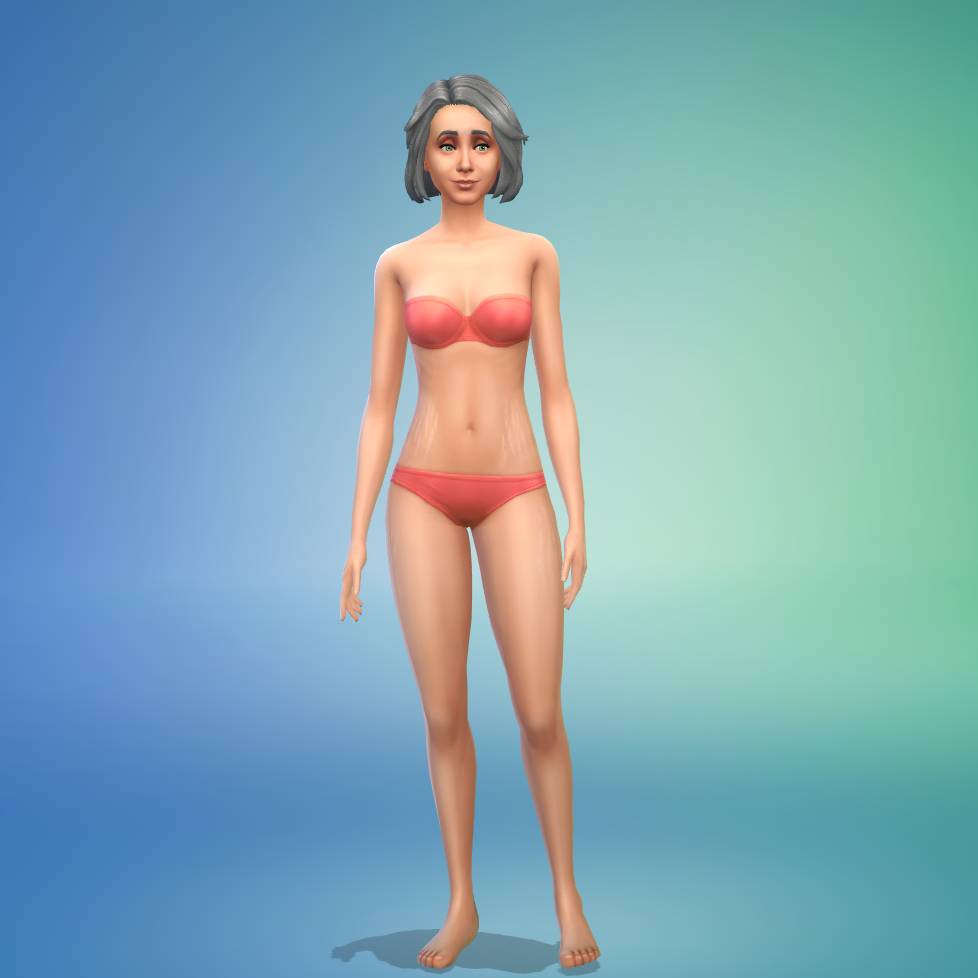
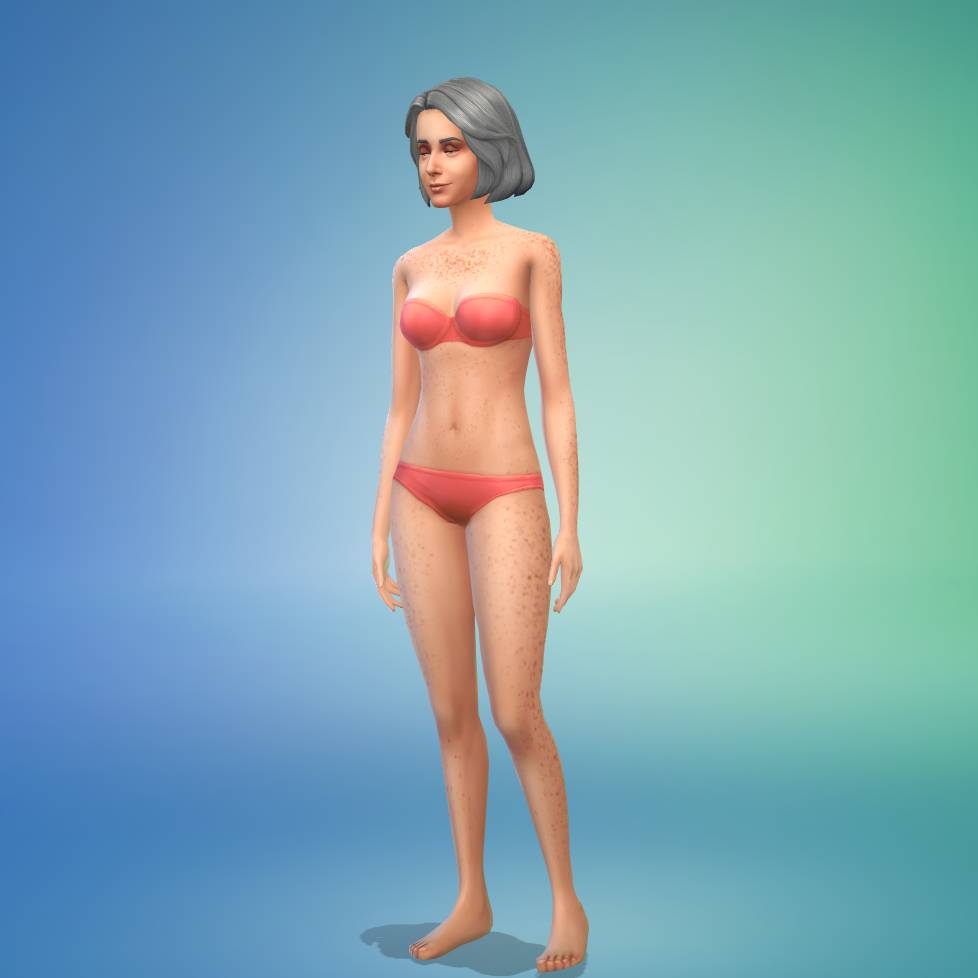
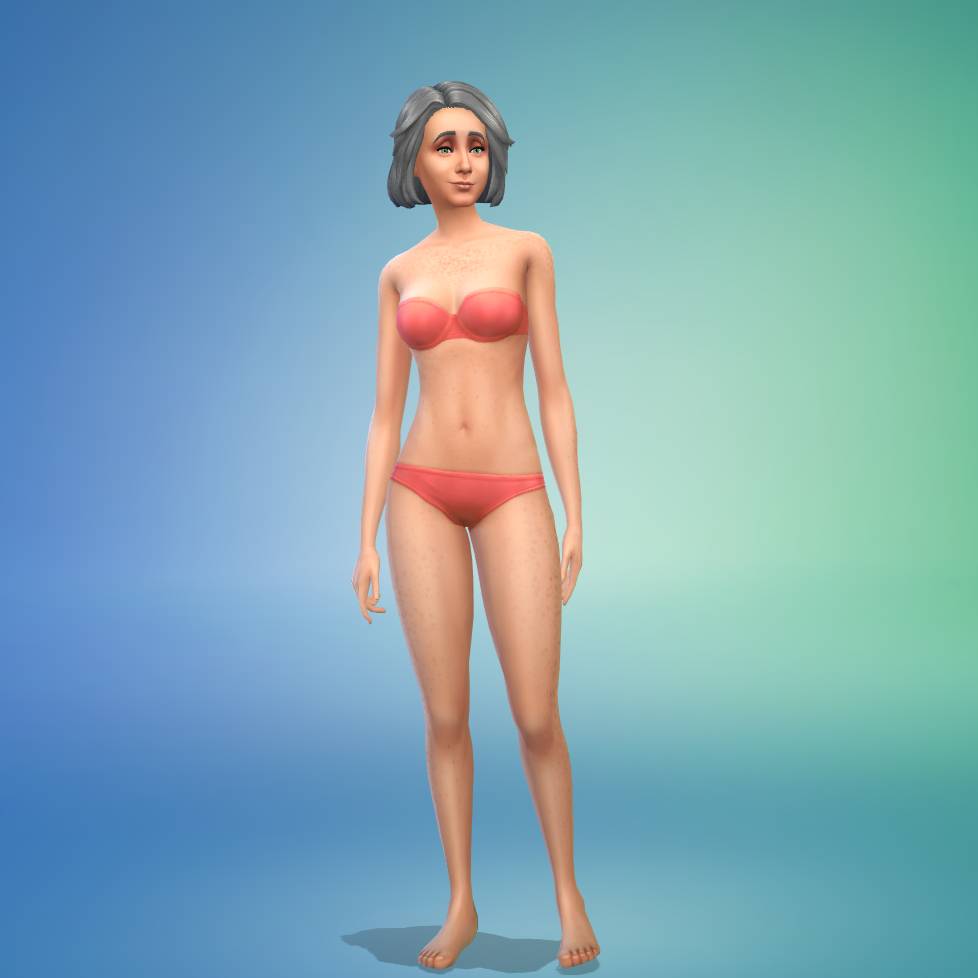
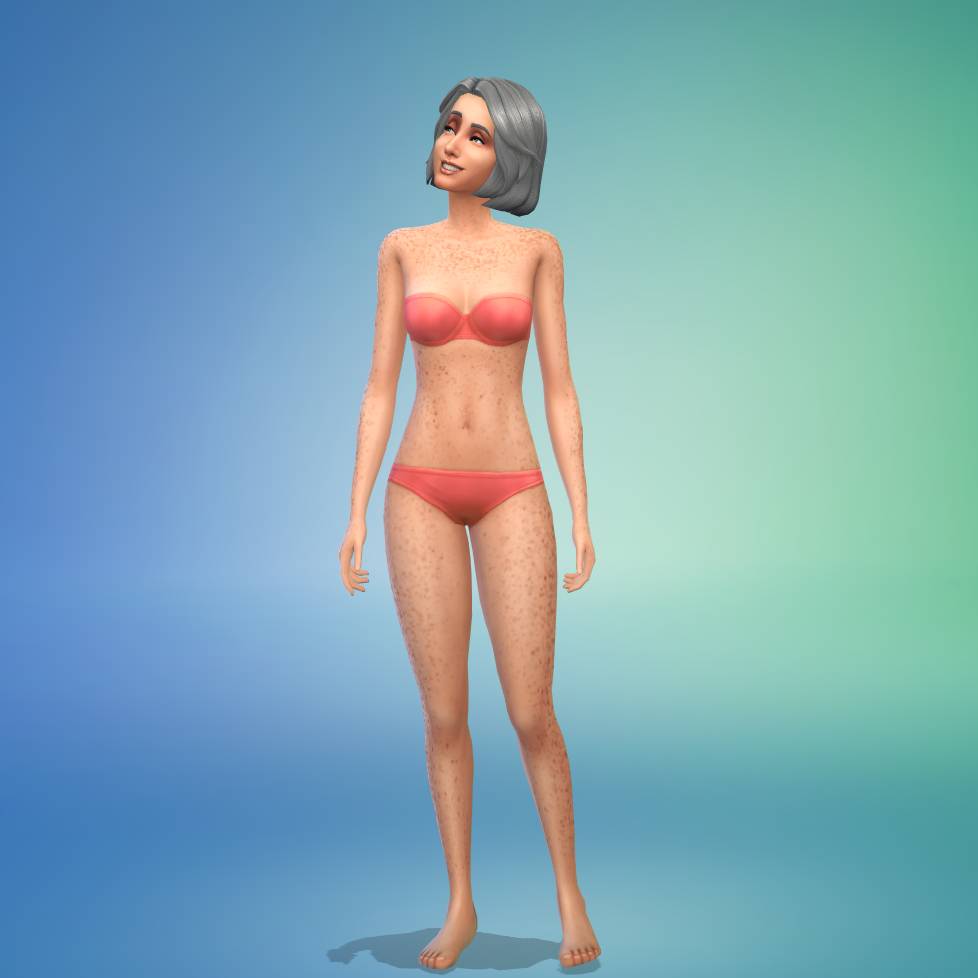
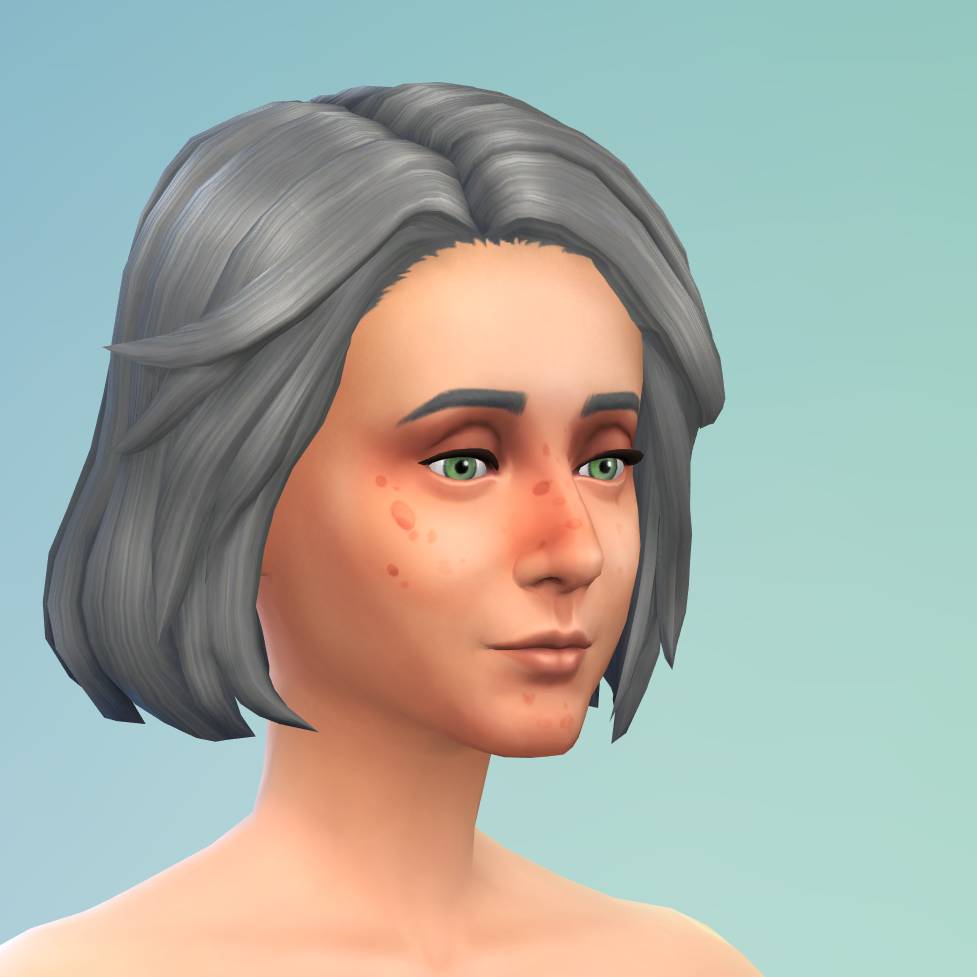
Upgrade your Sim’s makeup collection. Easily transition from subtle daytime looks, featuring soft eyeshadows and neutral lip glosses, to striking smoky eyeshadows with bold lipsticks. Transform your Sims’ makeup look with items like foundation, contour, and highlight. Add unique items like faux freckles and beauty marks to complete your look. Whether it’s for date nights, weddings, award ceremonies, or graduations, this Kit guarantees every Sim can showcase their unique style.

– The Sims 4 Essential Glam Kit Pack Description
The Sims 4 Essential Glam Kit Review

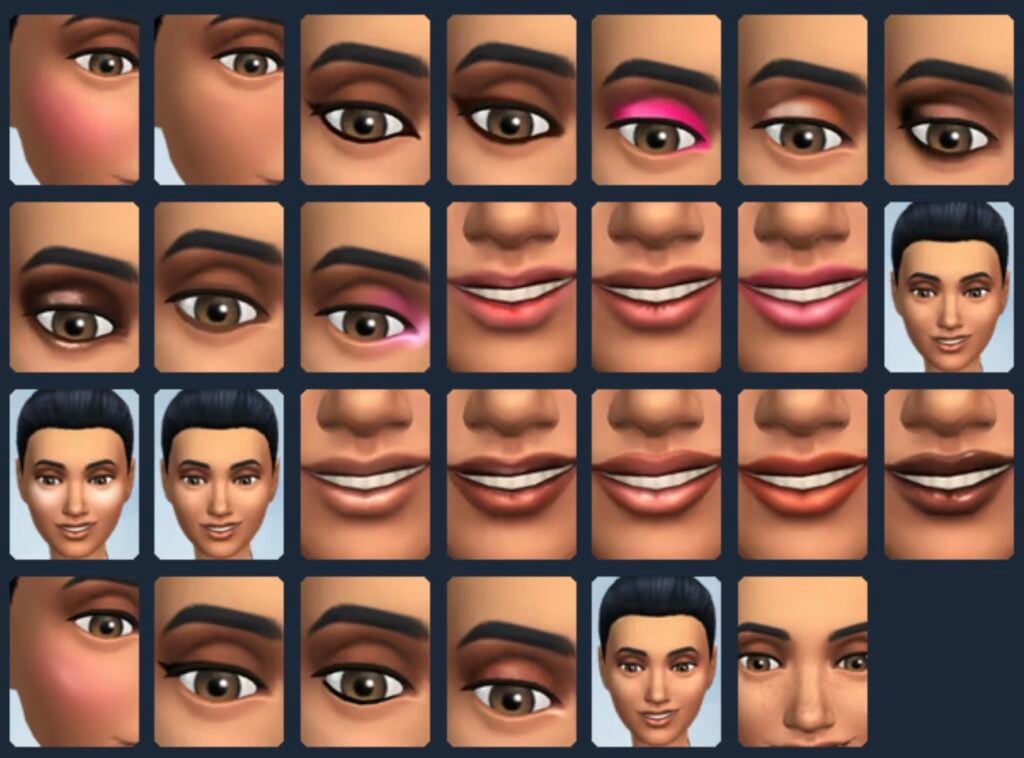
Kit Preview Thumbnails

sims 4 essential glam kit

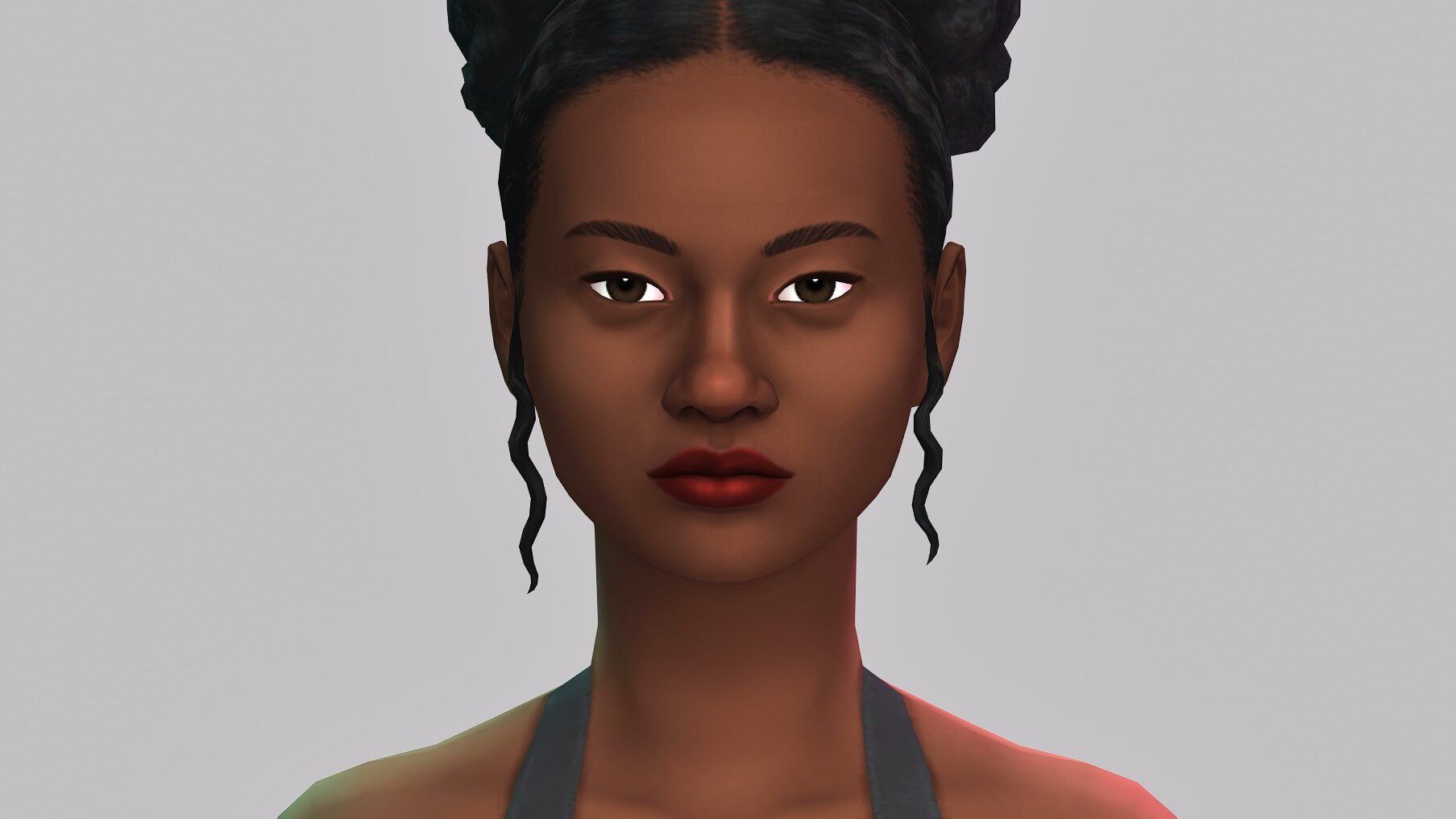
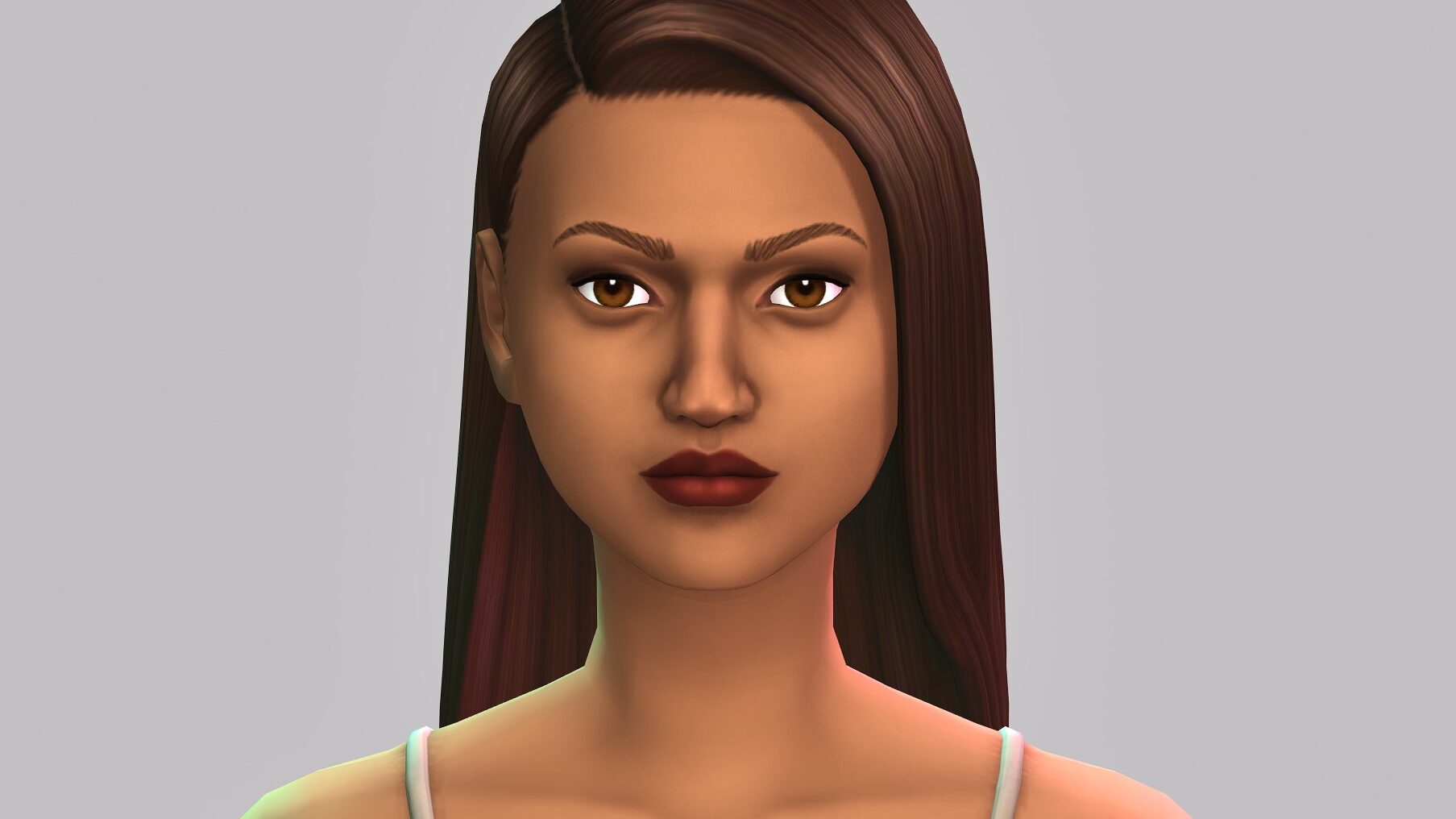
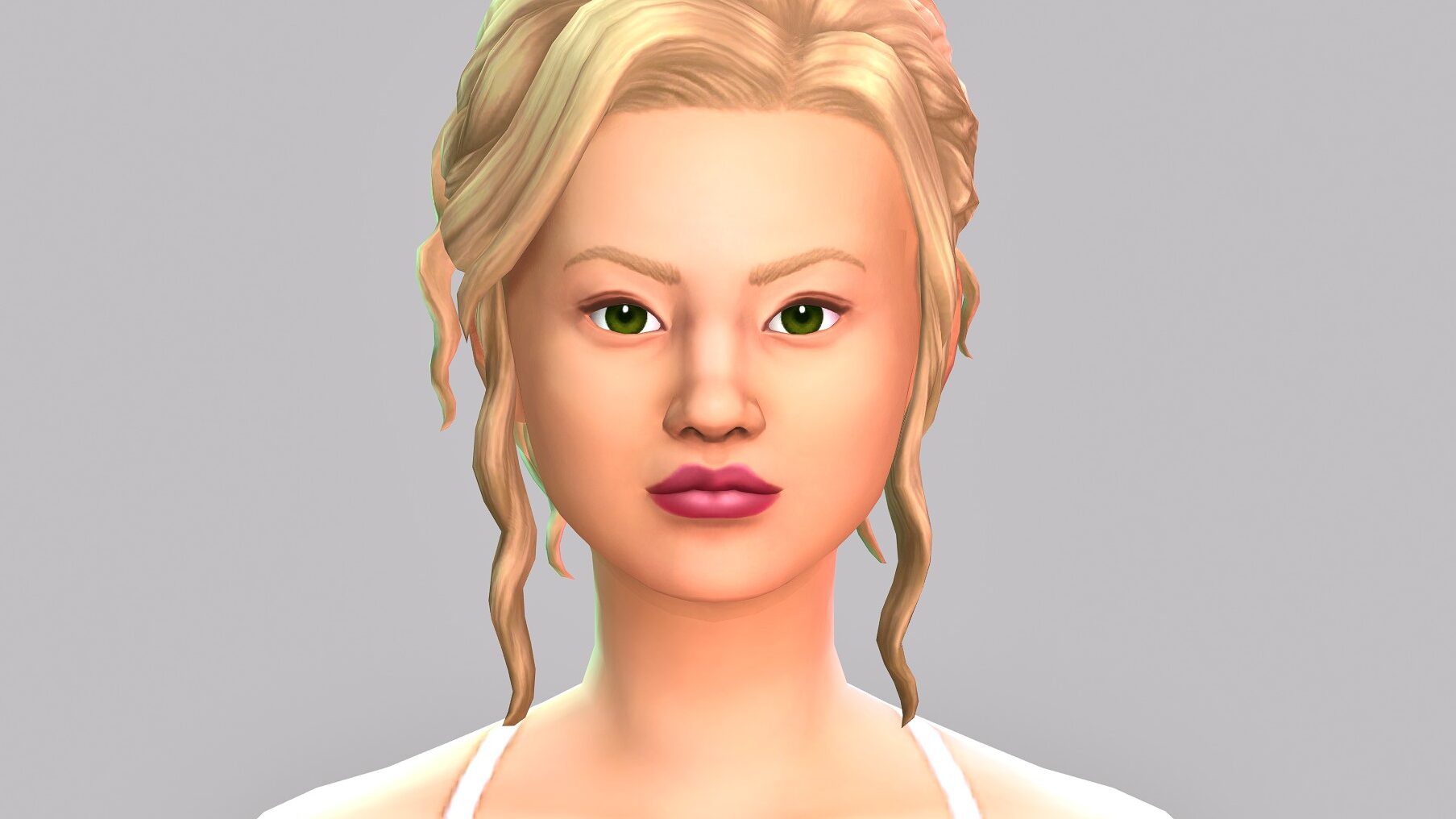
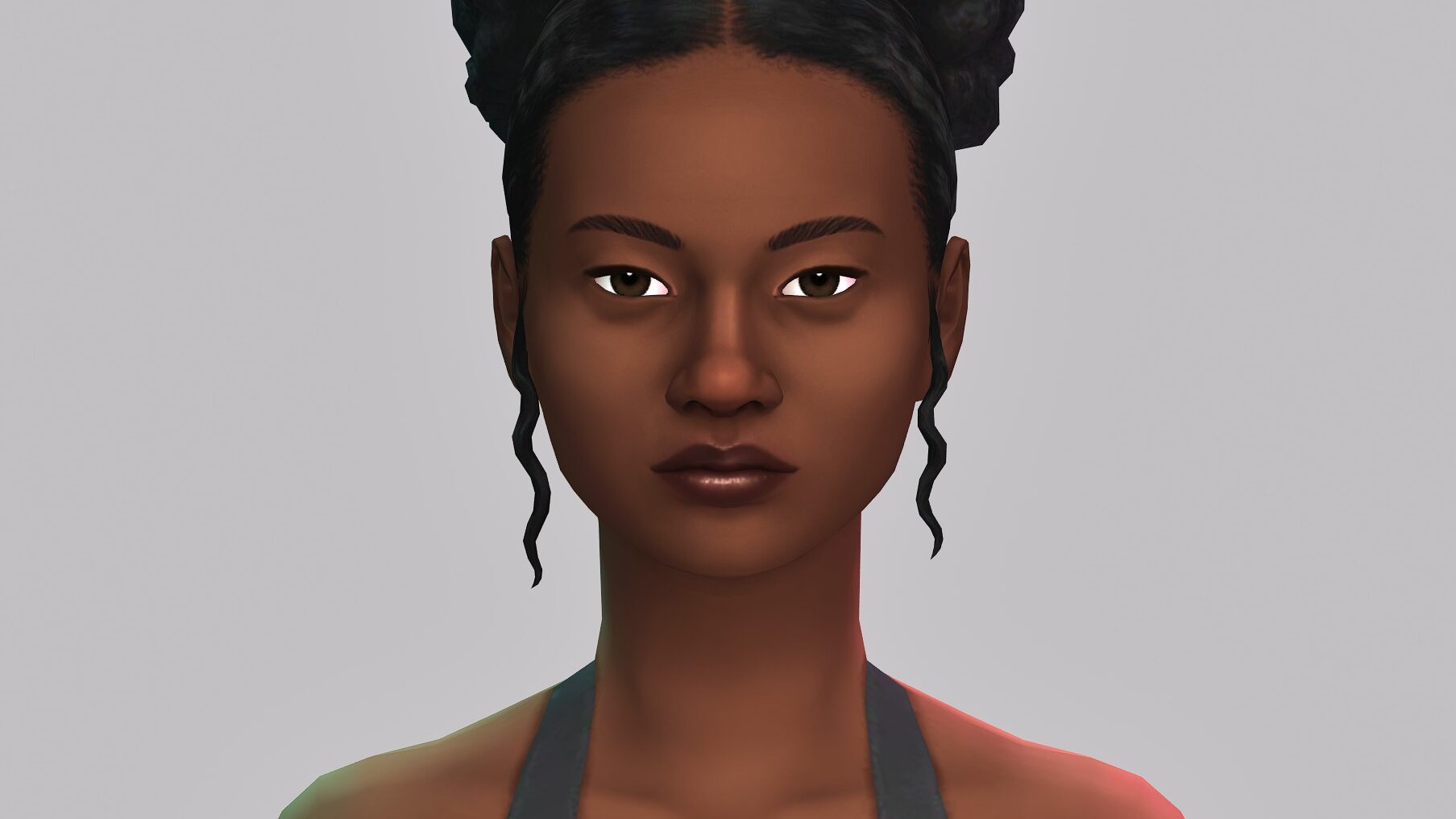
Individual Items

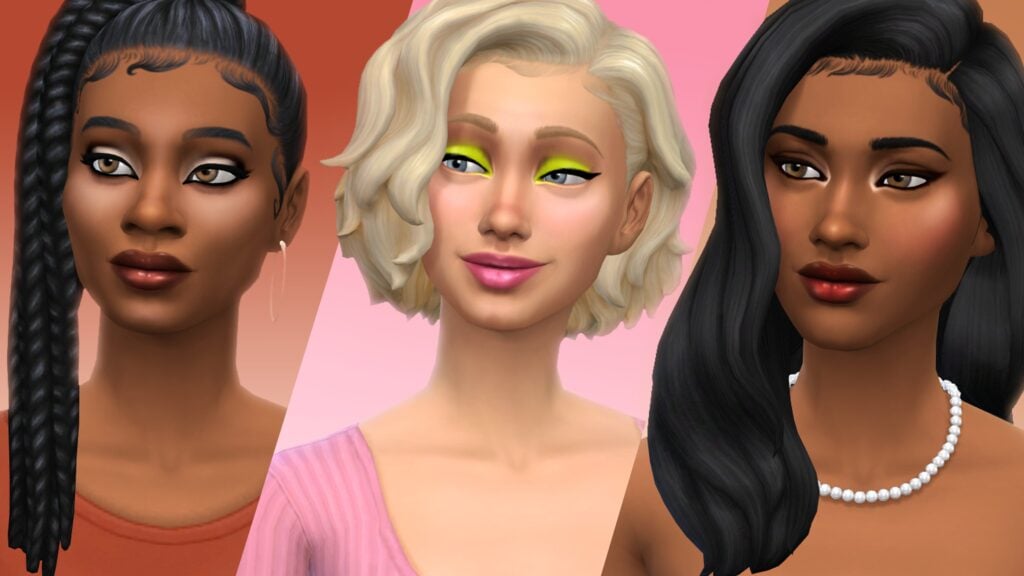
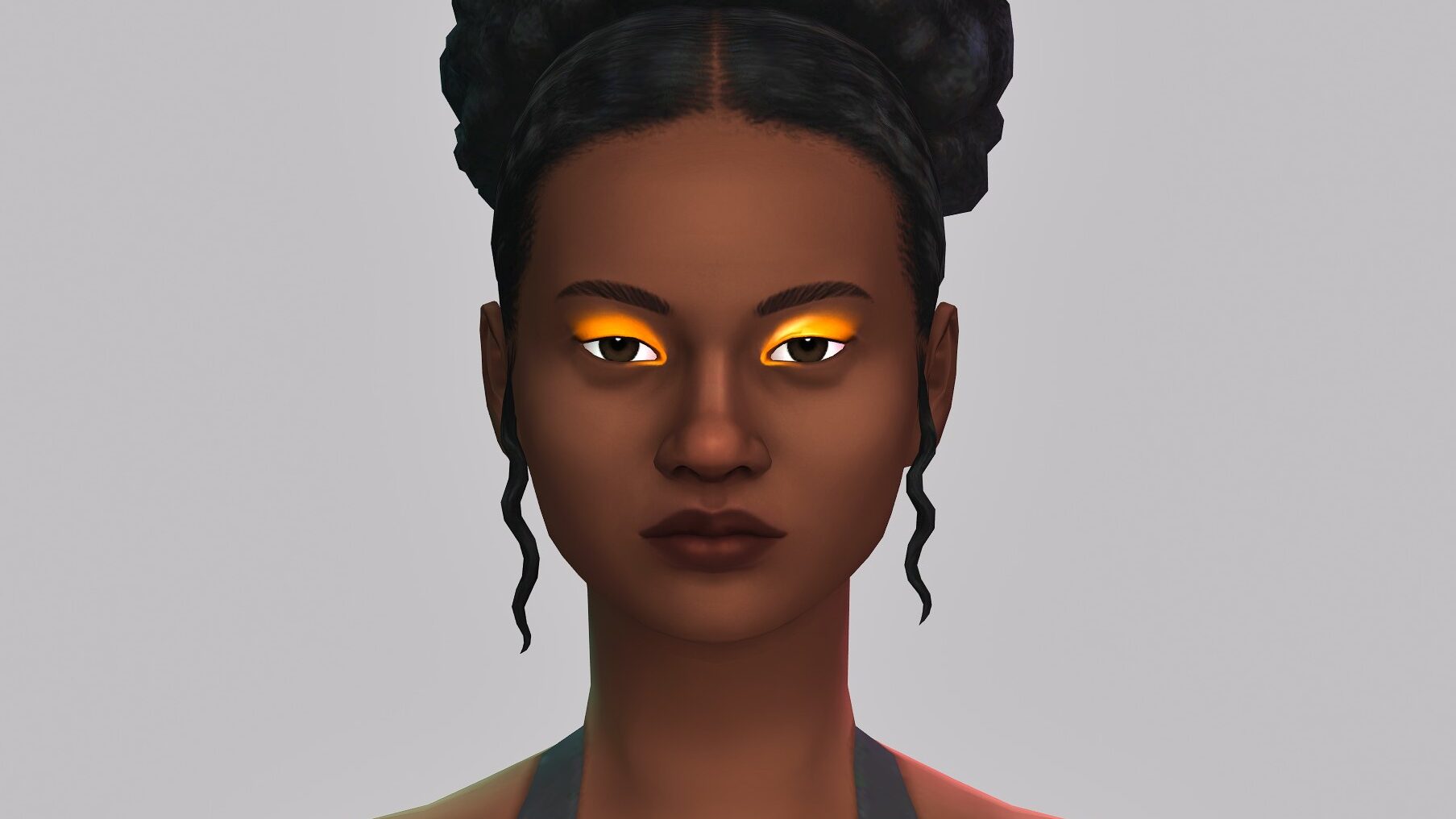
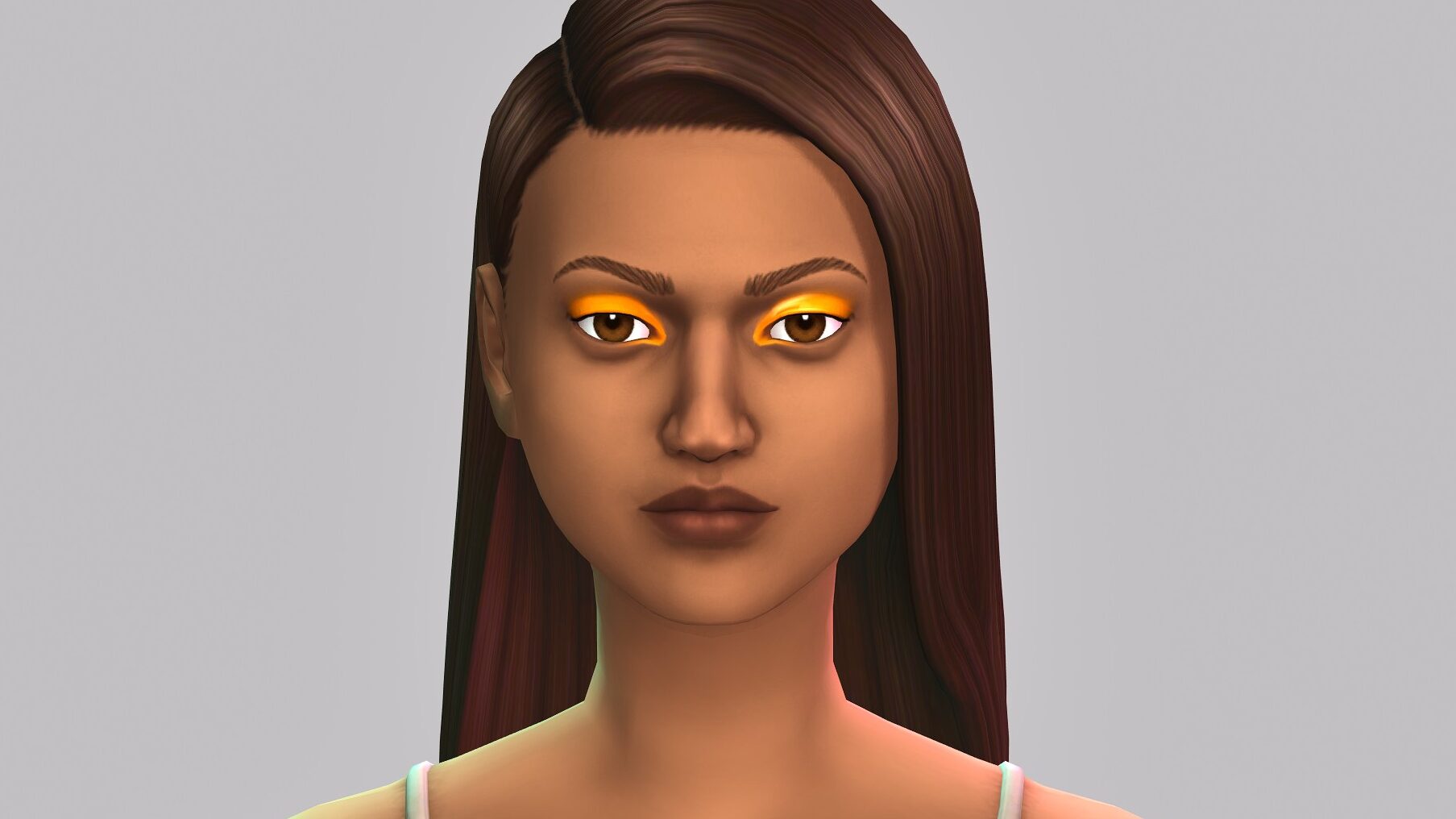
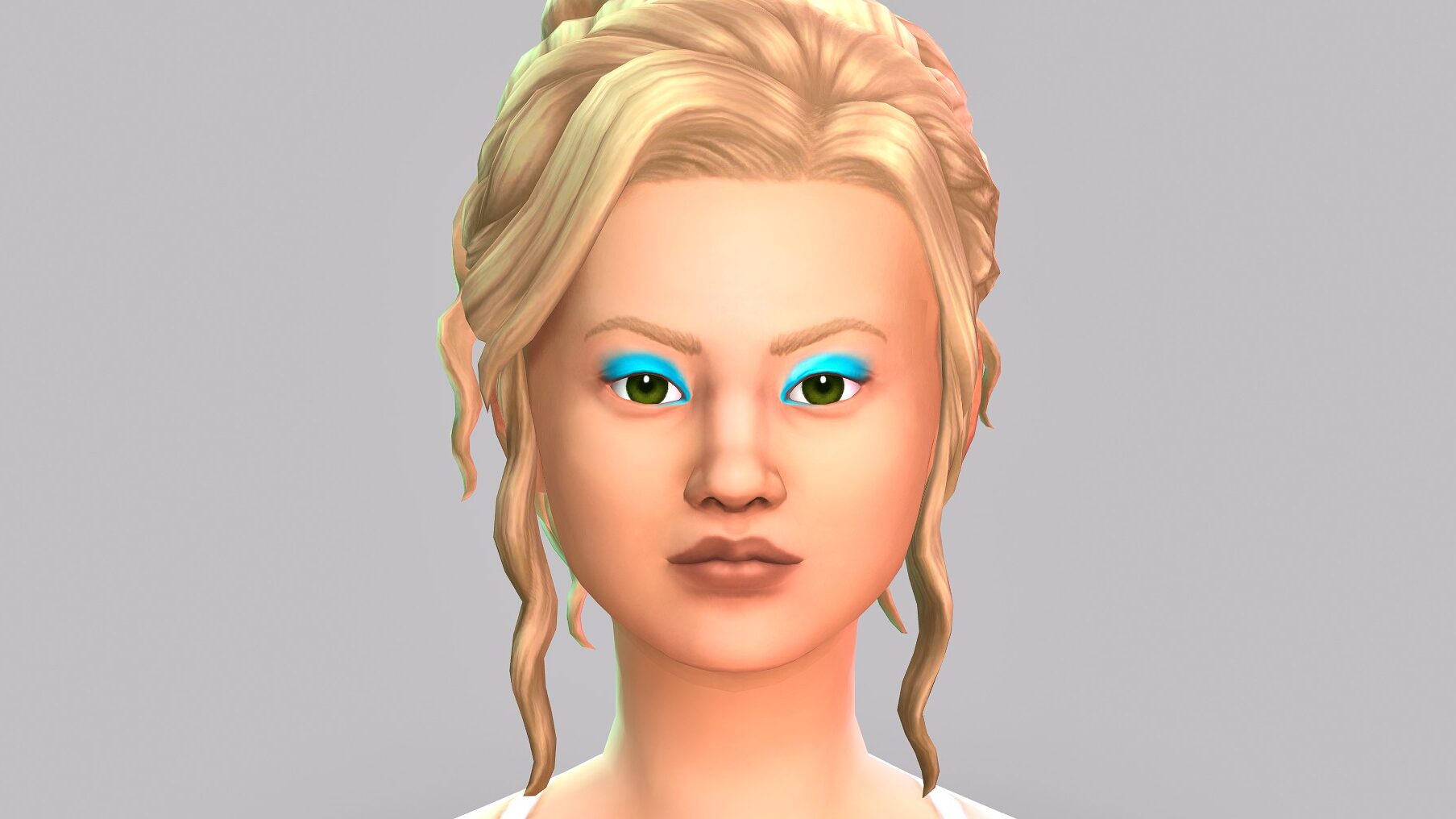
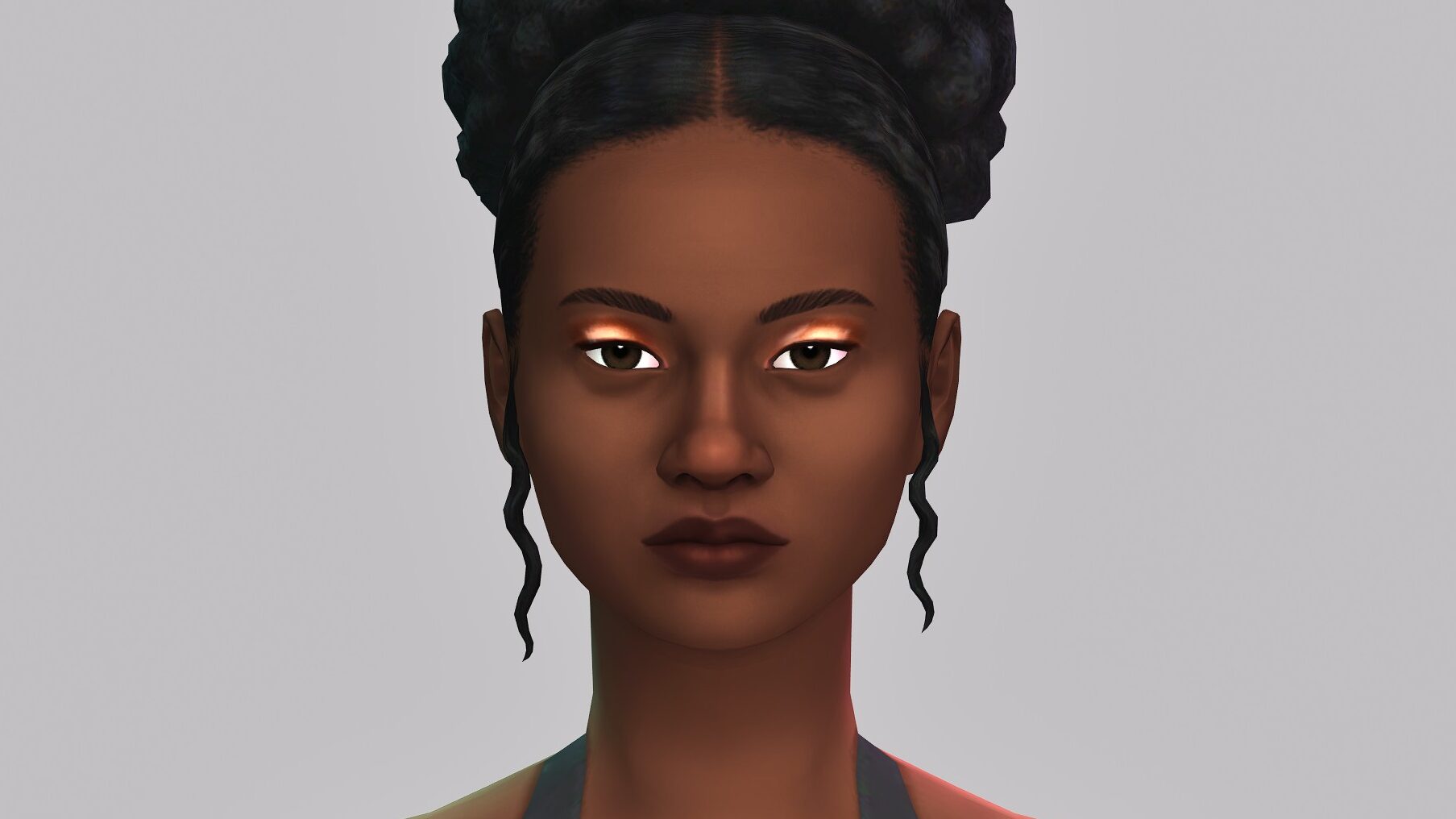
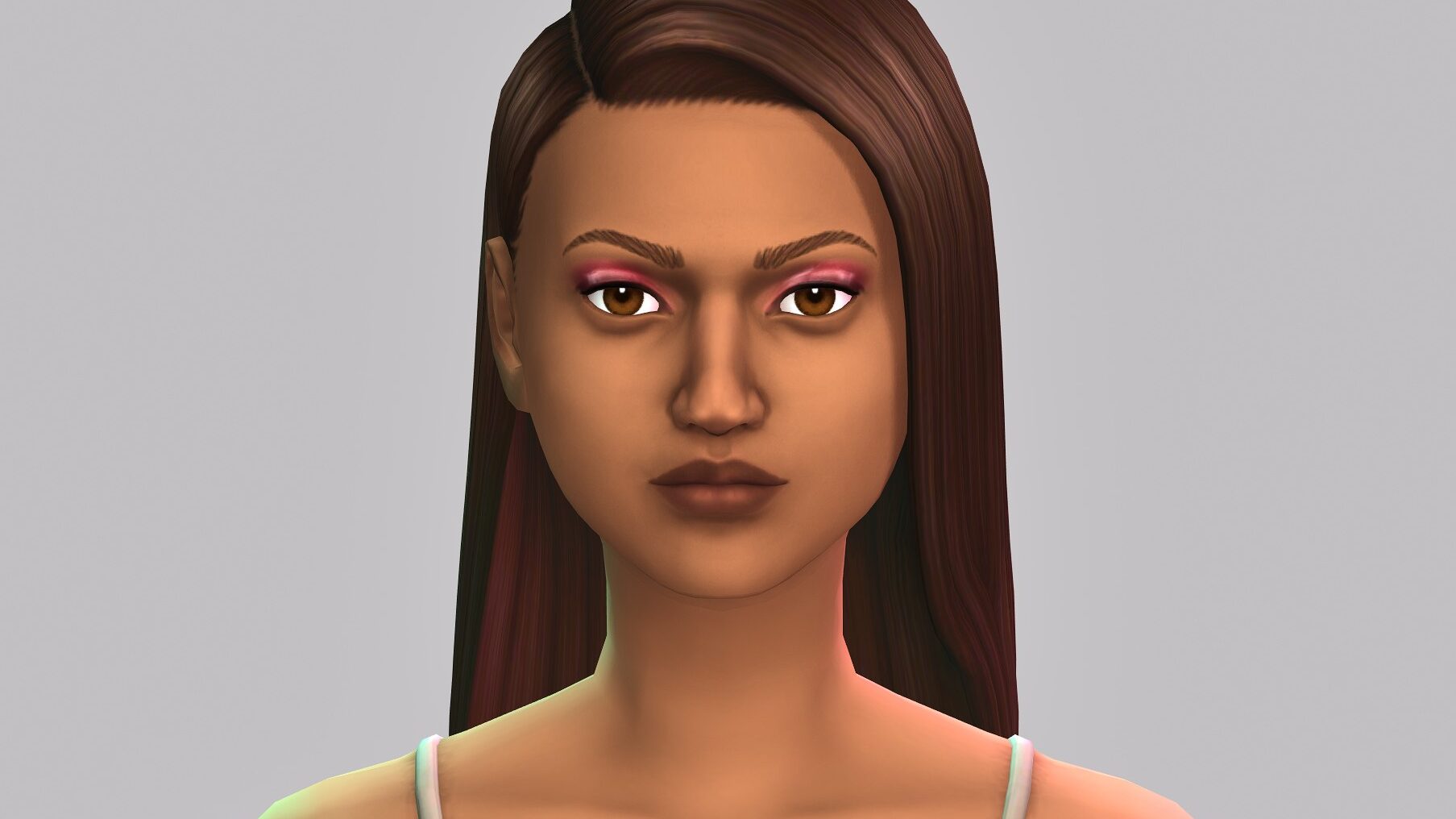
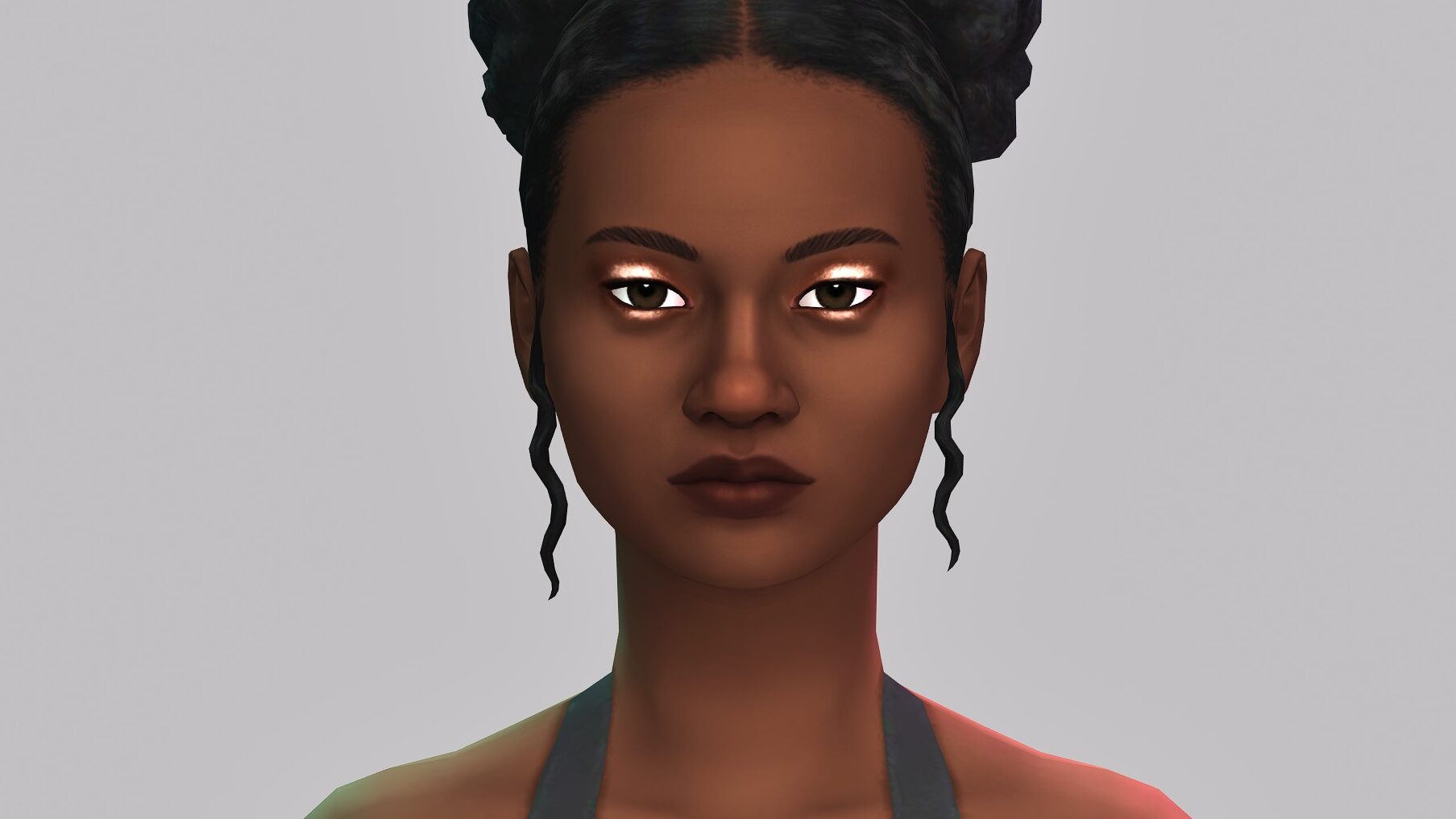
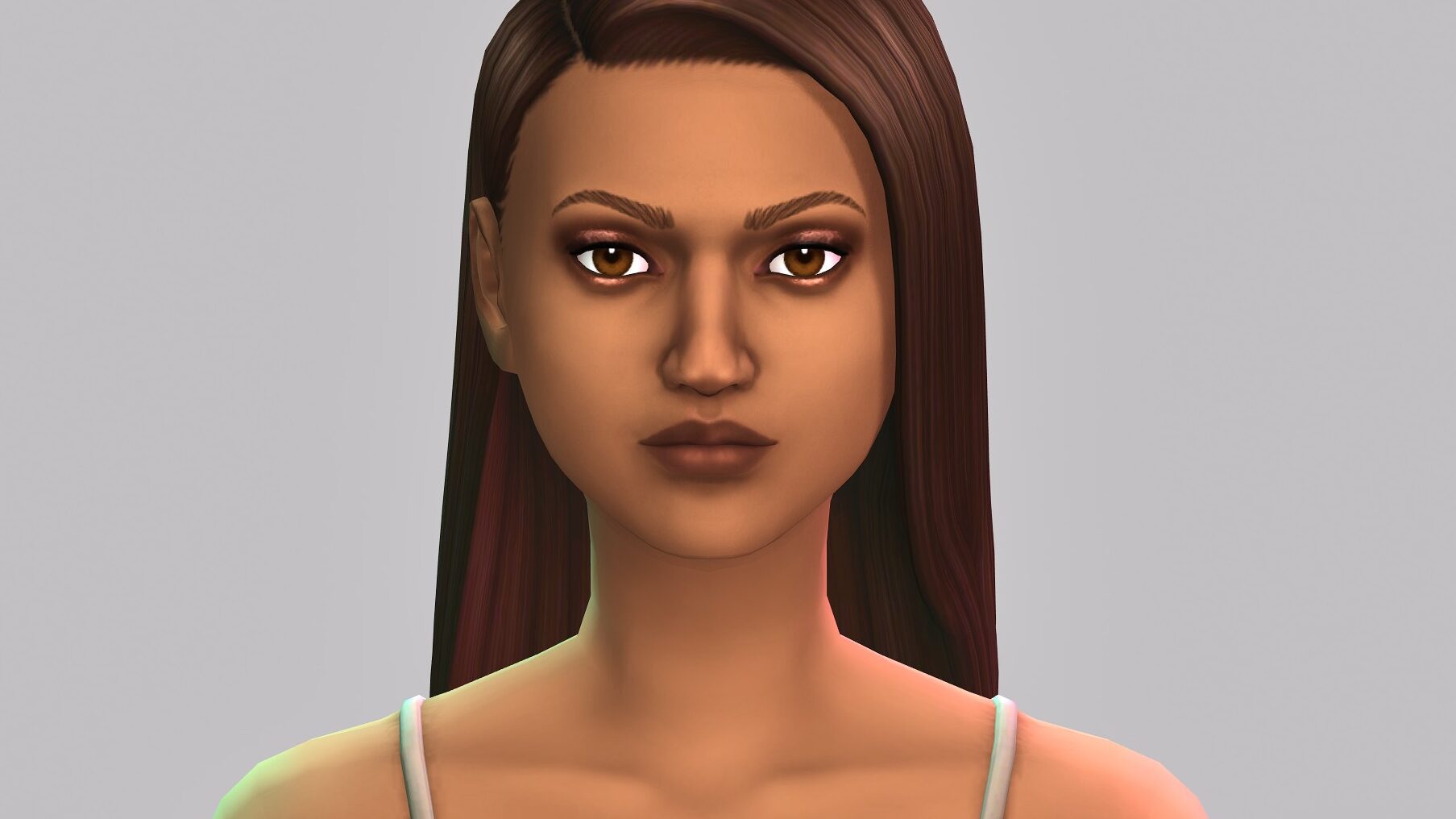
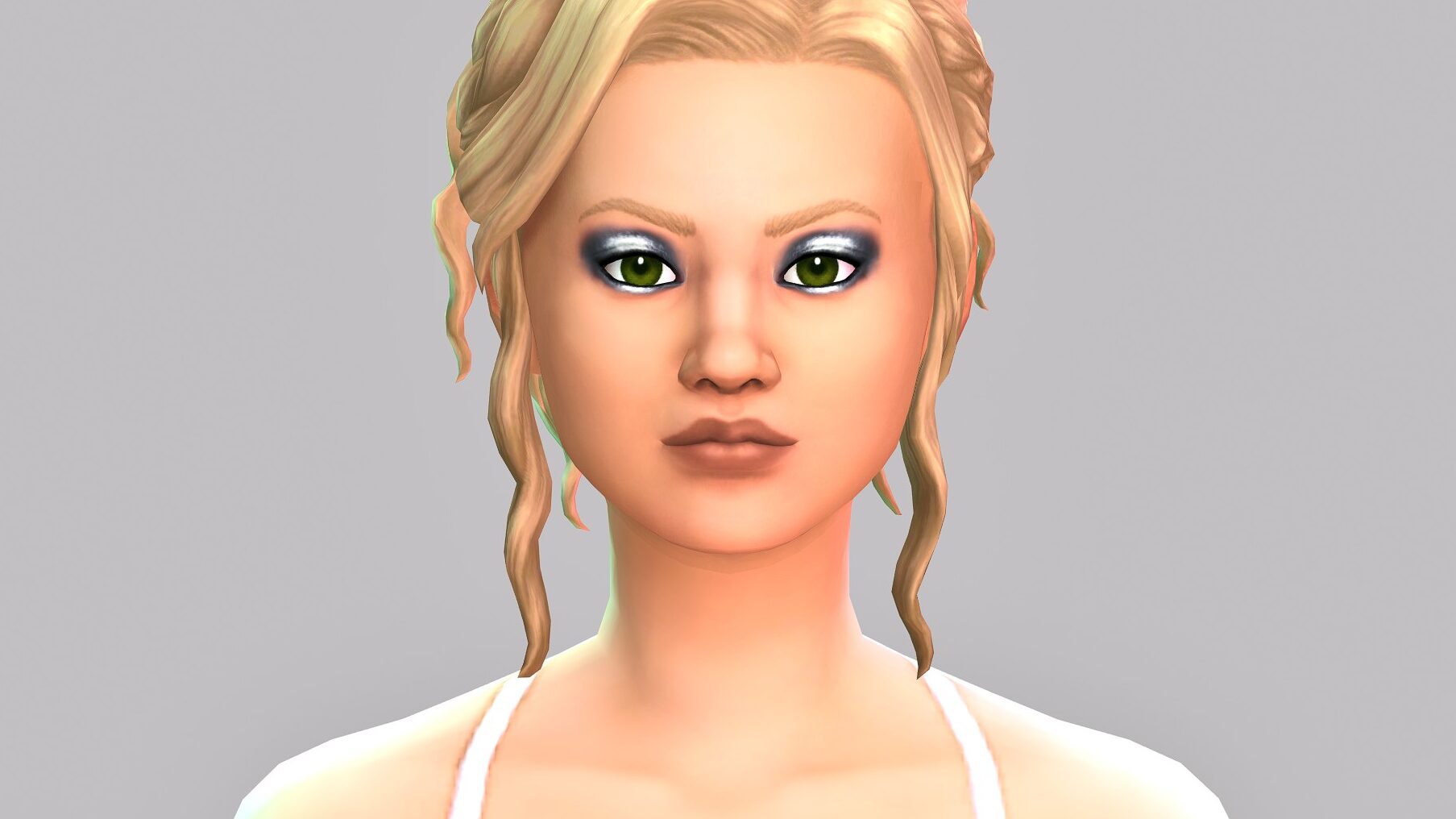
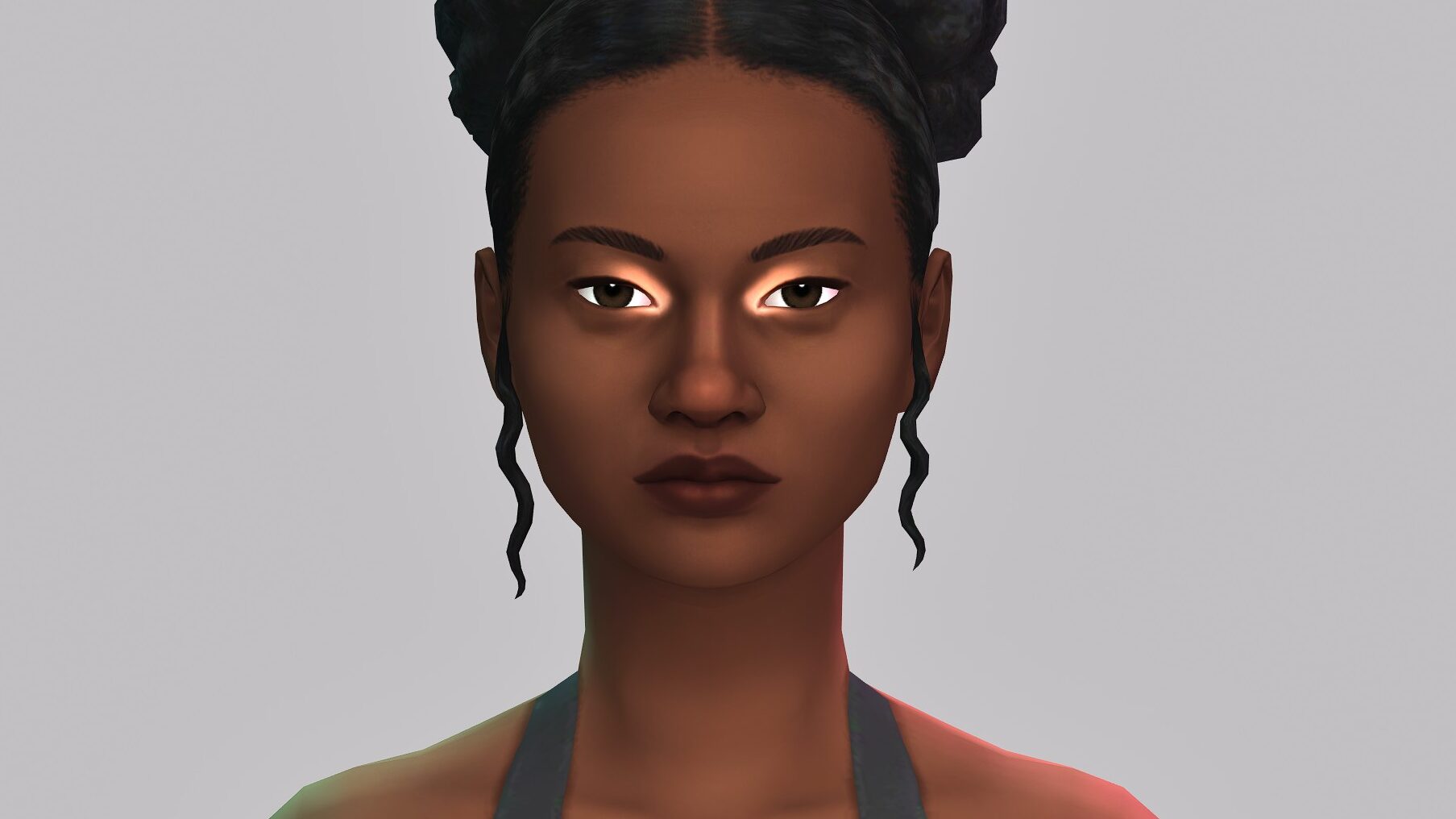
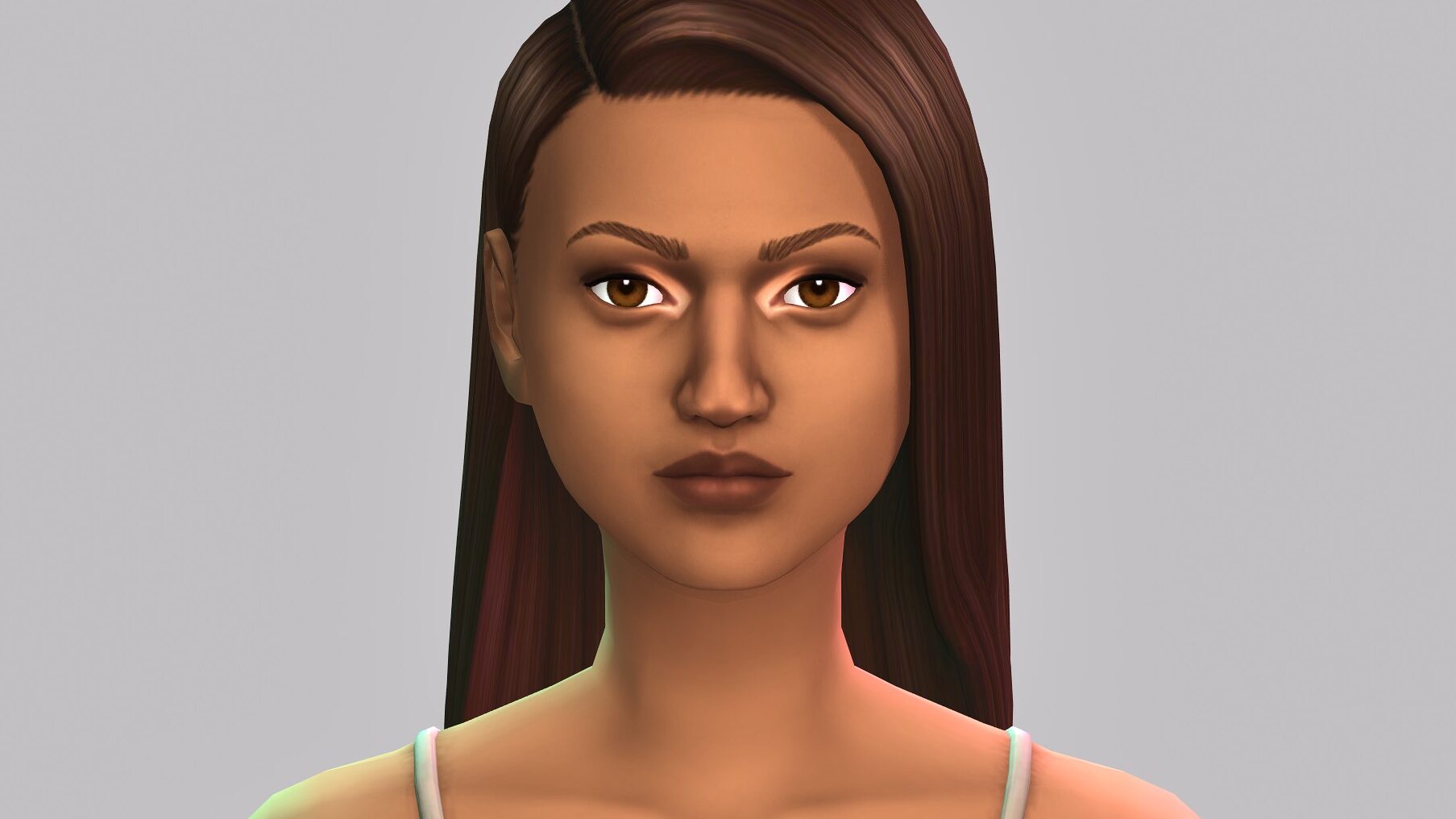
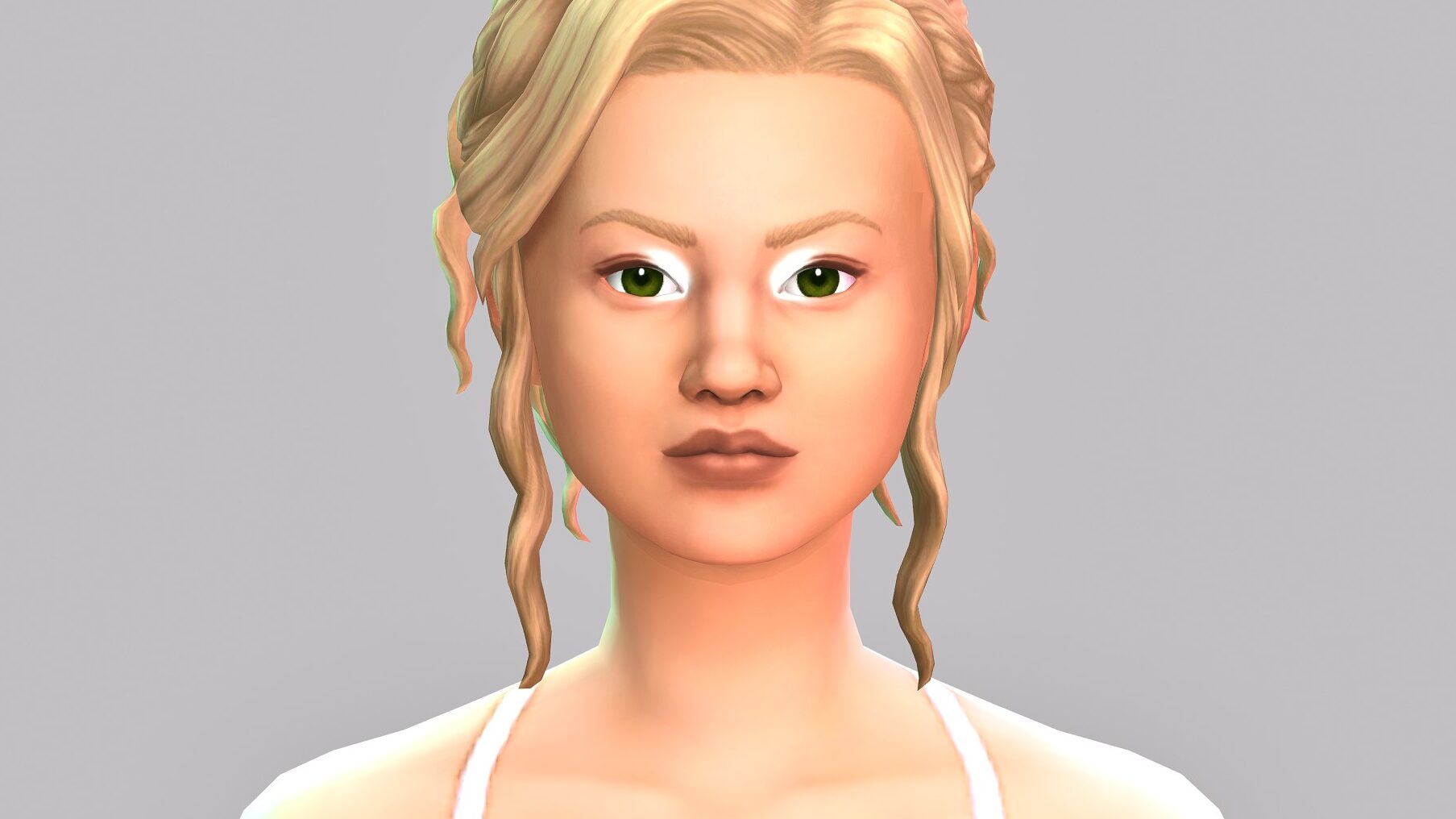
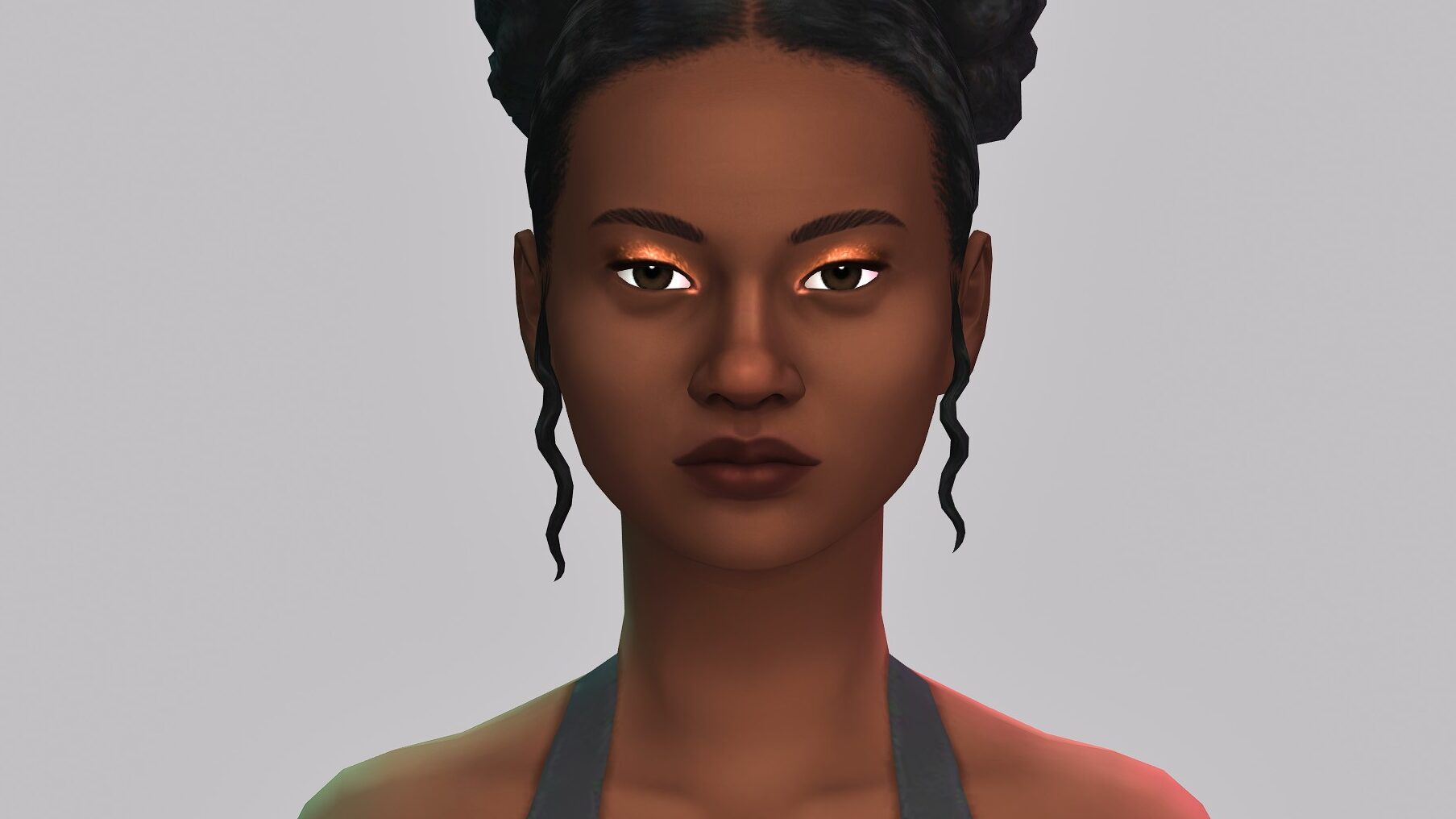
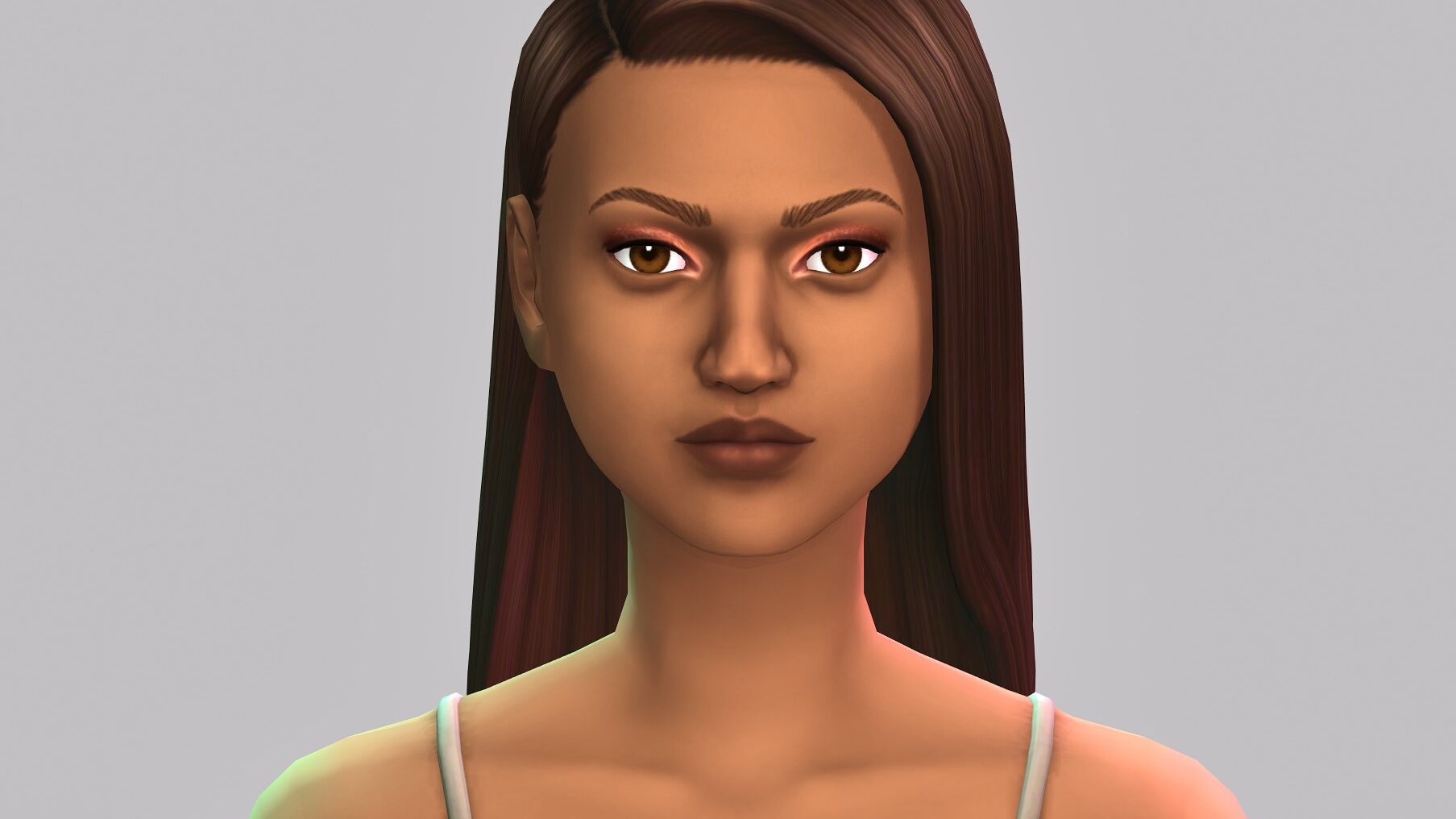
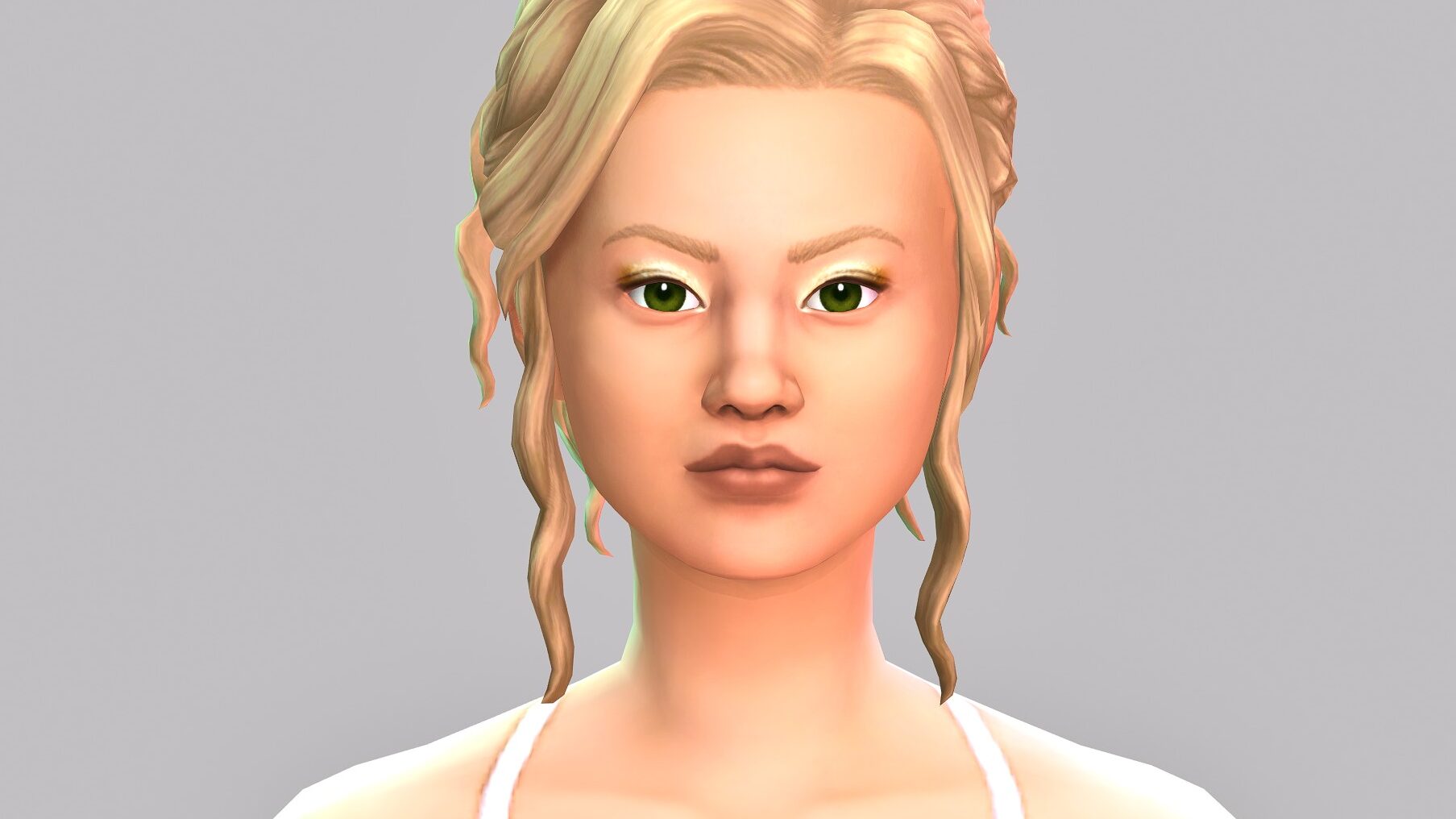
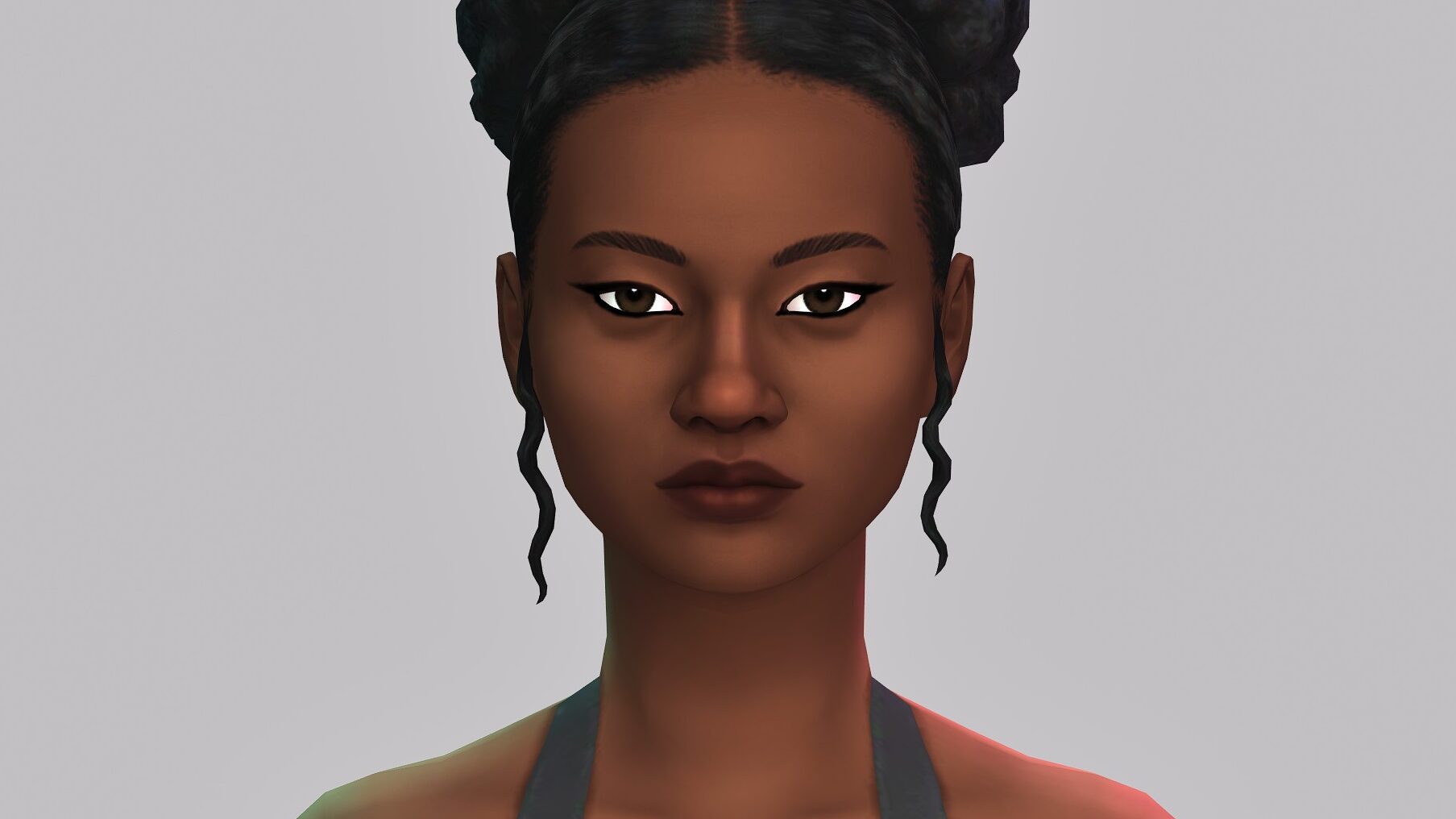
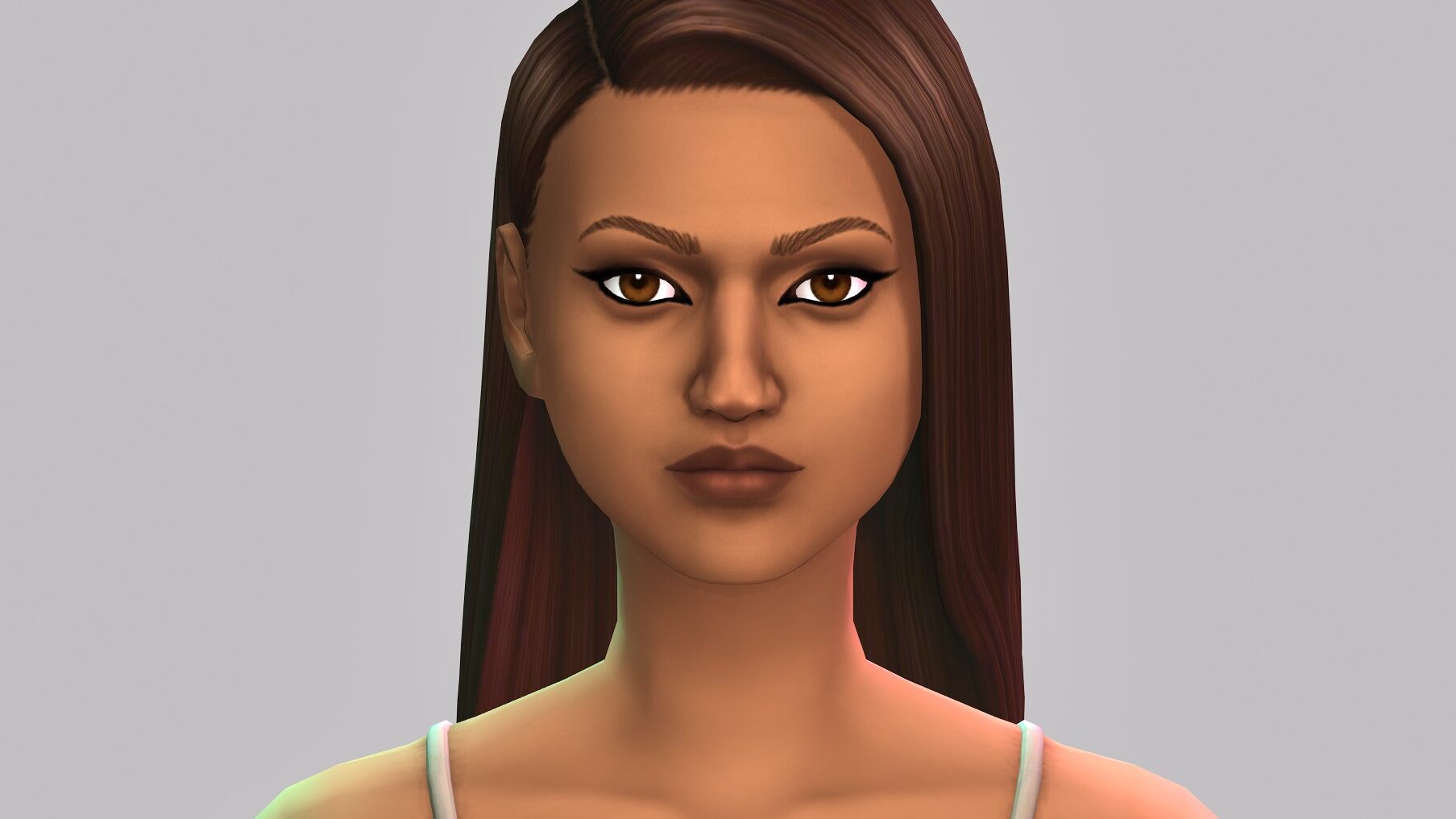
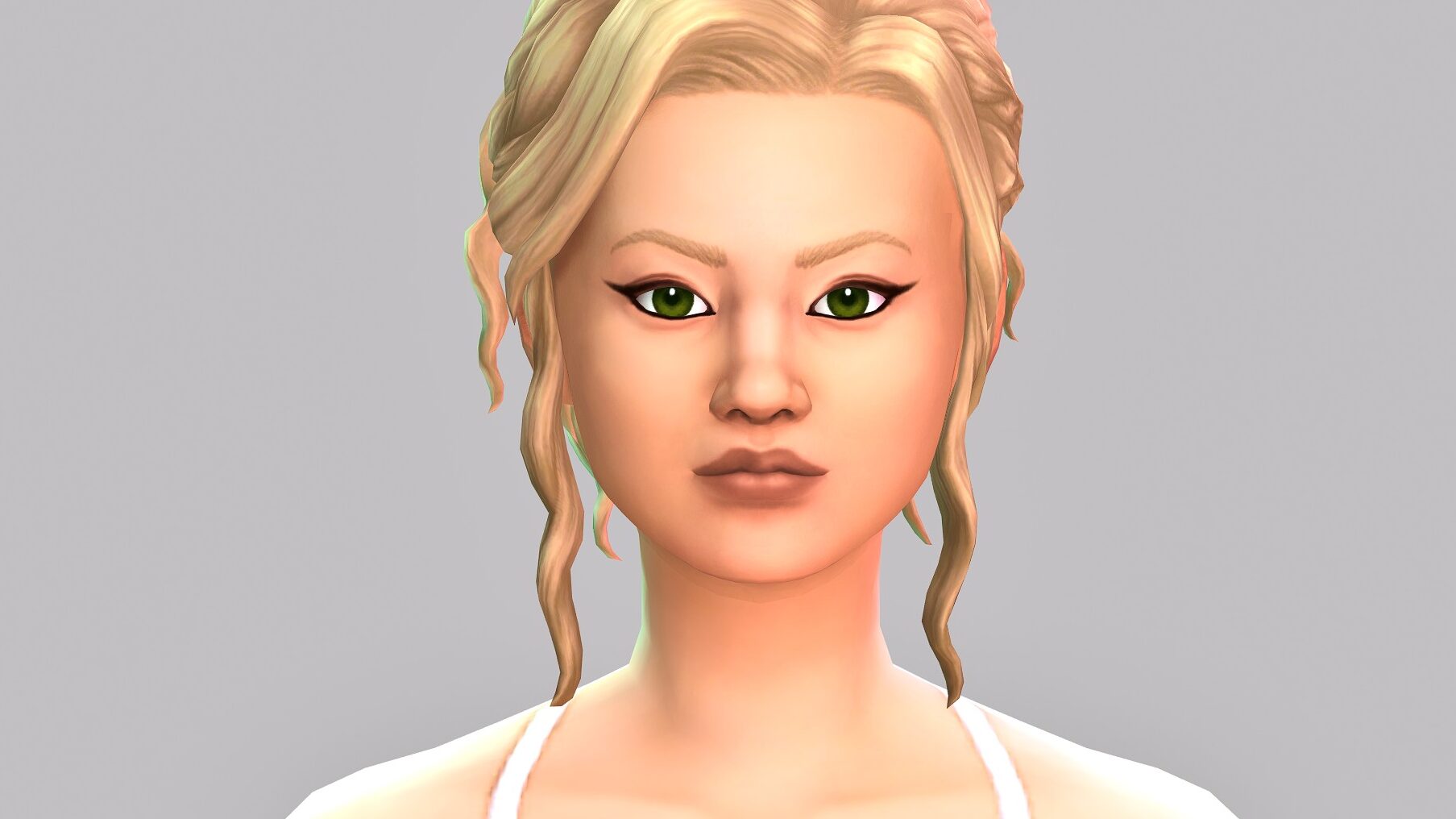
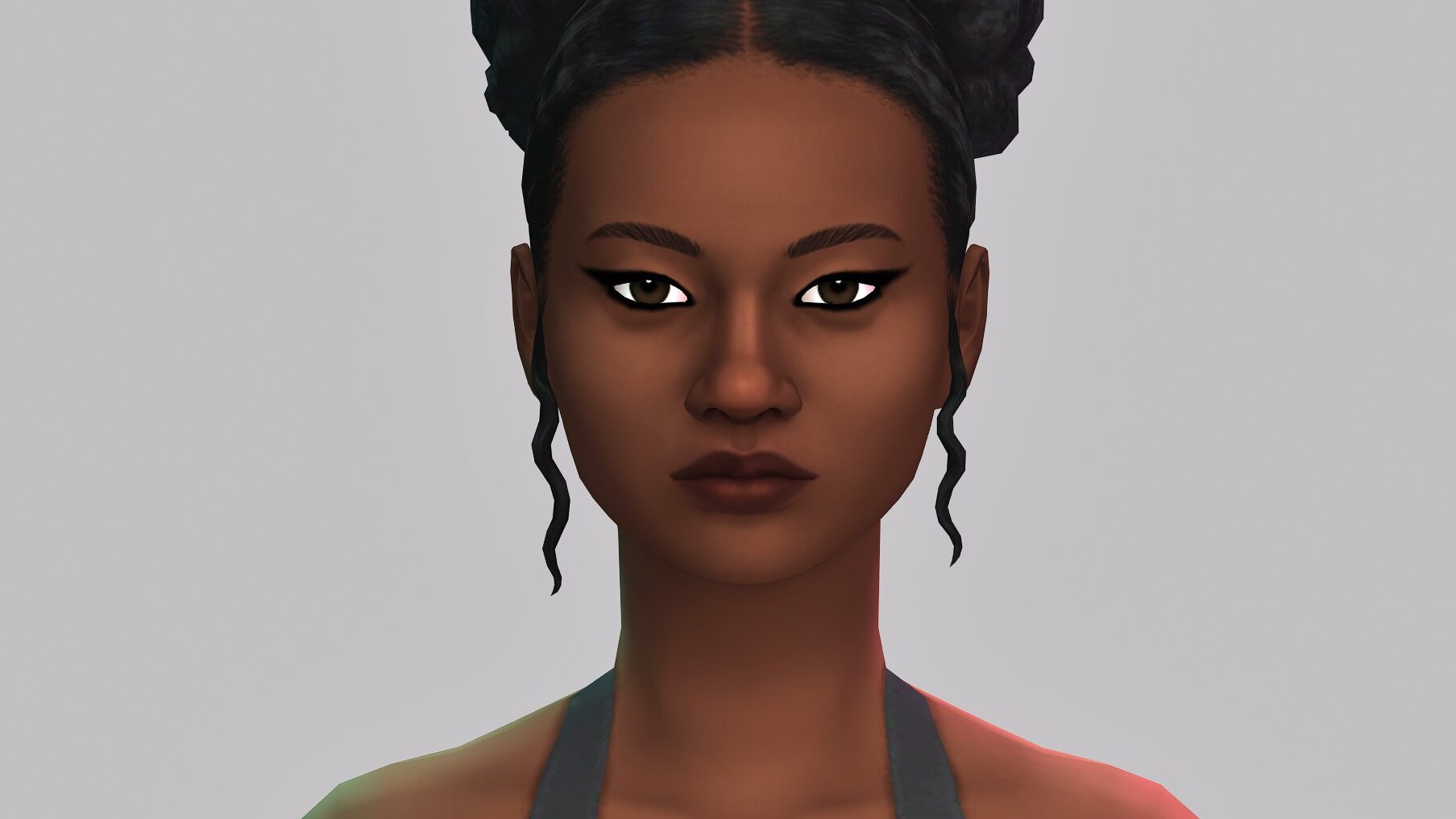
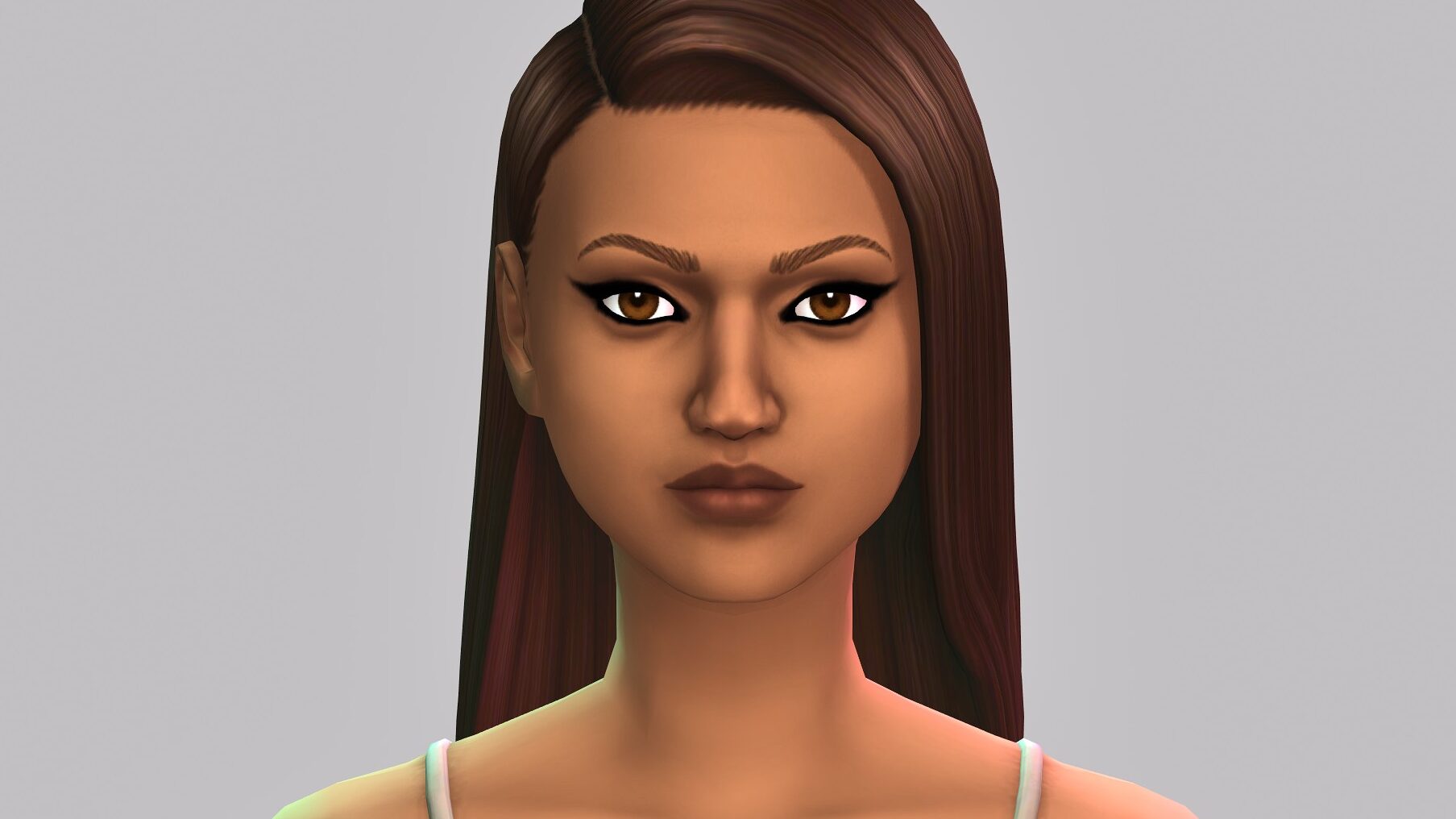
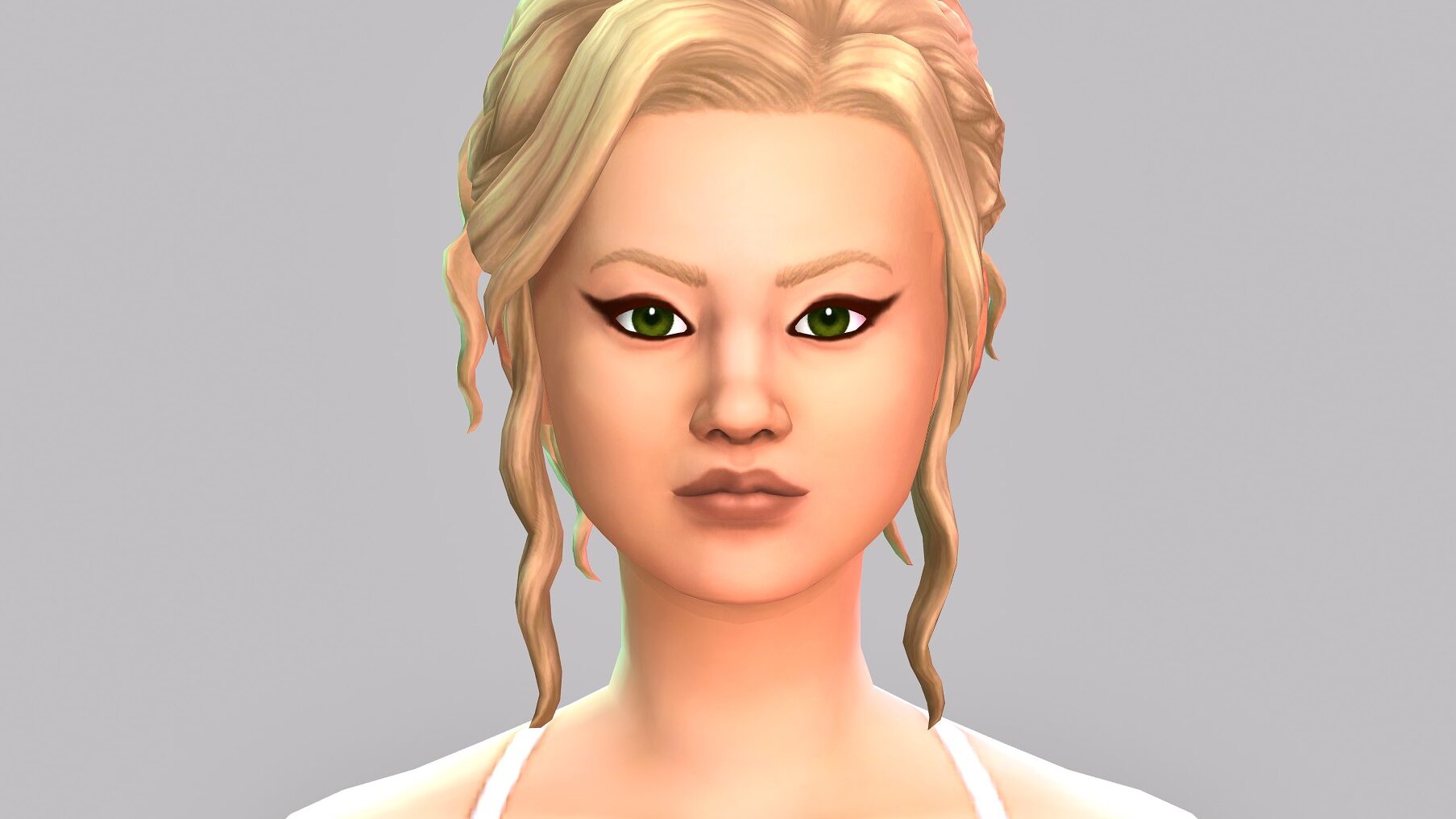
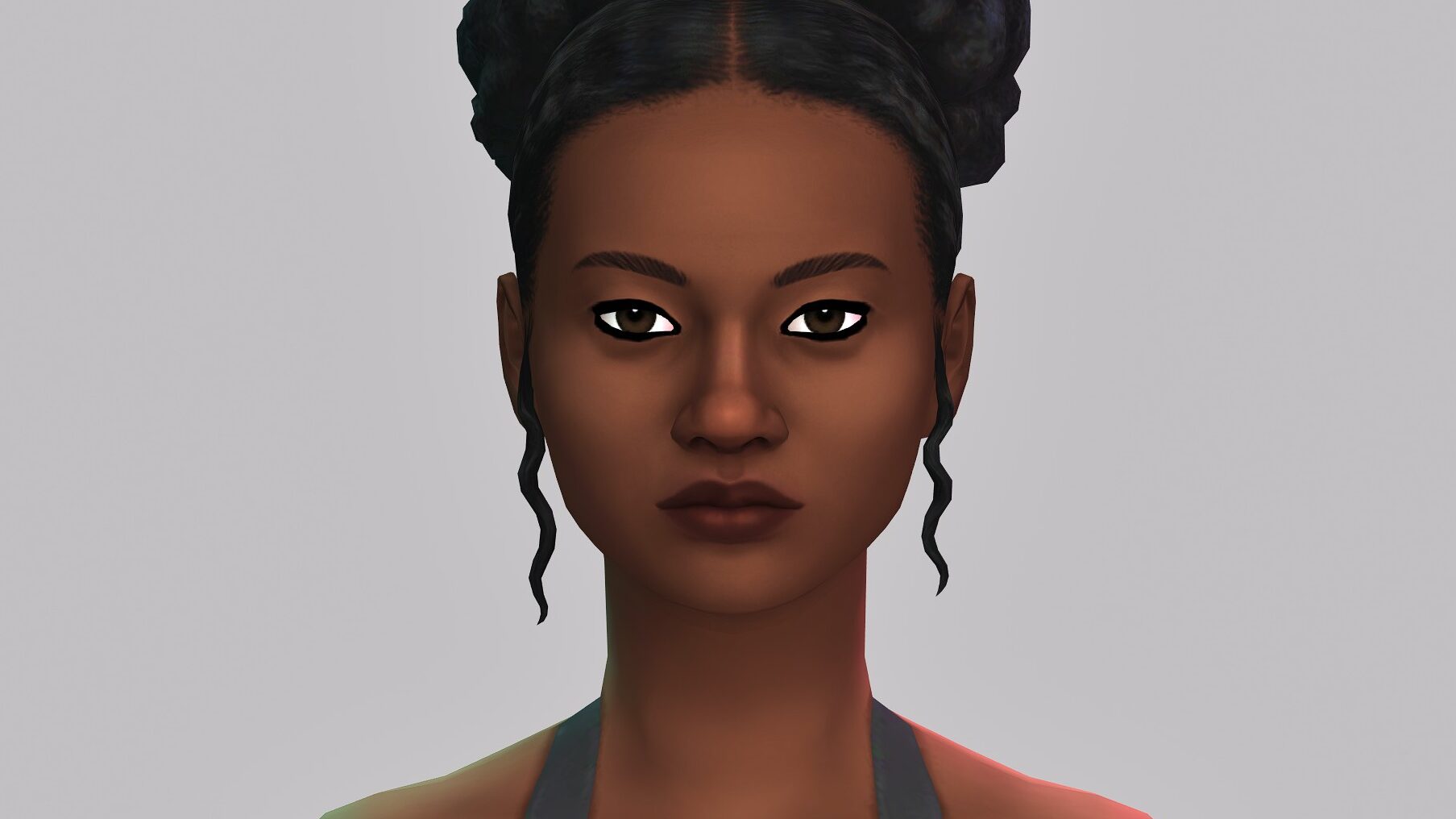
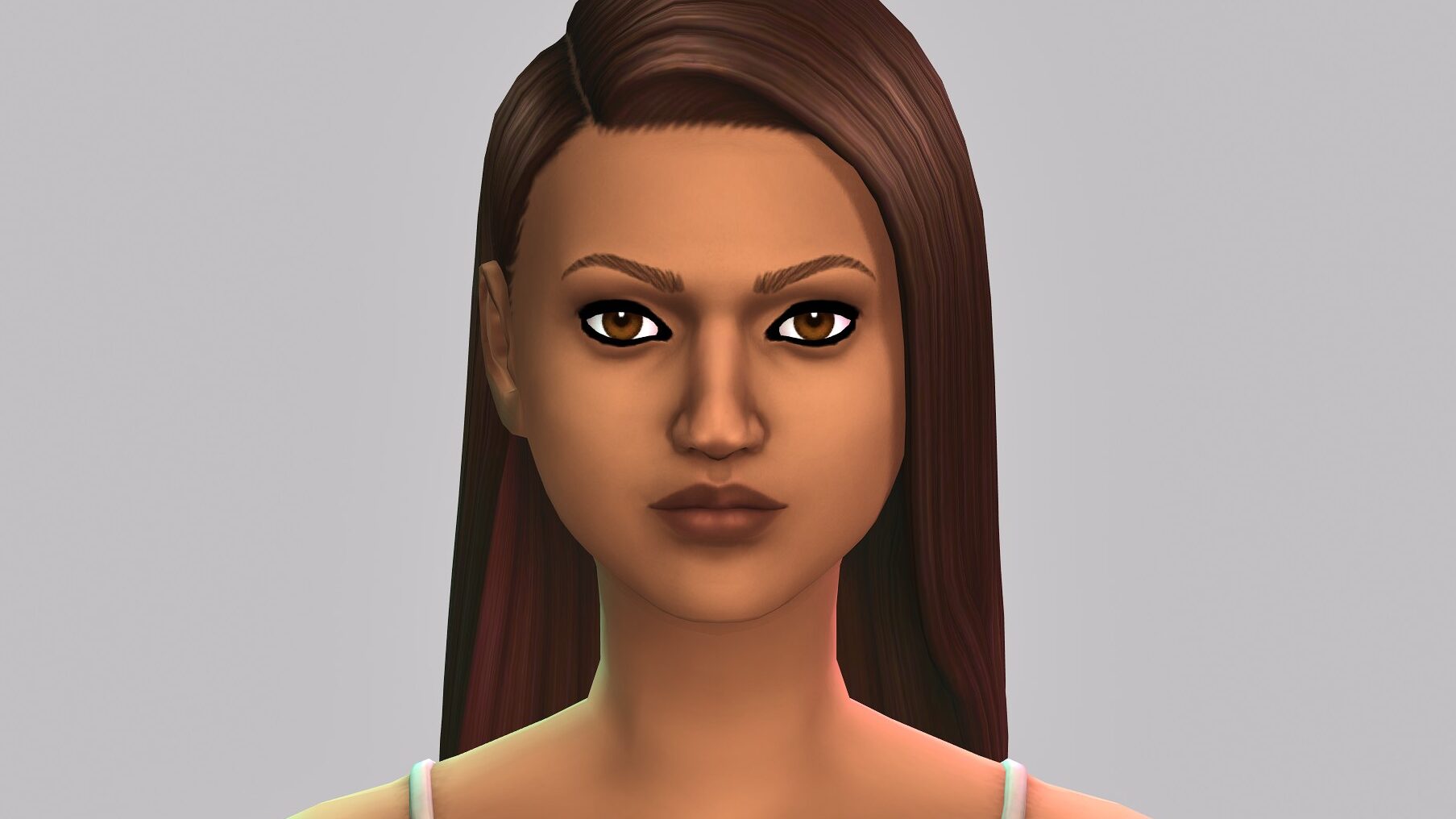
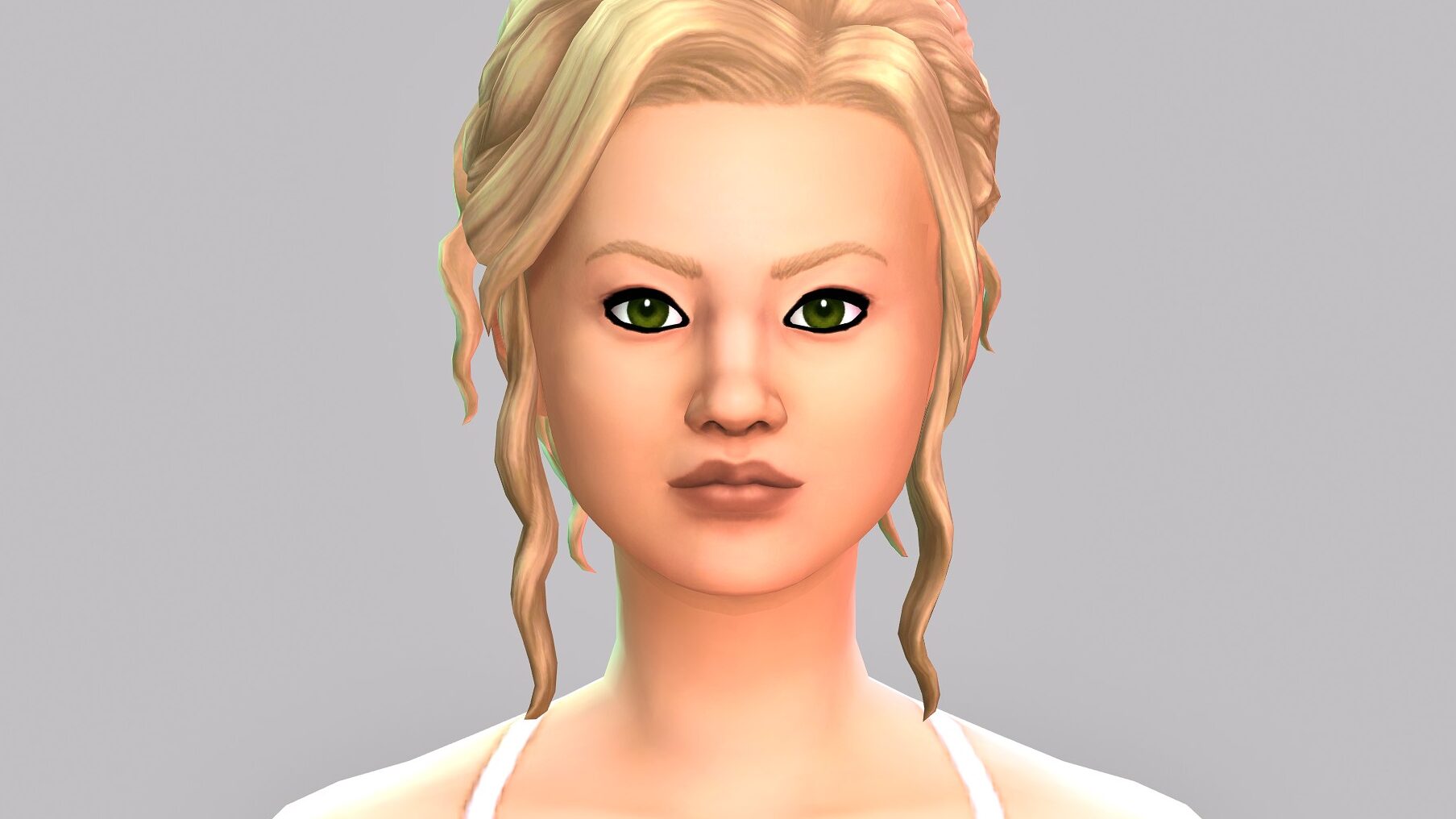
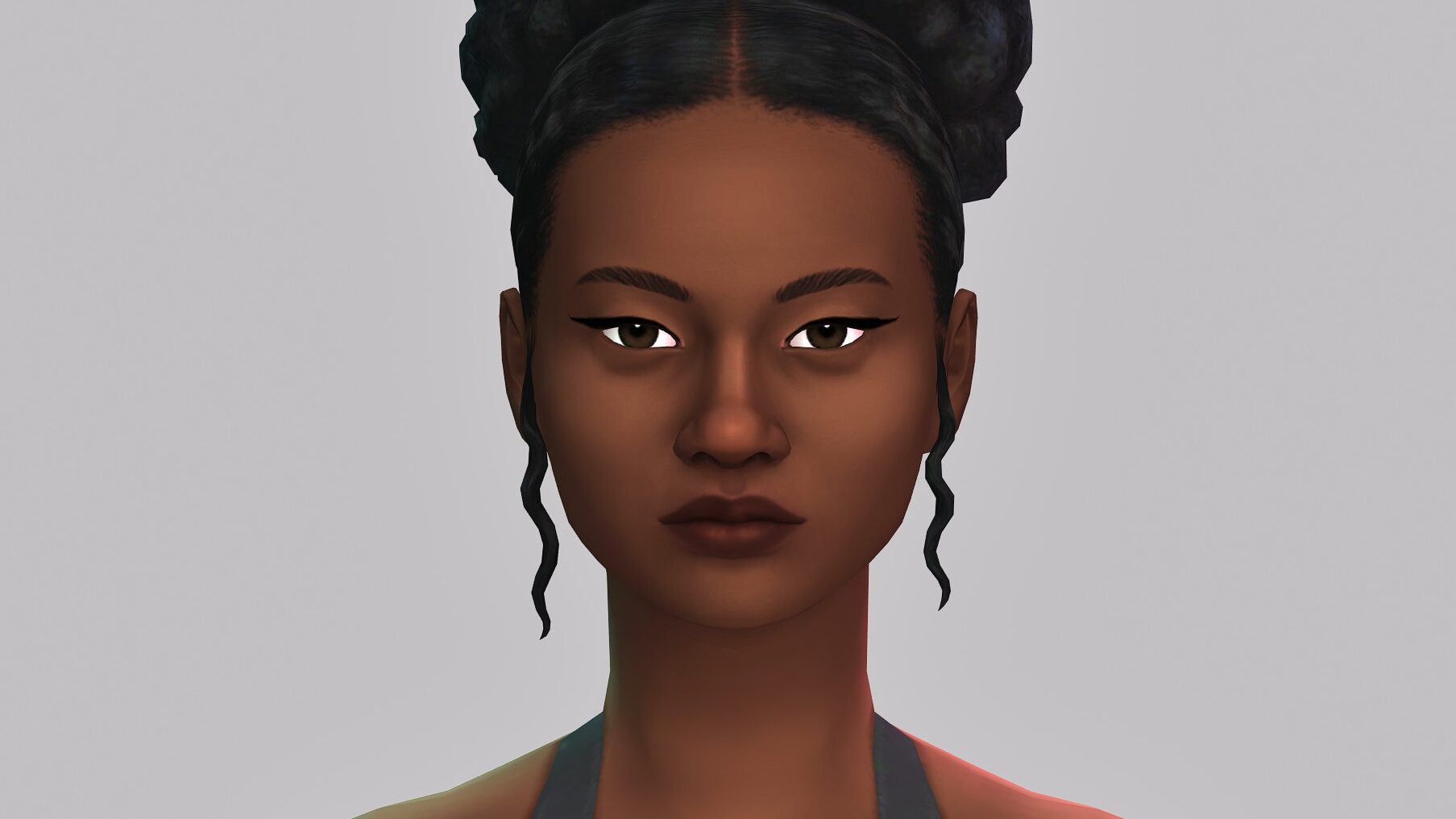
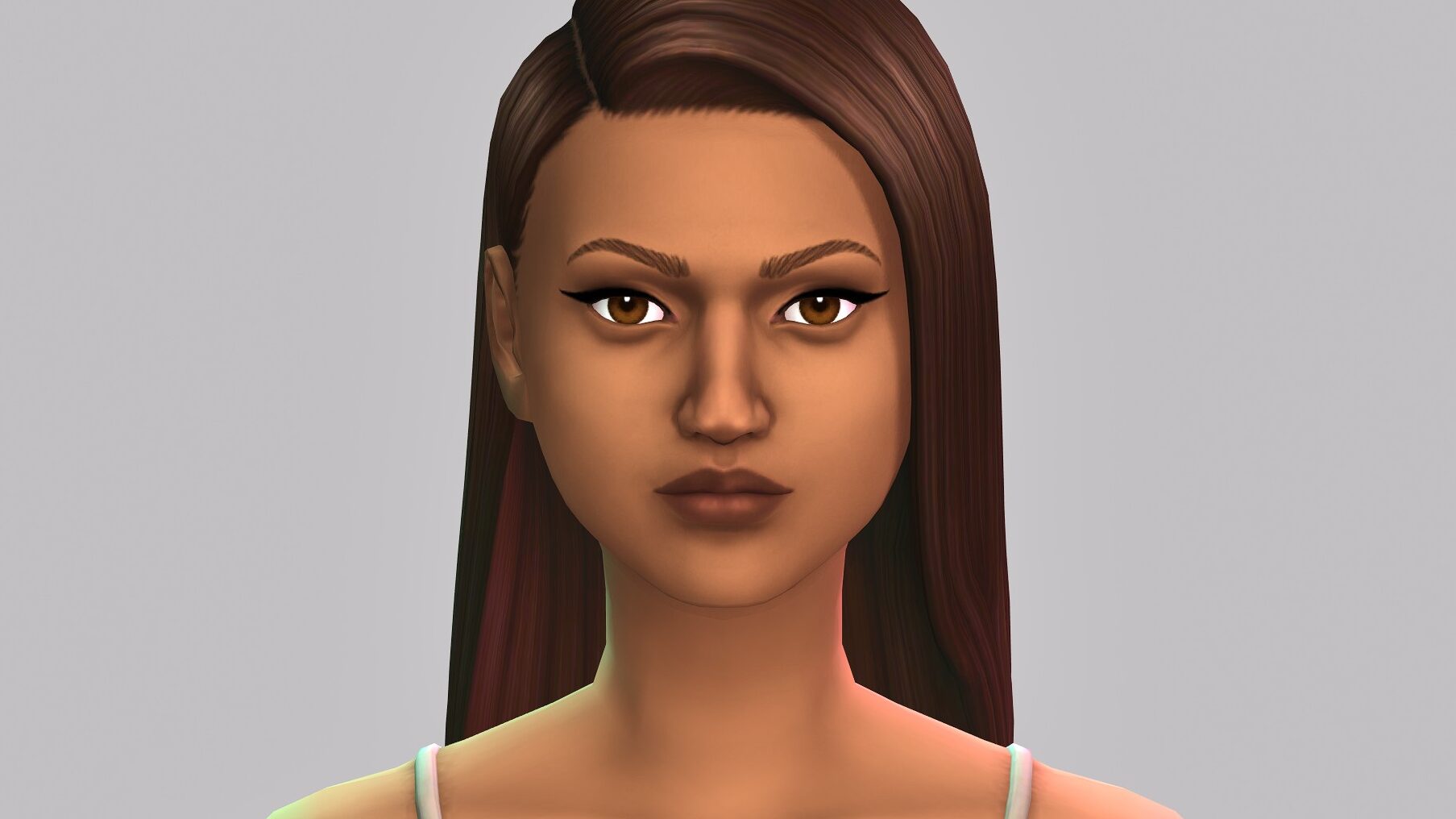
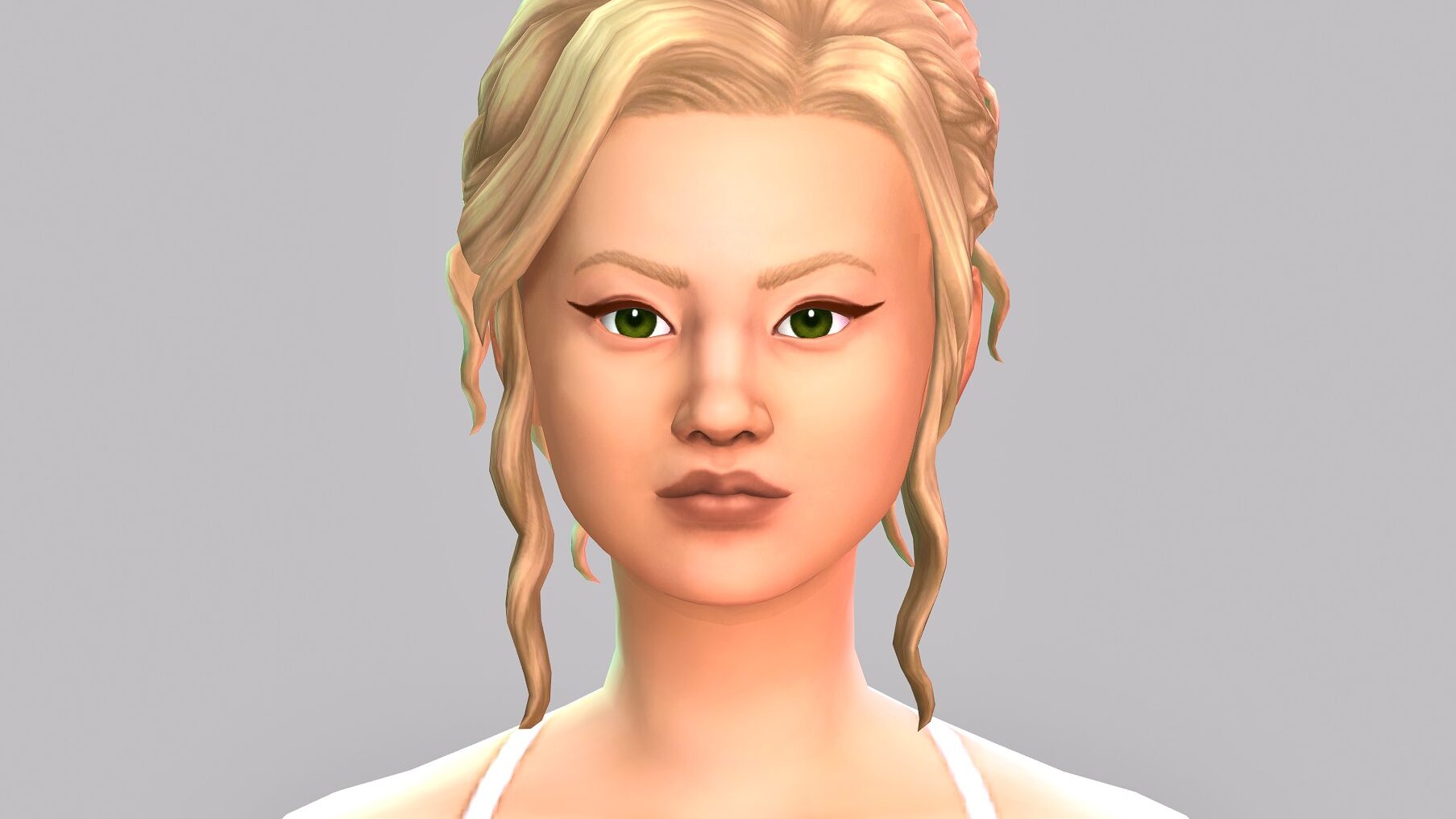
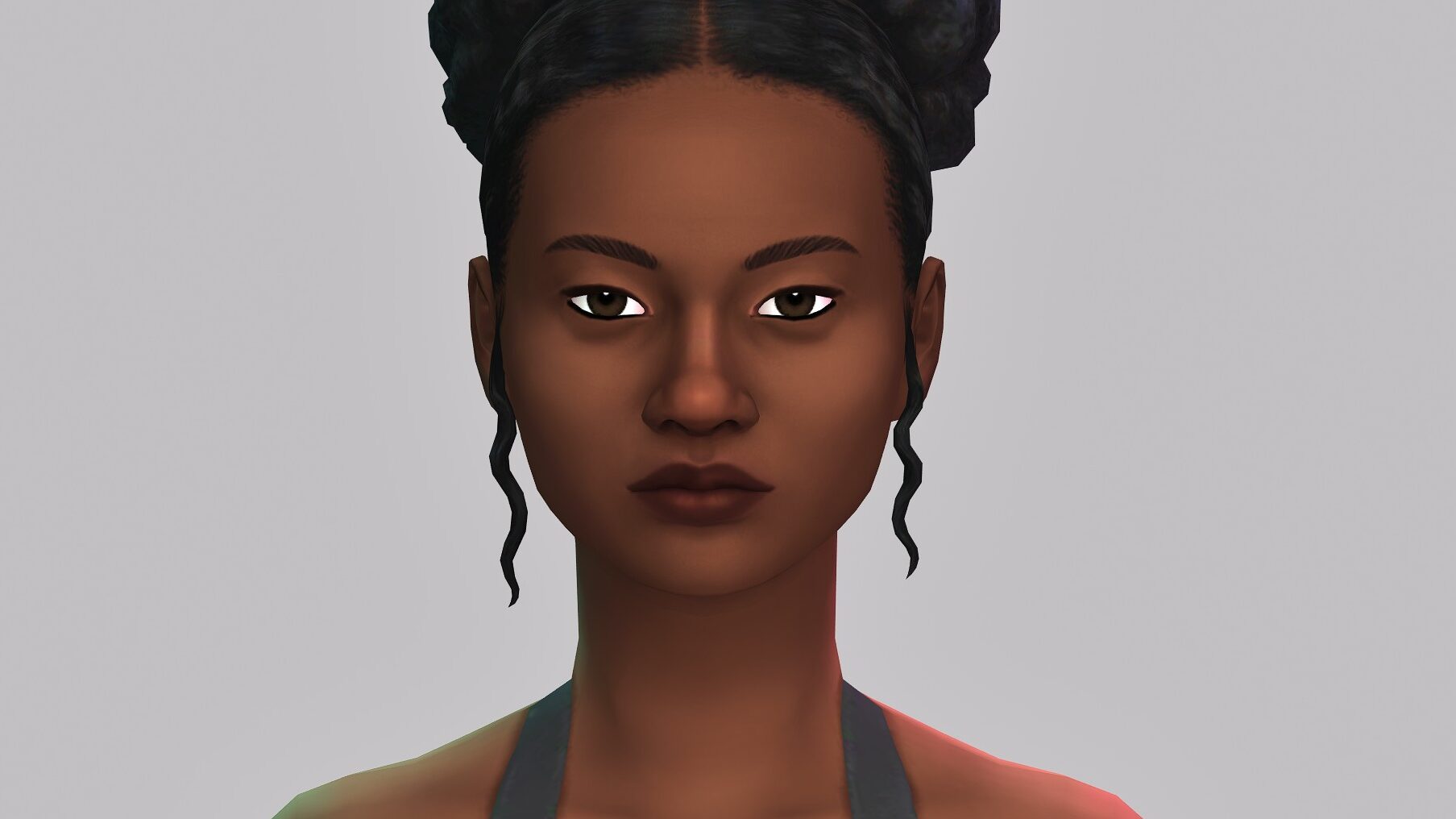
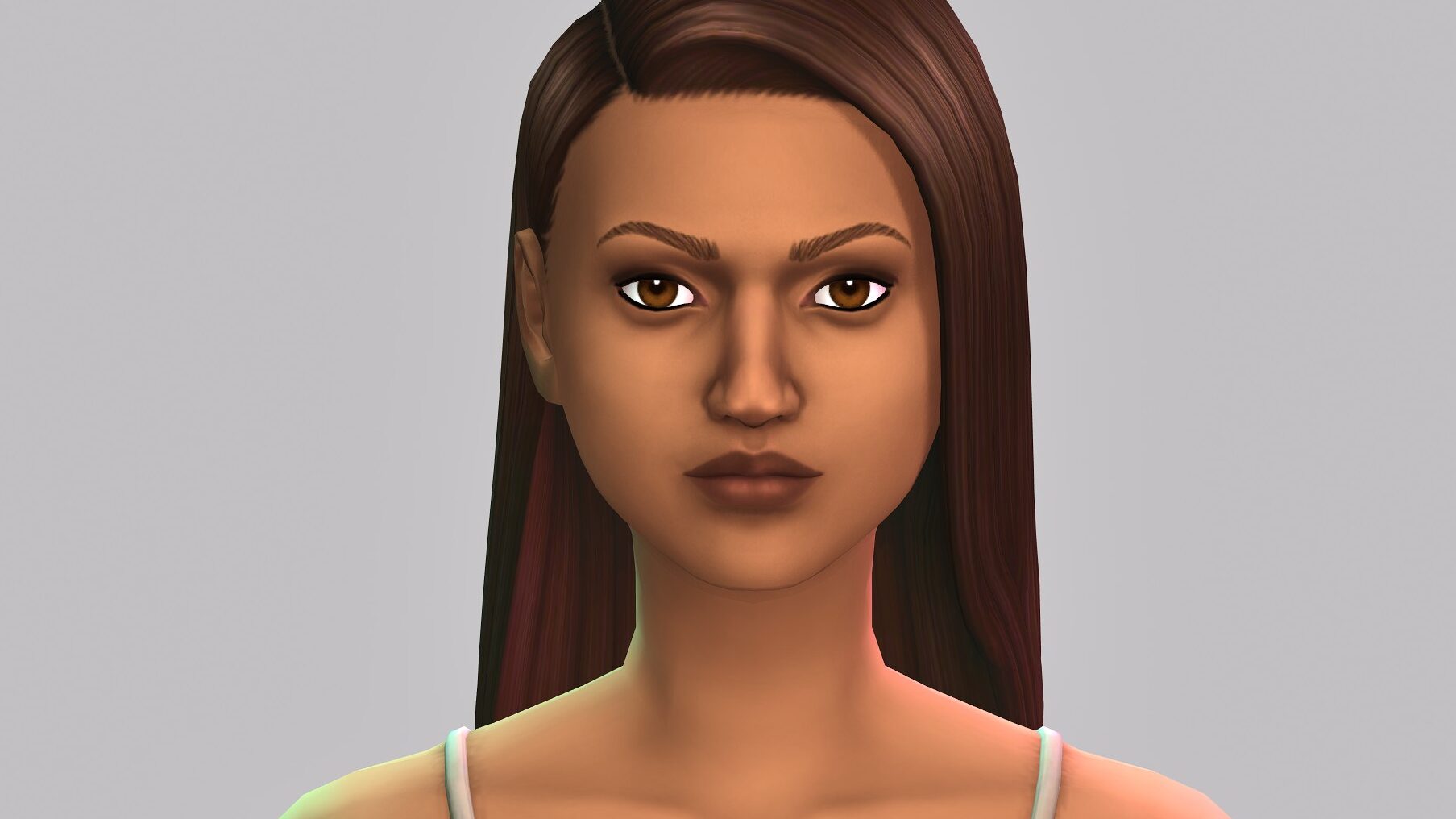
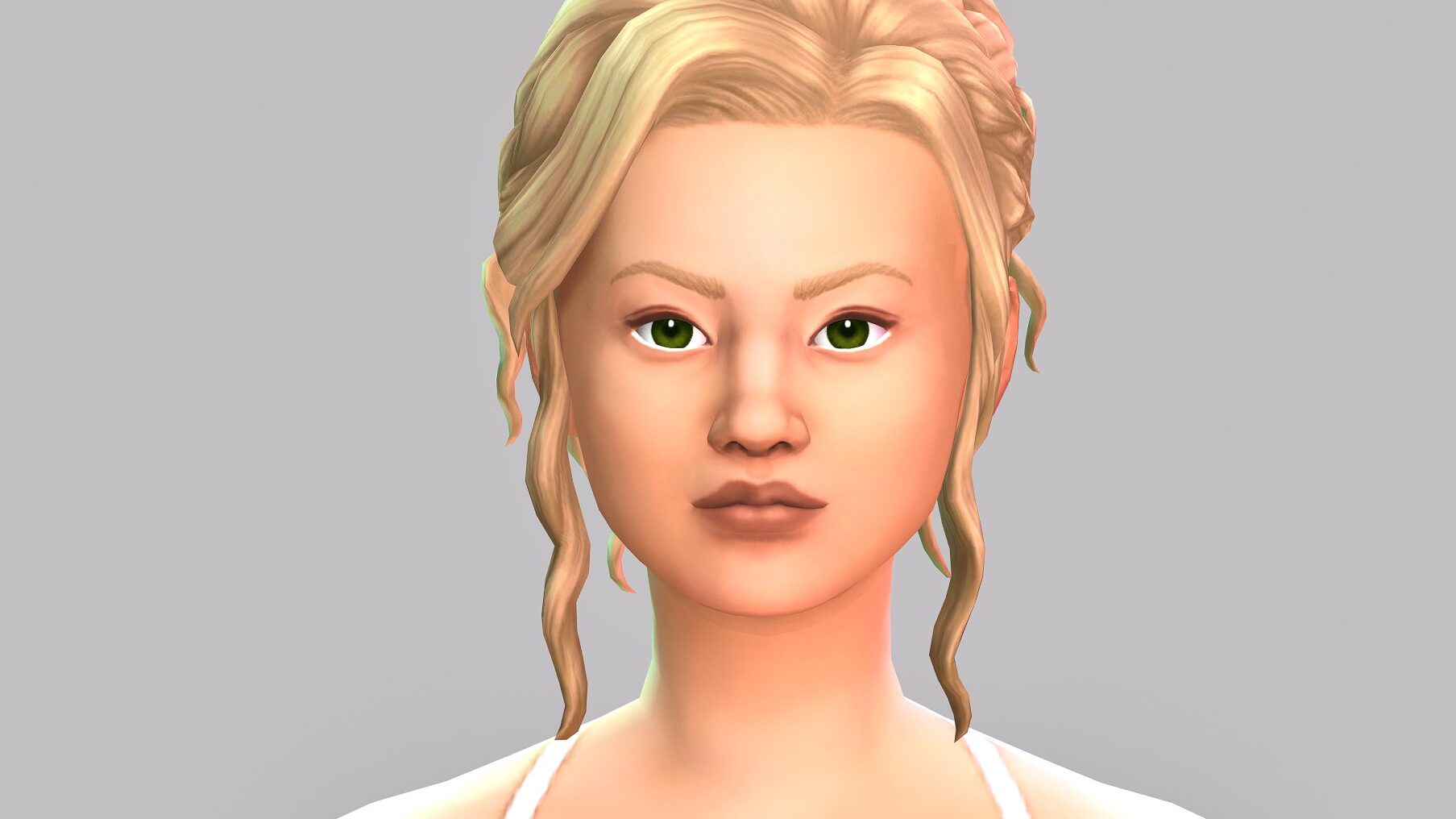
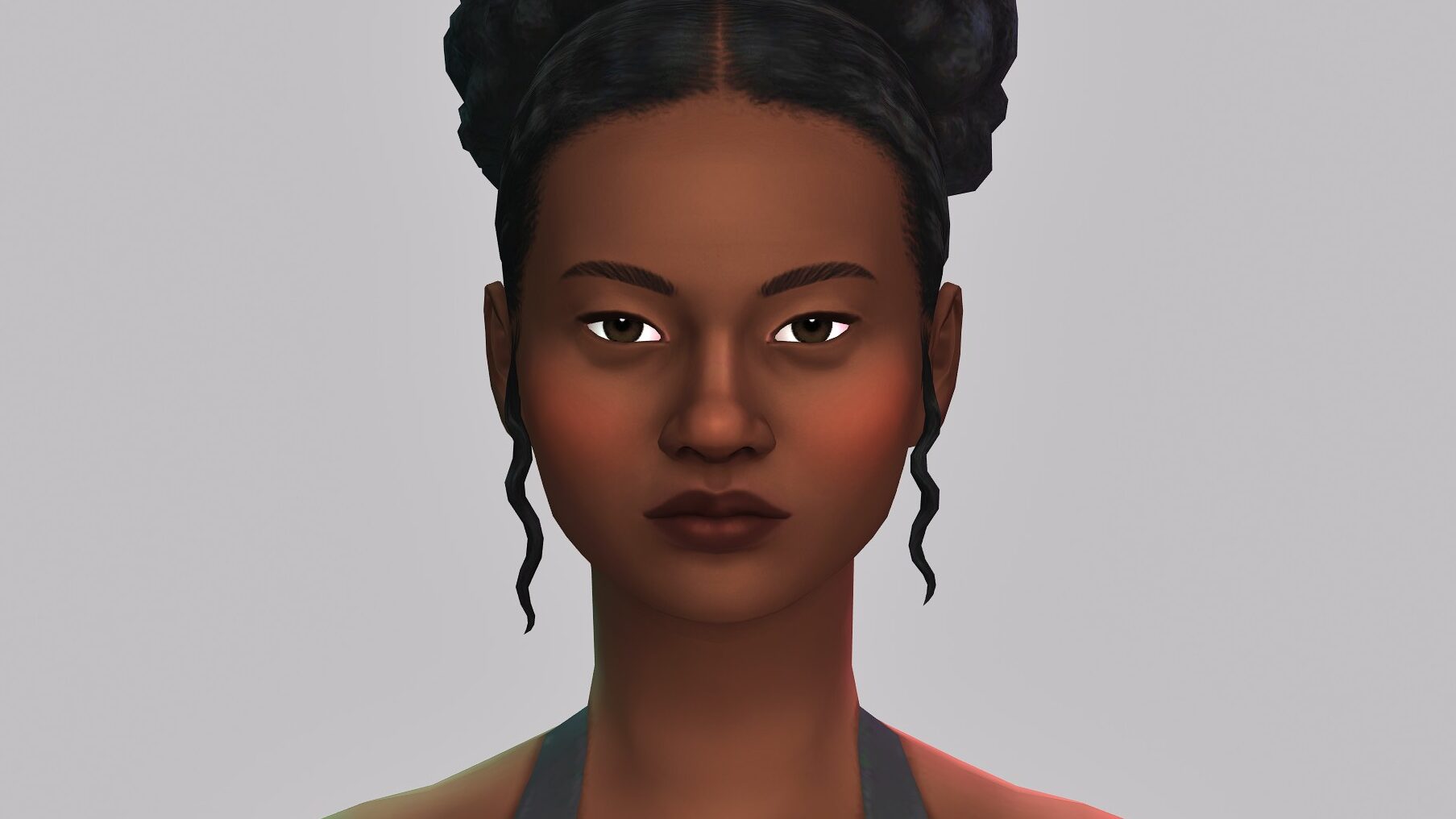
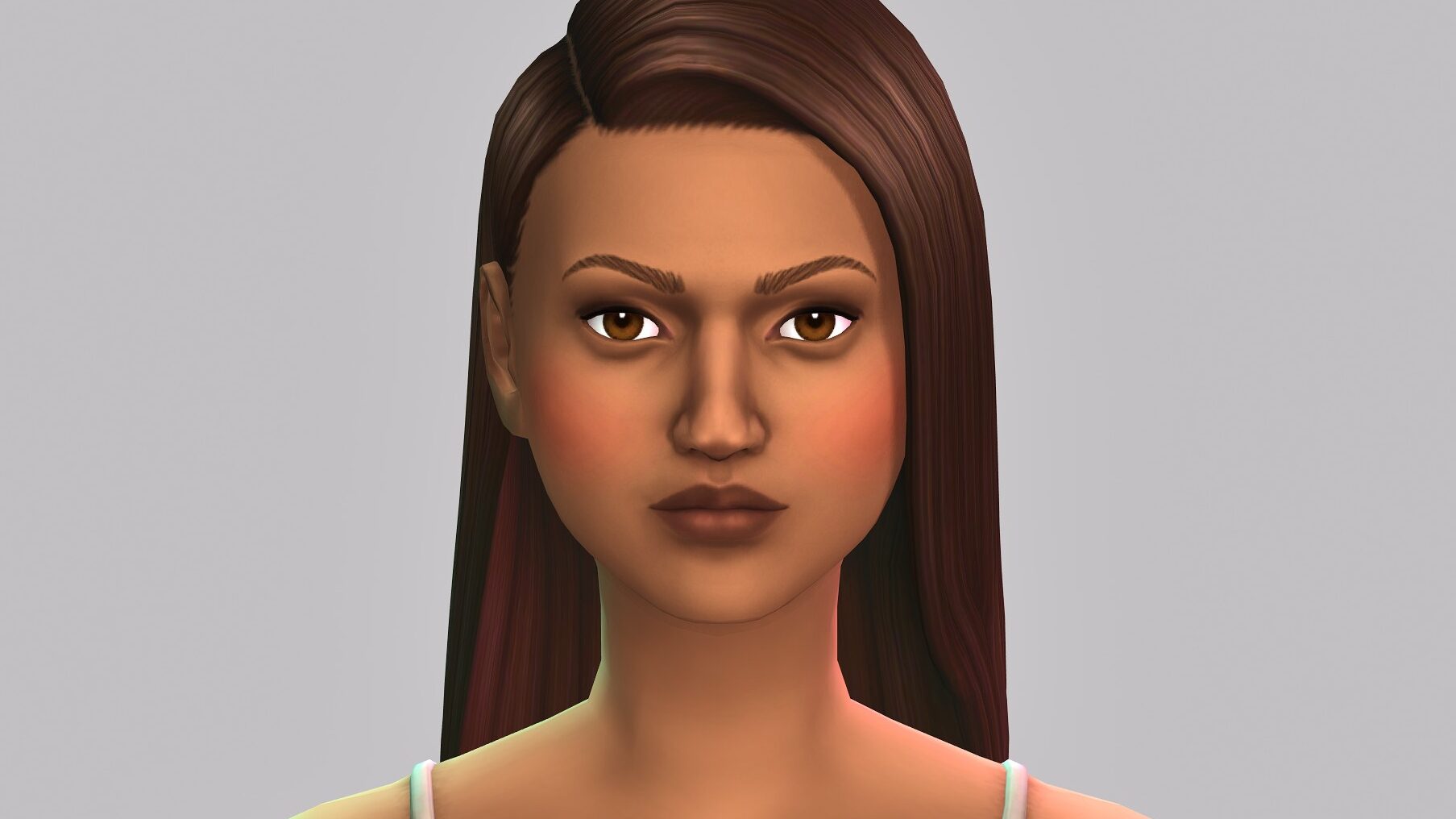
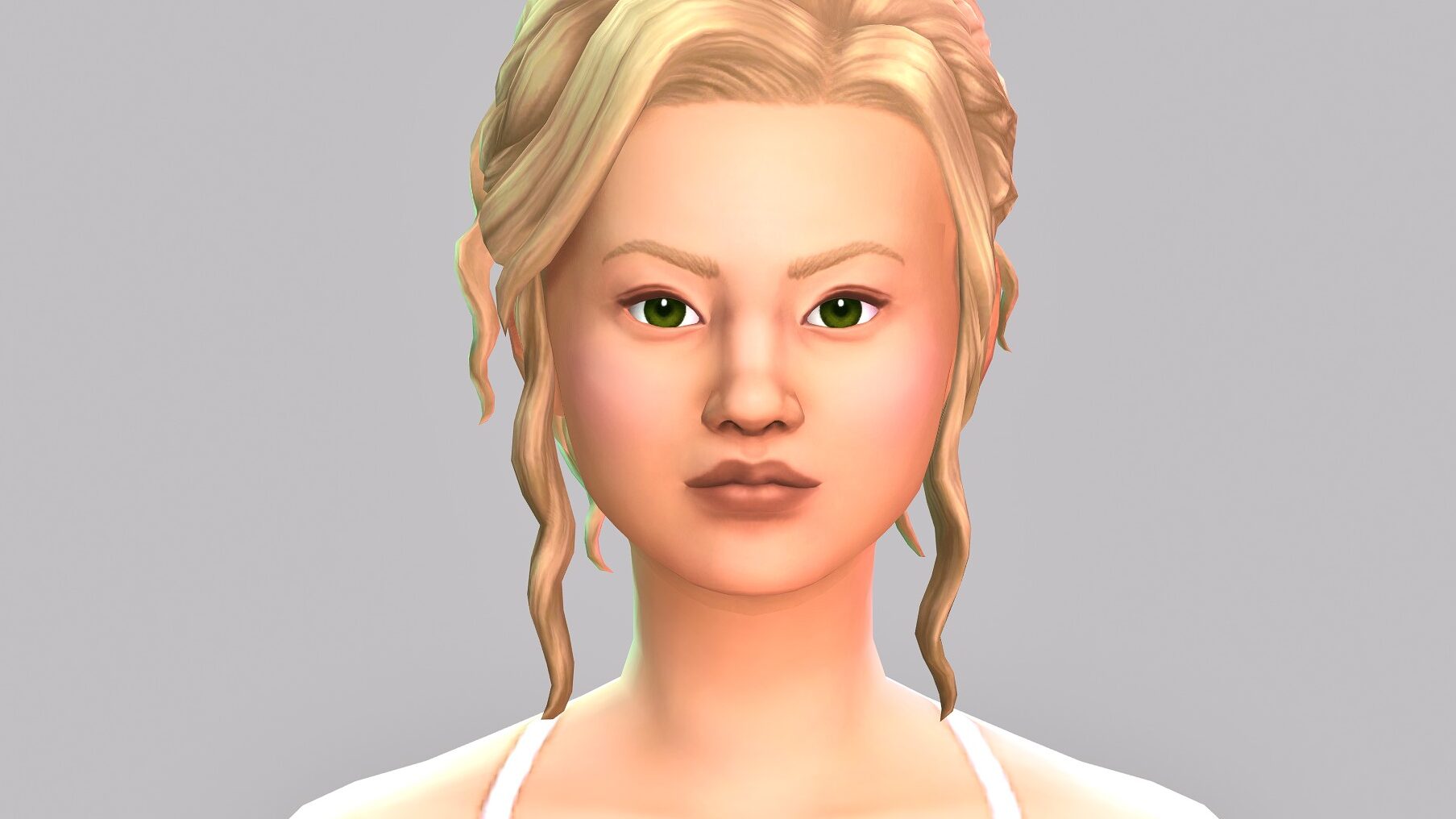
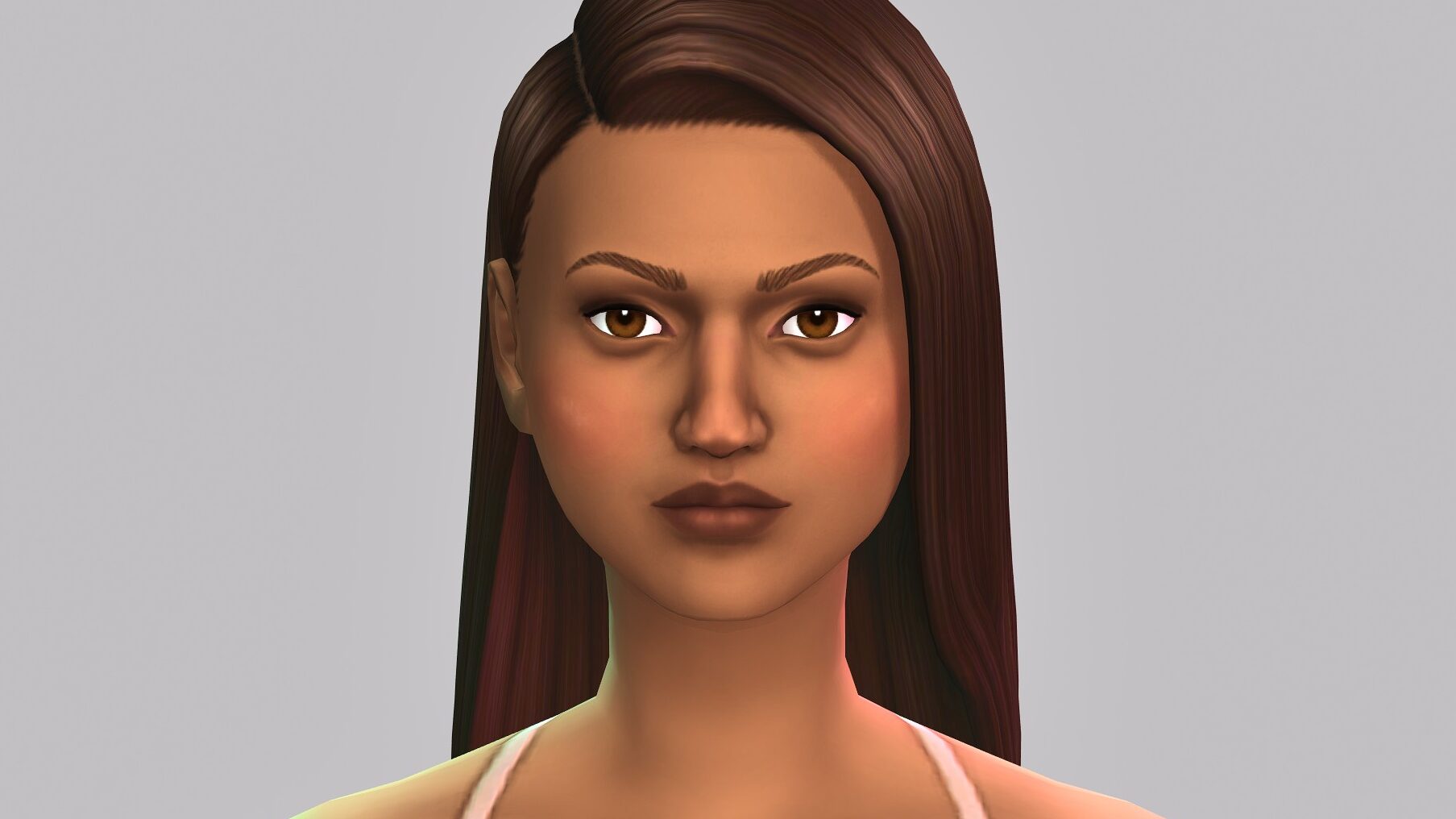
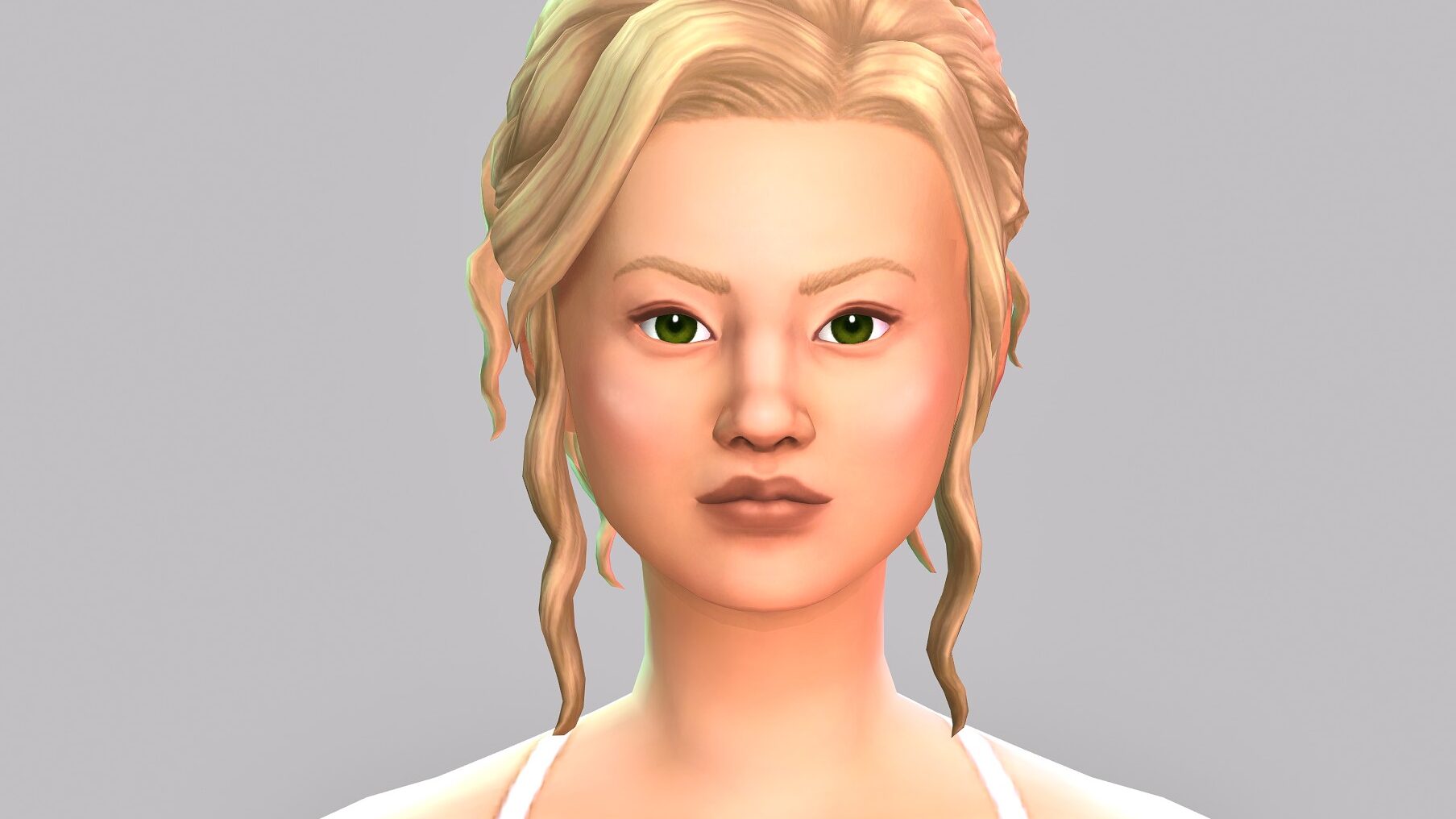
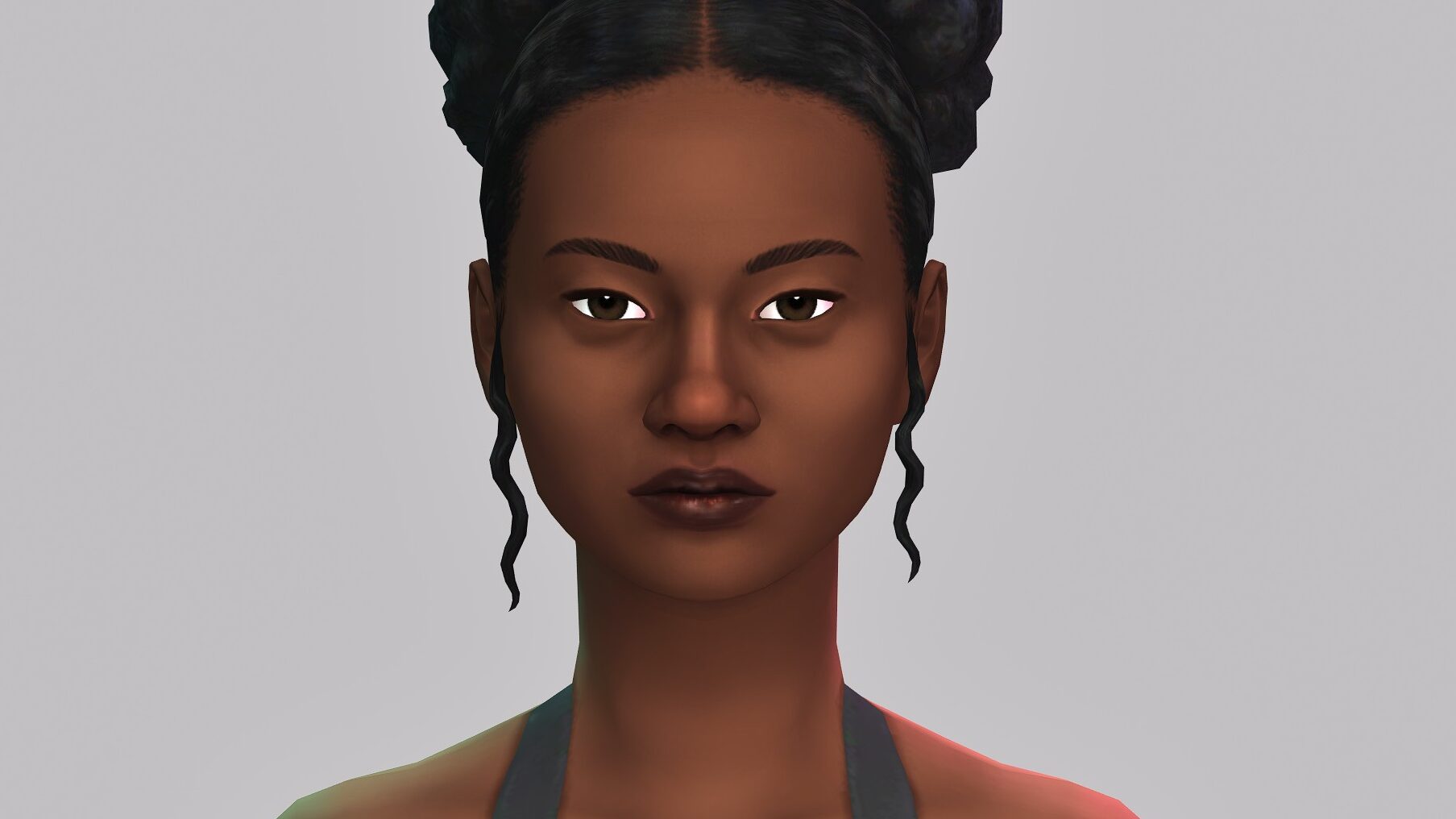
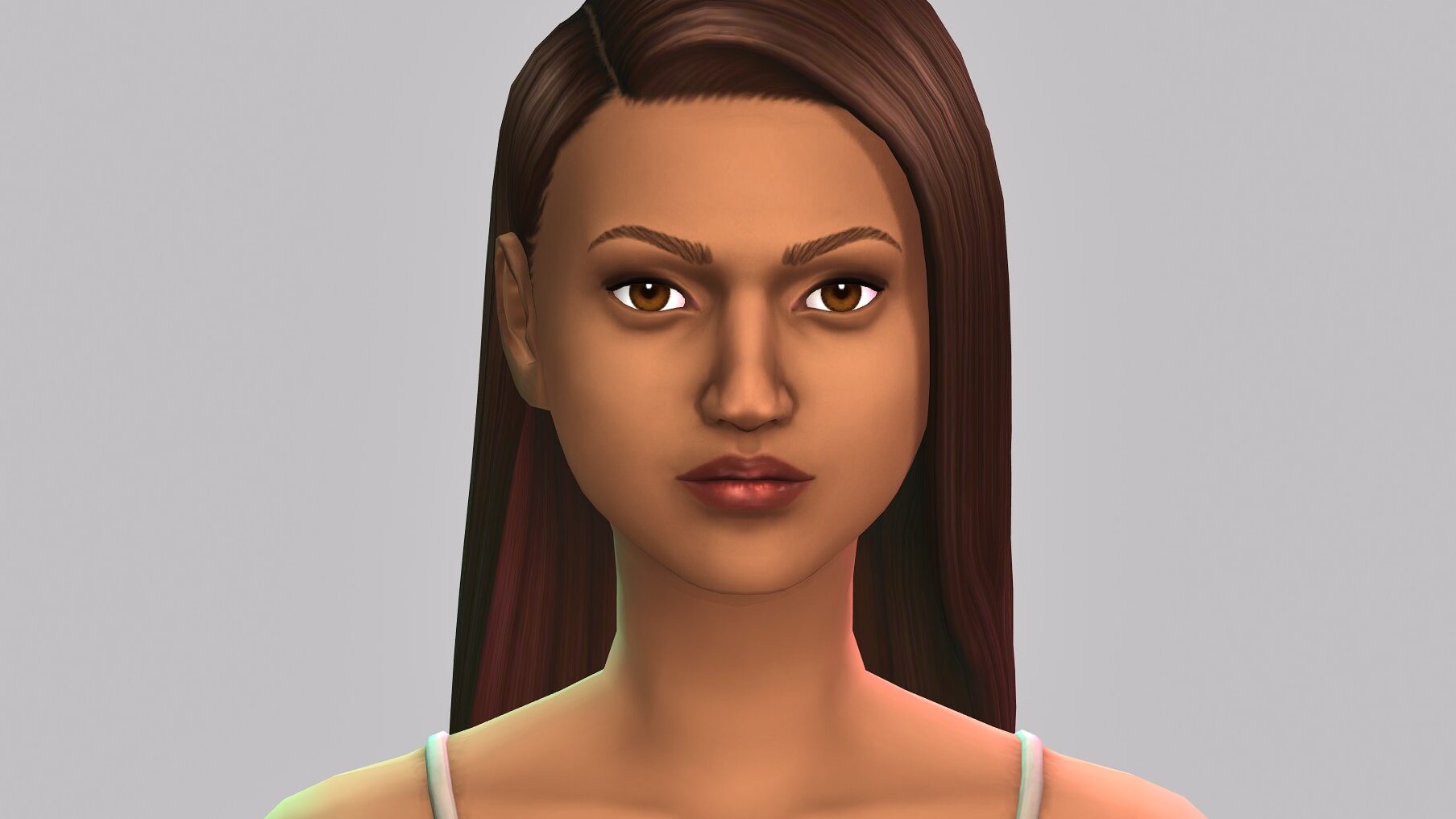
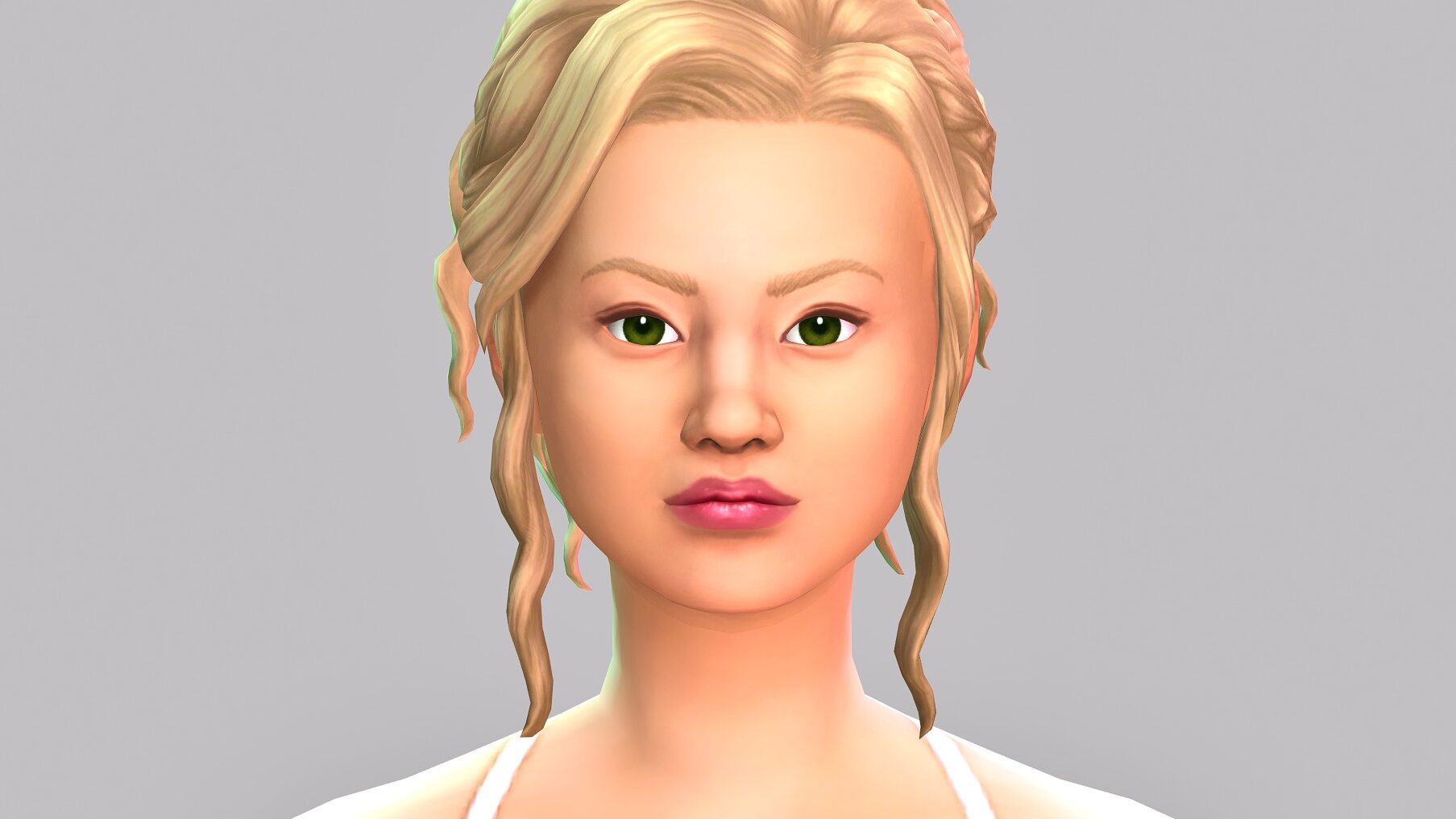
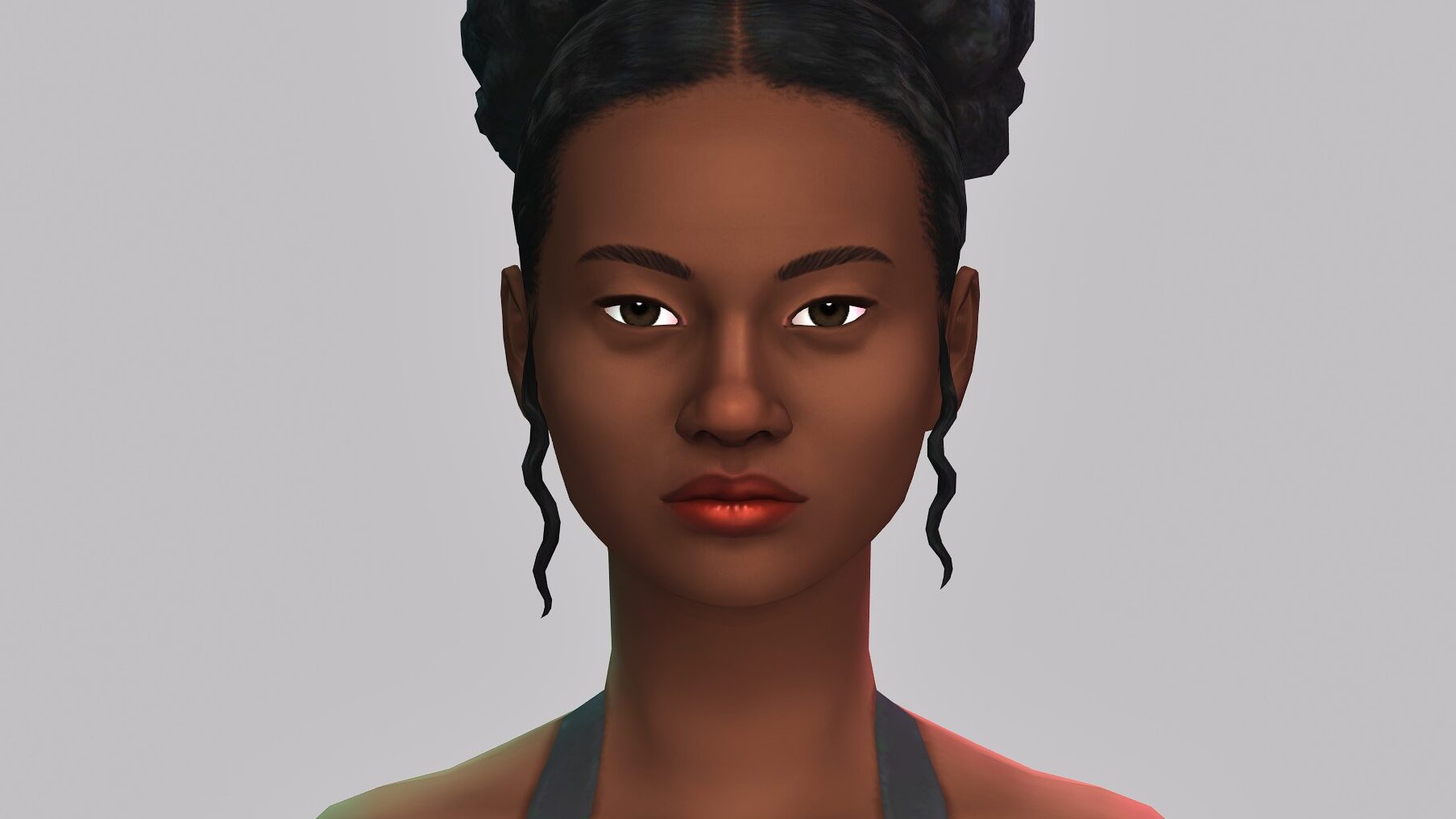
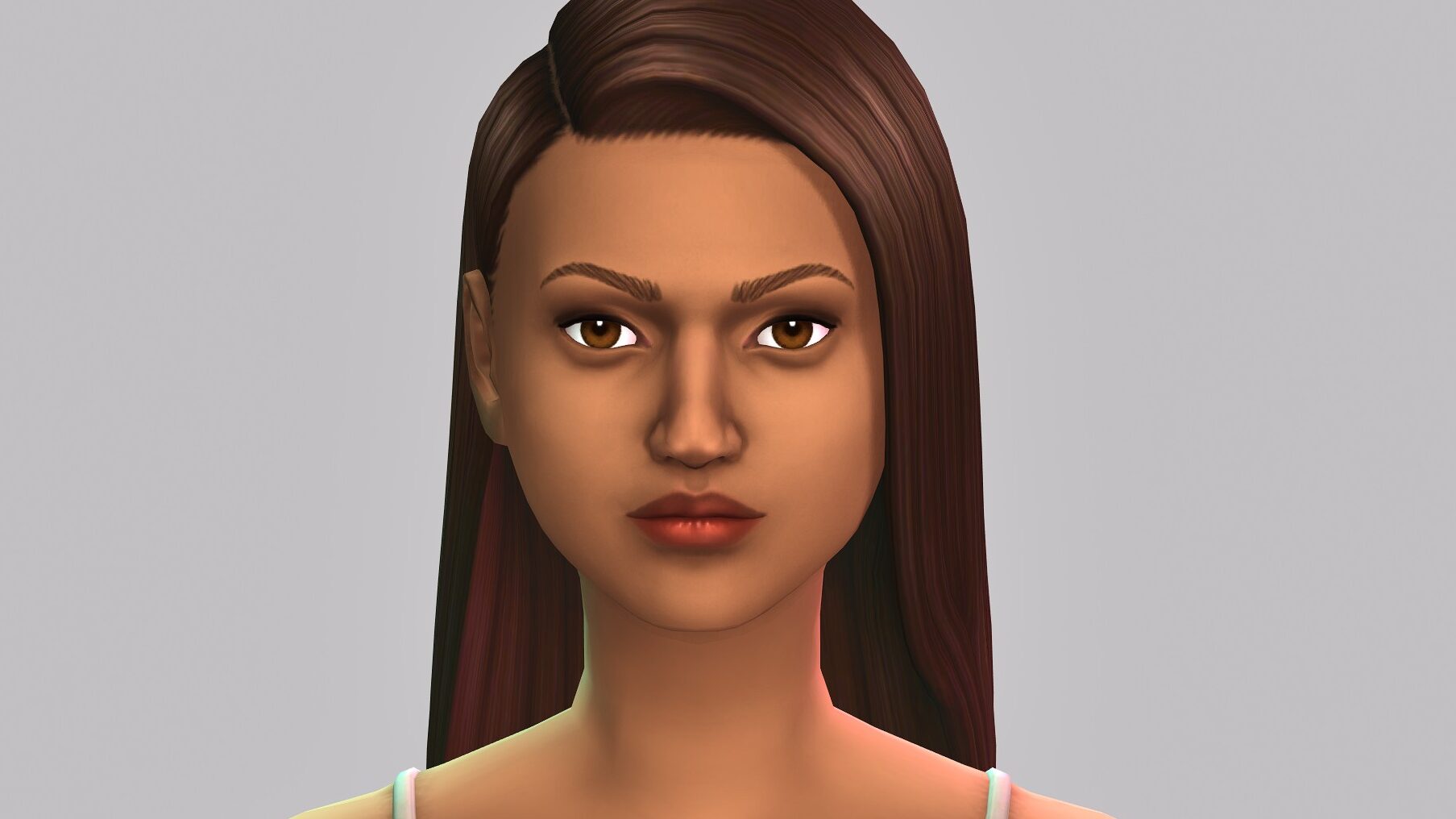
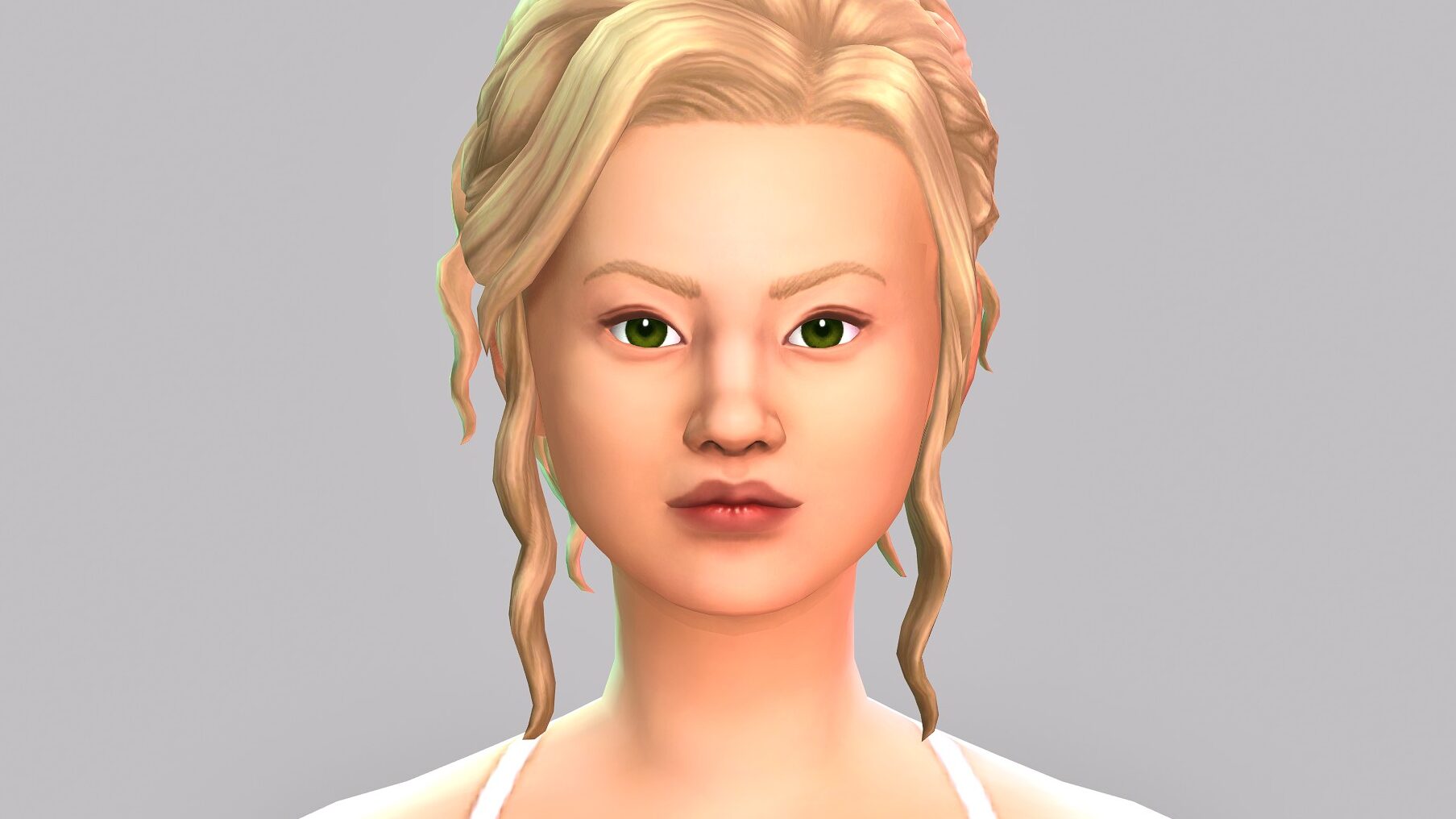
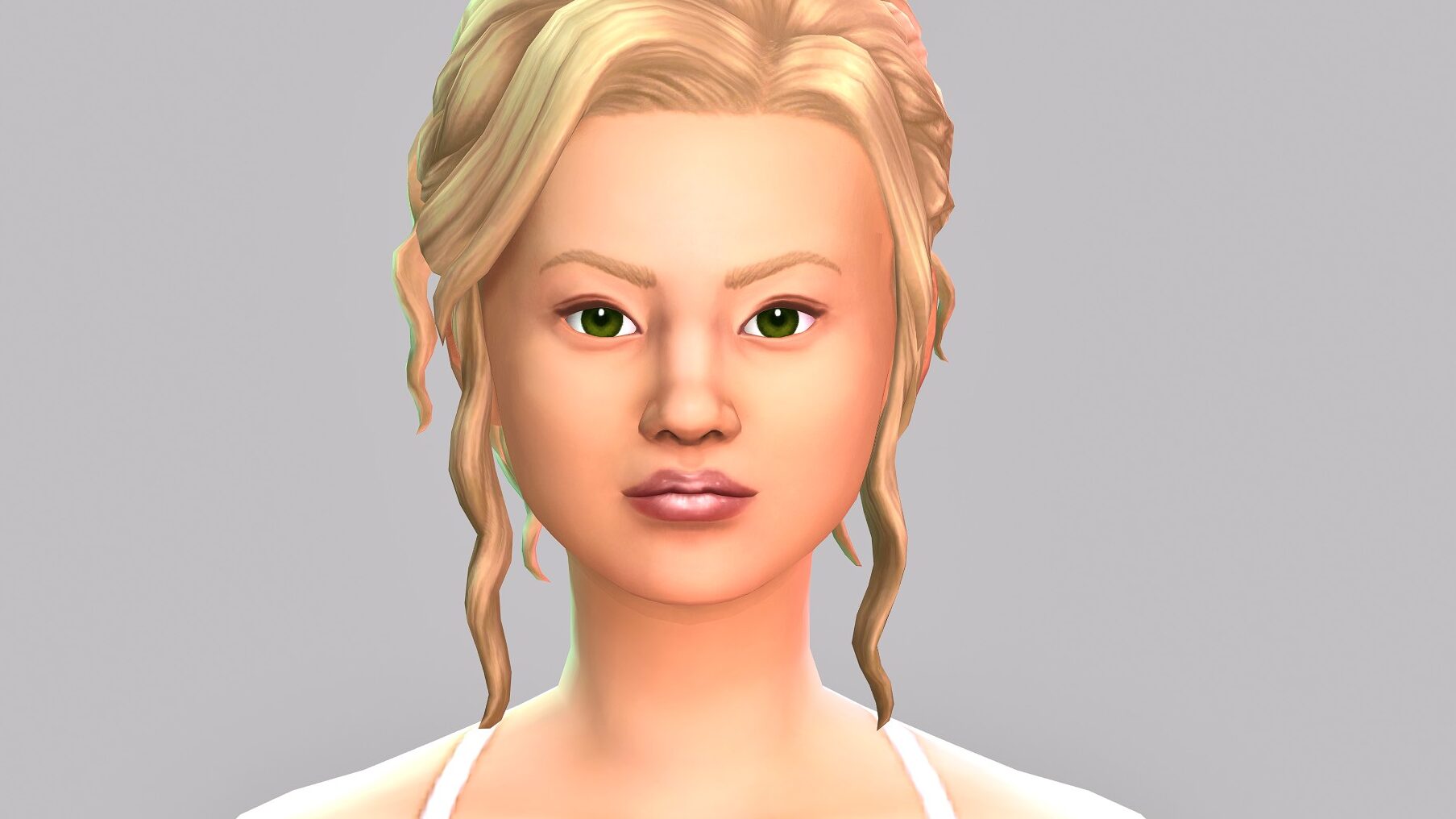
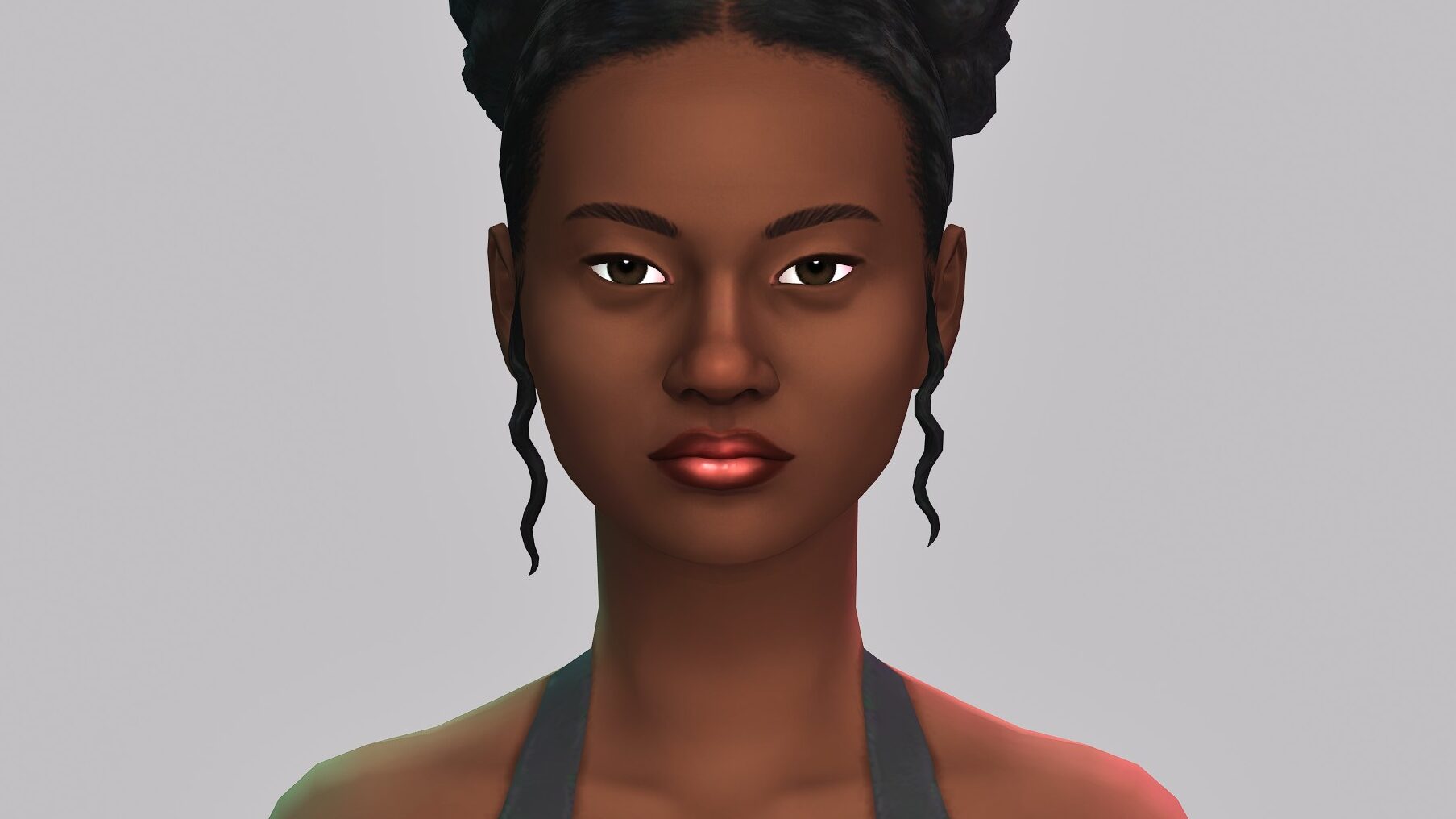
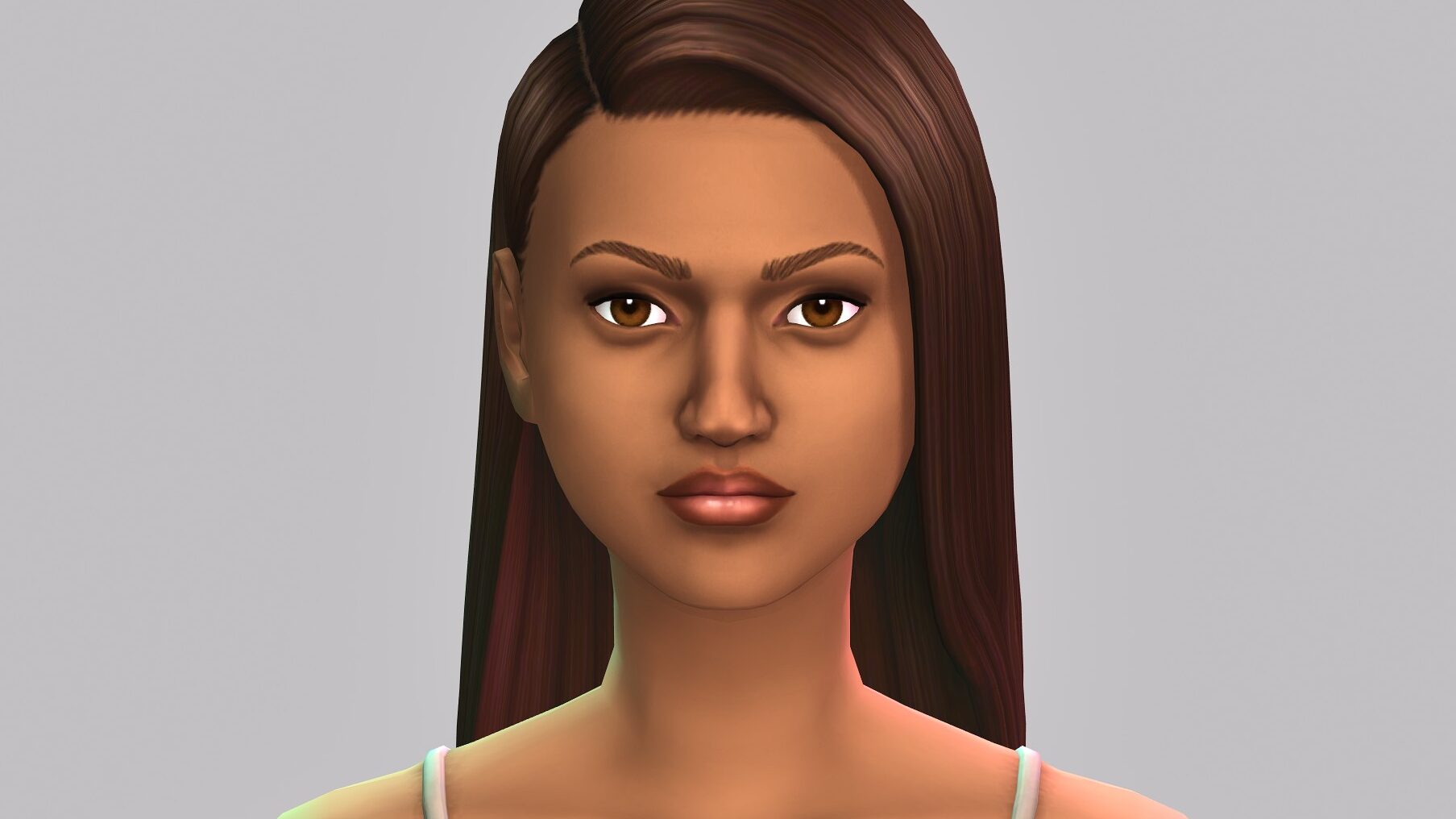
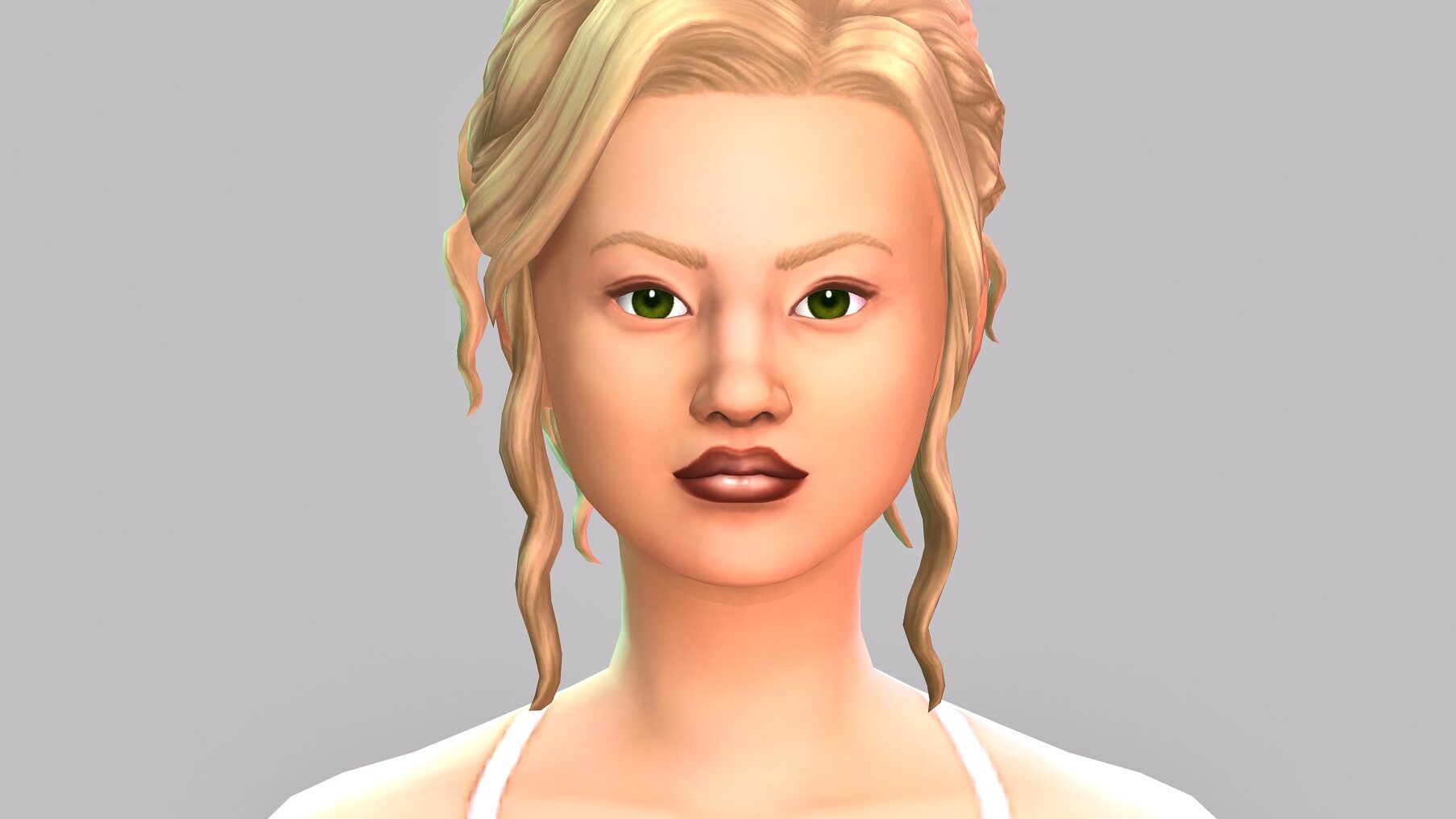
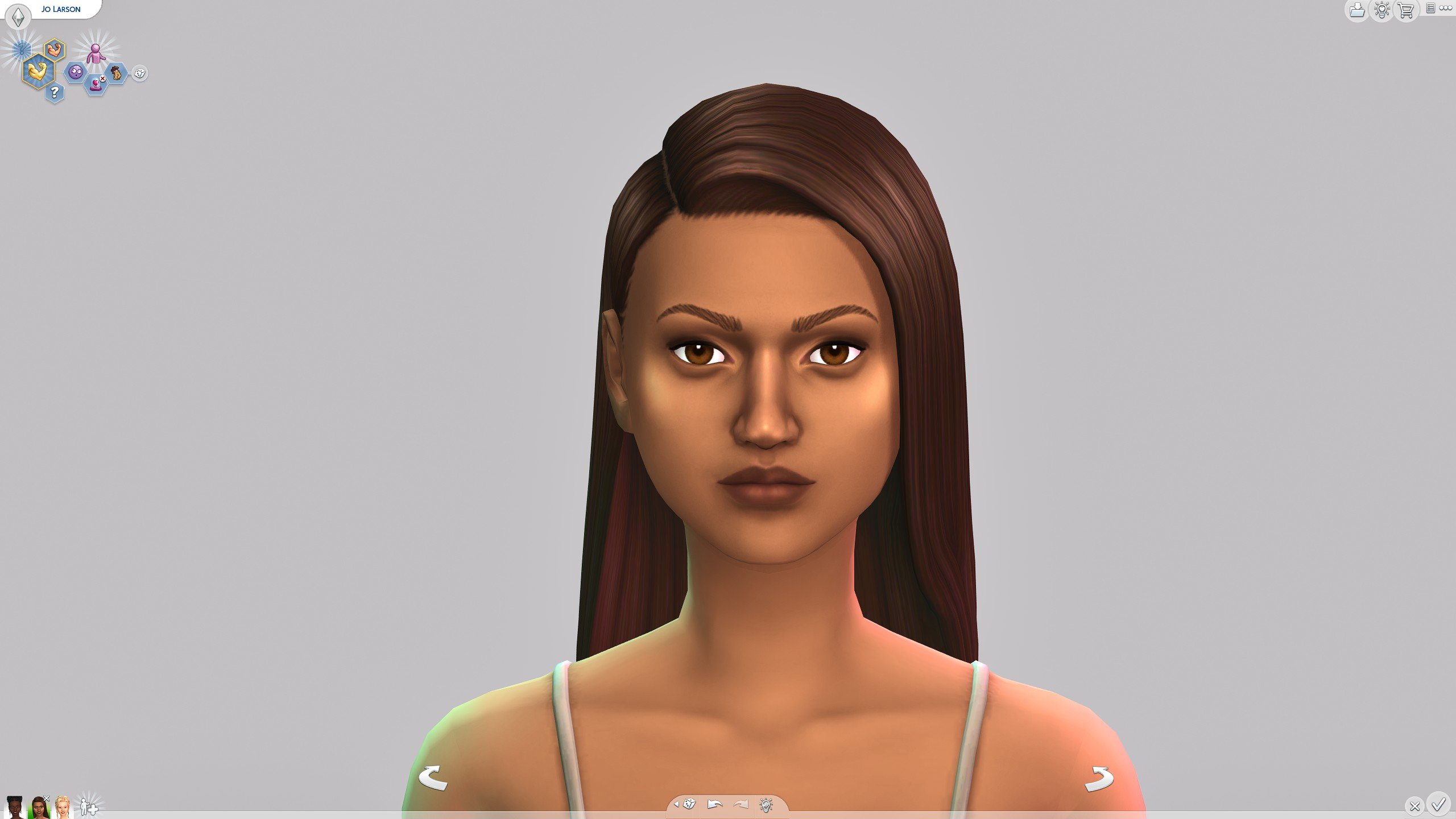
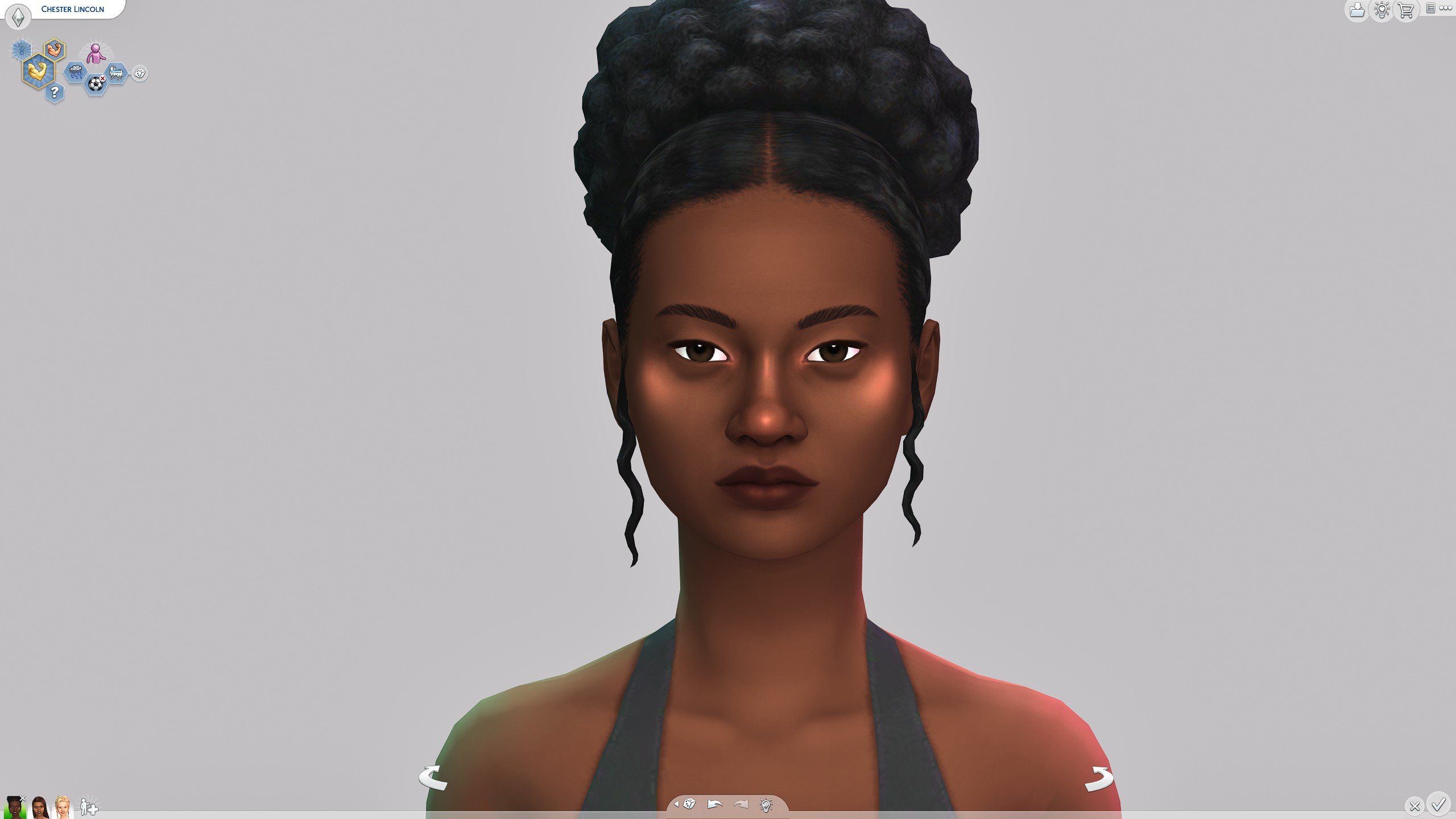
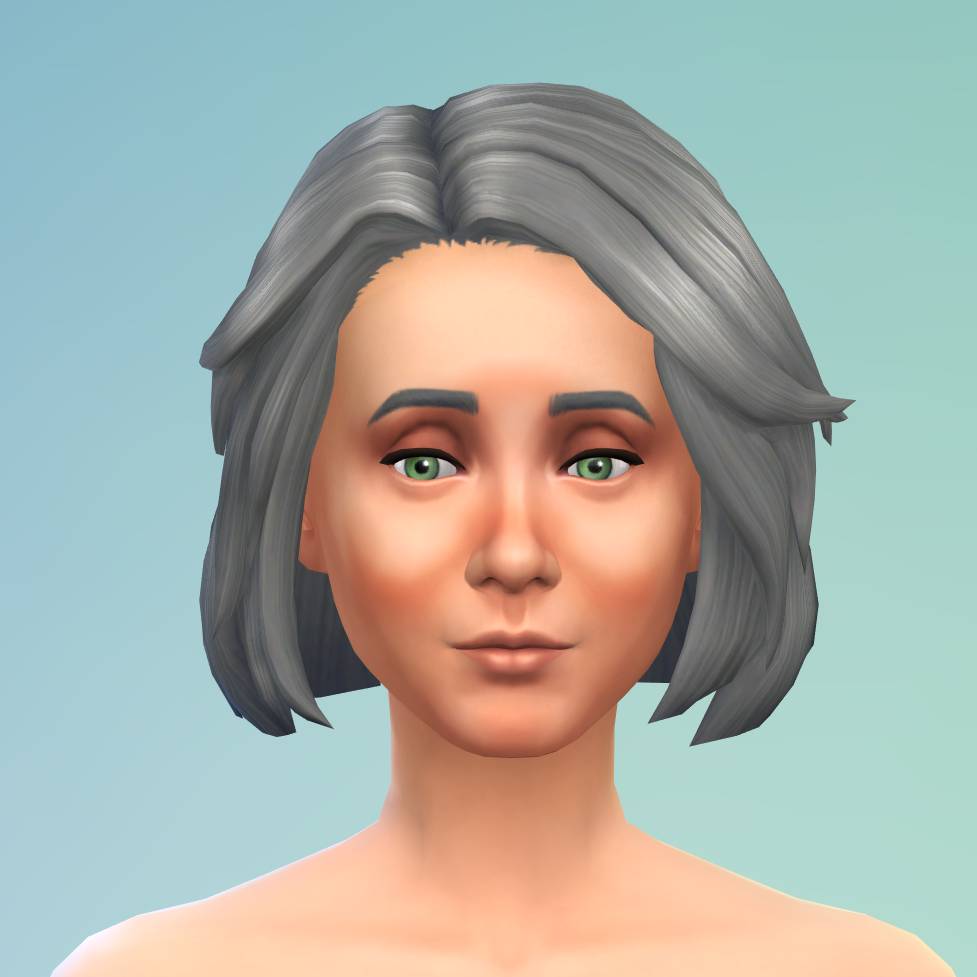
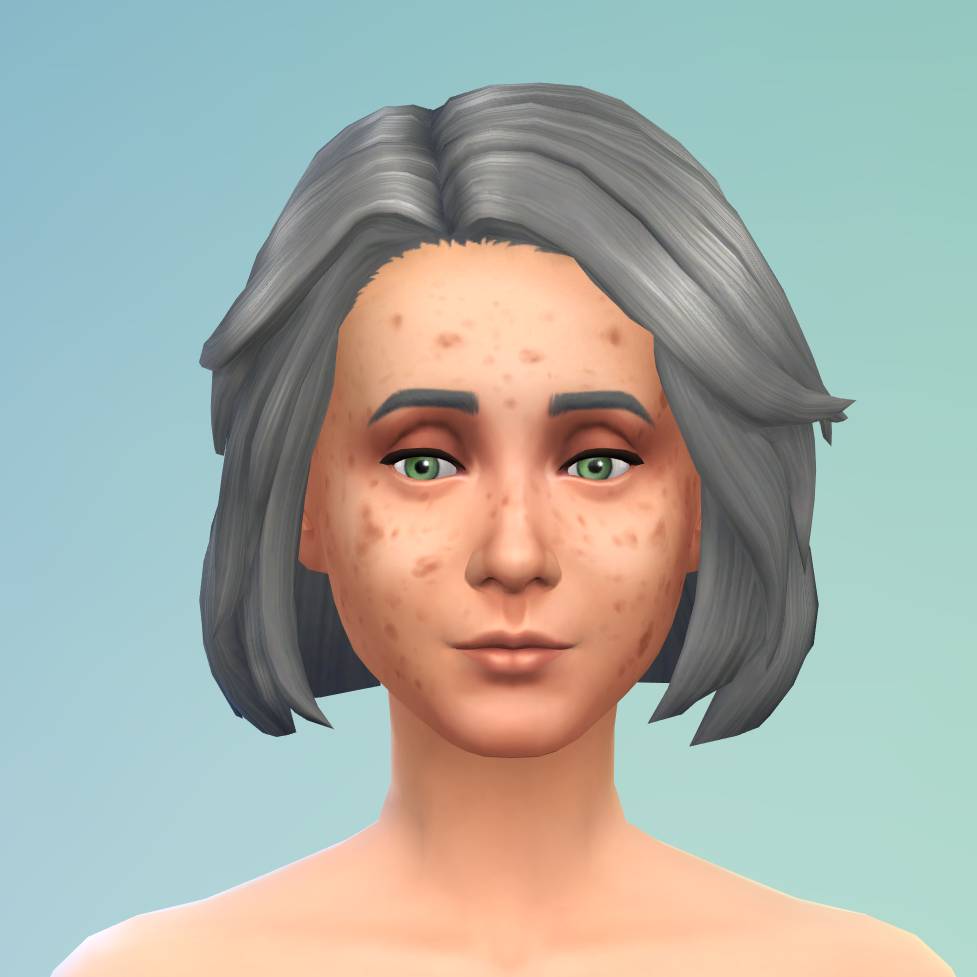
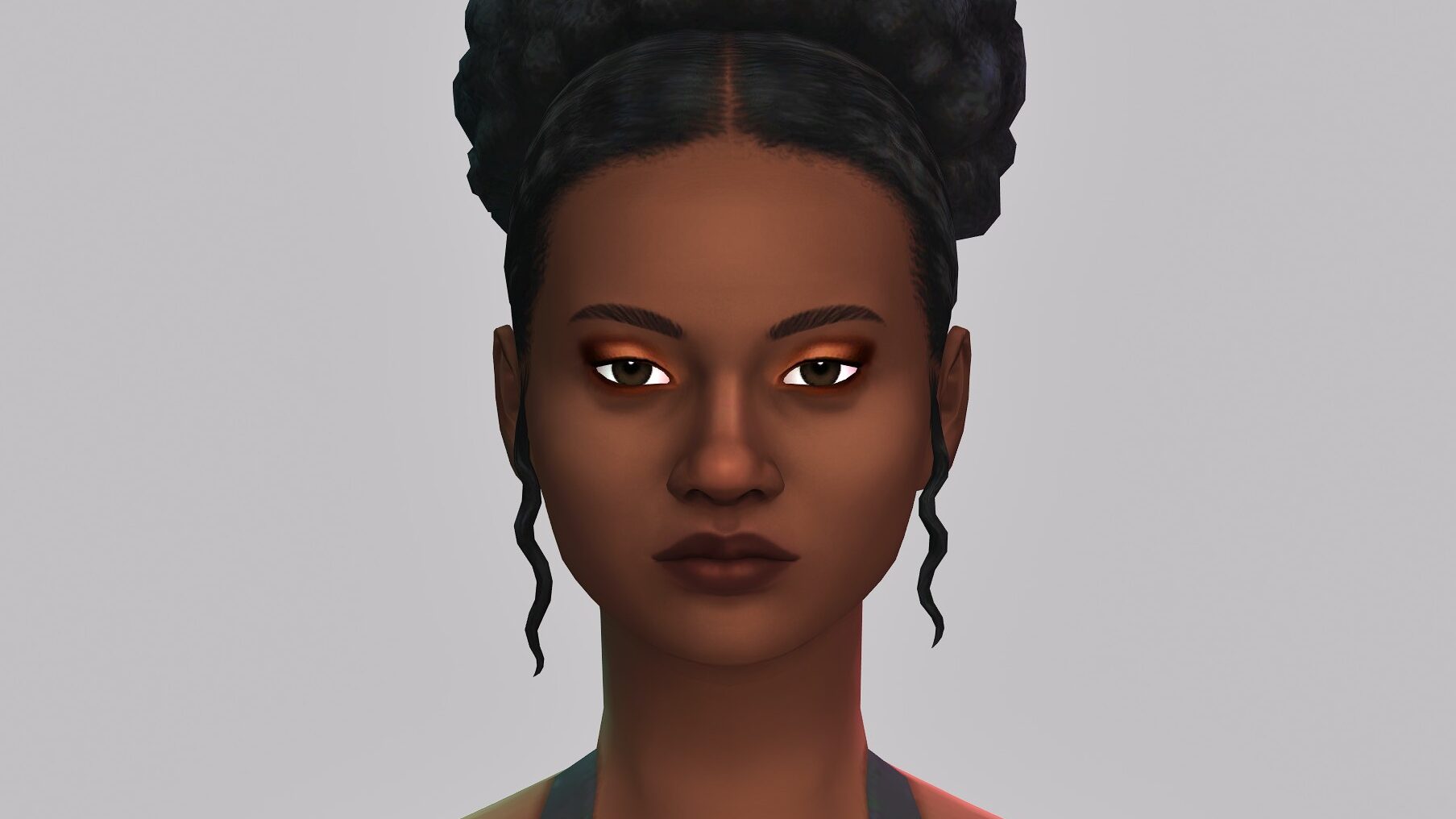
To showcase the items properly, I created three sims with varying skin tones, although these won’t represent the wide variety of skin tones available in the game and how they may interact with the items. While I didn’t change the preset swatches using the hue, opacity, saturation, and brightness sliders for these images, I did pick out swatches I thought would work well if there was a swatch present that did so. However, if there wasn’t, I picked the swatches that showed up the most so the actual texture of the asset was visible. In total, there are 27 assets that come with this kit. Per category, there are…

  • 1 Skin Detail
  • 3 Blushes
  • 4 Full Face Assets
  • 8 Lip Products
  • 5 Eyeliners
  • 6 Eyeshadows

Eyeshadow

Eyeliner

Blush

Lips

Full Face Category

Skin Detail

Full Looks (Before & After)

In-Game

With many of these items from The Sims 4 Essential Glam kit being light-reactive, meaning that they had a sheen or shine that changed and reflected light, I felt it was necessary to show how the items actually looked in-game and in different forms of lighting. These were all taken on Ultra Graphics settings during a sunny day and then a cloudy night in Tartosa, so results may vary based on the world, weather, lighting, or graphics settings.

Natural Light

Looking back on these photos, the actual textures from this kit really shine in bright natural lighting, as they tend to look smoother on the skin and make a sim look very fresh and glamorous.

Indoor Lighting

I also thought indoor lighting looked nice, but some of the highlights became a bit harsh under the simulated artificial lighting, and any pieces that had grainy or uneven textures became more noticeable.

Darkness

Darkness is not The Sims 4’s strong suit, but the makeup stands up pretty well. Obviously it doesn’t look as great as warm outdoor lighting, but the darkness softens the features and helps avoid the harsh lines found on certain assets.

Sims 4 Refined Living Room Kit Review

Our Review of The Essential Glam Kit

If I had to give this kit a rating, I would say it would be an overall 8/10. I personally really love it and know that if I work with the swatches a bit, I could add tons of variety to my sims outfits and make putting makeup on them with no or low custom content less of a chore, and more of a fun feature. However, certain textures do have issues with very obvious gradients, blending issues, and graininess that becomes more or less visible based on your sims skin tone.

For $5 USD or your currency equivalent, and in comparison to the makeup we’ve received in previous expansions, I feel that this is a really good deal for those trying to work with little or no custom content, especially those on console who don’t have access to custom content at all. However, I personally know I’ve also seen custom content from creators, including Crypticsim, that had smoother textures and less issues with skin tone discrepancies.

TS4 x64 2025 08 21 16 18 45 770

I am still happy that I got it, and I like the direction that The Sims Team is heading with kits and creator kits; While they do seem oversaturated currently, I think being able to pick and choose for features or assets you like instead of forking over much more for an Expansion, Game, or Stuff Pack solely for certain pieces from it is a much better deal for most players.


The Sims 4 Essential Glam Kit is out now, as of August 21st, and retails for $5 USD or your local equivalent currency. Have you purchased the kit or do you plan to do so? What are your thoughts on what it adds and the quality of these items?

The Sims 4 Grange Mudroom Creator Kit Review: No Shoes In The House!

Leave The Muddy Shoes In The Mudroom

grangehallway1

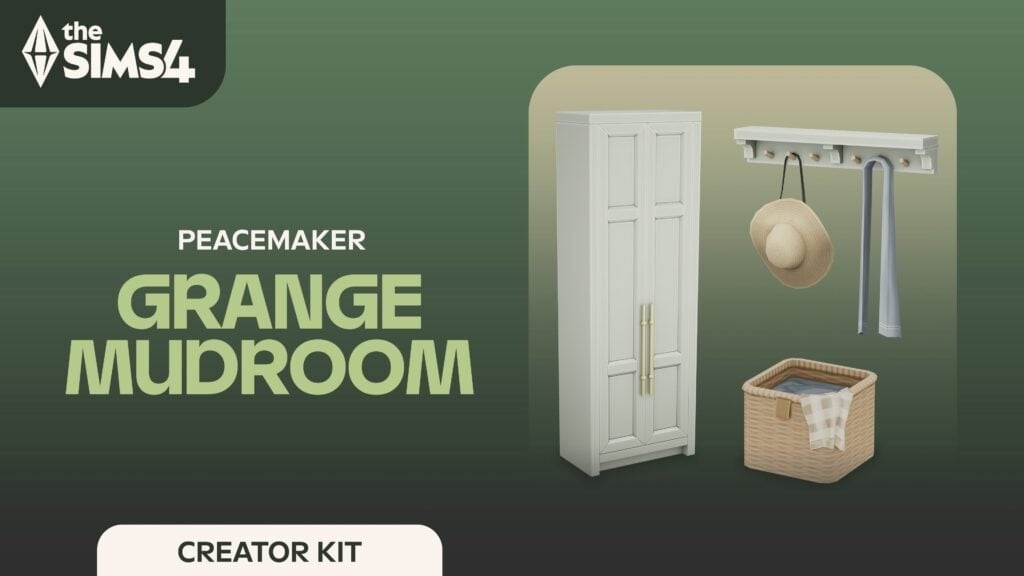
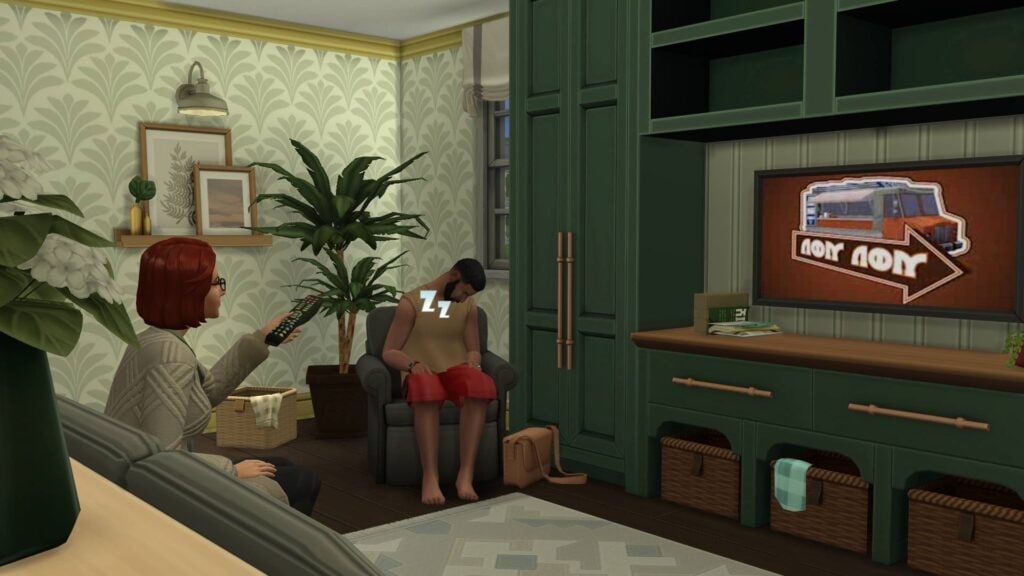
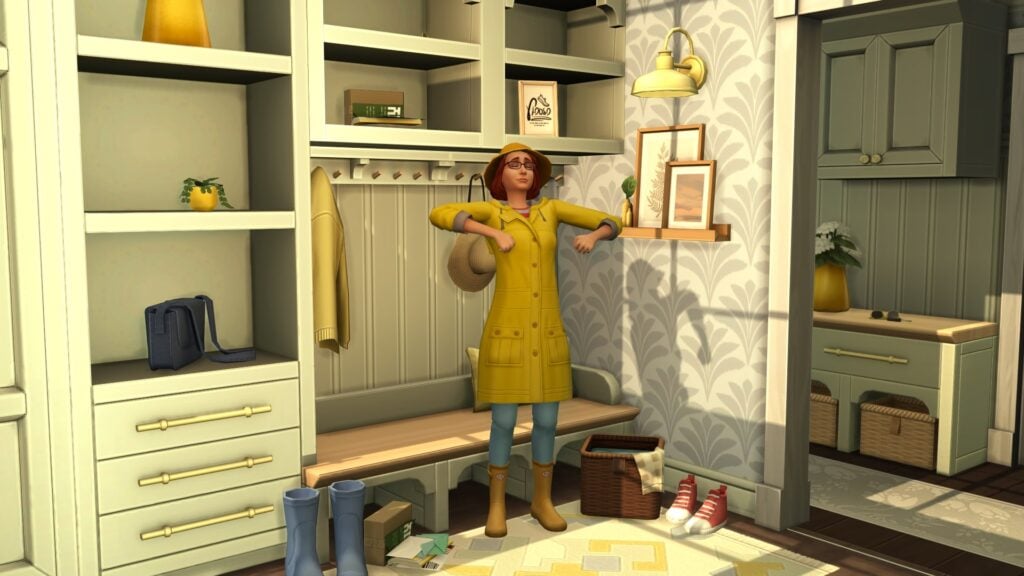
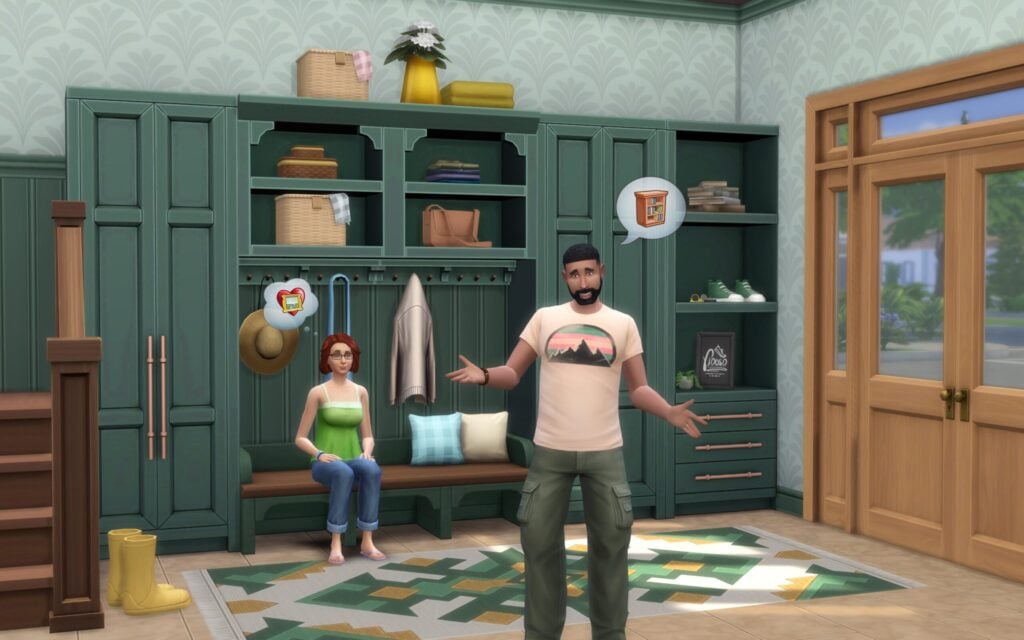
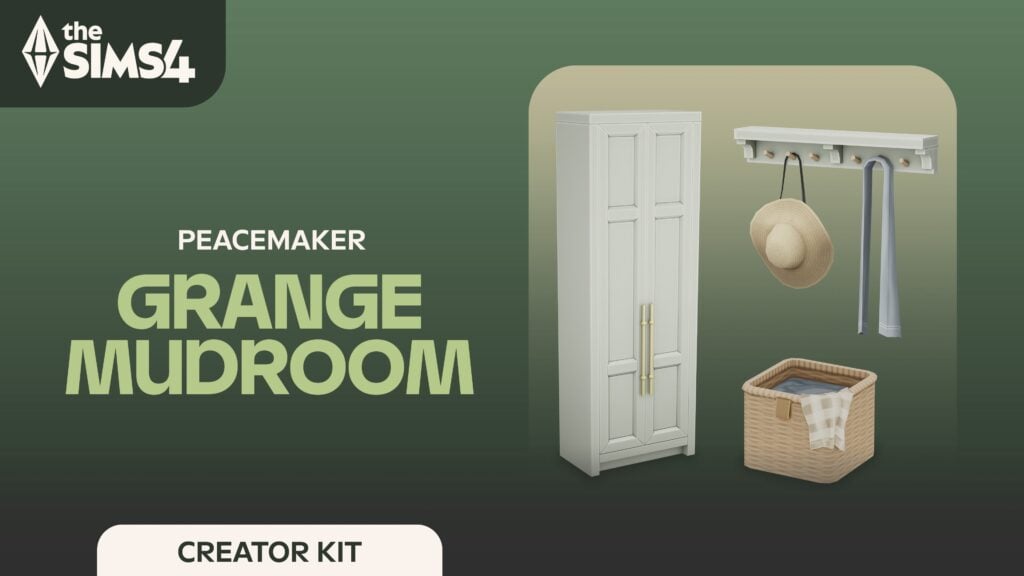
Two new Creator Kits have been released! Alongside Crypticsim’s Essential Glam Kit, the Grange Mudroom Kit by Peacemaker has also been released. But what exactly is a ‘Mudroom’? What’s a ‘Grange’? All that and more will be answered in our overview and review of the latest Build-Buy Kit for The Sims 4. So kick your shoes off, and we can get into it!

the sims 4 creator kits screen n

Features Overview

the sims 4 peacemaker kit 1024x5 1

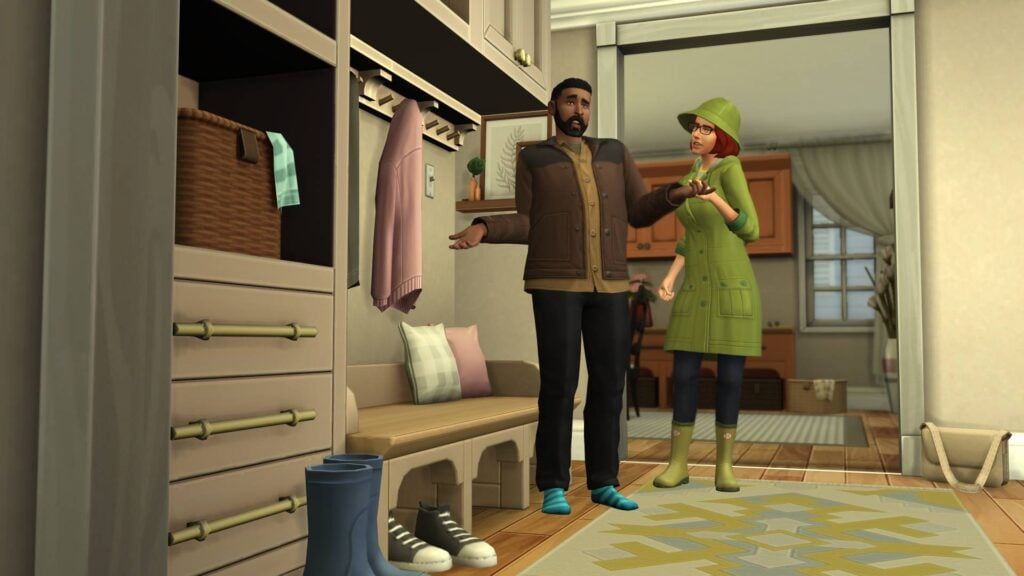
This brand-new Kit from CC content creator Peacemaker is packed with items for your Sims’ hallways and mudrooms, but what is a mudroom?

A room in a house designed especially for the shedding of dirty or wet footwear and clothing and located typically off the kitchen or in the basement.

Merriam Webster

Thanks Merriam Webster! So it’s a location in your house for taking off dirty (or muddy) shoes and coats. Got it. And what exactly is a grange?

A farmhouse with outbuildings.

Merriam Webster

So a farmhouse, or a country home. Well, this will fit perfectly in worlds such as Henford-on-Bagley or Chestnut Ridge.

Kit Features

  • A Magnificent Mudroom Awaits Bring your entryway to life with a tailor-made set of mudroom items and decor.
  • Transitional Space – Add some organization and style to an often neglected part of the home.
ea.com

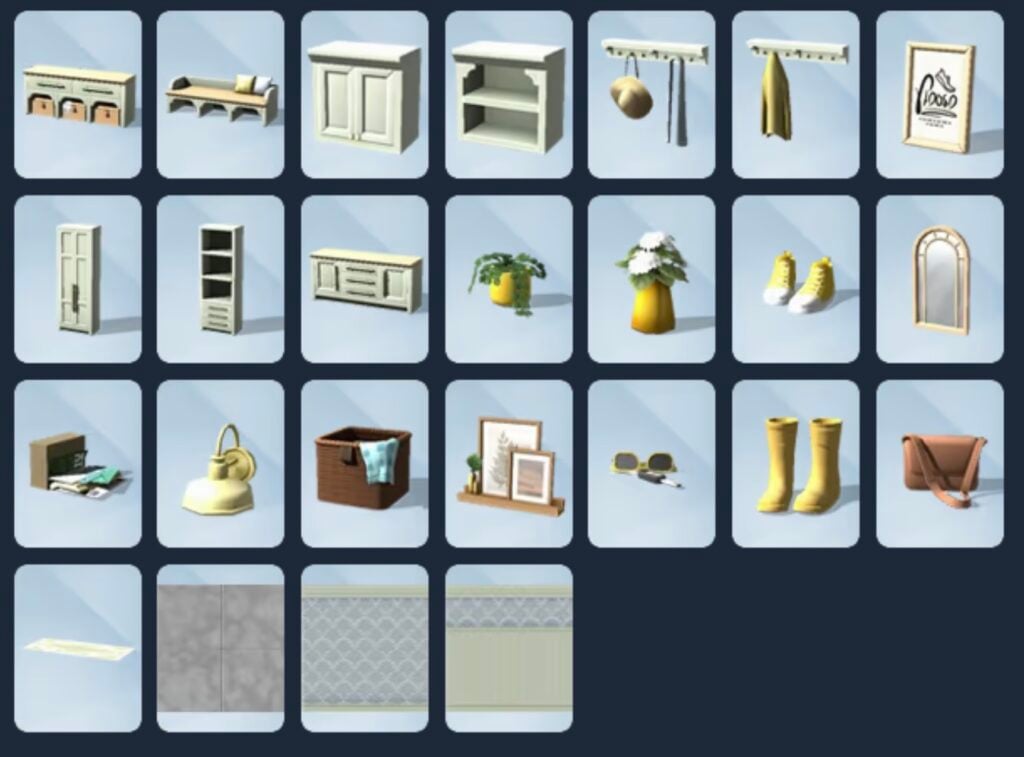
Item Preview

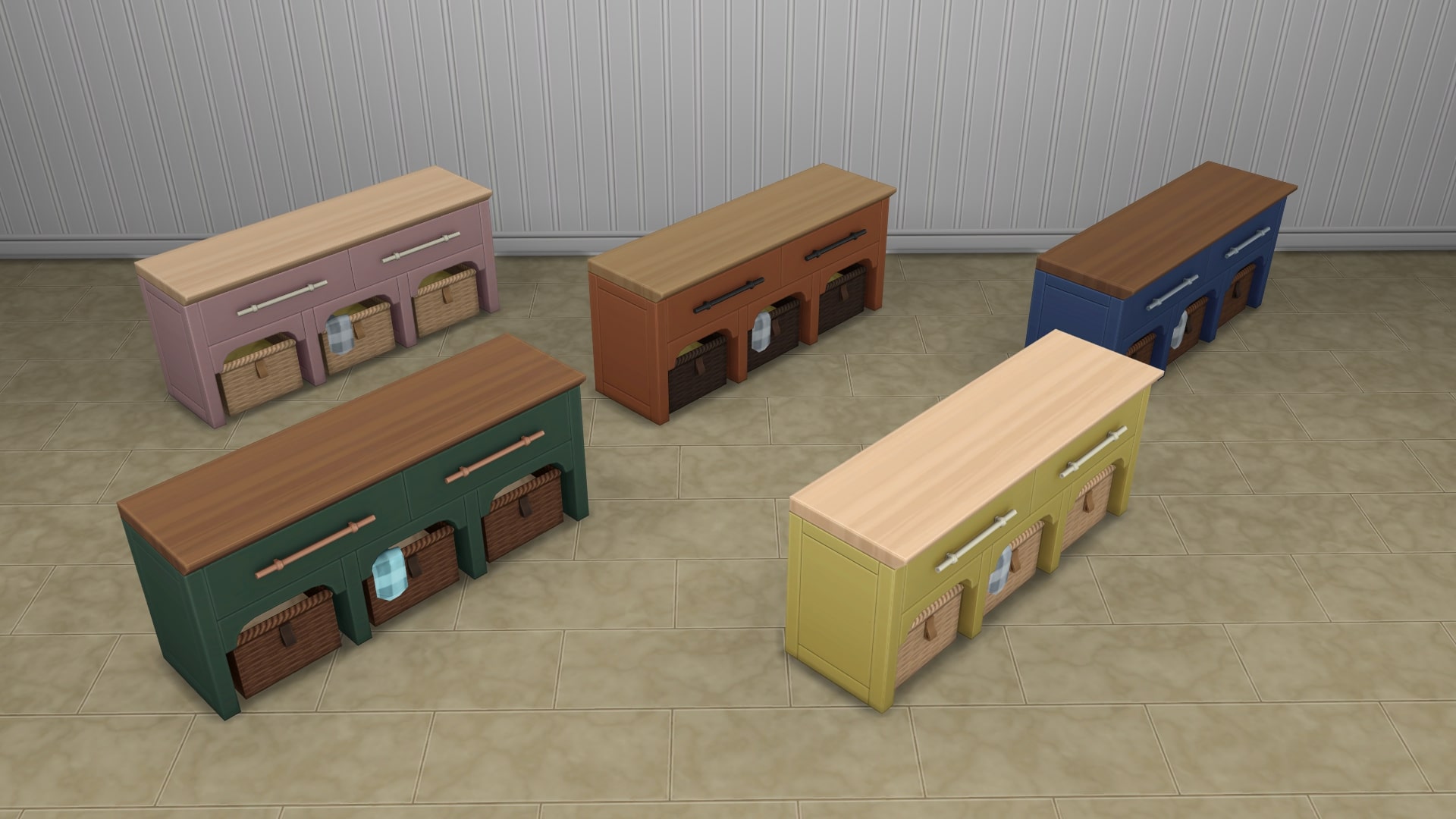
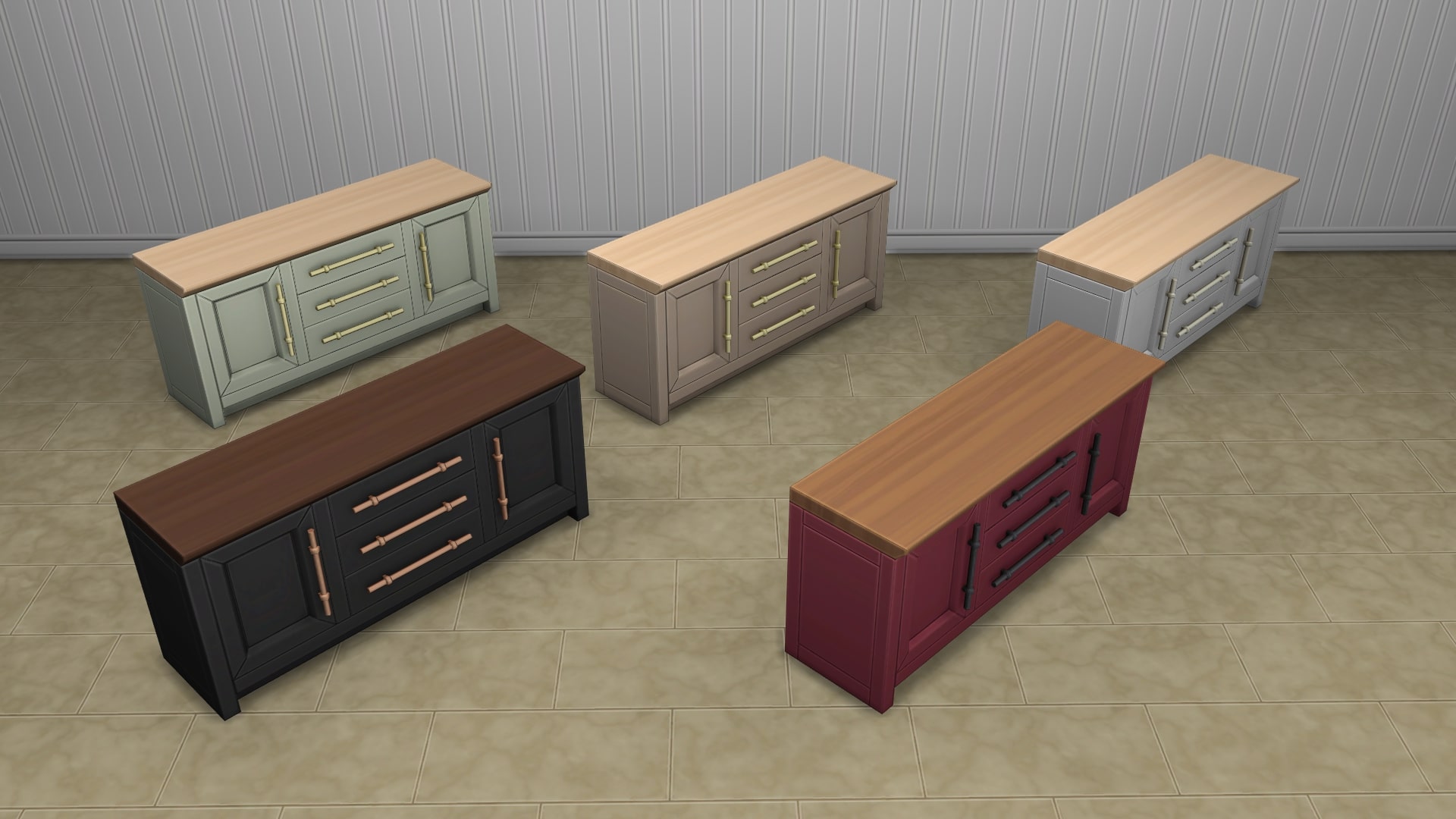
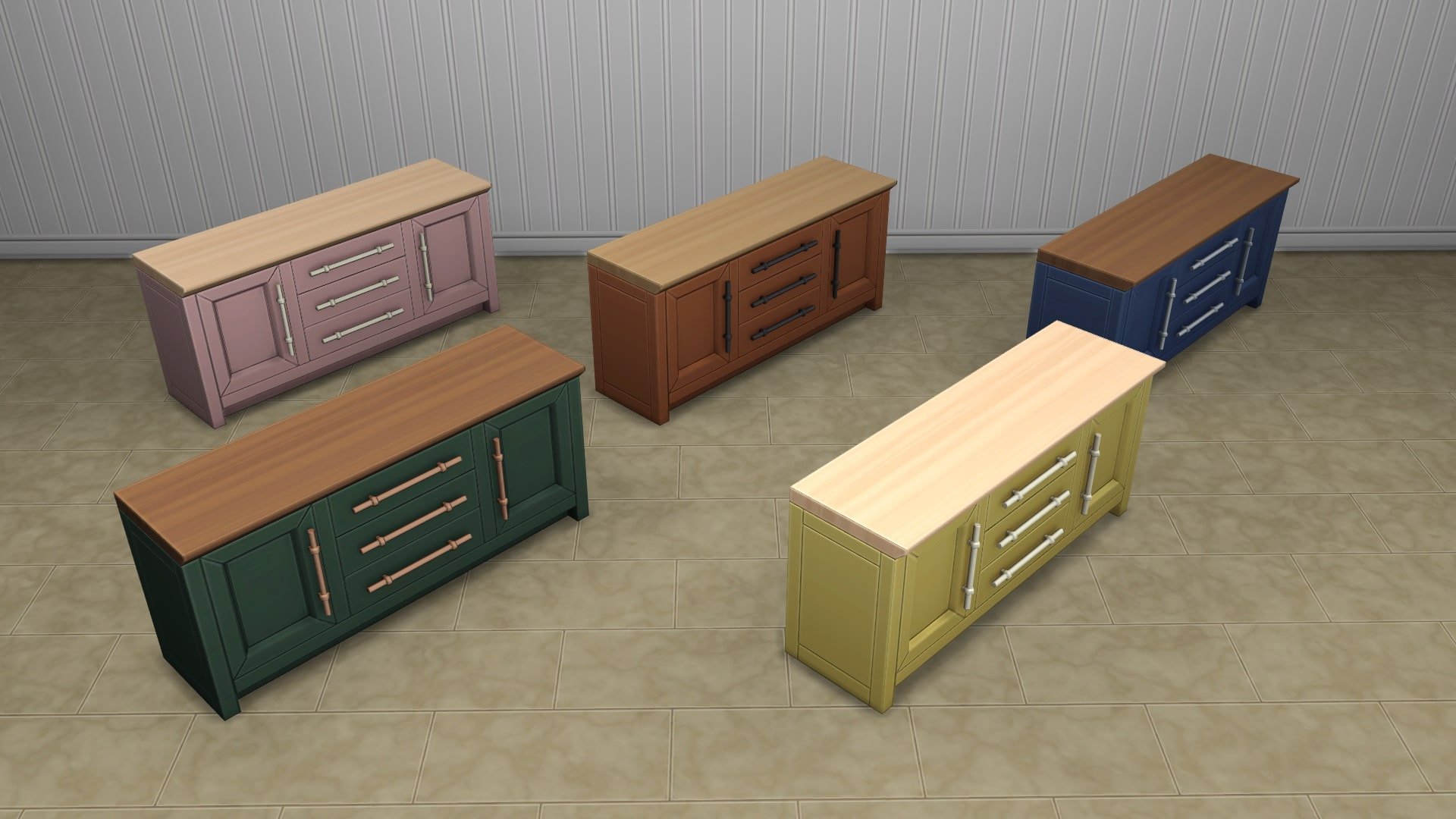
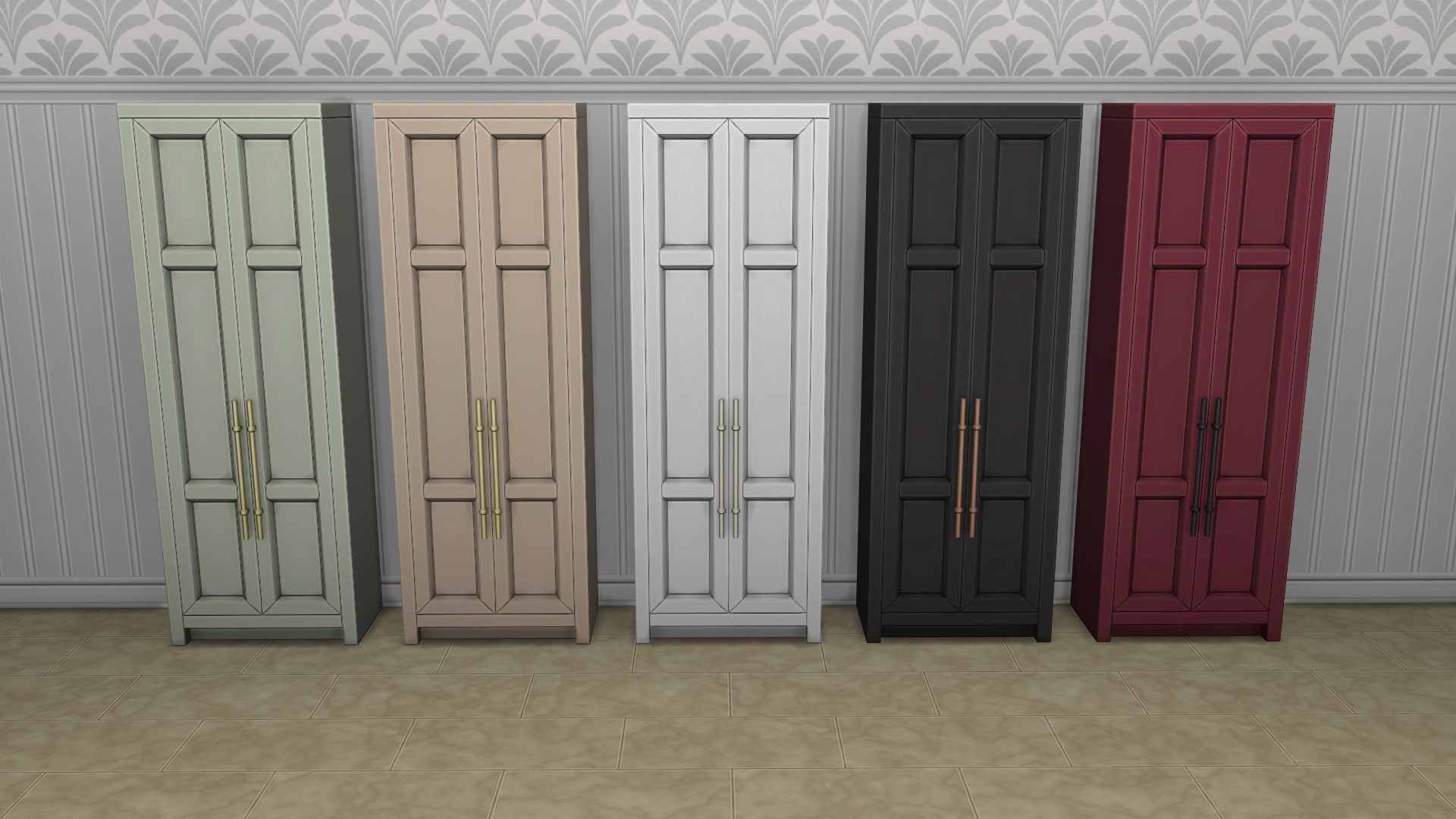
sims 4 grange mudroom kit items

Object Overview

See below for an in-depth look at each item’s description and cost.

Object Swatches

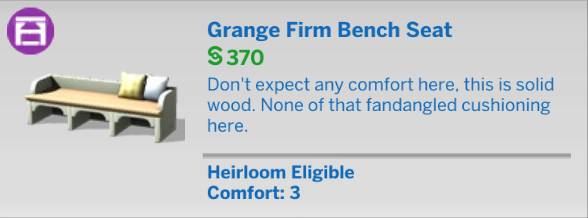
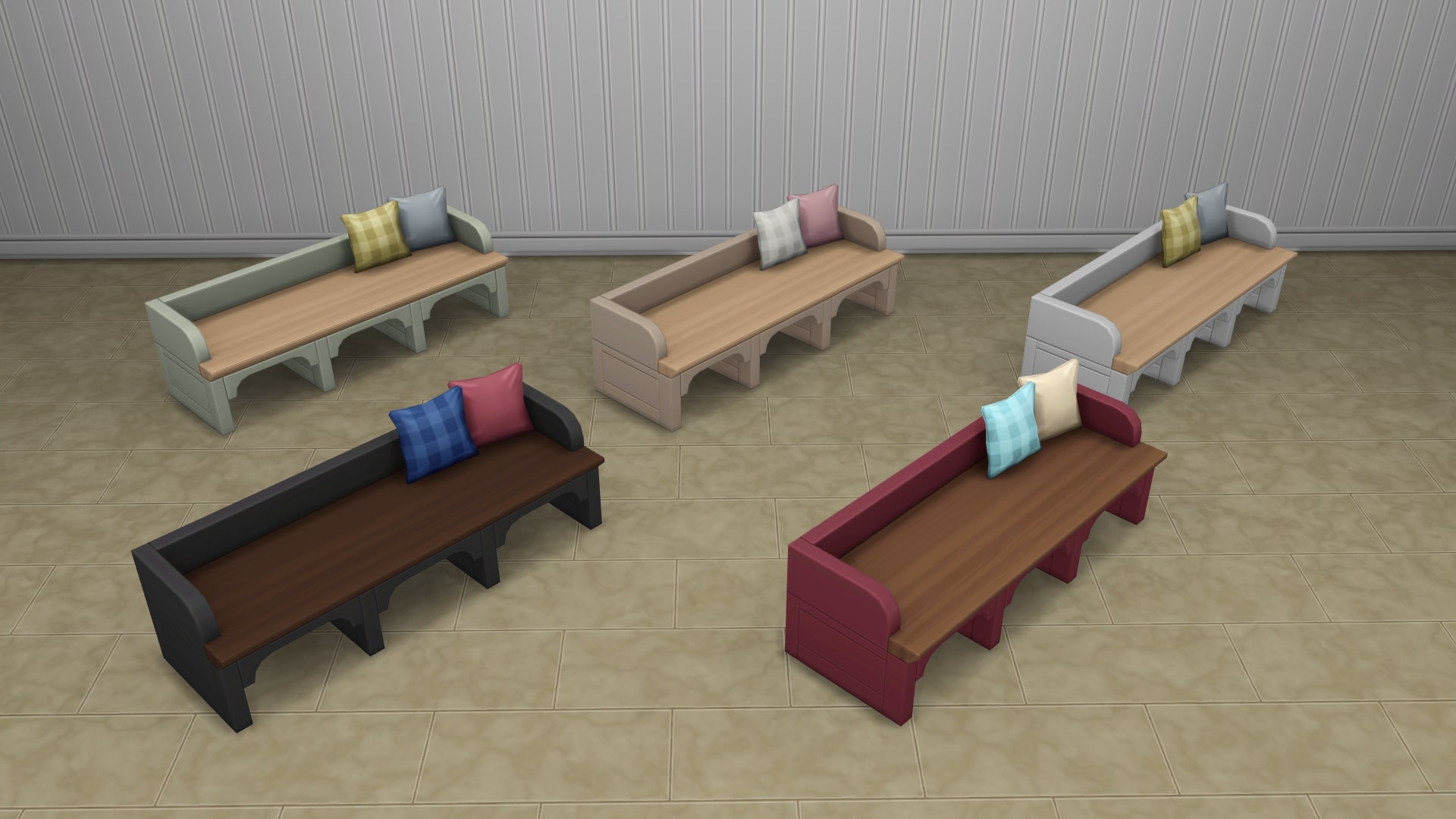
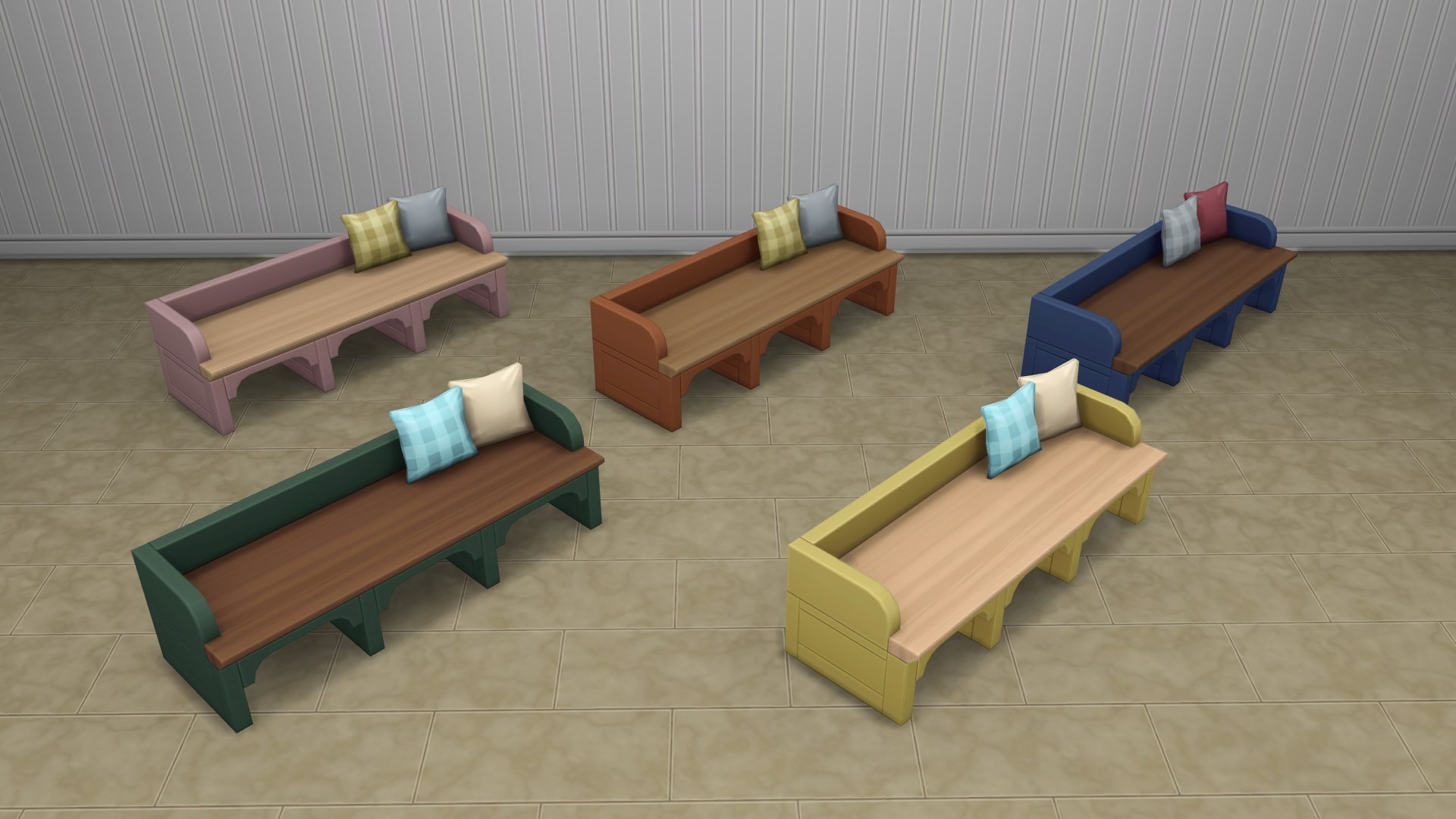
Grange Firm Bench Set

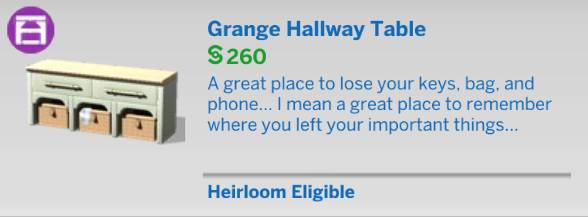
Grange Hallway Table

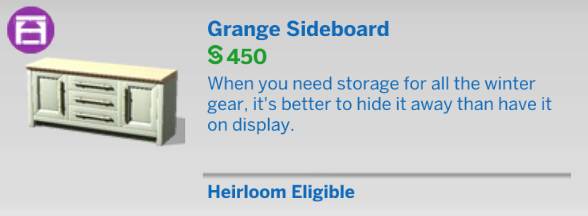
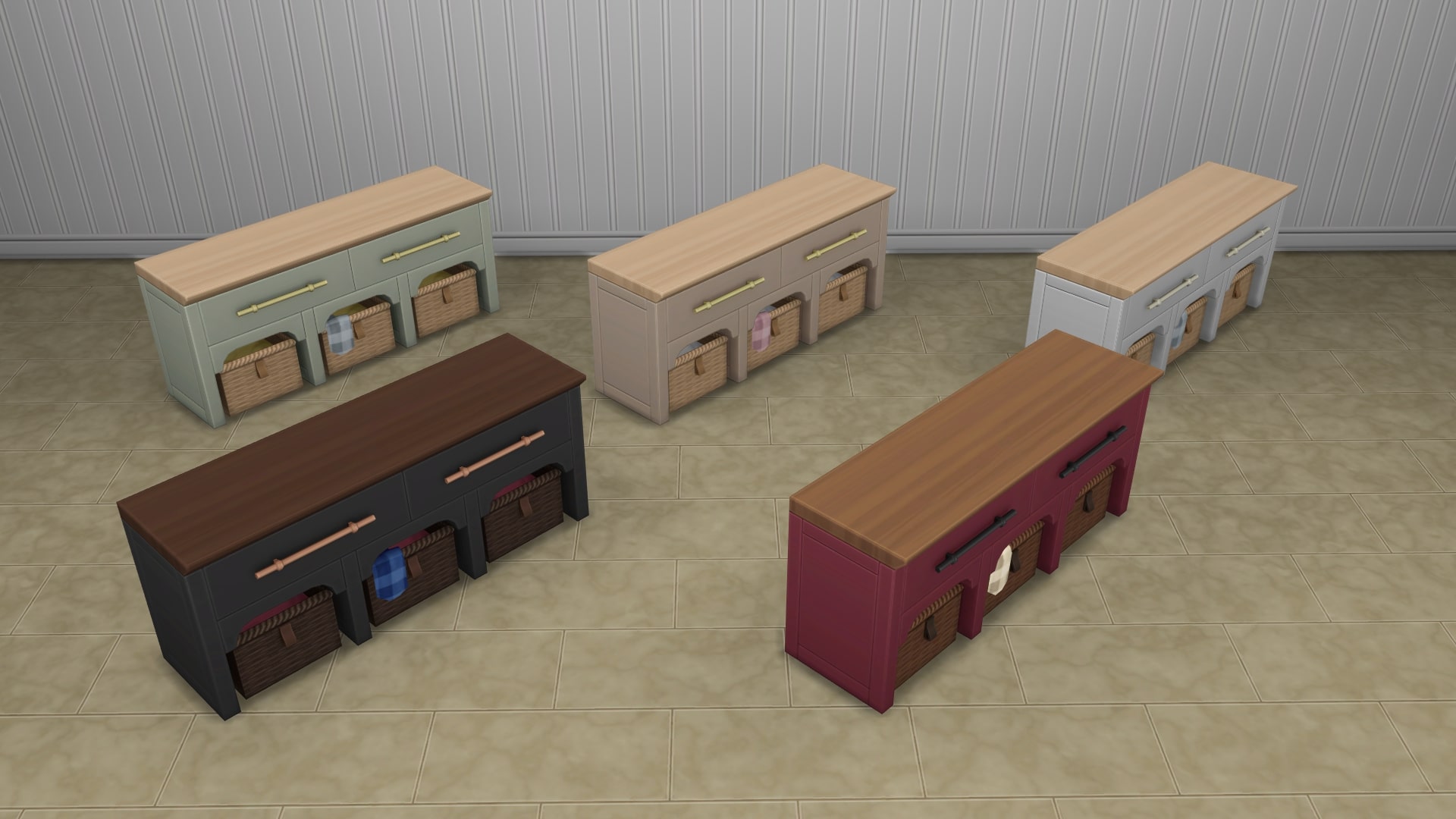
Grange Sideboard

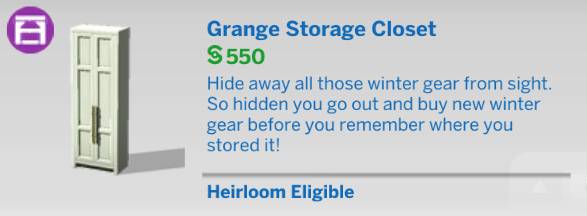
Grange Storage Closet

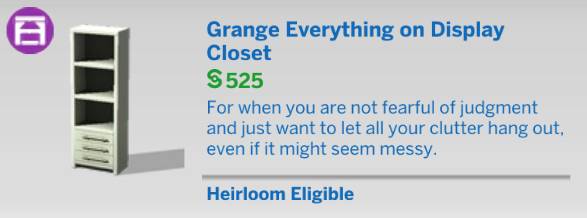
Grange Everything on Display Closet

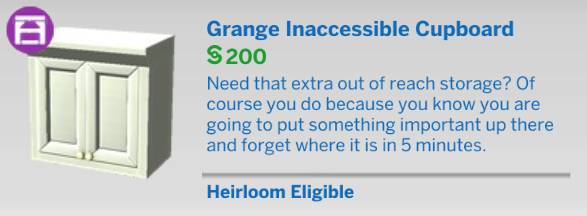
Grange Inaccessible Cupboard

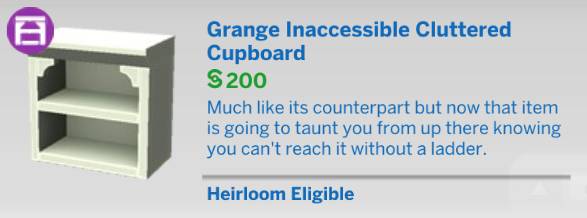
Grange Inaccessible Cluttered Cupboard

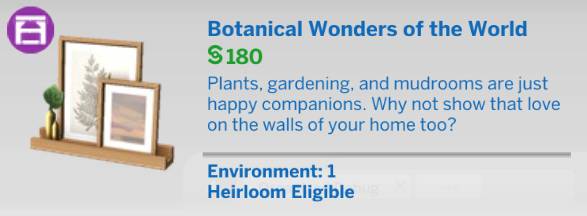
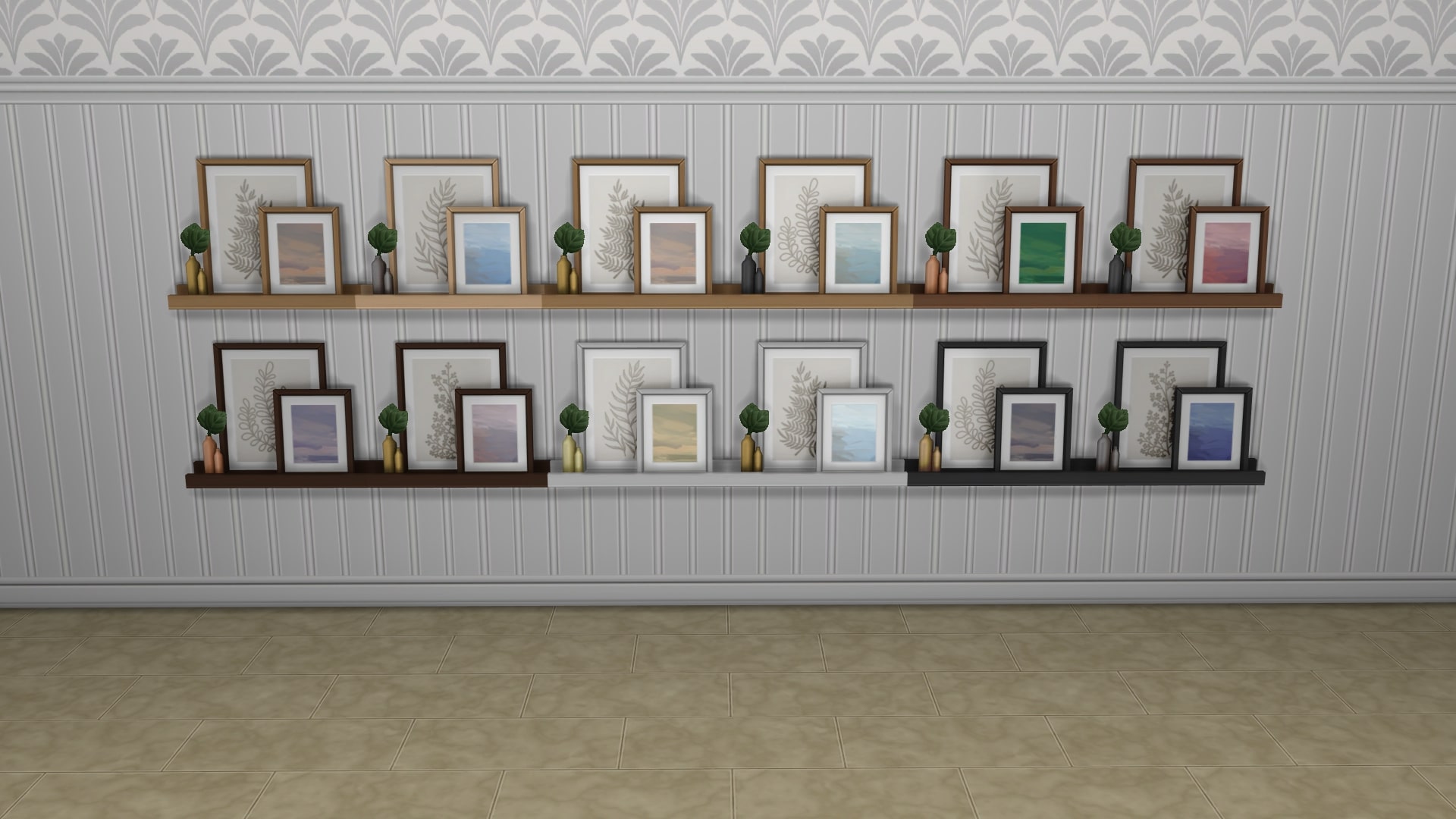
Botanical Wonders of the World

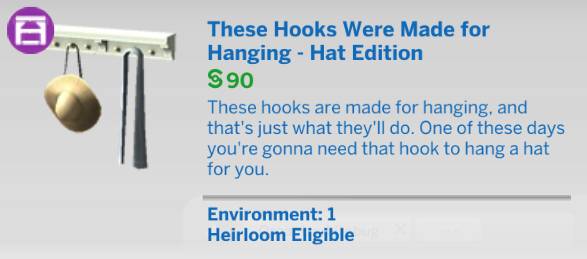
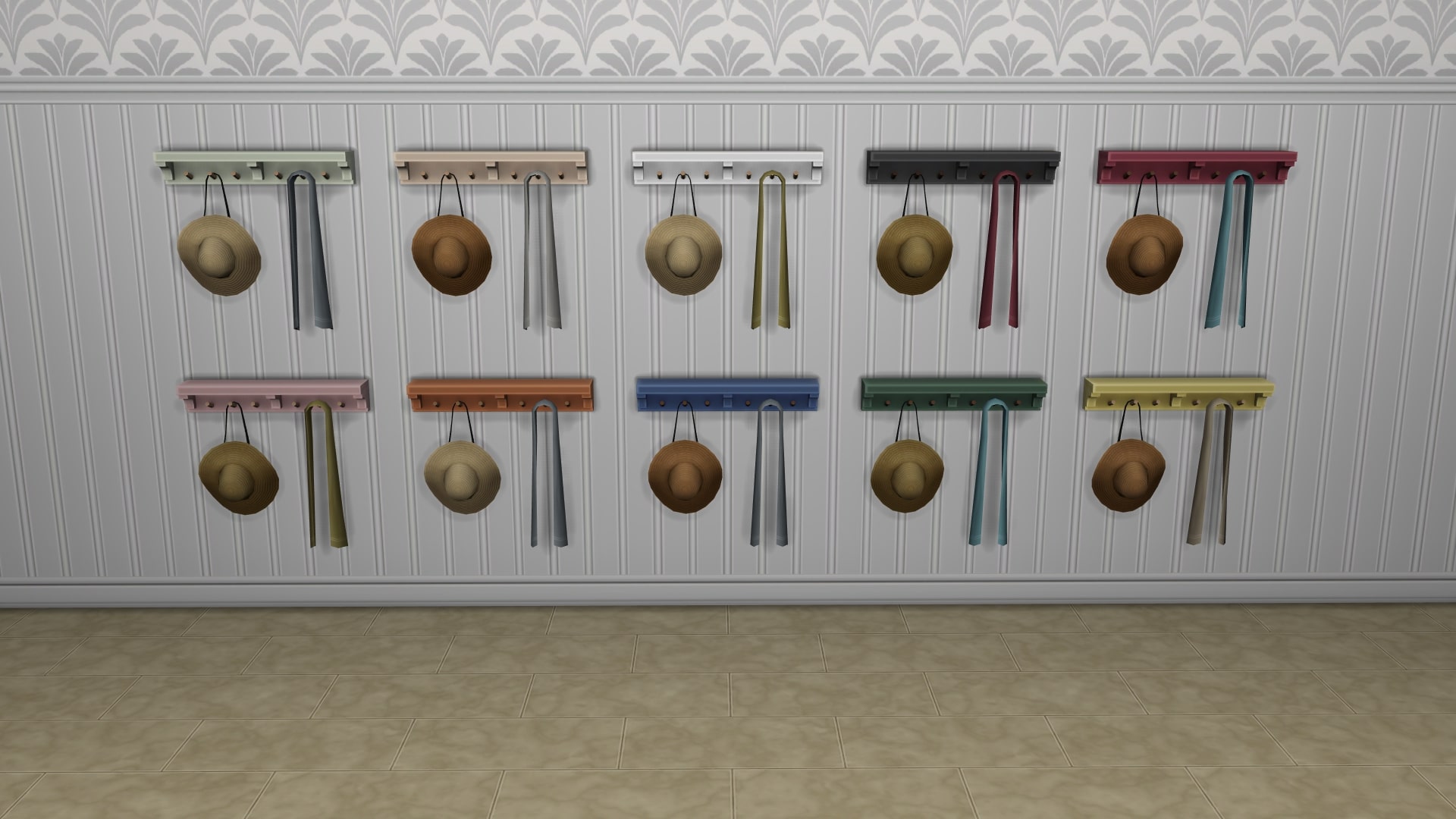
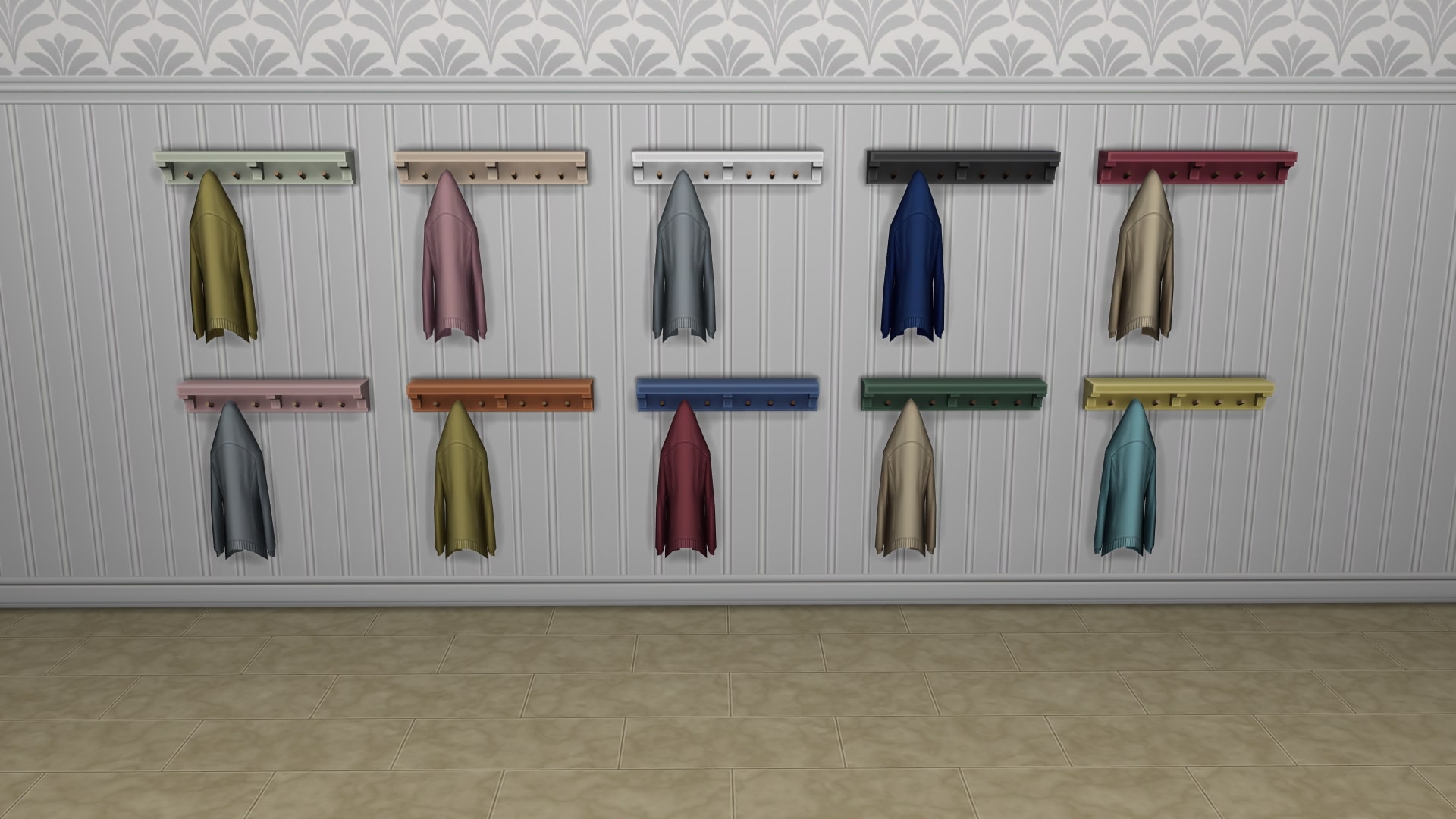
These Hooks Were Made for Hanging – Hat Edition

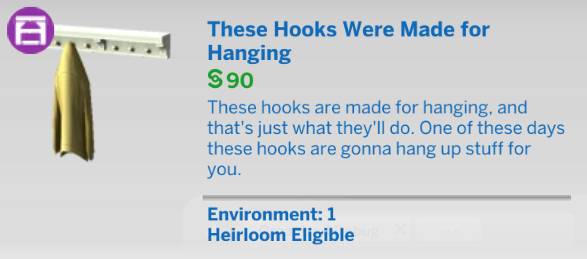
These Hooks Were Made for Hanging

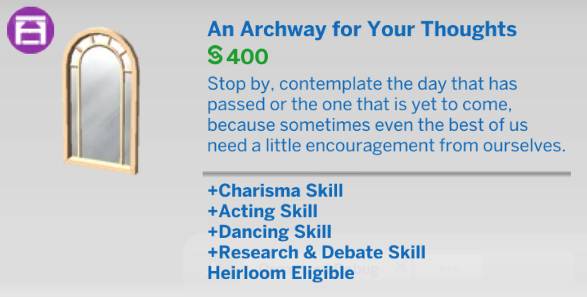
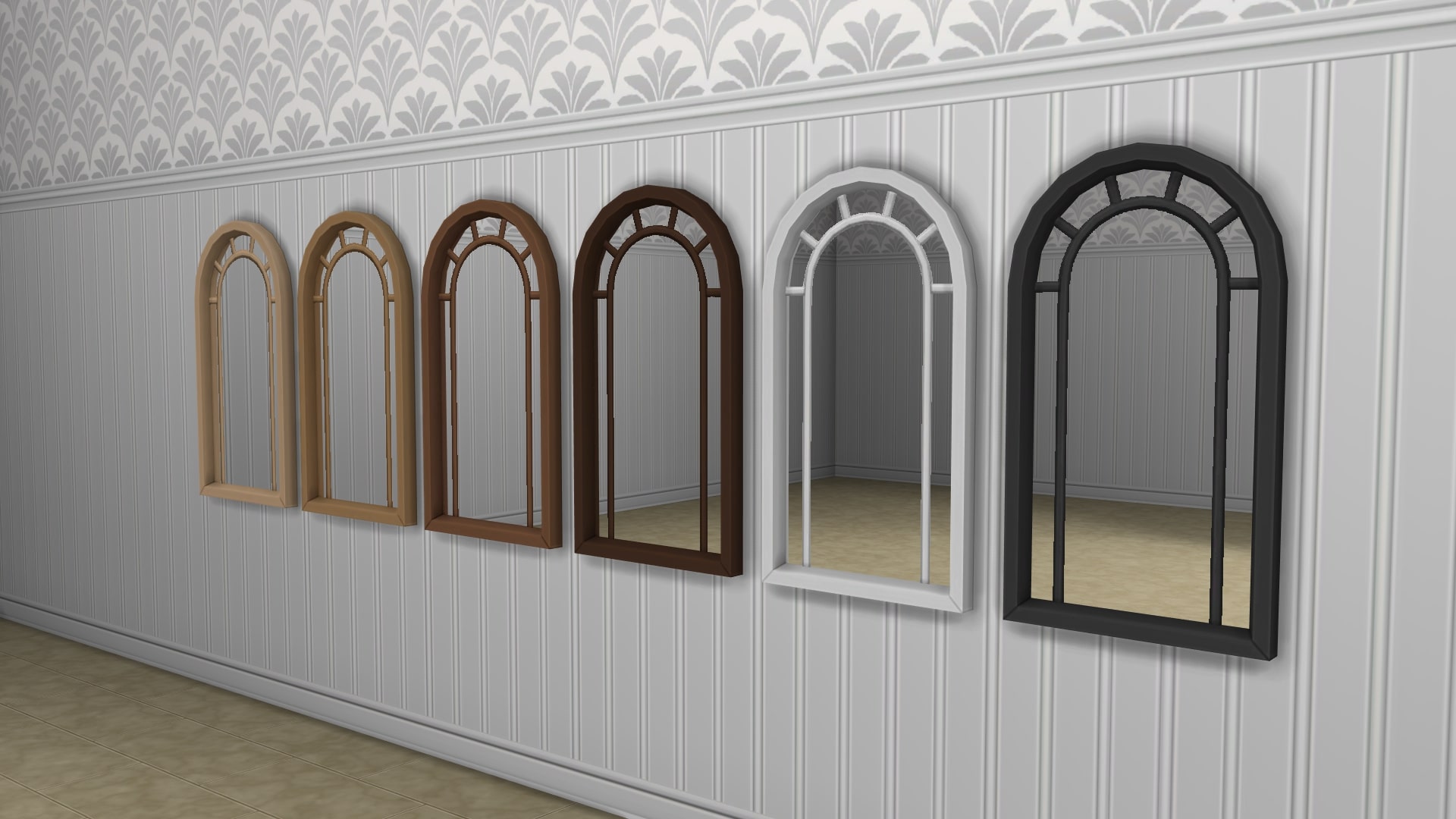
An Archway for Your Thoughts

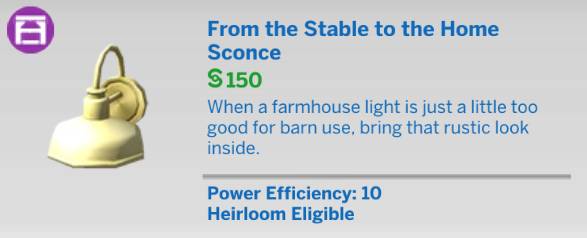
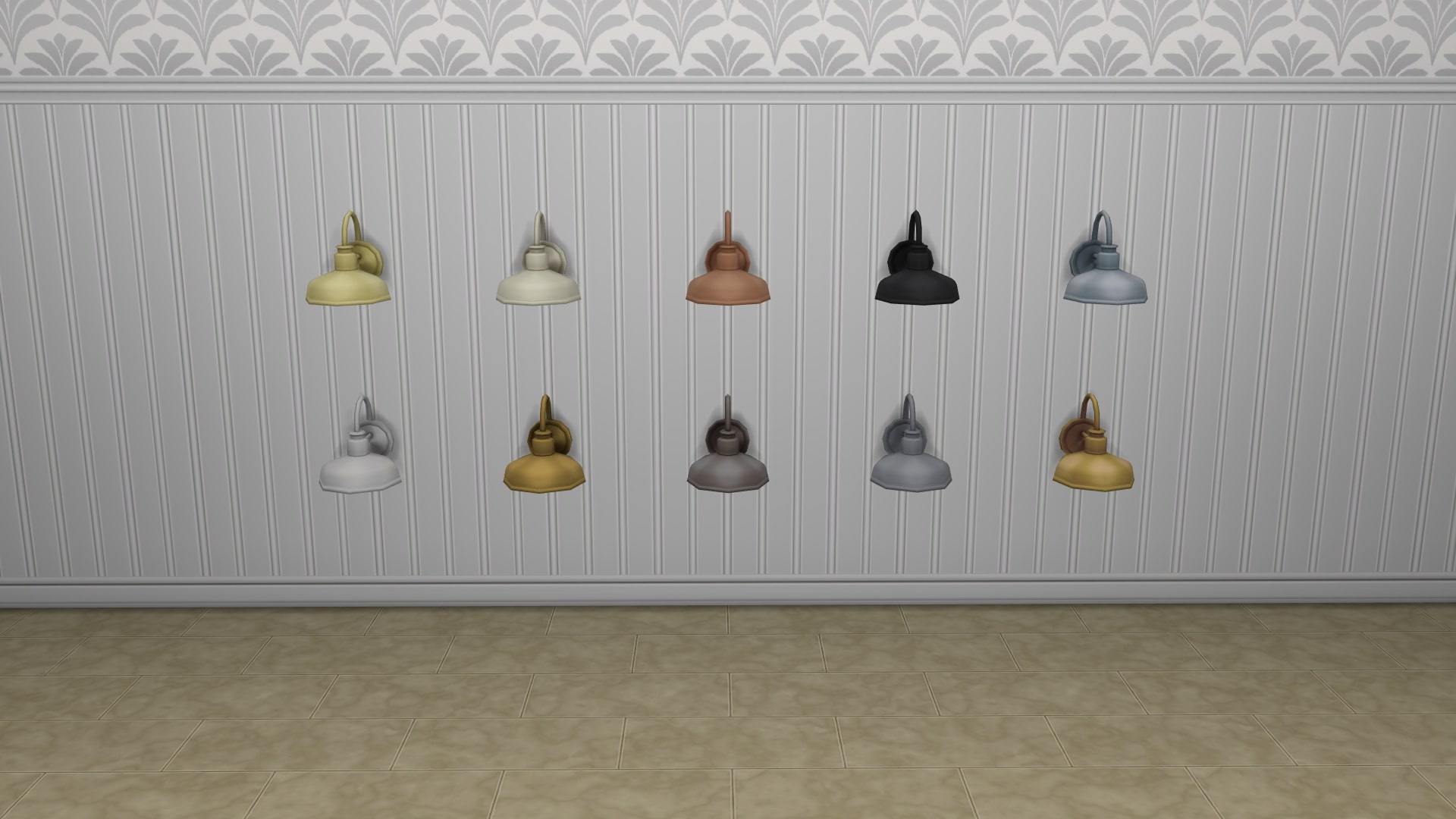
From the Stable to the Home Sconce

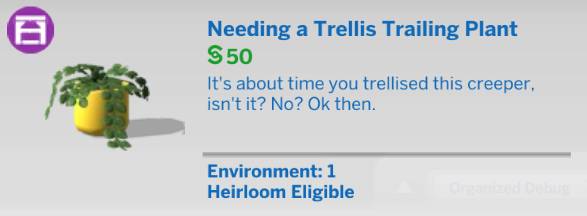
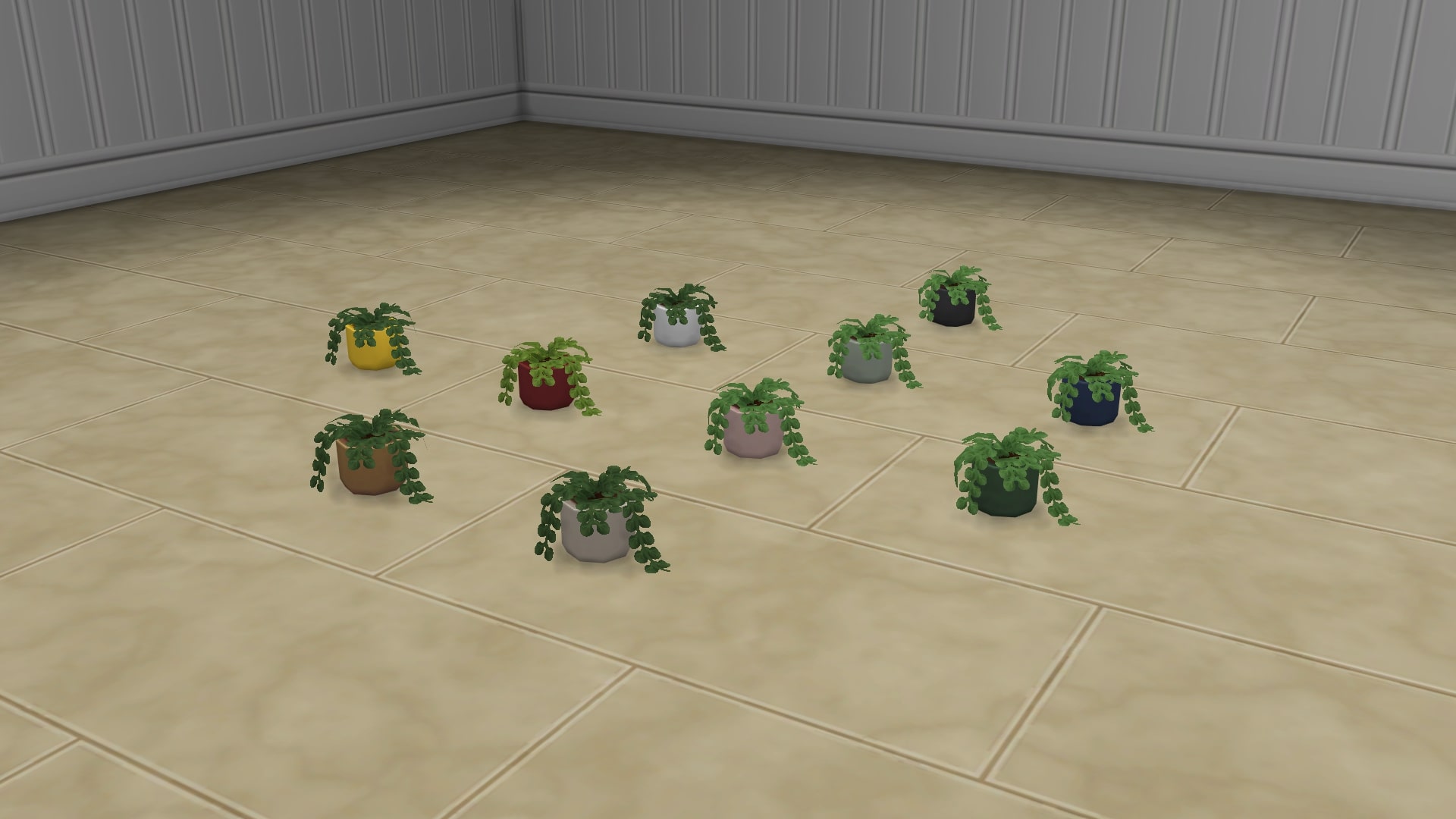
Needing a Trellis Trailing Plant

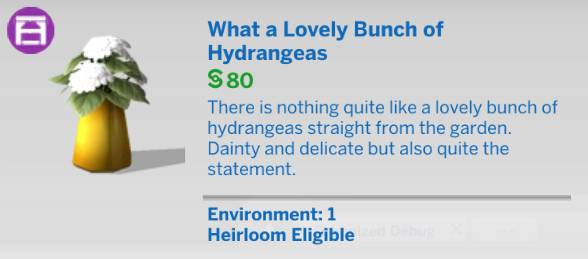
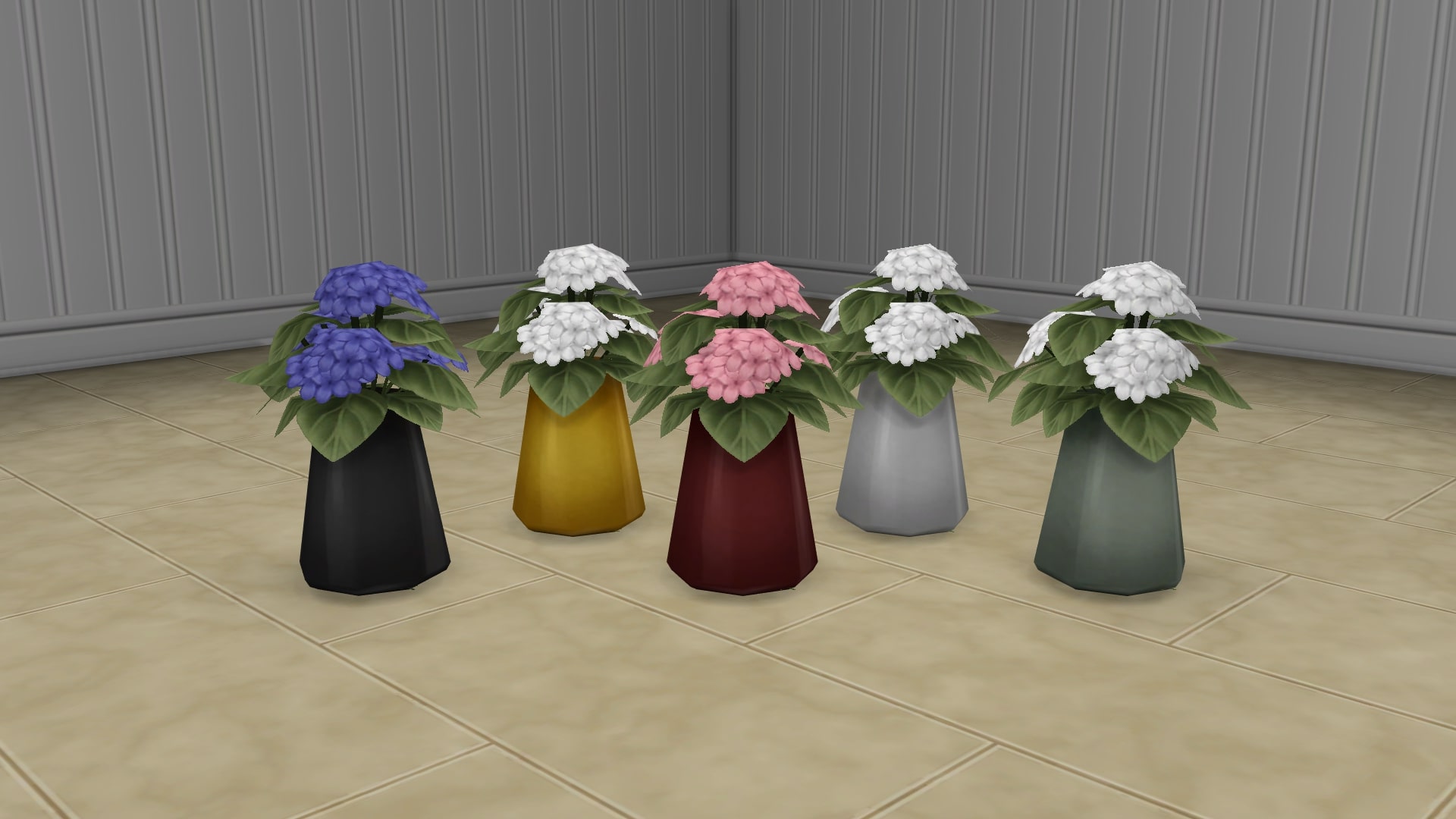
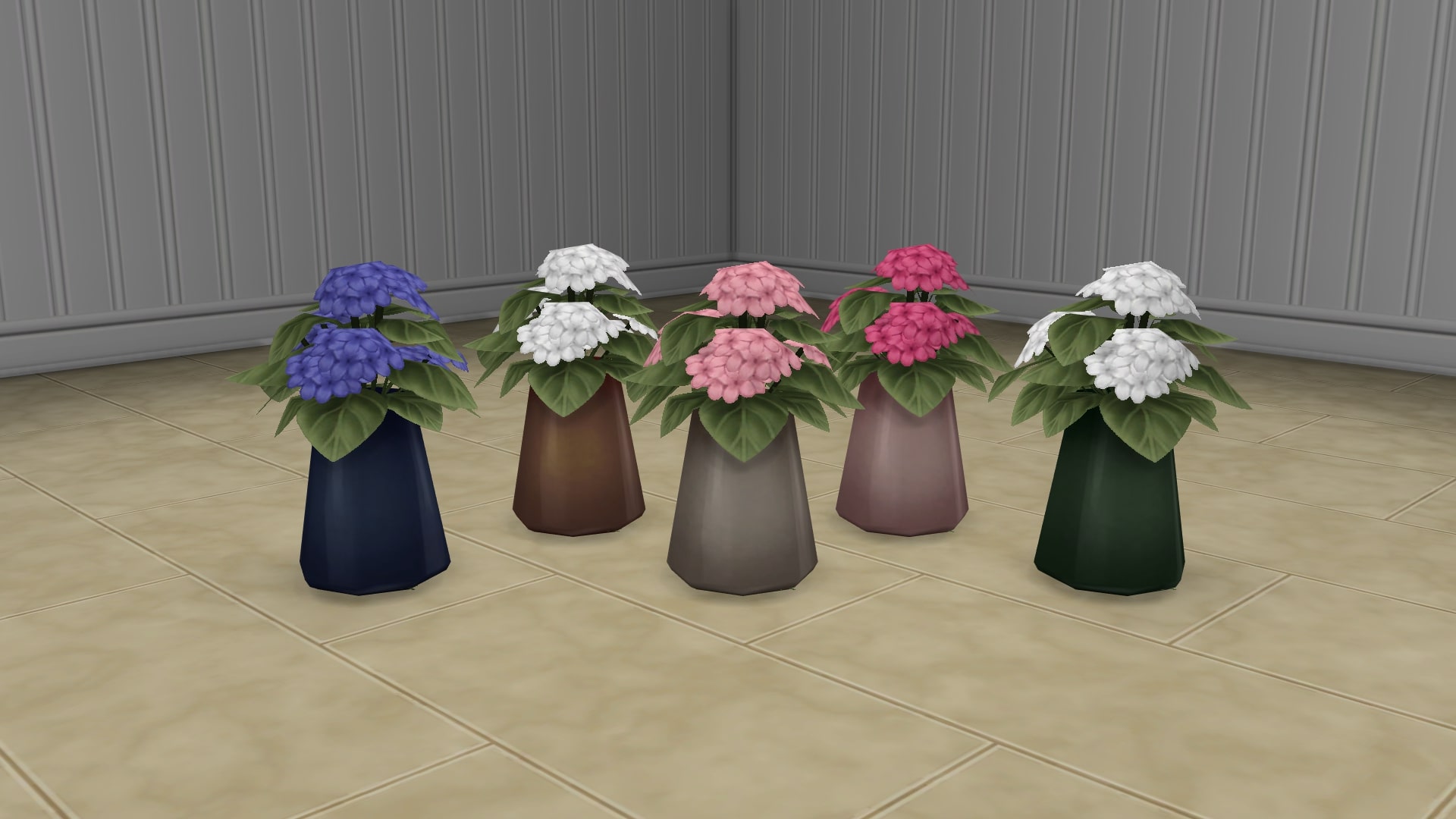
What a Lovely Bunch of Hydrangeas

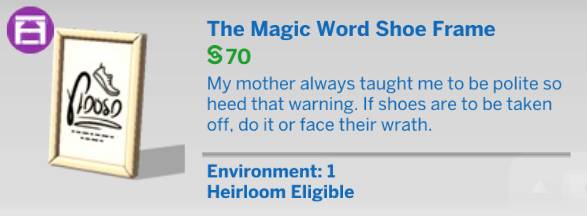
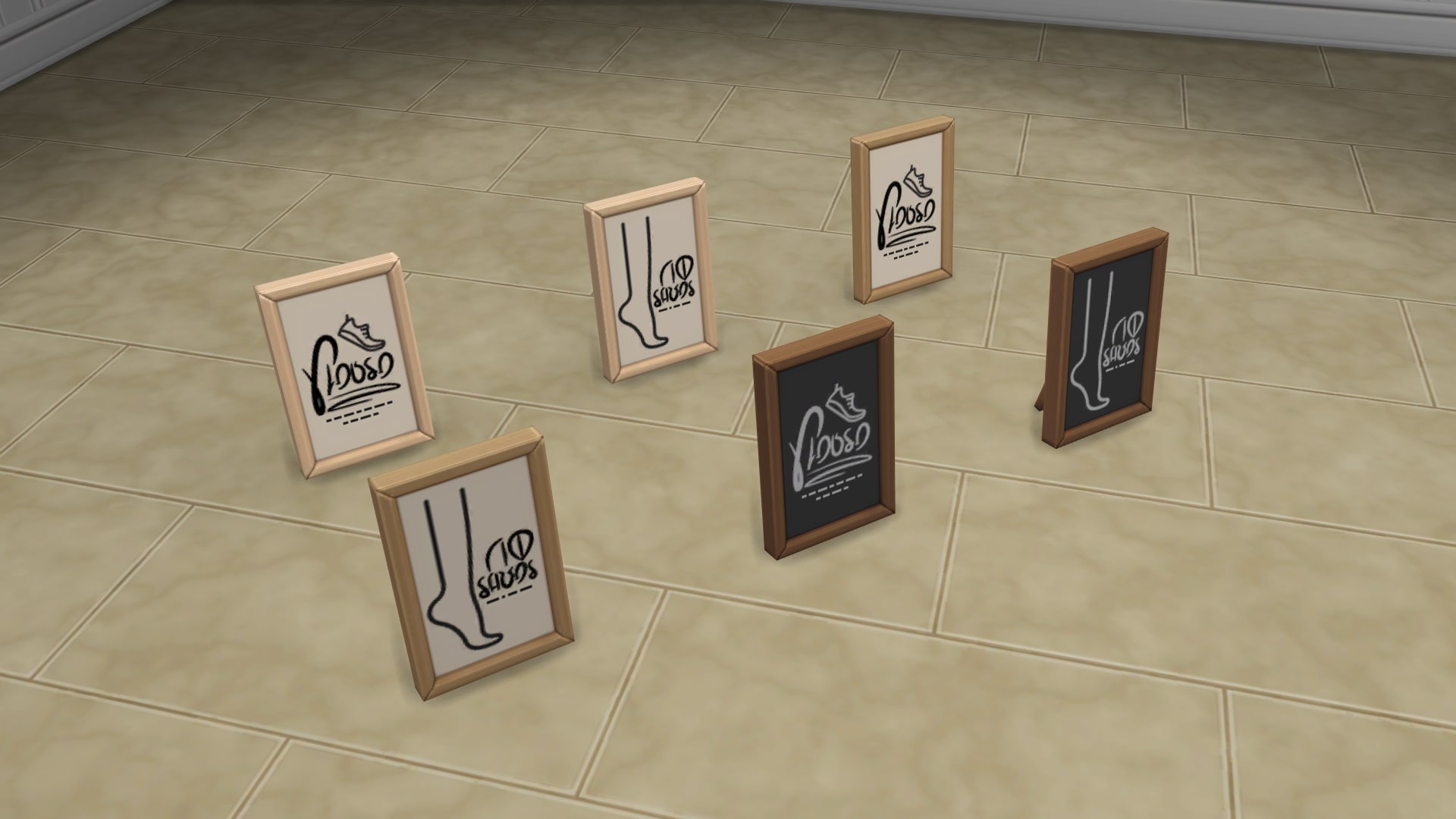
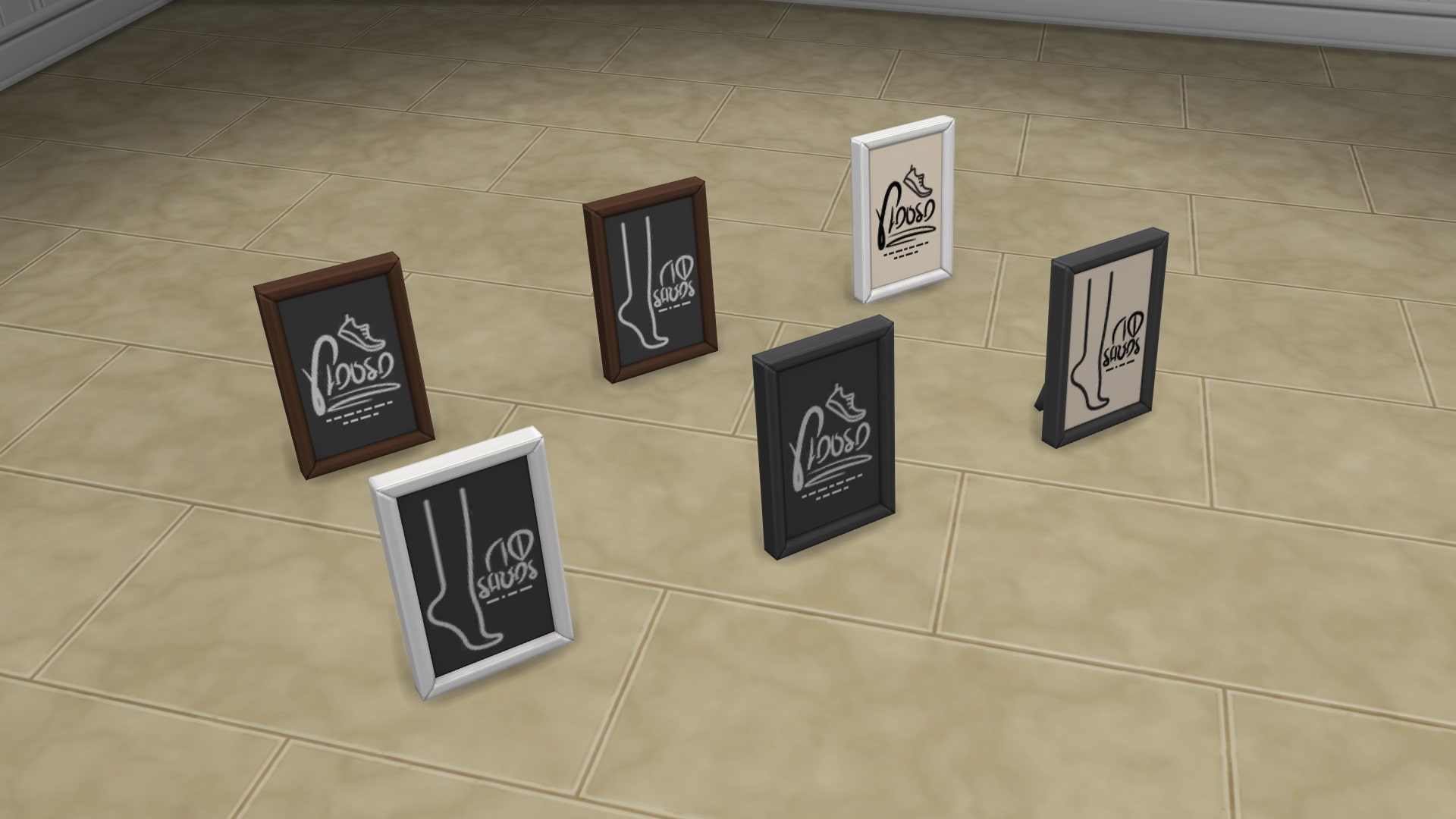
The Magic Word Shoe Frame

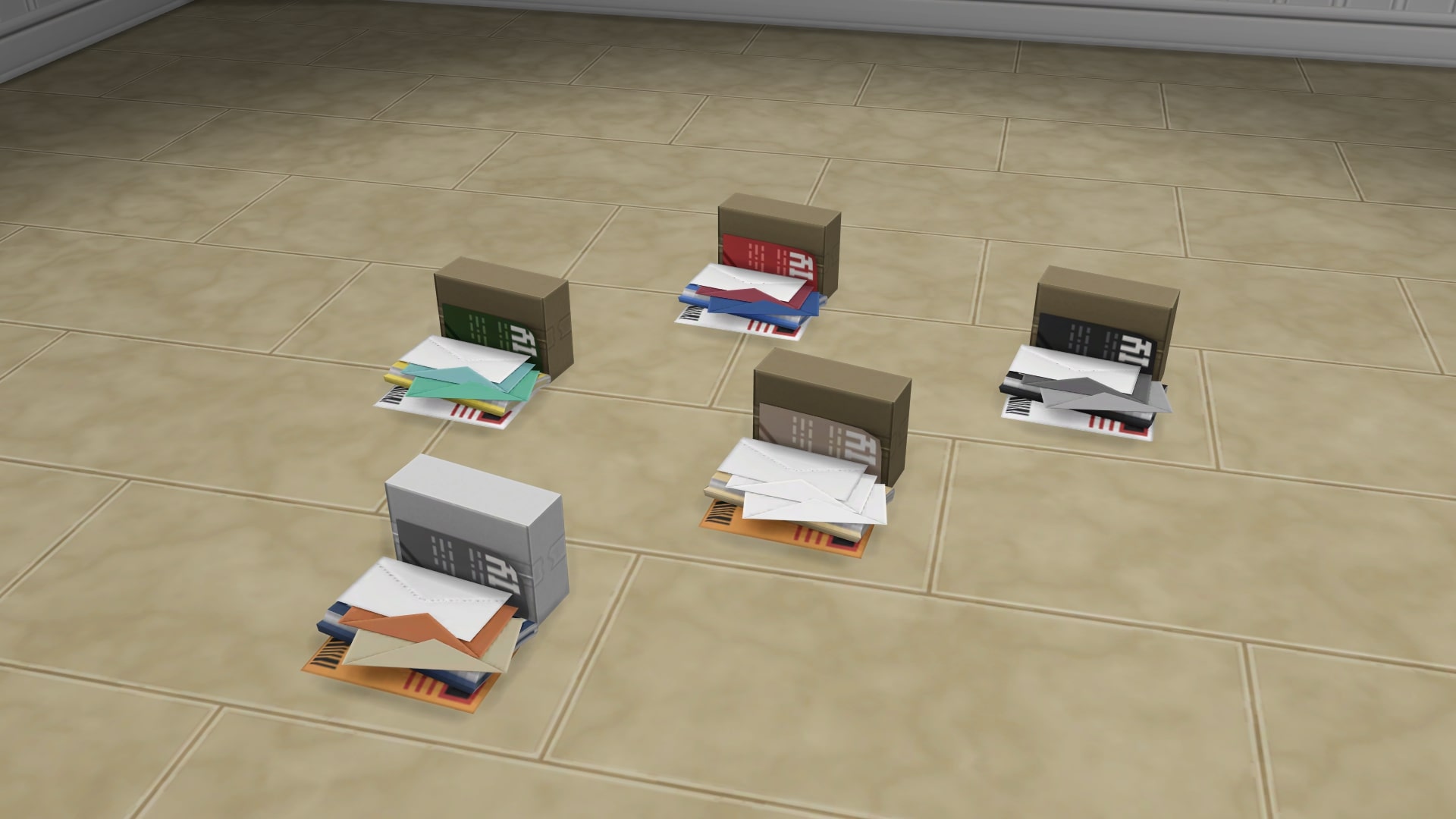
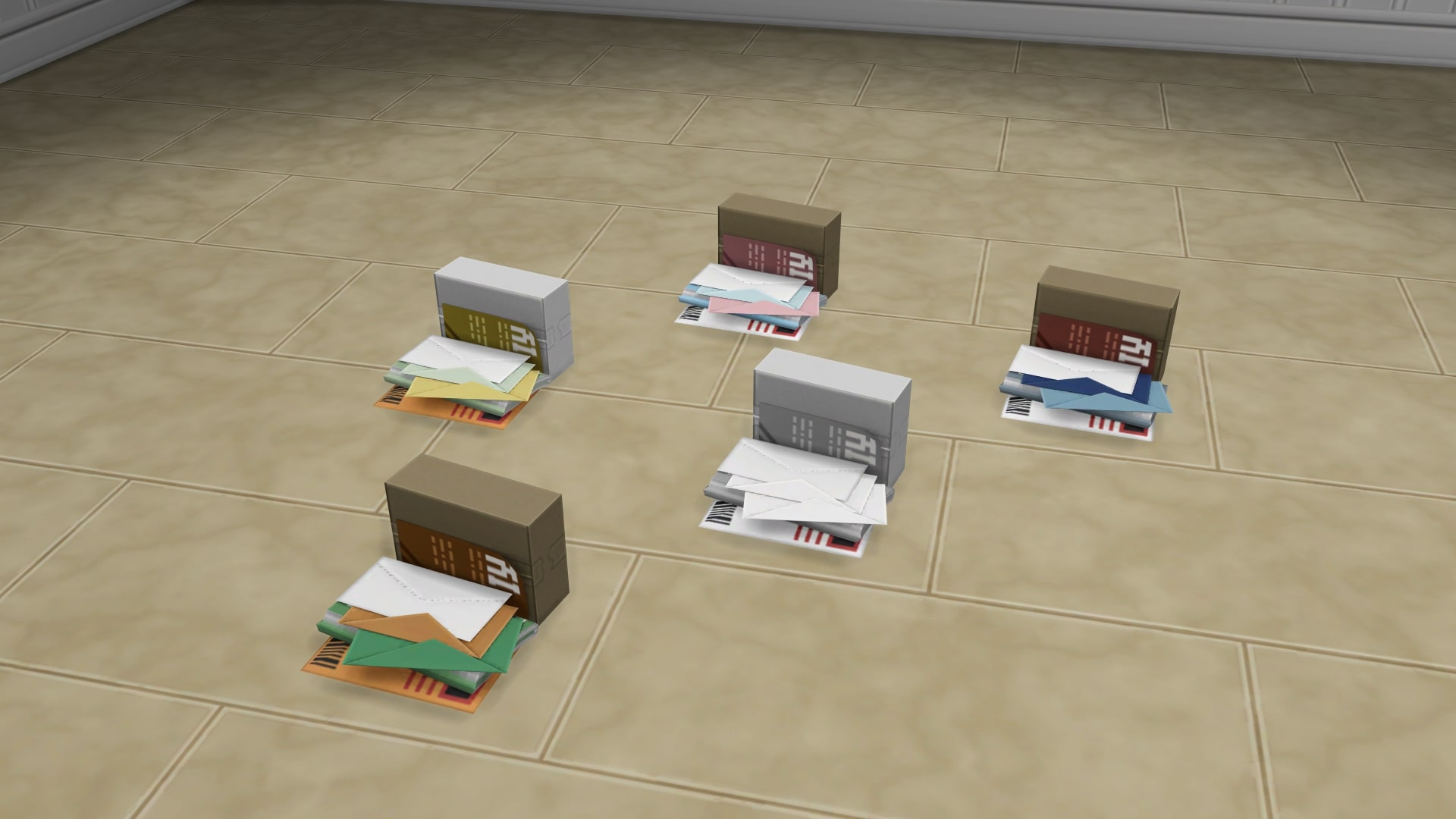
Sort It Out Later Pile of Mail

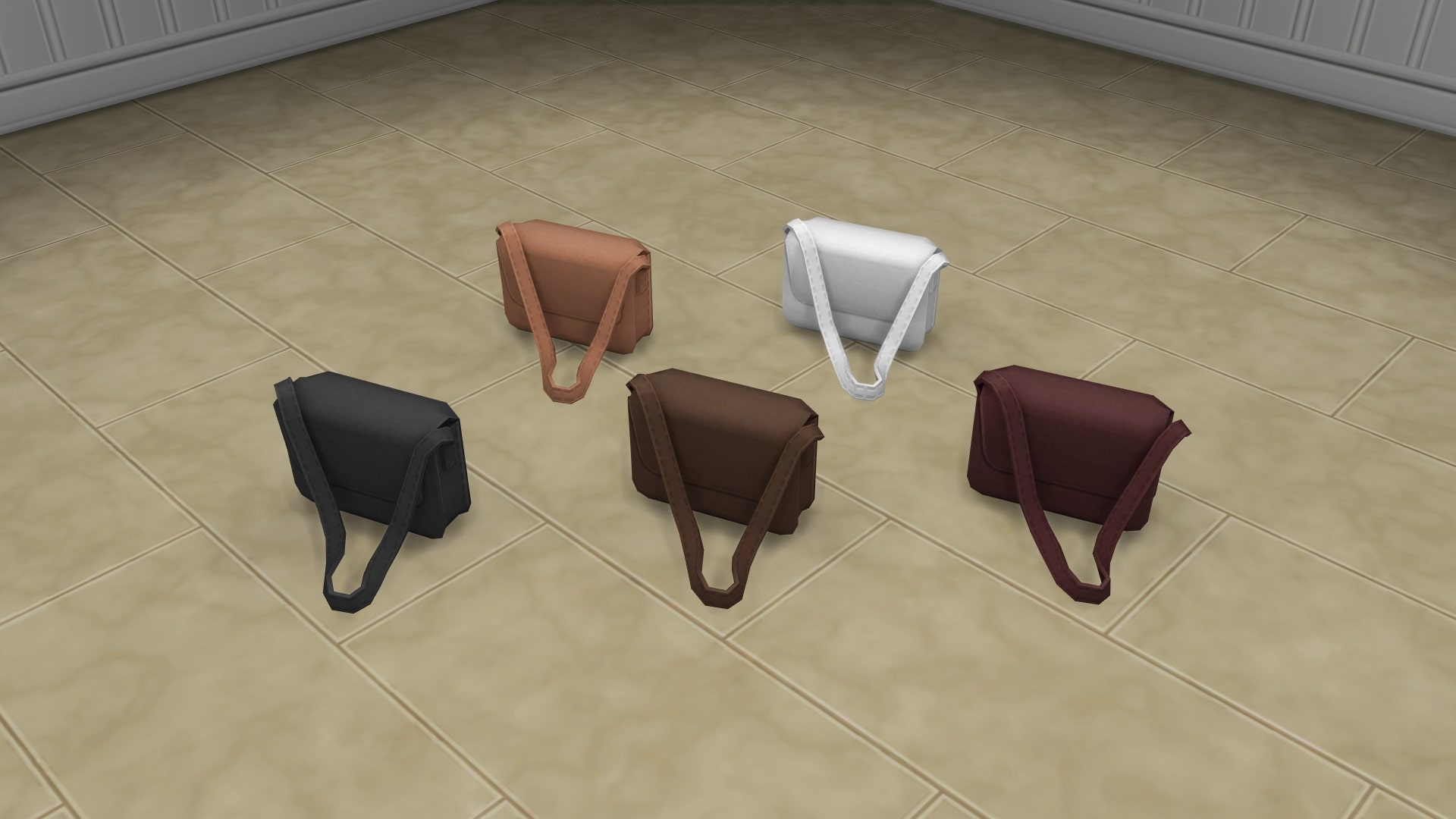
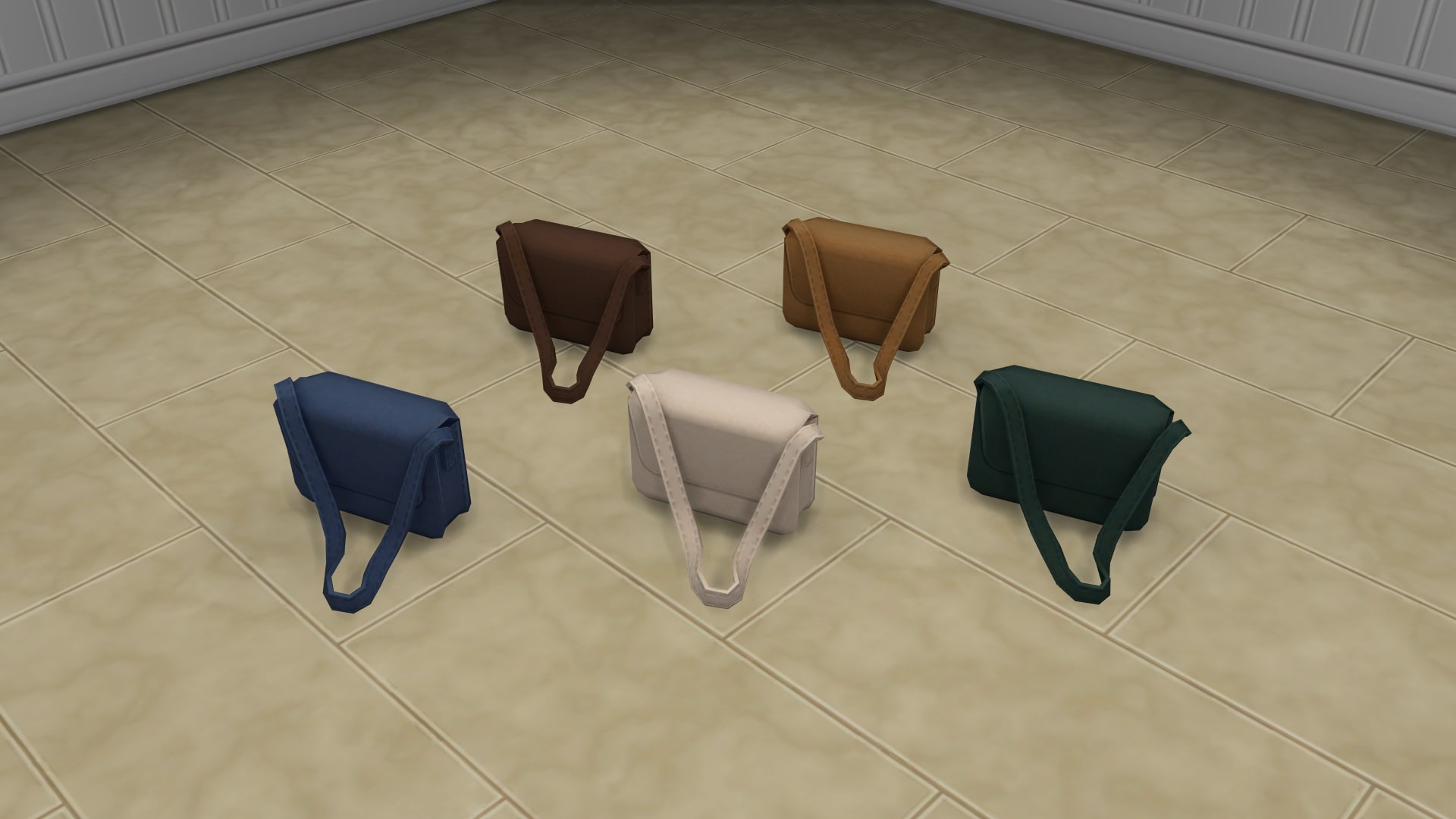
Handy Dandy Bag

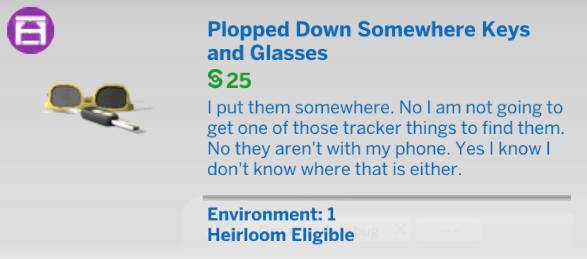
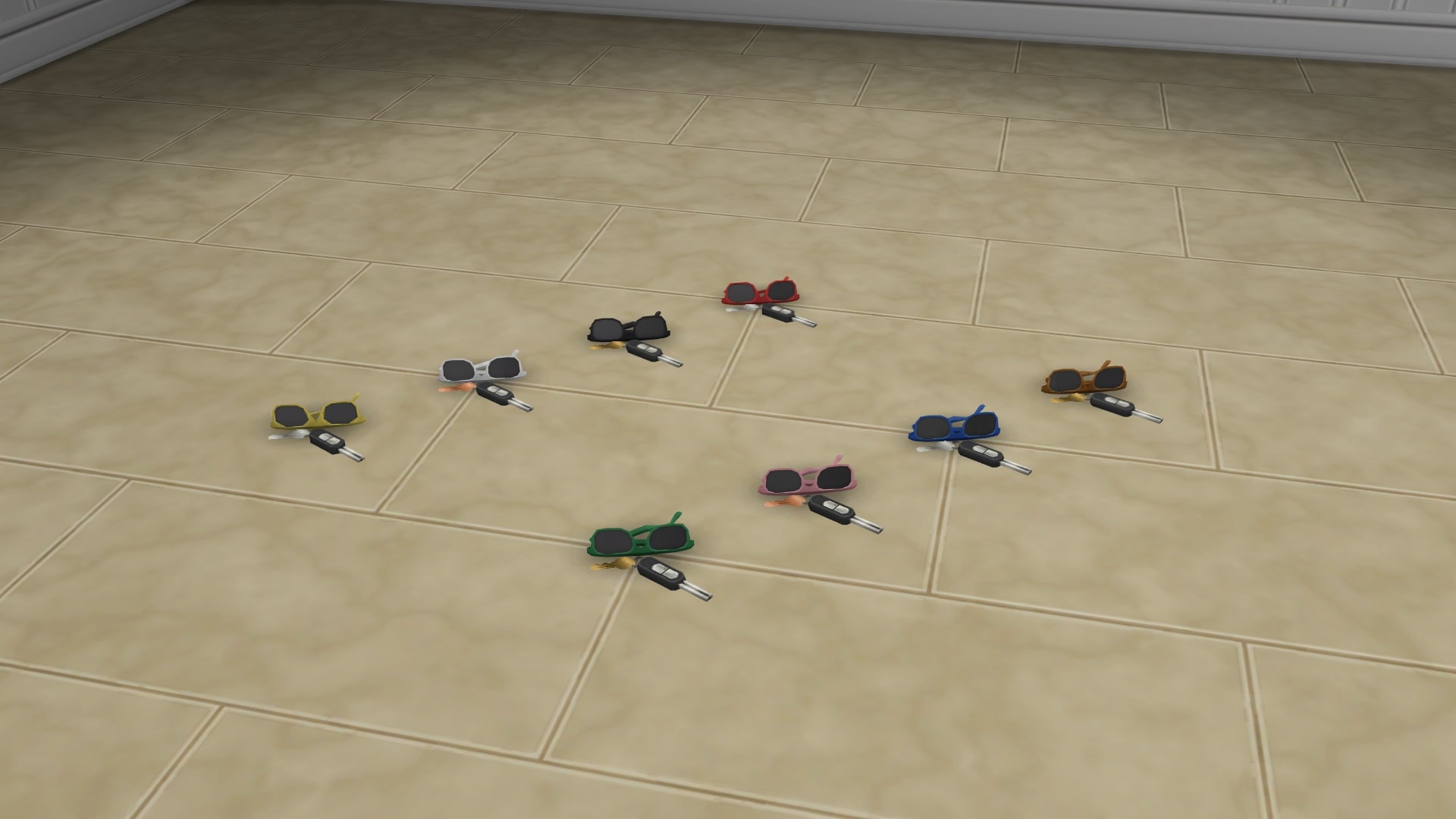
Plopped Down Somewhere Keys and Glasses

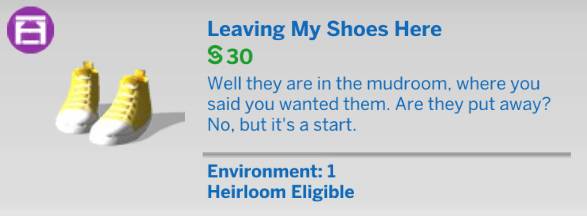
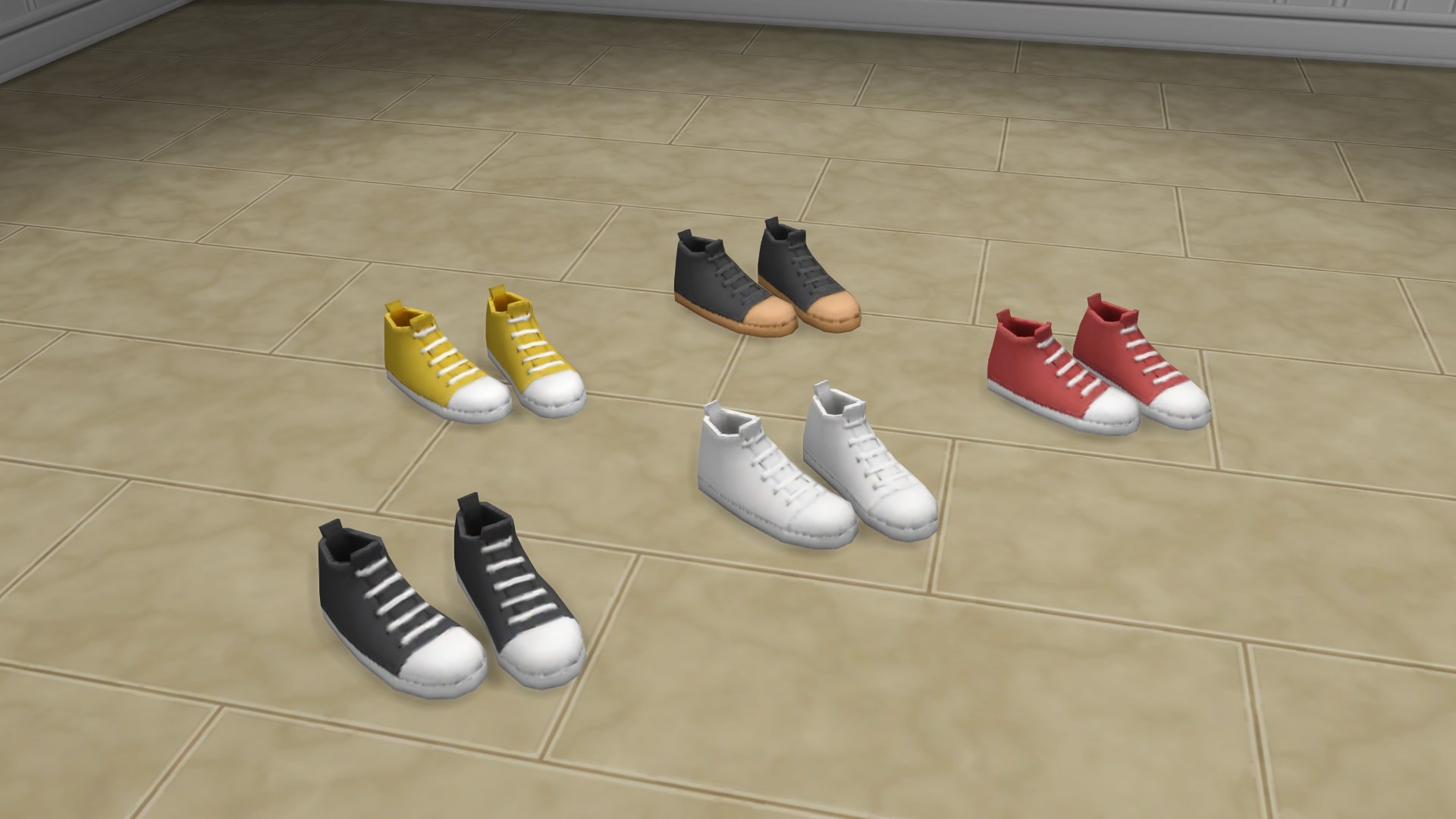
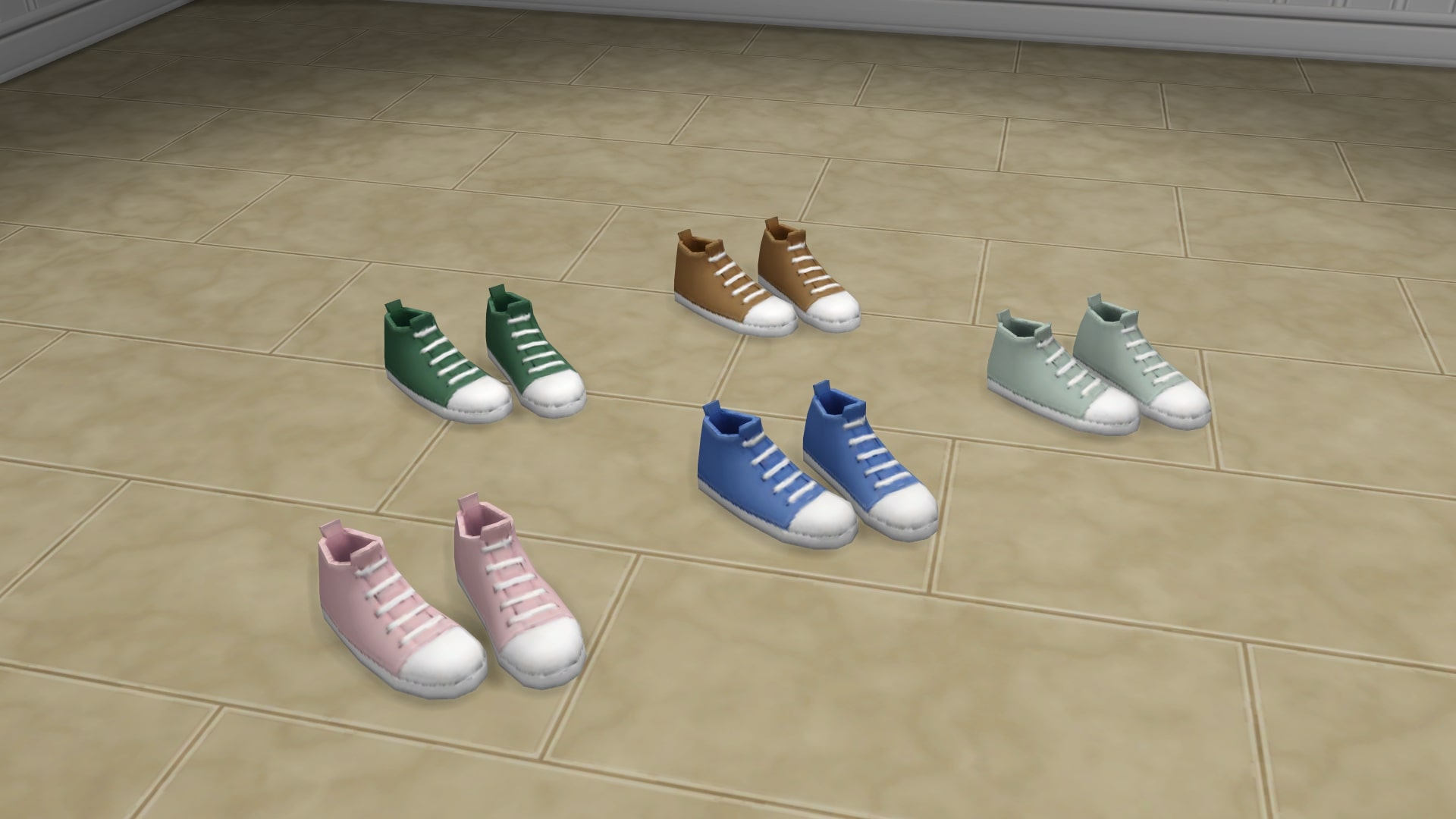
Leaving My Shoes Here

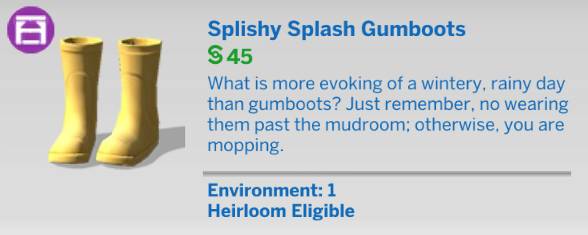
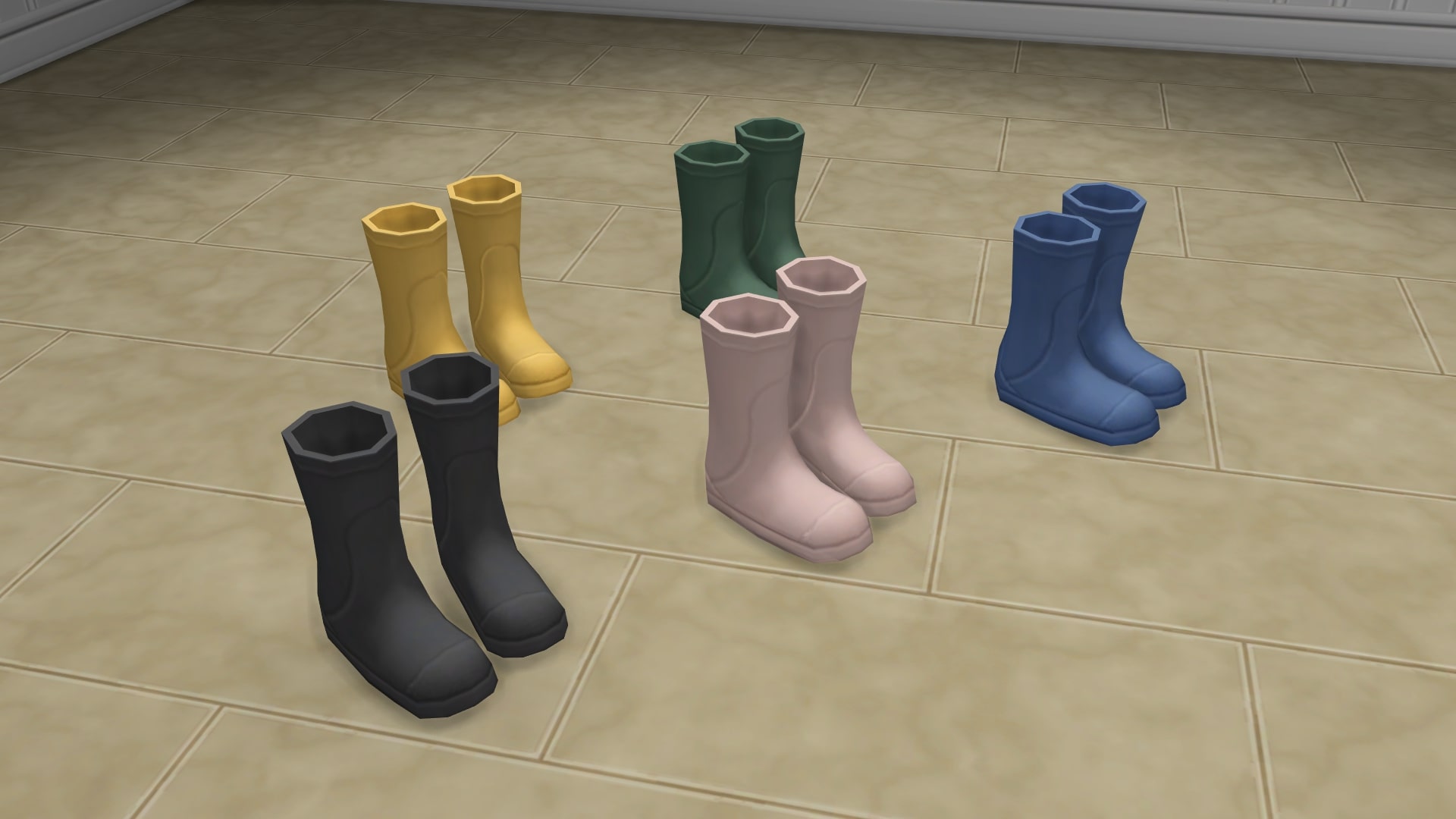
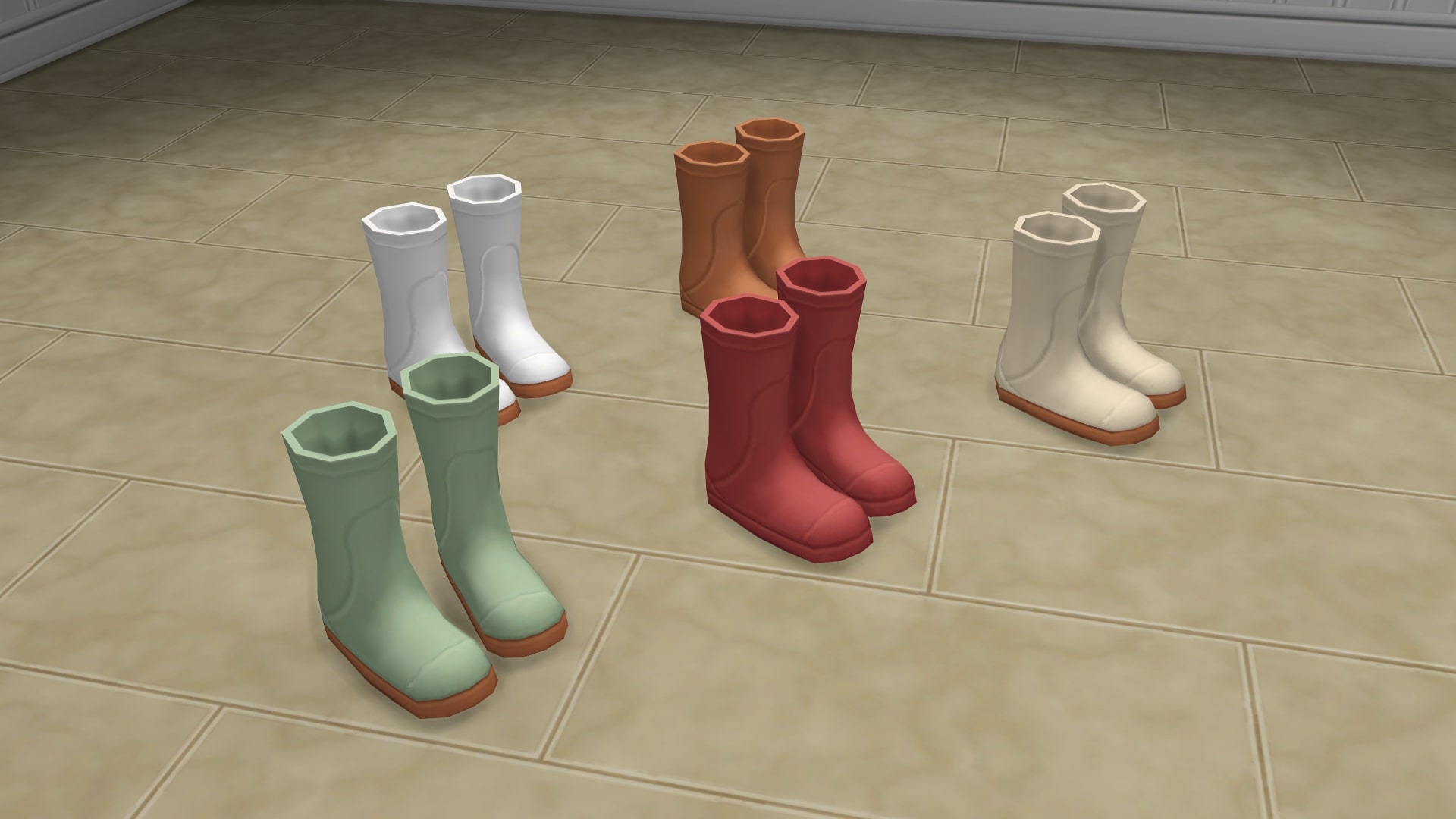
Splishy Splash Gumboots

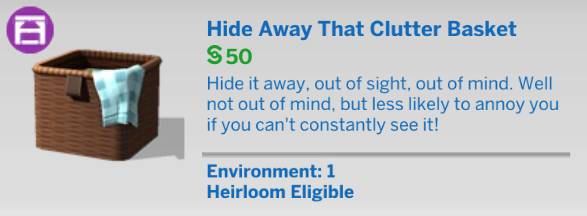
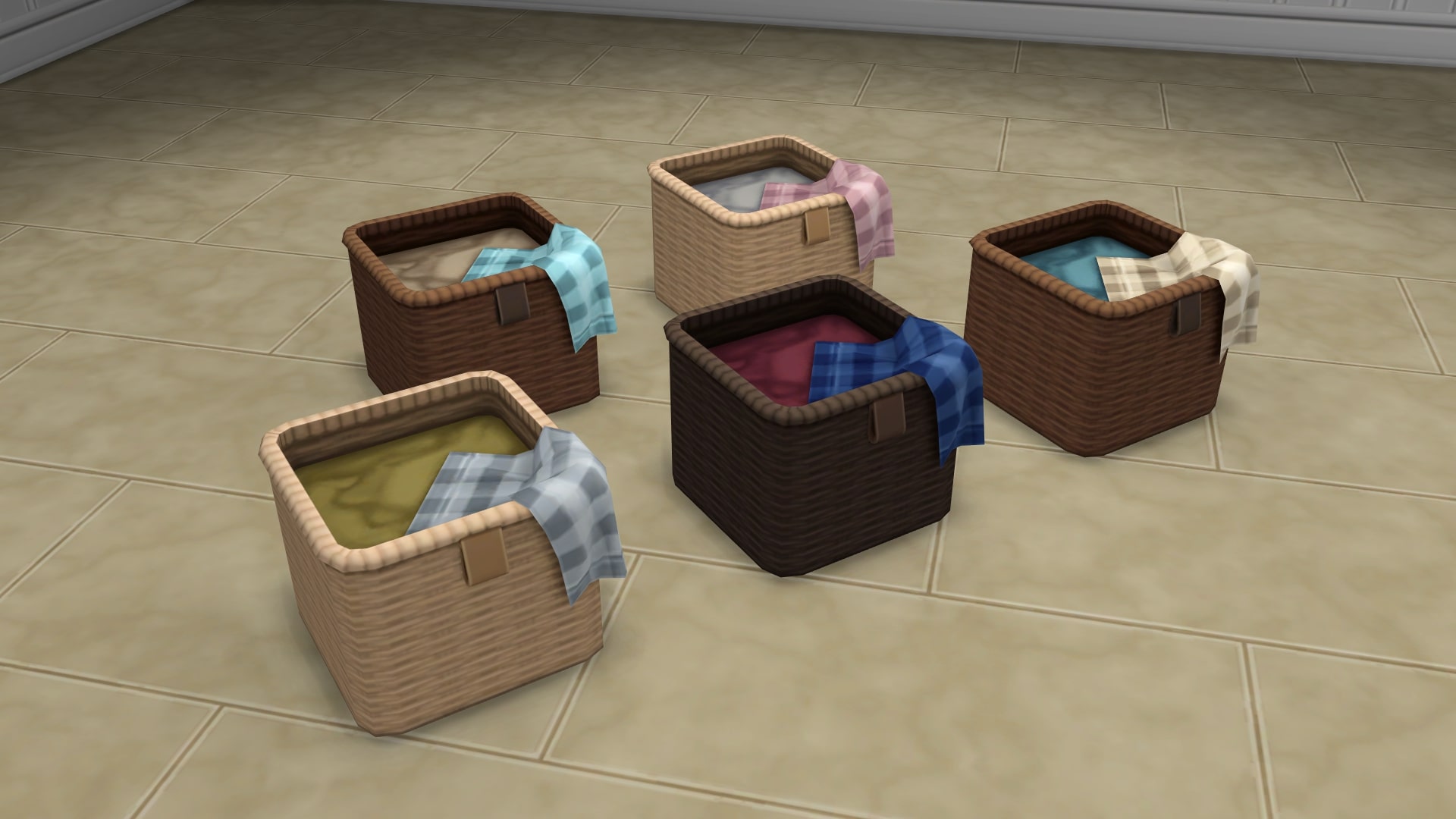
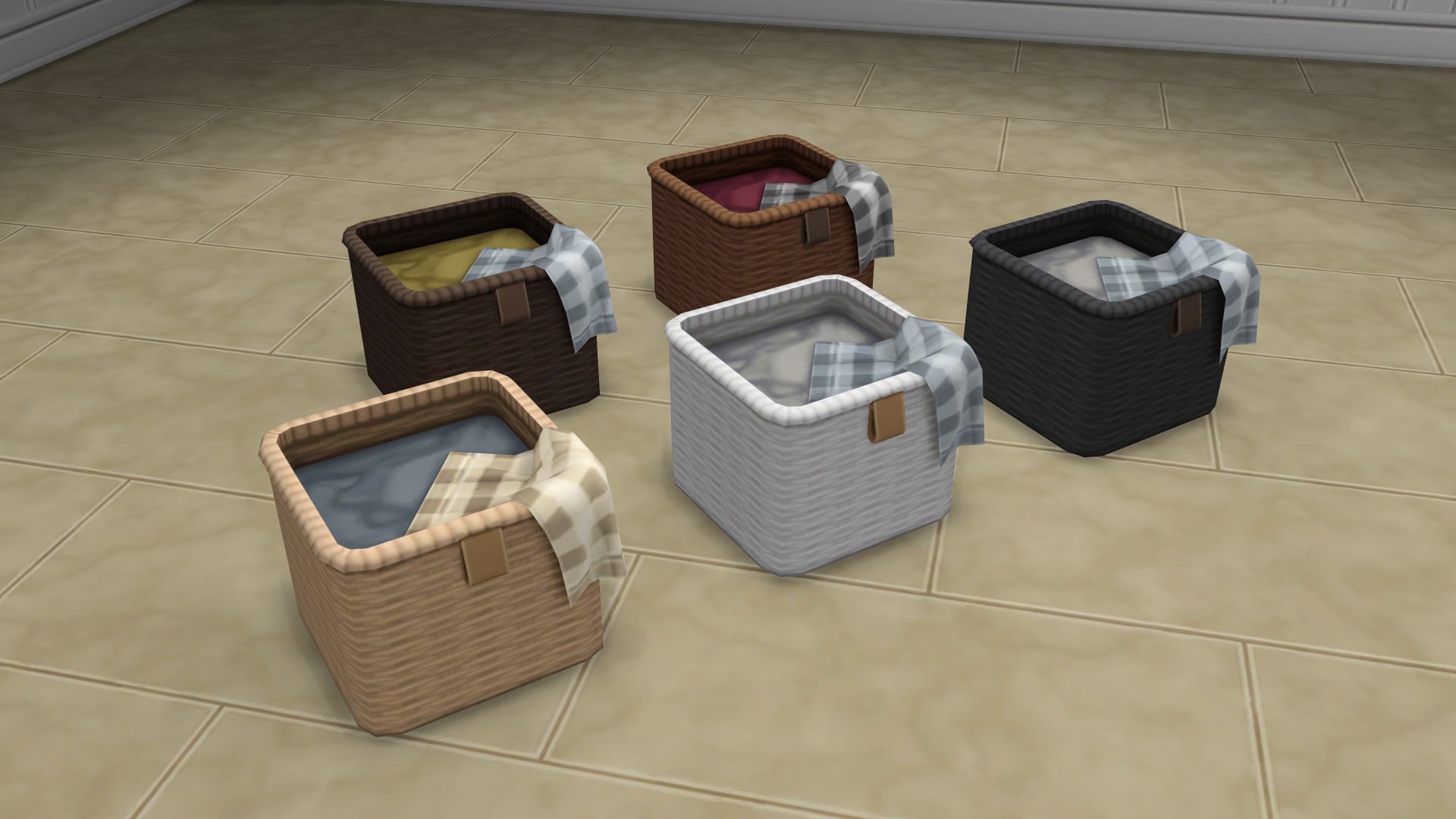
Hide Away that Clutter Basket

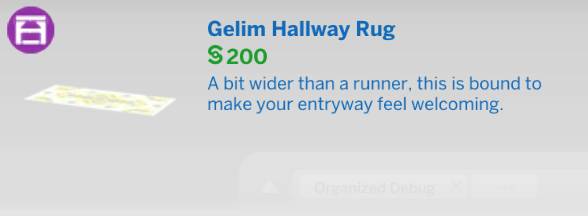
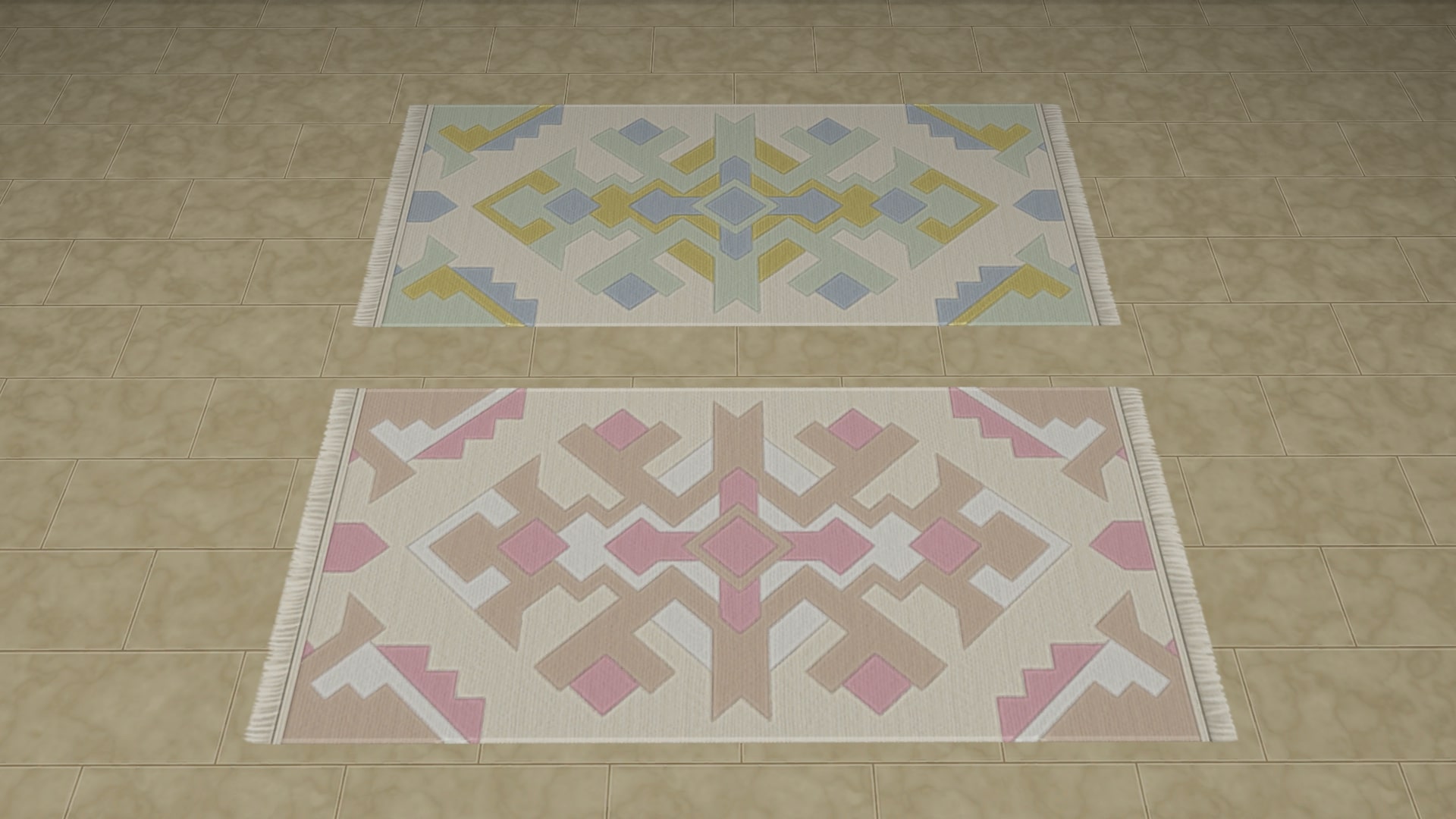
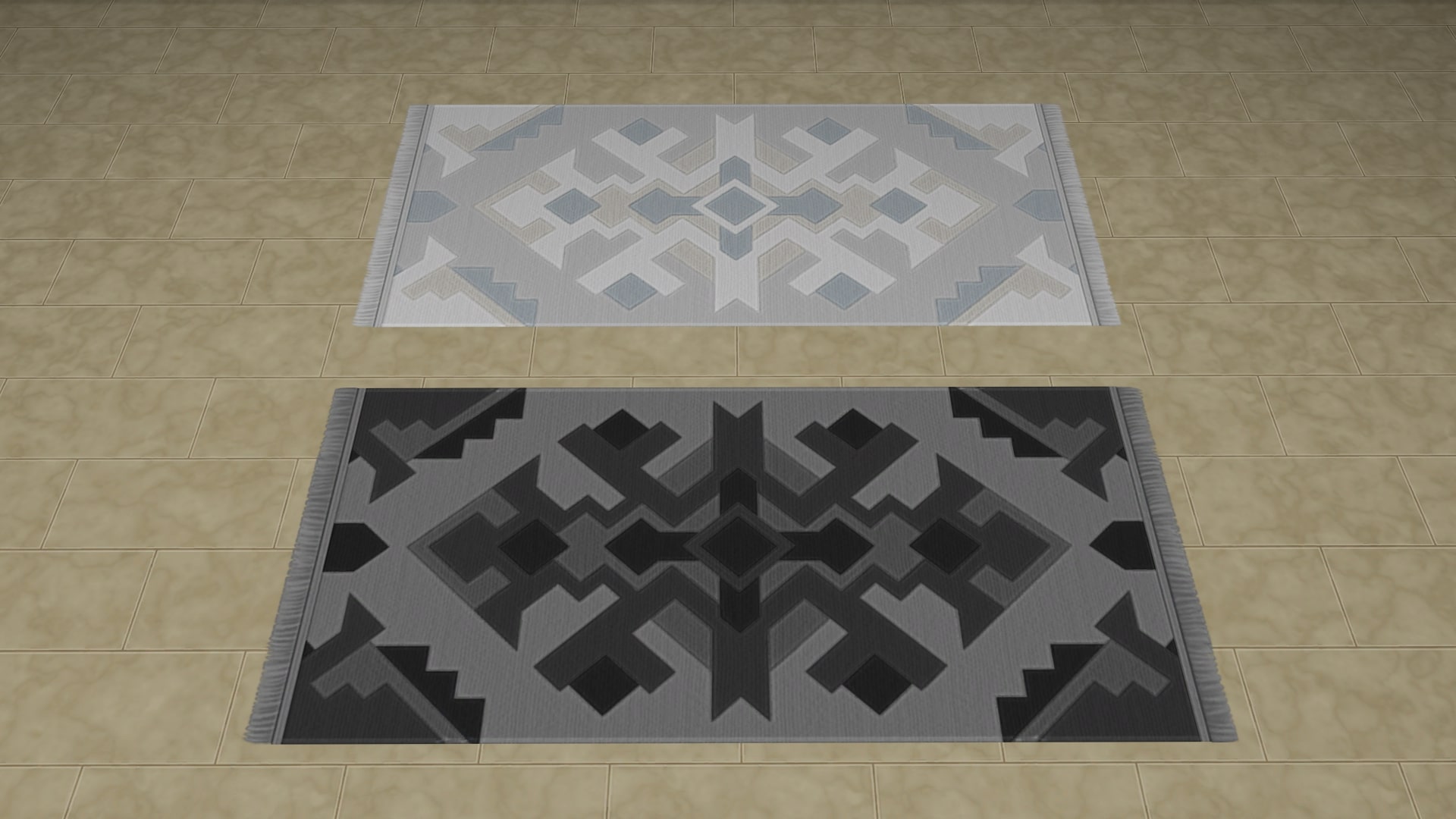
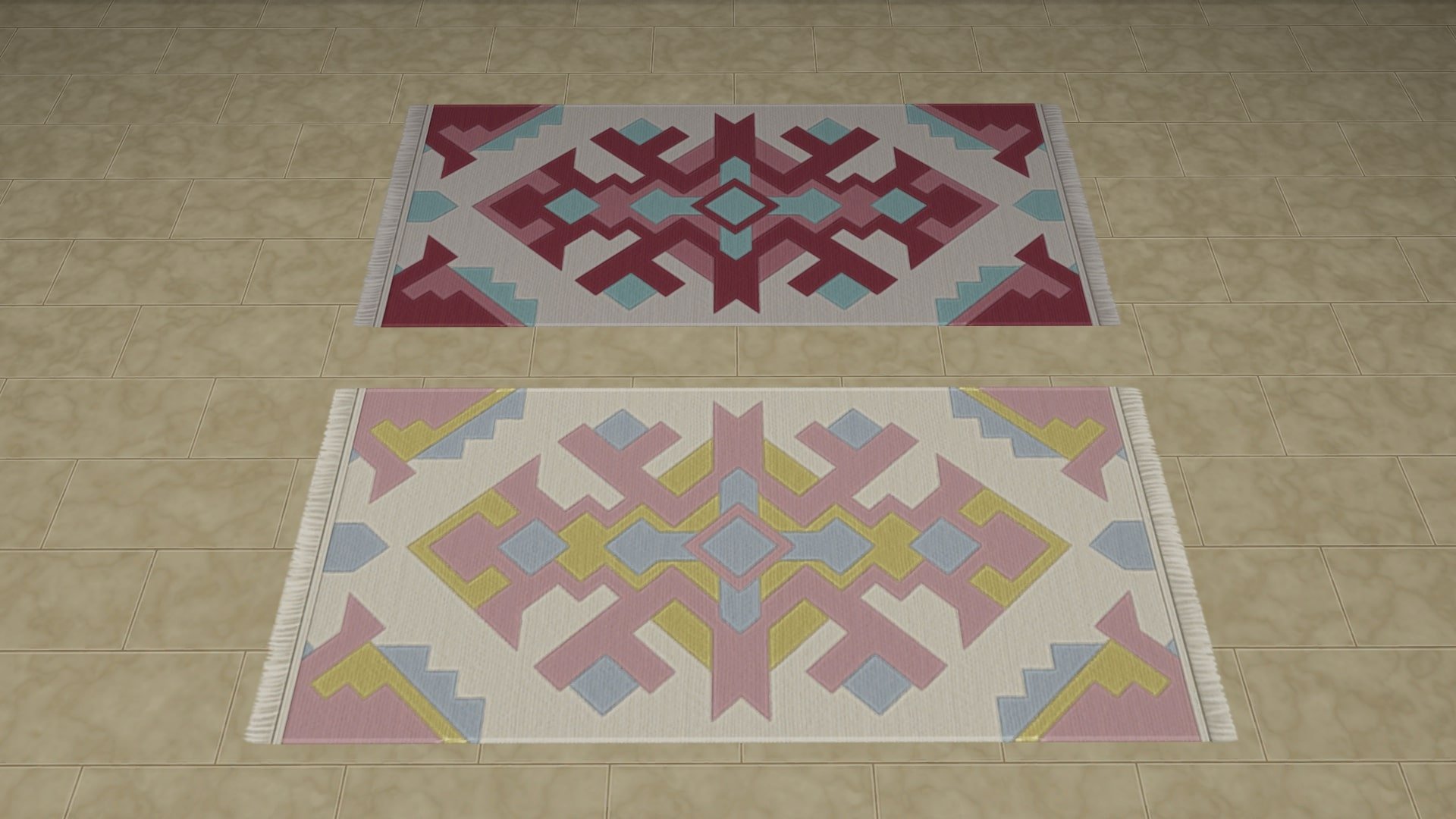
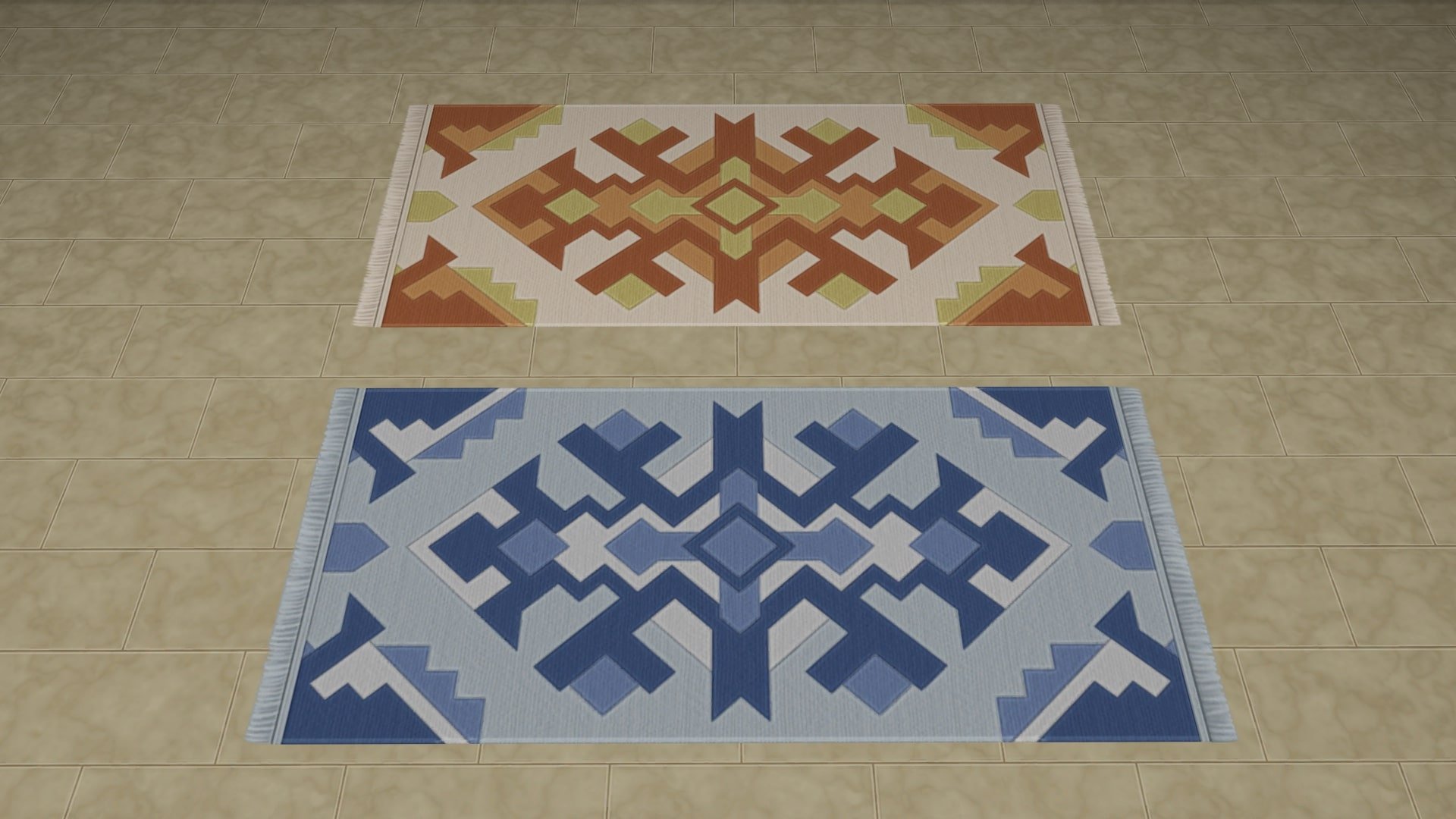
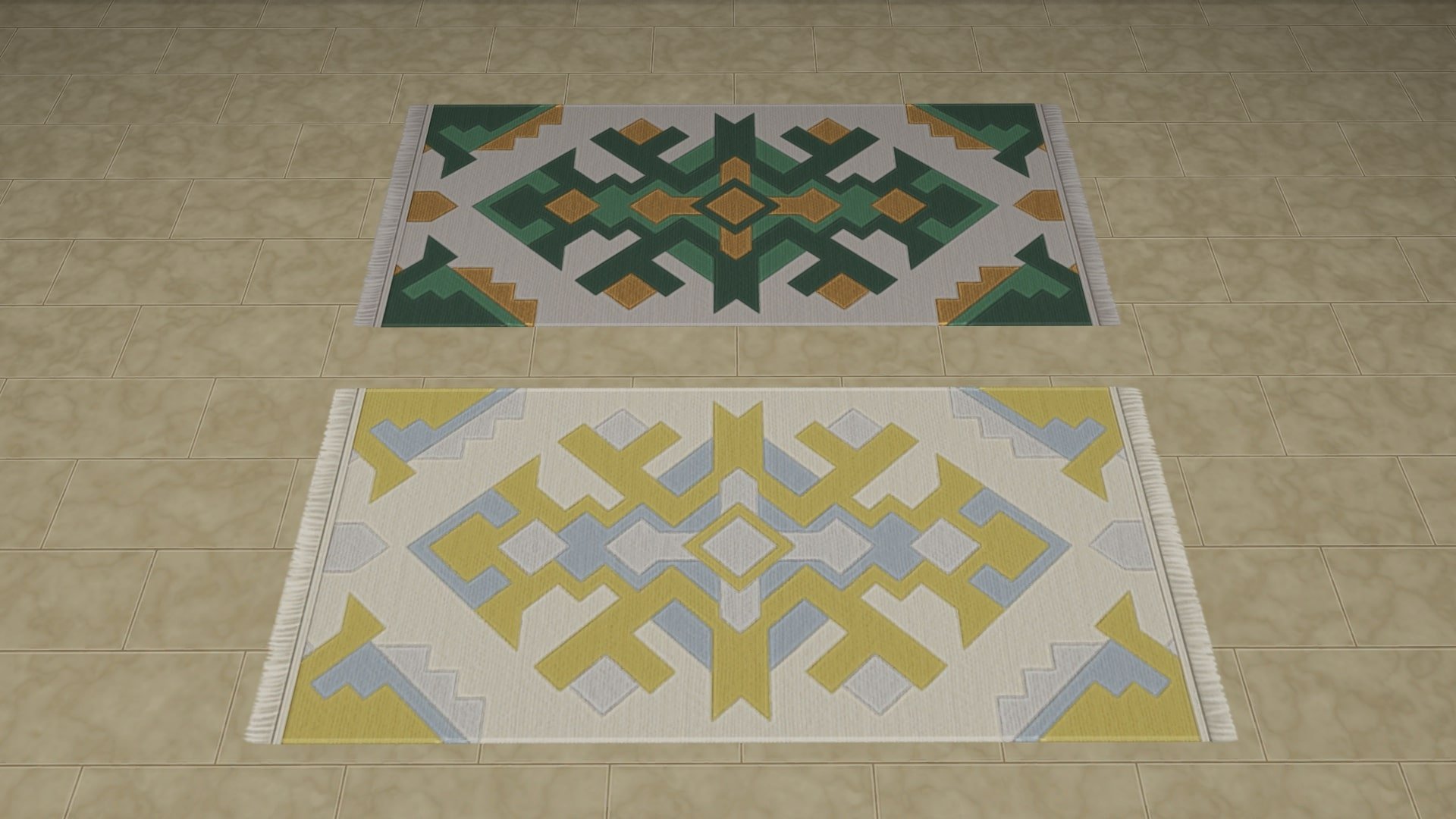
Gelim Hallway Rug

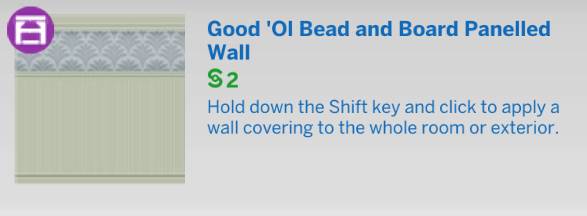
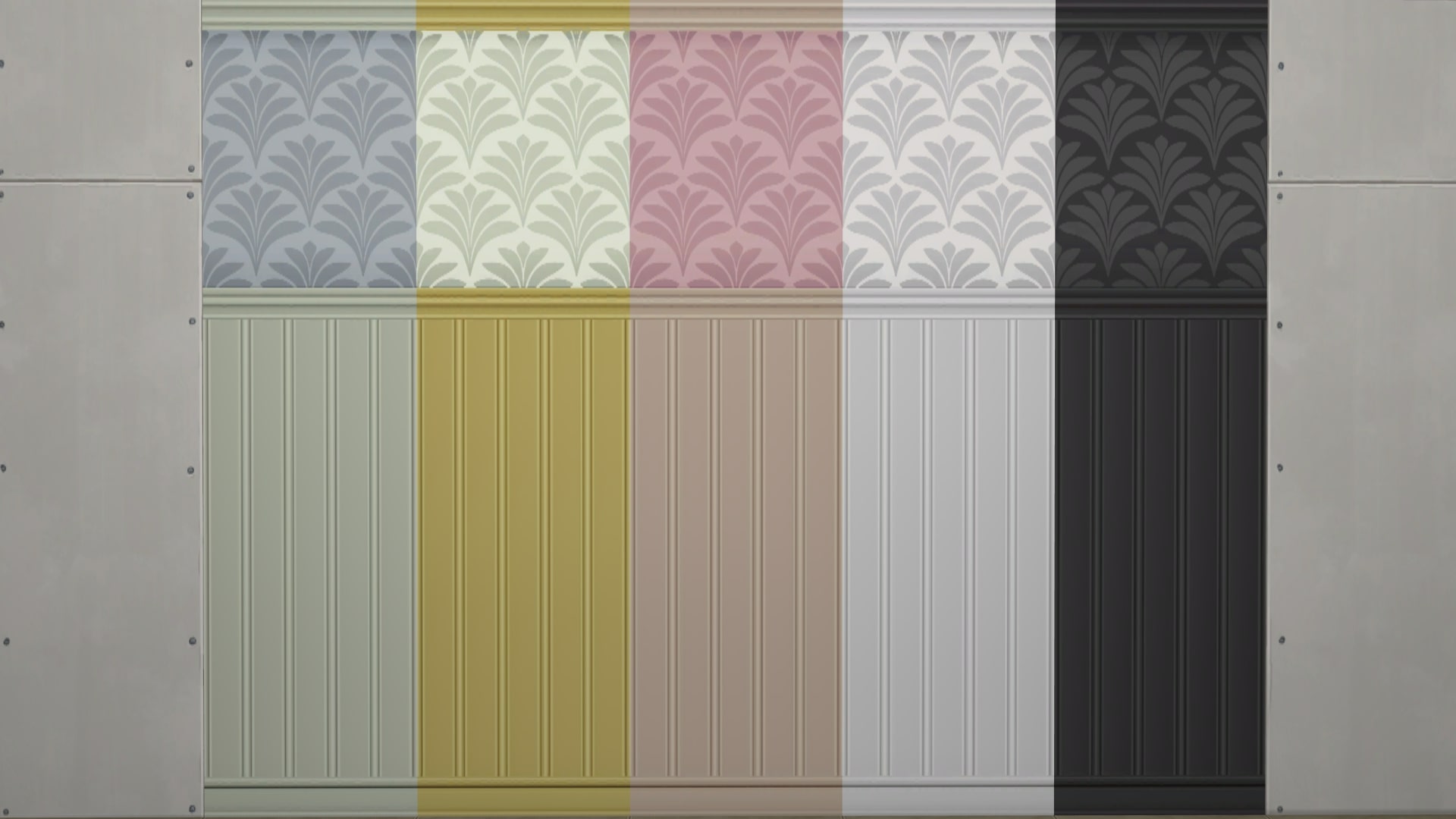
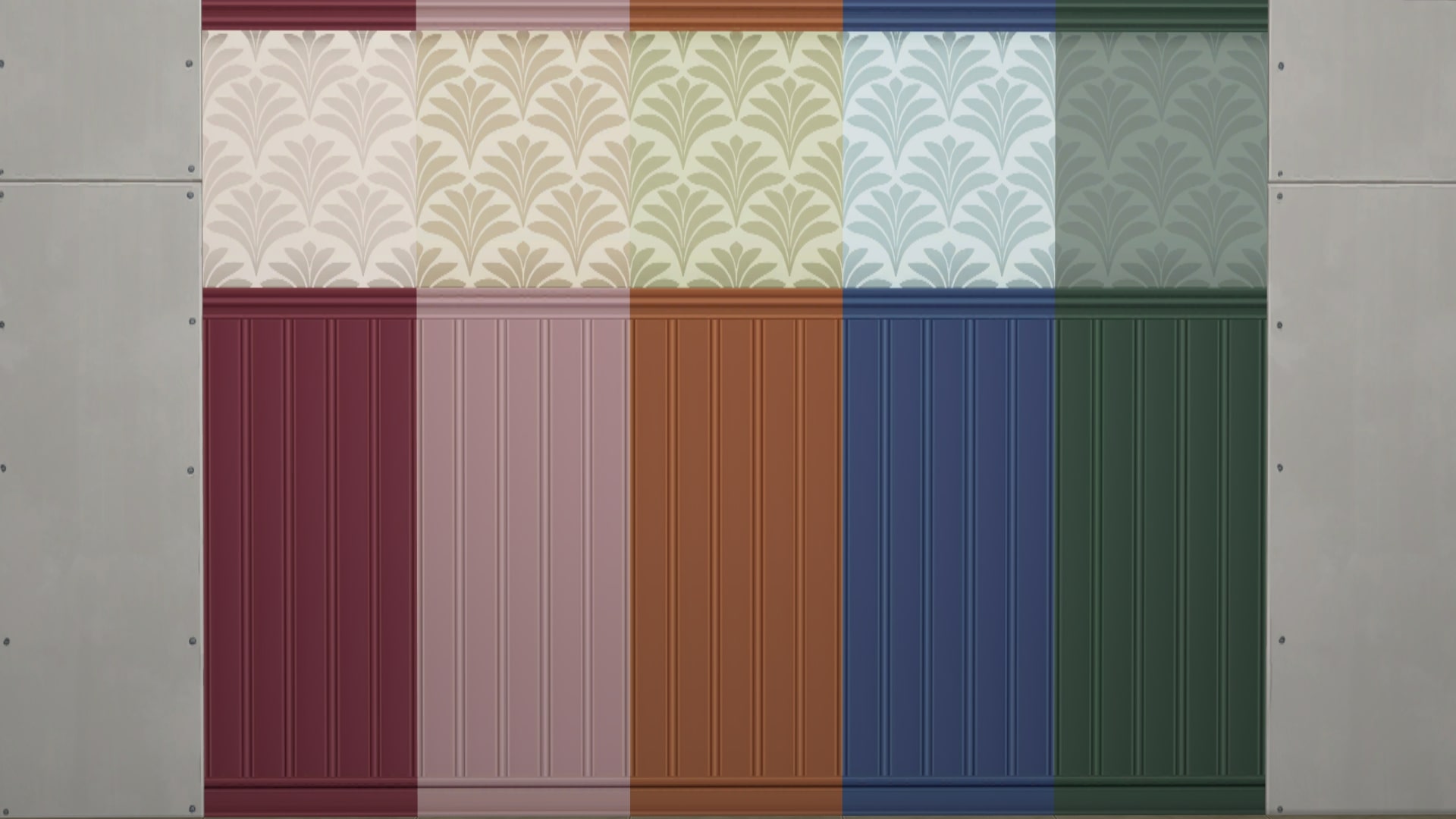
Good ‘Ol Bead and Board Panelled Wall

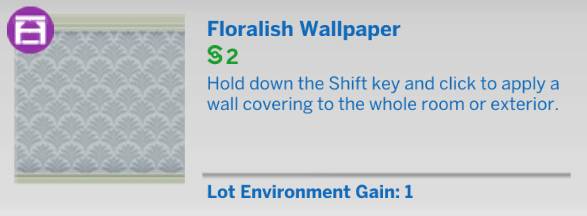
Floralish Wallpaper

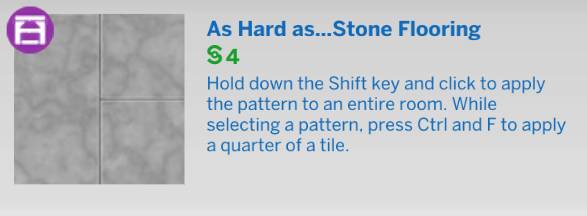
As Hard as… Stone Flooring

Sims 4 Refined Living Room Kit Review

Our Review of The Grange Mudroom Kit

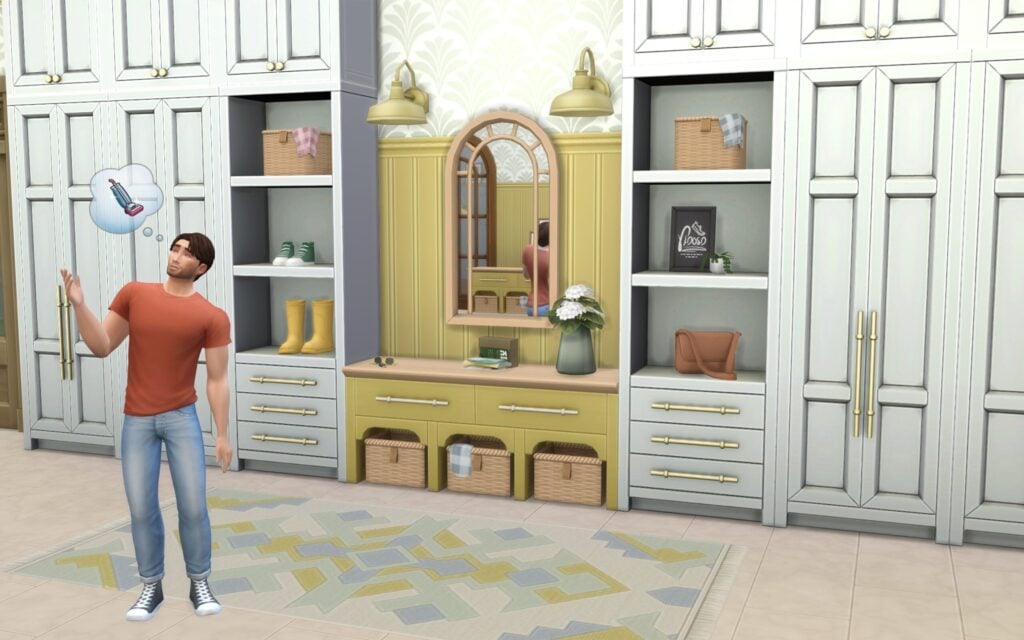
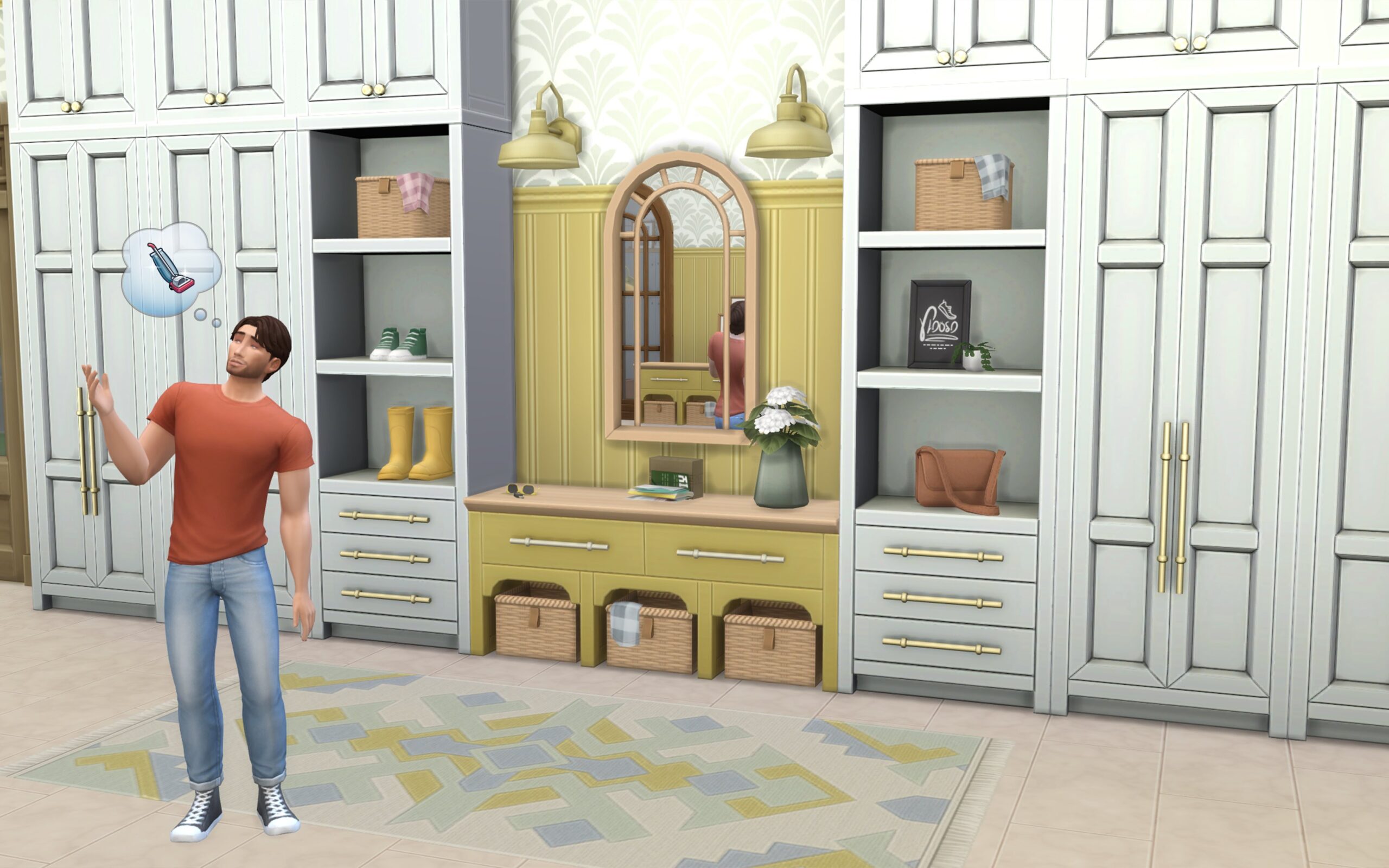
The Sims 4 Grange Mudroom Creator kit adds charming yet simple items for one of my personal favourites, yet sometimes overlooked, transitional spaces in my Sims’ homes: the entryway. There is a focus on blending realistic functionality with Peacemaker’s simple design choices, which allows this kit to achieve its goal of making your Sims’ homes feel lived in from the moment they step through the door.

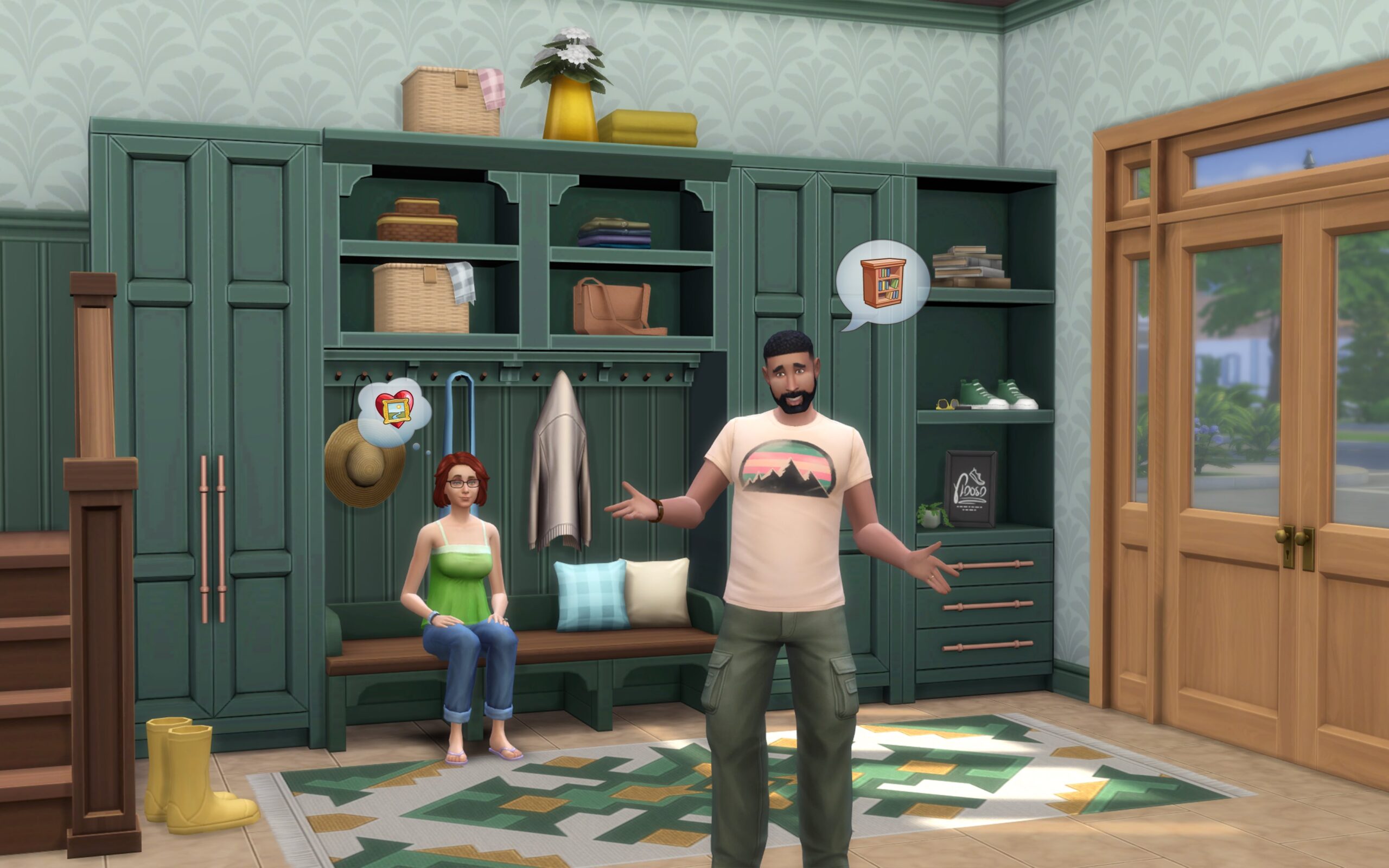
The kit has a simple, country home vibe with neutral colours, cream cabinets, and natural woods. It’s a look that says “cosy countryside cottage,” but at the same time, it isn’t so themed that it looks out of place in a modern family home. There’s also a nice balance between sturdy, functional pieces and lighter decorative items, so you’re not just left with big chunks of furniture.

The first thing that stands out is the amount of detail packed into such a small kit. Unlike some Build/Buy packs that give you lots of big, showpiece furniture, this one leans heavily into clutter and smaller touches. That might not sound exciting at first, but it’s exactly what makes it shine. The little details, coats on hooks, shoes by the door, a satchel left on the floor, do a lot of heavy lifting when it comes to making a space feel alive.

grangelivingroom1

You’ll find a bench with cubby holes, slim shelving, a console table, and wall cabinets. They’re practical and match well with kitchens, hallways, or laundry rooms, too. The bench is a highlight since it instantly makes an entryway look useful instead of just decorative. Clutter is where the kit shines. Coats, shoes, boots, a satchel, and even a little pile of mail make your builds look less polished and more like real homes. It’s the kind of detail that helps with storytelling, especially if you want to make a busy family house or a lived-in cottage.

Screenshot 2025 08 21 23 53 47

Almost everything you see is decorative, the dresser and closets being an exception. Coats can’t be taken on or off, shoes don’t affect Sims’ outfits, and the storage pieces don’t function as actual storage. Additions such as compatibility with the Sims 4 Snowy Escape’s shoe signs would have been a nice touch added to the shoe sign or the shoes themselves.

The swatches lean heavily on neutral tones and muted shades. While they suit the rustic aesthetic, some players might miss brighter or more modern options that could stretch the kit’s usability even further. It would have been nice to see a few more colourful swatches; however, this may have come at the expense of the more basic and versatile neutral tones.

the sims 4 creator kits screen n2

The Sims 4: Grange Mudroom Kit is a solid little set for players who enjoy clutter and cosy builds. It doesn’t add gameplay, but it makes hallways and “mudrooms” feel more alive. If you’re a builder who loves detail, you’ll probably get a lot out of it. For the $4.99/£4.99 price tag, I’m certain there is something for every kind of builder here, with some pieces that I will find myself using often.

The Sims 4 Creator Kits Out Now: Essential Glam and Grange Mudroom

7

Two new Sims 4 Creator Kits have just hit the digital shelves!

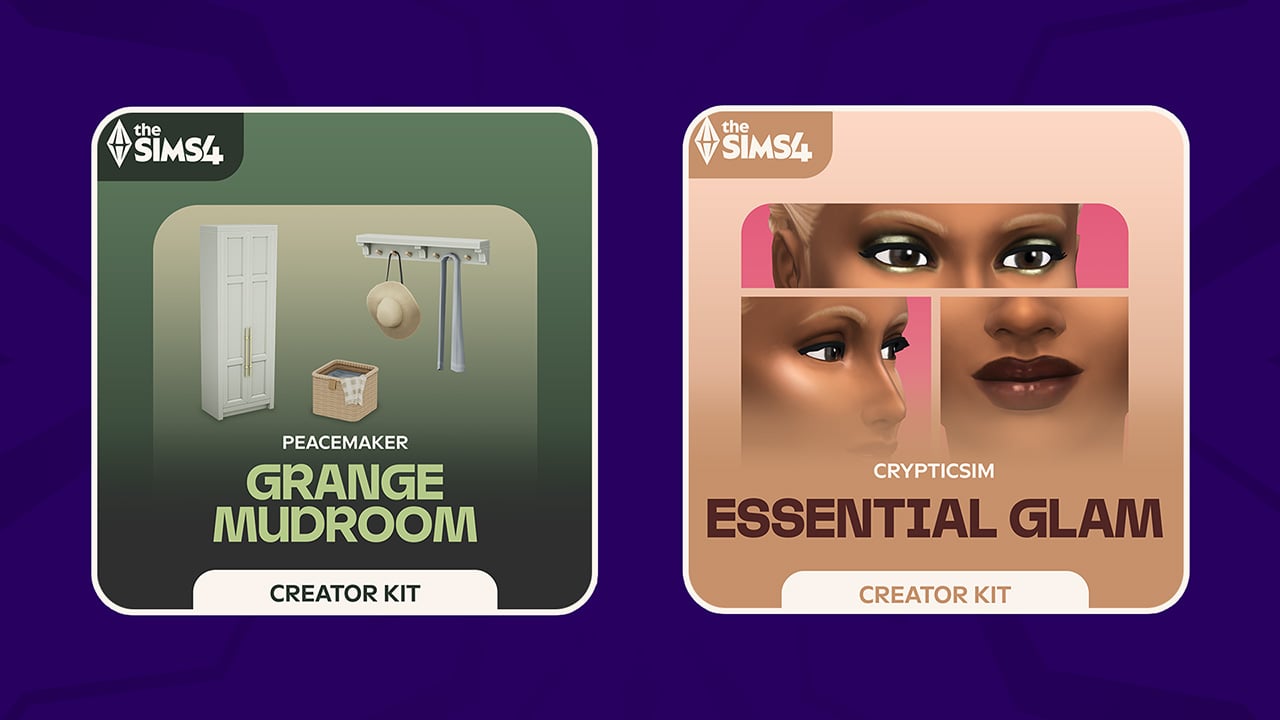
Two new The Sims 4 Creator Kits have just hit the digital shelves on supported Computers and Consoles. EA is making its first ever makeup-only Kit debut with Crypticsim’s The Sims 4 Essential Glam Kit. Along with Peacemaker’s Country themed Build Kit called The Sims 4 Grange Mudroom Kit.

sims 4 kits fe new new

Find out the quick object previews and where you can get these Kits:

The Sims 4 Essential Glam Kit

Upgrade your Sim’s makeup collection. Easily transition from subtle daytime looks featuring soft eyeshadows and neutral lip glosses to striking smoky eyeshadows with bold lipsticks. Whether it’s for date nights, weddings, award ceremonies, or graduations, this Kit guarantees that every Sim can showcase their unique style.

KEY FEATURES

Tailored Glamour — Transform your Sims’ makeup look with items like foundation, contour, and highlight. Add unique items like faux freckles and beauty marks to complete your look.

the sims 4 essential glam kit

Kit Items Preview

sims 4 essential glam kit

Kit Availability

The Sims 4 Essential Glam Kit by Crypticsim is retailed at $4.99USD, or a price equivalent to your local currency. You can get this Kit on the following online stores:

Official Kit Screens

the sims 4 makeup kit

The Sims 4 Grange Mudroom Kit

Decorate and organize your entryway into the perfect mudroom with a range of built-in items, walls, flooring, and decor. Whether your Sim’s home is on a ranch or an inner city dwelling, if they enjoy gardening or other outdoor activities, a mudroom is a perfect addition for an active, outdoor lifestyle. Use the space to tell a story of their interests and hobbies such as a set of gumboots used during the muddy times in the garden, or help show the day-to-day life of a family home where leaving a pile of mail to be opened is commonplace. A mudroom is the entryway into your Sim’s lives.

KEY FEATURES

  • A magnificent mudroom awaits — Bring your entryway to life with a tailor-made set of mudroom items and decor.
  • Transitional space — Add some organization and style to an often neglected part of the home.
the sims 4 peacemaker kit

Kit Items Preview

sims 4 grange mudroom kit items

Kit Availability

The Sims 4 Grange Mudroom Kit by Peacemaker is retailed at $4.99USD, or a price equivalent to your local currency. You can get this Kit on the following online stores:

Official Kit Screens


The Sims 4 Creator Kits Release Poll

We want to know which of the new Sims 4 Creator Kits do you plan on getting! Let us know in this unofficial community poll below.
[totalpoll id=”173810″]


What are your thoughts on the new Sims 4 Creator Kits? Join the comments below and stay tuned to our Sims 4 Kits Category for upcoming Reveiws!

NEW LEAK: The Sims 4 Adventure Awaits Expansion Pack and New 2025 Roadmap

It seems that a new The Sims 4 Roadmap has been leaked online. Including the next Expansion Pack launching early October!

Last night, a twitter user replied to our tweet about the latest Sims 4 Patch with a mysterious “Adventure Awaits” tweet. We had to look deeper, and it seems that The Sims 4 Adventure Awaits is the name of the next Expansion Pack. Plus, it seems that the next Sims 4 Roadmap for the game, lasting from September to December 2025 has already been leaked in full by this user.

TS4 PE SKILLS 04a 001 Large

Let’s break down everything that’s been circulating the internet so far.

The Sims 4 Adventure Awaits Expansion Pack coming October 2nd

User named @Medievalkiller12 on X has shared a series of tweets about The Sims 4 Adventure Awaits Expansion Pack. Stating that the Pack is a part of the new Sims 4 Roadmap, and will be released on October 2nd across Computers and Consoles. Here’s what they stated:

TALKING

The next roadmap, which runs September to December, will be released next Tuesday. This roadmap includes an expansion pack (Adventure Awaits), which will be released on 2/10. The rest are kits until December, along with another in-game mission. The launch trailer will be 4/09.

We don’t know much about the Expansion Pack’s theme contents, but so far the name of the Pack sounds familiar with the speculation we heard late June 2025. Here’s what we know:

CONVERSATION 2
  • Next Expansion after Fairies is the most expensive Expansion pack in the history of the franchise that doesn’t add a new Pet or Life Stage because of how long it was in development for.
  • But I have been told this is largely due to inflation, as for the last few years it costs Maxis more money now to develop a single Expansion than it did to develop The Sims Medieval (which was an entire spin off).
  • It’s a Vacation pack with a twist, that will allow you to customise and create Vacations beyond what Outdoor Retreat and Jungle Adventure can do. You will be able to create custom venues that your Sims will engage with on their Vacation. There will be a big focus on Family Vacations, as the existing Vacation packs are more focused on Adult gameplay.
  • EA are expecting the Expansion to sell over 7 – 10 million copies within the first 12 months because they know the themes within the pack are highly requested and that packs with similar focuses have achieved similar success. So the marketing team is already coming up with ideas on how to promote the game.

Information above is still not fully confirmed, but the next round of leaks includes a new Sims 4 Roadmap. Which, by looking at the image, seems legit.


New The Sims 4 Roadmap Leak: September to December 2025

The same user (@Medievalkiller12) posted, what appears to be, a Sims 4 Roadmap Leak for all the new content coming from September to December 2025. Including the confirmation of The Sims 4 Adventure Awaits Expansion and its rollout dates, THREE Base Game Updates and presumably up to (or more than) five Kits in total.

Here’s what to expect from the next Sims 4 Roadmap according to the leak:

clipboard sc

The Sims 4 Roadmap from September to December 2025

  • September 4th: The Sims 4 Adventure Awaits EP Reveal
  • September 10th: The Sims 4 Adventure Awaits EP Gameplay Trailer
  • September 23rd: New The Sims 4 Event Begins & Base Game Update
  • October 2nd: The Sims 4 Adventure Awaits EP Launch
  • October 9th: The Sims 4 Autumn Apparel Kit
  • November 4th: New Sims 4 Event Ends & Base Game Update
  • November 6th: New The Sims 4 Creator Kits
  • December 2nd: The Sims 4 Base Game Update
  • December 4th: New the Sims 4 Kits
the sims 4 roadmap 2025 leak september to december

If the leak is correct, we’re looking at another Sims 4 Roadmap filled with big releases. Including both paid and free updates to the game.

Time will tell if the leak turns out to be true or not. Until then, stay tuned on Sims Community and be the first to know when The Sims 4 Adventure Awaits – or whatever the Expansion Pack 20 title is – gets announced!


What are your thoughts on the latest Sims 4 Leak? Join the conversation below!

InZOI Update: New Base Game Features and Cahaya World (August 20th, 2025 Patch Notes)

0

InZOI’s biggest update yet has hit Windows and Mac!

Big news for life simulation fans all around the world; the new InZOI Update has just been launched across Steam (Windows and Mac) as well as the MacOS App Gallery.

From the brand new free DLC called InZOI Island Getaway, which includes a new world Cahaya and new island activities to a complete Base Game overhaul. With improvements to the User Interface, Emotions system, interactions, romance and plenty of new objects!

Discover everything included in the official patch notes down below:

BOOK PATTERN

[v0.3.0 & DLC] InZOI Patch Notes

◆ Update Information

◽️ Patch Schedule: August 20th, 2025

◽️ Build Version: 

  • Windows PC Steam : 20250819.6820.W
  • Mac Steam : 20250819.6821.M
  • App Store : 5.4.9 (0.168) / 20250814.6670.M

Expanded Platform Support

With the update on August 20, 2025, the game will be available to play on Mac.

◆ macOS System Requirements

 ◽️ Minimum Requirements

  - OS: macOS 15.0 Sequoia or later

  - Processor: Apple M2 or higher

  - Memory: 16GB RAM

  - Graphics: Apple M2 or higher

  - Storage: At least 36GB of free SSD space

 ◽️ Recommended Requirements

  - OS: macOS 15.0 Sequoia or later

  - Processor: Apple M3 or higher

  - Memory: 16GB RAM

  - Graphics: Apple M3 or higher

  - Storage: At least 45GB of free SSD space

  • Steam (Mac OS)
    • If you previously purchased the game on Windows, you can play it on Mac without an additional purchase.
  • Mac App Store
    • A separate purchase is required on the App Store, regardless of any prior purchase on Steam.
    • The Mac App Store version of inZOI includes the new inZOI: Island Getaway DLC.

Launch of the First DLC, inZOI: Island Getaway

The free DLC inZOI: Island Getaway is now available. On Steam, the DLC must be installed by visiting the store page. On the App Store, it is automatically included when you download inZOI.

inZOI v0.3.0 Update

※ v0.3.0 is a general update for all players, separate from the DLC.

This update brings deeper emotions and behaviors to Zois, a more vibrant city atmosphere, and richer interactions—delivering a more immersive and organic simulation experience.

Zois now express emotions more subtly depending on the situation, and relationships between Zois develop more naturally and with more distinct personalities. The city environment simulation area has been expanded, with crowds appearing throughout the city, each with their own stories and purposes.

We’ve expanded the range of interactions based on player feedback, and refined character motions and facial expressions to make them more fluid and realistic.

Additionally, architectural elements such as swimming pools, elevators, and various new furniture have been added, allowing you to enrich your inZOI world in your own unique way.

Check out the full details of the update below!

Interactions: Zois With Emotions and Personality

im8V4KTz

Zois now express emotions more naturally and interact more fluidly, forming deeper and more dynamic relationships. New group actions, like eating or playing together, help bring warmth and personality to their connections.

Conversation flow and emotional transitions are now smoother and more consistent. Depending on their traits, Zois respond differently and may even express urges during interactions.

The romantic relationship system has also been expanded with greater emotional depth, allowing for more relatable dynamics such as one-sided crushes, love confessions, and divorces.

New Features

  • Emotion GUI Overhaul
    • The emotion UI has been completely revamped to make Zoi’s expressions, emotion icons, and emotion levels easier to understand at a glance. Additionally, new status indicators have been added to help players better grasp each Zoi’s emotional state in more depth.
  • Thought Balloons in Conversations
    • During conversations and interactions, visual thought bubbles now appear above Zois, reflecting their inner thoughts. These icons make it easier to understand their emotional reactions and imagine what’s going on in their minds.
  • New Collaborative Actions
    • Zois can now perform collaborative actions such as eating meals or playing games together.

Improved Features

  • Emotion Improvements
    • Zois now display more natural and believable emotional transitions. Interactions and reactions vary more clearly based on individual traits, sudden emotional shifts have been smoothed out, and conversation flow has become more consistent overall.
  • Conversation Improvements
    • Conversations have been refined with more nuanced expressions, allowing for varied interpretations and outcomes depending on the situation. Conversation results now branch into 2–3 possible paths, and players can explore more conversation options even without specific emotional conditions. The ratio of negative conversations has also been adjusted to create a more balanced emotional flow.
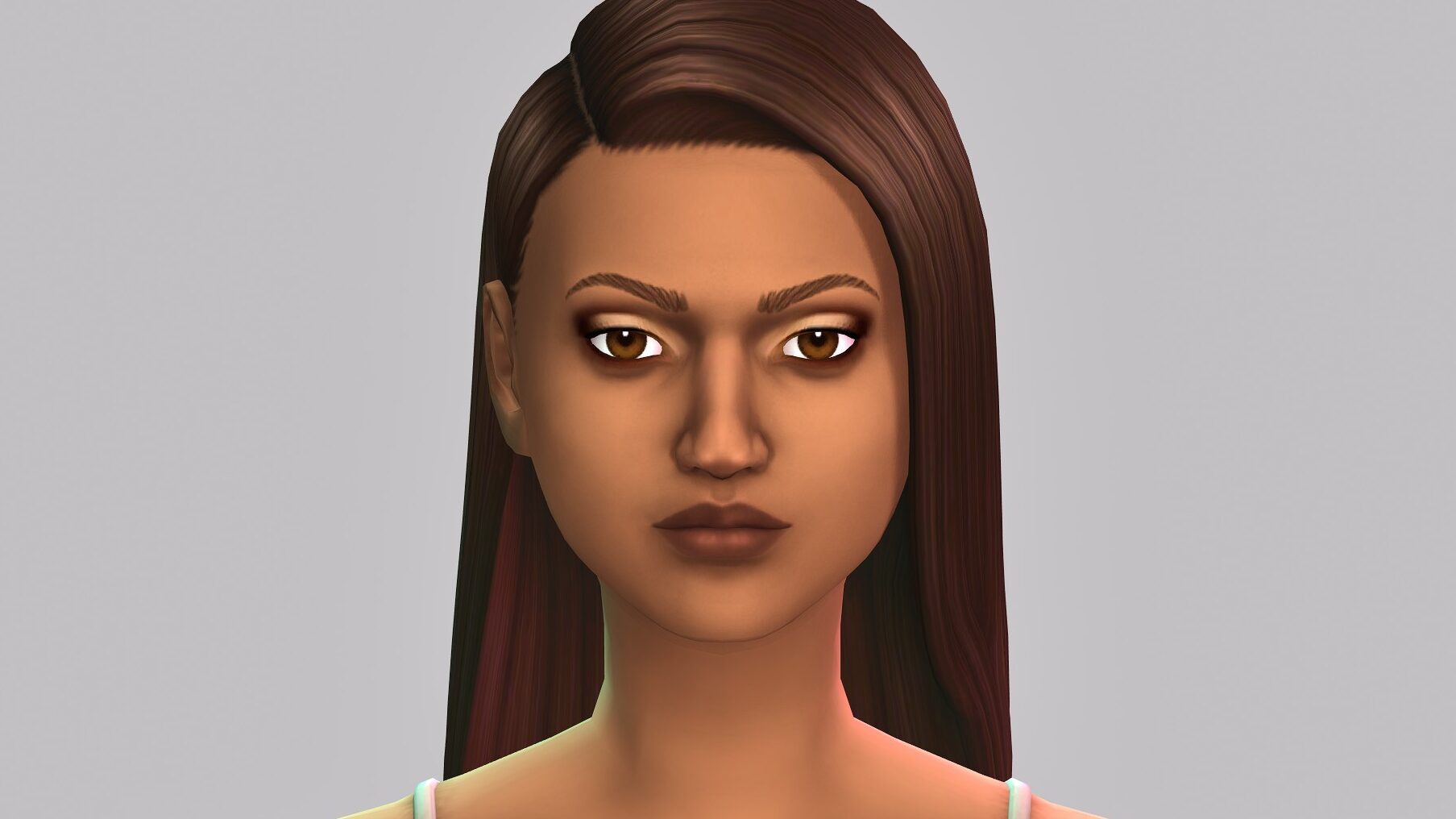
  • Zoi Interaction Improvements
    • Zois now respond more clearly when approached, and no longer walk away immediately after a conversation begins, making interactions feel more natural. Clicking on a moving Zoi will now cause them to briefly pause, addressing the previous issue of being unable to talk to Zois passing by.
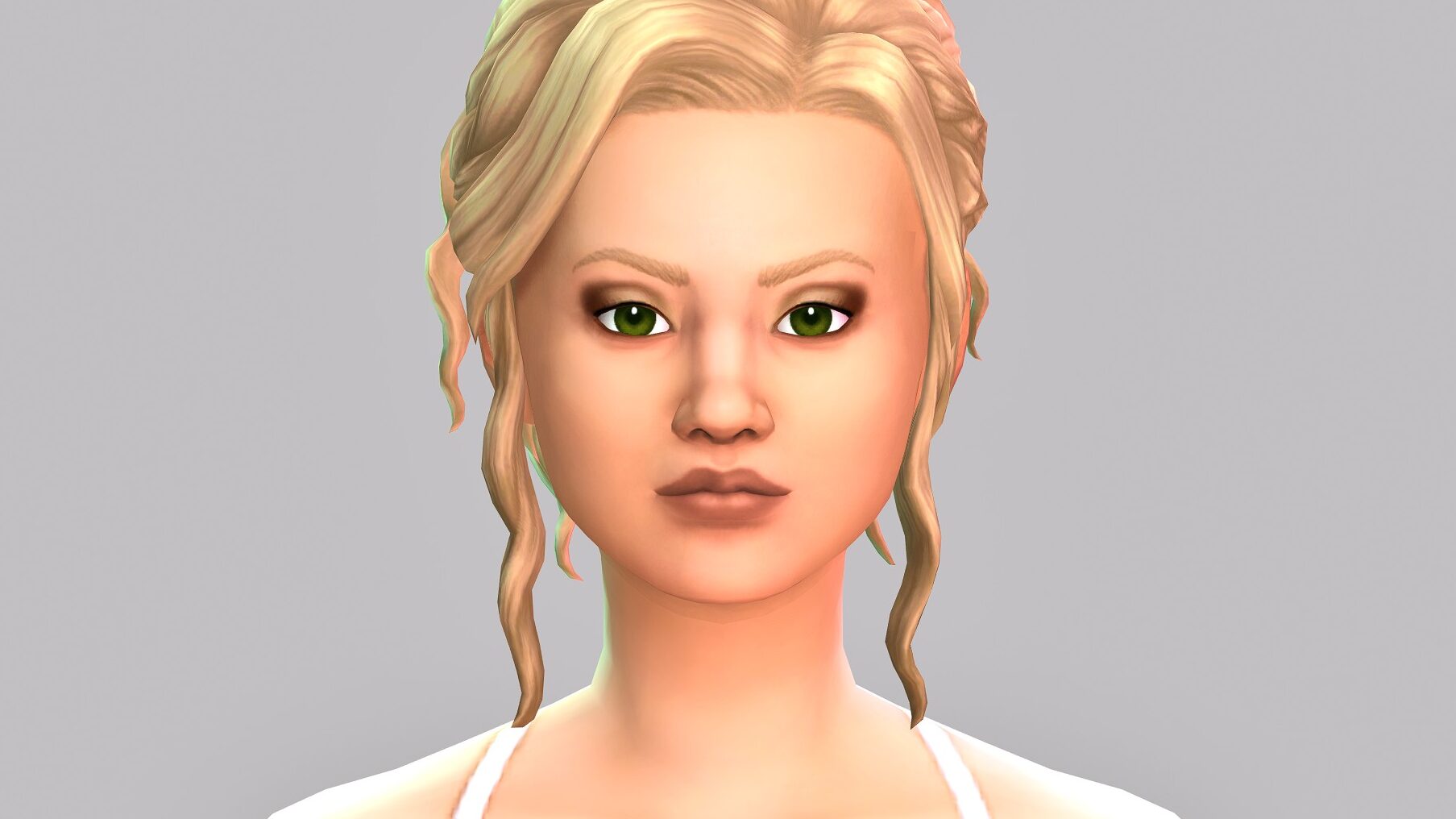
  • Romantic Relationship Enhancements
    • Romantic relationships between Zois now feel more nuanced and emotionally dynamic. New developments—such as one-sided crushes, love confessions, obsessions, and divorces—have been added, along with trait-based reactions and outcomes that vary depending on how well a Zoi sets the mood.
  • Urge Improvements
    • Zois now express urges more appropriately, based on the context and conditions of the situation.
  • Preferences will no longer be automatically assigned to newly created Zois.
  • Newly created Zois will now start with lower value trait scores.

Gameplay: A New Routine, A New Discovery

Swim freely in swimming pools and the ocean, cultivate crops by setting up farming plots, or take a trip to explore a brand-new city! You can also mine raw gemstones at mining spots, refine them into jewels, and craft your own accessories.

Explore the city more freely with 14 new vehicles, including motorcycles and scooters. New interactive lots have been added in Dowon and Bliss Bay, while existing areas have also been updated to feel more vibrant and diverse.

Look forward to richer everyday experiences for your Zois—filled with discovery, creativity, and stories uniquely your own.

New Features

  • City Trips
    • You can now go beyond living in a single city—Zois can travel to other cities! Use the smartphone or a computer and select “How to travel to another city,” or take the airport shuttle or seaplane to explore a new city.
    • ※ The city of Cahaya is only accessible with the inZOI: Island Getaway DLC installed.
  • Swimming
    • Zois can now swim in swimming pools and the ocean, allowing them to improve their Swimming skill. Be careful—low energy may lead to drowning or accidents.
  • Snorkeling
    • Explore the ocean through snorkeling! While diving through the sea, Zois may encounter marine life and even discover unexpected collectible items.
    • ※ Zois will only be able to move within a certain area while snorkeling.
inzoi update aug 20 8
  • Fishing
    • Fishing has been added as a new skill. Zois can fish in rivers and the ocean, and using higher-quality rods increases the chances of catching rare fish. Caught fish can also be put on display in fish tanks.
    • ※ This update will only be available after starting a new game.
  • Farming
    • Start your own farm by placing farming plots in Build Mode. With tools like watering cans and rakes, Zois can grow crops, which can then be used in cooking or sold for profit.
  • Natural Disasters
    • Dynamic weather events like dust storms, heavy rain, and heat waves may now impact the entire city. These events can cancel schedule items, damage crops, or lead to unexpected accidents during outdoor activities—so stay alert!
  • Mining & Jewel Crafting
    • The Handiwork and Collecting skills have been added. Zois can gather raw gemstones throughout the city and cut them into jewels at a crafting table.
    • ※ This update will only be available after starting a new game.
  • Family Collection Log
    • From fish and crops to gemstones, jewels, and tools—everything your family collects will be neatly recorded in the Family Collection Log.
    • ※ This update will only be available after starting a new game.
  • Market (Stand)
    • Set up a market stand and start selling! Customers will begin to show up, and your Zoi can open a small shop of their own.
  • Resale Store
    • You can deliver crops, fish, minerals, and more to the Resale Store, or purchase various items there. Delivery prices fluctuate daily, so make sure to sell at the right time!
  • Loans
    • When purchasing your first home in the city, you can take out a mortgage loan. Both the principal and interest can be repaid using your smartphone, and depending on your situation, you may also borrow from high-interest private lenders. Be careful—failure to repay may result in forced collection!
  • Insurance
    • Visit the insurance website using your smartphone or computer to purchase a plan that fits your Zoi’s needs. Choose from life insurance, natural disaster coverage, or property insurance depending on your situation.
  • Budget
    • Track your family’s income and expenses using the Budget app on your smartphone.
  • New Vehicles
    • A total of 14 new vehicles have been added, including motorcycles and electric scooters. Purchase a new vehicle through the Dream Car app on your smartphone and explore the city more freely.
    • Three new Hyundai models have been added: Staria Lounge, IONIQ 9, and The All-New NEXO. Used vehicles are now also available, allowing you to buy cars at half the original price.

Improved Features

  • City Refinements
    • Various areas in Dowon and Bliss Bay have been updated, with new interactive lots such as swimming pools, gyms, movie theaters, and hospitals. Existing spaces have also been renovated with improved interiors, making the cities feel more complete.
  • Cooking Improvements
    • Nine new recipes have been added. Some dishes, such as mango sticky rice and banana cue, can now be made using ingredients you’ve harvested yourself. Fill your Zoi’s table with a wider variety of ingredients and home-cooked meals.
  • Smartphone App Improvements
    • The Adopt a Child service, previously available only on computers, can now be accessed directly from smartphones. New apps for Insurance, Loans, and City Trips have also been added.

Simulation

Storing food in the fridge and setting the dining table with a full meal makes everyday life feels more complete. At night, when the family is asleep, time passes naturally.

Smart Zoi features have been enhanced to reflect prompts more accurately. The inner thought system now includes conditions and context, enabling Zois to show more believable and nuanced emotions.

New Features

  • Food can now be stored in the fridge using the “Store in Fridge” action when clicking on a dish.
    • Stored food can be retrieved using the “Take Out” action when clicking on the fridge.
  • When clicking on a table, you can now set the table for 1 person, 4 people, or event-style meals.
  • The chessboard object can now be placed from Build Mode > Furniture > Hobby> Entertainment.
    • Win/loss results can be viewed through the “Suggest Playing Chess” interaction.
  • A new Edit Public Property Info button has been added to the top of Edit Public Property Mode.
    • You can now edit the property name and description, and assign up to 8 Zois to it.

Improved Features

  • Object Interaction Improvements
    • Objects now respond to use with changes such as getting dirty or breaking over time. New interactions have been added, including cleaning bookshelves and wardrobes, and rummaging through outdoor trash bins. Each interaction may trigger different emotional responses.
  • When all family members are asleep, time will automatically progress at 30x speed.
  • If utility bills go unpaid, a collector will visit, and penalties will be applied in stages—water shutoff first, followed by power shutoff.
  • The quality of creative works—such as painting and writing—is now hidden until completion.
  • Improvements to shoe removal and wearing actions
  • Smart Zoi Enhancements
    • Inner thoughts are now triggered after actions, providing a more natural emotional flow.
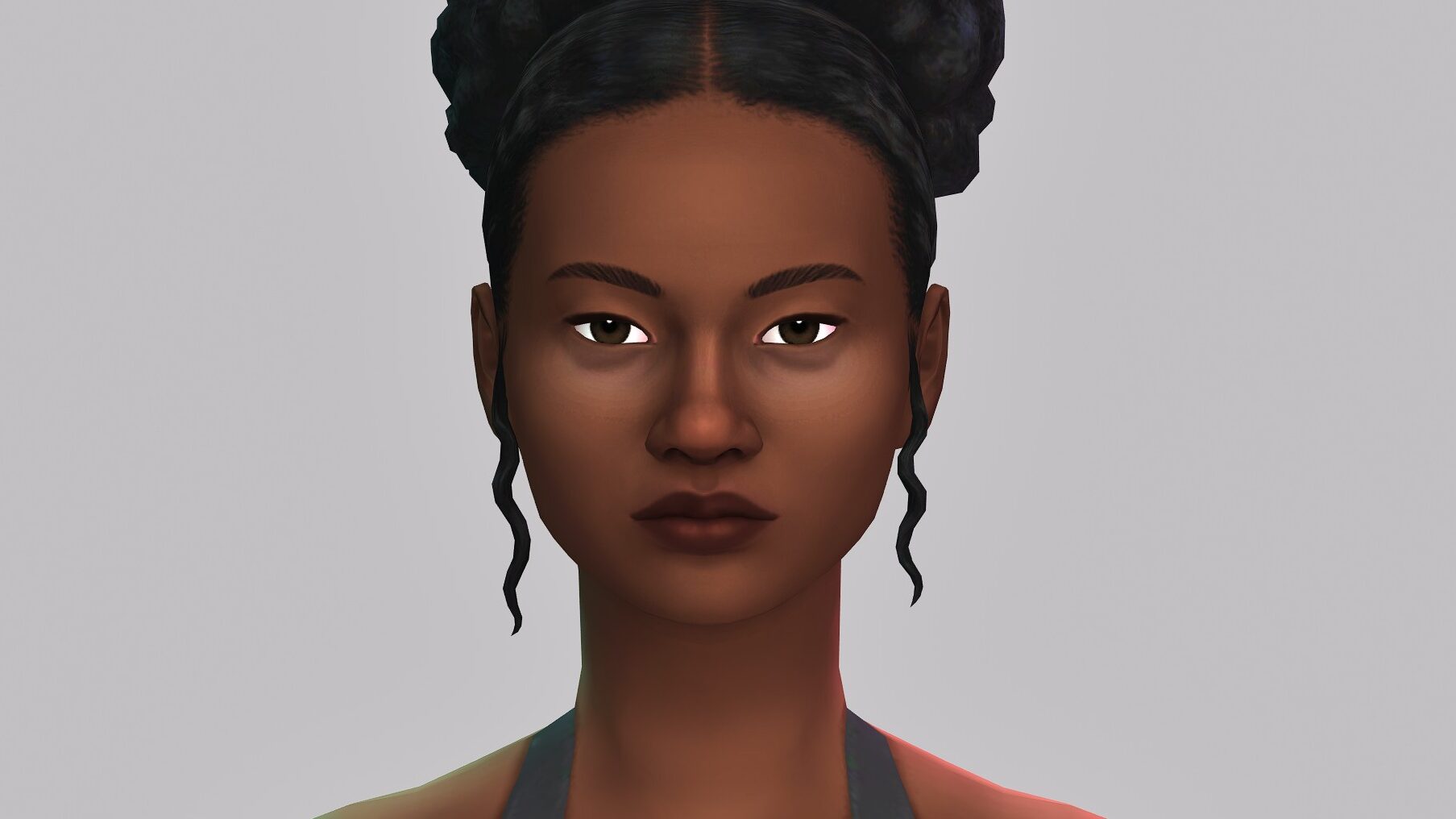
    • Inner thoughts also appear during meaningful moments, such as marriage, childbirth, or aging.
    • Zois now display inner thoughts after witnessing the actions of others.
    • Some inner thoughts can now lead to actions, allowing emotions to flow more naturally.

Controls

New Features

  • Map icons are now displayed over key locations in the city during gameplay.
    • Options > Gameplay > Enable Property Markers on Screen
  • The intro video can now be skipped. (Options > Gameplay > Skip Intro by Default Setting)
  • A slow-motion feature has been added—holding the Left Alt key reduces game speed to 0.3x.
  • Gamepad controller support (Beta) is now available on PC. (Partial compatibility with some Xbox controllers)
  • A Shoulder View Proximity Interaction system (Beta) has been added, allowing the nearest interactive target to be automatically detected.
    • PC: Enable “Auto-Target in Shoulder View under Keyboard Control” under Game Options > Control.
    • Controller: Shoulder View Auto-Target is enabled by default with the LB button.

Improved Features

  • Player-selected interactions are now prioritized.
  • Tooltips are now displayed when hovering over dimmed-out conversations and interactions.
  • Improved selection accuracy for characters.
  • Vehicle collisions now show more natural and believable physical reactions.
  • Improved tooltip text shown on loading screens.

Character Customization

inzoi update aug 20 1

New Items

This summer, Zois are embracing the ocean, sunshine, and bohemian vibes with fresh new looks.

A total of 56 new items have been added, including breezy swimwear, vintage-inspired festival outfits, and laid-back resort casual looks perfect for vacation.

  • Hair: 6 items
  • Tops: 2 items
  • Bottoms: 4 items
  • Outerwear: 1 item
  • Sets: 10 items
  • Shoes: 4 items
  • Hats: 4 items
  • Accessories: 3 items
  • Kids Only: 15 items
  • Face Preset: 7 items
inzoi update aug 20 2

The Character Studio has been updated to provide a deeper customization experience. Outfits and accessories obtained during gameplay can now be saved to My Wardrobe and used freely. Accessories crafted through gem crafting can also be added as decoration items and equipped directly.

New Features

  • Accessories and outfits obtained during gameplay can now be added to My Wardrobe category.
  • Jewels can now be added as decoration materials and equipped in the Character Studio using the “Add to My Decoration Materials” interaction.
  • A recommended Canvas post will now appear as a popup when entering the Character Studio.

Improved Features

  • One new background type have been added to the Character Studio.
  • A Focus Edit Mode has been added to the Character Studio, allowing facial customization without UI interference.
  • Sock Update
    • Socks cannot be worn with long boots.
    • Socks are automatically removed when wearing flip-flops or slippers.
  • The size of uploaded creations is now displayed when posting to Canvas.

Building

inzoi update aug 20 3

Build a villa where Zois can take the elevator straight to the upper floor, or one that’s perfect for an outdoor pool. 104 new building items have been added, including roofing, fences, gates, and more. Decorate your space with a wider range of new items and express your unique style.

New Items

  • Home: 24 items
  • Exterior: 32 items
  • Bedroom: 2 items
  • Living Room: 5 items
  • Kitchen: 4 items
  • Hobby: 5 items
  • Outdoor: 11 items
  • Social event: 4 items
  • Other: 17 items

New Features

  • Swimming Pools
    • Build a swimming pool from Build Mode > Exterior.
    • New pool-specific objects have been added, including swimming pool ladders, accessories, and lighting items.
    • ※ As for apartment properties, swimming pools can be placed on the base floor in the Lumiere or Dowon Heights Buildings.
  • Elevators
    • Elevators can now be installed from Build Mode > Home> Floor Connectors.
  • A new Roof Presets category has been added, along with 15 new roof designs.
  • Building Items Unlockable as Rewards
    • New objects can be unlocked by meeting specific conditions during gameplay.
    • Rewards are unlocked by completing your Collection Log.

Improved Features

  • Wall View has been improved: windows, doors, and wall-mounted furniture placed on interior walls are now hidden when walls are removed.
  • Build Mode Camera Improvements
    • The camera now starts in a position similar to in-game view when entering Build Mode.
    • The minimum camera height has been adjusted to floor level instead of the ground.
    • QE key controls have been added to the default camera.
  • Furniture customization materials have been expanded to five categories: wood, textile, metal, wallpaper, and tile.
  • Improved height compatibility when placing rooms or platforms next to rooms with different elevations.
  • In Build Mode, the “Last Saved Property” option under “Reset Property” has been temporarily disabled for stability reasons.

Animation & Audio

  • [Animation] New interaction animations added
  • [Animation] Movement and idle animations improved
  • [Animation] Look-at-related animations refined
  • [Audio] Over 90 new tracks added
    • [Audio] AI-generated ambient music for in-game environments and speaker objects

inZOI Cheat List

※ Introduced new cheats as well as changes to existing cheats. View the full cheat list here!

  • (New) Bag Cheat: featherBag [true/false]
    • Prevents player Zois from receiving debuffs caused by exceeding maximum bag capacity
  • (New) Environment Cheat: controlDisaster [natural disaster ID]
    • Triggers natural disasters instantly: heavy rain, heat wave, dust storm
  • (New) Skill Cheat: setSkillLevel [skillID] [level]
    • 6 skill-related cheats added
  • (New) Object Cheat Added:addItemToBag [objectID] [quantity]
    • 337 object-related cheats added
  • (New) Teleport Cheat: teleport [region ID]
    • 54 teleport cheats for the Cahaya region added
    • ※ Teleporting in the Cahaya region is only available with the inZOI: Island Getaway DLC installed.

UI/UX

  • Added item markers in CAZ and Build Mode
    • “New” marker for recently added items
    • “DLC” marker for DLC items
    • New DLC item filter option
  • Revamped map markers in Edit City (M) mode

Canvas

New Features

  • Daily Challenge
    • A new themed hashtag is revealed every day. Get inspired by fresh and unique prompts and share your creations.
  • Hall of Fame
    • Featured creations selected by the dev team will be showcased on the inZOI loading screen. Creative and bold works may also be featured in Character Studio and Build Mode.
  • Improved Communication
    • Replies, thread replies, and mentions are now supported.
    • Stickers have also been added to help express emotions more easily when interacting with creators from around the world.
  • User Blocking
    • You can now block unwanted users to maintain a safer environment on Canvas.
  • Privacy Settings
    • You can now choose to hide your liked creations from other users.

Improved Features

  • Refined UI/UX and icon design.
  • File size is now displayed for upload presets.
  • Added new settings for managing sensitive content.
  • Added filters for DLC and platform.
  • Added account switching for platform login on web.

Mod & ModKit

※ Includes ModKit Hotfix v0.1.3 for compatibility with the latest base game update.

  • Mods
    • Updated Mod Browser
      • Added support for managing unofficial mods.
  • ModKit
    • Updated assets to match the latest base game version.
    • Improved Resource Migration Tool
      • Added an option to edit material references in mod projects.
      • Added a wizard for default asset migration.
      • Added support for individually remigrating migrated material assets.
    • Added an option to fully delete mod projects.
    • Backwards Compatibility Improvements
      • ModKit Plugins for Maya: Supports versions released before 2021 and after 2025
      • ModKit Plugins for Blender: Support expanded to include Blender 3.x series

Bug Fixes

Gameplay

  • Fixed an issue where the “Cook” interaction would be canceled if an object was placed on a corner counter.
  • Fixed a bug where the vehicle disappeared after saving and resuming during auto-driving.
  • Fixed an issue where certain ambition missions could only be completed in Dowon.
  • Fixed an issue where a pregnant female Zoi would be evicted from the property after giving birth if her spouse died prior to the birth.
  • Fixed an issue where “Go Here” would not work from certain locations to the Adam Entertainment lobby.
  • Fixed a visual glitch where overlapping large paintings on separate easels were displayed incorrectly.
  • Fixed an issue where a Zoi on the first floor could die from a fire that started on the second floor.
  • Fixed a bug where moving or deleting a bed occupied by a sleeping Zoi in Build Mode would cause the Zoi to float in place.
  • Fixed a discrepancy between Bliss Bay’s city traits and the weather service SMS messages.
  • Fixed an issue where temperature unit changes were not reflected in weather update messages.
  • Fixed a bug where Zois could pass through doors when using sped-up movement.
  • Fixed a bug where the tooltip for family relationship in the relationship panel did not function.
  • Fixed an issue where meeting event schedules were occasionally not generated properly.
  • Fixed a bug where the “Greet Unpleasantly” action (available only when in an displeased mood) would not appear.
  • Fixed an issue where certain missions in the “Financial Success” and “Knowledge and Learning” ambitions could not be completed.
  • Fixed a bug where attempting a Dance interaction would also instantly fulfill the related urge.

Interactions

  • Fixed an issue where toddler interactions sometimes failed to trigger dialogue.
  • Fixed a bug where, after a Knock interaction, the host Zoi would open the door and then immediately leave the house.
  • Fixed an issue where child skill icons appeared during the Read Book interaction even for Zois in adolescence or older.
  • Fixed awkward emotional text shown to biological fathers after non-marital births.
  • Fixed a bug where the “Ask About Attraction Orientation” dialogue would not appear for teenager Zois.
  • Fixed an issue where canceling the Barbell Bench Press interaction using WASD keys would result in abnormal Zoi behavior.
  • Fixed a bug where the Premium Electric Range would occasionally appear with an incorrect model.
  • Fixed certain message texts that did not match relationship conditions.
  • Fixed an issue where replies would not proceed after sending a first message to some Zois listed in the relationship panel.
  • Fixed a bug where prison-exclusive interactions would still appear after escaping prison.
  • Fixed an issue where failing the “Create a Child with Medical Help” action incorrectly triggered a failure popup for “Adopt.”
  • Fixed an issue where the “Sing a Duet” interaction consumed 5 Mew, despite the description not mentioning it.
  • Fixed an issue where child Zois couldn’t buy cotton candy.
  • Fixed a bug where the “Instantly Grow Plant” interaction could be repeated without a cooldown.
  • Fixed an issue where the “Show Off Business Card” interaction, unlocked by completing the Next Gen Leader ambition, would not appear.

Simulations

  • Fixed an issue that caused the startup animation to be skipped when turning left or right
  • Fixed an issue where enabling Auto-Generate Player Family Schedules failed to set schedules when starting a new game
  • Fixed an issue that caused Zois to hold umbrellas abnormally upon resuming the game

CAZ

  • Fixed an issue where hair colors set in CAZ would appear darker in-game based on graphics settings
  • Fixed an issue where downloading custom outfits for other genders with no custom outfits downloaded made the outfit list disappear
  • Fixed an issue where toggling between Undo / Redo in Create Preset produced different Zoi appearances

Build Mode

  • Fixed an issue that caused items on wall shelves to remain visible when toggling between Wall View modes
  • Fixed an issue where changing a roof’s height resized textures
  • Fixed an issue that prevented walls created near exits from being removed while editing the basic property preset for Dowon Villa
  • Fixed an issue that caused the width of wall edges to appear differently at different angles when viewed while Showing Exterior Walls
  • Fixed an issue where placing multiple fences in the same location caused costs to increase
  • Fixed an issue that led to certain indoor areas in Dowon Villa to be classified as outdoor areas
  • Fixed an issue that prevented “Guitar” and “Electric Guitar” from appearing when searching for “Guitar” in Build Mode – Furniture
  • Fixed an issue where interacting with gizmos at ground level caused selected rooms to be deselected
  • Fixed an issue where rotating fences connected to a gate caused abnormal clipping
  • Fixed an issue preventing the undo function from working properly on fences
  • Fixed an issue that allowed walls locked from editing to be deleted
  • Fixed an issue that allowed doors and windows to be placed on walls locked from editing

Miscellaneous

  • Fixed an issue where some keys in the shortcut guide would appear in QWERTY even when using an AZERTY keyboard
  • Fixed an issue that prevented mods installed using the Mod Browser from being deleted when syncing the [Document\inZOI\Mods] folder to a cloud backup
  • Fixed awkward animations and typos

inZOI: Island Getaway DLC Exclusive Content

inzoi update aug 20 4

Swim and snorkel in Cahaya’s crystal-clear waters, where vibrant coral reefs, sea turtles, and dolphins await. Unwind at a resort with a variety of relaxing and recreational activities.

But remember: life on this dazzling resort island comes with its share of hard work. Each day here consists of a constant cycle of labor and leisure.

※ To access content related to Cahaya, install the free inZOI: Island Getaway DLC before launching the game.

Gameplay

  • Boating
    • Rent one of six boats to cruise the seas as you please. Steer your ship in any direction as you sail between islands.
  • Cahaya Resort
    • Cahaya offers three resort locations for you to stay at: the Garden Villa, Premier Ocean View Villa, and Private Water Villa. Relax at the sauna or unwind with a massage by using a spa pass, or partake in fun activities such as lucky draws or turtle races.
  • Cahaya Temple
    • At Cahaya Temple, you can draw fortunes, make wishes, or interact with cats.
  • Snorkeling
    • Renowned for their beauty, Cahaya’s waters are home to snorkeling spots teeming with fish and coral reefs, as well as legendary collectables that can’t be found elsewhere.
  • Natural Disaster (Heavy Rain)
    • Heavy rain is a natural disaster unique to Cahaya that causes frequent lightning strikes and prevents Zois from driving cars.
inzoi update aug 20 5

49 New Items

  • Hair: 2 items
  • Tops: 3 items
  • Sets: 9 items
  • Shoes: 3 items
  • Hats: 1 item
  • Accessories: 13 items
  • Kids Only: 2 items
  • Zoi Preset: 13 item
  • Face Preset: 3 items

Building

189 New Items 

  • Home: 2 items
  • Bedroom: 44 items
  • Living Room: 30 items
  • Kitchen: 24 items
  • Bathroom: 7 items
  • Home Office: 4 items
  • Outdoor: 22 items
  • Social Event: 9 items
  • Other: 47 items

Cahaya Property Presets

  • 4 new property presets added under the Build Preset tab in Build Mode
    • From simple micro-budget houses with gardens to premium houses with swimming pools, enjoy living out your dreams in Cahaya!

What are your thoughts on the latest InZOI Update? Will you be checking out the game now that it has more features?

The InZOI Early Access, with all DLC and features mentioned above is currently 20% off until September 2nd on Steam!

The Sims 4 August 19th Update: Everything New Added With Today’s Update

Everything New in The Sims 4 August 19th Update!

A new update for The Sims 4 has been released, adding quality of life improvements for the latest expansion pack, The Sims 4 Enchanted by Nature. We have all the details you need to know about the most recent base game update. Whether you’re a PC, Mac, or console player, here’s everything you need to know about the exciting new features that come with The Sims 4 August 19th update!

new features splash 1

The Sims 4 Update – August 19th

New Realistic Skin Details

The Sims 4 Base Game has been treated to a host of new and realistic skin details. From age spots to eye bags and wrinkles, there is something for every Sim in The Sims 4 August 19th update. Check out the cute new trailer provided by The Sims Team.


Several new wrinkles and age details can be added to both the upper and lower body for teens and older, which also come in different densities. Stretch marks that were previously introduced in 2023 are now available in lighter and darker tones to match different skin colours. Full-body freckles, previously introduced in The Sims 4: Growing Together, have been expanded and are available to all Base Game players. Rosacea has also been added in a variety of levels of redness.

Ailment Toggle Options

Back in July, The Sims Team released an update that reduced the chance of ailment contagion between Sims. They’ve gone a step further in this update and allowed players to toggle ailments on and off.

The new options can be found in the game setting under ‘Pack Settings’ > ‘Enchanted by Nature’. Here you will see a simple toggle box labelled “Enable Ailment Spread”

sims 4 update feature ailments

If disabled, Ailments will no longer spread contagiously. Once disabled, Sims who already have Ailments will need to wait it out or seek a cure, but no more Sims will contract ailments through spontaneous spread. Being near or interacting with Sims who have an Ailment will no longer have any risk of contagious spread.

Whether or not this is disabled, Fairy Sims in your Household can still give Ailments to other Sims if they have unlocked the Cure or Apply Ailments Fairy Ability. Naturopath Sims who choose to Work From Home will still be able to recieve clients with Ailments who need treatment.

NOTE: Sims who become Very Imbalanced will still contract an Ailement. Uncheck both Enable Balance & Imbalance and Enable Ailment Spread to disable all natural sources of Ailements.

Enable Ailment Spread – The Sims 4 Options

Pack Selector

Players of The Sims 3 will be used to an option similar to this when launching the game. Players of The Sims 4 can now toggle active Expansion, Game, and Stuff Packs, as well as kits, from the main menu if they wish to play without them. Gone are the days of having to use James Turner’s Pack Disabler tool!

To select which packs you wish to enable, head to the menu () and choose “Pack Selection”. From this screen (shown below), you can uncheck any of the packs you own that you don’t wish to play with. The game will be required to restart to take effect.

pack selector

Bug Fixes

BUGFIXupdate

Several bug fixes from the laundry list have once again been quashed!

  • Fixed Outfit Categories – Recent additions, such as the 25th Anniversary Sneakers and T-shirts, have now been added to more outfit categories.
  • Hair Texture Corrections – The curly hair from the 25th Anniversary Update is now correctly labelled as wavy hair type.
  • Multiple Students (High School Years) – Players who take four or more teens to an active school day will now all be assigned tasks.
  • Fire Tuning (Enchanted by Nature) – Sims with Bad Luck will be less likely to start fires when cooking.

You can read the rest of the patch notes here!


Which fix or feature are you most excited about? Let us know in the comments below, and stay tuned to Sims Community fr all the latest on The Sims 4 Updates!

The Sims 4 Pack Selection: Official Guide and F.A.Q. Thread

5

Get to know the official rules to using The Sims 4 Pack Selection feature!

The Sims Team has just released the new Sims 4 Pack Selection feature across Computers and Consoles in the latest game patch, letting you toggle which Packs and Kits you want to play with.

The team released an official Guide handbook to using the new Sims 4 Pack Selection Feature. Along with the new Frequently Asked Questions thread, and even a dedicated thread for Technical Issues and Feedback.

Learn how to use the new feature in the detailed guide below:

BAMBIN REFLEXION 7

The Sims 4 Pack Selection Official Guide

Pack Selection is a new feature allowing you to customize your experience when starting a new save based on the stories you want to tell and the experiences you want to build. This helps free up resources on your PC, Mac, or consoles without needing to uninstall packs you don’t currently use. Please note that once you’ve started a save, removing packs may affect the save itself, so this feature is best utilized when creating new saves to optimize performance.

Disabling packs will remove pack-specific content like hair, clothing, objects, and gameplay functions. Re-enabling will restore this content.

sims 4 pack selection feature guide 2

Step-by-Step Guide

Using Pack Selection

  1. Access Game Options:
  • From the main menu, select the three dots (•••) at the top right, to open the Game Options menu.
  1. Select “Pack Selection”:
  • Navigate and select the “Pack Selection” menu.
sims 4 pack selection feature guide 3
  1. Choose Packs:
  • View all your owned Packs and select which Packs you want to load or unload.
    Simply select which Packs you would like to load (indicated with a checkmark) and which you would like to unload (No checkmark).
sims 4 pack selection feature guide 4
  1. Confirm Selections:
  • Press the checkmark button at the bottom of the screen to confirm your selections.
sims 4 pack selection feature guide 5

Note: Loading times may vary based on the number of packs selected.

Important Considerations:

  • Disabling packs will remove pack-specific content like hair, clothing, objects, and gameplay functions. Re-enabling will restore this content.
  • Warning: Disabling pack content may impact your save file. Please back up your saves before proceeding.

    Despite thorough testing, the diverse range of hardware configurations, legacy gameplay, pack combinations, CAS, B/B items, and pack-specific traits create complex game states. These complexities may impact player saves, so we always recommend backing up your save files to ensure your game data is protected.
  • Mods: 3rd party mods and Custom Content (CC) is not available from the Pack Selection menu. It is recommended to disable mods before proceeding.

Options for Loading a Game with Missing Content

Loading a save with missing content on PC will show whether the necessary Packs are loaded, indicated by the Pack icons next to “Required Packs.”

To restore missing content, access the Pack Selection menu, choose and load the necessary Packs. 

sims 4 pack selection feature guide 6

Additionally, when loading a game with missing content, several options are available for you to choose from:

sims 4 pack selection feature guide 1
  1. Play Save with Missing Content:
  • Continue playing your current save file without the missing content.
    • Note: Items such as clothing, objects, worlds, and gameplay functions will be unavailable with this option. 
  1. Play a New Copied Save: (PC/Mac Only)
  • Create and play a new save file with missing content. This save will be labeled with “copy_” in the name.
    • Note: Items, clothing, worlds, etc. from missing packs are unavailable.
    • This option ensures your original save file remains unchanged.
  1. Add Missing Content:
  • Return to the Pack Selection menu to load the missing Packs.
    The missing Packs will be pre-selected. Confirm to load them.

Frequently Asked Questions

What is Pack Selection?

Pack Selection is a new feature allowing you to customize your experience when starting a new save based on the stories you want to tell and the experiences you want to build. This helps free up resources on your PC, Mac, or consoles without needing to uninstall packs you don’t currently use. Please note that once you’ve started a save, removing packs may affect the save itself, so this feature is best utilized when creating new saves to optimize performance.

How does it work?

Access the Game Options menu from the main menu, select “Pack Selection“, and choose the packs you wish to load or unload. Confirm your choices with the checkmark button.

What happens if I disable a pack?

Disabling a Pack removes its specific content, such as hair, clothing, and objects.
We recommend only disabling Packs when starting a new Saved Game to avoid any unintended loss of content and progress.

Be aware that disabling packs may impact your save file, so backup is recommended.

Will disabling packs affect my save files?

Disabling packs may impact your save files if they contain pack-specific objects, traits, clothing, Build/Buy or other features. Ensure you back up your saves before making changes.

Will Pack Selection impact my saves?

There’s risk when unloading/loading packs. The diverse range of hardware configurations, legacy gameplay, pack combinations, CAS, B/B items, and pack-specific traits create complex game states. These complexities may impact player saves, so we always recommend backing up your save files to ensure your game data is protected.

Are mods compatible with Pack Selection? 

We recommend disabling all mods before proceeding to ensure stability.

How do I know if my save file is missing content?

If a save file is missing content, you might notice a few indicators:

  1. Unloaded Content Message: When loading the save file, you will see a warning indicating that certain packs or content are missing. This message appears before you proceed to play.
  2. Save File Details: Save files with missing content on PC will show whether the necessary Packs are loaded, indicated by the Pack icons next to “Required Packs.”
  3. Pack Selection Menu: In the Pack Selection menu, any packs without a checkmark next to them indicate they are not loaded.

What happens if I try to load a game with missing Packs?

When loading a game with missing content, you’ll have the following options:

sims 4 pack selection feature guide 1
  1. Play Save with Missing Content:
  • Continue playing your current save file without the missing content.
    • Note: Items such as clothing, objects, worlds, and gameplay functions will be unavailable with this option. 
    • Please be aware that saving the game after loading with missing content might lead to unexpected issues with your save file.
  1. Play a New Copied Save [PC ONLY]:
  • Create and play a new save file with missing content. This save will be labeled with “copy_” in the name.
    • Note: Items from missing packs are unavailable 
    • This ensures your original save file remains unchanged.
  1. Add Missing Content:
  • Return to the Pack Selection menu to load the missing Packs.
    The missing Packs will be pre-selected. Confirm to load them.

What happens to my household Sims if they were living in a world that I unloaded with Pack Selection?


If a pack is unloaded, any content specific to that pack will be removed or become inaccessible. This could include objects, traits, or interactions related to the pack. Don’t worry—your Sims will still be available from the Manage Households menu. You can view them there and move them into a lot or transfer them between households. However, any items or elements specific to the unloaded pack will be removed from them until the pack is reloaded.

If I play across multiple saves with different packs (e.g., one with all packs and one with none), how will this affect my gameplay and saves?

Playing with different packs means you’ll experience varying content. In a save with all packs, you have full access, while a save with none limits you to base game content. Be careful when switching between saves as you’ll receive a warning for missing content but not when new content has been added. Always check the Pack Selection menu to see what’s loaded.


What’s your experience with The Sims 4 Pack Selection feature so far? Join the comments below!