SimGuruNinja shared a new screenshot from The Sims 4 Jungle Adventure Game Pack, showing 2 skeletons meditating (feature from The Sims 4 Spa Day) and 1 Sim being turned into a skeleton.
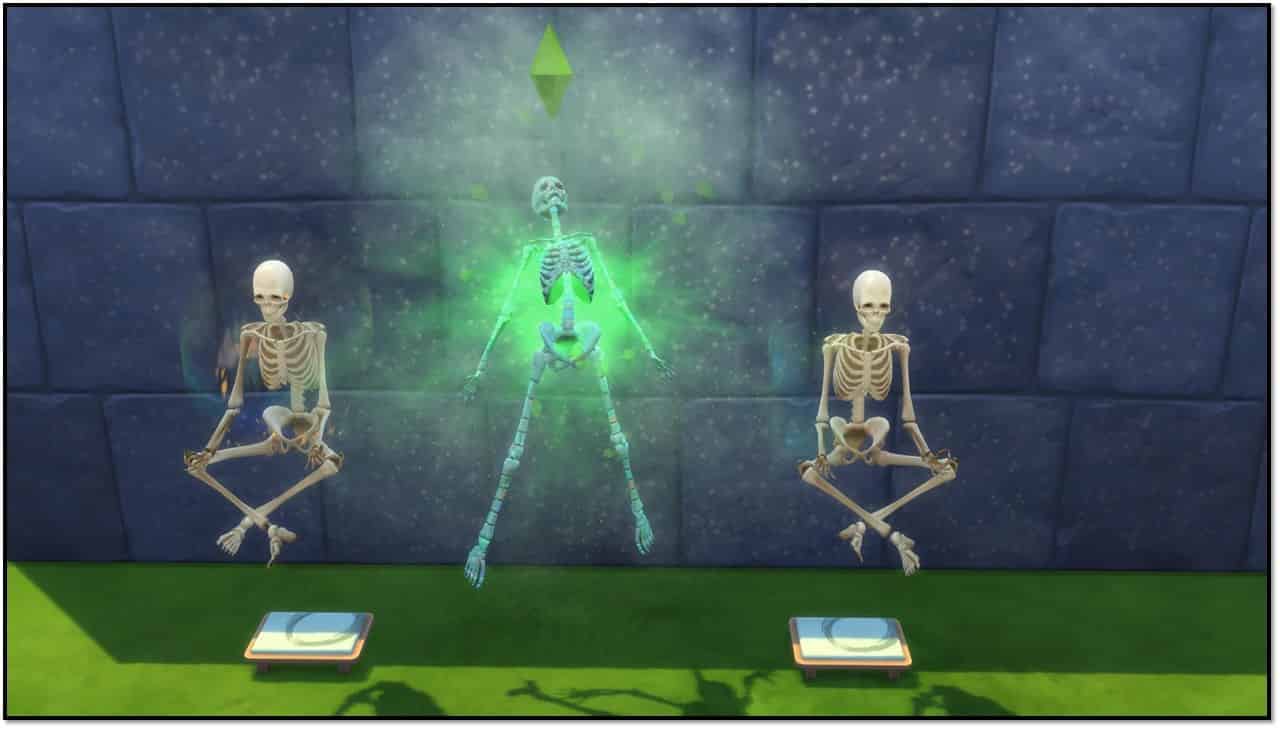
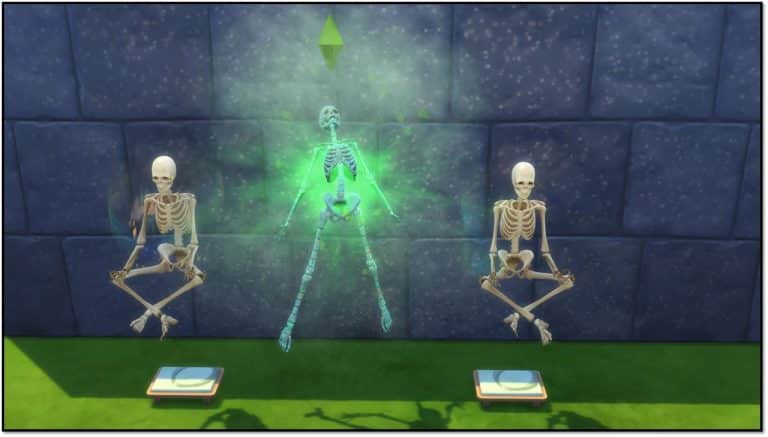
SimGuruNinja shared a new screenshot from The Sims 4 Jungle Adventure Game Pack, showing 2 skeletons meditating (feature from The Sims 4 Spa Day) and 1 Sim being turned into a skeleton.
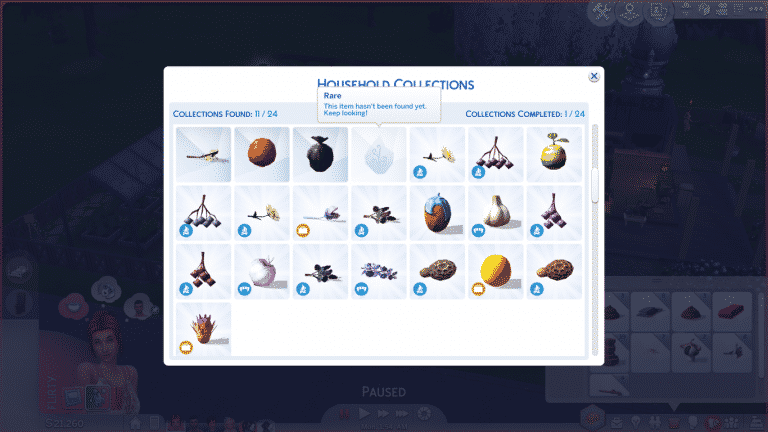

Have all your collections reset themselves for seemingly no reason? Fear not! We have an explanation and an easy solution to this perplexing problem!
Collections are tied to individual households, not your save file. Each household has its own collection progress, allowing you to complete your favourite collections multiple times in all your households if you want to. When one Sim in your household finds a new collectible, everyone in the household gets that collectible added to their progress. Collections are very much a family effort (especially with kids being the only ones able to hunt down Voidcritter cards in logs, water pumps and garbage bins now with Kids Room Stuff).
What does this mean? Well unfortunately, it means that messing around with your households can also mess up your collection progress. Moving Sims in and out of households (especially if you’re using cheats to add new family members to a household) can reset the collection progress for that household.
If you’ve kept at least one of each collectible on your lot somewhere for display purposes (as most collectors like to do), the fix is very easy, but might take a few minutes to finish doing if you have a lot of collectibles.
If you didn’t keep any of the collectibles your Sims have found and sold them all, you can still fix this problem, but it requires some extra steps and a few cheats. You’ll also need to remember which collectibles your Sim has found if you didn’t record it somewhere since you don’t have one of each collectible your Sims have found on the lot.
A few important notes to keep in mind:
For those who have issues or just prefer watching content over YouTube we’ve added The Sims Team’s official The Sims 4 Jungle Adventure Game Pack Livestream covering a general overview onto our YouTube Channel.
The original livestream with the chat can be found here!
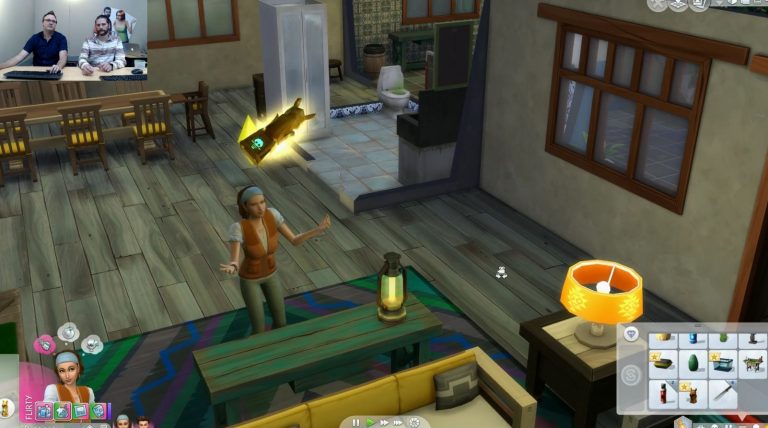
The Sims Team held their first livestream for The Sims 4 Jungle Adventure Game Pack, showcasing some of the important features and giving us a general overview of the pack. Down below you can find all the important facts and information that we’ve collected from the livestream!

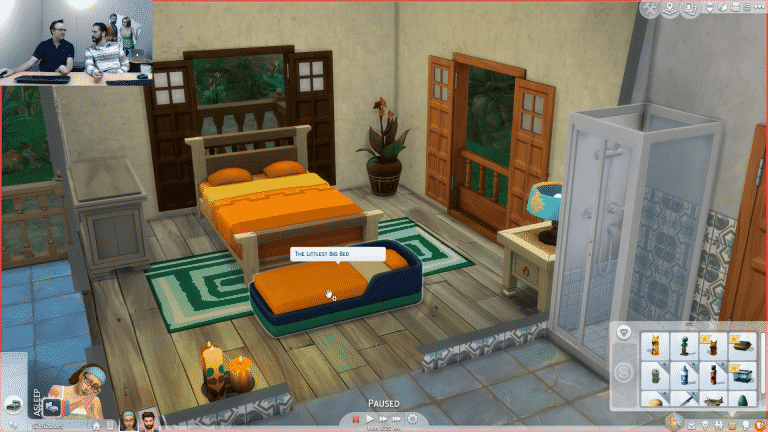
In today’s livestream for the upcoming Jungle Adventures Game Pack, the SimGuru’s shared with us a little surprise and that is in an upcoming patch for The Sims 4 we will be seeing a new portable toddler bed. Appropriately named the Littlest Big Bed the new portable Toddler Bed is perfect for your vacationing Sims whether that is in Selvadorada, Granite Falls or just hanging out in your backyard!
Although we only saw a quick glimpse of one of the colour schemes I’m sure it will come in a variety or vibrant colours!

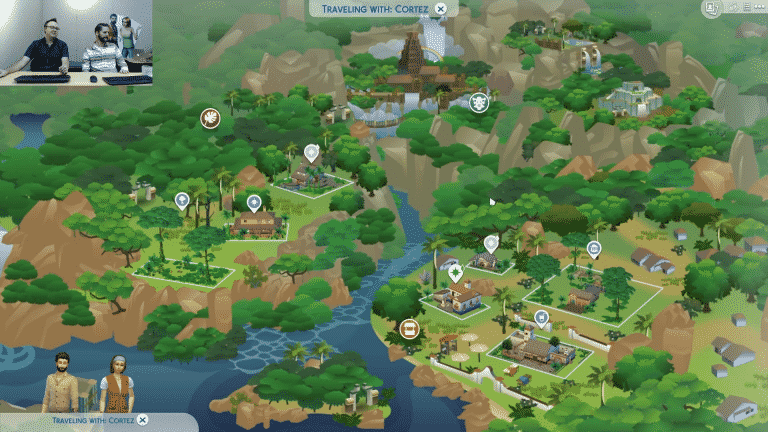
The Sims Team has finally shown the Selvadorada’s World Map during The Sims 4 Jungle Adventure Game Pack Livestream. There are 7 visible lots that you can visit, while there are plenty of more areas and temples that are not shown that you have to uncover yourself.


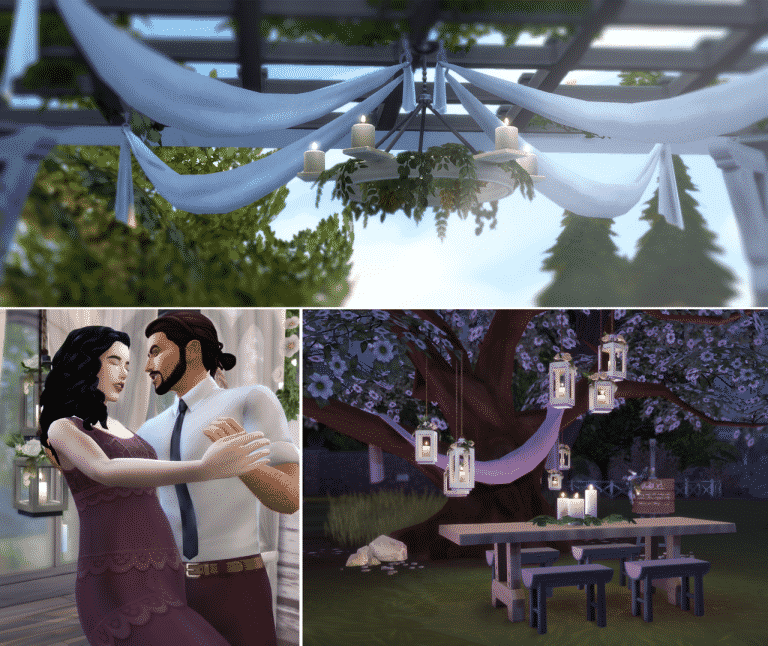
Plumbob Tea Society have finally released their huge Custom Stuff Pack for The Sims 4. This Custom Content Stuff Pack is made entirely out of Maxis Match Custom Content which includes new clothing for all fashion choices and ages and plenty of new build objects!
All of these items can be downloaded under one zipped file or you can choose to download these items seperately. Plumbob Tea Society’s info page includes information about each object, presets and download links.
To install this Custom Stuff Pack, simply extract the .zip file to your Electronic Arts > The Sims 4 > Mods folder. Make sure you have Mods / CC enabled in your game options!
[mks_button size=”large” title=”INFO + DOWNLOAD” style=”squared” url=”http://plumbobteasociety.tumblr.com/post/170874771645/rustic-romance-stuff-for-sims-4-the-love-child” target=”_blank” bg_color=”#1e73be” txt_color=”#FFFFFF” icon=”fa-arrow-down” icon_type=”fa” nofollow=”0″]

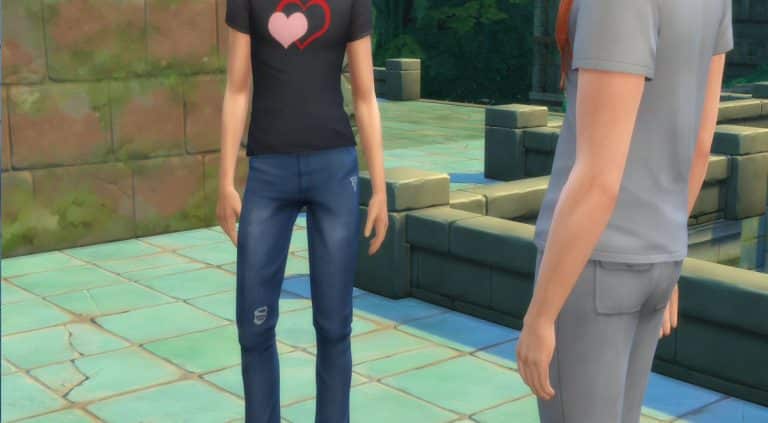
SimGuruGeorge, one of the producers on The Sims 4 Jungle Adventure Game Pack has shared some very, very random screenshots on his twitter profile in preparations for the upcoming livestream. Check them out below!
Setting up for a livestream on Thursday. Here are some shots from the adventure.
— George Pigula (@SimGuruGeorge) February 14, 2018
Arriving at my Villa. Check out this amazing place to rent while visiting Selvadorada.#NotAPhotographer pic.twitter.com/fhfK5H44Wy
— George Pigula (@SimGuruGeorge) February 14, 2018
Taking my first steps into the Jungle. Its so amazing looking. pic.twitter.com/RpWSn2YgpN
— George Pigula (@SimGuruGeorge) February 14, 2018
The views here are amazing. The vistas will take your breath away. pic.twitter.com/goYaOVzoY8
— George Pigula (@SimGuruGeorge) February 14, 2018
Oh wow! Look what I discovered! pic.twitter.com/BU86mtyNee
— George Pigula (@SimGuruGeorge) February 14, 2018
They made it up the temple! The architecture is amazing. pic.twitter.com/uemhVjdYKV
— George Pigula (@SimGuruGeorge) February 14, 2018
Found a Waterfall. pic.twitter.com/f9c90mJn51
— George Pigula (@SimGuruGeorge) February 14, 2018
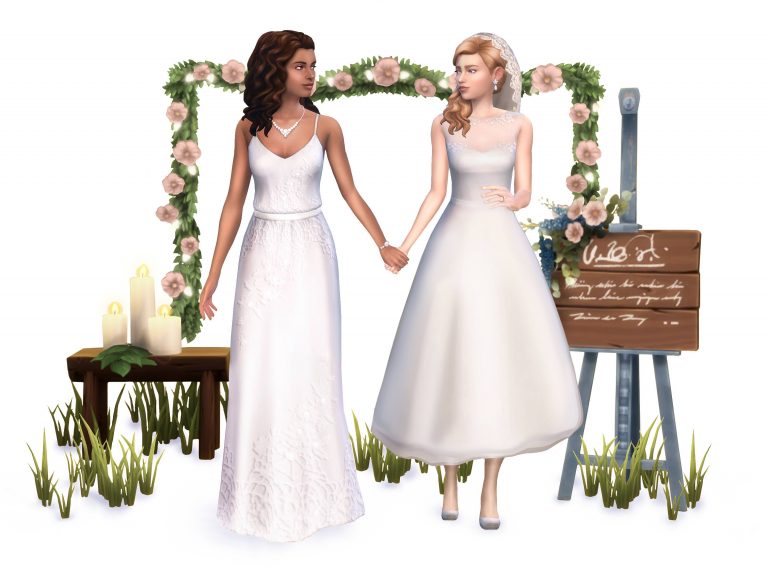
Plumbob Tea Society, a collective of talented custom content creators have given us a special sneak peek at their upcoming Custom Stuff Pack for The Sims 4 called “Rustic Romance”.
This custom Stuff Pack will be releasing for free. Like all Custom Content SPs you’ll be able to install it by extracting the content to Electronic Arts > The Sims 4 > Mods folder.
The Sims 4 Rustic Romance is releasing today at 12PM EST. Stay tuned for more information and articles about this gorgeous maxis-match pack!
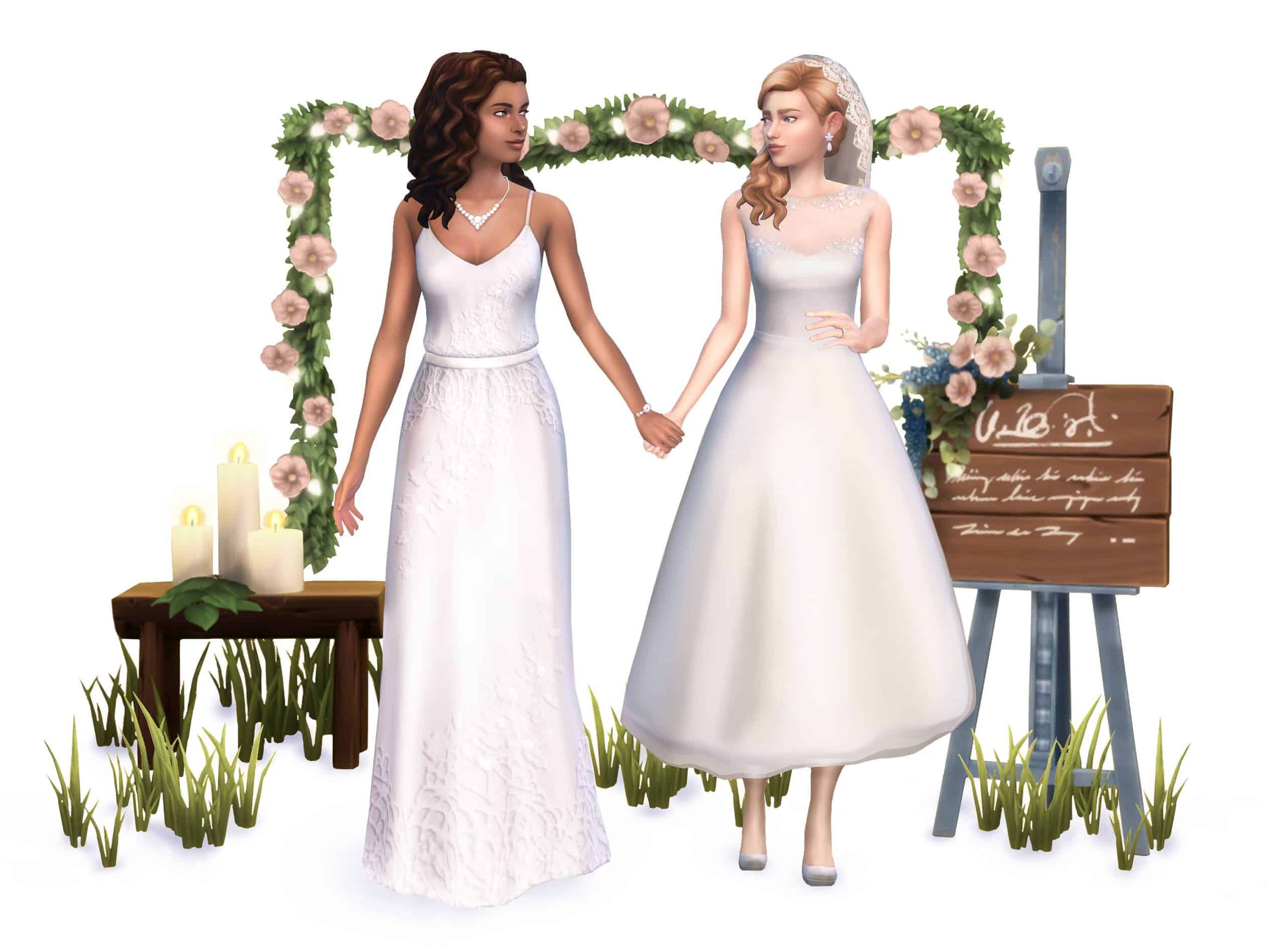

Plumbob Tea Society, a collective of amazing custom content creators who brought you custom Stuff Packs to The Sims 4 such as Cottage Garden Stuff and Teeny Tots Stuff are teasing a new custom Stuff Pack!
In case you don’t know, the Plumbob Tea Society creates high-quality Maxis Match Custom Content, meaning that it fully resembles the art style that you see in The Sims 4.
According to their post they’ll be releasing a brand new custom Stuff Pack for Valentines, which is on February 14th. We don’t know much yet about this Stuff Pack but definitely keep an eye out on our Custom Content Post Category for when the time comes!

The Sims 4’s world limitations are something which caused concern about the possible Seasons expansion ever since The Sims 4 launch. Most were afraid that the development team wouldn’t be able to introduce seasons to already available worlds in The Sims 4.
Today, SimGuruMegs shared a relieving piece of information on Reddit, saying that they would never confine Seasons to just one world.
We’ve gotten this question before and no, we would never confine seasons to a single world.
In case you don’t know, The Sims Team had a decision to make during The Sims 3 Seasons development: to make 1 world with all Seasons features or to bring Seasons to all other previous worlds.
With this information provided by SimGuruMegs we can probably expect all worlds we have so far to be introduced with the concept of Seasons.

We go through all the released information about The Sims 4 Jungle Adventure Game Pack in the video above. Check it out!
UPDATE: The Gallery is back online!
Wondering what’s going on with The Gallery? Don’t worry!
SimGuruNick, one of the producers on The Sims 4 has confirmed that The Gallery is currently down for maintenance. Although there is no timeframe when we can expect for it to go live again, it should happen in the next few hours.
We’ll make sure to update this post as soon as The Gallery goes live again!
Having trouble connecting to the Gallery? It’s not just you, we’re down for maintenance right now. Should be back up in a few hours hopefully 🙂
— SimGuruNick (@SimGuruNick) February 13, 2018
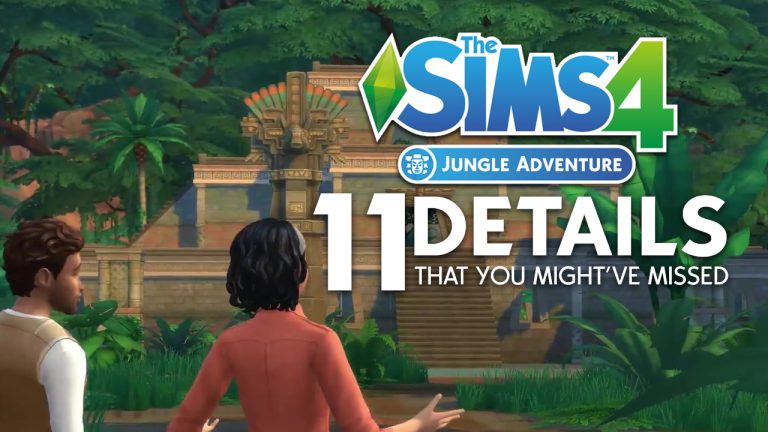
The Sims Team has just announced their 6th Game Pack for The Sims 4 – Jungle Adventure! Their reveal trailer is definitely overwhelming with plenty of details and little things. Here are 11 details from the trailer that you might’ve missed!


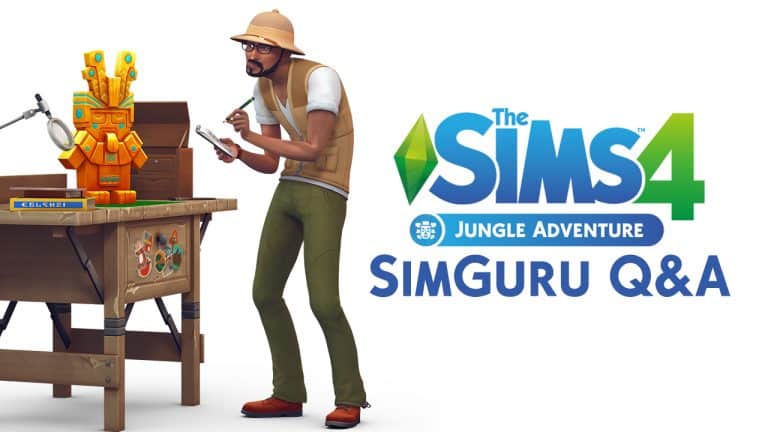
UPDATE: More questions have been answered on The Sims Forums. You can find the screenshots of each question / answer under the tweets section of this post!
The Sims Team already began with sharing new information about The Sims 4 Jungle Adventure Game Pack on Twitter.
We’ll make sure to keep updating this post as new tweets surface!
Radio stations? Plural?
Well yes. yes there is. pic.twitter.com/zXa9zWmw4V— Dave Miotke (@SimGuruNinja) February 13, 2018
Correct. Layouts will change, traps will randomize, loot can be different. There’s definitely reasons to return and explore more!
— Dave Miotke (@SimGuruNinja) February 13, 2018
Yes you can adventure with others. Your own household sims, other NPCs, toddlers, kids, pets… you name it.
— Dave Miotke (@SimGuruNinja) February 13, 2018
Harvestables? plural?
Fish types? plural?Why yes. Yes to all.
— Dave Miotke (@SimGuruNinja) February 13, 2018
It’s a vacation!
— Megan G (@SimGuruMegs) February 13, 2018
Yes, pets can go on vacation!
— Megan G (@SimGuruMegs) February 13, 2018
Yes, if you finish exploring it and stick around, it should reset after a bit. And it resets between vacations.
— Megan G (@SimGuruMegs) February 13, 2018
It does not use procedural generation.
— Megan G (@SimGuruMegs) February 13, 2018
There are a set number of layouts and the traps and loot are randomized.
— Megan G (@SimGuruMegs) February 13, 2018
There are new aspirations!
— Megan G (@SimGuruMegs) February 13, 2018
There are no sleeping bags in Jungle Adventure.
— Megan G (@SimGuruMegs) February 13, 2018
Wait until you see the map icon. I think it’s gorgeous. I worry that the other world location icons are going to get jealous.
— Dave Miotke (@SimGuruNinja) February 14, 2018
There are assorted local Selvadoradian villas to rent on the outskirts of the dense jungle. They’re warm, furnished places. Almost like you’re using Airbnb to stay in someone’s real home.
— Dave Miotke (@SimGuruNinja) February 14, 2018
Skeleton-ism (that’s a term, right?) is an affliction your sims endure. You can’t create them in CAS.
— Dave Miotke (@SimGuruNinja) February 14, 2018
If you can get them into CAS then hats and accessories can be put on them, but those additions will not appear when re-entering Live mode.
— Dave Miotke (@SimGuruNinja) February 14, 2018