Home Blog Page 418

The Sims 4 Kids Room Stuff: Build Items Overview

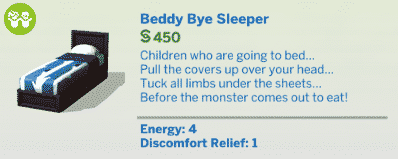
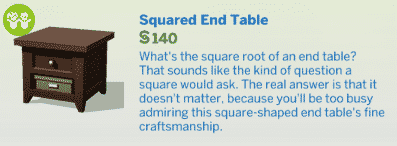
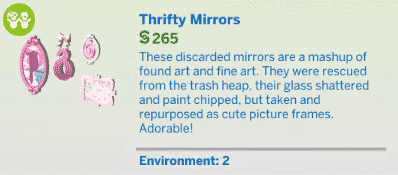
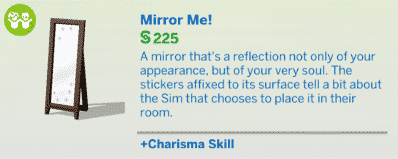
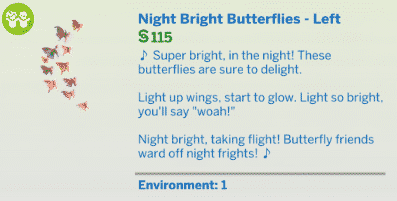
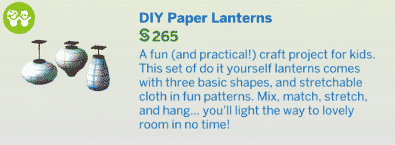
The Sims 4 Kids Room Stuff comes with 40 new items! That includes new objects that can be found in Build Mode.

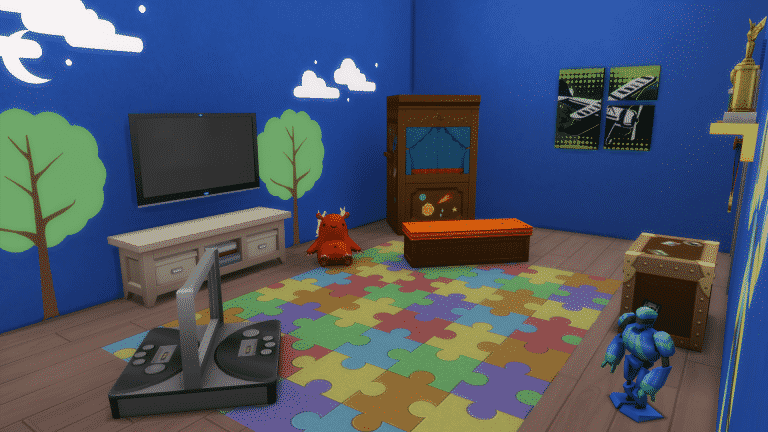
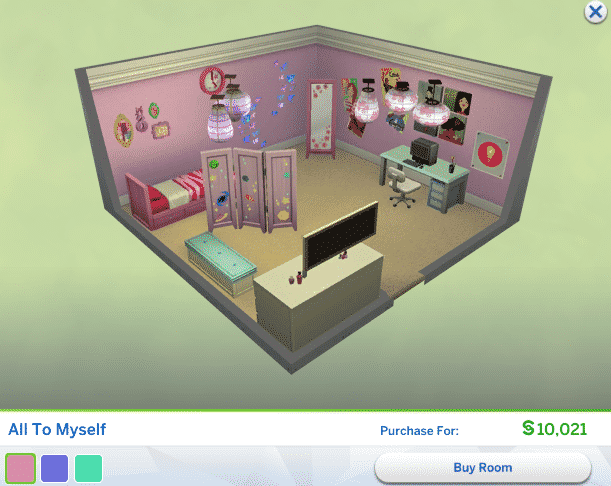
Down below you can find screens inside of the 3 new styled rooms, and even more down below you will find a full list of new items. Enjoy! 🙂

Screens

New Items

Styled Looks

The Sims 4 Kids Room Stuff: CAS Overview

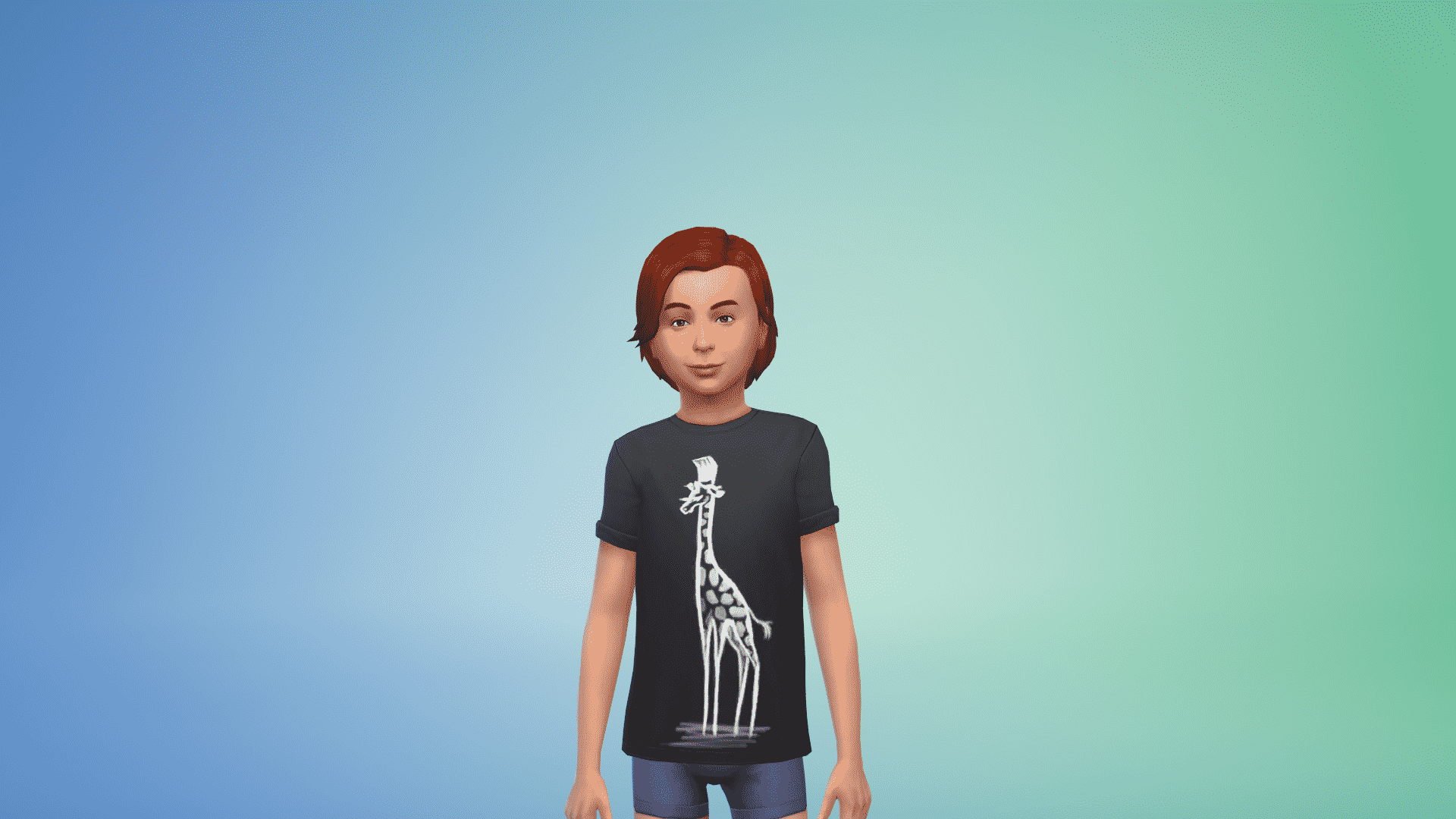
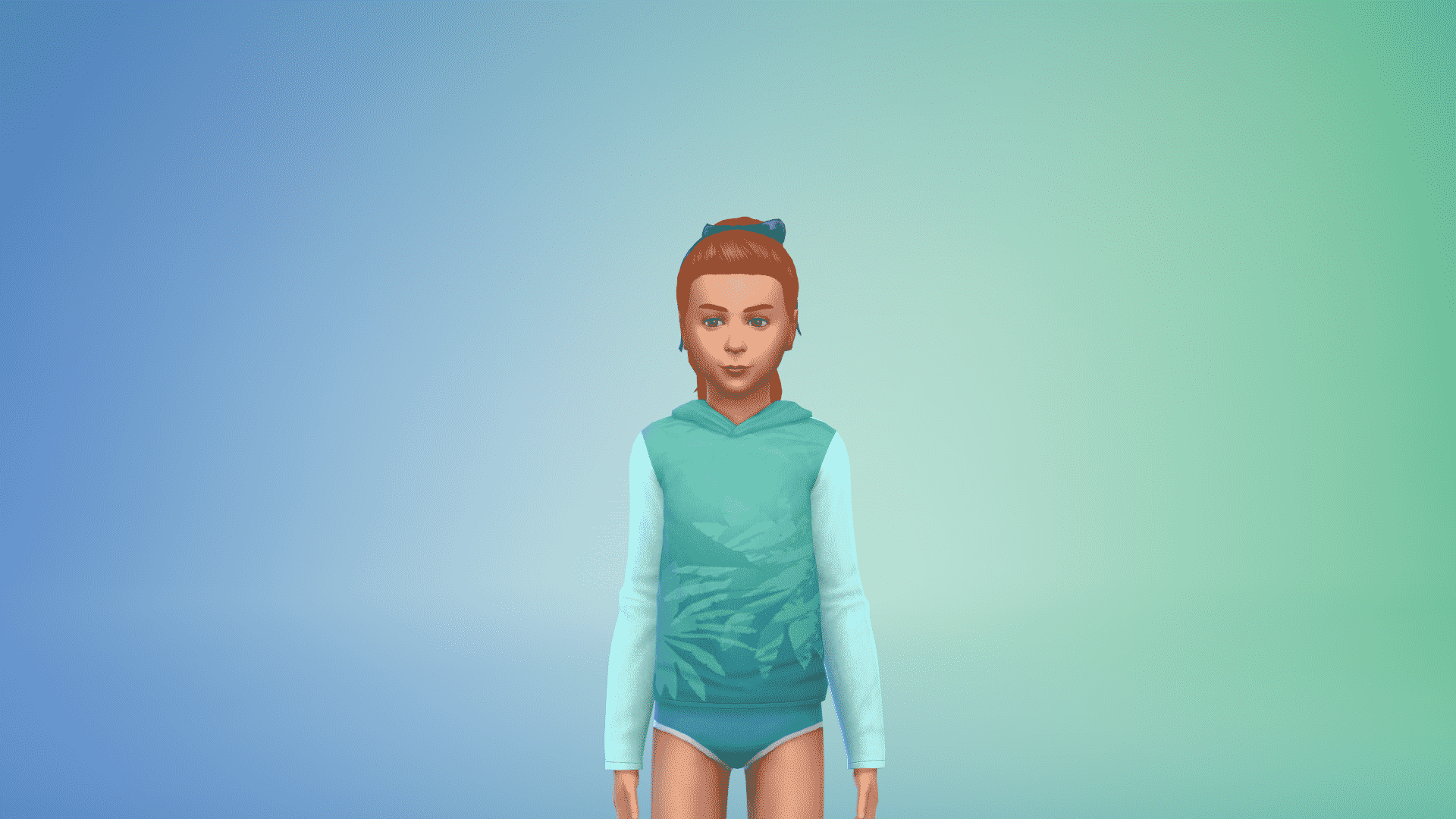
The Sims 4 Kids Room Stuff comes with around 40 new Create A Sim Items exclusively for Children!

Down below you’ll find a full list / gallery of all the new items in CAS. You can enlarge any image by clicking on it.

Child

Masculine

Hair (2) Tops (10) Bottoms (1) Outfits (2) Shoes (1) Styled Looks (4)

Feminine

Hair (4) Tops (14) Bottoms (3) Outfits (4) Shoes (1) Styled Looks (4)

The Sims 4 Kids Room Stuff: Now Available on Origin

0

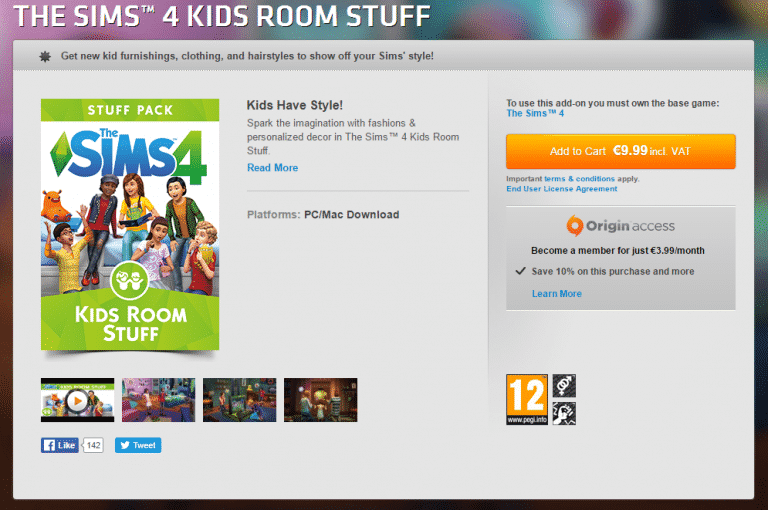
Click below to purchase The Sims 4 Kids Room Stuff on Origin!

Capture

The Sims 4 Kids Room Stuff: Exact Release Time

2

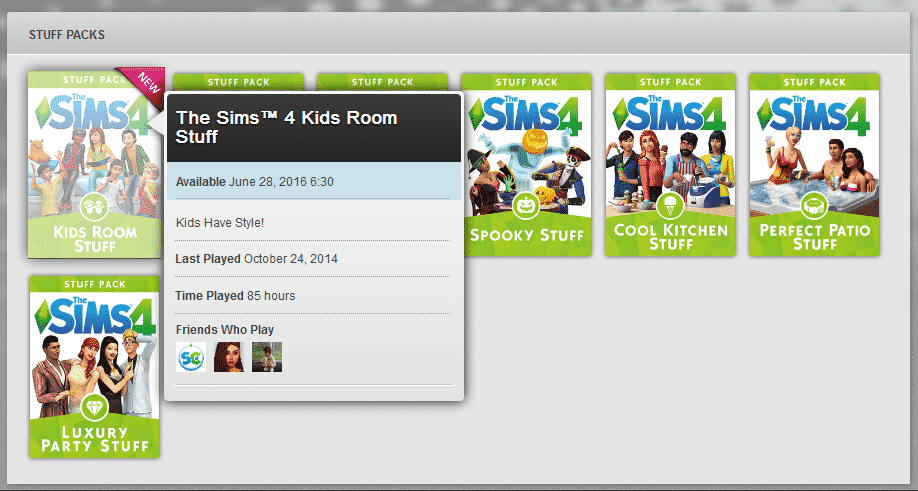
After registering The Sims 4 Kids Room Stuff, Origin has shown it’s exact date and time of the release – June 28th, 2016 at 6:30PM CET (5:30 BST / 9:30AM PDT).

Make sure you follow our Kids Room News Category to be the first to know when it goes live on Origin!

2016-06-27

The Sims 4 Kids Room Stuff: New Hairstyles Screen

0

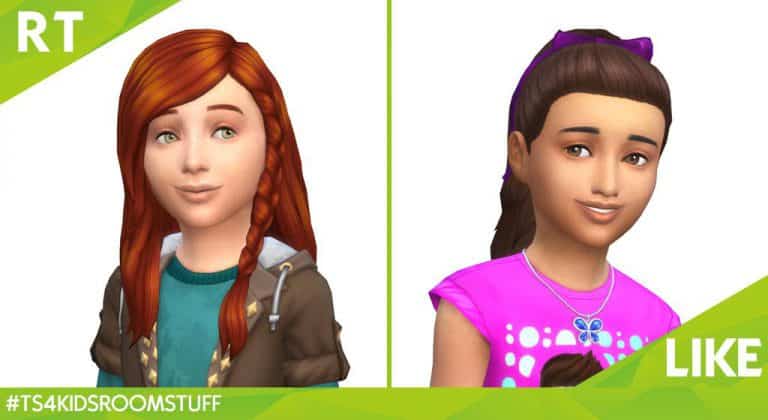
The Sims Team has released a new screen – showing off 2 new Hairstyles from The Sims 4 Kids Room Stuff! Which one do you prefer?

Cl59hkGWQAA2OWF

The Sims 4 Kids Room Stuff: Gameplay Twitch Livestream (REPLAY)

4

UPDATE: The Stream has ended. Down below you can watch the replay of The Sims 4 Kids Room Livestream!

The Sims Team will be playing The Sims 4 Kids Room Stuff and answer your questions about this Stuff Pack in a livestream below. The livestream starts on June 24th at 1PM EDT / 9PM BST / 10 PM CEST. We’ll update this post with a replay once the livestream is over!

The Sims Blog: Learn About the Battle Station in The Sims 4 Kids Room Stuff

0

Leif. Barry. Lora. Finn. Ellie. These are the revered names of legendary Voidcritter trainers, masters of the five elements. Will your Sims’ children be the next honored member of this elite circle? They’ll have the chance to become legend on June 28th in The Sims 4 Kids Room Stuff*.

TS4_665_SP07_SCREENS_02_004

Voidcritter monsters are the inspiration for a collectible card game that Sim kids can compete over – the first of its kind in The Sims franchise. Spanning five powerful elements (earth, fire, wind, water, and void) there are twenty monsters in total to find. While the more common critters can be acquired by ordering card booster packs from a computer, rarer monsters are better discovered by searching the world to see what you can find. Reach inside a hollow log here, dig through the trash over there… it’s all worth it if you have a hope of catching them all.

You can even trade Voidcritters with other kids in the neighborhood in hopes of landing a card that eludes you. In addition, each monster card has a limited edition foil variant that can be unearthed, and is totally the envy of every other kid in the neighborhood.

TS4_669_SP07_LIFTS_03

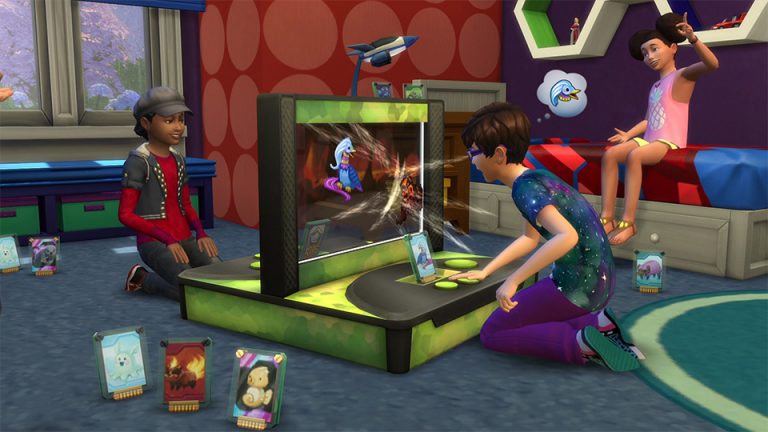
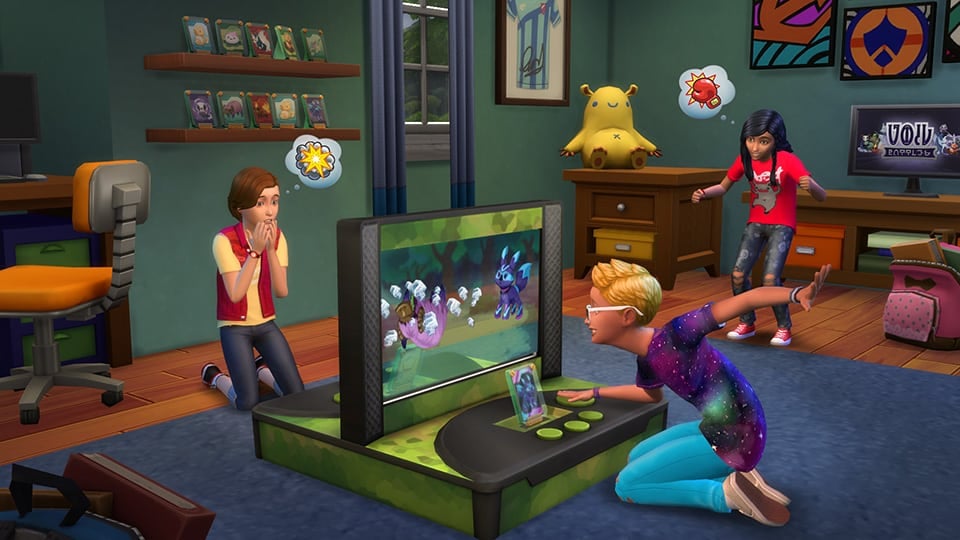
As great as each Voidcritter card looks when displayed on a shelf, you’ll unlock their true potential by giving your Sims the Battle Station, an electronic arena where the Voidcritters come to life. Select the Voidcritter which will gain your favor in combat – as you train them and lead them into battle, their power level will increase and play an important role in determining the winner. When each competitor inserts their critter card into the machine, the digital screen springs to life as kids attempt to button mash their way to victory while the battle unfolds. Elemental attacks even leap out of the screen, enhanced by a child’s own imagination.

Become the Voidcritter victor, the elemental egalitarian, and perhaps most importantly… the champion of the playground! This destiny awaits you in The Sims 4 Kids Room Stuff when it releases this June 28th.

Via TheSims.com

The Sims 4 Kids Room Stuff: Battle Station Clip

0

The Sims Team has released a new Clip for The Sims 4 Kids Room Stuff, showing off the new Gameplay features of the Battle Station object!

The Sims 4 Kids Room Stuff: Outfits Clip

0

Check out the latest The Sims 4 Kids Room Stuff video clip posted by The Sims Italy!

Which outfit do you prefer more?

The Sims 4: Monster under the Bed (June 2016 Update Feature)

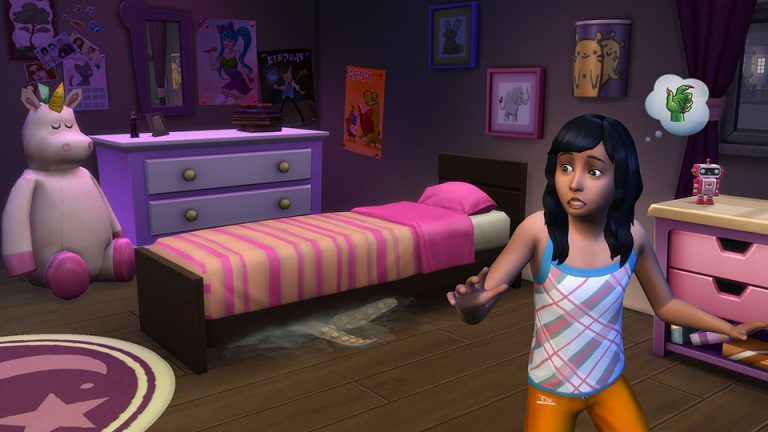
The latest Sims 4 Update brought a new addition for Kids – the Monster under the Bed feature!

Monster Under the Bed – when to find it

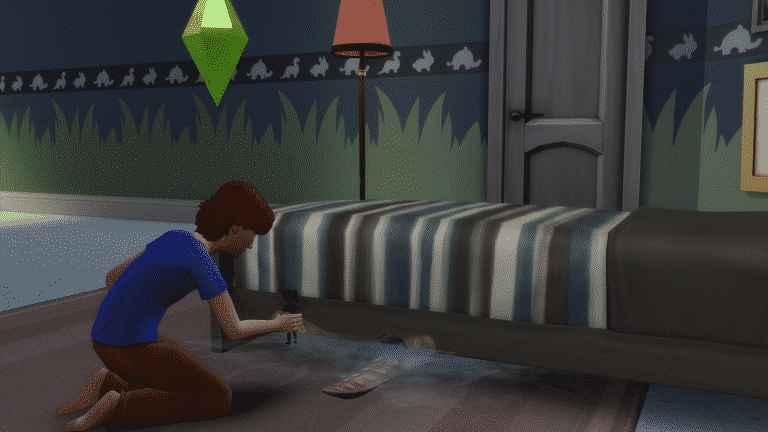
The Monster will appear completely random after waking your Child Sim up from a nightmare. They appear from 6PM to 6AM and are only visible when controlling a Child Sim.

06-23-16_9-39-45 PM

What can you do with it?

At first – not much. You can only ‘Talk to Monster under the Bed’ and ‘Yell At’, but these 2 interactions will help you become friends with the Monster.

Your first attempts at talking to the Monster won’t be successful though. Try mixing in the Yell At interaction every now and then for results.

Once you befriend the Monster, you’ll unlock the following Interactions:

  • Play with Monster under the Bed
  • Talk…
    • Ask Monster Under Bed to Leave
    • Ask about Living Under the Bed
    • Call Names
    • Tell Secret

Although these interactions won’t influence your Sim much, they will boost your Social Need.

06-23-16_10-21-25 PM

Getting rid of the Monster

There are several ways you can make your Monster under the bed Disappear:

Ask to Spray The Monster Under the Bed

This interaction is available during night time and will keep your Sim safe from the monster for the entire night. If you’re not friends with the Monster and the Monster appears, your Child Sim will automatically call for a Sim older than him/her to spray the bed.

06-23-16_9-03-59 PM

Ask Monster Under Bed to Leave

If you’re friends with the Monster you can ask it kindly to leave, keeping you safe for the current night.

06-23-16_10-23-46 PM

The Defender Wall Light

If you want the Monster to stop appearing for good, you can purchase Coolala, The Defender Wall Light for 60 Simoleons.

thedefender

06-23-16_10-30-45 PM

Buffs

There are 2 new Buffs with this Update:

Scared of Monster

This Buff shows up when a Monster appears under your Bed that you haven’t befriended. It’ll give you a 2+ Uncomfortable moodlet for an hour and you won’t be able to sleep until you get rid of it.

monsterbuff1

Hello My Friend!

This Buff shows up when a Monster appears under your Bed that you have befriended. It’ll give you a 2+ Energized moodlet for an hour.

monsterbuff2

Steam Summer Sale: Get The Sims 3 + All the Packs for 75% off

1

Steam’s latest Summer Sale didn’t exclude The Sims 3 games. They are offering The Sims 3 Base Game, Expansion Packs and Stuff Packs – all for 75% off!

That means that if you plan to get the entire The Sims 3 collection, you could get it all for around 150$!

Capture

The Sims 4: New Update + Patch Notes (June 23rd, 2016)

ts4e3logo

The Sims Team has released a brand new Update for The Sims 4! Not only are they fixing some of the game bugs, but they’re also introducing a new ‘Monster under the Bed’ feature!

To download the latest version of The Sims 4, simply open your Origin program and if the game doesn’t update automatically, right click on The Sims 4 and select ”Update”.

In case you have Mods or Custom Content, the game will automatically disable them for you after first launching The Sims 4 after the update. To re-enable all your Mods and Custom Content, select the Settings option in the Menu and select Settings. Under the”Other” section you’ll find the ”Enable Custom Content and Mods” option. Check it and restart your game in order for it to take effect!

Patch Notes

Update: 06/23/2016 – PC Version 1.20.60.1020 / Mac Version 1.20.60.1220

How do Simmers!

Just about the end of June… Summer is in full swing… what better time than now for a release?!

What’s New?

Did you see something? Over there… peeking out from under the bed. Not if you aren’t a kid!

Children however might find themselves awakened at night to the eerie sounds of a monster lurking beneath their bed. Fear not brave ones, a quick spray of monster repellent will get the pesky critter to creep away (you can also pre-spray like any properly working repellent).

But… why be afraid, when you can be friends! Children can spend a little time trying to get to know the bed bound beastie, and maybe make a new friend.

Of course, perhaps you just don’t want your kiddies to worry. Place “Coolala, The Defender Wall Light” to keep the monster at bay, and sleep tight, have a good night…. and know that the Monster Under the Bed is afraid of sunlight.

General Issues…

  • We fixed an issue that left our elders looking a bit more daw… er…ly morning of the dead than we wanted them to be… their age lines were quite pronounced. Elders should look less zombie and more walking alive.
  • The Days Until Age Up information in the Simology panel will now display no matter where you hover over the age bar.
    • Left side… right side… slightly off center… the Sims’ days are always numbered.
      • Do you think the Sim knows about their age countdown?
        • Do you think it’s Logans Run’esque, Terminator 2’ish, or maybe Paycheck’ian…
          • …not that anyone should reference Paycheck. But you know what, I liked Paycheck. There, I said it, and now you know.
        • “Eat” will no longer be called “Eat and Learn Experimental Food” on foods that are not experimental foods.
          • Also… quotations used “incorrectly” have been known to cause “confusion” and lead to the belief that “what the writer is writing” is intended sarcastically.
        • We fixed an issue with some assets that were incorrectly tagged as masculine or feminine, or that had their tags forgotten altogether. Specifically:
          • ymhair_Sp05LongFront is now tagged as masculine
          • ymTop_SP05Basic is now tagged as masculine
          • yfAcc_EarScoop is now tagged as feminine
          • yfBottom_EF10SwimBikiniMetalFront is now tagged as feminine
        • We fixed an issue that prevented Sims from being able to hire a mixologist to tend bar.
          • They are back, they are mixing…
          • …‘ologist’ refers to a person who studies or has knowledge of a particular kind of science.
            • And as much as I hoped… a tribologist does not actually study tribbles.

Spa Day…

  • Mud bathing Sims will no longer appear with random face paints.

Dine Out…

  • The hair ym_GP03SlickBackWavy will no longer have a bald spot on the back.
    • Implants are complete, all hair is 100% natural… no chemicals or artificial sweeteners have been added.
  • Net profit information will no longer improperly display when opening the View Last Finances report in your restaurant menu.
    • We fixed an issue that was causing the totals to add incorrectly each time the dialog was viewed.
  • We addressed an issue (Hello issue) that could cause restaurant advertising to have little or no effect upon the number of customers that would come to visit your establishment.

Get to Work…

  • We fixed an interface issue that made it appear retail stores would remain open when the Sim left the lot.
  • Patients should no longer reset when their doctor attempts to examine them or take their temperature.

Thank you again for your feedback, support, and issue reports – all of which keeps us moving along!

-SimGuruGnome

The Sims Blog: There’s a Monster Under Your Bed in The Sims 4! No, Really!

1

After today’s Update to The Sims 4, don’t be surprised if you see something a little… monstrous… peeking out from under the bed. See, after we got the patch together, we started hearing that children from all over have reportedly been awoken at night to the eerie sounds of a monster lurking beneath their bed.

Parents claim they have no idea what their little ones are talking about, but have taken to humoring them by spraying a “monster repellent” around the bed. This apparently has done remarkably well at getting tentacled things to go away and keeping creepy things in check!

TS4_MonsterBed

“It’s true,” say the youngsters! “Some sort of unspeakable monster of unspeakableness has been seen skulking beneath our beds!” Apparently the beguiling behemoth is only visible at night, and only to children. The frightened youth however are more than willing to fetch the nearest household member to help with their monster predicament.

However, some tenacious tykes have instead attempted to communicate with the slithering disturber of slumbers. Going the route of befriending the lurking leviathan with a kind word or two. Perhaps though, your budding offspring are not the “step into the belly of the beast” types… then your little sprout should plop the “Coolala, The Defender Wall Light” upon their walls, guaranteed to keep the ghoulish ghoulie away better than any apple!

So sleep tight… good night…. and know that the Monster Under the Bed is afraid of sunlight.

Via TheSims.com

The Sims 4 Kids Room Stuff: Official Description + Key Features

0

Game.co.uk published a page for The Sims 4 Kids Room Stuff where they unveiled the official pack description and it’s key features. You can order the game code by clicking HERE!

TS4_SP7_Packfront_EN

Design and personalise kids’ bedrooms that spark the imagination of your Sims with The Sims™ 4 Kids Room Stuff*. Collect and trade monster cards, then bring them to life in the electronic battle station. Put on a puppet show to tell stories and entertain family and friends. Outfit your Sims in kids clothing that expresses their individual style.

  • Customise Kids Rooms – Build kids bedrooms that are both expressive and full of style. Excite your Sim’s imagination with colourful new furniture and themed decorations ranging from space robots to fun flower flourishes.
  • Battle with Monsters – Collect and trade monster cards featuring your Sim’s favourite magical creatures. Use cards in the electronic battle station to bring them to life and challenge friends to a monster duel that’s sure to excite.
  • Play with Puppets – With the all-new puppet theatre and a bit of imagination, Sims can tell a variety of whimsical stories to entertain an audience of family and friends.
  • Kids Fashion – Trendy yet playful kids clothing and hairstyles let Sims showcase their individual style, or highlight their obsession with the latest tween heartthrob.

The Sims 4 Building: Decorating Your Backyard

Hello everyone!

I will be giving you decorating tips for your backyard in today’s article!

Giving Your Backyard A Layout:

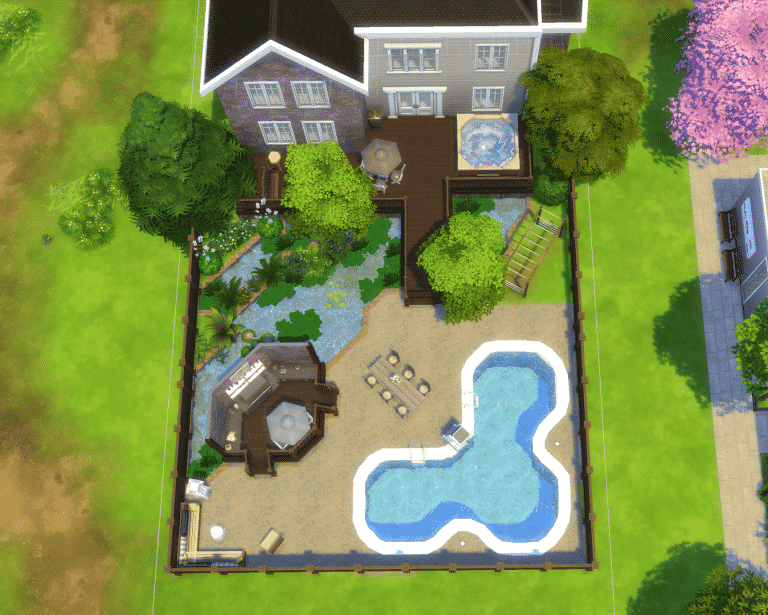
First thing to consider when decorating your backyard is to layout where everything will go using terrain paint and/or foundation!

06-21-16_6-00-15 PM

Using the fountain or pool tool to create a pond is a great decoration for your backyard! A pond takes up space and looks great! Using a foundation to create a outdoor kitchen area is great a way use the space that you are given.

Adding In The Details:

The details are a great way to show off your backyard! Your neighbors will totally be jealous of your backyard.

Adding In The Essentials:

Adding in things like the porch, outdoor kitchen, and pool will accentuate your backyard, giving your sims loads to do! Adding in a hot tub will make your sims very bubbly! (Get it, no… okay)

Adding in Kids Play Area(s):

Kids play area(s) are a great way to keep your kids busy while you are out tanning by the pool or cooking their favorite meal!

06-21-16_8-56-47 PM

Adding In Plants:

Add in plants to give the outdoors and a nice fresh smell! your pond can have algae in it using the algae clump from the Get Together expansion pack! Use plants to line the edge of the pond to give your pond a natural look.

06-21-16_6-20-03 PM

Seating Area(s):

Seating area(s) are important for your sims when they want to sit and relax or to sit and eat the delicious food that your sims make! Your sims love to make food? Why don’t you get the new game pack, Dine Out, to try out some new experimental foods!

Finish It Off:

Add in anything that you have forgotten or think that would top off your backyard! Now you have a beautiful backyard that you can call yours!

06-21-16_7-46-25 PM