Home Blog Page 419

The Sims 4 Kids Room Stuff: SimGuru Q&A

0

SimGurus are currently answering questions about The Sims 4 Kids Room Stuff! Check out what he has to say:

o52kt7Ds

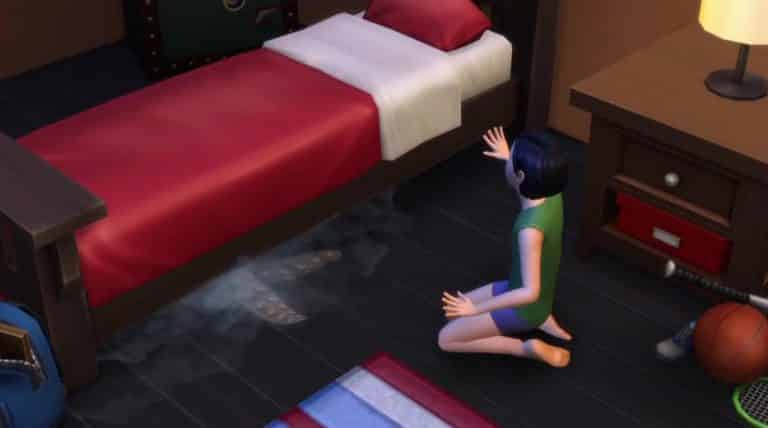
The Sims 4: ‘Monster Under the Bed’ Coming for FREE in the next Update

0

The latest Trailer for The Sims 4 Kids Room Stuff may have shown more than you think!

monsterbed

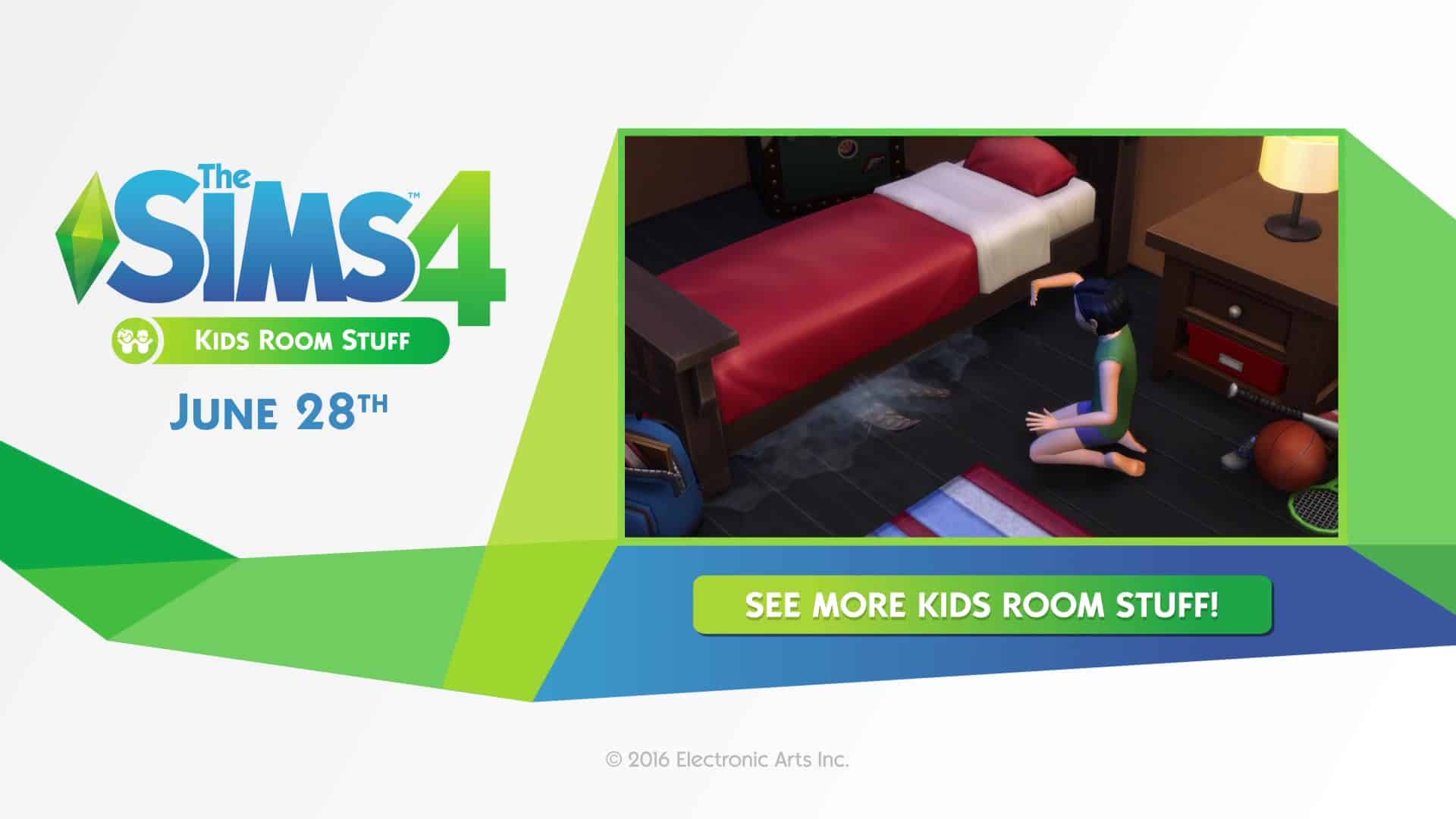
SimGuruGraham confirmed that Monsters under the Bed feature will arrive in the upcoming Update for The Sims 4 (for free, of course). He also confirmed that there will be a blog post about this new feature that’ll soon be available for all The Sims 4 players!

In case you missed, the Monster under the Bed also appeared in the April Teaser Video.

The Sims 4- Look What's Coming Spring and Summer 2016 38

The Sims 4 Kids Room Stuff: 70 Screens from the Trailer

1

Check out 70 screens from the latest The Sims 4 Kids Room Stuff Trailer!

The Sims 4 Kids Room Stuff: 3 New Screens

0

Check out the 3 new Screens for The Sims 4 Kids Room Stuff sent to us by The Sims Team!

The Sims 4 Kids Room Stuff coming June 28th! (Blog Post)

1

The Sims Team has just announced the 7th Stuff Pack for The Sims 4 – Kids Room Stuff!

Check out more information about this Stuff Pack from the latest blog post:

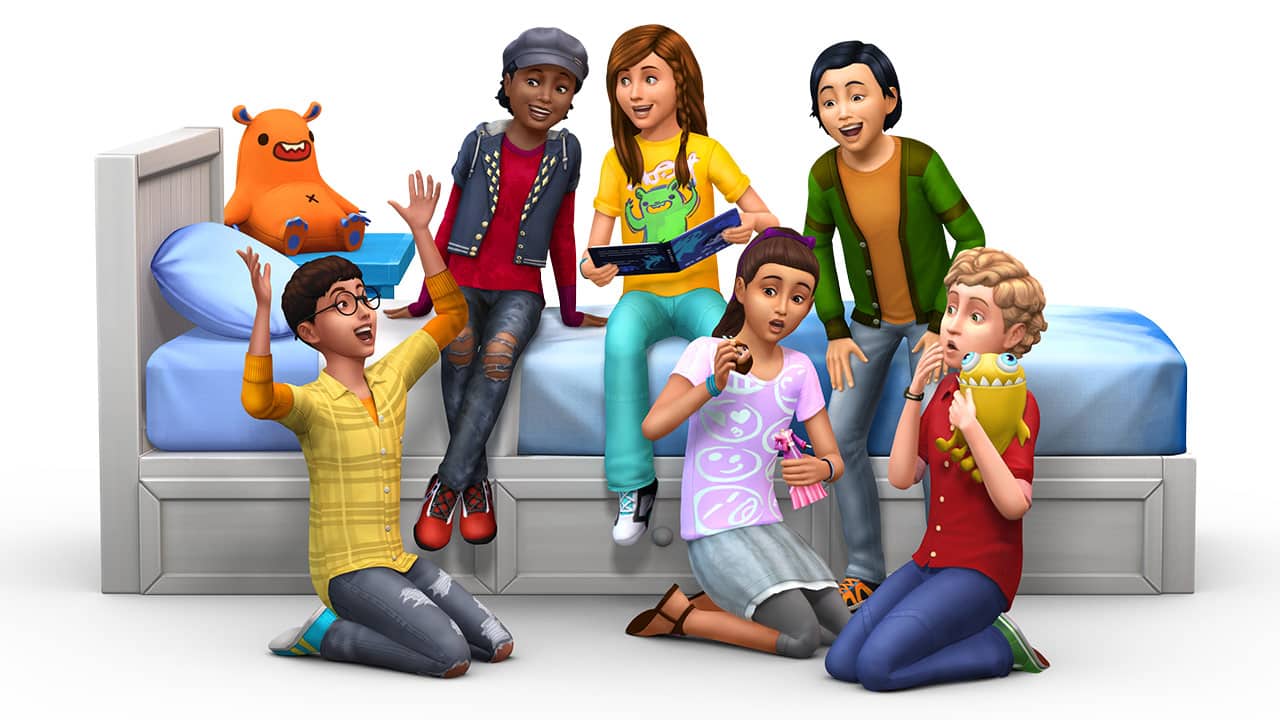
Childish Sims and Simmers rejoice; The Sims 4 Kids Room Stuff* is arriving on June 28th, and it’s all about giving those little rascals more to occupy their time.

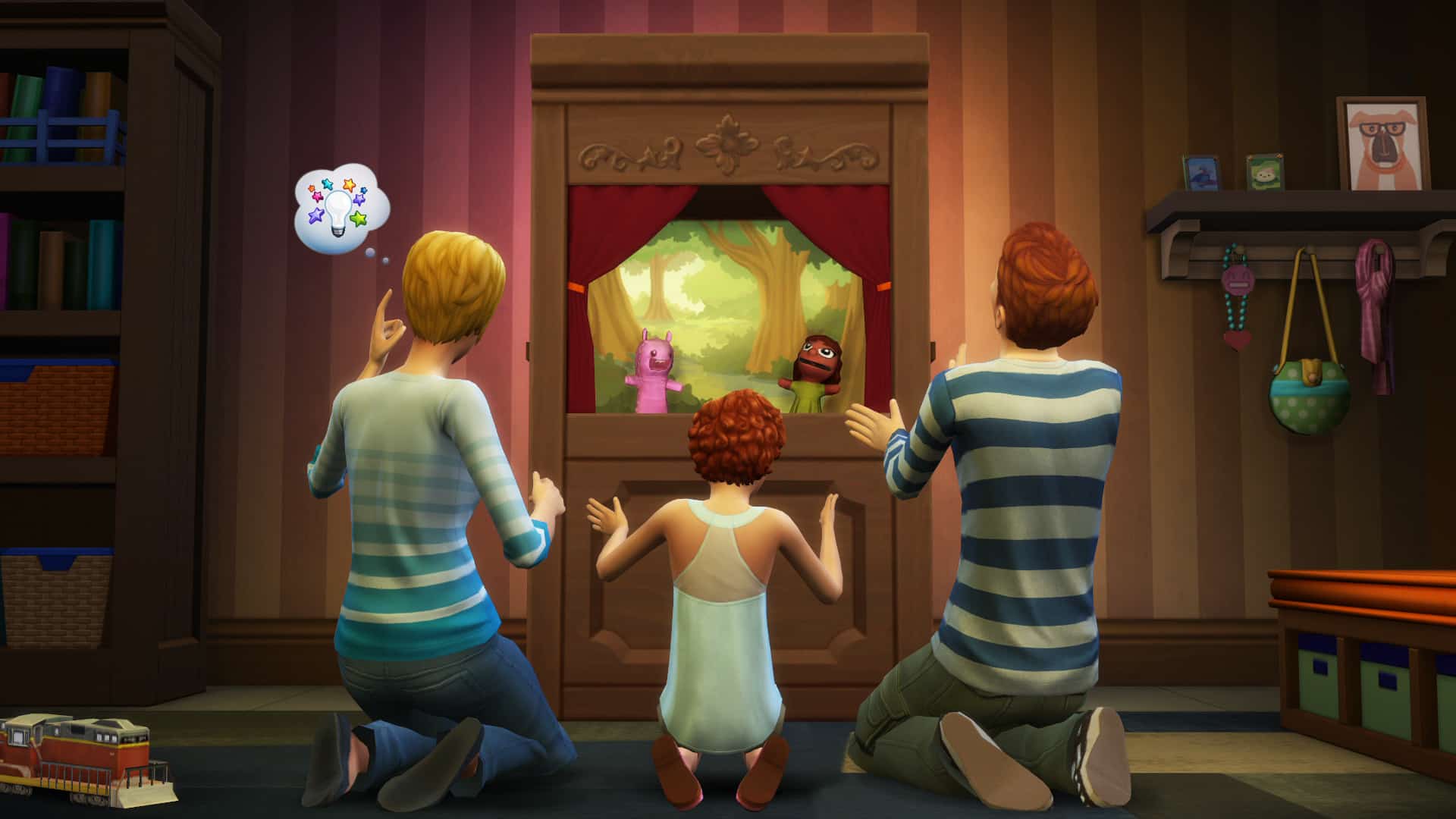
A child Sim can put on a performance in the Puppet Theater to help with their social development, they can stoke their competitive fire by challenging their friends at the Voidcritter Battle Station, and they can go out exploring in the world to discover and acquire the new Voidcritter collection.

SP7_Vid_Thmbnl

…hold on a second, a Void-what? Voidcritters! As the story goes, these cute and occasionally ferocious monsters are mysteriously appearing in your Sims’ world, and it’s up to the children in your family to capture, collect, trade, and train them. Voidcritters are a brand new collection of twenty collectible (duh!) cards, which can be battled against each other in the Voidcritter Battle Station. Each competitor inserts their critter’s card into this electronic arena, and the digital screen springs to life as kids attempt to button mash their way to victory while the battle unfolds. This collectible card game is unlike anything you’ve ever seen in The Sims before.

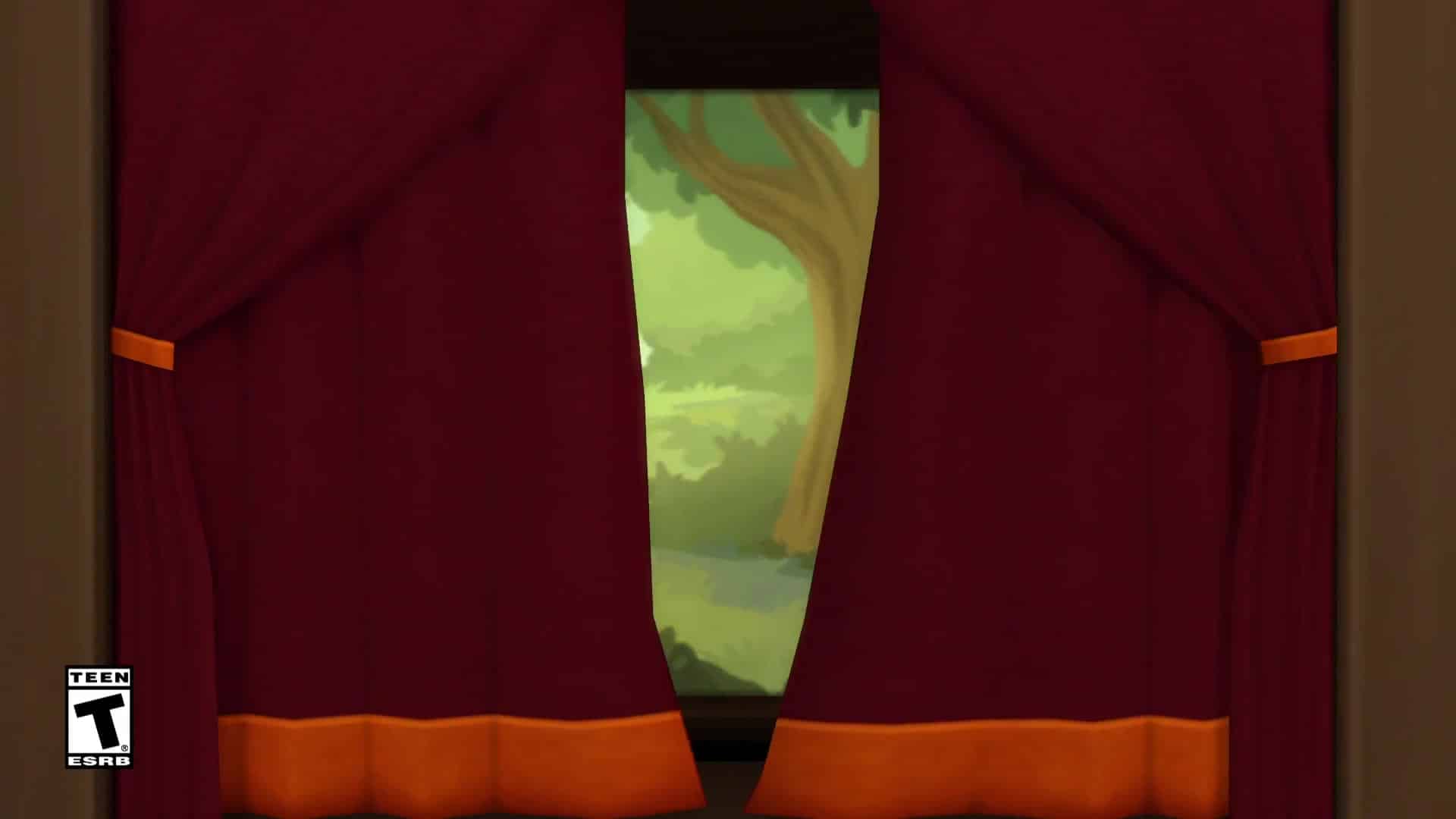
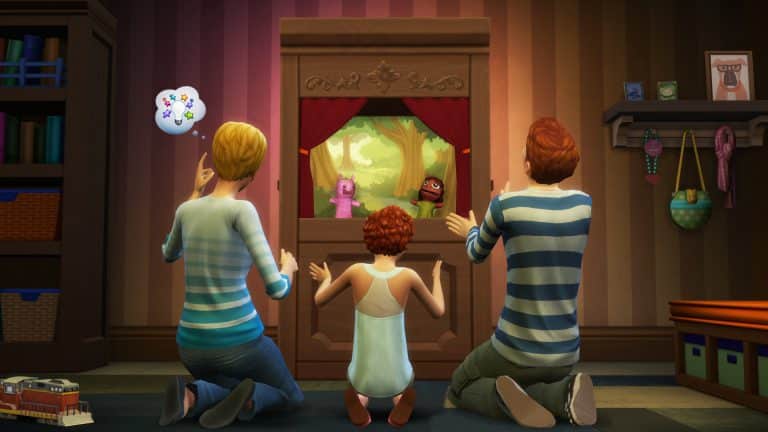
Children will also find the Puppet Theater waiting for them when looking for an amicable social undertaking. In another first for the franchise, friends and family will gather around as your child Sim puts on the performance of their lifetime. When the curtain rises, a variety of stories can unfold… will two friends lost in the woods make it back to safety? Will a monster with razor sharp teeth find living arrangements in a suburban family’s home? Will the dastardly deviant that stole a notebook be brought to justice by the school’s private eye? Five plays in total are unlocked as a child raises their social skill, and each one is positively adorable to watch as it’s acted out.

TS4_SP7_Screenshot_1

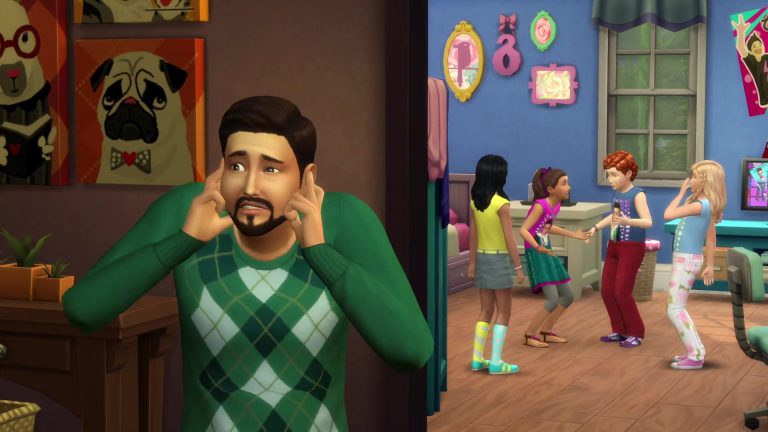
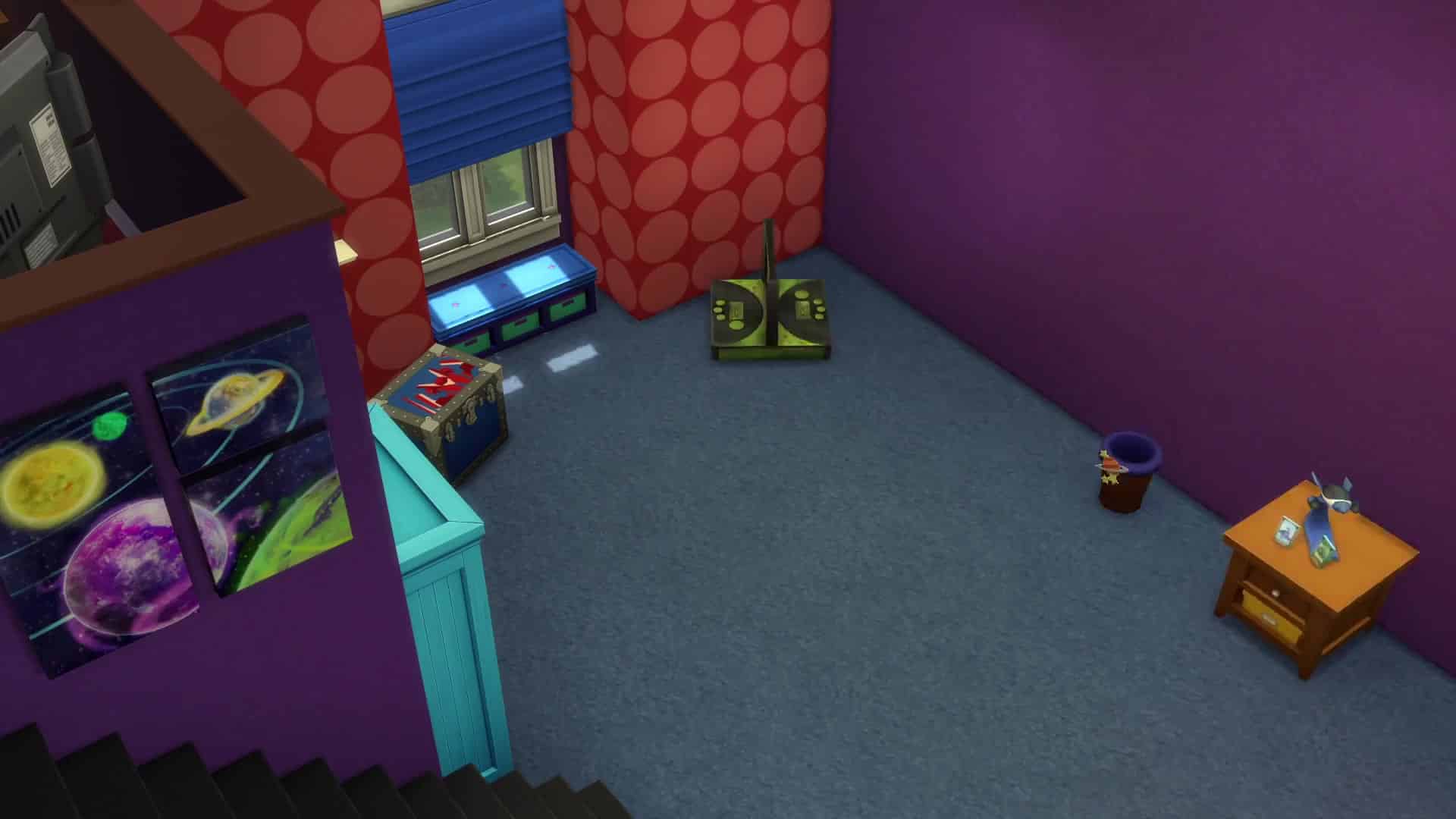
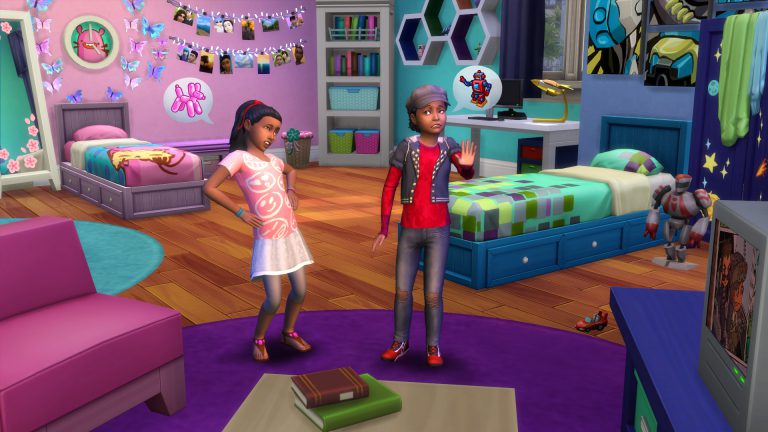
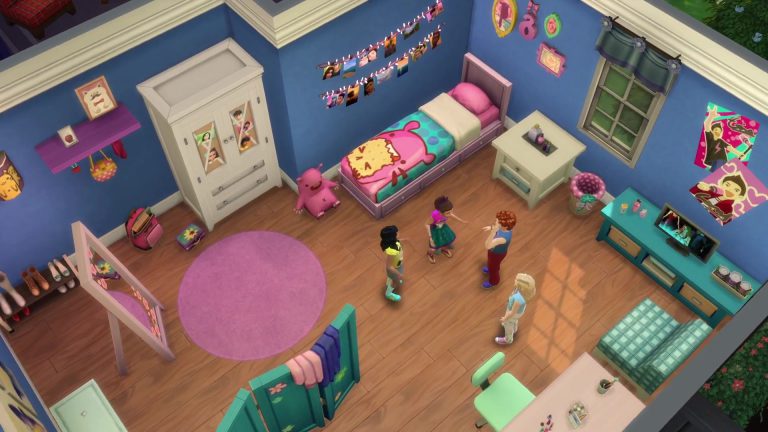
To complete the experience, we imagine you’ll want to do some renovations to your kid’s rooms, as well as a wardrobe overhaul to set the right tone. You’ll find that objects are aged up in style from the primary shapes and colors that adorn the existing kid’s furniture; the content in this stuff pack helps children start to define their own space. Clothing is similarly expressive and unique, with patterns, logos, colors, and fashions that help tell the world who they are and what they like. Finally, what better way for kids to pass idle time in their room than listening to the new Tween Pop radio station, or watching the new BEtween TV channel.

For the young Sims in the game, or those Simmers who are just young at heart, there’s plenty in The Sims 4 Kids Room Stuff to put a smile on your face when it launches this June 28th.

The Sims 4 Kids Room Stuff Announce Trailer

0

It’s finally time for Sim Kids to take their rooms to the next level with the all new The Sims 4 Kids Room Stuff Pack releasing June 28!

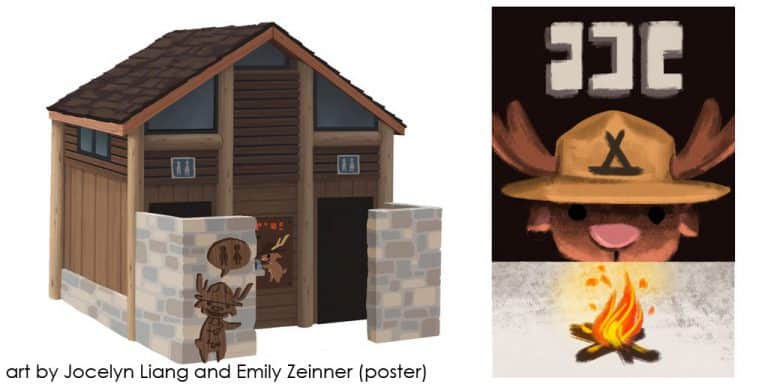
Kids will get to deck out their room with all new furniture, posters, and other items to make their digs their own. But that’s not all! Kid’s can take their imagination to new heights with two new game play objects, Monster Battlestation and the Puppet Theater.

More info can be found HERE!

The Sims 4 Dine Out: Hire Additional Host

3

Are Sims making huge waiting lines to enter your Restaurant? Not to worry!

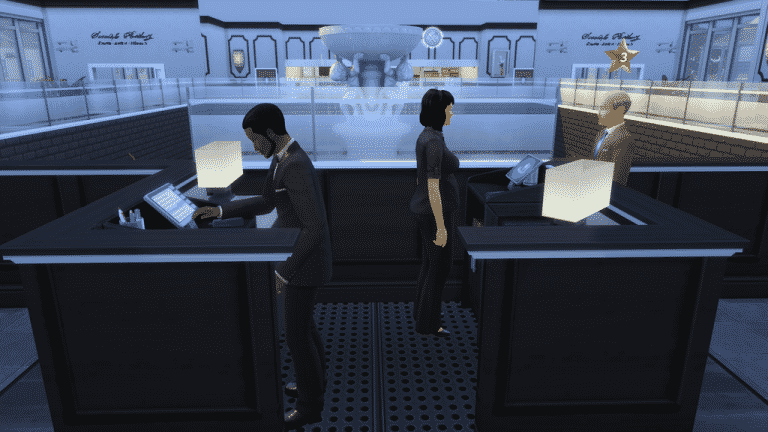
Our member nuna504 created a Mod for The Sims 4 Dine Out that lets you hire an additional Host for your Restaurant, making it a total of 2 Hosts per Restaurant available for hiring.

To download this Mod, click on the button below!

[mks_button size=”large” title=”DOWNLOAD!” style=”rounded” url=”https://simscommunity.info/social/resources/hire-additional-host.325/” target=”_blank” bg_color=”#1e73be” txt_color=”#FFFFFF” icon=”fa-arrow-down” icon_type=”fa”]

06-19-16_2-28-01nbspPM_zpsbln0bpwn

The Sims 4: Recording Session Snap for New Content

The Sims Team have shared a peek at upcoming content.

As you can see in the Snapchat video above, they’re currently recording new Audio for upcoming The Sims 4 Content!

The Sims 4: Build Mode Tool Tips for Beginners

Hello everyone!

I will be giving you build and buy mode tool tips in today’s article!

Building Your Structure:

First thing to do is to build your structure that you are experimenting with!

The “Ctrl” Key (Build Mode):

The “Ctrl” Key is used to get rid of a wall that you do not want to have any longer, just drag it across the existing wall to get rid of it.

The “Alt” Key (Build Mode):

The “Alt” key will flood fill a wall without placing wallpaper on all walls.

The “F5” Key (Buy Mode):

The “F5” key cycles between 1/2 tile and 1/4 tile grid snapping for object placement.

06-14-16_6-19-51 PM

The “G” Key (B/B Mode):

The “G” key is used to toggle the grid on and off.

06-14-16_7-13-30 PM

The “Shift” Key (Build Mode):

The “shift” key will flood fill floor & wall paint while placing floor or wall patterns.

The “L” Key (B/B Mode):

The “L” key will toggle day and night in build and buy mode.

The “Ctrl + F” Key (Build Mode):

The “Ctrl + F” key toggles 1/4 tile floor paint while placing floor tiles to make cool floor patterns. (You can find this room on the gallery ID SaraSimm3r)

06-14-16_10-06-56 PM

The “U” Key (Build Mode):

The “U” key is use to move the whole house. (You can find this house on the gallery ID SaraSimm3r)

06-15-16_11-15-01 PM

List Of Other Tools To Use:

  • Eyedropper Tool (toggle): E
  • Hand Tool: H
  • Sledgehammer Tool (toggle): K
  • Design Tool (toggle): R
  • Wall Tool: B
  • Allow off-grid placement while dragging around an object: Alt
  • Reduce Terrain Brush Size while Terrain Paint catalog is open: [
  • Increase Terrain Brush Size while Terrain Paint catalog is open: ]
  • Move Terrain Brush Softness Slider to the Left while Terrain Paint catalog is open: ;
  • Move Terrain Brush Softness Slider to the Right while Terrain Paint catalog is open: ‘
  • Toggle Terrain Paint/Eraser while Terrain Paint catalog is open: Ctrl
  • Toggle Video Recording: V
  • Capture Screenshot: C

Check out my other article for tips on decorating the interior of your restaurant here!

The Sims 4: New Update + Patch Notes! (June 16th, 2016)

ts4e3logo

The Sims Team has released a brand new Update for The Sims 4, addressing some of the bugs in the game.

To download the latest version of The Sims 4, simply open your Origin program and if the game doesn’t update automatically, right click on The Sims 4 and select ”Update”.

In case you have Mods or Custom Content, the game will automatically disable them for you after first launching The Sims 4 after the update. To re-enable all your Mods and Custom Content, select the Settings option in the Menu and select Settings. Under the”Other” section you’ll find the ”Enable Custom Content and Mods” option. Check it and restart your game in order for it to take effect!

Patch Notes

Update: 06/16/2016 – PC Version 1.19.31.1010 / Mac Version 1.19.31.1210

Howdy Simmers,

Today we have a quick, targeted update to correct a few pernicious issues reported by the community.  Thank you to everyone in the community who contributed to getting these sorted out.

General

  • We fixed an issue that could cause the game to crash for some folks at startup or soon thereafter.
  • The game should no longer generate multiple Tragic Clowns.  We have enough.

Dine Out

  • Going to a restaurant together should no longer spontaneously create new familial relations.  Love at first sight may be a real phenomenon, but marriage at first meal just sounds like a bad reality TV show.

Remember: These repairs were made possible by the reports of players like you!  If you haven’t checked out Answers HQ or The Sims Bugs & Issuesforum, you’ll find a great community of players-helping-players and experts like SimGuruNick and SimGuruArvin collecting information.

-SimGuruJanitor

The Sims 4 Dine Out Gallery Spotlight: Restaurants (Part 2)

SIMS4GP3_logo_RGB_en

In this Spotlight, we’re featuring beautiful and creative Restaurant Venues created by Simmers for The Sims 4 Dine Out!

Hover over the pulsing plumbobs to see screenshots of marked areas. Pulsing plumbob that’s on the left bottom corner contains all the info (and download link) of the lot.

To see more of our previous Gallery Spotlights, CLICK HERE! You can check out the first part of our Spotlight HERE!

[ult_hotspot main_img=”id^50026|url^https://simscommunity.info/wp-content/uploads/2016/06/06-15-16_10-05-46-PM.jpg|caption^null|alt^null|title^06-15-16_10-05-46 PM|description^null”][ult_hotspot_items icon_type=”custom” icon_img=”37721|https://simscommunity.info/wp-content/uploads/2015/08/plumhotspot.png” img_width=”26″ tooltip_custom_color=”#1e73be” tooltip_custom_bg_color=”#ffffff” tooltip_width=”500″ enable_bubble_arrow=”off” tooltip_continuous_animation=”on” tooltip_font_size=”desktop:12px;” tooltip_font_line_height=”desktop:18px;” hotspot_position=”15.061141304347824,16.551421149144254″ tooltip_custom_border_size=”border-style:solid;|border-width:2px;border-radius:5px;|border-color:#81d742;”]

06-15-16_10-05-57 PM

[/ult_hotspot_items][ult_hotspot_items icon_type=”custom” icon_img=”37721|https://simscommunity.info/wp-content/uploads/2015/08/plumhotspot.png” img_width=”26″ tooltip_custom_color=”#1e73be” tooltip_custom_bg_color=”#ffffff” tooltip_width=”500″ enable_bubble_arrow=”off” tooltip_continuous_animation=”on” tooltip_font_size=”desktop:12px;” tooltip_font_line_height=”desktop:18px;” hotspot_position=”46.35190217391305,40.14937347188264″ tooltip_custom_border_size=”border-style:solid;|border-width:2px;border-radius:5px;|border-color:#81d742;”]
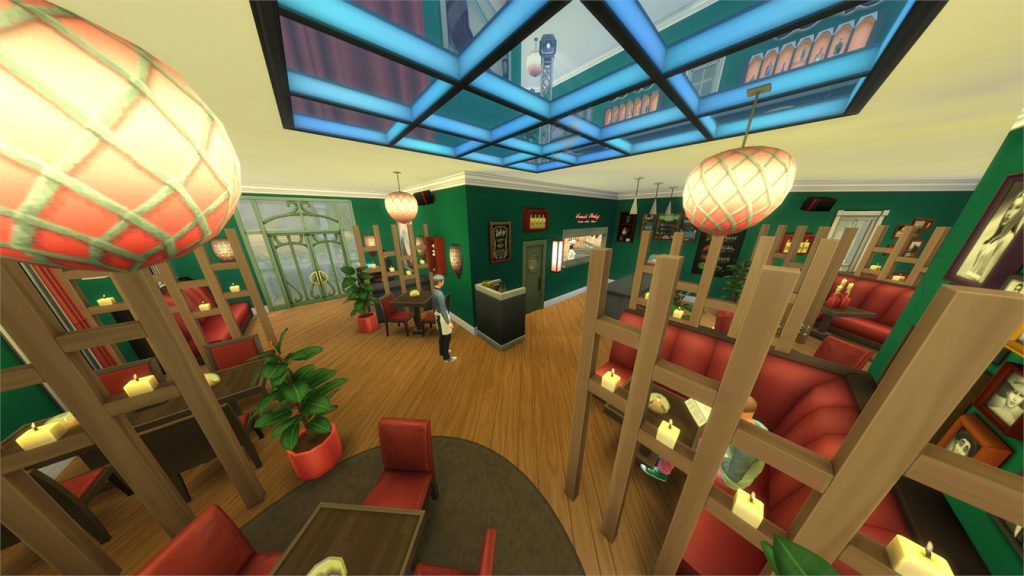
06-15-16_10-06-20 PM

[/ult_hotspot_items][ult_hotspot_items icon_type=”custom” icon_img=”37721|https://simscommunity.info/wp-content/uploads/2015/08/plumhotspot.png” img_width=”26″ tooltip_custom_color=”#1e73be” tooltip_custom_bg_color=”#ffffff” tooltip_width=”500″ enable_bubble_arrow=”off” tooltip_continuous_animation=”on” tooltip_font_size=”desktop:12px;” tooltip_font_line_height=”desktop:18px;” hotspot_position=”31.535326086956523,41.00511919315403″ tooltip_custom_border_size=”border-style:solid;|border-width:2px;border-radius:5px;|border-color:#81d742;”]
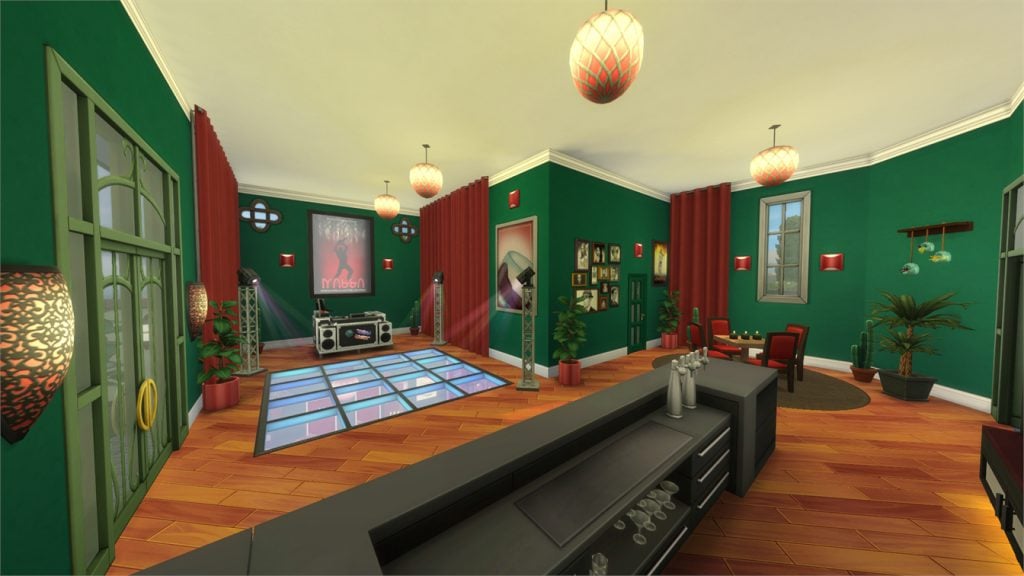
06-15-16_10-06-28 PM

[/ult_hotspot_items][ult_hotspot_items icon_type=”custom” icon_img=”37721|https://simscommunity.info/wp-content/uploads/2015/08/plumhotspot.png” img_width=”36″ tooltip_custom_color=”#1e73be” tooltip_custom_bg_color=”#ffffff” tooltip_width=”500″ enable_bubble_arrow=”off” tooltip_continuous_animation=”on” tooltip_font_size=”desktop:14px;” tooltip_font_line_height=”desktop:18px;” hotspot_position=”86.58058681672026,3.25497287522604″ tooltip_custom_border_size=”border-style:solid;|border-width:2px;border-radius:5px;|border-color:#81d742;”]
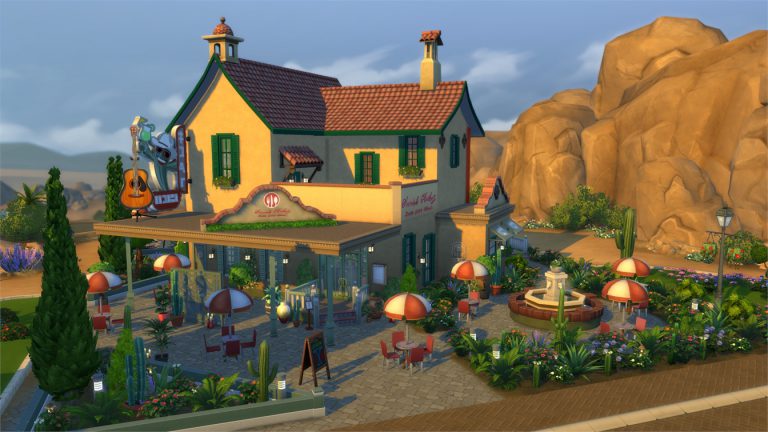
The Crazy Cactus (Download Here)

by DippyDesigns

Value: §211,442
Size: 40×30
Lot Type: Restaurant
Required Packs: Get to Work, Perfect Patio, Spa Day, Cool Kitchen, Get Together, Movie Hangout, Romantic Garden, Dine Out[/ult_hotspot_items][/ult_hotspot][ult_hotspot main_img=”id^50030|url^https://simscommunity.info/wp-content/uploads/2016/06/06-15-16_10-08-48-PM.jpg|caption^null|alt^null|title^06-15-16_10-08-48 PM|description^null”][ult_hotspot_items icon_type=”custom” icon_img=”37721|https://simscommunity.info/wp-content/uploads/2015/08/plumhotspot.png” img_width=”26″ tooltip_custom_color=”#1e73be” tooltip_custom_bg_color=”#ffffff” tooltip_width=”500″ enable_bubble_arrow=”off” tooltip_continuous_animation=”on” tooltip_font_size=”desktop:12px;” tooltip_font_line_height=”desktop:18px;” hotspot_position=”51.36888586956522,36.48762224938875″ tooltip_custom_border_size=”border-style:solid;|border-width:2px;border-radius:5px;|border-color:#81d742;”]
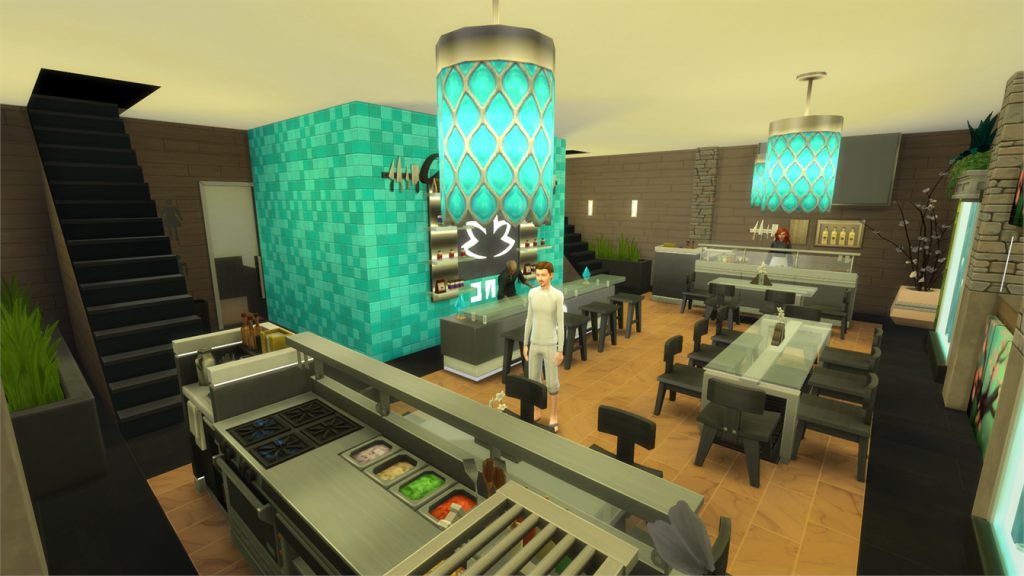
06-15-16_10-09-03 PM

[/ult_hotspot_items][ult_hotspot_items icon_type=”custom” icon_img=”37721|https://simscommunity.info/wp-content/uploads/2015/08/plumhotspot.png” img_width=”26″ tooltip_custom_color=”#1e73be” tooltip_custom_bg_color=”#ffffff” tooltip_width=”500″ enable_bubble_arrow=”off” tooltip_continuous_animation=”on” tooltip_font_size=”desktop:12px;” tooltip_font_line_height=”desktop:18px;” hotspot_position=”78.28125,34.485788508557455″ tooltip_custom_border_size=”border-style:solid;|border-width:2px;border-radius:5px;|border-color:#81d742;”]
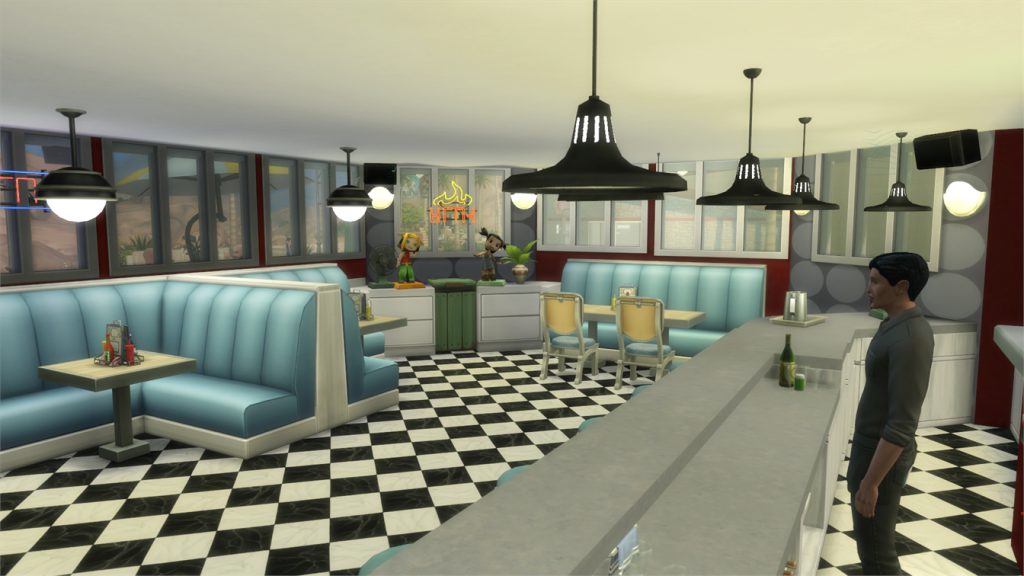
06-15-16_10-09-26 PM

[/ult_hotspot_items][ult_hotspot_items icon_type=”custom” icon_img=”37721|https://simscommunity.info/wp-content/uploads/2015/08/plumhotspot.png” img_width=”36″ tooltip_custom_color=”#1e73be” tooltip_custom_bg_color=”#ffffff” tooltip_width=”500″ enable_bubble_arrow=”off” tooltip_continuous_animation=”on” tooltip_font_size=”desktop:14px;” tooltip_font_line_height=”desktop:18px;” hotspot_position=”86.58058681672026,3.25497287522604″ tooltip_custom_border_size=”border-style:solid;|border-width:2px;border-radius:5px;|border-color:#81d742;”]
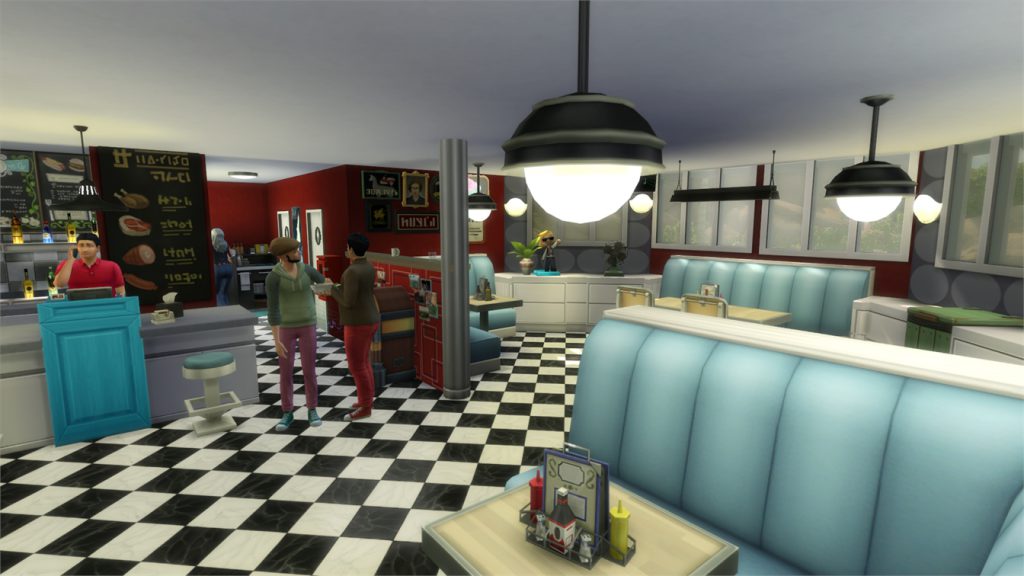
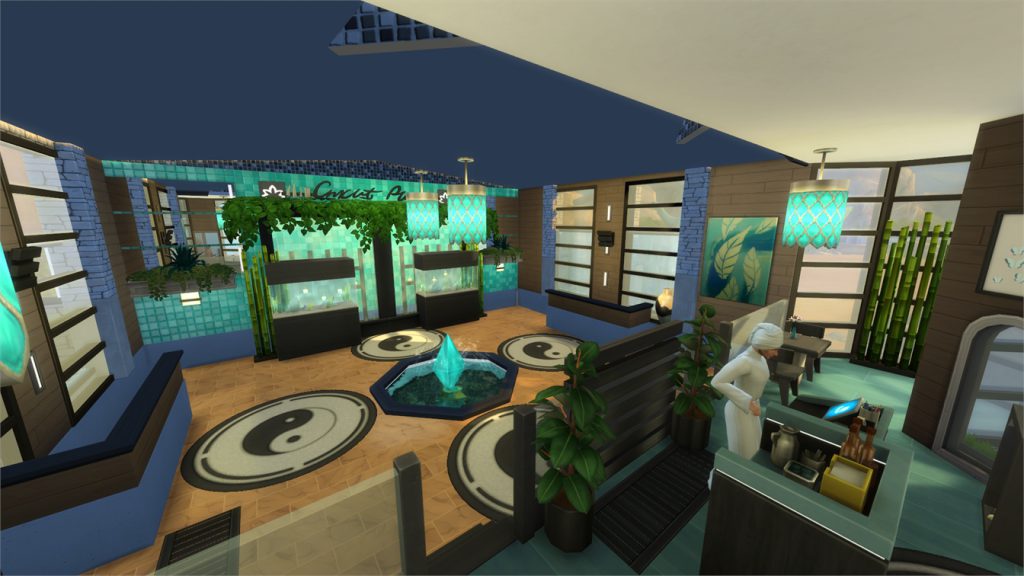
The Well-Being Appetite (Download Here)

by Drutrubuilder

Value: §138,044
Size: 20×15
Lot Type: Restaurant
Required Packs: Get to Work, Spa Day, Cool Kitchen, Get Together, Romantic Garden, Dine Out[/ult_hotspot_items][/ult_hotspot][ult_hotspot main_img=”id^50033|url^https://simscommunity.info/wp-content/uploads/2016/06/06-15-16_10-12-08-PM.jpg|caption^null|alt^null|title^06-15-16_10-12-08 PM|description^null”][ult_hotspot_items icon_type=”custom” icon_img=”37721|https://simscommunity.info/wp-content/uploads/2015/08/plumhotspot.png” img_width=”26″ tooltip_custom_color=”#1e73be” tooltip_custom_bg_color=”#ffffff” tooltip_width=”500″ enable_bubble_arrow=”off” tooltip_continuous_animation=”on” tooltip_font_size=”desktop:12px;” tooltip_font_line_height=”desktop:18px;” hotspot_position=”41.03600543478261,55.354141198044005″ tooltip_custom_border_size=”border-style:solid;|border-width:2px;border-radius:5px;|border-color:#81d742;”]
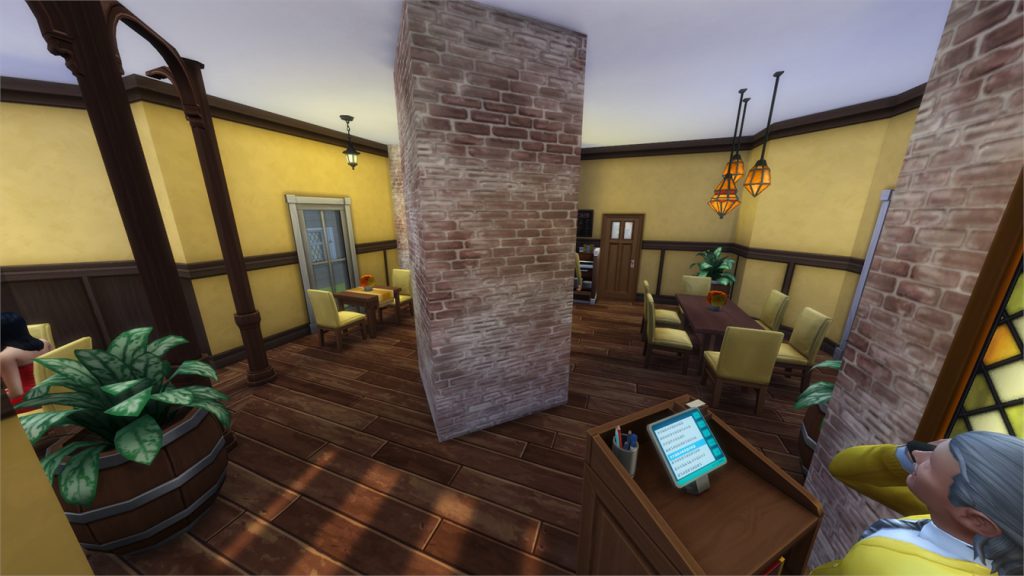
06-15-16_10-12-22 PM

[/ult_hotspot_items][ult_hotspot_items icon_type=”custom” icon_img=”37721|https://simscommunity.info/wp-content/uploads/2015/08/plumhotspot.png” img_width=”26″ tooltip_custom_color=”#1e73be” tooltip_custom_bg_color=”#ffffff” tooltip_width=”500″ enable_bubble_arrow=”off” tooltip_continuous_animation=”on” tooltip_font_size=”desktop:12px;” tooltip_font_line_height=”desktop:18px;” hotspot_position=”44.31385869565217,61.23930317848411″ tooltip_custom_border_size=”border-style:solid;|border-width:2px;border-radius:5px;|border-color:#81d742;”]
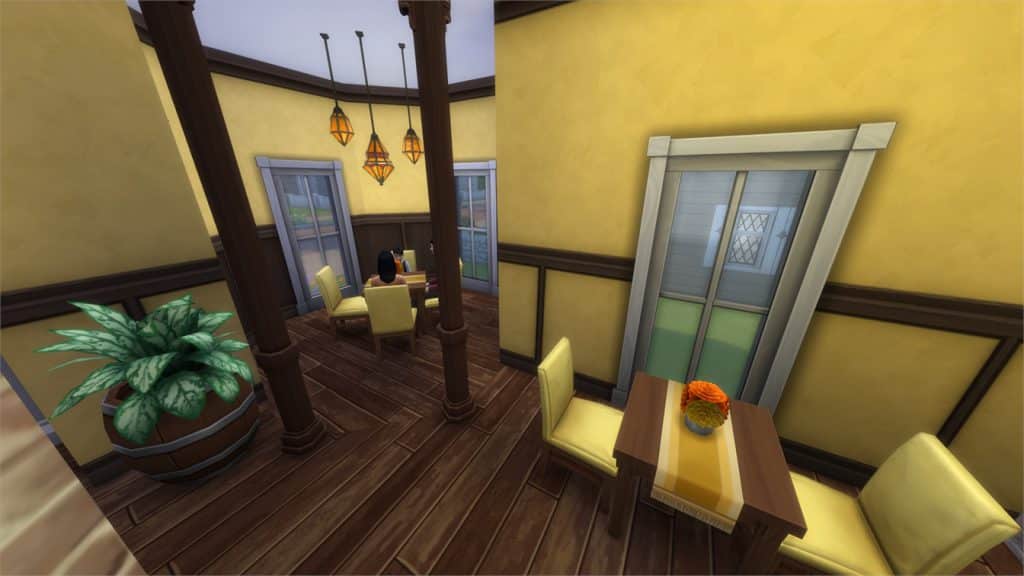
06-15-16_10-12-29 PM

[/ult_hotspot_items][ult_hotspot_items icon_type=”custom” icon_img=”37721|https://simscommunity.info/wp-content/uploads/2015/08/plumhotspot.png” img_width=”36″ tooltip_custom_color=”#1e73be” tooltip_custom_bg_color=”#ffffff” tooltip_width=”500″ enable_bubble_arrow=”off” tooltip_continuous_animation=”on” tooltip_font_size=”desktop:14px;” tooltip_font_line_height=”desktop:18px;” hotspot_position=”86.58058681672026,3.25497287522604″ tooltip_custom_border_size=”border-style:solid;|border-width:2px;border-radius:5px;|border-color:#81d742;”]
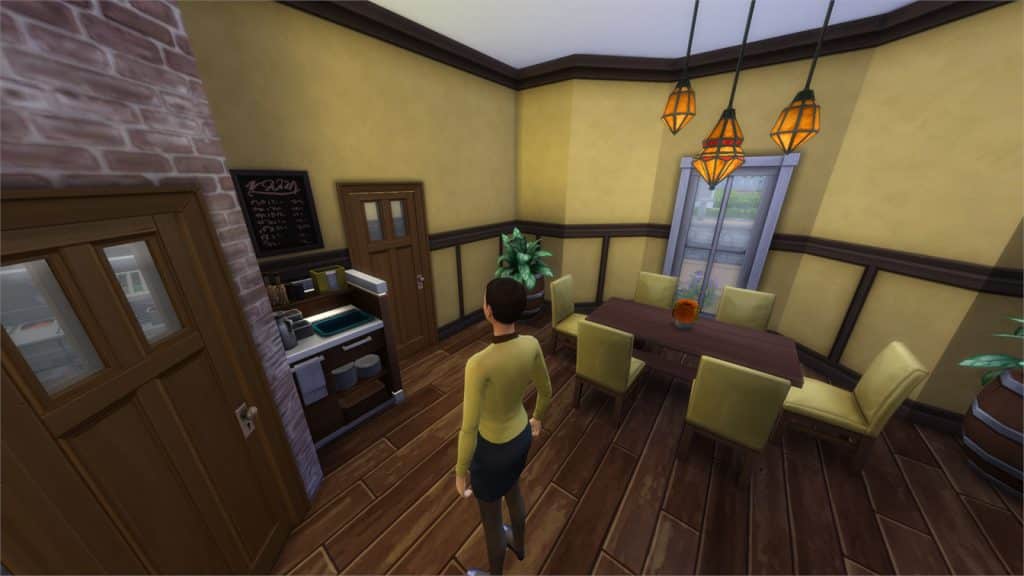
Bobs Diner (Download Here)

by marjia

Value: §115,838
Size: 30×20
Lot Type: Restaurant
Required Packs: Get to Work, Get Together, Romantic Garden, Dine Out[/ult_hotspot_items][/ult_hotspot][ult_hotspot main_img=”id^50036|url^https://simscommunity.info/wp-content/uploads/2016/06/06-15-16_10-14-23-PM.jpg|caption^null|alt^null|title^06-15-16_10-14-23 PM|description^null”][ult_hotspot_items icon_type=”custom” icon_img=”37721|https://simscommunity.info/wp-content/uploads/2015/08/plumhotspot.png” img_width=”26″ tooltip_custom_color=”#1e73be” tooltip_custom_bg_color=”#ffffff” tooltip_width=”500″ enable_bubble_arrow=”off” tooltip_continuous_animation=”on” tooltip_font_size=”desktop:12px;” tooltip_font_line_height=”desktop:18px;” hotspot_position=”58.27785326086956,56.6148380195599″ tooltip_custom_border_size=”border-style:solid;|border-width:2px;border-radius:5px;|border-color:#81d742;”]

06-15-16_10-14-35 PM

[/ult_hotspot_items][ult_hotspot_items icon_type=”custom” icon_img=”37721|https://simscommunity.info/wp-content/uploads/2015/08/plumhotspot.png” img_width=”26″ tooltip_custom_color=”#1e73be” tooltip_custom_bg_color=”#ffffff” tooltip_width=”500″ enable_bubble_arrow=”off” tooltip_continuous_animation=”on” tooltip_font_size=”desktop:12px;” tooltip_font_line_height=”desktop:18px;” hotspot_position=”60.05434782608695,44.10719743276283″ tooltip_custom_border_size=”border-style:solid;|border-width:2px;border-radius:5px;|border-color:#81d742;”]

06-15-16_10-14-41 PM

[/ult_hotspot_items][ult_hotspot_items icon_type=”custom” icon_img=”37721|https://simscommunity.info/wp-content/uploads/2015/08/plumhotspot.png” img_width=”26″ tooltip_custom_color=”#1e73be” tooltip_custom_bg_color=”#ffffff” tooltip_width=”500″ enable_bubble_arrow=”off” tooltip_continuous_animation=”on” tooltip_font_size=”desktop:12px;” tooltip_font_line_height=”desktop:18px;” hotspot_position=”49.08288043478261,52.425886308068456″ tooltip_custom_border_size=”border-style:solid;|border-width:2px;border-radius:5px;|border-color:#81d742;”]

06-15-16_10-14-44 PM

[/ult_hotspot_items][ult_hotspot_items icon_type=”custom” icon_img=”37721|https://simscommunity.info/wp-content/uploads/2015/08/plumhotspot.png” img_width=”36″ tooltip_custom_color=”#1e73be” tooltip_custom_bg_color=”#ffffff” tooltip_width=”500″ enable_bubble_arrow=”off” tooltip_continuous_animation=”on” tooltip_font_size=”desktop:14px;” tooltip_font_line_height=”desktop:18px;” hotspot_position=”86.58058681672026,3.25497287522604″ tooltip_custom_border_size=”border-style:solid;|border-width:2px;border-radius:5px;|border-color:#81d742;”]

Starter Restaurant (Download Here)

by amitaliri

Value: §25,378
Size: 20×15
Lot Type: Restaurant
Required Packs: Outdoor Retreat, Get Together, Movie Hangout, Romantic Garden, Dine Out[/ult_hotspot_items][/ult_hotspot]

Simming On YouTube: Content Focus

CONTENT FOCUS

Being a simmer on YouTube opens up an array of possible video ideas. Among the most popular are Let’s Plays, Create A Sim, Speed Builds and Challenges. These different kinds of sims related content all come with their own pros and cons and it is in this post that I am going to break down and outline these! We will look at which videos tend to haul in the most viewers, which content is the least time consuming and easiest to upload and of course which content tends to be the most popular and maintains the strongest following.

LET’S PLAYS:

Let’s plays are the foundation to many sims related channels in the community. If you are unfamiliar with what a let’s play is, it is the act of recording ones self playing a video game with a running commentary throughout. This is different to a ‘walkthrough’ of a game which is more like a guide helping players complete missions, collect achievements and essentially complete a game in its entirety. Lets plays in the simming community are extremely popular and an excellent opportunity for you to be original and create something unique to you that nobody else has. They are not an essential component for a successful channel but i’d definitely say they are one of the most popular types of videos viewed by audiences. Here are my three top tips for starting and maintaining a good let’s play:

TIP #1: CONSISTENCY:

If you happen to decide that lets playing is something you would like to do on your channel it is important to ensure you can be timely with your uploads. Audiences do not want to wait weeks in between parts, not only will they go elsewhere to find a more regularly uploaded series, but they are likely to forget what happened in previous parts rendering any upcoming parts pointless!

TIP #2: PLANNING:

Planning out your let’s play before you jump straight in will ensure you have eventful and entertaining things to do during your game play. Starting a brand new sims let’s play with no concept or idea of what its going to be about or what you are going to be doing makes for very difficult commentary on the spot. Especially if you are sat there umming and erring about what to do next! Enter each part with some idea of what you want to achieve.

TIP #3: QUALITY:

Your videos need to be up to standard. People are going to instantly click away if you are recording at the incorrect screen resolution for YouTube or they cant hear your voice over the game sound. Make sure your game play is smooth, some lag can be expected but try to avoid constant lag. Full screen (720p or 1080p) recording and clear enthusiastic voice over are essential tips for a good quality video.

Here are a few examples of my past and present lets play’s!

CREATE A SIM:

Create A Sim videos are a great ‘one off’ video as I like to call them. If you want to haul in some views this kind of content is the one for you! Anyone can watch without the drawback of falling behind like with let’s plays. Audiences can be put off watching if they haven’t watched from the beginning which is why the very first part always tends to have the highest view count with a gradual decline as it progresses on. Videos involving the Create A Sim feature of The Sims can be one of many, such as

  • Custom Content Finds
  • Custom Content Shopping
  • Tags
  • Challenges
  • Collaborations
  • Themed

All of these kinds of Create A Sim video are extremely popular and some YouTubers base their entire channel on these kinds of videos and maintain a very strong following! Not only this but the time and effort it takes to create these kinds of videos is considerably less than let’s plays. Creating a sim can take anywhere from five to fifteen minutes and can be sped up during the editing process to create a short snappy video that anyone can enjoy. A lot of your subscribers may be extremely busy with school, work, family or even their own channels and might not have the time to sit down for twenty five minutes and watch a let’s play part. Create a sims are much shorter usually around three to five minutes giving people the opportunity to watch if they can spare a few minutes without the long time commitment.

SPEED BUILDS:

The final type of sims content I am going to cover today is speed builds! Another popular kind of video simmers on YouTube like to feature on their channels. Much like with CAS, a lot of simmers use these types of videos as a foundation for their content, focusing mostly or even entirely on building. Not only do speed builds enable you to be creative with your skills, you can collaborate with friends, partake in building challenges and even have them featured in other peoples lets play’s for their sims to use! If you are unfamiliar with what a typical speed build entails, it is the process of recording yourself build something in build mode of the game, speeding it up during editing, usually to some music or secondary voice over. I have noticed audiences prefer to listen to voice over as opposed to music, but if you are strapped for time you can find some non copyright music and have that playing in the background instead. I sometimes even do both and have the music playing very quietly under my voice! It gives you an opportunity to talk for a longer period of time about random things or updates that your subscribers might want to know.

That is all for now! I hope this gave you a decent insight into some of the most popular simming content and most importantly helped some of you decide which content to feature on your own channels! Happy simming and if you have any questions don’t hesitate to ask!

The Sims 4 Building: Get The Most Of The New Lighting

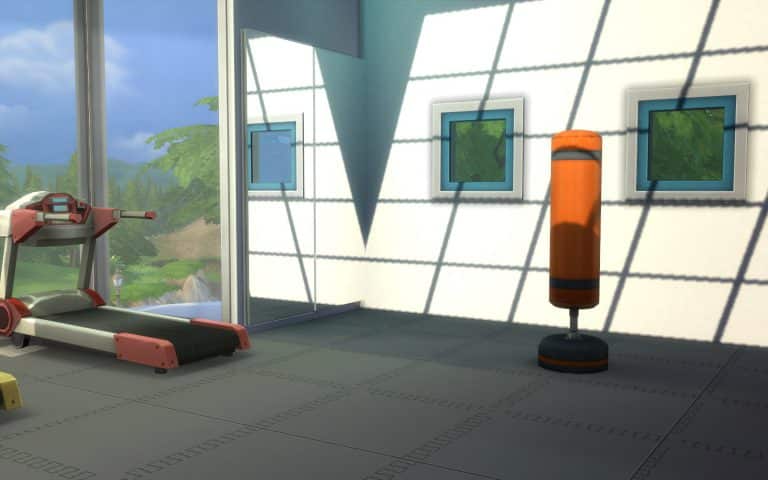
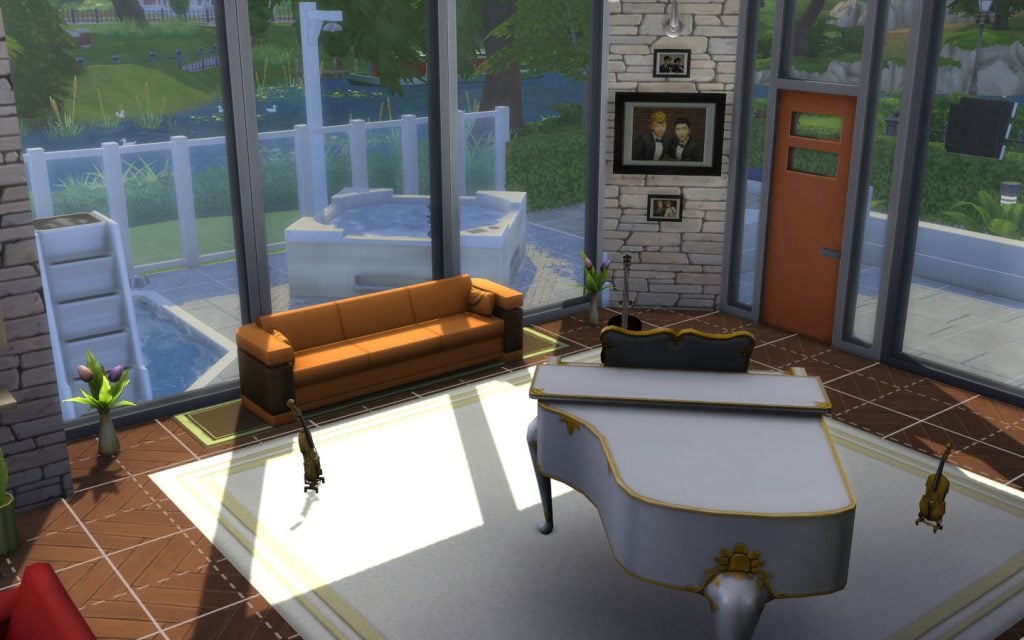
The June Free Update improved lighting tremendously for those who play with higher settings on. Look how beautifully sunlight beams through the windows!

06-14-16_5-16-01 PM

These effects can be rendered even more stunning with a few tricks and tips.

How To Build To Make The Lightning Improvements Shine

Of course, there are simple steps, like placing objects near windows, such as plants.

06-14-16_5-20-01 PM

Still, there is a lot more you can achieve if you think about lighting since the inception of your build. The most dramatic light in The Sims 4 happens in the afternoon. To determine where it will hit your construction, you should build a big square…

06-14-16_5-30-05 PM

… then fill it with random windows,

06-14-16_5-30-49 PM

…so you can see where the most elaborate lighting features should go.

06-14-16_5-31-23 PM

Mix & Match

Massive floor to ceiling glass panels are the most popular choice in the Gallery and they do look impressive.

06-14-16_4-00-27 PM

However, if you mix and match them, you might get more interesting shadows.

06-14-16_4-00-34 PM

In fact, if you are willing to explore other combinations, you’d be surprised at the myriad of shapes different windows can project onto your floors and walls.

06-14-16_4-02-07 PM

Skylights

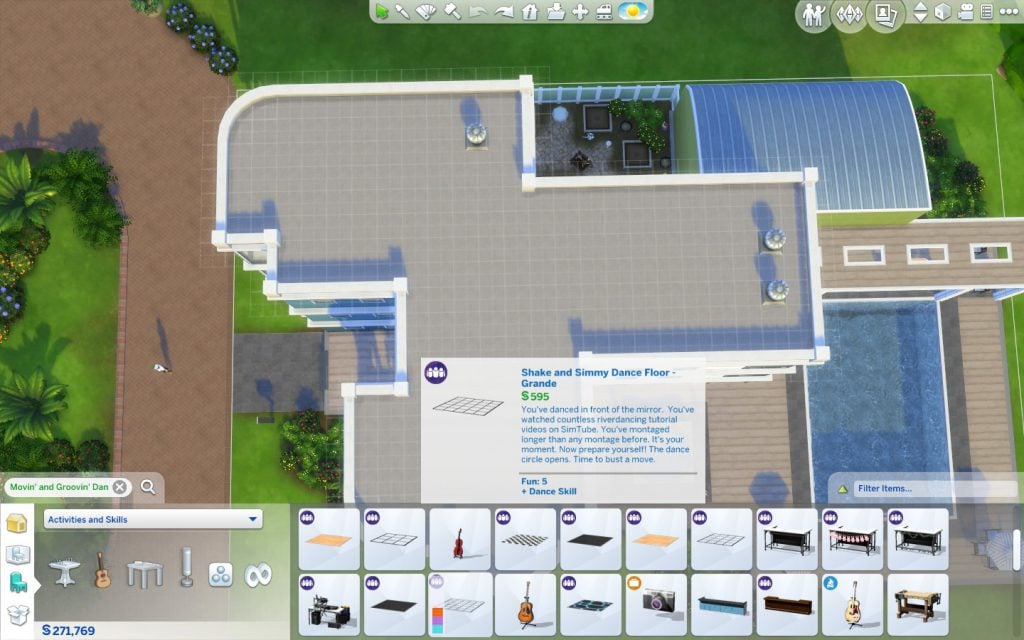
If you have Get Together, have I got news for you! You now have skylights! Go to a flat roof and find the glass dancefloors.

06-14-16_4-56-59 PM

Place one.

06-14-16_4-57-09 PM

Maybe more than one…

06-14-16_4-57-59 PM

Can you believe the outcome?

06-14-16_4-59-00 PM

Water Window

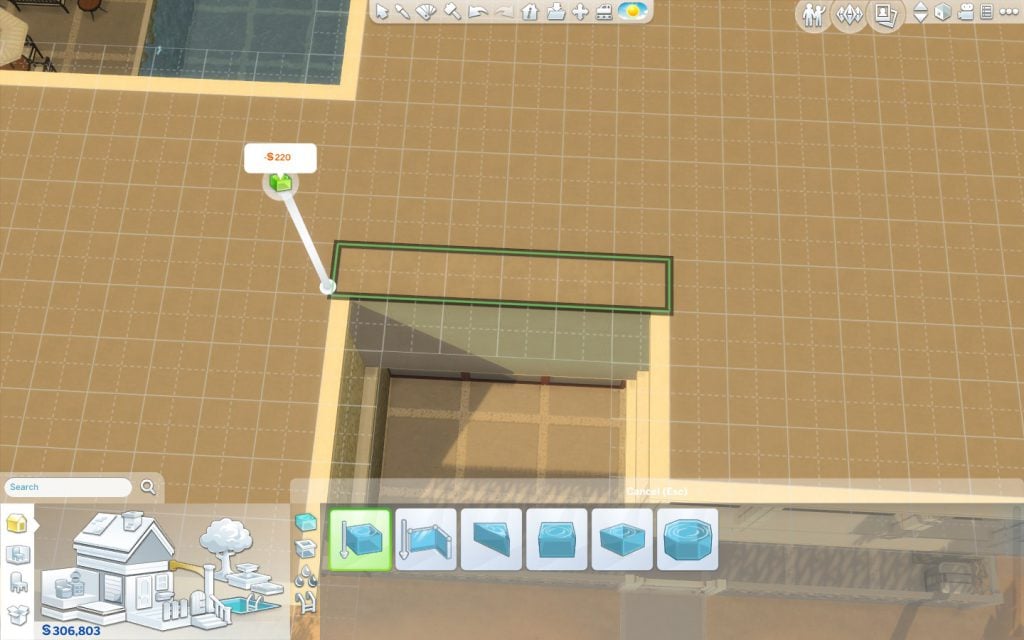
Water refracts lights. You might get a pleasing result placing a water window outside a room. And it will reduced a bit the jagged look shadows can get. Build a one square long room outside your window using the ‘Room Tool’.

06-14-16_5-07-11 PM

There you go.

06-14-16_5-07-18 PM

Fill it with a pool.

06-14-16_5-07-39 PM

Place window panes outside and inside.

06-14-16_5-08-56 PM

This is sure to make the place cooler both visually and temperature-wise! And the shadows are softer and not jagged!

06-14-16_5-10-30 PM

Tip: Change the water colour to achieve the perfect mood.

Two Story Ceiling

If you want lighting to have double the impact you can choose to have a room of your home – or the entire building, really – to have a two story ceiling. After you’ve build your dream room…

06-14-16_4-28-21 PM

…click on a wall to select the whole room.

06-14-16_4-28-29 PM

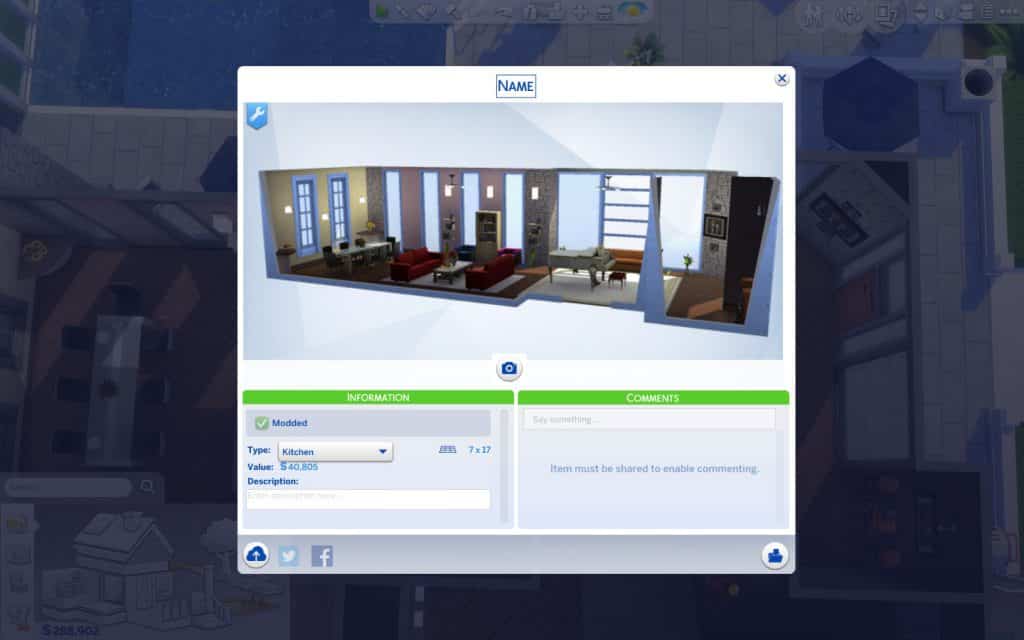
Go to ‘Save Room’.

06-14-16_4-28-43 PM

Save it, with any name you want.

06-14-16_4-28-45 PM

Go to the next floor.

06-14-16_4-36-17 PM

Open your Library, in the Gallery.

06-14-16_4-28-46 PM

If you can’t see your room, you might need to check ‘Include Custom Content’ under the ‘Advanced’ tab.

06-14-16_4-28-47 6 PM

Select your it and click on ‘Place Room’.

06-14-16_4-28-48 6 PM

Position it exactly on the top of the room on the lower floor.

06-14-16_4-37-09 PM

Drop it.

06-14-16_4-37-12 PM

Use the hammer tool to delete the floor and furniture.

06-14-16_4-37-44 PM

You might now want to also delete repeated wall decorations.

06-14-16_4-38-06 PM

And perhaps also remove flying light fixtures.

06-14-16_4-38-17 PM

Doors should go too.

06-14-16_4-38-53 PM

A window here makes more sense, doesn’t it?

06-14-16_4-39-01 PM

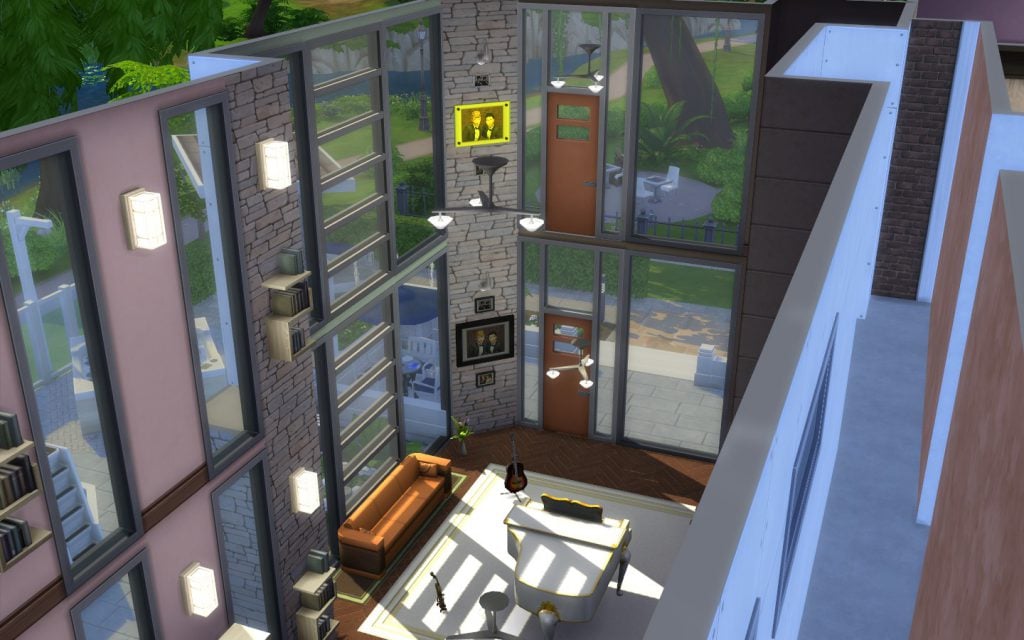
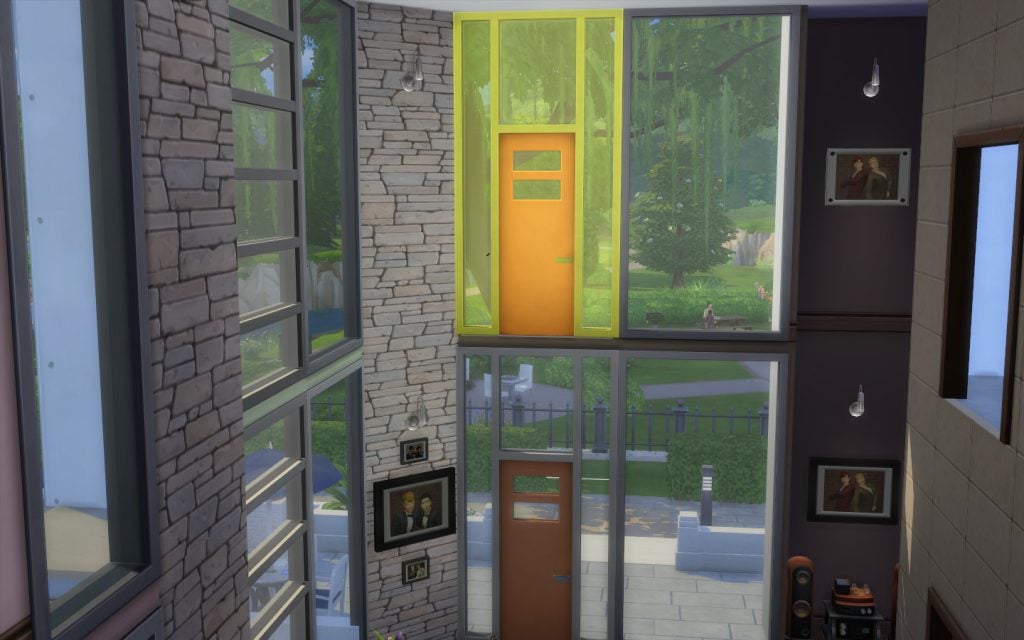
Wow! Look how gorgeous is the result!

06-14-16_4-39-30 PM

You can also try different windows to create other effects.

06-14-16_4-42-51 PM

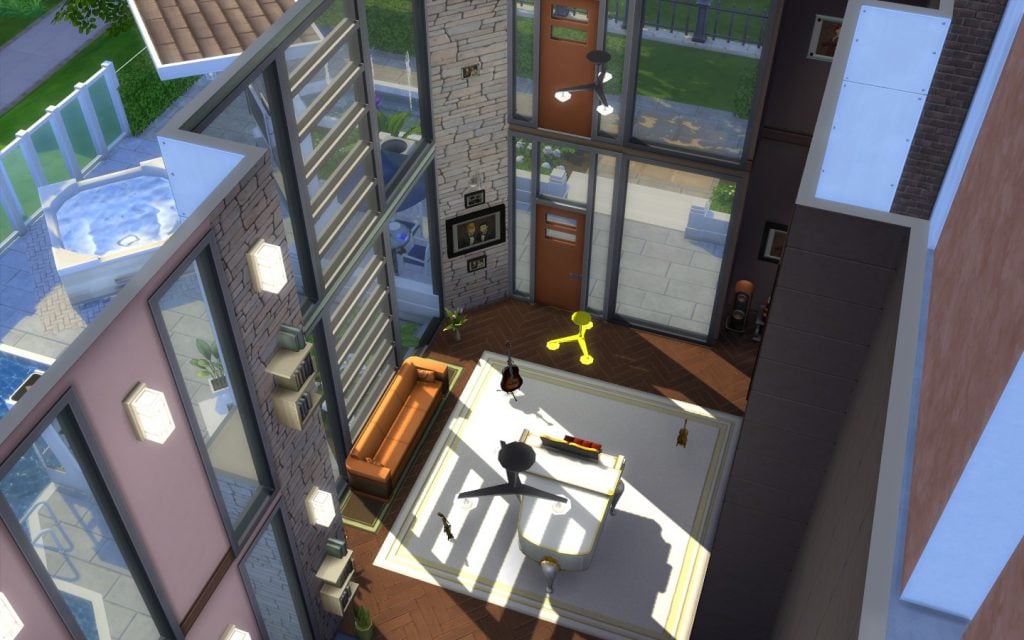
After polishing the outside, it looks good externally too.

06-14-16_4-49-14 PM

Really classy!

06-14-16_4-50-13 PM

Tip: You can build multiple-story ceilings too.

Now, go on and get to building!