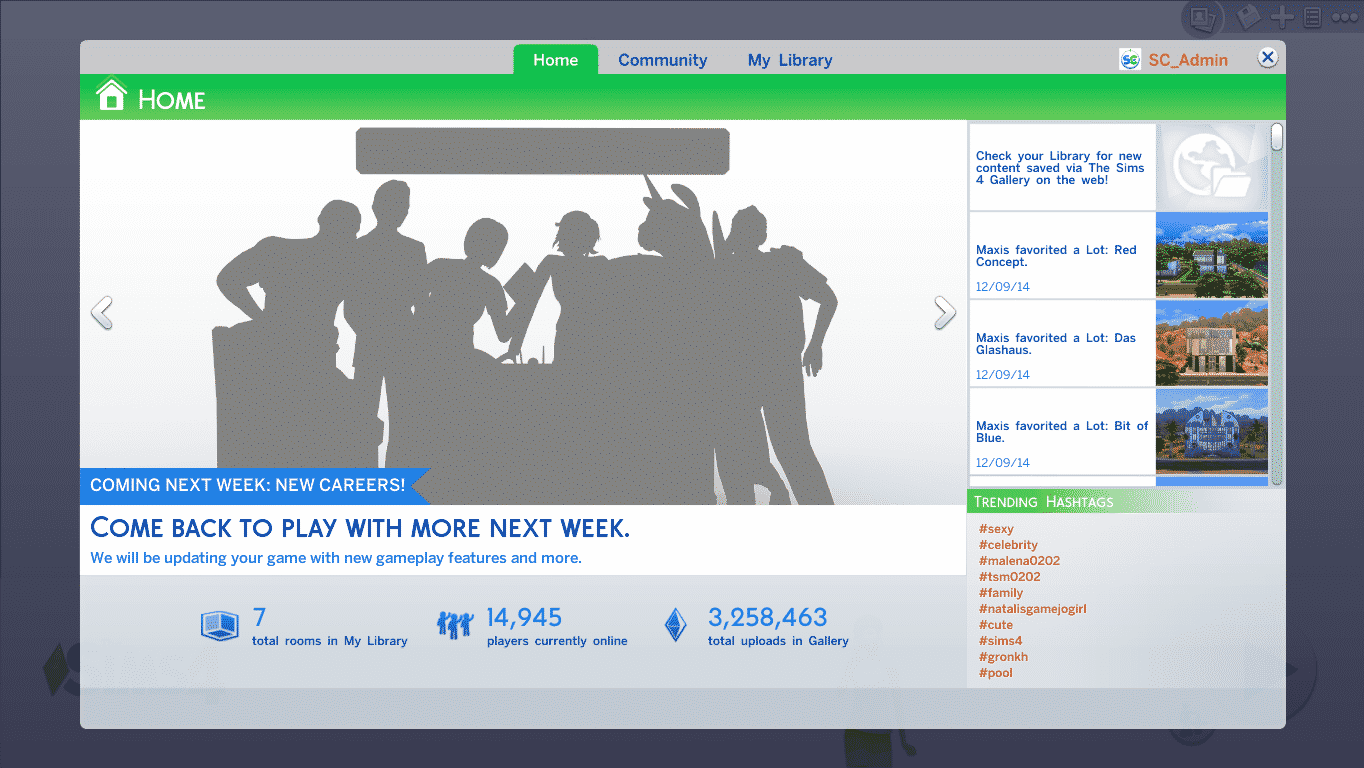
SimCity BuildIt Twitter Page confirmed that today they plan to release SimCity BuildIt worldwide for Android and Apple smartphones.
Not only that, but they also posted a new Behind The Scenes video, featuring new gameplay footage!

SimCity BuildIt Twitter Page confirmed that today they plan to release SimCity BuildIt worldwide for Android and Apple smartphones.
Not only that, but they also posted a new Behind The Scenes video, featuring new gameplay footage!
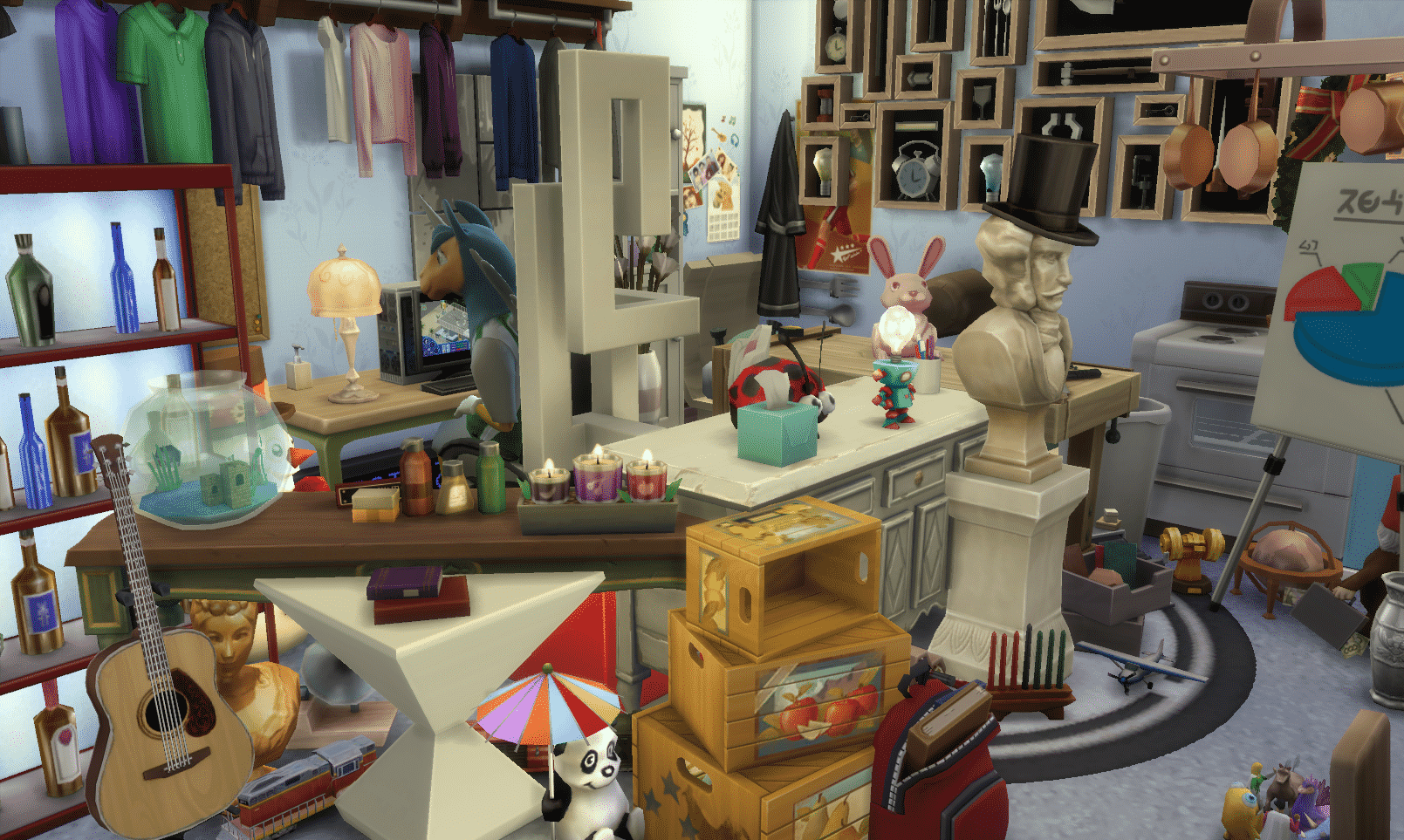
Update: The Sims on Twitter confirmed that MOO (Move Objects On) will be making a return in The Sims 4!
Did someone say MOO? Can you find all the new objects? #TheSims4
The Sims – Italia has shared a new Screenshot from the December update for The Sims 4 that’s coming next week. The screen not only shows new objects (that we listed below in case you can’t find them all) but also it seems these objects were stacked using the moveobjects cheat. Could this cheat make a return next week? 😀

This Set has been brought to you by The Sims Resource member – spacesims!
This is a stylish contemporary teen room for modern Sims. This room is a great choice for children and teenagers. Coming in 3 different variations, this sweet room can fit for both boys and girls, and there is also a black and white variation for modern Sims.
Click on the picture below to download this Set!
Click Here for more information on how to install Custom Content!

It’s been more than 3 months since The Sims 4 Base Game released worldwide. Although there were no official announcements that a new Expansion Pack for TS4 is in the works, several leaks (Leak 1 – Leak 2 – Leak 3) proved that The Sims Team is hard at work and they’re doing their best they can to collect your Feedback on Twitter, Facebook and The Sims Forums.
We made a Poll of Expansion Packs from previous Sims games where you can cast up to 2 votes on your ideal Expansion Pack idea that you’d like to see in The Sims 4. If you have a completely new idea for an Expansion Pack feel free to share it in the comment section below!
[poll id=”19″]

The Sims Official Tumblr has shared 2 new GIFs showing off funny moments in real life that could easily happen in The Sims 4. We still don’t know what’s the purpose of these GIFs but we hope The Sims Team plans to release more!
What do you think; are these GIFs just for promotional purposes or are they hinting at something new coming to the world of The Sims 4? ?:-)


Click on the picture below to get this game on Origin for free! Available for a limited time…

This beautiful Fan Art has been brought to you by Tatyana Oxensherna on The Sims 4 RU VK Page!

Sims from The Sims 4:


This Set has been brought to you by The Sims Resource member – Pilar!
Original and strongly full of character, It is a collection of “transparencies”
Click on the picture below to download this Set!
Click Here for more information on how to install Custom Content!

Update: SimGuruBChick has confirmed that the new patch will release next week. Thanks for the tip @JohnBigOz!
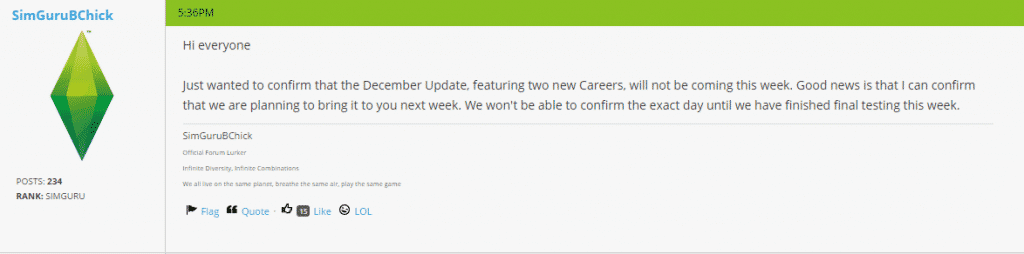
Amazon.co.uk‘s The Sims 4 standard edition product page has revealed a list of this year’s The Sims 4 Patch releasements that bring new content. They also listed a possible release date for the December patch – 16th of December!
The Sims 4’s Free December patch will feature 2 new Careers: Business and Athletic. Business will feature management and investor branches while the Athletic career will feature bodybuilder and professional branches.
Thanks for the tip @JohnBigOz!
Before we begin with explaining how to extract Household Photos from The Sims 4, you need to know that for this Tutorial you’ll need The Sims 4 Package Editor. (Click Here to download it).
You need to create and save the Household in order to generate a photo of your Household (duh).
For more angles and screens of your Household, click on the Randomize Portrait icon before saving.


Now, open Documents > Electronic Arts > The Sims 4 and make a copy of localthumbcache package file in a different folder.
Open S4PE file and in that program, select File > Open > localthumbcache that you copied.
Since these Household photos are one of the largest files in localthumbcache, sort the items inside this package by clicking the Filesize sort so that the files go from biggest to smallest.

Select files from the top and then file by file to the bottom until you find your Household.
Now that you’ve found your Sims, right click on that file and select Details.

In the Type section, remove every letter and add 0x3C2A8647 and select OK.


Since S4PE for some reason confuses file groups, you’ll need to select a file that’s a different type than the file you edited.

Then, right click on the file you edited and select ”Export to Image” option. Select where do you want to save it, name it and select Save.

Your Household photo is now finished and ready for use!
You can also use these same steps and extract each Sim individually. Just seek for your desired Sim in the files and follow the steps above.


Woodworking allows your Sim to express their Creativity (and Emotions) by crafting wooden decor and useful objects.
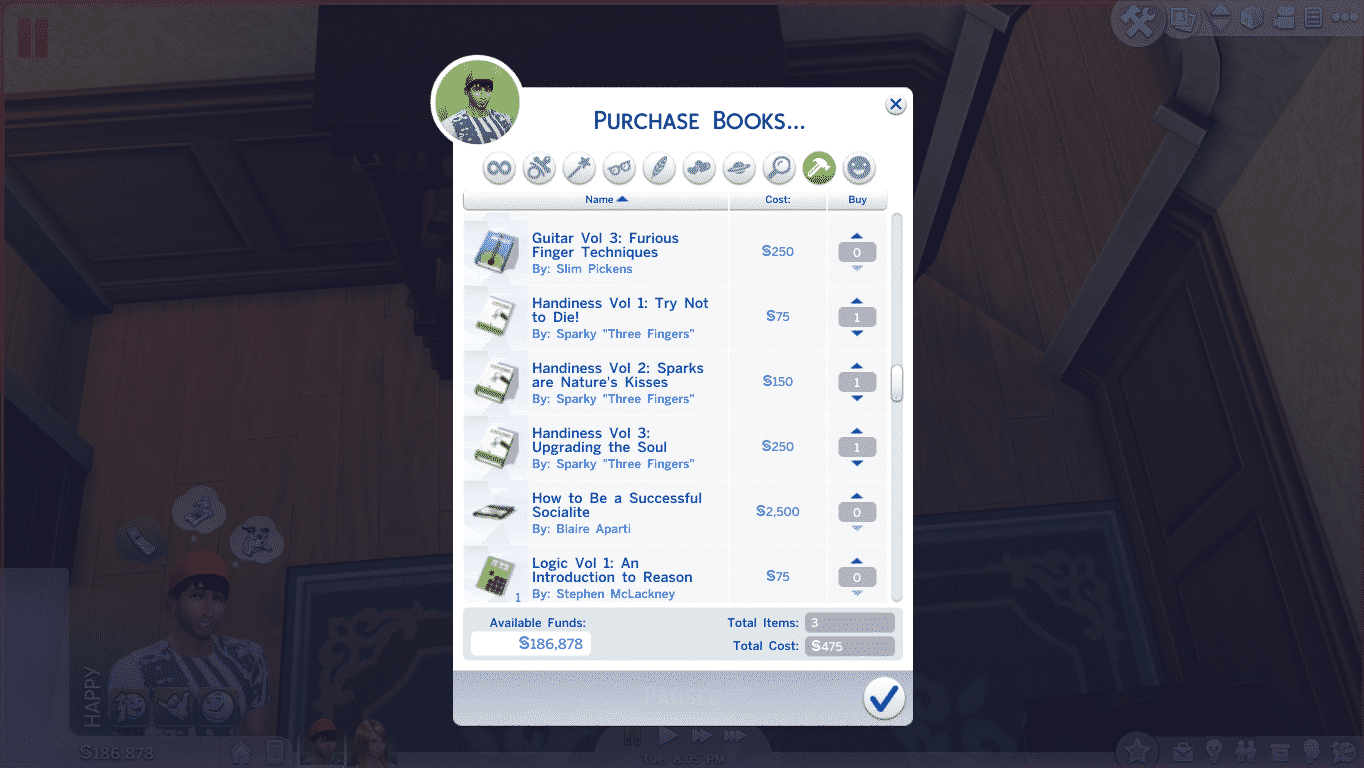
Before you start with wooden adventures, it’s recommended that your Sim purchases and reads Handiness books so that they create better quality objects and make that process accident-free.
You cannot craft wooden items without the Woodworking Table. This Table is available in Build Mode for 1,800 Simoleons.
Tip: Place the Woodworking Table along with some decor that’ll help your Sims stay Focused. Focused Sims build better quality objects.
Tip #2: The bigger your Handiness Skill is, the more objects you’ll be able to build. Your chances of building a Good or Excellent objects also increases with the skill.


Facts:
Horse Sculpture
Level 1 Handiness Skill
§10
§40
Knife Block
Level 1 Handiness Skill
§5
§20
Angry Sculpture
Level 2 Handiness Skill + Angry Emotion
§7
§30
Flirty Sculpture
Level 2 Handiness Skill + Flirty Emotion
§7
§30
Sad Sculpture
Level 2 Handiness Skill + Sad Emotion
§7
§30
Playful Sculpture
Level 2 Handiness Skill + Playful Emotion
§7
§30
Barstool
Level 2 Handiness Skill
§15
§24
Elephant Sculpture
Level 3 Handiness Skill
§10
§40
Dragon Sculpture
Level 3 Handiness Skill
§10
§40
Bunny Sculpture
Level 3 Handiness Skill
§10
§40
End Table
Level 4 Handiness Skill
§52
§210
Large Lumberjack Sculpture
Level 5 Handiness Skill
§15
§60
Large Bear Sculpture
Level 5 Handiness Skill
§15
§60
Dining Chair
Level 6 Handiness Skill
§45
§180
Dining Table
Level 6 Handiness Skill
§157
§630
Guitar
Level 8 Handiness Skill + Level 8 Guitar Skill
§300
§1200
Violin
Level 8 Handiness Skill + Level 8 Guitar Skill
§212
§850
Child’s Violin
Level 8 Handiness Skill + Level 8 Guitar Skill
§45
§180
Wooden Bath Tub
Level 9 Handiness Skill
§377
Around §700
Wooden Toilet
Level 10 Handiness Skill
§55
§220
Note: We couldn’t get an exact price of the Wooden Bath Tub due to a Script Error when plopping this object.


This Set has been brought to you by The Sims Resource member – DOT!
Holiday String Lamp Set. Modern, Traditional and Contemporary Holiday Lighting that never goes out of style. In all your favorite Holiday colors from Red and White to Orange and Black for Halloween.
Click on the picture below to download this Set!
Click Here for more information on how to install Custom Content!

Update: several moments after, Taylor removed her Tweet. Luckily, we saved a screenshot!
A singer and songwriter Taylor Parks has shared an interesting tweet about her interesting day at Electronic Arts. When asked was she working on an Expansion Pack for The Sims 4, she confirmed ”yes”!
Tip: The Sims Style