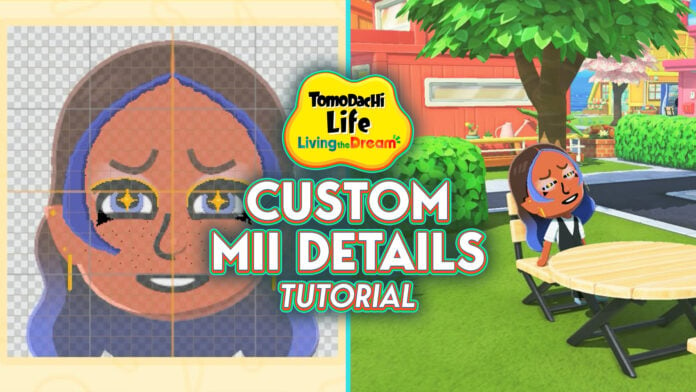
Living the Dream brought upgrades to many of the previous Tomodachi Life’s features, especially when it comes to making Miis. LTD introduced more hairstyles, the ability to mix and match bangs and styles, highlights (and the ability to have colored hair without the need for hair color spray!), elf ears, and just in general more choices.
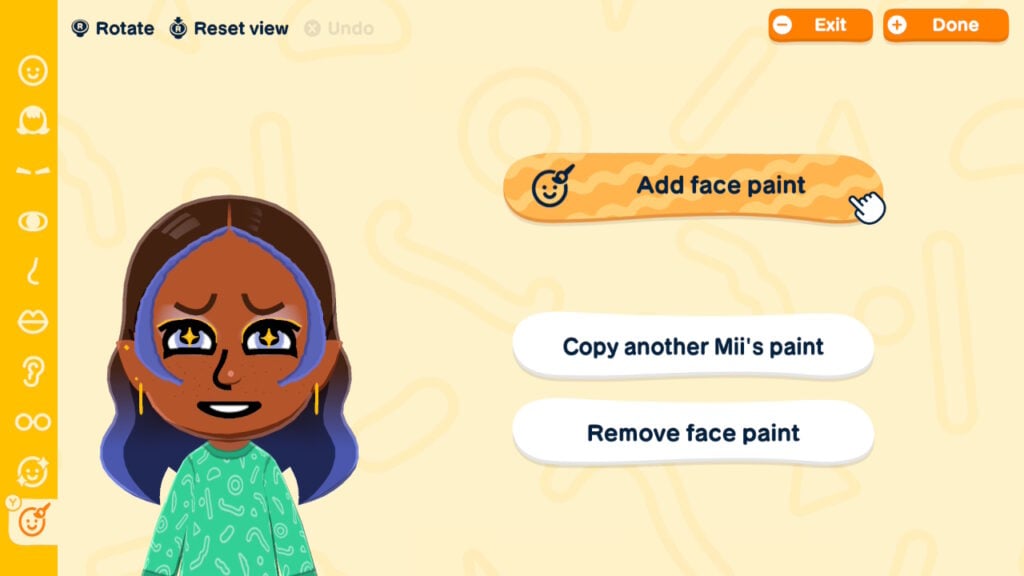
But if you still aren’t satisfied with what’s provided, you also have the new face paint mechanic to make custom Mii details. Face paint mode is like the Palette House for Mii making. And while you can use it to add “normal” touches like better freckles and bangs, additional facial features and makeup, or earrings, you can also use it to make creatures of your wildest imagination. Animals, fictional characters, even animated objects — if you can think of it, you can probably find a way to create it in Living the Dream.
Table of Contents
Non-Face Paint Custom Mii Details
If drawing isn’t your thing, you can still be clever with your customization even without painting. Using the tools on the right sidebar to rotate features and move them up, down, closer together, and further apart will give you more custom features. You can use blush as eyeshadow, eyelids as eyelashes, hair as ears, or you can manipulate the existing facial lines to make custom eyes or give dimension to a Mii’s face. However, these tricks can only take you so far. If you’re really looking to get into custom Mii details, face paint mode is the way to go.
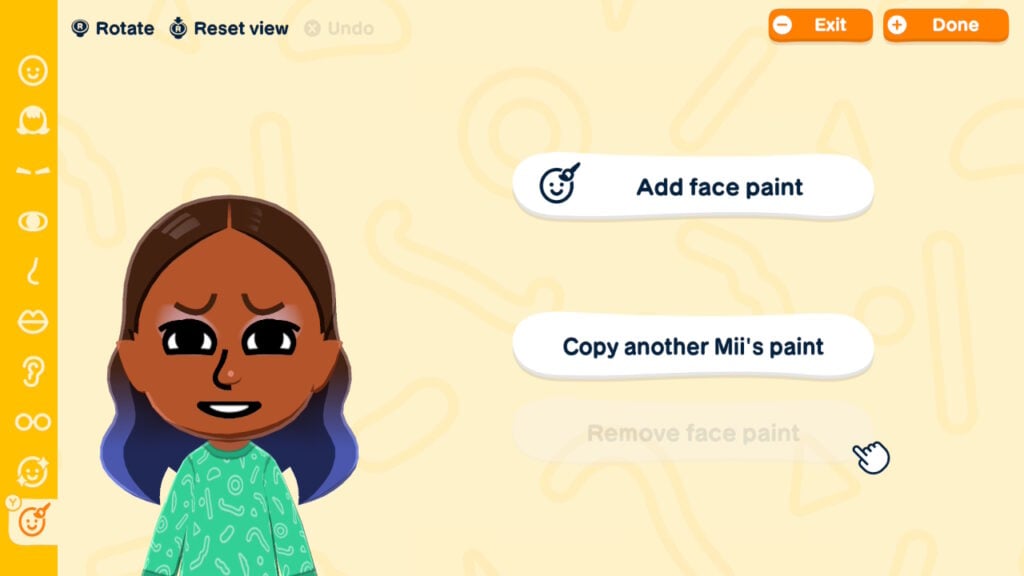
How To Use Face Paint
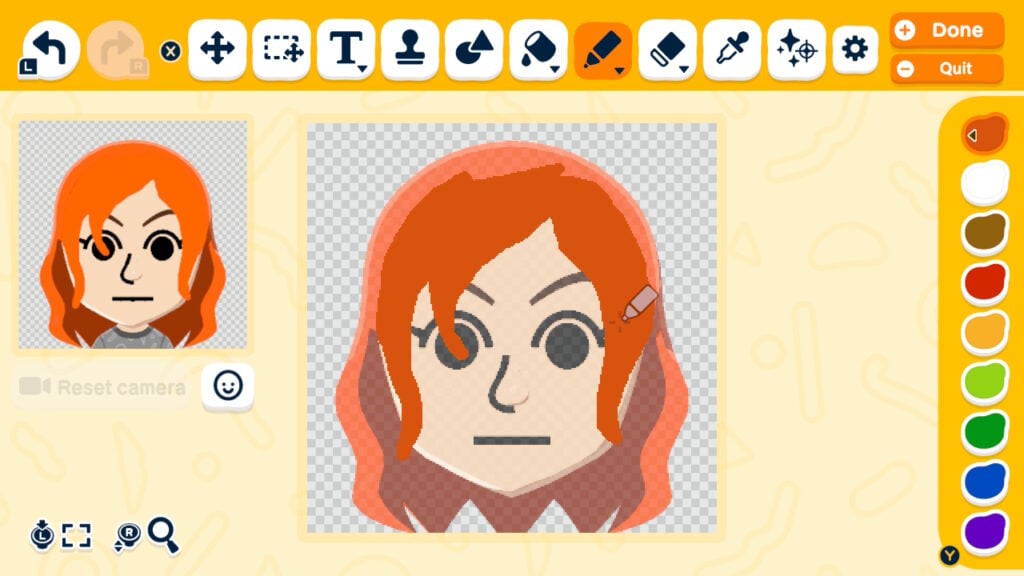
Face paint mode is neither easy nor self-explanatory, and will take a decent bit of trial and error to get where you want to go. Pro mode is going to be a must. As is using at least your fingers, if not a stylus, because painting with the joysticks is a challenge to say the least.
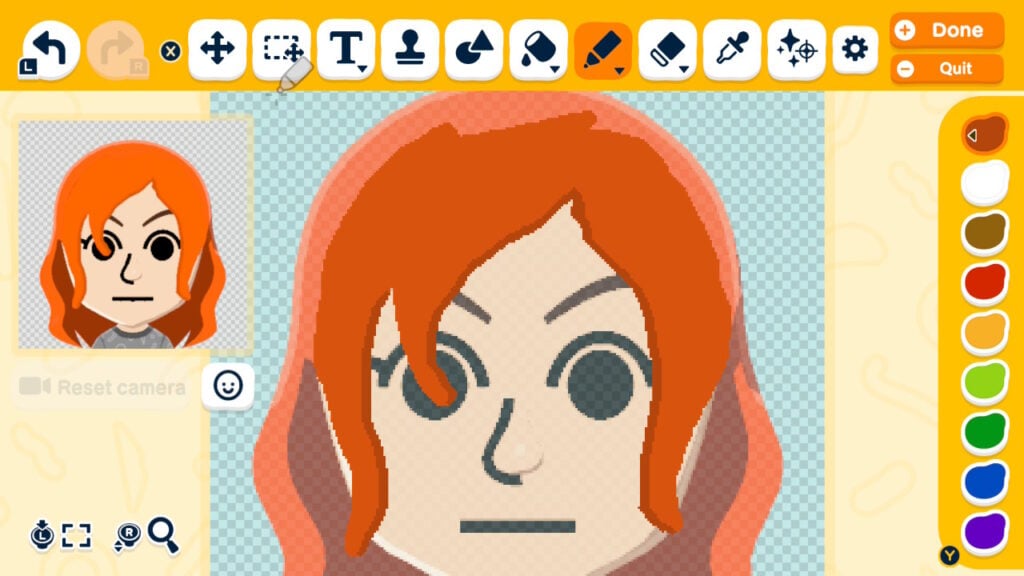
Then, you need to adjust your settings depending on what your goal is. If you’re trying to create bangs or make an entire face to go on top of your Mii’s face, you’re going to want to click on the little face icon below the face camera on the left and click “Paint on top.” Otherwise, your paint will hide behind existing features. That said, depending on what your design is, you may want to make the Mii have no features so you can paint everything yourself.
To make your designs look textured or not flat, shading is unfortunately a must. There are a few ways to do this. First, use the color range to make lighter or darker shades of your base color. You can also use the “bright” or “dark” features under the paint tool, which simply means that when you put your base color on top of your base color, it will be lighter or darker (you can click it over and over to get it as light or dark as you want). Depending on what you’re shading, the outline tool may also work to at least get you started with shading.
Just How Creative Can You Get With Face Paint?
Your imagination and your artistry skills are pretty much the only limits to what you can create. You can do everything from making your Miis more realistic or more cutesy to creating characters from your favorite TV shows, movies, books, or video games (how meta!) to turning animals and objects into Miis. If you’re looking for inspiration for what to create, or ways to get better at face paint mode, hop onto your socials because people are posting their custom Miis and how they made them. There’s also a website, Tomodachi Plaza, where people are sharing all their Mii creations. Just keep in mind that while people are sharing images of them, you can’t download other people’s Mii designs.
Tomodachi life: Adventure time pic.twitter.com/Yw1gcA46uY
— DENIM👖청바지 (@Denimbaji) April 18, 2026
Things To Keep In Mind About Face Paint Mode
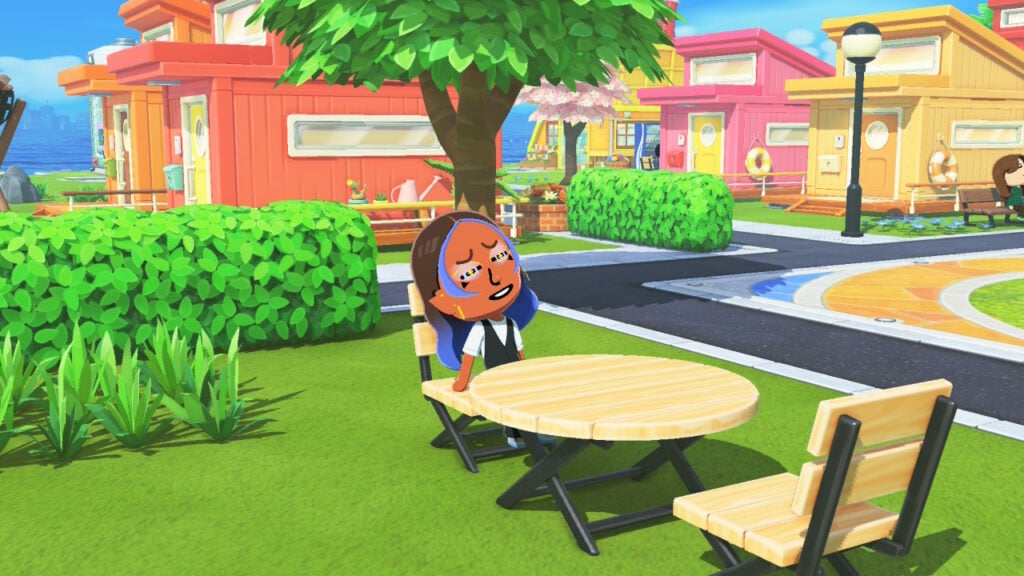
While face paint mode opens up your customization options, it has its limitations. Features drawn by you will not be 3D. If you take a gander at your face-painted Miis from any angle other than the front, you’ll see that the paint hovers in front of their face. You could say it’s a small price to pay for creativity.
The painted features are also stagnant, so if you’re making custom mouths or other features that regularly animate, keep in mind that you lose that feature with the paint. It may look a little funky when your Mii’s mouth doesn’t move, or they blink and the paint doesn’t go with their eyes. There are ways to make certain things work, like for lips, you can paint the lips behind the mouth so that your Mii’s mouth still moves.
As well, stamps and shapes tend to get distorted when making them bigger or smaller. It’s not as if they’re unusable, but it’s certainly something to keep in mind.
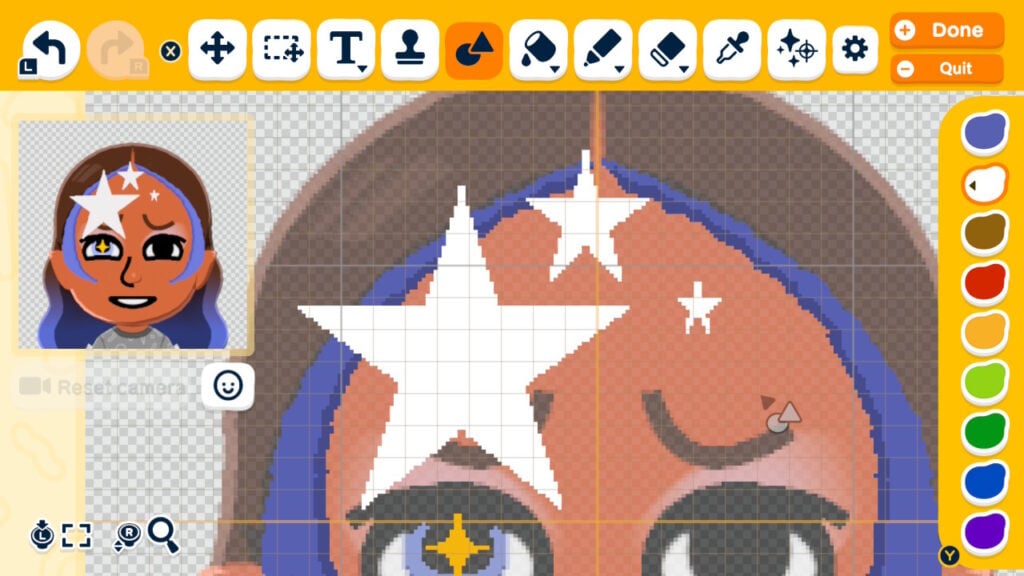
The learning curve can be a little steep when you first start using face paint (speaking from personal experience). There are a lot of little tools, tricks, and features in pro mode to get used to. But the more you play around with it, the easier it gets. Turn to the internet for inspiration or, if you’d rather not see all the incredible creations people are making, just mess around in face paint mode for yourself.