EA and Maxis release a new The Sims 4 Update for Desktop and Consoles.
As announced in yesterday's message from The Sims Direct, there's a new The Sims 4 Update now released for Desktop and Console platforms. This patch promises to resolve Gallery sorting and Pack popups on Main Menu for Consoles.
Simmers,
There's a Base Game update tomorrow, April 28 to resolve recent issues including new content popups on Console & Gallery sorting. Players on Xbox & PlayStation will see a larger download due to the systems being updated; this will not impact the game's overall size.
You can download the latest Sims 4 Update by checking for a Patch through the EA App, Steam or Epic Games launcher for Desktop. If you have Automatic Updates enabled the update will automatically download through your client program. In case your EA App is not working properly ensure you've cleared your app cache!
If you play The Sims 4 on Xbox Series X / S and Playstation 4 and 5 you can request a new update by checking for updates under The Sims 4 game in the Main Menu. If you've enabled automatic updates the Patch should download right away.
This is a minor update compared to the one expected for early May 2026. We don't expect Mods / CC to be affected but make sure you catch up with your favorite mod creators to ensure everything's good! The same confirmation also comes from EA_Cade on The Sims Discord:
Today's update is for all platforms, we aren't expecting this one to impact mods though if that's what you're concerned about.
There’s also a handy official guide to Mods and CC maintenance, as well as backing up your Saves! Click here to learn all about healthy upkeep of your The Sims 4 files.
Official Sims 4 Patch Notes
Update: 4/28/2026
PC: 1.123.85.1020 / Mac: 1.123.85.1220
Console: 2.32
Sul Sul Simmers!
After the launch of The Sims 4Marketplace to PlayStation and Xbox, and a new update for PC and Mac, we’ve been monitoring your reports. This update is targeting some of those issues to improve your experience, and we’ll continue to monitor your feedback for future updates.
Happy Simming!
-The Sims 4 Team
Base Game Update
[EA Forums] When using the Gallery, some players realized that the results did not match expectations. Due to an issue with our filtering, the incorrect responses were being returned in some situations. No uploads to the Gallery were removed and are still available to view, engage with and download.
Console Updates
[EA Forums] At launch, some PlayStation Simmers who purchased Moola found that it did not reflect in their wallet balance in-game. We identified the issue and rolled out an update on our backend and confirmed with impacted players that this was now working. Any purchases from the PlayStation Store that hadn’t shown up in-game will automatically reflect the next time you play.
[EA Forums] Some Simmers with packs noticed that every time a new session was started, the new content notification screens would display. We know you are excited when you buy a new pack, but this reminder was not intentional and has been resolved.
[EA Forums] Simmers using a controller reported that opening an upload while the Gallery was still populating would put the game into a soft lock requiring a restart. This should no longer happen.
The 200 Moola tier was missing for our Simmers on the Japanese PlayStation Store. This is available on all platforms in all territories.
PlayStation Simmers may have noticed that when going to the PlayStation Store from the Marketplace, you wouldn’t have seen information about the pack you wanted to know more about. This has been updated and you will be presented with the pack details on the PlayStation Store once again.
Author Release Notes
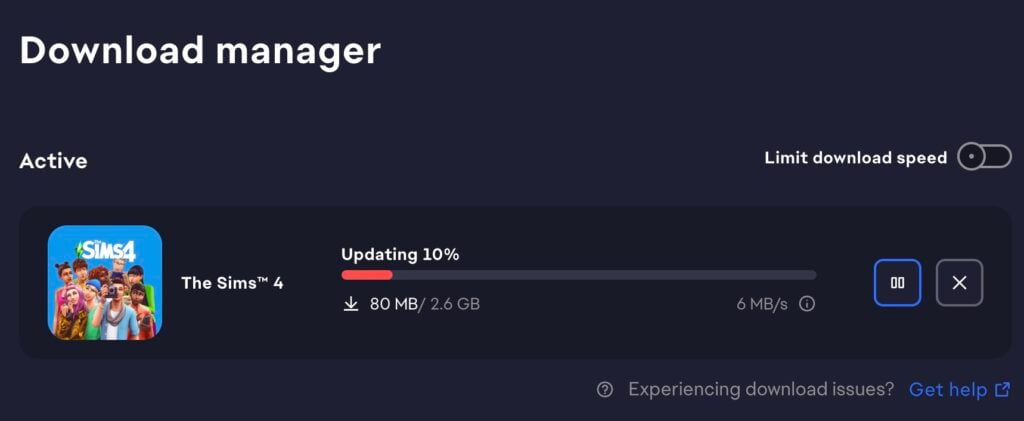
The update is 2.6GB large on Mac platforms. The version numbering of this update is the same as the patch released on April 16th(Version 1.123.85.1220) meaning that very little has changed with this version.
What is your experience with downloading and installing the latest Sims 4 Update? Let us know in the comments down below and stay in the know on Sims Community for latest The Sims updates!
14 Comments
Katrin
This is PC
Htear
Reply to Katrin
mine is 5,9 gb. idk why
Lena
I got the update but when I click my sims on my library it still freezes unless I exit the game and the gallery still sets itself as most popular on the gallery
Hayley
Reply to Lena
Yeah it definitely did not fix the gallery
CrispySims
Reply to Hayley
I believe it was a different gallery issue they fixed. It still has “Upcoming Fix” on the bug forums for the uploads sorting by most popular.
Hayley
Reply to CrispySims
mine still freezes I exited my game and restarted it once already and am trying a second time
I play on Xbox Series S by the way
CrispySims
Reply to Hayley
I don’t believe the hotfix adressed any freezing issues for consoles. It was to do with incorrect rresults being shown.
Hayley
Reply to CrispySims
oh ok
Hayley
Reply to Hayley
And its still not sorting right mine still shows packs I own as unowned
michael
im on PC as well and got the 2.5 GB update
Natasha
I got a 4.5 GB update on PC
lee
they always prioritise fixes that require you to spend money but ignore game fixes, how about fixing the stupid legacy tree that changed all relationships to crazy thing like kids now being the parents of their parents? utter stupidity…
CrispySims
Reply to lee
No one has to spend money for any of the patch updates. That issue you happen to mention is already lined up in the bug forums as having a fix incoming. Perhaps check the bug forums to see what is actually on the upcoming fixes list before making yourself look silly.
Alicia
Mine won’t let me resume game, the game force quits when I try to open the save file.
Welcome to Sims Community!
Our community is about connecting people through open and thoughtful conversations. We
want our readers to share their views and exchange ideas in a safe space.
In order to do so, we've created a simple set of rules that will improve your experience.
Simply put, keep it civil.
Your post will/might be rejected if it contains:
Spam
Insults, profanity, incoherent, obscene or inflammatory language and threats of any kind
Attacks on the identity of other commenters or the article's author
User accounts will/might be blocked if we notice:
Continuous attempts to re-post comments that have been previously moderated/rejected
Racist, sexist, or homophobic comments
Attempts or tactics that put the site security at risk
So, how can you be a power user?
Stay on topic and share your passion. Feel free to elaborate to get your point across.
'Like' or 'Dislike' when you are filled with emotions!
Protect your community. Use the report tool to alert us when someone breaks the rules.
Thanks for reading our community guidelines. Please note that we're aware of certain
issues with Sign In / Log In and Create Account / Email Confirmation issues. We're working
behind-the-scenes on a new Account Creation process. Thank you for your patience and
remember - freedom of speech is not freedom of reach
The first wave of Pokémon Pokopia’s Expansion Pass, Bubbly Basin, was released just over a month ago, showering us with a new world, new Pokémon, new furniture, and so much more (you can find a full overview here!). Now, thanks to the Nintendo Direct that aired September 9, we have a new look at the…
The latest public The Sims 4 Survey is all about cosmetic CAS and Build additions. The Sims Team has just published a brand new The Sims 4 Survey. Unlike the previous private Sims 4 Maker Packs survey in the beginning of this month, this one is completely public. Letting you parttake in selecting different CAS…
Everything shared by the developers during the Quality of Life Q&A for September 2026! The Sims Team hosted a virtual Q&A session over on Discord regarding the upcoming Sims 4 Quality of Life Update that’s arriving September 22nd. Here’s a quick recap from EA_Cade on everything that’s been discussed in the official Sims Discord. Including…
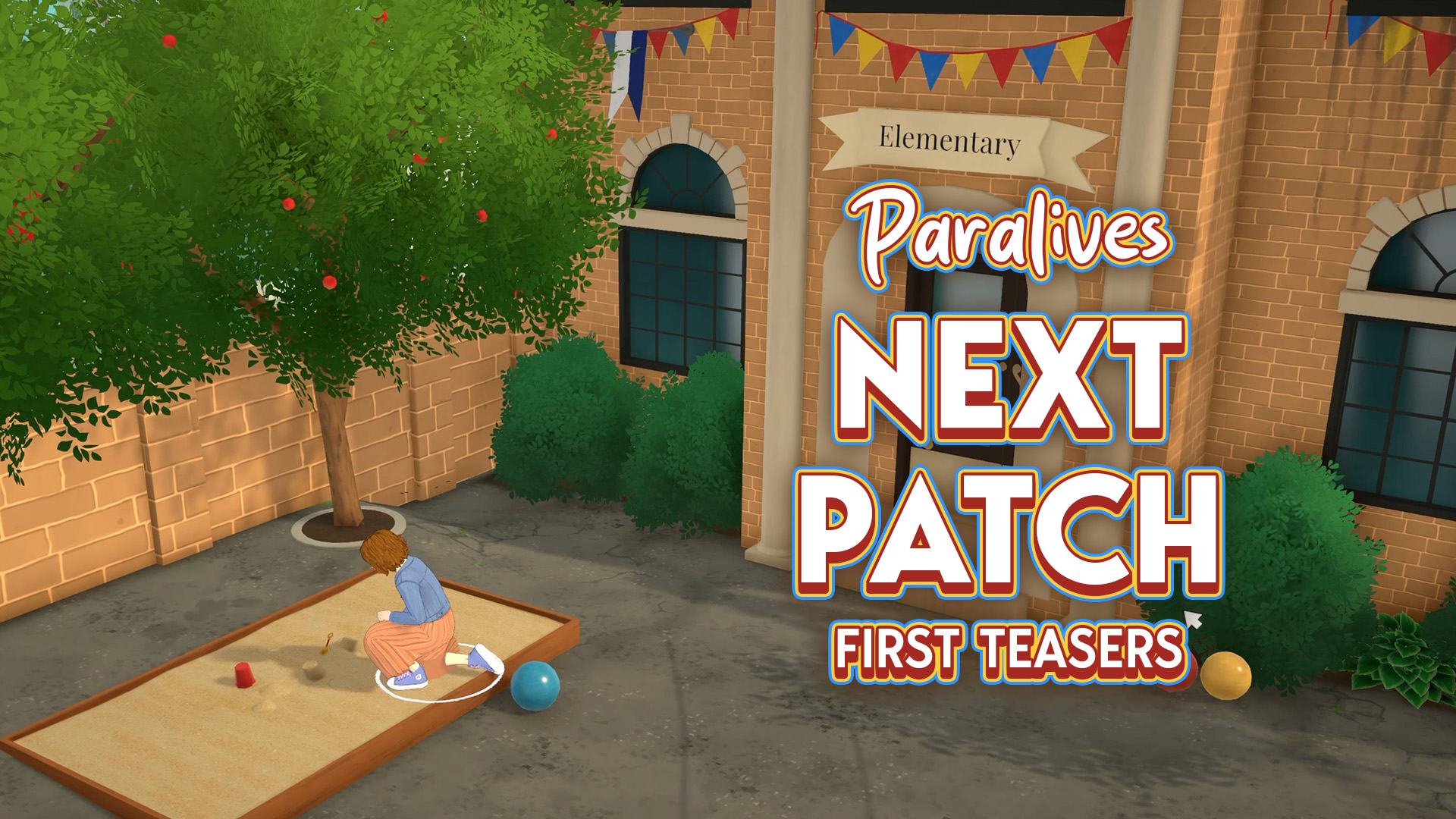
Extra classes for kids and…a crime scene? The Paralives Team is already teasing what’s coming in the next game update. Not to be confused with the Big Content Update / Expansion that’s set for later this year! First Teaser The first teaser that the team has shared was in the beginning of this month, revealing…
The official list of upcoming bug fixes is now out! The Sims Team has just released the latest Sims 4 Laundry List, covering bug fixes and game improvements that we should expect in the next Sims 4 Update. In this case, the next game update should be expected for September 22nd, 2026, with improvements to…
If you wanted to save money on The Sims 4 DLC and Legacy games, now’s your chance in this The Sims 4 Sale! For September, EA decided to run a new sale on The Sims 4. As was in the August Sale, all Expansion Packs, Game Packs, and Stuff Packs are up to 50% off,…
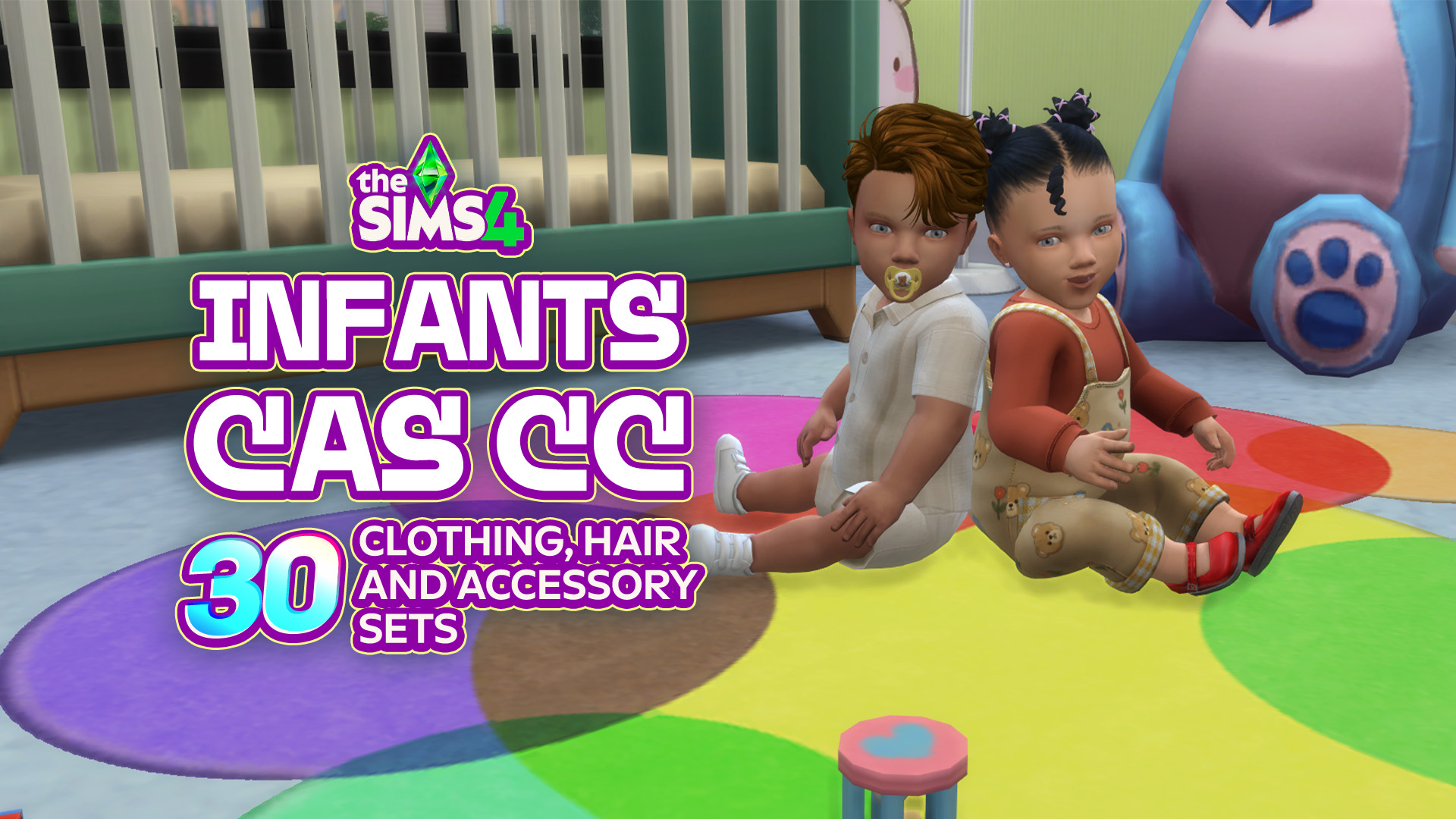
Infants in The Sims 4 are already adorable, but the right CC can make them even cuter! Whether you’re looking for new onesies, cozy outfits, or tiny accessories to complete those precious looks, there is plenty of Sims 4 Infant CC to make your baby even more stylish! From everyday essentials to outfits you will…
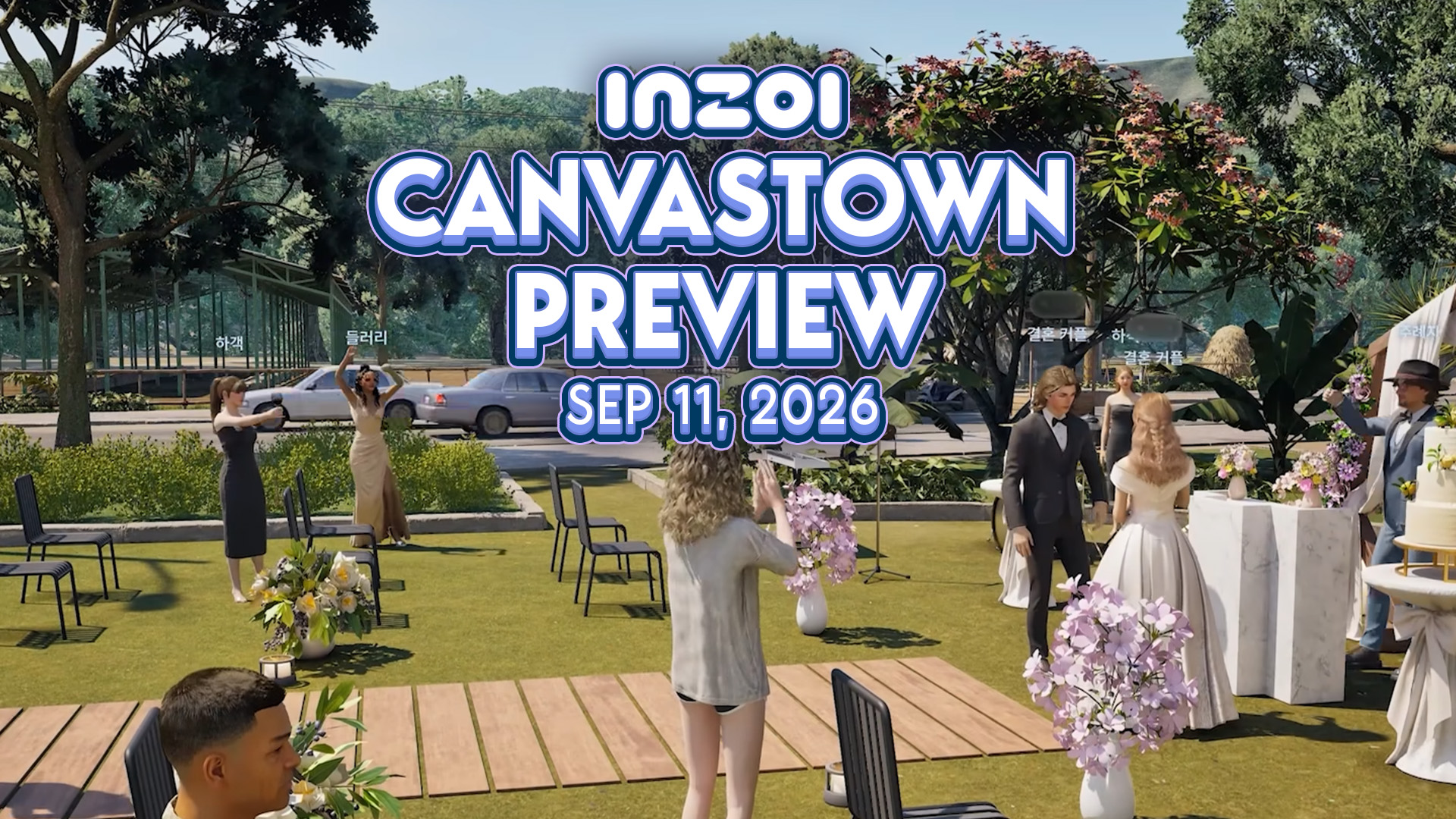
On November 14th 2025, Producer & Director Hyungjun ‘Kjun’ Kim first brought out the concept of Canvastown and asked for feedback. Since then, a small team has been working on this feature. Today, Kjun shared the first peek into the development to InZOI Canvastown, alongside the multiplayer feature coming with it. Wednesday September 2nd Catch-Up…
The EA Buyout was completed for $55 billion in August 2026, led by Saudi Arabia’s Public Investment Fund (PIF), and there’s talk of another change behind the scenes. In a recent report, Bloomberg claims that the PIF is considering folding EA into Savvy Games Group, another company it owns, to create a single mega publisher…
Three more Sims 4 Maker Packs have landed on the Marketplace, joining last week’s trio and the two released earlier this week. This round comes from Mechtasims, Kerriganhouse, and SolunaRae, adding everything from Stanley cups to new desks and even a giant dice block. You can take a closer look at what each creator has…









14 Comments
This is PC
Reply to Katrin
mine is 5,9 gb. idk why
I got the update but when I click my sims on my library it still freezes unless I exit the game and the gallery still sets itself as most popular on the gallery
Reply to Lena
Yeah it definitely did not fix the gallery
Reply to Hayley
I believe it was a different gallery issue they fixed. It still has “Upcoming Fix” on the bug forums for the uploads sorting by most popular.
Reply to CrispySims
mine still freezes I exited my game and restarted it once already and am trying a second time
I play on Xbox Series S by the way
Reply to Hayley
I don’t believe the hotfix adressed any freezing issues for consoles. It was to do with incorrect rresults being shown.
Reply to CrispySims
oh ok
Reply to Hayley
And its still not sorting right mine still shows packs I own as unowned
im on PC as well and got the 2.5 GB update
I got a 4.5 GB update on PC
they always prioritise fixes that require you to spend money but ignore game fixes, how about fixing the stupid legacy tree that changed all relationships to crazy thing like kids now being the parents of their parents? utter stupidity…
Reply to lee
No one has to spend money for any of the patch updates. That issue you happen to mention is already lined up in the bug forums as having a fix incoming. Perhaps check the bug forums to see what is actually on the upcoming fixes list before making yourself look silly.
Mine won’t let me resume game, the game force quits when I try to open the save file.
Welcome to Sims Community!
Our community is about connecting people through open and thoughtful conversations. We want our readers to share their views and exchange ideas in a safe space.
In order to do so, we've created a simple set of rules that will improve your experience. Simply put, keep it civil.
Your post will/might be rejected if it contains:
User accounts will/might be blocked if we notice:
So, how can you be a power user?
Thanks for reading our community guidelines. Please note that we're aware of certain issues with Sign In / Log In and Create Account / Email Confirmation issues. We're working behind-the-scenes on a new Account Creation process. Thank you for your patience and remember - freedom of speech is not freedom of reach