Teens can graduate early and drop out of high school!
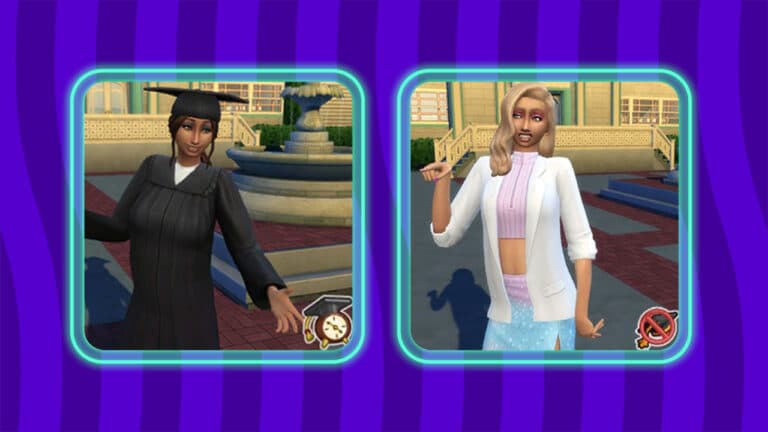
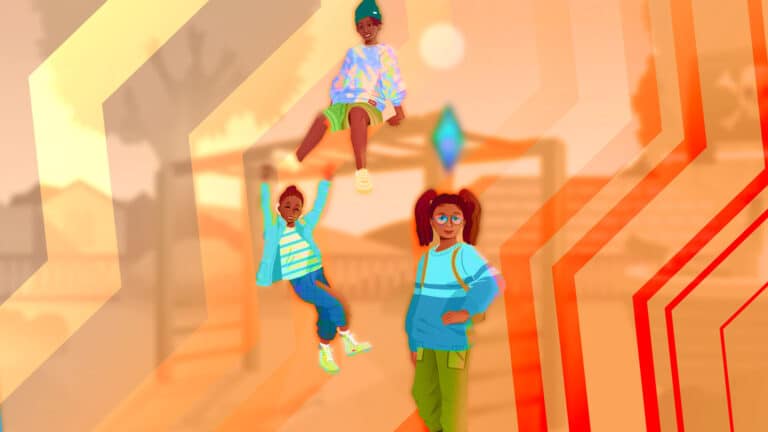
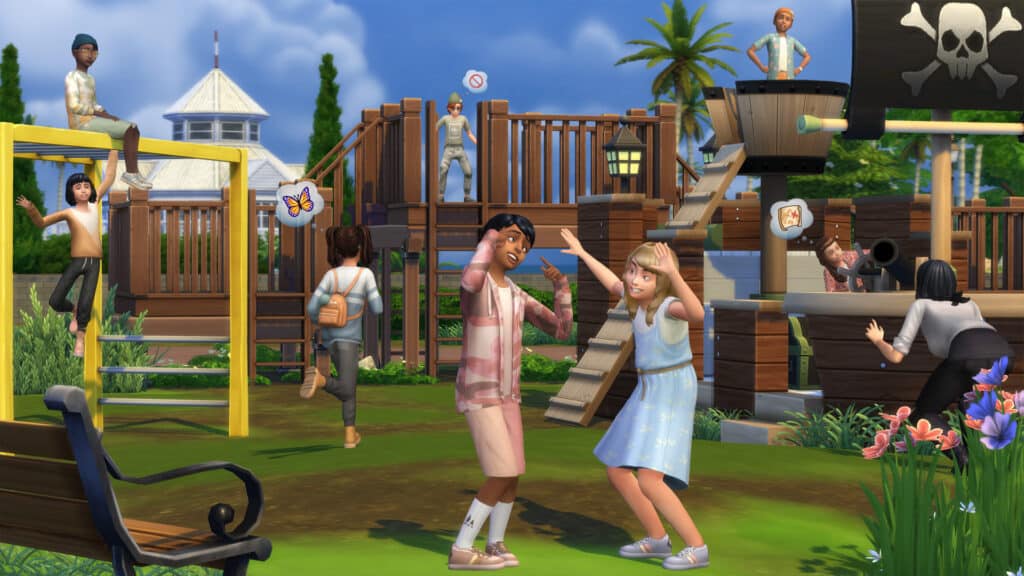
The Sims 4 High School Years offers many new ways to tell unique stories about teen Sims, including the ability to graduate early and drop out of high school. There are benefits to graduating early and challenges involved with dropping out.
Looking for more Guides and Tutorials on The Sims 4 High School Years?
To be eligible to graduate early, your teen Sim will need to stay an A student and have high skills. It’s also helpful to join and excel in an after-school activity. Once you become eligible to graduate early, you may receive a phone call asking you if you’d like to graduate early. You can also check the High School category on a computer to see if you can graduate early.
If you choose to graduate early, your Sim will receive a special trait and a high school diploma but won’t get a formal graduation ceremony. Teens who graduated early can join full-time adult careers and if Discover University is installed, they can apply, enroll, and attend university.
Dropping Out
Unlike graduating early, you can drop out of high school at any time. You don’t need to have poor grades or low skills (but you can be forcibly kicked out of school if you’re failing and acting out). Just click a computer and choose Drop Out of High School under the High School category.
High school dropouts won’t be able to enter certain careers and their chances of getting accepted into university are slim to none unless they happen to have very high skills.
It’s not all bad, though! If your Sim wants a second chance, they can get their GED online when they become a young adult.
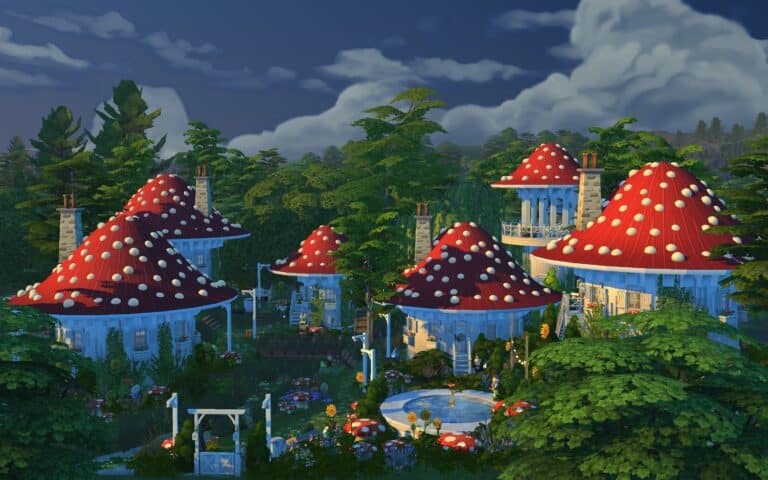
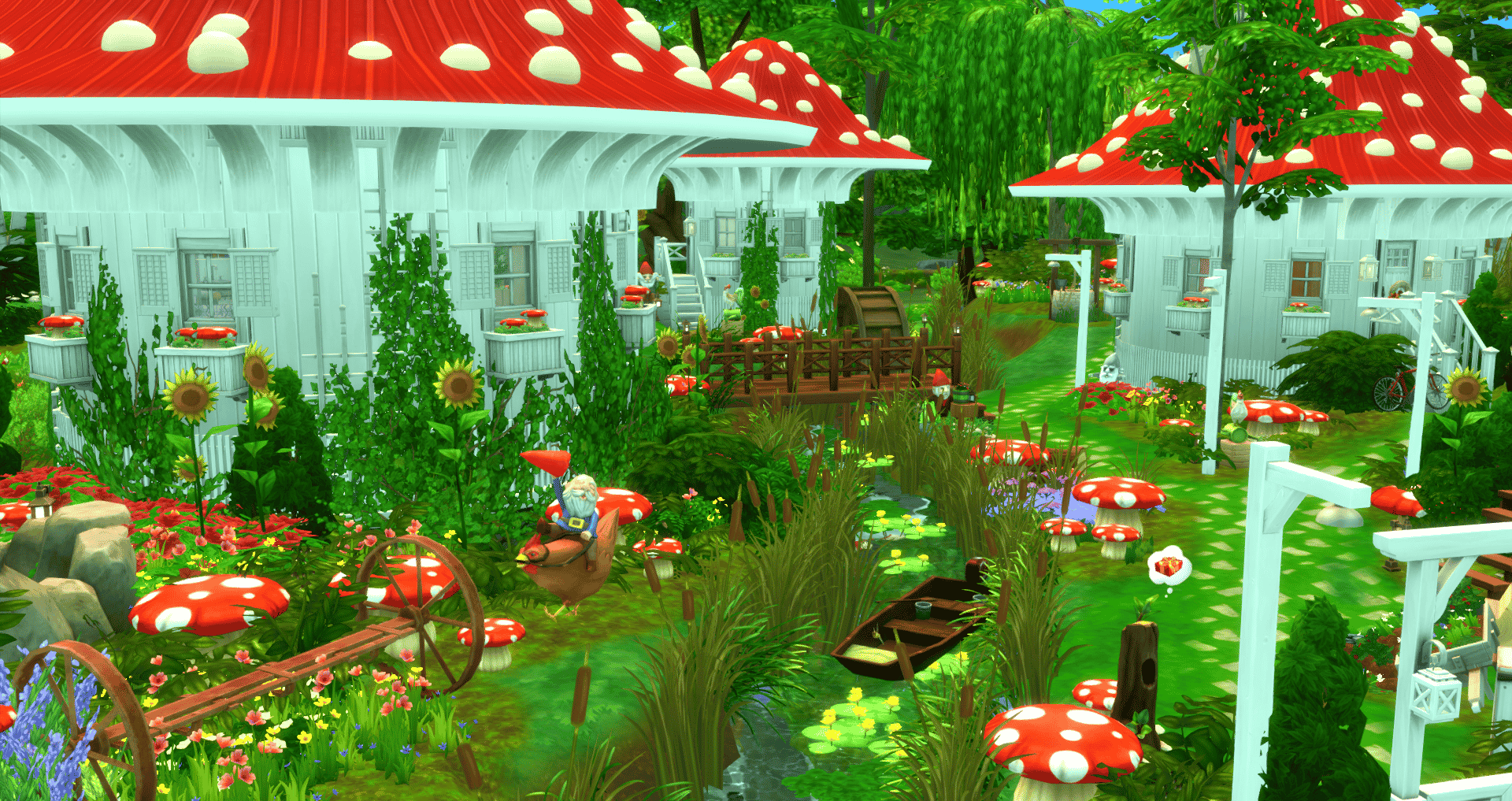
Deep in the woods of Henford-on Bagley, builder alexasimi created a Fungi Village! Its creative usage of curved walls and roofing makes you feel as if you’re in a Fungi village—or maybe the Smurf’s village? It would also be perfect for fairies, unofficial through mods. Or maybe just for your outdoorsy Sim who is a bit eccentric!
My first build with round walls. I transformed the park in Henford on Bagley into a quirky mushroom village. 4 houses, a laundromat, observation tower, pool, hot spring, lake, river, chicken coop and bon fire. no CC#TheSims4#ShowUsYourBuilds @TheSimmersSquad #SimsFederationpic.twitter.com/bKVvJ2Fow3
There are four identical mushroom houses except for their color scheme. Each mushroom has its own kitchen and bathroom. The Fungi community also has a communal laundromat and an observation tower with a telescope. At night, each building is able to light up. If you turn the lights on!
By turning on all the lights, hopefully not individually, the village will light up at night! What a unique idea to use those lights that way.
Gallery Information
”I transformed the Isle of Volpe Park in Henford on Bagley into a residential lot with a quirky little village made of 6 mushroom buildings. 4 are houses ideal for a single Sim. The others are a laundromat and observation tower. There is also a pool, hot springs, and chicken coop. Ideal for a roommate situation or for smurf-like character play.”
Lot Type: Residential Cost: §378,380 Lot Size: 50 x 40 Bedroom: 4 Bathroom: 4
You can check our alexasimi’s build on the gallery by searching on the gallery for the Gallery ID: alexasimi or you can download it at the following link.
Beige, tan, brown and exciting grey! What more could a kid want for their wardrobe?
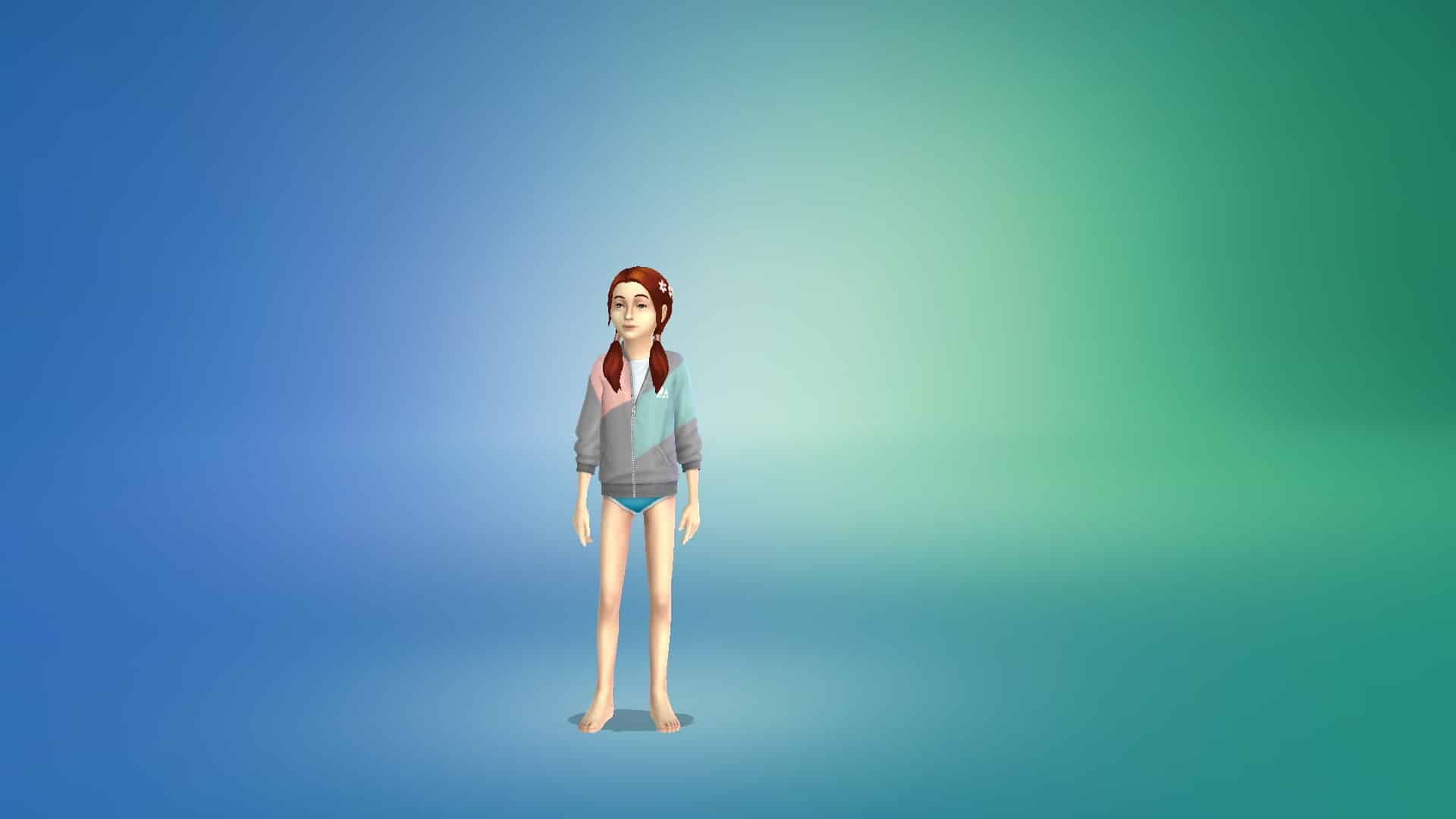
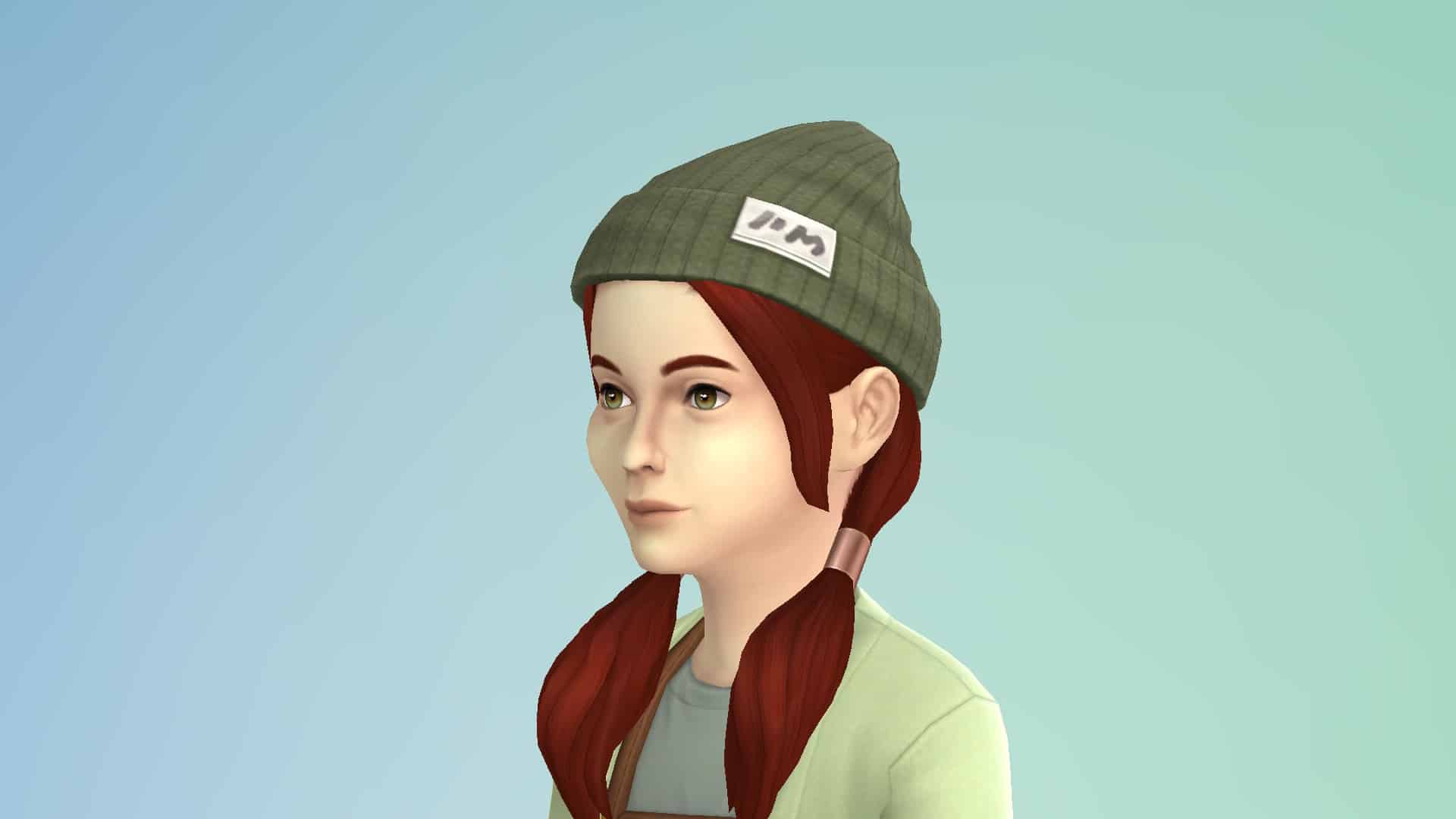
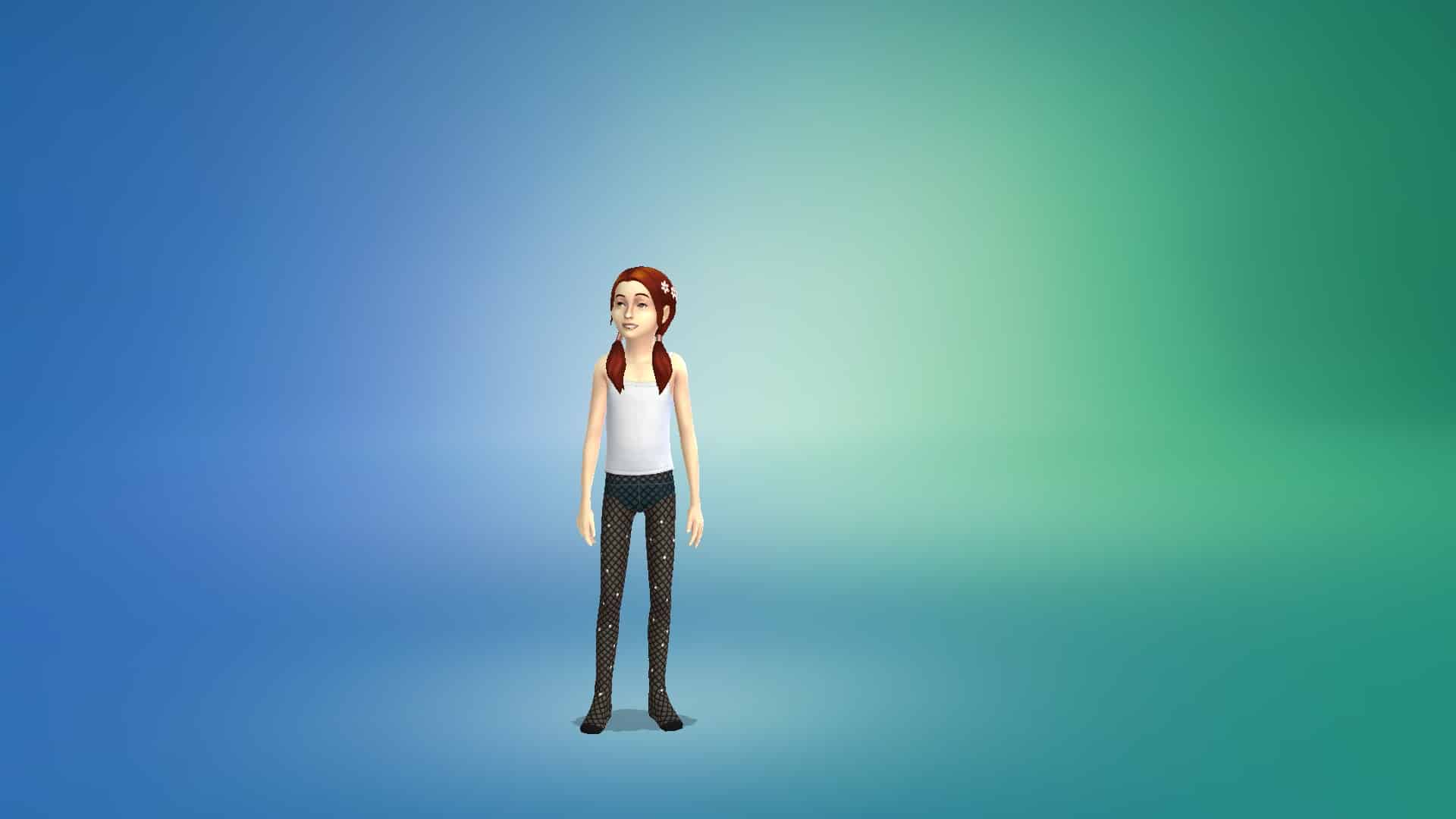
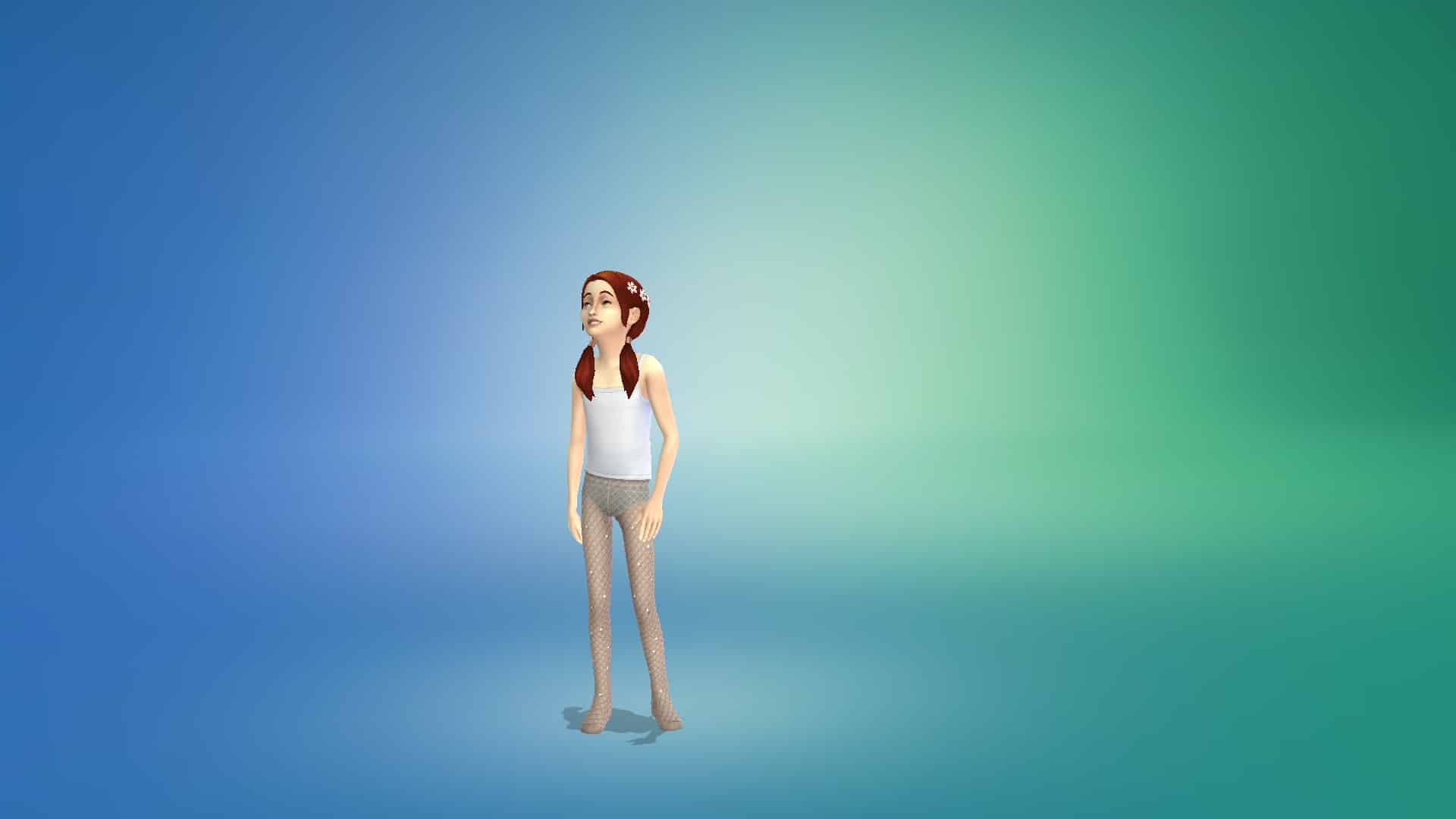
The Sims 4 First Fits Kit is a CAS kit aimed exclusively at children. It comes with a total of 24 clothing pieces and accessories for child-aged Sims. The kit contains feminine and unisex items but no masculine-specific items. It does not contain any content for toddlers or teens-elders.
Below, we’ve showcased every item in the pack in the first three swatches; however all items in the pack come in 8-12 or so muted swatches.
Tops (12)
Bottoms (4)
Full Body Outfits (1)
Hats (1)
Accessories (3)
Shoes (2)
Our Thoughts
As a family player, I am incredibly disappointed in this kit. The clothes look… fine but they look like adult clothes slapped onto kids. I would have expected a child CAS kit to be bursting with bright colours and patterns but almost every swatch is beige, grey, or some very pale, muted earth tone. None of this is anything I would have wanted to wear as a child, nor do I know any children who would look twice at anything presented in this catalogue. This kit looks like a collection of things parents would force their kids to wear to impress their adult friends. The tastes and interests of the child are not a priority at all.
By comparison, the Kids Room Stuff pack had a vastly superior CAS catalogue. It was fun, bright, colourful, and featured common child and preteen hobbies and interests. Plus it comes with a super cool bedroom set and immersive gameplay for kids. You got a new collection of Voidcritter cards (think Pokémon but in The Sims), a detailed battle and training system for them, and an adorable puppet theatre that builds Social skill. If this is what the future of kits looks like for The Sims 4, we’d rather just have stuff packs back.
Our advice? Just get Kids Room Stuff and give this kit a hard pass.
The Sims 4’s latest Kit is Now Available for Purchase
Maxis has just released the latest Kit for The Sims 4 – the First Fits Kit!
Just like previous Kit releases this one is retailed at $4.99USD, or a price equivalent to your local currency.
These are the following features for the First Fits Kit:
Dress the next generation of trendsetters in fashion fit for a playdate with The Sims™ 4 First Fits Kit*! Whether a child Sim wants to turn heads on the first day of school or run around having fun with friends, these versatile styles will keep them looking fashionable (and SO cute).
DRESSED TO EXPRESS
A lifetime of fashion choices starts when you become a big kid and can dress yourself. Give child Sims more ways to express themselves with the kinds of leopard-print jackets, patterned leggings, and colorful shades they’ll want to wear when they grow up.
FASHION IS 24/7
Dress child Sims in trendy looks that are fit for birthday parties, the classroom, or just hanging out with friends. These casual looks don’t require a special occasion, but they won’t be out of place at one either.
The Kit is available right now for Purchase on the following official stores:
Want to make StrangerVille even scarier? Play it with an alien.
There I was, just minding my business playing with my favourite alien Sim in StrangerVille. I didn’t think anything of it. I just thought it would be fun to play an alien in StrangerVille. Aliens and StrangerVille go together like cowplants and cake. Little did I know that I was about to see horrors the likes of which have never been seen before.
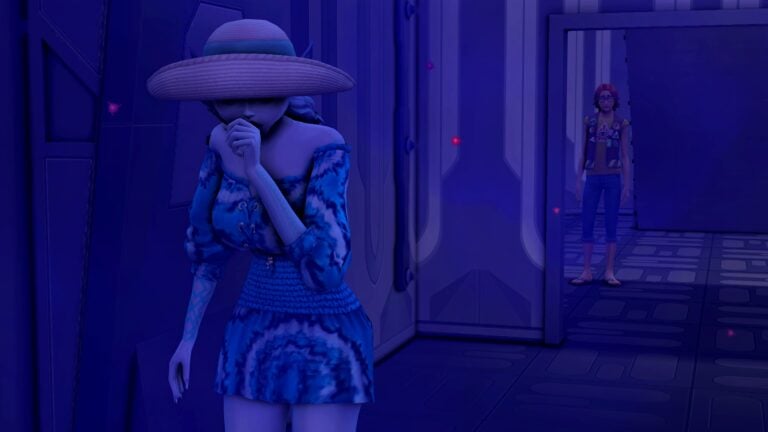
Unsuspecting and naïve, I sent my Sim to the lab to explore after getting her a keycard. Everything was business as usual up to this point but that all changed when she went downstairs and attempted to walk through the purple spores in the hallway that leads to the second door.
That’s when she ceased to be a cute little alien from Sixam and transformed into a demon from only my wildest nightmares. Those black, soulless eyes, that crazed grin exposing sharp teeth, the tilt of her head that gives distinct “You’re next!’ vibes.
Did I just step into the film Coraline? Is this the next SAW movie? I don’t know. I don’t want to know. All I want is to get the flippity-heck out of this cursed lab.
Wait… where was the exit again? Are those… vines? Oh no… she’s coming for me…
RIP SnarkyWitch, who mysteriously disappeared inside the secret lab along with her alien companion. We may never know what happened to them…
Are you looking for more hobby based traits for your Sims? Then look no further, as we have just the thing for you!
KiaraSims4Mods is known to create a variety of additional custom Traits, Aspirations, Careers and more for The Sims 4.
The Hobby Traits by Kiara are another way to make your Sims even more unique and with over fifty different traits to choose from, there is definitely something for every Sim! With all the Hobby Traits recently updated too, now is the perfect time to take a look and pick out some new traits to try out!
Each trait will give your Sims a selection of new Buffs, Whims and Social Interactions relating to your chosen hobby trait.
This is a trait for Grandparents who love helping raise their grandchildren.
Social Interactions
Brag about Grandchildren
Talk about Grandchildren
Ask about Grandkids (to your children only)
Give advice for the future (to your grandchildren only)
Guess What? I would not mind a Grandbaby” (to your children only)
Buffs
Help with Homework
Purchase Toys
Bottle Feed Baby
Bounce Baby
Change Baby Diaper
Coo at Baby
Cuddle Baby
Make Face with Baby
Find out what is wrong with Baby
Rock Baby
Shoosh Baby
Talk to Baby
Play Dolls
Play Flashcards with Toddler
Bathe Toddler
Check on Toddler
Tuck in Toddler/Children
Whims
Gain Parenting Skill
Talk to Baby
Cuddle Baby
Bounce Baby
Coo at Baby
Make Silly Faces at Baby
Check on Toddler
Play Dolls with Toddler
Read a Toddle to Sleep
Read a Book to Toddler
Potty Train Toddler
Watch TV with a Toddler
Help Child with Homework
Encourage To… (Parenting Skill)
Influence To… (Parenting Skill)
The Grandparents Trait also allows Sims to learn the Parenting Skill two times faster compared to normal.
While many of the new Traits are Base Game Compatible, some may require additional packs to work. If you do require additional packs, this will be stated in the trait details.
Here is a full list of all the Hobby Traits that you can add to your game!
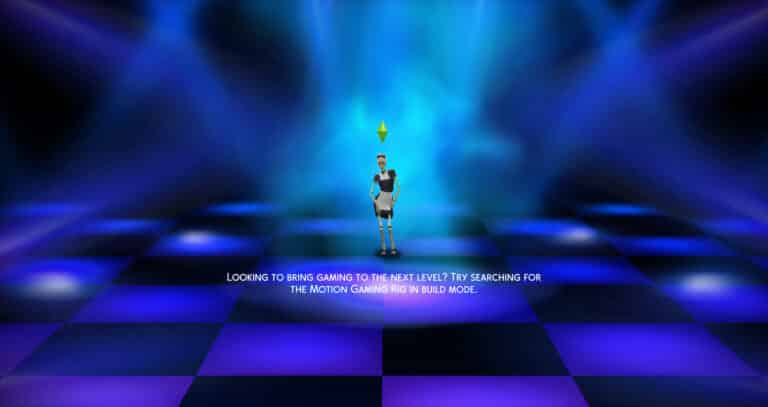
The icon herself is finally gracing our loading screens! The Bonehilda Loading Screen Replacement is now available to download on 20th Century Plumbob’s Patreon page! This is the first of 20th Century Plumbob’s Sims 4 Loading Screen Icons Series.
You can watch Bonehilda dance on four backgrounds! There are Gradient, Original, Dancefloor, and Nightclub versions.
She Dances!
To see her dance, watch the video that 20th Century Plumbob posted on their Patreon page!
We had no idea that we needed a new loading screen, especially one with a dancing Bonehilda! We love all four of these loading screens and can’t wait to see the rest!
Important Information
Remember, you can only install one Loading Screen mod at a time.
To install, put the file into your mods folder and organize it in a similar way to how you would normally organize your mods folder.
Bonehilda Loading Screen Replacement is available for free on 20th Century Plumbob’s Patreon Page!
Three new scenarios designed to help new players find their footing!
A recent update for The Sims 4 added three new scenarios to the game. These scenarios are unique. They are welcome scenarios to help new players understand the game. They come with premade households to play with and each scenario has multiple outcomes and optional goals to complete, allowing more freedom within scenarios. New bonus rewards are based on which choices you make throughout the scenario.
New in Town
This scenario features a Sim named Farrah Nouvel. Help Farrah get settled in her new neighbourhood by making friends and/or finding a love interest.
Potential Endings:
Love at First Sight!
Talk of the Town
Instant Friends
Great First Impression
Welcome Newcomer
Rewards
Inspired Explorer trait
Bonus Reward
Satisfaction Points
Stuck in Their Shadow
Nova Curious has just graduated college and finally gotten away from her college rival, Lewis… until she gets hired at the same place he works. Help Nova either crush the competition or mend the broken bridge between them.
Potential Endings
Quitting the Rat Race
Keep Your Enemies Closer
The Underdog Wins!
Enemies to Lovers
Dream Chaser
Rewards
Highflier Trait
Bonus Reward
Satisfaction Points
Parenting Predicaments
Two hard-working parents are struggling to keep their badly-behaved twins in line. Can you reign them in and turn them into perfectly behaved teenagers or will you let them run wild?
Now that the dust has settled and we have experienced the addition of the fears and wants in The Sims 4, let’s reminisce about the simpler times. JK, Sims 2 is nothing but simple. Chaos, drama, and genuine uncertainty for the well-being of your Sims and your directorial vision in a game where death and despair were looming over, just like in real life.
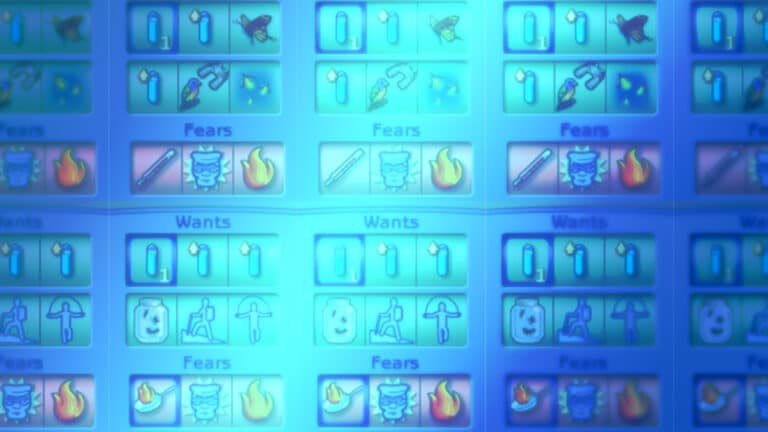
The system is pretty simple – the top row contains wants and the bottom one contains fears. The more wants you to fulfill, the aspiration meter goes up and the opposite goes if the fears come true. Depending on how you play the game and how wholesome and/or chaotic you are, the Aspiration meter can be the end goal of The Sims 2.
Aspiration points can also allow you to access special items such as Money tree, and Cool Shades (not cool if you have to say it’s cool, but it gives your Sim a temporary boost in positive or negative effects of socialization) or my personal favorite – SimVac. For a measly 17500 simoleons and a limited amount of 5 uses, a Sim vacuums aspiration, and skill from other Sims. It does ruin the relationship with the vacuumed Sim, but hey, everything for that sweet APs!
But to complicate things even further, if a poor unfortunte Sim, who hasn’t got a good aspiration score uses these items, it can backfire! Instead of having all needs boosted by the Eclectic and Enigmatic Energizer, the oposite happens.
This feature is a huge part of gameplay – depending on your specific Sim, their age, traits, and location – give a real sense of autonomy and individuality. For example, a romantic Sim would want to get married and a knowledge-loving one would want to meet the Aliens! In theory, that happens in the Sims 4, but not really. If I get another whim/want to buy bees, I’m going to lose it!
What do you want and what are you afraid of?
Wants and fears differ greatly, from minor ones like wanting to talk to someone or being afraid of seeing a vermin, to defeating the Grim Reaper and experiencing the death of a family member. All of these experiences influence the Aspiration meter in various ways. So, changing into PJs can add +500 aspiration points, but marrying a rich Sim (apparently, Sim is considered rich if they have more than §50,000) will set you up with the additional +15,000 AP!
Wants are divided into categories, updated as the DLCs came out. There are ones regarding romance, family, parties, occult, pets, career, vacation, etc.
WANT
ASPIRATION POINTS
GAME DESCRIPTION
Change into Athletic Outfit
+500
Sometimes a Sim wants to look active. To have your Sim wear their workout clothes, click on a Dresser or Armoire object and choose “Change to Athletic”.
Ask Sim on Date
+750
Time to make the first move on that prospective Sim! Click on the Sim and choose “Ask …” and then “On Date”. To avoid being rejected make sure either your relationship is high or that there is good Chemistry between your Sim and their prospective date. Good Chemistry comes from mutual attraction, you can tell if your Sim is attracted by clicking on the other Sim and choosing “Check Out”. You can tell if this Sim is attracted to your Sim by clicking on them and choosing “Ask…” and then “Do You Like What You See?”.
Gain a (skill) Skill Point
+1,000
To build a skill, make sure your Sim spends enough time with a skill object. Different objects build different skills; you can see which skill an object builds by looking at the object’s description in the Buy Catalog.
Sneak Out (with Sim)
+2,000
Some Teens have to blow off some steam, and love bending the rules a little to do it. To have your Teen sneak out, click on the phone before midnight and choose “Sneak Out”.
Meet Aliens
+8,000
Some Sims know in their bones that we are not alone. Try taking notice of aliens; they might take notice of you.
Marry a Rich Sim
+15,000
Some Sims care more about the money they’ll get than the Sim they’ll get. To have your Sim tie the knot with a wealthy Sim, first make your Sim’s lover is loaded and then get them Engaged. After that, click on the other Sim and choose “Propose” and then “Marriage”.
Fears usually mirror wants, usually, a Sim who wants to get married will be afraid of breaking up, and depending on the personality traits, one Sim’s want can be another’s fear. For instance, having children is a fear and a want, depending on what kind of person/Sim you are.
FEARS
ASPIRATION POINTS
GAME DESCRIPTION
Burn Food
-500
Some Sims hate to waste food. Avoid burning food by building your Sim’s cooking skill. You can do this through just cooking lots of food, or by clicking on a Bookcase and choosing “Study Cooking”.
Be Rejected by Sim for a Date
-1,000
Your Sim would hate to be shot down by a potential date. To ask a Sim on a date click on the Sim and choose “Ask …” and then “On Date”. To avoid being rejected make sure eitehr[sic]your relationship is high or that there is good Chemistry between your Sim and their prospective date. Good Chemistry comes from mutual attraction, you can tell if your Sim is attracted by clicking on the other Sim and choosing “Check Out”. You can tell if this Sim is attracted to your Sim by clicking on them and choosing “Ask…” and then “Do You Like What You See?”.
Fight with a Family Member
-2,000
Your Sim would be pretty embarrassed to lose a fight today, so try to keep him or her out of scuffles. If you think a Fight’s on its way, work on Body skill.
Have a Lousy Party
-3,500
Some Sims are ashamed if they throw a lousy party. Get some good food on the table, give your guests some fun things to do, and make sure you spend time with them to get the conversation flowing. If the party is a Wedding party, make sure a Marriage or Joining occurs, and if it’s a Birthday Party, make sure someone Grows Up!
Be abducted by Aliens
-5,000
Some Sims can feel the eyes of strange beings upon them. Be careful; if you take notice of them, they may just take notice of you.
Be Old and Childless
-5,000
Growing old without children means that soon your Sim’s Family line will end. If your Sim is going to become an Elder soon, you might want to think about building a relationship high enough to Try for a Baby, or Adopt a new Sim.
The extremes
What happens if you push your Sim in one way or another, fulfilling their every wants or traumatizing them with their fears? If it’s good, it’s good. Platinum aspiration bar, all the aspiration items available, good life indeed. If not, then things get sad. A phenomenon called Aspiration failure happens, and an NPC called Therapist arrives to save you Sim from their misery by slightly improving their state.
“And when I felt like I was an old Sims 4 Bug Under someone’s bed you put me on and said I was your favorite”
– Taylee Swims
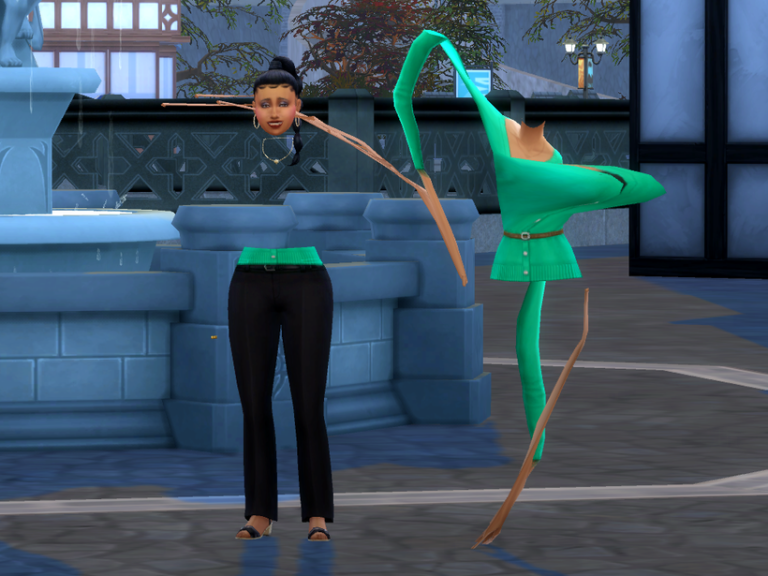
Your sim might have been minding their own business when a severely deformed sim just started walking by. Or maybe you’ve seen a picture of this in a Discord Server or on Reddit. In case you haven’t, we have included a photo below.
Photo Courtesy of Scarlet
Which Sweater?
The cardigan sweater that causes it is the base game sweater named: yfTop_CardiganBelted.
Photo Courtesy of Scarlet
And it’s always this sweater. But now, Scarlet fixed the cardigan sweater so we will no longer have townies that have torsos removed from their hips and neck.
She stated: “All of the LODs except for one caused this deformity. Therefore, I fixed the mesh for all of the affected LODs.”
Make sure to hit ME TOO on the AHQ Thread if you’ve experienced this.
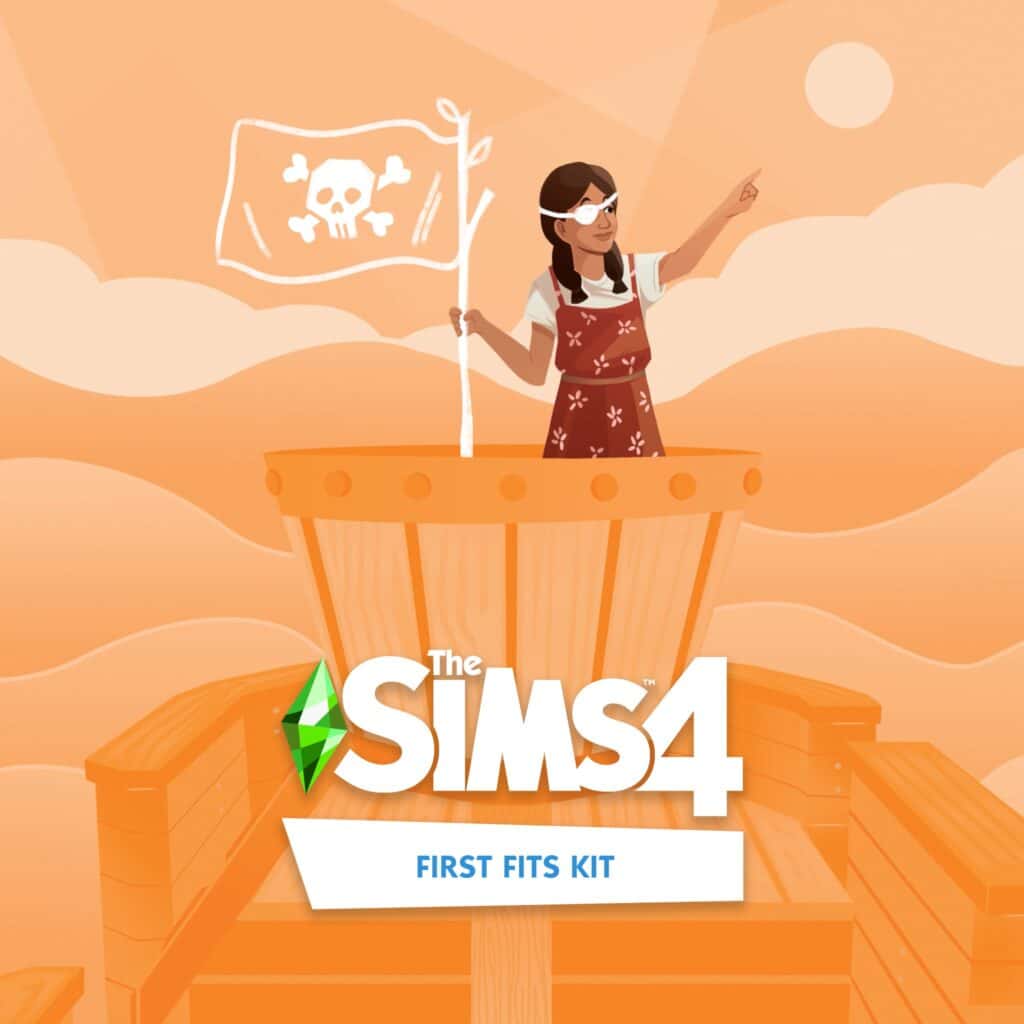
First Fits Kit is a CAS Kit for The Sims 4 that introduces new Fashion and Clothing for Children! Check out what the team had to say for this one:
The Sims 4 First Fits Kit
With @XUrbanSimsX, a passionate Sims 4 storyteller, as our fashion guide, set the next generation of trendsetters with kids’ clothing that is both fun and fashionable, perfect for any occasion in The Sims 4!
Release date: September 1st
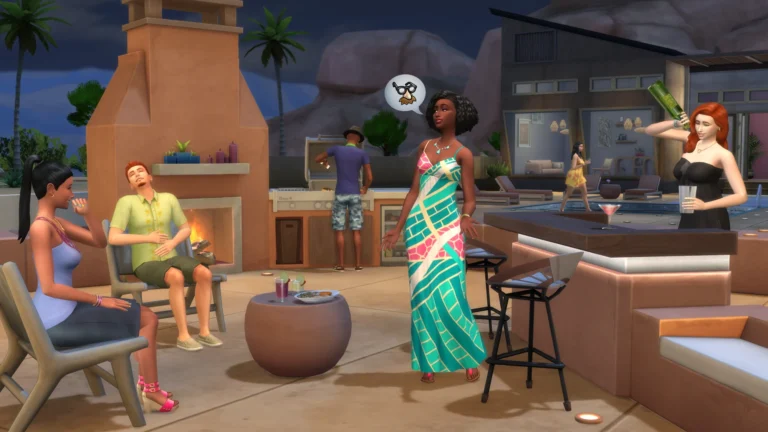
The Desert Luxe is a Build Kit for The Sims 4, with new objects that will fit the Desert lifestyle. Specifically Oasis Springs. Okay, maybe also Strangerville.
The Sims 4 Desert Luxe Kit
With the help of @AvelineSims, an avid Sims 4 builder, The Sims 4 Desert Luxe Kit brings new furniture inspired by the natural landscape of the Southwestern Desert so your Sims can arrange a space indoors & outdoors for both relaxation & entertainment.
Latest Update for The Sims 4 is all about Fixing Bugs. Check out the Patch Notes!
The Fixing Update…Part 2
The Sims Team has released a brand new update for The Sims 4 on PC, Mac, Xbox and Playstation.
To download the latest version of The Sims 4, simply open your Origin program and if the game doesn’t update automatically, right click on The Sims 4 and select ”Update”. If you play on Xbox and Playstation, you should Check the Game for Updates in case Automatic Updates are off.
In case you have Mods or Custom Content, the game will automatically disable them for you after first launching The Sims 4 after the update. To re-enable all your Mods and Custom Content, select the Settings option in the Menu and select Settings. Under the ”Other” section you’ll find the ”Enable Custom Content and Mods” option. Check it and restart your game in order for it to take effect!
Patch Notes
Update 08/30/2022 PC: 1.91.186.1030 / Mac: 1.91.186.1230 Console: Version 1.63
Hello Simmers!
As we close out the summer, we’re excited to bring you this base game update. With new Scenarios and a list of bug fixes, we hope you’ll have fun discovering new ways to play. – The Sims Team
What’s New?
Learn more about friends, careers, and family life with the new Welcome Scenarios! Three new Scenarios with more complexity, premade households, and special rewards depending on the outcome you reach!
New In Town focuses on learning about relationship making with the newest arrival to the town, Farrah Nouvel. Explore the world of The Sims™ 4, with a brand new household.
Stuck In Their Shadow features Nova Curious and her rival, Lewis Sancho, in their longtime fight to be the top dog at work. With 28 different outcomes depending on your choices during play, you’ll get a chance to explore many pathways to career success!
Parenting Predicaments is all about family, with Pablo and Jennifer Martinez and their adorable twins, Sofia and Leonardo. Can you manage this growing family and guide Sofia and Leonardo into a happy teenagehood?
These Welcome Scenarios will include Clickable Goals. Left-click on any goal in the Welcome Scenarios to receive tips and guidance about how to complete the goal!
Bug Fixes
The Sims 4
Plant Sims can move items from their inventory without issues now.
Camera movement on macOS is more responsive, especially for those running Monterey.
Some instances of incorrect pronouns have been resolved.
We clarified some Scenario goals.
Text for Scenarios with existing households also is more accurate.
Limited-Time Scenarios show that they are time-limited again and end at the proper time.
Scenarios info popups now have a link to Lessons so you can learn more about them.
Lessons for Scenarios have new images.
Scenarios no longer immediately complete when starting a second Scenario in the same saved game.
The Event and Scenarios details panels no longer are blank when double clicking their button for information.
We made some small interface improvements for Scenarios. For example, when selecting an existing household for a Scenario, the button to configure Neighborhood Stories no longer appears.
In the My Households tab, households with active Scenarios no longer have a purple heart icon while Neighborhood Stories is inactive.
The Scenario bubble no longer overlaps with the sidebar for some resolutions.
The “Engaged in Conflict” Scenario no longer repeats the ‘On Second Thought’ goal.
Scenario “Perfectly Well-Rounded” has the goal to “Reach Level 3 in Any Skill” which now can be completed.
Color swatches for back hair now appear in the standard order.
Images for Stuff You Might Like in the Main Menu now display at the proper ratios for all game resolutions.
Get to Work
No more goofing off on the job – Doctors no longer T-pose while performing surgery.
Alien Toddler’s legs now stay visible while applying outfits in Create a Sim.
High School Years
Graduating Sims who arrive late to the event now change into their graduation gown and all graduates stay in their gowns during the event. This is a big moment, so dress the part!
Early Graduates now receive their diploma and no longer are erroneously told that they are dropping out.
Detention was a smidge harsh. Sims no longer indefinitely study for exams when in detention.
Sims with low Fitness skill succeed with the Football Toss more often.
The team practice pop-up no longer references a non-existent crush.
Business Plan objects in the inventory now can be scrapped if you want to clear up some inventory space. If you love to store clutter, feel free to keep them around
The Social Bunny contact button now always stays visible for your Sims who have friends.
A few facial hairs were growing from stubble straight to full beards. They now grow more incrementally.
The facial hair ymFacialHair_EF11BeardShortStubble now can be clean shaven. Razors were adjusted to catch this short stubble.
ymBottom_EP12PantsSkinnyCalf pants now only display once in Create a Sim.
The sunlight in Copperdale is less intense. A 6° change in the angle of the sun makes a big difference!
Engaging in a Pillow Fight with Sims you do not know no longer is deemed acceptable. At least say hello first!
The shadow for the Single Serve Hammock now appears correctly under this chair.
High School Years now appears only once in the Packs section of the main menu.
Missing images for items on the High School Years pack page have been found. They now display properly.
Sims will correctly direct their prom invites to the Sim they intended to ask, not the Sim currently controlled by the player.
Sim phone usage has been tamped down. Teens will still use the phone more often.
Vampires
We made some pronoun-related bug fixes thanks to community reports!
Parenthood
More pronoun fixes!
Dream Home Decorator
Sims now can add rooms for Room Addition gigs.
Bust the Dust
“Bust the Dust” visual effects no longer appear when the Dust system is turned off.
After a month of radio silence on the broken game, The Sims Team addresses the Bugs with an Update announcement.
The Sims Team has announced that they will be releasing a new update for The Sims 4 Base Game today!
In a tweet shared a couple of hours ago, the team has stated that the upcoming update is all about Bug Fixes, and is set to release on August 30th, 2022 across PC and Consoles.
Sul Sul Simmers.
Tomorrow, Aug 30, at 10 AM PT, we have a game update bringing bug fixes to The Sims 4.
The Update has been set to release at 10AM Pacific Time. To make things easier for everyone, we’ve included a countdown to the release of the Patch. As soon as the timer turns zero you’ll be able to The Patch Notes will be released shortly after said time.
[janky target_time=”1661878800″ color=”#5225F2″]
The promised Bug Fix Update for The Sims 4 comes more than a month after the release of High School Years Expansion Pack, after which many bugs started showing up for players across platforms.
We will keep you posted with the latest patch notes right here on Sims Community. Stay tuned!
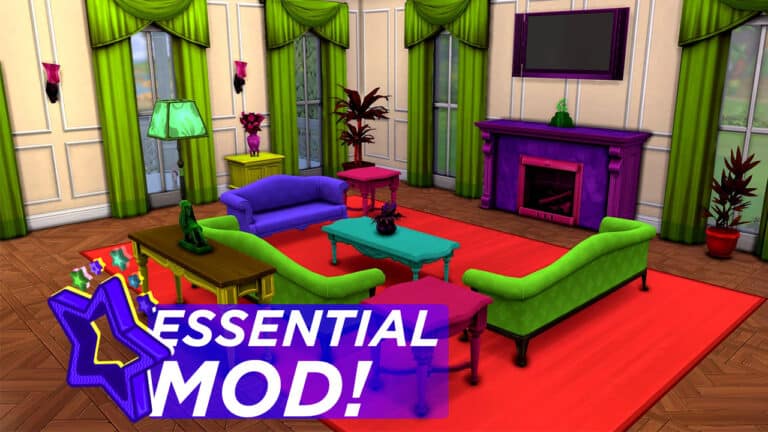
A new mod for The Sims 4 is here and it’s a complete game changer for builders and decorators! Carl has once again worked technical magic on the game and created a Colour Picker tool that can recolour almost anything in-game!
Getting Started
Before you do anything, you’ll need to install the mod. Download the Colour Picker mod, extract the .zip file and put the folder directly in your Mods folder.
Enable the testingcheats true cheat in-game. Carl’s Colour Picker will only be visible with testingcheats.
General Use
Colour Picker options are in Live Mode. SHIFT+Click any object to bring up Colour Picker options. Clicking on a single object will only recolour that object. Clicking on the floor will recolour everything in the room.
By default, recolouring an object recolours every object of the same type but you can change this by turning Apply to Multiple Objects off under ColourChanger > Apply Colour from List.
Swatch Picker
Let’s start with the simplest tool. The swatch picker is limited to EA swatches but it allows you to quickly match an entire room or multiple sets of objects without having to go into Build Mode.
This tool is most useful when applied to a whole room. Using it while clicking the floor will attempt to find the best matching swatches for everything in the room. You can create perfectly matching sets with one click.
Colour Changer
This is the more advanced but more creative tool. This tool allows you to go beyond EA swatches and truly make any object in the game your own.
The most basic thing to remember when using this tool is that it doesn’t change the underlying base colour; it adds tints to the base colour. So if you want bright neons or pale pastels, start with a white or neutral-coloured object. If you want dark, rich colours, start with a darker coloured object.
With that in mind, the tool I found easiest for beginners to work with is the Adjust All RGB option. This is as simple as picking your hue and dimming/lightening it as you please the same way you’d adjust the colour and brightness of lights. Locking the colour of an object and copying custom colours from one object to another are also simple tools anyone can grasp.
However, if you want to get into advanced stuff, you definitely can! Players with knowledge of colour theory can also apply any colour of the rainbow and then further adjust the tint by increasing or decreasing reds, blues, and greens within that colour. If you have a specific colour you’re looking for and know the hex code, you can even input hex codes to get the exact look you want.
There are over 100,000 colours available with the mod and text commands you can use to further customize colours. Check out Carl’s more detailed explanation for a thorough breakdown of every feature.
Things to be Aware Of
Builds that use this mod can be uploaded to the Gallery but the other players will need to have the mod installed for the custom tints to show up in their game.
Recolouring an item recolours the entire object. You can’t pick and choose which parts of the object to recolour.
Occasionally, a colour might get stuck while dimming/brightening it but we easily fixed this by just clicking another hue and then clicking back to the previous hue.
The ColourPicker mod is in early access. It goes public on September 8th, 2022!