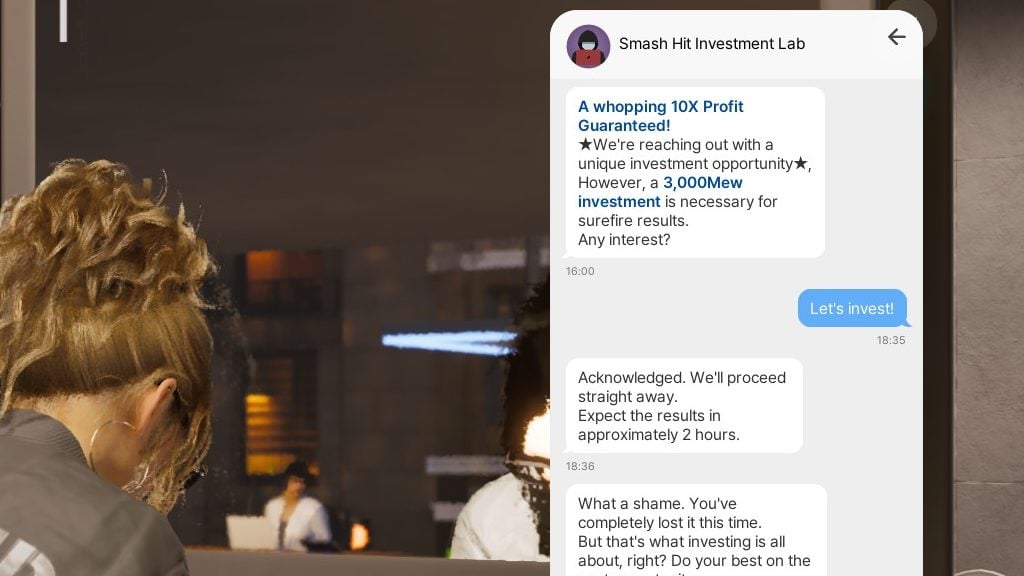
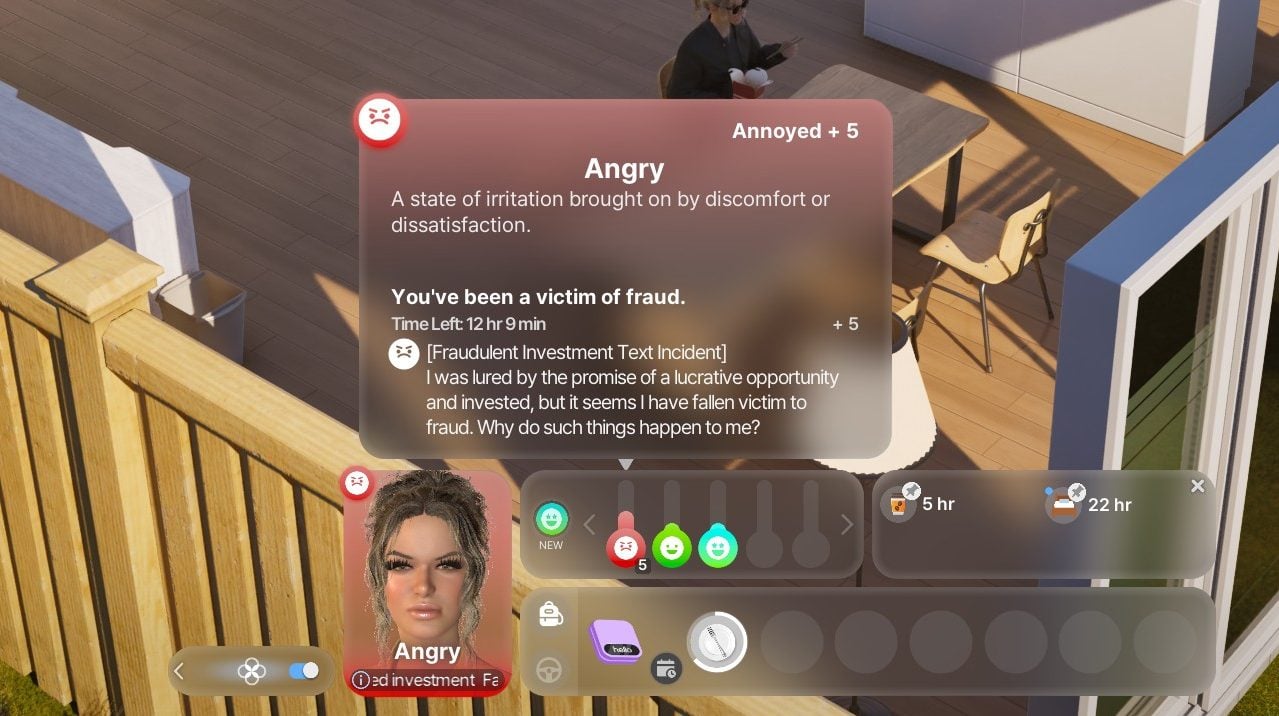
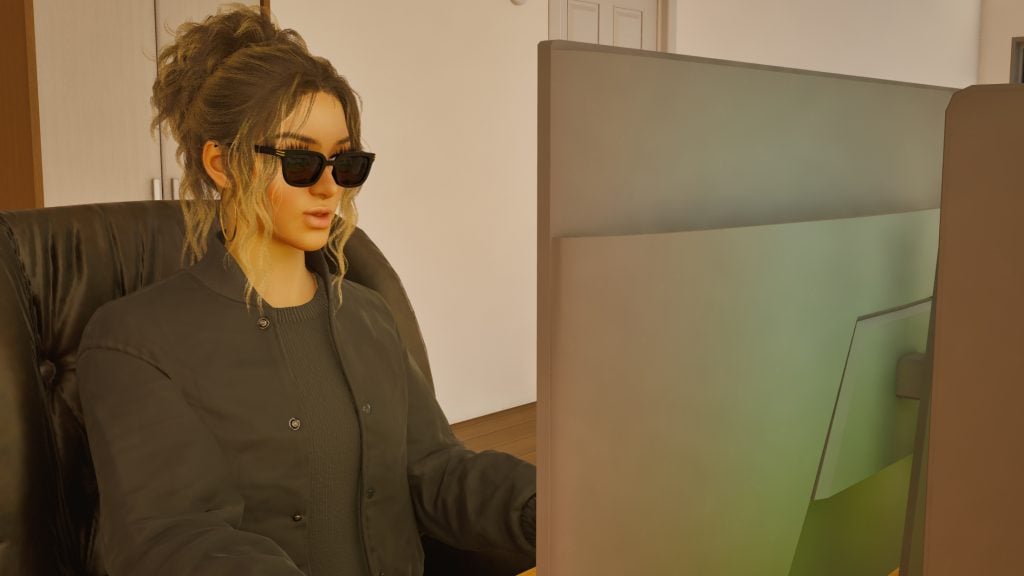
Is EA preparing a new form of subscription services for The Sims 4?
We discovered today upon the official announcement of The Sims 4 Royalty & Legacy Expansion Pack that there’s going to be a Bundle along with the Expansion Pack release. The website doesn’t mention anything useful on the frontend as it lands to a “404” page and reveals the new Bundle name.
The Sims 4 Royalty & Legacy URL redirects to a "Grand Bundle" page 👀 What do you think this Expansion Pack is getting paired with? pic.twitter.com/hLnwzKRWZ7
We then received an email from one of our readers about new information discovered in the backend. Specifically mentioning several official EA pages with a “Collector’s Pass”. There’s also an instance that mentions “taking a spin” with one of the Packs. No idea what’s EA and Maxis preparing with this one for The Sims 4, but you can take a guess from the URL instances and descriptions mentioned below:
I have found multiple references to a “The Sims 4 – Collector’s Pass” which i believe has not been mentioned as of yet? I think it seems to be some sort of subscription service. All of these mentions are loaded internally on EA’s website, either by accessing backend APIs (which they accidentally return these).
Usually EA would obfuscate this, but loading the Grand Bundle page you showed us on the website returns many references. I have sent a screenshot with the references together with the e-mail 🙂
“value”: “Cancel The Sims 4 Collector’s Pass – Electronic Arts”
“key: “CANCEL_MEMBERSHIP_TEXT_BODY”,
“value”: “Before you go, how about taking your membership for a last spin with one of these Packs?”
I’m following up with this extra information, which says the following:
“key”: “CANCEL_MEMBERSHIP_CONFIRMATION_MODAL_BODY”, “value”: “Your Sims 4 Subscription is now canceled, but you’ll have full access to your games until your billing period ends on {subscriptionEndDate}. Keep an eye out for a confirmation email.\n\nIf you change your mind, rejoining is super easy — and all of your games and play progression will be right here waiting for you. \n”
This is a key for showing up on the website that EA’s server is returning. It does cite “Sims 4 Subscription”. I don’t think The Sims 4 has a subscription model outside of EA Play, but EA Play is usually reserved outside of the entire part of Sims 4’s section on the server response. I do believe they’re announcing a Sims 4 Subscription service soon. Not sure how it might work, the file doesn’t seem to cite much more apart from this lol but i will contact again in case i find something else.
It’s currently not known when The Sims 4 Collector’s Pass will become available publicly, and even if it will become available to the players. We know by the tone of the official Sims Franchise Roadmap that the team is continued to delivering single player experiences, but no words about subscriptions for them as of now.
If this aspect turns to realization it’s expected that players can access the entire Sims 4 Catalogue of DLCs using a Collector’s Pass subscription. That’s all based on the URL code discovery above and doesn’t contain any other confirmations as of now.
We’ll make sure to keep you posted once we know more!
What are your thoughts on the new URL mentions of a Sims 4 Subscription service and “Collector’s Pass”? Let us know in the comments below and stay tuned for all Sims 4 News and Updates on Sims Community!
Pick up your heads, besties. Your crown is slipping down.
With the dawning of this new year, we’ve been given a rush of new information from The Sims Team on their plans moving forward in 2026. From attempting to clear up some of the confusion online with the latest content roadmap, to the newest teaser for the upcoming The Sims 4 expansion. It seems like 2026 is bound to be an exciting year for The Sims 4.
Doubly so if you’d read our article covering the teaser reveal, you would know that, not only will we seemingly be getting some form of monarchial/royalty system, but…
It will come with the mark of someone who has been in the shadow of our gameplay since The Sims 4‘s release. A character that all The Sims 4 players will know from their time sifting through Build/Buy for just the right bed to tie together a room, or even taking a walk across the sun-kissed beaches of Sulani.
I’m referring, of course, to Princess Cordelia—patron of the arts, sailor of the high seas, and lover of many, many pirates. This article gives a brief overview of this enigmatic figure in light of her potential proper introduction into the series. Be that physically, finally, be included in our ever-expanding roster of premade townies, or, maybe, as a beloved founder (or figure) of whatever new World our Sims may soon rule over.
Table of Contents
The People’s Princess – The Timeline of Cordelia Thebes
Princess Cordelia is a recurring Easter Egg that has been in The Sims 4 since its inception. Her lore is scattered through the Build/Buy catalogue, from paintings to statues to beds to staircases, and even deeper still into Debug, where Cordelia’s mythology can be found in a variety of collectables.
What I’m getting at is that she’s everywhere; you’ve mostly seen her name paging through Build/Buy, or your Sim’s own inventory. Eyes scanning for images and not reading the paragraph(s) in the description. Which? It makes sense. Maybe you’re deep into a challenger, or trying to puzzle out if this item is the one to you finally needed to complete your collection.
That’s why I’m here to geek out and give you the lowdown in detail. No Build/Buy skimming required.
Our Intrepid Cast (Available for Download Now!)
Princess CordeliaLong John ButtercupsChaz MacfreelingRodrigo De PabloBob The ButlerMatilda The Cook
The princess and her crew of merry men (and cook, and butler) are available to download from the gallery. This household was created by Maxis, but is unfortunately not exclusively base game, as everyone’s outfits (and traits) are equally spread across Vampires, Get Famous, Island Living, City Living, and several miscellaneous stuff packs. Obviously, you can download them regardless, and redress them to your heart’s content.
Don’t let the potential lack of pack “needed” inhibit your creativity. It’s your game, dudes, have fun!
The Many Pirate Boyfriends of Princess Cordelia
Before going into the deeper, the life of the people’s princess; first? You have to know a bit more about her love life. While poor Matilda the Cook and Bob the Butler’s stories ended on the steps of the Eppsilon (spoilers),
Long John Buttercups was Princess Cordelia’s first pirate boyfriend and, unfortunately for him, most certainly not the last. He was the first boyfriend to be moved into the Elippson along with his crew, and the two of them were together for a time. A majority of the furniture bearing his namesake is because she claimed it looked like his old ship. Cordelia dumped him because he was a bit too delighted by her corset and bustle. Which? Not to yuck his yum, but yikes. When she dumped him, as she’d had to fire Matilda, she kept the cook from his crew as part of her staff on the submersible. It’s also heavily implied he’s the “stinky pirate” boyfriend. Specifically, the one she built the ‘Last Resort Sink’ for along with emergency cologne stations. Double yikes.
Chaz MacFreeling was the princess’s second pirate boyfriend and, frighteningly, had the best hygiene of the bunch. This unfortunately paired with the fact that he was exceptionally vain. So vain, in fact, that Princess Cordelia dumped him due to his unnerving habit of constantly staring at his reflection in every mirror he came across. She was kind enough to send him packing with some citrus for his scurvy, though. The princess would go on to name every mirror she ever designed after him.
Rodrigo De Pablo was Cordelia’s clumsiest boyfriend. Sinking his own galleon in a mishap involving kelp, a mermaid, and a dolphin, and then going on to lose his leg in an accident on the Eppsilon. Despite this, Rodrigo was considered to have been the love of Cordelia’s life. As of The Sims 4 Adventure Awaits, we learn that he was also the greatest lepidopterist of all time, and would go on to (accidentally) discover all 14 of the available butterflies in Gibbi Point. One he, of course, would name after Princess Cordelia: The Cordelian Butterly. He was quoted to have written that as the Cordelian Butterly fluttered by “its wings echo the lilac depths of her gaze and the silken grace of her gown, a tribute to my cherished princess.”
Cordelia’s Lost Kingdom
Cordelia was a member of the Royal House of Thebe, though, curiously, none of the items that share her history seem to mention her surname (which was unknown until her submission to the gallery). She was said to have lived in a “grand palace” which was on the coast of a “vast kingdom” though, unfortunately, the name of said kingdom was never given. The above painting, ‘Land-Light Coral’, found in Base Game, shows a quaint costal village. According to Cordelia, the residents of her kingdom were known to dress formally; with men wearing top hats, and women in gowns. She also mentions that the many cats living in the kingdom were not to her taste, as they often made her sneeze.
This all seems lovely…but it all came to an end when the Sloths attacked. The Great Sloth Invasion was a tragedy that struck the princess’s kingdom and forced its inhabitants to evacuate, lest they perish to the claws of the invading Giant Sloths. Thankfully, she was able to escape just in the nick of time into her submersible, The Epsilon, with her current pirate boyfriend, Captain Long John Buttercups, and his motley crew.
Unfortunately, though she was able to most everything she could carry into her sub, despite The Eppsilon having 48 rooms onboard, there wasn’t enough room for her beloved personal Jazz band, or her butler Bob, and her personal chef Matilda. All of whom she unfortunately had to let go before setting off into the unknown. It’s said that the pianist in her jazz band rolled his piano atop the Eppsilon and “played until it went under” so that his name might live on. Which, despite him being a jazz muscian, that was pretty metal, honestly.
Under The Sea (in the Submersible)
Build used: SubMarine by mathewcharlesca on the gallery
As the Princess is a “Child of the Ocean” and loved the outdoors, her life in confinement on The Eppsilon was most likely difficult. Most of her time in the submersible was spent in her workshop; advising her furniture artisans in crafting furniture pieces inspired by her personal experiences of the ocean, and drawing inspiration from the sea life she would watch in the windows of her sub.
It’s said that when Cordelia would spin the globe in her room and, whatever country it landed on, that’s where she told the pilot to sail toward. To make money, she would regularly sell the furniture they crafted at the port of the latest city they visited.
A Cottage in Henford-on-Bagley
She initially settled in Henford-on-Bagley, where she enjoyed life in the countryside and the pastoral lifestyle that came with it. Possibly staying in the cottage at the base of the falls in The Bramblewood, both of which bearing her name. Cordelia was believed to have enjoyed her time exploring the area and swimming in the brisk waters of the River Bagley.
A rather novel experience for came about when, due to the absence of her staff, specifically that of her stair butler, whom efficiently carried her up and down the stairs, she had to navigate climbing stairs on her own. Cordelia would go on to write about such “peasant stairs” in her diary, as the experience was that memorable.
Sailin’ through Sulani
In Sulani, the Princess and her current boyfriend, Rodrigo De Pablo, experienced a battle of attrition with the Dread Pirate Morgan. She and Cordelia fighting a battle of wits as one sought to protect the denizens of Ohan’ali Town, and the other cared only for the bountiful treasures to be plundered from its people.
In the end, the Dread Pirate Morgan sailed into the unknown with said treasure in the hold of her ship, The Red Annie, and Ohan’ali Town’s port was left ablaze in her wake after her and Princess Cordelia’s climatic final parley. The princess would go on to aid the islanders in rebuilding their lives from the ashes. Gaining the title of “Princess Cordelia the Bold” by them for her efforts, and helping Ohan’ali Town to become what we know of it in-game in the present day.
As, to Princess Cordelia, the treasure of Sulani was never a chest full of gold, but that of the islands themselves.
Tarts and Tea in Tartosa
One of the final locales visited by Princess Cordelia, it’s stated in Grapevine Gossip that she may have been drawn in by the distinctive glow of Tartosa’s waves. The princess would go on to develop a close bond with Lady Tartosa lounging on the beach, sailing on the seas, and devouring moutains of fruit tarts. Their relationship would eventually sour; be from a potential affair with Rodrigo (how scandelous) or being stiffed an especially sweet fruit tart, who knows.
Despite this insult, Cordelia and her beau would go on to leave a permanant mark on Tartosa as the famous Lover’s Tree would sprout from wood originally carved into the shape of Princess and Cordelia and Rodrigo De Pablo as a ship’s figurehead. When the ship sank the people of Tartosa, moved at the memory of their love, brought the effigy at the top of the hill by Hideaway Falls. When, a year passed, and the wood magically sprouted leaves and branches. Growing into the Lover’s Tree that stands in Tartosa in the present day, and forever serving as a reminder of the love of these two adventerous travellers.
A Tartosan Sim, named Rodrigo Thebe, claims to have been her son. A final reminder of her long lost love. Due to the resemblance between Arnessa Thebe, his descendent (a pre-made living in Tartosa), and the uploaded version of Princess Cordelia on the gallery, I’d say that rumor is most definitely confirmed.
Princess Cordelia’s Fun Facts
As a send-off, here’s a variety of fun facts on our beloved princess that more miscellaneous and don’t neatly fit into the timeline I’ve presented above.
Princess Cordelia was a world-renowned marble champion as a child, and once won a marble while playing with a mermaid who lived in the tide pools near her home.
Princess Cordelia helped design the buildings of the University of Britechester during her years at the school. It also houses a collection of her diaries about staying at a nearby castle.
The item description for the ‘Captain Rodrigo De Pablo Ottoman’ seems to imply that he died with the final quip “At least he never suffered a broken heart.” As we know that he’s Princess Cordelia’s last pirate boyfriend, it implies that they never broke up, and he instead passed away.
Cordelia used the fire spat of the kraken that regularly attacked the Eppsilon to fire the porcelain of the ‘Princess Cordelia’s Bathtub’
Cordelia’s second pirate boyfriend, Chaz Macfreeling, is a reference to the MySims character, Chaz McFreely. Though the two look nothing alike and have no similar characteristics save the name. Oh, well.
Cordelia’s surname, Thebe, seems to be a reference to Queen Thebe; a deceased maternal ancestor of the Veronaville family the Capps.
Princess Cordelia’s lore is spread across 86 items throughout the many expansions of The Sims 4! This is only referencing Build/Buy items. Including collectables, it’s closer to 100.
So that’s it! Were you surprised at the depth of Cordelia’s lore, or are you just hyped at the idea of royalty coming to The Sims 4? Always remember that The Sims Community is your one-stop shop for all things The Sims 4 and the latest and greatest in LifeSim news!
Today’s Update Brings A Luxury Brand to The Sims 4. Take A Look At Everything New in The Sims 4 Coach Update!
A new update for The Sims 4has landed today, bringing with it new Create-A-Sim and Build/Buy items as part of a collaboration with American luxury brand Coach! The update comes just ahead of the reveal of The Sims 4 Royalty & Legacy Expansion Pack, which is certain to have another update before its release next month. Let’s take a look at everything included in The Sims 4 Coach update!
Take a look at all 5 brand new CAS items included with The Sims 4 Coach update! Each Item comes in several swatches inspired by Coach’s real-life collection.
Loose Fit Jeans / Moleskin Pants (Unisex)
Sculpted Plaid Skirt (Female Frame Only)
Heritage Blousen Jacket (Female Frame Only)
Relaxed Fit T-Shirt (Unisex)
Varsity Jacket (Unisex)
Soho Sneaker (Unisex)
Build/Buy Overview
The Coach Trava Trunk
The Coach Brooklyn Bag
The Coach Tabby Bag
The Coach Trava Trunk Functionality
The most surprising part of The Sims 4 Coach Update is the functionality of the Coach Trava Trunk! Those who own The Sims 4: Lovestruck will be familiar with the costume trunk, and this Coach trunk works similarly. When selected, you will be able to change like with a regular wardrobe, add to inventory, and also wear a selection of 3 premade Coach outfits! Depending on the outfit you choose, your Sim will receive a buff that corresponds to the style. Take a look at the Male and Female variations below!
Confident
Flirty
Playful
What do you think of The Sims 4 Coach update? Let us know below, and stay tuned to The Sims 4 for all the latest on The Sims 4 Updates!
Find out what’s been added and improved in the official patch notes below:
The Coach Fashion Update
Sul Sul, Simmers! Today’s update brings new Coach items, fixes for paintings and photos, 40+ tagging fixes, Gallery improvements, a new changelog for modders, and more!
Please note that in today’s update hairs in the Afro Textured CAS category were renamed to Curly. This is a temporary change; our next update in early Feb will have both Curly and Afro Textured hair style tags to make finding the right look easier than ever!
You can download the latest Sims 4 Update by checking for a Patch through the EA App, Steam or Epic Games launcher for Desktop. If you have Automatic Updates enabled the update will automatically download through your client program. In case your EA App is not working properly ensure you’ve cleared your app cache!
If you play The Sims 4 on Xbox Series X / S and Playstation 4 and 5 you can request a new update by checking for updates under The Sims 4 game in the Main Menu. If you’ve enabled automatic updates the Patch should download right away.
There’s also a handy official guide to Mods and CC maintenance, as well as backing up your Saves! Click here to learn all about healthy upkeep of your The Sims 4 files.
Official Sims 4 Patch Notes
Sul Sul, Simmers!
We hope you had a cheery holiday! While Father Winter might be settling in back home, we’re back from break to bring you a big ol’ bag of presents, overflowing with some free Coach assets and a bunch of bug fixes. The following fixes are part of our continued commitment to regularly fix top voted community issues.
Today we’re shipping improvements to 5 of the top voted Community Concerns, including: the notorious Gallery Upload Error, finalizing fixes for Sims no longer wearing clothes under their privacy mosaic, an update for Sims standing around with Infants, a fix for the Miss Work/School pop up, and a swath of fixes for Photos and Paintings losing data!
Thanks for all of your continued reports; your feedback is instrumental to our work.
Happy Simming!
– The Sims 4 Team
What’s New?
Coach Collection
The Coach Collection, featuring nine new items, drops for free in The Sims 4. Give your Sims the style upgrade you didn’t see coming.
Expect bold statement pieces, wearable staples, and iconic decor with that signature Coach polish, bringing everyday luxury to Create a Sim and Build Mode. Learn more in The Sims newsroom.
Bug Fixes
Top 5 Most Voted Fixes:
[EA Forums] We addressed the top reported issue: Server Error while Uploading to Gallery/Library. This was primarily a Console issue but could occur with PC. (Base Game)
This error is a valid error that should occur under certain circumstances, but we fixed the flow so that it is more forgiving to player systems and far less likely to occur. The Upload button will not be available until all thumbnail issues have been generated.
When this error does occur, we have updated the generic “Server Error” message, and players will now receive a dialogue that provides more information and says “Time out during upload. Please check internet connection or try again in a minute.”
[EA Forums] In our 12/2/25 Update, we fixed an issue where Child, Teen, Young Adult, Adult, and Elder Sims no longer had clothing visible under their privacy mosaic. We are now addressing this issue for the remaining age groups, fully resolving the issue. (Base Game)
[EA Forums] We fixed a notable instance of Sims standing around and not caring for their infants. While holding Infants, Sims were playing an idle animation that delayed responsiveness to queued interactions. This idle was removed. We hope to further address additional Infant issues in future updates. (Base Game)
[EA Forums] We fixed an issue where Memorial Portraits and Graduation Photos would no longer display a Sim’s image and appear blank. This fix does not address Portraits and Photos that were already broken, but will work on old saves for future gameplay with these objects. (University, Life & Death)
[EA Forums] Household, Small Business-employed Sims will no longer receive a ‘Miss Work/School’ UI pop up when opening a Small Business while the Sim is at the Work/School Rabbit Hole. (Multiple Packs)
Save Corruption
As part of our ongoing efforts to address Save Corruption, we have two Save Corruption bugs that we’re addressing in this patch.
[EA Forums] We fixed an issue where open street objects were being ‘shelved’ and never removed when traveling to an apartment building. (Multiple Packs)
We fixed a case of Save Corruption where the player could become stuck in an endless load or be returned to Manage World after setting a custom venue’s schedule to include a Romantic Orientation Role criteria. (Adventure Awaits)
Photos/Paintings Losing Data
For this patch, we knew that “Memorial Portraits and Graduation Photos no longer displaying a Sim’s image” was a top community concern. We wanted to address as many bugs in this category as we could. Here are all related issues we fixed:
[EA Forums] Paint by Reference Paintings will no longer turn white after they’ve been put in a Sim’s inventory and the game has been relaunched. This fix is retroactive and should be fixed in previous saves where it occurred. (Base Game)
[EA Forums] Photos captured with Phone/Camera will no longer turn black once they’ve been mounted on a wall and the game is relaunched. This fix is not retroactive and will not address instances where photos were already missing data, but the fix will prevent this from happening in the future (even in old saves). (Base Game)
[EA Forums] Photos captured with Phone/Camera will no longer turn black once they’ve been put in Sim’s Inventory or placed in storage chests and the game is relaunched. This fix is not retroactive and will not address instances where photos were already missing data, but the fix will prevent this from happening in the future (even in old saves). (Base Game)
[EA Forums] The “Create Copy” interaction on a painting no longer will result in a blank, white painting canvas when placed on the wall. This fix is retroactive and should be fixed in previous saves where it occurred. (Base Game)
[EA Forums] Celebrity Autographs will no longer appear blank after they’ve been hung on a wall and the game is relaunched. This fix is not retroactive and will not address instances where photos were already missing data, but the fix will prevent this from happening in the future (even in old saves). (Get Famous)
[EA Forums] As noted above in the Top 5 Fixes, we fixed an issue where Memorial Portraits and Graduation Photos would no longer display a Sim’s image and appear blank. This fix is not retroactive and will not address instances where photos were already missing data, but the fix will prevent this from happening in the future (even in old saves). (University, Life & Death)
Now Available CAS Items!
We fixed four instances where CAS items were being hidden from players, so you’ll now have them available for your enjoyment.
Please note that in today’s update hairs in the Afro Textured CAS category were renamed to Curly. This is a temporary change; our next update in early Feb will have both Curly and Afro Textured hair style tags to make finding the right look easier than ever.
[EA Forums] (yfHair_EP20DoubleDutchBraid_LightBrown) now properly appears brown, rather than being an exact copy of the Light Blonde variant. (Adventure Awaits)
[EA Forums] The (cuBody_EP20RashGuard_LogoNavy) variant is no longer missing. (Adventure Awaits)
The (EP14BangsMedium) hair (and all variants) are now also available for Child Sims. (Horse Ranch)
While investigating an issue with the Toddler Makeup category, we discovered the (puMakeupFacepaint_EP19Floral) asset was hidden, and we have unlocked it for your use. (Enchanted by Nature)
General Bug Fixes
We addressed a handful of other important issues that were quickly rising, particularly problematic, or easy fixes to get in.
Base Game
[EA Forums] We addressed a rather significant issue where Away Actions at work were causing Sims to never receive Need gains while at work or school due to a change that was made during Adventure Awaits to how Away Actions at work function.
We fixed an additional bug pertaining to this where Toddler and Infant Needs will now increase while at Daycare properly. Bladder, Hunger, Energy, and Attention should receive large increases, Fun a small but tapering increase, and Hygiene no increase.
[EA Forums] We addressed an issue where the “Fight” interaction was available on all Sims, even if they had a positive relationship. Now, it should only appear if the Sims have a negative relationship.
Seasons
[EA Forums] Sims will no longer sometimes die of overheating while wearing the correct clothing. Blame the ghosts: this bug was due to the Overheating Ghost type and the aura they emanate.
[EA Forums] In a previous patch we addressed an issue where sand sculptures were auto-generating on beaches when it rained a lot. We’re submitting the remaining portions of this fix to ensure it’s now fully fixed in all cases.
Growing Together
[EA Forums] We’ve addressed an issue where it was difficult to unlock the Pull to Stand Milestone. The problem is that Infants need to be near certain specific objects to pull themselves up for the first time, but this is never indicated to the player and sometimes infants aren’t located near these objects. They can still unlock this Milestone as they could previously, but to address the concerns with this not being obvious in many cases, we’ve added a greyed out interaction and hovertip that directs the player to place the Infant in the Crib. While in the crib, the Infant can pull themselves to a stand, and (as an additional option) we’ve added a new interaction to Infant Sims in the crib to pull themselves up once they are ready to unlock the Milestone. This interaction is available on the Infant Sim when the Infant is the Active Sim.
Business & Hobbies
[EA Forums] We fixed an issue where Small Business Employees were leaving early (only 2-3 hours after opening) if a business was 5-Star and selected customer criteria was supervised customer only. Now, all hired employees should stay on a small business lot while it is open.
Adventure Awaits
[EA Forums] (yfTop_EP20VNeckTee) no longer has a visible seam on the shoulder when worn by Sims downloaded from the Gallery.
[EA Forums] Imaginary Friends will no longer reset and disappear from the Relationship Panel after returning from another lot.
[EA Forums] Custom Venues will now save Roles and Schedules with a custom role containing a Romantic Orientation criteria. This issue was resulting in a case of Save Corruption as well that was addressed and is noted above in that section.
Werewolves
[EA Forums] We fixed an issue where Werewolf offspring of Werewolves had black textures and no pelts upon aging to Teen. Our fix should apply a texture to any Werewolf Sim who is lacking one upon entering CAS and should address old instances of this occurring.
Multiple
[EA Forums] We fixed all reports of the camera being obstructed by trees in Gallery preview views of lots.
[EA Forums] Maids and Butlers will now once again try to mop puddles instead of vacuuming them fruitlessly for hours. We assure you they were trying their best, and we appreciate your patience with them.
CAS & Build Mode Tagging Updates
We had the opportunity to address a large swath of simpler tagging bugs, making CAS and Build Mode sorting more accurate overall. The Lump of Clay (Base Game) and Stack ‘o Books (Cats & Dogs) objects also acquired some new gameplay functionality. Here are related issues we fixed:
Base Game
Lump of Clay now sorts as a Kids Activity and also sorts in the Creative Skills Section. It has also been updated to provide Creativity Skill gain for Children Sims.
The In Full Bloom Centerpiece is now sorted as an Indoor Plant.
Wedding Pillar with Floral Basket is now sorted as an Indoor Plant.
(sitDining_EF07IRN02), (sitDiningIRN_01), and (SitDiningGENChess) now sort under Outdoor Seating and will filter for Park venues.
The Men’s Shoe Rack and Women’s Show Rack objects now sort under the Storage Misc Category.
The Bonsai Tree now sorts as an Indoor Plant.
PenguinVision Children’s Television Set now sorts as a Kids Activity.
(yfHair_EP08BraidedPonyTail) now sorts as Afro-Textured.
(cfHair_SP10ShortPinCurlLoose) now sorts as Wavy.
(yfHair_EF90WaveMedium) now sorts as Wavy.
(yfHair_EF90FiveFivePerm) now sorts as Straight for all ages.
(yfHair_EF03TragicClown) now sorts as Straight.
The (pmHair_SP12TightCurls) hairstyle now also appears as a Feminine Fashion Choice.
(cuTop_Shirt) now properly sorts as a Button up instead of a T-Shirt.
Get to Work
(cfHair_EP01BraidsBunSide) now sorts as Afro-Textured.
Cats & Dogs
The Stack ‘o Books object now sorts as a bookshelf, and it is also now functional as a bookshelf.
Outdoor Patio Piece now counts as a Picnic Table.
(ymHair_EP04Pompadour) now sorts as Wavy.
(yfHair_EP04CurlyLongMiddlePart) now sorts as Wavy.
(yfHair_EP04LowLoopWavy) now sorts as Straight.
(cmHair_EP04WavyHawkDetail) now sorts as Afro-Textured.
Seasons
The Bow-tiful Candlelight is now properly sorted in the Off the Grid Lighting Category.
Island Living
(yfHair_EP07FlowerCrown) now sorts as Straight.
Cottage Living
(pfBottom_EP11ShortsDrawstring) was moved from the Cropped category and into the Shorts sub-category.
(cfBody_EP11Jumpsuit) was moved from the Short Dresses to Jumpsuits sub-category for sorting.
All (EP11CurlyBun) hairstyles now sort as Wavy for all age groups.
Horse Ranch
All three Horse Ranch facial hairs have been sorted into their respective Beards and Moustache sub-categories.
Eco Lifestyle
(yfHair_EP09CurlyBun) now sorts as Wavy.
(yfHair_EP09BunFade) now sorts as Straight.
Snowy Escape
The Komorebi Shrubbery no longer sorts as an Indoor Plant.
The Lantern in a Paper Cylinder and Stone Tōrō Lantern lights are now properly sorted into the Off the Grid Lighting Category.
The (EP10ShortBuzzed) hairstyle is now consistently tagged between all age groups.
(yfHair_EP10LongBraidedWavy) now sorts as Afro-Textured.
(EP10LongBraidedWavyHighlight) now sorts as Afro-Textured.
(yfHair_EP10LongBraidPony) now sorts as Straight.
(EP10BunBangs) now sorts as Straight.
Growing Together
The (EP13LongBraids) hair now sorts consistently across all age groups.
(EP13WavyMed) now sorts as Straight for all age groups.
Lovestruck
Makeup from Lovestruck will now appear for Cold and Hot Weather Outfits as an option.
The Elongated Zebra Pothos Plant now sorts as an Indoor Plant.
Business & Hobbies
(ymHat_EP18Beanie) now sorts as a Brimless Hat.
(yfHair_EP18_SlickBun) now sorts under Updo and Medium Length Hair.
(yfHair_EP18Hattie) now sorts as a Long Length Hair.
(yfHair_EP18FingerCurls) now sorts as an Updo.
Spa Day
The Foot Illumination System and Foot Illumination Corner Edition lights have been added to sort in the Lighting Category in Build Mode.
Parenthood
The Hanging Lights – long length and Hanging Lights – short length lights have been added to sort in the Lighting Category in Build Mode.
Jungle Adventures
(yfHair_GP06ShortPony2Tone) will now appear for Male and Female Sims for both fashion choice options.
Realm of Magic
The following lights will now be properly sorted in the Off the Grid Lighting Category:
Light of the Marasenna
Sconce For Little Light
Totally Lit Bug Light
Dream Home Decorator
(cuBottom_GP10Shorts) were removed from the Skirts sub-category, added to the Shorts sub-category, and also added as a Hot Weather option.
Holiday Celebration Pack
The String of Snowflakes lights have been added to sort in the Lighting Category in Build Mode.
Movie Hangout
(SP05LongBraidCurled_DirtyBlonde) is now sorted as Wavy for all age groups.
Moschino
The Photo Drape, Fashion Studio Backdrop Curved, and Fashion Studio Backdrop Straight objects have been added to the Creative sub-category in Build Mode’s Activity and Skills category.
Paranormal
(SP18AngleBootsToeOpen) now sort as Wedges.
Little Campers
We fixed a text error where the Light My Way to the Moon Lamp object had a “Functional Off-the-Grid 10” typo error.
The Light My Way to the Moon Lamp has been sorted into the Off the Grid Lighting Category.
Goth Galore
All makeup from Goth Galore will now appear for Cold and Hot Weather Outfits as an option.
Autumn Apparel
[EA Forums] The (ymBottom_SP69PantsLong) now sort as a Masculine Fashion Choice.
Changelogs for Modders
As part of this update, we’ve tested adding a dedicated change log for mod authors directly within the patch notes. This section below highlights technical changes that may affect mods, including updates to tuning, scripting, data structures, and supported workflows. The goal is to help mod authors quickly understand what’s changed, evaluate potential impacts, and update their work with confidence. We’d really value feedback from the modding community – what’s clear, what’s missing, and what would make this more useful.
Changelog for Modders:
Fixed Issue
Change log
Updated sorting tags for 47 CAS and Build Buy assets.
Updated sorting tags for 47 CAS and Build Buy assets.
We fixed an issue where Memorial Portraits and Graduation Photos would no longer display a Sim’s image and appear blank. This fix does not address Portraits and Photos that were already broken, but will work on old saves for future gameplay with these objects.
Updated texture compositing method to match DX11 performance optimization.
In our 12/2/25 Update, we fixed an issue where Child, Teen, Young Adult, Adult, and Elder Sims no longer had clothing visible under their privacy mosaic. We are now addressing this issue for the remaining age groups, fully resolving the issue.
Added OutfitCategory_Bathing tag to iuBottom_Nude and puBottom_Nude and removed the tag from iuBottom_Diaper and puBottom_Diaper
Photos captured with Phone/Camera will no longer turn black once they’ve been mounted on a wall and the game is relaunched. This fix is not retroactive and will not address instances where photos were already missing data, but the fix will prevent this from happening in the future (even in old saves).
Saved photo texture with camera filters upon saving the game.
Photos captured with Phone/Camera will no longer turn black once they’ve been put in Sim’s Inventory or placed in storage chests and the game is relaunched. This fix is not retroactive and will not address instances where photos were already missing data, but the fix will prevent this from happening in the future (even in old saves).
Saved photo texture inside of storage chest upon saving the game.
Paint by Reference Paintings will no longer turn white after they’ve been put in a Sim’s inventory and the game has been relaunched. This fix is retroactive and should be fixed in previous saves where it occurred.
Force update painting textures when the painting object is moved from inventory to the lot.
Celebrity Autographs will no longer appear blank after they’ve been hung on a wall and the game is relaunched. This fix is not retroactive and will not address instances where photos were already missing data, but the fix will prevent this from happening in the future (even in old saves).
Updated texture compositing method to match DX11 performance optimization.
The “Create Copy” interaction on a painting no longer will result in a blank, white painting canvas when placed on the wall. This fix is retroactive and should be fixed in previous saves where it occurred.
Updated texture compositing method to match DX11 performance optimization.
We fixed an issue where Werewolf offspring of Werewolves had black textures and no pelts upon aging to Teen. Our fix should apply a texture to any Werewolf Sim who is lacking one upon entering CAS and should address old instances of this occurring.
Generate werewolf pelt preset for a teen or older werewolf when entering CAS if they don’t have one initially.
Progress towards a fix to address Eyelids not closing completely
Rebuilt base game animation assets.
We addressed the top reported issue: Server Error while Uploading to Gallery/Library. This was primarily a Console issue but could occur with PC.
Updated ActionScript code to require all thumbnails to be loaded before unlocking the Gallery Panel
We fixed a notable instance of Sims standing around and not caring for their infants. While holding Infants, Sims were playing an idle animation that delayed responsiveness to queued interactions. This idle was removed. We hope to further address additional Infant issues in future updates.
Removing an idle mixer from playing while holding an Infant.
We addressed a rather significant issue where Away Actions at work were causing Sims to never receive Need gains while at work or school due to a change that was made during Adventure Awaits to how Away Actions at work function.
Adding new periodic motive loots while at school. This is part of a CareerTone folder refactor.
We addressed an issue where the “Fight” interaction was available on all Sims, even if they had a positive relationship. Now, it should only appear if the Sims have a negative relationship.
Fixing a test on the general fight availability test set reference.
We’ve addressed an issue where it was difficult to unlock the Pull to Stand Milestone. The problem is that Infants need to be near certain specific objects to pull themselves up for the first time, but this is never indicated to the player and sometimes infants aren’t located near these objects. They can still unlock this Milestone as they could previously, but to address the concerns with this not being obvious in many cases, we’ve added a greyed out interaction and hovertip that directs the player to place the Infant in the Crib. While in the crib, the Infant can pull themselves to a stand, and (as an additional option) we’ve added a new interaction to Infant Sims in the crib to pull themselves up once they are ready to unlock the Milestone. This interaction is available on the Infant Sim when the Infant is the Active Sim.
Adding a fallback interaction for Pull to Stand incase it didn’t happen autonomously. This interaction is available on cribs for Infants to manually Pull to Stand. Also preventing the ability to endlessly Practice Pull to Stand by adding a tooltip.
Lump of Clay now sorts as a Kids Activity and also sorts in the Creative Skills Section. It has also been updated to provide Creativity Skill gain for Children Sims. PenguinVision Children’s Television Set now sorts as a Kids Activity. The Stack ‘o Books object now sorts as a bookshelf, and it is also now functional as a bookshelf.
Child Creativity is now provided by playing with Lump of Clay, plus additional BB Sorting tagging is done on Lump of Clay and PenguinVision Children’s Television Set.
Maids and Butlers will now once again try to mop puddles instead of vacuuming them fruitlessly for hours. We assure you they were trying their best, and we appreciate your patience with them.
Adding a test to prevent Sims from vacuuming puddles to New_VacuumCleaner_Start_Object
In a previous patch we addressed an issue where sand sculptures were auto-generating on beaches when it rained a lot. We’re submitting the remaining portions of this fix to ensure it’s now fully fixed in all cases.
Fixing an issue where rain caused unfinished sand castles to change into a deteriorated state, instead of simply destroying itself. Changing loot_SandActivities_SandSculpture_Rain
We addressed a rather significant issue where Away Actions at work were causing Sims to never receive Need gains while at work or school due to a change that was made during Adventure Awaits to how Away Actions at work function.
Adding new periodic motive loots while at daycare. This is part of a CareerTone folder refactor. Any instance with the name CareerTone has these changes.
(yfHair_EP20DoubleDutchBraid_LightBrown) now properly appears brown, rather than being an exact copy of the Light Blonde variant.
Hair color texture Blond was incorrectly saved over as LightBrown, fixed with the correct color.
(yfTop_EP20VNeckTee) no longer has a visible seam on the shoulder when worn by Sims downloaded from the Gallery.
Moved the yfTop_EP20VNeckTee asset’s shoulder textures so there is no conflict with some fingernail accessory texture space
We fixed all reports of the camera being obstructed by trees in Gallery preview views of lots.
Hindquarter Hideaway: Scaled down the the trees that were blocking the lot camera. Dachshund Creek: Scaled down the the trees that were blocking the lot camera. Tails End lot: Deleted the 3 talls trees & the light ( sitting on top of the wall) that were blocking the lot camera. Bedlington Boathouse lot : Scaled down the the trees that were blocking the lot camera.
We fixed an issue where open street objects were being ‘shelved’ and never removed when traveling to an apartment building.
Objects on the open street should no longer be “shelved” (and subsequently un-shelved) by the plex system.
Save File Integrity work.
For some users, the scratch folder will move from the Documents folder to AppData. This change will be rolled out in the months following the patch release.
The (cuBody_EP20RashGuard_LogoNavy) variant is no longer missing.
Changed applicable body type for cuBody_EP20RashGuard_LogoNavy outfit from Teen, Young Adult, Adult, Elder Sims to Child Sims like it was for the other variants.
The (EP14BangsMedium) hair (and all variants) are now also available for Child Sims.
Updated tagging for EP14BangsMedium so that it properly appears for players in CAS Catalog.
The Stack ‘o Books object now sorts as a bookshelf, and it is also now functional as a bookshelf.
Updated sorting tags for “Stack ‘o Books” and added tags to provide bookshelf functionality to asset.
While investigating an issue with the Toddler Makeup category, we discovered the (puMakeupFacepaint_EP19Floral) asset was hidden, and we have unlocked it for your use.
Tagged puMakeupFacepaint_EP19Floral to appear in game as visible and had thumbnails regenerated.
The (cuBody_EP20RashGuard_LogoNavy) variant is no longer missing.
Marked cuBody_EP20RashGuard_LogoNavy Asset to have thumbnails regenerated with build.
Imaginary Friends will no longer reset and disappear from the Relationship Panel after returning from another lot.
Whenever a child Sim travels back home alone, the Imaginary Friend is not destructed if it is inside child’s inventory.
We fixed an issue where Small Business Employees were leaving early (only 2-3 hours after opening) if a business was 5-Star and selected customer criteria was supervised customer only. Now, all hired employees should stay on a small business lot while it is open.
Decreased the “importance level” of small business customers to be lower than employees, so that in cases where the number of sims on a lot gets too large, customers will leave first (and employees will now always stay at the business for the entire duration it is open)
Custom Venues will now save Roles and Schedules with a custom role containing a Romantic Orientation criteria. This issue was resulting in a case of Save Corruption as well that was addressed and is noted above in that section.
Fixed a typo in the python code for saving the Romantic Orientation role in custom venue schedules
We fixed a case of Save Corruption where the player could become stuck in an endless load or be returned to Manage World after setting a custom venue’s schedule to include a Romantic Orientation Role criteria.
Fixed a typo in the python code for saving the Romantic Orientation role in custom venue schedules
Update Preview
The new Coach CAS items can be found with a “Coach” tag in the thumbnail preview of the item. See the new Masculine and Feminine options below:
You can find the new Coach collaboration items in Build Mode by simply searching for “Coach”. There you’ll find three new Build items including the Coach Tava Trunk, Coach Brooklyn Bag and Coach Tabby Bag.
The update is 1.3GB on Mac devices!
What’s your experience so far with the latest Sims 4 Update? Let us know in the comments down below and stay tuned for a full Patch overview article on Sims Community!
Get ready for the reveal trailer with a new preview of the next Sims 4 Expansion Pack!
The Sims Team has just published a new teaser trailer for The Sims 4 Royalty & Legacy Expansion Pack. Both confirming the name and showcasing some of the new features through a teaser.
The full reveal trailer and event is expected for January 15th, 2026. Don’t worry though, we have a countdown for that!
Let’s look at the new things shown in the teaser:
The Sims 4 Royalty & Legacy Video Teaser
A Sim goes through several throne options before the final throne object appears. The Sim approaches the stand and puts down the crown, revealing the January 15th reveal event. Nothing much to spot for now. But we’ve still extracted some important frames for you!
Let us know through our unofficial community poll down below!
[totalpoll id=”186703″]
What are you expecting from The Sims 4 Royalty & Legacy Expansion Reveal? Let us know in the comments down below and stay tuned for all the latest updates on this EP release right here on Sims Community!
The Sims 4 has 6 different Occults across various game and expansion packs. Keep reading to learn about each of The Sims 4 Occult lifespans!
Table of Contents
As of January 2026, there are 6 Occult options in The Sims 4. These Occults don’t exist in The Sims 4 base game, but are included in game and expansion packs, such as The Sims 4: Vampires and The Sims 4: Get to Work. Many of these Occult Sims have different lifespans than Human Sims, with each changing based on the lifespan determined in your gameplay settings.
There are three lifespan options: Short, Normal, and Long. Adjusting these settings will change the lifespan length for all Sims in your game. This can be adjusted at any time.
Short Lifespans
For quicker story and life progression, you can choose to the Short lifespan option in your gameplay settings.
[table id=130 /]
Normal Lifespans
If you want more time to achieve aspirations and help your Sim work through personal goals, you can choose the Normal lifespan.
[table id=131 /]
Long Lifespans
For those looking to spend the most time possible with their Sims and Sims worlds, the Long lifespan is the one to pick!
[table id=132 /]
Extending The Sims 4 Occult Lifespans
While all Sims can extend their lifespans with things like the Potion of Youth from the Rewards Store, or the Essence of Life from a Cow Plant, a few Occults have special ways to make sure Occult Sims live longer.
Spellcaster
Sims who have mastered their Spellcaster abilities can craft the Potion of Immortality. Taking this potion will allow your Sim to become immortal once they’ve aged up to Elder.
Werewolf
Werewolf Sims who wish to extend their lifespan can unlock the ability to Live Forever with the Immortal Wolf ability at the Apex level.
Vampire
Vampire Sims are immortal and can live forever! Just make sure they avoid the sun and their Needs are met. Occult Sims in The Sims 4 who are born into vampirism will stop aging once they reach Young Adult. Sims who are turned into a Vampire as an Adult or Elder will stay this age as a Vampire.
Honorable Mention Occult: PlantSims
PlantSims were revamped through The Sims 4: Enchanted by NatureExpansion Pack, but they aren’t your typical Occult Sims. Similar to other Occults, PlantSims have special Needs that need to be tended to; specifically, these Sims have the Water Need. These Sims need Water to complete their photosynthesis process and prevent wilting.
What sets PlantSims apart from other Occults is the fact that the PlantSim lifespan only lasts five days. To remain a PlantSim, your Sim will need to eat a Forbidden Fruit and reset the lifespan.
What are your thoughts on The Sims 4 Occult lifespans? Would you want any other life stages added to The Sims 4? Let us know in the comments below!
Tune in for the full reveal of the upcoming Sims 4 Expansion Pack!
It’s been said that this is the earliest Sims Team has announced a new Sims 4 Expansion Pack in a year. Thanks to the official letterfromthesims.com website and its teaser contents, we now know that the rumored Sims 4 Royalty & Legacy Expansion Pack is being fully revealed this week! More precisely on January 15th at 8AM PT.
Table of Contents
To make things easier for all readers we’ve included a handy countdown below that lets you know exactly when the full Sims 4 Royalty & Legacy reveal will take place. Assuming things take a similar way like previous pack releases, this one is expected to go with a Reveal Trailer first. With new blog posts information, official features and assets and extra news tidbits that pop across official stores just minutes / hours after.
Countdown to The Sims 4 Royalty & Legacy Reveal
Releasing for PC, Mac, Xbox One, S and X, Playstation 4, 5 and Pro Series.
00
Days
:
00
Hours
:
00
Min
:
00
Sec
Reveal Trailer Premiere
The official reveal trailer premiere page is expected to go live this week before January 15th. You can watch the trailer premiere down below and be notified when the trailer goes live at 8AM PT. The countdown above will match the timing with The Sims 4 Royalty & Legacy Reveal trailer!
What we know so far…
We’ll be updating this area with new official information shortly after The Sims 4 Royalty & Legacy reveal.
The naming of The Sims 4 Royalty & Legacy Expansion Pack was later confirmed through a leak done by the Game Ratings Classification Page in South Korea. Revealing the translated “Royalty & Legacy” Expansion Pack title as the EP21 release.
An official website titled “letterfromthesims.com” emerged a couple of days ago. Confirming the three kingdom types and sharing new bits of lore, along with an official date for The Sims 4 Royalty & Legacy reveal.
MOST ESTEEMED
In The Sims, the most meaningful things are often the ones you don’t plan.
They unfold in small moments… A story that takes an unexpected turn, a choice that lingers longer than you thought, a world that slowly becomes something more than you imagined. Through the lives you create and the worlds you shape, you’ve helped make this space playful, personal, and full of possibility.
From the far corners of the land, your influence can be felt. Not as a single act but as part of a story that keeps growing through curiosity, care, and just the right amount of chaos.
As new chapters wait just beyond view, they do so with the same spirit at heart: stories to tell, worlds to explore, and traditions that begin when you least expect them.
So take a moment. Enjoy what’s been built because there’s always more simmering just beneath the surface.
THE LEGACY CONTINUES,
The Sims Team
If you wish to pursue power, you must do so carefully. Plot your next move wisely..you never know who’s watching.
All will be revealed on January 15th, 8am PT.
Clues from Previous Official Survey
A survey from September 2024 mentions a theme that could fit The Sims 4 Royalty & Legacy Expansion Pack features. Note that this following information only suggests a concept of features, and doesn’t have to result in the final product.
Experience the grandeur and drama of modern monarchy as you build your Sims legacy in a culturally rich world. From managing high-rise estates and navigating political intrigue to customizing luxurious fashion and high-end living, this pack offers a unique blend of traditional and contemporary royal life. Forge alliances, engage in rivalries, and shape your destiny as you rise from commoner to beloved ruler or navigate the complexities of royal succession. Adopt exclusive pets, go shopping for luxury items and favors for your close-knit circle of trusted (and not-so-trusted) friends. Live the life of luxury, influence, and power, and create a legacy that will be remembered for generations.
Are you interested in The Sims 4 Royalty & Legacy?
What are your thoughts on the 21st Expansion Pack being themed around Royalty & Legacy?
Let us know what you think about the theme choice in this unofficial community poll below:
[totalpoll id=”186703″]
We’ll keep you posted about all things Royalty & Legacy right here on Sims Community through our dedicated EP News Category. You can be posted on all things The Sims News, Updates and Roadmaps in our general News Category.
Why waste time growing in a career when you can cheat the progress? Master all of these cheats and make life for your Sims as easy as pie.
Table of Contents
How to access the cheats menu
Accessing career cheats works just like any other cheats in the game, meaning you need to activate cheats to use them.
To do this, open the cheats console using:
Windows: CTRL + SHIFT + C
Mac: CTRL + SHIFT + C
PS4: L1, L2, R1 and R2.
Xbox One: LB, LT, RB and RT
Once you’ve done that, type in either testingcheats on or testingcheats true. Once you type this in and press Enter, all cheats will be enabled in the game.
All Sims 4 Career Cheats
You can copy and paste any of the cheats below into your cheats window to level up (or down) in any game career.
Full-Time Careers
[table id=126 /]
Part-Time Careers
[table id=127 /]
Teen Careers
Teens have access to almost all of the part-time careers in The Sims 4.
[table id=128 /]
Teens also have a range of after-school activities, which you can use cheats to level up in.
[table id=129 /]
Other helpful Sims 4 career cheats
Unlocking career items
If you want to use an item which is locked behind a career you can use the cheat bb.ignoregameplayunlocksentitlement to unlock all career items.
Changing career outfits
You can use the cheat sims.modify_career_outfit_in_cas to change your career outfit. Typing this in will then take you to the create a Sim menu for your Sim and will mean you can change your work outfit to whatever you like.
If you’re feeling mischievous, you can also do this for NPCs. This requires a few extra steps.
In the cheats console, type in sims.get_sim_id_by_name [First Name] [Last Name], replacing First Name and Last Name with the name of the Sim you want to edit.
This will get you the Sim ID for the NPC you want to change. You’ll need this ID number to edit their outfit rather than using their name.
Next, type in sims.modify_career_outfit_in_cas [SIM ID]
You will be taken to the create a Sim screen for this specific Sim.
As you can see, you can change their career outfit to absolutely anything with this cheat. Hopefully Dominic’s colleagues aren’t scared of Gnomes!
Too much to remember?
If you’re a PC/Mac player and copying and pasting cheats or having to remember each one sounds like too much, why not try the UI Cheats Extension Mod?
With this mod, you can:
Right-click on a job icon or the green career title bar to select a career level or change career branch.
Right-click on the performance bar to set the value (from -100 to 100).
Right-click on any promotion task, daily task, prep task, or work-from-home assignment to complete it.
If the task involves raising a skill, right-clicking to complete the goal won’t actually increase your skill.
Right-click on the work reputation bar to set the value (from -100 to 100).
Right-click on a workplace rival to remove it.
Once you right click on the area you want to change, you can type in the amount you want the bar to go up or down by.
UI cheats extension needs to have script mods enabled for it to work properly. You can turn this on in your settings menu.
We did a detailed review of this mod on our site, which you can read here.
Is having one career too easy?
If you want an extra challenge, like having a side hustle at the same time as a full-time career, then have a look at the Unlimited Jobs mod by Turbodriver.
Using this mod I was able to enrol my Sim into all of these different careers at the same time, so there truly doesn’t seem to be any limit to the amount of jobs you can have at once.
Just watch out for burnout!
Have you used these cheats before? Did we miss anything? Let us know in the comments below.
Obviously, many players who mod and add custom content to their Sims 4 game are familiar with the many decorative clutter items, adjusted meshes, and more standard changes to Build & Buy Mode items that are widely available from CC Creators. However, it can be a real treat to find a new item that actually adds new gameplay, especially when they’re well-made and expansive! We’ve gathered 32 amazing Sims 4 Functional CC pieces from a group of outstanding creators, links and previews included!
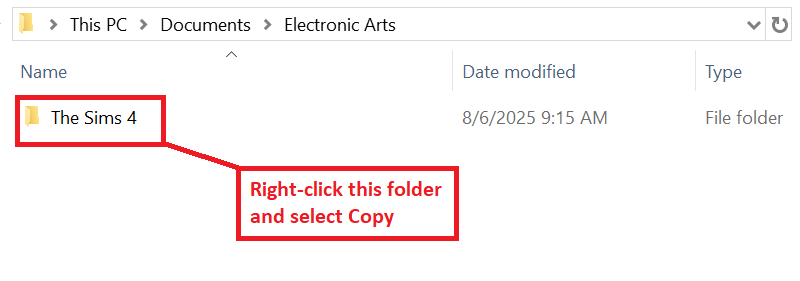
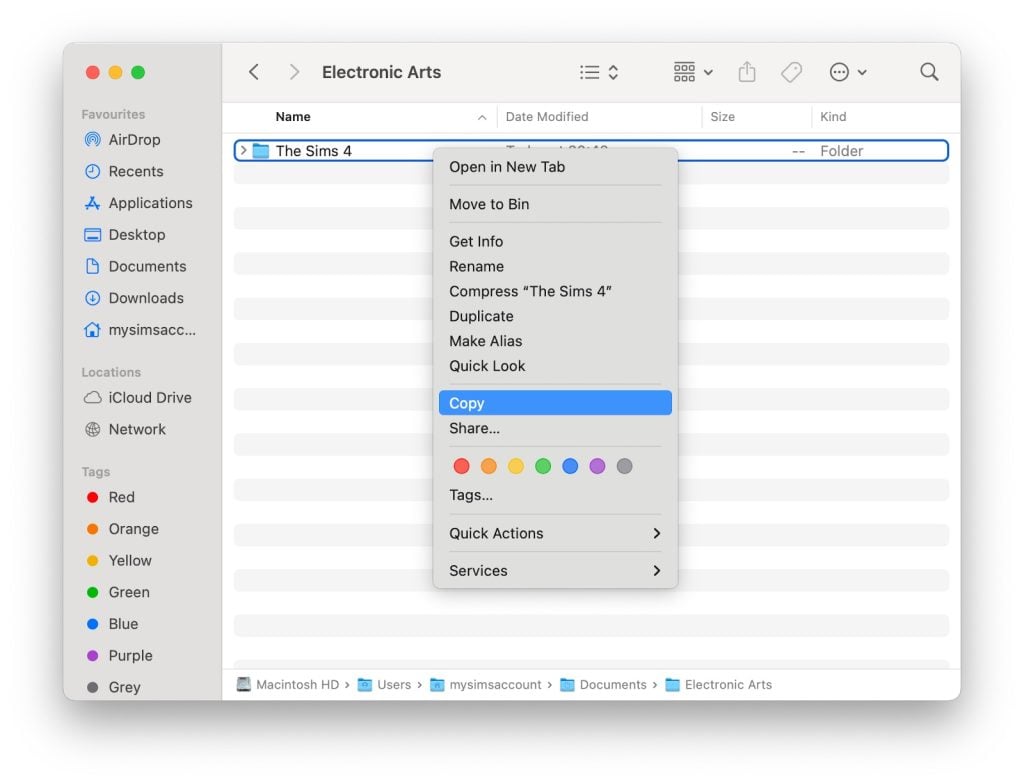
To add the items to your game on Windows, follow this folder path: C:\Users\[USERNAME]\Documents\Electronic Arts\The Sims 4\Mods To add the items to your game on MacOS, follow this folder path: Macintosh HD/Users/User/Documents/Electronic Arts/The Sims 4/Mods
Once you’ve downloaded the files, make sure you have an extraction program installed. These can include 7Zip, Winrar, etc. After that, highlight one or multiple zipped/compressed files and select “Extract Here”. Drag the extracted contents to your Mods folder. You can also sort them into their own folders within your Mods folder, but it is recommended to not nest them too many levels deep as it can cause longer loading times, and some CC items and mods stop working when too deep within folders.
Tip: While many creators provide additional files, like .txt/ReadMe, .jpg/.png files, and more possible file types for previews or instructions, it is best practice to not put those into your Mods folder as they can also lead to longer load times and excessive clutter. Creators will often specify any files that need to be put into the folder, along with where, so primarily focus on .package and .ts4script files!
The Sims 4 Functional CC
Sims 4 Functional CC can have a wide range of definitions, but the items in this list are primarily items that add completely new gameplay or expand upon existing gameplay features! They can even be created to add options that likely should’ve been included by the Sims Team themselves, but possibly got cut due to time restraints or other issues, or they’re a completely new concept that we haven’t seen before, sometimes in The Sims 4 or the entire mainline franchise!
Table of Contents
Playful Toddler Pack by Pandasama
Prior to the addition of the infant life stage in 2023, many players still sought ways to expand the gameplay of toddlers, including sometimes ways of making them appear younger than “toddler bed” age. An example of this is the functional crib in this Playful Toddler Pack by Pandasama, but this pack also includes multiple new toys for your toddlers, including a tiny food truck playset, a spiral car race track, and even some play dough!
For tots on the more creative side, Pandasama also created the Toddler Creativity Pack! This includes new activities that help to build skills and entertain your toddlers, as well as giving them the ability to craft and draw new pictures that you can save by hanging on your sims wall, just like children’s drawings from the activity tables!
If you aren’t up to heavy posing and backdrop making in your game, but you want to save a portrait of your sims at a specific age to hang up in their home, Ravasheen created the Sims Portrait Maker! This object creates a portrait of a selected sim with a standard backdrop, allowing you to add captions and retitle the image as well.
Perfect for a simple shed or garage on your sim’s home lot, or to build a functioning storage unit community lot, this is a modified version of the City Living mural garage door, allowing you to drag and drop any personal belongings or collectibles, as well as lock away items!
Whether you need a quick birthday cake for a sim who can’t cook, or an emergency wedding cake for a shotgun wedding in Tartosa, Ravasheen’s “cake a break” set includes a pink cake box, giving you the option to purchase any cake or wedding cake in-game that is available, popping it directly into the box for easy access!
This camera mod by Ravasheen gives you an in-game camera with a wide breadth of controls with no photographer required! Sims won’t have quality issues normally found with low-level in-game photography, and images can be taken without sims being knocked out of their poses, making memories for your sims and their families has become so much easier!
Around The Sims 4 has made a multitude of functional perfume sets, designed and inspired by real-world popular perfumes and colognes, and providing your sims a special mood or buff when used! You can get all three sets, individuals perfumes or colognes to mix and match, or even just download your favorite real-world perfume for your simself!
With a style that calls back to retro bedside alarm clocks, Lot 51 created a functional alarm clock with multiple settings to match any lifestyle! Have a sim who needs to wake up early to get their family ready, tend their garden, or take care of their farm animals? You can have them wake up at sunrise! Have a sim who tends to sleep in or be late to their job? Choose a career-based time!
Whether you’re just looking for a change of pace when playing with The Sims 4 Bust the Dust, or you need something that isn’t a vacuum because you’re playing a historical save or The Sims 4 Decades Challenge, MizoreYukii created a functional broom with new animations, keep your homes spic and span without cords or vacuum bags to empty!
A good functional CC item to add for your local gym, yoga studio, or even to build up a pilates studio by itself, MiliNiki created a functional pilates board with three workouts with smooth animations, letting your sims build fitness and get in shape in a new way!
Simply the Zest – Functional Lemonade Stand by ShoobySims & SurelySims
With the combined brains and talent of two wonderful creators, ShoobySims and SurelySims and in response to The Sims 4 Businesses & Hobbies, they created a tiny business for your tiny sims! Mix up lemonade and set up your stand just about anywhere. Perfect for a summer side gig for children!
Tired of missing out on relatives, friends, and neighbors popping up at your door to visit unannounced, and only seeing them once they’re walking just out of view? The Ding & Ditch Smart Doorbell by Lot 51 provides notifications when Sims visit and press the doorbell, making sure you never miss a friendly gift or family bonding experience again! This doorbell also has some upkeep, requiring a bit of maintenance and repairs, unless you’re okay with the chance of a tiny zap greeting your visitors!
Functioning as heaters if you choose the Sims 4 Snowy Escape download, or as thermostats if you choose the Sims 4 Seasons download, these radiators provide new functional options for temperature-controlling your sims’ homes, providing a bit of decor and realism to the property in the chillier months!
Also providing some more realism and decoration, these function as thermostats in The Sims 4 Seasons, giving you multiple options for maybe older or historical homes, those with alternate forms of heat or air conditioning, or Sims who really just can’t be bothered to spend the extra dough on central air and heating.
Upgrade your Sims’ home to a sleek smart home aesthetic with Arnie’s Luminova set, with new smart electronics and appliances to decorate your sims home, simplify some of their life, and provide a luminous glow from the new modernized hardware. Many of the items give off or come with extra lights to provide optional RGB elements, giving off a subtle purply glow.
If you’re a big fan fo clutter and the decorative boxes that come with many The Sims 4 expansion packs and other DLCs, but find yourself running out of space for storing actual items without overflowing your Sims’ inventory, dratsab altered many in-game decorative boxes to include accessible storage! They even added the ability for you to label the boxes, allowing for more organization than ever before!
It can be somewhat irritating to find space for the gargantuan dollhouses found in The Sims 4, often taking up over six slots on their own! Ravasheen created multiple smaller dollhouses with different themes, giving you more options for your Sims’ childrens’ entertainment without requiring so much additional space. They even come with multiple styles, so sims with any special interests can get a dollhouse they love, or that matches their bedroom!
Air fryers are an incredibly popular appliance over the last few years, and you can’t scroll very far on just about any recipe page in real life without finding instructions or recipes specifically for air fryers. Adding in new and easy recipes, icemunmun created an air fryer for your sims, making an easily accessible snack or meal option without using quick meals!
Is your sim family a little down on their luck, partially through a rags to riches challenge, or just needing a bit more clutter? Syboulette created an amazing set of items that add a little more scruff and a little more stuff to your game! This includes an ironing board that functions as a changing table, a laundry basket that functions as a crib, a trash bag that functions as a garbage can, an entire kitchen counter set, and much more!
While Sims and their pets don’t have a thirst motive and do not really become thirsty, some players prefer the immersion of being able to provide their pets with a refreshing drink. LittleMsSam has created functional water bowls, allowing pets to autonomously drink from them, typically after heavy play or going on a walk!
Functional Stands for Food & Bottles by Somik and Severinka
If you would like more options to extend the shelf life of your Sims’ recipes without sticking everything in the fridge, Somik and Severinka created a multitude of storage options including cake stands, ice bowls, bread boxes, and other displays for cakes, nectars, beverages, and other crafted goods your sims may want to display instead of hide in their fridge!
While board games like Don’t Wake the Llama and Woo-Who? provide lots of gameplay and group activities for your sims, they can become repetitive, and not all of them are good for groups of varying ages! Around The Sims 4 recreated many real-world board games (In both English AND Simlish!) for your sims to gather their friends for! From Monopoly to Hungry Hungry Hippos, your family game night has never been more varied and fun!
Family Reunions in The Sims 4 can be a great time, but the amount of infants abandoned outside or in the Sims home because their guardians got distracted by a family computer is ridiculous. This wide playpen and freely positioned pacifiers function as cribs, providing a cute and convenient spot to place your little ones while their parents and family socialize!
If you need something more modular for your infants and you don’t want to just place them on the ground, even on a playmat, when out and about or just moving them between rooms in the home, Dollish also created a revamped version of their infant rocker! Let your little ones rest and relax while you get other things done, or have more options for where to set them while out at the park!
The popularity of retro and retro-looking electronics and items have risen greatly, and Arnie created an amazing set of functional electronics inspired by older models! The meshes are well-made and come with a multitude of accessories to complete the set, bringing in some of the nostalgia that the off-white box-shaped CRT monitors give off! Retrofruit is a great set for a wide range of sims, from elders “stuck in their ways” or electronics enthusiasts!
Some fridges in the Sims 4 come pre-decorated with clutter, but Around The Sims 4 has created a system of modified fridges in the base game and DLC to be completely modular, with decorations available to customize them to include every aspect of their lives from hobbies and jobs to responsibilities and memories. That’s not even it, because these are also functional with Around The Sims 4’s Pinboard Decor sets, adding even more customization!
While pacifier accessories for infants and toddlers can be absolutely adorable, tying them to different outfits and having them on constantly or inconsistently can be a bit immersion-breaking, especially when your infants try their first food with a pacifier already in their mouth. Simkatu took some existing pacifier meshes and added gameplay, letting your sims give them to their little ones or toddlers and infants to pop them in or out whenever!
Ravasheen has created functional AND Base-Game compatible vending machines for your sims, allowing them to get a crisp and refreshing beverage or crunchy snack without the need for The Sims 4 Snowy Escape! This also provides chance cards and other animations on the off-chance your Sim gets a bit unlucky and doesn’t receive what they paid for.
One of our very own authors, Toni Schwartz, created a lovely expansion on The Sims 4 Adventure Awaits’ exercise gear AND the dumbbells added by The Sims 4 Lovestruck that were both primarily decorative, allowing your sims to actually use them for weight lifting! Both of them use the “Lift Weights” interaction from The Sims 4 Adventure Awaits, meaning that both packs are required for functionality!
Parisian Sweet Corner Mod Pack by SIXAMcc x littlbowbub
Two titans of Custom Content creation have come together for a sweet collab! Littlbowbub, known for Granny’s Cookbook and custom recipe mods, and SixamCC, known for their Build & Buy mode sets and their assistance with the Storybook Nursery kit, came together to create a functional set of new recipes to emulate the sights and smells and tastes of a Parisian bistro street corner. These new recipes, including Madeleines, Charlotte Cake, and multiple other pastries, pair well with the street cart to order them from and the lovingly-designed tables and chairs to sit around and enjoy!
Functional “Little Sprout” Seed Display by Menaceman44
Perfect for a local grocery store, community garden, or outdoor supplies shop or small business, this functional item by Menaceman44 gives your sim the ability to buy seeds physically in-person instead of them magically appearing via gnome, computer, or gardening plot!
Around The Sims 4 added multiple functional toasters and a variety of breakfast goods for your sims to eat before their very busy days! Warm up and snack on an english muffin before heading out to school, or spruce up a sim’s day with a little sweet treat in the form of a cherry pop tarts! This is a great new appliance that provides more variety in your sims’ diets.
Are any of these Sims 4 Functional CC items holy grails for you, or are there any favorites of yours not mentioned? Feel free to discuss and we’d love to find more gems to feature in future articles! Make sure to follow the Sims Community for more Sims 4 CC recommendations to expand your gameplay!
A first look preview at the new Sims 4 Update coming tomorrow, featuring an official brand collaboration!
The Sims Team has just announced across Social Media that they’ll be doing an official collaboration with an official clothing brand Coach. Bringing Coach-designed attire, outfits and fashion through the upcoming Sims 4 Update on January 13th 2026!
The team included a special video preview featuring all the new items coming with the upcoming collaboration. We’ve first extracted all of the important frames from this collaboration in a gallery below.
Table of Contents
The Sims 4 Coach Collaboration: Gallery Preview
Video Preview
Official Screens
POV: Your Sims love Coach
With 9 items and 65 print and color variations, you can mix and match hundreds of unique looks. The Coach Trunk Heirloom Object unlocks pre-styled outfits with special moodlets, while iconic Tabby and Brooklyn bags appear as Build Mode décor to add signature Coach style to your Sims’ space!
Official Blog
TheCoach Collection, featuring nine new items, drops for free in The Sims 4 on January 13, 2026, giving your Sims’ style the upgrade you didn’t see coming.
Expect wearable staples, bold statement pieces, and décor with that signature Coach polish, bringing everyday luxury to Create a Sim and Build Buy.
Here’s what’s available to everyone in the base game:
Explore styles in Create a Sim inspired by Coach favorites; like the Soho sneakers, varsity jackets, and sleek skirt sets.
Add the perfect finishing touches for any space in Build Buy with iconic Coach deco items, from the heritage trunk to the Coach Tabby and Brooklyn bags.
A new Gallery household — The Carriage House. Three friends chasing big dreams, big style, and a little bit of drama.
Everything about this collaboration celebrates what Coach and The Sims share: creativity, individuality, inclusivity and a sense of play.
Now let’s take a look at how Coach’s iconic craftsmanship meets The Sims’ unmistakenable flair.
Sims. in Coach.
In typical Coach fashion, these new CAS items provide practical luxury to casual looks, evening wear and everything in between. So, whether your Sim is lounging around the house or attending a party, they’re bound to turn heads.
Accessories You Live With
For Simmers who believe accessories make the outfit and the room, new decor items bring timeless elegance into any home. The renowned Coach trunk is a work of art and a signature Build Buy centerpiece, while the Coach Tabby and Brooklyn Bags will transform rooms into chic expressions of personal style.
Show off your stylish pieces with the In The Bag room, a space where flair meets Simlish magic. Available for download in The Sims 4 Gallery, this room was intricately designed to showcase Coach bags and trunks, and offers a space for Coachies to dress up and live out their fashion fantasies.
The Carriage House
Welcome to the Carriage House, where friendship, ambition and fashion-forward chaos coexist under one stylish roof. Meet the roommates who wear their confidence like its custom-tailored:
Jonie Bag (He/Him) – A gifted musician who frequents the gym so his wardrobe fits and drapes to his perfectionist standards. Jonie loves S-pop and Hip-hop, but spin the sounds of pop in his presence and his inner snob may take center stage.
Brooke Lynne (They/Them) – This effortlessly cool fast-food worker finds their happy place in whatever instrument or video game they’re playing. Although Brooke’s flirty-but-loyal energy creates a magnetic vibe, the absence of love will bring out their blues.
Selena Zhiwei (She/Her) – Confident, clever and polished to perfection, Selena is a hopeless romantic on the hunt for “the one.” This freelance artist always has time for food, video games and a little bit of mischief.
Download The Carriage House and the In The Bag build in The Sims 4 Gallery, and show us your looks with #CoachxTheSims.
The Coach Collection will be available in The Sims 4 on January 13, 2026!
There Will Be Simlish Swatches!
The Sims 4 Producer Ash has confirmed on BlueSky that there are going to be Simlish variants along the English “Coach” CAS assets in the following statement:
The Coach logo wasn’t localized because it’s a brand name. In another language they would still say “Coach”. We have Simlish swatches where the logo is more prominent. On tops, there are duplicate swatches that use Simlish. On the trunk, the swatches either show English or Simlish.
New Features and Changes in the Next InZOI Update Coming Soon in 2026!
Just a little over a week into the New Year of 2026, we’ve received news of what we can expect in the next InZOI update! Not long after the posting of a 2026 roadmap, the InZOI team at Krafton have put out a new video and message from the Producer & Director, Kjun, going over new and in-progress features to be added in an upcoming update. Many of these include animations being improved or entirely added, new items being added for Lunar New Year, and improvements to the player experience via both user interface & user experience changes.
Table of Contents
Message from Kjun – January 9th, 2026
Hello everyone,
The inZOI team has returned from the year-end holidays and is happy to be back in development. At the moment, we are strengthening our core foundations under the Fundamentals First approach, while also preparing several new features in parallel. We’d like to share with you the development progress we’ve made this week.
Weekly development updates have become a familiar routine for us. More importantly, we’re genuinely enjoying the process of selecting and organizing updates that we think you’ll appreciate. ^^;
As our hope that “this game will bring joy to others” continues to grow, we find ourselves feeling even more energized and excited. This year as well, we hope to make inZOI an even better game—one where players can project their own lives, laugh, and sometimes find comfort. This is the core goal of the inZOI team. And to achieve that goal, we will always strive to be developers who stand right beside our players.
– Producer & Director for InZOI, Hyungjun ‘Kjun’ Kim
Core Gameplay & Simulation
○ The recent “Group” system added will now have a tracking system, allowing players to locate all members of their groups on the City Map.
○ When preparing group meals, you can now divvy out portions your prepared meal based on seating available.
○ Work stations will no longer be required for crafting items, and will be able to craft at any available desk.
○ If you steal another Zoi’s crops and they catch you, they can report you and you’ll receive a fine.
○ Unique license plate numbers are now added to each individual car when purchased.
○ When standing on the debris of a broken object, they will no longer respawn until you move away.
Controls & Animations
○ Acceleration when driving now has a gradual drop-off when reaching higher speeds.
○ When hitting Zois with a vehicle, they often had “unnatural joint movements” when they ragdolled. This has been changed to more accurately reflect collision accidents.
○ Breakable objects can be ran through with a vehicle, but Zois using auto-walk will now walk around them instead of through them.
○ The animations for criminal buying crime information from the Shady Job Agency are being redone.
○ Both beginner and professional variations are being added to sit-ups.
○ New animations being added for Zois mentoring other Zois.
○ New animations for Zois using their phone on the toilet.
○ New animations for Zois writing in their diary when sad or angry.
○ Children of all ages have a unique animation when they give their mother a kiss.
○ Babies now have new animations for throwing objects off of shelves and onto the ground.
○ Strollers are still being worked on, including the routing and animations, but it is still uncertain when this feature will be ready.
○ Per user requests, Zois now have a more intimate animation when they “Set the Mood” by the bed.
○ Romantically-involved Zois can now take a bath together.
Building & Graphics
○ Work towards replacing premade building assets in each city with build mode structures that can be fully customized to your liking. It was noted that this may take a long time due to the high amount of builds in all three cities. The team is actively working to avoid performance issues as this is being implemented, prioritizing optimization.
UI & UX Changes
○ When interactions fail, you will now receive a reason why that Zoi cannot be interacted with at the current time.
○ The price of a property at their base land value, excluding construction fees, can now be viewed.
Character Creation & Customization
○ You can now select what parts, traits, or information to randomize before hitting the randomization dice button.
○ You can now choose for presets to overwrite only specific parts of a Zoi’s appearance.
Lunar New Year
○ New traditional Chinese assets for Lunar New Year are being added to Build Mode and Create-A-Zoi.
Do you have any features mentioned in this Weekly Development video that you’re excited to see, or something you’re hoping to see in the future? Sound off in the comments below! Make sure to follow The Sims Community for more update notes and insights, and check in on InZOI’s official website for more news and details!
The Sims 4: Life and Death introduced a whole new aspect of gameplay with The Sims 4 Grief System. Now, Sims can emotionally process certain life events with four Grief Types specific to each Sim’s personality.
Table of Contents
Life comes with unexpected ups and really unexpected downs. While these have always emotionally impacted our Sims, with The Sims 4 Grief System and the types of Grief, Sims ages Teen and older can finally address work through these feelings.
After an impactful event, like losing a job, getting a divorce, or the death of a loved one, Sims will enter a period of Mourning. You will know your Sim is going through this time of need when you see the Mourning Moodlet, causing them to be very Sad for an extended period of time.
Based on a combination of your Sim’s Personality Traits and how they behaved during while Mourning, they may initiate one of four grieving periods: Anger, Blues, Denial, or Holding it Together. To quickly jumpstart Grief, you can also use cheats from ourThe Sims 4: Life and Death Cheats Guide.
Grief Types
Type of Grief
Impact Description
Anger
Sims with this Grief Type often have intense frustration and frequent Angry Emotions. Leading to outbursts and mean interactions. Sims can Cope Positively by Attending Grief Counseling, working out those frustrations in a gym (or at home) by Exercising or channeling emotions through Playing Instruments. These activities can be a great outlet for all of that pent-up anger.
Blues
Sims with this Grief Type typically experience Sad Emotions and are prone to gloomy interactions. Sims can Cope Positively by Attending Grief Counseling, Reading, Painting, improving their Logic Skill, practicing Wellness, or Playing Instruments. These activities can help lift their spirits and provide a healthy outlet for their emotions.
Denial
Sims with this Grief Type gain Bored and Fine moods as they turn away from processing their emotions while grieving. Sims can Cope Positively by Attending Grief Counseling, Gardening, Painting, Writing, Cooking, or Playing Instruments. If this Sim stays in Denial, their Grief can evolve into Anger or Blues Grief Types, prolonging their Grief.
Holding it Together
Sims with this Grief Type manage their Grief with a positive outlook on life. They try to project Confident Emotions during the day to day, however sometimes Sad Emotions are able to slip their way in. Sims can cope with their Grief by Attending Grief Counseling and any other positive activities that enrich life. While Holding It Together is admirable, this Sim may find that their Grief transitions into Anger or Blues Grief Types, prolonging their Grief.
Overcoming Grief
Each type of Grief in The Sims 4 has specific actions your Sims can take to overcome it and conquer their emotions. All types of Grief can be eased by using the Attend Grief Counseling self or phone interaction (while on your home lot), but sometimes Sims need to find other ways to work through their sadness.
Overcoming the Anger Grief Type
If your Sim is struggling with the Anger Grief Type, they can exercise and practice music to work through these emotions. Going for a Jog, using exercise equipment, Swimming, and more types of physical activity will get your Angry Sim out of their Greif-focused mindset. These Sims can also express their anger through music by Practicing any Instrument, playing a song, and even Singing.
Overcoming the Blues Grief Type
Sims who are experiencing the Blues Grief Type will benefit from introspective and calm activities. These Sims can take time to themselves to Paint, Read, and Play an Instrument to beat the Blues. They can also work to improve their Logic Skill and focus on Wellness activities, such as Meditation, to overcome their Grief.
Overcoming the Denial Greif Type
Sims in Denial about their Grief will need to spend time doing activities that keep their minds active to help them process their experience. These Sims are encouraged to Garden, Paint, Write, Cook, and Play Instruments to work through their Denial.
Overcoming the Holding it Together Grief Type
Sims who are Holding it Together can be fragile and experience an array of intense emotions. These Sims will need to focus on positive interactions and activities in order to overcome their Greif. This includes focusing on things your Sim likes, as set up in Create a Sim (CAS), completing their Wants, avoiding Fears, completing Aspiration Goals, and more. Other activities such as Hosting or Attending a Funeral and Attending the Thinned Festival will also help your Sim positively cope with their emotions.
While these coping methods may lead to some Tense or Sad Moodlets along the way, your Sim will start to feel Energized and Happy as they work through their Grief. They may also unlock the Reach Out for Help social interaction. You’ll notice Moodlets earned from positive Grief coping such as, One Step at a Time and Controlled Emotions, which are indicators that your Sim is progressing well through The Sims 4 Grief System.
Acceptance
Sims that tend to their emotional needs during their times of Grief by Attending Grief Counseling and Coping Positively will reach Acceptance. The Grief Type will be removed from their list of Personality Traits at this stage. While Acceptance is the fifth and final stage of Grief, your Sim will still experience the emotional impact of Lingering Grief.
Lingering Grief can show up at anytime in a Sim’s life after reaching Acceptance in the form of Moodlets. These emotionally mature Sims may experience sudden bursts of Sadness or Happiness from their time with Grief.
Grief Change
If your Sim is neglecting their emotions and the grieving process, The Sims 4 Grief System may transform their Grief. This is most common with the Denial and Holding it Together Grief Types that will transform into Anger or Blues, but is possible for all types of Grief.
Moodlets like the Slipping Sad Moodlet are indicators that your Sim’s Grief might be about to evolve.
If your Sim’s Grief Type evolves, they will need to re-start their grieving process with more focus on Coping Positively.
Personality Change
Sims who deny the grieving process may be so consumed in their Grief that it changes their personality for the worse. Simmers will be prompted to accept or deny the negative Personality Trait change, so you can choose to deny it if you don’t want your Sim to be permanently changed.
Have your Sims worked through The Sims 4 Grief System? Do you like this Sims 4: Life and Death feature? Let us know in the comments below!
InZOI’s December update added lots of features, primarily focused on expanding a player’s money-making options, fleshing out the darker sides of InZOI, adding winter activities and holidays, and general bug fixes to improve player experience. However, one player discovered a brand new feature not directly touched on; InZOI Scams! While players can run scams as a way to make money, leading their Zoi into a crime-riddled and shady lifestyle, they can also be targeted for those same scams!
I only booted up the game to check out the new updates. Then not even 5 mins in I get this snakeoil salesman promising me a great ROI (don’t even know how he got my number!).
I took a chance as they said results were guarenteed and they didn’t even verify my account funds first. They immediately deducted the full amount and sent me into overdraft. I’m now below the poverty line to the point where welfare tried to step in and save me by sending me money…but i’m still 1K in debt!
I am now getting emergency loan recommendations from my local bank but I can’t even afford bus fare to get there! Where do I go from here? These scammers have ruined my life. I can’t even make tomato pasta for myself, all I can eat is soup 😭 currently having a pep talk with myself in the mirror bc I’m about to go insane! Any advice on how I can report this?
Per the patch notes of InZOI’s v0.5.0 Update, a multitude of new features were introduced, including the ability for player-controlled Zois to live a life of crime, build their own business, take on odd and shady jobs, and winter holiday events and weather changes. While player-controlled Zois can pursue crime through burglary or scamming, that doesn’t stop in-game scams from targeting your Zois!
Scammers
○ Scam other Zois for a chance to strike it rich!
○ Various scammer interactions have been added, including “Attempt Voice Phishing”, “Scam In-Game Items”, “Impersonate Charity Worker”, and “Hold Fake Seminar”.
○ The success rates of scammer interactions are influenced by the Rhetoric and Critical Thinking skills.
While this is a prominent feature, this is not the only feature related to crime. Players can also go through the process of becoming a burglar, working as an online scammer, or taking on shady jobs from “The Suspicious Job Agency” and their bulletin board job listings.
And while Zois can succeed in these shadier money-making options, they can also get the book thrown at them in the form of arrests, fines, criminal trials, and even prison sentences. Zois will have Crime Scores that indicate the severity of the crime if it is reported by a witness, can develop a wanted status for up to one day, and go through a lengthy trial process with a lawyer to hopefully get any charges overturned or a reduced sentence.
For more information on the crime features added in InZOI’s December Update, v0.5.0, make sure to check out our Patch Notes article!
New Feature: InZOI Scams
Similar to real-life scams, the scam messages targetting your Zoi will show up at random on their phone, often promising easy wealth before swiping out your Zoi’s money from under them, often leading to debt, despair, and an angry mood after the Zoi realizes what has happened and feels swindled.
Since so many legitimate game features are advertised to players via text messages, many players wouldn’t think before agreeing to the scam, or just ignoring it. One thing of note is that the icon shown for “Smash Hit Investment Lab”, the scammy “company” in questions, uses an image of a concealed person with a hood and mask behind a laptop, giving a hint as to their real intentions.
When your Zoi agrees to this investment, they lose money and often go directly into debt. This can cause stress when, typically two hours later, the scammer in questions reaches out and rubs it in your face that you lost that money to them.
Other Additions to the Crime System
Scamming isn’t the only thing added in the updated Crime system. Zois can also become good old-fashioned Burglars, breaking into homes and businesses to steal items, dodging property owners, security cameras, and home alarm systems. Zois looking for something a little less hands-on can apply to new positions at the Shady Job Agency, taking on gig-style crimes posted by said agency.
Thieves
○ Become a thief and break into property to steal items! ○ Various thief interactions have been added, including “Pick Door Lock”, “Break Down Door”, “Open Safe”, and “Sabotage Surveillance Camera”. ○ The success rates of thief interactions are influenced by Handiwork, Programming, and Fitness skills. ○ Some properties may have traps such as surveillance cameras and alarms installed.
Suspicious Job Agency
○ The Suspicious Job Agency has been added, allowing Zois to take on shady jobs and collect crime information. ○ Use the Agency’s Bulletin Board to purchase crime information.
Zois are able to witness crimes and report them, and this can lead to a developing Wanted Status. This status will only last for up to a day, but leads to any passing police officers making chase and fining or arresting the wanted Zoi. This often leads to trials and lawyers, and sometimes even prison or jail time if the crime warrants it.
Our full list of the patch notes, including fixes, new features, and expanded systems, can be reviewed here!
Have you gotten scammed yet in-game, run any scams yourself, or tested out other new crime features? Feel free to discuss, and we’ll make sure to keep you updated on new InZOI Features and surprises at The Sims Community!
Happy New Year Simmers! With the start of the new year we have a whole spotlight of The Sims 4 family starter homes and households to showcase from The Sims Community on the Gallery. We ended the year with a few small starter homesto ignite some imagination and smaller gameplay vibes. But, starting this year fresh and new, we thought we would help spice up your neighborhoods with some fun builds and stories! These builds are slightly bigger and the families have backgrounds to go with them to help get you going in case you feel stuck.
♥ Basegame Starter 3/2 ♥ – Boysims Starter Family Homes
Table of Contents
Family Starter Homes
Say hello to homes small enough to fit within the under 22k budget, big enough for larger families and still have extra spending money at the end of the day! The following houses all have 3 bedrooms and are under §22,000, which is a win for households with more than one Sim, never mind 3-8 Sims! Not everyone is a builder, sometimes finding the perfect home to start out in, or having somewhere relatively affordable for your growing household to move to, is just what we all need. We searched the gallery for some modern family starter homes, fully furnished and ready for your Sims to live their best lives in.
Family Starter Home – TheClumsySimmer
Lot Type: Residential Lot Size: 30×20 Price: §19,954
A white picket fence frames the front of this home with a half wrap around porch from the front door around to the back kitchen door. This home is perfectly built for your Sims who are starting the next chapter of their lives, with a child/teen room as well as an infant/toddler space to grow into. This home has spacious bedrooms to clutter up with your sims goodies and to suit their personalities as well as a full bathroom and cute little backyard area.
Lot Type: Residential Lot Size: 20×15 Price: §18,902
This black and white modern double story home has a small pool out front with a small well maintained backyard too. There is open plan living downstairs with a kitchen, dining room space and living room area. There are 3 decently sized bedrooms upstairs with pops of color and 2 full bathrooms, 1 upstairs and 1 downstairs. This home is definitely cozy living without feeling cramped or lacking space.
Lot Type: Residential Lot Size: 30×20 Price: §19,952
Another 2 story, 3 bedroom home with a beautifully designed backyard filled with planter boxes and an undercover patio for outdoor living at it’s finest. This modern home has an easy floorplan to work with, with good spacing for moving around, playability and routing. This home has 3 well-sized bedrooms and two bathrooms which makes this an ideal family home.
Lot Type: Residential Lot Size: 30×20 Price: §18,499
So far most of these houses have not skipped out on the size of the bedrooms available and this home is no different. Spacious rooms to clutter to your hearts content and let your Sims personalities shine through means growing as a family unit in this home will be a breeze. Open plan living inside with easy maneuverability and a spacious backyard with an undercover seating area, ideal for outdoor living on those warmer days. This home is where modern design meets everyday Sim life.
Lot Type: Residential Lot Size: 30×20 Price: §21,912
Although only three bedrooms, this home is equipped to house six Sims! With two Sims per room you could really have your growing family move in here. And space? No need to worry about moving around as the open plan living helps keep gameplay flowing smoothly. This modern build is a beauty to look at from all angles with beautiful landscaping, contrasting colors that mesh well together, bold lines and pops of color around the garden. A minimalist style with maximum livability and playability.
Lot Type: Residential Lot Size: 30×20 Price: §15,913
The overgrown greenery on the roof of this home just adds to the beauty and charm of the overall build. Giant trees surround the back of the home with the main build framing one side of the front yard pool. Open plan living, lots of natural light and great layout to move about the home makes this build a pleasure to play in.
The Sims 4 Gallery holds so many different amazing creations from the community, of which there are a ton of different households. From single sims to all 8 slots being filled there is plenty to find no matter what you are looking for. Below we have found some starter family households for your gameplay to help get you going if you feel a bit stuck in the game or if you are just wanting to spice up your current game with a new family and a new storyline.
The Gregory Family – simmaddness
“Anita and Jarvis has worked hard in their careers as a doctor and a detective and encourages their children Denise and Sebastian to work hard and focus on the future. Denise has two jobs along with school. Will the hunger for over-achievement cause burn-out?”
It can be tricky to find Sim families with stories let alone stories with matching skills but some simmers have done both for us! Meet the Gregory Family by Simmaddness! The Gregory family have a backstory, skills to keep building onto, hobbies, jobs and after school activities to let you hit the ground running with the way you can play this family.
Anita is packed with skills, she is level 10 piano, and 9 logic. She is also a doctor, a general practitioner at that, and needs to perform 3 surgeries for her next promotion. Jarvis has skills across the board, nothing high enough to mention but a lot of them at the half way point to crack on with – he is a sergeant in the detective career with 3 cases on the task list to solve for his next promotion.
Denise works in day care and is an A grade student, while her brother Sebastian is an A grade student too as well as a Llama Scout. Cooking is Denise’s strongest skill at the moment but she has plenty more where that came from, some catching up quickly. Sebastian is level 10 creativity, mental and motor, the only skill slacking behind is his social – do you play him growing into a social butterfly or leave him to his wiz kid aspiration? And finally the littlest family member is Nicole who has all her skills on the way, a little bit further to go in movement and she is level 5!
“Erik aspires to be a recording artist. He loves being creative and he loves music. so what better career path for him?! Until he is able to break into that world he is content with being a chef at the local diner. Cheryl wants to have a big family one day. However, she is obsessed with yoga. Will she be able to continue being a yoga instructor after kids or will her likes and her career change?”
Erik and Cheryl Gillis, along with their Siberian Husky Sam, are ready to see where life takes them! Will Erik become a recording artist and possibly start a big family with his wife Cheryl and will Cheryl be able to juggle work and kids when and if they eventually come along… it really is up to you on how you play! Plus they have an adorable dog!
“Elle is a stay-at-home mom who loves cooking. Stewart is obsessed with his work and may or may not be seeing a younger co-worker at the moment. Elyse is your typical All-American girl with a close group of friends. Oscar is destined to play soccer and he wants to (mostly because he like the players) but don’t tell his Dad that…”
The Whipple family seems cool, calm and collected from the outside but with Stewart possibly seeing a younger co-worker at the office things may not be as calm as they appear. You could play out the secret affair and go down a whole rabbit hole with just that one little bit of information or steer the family back on track and get Oscar on his path to soccer stardom.
“Tre & Vivienne are high school sweethearts who have long awaited their upcoming wedding! They can’t wait to walk down the aisle and share their heartfelt vows in front of the ones they love :)”
Tre Pearson and Vivienne Lorenzo sound like a perfectly wholesome couple just waiting for you to help them live out their best lives together. Help them walk down the aisle to seal their love and watch them bond and grow as an amazing couple… or help drive them to absolute chaos with triplets straight after the wedding – who knows, either way could be a fun adventure.
“Frederick and Nathaniel are high school sweethearts, who finally got married last year, the couple adopted Juliette when she was a baby. Unfortunately Frederick’s mum passed away but left them a large home in Newcrest. Frederick is a piano player and Nathaniel owns his a knitting company, the whole family go bowling every Saturday and its best day ever, they even named the day to be ‘Fab Fam bowls day'”
Frederick has maxed the bowling skill (if they go every Saturday I can see why!) and so has Nathaniel and Juliette, which should make for not only fun but competitive family bowling nights! Frederick has also maxed the gardening skill and considering he is a professional piano player it tracks that he has maxed that skill too. Nathaniel has mastered cross-stitching and knitting which is helpful since he owns a knitting company – we love stories that match skills! Juliette is on her way to mastering knitting, creativity and her mental skill. With the mention of a house left to them in Newcrest you have a whole new neighborhood and home for them to move into and explore.
“Pablo loved Jennifer so much that when she… came back, he remarried her! But Jen is not of the living. Forever one foot in the beyond. Will new lodger, aspiring artist Farrah turn Pablos head? And… would Hen ever let him go?”
Farrah Nouvel is a freelance artist with a couple of skills started and her painting skill at level 4. Her little one is Shari and we don’t know much about her. We don’t know much about either of their backstories – so that could be an avenue to explore. Jennifer Martinez seems to have this story semi revolve around her as she remarried as a ghost and may not be so keen on having Farrah around. Jen is a writers assistant and has minimal skills.
Next up in this story is Pablo. He is a team mascot, with a few skills and a possible love triangle on his hands depending on how you play. He has two kids with Jennifer, Sofia who is at the start of her motor skill, nearly level 3 of creativity and just under halfway with social, and Leonardo whose motor skill is just about to be level 2, social almost level 4, mental just starting with level 1 and creativity on its way slowly to level 4. Both kids are B students with no extra mural activities yet. There is also a surprise when you load into this family… any guesses as to what that may be?
“Sirius crashlanded on earth, since then he has tried to find his way back while learning everything he can about the new planet. Arachne fled her home planet after her father started a rebellion and betrayed her, leaving a permanent scar. When she met Sirius he decided he wanted to help her, he took her in and started to teach her all he knew about the new world.”
Arachne Nova Andromeda and Sirius Etoile are aliens from another world. Why not play out their lives with Alien nights at bars, underground spaceships or bunkers to let them live as their true selves in the comfort of their own home, with a beautiful suburban home to act as a mask for what they are really hiding from all their neighbors. Max their skills, or at least as many as you can while they learn all about this world. Make them fall in love, with each other or humans from this new strange planet… the options are there for you to play with!
“Rico is an aspiring chef, but his world gets turned upside-down when he received terrible news. His parents have died in a horrible accident. His two sisters, who were under his parents’ care, need his help and support. Now together again, can they achieve their dreams and overcome their heartaches? You decide.”
Older brother Rico has a lot more responsibility all of a sudden. Taking on his two siblings while trying to pursue his dream career won’t be easy but it is possible if everyone pulls their weight. Will you make sister Estrella follow her dreams and get a decent job as well as getting the youngest sibling, Lisa, to do well in school or will you make them both slack off and leave all the hard work to poor Rico?
Be sure to check out all the above simmers galleries for more amazing builds and households, and not only starter ones! The Sims community really are a talented bunch and because they share with us, we all get to enjoy the game more with a little help, inspiration, builds and Sims! Let us know in the comments down below who your favorite builders and CAS creators are! Stay tuned to the Sims Community for all future Community Spotlights!
Get ahead with these official tips to stabile performance when performing a Sims 4 Update!
The Sims Team continues to provide more clarity about best ways to maintain and upkeep your Sims games. Their useful Lag Causes for The Sims 4 guide was clear enough to give a player understanding which features might spike a frame drop.
Preparing for the next update is always important, especially if you’re someone who uses a lot of Sims 4 Mods and CC. This official guide also acknowledges the 50 / 50 method and shares their way of discovering outdated mods. Including the good reliable Copy > Paste method of backing up your Saves. This time with an official signature!
As many of you already know, after any base game update any mods or CC you have installed are disabled as you might need to update some of them to be compatible with the newer version of The Sims 4 you’ve just installed. Below you’ll find steps on how to launch the game “vanilla,” what to look out for when playing with mods, re-enabling mods, and (If something broke) how to use the “50/50” method to find the culprit, along with other best practices.
Updating mods and CC, is it that important?
Did you know that in certain cases using an outdated mod could cause unfixable problems for your save? Some mods may even make changes to your game that persist after the mod is removed, so be sure to check any elements of the game that a mod you used may have affected. If (for example) you used a mod to add Lot traits to your neighbor NPC Sim, removed playmats, or installed any food related mods, are the changes they made still present after removing the mod?
Before you update
Back up all of your stuff. Copy these 2 directories to a safe spot, like your desktop:
Documents\Electronic Arts\The Sims 4\Saves
Documents\Electronic Arts\The Sims 4\Mods
Note your mod list. Have a lot of mods? A method of organizing your mods may be worth looking into, a simple text file or spreadsheet with the names of your mods and their creators might save you a ton of time later.
Close the game and your mod manager (if you use one).
After the base game update
Launch once with no mods or CC (vanilla). Mods and CC are disabled by design after updates – this is normal.
Hop into Live Mode for a minute. You’re just checking that the game runs on the new patch version.
Exit the game WITHOUT saving. Don’t save a modded game while mods are off, or the game will strip most modded content (this mostly impacts mods that have separate .cfg files)
Clear cache: delete localthumbcache.package (in Documents\Electronic Arts\The Sims 4) whenever you change mods.
Re-enable mods/CC. Under Game Options – Other – Enable Custom Content and Mods (and Script Mods Allowed if you use them as well), then restart the game.
Start adding content back safely
Start with the known-good/updated versions. Grab fresh downloads from creators who’ve posted updates, and add back in mods that creators have said are compatible with the new game version. Remember to check for what other mods those mods depend on, though!
Add in small batches. Drop in a few mods at a time, then launch and test.
Prioritize gameplay and UI mods. These are most likely to break after patches – verify them first. (UI mods are anything that changes or adds to the game layout, including in Create-a-Sim and Build/Buy mode.)
If something isn’t right: the “50/50” method
Move all content out of Mods.
Add back half → test in game.
Make sure that in that half you include mods those mods depend on. You might want a “half” to be all build/buy and CAS content that doesn’t require a “core” mod, for example.
If it breaks, the bad file is in that half → remove half of that half and test again. If you’re testing gameplay mods, make sure to not split mods from the ones they depend on.
If it’s fine, swap in half of the remaining files → test.
Repeat until you isolate the culprit, now you can look for an update or remove it.
Clues the issue might be mod-related
Script/gameplay bugs: interactions won’t complete, menus fail to open, Sims get stuck.
UI glitches: Menus are the wrong colour or distorted, icons are jumbled.
CC/asset glitches: missing meshes, distorted clothing and faces, floating accessories.
Quick fixes that help a lot
Test on a fresh save to rule out save-specific issues.
Turn off the “mod list at startup” if booting your game is slow (uncheck Show at Startup on the mods list screen).
Repair the game via your launcher if core files seem off (this doesn’t touch your Mods folder, but you may want to back them up again anyway):
EA app – Library – click on The Sims 4 – Manage – Repair
EPIC – Library – click on The Sims 4 – click the three dots (…) next to The Sims 4 – Manage – Verify (You’ll also want to follow the steps above on EA app after this as EPIC launches The Sims 4 through the EA app)
Steam – From your Steam library – right-click the game tile – Properties – Installed Files – Verify integrity of game files
Still not working quite right? What to include when asking for help
Also be sure to include the info below to get help from the community faster:
Your game version, launcher, and platform (e.g. Version 1.119.109.1220, EA app, Mac). You can find your game version in the bottom left corner of the main menu.
A short summary of what changed (e.g. “updated today; added X mod; removed Y”).
Which mods/CC you’re using (link to your list if possible).
Make sure any mods you mention are in line with the EA Forum Rules & Guidelines! We’ve got gamers of all ages here.
When errors happened, and what happened. If at some point your game won’t launch the next stage, which stage that was helps with finding a solution. The same with what was happening when your Sims stopped behaving.
Any error messages or LastException/lastCrash files.
Official Guide to Backing Up Saves in The Sims 4
We know that your saves are more than just Sims; they’re legacies, builds, and finely crafted stories. This is why backing up your saves in The Sims 4 is not only recommended, but essential for your peace of mind. It’s heartbreaking to accidentally overwrite a save folder, encounter a hardware failure, or lose a save file, so we’re here to help you prevent it from happening.
There are other reasons to back up your save files as well. Did your favorite Sim just get attacked by the killer rabbit? Simply restore a backup save like it never happened. Just had your 99th baby in the 100 Baby Challenge? You’ll definitely want a backup save before moving on to baby 100.
How often should I be backing up my saves?
It’s best practice to backup your saves regularly, say on a weekly basis as well as prior to any major game changes or in-game events. These might be base game updates, installing a new pack, finishing up an epic build, or even adding mods. This is because you’re making changes to The Sims 4 file system structure, which has the chance, even if small, of corrupting a save file.
If you’re planning to use a new computer or even are moving the location of that computer, you will also want to back just in case anything happens and you can transfer over all your families and builds to your new PC.
Backing up your save files:
For Windows users:
Go to My Documents.
Open the Electronic Arts folder.
Find The Sims 4 folder.
Right-click on it and choose Copy.
Go to your Desktop.
Additionally, you can copy this folder to a flash drive or Cloud storage.
Right-click on a free space and choose Paste.
Right-click on the copied folder and choose Rename.
Change the name of the folder to something you’ll remember like ”Sims 4 Backup”.
For Mac users:
Open Finder by clicking on the Finder icon on your Dock.
In the Finder window navigate to your Documents folder.
Open the Electronic Arts folder.
Click once on The Sims 4 folder to select it.
Press Command & C on your keyboard to copy the folder.
Go to your Desktop.
Additionally, you can copy this folder to a flash drive or Cloud storage.
Right click on a free space on the desktop and click on Paste Item to paste your backup folder.
Rename the folder on your desktop by clicking on it and pressing Return, then entering the new name.
Change it to something you’ll remember, like ”Sims 4 Backup”.
Restoring your save files:
For Windows users:
Go to My Documents.
Open the Electronic Arts folder.
Click on The Sims 4 folder and press Delete.
Confirm you want to delete the file.
Empty your Recycle Bin.
Go to your Desktop.
Right-click on your backup folder and choose Rename.
Change the folder name back to The Sims 4.
Right-click on the folder and choose Copy.
Go to My Documents.
Open the Electronic Arts folder.
Right-click on a blank space in the folder and choose Paste.
For Mac users:
Open Finder by clicking on the Finder icon in the Dock.
In the Finder window navigate to your Documents folder.
Open the Electronic Arts folder.
Right click on The Sims 4 folder and select “Move to Bin” to delete it.
Go to your Desktop
Click on your backup folder.
Press Return and change the folder name back to The Sims 4.
Press Command & C on your keyboard to copy the folder.
Open Finder.
Open your Documents folder.
Open the Electronic Arts folder.
Click on a blank space in the folder and press Command & V to paste your backup folder.
Once the above steps are complete and you’ve verified your saves are present in game, you can safely delete the backup folder on your Desktop.
Restoring a “.ver” Save File:
Please note that The Sims 4 automatically creates a backup of autosaves that can be found in your save directory as “.ver0”, “.ver1”, etc. as well.
These can be restored via either of the following methods:
Method 1: Use the in-game “Recover Save” feature:
Launch The Sims 4 and select Load Game from the main menu.
In the menu that appears, select the save you want to restore.
Click the Recover Save button, which looks like a floppy disk icon.
Choose the specific save version you want to restore and click Recover.
Confirm your choice by clicking Yes.
Method 2: Renaming the save file:
Exit The Sims 4 completely.
Navigate to your The Sims 4 saves folder.
Find the file with the same name as your save, but with the “.ver” extension (e.g., “Slot_00000002.save.ver0”).
Right-click the .ver file, and rename it by deleting the “.ver” at the end, so it becomes “Slot_00000002.save”.
If you have multiple “.ver” files, the lower version number (eg, ver0) corresponds to the most recently created backup.
Launch The Sims 4 and check your “Load Game” menu for the restored save.
If you have any issues with the above processes, you can always reach out in our Technical Issues sections of The Sims forums for PC here, or for Mac here for additional assistance.
Will you be preparing your game for the new Sims 4 update on January 13th or do you keep your game light with custom content? Let us know in the comments below and stay tuned for the next game update!



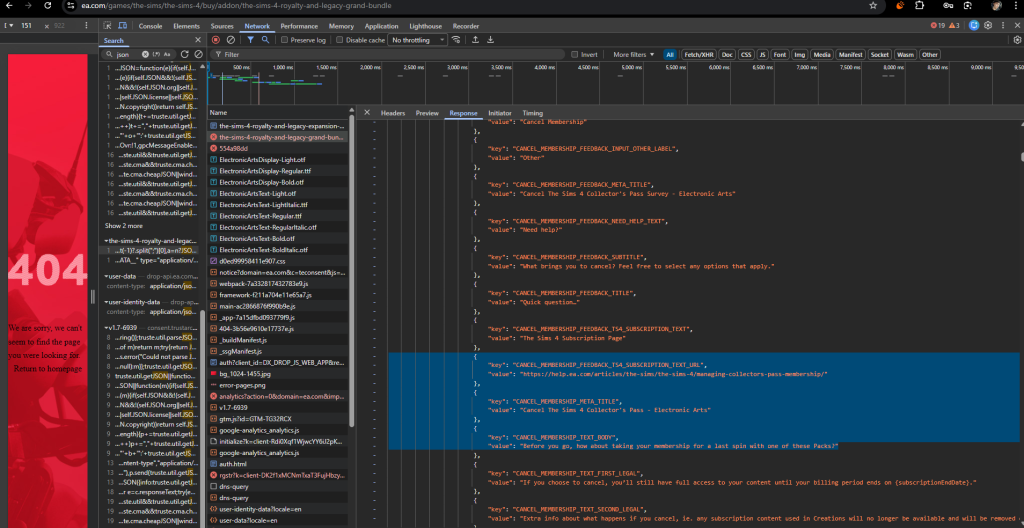
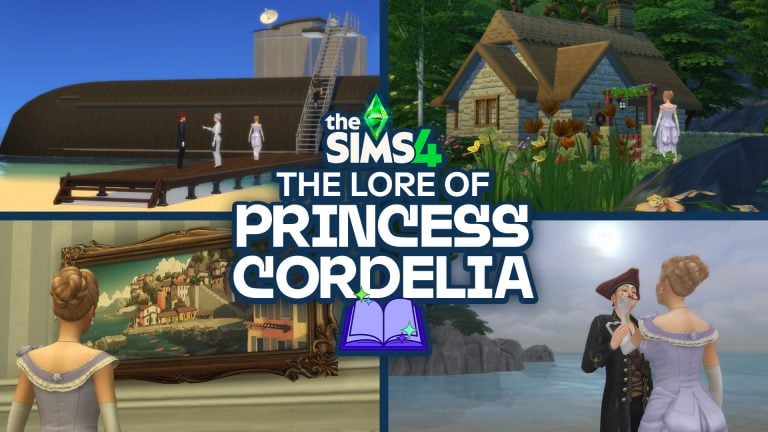


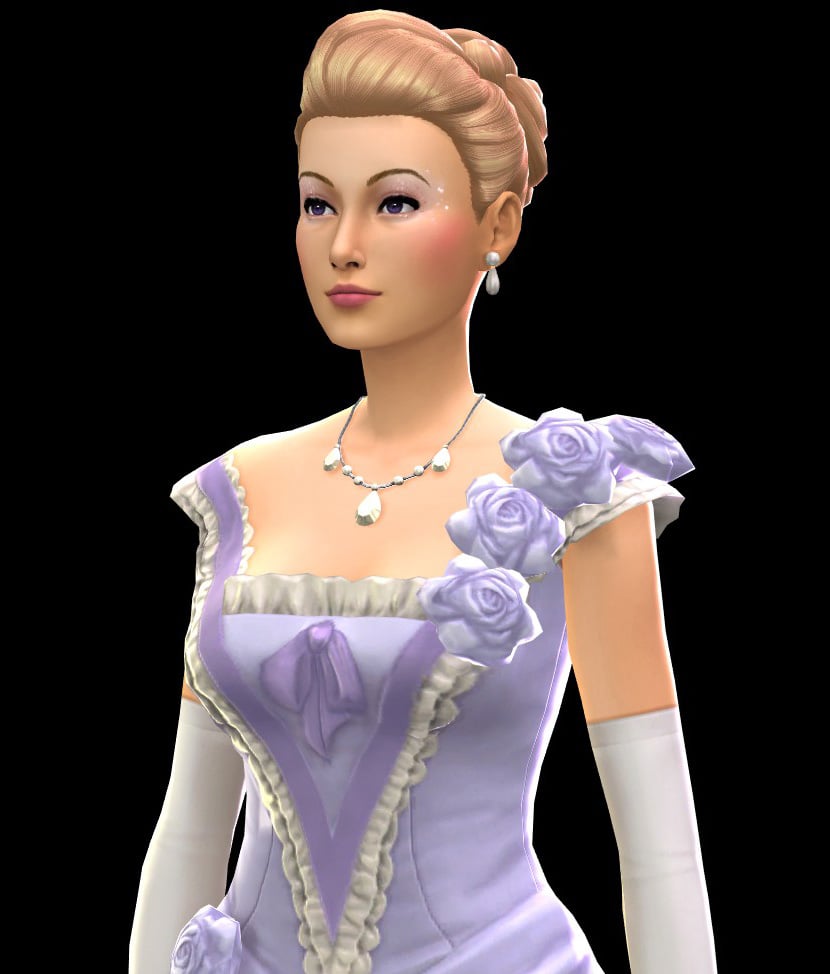
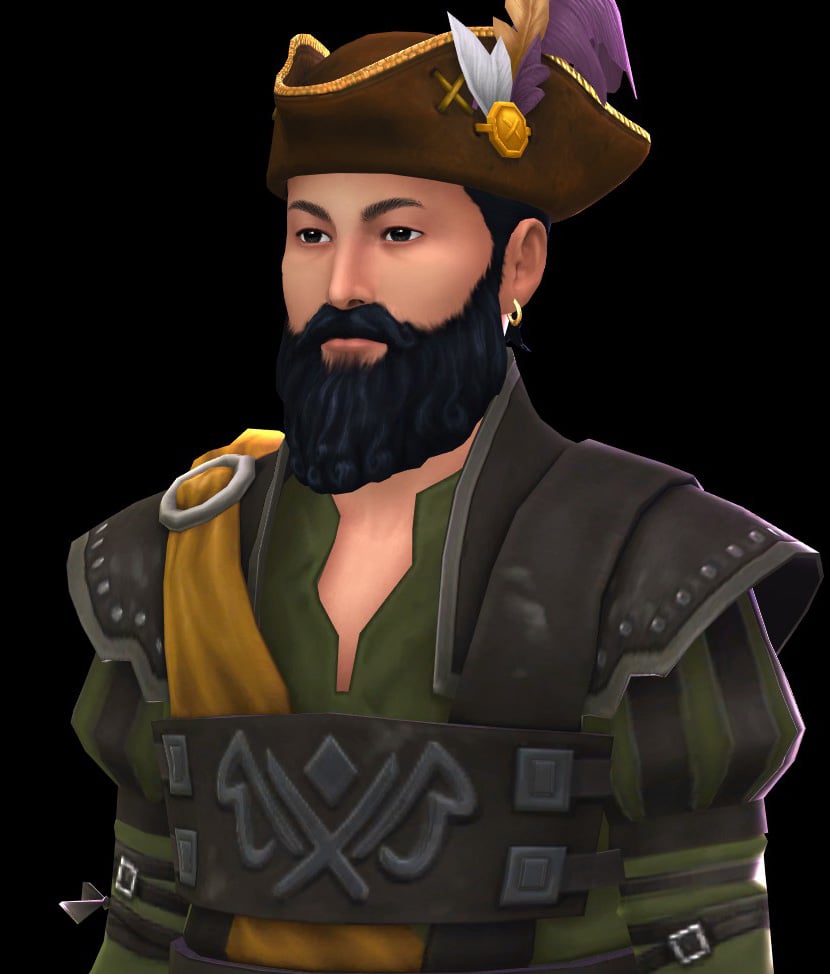
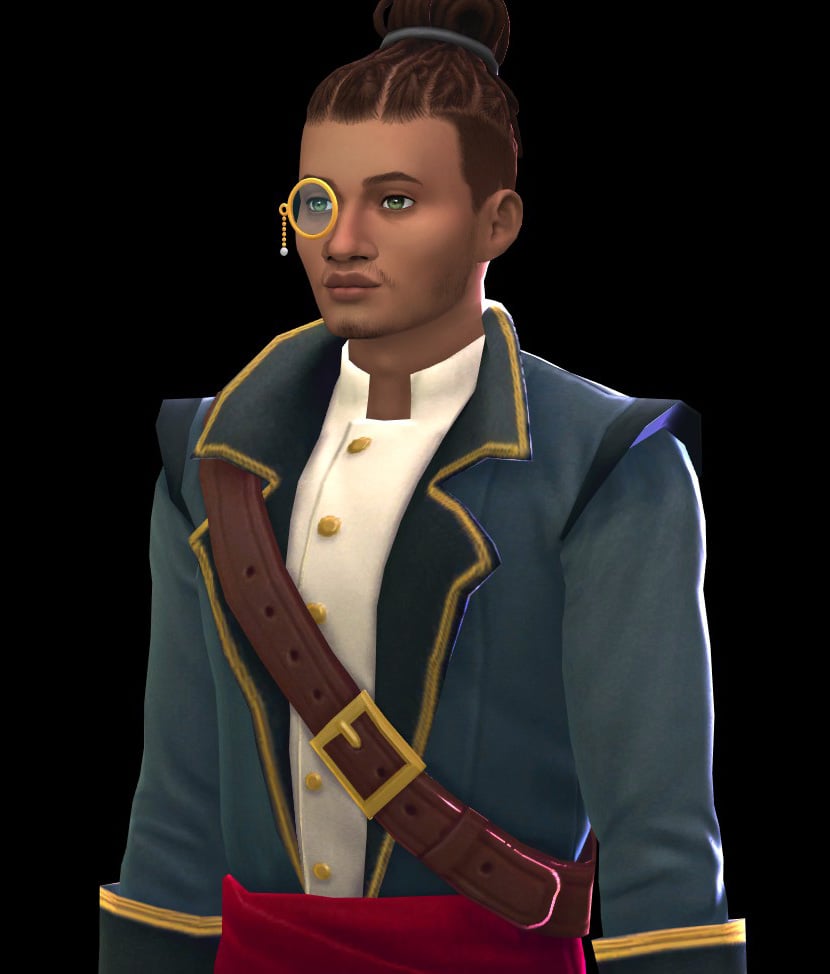


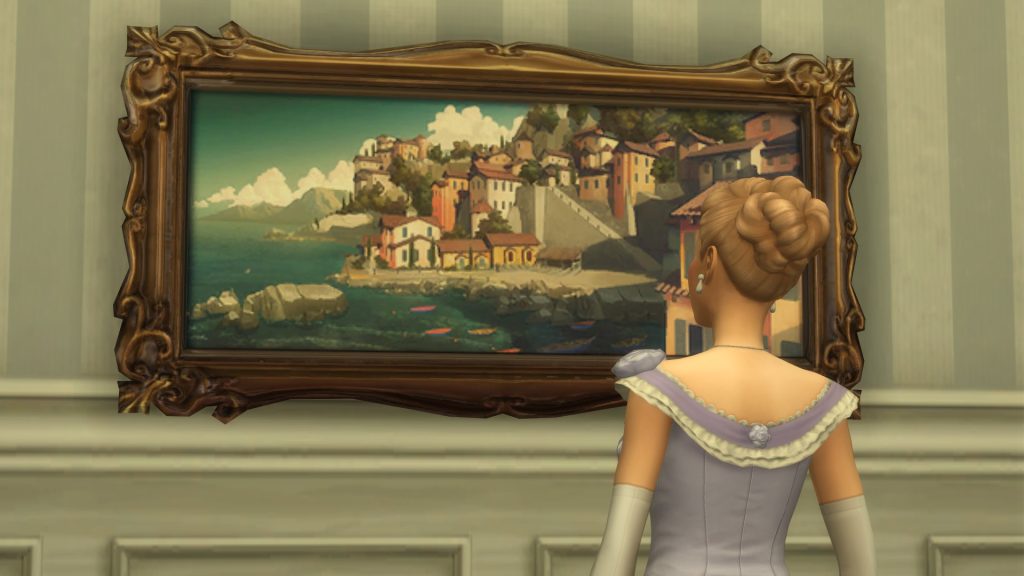
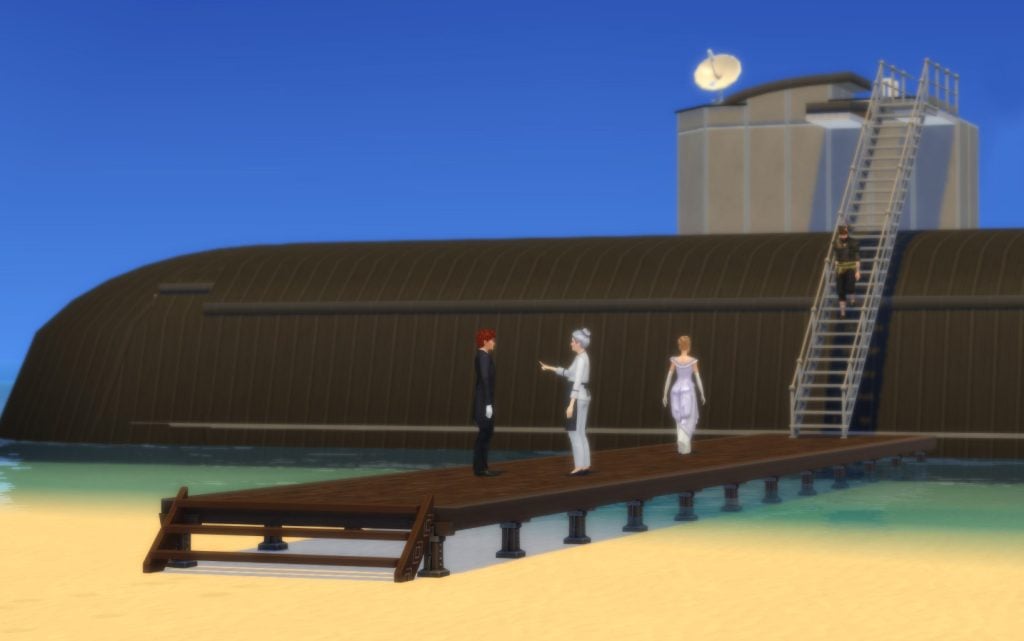
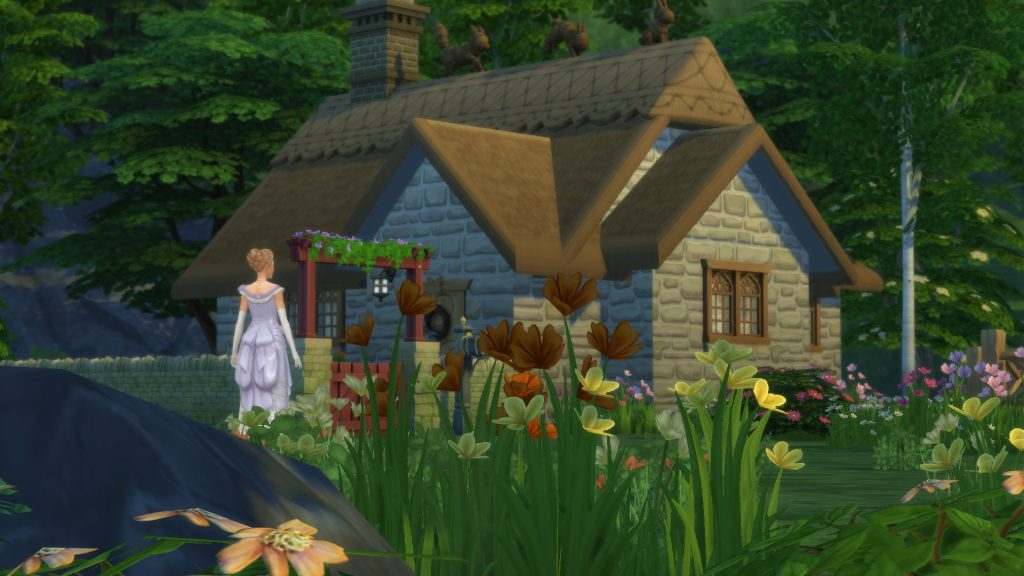
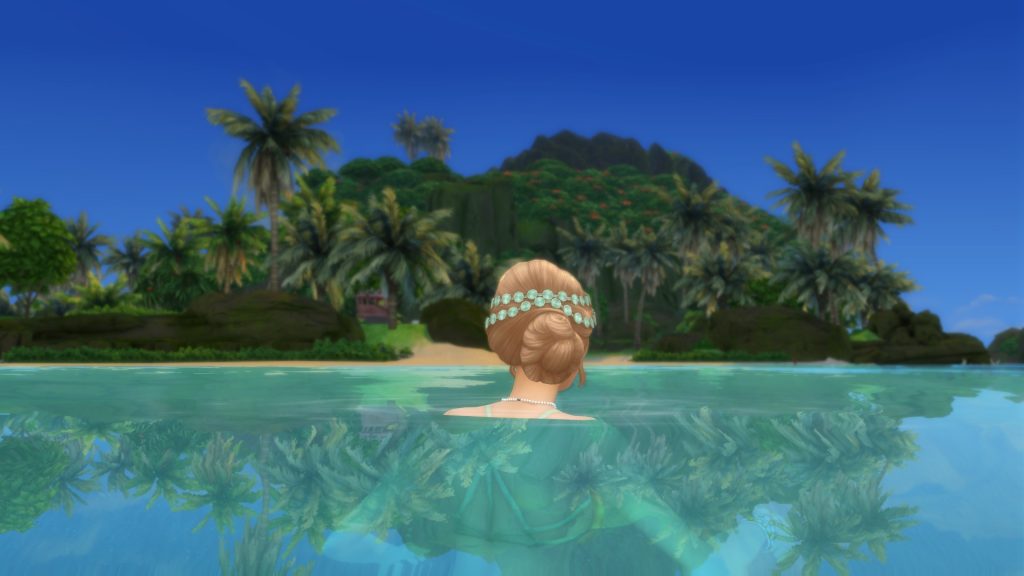
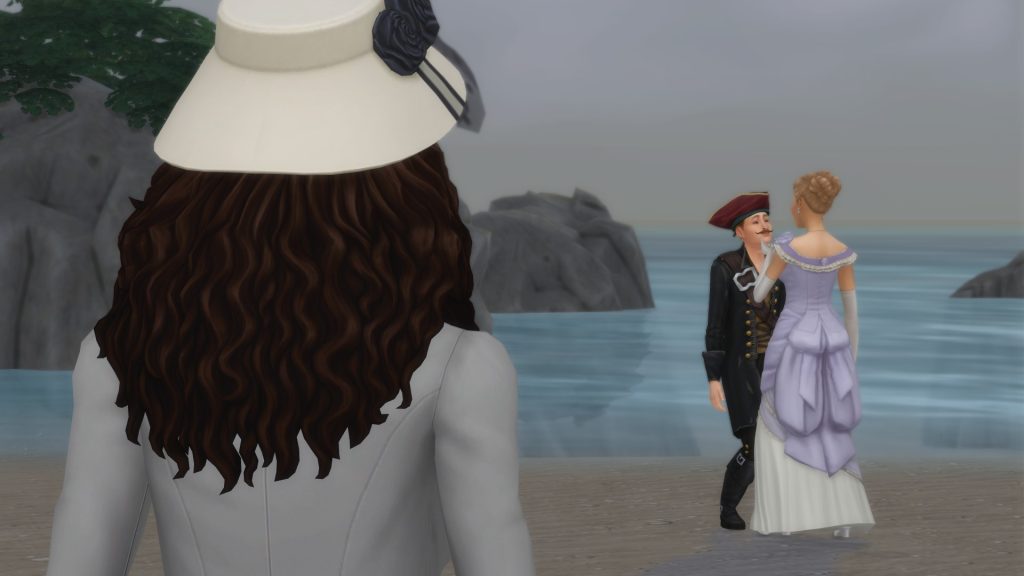
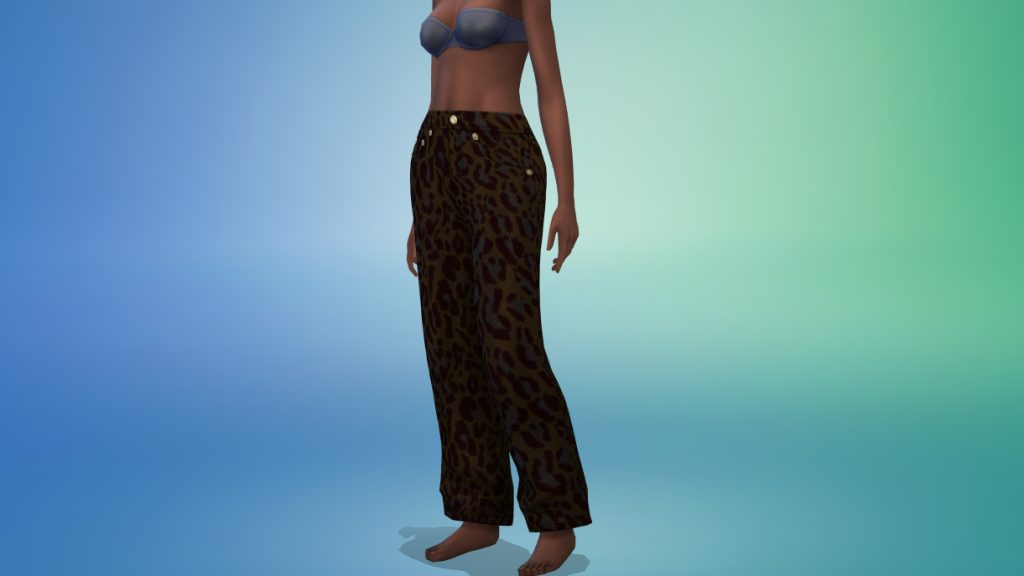
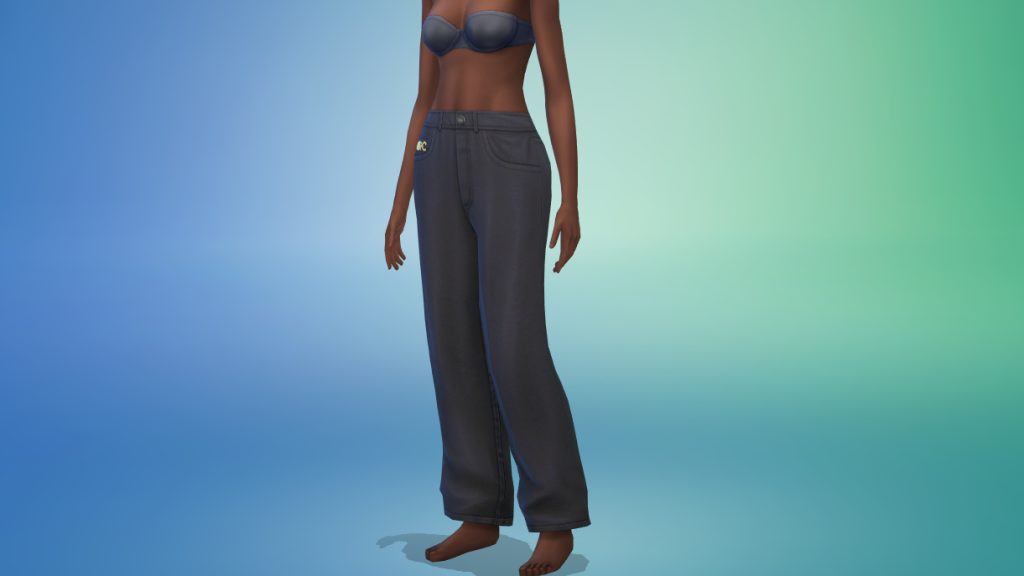
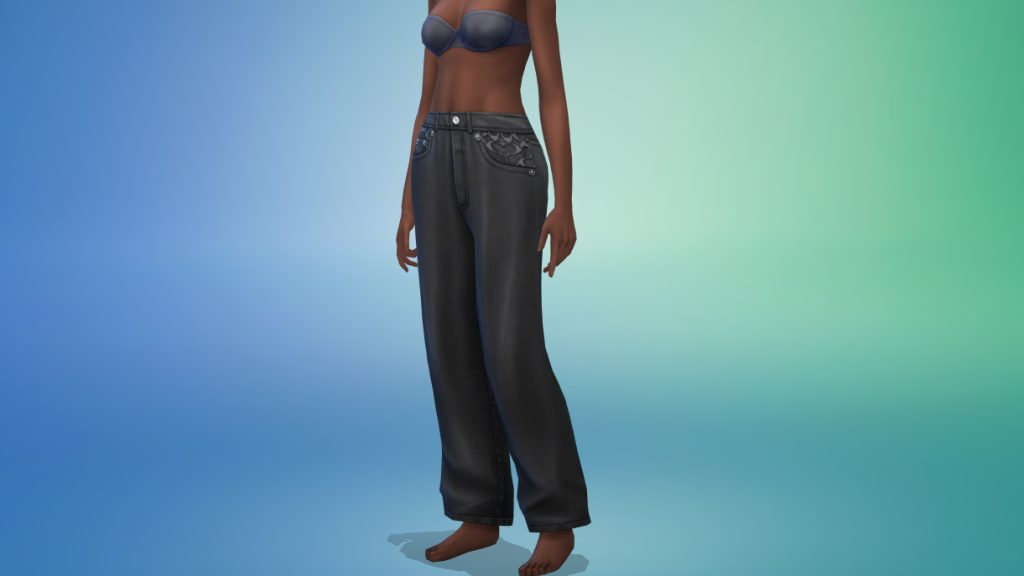
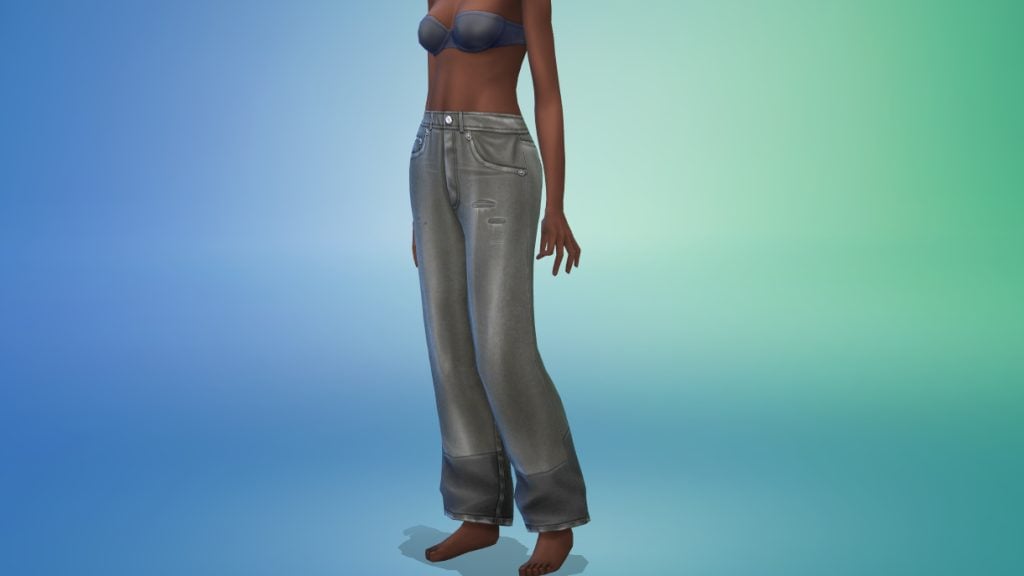
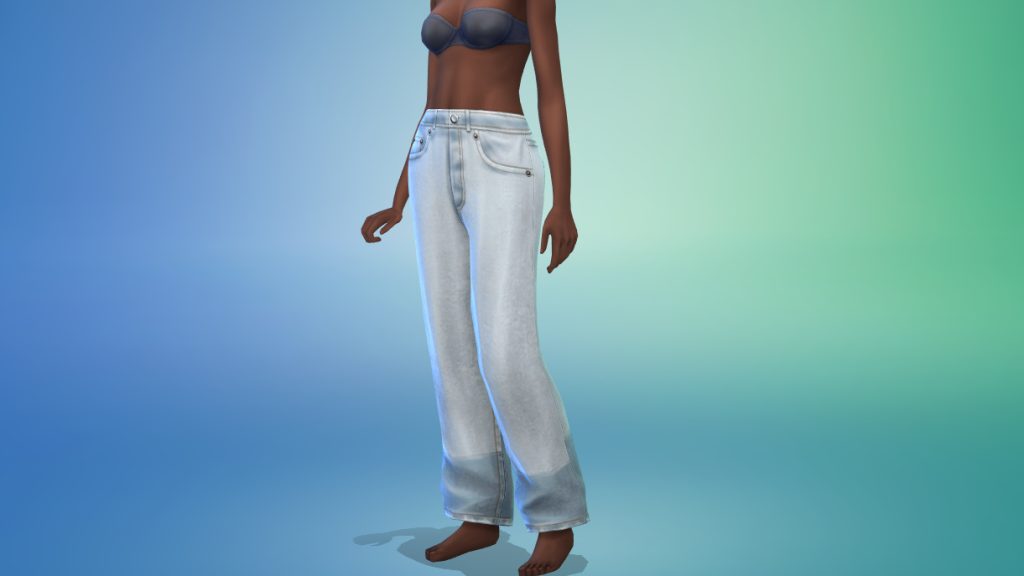
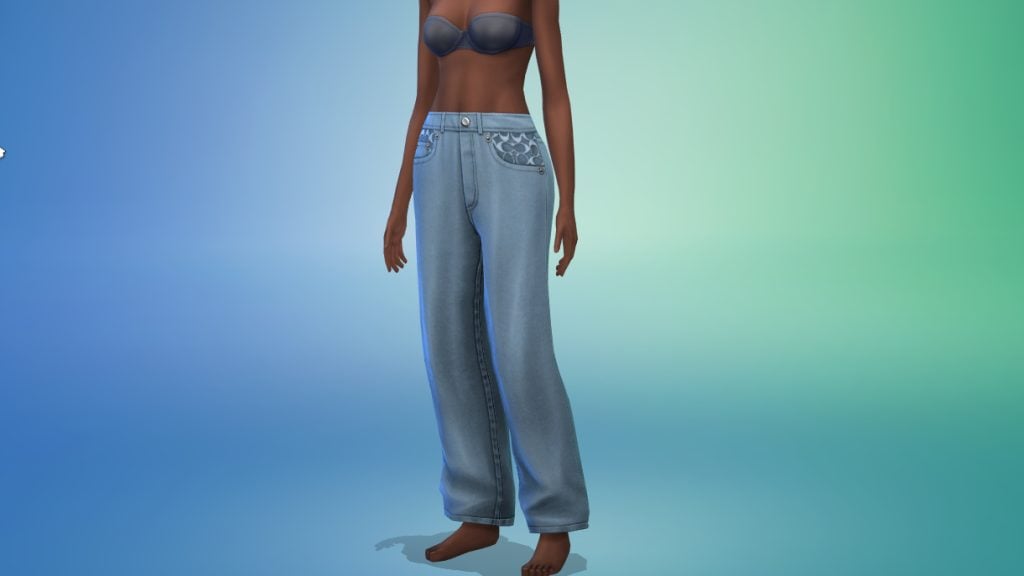
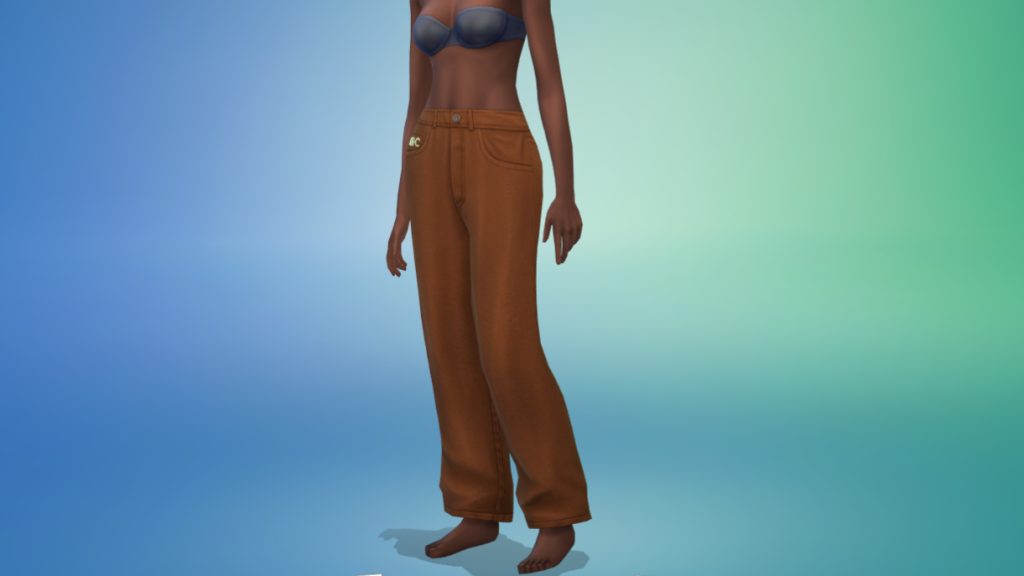
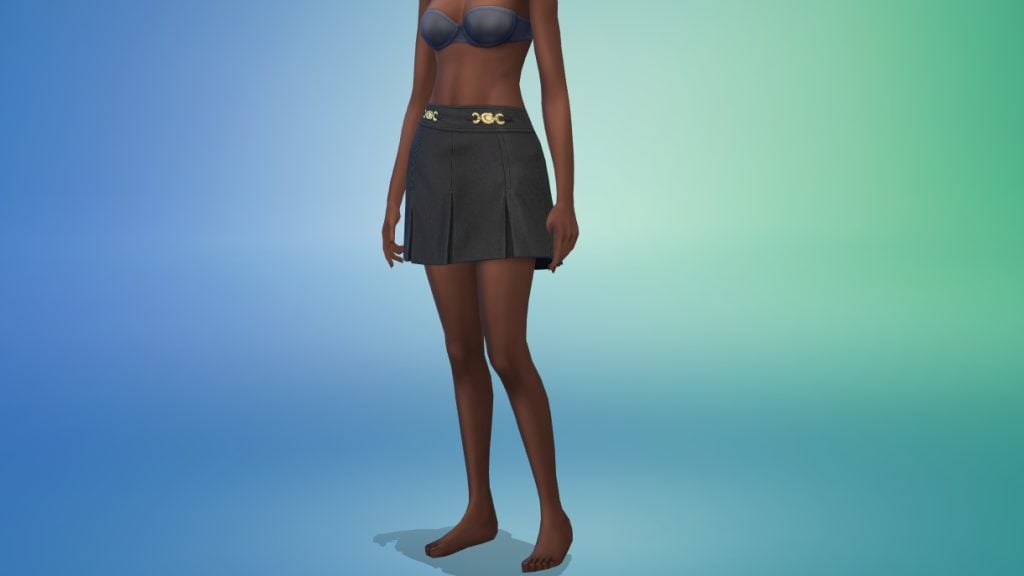
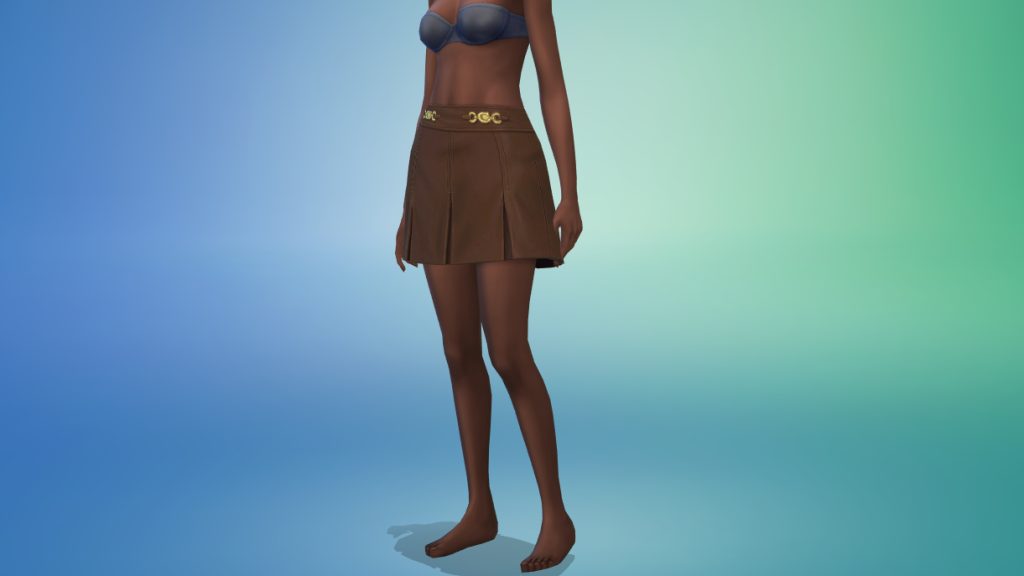
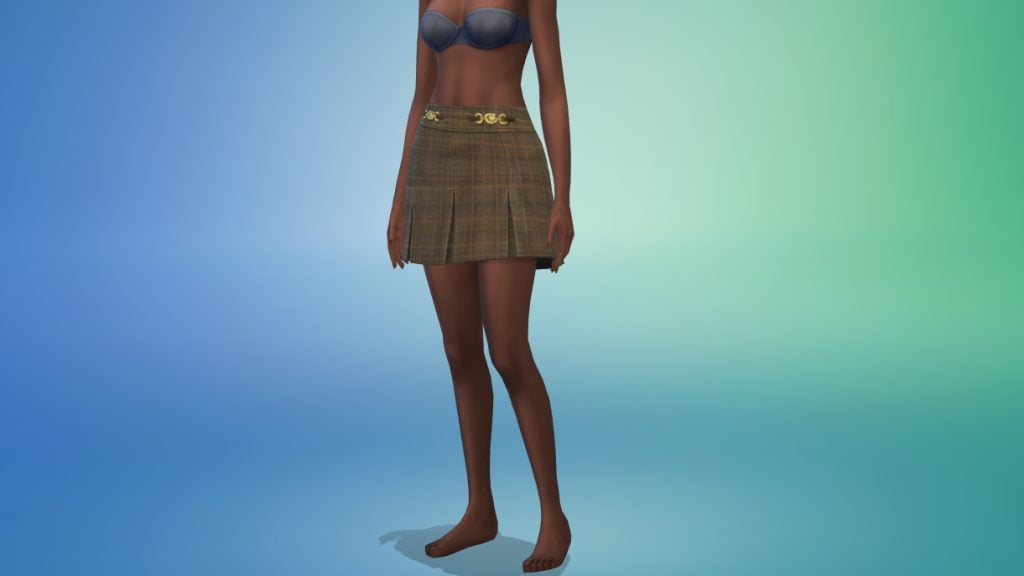
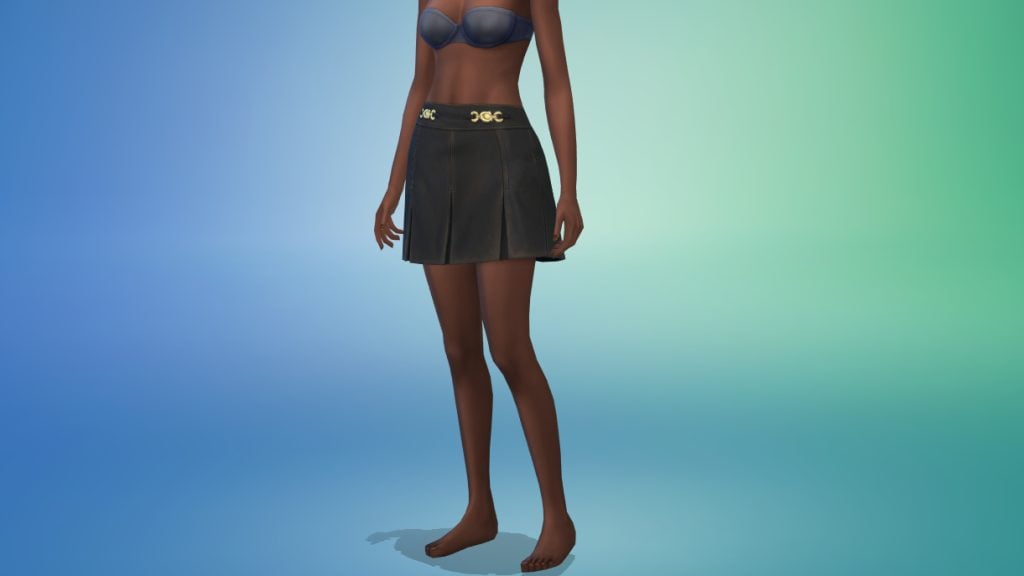
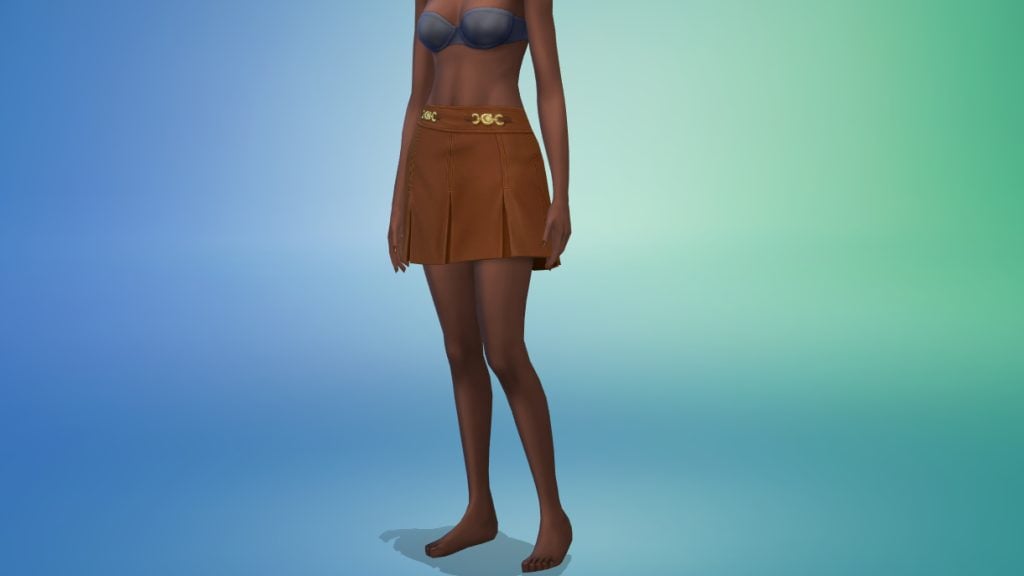
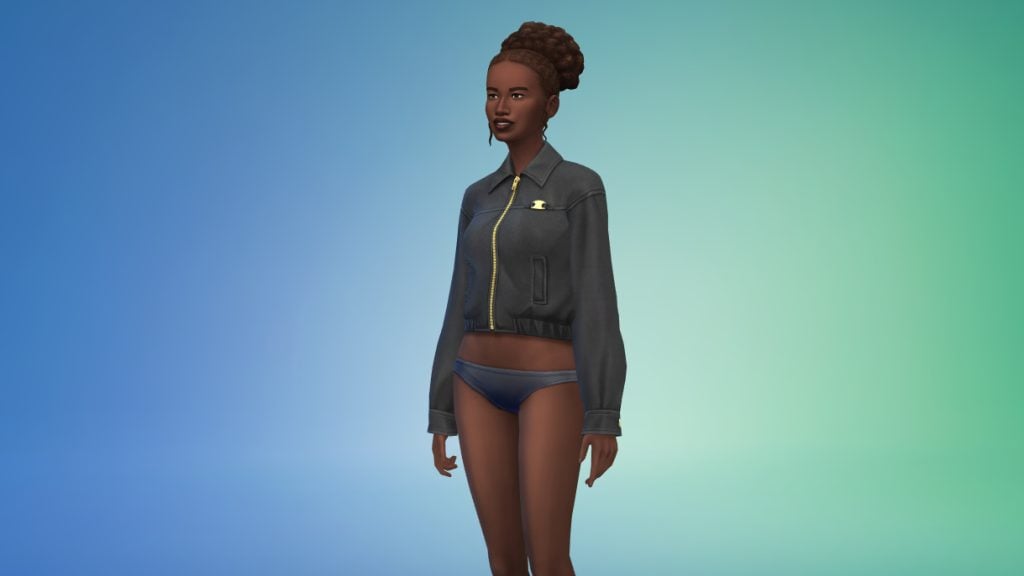

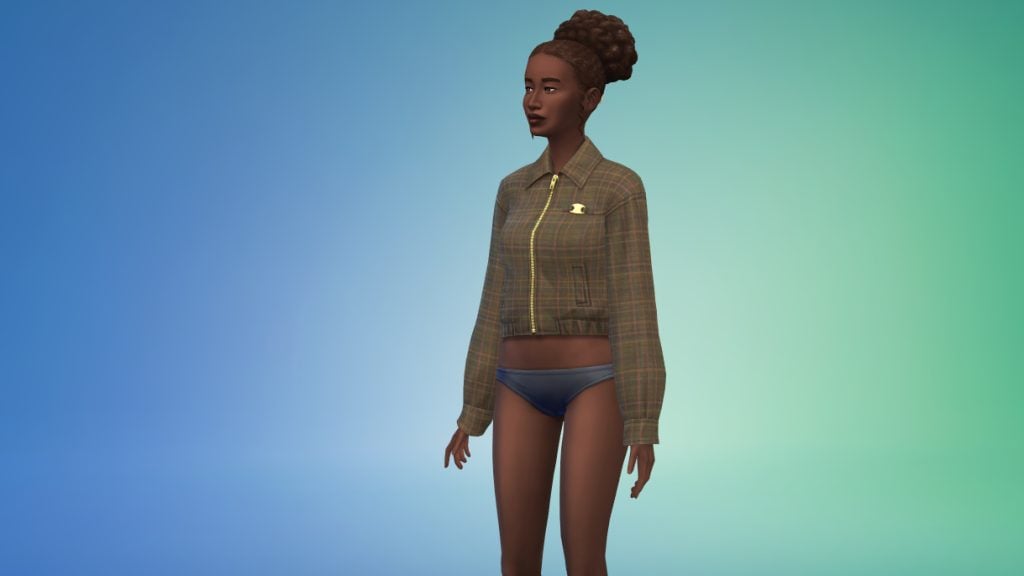
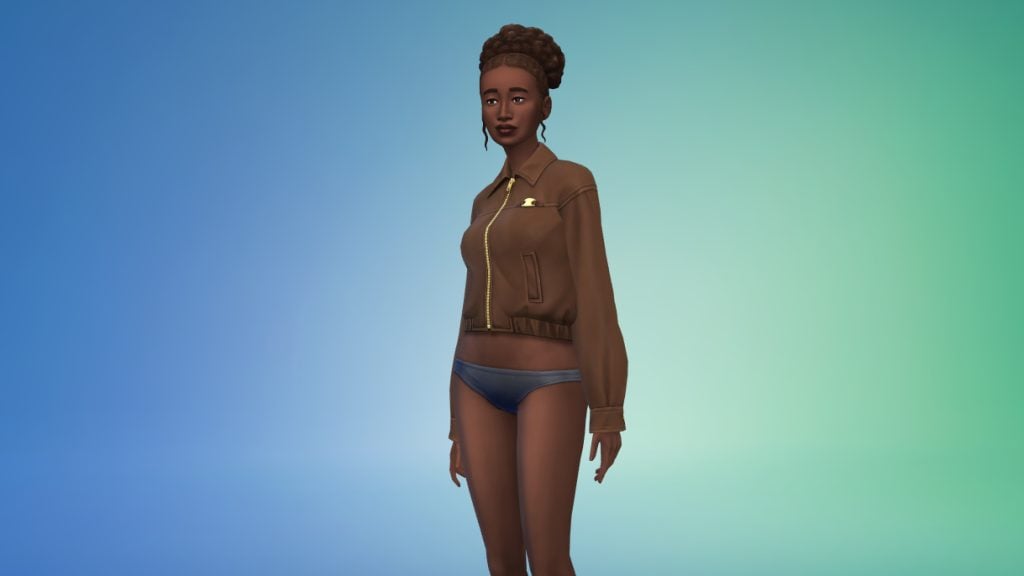
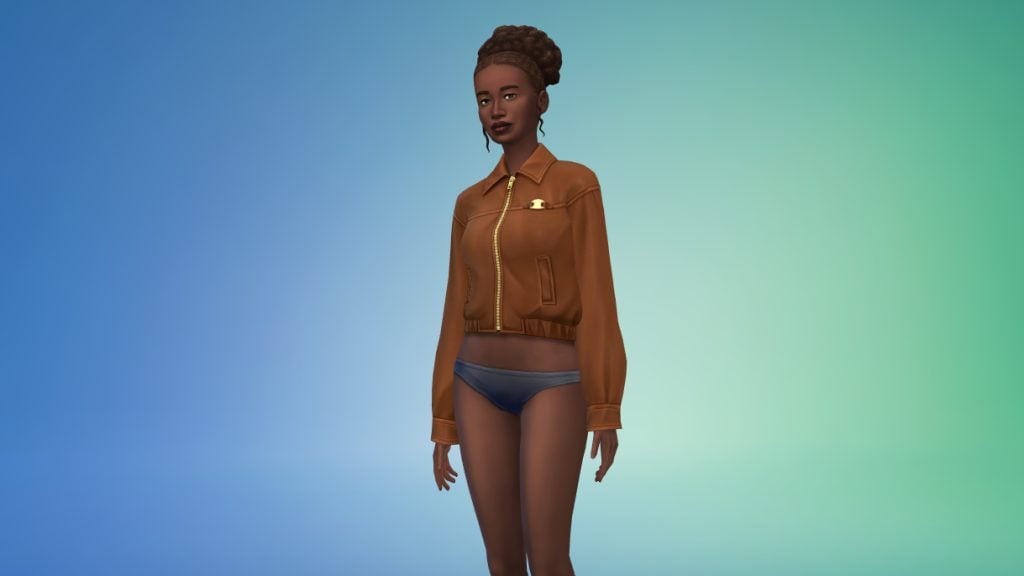
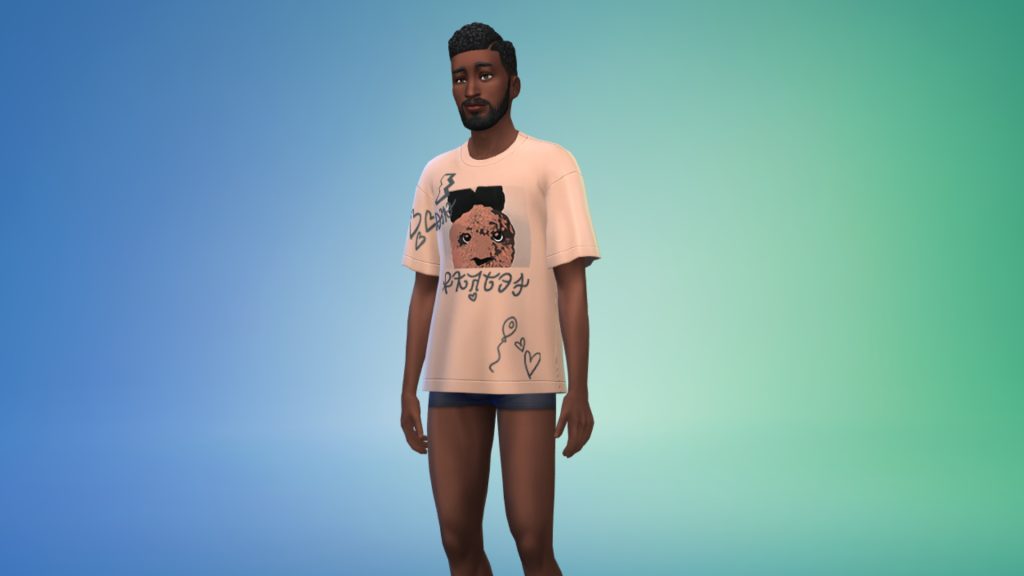
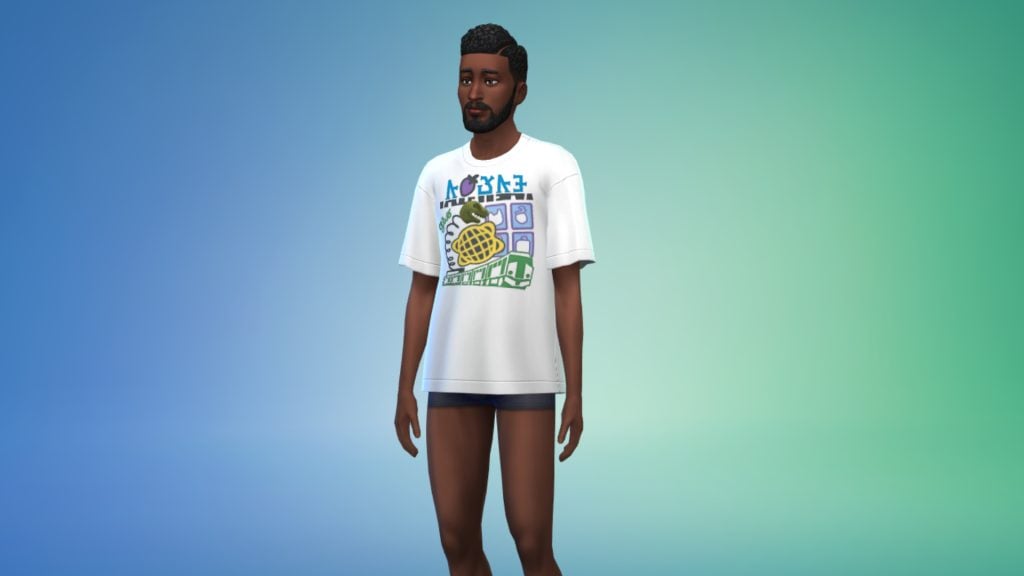
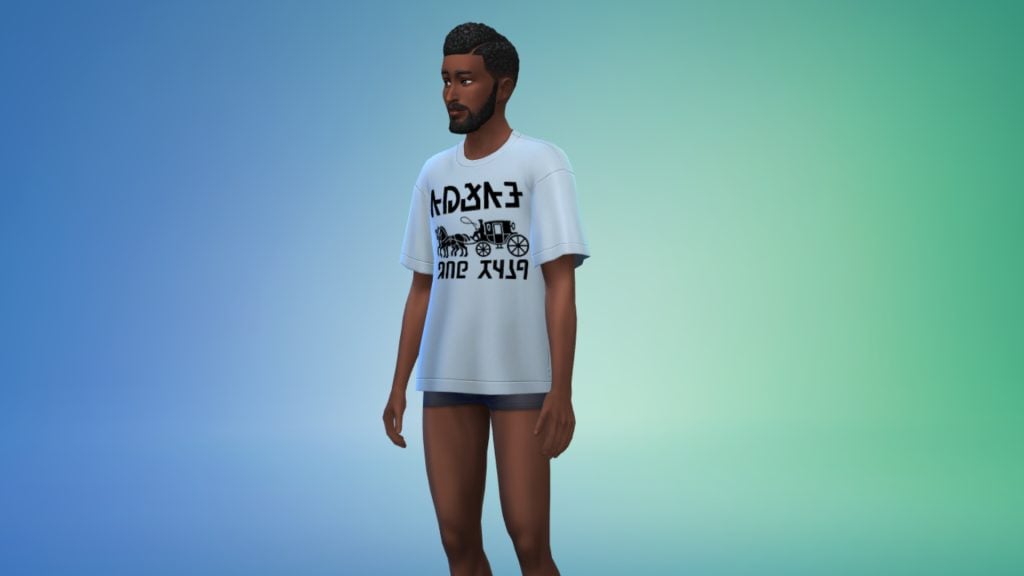
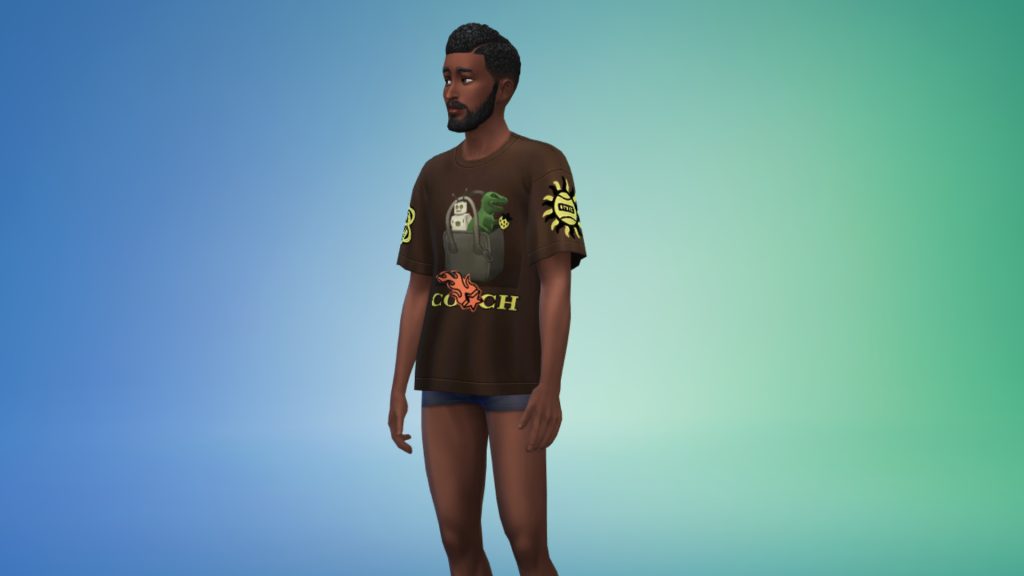
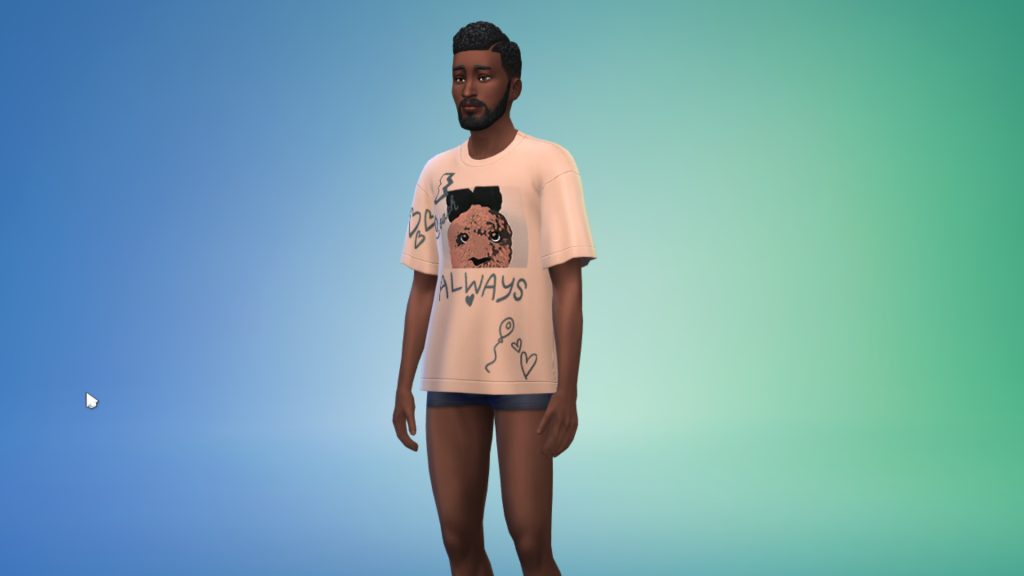
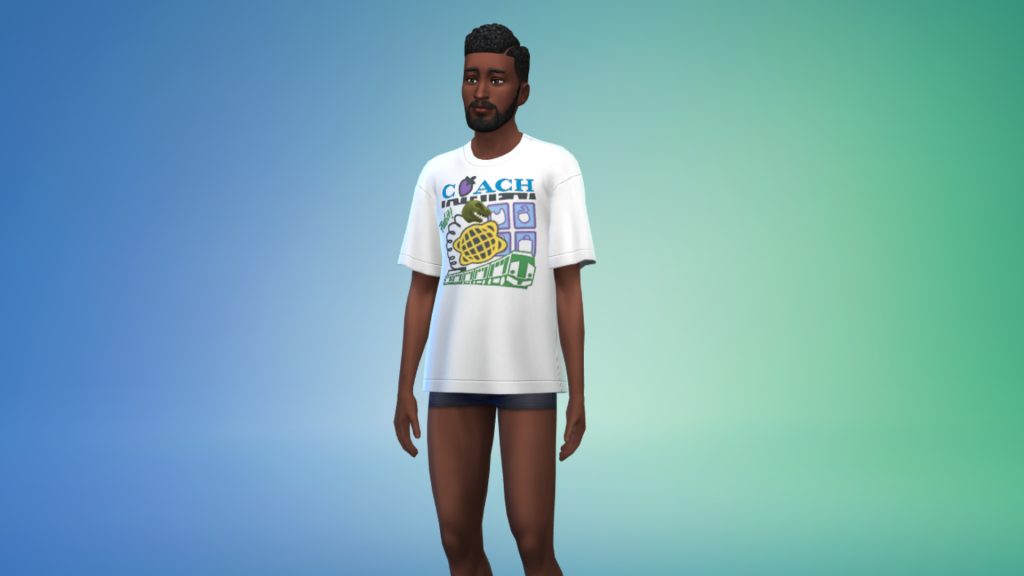
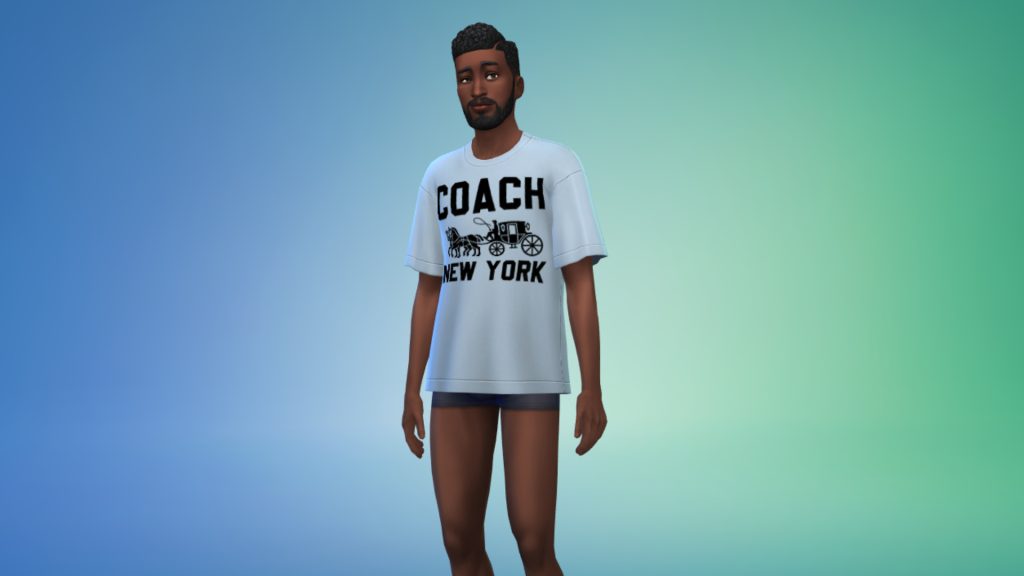
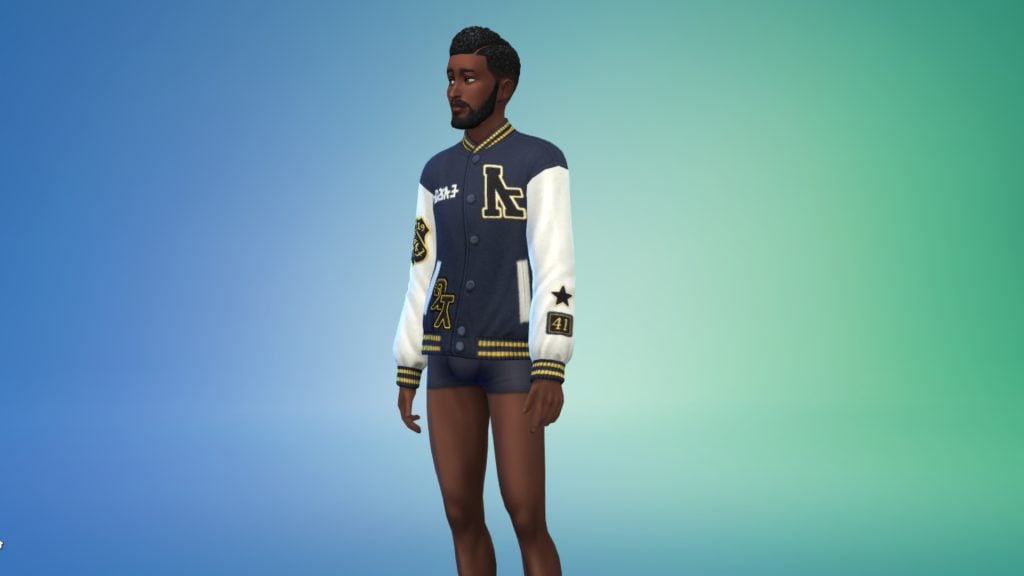

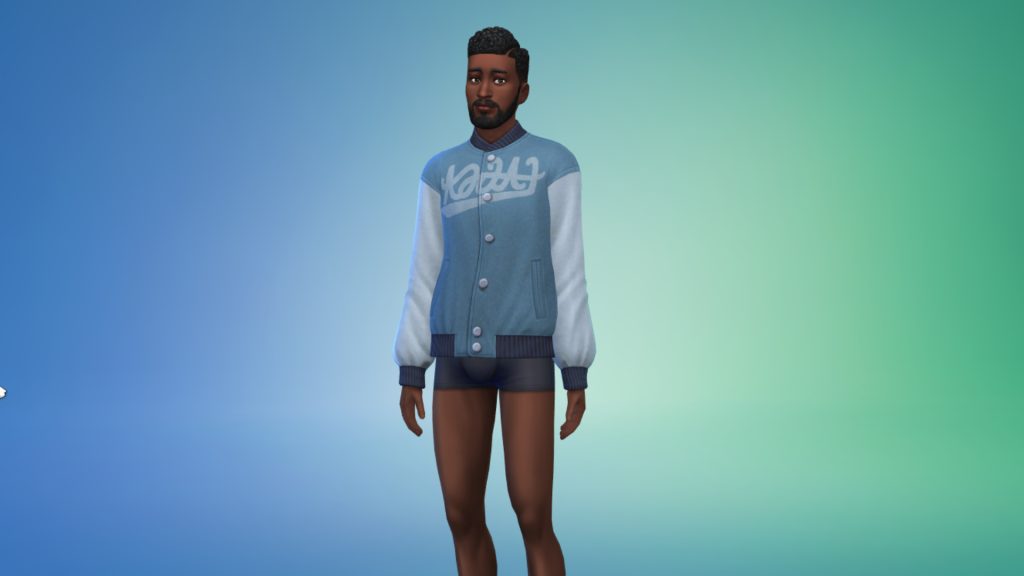
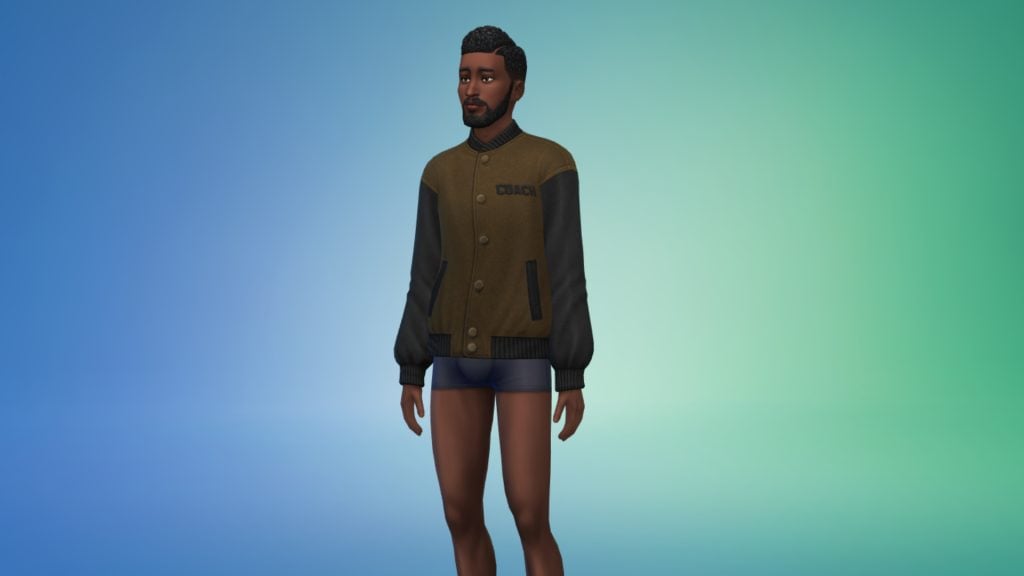
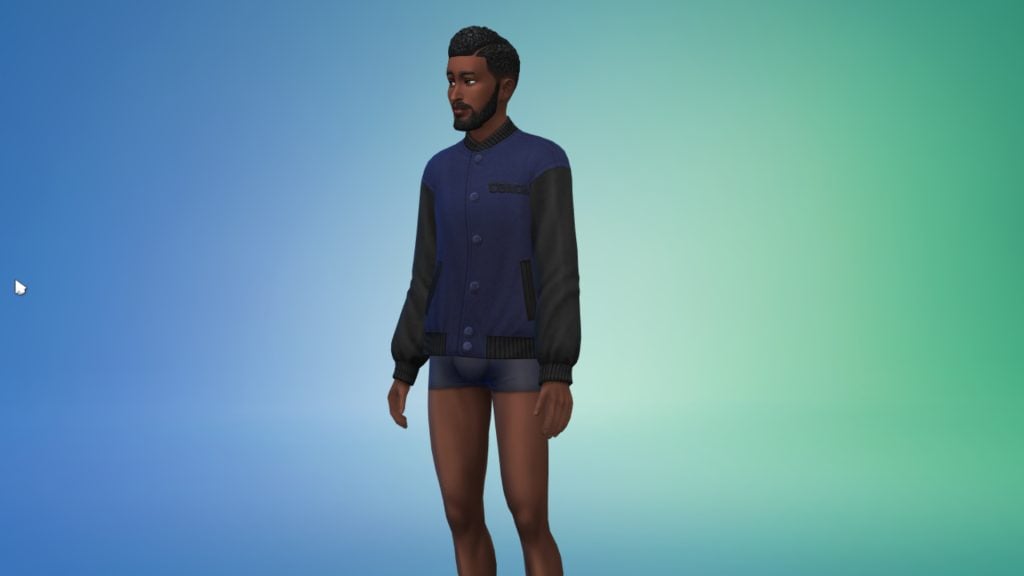
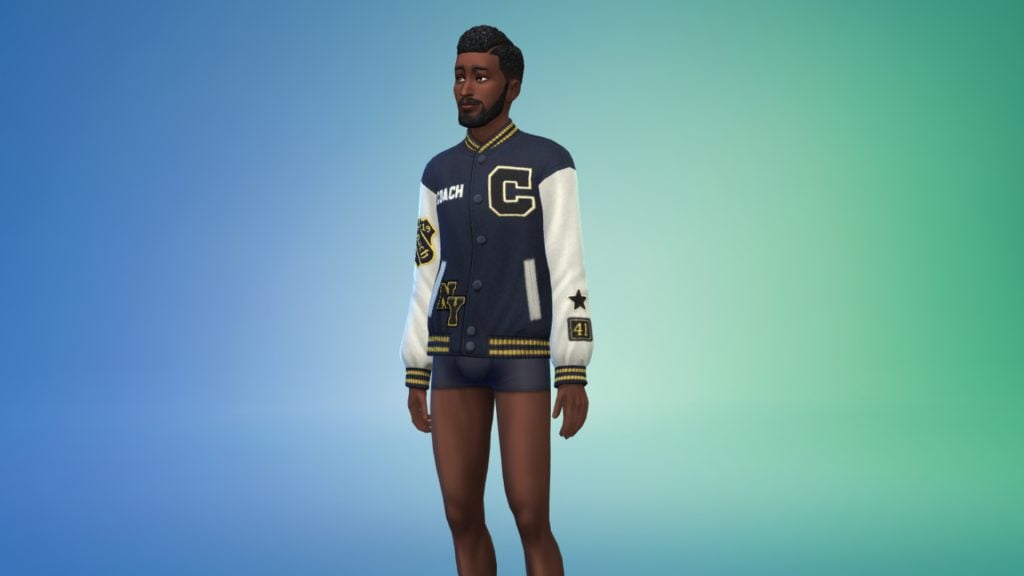
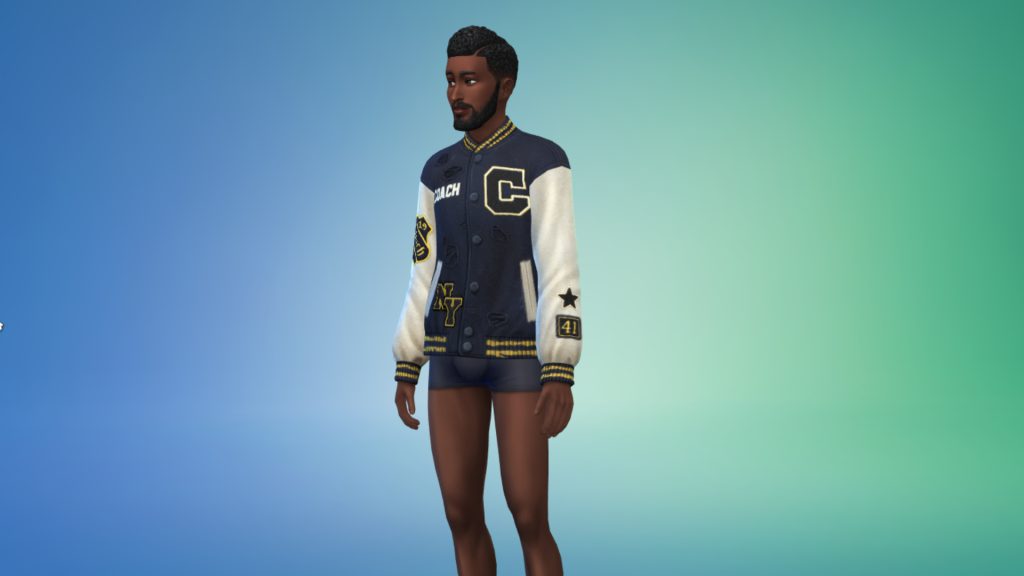
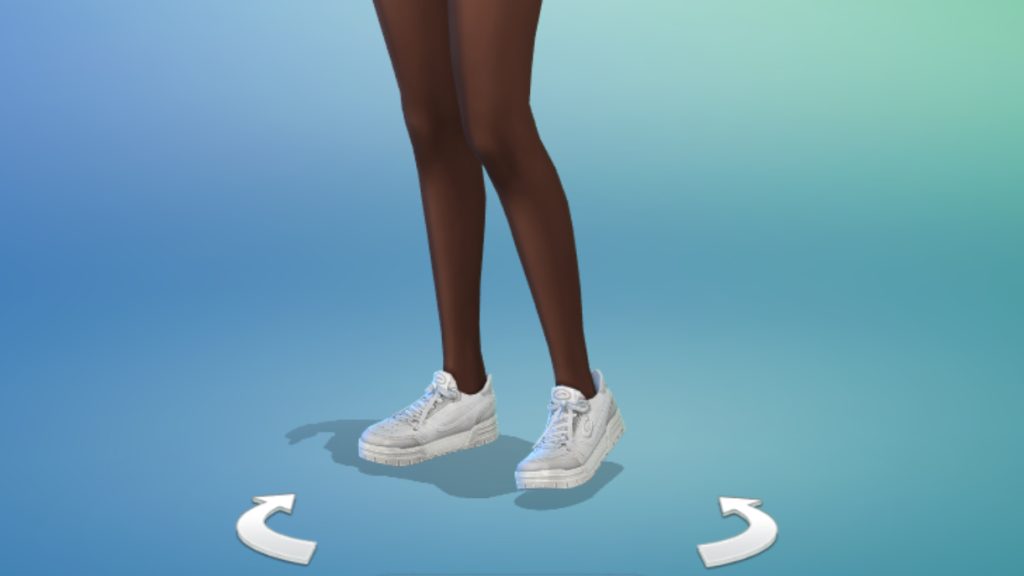
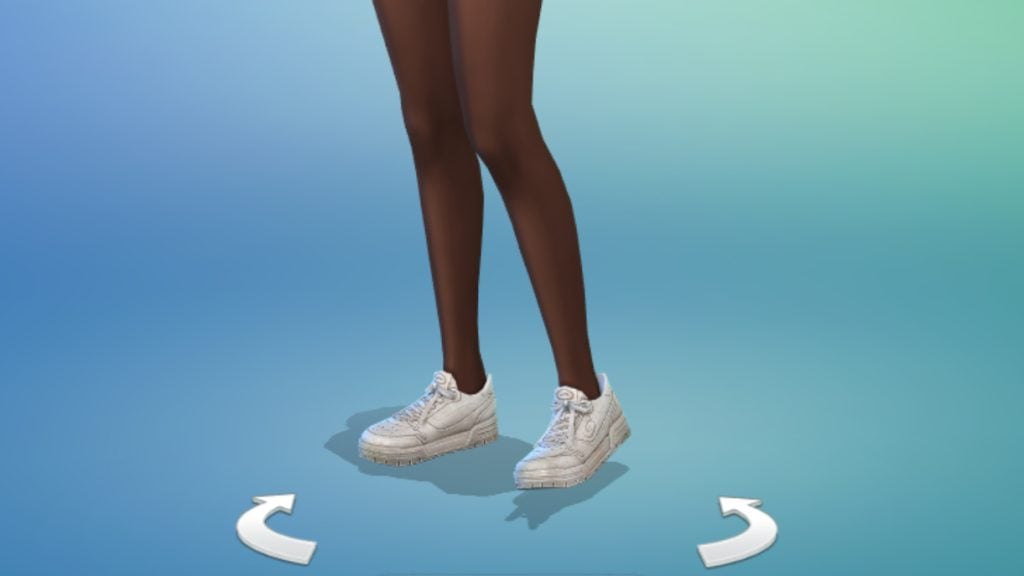
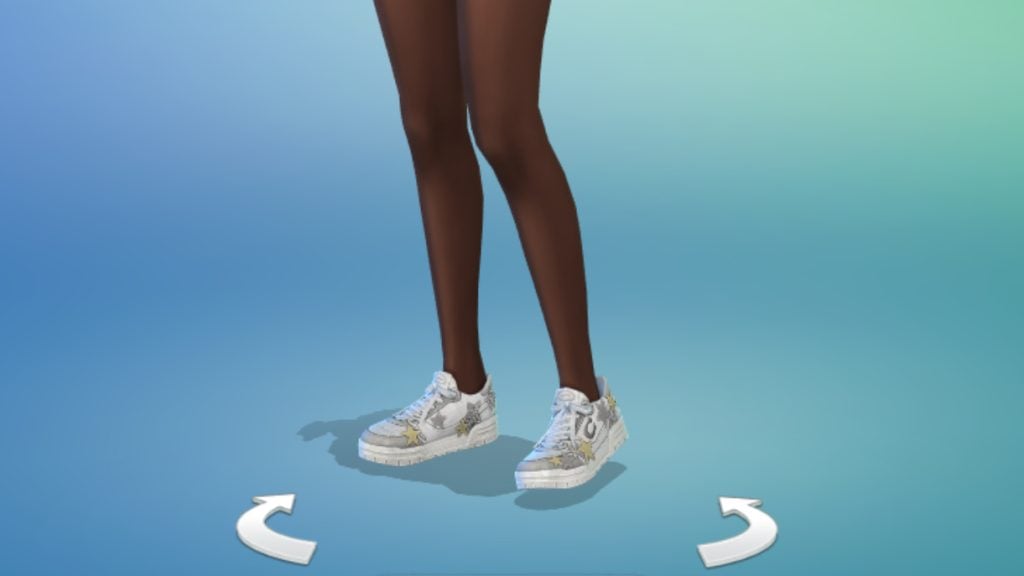
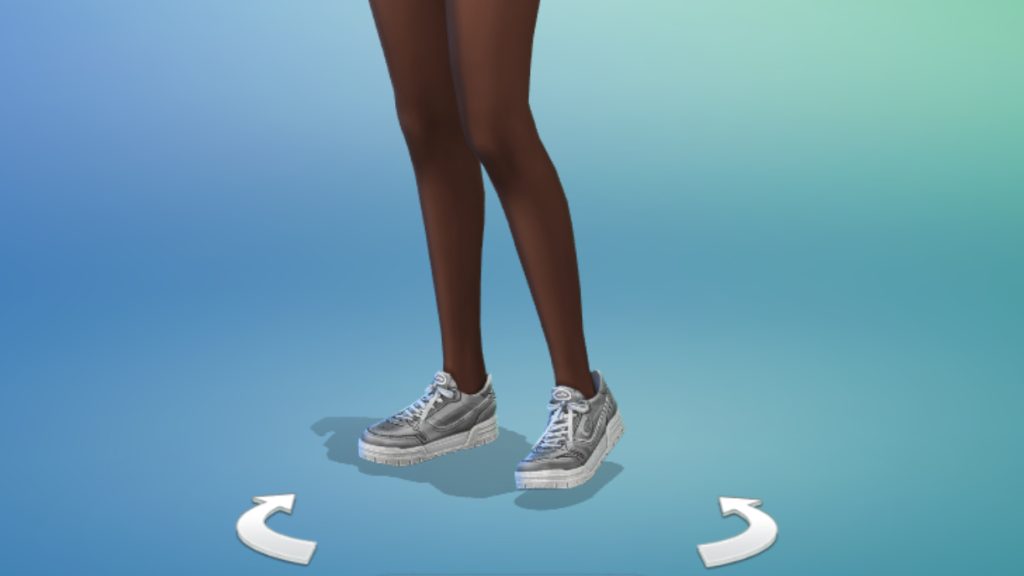
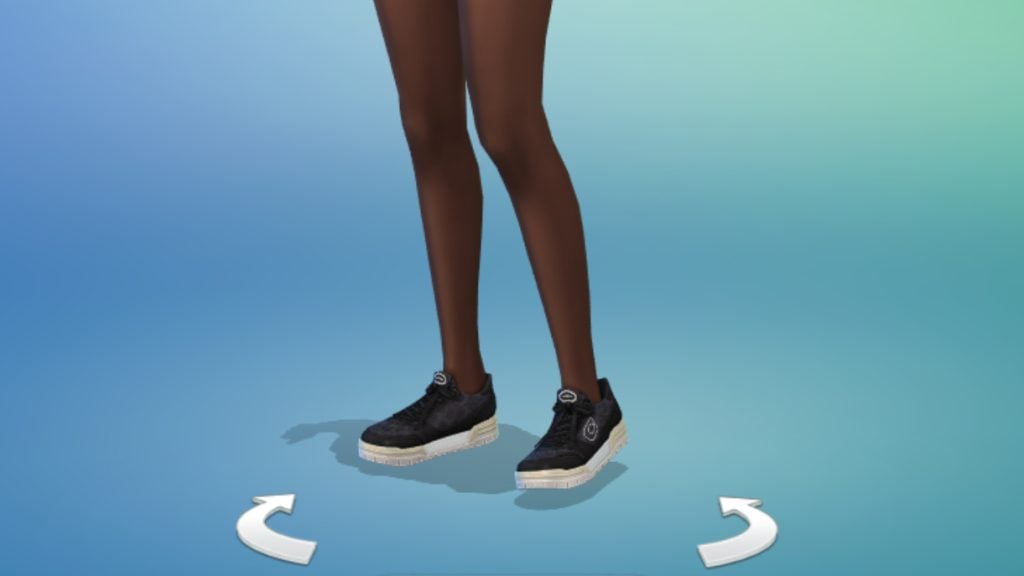
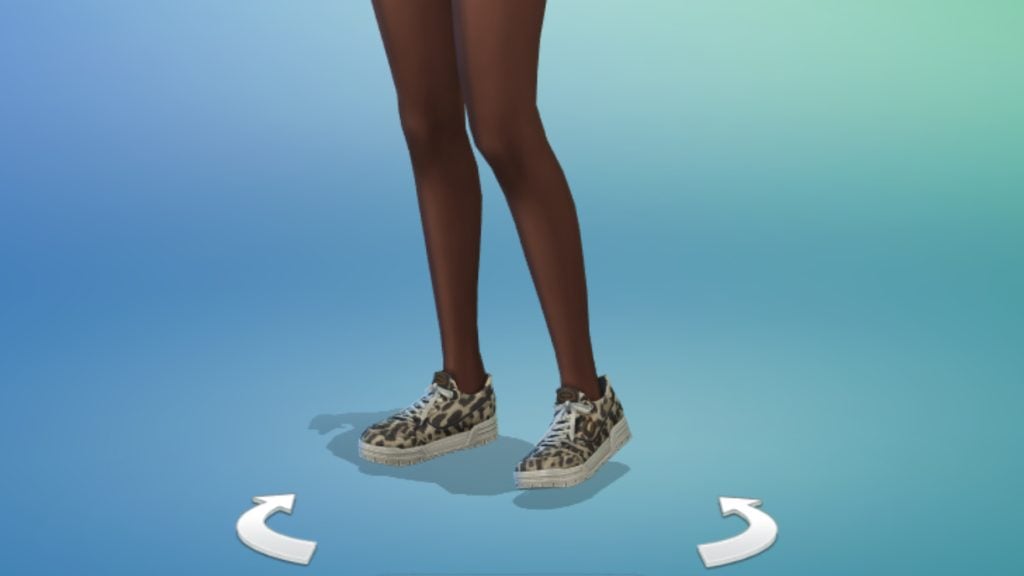
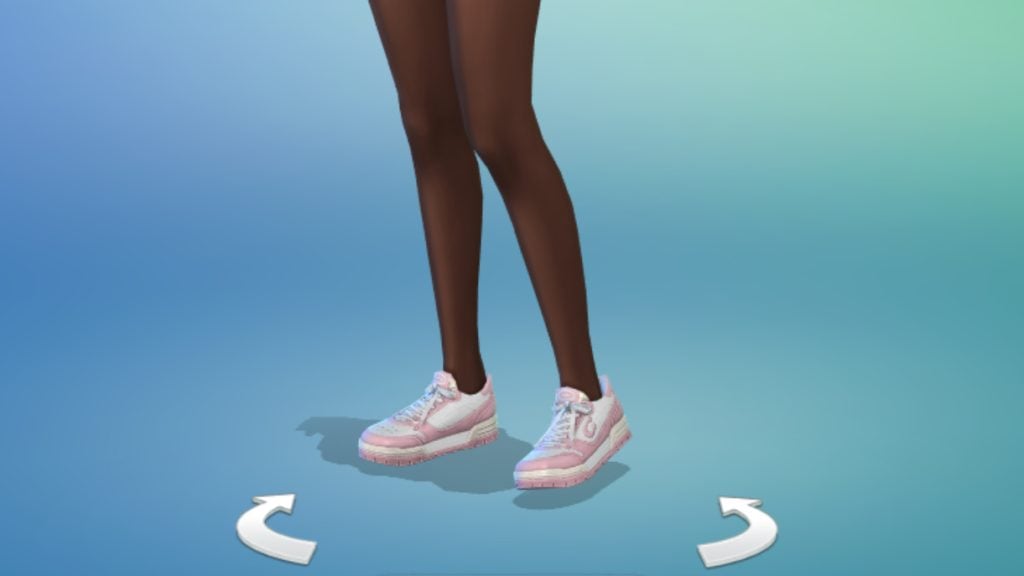
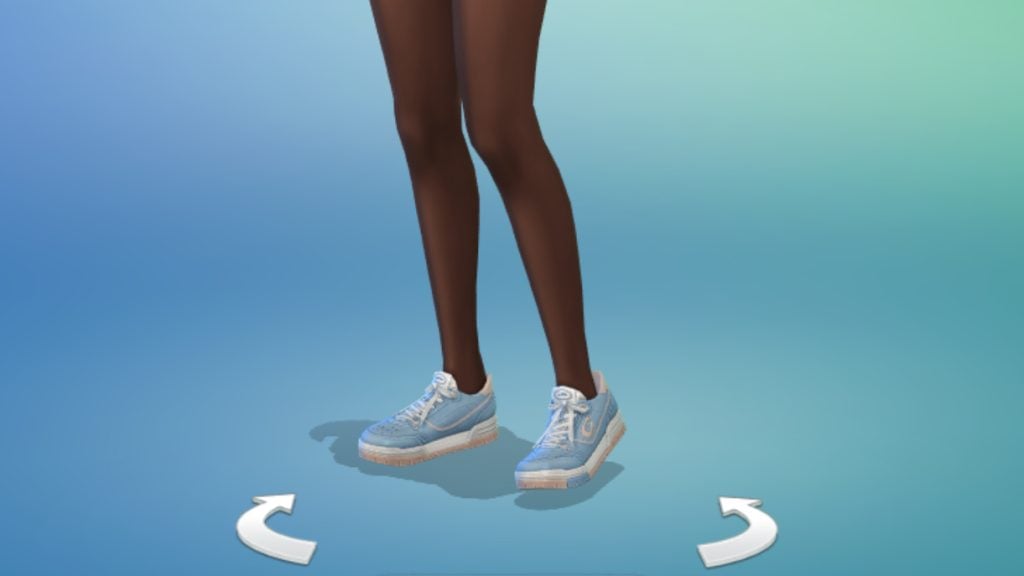
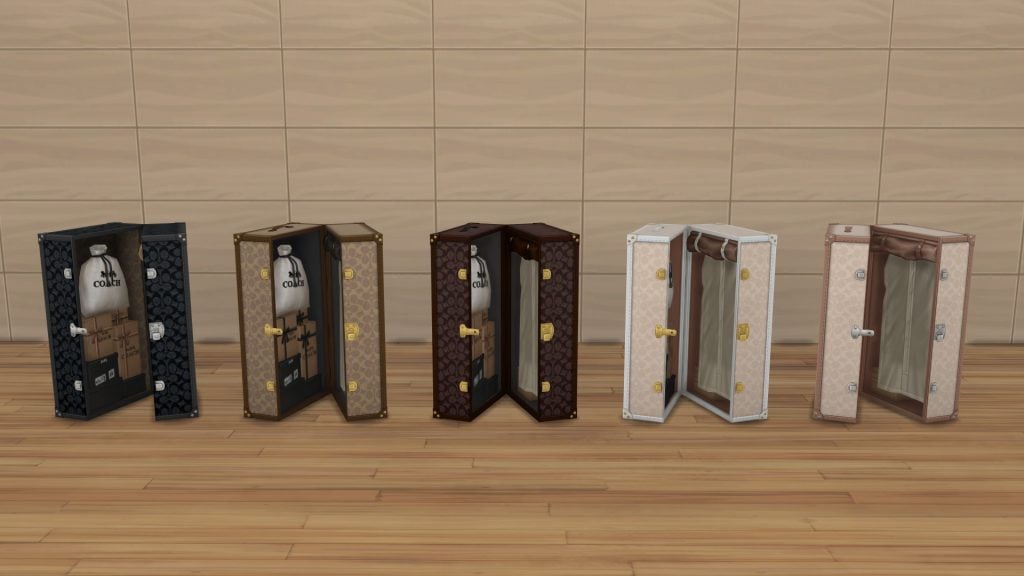
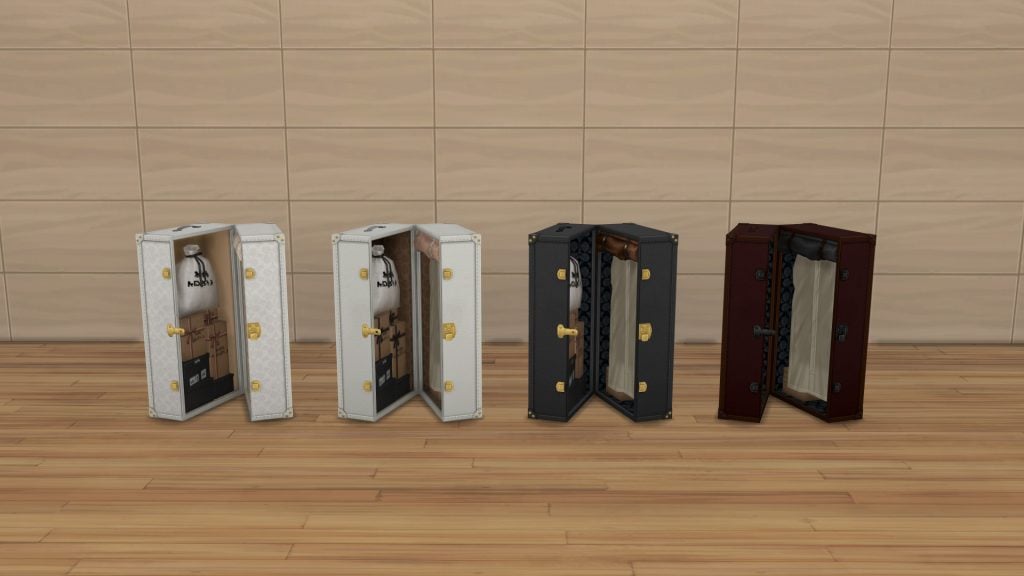
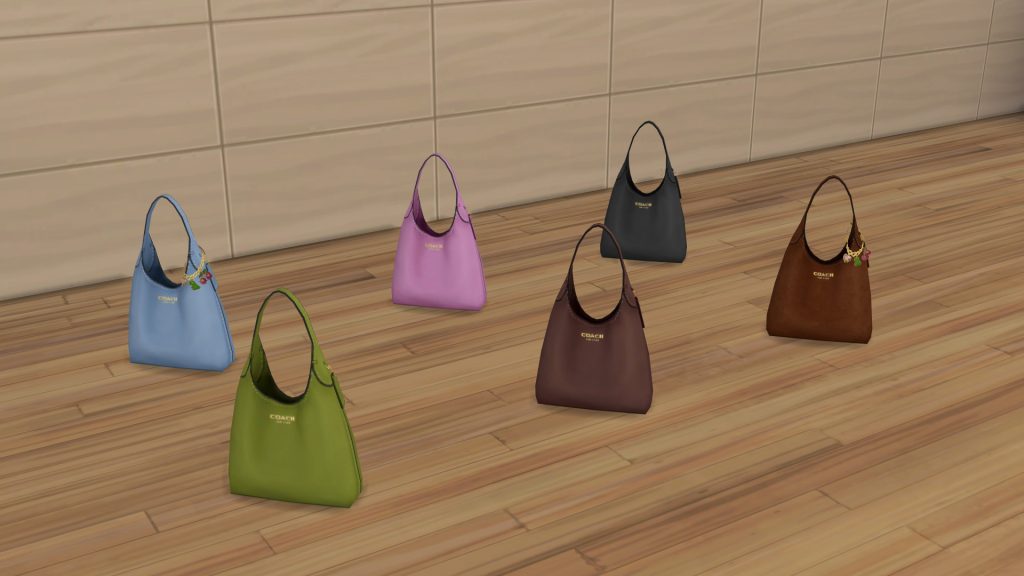
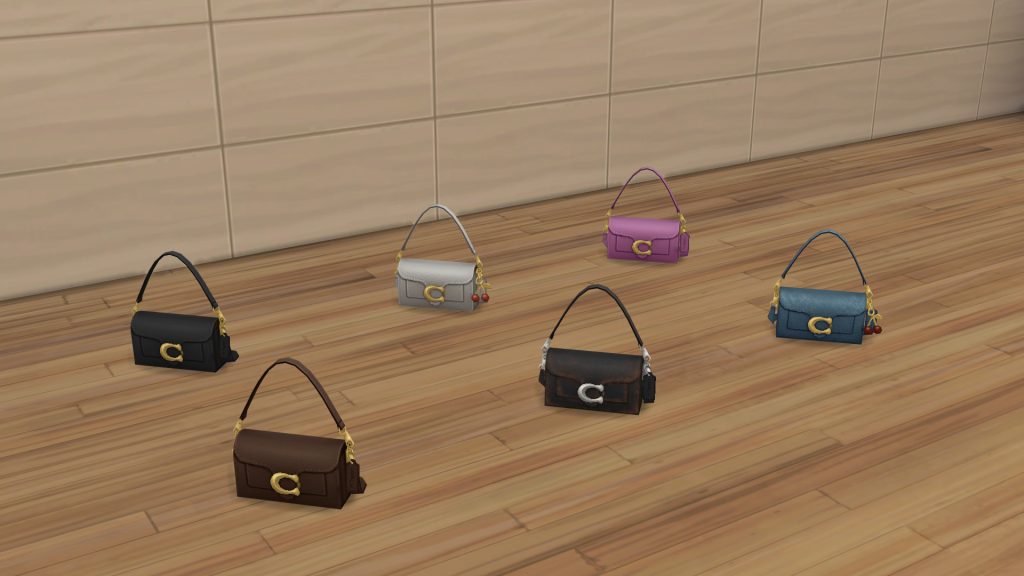
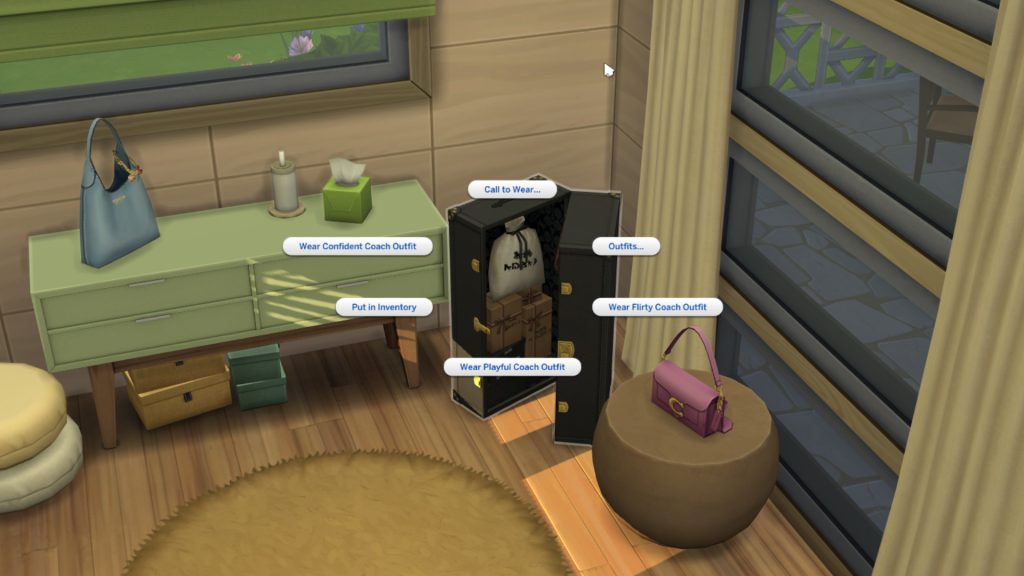
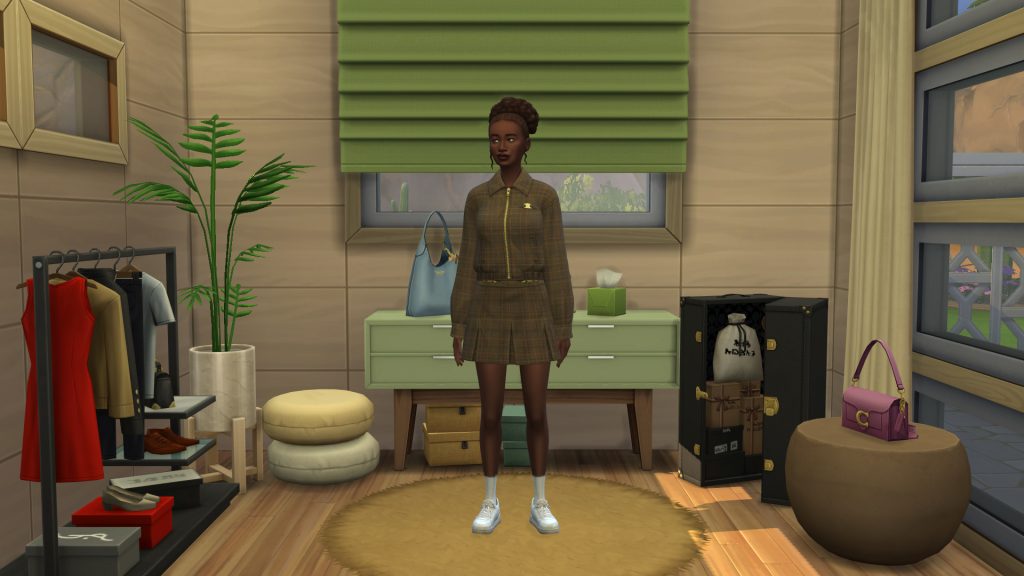
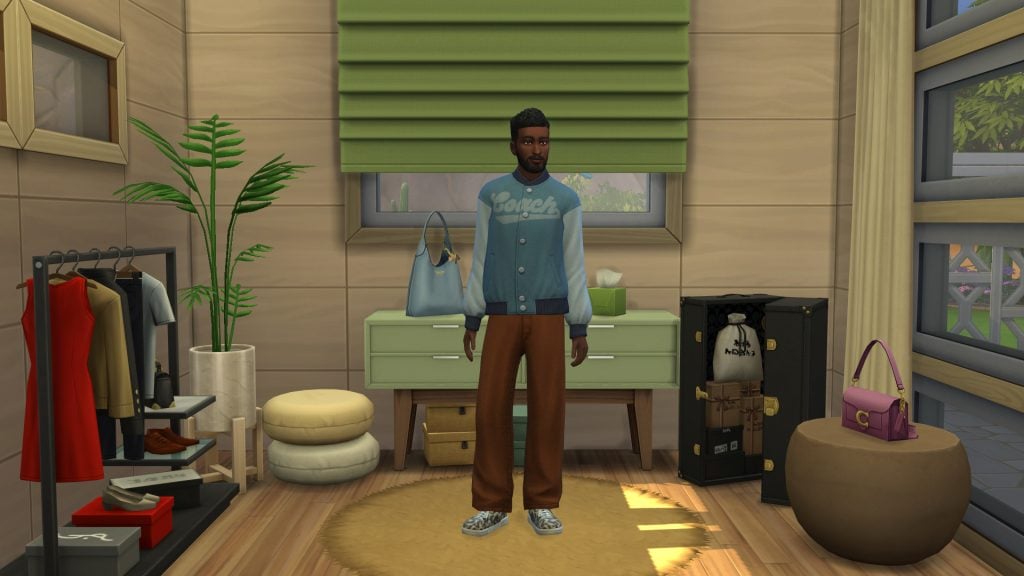
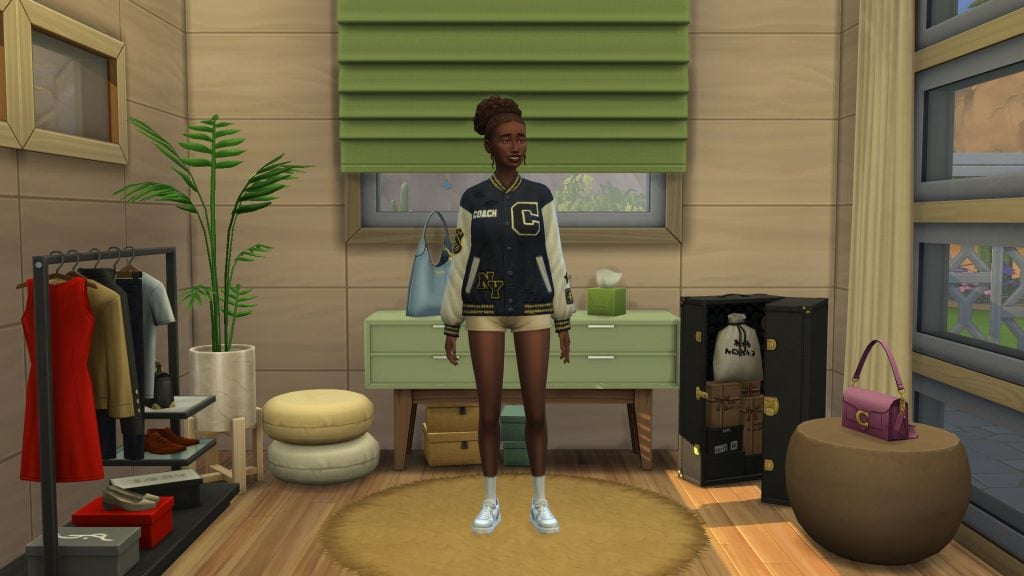
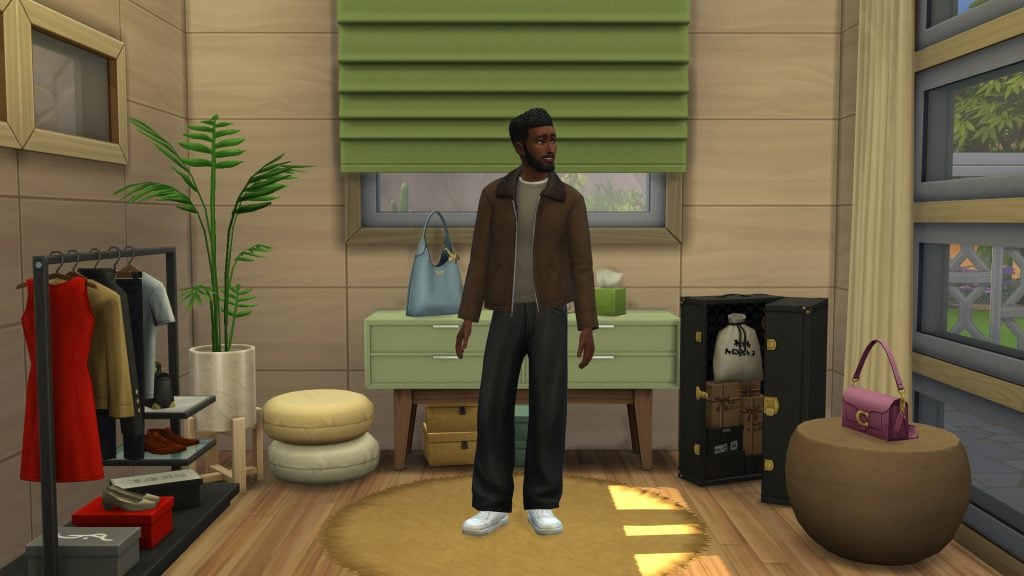
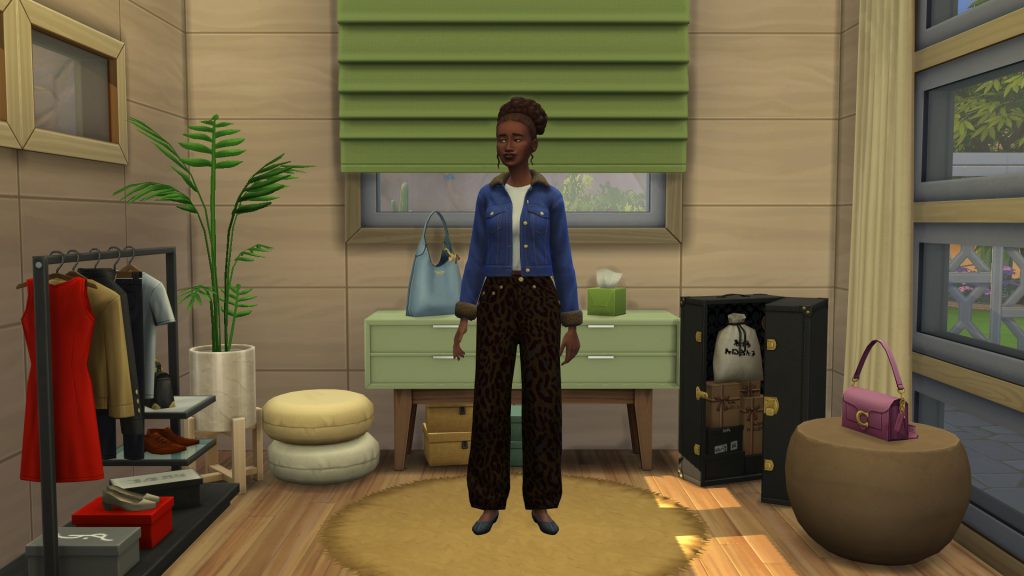
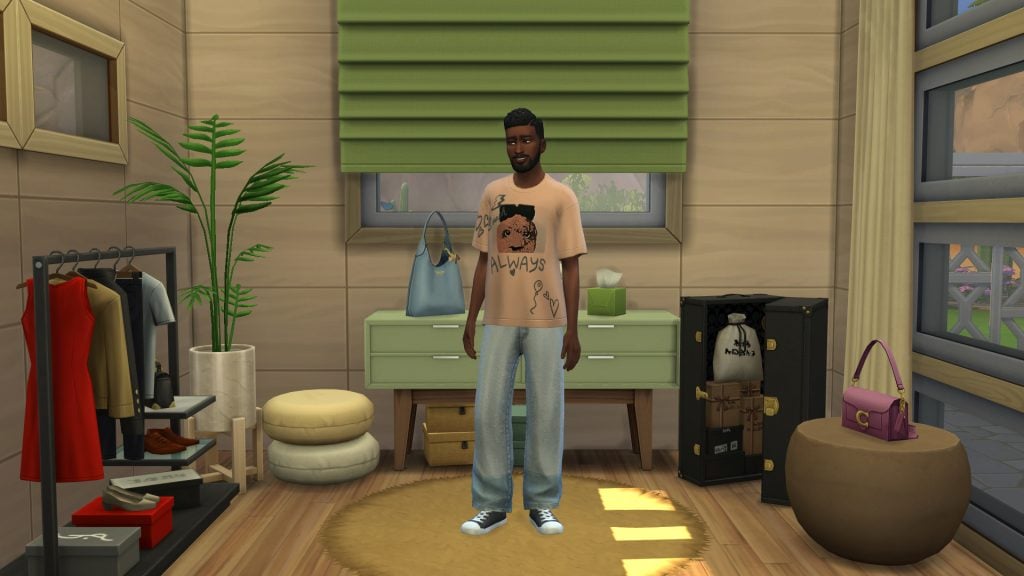

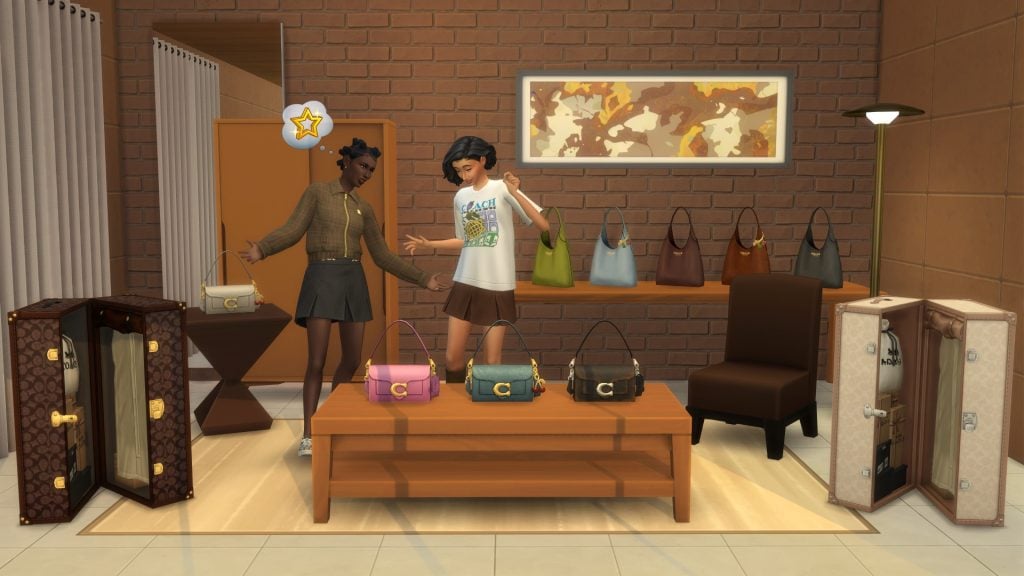
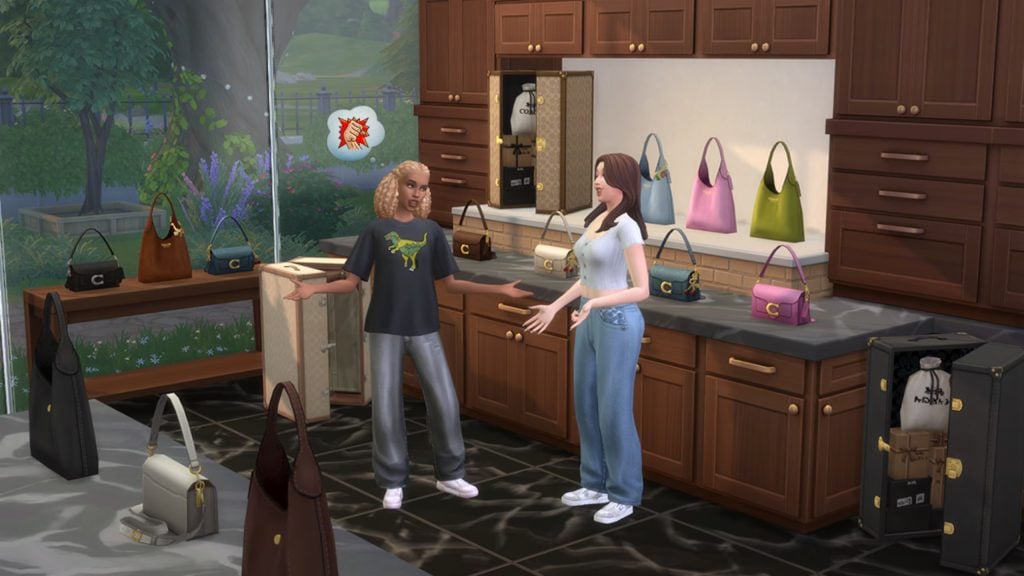
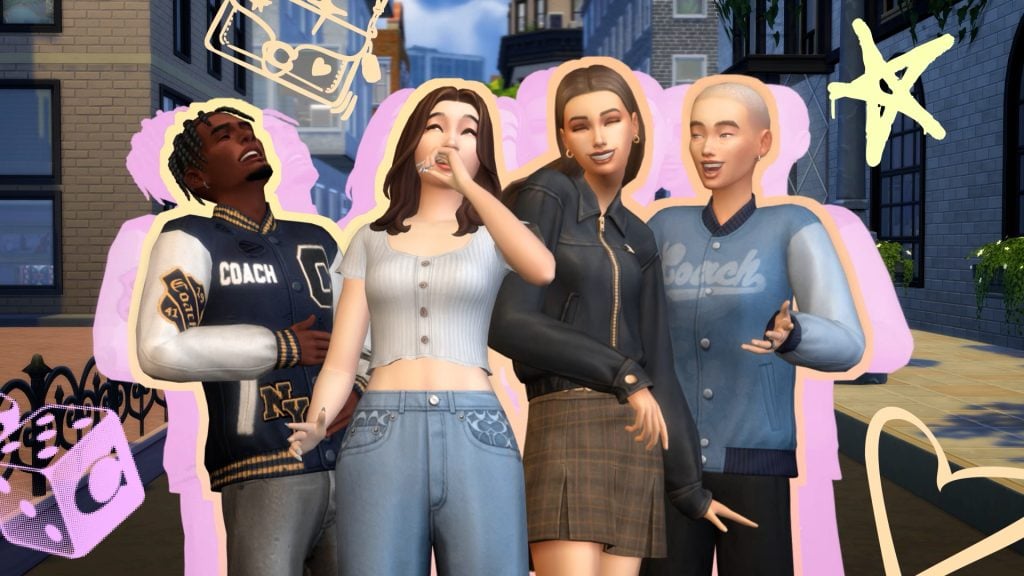


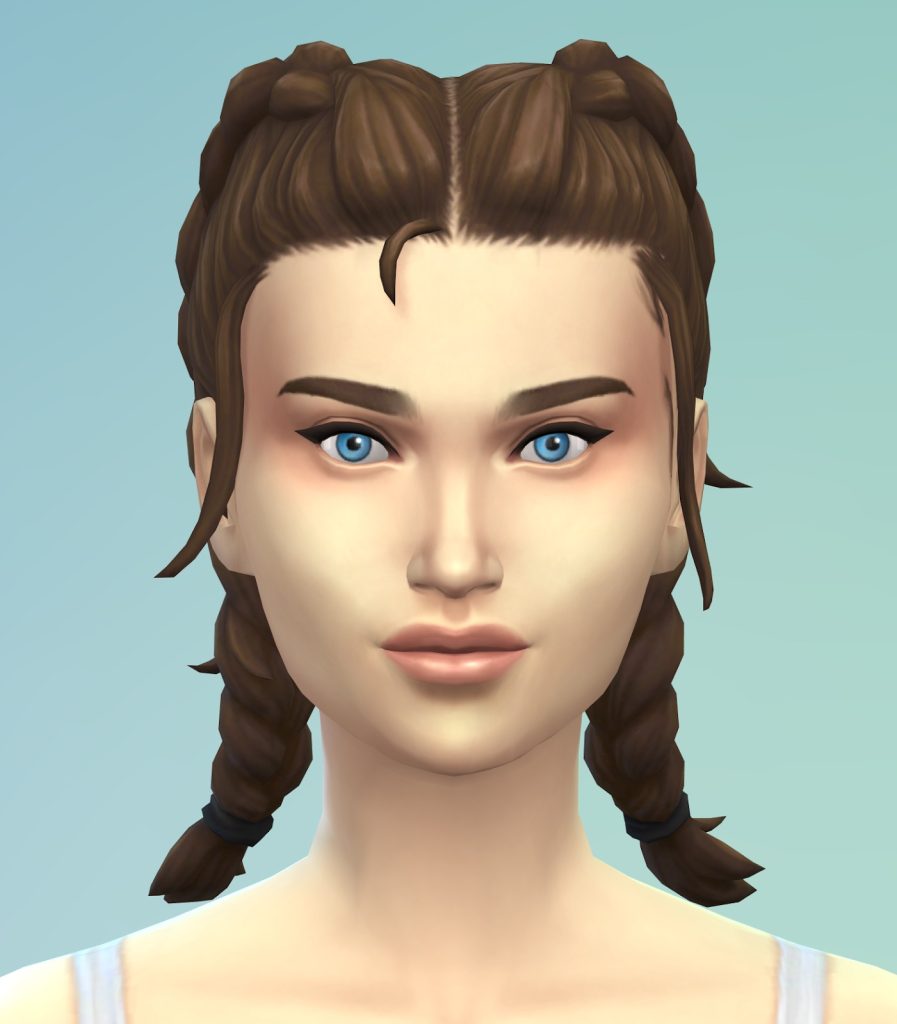

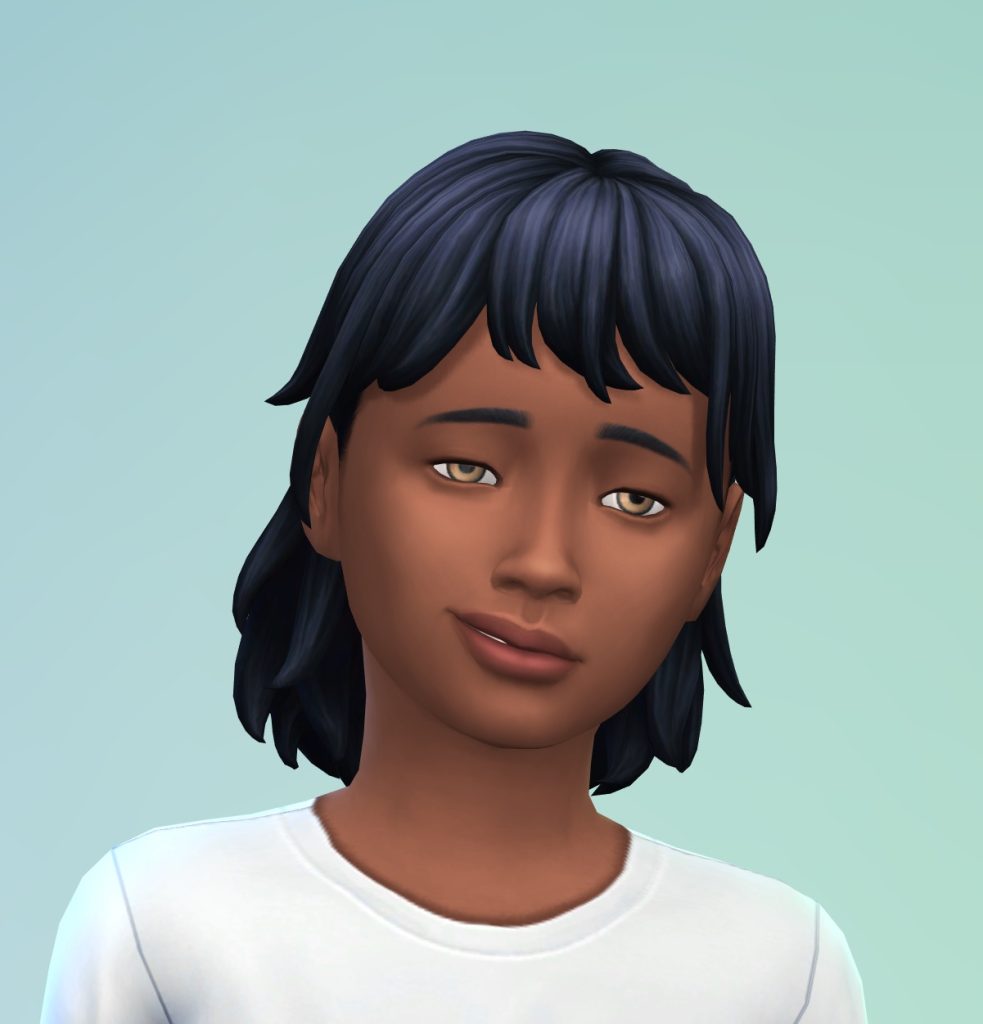
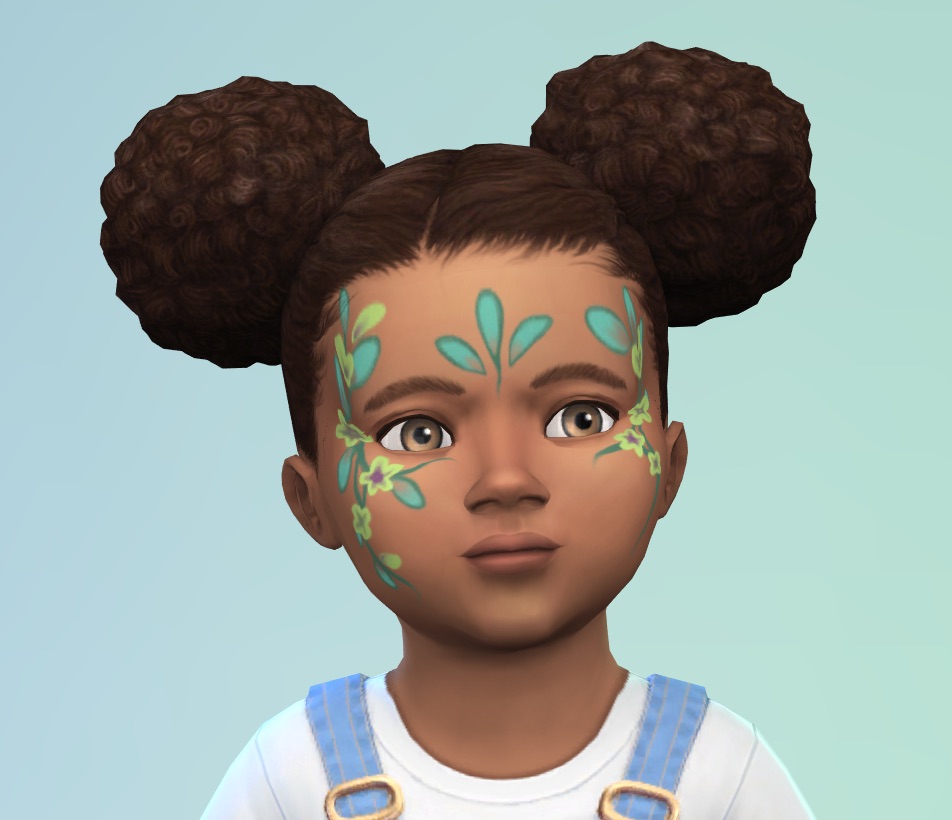
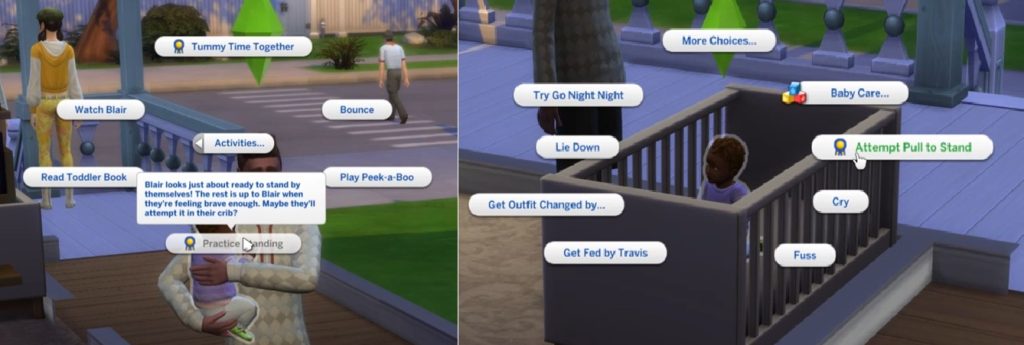
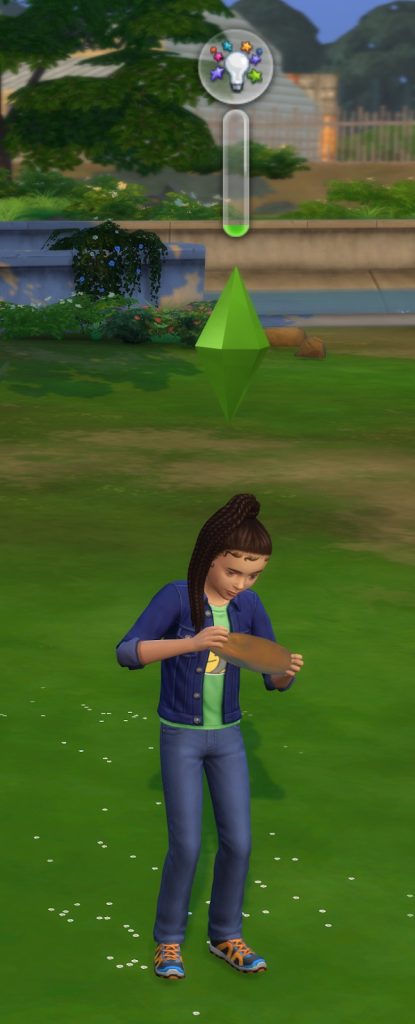
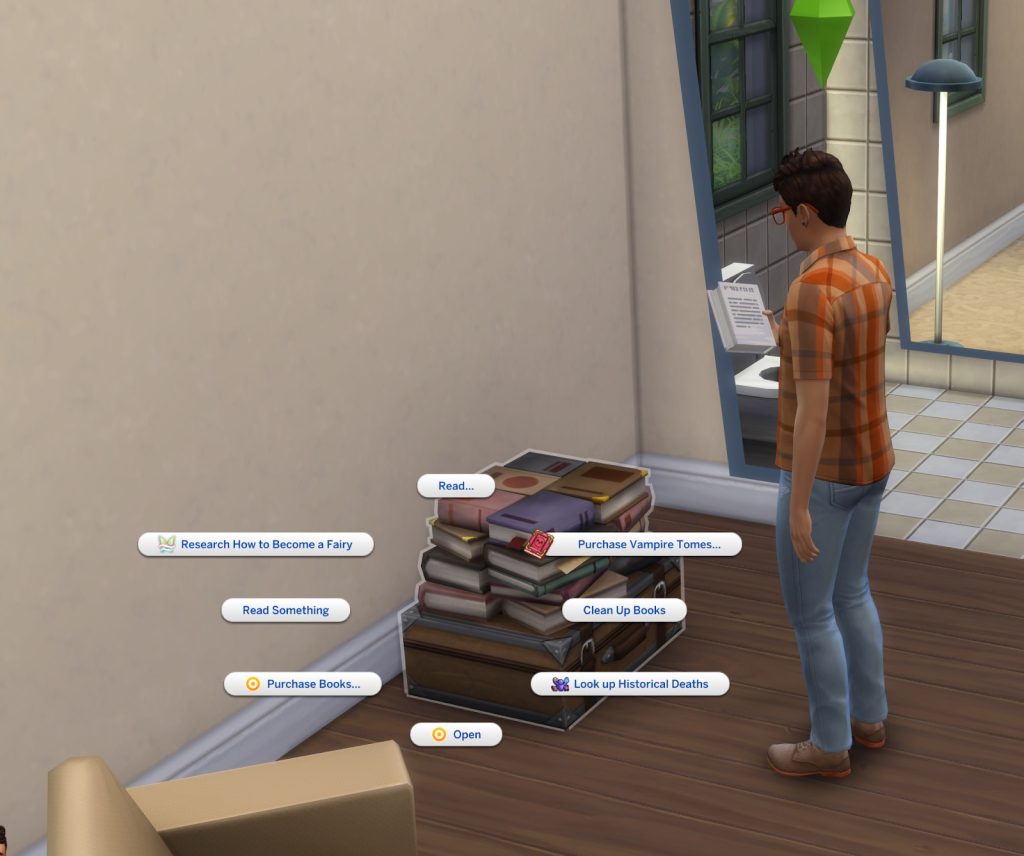
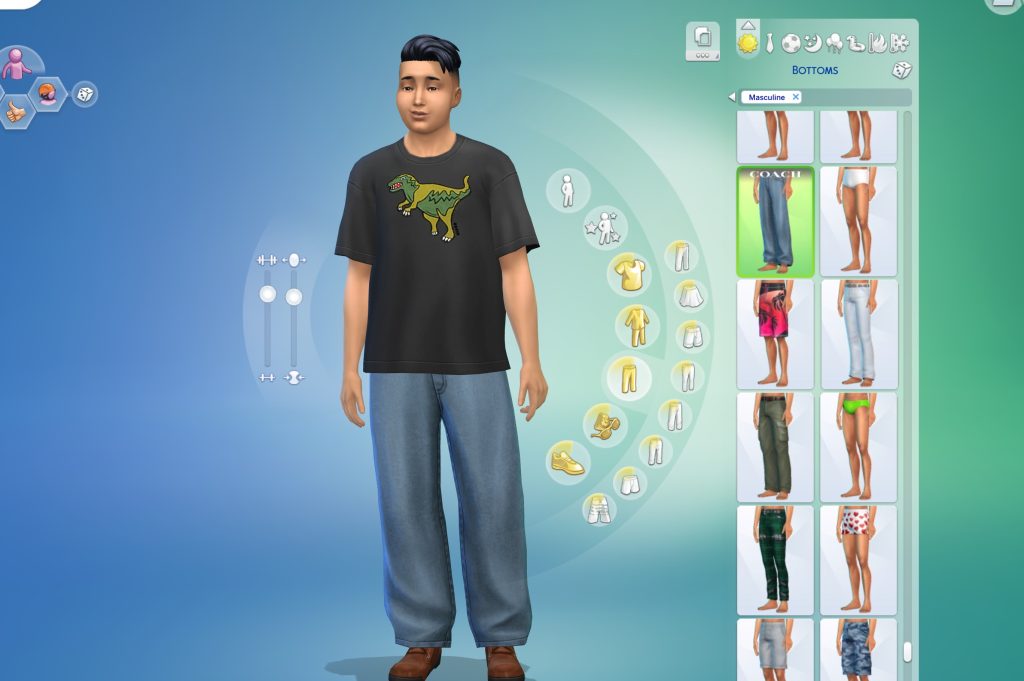
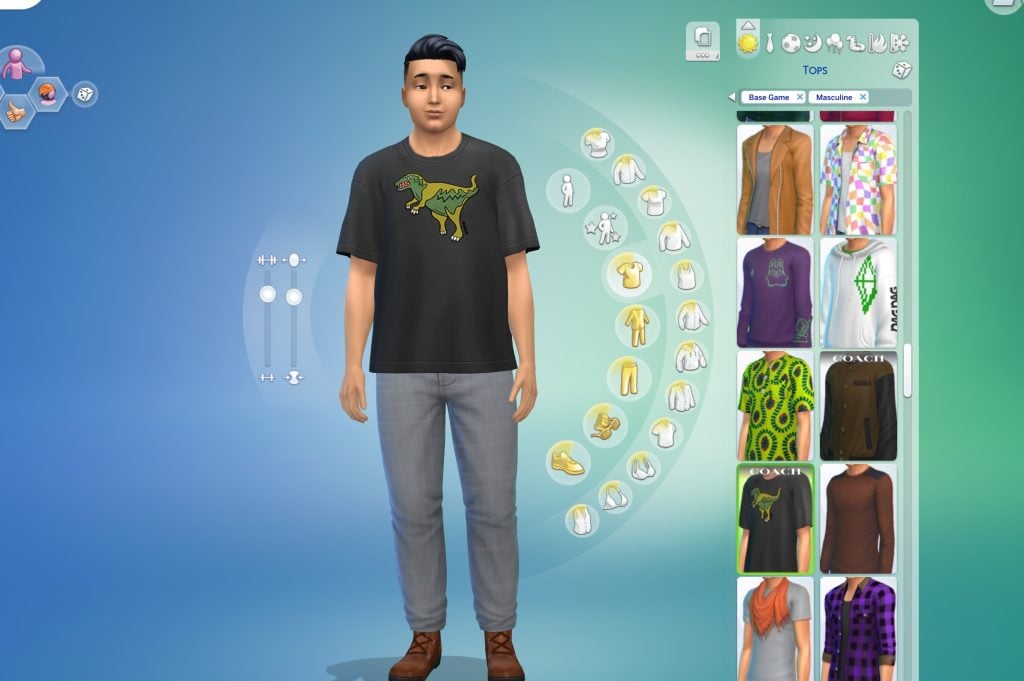
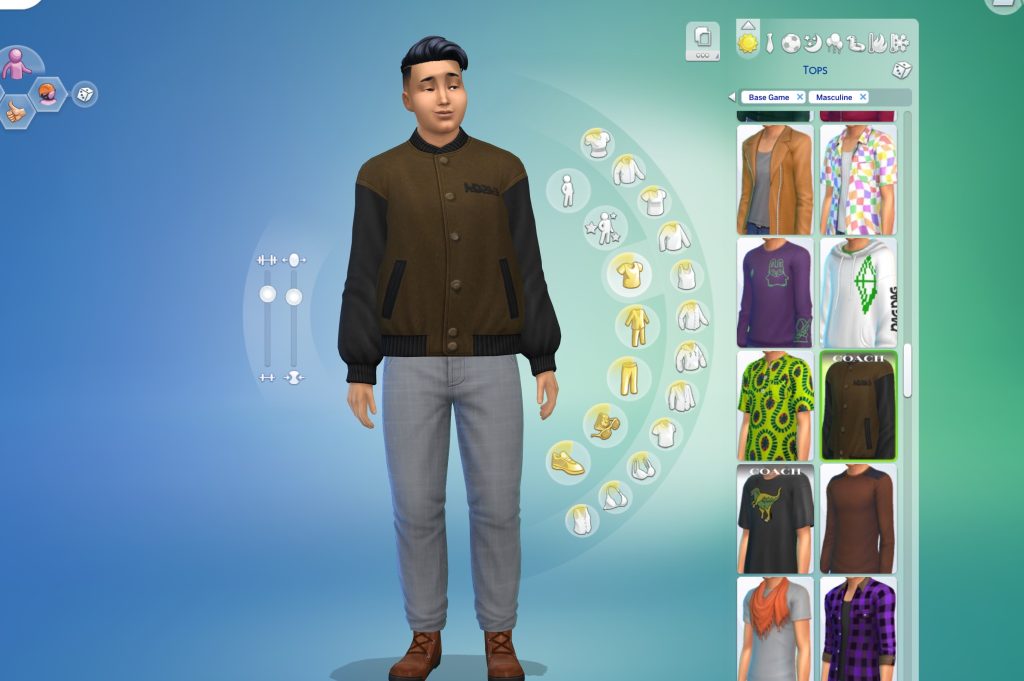
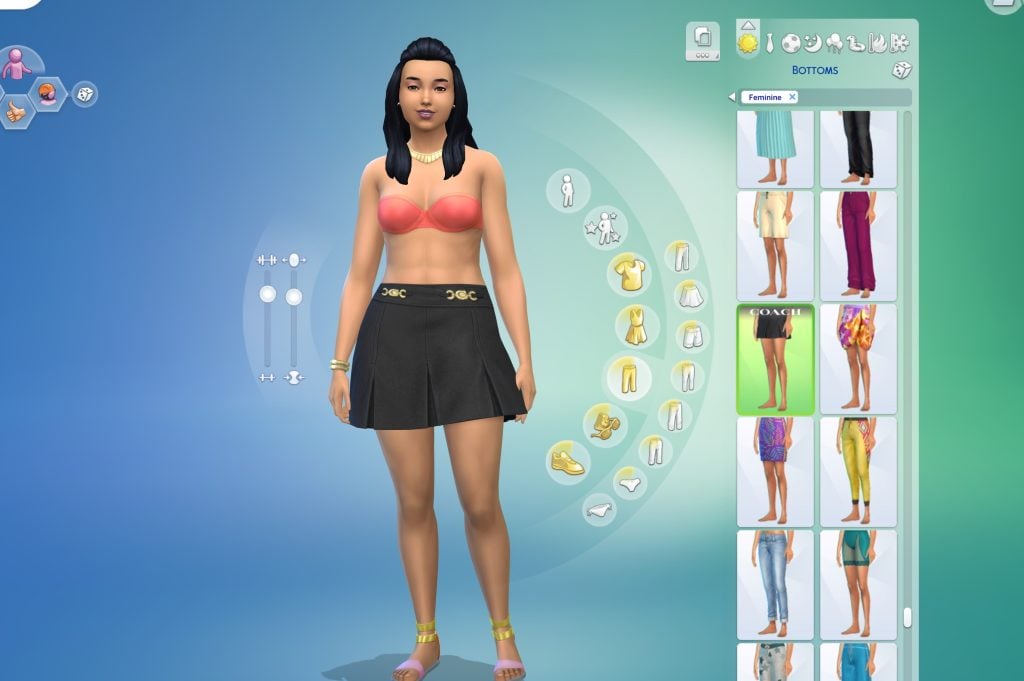

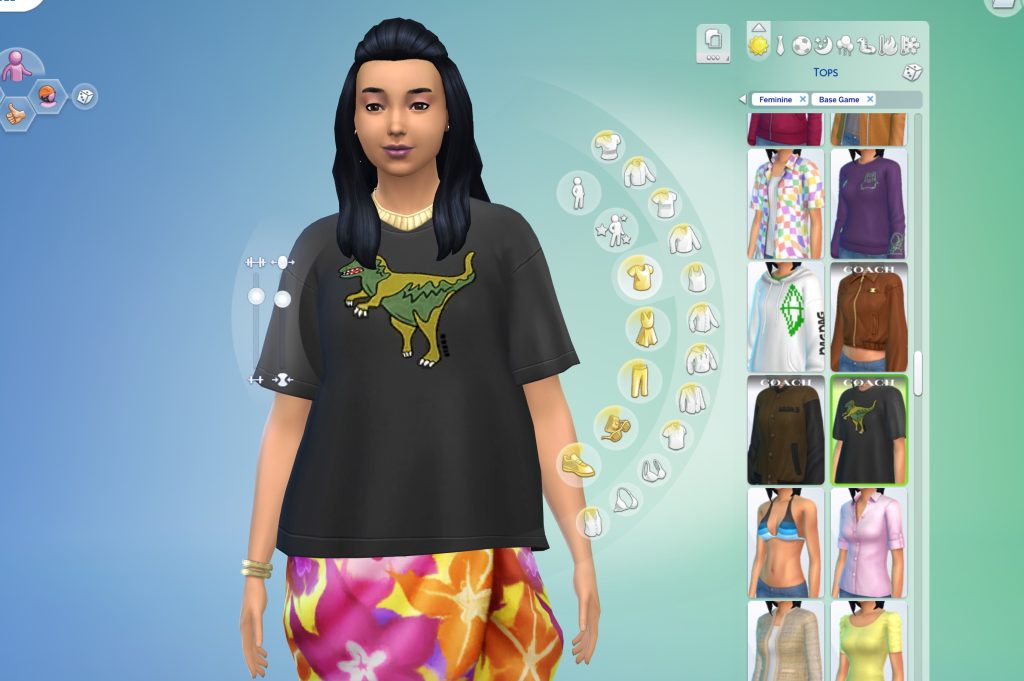
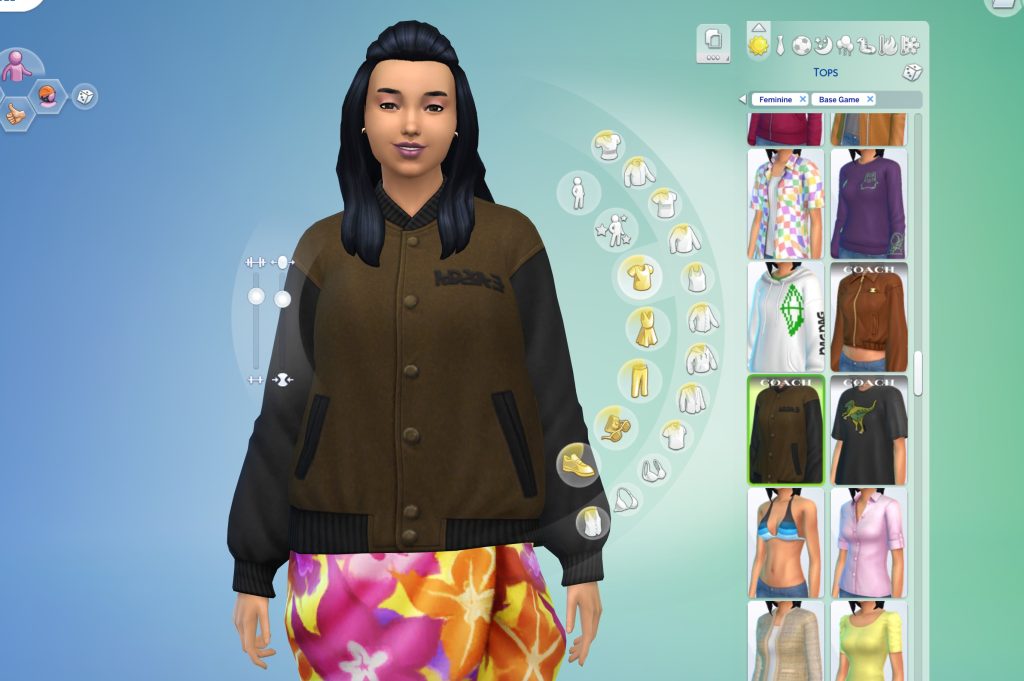

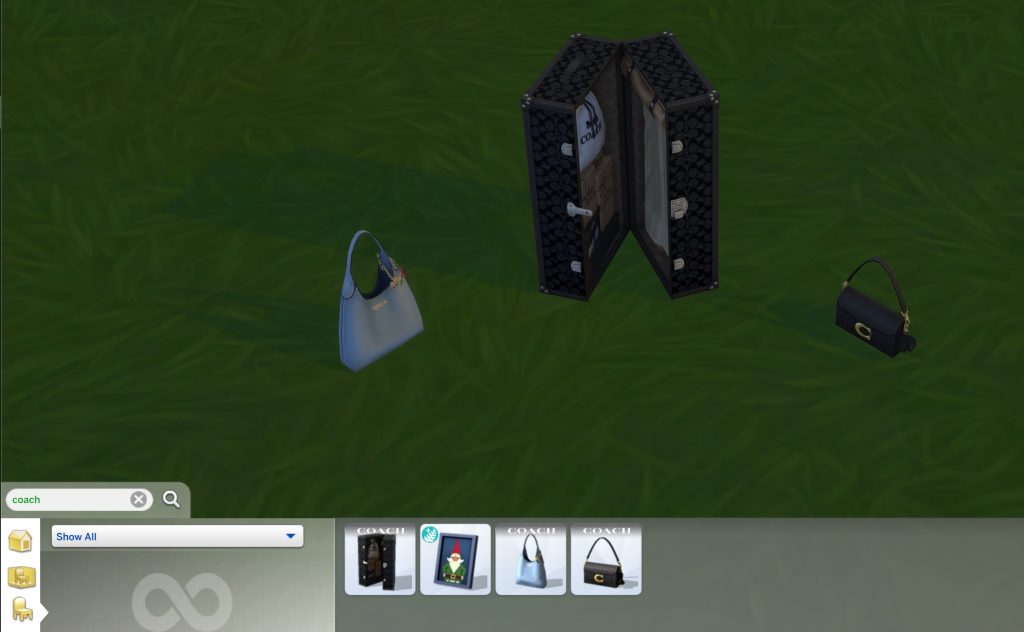

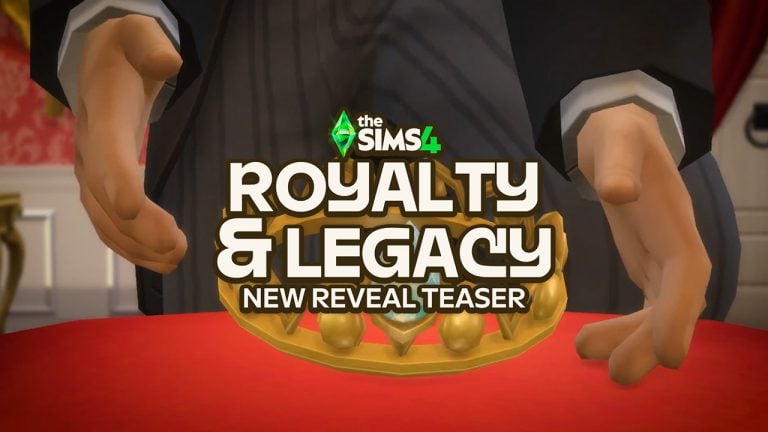

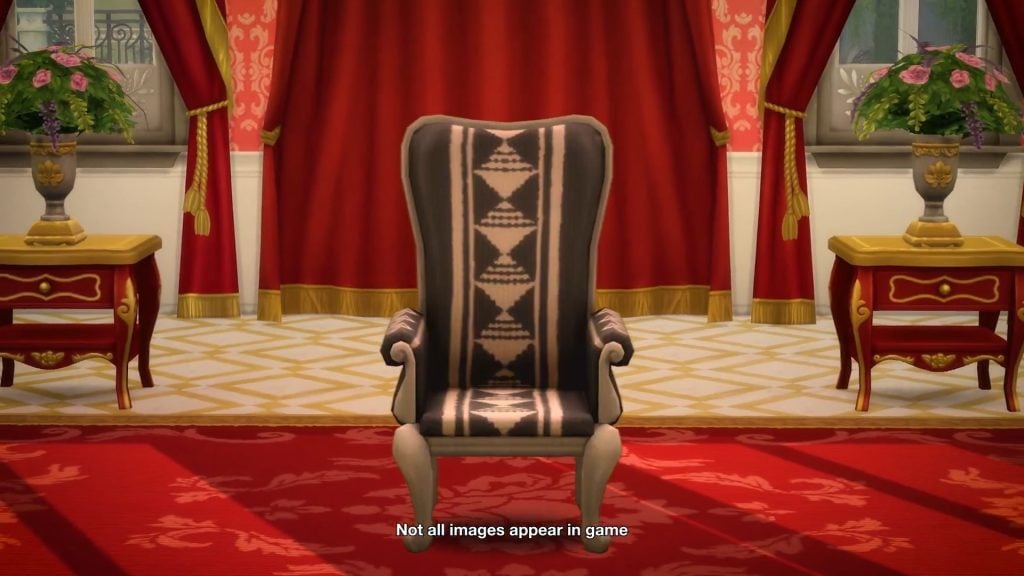
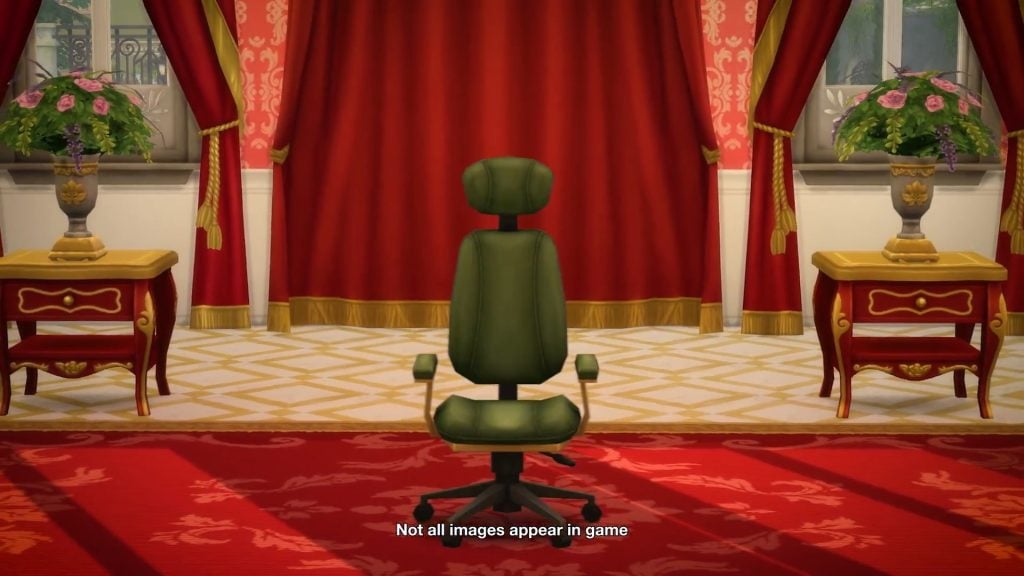
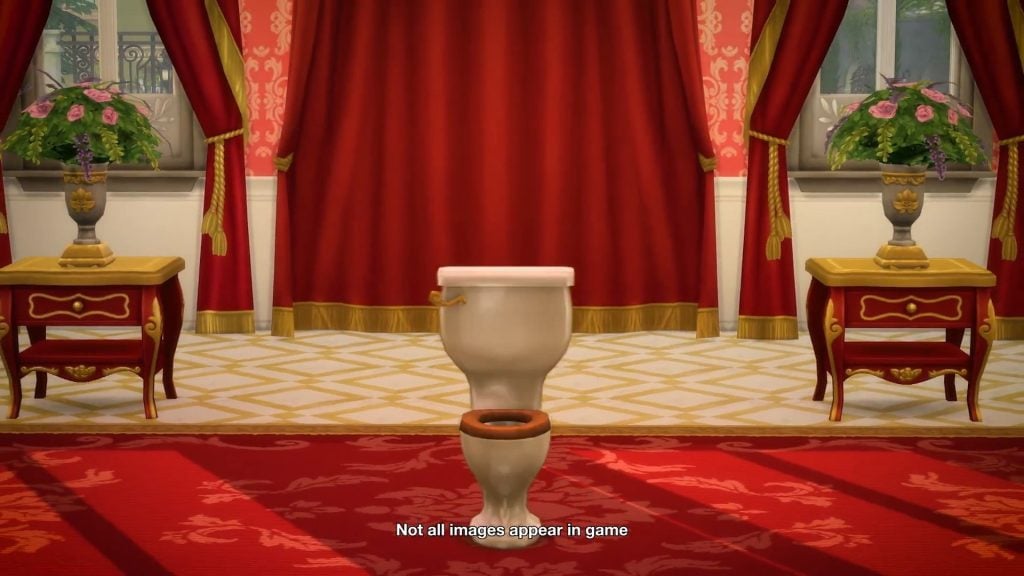
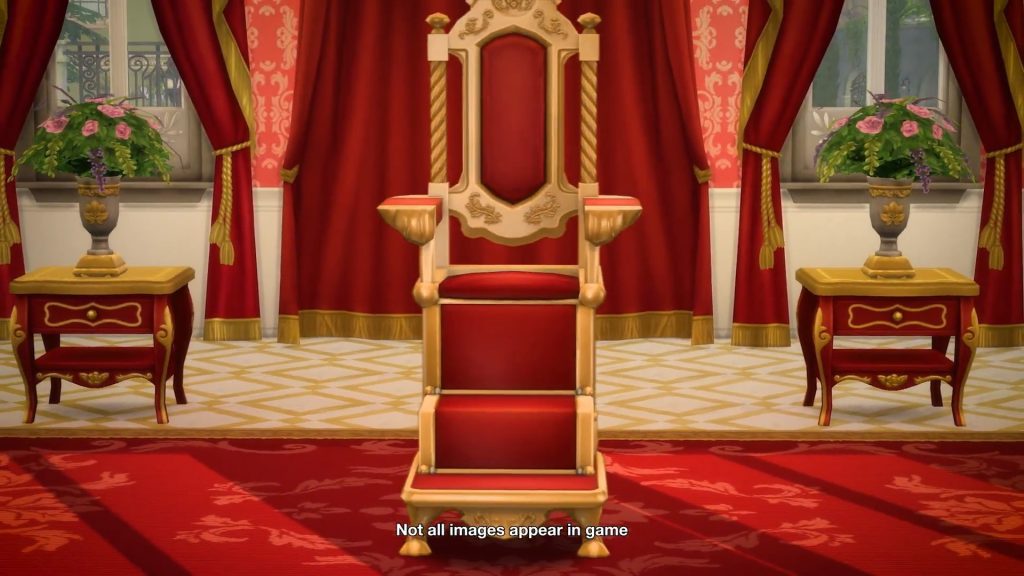
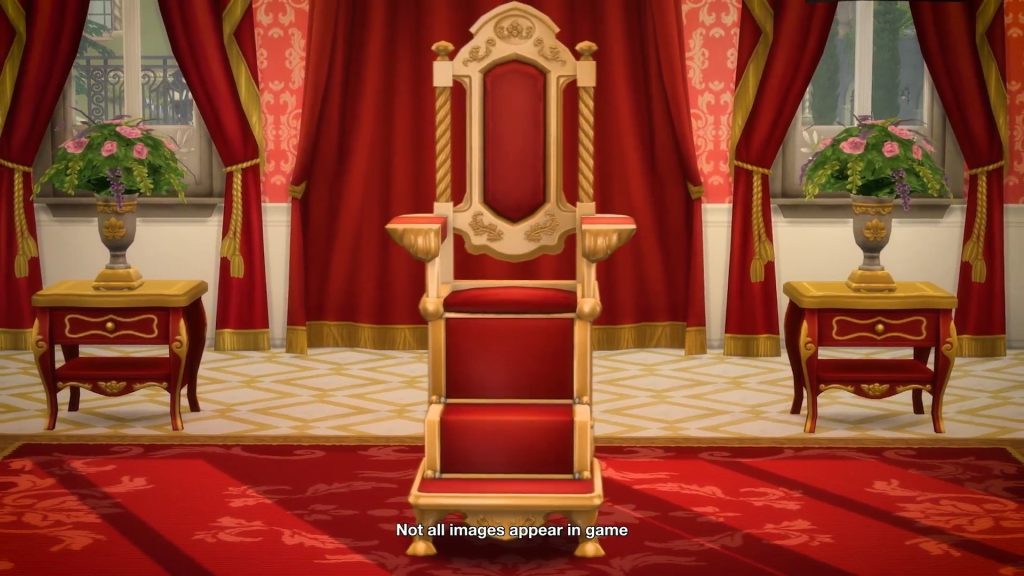
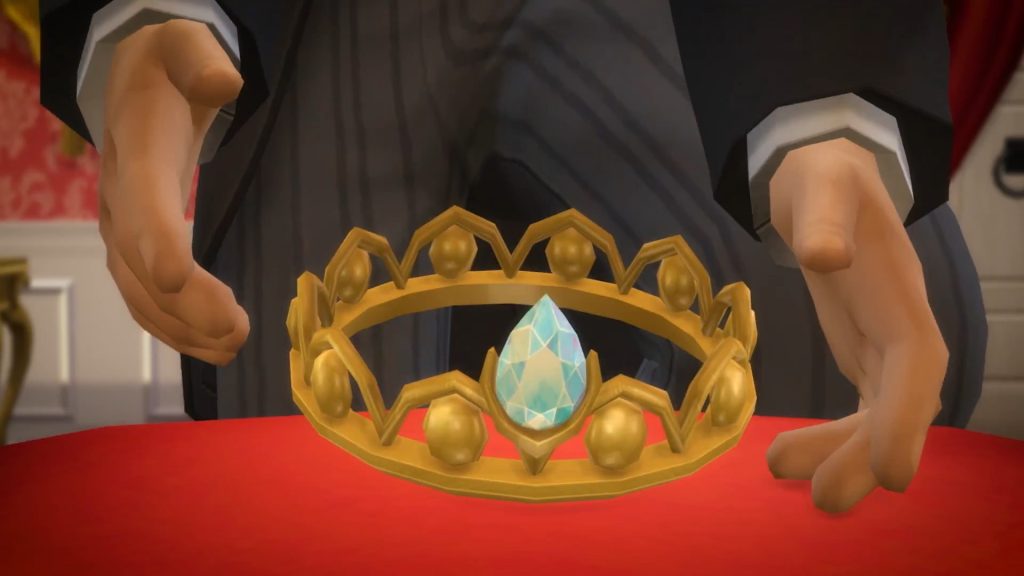

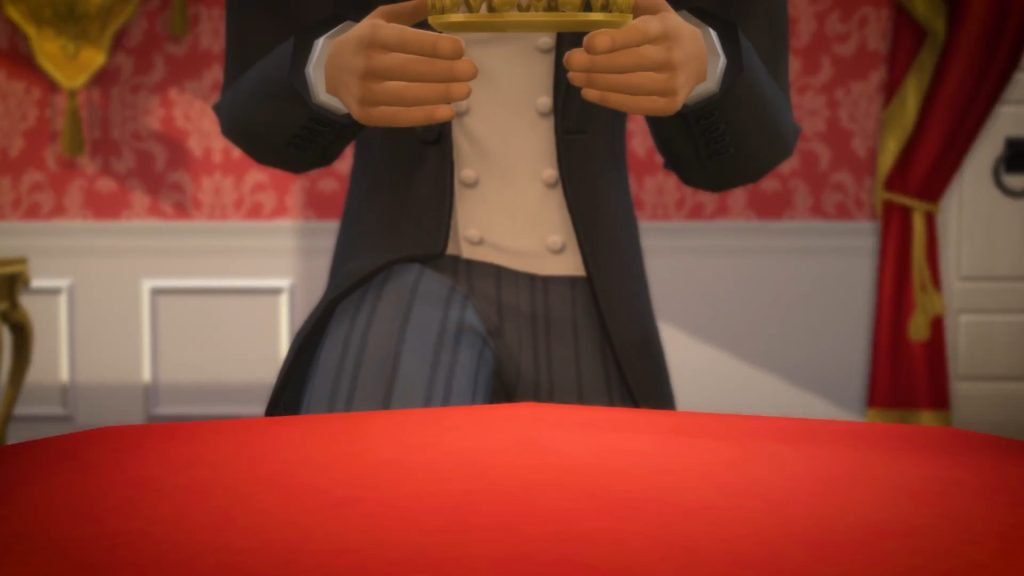
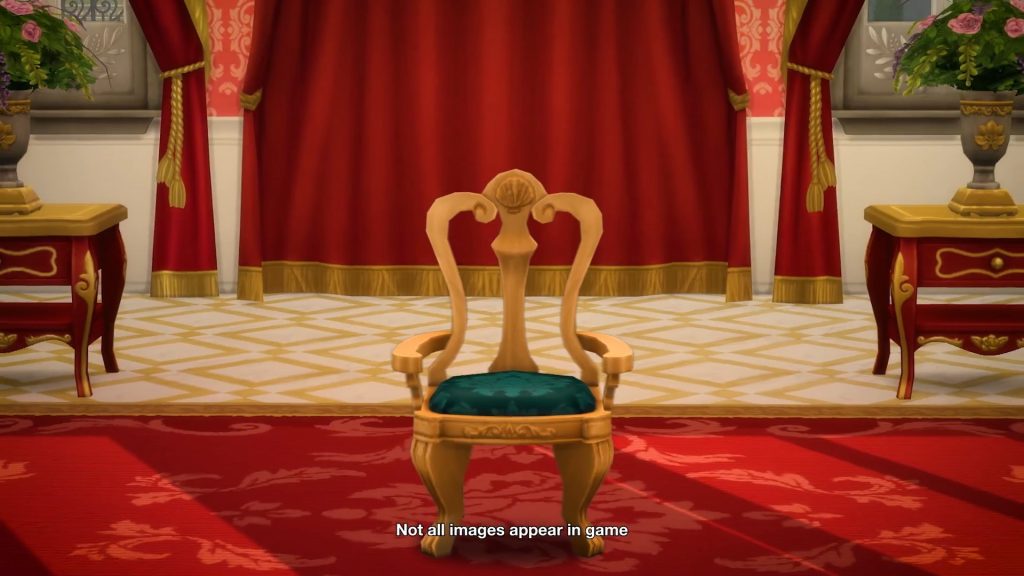
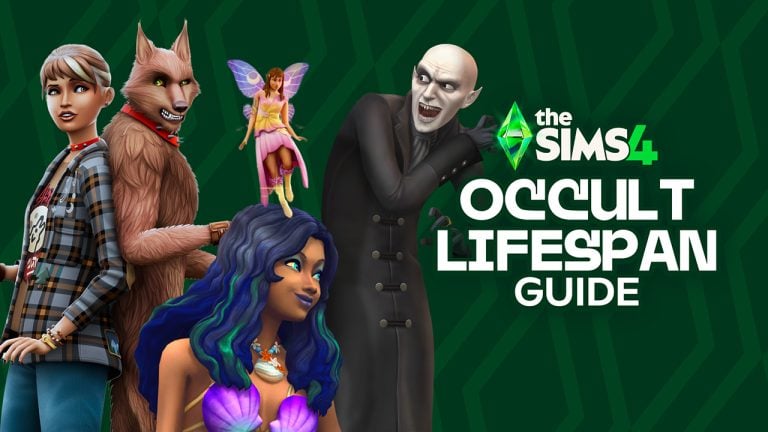

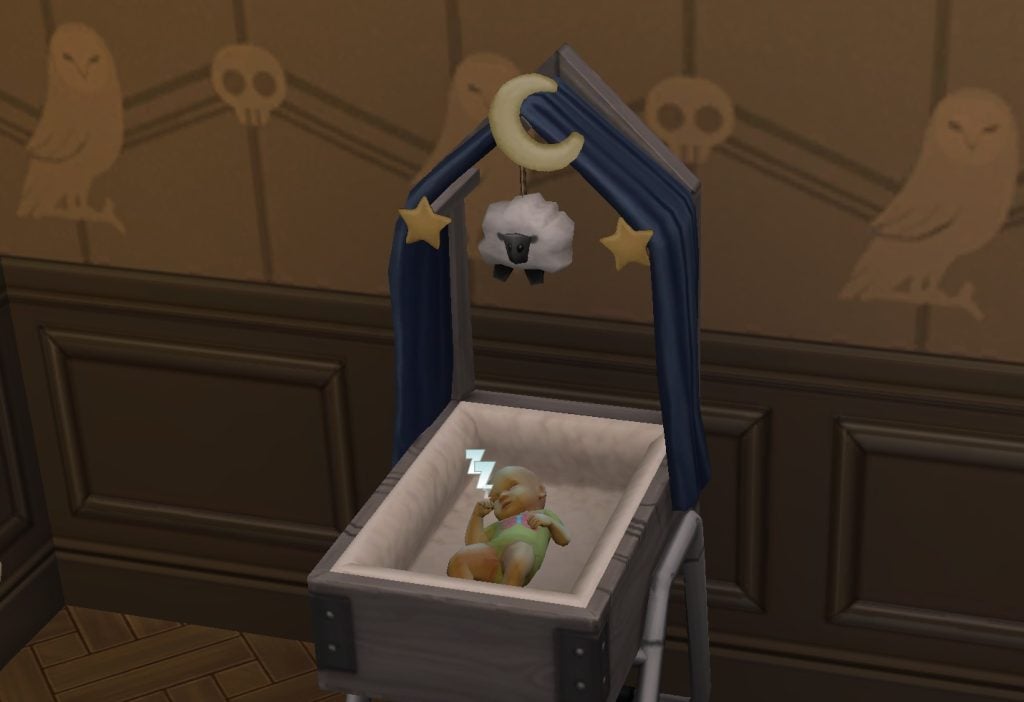
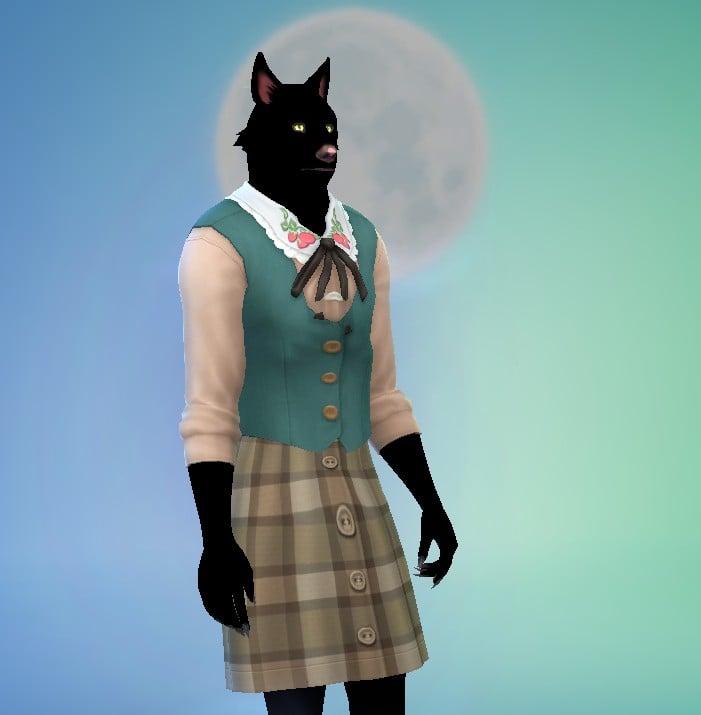
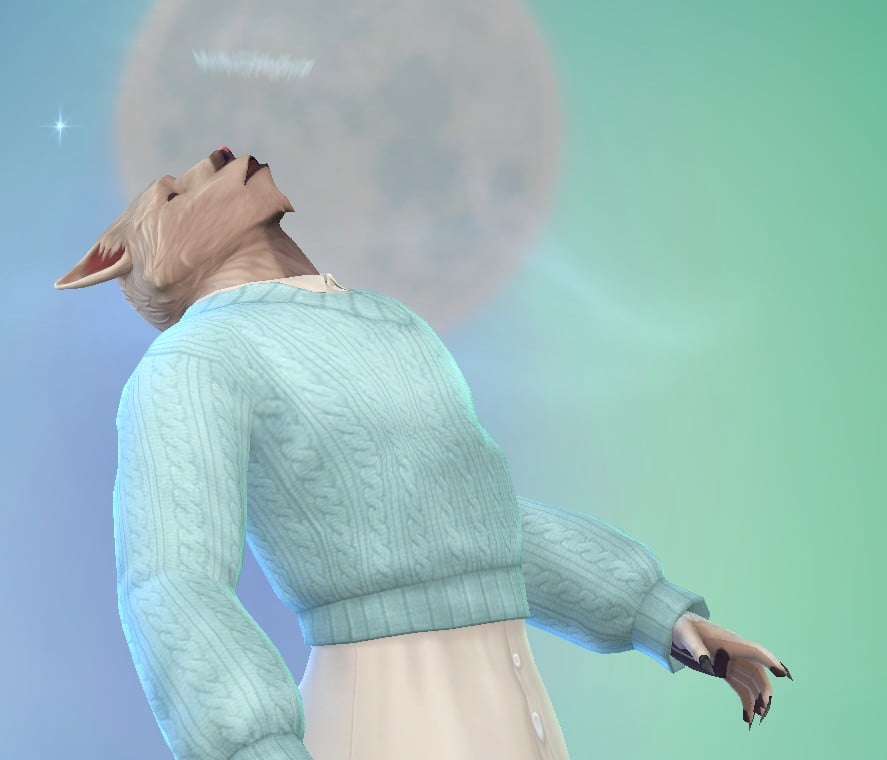
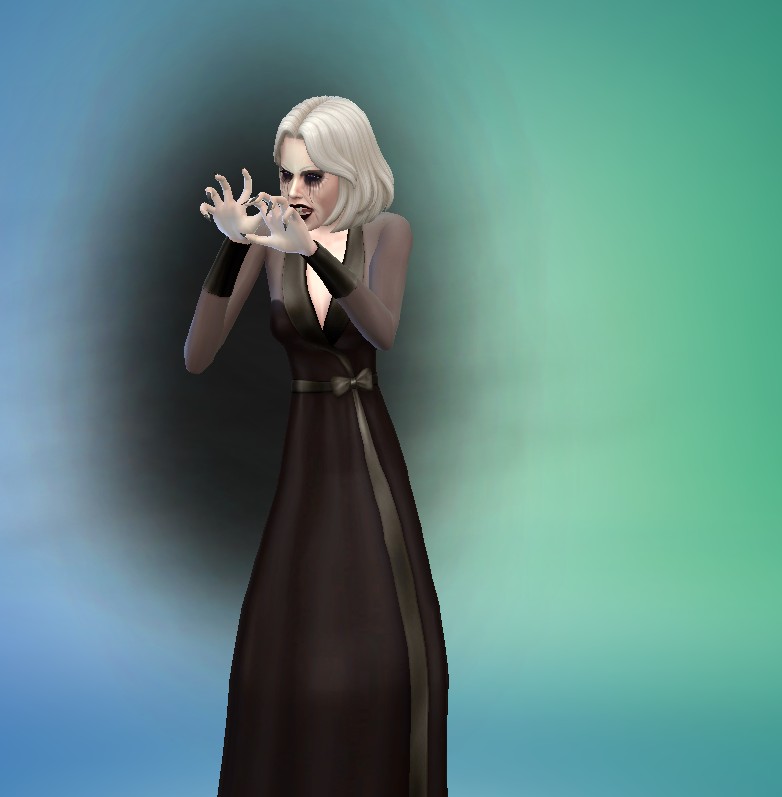
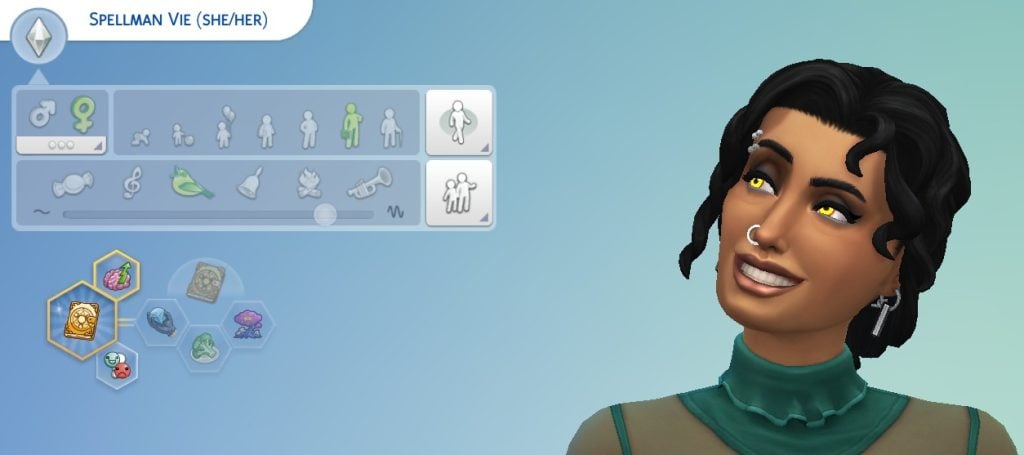

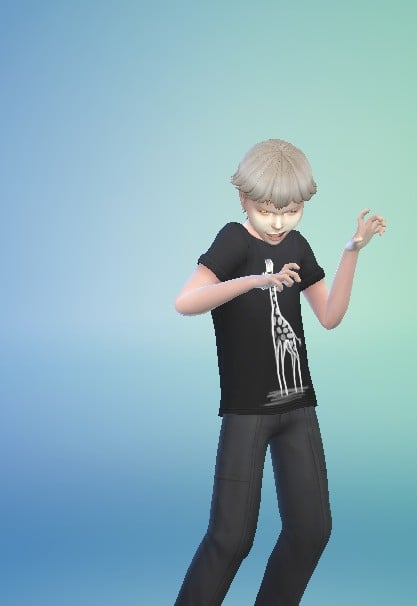






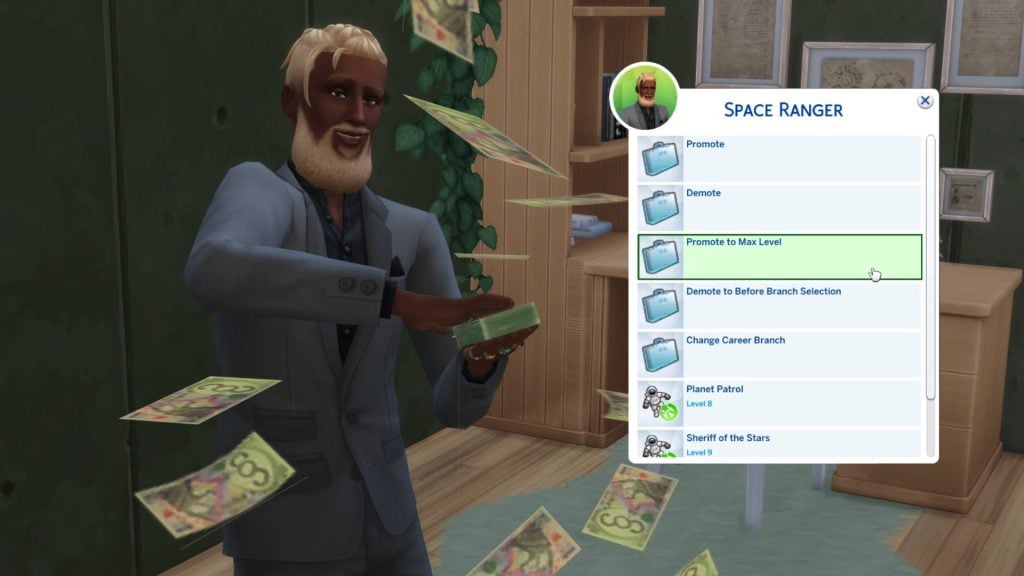
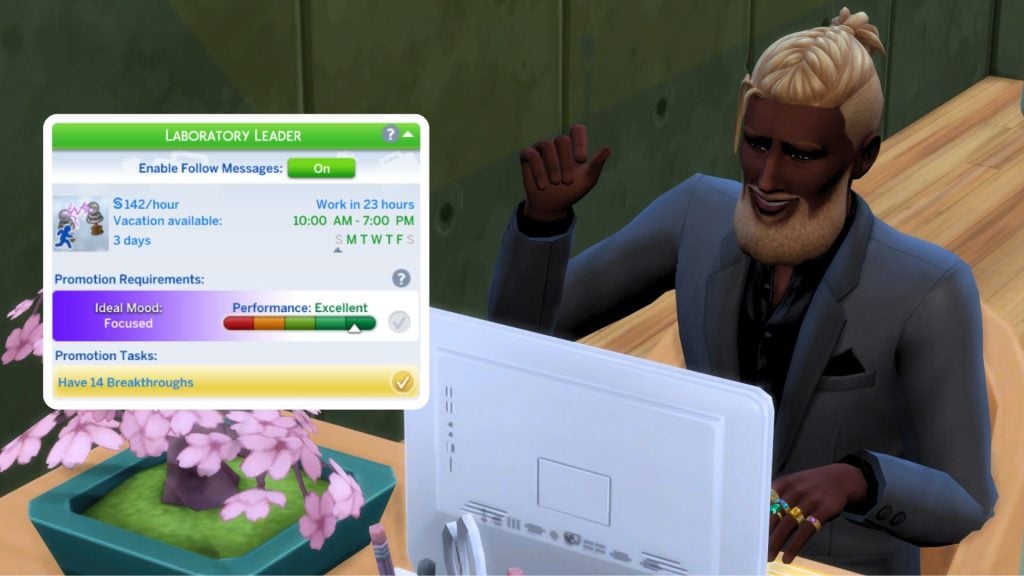
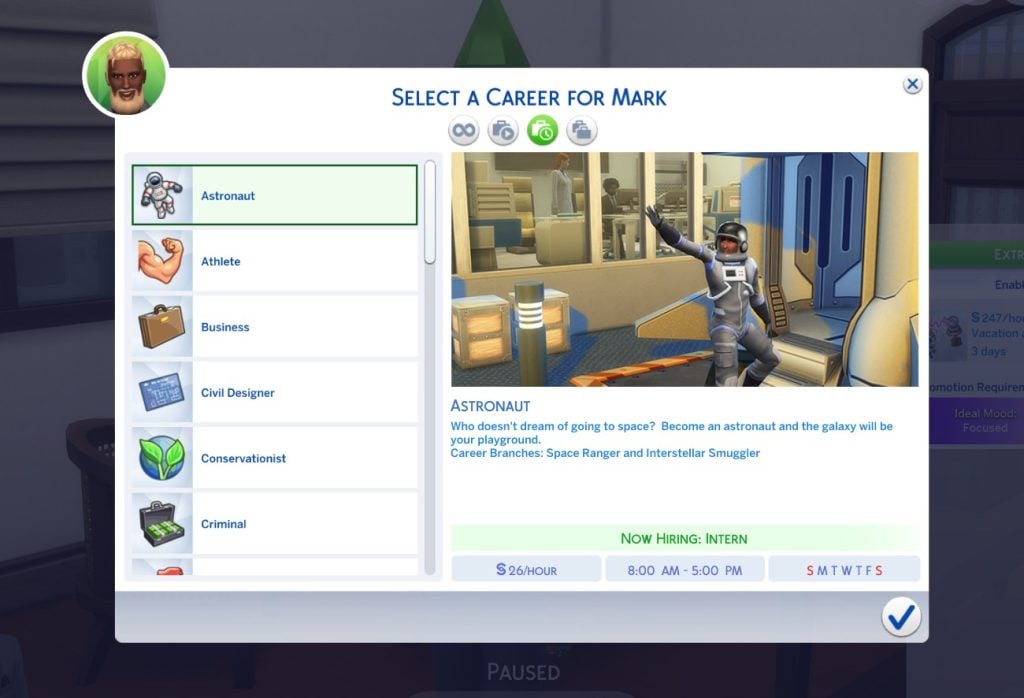
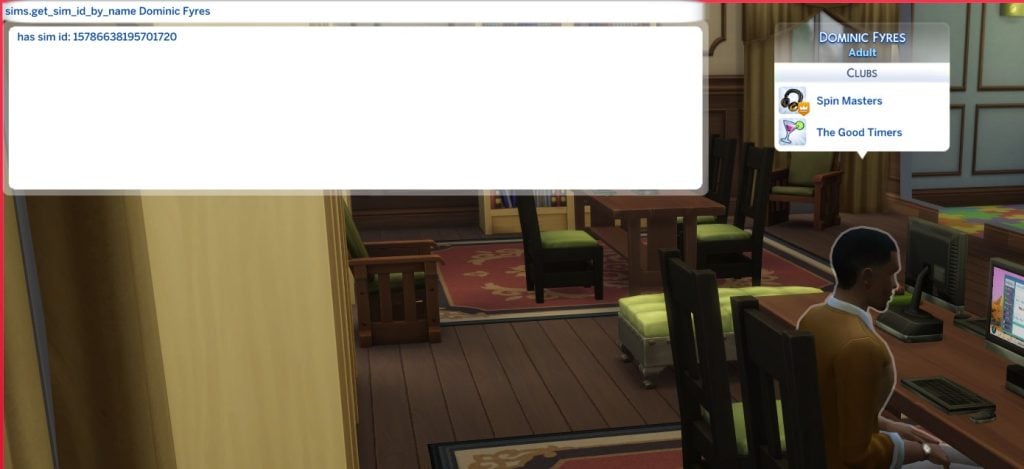
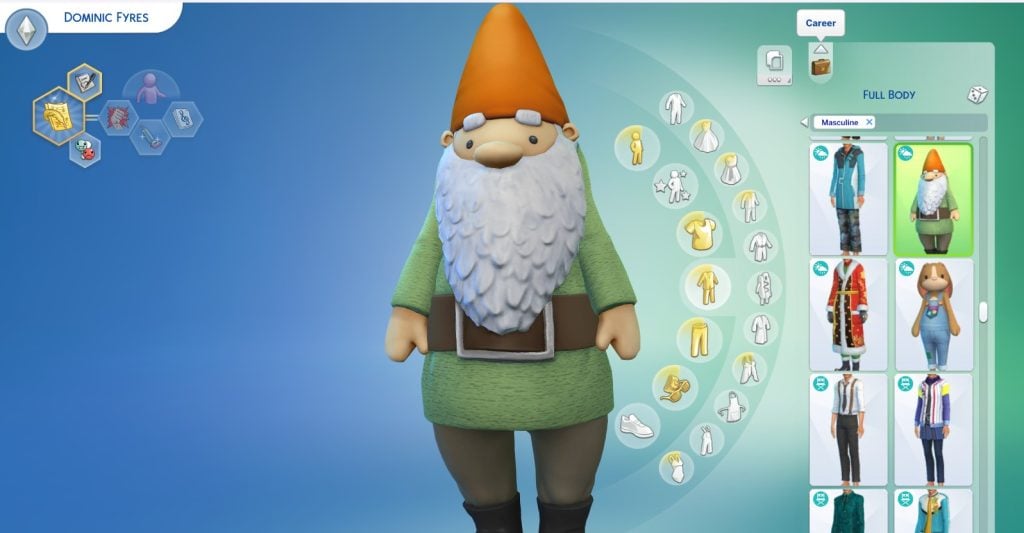
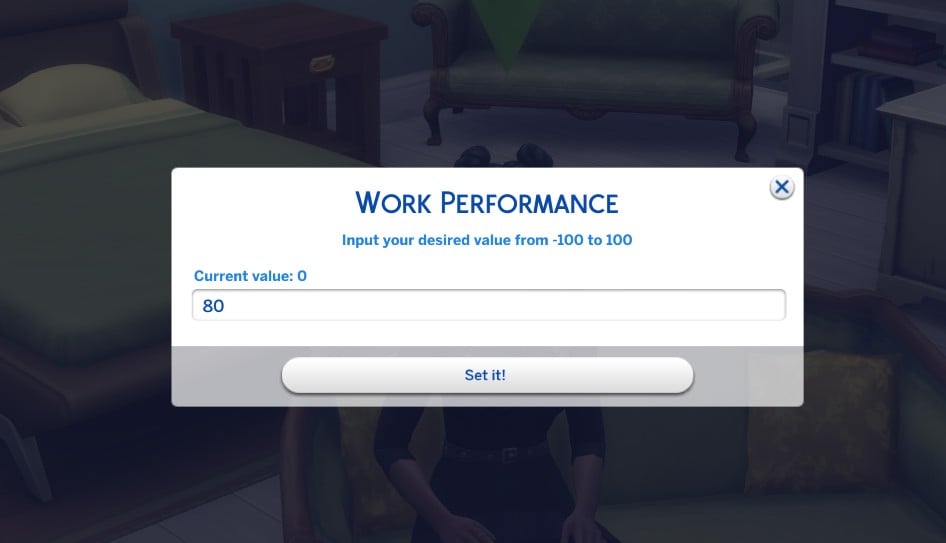
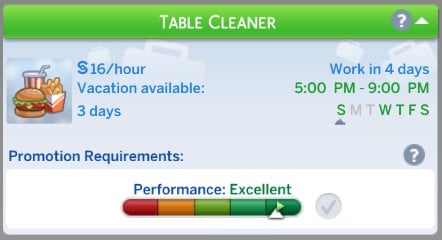
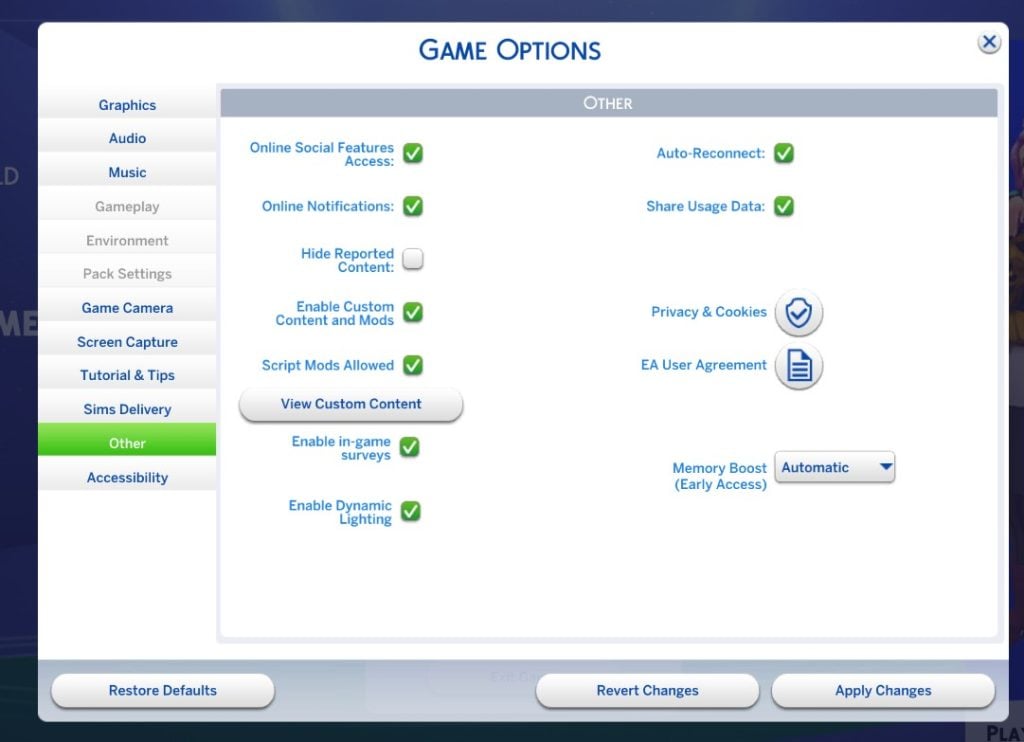
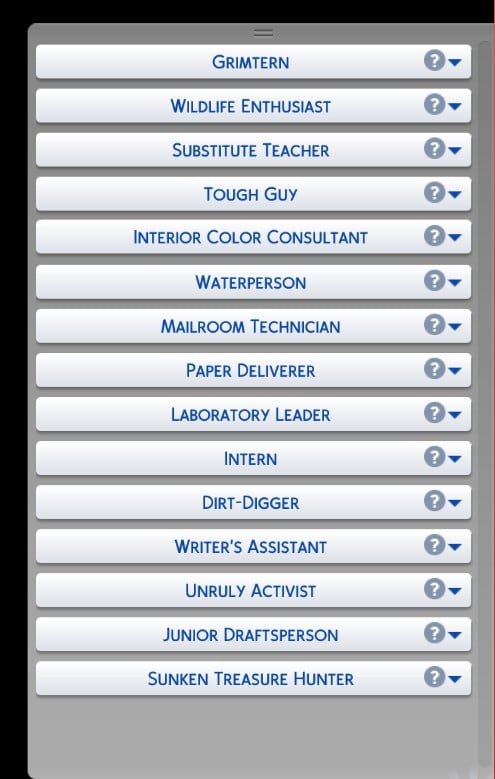
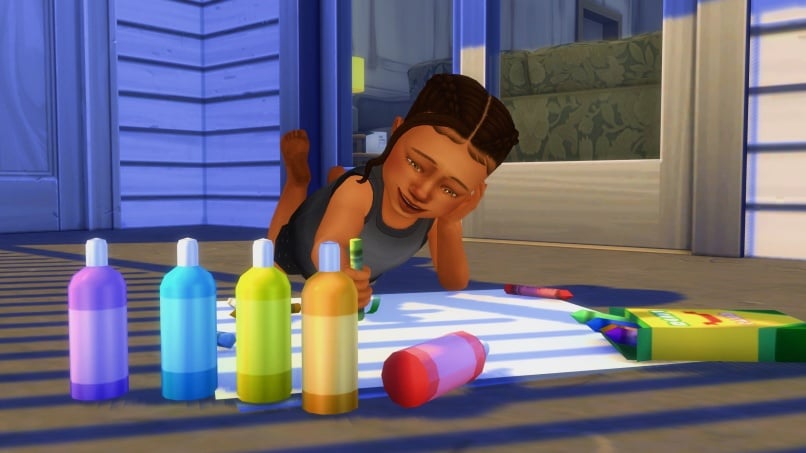

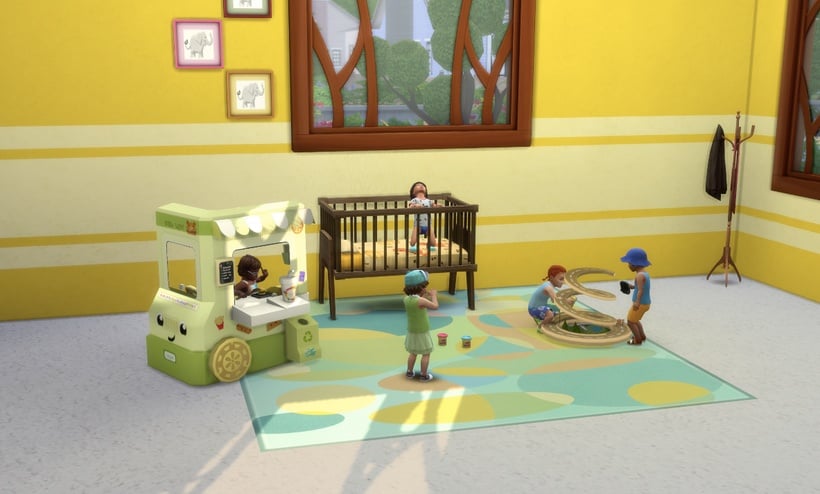

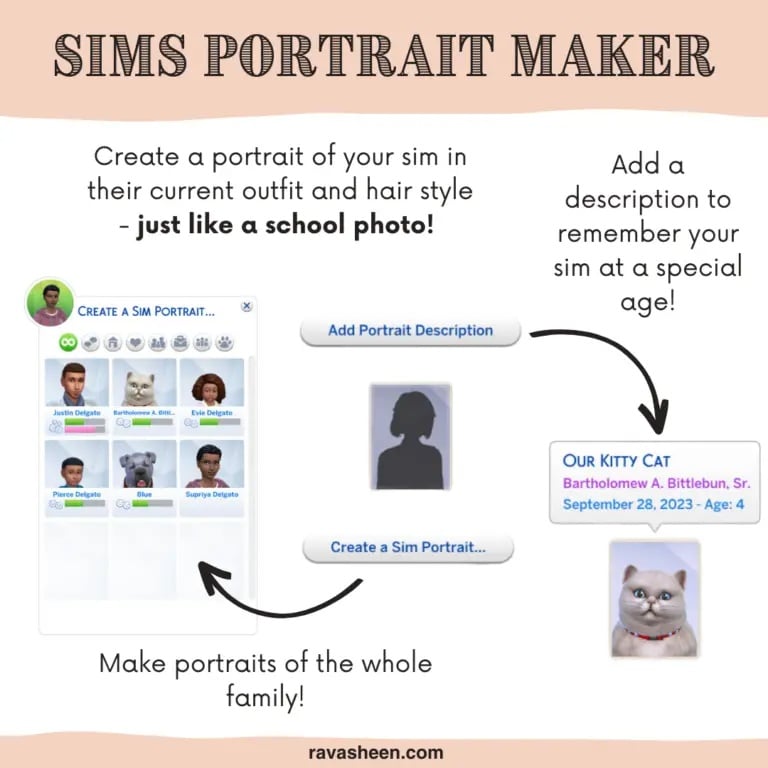
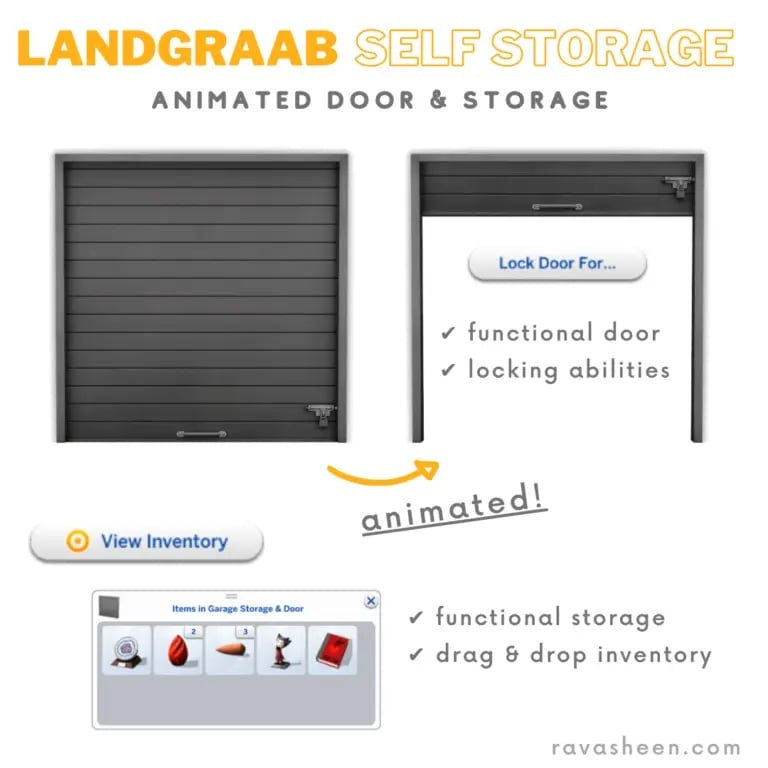
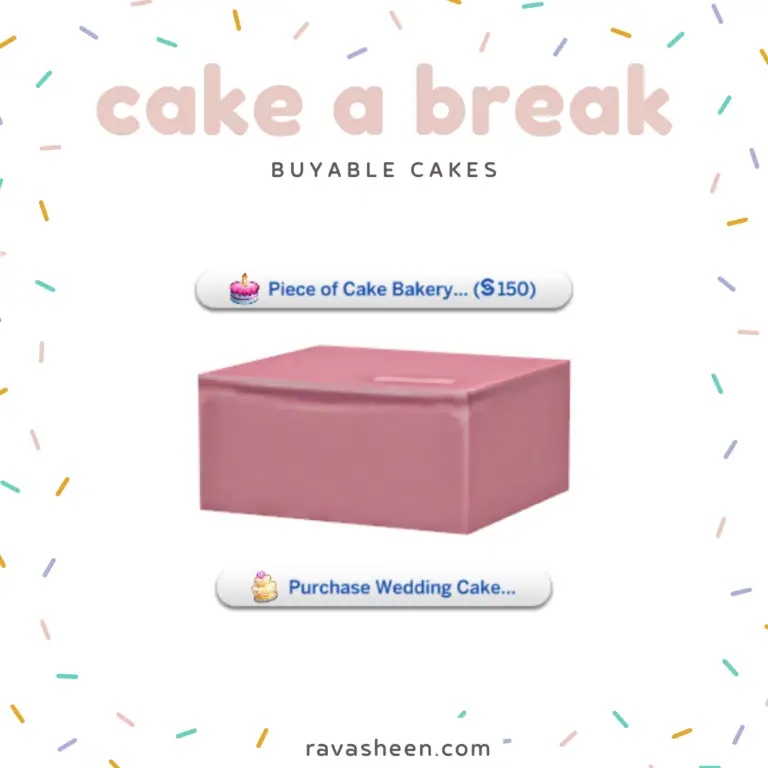
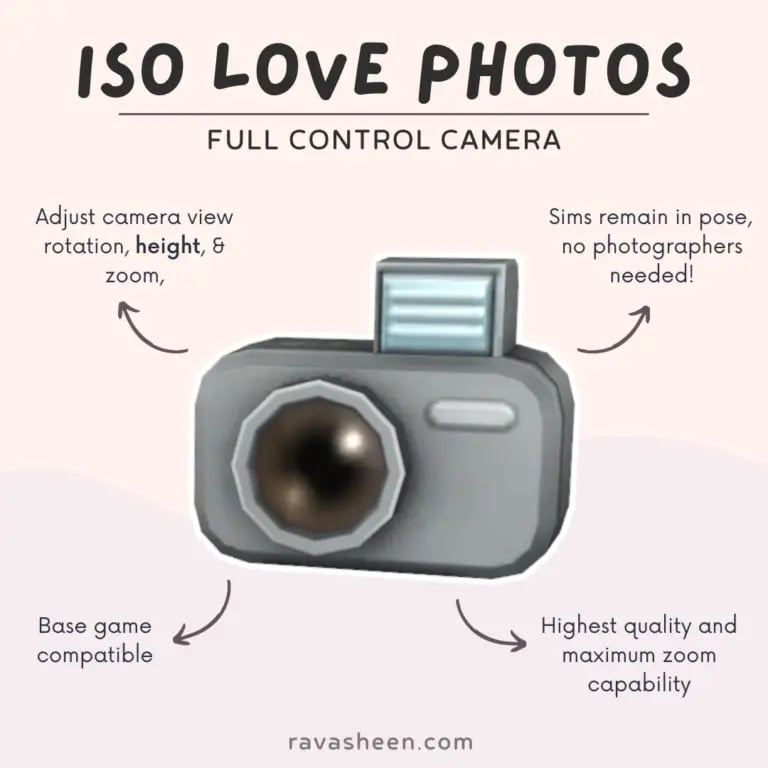
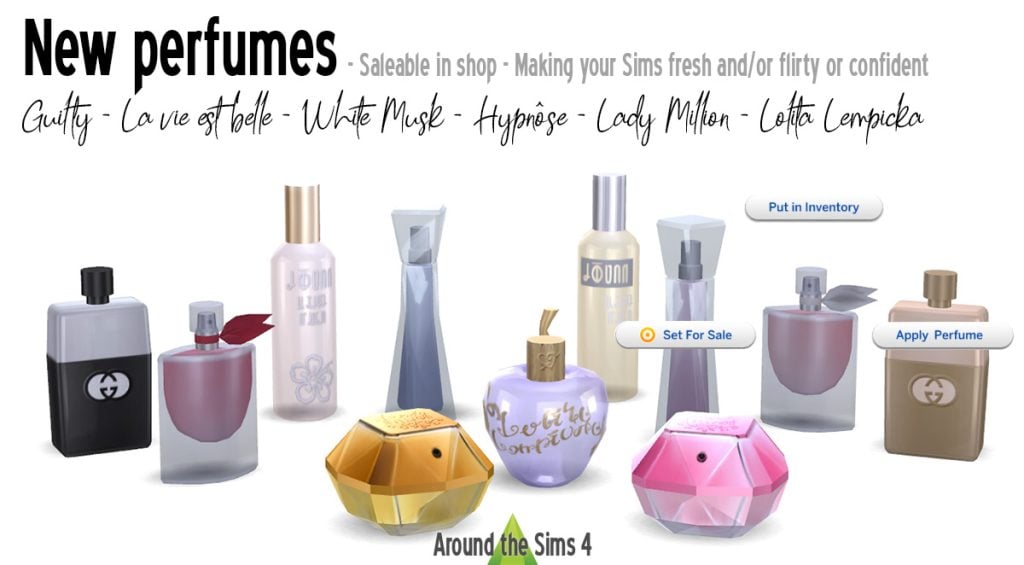
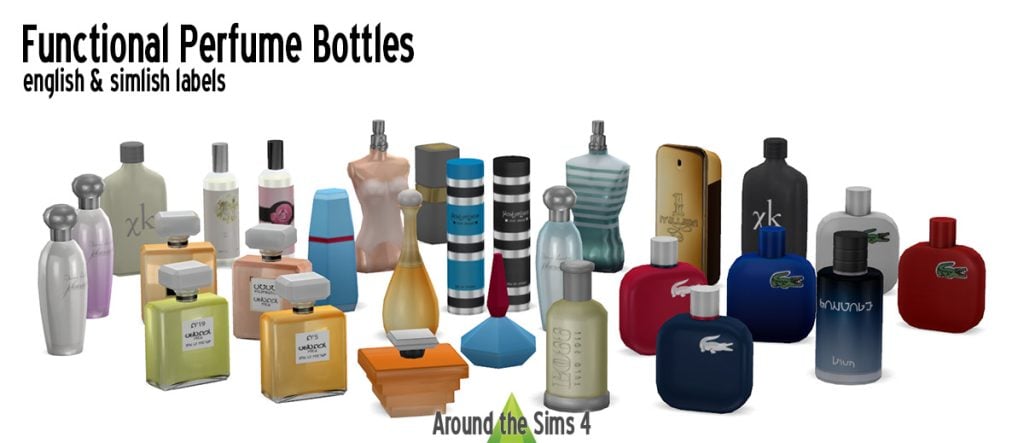
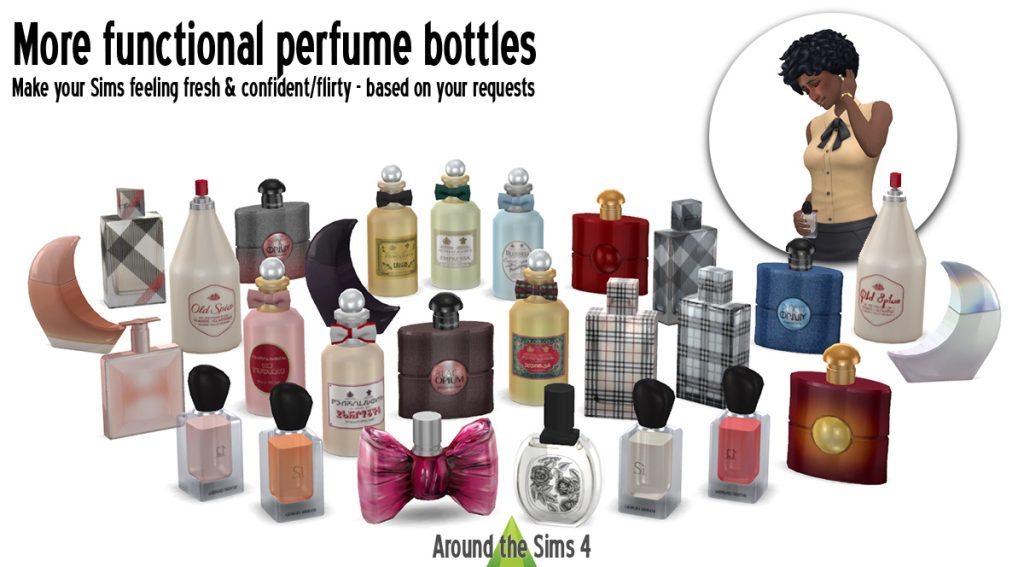
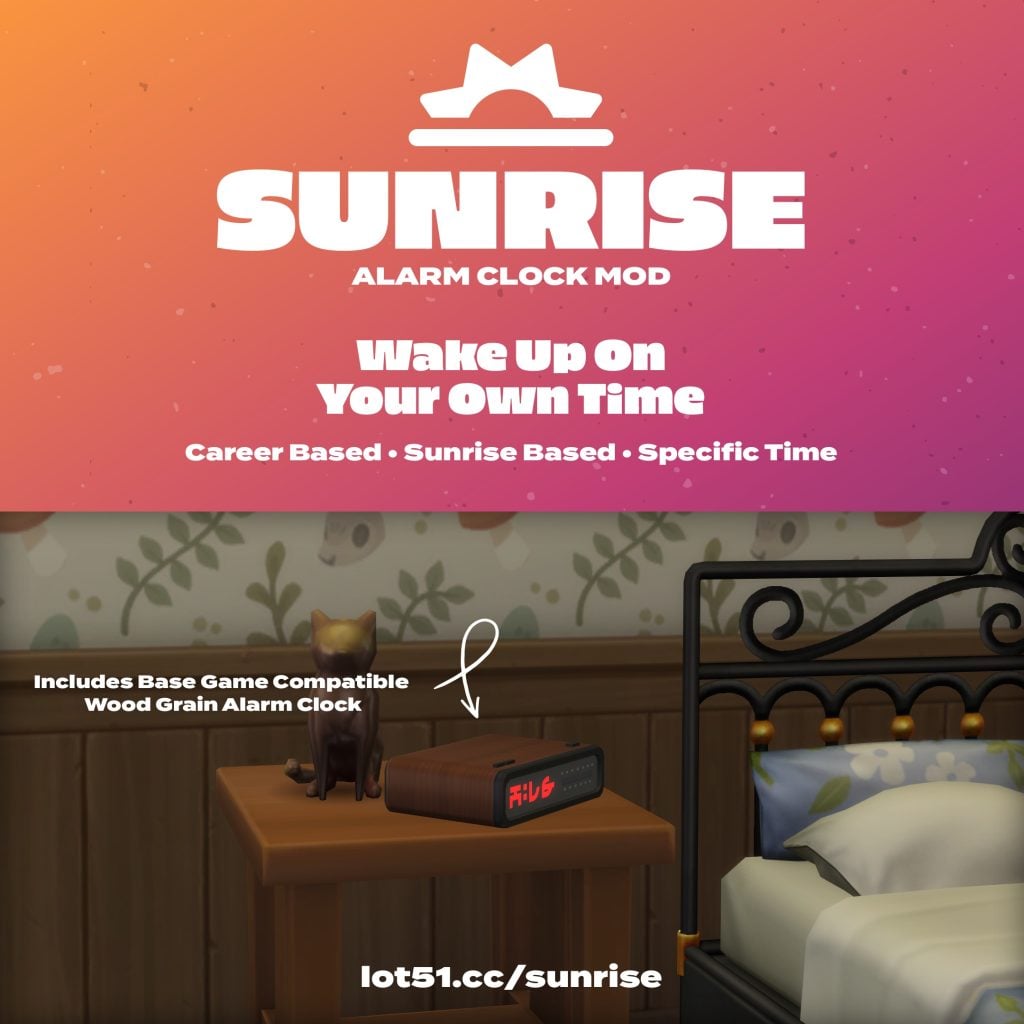
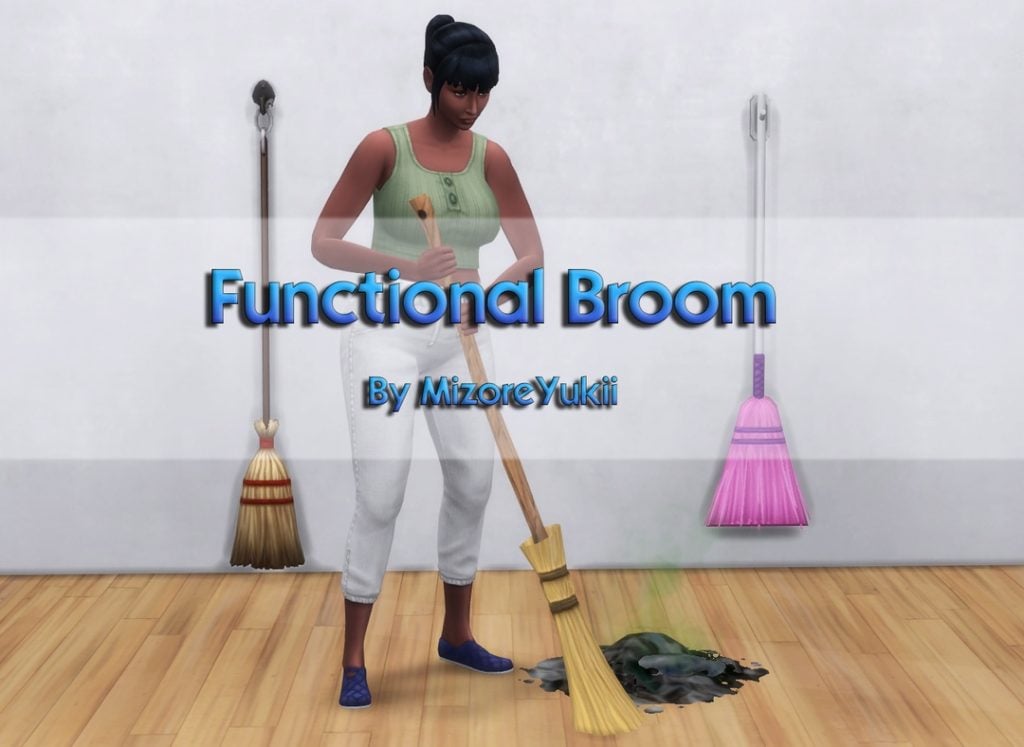
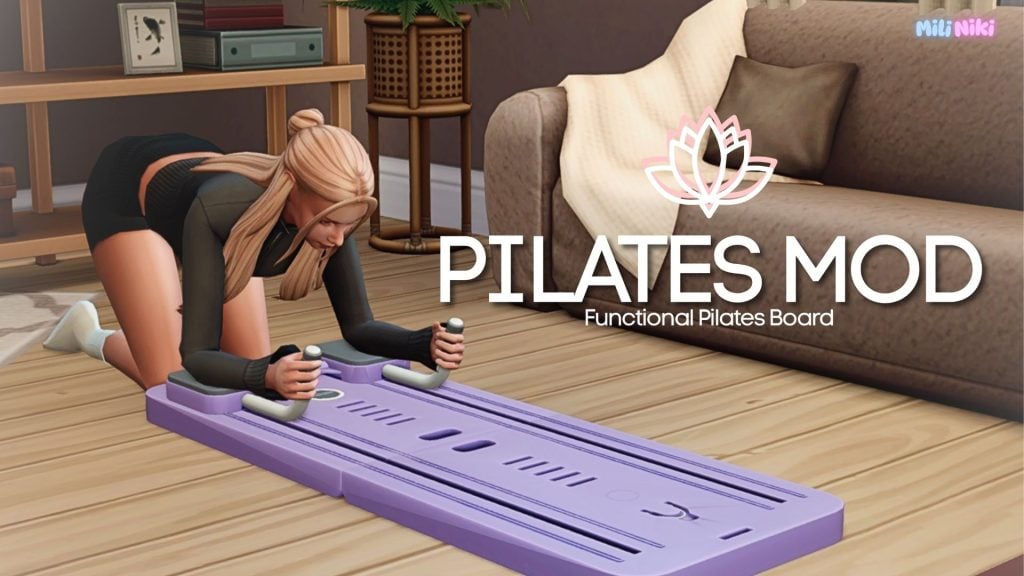
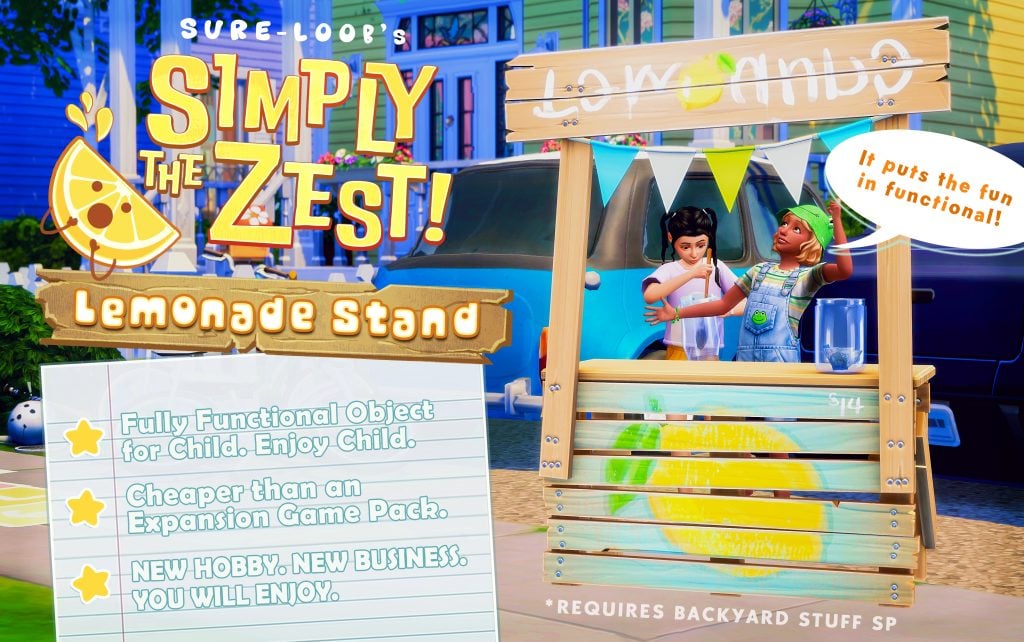
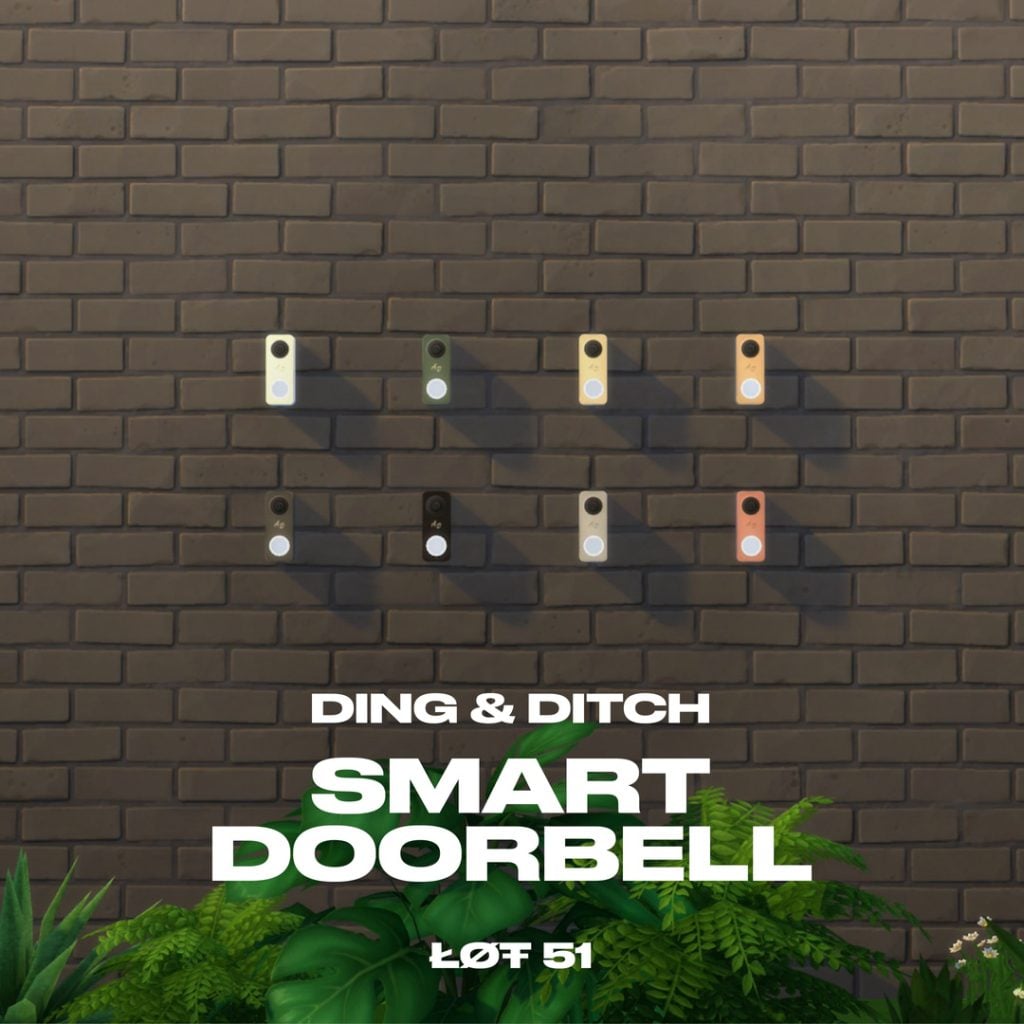
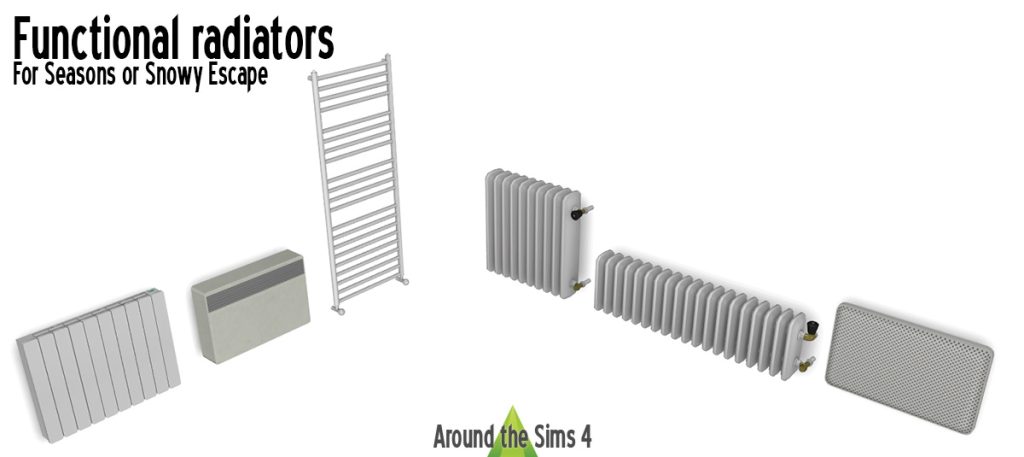
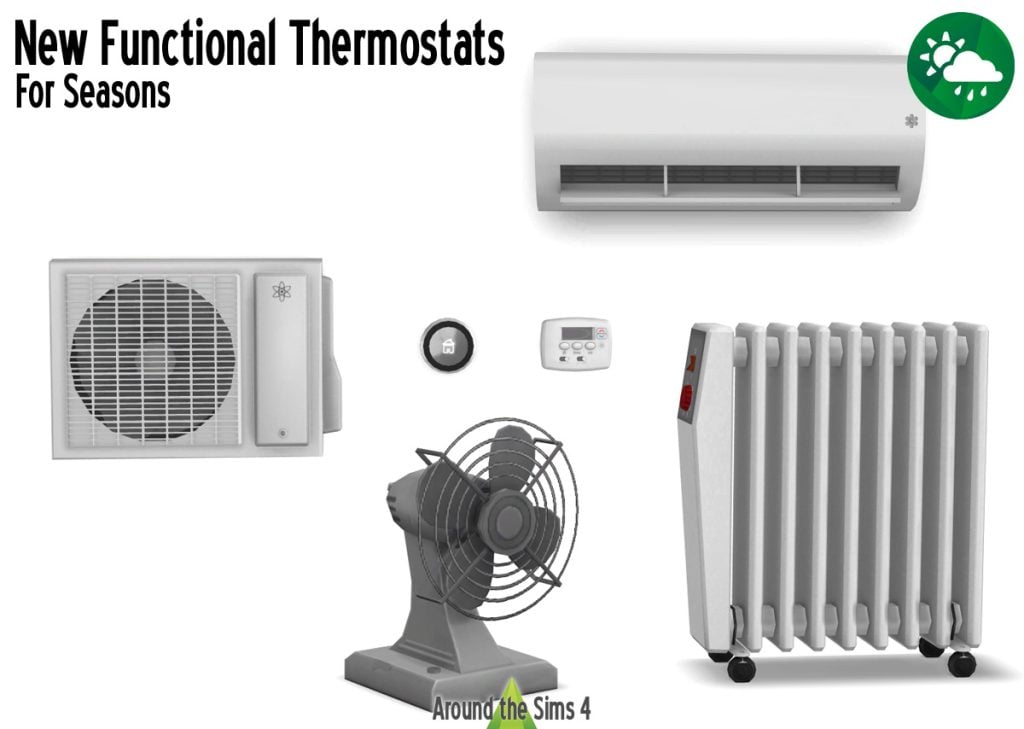
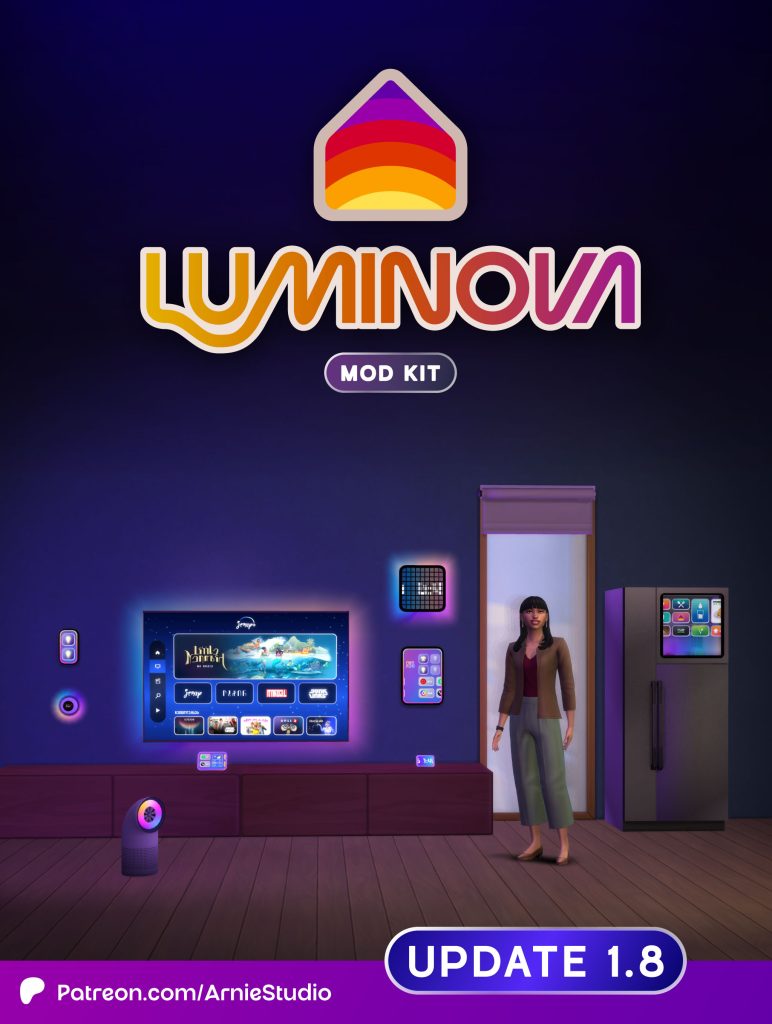
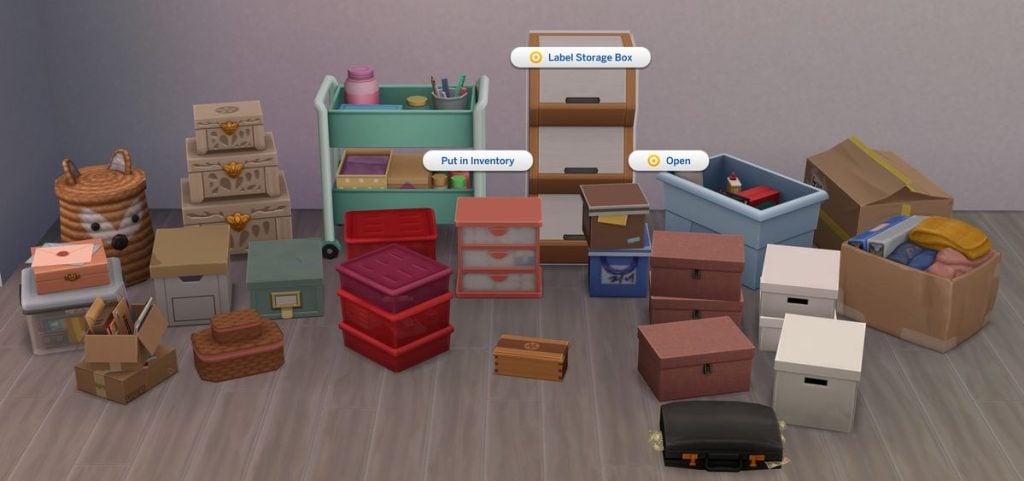
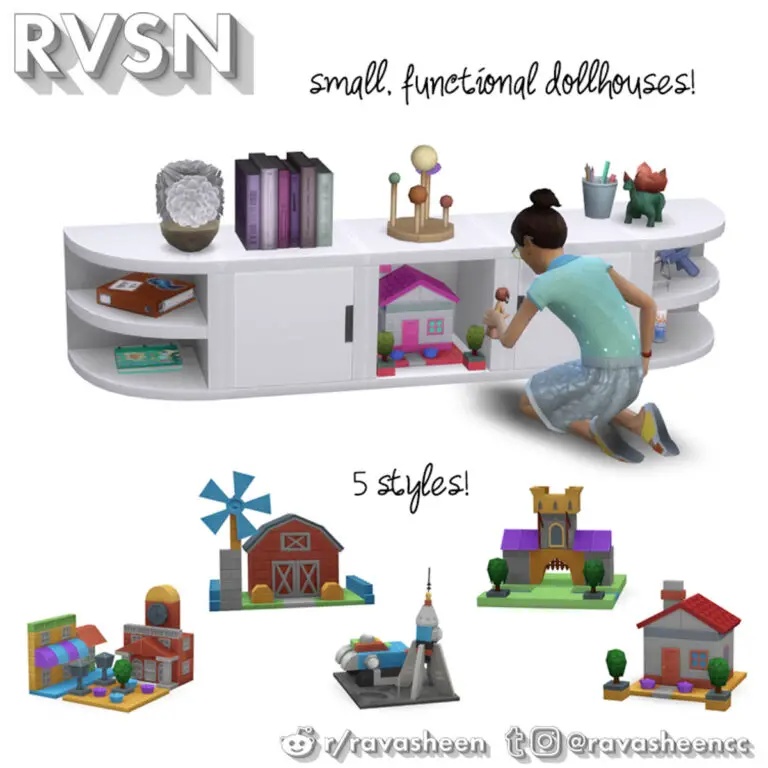
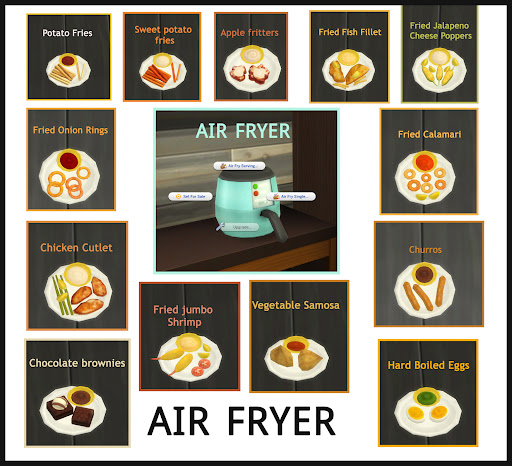
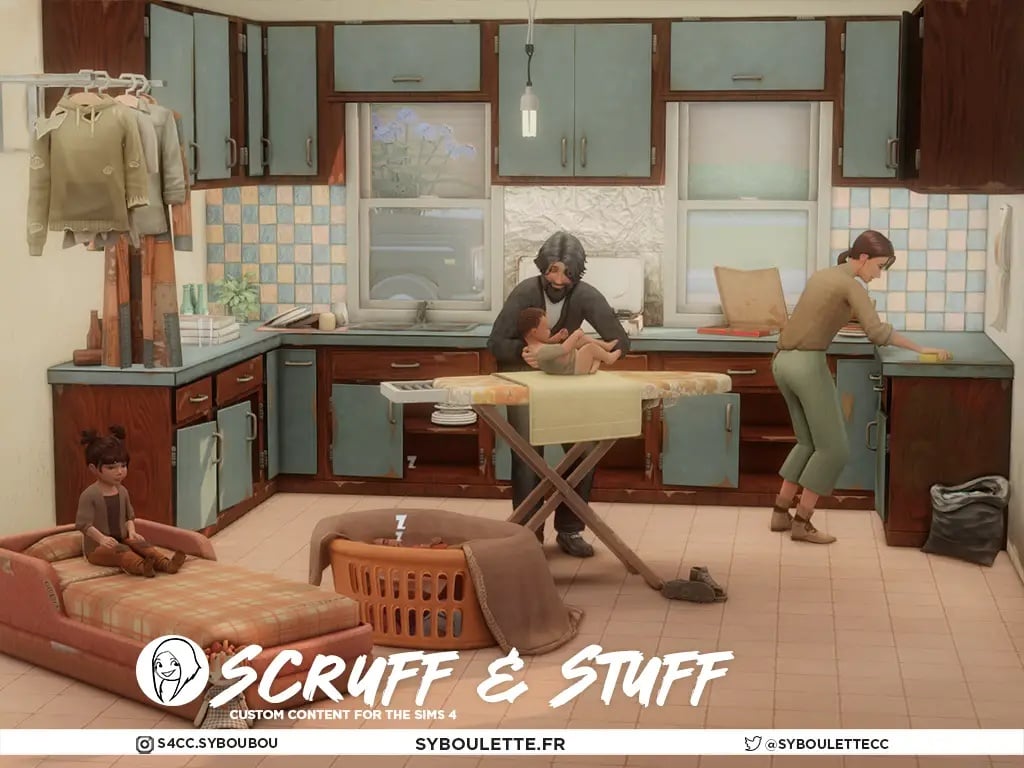
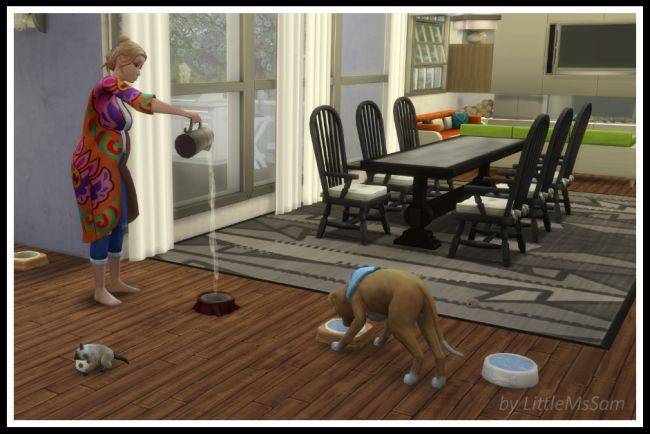
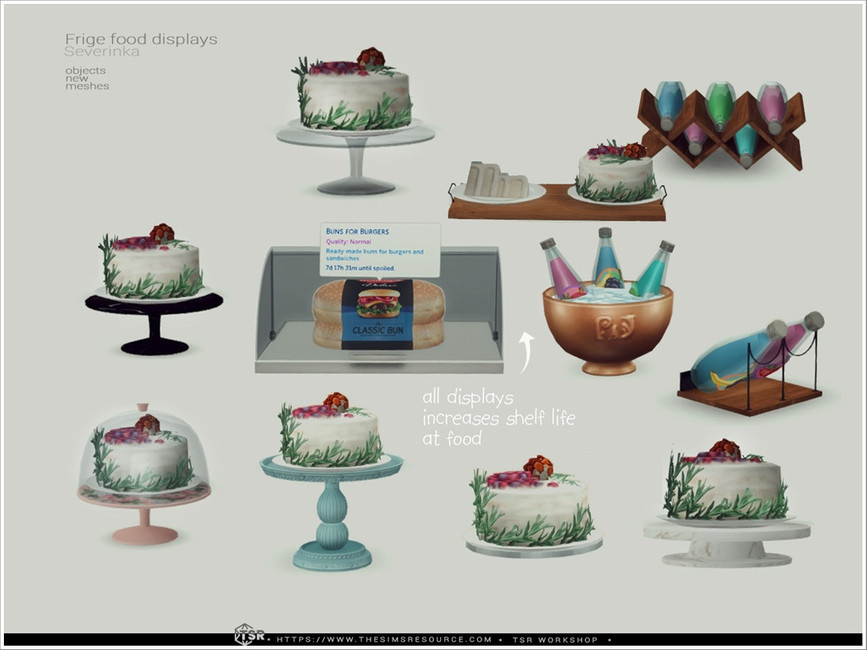
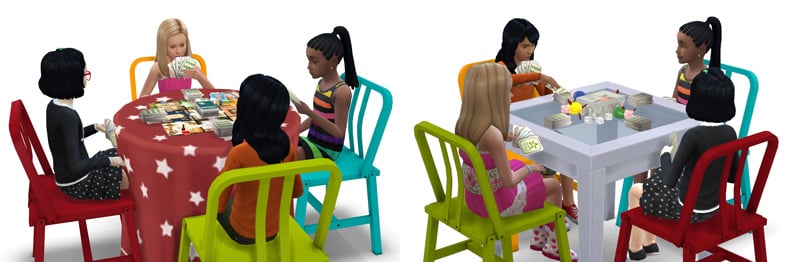
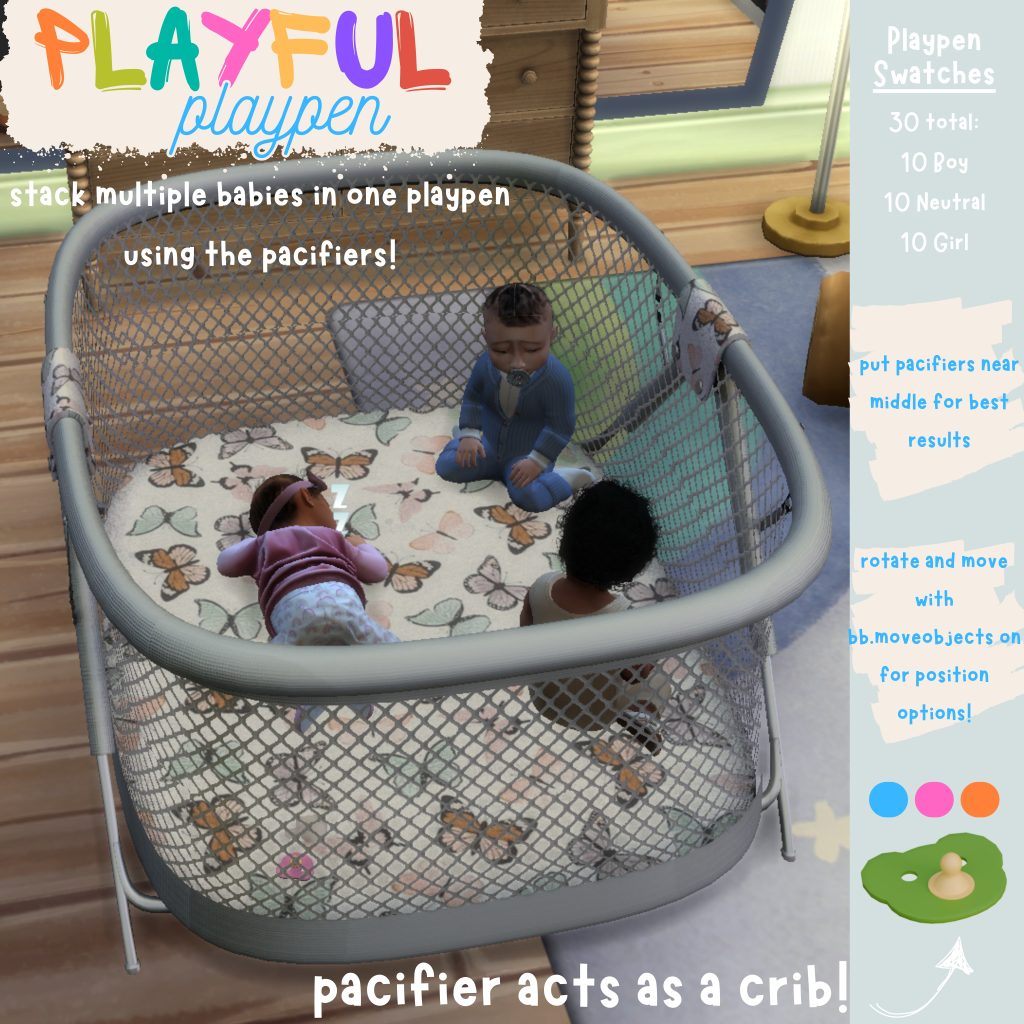
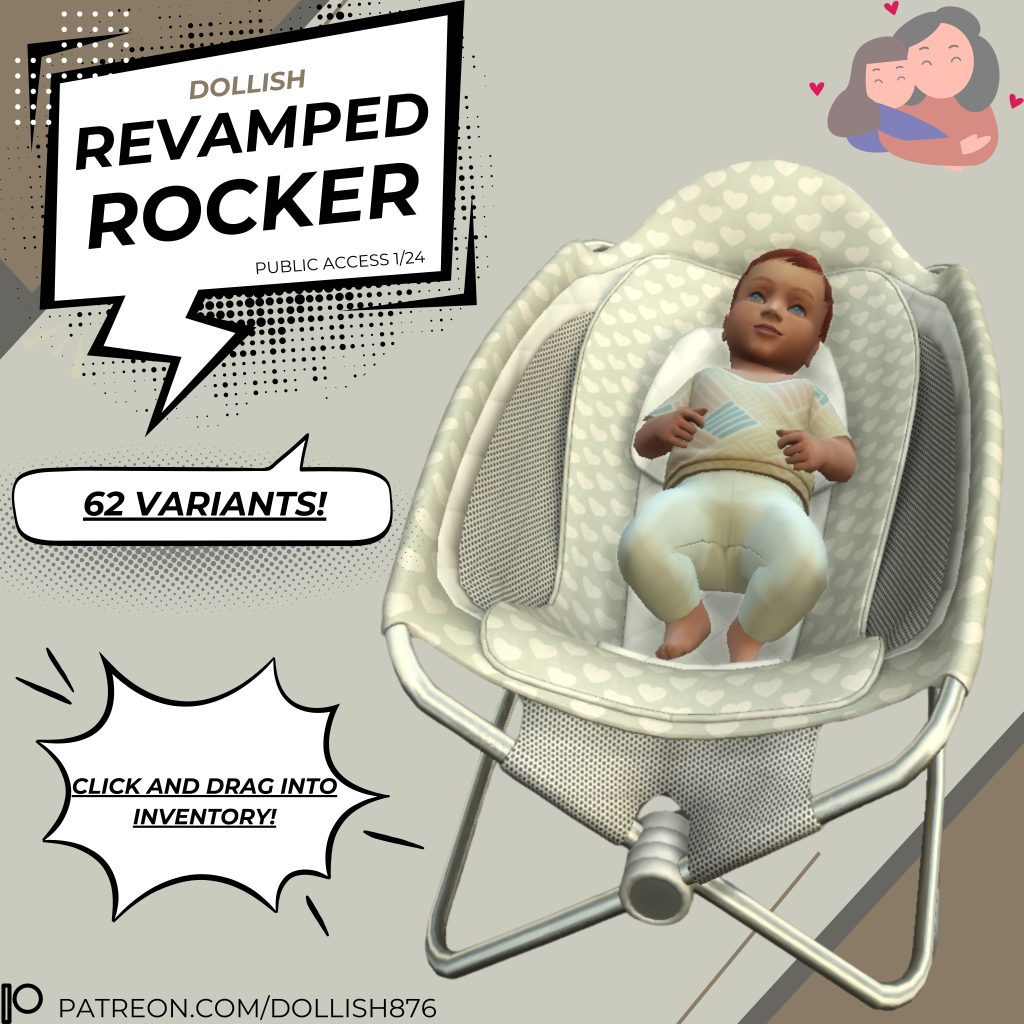
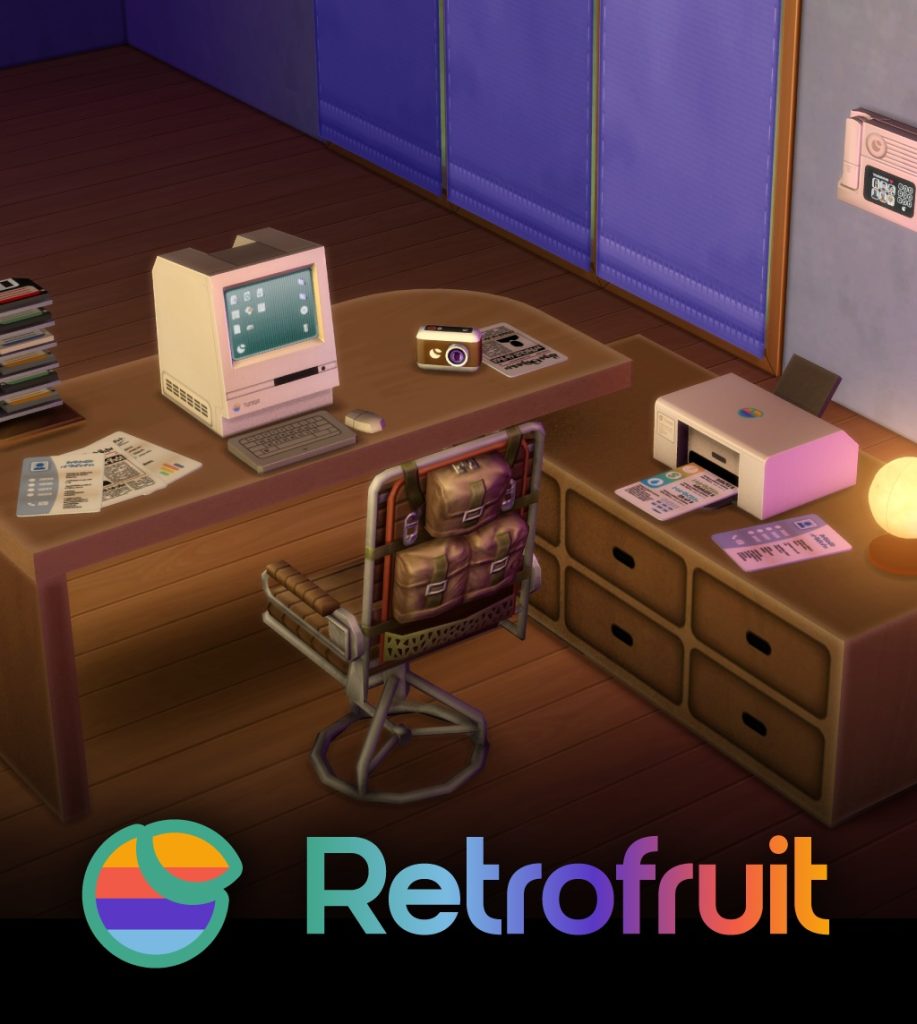
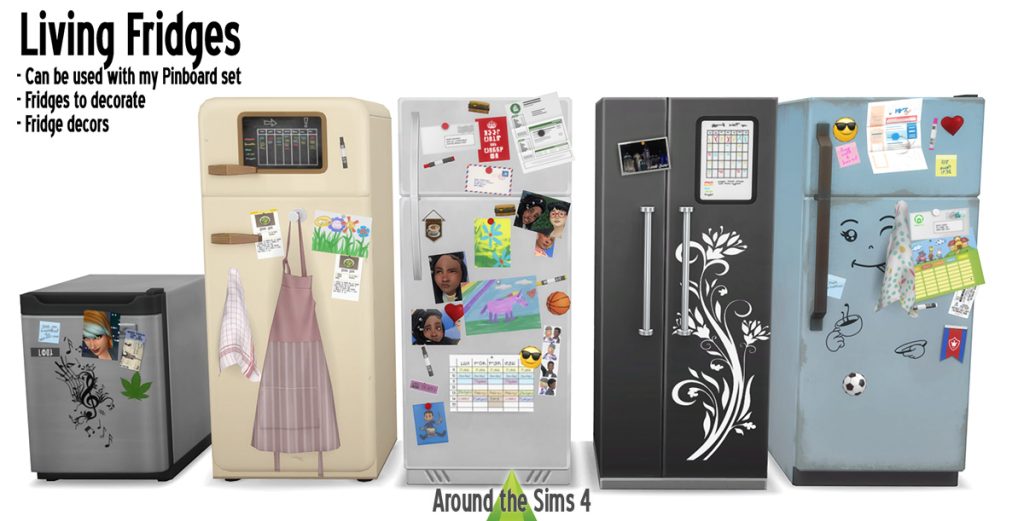

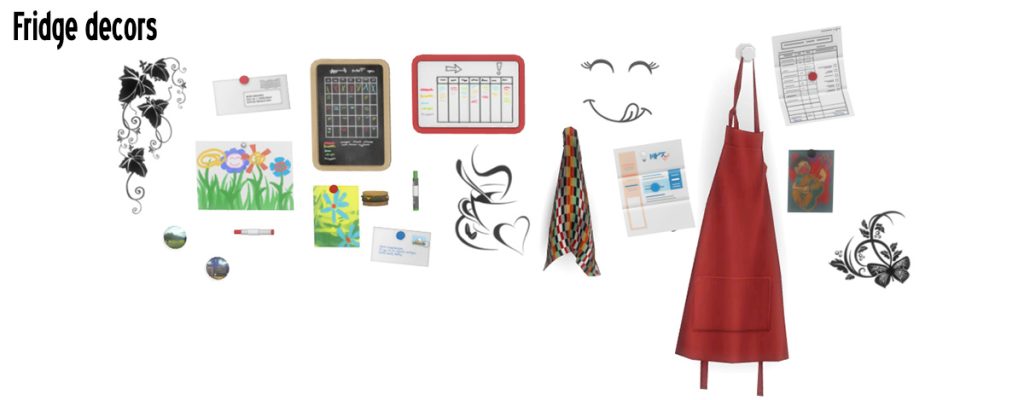

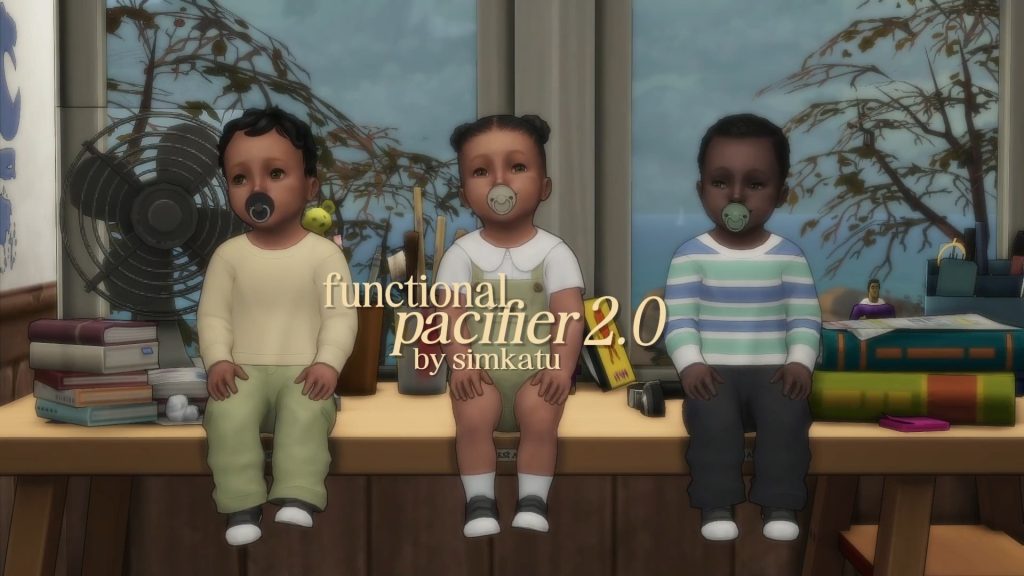
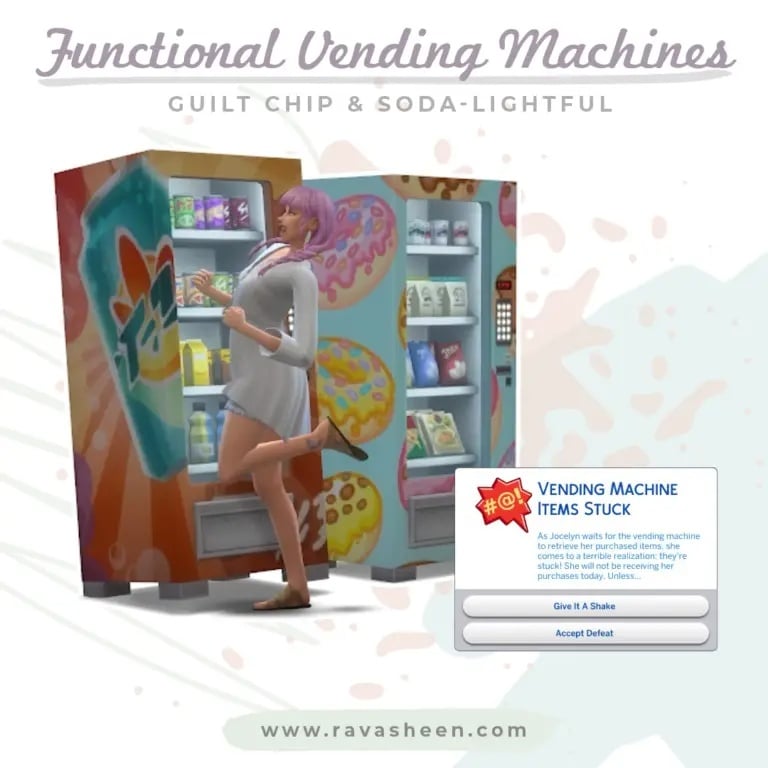
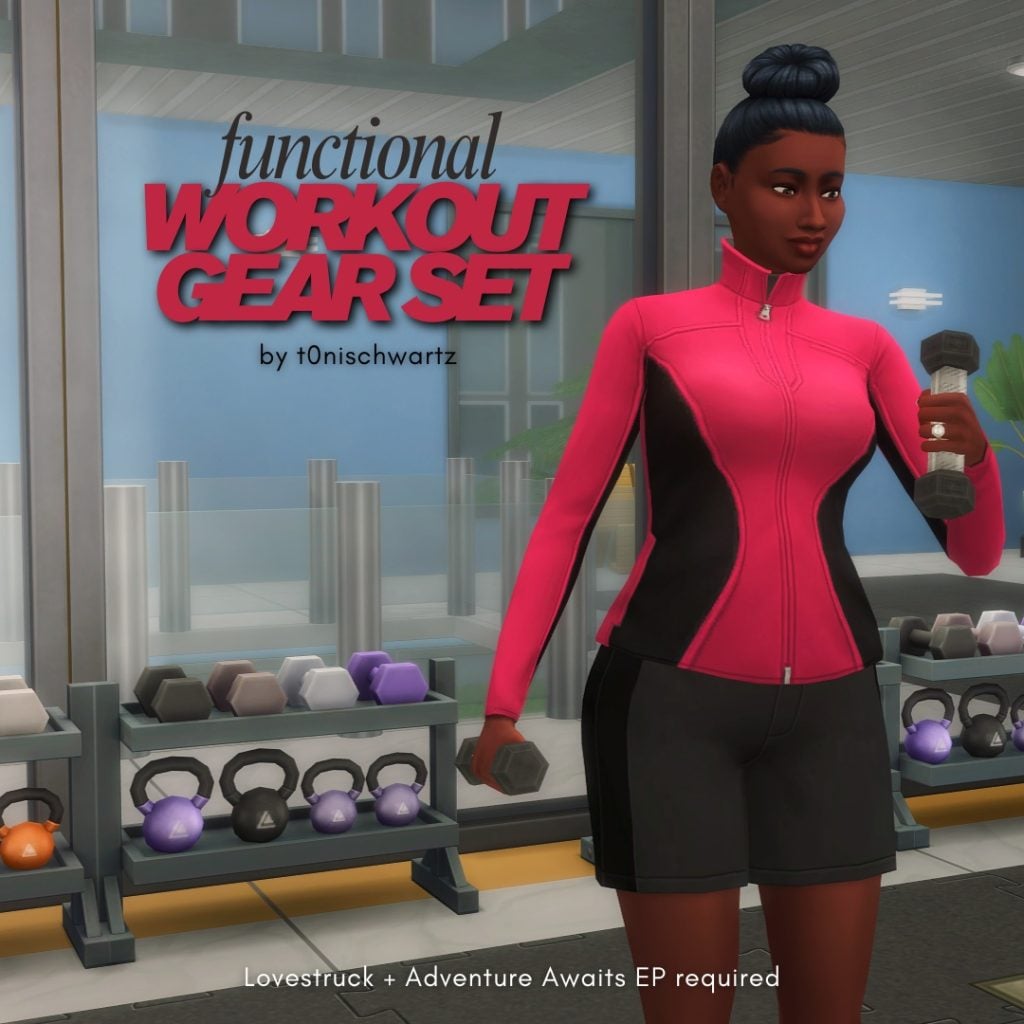
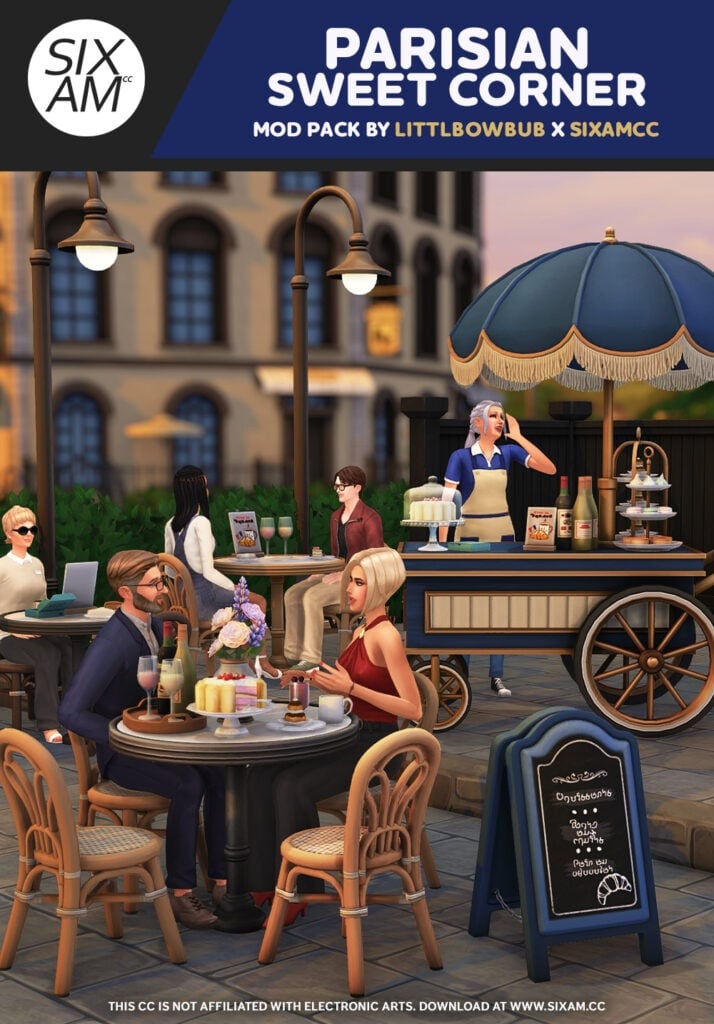
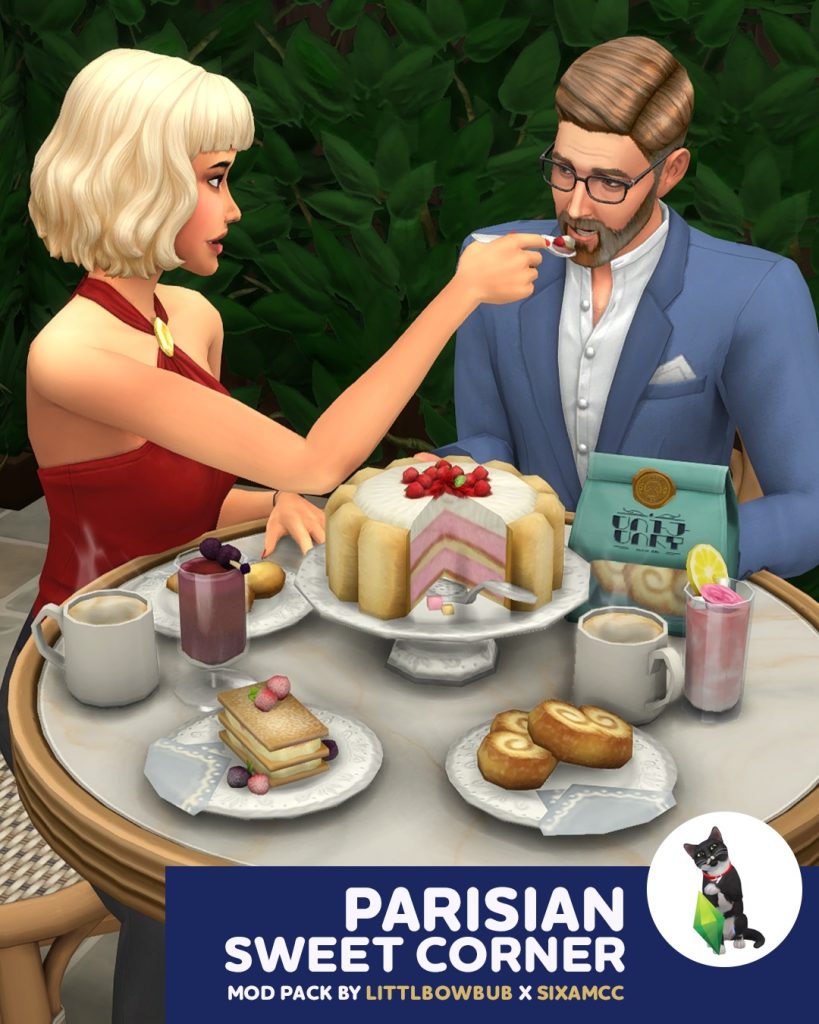
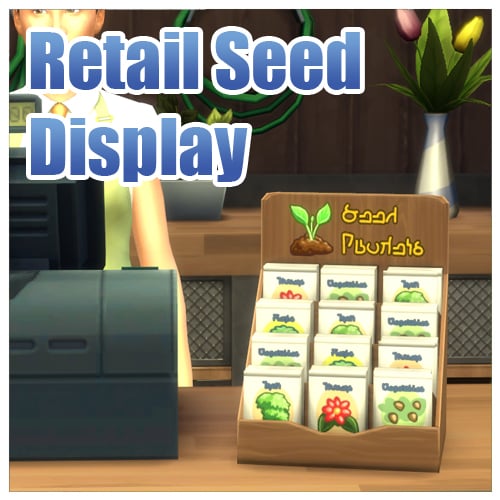

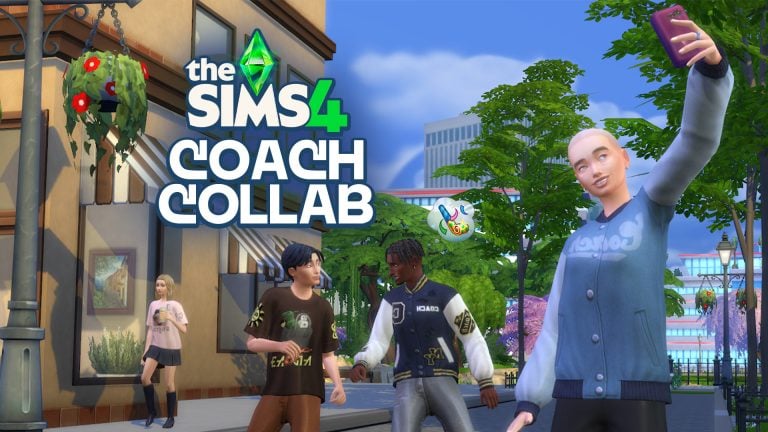

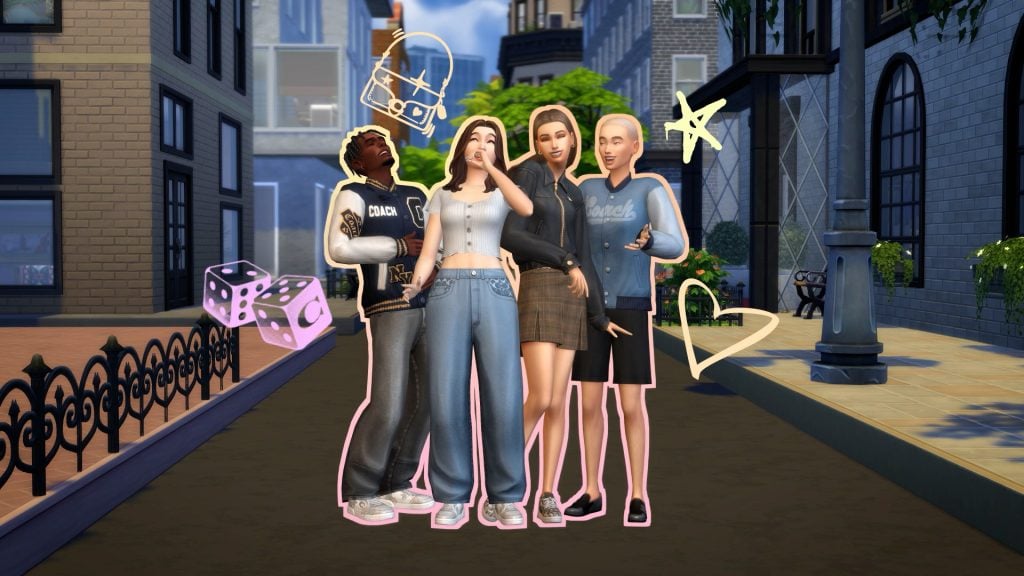
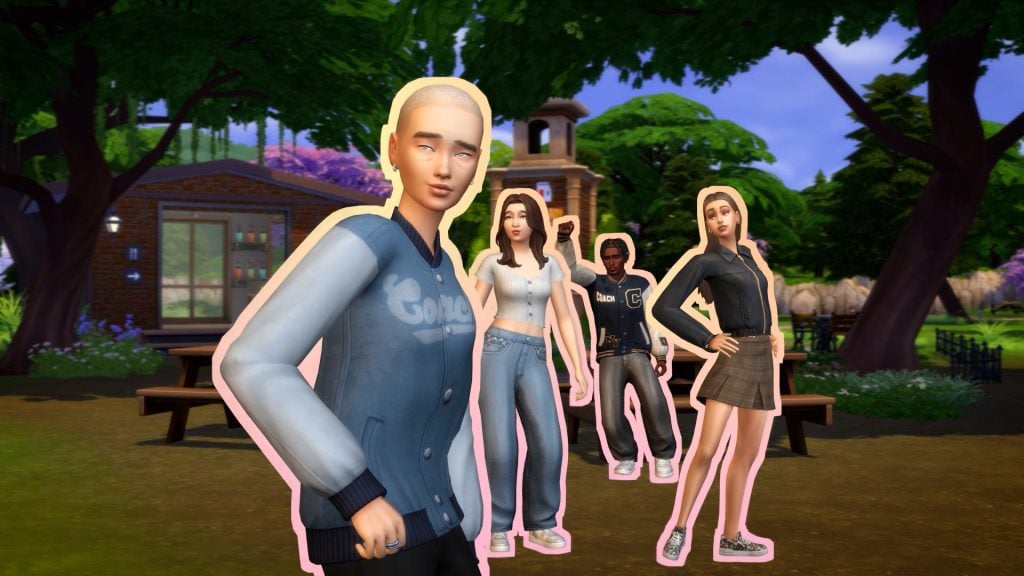
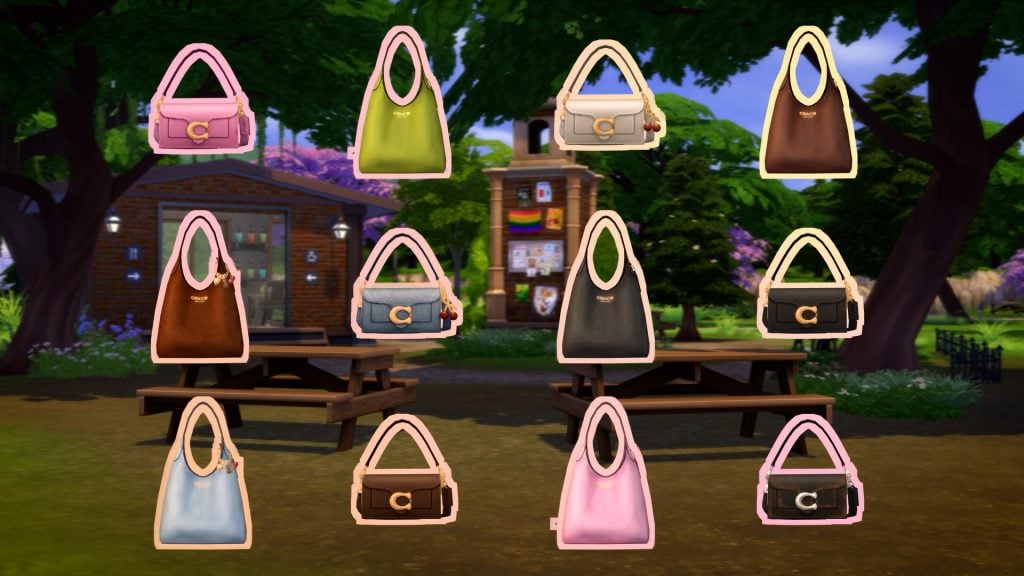
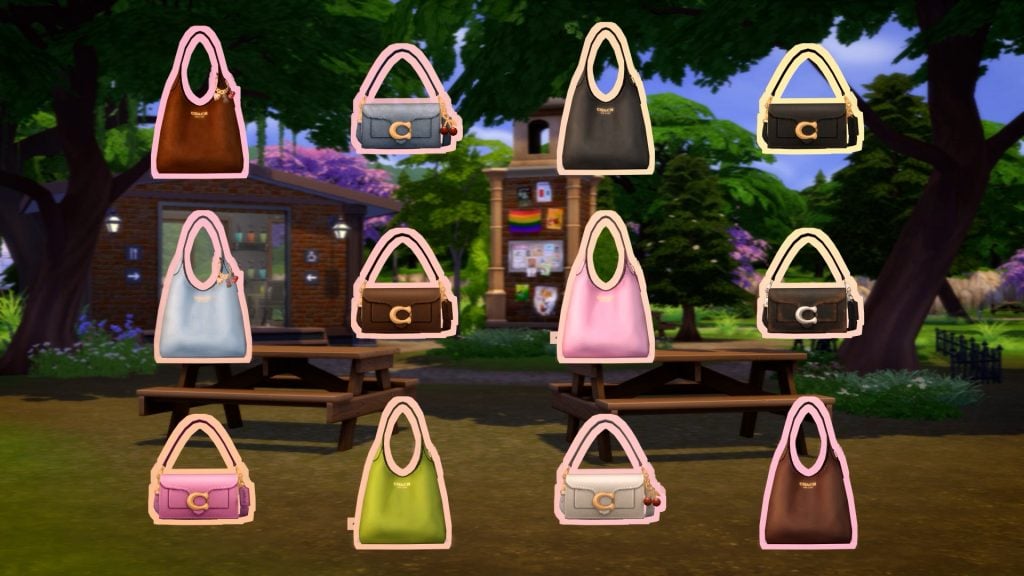
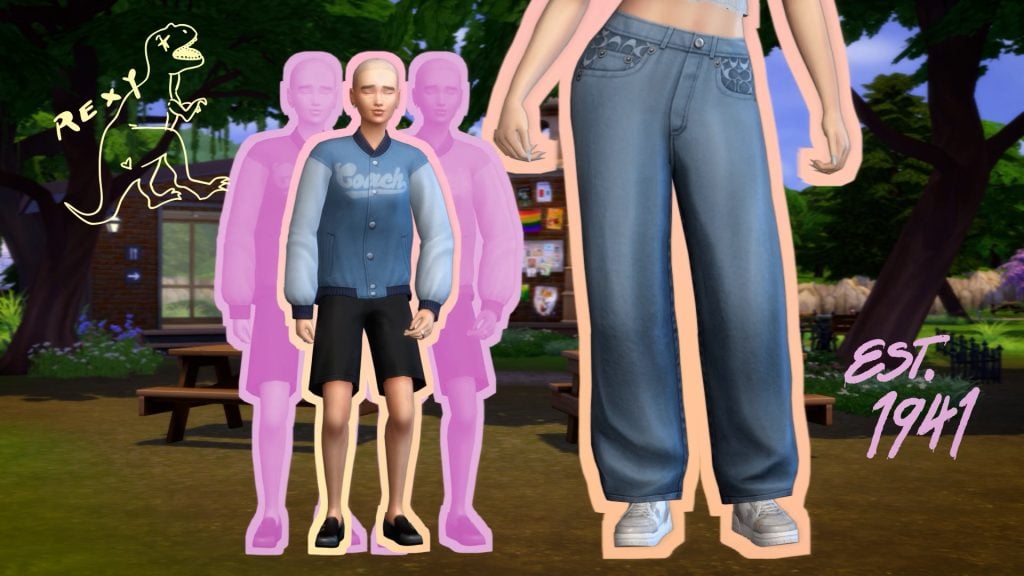
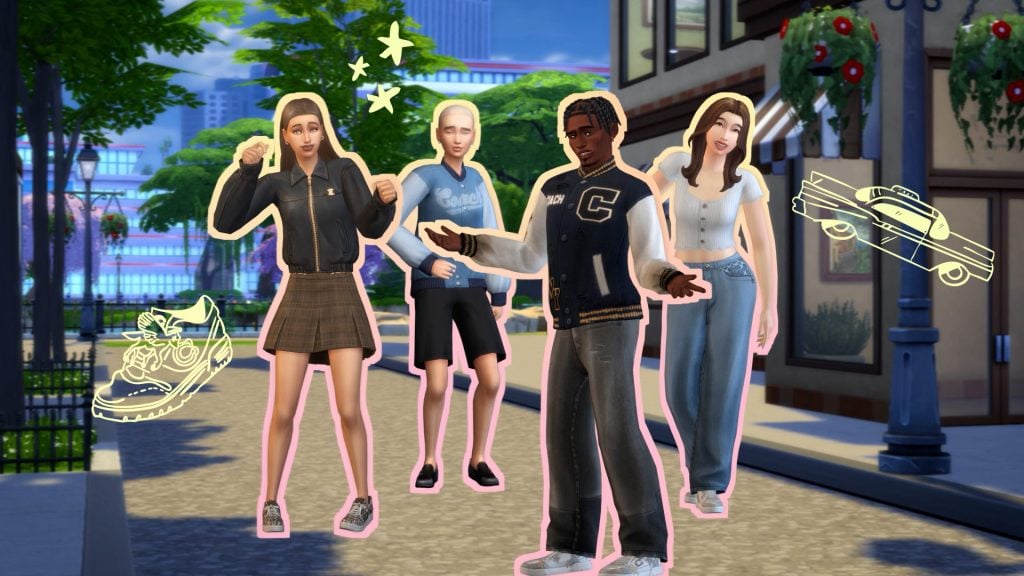


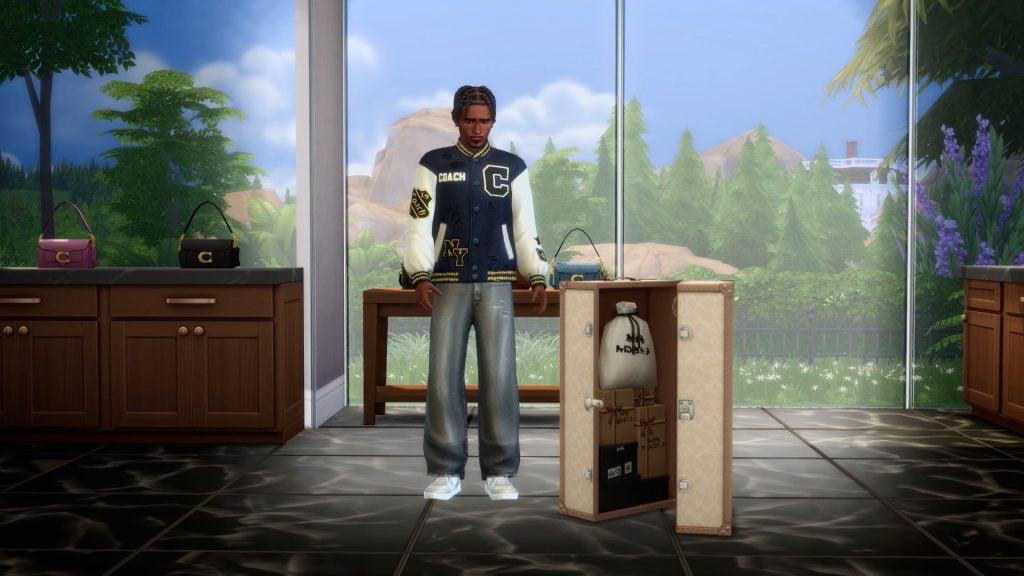
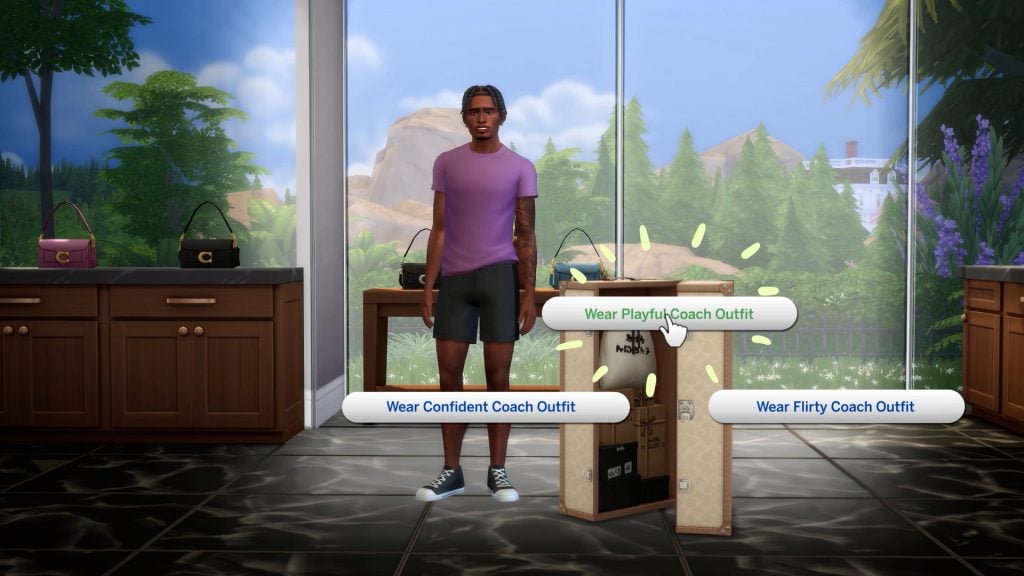
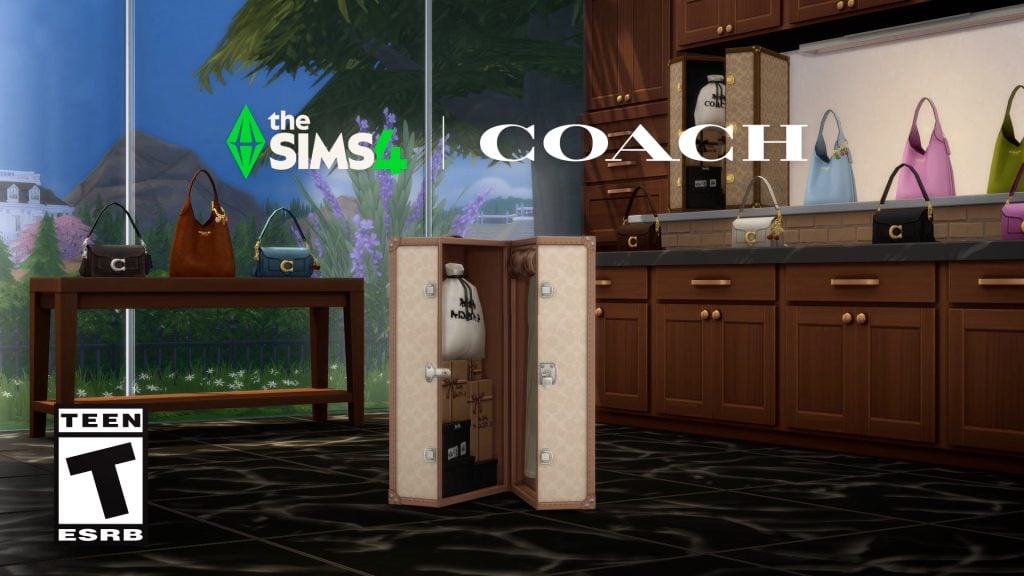
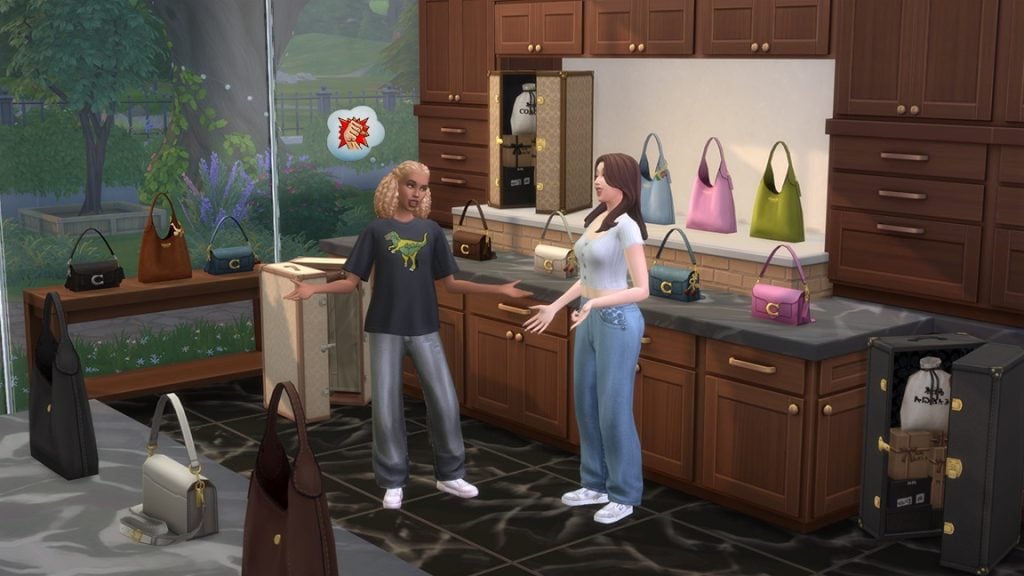
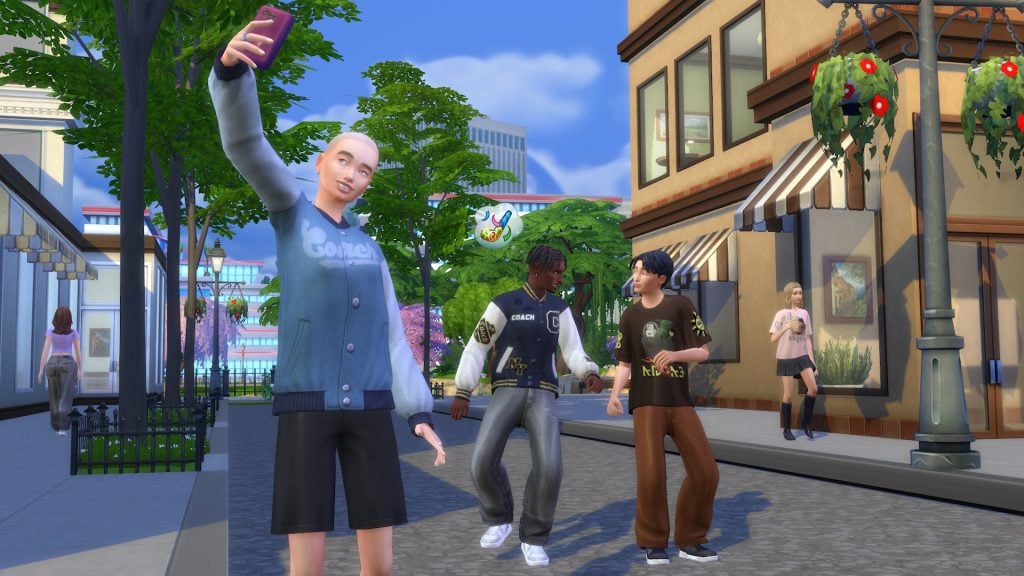
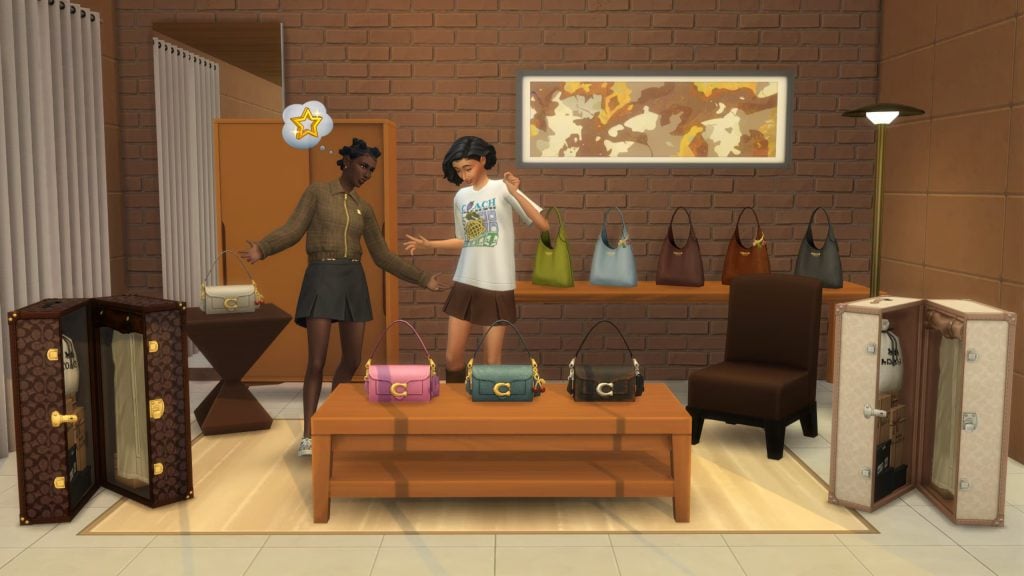


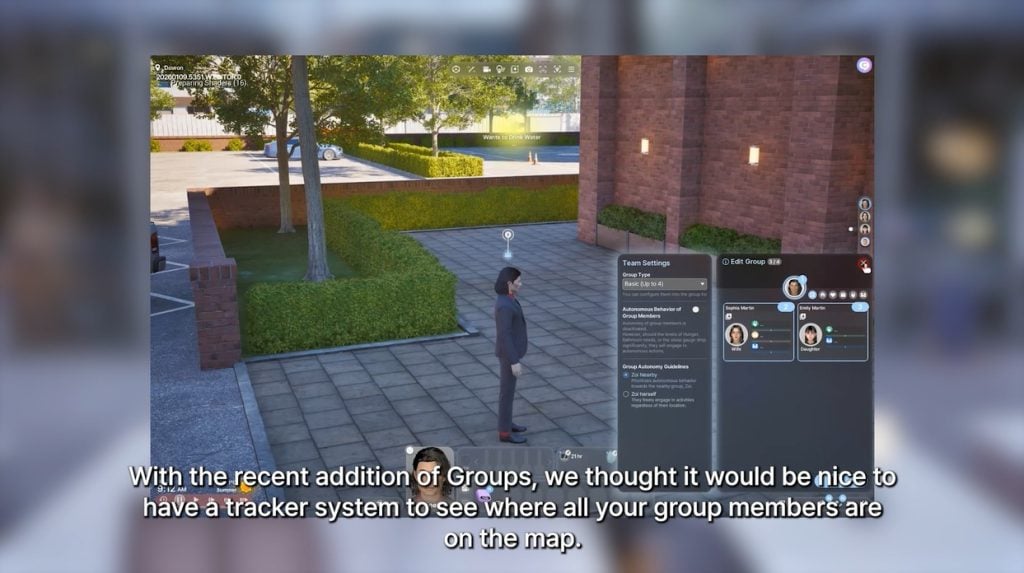
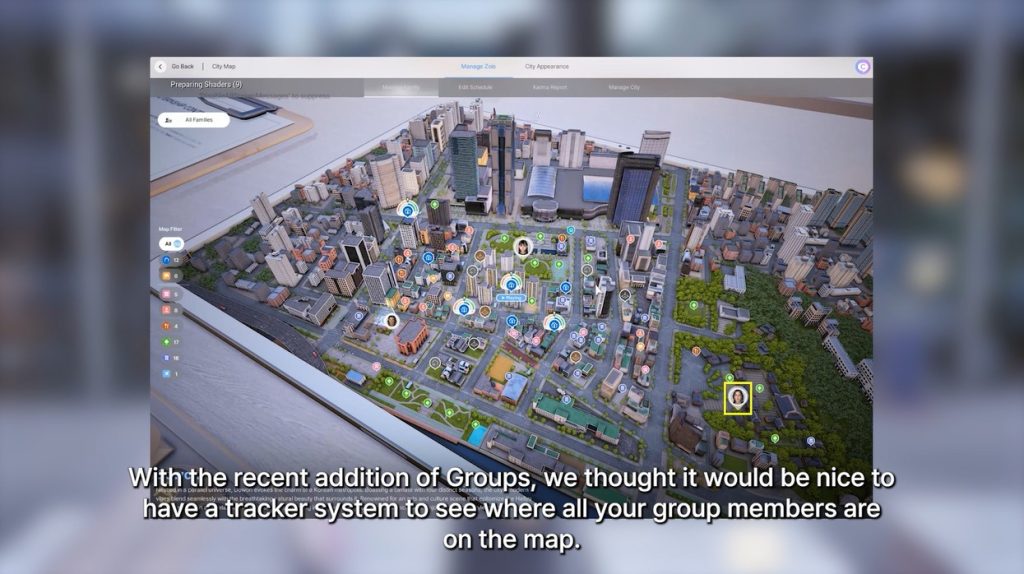
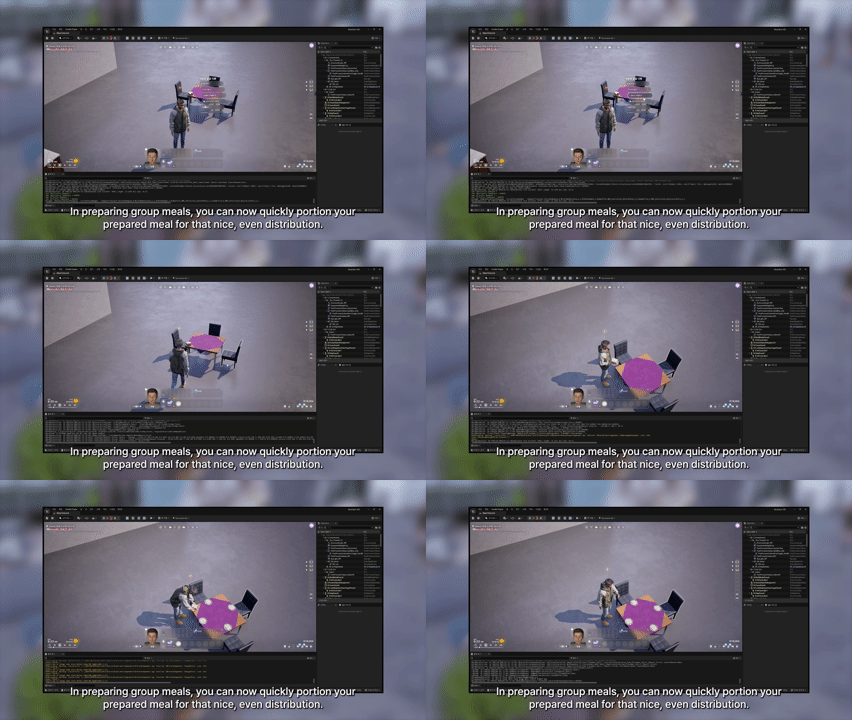
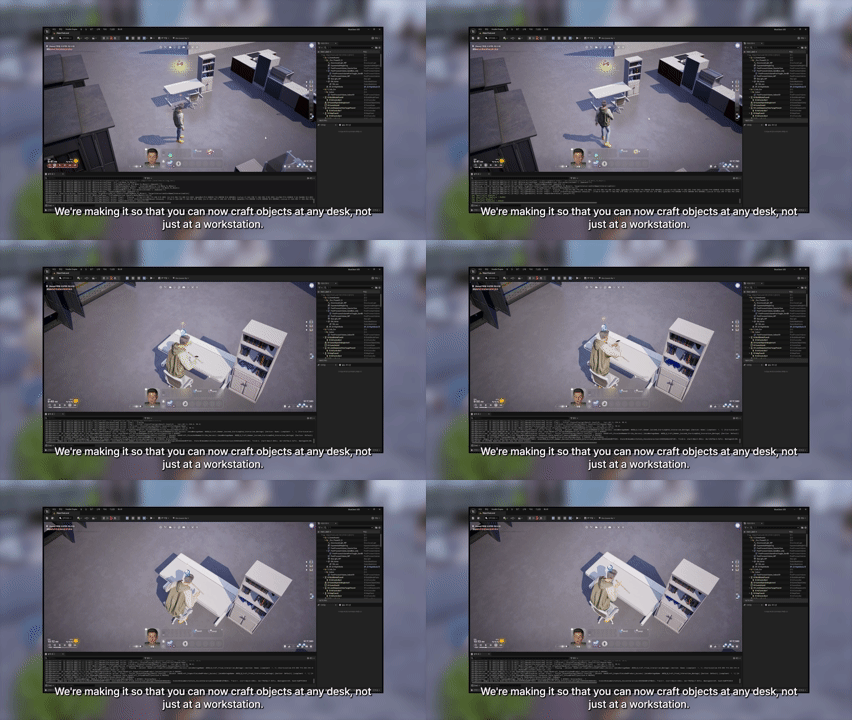
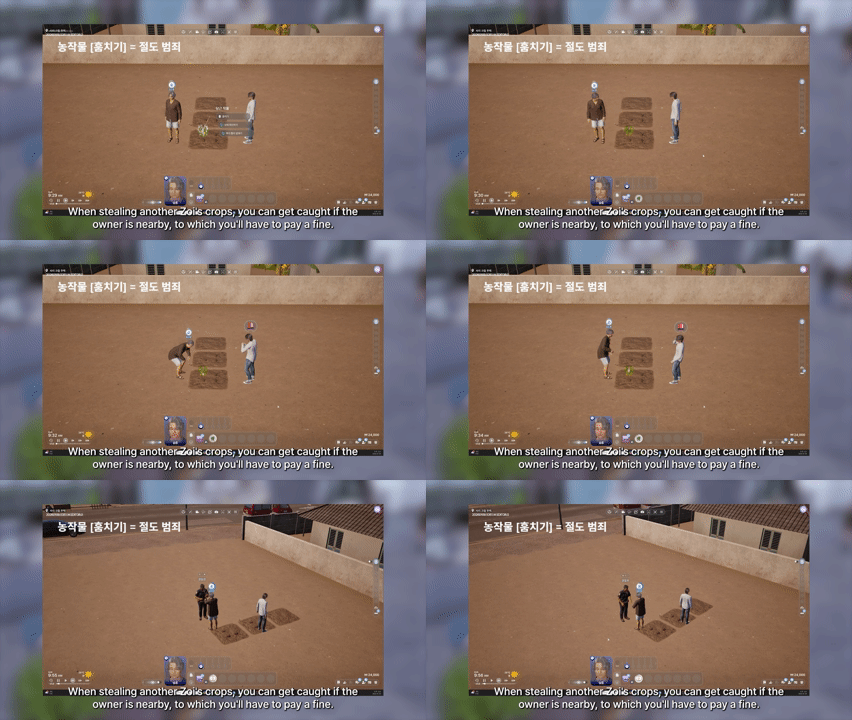




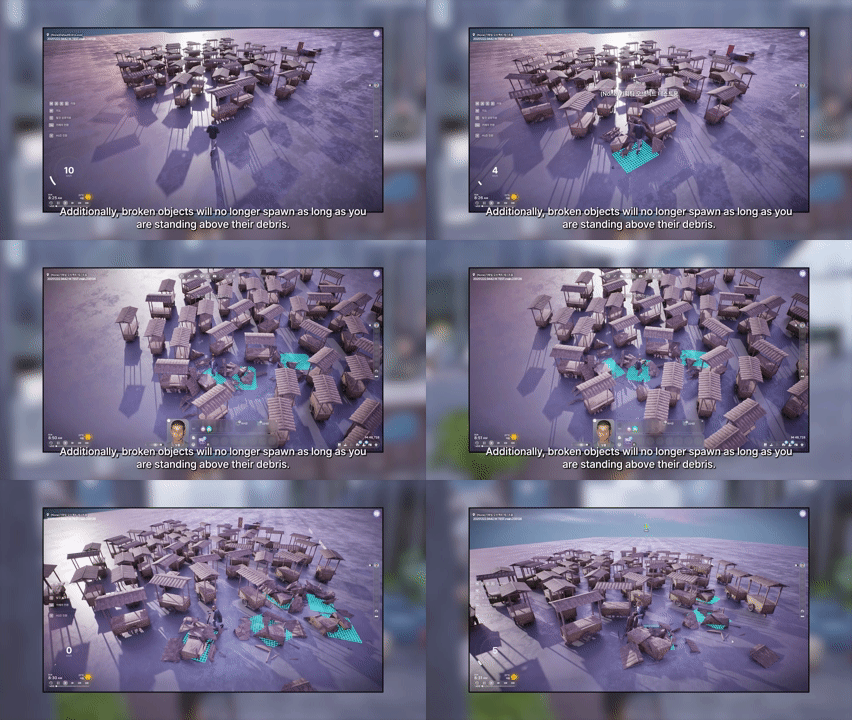

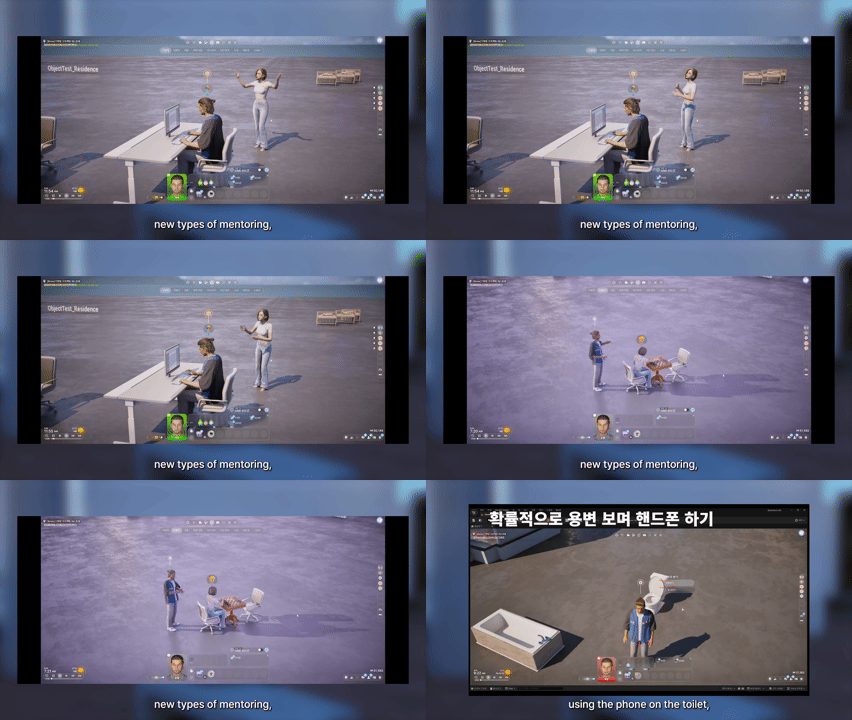
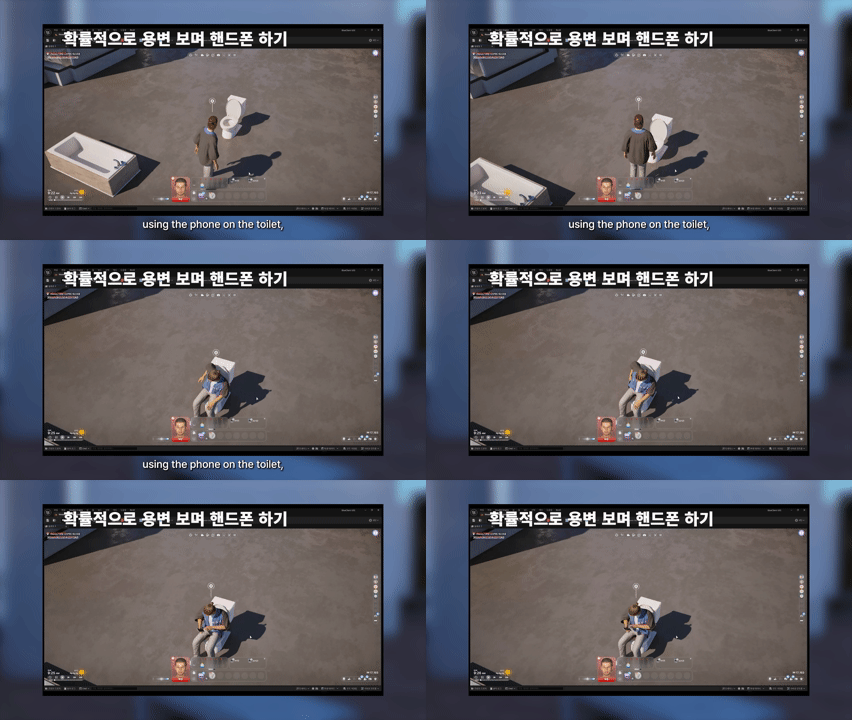

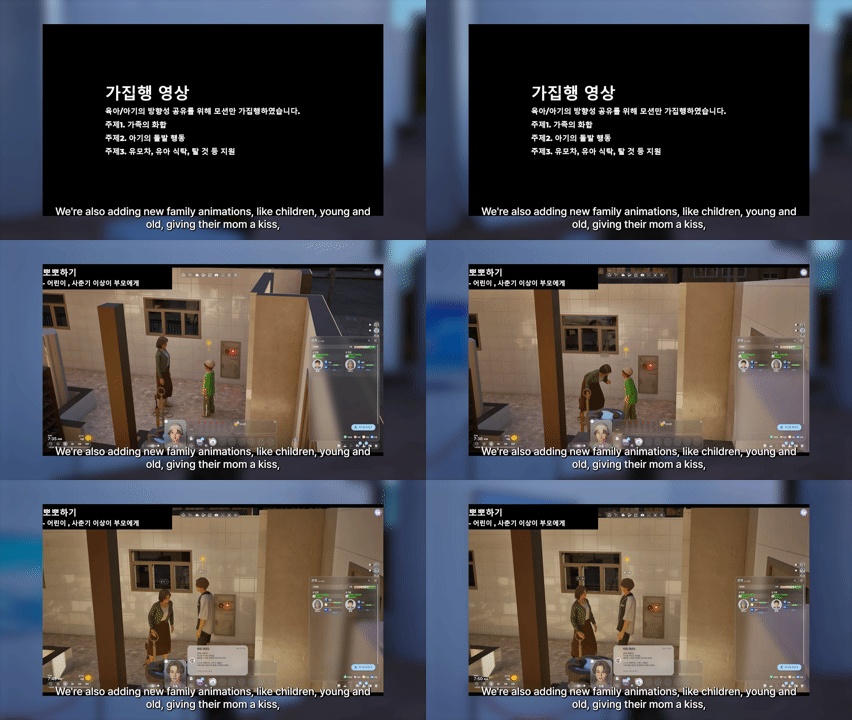
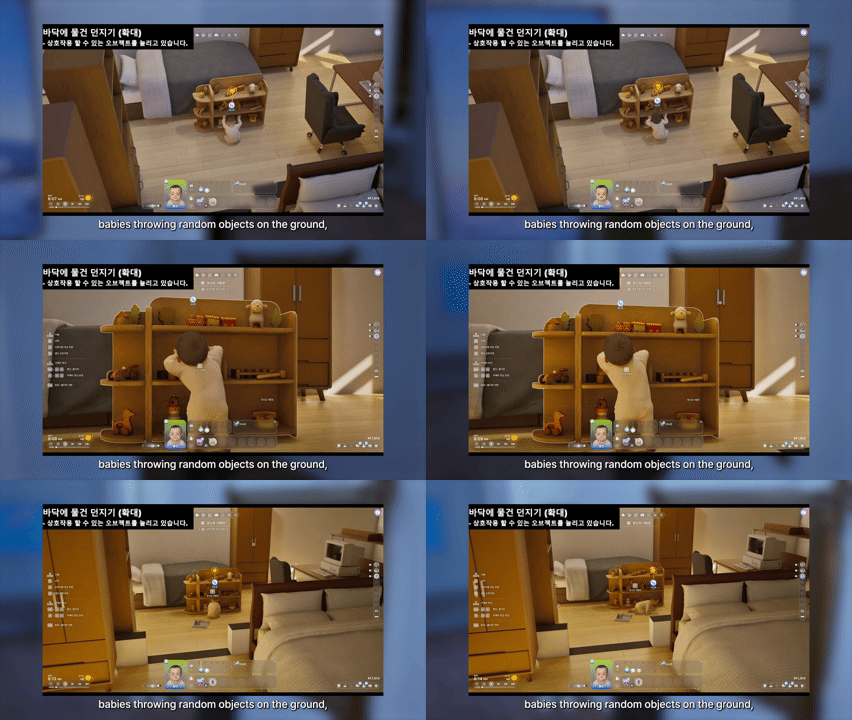
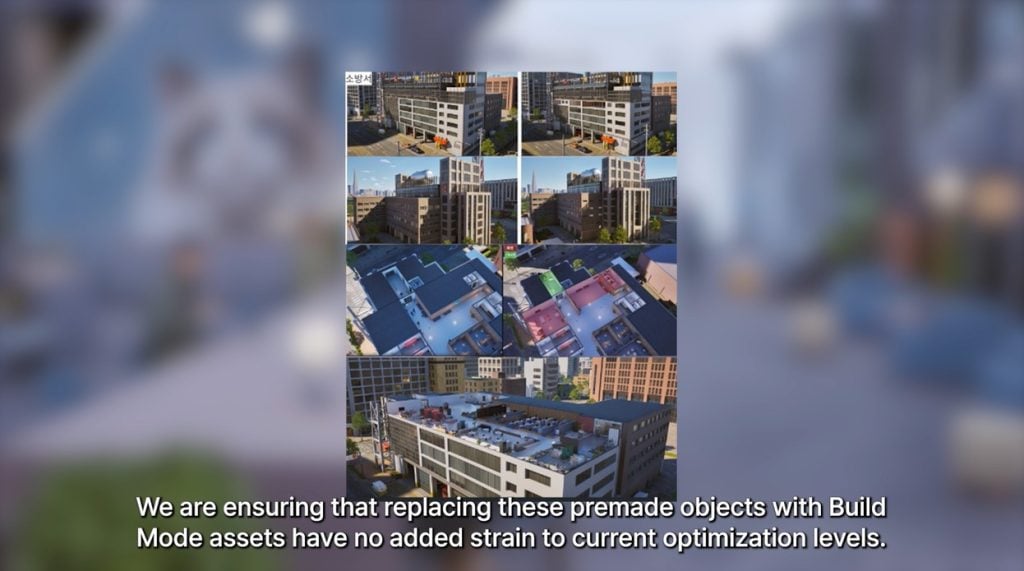
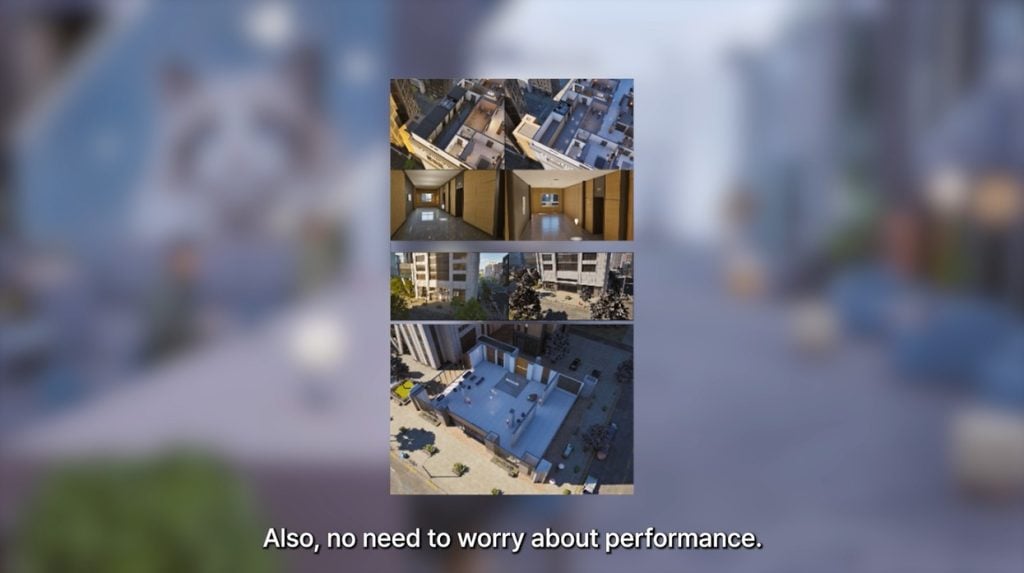
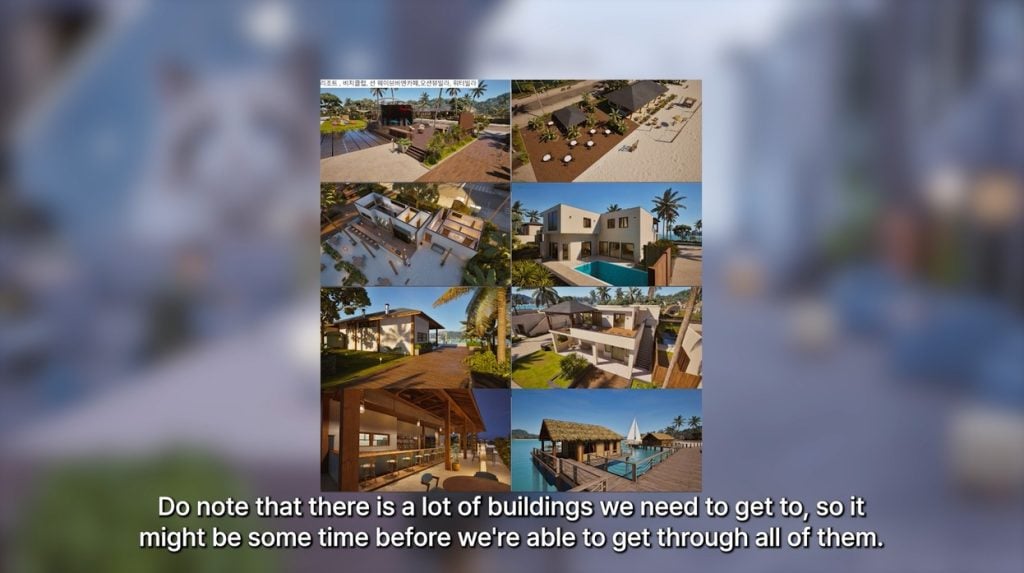

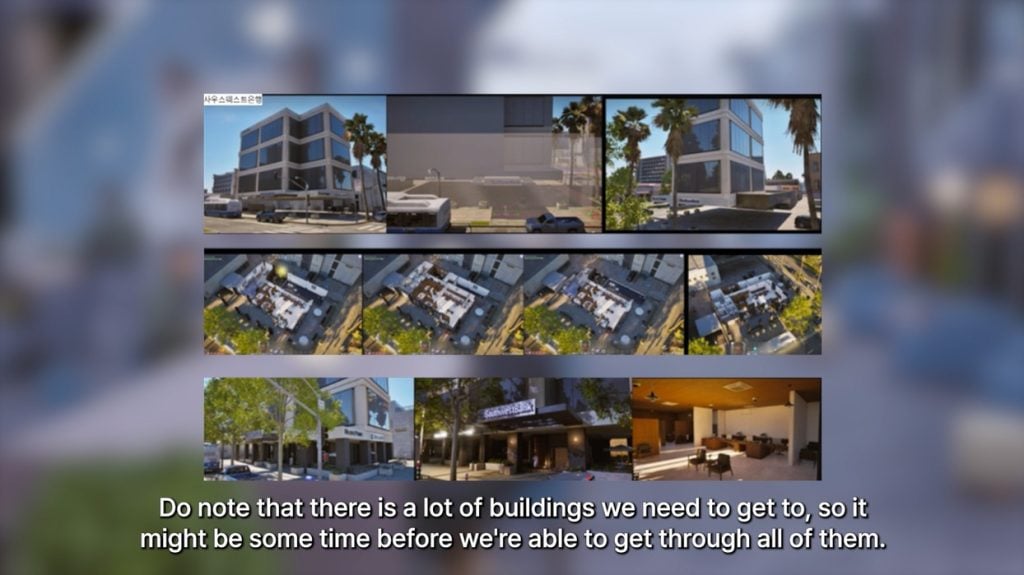

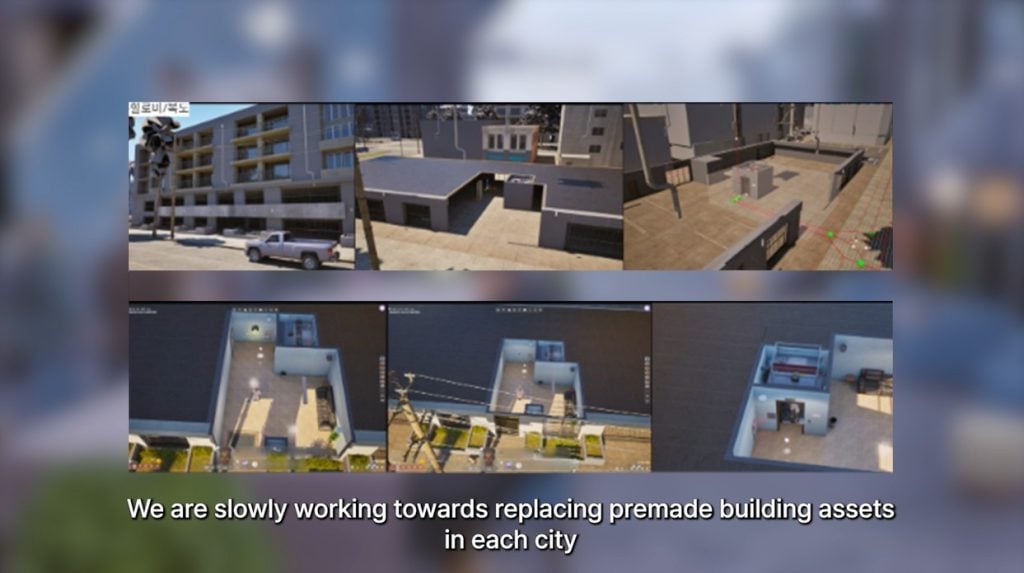
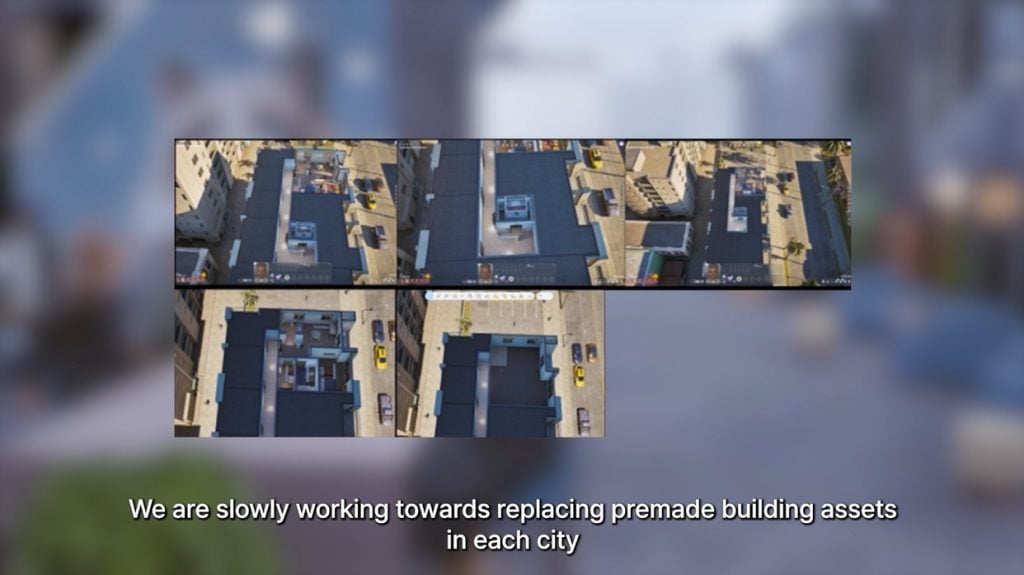
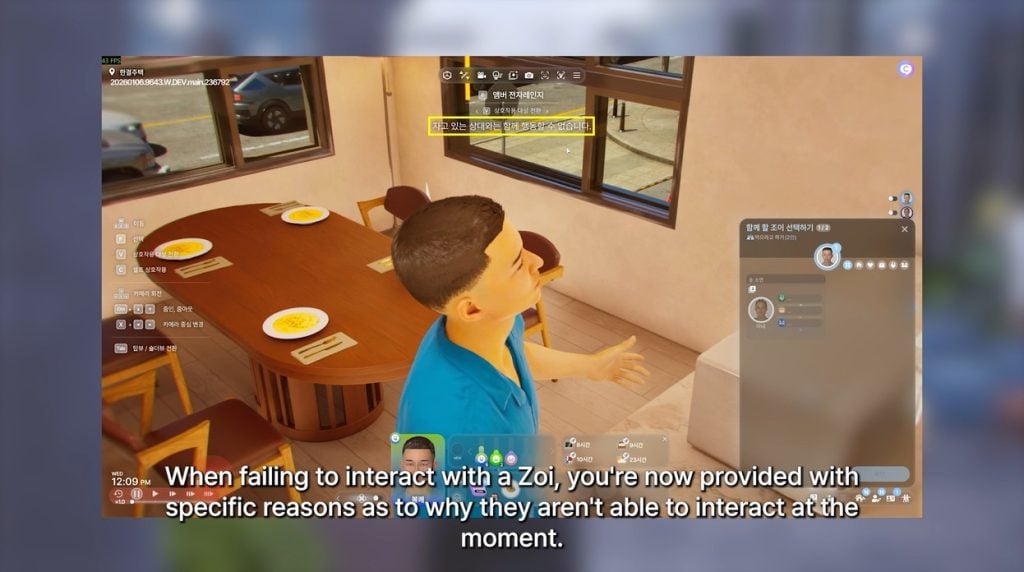

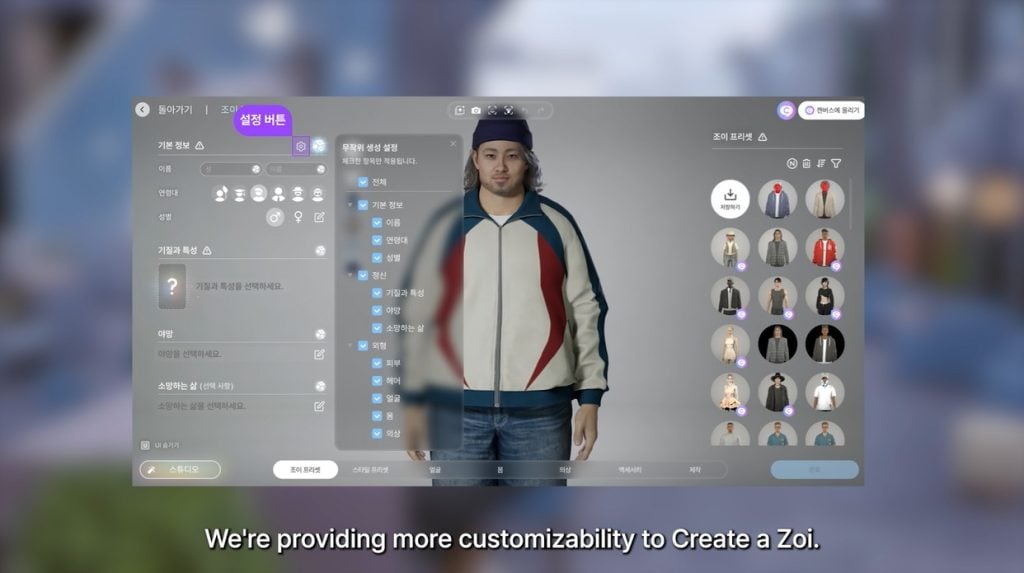
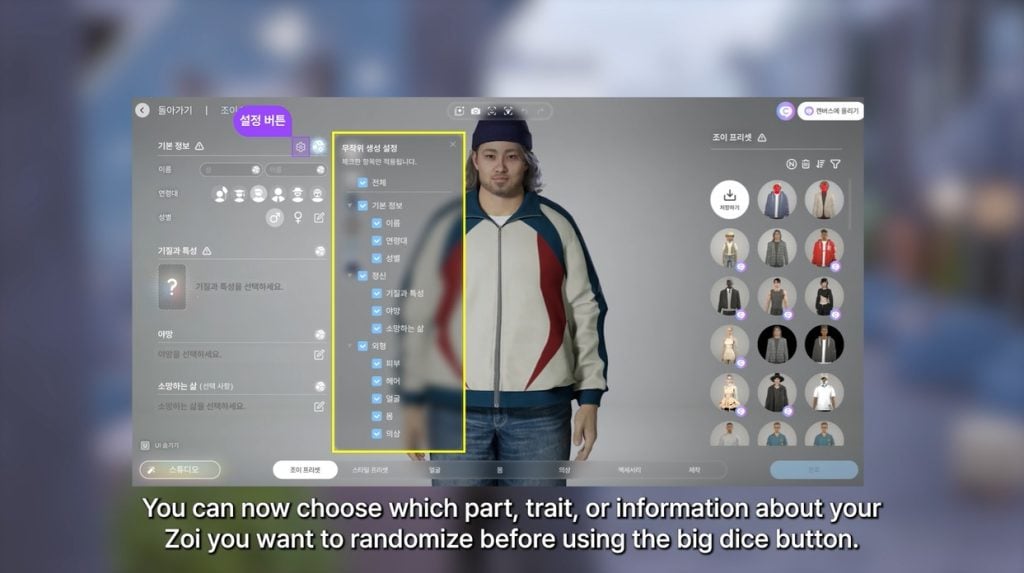
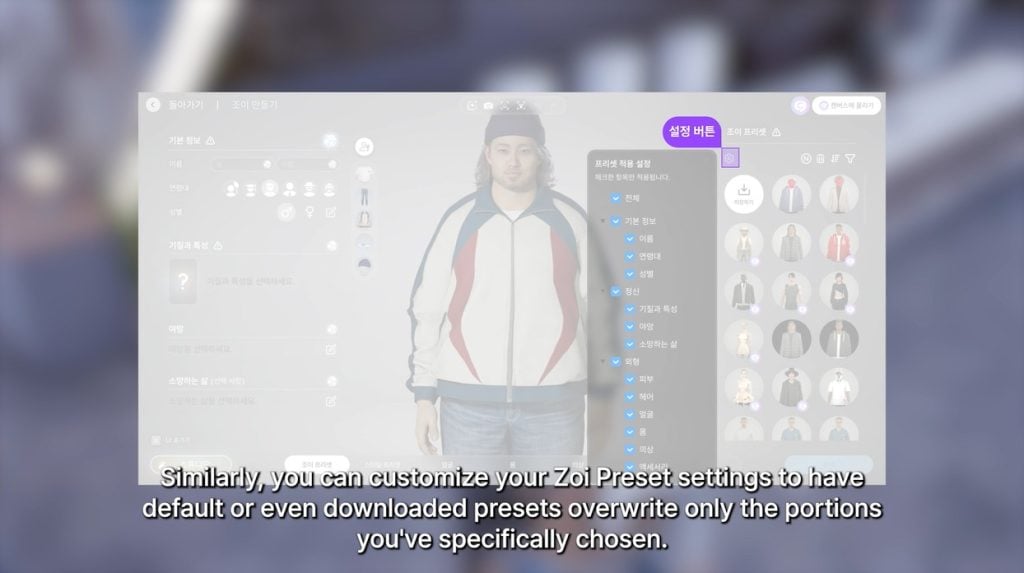
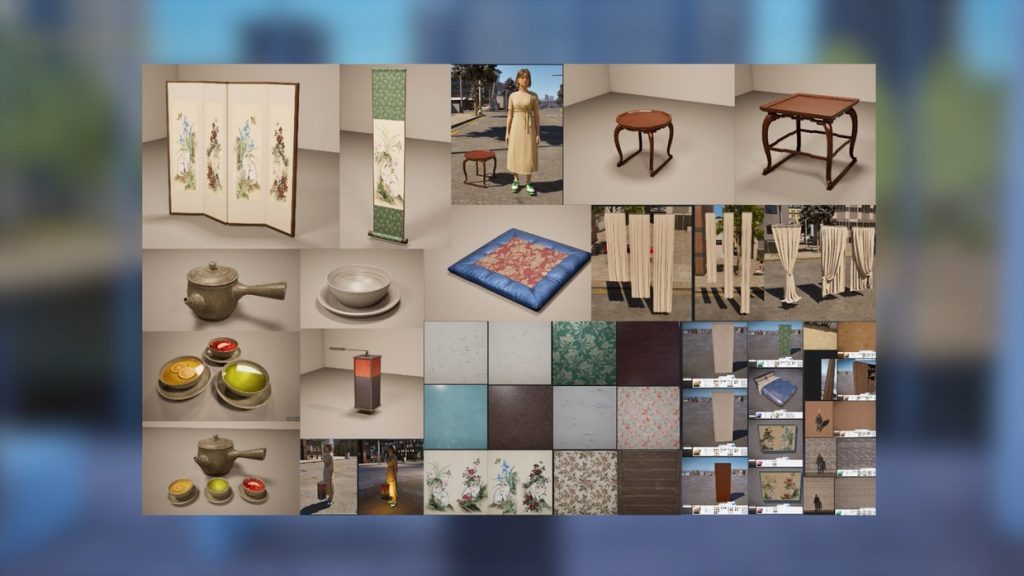
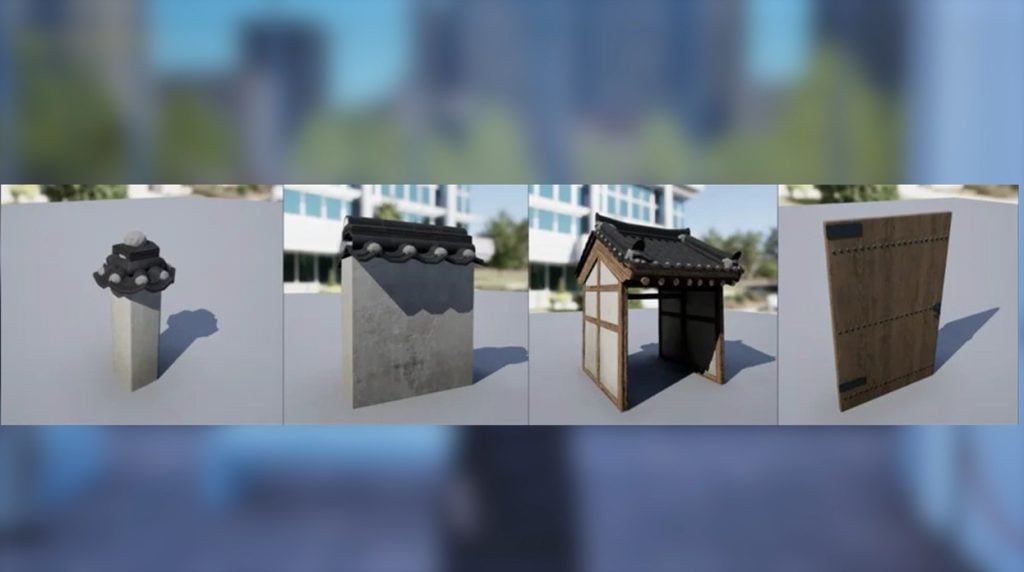
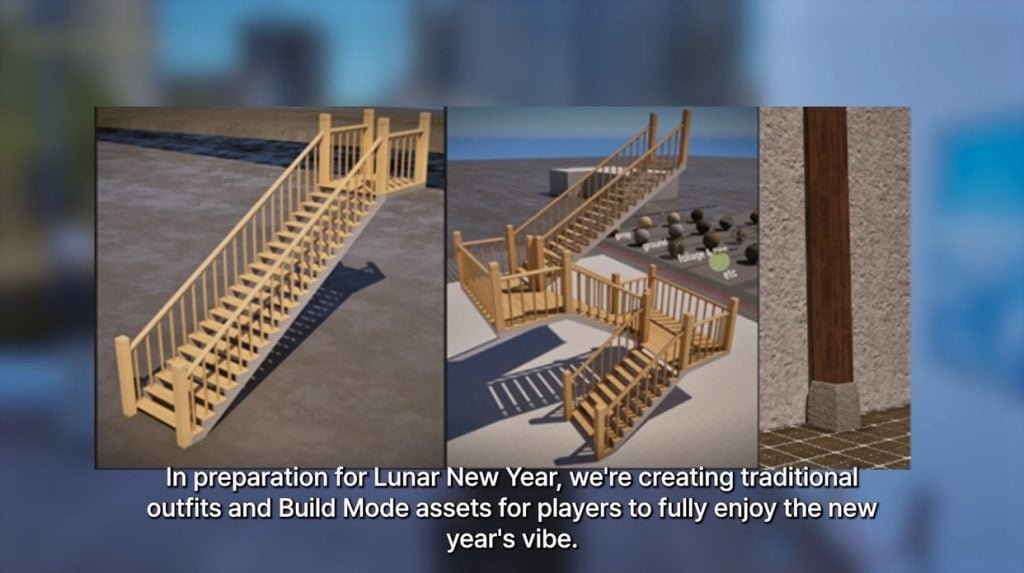

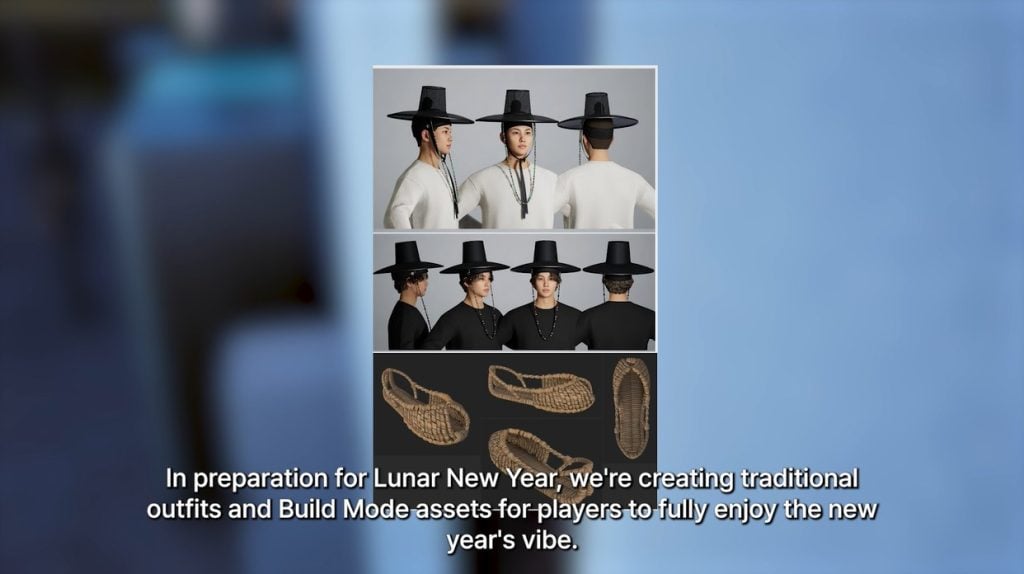
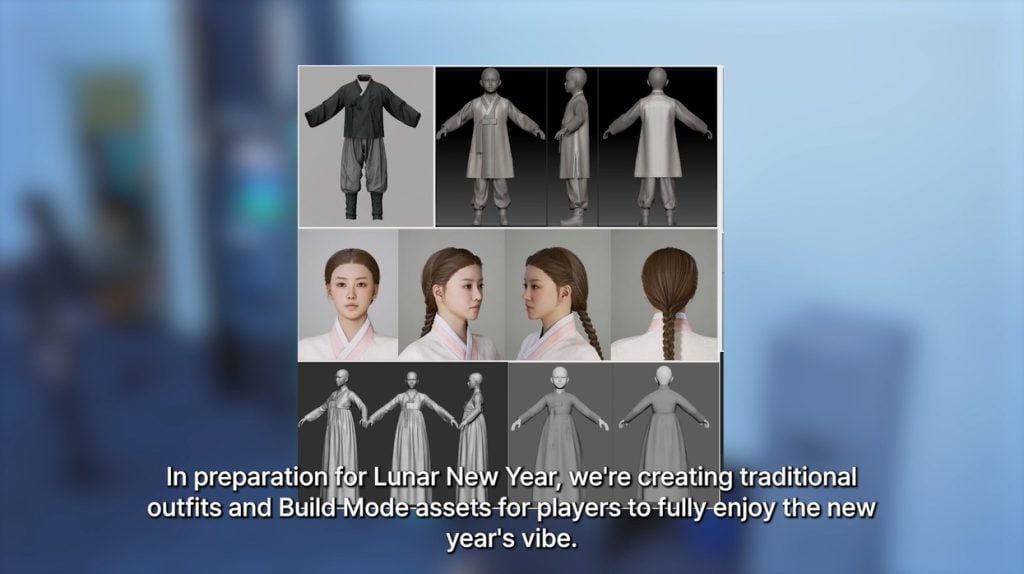
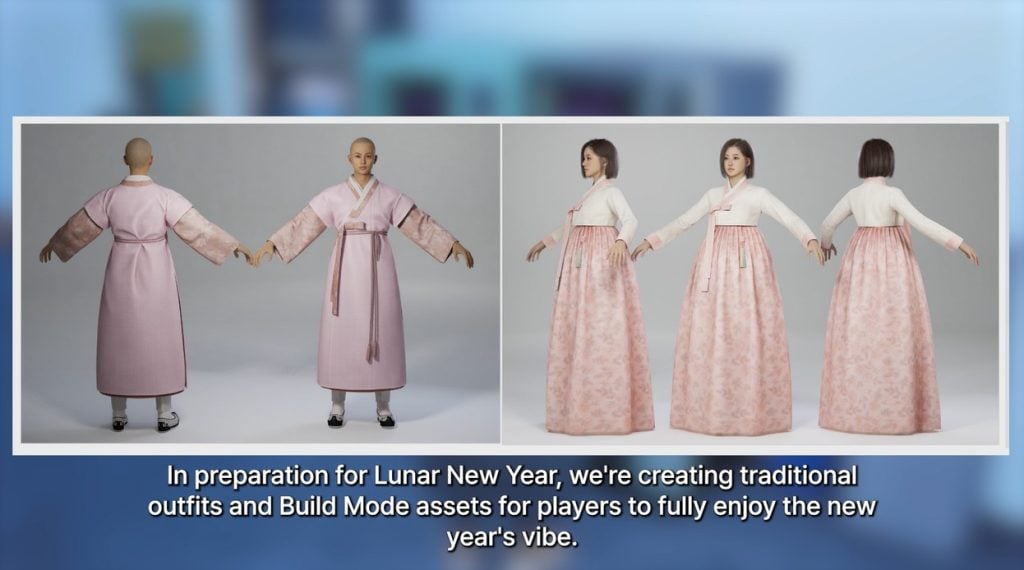
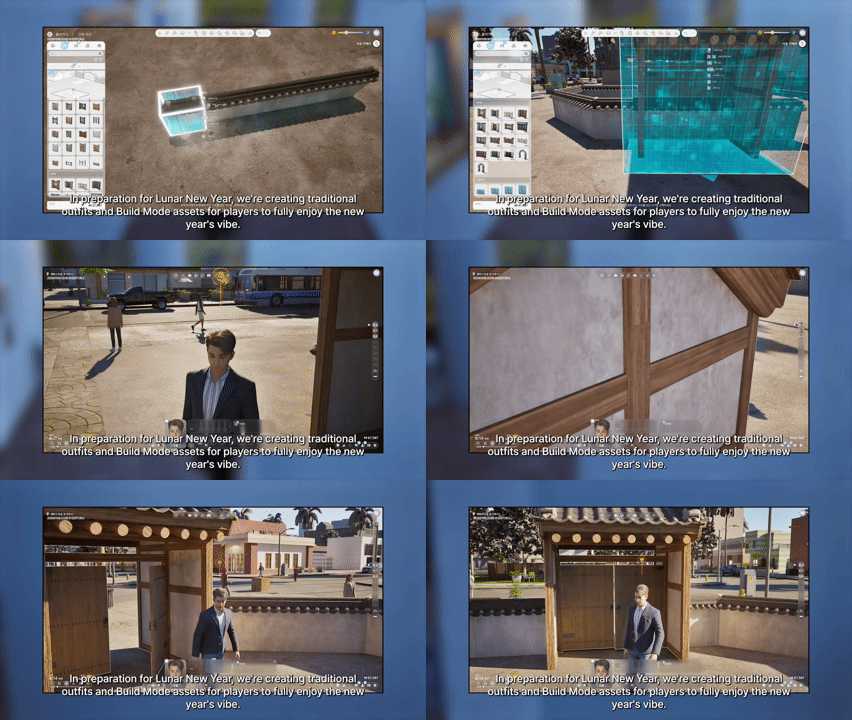
 Anger
Anger Blues
Blues Denial
 Holding it Together