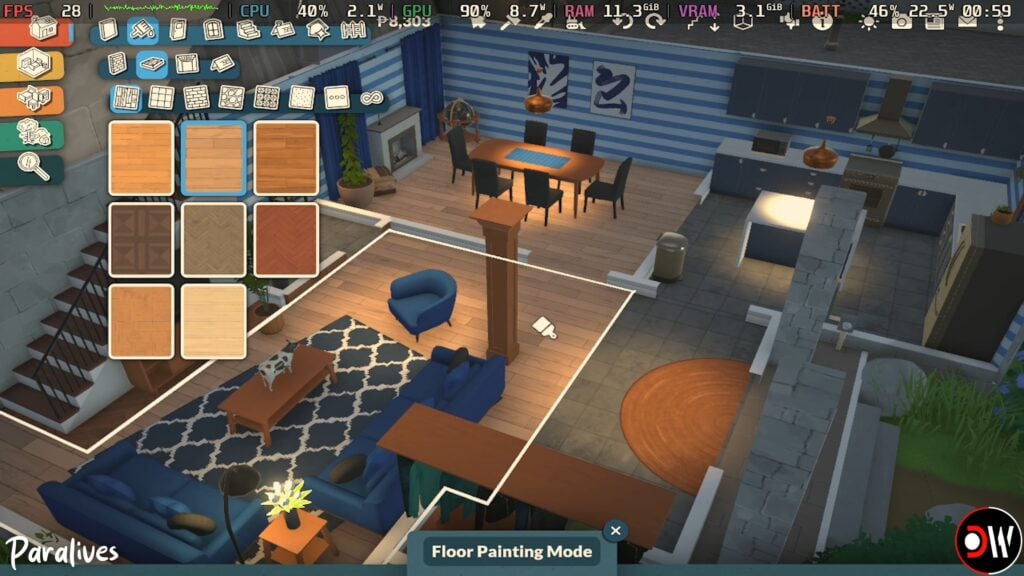
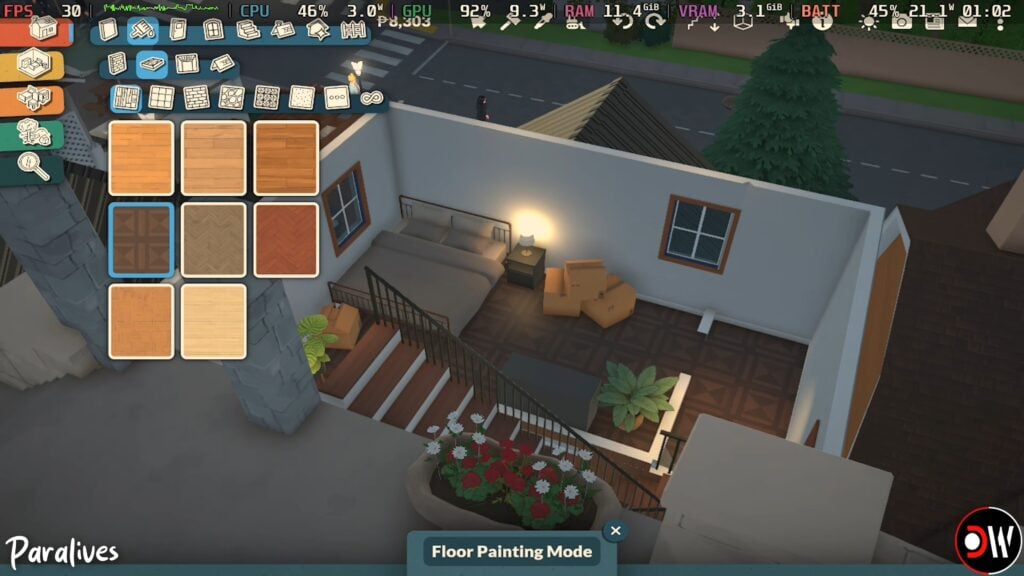
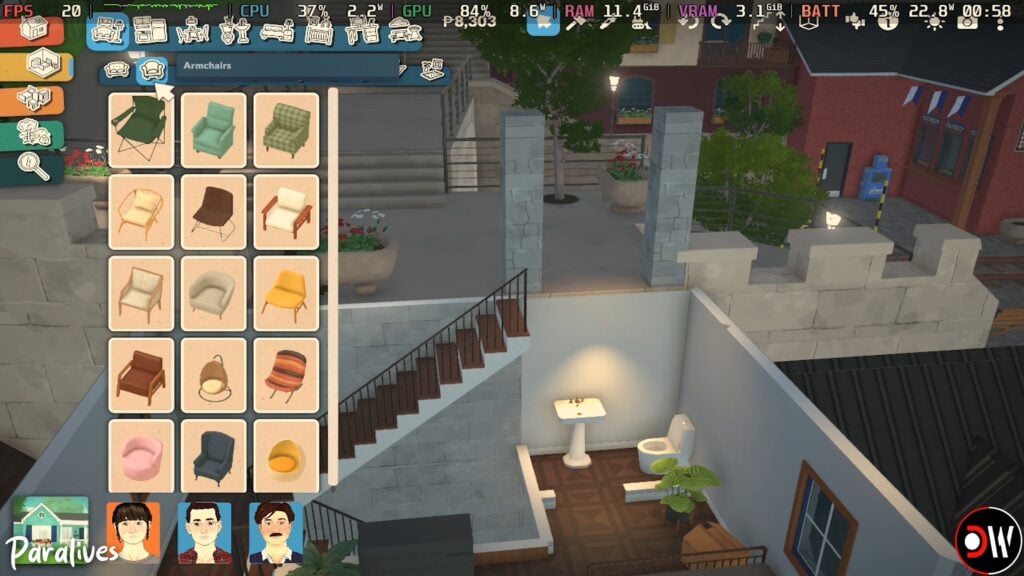
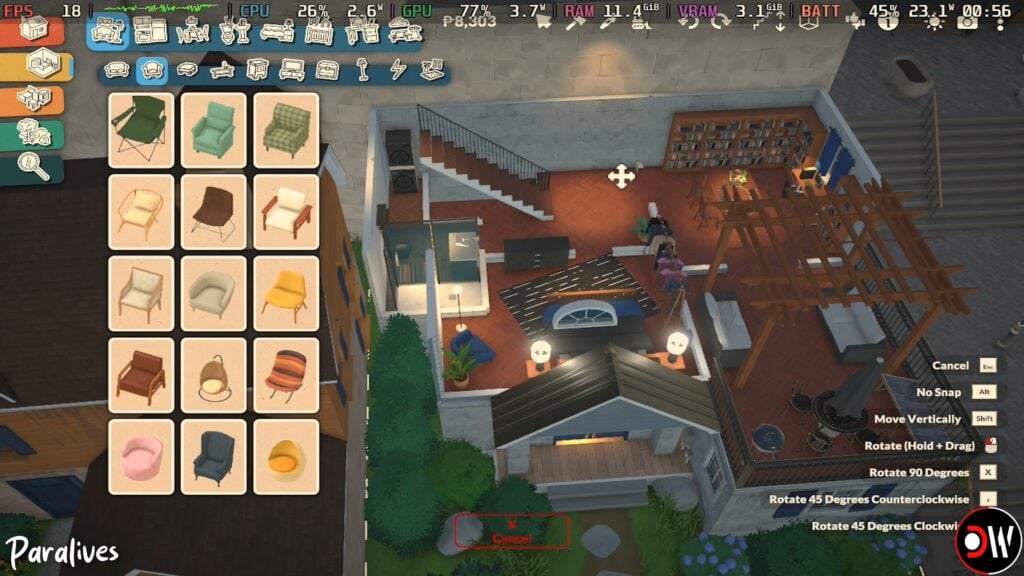
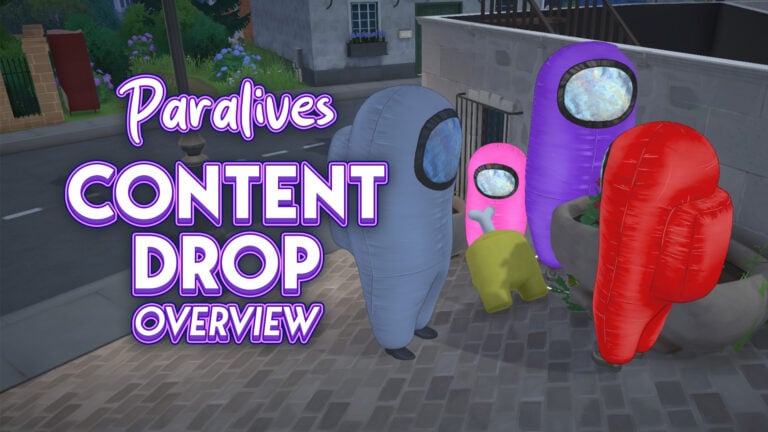
Get to know the Paralives issues that the team has just acknowledged!
The first list of known issues with Paralives bugs has just been shared by the Paralives indie team. 1 day into the game’s release the team acknowledges several different game issues, including Interface and Saving, Live Mode and Paramaker, as well as various performance issues.
Interestingly, the team already acknowledged a new Paralives Patch which whould also fix various issues with crashing and freezes.
Here’s everything they’ve shared down below:
Paralives Bugs: Known Issues
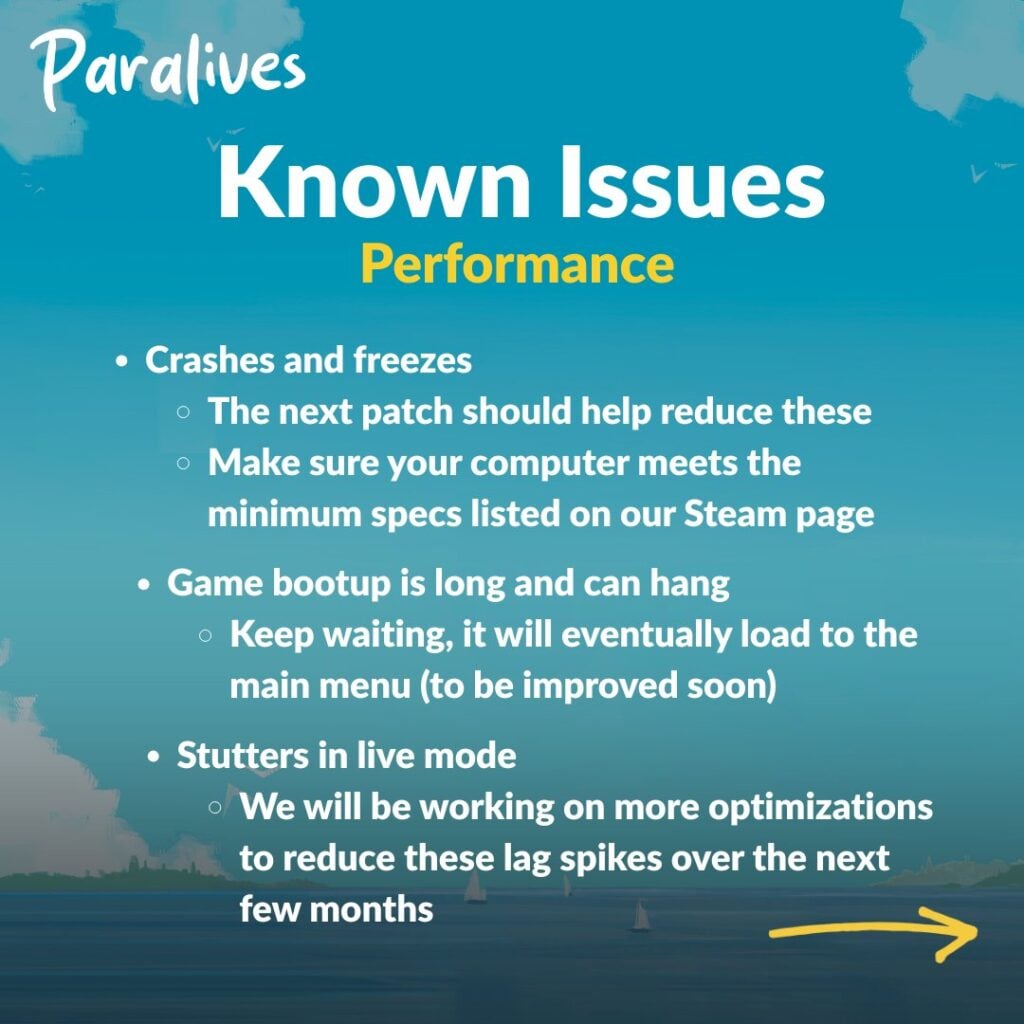
Performance
Crashes and freezes
The next patch should help reduce these
Make sure your computer meets the minimum specs listed on our Steam page
Game bootup is long and can hang
Keep waiting, it will eventually load to the main menu (to be improved soon)
Stutters in live mode
We will be working on more optimizations to reduce these lag spikes over the next few months
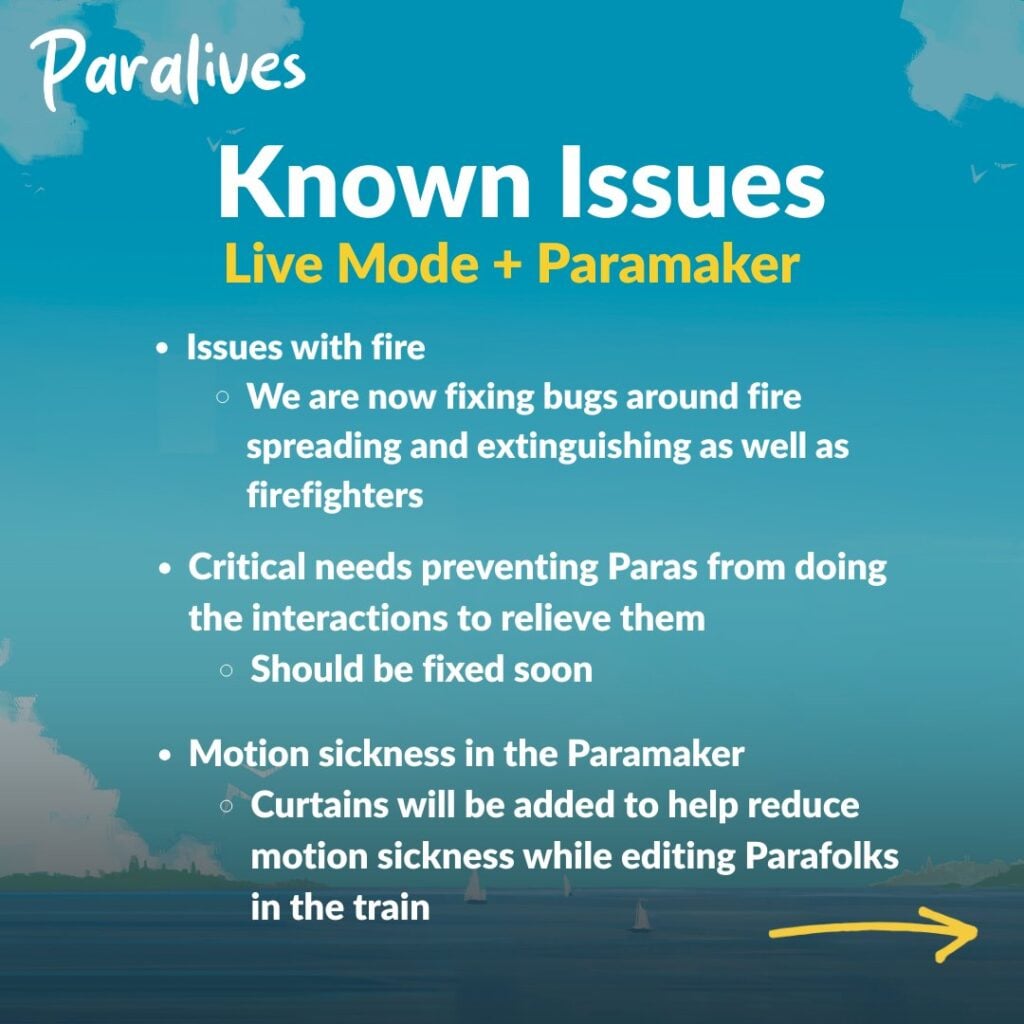
Live Mode + Paramaker
Issues with fire
We are now fixing bugs around fire spreading and extinguishing as well as firefighters
Critical needs preventing Paras from doing the interactions to relieve them
Should be fixed soon
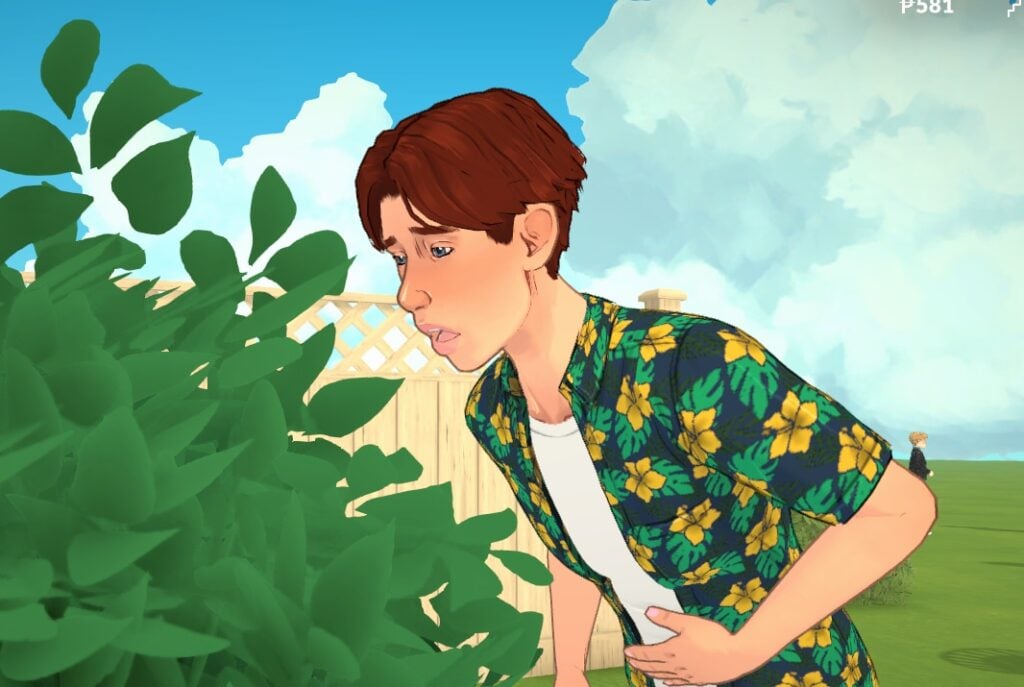
Motion sickness in the Paramaker
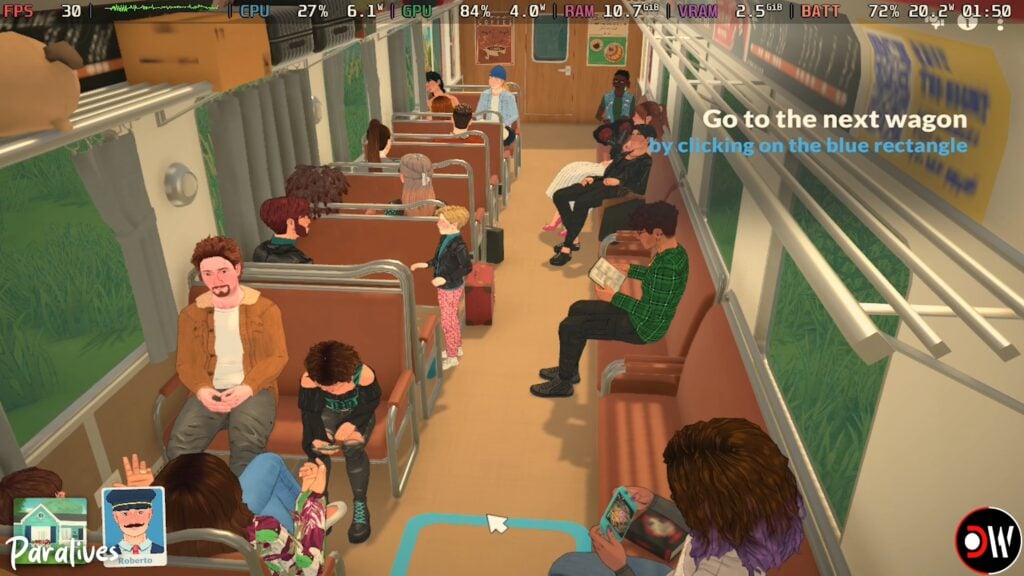
Curtains will be added to help reduce motion sickness while editing Parafolks in the train
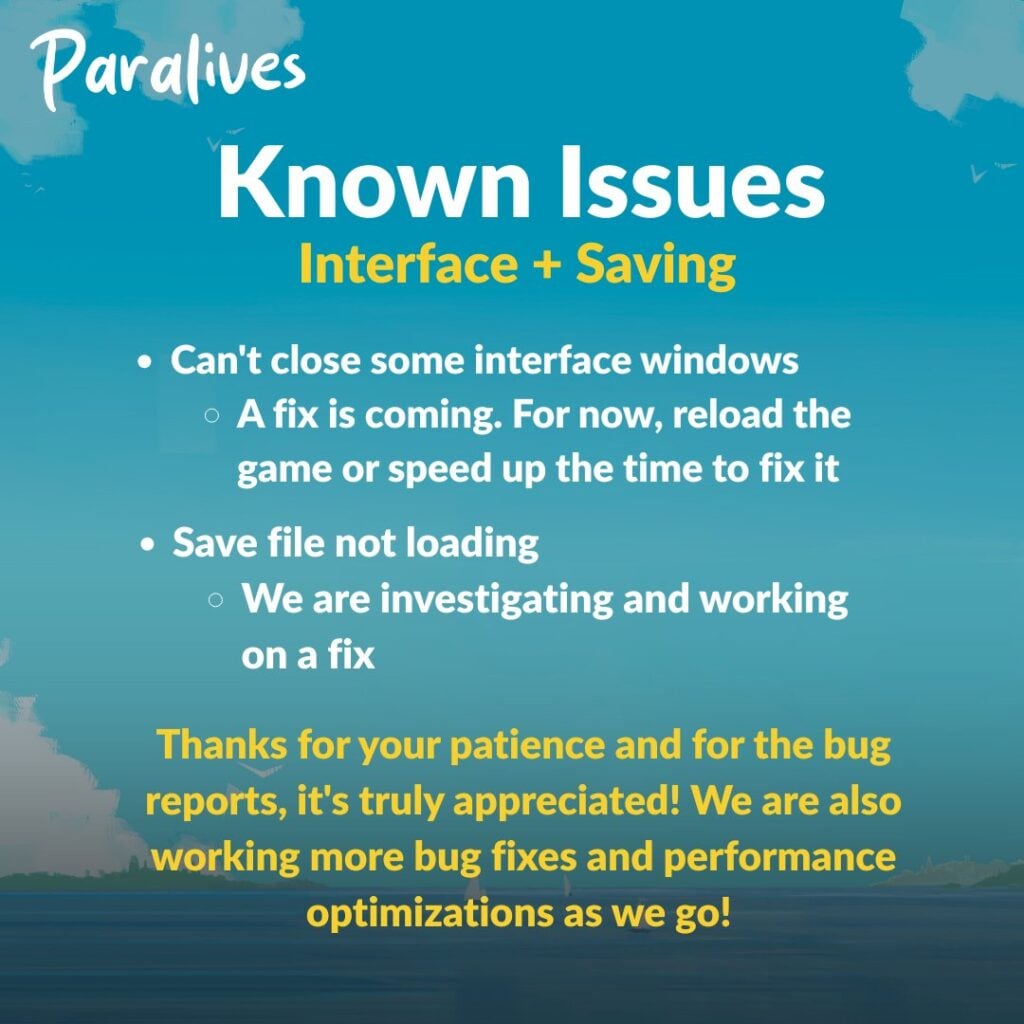
Interface + Saving
Can’t close some interface windows
A fix is coming. For now, reload the game or speed up the time to fix it
Save file not loading
We are investigating and working on a fix
Thanks for your patience and for the bug reports, it’s truly appreciated! We are also working more bug fixes and performance optimizations as we go!
What are your thoughts on the first Paralives Bugs report from the team? Drop a comment below and stay tuned for more Paralives News on Sims Community!
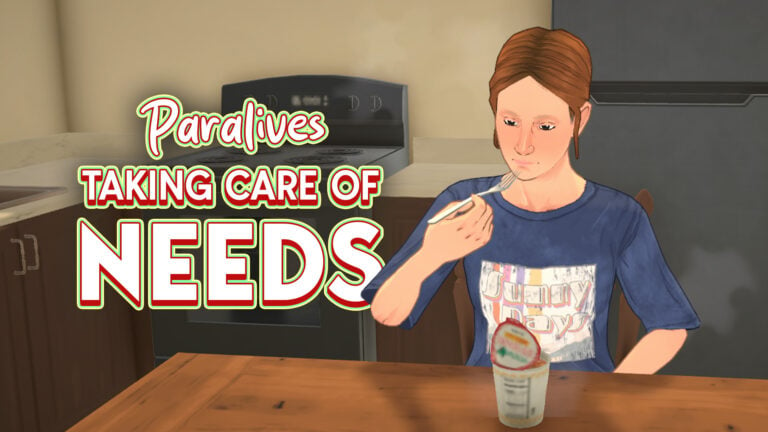
Just like any other life simulation game, Parafolk have basic needs which have to be met. This guide will help you get to grips with all of the Paralives needs and go over how they differ between each Parafolk in your household.
Paralives Needs
Relieving Needs
You will know if a need is being addressed by a small green smiley face that shows up next to the relevant bar
Basic Paralives Needs
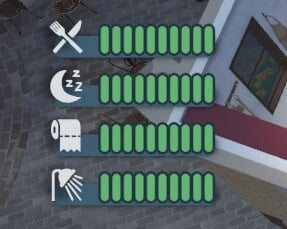
Every Parafolk will have these four needs: hunger, sleep, bathroom, and hygiene.
Hunger
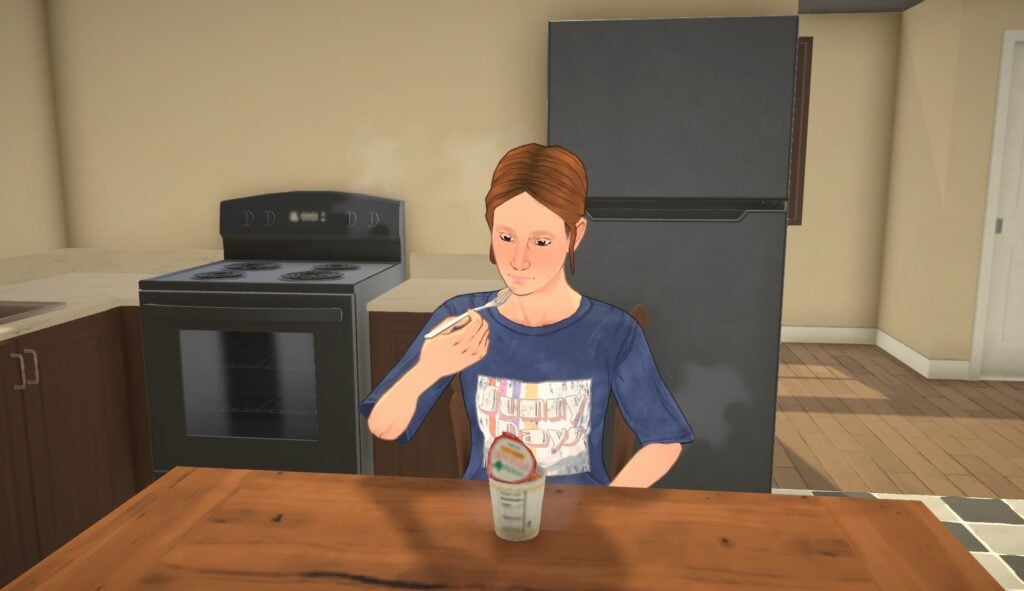
Relieve low hunger needs by having a snack or cooking a meal.
If your hunger need gets into the danger zone whilst you are away from home, look out for either the town market or one of the vending machines which are spread around town.
Letting your Parafolk’s hunger go down completely will mean they die from hunger, so be careful!
Bladder
Fairly self explanatory, you can solve this by using the bathroom.
To make sure it doesn’t get too low and your Para is caught short whilst at work, you can turn on the feature to automatically use the toilet at work.
Hygiene
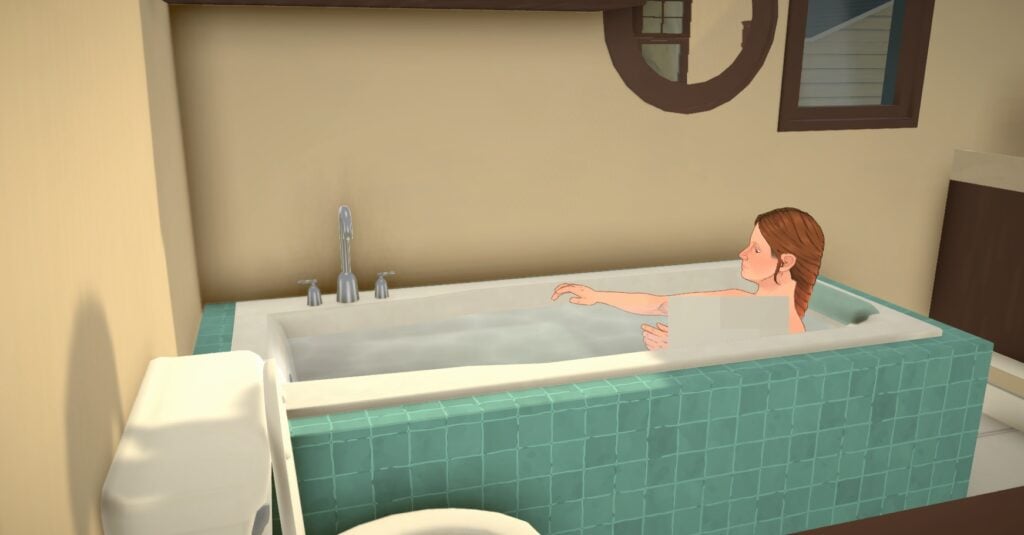
Washing hands, brushing teeth, and bathing will improve your Parafolk’s hygiene need.
As well as the basic four, there are some other Paralives needs to look out for.
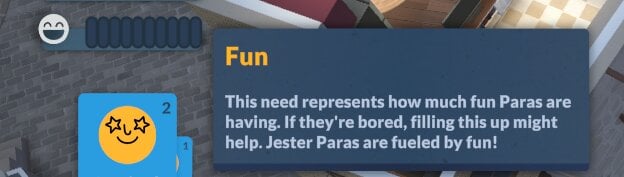
Fun
Jester Parafolk will have a fun need that needs to be maintained. There is no penalty for it going down to zero, but having it full will give them lots of benefits.
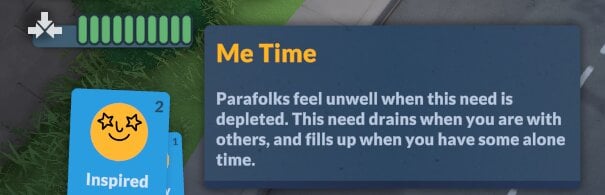
Me Time
Parafolks that are Good at Being Alone will have a Me Time need, which when full will make them much happier. Having this need low can also sometimes give them a want to spend time alone.
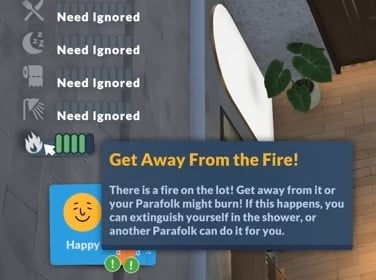
Get Away From The Fire!
If a fire breaks out in your Parafolk’s home, you’ll get a new temporary need called Get Away From The Fire, and all your other needs will be ignored for a while while this is active.
Paralives Babies & Toddlers Needs
Babies and toddlers have different needs and ways to relieve them than other Parafolk.
Sleep
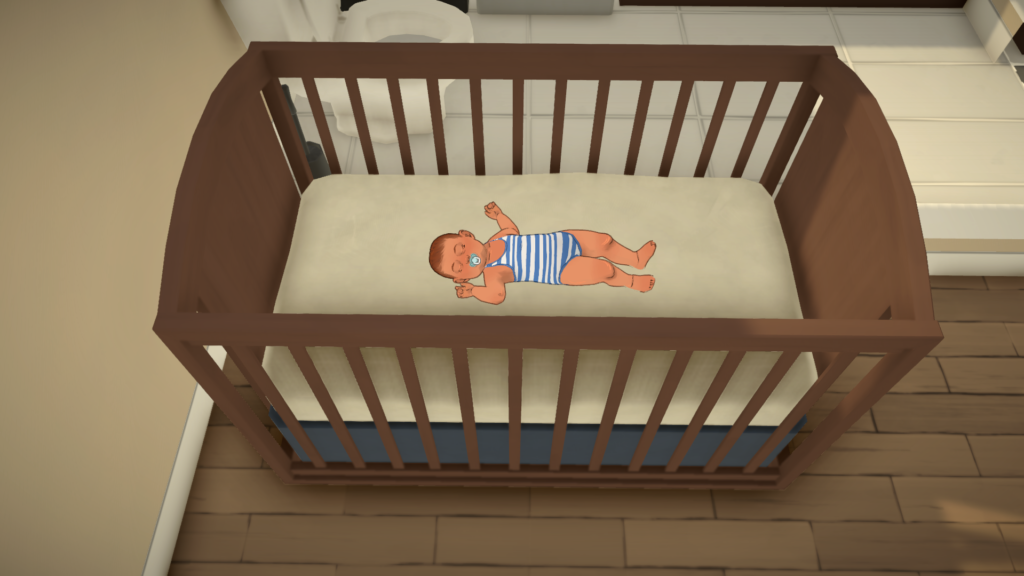
Babies and toddlers need a lot of sleep, so make sure they’re able to fulfil this need by putting them in the crib and then selecting Go to sleep. They can also sleep on the floor if needed.
Hunger
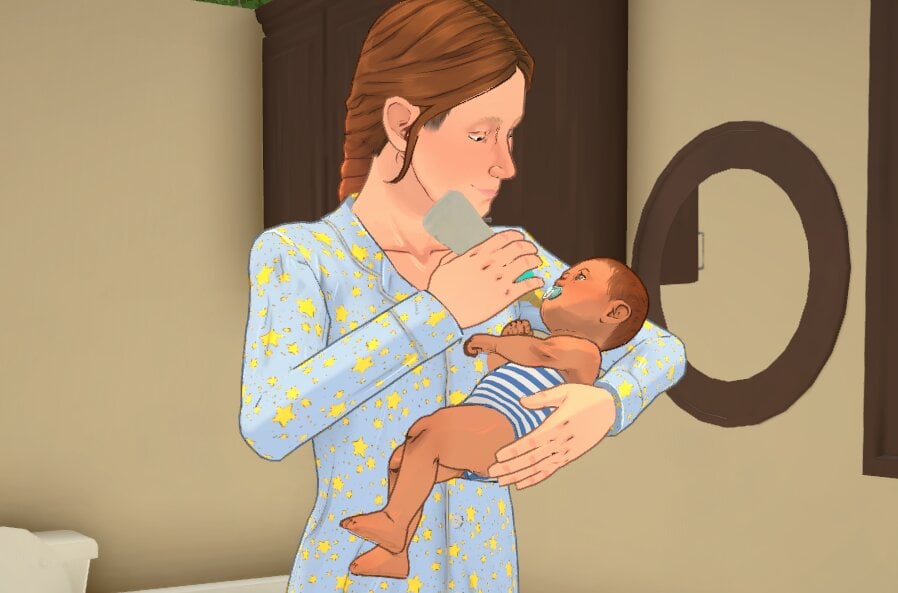
Bottle feeding or breastfeeding babies is the only way to raise their hunger need.
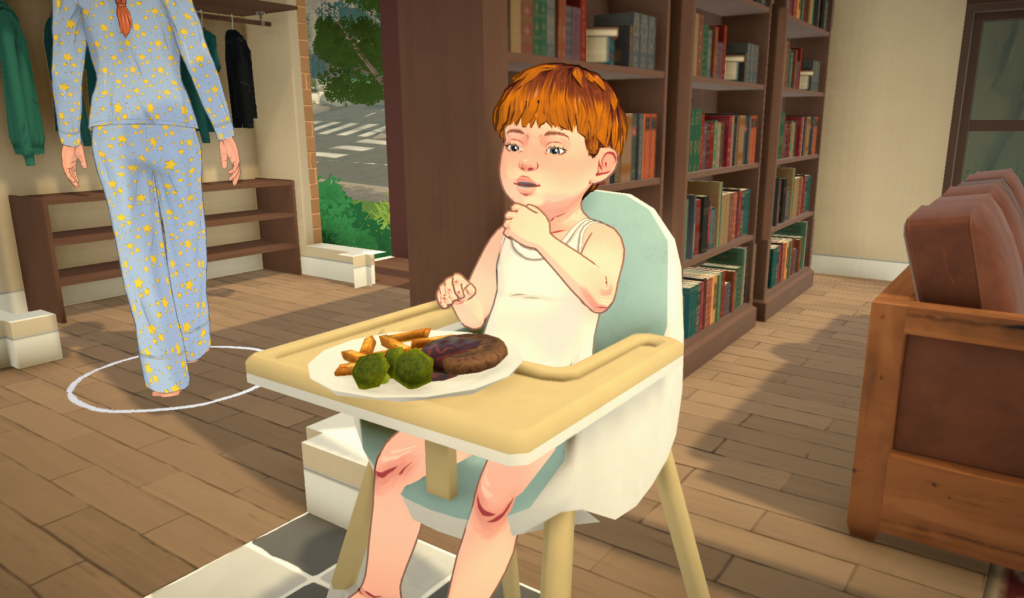
Toddlers can also eat food in the high chair.
Hygiene
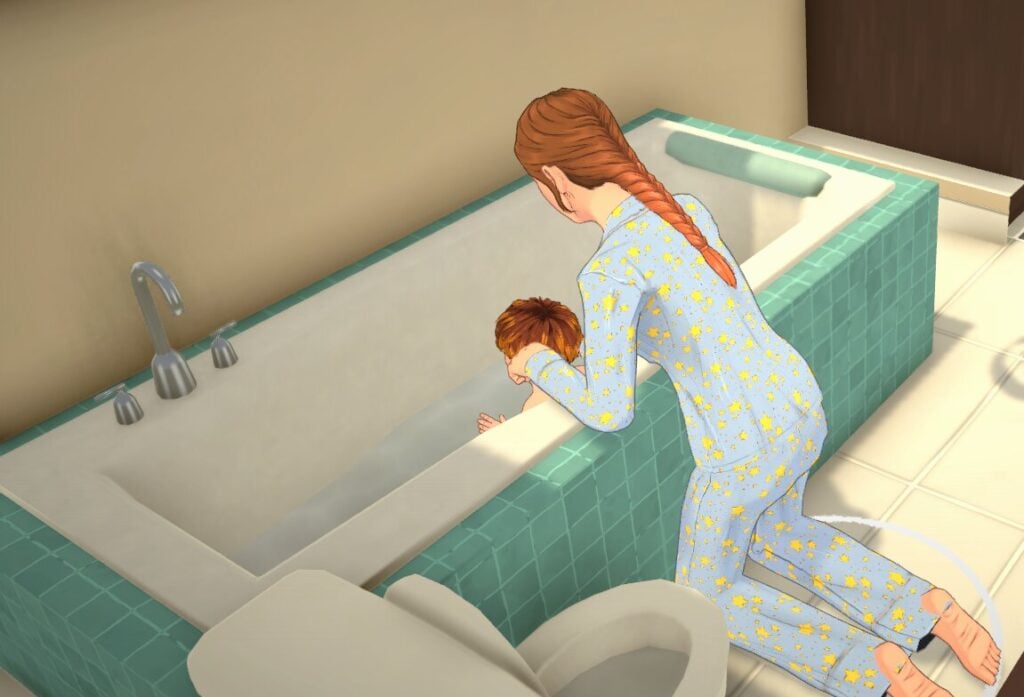
Give toddlers a bath to raise their hygiene need.
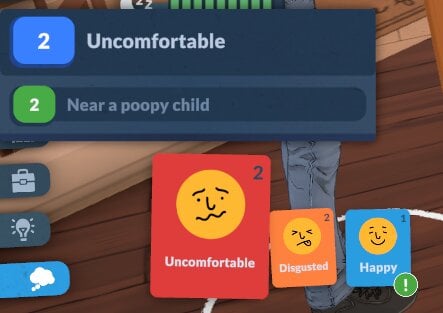
You can’t bathe babies, so the only way to raise their hygiene need is by changing their diaper. You’ll know when it needs changing because your Parafolk will get a negative emotion and also you’ll see the green stink lines rise off the baby!
Bathroom
Babies will use their diapers whenever their bathroom need gets too low autonomously.
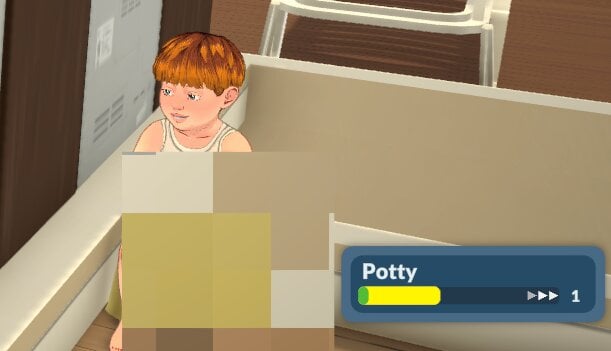
While toddlers can use diapers, they will also use the potty if you give them one. This will raise their potty skill too.
Affection
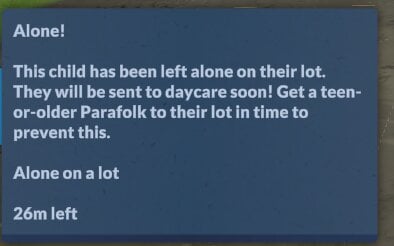
No baby or toddler likes being alone! Having them in a group with your other Parafolk doing things together, or being held, will raise their affection need.
Being left alone too long will make them be sent to daycare.
Showing Distress
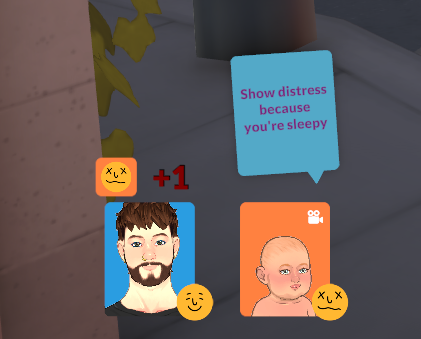
Babies can show distress at having low needs in conversation/group activities, and this will make the other Parafolk in a group with them stressed.
Need Caps & Ignoring Needs
Life Stage Needs Cap
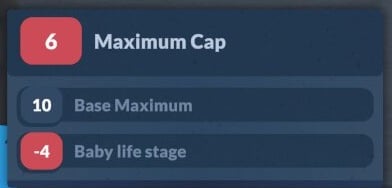
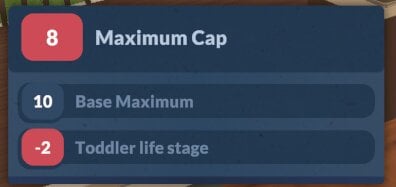
Not only do babies and toddlers have different needs to be met, they also have a cap on how high their needs bar can go. You can see what that cap will be by hovering over the need bar.
Getting A Higher Needs Cap
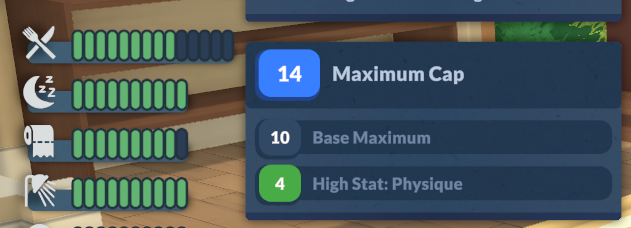
If your Parafolk have a personality trait which is higher than 1, they will be able to have a higher needs cap than others.
For example, someone with a high physique personality trait will be able to increase their hunger need above the standard ten.
Getting Unwell
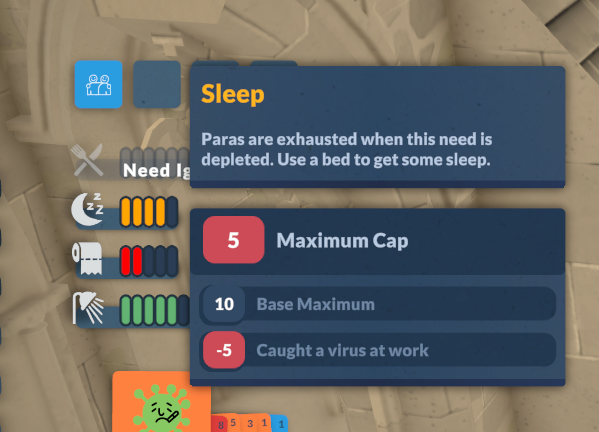
If your Parafolk get a virus causing them to be unwell, they will ignore their hunger need, and also they will have their other needs capped at 5, meaning they won’t be fully rested until the virus has gone, and their hygiene and bladder needs will get critical quicker.
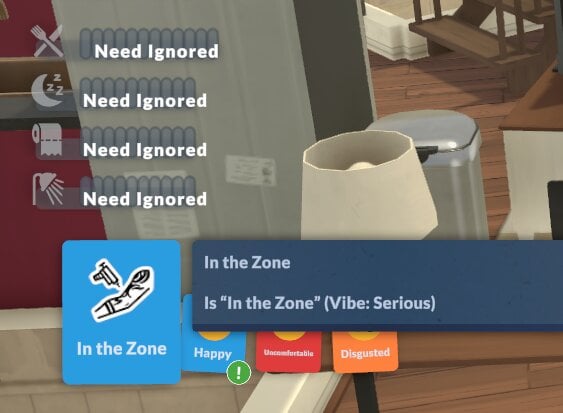
Getting In The Zone
Serious Parafolk will ignore all of their needs when they get in the zone. It’s a really handy perk when you need to level up a skill fast but you’re having some negative emotions impact your learning speed!
Hopefully with this handy guide to Paralives needs systems, you can avoid any untimely demises or angry Parafolks.
We have lots of Paralives guides available now on our site, which you can find here.
Have you found any other ways to meet Paralives needs which are not mentioned above? Let us know.
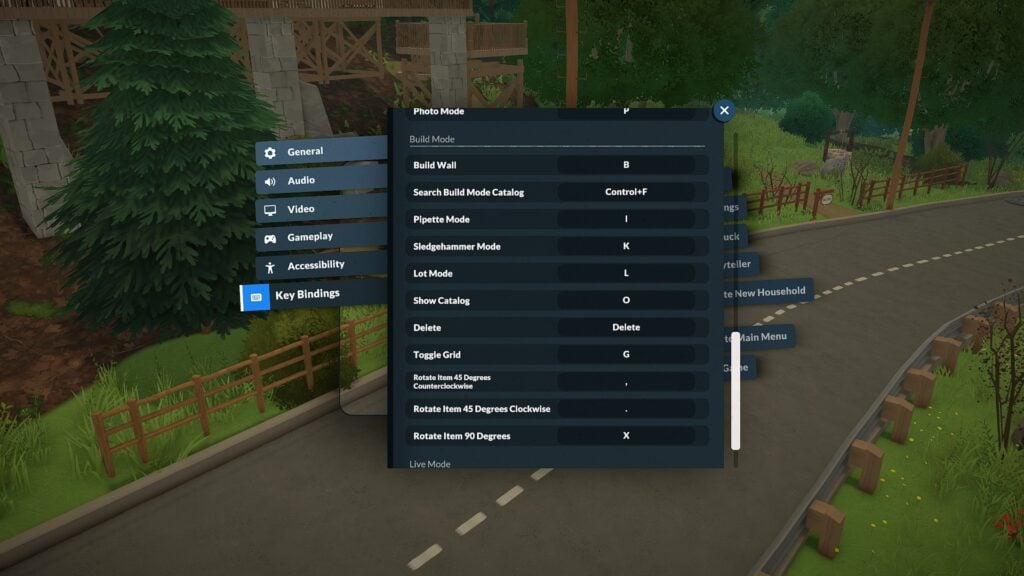
Paralives already offers a surprisingly robust range of customizable controls during Early Access, giving players the ability to fully rebind keyboard shortcuts, adjust camera sensitivity, and fine-tune gameplay settings to match their preferred playstyle. From Build Mode hotkeys to Photo Mode tools, this Paralives Controls guide covers the current keyboard shortcuts, camera settings, and gameplay keybindings available in-game.
Table of Contents
Paralives Keyboard Controls and Camera Settings
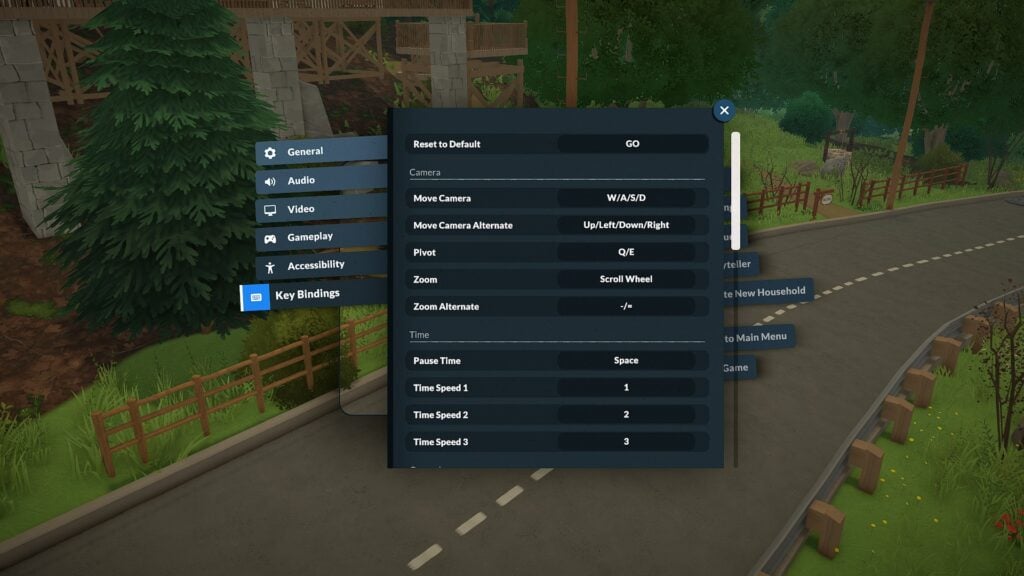
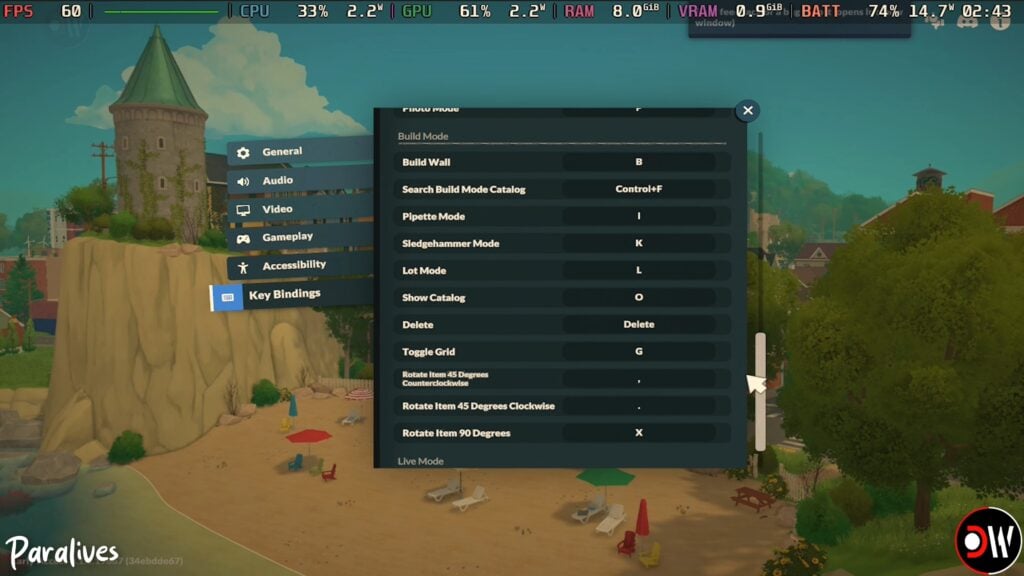
One of the most helpful discoveries during testing is that Paralives includes a fully customizable Key Bindings menu directly inside the settings panel. Players can reassign controls for camera movement, Build Mode shortcuts, time controls, and more.
The default camera controls currently include:
Action
Keyboard Shortcut
Move Camera
W / A / S / D
Alternate Camera Movement
Arrow Keys
Pivot Camera
Q / E
Zoom
Scroll Wheel
Alternate Zoom
– / =
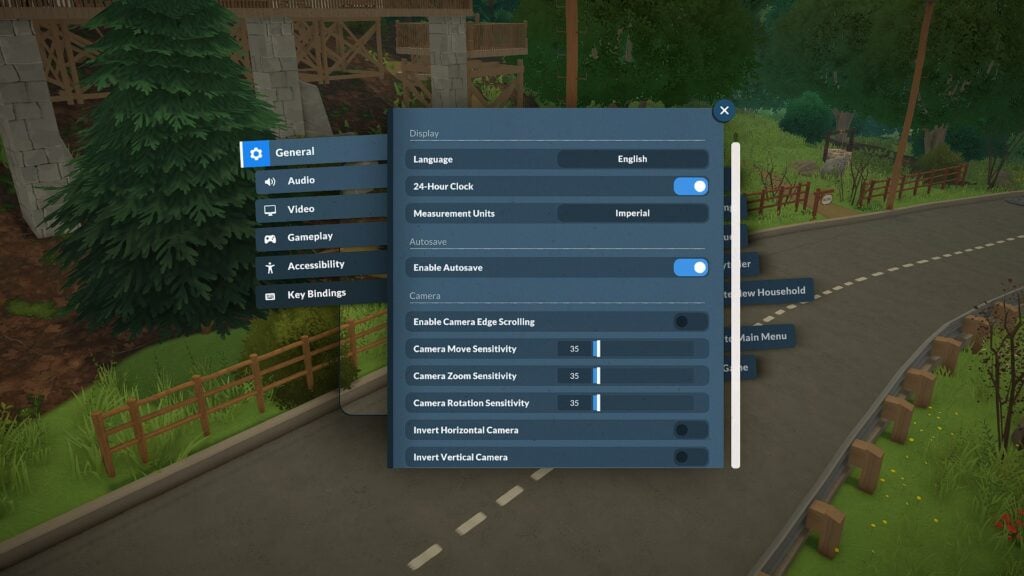
Players can also customize:
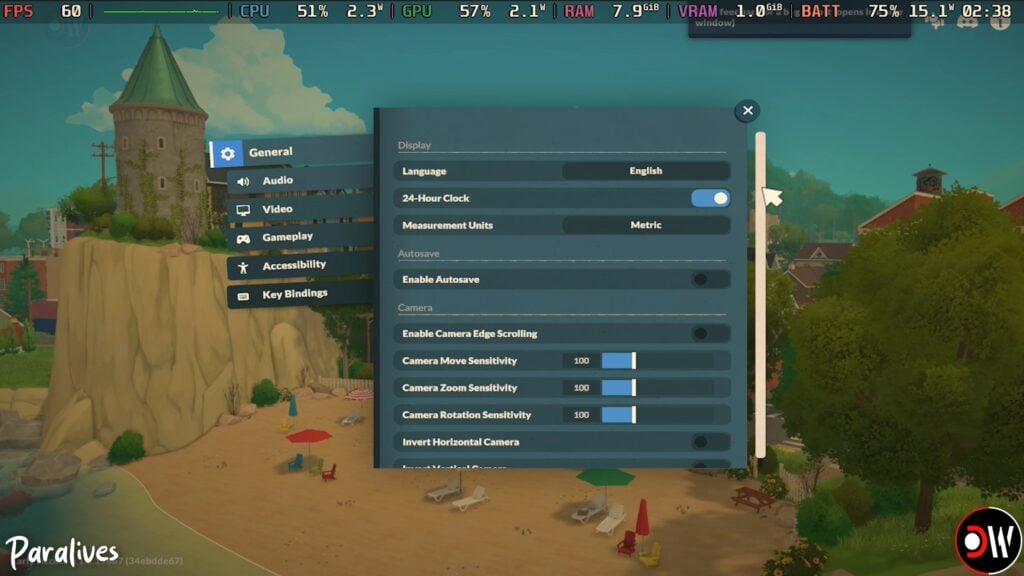
Camera move sensitivity
Camera zoom sensitivity
Camera rotation sensitivity
Edge scrolling
Inverted camera controls
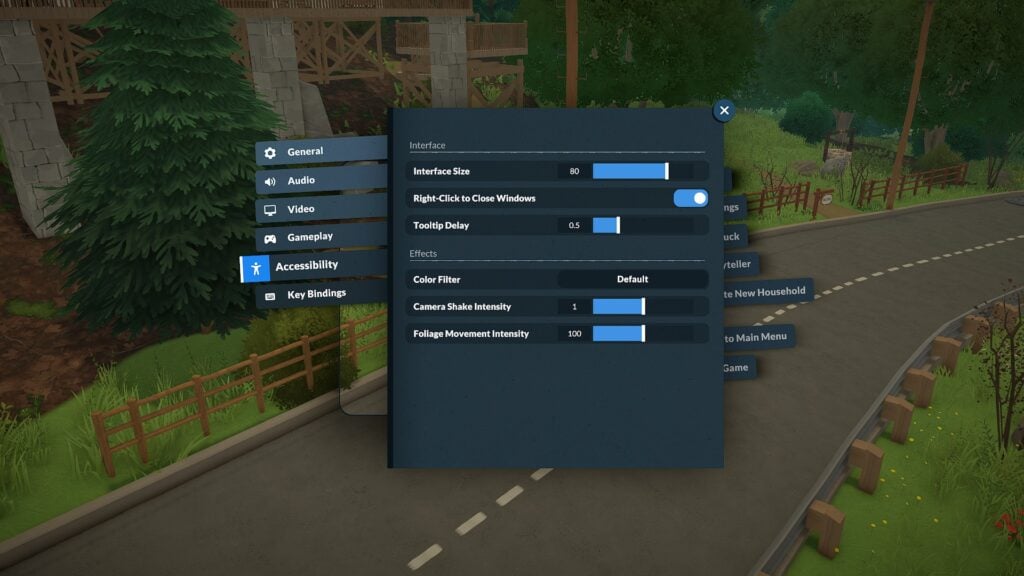
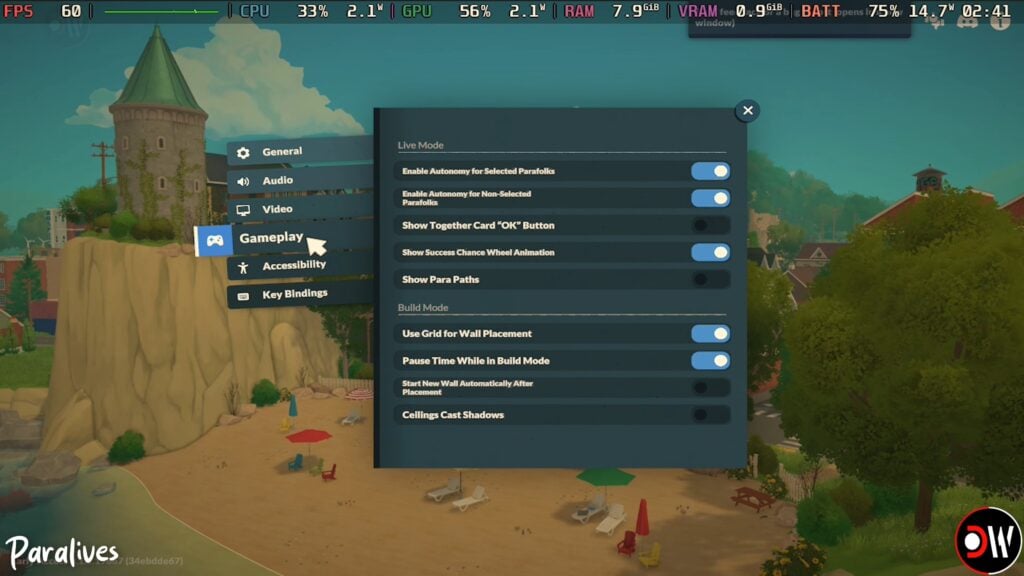
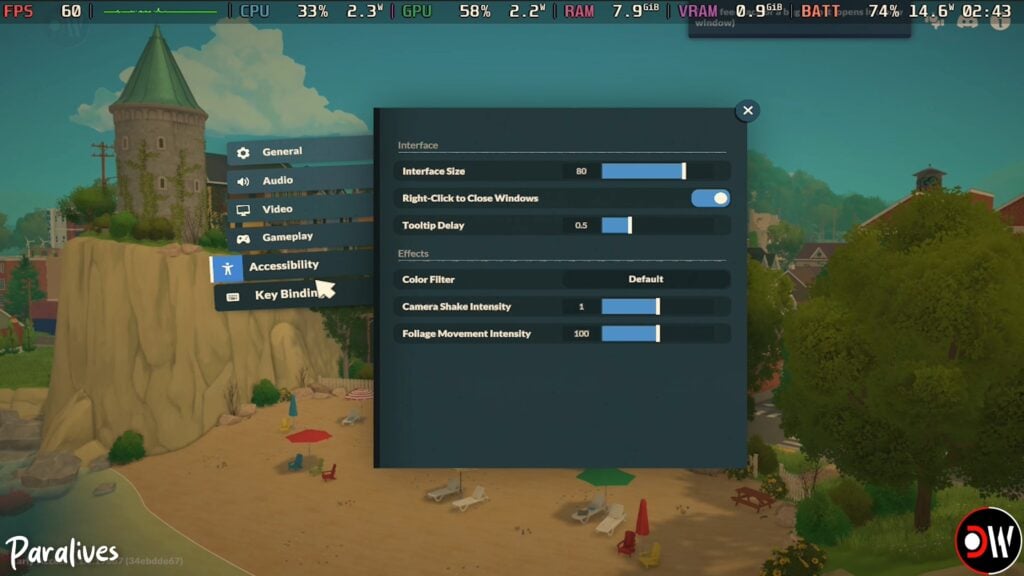
The game’s settings menu additionally includes accessibility options such as interface scaling, tooltip delay adjustments, camera shake intensity, and color filters.
Paralives Time Controls and Live Mode Shortcuts
Live Mode shortcuts currently focus on quickly navigating between gameplay systems and controlling time progression.
Action
Keyboard Shortcut
Pause Time
Space
Time Speed 1 (x1)
1
Time Speed 2 (x5)
2
Time Speed 3 (x15)
3
Toggle Modes
Tab
Open Town Map
M
Open Photo Mode
P
Center Camera on Para
F
Players can also quickly select all Parafolks in a household using:
Control + U
Paralives Build Mode Controls
Build Mode currently includes several useful keyboard shortcuts that make decorating and lot editing significantly smoother. Paralives also includes advanced object placement options such as vertical movement controls, free placement snapping overrides, and an advanced placement widget for more precise object positioning.
Action
Keyboard Shortcut
Build Wall
B
Search Build Catalog
Control + F
Pipette Tool
I
Sledgehammer Tool
K
Lot Mode
L
Show Catalog
O
Toggle Grid
G
Rotate Item 45° Counterclockwise
,
Rotate Item 45° Clockwise
.
Rotate Item 90°
X
Toggle Advanced Widget
*
Disable Snap
Alt
Move Vertically
Shift
Cancel Placement
Esc
Sell Object
Delete
Note: The “Toggle Advanced Widget” shortcut currently appears to require the numeric keypad * key rather than the standard Shift + 8 asterisk on some keyboards.
Several additional controls tested correctly during gameplay, including floor navigation shortcuts and undo/redo commands.
Action
Keyboard Shortcut
Undo
Control + Z
Redo
Control + Y
Floor Up
Page Up
Floor Down
Page Down
Quick Save
F5
Paralives Photo Mode Controls
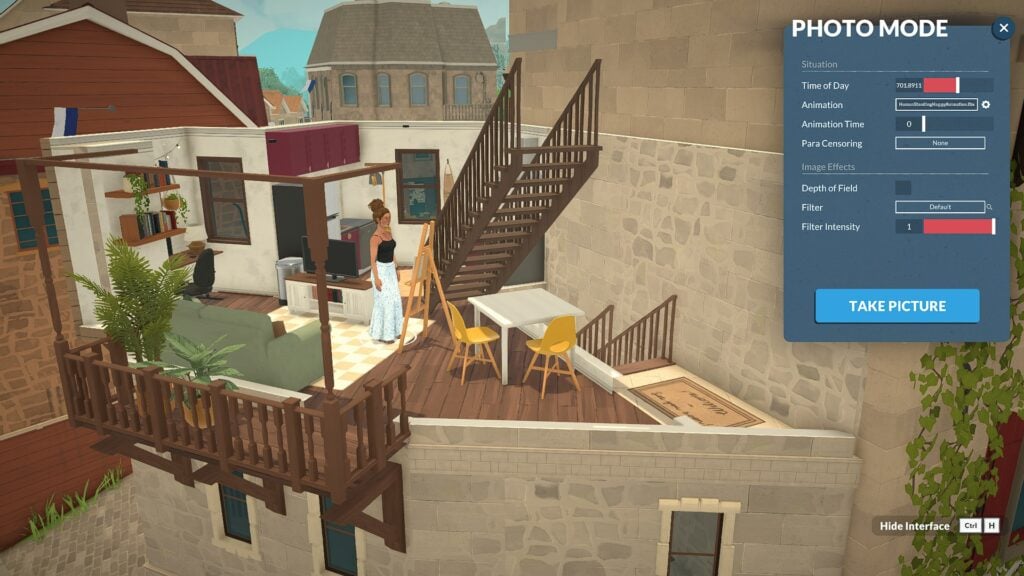
One of the most impressive surprises in Paralives so far is the built-in Photo Mode system.
Accessible through the P keyboard shortcut or the Photo Mode icon in the top-right corner of the UI, the feature already includes a large number of cinematic tools and screenshot customization options.
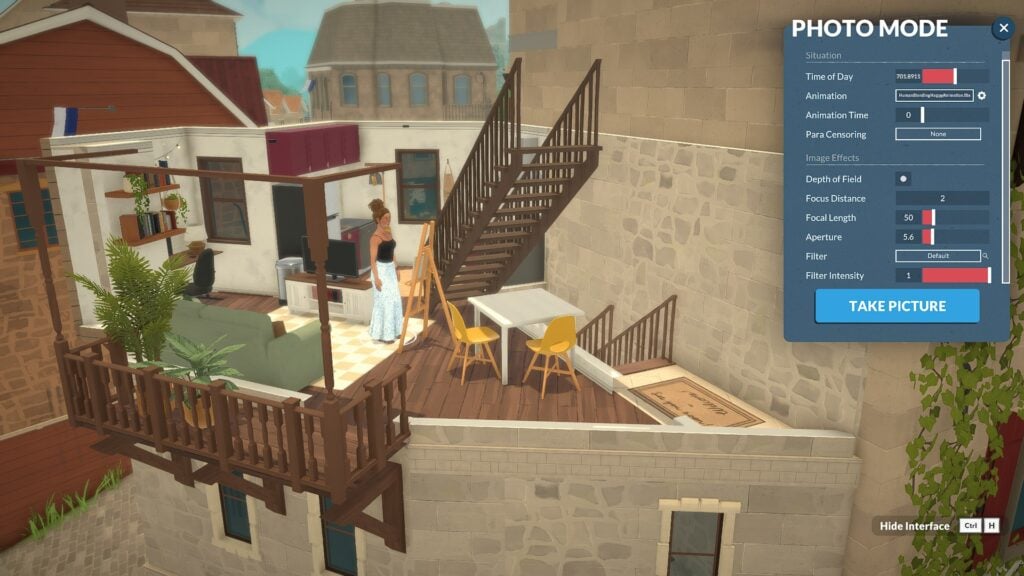
Current Photo Mode settings include:
Time of day controls
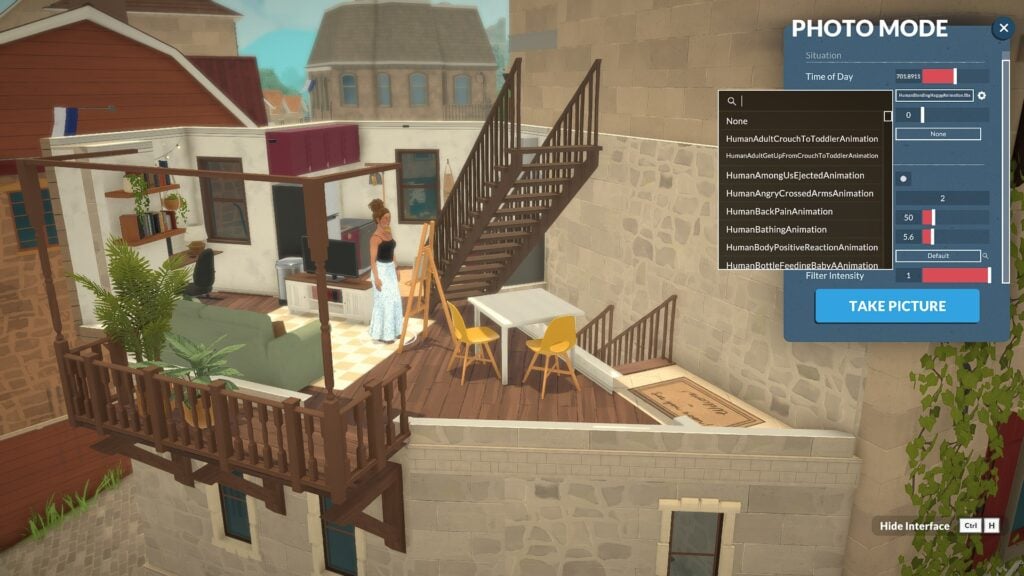
Animation posing
Animation timeline adjustments
Depth of field
Focus distance
Focal length
Aperture settings
Filters and filter intensity
Interface hiding shortcuts
Players can even browse a surprisingly large animation library for posing Parafolks during screenshots, making it much easier to create cinematic scenes and storytelling moments without needing additional mods.
Screenshots captured through Paralives Photo Mode are automatically saved to a dedicated screenshots folder on PC. During Early Access testing, the folder appeared directly on the desktop after exiting the game, making it easy to quickly locate and organize captured images.
While the current camera system can feel somewhat restrictive at certain angles, the modding community has already started creating solutions. TwistedMexi recently released a “Sensible Camera Control” mod that removes several camera limitations and expands viewing angles for more flexible screenshot composition.
Paralives Accessibility and Gameplay Customization
Beyond keyboard shortcuts, Paralives already offers a wide variety of gameplay and accessibility settings during Early Access.
Although Paralives is still in Early Access, the game already includes an impressive amount of keyboard customization and gameplay flexibility. Between rebindable controls, detailed camera settings, and an unexpectedly powerful Photo Mode, players have plenty of ways to personalize their experience from the very beginning.
As development continues, additional controls and settings will likely evolve alongside community feedback and future updates.
For more information about Paralives, upcoming features, and additional Early Access coverage, readers can visit the Sims Community Paralives Section for the latest news and updates.
Not even a day after release we already have thousands of items, mods, families and homes for Paralives available for download in the Steam workshop, including lots of custom content for both Build/Buy and Paramaker.
All of the Paralives CC featured in the article is working at the time of publish, but as always with custom content, it’s a good idea to check before installing if any errors have been reported.
How To Install Paralives Custom Content
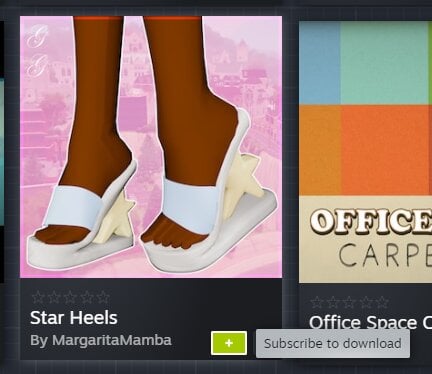
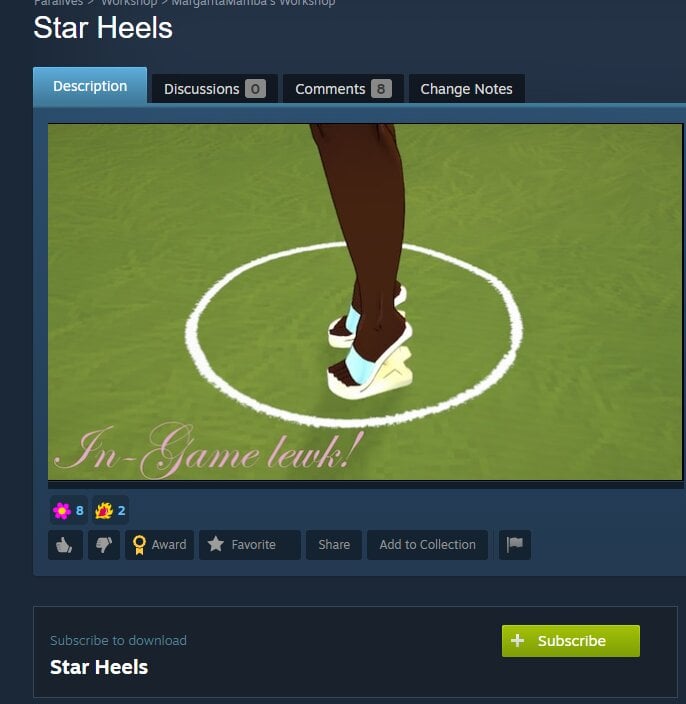
If you haven’t used Steam workshop before, all you have to do to install it is click on the green subscribe button on the item preview or information page, and it will be installed into your game.
You can even do it while your game is still open!
Paralives CC
Paramaker Custom Content
There are a lot of Paralives CC items made for the Paramaker, these are just a small selection of the items available.
To download any of the Paralives CC mentioned, click on the button below the listing to open it in the Steam workshop.
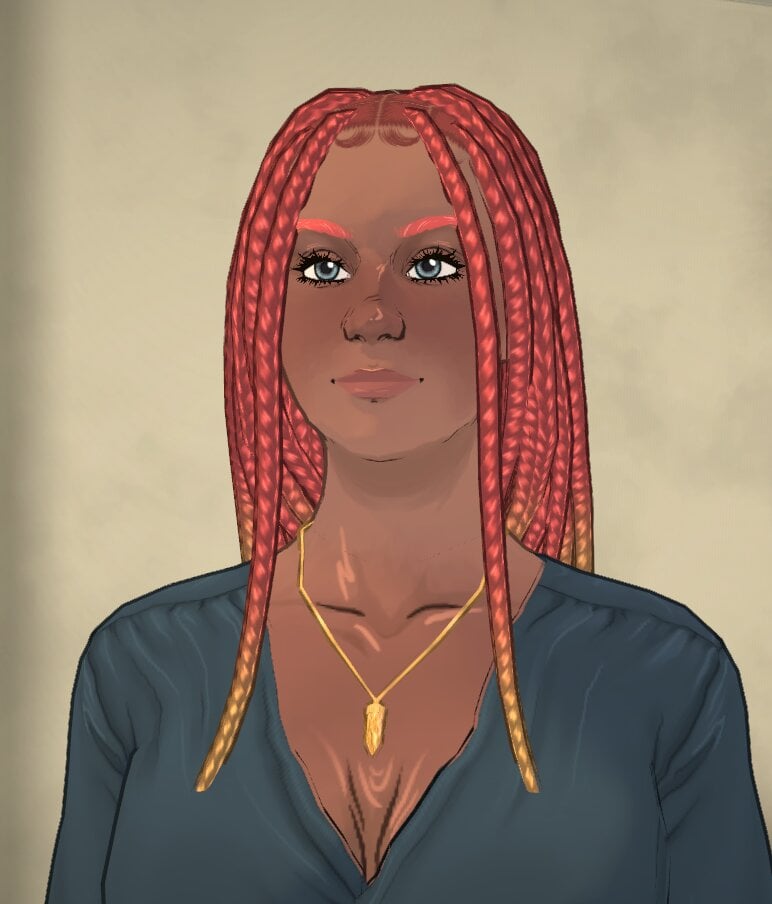
Knotless Braids by Cosmolojay
A gorgeous new braid hairstyle perfect for any Parafolk. It also comes with four new colours made by Cosmolojay.
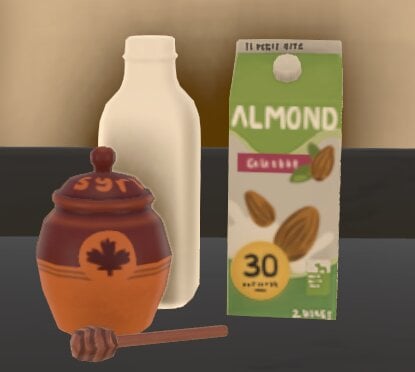
Some really simple kitchen clutter custom content that matches the Paralives style perfectly. This comes with one almond milk carton, one maple syrup jar and spoon, and one almond milk bottle.
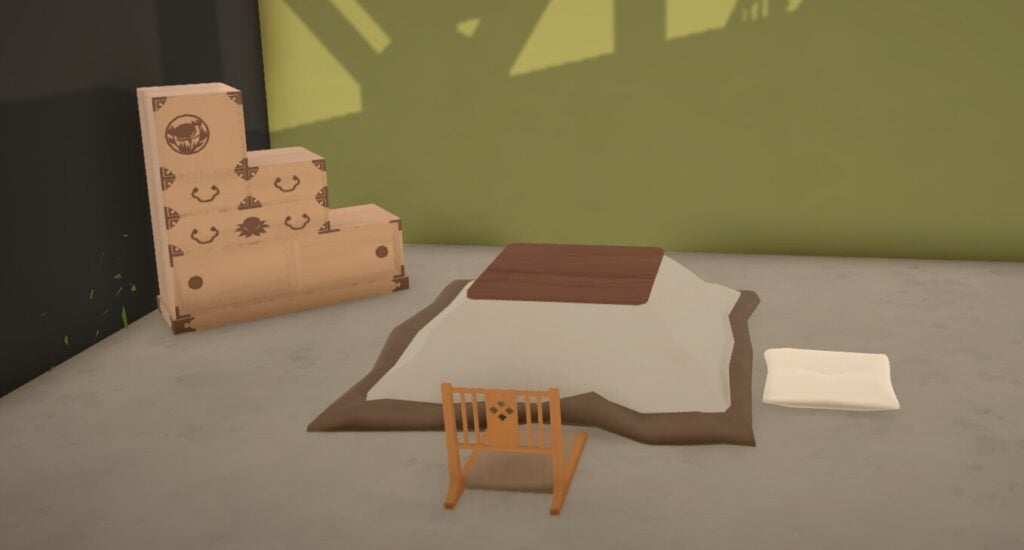
A gorgeous edition to the game, this custom content features all you need to have an authentic Japanese living room, and includes 1 kotatsu coffee table, 2 floor seatings options, 2 lamps, and 1 tansu dresser.
What do you think of the Paralives CC offering available so soon after the game’s launch? Are there any objects you like that we didn’t feature? Let us know below.
We have been covering lots of Paralives news and content during the early access period, which you can find here.
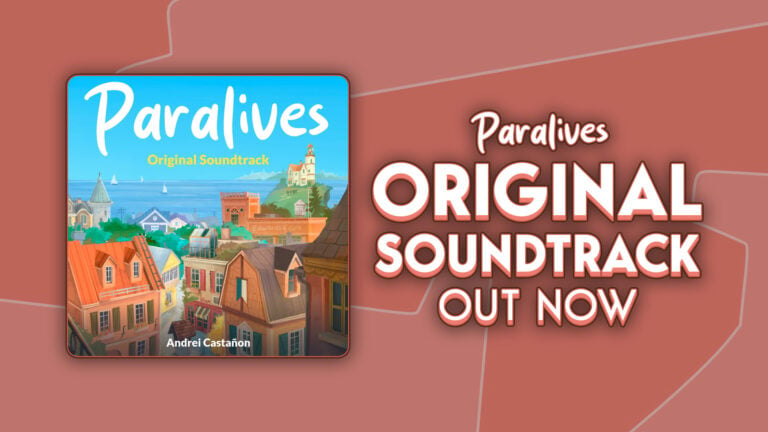
1 hour and 12 minutes of Paralives game soundtrack can now be streamed!
The Paralives Original Soundtrack has just been released on major streaming platforms – including Spotify, Apple Music and YouTube.
There are 16 tracks in the full game soundtrack release, with 1 hour and 12 minutes of full album playtime. The soundtrack comes from various gameplay moments and features such as Build Mode, Paramaker and other Menu, Town and Live Mode scenarios.
Take a listen below:
Spotify
Apple Music
YouTube
What are your thoughts on the Paralives Original Soundtrack? Drop a comment down below and stay tuned for more Paralives News and Updates!
The Sims 4 Origins Mod Guide: Find Out Your Sims Native World
Has it ever occurred to you where your Sims are actually coming from? With The Sims 4 Origins Mod created by Ellesimsworld you’ll be able to find out more about your Sims roots and culture than ever before. Where did your Sim grow up, do they have any cultural preferences, and wait, they can have their own accent now?
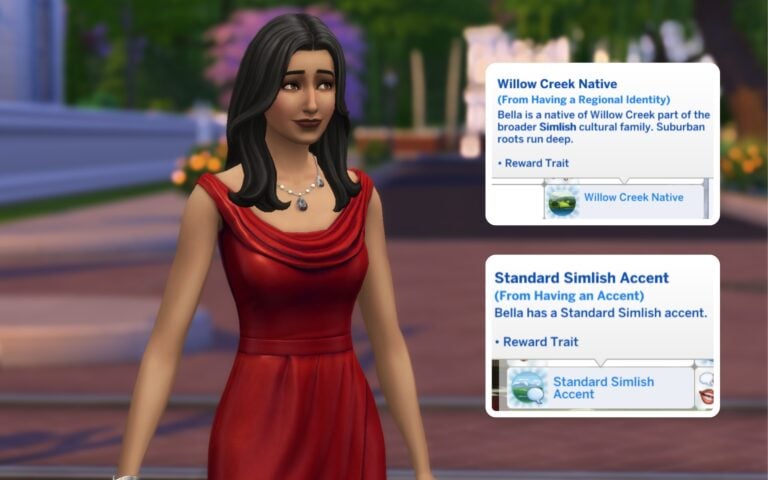
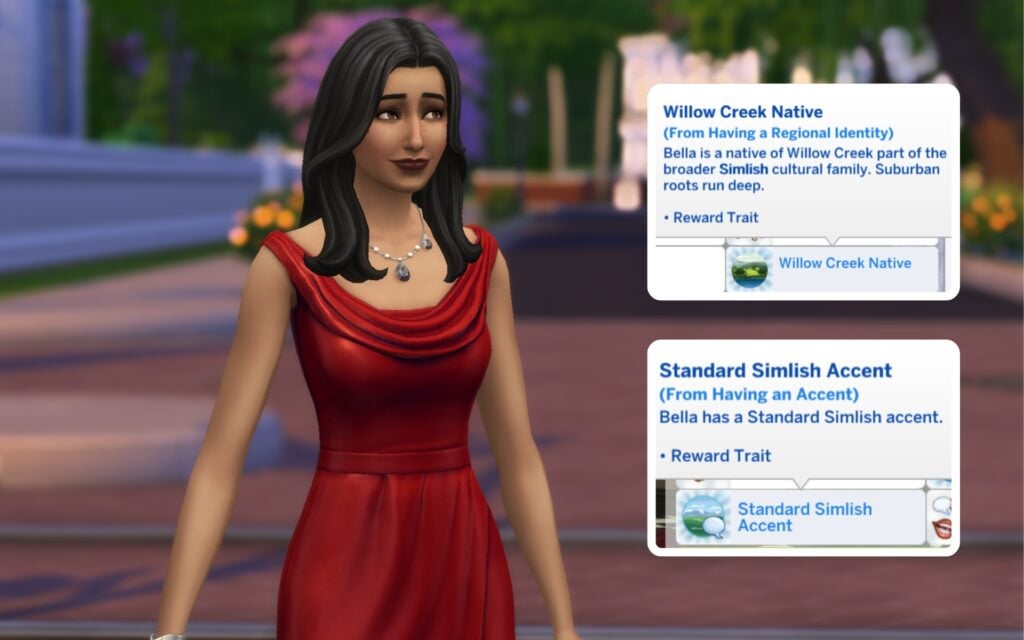
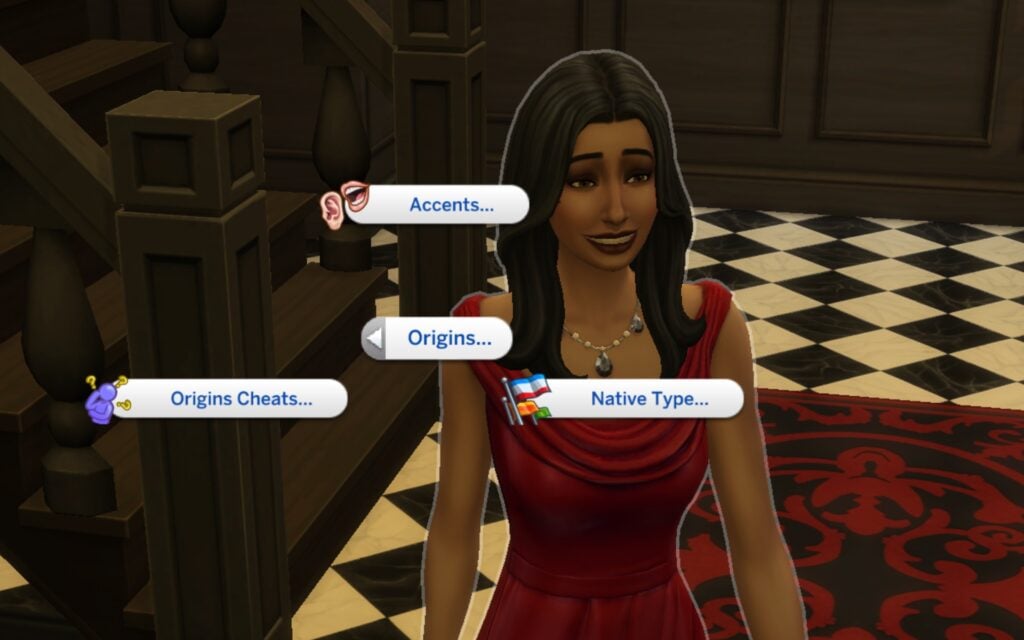
A total of 30 new traits are added to the game with The Sims 4 Origins Mod, all inspired by the different worlds we have in The Sims 4, except Batuu. You can choose for example a trait called San Myshuno Native or Willow Creek Native. These traits decide where they come from and shape their cultural background and identity. To be able to pick your Sims native you have to enable the cheat code testingcheats on, and then Shift + Click on your Sim to access the Origins Pie Menu.
Cultural Families
The cultural families are grouped based on the different worlds. Normally, every Sim speaks Simlish, but not anymore. Depending on your Sims native world, they now have their own Regional Identity. For example, Sims from Windenburg are called Windenburgian, Sims from Sulani are Sulanese, and Sims from Nordhaven identify as Nordic.
Accents
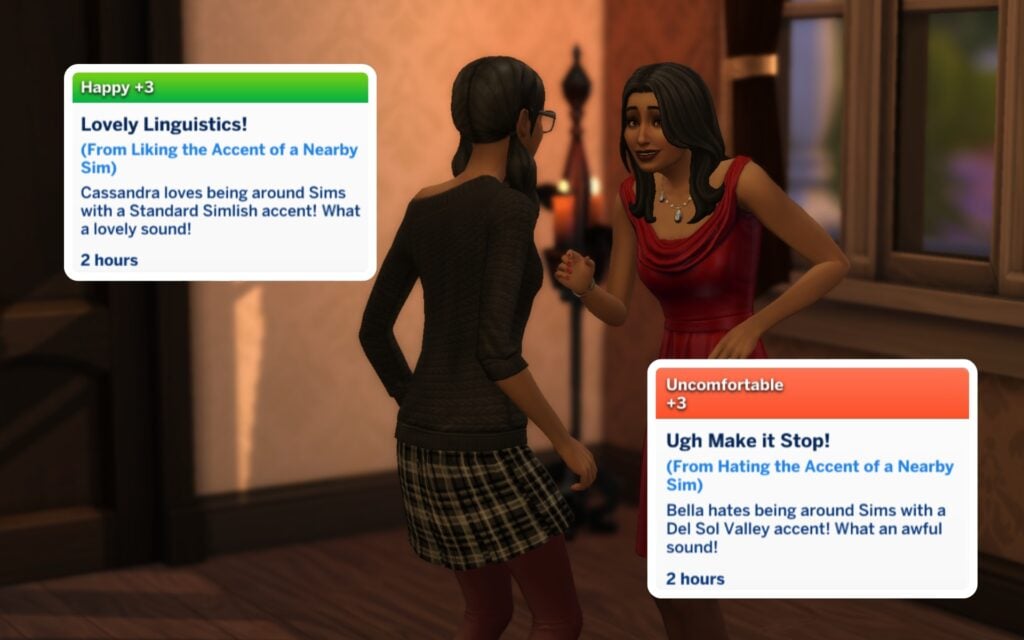
Just like in real life, your Sims will develop different accents depending on where they come from. How cool is that? There are 17 unique accents in total, including the Del Sol Valley Girl Accent, Selvadoran Accent, Bagley Simlish Accent, Innish Accent, Standard Britechester Simlish Accent, and many more. You can even choose your Sims accent preferences, meaning they can either love or dislike certain accents.
Genetics Test
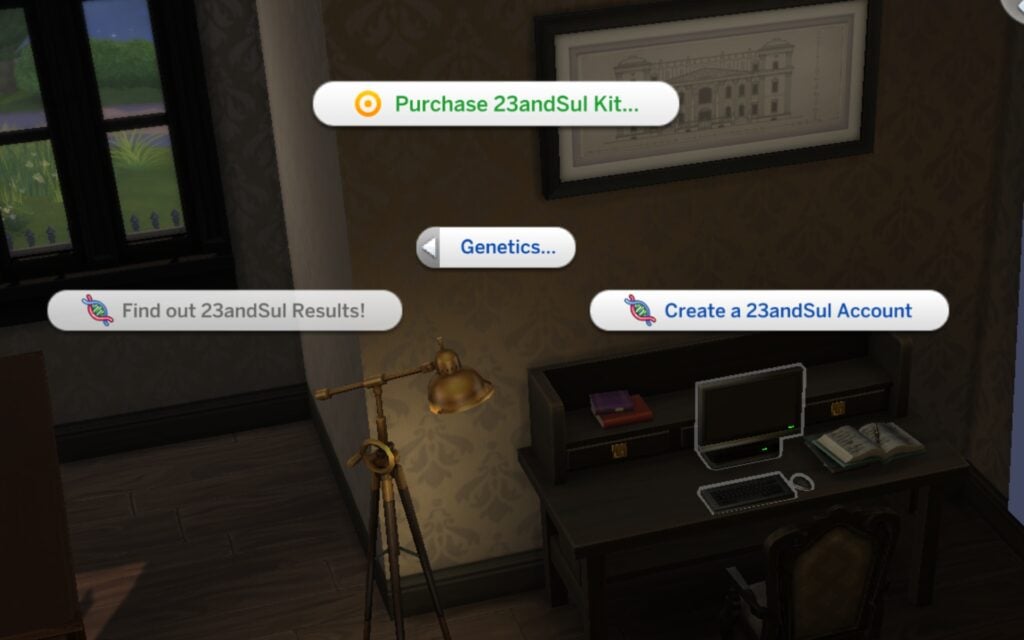
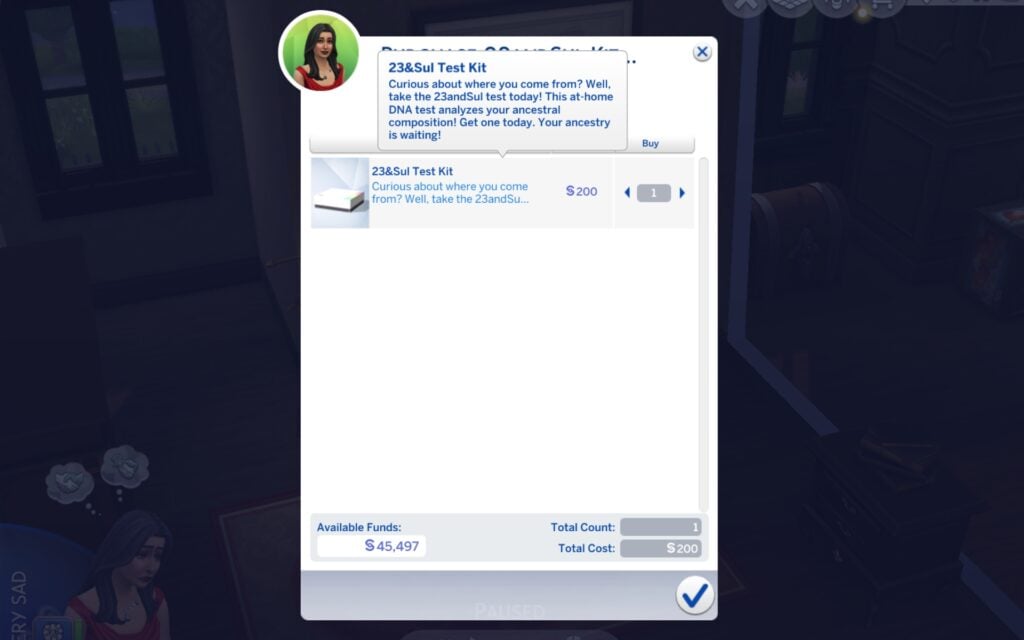
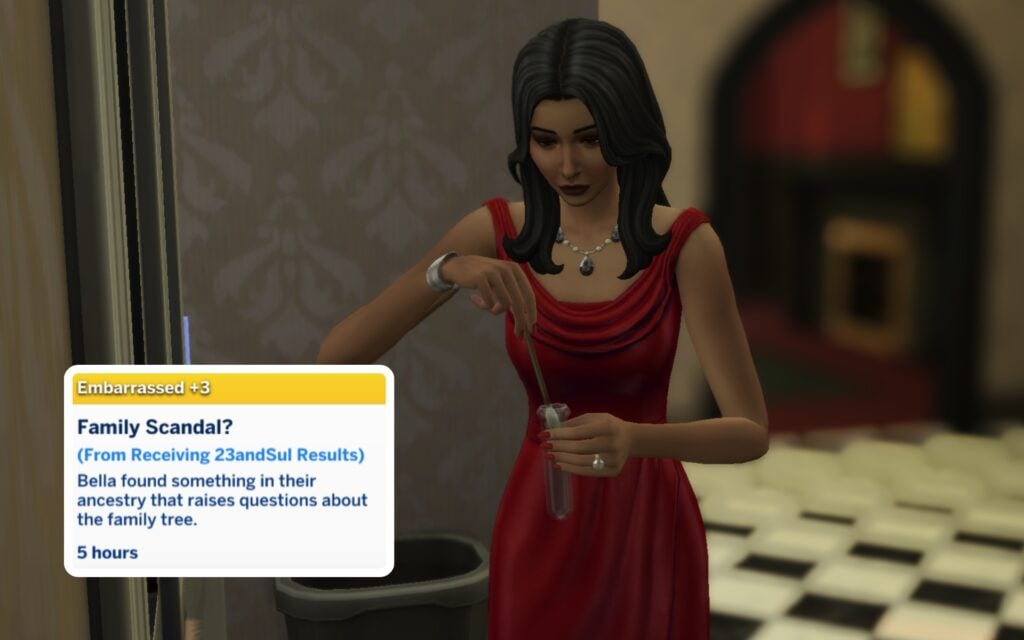
What if you don’t know where your Sim is coming from? Don’t worry Simmer, ElleSimsWorld got you covered here as well. There’s an option to take a genetics test called 23andSul which you can order through the computer, it costs 200§ and arrives in your inventory right away. When you have taken the test you take it to the mailbox, and your Sims result will be back after 24 hours. To be able to see your result you need to activate an account on the 23&Sul website through the computer before the tests are back. There’s 30 different result combinations and they’re all random. These results can make your Sim feel Happy, Tense, Angry and so on.
Social Interactions
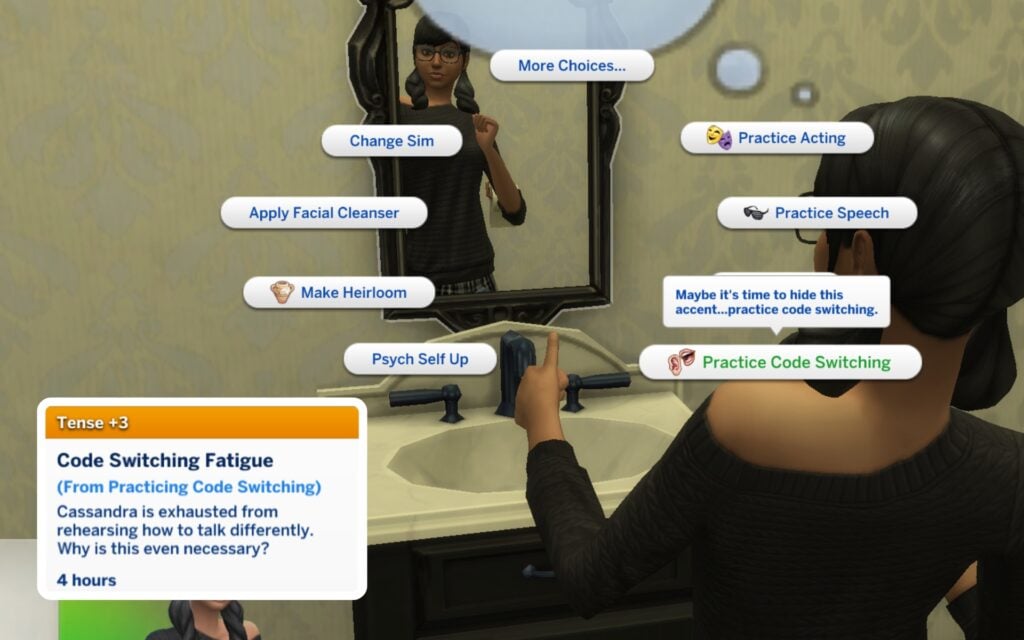
Depending on your Sims preferences there will show a positive/negative buff whether they like the nearby accent or not. But if you do find an accent attractive you can compliment the other Sim for it. Some can even charm other Sims through the Flirtation option. On the other hand, if your Sim doesn’t feel comfortable with their own accent, they can practice Code Switching in the mirror to change the way they speak, and temporarily pretend to be someone they’re not by masking their accent…
Study Abroad
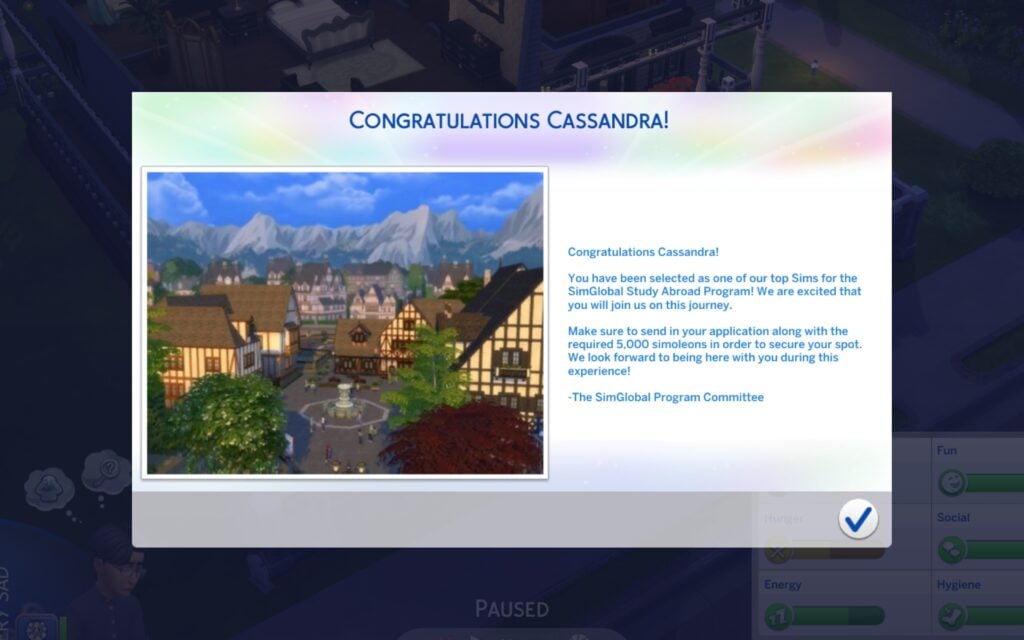
You Sims teenagers life are about to change. They can study abroad with SimGlobal Study Abroad Program and bring a Study Abroad Partner. The requirement for this amazing opportunity is to be an A Student and write a Personal Statement. After you’ve applied you’ll get an answer within a few hours. If accepted you have to pay a 5000§ application fee.
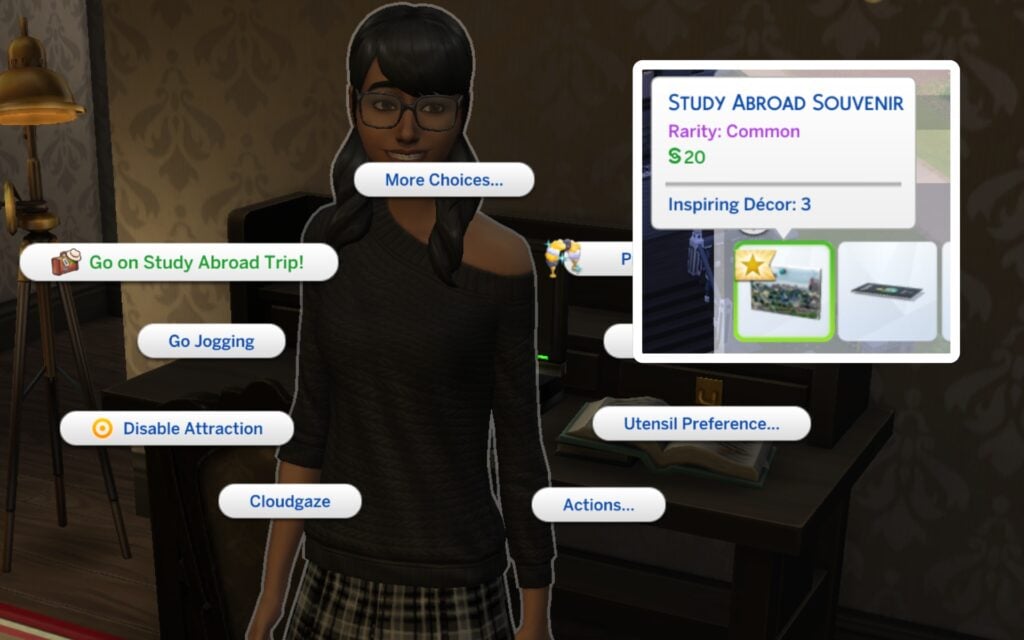
Once you’ve picked your Study Abroad Destination you are required to purchase a Simternational Insurance (1,000§) and an e-Sim Visa (400§). After this your Sim is ready to travel. If you click on them there’s an option saying Go on Study Abroad Trip, and later on you can pick a study abroad destination out of these examples: Britechester, Ciudad Enamorada, Sulani, Gibbi Point, Mt. Komo, Innisgreeen, Nordhaven, Ondarion, Gibbi Point, Selvadora, Tomarang, Tartosa, and Windenburg. Your Teen will be gone for three days. When they’re coming back home again they’ll have a positive/negative buff, and a souvenir!
Do I Need a Passport Now?
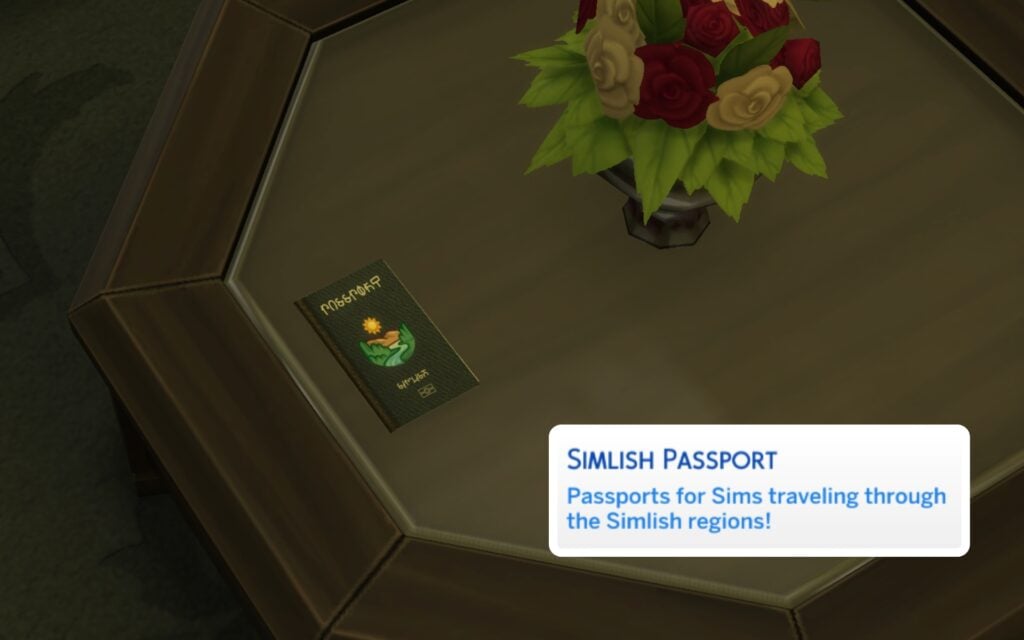
You can apply and order your own Passport depending on where you are coming from, they are more for decorative and storytelling purposes but very fun to have. They cost 200§ and arrives within 24 hours.
How Do I Change My Native & Accent?
If you have the cheat testingcheats true on you can just Shift + Click on your Sim and you’ll see the option Origins in the Pie Menu. You can randomize your Sims native type as well. You can also find other related cheats under the Origin option.
Download the Mod
You can download The Sims 4 Origins Mod through the link below. Hope you’ll have fun exploring your Sims roots!
What do you think about realistic mods like The Sims 4 Origins Mod? Are there any other storytelling mods you recommend? Keep up with our latest news on Sims Community and our mod guideshere.
After a smashing success of a first day with over 250k copies sold in 8 hours, Paralives is getting heavily tested on a wide range of PC set ups, including some handhelds and Linux set ups! Handhelds like the Steam Deck, ROG Ally, Lenovo Legion, and others are being tested by players across the internet to find a sweet spot for performance and to find the best control settings.
Table of Contents
Paralives Steam Deck Performance First Look: Is it Playable?
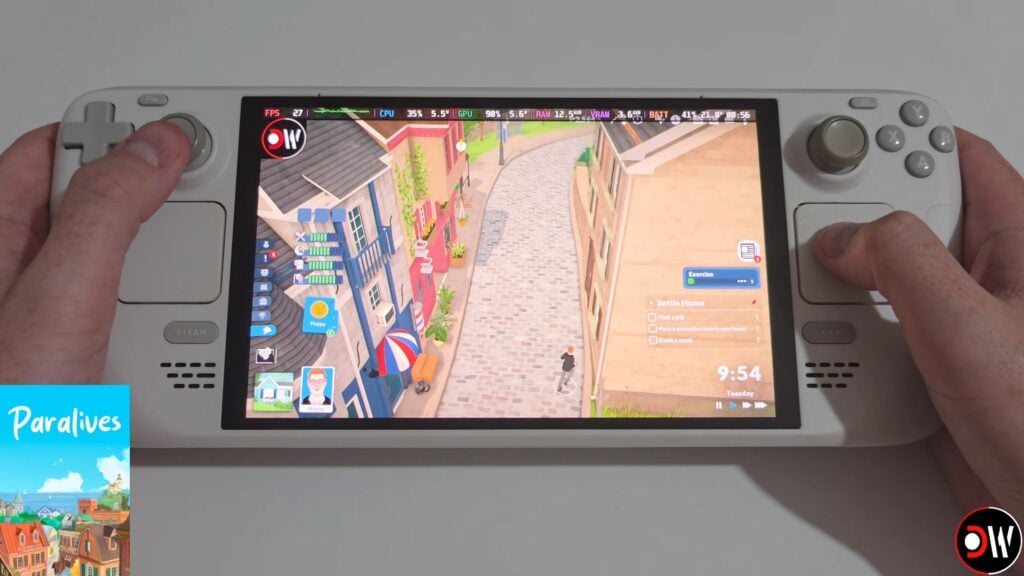
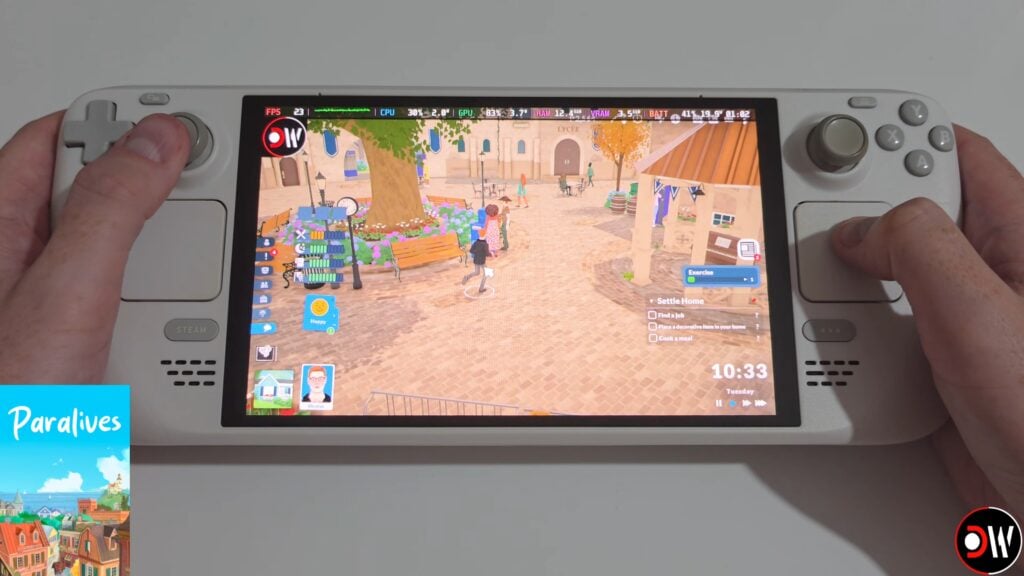
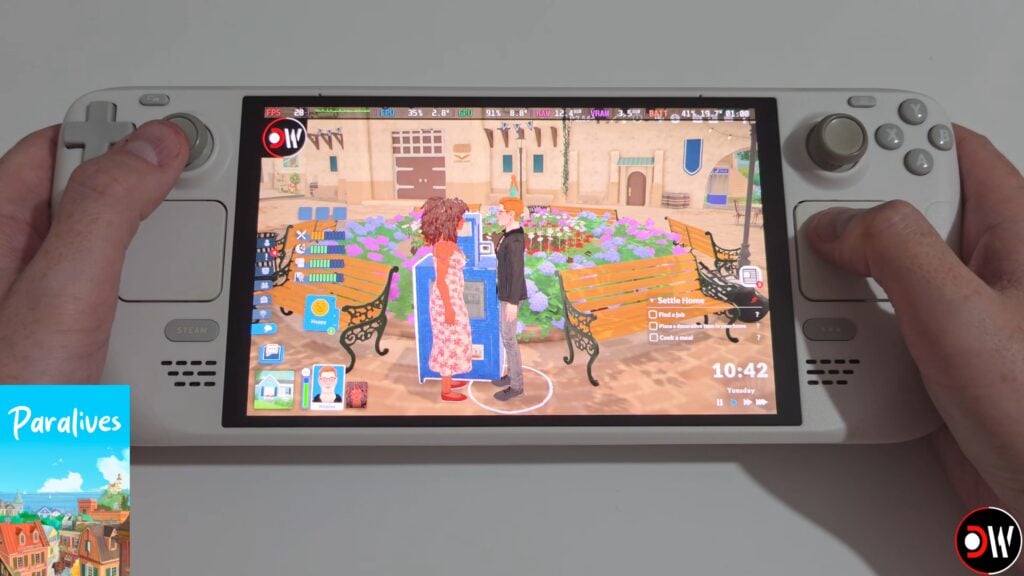
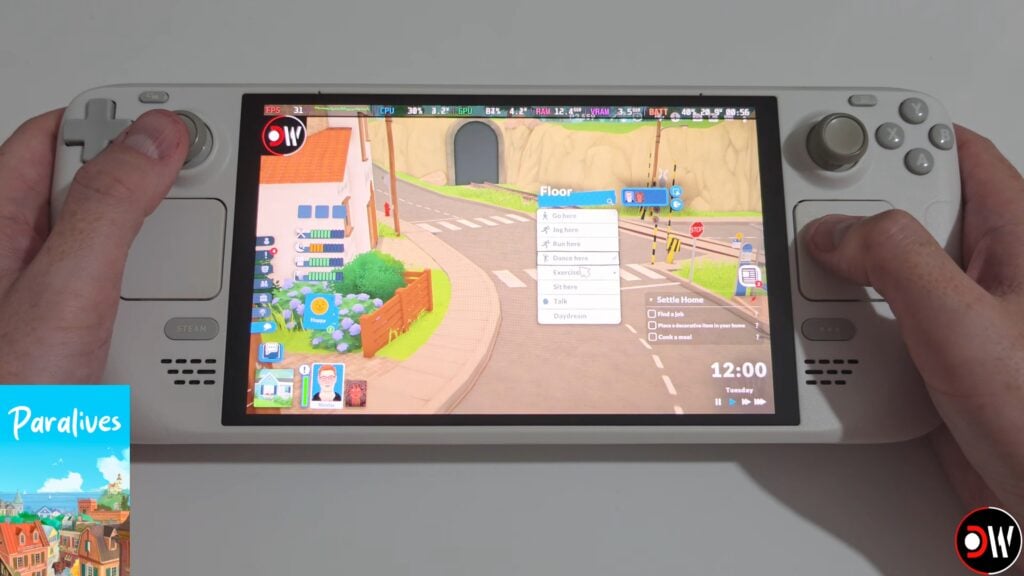
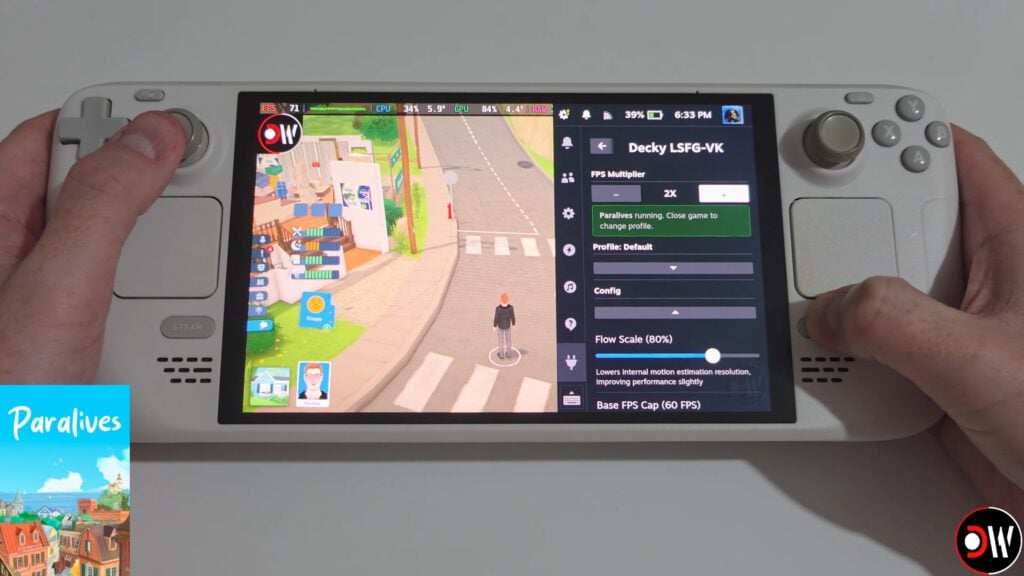
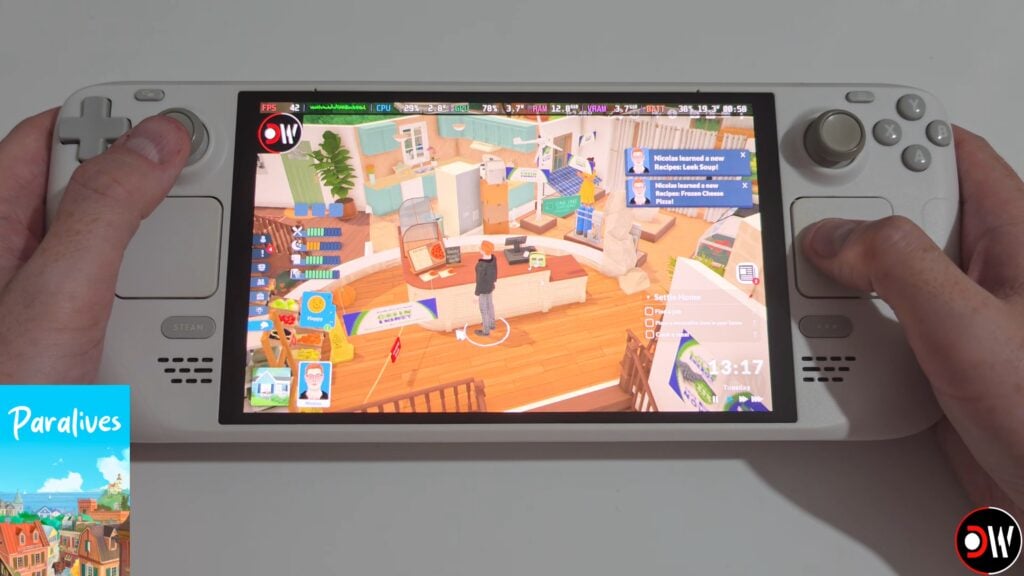
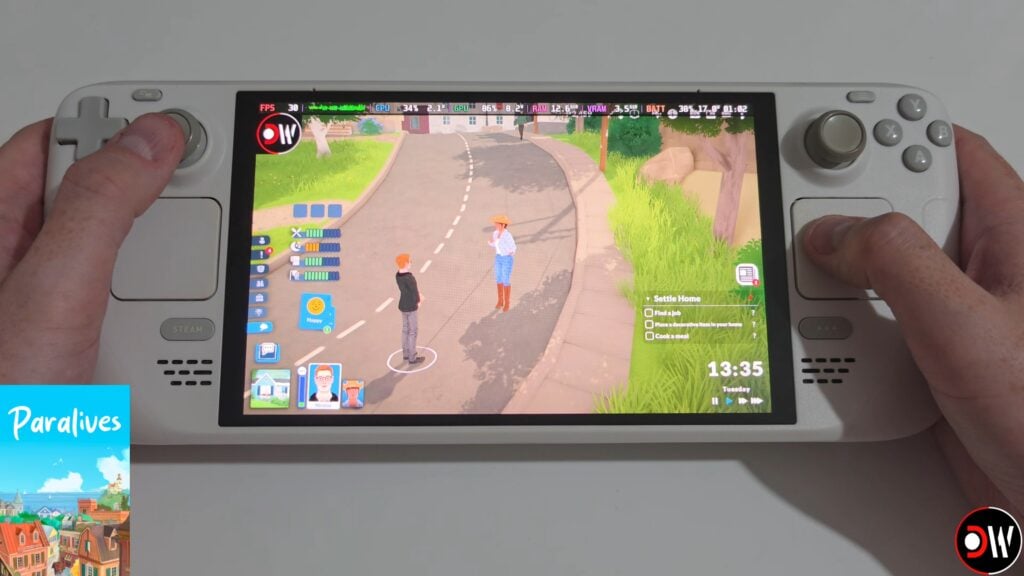
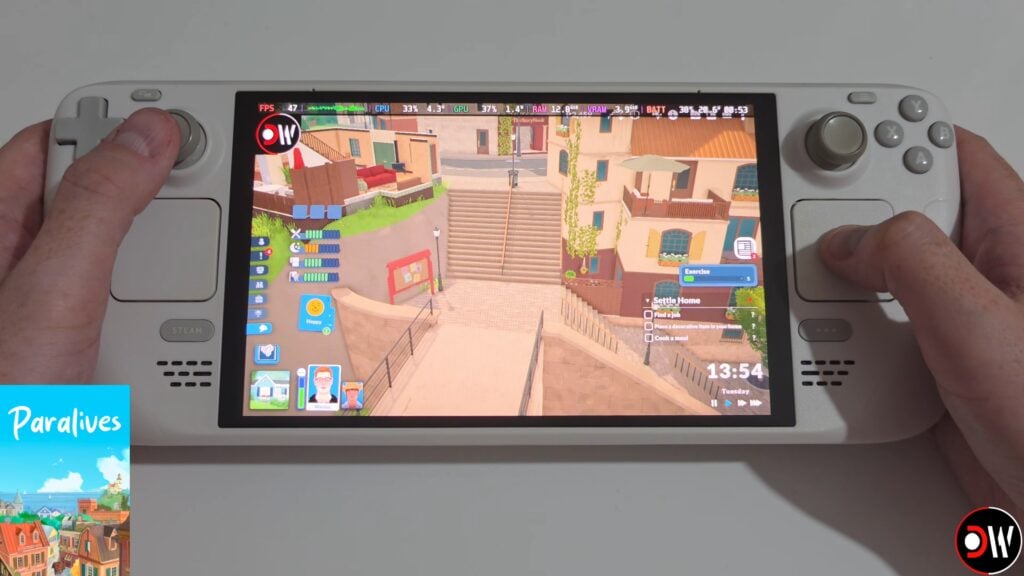
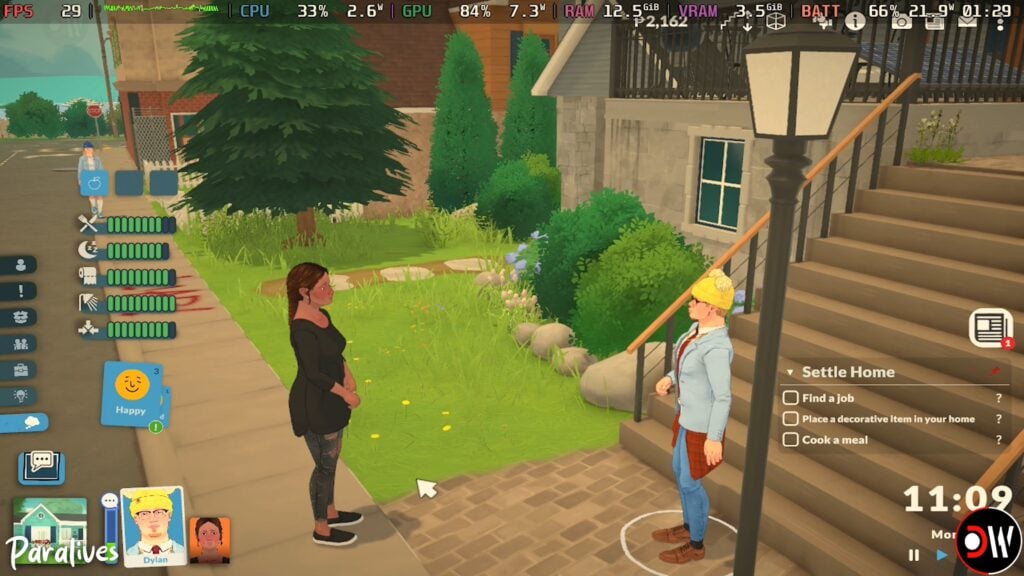
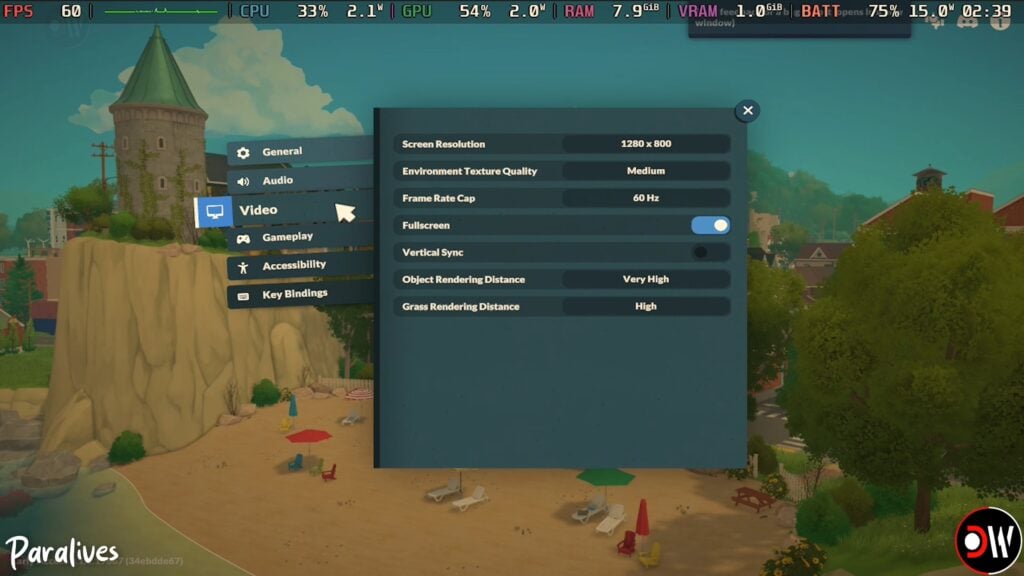
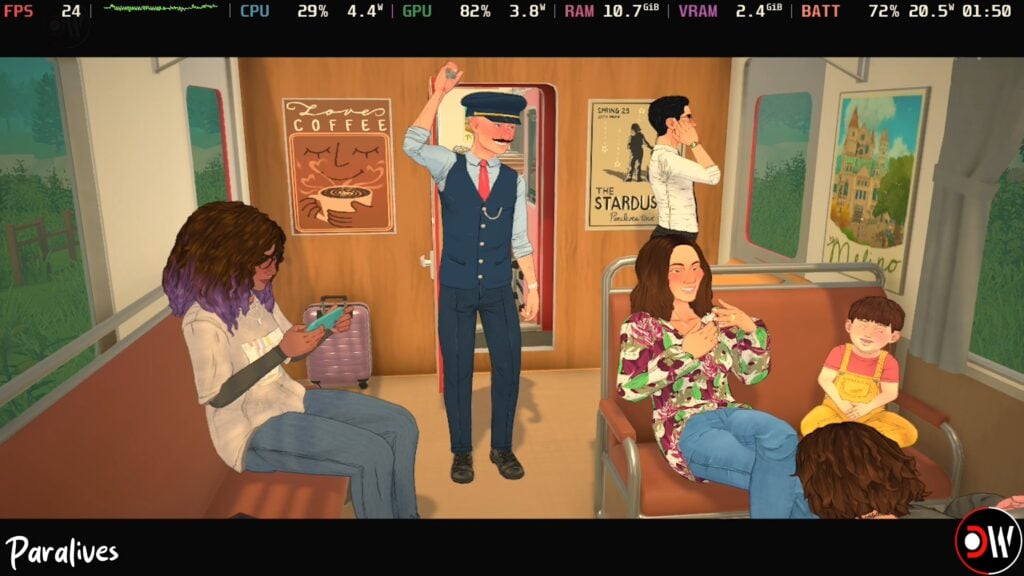
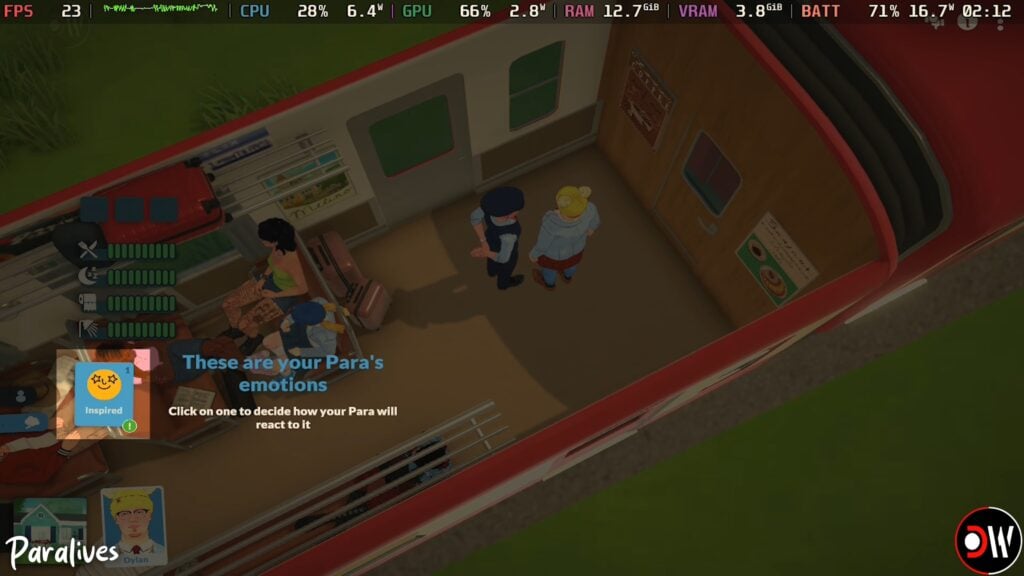
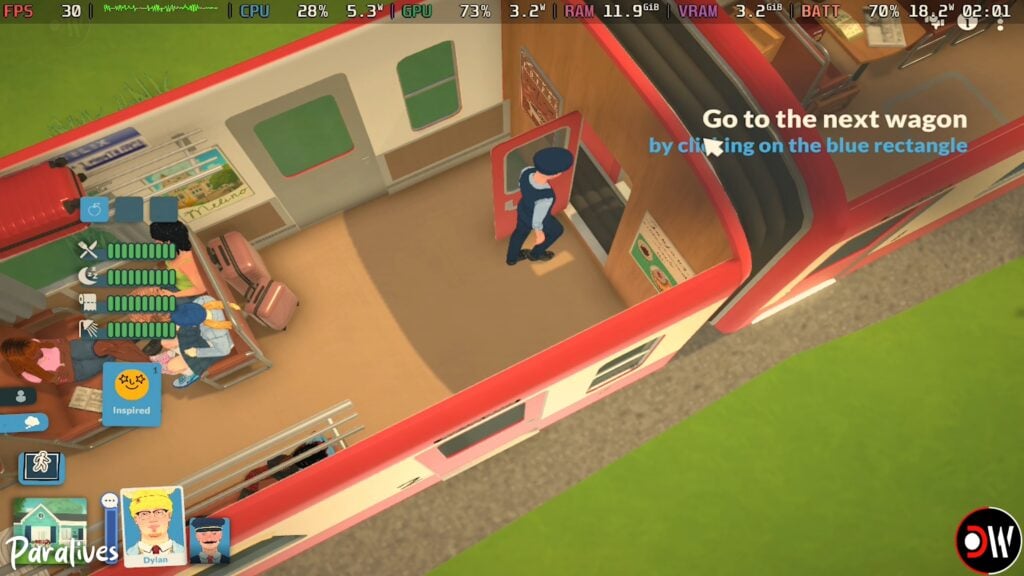
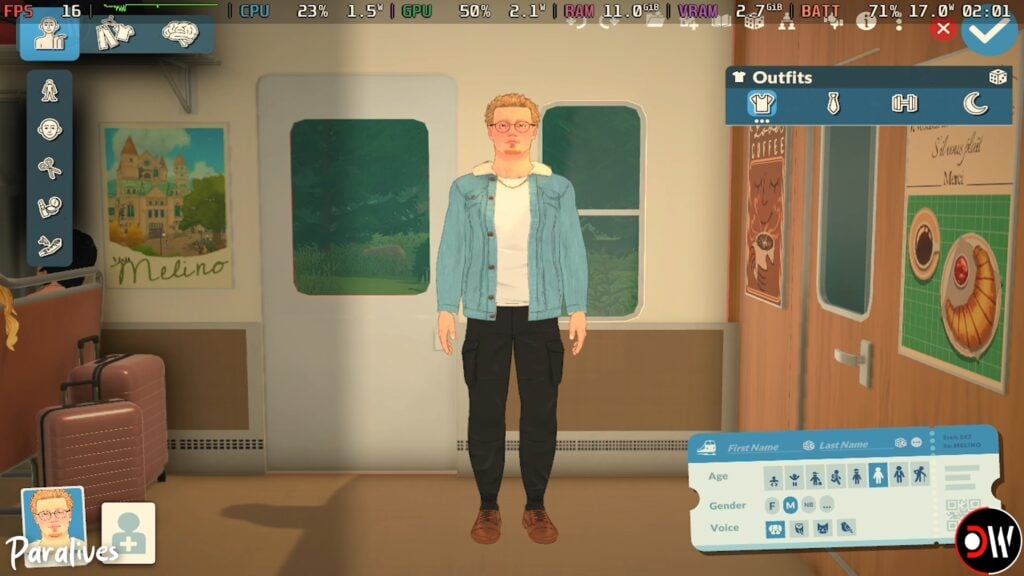
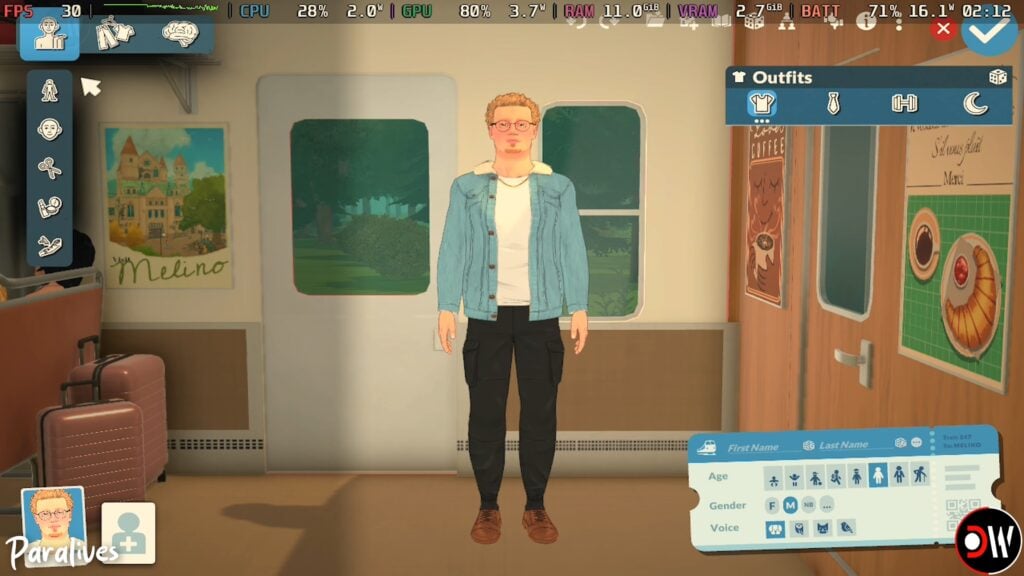
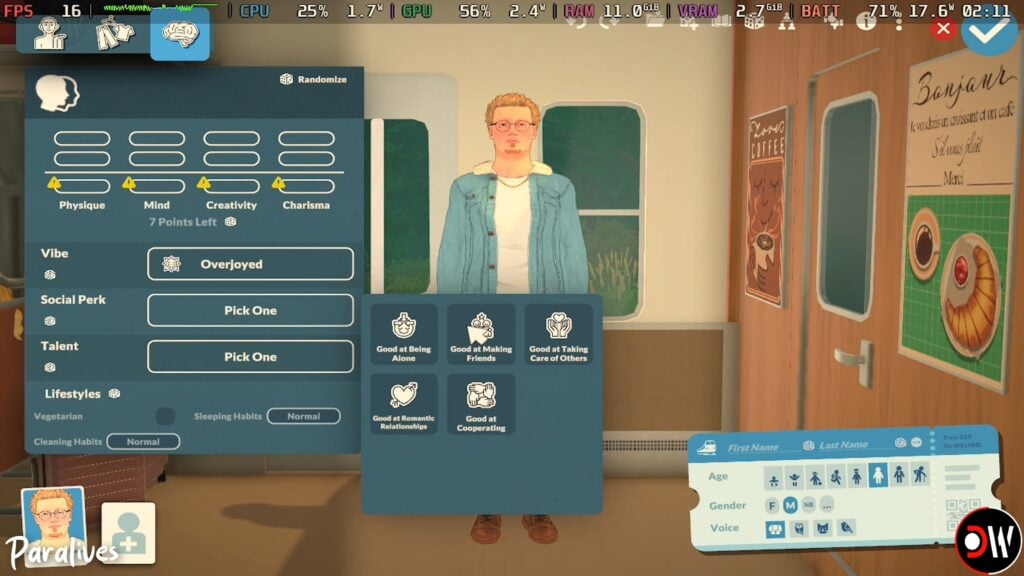
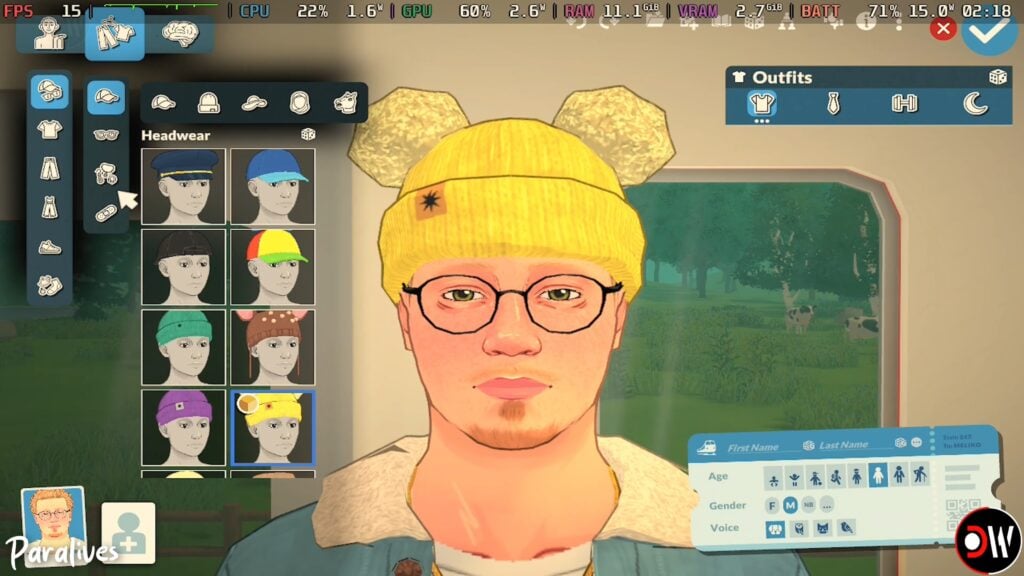
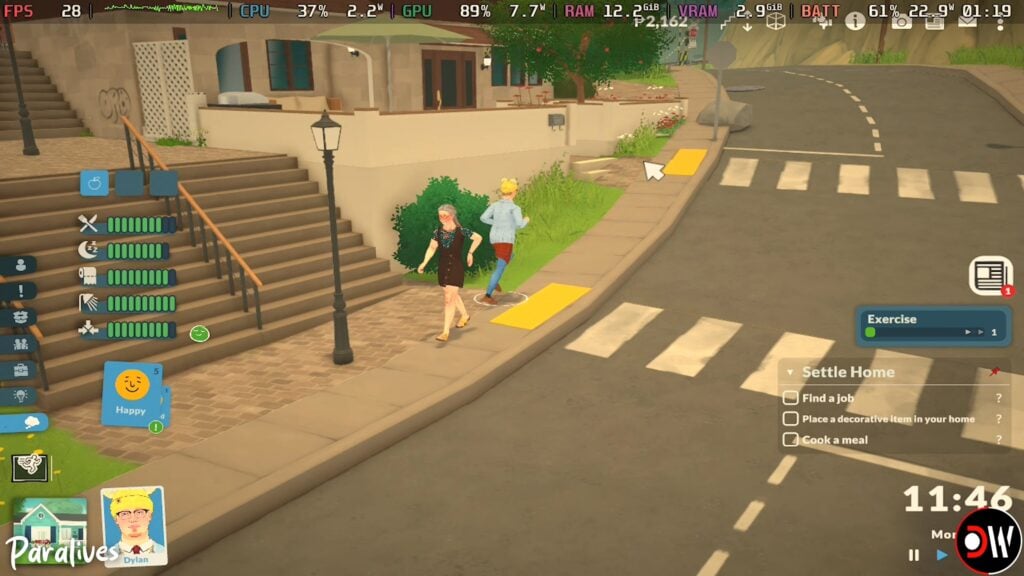
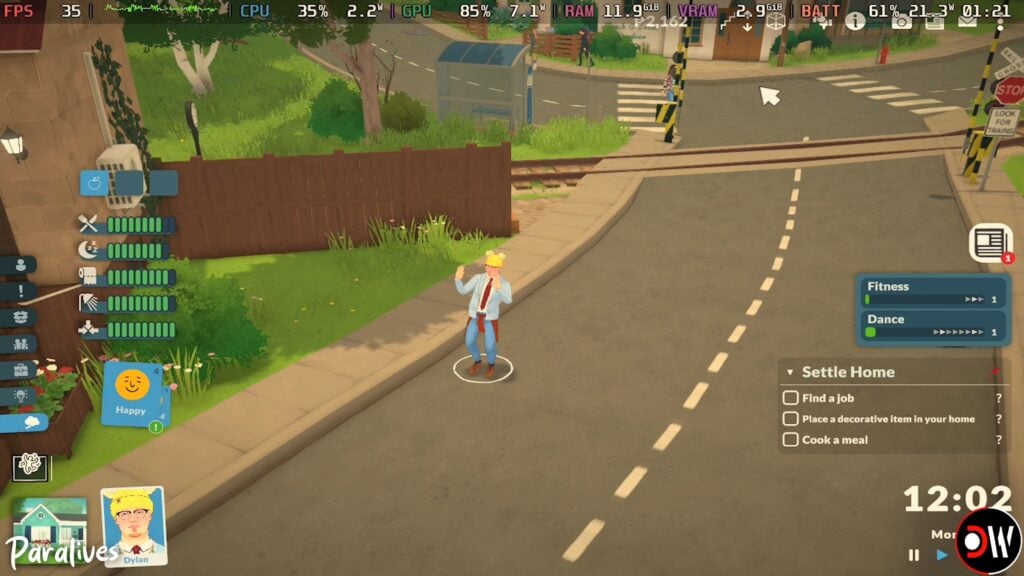
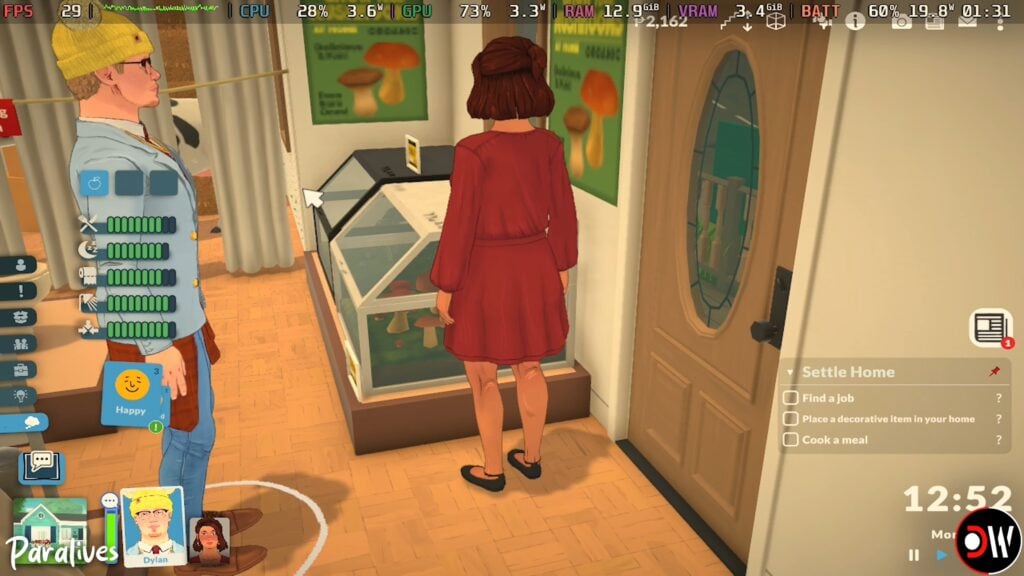
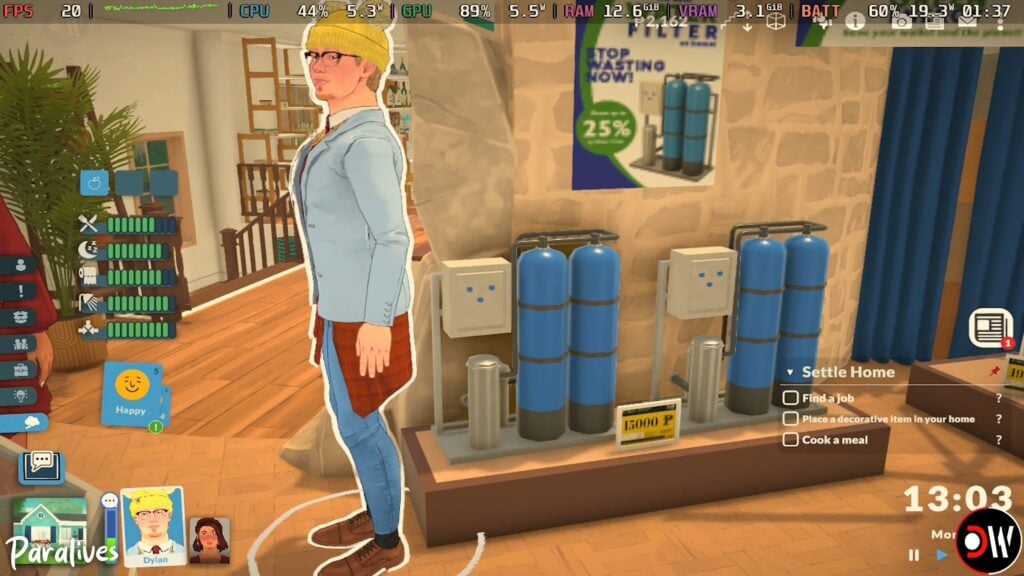
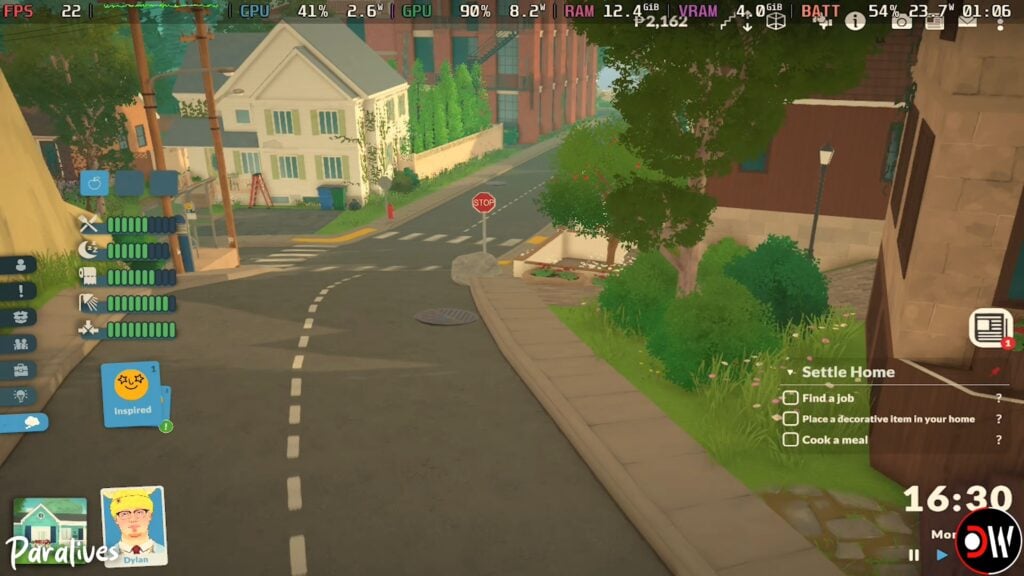
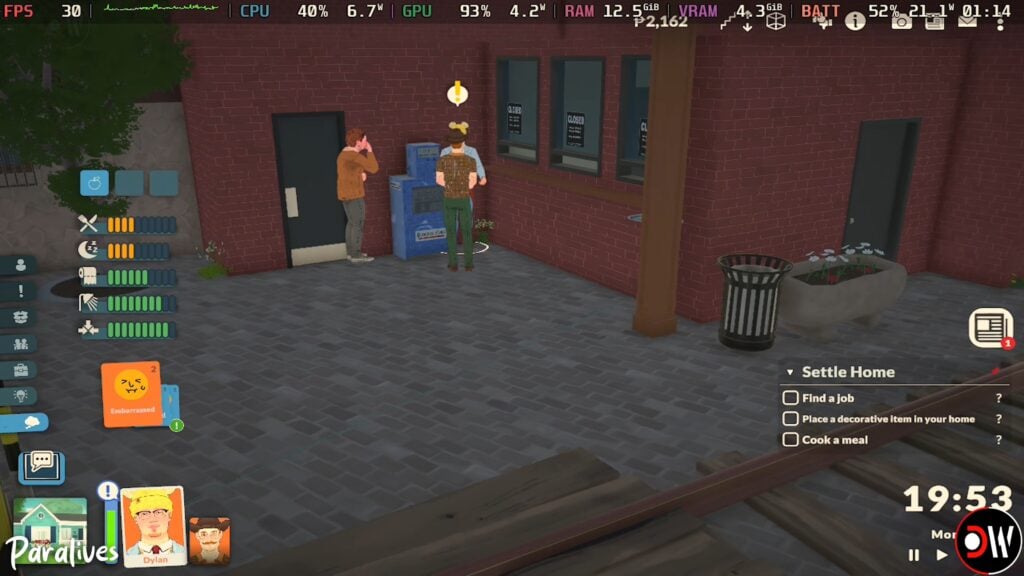
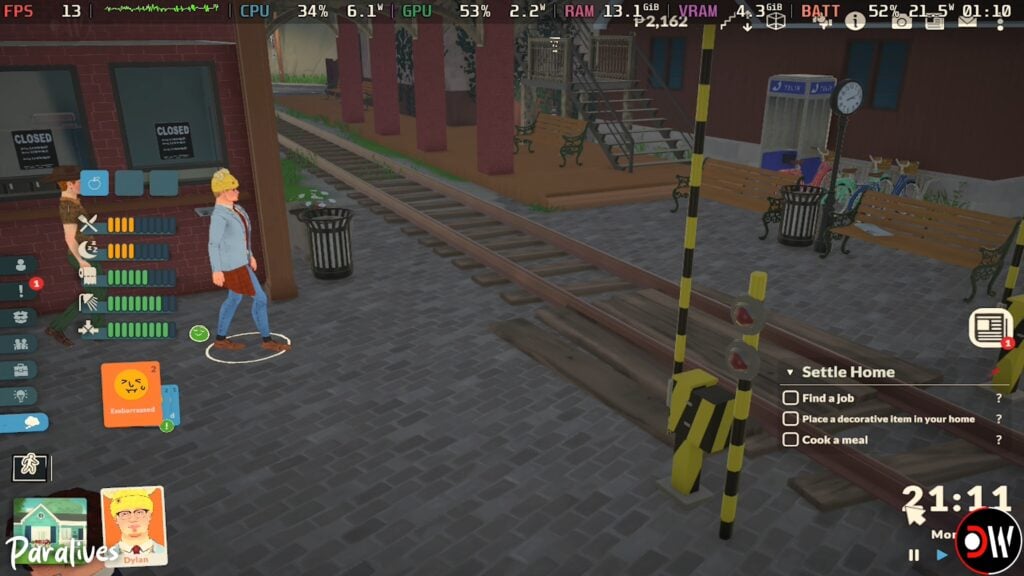
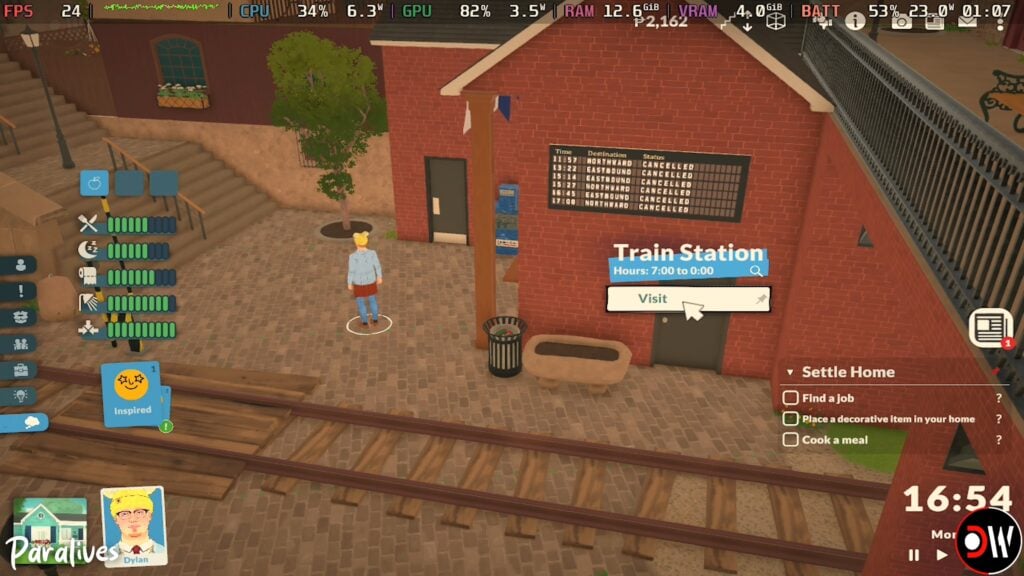
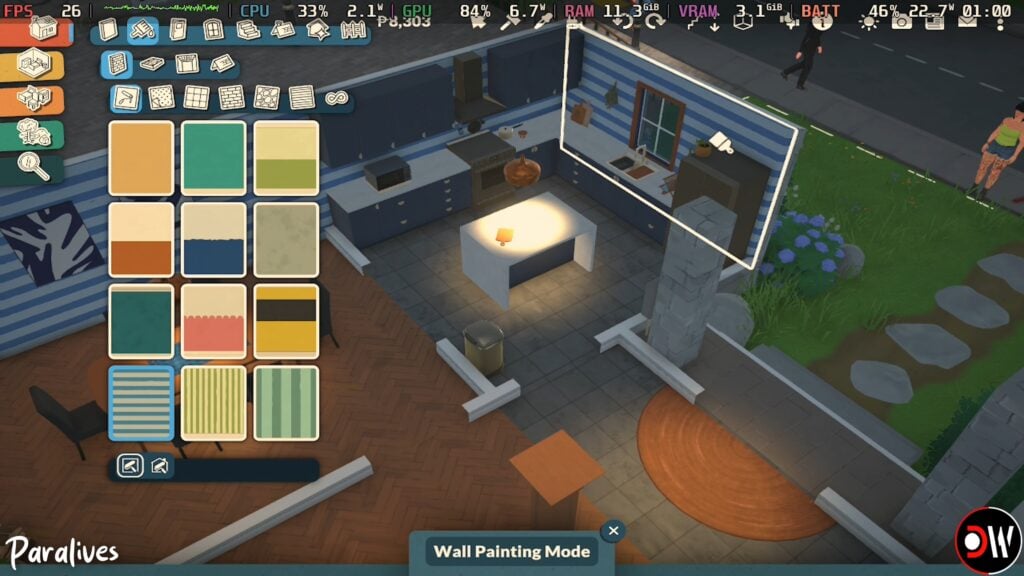
A Youtube Channel named Deck Wizard, who primarily tests games on the Steam Deck and other handhelds like the Lenovo Legion, ROG Ally, and the Nintendo Switch, did a Paralives performance test. Swapping between modes of the game, as well as setting presets and types with monitors for frame rate and general performance. The settings options were from Low and on Handheld up to the Highest possible settings, with a variety of areas including the Intro Train Tutorial, Live Mode in the city of Melino, Build Mode, and the Paramaker as well as connected to a separate monitor.
Low Settings (Handheld + 2X FPS Lossless Scaling)
The lowest settings while handheld and with 2X FPS Lossless Scaling were primarily played in Live Mode in Melino. The Low Settings graphic preset meant the game ran at around 25-30 frames per second with some frame rate drops and dips that happened somewhat inconsistently. This varied by area and most notably happened when heading into busier areas, like the center of town where more Parafolk and buildings are present.
Low Setting swith 2X FPS Lossless Scaling did improve the performance with frame rates quite notably, where the game sat between 40-60 FPS with some dips into the 20s/30s when loading new lots and at random, which is still something that has be addressed with the game entirely across systems.
Low settings on a separate connected monitor, rather than handheld, was steady at around 25-30 FPS with some dips depending on the area. It ran similar to the handheld experience, especially without the Lossless 2X FPS scaling.
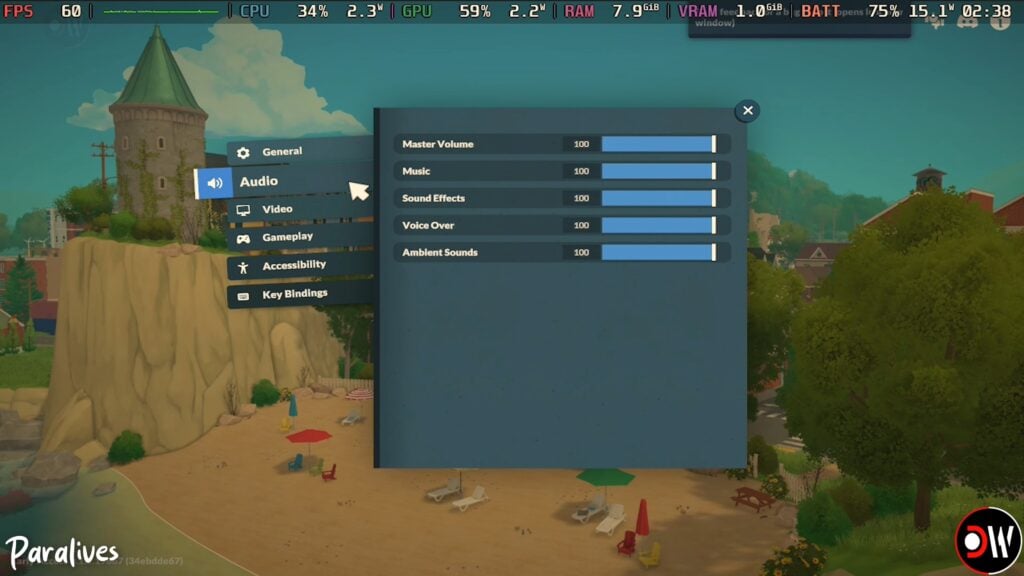
The settings available on the Steam deck are the exact same as those available on PC.
New Game Train Intro
As the intro and tutorial set on the train to Melino has a lot of moving parts, this is one area of the game that can be easily impacted by the frame rate issues many players are experiencing. In Deck Wizard’s video, this section of the game maxed out at 30 FPS with some dips into the 20s/10s in between cut scenes.
The tutorial section showing the player controls did run fairly consistently at 25-30 FPS, though as previously stated, did experience a few dips into the 10s.
Train Intro Paramaker
While the Paramaker tends to be a less graphically intensive area and tends to run fine for most players, the Intro Paramaker set on the train (rather than in the still background of the standard Paramaker) did experience some graphical issues since it does not have a static, unmoving background. The frames were more inconsistent, jumping because 13-16 FPS up to 25-30 FPS, with significant drops at random to 5-10 FPS. The biggest drops were noticeable when swapping between categories or sections of the Paramaker, as well as when adjusting the outfits and features of the Para.
Medium Settings
Based on Deck Wizard’s video, it is possible that Medium settings may be a good sweet spot for handhelds; Frames rates sit steady at around 30 FPS but can jump up to 35-45, with dips mainly going as low as 15-25 at certain areas. There is more visible detail and shading without high performance costs.
High Settings
High settings have the strongest lighting system and shading, with the graphics being visibly improved, but the performance does take a decent hit. The game will hit 30 FPS but very inconsistently. Most of the time, it sits between 20-25 with some parts dropping below that and leading to some visible stuttering issues. There was some improvement when it was night time since the game did not have to render proper sunlight and shadows as much, with it staying between 25-30 FPS fairly consistently.
Build Mode
Although build mode can be a bit intensive with everything being so modular and customizable, it actually ran pretty good! It generally sat between 25-35 FPS, with some dips and jumps, but ran fairly steady. The biggest performance drops were most noticeable when areas were heavily cluttered or larger.
Paralives on Steam Deck Reddit Thread
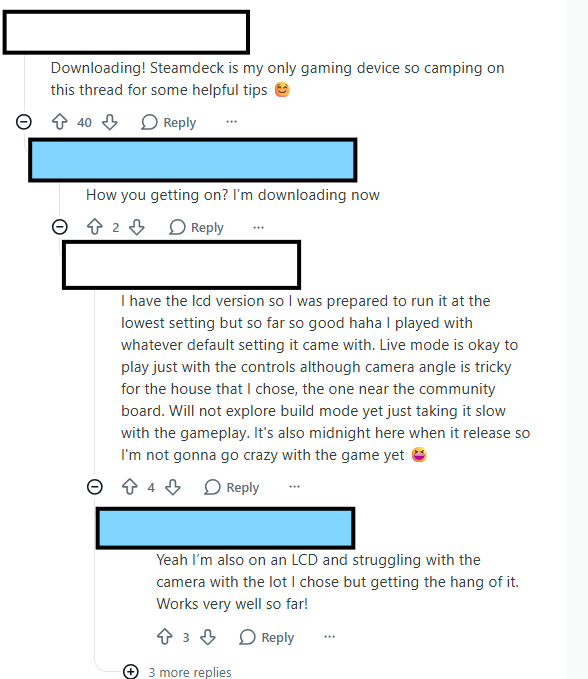
One user on Reddit decided to reach out to Paralives community members who were or planned on playing on the Steam Deck, which is Valve’s handheld gaming system. While size-wise and portability, it is comparable to a Nintendo Switch, it tends to be a more graphically strong device with access to games that can run on Windows, meaning it is not limited to games under Nintendo or only sold by Nintendo.
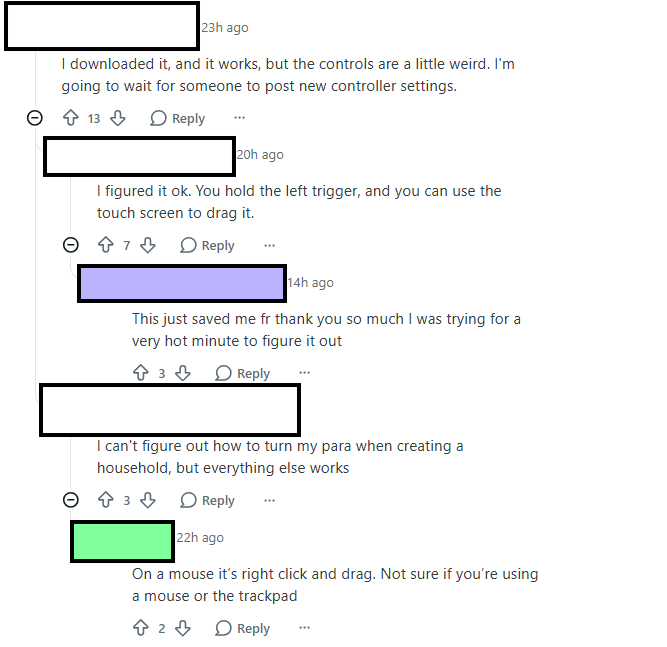
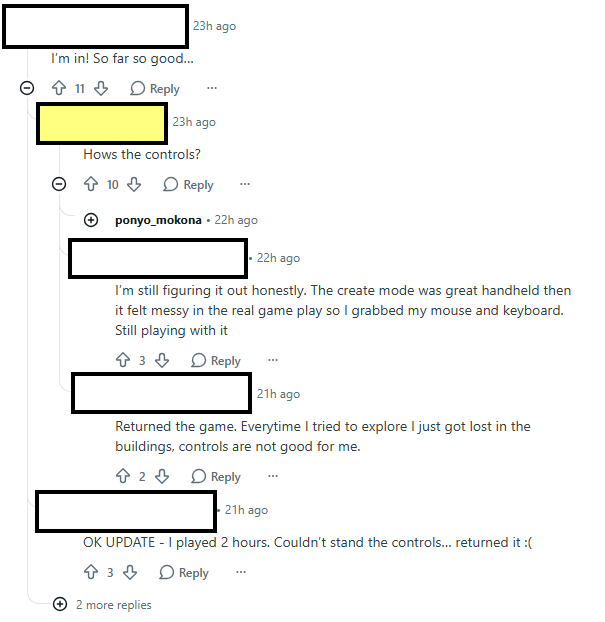
“So I know many of us are about to try Paralives out on their steam decks and I am one of them! I thought it would be nice to have a thread in which we can discuss best settings and give a review of how the game runs on the device for others. Please feel free to share any other related tips and tricks!”
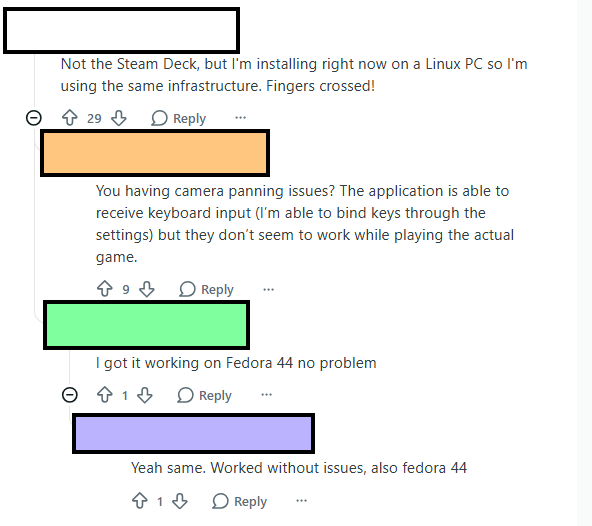
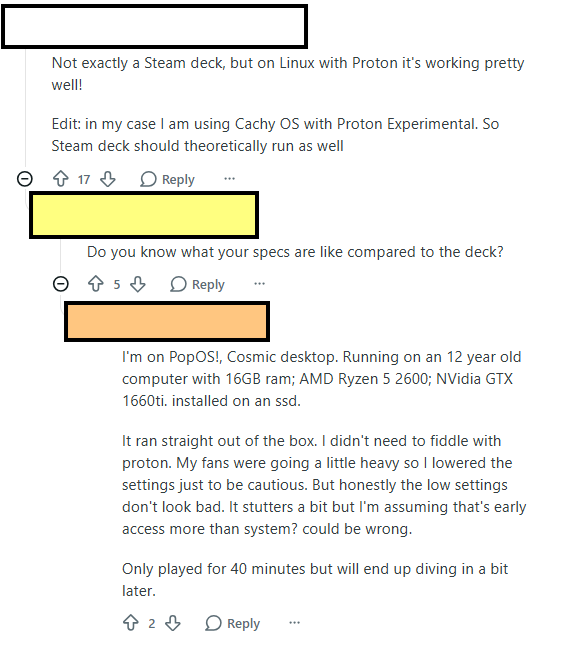
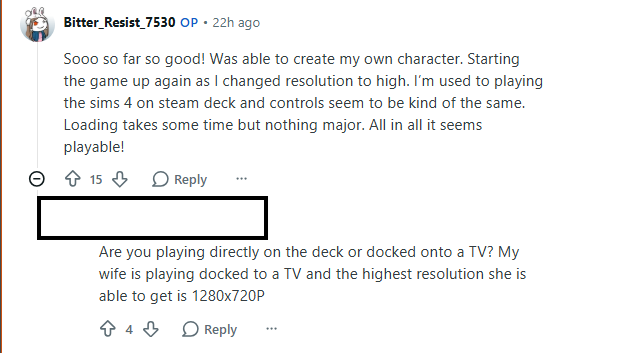
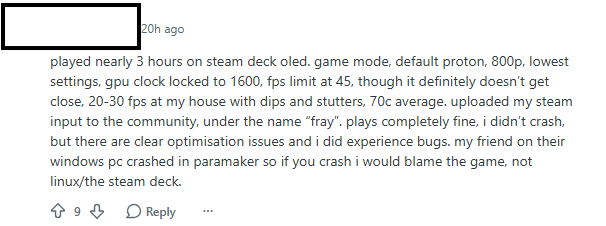
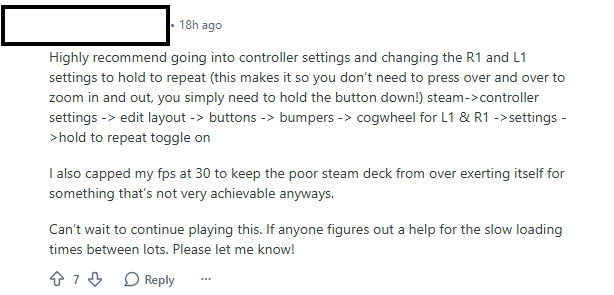
The thread had quite a bit of variety. One major complaint by players is that, even on high-end PCs, the game does have some performance issues and frame rate drops. While this is something being actively worked on and will likely be updated soon to correct these issues and optimize the game’s performance, Steam deck players experienced the same thing. Inconsistent frame rates primarily, and the game typically sat between 30-45 FPS.
Some players were also able to get it working on Linux and other handhelds, like the ROG Ally. While it is not yet Steam Deck optimized by the developers, it seems to be a promising option for players!
We want to know what you think! Have you played or do you plan on playing on a handheld system like the Steam Deck? What has been your experience so far? Let us know!
Paralives is now available on Steam and retails for $39.99 USD, but currently has a 10% off discount until June 1st, 2026. Make sure to keep up with The Sims Community as we will keep you up to date on news, updates, and fun things coming from the blooming Paralives community!
Some useful additions to your everyday gameplay have arrived in the form of Paralives Mods!
Just a few hours into the successful release of this game, the community members started working heavily to bring first improvements and modifications in the form of Paralives Mods.
How to Install Steam Workshop Mods
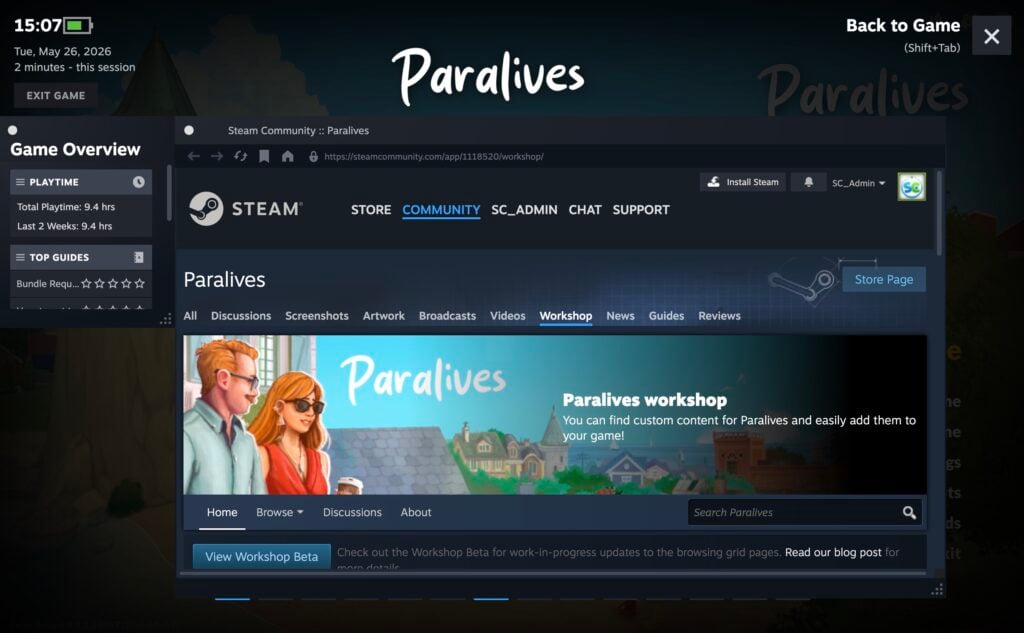
You can access the Steam Workshop directly in game by opening up the Steam launcher in-game. Press Shift+Tab on your keyboard, which will open the general Steam Menu. Head on over to the “Steam Workshop” wrench icon, to which you’ll be directed to the Paralives workshop page.
NOTE: Some items require you to Subscribe to the Modder’s Steam page before downloading. Upon clicking the “Subscribe” button the Mod(s) will also automatically download to your backlog. Giving automatic updates to Mods as well as newer versions come out.
Click Here for more specific information about Downloading and Uploading CC and Mods for Paralives!
First Paralives Mods
Without further ado, let’s jump into the first Paralives Mods released by the Paralives Community. Note that some mods are still in testing, some might cause performance issues / glitches, so make sure you leave proper feedback to Mod creators as you test these out.
Table of Contents
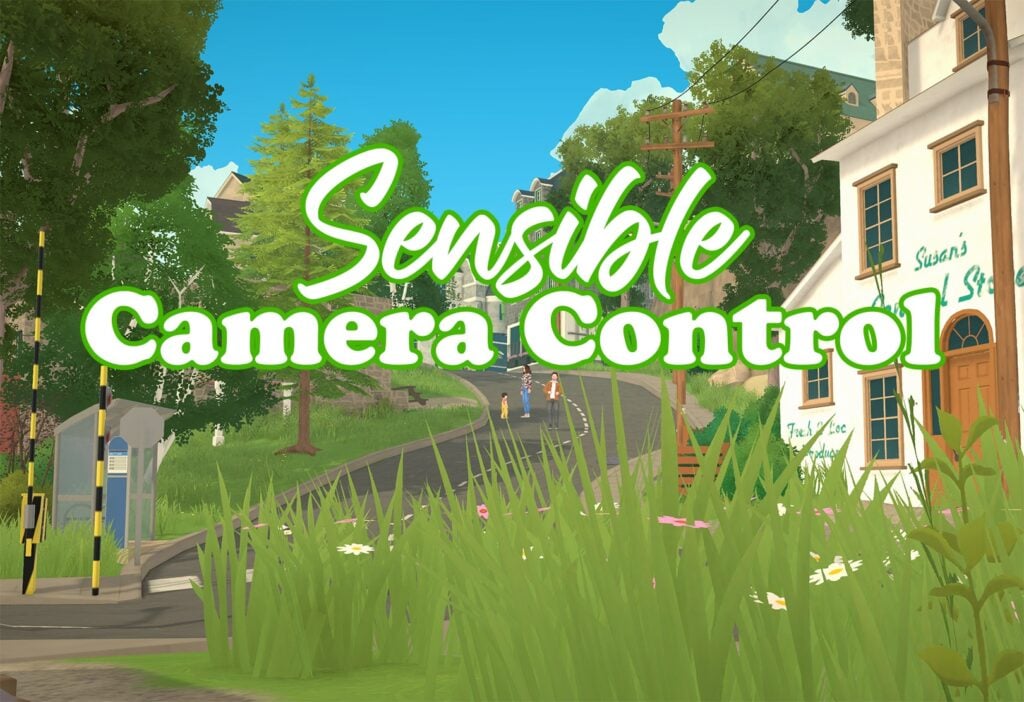
Sensible Camera Control By TwistedMexi
Removes the automatic tilt and other constraints from the camera. Better range of look angles for the camera.
In other words, the camera won’t change angle unless you tell it to do so.
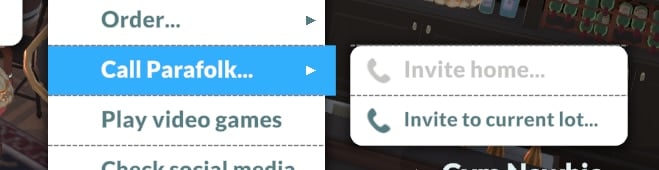
Adds an interaction for Paras preteen and older under [Self->Use Phone…->Call Parafolk…] called [Invite to Current Lot…] that pathfinds the selected parafolk(s) to your current lot.
This is a feature that most likely will be added to the game later anyways.
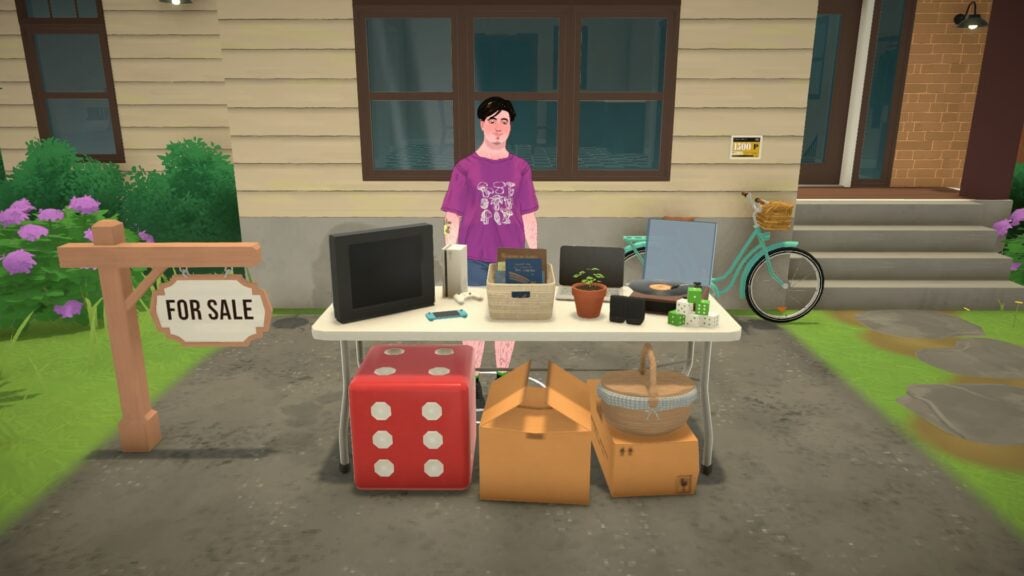
From garage sales to your own store, sell anything to anyone!LittleBusiness adds a Shop sign item allowing you to make your lot a shop for other Paras!
How to use
You can then close your shop thanks to the Shop Sign anytime, last customers will finish their purchases and will leave your lot.
Search and place the “LB Shop Sign” on your lot with the build mode.
You’re now able to click on any item and mark it for sale!
If you click on an item marked for sale, you can adjust the profit margin to 10% (default), 25% or 50%.
Click on your Shop Sign and open your shop! You will get some customers 😉
Adjusted default lifespans to be more realistic. Also added an extra long lifespan.
Lifespans are set up for a certain amount of days per year, with the time being weighted by how long a person realistically spends in each life stage. Short life span is 1 day per year, normal is 2 days, long is 4 days, and my custom extra long is 7 days per year.
Baby: 2 years Toddler: 3 years Child: 4 years Preteen: 4 years Teen: 5 years Young Adult: 12 years Adult: 30 years Elder: 10 years
Short: 70 days Normal: 140 days Long: 280 days Extra Long: 490 days
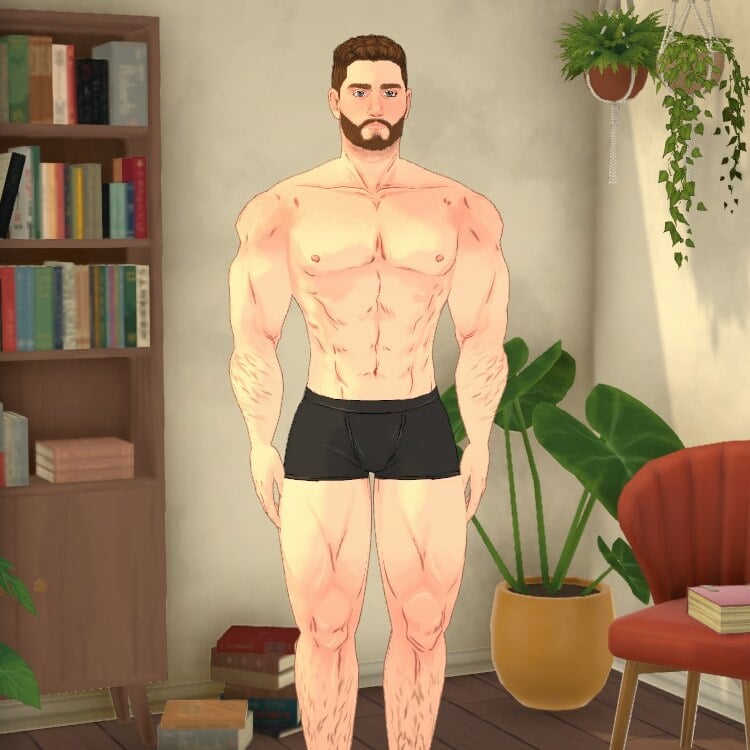
This mod tweaks a few of the paramaker deforms/sliders to make it possible to create a more muscular physique. Expect clipping, existing paras to be affected, and other issues.
Missing more career options in Paralives? This mod adds 11 brand new jobs across three new companies: TechStartup, SocialMedia, and Freelance.
💰 IMPORTANT: Each job has its own unique salary, balanced according to its level and field. From entry-level positions to senior roles, salaries scale realistically.
TechStartup: – IT Support (entry level) — 280 Paradimes/day – Data Analyst (mid level) — 450 Paradimes/day – DevOps Engineer (senior level) — 600 Paradimes/day – Product Manager (mid level) — 450 Paradimes/day – CEO (senior level) — 600 Paradimes/day
SocialMedia: – Content Creator (entry level) — 150 Paradimes/day – Community Manager (entry level) — 150 Paradimes/day – Social Media Manager (senior level) — 320 Paradimes/day
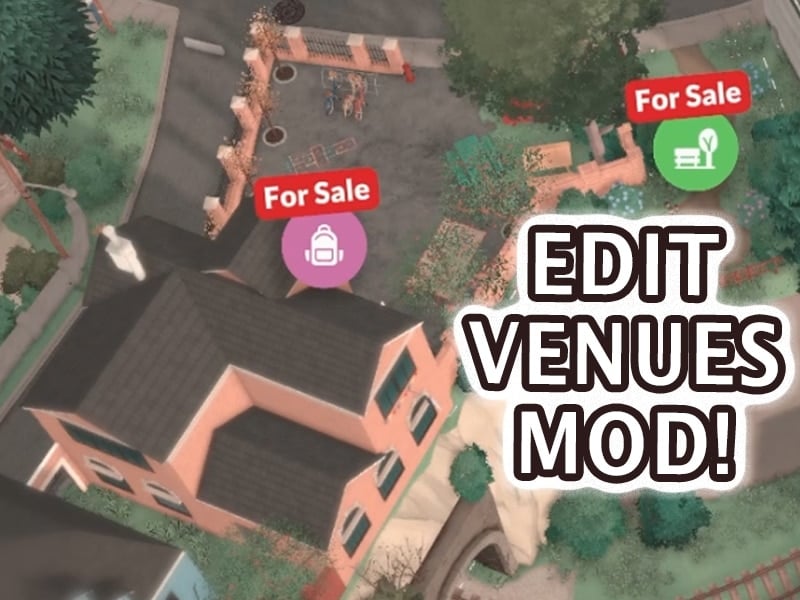
This mod allows you to edit public lots! Once you’ve loaded your household, buy a public lot such as a park or restaurant while in map view and then you can build/decorate on it.
With the Social Unlock mod, all socials are automatically available right from the Paralive card. No more waiting, grinding, or searching through locked interactions.
✔ Unlock all socials instantly ✔ Easy access through the Paralive card ✔ Clean and simple to use ✔ Right-click any social interaction you don’t want to see
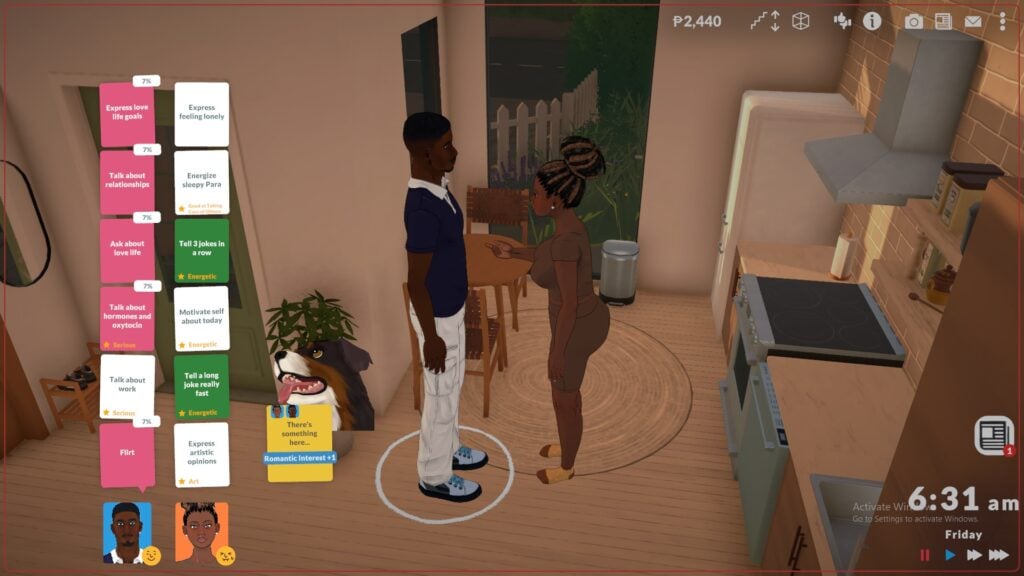
Guaranteed 100% success rate on Together Cards. You can keep it disabled until you find a card you don’t want to risk failing, then press Ctrl+F2 and enable it.
Note: If the card picker is already open when you toggle the mod, the displayed percentages won’t update visually, but the actual success rate will change immediately.
Ever wanted a full house? This mod raises the maximum number of Parafolk per household from the default to 99.
Perfect for: – Large family roleplay – Community living / commune builds – Storytelling with big casts of characters
Simply activate the mod and the new limit applies automatically. No cheats needed.
EARLY ACCESS — KNOWN ISSUES This mod was released on Day 1 of Paralives Early Access (May 25, 2026). The game is still in early development and bugs are expected. Currently, the Paramaker UI does not scroll when the household is full, making it hard to reach the last “add character” button. This is a game UI limitation, not a mod issue. I will update the mod as the game evolves.
What are your thoughts on the first Paralives Mods released on Steam Workshop? Let us know your thoughts in the comments down below and stay tuned for more Paralives Mods, CC and UGC content showcases very soon on Sims Community!
The launch of Paralives Early Access has been a huge success looking at the first data shared online. We’ve collected all the currently public and available information on the game’s sales, including:
Table of Contents
250K Copies Sold In 8 Hours
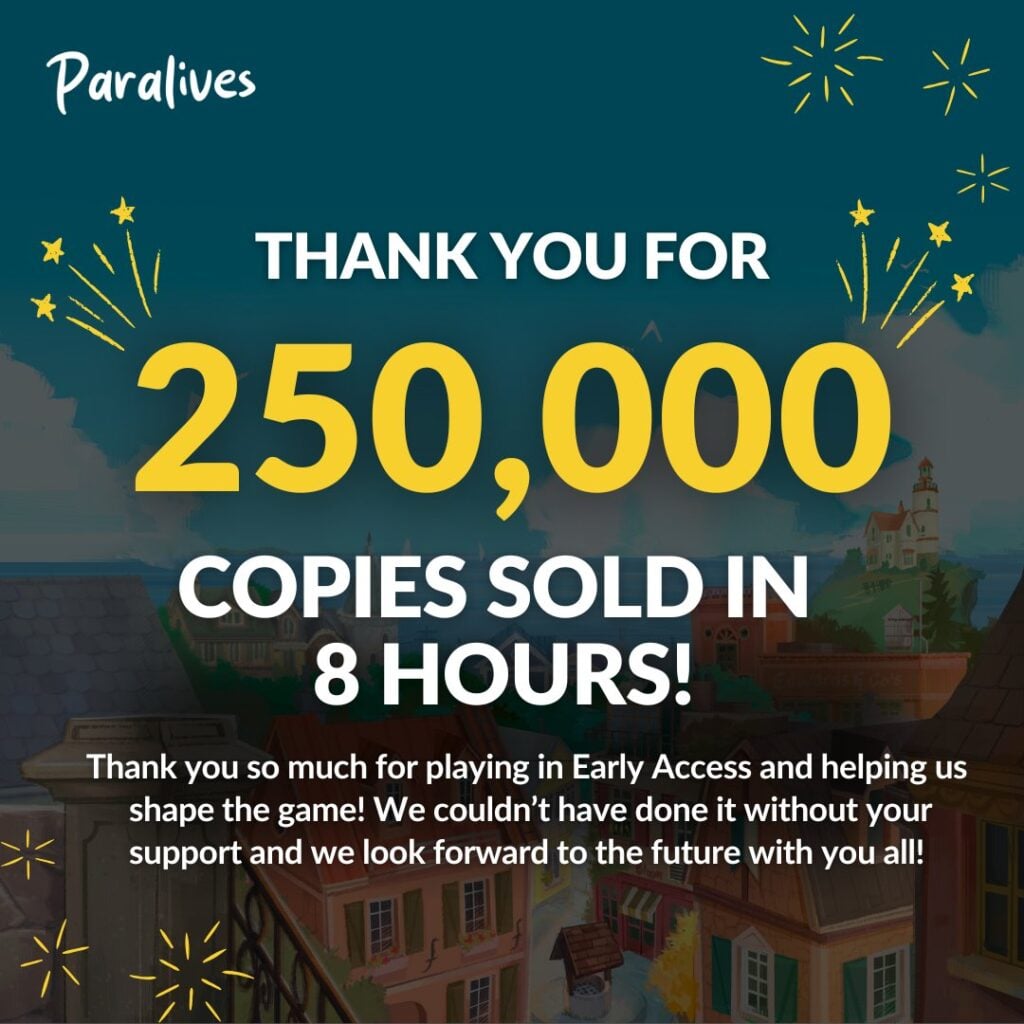
We’re going to start this post with the official announcement from the Paralives Team, revealing that the game sold over 250,000 copies in just 8 hours of the game’s release. For one third of a day that’s absolutely huge!
Here’s the announcement and poster they’ve shared online:
we truly can’t believe how lucky we are! thank you to everyone who supported us (●’◡’●)ノ❤︎
If we multiply 250K with a rough estimate of 35USD (Discount price) – that means Paralives generated 8 million 750 thousand USD just 8 hours into the game’s release. Sure, 30% of that revenue is going to Steam directly – but even with all the deductions included we’re looking at tens of millions in pure revenue for the development team with days to come.
Steam Charts and Current Reviews
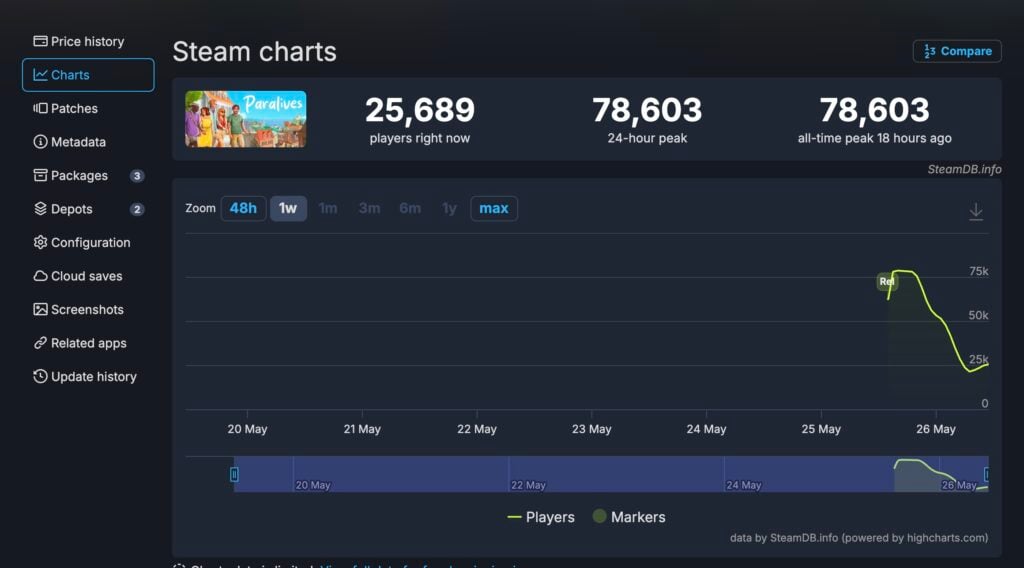
The Paralives Game is dominating the Steam charts almost a day after release. SteamDB currently reports that Paralives comfortably sits at the #1 spot, which it claimed just minutes after it released yesterday.
We reported yesterday about the game claiming the #1 spot in Global Selling Steam Games. Almost 24 hours after the game’s release the spot still belongs to Paralives.
According to the Charts Report from SteamDB, Paralives peaked at 78,603 all-time players. With the lowest number being at 21K and now slowly rising again.
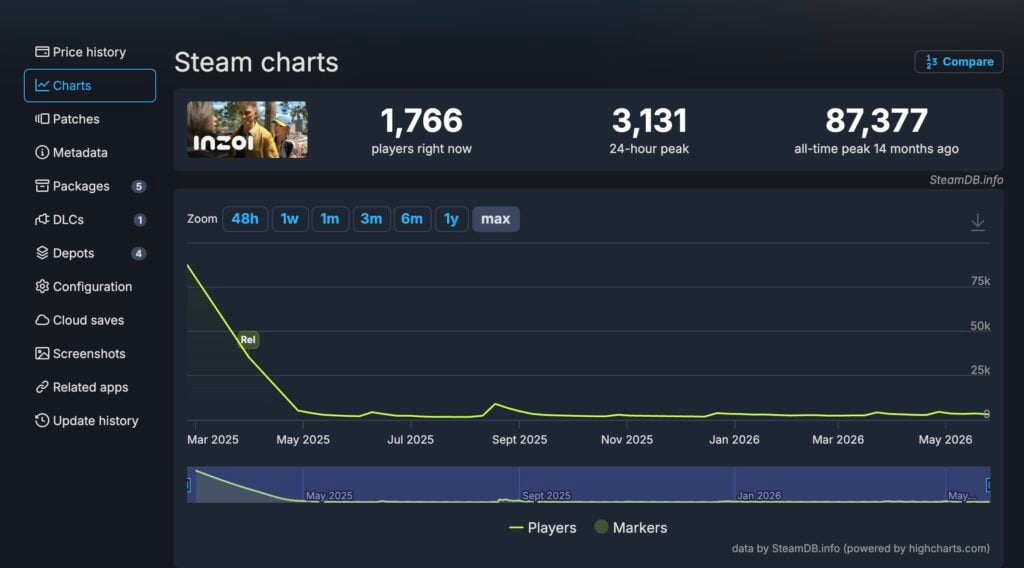
For comparison with other Life Sim games released on Steam, InZOI peaked at 87,377 all-time players. However, its lowest performance is currently now, with the last uptick being in August 2025 for the Cahaya DLC Free Update. Where the game maxed at 9K concurrent players.
Other things are worth noting about both game releases. Paralives (Early Access) launched on the first day of work week on Monday. InZOI launched on Thursday closer to weekend.
We’ll see more how the concurrent player data gathers as we get closer to the game’s first weekend.
First Steam Reviews
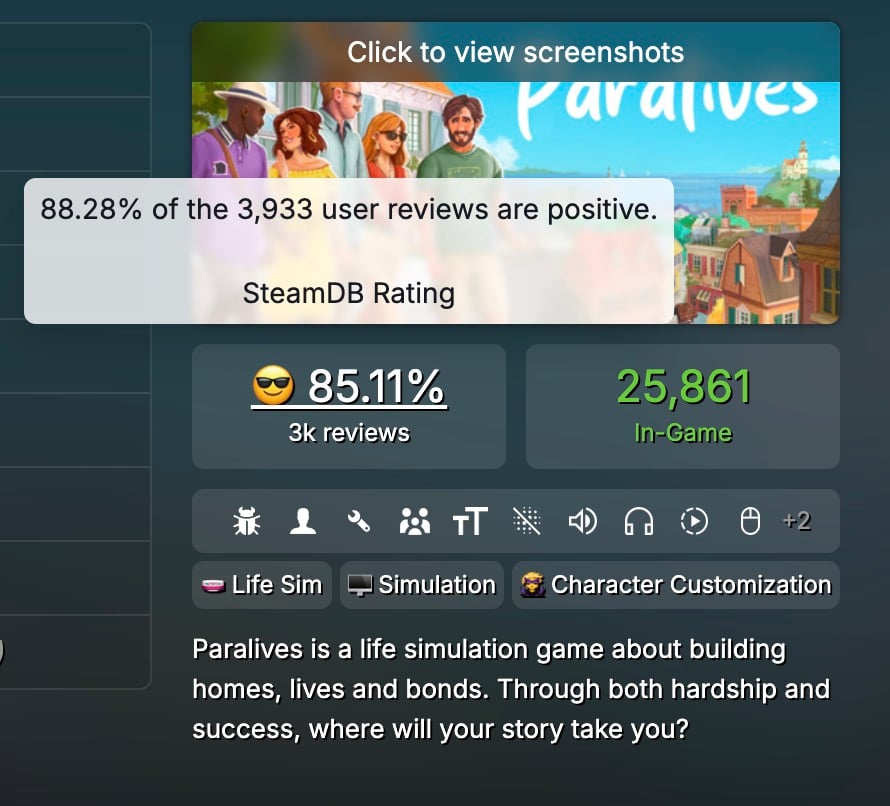
With around 4 thousand individual reviews published for Paralives on Steam already, the game is currently ranked at 88.28% very postiive rating. This comes from all language reviews posted on steam with 3,933 reviews published total for now.
First Steam Reviews
I’d been worried about whether Paralives was really going to become a reality, but after many years, the team has pulled through and actually delivered on their ambitious promises. As someone who also develops a life simulation game, I think Paralives is one of the most impressive indie projects that have been released in a good while.
While the game is still very buggy, it’s an absolute blast to play. The build tools feel smooth and fun to use and are incredibly versatile. Live mode already feels pretty complex even with the limited amount of overall features, largely since the townie quests, life goals and nightly stories enrich gameplay and (optionally) guide players into a gameplay direction.
The price tag isn’t something to scoff at for an indie game in Early Access, but I absolutely recommend the game to any life sim lovers who are okay with helping shape development and encountering the occasional bugs.
For the price of one Sims 4 expansion, you’ll get this lovely indie game with ALL future updates being free. There is a catch though.
It’s releasing in early access for a reason. Paralives started as a solo project and slowly grew to a team of 15 people. More than 1,078 people contributed to the Sims 4 basegame alone. These games have a completely different scope. Set your expectations accordingly.
Paralives is a game that has its heart in the right place. It’s a joy to play. The open world, artstyle, customization, modding tools, and RPG mechanics are absolutely amazing. You should expect some animation hiccups, stutters, and other bugs though.
I’m incredibly excited for the future of Paralives. Let’s see what the team will cook up with those free updates. I can’t wait!
The success of Paralives is one for the history books. By now the team has accumulated over 10 million dollars in revenue, promising a very long and bright future for the game post-release.
What are your thgoughts on the current success of Paralives? Let us know in the comments down below and stay tuned for more updates on Paralives Sales and General Articles!
A host of Paralives collab drops wasn’t on our launch day bingo card, but we couldn’t be happier to see it!
As if Paralives launching wasn’t exciting enough, around 15 minutes after launch, the team at Paralives announced a strong of collabs on their social media and discord channels.
Paralives Collab Drops
Among Us
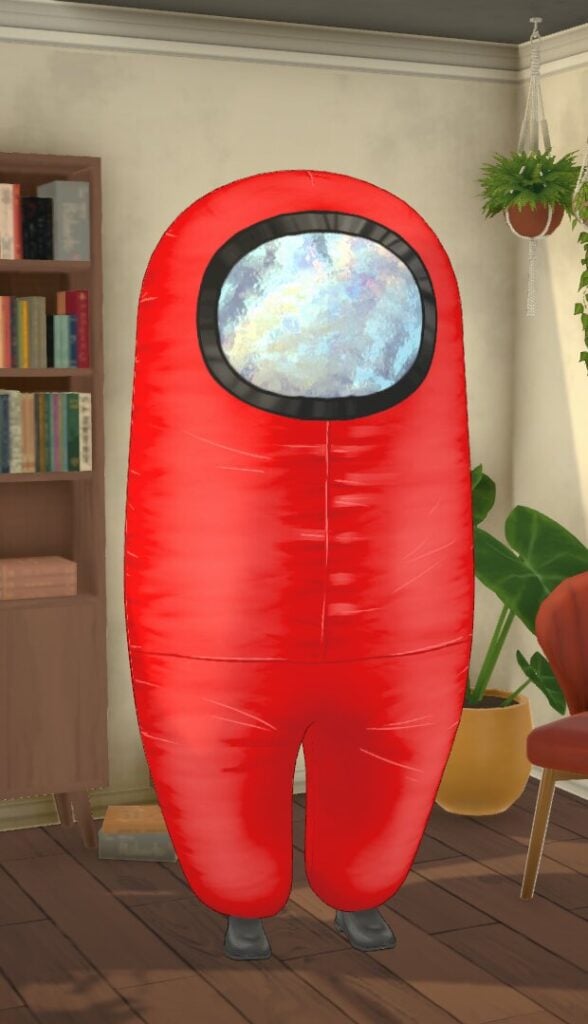
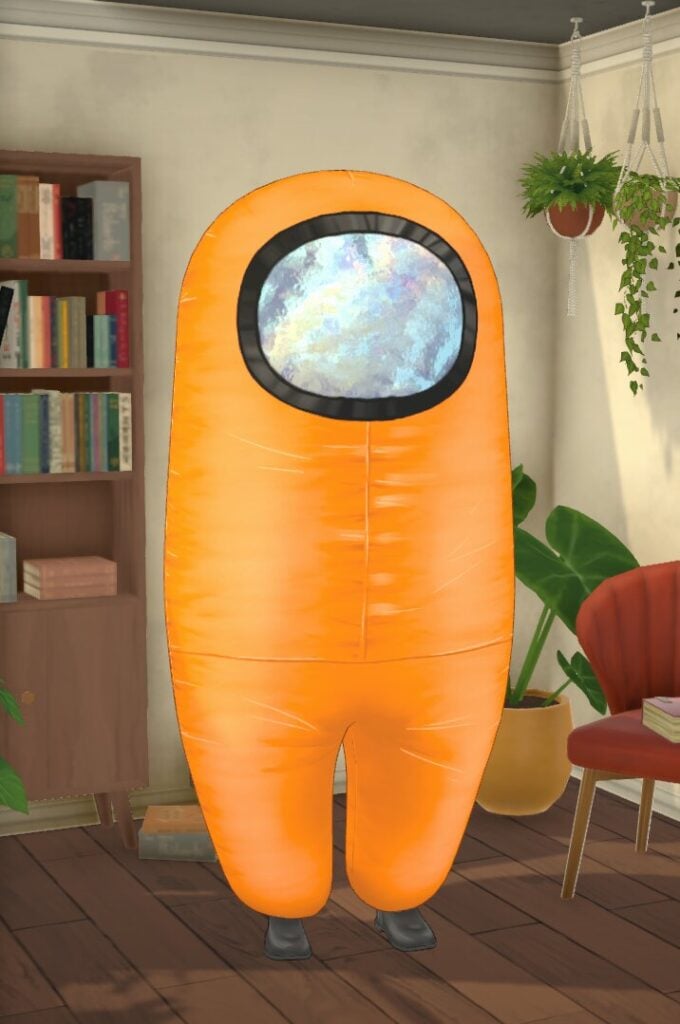
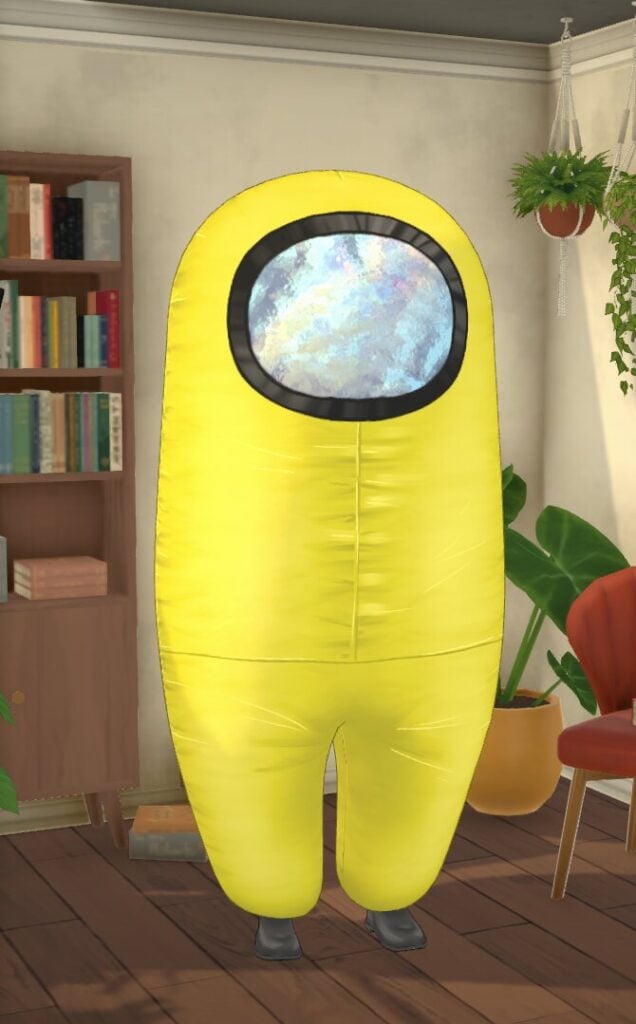
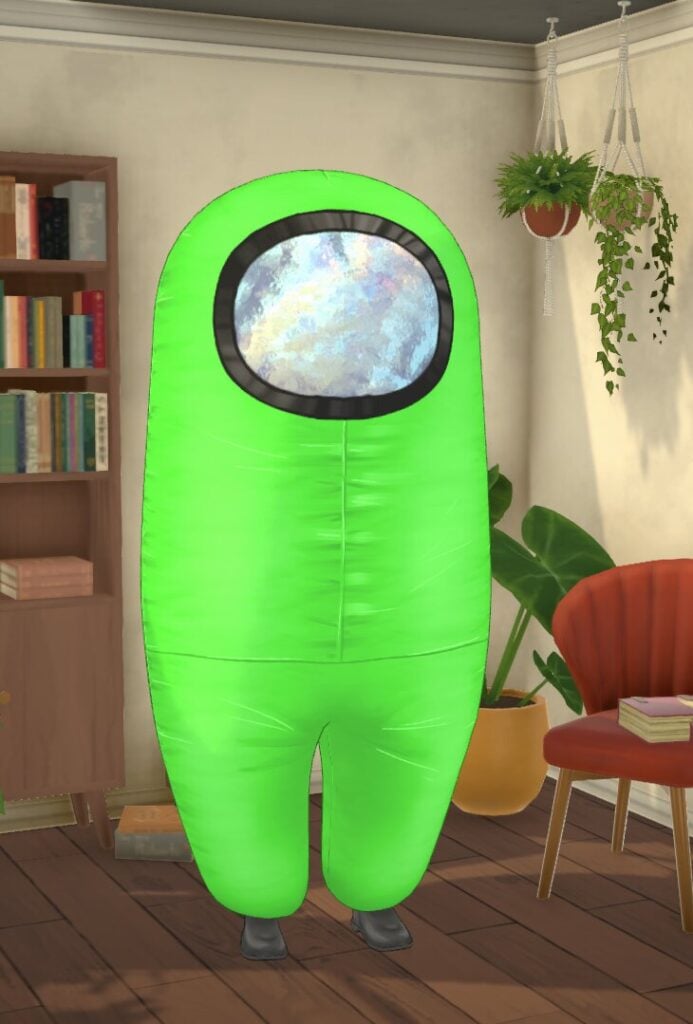
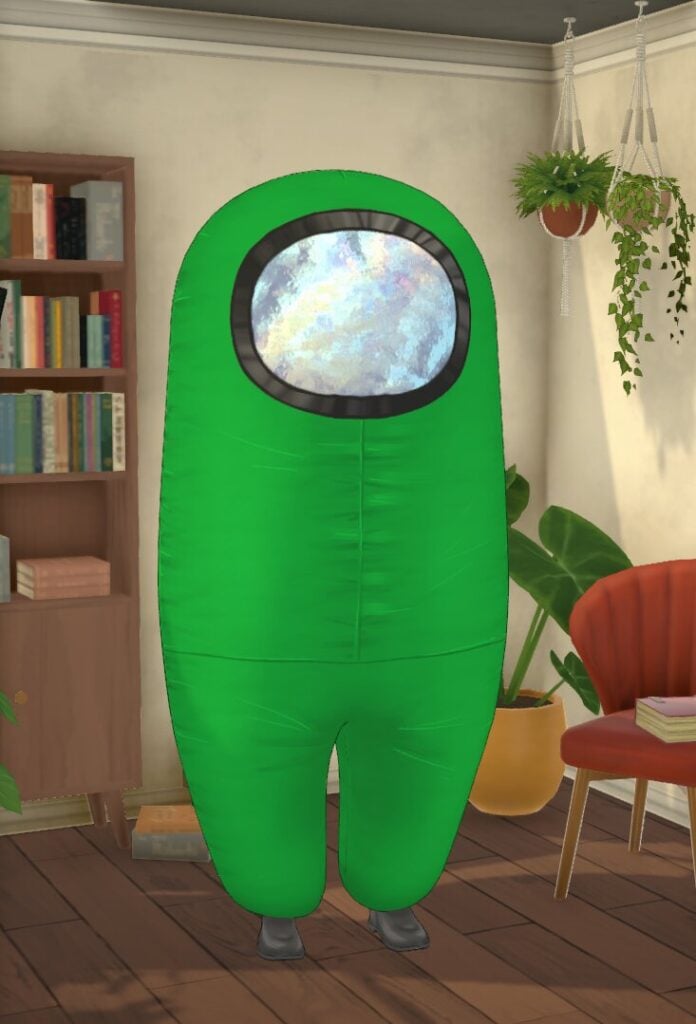
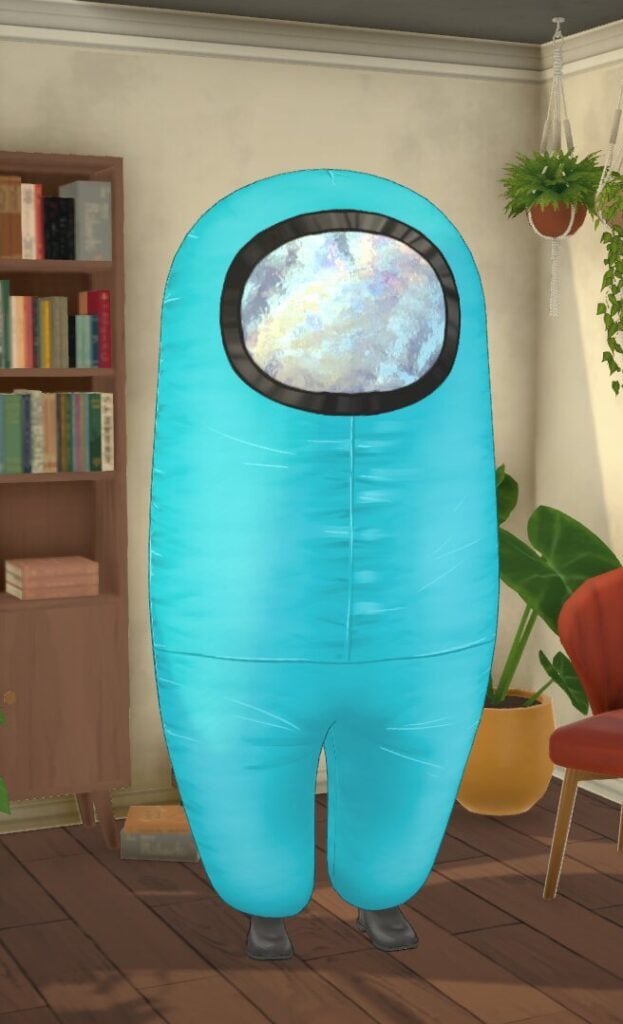
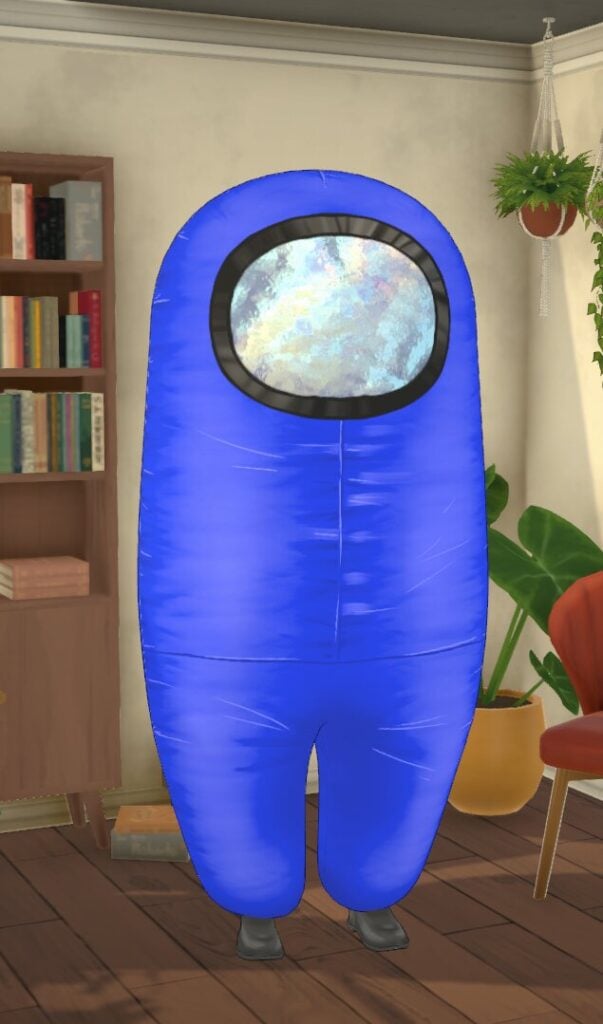
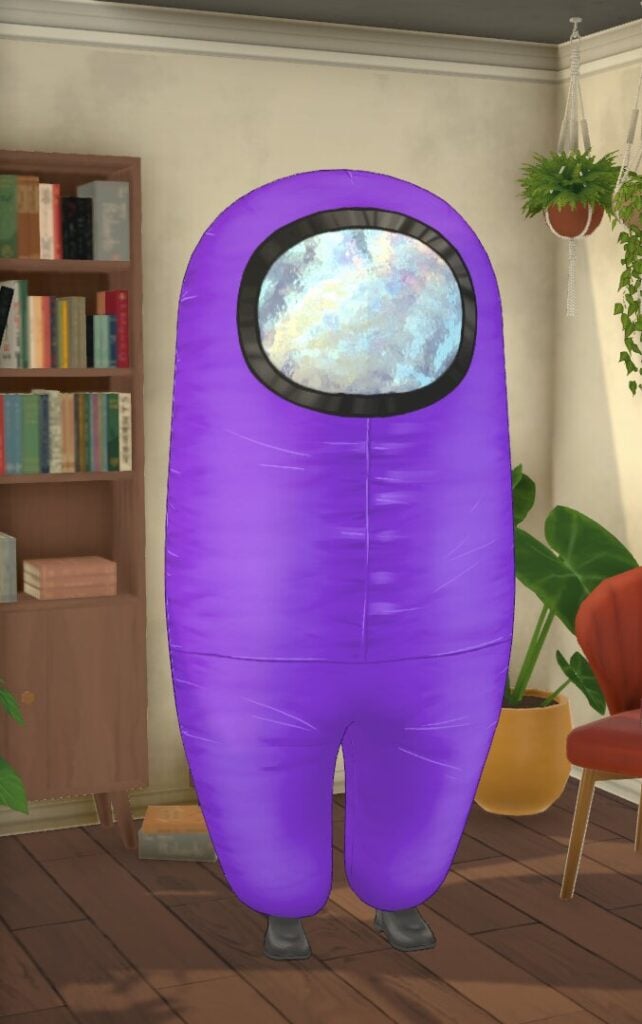
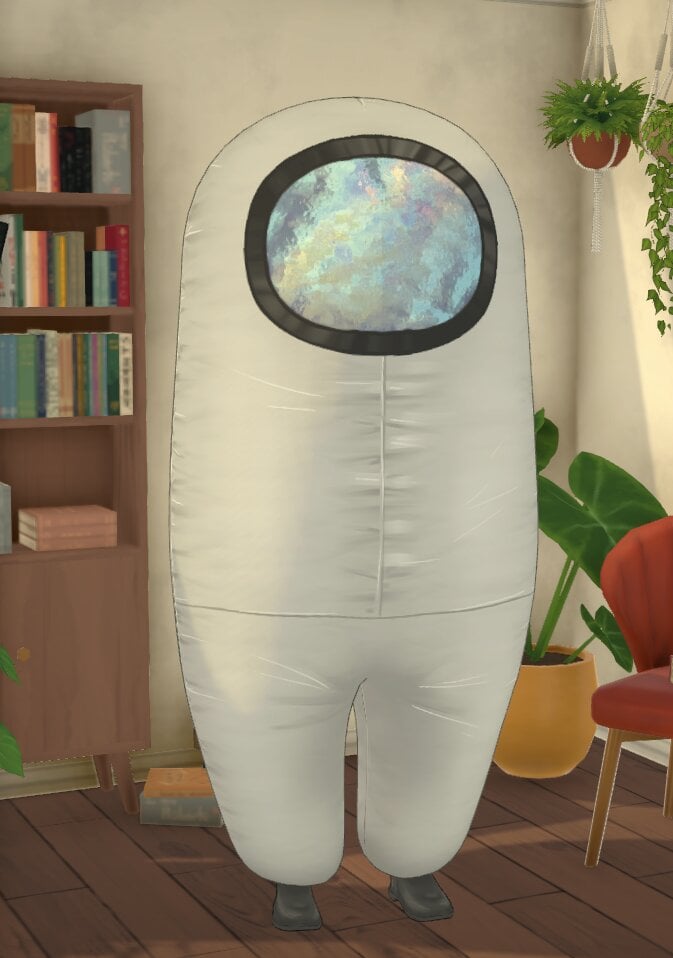
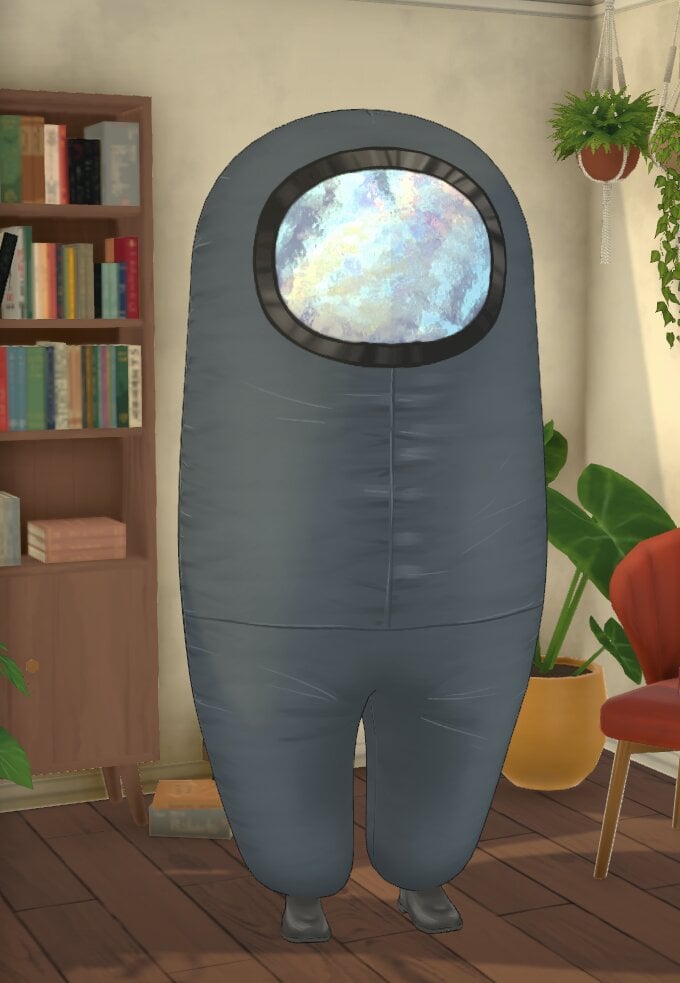
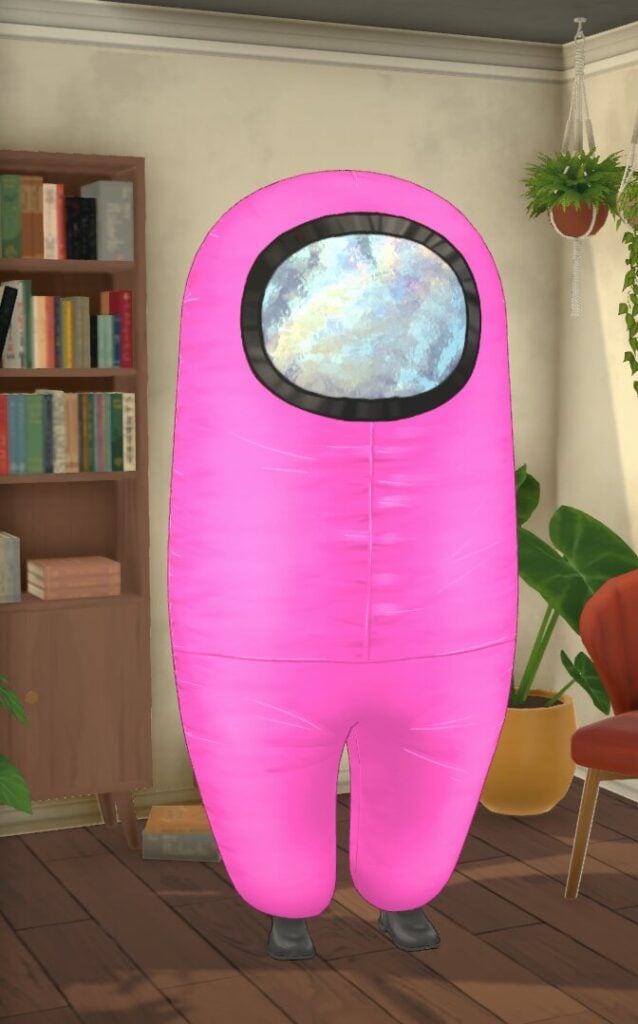
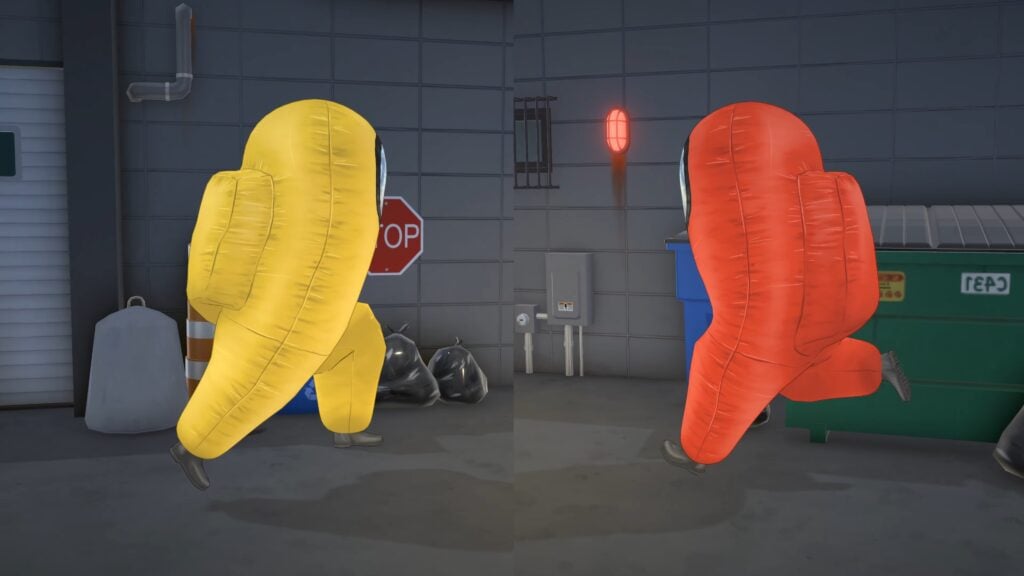
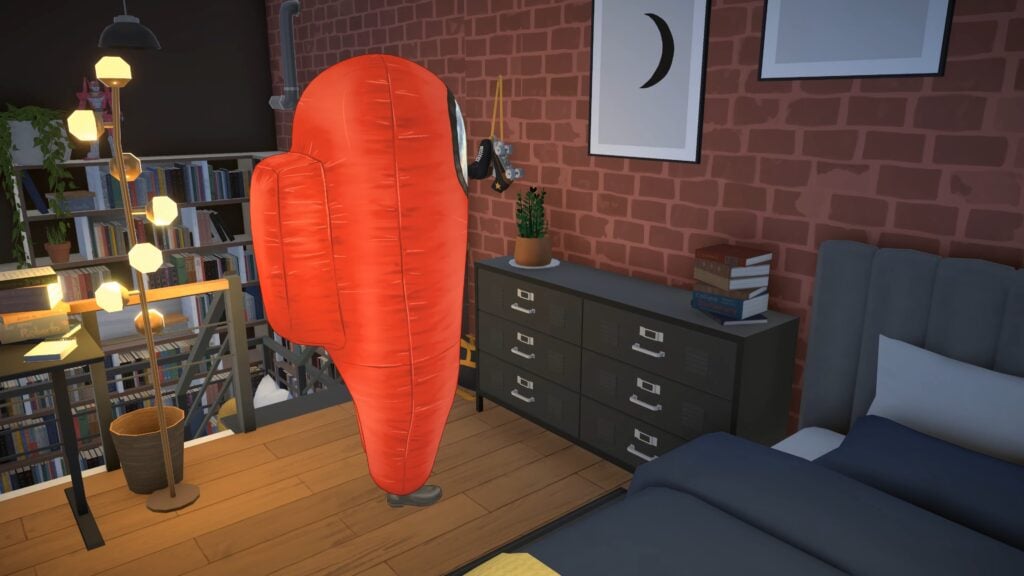
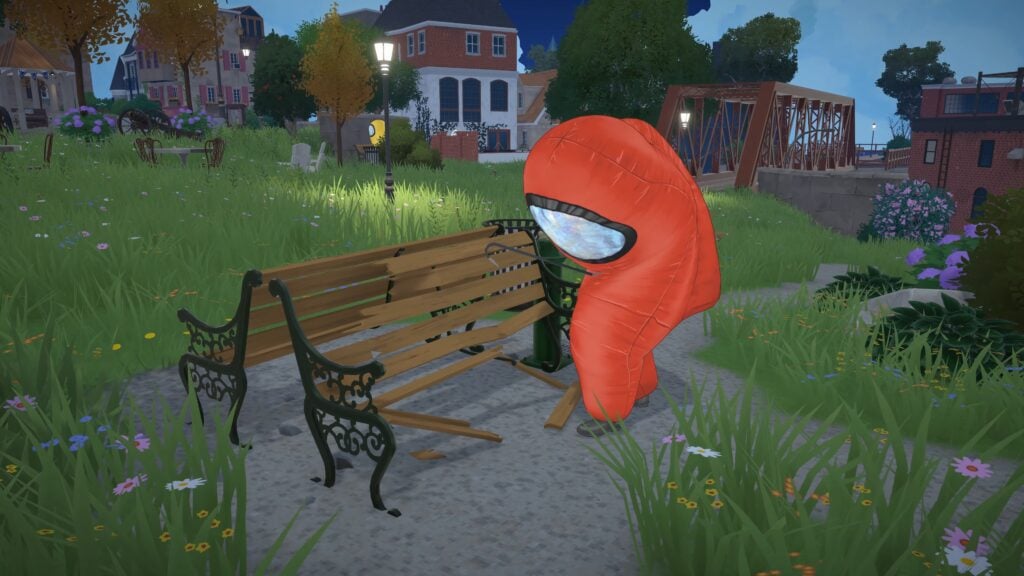
Among Us Costume
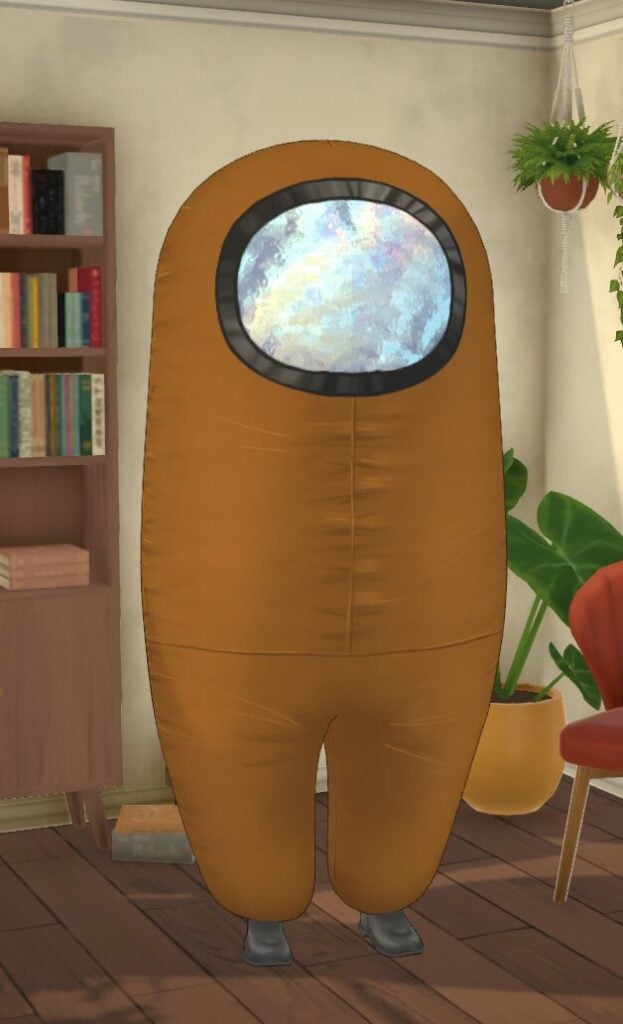
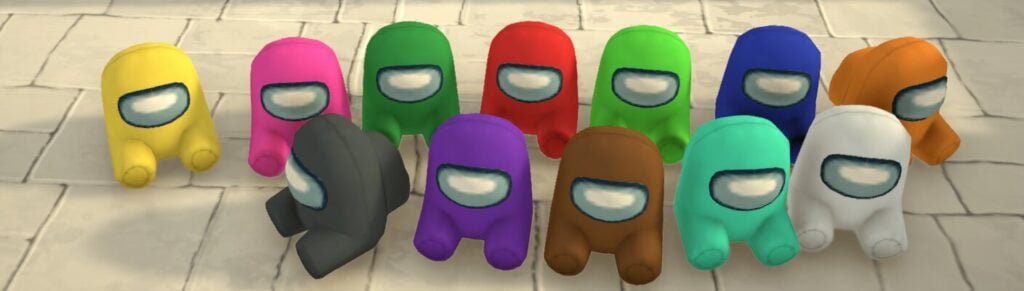
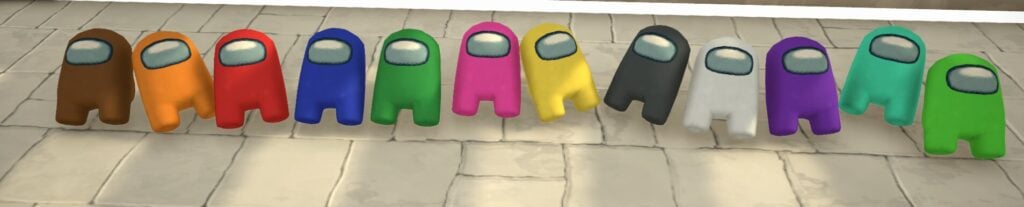
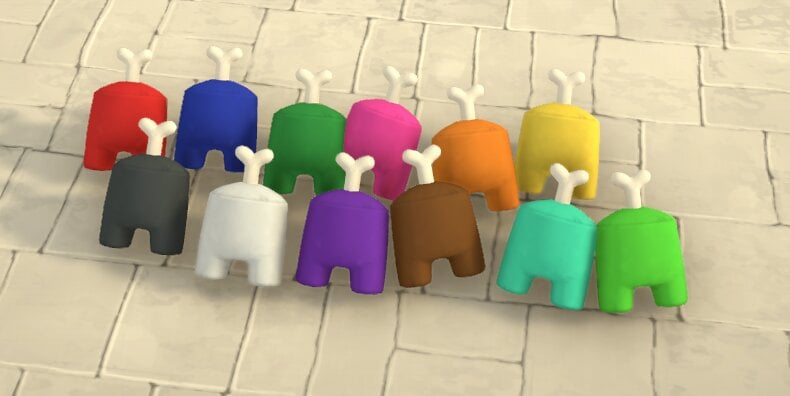
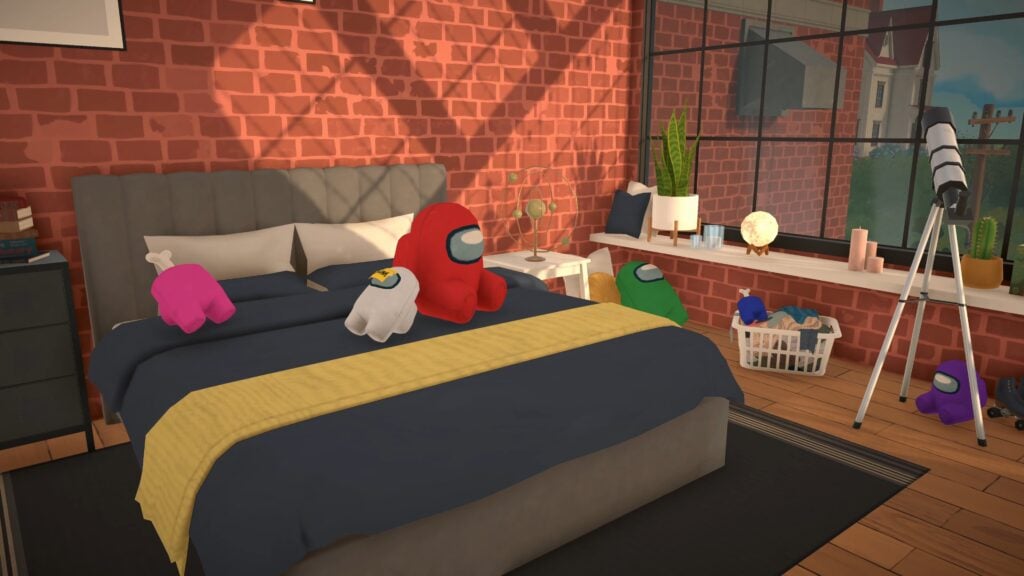
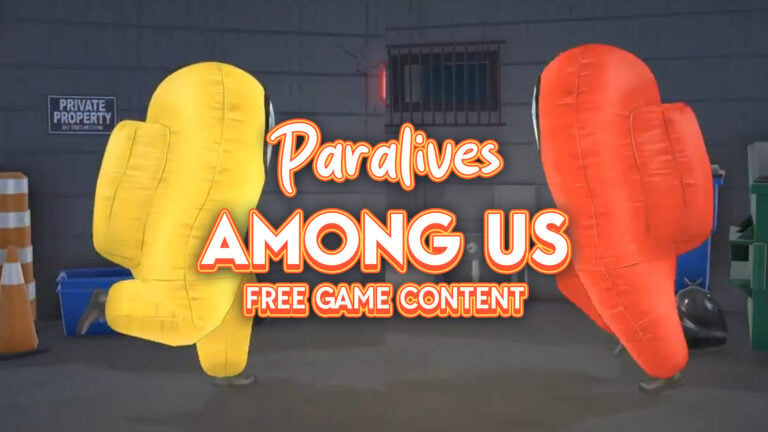
This Among Us costume comes in 12 swatches and can be worn by Parafolk under the Costumes category.
It can be worn by all ages from child to elder. Babies and toddlers cannot wear this.
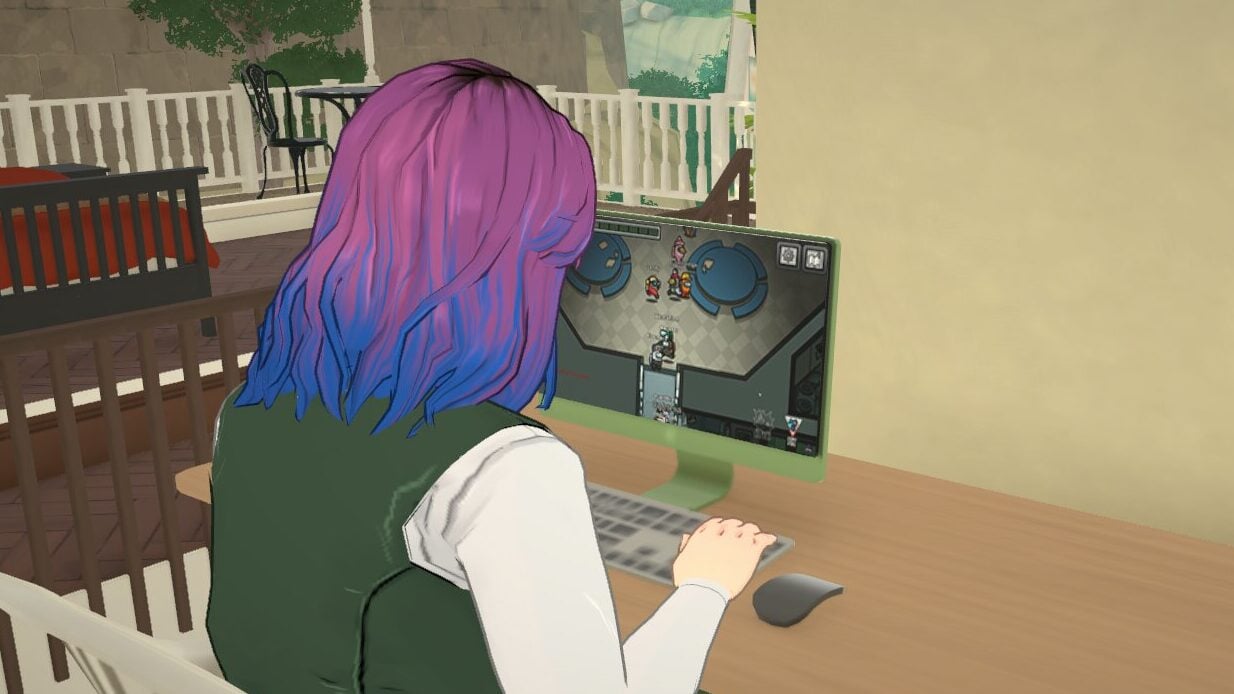
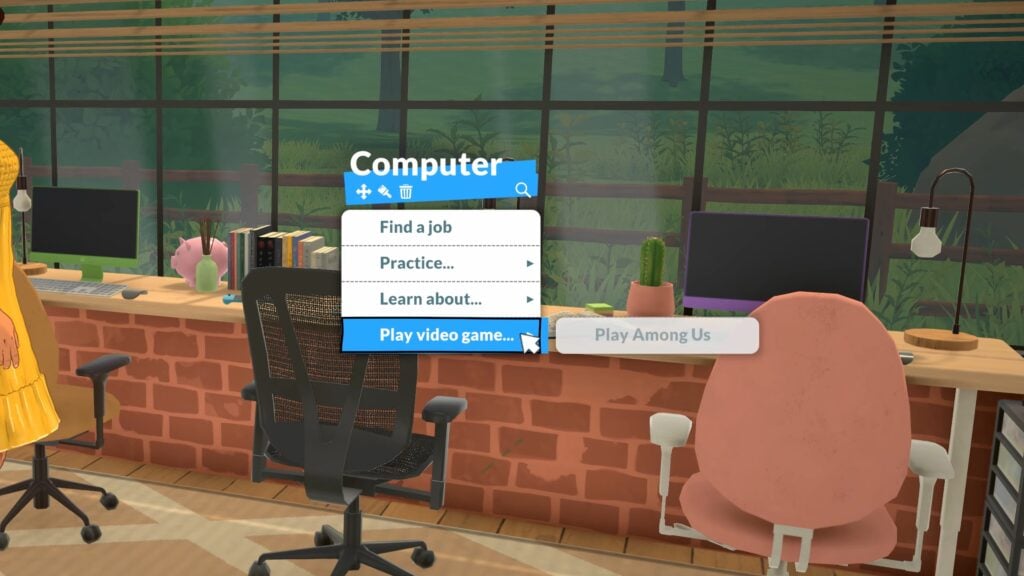
Among Us Computer Game
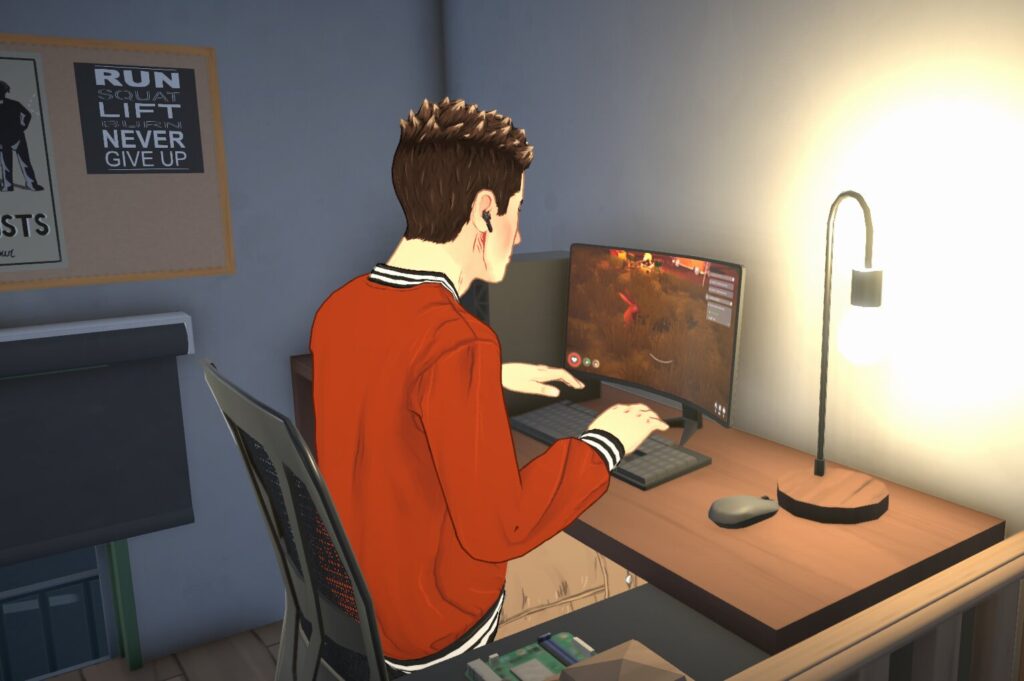
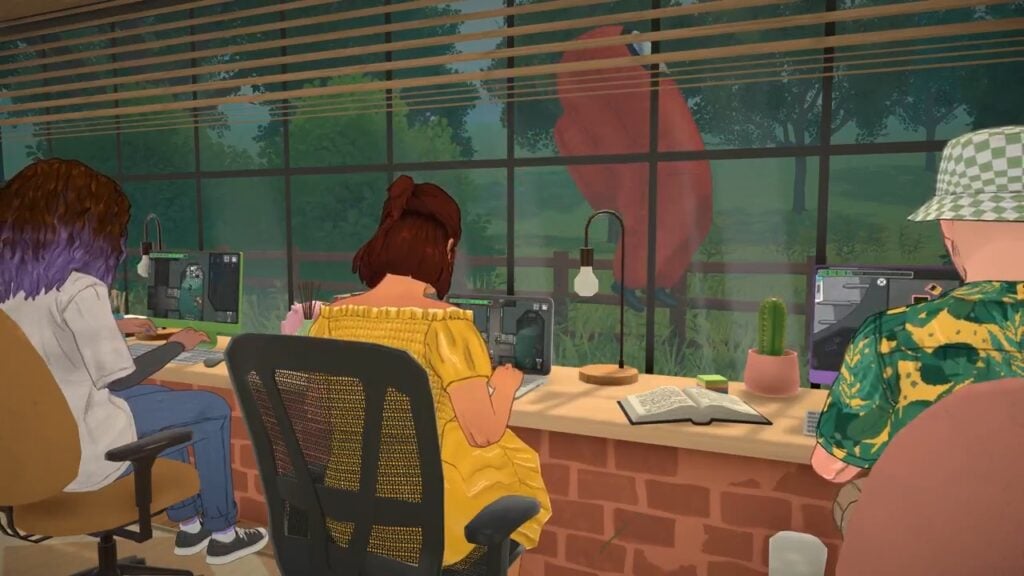
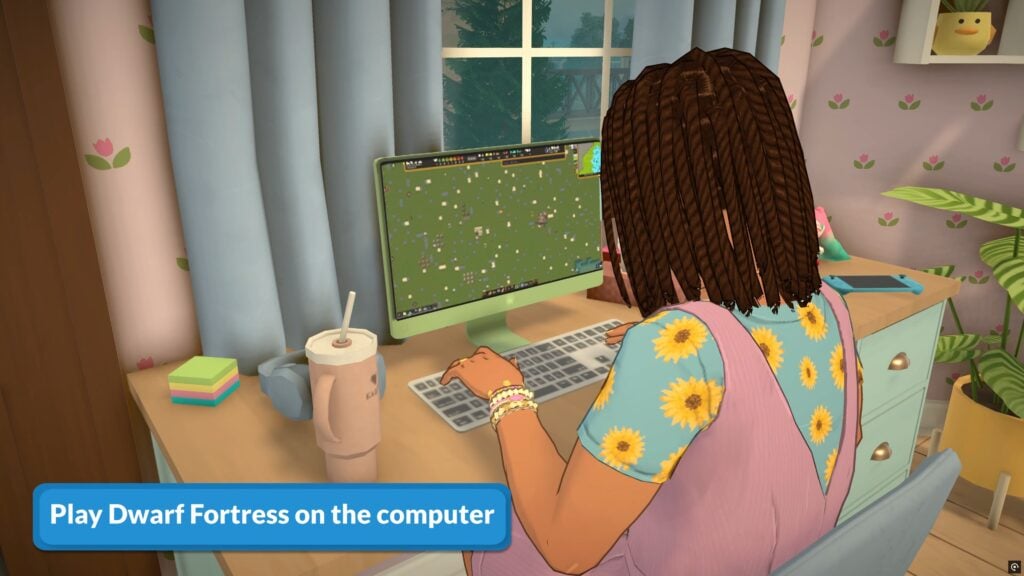
You can get your Parafolk to play Among Us on the computer, and it will fill up any Jester’s fun need.
Among Us Poster
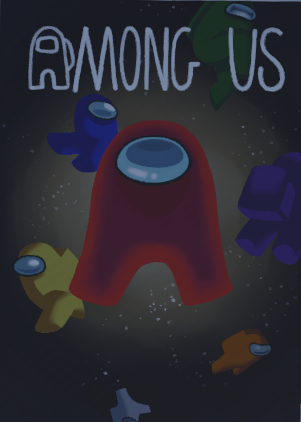
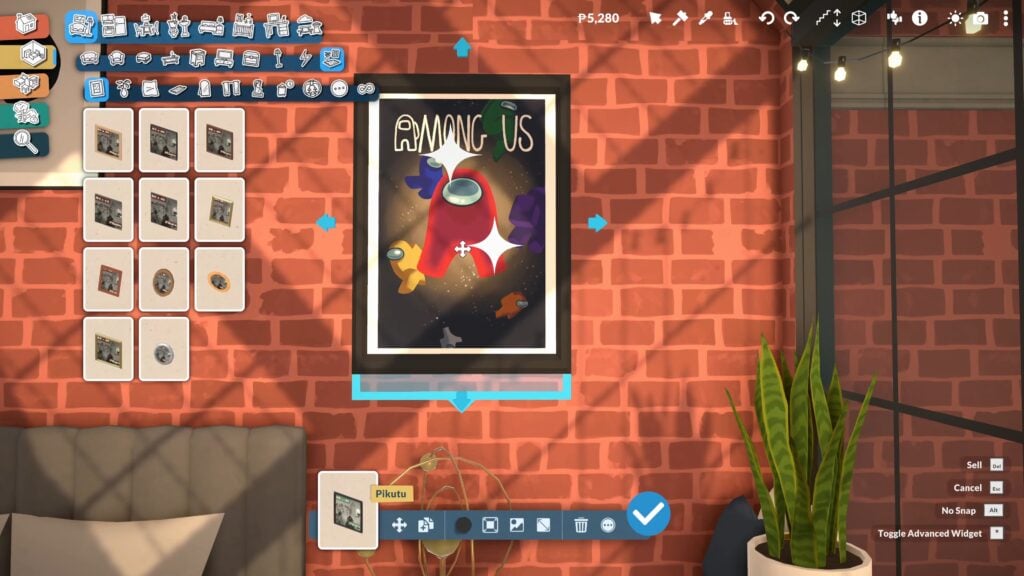
You can also add this new Among Us poster to the poster frames, it is at the bottom of the image selection.
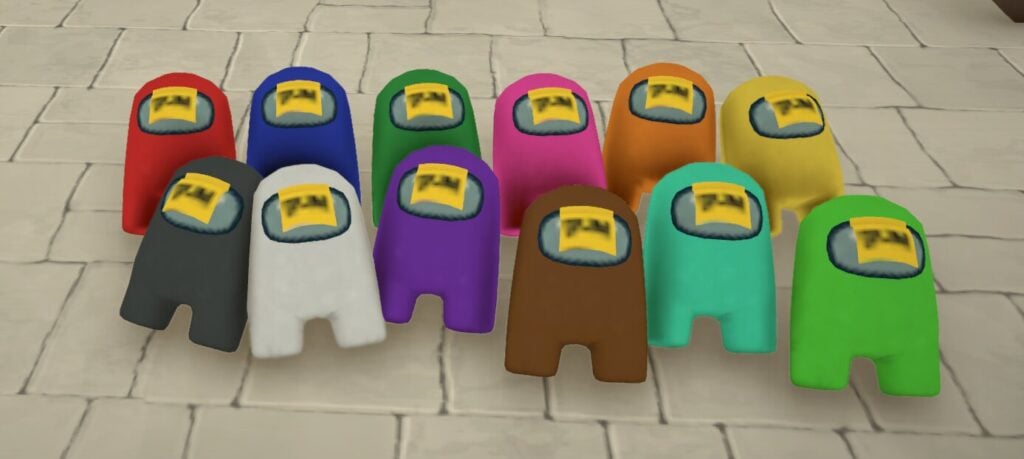
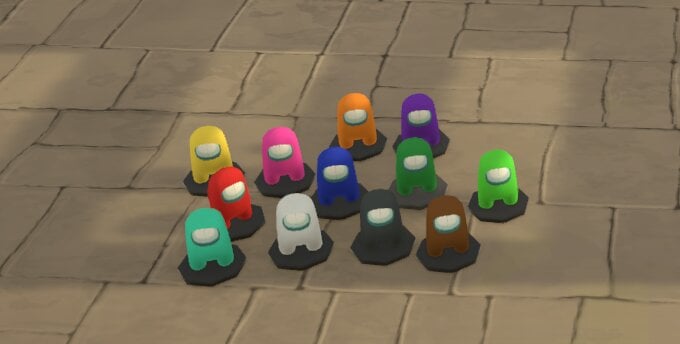
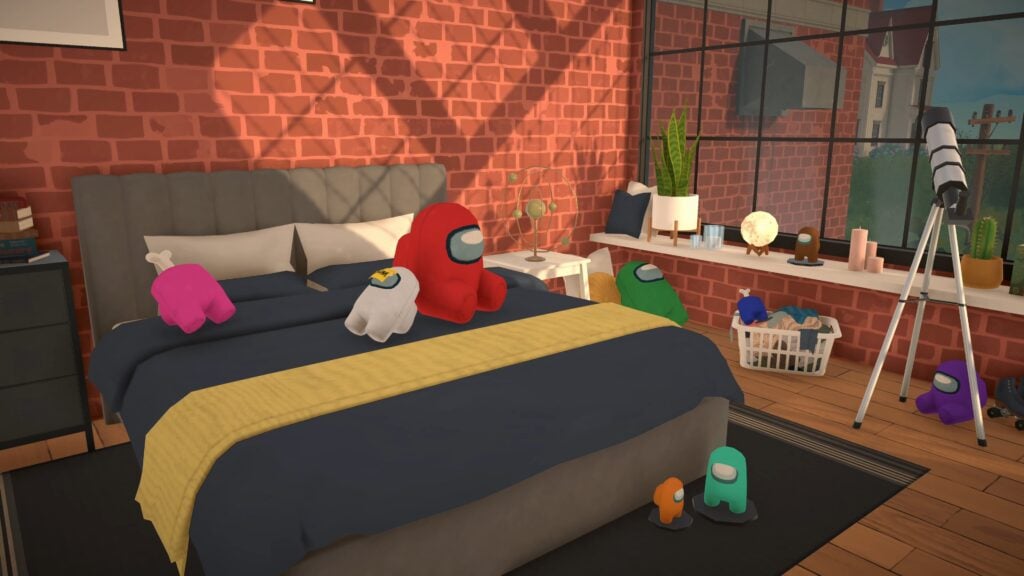
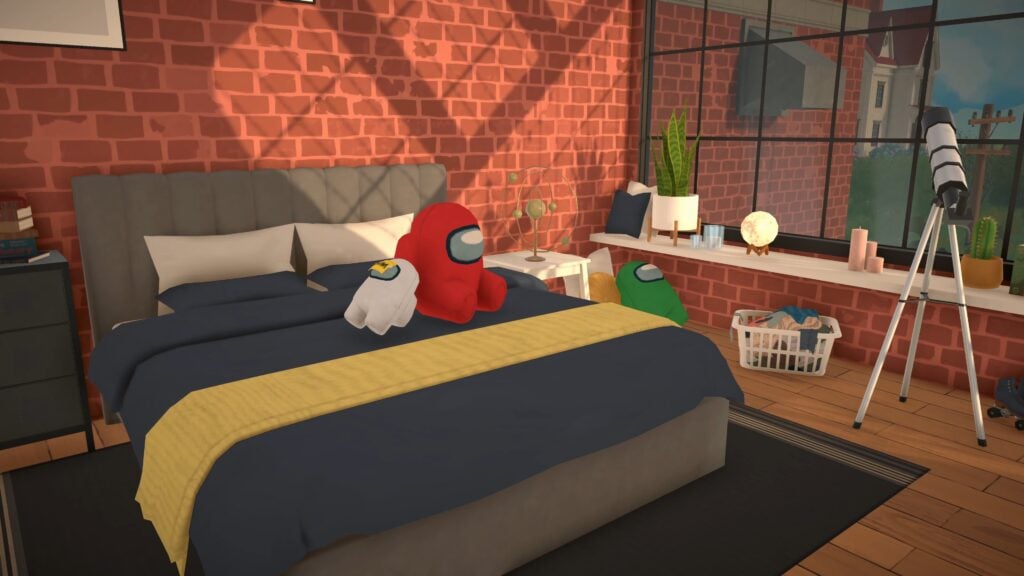
Among Us Toys
Two new toys are available as part of this Paralives collab, and you can find them in the build mode catalogue by searching Among Us.
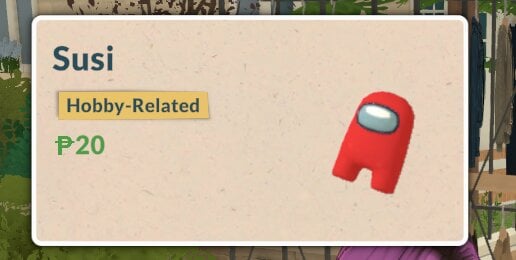
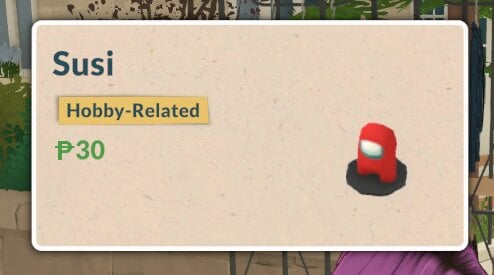
One is a stuffed toy, the other is a small desk decoration.
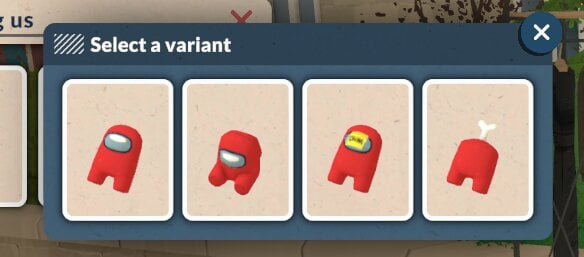
The stuffed toy also comes in four variations.
These come in the same twelve swatches as the costume.
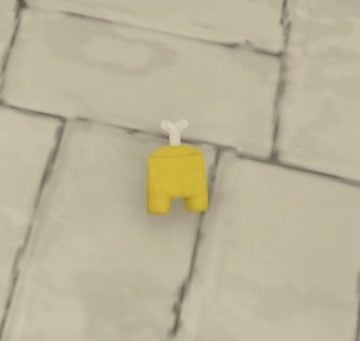
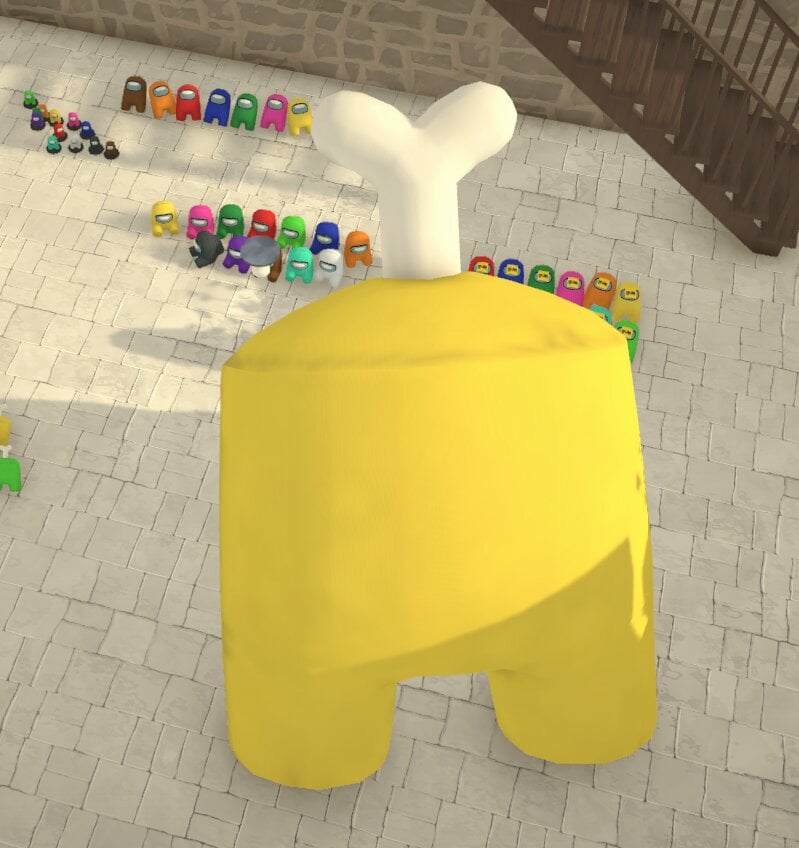
They can also be resizes to be gigantic or tiny. The only limit is your ceiling height!
Outbound
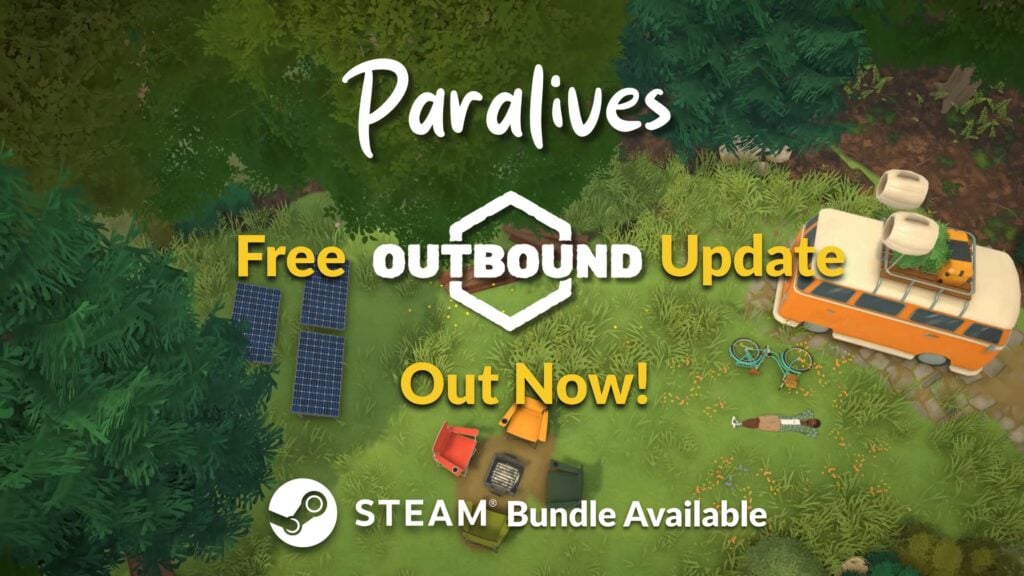
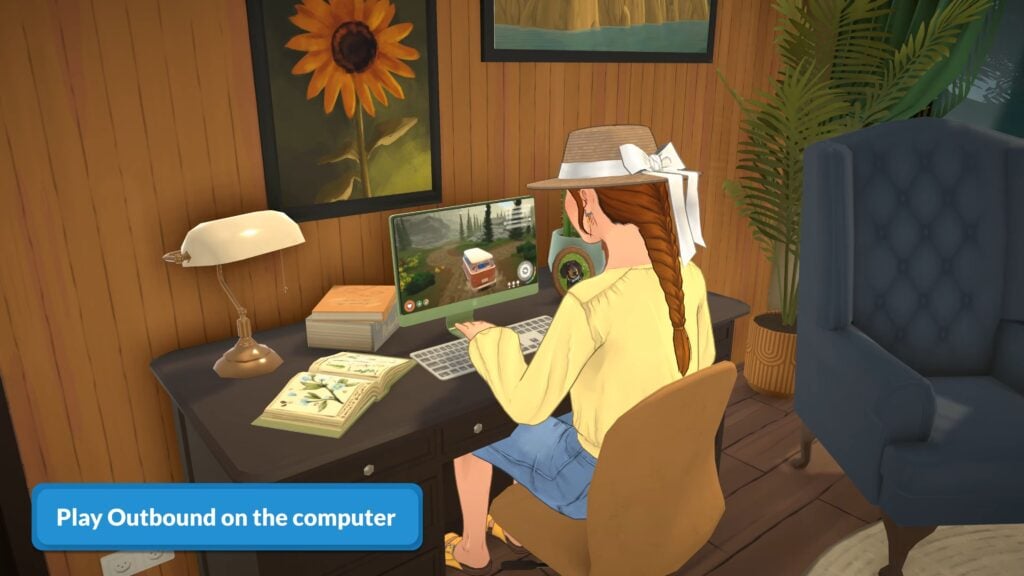
The second Paralives collab announced today was with Outbound.
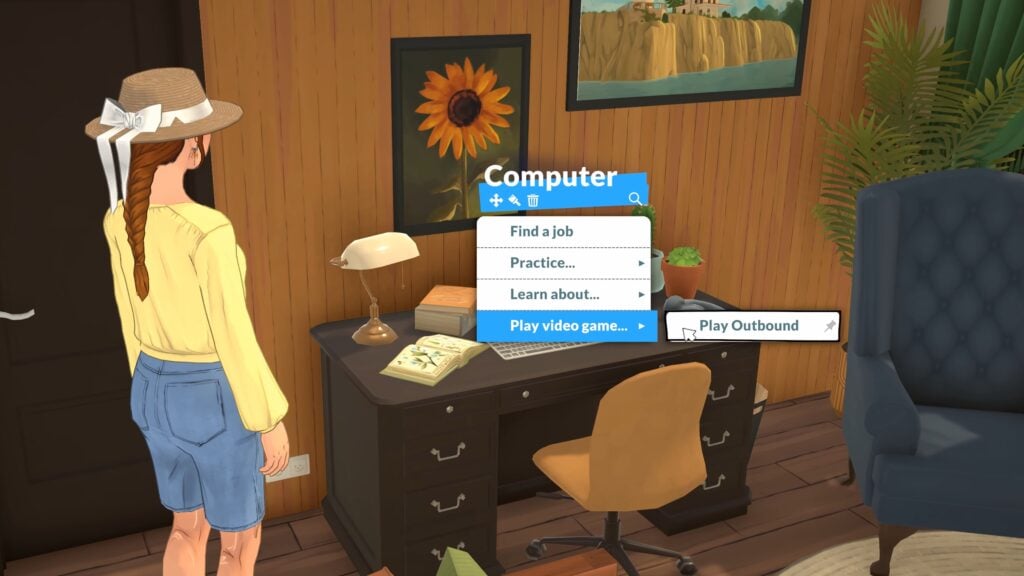
Outbound Computer Game
Parafolk can play Outbound via the computer to entertain themselves and raise their fun need if they have one.
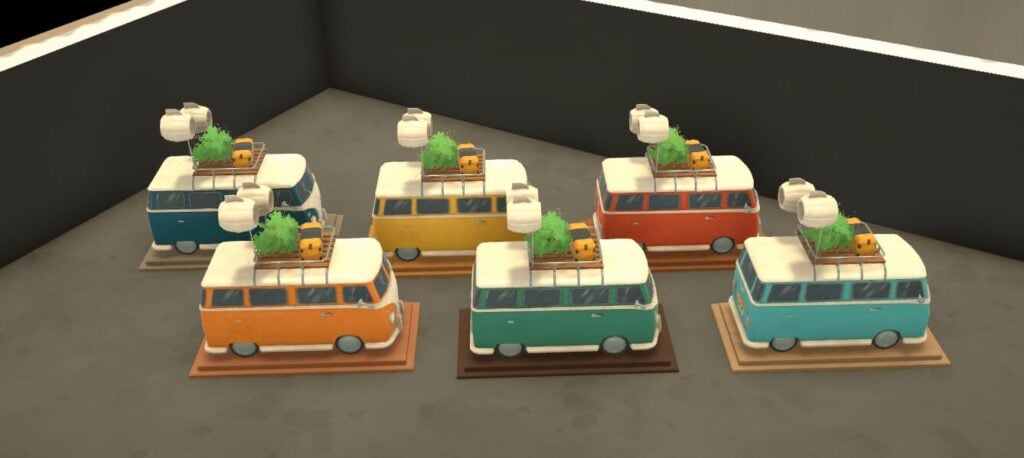
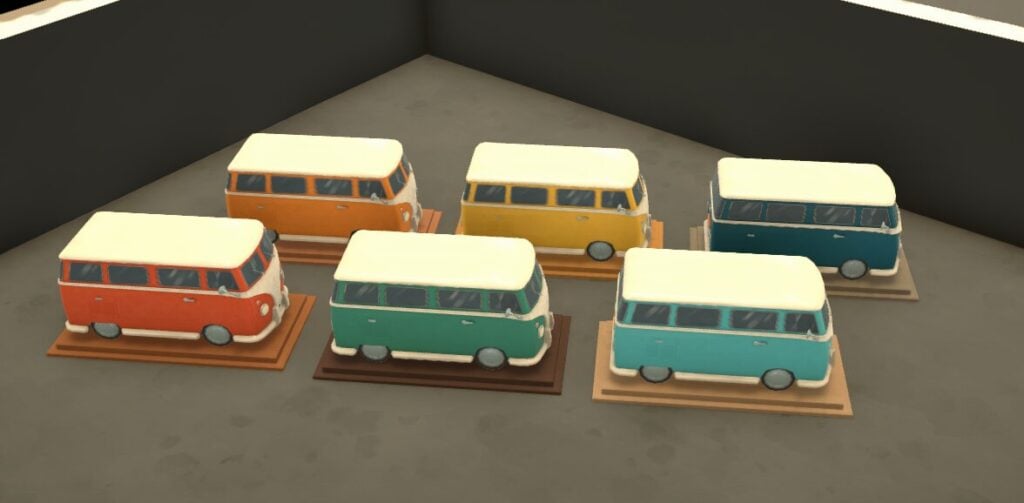
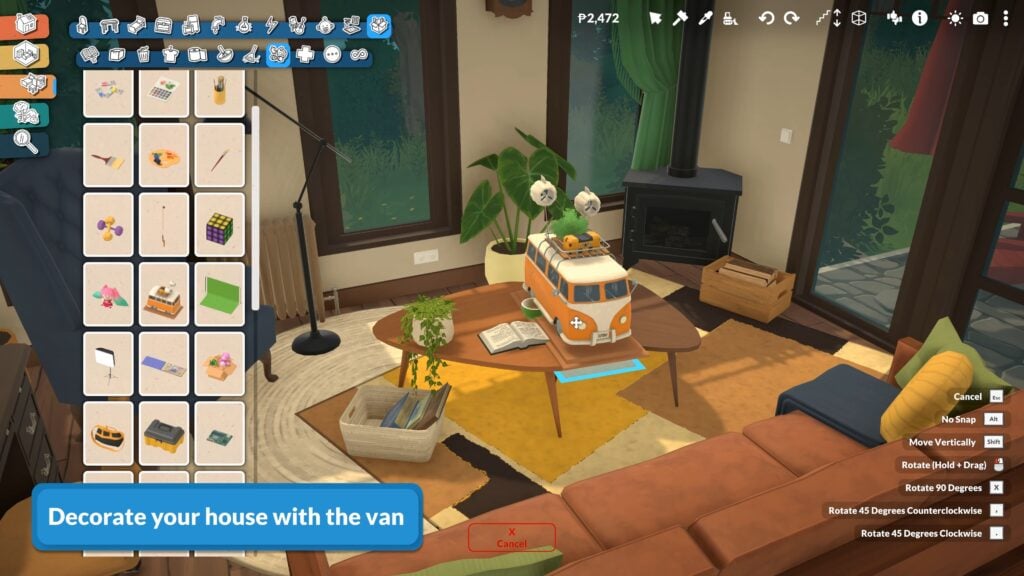
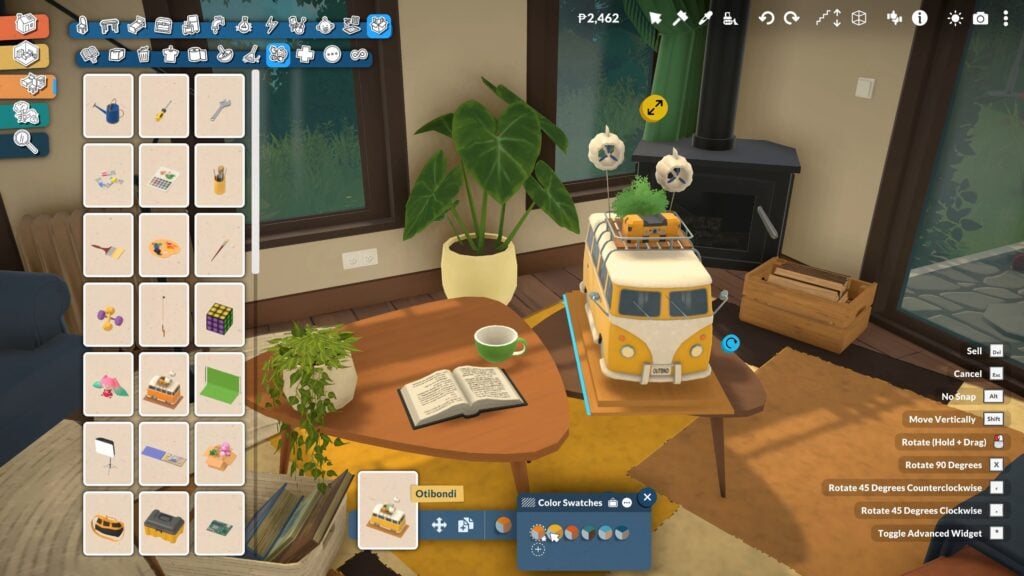
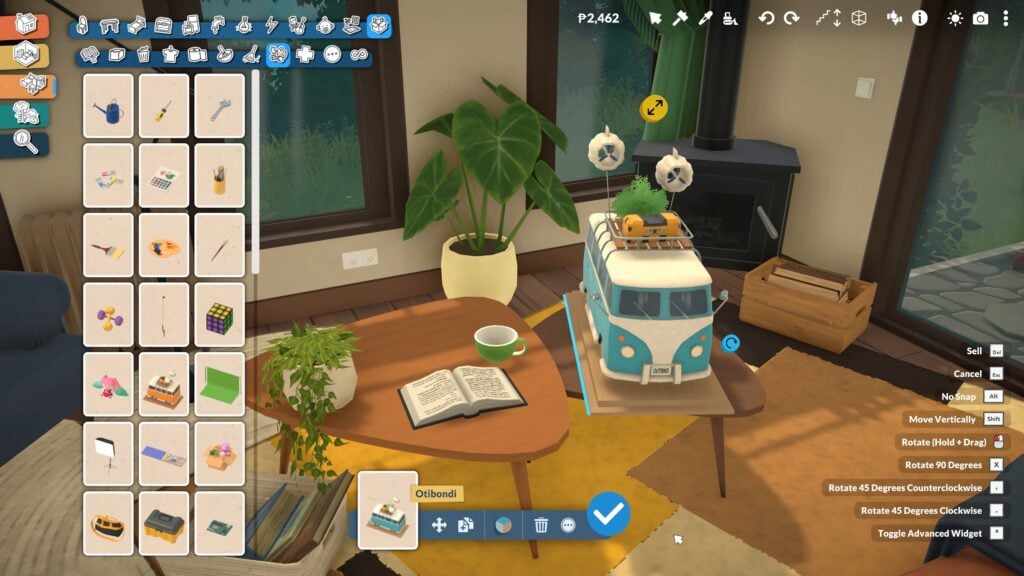
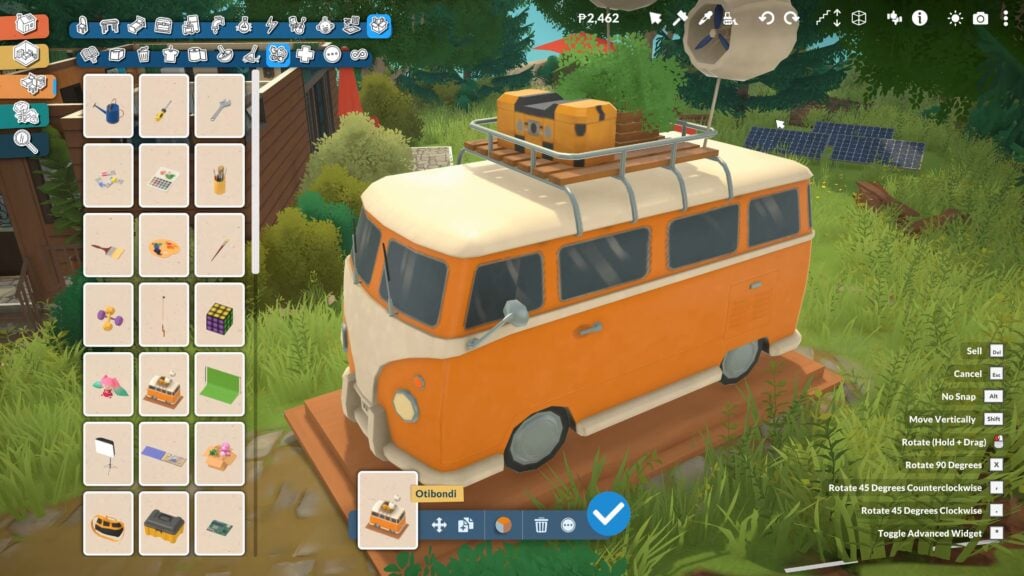
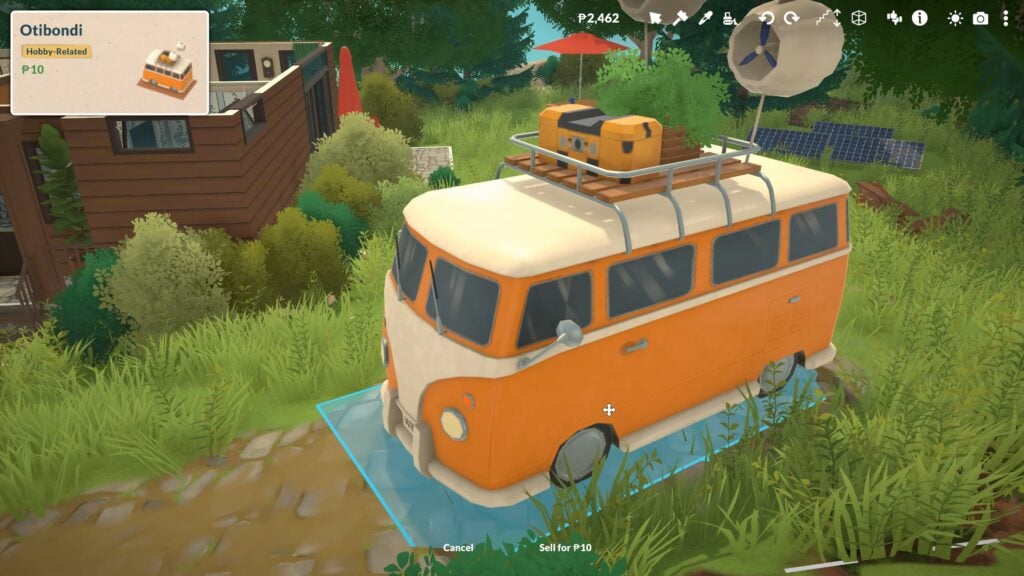
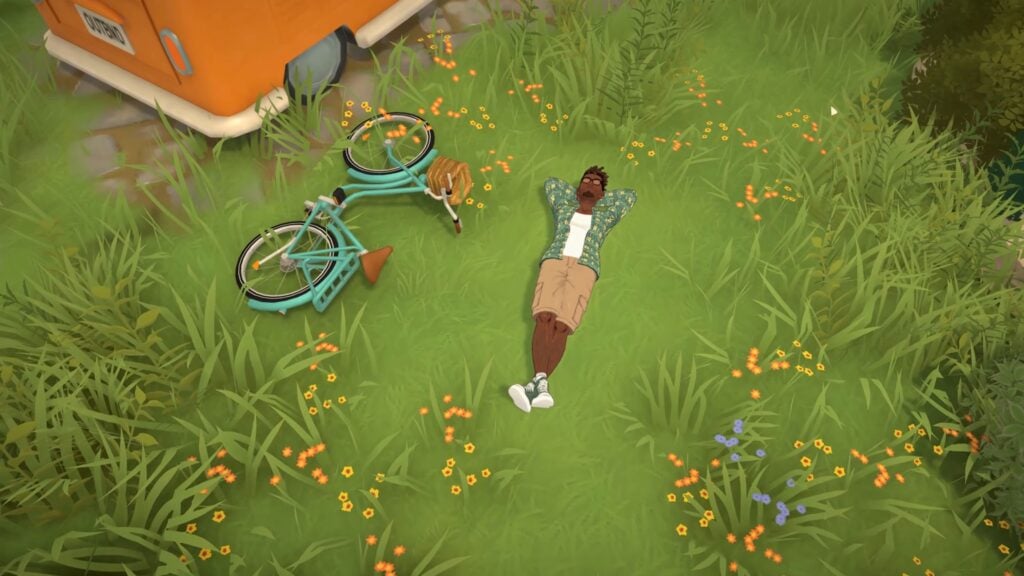
Outbound Decorative Camper Van
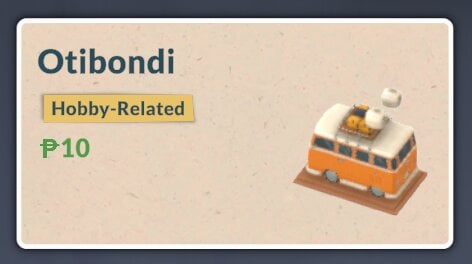
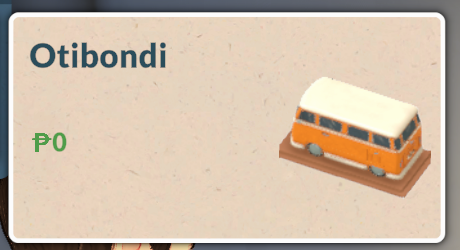
The campervan decor item comes in two variants and six swatches. The Otibondi without the items on the roof is free if you want this nice decor item but want to save some money.
Kitfox Games
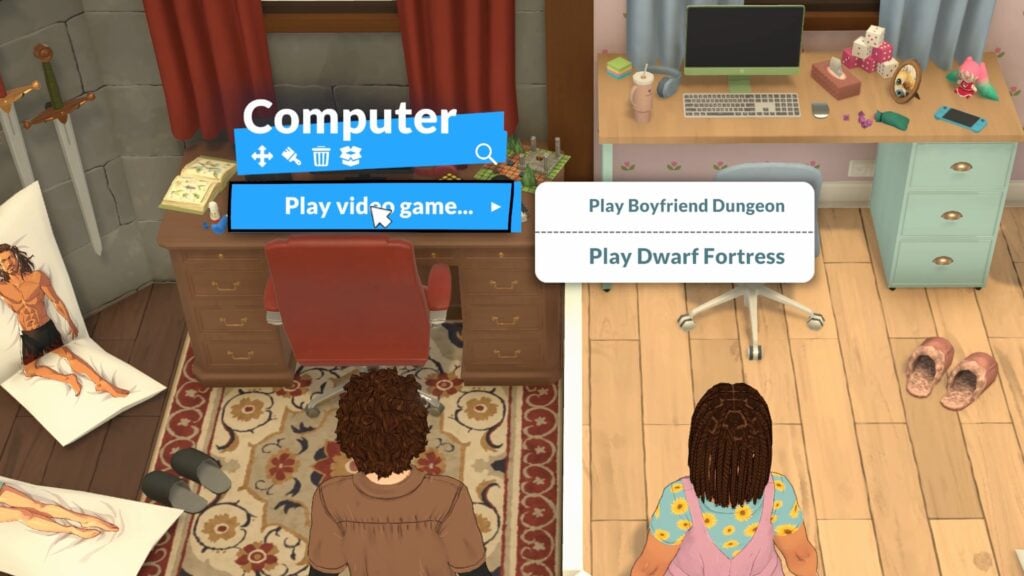
Two of the Kitfox Games, Dwarf Fortress and Boyfriend Dungeon, have also been announced as part of the Paralives collab drop on launch day.
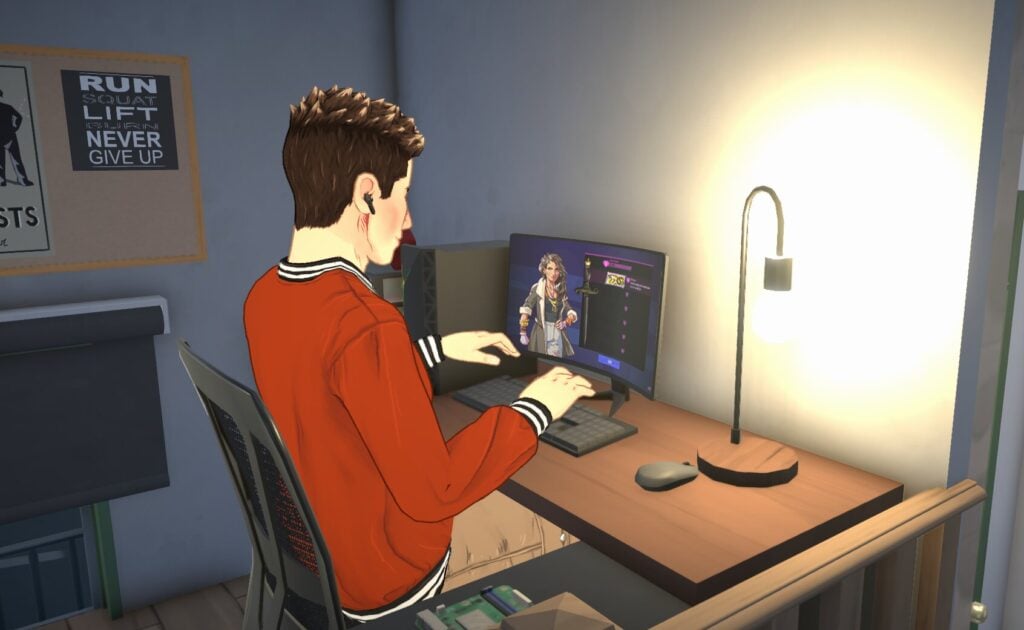
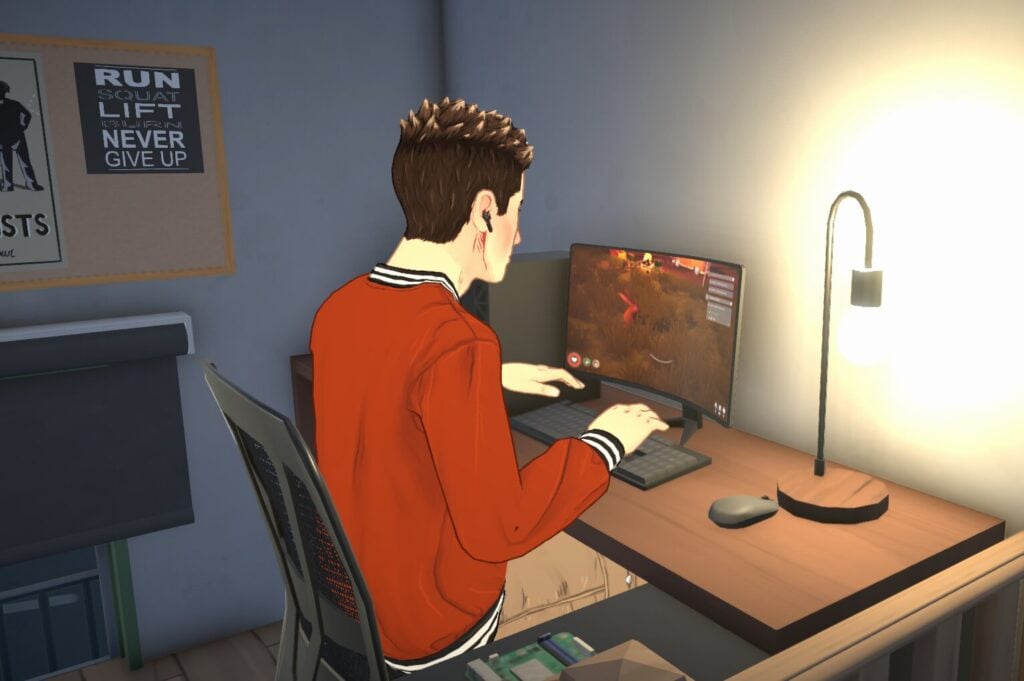
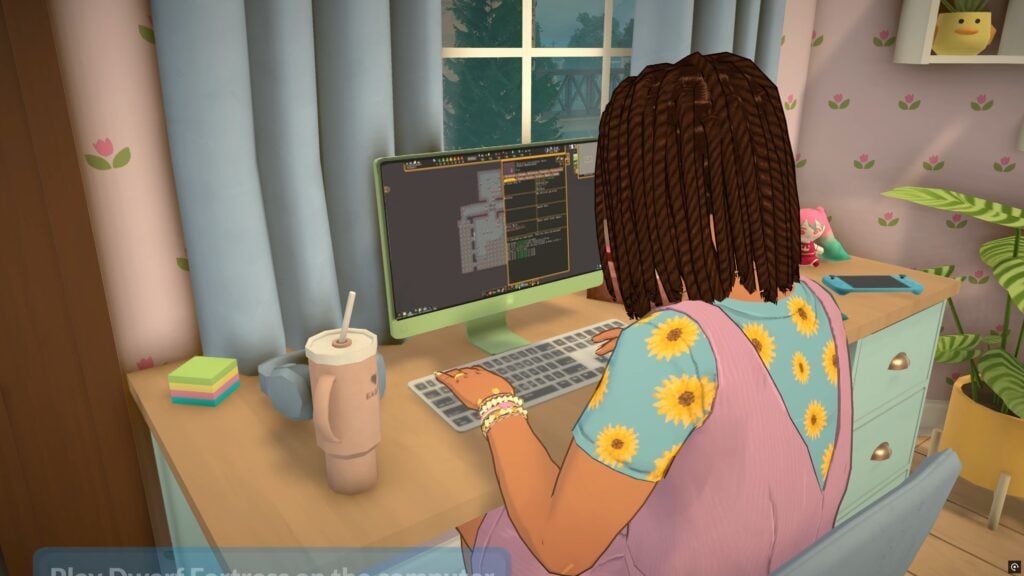
Dwarf Fortress and Boyfriend Dungeon Computer Games
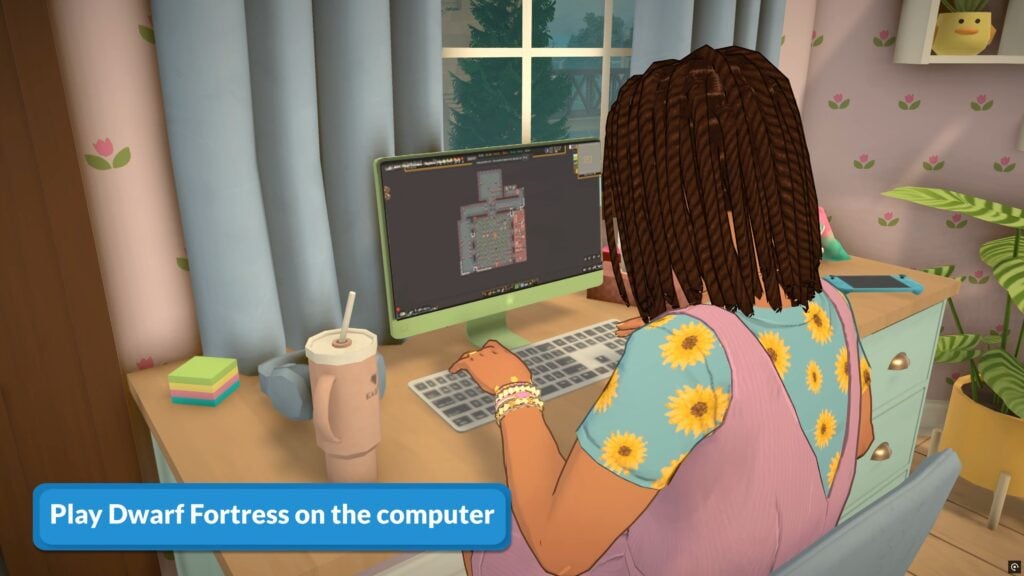
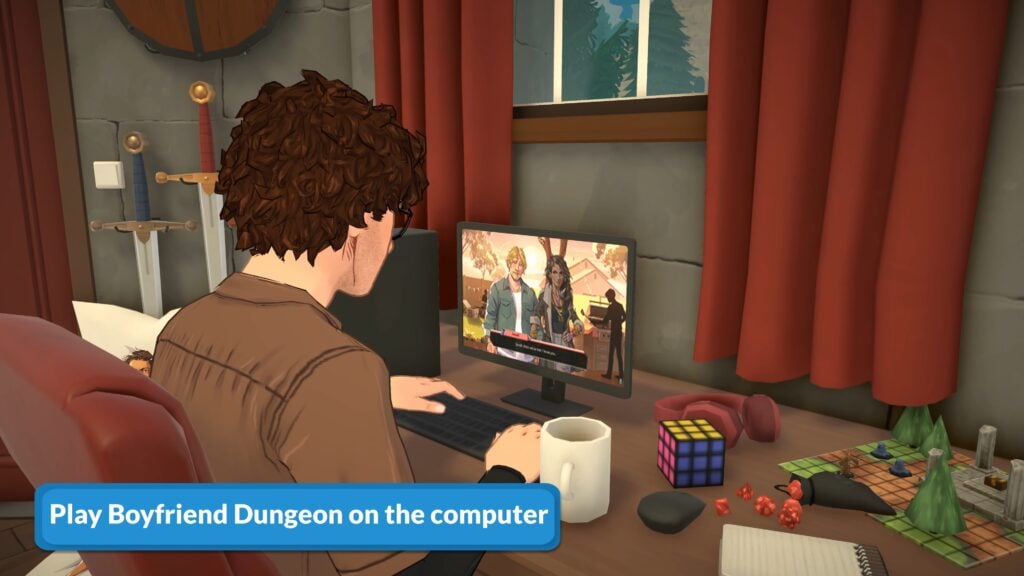
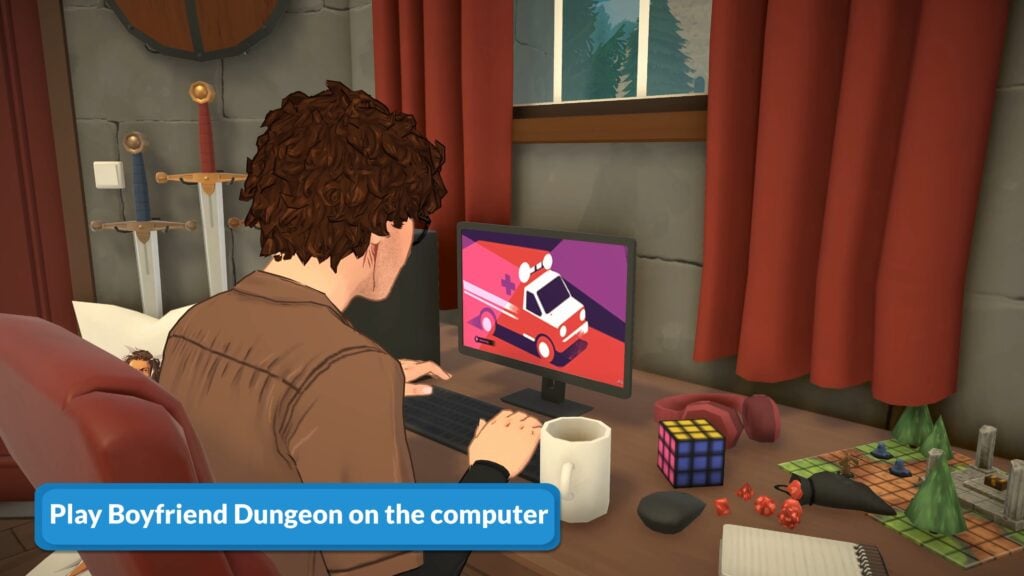
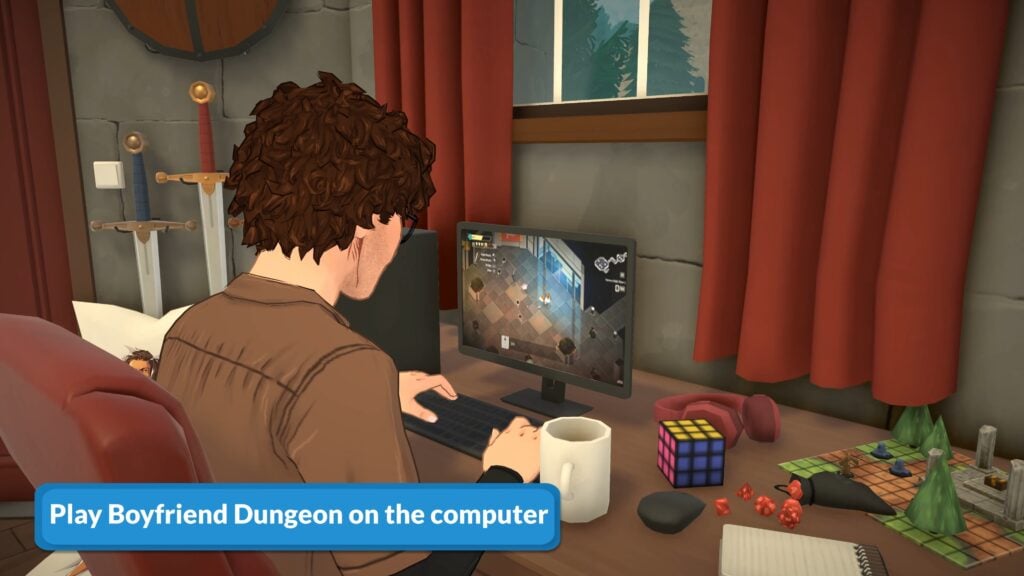
Parafolk can play Boyfriend Dungeon and Dwarf Fortress on the computer. Like the others, these both also raises Jester Parafolk’s fun need.
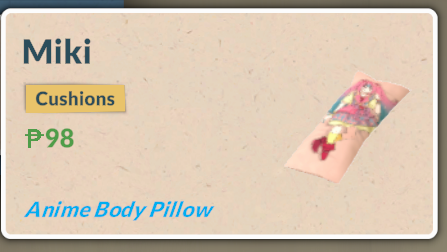
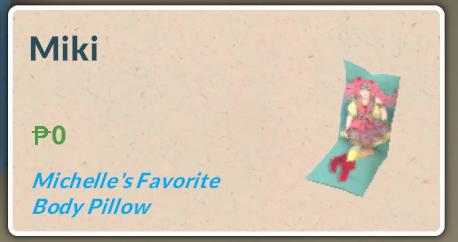
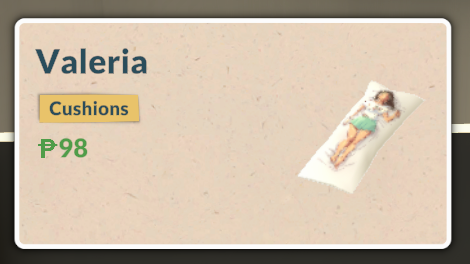
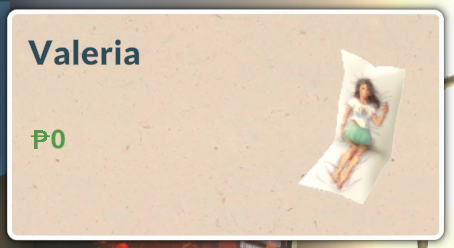
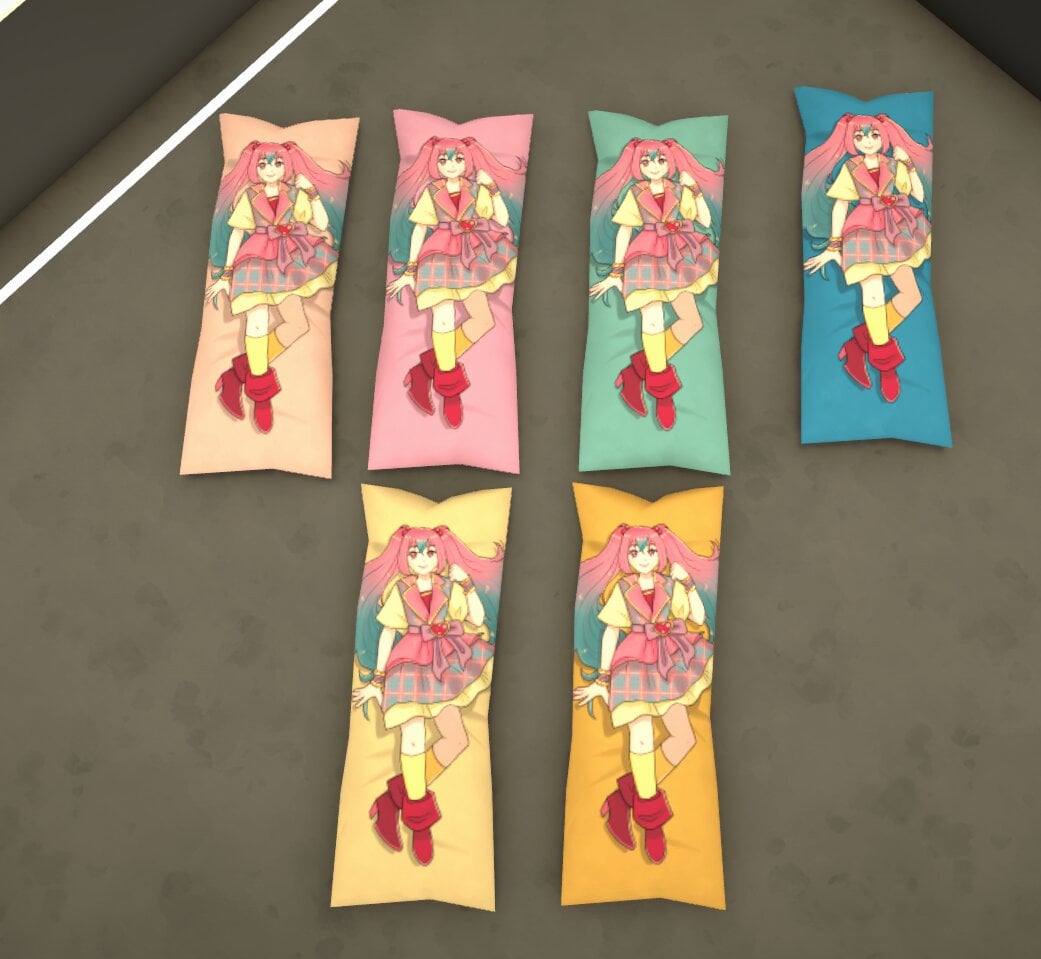
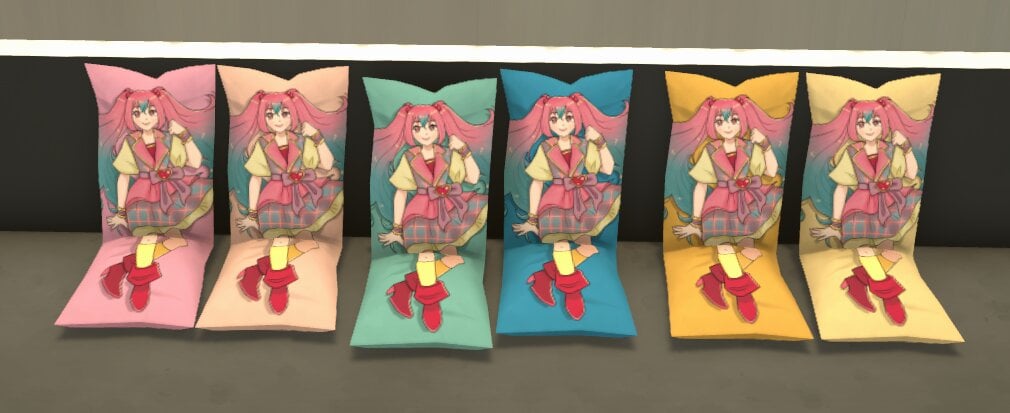
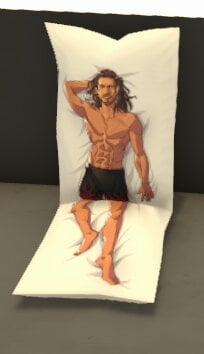
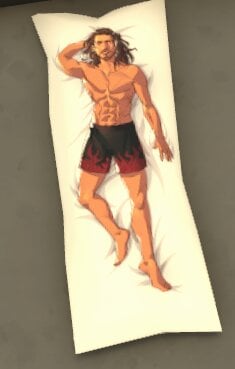
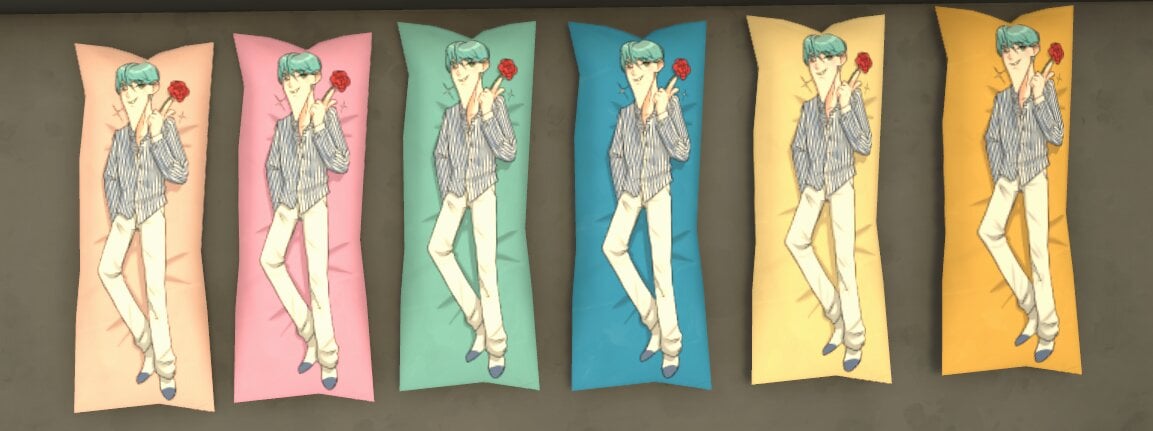
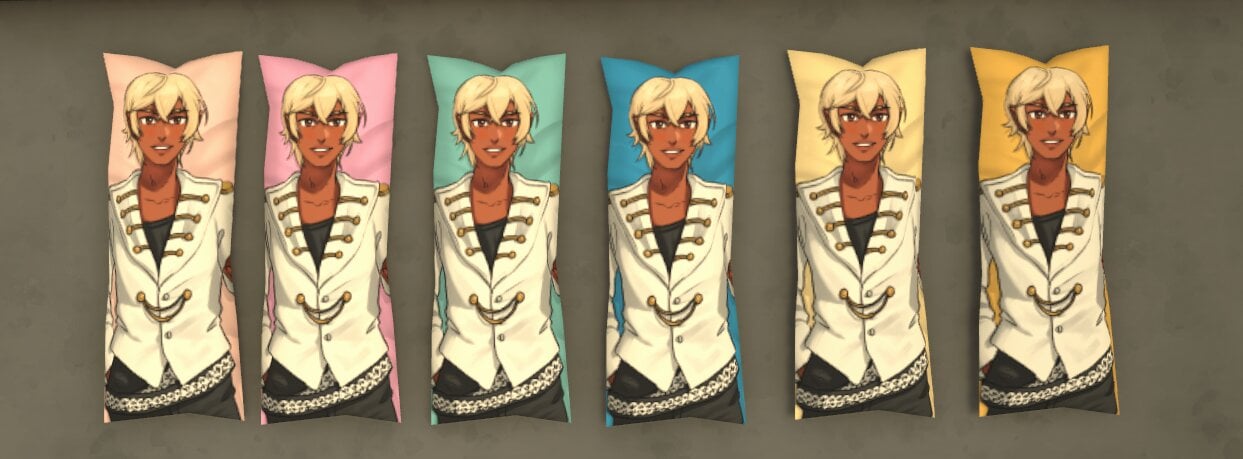
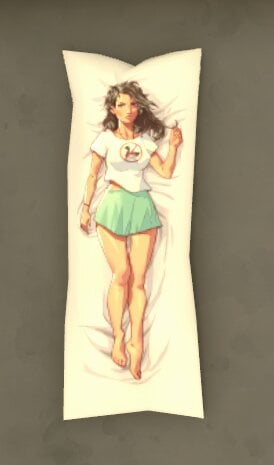
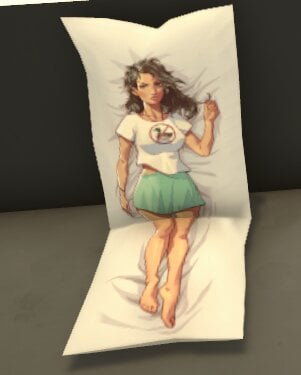
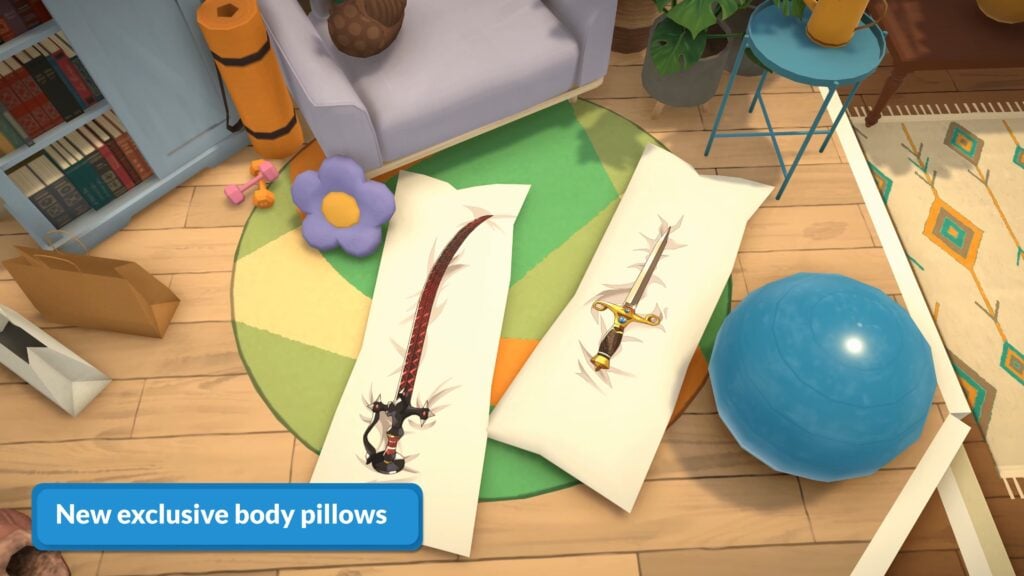
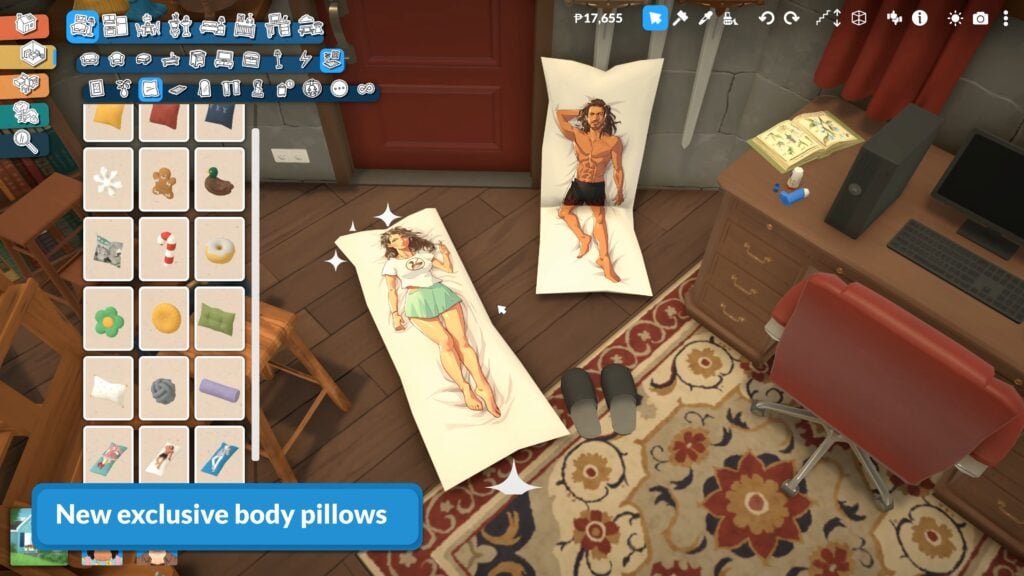
Body Pillows
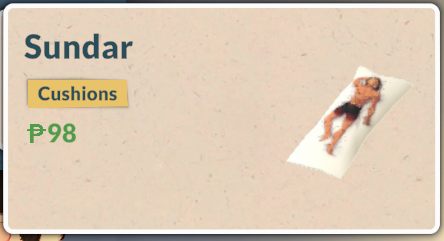
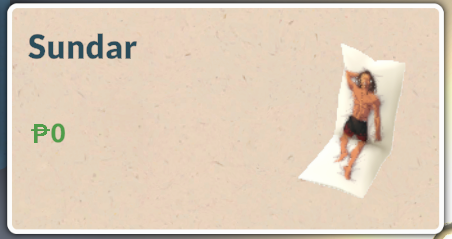
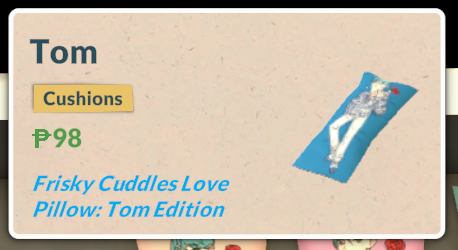
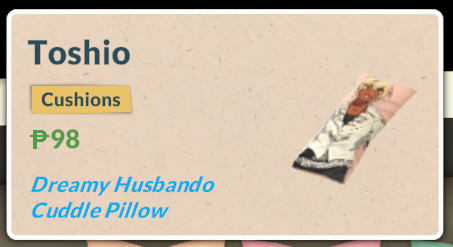
This Paralives collab also comes with five body pillows, three of which come with a sitting and lying variant.
If you want a body pillow but want to save some Paradimes, the seated ones are free!
Most of these pillows come with six swatches, apart from the Sundar and Valeria pillows, which only come with one.
Unfortunately, you cannot cuddle with or lie on the body pillows; they’re just decorations.
House Flipper
While they don’t have a collab in-game, a House Flipper and Paralives collab is live on the Steam store right now, with both games being offered at a bundle discount when bought together.
The Paralives launch coinciding with three in-game collabs as well as bundle discounts with other popular indie games is definitely something no one expected, but was a really nice surprise.
All of these collabs have blown away fans of the game and reactions on social media have been priceless, with people being really supportive and excited to see these in-game – quite a big contrast from certain other life simulation games which collabs are normally met initially with a sigh or a hint of scepticism.
What Paralives collab drops would you like to see next? Are these items that you will be making use of in your game? Let us know below.
We have been creating a lot of content in the lead up to the Paralives launch. You can also read all of our recent Paralives news and guides here.
How to Customize Your Town in Paralives With This Hidden Cheat
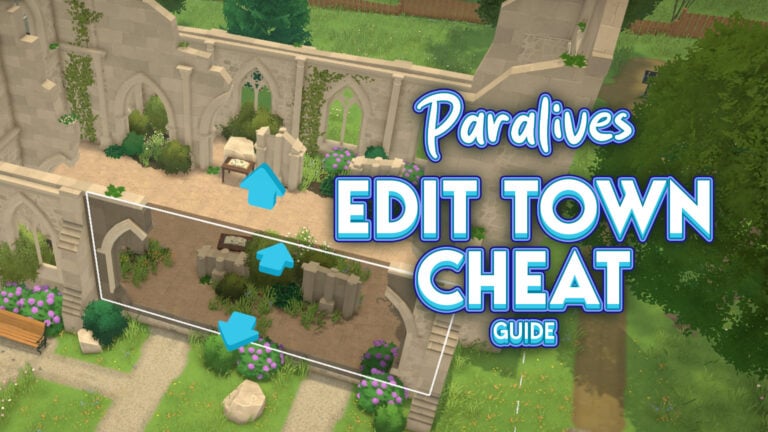
Paralives gives players an enormous amount of freedom to customize their game. Between Build Mode, Paramaker, object recoloring, and clothing customization, almost every part of the experience can be changed to fit your own stories and ideas. But one of the most surprising tools currently available is the ability to Edit Town through ahidden cheat command.
With this trick enabled, players can modify areas far beyond their own household lot. Public spaces, beaches, roads, buildings, and neighborhoods across Melino become editable, allowing players to reshape parts of the city however they want. Whether you want small decorative changes or complete neighborhood makeovers, the cheat opens the door to a completely different level of customization.
In this quick guide, we’ll explain how to activate the Edit Town feature in Paralives and how to start modifying Melino to create your perfect version of the town.
💡 We have more Paralives Cheats listed right here!
Table of Contents
How To Edit Town in Paralives
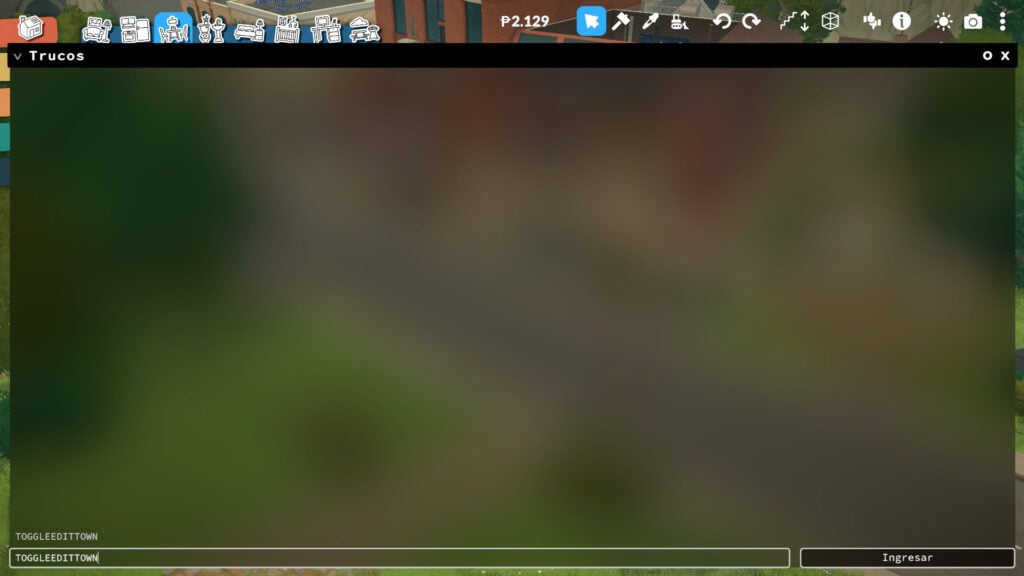
To enable Edit Town mode, players simply need to open the command console by pressing Shift + Ctrl + C (Shift + Cmd+ C on Mac) on their keyboard. Once the command bar appears, type “ToggleEditTown” and press Enter. After activating the cheat, players will gain access to Build/Buy Mode across the entirety of Melino, instead of being limited to their currently owned lot.
From there, players simply need to use the traditional building and decorating tools they already use on residential lots, but now anywhere in the world. This makes it possible to freely modify public spaces, empty areas, roads, neighborhoods, and much more throughout the town.
How This Cheat Works
After typing the command into the cheat console and pressing Enter, players can immediately begin editing almost any part of Melino using the traditional Build/Buy tools already available on residential lots.
This means players are not limited to their own property anymore. Instead, they can visit public spaces, community venues, parks, beaches, shops, and many other areas across the town to freely place, remove, or customize objects however they want.
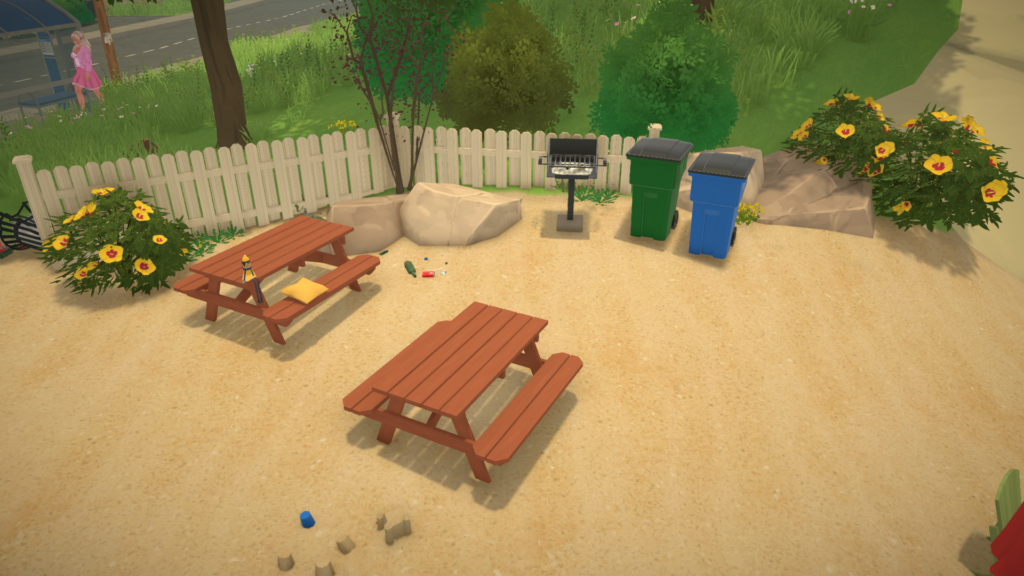
Want to add extra benches and vending machines to a public area? You can. Prefer creating a larger picnic space near the beach with more cushions and decorations? That works too. The cheat essentially turns the entirety of Melino into one giant editable space.
The possibilities also extend to full Build Mode tools. Players can modify terrain, place walls and floors, create new structures, redesign outdoor areas, or completely transform existing locations throughout the city. Whether making small decorative changes or fully rebuilding neighborhoods, Edit Town mode gives players complete creative freedom across Melino.
Things Players Should Be Careful About
Even though edit town mode in Paralives offers a huge amount of creative freedom, players should keep in mind that this feature currently works as an experimental cheat rather than a fully developed official tool. Paralives is expected to receive a dedicated town editing system in the future, but at the moment, this command mainly exists to let players experiment with specific modifications around Melino.
Because the cheat removes many of the normal building restrictions, players technically gain control over almost everything in the world. Roads, train tracks, decorative objects, buildings, and even parts of public spaces can all be deleted or modified since the game treats the environment similarly to a normal Build/Buy lot.
However, this also means it can be very easy to accidentally break the appearance or structure of the city. Large-scale redesigns may become difficult to manage, especially because Melino includes many areas with different terrain heights and elevations.
The same limitations apply to Build Mode construction. While players can place walls, floors, and structures almost anywhere, creating fully functional buildings outside regular lots can become complicated. Since walls cannot always properly connect across uneven terrain or different height levels, some areas of Melino are not really designed for massive construction projects using this cheat alone.
This Edit Town cheat already has a lot of potential for creative players who want even more control over Melino. Are you planning to try it for yourself and redesign parts of the city?
Let us know your ideas, and make sure to check out our other Paralives guides and coverage for even more tips, tricks, and gameplay details.
Just a few short hours after the drop of the newest Life Simulation game Paralives, multiple new and free collaborations have been announced with other indie game developers. With so much new contentf and some fun and silly additions being added to the game in such a short period of time, and so soon after release, there’s so much to catch up on!
All Paralives Collabs Announced Today
Table of Contents
Paralives x Among Us
Prepare for departure but beware the Impostor! Grab your crew in this hit multiplayer game of teamwork and betrayal. Play online with 4 – 15 players as you attempt to hold your spaceship together and return to civilization, but keep an eye out as one or more random players among the crew are Impostors bent on sabotaging and killing everyone!
Among Us Official Game Description, from InnerSloth
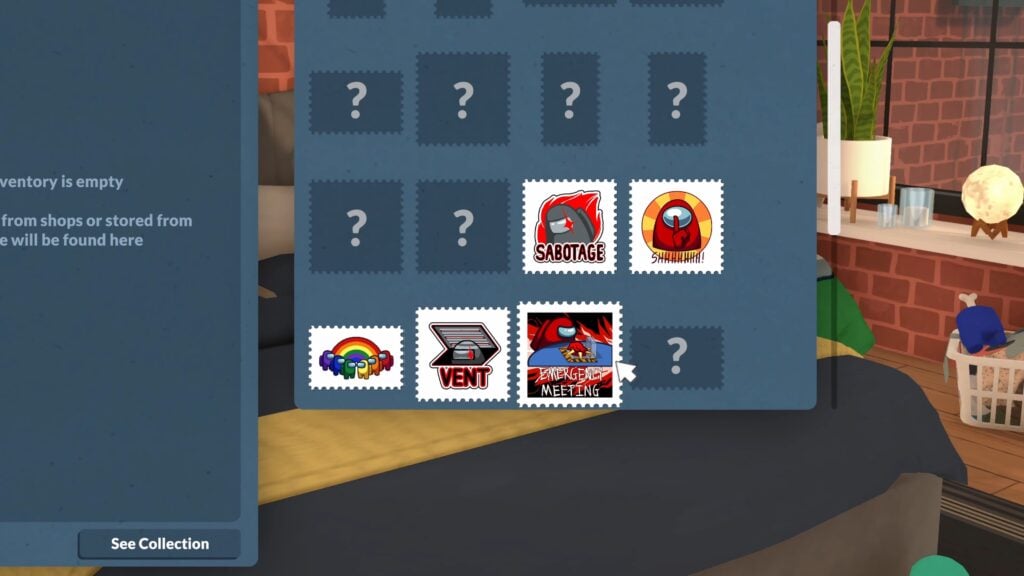
The major hit multiplayer game Among Us which hit its height of popularity a few years ago is one of the major collaborators with Paralives; Collect special stamps, dress up as your favorite crew mate, decorate your Para’s rooms with figurines and stuffed crew mates, and play Paralives on your Para’s computer!
Video Trailer
Paralives x Kitfox Games
Kitfox Games is an independent Montreal-based game studio dedicated to developing and publishing only the highest quality games. We have a soft spot for exploring and discovering intriguing worlds. We’re united in creating the best worlds to explore, and growing together in the process.
We believe in always learning, professional artisanry, being courageously creative, and pursuing mastery.
Kitfox Games Press Kit, About The Company
Paralives x Dwarf Fortress
The deepest, most intricate simulation of a world that’s ever been created. The legendary Dwarf Fortress is now on Steam. Build a fortress and try to help your dwarves survive within a massive generated world. Purchase Dwarf Fortress in its new premium version to support its developers, Bay 12 Games.
Dwarf Fortress Official Game Description, from Kitfox Games Press Kit
The roguelike simulation game Dwarf Fortress, originally released in 2006 by Bay 12 Games, has also collaborated with the new indie Life Simulation Paralives. Your Paras can play the insanely addictive simulator game while also collecting merch for their favorite indie game!
Paralives x Boyfriend Dungeon
Date your weapons! Romance swords, daggers, and polearms to level them up in this “shack-and-slash” dungeon crawling adventure.
Boyfriend Dungeon Official Game Description, from Kitfox Games on Steam
Along with their largest title Dwarf Fortress, Kitfox games has also collaborated with Paralives and brought their unique game that blends aspects of dating simulators and dungeon crawlers! Like the other collaborations, your Paras can play these games and also collect merchandise, including some very interesting body pillows of certain in-game characters from Boyfriend Dungeon.
Video Trailer
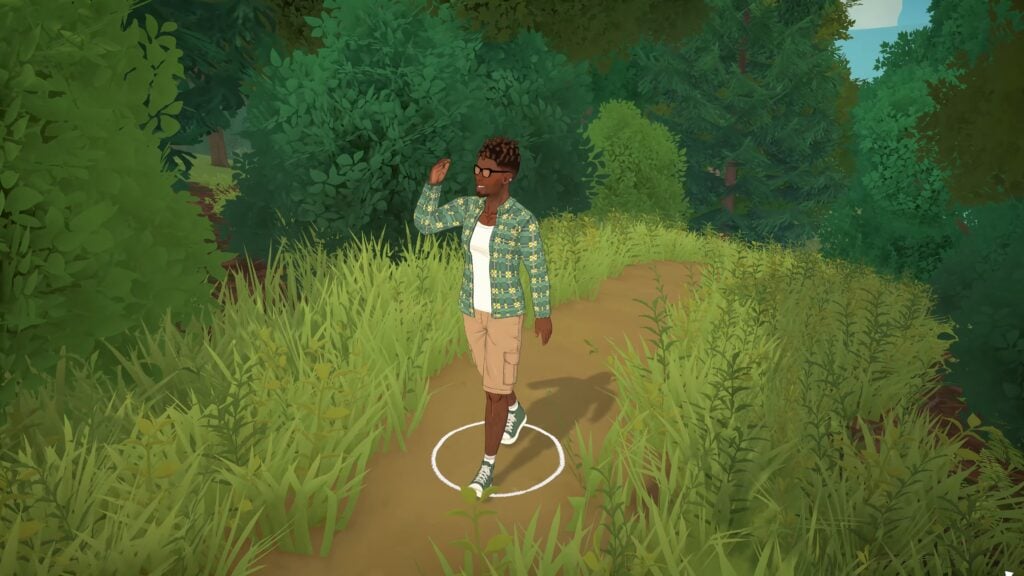
Paralives x Outbound
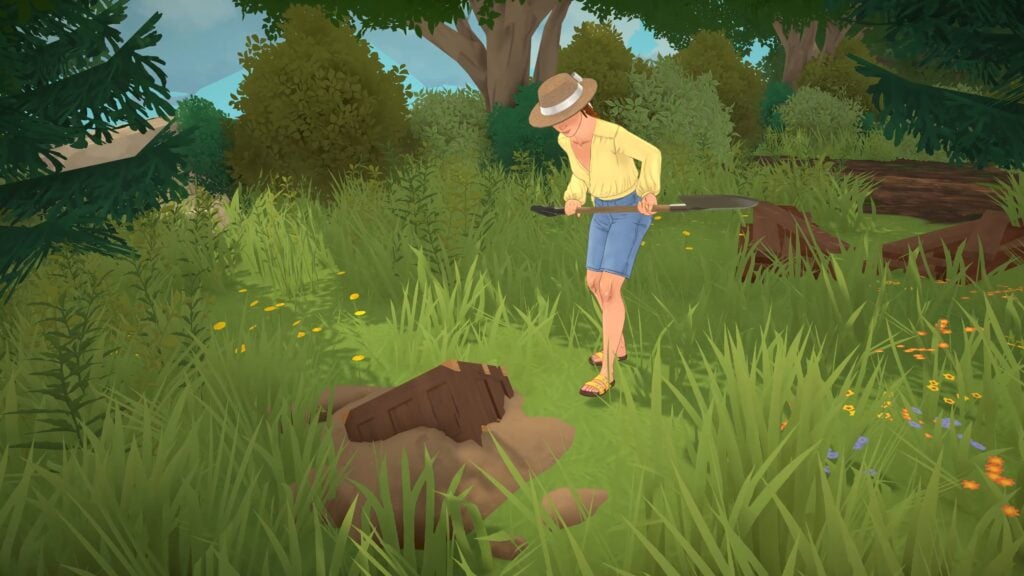
Outbound is an open-world exploration game set in a utopian near future. Start with an empty camper van and turn it into the home of your dreams – alone or together with your friends. Build and explore at your own pace. Scavenge materials, craft, and build in and on top of your vehicle with modular parts. Advance in technology and efficiently use energy to power your home. Adjust your playstyle to adapt to new landscapes and changing environmental conditions.
Outbound Official Description, from Silver Lining
The casual adventure simulator where you travel around in a van and live free-spirited is the other major collaboration Paralives has seen on launch day. Add the iconic van to your Para’s home as a decorative model or decorative vehicle, and embrace the adventure of the outdoors and nature surrounding Melino!
Video Trailer
The Steam Bundles
Each of these collaborations, plus another additional game that has not yet added new content to Paralives, all come with Steam purchase bundles that allow you to get both for a reduced price
House Flipper 2 by Frozen District is paired with Paralives, on sale for roughly 23% off at $55.78 USD for the bundle.
Outbound by Square Glade Games is paired with Paralives, on sale for roughly 6% off and retailing for $54.88 USD for the bundle.
Dwarf Fortress by Kitfox Games is paired with Paralives, on sale for roughly 6% off and retailing for $59.38 USD for the bundle.
Are you planning on scooping up any of these bundles, or have you played any of the games collaborating with Paralives today?
Paralives officially released today, May 25h 2026, and retails for $39.99 USD MSRP, but is on sale until June 1st for 10% off! Make sure to keep up with The Sims Community while we keep you up to date with everything to do with Life Simulation games!
While Paralives hasn’t released its early access yet, players have already taken a look at how the game looks and works through YouTube gameplay videos and other coverage like ours (check out everything we’ve already covered here).
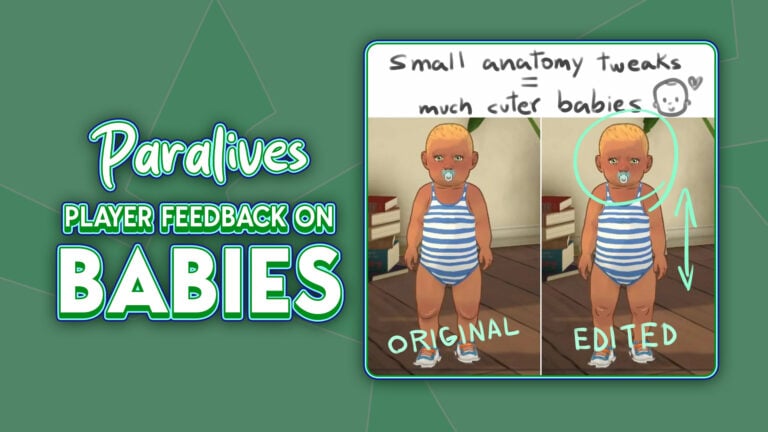
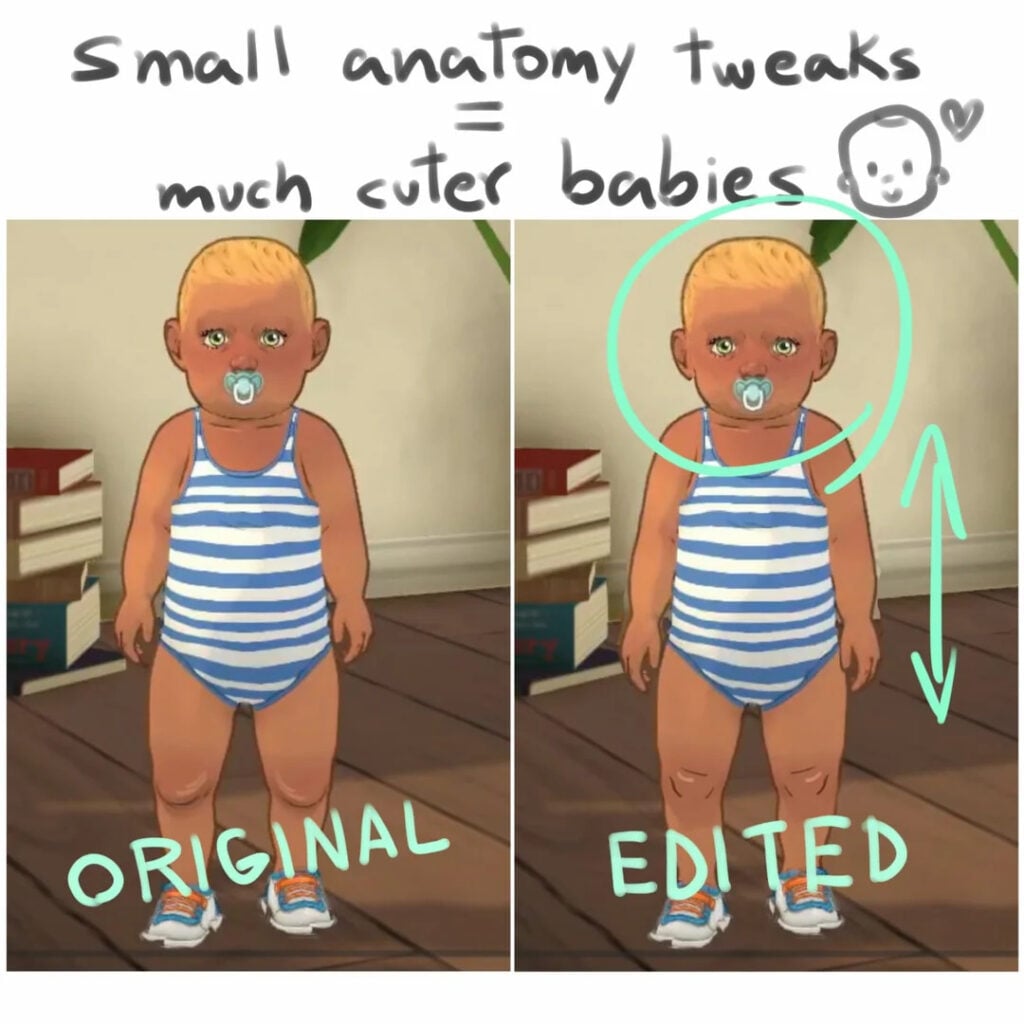
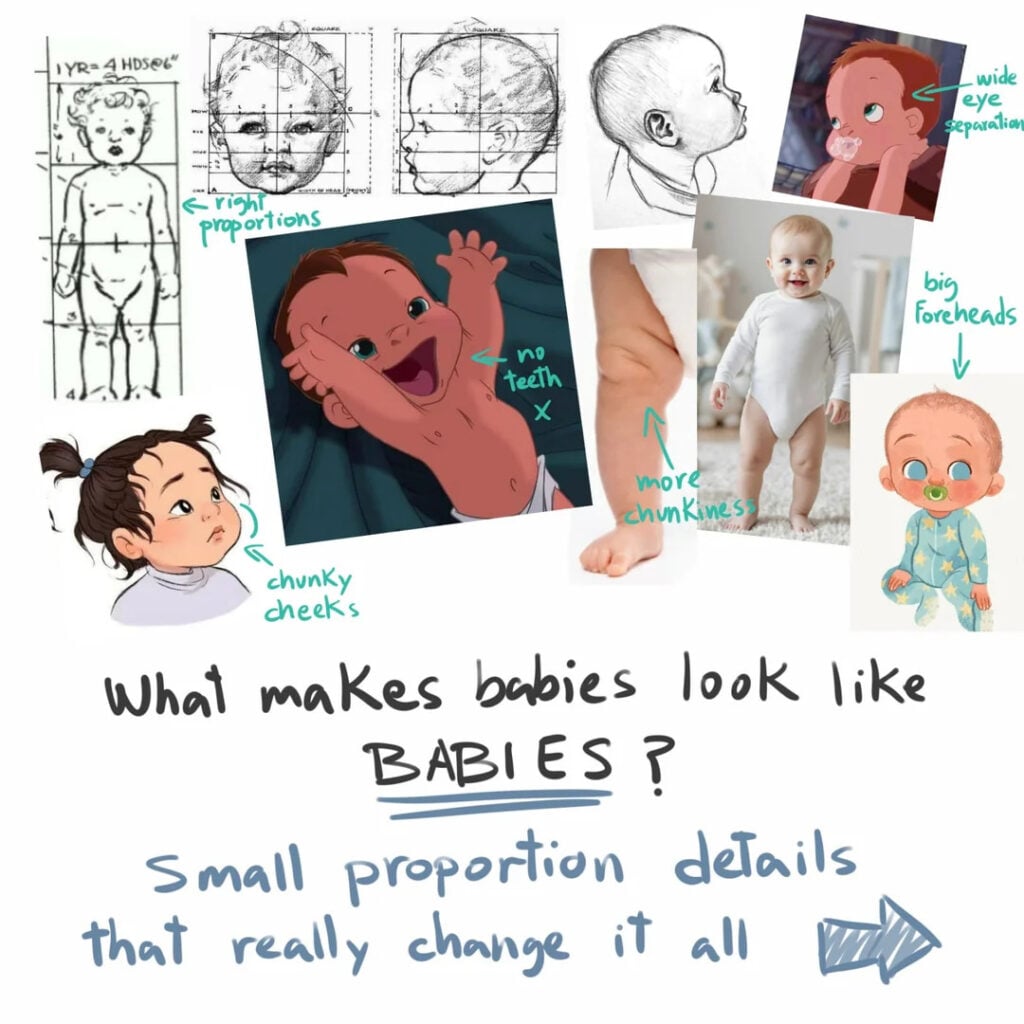
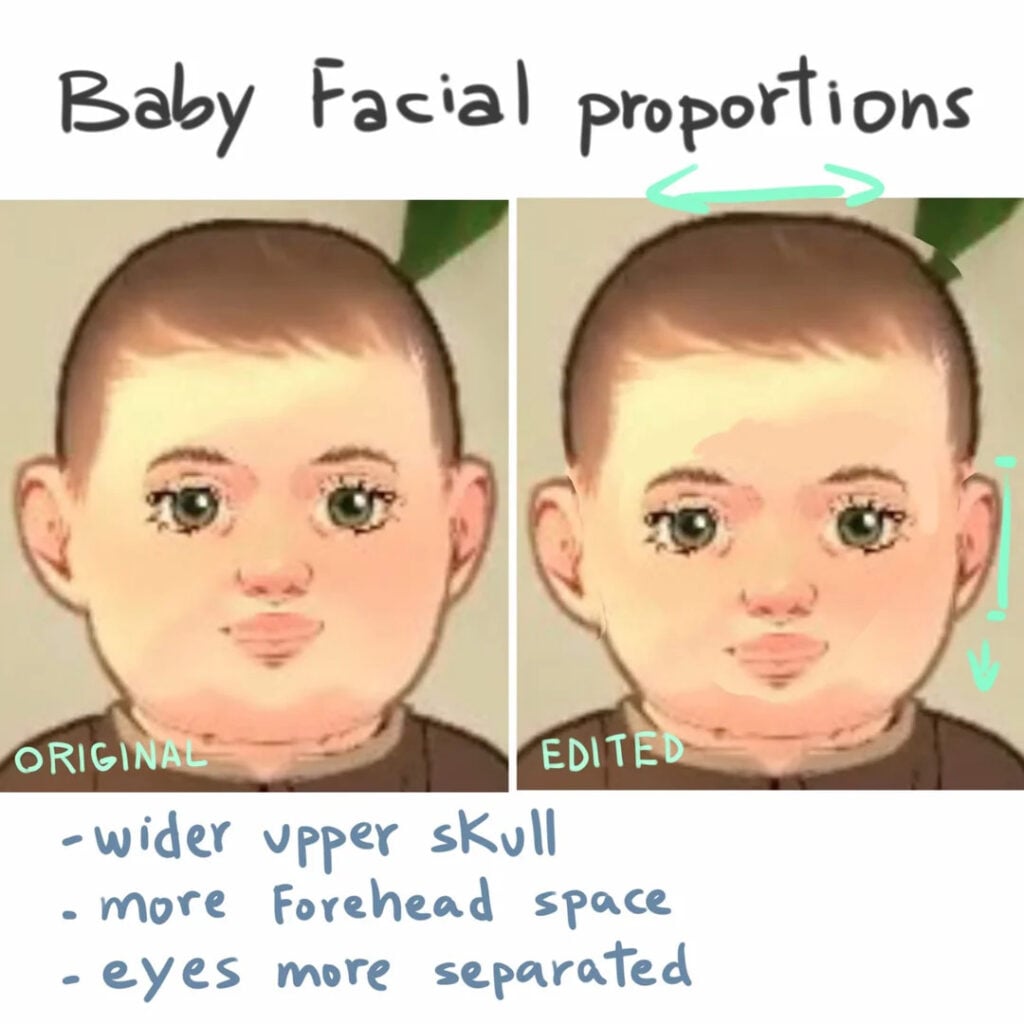
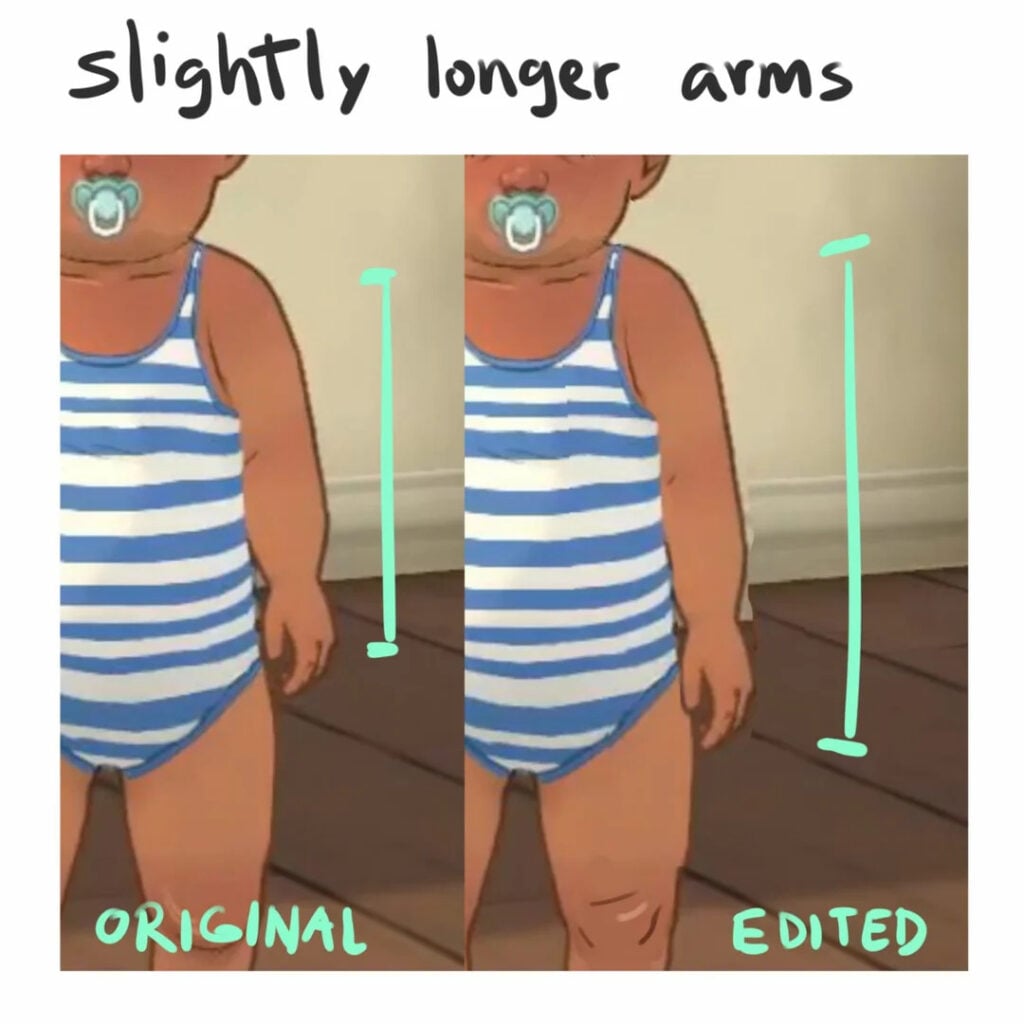
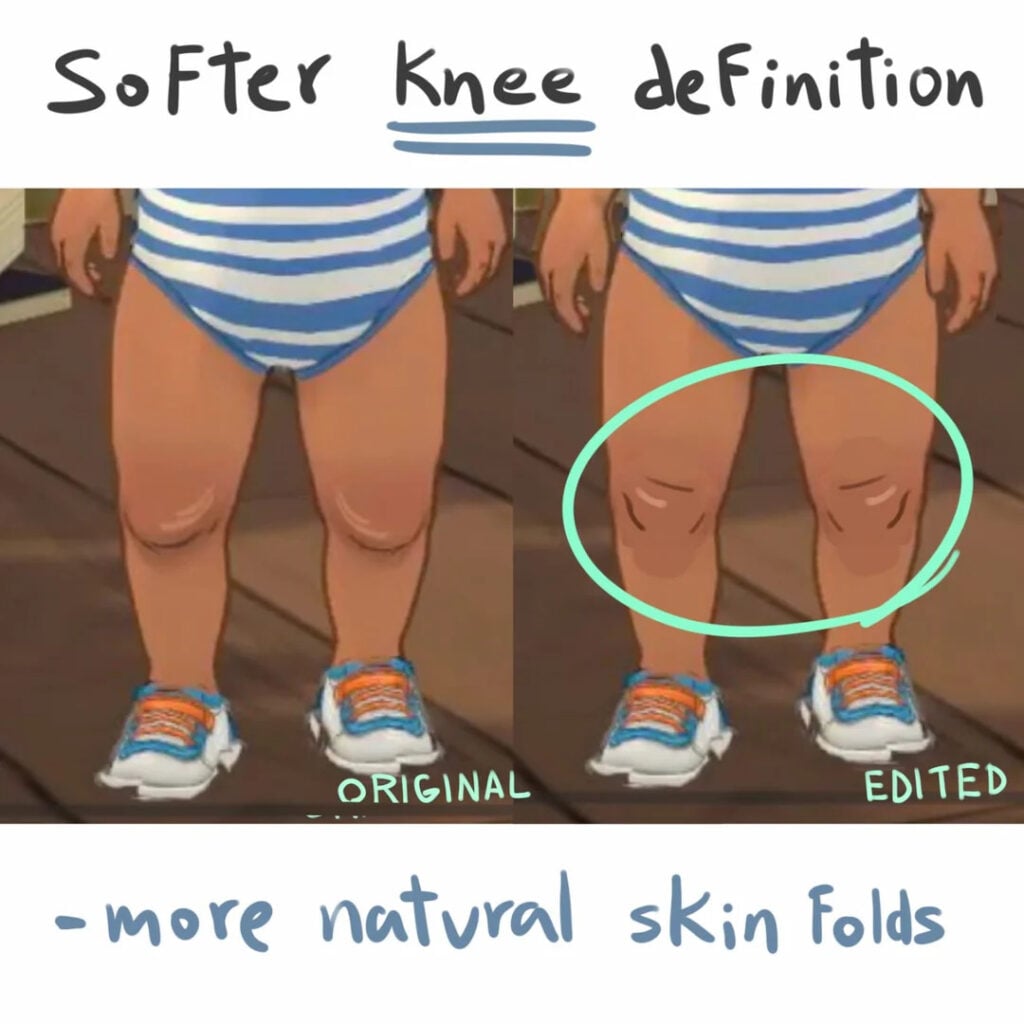
A recent hot topic in the Paralives community is the appearance of babies. One Reddit user made a post breaking down why some players find them “uncanny” and offered suggestions for how the Paralives team could enhance their design.
Let’s take a look at the post!
The Paralives Community post on Reddit
In a recent Reddit post titled “I think i figured out why Paralives Babies Feel Uncanny”, a Reddit user raised some arguments about the look of babies and how the Paralives team could make improvements to them, opening up the conversation for the Paralives community on Reddit:
I think i figured out why Paralives Babies Feel Uncanny
“I’ve seen several people mention that paralives babies feel weird looking or uncanny, i always noticed a few details here and there on the videos the devs shared but is way easier to fix that it seems, changing some base body proportions and lines makes a big difference.
I grew up playing the sims, dont play it since like 6 years ago for obvious reasons (got so boring and shallow) then i found Paralives and I fell in love with the art direction and the attention to details all the heart being put on it, im buying it on the first day and cant wait to help give shape to this amazing project with feedback, world creations and art 🤗❤️ Hopefully this post gets to the devs somehow so they can consider and adress the issues i mention. Go team good luck just 1 more day⏳️🗓🏡💫“
Paralives Community reactions to the post on Reddit
Many people agree with the author and have encouraged them to send their feedback to the Paralives team. Here are some highlights from the comments:
People in the comment section seem to agree on what they think is more important to fix for now:
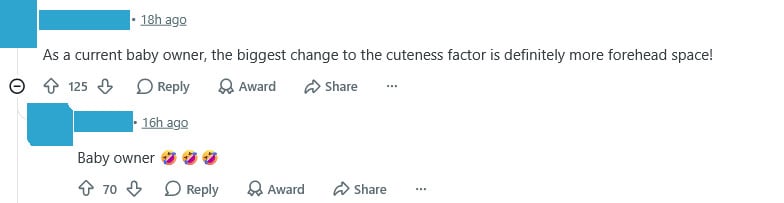
Comments about the forehead appear throughout the post:
Some people shared their opinions on the proportions proposed by the author:
Some commenters are comparing the babies’ vibes in a humorous way, even comparing them to famous characters:
Some people commenting on the post agree with the author and think their illustrations were very helpful:
Commenters also mentioned that the post helped them identify something they couldn’t pinpoint alone:
Some people shared that they don’t like the design at all:
Another factor mentioned by a Reddit user is the babies’ standing posture in the Paramaker, which they believe contributes to the unnatural look:
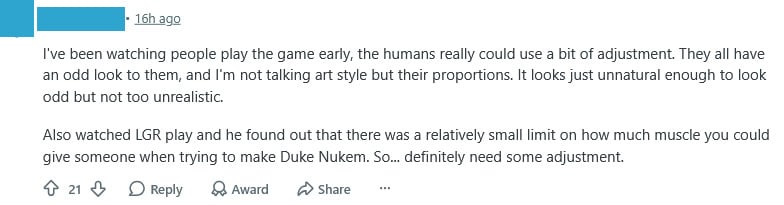
Another Reddit user mentioned they dislike the look of the Parafolks overall:
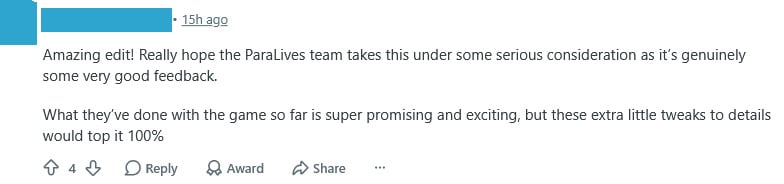
But in the end, most people in the Paralives community seem to agree with the post and are hopeful that the author will share their feedback with the team:
Wrapping it up
The Paralives community appears to have concerns, but they express them constructively and seem genuinely interested in helping improve the game. Even though the game isn’t out yet, players have already been able to share a lot of feedback, and the team is actively engaging with it and taking it seriously.
Did you know? You can share your feedback with the Paralives team through their official form.
Now we want to hear from you. What do you think about the babies’ design? What do you think about this post on Reddit? Let us know in the comments!
A surprising free content drop is here in Paralives!
Who would’ve thought that we’d be reporting about a free content drop in Paralives just an hour into the game’s first release?
Table of Contents
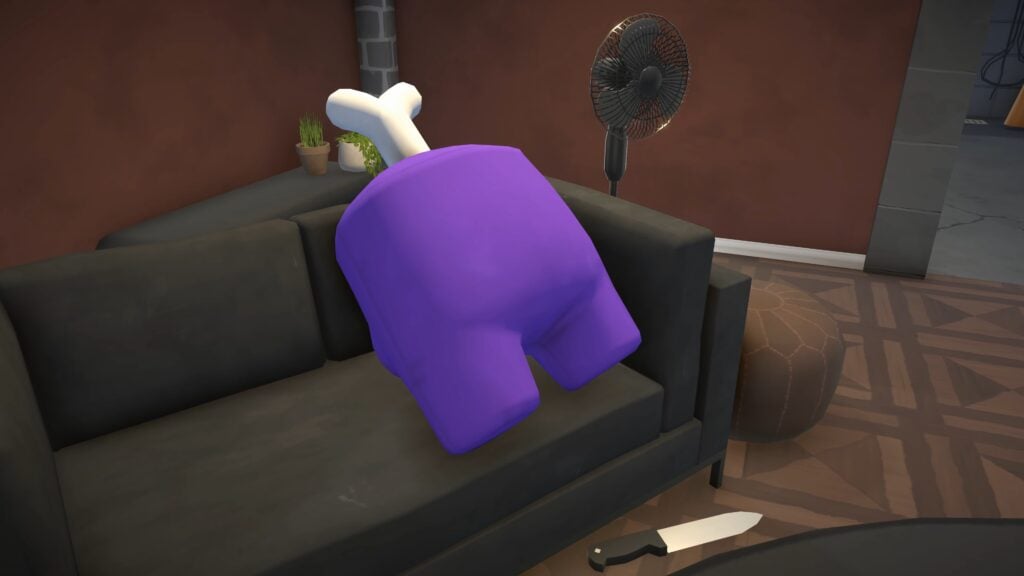
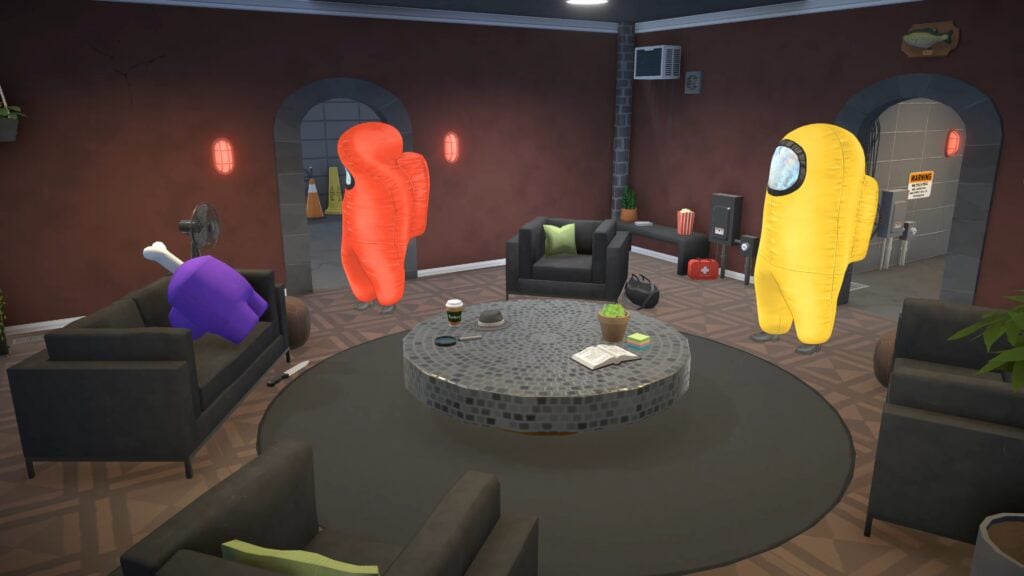
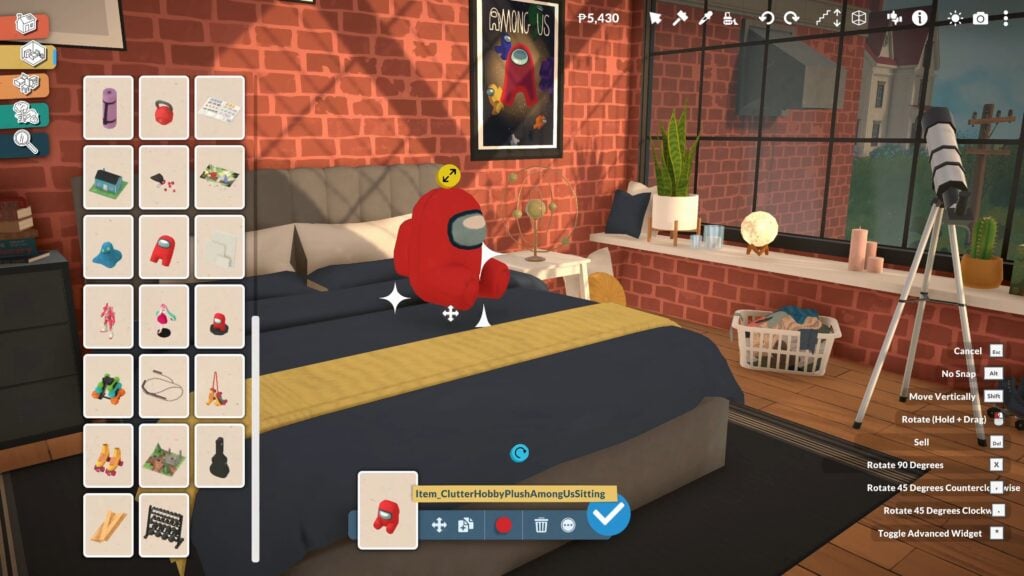
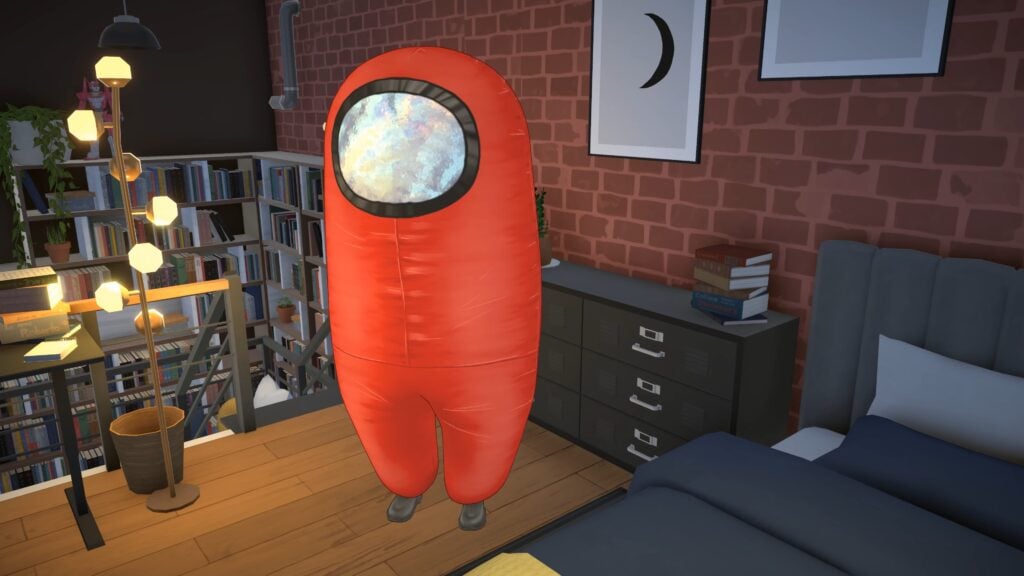
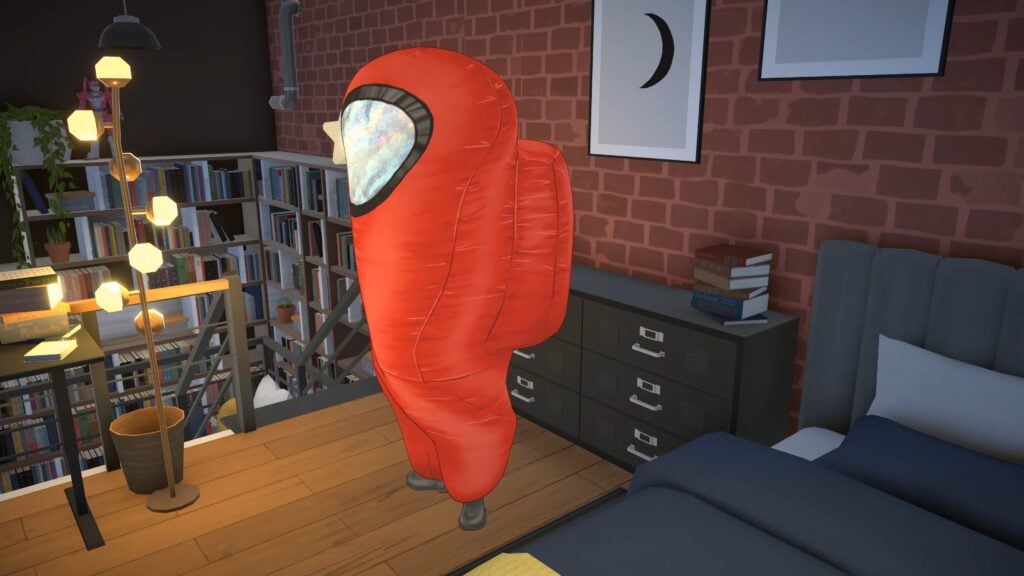
The Paralives indie team announced today a collaboration with Among Us video game franchise, bringing exclusive items and collectibles into the world of Paralives (Early Access). Check out the quick breakdown of new items that you can expect in this collaboration:
New Among Us Inspired Plushies and Figurines
Exclusive Among Us Collectible Stamps
Among Us Paramaker Costumes
Among Us Computer Video Game
New Among Us Wall Poster
See what the new items look like in the gallery preview below:
Gallery Preview
Video Trailer
If you wanted a peek at the video footage, check out the full thing released by the Paralives team:
Content Availability
The Among Us content drop has already been introduced with the Day 0 Patch for Paralives. Meaning that you won’t have to update your game again in order to access this content.
Paralives is out now in Early Access and costs 36USD – or a price equivalent to your local currency – until June 1st, 2026.
What are your thoughts on the newest Paralives brand collaboration? Let us know in the comments down below and check out our previous Paralives Articles!
While it is not yet a fully fleshed out system with multi-family properties, rentals, etc., your Paras are not restricted when it comes to owning multiple lots outside of their main lot! Businesses cannot yet be purchased, but any empty lots or uninhabited homes are up for grabs as long as you have the household funds! You can pretty much endlessly purchase homes in Melino, as long as you’re willing to fork over the funds and the possible frame rate drops.
Table of Contents
Owning Multiple Lots in Paralives
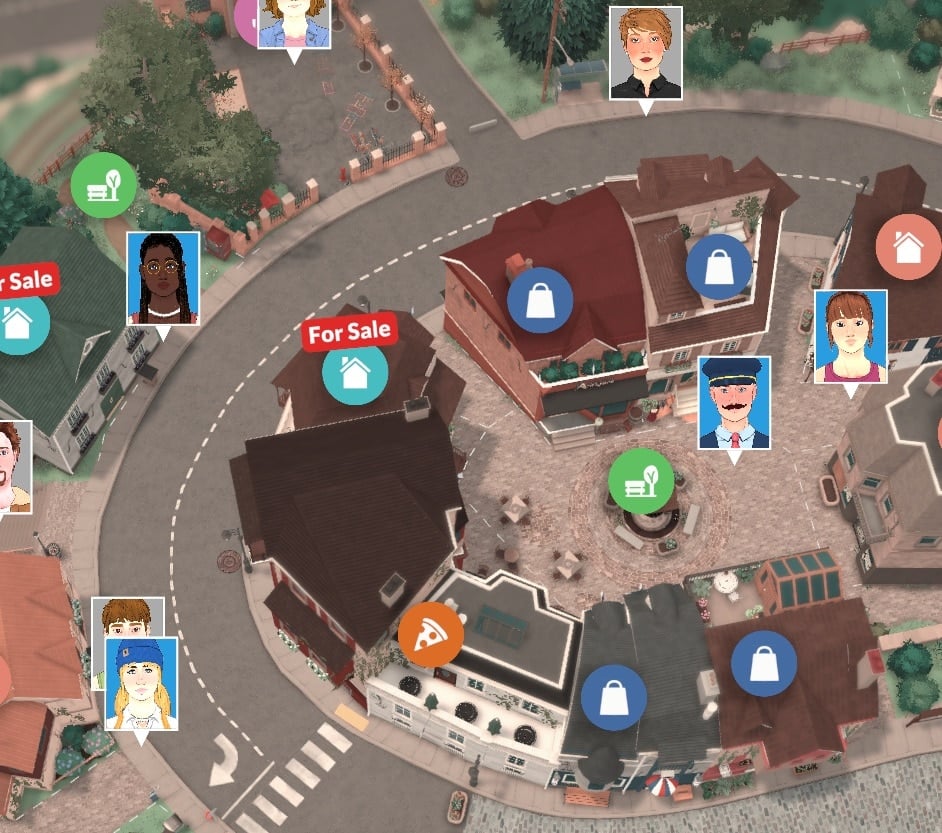
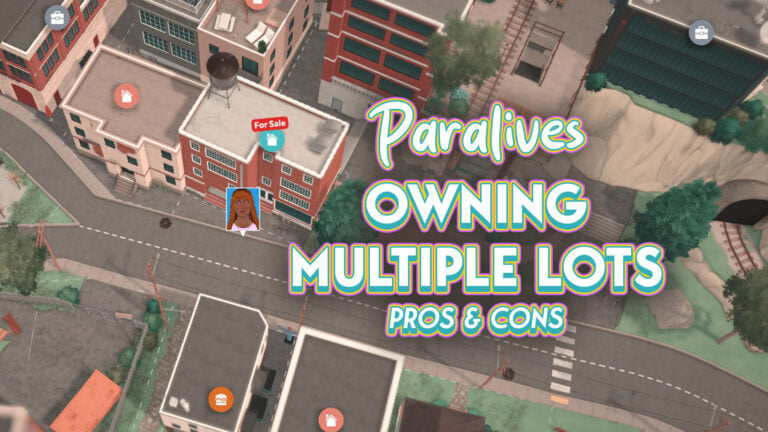
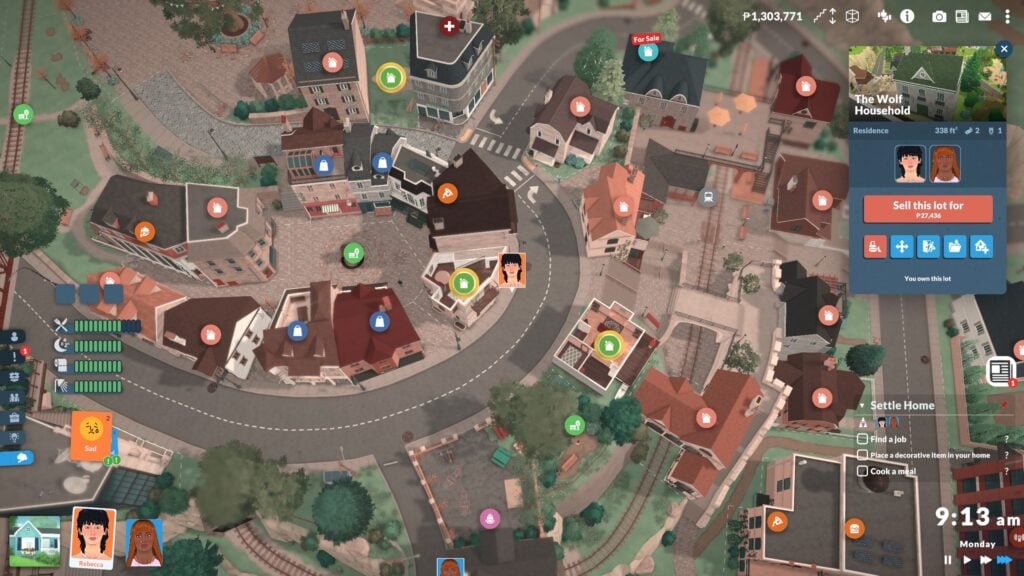
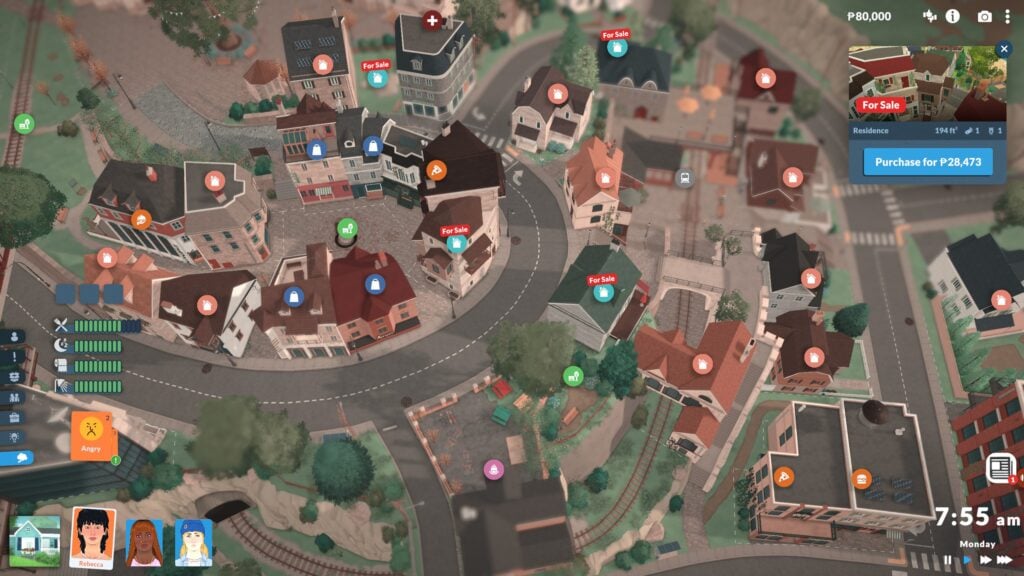
The green home icon with the yellow border signifies an owned lot.
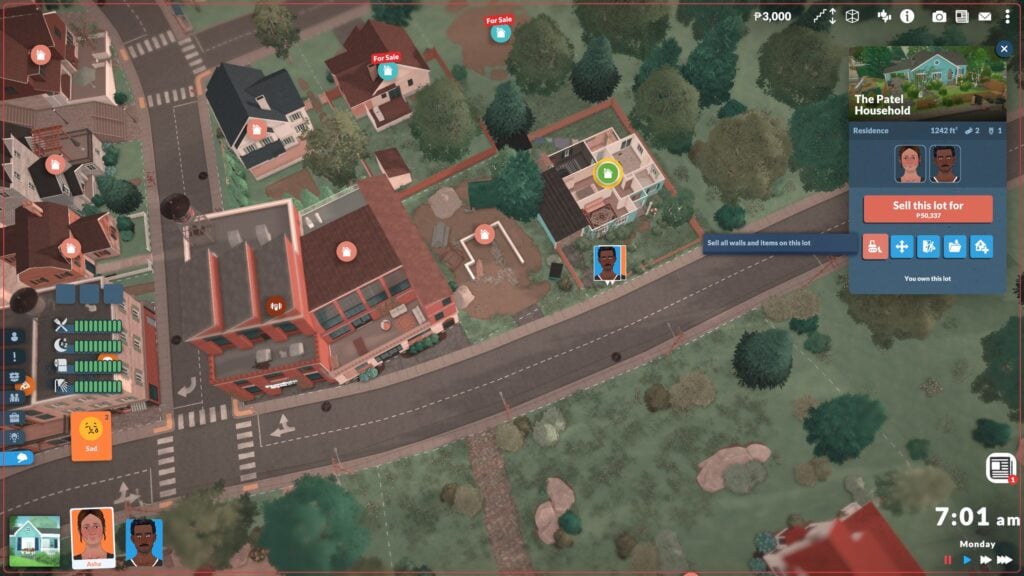
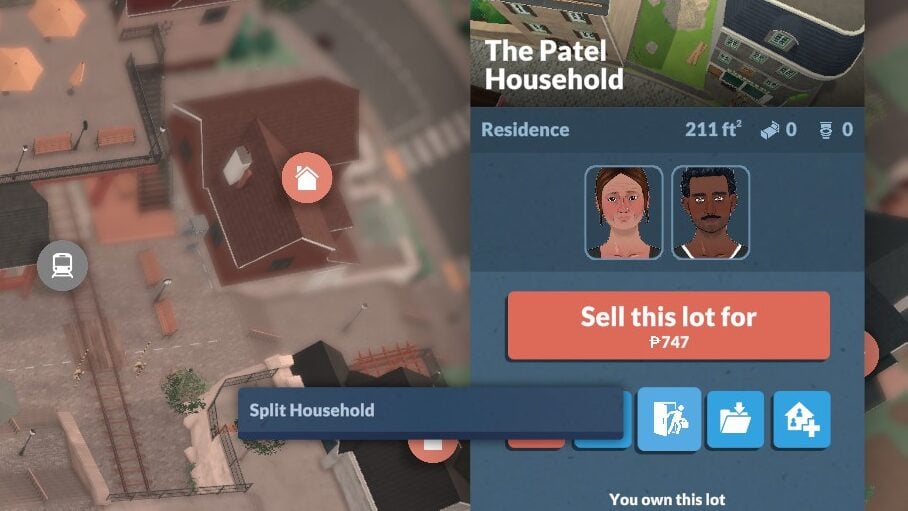
Unlike other games where you have to sell a previous property to get a new one and therefore, your profits from the sale go towards the new home, you have to independently sell your property if you want to use its sale towards a new home. This means that you can also have multiple properties to float around to, you can purchase homes for family members and split them into their own household, and so much more! As far as I found, Paras will still treat your original/first lot as their primary home and will return to there if you opt for them to return home.
How to Purchase a Home
Purchasing a home is an easy part of the game, so long as you have the Paradimes for it! Whenever you create a new family, you will be asked to purchase them a home lot, so it is something the game will introduce to you straight away. Managing Lots & Households functions similarly. You can purchase properties, bulldoze them, split households into or out of properties, move lots, and save them to your library or upload them to the gallery. (If you’re looking to share your builds or households, make sure to check out our author Claire Maria’s post on the Steam Workshop!)
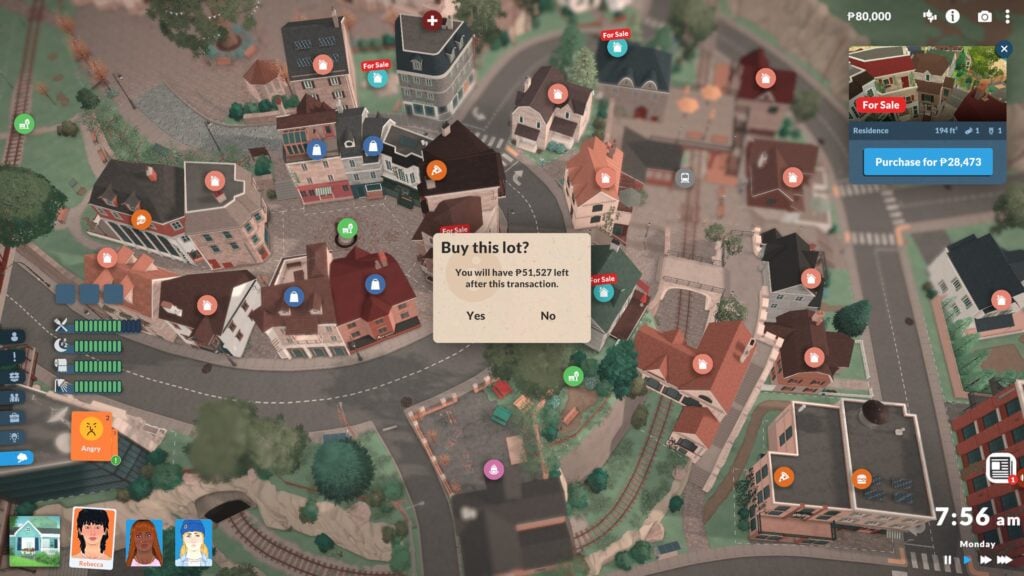
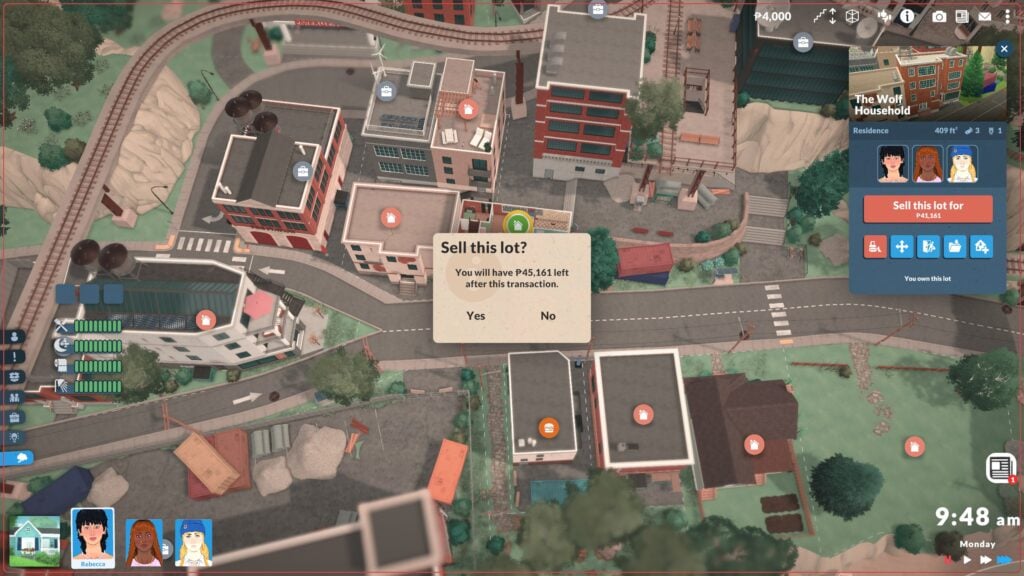
To purchase a new lot, go into the overhead town map view (Signified by a slightly hazy filter and icons popping up over each lot to tell you what they are) and click on any uninhabited home lot, which will have an icon above it telling you it is for sale. If you have the Paradimes available, you will be able to purchase the home and will get a pop up for confirmation, asking if you are sure and letting you know how much money will remain in your households funds. Once you’ve purchased the home, as previously stated, you can choose to sell any other home and use it as your primary property, move the lot, demolish the entire home, etc. The choice is yours!
Pros & Cons
Owning multiple properties can be a fun aspect of the gameplay. This lets you set any children up for success by buying them a home before they move out, or it lets you have properties in the country and in the city that you can treat kind of like a “vacation home”. It gives you a change of scenery if you have properties spread throughout the world that take different architectural inspiration and such, like a seaside cottage versus an industrial apartment.
Is it consistently bad frame rates? No. Is it painful? Yes.
While this option is available and you can technically choose to own many properties, I could not recommend it in casual gameplay until it is possibly added as a fully fleshed out feature. This is because, unlike other lots, your home lots are always loaded. Having multiple homes loaded at once, especially once you hit 5+ properties, does cause a bit of a performance hit that can be fairly noticeable. Especially when viewing the town from overhead in the map, I found a lot of performance drops, especially when it came to my frame rate. This is also because, since the game is early access, performance optimization is still a high priority for the Paralives Studio development team.
Will you be playing with multiple lots in Paralives, or are you a one-and-done kind of player? Let us know! Paralives is out NOW in early access, retailing for $39.99 USD. Make sure to check out our guides at The Sims Community, as well as other info and news about the game’s release and early access stage!