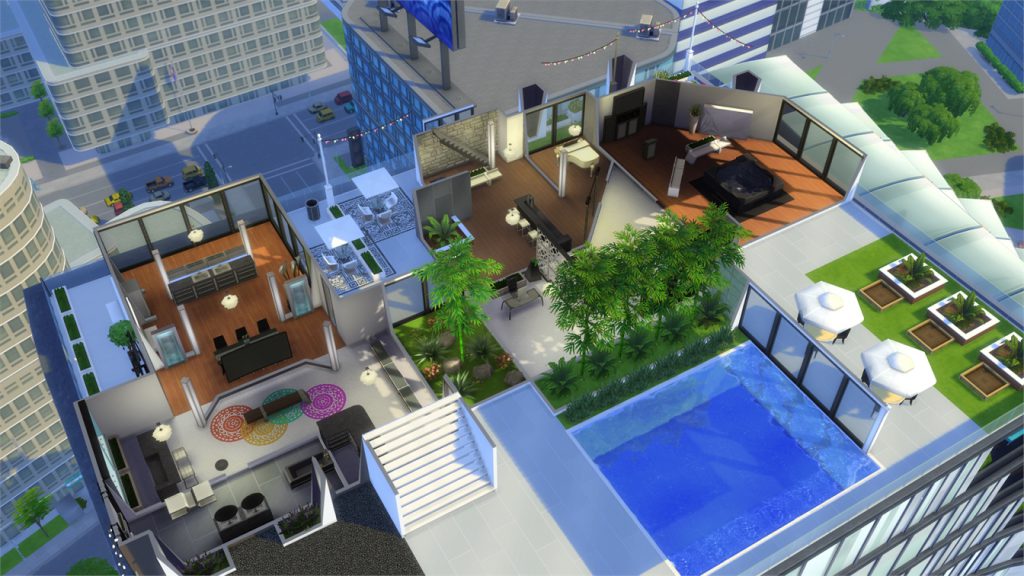
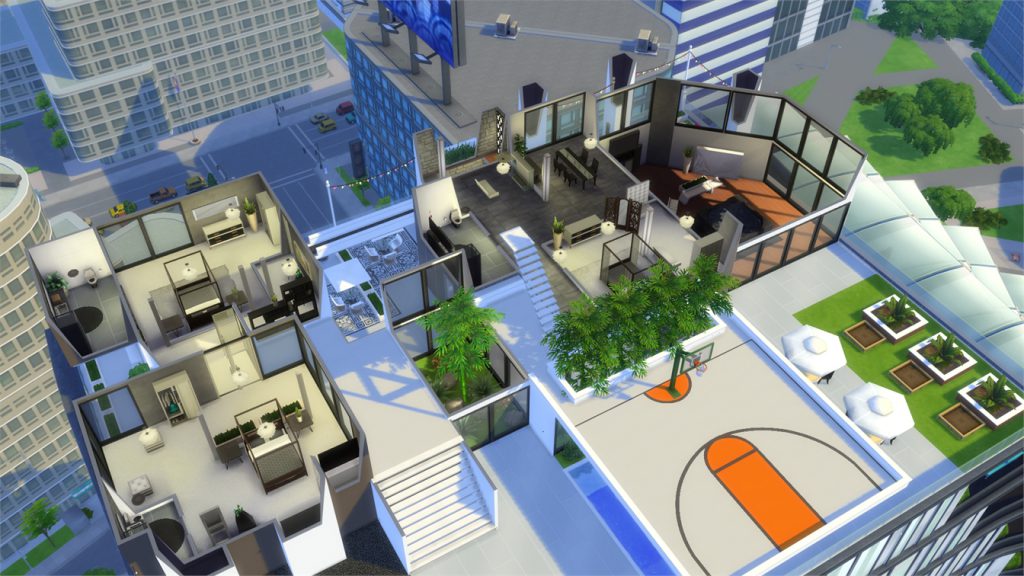
Home Blog Page 395

City Living lets you run your own yard sale!

You read that correctly! With The Sims 4 City Living, you can start a yard sale on any residental lot in any world!

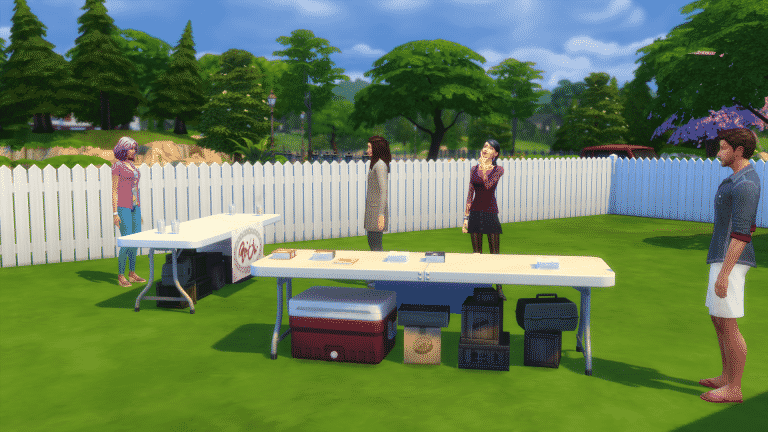
To start your yard sale you’ll need at least one table where you’ll place your objects. The only table that lets you start a yard sale is the Come and Get it Street Store table that came with The Sims 4 City Living.

ts4_x64-2016-11-13-22-24-47-34

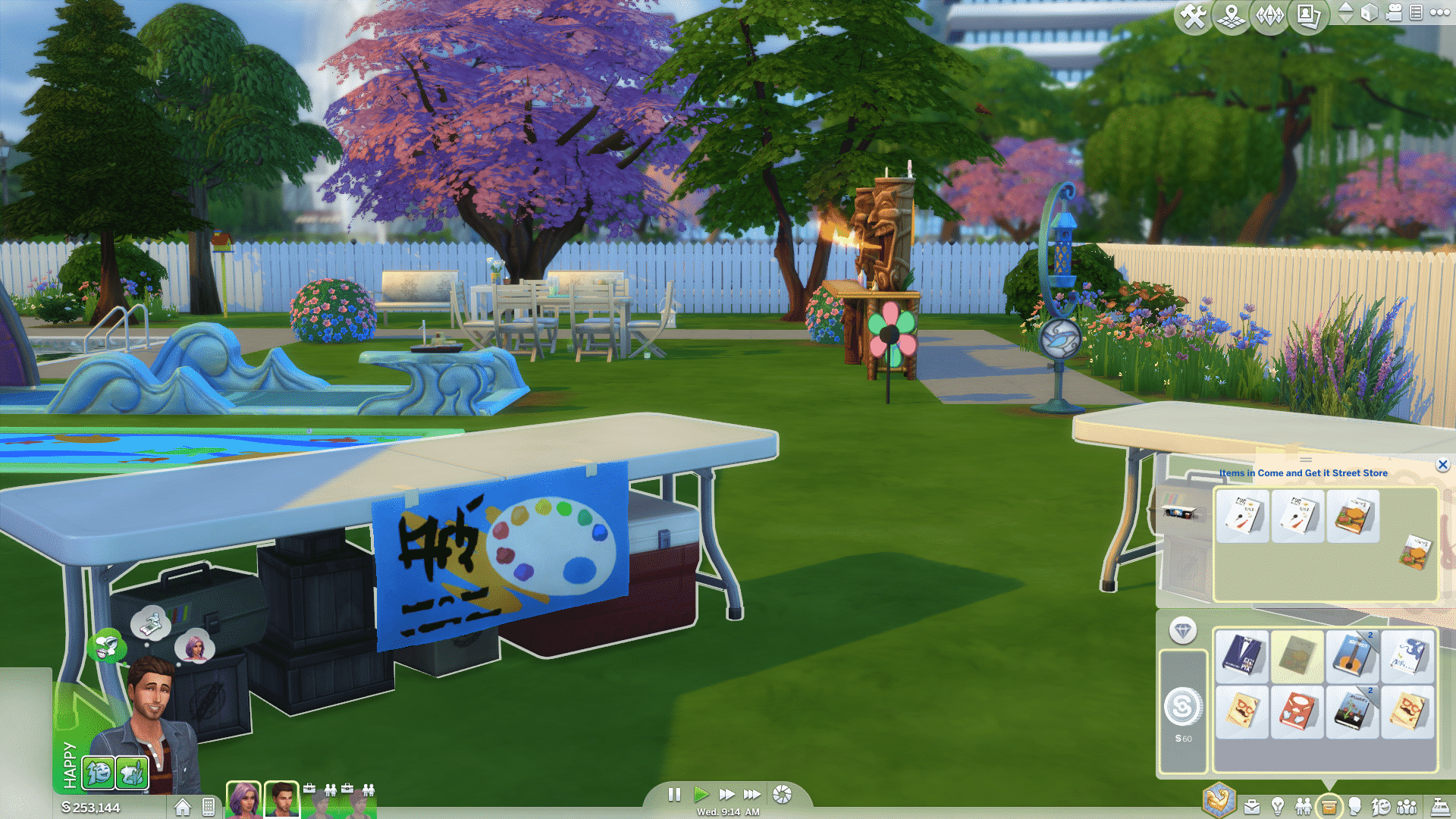
Now it’s time to select the objects you’re about to sell! You can only sell objects that can fit in your inventory as you’ll have to drag those objects from your inventory to the table. Want to get rid of your old books and make a profit? Click on the table, select View Inventory and drag all the books you want to sell. This is just an example as you can place any inventory object onto any street store table.

ts4_x64-2016-11-13-22-39-01-19

Now that you’ve placed objects in the table’s inventory, it’s time to stock the table. Click on the table and select the Stock Table interaction. All the items you’ve added in the table’s inventory will be placed on the table.

11-13-16_10-43-08-pm

You can manipulate the prices of the items you’re selling, giving your Sims a bigger profit than what they’ve originally spent. Click the table and select Mark Up Prices…

capture

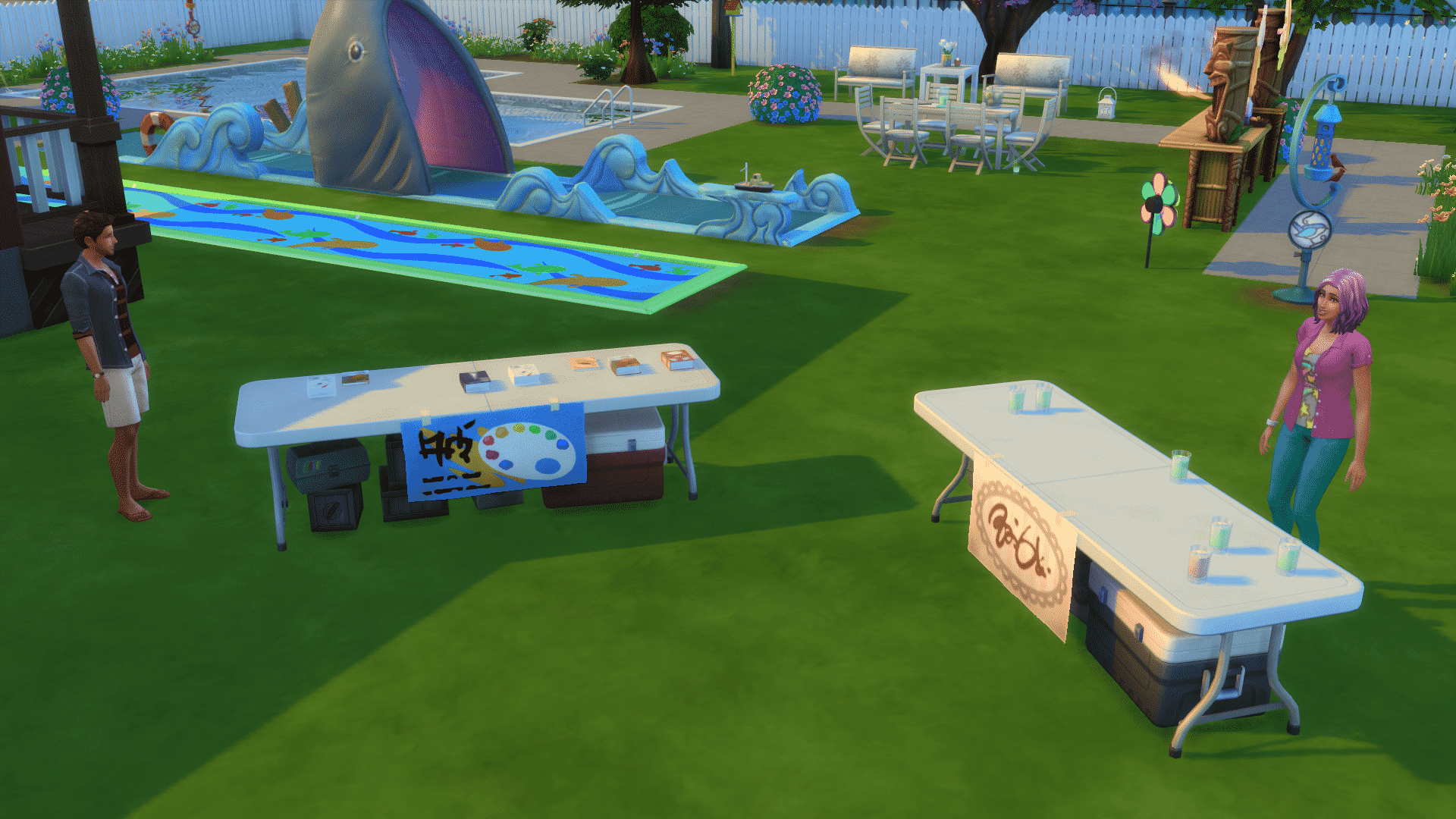
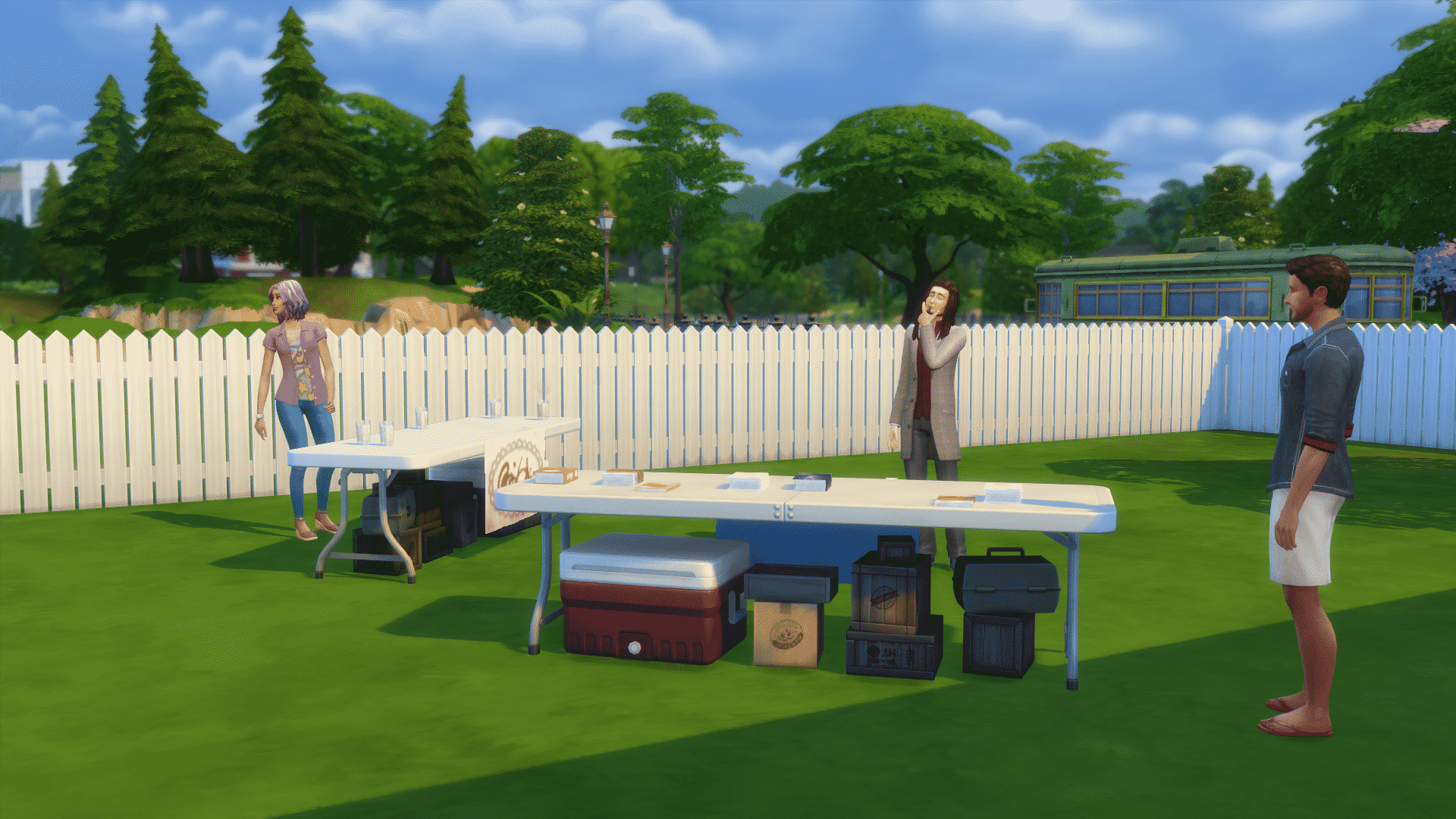
You’re finally ready to start your own yard sale! If you have more than 1 table you’ll need more than one Sim as a Sim can only tend one table. If you have two Sims and two tables, make each Sim use the Tend Table interaction. Then, click on only one table and select Start Yard Sale.

11-13-16_10-44-15-pm

Various Sims will now come to your lot and buy items from tables that are being tended.

You can also sell paintings during yard sales by buying The Street Gallery object and stocking it with paintings.

11-13-16_10-57-18-pm

Each yard sale lasts for 3 hours. You’ll know how much time you have left by the yard sale interface on the top left corner:

capture

City Living: 5 objects we should’ve gotten instead of a talking toilet

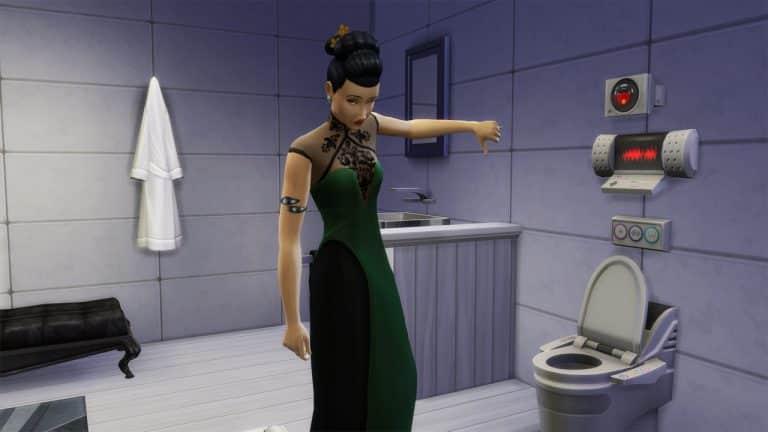
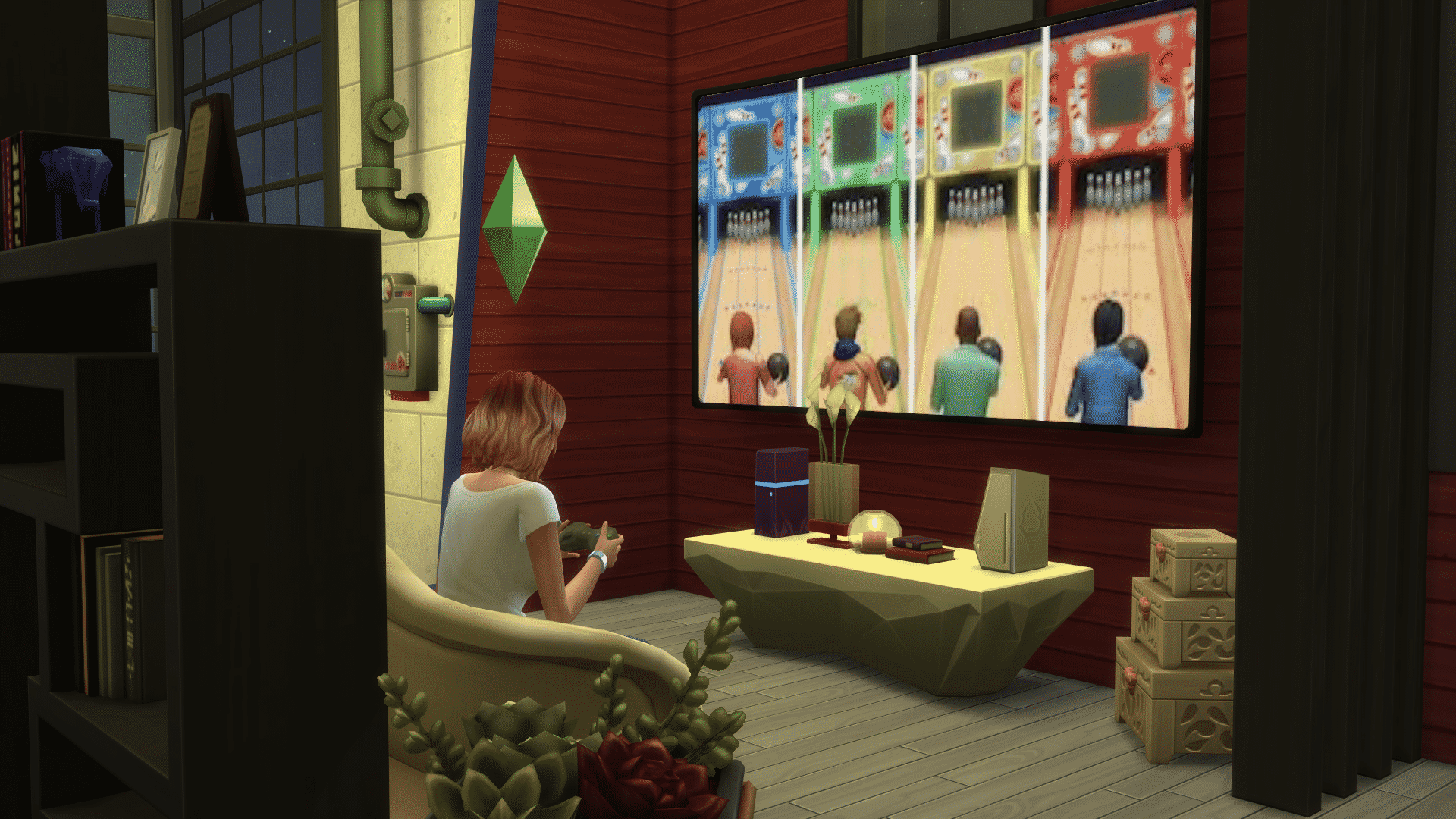
The Sims 4 City Living Expansion Pack introduces a new object with gameplay never-before seen in The Sims Franchise. Yup, I’m talking about the talking toilet. This object lets your Sim multitask like never before – allowing your Sim to take care of their bladder need while watching a holographic image . Yeah, this object is somewhat fun to play with but compared to what we could’ve got in The Sims 4 City Living this object is just a filler in the build mode catalog.

Here are 5 objects that I’m sure all of us would appreciate more and play more regularly:

1) The Elevator

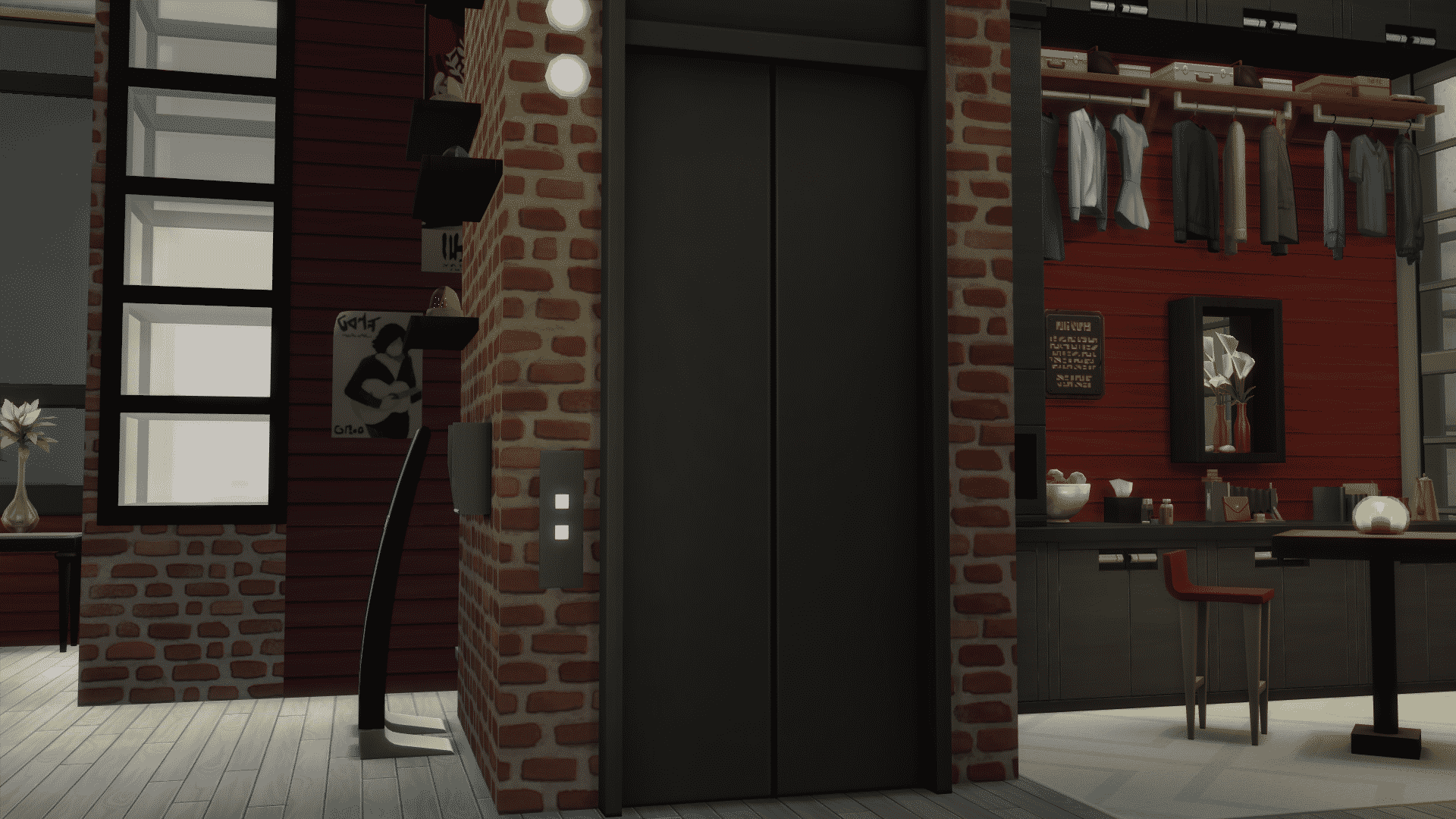
The Sims 4 City Living ruined a perfect opportunity to bring functional elevators to the game. Both The Sims 2 and The Sims 3 brought functional elevators that, even though they didn’t do much, were still fun for your Sims to woohoo in and travel faster between different stories.

City Living has elevators in apartments and penthouses, but they only serve decor purposes. When you click on them to go downstairs your Sim will quickly teleport from their apartment to outside. If only The Sims Team didn’t spend so much time on animating the talking toilet and focused on animating elevators. Seriously though, I’d be just as happy if they didn’t bring nothing new except allow Sims to get in and travel up and down.

11-13-16_7-55-06-pm

2) The Blender

Seriously though, why was creating a talking toilet of a bigger priority than introducing an object that was often used in both The Sims 2 and The Sims 3?!

screenshot-2693

3) Small Telescope

Placing The Sims 4 telescopes that are 6×5 big on apartment balconies just isn’t doable. Was a talking toilet really a bigger necessity than a telescope that would easily fit on any lot?

screenshot-2694

4) It’s MYSHUNO!

It’s MYSHUNO is an object that originally came with The Sims 2. It sort of played like a bingo – Sims would pull out a plumbob out of a tank and read it out loud. If you’re playing with a group, Sims will record their numbers and repeat the process until a winning Sim shouts ”MYSHUNO”. Although this object isn’t much of an use for your Sim’s everyday needs, having Sims gather around in San MYSHUNO to play this game would certainly make much more sense than watching your Sim talk to their toilets from time to time.

capture

5) Washing Machine

It seems like The Sims Team had plans to re-introduce washing machines which made their debut in The Sims 3 Ambitions. Still, it seems like nothing can compete against talking toilets…

large-img-7

City Living: How to Fix Build Issues with 1010 Alto & 702 Zenview Apartments

Edit: Thank you @Nettlejuice for pointing out that if you can’t place an apartment from the gallery that it is probably due to this issue as well. You have to bring the apartment back in to your livable space first before you can place the apartment.

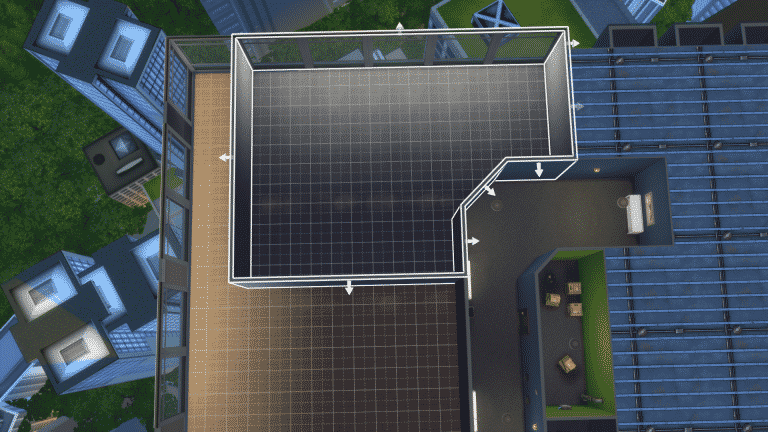
If you have attempted to remodel or rebuild these apartments then you will have noticed that sometimes a glitch occurs once you use the bulldoze function (or individually knocking down walls).  A section of the apartment is no longer part of your living space although it is still contained within your walls.  You cannot place flooring.

Until a patch arrives, the work around is to create a giant room and extend it throughout the entire apartment.  This brings the section of that apartment back in to the the editable living space.

Screens below with the first screen showing the darkened area that you are unable to modify till you create a giant room enclosing that area.

11-13-16_5-28-12-am

11-13-16_5-29-32-am

11-13-16_5-30-22-am

11-13-16_5-31-06-am

The Sims 4: Washing Machines were originally planned for City Living

16

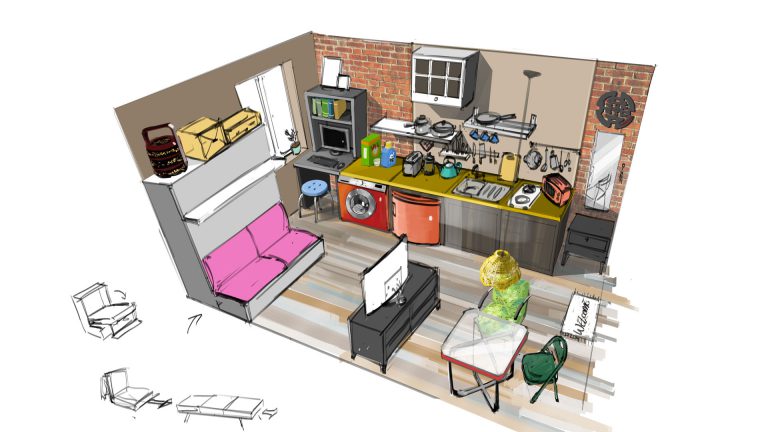
The Sims forum member NeonHighways pointed out that in one of the new City Living concept art pieces from the latest EA Blog there’s a washing machine:

large-img-7

As you know, washing machines, along with the recliner sofa in the image seen above have never been realized in The Sims 4.

Although objects that get featured in concept art pieces don’t always mean that The Sims Team is considering them for development , it may be the case that this object makes its debut in a different pack.

One of the concept art pieces for The Sims 4 Get Together featured market stalls. This idea didn’t get realized for this pack but a very similar feature that lets you sell objects in the streets made a debut in The Sims 4 City Living.

The Sims 4: Washing Machines were originally planned for City Living

OPINION: The Sims 3 Store is still very expensive and deserves a huge sale

14

It’s been what – 2, 3 years since the last The Sims 3 Store Set?

Anywho, now that The Sims 4 Stuff Packs are pretty much the replacement of the Store treatment we’ve been getting for The Sims 2 and The Sims 3 I can’t stop thinking about the fact that The Sims 3 Store is still VERY overpriced. Let’s look at some examples:

The Bohemian Garden store set is priced 1700 SimPoints. If you’re not familiar with the SimPoints currency – 100 SimPoints equals 1 Dollar. This means that The Bohemian Garden set, which only brings 24 new objects is worth 17$. Sure, you get 8 harvestables but that’s pretty much it about this set.

Now, let’s compare this set with The Sims 4 Movie Hangout Stuff Pack which only costs 10$. This Stuff Pack comes with 61 new items and brings 2 new gameplay objects which bring more gameplay than any The Sims 3 Store object. This pack is both far less expensive and comes with a lot more content.

This is just one set we’re talking about. There are a dozen of sets out there that I would definitely like to get my hands on but I can’t because they’re just not worth it. Here’s another example: The Sims 3 Hidden Springs. This world can be purchased for 2000 SimPoints / 20$. It brings 6 CAS items and 13 Buy items. Meanwhile, The Sims 4 Outdoor Retreat Game Pack which brings a new world, around 50 new CAS items and 100 new Build items is also priced 20$.

It really makes it hard for Simmers like me to own everything that The Sims Team releases when the entire Sims 3 Store is just ridiculous when it comes to prices. I own most of The Sims 3 Store but I’ll still need hundreds of dollars for the sets I do not own in order to own the entire store. Not to mention the fact that a lot of time has passed since The Sims 4’s release. We’re currently waiting for TS4’s 9th Stuff Pack and store sets are still a lot more expensive and lack content compared to what we get with TS4 Stuff Packs.

I know The Sims Team’s main focus right now is The Sims 4 but someone’s still out there managing The Sims 3 Store from time to time. I hope someone comes to their senses and decides to cut down the prices of The Sims 3 Store sets permanently because paying 20$ for a world with almost no new content is just not worth it nowadays.

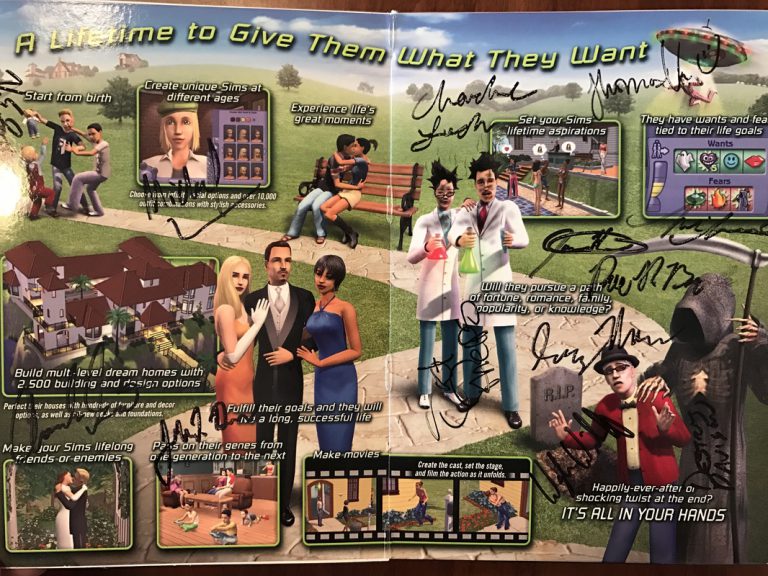
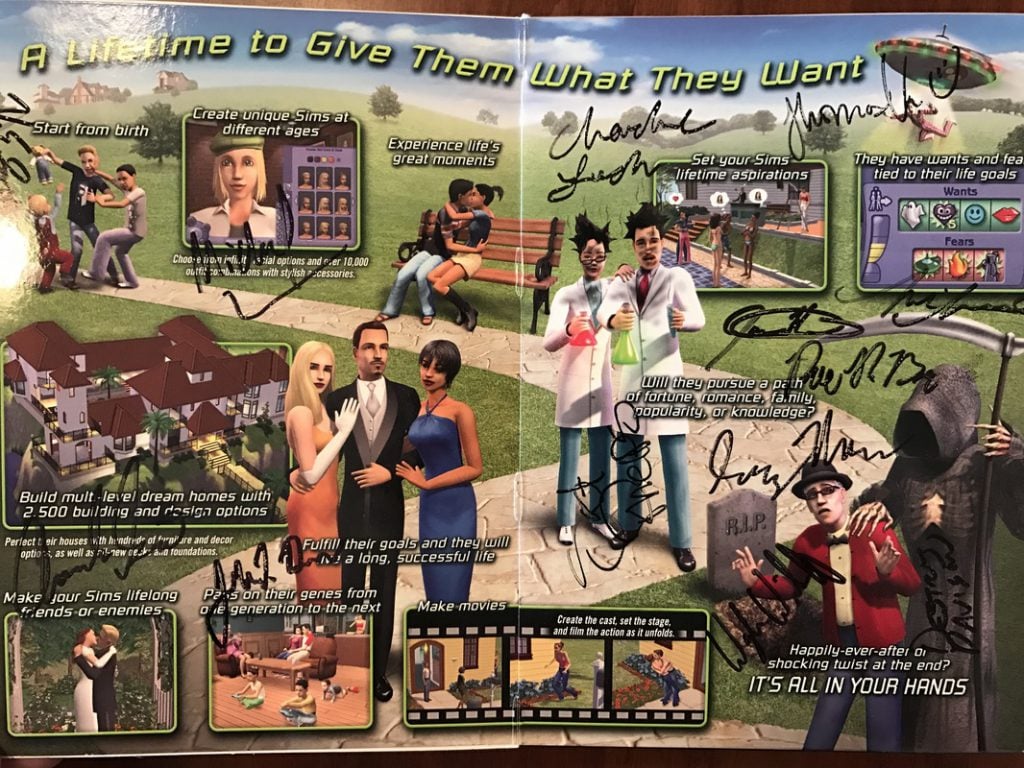
Win a copy of The Sims 2 Special DVD Edition signed by developers!

0

Ray Mazza, one of The Sims developers who worked on The Sims 2, The Sims 3 and The Sims 4 is giving away a copy of The Sims 2 Special DVD Edition! This isn’t just an ordinary The Sims 2 base game box – this copy has been signed by 22 developers who originally worked on this game. According to Ray, ”Box is signed by 22 of the original dev team, including some of your favorites! I can’t actually read all the names, but most of the signers were designers, producers, and gameplay engineers.

If you’re a collector and want to possess all things The Sims then this giveaway is perfect for you!

For more details about the giveaway and how to enter, click the image below!

img-0232_orig

Becoming an Internet Celebrity in The Sims 4 City Living

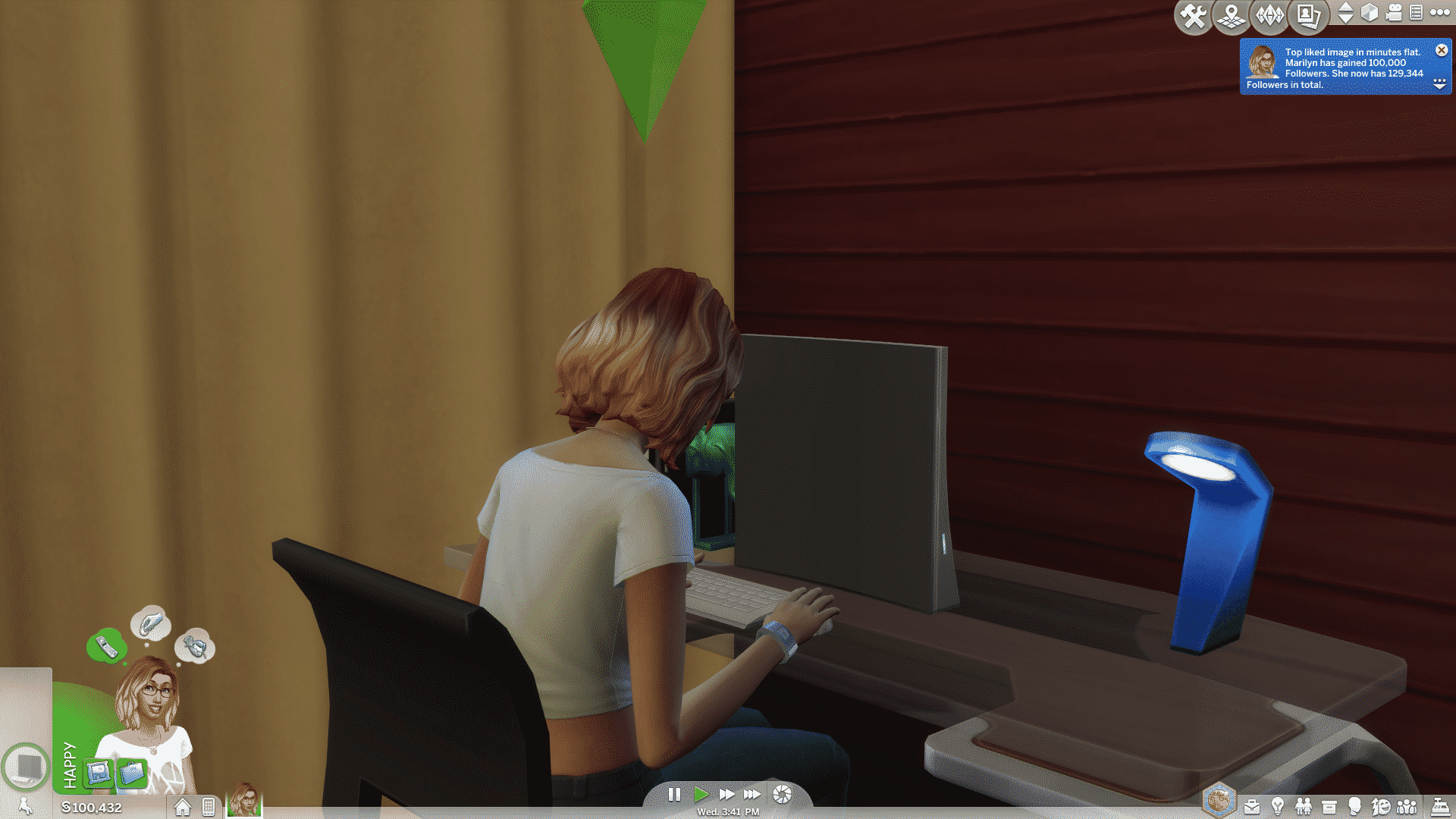
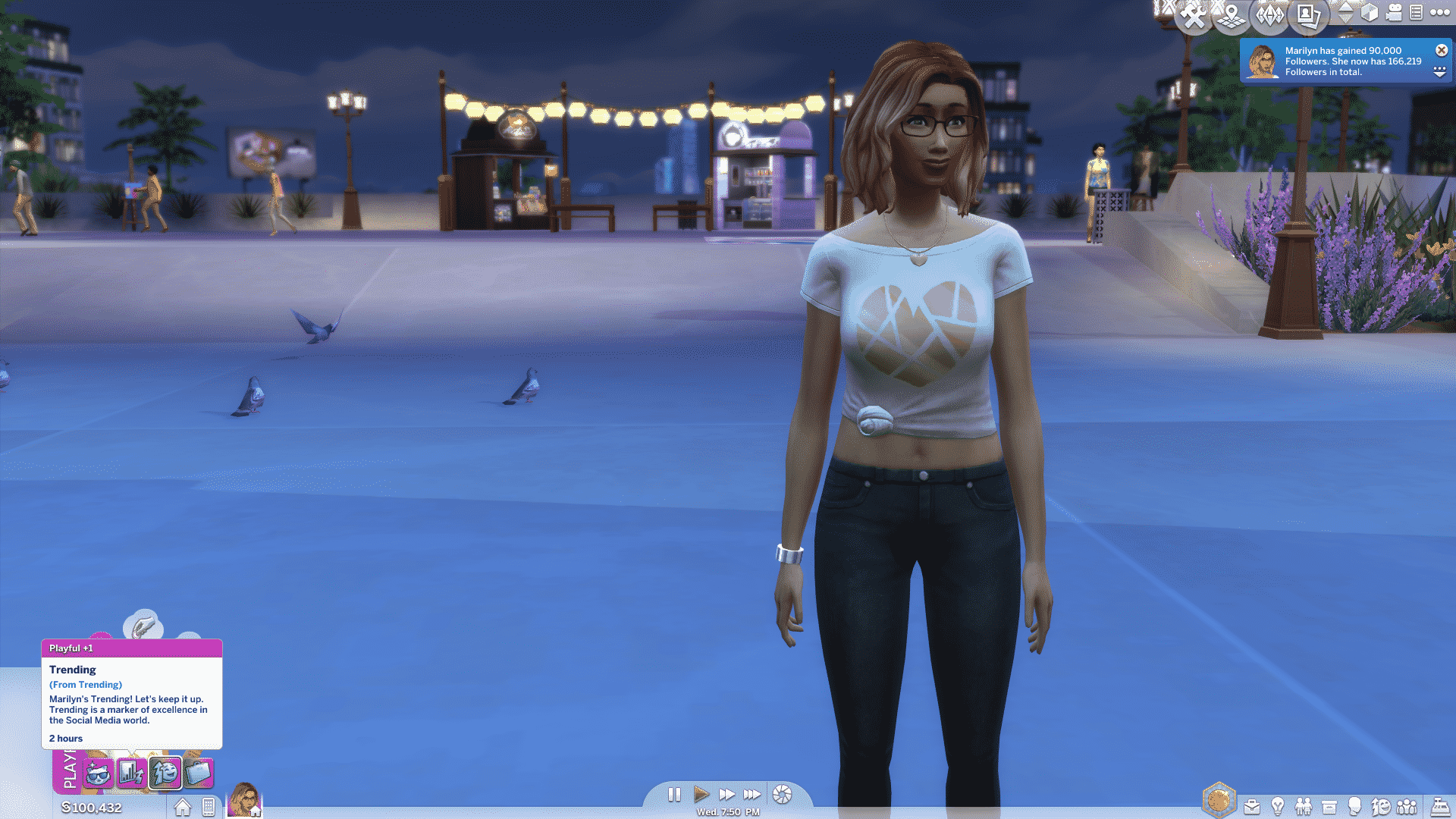
Just like in real life, Sims can become internet-famous with The Sims 4 City Living Expansion Pack. With the Social Media career you can gain followers, record videos and overall become someone who matters…on the internet.

You can start off your internet journey by joining the Social Media career. One of your first assignments would be to create a Social Media profile which you’ll later use for assignments.

11-12-16_12-59-00-pm

At first you’ll only have a couple of interactions on the computer. The only interaction for now that’ll help you boost your followers is the Update Social Media Status one. You can keep track of your followers by using the Check Total Followers interaction.

capture

You’ll want to work on your Charisma and Video Gaming skills while you’re just beginning with the Social Media career as it’ll be harder to work on these required skills while taking care of other assignments. The good thing about Social Networking interactions is that your Charisma skill fills up each time you use them.

Deciding to work from home will bring you various assignments that will encourage you to improve your Video Gaming and Charisma skills, as well as socializing and meeting new people around the city.

As you level up in the Social Media career you’ll unlock new interactions. In the Level 2 of the Social Media career you’ll unlock the ”Check-In at Venue” interaction, which you can use to let your followers know where you’re at – which will also help you boost your followers number.

11-12-16_1-51-35-pm

Level 3 of this career brings 2 new interactions – Respond to Mail and Share Image.

Sharing an image won’t always engage your audience and you’ll have to wait a few hours before you share a new one.

ts4_x64-2016-11-12-13-56-18-35

Responding to an email can be done both from your phone and computer. It doesn’t affect your followers count but it brings new buffs that may get your Sim happy or angry…

capture

At this point you’ll also have to work on your Comedy or Mischief Skill!

Level 4 of the Social Media career is when you pick your career branch: Internet Personality or Public Relations. Being recognized on the internet is much easier when you’re working as an Internet Personality!

capture

The following interactions are now available to you:

  • Share Jokes with Followers
  • Advertise Minor Product
  • Status Update from Venue

Sharing a joke to your followers is probably the best way to gain followers at this point. This interaction relies on the Comedy skill so make sure it’s high enough if you don’t want to lose your followers! Being playful helps making your joke successful.

Advertising a minor product will sometimes give you Simoleons – but often for a cost of losing quite a bit followers.

ts4_x64-2016-11-12-14-05-56-02

The Status Update from Venue interaction on your phone has replaced the Check-In interaction and is guaranteed to bring you more followers.

Level 5 brings these new interactions:

  • Livestream Video Games
  • Record Rant
  • Shout Out from Venue

Recording a rant is very risky and, unless your Sim isn’t charismatic enough, you’re going to lose a lot of followers:

capture

Livestreaming a video game is basically your Sim playing a video game for a couple of hours while getting followers. The more hours you play a certain video game the more followers you get!

capture

Giving a shout out from a venue will now replace the Status Update from Venue interaction, giving you around a thousand of followers!

At Level 6 you can Start Funny Meme and Broadcast Status.

Starting a funny meme also depends on your Comedy skill and if the meme funny, you can expect thousands of new followers!

ts4_x64-2016-11-12-14-27-44-48

The Broadcast Status Update will also bring you thousands of new followers if done right!

At Level 7 you can Advertise Major Product, Promote Image and Announce Appearance at Venue.

Advertising a major product is a huge gamble. If done wrong you can lose thousands and thousands of followers. Doing this interaction right will give you a few thousand simoleons in exchange for a few thousand followers. You’ll bring them back…eventually.

ts4_x64-2016-11-12-14-44-18-23

The Promote Image interaction will replace the Share Image interaction. If done right you can get up to a hundred thousand followers!

ts4_x64-2016-11-12-14-36-21-12

Announcing your appearance at a venue will replace the Status Update from Venue interaction. This one also can give you close to a hundred thousand followers!

ts4_x64-2016-11-12-14-40-57-87

At Level 8 you can Stream Let’s Plays and Prank Streamers.

Stream Let’s Plays interaction will replace the Livestream interaction. If you stream a Let’s Play for a long period you can get up to million followers! This interaction, as well as the livestream one can be done using a video gaming console!

11-12-16_2-46-32-pm

The Prank Streamers interaction depends on your Mischief Skill. The lower it is the higher the changes are of embarrasing your Sim in a failed attempt. This interaction can be performed every few hours and will give you close to a million followers when done right!

ts4_x64-2016-11-12-14-57-45-74

Level 9 brings 2 new interactions: Upload Viral Video and Charity Stream.

Uploading a viral video will give you a million followers if done right!

ts4_x64-2016-11-12-15-03-15-89

Doing a charity stream can get your Sim trending and will also give you around a million new followers.

ts4_x64-2016-11-12-15-04-44-12

Reaching Level 10 will unlock the Advertise Massive Sponsorship interaction. When done right, this interaction will give you hundreds of simoleons in exchange for a few hundred followers.

ts4_x64-2016-11-12-15-08-46-82

Not only do you earn money from working as an Internet Superstar or working at home, but you also get to gain followers and trade them for advertisements in exchange for hundreds of simoleons. Working as an internet persona is definitely the easiest way to earn plenty of simoleons each day!

11-12-16_3-10-39-pm

City Living comes with a Hidden Achievement. Here’s how you can unlock it!

WARNING: Spoilers ahead (DUH!)

For some reason The Sims 4 Get Together didn’t bring any new achievements to the table even though the clubs feature had so many potential to encourage simmers to get their clubs out and explore the new achievements.

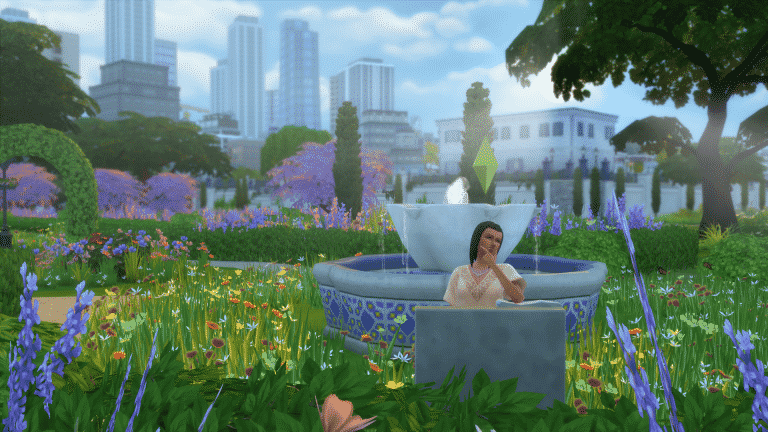
The Sims 4 City Living only comes with one new hidden achievement that basically encourages you to explore the city for the new monuments.

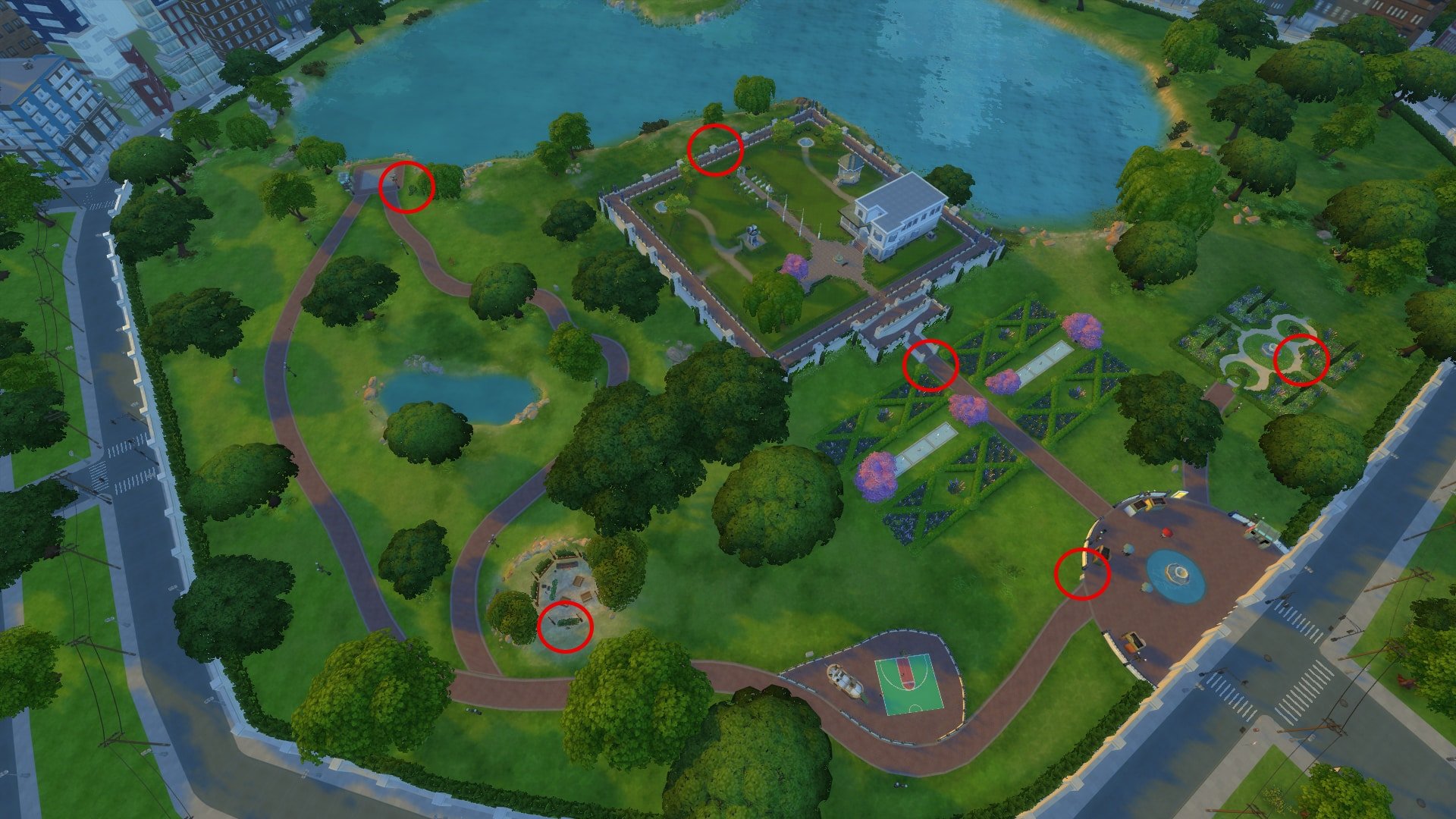
To unlock this achievement, you’ll have to view every single monument that’s been placed in Myshuno Meadows neighborhood in San Myshuno.

ts4_x64-2016-11-12-00-31-08-55

To help you out find all of the monuments I’ve circled their location in the image below:

monuments

The View All Myshuno Meadows’ Sculptures achievement can now be found in the Achievements panel!

The Sims 4 City Living Mod: Add Apartment Problems to any Lot!

Some of the apartments in The Sims 4 City Living come with the Needs TLC lot trait which means that you’ll eventually have to deal with mice, roaches, water pipe and the utility box. However, all of these apartment problems cannot be carried over to other lots.

simlishdistractions came up with a solution to carry over the Needs TLC characteristics to other lots!

To install the mods, simply place the package files in the Electronic Arts > The Sims 4 > Mods folder. Make sure you’ve enabled Mods and CC in the game options!

You can place these apartment problems to a certain lot from build mode. Click the search button and use the Custom Content objects filter. You’ll see 4 items shown below:

ts4_x64-2016-11-11-21-47-48-19

Before placing any of these objects, please note that after they’re placed on your lot you won’t be able to remove them after unless you use the debug enabler mod. With this mod you can remove the object in live mode by shift + left clicking the object and selecting the Destroy Object interaction.

capture

These problems carry over flawlessly to any lot.

11-11-16_9-57-26-pm

If the utility box gets broken, the entire lot will be left without electricity just like in an apartment that needs TLC!

11-11-16_10-00-19-pm

You can download these mods by clicking the buttons down below!

[mks_button size=”large” title=”DOWNLOAD!” style=”rounded” url=”http://simlishdistractions.tumblr.com/post/152643418054/city-living-apartment-problems-for-regular-lots” target=”_blank” bg_color=”#1e73be” txt_color=”#FFFFFF” icon=”” icon_type=”” nofollow=”0″][mks_button size=”large” title=”Download Roaches!” style=”rounded” url=”http://simlishdistractions.tumblr.com/post/152687032509/roaches-for-regular-lots-first-the-same” target=”_blank” bg_color=”#1e73be” txt_color=”#FFFFFF” icon=”” icon_type=”” nofollow=”0″]

EA Blog: Going deep on Apartment Technology in The Sims 4 City Living

4

EA published a new blog post explaining how apartments came to life in The Sims 4 City Living!

When we started working on The Sims 4 City Living, we knew that apartments were going to be a key feature. You cannot have a city without close, confined living spaces, and that means apartments.

large-img-1

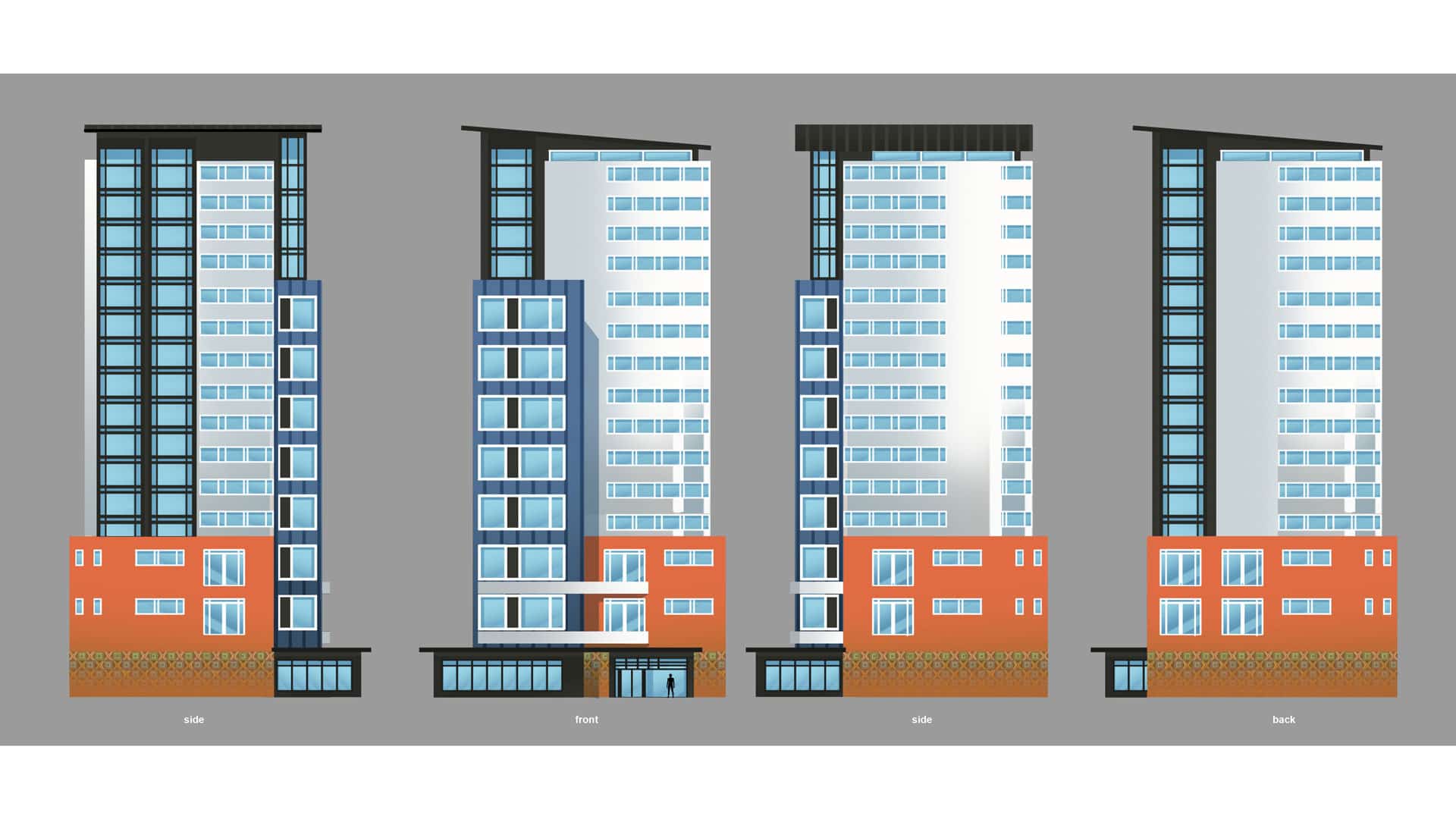
We knew a few things immediately: You could not modify exterior walls and windows, but you can modify interior walls and objects. We knew we were going to create large shells in which we placed lots that we could then build. Why shells? Well, in order to create true high rises, or even six-floor apartments, we needed to craft specific models. Otherwise, they wouldn’t look like apartments, and trying to create sufficient assets for Build Mode would have been very difficult for an expansion. By using these shells, we get something that looks like an apartment, fleshes out the city, but still gives us a platform on which to build.

large-img-2

Secondly, we had to figure out the community. We did extensive prototyping around apartments in The Sims 3 and tested a wide variety of cases, including having multiple households simulating at once, having Sims you cannot control, and having Sims in separate apartments.

large-img-3

Ultimately, we sampled from all of this technology to create the framework we have:

  • Multiple households can live in an apartment
  • These households can and will visit you and be active in the public spaces
  • You can visit them and be a part of their lives

One thing that’s cool about apartments is that there’s a true sense of community as a result. In fact, apartments have more gameplay related to Sims than living in a traditional neighborhood in Willow Creek! Sometimes we outdo our past selves, and that is true here.

large-img-4

Apartments are the classic set of so many legendary sitcoms, including Seinfeld, Friends, The Big Bang Theory, How I Met Your Mother, and more. As we often do, as we’re making a game about humanity, we looked to these classic, intuitive experiences, as well as our own, and tried to recreate the characters and moments.

large-img-5

We needed a few pieces of new technology to create sitcom-like situations from within inactive homes, ways to trigger new sounds and visual FX, and lots of scripted content to make these occur, work, and look right. Through iteration, we found we needed different ways of reacting to the situations, had to tune them to feel right, and needed to make sure they occurred the right amount of time. Too often and they’re annoying. Not enough and what’s the point? Play testing was key here, as was bringing in Sims fans and outside testers to provide their input.

large-img-6

So, we have our shells, multiple households, a sense of community, but now we need all the important details. Beyond elevators, we needed trash chutes, mail boxes, problem objects (leaky pipes, rat holes, leaky floor vents, and more) to create a typical apartment. Plus, the walls and floor content to make a truly ratty apartment.

large-img-7

Once we had the basics, we still needed to iterate. Initially, apartments didn’t have the ceilings covering your neighbors’ apartments and they were open, empty spaces. Our art director couldn’t stand it, so he really pushed to get the ceiling tech. That took some time.

large-img-8

Apartments created several issues with the camera. Typically, large buildings or mountains in the game create a buffer region. With apartments, you need to be able to zoom in closely to Sims standing outside the apartment on the sidewalk, as well as towards Sims standing inside their apartment.

large-img-9

By default, the camera kept you at many arms’ length. It took extensive amounts of iteration to find the right balance, perfect the smoothness of the camera moving from the 8th floor to the ground floor, and ensuring it worked no matter how you adjusted it to follow your Sims (as there are several methods with distinct behaviors).

large-img-10

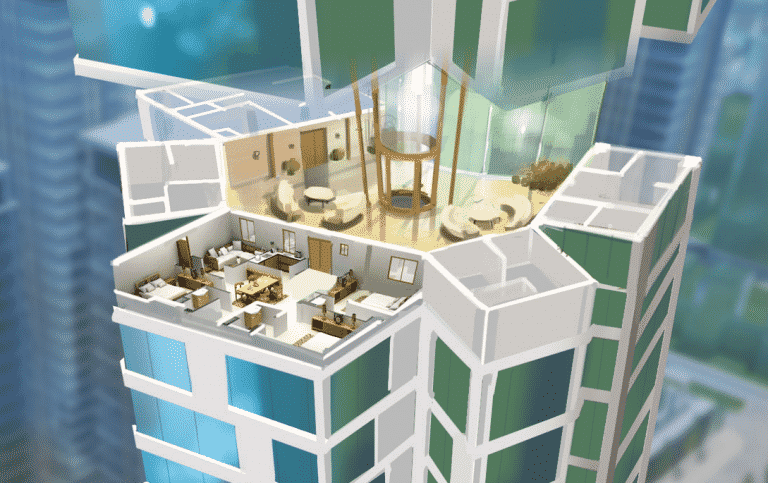
We also knew our players would need more customization options for an apartment. We have a smaller but super vibrant and vocal part of our community we call builders, players who primarily build and create new homes for their Sims. We wanted to give them a method of customization with a great view, so we created Penthouses, which allow players to customize every single detail at the top of a shell building. Players can put in pools, basketball courts, elaborate porches, rooftop gardens, or even just a normal home in their own image. This is how players can live out their billionaire fantasies, which is important in a game all about aspirational stories!

large-img-11

Finally, we had to completely revise our user interface to allow for players to choose lodging for a single family, on a floor with multiple options, and sometimes with multiple floors.

large-img-12

Typically, players can get a feel for the house from the high level thumbnail. However, with apartments, we needed to show them the shape, the layout, as well as things like apartment traits. We invested a bit of time into create a really lovely display that highlights and displays every option in a single apartment and lets you quickly toggle between floors.

All told, apartments were a massive undertaking. When asked what the most difficult aspect of City Living was, I always point to apartments. Typically, a feature only uses the work from a subset of the disciplines, but Apartments involved everyone. This includes concept, the environment team, visual FX, audio, scripting, gameplay engineering, client engineering, modeling, animation, UI team, and more. The result is one of the most holistic changes to our core experience in a very long time.

Apartments are a big deal and we’re incredibly proud of the work. Hit the button to the top floor and find your new home!

The Sims 4 Playthrough: Bachelor/Bachelorette Party Mod

I came across another awesome event mod for The Sims 4 by brittpinkiesims. This event mod lets your newly engaged Sim throw a bachelor/bachelorette party, letting you invite private dancers and celebrate your Sim’s engagement by inviting all of her/his friends to a certain venue. This mod also comes packed with new interactions that are only available during the party.

I wanted to see if this event would work with a single Sim but nope – you definitely have to have an engaged couple in your household.

capture

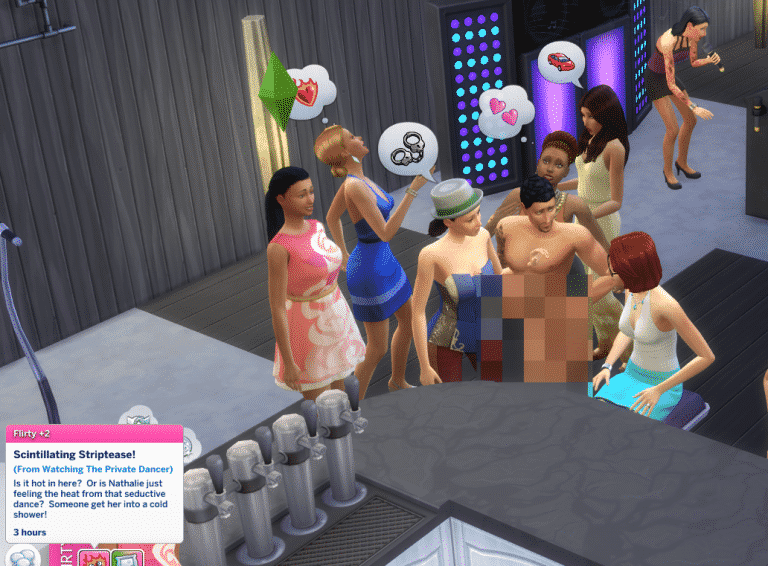
The bachelor(ette) parties function similarly to other party types, except this party brings a new NPC – Private Dancer. This Sim will be present at your party and dance nude whenever you use the ”Ask for private dance” interaction.

ts4_x64-2016-11-09-18-52-10-75

The Sims you invited will appear to a lot you’ve chosen, including the private dancer.

capture

Bachelor(ette) parties come with a new set of interactions that you’ll need to perform in order to complete your prestige event. The interactions are not that hard to perform and you won’t get too many things to do in order to win a gold medal party prize.

ts4_x64-2016-11-09-18-54-13-78

If you manage to earn the gold medal for successfully taking care of almost all prestige event interaction requirements you’ll receive exclusive custom content object conversions converted from The Sims 3 by brittpinkiesims:

ts4_x64-2016-11-09-19-02-22-51

This is a really fun mod to play with and it’s always nice to have a new party type laying around – especially when there’s an engagement that just has to be celebrated!

You can download this mod by clicking the download button down below. To install it, simply extract zipped content in the Electronic Arts > The Sims 4 > Mods folder. Make sure you have Mods/Custom Content enabled in your game settings!

[mks_button size=”large” title=”DOWNLOAD!” style=”rounded” url=”” target=”_blank” bg_color=”#1e73be” txt_color=”#ffffff” icon=”fa-arrow-down” icon_type=”fa” nofollow=”0″]

The Sims 4: Simulation Lag Fix

This mod is definitely a game changer!

Ever encountered one of these simulation lags in The Sims 4 where sims just stand by and do nothing even though the game is running at full speed?

This lag that’s been happening very often since the latest The Sims 4 Game Update has now been fixed by simmythesim modder. He explained what this issue is all about and how he fixed it in the text below:

To explain it concisely, imagine that the game updates using a bucket. The game fills this bucket when it needs to schedule stuff for processing. So if the game needed to run autonomy, it would dump a note in the bucket saying, “Hey, can you process this sim’s autonomy 30 minutes from now? Thanks.”

Now imagine that the bucket is getting full, it takes longer and longer to reach the end of the bucket. Now, autonomy is one of the most time-consuming systems in the game, so a few autonomy requests scheduled can take a whole chunk of time, causing everything else to not be processed in a timely manner.

You can notice this when the game stops processing “sub actions”, which are basically the interactions that make your sim do an animation, causing them to endlessly bob their heads and stop. The time can also slow down on Speed 3 and it can even jump back to the past.

Now, how did I fix this, you may ask? Remember that we know what takes the most time (autonomy) to process, so I separated autonomy and everything else into separate buckets!

Continuing our bucket analogy, I created a new bucket exclusively for autonomy. If the simulation bucket needs more than 17 milliseconds to run, then now, our new autonomy bucket won’t even run at all, creating a more responsive simulation. On my computer the time has never gone back in time nor slowed down after installing this mod, however, your results will vary depending on your CPU speed.

I’ve tested this mod and I can honestly say it’s making my gameplay 100% more enjoyable. Not only do Sims perform actions faster but there seems to be no situations where my sims get ”stuck” for no reason. Social events are running at full speed and festivals from The Sims 4 City Living no longer cause my sims to get stuck.

To download this mod, simply click the download button below!

[mks_button size=”large” title=”DOWNLOAD!” style=”rounded” url=”http://www.modthesims.info/download.php?t=585420″ target=”_blank” bg_color=”#1e73be” txt_color=”#FFFFFF” icon=”fa-arrow-down” icon_type=”fa” nofollow=”0″]

11-08-16_3-50-54-pm

The Sims 4 CC Spotlight: Maxis Match Hairstyles

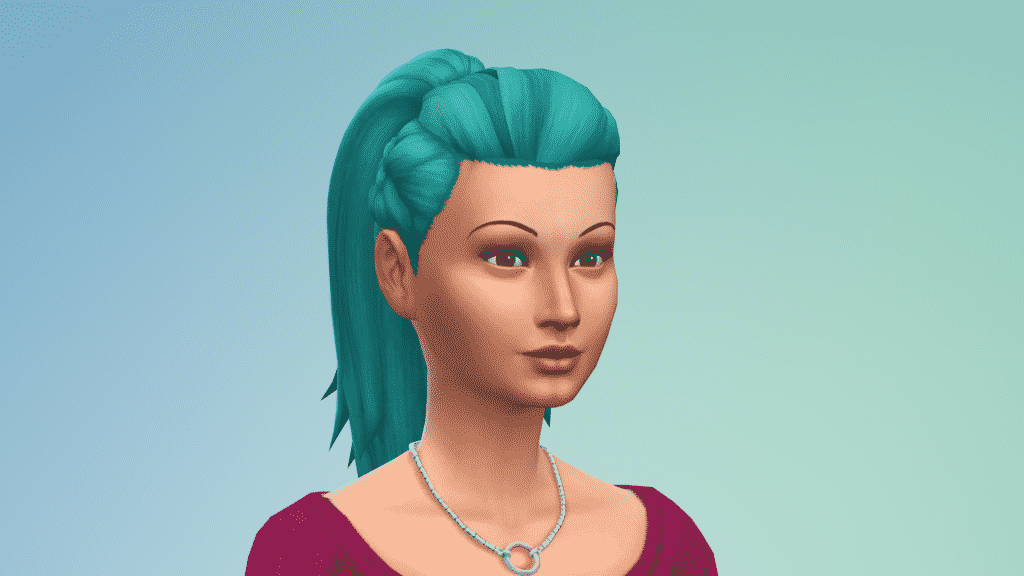
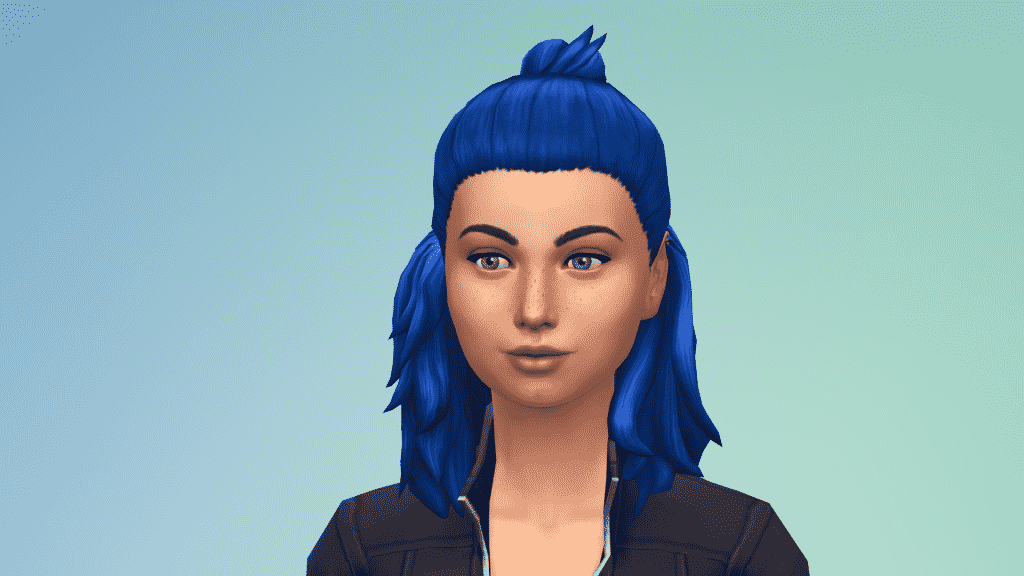
In this spotlight we’re featuring custom content hairstyles made for The Sims 4 that match with Maxis’ art style. These are hairstyles created over the last few weeks so expect more of these spotlights ever so often.

Just like we do with gallery spotlights, this spotlight uses an interactive approach where you’ll get to see the same content using a different angle and variation.

Hover over the pulsing plumbobs to see screenshots of marked areas. Pulsing plumbob that’s on the left bottom corner contains all the info (and download link) of the creation.

[ult_hotspot main_img=”id^55035|url^https://simscommunity.info/wp-content/uploads/2016/11/11-07-16_8-19-30-PM.png|caption^null|alt^null|title^11-07-16_8-19-30-pm|description^null”][ult_hotspot_items icon_type=”custom” icon_img=”id^39525|url^https://simscommunity.info/wp-content/uploads/2015/09/plumbob2.png|caption^null|alt^null|title^plumbob2|description^null” img_width=”38″ tooltip_custom_color=”” tooltip_custom_bg_color=”rgba(255,255,255,0.01)” tooltip_width=”400″ tooltip_position=”right” enable_bubble_arrow=”off” tooltip_continuous_animation=”on” hotspot_position=”25.760780567685586,25.766871165644172″]

11-07-16_8-19-36-pm

[/ult_hotspot_items][ult_hotspot_items icon_type=”custom” icon_img=”id^39525|url^https://simscommunity.info/wp-content/uploads/2015/09/plumbob2.png|caption^null|alt^null|title^plumbob2|description^null” img_width=”38″ tooltip_custom_color=”” tooltip_custom_bg_color=”rgba(255,255,255,0.01)” tooltip_width=”400″ tooltip_position=”right” enable_bubble_arrow=”off” tooltip_continuous_animation=”on” hotspot_position=”52.40174672489083,25.52147239263804″]

11-07-16_8-20-12-pm

[/ult_hotspot_items][ult_hotspot_items icon_type=”custom” icon_img=”id^39525|url^https://simscommunity.info/wp-content/uploads/2015/09/plumbob2.png|caption^null|alt^null|title^plumbob2|description^null” img_width=”52″ tooltip_custom_color=”#1e73be” tooltip_custom_bg_color=”#ffffff” tooltip_width=”” tooltip_position=”right” tooltip_continuous_animation=”on” hotspot_position=”89.61858624454149,3.190184049079755″ tooltip_custom_border_size=”border-style:solid;|border-width:2px;border-radius:5px;|border-color:#81d742;”]

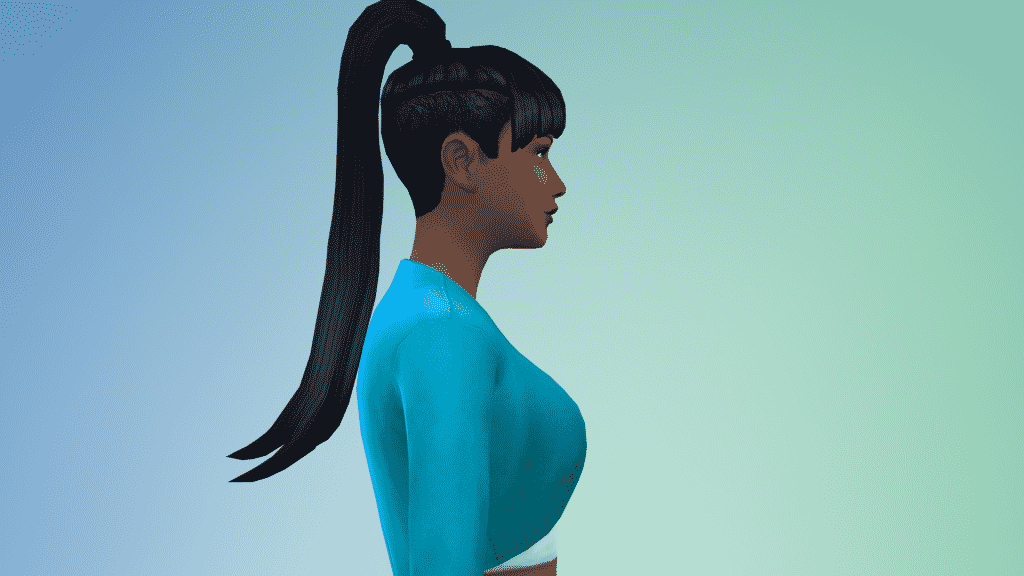
Nova Hair (Download Here)

by pxelboy[/ult_hotspot_items][/ult_hotspot][ult_hotspot main_img=”id^55041|url^https://simscommunity.info/wp-content/uploads/2016/11/11-07-16_8-26-47-PM.png|caption^null|alt^null|title^11-07-16_8-26-47-pm|description^null”][ult_hotspot_items icon_type=”custom” icon_img=”id^39525|url^https://simscommunity.info/wp-content/uploads/2015/09/plumbob2.png|caption^null|alt^null|title^plumbob2|description^null” img_width=”38″ tooltip_custom_color=”” tooltip_custom_bg_color=”rgba(255,255,255,0.01)” tooltip_width=”400″ tooltip_position=”right” enable_bubble_arrow=”off” tooltip_continuous_animation=”on” hotspot_position=”25.760780567685586,25.766871165644172″]

11-07-16_8-26-50-pm

[/ult_hotspot_items][ult_hotspot_items icon_type=”custom” icon_img=”id^39525|url^https://simscommunity.info/wp-content/uploads/2015/09/plumbob2.png|caption^null|alt^null|title^plumbob2|description^null” img_width=”38″ tooltip_custom_color=”” tooltip_custom_bg_color=”rgba(255,255,255,0.01)” tooltip_width=”400″ tooltip_position=”right” enable_bubble_arrow=”off” tooltip_continuous_animation=”on” hotspot_position=”52.40174672489083,25.52147239263804″]

11-07-16_8-27-19-pm

[/ult_hotspot_items][ult_hotspot_items icon_type=”custom” icon_img=”id^39525|url^https://simscommunity.info/wp-content/uploads/2015/09/plumbob2.png|caption^null|alt^null|title^plumbob2|description^null” img_width=”52″ tooltip_custom_color=”#1e73be” tooltip_custom_bg_color=”#ffffff” tooltip_width=”” tooltip_position=”right” tooltip_continuous_animation=”on” hotspot_position=”89.61858624454149,3.190184049079755″ tooltip_custom_border_size=”border-style:solid;|border-width:2px;border-radius:5px;|border-color:#81d742;”]

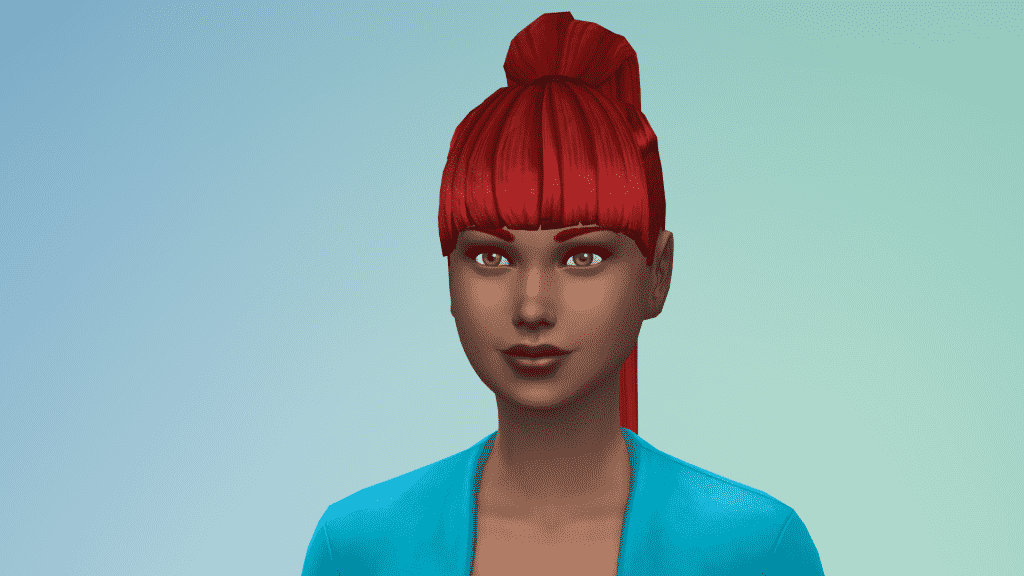
Nova Hair (Download Here)

by moon craters[/ult_hotspot_items][/ult_hotspot][ult_hotspot main_img=”id^55045|url^https://simscommunity.info/wp-content/uploads/2016/11/11-07-16_8-31-52-PM.png|caption^null|alt^null|title^11-07-16_8-31-52-pm|description^null”][ult_hotspot_items icon_type=”custom” icon_img=”id^39525|url^https://simscommunity.info/wp-content/uploads/2015/09/plumbob2.png|caption^null|alt^null|title^plumbob2|description^null” img_width=”38″ tooltip_custom_color=”” tooltip_custom_bg_color=”rgba(255,255,255,0.01)” tooltip_width=”400″ tooltip_position=”right” enable_bubble_arrow=”off” tooltip_continuous_animation=”on” hotspot_position=”25.760780567685586,25.766871165644172″]

11-07-16_8-32-06-pm

[/ult_hotspot_items][ult_hotspot_items icon_type=”custom” icon_img=”id^39525|url^https://simscommunity.info/wp-content/uploads/2015/09/plumbob2.png|caption^null|alt^null|title^plumbob2|description^null” img_width=”38″ tooltip_custom_color=”” tooltip_custom_bg_color=”rgba(255,255,255,0.01)” tooltip_width=”400″ tooltip_position=”right” enable_bubble_arrow=”off” tooltip_continuous_animation=”on” hotspot_position=”52.40174672489083,25.52147239263804″]

11-07-16_8-32-45-pm

[/ult_hotspot_items][ult_hotspot_items icon_type=”custom” icon_img=”id^39525|url^https://simscommunity.info/wp-content/uploads/2015/09/plumbob2.png|caption^null|alt^null|title^plumbob2|description^null” img_width=”52″ tooltip_custom_color=”#1e73be” tooltip_custom_bg_color=”#ffffff” tooltip_width=”” tooltip_position=”right” tooltip_continuous_animation=”on” hotspot_position=”89.61858624454149,3.190184049079755″ tooltip_custom_border_size=”border-style:solid;|border-width:2px;border-radius:5px;|border-color:#81d742;”]

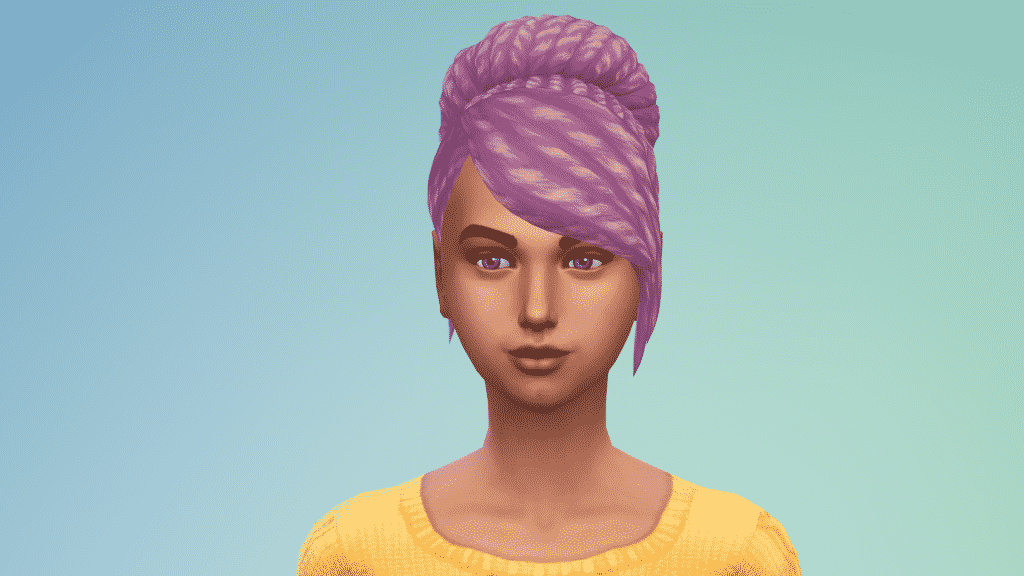
Lexi Hair (Download Here)

by pxelgem[/ult_hotspot_items][/ult_hotspot][ult_hotspot main_img=”id^55046|url^https://simscommunity.info/wp-content/uploads/2016/11/11-07-16_8-37-11-PM.png|caption^null|alt^null|title^11-07-16_8-37-11-pm|description^null”][ult_hotspot_items icon_type=”custom” icon_img=”id^39525|url^https://simscommunity.info/wp-content/uploads/2015/09/plumbob2.png|caption^null|alt^null|title^plumbob2|description^null” img_width=”38″ tooltip_custom_color=”” tooltip_custom_bg_color=”rgba(255,255,255,0.01)” tooltip_width=”400″ tooltip_position=”right” enable_bubble_arrow=”off” tooltip_continuous_animation=”on” hotspot_position=”25.760780567685586,25.766871165644172″]

11-07-16_8-37-20-pm

[/ult_hotspot_items][ult_hotspot_items icon_type=”custom” icon_img=”id^39525|url^https://simscommunity.info/wp-content/uploads/2015/09/plumbob2.png|caption^null|alt^null|title^plumbob2|description^null” img_width=”38″ tooltip_custom_color=”” tooltip_custom_bg_color=”rgba(255,255,255,0.01)” tooltip_width=”400″ tooltip_position=”right” enable_bubble_arrow=”off” tooltip_continuous_animation=”on” hotspot_position=”52.40174672489083,25.52147239263804″]

11-07-16_8-37-30-pm

[/ult_hotspot_items][ult_hotspot_items icon_type=”custom” icon_img=”id^39525|url^https://simscommunity.info/wp-content/uploads/2015/09/plumbob2.png|caption^null|alt^null|title^plumbob2|description^null” img_width=”52″ tooltip_custom_color=”#1e73be” tooltip_custom_bg_color=”#ffffff” tooltip_width=”” tooltip_position=”right” tooltip_continuous_animation=”on” hotspot_position=”89.61858624454149,3.190184049079755″ tooltip_custom_border_size=”border-style:solid;|border-width:2px;border-radius:5px;|border-color:#81d742;”]

Sunset Hair (Download Here)

by sul–sul[/ult_hotspot_items][/ult_hotspot]

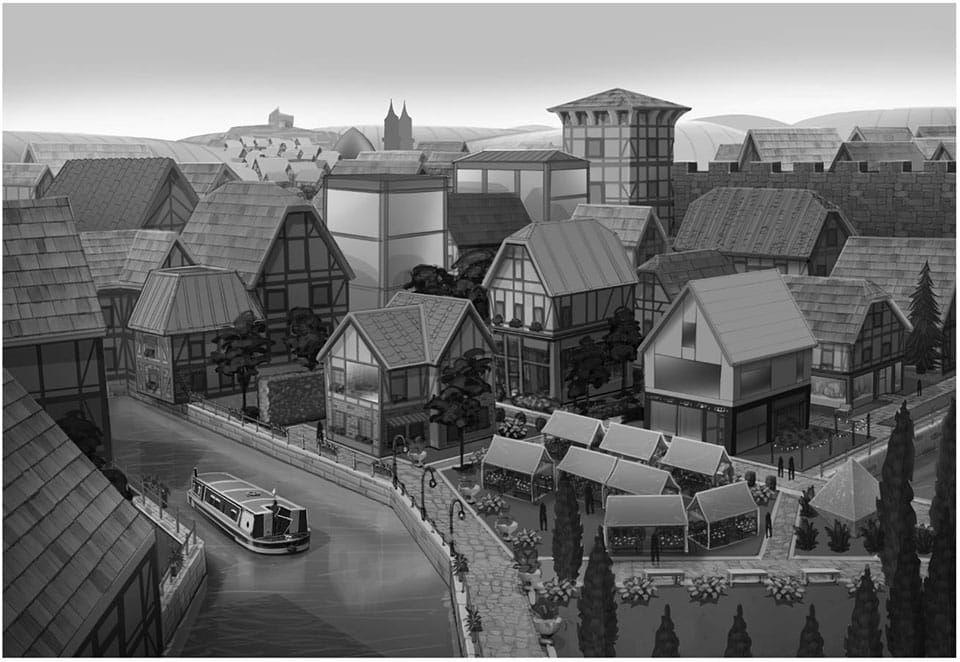
The Sims 4 City Living: 3 New Renders

0

Amazon.com published 3 new renders on their The Sims 4 City Living product page. Check them out!

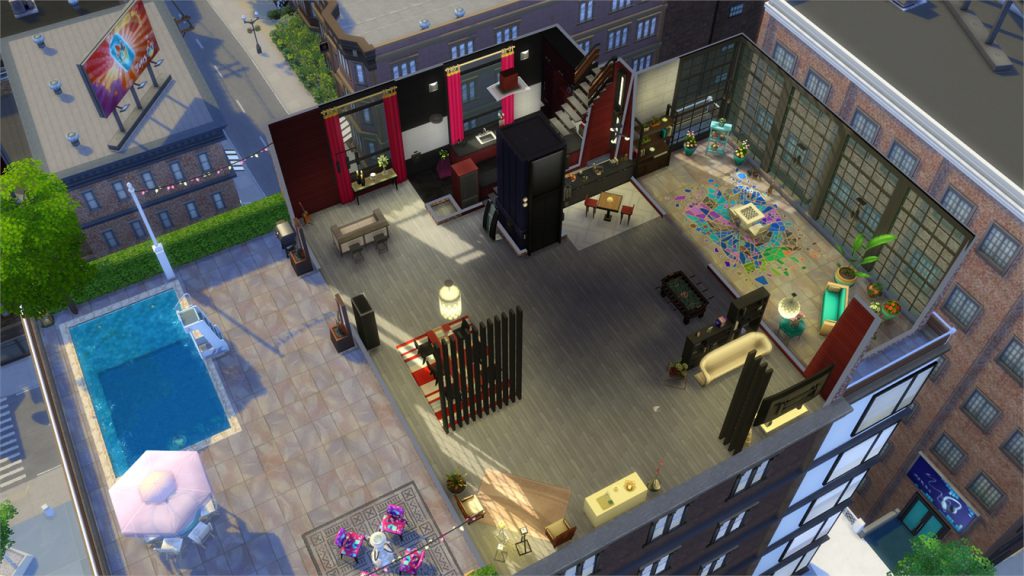
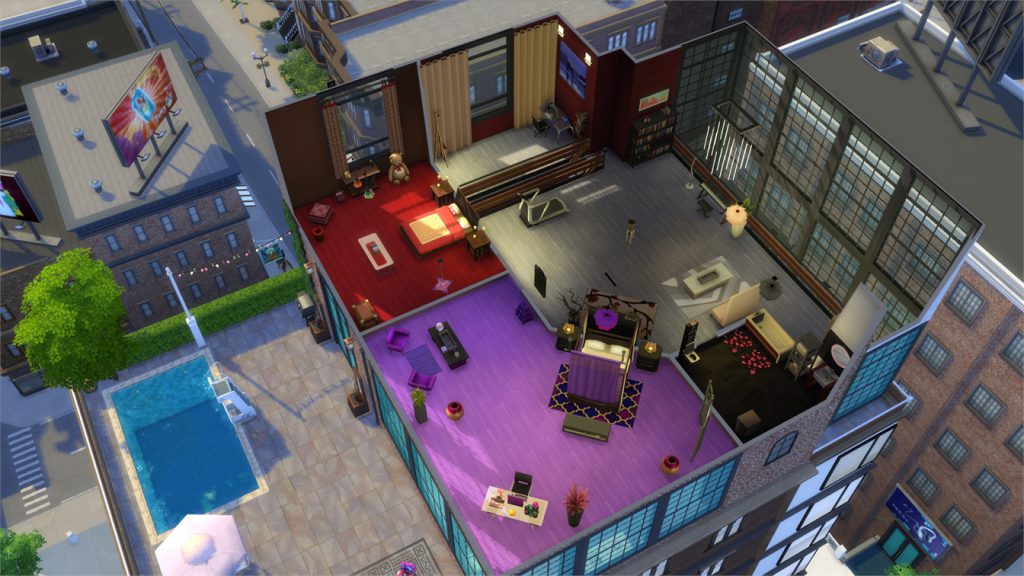
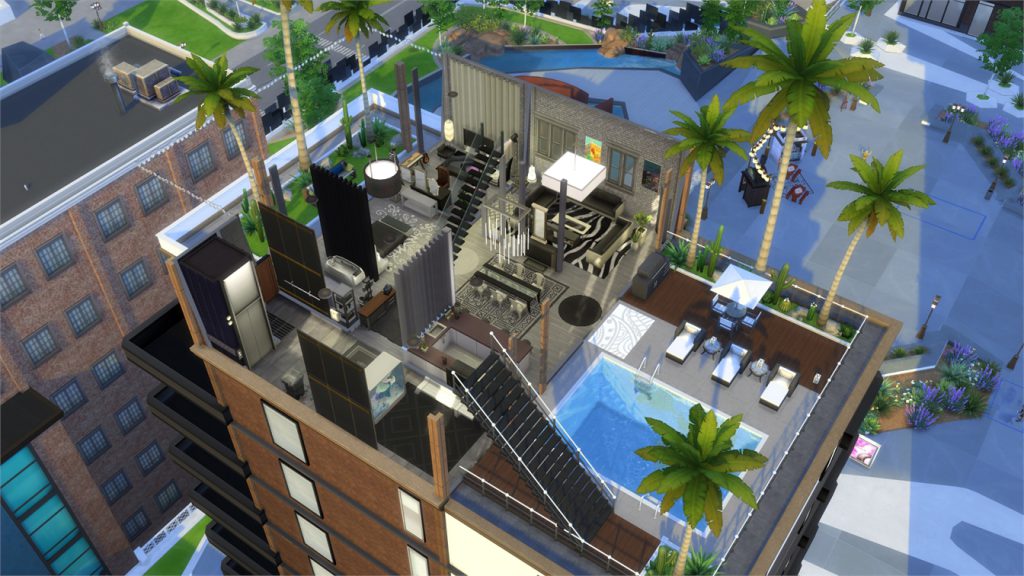
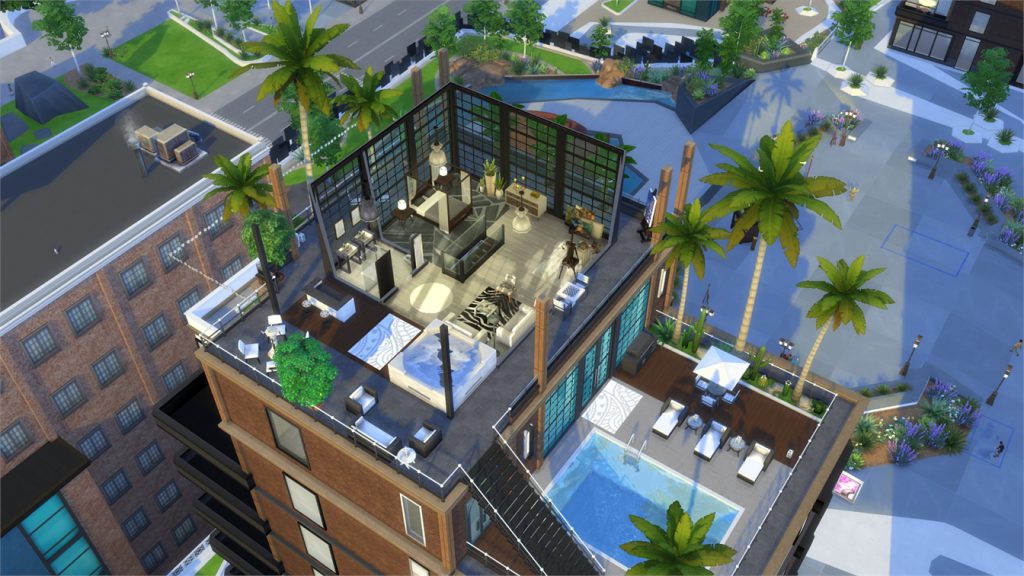
The Sims 4 City Living Gallery Spotlight: Penthouses

citylivinglogo2

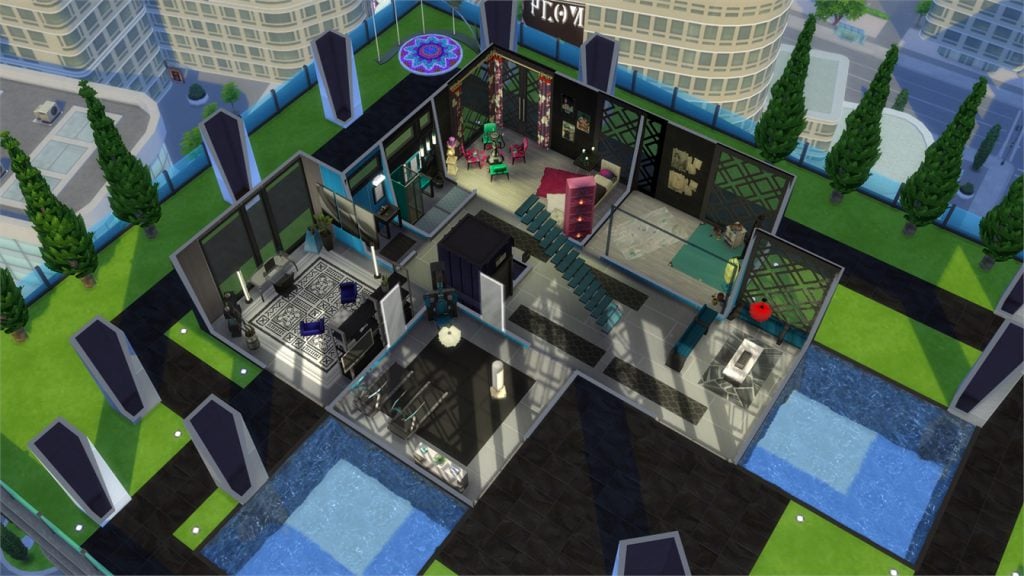
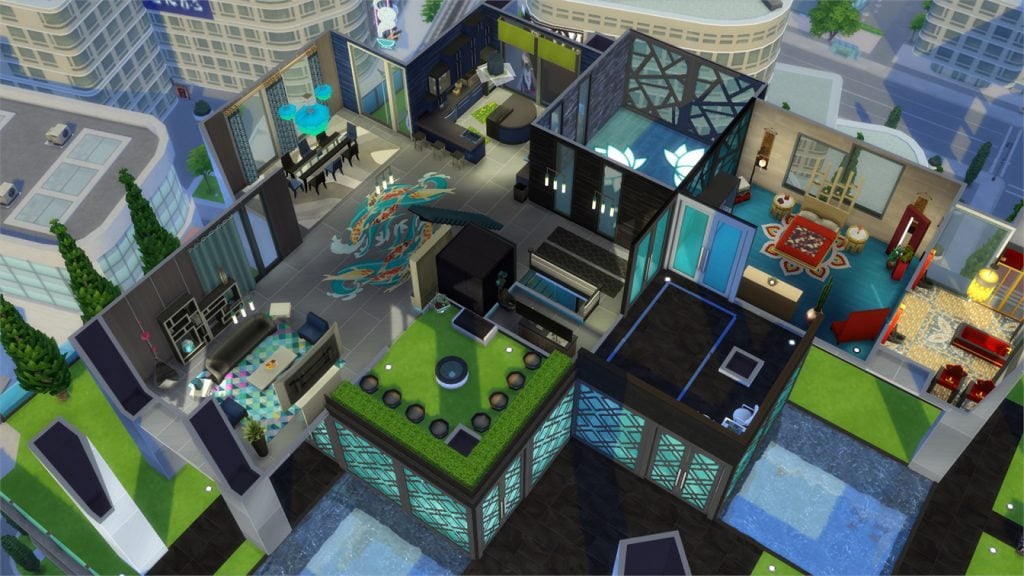
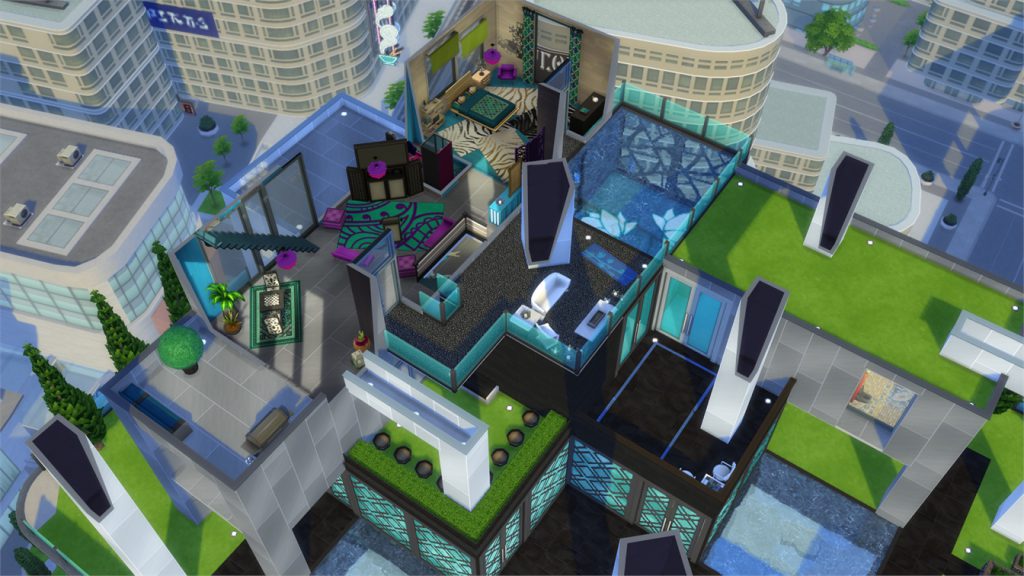
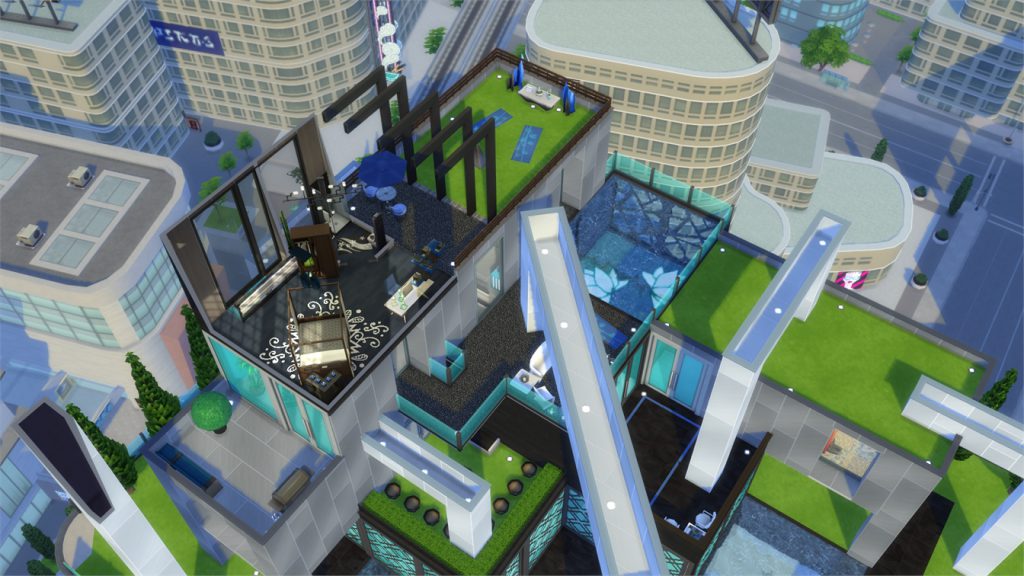
In this Spotlight, we’re featuring creative penthouses built in The Sims 4 City Living.

Hover over the pulsing plumbobs to see screenshots of marked areas. Pulsing plumbob that’s on the left bottom corner contains all the info (and download link) of the lot.

To see more of our previous Gallery Spotlights, CLICK HERE!

[ult_hotspot main_img=”id^54988|url^https://simscommunity.info/wp-content/uploads/2016/11/11-06-16_4-47-48-PM.jpg|caption^null|alt^null|title^11-06-16_4-47-48-pm|description^null”][ult_hotspot_items icon_type=”custom” icon_img=”id^39525|url^https://simscommunity.info/wp-content/uploads/2015/09/plumbob2.png|caption^null|alt^null|title^plumbob2|description^null” img_width=”38″ tooltip_custom_color=”” tooltip_custom_bg_color=”rgba(255,255,255,0.01)” tooltip_width=”400″ tooltip_position=”right” enable_bubble_arrow=”off” tooltip_continuous_animation=”on” hotspot_position=”67.31372816593887,52.26993865030675″]

11-06-16_4-48-26-pm

[/ult_hotspot_items][ult_hotspot_items icon_type=”custom” icon_img=”id^39525|url^https://simscommunity.info/wp-content/uploads/2015/09/plumbob2.png|caption^null|alt^null|title^plumbob2|description^null” img_width=”38″ tooltip_custom_color=”” tooltip_custom_bg_color=”rgba(255,255,255,0.01)” tooltip_width=”400″ tooltip_position=”right” enable_bubble_arrow=”off” tooltip_continuous_animation=”on” hotspot_position=”55.929312227074234,52.392638036809814″]

11-06-16_4-48-29-pm

[/ult_hotspot_items][ult_hotspot_items icon_type=”custom” icon_img=”id^39525|url^https://simscommunity.info/wp-content/uploads/2015/09/plumbob2.png|caption^null|alt^null|title^plumbob2|description^null” img_width=”38″ tooltip_custom_color=”” tooltip_custom_bg_color=”rgba(255,255,255,0.01)” tooltip_width=”400″ tooltip_position=”right” enable_bubble_arrow=”off” tooltip_continuous_animation=”on” hotspot_position=”43.53507096069869,52.392638036809814″]

11-06-16_4-48-32-pm

[/ult_hotspot_items][ult_hotspot_items icon_type=”custom” icon_img=”id^39525|url^https://simscommunity.info/wp-content/uploads/2015/09/plumbob2.png|caption^null|alt^null|title^plumbob2|description^null” img_width=”38″ tooltip_custom_color=”” tooltip_custom_bg_color=”rgba(255,255,255,0.01)” tooltip_width=”400″ tooltip_position=”right” enable_bubble_arrow=”off” tooltip_continuous_animation=”on” hotspot_position=”29.503275109170307,52.638036809815944″]

11-06-16_4-48-35-pm

[/ult_hotspot_items][ult_hotspot_items icon_type=”custom” icon_img=”id^39525|url^https://simscommunity.info/wp-content/uploads/2015/09/plumbob2.png|caption^null|alt^null|title^plumbob2|description^null” img_width=”52″ tooltip_custom_color=”#1e73be” tooltip_custom_bg_color=”#ffffff” tooltip_width=”450″ tooltip_position=”right” tooltip_continuous_animation=”on” hotspot_position=”89.61858624454149,3.190184049079755″ tooltip_custom_border_size=”border-style:solid;|border-width:2px;border-radius:5px;|border-color:#81d742;”]

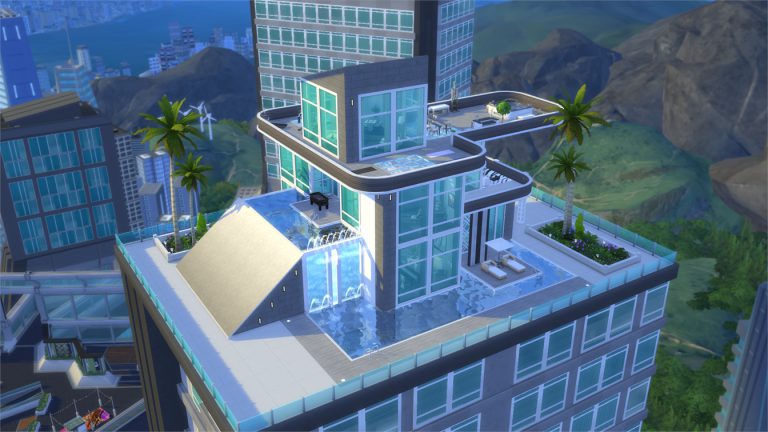
Sculpted Penthouse (Download Here)

by penappleYT

Value: §285,089
Size: 40×30
Lot Type: Residental Lot[/ult_hotspot_items][/ult_hotspot][ult_hotspot main_img=”id^54978|url^https://simscommunity.info/wp-content/uploads/2016/11/11-06-16_5-17-03-PM.jpg|caption^null|alt^null|title^11-06-16_5-17-03-pm|description^null”][ult_hotspot_items icon_type=”custom” icon_img=”id^39525|url^https://simscommunity.info/wp-content/uploads/2015/09/plumbob2.png|caption^null|alt^null|title^plumbob2|description^null” img_width=”38″ tooltip_custom_color=”” tooltip_custom_bg_color=”rgba(255,255,255,0.01)” tooltip_width=”400″ tooltip_position=”right” enable_bubble_arrow=”off” tooltip_continuous_animation=”on” hotspot_position=”67.68558951965066,70.30674846625767″]

11-06-16_5-17-25-pm

[/ult_hotspot_items][ult_hotspot_items icon_type=”custom” icon_img=”id^39525|url^https://simscommunity.info/wp-content/uploads/2015/09/plumbob2.png|caption^null|alt^null|title^plumbob2|description^null” img_width=”38″ tooltip_custom_color=”” tooltip_custom_bg_color=”rgba(255,255,255,0.01)” tooltip_width=”400″ tooltip_position=”right” enable_bubble_arrow=”off” tooltip_continuous_animation=”on” hotspot_position=”54.08365174672489,71.16564417177914″]

11-06-16_5-17-27-pm

[/ult_hotspot_items][ult_hotspot_items icon_type=”custom” icon_img=”id^39525|url^https://simscommunity.info/wp-content/uploads/2015/09/plumbob2.png|caption^null|alt^null|title^plumbob2|description^null” img_width=”52″ tooltip_custom_color=”#1e73be” tooltip_custom_bg_color=”#ffffff” tooltip_width=”450″ tooltip_position=”right” tooltip_continuous_animation=”on” hotspot_position=”89.61858624454149,3.190184049079755″ tooltip_custom_border_size=”border-style:solid;|border-width:2px;border-radius:5px;|border-color:#81d742;”]

Appart Pop (Download Here)

by danachan

Value: §148,950
Size: 30×20
Lot Type: Residental Lot[/ult_hotspot_items][/ult_hotspot][ult_hotspot main_img=”id^54984|url^https://simscommunity.info/wp-content/uploads/2016/11/11-06-16_4-35-37-PM.jpg|caption^null|alt^null|title^11-06-16_4-35-37-pm|description^null”][ult_hotspot_items icon_type=”custom” icon_img=”id^39525|url^https://simscommunity.info/wp-content/uploads/2015/09/plumbob2.png|caption^null|alt^null|title^plumbob2|description^null” img_width=”38″ tooltip_custom_color=”” tooltip_custom_bg_color=”rgba(255,255,255,0.01)” tooltip_width=”400″ tooltip_position=”right” enable_bubble_arrow=”off” tooltip_continuous_animation=”on” hotspot_position=”58.07519104803494,56.80981595092025″]

11-06-16_4-37-31-pm

[/ult_hotspot_items][ult_hotspot_items icon_type=”custom” icon_img=”id^39525|url^https://simscommunity.info/wp-content/uploads/2015/09/plumbob2.png|caption^null|alt^null|title^plumbob2|description^null” img_width=”38″ tooltip_custom_color=”” tooltip_custom_bg_color=”rgba(255,255,255,0.01)” tooltip_width=”400″ tooltip_position=”right” enable_bubble_arrow=”off” tooltip_continuous_animation=”on” hotspot_position=”35.7498635371179,59.75460122699386″]

11-06-16_4-37-36-pm

[/ult_hotspot_items][ult_hotspot_items icon_type=”custom” icon_img=”id^39525|url^https://simscommunity.info/wp-content/uploads/2015/09/plumbob2.png|caption^null|alt^null|title^plumbob2|description^null” img_width=”52″ tooltip_custom_color=”#1e73be” tooltip_custom_bg_color=”#ffffff” tooltip_width=”450″ tooltip_position=”right” tooltip_continuous_animation=”on” hotspot_position=”89.61858624454149,3.190184049079755″ tooltip_custom_border_size=”border-style:solid;|border-width:2px;border-radius:5px;|border-color:#81d742;”]

Industrial Loft Penthouse (Download Here)

by LouCvz

Value: §187,799
Size: 30×20
Lot Type: Residental Lot[/ult_hotspot_items][/ult_hotspot][ult_hotspot main_img=”id^54981|url^https://simscommunity.info/wp-content/uploads/2016/11/11-06-16_5-20-19-PM.jpg|caption^null|alt^null|title^11-06-16_5-20-19-pm|description^null”][ult_hotspot_items icon_type=”custom” icon_img=”id^39525|url^https://simscommunity.info/wp-content/uploads/2015/09/plumbob2.png|caption^null|alt^null|title^plumbob2|description^null” img_width=”38″ tooltip_custom_color=”” tooltip_custom_bg_color=”rgba(255,255,255,0.01)” tooltip_width=”400″ tooltip_position=”right” enable_bubble_arrow=”off” tooltip_continuous_animation=”on” hotspot_position=”57.140420305676855,46.25766871165644″]

11-06-16_5-20-43-pm

[/ult_hotspot_items][ult_hotspot_items icon_type=”custom” icon_img=”id^39525|url^https://simscommunity.info/wp-content/uploads/2015/09/plumbob2.png|caption^null|alt^null|title^plumbob2|description^null” img_width=”38″ tooltip_custom_color=”” tooltip_custom_bg_color=”rgba(255,255,255,0.01)” tooltip_width=”400″ tooltip_position=”right” enable_bubble_arrow=”off” tooltip_continuous_animation=”on” hotspot_position=”47.13086790393013,46.012269938650306″]

11-06-16_5-20-46-pm

[/ult_hotspot_items][ult_hotspot_items icon_type=”custom” icon_img=”id^39525|url^https://simscommunity.info/wp-content/uploads/2015/09/plumbob2.png|caption^null|alt^null|title^plumbob2|description^null” img_width=”52″ tooltip_custom_color=”#1e73be” tooltip_custom_bg_color=”#ffffff” tooltip_width=”450″ tooltip_position=”right” tooltip_continuous_animation=”on” hotspot_position=”89.61858624454149,3.190184049079755″ tooltip_custom_border_size=”border-style:solid;|border-width:2px;border-radius:5px;|border-color:#81d742;”]

Penthouse My Style (Download Here)

by danachan

Value: §363,184
Size: 40×30
Lot Type: Residental Lot[/ult_hotspot_items][/ult_hotspot]