

The Sims Team has shared 3 new renders in celebration of the new year!



The Sims Team has shared 3 new renders in celebration of the new year!


In this Spotlight, we’re featuring some of the most beautiful Houses created by Simmers specifically for The Sims 4 Base Game.
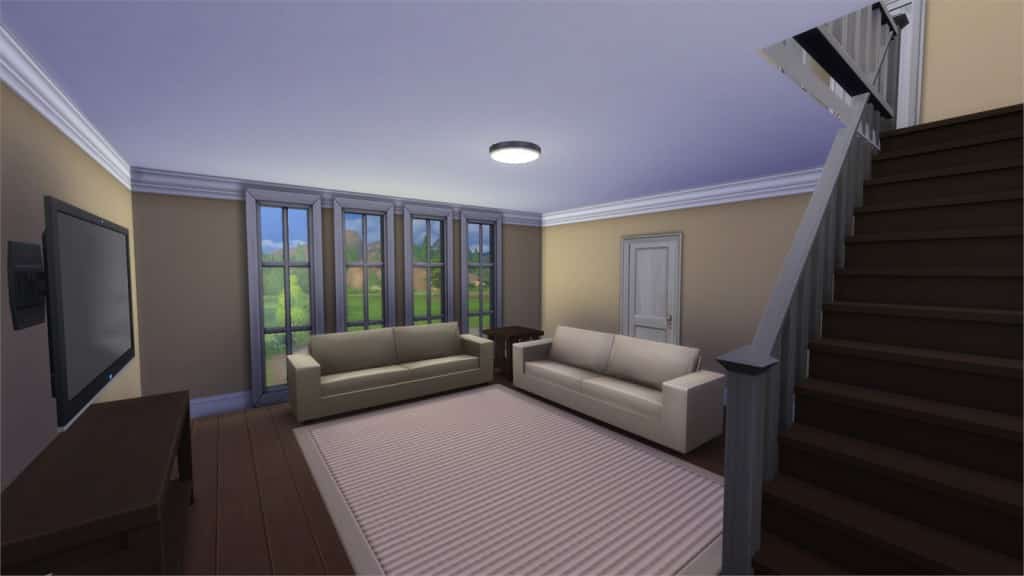
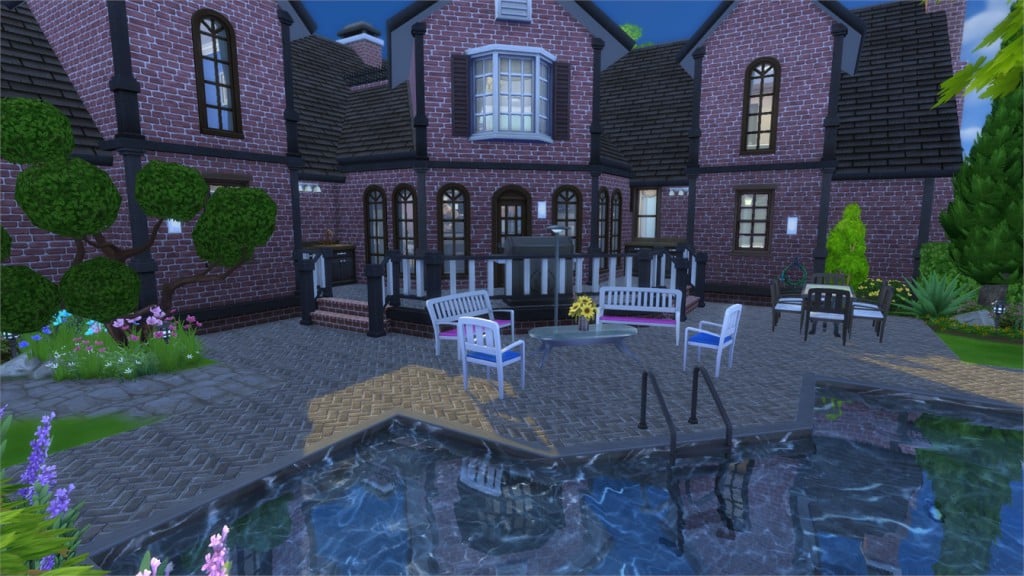
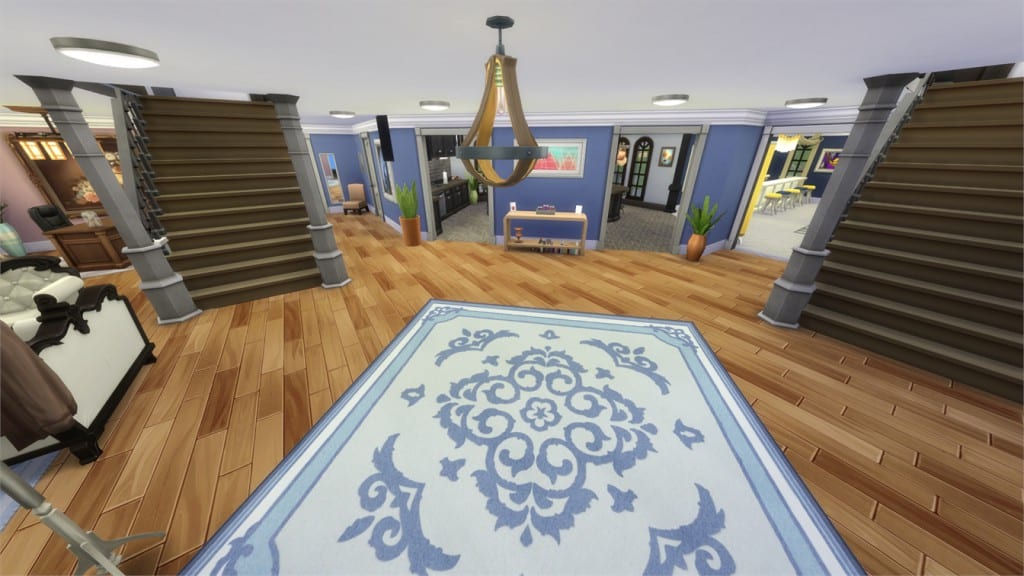
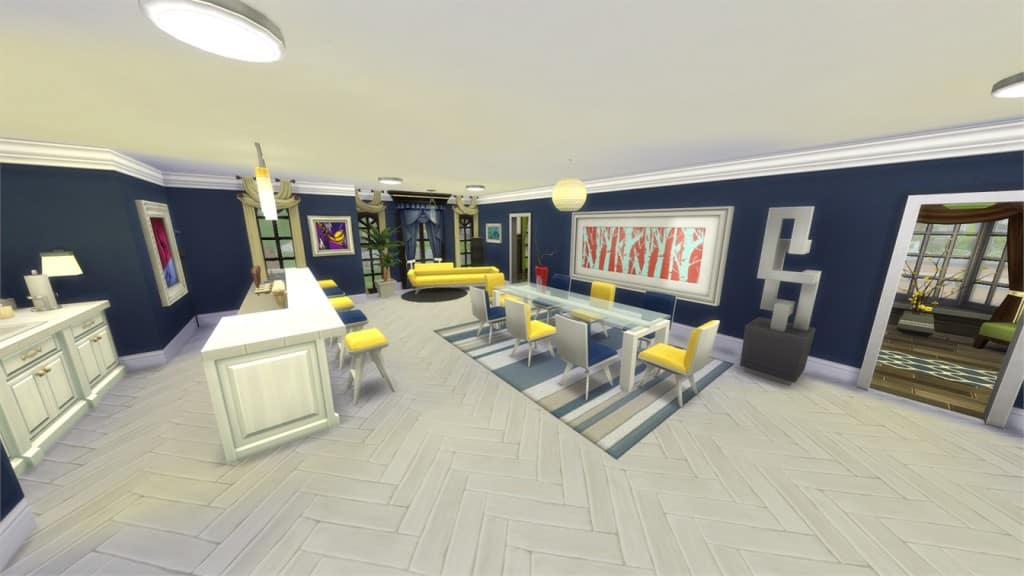
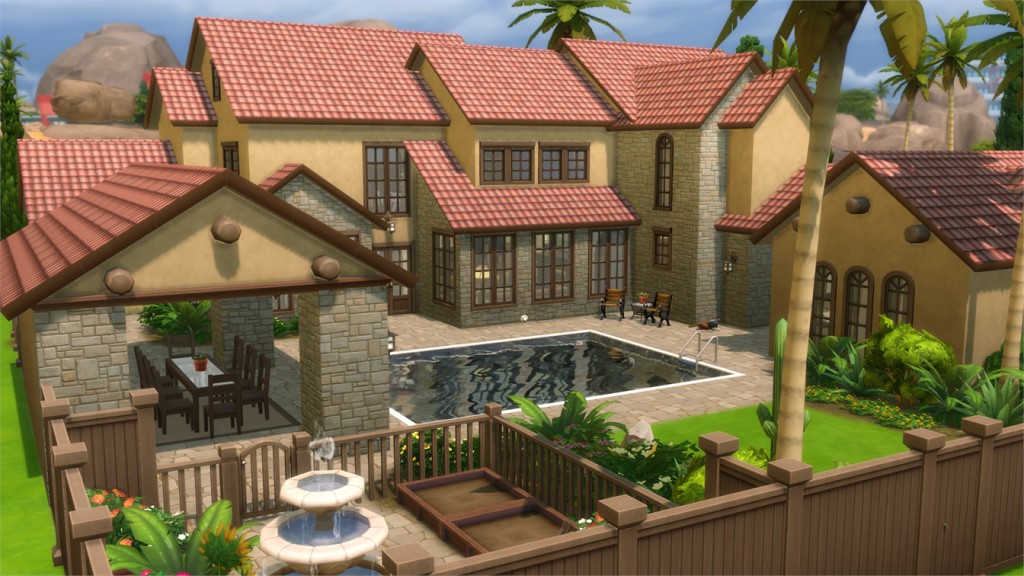
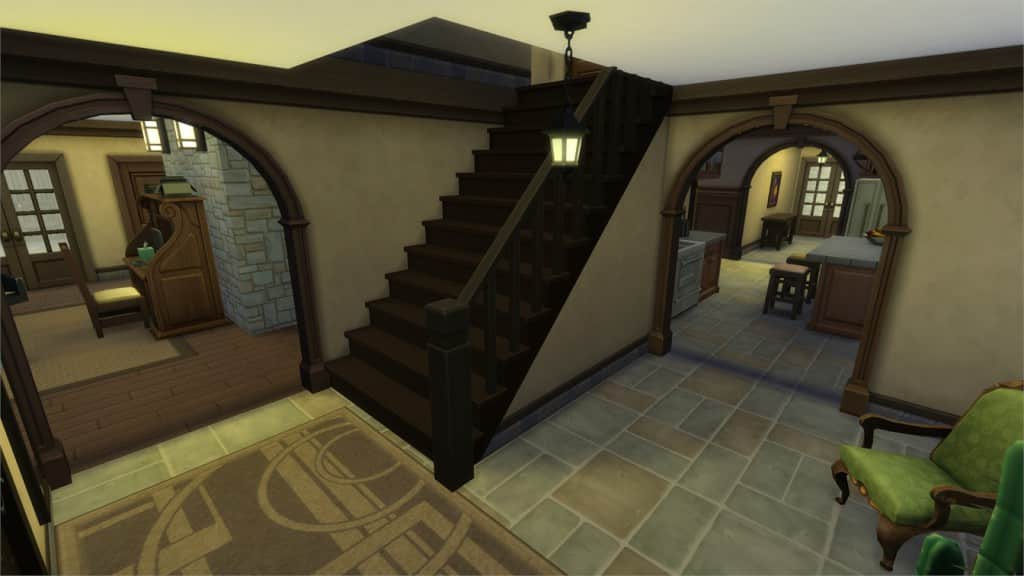
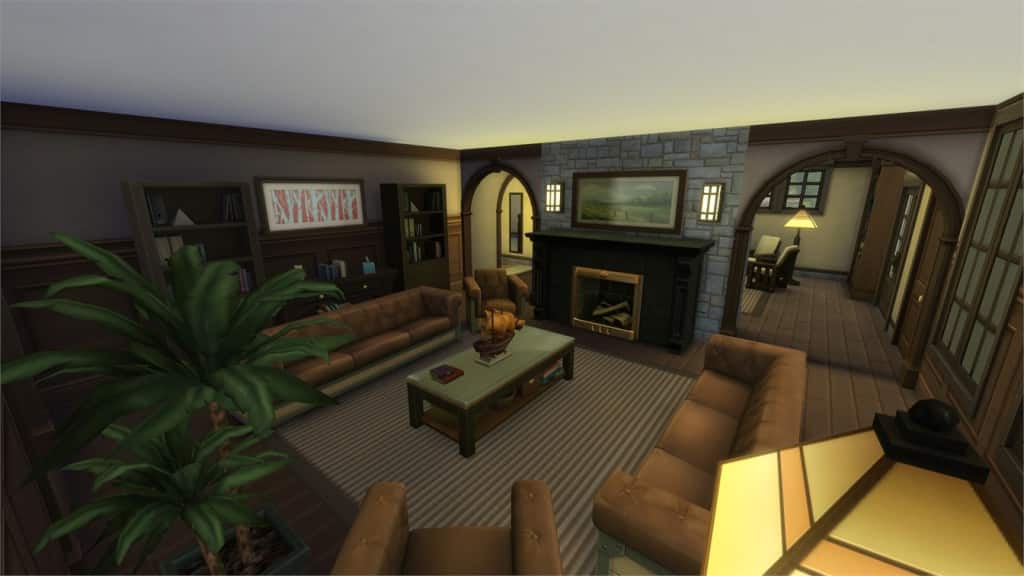
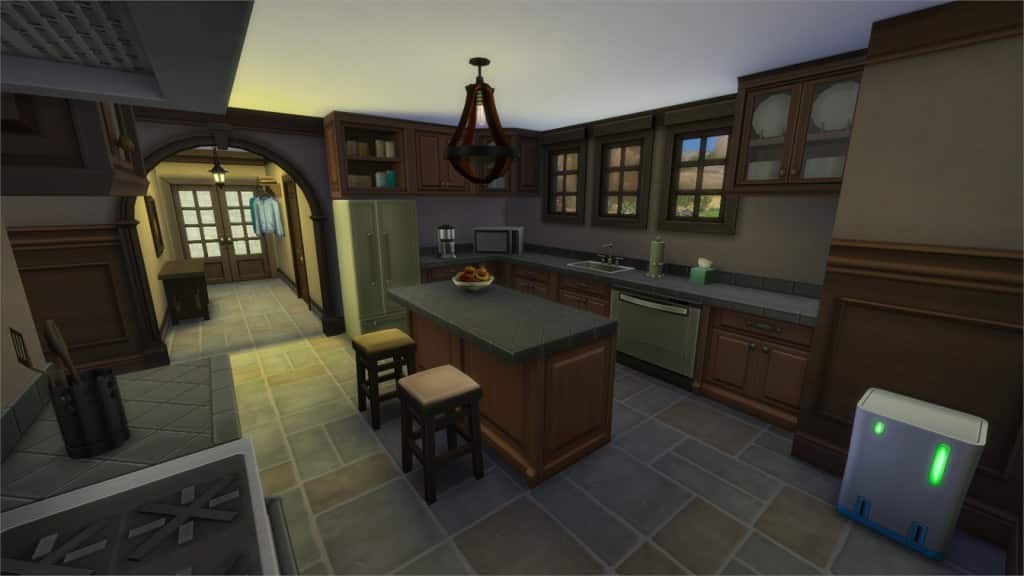
Hover over the pulsing plumbobs to see screenshots of marked areas. Pulsing plumbob that’s on the left bottom corner contains all the info (and download link) of the lot.
To see more of our previous Gallery Spotlights, CLICK HERE!
[ult_hotspot main_img=”44652|https://simscommunity.info/wp-content/uploads/2015/12/12-27-15_11-03-38-PM.jpg”][ult_hotspot_items icon_type=”custom” icon_img=”37721|https://simscommunity.info/wp-content/uploads/2015/08/plumhotspot.png” img_width=”26″ tooltip_custom_color=”#1e73be” tooltip_custom_bg_color=”#ffffff” tooltip_width=”500″ enable_bubble_arrow=”off” tooltip_continuous_animation=”on” hotspot_position=”66.6292211328976,59.66796875″ tooltip_custom_border_size=”border-style:solid;|border-width:2px;border-radius:5px;|border-color:#81d742;”]
[/ult_hotspot_items][ult_hotspot_items icon_type=”custom” icon_img=”37721|https://simscommunity.info/wp-content/uploads/2015/08/plumhotspot.png” img_width=”26″ tooltip_custom_color=”#1e73be” tooltip_custom_bg_color=”#ffffff” tooltip_width=”500″ enable_bubble_arrow=”off” tooltip_continuous_animation=”on” hotspot_position=”48.06985294117647,68.8265931372549″ tooltip_custom_border_size=”border-style:solid;|border-width:2px;border-radius:5px;|border-color:#81d742;”]
[/ult_hotspot_items][ult_hotspot_items icon_type=”custom” icon_img=”37721|https://simscommunity.info/wp-content/uploads/2015/08/plumhotspot.png” img_width=”36″ tooltip_custom_color=”#1e73be” tooltip_custom_bg_color=”#ffffff” tooltip_width=”500″ enable_bubble_arrow=”off” tooltip_font_size=”14″ tooltip_continuous_animation=”on” hotspot_position=”86.58058681672026,3.25497287522604″ tooltip_custom_border_size=”border-style:solid;|border-width:2px;border-radius:5px;|border-color:#81d742;”]
Value: §19,407
Size: 30×20
Lot Type: Residental Lot
Required Packs: None[/ult_hotspot_items][/ult_hotspot]
[/ult_hotspot_items][ult_hotspot_items icon_type=”custom” icon_img=”37721|https://simscommunity.info/wp-content/uploads/2015/08/plumhotspot.png” img_width=”26″ tooltip_custom_color=”#1e73be” tooltip_custom_bg_color=”#ffffff” tooltip_width=”500″ enable_bubble_arrow=”off” tooltip_continuous_animation=”on” hotspot_position=”68.52873093681917,50.455729166666664″ tooltip_custom_border_size=”border-style:solid;|border-width:2px;border-radius:5px;|border-color:#81d742;”]
[/ult_hotspot_items][ult_hotspot_items icon_type=”custom” icon_img=”37721|https://simscommunity.info/wp-content/uploads/2015/08/plumhotspot.png” img_width=”26″ tooltip_custom_color=”#1e73be” tooltip_custom_bg_color=”#ffffff” tooltip_width=”500″ enable_bubble_arrow=”off” tooltip_continuous_animation=”on” hotspot_position=”56.90019063180828,42.204733455882355″ tooltip_custom_border_size=”border-style:solid;|border-width:2px;border-radius:5px;|border-color:#81d742;”]
[/ult_hotspot_items][ult_hotspot_items icon_type=”custom” icon_img=”37721|https://simscommunity.info/wp-content/uploads/2015/08/plumhotspot.png” img_width=”36″ tooltip_custom_color=”#1e73be” tooltip_custom_bg_color=”#ffffff” tooltip_width=”500″ enable_bubble_arrow=”off” tooltip_font_size=”14″ tooltip_continuous_animation=”on” hotspot_position=”86.58058681672026,3.25497287522604″ tooltip_custom_border_size=”border-style:solid;|border-width:2px;border-radius:5px;|border-color:#81d742;”]
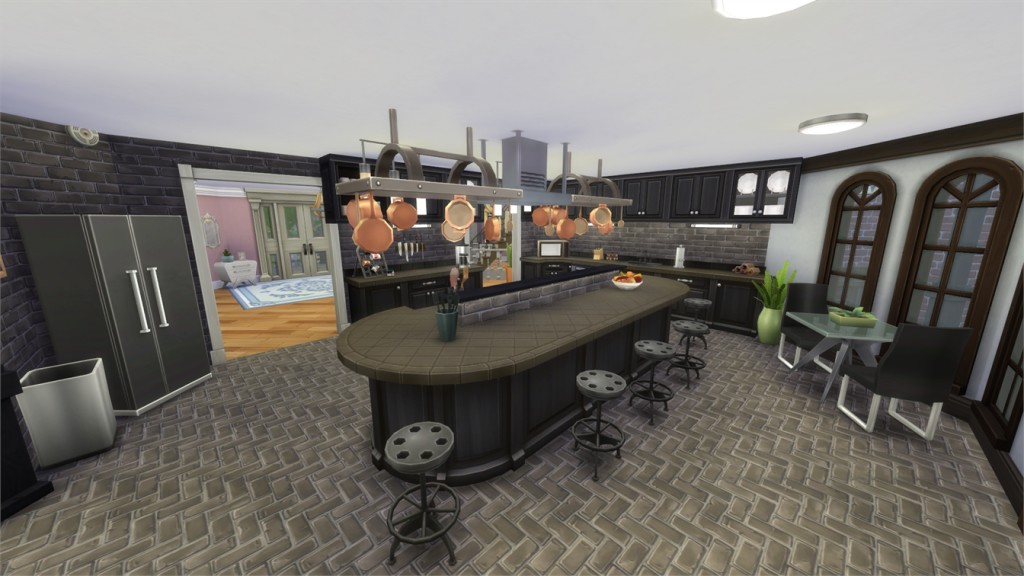
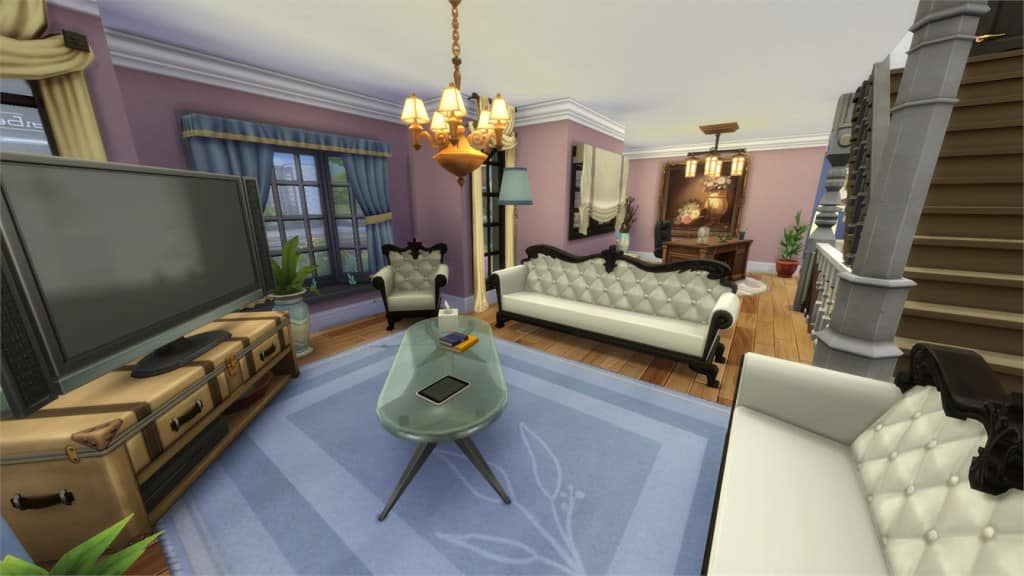
by gizky
Value: §36,402
Size: 30×20
Lot Type: Residental Lot
Required Packs: None[/ult_hotspot_items][/ult_hotspot]
[/ult_hotspot_items][ult_hotspot_items icon_type=”custom” icon_img=”37721|https://simscommunity.info/wp-content/uploads/2015/08/plumhotspot.png” img_width=”26″ tooltip_custom_color=”#1e73be” tooltip_custom_bg_color=”#ffffff” tooltip_width=”500″ enable_bubble_arrow=”off” tooltip_continuous_animation=”on” hotspot_position=”51.50122549019608,51.28102022058824″ tooltip_custom_border_size=”border-style:solid;|border-width:2px;border-radius:5px;|border-color:#81d742;”]
[/ult_hotspot_items][ult_hotspot_items icon_type=”custom” icon_img=”37721|https://simscommunity.info/wp-content/uploads/2015/08/plumhotspot.png” img_width=”26″ tooltip_custom_color=”#1e73be” tooltip_custom_bg_color=”#ffffff” tooltip_width=”500″ enable_bubble_arrow=”off” tooltip_continuous_animation=”on” hotspot_position=”47.58986928104575,63.658471200980394″ tooltip_custom_border_size=”border-style:solid;|border-width:2px;border-radius:5px;|border-color:#81d742;”]
[/ult_hotspot_items][ult_hotspot_items icon_type=”custom” icon_img=”37721|https://simscommunity.info/wp-content/uploads/2015/08/plumhotspot.png” img_width=”26″ tooltip_custom_color=”#1e73be” tooltip_custom_bg_color=”#ffffff” tooltip_width=”500″ enable_bubble_arrow=”off” tooltip_continuous_animation=”on” hotspot_position=”41.68368736383442,48.462392769607845″ tooltip_custom_border_size=”border-style:solid;|border-width:2px;border-radius:5px;|border-color:#81d742;”]
[/ult_hotspot_items][ult_hotspot_items icon_type=”custom” icon_img=”37721|https://simscommunity.info/wp-content/uploads/2015/08/plumhotspot.png” img_width=”26″ tooltip_custom_color=”#1e73be” tooltip_custom_bg_color=”#ffffff” tooltip_width=”500″ enable_bubble_arrow=”off” tooltip_continuous_animation=”on” hotspot_position=”55.33428649237473,38.78102022058824″ tooltip_custom_border_size=”border-style:solid;|border-width:2px;border-radius:5px;|border-color:#81d742;”]
[/ult_hotspot_items][ult_hotspot_items icon_type=”custom” icon_img=”37721|https://simscommunity.info/wp-content/uploads/2015/08/plumhotspot.png” img_width=”36″ tooltip_custom_color=”#1e73be” tooltip_custom_bg_color=”#ffffff” tooltip_width=”500″ enable_bubble_arrow=”off” tooltip_font_size=”14″ tooltip_continuous_animation=”on” hotspot_position=”86.58058681672026,3.25497287522604″ tooltip_custom_border_size=”border-style:solid;|border-width:2px;border-radius:5px;|border-color:#81d742;”]
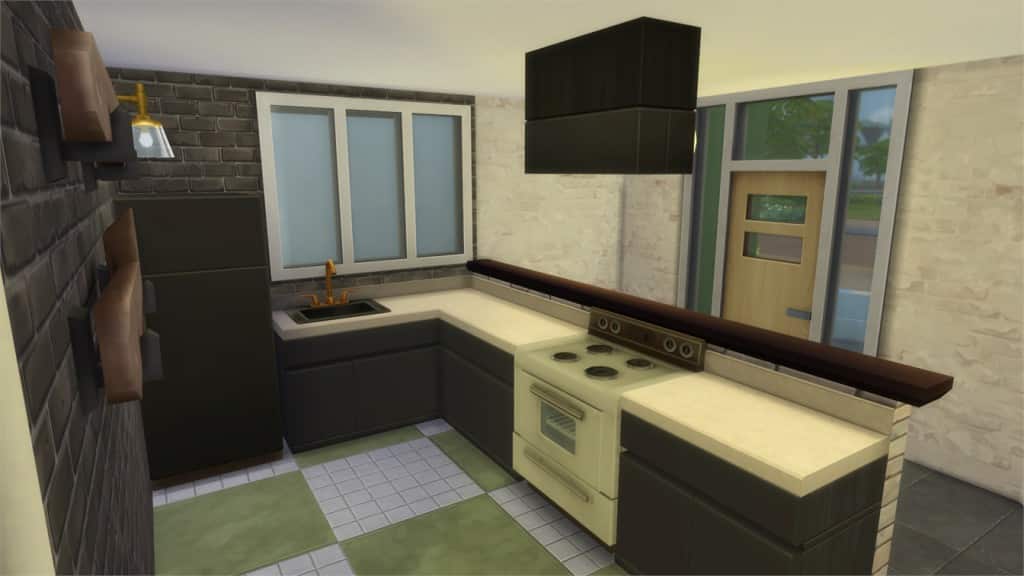
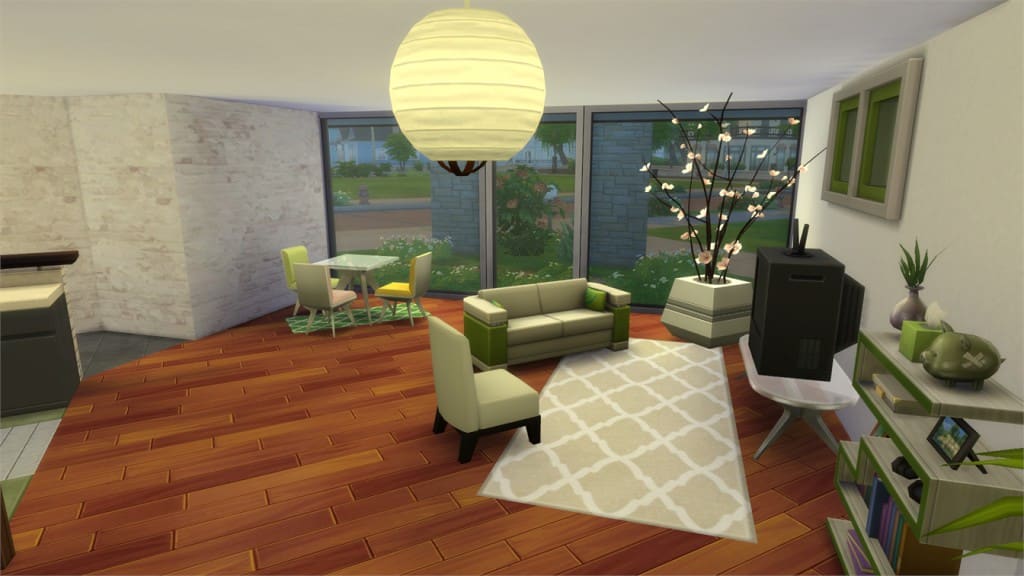
by replay202
Value: §481,622
Size: 30×30
Lot Type: Residental Lot
Required Packs: None[/ult_hotspot_items][/ult_hotspot]
[/ult_hotspot_items][ult_hotspot_items icon_type=”custom” icon_img=”37721|https://simscommunity.info/wp-content/uploads/2015/08/plumhotspot.png” img_width=”26″ tooltip_custom_color=”#1e73be” tooltip_custom_bg_color=”#ffffff” tooltip_width=”500″ enable_bubble_arrow=”off” tooltip_continuous_animation=”on” hotspot_position=”57.935049019607845,45.96354166666667″ tooltip_custom_border_size=”border-style:solid;|border-width:2px;border-radius:5px;|border-color:#81d742;”]
[/ult_hotspot_items][ult_hotspot_items icon_type=”custom” icon_img=”37721|https://simscommunity.info/wp-content/uploads/2015/08/plumhotspot.png” img_width=”36″ tooltip_custom_color=”#1e73be” tooltip_custom_bg_color=”#ffffff” tooltip_width=”500″ enable_bubble_arrow=”off” tooltip_font_size=”14″ tooltip_continuous_animation=”on” hotspot_position=”86.58058681672026,3.25497287522604″ tooltip_custom_border_size=”border-style:solid;|border-width:2px;border-radius:5px;|border-color:#81d742;”]
by Nheressal
Value: §18,000
Size: 20×15
Lot Type: Residental Lot
Required Packs: None[/ult_hotspot_items][/ult_hotspot]
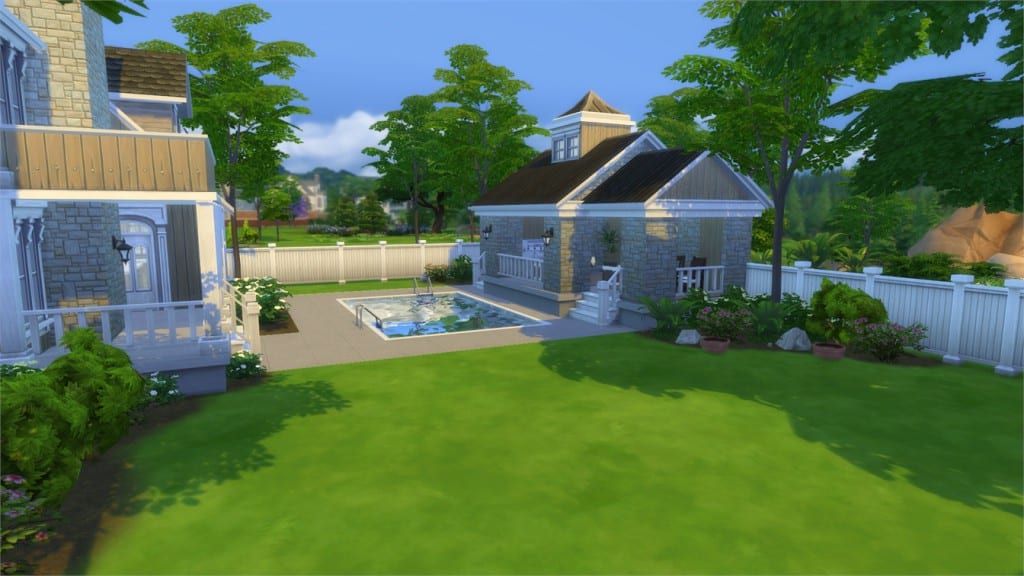
[/ult_hotspot_items][ult_hotspot_items icon_type=”custom” icon_img=”37721|https://simscommunity.info/wp-content/uploads/2015/08/plumhotspot.png” img_width=”26″ tooltip_custom_color=”#1e73be” tooltip_custom_bg_color=”#ffffff” tooltip_width=”500″ enable_bubble_arrow=”off” tooltip_continuous_animation=”on” hotspot_position=”56.25,44.89123774509804″ tooltip_custom_border_size=”border-style:solid;|border-width:2px;border-radius:5px;|border-color:#81d742;”]
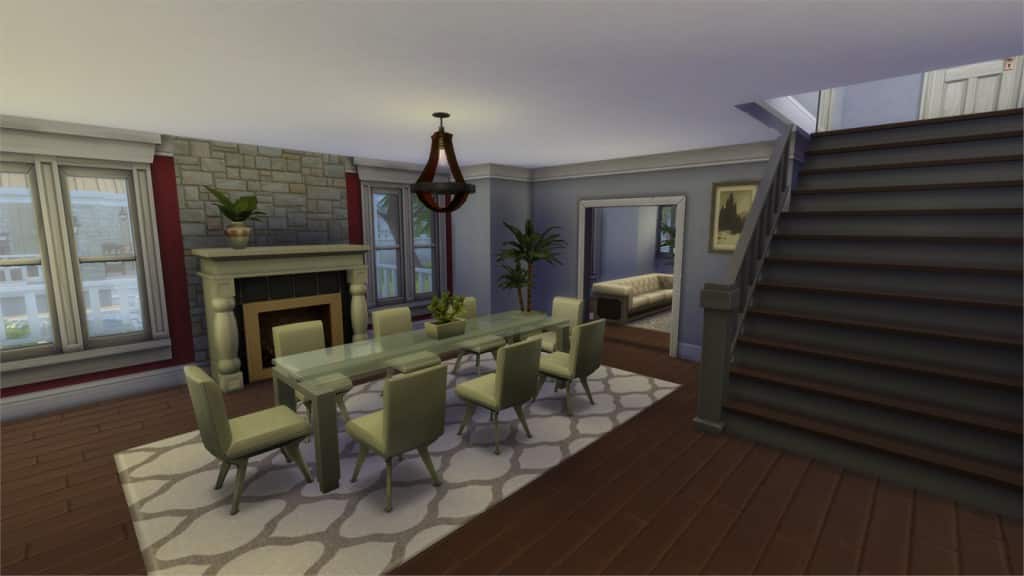
[/ult_hotspot_items][ult_hotspot_items icon_type=”custom” icon_img=”37721|https://simscommunity.info/wp-content/uploads/2015/08/plumhotspot.png” img_width=”26″ tooltip_custom_color=”#1e73be” tooltip_custom_bg_color=”#ffffff” tooltip_width=”500″ enable_bubble_arrow=”off” tooltip_continuous_animation=”on” hotspot_position=”50.422113289760354,51.876531862745104″ tooltip_custom_border_size=”border-style:solid;|border-width:2px;border-radius:5px;|border-color:#81d742;”]
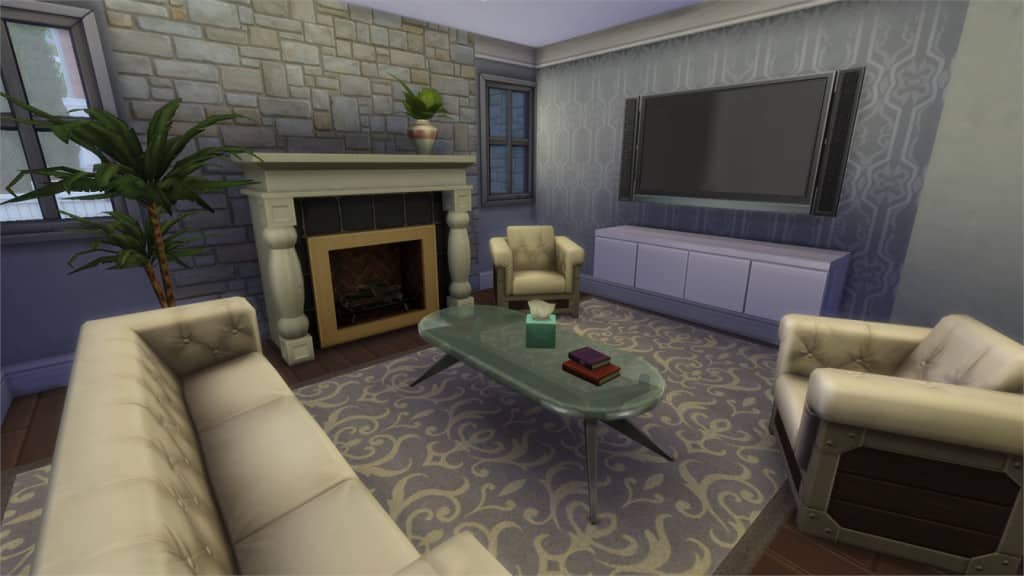
[/ult_hotspot_items][ult_hotspot_items icon_type=”custom” icon_img=”37721|https://simscommunity.info/wp-content/uploads/2015/08/plumhotspot.png” img_width=”26″ tooltip_custom_color=”#1e73be” tooltip_custom_bg_color=”#ffffff” tooltip_width=”500″ enable_bubble_arrow=”off” tooltip_continuous_animation=”on” hotspot_position=”53.47562636165577,23.322610294117645″ tooltip_custom_border_size=”border-style:solid;|border-width:2px;border-radius:5px;|border-color:#81d742;”]
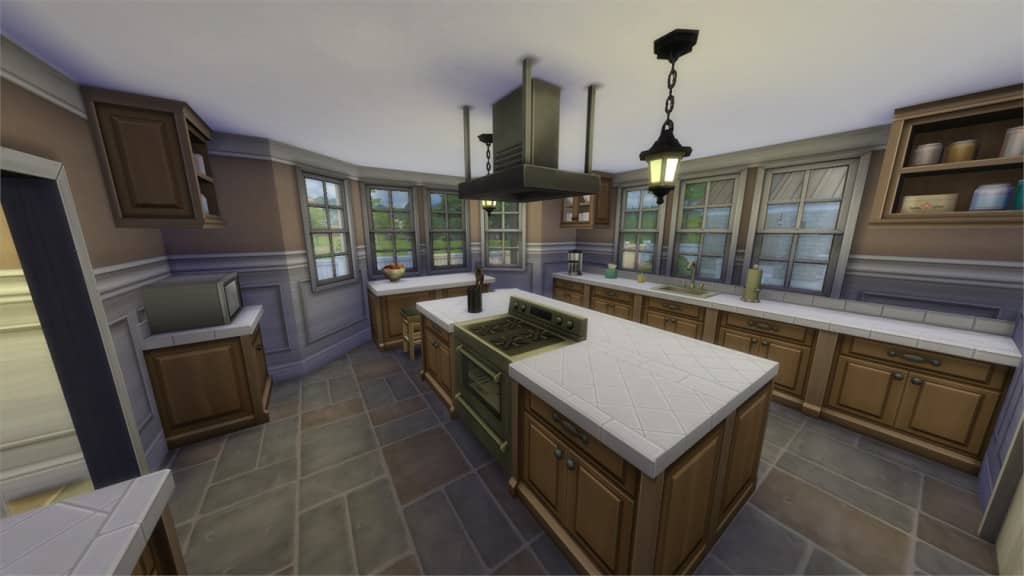
[/ult_hotspot_items][ult_hotspot_items icon_type=”custom” icon_img=”37721|https://simscommunity.info/wp-content/uploads/2015/08/plumhotspot.png” img_width=”36″ tooltip_custom_color=”#1e73be” tooltip_custom_bg_color=”#ffffff” tooltip_width=”500″ enable_bubble_arrow=”off” tooltip_font_size=”14″ tooltip_continuous_animation=”on” hotspot_position=”86.58058681672026,3.25497287522604″ tooltip_custom_border_size=”border-style:solid;|border-width:2px;border-radius:5px;|border-color:#81d742;”]
by GabLeSim
Value: §130,986
Size: 40×30
Lot Type: Residental Lot
Required Packs: None[/ult_hotspot_items][/ult_hotspot]
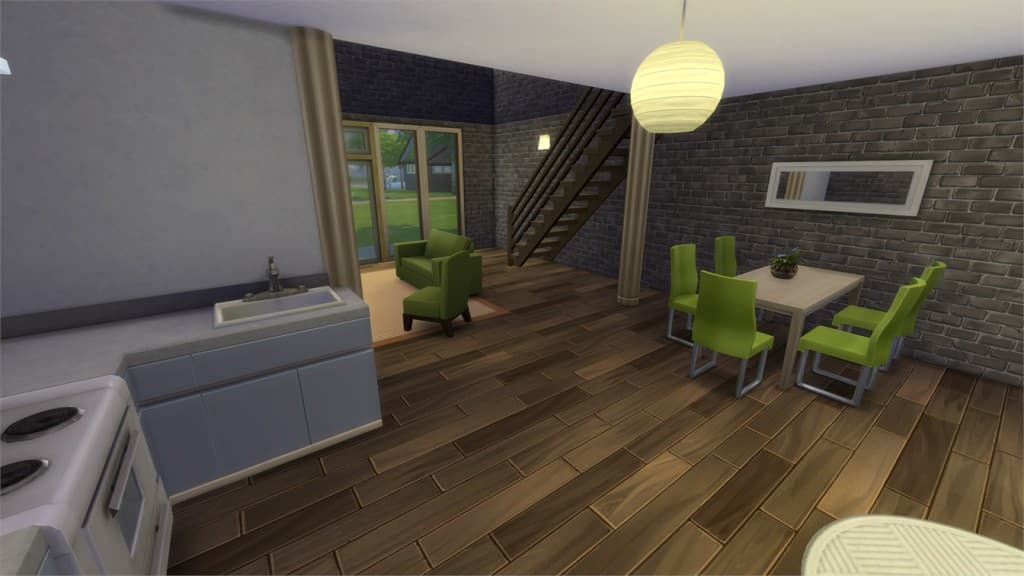
[/ult_hotspot_items][ult_hotspot_items icon_type=”custom” icon_img=”37721|https://simscommunity.info/wp-content/uploads/2015/08/plumhotspot.png” img_width=”26″ tooltip_custom_color=”#1e73be” tooltip_custom_bg_color=”#ffffff” tooltip_width=”500″ enable_bubble_arrow=”off” tooltip_continuous_animation=”on” hotspot_position=”32.24400871459695,53.00436580882353″ tooltip_custom_border_size=”border-style:solid;|border-width:2px;border-radius:5px;|border-color:#81d742;”]
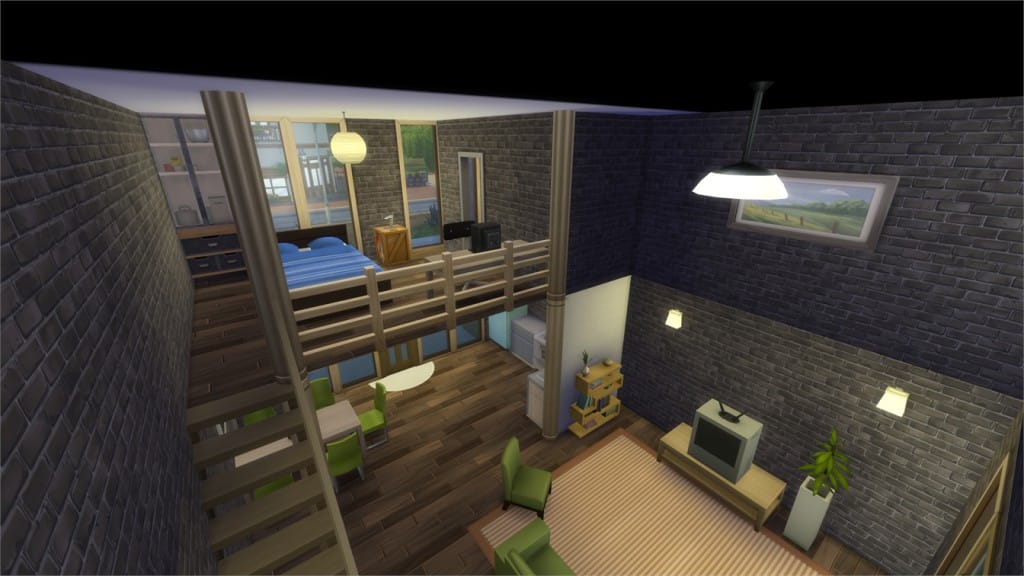
[/ult_hotspot_items][ult_hotspot_items icon_type=”custom” icon_img=”37721|https://simscommunity.info/wp-content/uploads/2015/08/plumhotspot.png” img_width=”36″ tooltip_custom_color=”#1e73be” tooltip_custom_bg_color=”#ffffff” tooltip_width=”500″ enable_bubble_arrow=”off” tooltip_font_size=”14″ tooltip_continuous_animation=”on” hotspot_position=”86.58058681672026,3.25497287522604″ tooltip_custom_border_size=”border-style:solid;|border-width:2px;border-radius:5px;|border-color:#81d742;”]
by Papariu
Value: §17,843
Size: 30×20
Lot Type: Residental Lot
Required Packs: None[/ult_hotspot_items][/ult_hotspot]
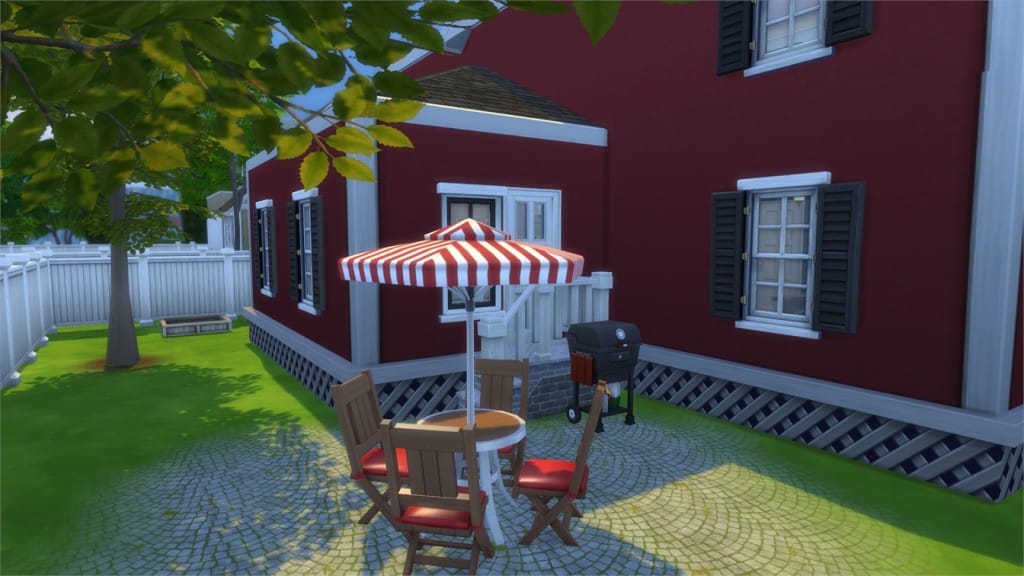
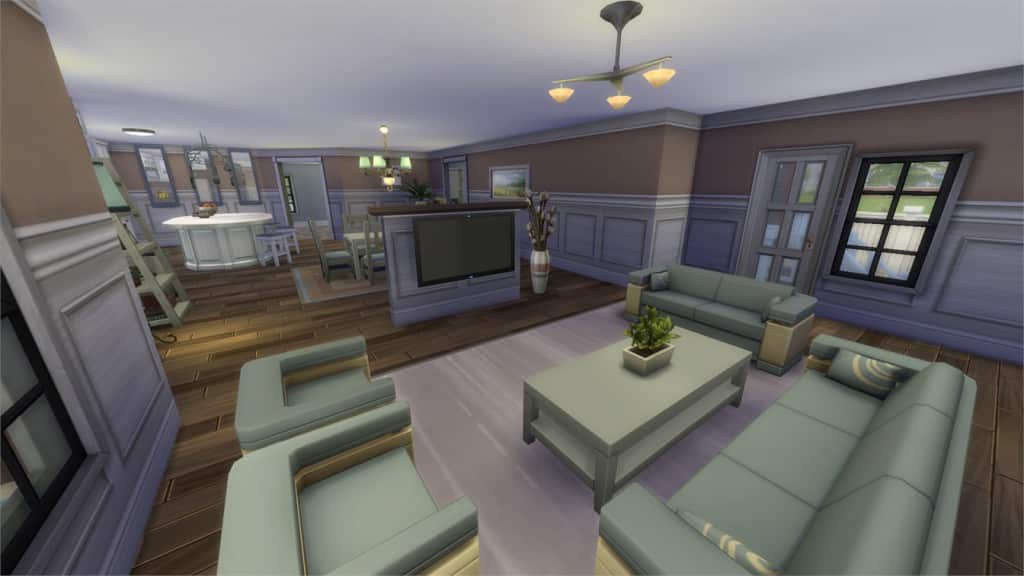
[/ult_hotspot_items][ult_hotspot_items icon_type=”custom” icon_img=”37721|https://simscommunity.info/wp-content/uploads/2015/08/plumhotspot.png” img_width=”26″ tooltip_custom_color=”#1e73be” tooltip_custom_bg_color=”#ffffff” tooltip_width=”500″ enable_bubble_arrow=”off” tooltip_continuous_animation=”on” hotspot_position=”56.307870370370374,56.5506280637255″ tooltip_custom_border_size=”border-style:solid;|border-width:2px;border-radius:5px;|border-color:#81d742;”]
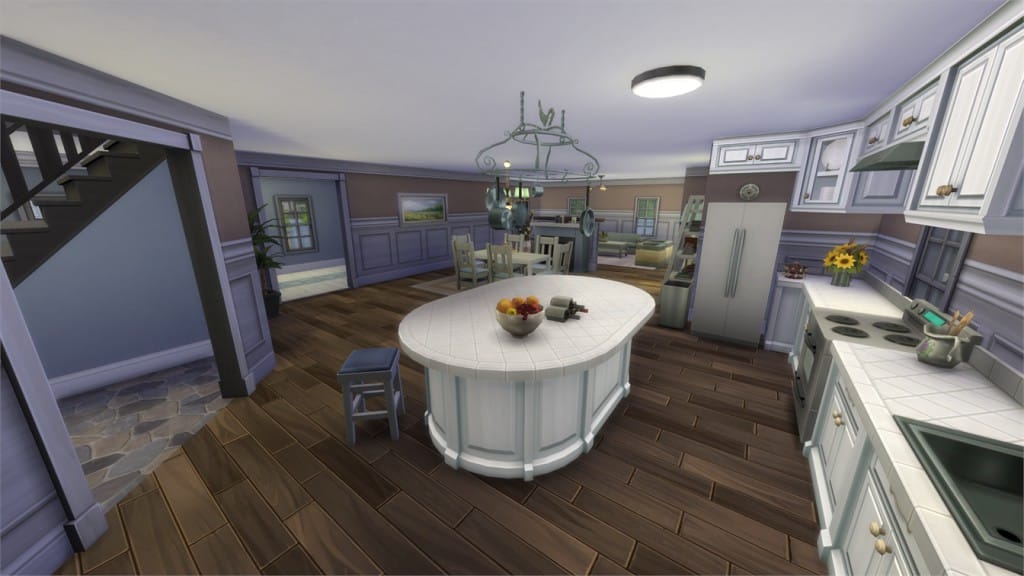
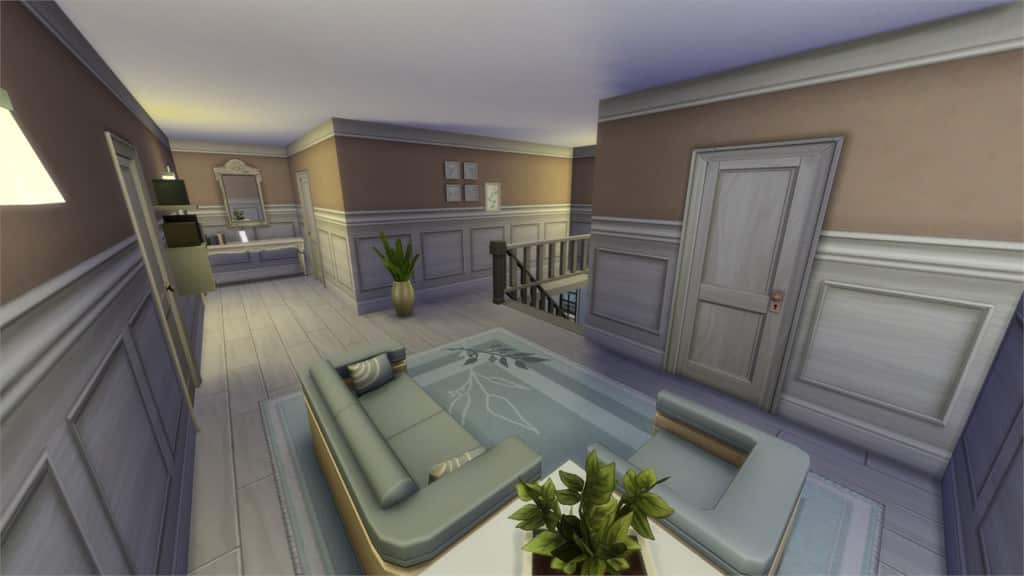
[/ult_hotspot_items][ult_hotspot_items icon_type=”custom” icon_img=”37721|https://simscommunity.info/wp-content/uploads/2015/08/plumhotspot.png” img_width=”26″ tooltip_custom_color=”#1e73be” tooltip_custom_bg_color=”#ffffff” tooltip_width=”500″ enable_bubble_arrow=”off” tooltip_continuous_animation=”on” hotspot_position=”49.17279411764706,47.338388480392155″ tooltip_custom_border_size=”border-style:solid;|border-width:2px;border-radius:5px;|border-color:#81d742;”]
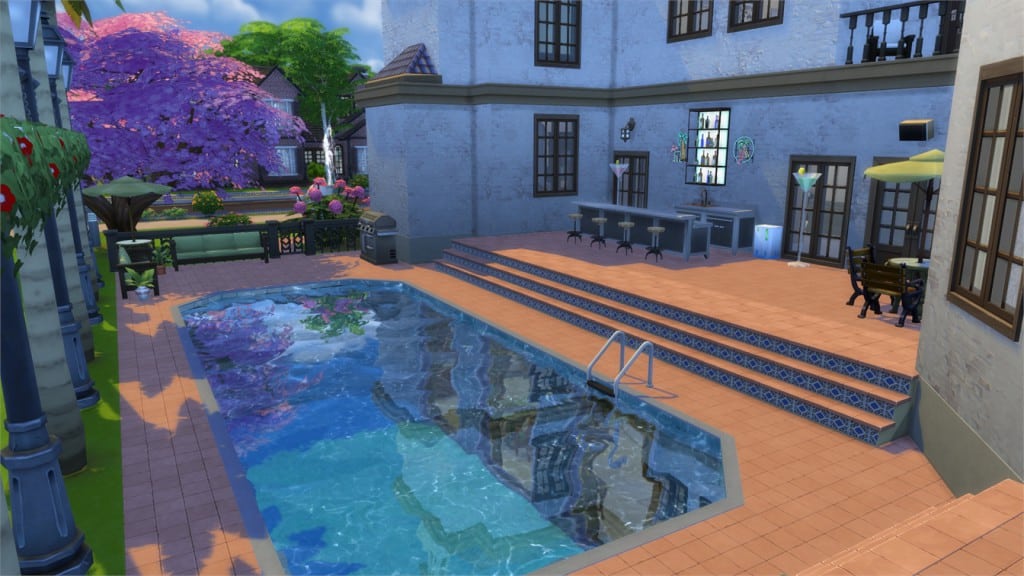
[/ult_hotspot_items][ult_hotspot_items icon_type=”custom” icon_img=”37721|https://simscommunity.info/wp-content/uploads/2015/08/plumhotspot.png” img_width=”26″ tooltip_custom_color=”#1e73be” tooltip_custom_bg_color=”#ffffff” tooltip_width=”500″ enable_bubble_arrow=”off” tooltip_continuous_animation=”on” hotspot_position=”37.83360566448802,49.78936887254902″ tooltip_custom_border_size=”border-style:solid;|border-width:2px;border-radius:5px;|border-color:#81d742;”]
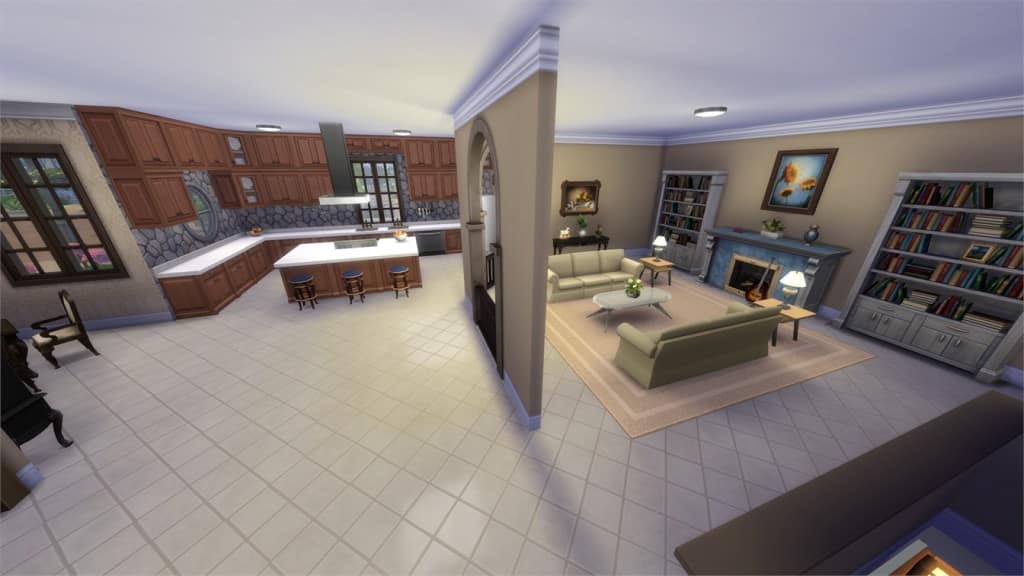
[/ult_hotspot_items][ult_hotspot_items icon_type=”custom” icon_img=”37721|https://simscommunity.info/wp-content/uploads/2015/08/plumhotspot.png” img_width=”36″ tooltip_custom_color=”#1e73be” tooltip_custom_bg_color=”#ffffff” tooltip_width=”500″ enable_bubble_arrow=”off” tooltip_font_size=”14″ tooltip_continuous_animation=”on” hotspot_position=”86.58058681672026,3.25497287522604″ tooltip_custom_border_size=”border-style:solid;|border-width:2px;border-radius:5px;|border-color:#81d742;”]
Value: §96,004
Size: 30×20
Lot Type: Residental Lot
Required Packs: None[/ult_hotspot_items][/ult_hotspot]
[/ult_hotspot_items][ult_hotspot_items icon_type=”custom” icon_img=”37721|https://simscommunity.info/wp-content/uploads/2015/08/plumhotspot.png” img_width=”26″ tooltip_custom_color=”#1e73be” tooltip_custom_bg_color=”#ffffff” tooltip_width=”500″ enable_bubble_arrow=”off” tooltip_continuous_animation=”on” hotspot_position=”56.39297385620915,54.41750919117647″ tooltip_custom_border_size=”border-style:solid;|border-width:2px;border-radius:5px;|border-color:#81d742;”]
[/ult_hotspot_items][ult_hotspot_items icon_type=”custom” icon_img=”37721|https://simscommunity.info/wp-content/uploads/2015/08/plumhotspot.png” img_width=”26″ tooltip_custom_color=”#1e73be” tooltip_custom_bg_color=”#ffffff” tooltip_width=”500″ enable_bubble_arrow=”off” tooltip_continuous_animation=”on” hotspot_position=”75.40168845315904,64.34397977941177″ tooltip_custom_border_size=”border-style:solid;|border-width:2px;border-radius:5px;|border-color:#81d742;”]
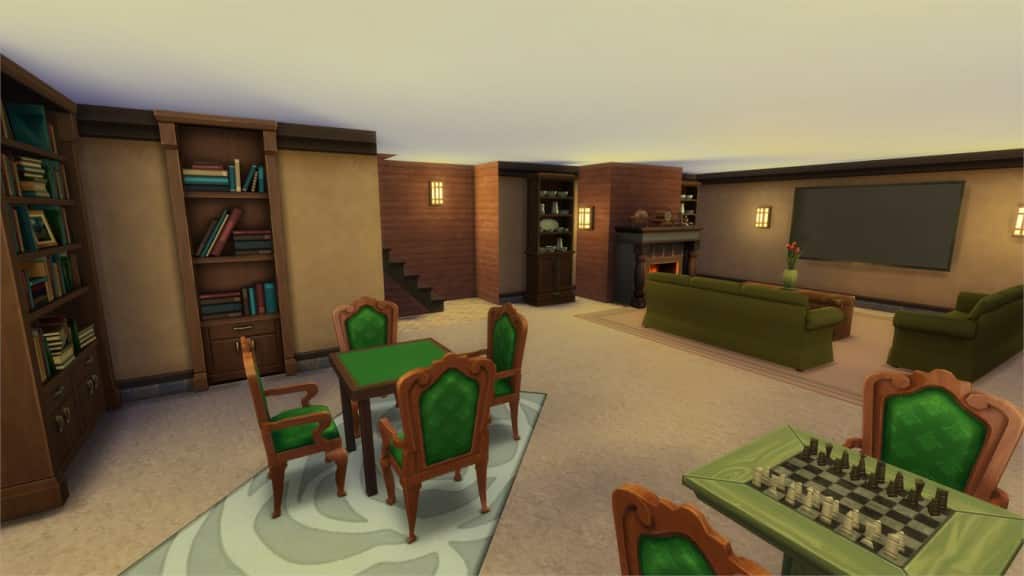
[/ult_hotspot_items][ult_hotspot_items icon_type=”custom” icon_img=”37721|https://simscommunity.info/wp-content/uploads/2015/08/plumhotspot.png” img_width=”36″ tooltip_custom_color=”#1e73be” tooltip_custom_bg_color=”#ffffff” tooltip_width=”500″ enable_bubble_arrow=”off” tooltip_font_size=”14″ tooltip_continuous_animation=”on” hotspot_position=”86.58058681672026,3.25497287522604″ tooltip_custom_border_size=”border-style:solid;|border-width:2px;border-radius:5px;|border-color:#81d742;”]
by marjia
Value: §332,988
Size: 40×30
Lot Type: Residental Lot
Required Packs: None[/ult_hotspot_items][/ult_hotspot]
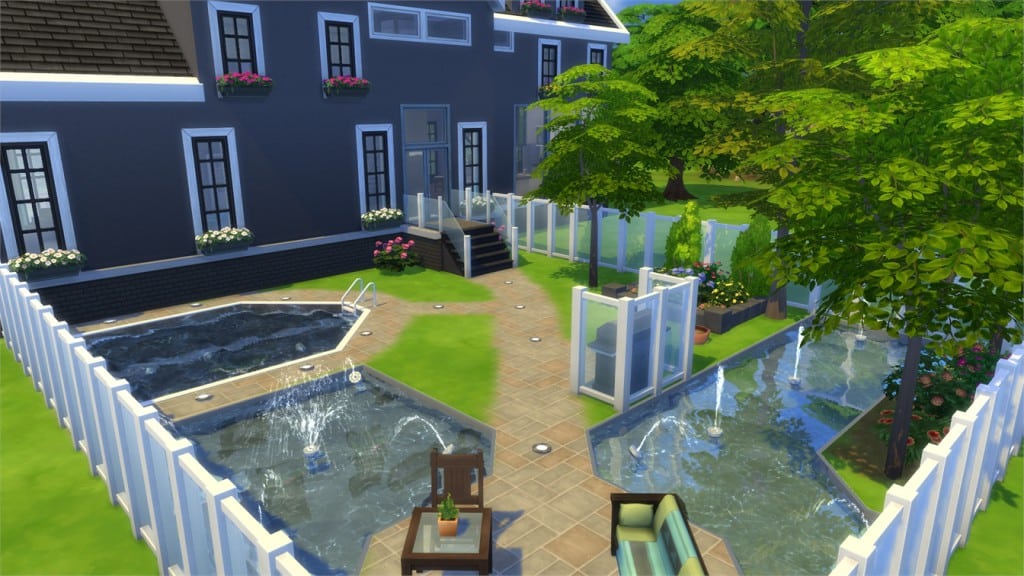
[/ult_hotspot_items][ult_hotspot_items icon_type=”custom” icon_img=”37721|https://simscommunity.info/wp-content/uploads/2015/08/plumhotspot.png” img_width=”26″ tooltip_custom_color=”#1e73be” tooltip_custom_bg_color=”#ffffff” tooltip_width=”500″ enable_bubble_arrow=”off” tooltip_continuous_animation=”on” hotspot_position=”47.297113289760354,37.26064644607843″ tooltip_custom_border_size=”border-style:solid;|border-width:2px;border-radius:5px;|border-color:#81d742;”]
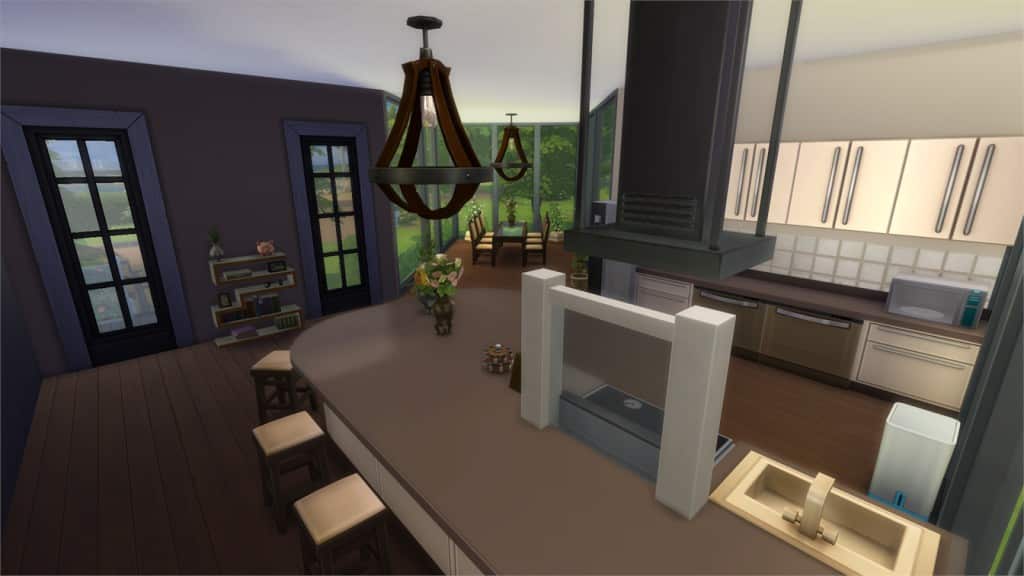
[/ult_hotspot_items][ult_hotspot_items icon_type=”custom” icon_img=”37721|https://simscommunity.info/wp-content/uploads/2015/08/plumhotspot.png” img_width=”26″ tooltip_custom_color=”#1e73be” tooltip_custom_bg_color=”#ffffff” tooltip_width=”500″ enable_bubble_arrow=”off” tooltip_continuous_animation=”on” hotspot_position=”50.35062636165577,67.53025428921569″ tooltip_custom_border_size=”border-style:solid;|border-width:2px;border-radius:5px;|border-color:#81d742;”]
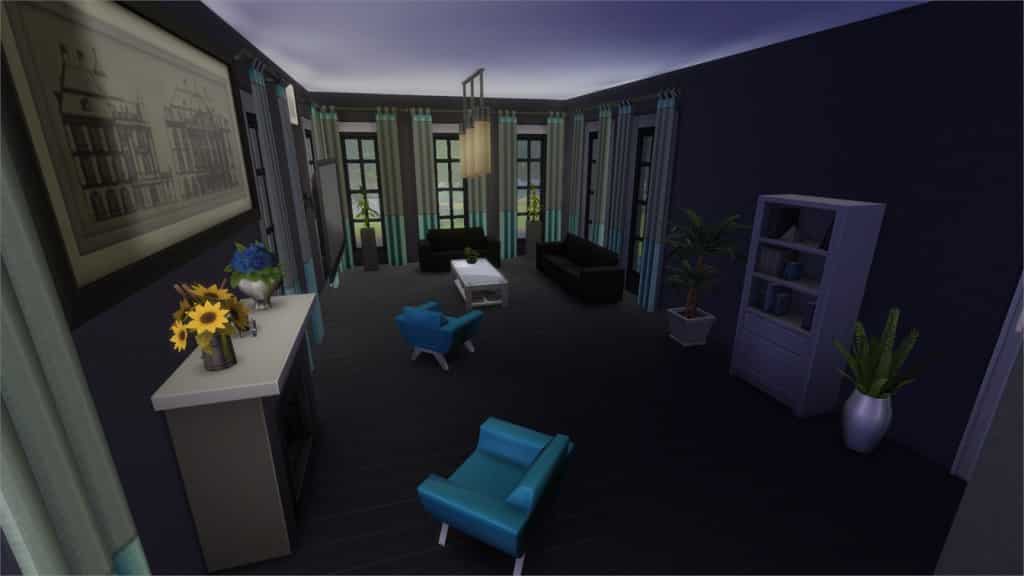
[/ult_hotspot_items][ult_hotspot_items icon_type=”custom” icon_img=”37721|https://simscommunity.info/wp-content/uploads/2015/08/plumhotspot.png” img_width=”36″ tooltip_custom_color=”#1e73be” tooltip_custom_bg_color=”#ffffff” tooltip_width=”500″ enable_bubble_arrow=”off” tooltip_font_size=”14″ tooltip_continuous_animation=”on” hotspot_position=”86.58058681672026,3.25497287522604″ tooltip_custom_border_size=”border-style:solid;|border-width:2px;border-radius:5px;|border-color:#81d742;”]
by Jacowd105
Value: §199,747
Size: 50×50
Lot Type: Residental Lot
Required Packs: None[/ult_hotspot_items][/ult_hotspot]
[/ult_hotspot_items][ult_hotspot_items icon_type=”custom” icon_img=”37721|https://simscommunity.info/wp-content/uploads/2015/08/plumhotspot.png” img_width=”26″ tooltip_custom_color=”#1e73be” tooltip_custom_bg_color=”#ffffff” tooltip_width=”500″ enable_bubble_arrow=”off” tooltip_continuous_animation=”on” hotspot_position=”62.52382897603486,47.43221507352941″ tooltip_custom_border_size=”border-style:solid;|border-width:2px;border-radius:5px;|border-color:#81d742;”]
[/ult_hotspot_items][ult_hotspot_items icon_type=”custom” icon_img=”37721|https://simscommunity.info/wp-content/uploads/2015/08/plumhotspot.png” img_width=”26″ tooltip_custom_color=”#1e73be” tooltip_custom_bg_color=”#ffffff” tooltip_width=”500″ enable_bubble_arrow=”off” tooltip_continuous_animation=”on” hotspot_position=”51.875680827886704,35.91069240196079″ tooltip_custom_border_size=”border-style:solid;|border-width:2px;border-radius:5px;|border-color:#81d742;”]
[/ult_hotspot_items][ult_hotspot_items icon_type=”custom” icon_img=”37721|https://simscommunity.info/wp-content/uploads/2015/08/plumhotspot.png” img_width=”26″ tooltip_custom_color=”#1e73be” tooltip_custom_bg_color=”#ffffff” tooltip_width=”500″ enable_bubble_arrow=”off” tooltip_continuous_animation=”on” hotspot_position=”56.24659586056645,70.46951593137256″ tooltip_custom_border_size=”border-style:solid;|border-width:2px;border-radius:5px;|border-color:#81d742;”]
[/ult_hotspot_items][ult_hotspot_items icon_type=”custom” icon_img=”37721|https://simscommunity.info/wp-content/uploads/2015/08/plumhotspot.png” img_width=”36″ tooltip_custom_color=”#1e73be” tooltip_custom_bg_color=”#ffffff” tooltip_width=”500″ enable_bubble_arrow=”off” tooltip_font_size=”14″ tooltip_continuous_animation=”on” hotspot_position=”86.58058681672026,3.25497287522604″ tooltip_custom_border_size=”border-style:solid;|border-width:2px;border-radius:5px;|border-color:#81d742;”]
by GabLeSim
Value: §178,940
Size: 40×30
Lot Type: Residental Lot
Required Packs: None[/ult_hotspot_items][/ult_hotspot]

You no longer have to be stuck with the limited set of club icons provided with Get Together. I bring you a mod that adds a total of 230 new icons for you to choose from, extracted from the base game, Get to Work, Outdoor Retreat and Spa Day. While a handful of them are similar to the icons already available, the vast majority are completely different.
You can download the mod here: http://zerbu.tumblr.com/post/136066539942/the-sims-4-get-together-mod-more-club-icons


Are you craving for new ways to play The Sims 4? Look no further!
Tatiana has put up a huge list of Mods for The Sims 4. There are all sorts of Mods from the list that you can download – from texture replacements to new gameplay!
As the list is not yet complete, we would appreciate any help that you can contribute by posting a reply on the Thread linked down below.
Click below to check out the list!


SimGuruHouts had recently made a statement about The Sims 4 Game Pack #3!

But, this isn’t the first time that a SimGuru had made a sneaky reply. 2 months ago SimGuruSarah revealed to the world that The Sims 4 Game Pack 3 is in development.

What do you think: what will be The Sims 4 GP3’s theme? Speculate with us on Sims Community Social!

Hey guys! I recently released an article showing you how to extract the Object IDs out of your games. Now using that information, I was able to compile the below list of plant object IDs that you can use to spawn the seeds. I needed this information for the Garden Club I am making that will use a community garden (park) as their meeting location.
How to use these cheat codes, you have to go into build mode on an active lot. Then you type in your cheat following the example below.
Example:

A word of warning, items will spawn close to your Sim so I like to move her into the center of the lot. Be sure to always save before spawning items because they can show up outside your lot. Use these cheats with caution because they could break your game.
Have any questions? Reach out to me on Sims Community Social!

David Le Merrer shared some interesting concept art for The Sims 4 that he made last year. Although it wasn’t stated for which The Sims game were these concepts made exactly, you can clearly see that there’s some Concepts of the Police Station, Science Lab and the Hospital (The Sims 4 Get to Work), as well as the Cafe Lots, Espresso Machine and Nightlife Clubs (The Sims 4 Get Together).


In this post there’s an official confirmation that he currently works for EA.

The entire team from Sims Community and Sims Community Social wishes you a Merry Christmas!

Hey guys! Today I’m going to talk about how to extract Object IDs. I have spent the past several weeks beating my head against the wall trying to figure out how to do this. Then late last night during a bout of severe insomnia, I had an epiphany that resulted in finally conquering this thing. I wanted to share this with everybody so nobody else has to go through the painful process I just endured trying to figure this out on their own.
Tools Needed:
Step 1:
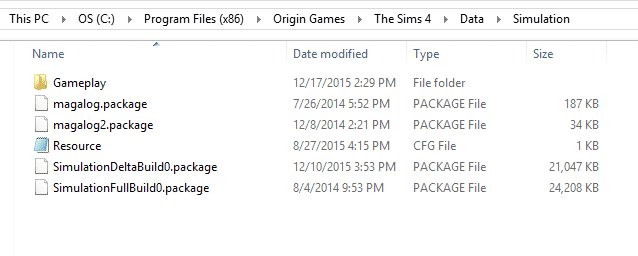
Navigate to your Sims 4 Data Simulation Folder. Mine is found via this path but yours might be different: C:Program Files (x86)Origin GamesThe Sims 4DataSimulation
Step 2:
Select the files called SimulationDeltaBuild0 and SimulationFullBuild0 and then COPY/PASTE them to a modding folder in your documents folder. DO NOT do anything to these files where they are currently located or risk ruining your game. You have been warned.
Step 3:
Open Sims 4 Studio (S4S) and then open your SimulationFullBuild0.package. I wanted to get the ID’s for a strawberry plant so I could spawn it (for reasons, lol). So, I typed in objectdefinition into the search bar and then selected filter. I scrolled down till I found gardenFruitGENStrawberry_01. Then I looked under instance and got the code to spawn this strawberry plant. If you use this code, you don’t need to include all the leading zeroes. You can truncate it and just use 0x5B8D, it will result in a strawberry plant spawning either way.

Here are some screens of me using this to spawn my strawberry plant in game.
And that is it! Easy, right? This can be used to spawn things for yourself or to make mods or pretty much whatever. Hope it helps and prevents anybody else from spending days trying to get these ID’s.
Have any questions? Reach out to me on Sims Community Social!

Amisha, a 14 year old girl with a love of photography and traveling makes her own Sim with the developers of The Sims 4 in Smart Girls Build!
We brought a few of our favorite Smart Girls to Electronic Arts for a very special behind-the-scenes experience with game developers at The Sims 4.

Hey Guys! I thought I’d take a break from my modding and CC tutorials to show you guys some fun things you can do in building. I adore Industrial Style interiors and what works perfectly with those? Lofts! Lofts can be tricky; especially since the game just loves to poke those roof pieces right through your lovely and carefully placed walls. I’m going to show you via screenshots how I build my lofts.
I started with this house that I built for the Sims Community Designer’s Challenge. It’s a modern build and will look great with a loft. To begin, you will go to the second floor and use the room tool to make a room where you want your loft. Then you click on the floor of that room and select the option to remove the floor. You will be left with a lovely gaping hole that allows you to view the room below.
Your next step will be to add the fence and then the stairs. This type of loft is super easy but looks really cool in most builds. It also allows you to experiment with various architectural details and move away from building blocks.


Now what about a more challenging build? Like a multi-level Farmhouse? The challenge with this type of build is the way rooms are designed in Sims 4. The second you place that fence, the roof pops through your walls and completely ruins your build. Is there a way to cheat around this? Sort of, I will show you next how I fix this so the roof isn’t as obtrusive and you can still design your rooms.
I built this house to show how to work around the roof issue with lofts. As you can see, the roof angles are fairly pronounced. When you attempt to add a loft following the same method above, the roof pops through the walls once you add a fence.


So what can you do? First you can decrease the pitch of the roof (how steep it is) and you can also draw it back some more from the walls. Then you try to add the fence again and see that the roof sticking through isn’t as pronounced as before but it’s still there and still getting in the way of designing that loft.

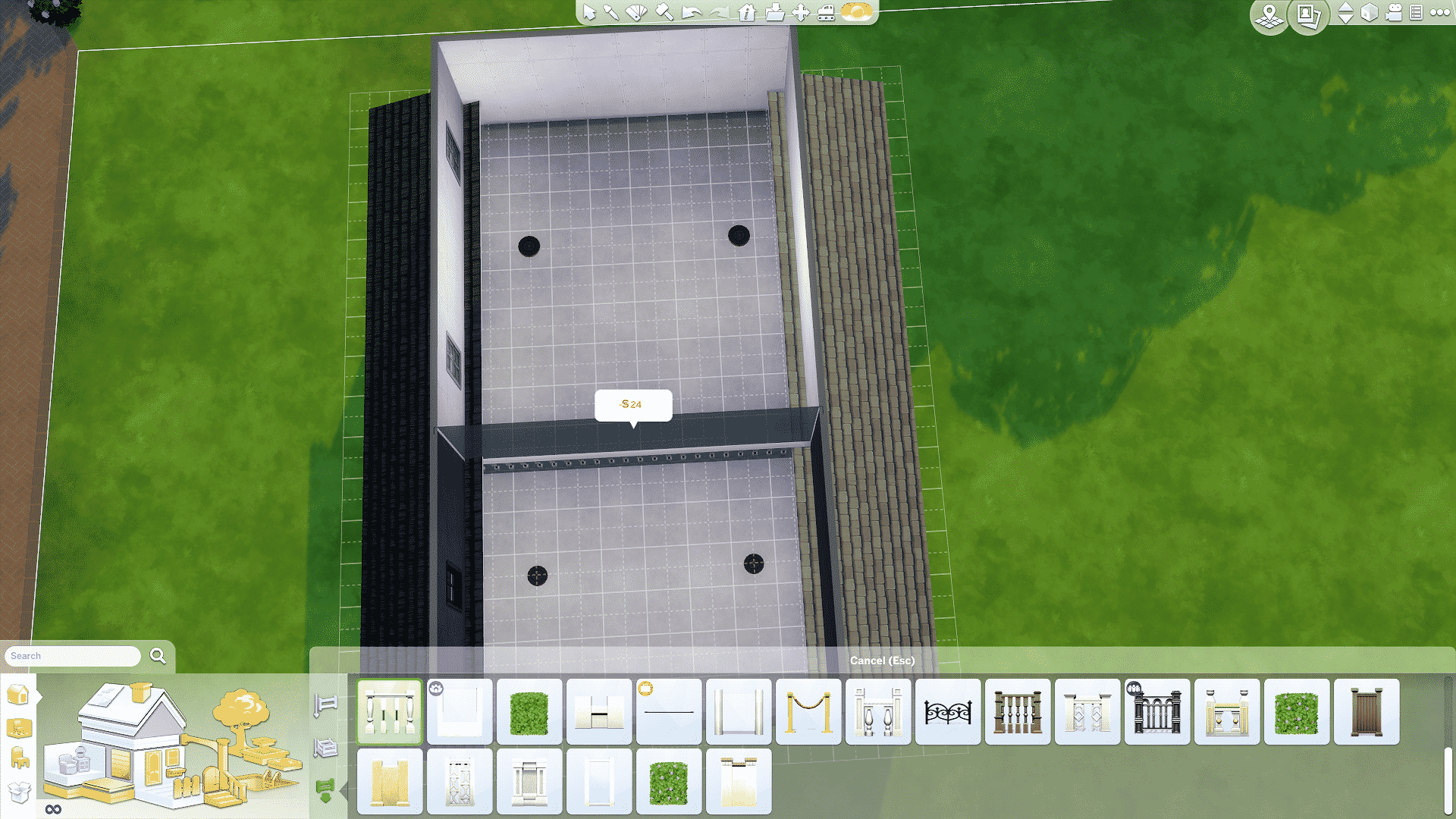
At this point, what I do is I add a fake room that separates the roof from my loft. The roof will pop through that room and I won’t see it in the loft area. You can add windows so that light shines through. It’s not a perfect solution but it’s a solid work around that allows you to design your build without that unsightly roof poking through the walls.

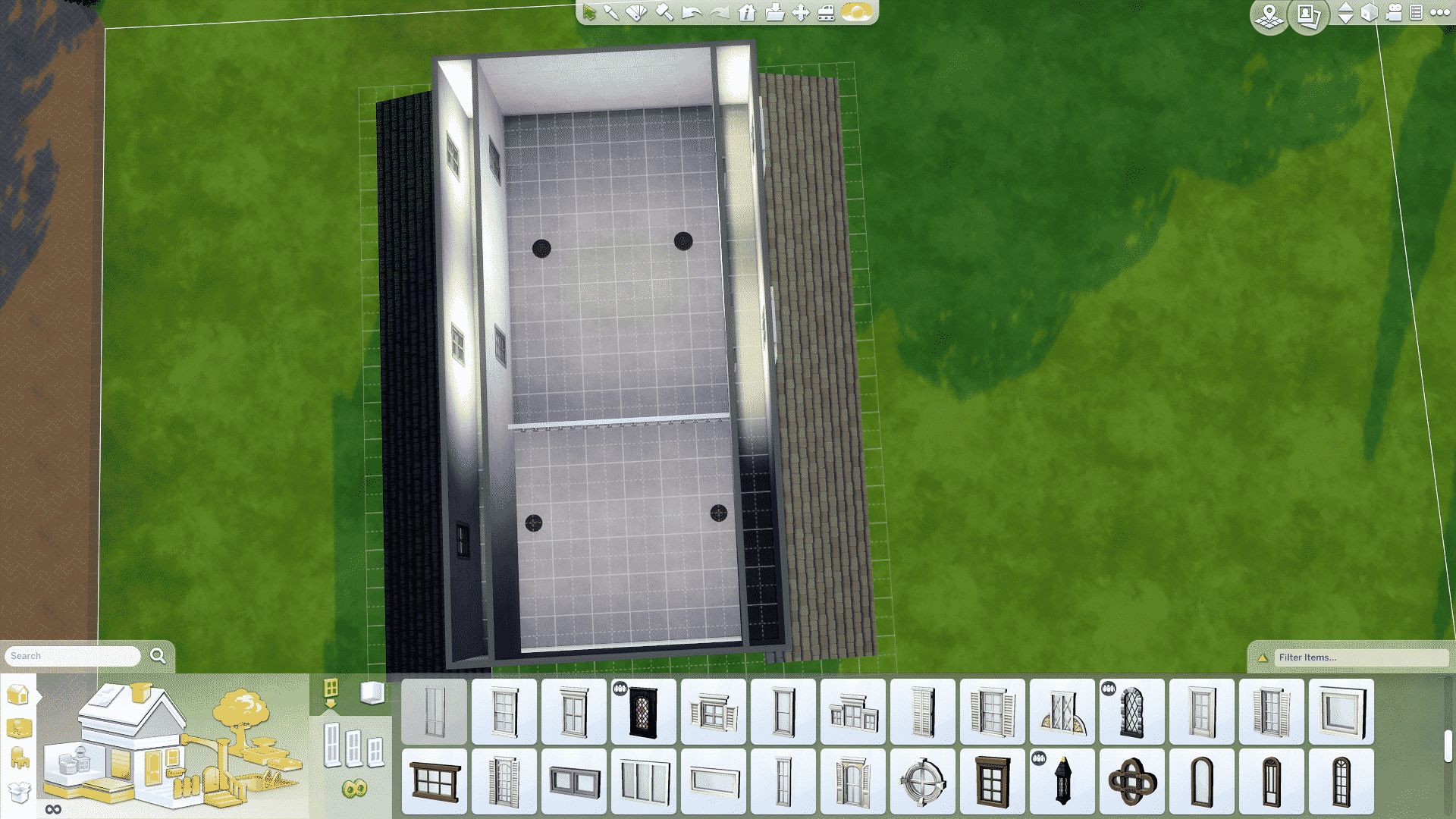

And there you have it, how I like to build my lofts. Have any questions? Reach out to me on Sims Community Social!

What makes Windenburg and Get Together so unique is that the world comes with eleven pre-made clubs just waiting for additional members! This article tells you what those Sims 4 clubs are and who is already in them as well as requirements to join the club and the encouraged and banned activities for each of the clubs.
But first, let’s go over exactly what clubs in The Sims 4 are and how they work!

Clubs in The Sims 4 are social groups Sims can either create or join. Basically, think of clubs like social cliques or hobby groups. They are groups of Sims who have similar interests and mindsets who spend a lot of time together indulging in those interests. Also, every club needs to have a club leader and can have up to 7 additional members.
Of course, as a club leader, you will have a lot of power over your club. You get to decide what activities your club members will do while in a club gathering, what they aren’t allowed to do, and even control what your club members wear while gathering. Also, you get to decide the location of your club’s hangout spot. Additionally, as your club spends time in club gatherings doing club activities, you’ll earn points to spend on various rewards and perks for your club. These perks make gathering more worthwhile by increasing things like skill gain and relationship gain while in a club gathering.

However, as a club member, you won’t have as much control over your club. Indeed, you won’t get to decide on what you wear in a club gathering or any of the club activities. Although, being a member of Sims 4 clubs can be a nice way to spend time out socializing without having to worry too much about micromanaging the other members. Although, if you decide you don’t like the way the club is being run, you can overthrow the leader by turning the other members against them or by just outright asking them to step down. Very Mean Girls. Also, child and older Sims can create and join clubs.
Of course, you can create your own club through the Social Group tab on your Sim’s info panel. Obviously, clubs you create yourself are fully customizable. You can create a club for just about anything! Alternatively, there are also existing clubs to join if you don’t feel like creating one.

The following list of clubs are readily available to join as soon as you start the game! Furthermore, they each have a leader and some members, along with club activities and a hangout.
 Avant Gardes
Sims 4 Clubs Description: Enjoy debating the subtle points of fine literature? Need help with your homework? Or maybe you just don’t fit in anywhere else? Maybe, just maybe, you could be an Avant Gardes.
 Garden Gnomes
Sims 4 Clubs Description: Nature’s all around you — go and explore it! If you love hiking, fishing, and gardening…maybe you’re a Garden Gnome too!
 Knights of the Hedge
Sims 4 Clubs Description: We proud knights serve no master, but are pledged to wander the fair gardens of our very own chalet.
 League of Adventurers
Sims 4 Clubs Description: The world’s a mysterious place, full of adventure. Pirate ships and space cruisers can be found around every corner, and are waiting to take you away to magical lands and distant galaxies. Who will dare? Only adventurers!
 Paragons
Sims 4 Clubs Description: It takes work to look this good. Perfection isn’t easy. But everyone needs someone to look up to. That’s why we have Paragons.
 Partihaus
Sims 4 Clubs Description: Partihaus is about one thing: partying. And being a house. So, two things.
 Powerhouse
Sims 4 Clubs Description: We can all be better, faster, stronger, fitter. Whether you need words of encouragement or someone to kick your butt, we’re here to help you get it done.
 Renegades
Sims 4 Clubs Description: Wanna make friends? Wanna be popular? TOO BAD! The first rule of the Renegades is that you don’t talk about the Renegades!
 Spin Masters
Sims 4 Clubs Description: Think you’re got the moves and grooves it takes to join the Spin Masters? Find us and prove it!
 The Good Timers
Sims 4 Clubs Description: Everyone can be a Good Timer! You just need to appreciate a good drink and a game of Foosball among friends.
 The Upper Crusts
Sims 4 Clubs Description: We’re not really stuck up; we just enjoy sharing the better things in life – as long as it’s food-related.
Additionally, looking for creative ways to use Sims 4 clubs? We show you how to create your own werewolf packs with them!
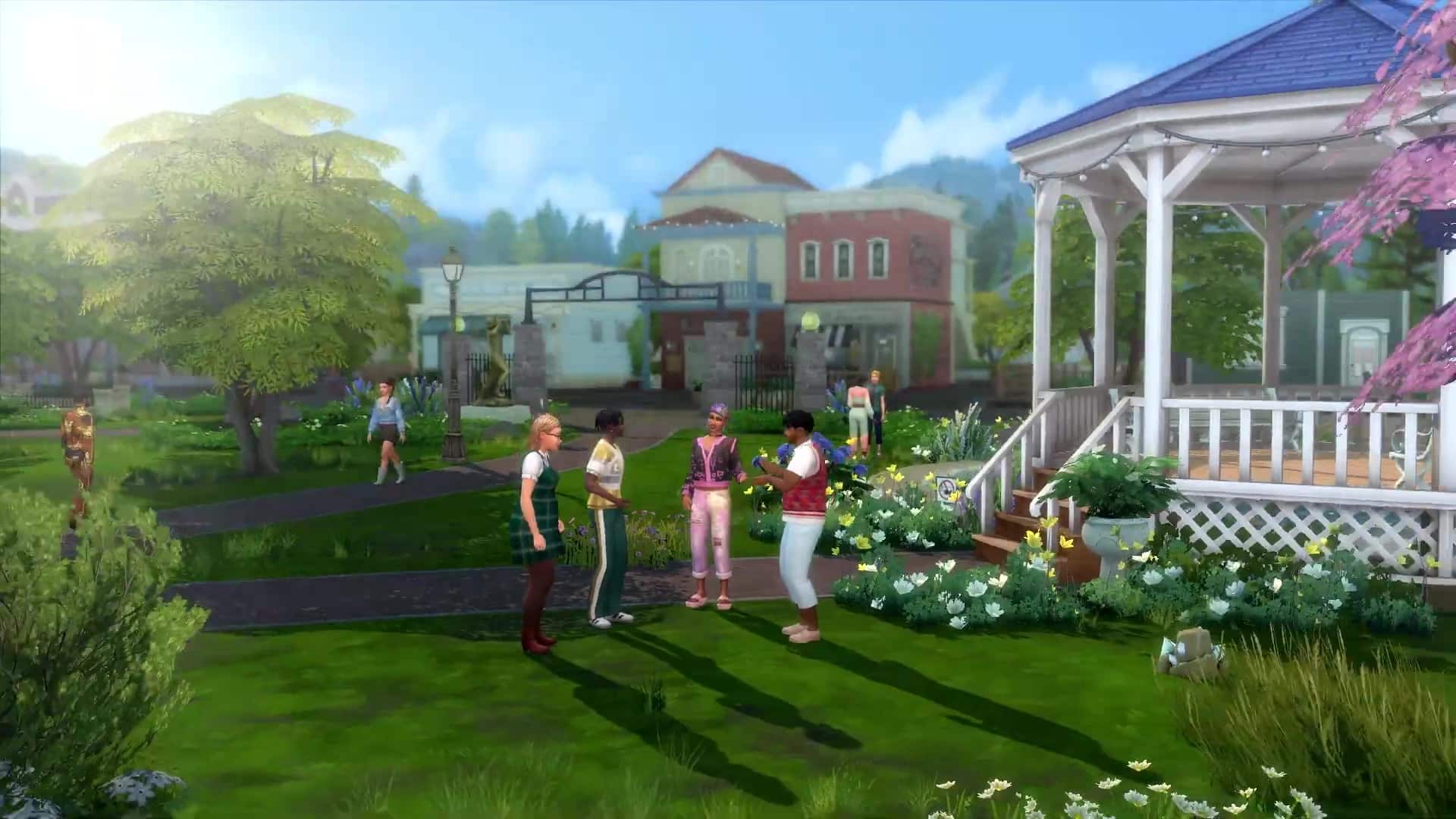

Did you know about these secret clubs in The Sims 4 Get Together?
This article was updated by SnarkyWitch!

Zerbu recently found a way how to create custom club activities for The Sims 4 Get Together and he wants your suggestions for which club activity mods should he create and release!
I’ve recently figured out how to add custom club activities to the club system in Get Together. I created a test mod which has Sims use the toilet as an activity, and it worked without a hitch.
Unlike editing autonomy, adding new club activities doesn’t require overriding existing interaction resources – you just need to define a list, and Sims will automatically be pushed to use those interactions, and the club will receive points for doing them.
As far as I’m aware, there are no interactions that can’t be used.
Click on the picture below to post your suggestion!


