

By Jason Chan!


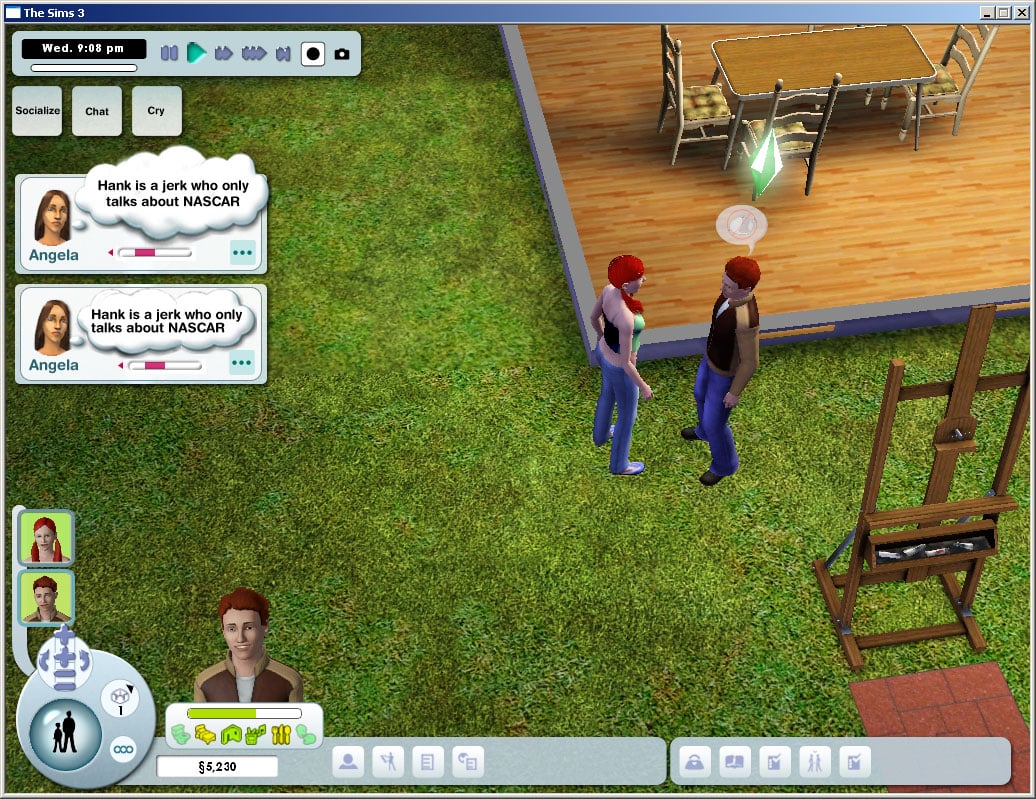
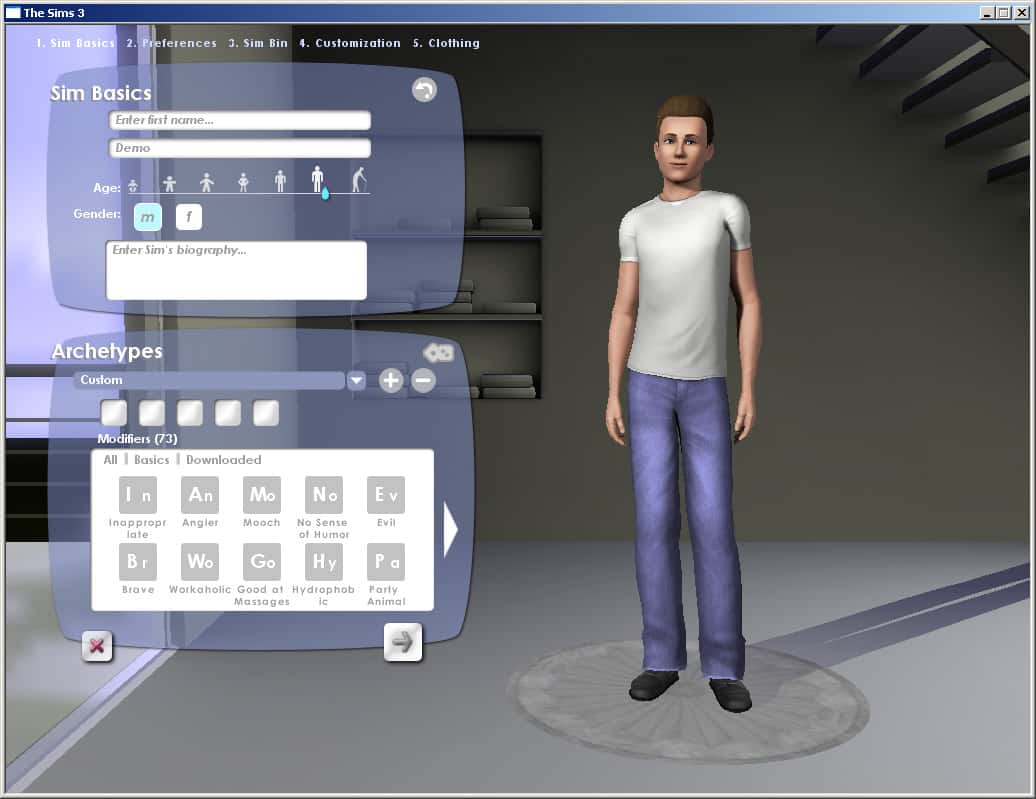
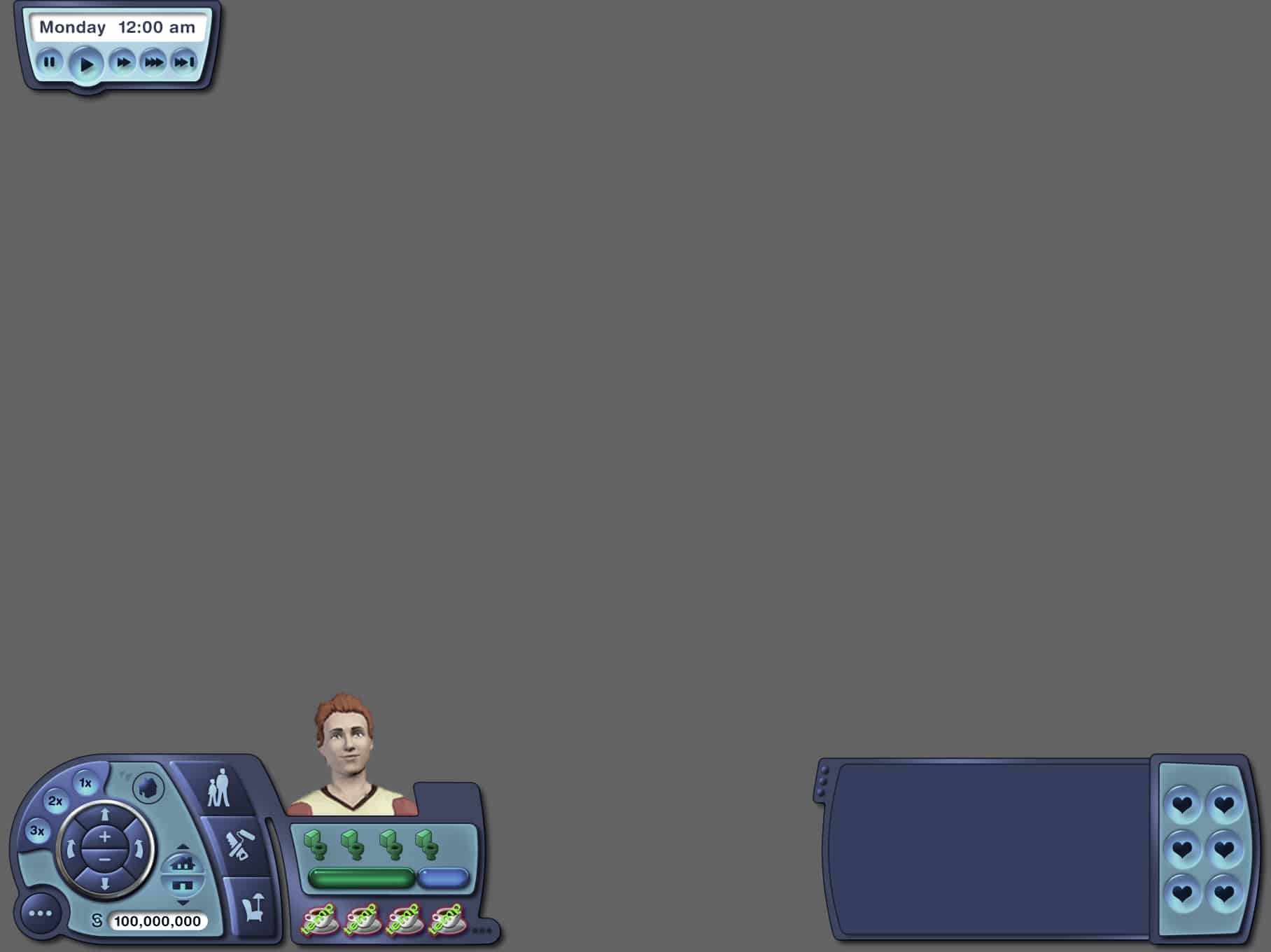
I primarily helped with functional wire frames of various areas of the UI, and also helped in developing the final look and feel of the game’s various interfaces.




This Mod has been brought to you by Mod The Sims member – cyberops!
So I got tired of not having enough time at my work to finish what I was doing, I hated it that I got transfered back home all the time so I made this mod that changes the work hours to 12 Hour Work days and then you can still stay longer when you use that option button you have at your work to stay longer.
Click on the picture below to download this Mod! (Requires MTS Registration)

Click Here for more information on how to install Custom Content and Mods!


The Creation of Adam is a historical art piece (fresco to be exact) created back in 1512 by Michelangelo.
Daniel Sean, a talented Illustrator / 3D Artist, managed to recreate this fresco to a more modern, simified version with updated TS4 content such as Pools and Swimwear.
Take a look at these beautiful illustrations down below!


Thanks DOTsim for the tip!
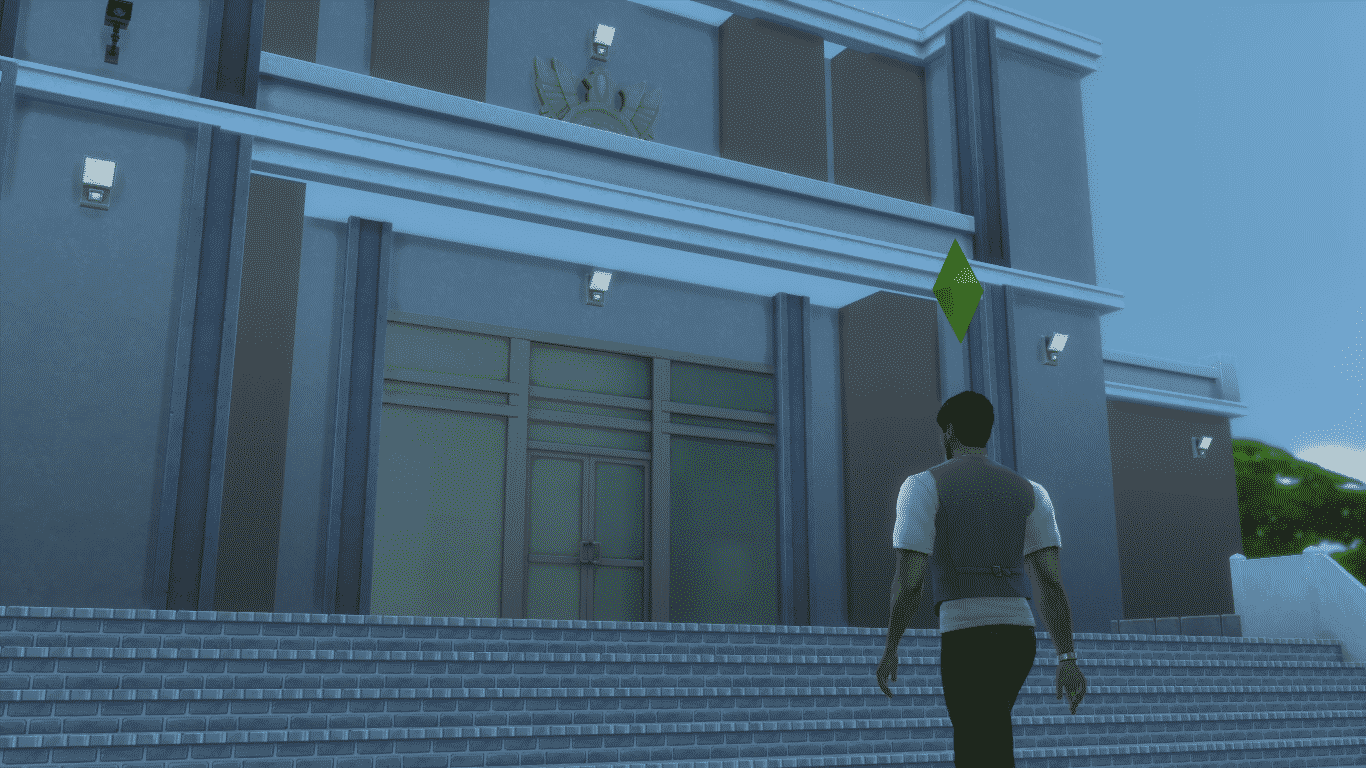
Hey everyone, Zerbu here with a new mod for The Sims 4! This mod provides one simple function: it disables career outfits, so that Sims will instead go to work in their Everyday outfit. It’s useful for those who want to keep seeing their Sims the way they were created, rather than in outfits generated by the game. The mod effects both normal and active careers, though the effects are more noticeable with active careers.
You can download the mod from my blog here: http://zerbu.tumblr.com/post/115954593222/the-sims-4-mod-no-career-outfits

Via TheSims.com!
We hope you’re enjoying The Sims 4 Get to Work* Expansion Pack, whether your Sim is saving lives as a Doctor, solving crimes as a Detective, creating wondrous inventions as a Scientist, or developing their very own retail business. Keep the stories and photos coming!
Speaking of photos… we thought we’d dive a little deeper into the new Photography Skill in the expansion pack and give you some tips for capturing all the memories your Sims are creating.
Start with selfies. Every selfie your Sim takes improves their Photography Skill, so go crazy! From gym selfies to fashion selfies to moments captured on the job, your Sim can document… well… themselves, whenever they want. It’s a great way to improve their skill, and lets you capture their every move with snazzy pics.
Take advantage of all your cell phone can do. While selfies are a great way to remember moments that take place three feet from your Sim’s face, they’re not the only cell phone picture your Sim can take. Taking photos on the phone is super easy for your Sim – under the Entertainment section, there are options to take photos of objects, other Sims, or a selfie with another Sim.
Hone your skills. Don’t get discouraged if your Sim’s first few photographs seem blurry. Photography has five levels and the more photos your Sim takes, the more their skill level will rise, reducing the number of blurry, ruined photographs.
Pick up a better camera. Any Sim can take pictures using their cell phone, but if you really want to dig into the Photography Skill you’re going to want something with more power. Your Sim can select a camera from three options in build mode based on cost and features. Certain cameras have increased options such as zoom and varying sizes.
Learn the features of the tricked out cameras. Once your Sim takes out their camera, they can make fine adjustments to each shot, such as adjusting camera view (rotation/pitch), zoom, size and aspect, applying filters, and turning the flash on/off. Some of these options are only available on fancier cameras, so have your Sim save those Simoleons if they want all the bells and whistles.
Attach more emotion to your photographs. After your Sim takes a photograph, it can be converted to a Memory using the option “Add to Memories” on the photo. Sims that appear in each photo can be tagged and an emotion can also be associated to the photos. Whenever your Sim looks at these photos, they’ll feel the emotion associated with the memory, adding even more emotional depth to your decorations.
Hang your pictures on your walls. Taking photographs is only half the fun! What makes them really special is what you’re able to do with them. Now your Sim can decorate their home with the photos they’ve taken by dragging them from the Inventory straight to their walls! Pop art, collages, landscapes or abstracts… whichever style suits your Sim, they can display their photos in their homes.
Set up a Photo Studio. Those pictures you can hang on your walls? If you hang them on the walls of a Retail lot, your Sim can sell them, too! Why not make a full-blown Photo Studio using the new Photo Studio object? Sims can pose in front of it solo or with another Sim, and the backdrop can be changed and customized to set the mood.
Haven’t picked up the expansion pack yet? Read about 8 Things You Can Do in The Sims 4 Get to Work, or find out what it’s like to play A Day in the Life of a Doctor.

Fun fact: These icons were published back in October 2014, when there was no information about the upcoming Packs. Can you count all the Outdoor Retreat & Get to Work icons down below? 😉


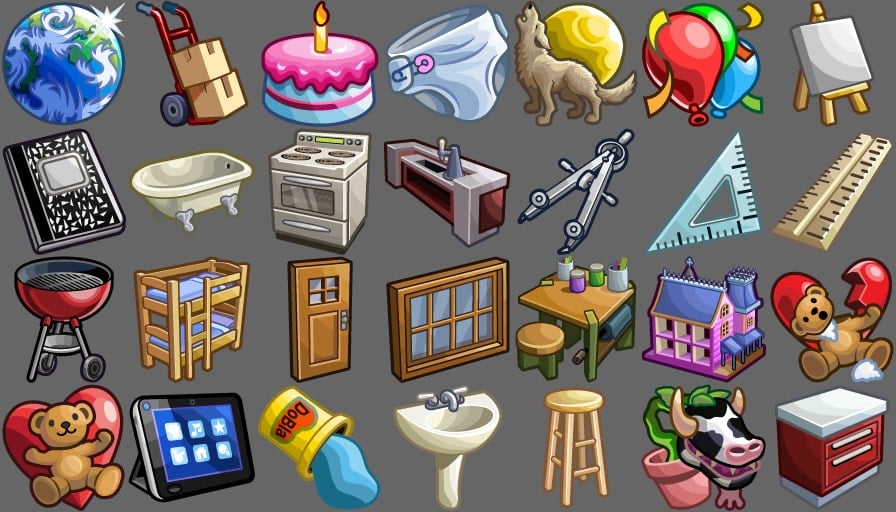



This Set has been brought to you by Budgie2Budgie!
Tip: soften the light to half for the best effect.
Click on the picture below to download this Set!
Click Here for more information on how to install Custom Content!

Via TheSims.com!
It’s been a few weeks since we launched The Sims 4 Get to Work*, and we’re ecstatic that everyone is having a blast exploring the new features of the expansion pack. We’ve heard that you’re enjoying messing with your Sim’s neighbors as the Scientist, cracking cases as the Detective, and expressing your entrepreneurial spirit with a retail store. But if you haven’t checked out the Doctor career, you’re missing out!
While there’s obviously the benefit of being able to wear scrubs (who doesn’t look cute in scrubs?), there’s more to being a Doctor than that. I’ve pulled together six things you should definitely try while you’re directing your Sim’s journey to achieving Chief of Staff.
Check a co-worker’s Hotness. Doctors unlock a special interaction in The Sims 4 Get to Work: Check Hotness. Despite what its name implies, it actually has nothing to do with medicine. It’s more of… uh… I guess you’d call it a flirting technique. Why not try it out on a cute co-worker and see what can happen?
Determine gender on pregnant Sims. Delivering a baby is a special moment for a high-level Doctor. When a pregnant Sim comes in for their delivery, your Sim can first ease their curiosity and run a quick test to determine the baby’s gender before the big event.
See how many patients your Sim can cure in a day. The further you progress into the Doctor career, the more robust your Sim’s abilities become. Eventually your Sim will be able to run all variety of examinations and tests on their patients. The more tests your Sim runs, the better their chances are of getting a successful diagnosis before they treat their patients. Why not see how many your Sim can cure in a day? It’s like a game within a game!
X-Ray Scan an Alien. There are a number of new objects at the hospital to help your Sim diagnose and treat patients. Eventually, once your Sim has worked their way up the medical ranks, they’ll be able to Run Treadmill tests and X-Ray Scan Sims, finding out important data on their ailments. You might also find that some of their patients aren’t quite… normal.
Prepare for random events! Just like in real life, your Sim Doctor will have to take care of random events and emergency situations. They could be deep into a diagnosis when BAM! A Sim walks in and collapses on the floor. And that’s not all: Outbreaks can occur, and Pregnant Sims may show up at any time. Be ready to drop everything to take care of them!
Make a House Call. Doctors don’t spend all of their time at the hospital. Sometimes, when Sims are too sick to make the trip, your Sim’ll be given the opportunity to head to their home to treat them there. It’s a nice change of scenery, and lets your Sim take their medical skills on the road. Find all Sims with ailments and treat them before heading back to the hospital.
Haven’t picked up the expansion pack yet? Read about 8 Things You Can Do in The Sims 4 Get to Work, or find out what it’s like to play A Day in the Life of a Doctor.

Great news for all of you who like to upload Sims 4 Videos to YouTube and stream the game Live on Twitch (or any other livestream service)!
You’re now able to share all your Video/Stream links and creations on a dedicated The Sims Forums category called The Sims 4 Video Haven!
Click on the picture below to be directed to this Forum Category!

Hey Everyone!
Welcome to my new series of posts teaching you how to give your room a certain theme and style with the items in Sims 4!
Today, we are going to talk about Contemporary/Modern rooms and what makes a room modern/contemporary.
Things to remember when designing a contemporary room: less is more, space is g o o d and solid colours!
Furniture has sleek, straight lines with sharp corners. Think sharp and precise lines as contemporary and soft, rounded lines as classic.
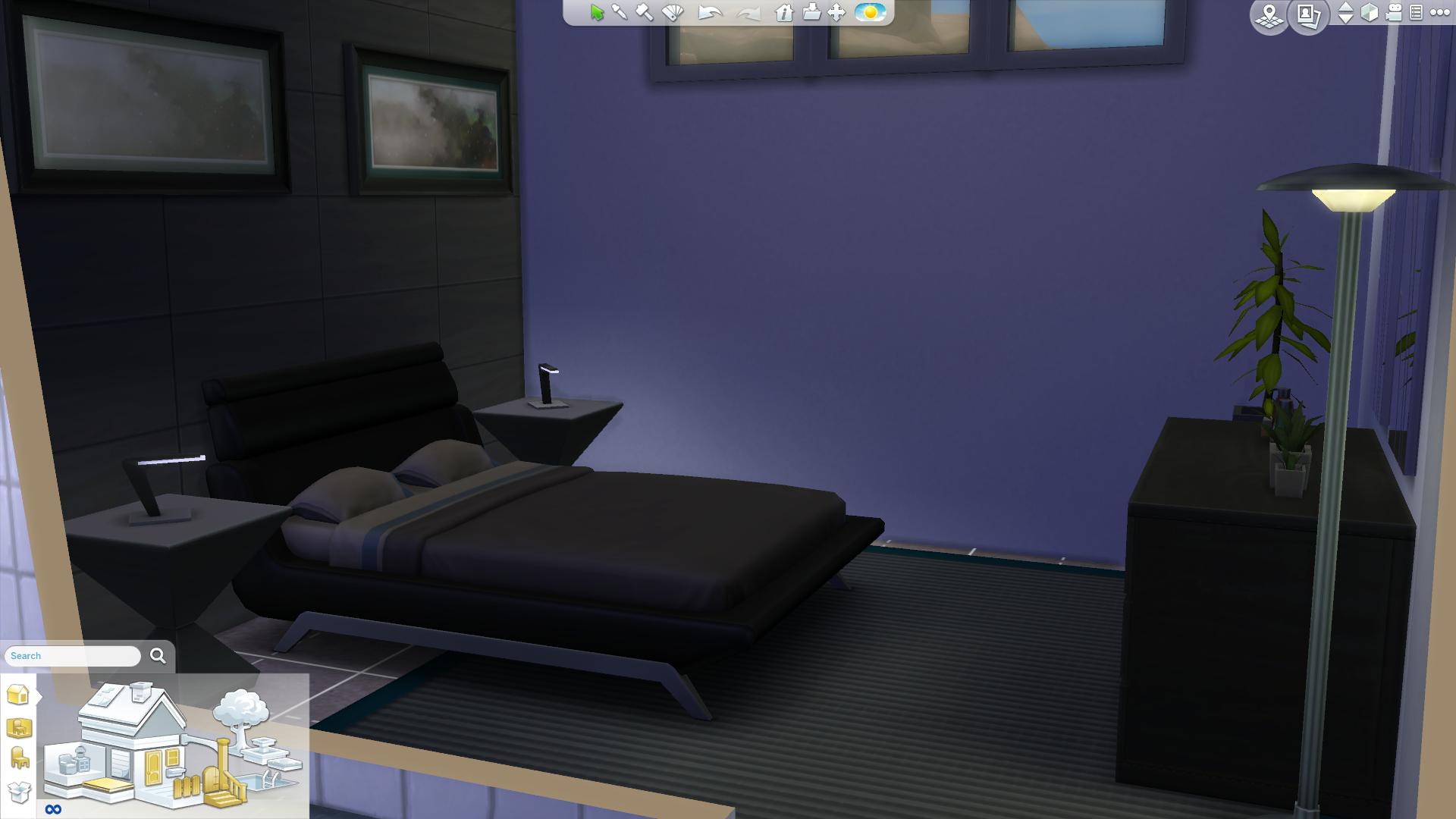
Few accent pieces are used in contemporary style, so clutter items are not as widely used as other styles. Think less is more!

You want to use solid colours with contrasting properties against a blank slate of walls and floors. Solid colours everywhere. Contrasting colours means that the colours are from different segments of the colour wheel. Example, red and green are contrasting colours, blue and yellow are contrasting colours.
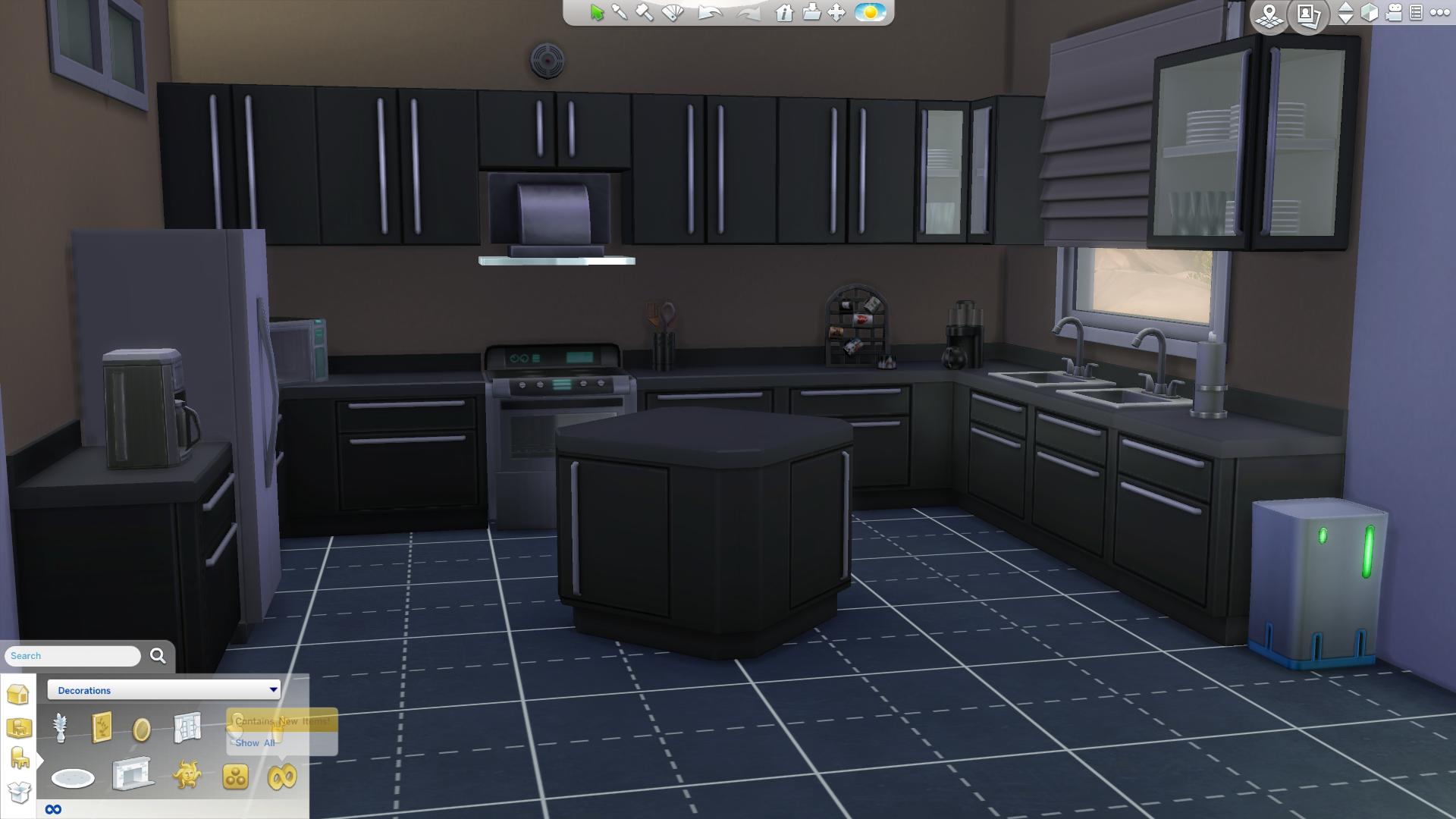
Now you are a seasoned contemporary designer! Make sure to follow these three easy steps for an awesome contemporary styled room!

The Sims Team has released a brand new Patch for The Sims 4 that addresses many glitches and bugs from the Base Game and Get to Work!
Make sure you remove all Custom Content and Mods before installing the new Patch.
Update: 04/13/2015 – PC Version 1.5.149.1020/ Mac Version 1.5.149.1220
Howdy Simmers,
While everybody else has been trying to “Get to Work”, SimGuruGnome has been trying to “Get Some Time Off” for a while now. We took pity on him and let him out of his cave temporarily.
Here’s a small round of fixes to rein in a few pesky problems…
Issues Fixed
- Our overly-friendly visitors from Sixam were a bit too amorous. We’ve reduced the frequency of alien abductions and further reduced the frequency of male pregnancy thereafter. We know our men are good looking but that’s no excuse!
- We’ve fixed a couple issues in the Medical career that could cause problems for actions around repairing broken medical equipment or transferring a patient case. A career in medicine can be grueling for anybody, but nobody wants to be given an impossible task.
- We’ve upgraded the firmware on our cameras to prevent larger photos from appearing too dark. We’ve also fixed an issue that was causing screenshots to come out blurry.
- So what did five say to three about… you know what? I don’t have a joke for this. Save Error 531 is bad and we fixed a couple situations that would cause it to occur.
- Fixed an issue that sometimes caused a crash when doing sciencey stuff during the Scientist career.
- Is your Sim unsatisfied with their love life? Maybe it’s all that alien affection they’ve been getting, or maybe it’s the stress from their new careers, but our Sims have been leaving their partners with an unsatisfied moodlet. We’ve conducted some remedial WooHoo education and Sims should now be better about taking care of their partner’s needs.
- Fixed an issue where children and teens weren’t getting school credit if they were coming home in a mood not explicitly approved by their school. Harsh!
- A recent update mistakenly removed some items from teens, but they’re back now. Teens can wear heels again! Fashionable teen Sims can once again experience unnecessary foot pain in the name of looking good.
- We fixed a few unintended issues on our side that caused problems with certain types of CAS Custom Content.
That’s all for this quick update. Most of these fixes started as feedback from the community and we couldn’t do it without your help and support.
-SimGuruGnome’s Understudy
Source: EA Help
Tip: Crinrict

IslaRose has proven that creativity knows no boundaries; she managed to create 17 Beautiful Lots for The Sims 4 Get to Work just several days after the release!
Most of them are Retail Lots that each have a different theme, but there are also 2 Career Lots and 2 Miscellaneous Lots & Venues.
You can download these lots by searching them under the Islarosexiv Origin ID, or you can simply click on the Lot titles below.


Here to steal the second Spotlight is a popular Sims Magazine called SMagazine. Take it away George!

Hi everyone! My name is George and I’m best known as the guy behind SMag. The Sims is one of my favourite pastimes, and I share my passion for that through SMag.
– How long have you been a Simmer?
I first started my time as a Simmer (or should I say my addiction) with The Sims 2. I got it for my birthday, and I was a little overwhelmed by it at first. My dad, who now says he has no memory of this (let’s face it, he’s getting old!), taught me how to build a house. We built a 6-storey house that I chucked everything into and got confused when I couldn’t build a roof on top. Since then, I’ve religiously played The Sims whenever I got spare time. Of course, there’s other games besides The Sims that I like to play. I love simulation games, like Cities: Skylines, Prison Architect and Rollercoaster Tycoon – I love games with a creative twist.
– How did you begin with SMagazine?
I began SMag in 2013. I had no idea that I would even finish the first issue, since it was just a little bit of fun. Looking back, it was terrible, but it opened the door to me being able to take SMag a lot more seriously. It still isn’t huge, but that doesn’t really bother me – the most important part about doing something like this is enjoying yourself.
– How would you describe your Magazine?
SMag is primarily an online magazine that’s all about design and inspiration in The Sims. I think it’s really unique – you have a whole load of houses made by people in the community, a dash of custom content, a little splash of humour, some news and a bucketload of content made by the amazing team I have at SMag. They’re all amazing and they helped shape SMag into the amazing smorgasbord of content it is today. Whilst we’re not working on issues, there’s a smaller team of people that dedicate their time on the team to updating what we have on the website. My team is so amazing, and hopefully one day they’ll be responsible for SMag growing even further than it has already.
SMagazine’s Latest Issue
– What do you want your Magazine to become?
Honestly, I have no idea. I love what we have now and I wouldn’t change it for the world. I want to grow SMag even more, through creating content that gets better and better every time. The only way is up, but how do we start going up? Do I want to make SMag more interactive? Make an SMag app? Who knows. The most important thing about this is that you enjoy yourself. When it becomes a chore, you need to take a break or even start over.
SMag Issue 10 has just come out when you’re reading it, and if you’re interested you can visit our website to find out more!
Thank you George for getting under our Spotlight!
You can check out SMagazine’s website HERE and make sure you’re following them on Twitter HERE!
Do you want to get under our Spotlight? Contact Us!

Update #4: We finally have a possible hint for Cats and their arrival to The Sims 4. We updated the post from Dogs to Pets 🙂

Thanks @TheSims4RU for the tip!
FYI: So far we’ve had Hints about Dogs and Cats. Here’s a Survey that was released in March 2014 that could tell you what features should we expect.
Pets – Create perfect – or imperfect – pets for your Sims with a wide variety of unique dogs, cats, lizards, rodents, and birds. Teach them tricks and enter them in talent shows, or simply hang out and watch them destroy your neighbor’s yard…more pets means more fun!
Dogs – Use the new Create-A-Puppy to design your Sim’s new best friend! Teach your dog tricks, train him to hunt collectibles, play with toys, and even enter him in a dog show! Raise your puppy and help him grow! Will he age up to become friendly and loyal, or aggressive and independent? Your interactions with your dog shape his future!
Update #3: DOTsim found out that there’s another object that hints at Dogs; Dalmatians to be exact!

If you look at it, this isn’t the first time that EA has done a hint for a future Pack. In the Base Game, there was an object called ”Commemorative Freeze Ray” that wasn’t usable, but it was certainly hinting at the interactive Freeze Ray that comes with Get to Work (Scientist Career).

Update #2: The Sims Social Channels posted a new screenshot from Get to Work for their Doctors Blog, but there’s a bubbly hint in that screenshot that’s certainly worth mentioning in this post:

Update: The Sims Germany Official Facebook Page asked:
What is needed for a very good Pets Expansion?
This could really mean that Dogs (or any other Pets) might make their return to The Sims 4 soon!
Thanks @TheSimplyNando for the tip!
An Easter Egg was found in the object description of the new objects! It looks like a simple Object Description, but if you look closer, Dogs and Babies were mentioned 3 times repeatedly. Could we be getting a Pets Addition sooner than we thought?
Does your baby or dog pose so adorably that you simply must capture every single moment? Is your phone so overloaded with baby and dog pics that you don’t have space for apps? Pick up the Appreciably Average Digital Camera and free yourself to take as many pictures of your baby riding your dog like a cowboy as you could possibly want!
Thanks November_11Sarah for the tip!


