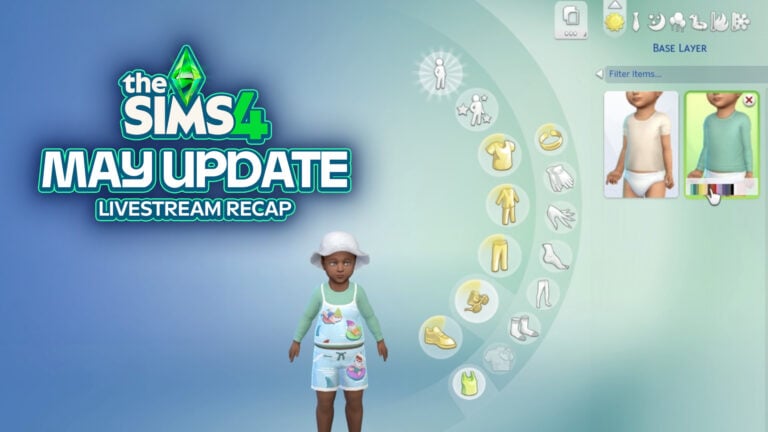
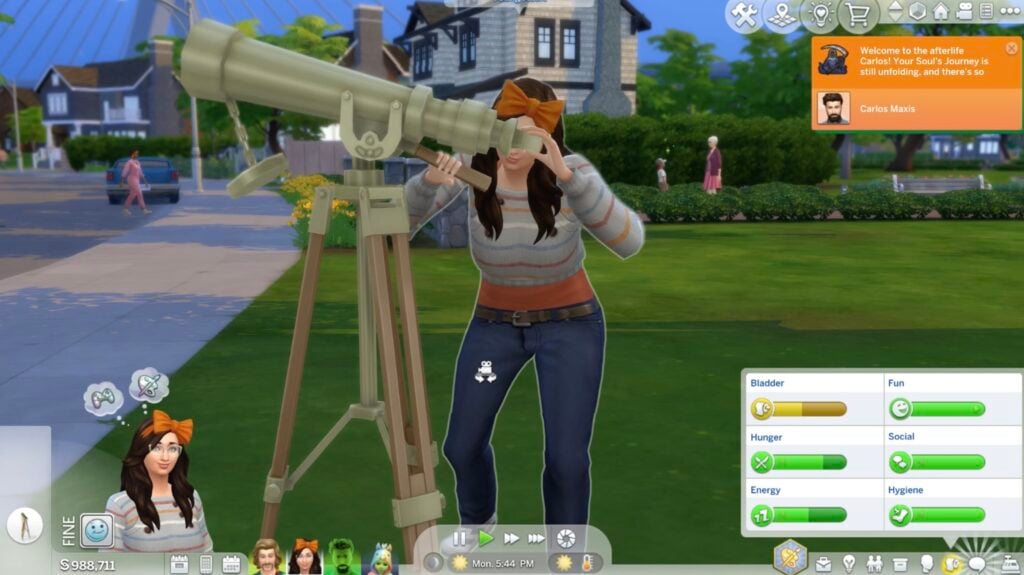
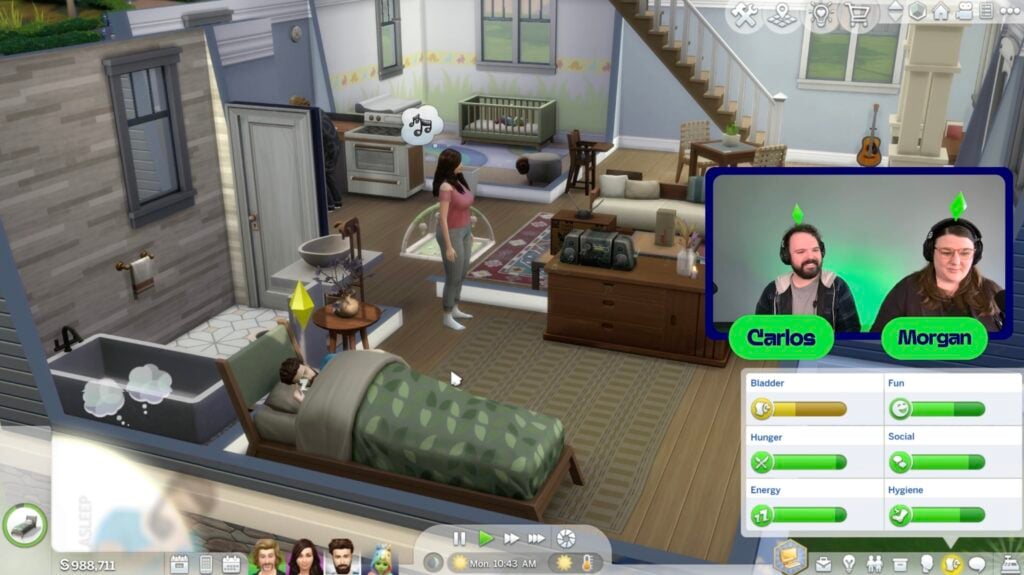
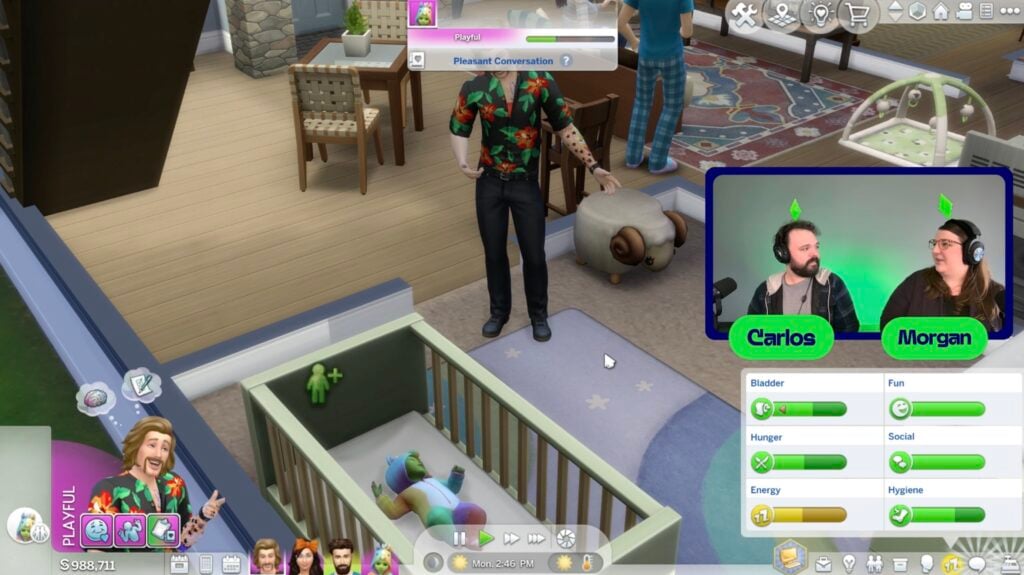
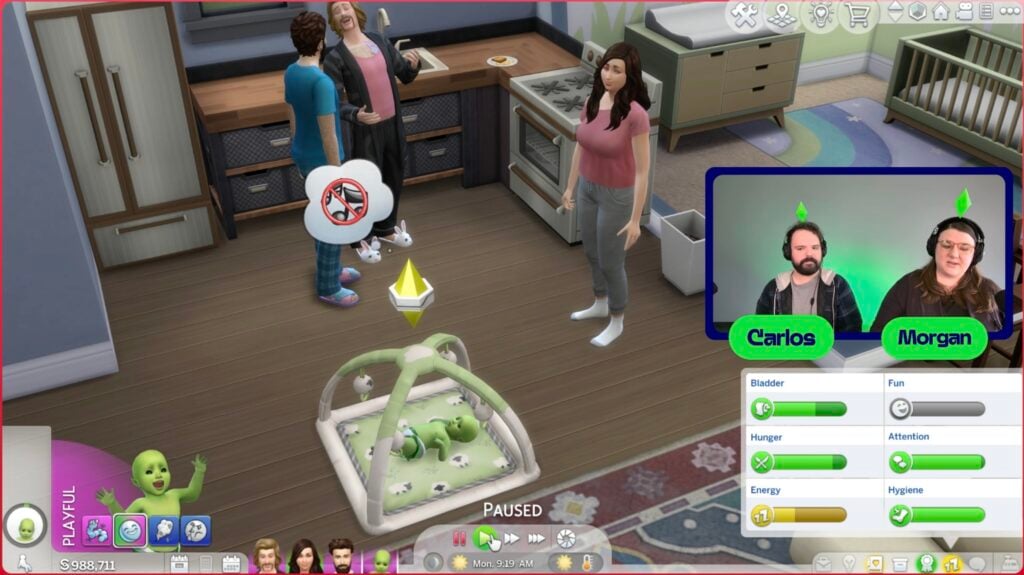
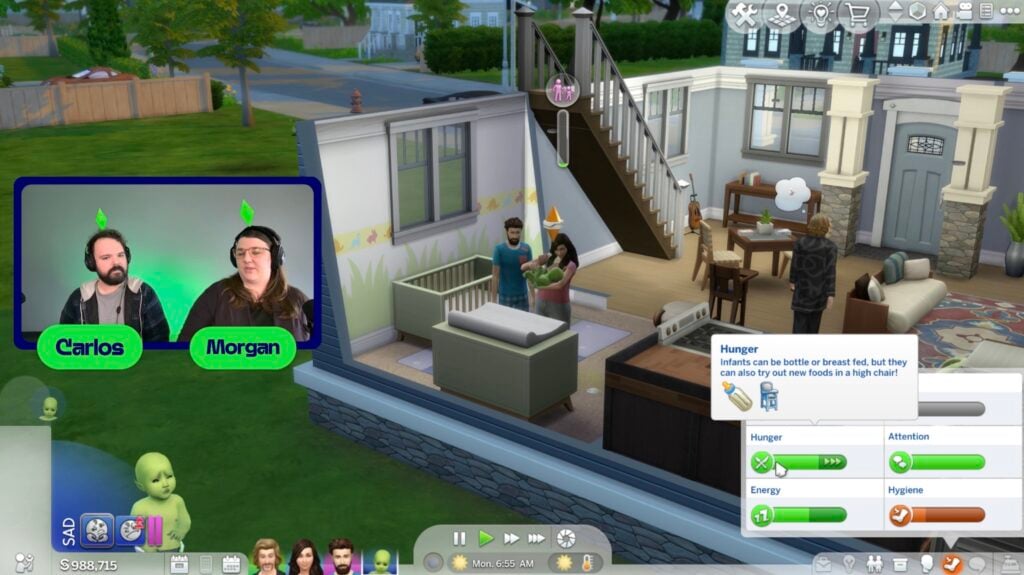
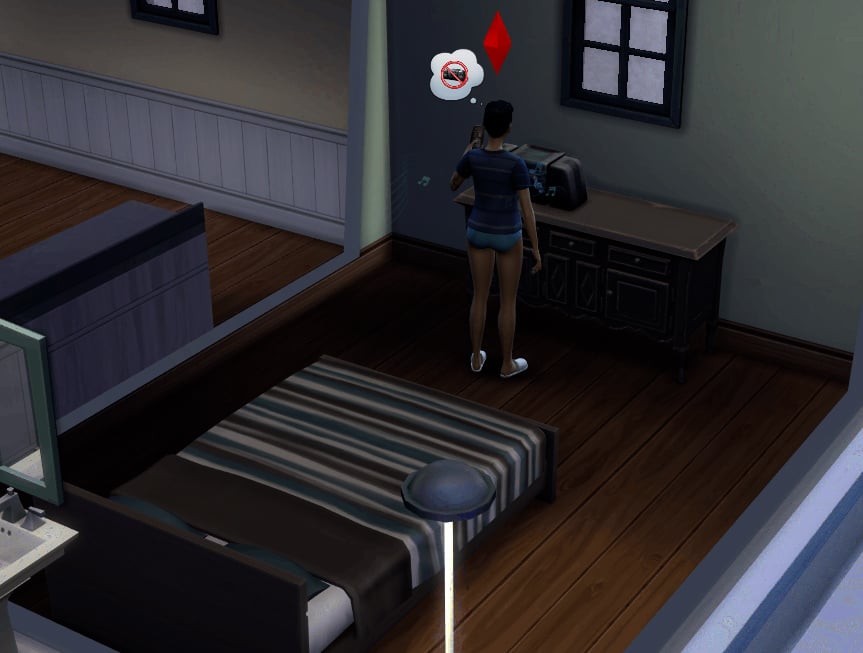
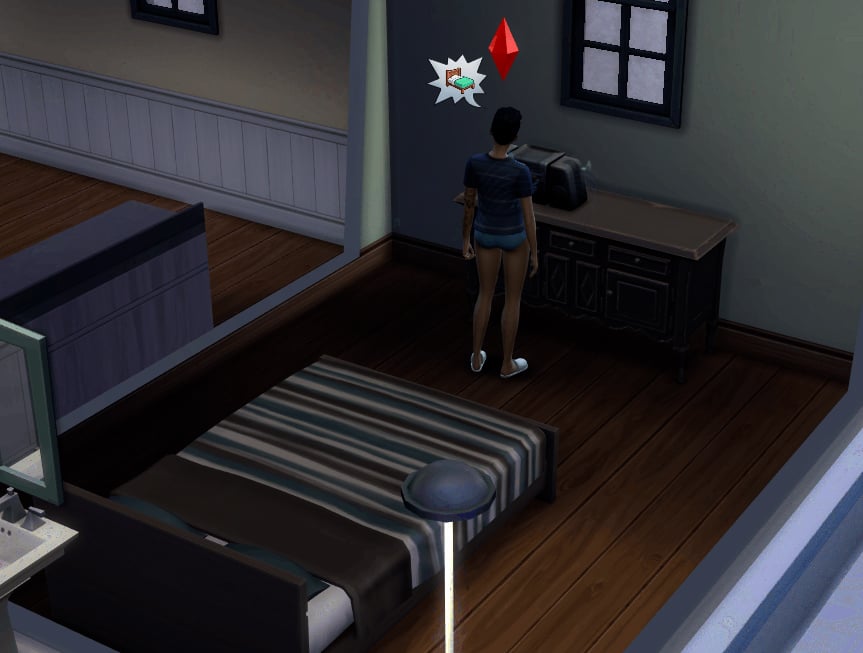
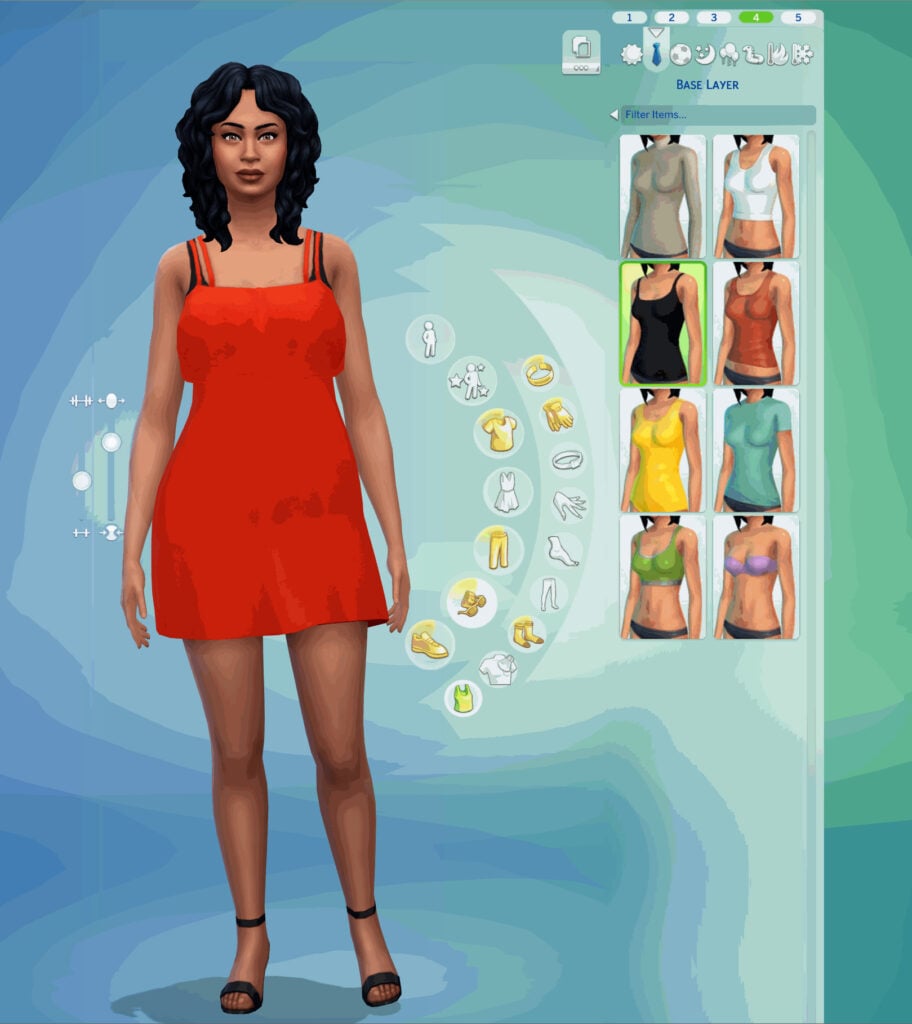
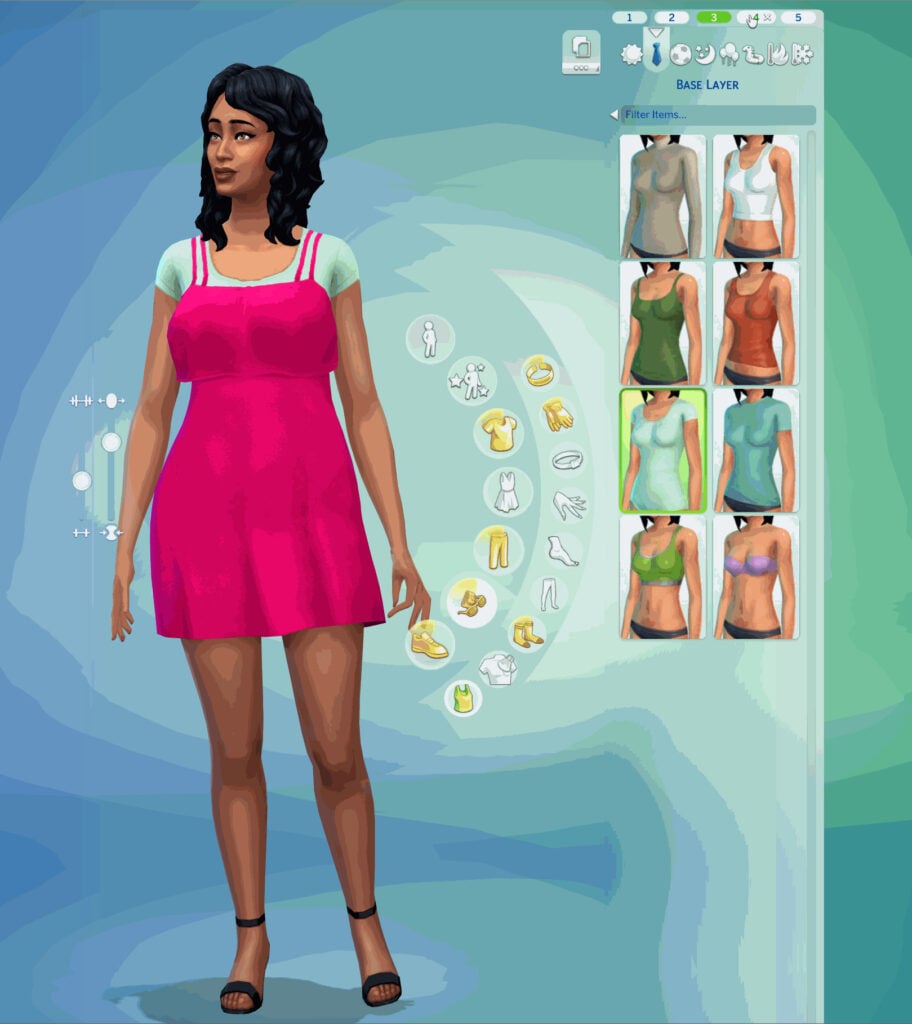
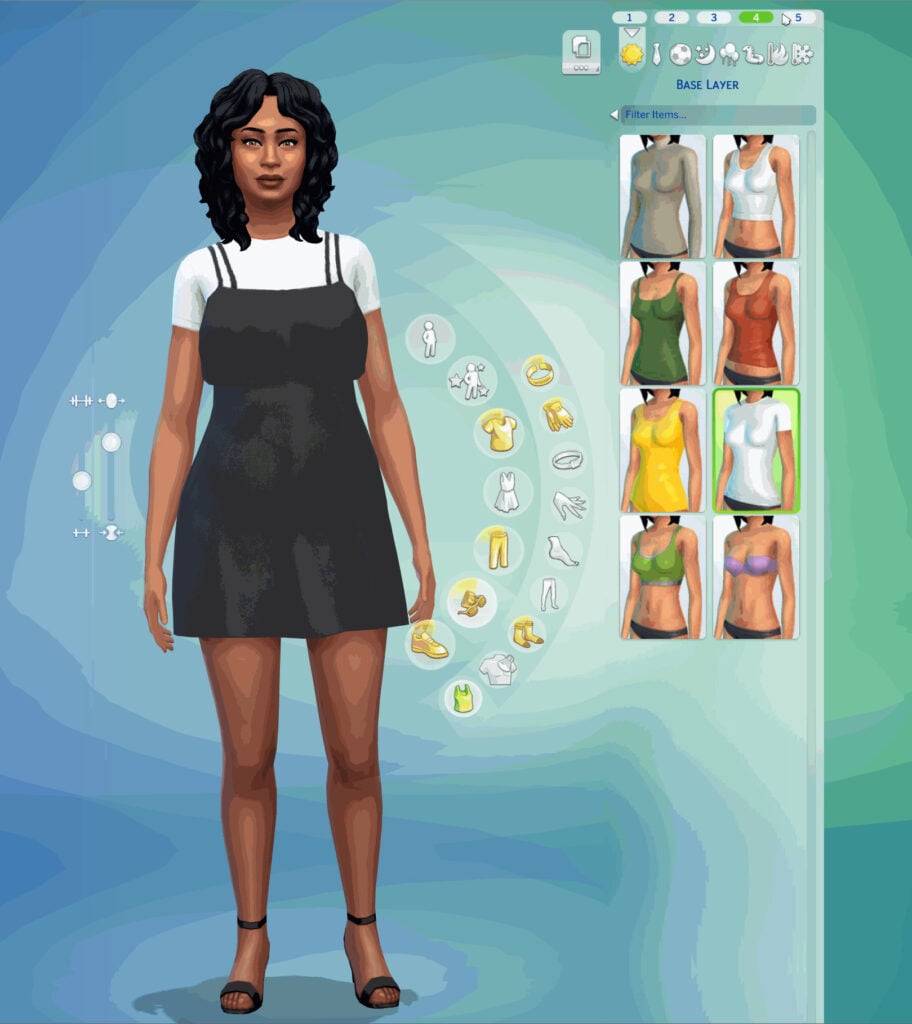
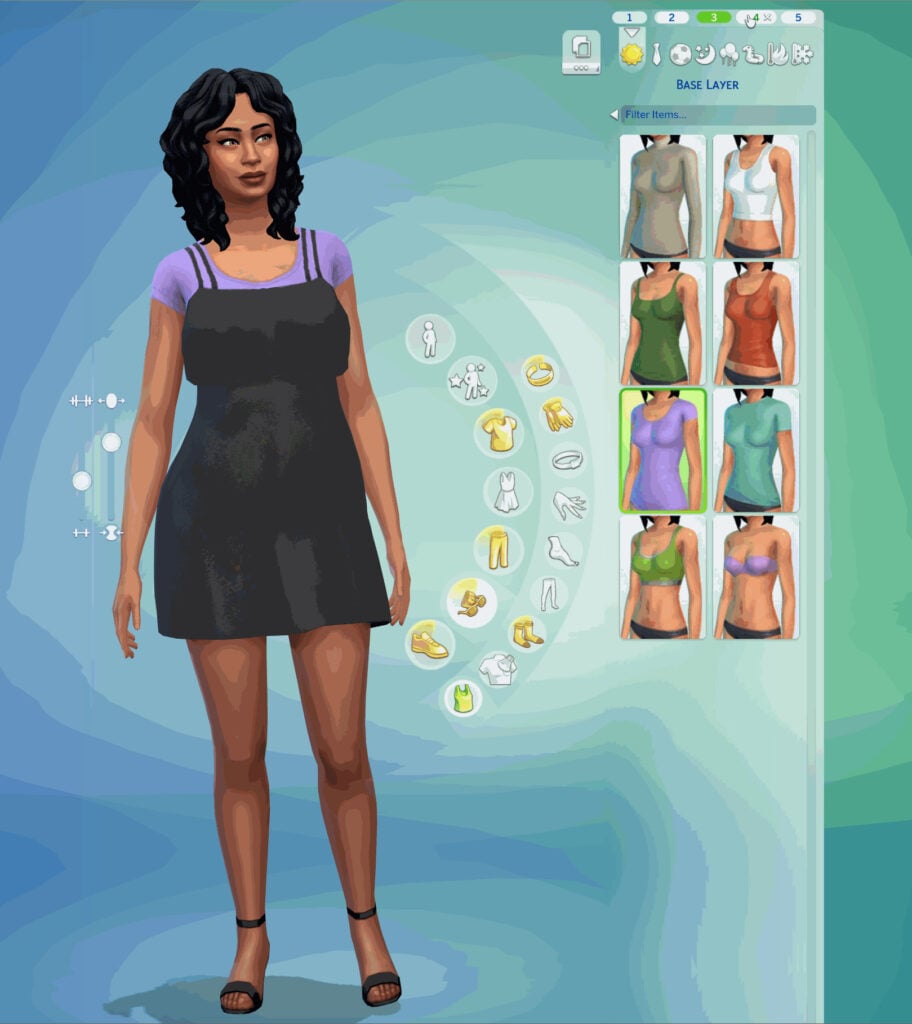
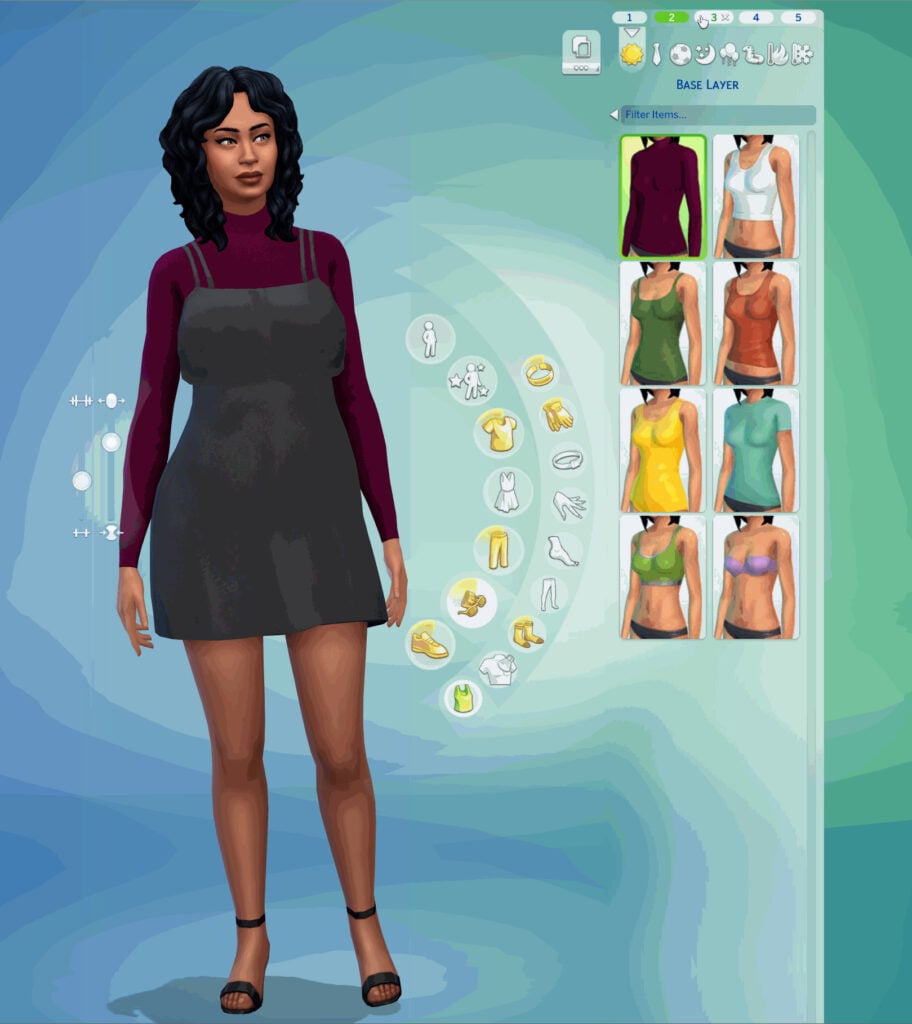
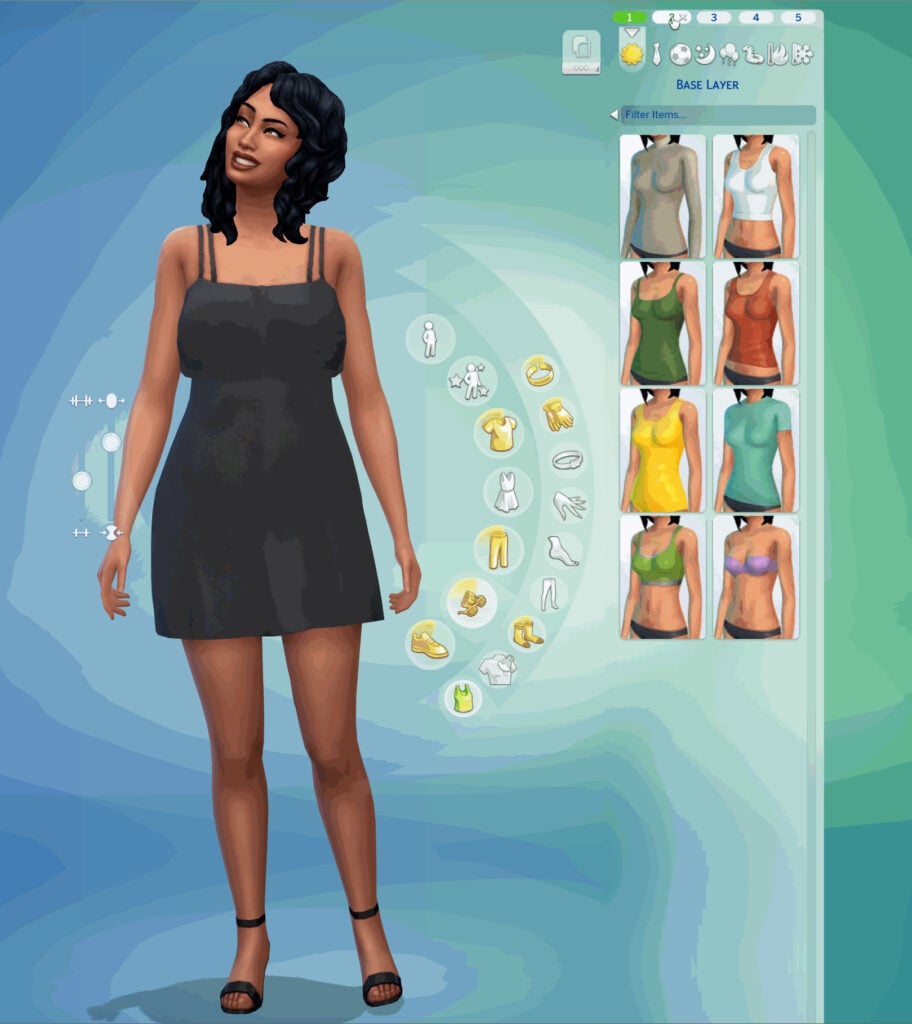
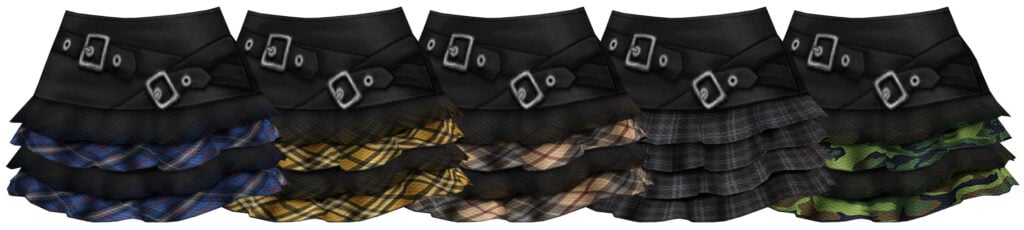
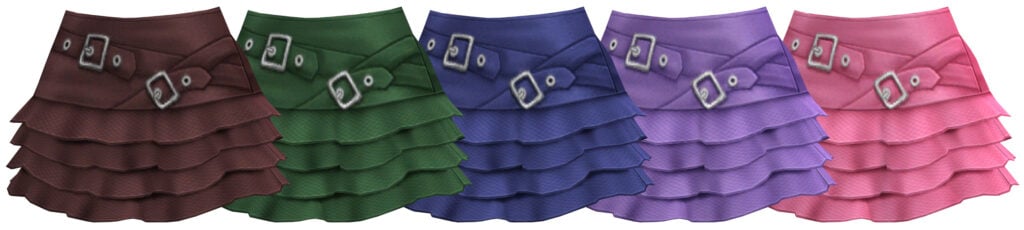
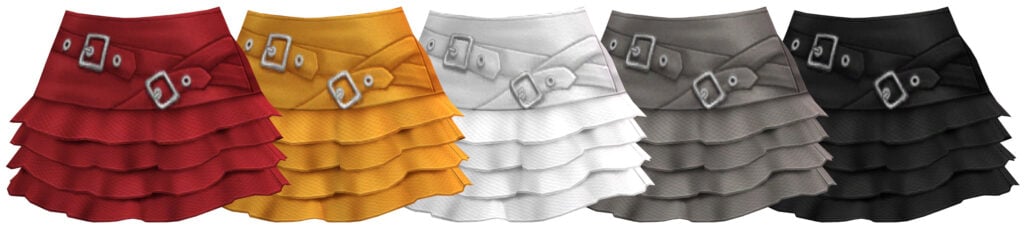
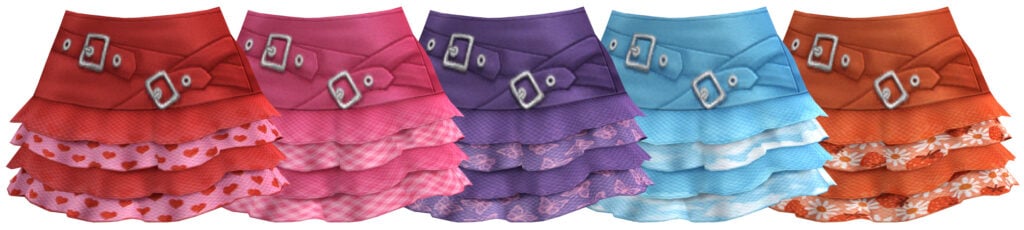
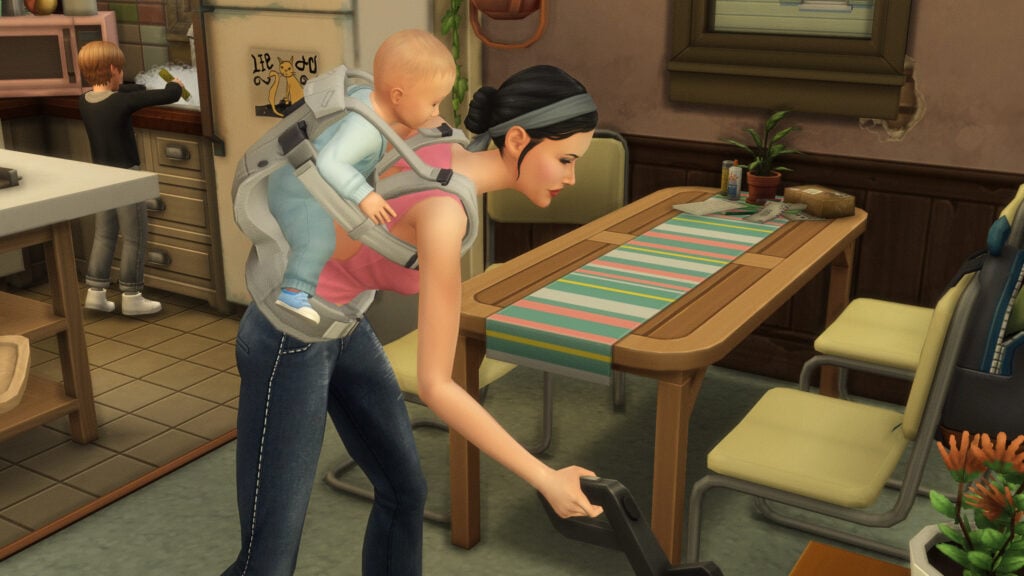
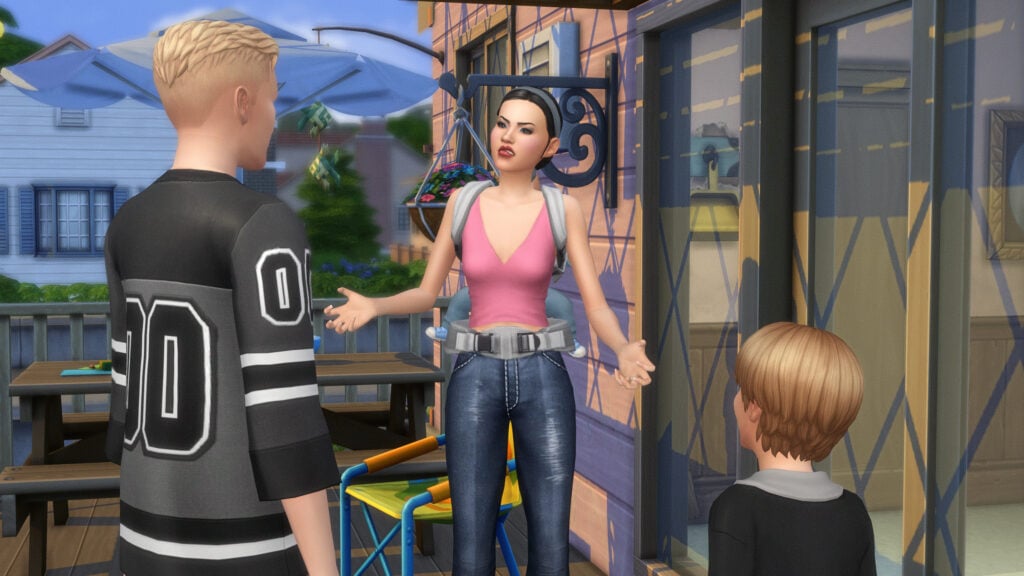
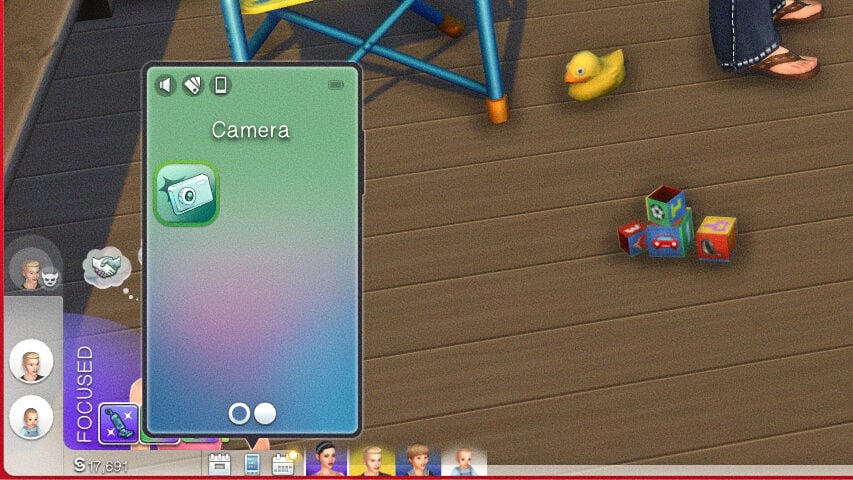
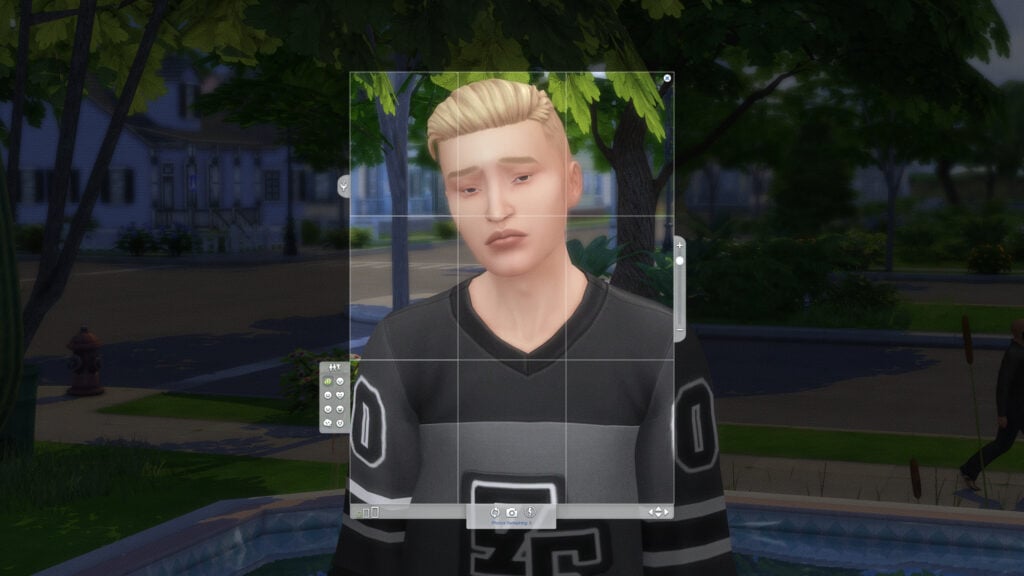
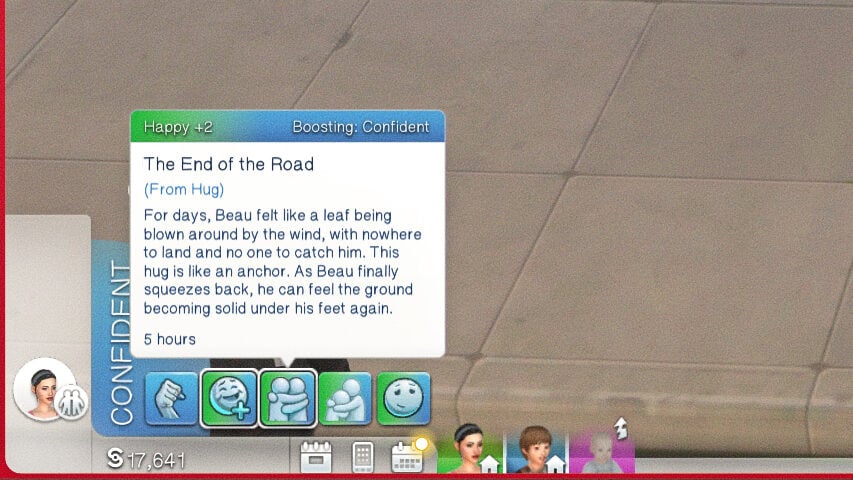
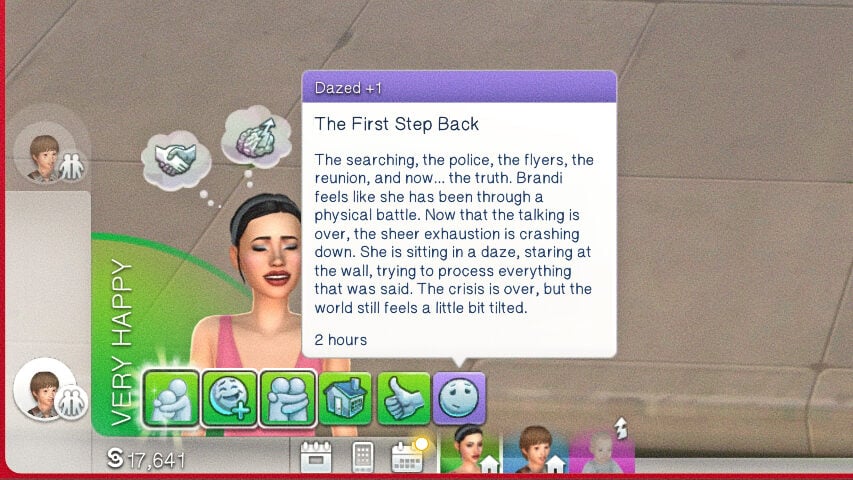
In case you weren’t able to tune in for it, The Sims Team and The Sims Q&A Team hosted an early look Livestream of the upcoming Sims 4 Update coming May 12th, 2026. This livestream was just under an hour long, and primarily focused on some key points of player frustration that are supposed to be fixed with this update, and have been named on the laundry list of 150+ bug fixes released by the team recently.
While the livestream wasn’t a deep dive or heavily detailed, we were able to gather looks at the new assets being added and the long-time requested fixes that players have been hoping to see for months or years, depending on the actual fix.
The Sims 4 Update for May 2026: Early Look Developer Livestream
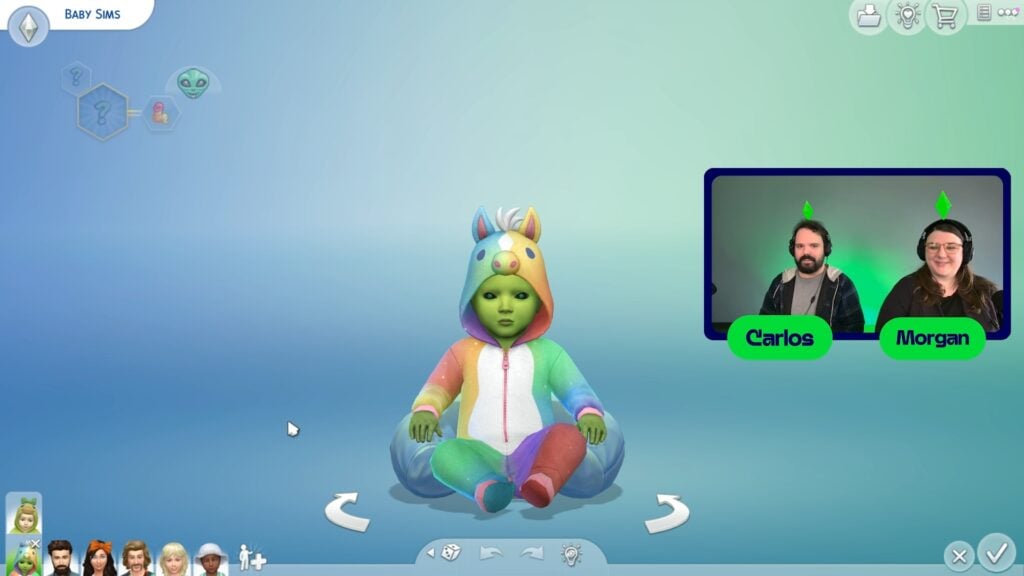
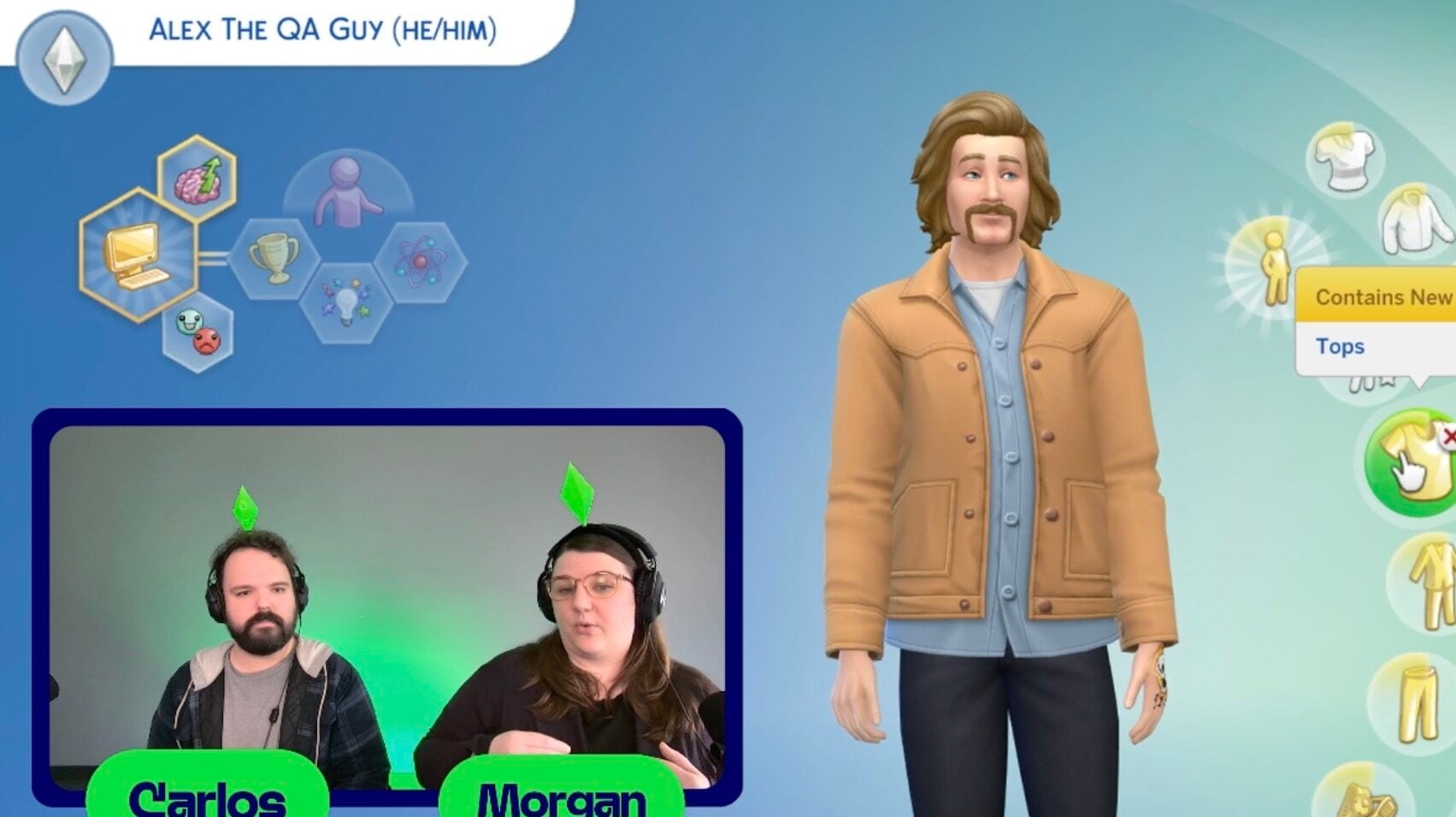
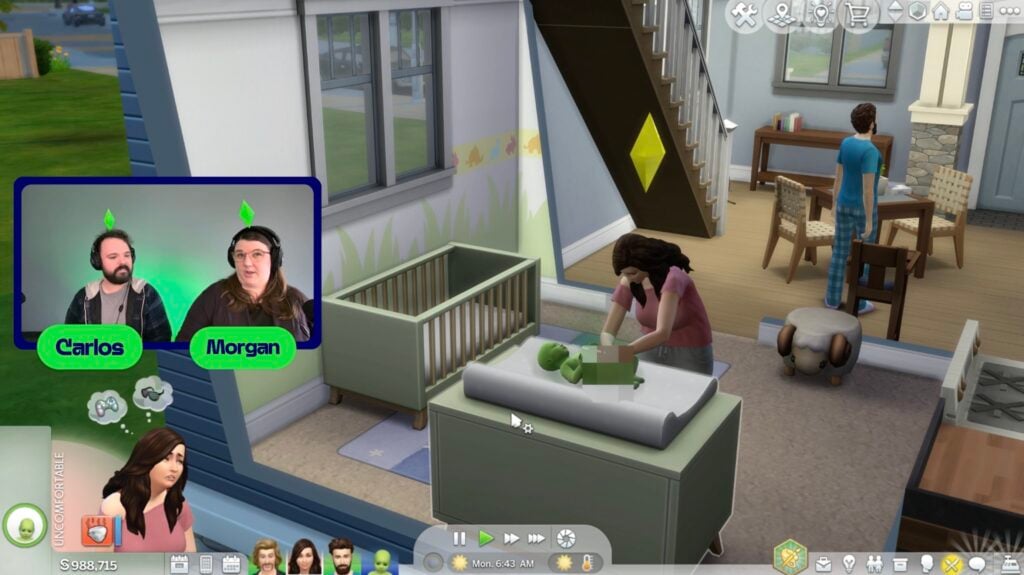
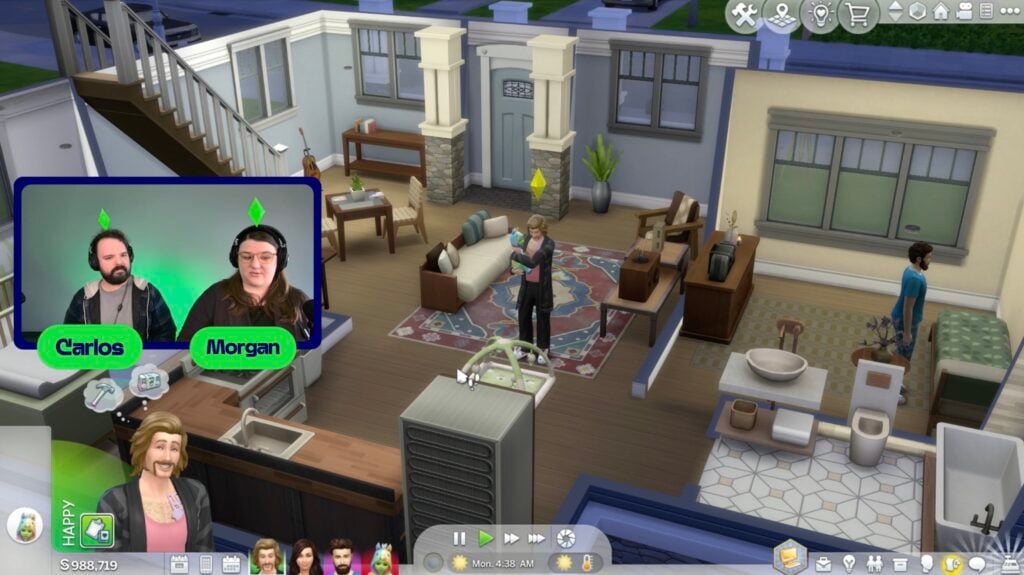
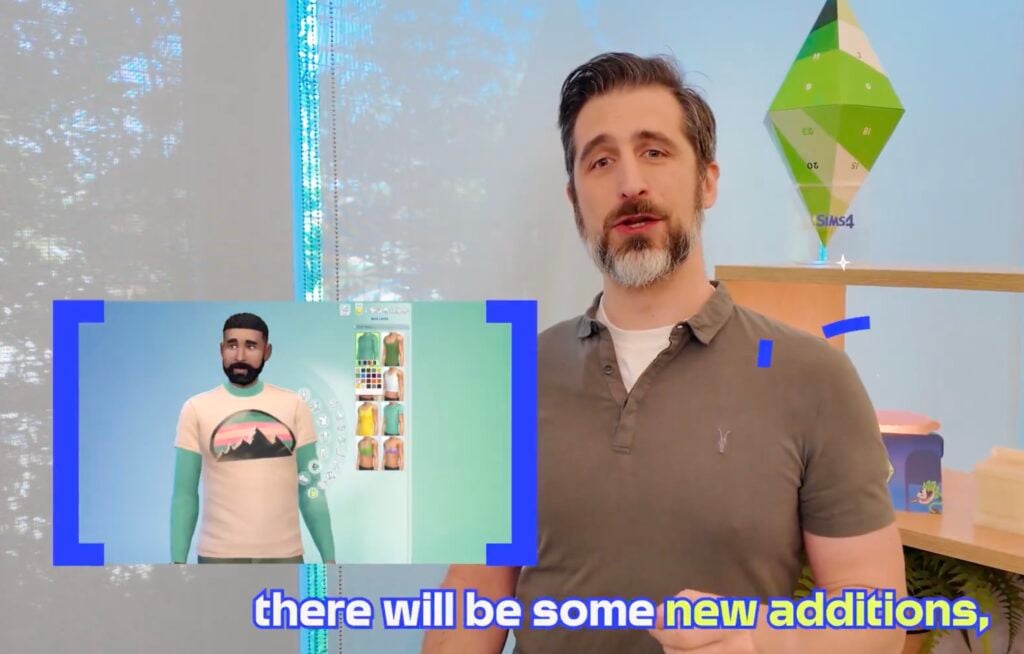
The livestream is with The Sims team members Carlos, Morgan, and Alex. They had a pre-created test family of the three of them, as well as an alien infant who the livestream chat voted to name Eggward.
It was noted that they will be going through lots of fixes, but not everything. The primary focuses were the updates to Create-A-Sim to add base layers, infant bug fixes, and autonomy changes and tuning. The team did this playtesting with all packs installed.
Table of Contents
Create-A-Sim
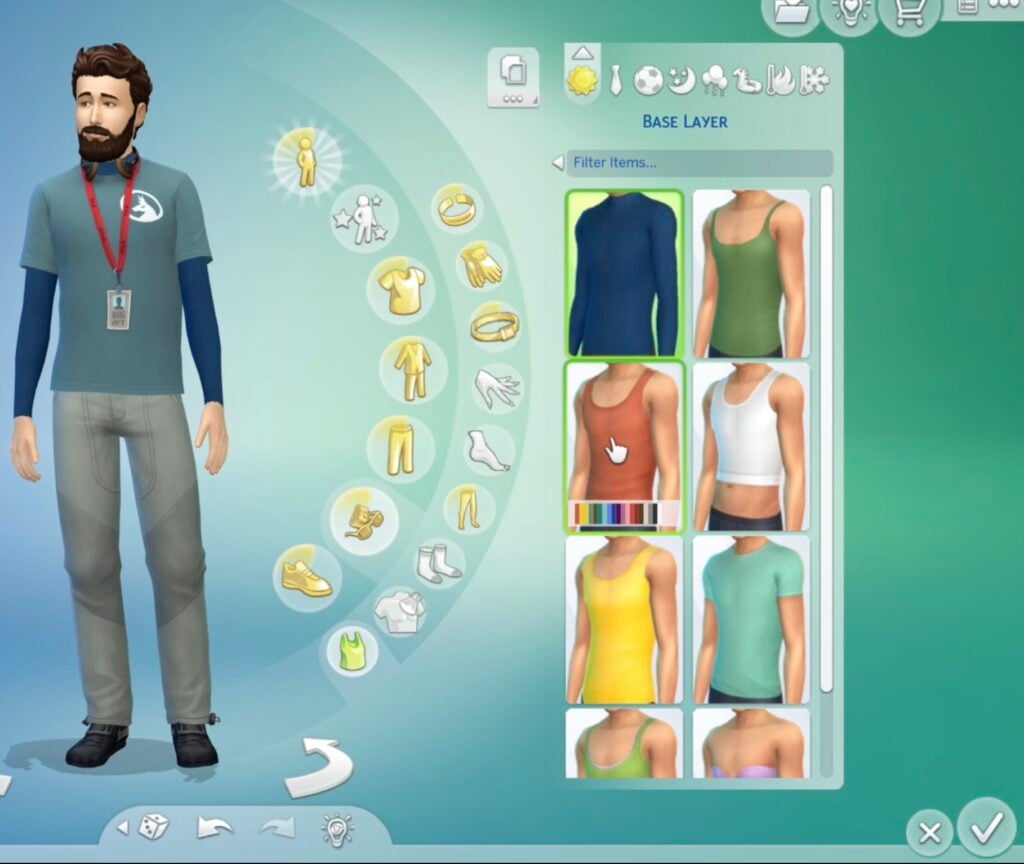
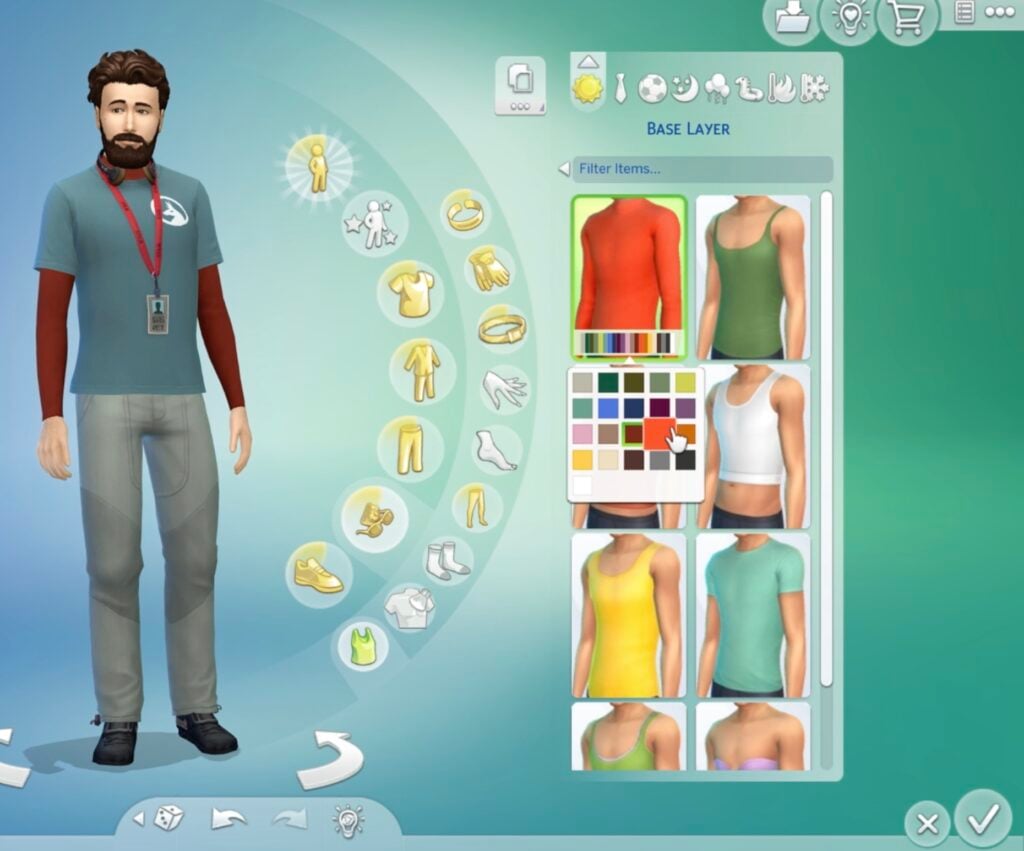
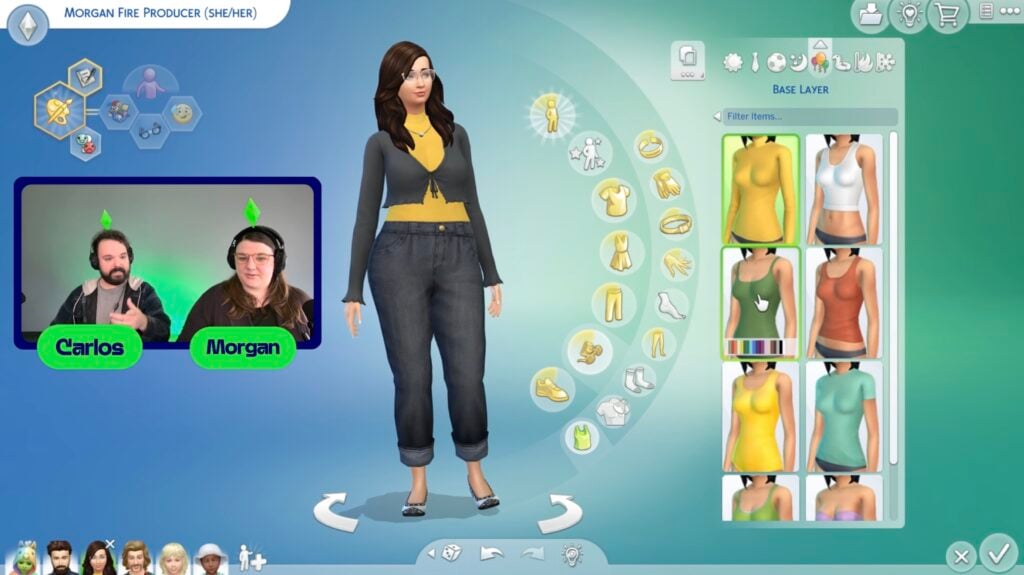
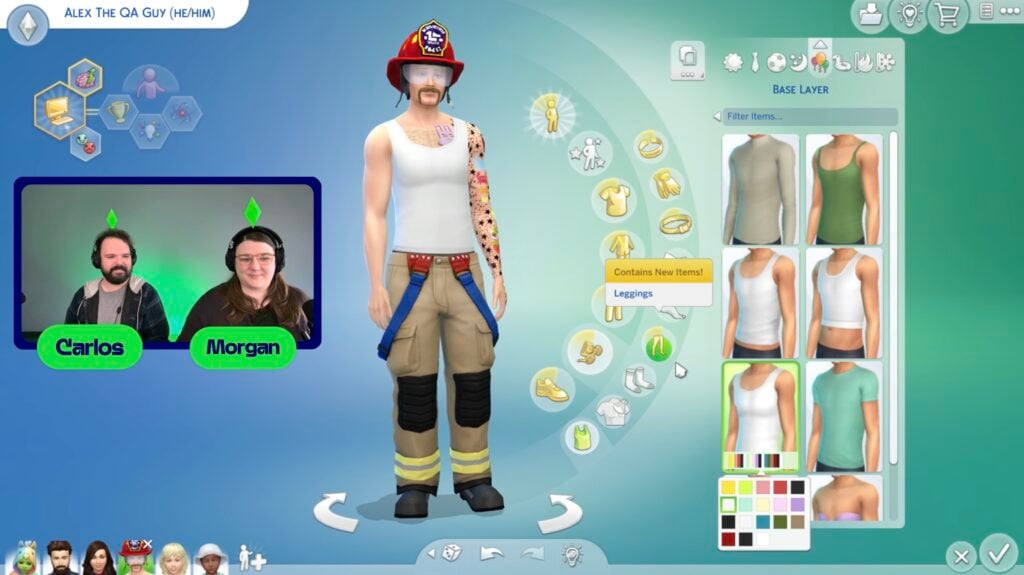
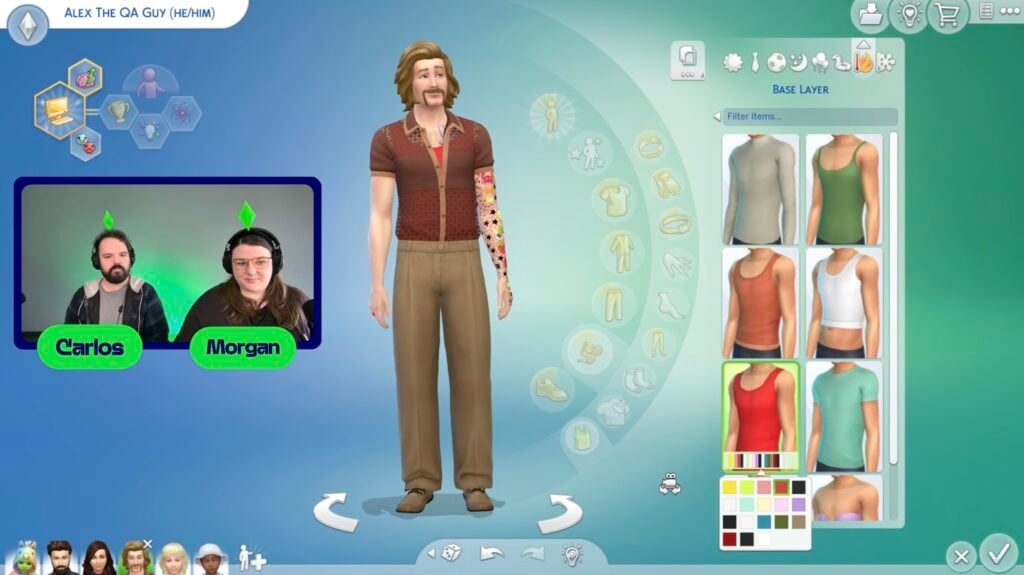
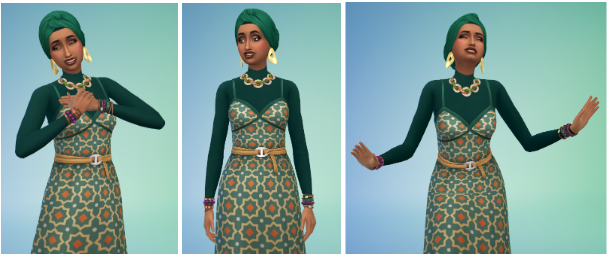
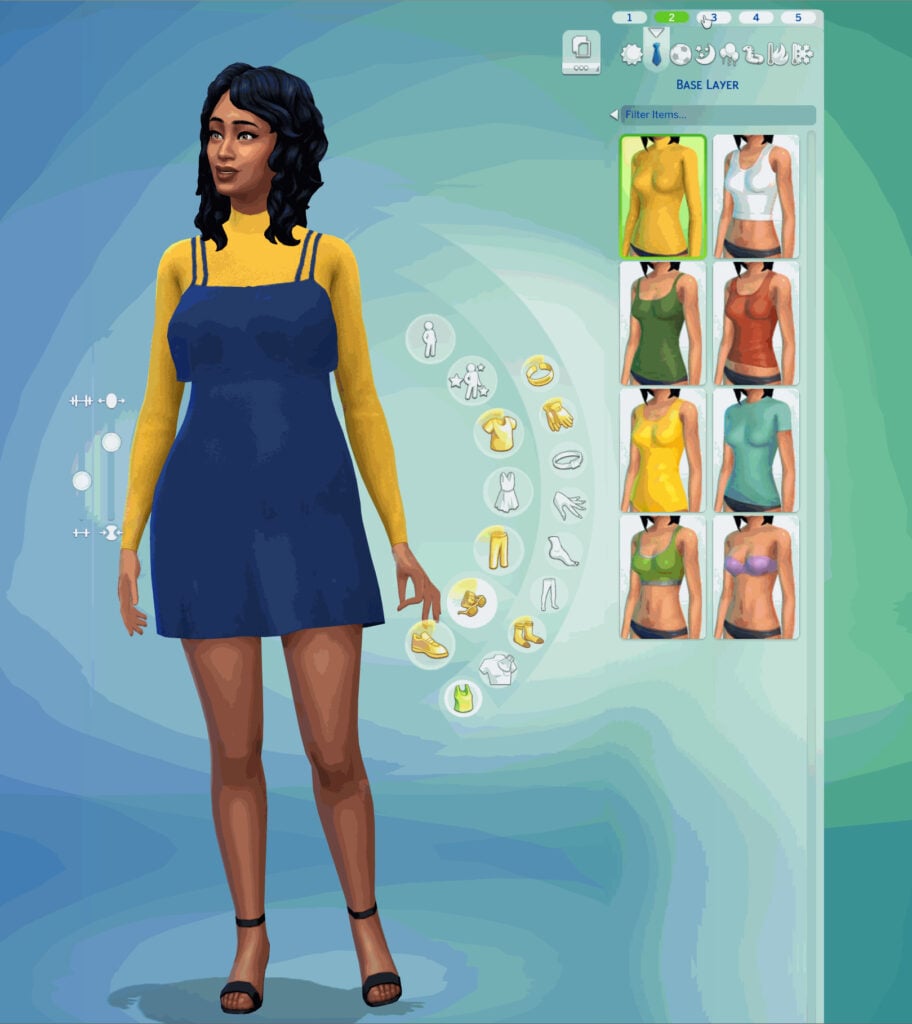
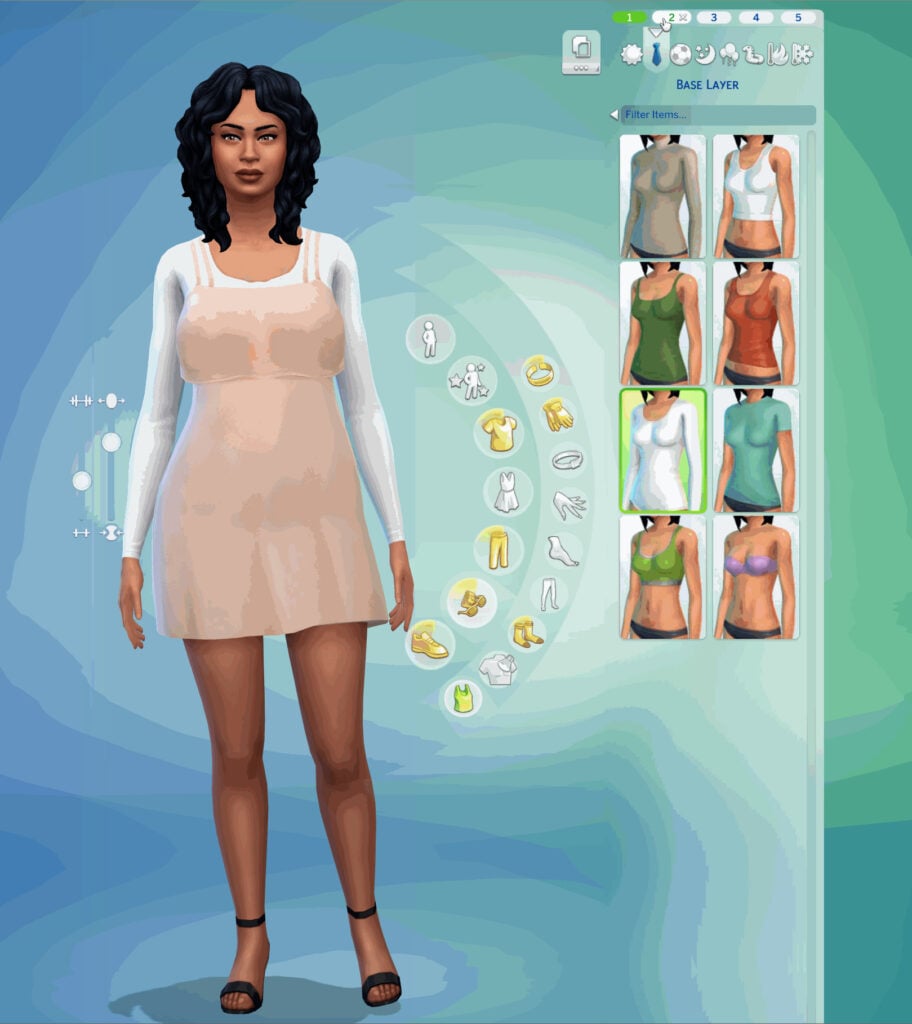
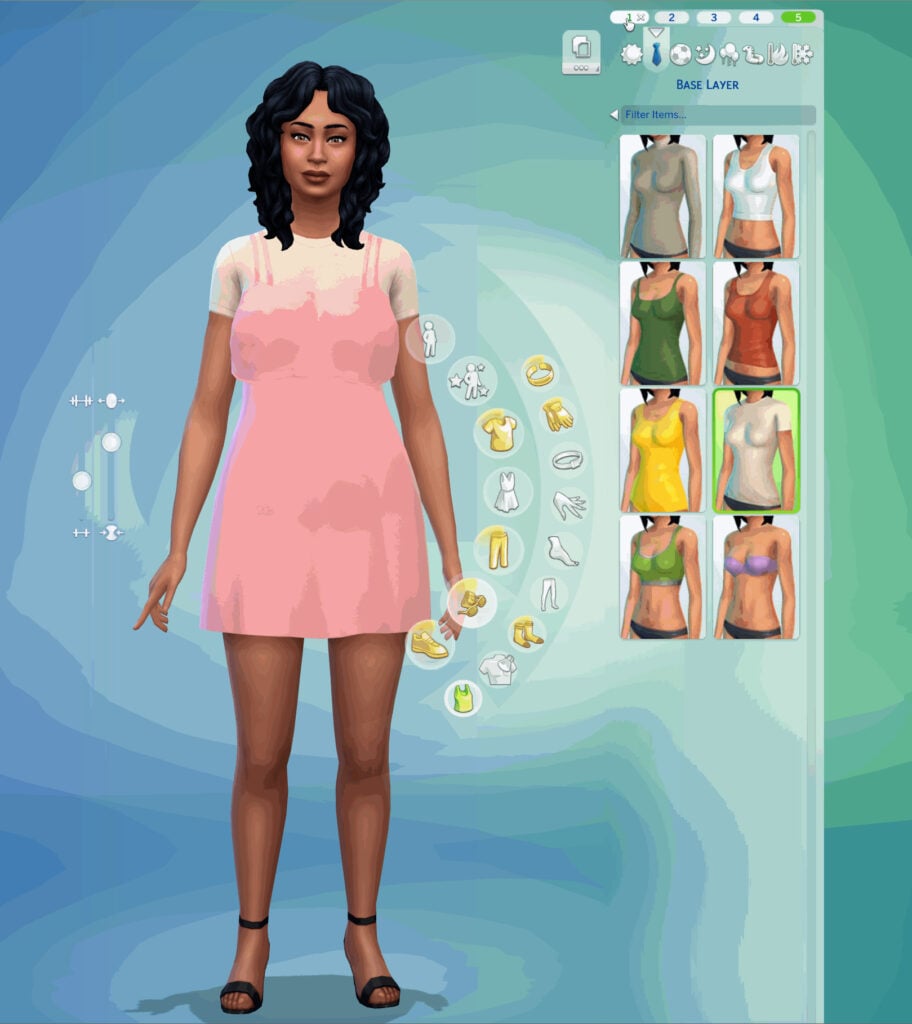
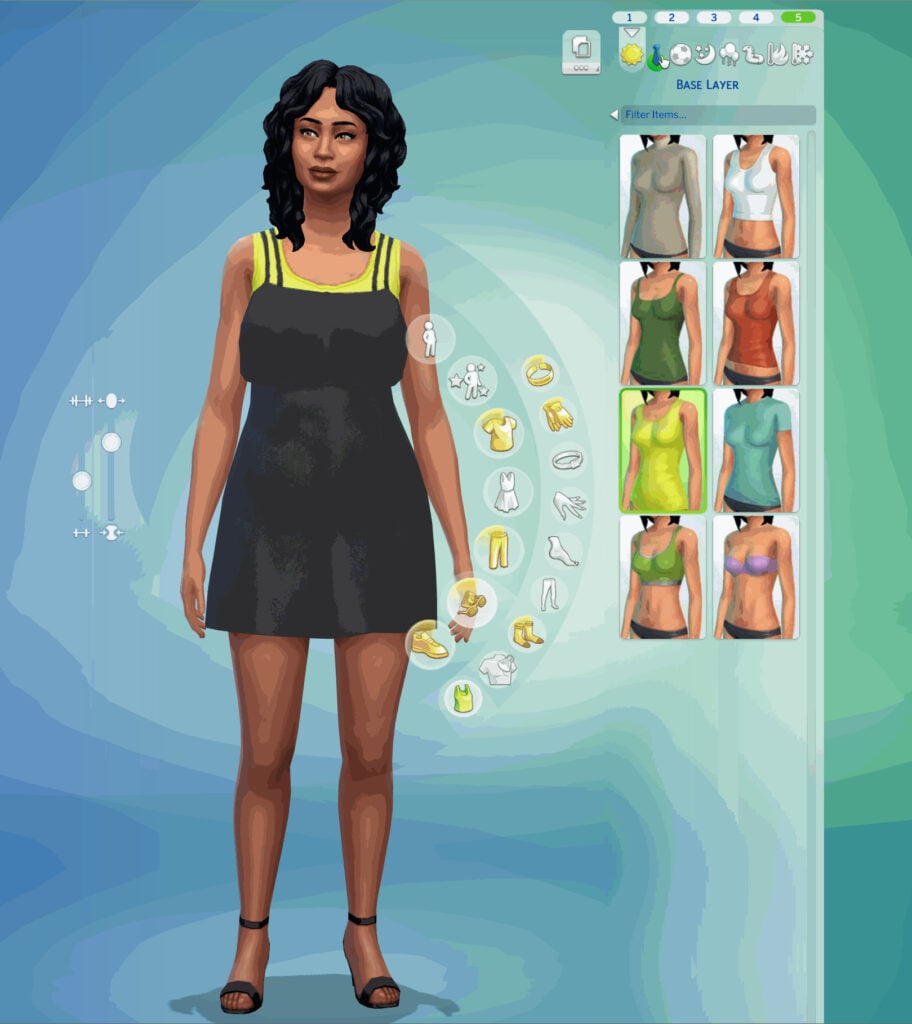
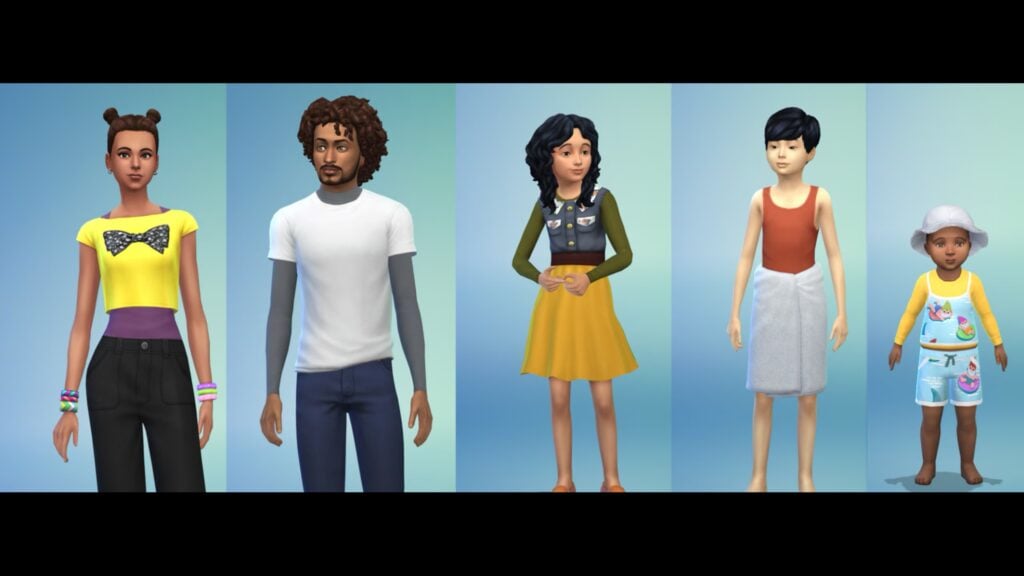
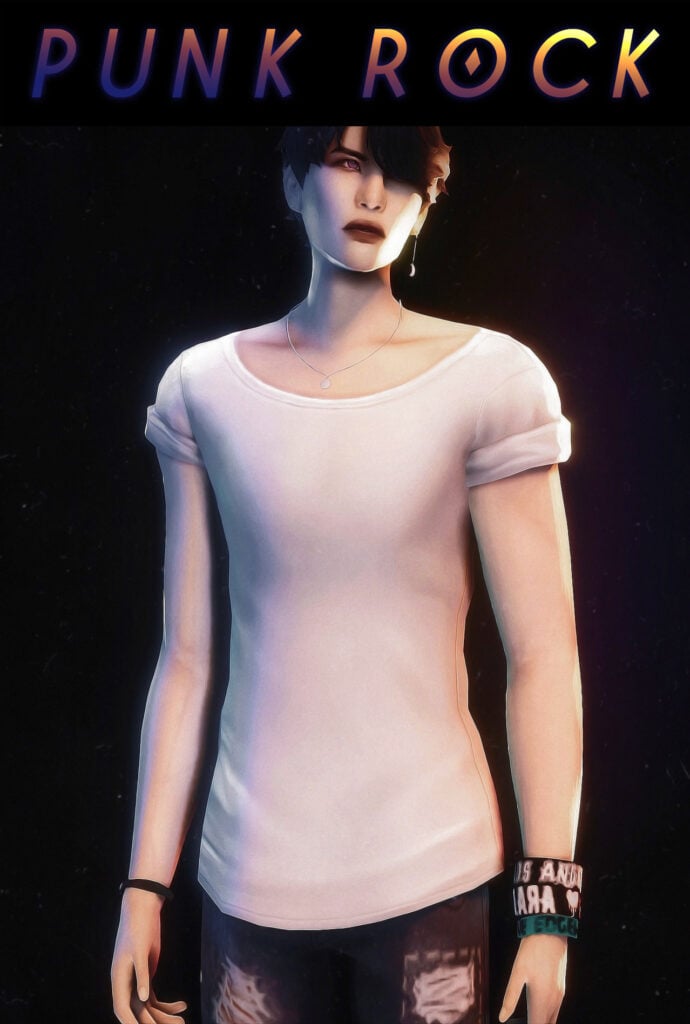
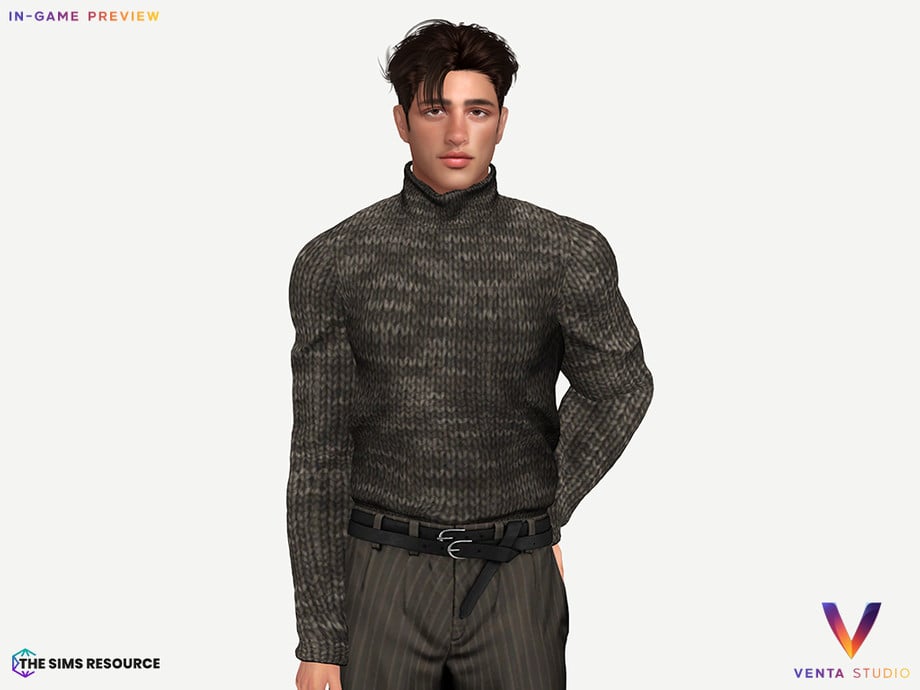
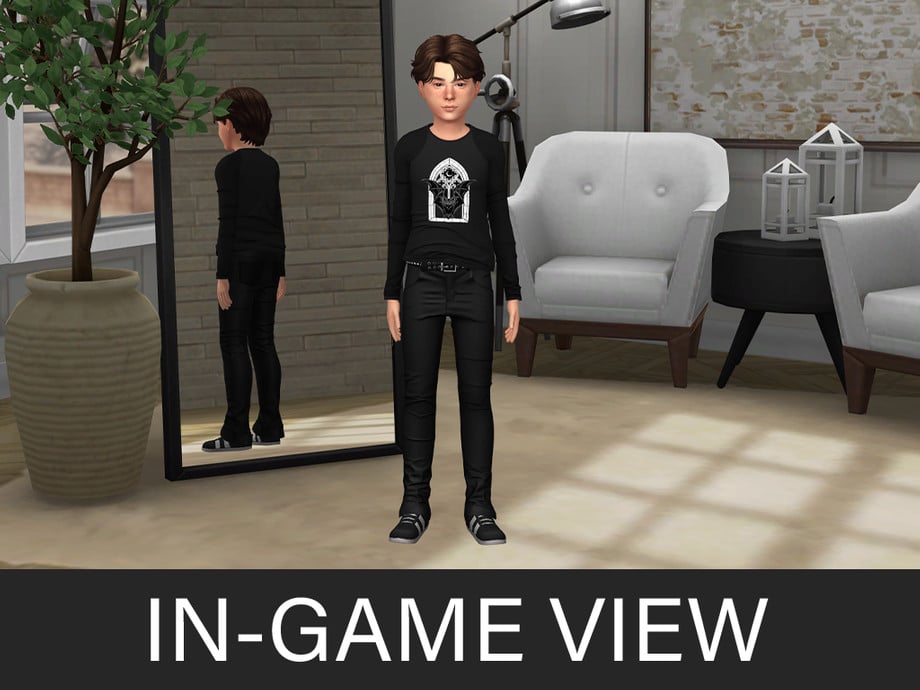
Base layers were showcased. In CAS -> Accessories, there is now a Base Layer category. There will be 8 options for adult sims. The adult sim options include one turtleneck, one t-shirt, two tank tops, a binder, a sports bra, and a strapless bra.
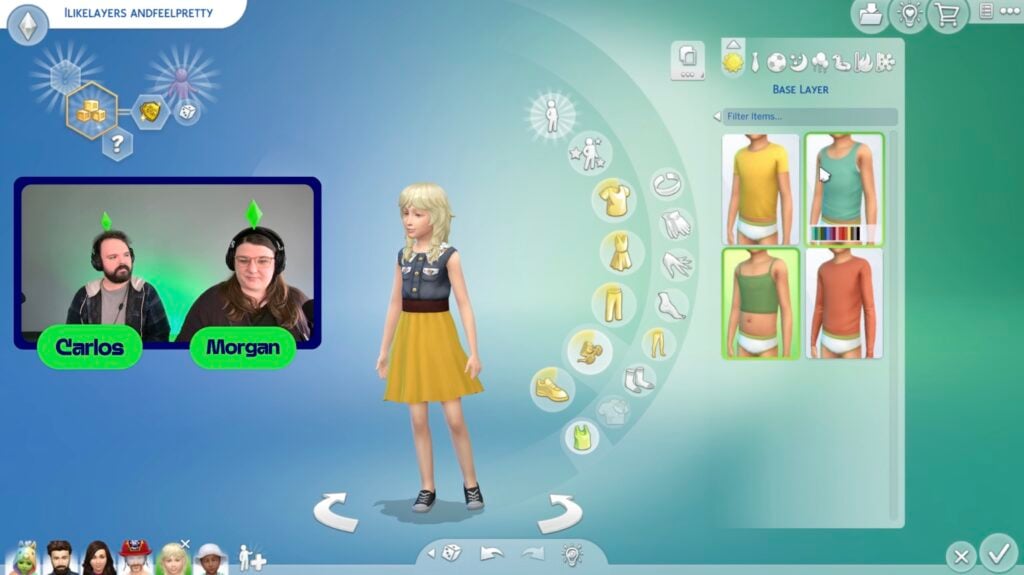
There are four options for children, two being tank tops and two being long sleeved shirts.
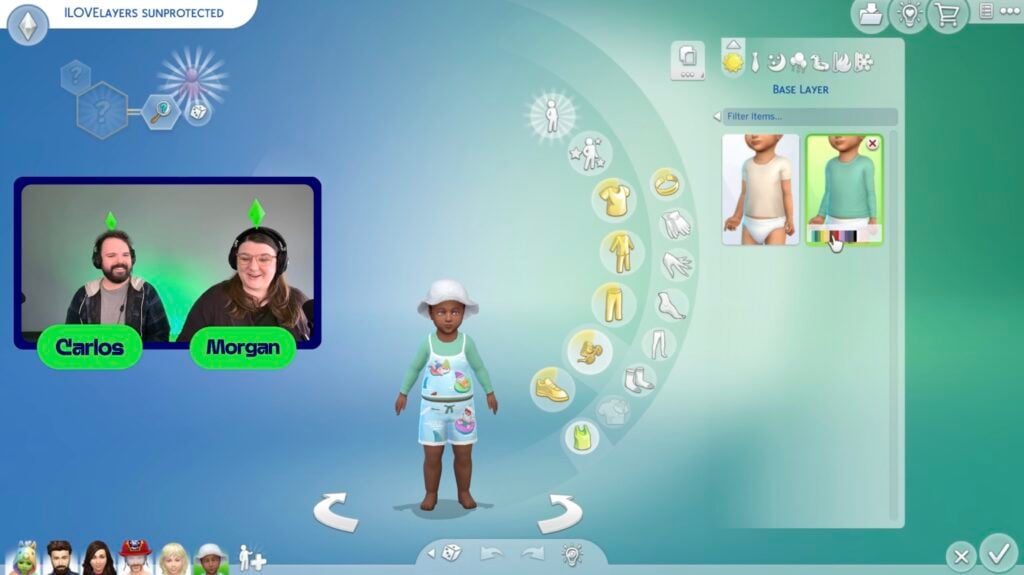
Toddlers get two base layers, a long sleeved shirt and a simple t-shirt.
Base layers function similarly to tights, but for the upper body. Since jackets are just tops, like other shirts already in the game, base layers will go underneath but tops cannot be combined or layered on top of each other. They also show through transparent clothing items, giving a pop of color underneath.
Build Mode
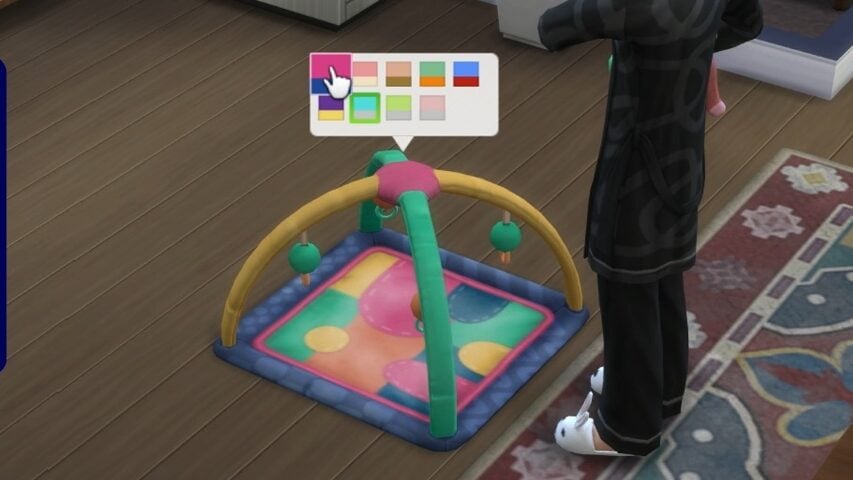
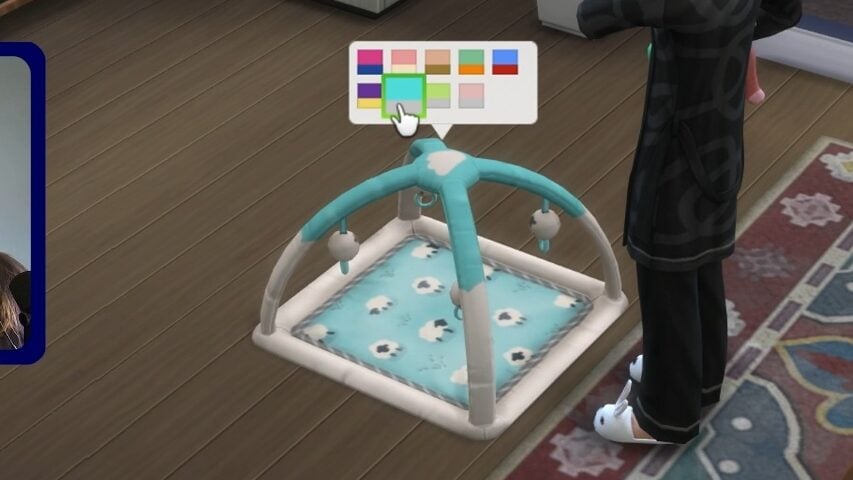
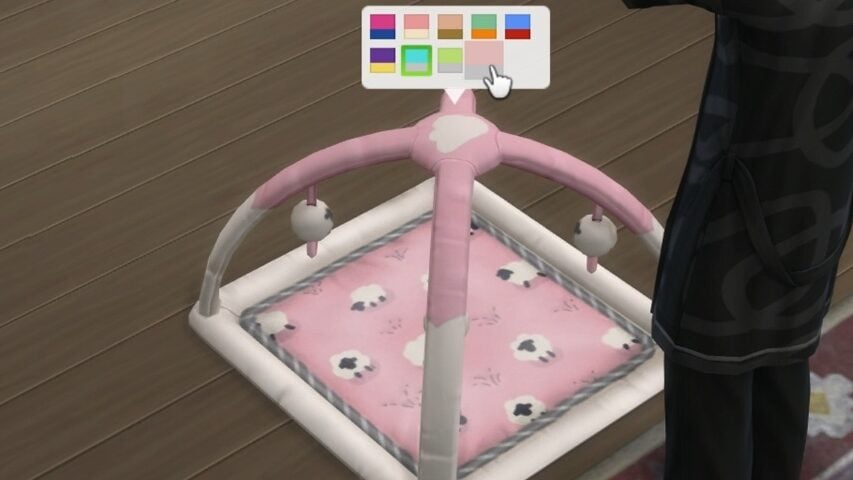
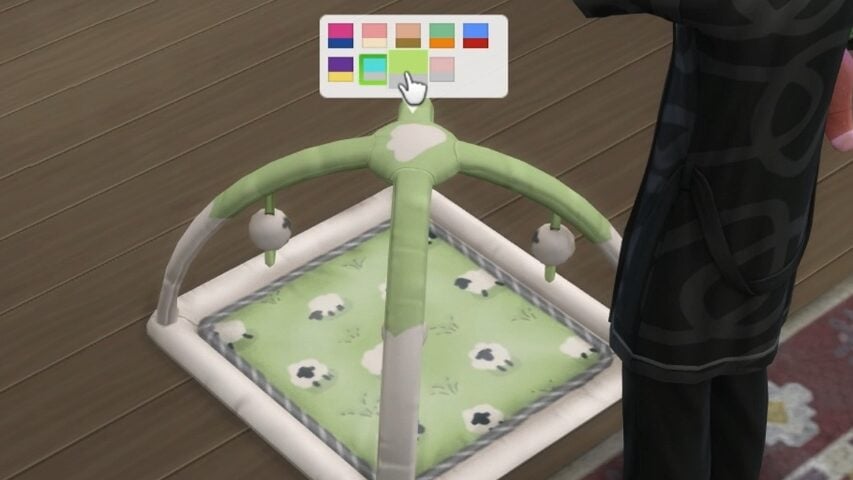
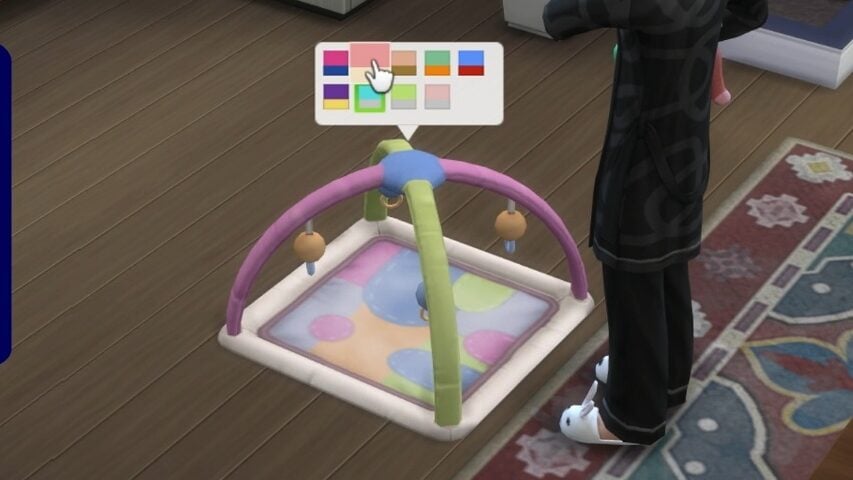
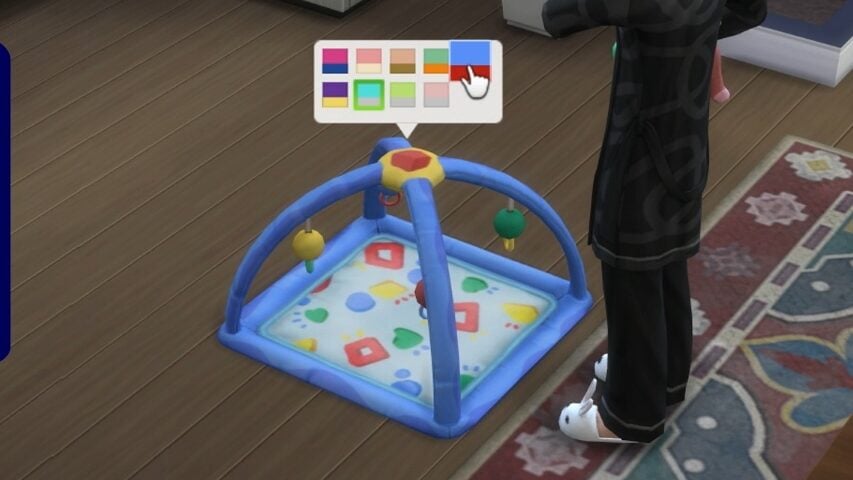
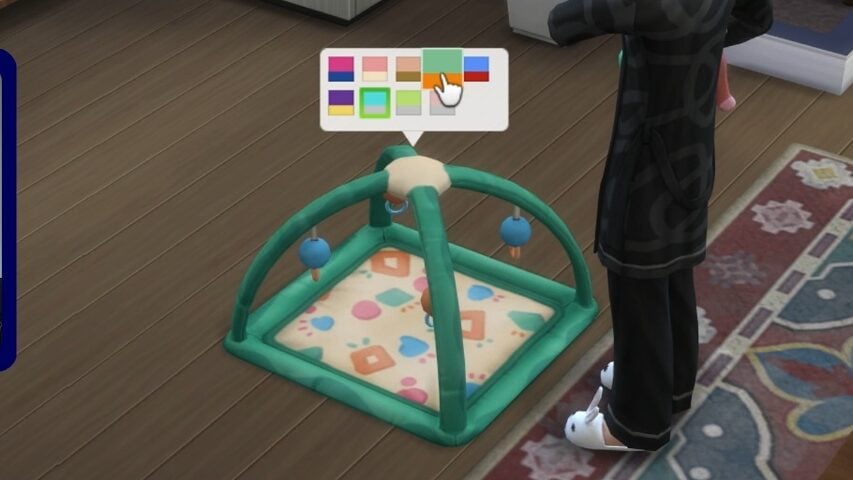
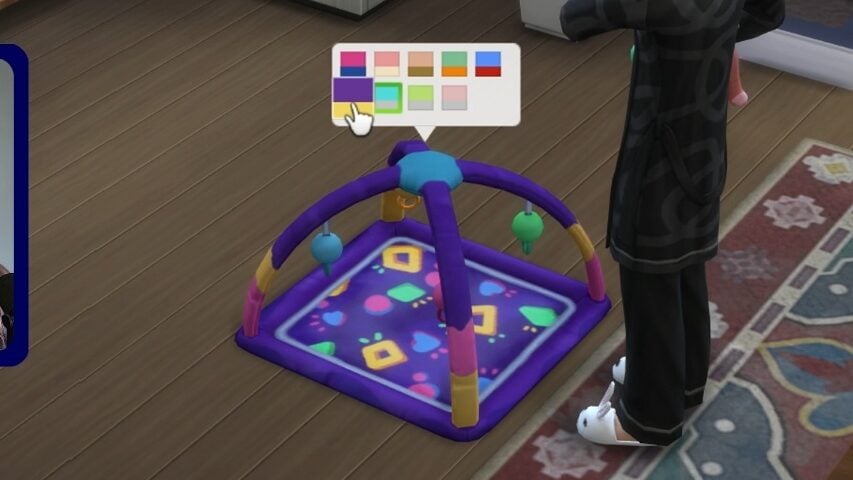
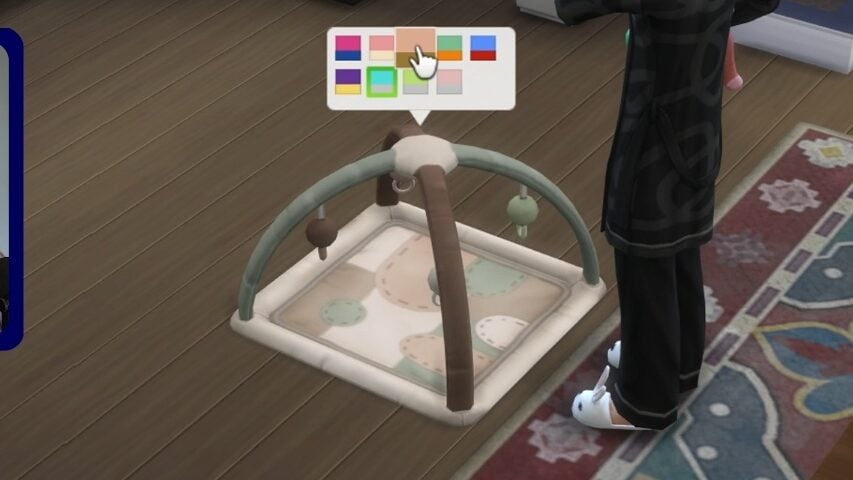
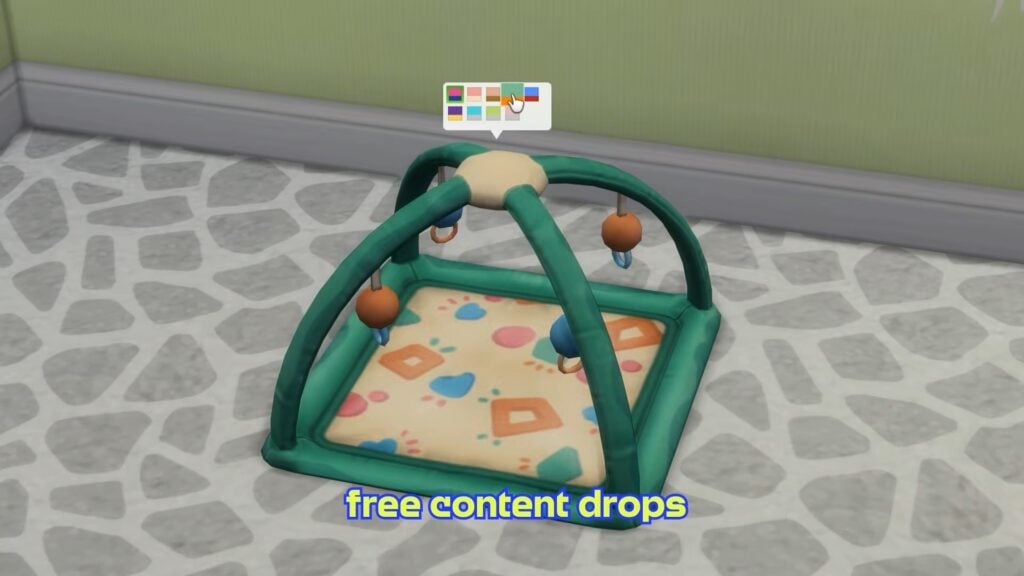
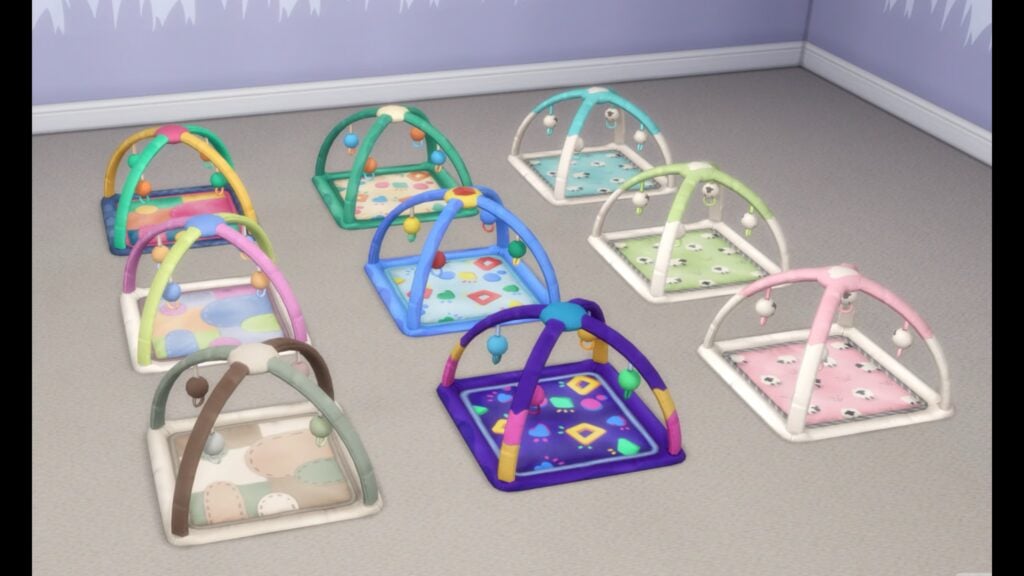
Not much is being added in build mode, but a new infant playmat is being added as a free update. It will come with 9 total swatches; The types of swatches include a patched pattern, beveled shapes, and sheep patterns.
Live Mode & Overall Autonomy Fixes
Referencing the laundry list, the developers did describe the five largest community-voted bug fixes that will be implemented in the upcoming update.
Black Photo Fixes
Infant Interaction Issues
No secret witness sentiment for engaged sims witnessing woohoo.
Can’t place item error for new and old saves.
Sims stuck with a scandal, fixed in new and old saves.
Sims will now no longer autonomously get water. This was due to a hidden thirst motive, which has been removed. They are requesting more feedback and would like, in the future, to turn it back on, but they felt it was best to turn it off now to avoid gameplay interruptions.
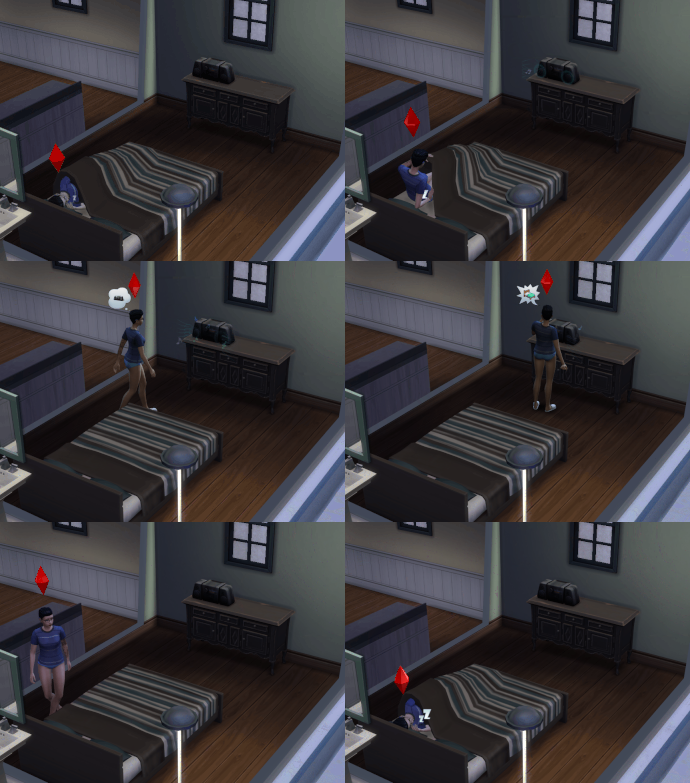
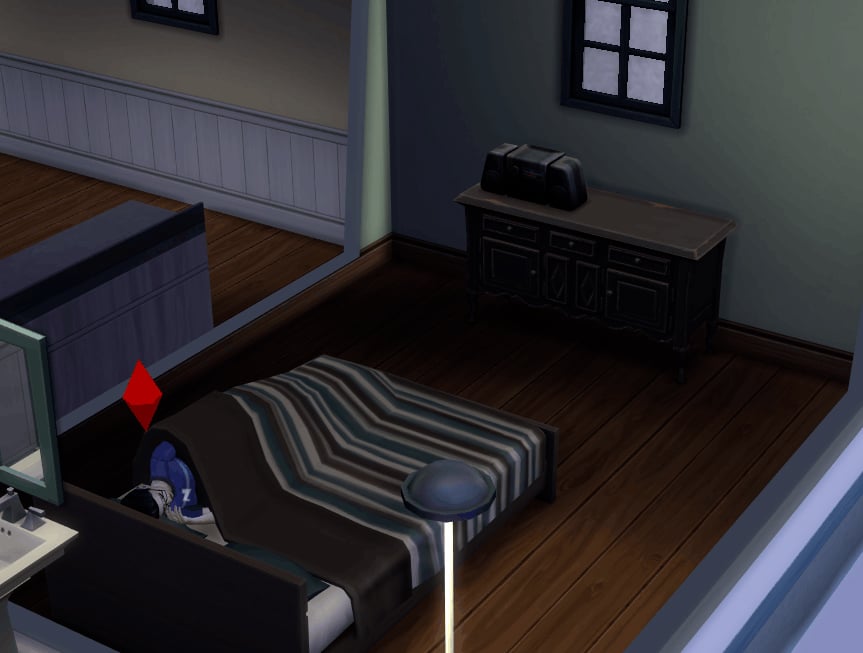
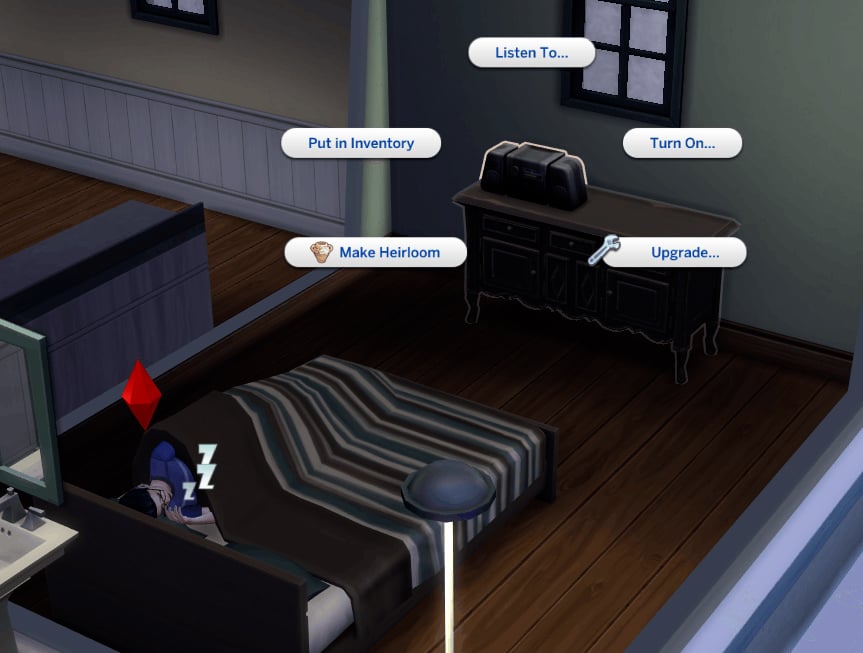
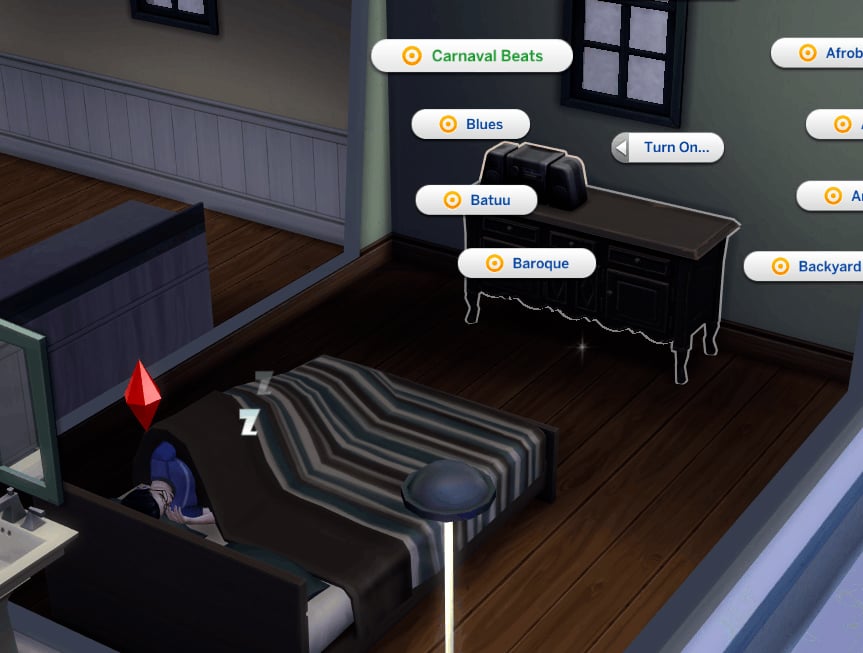
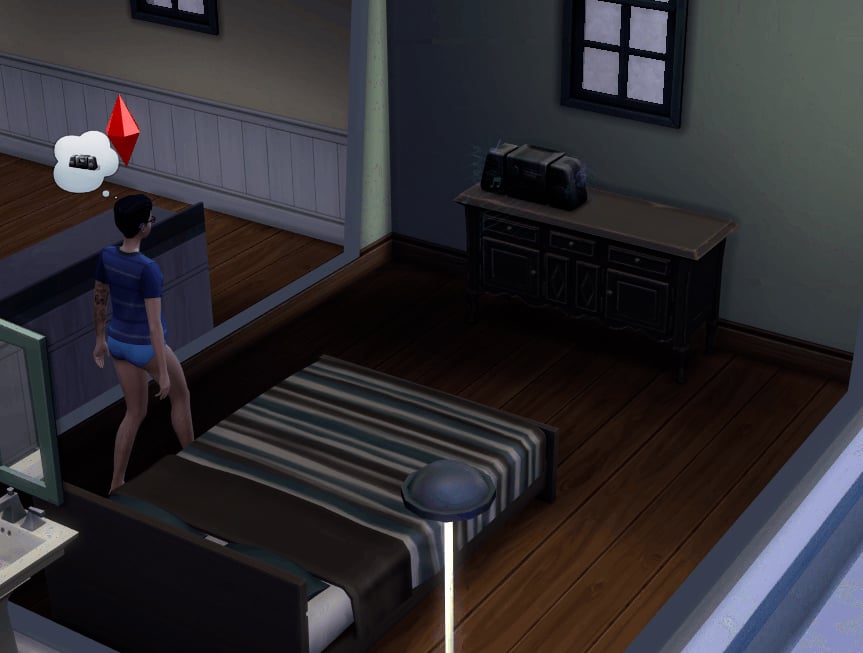
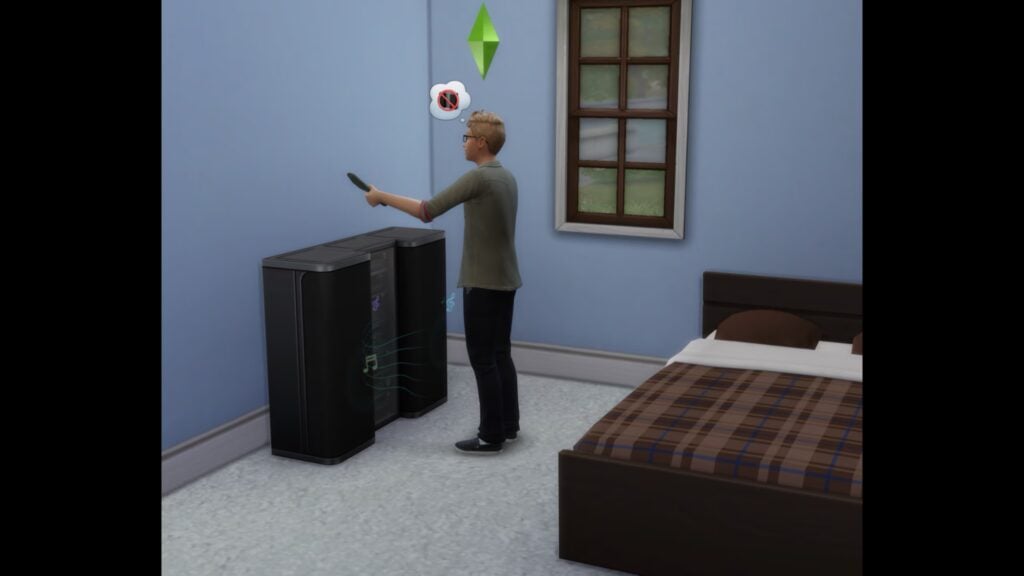
If a sim is woken up by a loud noise, like a radio or television, they are supposed to wake up and turn it off if they are tired.
Sims will autonomously dance much less, even more after the March update lowered it as well. They are limited to autonomous dancing once a day.
Sims will no longer pass out due to energy failure if they’ve just gotten into bed, per Morgan.
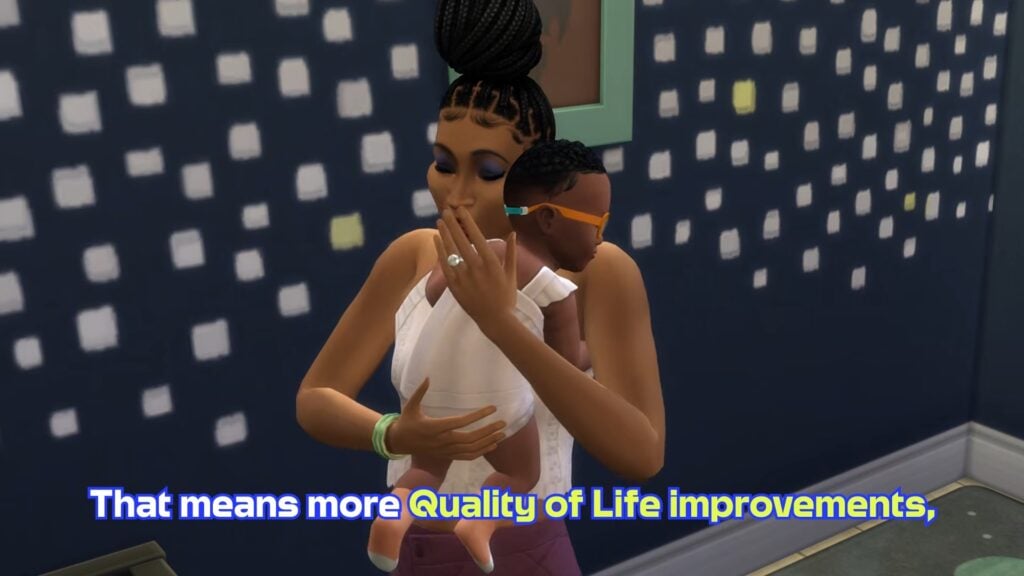
Infant and Caregiver Gameplay Changes
Fixes to pick up/put down, caregivers freezing, etc. Should overall “play better”.
Things were fixed to allow adult sims to have lives outside of caregiving.
Milestones are now easier and take less time to attain.
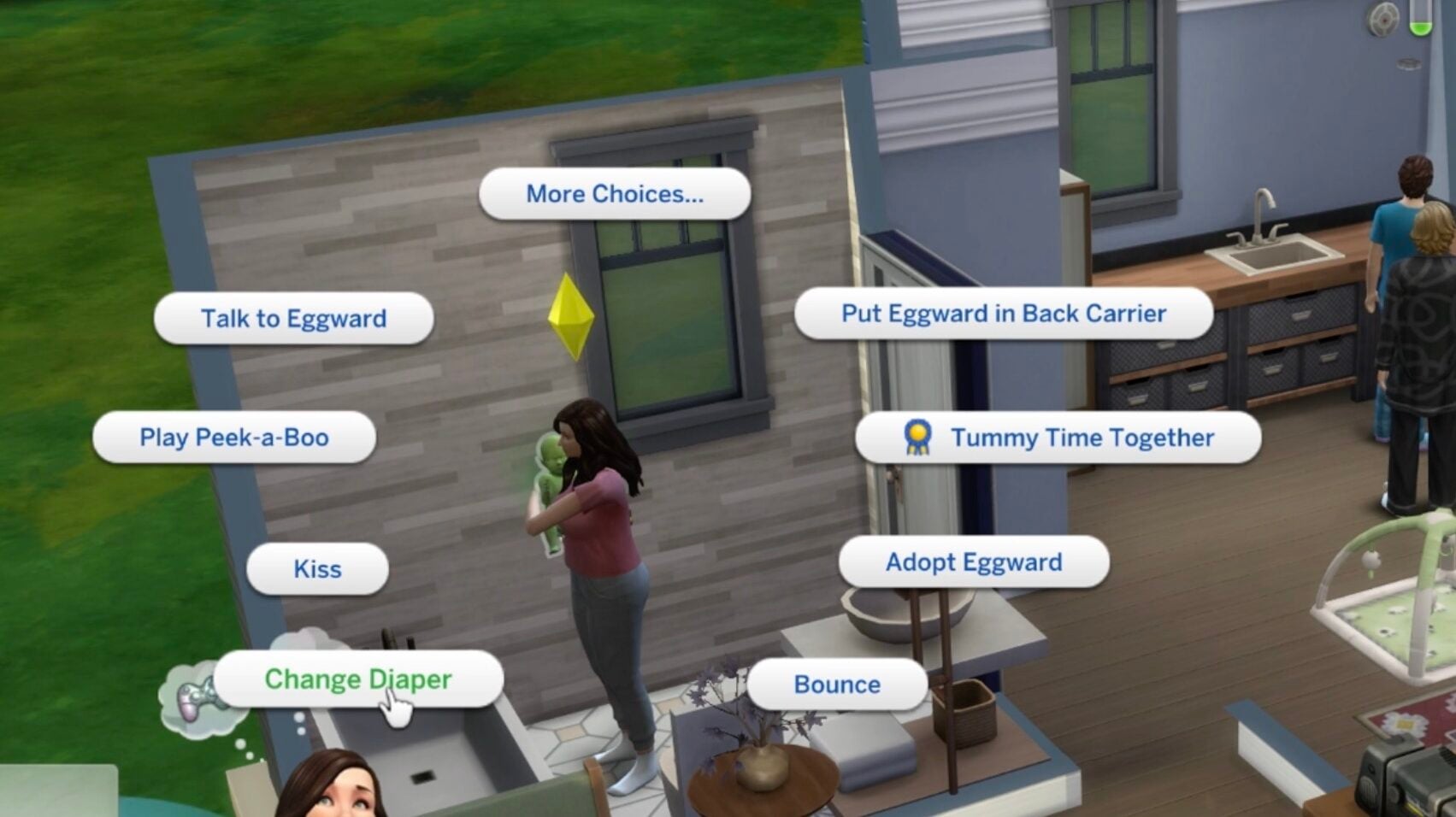
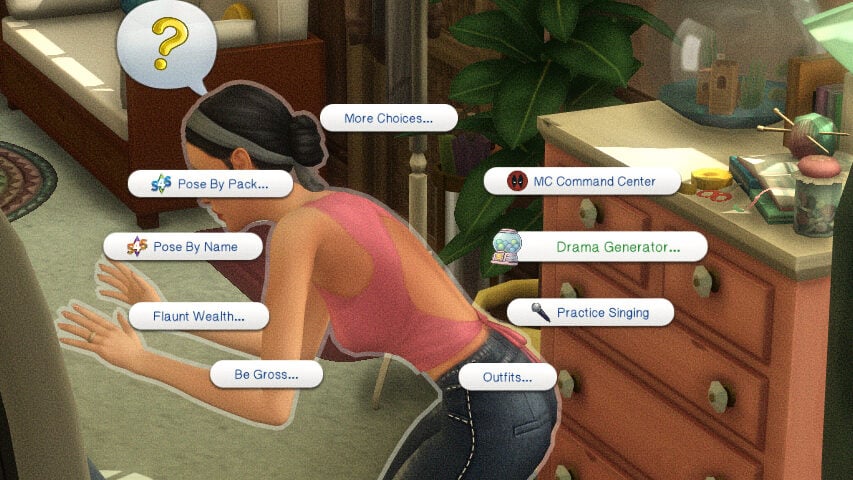
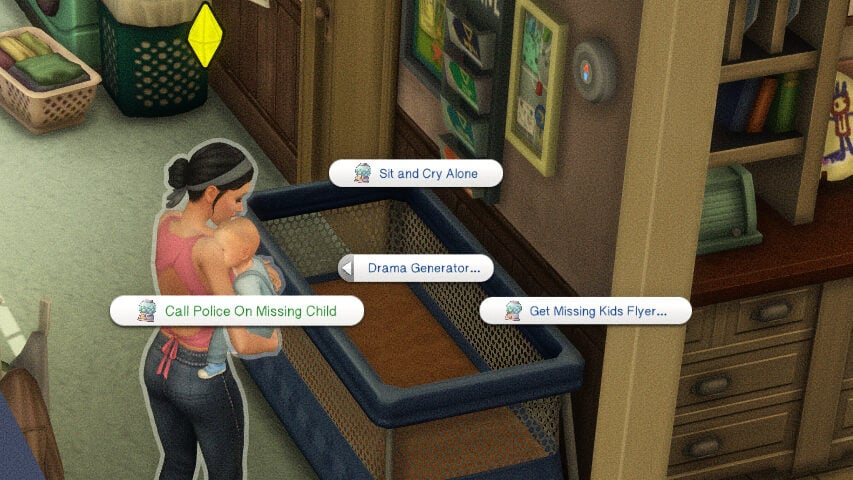
Care interactions are now moved to the front of the pie menu, making them easier to find when looking through interactions.
Changing and infant’s diaper is now a third of the time it used to take.
Feeding an infant also takes a third of the time it used to take.
Mess from bottles and diapers will now be autonomously cleaned up by sims after caring for infants.
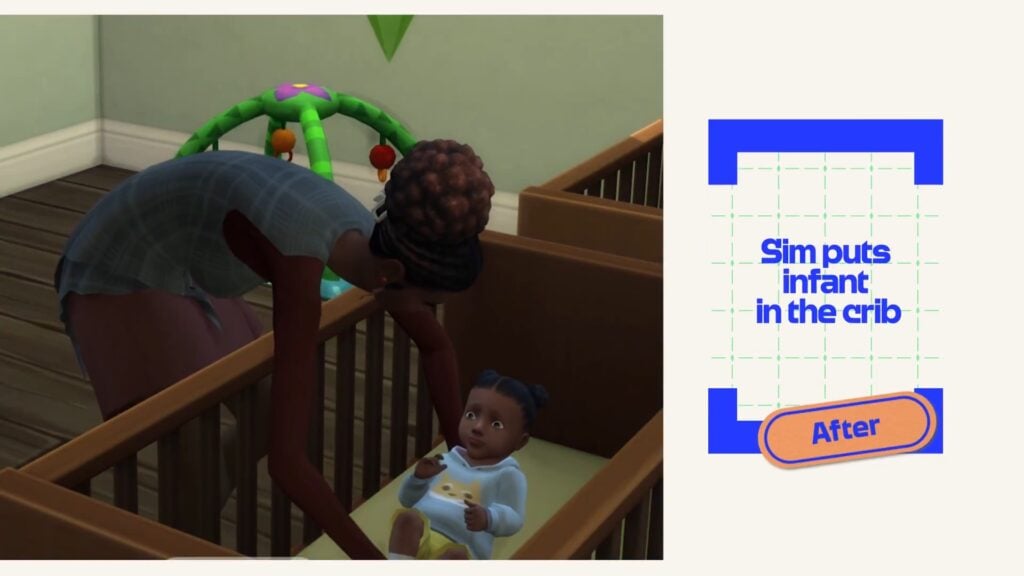
It is noted that sims will put them on the ground way less than they used to, now preferring playmats, cribs, etc.
Future updates to fix issues with autonomy surrounding food, drinking, and dining.
User Interface and Player Settings
If “Check Infant” is the first interaction in queue, it can now be canceled by the player. They are still working on it being cancelable if it is further back in the queue.
More clear notifications for noises waking infants up, like from televisions, radios, etc. These notifications are true notifications, but they also come in the form of buffs and a small pop-up over the infants head.
Pie menus no longer show the actions to bathe infants or change their diapers if they are sleeping.
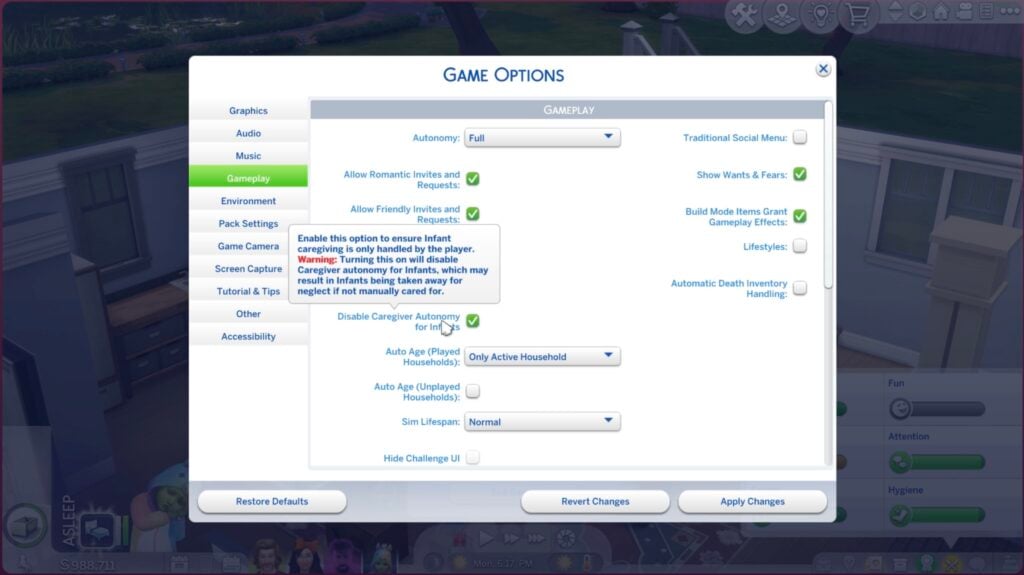
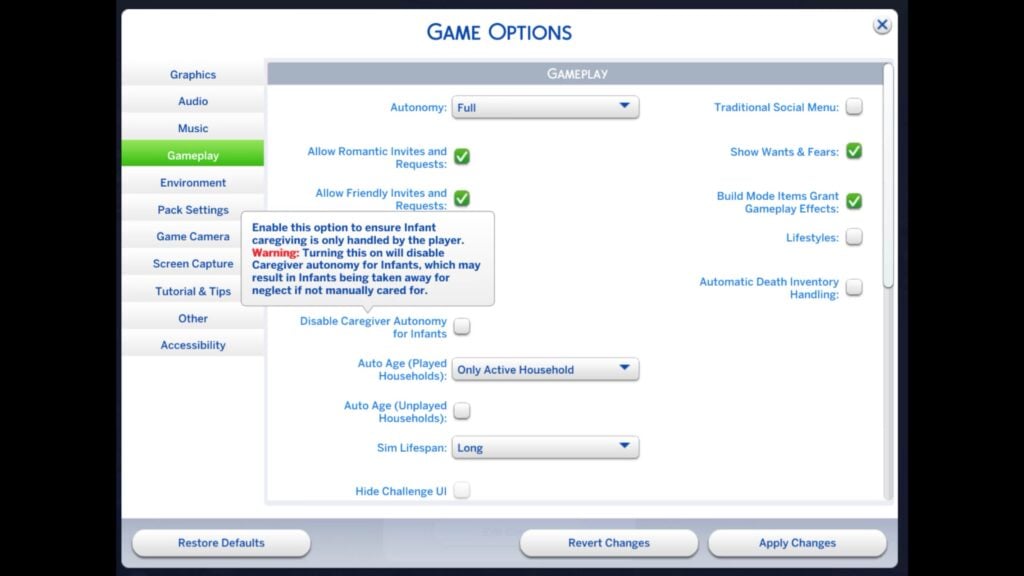
A Disable Caregiver Autonomy for Infants setting, meaning that all care interactions must be manually done. There is a warning attached since this means that you must be taking care of infants and forcing sims to do so. Sims will continue to socially interact with the infant, but will not feed, change, bathe, carry, etc.
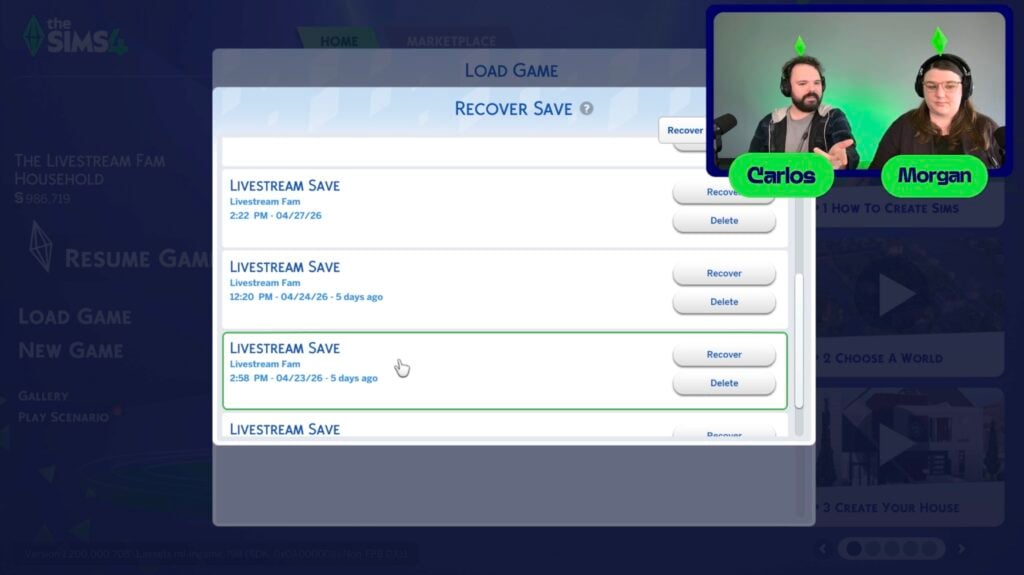
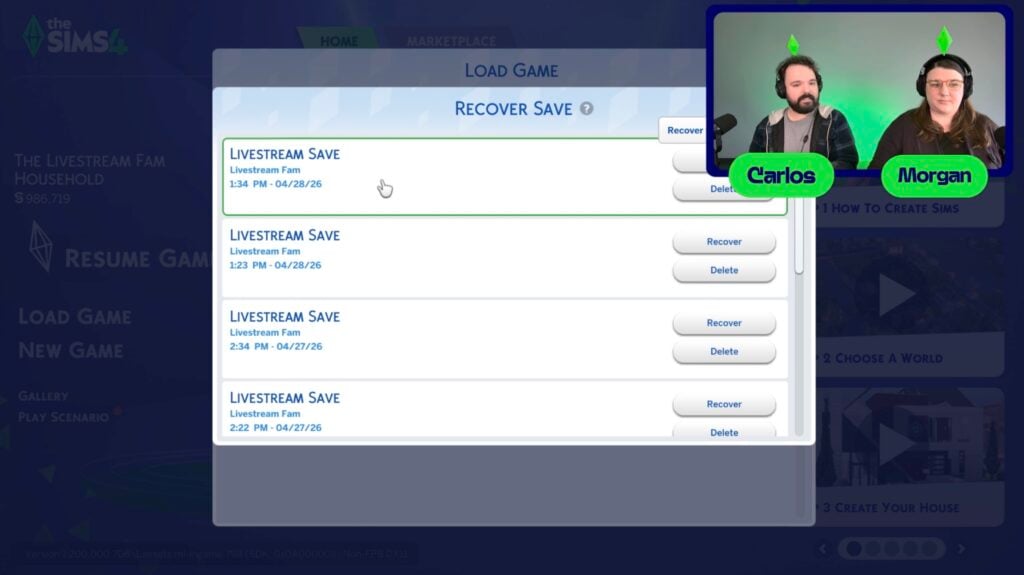
Backup saves have now been changed. Next to the delete button, the “Recover Save” button will now have more backups. It originally had five, but would overwrite often whenever players hit “Save”. Save files will now have backups as old as one month.
Viewers of the livestream voted that the biggest changes to their gameplay this will bring is the fixes to autonomy and the infant interaction fixes. What fixes are you excited for? What are you hoping to see fixed next? Let us know, and we at The Sims Community will keep you up to date on everything about and coming from The Sims 4 and other life simulation games!
We’re thankful for them…but another trailer before an official livestream?
The Sims Team has released a brand new trailer for The Sims 4 Fixes coming with the upcoming Sims 4 Update on May 12th. The only small issue we have with this is that there’s too much promotional material happening already. This is the second trailer being released right after the first one yesterday, along with a blog post, Discord Dev Q&A and in the next hour – an Offical Livestream.
All dedicated to the new Sims 4 Fixes!
If you can’t get enough of what’s being put out there, check out the latest Sims 4 Fixes trailer for improvements coming May 12th:
Second The Sims 4 Fixes Trailer
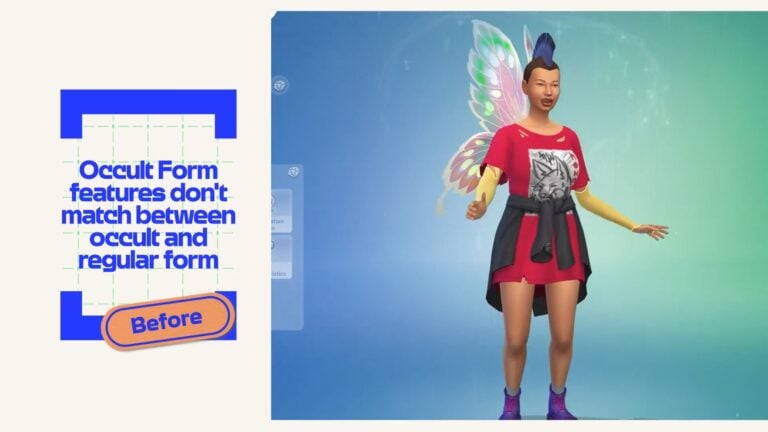
Sleepy Sims, crib pit stops, mismatched fairy faces, missing animals, compressed photos and nearly 150 more fixes. Coming May 12th.
Next week’s Base Game update also resolves all currently known instances of Black photos. We’ll continue to monitor and review EA Forum reports for any new instances that arise. Thank you for your patience!
Are you impressed with 150+ Fixes coming May 12th to The Sims 4 across platforms? Would you perhaps be interested if The Sims Team released a 500+ page book talking about the next update? Let us know your thoughts in the comments below and as always – stay in the loop on Sims Community!
While we’re already looking to the future for InZOI’s May Update, the recent InZOI April update that released on April 29th is still being explored by the player base. While the update may not feel as game changing as others that have occurred, it did bring a lot of player requests, feedback, and developer promises to the game.
Since this is a first impressions experience, rather than a full deep dive, not every feature added in the update will be covered fully as it would take a very extensive amount of time for one person. To view the full range of changes and additions, make sure to check out the InZOI Update for April 29th 2026 Patch Notes!
Table of Contents
InZOI Update April 29th 2026, First Impressions
Create-A-Zoi
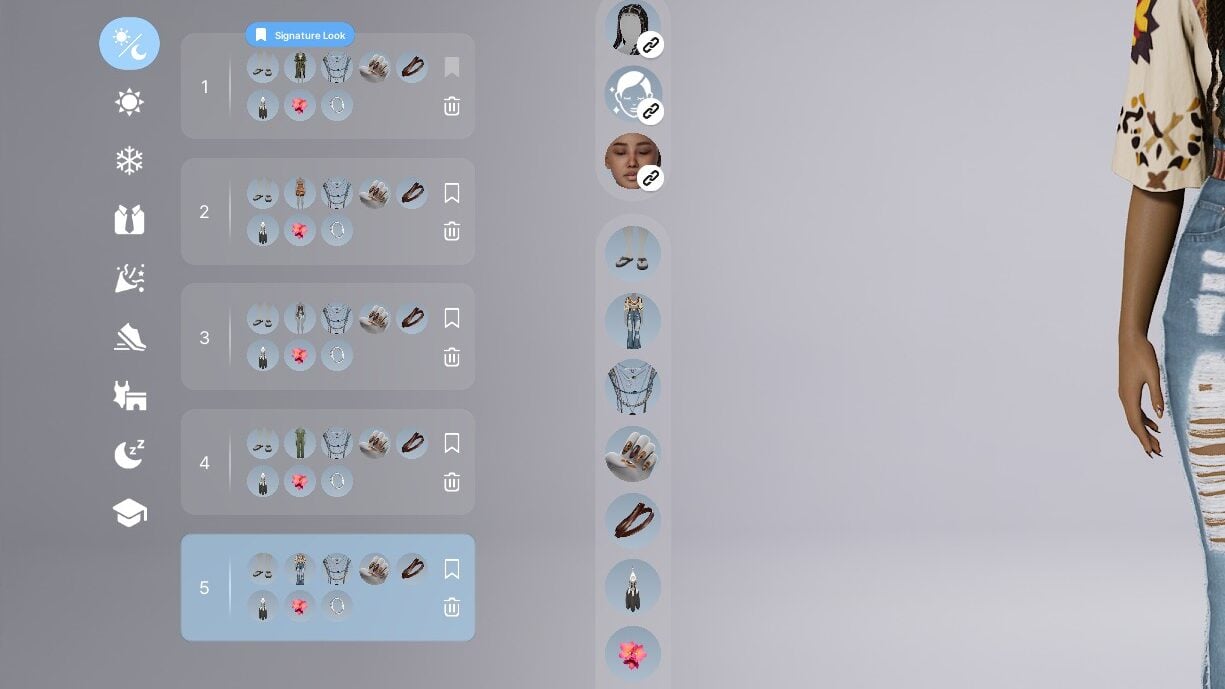
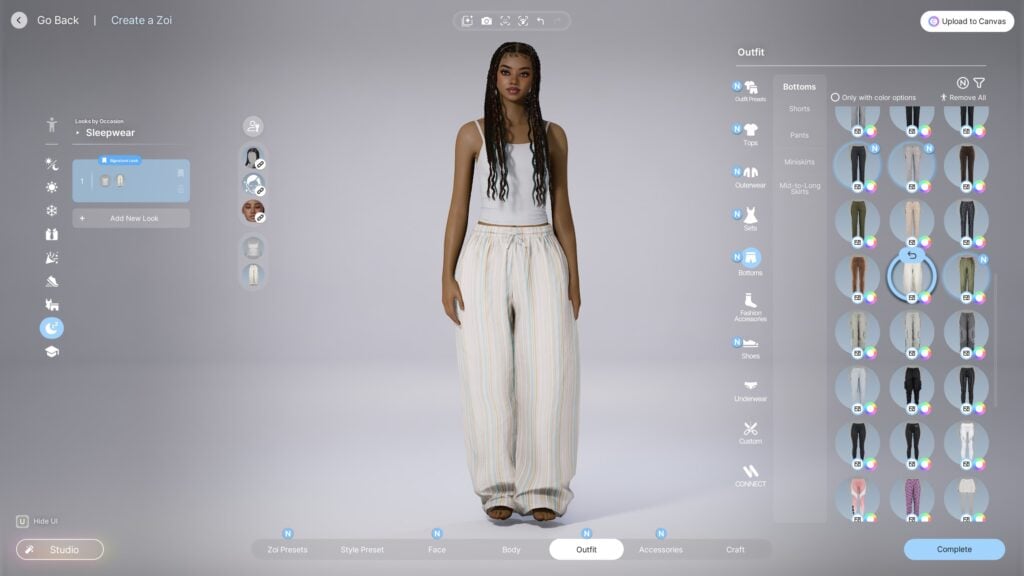
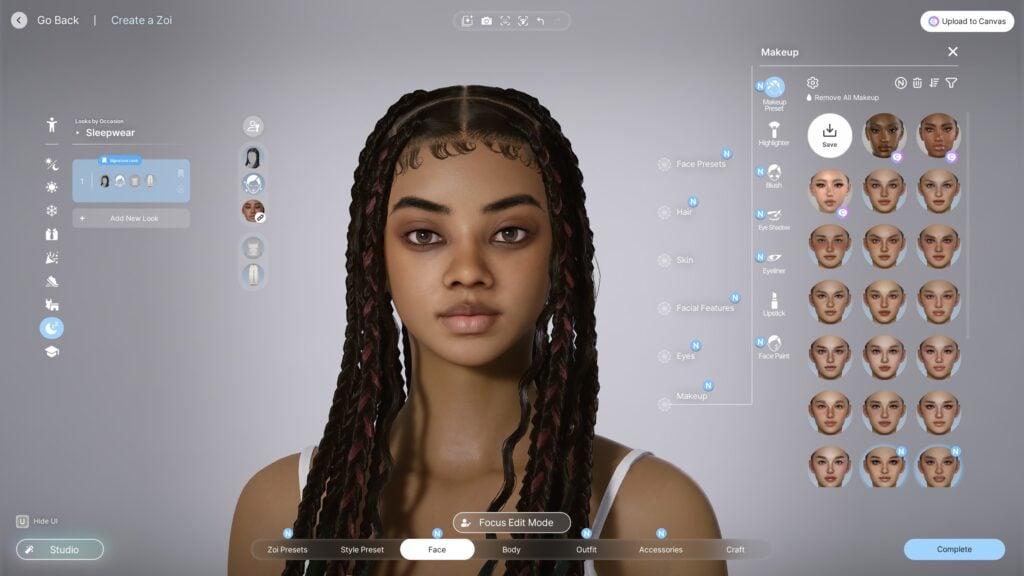
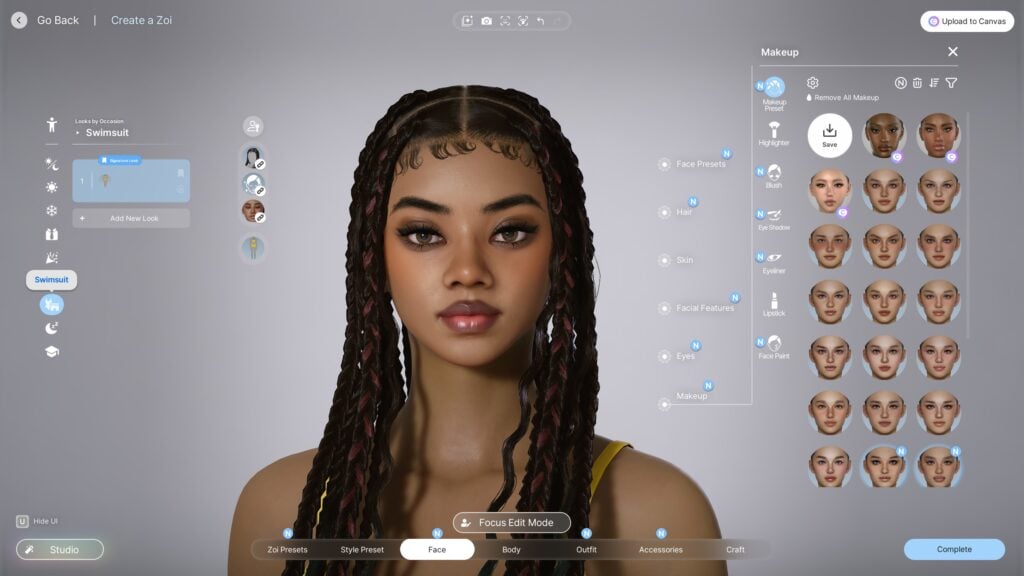
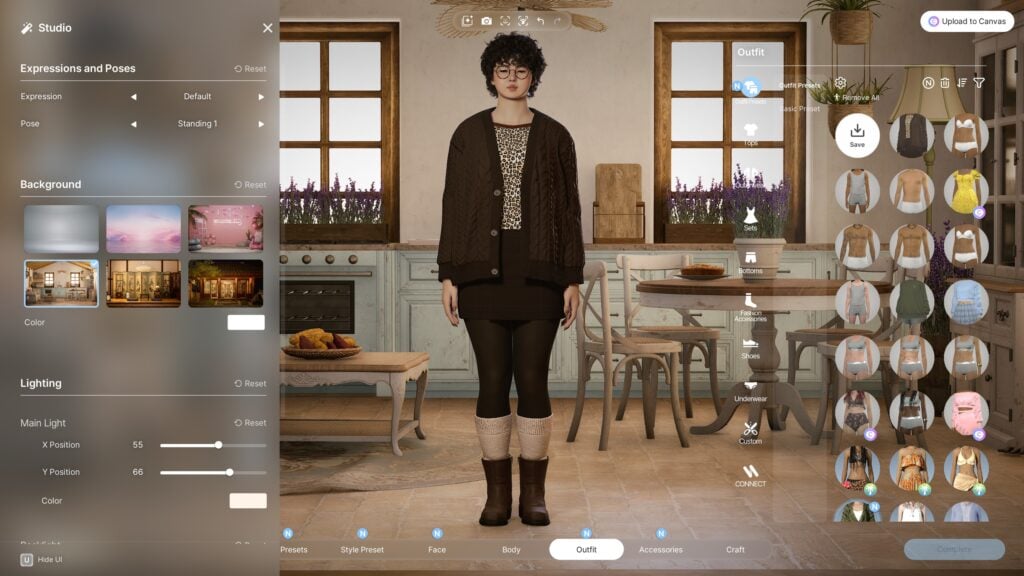
The changes to Create-A-Zoi in this update were a major part of the promo and patch notes. A major feature added that players have been begging for since release is Situational & Signature Looks, meaning multiple outfits per outfit category. You can also select a Zoi’s “Signature” or Main look, meaning their default outfit per category.
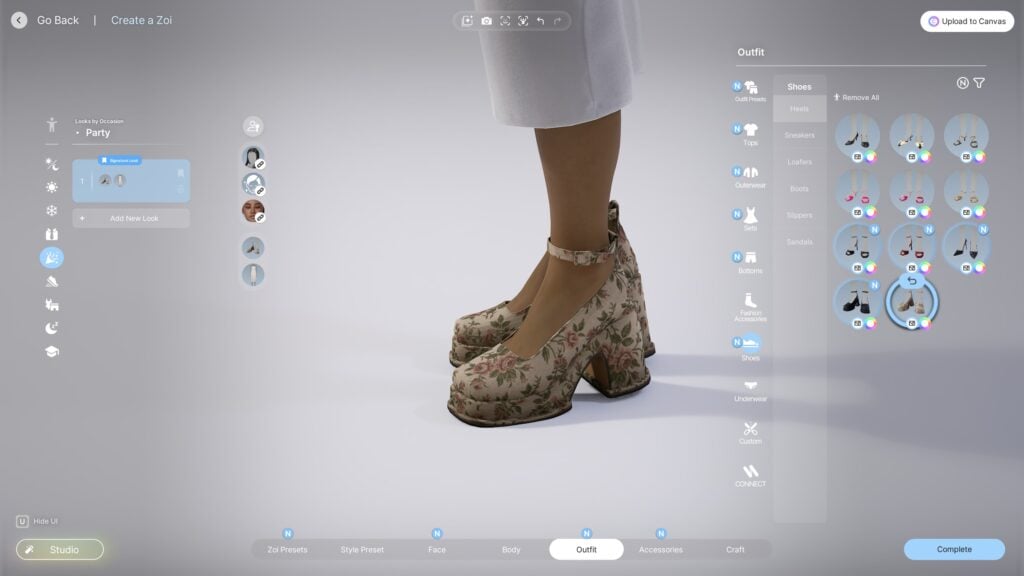
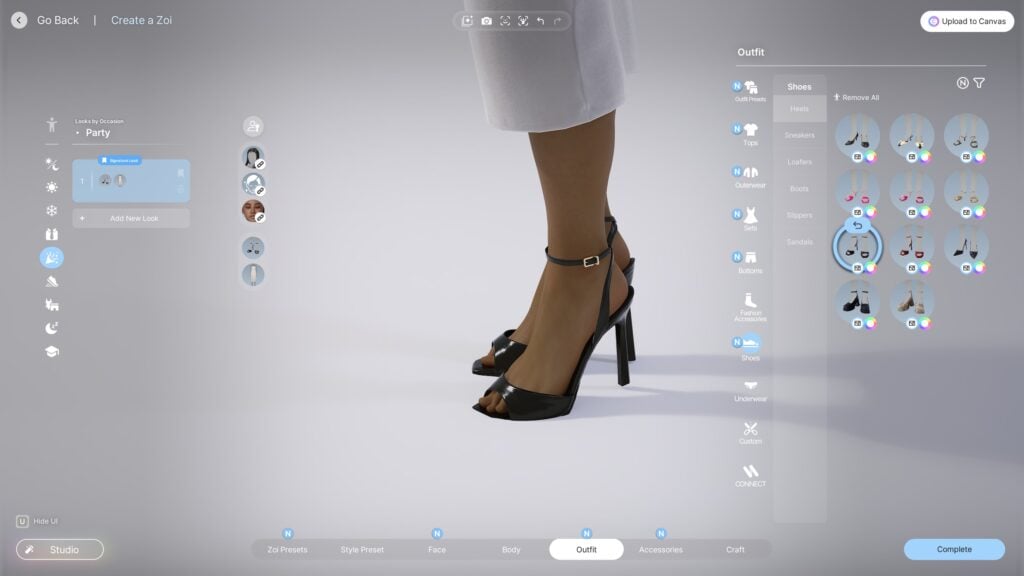
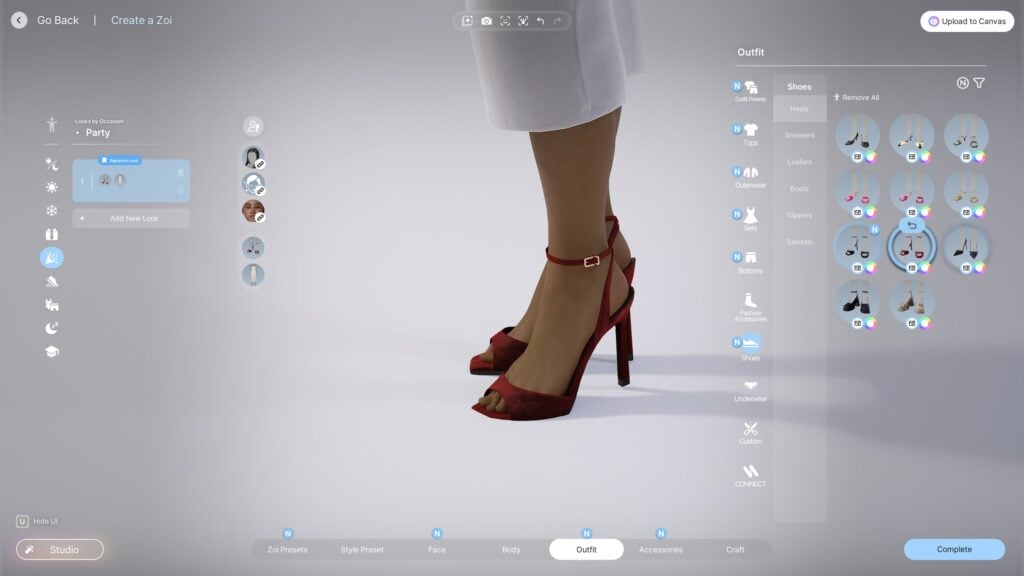
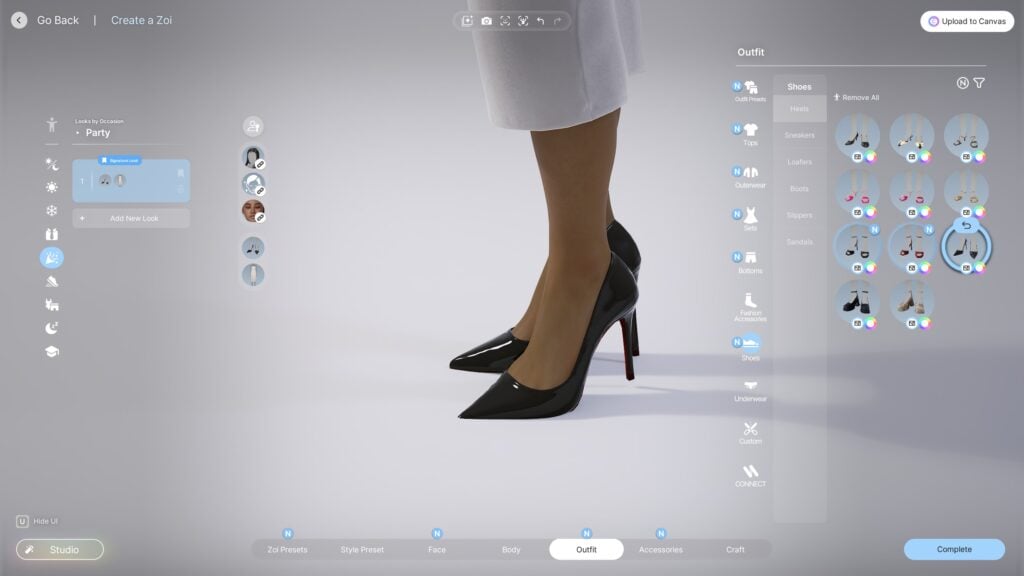
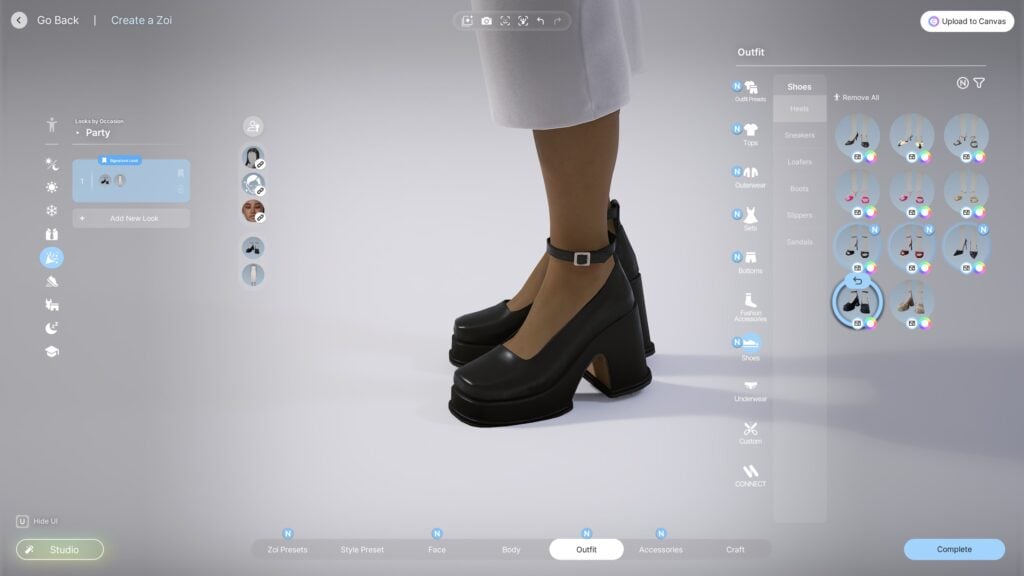
New assets were released, with a huge focus being on the addition of new shoes, specifically higher high heels. Many of the heels from the game prior were on the short end, with developers unsure of whether to add height changes or how to make it work without doing so. In the end, they decided to follow the lead of many other life simulation games; Higher heels that slightly change the foot shape, allowing Zois to keep consistent heights to avoid animation problems.
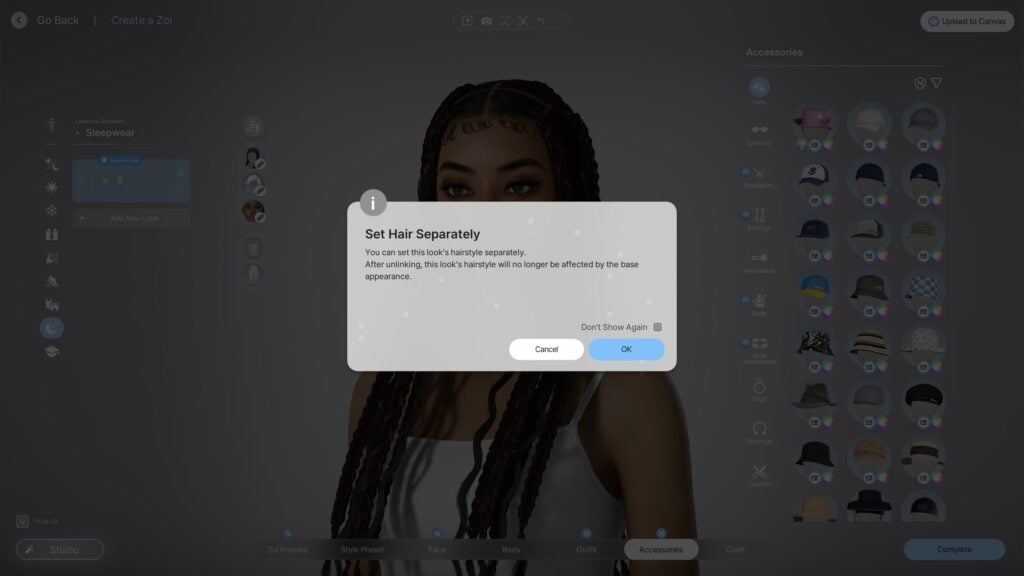
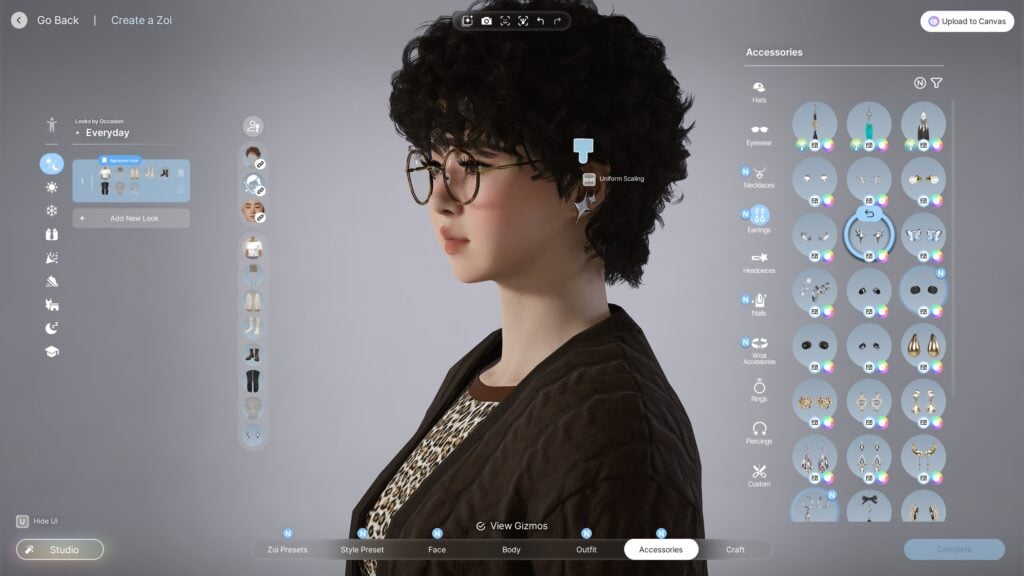
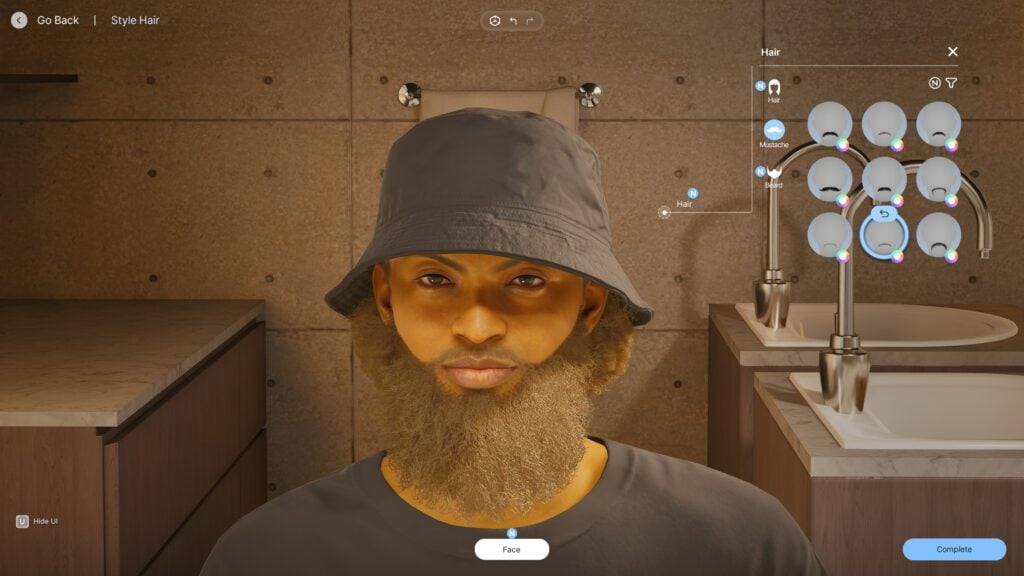
You can also now change hairstyles and makeup looks per outfit, within categories as well. On the left sidebar, makeup looks and hairstyles can be linked between outfits or unlinked, allowing them to be fully customizable.
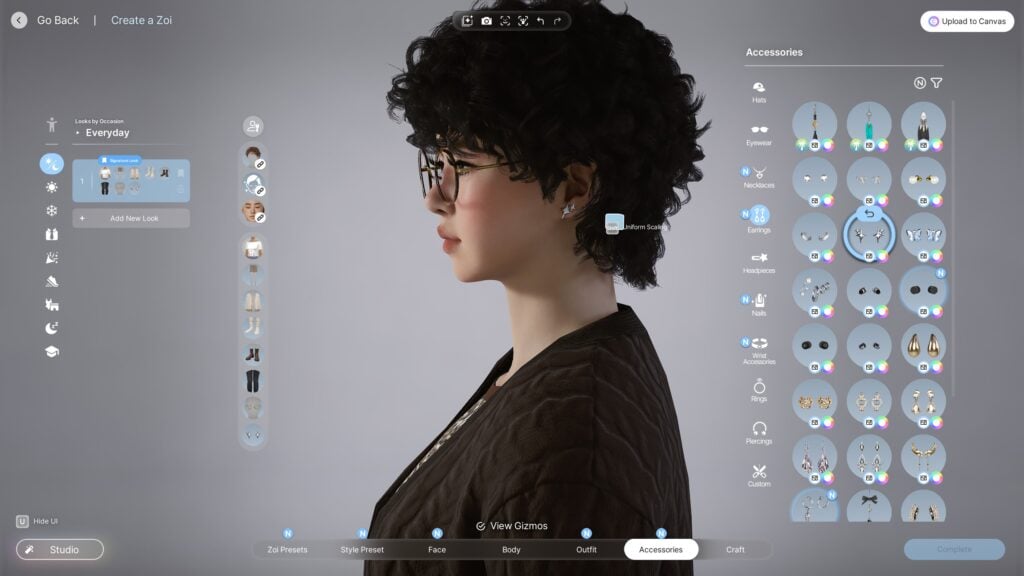
The gizmos that allow you to fully adjust the placement, sizing, and proportions of accessories have also been changed, following your mouse directly which makes them feel more intuitive and easier to use.
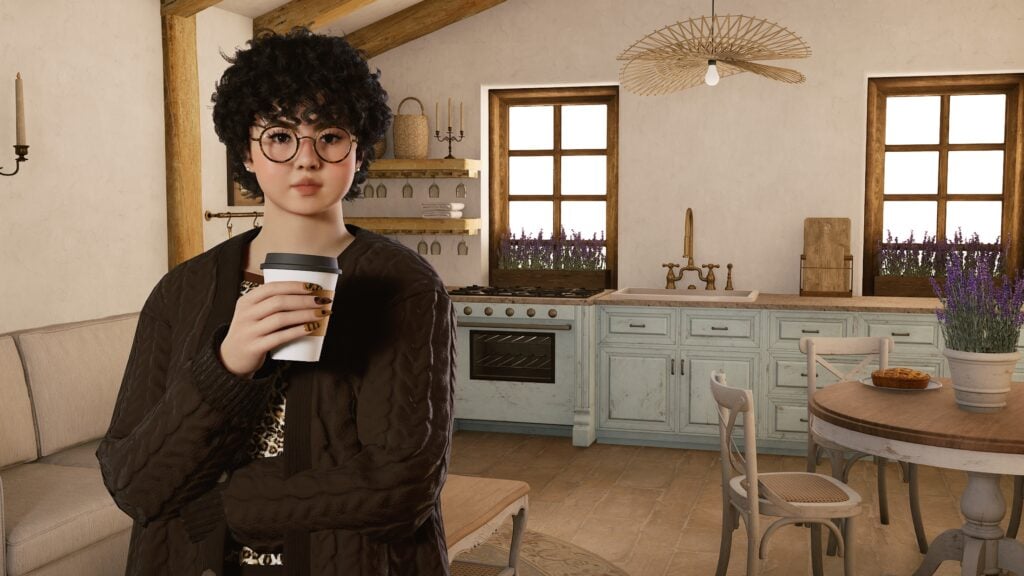
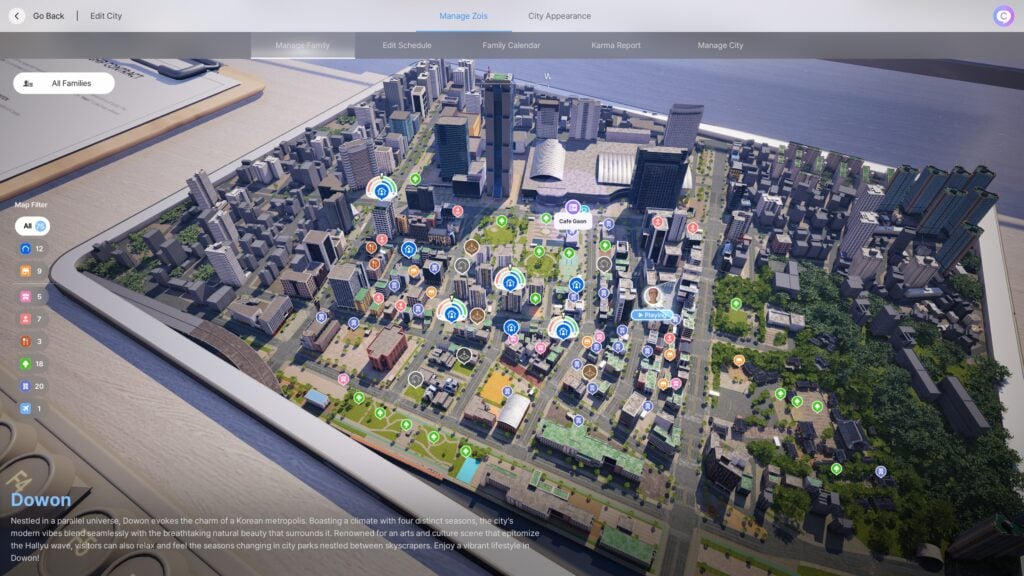
I also did notice that, in this update, there was a focus on adding European Countryside themed assets to the game. Some properties were added, but in Create-A-Zoi, the photo studio now also has a European Countryside inspired background.
Build Mode
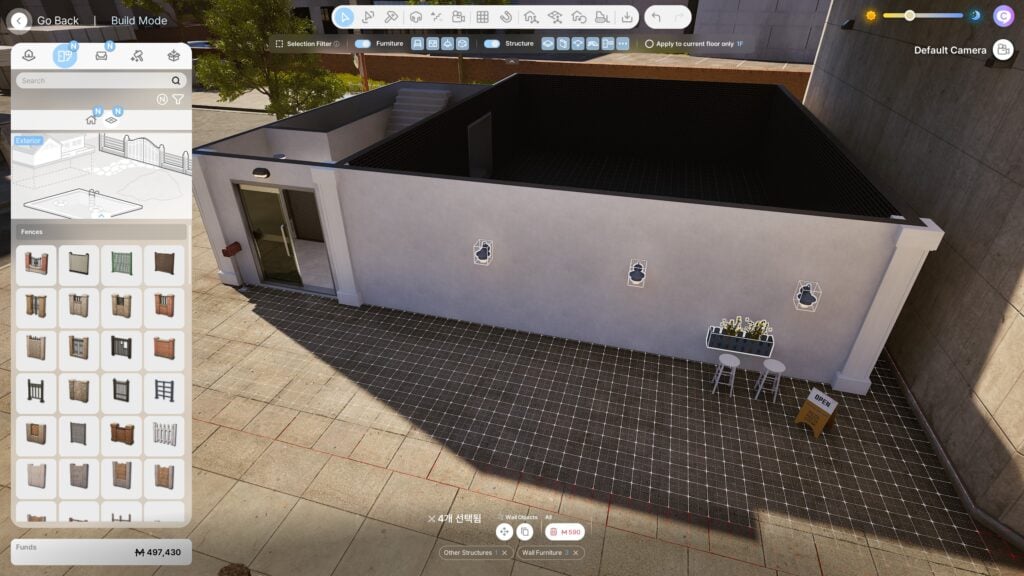
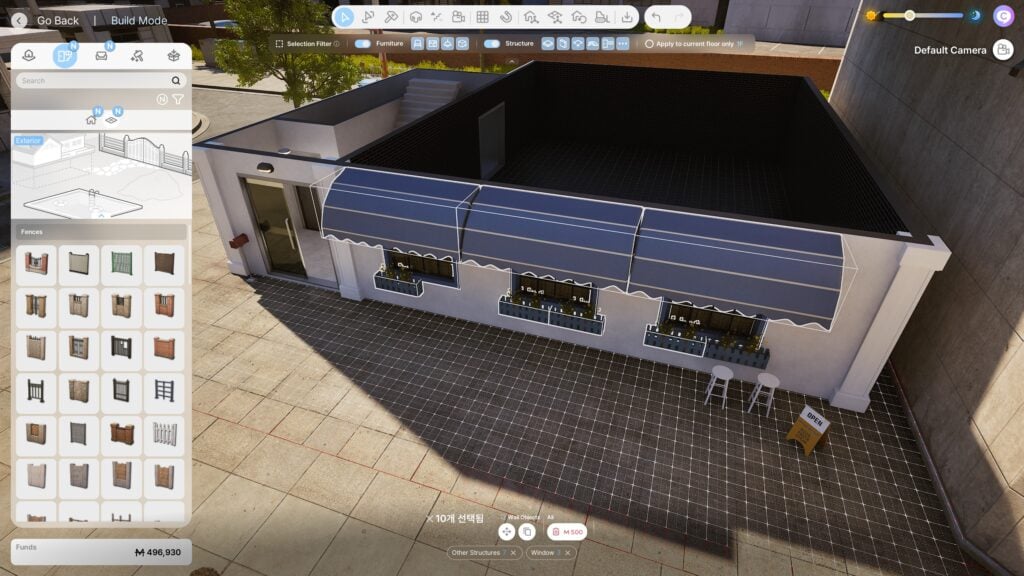
Build mode also received some new features asked for by players, with the largest and most notable one being a multi-select feature. You can drag to select, deselect, or shift click to add individual items for more precision. Once you’ve selected your items, you can easily move them as a group, duplicate them, or sell them for quick renovations.
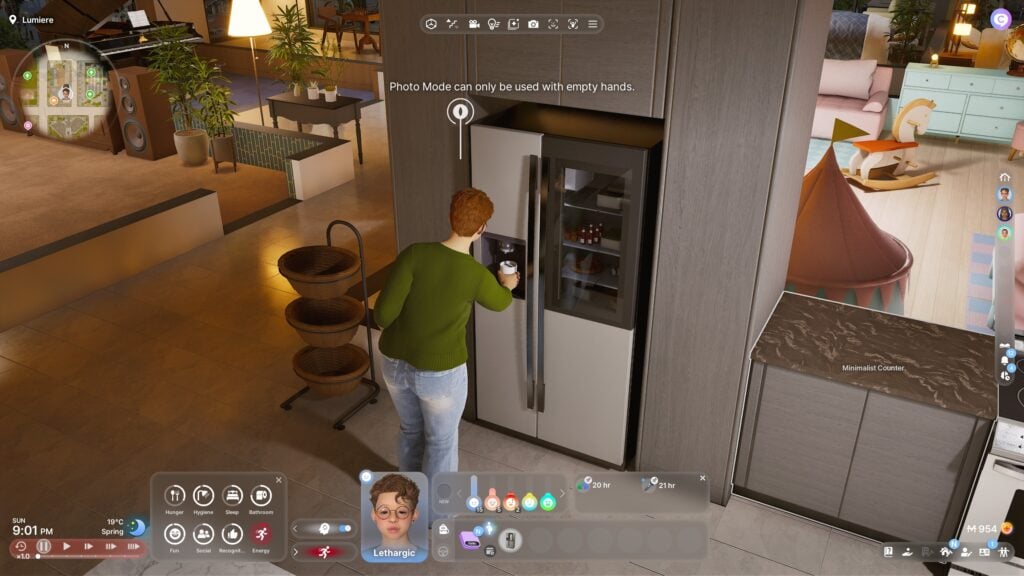
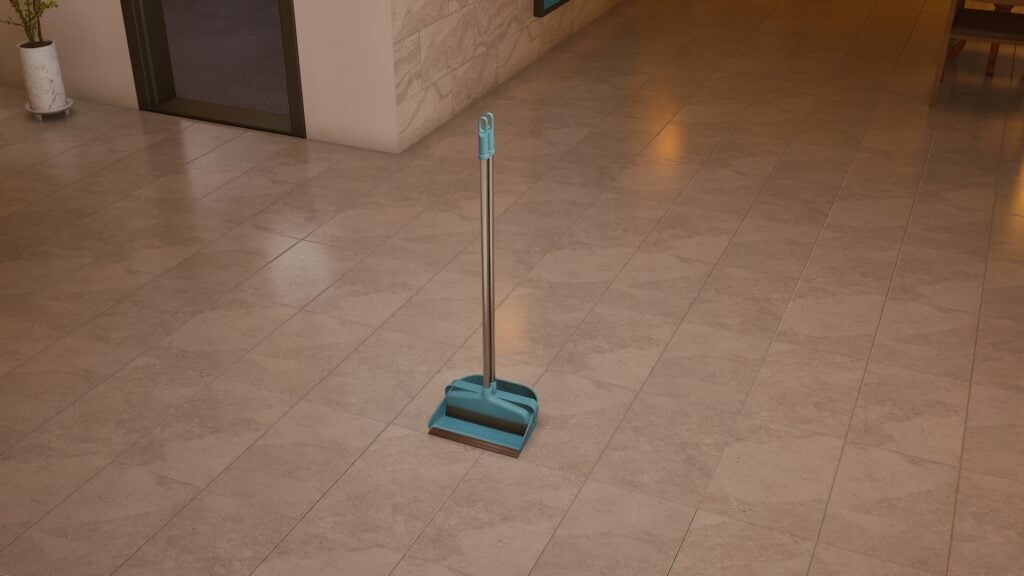
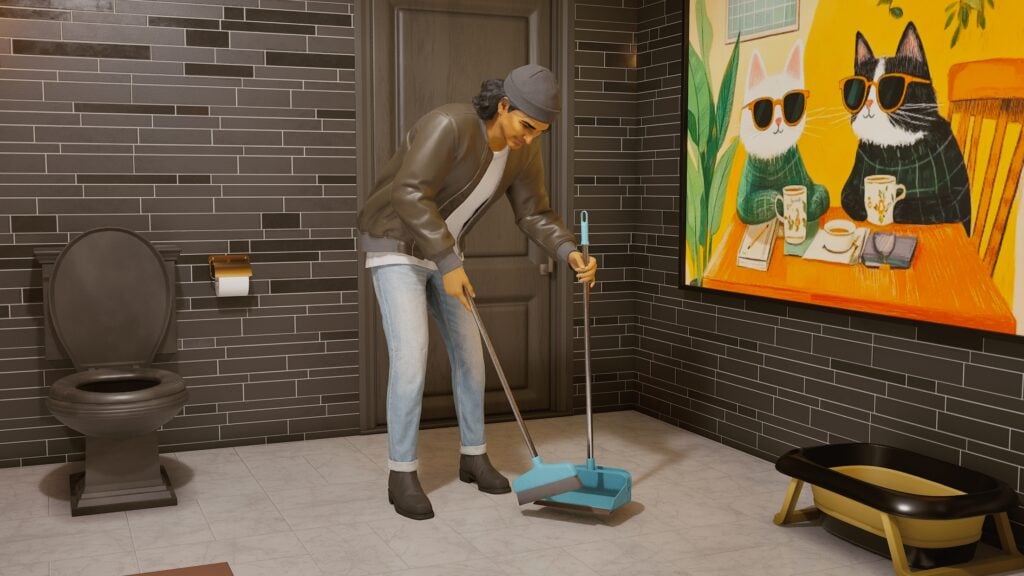
There were also some notable item changes, with the two that I majorly noticed while testing being Zois being able to get glasses of water directly from any fridge water dispenser, as well as a new cleaning item being added. The item in question is a simple broom and dustpan. As small of a change as this is, especially in comparison to multi-select and other major additions, one feature I really like is the ability to purchase different items and how cleaning is a small but noticeable feature in gameplay.
Live Mode
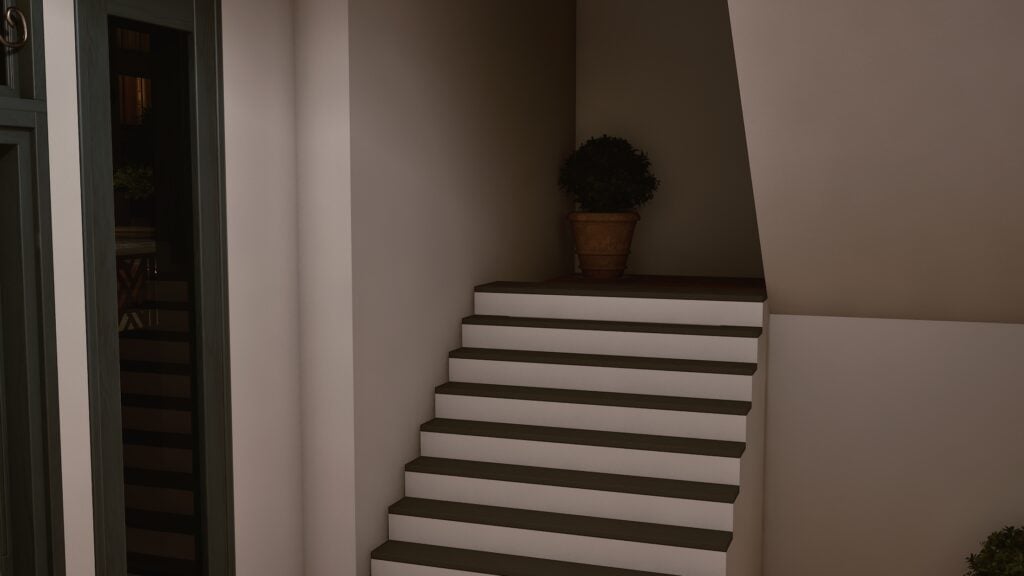
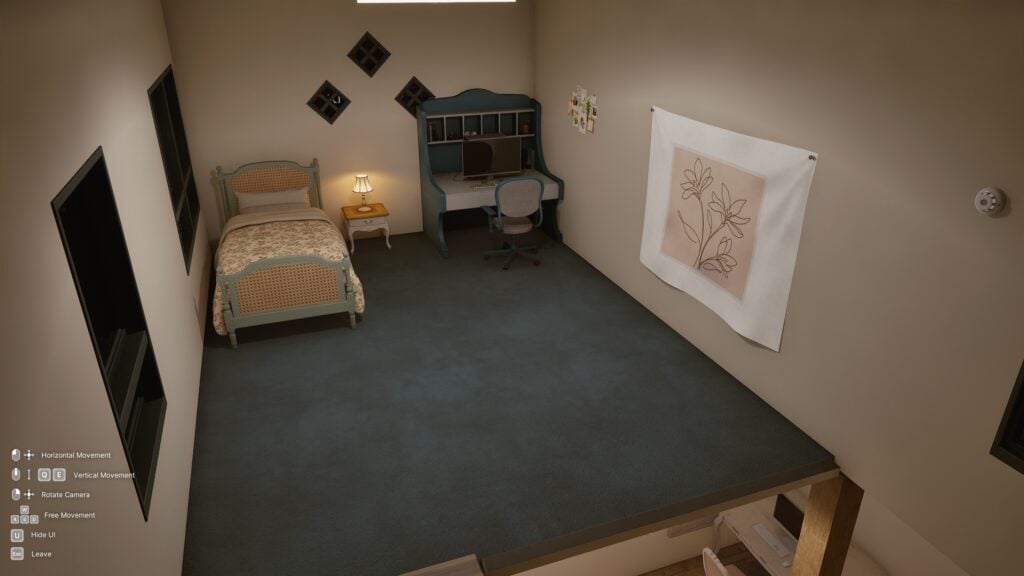
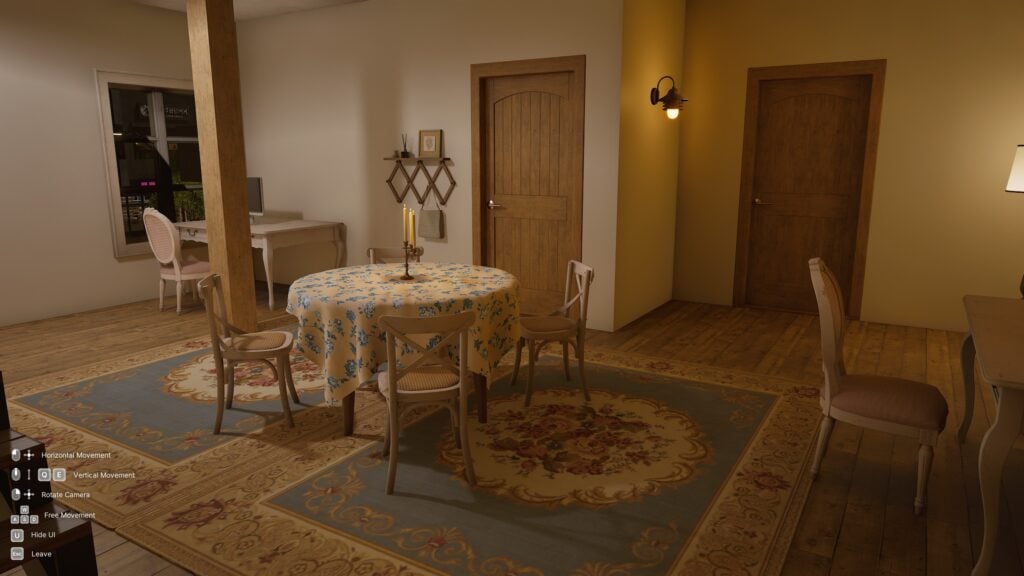
A few new properties, also inspired by a European Countryside theme, were added in all three cities, as well as property presets for different lots. While I did not browse all of them since my testing was largely focused on some of the newer gameplay features, the ones I did find and look through were very homely and cute. While I wouldn’t say it is my favorite interior design style, I can never say getting free new assets is a bad thing since it always opens more options for every player.
More Schedule Flexibility
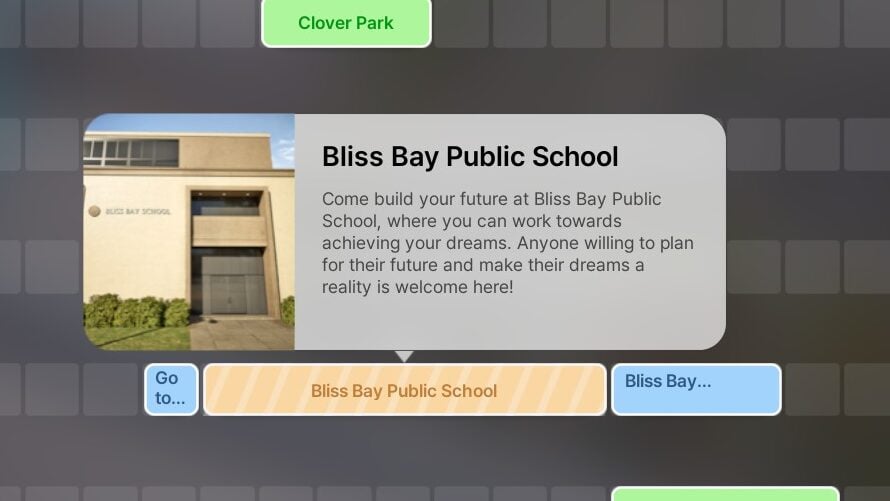
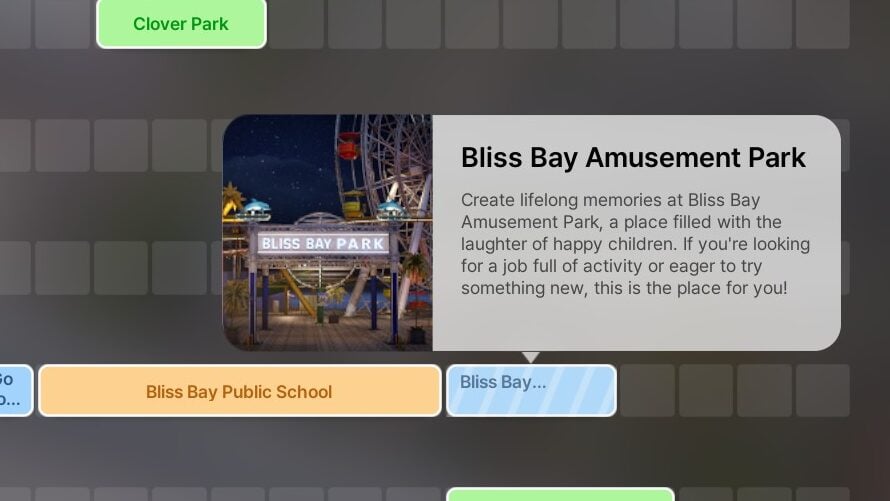
The career, school, and business system got a huge change that is immediately noticeable and makes the game more realistic and possibly more challenging. Instead of having to pick and choose what your Zoi decides to pursue in life, completely disregarding them often needing a source of income, Zois can now own businesses, have a day job or part-time job, and attend school simultaneously. This is all mapped on the new calendar system, making life harder but so much more interesting and immersive.
If you enroll your Zoi in school, open a business, and/or get a full-time or part-time job, the calendar will automatically list your required attendance times and give you alerts for any overlaps that will need to be adjusted so everything can be attended to. The zois also have internal priorities, with school being the first priority, then their job, then their business.
More Careers
Many new careers were also added, with most being added to Dowon and Bliss Bay, but one was also added to Cahaya! The jobs include Researcher, IT Developer, Architect, Music Producer, and Journalist. For Cahaya, there is a now a Travel Agent position.
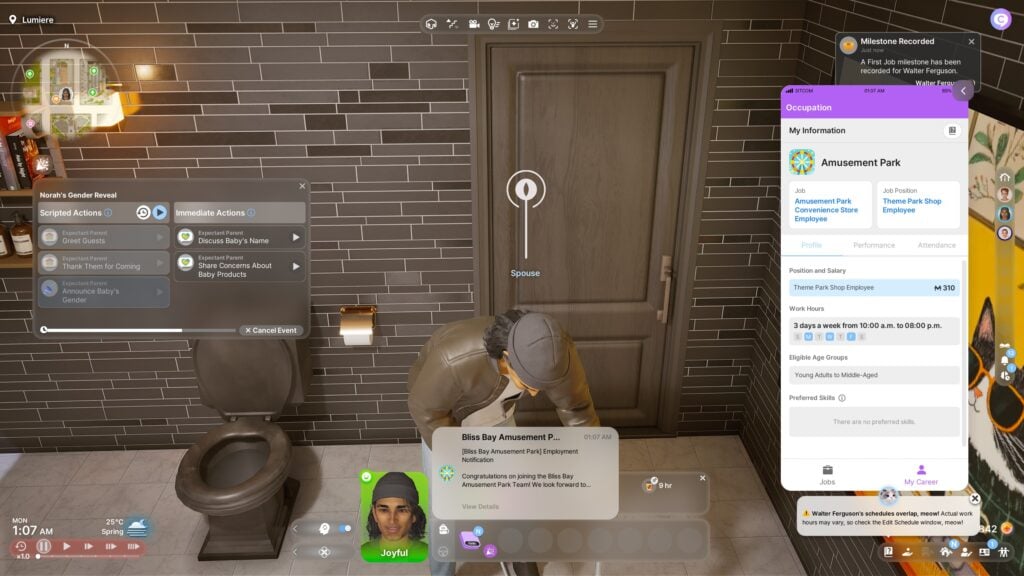
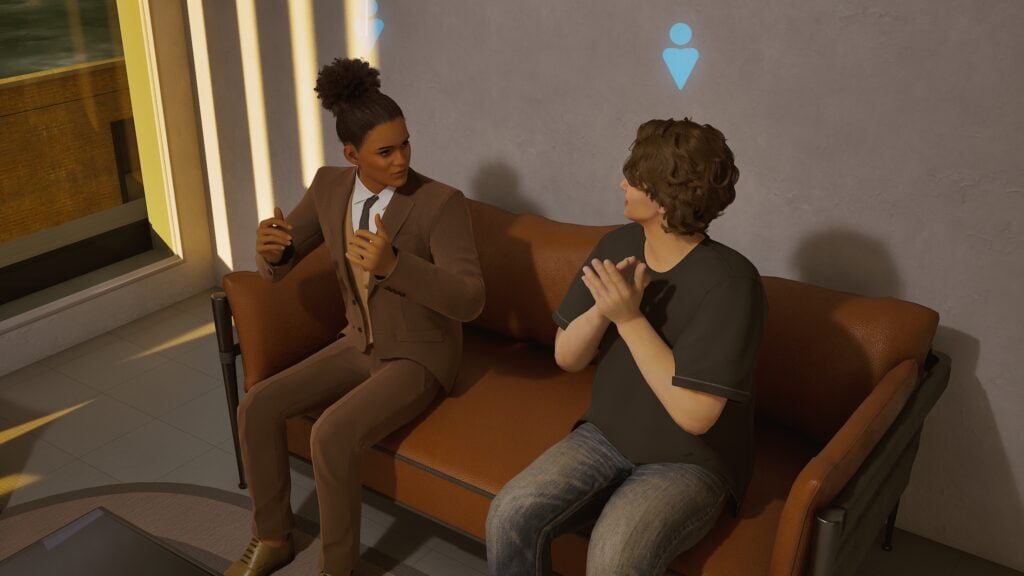
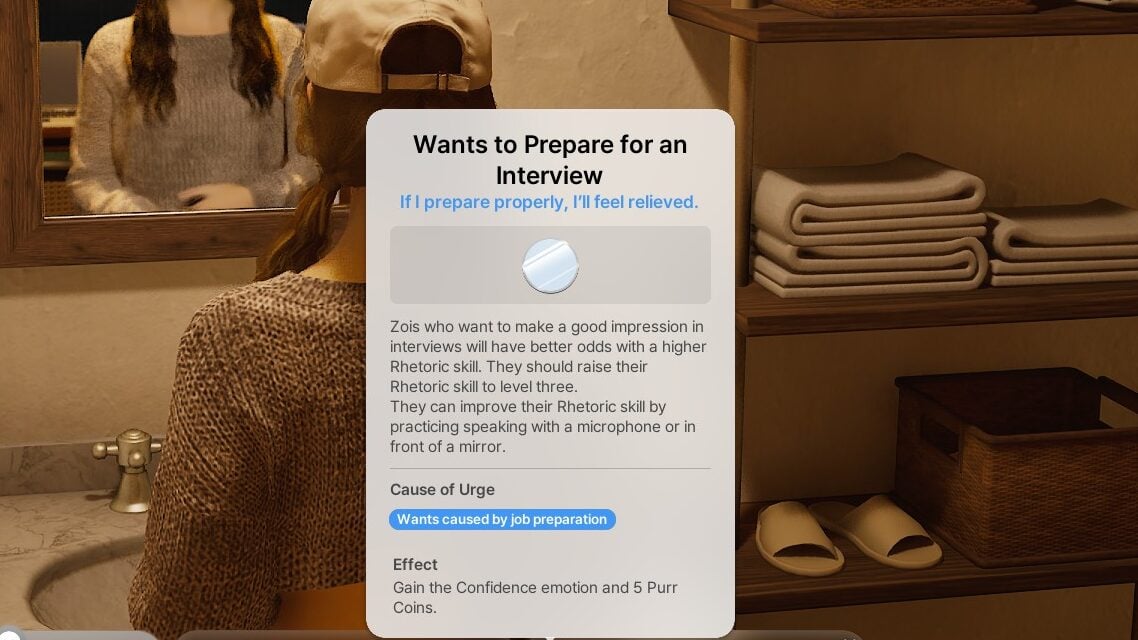
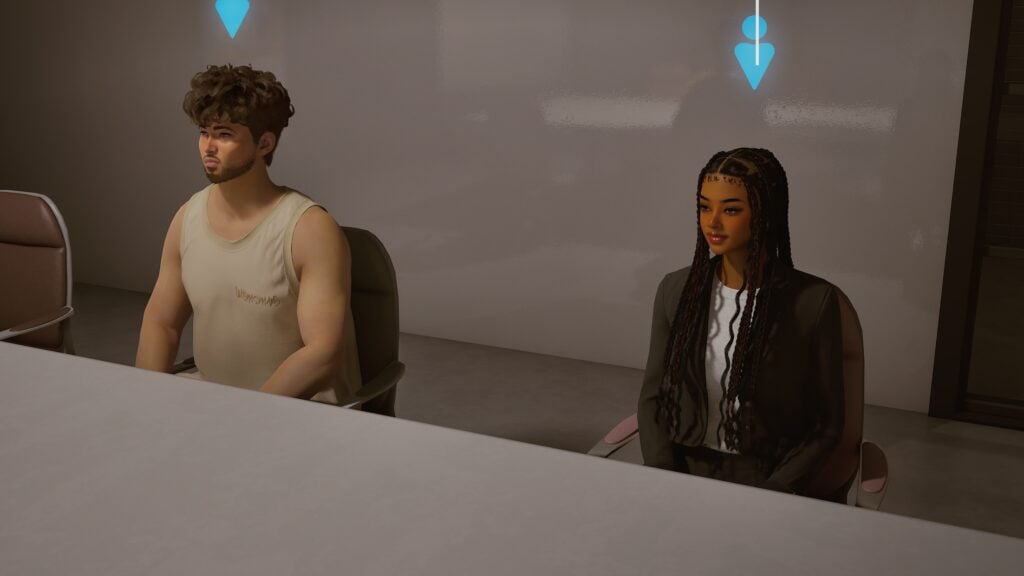
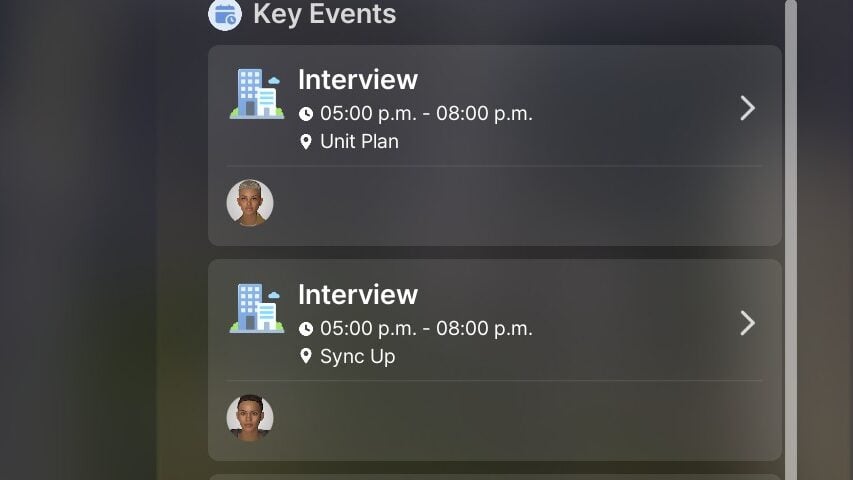
Instead of being able to choose a career right off the bat and show up the next business day with almost no prerequisites, you now have to attend a job interview at first. These interviews are often scheduled the next day, in the evening, with the interviews my Zois had planned being scheduled for 5PM-8PM. Having an interview scheduled often triggers a Zoi to want to prepare for said interview, practicing speech in the mirror until their Rhetoric skill is increased to at least level 3.
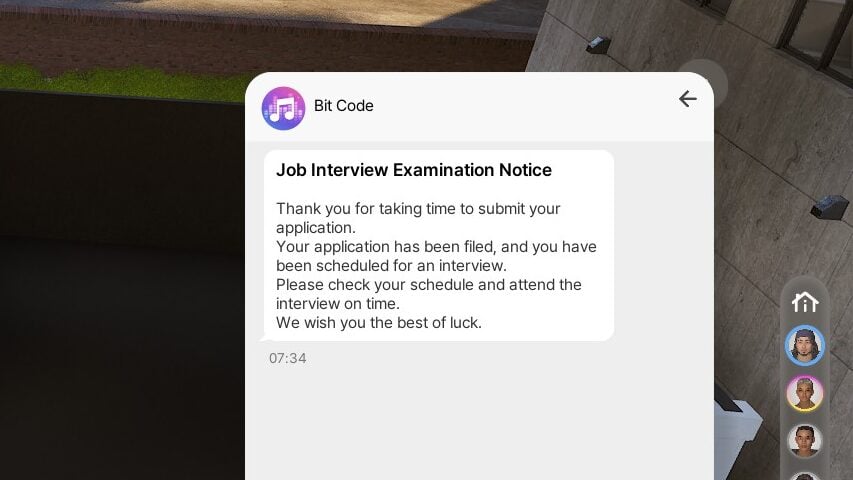
The interview acts a social event, with your Zoi needing to have positive consistent interactions with the interviewer to actually get hired, and they will know once the interview has concluded via text. You can also, often in a desperate plea, try to strike a deal and bribe the interviewer for the position. Depending on your Zoi though, this does have a high chance of backfiring and creating a poor impression.
Did the interview go smoothly and you felt confident in your discussion with the interviewer? Congrats, you’ll likely receive a text immediately after, welcoming you into your new position and providing your start date. Maybe it didn’t go so well? Another text will pop up, regretfully informing you that they decided to go in a different direction. Either way, your Zoi will also get a new memory and milestone regarding this moment!
Freelancing
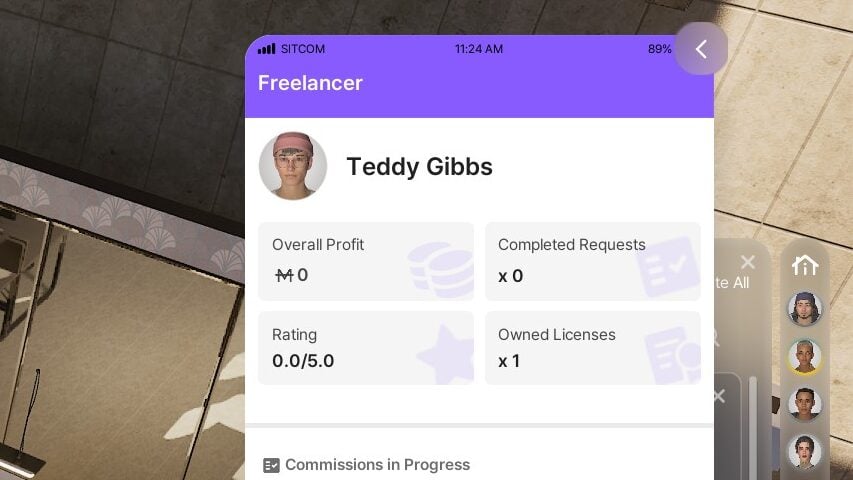
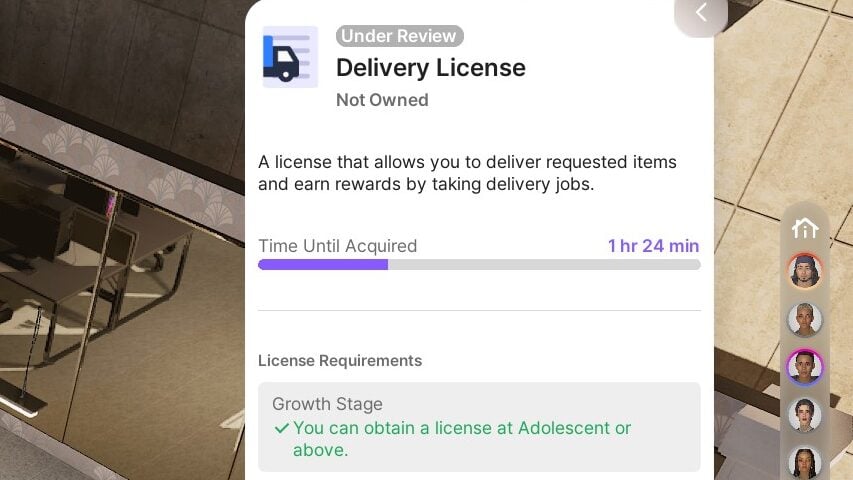
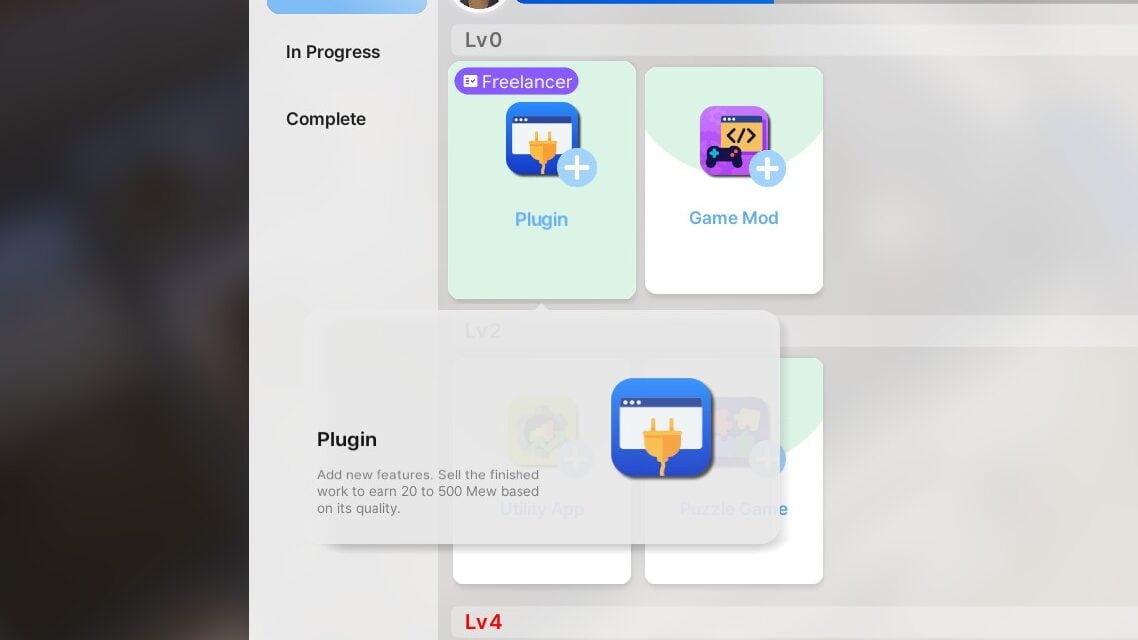
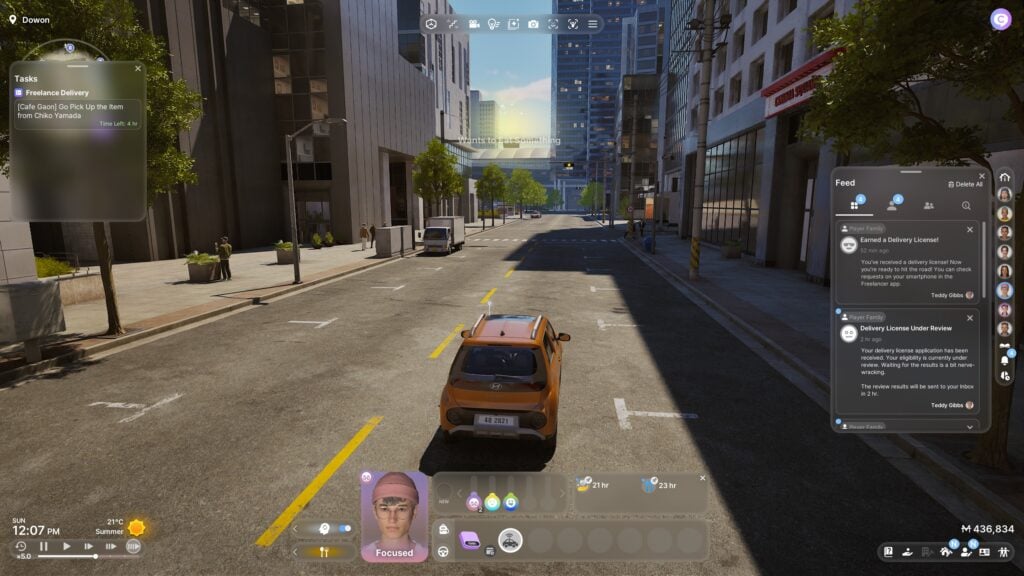
Need more flexibility than a standard 9-5 can provide? Freelancing is now an option! You no longer have to rely on collectibles and standard creations to make consistent money, and can instead build some skills and get licensed as a freelancer. You can still sell things you create online without being specifically commissioned, but now your Zoi can be a freelance delivery driver, programmer, writer, and more!
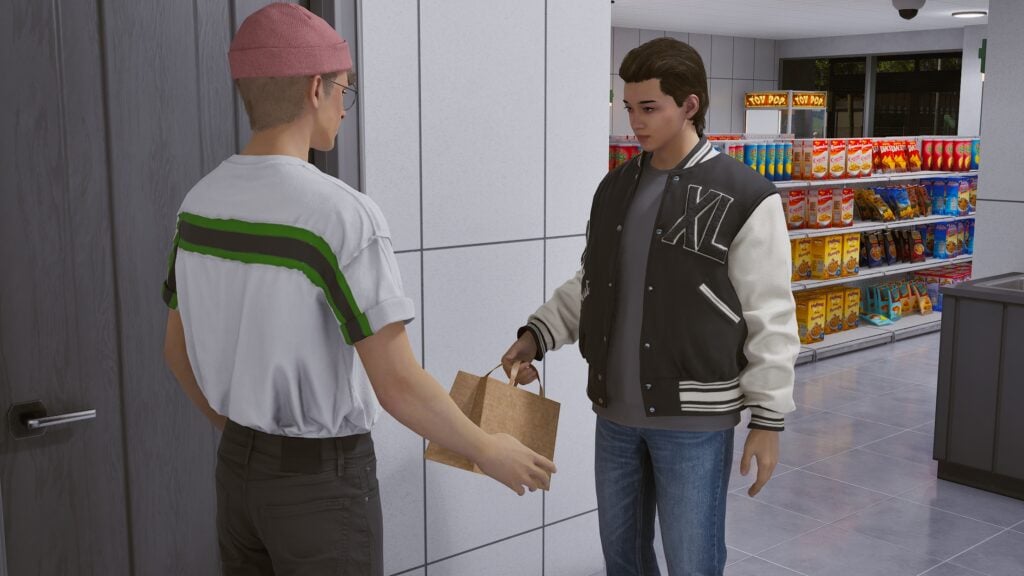
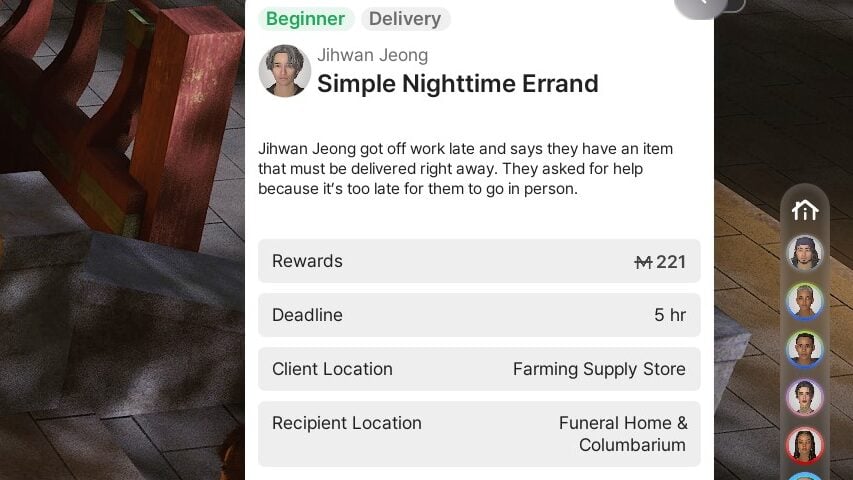
For a delivery driver, so long as your Zoi has a way of transporting themselves, you can apply and receive approval to pick up delivery jobs. These include meeting a Zoi, retrieving an item from them, and driving to somewhere else in the city to deliver said item to another Zoi. These often have a time limit, usually up to five or so hours. They are relatively simple to do, they provide fairly consistent money, and the lack of a set schedule gives your Zoi much more freedom than a standard career would.
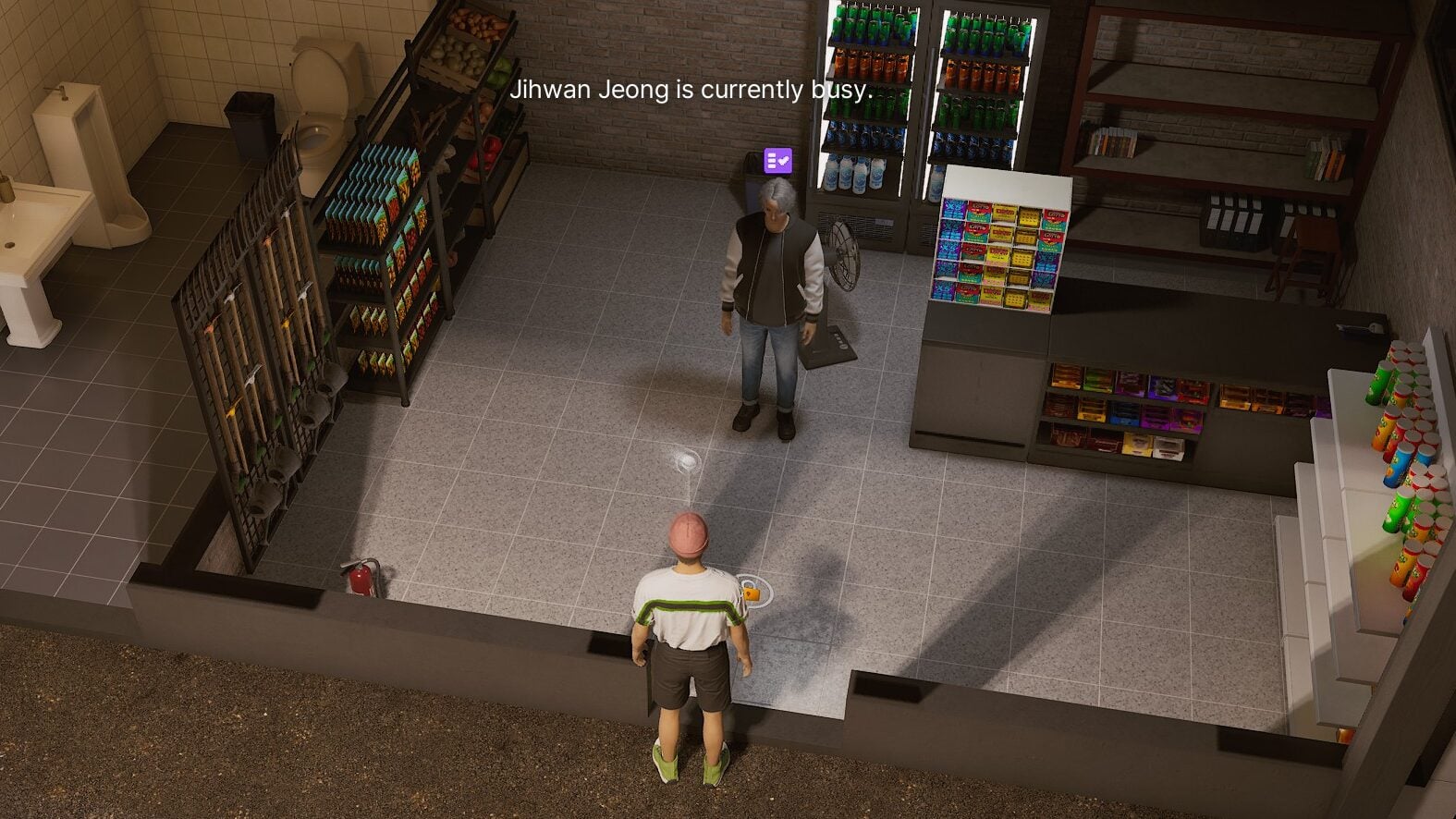
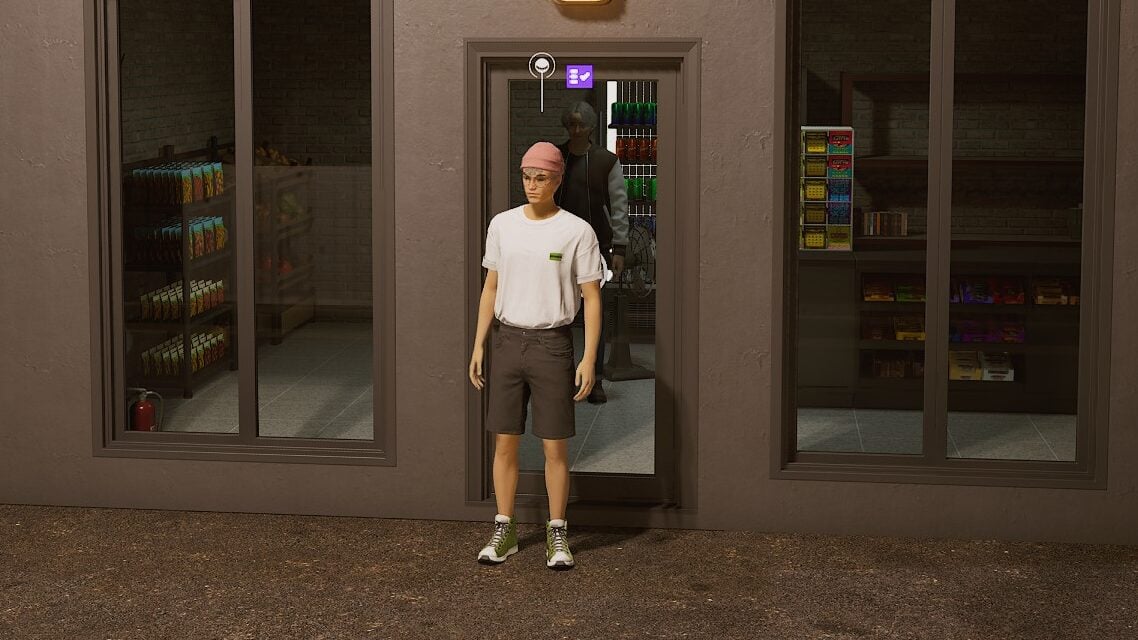
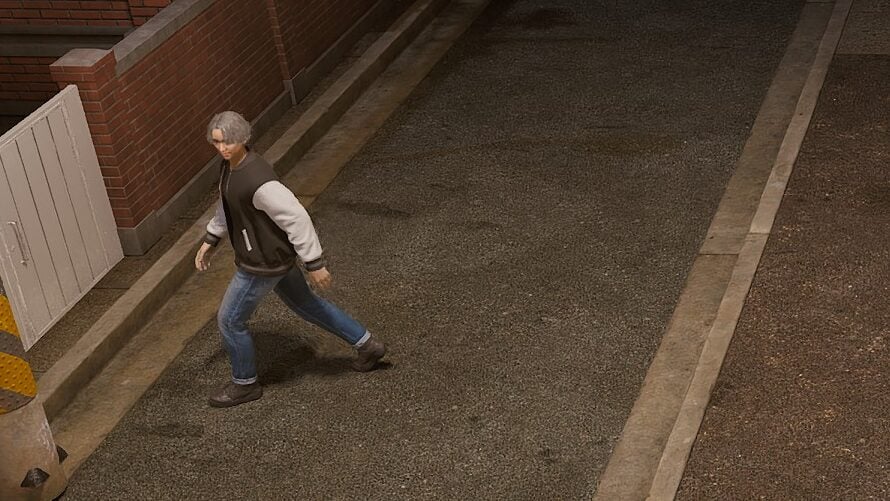
My only hold up with the delivery job, specifically, is that I would recommend not taking deliveries towards the end of the day or into the night. While you usually cannot take them overnight, my delivery Zoi had a very poor experience. He picked up items from one Zoi, drove to a business not far away to deliver it to… but the business was locked. The recipient was standing inside, right on the other side of the door, but would not come out and could not be interacted with because the business was closed. I waited, and waited, and waited. However, once the timer was really ticking down, I felt that I had to cancel the order.
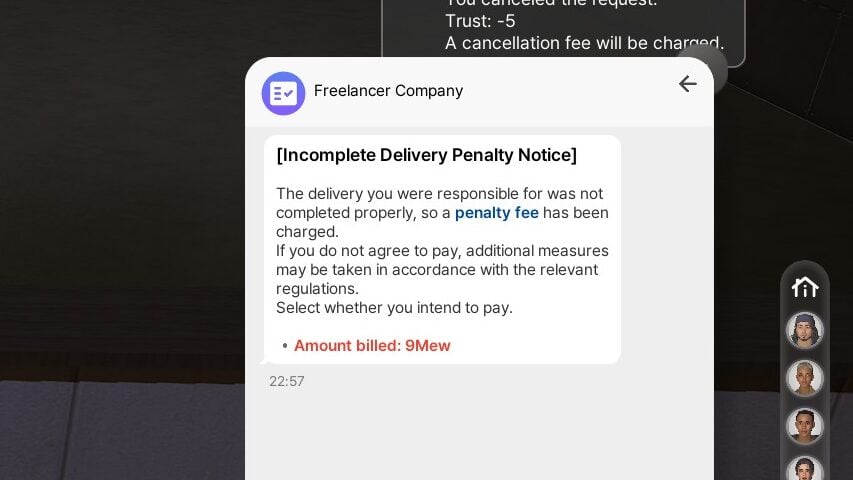
He then immediately walked outside, my Zoi received a penalty, and I later got a notification that he was getting sued for the unfinished delivery. This is likely unintended and was fairly frustrating, but it also seems like something that could happen if you’ve had any experience in customer service…
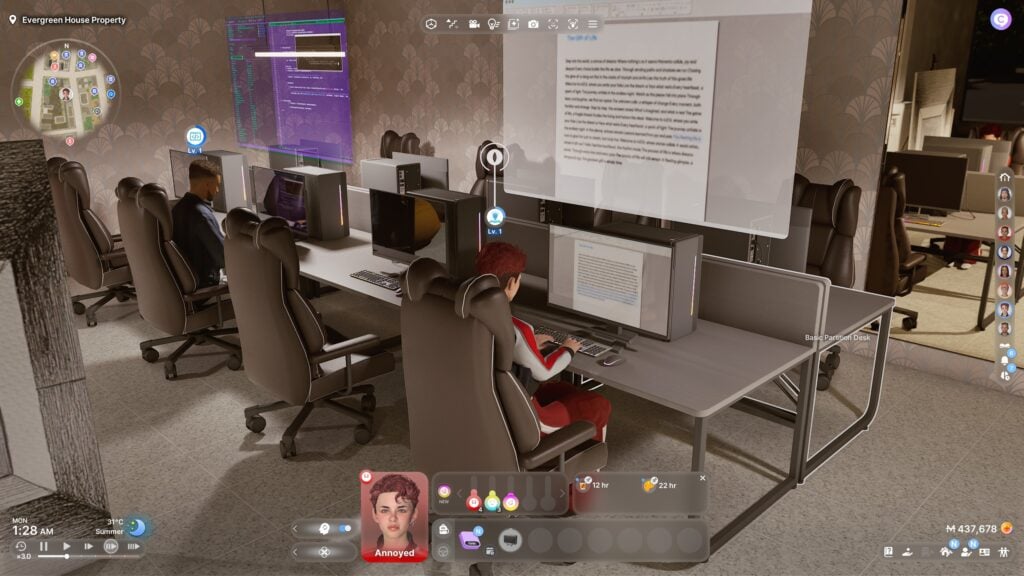
If deliveries aren’t your thing or you have more specific skills, you can also apply for licensing to be a freelance creative. These will require you have a certain level of the specific skill, like programming or writing, and you must also wait for approval. Once approved, you can start accepting jobs. These will typically ask that you make a certain type of item, project, etc., and will generally have a 24 hour time limit since they can take quite a bit of time.
New Small Businesses
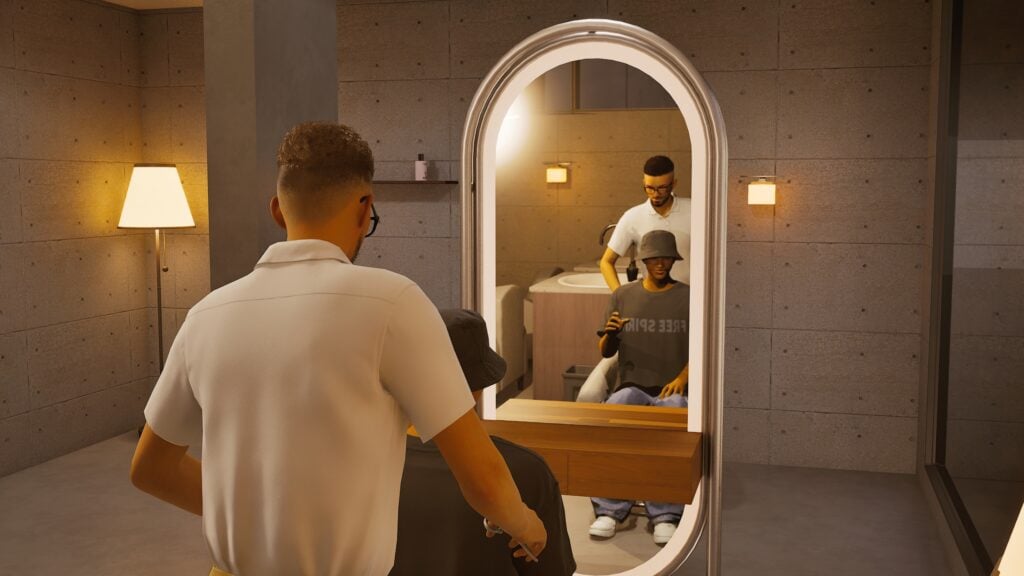
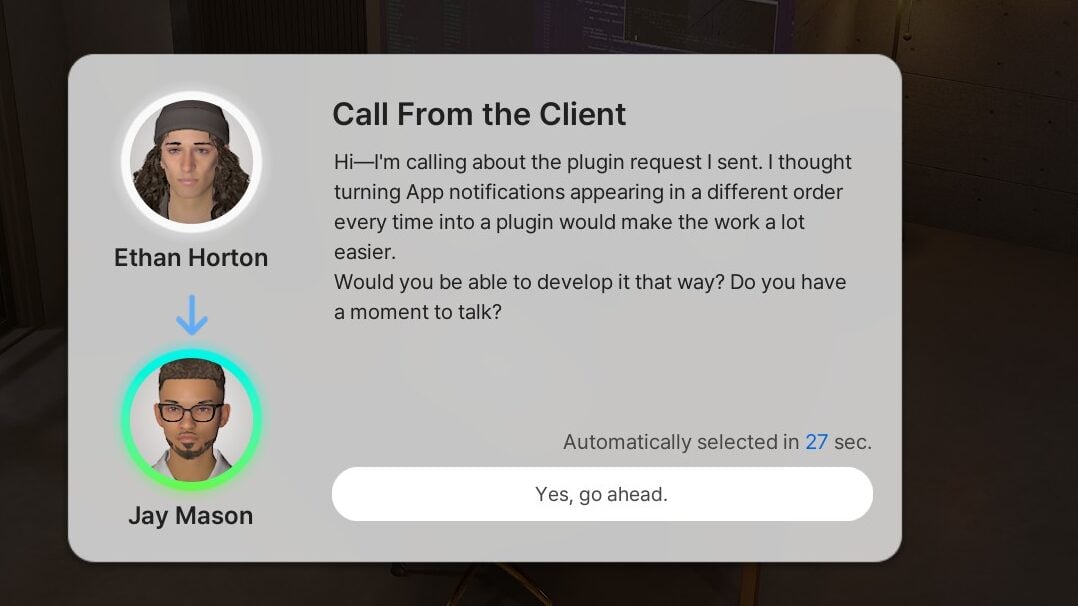
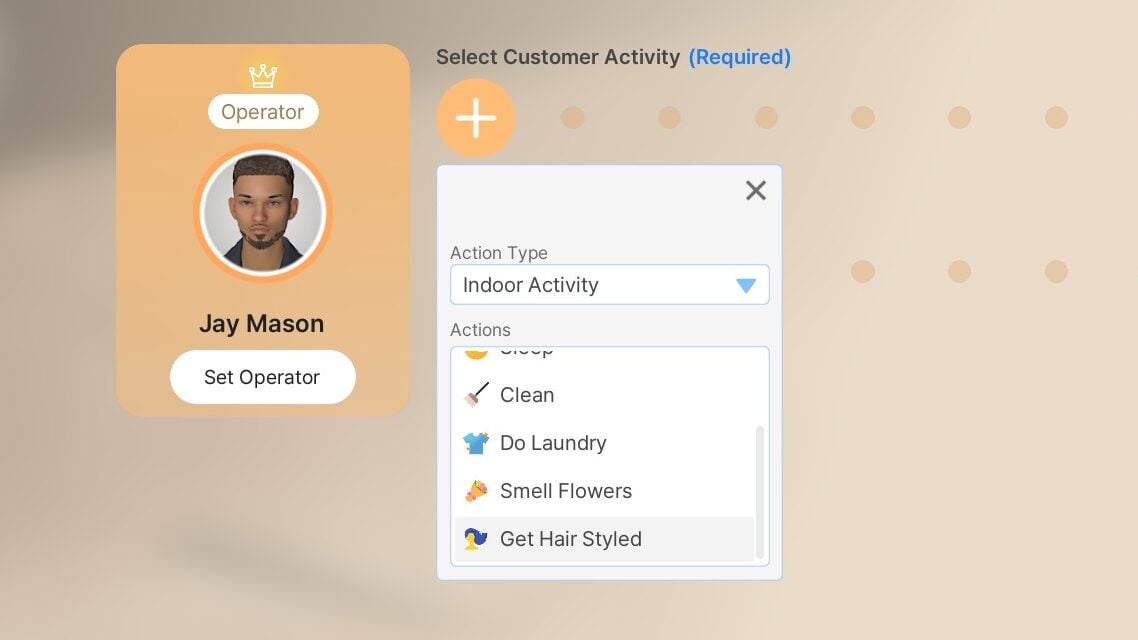
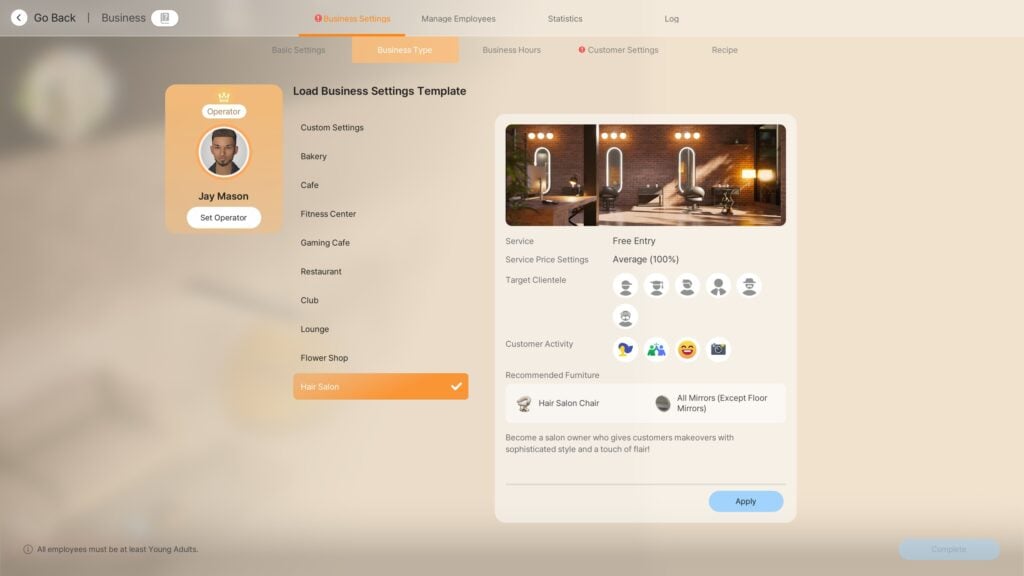
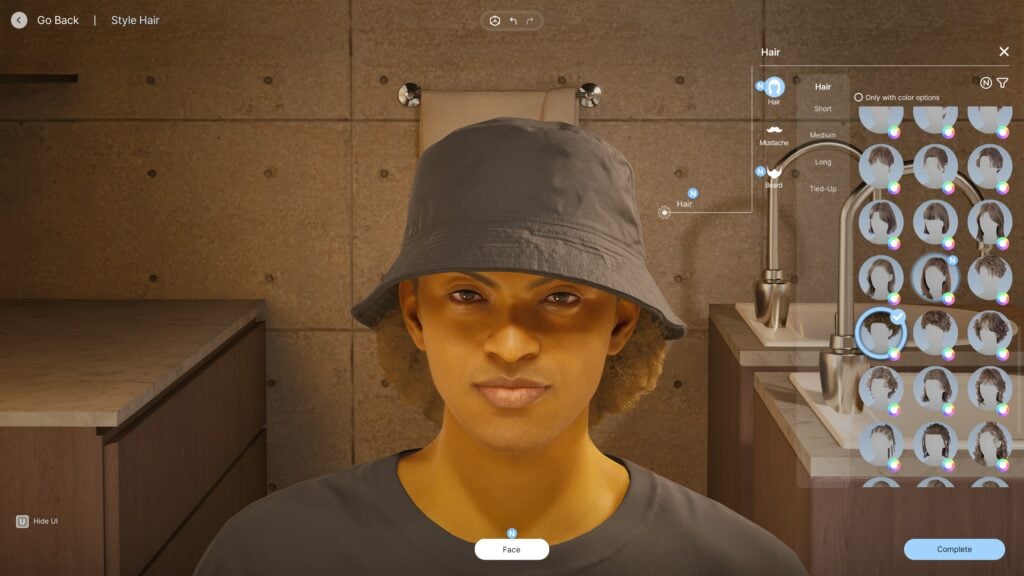
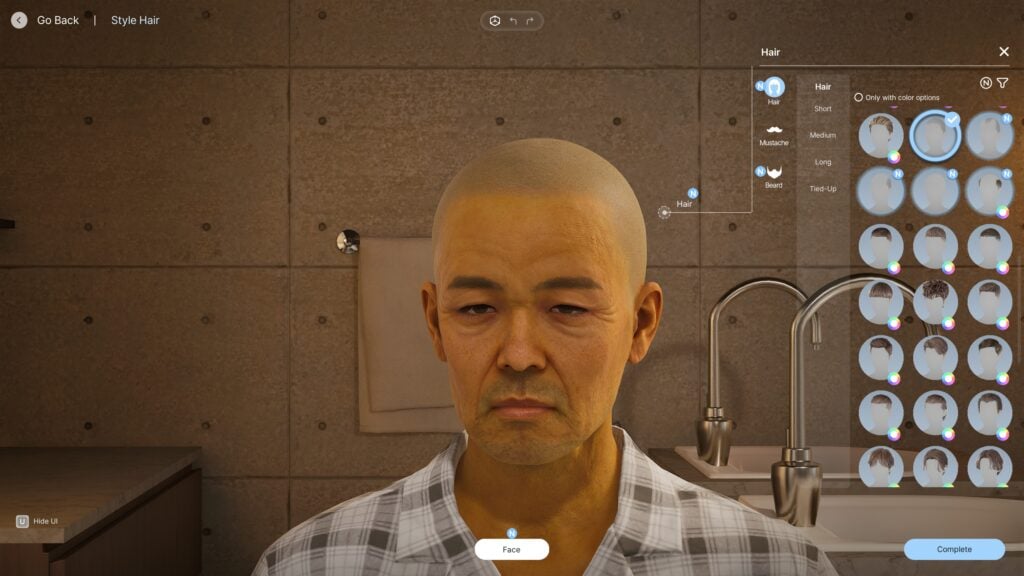
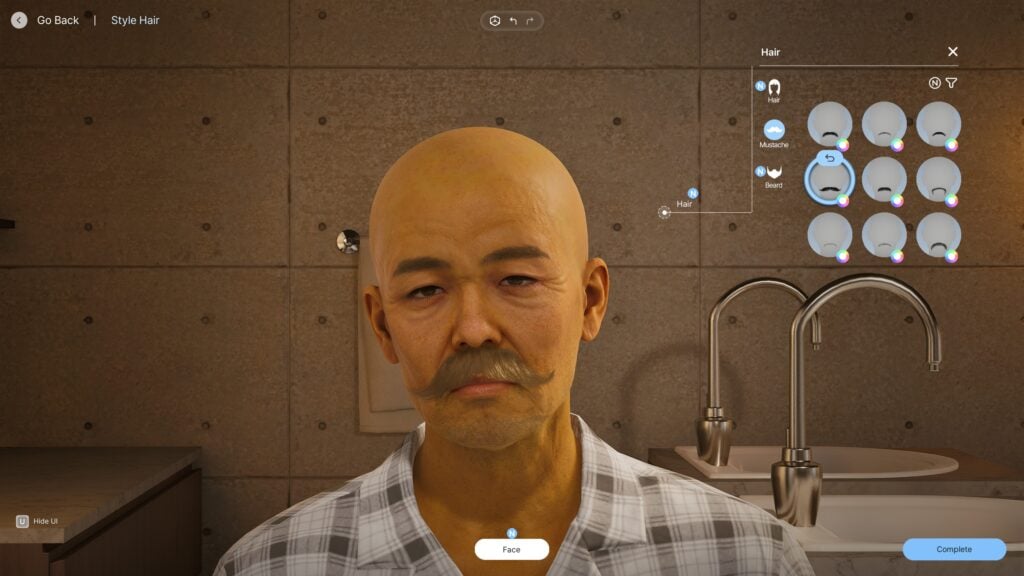
Two small business types were added in this update; Hair Salons and Clothing Stores. To test this feature, since one of them seemed more hands-on, I made one Zoi a hairstylist and had him open a salon. I felt that, this feature overall, was very fun and felt very seamless and well made. If your Zoi did well and had a high enough skill, you could change the hairstyle and facial hair of the Zoi in your chair. I actually didn’t run into the unintended consequences of having a lower skill, which is a poorly done hairstyle and a very upset customer.
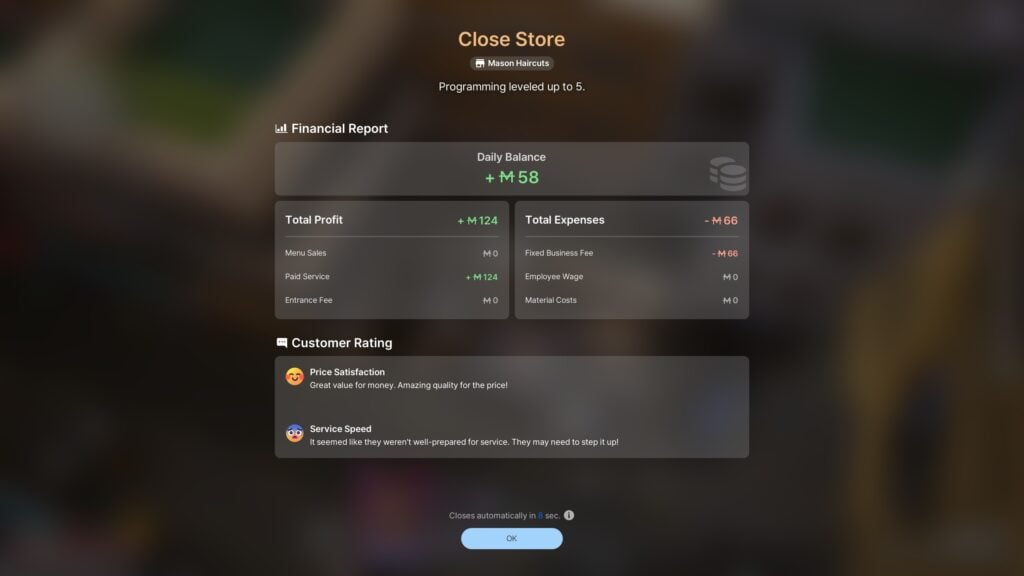
Though, I’m unsure if this was based on location, skill level, etc., but my Zoi barely got any business. In a full business day, he received two clients total. These two clients then loitered around the shop for a few hours before leaving.
Conversation Changes and Updates
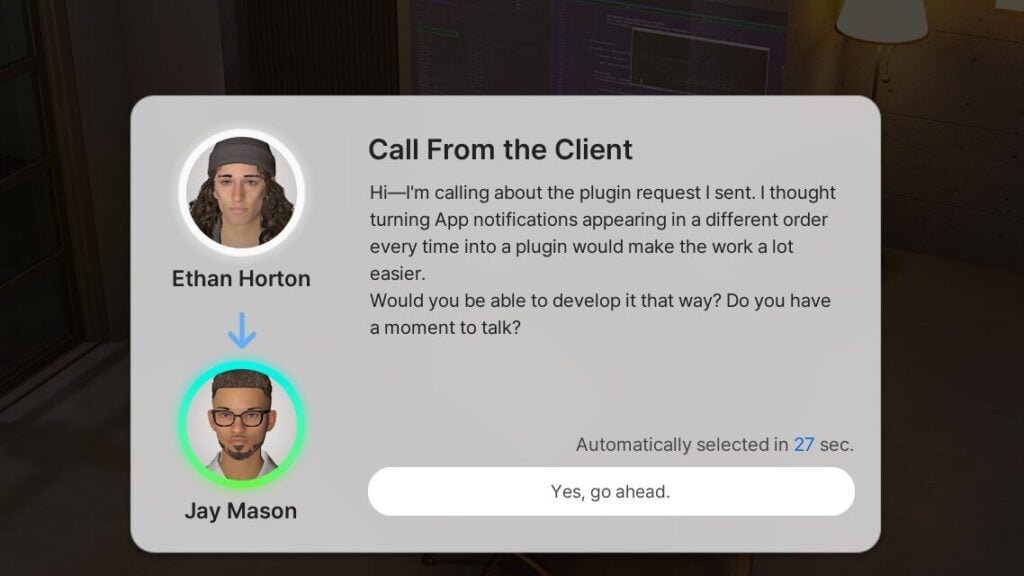
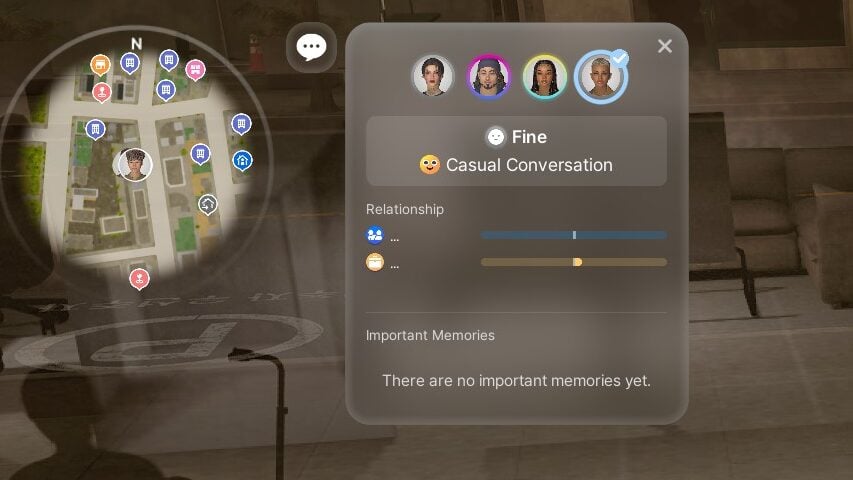
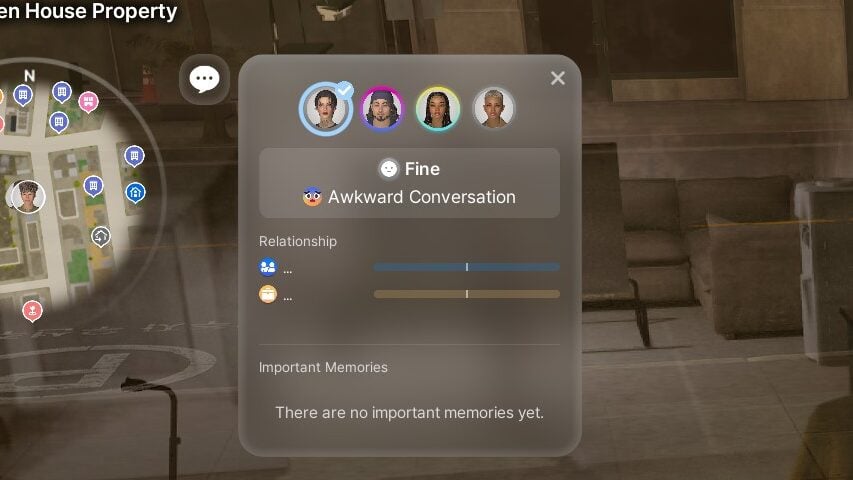
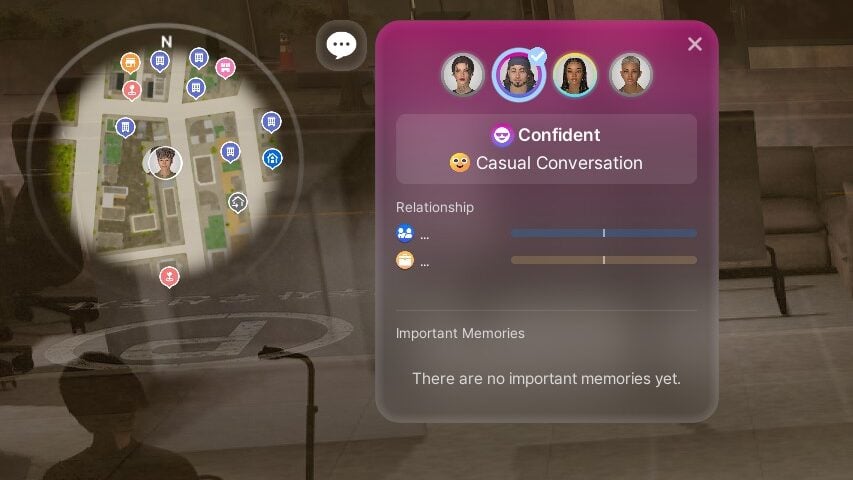
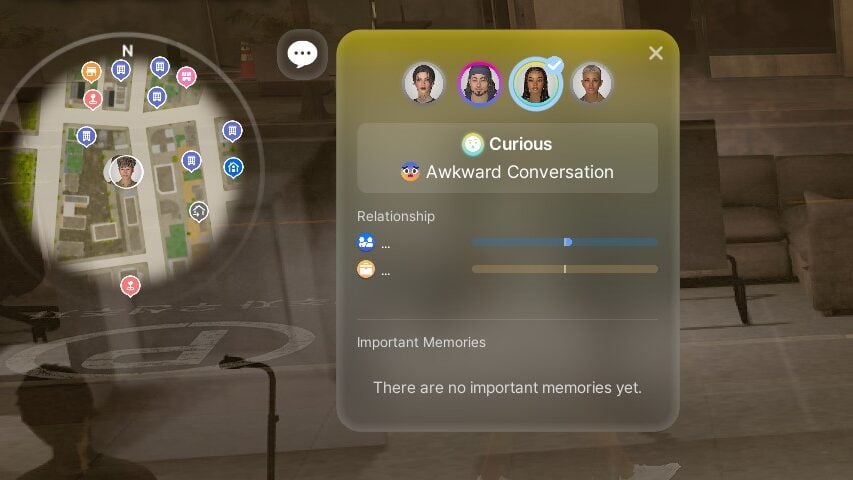
There is now better insight into how a conversation with any other Zoi(s) is progressing, a new window popping up to keep you up to date with their reception of the conversation, current mood, and anything that may influence the success or reaction to your interactions. This will have multiple tabs to show every Zoi in a multi-person conversation.
Pregnant, Social Events, and Memories
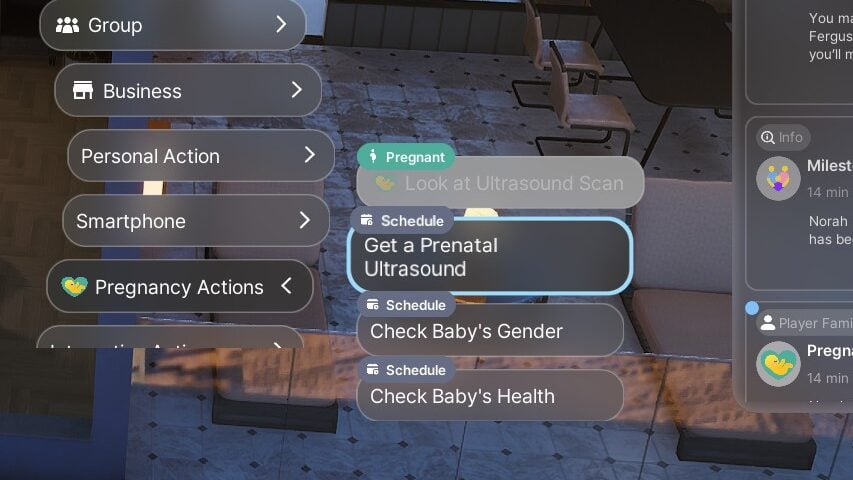
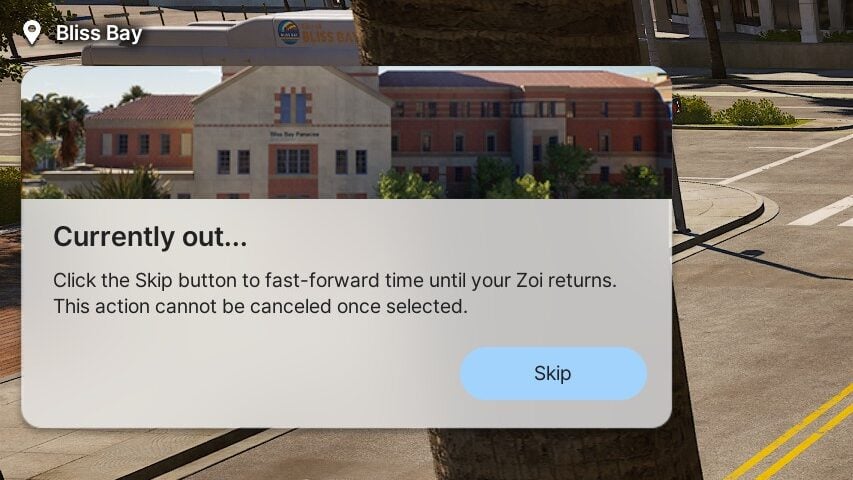
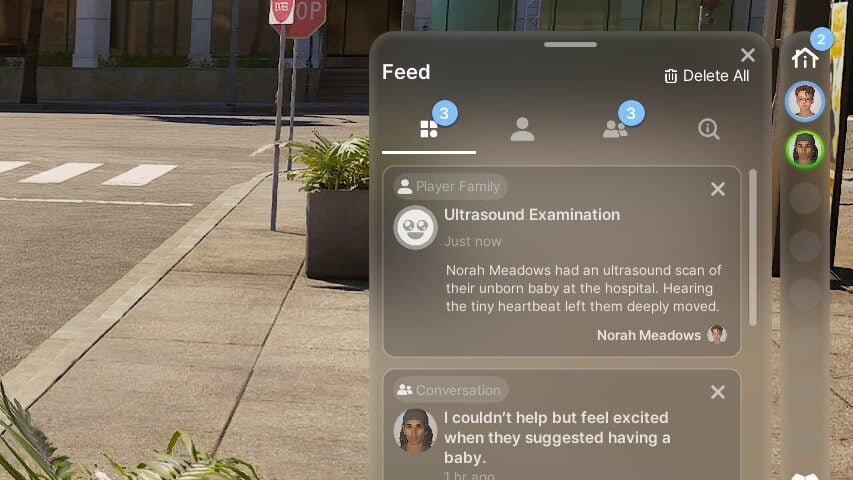
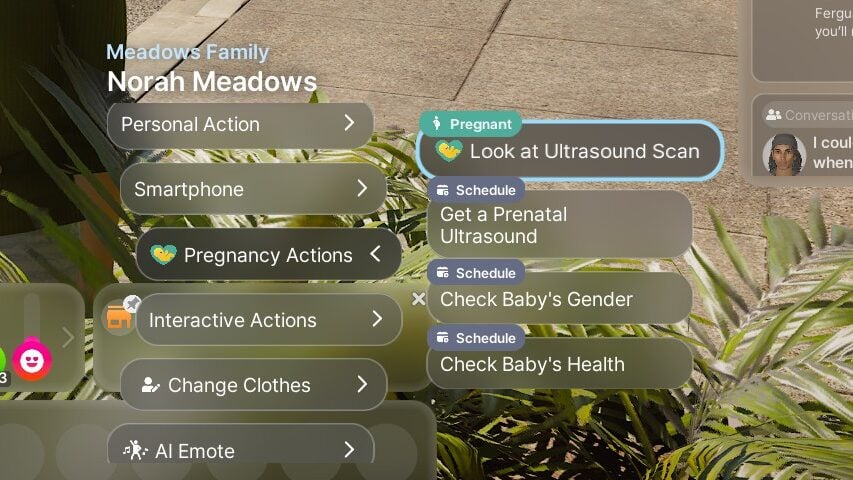
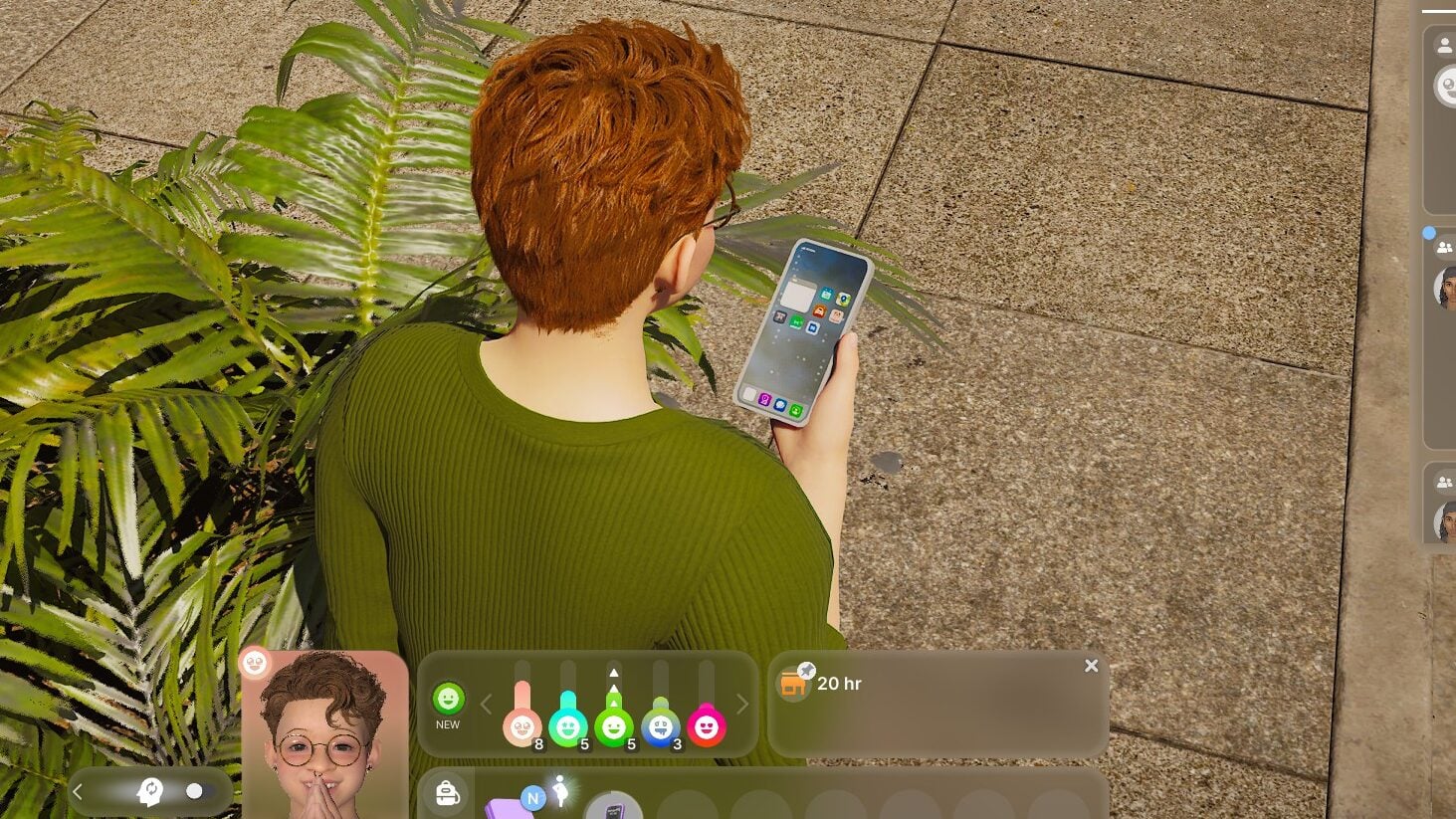
If you have a Zoi who is expecting, more pregnancy actions have been added to make the process more immersive and somewhat more realistic. As soon as your Zoi knows, they can travel to the hospital (Which is a rabbit hole, meaning you do not follow them) to receive an ultrasound. This will check on the baby’s progress. There are also two separate interactions to learn the sex of the baby, as well as to check on the baby’s health. Afterwards, you can click on your Zoi so they can view the ultrasound image, but this just prompts them to pull out their phone and no new item was added.
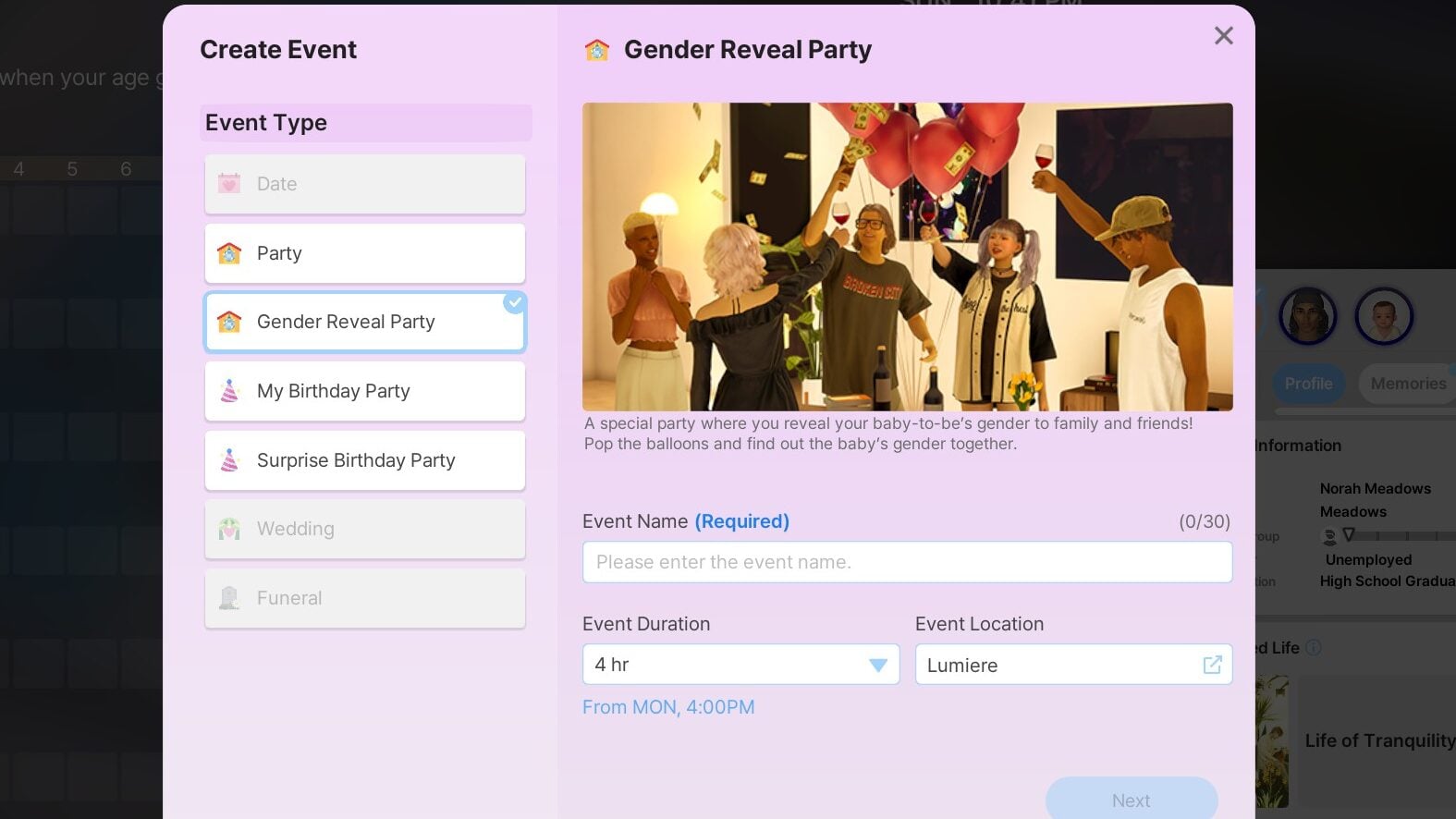
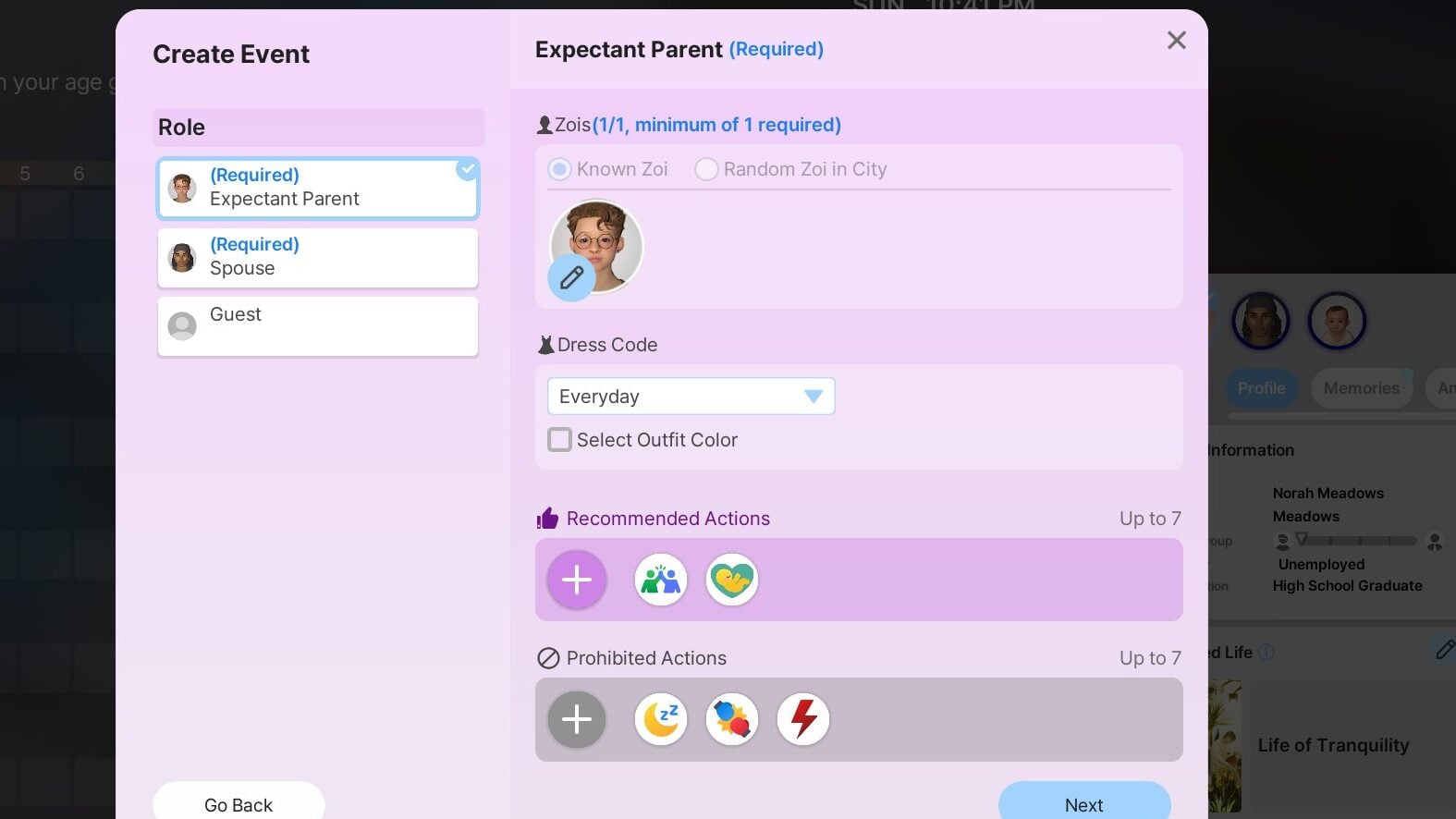
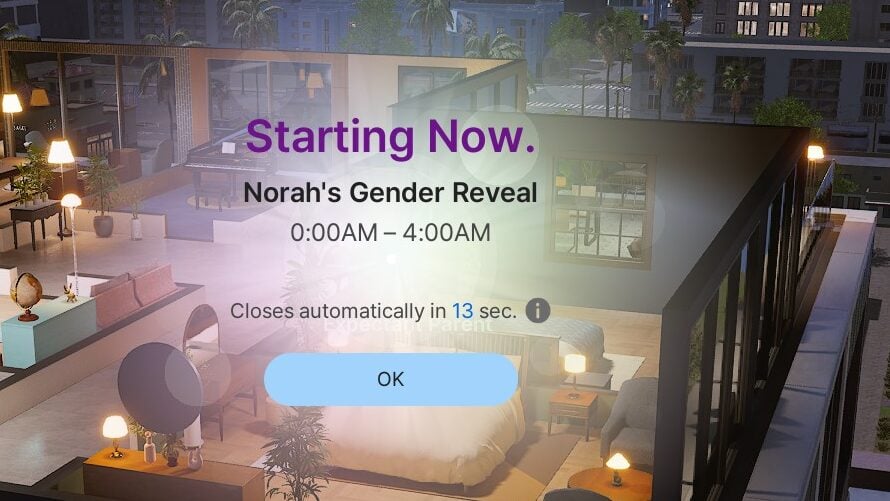
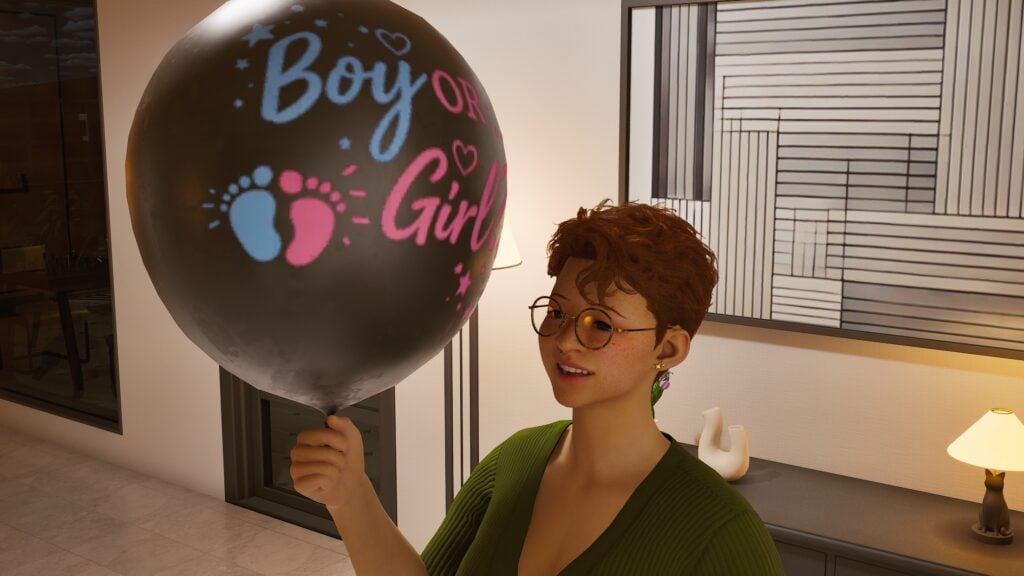
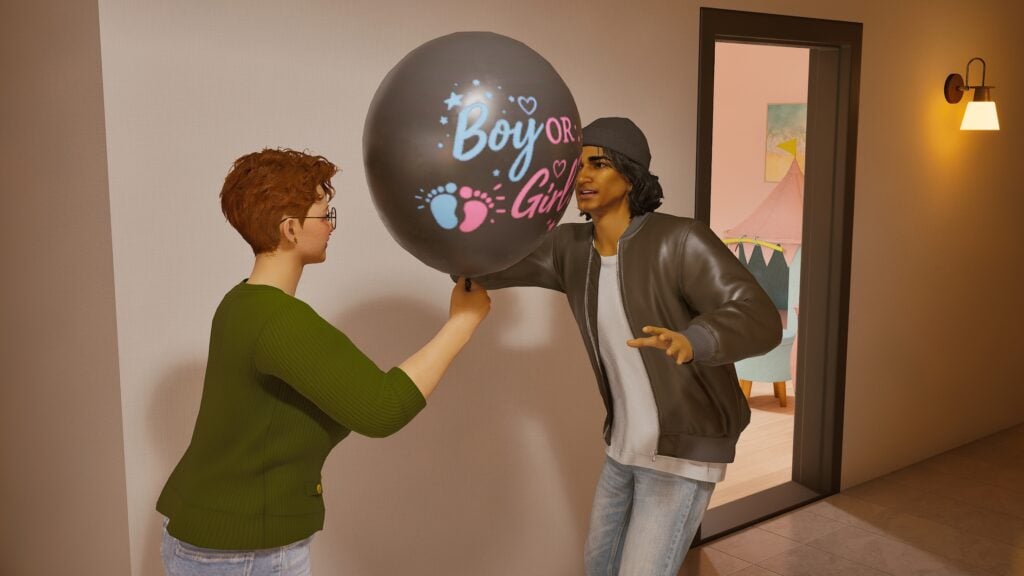
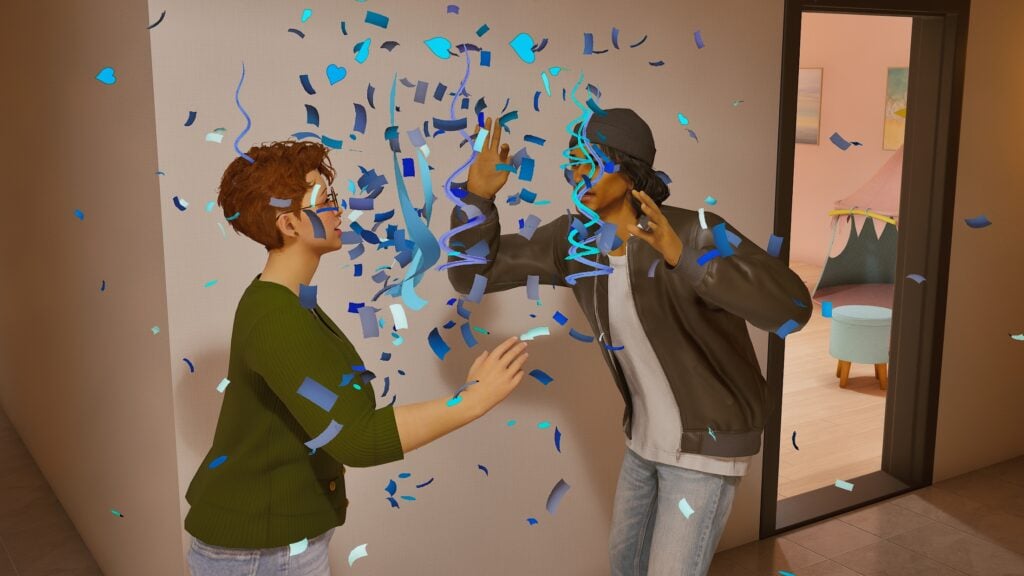
With the ability to check the sex of a baby prior to birth, Zois can now also host Gender Reveal parties for their family and friends. In addition to this, social events (Which are not just parties, but also job interviews and the like), can now share dates instead of only being able to schedule one per day. This is also where Zois can have overlapping scheduled events, usually prompting a pop up so you can adjust or cancel things to avoid conflict.
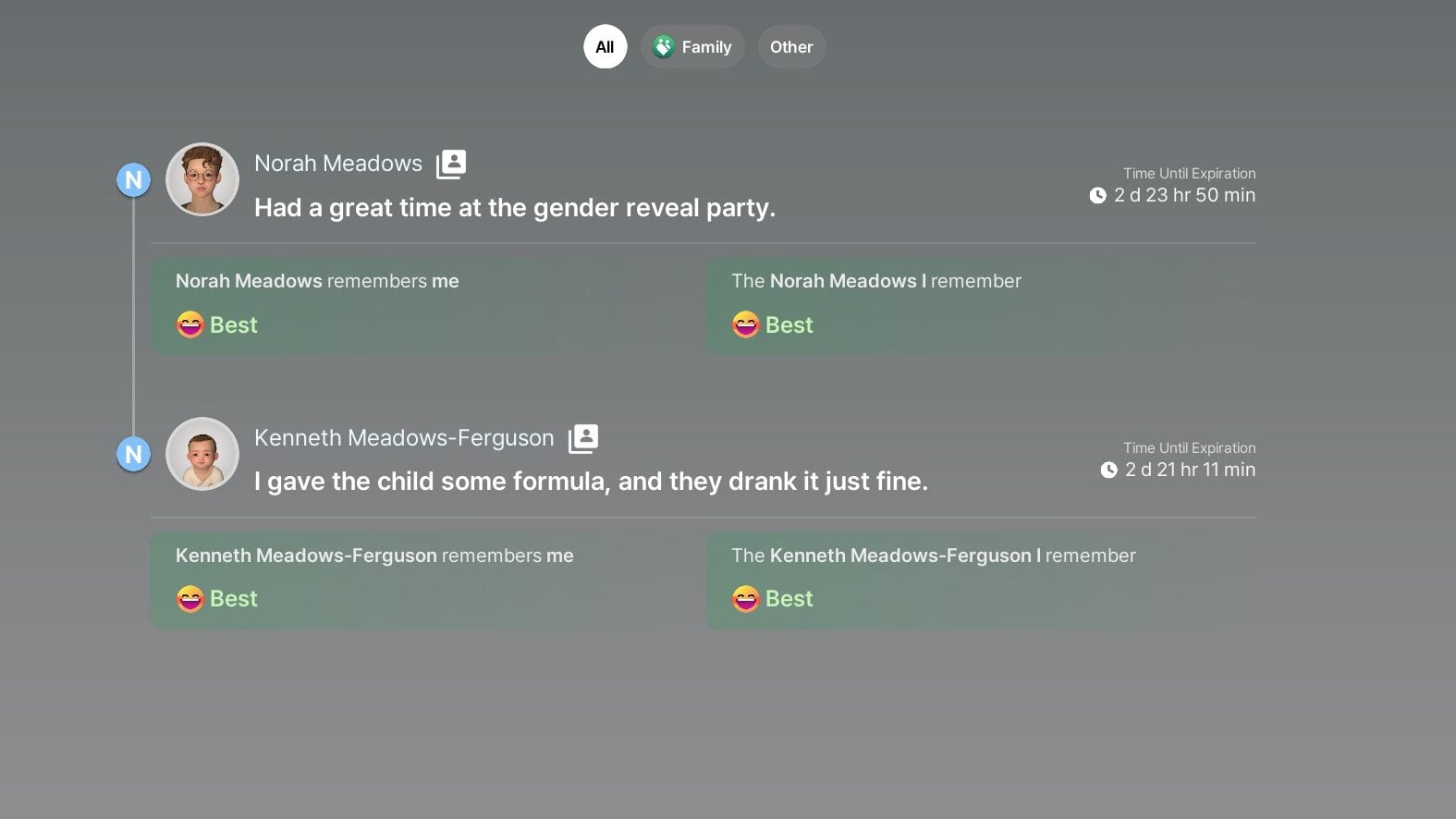
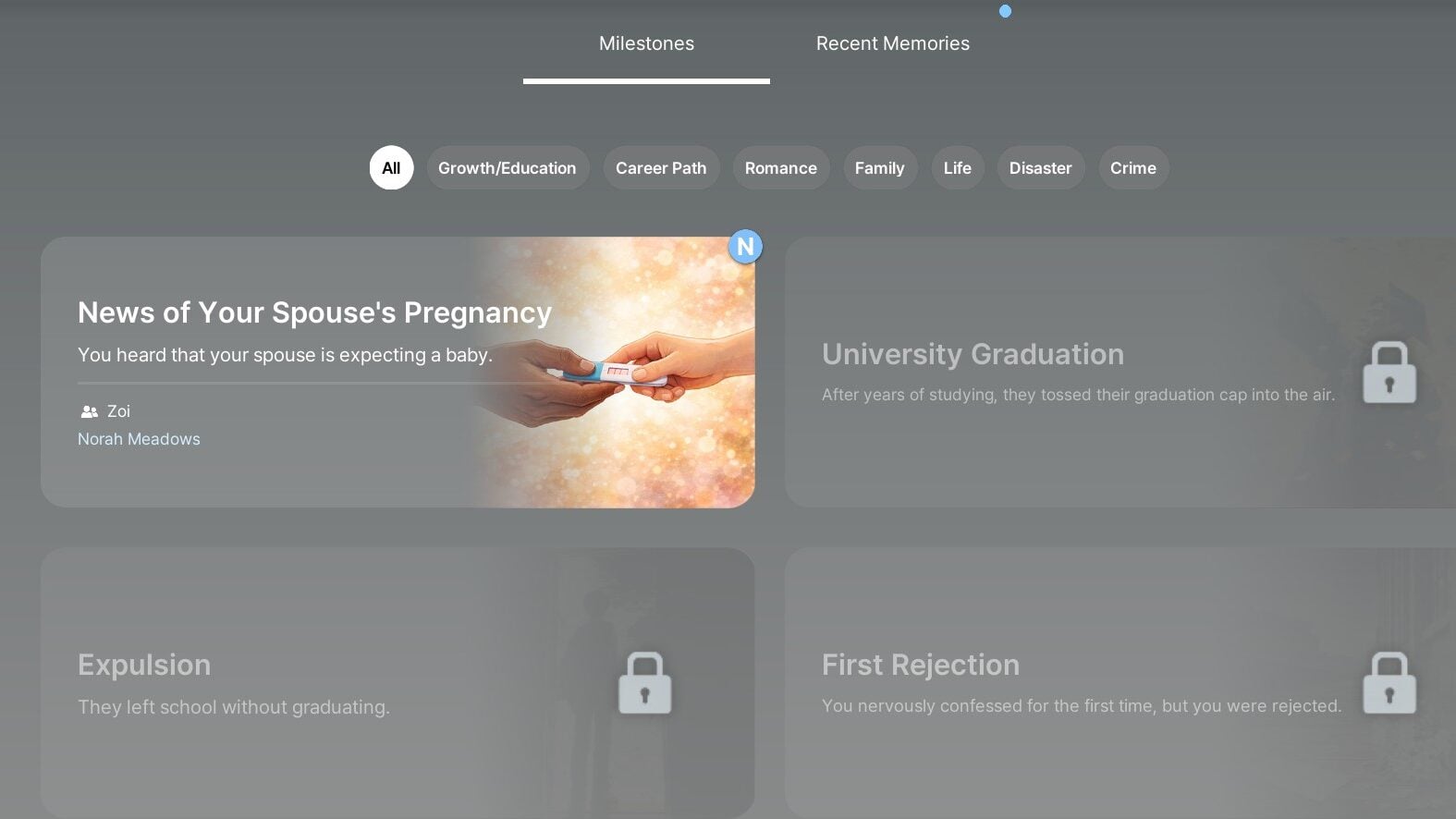
As your Zoi experiences new parts of life and milestones, a wide range of memories and milestones will collect in a log that can be checked or looked back on at any time. It feels like most things added in this update were also added to this feature, with many of my Zois receiving memories for a first interview, first accepted or rejected job, first pregnancy, etc.
Graphics & Optimization Changes
As the game was updated to Unreal Engine version 5.6, there were some changes made to graphical settings and how the game works overall. Previous updates have mentioned the developers attempting to make the game more accessible to all players, making the game smoother, less taxing on systems, and making it look and feel better on lower graphical settings. While I did not notice substantial visual differences, I did find that the game did feel less laggy and overall ran smoother, except for a few hiccups with more taxing events, like switching and loading new areas, spots with lots of Zois and activity, etc.
What features in the newest update have you been playing around with, and what are you looking forward to? Did you also run into any issues with the new systems? Comment and share below! As always, make sure to follow The Sims Community to keep you up to date on news in the Life Simulation genre, update to InZOI and other community favorites, and more!
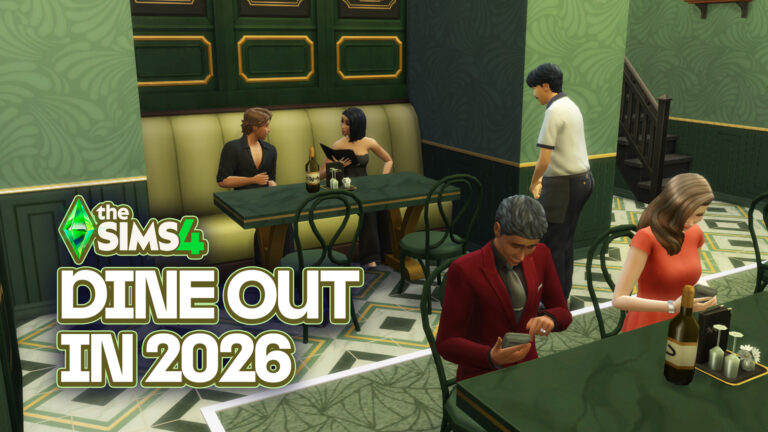
The Sims 4 community has spent years sharing stories about broken restaurant visits, missing meals, endless waiting times, and Sims standing outside instead of eating their dinner. So when EA recently opened a new feedback thread focused on Food, Drinking, and Dining automation, it felt like the perfect excuse to revisit one of the game’s most debated packs: The Sims 4 Dine Out.
This article is not a full review of the pack. Instead, this was a real gameplay test focused on the core restaurant experience in 2026, including how Dine Out performs in a heavily modded save file using newer content and a custom Gallery restaurant.
And honestly? The results were better than expected.
Table of Contents
Why Test Dine Out Again?
EA recently asked players for direct feedback regarding food systems, dining behaviors, and restaurant automation as part of an ongoing Sims Labs discussion.
That conversation inspired this test session, especially because many players have noticed that certain older packs sometimes behave differently after newer updates and expansions are introduced.
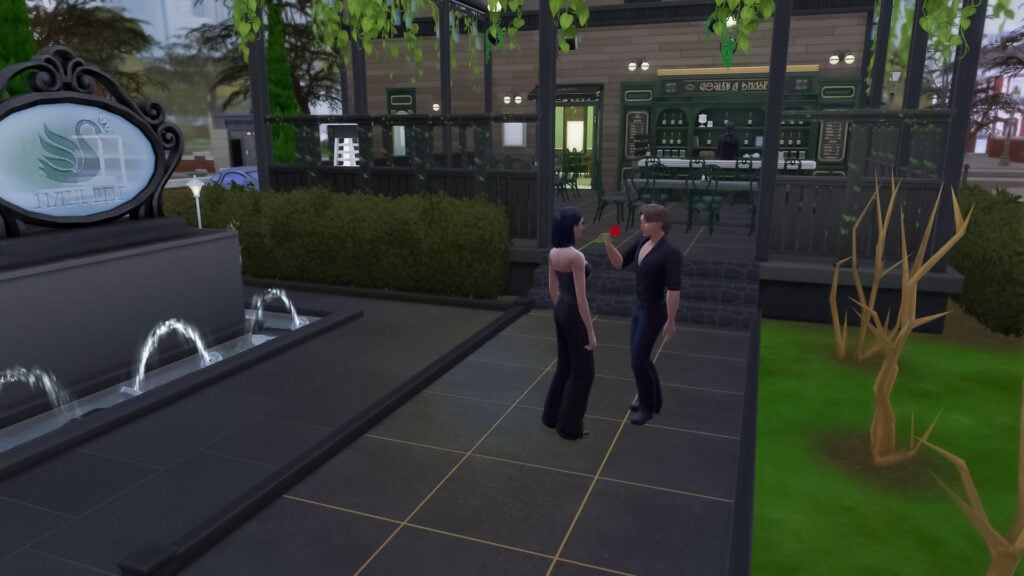
So naturally, it was time for a date night.
The Restaurant Used for This Test
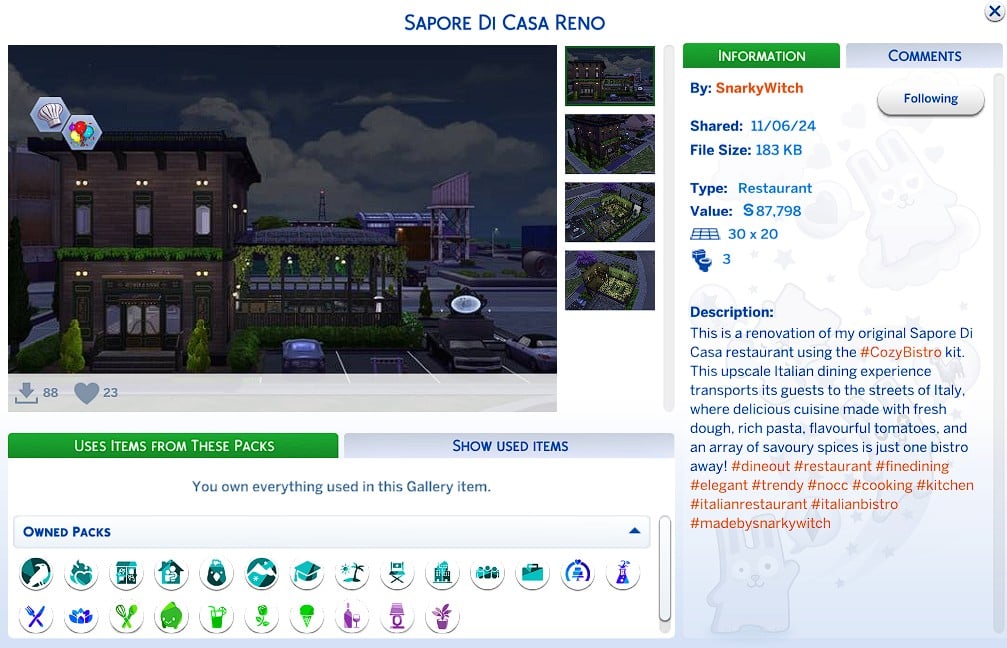
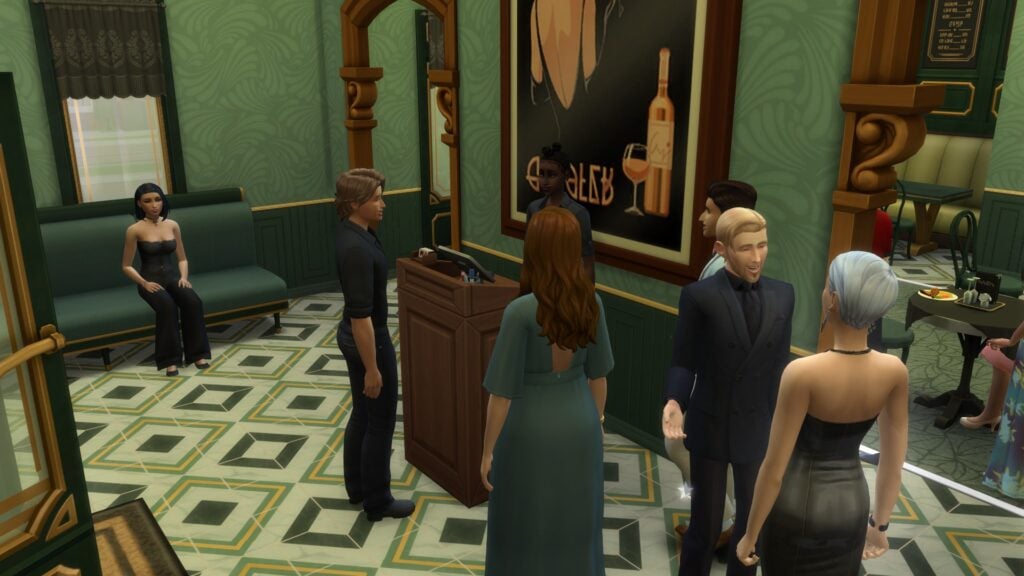
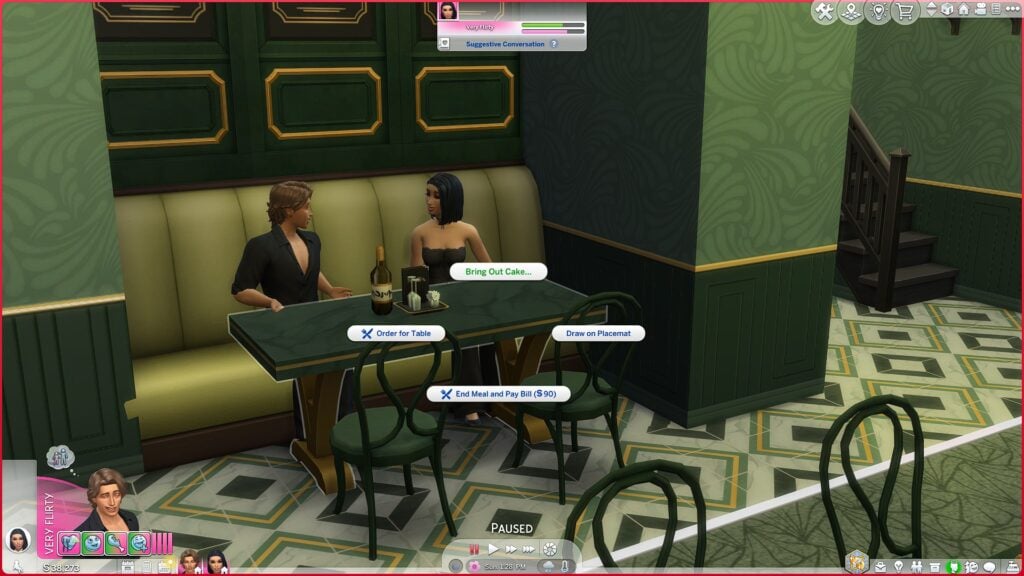
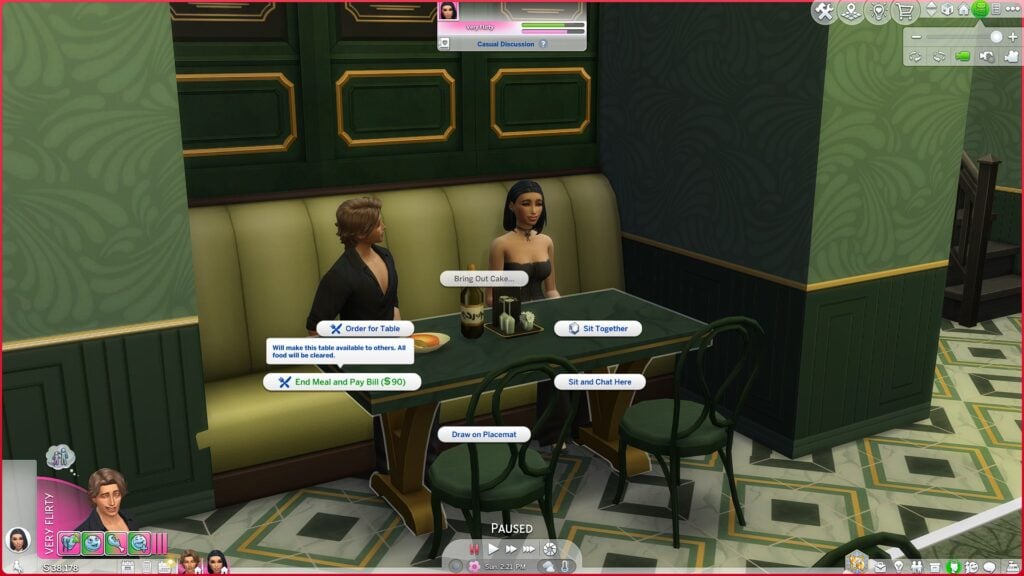
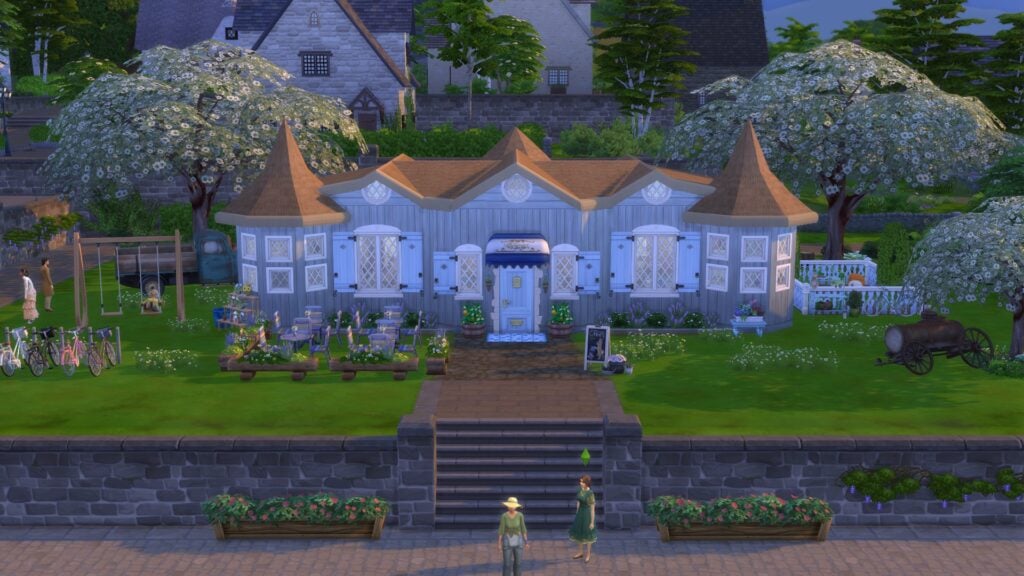
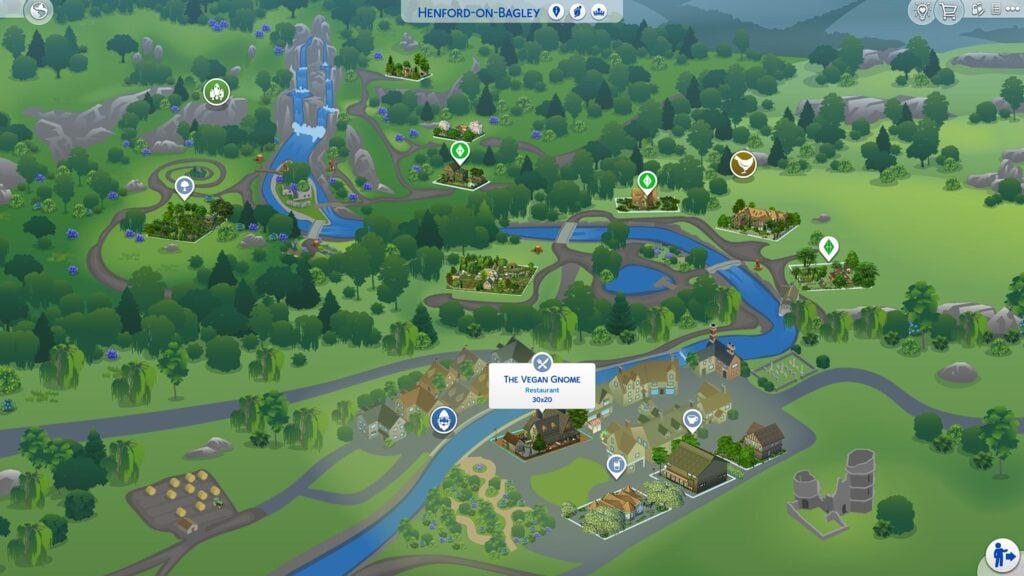
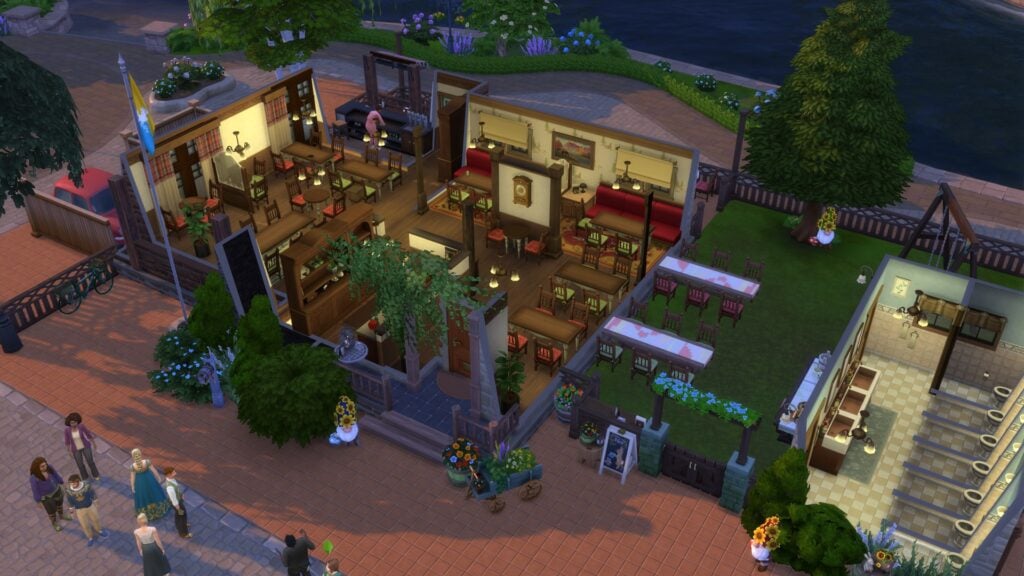
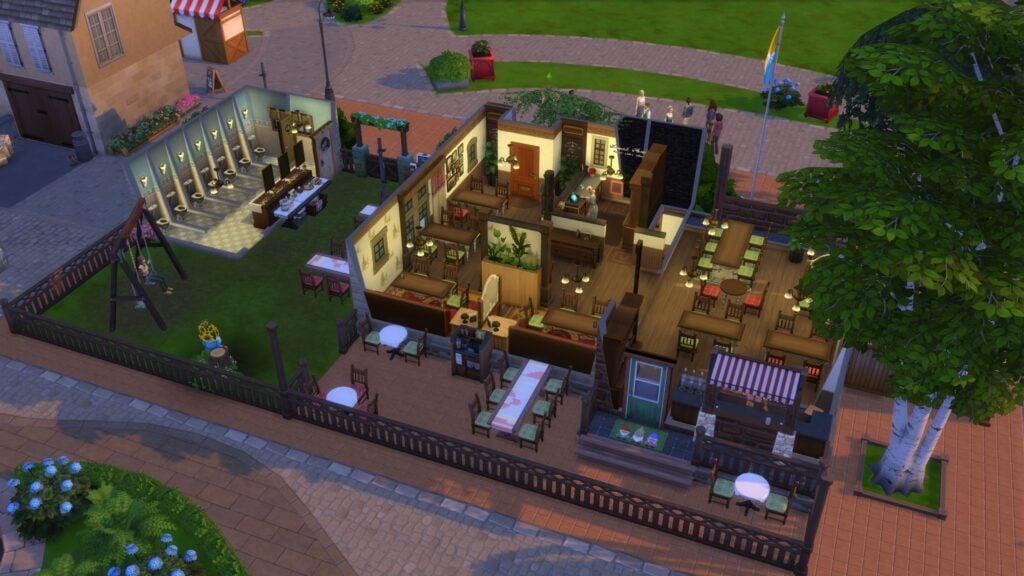
For this gameplay session, my Sims visited Sapore Di Casa Reno by SnarkyWitch from The Sims 4 Gallery.
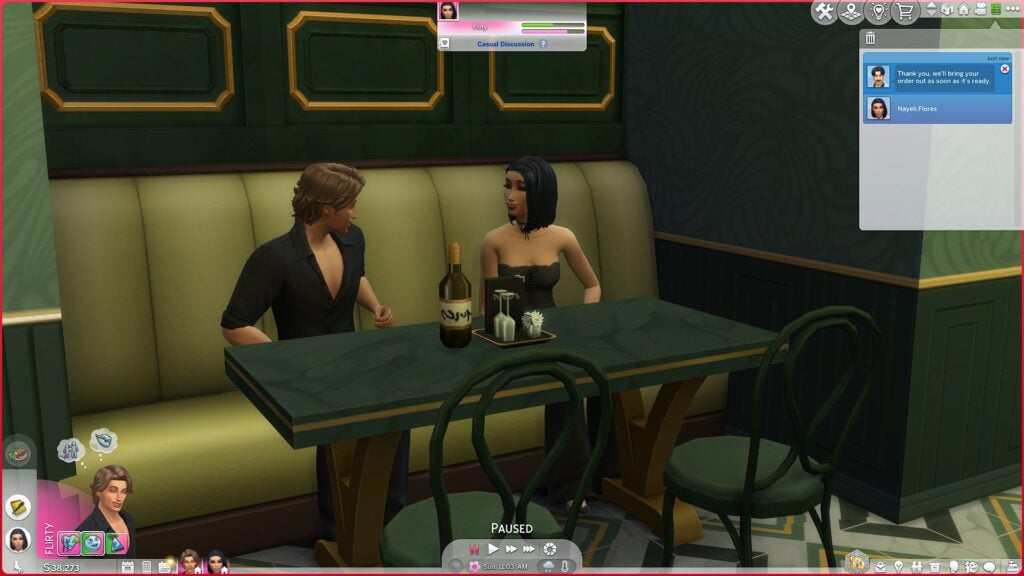
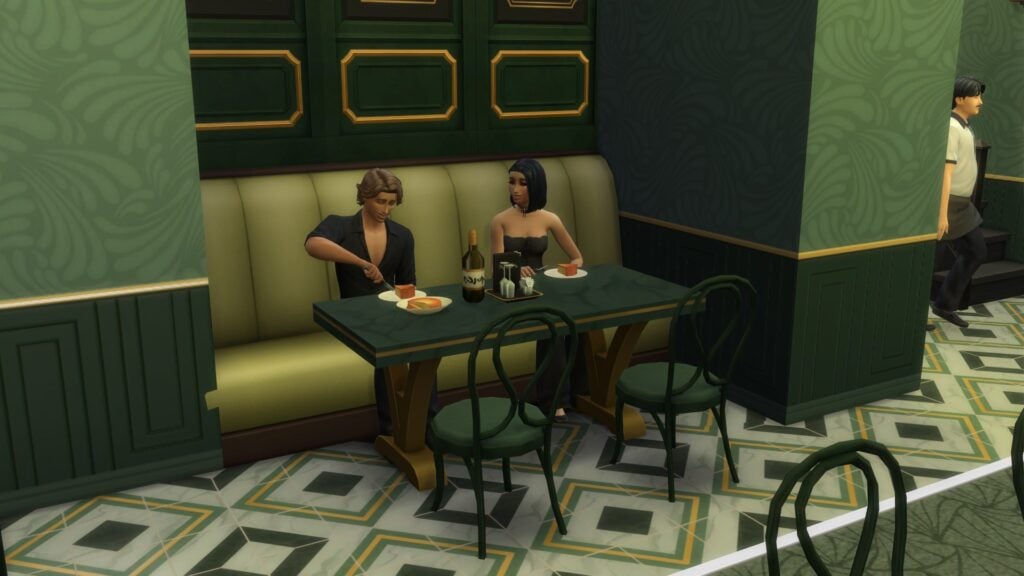
The build itself is gorgeous. The restaurant combines rich green tones, gold accents, cozy booth seating, warm lighting, and an upscale atmosphere that immediately feels perfect for a romantic dinner outing. It also photographs beautifully in gameplay, especially during evening hours.
Even more impressive, the restaurant functioned extremely well throughout the entire visit despite running in a heavily modded save filled with extensive custom content, multiple gameplay mods, and a fully expanded DLC setup. No special troubleshooting or preparation was required before visiting the lot, making the overall experience feel surprisingly smooth from the very beginning.
First Impressions: Things Started Smoothly
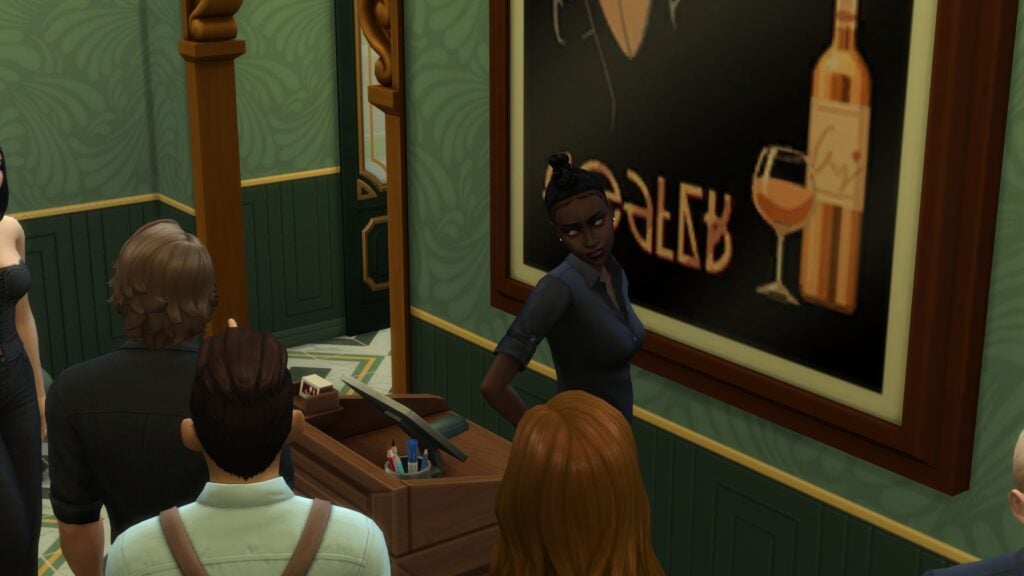
The hostess seated my Sims fairly quickly after arrival with no routing problems or strange queue behavior.
Well… mostly.
The hostess did give Dante one of the funniest judgmental looks imaginable during the interaction, which immediately made the evening feel unintentionally dramatic in the most Sims way possible.
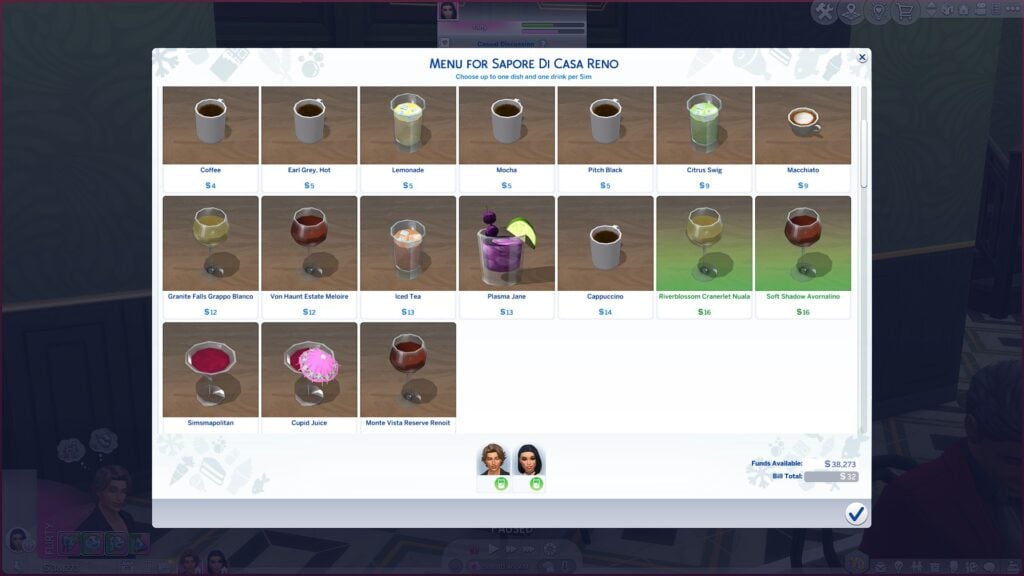
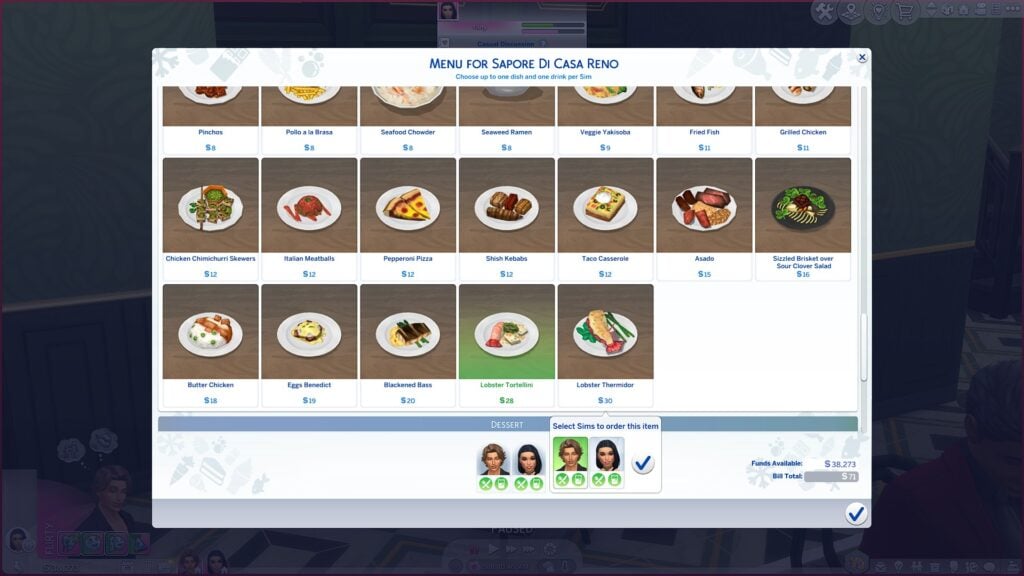
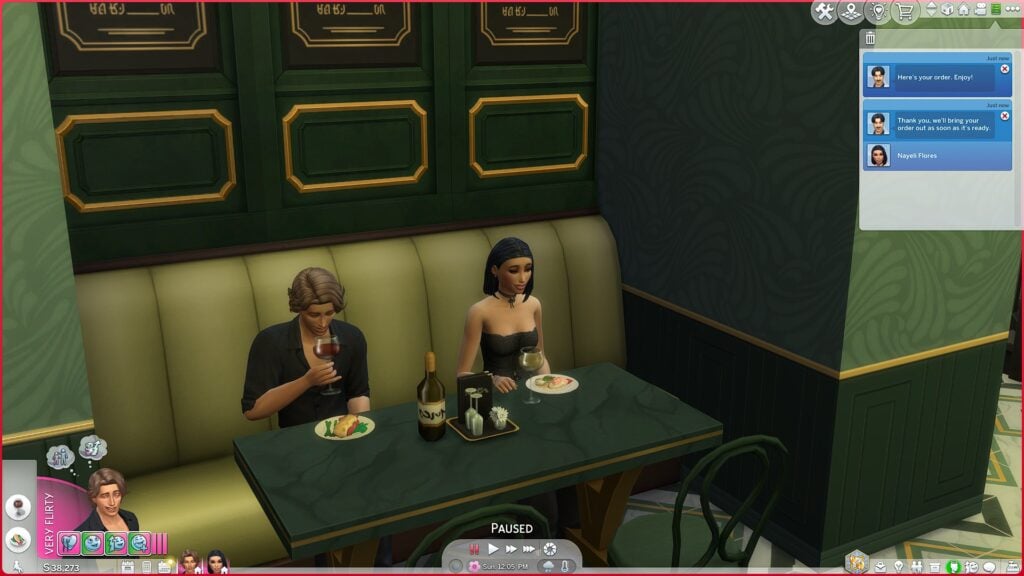
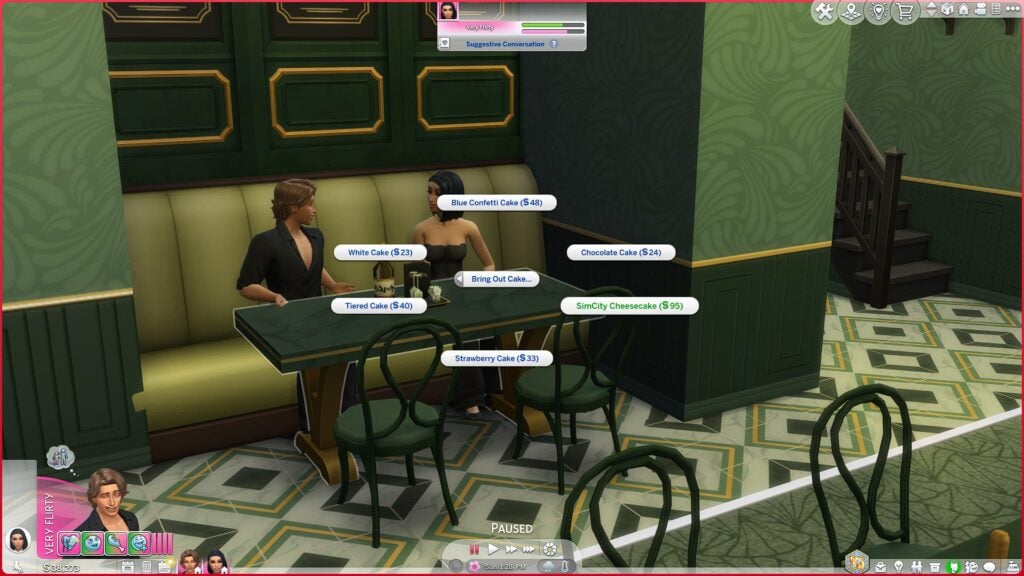
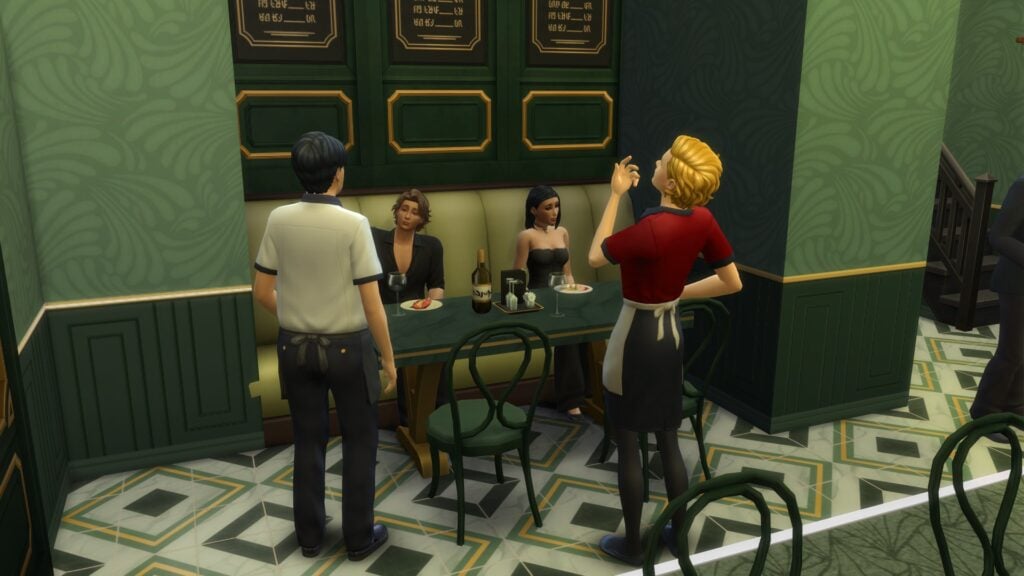
Still, the actual restaurant mechanics worked correctly throughout the experience. The couple was seated without issue, the menu opened normally, drinks were ordered successfully, food ordering worked immediately, and staff interactions triggered exactly as expected. That alone already felt far more stable than many older Dine Out experiences.
Drinks and Entrees Arrived Without Problems
One of the biggest surprises during this test was how smoothly food service worked.
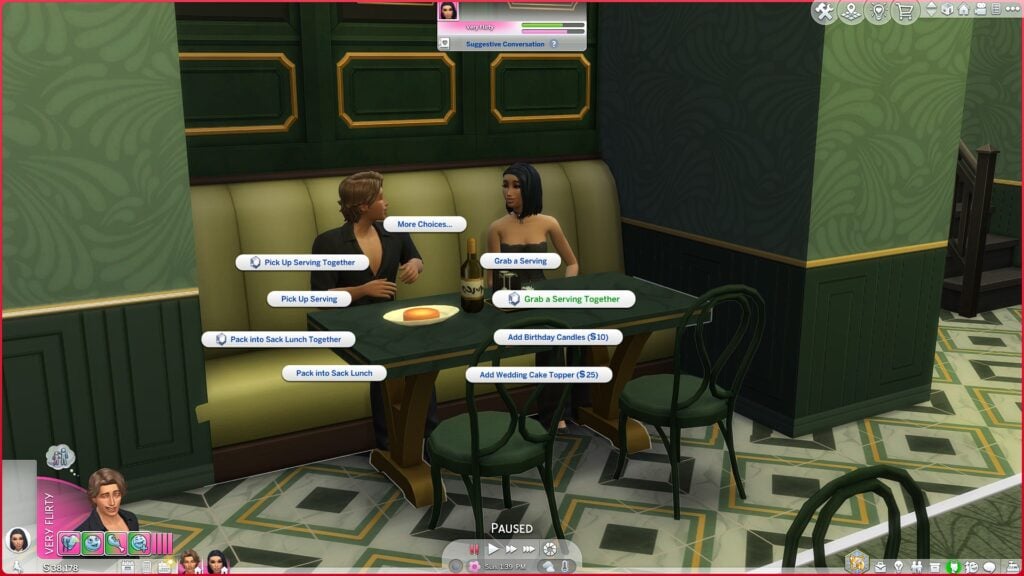
Drinks arrived correctly. Entrees arrived correctly. Animations triggered normally. The Sims remained seated for the entire experience.
The couple chatted, flirted, enjoyed their meal, and behaved like actual restaurant guests instead of wandering off to stare at plants for three hours.
The entire date had a noticeably calmer flow compared to older versions of Dine Out where meals could sometimes take an entire Sim day to complete.
That said, the dinner still lasted roughly 4.5 in-game hours, which is definitely longer than ideal for a simple restaurant outing. While nothing technically broke during the session, restaurant pacing could still use improvement.
The One Weird Moment
No Sims restaurant experience would be complete without at least a little chaos.
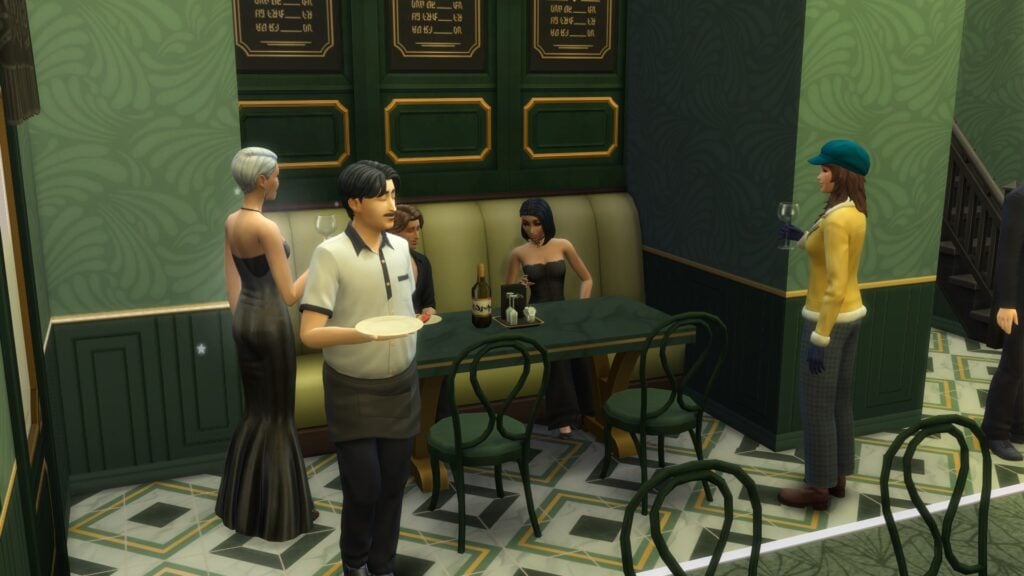
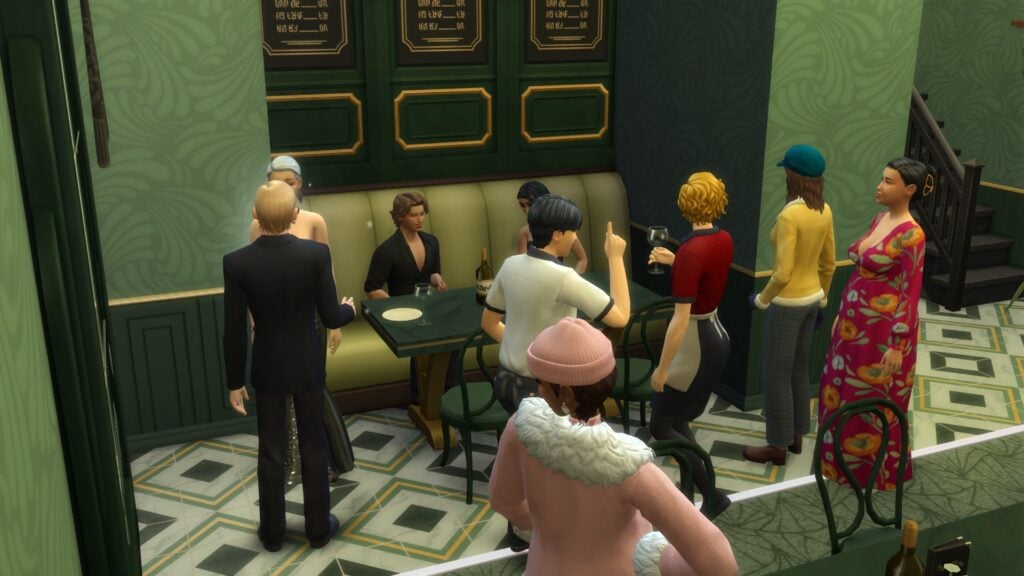
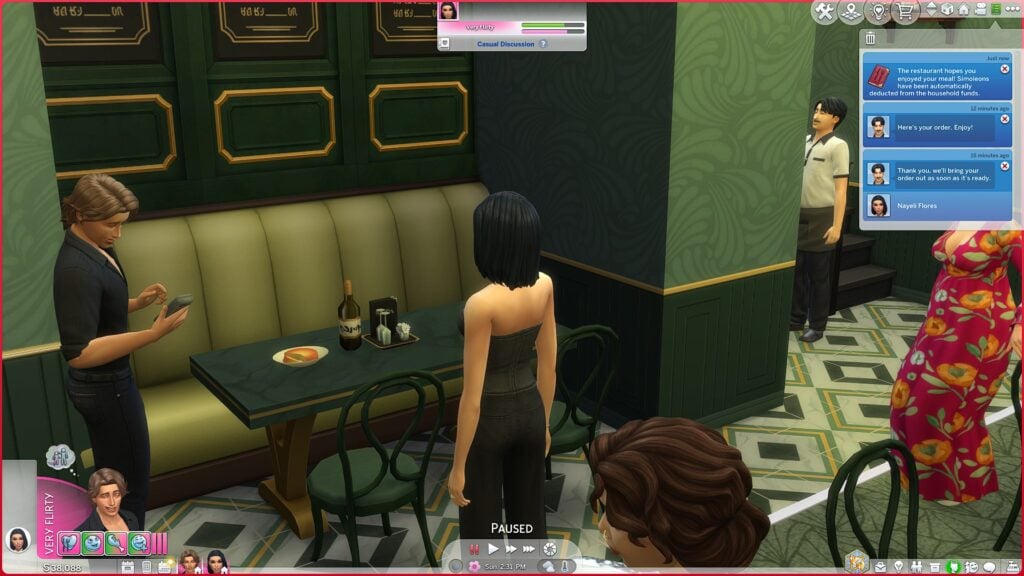
At one point during the meal, several nearby guests suddenly crowded around my Sims’ booth for no obvious reason. For a brief moment, the romantic dinner turned into what looked like an accidental social gathering.
Thankfully, the crowd eventually dispersed on its own and the couple was able to continue their date normally.
Oddly enough, this moment felt more amusing than frustrating because nothing actually became stuck or broken afterward.
Dessert Worked Too
Historically, dessert ordering has sometimes been one of Dine Out’s weaker areas, especially during longer restaurant visits.
This time, however, the couple successfully ordered SimCity Cheesecake after finishing their entrees, and the dessert arrived normally without requiring resets, cheats, or interaction cancellations.
That might sound like a small victory, but longtime Dine Out players know exactly why this matters.
The Overall Experience
For this particular test, Dine Out felt surprisingly playable in 2026.
That does not mean every player will have the same experience, especially considering how differently Sims saves can behave depending on mods, lot complexity, household size, DLC combinations, simulation lag, and routing issues. Every save file tends to create its own unique version of chaos in The Sims 4.
Still, this restaurant visit completed successfully from start to finish in a heavily customized game without any major failures or game-breaking interruptions. That alone feels worth talking about.
What Still Could Be Improved
Even though this test went well overall, a few issues still stood out. Restaurant visits still take quite a long time to complete, guest autonomy around tables can occasionally feel strange, and background Sims sometimes interrupt the atmosphere in unintentionally awkward ways. The pacing between courses could also feel tighter and more natural during longer meals.
There is still room for deeper compatibility with newer expansion systems and more immersive restaurant behaviors overall. However, compared to some older Dine Out experiences, this particular dinner date felt refreshingly functional.
Final Thoughts
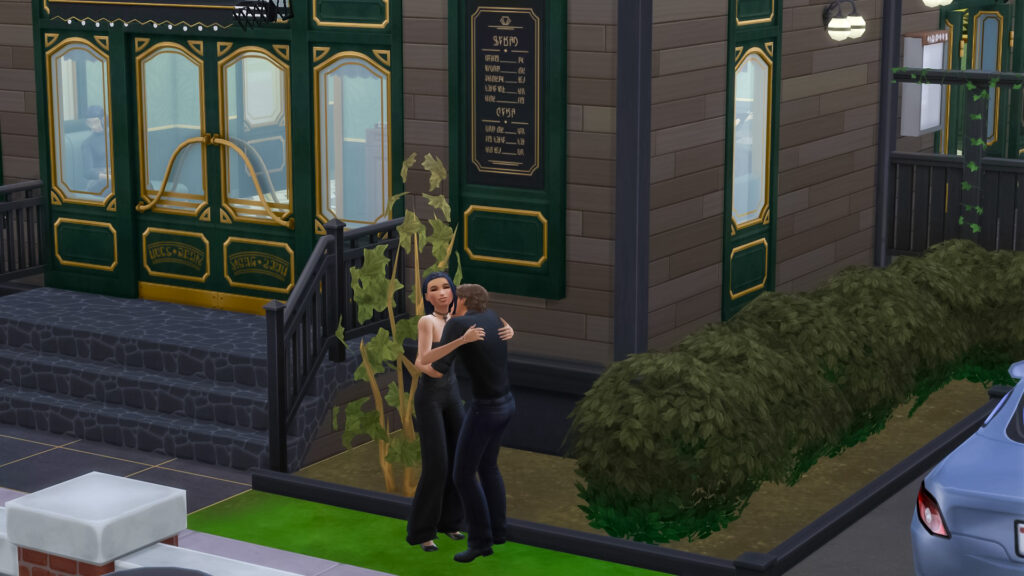
My Sims’ dinner date ultimately ended successfully with no broken orders, no permanently stuck Sims, no disappearing food, no routing disasters, and no catastrophic restaurant collapse along the way.
Instead, the evening delivered a long dinner, good cheesecake, one hilariously judgmental hostess, and a surprisingly smooth experience inside one of The Sims 4’s most notoriously unpredictable packs.
Honestly, that already feels like progress.
Have you revisited The Sims 4 Dine Out recently? Let us know how restaurant gameplay has been working in your save files in the comments below.
For more The Sims 4 news, updates, guides, and community stories, visit Sims Community News.
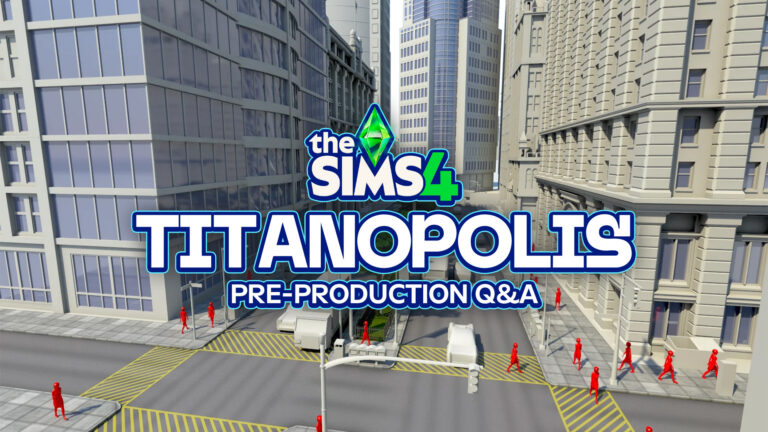
One of the early developers working on The Sims 4 shares dissatisfaction with initial project – and early Titanopolis World screens.
One of The Sims 4 developers who used to work on the game from its very early days shared a few secrets about how the production initially went down. Sharing disapointment in early leadership of the project and busting some urban Sims myths. The Sims 4’s initial vision of Multiplayer during its Olympus era wasn’t cancelled because SimCity 2013 was flopping. It was cancelled and rebuilt as a new project in 2013 “because it was bad”.
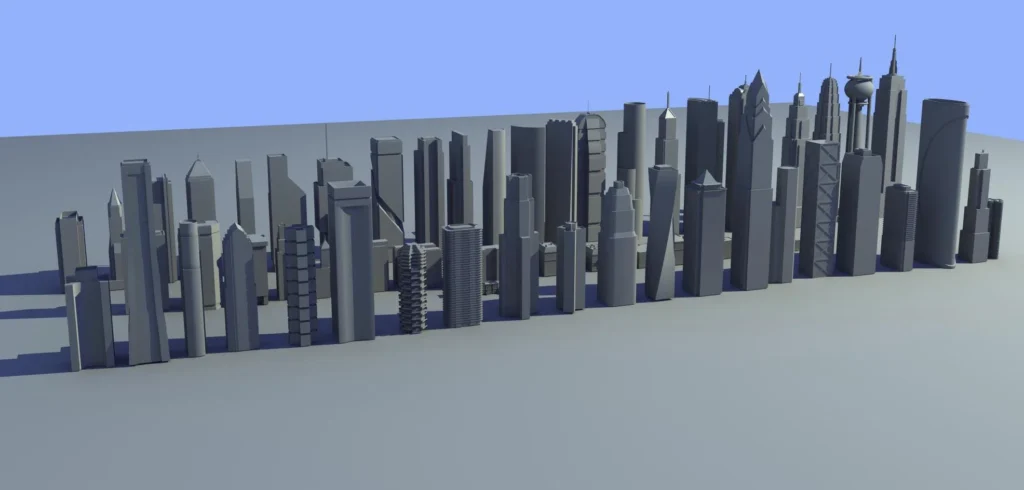
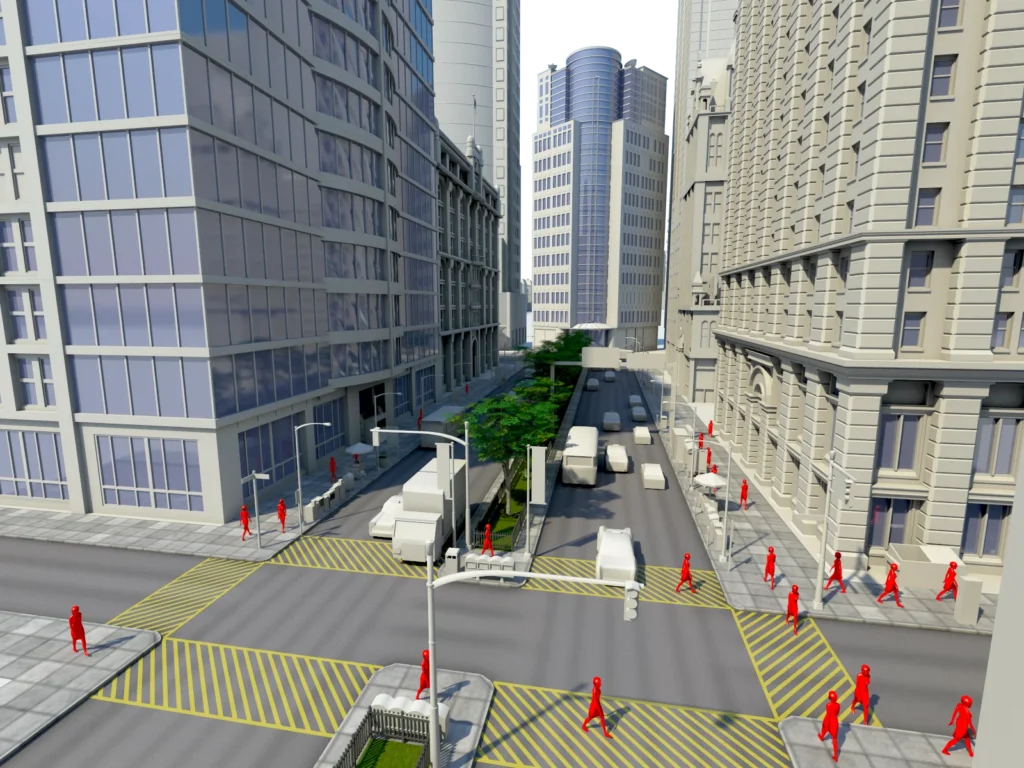
This all lead to the reveal of Titanopolis, an urban and more dense packed City than you would’ve seen in the current version of the game. This was later replaced with the idea of a New Orleans themed world, which later came to become Willow Creek.
Interesting fact: The Sims 4 pre-production started all the way back in late 2009. Meaning that the Olympus and Preproduction dabbling took 3 years to complete, until it was all reverted back in 2013 and switched to a single player experience.
This all looks very similar to what we’re experiencing now with constant switches of EA’s focus on The Sims Project Rene being the main game sucesssor, turning it into a mobile exclusive project and giving attention to Project X (allegedly).
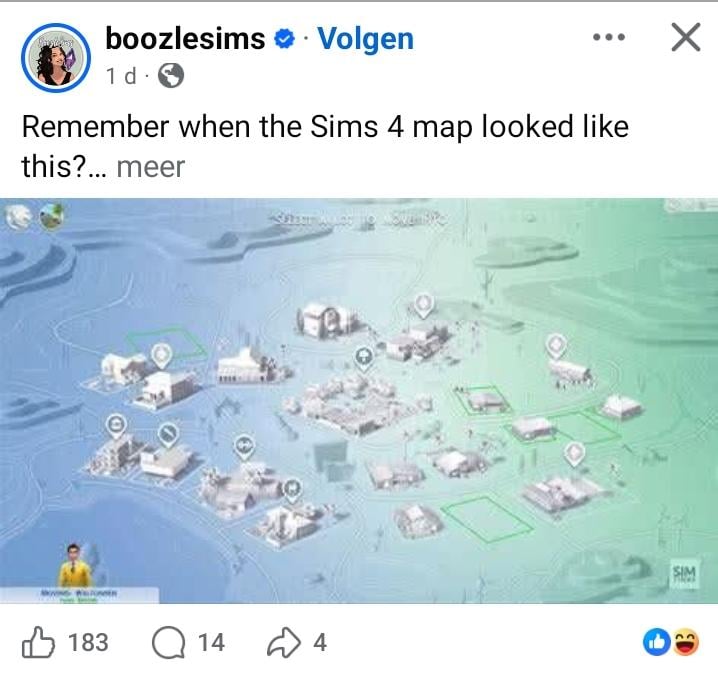
It all started when a Reddit user u/JPOINT_V posted a throwback photo of The Sims 4 Map View from 2014. The typical throwback photo that gets posted every now and then on social media!
This screenshotted post of a map preview screen captured on Facebook, and then posted on Reddit, captured the attention of user u/vertexnormal, or Michael Long. Who used to work on The Sims 4 as a 3D Modeler from pre-production days in 2010 up until 2012. He also worked on The Sims 1 Expansions and was a lead Environment Artist for The Sims 2 and The Sims 3.
Find everything he shared about his time working on The Sims 4 in pre-production era and what it was like working for The Sims 2 and The Sims 3:
Q&A With The Sims 4 Pre-Production Developer
Vertexnormal: I remember when it looked like this..
User: Huhhhhhhhhh i need some more infooo
Vertexnormal: Before we settled on some weird New Orleans vibe the centerpoint of TS4 was supposed to be a giant city called Titanopolis. Nobody but me has seen that image in probably 15 years.
I hated the visual direction the game went, especially the art direction, so I quit.
User: Am i being trolled? This was supposed to be sims 4 or are ya kidding meee? I have trust issues
Vertexnormal: No, mind you this was really early in production it’s not meant to be what it was supposed to end up looking like. We were trying to find a visual style. I’m not credited on TS4, but I was on the TS1 expansion team and lead environment artist on TS2 and TS3.
User: You should do an AMA or make your own post with these images, it is so interesting!!
Vertexnormal: I am still kinda angry/hurt about it, to the point I can’t talk about it without calling out certain people. I don’t want to do that, it’s just not who I am.
Question: why did they go to the pixar cartoony style direction? what about the decision regarding clay hair? did they really think the players would think the graphics were an evolution from 3?
Vertexnormal: We called it helmet hair, it was actually based off an illustrator named Leyendecker from the 50’s. The original prototypes looked great, but I don’t think it held up when they tried to scale it up and make CAS. CAS was always really hard to do well and not have generic looking characters.
Statement: They had to rebuilt most of TS4 from the scraps of Project Olympus in less than a year because of how monumentally Sim City’s online game flopped the year before TS4 was supposed to drop.
Vertexnormal: Early TS4 pre-production was horrible, they didn’t have to rebuild because SC2013, they had to rebuild because it was bad.
I was the lead environment artist during early pre production. Originally it was just me and an animator. The art direction that followed was so bad/non-existent that I literally quit my job and only stayed because they offered me a spot on The Sims: Medieval. I love so many people at Maxis like family, but some of the people they brought in literally ruined the franchise.
Question: what😭what year did its development start? is the whole Olympus thing real? any random curiosities? you have to spill more tea
Vertexnormal: I think late 2009? I can’t remember. Actually looking at the time stamps on the images I have it started in maybe July or 2009.
Statement: it’s crazy that we’re stuck at a generation that started being developed in 2009 and with this Project X sh*t EA still doesn’t want to completely move on to a brand new foundation oh god
Vertexnormal: On Sims 4 one of the limiting factors was the desire to re-use animations from The Sims 3. The largest part of the budget went towards animating the sims and saving/reusing animation was seen as a necessity. I wasn’t privy to the early TS3 production, but I’m guessing it was the same thing.
Statement: Sims 3 was near seamless transitioning from household to full neighborhood.
Then they split it up Sims 2 style again and told us it was better that way. And made it look worse than Sims 1 Neighborhood.
Vertexnormal: I made much of The Sims 2 neighborhood art, someone else did the early work on it but I was responsible for it on the expansion packs. I’m proud of how it ended up considering the limitations. TS3 was really cool.
Statement: Sims 2 was a huge part of my childhood, and so was your art!
Vertexnormal: Thank you! It was special to work on, the fact that people loved it just makes it even better.
Statement: The Art and the Music in 2 were series defining. Lemon Jelly and Sim Heartbeat still hit my Playlist at random.
Vertexnormal: We had the guy from Oingo Boingo in the office all the time, you might know him as Danny Elfman… he went on to be really famous for working with Tim Burton and a bunch of other movie stuff.
Oh sh*t ! I’m actually wrong. It was Mark Mothersbaugh who did the TS2 music, Danny Elfman did visit us several times. I always assumed it was him. Anthony Daniels came in couple times as well, I don’t know why. Elfman might have been in because The Simpsons was being developed and he knew our sound guys.
Question: was Sims 2 style supposed to be cartoony or were y’all aiming for a realistic look and was it like that just bc of technical limitations?
also why do you personally think the tone and vibe was never like that generation again? it seemed like they were going for a soap opera ish story
Vertexnormal: The Sims 2 was just an evolution of The Sims 1, same lead character artist. It was cartoony because we added Create A Sim that allowed for editing sims and the technology and techniques at the time were pretty limited. It was also just the art style and direction. EDIT: In general it because more cartoony because we went full 3D and texture memory was our biggest graphical constraint.
The Sims 1 was meant, or ended up, being a critique on consumer culture. It was pretty silly, but the idea of buying a bigger TV so you would be happier was kindof the point/joke. The Sims 2 lost that critique and became more about enabling people to tell the stories they wanted to tell, and people wanted/liked strange and funny stuff.
I don’t think the Sims 3 really had any strong identity, the weight of the franchise just meant we all wanted to iterate on 2 and make something bigger and better.
By the time Sims 4 rolled around I think they lost the plot entirely and in some ways it was driven by it needing to make money. Mind you the people working on it love the franchise and the players, it’s more of the vibe coming from new management and EA.
Shortly after this was released, X user @jackofallgames7 shared an additional insider photo of Titanopolis from early development days of The Sims 4.
What are your opinions on the early pre-production period of The Sims 4? Let us know about the new Titanopolis images in the comments below and stay tuned for the latest Sims insider news and updates on Sims Community!
The Sims Team hosted a special Sims 4 Quality of Life Q&A session on their official Discord last night. Answering many questions about the upcoming 150+ Game Fixes for The Sims 4 and New Features such as Base Layers and new Backup save options.
The team also shared some interesting “gif” previews showcasing the autonomy changes and Base Layer swatches. The team confirmed there’s around 350 swatches, with a gif revealing 10 combinations (out of many) that you can make with this category in Accessories.
We extracted all the assets in highest quality and provided a full recap of everything new and noteworthy from this Q&A session down below. Check it out!
Table of Contents
Short Summary of The Sims 4 Quality of Life Q&A
Infant Care Improvements: Infants are getting a major upgrade! The team focused heavily on reducing frustrating behaviors like constant pick-up/put-down loops, caregiver conflicts, and Sims freezing during care. “Check Infant” is now way less intrusive, interactions are smoother, and overall caregiving should feel much more responsive and less chaotic.
New Base Layers (Create a Sim): Big news for Create a Sim! Base layers (like undershirts, binders, etc.) are being added to the Base Game. These work similarly to tights (layered under tops or full outfits) and are compatible across packs. There are hundreds of variants (~350 across ages), opening up tons of new outfit combos. Just note: this isn’t full outfit layering (you can’t stack multiple tops) but you can mix base layers with existing clothing.
Bug Fixes & Improvements: This patch is packed with fixes, including:
Black photo issues fully addressed
Gallery sorting reverting to “Newest”
Infant-related interaction bugs and routing issues improved
Sims now turn off TVs/radios if they wake them up
Broad tagging updates across Create a Sim
Some fixes apply to all saves, while a few (like certain world issues) may only fully resolve in new saves.
Backup Save Upgrades: Backup saves are getting a boost! In addition to recent saves, the game will now keep older versions (like weekly/monthly backups) – a huge win for legacy players and long-term saves.
Autonomy & Future QoL Plans: Autonomy is a big focus moving forward. This update includes improvements (especially for infants), and more changes are already planned, like updates to general autonomy and even food/dining systems.
Behind the Scenes: Some of the toughest fixes? Infant interactions and posture systems – super interconnected and tricky to untangle. Even something like EYELIDS took serious effort due to how systems interact under the hood.
The Full Q&A Recap
Question: Hey guys! I wanted to ask if the issue where children of Noble Sims don’t automatically receive their noble titles at birth will be fixed in the next update. Really excited to see the full laundry list next week
Question: Will there be any other new items added to base game for infants in addition to the new playmat coming?
EA Cade: Just the playmat (and its variations)
Question: hi! my question is: will the soft locking in the gallery be fixed in this update? I am a console player (xbox series s) and whenever i go to download anything i cant exit out and cannot use my a and b buttons or look at pictures.
Question: With the sims cleaning up diapers after changing an infant, does this mean straight after changing an infant? Kind of like how after a sim uses a toilet they immediately wash their hands?
EA Conor: Sometimes its right after changing, sometimes a little after in my playtests. But ideally its a lot snappier now.
Question: if i visit a household with an infant, with caregiver autonomy turned off, will the family still care for the infant? or would my sim (the guest) need to?
EA Conor: With caregiving disabled its off for everyone, Household and NPC
Question: Will there be modders patch notes for this one like usual? Very much appreciated
EA Cade: Yup!
Question: Does that mean infants will be removed for any unplayed households? That’s a bit dramatic
EA Conor: No just Infants currently under your care, not off-lot Infants
Question: Is the new play mats new variants of the baby play mat already in game?
EA Morgan: They’ll be releasing with the patch!
Question: Will the Gallery sorting order be reverted in this update?
EA Solaire: Yes! The Gallery sort order will be swapped back to “newest” rather than “most popular”
Question: Will the issue where photos taken in the Photo Booth turn black when moved to another save file be fixed?
EA Cade: This update will address ALL currently known issues with black photos. Please continue to report any that you come across!
Question: I also have a question about the townies coming to your house to get water. On the blog post, its said that this is not a retroactive fix or something like that (I’m not very good with those terms, apologies), so, is there any way to avoid this bug even when the update comes out? Like, do you recommend us to do anything? Moving Sims to another house, etc..
EA Morgan: It should just be fixed in new games. In old games, I don’t think there’s anything you can do to stop it from happening, unfortunately. However, there was another fix where your Household Sims won’t drink water anymore autonomously – this is fixed in all saves.
Question: Will be cuddling in bed when sleeping still an autonomous interaction (or that new interaction) or just user-directed with the next update?
EA Morgan: I dont think we changed anything with the autonomy for this.
Question: Will there be base layers added for existing packs?
EA Morgan: All base layers that we added are in base game. We could add more in the future if we wanted. They 100% work with all tops and all full body assets from all packs. There are some VERY cool combos.
Question: Will be there any new interactions or objects in base game as in Growing Together?
EA Morgan: The Laundry List calls out the new features, but we have: a free Base Game playmat for everyone, a new interaction to disable caregiver autonomy, new backup save options. There are some fun new additions to gameplay too – like how Sims will now turn off a radio after it wakes them up. Not a new feature, but additions to gameplay that make it feel smarter.
Question: Are they going to be in accessories ?
EA Morgan: They are! They work pretty much exactly like how tights do, but they’re their own top asset.
Question: ARE THE HINTS AT HETEROCHROMIA TRUE??????????
EA Morgan: No, the modder info on base layers wasn’t revealing any secrets around updates to CAS content beyond base layer information. That’s not currently planned.
Question: So we can wear leggings and a base layer!? And yeah, is an auto save feature even a small possibility?
EA Morgan: 100% yes for leggings and a base layer. For autosave, we know its a top player request and it is something we’re investigating now. When we have more information we’ll share it.
Question: Will sims have better autonomy after the update : doing what we ask them to do instead of simulation lag or canceling interactions ?
EA Morgan: We know that autonomy is a top player request, so its something we’ve REALLY been focusing on. This update has some really nice updates for autonomy, as do our plans for the next update. Please stay tuned and keep giving feedback. Canceling interactions is something that needs to be solved on a case by case basis.
For our infant update, we’ve updated a handful of cases of this pertaining specifically to infants. If you’re seeing specific interactions being canceled the most helpful thing you can do is report those instances on EA forums so we know where to target our focus. It’s something we’re very interested in.
Question: Can you guys also elaborate on the backup save thing though. As a legacy player it immediately piqued my interest
EA Morgan: Backup Saves actually already exist in game! You can go to Load Game on the main menu, select a save, and press the button for loading backup saves there. Right now, we already save the last 5 play sessions.
With our updates, we’re keeping around more old versions of the saves – keeping week and month old versions. We’ll also be showing this off in the livestream towards the end!
Question: Frequent Infant pickups and put downs, caregiver conflicts, and Sims freezing during care were major frustrations. This update includes multiple interconnected fixes to address these issues, all available in the Base Game. will this onclude the ”check on infant” sims seem to do a lot? even if the infant isnt in trouble/in low need?
EA Morgan: Check on Infant is behaving MUCH nicer now. It still happens with Caregiver autonomy on, because we want caregivers to check on the infants, but it happens much less frequently and is far less intrusive now. I’m really please with how its working.
Statement: That’s my biggest problem. Everyone is trying to pick up the baby and the game freezes
EA Morgan: This is behaving much better now! We fixed a ton of individual cases where this was happening. If there are more, please keep reporting and we’ll fix, but this aspect of caregiver behavior feels a lot better.
We also made it so if Check Infant is queued and it is next in queue, you can now cancel the interaction. If it is further back in the queue, you can’t still. We tried, but that was VERY difficult to address. But I find myself wanting to cancel far less now that Check Infant is less zealous.
Question: with this new update with the base layers, do they show as new? how exactly will that ui flow work?
EA Morgan: I believe e they do glow gold and do the UI that shows new assets.
Question: are base layers a clothing category akin to socks or gloves?
EA Morgan: They work just like tights but are their own unique thing.
Question: not really a good question, i admit, but if you wanna share a bit about the progress behind the scenes: What was the hardest issue to fix?
EA Cade: eyelids
Question: is there any fixes or content coming in the update that is only available to new post update saves right away?
EA Conor: They should all be retroactive except the ones stated otherwise
Question: What was the hardest issue to fix?
EA Morgan: Honestly, posture related fixes was 100% the hardest part of this update – pick up and put down for Infants. It’s REALLY interconnected with a lot of states an infant can be put into
EA Cade: EYELIDS!
EA Conor: Anything with low repro rates
Question: Will fixes be coming for the bugs on the gallery for console players this update?
EA Morgan: I think we have 3 or 4 different gallery updates coming with this patch. Stay tuned for the patch notes! One or two were mentioned in LL if recall.
Question: Oh yeah, I wonder how the eyelids broke? Do you think it was because of the eyelashes, when lovestruck came out? It must’ve been really hard fixing them, especially since you changed a lot of animations if I remember correctly. And by the way, I have a question about the fairy wings, how hard would it be to implement a settings on the gameplay options to make them be visible all the time?
EA Morgan: I think the eyelids breaking did have to do with eyelashes, but it was super complex to try to address. The amount of collaboration and work to make them both work at the same time was very surprising to me – I learned a lot.
As far as fairy wings being available all the time, we did investigate this for this patch actually. We fixed one instance where they weren’t showing and also fixed where they would get stuck not showing on a Sim’s UI picture. Unfortunately, showing wings all the time would create a lot of other issues though and we decided that wasn’t really a feasible thing for us to address. It’s technically As Designed.
Question: What is your favourite QoL change as part of this update?
EA Morgan: Infant caregiving is my favorite part of this update. Base layers is a close second, because there are so many tummy showing shirts I can now wear on my ‘morgan’ sim. I’ll show off some in the livestream! But infants just feel so much nicer now when you play with them and I’m a big family player.
Personally, I also hit the scandal getting stuck bug on my game at home, so I was SUPER happy for that one to get fixed as a top community issue. And the engineer who fixed it spent a few extra days also ensuring that it was fixed in old saves where it’d already happened!
EA Conor: Sims autonomously turning off the radio or TV when it interupts their sleep. It looks really nice in game! I’ve been wanting to add this for awhile. Enjoy the gif
Question: Idk if anybody asked but can we just layer anything?! Like jackets over tops etc
EA Morgan: You can put any Top or Full Body Outfit over a Base Layer Asset (which works like tights. To be clear, YOU CANNOT layer two top assets. It’s a Base Layer outfit + top or full body.
Statement: I almost cried when I read it. It took me years to figure out why my sims wouldn’t sleep
EA Conor: Honestly you’re not alone. We get a lot of videos with, “Hey my Sims aren’t sleeping.” and I always spy a radio playing in their room
Question: Sorry if that’s a silly question, but do you guys have a favorite house/Sims to play when testing the game or do you just create and randomize any Sim because you’re too busy fixing many things at once?
EA Morgan: RON LUMBERJACKSON. He’s my go to Sim that I play with when I can. It is good to mix and match though so you get more variety with how players play, but when I can choose for me – it’s Ron Lumberjackson.
EA Conor: I usually play in the cheap seaside lot in Brindleton Bay (I think its called Bedlington Boathouse), but anywhere in Bargain Bend also feels like home
EA Solaire: The Pancakes are my personal Guinea pigs anytime I need to test or troubleshoot on the forums
Statement: i’m just hoping the infant updates actually work lol i’m so tired of having multiple caregivers and none of them will feed the baby or bathe it
EA Morgan: There are always things we can improve with autonomy, even Infants still, but I do personally think its feeling a lot better. I hope you really enjoy the changes we’ve made.
Question: Did you play test your update with all the pack to prevent corruptions or bugs to add up due to this update ?
EA Morgan: We always do a lot of testing pre-update with a lot of combos. That’s on the QV side.
For this update, since we touched a lot of autonomy for infants, we did extra team playtests together to see how Infants were feeling each week and to highlight what were our top goals for the next week. These can be really valuable and we got a lot of great feedback out of them.
Statement: (On base layer swatches) I think it’s said +350 in the video ? Maybe im wrong tho
EA Morgan: If you count every variant for every asset across Toddler, Child, and Teen+ it is 350. But I think the real magic is how those assets can all be combined with the different assets from different packs.
Statement: I also hope the save update won’t break our saves
EA Morgan: Always follow the instructions around updating mods! That’s one of the top things you can do.
Question: I wonder how many times Eliza died during the tests
EA Solaire: More than I care to admit
EA Morgan: No Sims were caught in a massive, destructive fire in the making of this patch.
Question: can you elaborate on the visual changes in both CAS and build mode mentioned in the laundry list?
EA Morgan: Can you give a direct quote. We didn’t update UI, but we did fix some bugs within both. I can probably provite more details with a direct quote to know what you’re referencing.
The Quote: “We’ve also made broad tagging, sorting, and visual updates in Create a Sim and Build Mode to improve organization and consistency.”
EA Morgan: Ah! That’s general tagging updates for how things are sorting to ensure that objects and cas items are where you expect them. We did make a change to… was it jewelry? to always show in hot/cold categories. So that was a pretty big one as an example.
Question: are there plans for future qol updates?
EA Morgan: yes! We’re currently doing one focused on general autonomy updates and starting to talk about one that’ll relate to food/dining/drinks and autonomy. So we have a lot more planned for quality of life updates.
Question: Can you give us a gif showing about new layers?
EA Morgan:
Question: Ooo I think currently there are some masculine hairs from the adventure awaits expansion in need of tagging, was it already fixed?
EA Morgan: yes, those kinds of fixes! If it isn’t fixed in this update please make sure you report it on the forums so we can address it in a future update.
Question: Will there be any layers included in other packs besides base-game added to this list?
EA Morgan: For this update, all Base Layer assets are in base game. We could add them for future releases if desired, but that isn’t part of this update.
Statement: Thank you, interested to see some of this shown off in the livestream tomorrow.
EA Morgan: We just did a tech run through! Very excited to show off the update tomorrow! We won’t get through all 150+ fixes, but Base Layers, Infant Updates, and Backup Save Updates are all planned! Looking forward to seeing you there!
Question: Is prom fully fixed? I still get kicked back to manage worlds when it starts
EA Morgan: We fixed a few top community issues around that, but I don’t recall seeing that issue. Please make sure its reported on the forums or if its already there – give it a vote!
The full livestream for this Sims 4 Quality of Life Update showcase is set for today, May 6th 2026 at 7PM CET. Watch it here!
What are your thoughts on the upcoming Sims 4 Quality of Life Updates arriving May 12th, 2026? Join the conversation down below and stay in the know with all the latest Sims Franchise News!
Paralives goes golden with Early Access release features!
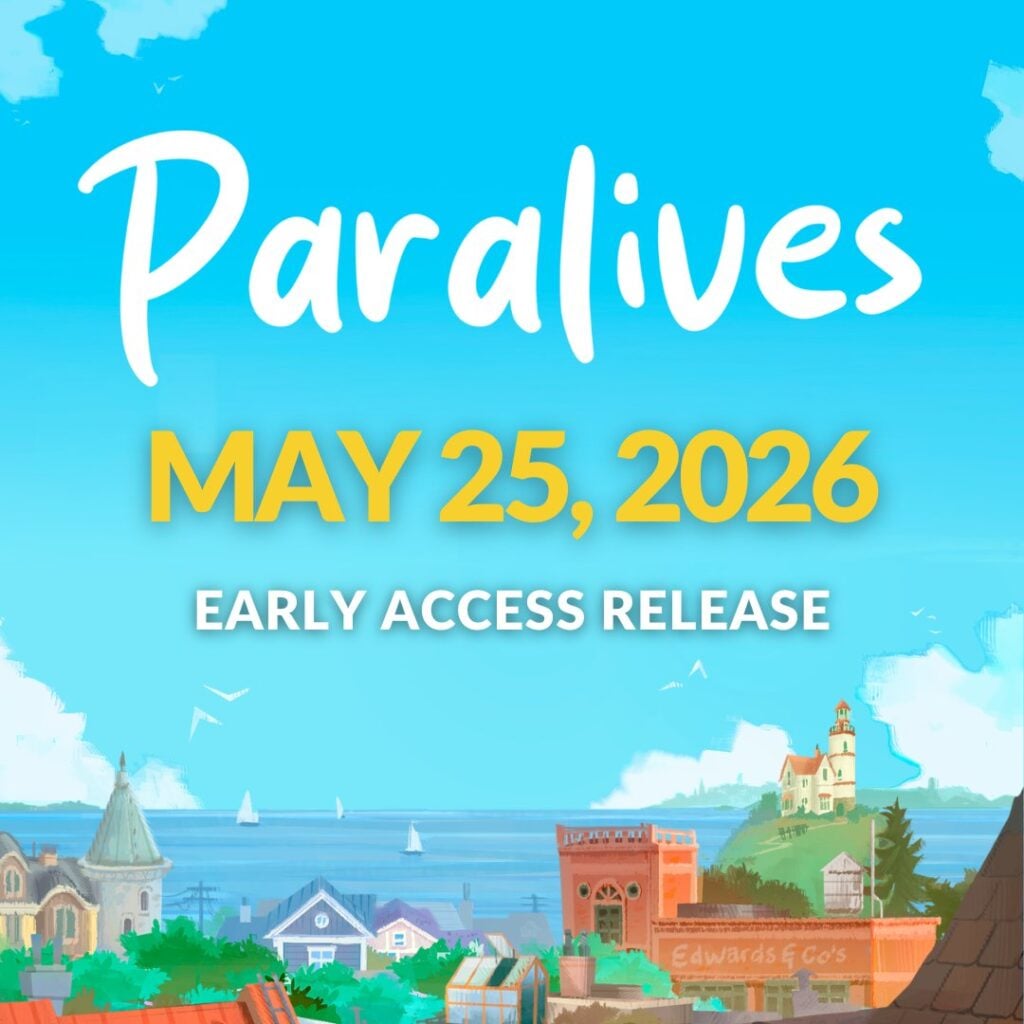
The Paralives Team has confirmed that there are no more delays – the first Paralives release is happening on May 25th, 2026 as the game enters its Early Access phase. You’ll already be able to enjoy plenty of features available from Day 1, with more to be unlocked as the Early Access period moves on.
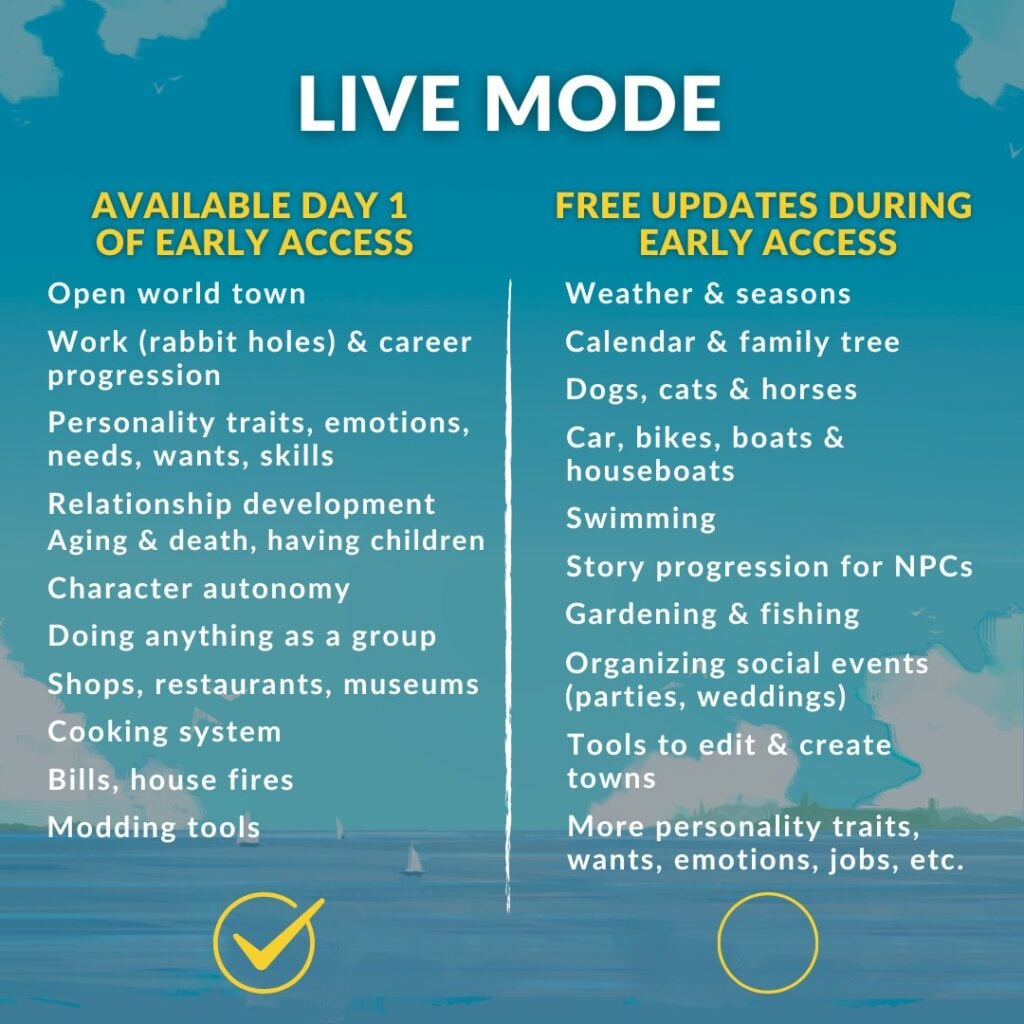
If this is Paralives’ way of saying they went gold with Early Access features – they did a fantastic job! Day 1 features promise Color Wheels, Open world town, complex gameplay systems and many ways to customize your Para character.
As we move through the Early Access phase you’ll be able to expect additional features such as Pets, Story Progression, Seasons, Pools and much more. There is currently no set time frame for the release of these features, but I’m sure we’ll be in the know as usual once the Paralives team starts developing them.
In the meantime, discover what’s coming with the latest Paralives release Roadmap for May 2026 – and beyond!
More personality traits, wants, emotions, jobs, etc.
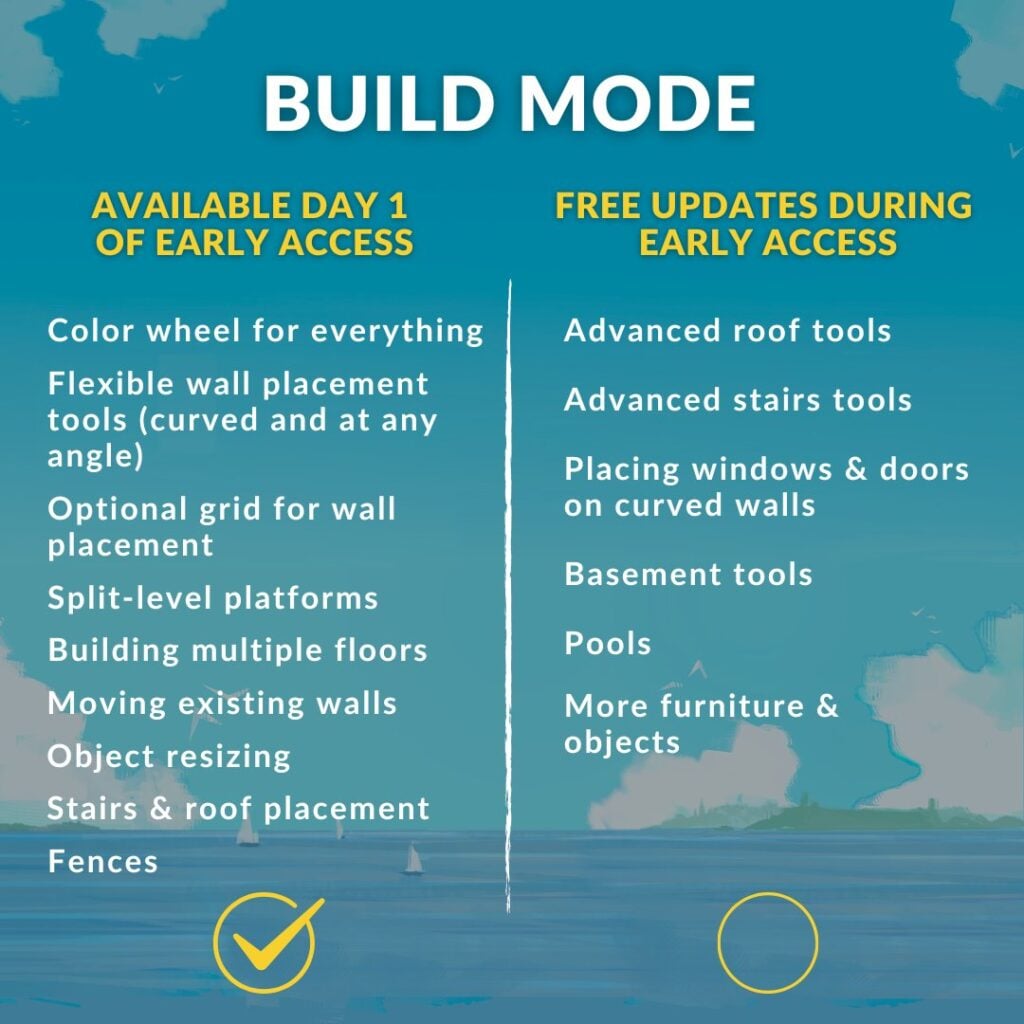
Build Mode
AVAILABLE DAY 1 OF EARLY ACCESS:
Color wheel for everything
Flexible wall placement tools (curved and at any angle)
Optional grid for wall placement
Split-level platforms
Building multiple floors
Moving existing walls
Object resizing
Stairs & roof placement
Fences
FREE UPDATES DURING EARLY ACCESS:
Advanced roof tools
Advanced stairs tools
Placing windows & doors on curved walls
Basement tools
Pools
More furniture & objects
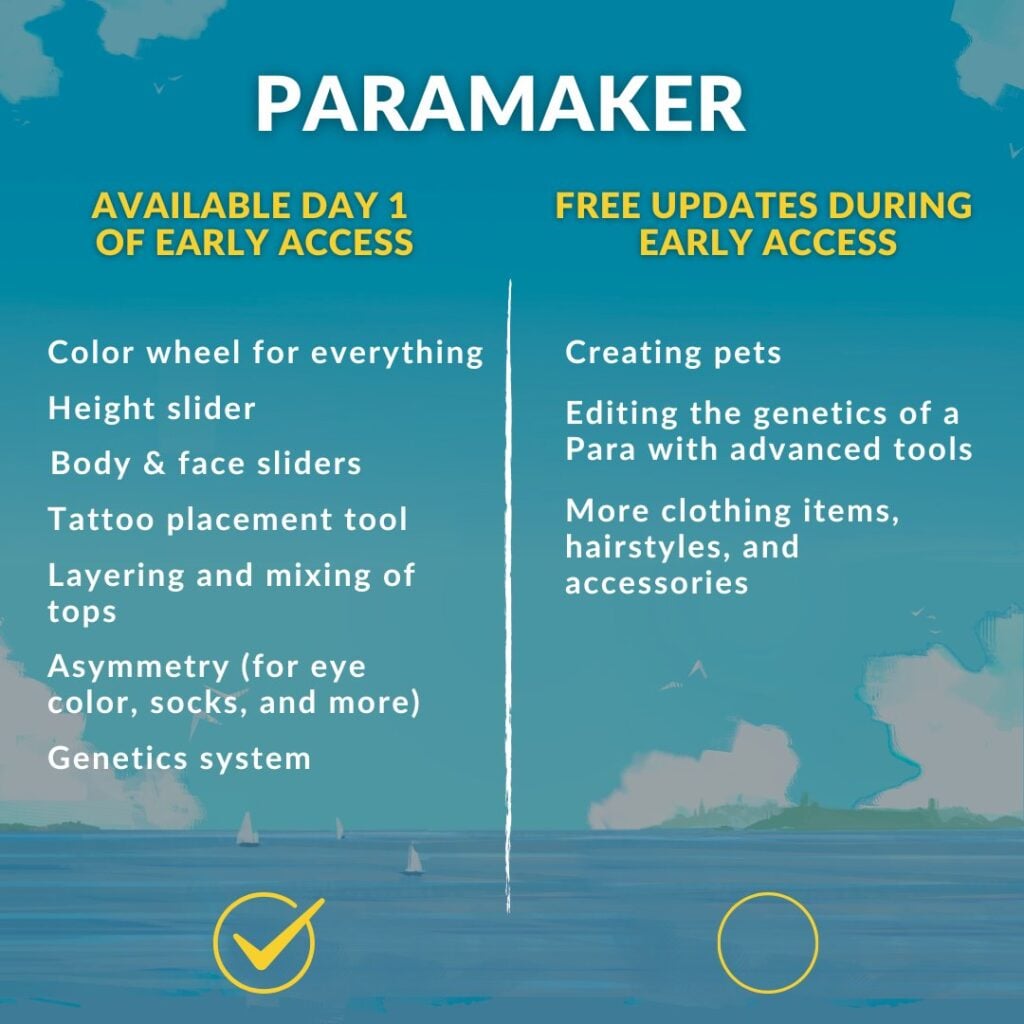
Paramaker
AVAILABLE DAY 1 OF EARLY ACCESS:
Color wheel for everything
Height slider
Body & face sliders
Tattoo placement tool
Layering and mixing of tops
Asymmetry (for eye color, socks, and more)
Genetics system
FREE UPDATES DURING EARLY ACCESS:
Creating pets
Editing the genetics of a Para with advanced tools
More clothing items, hairstyles, and accessories
Paralives release (Early Access) will launch on supported PC and Mac systems through Steam launcher on May 25th, 2026. You’ll be able to purchase it for $39.99USD, or a price equivalent to your local currency. No worries about huge influx in price variations – the team reconfirmed that they “will be using Steam’s regional pricing for most prices”.
In the meantime, we’ll make sure to keep you posted on all the latest Paralives News and other Life Sim Updates!
Let us know what you think of the Paralives release roadmap in the comments down below.
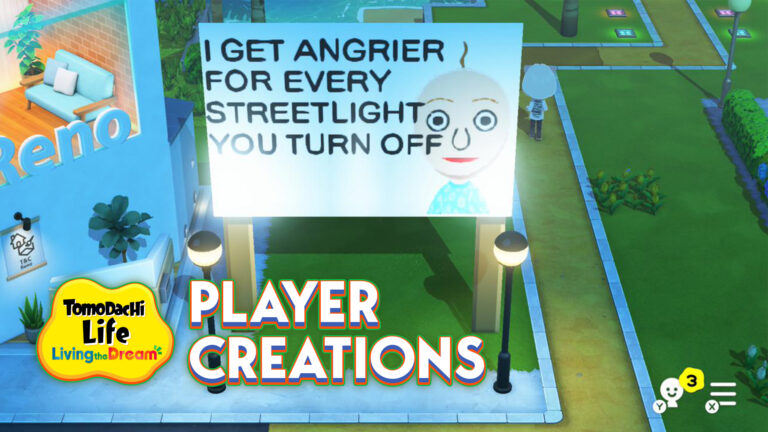
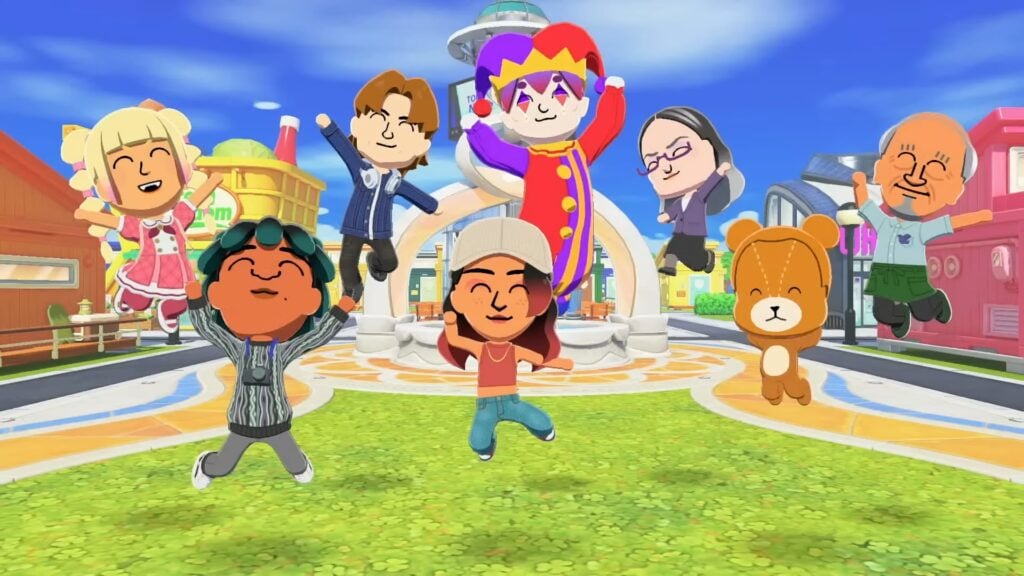
It’s been a few weeks since Tomodachi Life: Living the Dream launched in mid-April, and player creations have already turned it into a goldmine of chaotic, hilarious moments. What starts as a simple life sim quickly spirals into the kind of unpredictable drama only this series can deliver, with Miis forming bizarre relationships, making questionable decisions, and creating stories that feel almost too absurd to be scripted.
That energy hasn’t stayed inside the game for long. Across platforms like X and Reddit, community creations keep popping up everywhere, with players sharing their funniest experiences and turning individual playthroughs into something the whole community can laugh about together. Scrolling through these posts feels like peeking into dozens of parallel islands, each one stranger than the last. We’ve gathered some of our favorite ones so far, the kind that perfectly capture why this game is so fun to play, and just as fun to watch unfold.
Table of Contents
Bizarre Moments and Player Creations in Tomodachi Life: Living the Dream
To give you a taste of just how chaotic things have been, we’ve picked out some of the funniest moments shared by the community. Here are a few that genuinely made us laugh.
No Freedom for Problematic Miis
a bunch of my miis fell in love with a literal baby so i shipped them off to prison pic.twitter.com/3WGvowWIp0
So we move to the island. My father got a job at the Tomoria. My Uncle Junior lives here too, who used to be best friends with my Mii, believe it or not. He went from enemies to soulmates. So basically, the island wanted us all to become besties, you know?
If this Mii shows up on your island, just uninstall.
A few weeks in, and it’s already clear that Tomodachi Life: Living the Dream is as much about the community as it is about the game itself. What players create, share, and laugh about ends up shaping the experience just as much as anything happening on their islands. It’s that mix of unpredictability and collective humor that keeps everything feeling fresh, even after hours of play.
If anything, this is only the beginning. As more players dive in and keep experimenting, the line between gameplay and pure internet chaos will only get blurrier. And honestly, that’s exactly what makes it so fun to come back to, not just to play, but to see what everyone else has come up with next.
Which one was your favorite? Let us know, we’re always up for discovering even more chaotic island moments. If you want to keep up with everything around Tomodachi Life: Living the Dream, make sure to check out our dedicated section for more stories, guides, and community highlights.
A short update on what to expect on The Sims 4’s Roadmap “in the months ahead”
The team at Maxis and The Sims wants you to know about The Sims 4 Roadmap of content in the months ahead. The information shared in the trailer for today’s Quality of Life improvements, the team member reassured players in the first part of the video that there will be more of:
Quality of Life improvements
Free Content drops
Collaborations and Partnerships
The “Partnerships” part was mentioned in the official Sims 4 Laundry List released today, shortly before introducing readers to a list of 150 game fixes and surprise features like Base Layers. Nobody expected this fresh twist to Create A Sim as a free addition!
When it comes to The Sims 4 Roadmap for 2026 though, we could’ve saw it coming already that there will be no more Packs for The Sims 4. As written in early March this year!
As for The Sims 4 Kits? We’ll have to wait and see if they fall into that “Collaborations and Partnerships” section before making any quick judgements. After all, they were confirmed as a Roadmap feature back in March 2026!
As for the Marketplace, that already is a Collaboration with current Sims Makers.
Table of Contents
The Sims 4 Roadmap for Next Months
Here’s what was mentioned about “the months ahead for The Sims 4” in today’s releases:
Statement in Update Trailer
Sul Sul Simmers,
We’ve heard your feedback and it’s shaping our focus in the months ahead for The Sims 4. That means more Quality of Life improvements, Free Content drops and some fun collaborations we’re excited to share soon.
Statement in Official Blog Post
The fun doesn’t stop there… In the months ahead, we’ll continue shipping more fixes, delivering new free content, and rolling out collaborations and partnerships we can’t wait to share with you!
The next Sims 4 Update is expected for May 12th, 2026 across Computer and Console supported platforms. We’ll keep close track of extra information shared about it until then! There’s already new improvements on the way, such as Dine Out GP and Eating Autonomy.
Potential Information From EA Earnings
EA is expected to release the Q4 FY2026 Earnings Release later today, along with the End of Fiscal Year summary. Any news / announcements about The Sims Franchise are more probable during and after the earnings release week. Assuming we get anything more for this month!
We’ll keep you in the loop on all things The Sims 4, Project X and more right here on Sims Community.
What are your thoughts on the months ahead with The Sims 4 Roadmap for this year? Let us know in the comments below!
Check out the list of fixes coming to The Sims 4 Base Game soon!
EA and Maxis have published a brand new The Sims 4 Laundry List for the upcoming Game Patch. Covering all the top community reported issues and bugs that have been submitted on EA Forums (and beyond).
The Sims Team also shared a fun little video preview of update coming May 12th, including some fun sneak peeks at the layering feature coming in CAS:
From first autonomy improvements shown in the Quality of Life 2026 Roadmap to other priority fixes and base layers, see what to expect next week in the latest Sims 4 Laundry List:
Table of Contents
The Sims 4 Laundry List for May 5th
Update releasing May 12th, 2026
Sul Sul, Simmers!
Over the years, The Sims 4 has grown with an incredible range of content and experiences – from new ways to create and customize, to deeper life stages and gameplay systems. Over the next few months, our focus is on making that content even better by delivering improvements to the gameplay that matters most to Simmers.
As part of that effort, today’s Laundry List details just some of the 150+ fixes and new features coming in our Base Game update on May 12, including improvements for some of your highest requested asks! This means new optimizations for Infants, Toddlers, Sleep, and general Sim autonomy, plus fixes for top voted community issues. These areas of improvement have been directly informed by top EA Forums issues, with additional feedback collected from Discord and Reddit.
We’re also increasing the frequency of automatically generated backup saves, adding a new Infant Playmat, bringing a new layering feature in Create A Sim, and continuing to expand on the technical info we provide to Modders and CCers to support their work; look out for a lot more details in the Patch Notes on May 12!
If you’re hungry for even more, we’ll be hosting a special Dev Q&A in our Sims Discord on May 5 at 2 pm PT and a Twitch Livestream on May 6 at 10 am PT, where we’ll be showcasing these updates in the game and answering questions live.
The fun doesn’t stop there… In the months ahead, we’ll continue shipping more fixes, delivering new free content, and rolling out collaborations and partnerships we can’t wait to share with you!
Ensuring you have a positive Sims experience is critical to us. If you’re experiencing crashes or other game-stopping issues, please read our post here, and thank you for your feedback as we continue to invest and improve The Sims 4.
Dag Dag,
The Sims Team
Fixes for Most Voted Issues:
“Black Photos”: Implemented 6 fixes addressing different causes of texture loss, along with additional QV testing on paintings and photos to catch previously unreported cases.
At the time of writing, all known “black photo” bugs have been resolved. We’ll continue to monitor and address any new reports.
[EA Forums] Sims will no longer keep putting down Infants before picking them back up.
[EA Forums] Sims will no longer receive the “Secret Witness” Sentiment when a married or engaged Sim is witnessed WooHooing with their partner by another Sim.
[EA Forums] “Can’t place item”: Fixed in both new and old saves.
[EA Forums] Sims could get stuck with Scandal; this is now fixed for new cases, and existing affected saves will have the lingering VFX cleared.
New! Base Layer Feature
We’re adding a new category to Create a Sim called Base Layers, which will let Simmers express themselves by broadening their fashion choices, providing covered options, and improving gender expression with the layerable binder. There will be 8 Base Layer options for Adults, 4 Base Layer options for Children, and 2 Base Layer options for Toddlers, all in a variety of colors!
With 380+ new Base Layer variants (including all swatches) that can be layered, this gives players exponential new outfit combinations using any Top or Full Body CAS assets!
Infant and Toddler Improvements and Fixes
This update represents a significant investment into improving Infants and Toddlers, based on top EA Forums issues and additional feedback from Discord and Reddit. After extensive playtesting, we’re excited to share them with you!
New Infant Playmat: Sims prefer placing infants on playmats instead of the floor, making care feel more natural that all players can now enjoy
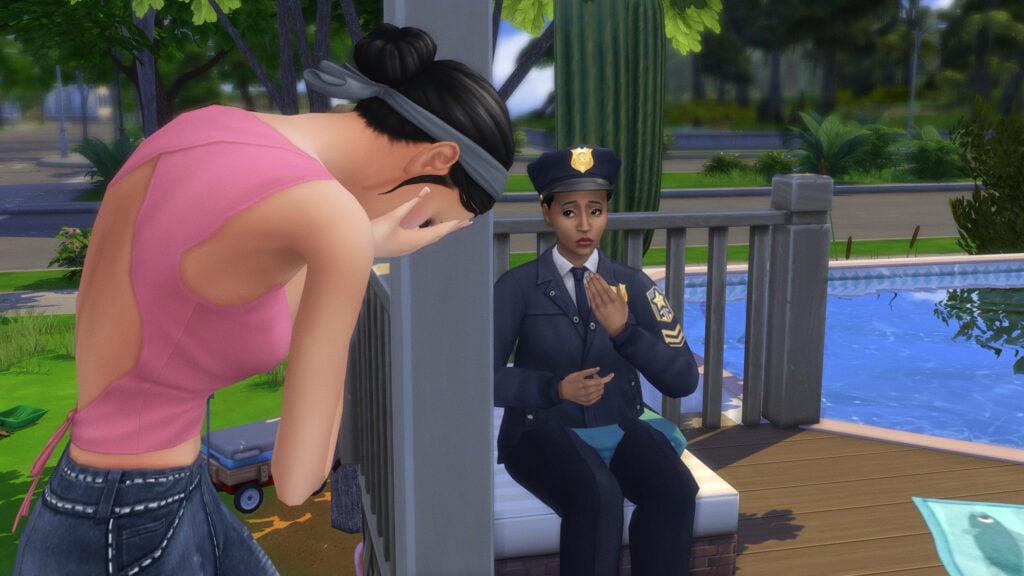
New toggle in the Options Menu to “Disable Caregiver Autonomy for Infants.” When enabled, all care is manual, though Sims will still socialize and you can use “Check Infant.” Neglect can lead to social services intervention.
New Infant thought bubble for loud noises: Infants now react to loud noises with a buff and thought bubble, plus a one-time tutorial explaining why they wake, helping players address the cause instead of repeated pickups.
Additional hovertip improvements, such as “Prefers Bottle Feeding” interactions to clarify that choosing a preference restricts autonomous feeding to that method only and Stand Up Milestone, where Infants needed specific nearby objects to pull themselves up [EA Forums].
Infant tuning based on player feedback, such as;
Sims will now clean up diapers left on the floor after changing an Infant or Newborn, as long as a trash can is nearby. (Base Game)
Changing an Infant’s diaper at the Changing Table takes about a third less time than it used to. (Base Game)
The Infant Hunger Need will now decrease slightly more slowly. We received light feedback on this and we’re hoping this slight tweak will prove the right balance for player realism and fun. (Basegame)
Feeding an Infant will now take about fifteen minutes (Sim Time), which is half the time it previously took. (Base Game)
Infant care interactions (Give Bottle, Change Diaper, etc.) should now appear on the first Pie Menu when an Infant’s Needs are low for your ease of access.
Infant Milestones tied to Tummy Time now unlock twice as fast, addressing feedback that progression felt too slow – especially on shorter lifespans. With reasonable attention, most Milestones can now be achieved by around day 3. (Growing Together)
25+ bug fixes for top voted Infant and Toddler issues, including:
[EA Forums][EA Forums] [EA Forums] Frequent Infant pickups and put downs, caregiver conflicts, and Sims freezing during care were major frustrations. This update includes multiple interconnected fixes to address these issues, all available in the Base Game.
[EA Forums] Infant and Toddler Needs will no longer decrease when the Active Sim (and the player) is on another lot, away from them. We hope that this change will make caregiving for Infants and Toddlers more enjoyable. (Basegame)
[EA Forums] Toddler Sims will no longer be hungry but would remain idle, despite having food. (Basegame)
We received feedback that “reading to Toddlers” wasn’t working well, and we’ve addressed a few bugs related to this;
[EA Forums] Toddlers are now able to successfully run the “Ask to Read Book” interaction on a teen or older Sim.
The “Be Read to By” interaction on Toddler Books should now function when selected by an Infant.
We fixed a code exception that could cause Sims to reset when an Adult Sim would click on a book and choose to “Read to Children.” (Basegame)
[EA Forums] Infants Milestones are no longer disappearing or being reset when that Infant’s Household is visited while playing another Household. This is fixed in old saves as well as new ones. (Growing Together)
[EA Forums] Infants are now able to act on their unlocked Milestone developmental progress when they are not at their Residential lot. This fix is retroactive in old saves where the bug had previously been occurring. (Growing Together)
Base Game: Autonomy & Sleeping Fixes
We didn’t stop with the Infants and Toddlers! Improving overall autonomy is a key player concern. Sims now dance far less (about once per day) and also no longer drink water autonomously, making behavior more predictable and less disruptive. Plus, additional bug fixes!
[EA Forums] We fixed an issue that was causing NPCs to enter a house to drink water. Unfortunately, this fix was unable to be retroactive for saves in which this gameplay was already occurring.
[EA Forums] Fixed an issue where Children could be taken away despite not being neglected. New checks ensure a Child must be actively failing (F) before this occurs. The fix is retroactive, but previously removed Children cannot be restored.
[EA Forums] Sims with the Jealous trait will no longer get upset when their partner interacts with their own children Sims.
Sleeping autonomy has been improved following community feedback, addressing a mix of bugs and quality of life issues to make sleep behavior more reliable.
Base Game
[EA Forums] Sims woken by a nearby TV or radio will now turn the device off and return to sleep. This keeps the intended wakeup behavior while making the cause clearer and reducing repeated interruptions.
[EA Forums] We’ve added a hovertip to the Nap interaction to clarify that this interaction is meant to be shorter with a boost to Energy (rather than an interaction that fills the Need fully). Sims should not stay in the nap interaction until their Energy is full, but we wanted to help clarify this expected behavior.
[EA Forums] Fixed an issue where exhausted Sims could get into bed but still collapse from fatigue. Sims who fall asleep in bed will now remain there instead of getting up and passing out.
[EA Forums] There were callouts in the sleeping EA Forums thread where Sims weren’t sharing a bed with another Sim. We believe our other fixes have addressed this issue, though as a note, Sims will only sleep in the same bed when their relationship is high enough.
Lovestruck
[EA Forums][EA Forums] There was an issue where Sims in a romantic relationship were getting out of bed when told to sleep simultaneously. We added an interaction called “Sleep and Cuddle” which will now allow this gameplay to function properly.
[EA Forums] Canceling Cuddle on a sleeping Sim will no longer wake both Sims or interrupt their sleep. If the interaction is canceled after one Sim has joined another already in bed, both will remain in bed. Canceling Cuddle before either Sim is in bed will still result in both Sims getting up, as intended.
Royalty & Legacy Fixes
Among other fixes, Royalty and Legacy is getting a polishing pass too! Alongside the two top Community Reported Issues addressed in the list above you can also expect fixes for issues relating to the “Poor Leadership” sentiment being added to the Dynasty Head, Offspring of pre-made Dynasties not being added to a Dynasty, and pre-patch babies being born as a secret. We also made various updates to the Grand Ball event not functioning properly. You can expect to read more about these and other fixes on May 12th in the full list of Patch Notes.
[EA Forums] Sims will now arrive wearing the selected dress code to a Grand Ball event (in line with the functionality for Funerals). As a note: any remaining oddities are due to tagging and would need reported and fixed individually. We did a pass and felt that outfits looked good with all packs, while selecting more common combinations.
[EA Forums] The Mask option is no longer disabled after entering Create a Sim to change the Host’s outfit for a Grand Ball event.
We fixed the mask icon in the UI for hosting a Grand Ball event.
Base Game: General Fixes
Alongside major improvements to Infants, autonomy, and sleep, this update will address a wide range of highly voted community issues across the Base Game and packs. Key fixes include resolving inventory bugs with photos, improving Family Tree accuracy, progress against preventing incorrect relationship changes in Create A Sim, and reverting the default Gallery sorting back to “Newest”.
Across packs and systems, we’ve fixed gameplay blockers, UI issues, and inconsistencies. Highlights include Gallery improvements like fewer upload timeouts and better sorting, fixes for disappearing animals and aging bugs, and improved event, trait, and interaction behavior. We’ve also made broad tagging, sorting, and visual updates in Create a Sim and Build Mode to improve organization and consistency.
The patch notes on May 12th will list these out individually, plus we’ll update the individual EA Forum threads too!
Updates on Top Community Issues
While shipping fixes for top issues, we also continue to investigate other top community reported issues:
[EA Forums] We’re testing a future fix for Windows and Doors glitching into walls with certain Graphics Settings.
We’re actively investigating a few challenging, (likely) performance-related issues that are highly voted within the community;
We’re continuing to investigate and ship fixes to reduce save file corruption. Following our March 10 update, Scratch files were moved from Documents to AppData for PC players to prevent conflicts with cloud backup services. Since rollout, we’ve seen improvements and are working to bring similar changes to Mac.
Some save corruption issues, such as failed lot placement, infinite loading, or white screens, may be linked to heavy use of placement cheats or very large saves exceeding system memory. We believe we’ve identified a fix for at least one case and are exploring solutions for others.
In the meantime, Memory Boost can help in certain situations, and we’re working on clearer ways to surface what’s happening and how players can respond.
[EA Forums] We continue to investigate the cause of “partnered Sims forming an unintended family relationship upon entering CAS” issue. If testing goes well, a fix should be included in a future update.
[EA Forums] Began investigating Autonomous Insulting/Mean Interactions happening in player games after Patch 1.108.349. In recent player submitted saves, this behavior looks to be As Designed, caused by the Vicious Dynasty Ideal, but we’ll continue to investigate.
Layering Feature Dev Blog
Sul Sul!
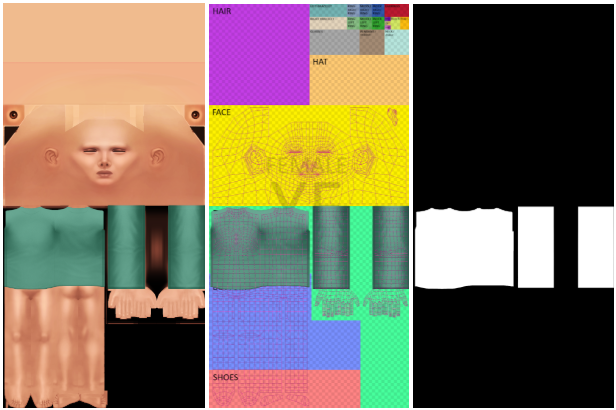
Base Layers are a new asset sub-category within the accessories catalog of Create a Sim, coming with the base game update on May 12. They are a texture-only asset that appears beneath a Sim’s top or outfit. Here’s a quick guide to how it works:
To create a custom content base layer you will need:
A copy of an existing base layer asset for the 3D scene set up
A diffuse texture with an appropriate alpha channel with as many colour variations as you wish.
A specular map (_s)
A shadow map (_sh)
Getting Started Any Base Layer top you create will appear directly onto the Sim without any geometry, mimicking a ‘skin-tight’ look. This is to preserve the look of the main top or outfit choice, whilst introducing layering options for the exposed areas. For this reason, Base Layer textures sit exactly over the Sim UV where you want to see them. In the example, the turtleneck sits directly onto the top of the Sim, with an alpha channel that functions as normal: showing the garment (white) and hiding the Sim (black).
Create the texture as normal, either by editing your copied file or making a new one yourself. You only need 2D image editing software, no 3D editing required. Once you have created your files, you are ready for implementation.
Sort it out! The Base Layer will always appear below the top or outfit choice because of the sort order. Base Layers have a sort order of “10550”, and should be labeled “BaseLayer”. Using the wrong sort order will lead to the textures appearing incorrectly.
Finishing touches Add the prototype and instances just as you would for any other garment.
The Base Layers feature introduces exciting new layering possibilities to The Sims 4 Base Game. Whilst CC creators have found their own ways to achieve layering in the past, we look forward to seeing how they are able to innovate with this new feature. Good luck and have fun!
Maxis is doing a Q&A on the latest update soon on their official Discord. We’ll make sure to keep you posted with the full recap of all noteworthy information!
What are your opinions on bug fixes and improvements mentioned in the latest Sims 4 Laundry List? Let us know in the comments below and stay tuned to the latest Sims News and Updates!
EA and Maxis announce an official livestream for the upcoming Sims 4 Quality of Life Update.
The Sims 4 Quality of Life Update is getting its own spotlight in the official livestream from The Sims Team! On May 6th, 2026 (this Wednesday!) you should expect an official livestream from EA and Maxis on the topic of the upcoming Sims 4 Patch release.
We should be expecting the huge long-awaited Laundry List on May 5th, with a full walkthrough to be covered the next day on May 6th at 7PM CET / 10AM PT / 6PM BT. More in the countdown listed below!
Table of Contents
The team teased Infant Improvements, new Base Layers, Backup Save options and over 150 bug fixes. Read the full message below:
Message from The Sims Team
The Sims 4 Quality of Life May Update is on the way!
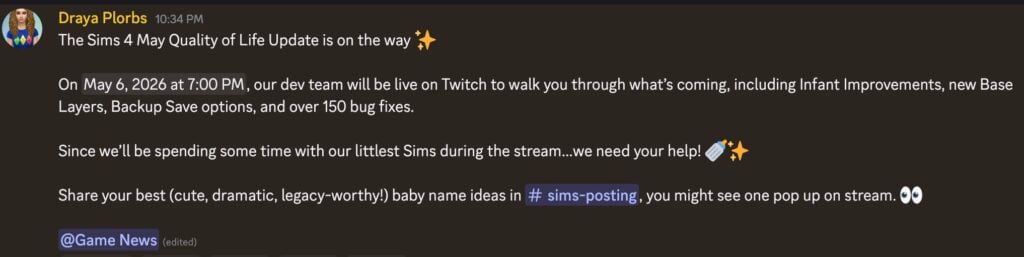
On May 6, 2026 at 7:00 PM, our dev team will be live on Twitch to walk you through what’s coming, including Infant Improvements, new Base Layers, Backup Save options, and over 150 bug fixes. Since we’ll be spending some time with our littlest Sims during the stream…we need your help!
Share your best (cute, dramatic, legacy‑worthy!) baby name ideas in #sims-posting, you might see one pop up on stream.
Are we possibly getting both the update and the livestream on the same day…or just the livestream? Maybe it’s just our wishful thinking. Discover where you can tune in for the livestream and when it begins in your area down below:
The Sims 4 Quality of Life May Update Livestream
The official Sims 4 Quality of Life May Update livestream is set to premiere on May 6th, 2026 on the official Sims Twitch channel. We’ve included both the official twitch channel watch page, as well as the countdown to the start of this livestream.
00
Days
:
00
Hours
:
00
Min
:
00
Sec
Countdown to The Sims 4 Quality of Life Update Stream
Any exclusive information that gets shared from this Sims 4 Quality of Life Livestream for May 2026 will be reported right here on Sims Community, so make sure you check back during and after the stream!
What do you expect to see resolved in this rounds of Sims 4 improvements? Share your theories in the comments down below!
If your Sims game has felt a little too sunshiney and good vibes, it’s time to fix that. This list of Sims 4 Gothic CC for CAS is here to drag your Sim into something darker, moodier, and maybe a little more elegant. From subtle lace and dramatic silhouettes to bold, vintage accessories that look like they came straight out of a haunted, Victorian manner, this roundup of Sims 4 Gothic CC for CAS has everything you need to fully commit to the lifestyle. Whether your Sim is a modern vampire, chaotic goth icon, or night royalty, your CAS is about to get an upgrade!
46 Sims 4 Gothic CC Items For CAS
Cold Heart Hoodie by Trillyke
Cold Heart Hoodie by Trillyke is a bona fide fashion icon! This CC hoodie comes in 20 different swatches with a super fuzzy, warm texture with gothic designs like skeletons, wolves, moths, and goat heads, as well as a few solid swatches.
A touch of lace and a hint of chaos in this CC tank top by astya96cc! This beautiful top has a cut-out on the sternum with spaghetti straps and lace, available in 57 swatches, and all feminine frame Sims aged teen through elder can rock this top!
Skeleton Print Off-Shoulder Sweatshirt by MysteriousOo
Your Sim will be serving looks beyond the grave in this spooky top by MysteriousOo! This maxis match CAS item features an off-shoulder look with long sleeves and gothic graphics like a heart-shaped skeletal ribcage.
Cute to the core! I couldn’t leave this one out, even though it is similar to the CC listed above. Again by MysteriousOo, but this time in Alpha style, shoulderless, with small rips in a few spots to give it a “worn” look. A must-have for every gothic closet!
The Sims 4 Gothic Corset by Dansimsfantasy is certainly serving gothic doll energy; a gorgeous gothic CC top available in 17 dark swatches. Rule the night in this amazing top!
These gothic trousers will have your Sim dripping in elegance and are the perfect pairing for Dansimsfantasy’s Gothic Corset listed above! These tight-fitted CC trousers feature a lace panel with an asymmetrical fabric embellishment, and straps to finish off the gothic look! Available in 13 different swatches.
This layered skirt by Trillyke is dark, dreamy, and has just a hint of danger with its asymmetrical belt featuring metal accents. This stunning skirt comes in 25 dual-colored swatches.
Sweet, dreamy, and sinister, this adorable CC skirt by Dissia features a two-toned, pleated, plaid skirt and a pair of plaid shorts available in 48 chilling swatches.
Moody never looked so cute! IISI – Short Dress by Helsoseira is a short gothic, CC dress with puffed sleeves, a lace-trimmed collar, and an adorable bow. Available in 6 stunning swatches and all feminine frames, Sim’s aged teen through elder can try this wonderful gothic fit!
A little vintage, and a little vampy! This eye-catching dress features a short, layered, lace hem, with short sleeves, button details, a tie, and cross motifs – available in 7 hauntingly beautiful swatches!
Looking for your Sim’s to be dripping in dark aesthetic? Check out this amazing dress by Helsoseira, featuring a laced-up short bottom, a knitted bow top with lace, and bows – available in 7 swatches.
Innocent? Meh, not really. Contrast Bodice Mini Dress by MysteriousOo features a fitted, contrasted bodice, with light ruching, a small bowtie detail, and thin spaghetti straps. Perfect for Gothic Sims during the Summer or day trips to the cemetery.
D.O.Lilac has certainly made Gothic adorable with this beautiful CC dress! Gothic Bows Ruffle Dress features long sleeves, puffed shoulders, and a vintage collared undershirt with a bow tie – available in 4 swatches.
Spooky never looked so good with The Salem Collection by Sentate! 11 amazing pieces make up 7 different gothic outfits! Some of the items included are the Prudence Dress, a long, flowing, fitted dress with long sleeves puffed at the bottom – paired with the Selina Boots in this pack, make a statement goth piece! 2 versions of the Nancy Trenchcoat, go with a typical goth look or a more fun Halloween version with blood splatters. Want a more cozy gothic look? Go with the Hinako Sweater/Dress, which features a worn, off-shoulder, long-sleeve top with a long, flowing skirt. No matter your gothic style, this pack has it all!
Gothic grace at its finest! Dark Romance Collection by LiyahSim includes 4 different, more elegant Sims 4 gothic CC outfits with a Poison Flower Choker that would look drop-dead gorgeous in all of these outfits! 2 dresses, 3 bottoms, 3 tops, and 1 stunning accessory make this Victorian Styled pack!
Goth but listens to indie playlists. Backstage Pass Collection by LiyahSim has more of a trendy, gothic feel to it. T-Shirt Dress features a long, baggy graphic T, turned into a dress with a plaid overshirt tied at the hips. While the Plaid Dress has long puffy sleeves, a shorter cut, and features a simple black belt. If you’re looking for something more sinister and edgy, check out the Transparent top – a sheer, short-sleeved top with a black bra underneath and available in multiple swatches. Pair it with the matching worn shorts, with frayed hems, and a spikey, black belt! No matter the vibe, this CC pack will have you covered!
The ultimate “don’t talk to me” outfit! Reckless Set by plazasims features a worn, cropped tank top, adorned with different metal pins, available in 40 swatches. A short skirt with a black, spikey belt, available in 24 matching swatches, and another skirt that is short as well, with metal spikes at the hips in 30 swatches. 3 accessories are also included: a pair of net tights, gloves, and a net top, which is found in the gloves category. Everything to create an edgy, gothic vibe!
Your Sims will look like they came straight out of a haunted painting in this shocking set by marsmerizingsims. 1 dress, 1 skirt, 2 tops, and 2 accessories are included in this CC pack, and they all have a dark, dreamy, Victorian vibe to them. Whether your Sim is just running errands or attending a funeral, everyone will know your Sim is the true Gothic queen!
Timeless beauty, touched by darkness. Dark Delight Set by Madlen features 2 dresses, one of which has a more fitting look with gem adornments at both hips. In contrast, the other dress has a more flowing look with puffed, layered sleeves. However, both have long cuts and long sleeves. To finish off this beautiful outfit, Madlen has included a matching necklace/earring set, as well as eyeliner, a tattoo, and contacts. Reinvent your Sims gothic look with this astounding CC set!
Midnight Petals Clothing Set by Dansimsfantasy gives beauty that lingers like a ghost! A tight-fitting pair of leggings is included that has braids with lace at the sides and a corset-style top that puffs out at the bottom, with small rose adornments, and more lace! Make a statement and look good doing it!
Moody, minimal, and on point: Punk Rock by SIMANDY is a simple, short-sleeve top for masculine frame sims with rolled sleeves. Paired with baggy, or tight-fitting black jeans, this would create an effortless, gothic look.
Long Hooded Leather Coat Layered Over Tank by Garfiel
This CC top by Garfiel is a modern-day vampire staple! A long, leather coat that hangs past your Sims’ knees, with scrunched sleeves, and a loose tank top make up this amazing gothic CC top that will have your male Sims feeling a little more mysterious.
Clean lines and dark intentions, GASET – Miller Sweater by VentaStudio features a turtleneck sweater, loose but tucked in, with small fabric details and wrinkles. For a gothic gentleman! Available in 5 handsome swatches!
Your Sim will be spinning looks instead of webs in Spider Patterned Black Jeans by yuanfensstudio! These CC bottoms feature a baggy look, with spider decals on the front, as well as a larger one on the back that spans both pant legs. Available in 3 swatches for masculine framed Sims, aged teen through elder.
Soft spoken – sharp-dressed. David MM Set by plazasims is a gothic, formal, CC outfit that includes 2 formal pants, with and without spikes at the side, with a matching suit top. The ruffled undershirt pairs perfectly, and the optional Bow accessory completes the vintage, goth style.
A gentleman…but with a darker side. Diorite Gothic Outfit by Dansimsfantasy is a full-body, formal outfit for your masculine frame Sims. The tight-fitted, pleated pants are paired with a fitted, long-sleeve, undershirt with a high collar, and a vest with ornate buttons and lace. Available in 7 swatches.
Have your Sim dress like he owns the night in Garnet Gothic Male Outfit by Dansimsfantasy. A pair of tight-fitted trousers is paired with a high-collared undershirt and a vest with subtle details. A long black coat with lace details and designed cuffs helps bring the entire gothic outfit together. Choose 1 of 8 swatches to best match your Gothic Sims vibe.
Cute enough to haunt your heart! This CC dress by simdancing includes a black undershirt and cute, white overalls with an adorable, rainbow monster graphic at the front.
Your Sim may be a mini goth, but that doesn’t mean they shouldn’t have maximum style! This gothic CC top by Garfiel is for your masculine frame, child Sims that features a long overcoat and loose-fitted undershirt.
The perfect pants to complete any child Sim’s gothic outfit! These CC bottoms by Beto_ae0 are a pair of tight-fitted, skinny jeans with small fabric details and a black studded belt.
Tiny goth energy activated! Kids Goth Collection by FatalRoseCreations includes 4 different gothic-themed outfits for your child Sims. From skull prints to mummies, to bats, this CC pack has everything you need to start your gothic Sims off right!
Perfect Love Bolero by Trillyke is a small detail that will give your gothic Sims some major attitude! This long-sleeved, sheer, lace shrug has small cut-outs and bows. Available in 10 swatches, but also comes in a non-bow version with 5 swatches, and this item is found in the “Gloves” category.
What does every gothic outfit need? A choker, and this amazing one by Dissia offers the opportunity to layer with other necklaces to better customize your look. This choker is available in 47 swatches and is found in the “Right Nose Ring” category.
Platform Heel Boots & Leather Platform Ankle Boots by Jius-sims
Platformed for maximum drama in these amazing CC shoes by Jius-sims. Platform Heel Boots feature double straps and a tall heel – available in 18 swatches. While Leather Platform Ankle Boots are more of a typical combat boot, styled like Doc Martins, available in 30 swatches. These downloads are part of a larger “Boots Collection,” but the creator has listed these pieces individually for easy download!
Because every Goth needs some extras. Be sure to check out this accessory CC pack by Dansimsfantasy, which includes everything your goth Sim needs to upgrade their style and elegance. You will find a choker, gloves, and earrings, all adorned with a beautiful stone in multiple swatches each.
Lunaris – Nails by VivianDang is the cherry on top of your gothic CC outfit! Available in 12 swatches, these CC nails feature mystical moon and star graphics with a gradient coloring.
This bold CC eyeshadow by thaisherrera is darkness blended with perfection! This CC eyeshadow comes in 3 different, very bold swatches for your dramatic, goth Sims.
Fly off into the night with Goth Eyeliner by Venerian! Each swatch offers a different look, whether you want full-on bat wings, sharp edges, or classic bold lines, this CC pack has it all!
Stitch up your feelings with this CC eyeliner by alttrait! This winged eyeliner features stitched details, spikes, and dots to create a unique gothic style – available in 8 colorful swatches.
Subtle lips don’t exist here, that’s why you need Lipstick – Carmilla by thaisherrera! Available in 10 swatches, this CC lipstick features a dark, bold outline with a rich, dark lip color. Perfect for any gothic occasion and a must-have in your gothic CC folder!
Volume, drama, and just a tad mysterious – Reverie by SIMANDY is a gothic CC hairstyle that features strong points and massive volume. Available in 24 EA colors, as well as 40 Puppy Crow Colors (You will need to download the ‘Hairs’ package for the colors to work), and includes hat chops.
Lottie Braids by dogsill has strands of pure attitude, and it’s perfect for any edgy, gothic look! This CC hairstyle features 2 alien buns, with cascading, tight braids – available in 24 lovely swatches.
Hair that speaks fluent goth, this CC hair pack by demonyo includes 6 unisex, CC hairstyles with volume, waves, and attitude. Whether you’re going for cozy or dramatic, be sure to check out these hauntingly beautiful hairdos!
Are your Sims ready to drop the sunshine aesthetic yet and join the night? With this list of Sims 4 Gothic CC for CAS you will have everything you need to create looks that are moody, elegant, and maybe just a tad chaotic. Now go forth and let your Sims haunt CAS in style – preferably all black and with amazing eyeliner. If you loved this list, be sure to check out some of our other amazing CC finds!
After the first module of the Sims 4 Drama Generator by Pandasama was released, the Abandoned Baby module, it wasn’t long before the well-known modder got to work on a brand new module to spice up gameplay. While the abandoned baby module added a small chance (And a cheat trigger) for an abandoned baby to show up at your doorstep, this new Sims 4 runaway child mod adds the ability for your children or teens to autonomously runaway, or you can trigger it yourself!
Pandasama is most commonly known for her work on The Sims 4 Realistic Childbirth mod, which has added loads of content expansions on pregnancy, newborns, and birth over the years. Recently, she began to create a standalone mod called the Drama Generator, and has since added two modules; The Sims 4 Abandoned Baby module, and The Sims 4 Runaway Child module.
Table of Contents
General Mod Installation Instructions
While we do recommend reading our Beginner Guide to Mods & CC for a more detailed overview of how to mod The Sims 4 and how those mods should be handled, a quick run down for adding The Sims 4 Runaway Child mod (as part of the overall Drama Generator mod) by Pandasama to your game would be…
Using your operating system’s file explorer, find the location of your Sims 4 Mods folder.
To add the items to your game on Windows, follow this folder path: C:\Users\[USERNAME]\Documents\Electronic Arts\The Sims 4\Mods To add the items to your game on MacOS, follow this folder path: Macintosh HD/Users/User/Documents/Electronic Arts/The Sims 4/Mods
Since the mods comes as a compressed zip file, you need to ensure that you have an extraction program installed. You can use 7Zip, Winrar, Winzip, etc., and both Windows and MacOS have an unzipping function native to their system. Right click on the zipped file and choose to Extract Here/Files or Extract to… to extract directly to a folder.
Since the Drama Generator and Sims 4 Runaway Child mods includes both a .package file and a .ts4script file, it must not be placed more than a single folder deep in your mods folder. We would recommend separating the mod entirely on its own, or at least keeping it with other script mods. Also, the.ts4script file and .package file must be kept in the same folder.
Since this is a standalone script mod with additional modules, you do not have to install every module and you can pick and choose. However, the major files necessary include Pandasama_DramaGenerator_CORE_v1.1.package and Pandasama_DramaGeneratorScript.ts4script . These files handle the overall mod, while the modules Pandasama_DramaGenerator_AbandonedBaby_Module_V1.1.package and Pandasama_DramaGenerator_RunawayChild_Module_V1.15.package.*
*NOTE: The ending of three of the packages, specifically the “V#.##” version numbers, will likely change over time. Make sure to check Pandasama’s Patreon or Website directly to see which versions are up to date!
It is important to watch for updates from the author when the main game receives a patch, and as of April 29th, Pandasama has stated that all of her mods are compatible with the recent April 28th update, which are versions 1.123.85.1020 on Windows & 1.123.85.1220 on MacOS.
Brandi was left to raise two boys alone following her husband’s suspicious pool ladder accident. With Dustin acting out, can Brandi teach young Beau to make the right choices in life?
The Broke Family’s Household Description in The Sims 2 (2004)
Triggering a Runaway Child Event
Prior to playing with the mod, it is stated by Pandasama to make sure that you have images of the children in question, as one part of the gameplay and interactions requires an image in the Sims’ inventory.
While there is a small chance that it will happen naturally, the easiest way to get it going is to enable testingcheats true, and right click on the sim aged child or teen, click on the Drama Generator pie menu tab, and click “Trigger Runaway Child Event”. You will receive a pop-up, and the child will immediately leave the lot. The child will also be removed from your family portrait menu, making them nonselectable. I also could not find them in the relationship panel while they were runaways.
Immediately after, click on a parent or guardian sim, the Drama Generator pie menu tab, and you will see multiple courses of action you can take.
Calling the Police
The best general course of action is to first report the runaway child to the police. This will alert you that an officer is on the way, and an NPC police officer will show up to your sims home. Once there, click on the officer to discuss multiple details regarding the child and their running away to give them a full picture of what happened.
You can Share a Picture of the child,Provide a Clothing Description, Share Last Known Details, and Ask What Happens Next. For each interaction, a notification will pop up of the officer reassuring your sim an explaining what is going to happen, what is likely to happen, etc.
Making Missing Kid Flyers
To make flyers to post in or around your home or on community lots, click on your parent or guardian sim and click “Get Missing Kids Flyer…” under the Drama Generator pie menu tab. Then, select the image in your sims inventory that you would like on the flyer. This will generate a flyer, which can be posted on just about any wall. When it is, Sims can interact with it, including paying a single simoleon to take a flyer for themselves, throwing it away, or simply viewing it.
Crying Alone
Just to make this all the more dramatic, since it is a Drama Generator mod, Pandasama also created a brand new animation and interaction called Sit and Cry Alone. Your sim will sit on the ground with their knees to their chest, and begin to sniffle, cry, and hold their head in their hands. It is stated on the mod page that there is a small chance that the runaway child will show back up during this interaction.
Bringing Your Runaway Child Home
There are a few possible ways a child can return home. These can include strangers sighting them on community lots and alerting your sim, just returning home on their own, when triggered by the Sit and Cry alone interaction, or by the police themselves finding and bringing them home. If you’ve not had them return home autonomously or just want them back, you can right click on your sim, click the Drama Generator tab, and select either Make Police Bring Child Home or Trigger Child Sighting Call to have one of these events happen and add the child back to your family.
Making the Police Bring Your Child Home
Either naturally or through the cheat trigger, you can get a call from a CPS Caseworker NPC, stating that your child was found and they will be brought home. After roughly a half hour to an hour in-game, my sims teen returned home and appeared on the edge of the community lot, as they would when returning from any standard travel, work, or school.
Child Sighting Call & Community Lots
Again, either naturally or through the cheat trigger, you can also get a random call from a complete stranger. This stranger will point you to a nearby community lot and tell you that they saw a kid that looked just like the ones on the missing posters. When you travel to the community lot, the child will be there and can be greeted and brought back into the household.
They’re Back, Now What?
When your runaway child is first spotted again, an interaction called Run to Child will be available under the Drama Generator pie menu tab. While it is a standard hug for teen sims, child sims have a custom animation of their parent getting down to their level, hugging them, looking them over, etc. You will also get a notification that the child has been found.
You may also notice when looking at your runaway child, that there is a chance they will have dirt, scrapes, and bruises on them. This is very temporary, and goes away after bathing.
Afterwards, your sim will have the option to talk to their child or teen about their running away. Your sim can ask multiple questions and provide reassurance. These interactions include Welcome Back, Acknowledge Feelings, Ask To Not Do It Again, Ask Where [CHILD NAME] Went, Check If [CHILD NAME] Is Okay, and Glad You Are Home.
Similarly to talking to a police officer, all of these interactions will give various answers, and provide moodlets and buffs for both the parent and child in question. Both parent and child sims will also have happy and dazed moodlets, wondering how things will change and adjust after this event.
Pandasama’s Drama Generator is freely available with the Abandoned Baby module, but the Runaway Child module is in early access and will be publicly available on May 16th, 2026.
Thank you to Sims 4 Gallery User jennie366, for the Broke Family Trailer lot used in this article!
Have you played with this mod or the Abandoned Baby module yet, or do you plan to? Let us know how you feel about it, and what you hope to see from Pandasama in the future! Make sure to follow The Sims Community as we provide guides, tips, and news about big and upcoming mods in The Sims 4 and otherwise!
When it comes to creativity, you really can live your dream in Tomodachi Life Living the Dream. With the introduction of the Palette House, you can make custom Tomodachi Life items. If your favorite food is missing from the game, you can design it. If you want to have a fictional creature as a pet, you can create it. If you don’t like any of the 8,356 pieces of clothing in Living the Dream, good news — you can make your own line of Mii clothing.
Making custom Tomodachi Life items is as easy or as hard as you want it to be. Living the Dream offers you templates for each custom item category, but you can also create items from scratch (with a few exceptions). Taking the latter route requires some elbow grease and more time than we probably have, but you can really go all out if you’re dedicated enough. Interested in spending even more hours in Living the Dream to outfit your island with custom decor, pets, and more? Then please, read on.
Table of Contents
ThePalette House: The Basics
You can build the Palette House after making a sixth Mii. There are six categories of custom Tomodachi Life items: food, clothing, treasures, house interiors/exteriors, objects, and landscaping. However, you won’t have the ability to make all of these immediately. Instead, you need to unlock them as level-up rewards.
Some of your custom Tomodachi Life items will need to be purchased at another new building, the Treasure Shop, which will be unlocked upon the completion of creating a custom item that needs to be sold there.
There are two modes when designing custom Tomodachi Life items in the Palette house — easy mode and pro mode. For simple designs, especially when you’re using a template, easy mode will suffice. But if you’re looking to get artsy, pro mode is the way to go as it’s going to allow you to change brushes, shade easier, make your own colors, and more.
If you make items that you decide you don’t like (like, perhaps, that initial cake they force you to decorate), you can either edit or delete them. Go into the Palette House, click on List of creations, and then on an item. From there, you can change the item’s name, edit any aspect of the item, or delete the item.
Everything Custom Tomodachi Life Item You Can Make In The Palette House
Food
Food items are the first things you can make in the Palette house, and sometimes Miis will ask to eat something you made. You can use their templates of dishware or containers or start with a blank canvas. Pro tip: if you’re using the can template and want to change the color, try using the colorize filter. It’s limited in color options, but the fill bucket is a complicated hassle due to shading.
Once you’re finished, you’ll get to further customize your item by choosing its taste, type (drink, dessert, meat, etc.), temperature, and size. You can also make it glow, if that’s up your alley.
Clothing
Custom clothes are the only custom Tomodachi Life items that you can’t completely build from the ground up. You have to choose a shape: tops, dresses, bottoms, or hats. From there, you can pick a template or design from scratch. But this means you can’t make custom accessories or headwear that isn’t hat-shaped or even wide-legged pants. Clever drawing, use of colors, and shading can enable you to craft custom necklines or fidget with sleeves, but it’s still somewhat restrictive.
After designing your clothing item, you can assign a season, style (as in, when you typically wear it), and gender to it.
Treasures
Within the treasure category, there are six more categories: books, music, videos, video games, pets, and “anything.” “Anything” is your blank slate option to create whatever your heart desires. The pets category, too, allows you to design whatever you’d like. The books, music, videos, and video games categories all have a mandated shape that you have to work with, like a book template or a vinyl sleeve.
Each kind of treasure has unique attributes to add to it, like what type of noise your pets make or the genre of your media. The digital custom Tomodachi Life items are interactive — your Miis will watch TV or play their video game or listen to music.
House Interiors And Exteriors
If you aren’t feeling the T&C Reno room options, you can design your own wallpapers and floors at the Palette house. However, you can’t choose which objects to put in Miis’ rooms and you don’t get the benefit of mansion furniture changing wood tones or colors.
Lumped in with house interiors are house exteriors, which are more complicated. Basically, you can replace the default beach-hut-like Mii houses with your own design. While you do have to start with some form of template, it’s transparent, so you can design any kind of abode you want. Which does in fact mean that a Mii’s house can just be a floating scoop of pink ice cream, if you so desire.
Objects
The “objects” custom Tomodachi Life items category really just means outside decor. Like the exteriors, you start with a transparent shape, meaning you can create anything you’d like. You can choose the dimensions of these objects via a sliding bar, and can give them textures, smells, and vibes, if you’d like. They also have the light option, meaning you can make custom lamps.
Landscaping
Finally, you can create outdoor paths to place down, which you might want considering Living the Dream doesn’t have that many path options. Once you’ve designed your new path, you can choose its texture as well as, interestingly enough, whether or not Miis should walk on it. If there’s somewhere on your island you want to keep off-limits, custom pathing is the way to go.
Tips And Tricks
If you’re committed to making custom Tomodachi Life items, there are a few ways to make your life easier. For one, a stylus might be a good investment (if you have one for a tablet already, that will likely work), as the Palette House allows touchscreen. Drawing with the joysticks can be wonky, and you could try using your finger, but a stylus is ideal.
There’s also the ‘Living the Grid’ Pixel-Art tool that you can use to design your items ahead of time. While you can’t directly transfer the design into the game, you can use it as a reference. The game, when in pro mode, has a grid that you should turn on to make the copy process easier. Building items pixel by pixel can be arduous, but it does yield good results.
Find Inspiration On The Internet
People are already making anything and everything they desire on social media platforms. From making Pokémon pets to famous fictional character houses to photo-realistic cookies, the internet artists are out there showing us how it’s done. The creativity is seemingly endless.
Whether you’re trying to create a themed island, bring your favorite fictional franchise to life, or just simply add an item the game doesn’t already have, the Palette House is going to be your best friend.
What items and custom homes do you plan to create in Tomodachi Life: Living The Dream? Let us know in the comments below and stay tuned for more Tomodachi Life guides and content!
The Sims 4 Cozy Henford Save File transforms Henford-on-Bagley into a peaceful countryside world filled with charming cottages, detailed family homes, and cozy cottagecore-inspired landscapes. Created as a large community collaboration, the save file brings together builders from across the Sims community to completely reimagine every section of Henford-on-Bagley while still preserving the warm rural atmosphere that made the world so popular with players.
From sprawling family estates and overgrown gardens to tiny starter cottages and riverside retreats, the Cozy Henford Save File delivers a version of Henford-on-Bagley that feels beautifully cohesive from one neighborhood to the next. Every area features carefully landscaped lots, thoughtfully designed interiors, and plenty of storytelling details that make the world feel lived in.
One of the biggest strengths of the save file is how naturally the different creators’ builds blend together. Even though multiple builders contributed to the project, the overall aesthetic remains consistent throughout each neighborhood. The countryside scenery, soft color palettes, floral landscaping, and rustic architectural styles all work together to create a world that feels immersive and inviting.
The save file also includes several playable households that help bring the world to life. While some families feature lighter storytelling elements than others, it is always nice to see additional Sims included with collaborative save projects, especially when the homes themselves already provide so much environmental storytelling.
🏠 BUILDS & FAMILIES INCLUDED IN THE SAVE FILE:
Restaurant by JennLoves2Build
Bar by Simster_Femke
Coffe shop & library by simsoholic
Community lot / shop by itsimstome
Residential with farm & Family by Joyful.Builds
Residential by bb.bibis_builds
Residential & Family by bb.momin
Residential with farm by cactussulsul
Residential & Family by SimischL
Residential by L_iz_a.tv
Starter Residential by wasabisimmer
Park & Family by WrzosoweMarzeniaa
Table of Contents
Finchwick Neighborhood
The Finchwick neighborhood focuses on the lively village center of Henford-on-Bagley with a mix of residential and community lots that make the neighborhood feel active, social, and full of charm. This section of the save file includes 1 Cobblebottom Street, Les Quatre Chats Cafe, Cozy Bar, and The Vegan Gnome Restaurant, with each build adding its own personality to the heart of Finchwick.
1 Cobblebottom Street transforms the lot into a charming mixed-use space with a cozy flower shop on the first floor and a warm apartment above. The build blends soft countryside landscaping with detailed interiors that make the property feel naturally integrated into Finchwick’s village atmosphere. From the flower arranging spaces downstairs to the comfortable living quarters upstairs, the lot feels both highly functional and full of personality.
Les Quatre Chats Cafe gives Finchwick a cozy café and library space that feels perfect for Sims looking to relax with coffee, books, or conversation. The build combines warm woods, comfortable seating areas, and layered décor to create an inviting community lot that feels both stylish and functional for everyday gameplay.
Cozy Bar brings a softer countryside approach to Henford’s nightlife with a charming exterior, outdoor seating areas, and a welcoming interior space that feels ideal for gathering with friends after a long day in the village. The build balances decorative detail with open space particularly well, helping the lot remain both visually appealing and highly playable.
The Vegan Gnome Restaurant stands out as one of the most detailed community lots in the neighborhood with its layered architecture, countryside-inspired exterior, and cozy dining spaces. The restaurant feels especially immersive thanks to its warm interior palette, multiple seating areas, and riverside surroundings that help the build feel naturally integrated into Henford-on-Bagley’s world design.
Old New Henford Neighborhood
The Old New Henford neighborhood leans heavily into the cozy countryside atmosphere that defines the entire save file with larger family homes, peaceful farmland scenery, and beautifully landscaped properties that feel naturally woven into the rolling hills of Henford-on-Bagley. This section includes the Hippie Couple Lot, Preston Household Lot, Willowmere Estate, and Cozy Family Farm, with each build offering its own unique take on countryside living.
The Hippie Couple Lot embraces a softer bohemian-inspired style with overgrown landscaping, warm interiors, and a peaceful greenhouse space that helps the property feel relaxed and lived in. The build blends gardening gameplay with cozy cottage living particularly well, creating a home that feels ideal for Sims focused on simple living, crafting, and nature-filled storytelling.
The Preston Household Lot brings a more storybook-inspired design to the neighborhood with its dramatic rooflines, climbing ivy, and charming countryside architecture. The compact cottage feels especially warm and inviting thanks to its earthy interior palette, cozy living spaces, and thoughtfully layered landscaping that helps the lot feel tucked naturally into the surrounding environment.
Willowmere Estate stands out as one of the largest and most ambitious residential builds in the save file. The estate combines elegant countryside architecture with detailed landscaping, large family spaces, and bright interiors that still manage to feel cozy despite the home’s larger scale. The carefully designed layout helps the lot feel functional for gameplay while maintaining the soft cottagecore atmosphere seen throughout the project.
Cozy Family Farm is easily one of the most visually impressive builds included in the collaboration. The property features detailed farmland, flowing water features, a beautiful greenhouse, and heavily landscaped outdoor areas that make the entire lot feel immersive from every angle. Inside, the home balances warm family living spaces with soft countryside décor, creating a build that feels both highly detailed and comfortable for long-term gameplay.
The Bramblewood Neighborhood
The Bramblewood neighborhood fully embraces the forested side of Henford-on-Bagley with peaceful countryside homes, lush greenery, and heavily landscaped lots that feel tucked away within nature. This section of the Cozy Henford Save File includes Cottage Starter Home 2, the Partie Family Lot, the Pondside Family Home, and Cozy Henford Park, with each build contributing to the calm and storybook-inspired atmosphere of the district.
Cottage Starter Home 2 offers a smaller and more affordable countryside home while still maintaining the cozy charm seen throughout the rest of the save file. The build uses soft landscaping, warm wood interiors, and practical gardening spaces to create a starter home that feels realistic, welcoming, and ideal for players beginning a new life in Henford-on-Bagley.
The Partie Family Lot leans heavily into family gameplay with a beautifully landscaped property, warm interior spaces, and plenty of outdoor areas that make the home feel lively and lived in. The build balances decorative detail with functionality particularly well, helping the lot feel both visually cozy and highly playable for larger households.
Pondside Family Home stands out thanks to its stunning natural scenery and peaceful countryside setting. Surrounded by water features, soft greenery, and flowering trees, the lot feels especially immersive within Bramblewood’s wooded environment. The interiors continue the same cozy atmosphere with warm colors, comfortable living spaces, and layered décor that gives the home a welcoming personality.
Cozy Henford Park helps bring the entire neighborhood together with a large community-focused space filled with gardens, seating areas, a pond, and scenic walking paths. The lot creates a beautiful gathering place for Sims of all ages while adding even more environmental storytelling to the surrounding neighborhood.
The Families Included in the Cozy Henford Save File
In addition to the builds themselves, the Cozy Henford Save File also includes several playable households that help make Henford-on-Bagley feel more active and lived in. Many of the families fit naturally into the countryside setting with homes designed around gardening, farming, and cozy family gameplay.
While some players may wish the households included more detailed backstories and lore, it is always nice to see original Sims included in collaborative save projects. The added families help bring personality to the world and give players an easy starting point for storytelling and rotational gameplay.
How to Download the Cozy Henford Save File
The Cozy Henford Save File by creator Wrzosowe Marzenia is available to download through Patreon. The project includes collaborative builds, updated households, and redesigned neighborhoods across Henford-on-Bagley.
After downloading and extracting the folder, players only need to move the .save file into Documents > Electronic Arts > The Sims 4 > Saves. The additional PNG files included in the download are reference images and maps for the collaboration.
Once installed, launch The Sims 4 and select “Load Game” to start exploring the Cozy Henford Save File.
The Sims 4 Cozy Henford Save File succeeds because it fully embraces the comforting countryside atmosphere that made Henford-on-Bagley such a beloved world for Sims players. Across every neighborhood, the collaboration delivers highly detailed homes, thoughtfully designed landscapes, and a cohesive cottagecore aesthetic that makes the entire save feel polished and immersive.
Several builds stand out as especially memorable, particularly the larger estate homes and heavily landscaped countryside lots. At the same time, even the smaller cottages still feel detailed and inviting thanks to the creators’ attention to cozy interiors, overgrown gardens, and all the little decorative touches that make the homes feel lived in.
The collaboration also deserves praise for how unified the overall world feels despite featuring contributions from multiple creators. Every district maintains a consistent visual identity while still allowing each builder’s style to shine through.
For players who love Cottage Living, countryside storytelling, gardening gameplay, and cozy family saves, the Cozy Henford Save File offers a beautifully reimagined version of Henford-on-Bagley that feels both relaxing and highly playable.
Disclaimer
Some minor visual differences or missing objects may appear depending on your installed packs, mods, or individual game setup.
Which area of the Cozy Henford Save File would you explore first? Let us know in the comments below and stay tuned for more spotlights coming your way!