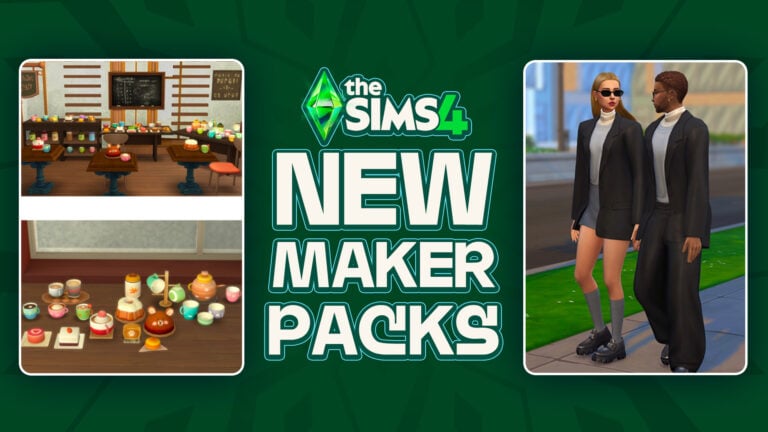
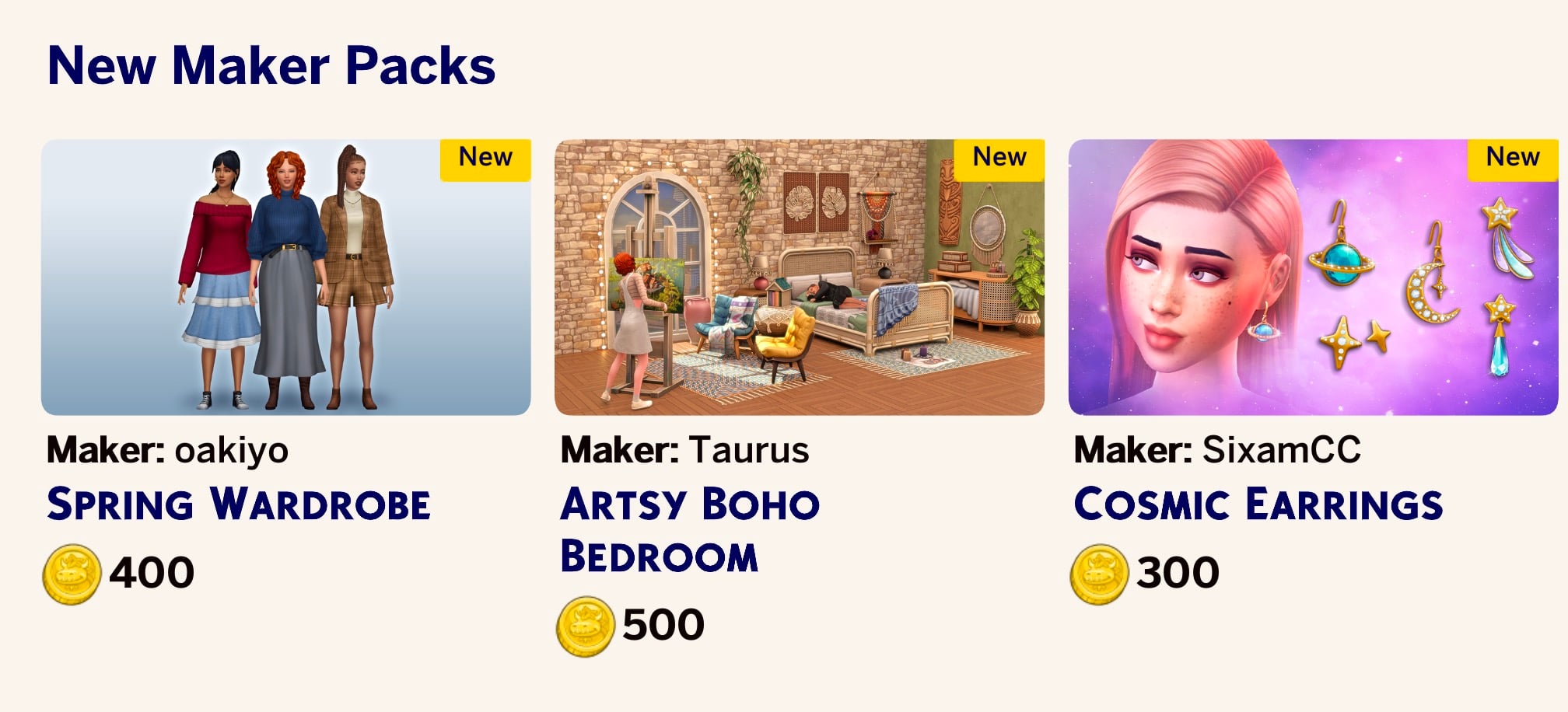
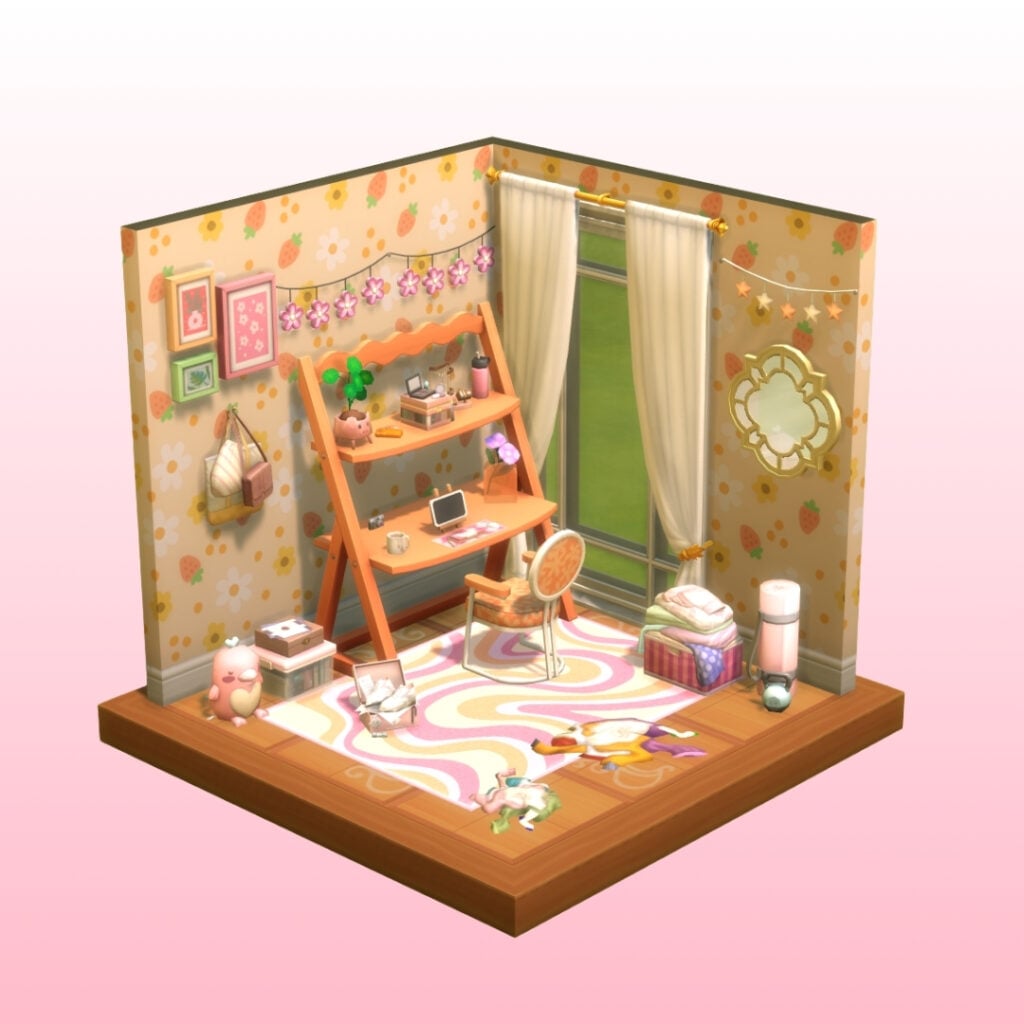
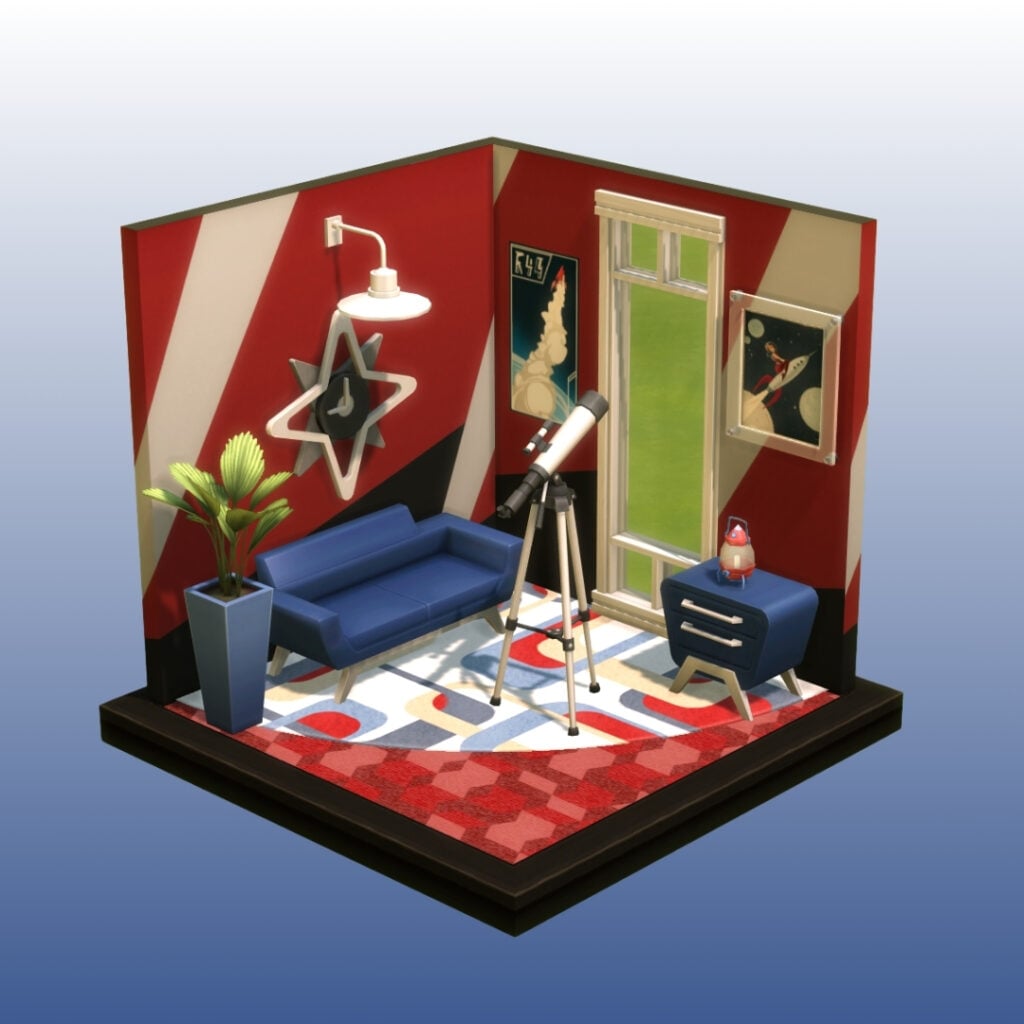
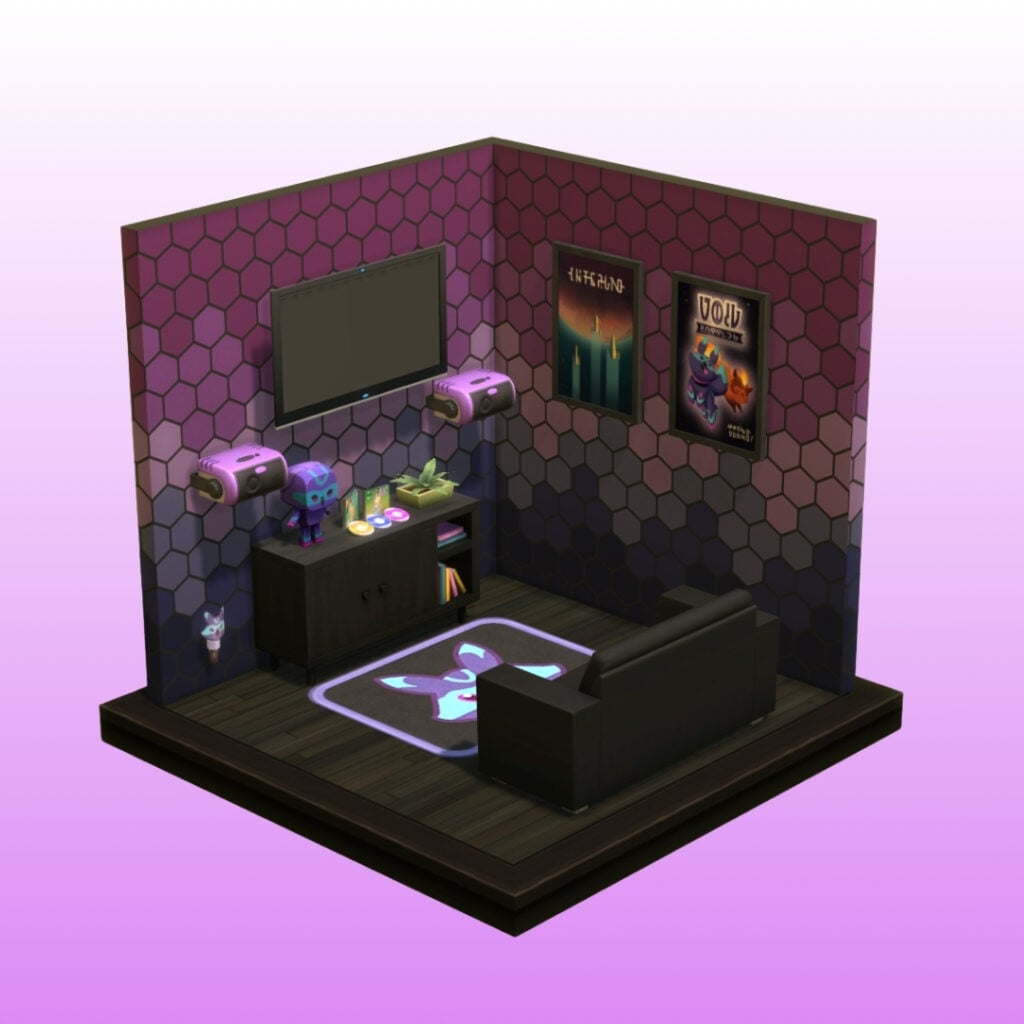
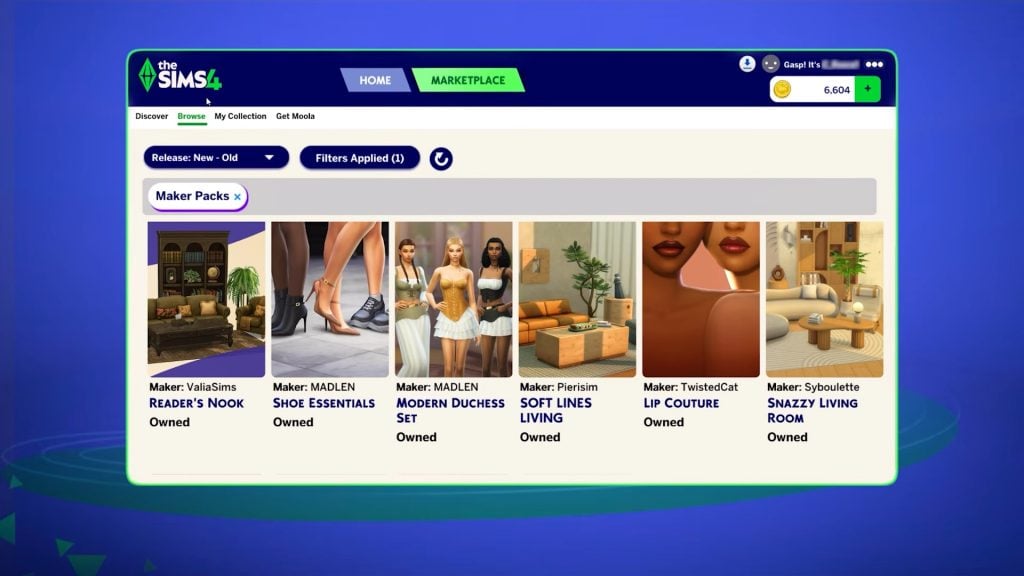
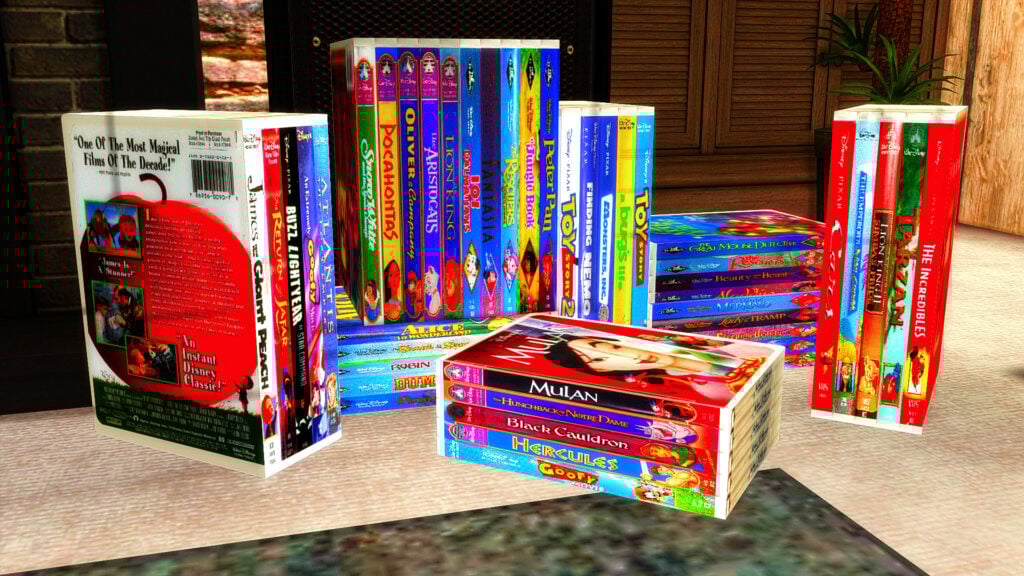
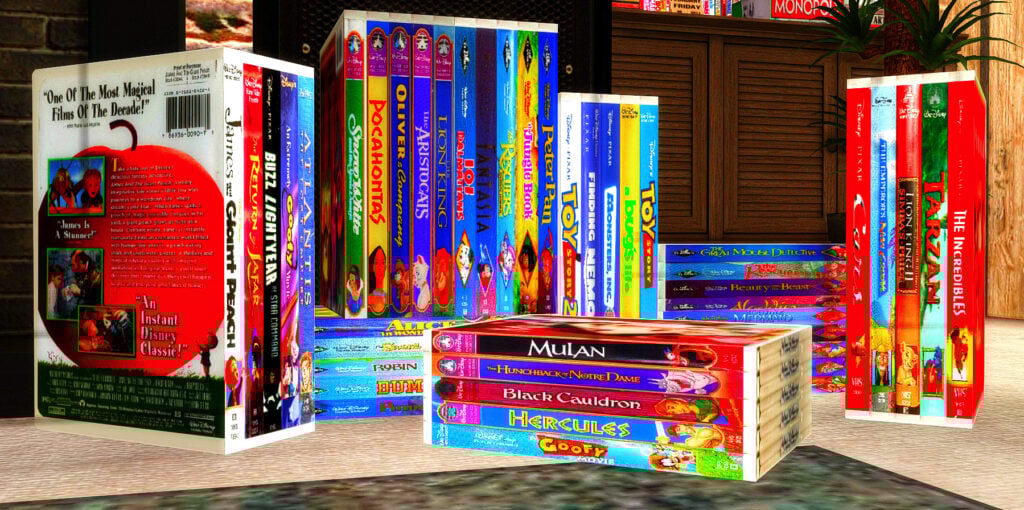
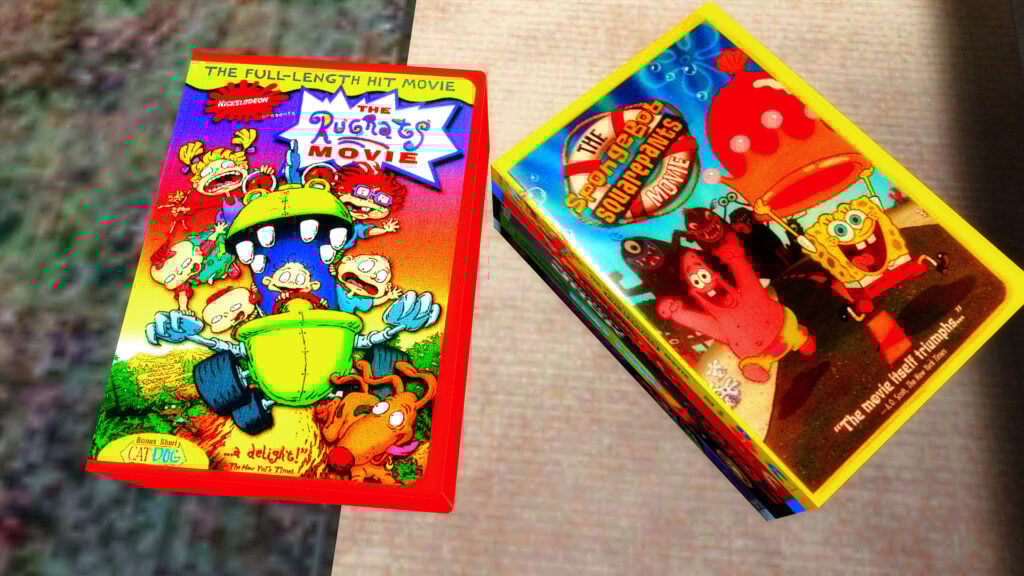
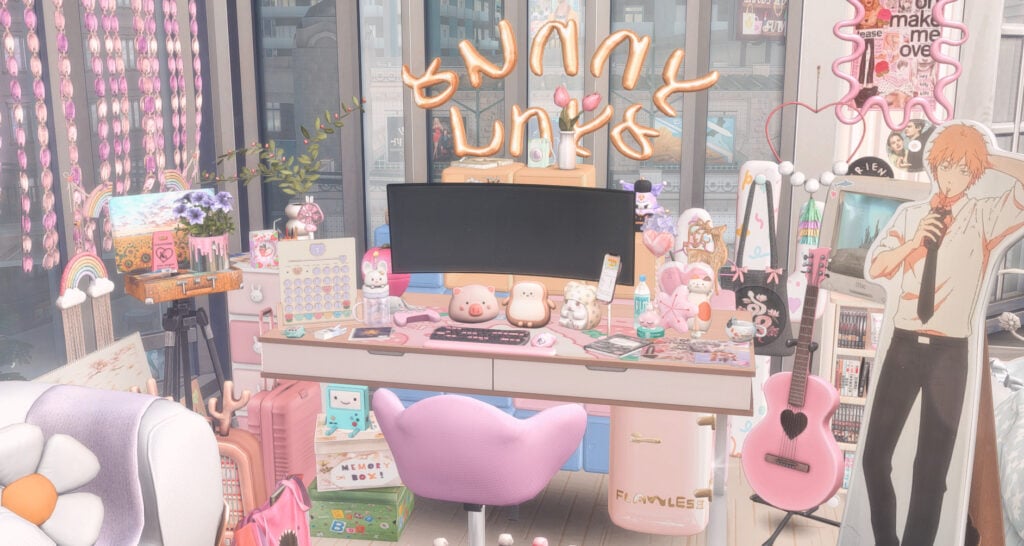
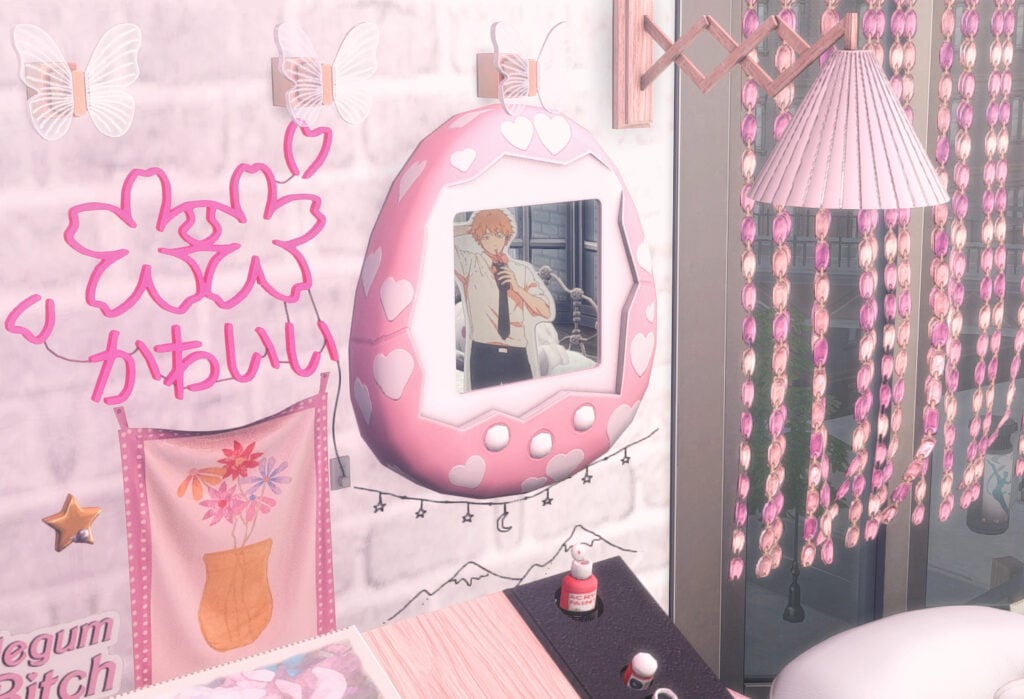
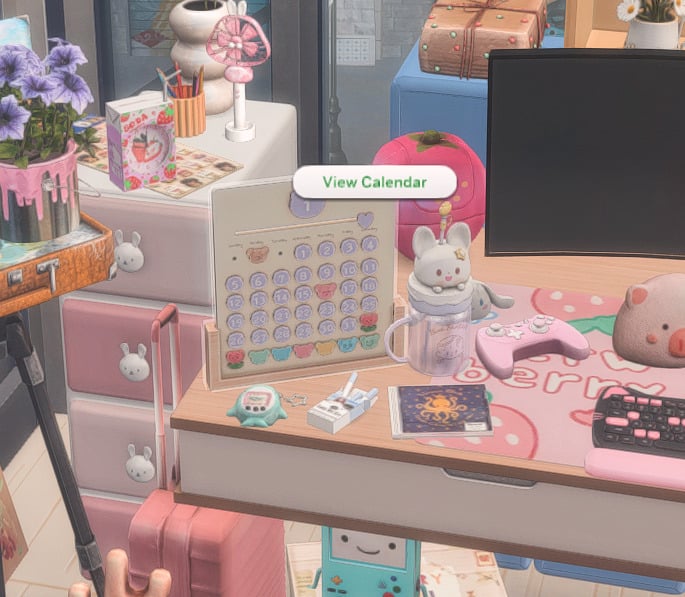
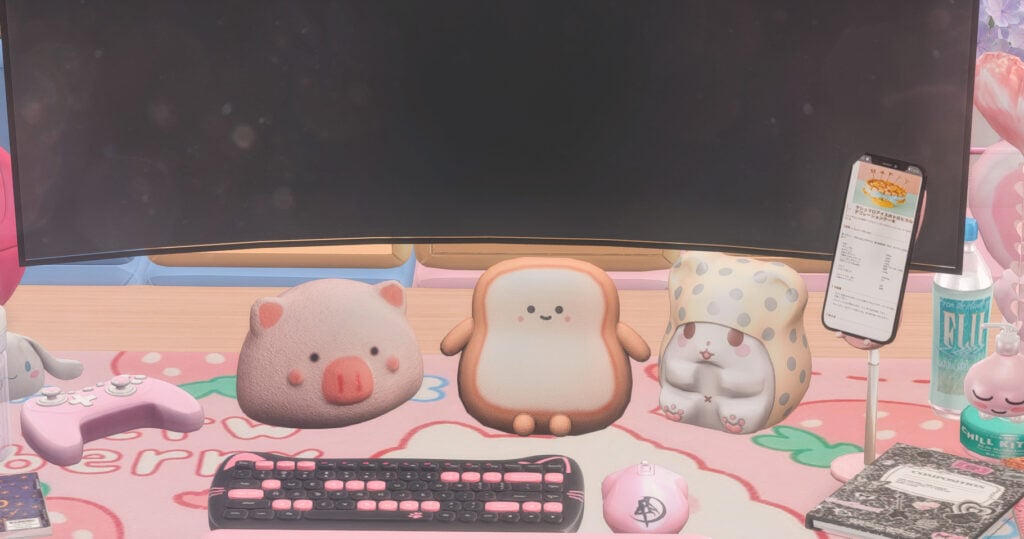
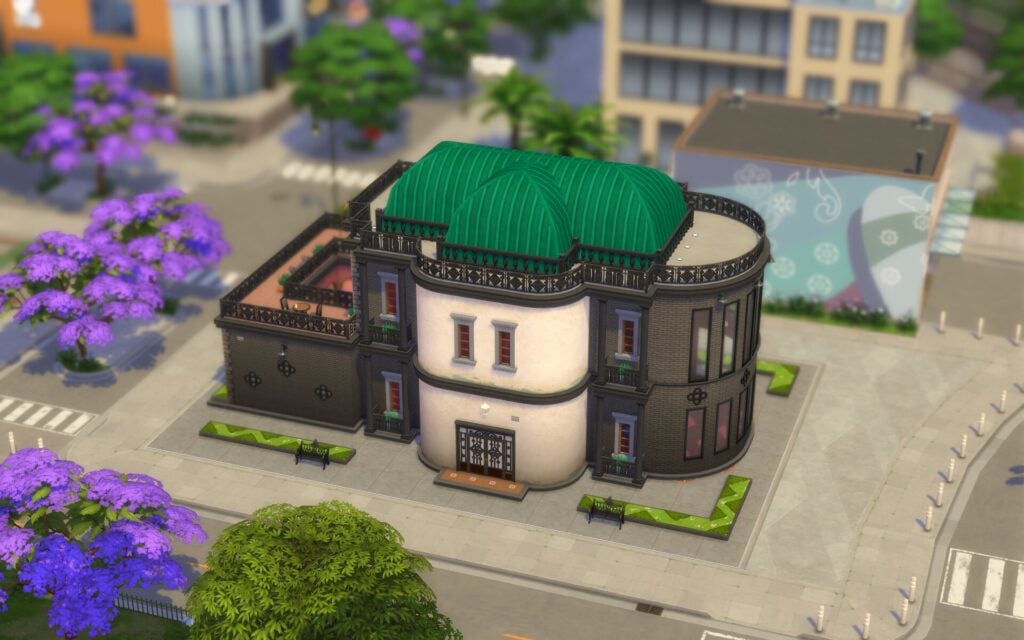
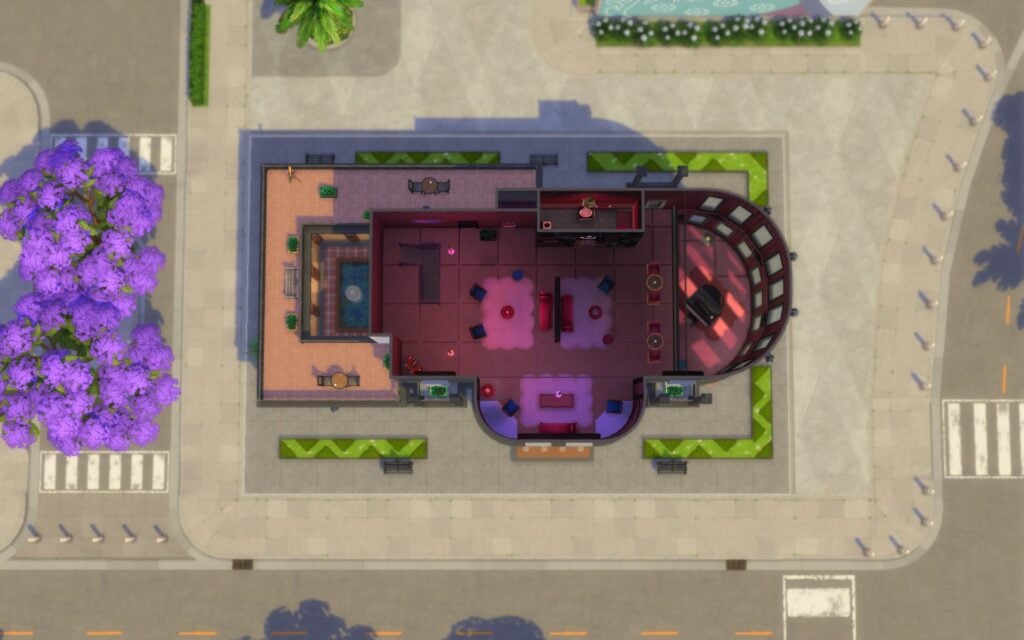
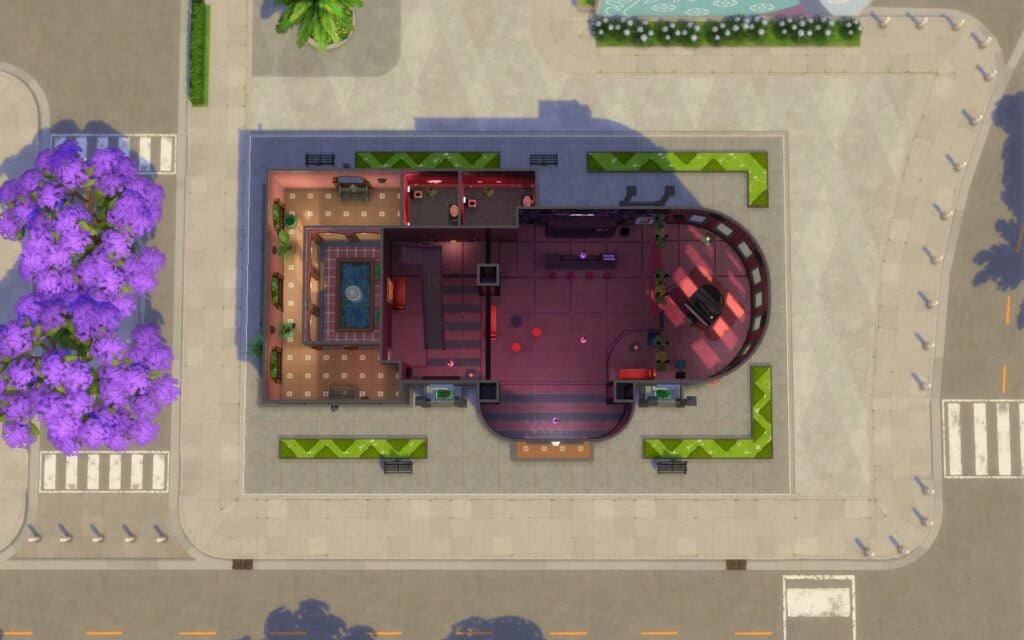
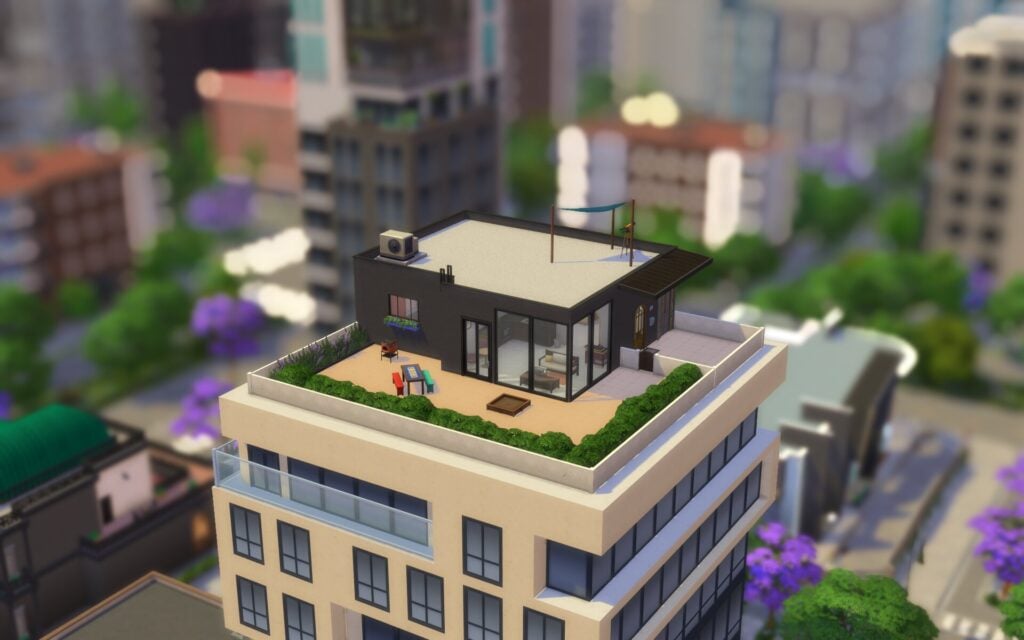
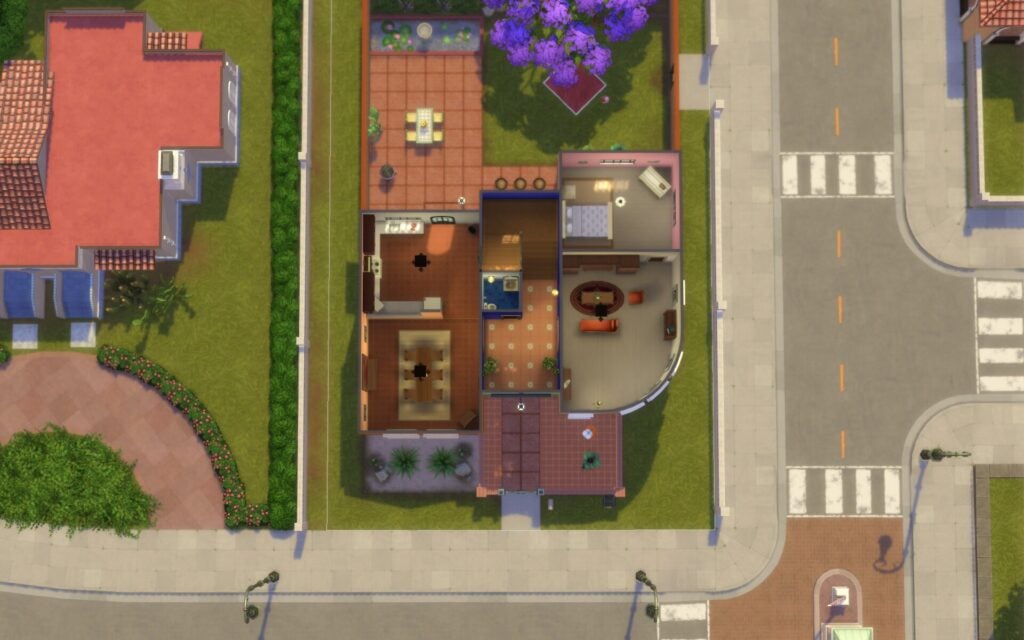
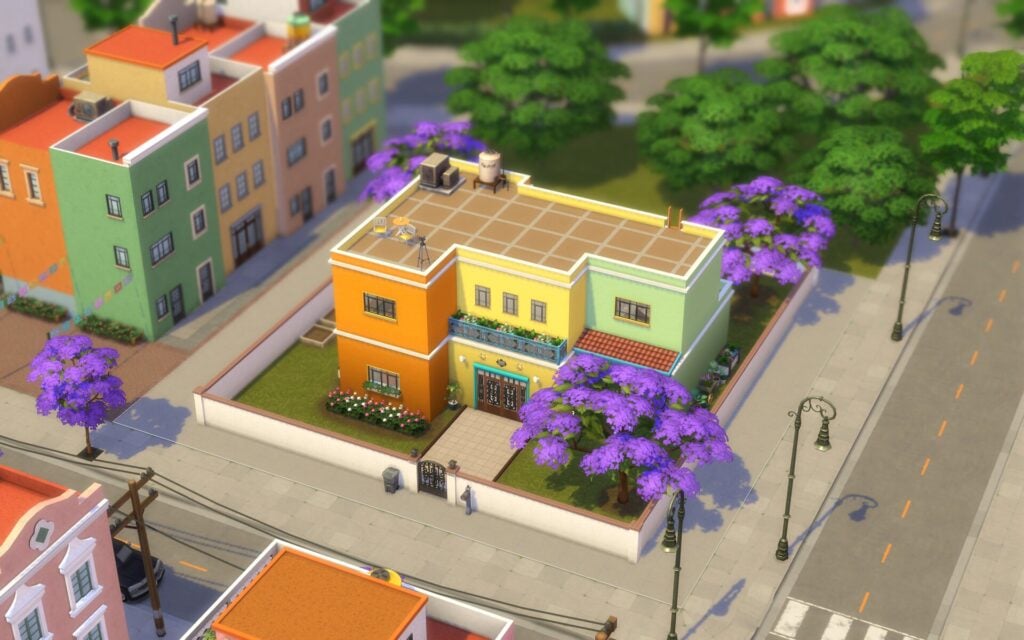
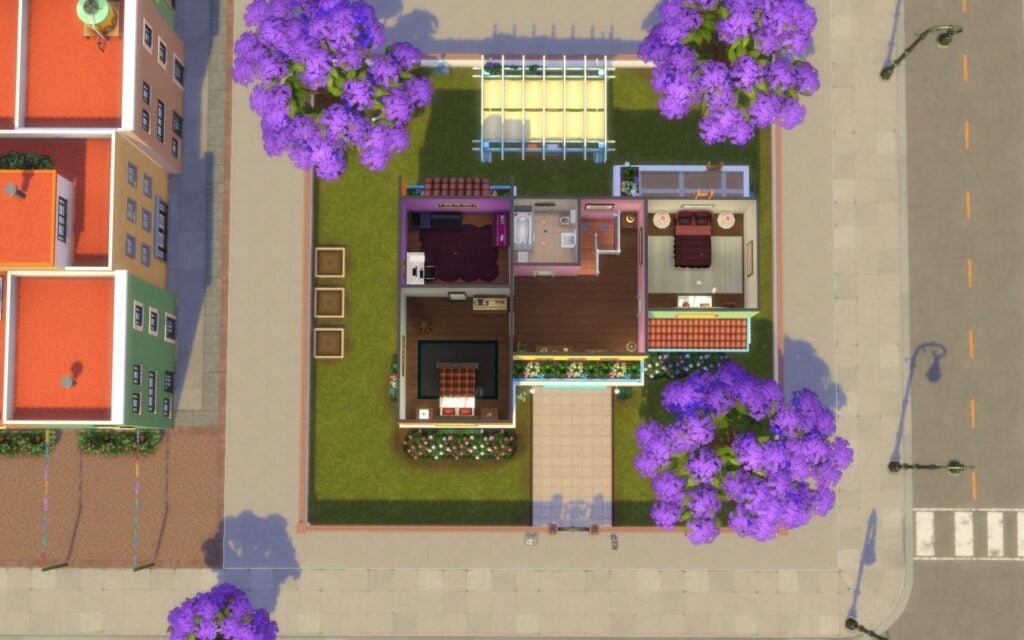
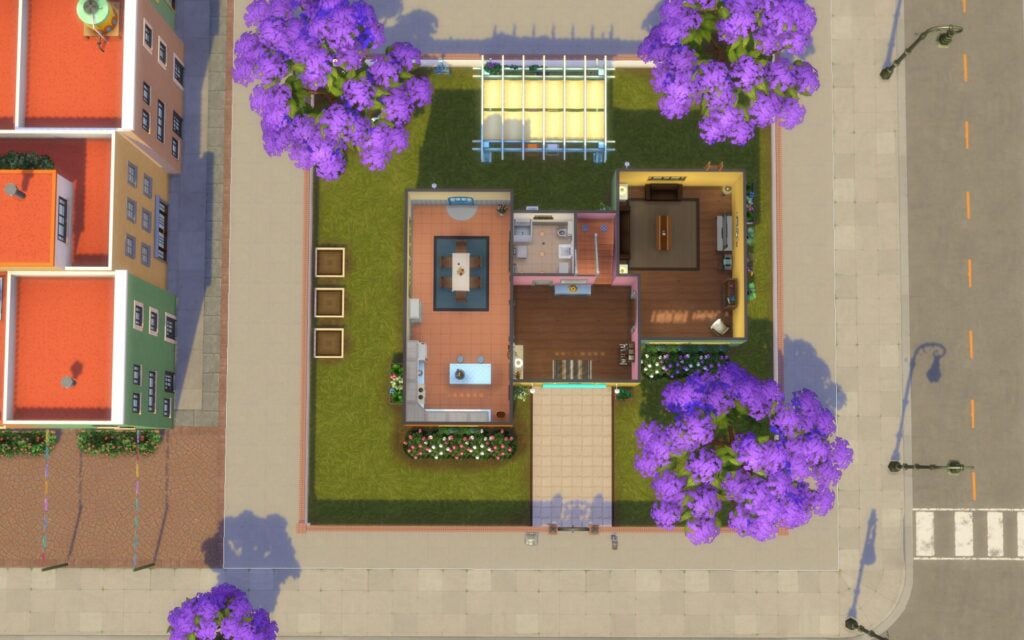
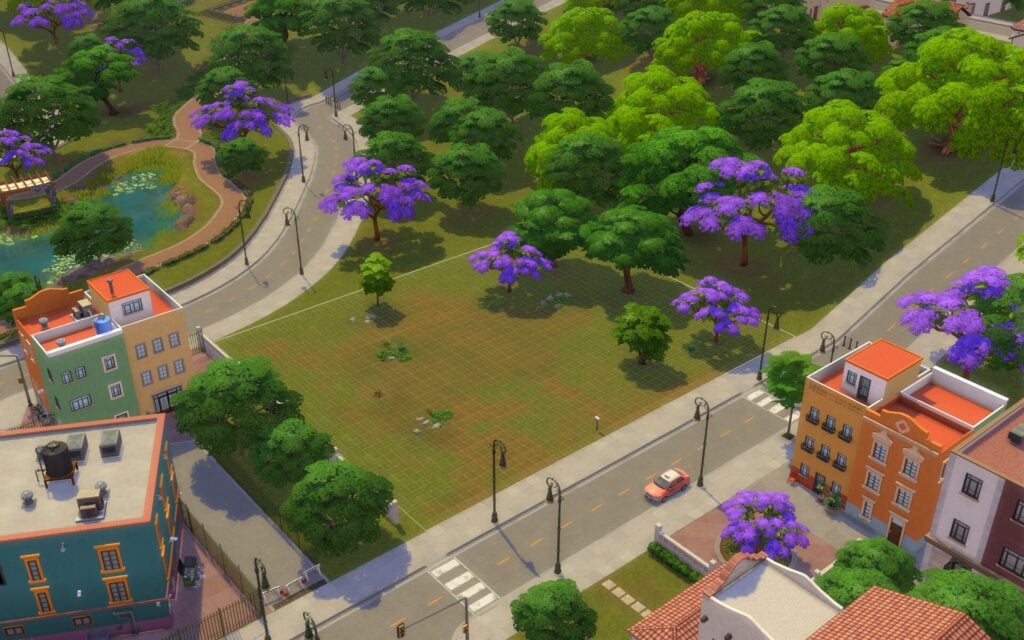
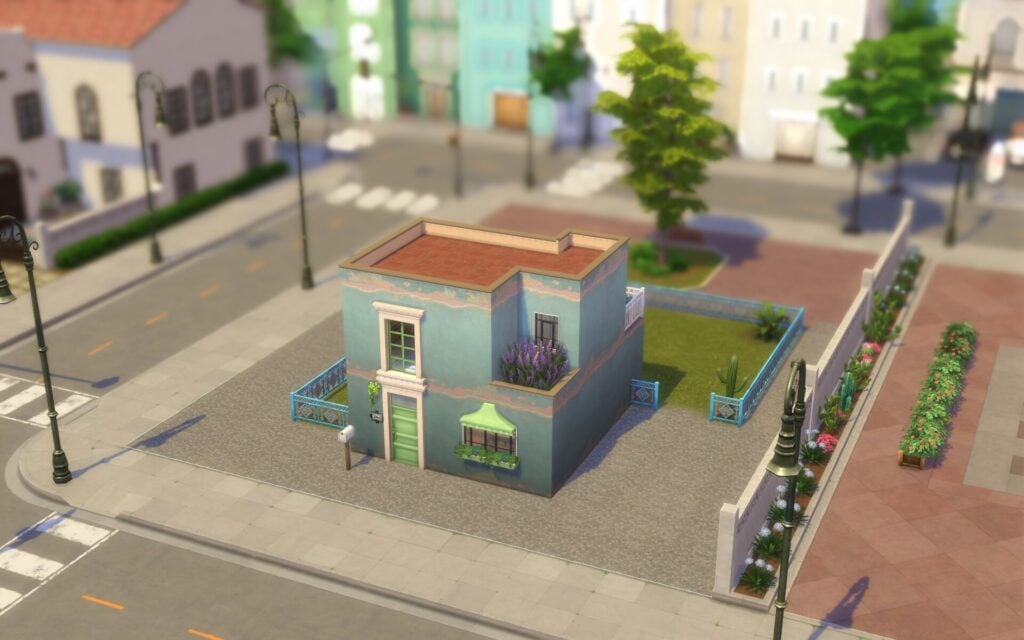
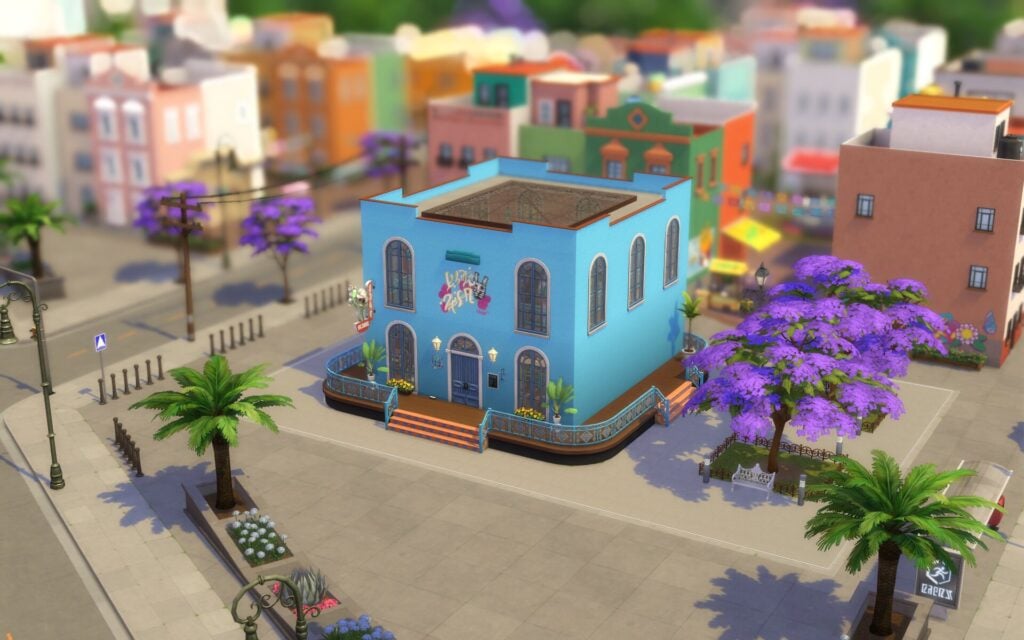
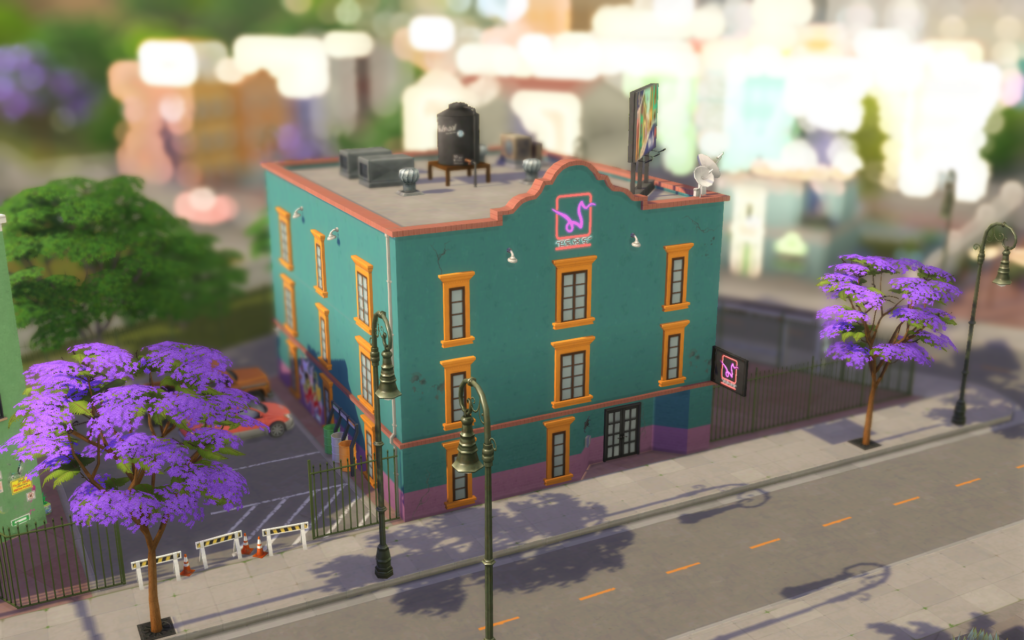
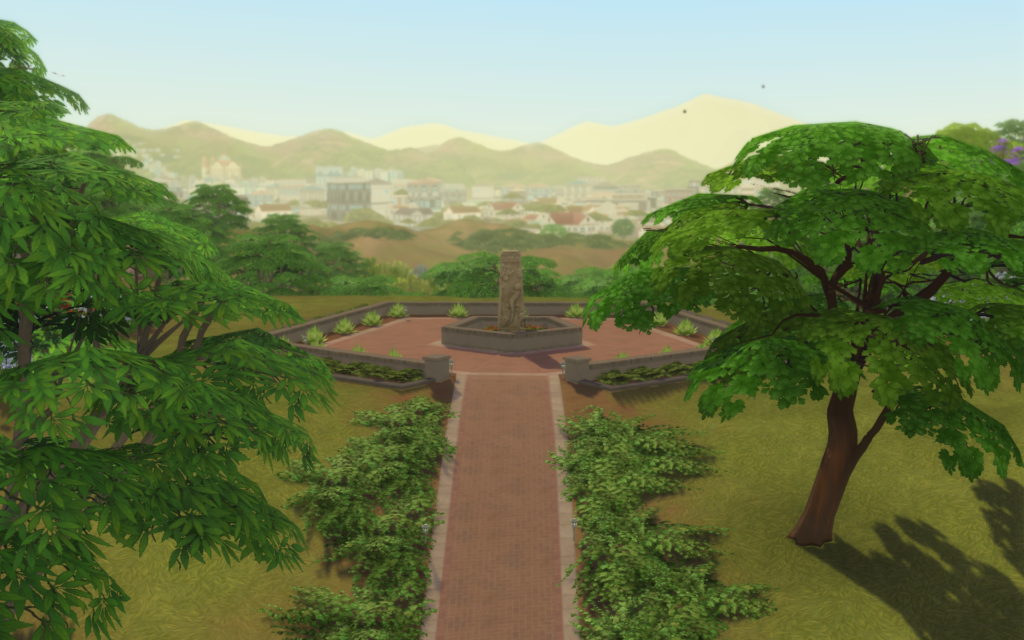
Cozy Coffee and Modern Basics Sims 4 Maker Packs have just hit The Marketplace!
ARTICLE UPDATE: The Sims 4 Cozy Coffee Maker Pack has been updated to a new price – from 6USD to 5USD – or 500 Moola.
The day after this price change the creator behind this set, icemunmun, released this statement on their Patreon profile:
Hello after the release of my marketplace set I have received some questions and criticism so I would like to answer some stuff –
I participated because –
I was asked and have worked with EA on a few projects earlier
Tool appeared quite interesting – sort of a challenge to make do with smaller polycount and textures even though stuff was non functional. I had a lot of ideas for decor which does not fit my usual mods.
I had intense FOMO. I just knew I would have died if I refused and then saw others participating so I decided to participate ( Same thing always happens in real life!!)
Price Concerns –
I had requested a price change a while back which was reflected sometime after the release.
I have heard the criticism about the high price and IF I make other sets later I will price them accordingly
Source: icemunmun
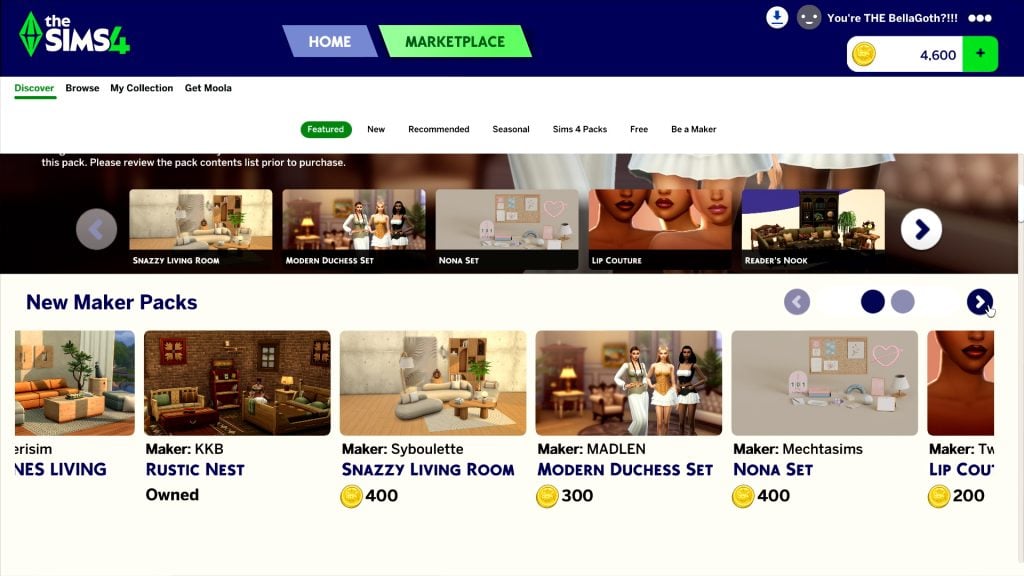
The Sims 4 Marketplace has just been upgraded with two new Sims 4 Maker Packs. This time from two new Makers added to The Marketplace – icemunmun and Miiko.
One of the new Sims 4 Maker Packs is the Cozy Coffee Maker Set, retailing at 6USD and bringing new coffee and bakery decor to the game. The other Set is titled Modern Basics and introduces new CAS fashion for 3USD.
Discover all the features of these two new Sims 4 Maker Packs down below:
Table of Contents
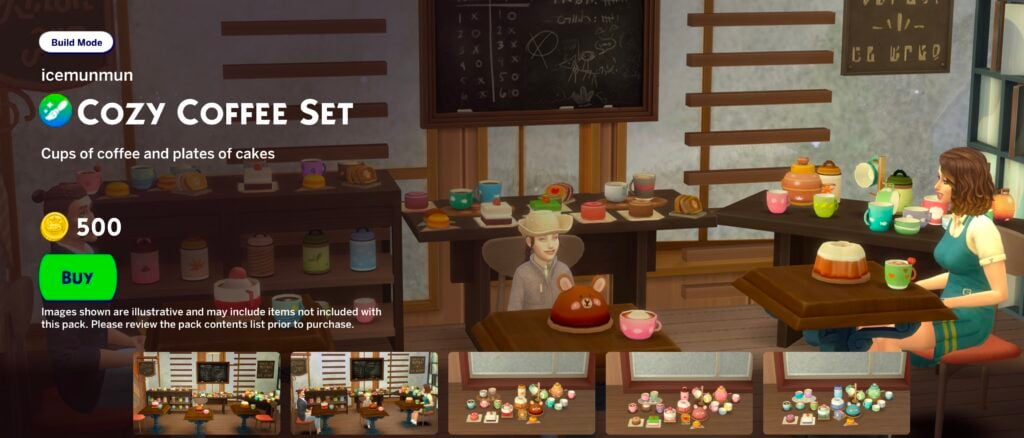
The Sims 4 Cozy Coffee Maker Pack by Icemunmun
Features
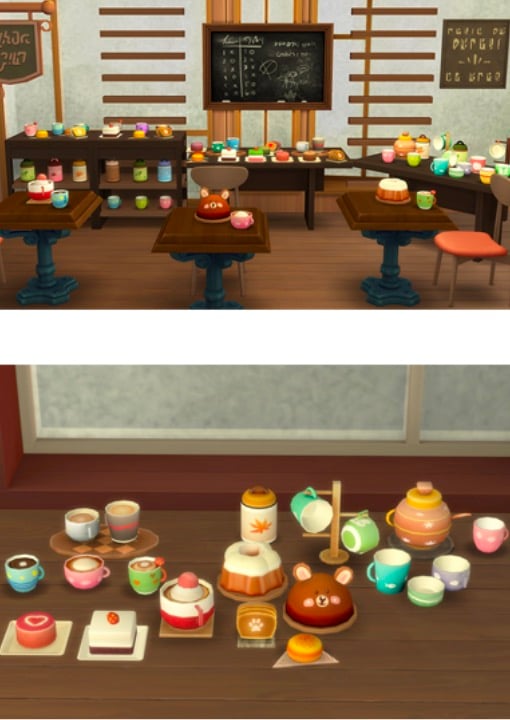
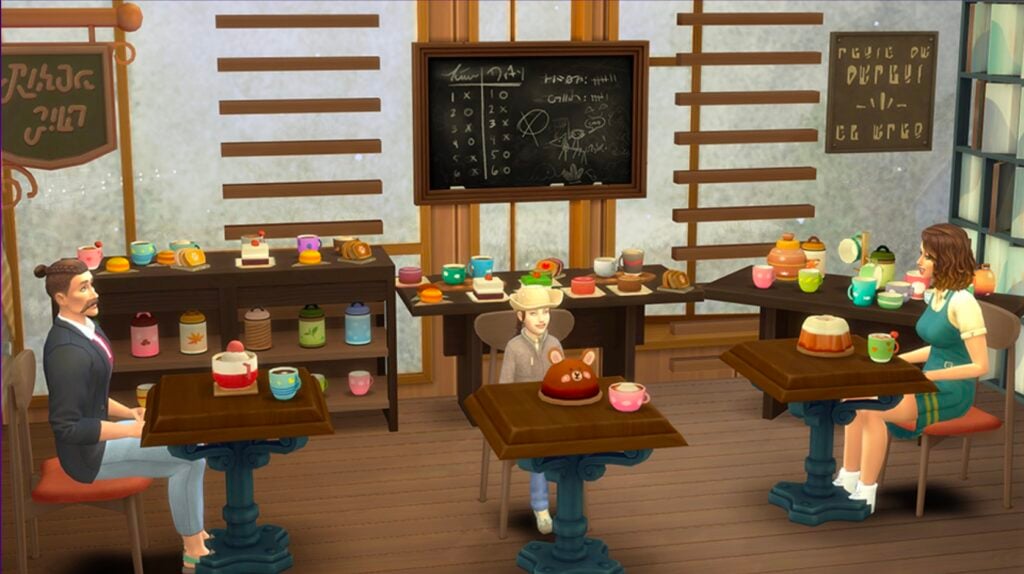
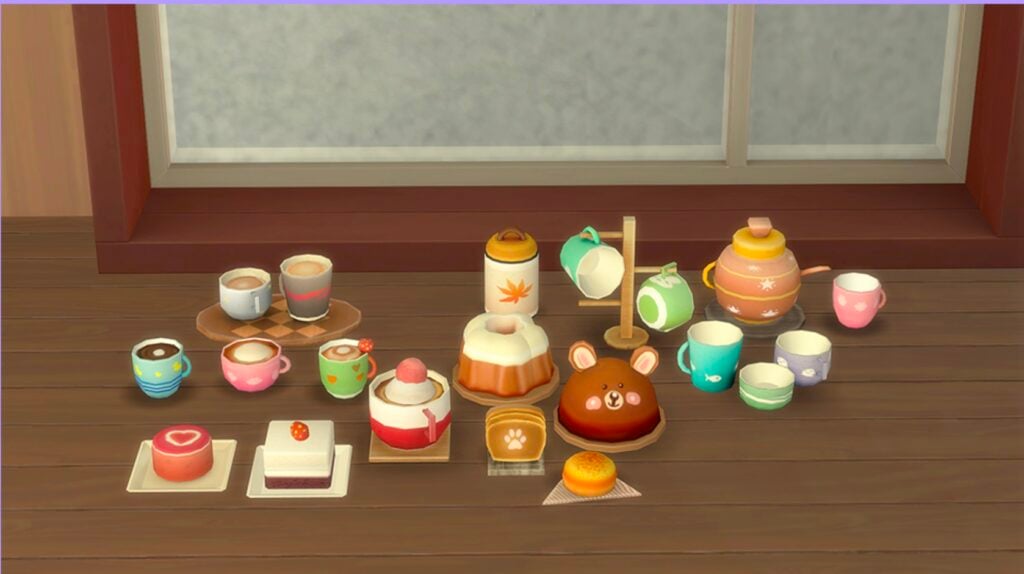
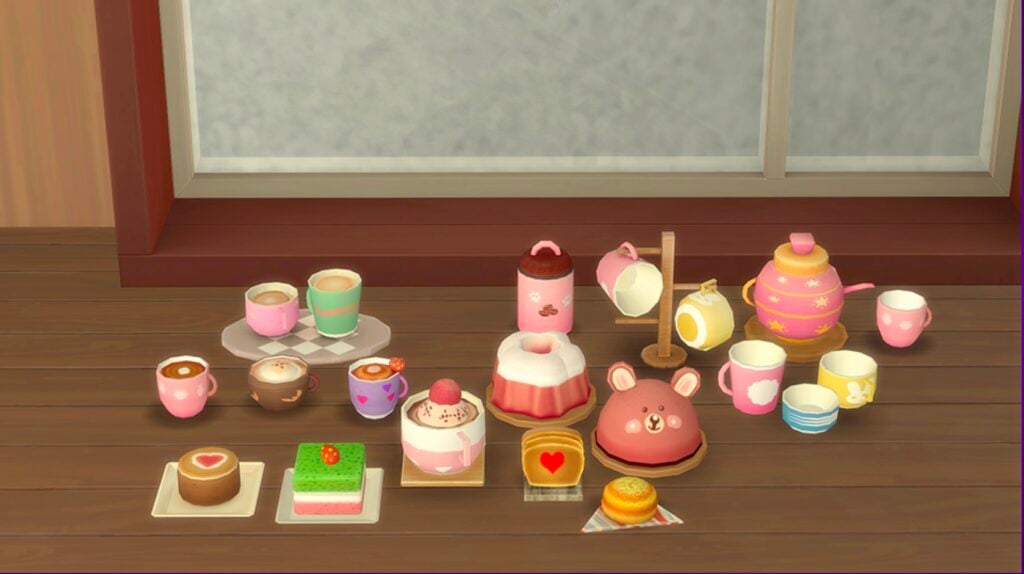
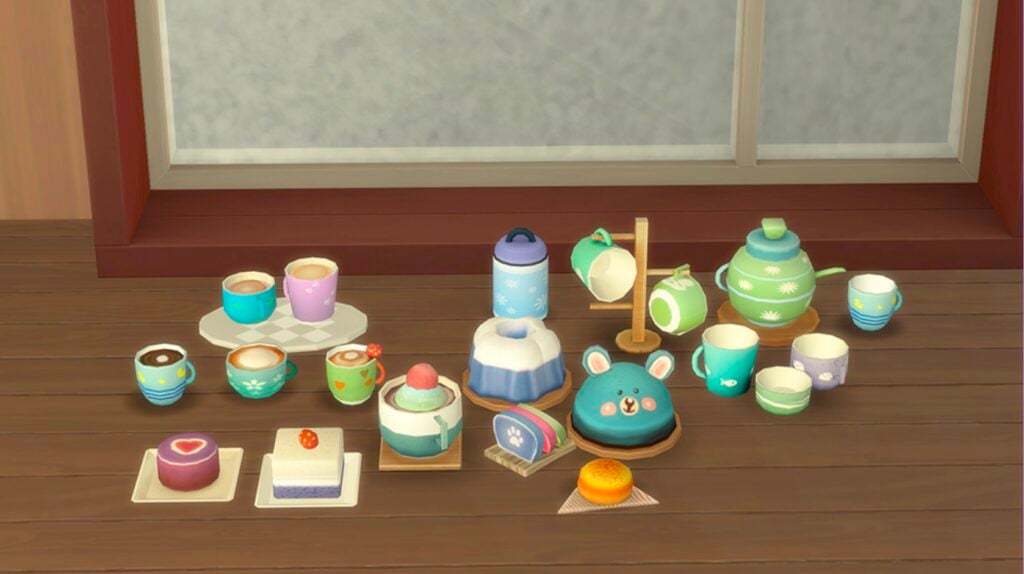
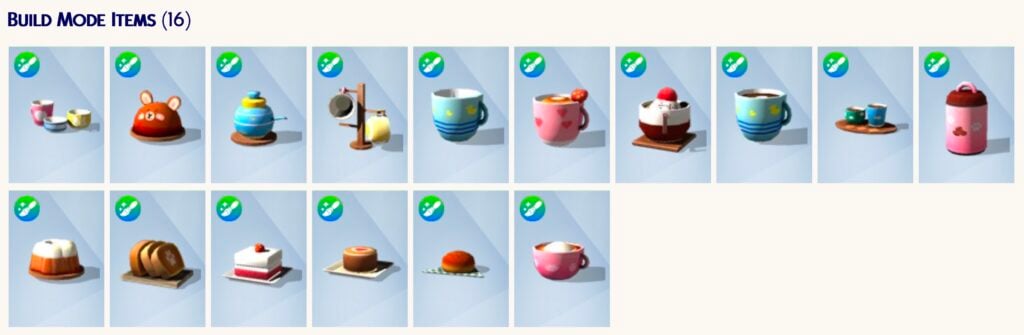
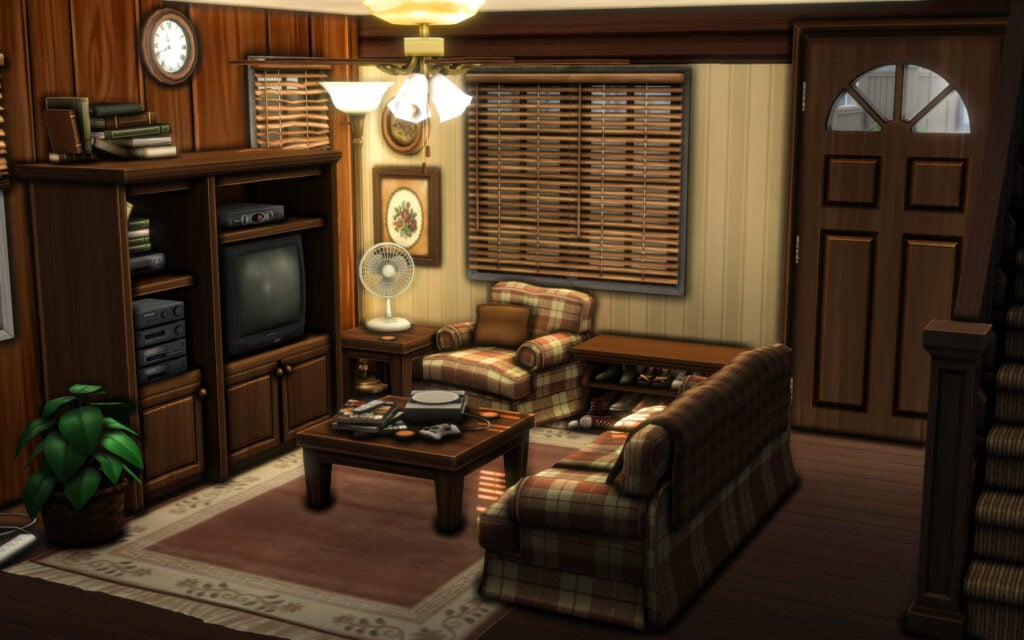
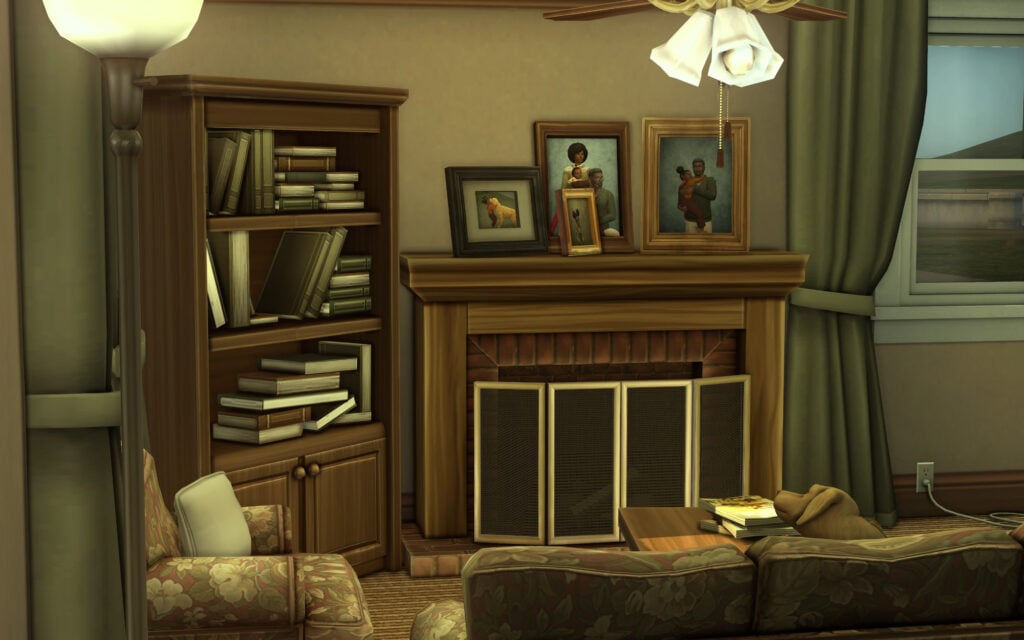
Can you smell the coffee ? Embrace the casual caffeinated lifestyle and transform any room into a cafe or a cozy hangout for friends! The Cozy coffee set includes a decorative coffeepot, coffee tin, cup stand, empty cups as well as full cups of fresh brew and warm baked sweet goodies. From a morning cuppa to a cute bear cake, this set will inject some fun and colourful accents to your room.
Cozy Coffee – Cups and Cakes
Style out your cafe with cofee inspired decor.
Empty and full coffee cups
Furnish your kitchen with charming coffee and treats decor.
Cozy Coffee flavours and pastel treats
Transform your cafe with themed pastel beverages and treats.
Bright and cheerful cakes & beverages
Design a bright cheerful hangout with gameplay focused decor.
Items Preview
Price: 600 Moola – Now 500 Moola
The Sims 4 Modern Basics Maker Pack by Miiko
Features
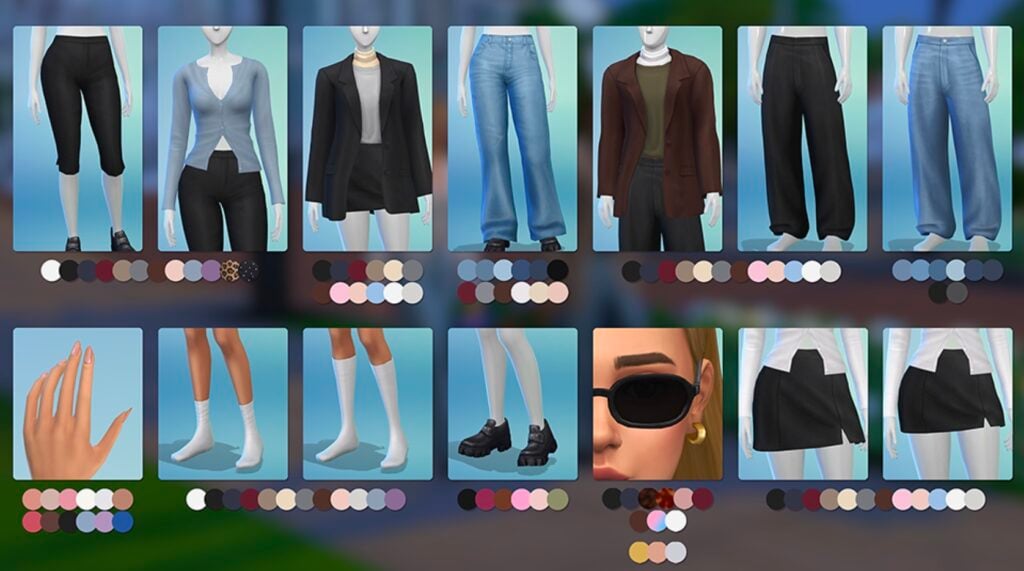
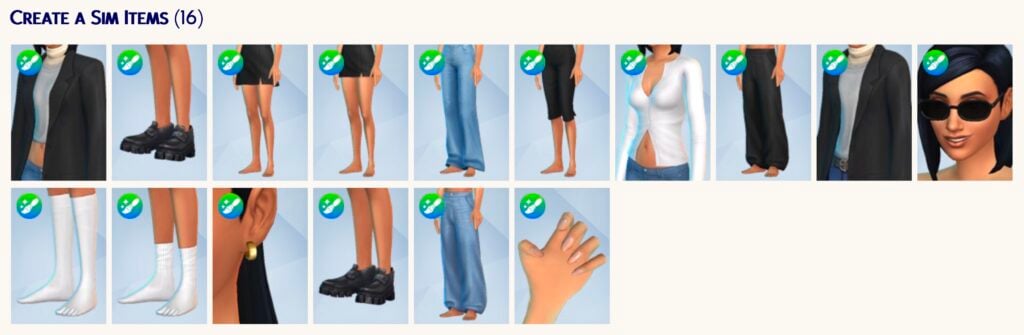
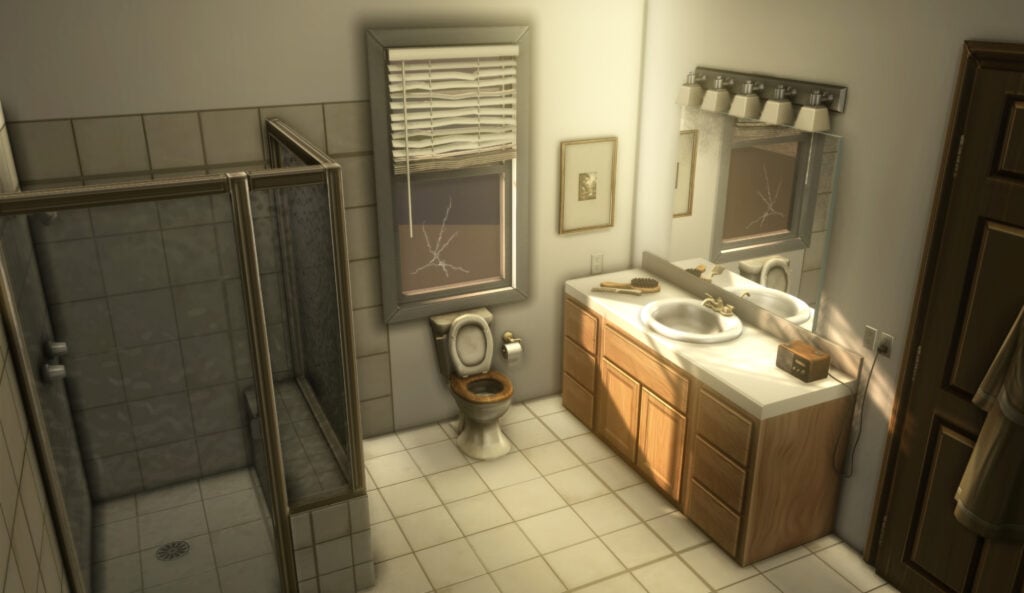
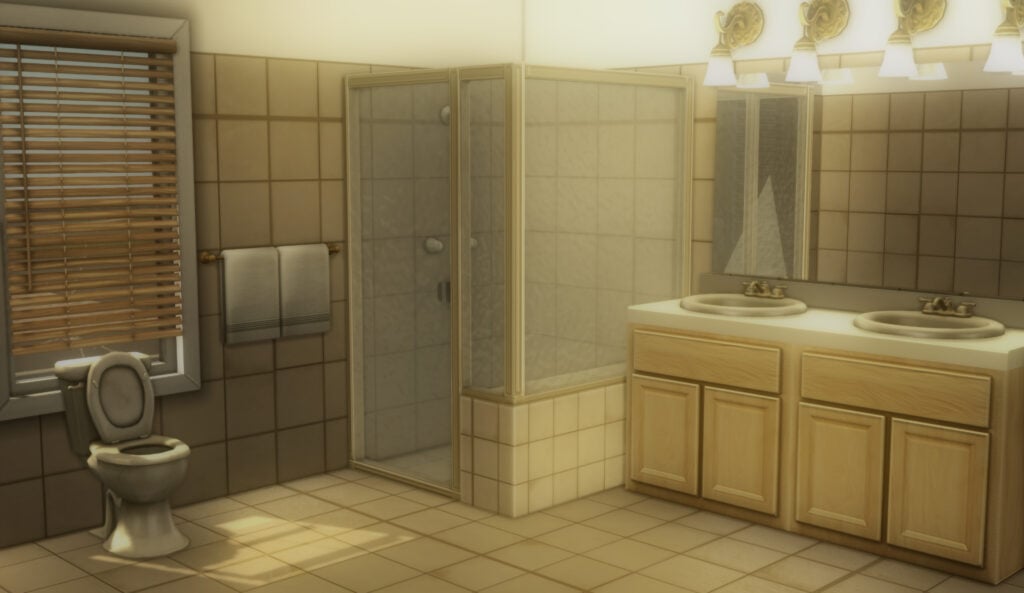
A Create-a-Sim collection inspired by off-duty model style, modern streetwear, and capsule wardrobes. Featuring oversized silhouettes, gold earrings, glazed nails & more! This set is focused on versatile pieces that can be combined in different ways for both casual and sleek looks.
Listing pieces and swatches
Tops, bottoms, nails, shoes and accessories in varied colors.
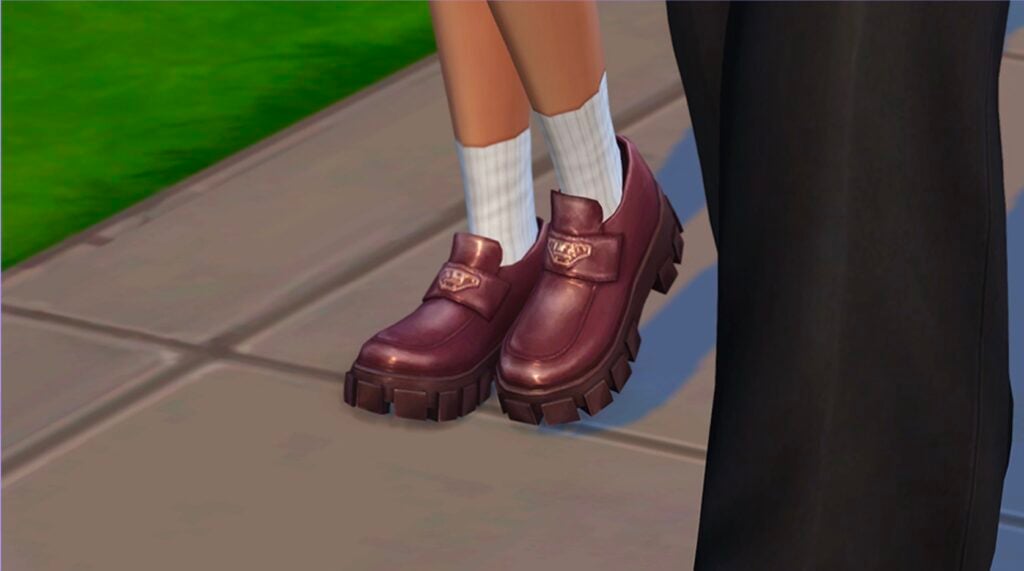
Chunky loafers
Platform loafers with a shiny texture and thick, detailed soles.
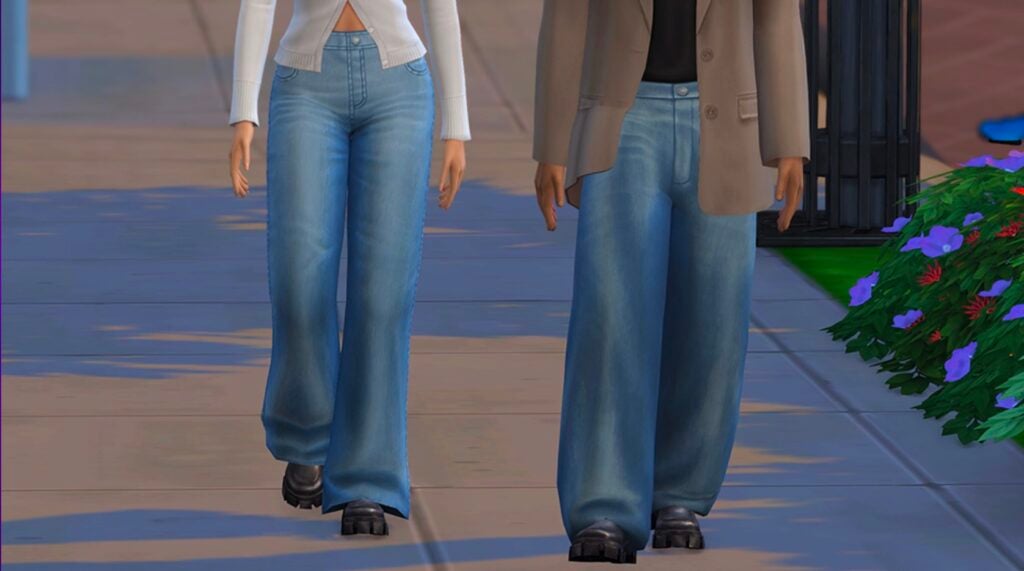
Jeans
Comfortable, versatile jeans are wardrobe essentials.
Items Preview
Price: 300 Moola
Both sets / packs are currently only available through The Sims 4 Marketplace, which is currently only available for PC and Mac.
What are your thoughts about the latest Sims 4 Maker Packs added to The Marketplace today? Join the conversations down below and stay tuned for more coverage on The Sims 4 Marketplace!
Is The Sims 4‘s Build Mode just not “doing it” for you right now? Do you feel like you need to spread your wings and try a new virtual home renovation experience? And, most importantly, you need it to be with your budget? Well, you’re in luck! Because this article is most certainly for you.
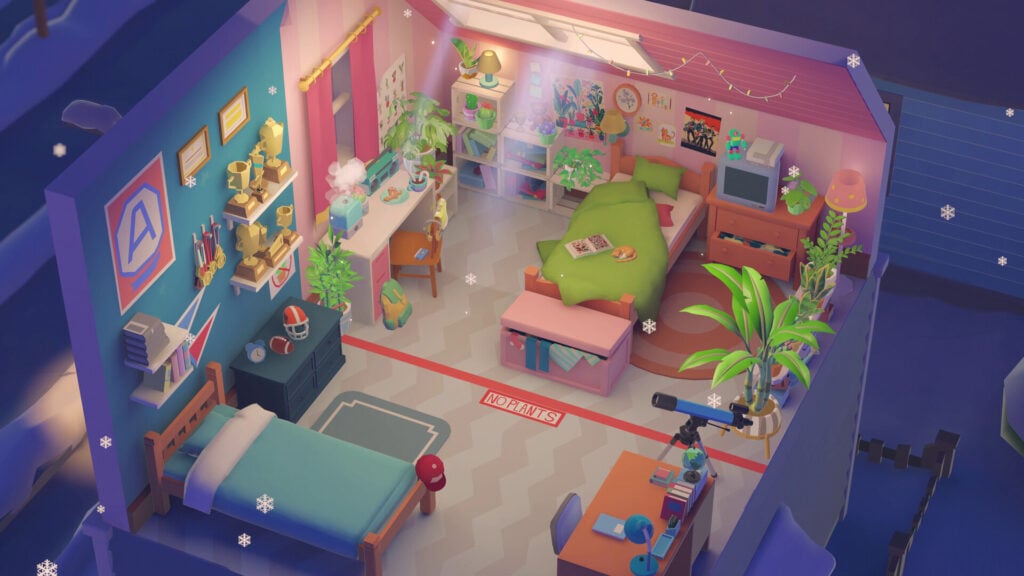
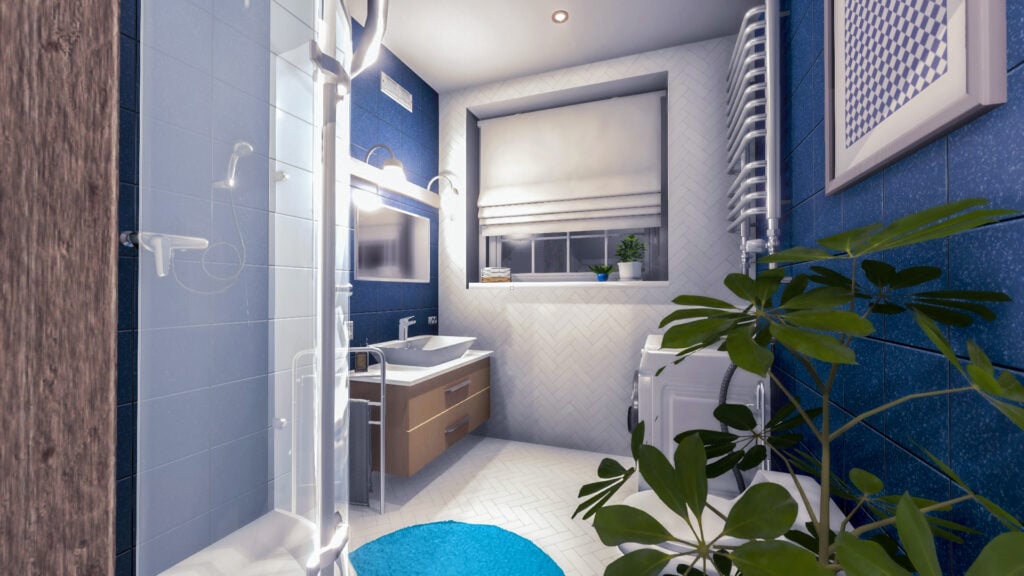
From March 31st, 2026 to April 6th, 2026 Steam is currently hosting it’s House and Home Fest—one of it’s many themed sales. House and Home Fest specifically being centered around games that Some are relaxing room builders with a “cozycute” vibe…and some are horror games set in haunted houses. This list will encompass a variety of games that are more at home within casual vibes of the life simulation genre. Though, of course, if you’re like me and love to get your spook on, I recommend sorting by ‘horror’ on the House and Home Fest page!
Be sure to check out some of our other simulation game articles to find your potential next gaming addiction!
Table of Contents
Our Recommendations for House and Home Fest
While this listing is numbered—I’m not doing a ranking. Each of these games has their own merits and I’ve tried to present a wide variety to account for a multitude of tastes. I’ve also made sure to sus out which games have demos available on Steam or not. Because, even if you fall in love at first trailer-viewing, it’s always good to test it out before you buy, right?
Please note that the prices listed are that of the current sale prices available during the House and Home Fest. If a mentioned demo is not bundled with it’s associated game on it’s page you can often find it via searching “[GAME] demo” in the Steam search bar.0
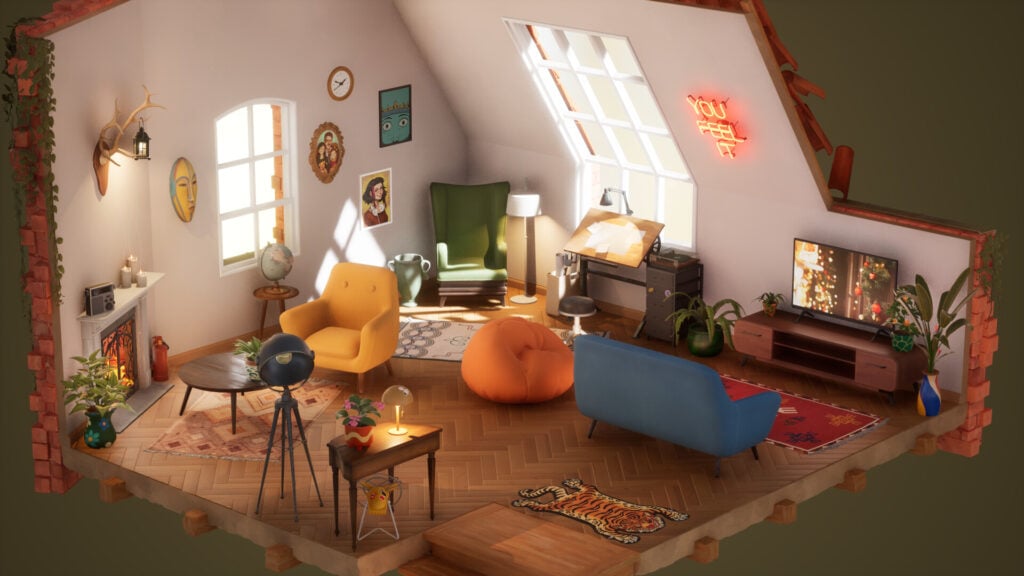
1) Little Corners
Is A Demo Available?: Yes
Price: $5.59
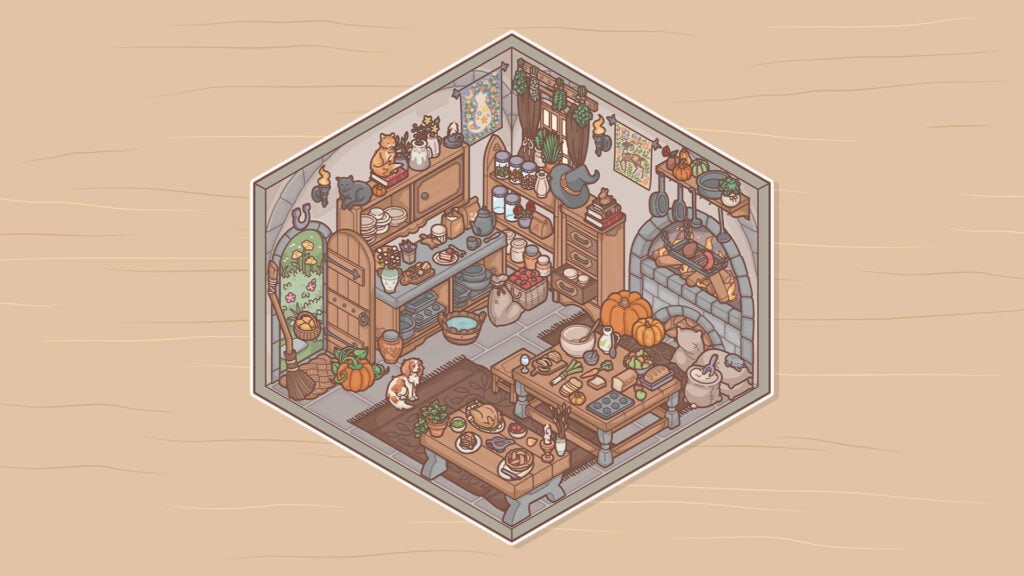
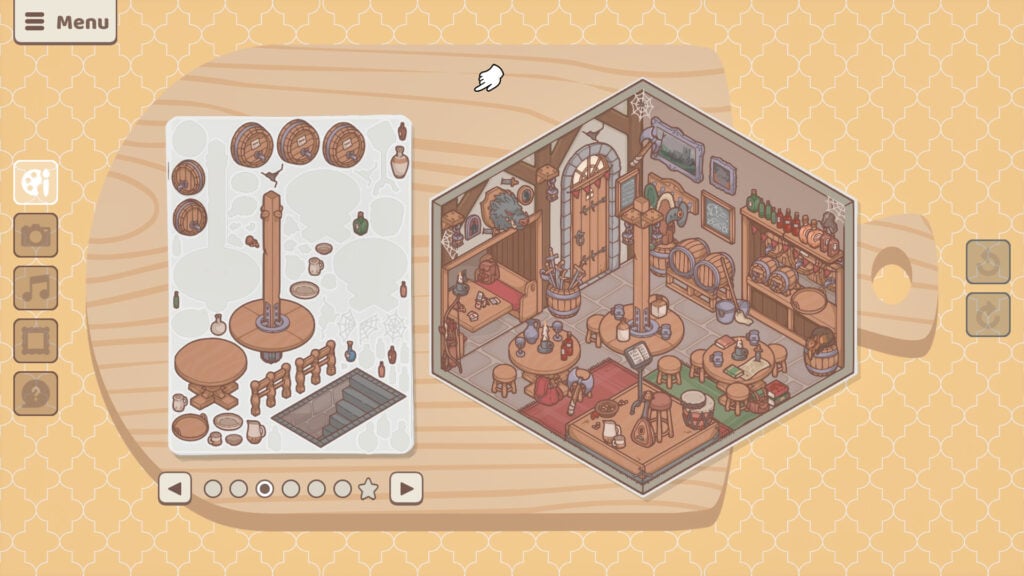
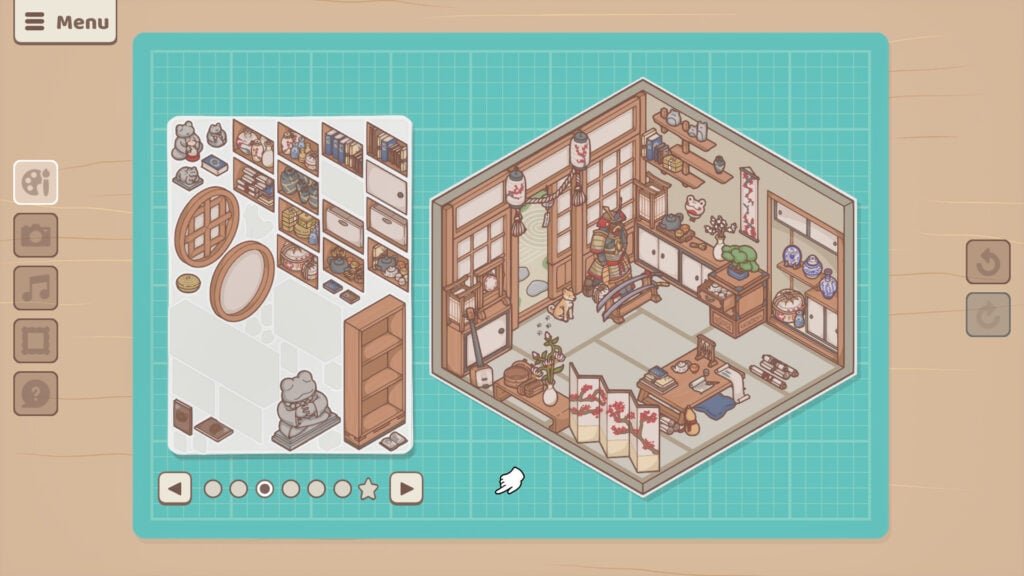
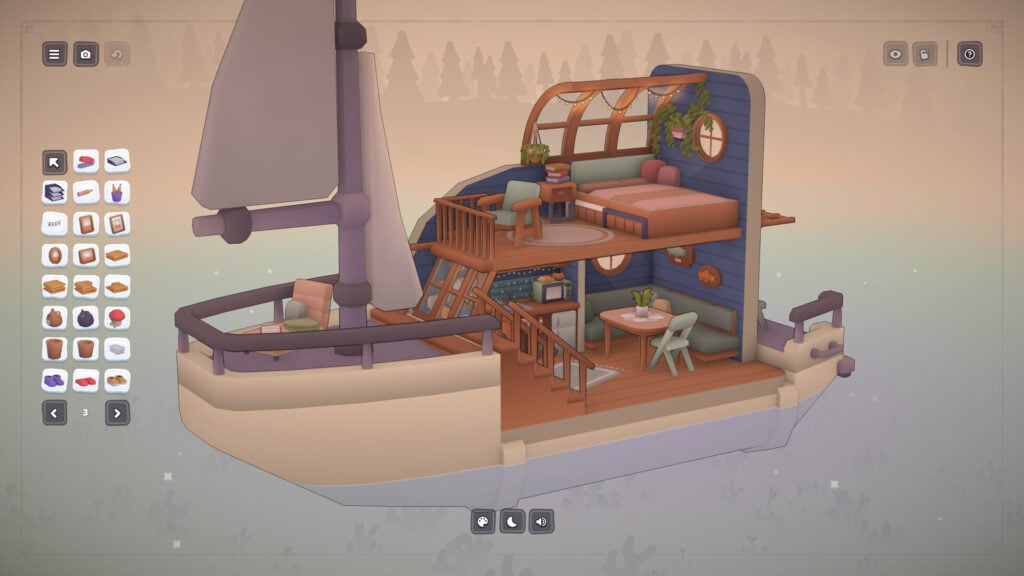
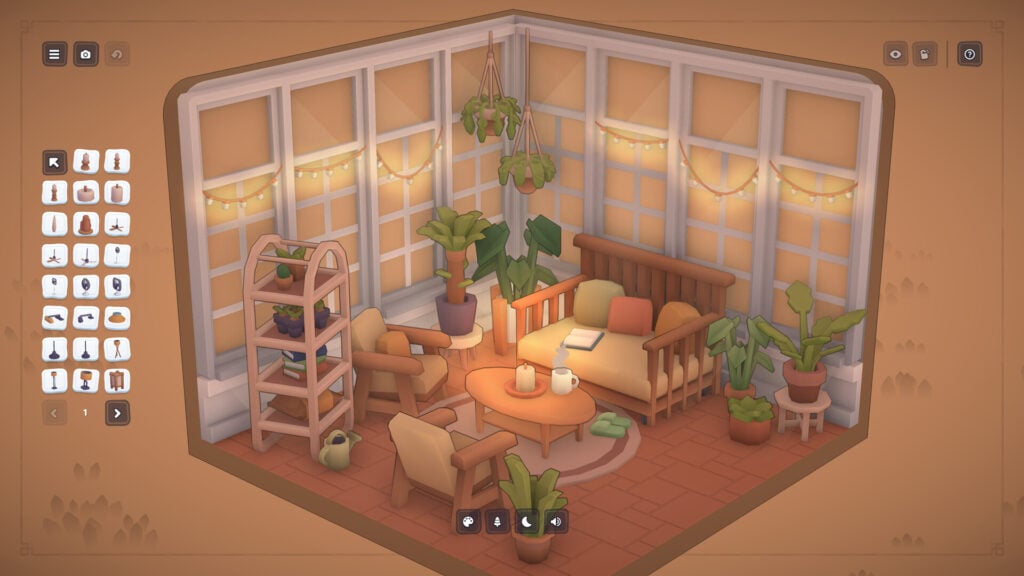
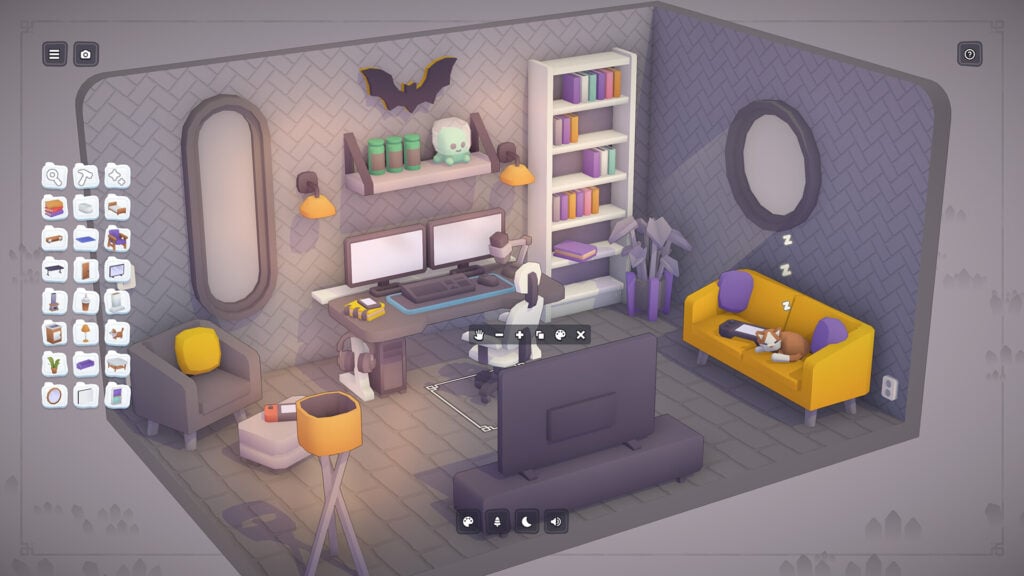
If you loved sticker books as a child than this whimsical room decorator is definitely for you. Combining an adorable art style with a fun array of room themes and styles it’ll keep you engaged and enriched for the duration of your playthrough. Not to mention the secrets spread across it’s dozens of achievements. Can you find them all?
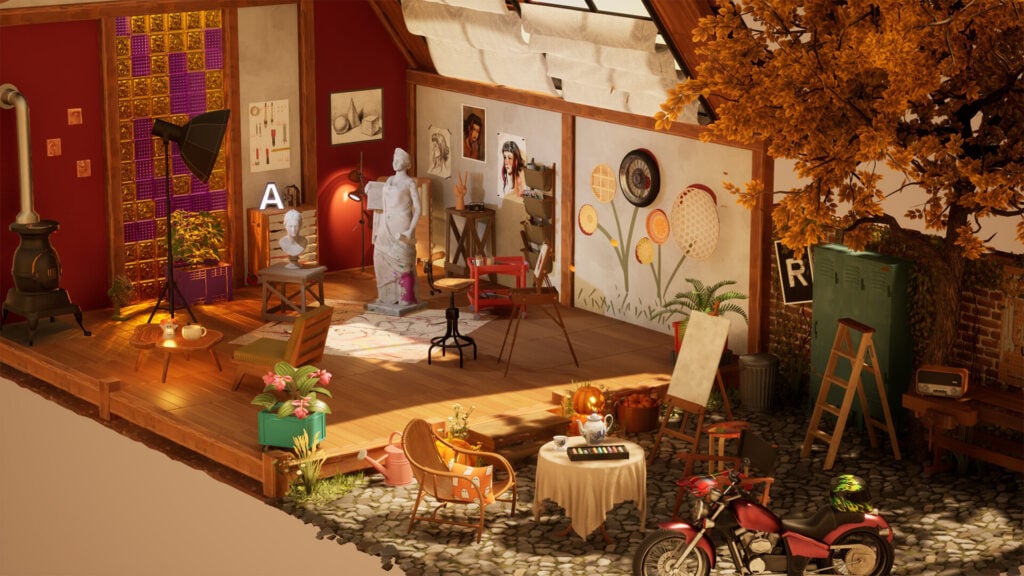
2) Twinkleby
Is A Demo Available?: Yes
Price: $8.49
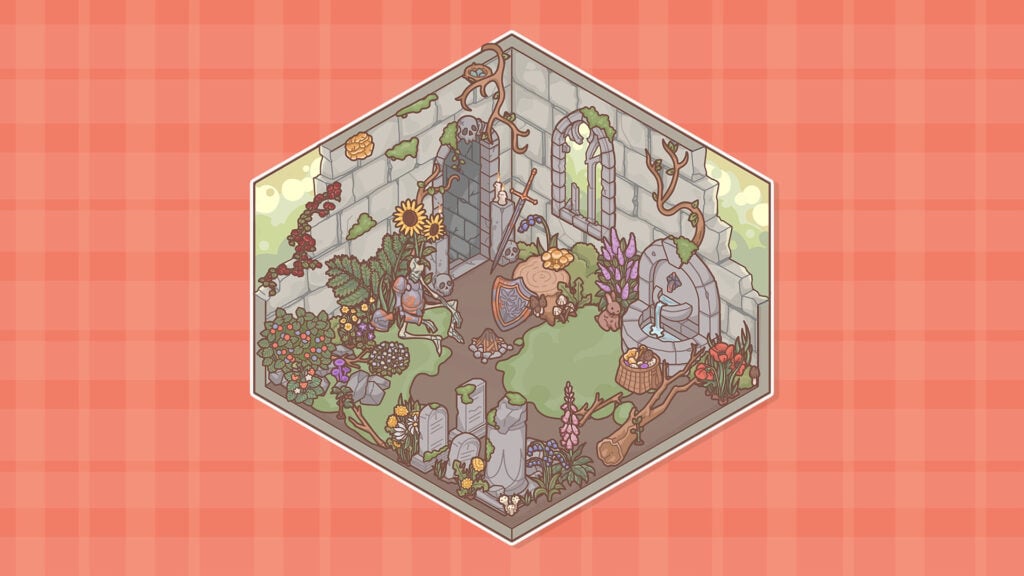
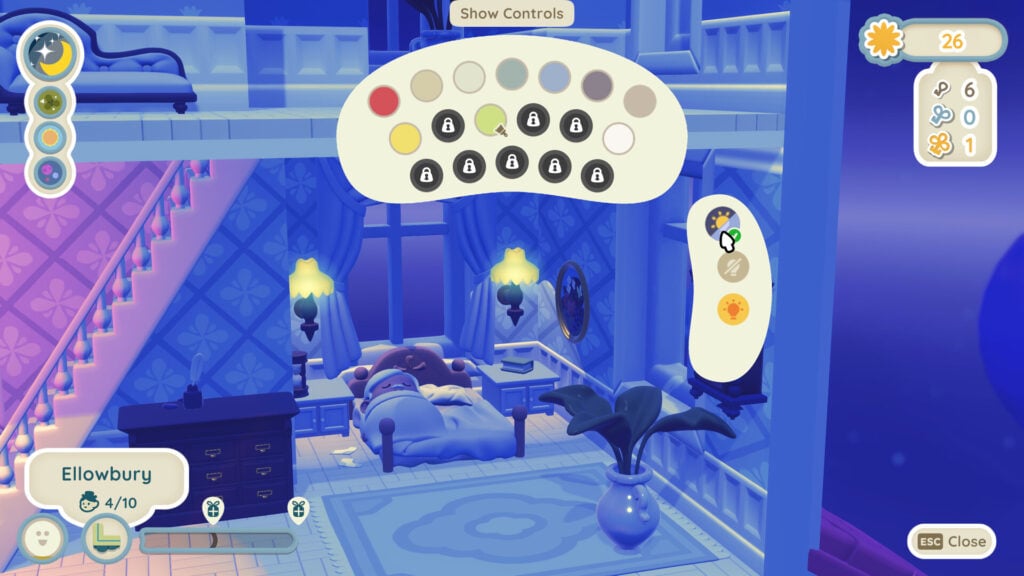
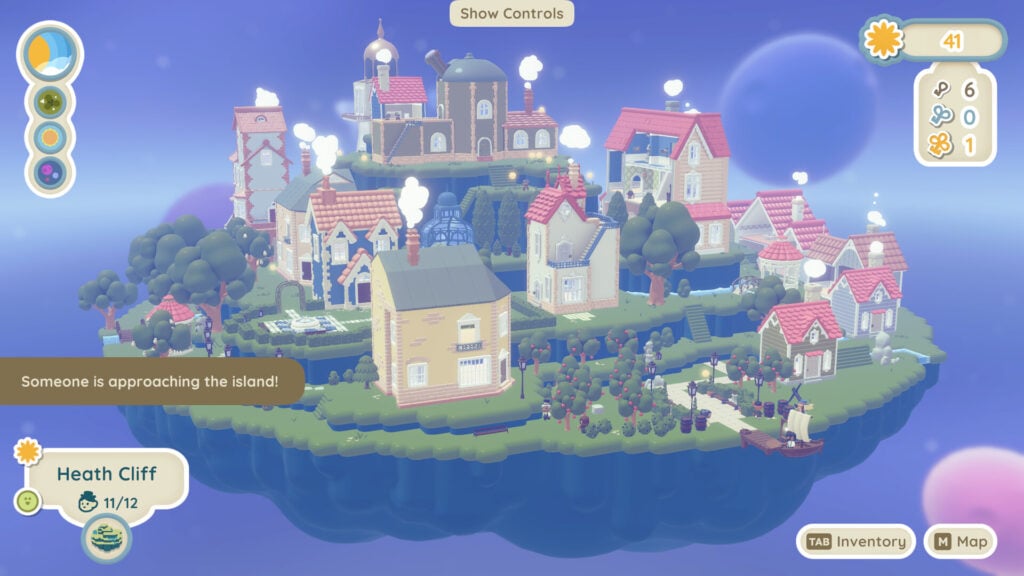
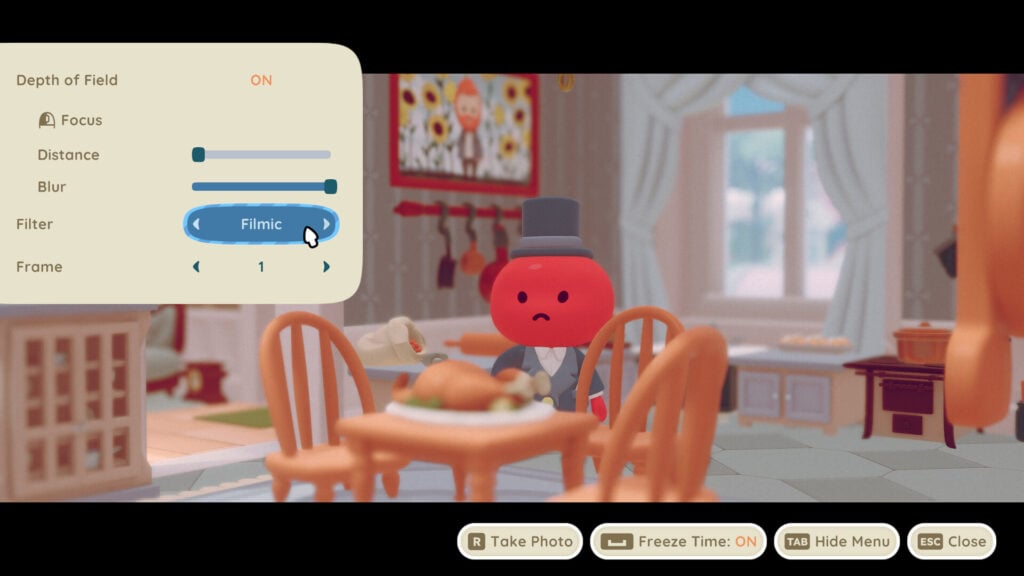
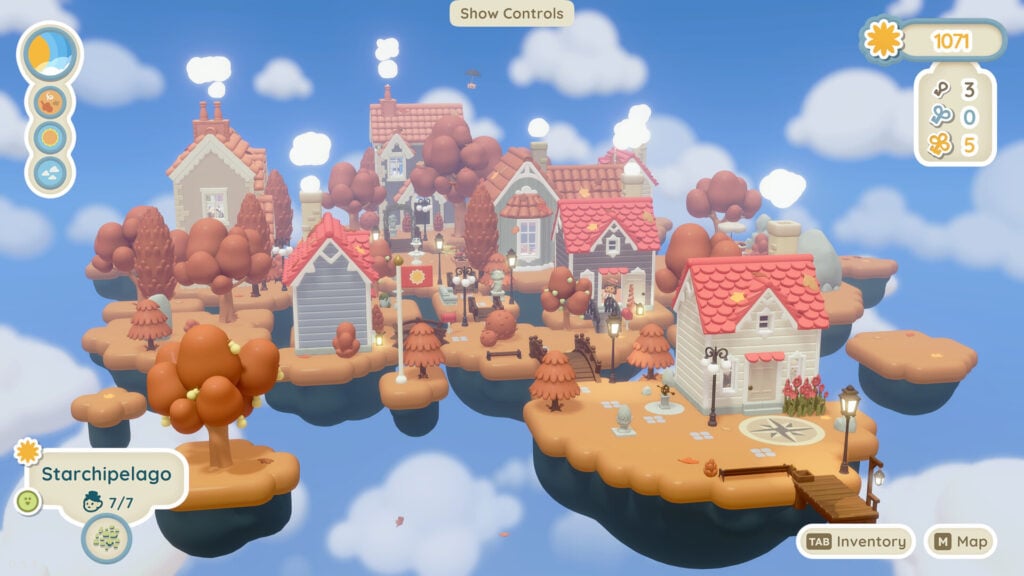
Twinkleby is a delightful little decoration game about moving adorable little Victorians into dollhouse-style homes on cloud islands. Which, of course, sounds like the cutest thing every, right? Progress through the archipelago in the sky collecting furniture, customizing the landscape, and giving these little people the home of their dreams…or not. Because you can totally evict if you don’t care for them. A feature we all wish was added in Animal Crossing: New Horizons.
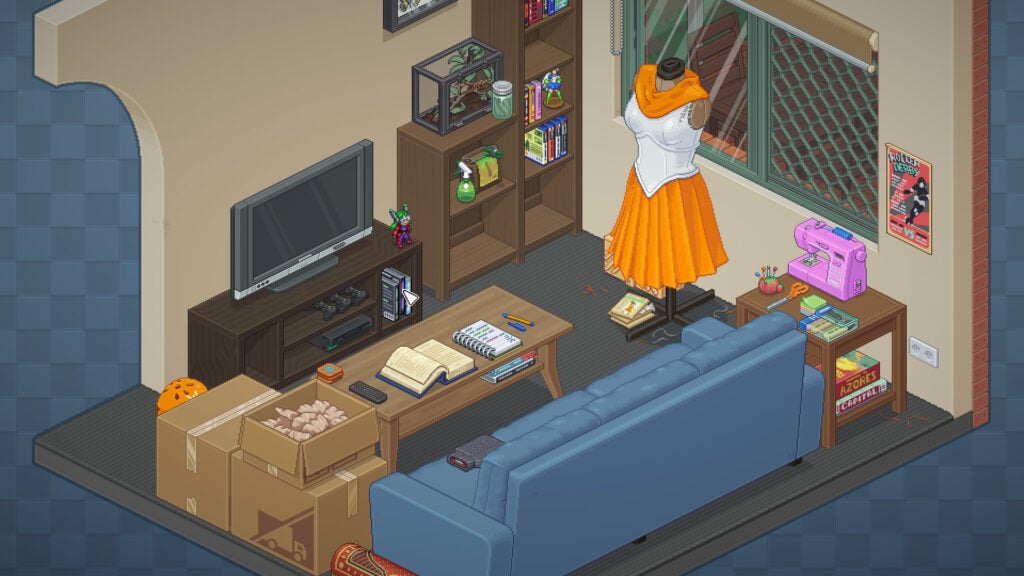
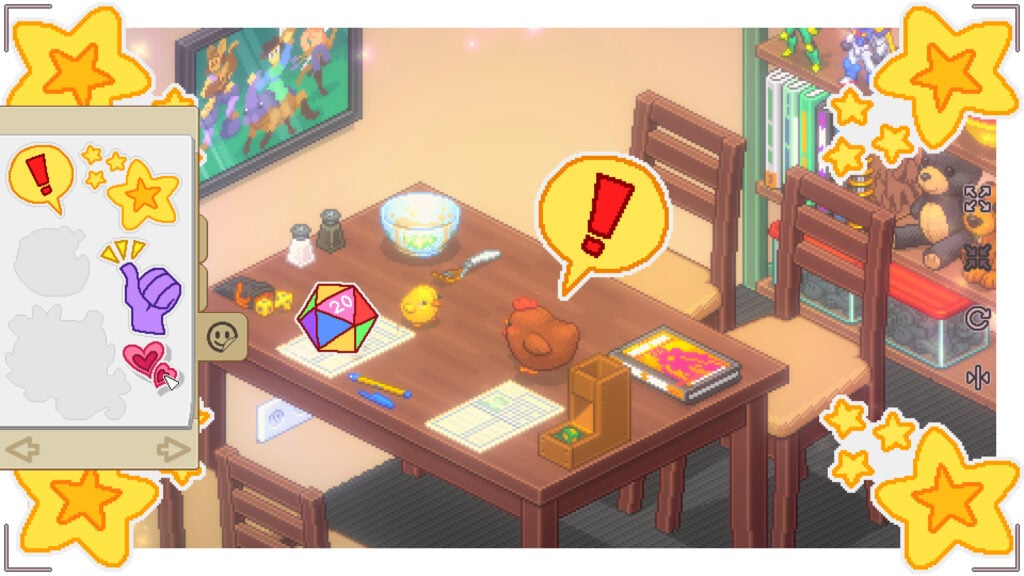
3) Unpacking
Is A Demo Available?: No
Price: $7.99
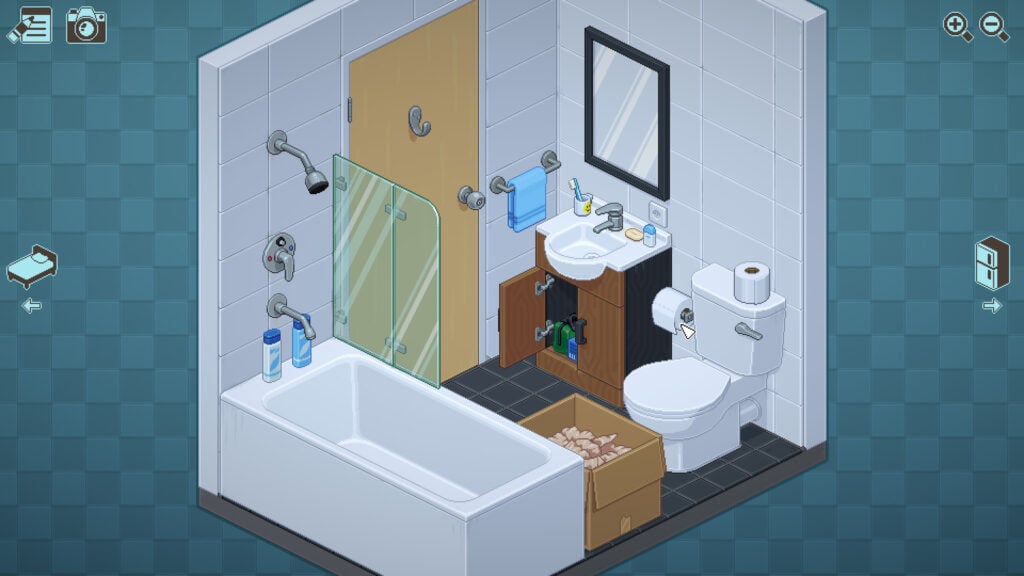
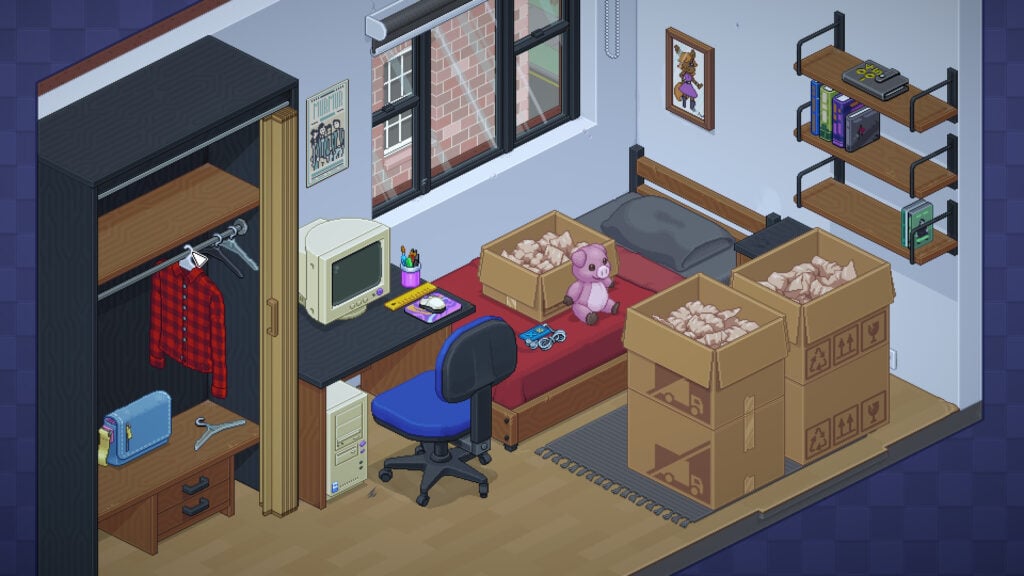
A personal favorite of mine; Unpacking is a 2D puzzle game where you literally unpack the belongs of an unseen protagonist over the course of their life and, while this game has no overt narrative, through it’s relaxing gameplay you’re gently nudged to place objects in locations that speak volumes without the use spoken words or readable text. If you enjoy chill gameplay and subtle storytelling this game is definitely a worthwhile experience.
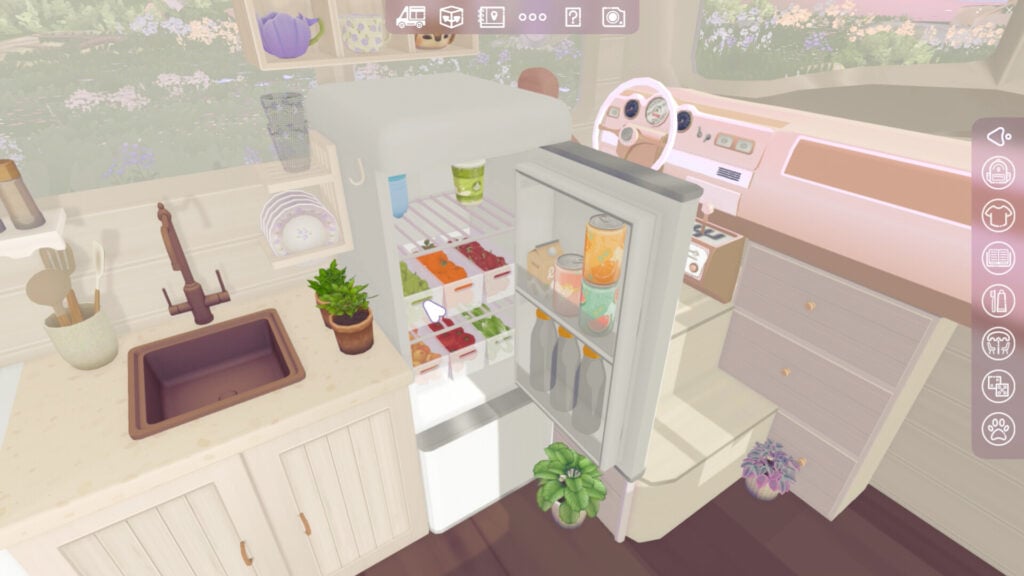
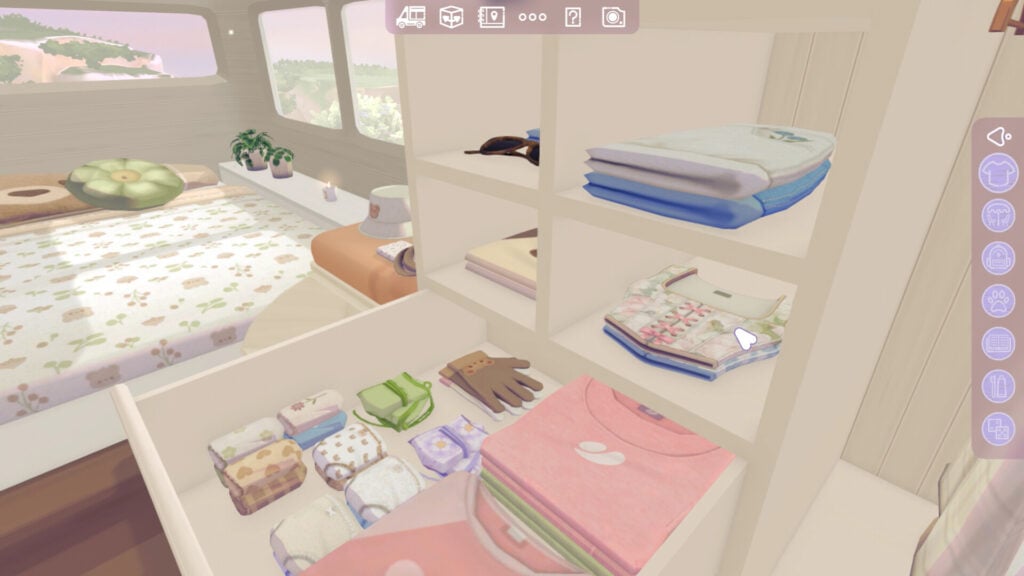
4) Camper Van: Make It Home
Is A Demo Available?: Yes
Price: $10.49
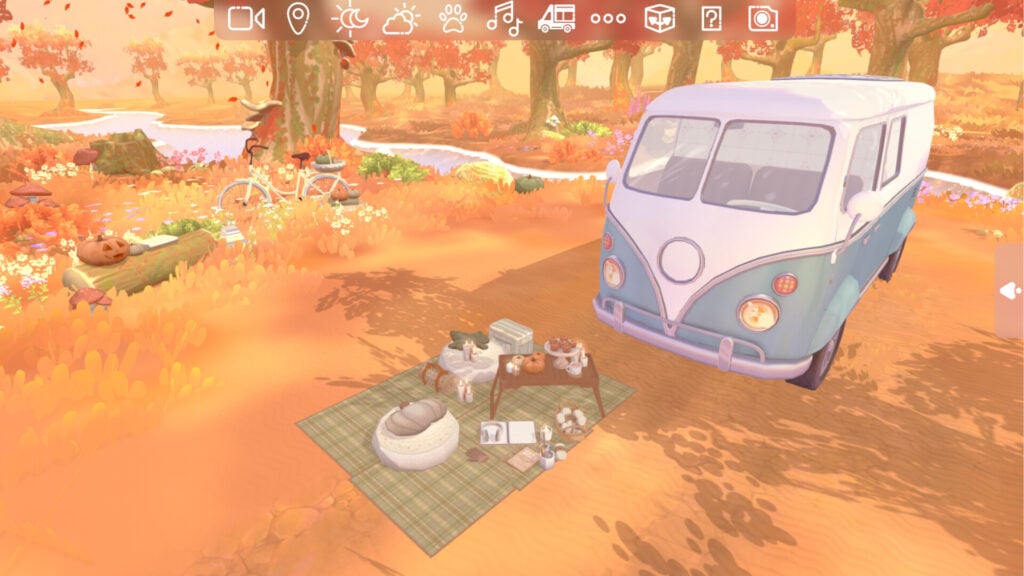
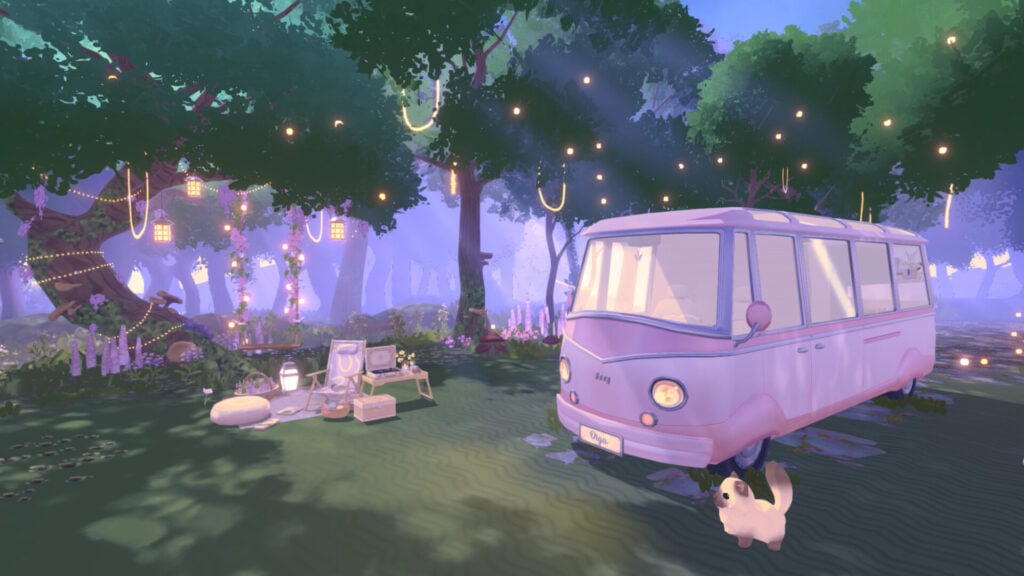
Did you get swept up in the #vanlife craze didn’t want to take the plunge, risk it all, and throw thousands into fixing up a cargo van? Well, with Camper Van: Make It Home you can create your dream van without any of the potential risk involved. Espousing a soothing combo of organization puzzles and interior design, progress across the map gathering new decorative items with your furry friends as you soup your Volkswagen and take on life on the road.
5) MakeRoom
Is A Demo Available?: No
Price: $9.99 (Not on sale, but included in the House and Home Fest Showcase)
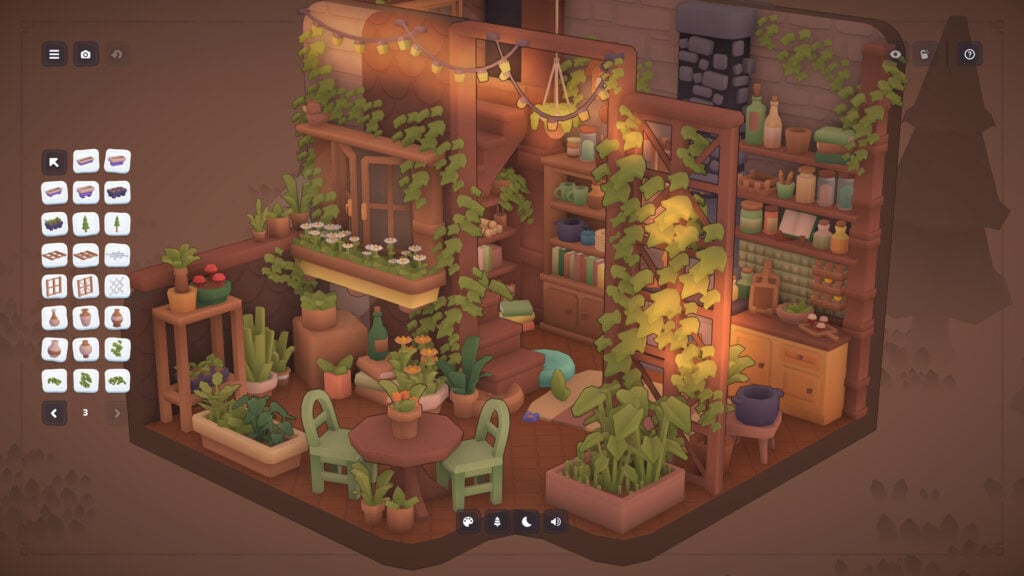
MakeRoom is a powerful interior design simulator with an absolutely adorable exterior. With over 1,100+ items to choose from (and the ability to create custom furniture pieces from scratch) this sandbox building sim would be absolutely perfect for the Simmers whose favorite aspect of the game is Build Mode.
6) Urban Jungle
Is A Demo Available?: Yes
Price: $11.99 (Not on sale, but included in the House and Home Fest Showcase)
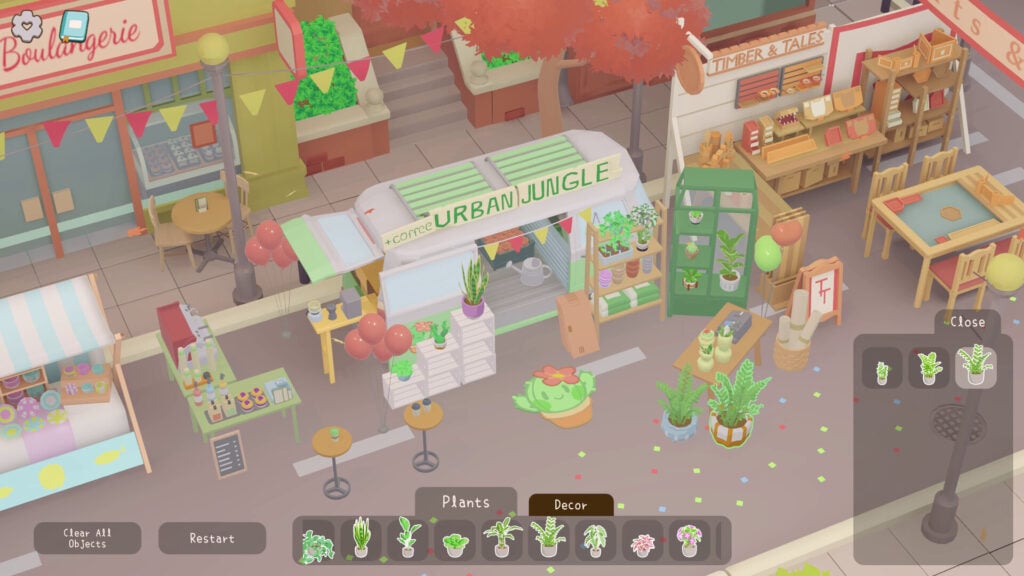
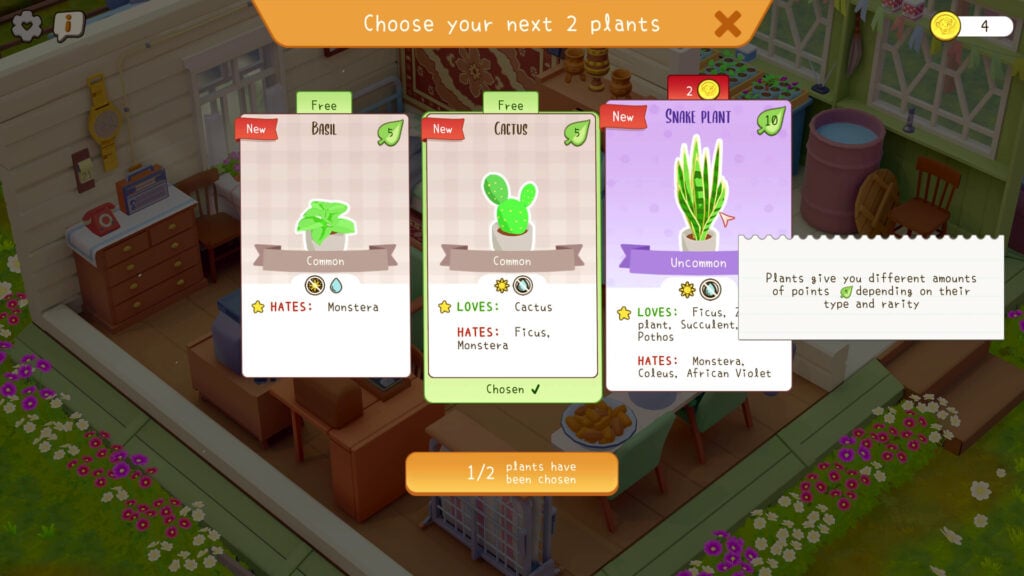
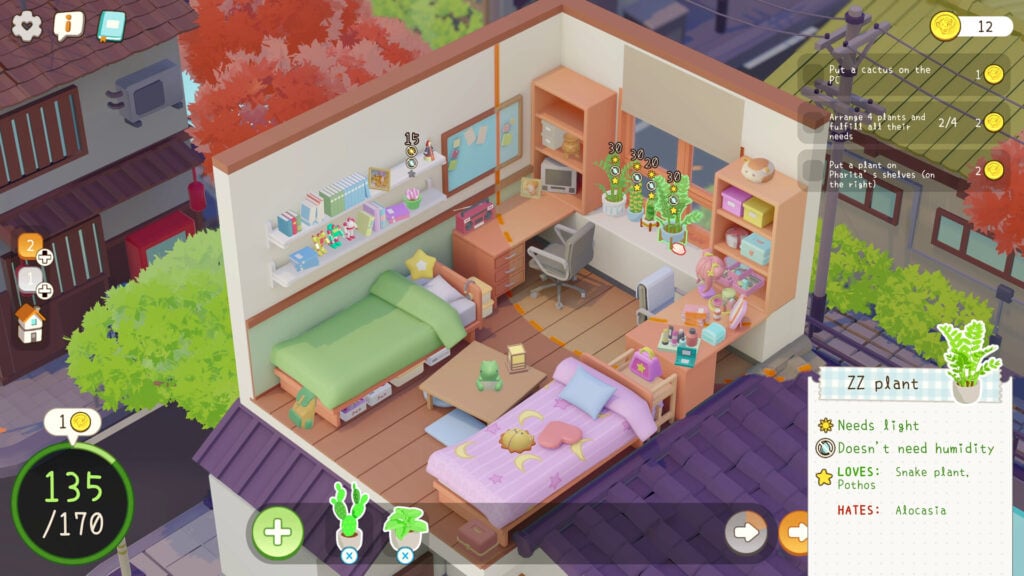
Are you still a bit heated that the houseplant gameplay introduced in The Sims 4: Enchanted By Nature didn’t live up to your Sim plant parent fantasies? Well, Urban Jungle is most definitely the game for you! This cozy simulation game has you purchasing and arranging plants within living spaces where they’d best thrive. This game describes itself as a “meditative” gameplay experience, so, if you’re feeling a bit overstimulated, and need a couple minutes to just breathe, maybe pick up this game for a chill minute with a cup of tea.
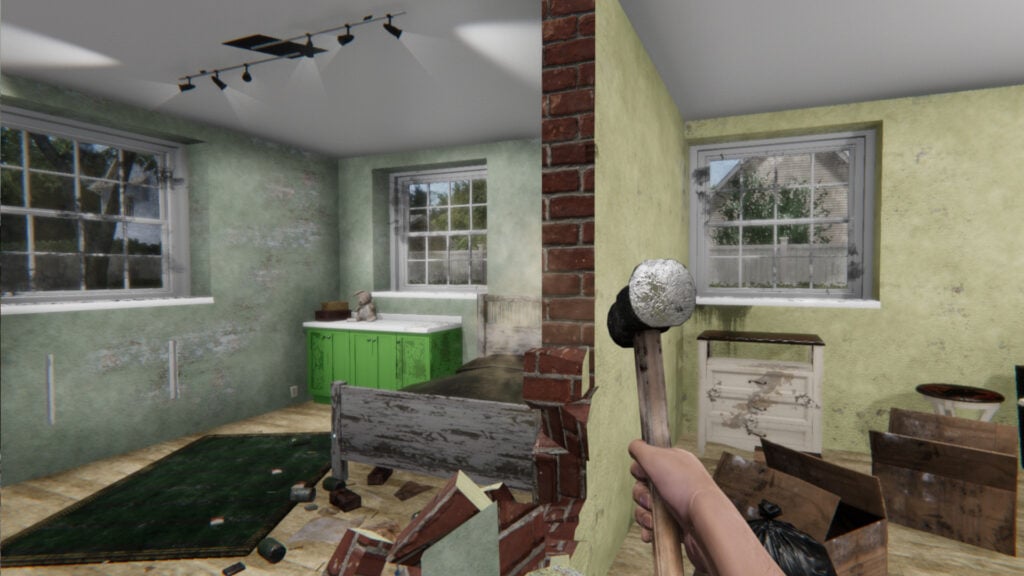
7) House Flipper
Is A Demo Available?: No
Price: $6.24
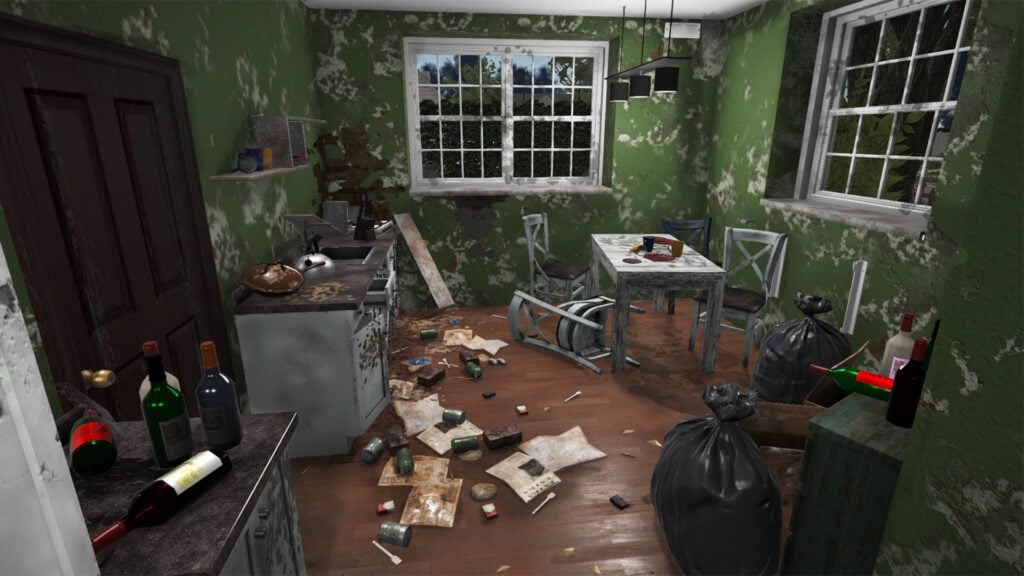
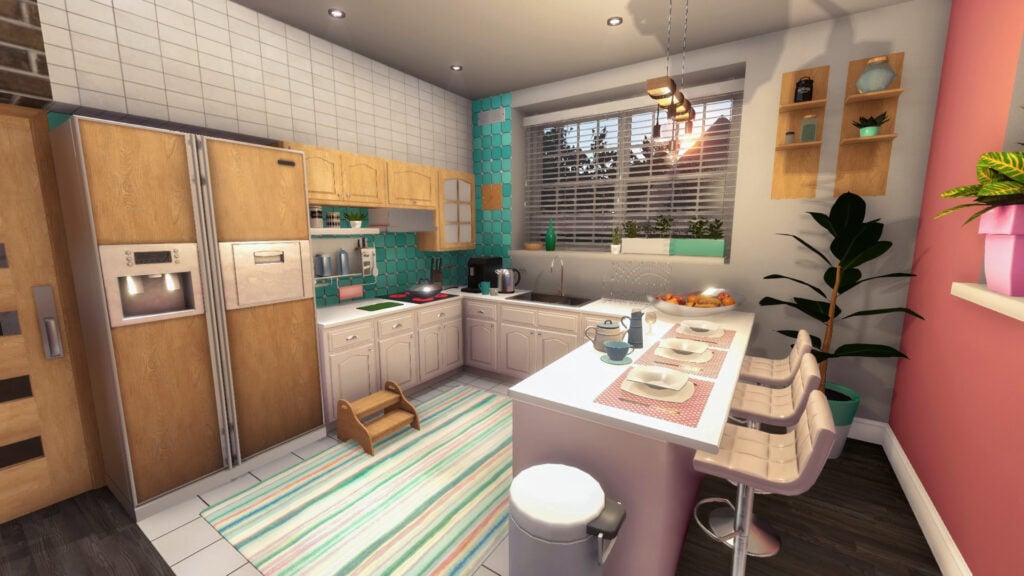
“An oldie but a goodie” definitely applies when it comes to this design simulation classic. At almost a decade old House Flipper has spawned numerous expansions, a sequel, and a devoted community of people who absolutely love to cosplay as someone going into grimy houses and turning them into HGTV ready showrooms (much like those displayed in the official HGTV-themed DLC). While House Flipper 2 is both graphically and narratively superior to it’s “big sister”, as it were, you have to pay some respect to the OG. It may be a bit older, but it get’s the job done. So buy, remodel, sell, and repeat to your heart’s content until you, dear reader, are the master of real estate.
8) Hozy
Is A Demo Available?: No
Price: $13.49
Hozy is a game about sandbox building game about coming back from the city to see your hometown has become dilapidated and, you, dear reader, take it upon yourself to bring these now desolate spaces back to life. It’s a renovation-based building sim without any time limits, timer, or expectations. It’s just you, the items available, and the room you’re restoring as inspiration comes about naturally through the narrative provided and the experiences your make throughout each level.
Were you aware of Steam’s House and Home Fest already, or did this article give you the inspiration to dive in and give it a scroll through? Please, let us know in the comment section down below, and always know that The Sims Community will keep you up-to-date on The Sims 4 and other life simulation games.
Romantic Fun in The Sims 4 Lovestruck: The Dating Event Complete Guide
The Sims 4 Dating Events is clearly more detailed than ever with The Sims 4 Lovestruck features. It’s about whether your Sims are actually compatible, or enjoy the same kind of romance, and if the relationship feels good for both of them. This is a complete guide about how dating events work, and how your Sims put themselves out there.
Table of Contents
How a Sims 4 Dating Event Work
If you’ve been playing The Sims 4: Lovestruck, you’ve probably already noticed that dating feels a lot more detailed now. It’s not just about making your Sims flirt a few times and magically becoming soulmates. Lovestruck adds:
A Create a Date system for planning custom dates
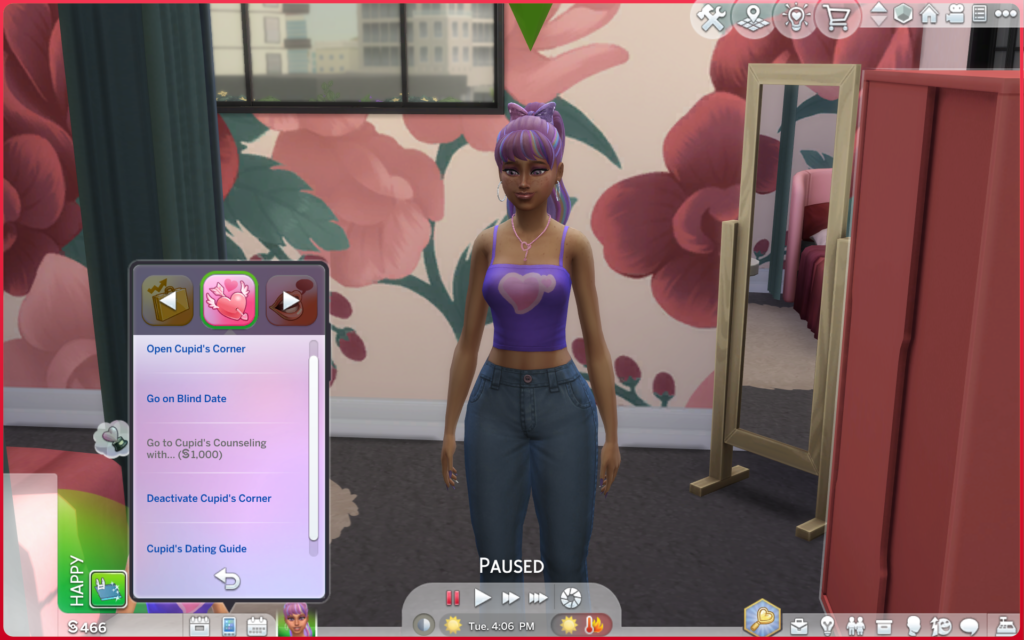
Cupid’s Corner for matchmaking
New relationship mechanics like Turn-Ons and Turn-Offs
Romantic Satisfaction
Romantic Boundaries
Romance Dynamics
With these new features it’s easier to find the love of your life, but not all Sims get along as a couple, some of them even have to go to Cupid’s Counseling…So basically? Dating is a lot messier, cuter, deeper, and honestly way more fun now.
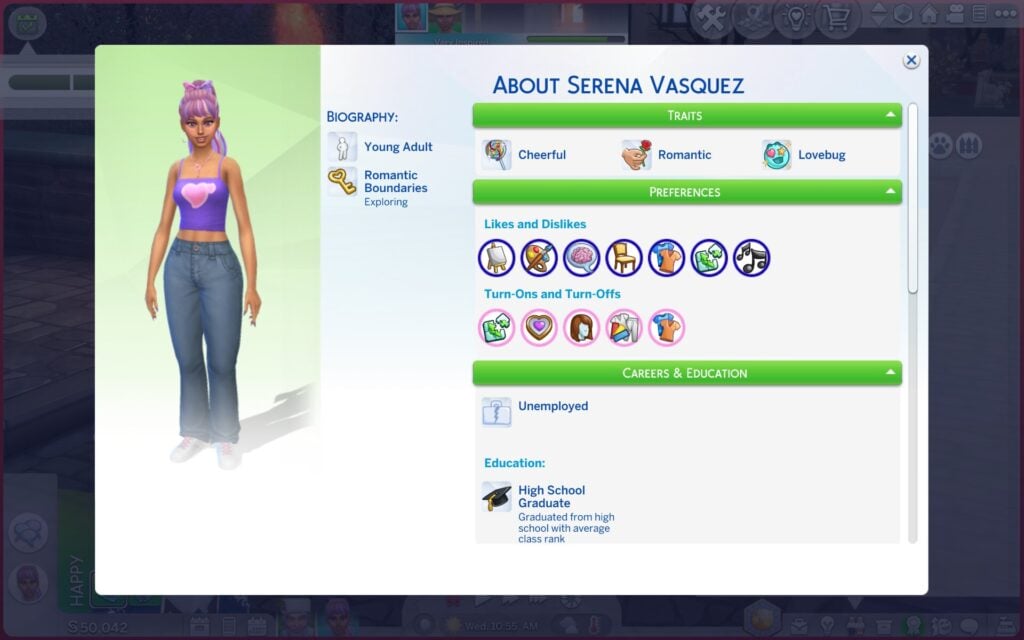
Turn-Ons, Turn-Offs, and Attraction
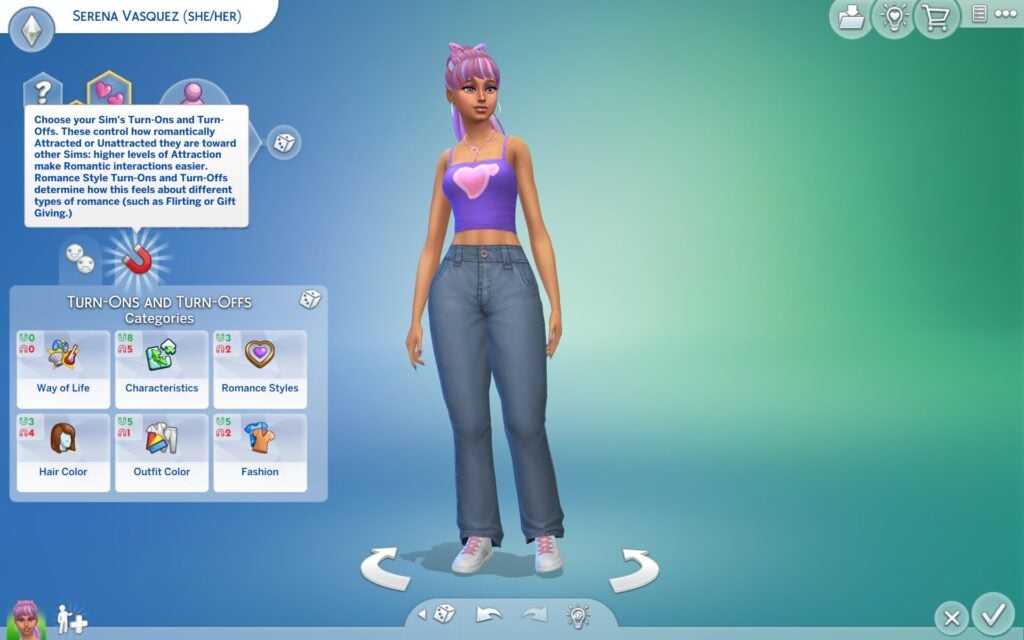
This is where it starts to feeling way more personal. Before dating even starts you want to begin in Create-A-Sim and add Turn-Ons/Turn-Offs for your Sim, which affect how attracted Sims are to each other. As a result with this new feature the attraction is not random anymore. You are able to pick Turn-Ons/Turn-Offs like:
Hair color
Activities
Characteristics
Outfit color
Fashion
Romance Style
You can also add what preferences your Sim have, like sexual orientation, romantic preferences, and WooHoo preferences. All these things together will shape how your Sim will be compatible with other Sims they meet/date and how their relationship will work along the way.
How to Ask a Sim On a Date
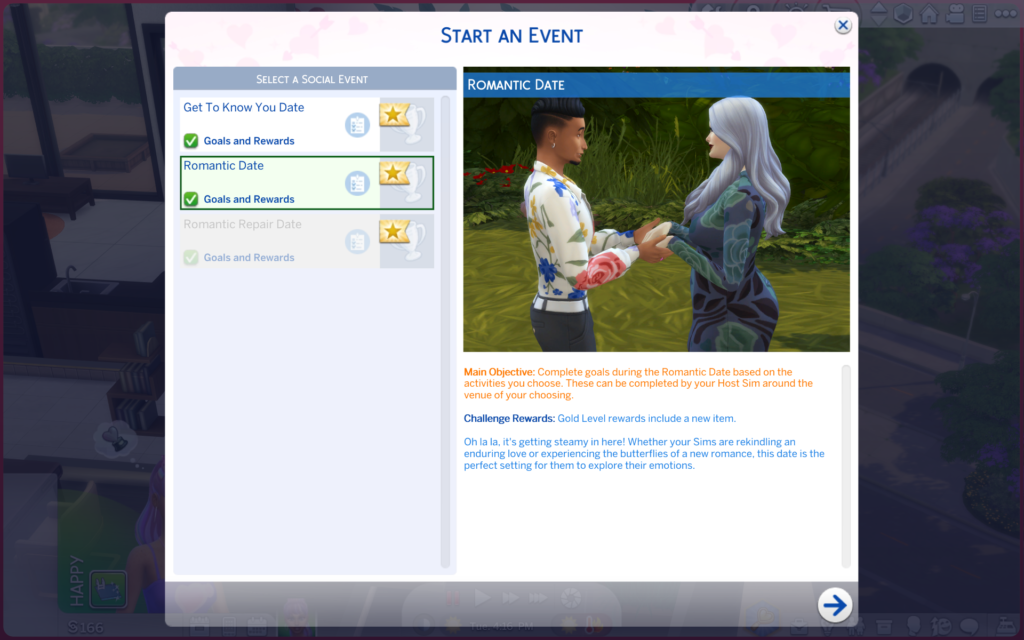
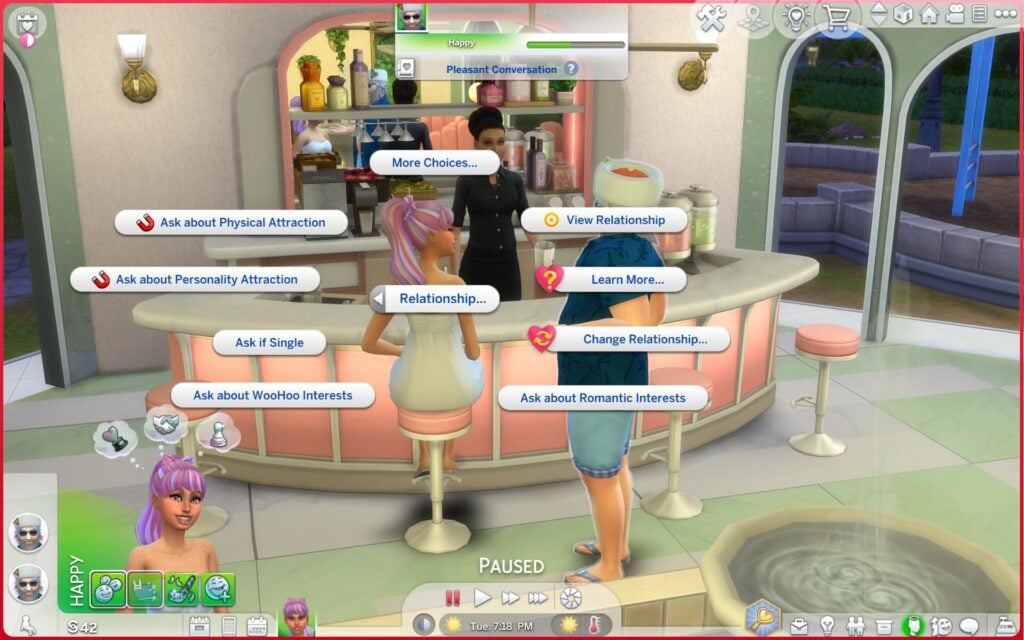
You can ask another Sim on a date or to Create a date yourself through Cupid’s Corner, the phone, the calendar, face-to-face interactions, or the Relationship Panel. This will give you a few options like Get to Know You Date, Romantic Date, Romantic Repair Date, and Friendly Hangout (Only friends). There’s also a Blind Date option, which is exactly what it sounds like. Your Sim agrees to go on a date without knowing who they’re meeting until they arrive.
Create a Date Lets You Customize the Whole Event
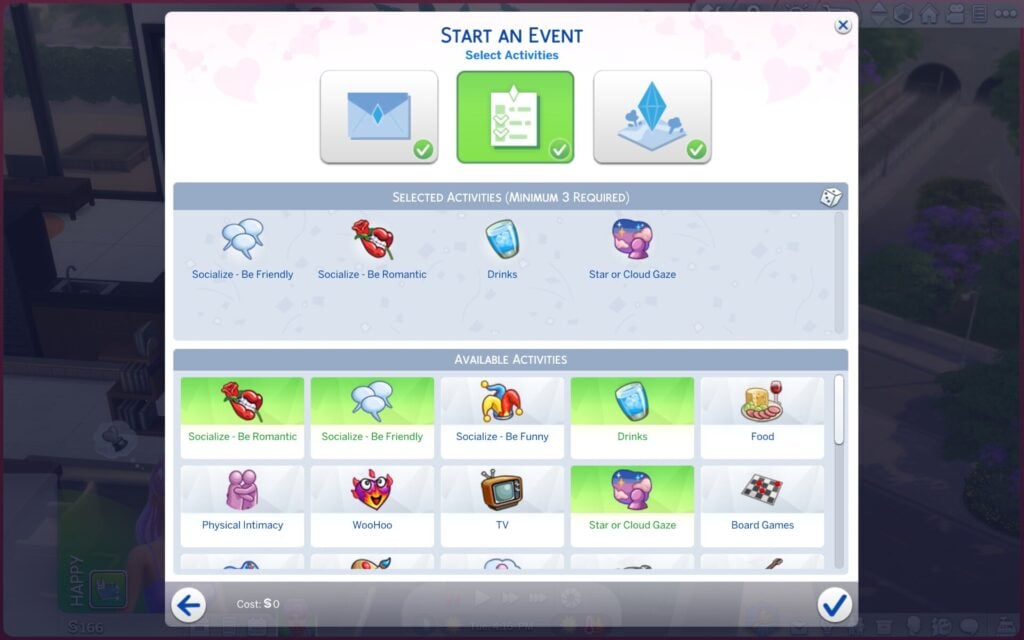
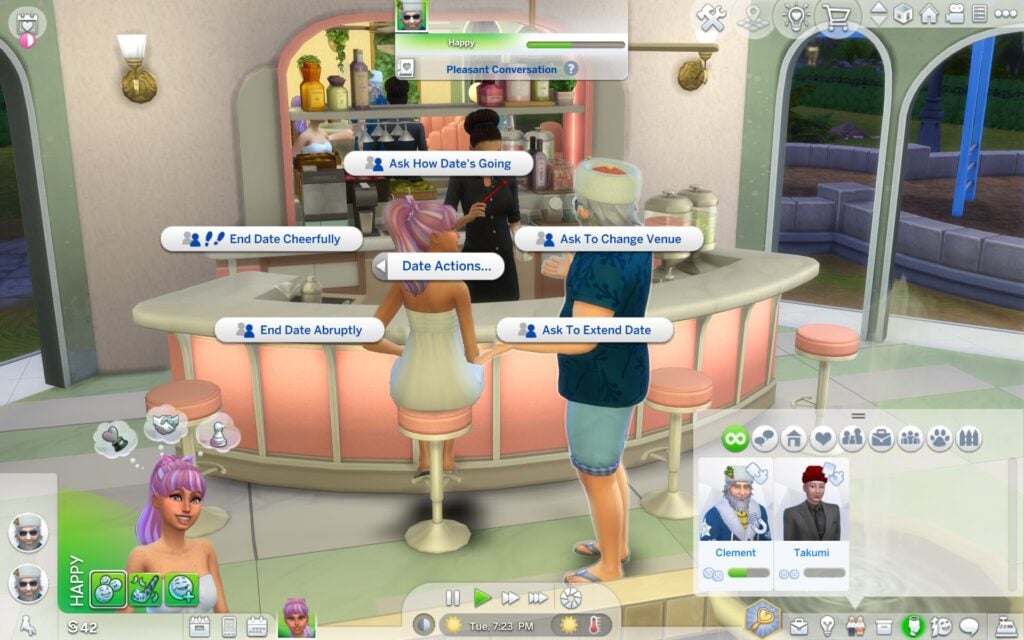
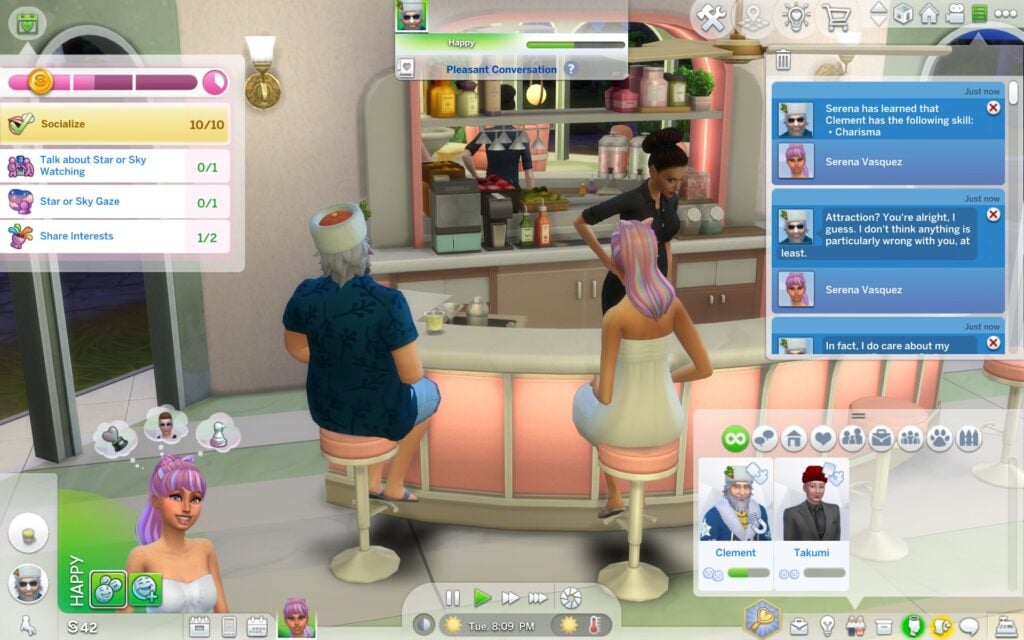
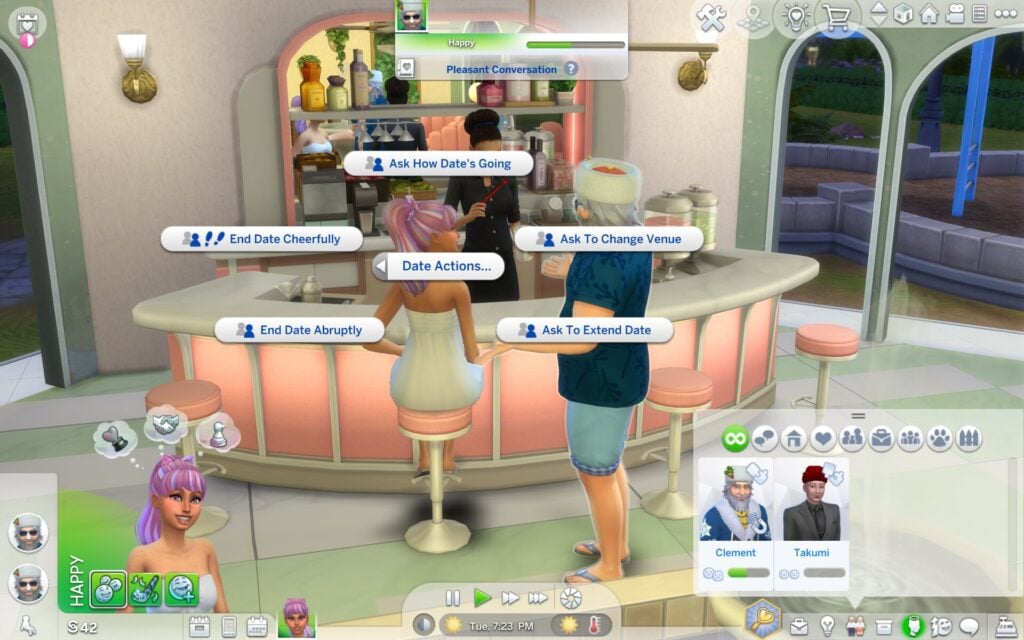
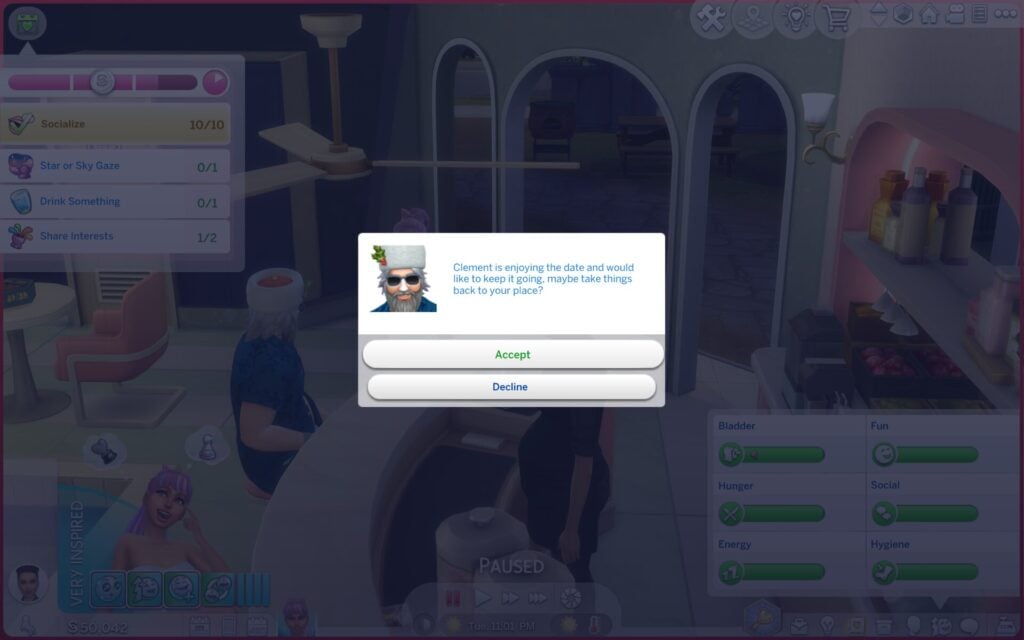
This is probably one of the best features in the pack. Dates are customizable. You can choose what type of date you want, what venue, and what activities to do during the date. Once the date begins, it works like any other types of events in game. You have to complete goals to earn scores to be able to get a reward (bronze, silver, gold). During the date you can ask your date questions like how the date is going, if they want to change venue, or even end the date in a kind or not so kind way.
How Cupid’s Corner Matching Works
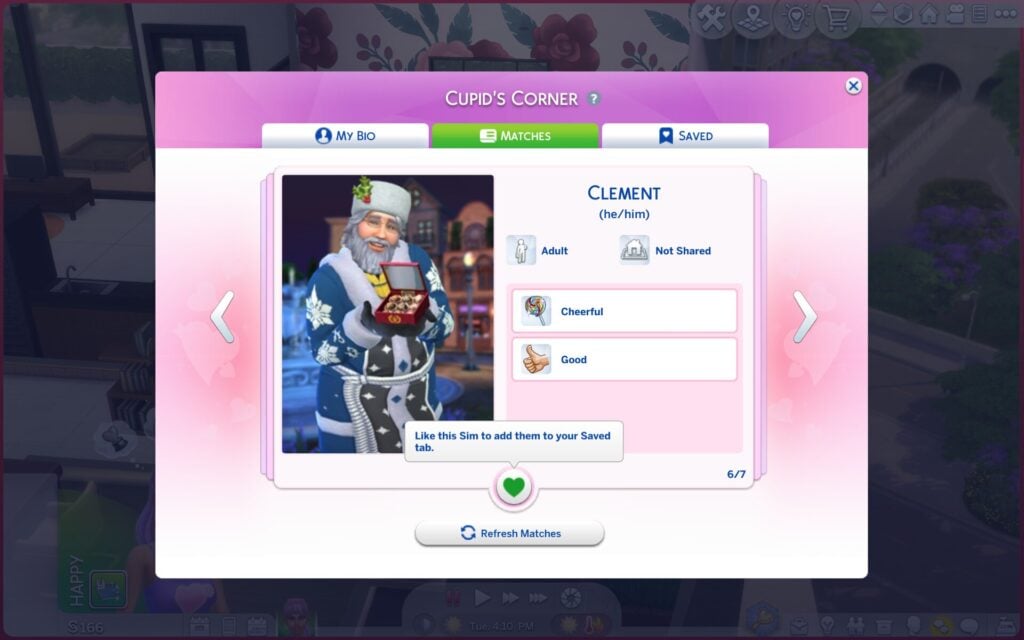
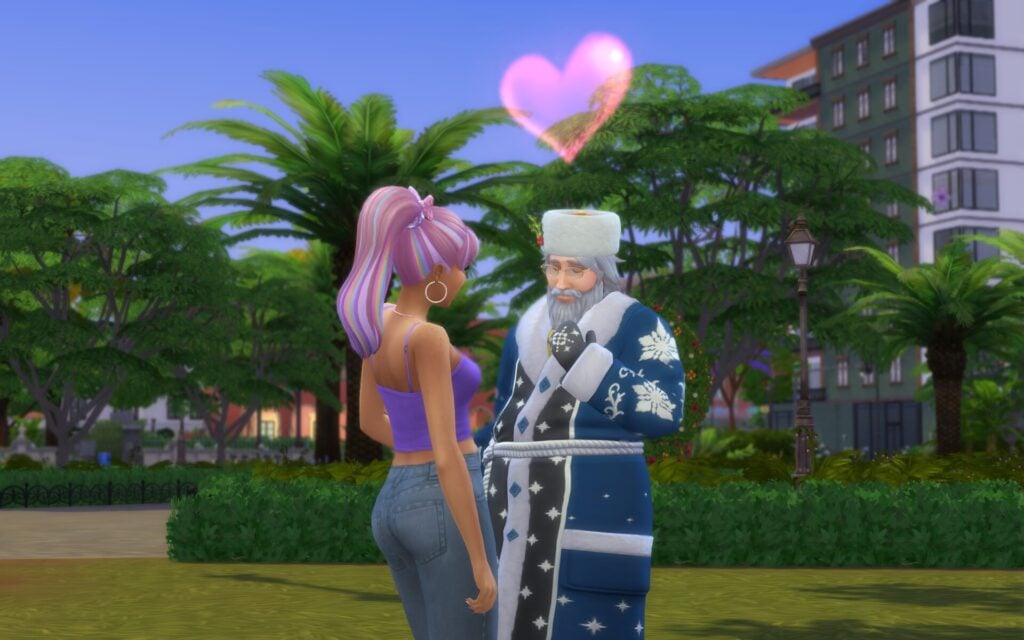
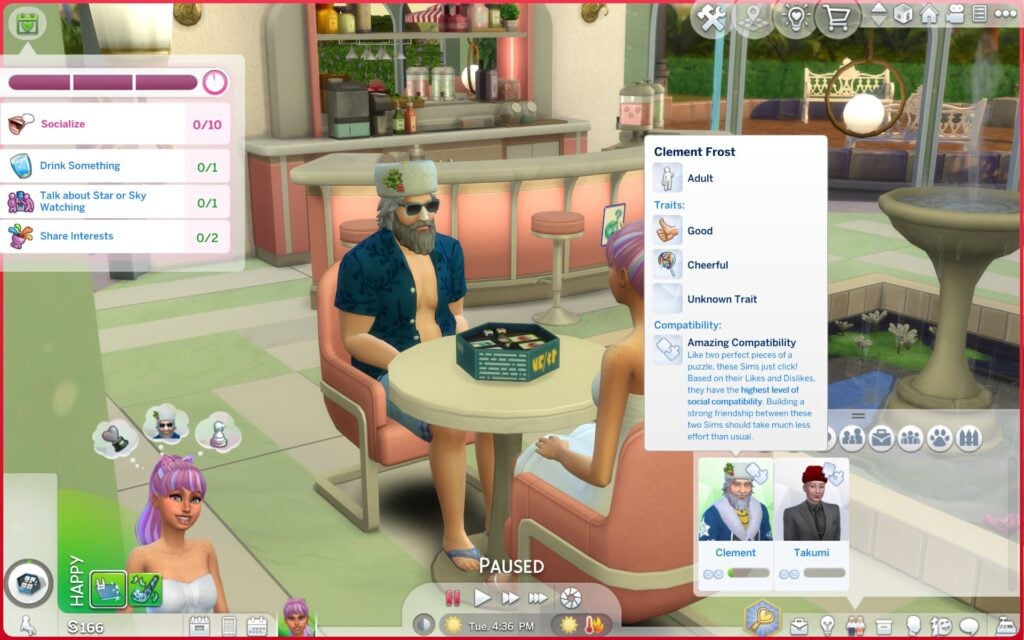
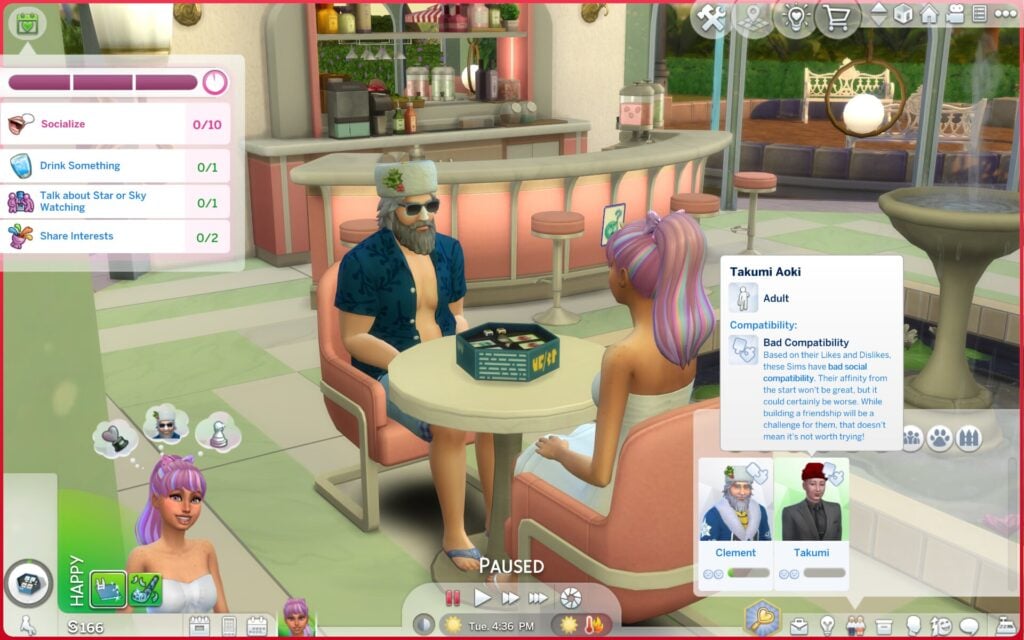
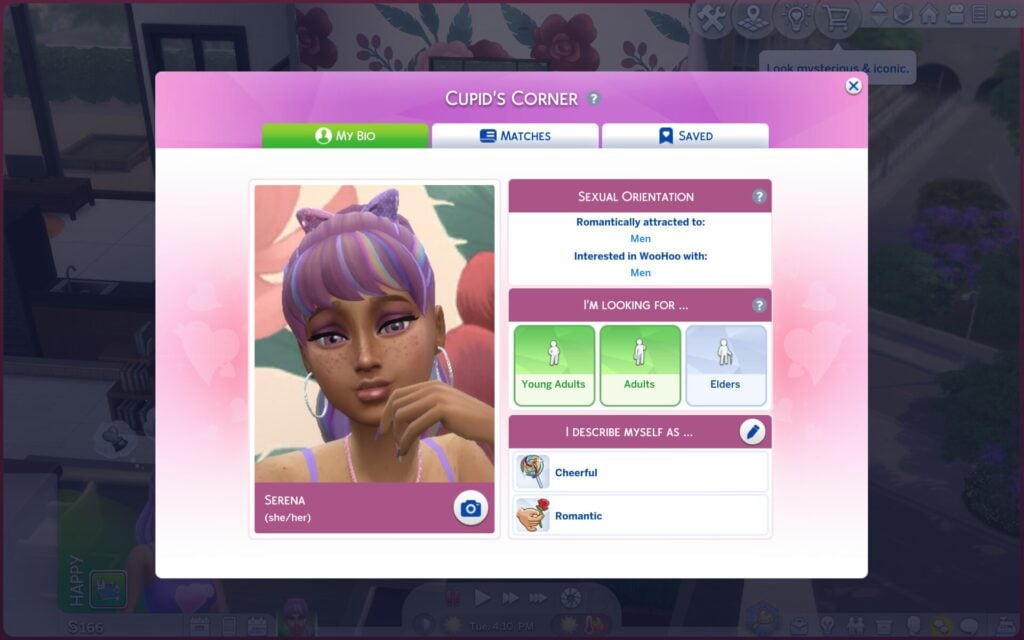
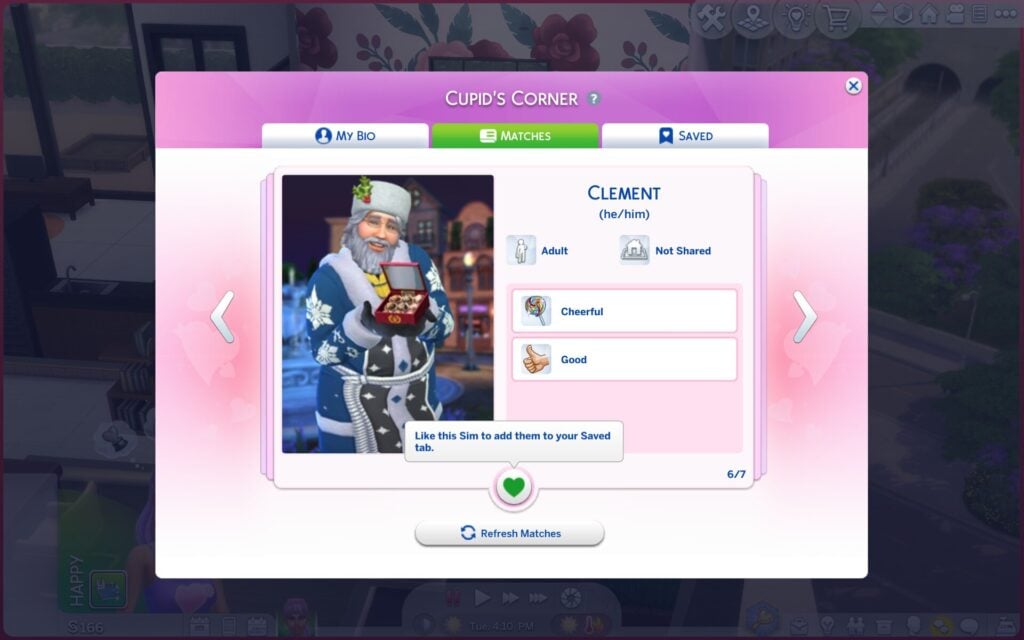
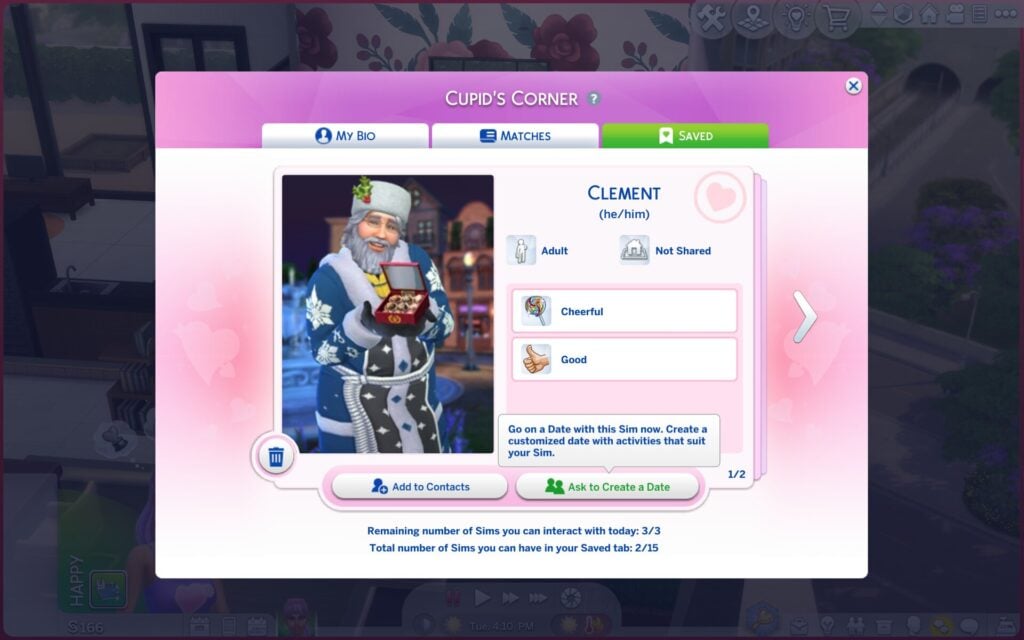
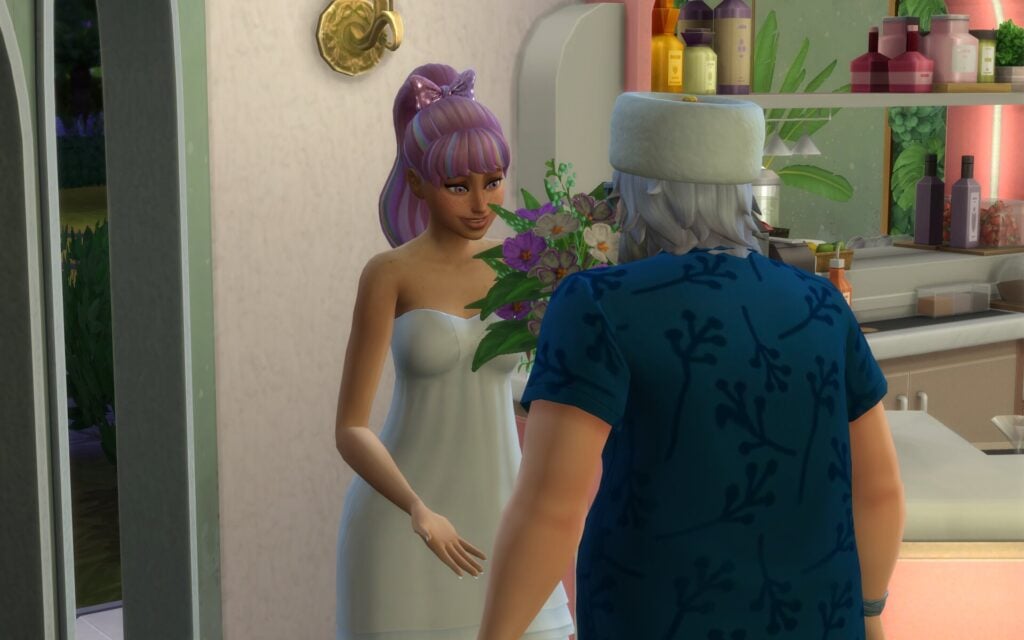
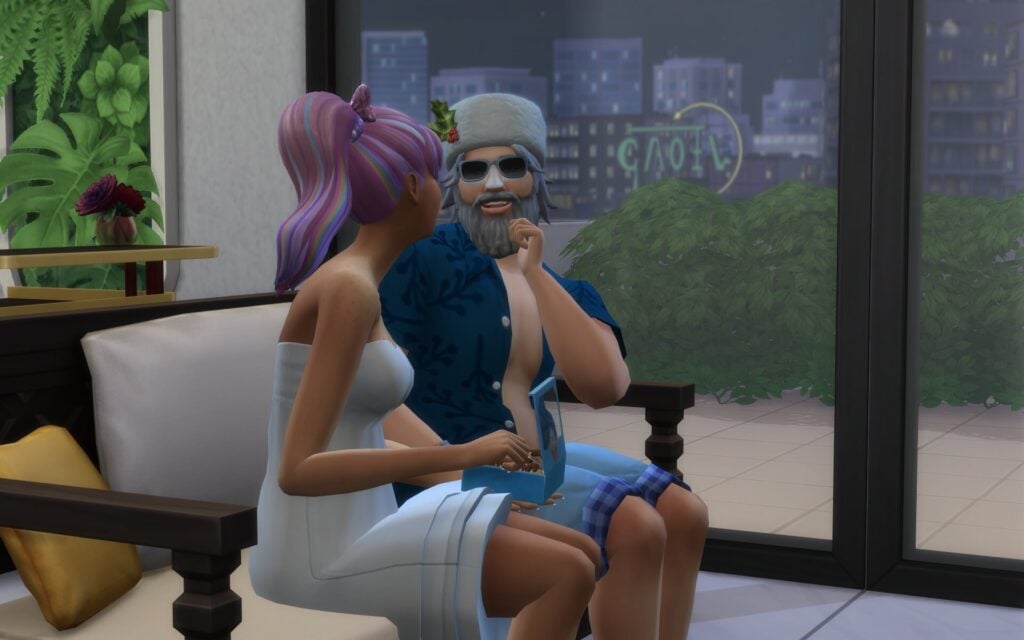
Cupid’s Corner is the lovestruck dating app, and can only be used by young adults, adults and elders. When opening the app through the phone or the computer your Sim creates a profile with a selfie and two traits. You also set the age range they want to date. As you can see my Sim Serena is matching with Clement (Father Winter). You can start by creating a date right away or add the Sim to your contacts and start from there instead.
Romantic Satisfaction
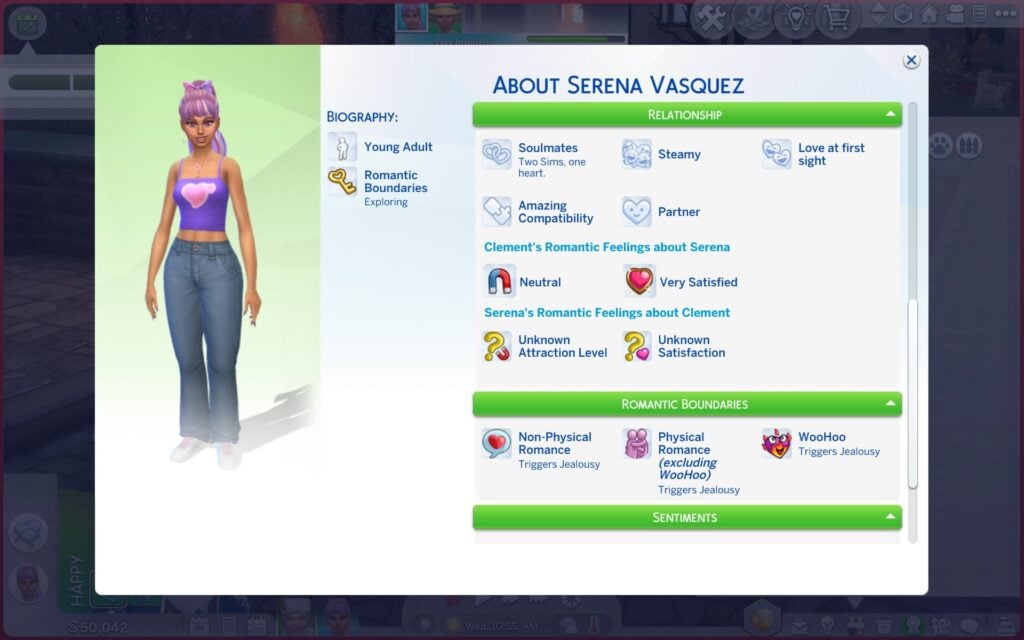
But it’s not only dating and having fun…to keep up with your relationship you have to please both of your Sims satisfaction. Which in other words means, how happy each Sim is in their relationship. One Sim can be feeling great while the other is quietly unhappy. The Romantic Satisfaction is affected by your Sims Turn-Ons and Turn-Offs, Romance style, and how how well their romantic interactions match their preferences.
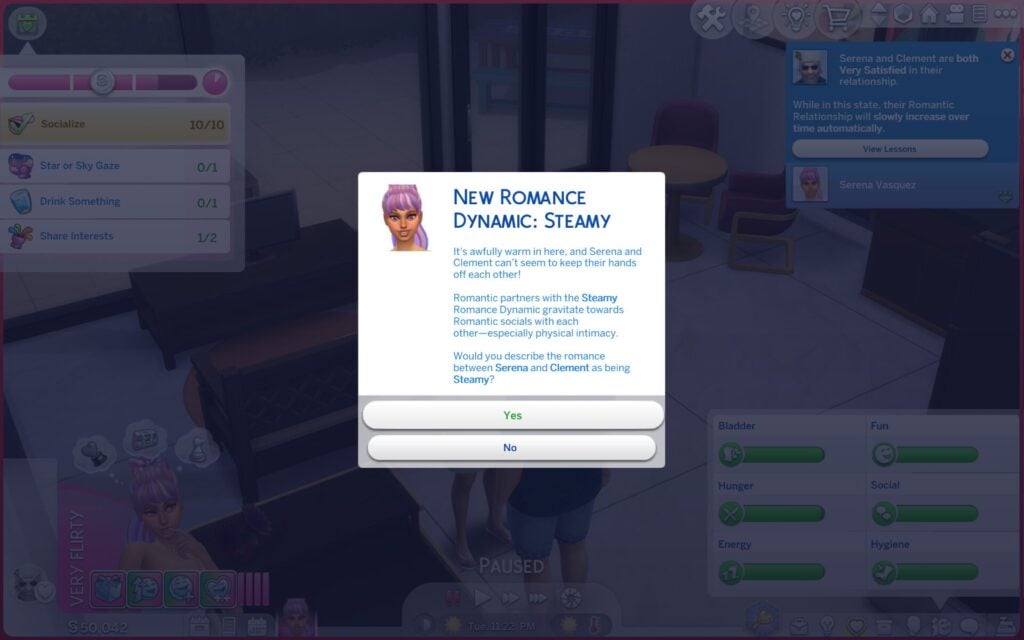
Romance Dynamics
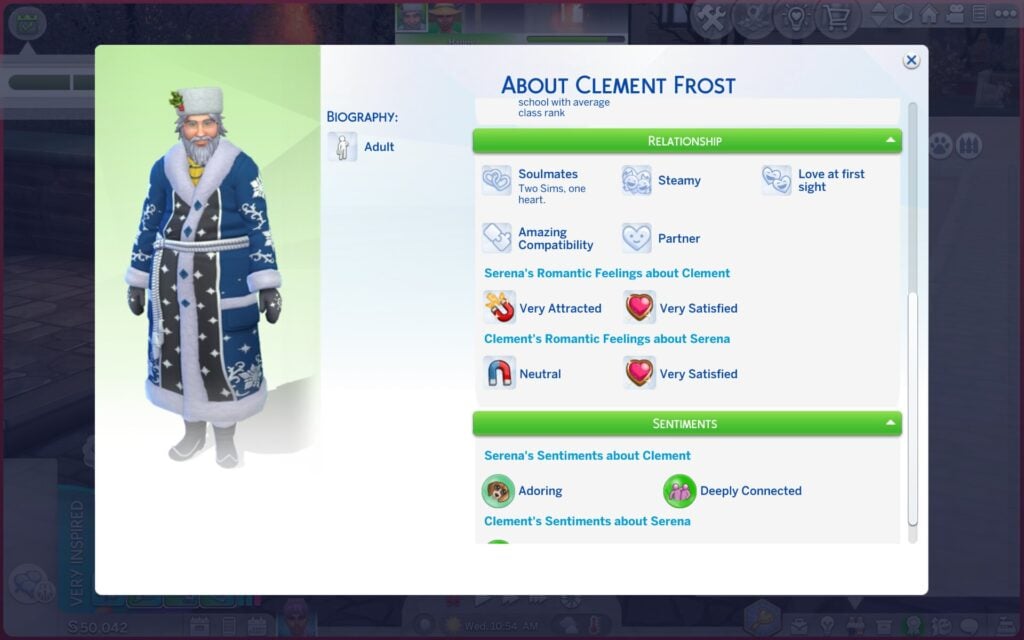
Romance Dynamics shape how couples behave with each other over time. The four dynamics are:
Steamy
Wholesime
Strained
Unpredictable
A wholesome couple will feel sweeter and more loving, while a steamy couple leans more into physical romance. Strained couples feel tense, and unpredictable couples can swing between affection and chaos.
The Sim Profile Helps Keeping Track of Everything
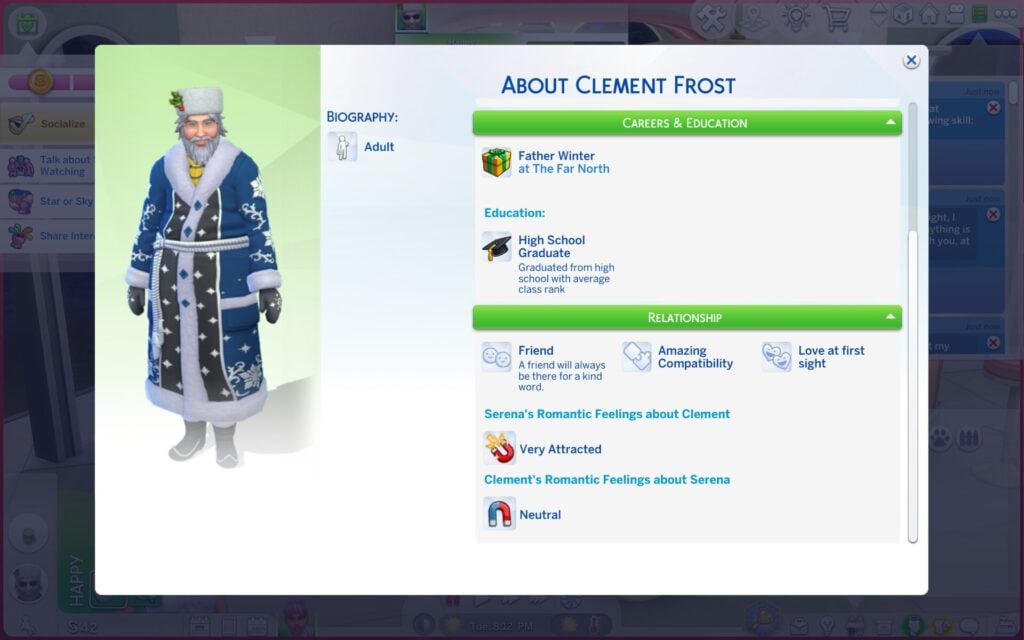
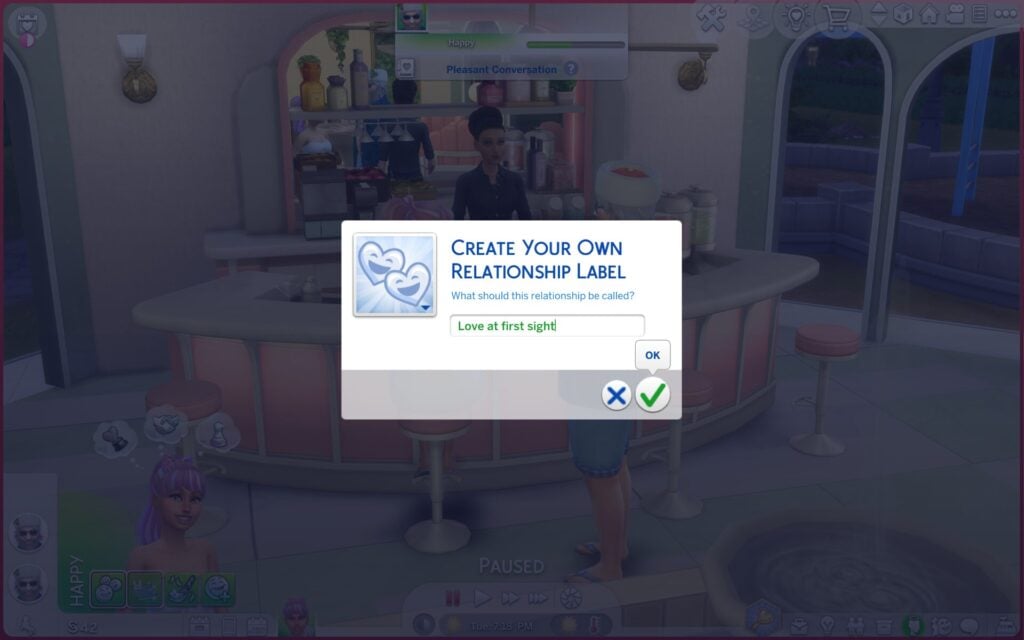
In a Sim Profile you can see what your Sims have learned about each other and their preferences, like traits, likes/dislikes, relationship status, turn-ons/offs and sentiments. You can even create a custom relationship label for your Sims!
Best Tips for Successful Dates
Plan your dream date well and keep up with the goals so you can earn the rewards. Gifts is also super helpful and a fun realistic detail, like feeding each other chocolate. The Romance Skill is also a tip to work on if you want to become a romance pro, you can read more about the Romance Skill here.
Dating is no longer just flirt until the romance bar is full. What do you think about the dating system in The Sims 4 Lovestruck? Have you created any dream dates? Let me know in the comments below. Always keep up with the latest news on Sims Community.
2026 is a good year for cosy gamers and horror fans – take a look at these upcoming simulation games with supernatural twists!
Earlier this month, Blumhouse and Perfect Garbage released the trailer for Grave Seasons, a farming simulation game that blends cosy gaming with a horror narrative. This isn’t an entirely new concept, as The Sims 4 ventured into horror territory with the StrangerVille Game Pack in 2019, but horror isn’t a genre you often expect to see at the centre of a life sim game.
Interestingly, Grave Seasons isn’t this year’s only genre-bending sim – there are actually several spooky simulation games scheduled for release in 2026, ranging from more light hearted spookiness to not-so-cosy psychological horror. The genre-hybridity of these games offers players something new and exciting, while drawing on the aspects that have made simulation games so successful. Here’s five upcoming horror and supernatural-themed sim games we think are worth checking out later this year.
Grave Seasons has been described as a narrative-led murder-mystery farming simulator, reminiscent of the hugely successful Stardew Valley but with one major twist – someone in the town is a supernatural serial killer. The game’s darker edge is unsurprising, given it’s being published by Blumhouse, the studio behind horror film franchises like Sinister and Paranormal Activity.
You play as a jail escapee who has recently settled in Ashenridge. Unfortunately, your plans to live peacefully are ruined by a string of murders throughout the town, and it’s up to you to solve them. Alongside the central murder-mystery narrative, Grave Seasons boasts all the classic marks we’ve come to expect from a farming sim, such as growing crops, fishing and mining. Crafting in particular plays a key role, as the items you craft can help to ward off the killer, while the investigation skill will help you identify and protect potential victims.
The main gameplay utilises a classic pixel style, while more detailed portraits of the NPCs appear when you interact with them. Your decisions have real weight too. Think carefully about who you choose to befriend and trust, as your relationships with the townspeople will directly influence how the story progresses. And of course, as with any good simulation game, you can pursue romance with the NPC – even the killer!
Grave Seasons is currently available to wishlist on Steam and launches on Nintendo Switch, Xbox, PlayStation, and PC on 14th August.
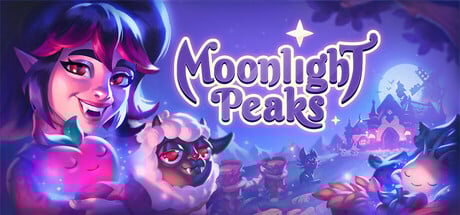
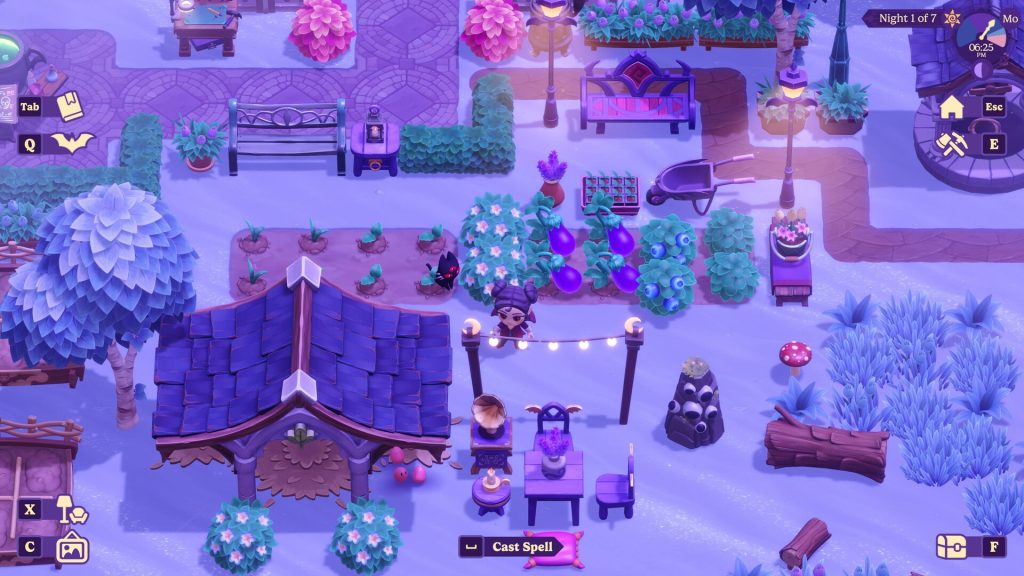
If you’re after a game that’s more conventionally cosy, check out Moonlight Peaks. Developed by Netherlands-based Little Chicken Game Company, Moonlight Peaks takes everything you love about simulation games and adds supernatural creatures! The game follows a young vampire who moves to the magical town of Moonlight Peaks in order to prove to their father, Count Dracula, that a life of compassion is possible.
As you explore the town, you’ll meet the resident werewolves, witches, and mermaids. Build relationships to learn their secrets, solve the town’s mysteries and find eternal love in the supernatural dating scene. While you tend your farm, you’ll need to fish, forage and practice your potion-making and spellcasting skills. Don’t worry, it’s not all work! In your downtime, you can pick up hobbies like embroidery or flower arranging. There’s even an in-universe card game, Nokturna, that you can play against the other residents.
Moonlight Peaks features design and decoration elements that will appeal to fans of Animal Crossing. You’ll have the chance to expand your farm and upgrade your home to customise a gothic homestead that reflects your personal taste. Over time what was once a forgotten piece of farmland will transform into a vampire’s paradise as you gain new tools, enchanted crops and magical livestock.
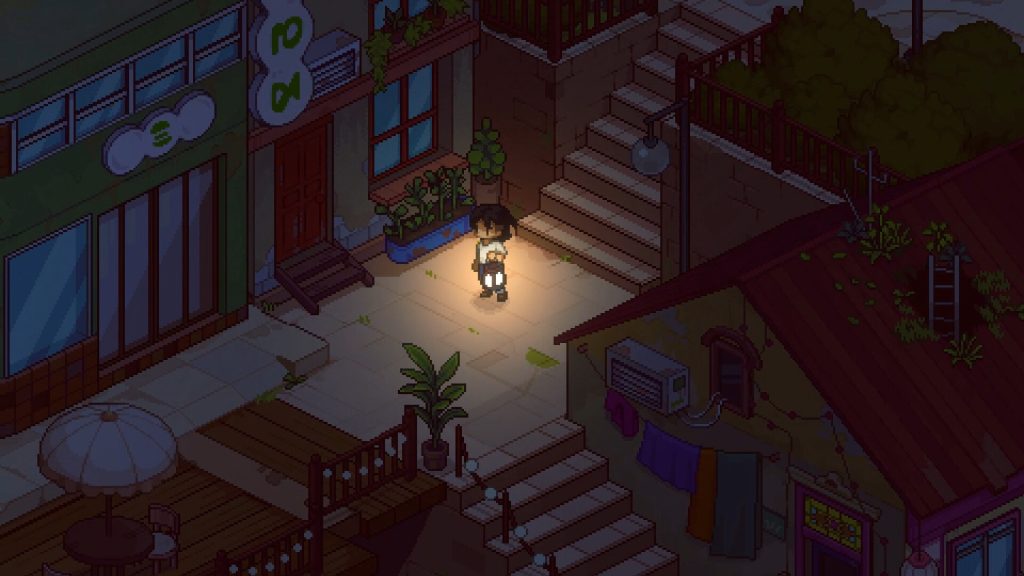
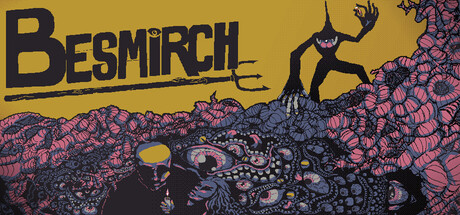
Besmirch is a hand-drawn survival farming sim developed by Gangrue. As a new farmhand in the isolated town of Besmirch, it’s up to you to keep the town alive by tending to your crops. This is easier said than done, as you’ll need to be stealthy at night to avoid lurking monsters and unwanted visitors at night.
The townspeople depend on your crafting and cooking, as the land is failing and food is scarce thanks to the Baron, the town’s greedy owner. Think it couldn’t get much worse? There are rumours of an impending apocalypse and the monsters aren’t your only threat. When socialising with the townsfolk, you’ll need to maintain a positive reputation to gain their trust, or else you may risk banishment.
In addition to planting and harvesting crops, players can investigate the mysteries of Besmirch. Venture into town to question the locals for information, or explore the caves and the wilderness. Maybe you’ll be able to find out what truly happens behind the locked doors of the Baron’s mansion…
Besmirch releases on PC on 11th May and will require a controller to play. A demo is available on Itch.io on a name-your-own-price basis.
Neverway, developed by Coldblood Inc, combines a life sim with a horror RPG. It follows Fiona, a young woman who has just quit her job and become a dead god’s herald, tasked with searching for Neverway, a spooky alternate reality that is slowly leaking into hers. To make things worse, she also has to find a way to pay off her debt.
Outside of the central task of finding Neverway, you’ll complete traditional sim activities such as crafting, farming, building and most importantly: managing your finances. Unlike most simulation games, where time passes in a fixed cycle, Neverway introduces a system where the passage of time is dependent on the player choosing to do certain activities.
There are ten characters to befriend and romance, with every relationship unlocking unique powers that aid you on your quest and in combat. Each NPC has a specific routine and preferences, meaning players will need to work to win them over and make use of their skills. Alternatively, you can lie and cheat to claim their powers for your own benefit, the choice is up to you.
Neverway is available to wishlist on Steam and set to release on Nintendo Switch, Nintendo Switch 2, and PC later this year.
Welcome to Elderfield is a spooky farming sim by independent developer Chris Cote. Elderfield is a strange, secluded town inhabited by even stranger residents – mysterious beings that shift about in the dark. The local news reports are equally cryptic. You were born here and as the game’s Steam page states: rarely do those born here leave…
Welcome to Elderfield has an open world for players to explore. Search the shifting tunnels of the local mines for hidden secrets, or forage for materials and loot. Back on your farm, grow crops to use in cooking, raise animals and process goods to generate an income. Around town, you’ll run into the strange townsfolk – give them gifts and complete their tasks to befriend them. Feeling brave? Craft fighting gear to take down the deadly creatures you encounter on your adventures.
There’s a lot more to do in Elderfield than just the typical farming sim activities you’re used to. Players can choose some spookier ways to pass their time, like beseeching the Old Gods and communing with the spirits of the dead, all while trying not to die in your sleep. Sounds fun!
Which of these games are you the most excited for? Let us know in the comments. Looking for more recommendations? Here’s nine more simulation games we think are worth checking out!
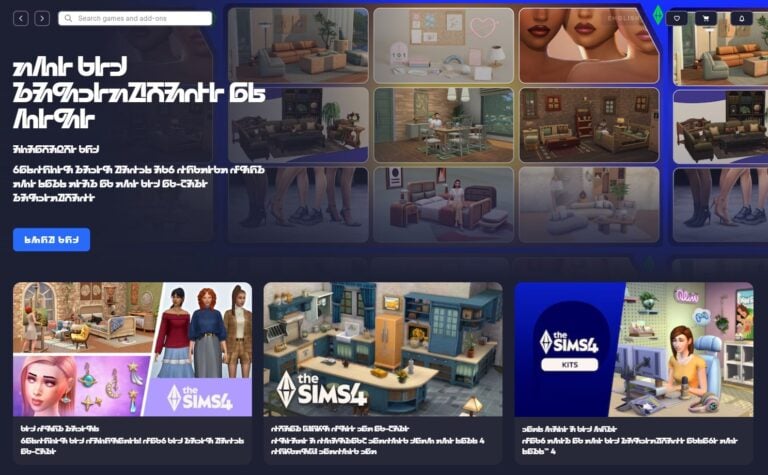
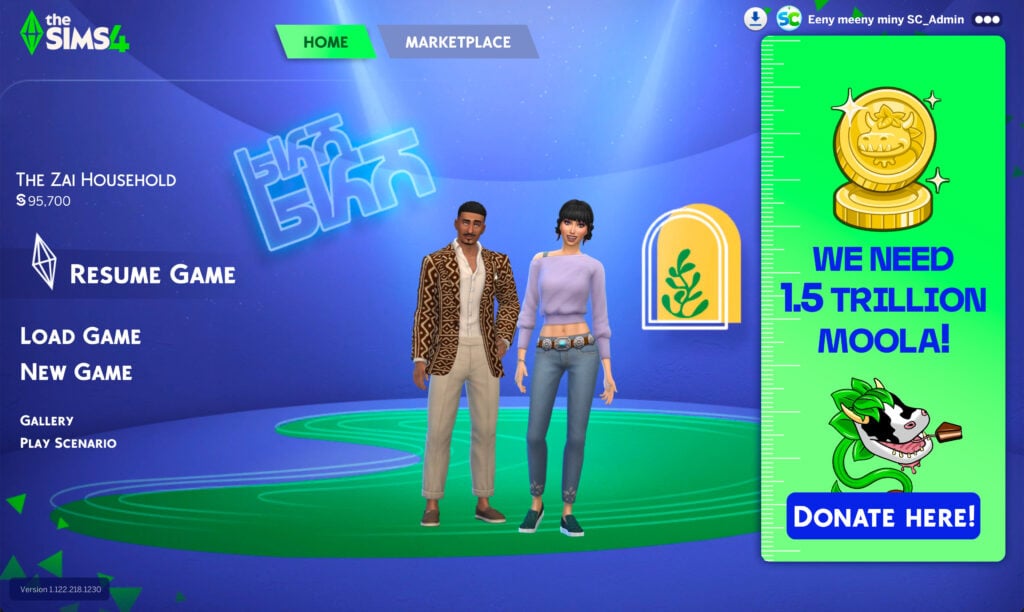
Maybe if you log into the EA App to play The Sims today, you’ll notice something a little unusual on the main menu: it’s all in Simlish! To celebrate April Fool’s Day on April 1, EA has introduced a playful twist, turning part of the app into the iconic fictional language of the series. But, don’t worry! It’s only a few minutes; you have time to take a screenshot to share with your friends. The date is widely celebrated in many countries around the world, where people play pranks and share jokes, both online and in real life.
A joke like this, made in the current context of the community, may land differently among players, with some enjoying the playful use of Simlish as a nod to The Sims’ identity, while others might find it unnecessary, especially given the latest rumours surrounding the franchise.
Well, if they’re being this funny… they might as well switch the Moola prices to Simoleons too, right?
Community Reaction to April Fool’s Simlish Joke
For many players, the change has been received as a harmless and genuinely funny surprise, with fans appreciating the nod to Simlish and the series’ quirky identity. At the same time, there’s a shared awareness that, well, it’s still EA.
For those wondering, the Simlish interface doesn’t appear to affect functionality, and everything remains exactly where you’d expect, just written in the iconic, nonsensical language. It’s a small touch, but one that longtime players will instantly recognize, turning even simple navigation into a bit of an inside joke.
At least for now, the change doesn’t seem to hint at anything beyond the joke itself. There are no signs of new features or announcements tied to it, so expectations should remain grounded; it’s simply a temporary prank.
At the end of the day, it’s worth enjoying these small moments that remind us we’re part of a unique franchise, with a kind of humour that only its players can truly understand.
So tell us, what do you think of this small joke? Stay up to date with everything related to The Sims on our website.
EA CEO Andrew Wilson and EA Entertainment President Laura Miele talk “Exciting Changes” for The Sims 4.
Breaking news come today from the EA Press Room, where EA’s CEO Andrew Wilson and President of EA Entertainment Laura Miele shared, what they believe, are “exciting and essential” updates for The Sims 4.
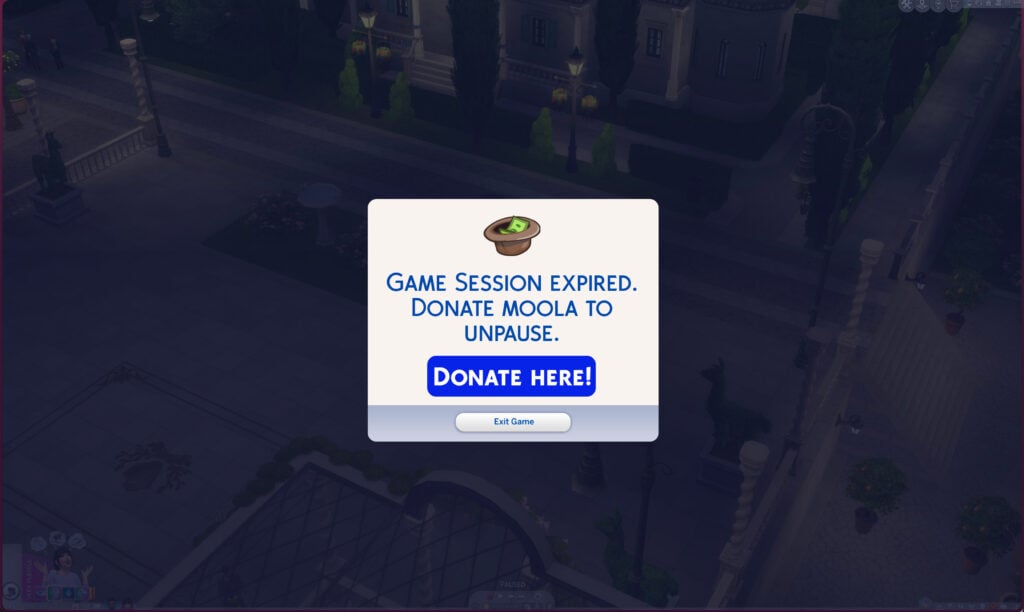
The latest Game Patch, rolling out later today on PC, Mac and Consoles, is adding a new in-game Donations Feature. Letting you donate the virtual currency “Moola” straight to Electronic Arts! There’s also a new Expiration Meter set for Live Mode, where if players don’t donate Moola to EA in a specific time window their entire Live Mode gets paused until they make a donation. “We only need 500 Moola every 7 days to keep your Live Mode experience flowing!” said Laura Miele, President of EA Entertainment.
You can now find the Donations Progress Bar straight from The Sims 4’s Main Menu. “We accept PayPal, Credit Cards, Debit Cards, Klarna and many more payment options” said Andrew Wilson in their EA Press Release.
“Playing The Sims 4 in Live Mode takes up lots of server power that we’ve already allocated to AI game development. Plus, there’s no greater feeling than supporting an indie game development studio!” said Laura with excitement.
We want you to feel like you’re making a valuable contribution. Think of it as a long-term investment for unlocking your imagination” stated Andrew in EA’s press release shortly after arriving in a helicopter.
First look at The Sims 4 Live Mode expiration screen.
We tried to ask Andrew what inspired this core change for The Sims 4 to which he replied “I have to fly back to my Aspen winter home, no time for these silly questions”.
Anyways, here’s the full Press Release from EA:
EA Announces New Donation Features for The Sims 4
REDWOOD CITY, Calif.–(BUSINESS WIRE)– Electronic Arts announces today the introduction of new Donation Features for The Sims 4. EA’s very own Andrew Wilson (Chief Executive Officer) and Laura Miele (President of EA Entertainment) have released a joint statement about exciting and core essential additions to this game.
“I’ve felt this huge hole in my pocket ever since September 29th, 2025. This inspired me to make some great changes for all of our Intellectual Properties within global EA Studios. The Sims Franchise was the easiest pick as they’ve spearheaded new monetization tactics since 2000s, and you’ve never seen a game ask for money this directly before! I know I’m already making extra revenue by replacing our talent with AI but this debt*ehm* hole in my pocket is something I definitely don’t want to cover myself” said Andrew Wilson. “I can’t wait to tell all about this to my friends that I see at Burning Man annually.”
“September 29th, 2025 was the rebirth of our ways of thinking. We had so many cool ideas for The Sims Franchise that we wanted to do before that, but now it’s time to just be brutal and honest with our fans.
We told the developers at Maxis that Margot Robbie is our #1 priority right now. If we don’t make this Sims Movie with Margot Robbie a reality then all my friends at the country club will think I’m lame. So they [Maxis developers] better make some Moola or they’re all getting fired!” said Laura Miele. “I need a Barbenheimer or a Brat Summer for my LinkedIn.”
The latest Sims 4 Donation Features are releasing on April 1st, 2026 across Desktop and Console Platforms. Get the press assets and the full release statement HERE!
What are your thoughts on the latest Sims 4 Donation Features coming? Join the discussion below and stay tuned to Sims Community for all the latest Sims Coverage!
NOTE: This article is of fictional nature created for April Fool’s Day 2026.
The official survey for The Sims 4 Marketplace has been published!
The new official survey for The Sims 4 Marketplace has been published by Electronic Arts today.
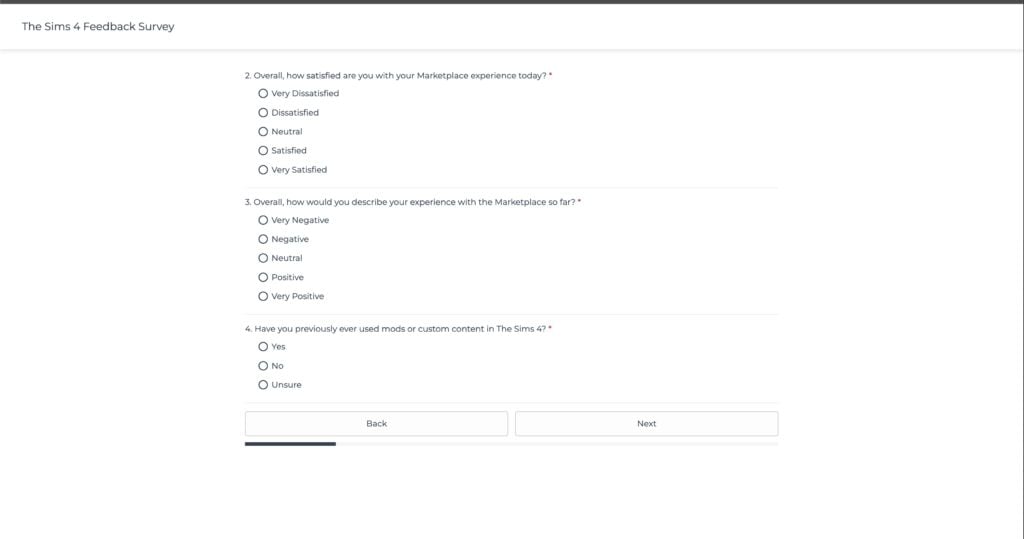
This survey lets you take a vote on monetisation clarity of the Marketplace platform. With questions asking you to define your customer experience and were the items on par with the purchase pages.
There isn’t much that lets you vote on the future of The Marketplace. This survey more seems like it’s aimed at learning to improve general monetisation flows and user experience. No questions asking if they should expand that percentage cut for Makers, that’s for sure!
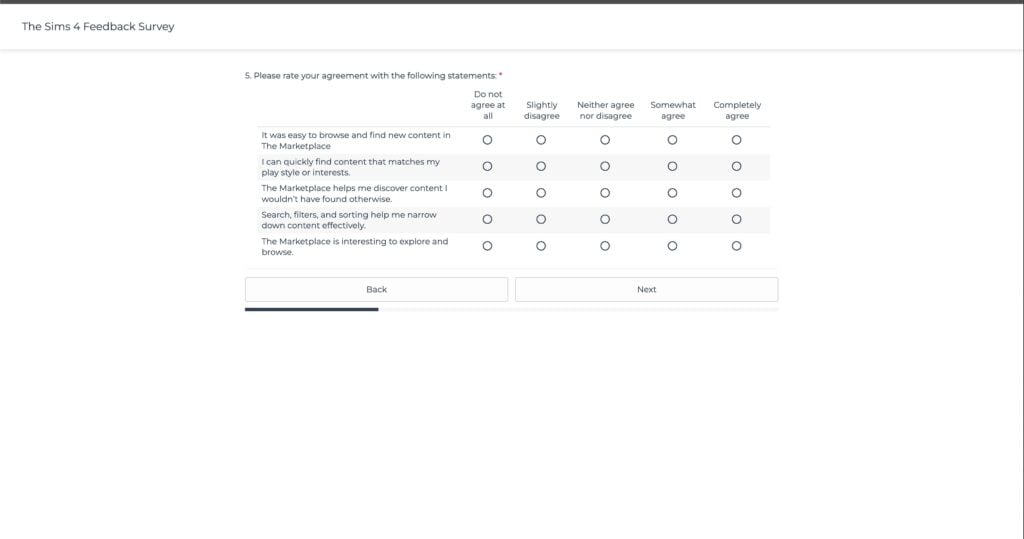
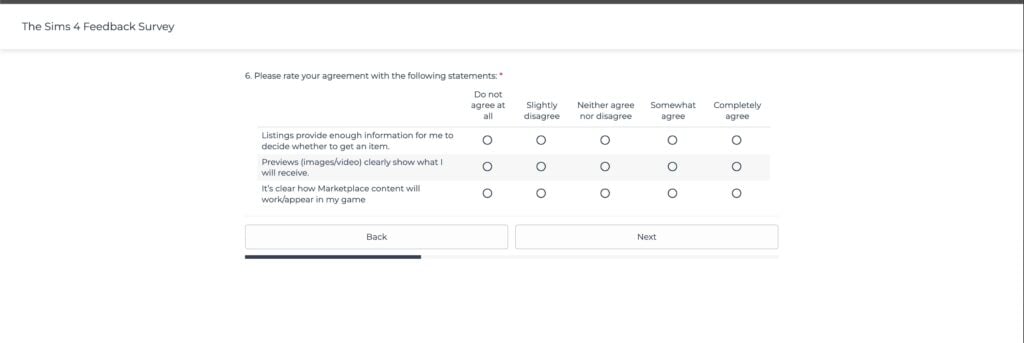
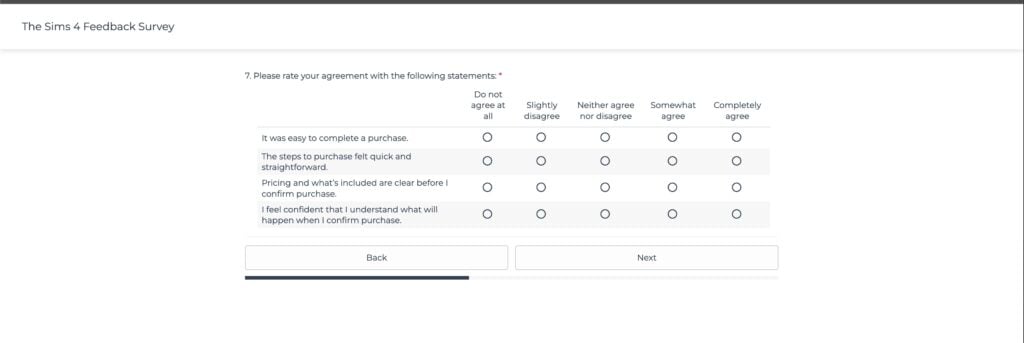
We’ve collected all the questions that you can take during this official survey to better prepare for your user input. Check them out:
The Sims 4 Marketplace Survey: Official Questions
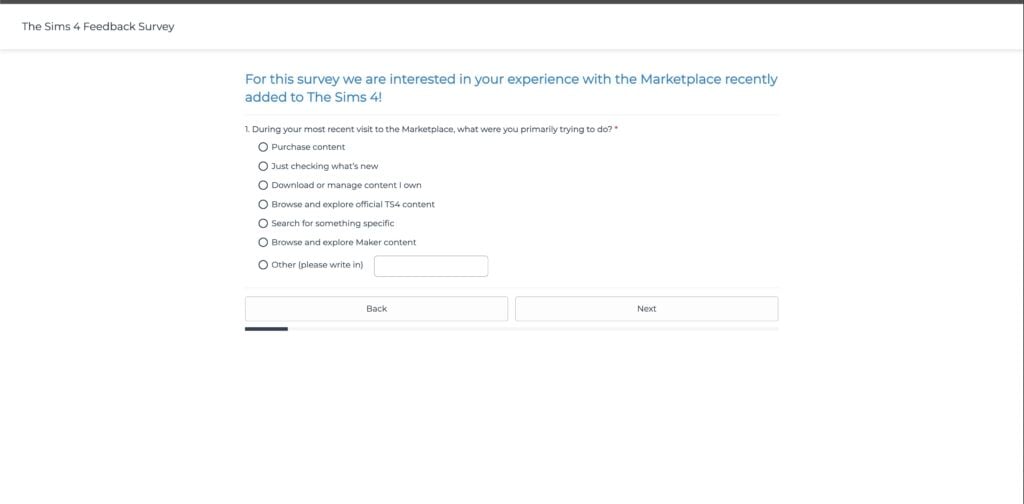
During your most recent visit to the Marketplace, what were you primarily trying to do?
Overall, how satisfied are you with your Marketplace experience today? Overall, how would you describe your experience with the Marketplace so far? Have you previously ever used mods or custom content in The Sims 4?
Please rate your agreement with the following statements:
It was easy to browse and find new content in The Marketplace
I can quickly find content that matches my play style or interests.
The Marketplace helps me discover content I wouldn’t have found otherwise.
Search, filters, and sorting help me narrow down content effectively.
The Marketplace is interesting to explore and browse.
Please rate your agreement with the following statements:
Listings provide enough information for me to decide whether to get an item.
Previews (image/video) clearly show what I will receive.
It’s clear how Marketplace content will work/appear in my game
Please rate your agreement with the following statements:
It was easy to complete a purchase.
The stems to purchase felt quick and straightforward.
Pricing and what’s included are clear before I confirm purchase.
I feel confident that I understand what will happen when I confirm purchase.
Please rate your agreement with the following statements:
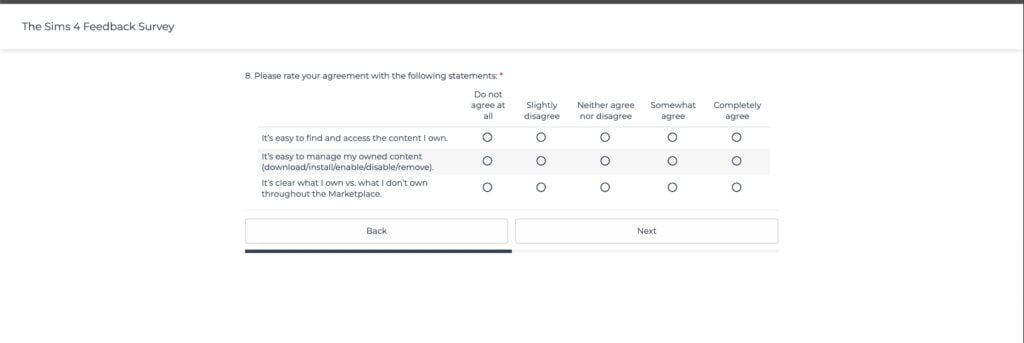
It’s easy to find and access the content I own.
It’s easy to manage my owned content (download / install / enable / disable / remove).
It’s clear what I own vs. what I don’t own throughout the Marketplace.
Please rate your agreement with the following statements:
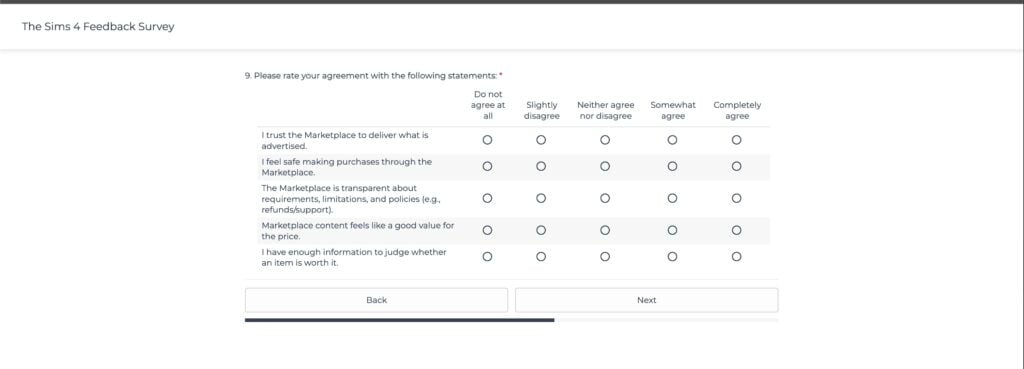
I trust the Marketplace to deliver what is advertised.
I feel safe making purchases through the Marketplace.
The Marketplace is transparent about requirements, limitations, and policies (e.g., refunds / support).
Marketplace content feels like a good value for the price.
I have enough information to judge whether an item is worth it.
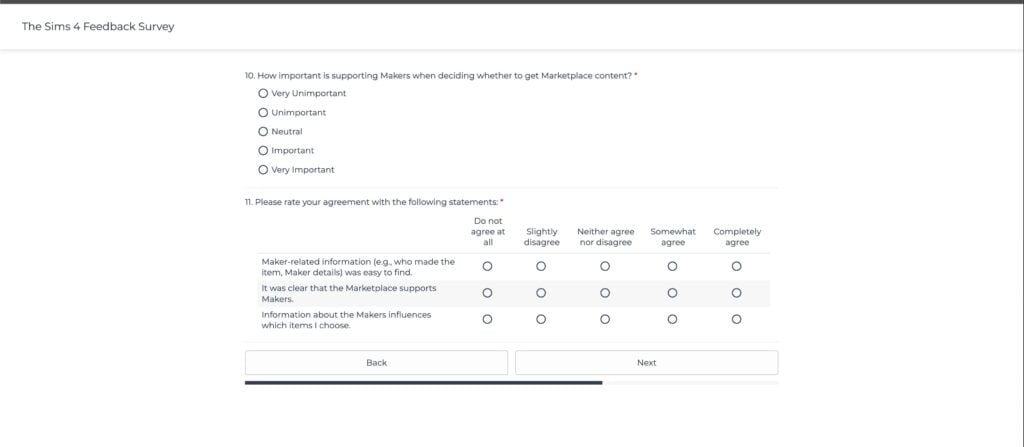
How important is supporting Makers when deciding whether to get Marketplace content? Please rate your agreement with the following statements:
Maker-related information (e.g., who made the item, Maker details) was easy to find.
It was clear that the Marketplace supports Makers.
Information about the Makers influences which items I choose.
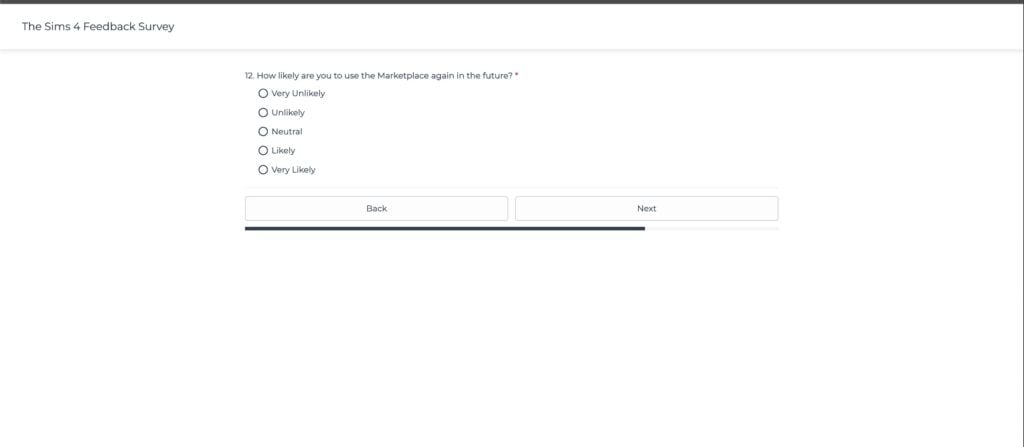
How likely are you to use the Marketplace again in the future?
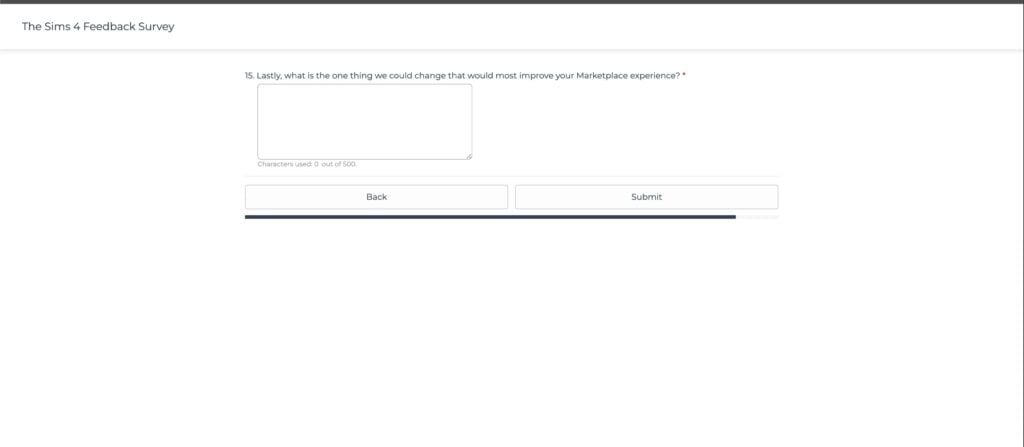
Lastly, what is the one thing we could change that would most improve your Marketplace experience?
Overall, it shouldn’t take you more than five to fifteen minutes total to complete this user experience survey.
Ready? You can take The Sims 4 Marketplace official survey down below:
What did you send to Electronic Arts as feedback for The Sims 4 Marketplace? Let us know your input in the comments down below and stay tuned for the latest Sims News on Sims Community!
InZoi, the Korean life simulation game, turned one year old last week, and its Director, Hyungjun “Kjun” Kim, held a Q&A session where he shared his perspective on life simulation games, the challenges of building one, and the lasting influence of The Sims on the genre.
Over the past 12 months, InZoi has steadily evolved through a series of consistent early access updates, including new gameplay features, bug fixes, and even a free DLC, with the team actively listening to community feedback and sharing regular development updates.
Table of Contents
The Difficulty of Making Life-Sim Games
Despite nearly three decades of experience in game development, Hyungjun “Kjun” Kim admits in an exclusive IGN interview that building a life simulation game like InZoi has been far more challenging than expected. “Life sim games are difficult to master,” he explained, reflecting on the studio’s first year.
The complexity of simulating interconnected systems, player freedom, and meaningful interactions pushed the team beyond its limits at times, with Kim even acknowledging that, if given the chance, he might hesitate before starting the project again. This difficulty also influenced key decisions during development, including the release of an early demo to ensure players fully understood the game’s technical scope before purchasing.
Why The Sims Still Dominates the Genre
A major takeaway from InZoi’s first year has been a deeper understanding of whyThe Sims has remained the defining life simulation franchise for over three decades. “The biggest thing I learned is, The Sims has been the biggest for three decades, and I think I have figured out why that is,” Kim said.
According to him, part of that success lies in the technical and design trade-offs inherent to building a life sim. He pointed to the shift between The Sims 3’s open-world approach and The Sims 4’s more loading-based structure, acknowledging the immense difficulty behind both systems. “I understand why they did that. It’s really hard,” he explained, suggesting that creating a fully open-world life simulation may be an ambition few studios can realistically sustain.
For Kim, this realization has directly influenced the game’s development, as the team continues to learn from The Sims without attempting to replicate it directly. Instead, the focus is on understanding the design decisions behind the genre’s most successful franchise and applying those lessons to build a more balanced experience that aligns with InZoi’s own vision.
Balancing Between Ambition and Players’ Expectations
Beyond technical challenges, Kim also reflected on the pressure of meeting both player expectations and internal ambitions. He acknowledged that the game launched in early access with notable shortcomings, describing it as a necessary step rather than a strategic choice. “When it was released to customers, there were many shortcomings in the game running as a complete game,” he admitted, adding that the team relied on players to help shape the experience. “The users are testing it on our behalf, so I always feel sorry for them.”
Despite strong sales figures, Kim suggested that success is not solely defined by revenue. Instead, his focus has increasingly shifted toward delivering a meaningful experience for the existing player base. “Do I really have to make a lot of money?” he questioned, reflecting on the broader purpose of game development within a large company like Krafton.
This mindset has translated into a more community-driven approach to development, with the team prioritising player feedback and continuous updates over short-term performance metrics, while positioning InZoi as a long-term project that could evolve alongside its audience.
As the game moves forward, with a lot of new content planned for the upcoming months, its first year has made one thing clear: competing in the life simulation space means understanding what made The Sims endure for decades. For Kim and his team, that process is still ongoing, shaped by both technical limitations and player expectations.
That learning process is not only happening within the studio. Kim also shared a more personal perspective with his son as part of his inspiring process. He revealed how his son’s experience playing The Sims, and now InZoi, has influenced the way he sees the genre. Despite joking that his son “doesn’t seem to have any talent,” he noted that he has become deeply involved in modding, hinting at the kind of player creativity the team hopes to support in the future.
“Life sim games are difficult to master,” Kim said. “If you asked me if I would turn back time and make it again, I think I would hesitate.”
“The biggest thing I learned is, The Sims has been the biggest for three decades, and I think I have figured out why that is,” Hyungjun “Kjun” Kim explained. “The Sims 3 was open-world, and The Sims 4 moved to a more loading-based. I understand why they did that. It’s really hard. There may not be any other team that attempts to make an open-world life-sim game.”
“To put it simply, I’ve been doing this for about 29 years now. I’ve been making games for a very long time, but after trying it out, I realised that I couldn’t do it properly. It was too much. So, the reason we released a demo was that, well, it didn’t really fit the specs. So, we actually did it to prevent people who didn’t quite fit the game from making the wrong purchase.”
“When it was released to customers, there were many shortcomings in the game running as a complete game,” Kim admitted. “The reason we had to use early access is that we cannot see the results ourselves. So we had no choice but to use early access. The users are testing it on our behalf, so I always feel sorry for them.”
“Do I really have to make a lot of money?” Kim asked. “Isn’t that how a company is? It seems to have diverse futures. Even if some people make a lot of money, others might be presenting possibilities regarding the future of games. Who knows, maybe later on, the future of the entire game industry?”
“When I was young, The Sims was incredibly helpful to me,” Kim said.
“My son started playing The Sims,” Kim continued. “He’s much bigger than me. He asks me questions and says he wants to become a game developer too. From my perspective, my son doesn’t seem to have any talent, so I worry about him these days. I don’t know why he seems so untalented, but I thought maybe if he just played some InZOI, he might learn game development.”
“My son is now a modder for everything,” Kim said. “He makes all the mods. He is building up the feeling that he would like InZOI to be modded later on.”
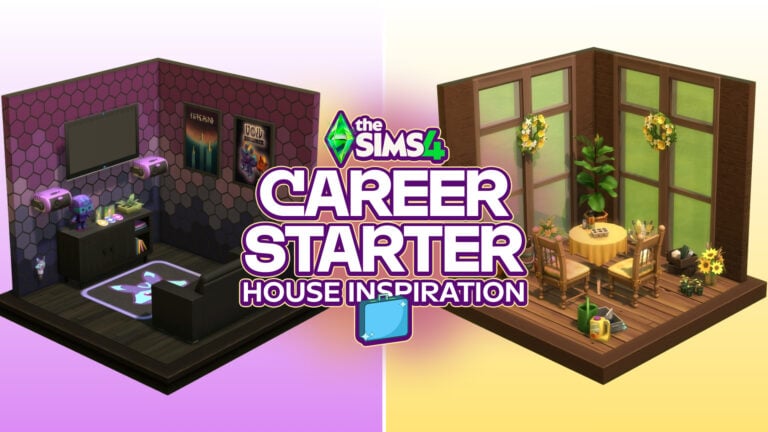
Looking for a little home inspiration for your Sims first starter house? Why not let their career guide the way! This The Sims 4 career starter guide is full of fun tips and ideas to help you create a home that fits your Sim perfectly.
Table of Contents
The Sims 4 Career Starter Home: Inspiration Challenge
Have you ever entered a lot with your Simtastic Sim… and then your mind just goes completely blank on what to build? Me too! With this small building challenge, you can step onto that lot again, but this time with a clear idea in mind. Simply choose your Sims career, and you already have a solid foundation for their home aesthetic. There’s no right or wrong here, just inspiration and fun ideas!
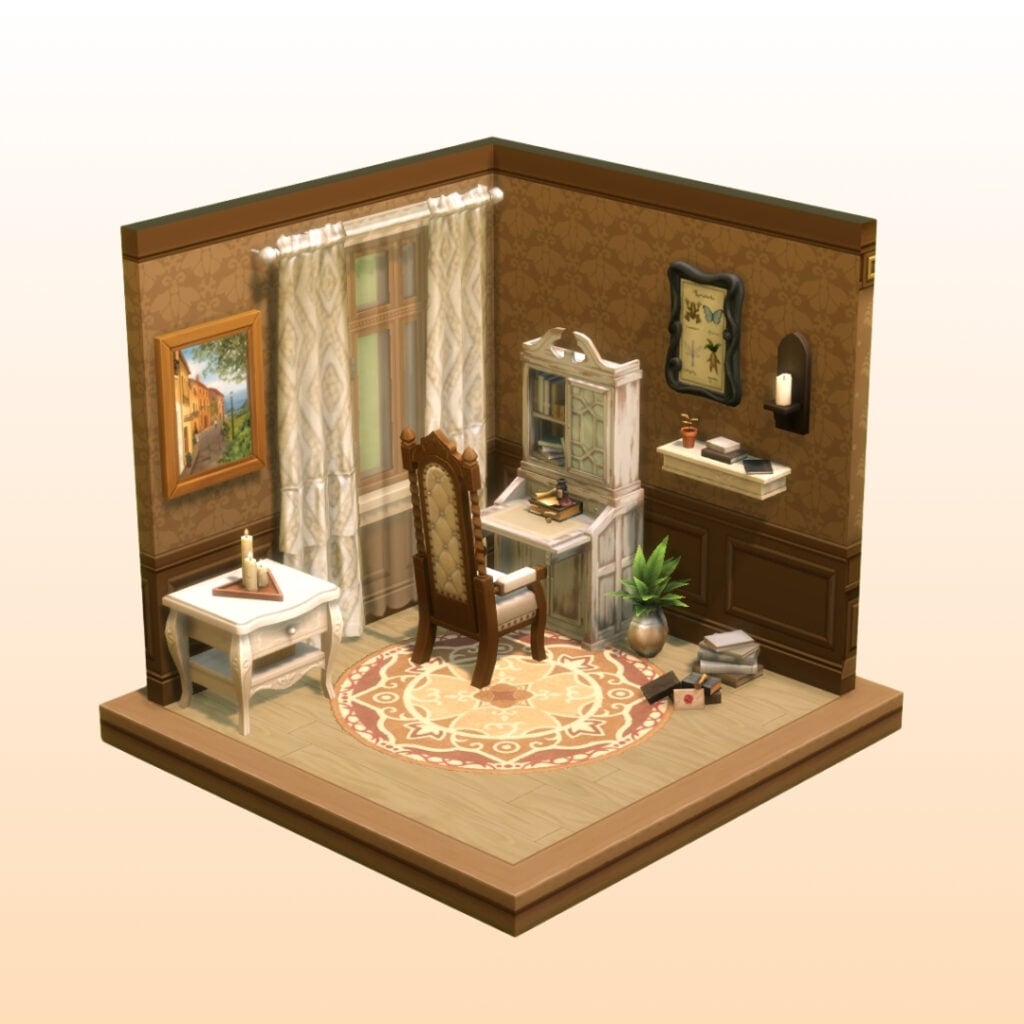
Writer Career
Writer’s Home A home where dust floats softly in the air and books lie scattered in every room. It might look a little cluttered, but this is where your Sims new stories are written. Aesthetic/Style: Storybook, Queen Anne Colors: Cream, Walnut, Black Must-have rooms: Library, Study Nook, Tea Corner Décor: Candles, Books, Clutter Live in: Henford-on-Bagley OR Ravenwood
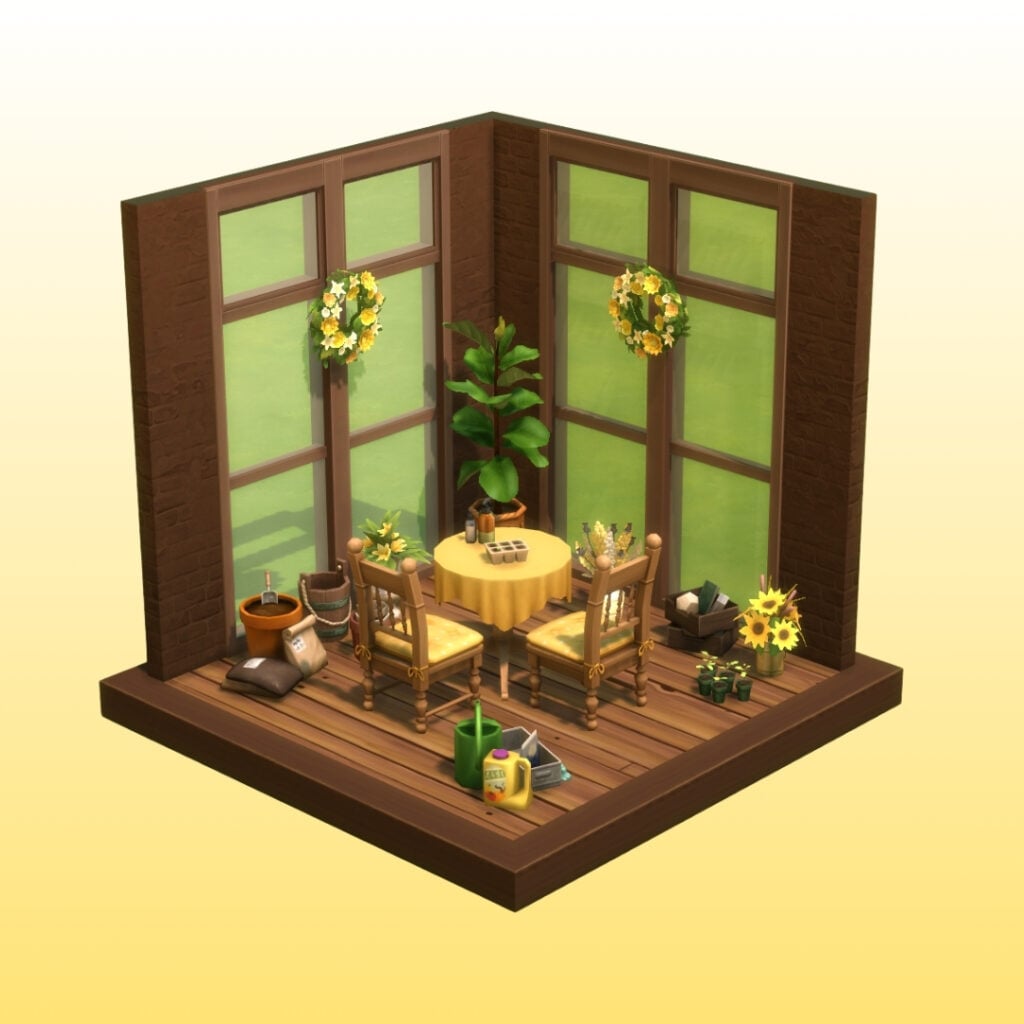
Gardener Career
Gardener’s Home A bright home with cottage core charm. Plants are growing, birds are chirping outside, and the warm sun shines through the windows lighting up the sunroom. It’s the perfect place for a Sim who loves spending their days caring for their garden. Aesthetic/Style: French Country, Farmhouse, Garden Colors: Green, Yellow, Brown Must-have rooms: Sunroom, Greenhouse, Garage/Storage for Garden Supplies Décor: Plants, Wooden Floor, Frogs Collection Live in: Willow Creek OR Henford-on-Bagley
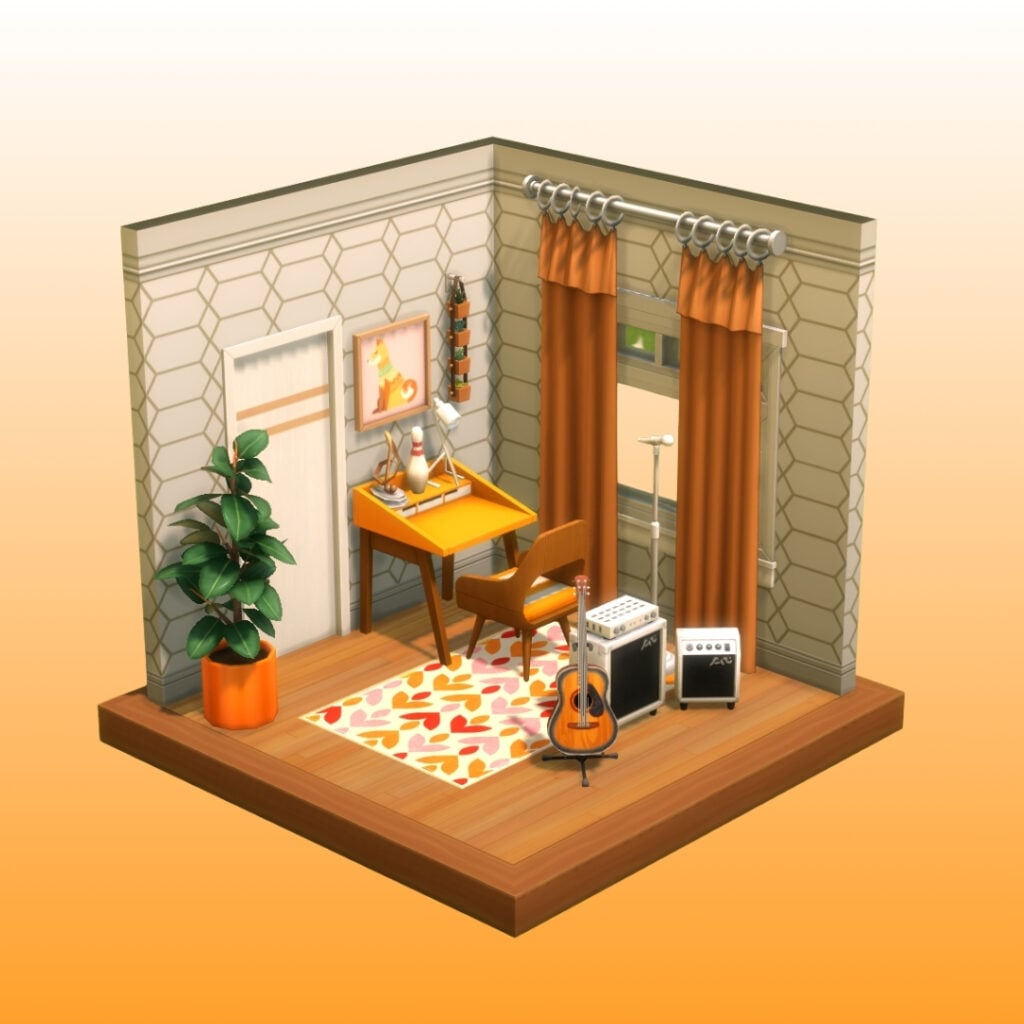
Detective Career
Detective’s Home A sleek, minimalistic home that often feels quiet and empty after long workdays. It’s a place to relax, reflect, and recharge before the next mystery begins. Aesthetic/Style: Mid Century Colors: Orange, Warm Wooden Tone, White Must-have rooms: Recording Studio, Bar, Big Office Décor: Rugs, Mirrors, Big Plants Live in: Del Sol Valley OR Oasis Springs
Social Media Career
Social Media’s Home A bright, cheerful home where colorful pastels meet creative art on the walls. This place feels fun, and it’s perfect for taking photos, filming content, and sharing moments online. Aesthetic/Style: Cute, Art Deco Colors: Pastel Pink, Orange, Beige Must-have rooms: Office/Content Creation Room, Walk in Closet, Coffee Corner Décor: Colorful Rugs, Colorful Lights, Selfies with friends, Flowers Live in: San Myshuno
Astronaut Career
Astronaut’sHome A neat and futuristic home inspired by the wonders of space. Clean lines, bright colors, and modern details make it feel both practical and exciting. It’s the perfect place to study the stars and dream about galaxies. Aesthetic/Style: Cosmolux, Patio Colors: Dark Blue, Red, and White Must-have rooms: Attic or Loft with a balcony so you can stargaze, Patio, Home office Décor: Space Prints Collectibles, Telescope, Rocket Ship Live in: Oasis Springs
Tech Guru Career
Tech Guru’sHome A home filled with technology and screens on every wall. This is the perfect place for gaming, programming, and watching movies all night long. It’s simple, modern, and built for a Sim who loves spending time in the digital world. Aesthetic/Style: Basic, Modern Colors: Purple, Dark Green, Black Must-have rooms: Home Cinema, Gaming Room, Basement Décor: Movie Posters, MySims Trophies, Neon Lights Live in: Newcrest
What is the first room you always build for your Sim? And where do you usually find inspiration for your builds? Let me know in the comments bellow, and share your builds in our Discord! Stay tuned for more challenges, and keep up with the latest news on The Sims Community.
A new, brief update about The Sims Franchise direction has been shared by a reliable insider.
A new report has just been published by a reliable insider, just a few days after talking about Project X development direction with AI and other insider knowledge. This insider already predicted The Sims 4 Marketplace and revealed new talks of The Sims Project X – a new Sims Single Player experience in development by Maxis.
The latest short but not-so-sweet report contains insider knowledge about the current success of The Sims 4 Marketplace. According to the insider, it has already exceeded EA’s expectations.
When it comes to The Sims Project X, the insider claims that “EA is aware of Project X leaking“; which seems to have already sparked conversations of changing the direction of development plans for this game. The insider claims that the community feedback on Project X leaks have already shifted discussions about “whether some direction changes are necessary”. Including map and monetisation.
On March 4th the Sims insider had to say this about conversations of direction changes for map and monetisation in Project X:
They’re also exploring the idea of having one world for Project X over seperate releases, and having you start with a smaller chunk that you have to pay for to expand as time goes on. So you might start with two Neighbourhoods and then have to pay to unlock new Neighbourhoods as they come out. Rather than delivering one world at a time with different packs.
According to the insider, it’s still up for debate on what will happen with Project X Worlds integration. “Who knows”
Read more in the report summary below:
Just got word from someone in the team on a couple of things;
Marketplace has so far exceeded EA’s expectations, we don’t know what they were though.
EA is aware of Project X leaking, and are overall not too happy with the communities response, they’re holding discussions on whether some direction changes are necessary. Things like how maps and monetisation will work. “Who knows though” was said by someone on the team if that gives you an idea of how often things are said and forgotten or not forgotten etc.
They’re also working out ‘The Sims’ online presence as more communication seems to be making things worse at the moment, not better. Example;Players playing the For Rent pack and using the Residential Rentals has massively increased over the last 6 months, yet no real increase of anyone reporting save issues to match. Therefore EA have lowered the priority of communication on the issue when there’s no updates as it seems to make the general audience think it’s a larger scale issue than it is.
Quite a few people at Maxis have concerns over job safety over the next few months. They’re concerned the need for as many developers won’t be necessary due to things like Gen AI and the lack of work in the industry has them worried.
That’s all I have for now.
We’ll make sure to keep you posted in case anything more gets revealed by the insider. Until then, you can keep in the loop on all The Sims Speculation and Rumor right here on Sims Community!
What are your thoughts on the latest insider knowledge on The Sims 4 Marketplace and Project X? Let us know in the comments below!
If you love that retro vibe, you’re in the right place. I rounded up 40 of the best Sims 4 Nostalgic Build CC and 90s sets to help you create the ultimate throwback home. All free to download and put in your Electronic Arts > The Sims 4 > Molds folder on PC / Mac.
I have also listed several different Build categories for this spotlight, including:
40 Sims 4 Nostalgic Build CC: 90s Sets For Retro Homes
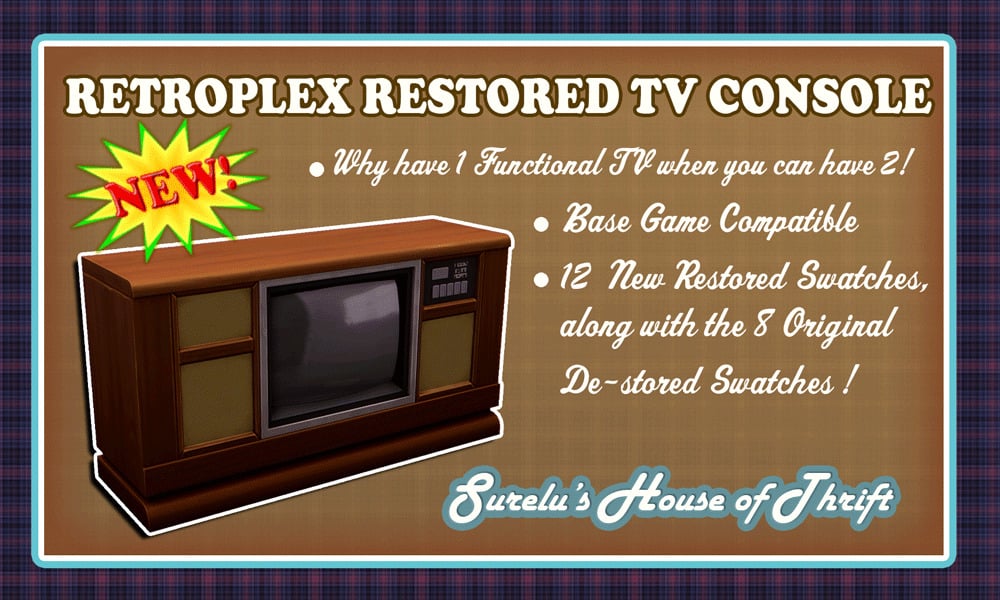
Retroplex Restored TV Console by Surely-Sims
Retroplex Restored TV Console by Surely-Sims is a perfect example of a 90s-themed television! This same console is in the “Basement Treasures” kit, but sadly, it only functions as a decor item. However, with this piece of CC, you can have the same TV, but it is functional and base game-compatible. In 20 different swatches, this TV will be the perfect touch to your 90s-themed living room.
Walkmans were a sidekick of the 90s, the ability to take your music anywhere and bump your head on the streets while taking a walk was revolutionary. CD Player + Collection by HYDRA contains a CD collection decor in 67 swatches, a functional earbud set (styled as a CD player), and a functional stereo. Be sure to add this to your teen Sim’s bedroom!
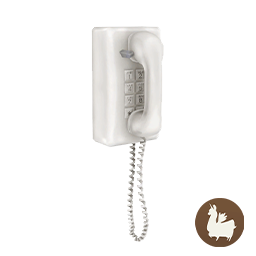
Phone conversations in the 90s were on a whole other level! From spying on your siblings by picking up the other phone to listen in on or stretching the cord all over the house, talking to your best friend, wall phones held a special place in our lives. Functional Wall Phone by awingedllama is a functioning wall phone for your Sims! Make calls, place orders, and do everything else you could normally do on your Sims cellphone, but now in a retro way.
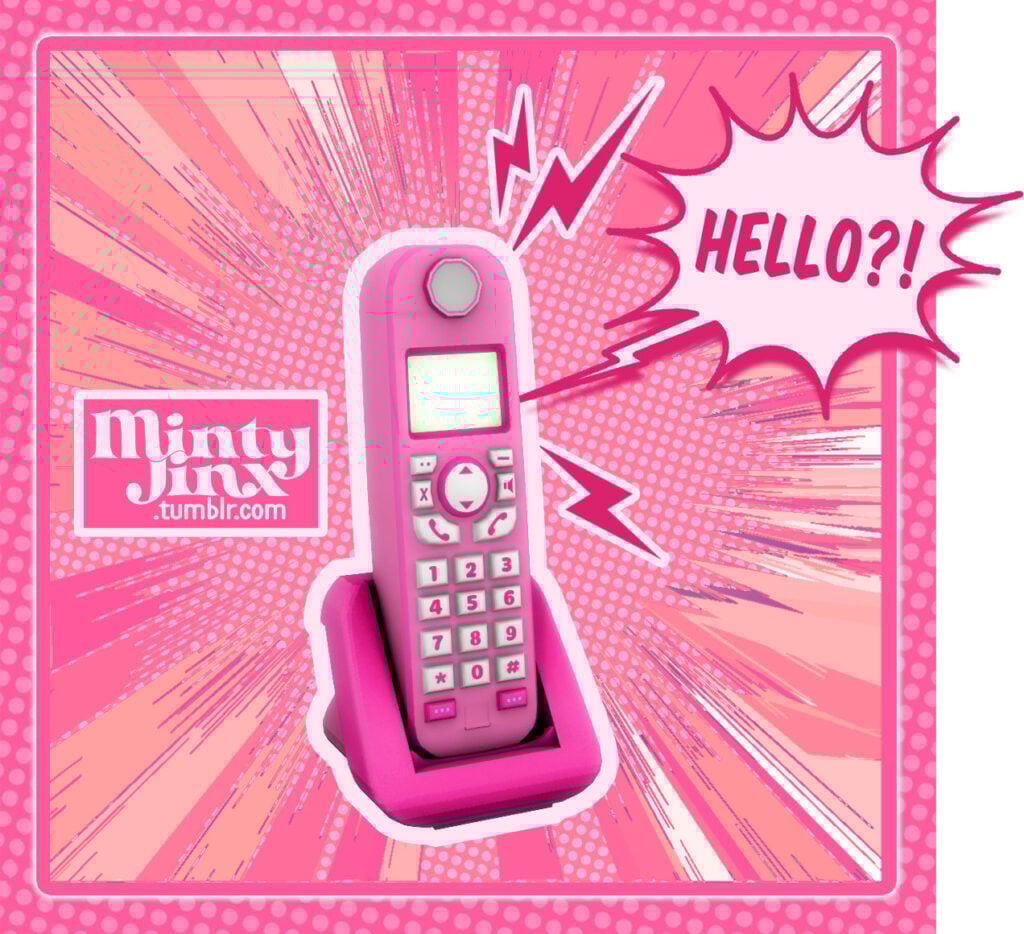
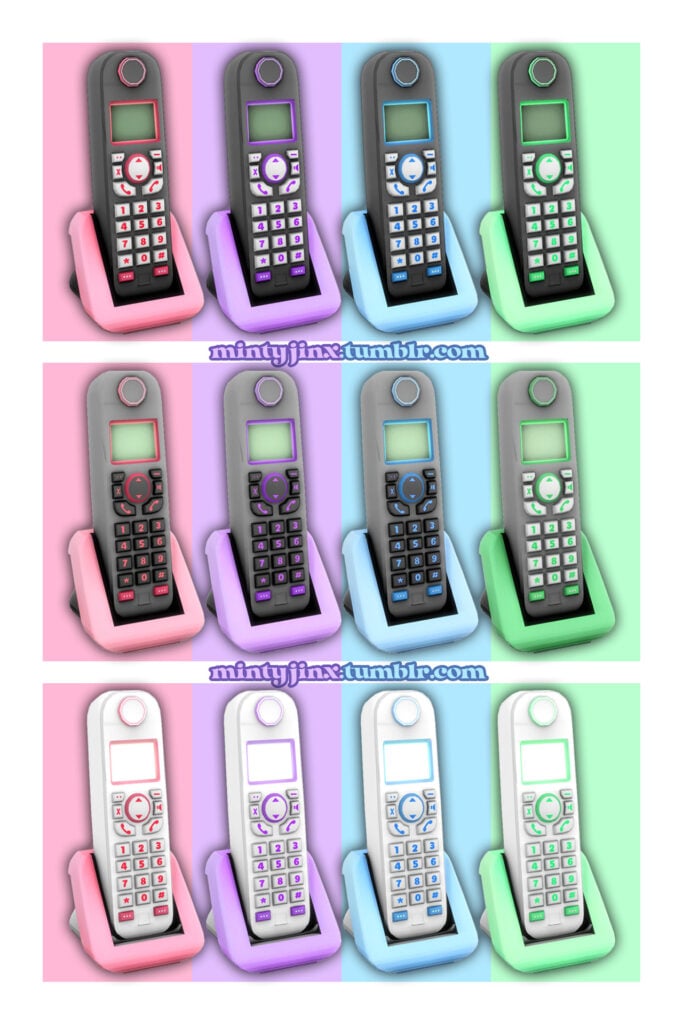
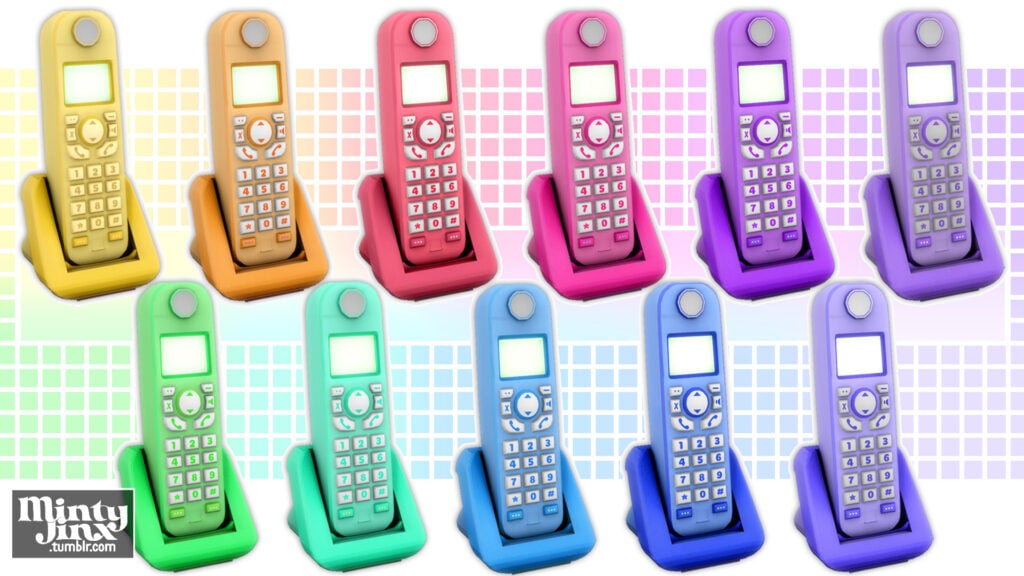
(Retro & Vintage) Cordless Landline Telephone by MintyJinx
The late 90s gifted us with the magnificent cordless phone: no cord meant more privacy and less chance of getting caught up on things while trying to talk. This lovely piece of CC from MintyJinx is a decor cordless phone that emits a small light that can be turned on and off. An amazing solution for finding a retro lamp!
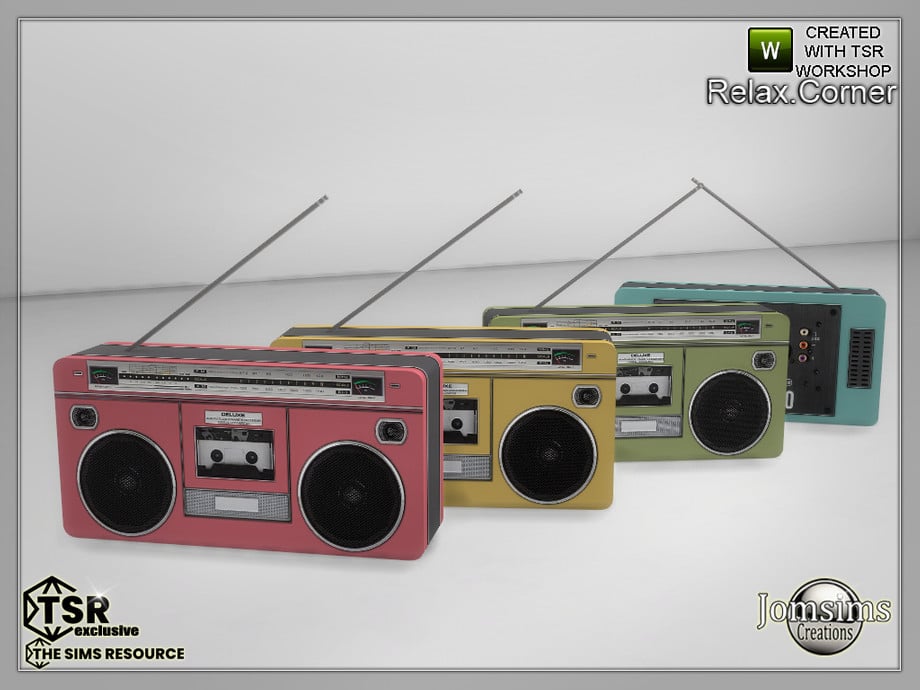
Relax Corner Audio by jomsims is a retro option for all your Sims’ audio needs! This cute little radio comes in 4 different colorful swatches. If you love this piece of CC, be sure to check out the rest of the “Relax Corner” CC set.
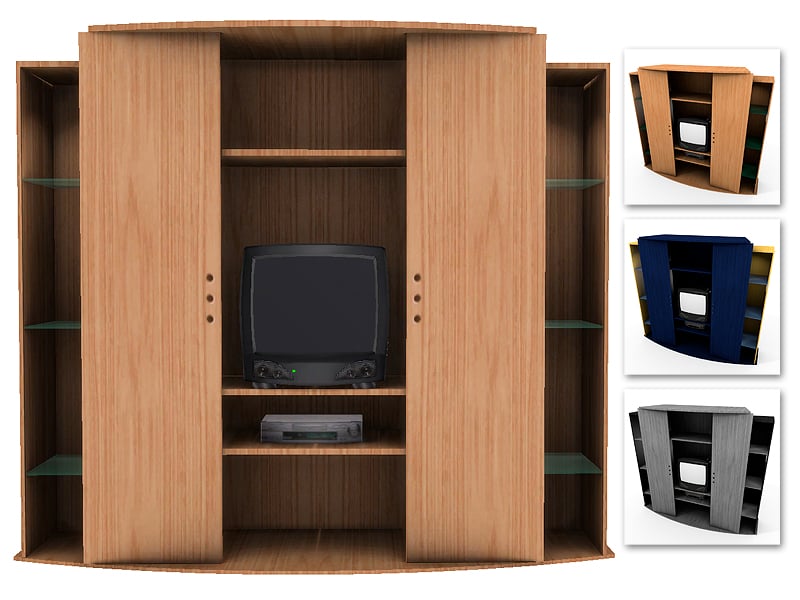
Friends was arguably one of the best TV shows of the 90s, and now, with kiolometro’s creation, you can have the iconic TV from Joey and Chandler’s apartment, right in your Sims living room! The cabinetry on the sides and top make it the perfect place to put all your Sims’ 90s trinkets. This piece of CC is part of a larger collection called “Friends JCh”, the ultimate Friends recreation for your Sims living rooms!
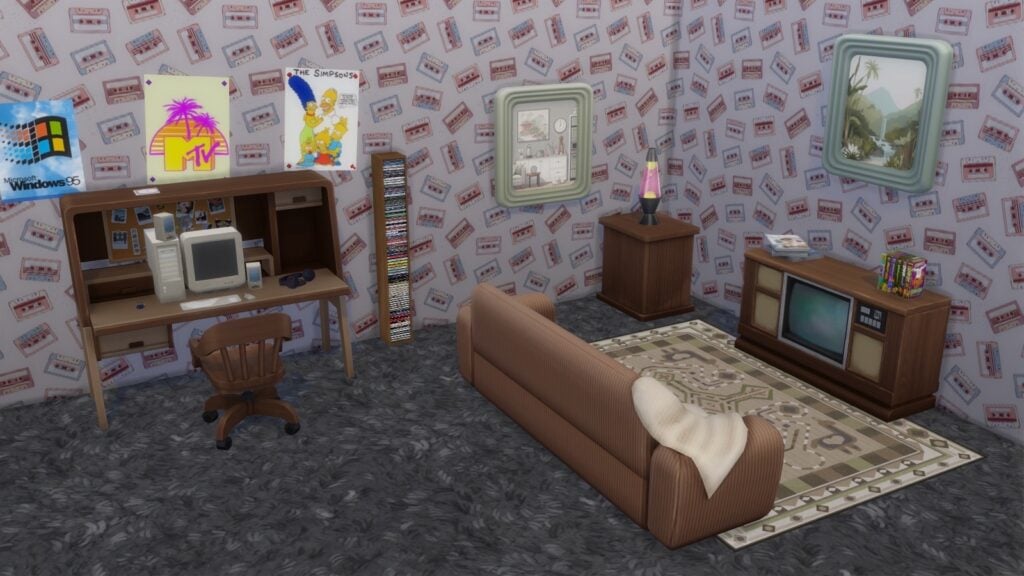
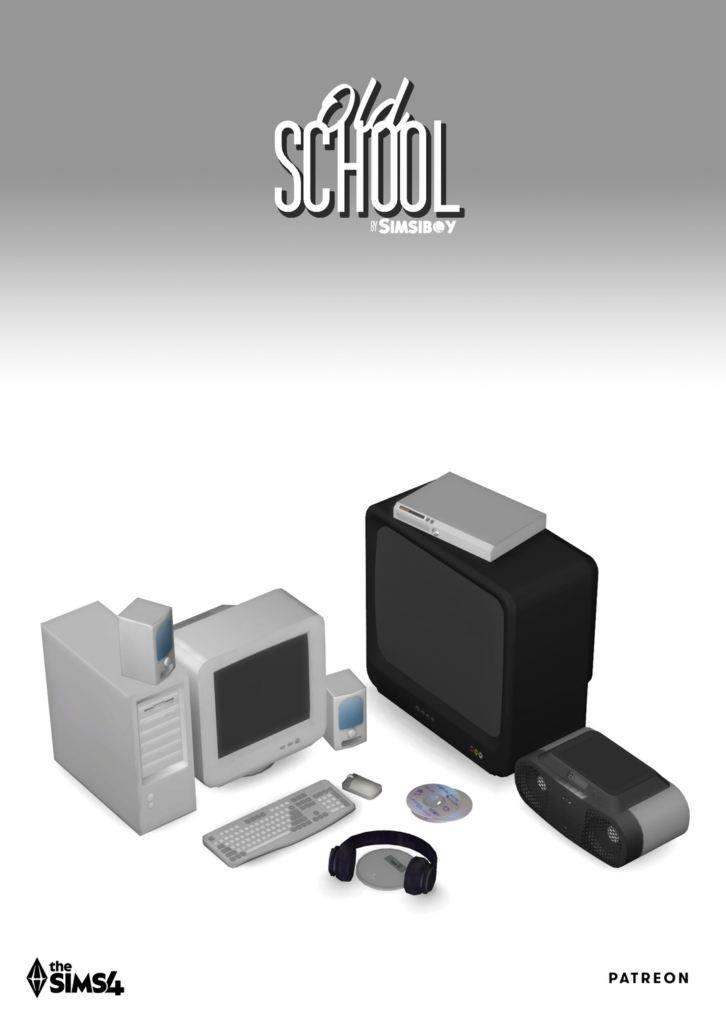
Bring old school electronics back into your Sim’s lives with Old School (CC Kit) by Simsiboy! Adorn your Sim’s desk with a chunky computer, an old-school radio, decor CD’s, a tube TV, a cute decor VHS player!
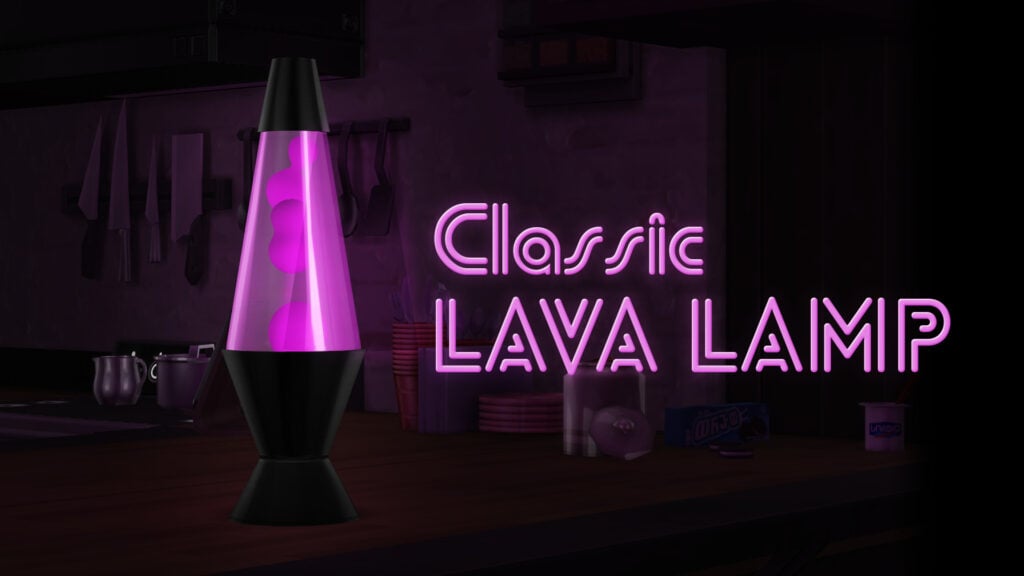
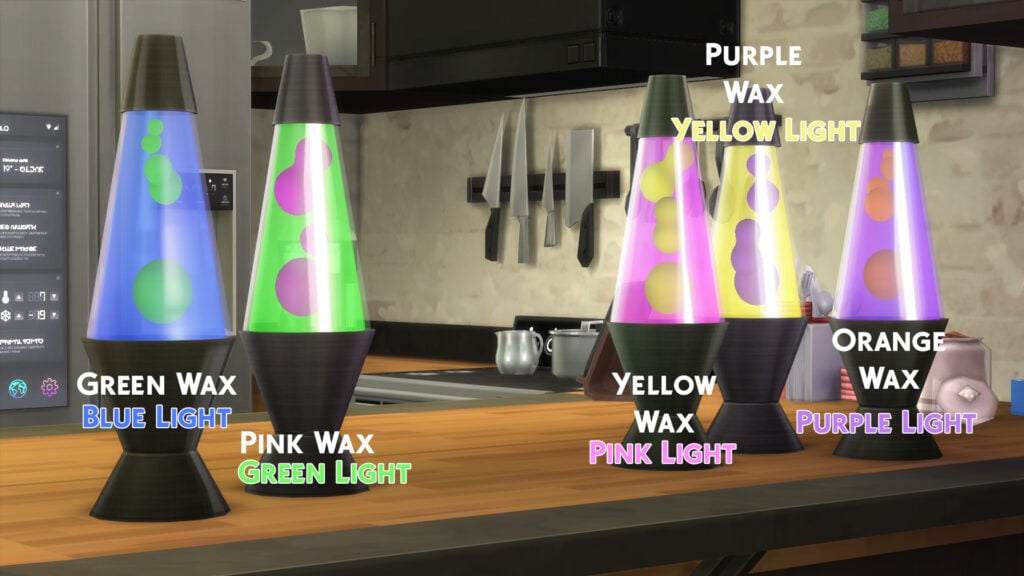
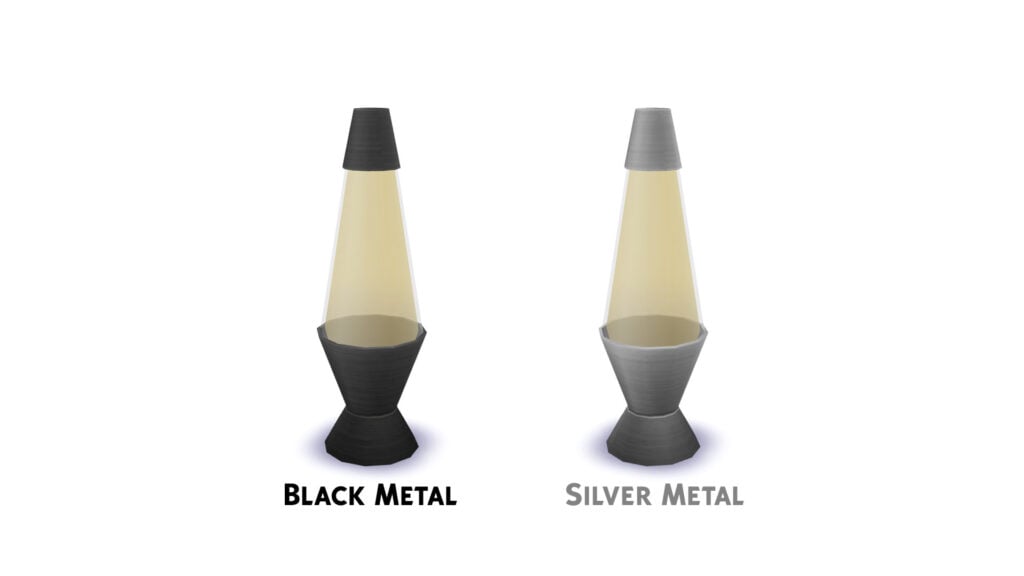
Classic Lava Lamp – Requires Strangerville by littledica
Classic Lava Lamp by littledica is one of the most amazing pieces of CC I have come across to go in your 90s themed rooms! There is an animation, and it comes in 5 groovy colors! You will need the game pack “Strangerville” for this to work. Bring chill vibes to your Sim’s lives!
Comfort in a 90s living room was a must! Perfectly Plush Sofa by citrusy-sims combines light and earthy tones into a retro-feeling couch with pillow and blanket accents. The rounded edges and realistic textures make it look super comfy!
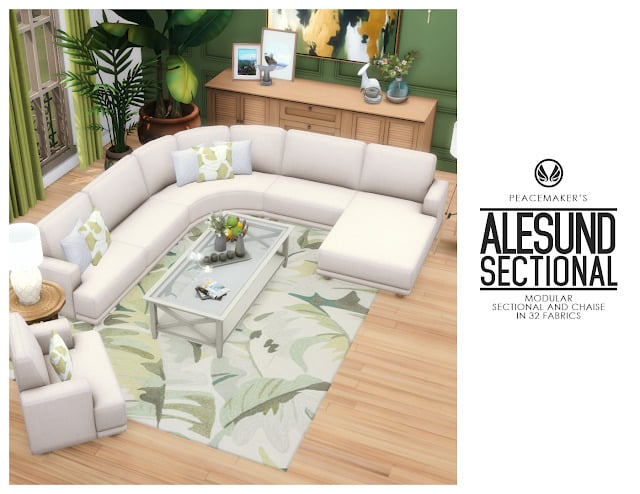
Alesund – Modular Sectional Chaise Seating by Peacemaker_IC
Bigger TVs in the 90s meant bigger living spaces and the need for more seating room, which is where sectionals come in! Alesund – Modular Sectional Chaise Seating by Peacemaker_IC has rounded edges and 32 different color options! A classic styled couch to counterbalance all the crazy 90s patterns.
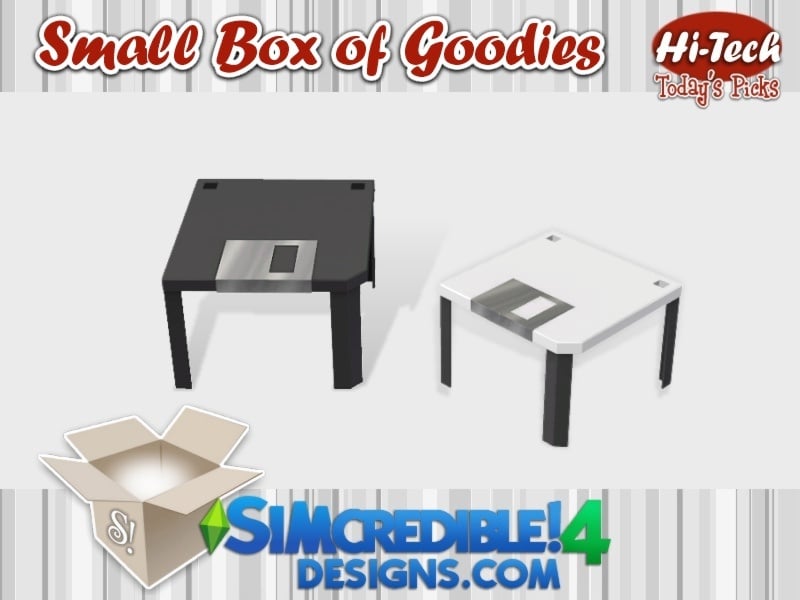
Floppy disks were the go-to for saving all of our important information, and became a staple in our study rooms or desk areas. This creation by SIMcredible! is an adorable coffee table designed as a floppy disk, available in white and black.
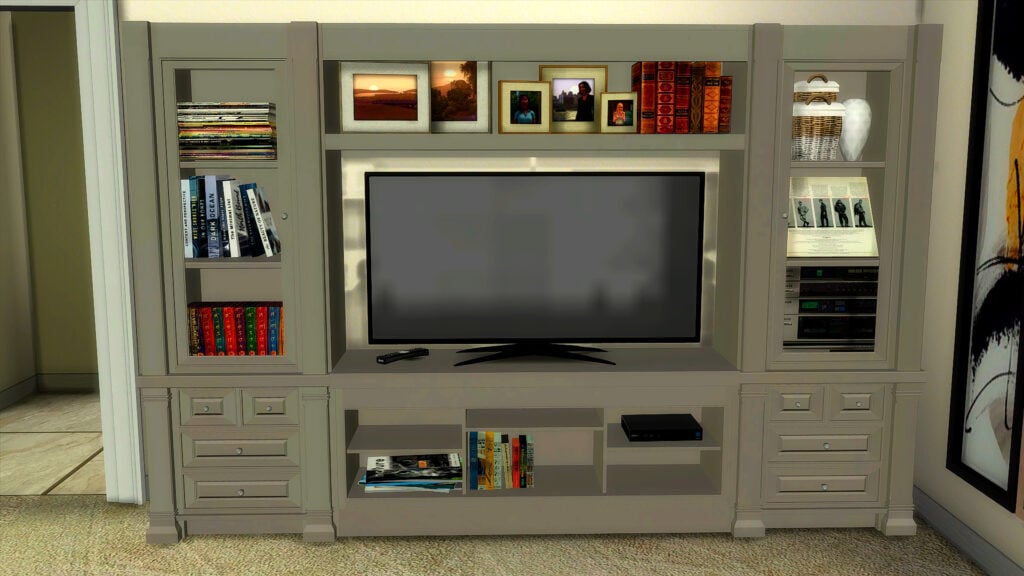
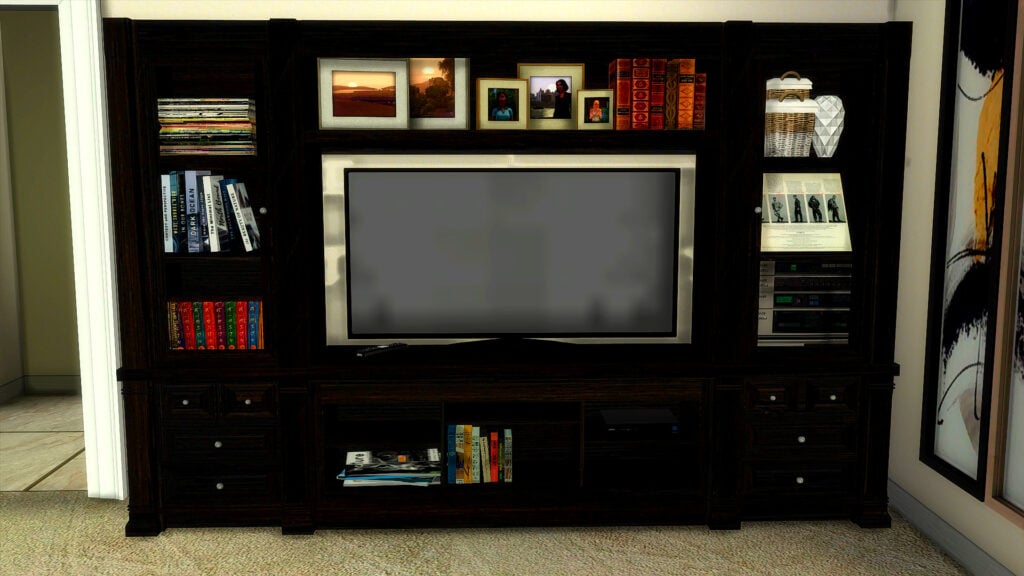
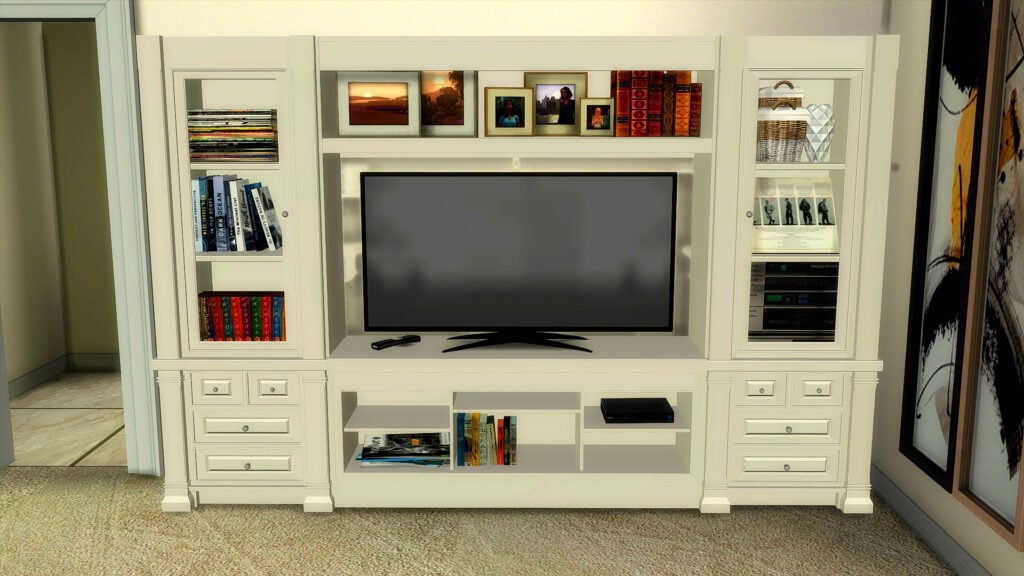
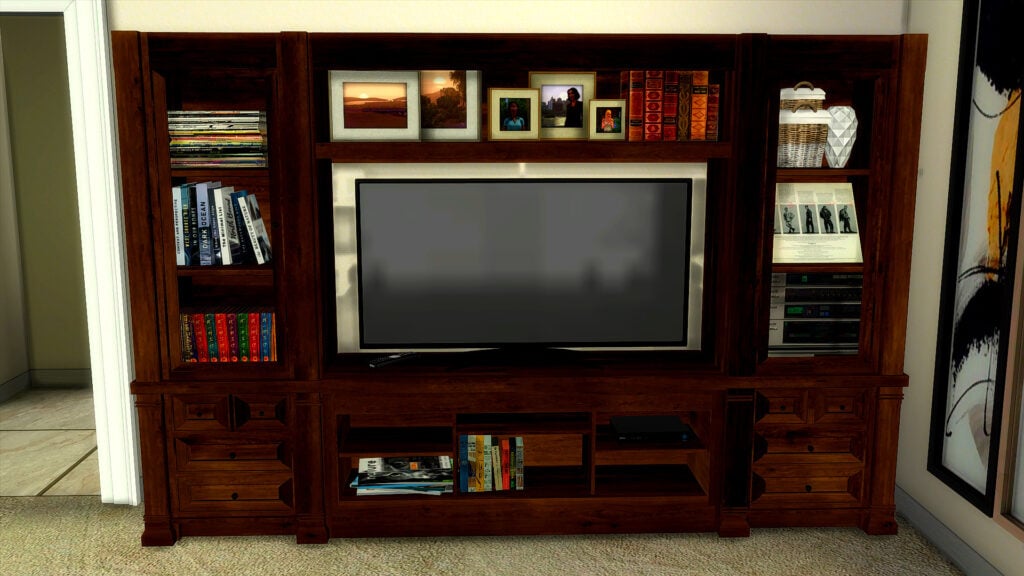
Entertainment Center CC by Scodee Yodee is a modern take on a classic, retro entertainment center that a lot of us had in our homes for our chunky TVs and video game systems. It comes in 16 amazing colors and has plenty of open spaces for your Sim’s decor items.
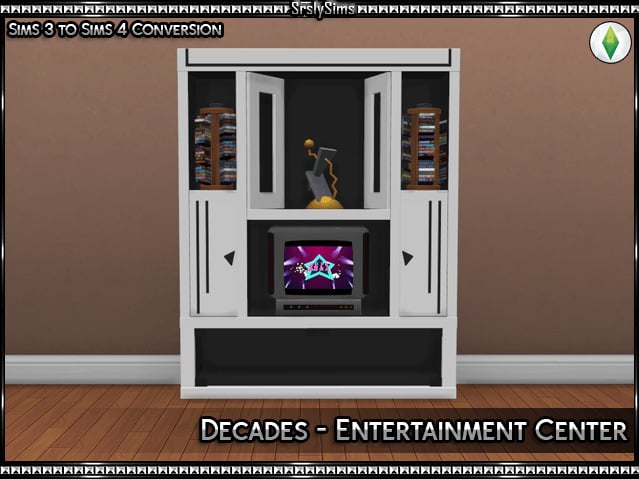
Another retro entertainment center option for your Sim’s 90s themed rooms: Decades Entertainment Center by SrslySims, in a whopping 30 swatches, and has plenty of spaces for your clutter items as well.
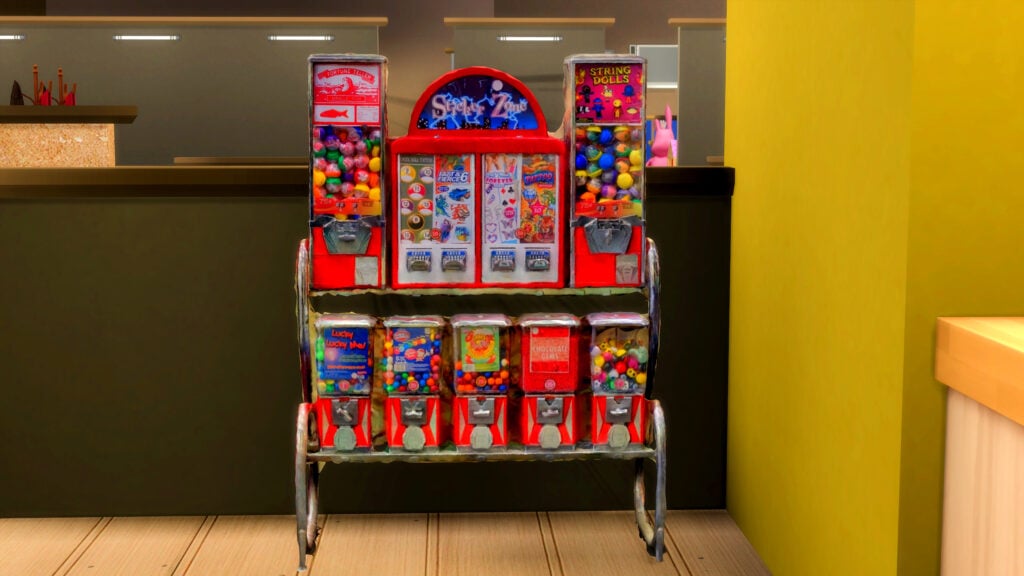
One of the best parts about going to the store used to be the candy dispensers! Yeah, they still exist, but they’re nothing like how they were in the 90s! Functional Candy Dispensers CC by Scodee Yodee perfectly captures this vibe, and this object is even functional thanks to a mod from Icemunmun, which is available on the download page as well.
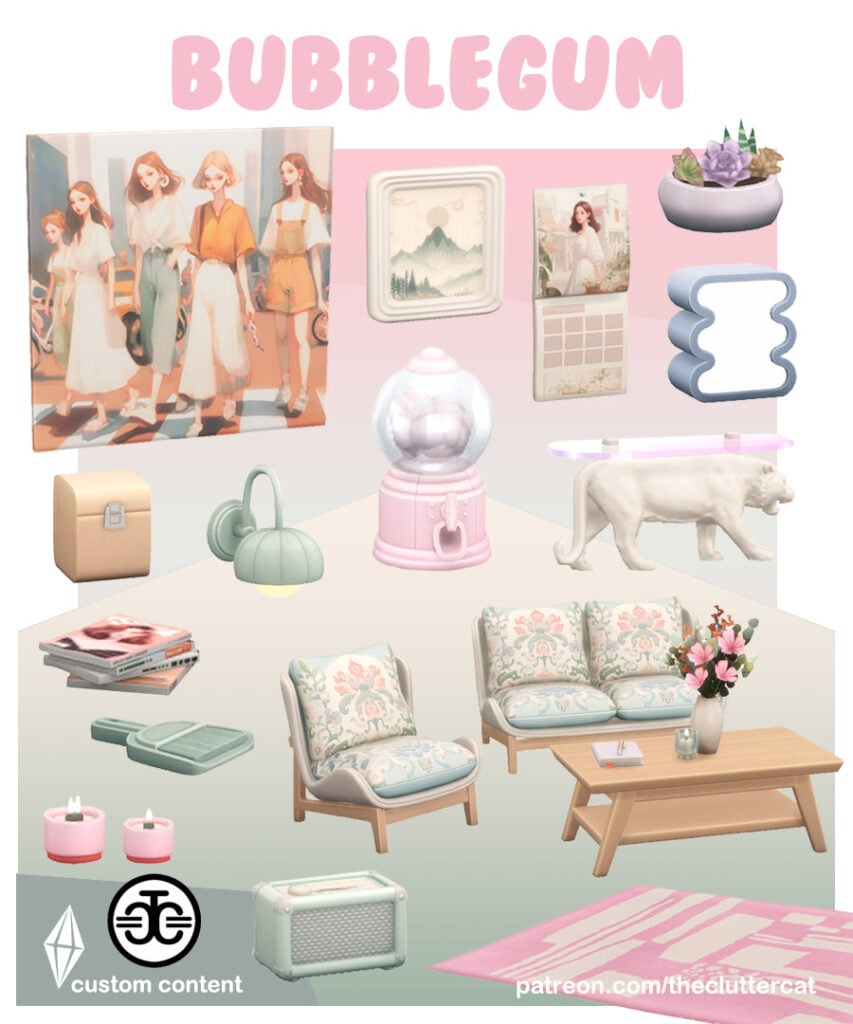
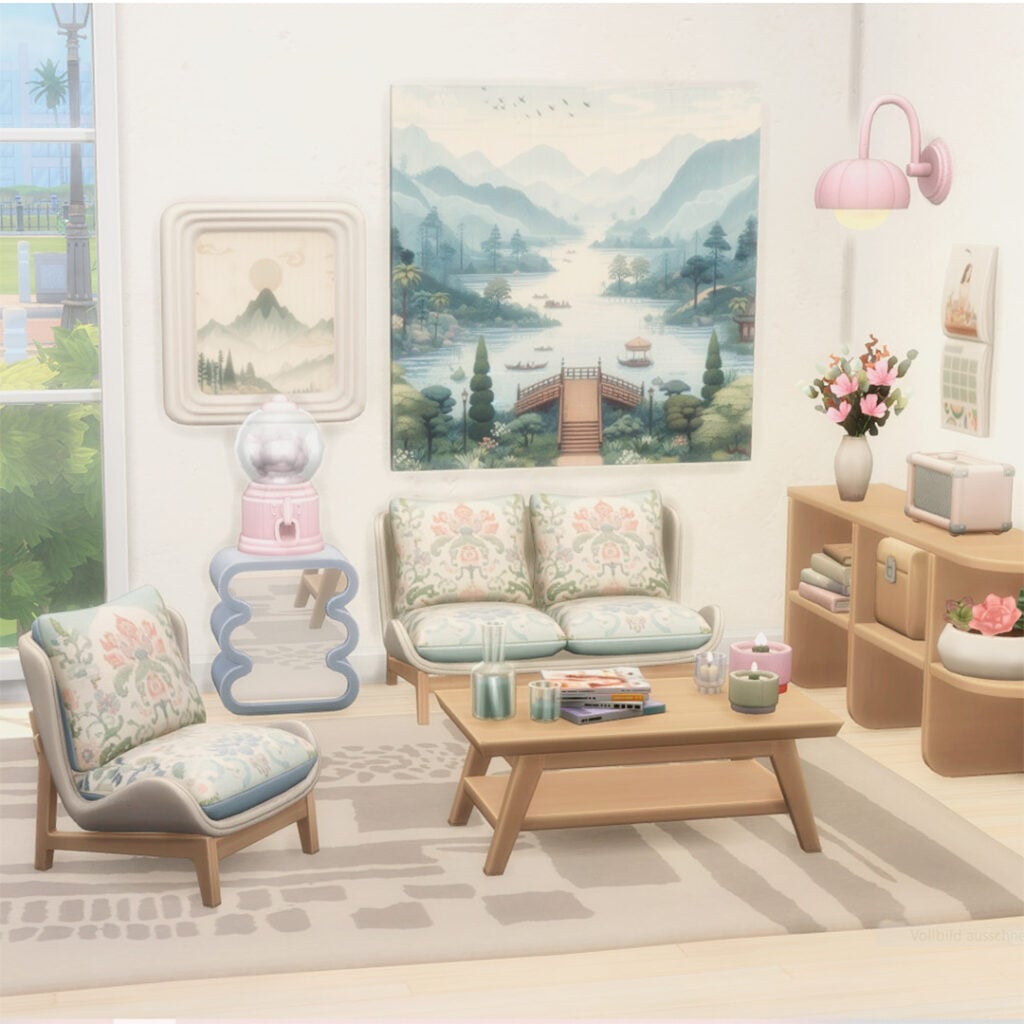
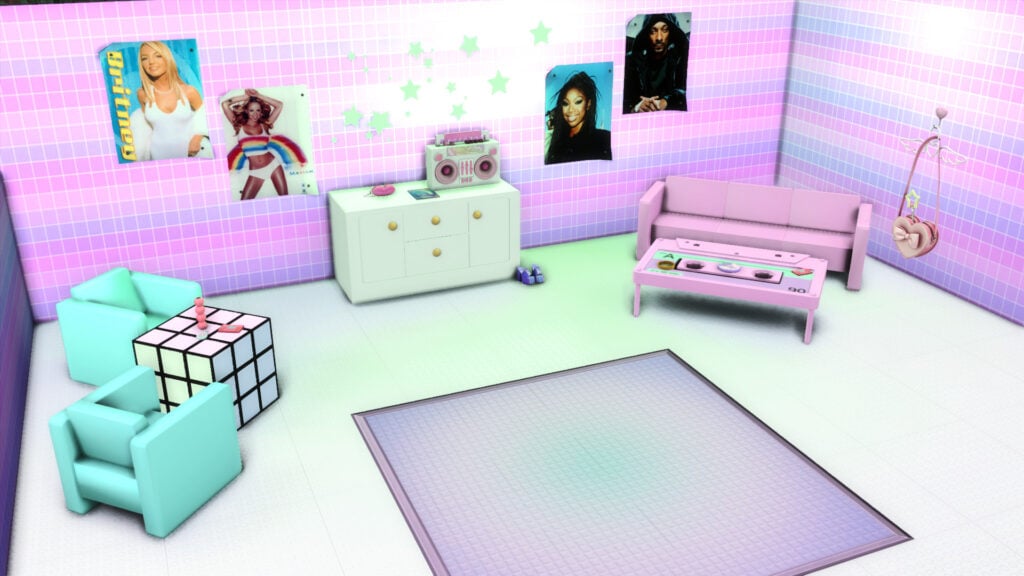
90s in pink! Bubble Gum by The Clutter Cat is a CC pack of 18 items with a cute, pink, retro vibe. Amongst all these amazing CC items, you will find chairs, frames, coffee tables, a rug, and more!
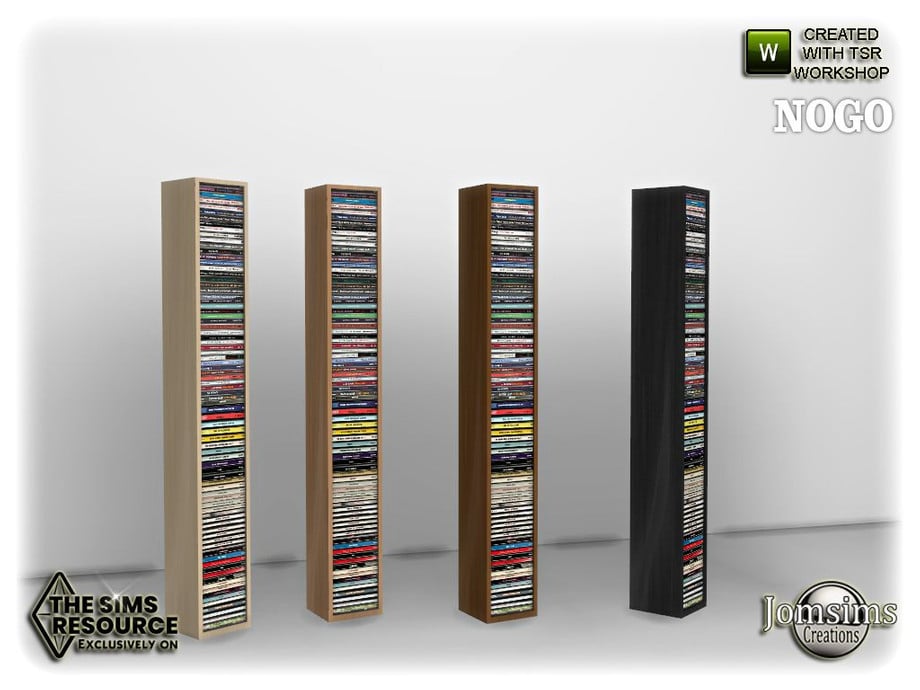
Next to every computer desk or stereo system, there was a CD tower! It was the best and most convenient way to organize and put away the piles of CD’s that we had accumulated. Nogo Office Deco CD Tower by jomsims captures this look in 4 different neutral wood swatches.
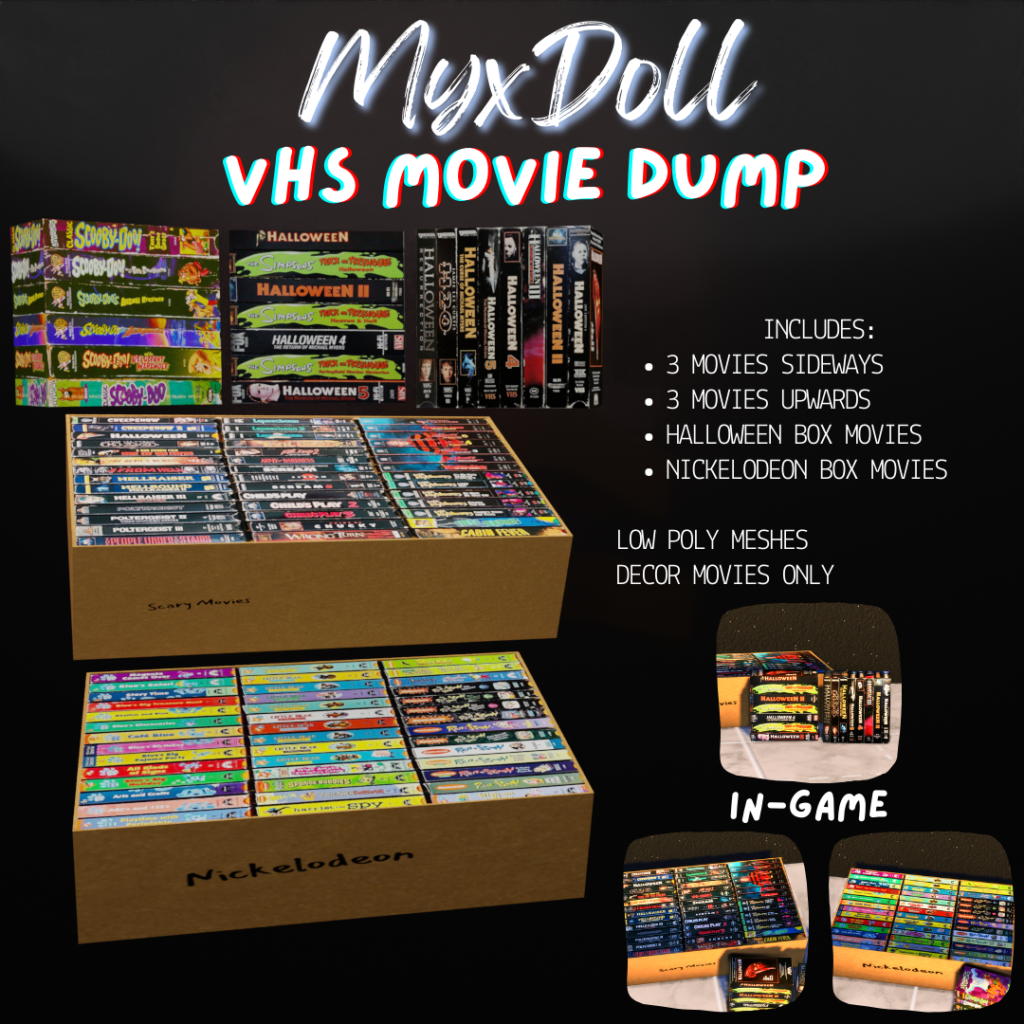
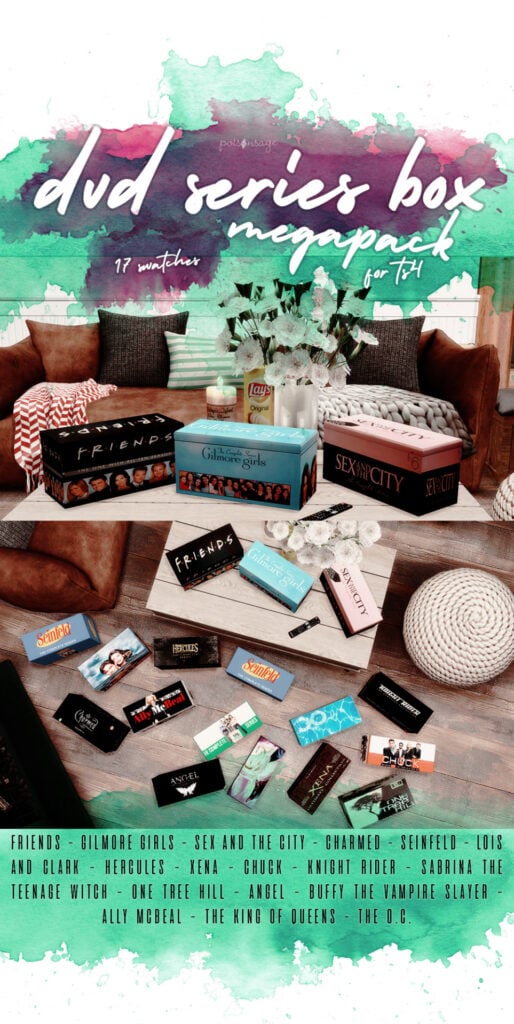
Everyone’s favorite 90s to late 2000’s shows, now available in DVD decor format for your Sims! Some of my personal favorites are even included: Friends, Seinfeld, Buffy the Vampire Slayer, and more! Just the little 90s touch your Sim’s living room needs!
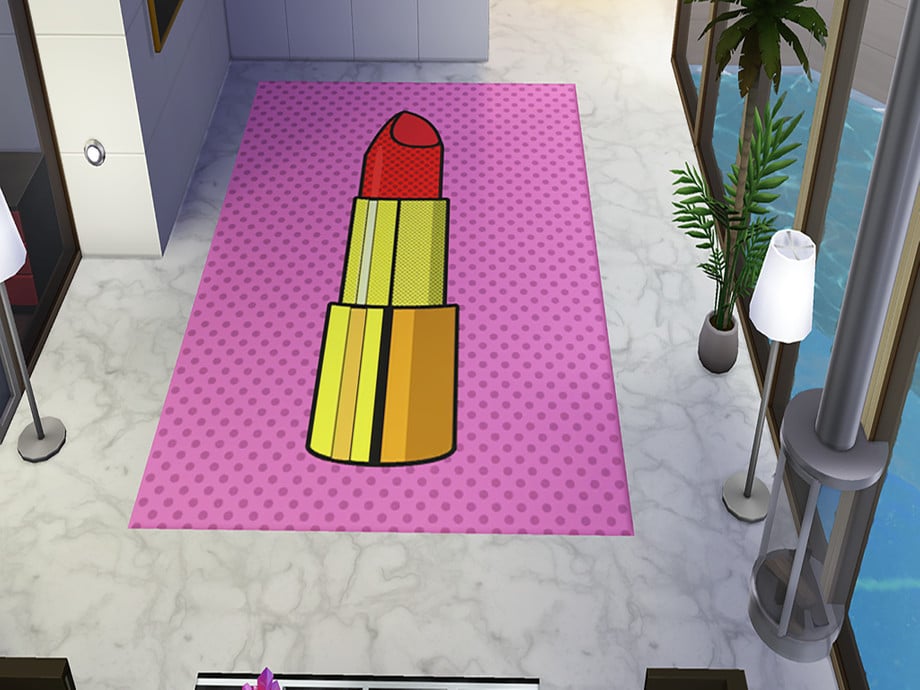
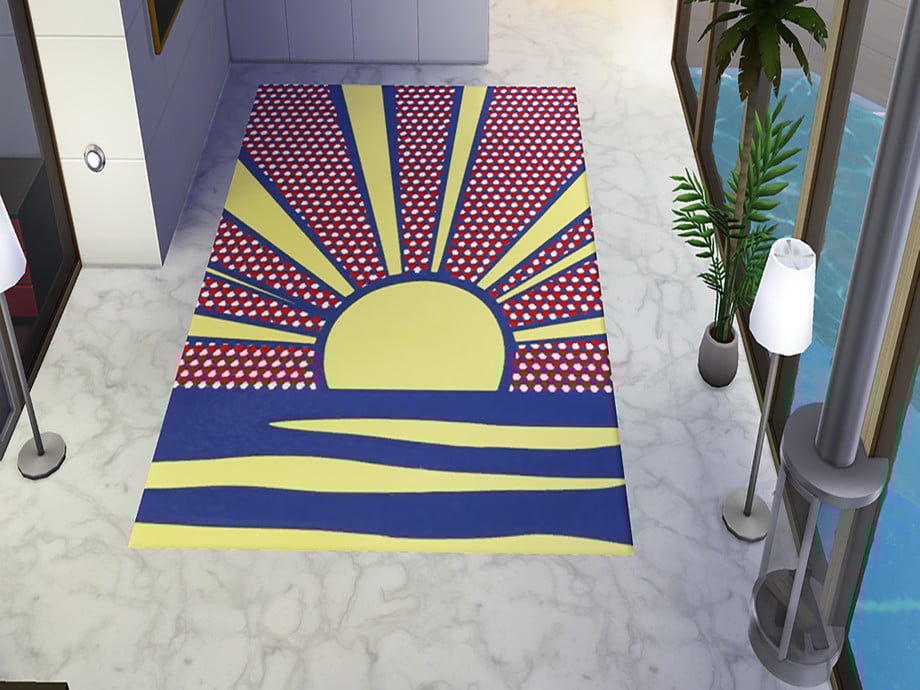
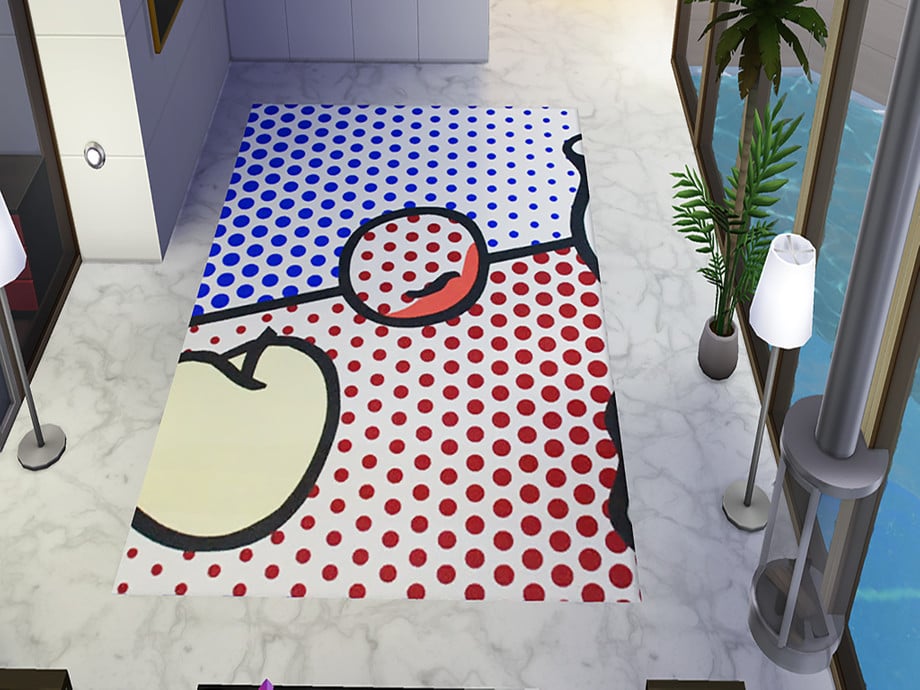
Indoor/Outdoor Pop Art Reproduction Rugs by twosister42
Pop art in the 90s took inspiration from celebrities and cultural themes to create a modern take on the classic image. This rug set by twosister42 uses this and puts it in your Sims homes, either indoor or outdoor, in 3 different vintage swatches.
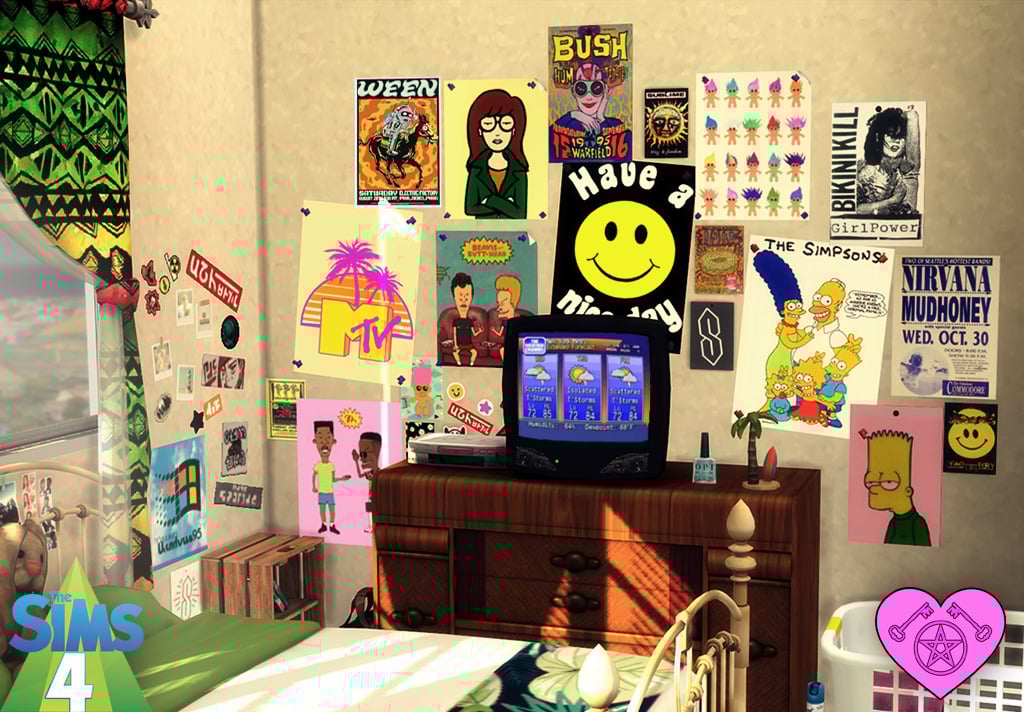
90s Wallpapers & Decor by Talia’s Witchy Sims 4 CC
No 90s teen room can be complete without a plethora of trendy posters covering its walls! This CC pack by Talia’s Witchy Sims 4 CC is a collection of posters in many different swatches with 90s icons like MTV, The Simpsons, and Troll Dolls. A definite 90s must have!
One of the best wallpapers for your Sim’s retro-themed 90s room! Retro Cassette by Daiana_Moon is a wallpaper plastered with cassettes, perfect for a teen’s room or music hangout!
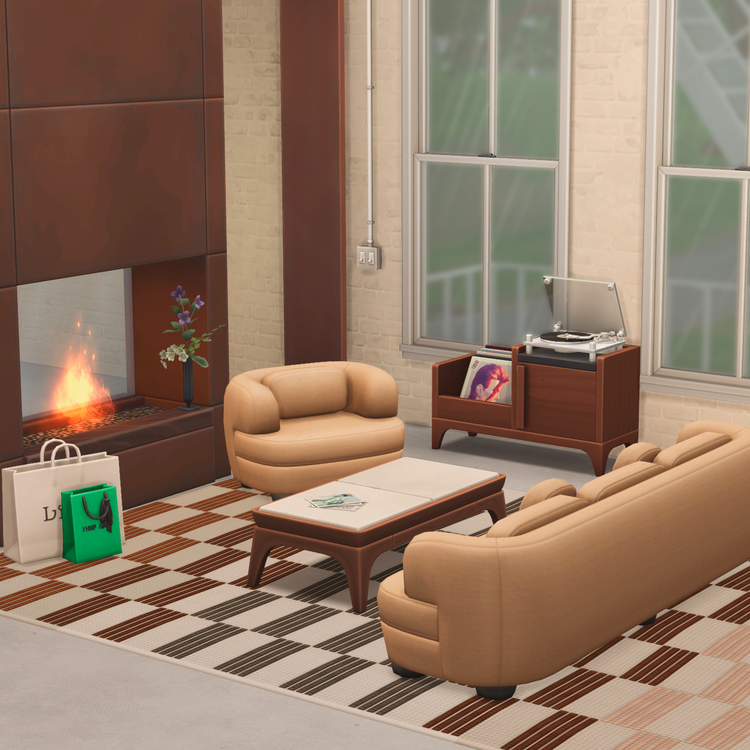
Soho Part 6 by felixandresims is a retro, neutral living room set with 21 items. There is a matching love seat and armchair, coffee tables, a record player, and decorative items like rugs and cushions. This CC set is perfect for bringing a vintage feeling to your Sim’s homes, but still having a bit of a modern twist.
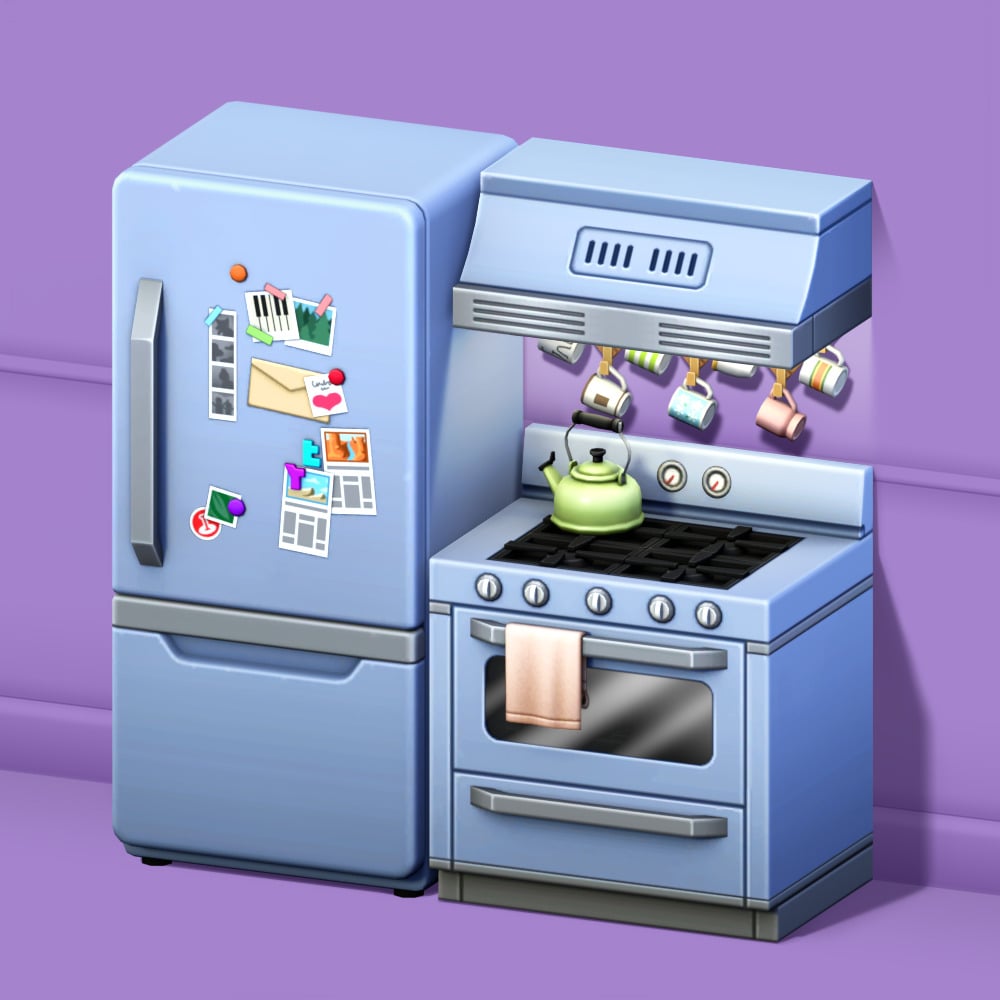
In every Sim’s vintage home is the perfect vintage kitchen! This adorable set by Max 20 has 5 items, including a retro fridge (Available with and without stickers), a decorative tea cup set and tea pot, along with a stove that has a hand towel and the matching stove hood. Available in many soft colored swatches, the ultimate start to a 90s kitchen!
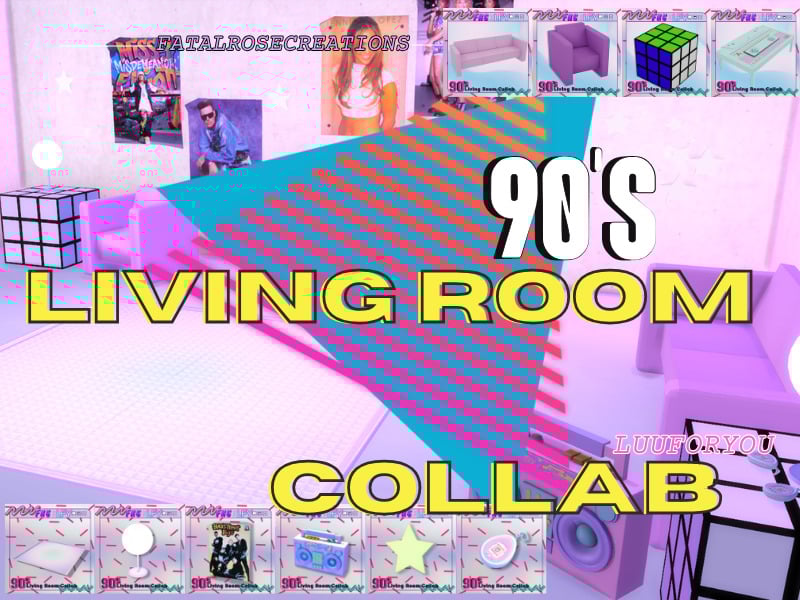
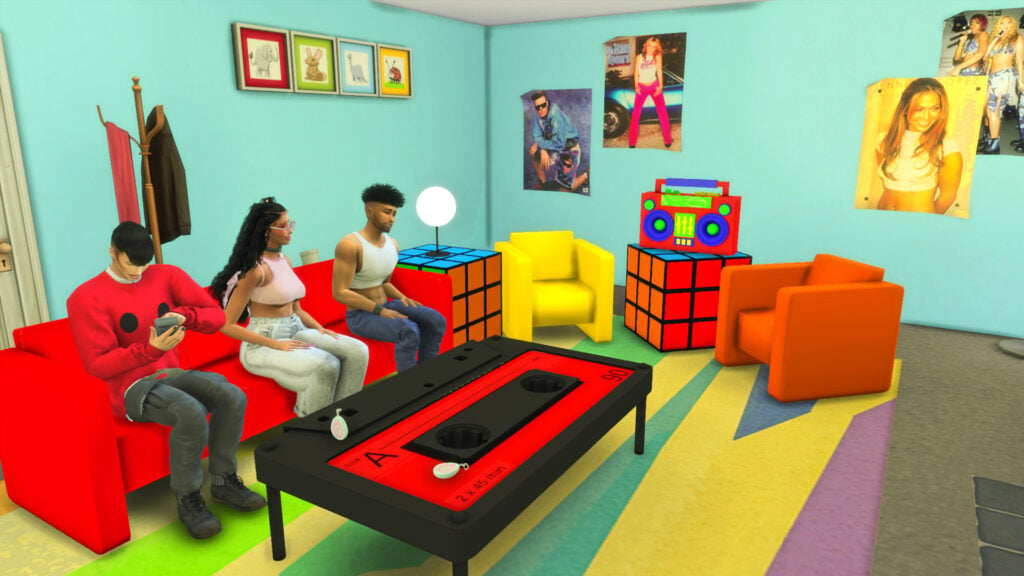
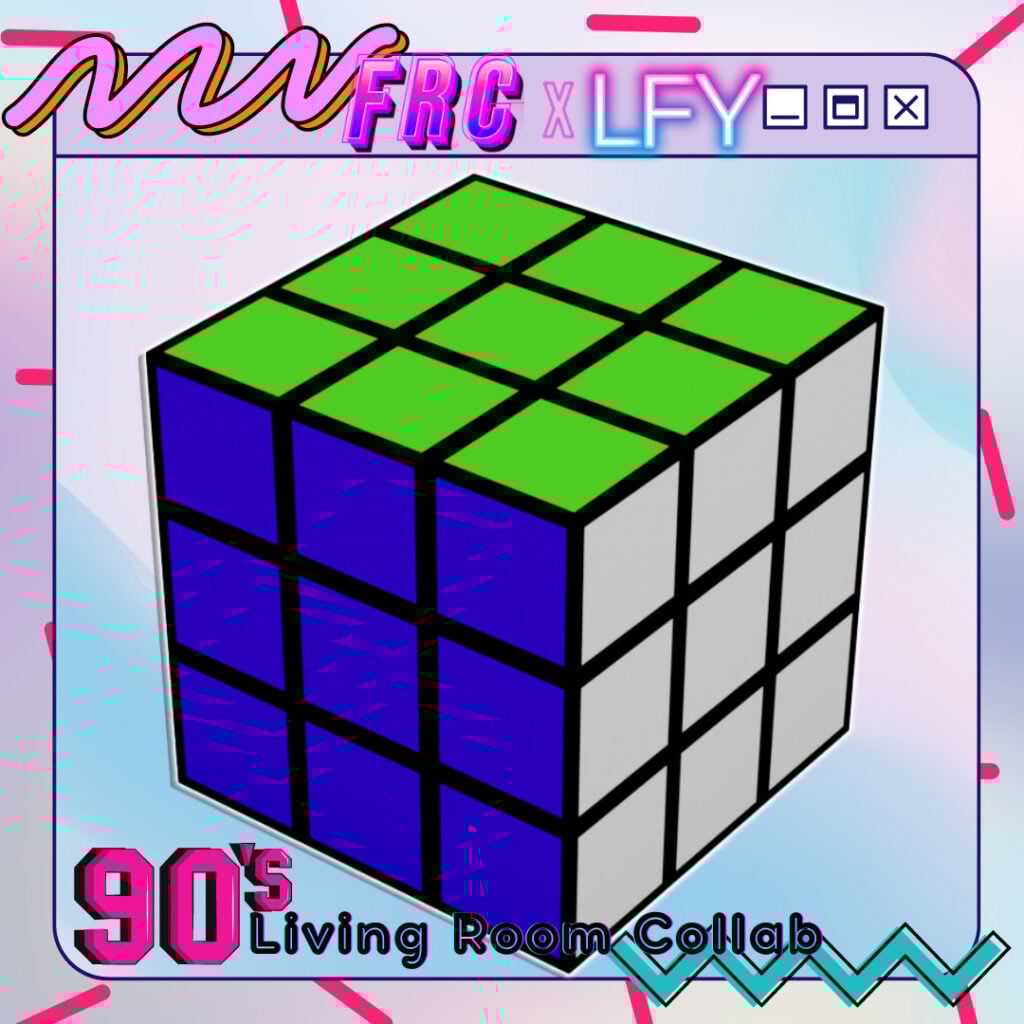
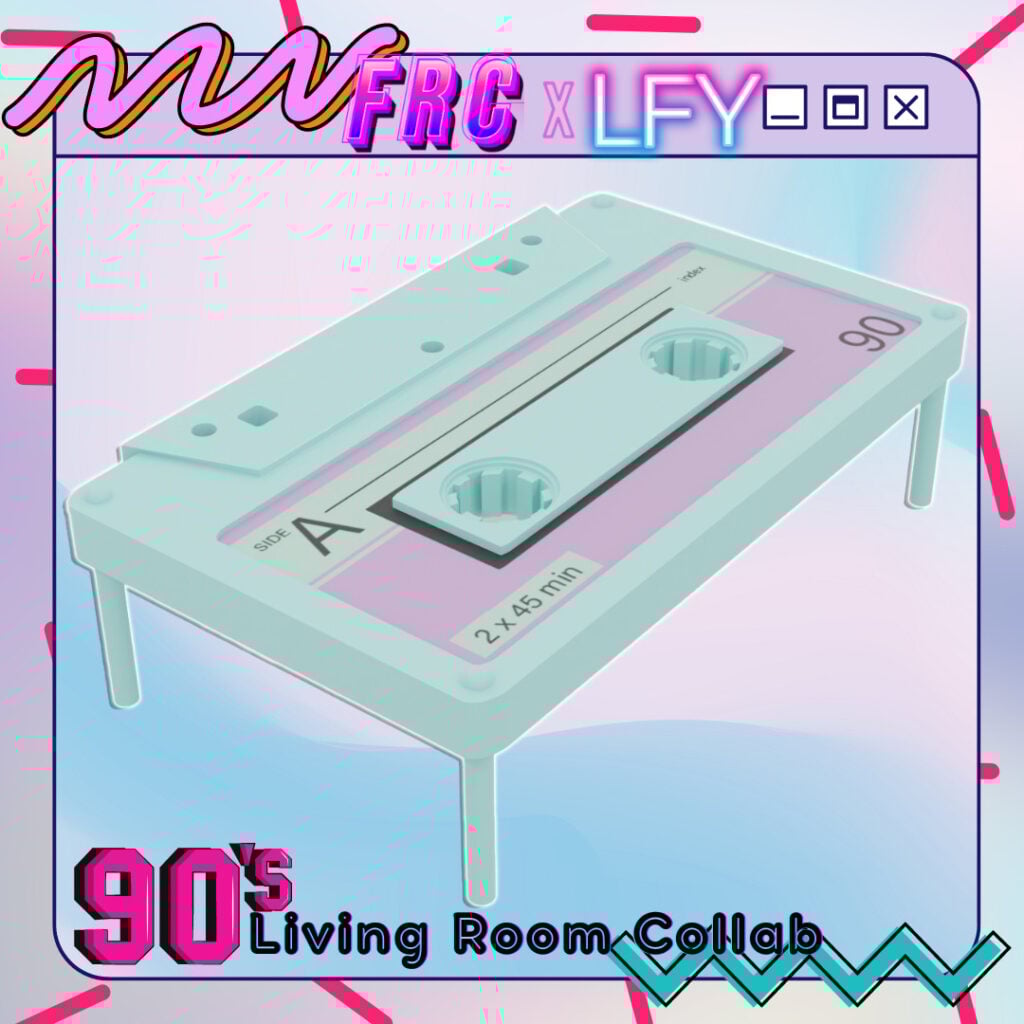
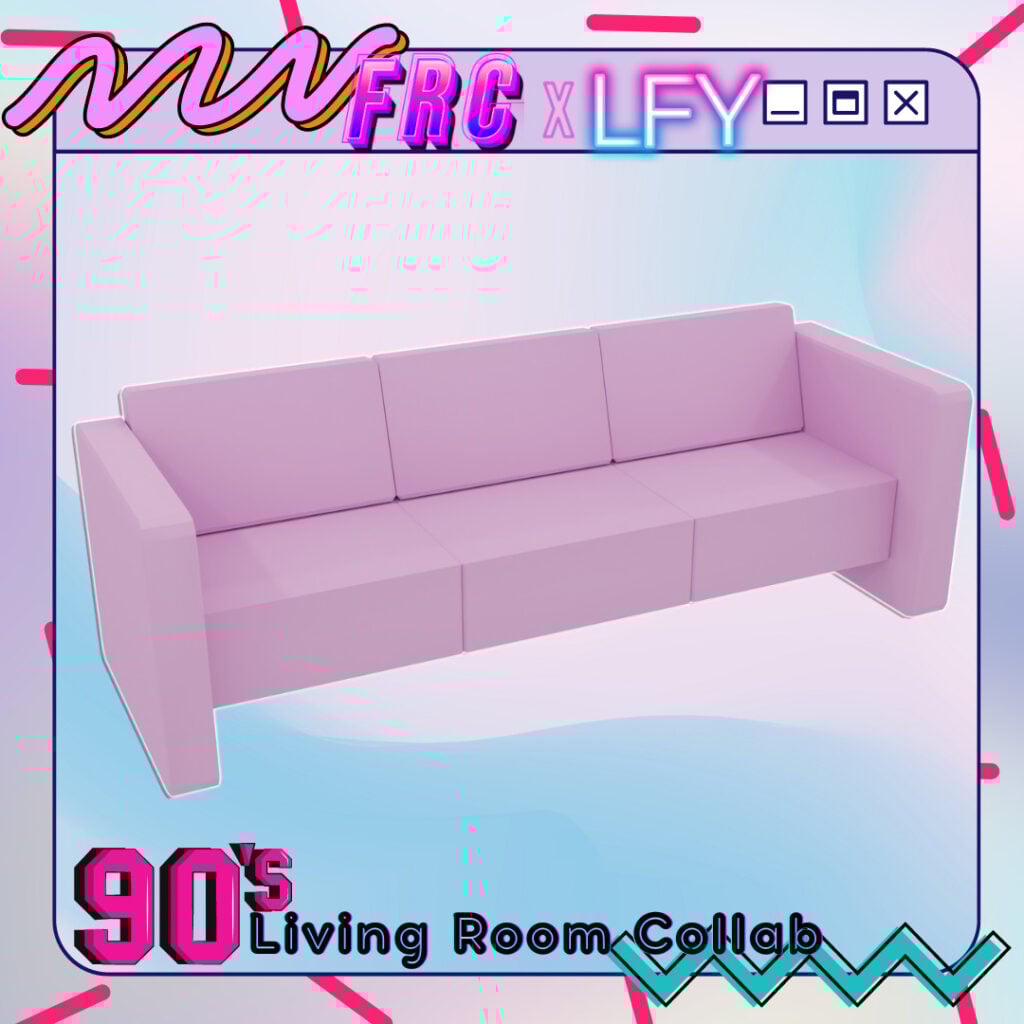
The 90s Living Room Collab FT LuuFORYou by FatalRoseCreations
Rewind in time with The 90’s Living Room Collab FT LuuFORYou by FatalRoseCreations. The items in this set are super eye-catching, and the Rubik’s Cube end table is a 90s must! If you are loving this CC set, make sure you check out LuuFORYou’s part of the collection as well!
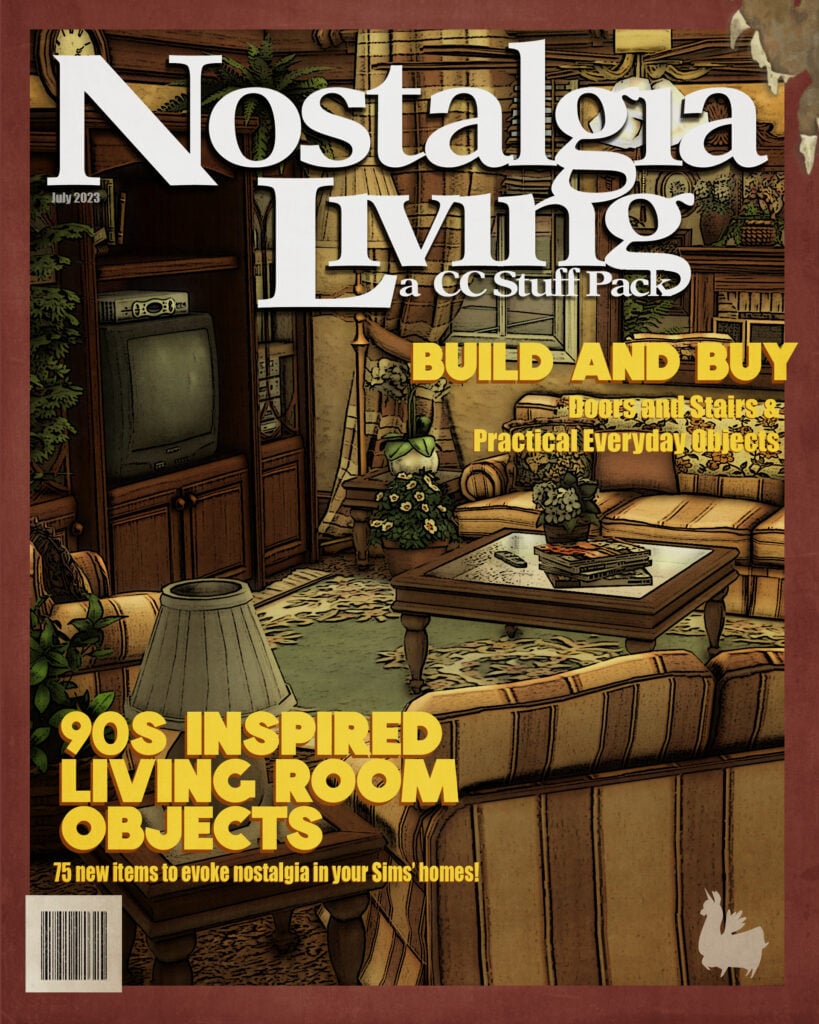
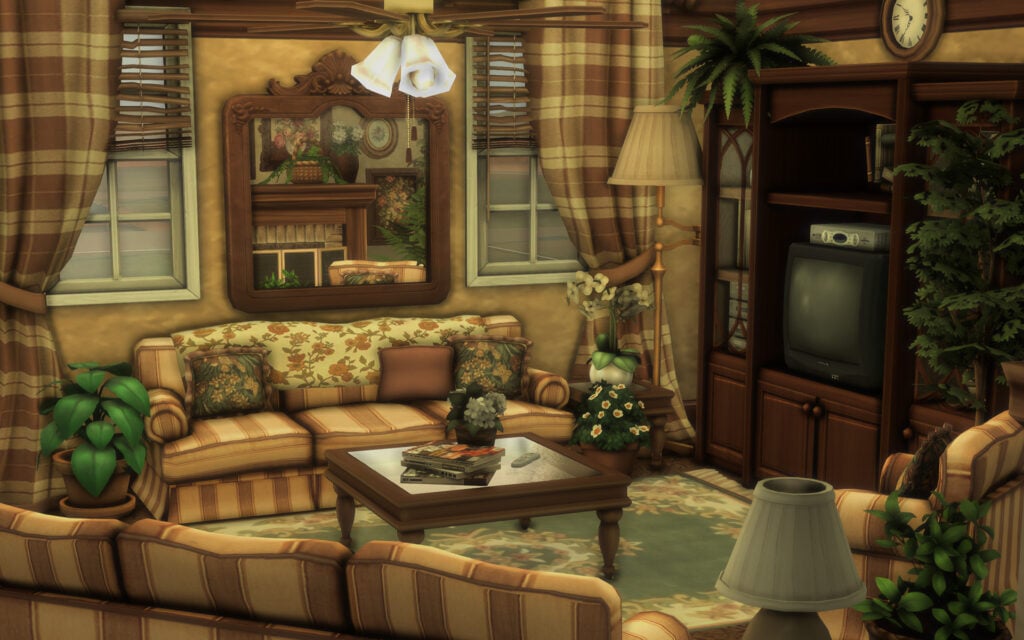
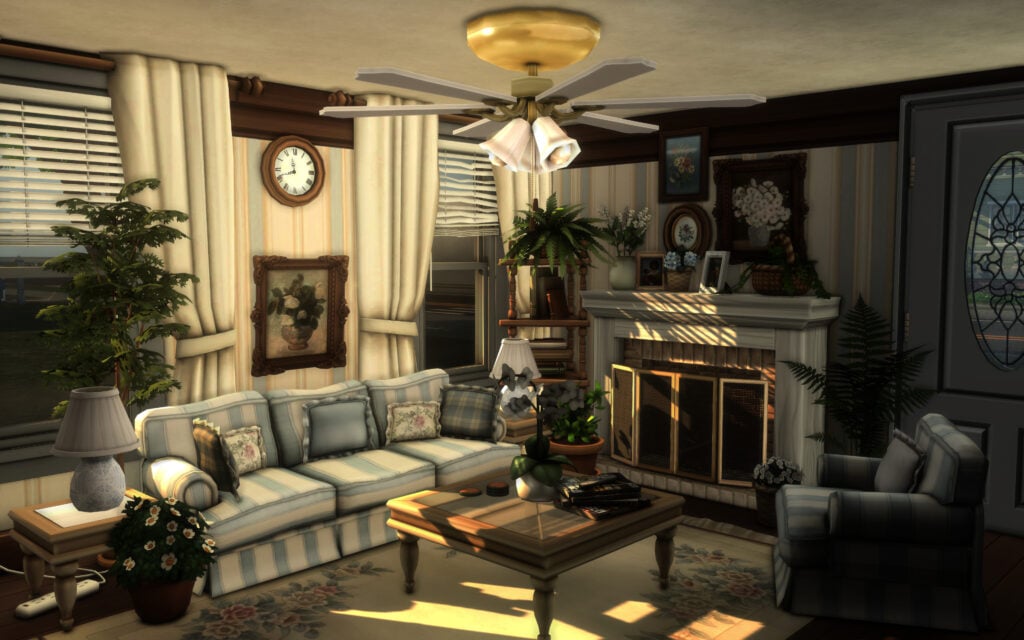
Transport your Sims back in time with this CC stuff pack by awingedllama! With over 75 items, you will have no problem creating the ultimate throw-back living space. All of the beautiful items in this pack of base-game-compatible items, except for the functional GameCube, which will require City Living to function.
Nostalgia Bathroom Stuff by awingedllama is a complete nostalgic bathroom for your Sims that would work perfectly with a 90s theme! The simplicity and neutral tones, along with the simple decor items, help create a cozy, “lived-in” feeling.
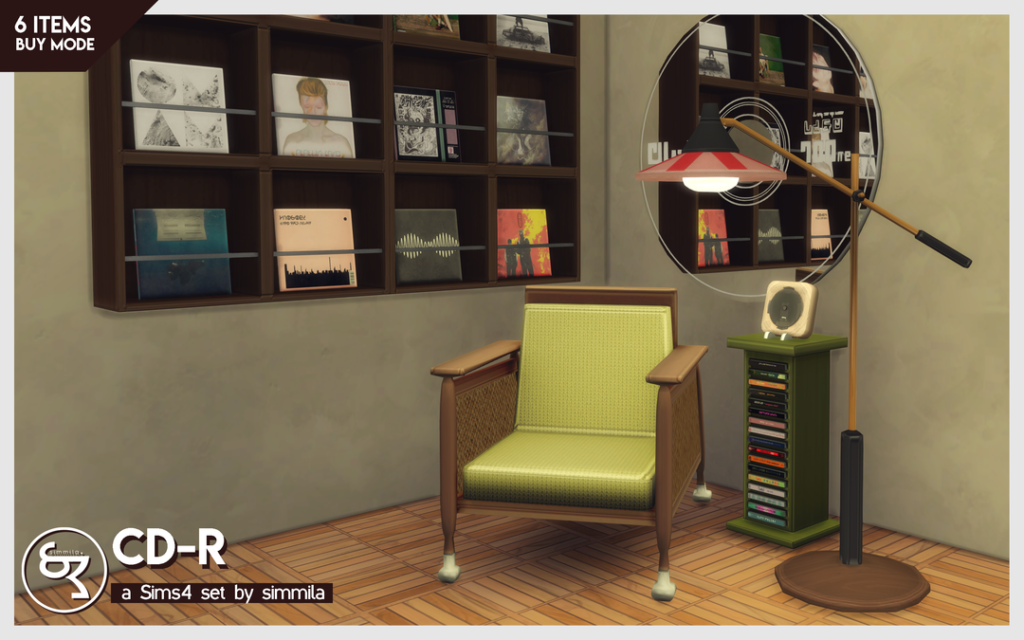
Need a fresh new spot for your Sims to listen to their beats? Check out this CC pack by SIMMILA, that contains the flyest items: a vintage armchair, a floor lamp, a neat CD-r Mirror, square wall shelves, and a music CD player/CD side table!
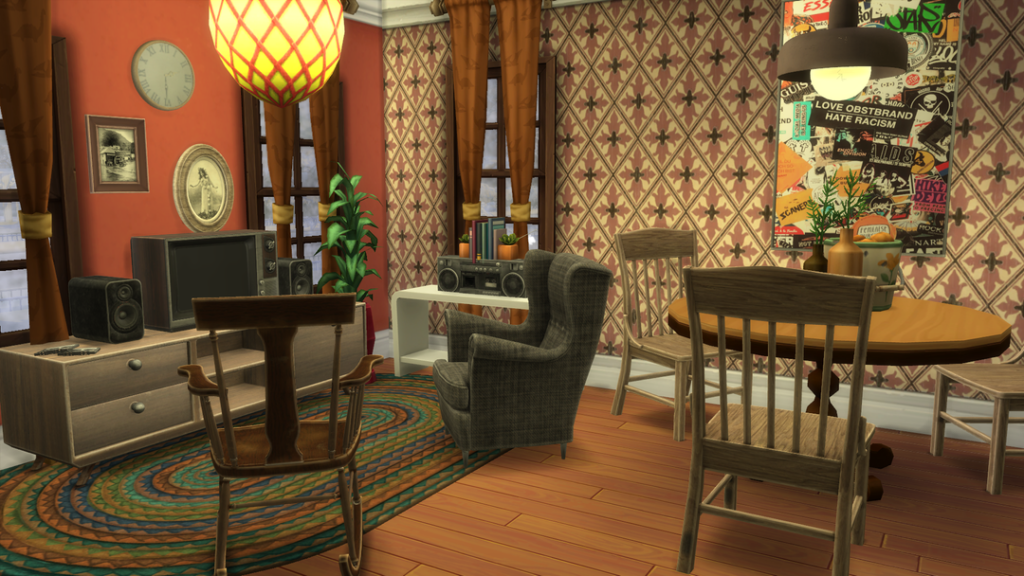
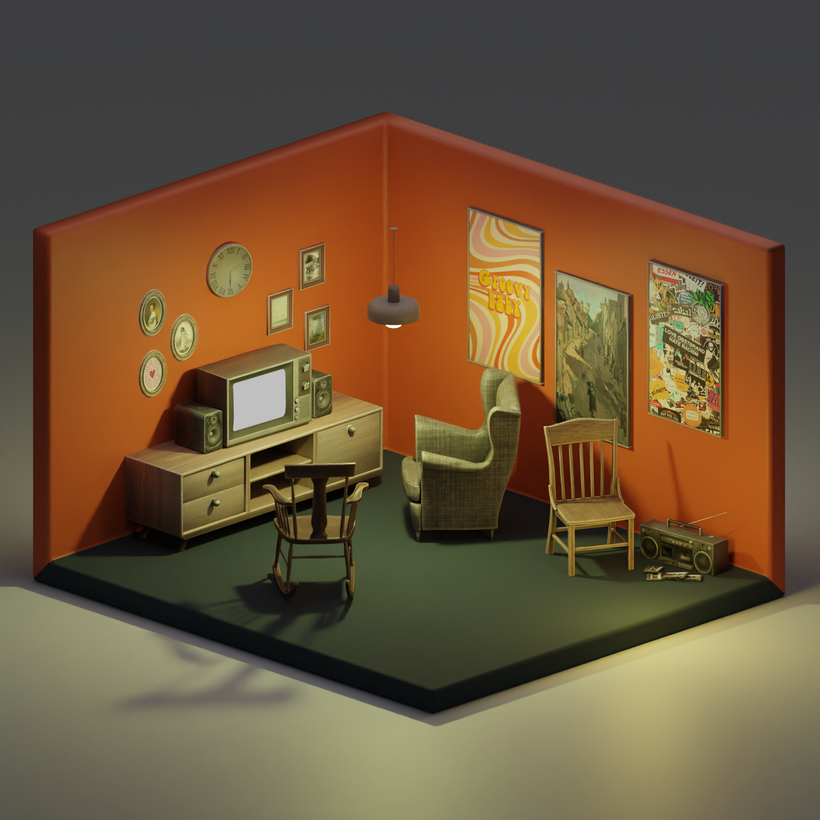
Old Memories by SNOOTYSIMS is an assortment of living room furniture items that bring back the old times for your Sims! The cassette player, speaker, and rocking chair (Growing Together EP required) are all functional, and the decor items included help bring together one of the most cozy 90s living rooms you could create!
Bring nostalgic gaming to your Sims with Retro Gaming Set by SNOOTYSIMS. There are 4 amazing functional video game systems included, such as 2 versions of a Gameboy Color that is base game compatible, and a PS1, along with an NES that will require the expansion pack City Living in order to work. SNOOTYSIMS has even included 4 different decor items, like controllers and cartridges. A must-have download for your 90s gamer Sims!
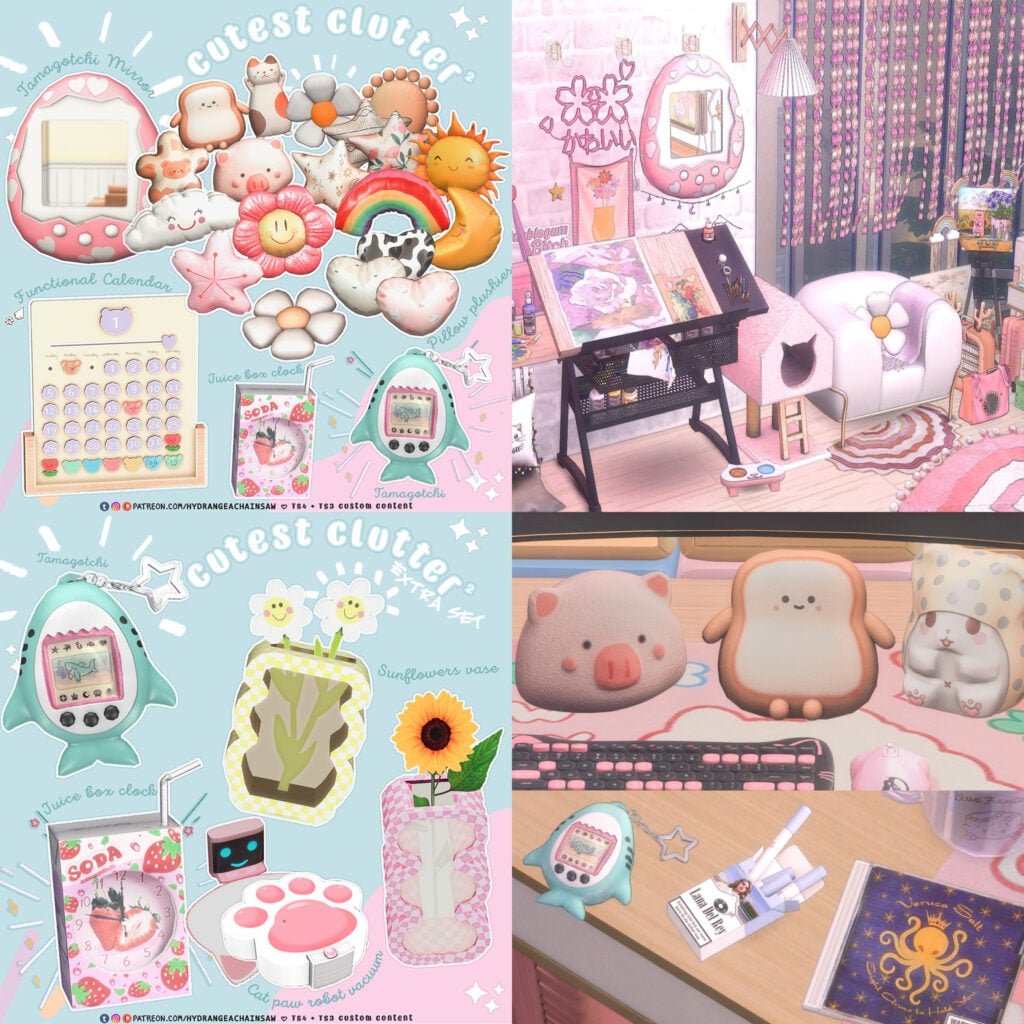
Cutest Clutter2 by HYDRA is a decorative CC pack that contains a Tamagotchi mirror, a Tamagotchi toy, and some other cute decorative items that work well in a preppy 90s Sim’s room! There is multiple parts to this download, be sure to check the download page for the extra sets.
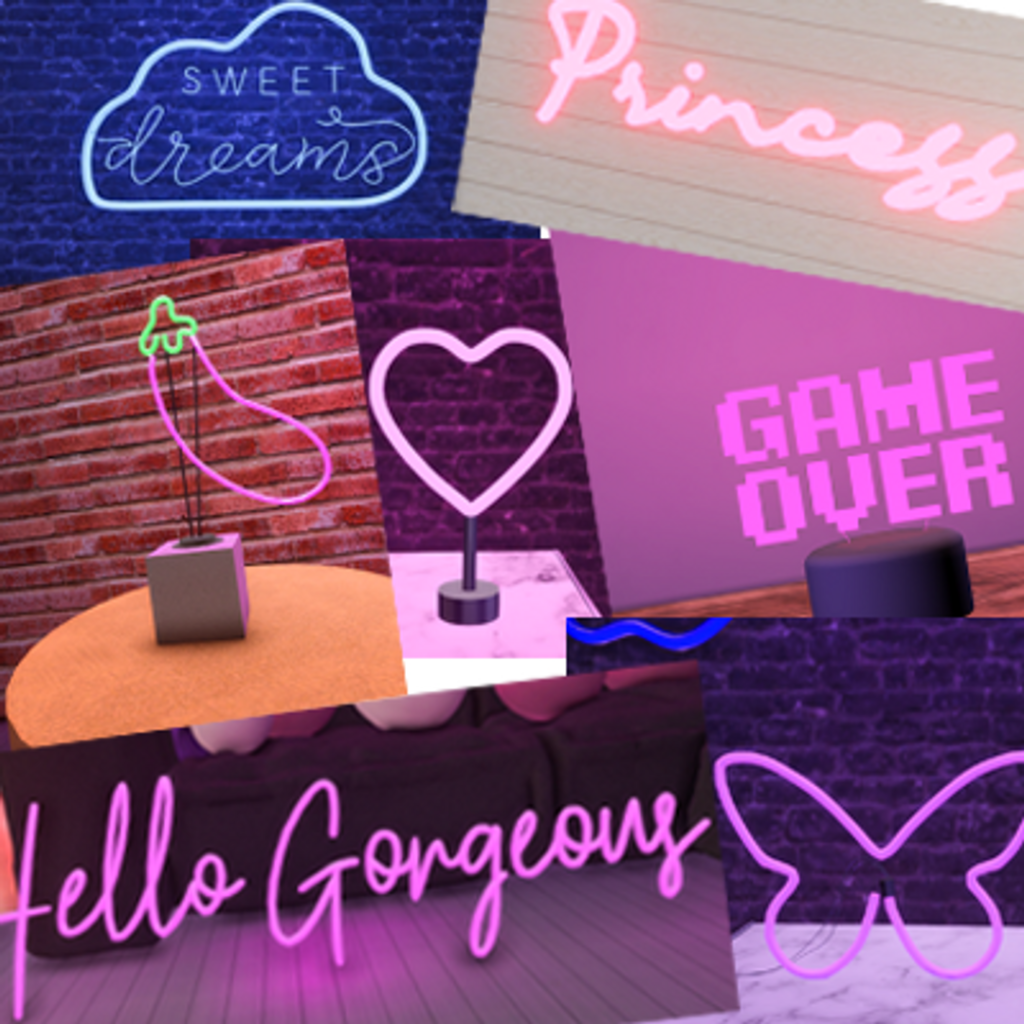
90s Sims definitely need a collection of neon lights to bring a cool, edgy vibe to their favorite room! There are over 30 neon lights in this collection by SimmerKate, including wall and table options.
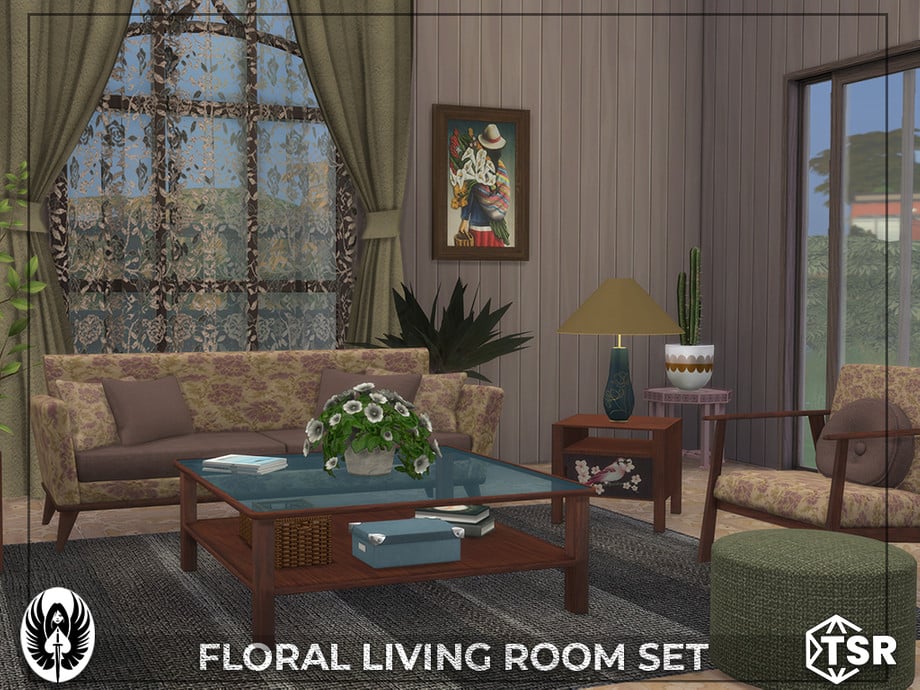
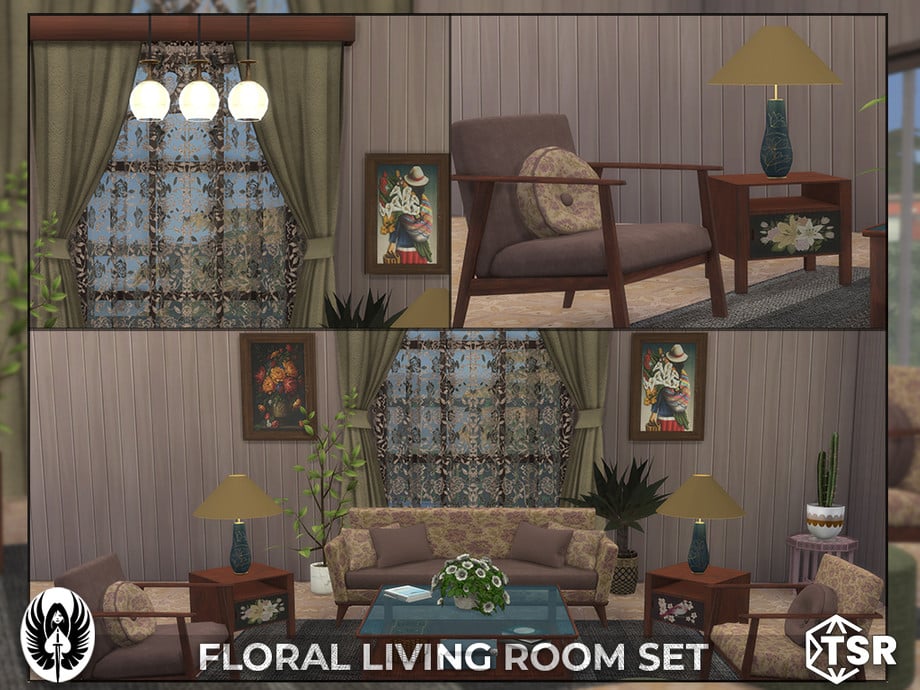
A big pattern trend in the 90s was florals; Floral Living Room Set by nemisis_im is the perfect 90s living room set if you wish to capture this vibe! There are 15 items for a full living room, including a sofa, chair, and tables. As well as decorative items like a frame, rug, curtains, and pillows! Being base game compatible, everyone can enjoy this amazing CC set in their game!
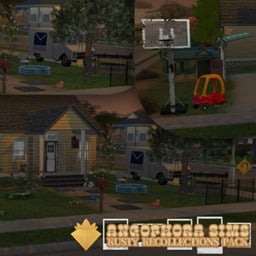
Rusty Collections Pack by angophorasims should be a quintessential part of your 90s-themed downloads! Everything that you could think of that would be in a 90s backyard is included in this amazingly done pack. A lot of the items in this are functional, like the jungle gym, bird house, and toddler swing, as well as a few other items. The decorative items like garden hoses, pinwheels, and garden trellises tie everything together. Go back in time with your Sims in this beautifully done pack!
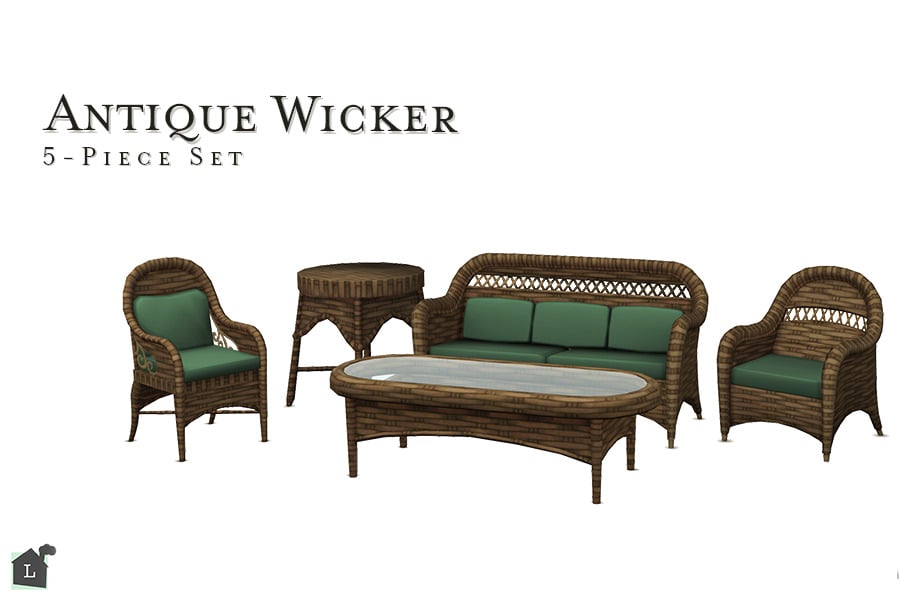
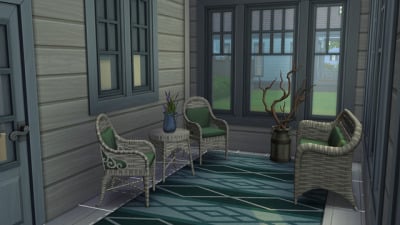
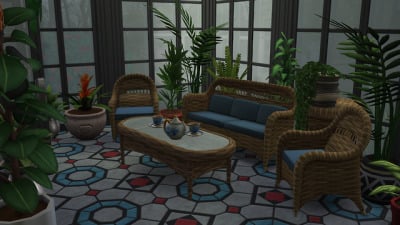
Antique Wicker by linzlu is an old-school outdoor furniture set of 5 wicker items. 2 chairs, a couch, and 2 tables help create a breezy, trendy 90s feeling for your Sims patios.
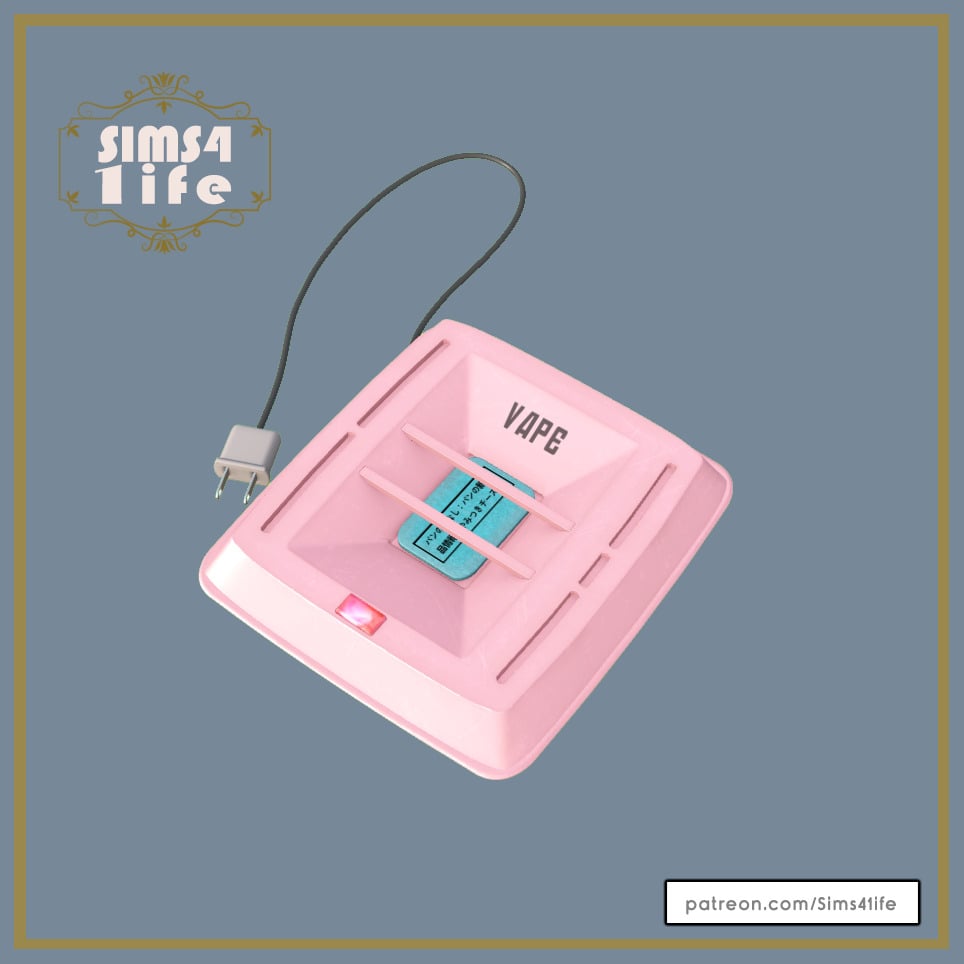
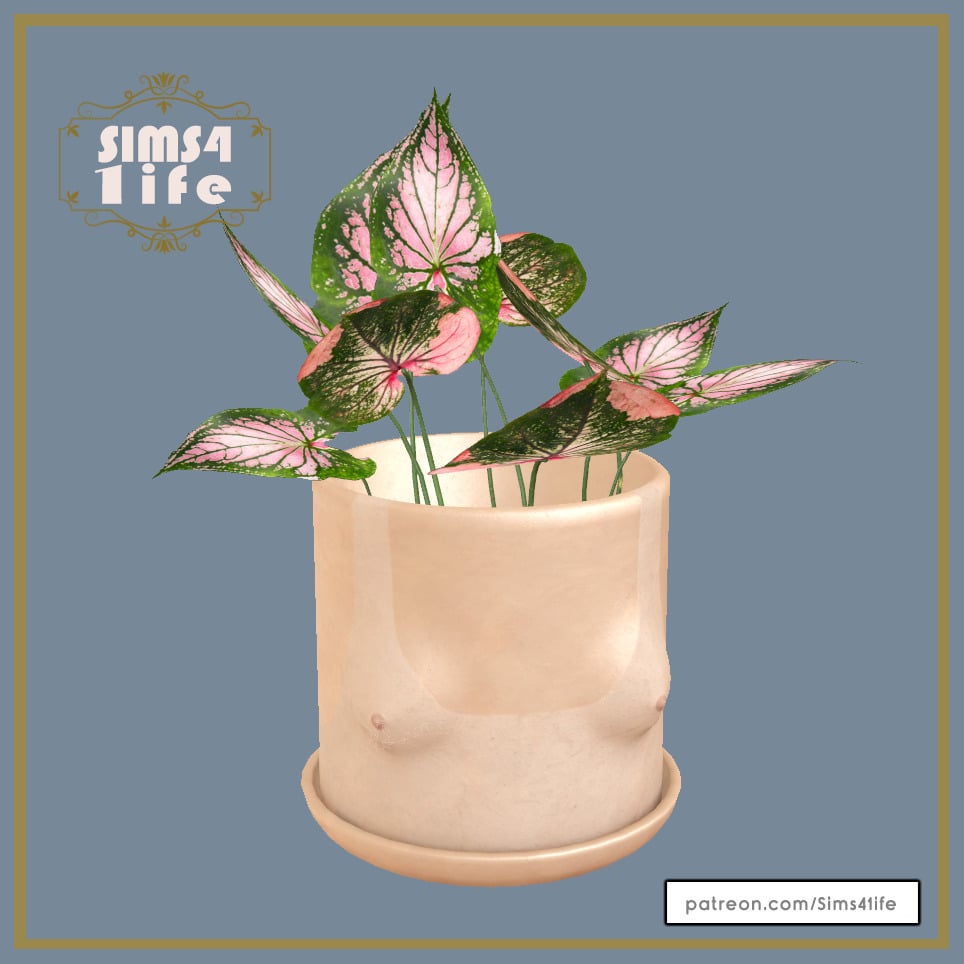
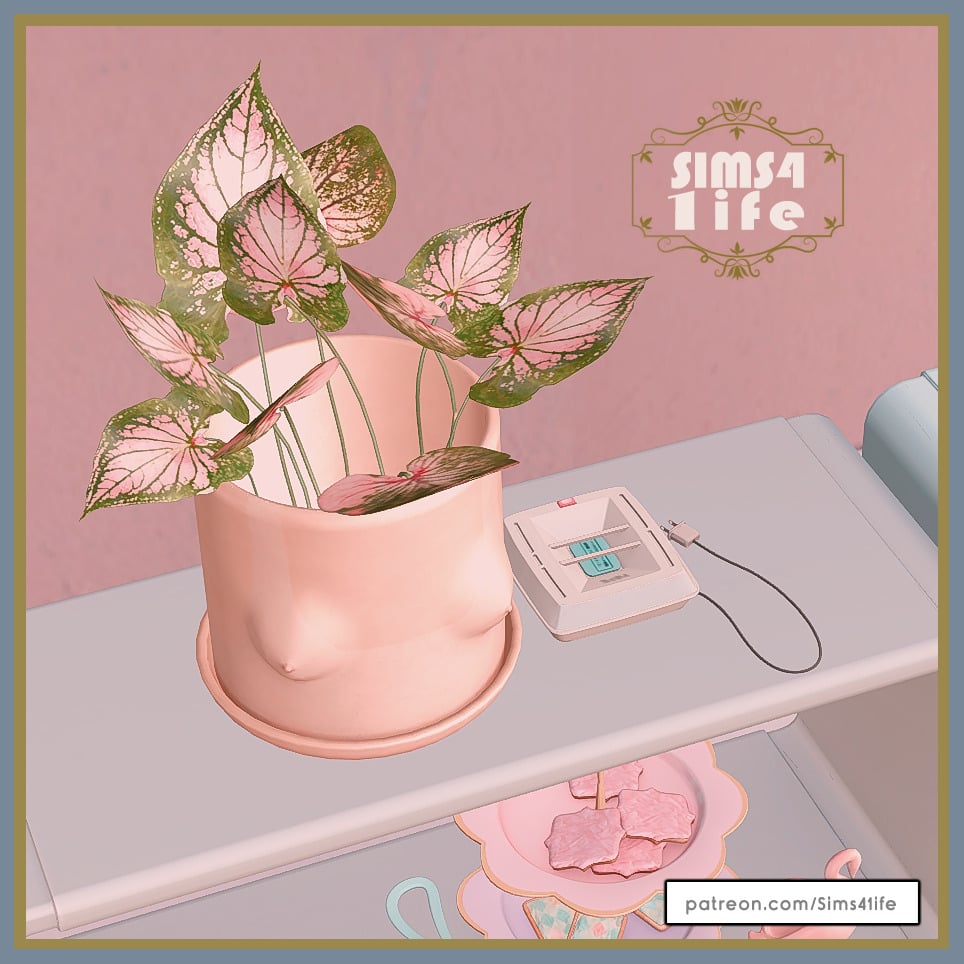
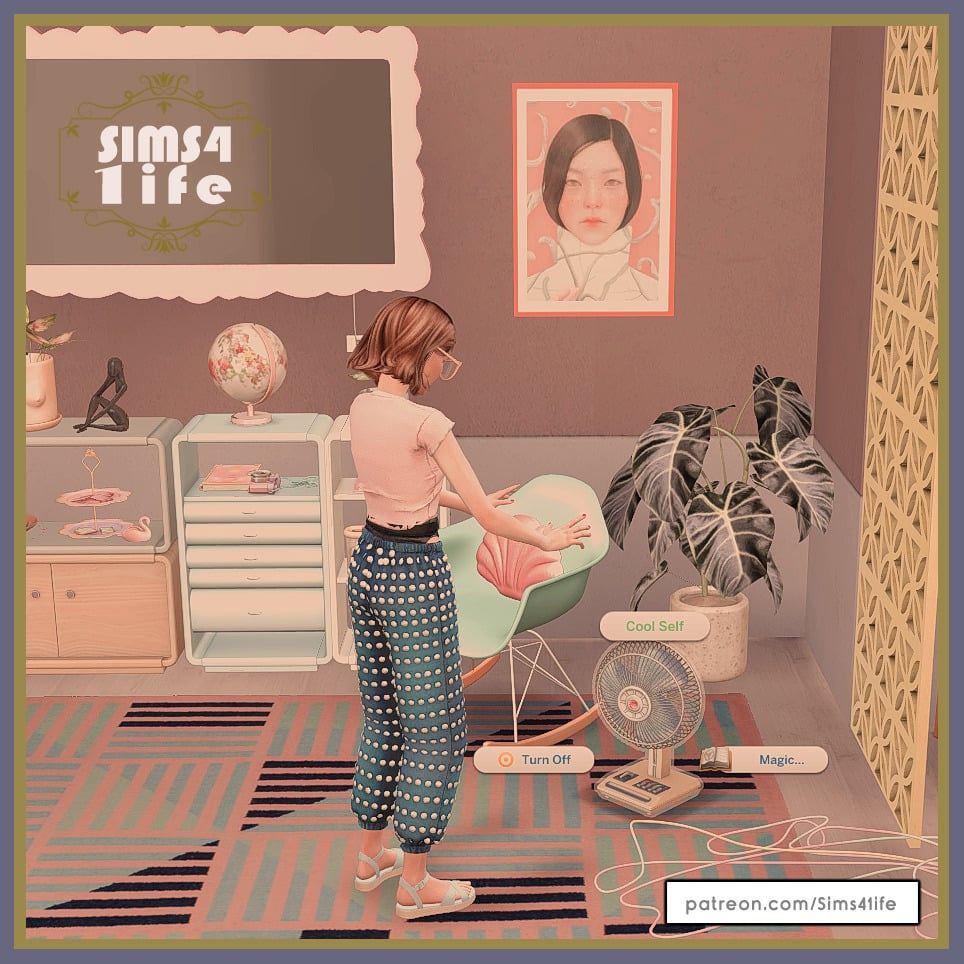
Functional Fan, Mosquito Repellent, and Planter by Sims4Life
Sims4Life has created an amazingly cute CC pack that contains a retro functional fan that cools Sims and even gives them a “Fresh Breeze” buff. As well as 2 decor items, a simple planter, and an antique-inspired mosquito repellent device. These would look amazing in a vintage sunroom!
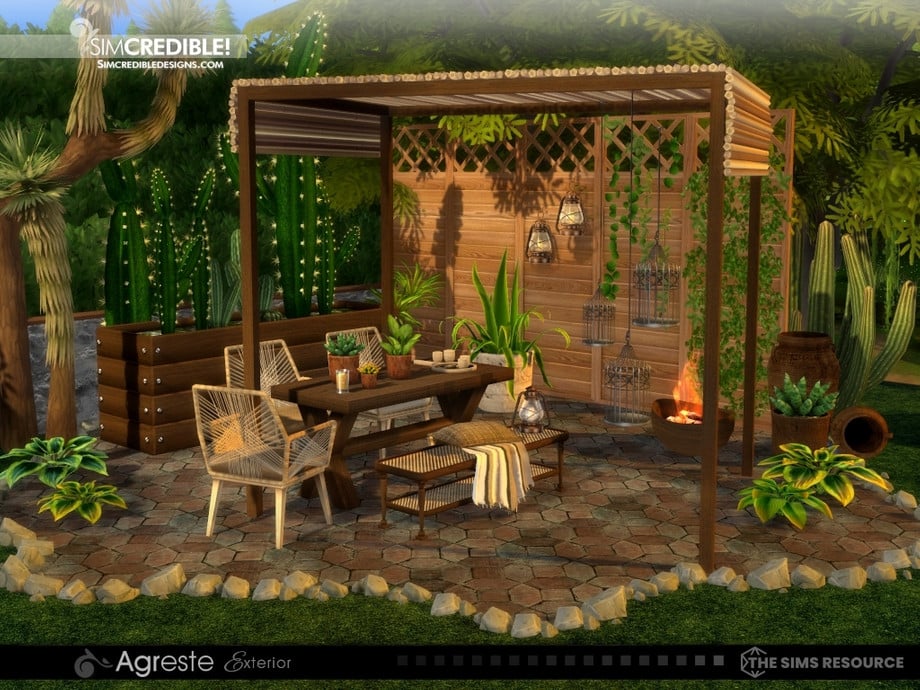
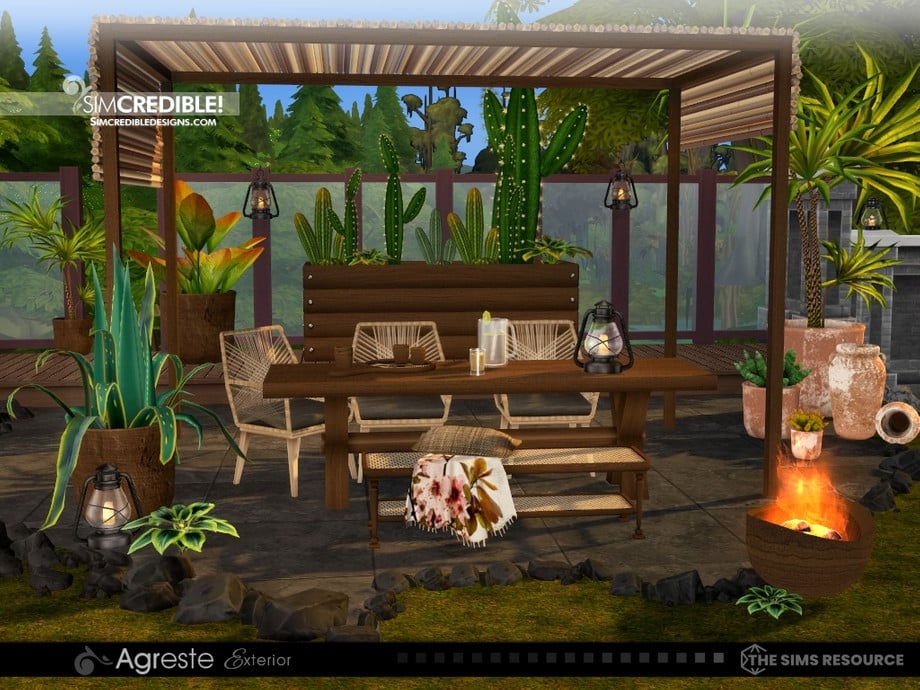
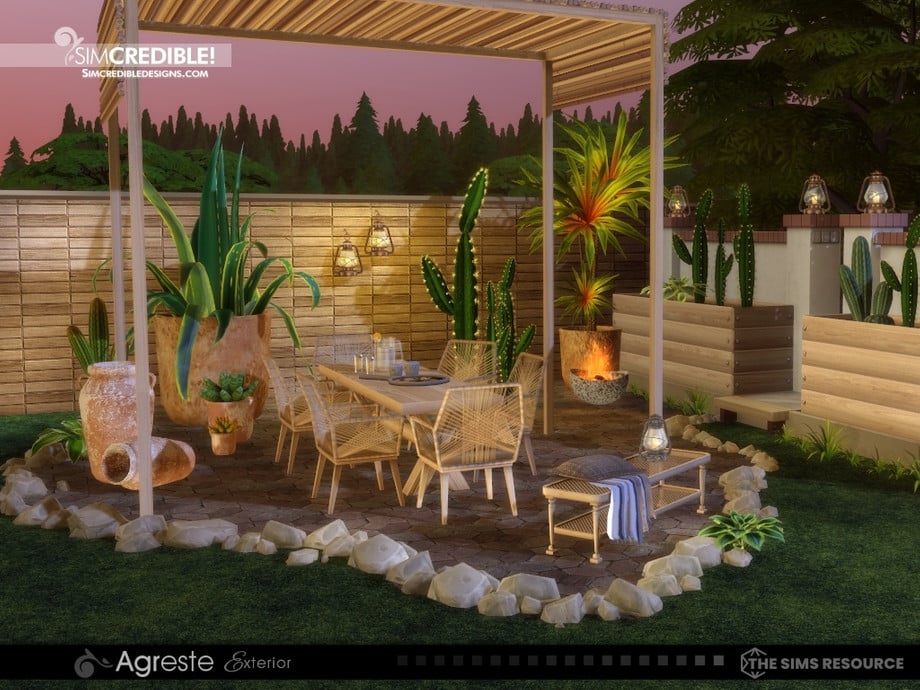
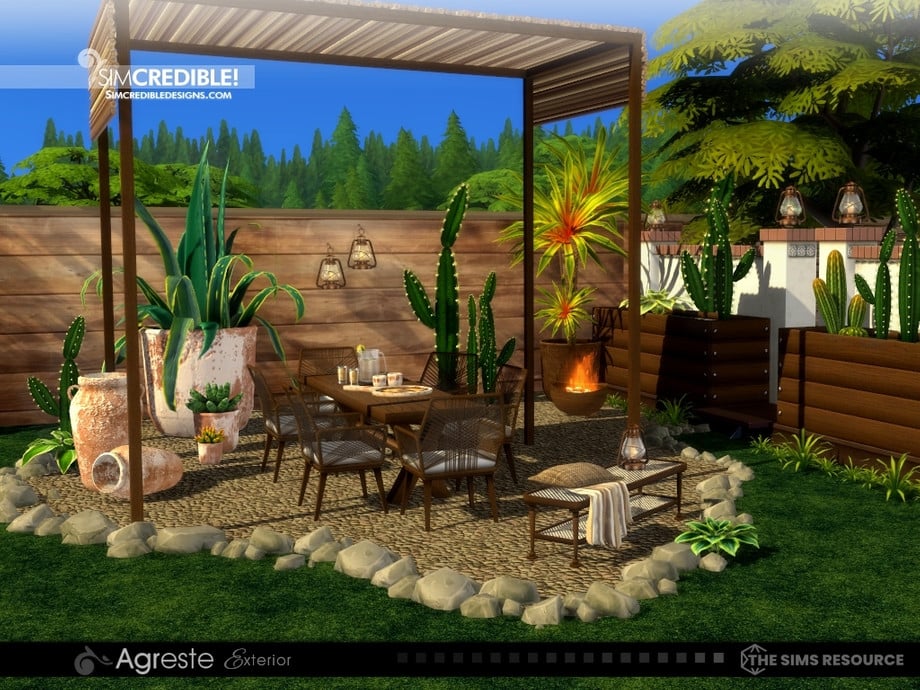
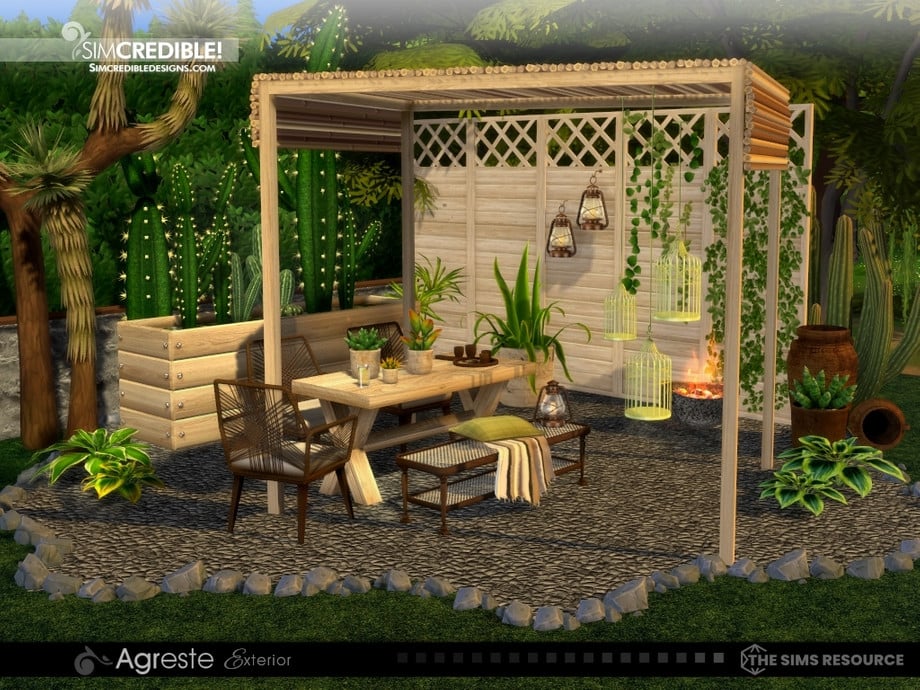
Agreste by SIMcredible! Is a timeless outdoor collection of the loveliest wicker and simple wood furniture. The wooden canopy and simple decorations create an inviting, cozy area for your retro Sims to spend time outside in.
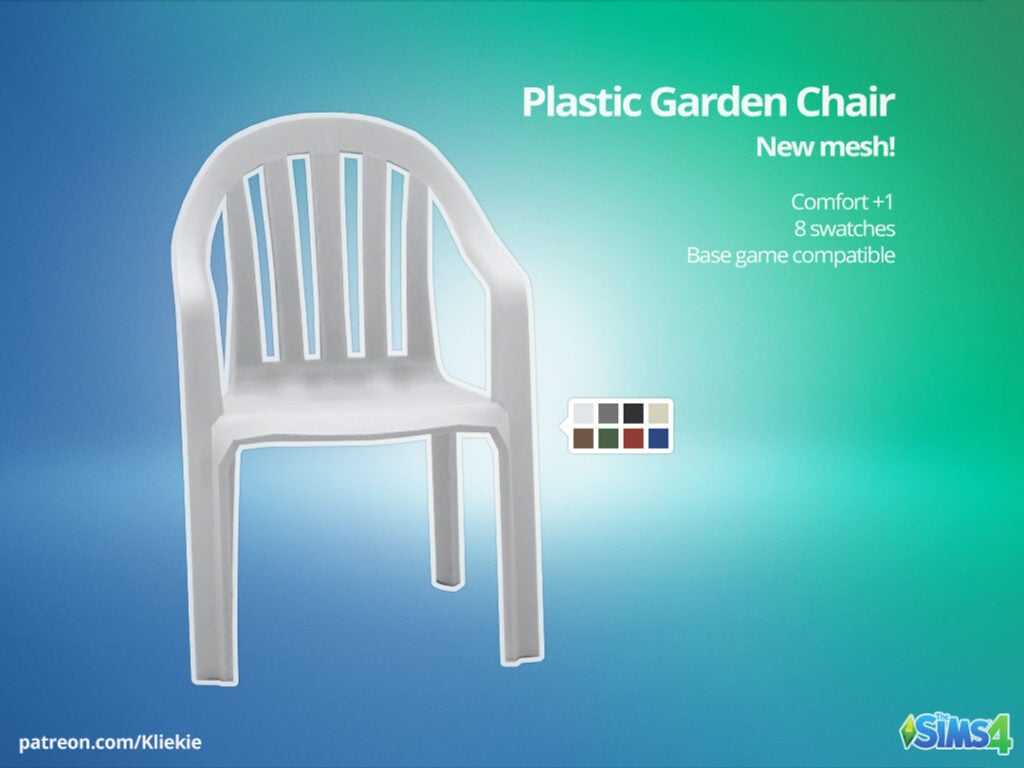
I remember spending my childhood in these kinds of chairs; every backyard in the 90s had them. Now your sim can enjoy them too with this CC by Kliekie.
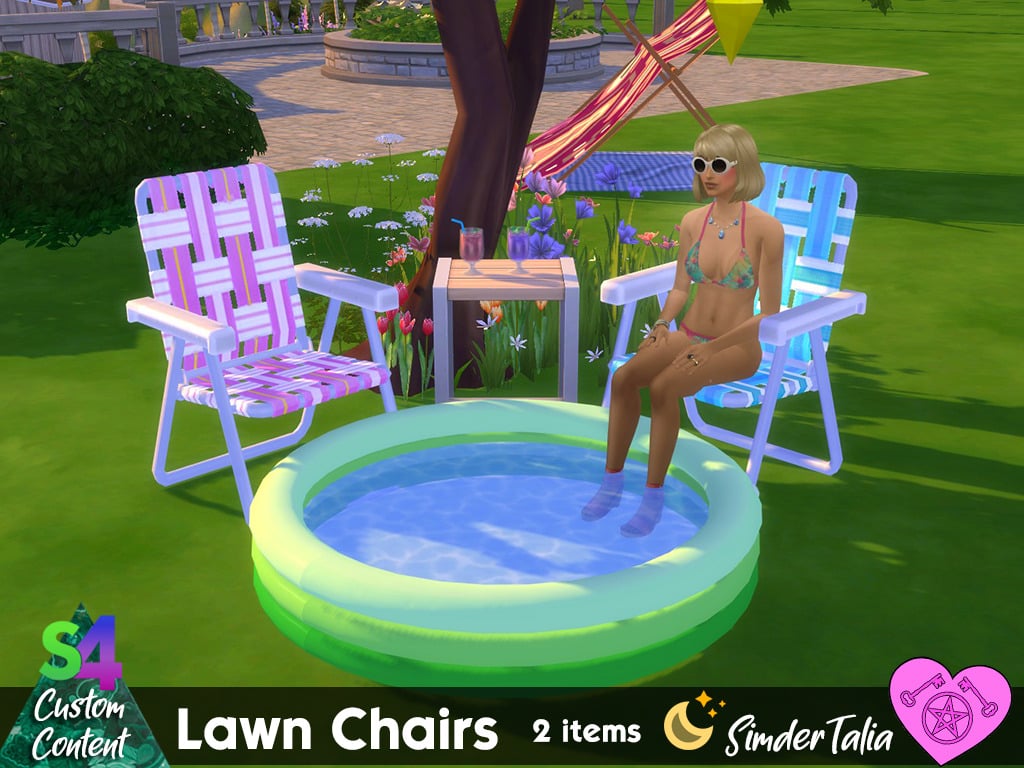
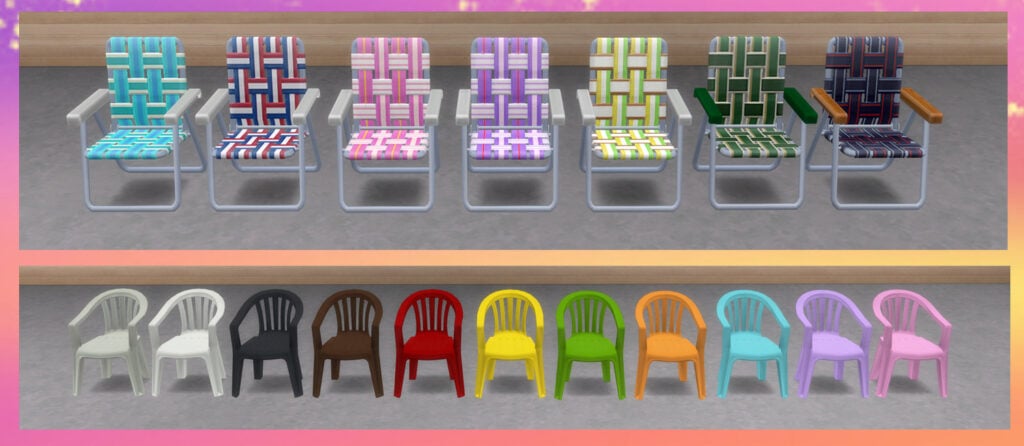
Lawn Chairs by SimderTalia contains more chairs like the kind listed above, but also includes another iconic armchair that is a must for your 90s-themed backyards! Available in multiple swatches to best match your Sim’s vibe!
I hope this list of Sims 4 Nostalgic Build CC and 90s sets gave you some good inspiration to build your own perfect little 90s throwback! If you loved this CC set, be sure to check out my 90s CAS throwback CC list as well!
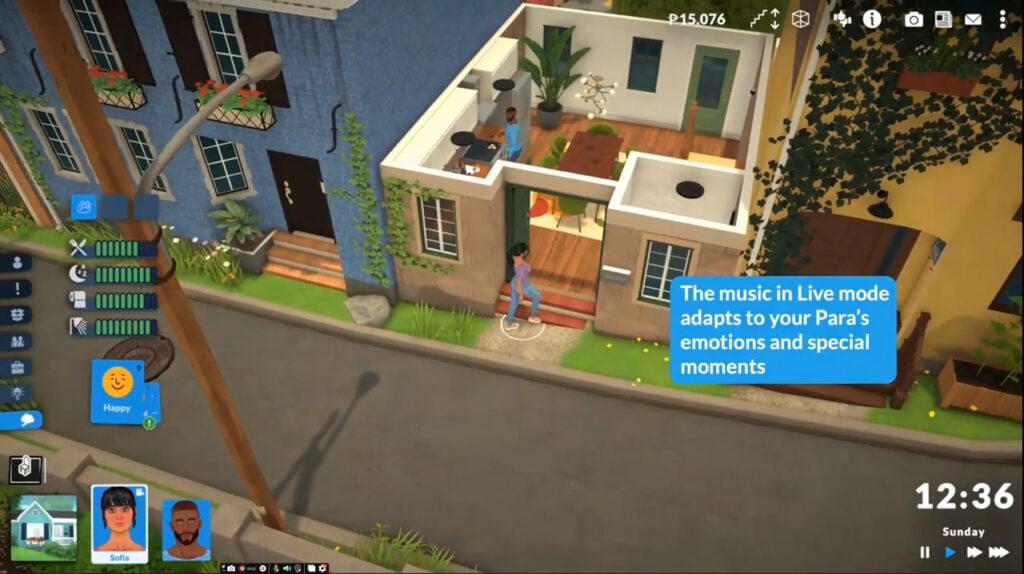
The developers have revealed that the paralives music will change depending on your Parafolks’ actions and emotions, making each moment feel more cinematic.
In this Patreon post by team member Andrei, we learn how the developers have gone the extra mile to make the music in live mode feel special for each in-game moment.
We bring you all the latest Paralives news and updates as they happen. Make sure you check our dedicated Paralives news section for all the most recent game developments.
Paralives Music
The Approach To Paralives Music
The team wanted the Paralives music in live mode to feel truly immersive. So instead of short jingles playing when your Parafolk complete a task or start to feel a certain way, the music is used to emphasise when something important is happening in-game.
I like to think of it as a mix of just how music in a movie sets the mood of a specific scene but also as an indicator to the player that something important is going on in the game.
These music cues will occur less frequently and be more subtle to enhance immersion in the game without being too overwhelming.
Joyful Moments
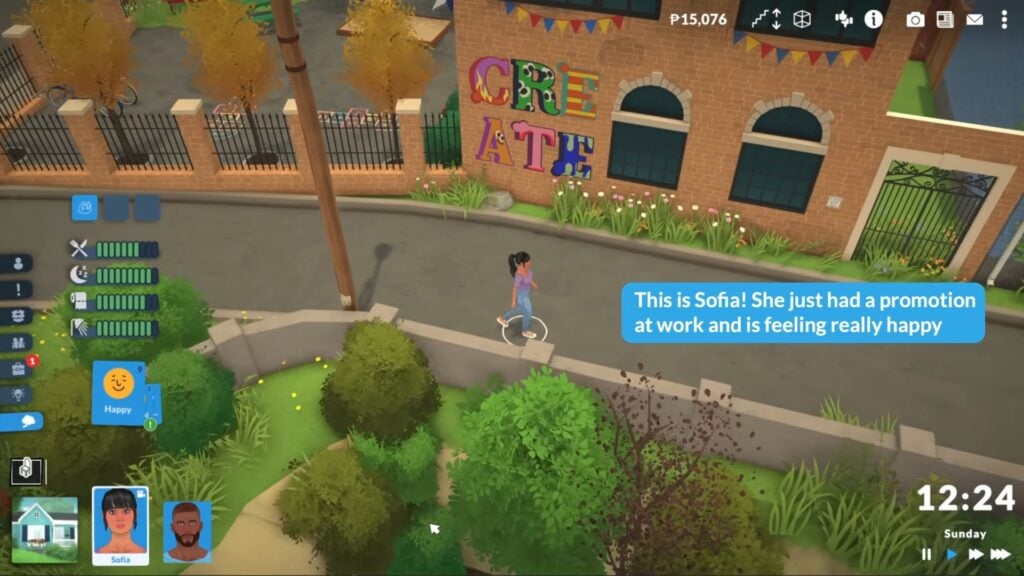
As your Parafolk go through their lives experiencing positive changes, like a new job or promotion, and achieving their life goals, you’ll hear their joy through the music.
The Sound Of Danger
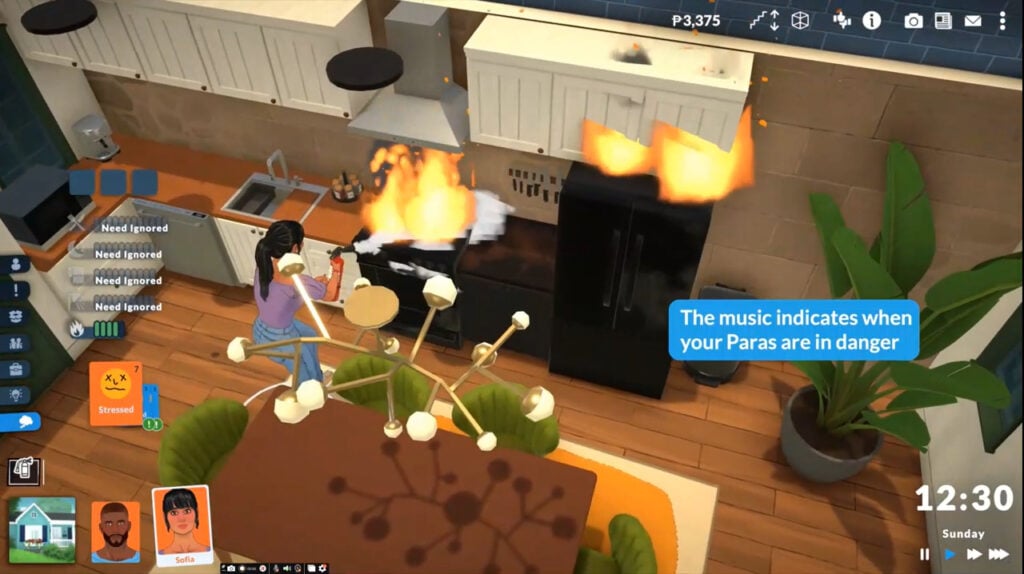
What is a life simulation game without the element of danger? As your Parafolk find themselves in dangerous or stressful situations, the soundtrack in live mode will reflect their growing stress levels.
The first and most obvious music choice for the live mode is for when your Paras are in mortal risk! The music slowly builds up to indicate the growing danger and only stops until the danger is gone. In the case of fire, a short sad cue is played right after putting it out to indicate the loss of your precious items.
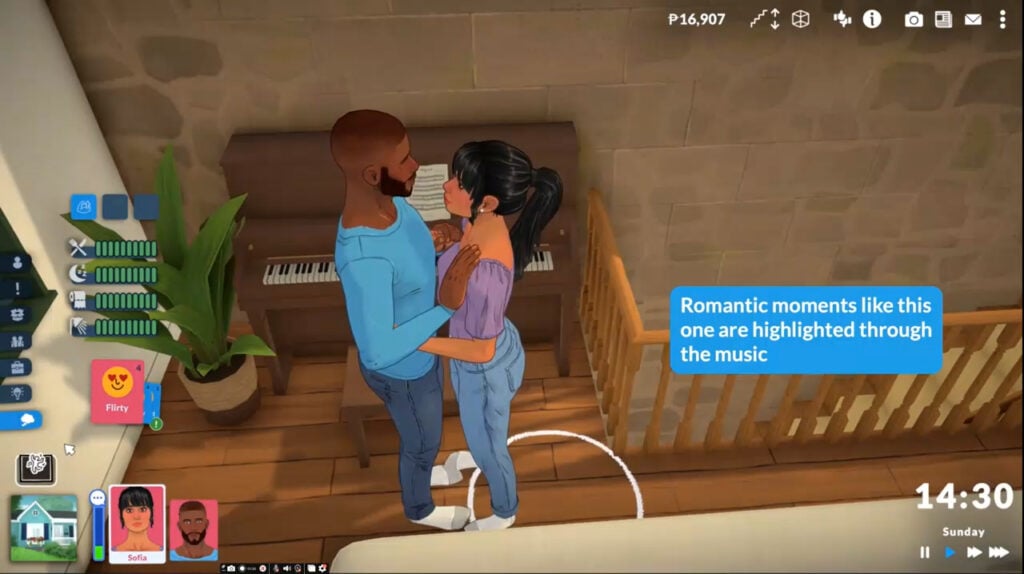
Romantic interactions and card selections will influence both the live-mode music and the in-game mood.
First Kiss & Intimacy
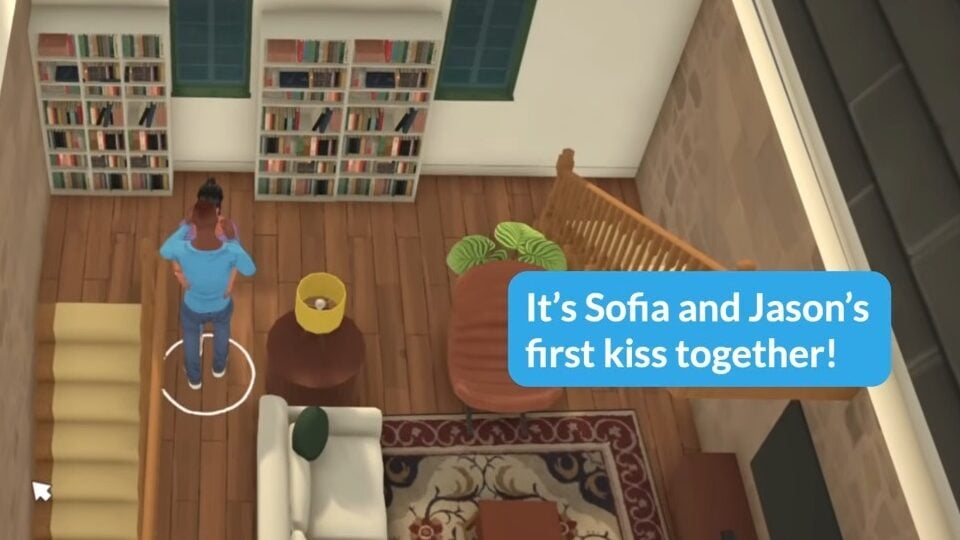
As one of the most relationship-defining moments, it’s only right that there is some unique Paralives music to accompany those first intimate encounters, like a first kiss.
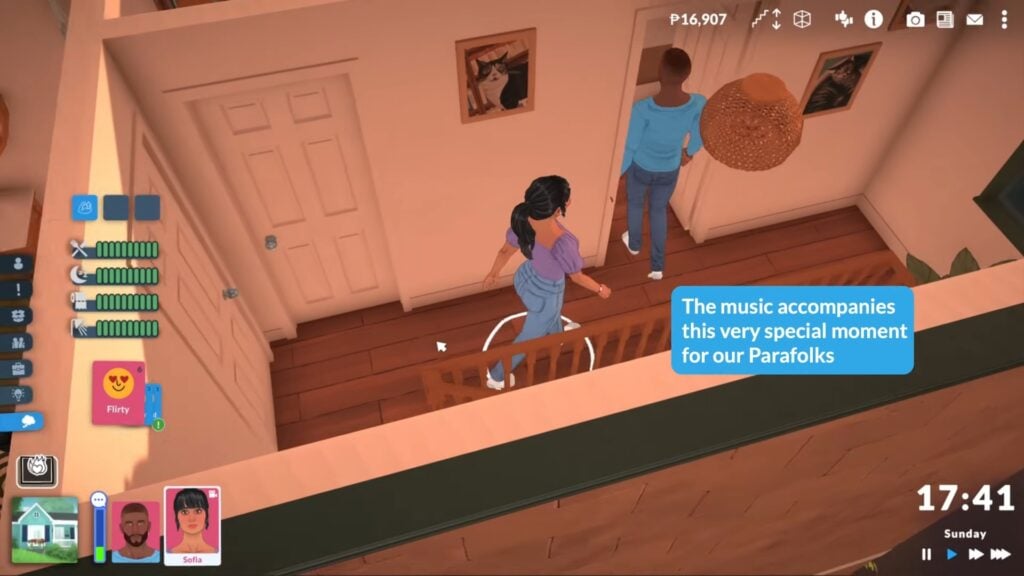
Just like the “Get Intimate” card, once your Paras start entering that “more than just friends” territory, one of them will get the chance to run the “Attempt First Kiss” card. If they’re successful, it will create this special moment accompanied by a very romantic and wholesome cue.
When your Parafolk are ready to get intimate for the first time, you’ll also hear a special romantic soundtrack play (along with a few other live-mode noises).
If it’s successful, then some sexy music will play – simple as that.
These are just four of the key moments and emotions your Parafolk will go through in life, and the developers are taking into consideration all the unique ways they can react.
In the end, there are still so many implications when it comes to having music in Live mode. What if one of your Paras is having the best time of their lives but another isn’t? What if there’s a very wholesome moment with music going on but you as a player decide to ignore it or completely ruin it? What if my Para isn’t a big romantic and their first kiss didn’t mean anything to them?
Listen Now
You can listen to the live mode music in the latest Paralives YouTube video below.
What do you think about these new Paralives music reveals for live mode?
We’re now just two months away from the release of Paralives, so keep coming back to our pages and follow us on social media to learn more about the game’s development as we approach release day.
EA Have Continued to Crack Down on Piracy and Cracked Content Efforts by Creators After the Launch of The Sims 4 Marketplace
Electronic Arts has taken action against a creator accused of distributing cracked Sims 4 Marketplace content, making it clear to the community that the publisher is actively policing misuse tied to its new platform. The creator in question provided access to paid Marketplace items for free, alongside tools designed to bypass the systems that protect both official DLC and creator-made content.
We have previously covered the efforts of this creator when the marketplace sets were first cracked. The creator has released a statement addressing the take-down and their decision to take a step back from pirating. Let’s take a look at what the creator has said and how the community responded.
Original release of cracked Sims 4 Marketplace content
Table of Contents
Sims 4 Marketplace Cracker Statement In Full
Check out the statement below, released by the individual after having been taken down by Electronic Arts.
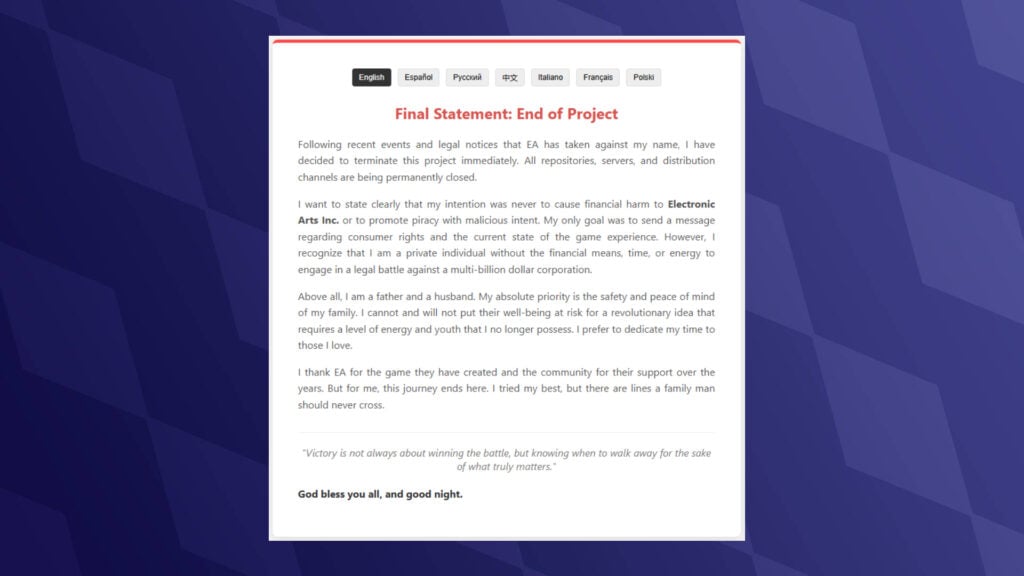
Final Statement: End of Project
Following recent events and legal notices that EA has taken against my name, I have decided to terminate this project immediately. All repositories, servers, and distribution channels are being permanently closed.
I want to state clearly that my intention was never to cause financial harm to Electronic Arts Inc. or to promote piracy with malicious intent. My only goal was to send a message regarding consumer rights and the current state of the game experience. However, I recognize that I am a private individual without the financial means, time, or energy to engage in a legal battle against a multi-billion dollar corporation.
Above all, I am a father and a husband. My absolute priority is the safety and peace of mind of my family. I cannot and will not put their well-being at risk for a revolutionary idea that requires a level of energy and youth that I no longer possess. I prefer to dedicate my time to those I love.
I thank EA for the game they have created and the community for their support over the years. But for me, this journey ends here. I tried my best, but there are lines a family man should never cross.
“Victory is not always about winning the battle, but knowing when to walk away for the sake of what truly matters.”
God bless you all, and good night.
How Does Cracking Marketplace Content Differ From Usual Packs, And Why Are EA Taking Action Now?
One of the key differences here comes down to how The Sims 4 actually handles its content. Traditionally, Packs and Kits are downloaded directly into your game files. That’s why tools designed to “crack” DLC have existed for years; they essentially trick the game into recognising content that’s already installed as being owned by the player, just without a legitimate licence attached to it. The Sims 4 Marketplace works differently. Marketplace purchases are tied directly to your account and are installed into your game in a more controlled way, rather than just sitting in your files ready to be toggled on or off. In simple terms, it’s about whether your account is authorised to use the content, rather than actually having the files for the content.
Content such as Live Event rewards is tied to your account, too, but can be unlocked for free rather than locked behind a paywall, which is why modders can unlock these items for players. Unlocking paid content for all players in a Discord community with thousands of members made it easy for EA to track down the creator and send them a cease-and-desist.
What are your thoughts on The Sims 4 Marketplace and piracy? Let us know in the comments below, and stay tuned for all updates regarding The Sims 4.
Welcome to the City of Love, Ciudad Enamorada: The Sims 4 Lovestruck World Guide
Romance and butterflies is what The Sims 4: Lovestruck Expansion Pack is all about. The vibrant world in The Sims 4 Ciudad Enamorada, is inspired by Mexico, and brings vibrant colors, charm, and cultural artistry. This pack also introduces exciting new gameplay features as well. Let’s see what Ciudad Enamorada is so loved and famous for.
Table of Contents
Built With Community Collaboration
As with many other expansion packs, content creators contributed to the builds in The Sims 4: Lovestruck Expansion Pack. All three featured creators are from Mexico, adding an authentic touch to the world. Take some time to discover these talented creators and their builds, you’ll find their social links below.
Fritosaurio– SUDOR, Media Naranja, Mansión de la Pasión
The Sims 4 Ciudad Enamorada World Overview
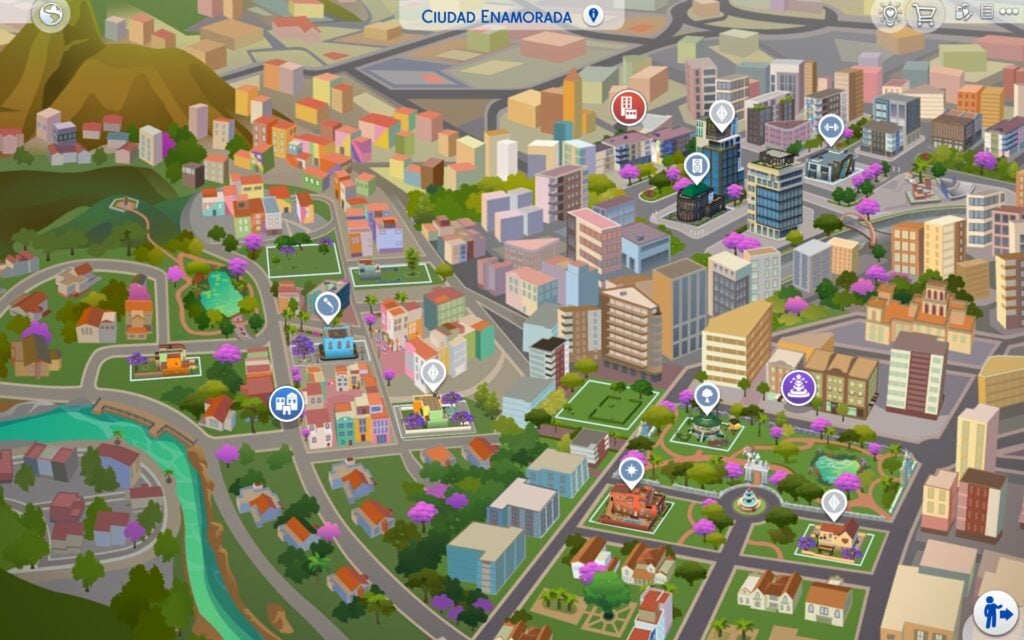
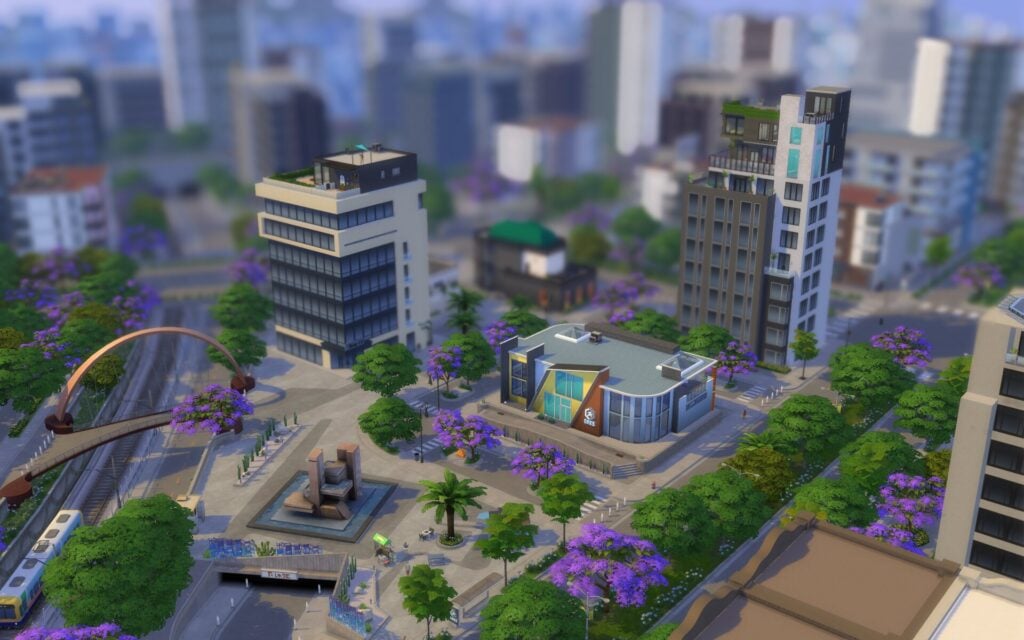
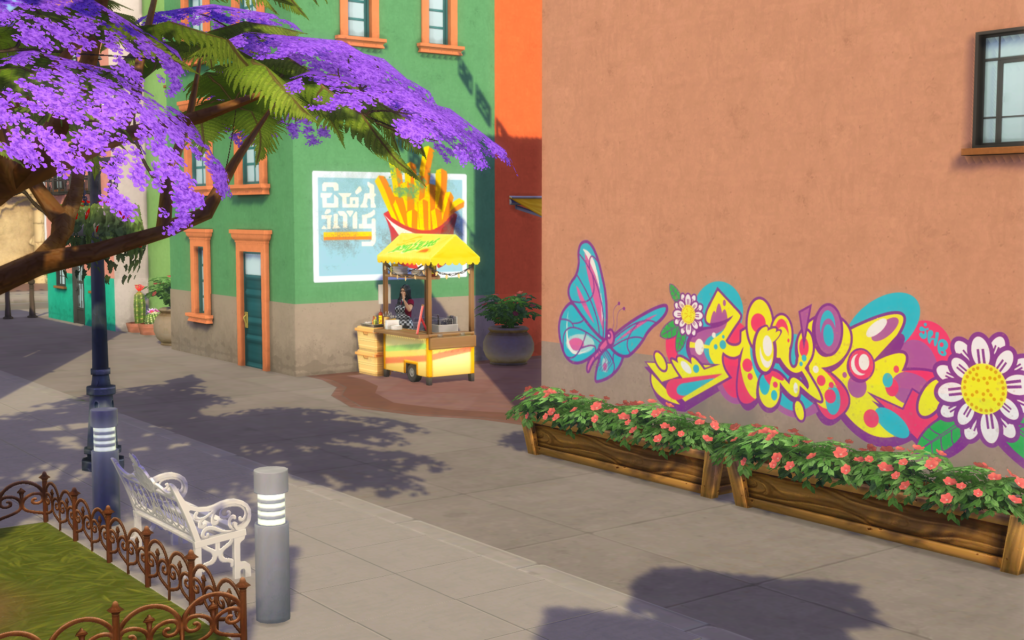
A city for the romantics, Ciudad Enamorada is well known for its ample opportunities for romantic getaways and scandalous trysts. Whether head over heels or still looking for love, this city provides passionate moments for each. An aspiring romantic can explore Vista Hermosa for the warm and welcoming suburban life, the lush and picturesque Plaza Mariposa for walking hand in hand at sunset, or the traditional meets modern Nuevo Corazón for those seeking the alluring temptation of the nightlife.
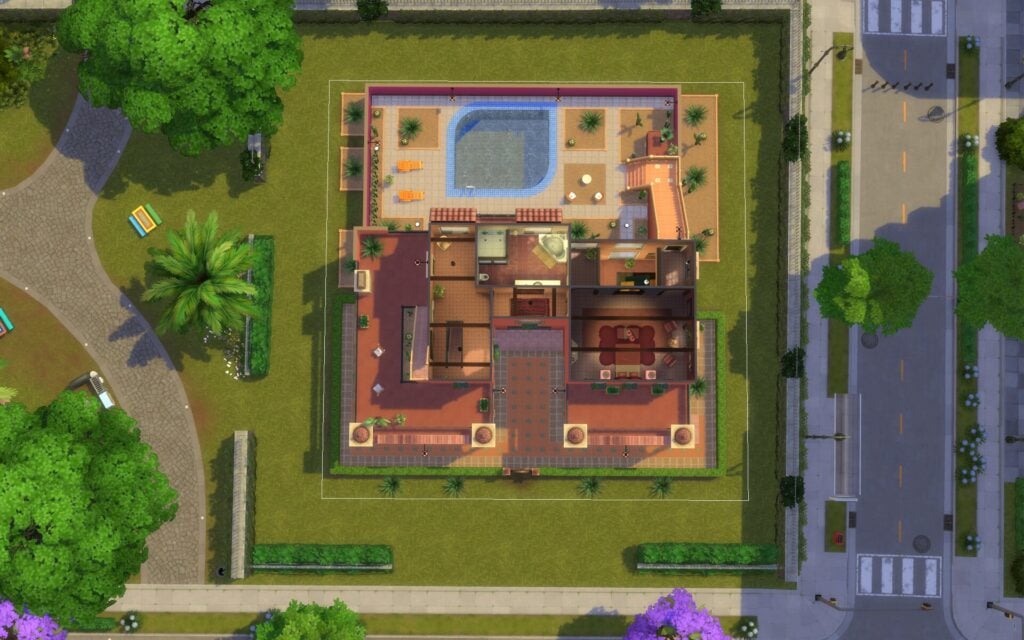
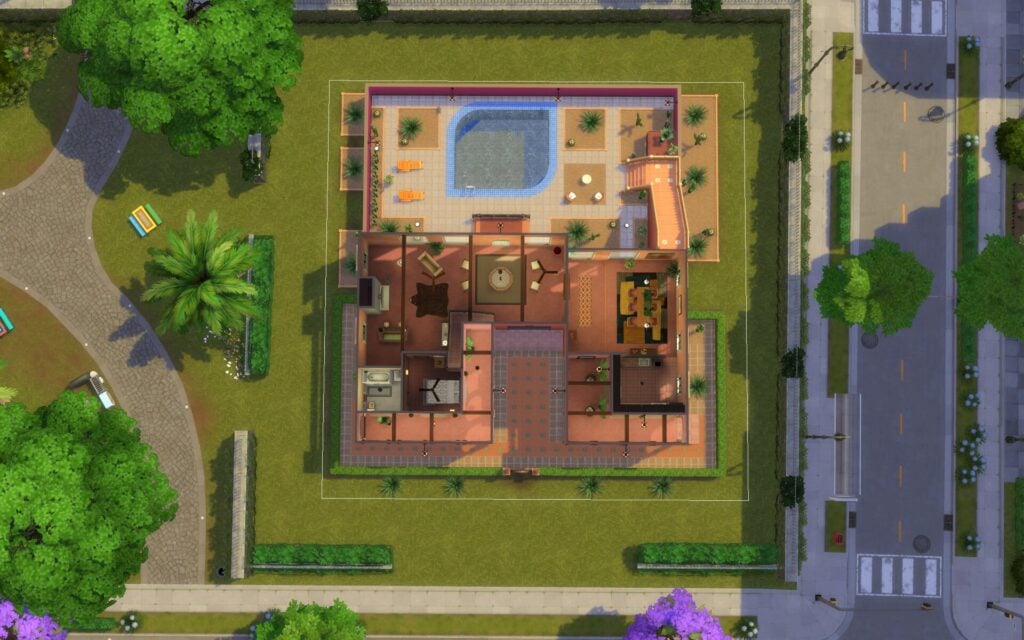
In this pretty world inspired by Mexico, you will find 13 lots, 8 residential, 4 community, and one rental lot.
District: Nuevo Corazón
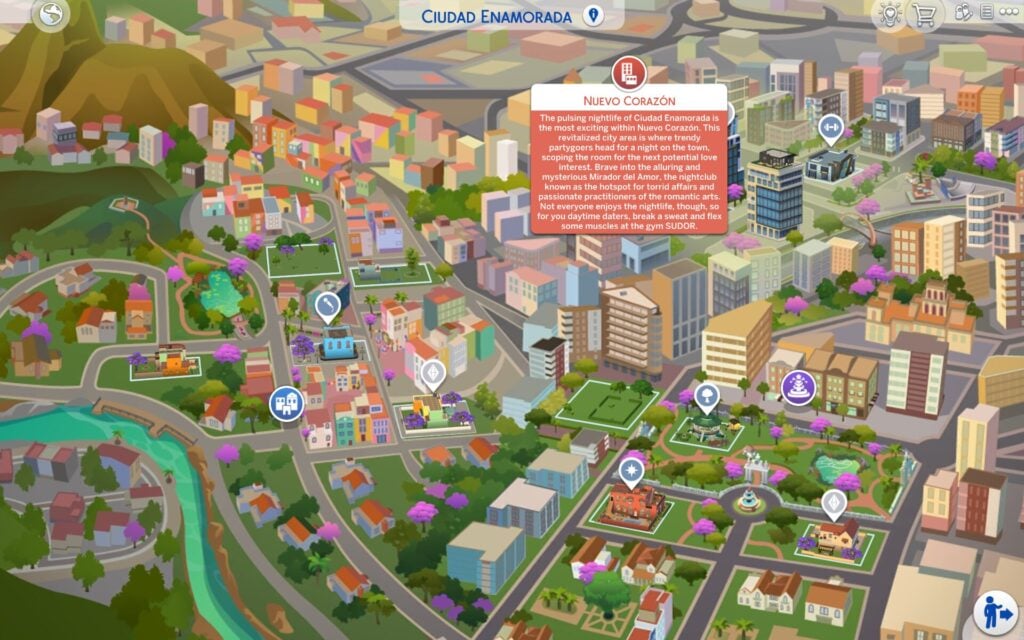
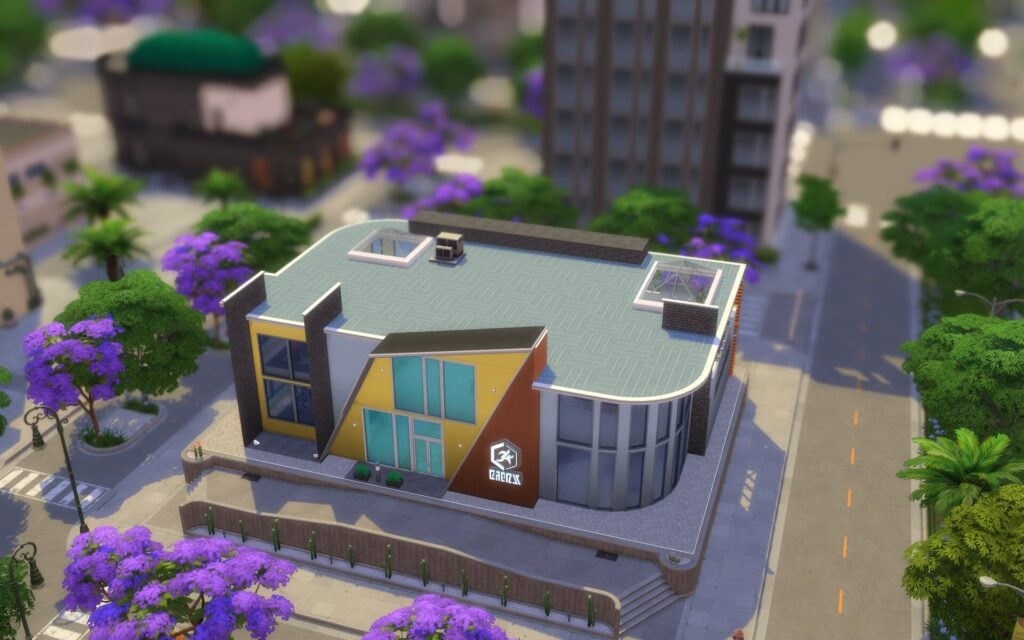
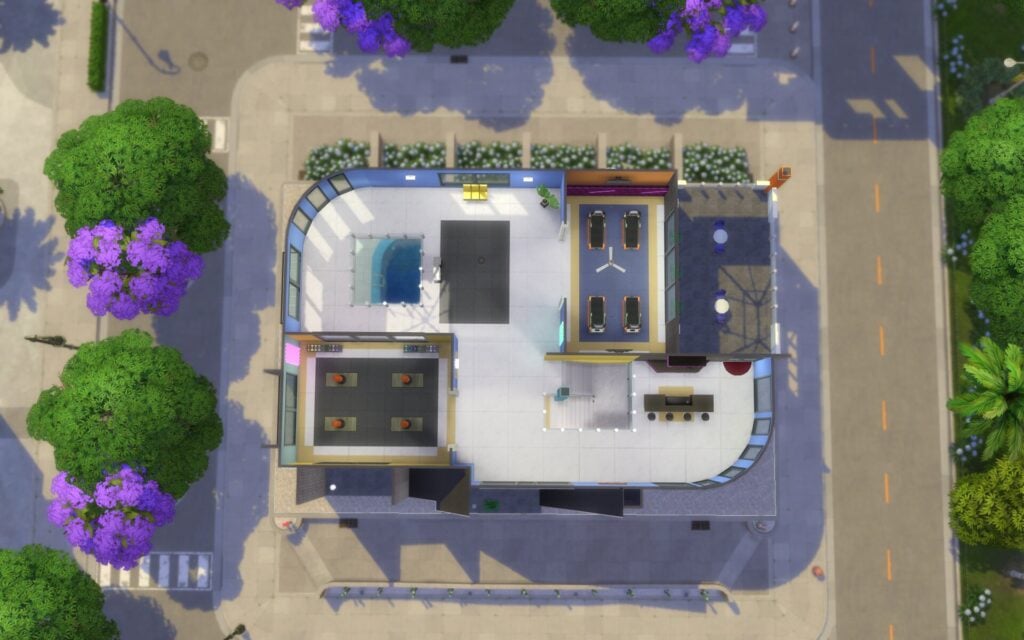
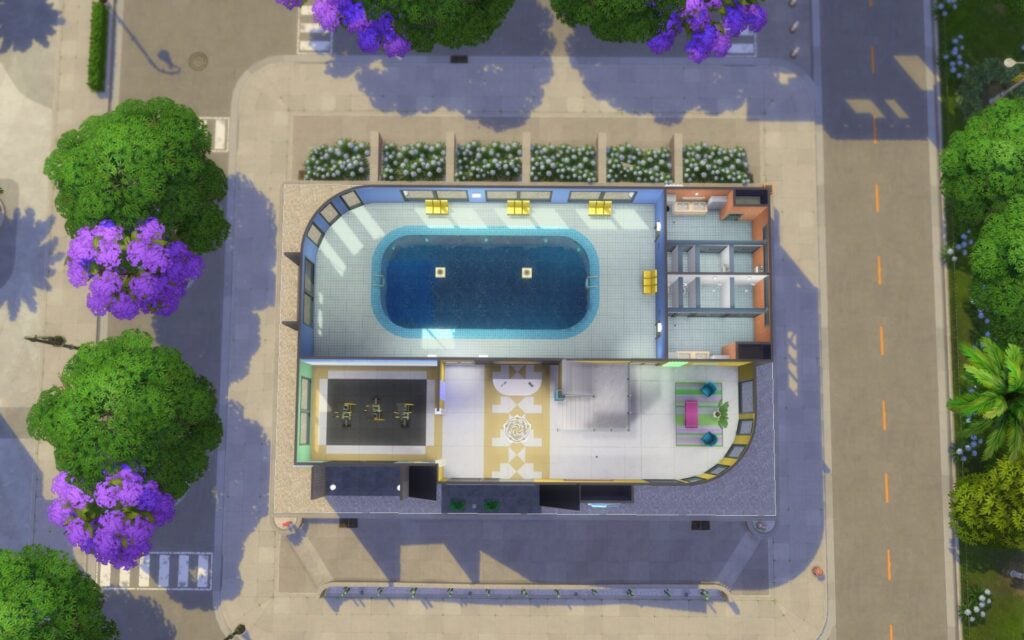
The pulsing nightlife of Ciudad Enamorada is the most exciting within Nuevo Corazón. This revitalized city area is where trendy partygoers head for a night on the town, scoping the room for the next potential love interest. Brave into the alluring and mysterious Mirador del Amor, the nightclub known as the hotspot for torrid affairs and passionate practitioners of the romantic arts. Not everyone enjoys the nightlife, though, so for you daytime daters, break a sweat and flex some muscles at the gym SUDOR.
Nuevo Corazón, is the neighbourhood where you can explore the city life. There is 2 penthouses, one lived by the Nadir household. Then you can visit the city gym by day and the nightclub by night. Dates and love is awake at all times.
Lots & Lot Sizes
Mirador del Amor
Torres Amanecer
La Suite del Flechazo
SUDOR
Mirador del Amor
This mysterious nightclub is for the seekers of sultry seduction. The tantalizing Mirador del Amor’s allure lies in its dimly lit secluded areas, perfect for hushed whispers and dreamy sighs. For those without a partner, well, there’s plenty of space on the dance floor, and plenty of time to look for love.
Nightclub 30 x 20 §79,128 Lot Traits: Singles Hangout, Romantic Aura Designed by RusticSims
Torres Amanecer
Take your love to new heights and see the sunrise across the beautiful Nuevo Corazón in this luxurious, ready-to-move-in penthouse. Enjoy the view and relax with your love, new or old, in your arms instead of struggling to get the couch up all those stairs. Nobody has time for that when love is in the air!
Residential 20 x 20 §28, 639 Lot Traits: Fast Internet
La Suite del Flechazo
Overlooking Nuevo Corazón, this penthouse is the epitome of elegance and luxury. Sit amongst the clouds and let the breathtaking view set the scene for the countless romantic memories you will assuredly make here. This sky-high love nest is perfect for all your future romantic adventures.
Residential Residents: Nadir Household 20 x 15 §106, 020 Lot Traits: Fast Internet
SUDOR
This gym has everything: a swimming pool, exercise equipment, and most importantly, singles ready to mingle. The heart is a muscle, you know, and love is the best workout routine there is.
Gym 30 x 20 §104, 619 Lot Traits: Singles Hangout Designed by Fritosaurio
Points of Interest
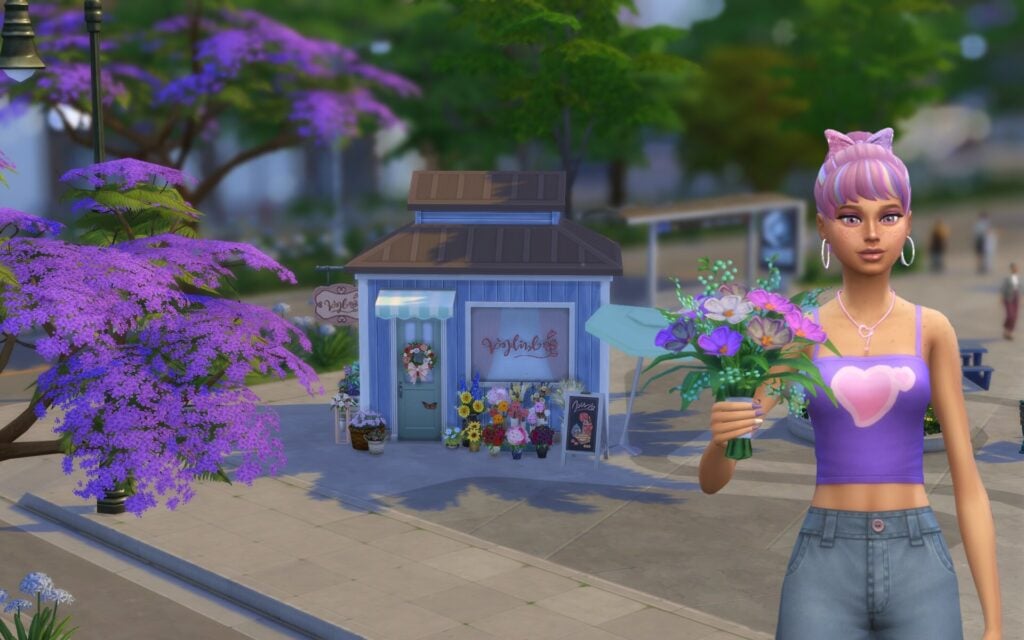
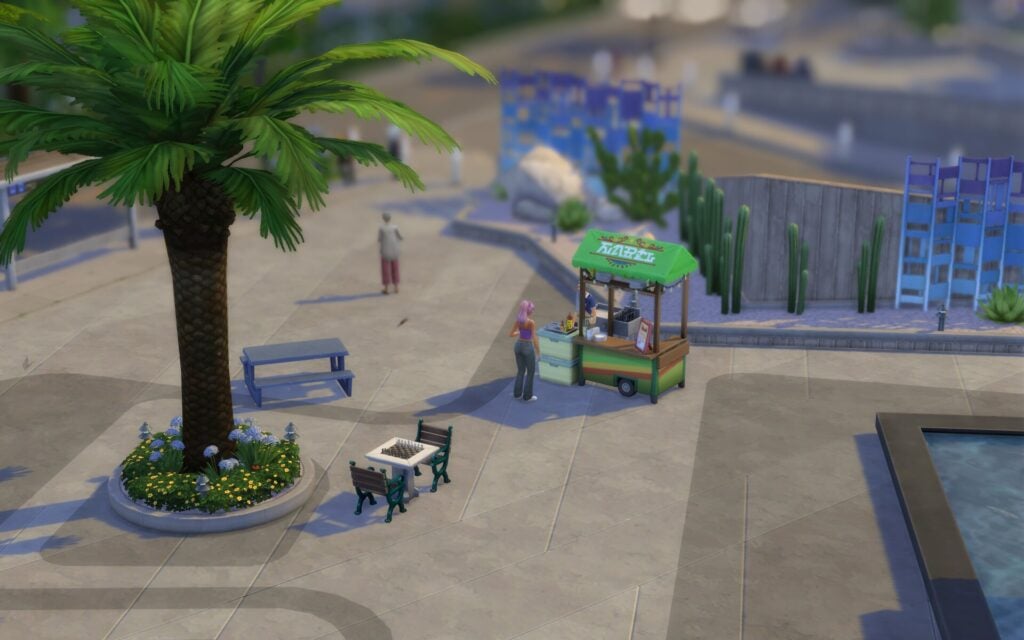
In this small neighbourhood you’ll find a food stall, picnic bench, and a chess table. There is also a big fountain you can view and read about its history. Lastly, their is a flower shop you can by flowers at and give to your loved ones. You can also buy Nectar, Romance skill book, and The Sweetheart’s Box that includes sweet treats in them. Behind the flower shop you can find a bus stop your Sim can travel through.
Fishing Spots & Collectables
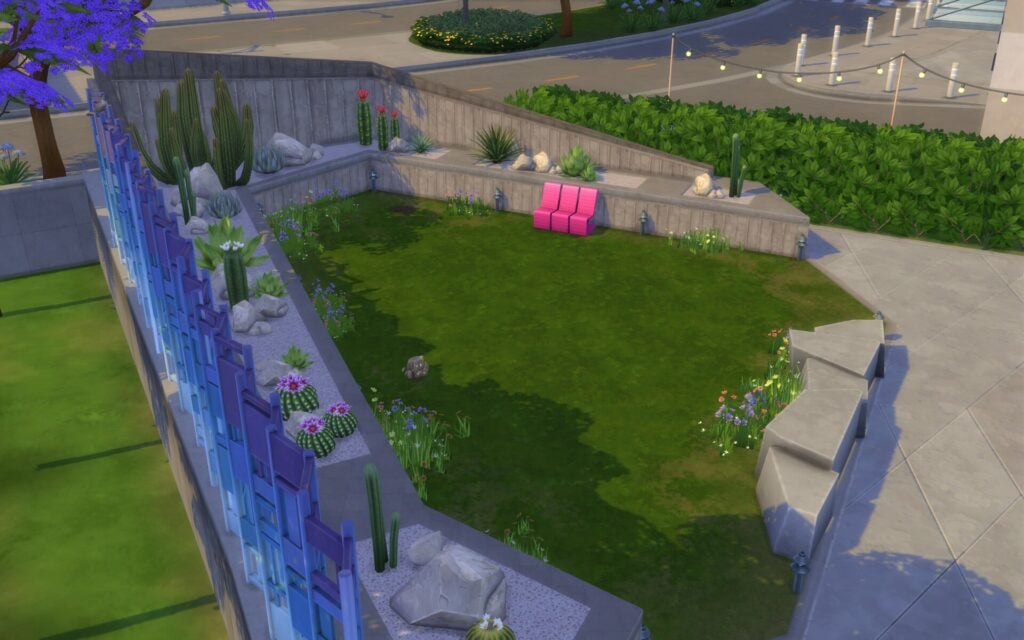
There are no fishing spots here, but on a small grass plot you’ll find a digging spot and a rock.
District: Plaza Mariposa
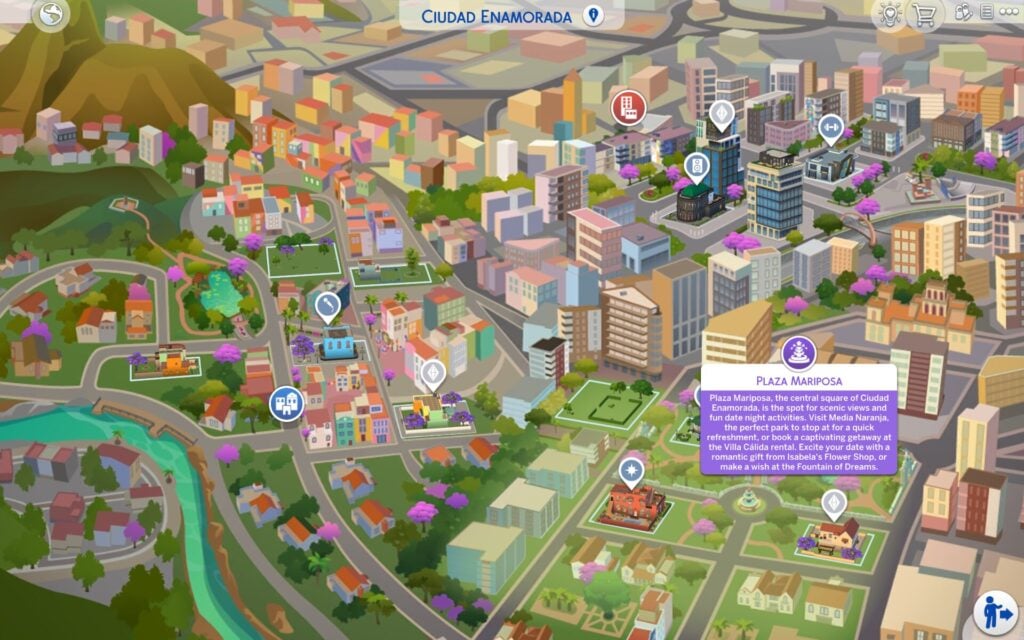
Plaza Mariposa, the central square of Ciudad Enamorada, is the spot for scenic views and fun date night activities. Visit Media Naranja, the perfect park to stop at for a quick refreshment, or book a captivating getaway at the Villa Cálida rental. Excite your date with a romantic gift from Isabela’s Flower Shop, or make a wish at the Fountain of Dreams.
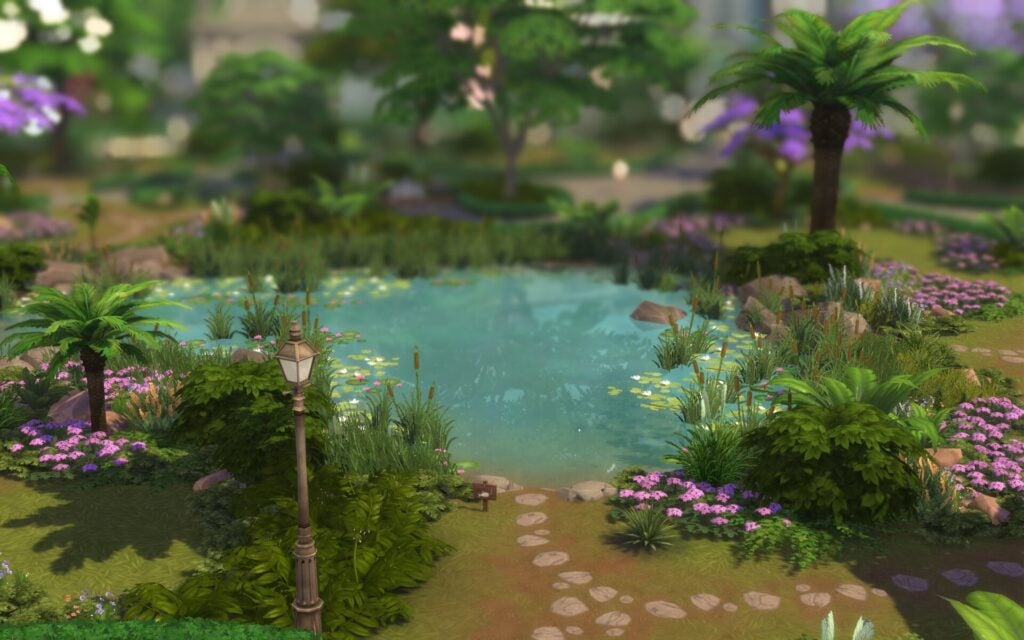
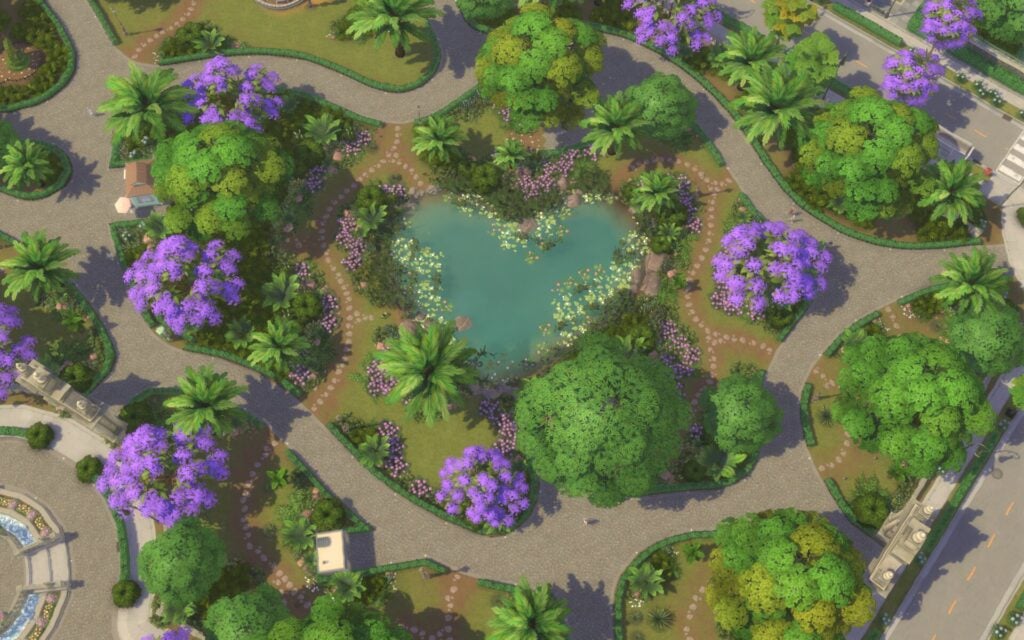
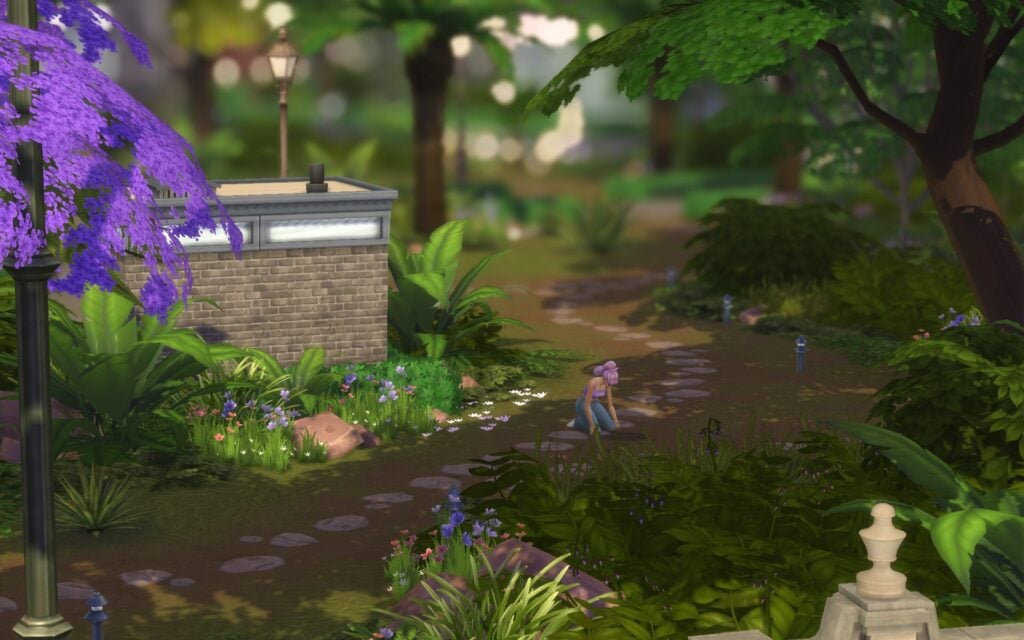
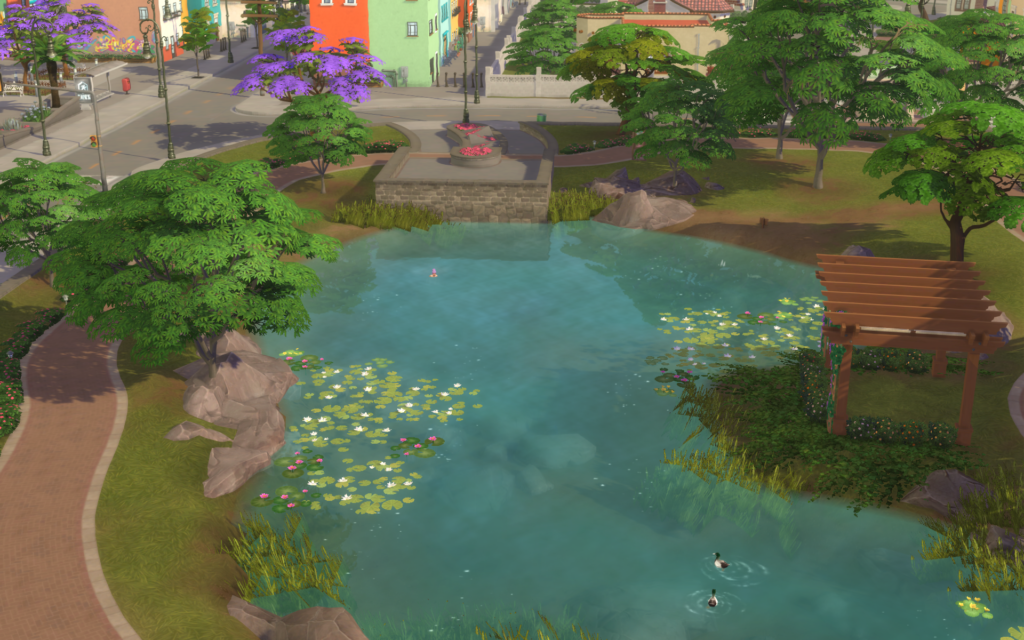
In the heart of Ciudad Enamorada you’ll find Plaza Mariposa that includes four lots. A big park where you can have a romantic picnic, go for a jogging run around the heart shaped pond, or stop buy the fountain and make a wish about your future love.
Lots & Lot Sizes
Calle del Ensueño
Avenida de la Eternidad
Media Naranja
Villa Cálida
Calle del Ensueño
When looking for the perfect place to live the life of a sweetheart-seeking single, look no further! Calle del Ensueño provides a stunning view of Plaza Mariposa and a serene and romantic atmosphere, making you and that potential sweetheart feel right at home. Make sure to stop at the Fountain of Dreams to wish for happiness for you and your partner!
Residential 50 x 40 §5, 935 Lot Traits: Natural Light
Avenida de la Eternidad
Did you wish for happiness at the Fountain of Dreams? Well, here is your answer! A perfect plot of land to build a home on! This lot is close enough to the park that you can enjoy all of its offerings without traveling too far away from home.
Residential Residents: Dynamic Daters Household 30 x 30 §128, 674 Lot Traits: Convivial
Media Naranja
To find one’s other half is a magical moment, and Media Naranja, nestled in the stunning Plaza Mariposa, offers a magical setting for that moment to blossom. With a panoramic view of the surrounding park, the inside bar provides a sweet, serene getaway for couples to bond over a nice drink or two.
Park 30 x 30 §49, 442 Lot Traits: Bracing Breezes Designed by Fritosaurio
Villa Cálida
This rental is equal parts luxury and mystery. They say the house belonged to a young couple madly in love—Samuel and Claire—but suddenly became vacant. The stories say Claire broke the heart of poor Samuel, and the house was abandoned soon after. Despite its tragic backstory, couples travel far and wide to stay in this gorgeous and conveniently located rental to prove that their love is strong enough to withstand its heartbreaking past. Still…some folks say you can still hear the cries of a broken-hearted Samuel ringing through the central square.
Vacation Rental (cost per night §1,487) 30 x 30 §150, 669 Lot Traits: Romantic Aura, Peace and Quiet Designed by RusticSims
Points of Interest
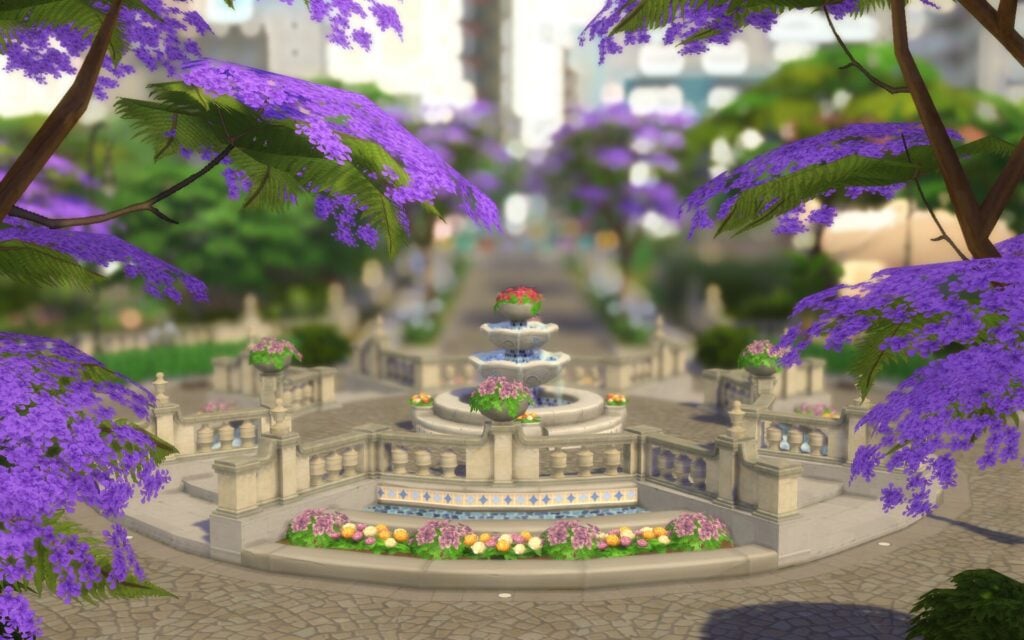
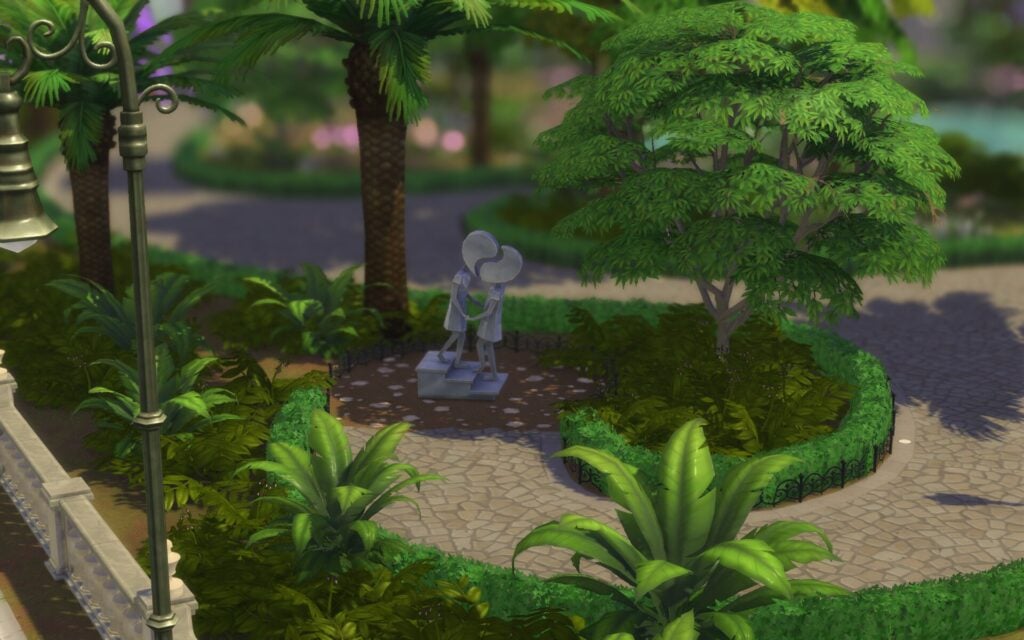
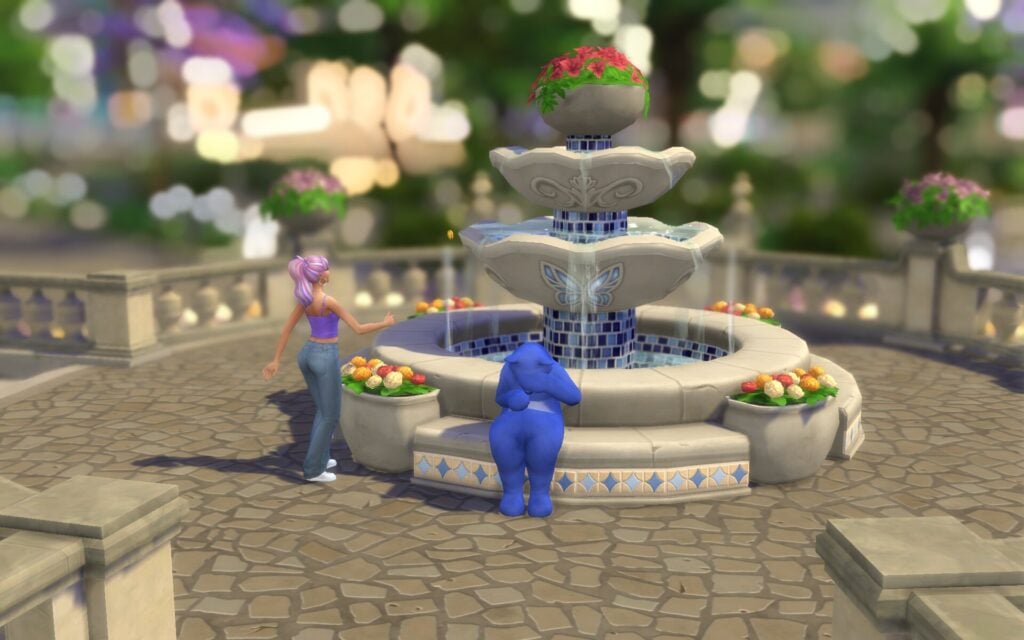
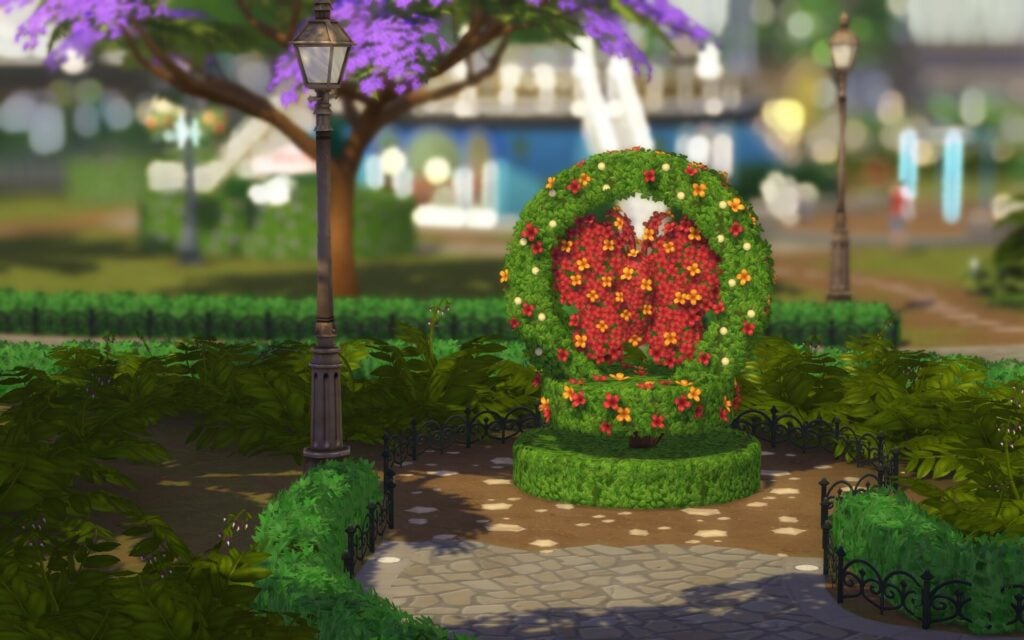
The park have food stalls, picnic benches, and a flower shop like the Nuevo Corazón neighbourhood. You can admire the Lover’s statue, the Butterfly Topiary, and the fountain of dreams. Occasionally, a blue sad ring bear shows up at the fountain, if your Sim approaches it, they’ll have the chance to take on a special quest. At the fountain it’s possible for your Sim to make different types of wishes, but you can also…steal.
Fishing Spots & Collectables
Fishing Spots:
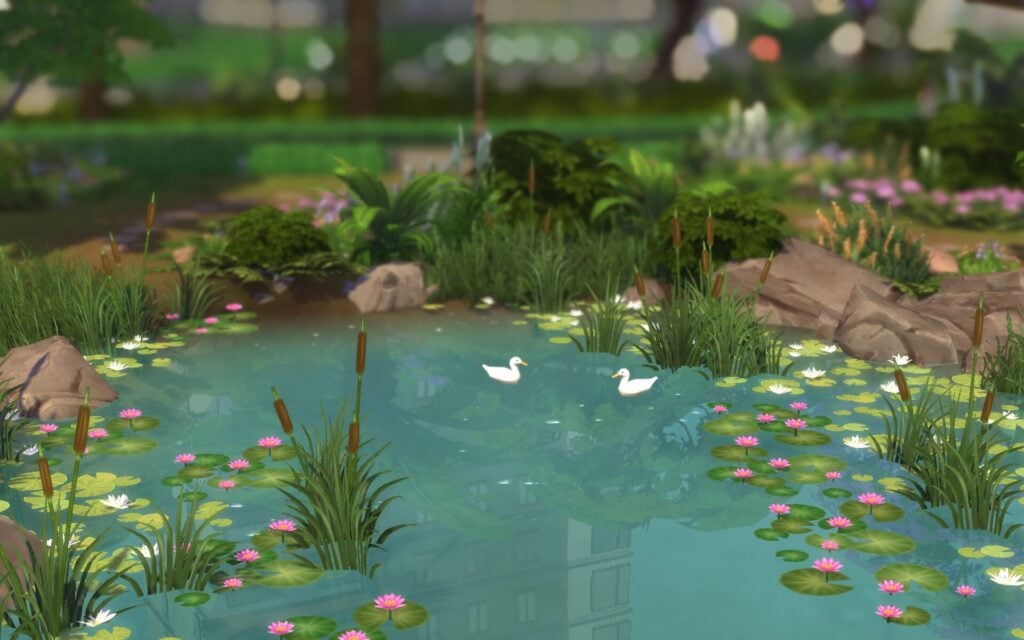
In the park you’ll find one fishing spot at the heart shaped pond
Other:
Around the pond there are rocks, frogs, and digging spots
District: Vista Hermosa
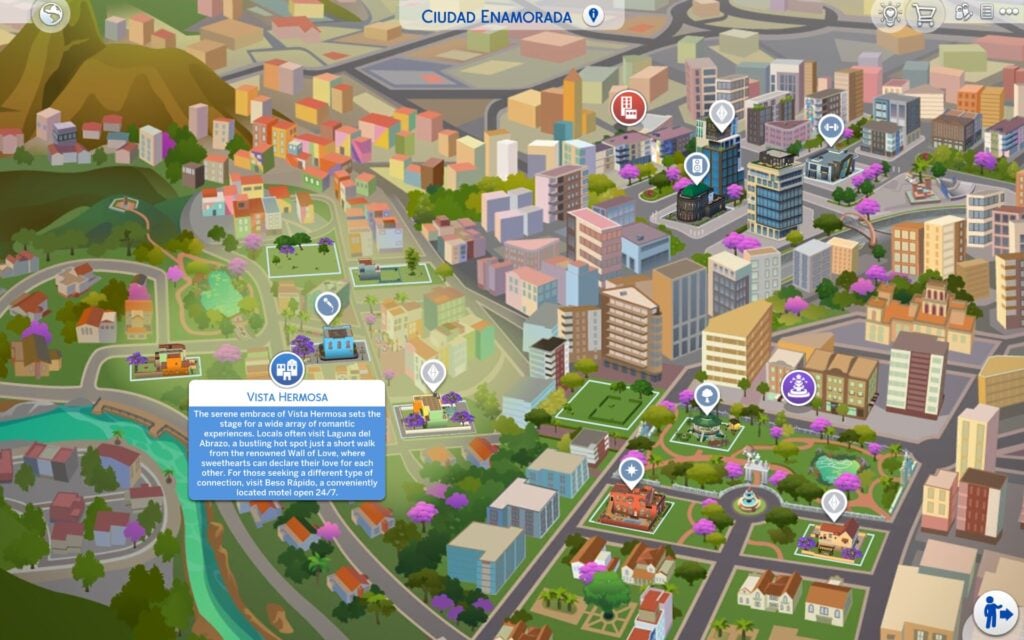
The serene embrace of Vista Hermosa sets the stage for a wide array of romantic experiences. Locals often visit Laguna del Abrazo, a bustling hot spot just a short walk from the renowned Wall of Love, where sweethearts can declare their love for each other. For those seeking a different type of connection, visit Beso Rápido, a conveniently located motel open 24/7.
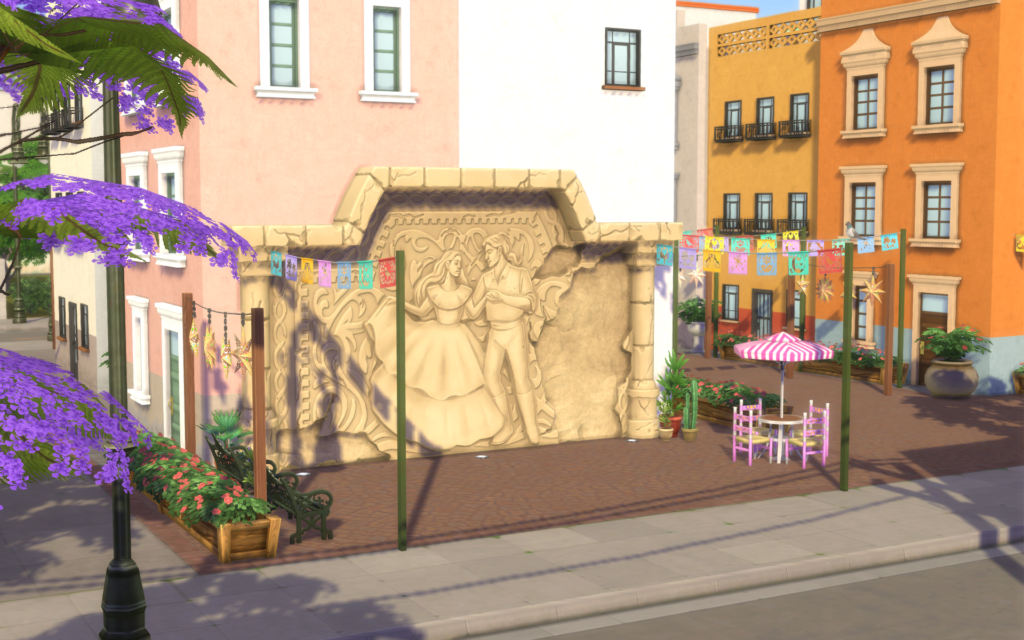
In this suburban neighbourhood outside the city you’ll find five lots. If you seek a romantic view you just follow the path from the pond up on the hill. At the top you’ll see an ancient statue, this place is perfect for a romantic date, and maybe a first kiss.
Lots & Lot Sizes
Mansión de la Pasión
Calle de la Promesa
Caminito del Deseo
Casita del Amor
Laguna del Abrazo
Mansión de la Pasión
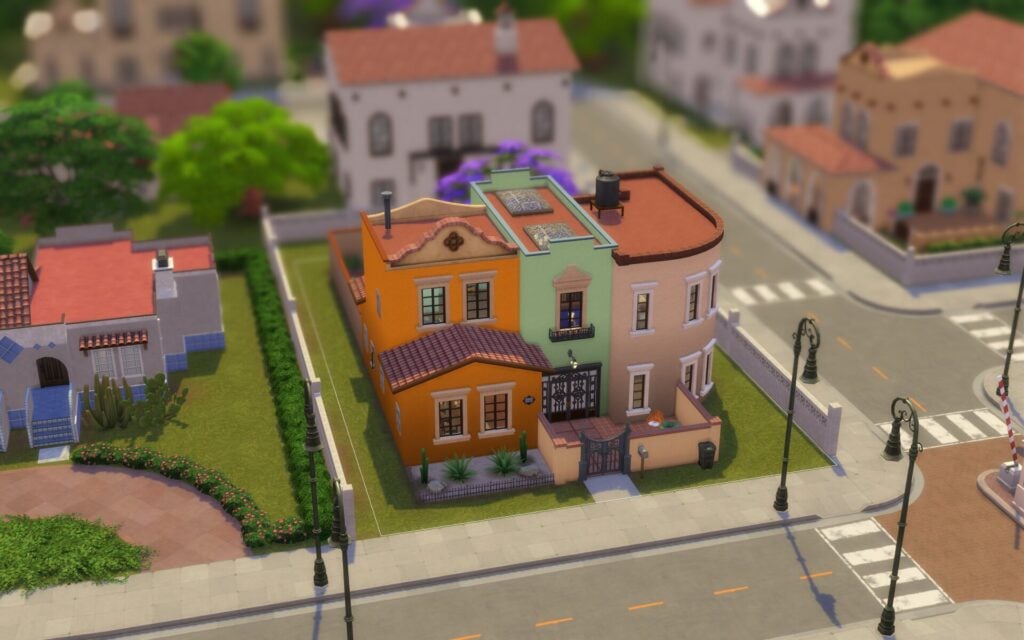
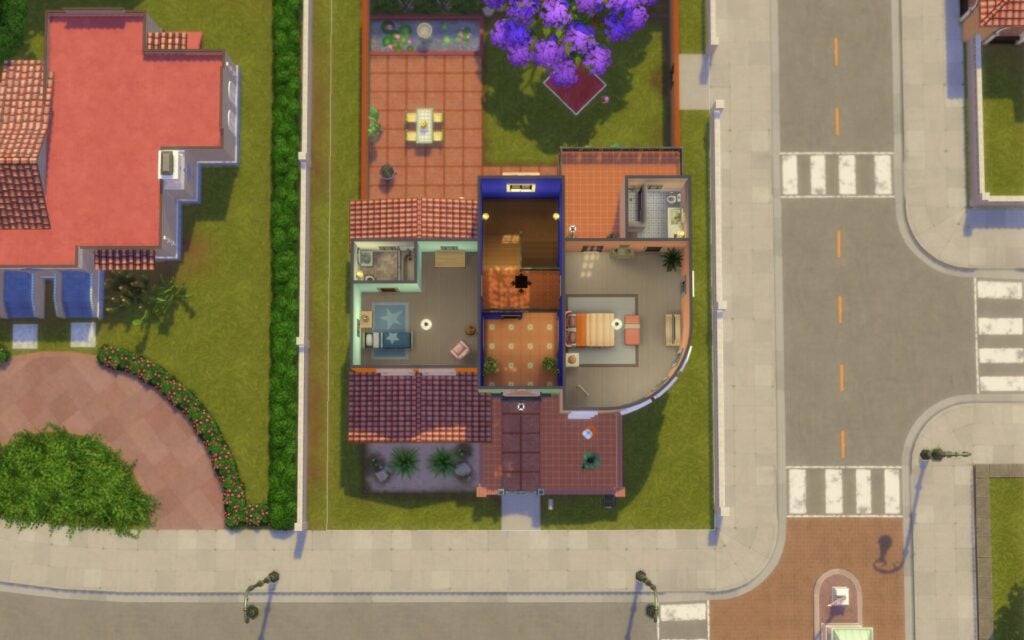
This home is a dream come true for a thriving family that wants to skip the stress of moving on up and enjoy new memories together right away. Give you and your partner the perfect setting for a lifetime of happiness. With the heart of the neighborhood just a short walk away, purchasing this home is an easy choice.
Residential 30 x 20 §71, 484 Lot Traits: Homey, Great Acoustics Designed by Fritosaurio
Calle de la Promesa
Home is just a few bricks away on this lot, perfectly situated on the outskirts of Vista Hermosa. With stunning views and friendly neighbors, this charming little spot is ready and waiting for you.
Residential Residents: Lópes Household 30 x 30 §90, 059 Lot Traits: Bracing Breezes, Great Acoustics
Caminito del Deseo
This lot, though currently vacant, is brimming with the potential for romantic experiences. The proximity to the picturesque Plaza Mariposa is sure to ignite even the most dormant of hearts with passion. Imagine strolling hand in hand with your special someone, seeking the perfect spot to lay a blanket and create a night of cherished memories.
Residential 50 x 40 §1, 500 Lot Traits: Bracing Breezes
Casita del Amor
Young couples looking to be close to the beating heart of this cozy suburban neighborhood will love this quaint, ready-to-move-in home! Singing, drinking, and a fun game of Who’s Up are just minutes away at the Laguna del Abrazo. A perfect date spot for a casual night on the town.
Residential 30 x 20 §18, 828 Lot Traits: Natural Light
Laguna del Abrazo
This lounge, located in the center of Vista Hermosa, holds a special place in the hearts of many locals. This hot spot welcomes couples and singles alike, providing an atmosphere of dim lights, smooth music, and excellent company. Romantics should take a short walk across the street to the famed Wall of Love, where locals have written their love declarations for generations, hoping for many years to come with their special someone. A few steps more leads to Beso Rápido, a local motel previously run by the well-known Carmen Ortega before her retirement.
Lounge 30 x 20 §47, 128 Lot Traits: Up-and-Coming Hotspot Designed by Shiki
Points of Interest
There is a motel on the other side of the bar where your Sim can visit and rent a room to sleep or WooHoo. Behind the bar your Sim can grab a bite from the food stall or admire the Wall of Love. This neighbourhood also features a smaller pond where Sims can swim, take a relaxing walk, or catch a fish or two. Following a nearby path from the pond will lead you to a beautiful viewpoint overlooking the city.
Fishing Spots & Collectables
There is one fishing spot at the pond
What is your thoughts about Ciudad Enamorada world guide? And The Sims 4: Lovestruck Expansion pack? See more world guides and overviews here. Keep up with the latest news on Sims Community.
InZOI developers reveal a detailed breakdown for InZOI Year 2 of Early Access Updates.
Believe it or not it’s been one year since InZOI Early Access was released on Steam. We’re slowly getting stability improvements for the game along a rich set of new features with each Early Access Update.
From the recent Cahaya Update to core essential improvements and additions of whole new systems. In just a year since release we’ve gotten Burglars, First version of Multitasking, Seasons, Memories and new Graphic improvements that make this realistic life simulator worth talking about.
InZOI developer Kjun is looking back at all the big achievements for the past year and gives a detailed Content Roadmap look at what’s to come for the rest of 2026.
Table of Contents
InZOI 1 Year Anniversary: A Retrospective and the Future
Today, as we celebrate inZOI’s 1st anniversary, I wanted to share a brief reflection and our plans moving forward.
As with many things in life, every beginning starts with excitement. However, when we first met our players on March 28, 2025, I felt more anxiety than excitement. inZOI launched into Early Access after just one week of demo testing. Preparing a demo before launch was not an efficiency-oriented decision from a development standpoint, as it required us to prepare two builds simultaneously. Even so, we made that choice for a reason. At the time, I felt inZOI was not yet ready to be sold as a paid product. I wanted players to try the demo first so they wouldn’t purchase the game if it didn’t suit their preferences or hardware. A year ago, I wasn’t asking players to buy the game. If anything, I was closer to asking them not to.
To test stability across various hardware specifications, I brought my personal PCs to the office and spent entire weekends testing and troubleshooting. There were many moments when problems remained unsolved, and I faced limitations that our team alone couldn’t overcome. These are the moments that can demoralize a developer. Despite this, many of you continued to play and support us for over a year. I wanted to express our gratitude in some small way. So in this build, I included a special anniversary cake, and that cake reveals a special message when sliced. It may not be a grand gift, but it represents my appreciation for staying with us through an imperfect and evolving game. Even now, I still feel a sense of apology. There are still bugs to fix, awkward or incomplete content, and unfinished memory optimization. However, our team is gradually becoming more familiar with the genre, and we are steadily building the experience needed to do better.
If I could go back to the beginning of development, I might hesitate before choosing this genre again. This is because the development difficulty is extremely high, and delivering proportional enjoyment for the development cost spent is really tough. Perhaps that is why there are so few games in this genre. Or perhaps, it would reflect my own limitations. Even through these challenges, the process of receiving your feedback on Discord and improving the game step by step has been a great source of happiness for me. To be honest, I thought many of you would try the game at first and quickly leave. I never expected such a long and ongoing dialogue with so many of you all. Among all the games I have developed over a period of close to 30 years, this journey has been the most meaningful. Thank you, sincerely.
To mark this anniversary, I would like to recommend you a book: The Untethered Soul by Michael A. Singer. The book emphasizes a Stoic mindset, accepting what we cannot control and letting go of unnecessary worry. This philosophy resonates with the emotional direction we aim for in inZOI.
Now to get back into sharing our development for inZOI, these are the plans we have for the rest of the year.
Fundamentals First
The ongoing “Fundamentals First” project is progressing faster than expected thanks to the strong support from our players. So far, we have successfully completed a total of 55 items. Based on this positive progress, in April we plan to slow down the pace of adding new features and instead focus on addressing bugs. We will refine the content that was introduced quickly to meet previous schedules, improve overall quality, and prioritize fixing identified issues. Although some timelines for the remaining Fundamentals First items have been adjusted due to internal circumstances, we will carefully ensure that all items are addressed without omission.
The main goal for April is “full-scale stability improvement and optimization.” To achieve this, we will focus on the following:
Expanded Graphics Settings
We will add more options to graphics settings within April, allowing players with lower-spec hardware to enjoy a smoother and more optimized experience, while ensuring that high-end rendering quality remains unaffected.
System Memory Optimization
We will focus on improving memory leaks and overload issues, which are common challenges in simulation games. We also plan to introduce options that allow players to better manage system memory usage based on their PC specifications.
New Content Roadmap
As we focus the majority of our efforts into fundamentals, we will also be working on some new content based on this schedule.
April — Jobs & Freelancing: The career system will be significantly expanded to include interviews, promotions, collaborative tasks, vacations, remote work, and retirement/pension systems. A new freelance system will also be introduced, allowing players to take on work such as package delivery alongside their main jobs. Additionally, the revenue model for created content will shift from one-time earnings to a weekly income system.
May — High School Life: In addition to the existing rabbit-hole system, a new on-site high school system will be introduced. Players will be able to experience a wide range of school life, including classes, exams, prom, and graduation, alongside unique classmates.
July — Travel, Resort Improvements, and Prison: Players will be able to move between cities through both immigration and travel, and the Cahaya resort will be enhanced with more content. A prison system will also be introduced. Additionally, issues related to family trees and cross-city Zoi connections will be resolved.
September — Festivals & Vehicle Interactions: City festivals and user-created holidays will be added to the calendar system. Vehicle interactions will be expanded, including repairs, car washes, audio systems, in-car conversations, call taxis, and taxi driver jobs.
October — Karma System Improvements: A new system will be introduced to track changes in a Zoi’s karma throughout their life. The karma report will also be improved with a summary feature.
December — Fame, Reputation, Celebrities, and Social Media: This will introduce new content related to celebrities, influencers, social media, performances, fame, and reputation. We hope you look forward to a more dynamic and unexpected Zoi life experience.
Enhanced Mod Support
Through our year-end survey, we confirmed strong demand for script mods. To meet this demand, we are dedicating additional resources to accelerate its development, and timelines are continuously being shortened. Depending on progress, we expect to introduce this feature as early as this summer. Our goal is not just to enable modding, but to provide an enhanced modding environment. Key features currently in development include:
Improved Usability: A dedicated GUI for more convenient use of cheat functions.
Modder-friendly Environment: An HTML-based GUI for more intuitive and efficient mod creation.
Communication Channels: Dedicated support staff available on Discord for quicker responses.
Modder Support: Ongoing consideration of support programs and additional tools for mod creators.
As someone who personally enjoys and values creation of mods, I am committed to delivering a satisfying experience in this area. We will also conduct another survey to gather your feedback as we continue improving the system.
Canvastown
While simulation games offer high freedom, they can sometimes become repetitive. It isn’t always easy for interesting situations to emerge naturally. Just as YouTube can gather interesting real-life moments to show the world, we wanted to create a system within inZOI where players can save and share their unique gameplay experiences.
While the existing Canvas focuses on sharing created buildings and characters, the upcoming Canvastown will focus on sharing real experiences and stories in the form of save files. Players can upload their created stories for other players to experience, and players can also jump into one-of-a-kind save files that were created using mods and cheats. These shared worlds can either be enjoyed alone with other NPC Zois or with a small group of other real-life players in a multiplayer session.
Over the past year, through the diverse feedback I received from all of you, I’ve come to realize that every one of you is a remarkable “creator,” full of incredible ideas and imaginations for this game. With that said, the sheer amount of requests I received from all of you is something I could spend my entire life on and would still not be able to complete with my team. That’s one of the main reasons we designed Canvastown, for it to be a space where we can aggressively support modding to allow you, our players, to expand upon what’s available and create content that our development team isn’t able to provide, all by yourself.
The goal is to build a UGC (User-Generated Content) ecosystem where the entire playerbase can be involved in the creation process. With the rich variety of high quality assets and data already available in inZOI (with more continually being added) alongside easy to use modding solutions, the future could see countless player-created scenarios collected in Canvastown, at which I think inZOI can grow beyond just a game and evolve into a truly living world.
We are eager to prepare a test build for this as soon as possible so that we can gather your valuable feedback. However, before that, we need to first ensure the completeness and stability of the existing systems.
In just a few hours, inZOI will officially reach its 1st anniversary. For the next year of inZOI, we will continue to listen to the community, improve stability and quality for the game, and keep taking bold creative risks.
We will keep working toward making this game a truly living world. Thank you sincerely for reading.
We hope inZOI brings a small sense of happiness and enjoyment to your daily life.
What do you think about the 2026 content release roadmap for InZOI? Let us know what you think the comments down below and stay tuned for all the latest InZOI News!