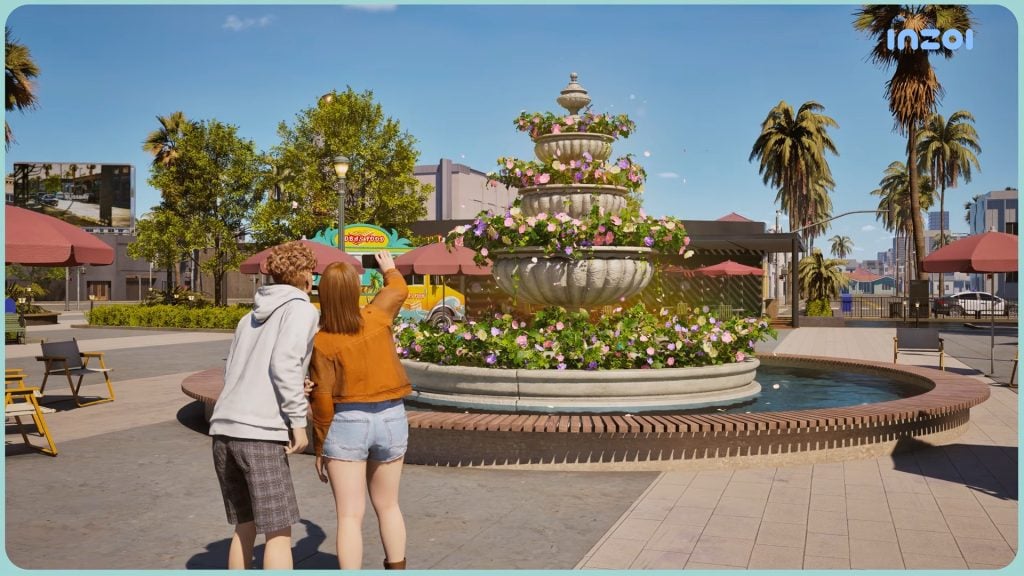
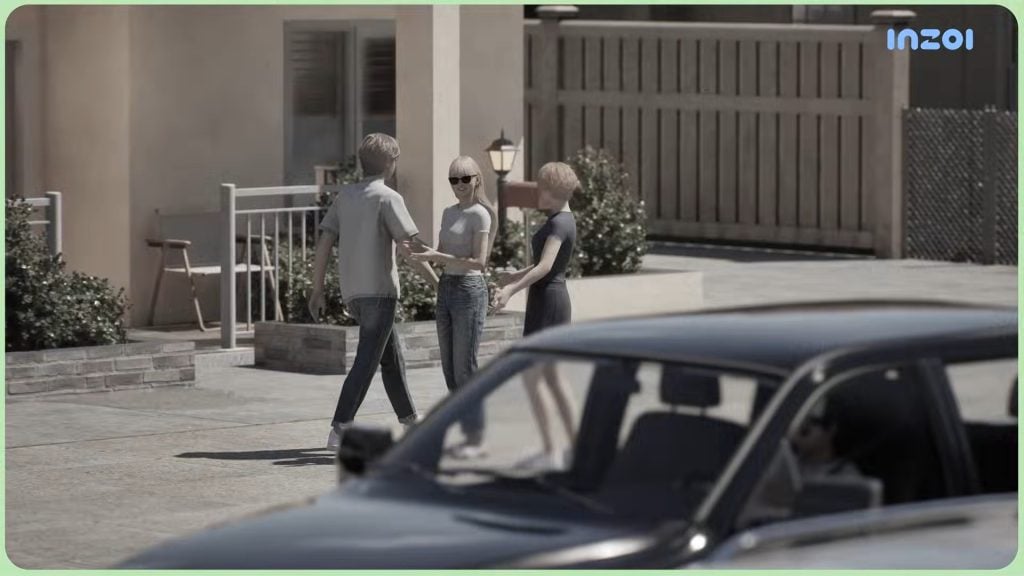
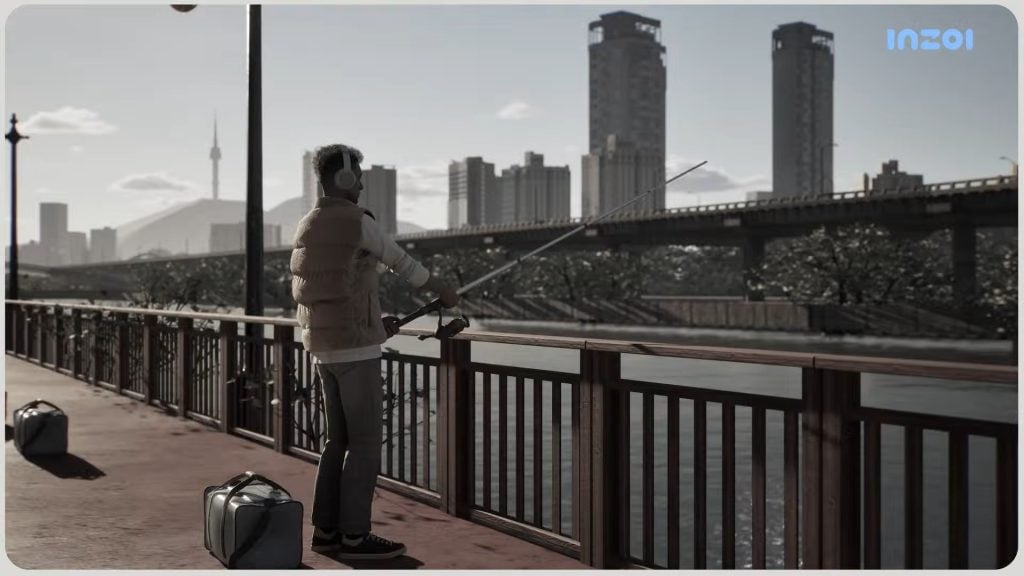
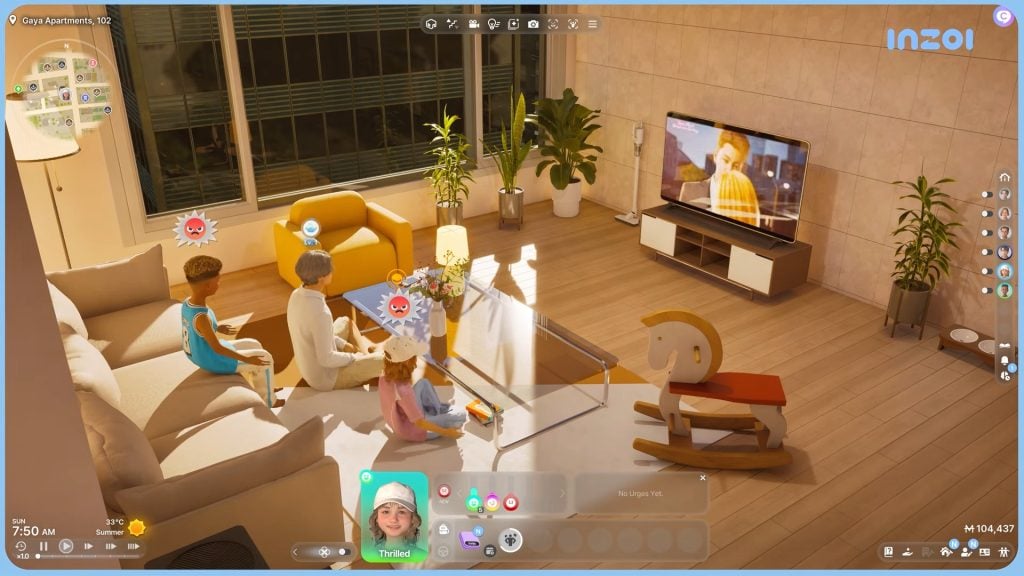
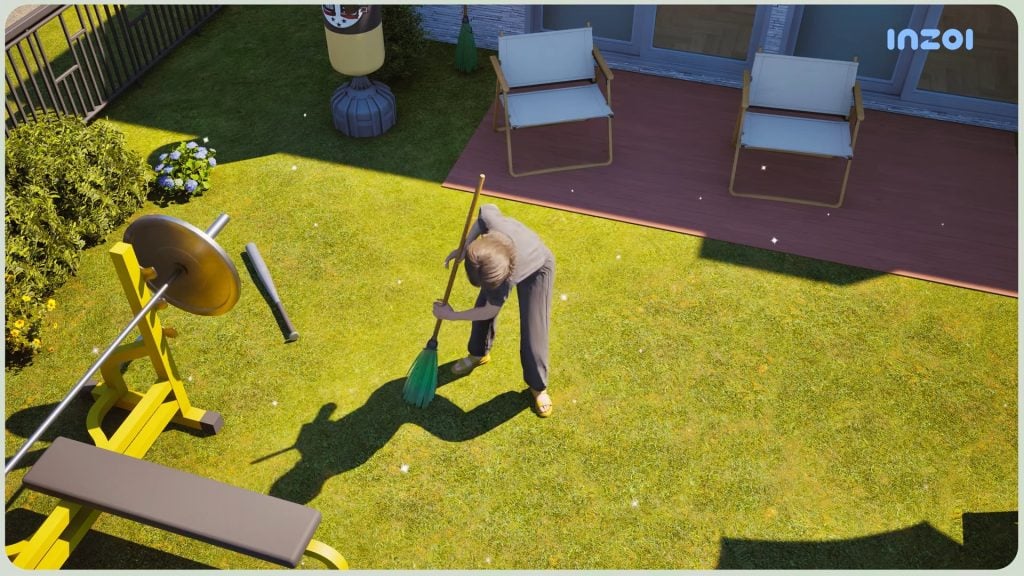
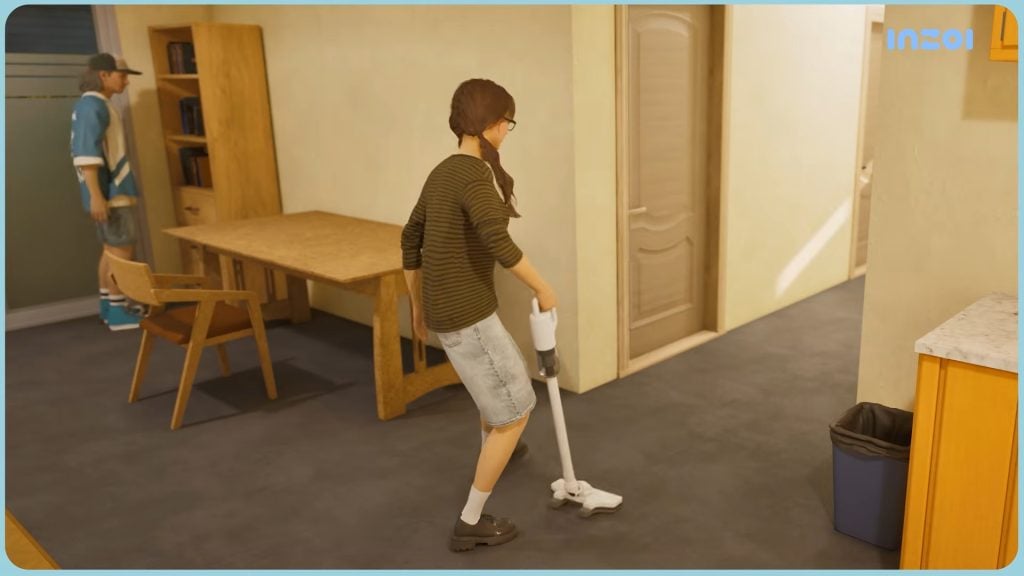
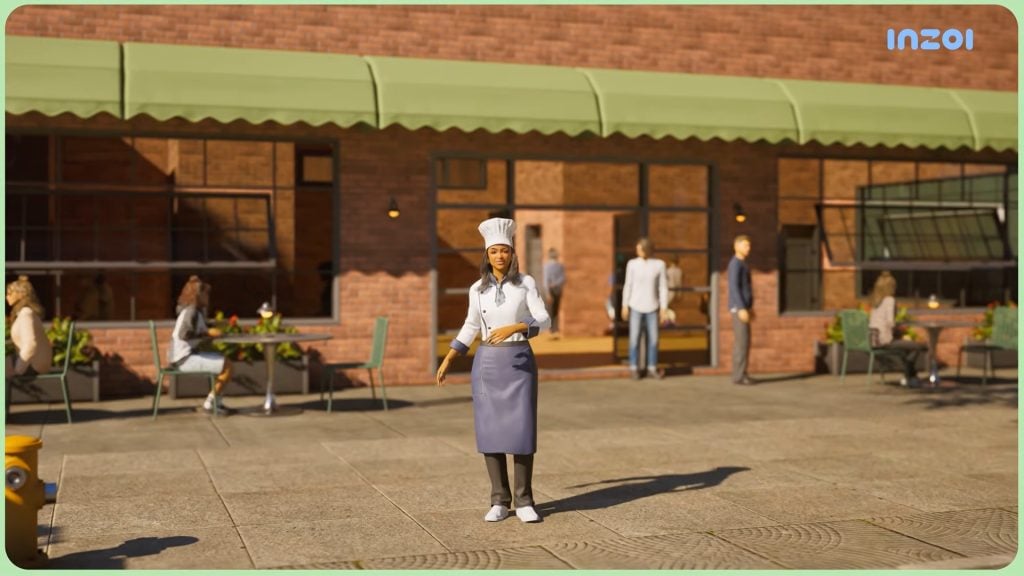
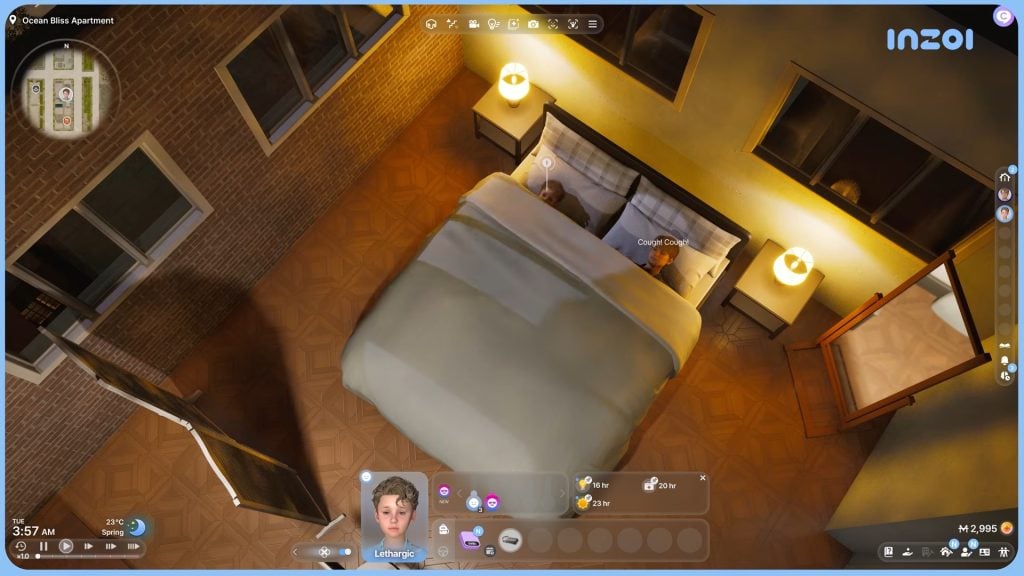
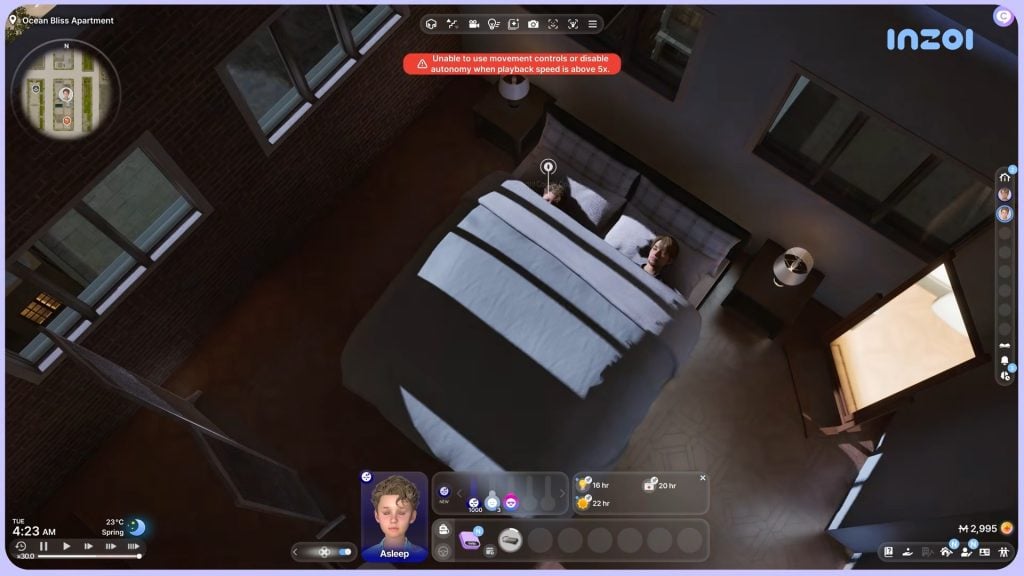
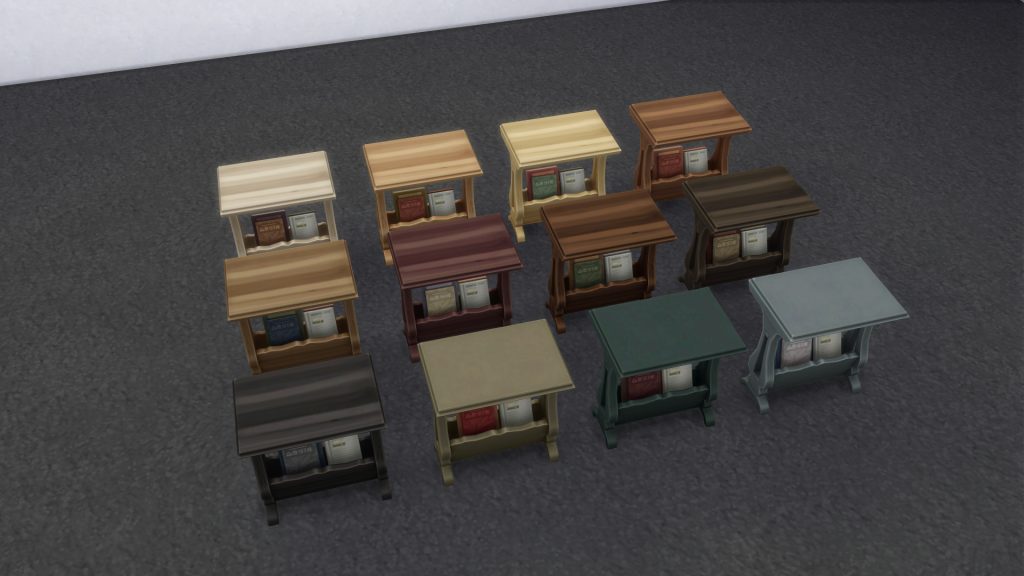
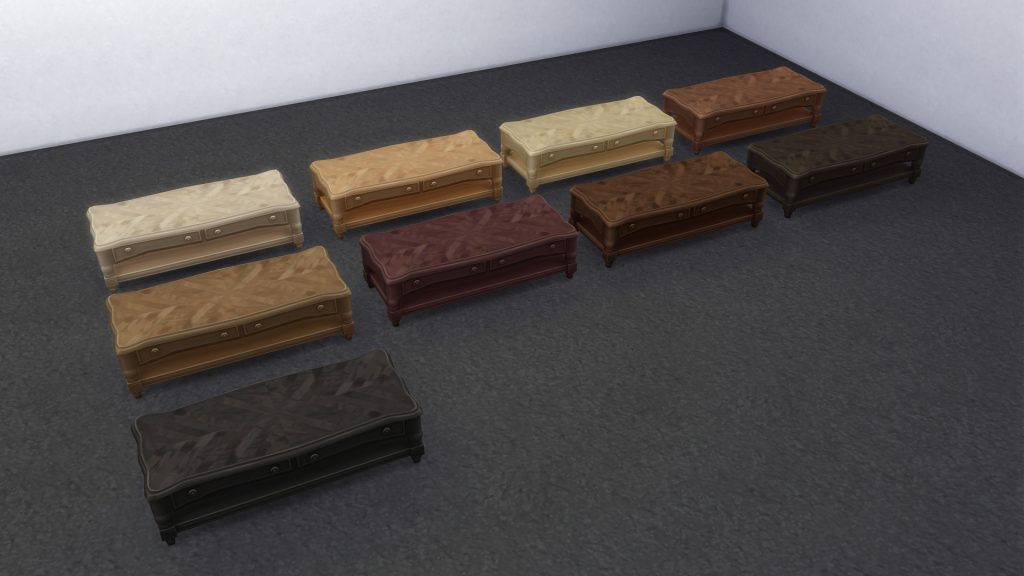
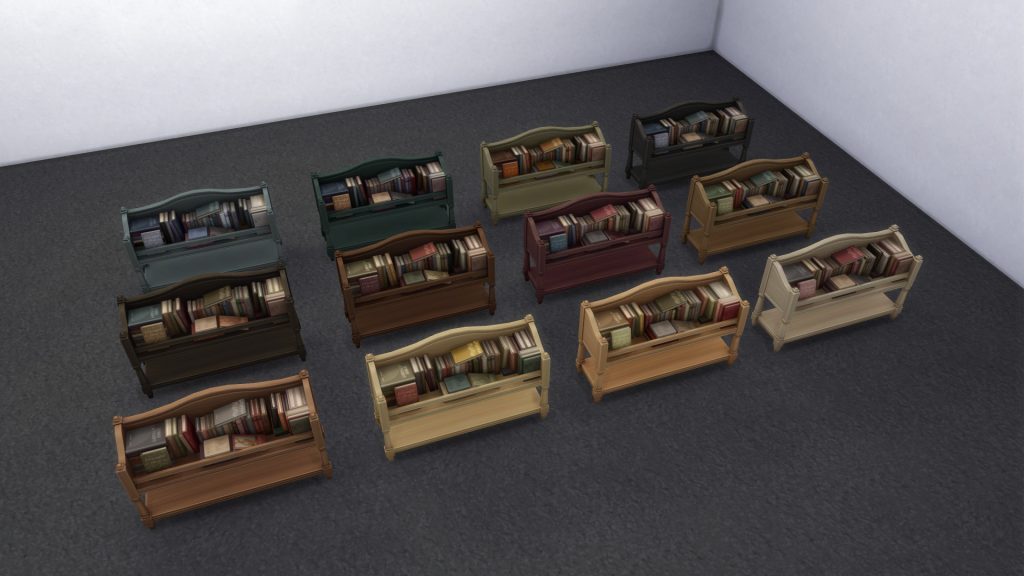
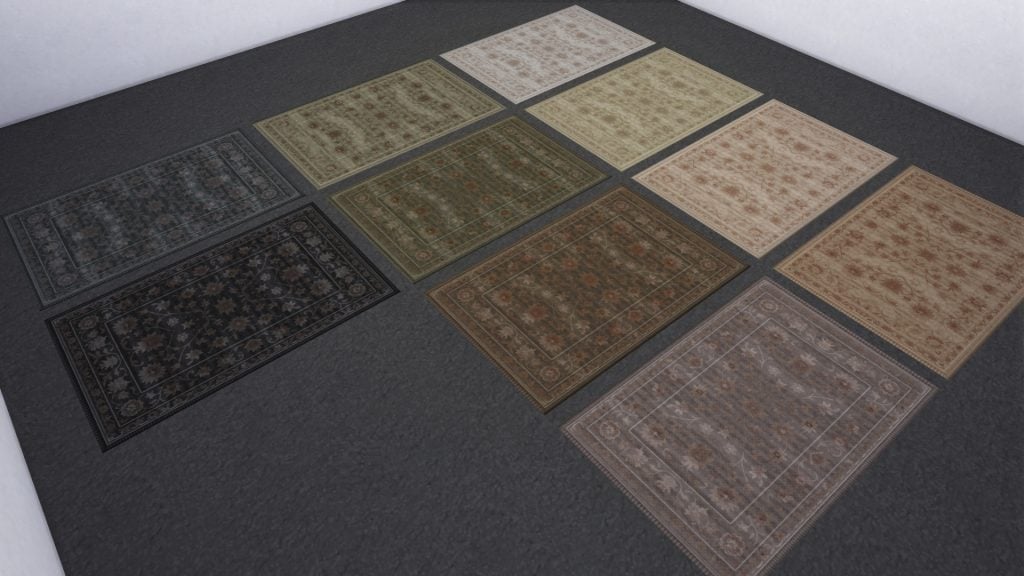
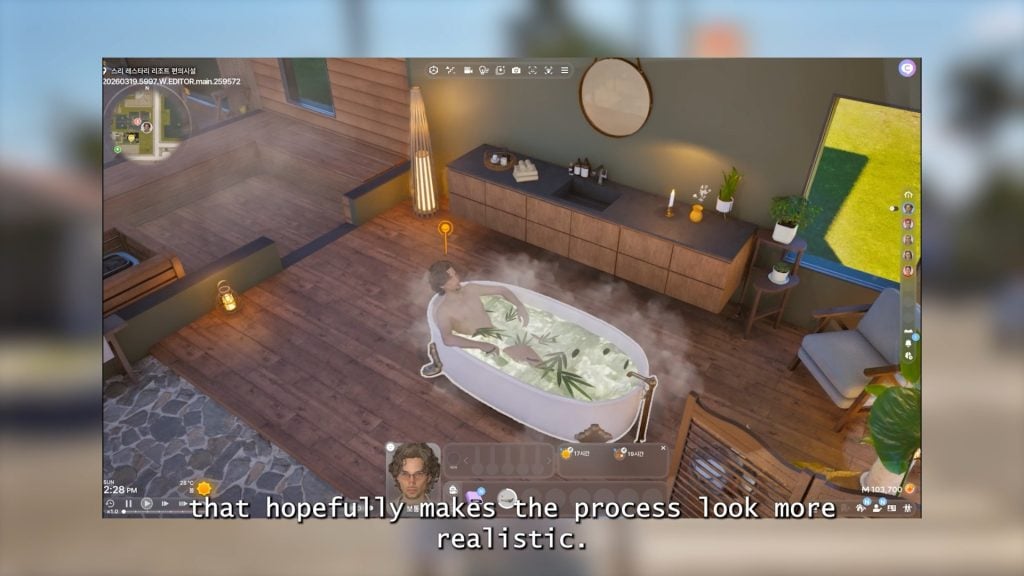
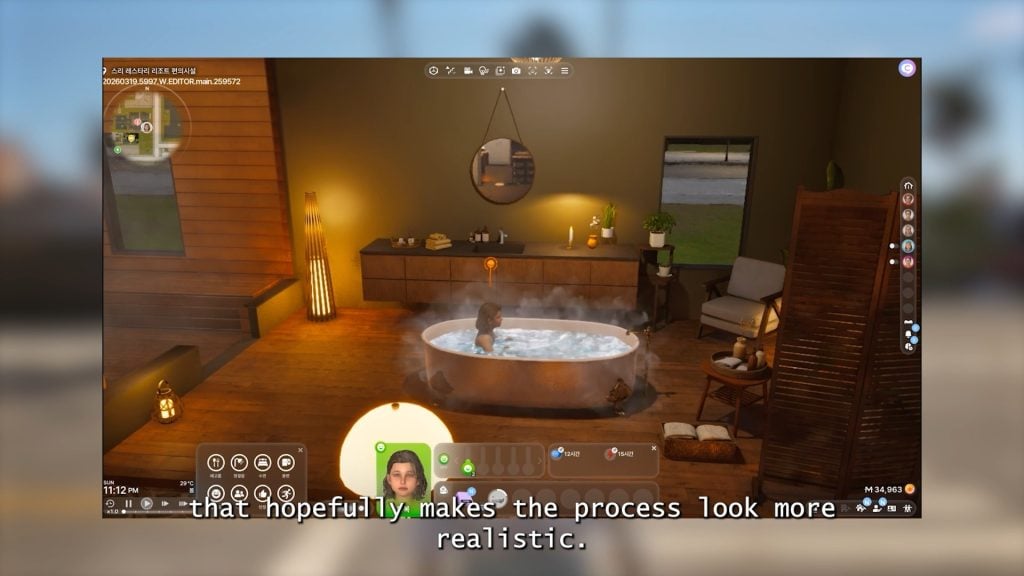
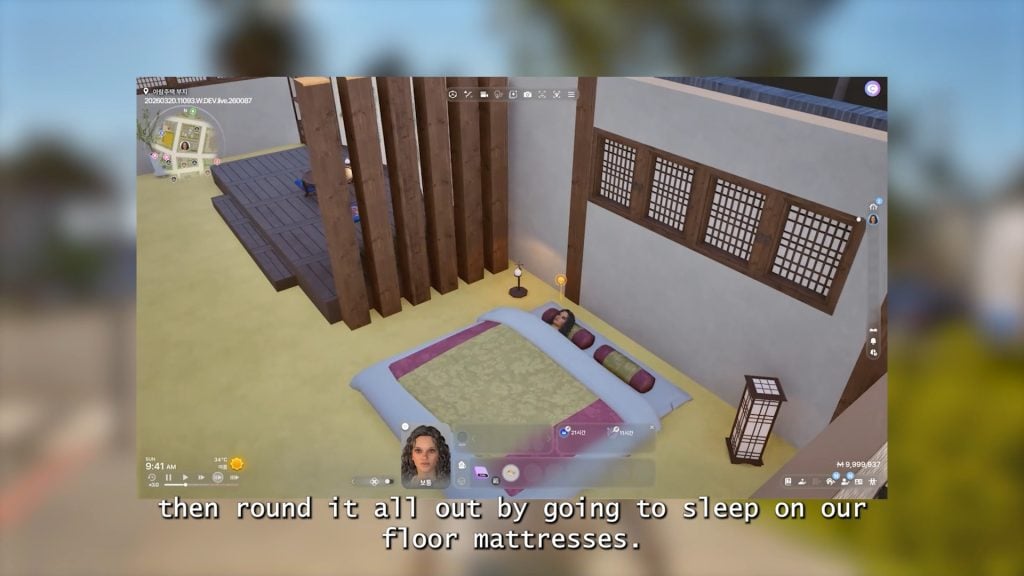
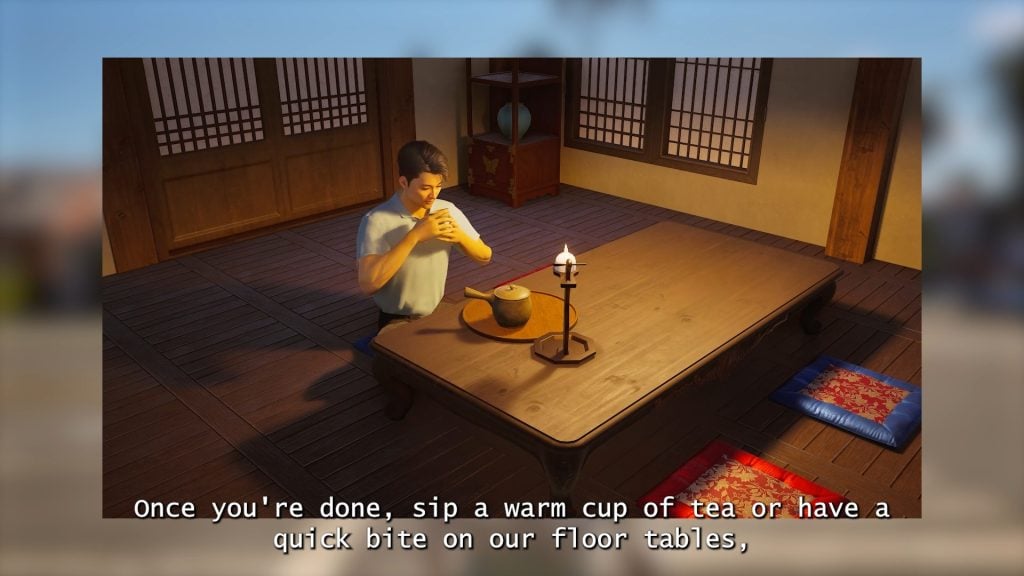
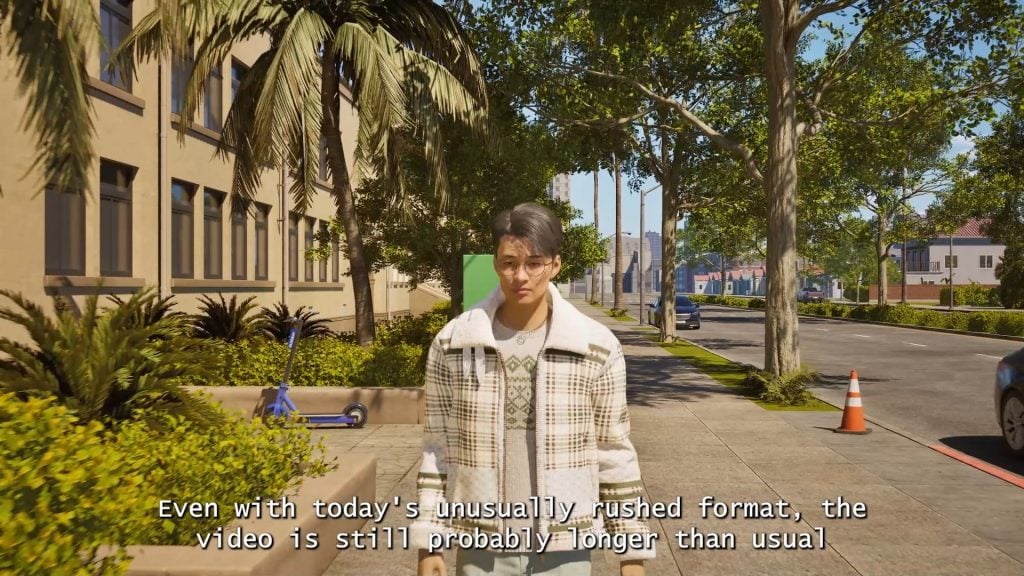
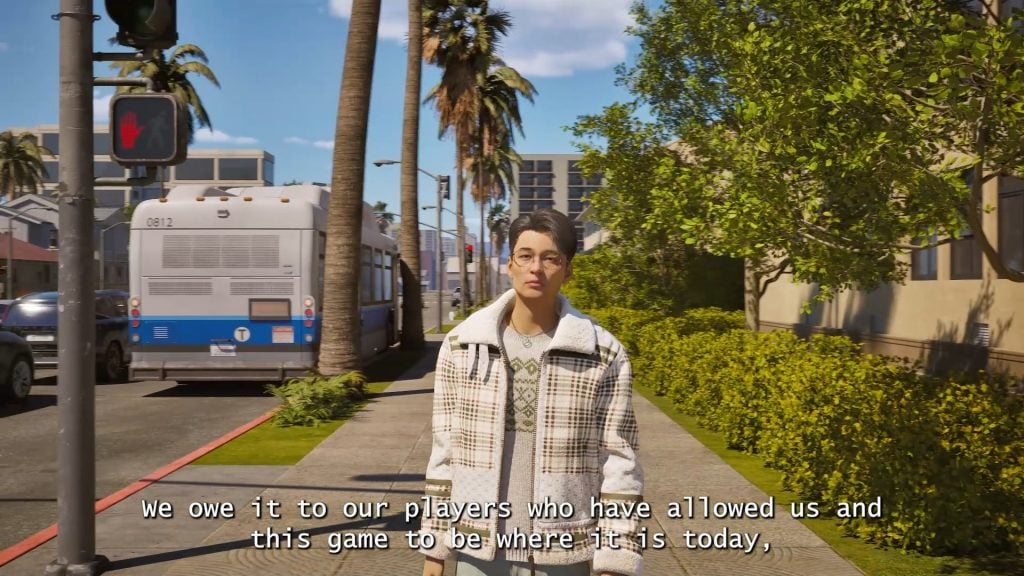
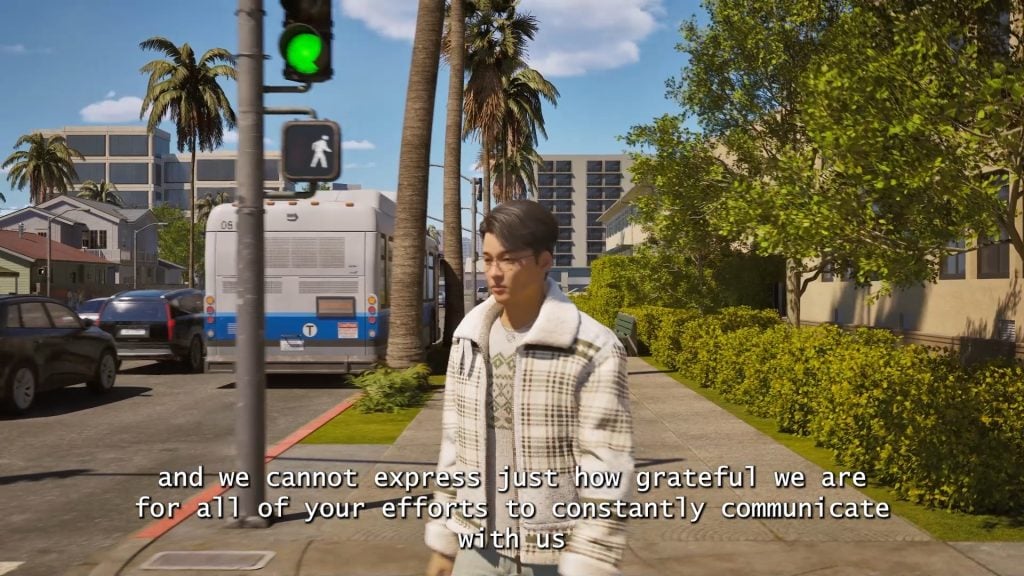
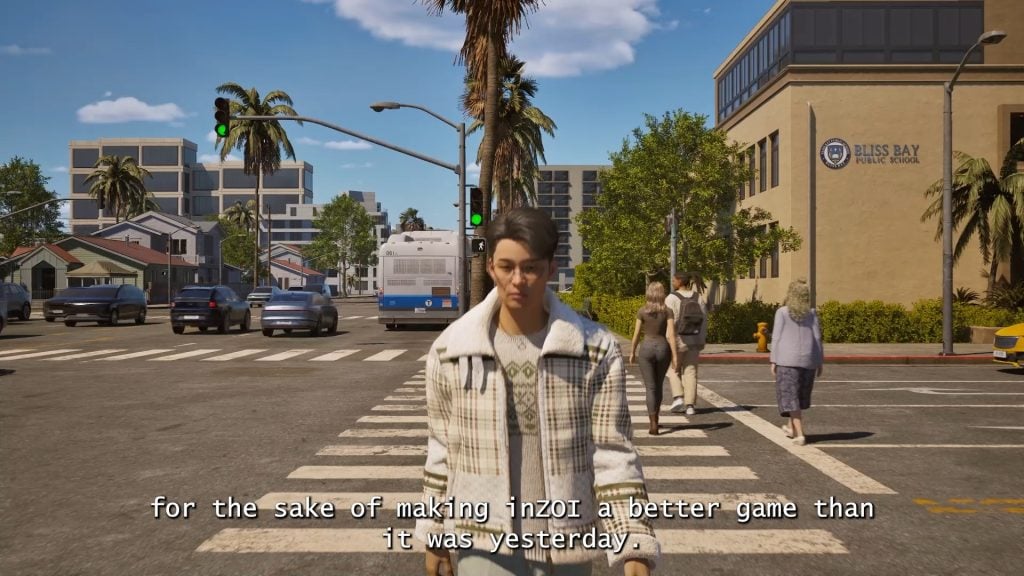
The InZOI Update to mark one year into the game’s Early Access phase is dropping this Thursday, March 26 2026, and will come with a wide variety of fixes and features, some on the newer side and some that have been planned for quite a long time. Many of these features are focused on the simulation itself and the fluidity of it, adding new gameplay features to keep things interesting, and making the world more dynamic and everchanging, both in positive and negative ways.
The InZOI update will also likely automatically disable any mods installed, and while we generally don’t have specific guidance for updates with mods as they tend to be fairly stable and the modding community is quite small, early access can bring a wide range of changes that can often make getting attached to save files a battle.
Table of Contents
Summary of Features Coming to the InZOI Update on March 26th 2026
InZOI Feels like a beautifully decorated, but empty, movie set.
InZOI Producer & Director Hyungjun ‘Kjun’ Kim, reading a user comment from early in InZOI’s Early Access
UI Changes
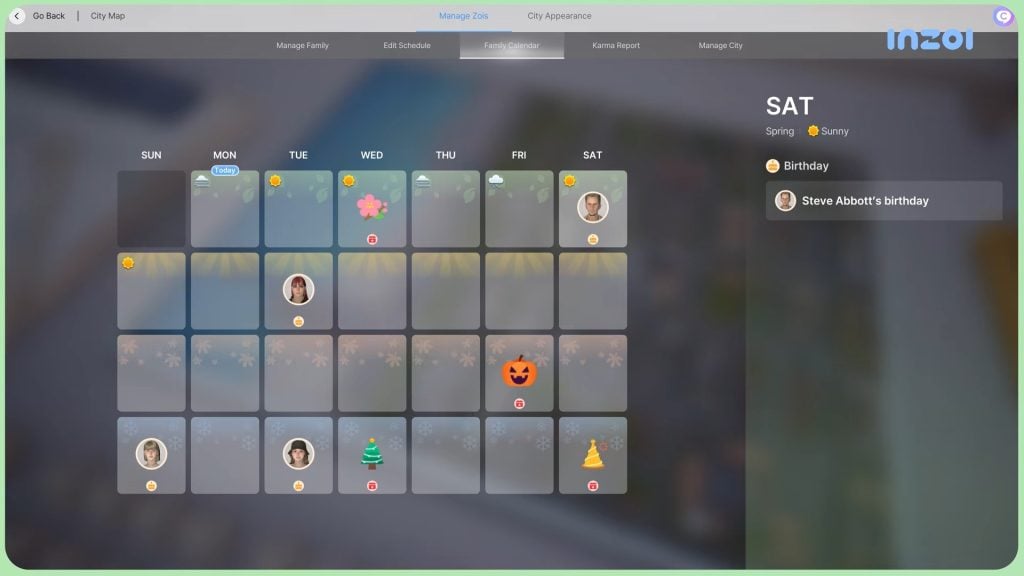
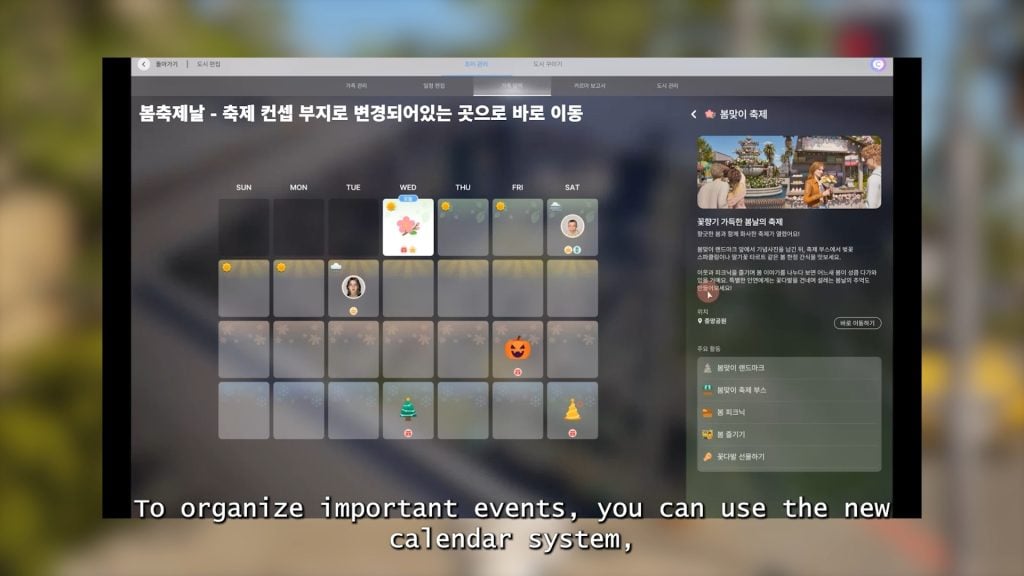
○ An updated calendar system (Also noted in the Gameplay section), showcasing seasons, important events, standard Zoi schedules, and the four seasonal holidays added to the game.
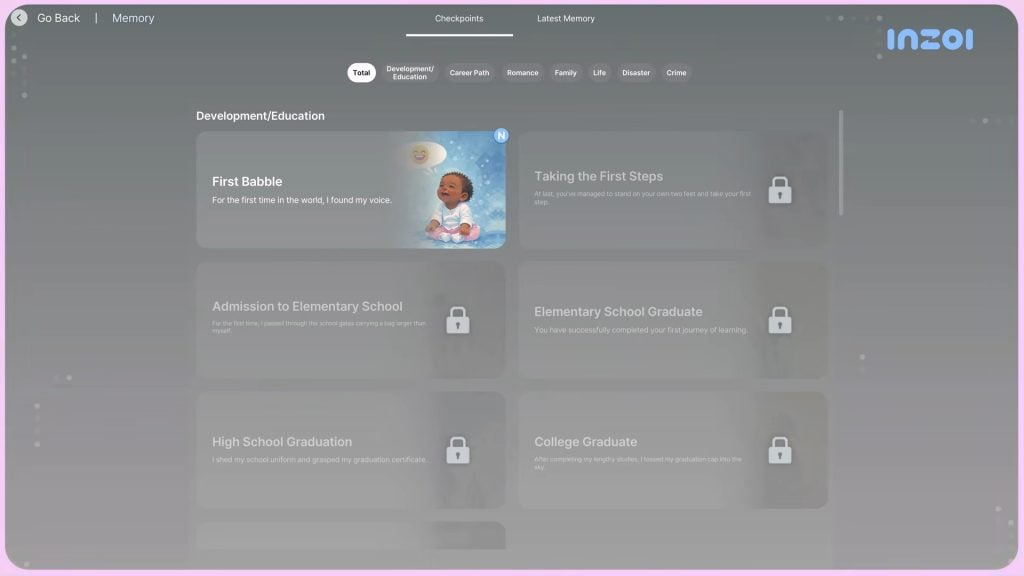
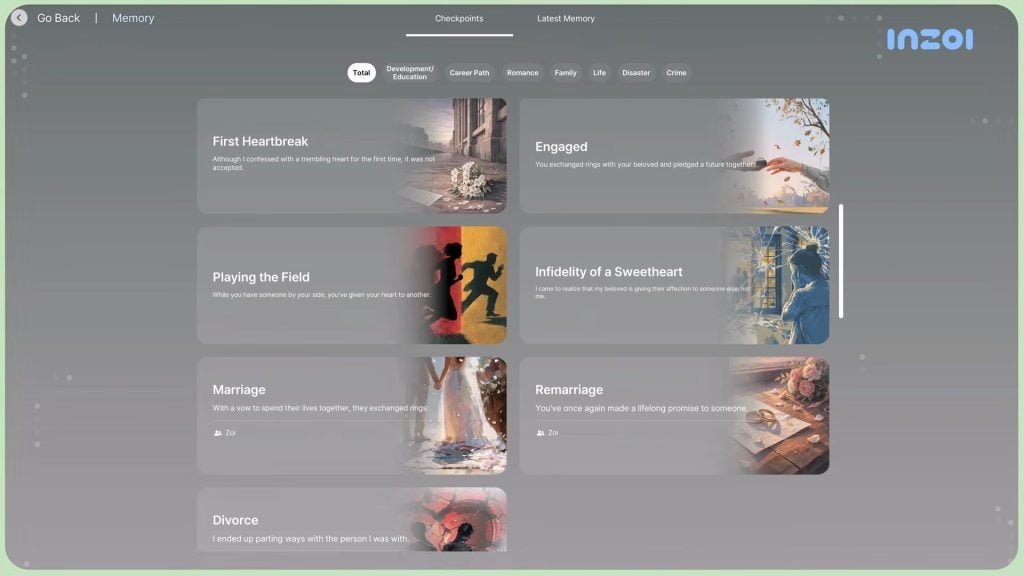
○ The new memory system, mentioned below, comes with a full UI system to track events and notify players when new memories crop up or new milestones are hit.
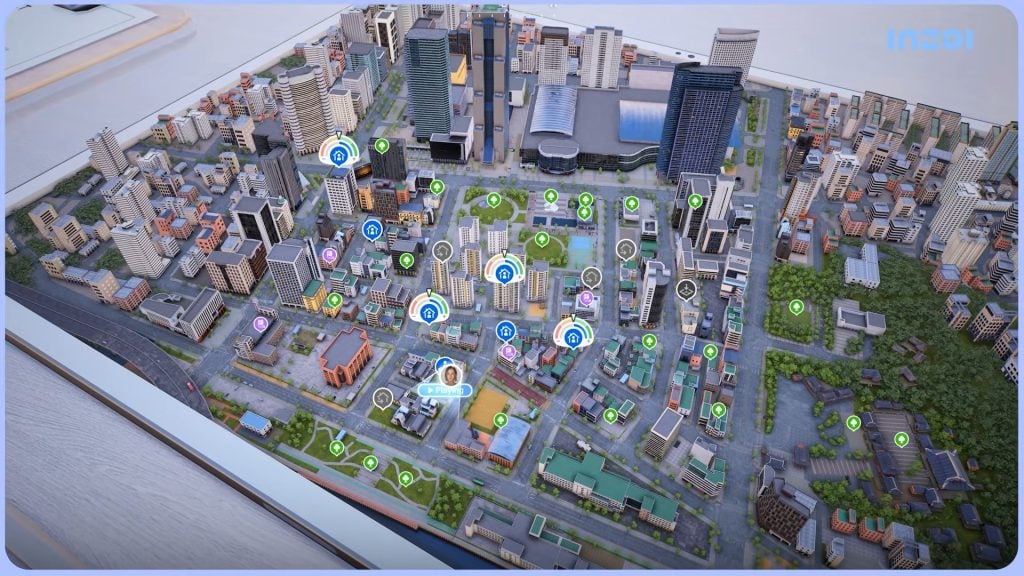
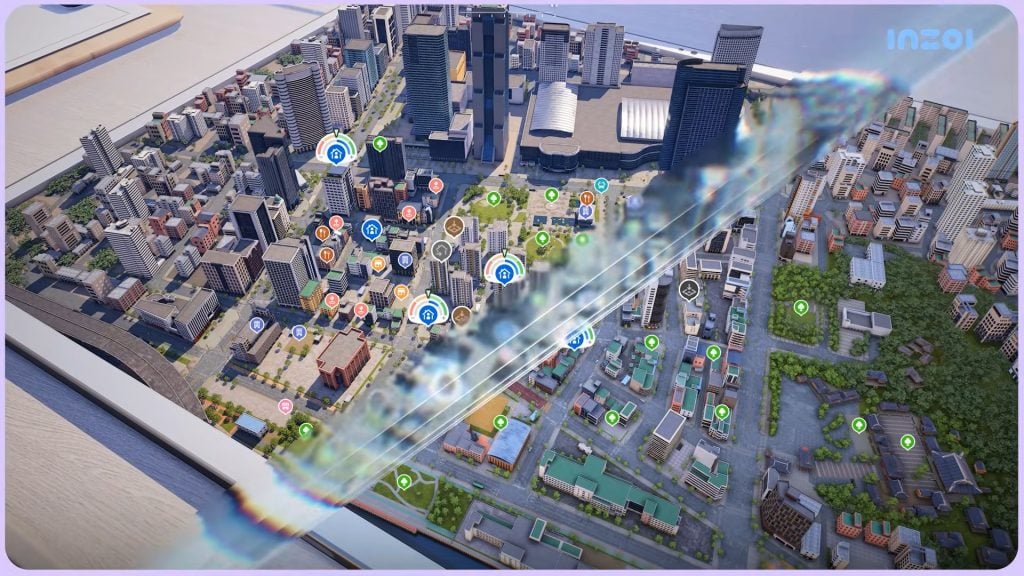
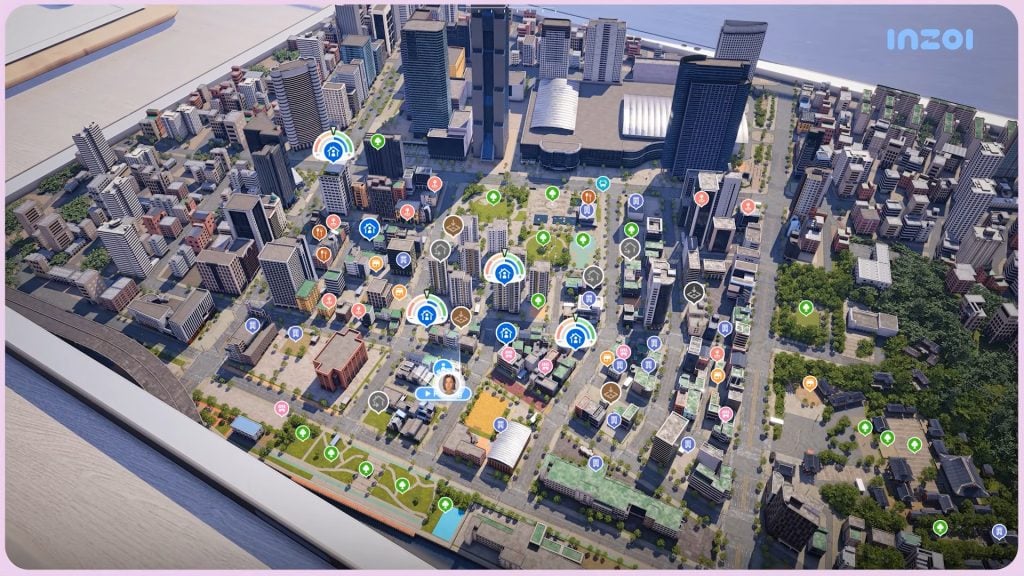
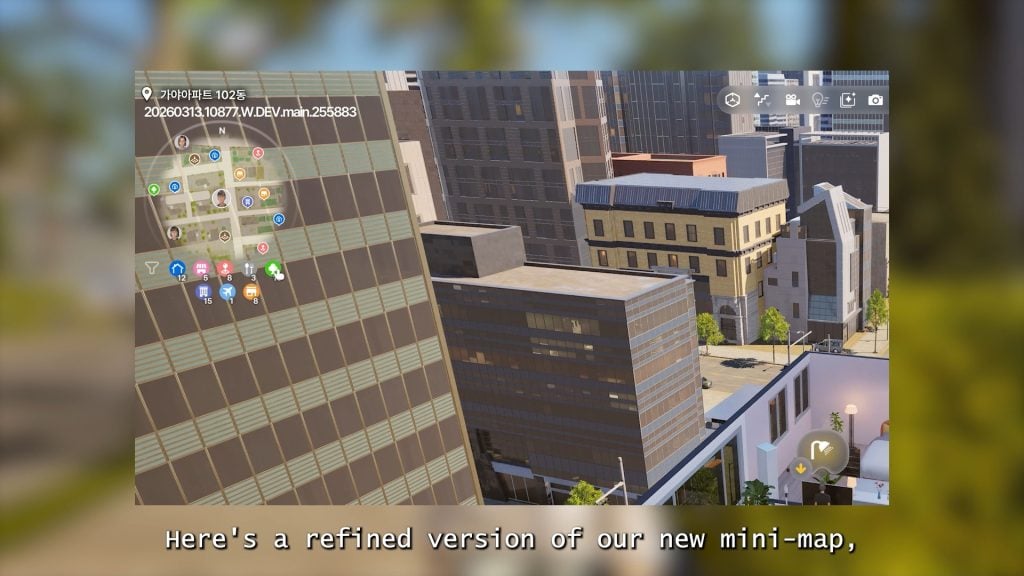
○ A mini-map is being added for players to keep track of points of interests, as well as where they are in the city without opening the full city map.
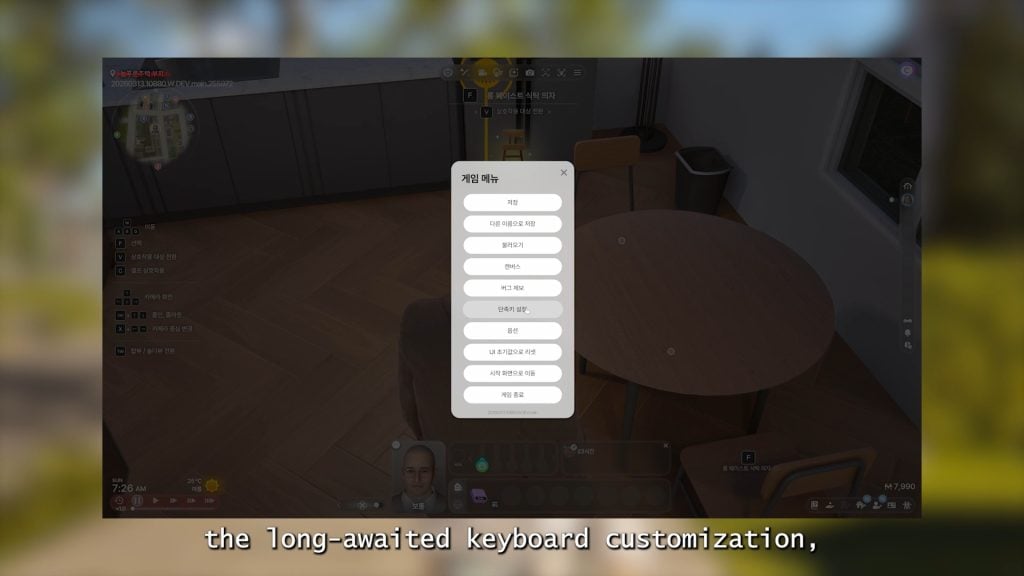
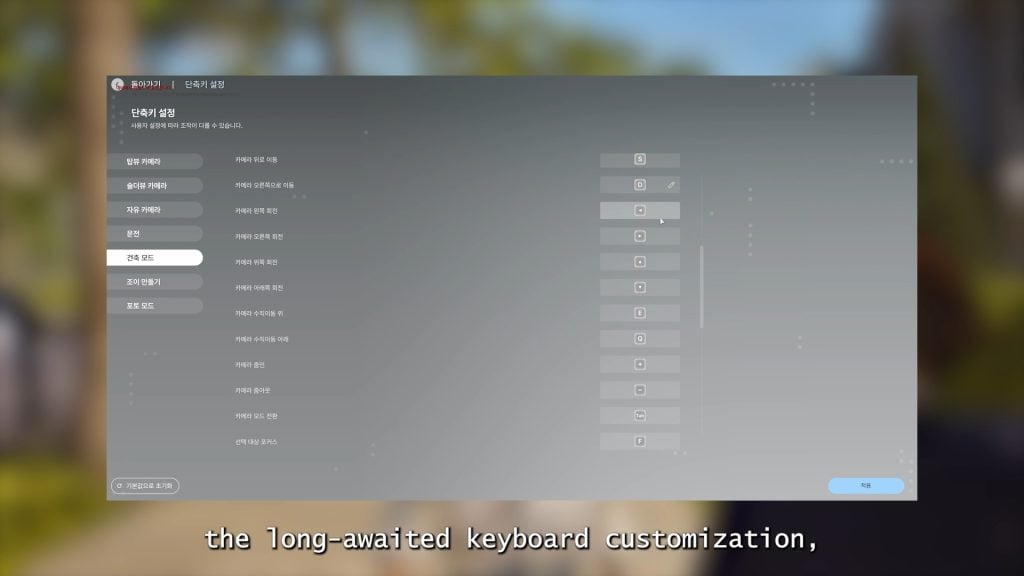
○ Keyboard customization is being added, allowing players to change hot keys and re-assign actions to certain parts of their keyboard and mouse.
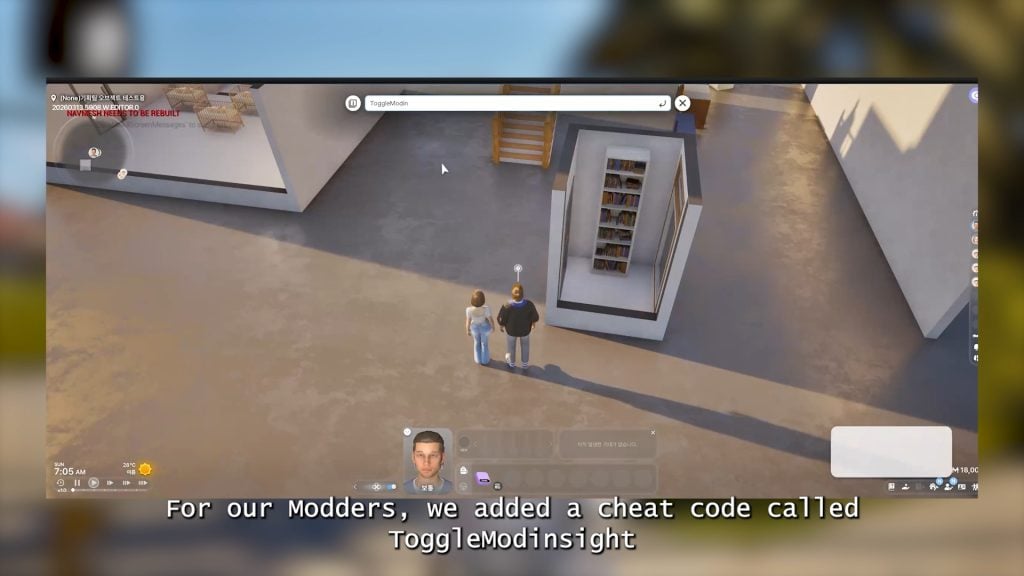
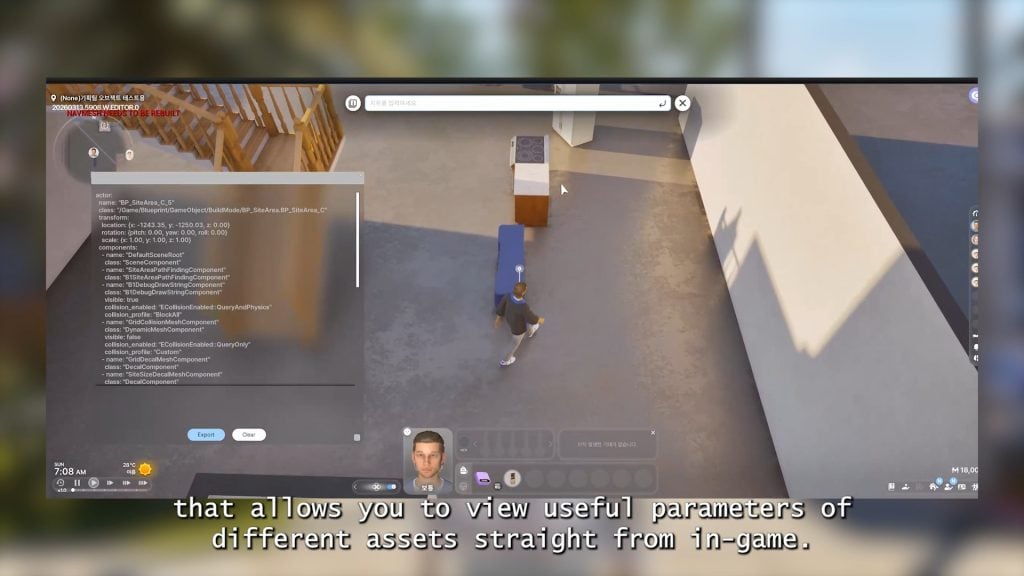
○ The ToggleModInsight cheat has been added for modders to view what parameters can be exported in or for mods.
Create-A-Zoi
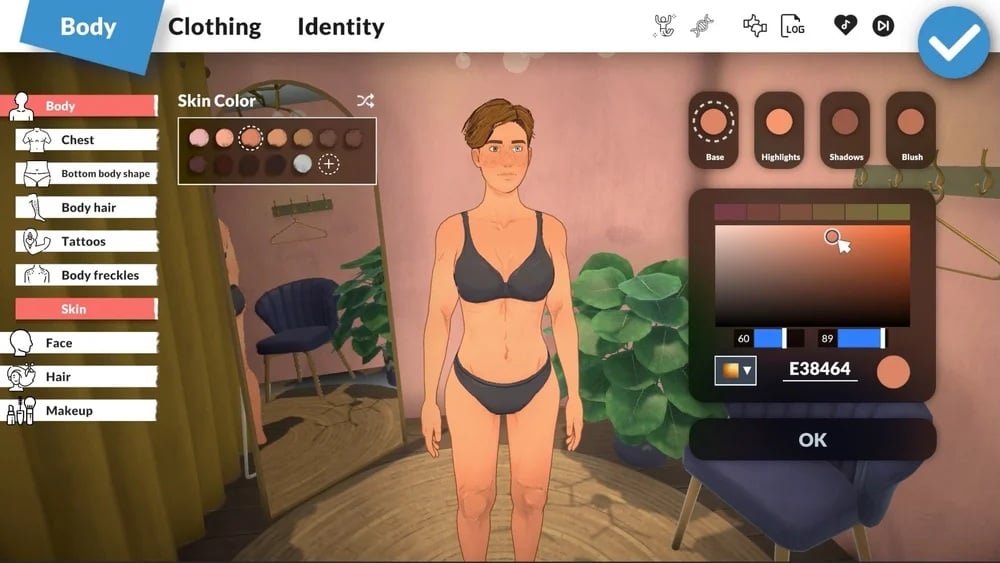
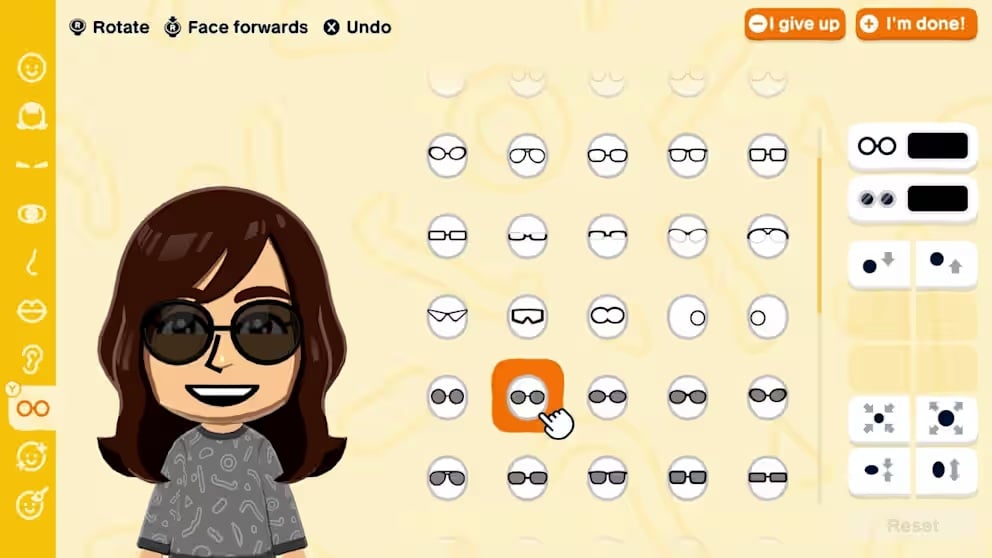
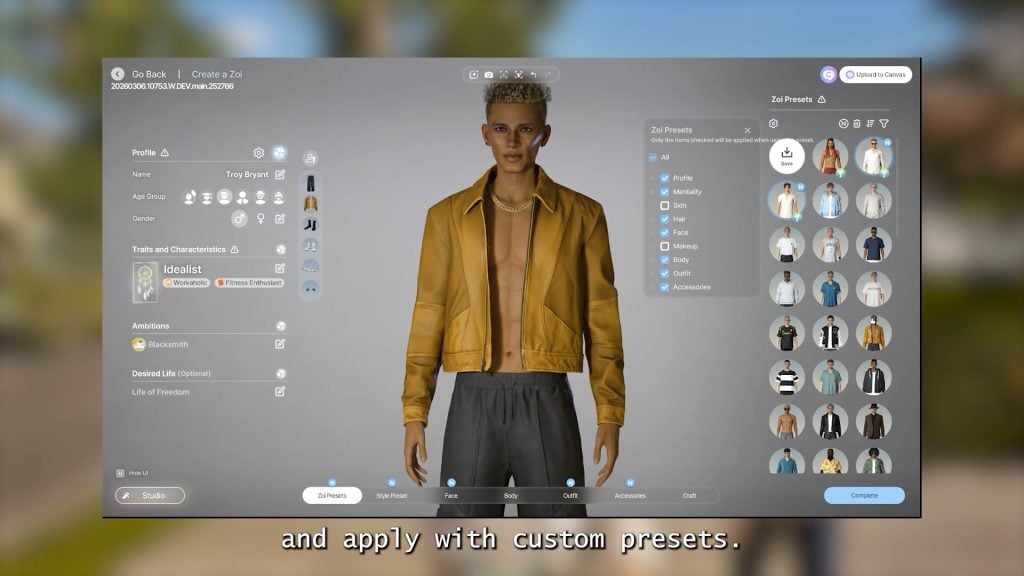
○ Both Style and Zoi Presets can now have specific parts selected to be applied, rather than applying the whole preset.
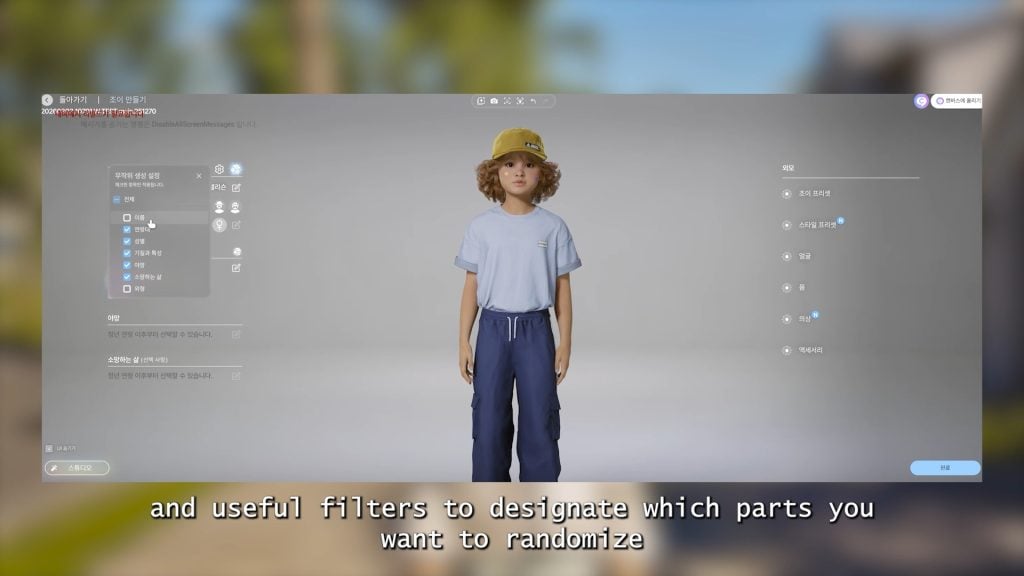
○ Randomization can also have parts enabled and disabled, allowing you to pick and choose what aspect of the Zoi to change.
○ The skin textures for larger Zois have been improved to be more realistic.
○ The wedding dresses previously added can now be customized and recolored.
○ Any long hairstyles will no longer clip through hoodies, and will instead cut off where they meet.
○ The default underwear for Adult Zois has been updated to new designs.
○ One new bottoms has been added.
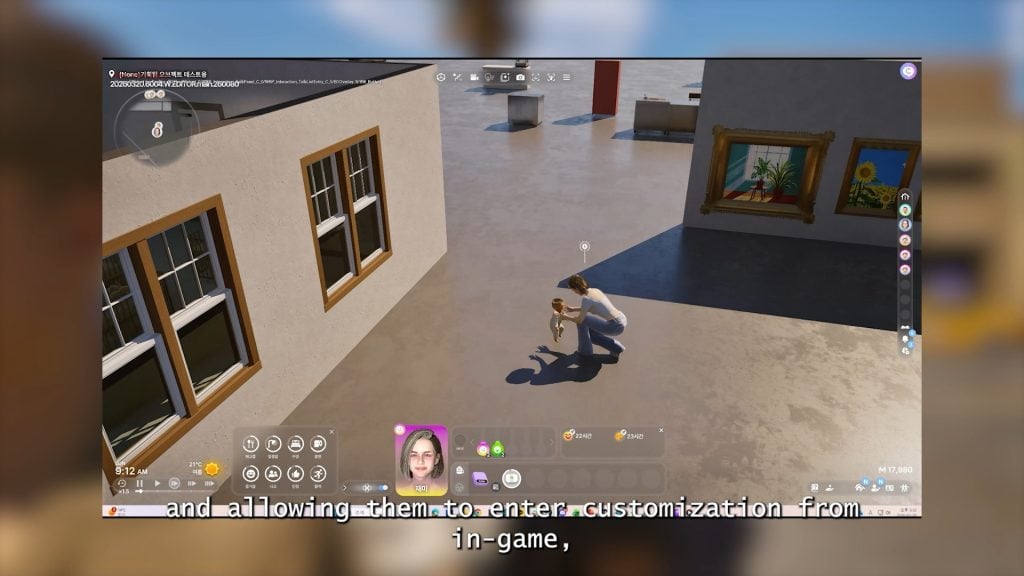
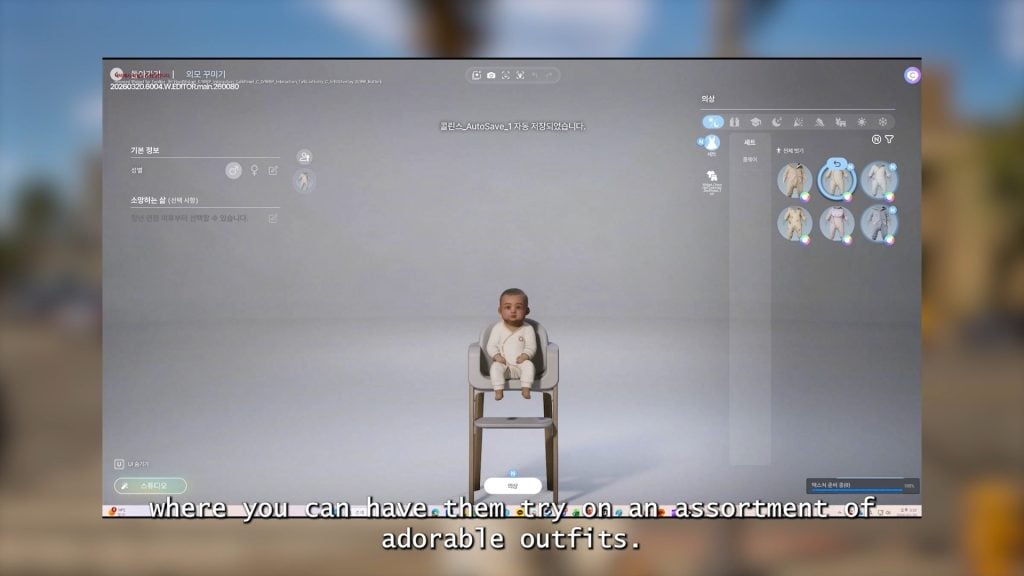
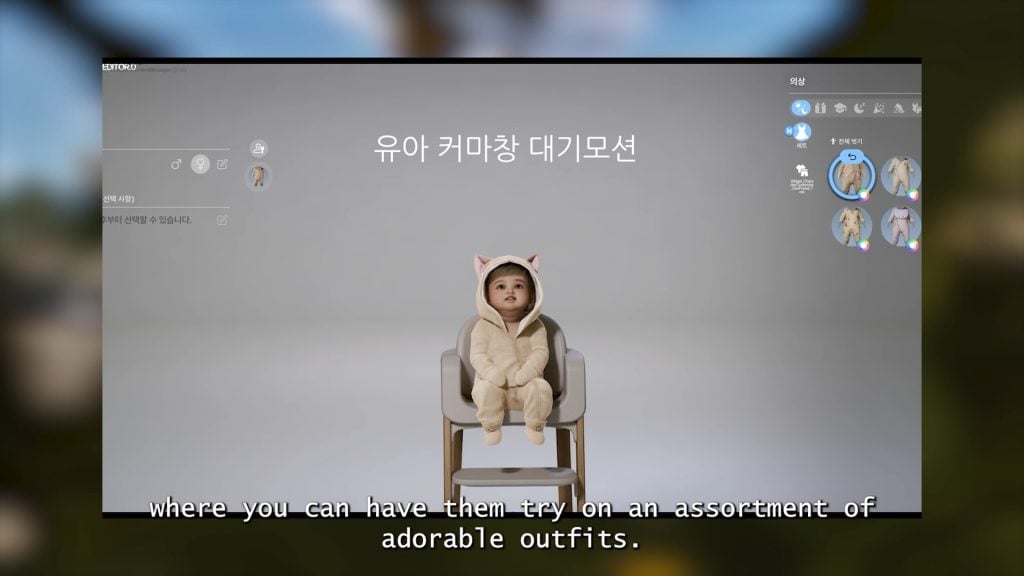
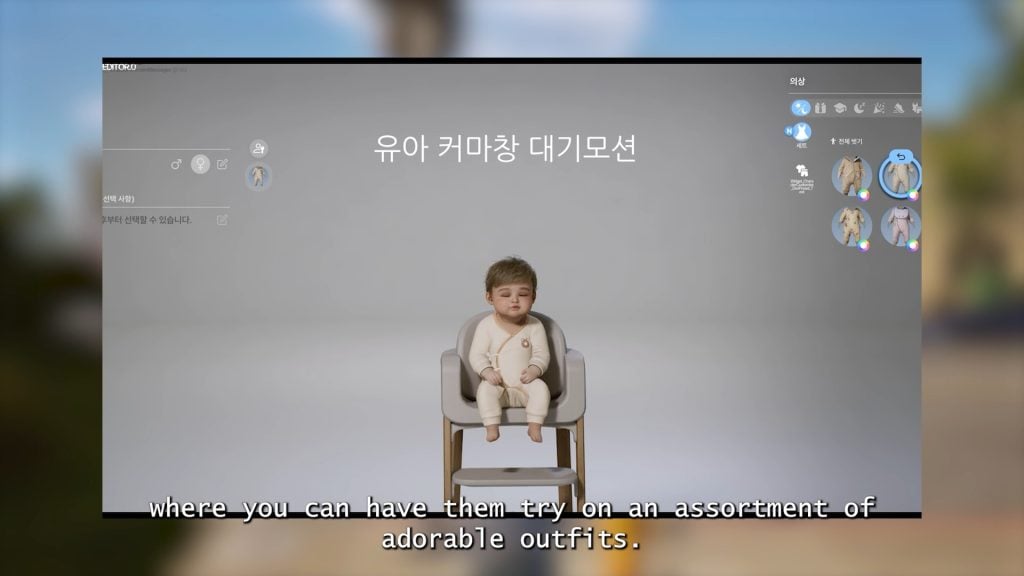
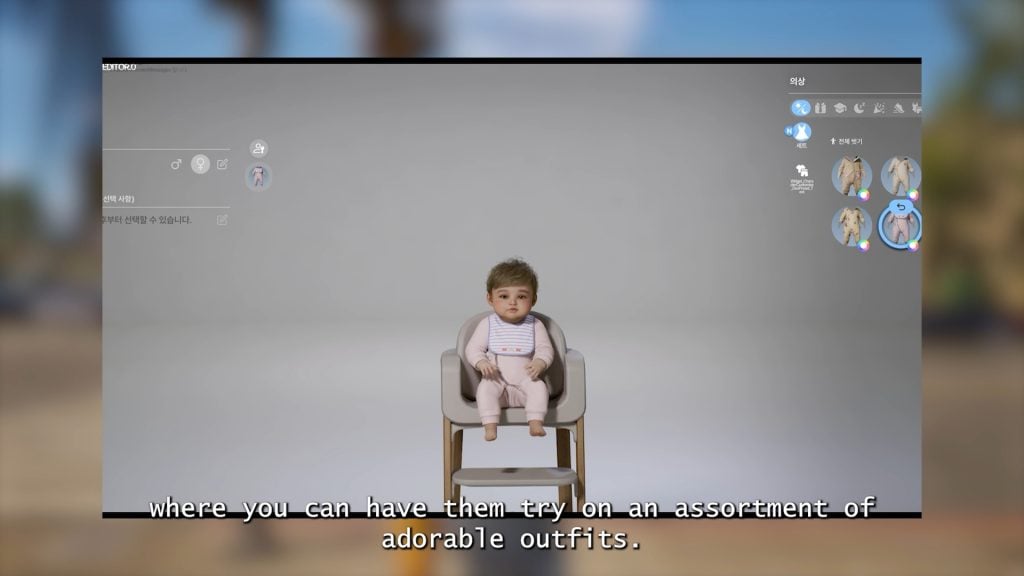
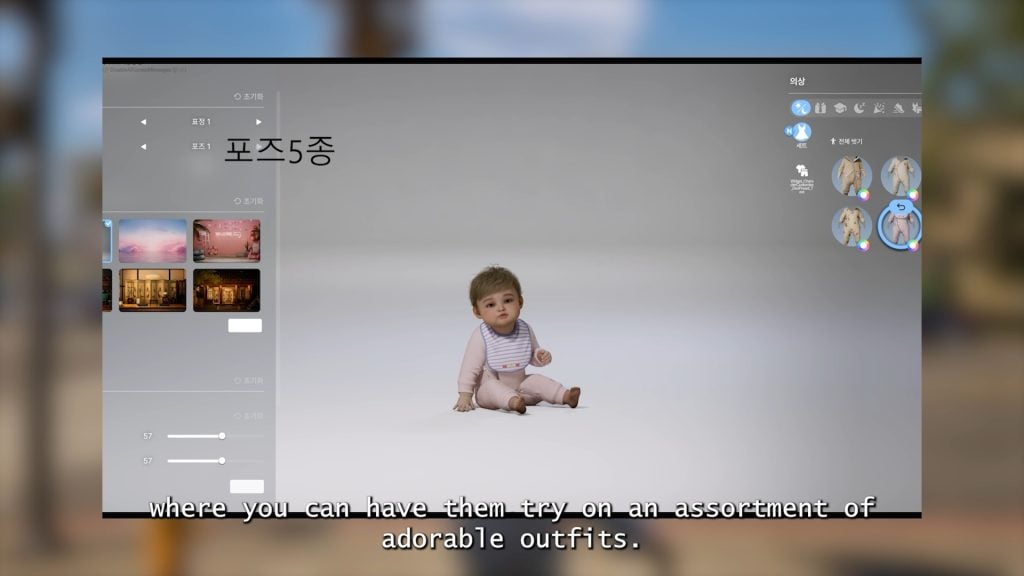
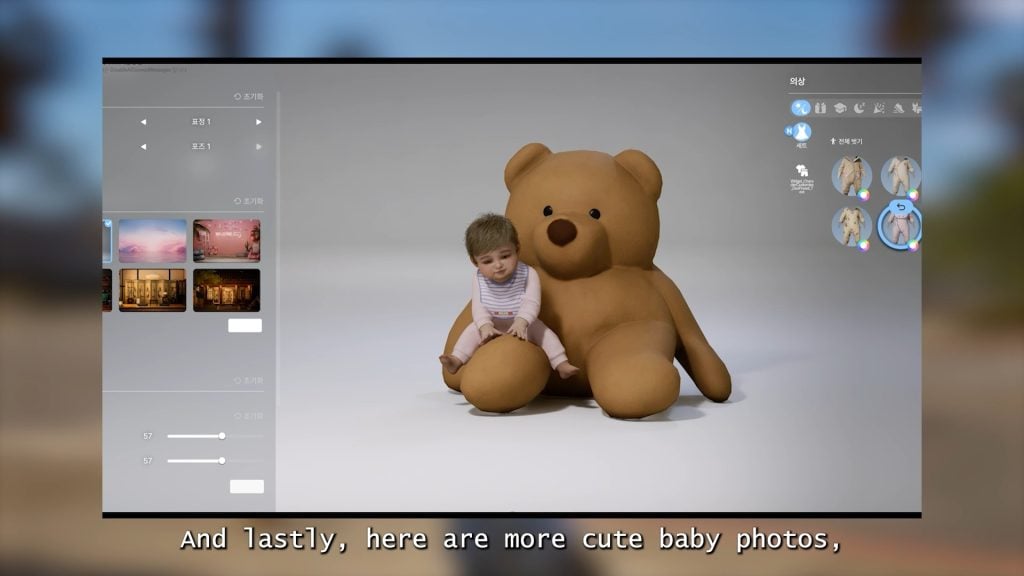
○ Babies can now be edited in Create-A-Zoi to change clothes and use the photo studio.
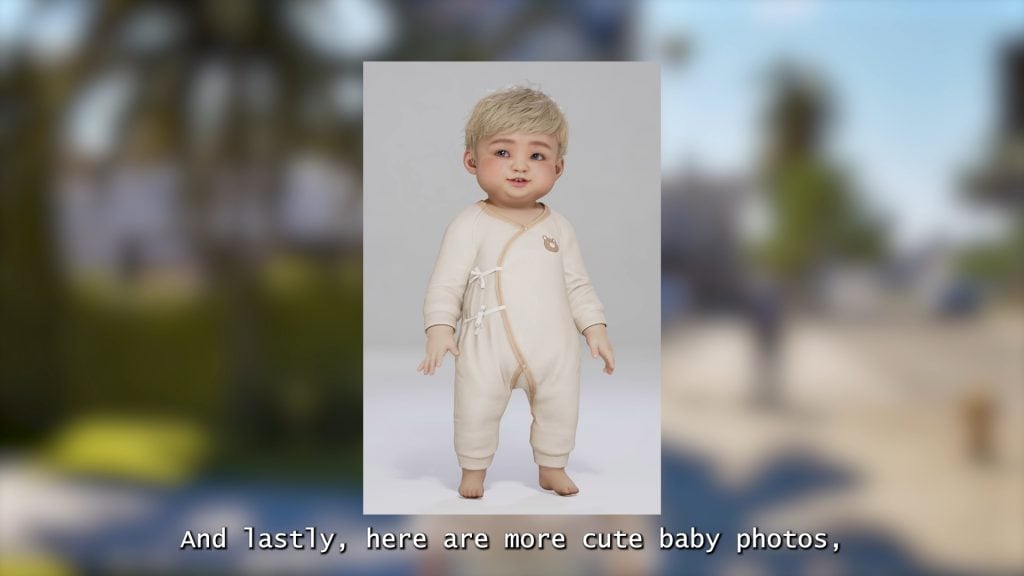
○ Six new outfits for babies have been added.
Build Mode
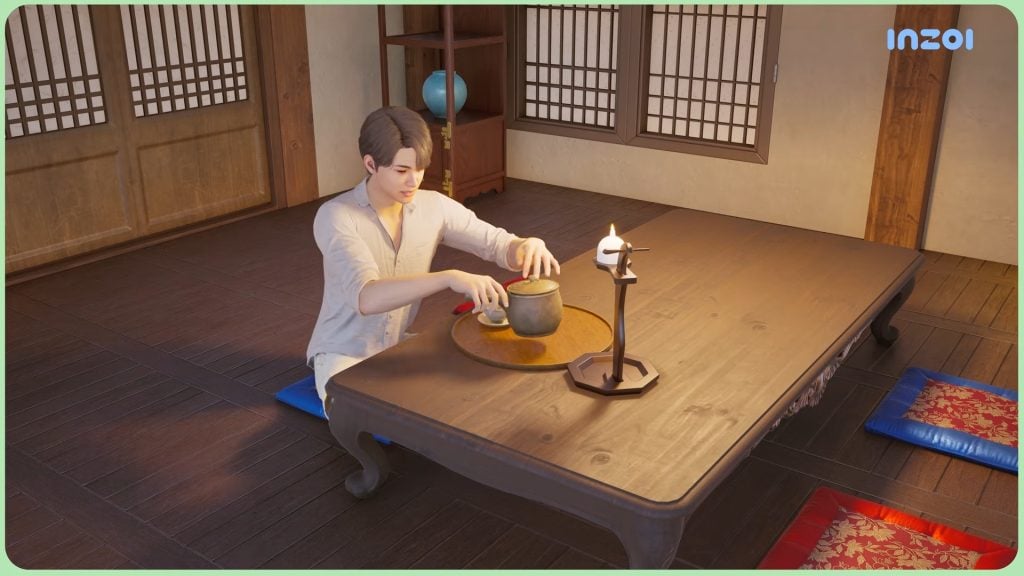
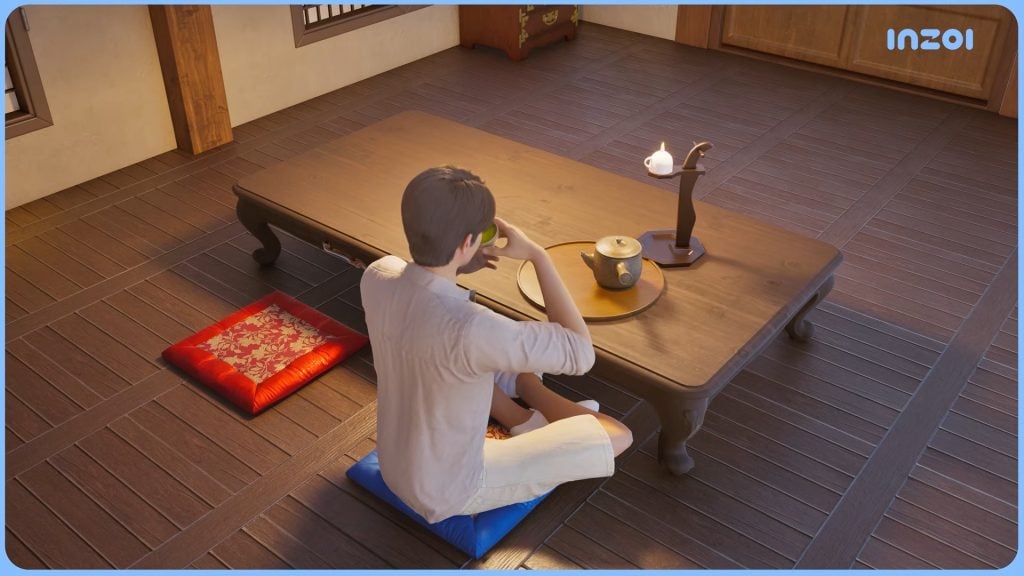
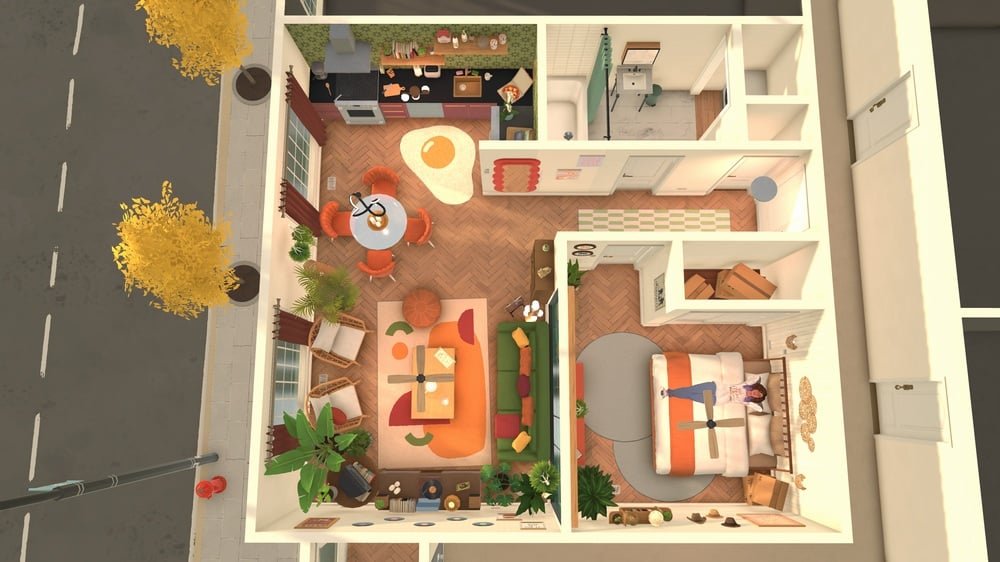
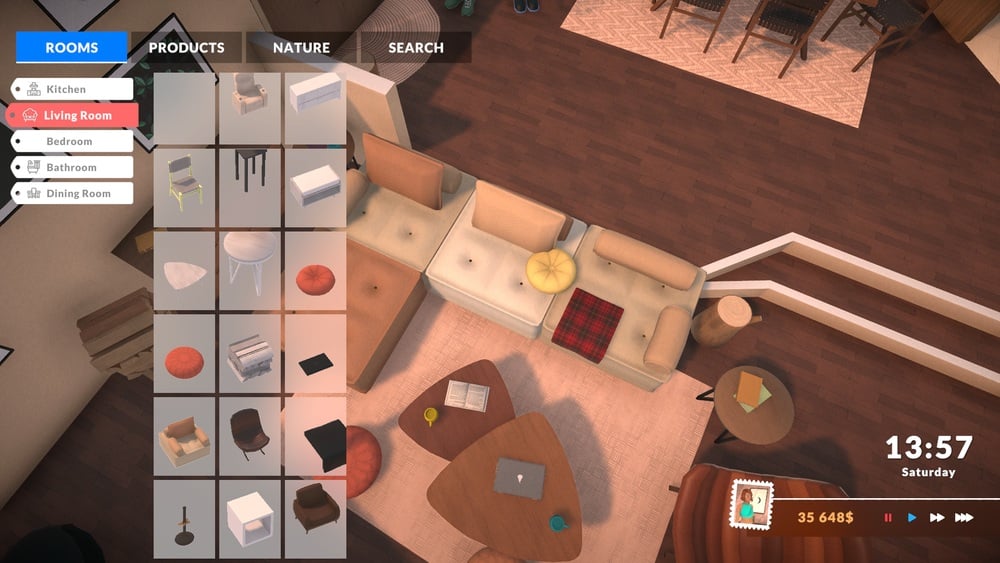
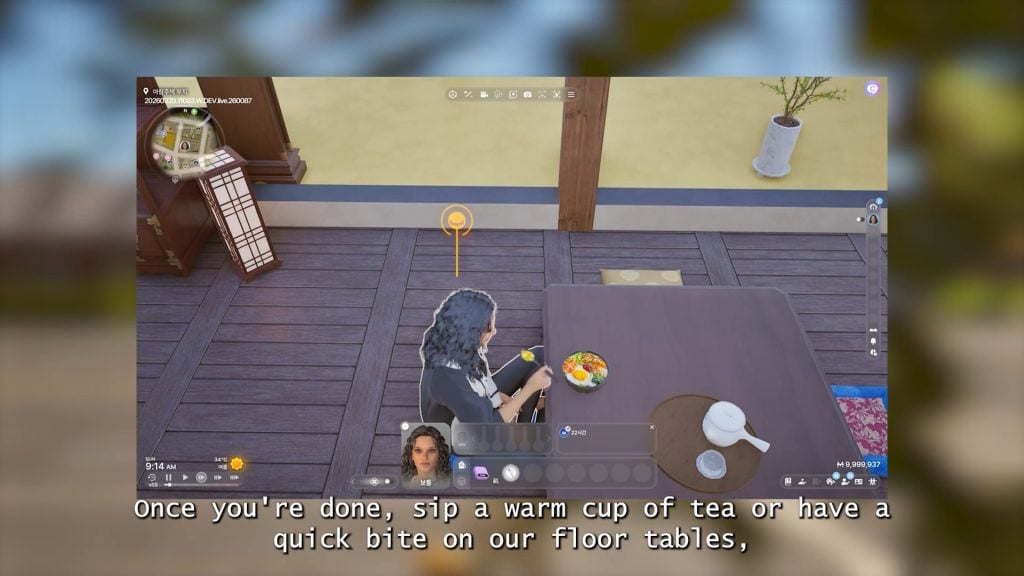
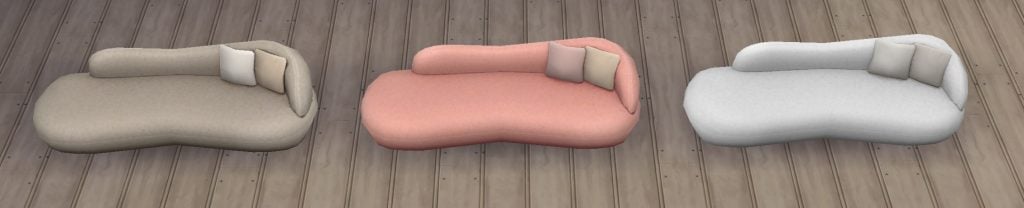
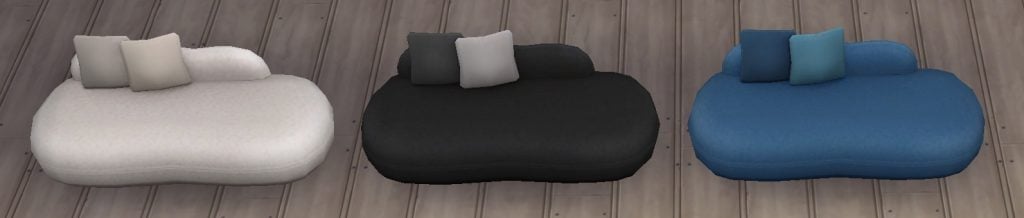
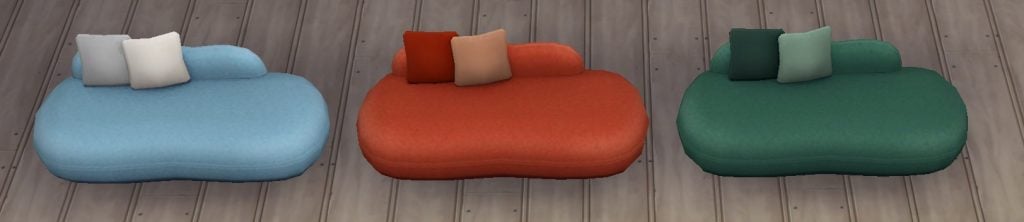
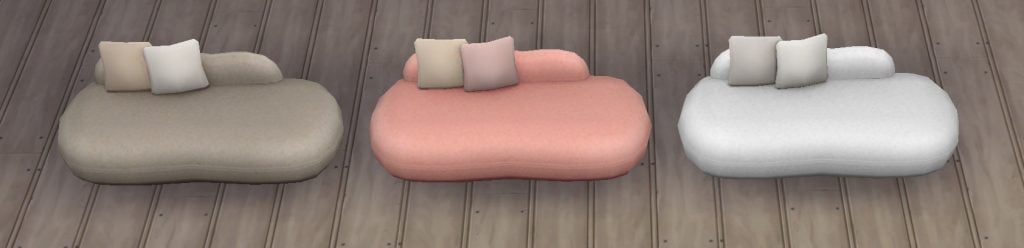
○ Floor tables and floor cushions are being added, and your Zoi will be able to eat, drink, and socialize at these tables.
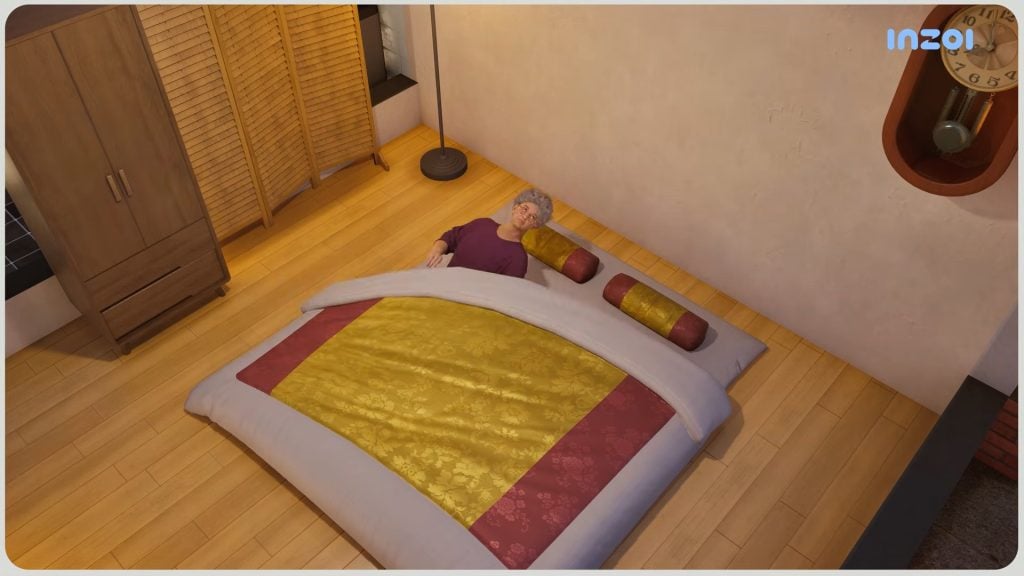
○ Floor beds, both single beds and double beds, are being added.
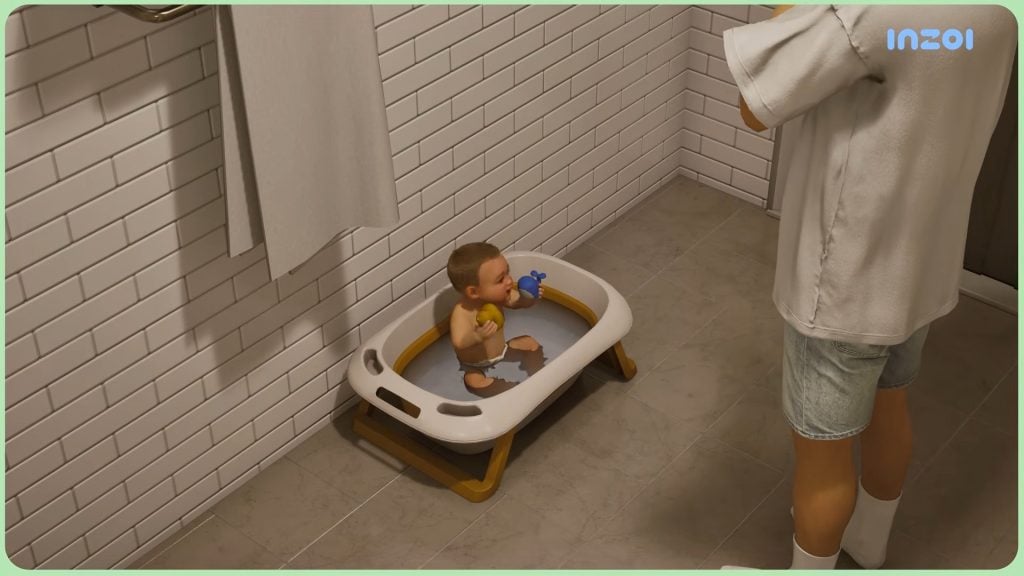
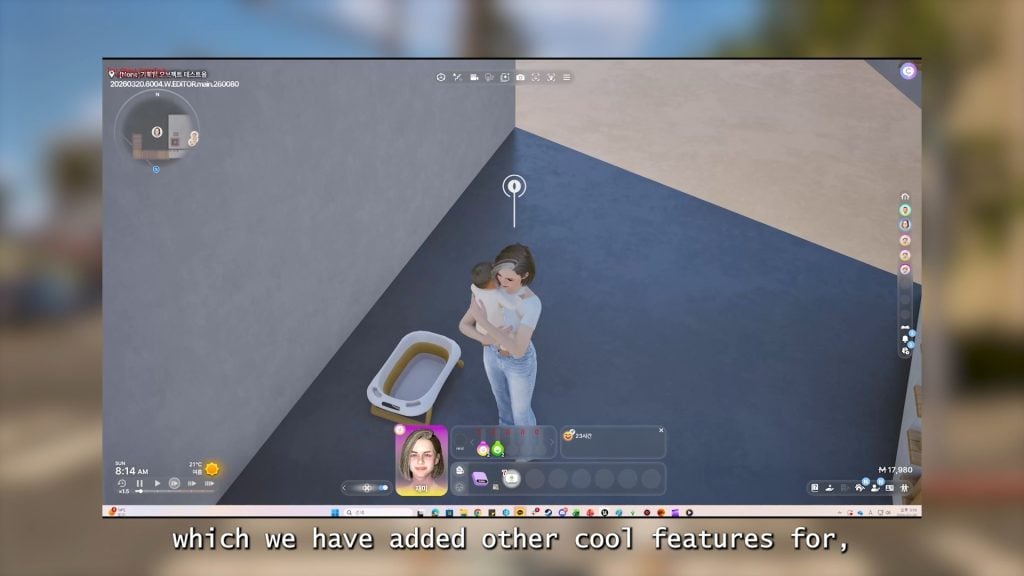
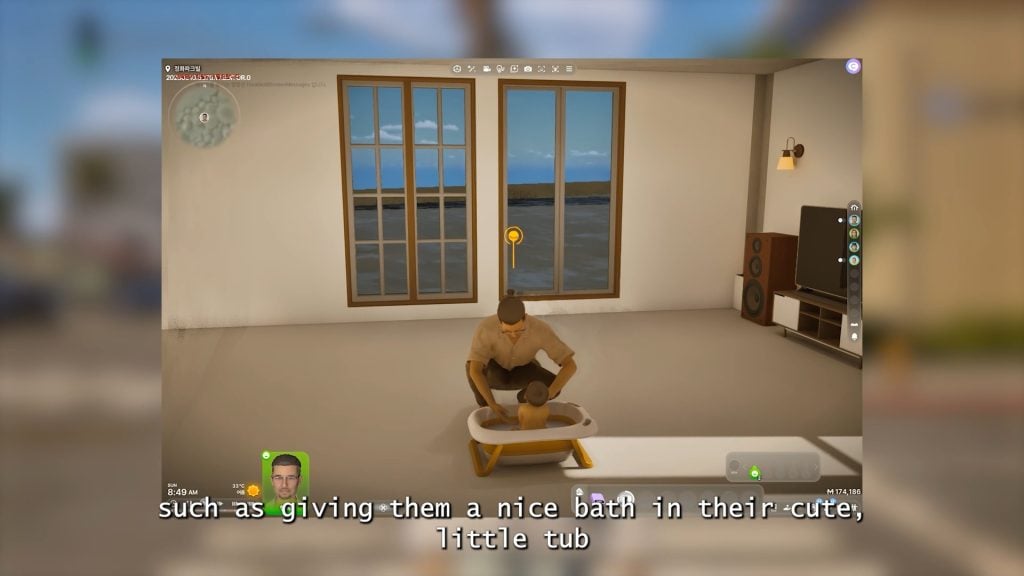
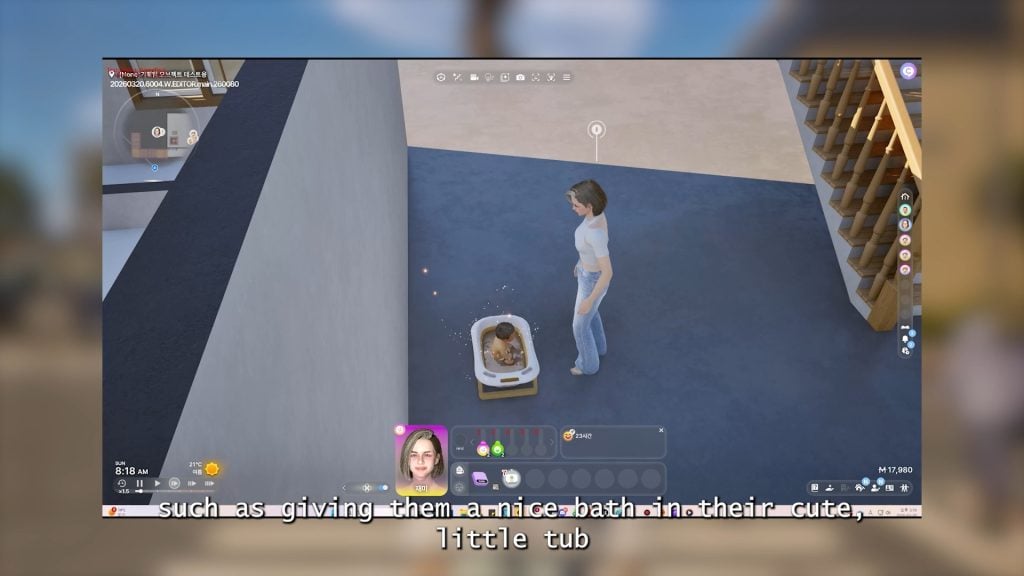
○ New objects for infants including toys and an inflatable baby bath are being added.
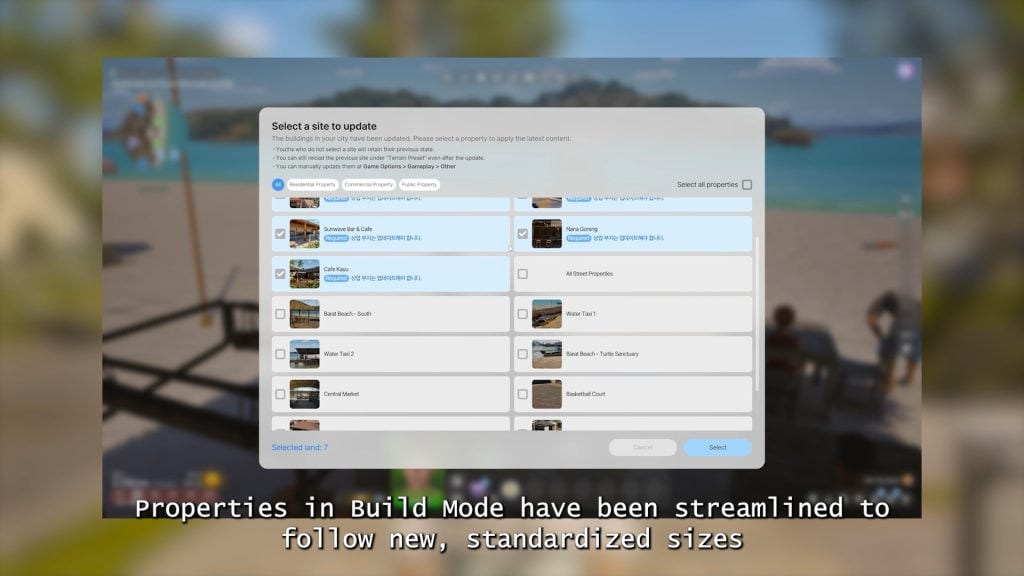
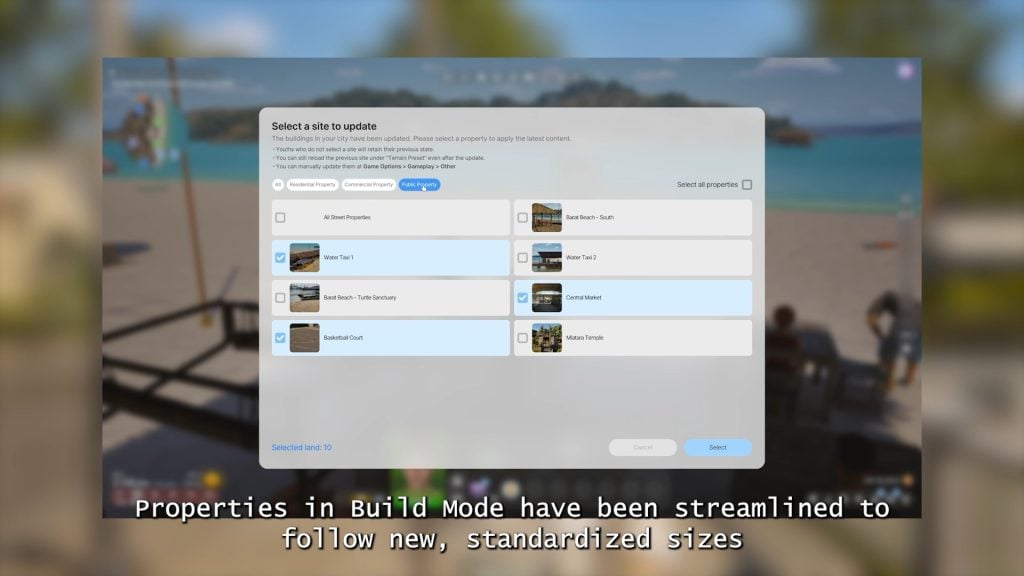
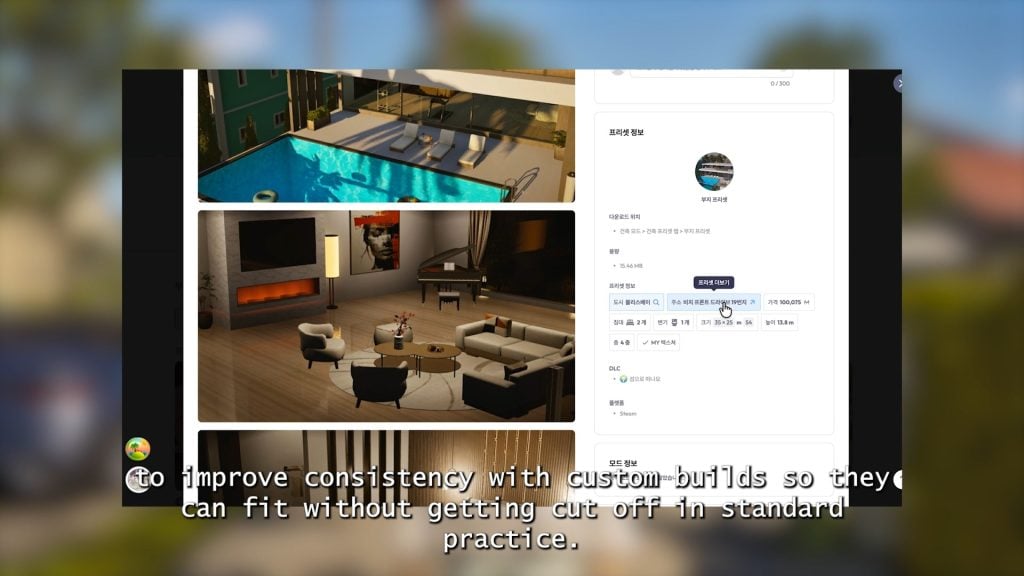
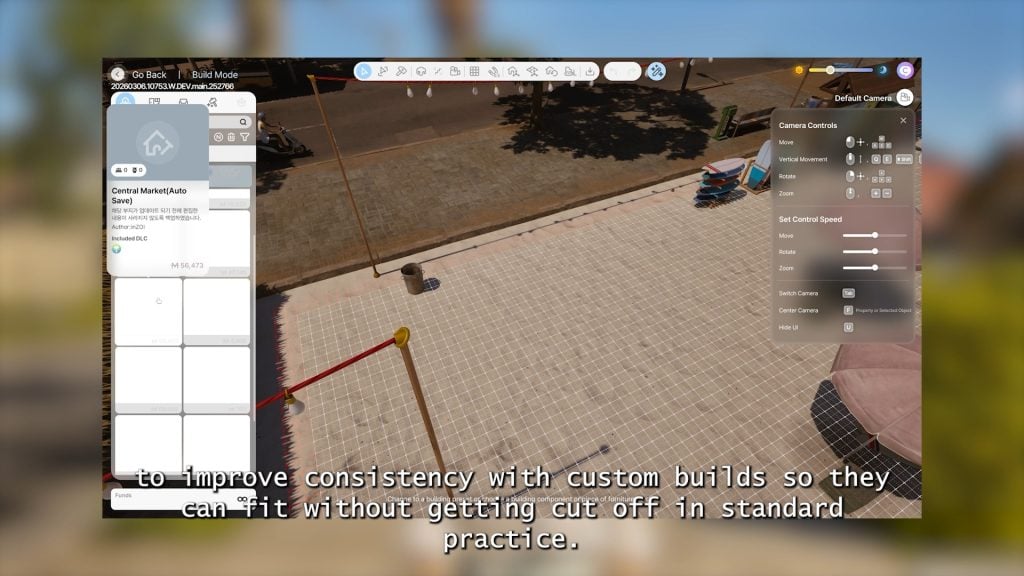
○ Property sizes are being updated to standardize them, allowing for custom builds to fit on more lots easier and to provide consistency.
○ More buildings in the world can now be edited.
○ Swimming pools can now have custom heights/depth.
○ New guidelines have been added to make the placing of fences and roofing easier.
○ Resizable rugs are being added.
○ Improvements to objects snapping to the grid.
○ Low tables have been adjusted in height, being raised to avoid clipping.
Gameplay
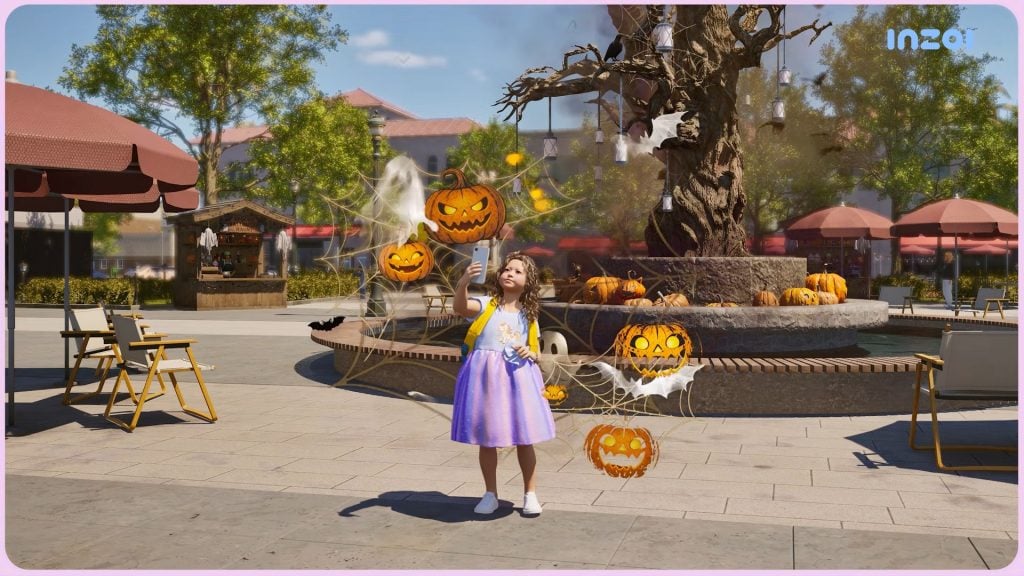
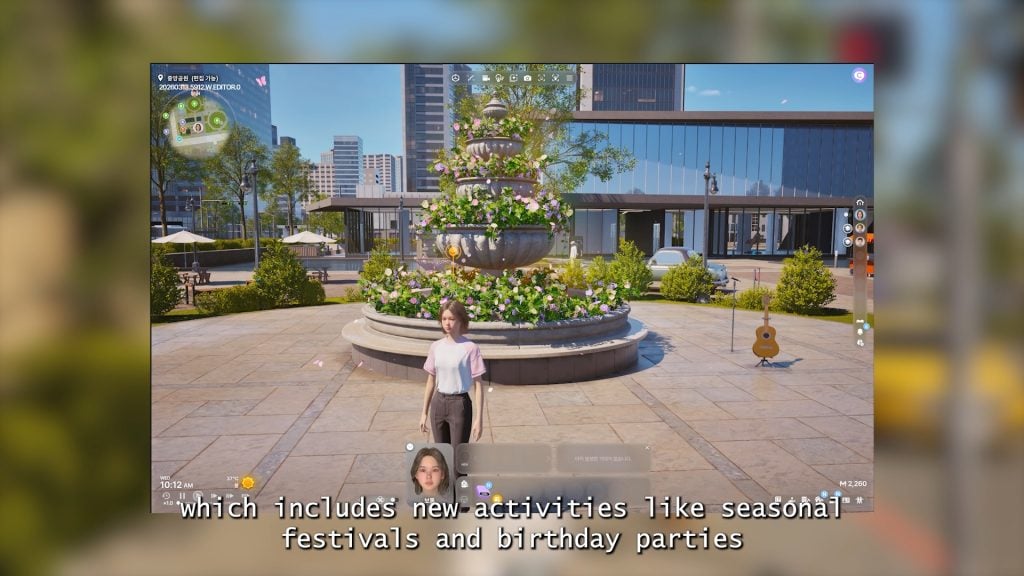
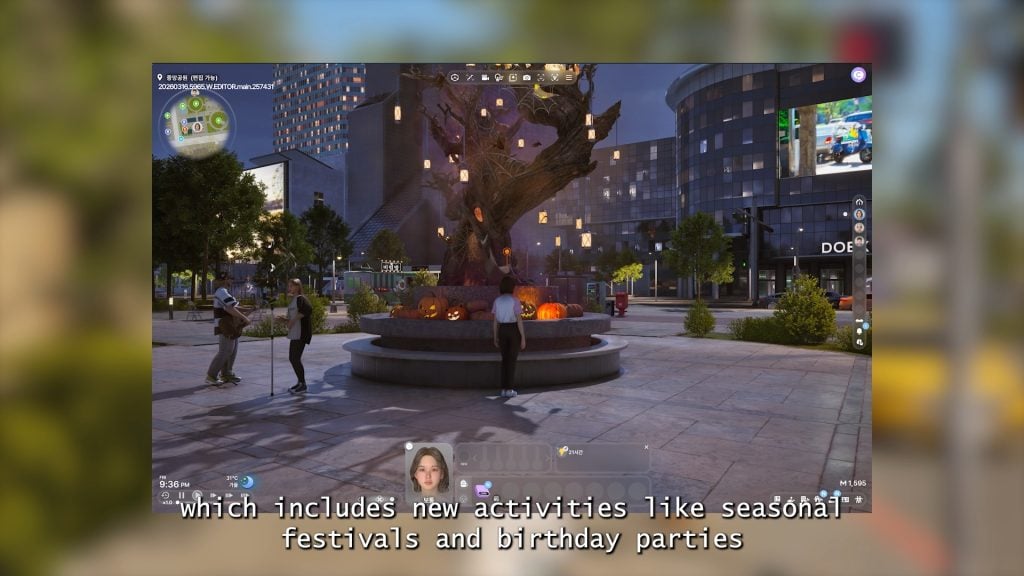
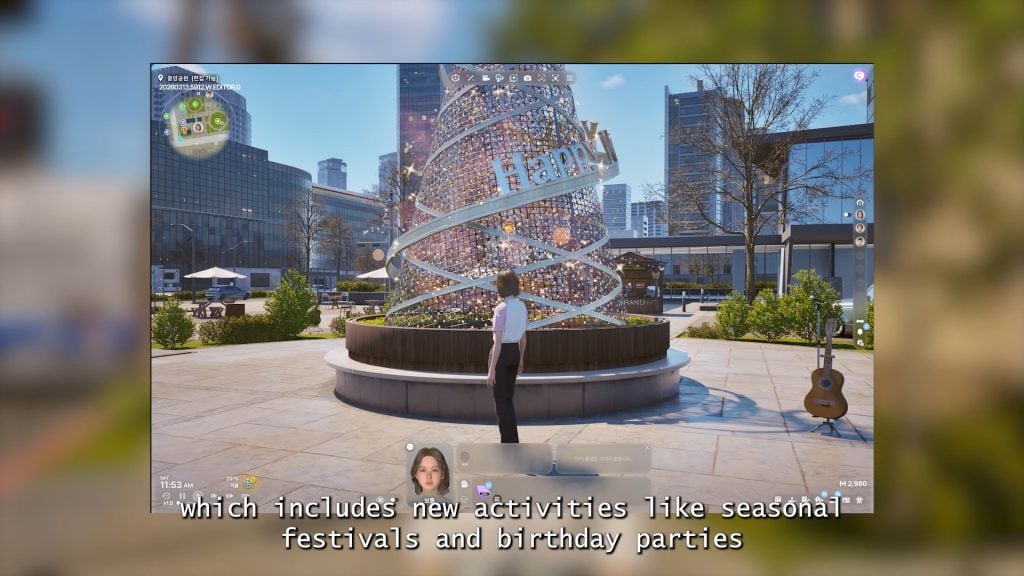
○ As will be marked on the calendar, the game now has four full seasons and four seasonal holidays to accompany each season.
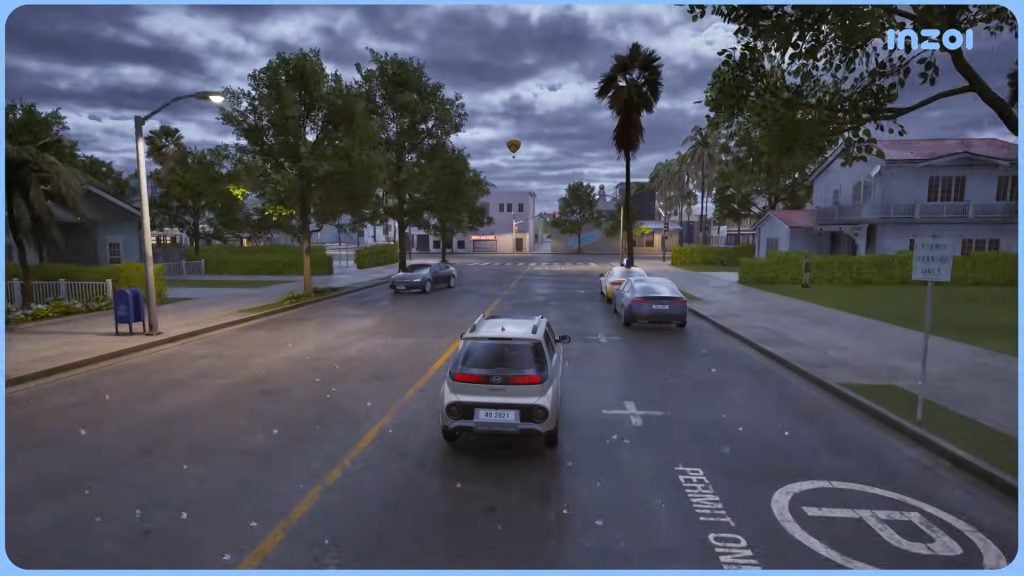
○ New public parking spaces, driveways, and parking lots have been added around each city, as well as directly on certain residential and commercial lots.
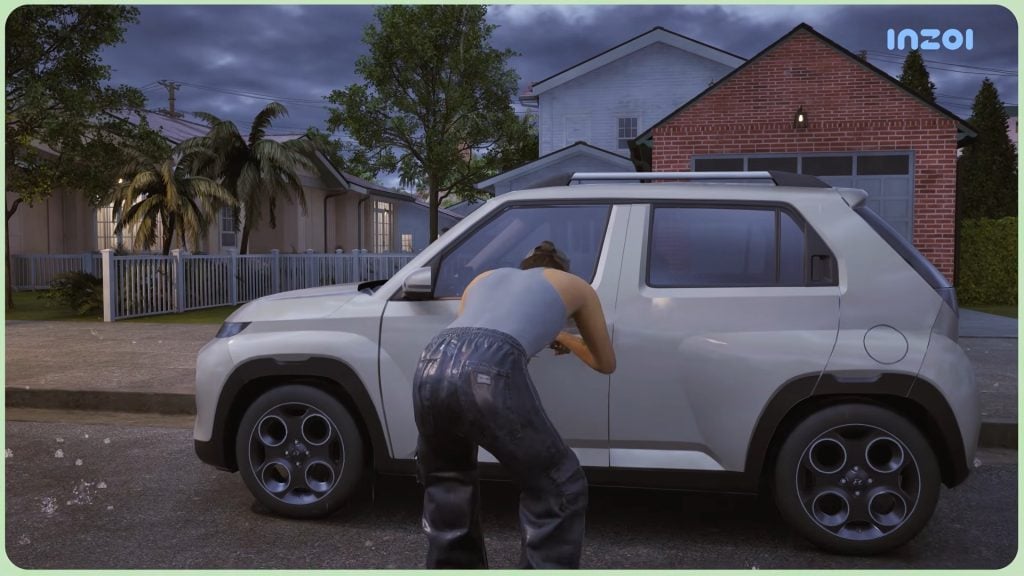
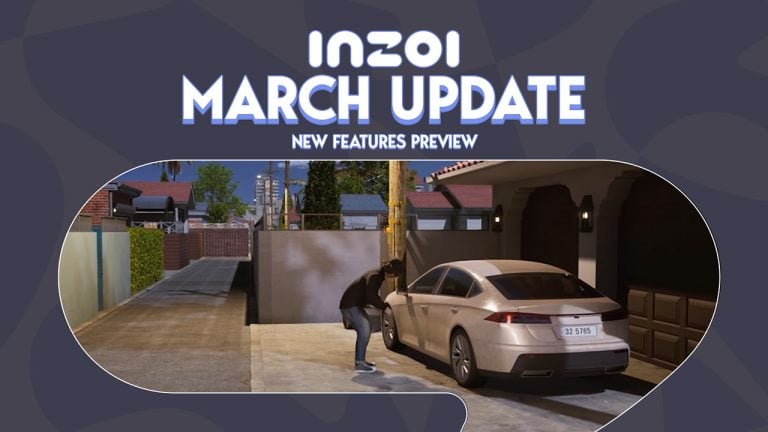
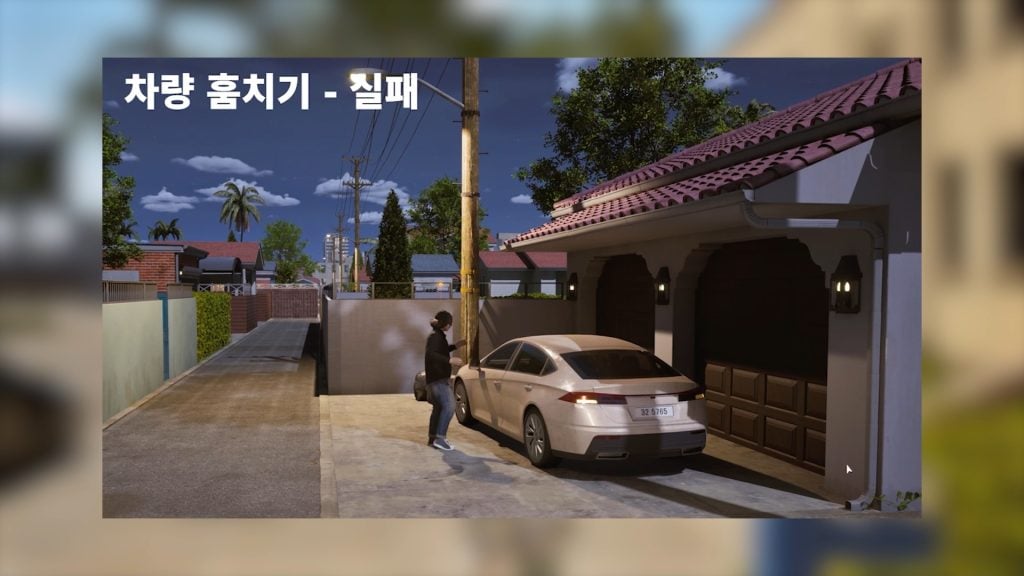
○ As the crime system is expanding and being added to fairly consistently, there are now cars in each city that can be broken into and stolen. Though, it isn’t foolproof; Your Zoi can fail to break in a trigger an alarm at random.
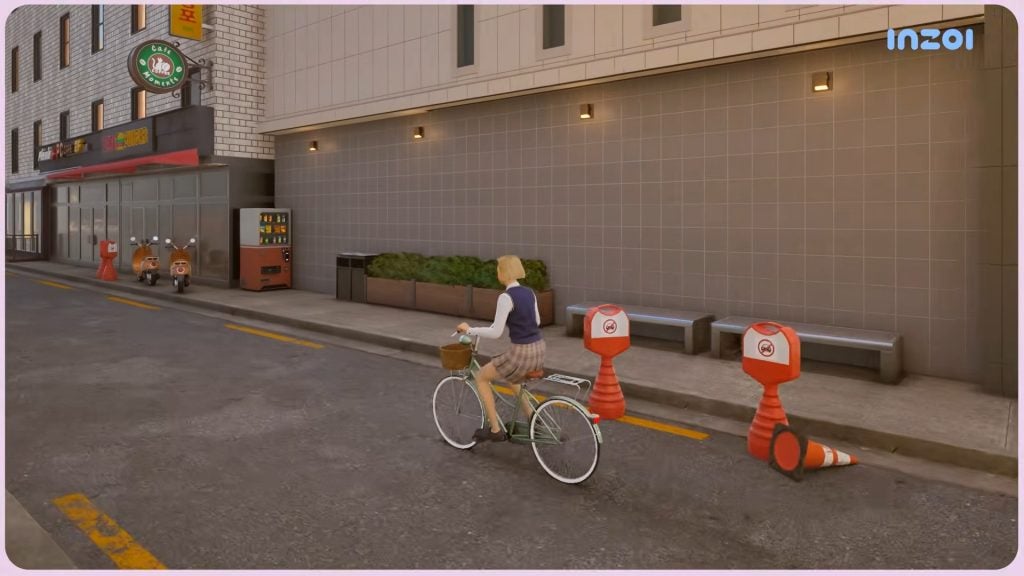
○ Standard bicycles are being added, that can be rode by a single Zoi, or two Zois with one sitting on the back of the bicycle.
○ Three new business types have been added, and will appear around the world and can also be opened by player-controlled Zois.
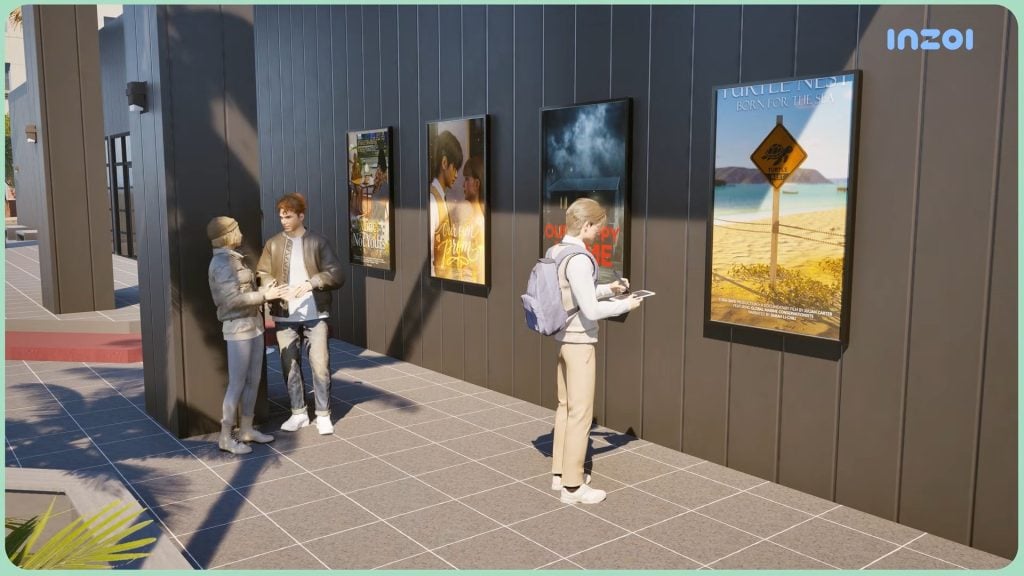
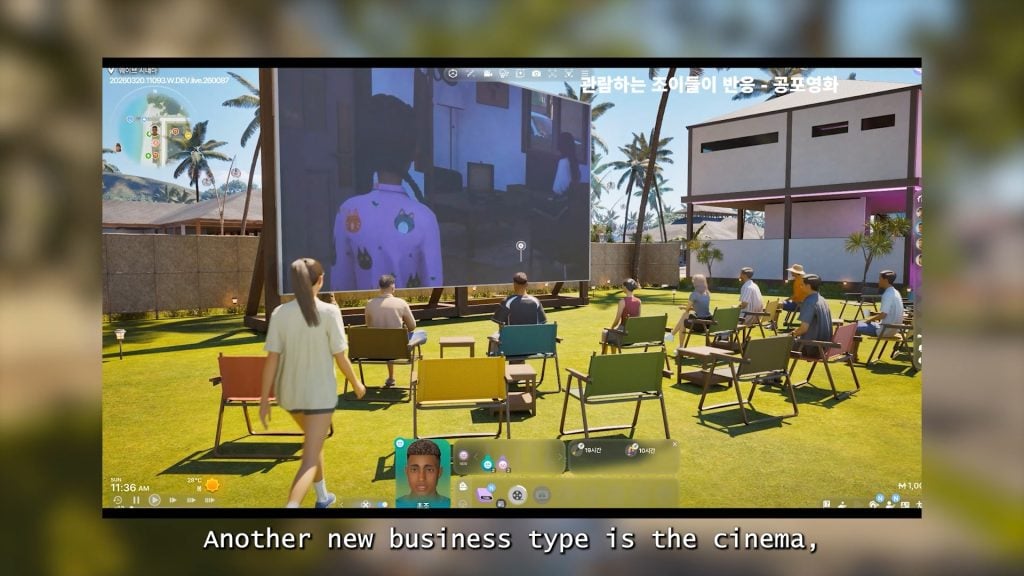
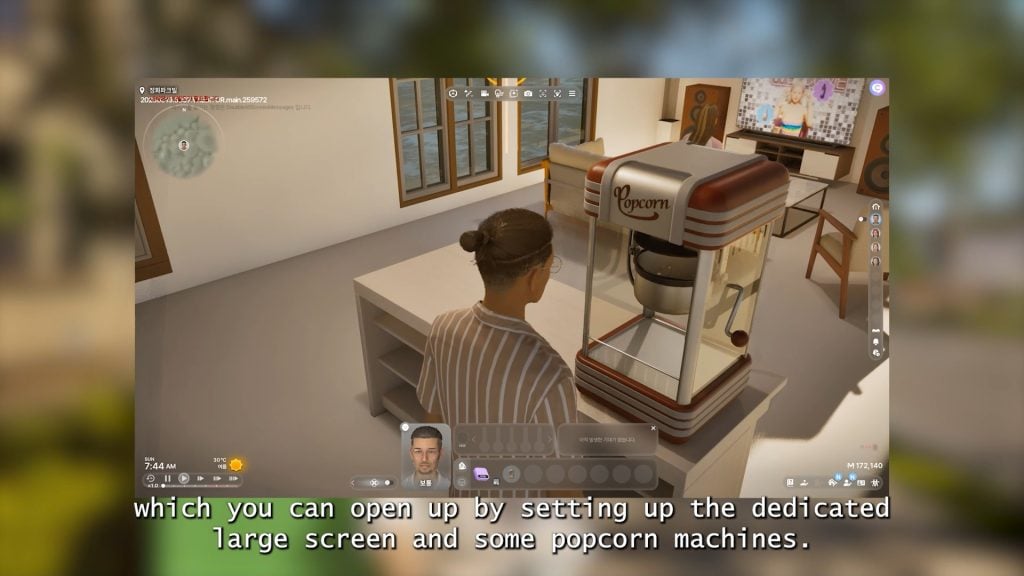
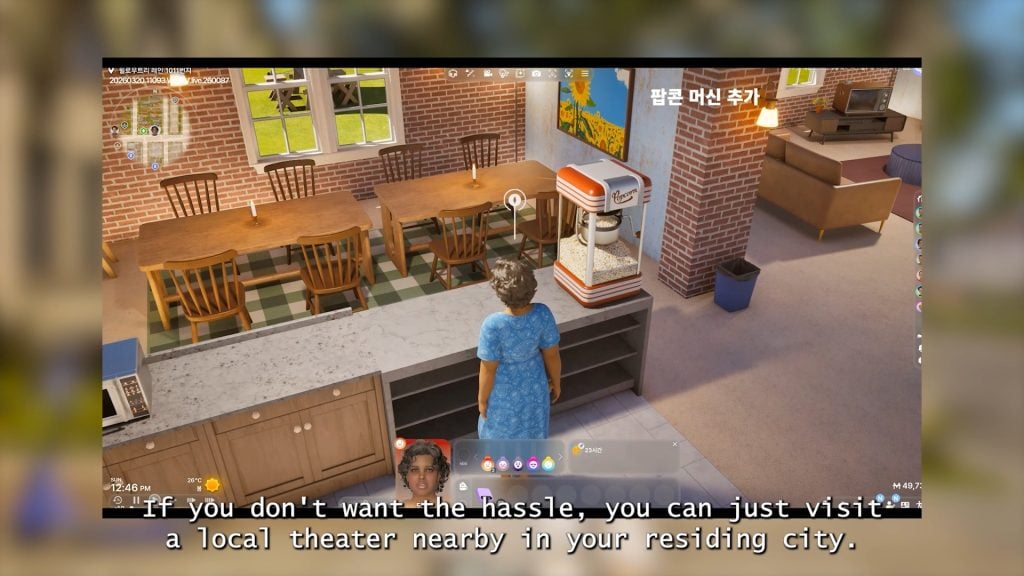
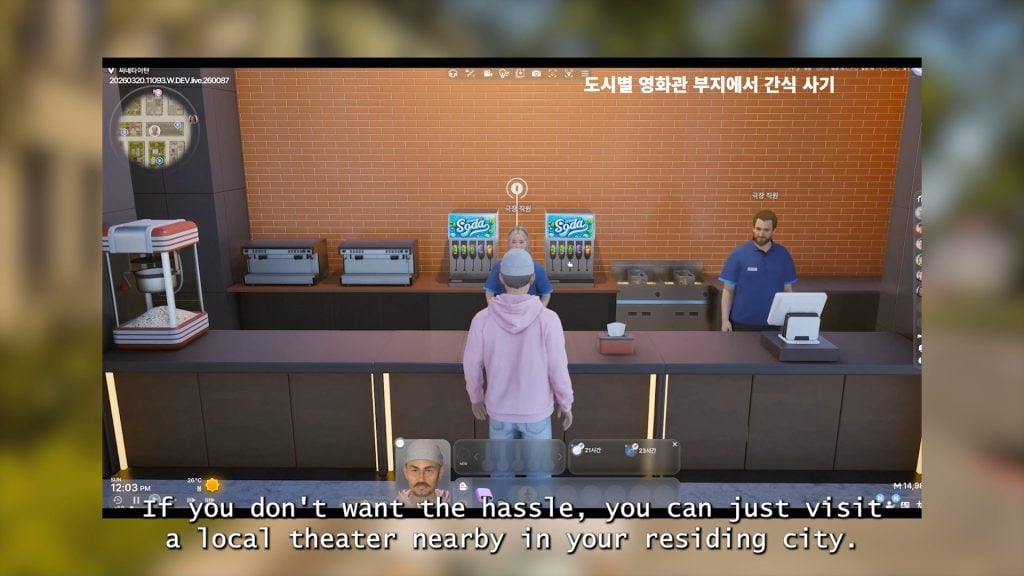
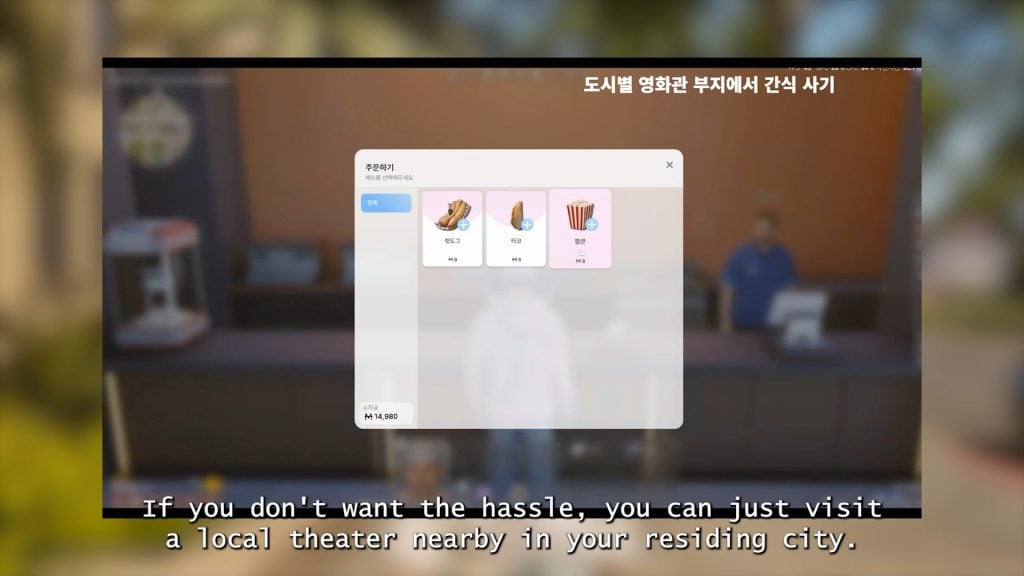
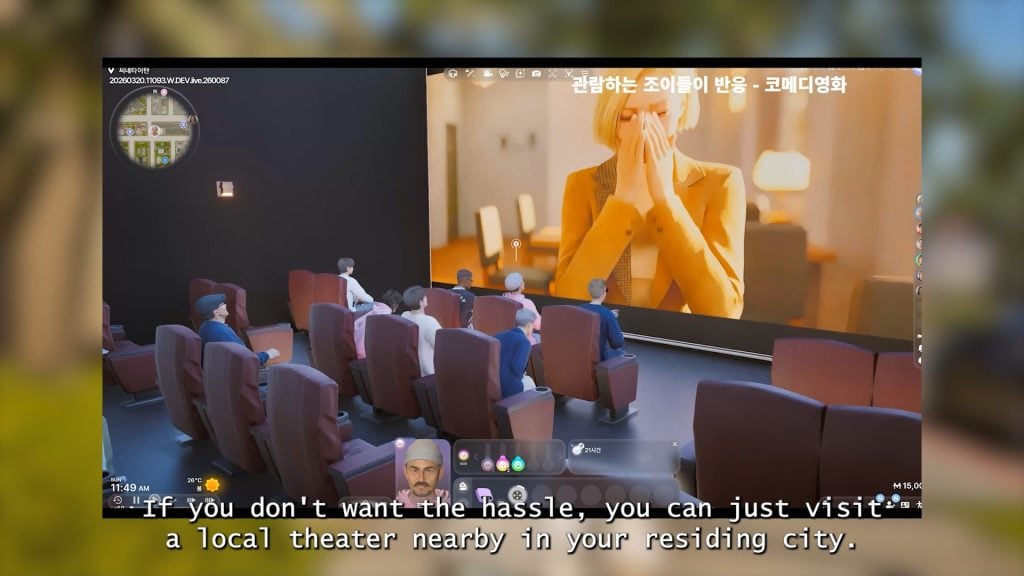
○ The Movie Theater/Cinema – Zois can visit public movie theaters, or open their own. They have set showing times for certain films, and the genres available include Horror, Comedy, Romance, and Documentaries. Popcorn machines have also been added.
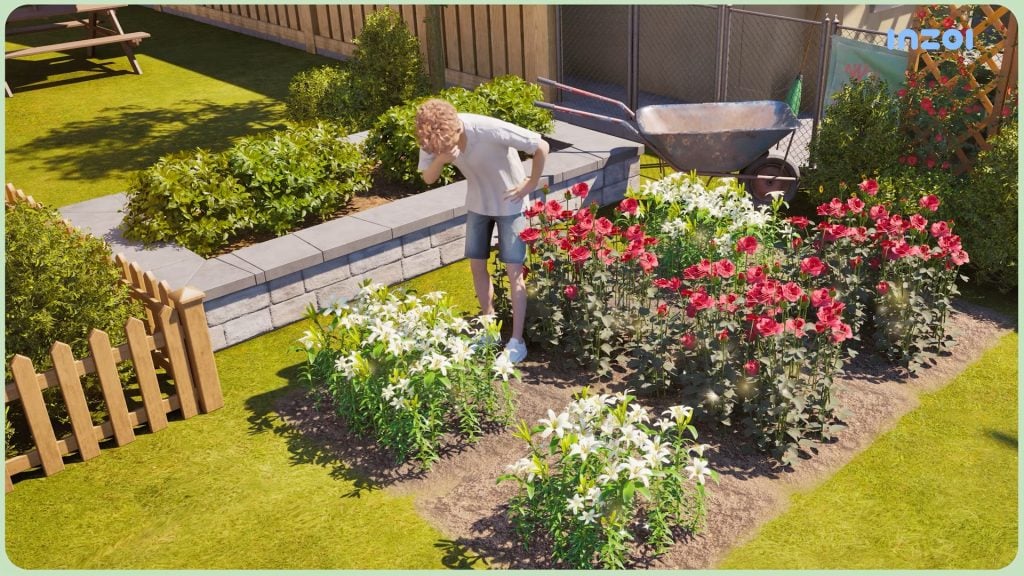
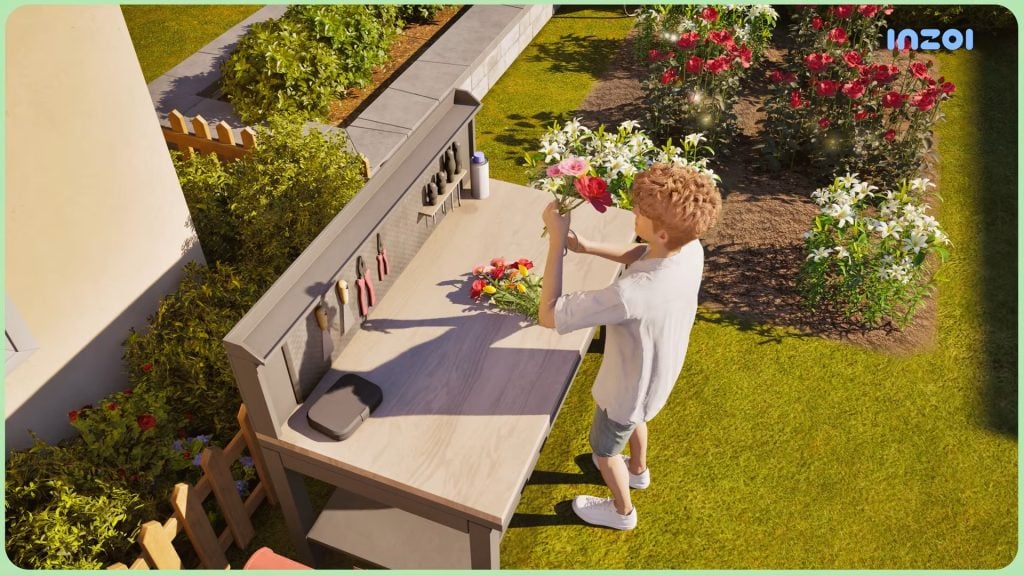
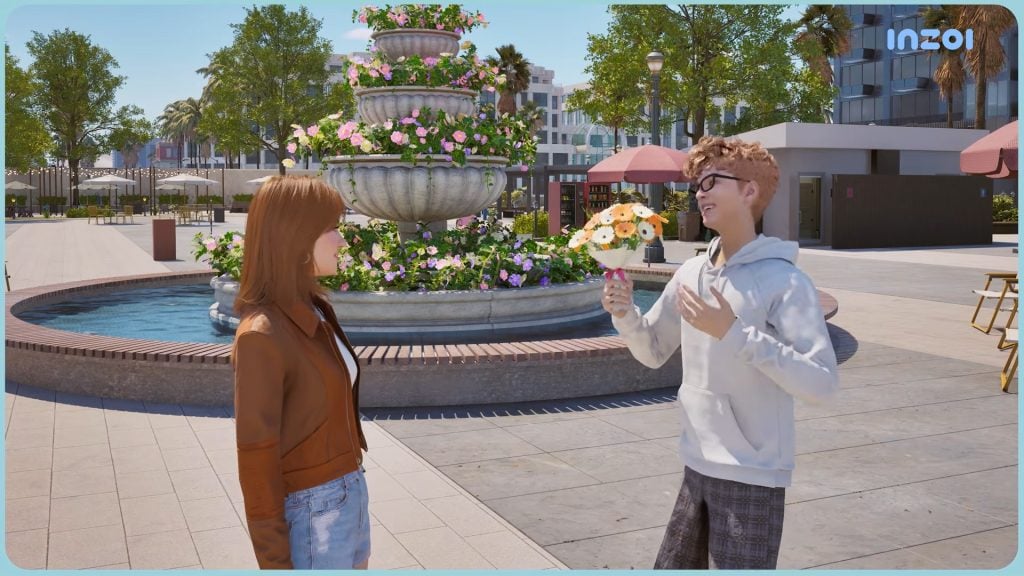
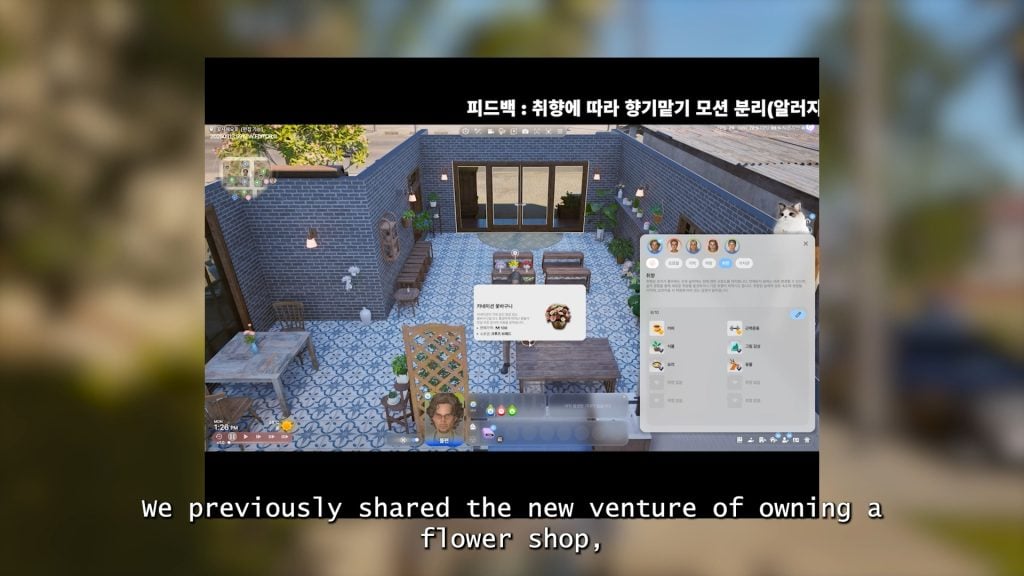
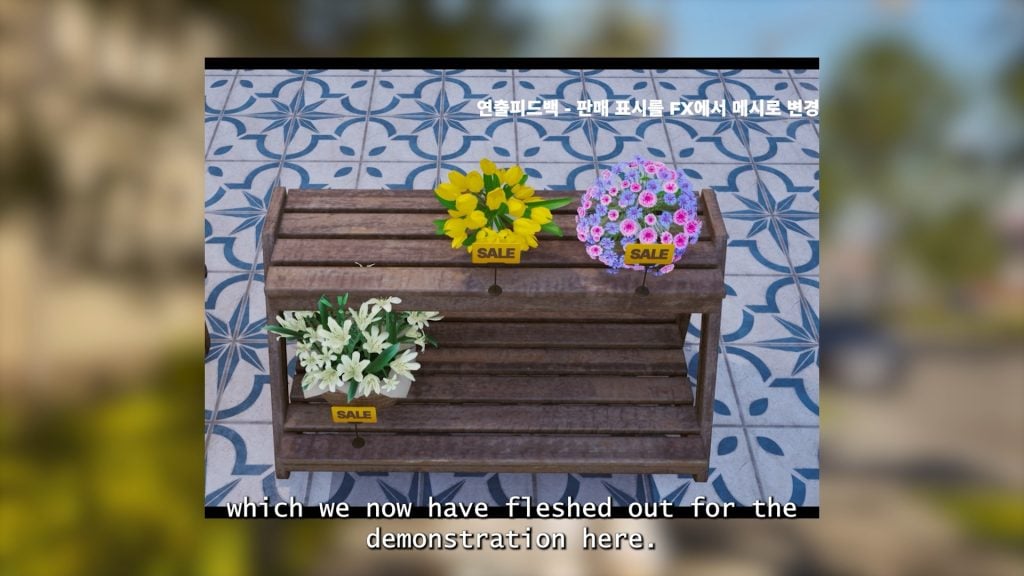
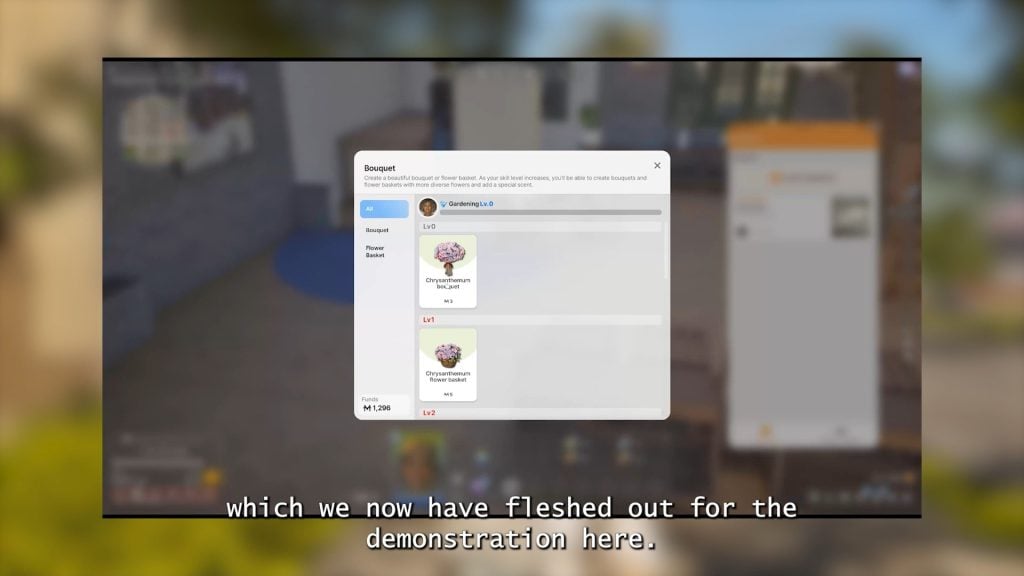
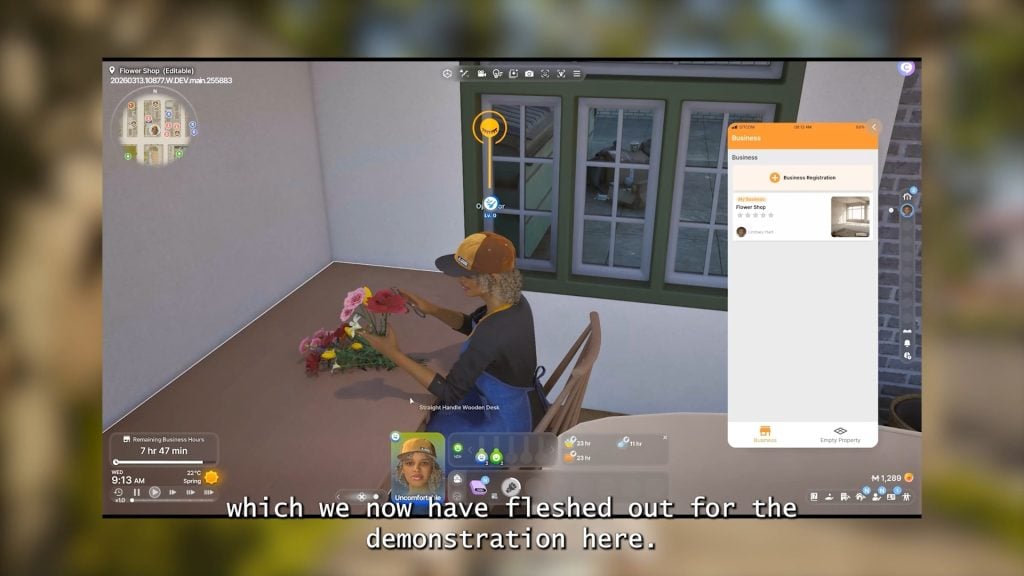
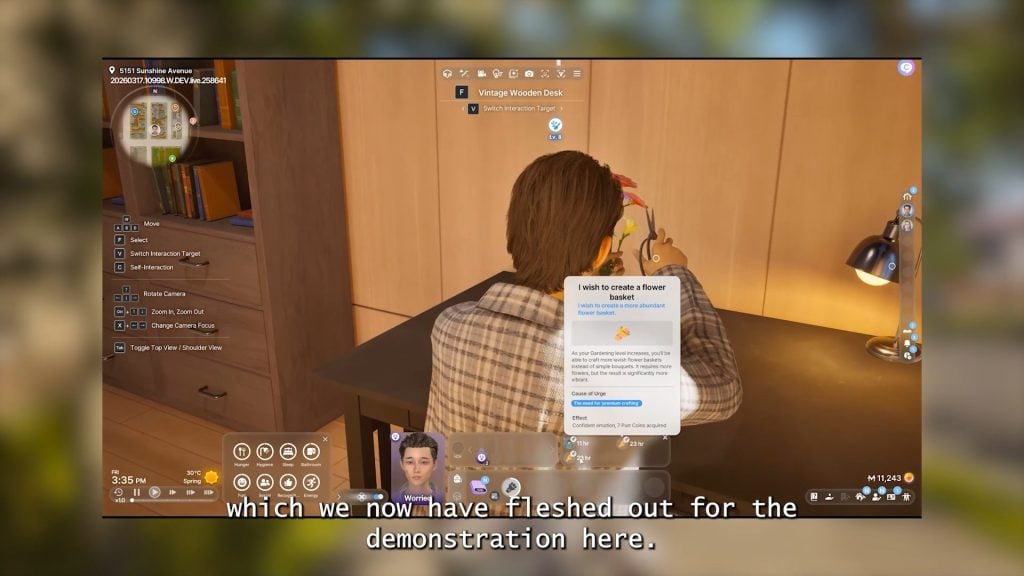
○ The Flower Shop – Zois can purchase or craft bouquets, as well as open florists/flower shops as a small business. These crafted bouquets can be gifted to other Zois.
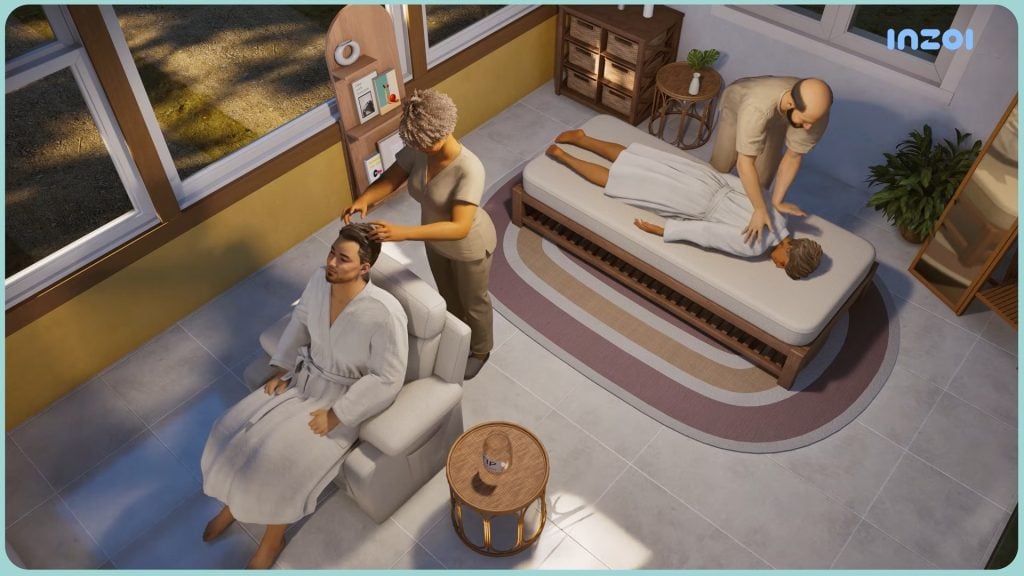
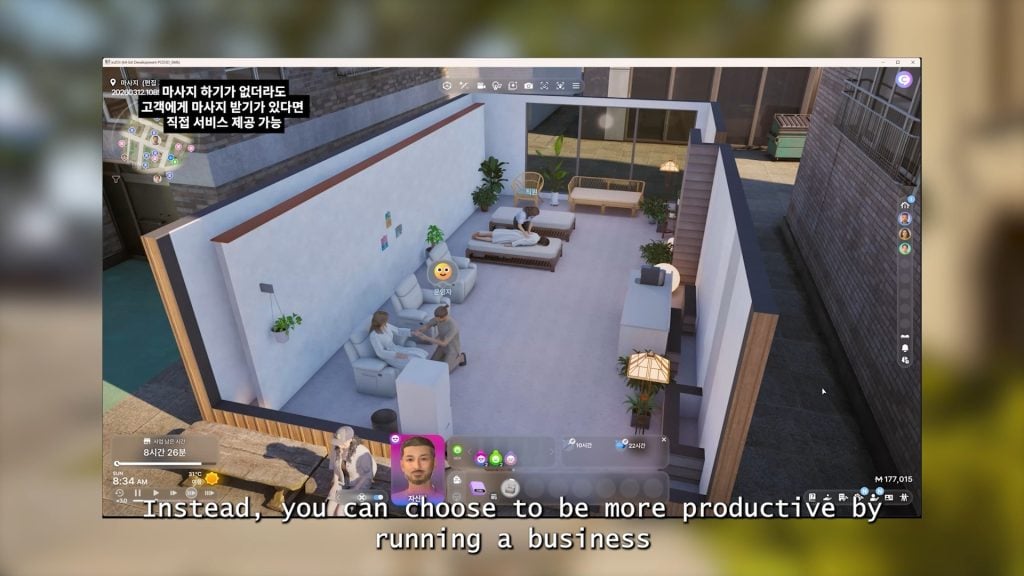
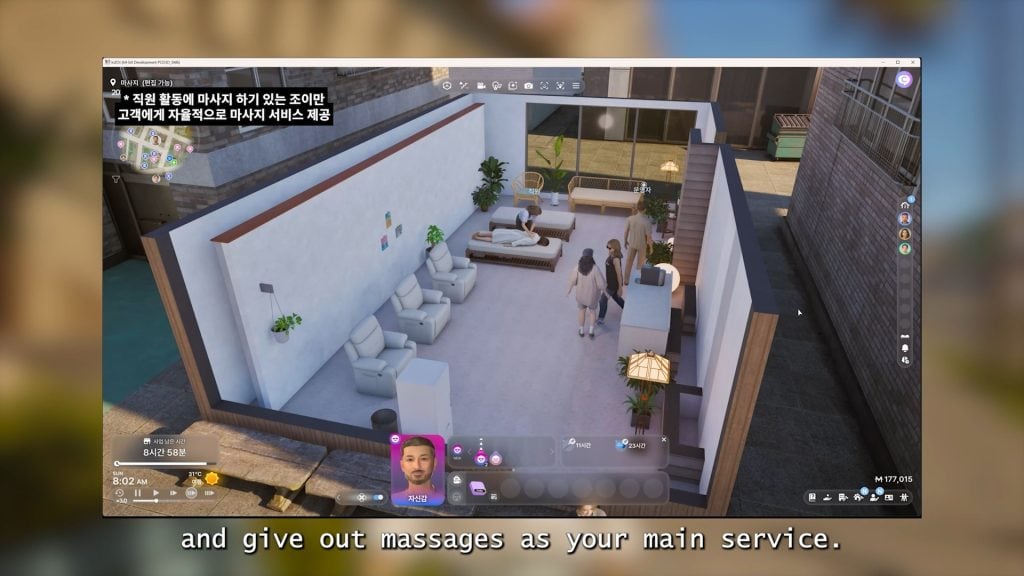
○ The Massage Parlor – Zois can now offer and receive massages and own a small business Massage Parlor.
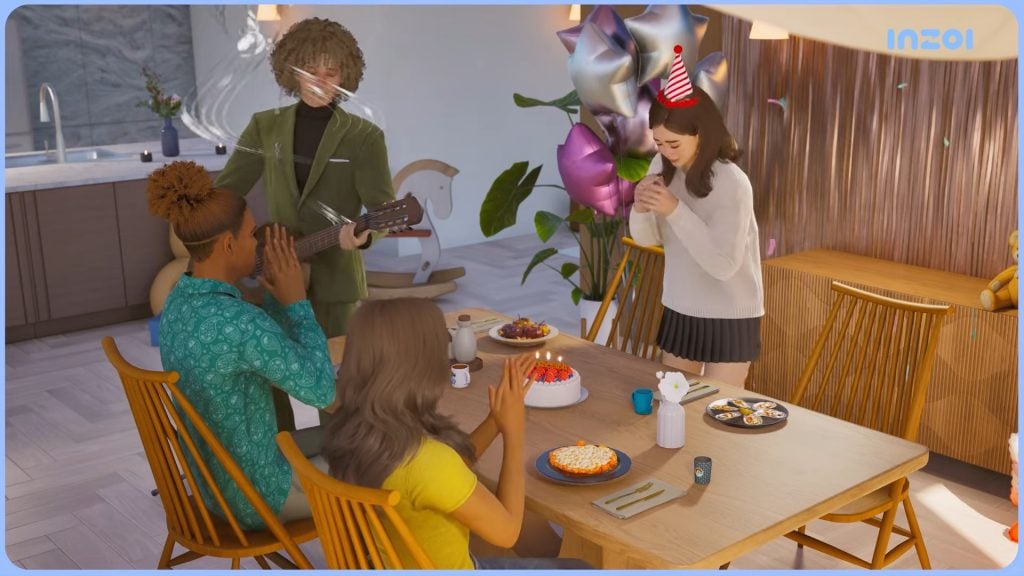
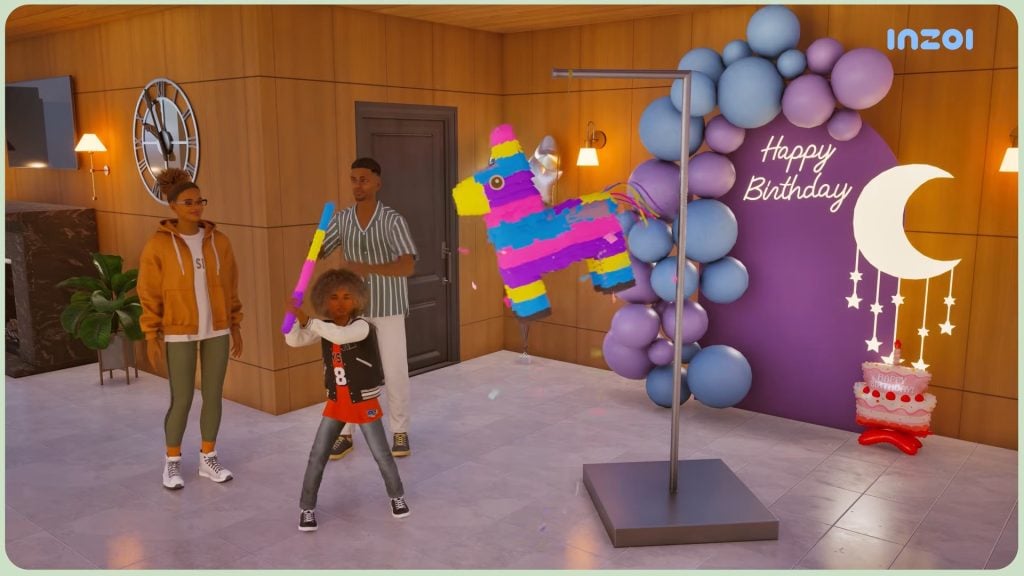
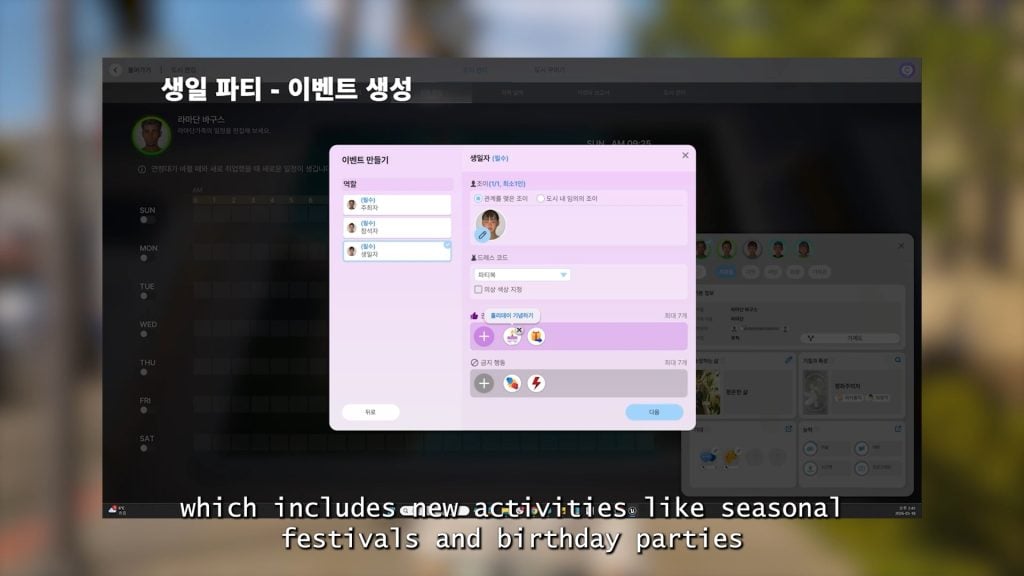
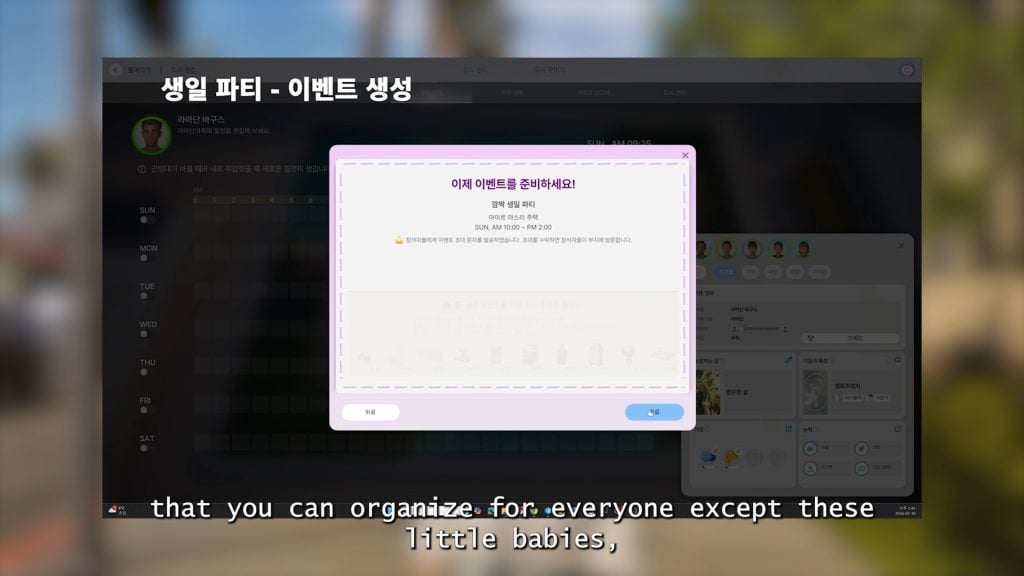
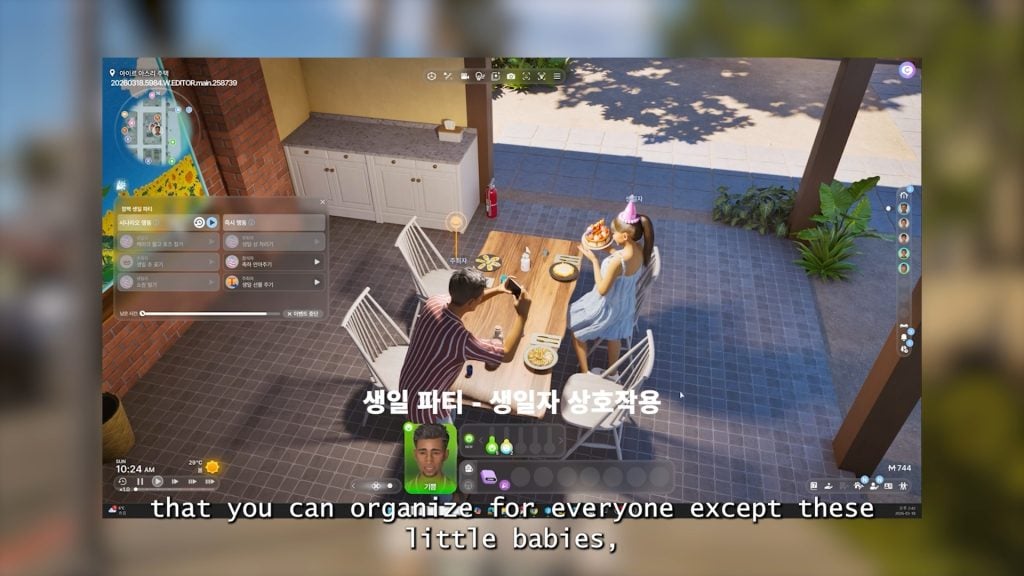
○ Zois can now throw birthday parties, including gifts, blowing out candles on a cake, and smashing a Piñata. Zois birthdays, without a social event planned, are also marked on the calendar for easy tracking.
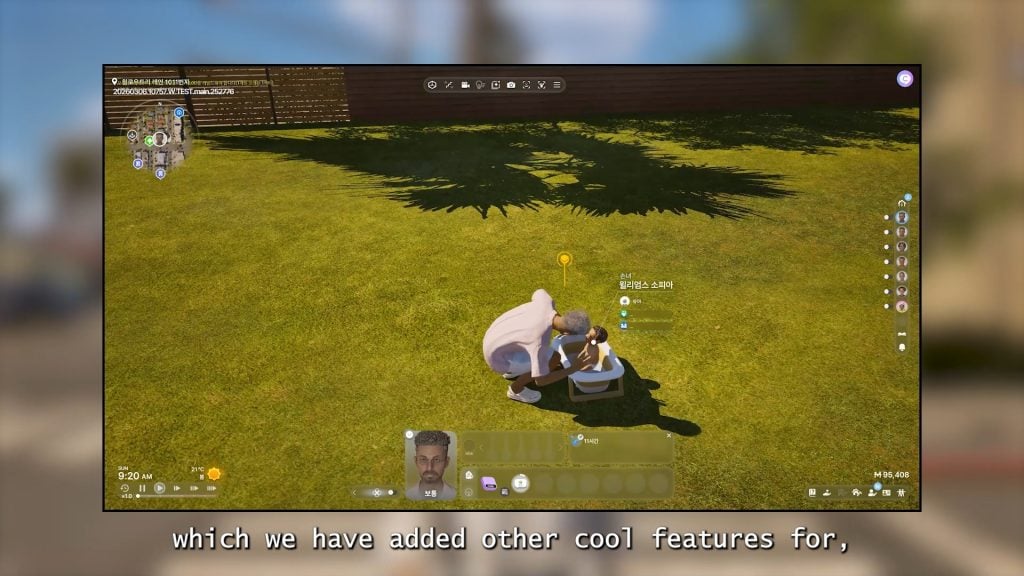
○ New interactions have been added between Zois and babies, as well as Babies and objects and their environment.
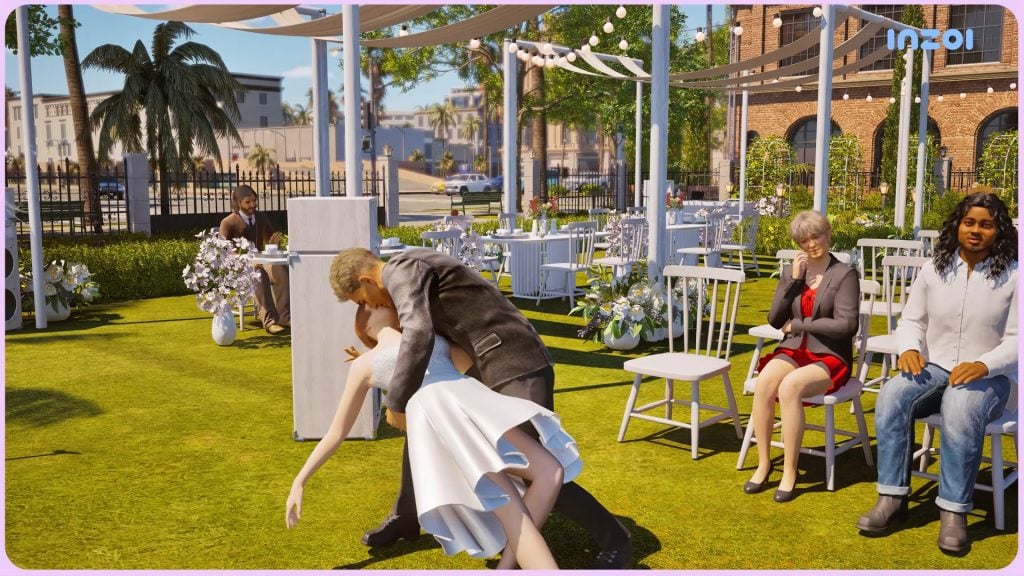
○ New romance interactions and animations have been added.
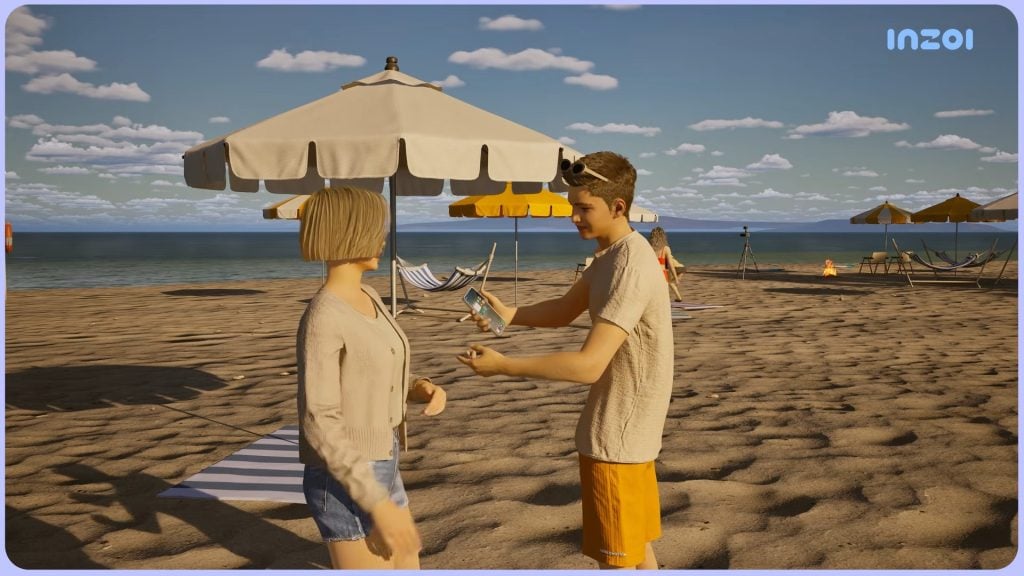
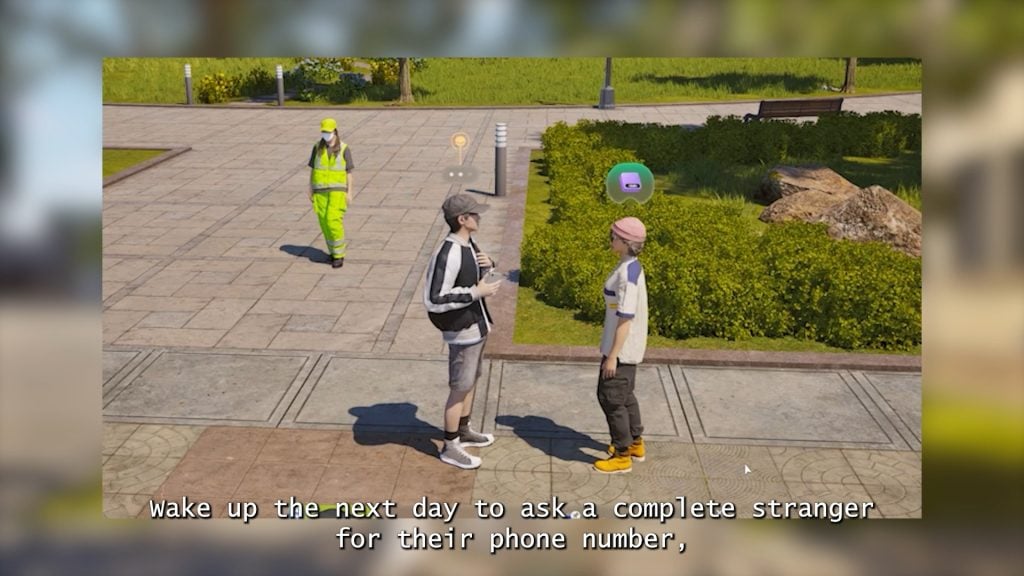
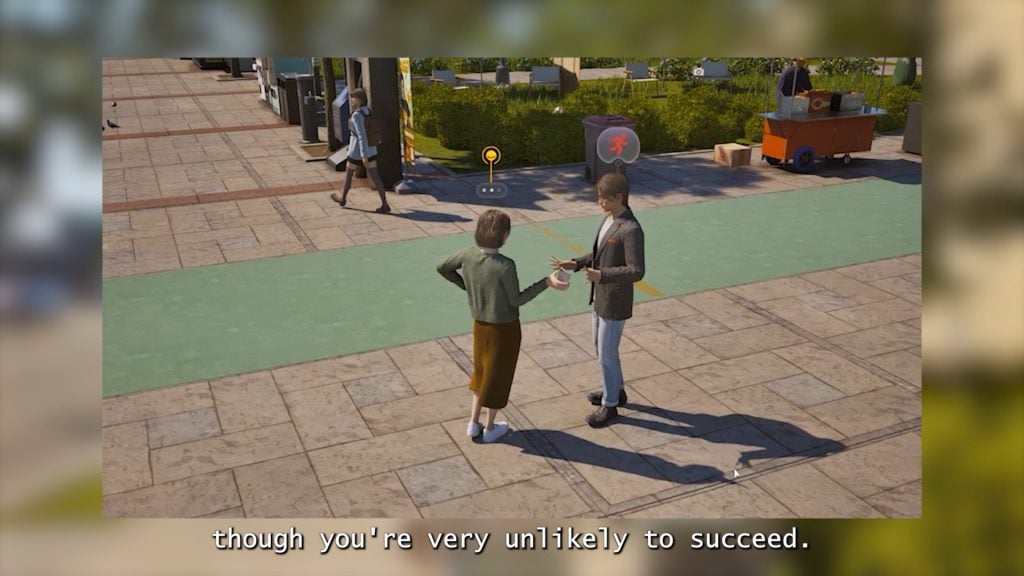
○ Zois can now ask for and exchange numbers with Zois, as well as delete or block contacts after the fact. This also means the NPCs can choose to do the same, though.
Simulation
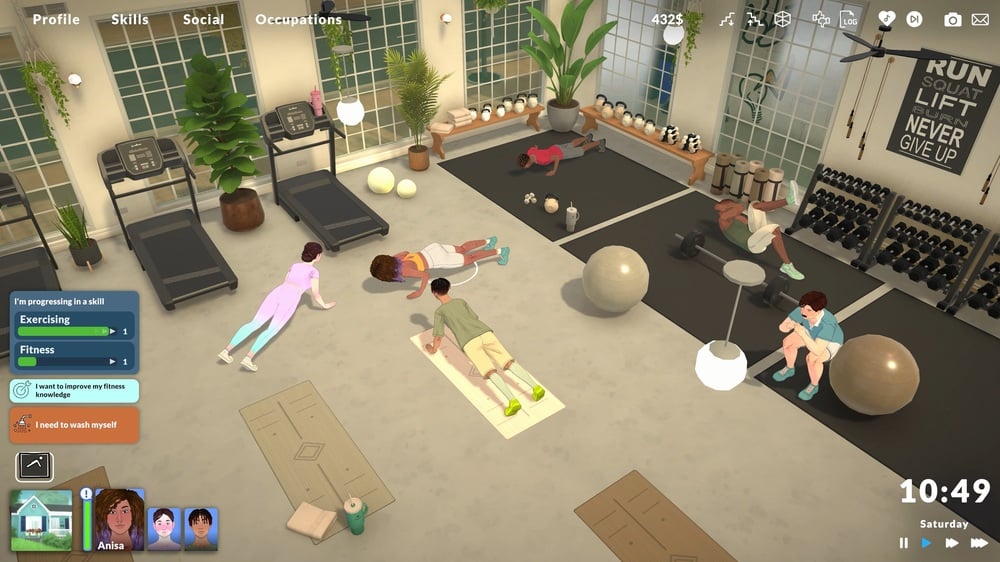
○ The new memory system (Also noted in the UI section), which will track everything major (or not so major) event of a Zoi’s life, from taking their first shaky steps to graduating University to having their own child.
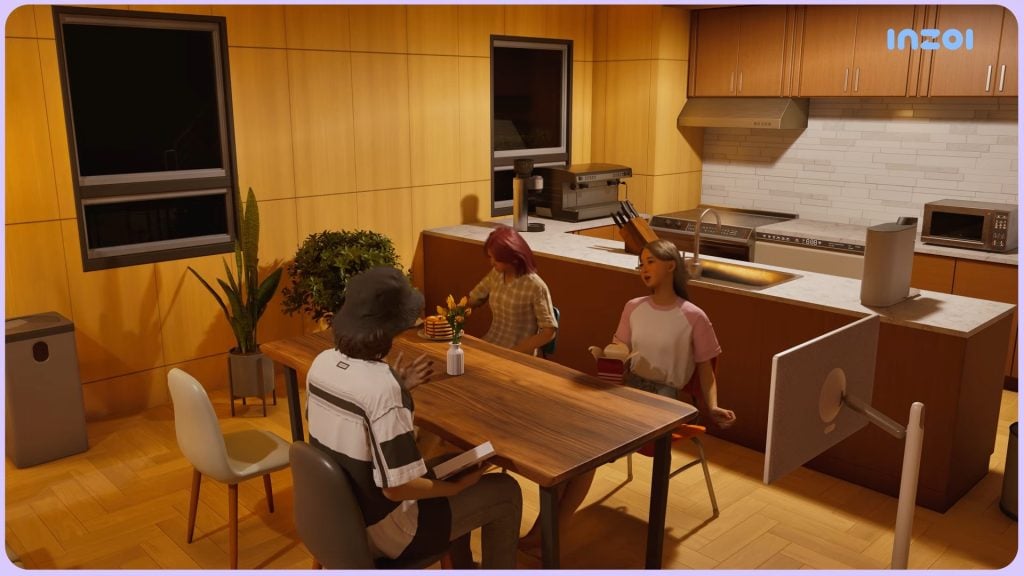
○ Zois now have proper multitasking for simple actions, like holding different objects in each hand, swapping those objects, and holding things or eating food while engaged in a conversation.
○ Zois now more naturally respond to your Zoi’s actions; The provided example is that if you change a TV channel while a Zoi is already watching, they’ll get annoyed and show their frustration.
Fixes & Improvements
○ Zois have been improved to grab the correct tools for their work, to stop issues like sweeping carpet and vacuuming grass.
○ New ambitions have been added; Master Barista, Master Baker, and Master Bartender.
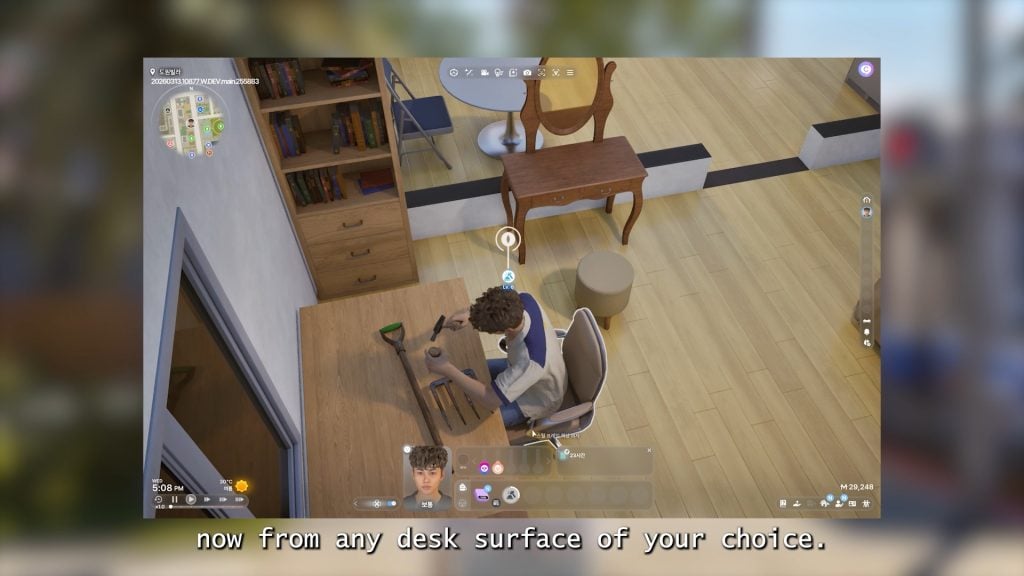
○ Zois can now craft at any clear desk surface.
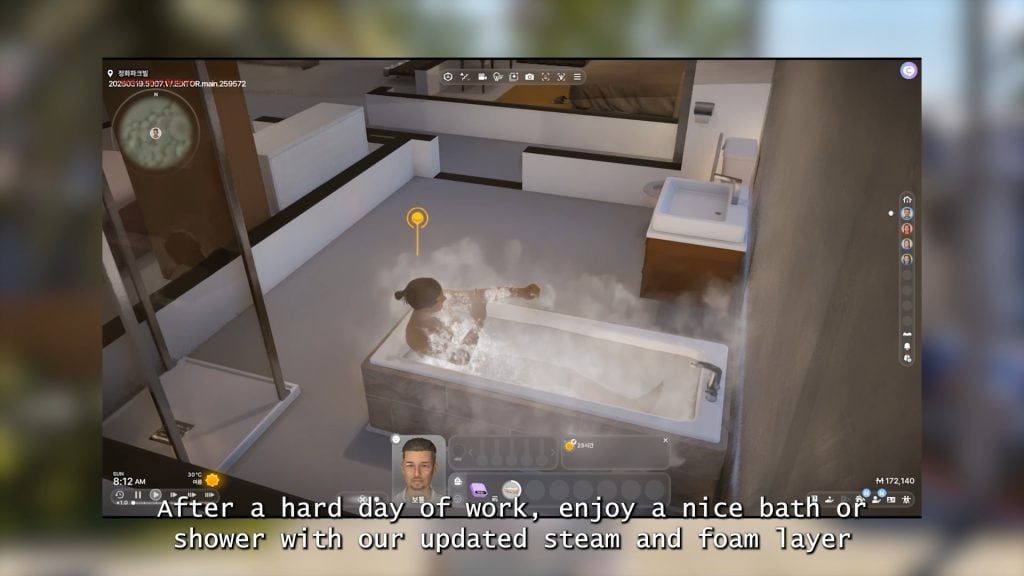
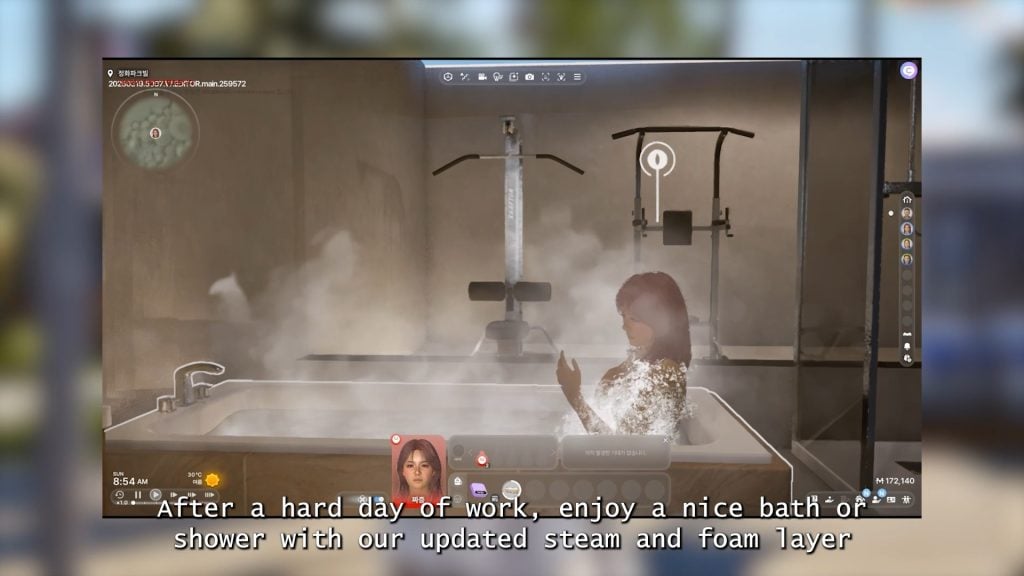
○ More actions have been improved with situational/conditional animations, like angrily writing or showering.
○ All lights in the home will not automatically turn off when all Zois in the home are sleeping, and will turn back on when someone wakes up.
○ New items can now be supported with the official InZOI modkit, including animations, accessories, and face mods.
○ Players no longer have to restart their game to apply newly downloaded/installed mods.
○ For Very Low/Low Graphical Presets – Improvements to shadows, textures, and the general appearance of the game on lower settings.
○ For High/Ultra Graphical Presets – Improved yellow lightleaking on higher settings, and shadows are added to the city map.
You can watch the full Update trailer down below:
What feature are you most looking forward to when the update drops on March 27th? Let us know!
For more in-depth information and images of each improvement planned for March 26th update, make sure to check our InZOI news page, where we’ve updated weekly regarding new features planned for this patch. If you’re wondering what to look forward to next, you can also look at InZOI’s official roadmap for 2026.
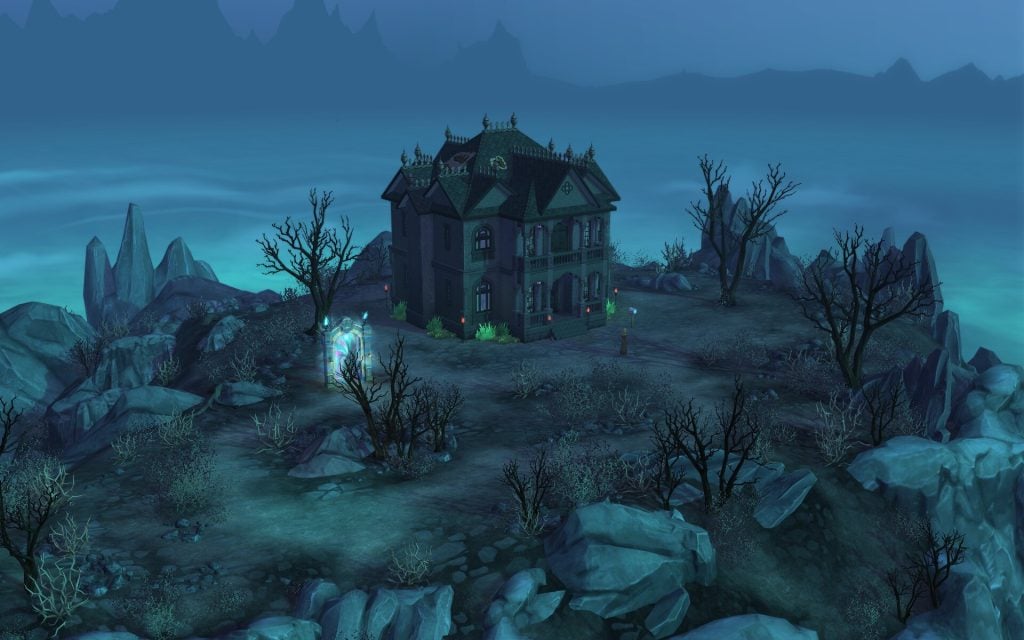
Welcome to The Sims 4: Life and Death Ravenwood World Guide
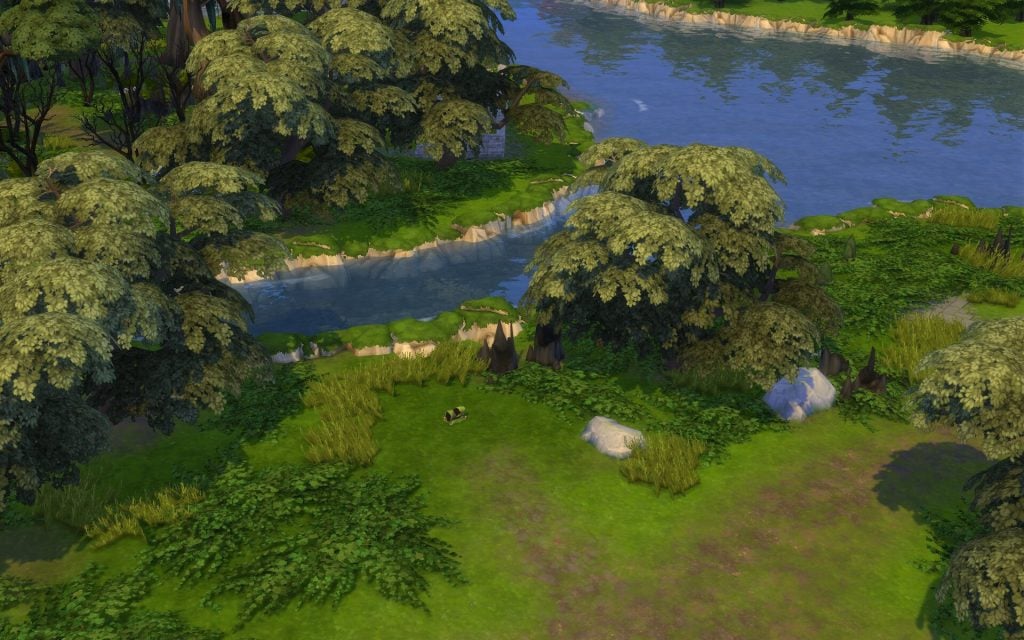
Ravenwood comes with The Sims 4 Life and Death Expansion Pack that was released in November 2024. This unique world where ghosts are real and afterlife is a part of everyday life, it gives a mix spookiness, history, and beautifulness at the same time. Let’s explore what this mysterious world has to offer. Boo!
Table of Contents
Built With Community Collaboration
Real Sims builders continue to make the worlds feel more alive! This time, four talented content creators helped build Ravenwood. Be sure to check them out through their social links below.
Create4Sims – Eternal Hollow, The Marigold Chateau, and Moppy Manor.
Kate Emerald – Teardrop Cottage, Crow’s Perch, and the Old Ravenwood Estate.
Simsphony – The Final Draught, Club Eternity, and The Cozy Casket House.
Sofythesim– Specter Family Manor, Mourning Mist Manor, and HeadlessQuarters.
The Sims 4 Ravenwood World Overview
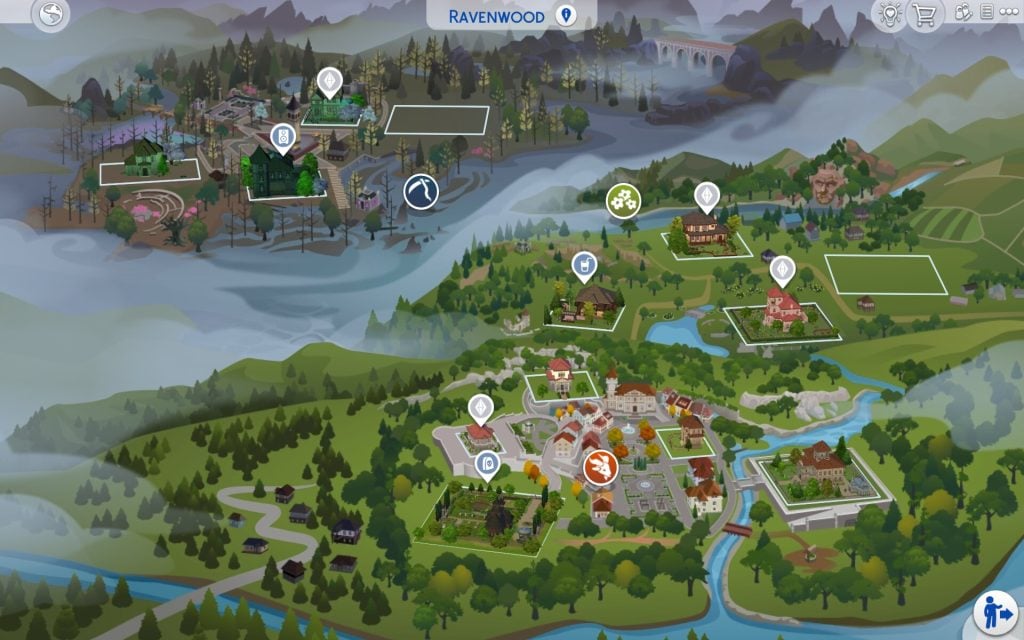
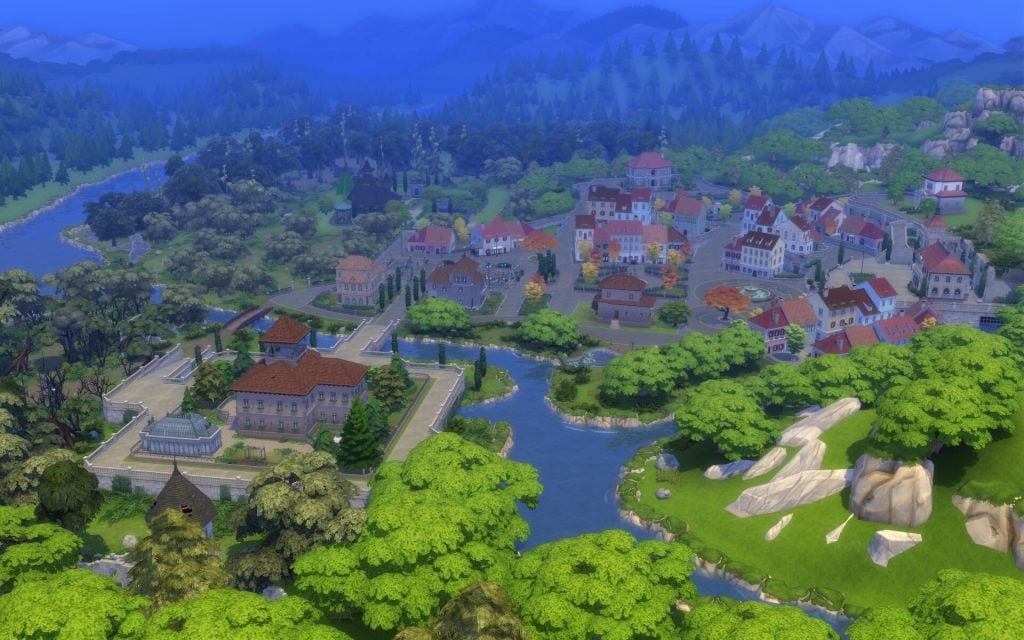
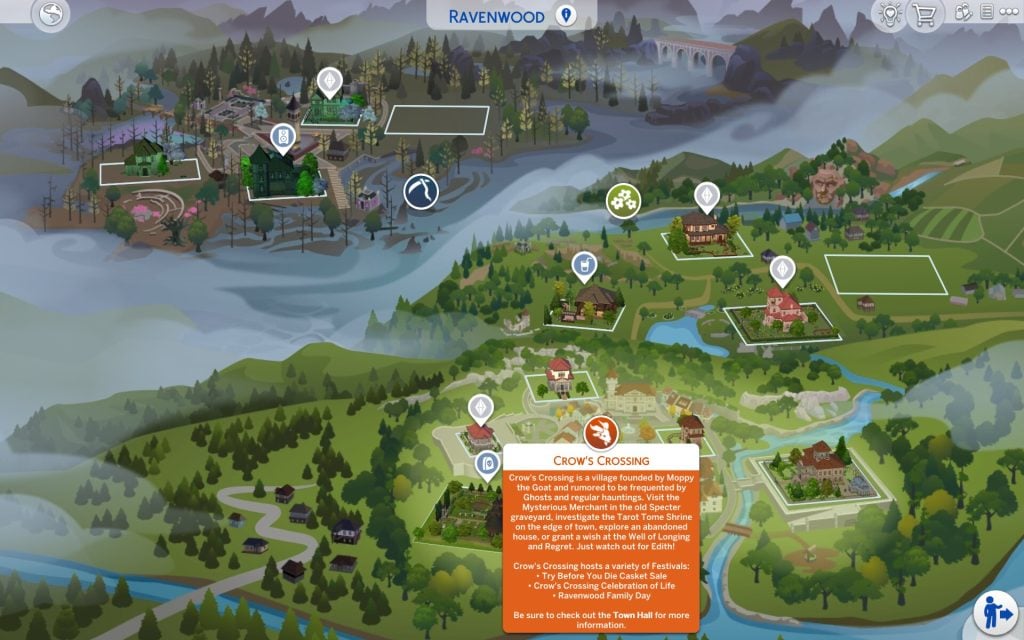
Things always get a little spooky in Ravenwood. The Whispering Glen with its nightly Moon Revelry festivities is perhaps the most “normal” part of the area, where locals have settled down for a slice of quiet, country life. Crow’s Crossing village, however, is clearly quite haunted—swings swaying by themselves, that Merchant fellow down by the Crypt, scary little Edith guarding the Well of Longing and Regret…but despite the hauntings, the living have certainly made it their home as well with a variety of festivals and places to explore. Mourningvale is where things get extra ethereal! It’s well known as a home for Ghosts and those seeking them. Sometimes Grim even stops by!
Ravenwood includes a total of 13 lots, 8 residential, 3 community, and 2 empty lots. Plus one hidden lot. It is built inspired by real places in the Balkan region, especially Romania’s medieval towns.
District: Crow’s Crossing
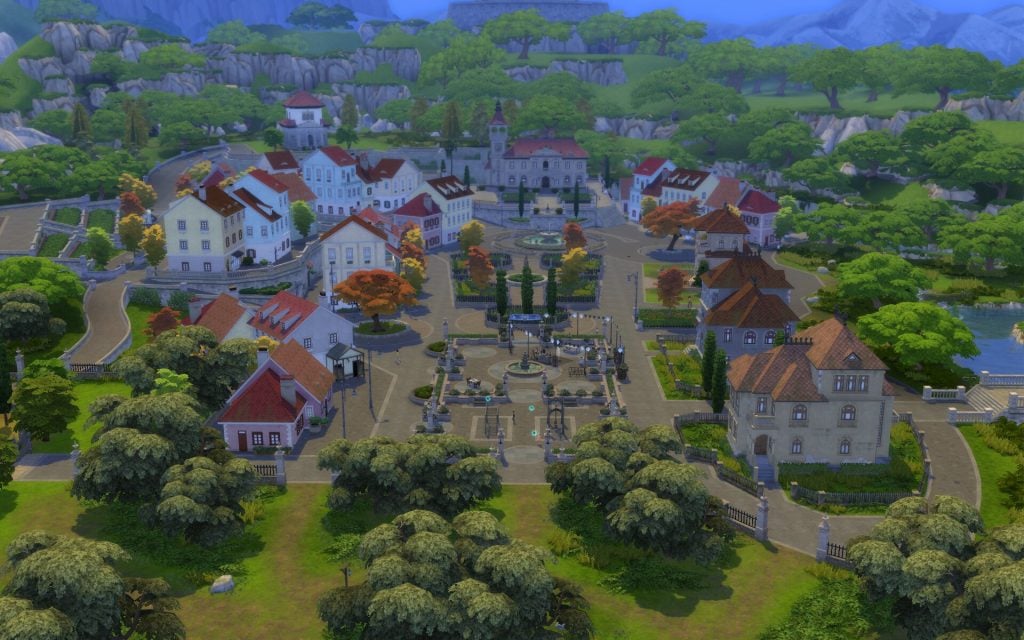
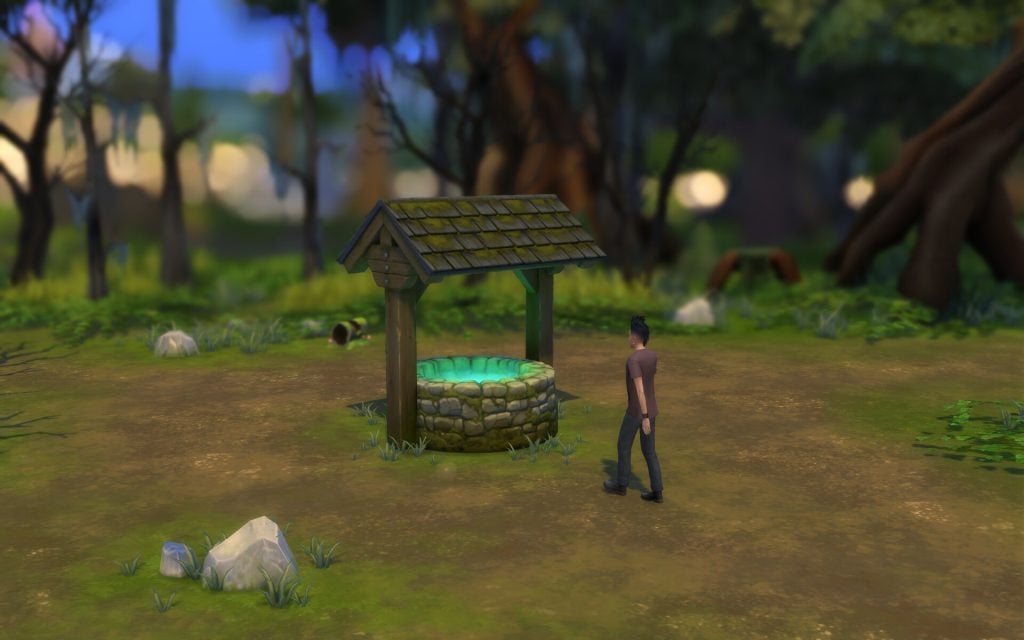
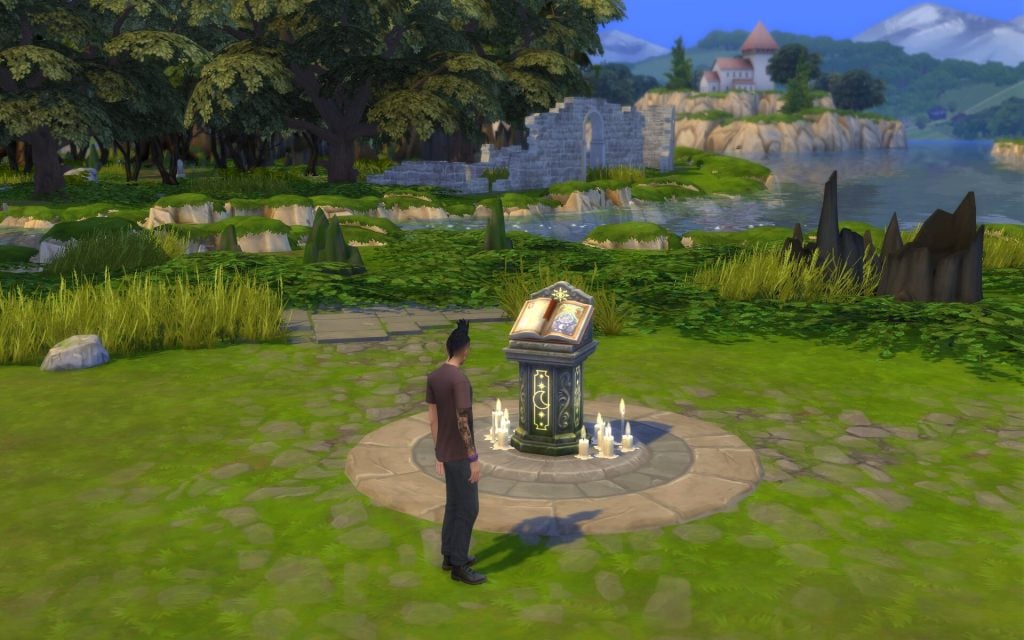
Crow’s Crossing is a village founded by Moppy the Goat and rumored to be frequented by Ghosts and regular hauntings. Visit the Mysterious Merchant in the old Specter graveyard, investigate the Tarot Tome Shrine on the edge of town, explore an abandoned house, or grand a wish at the Well of Longing and Regret. Just watch out for Edith! Crow’s Crossing hosts a variety of Festivals: – Try Before You Die Casket Sale – Crow’s Crossing Celebration of Life – Ravenwood Family Day Be sure to check out the Town Hall for more information.
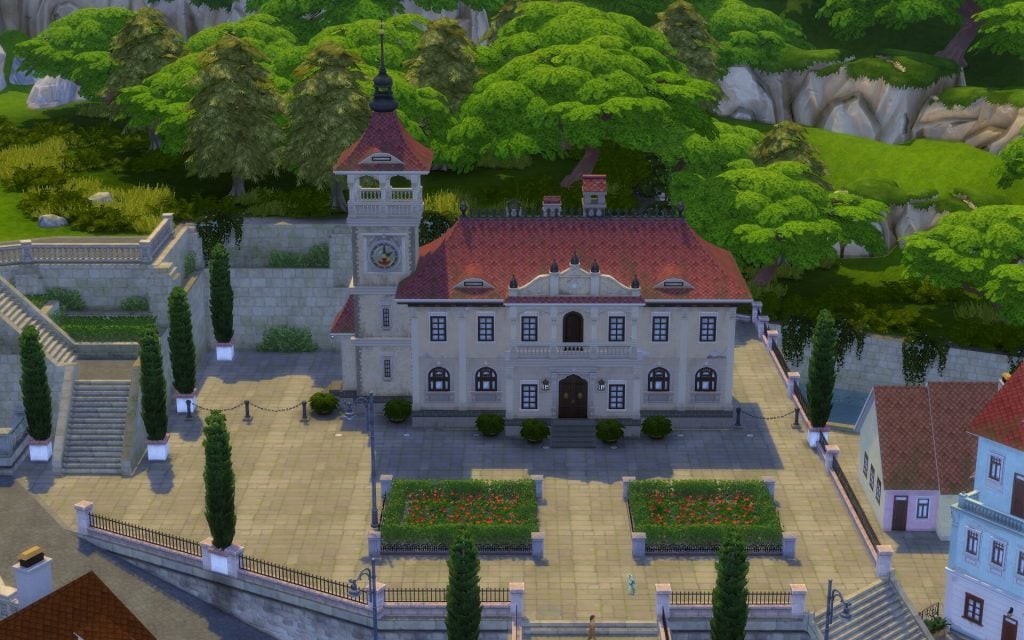
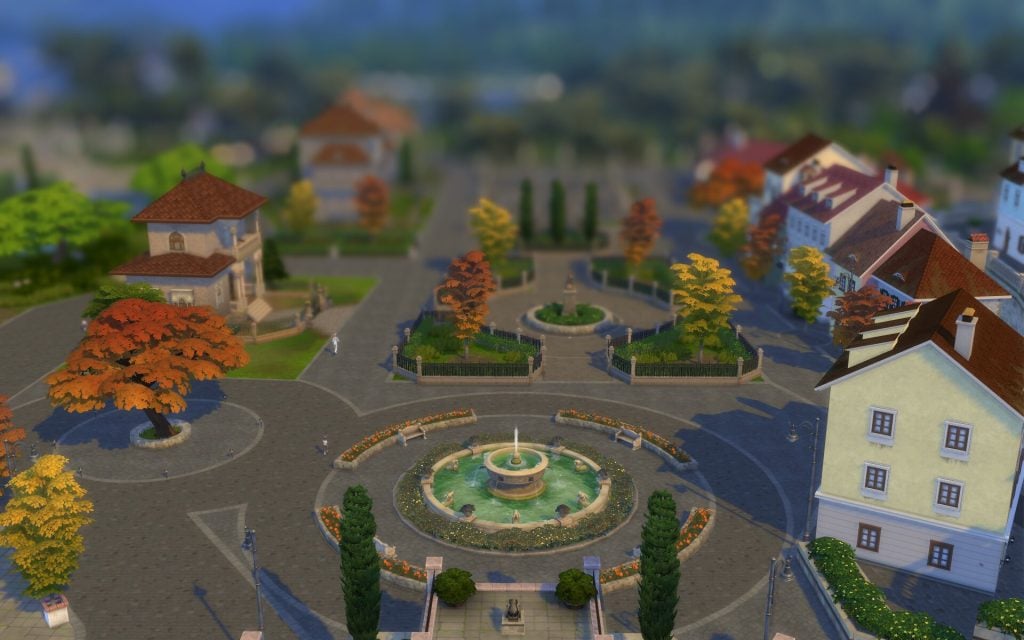
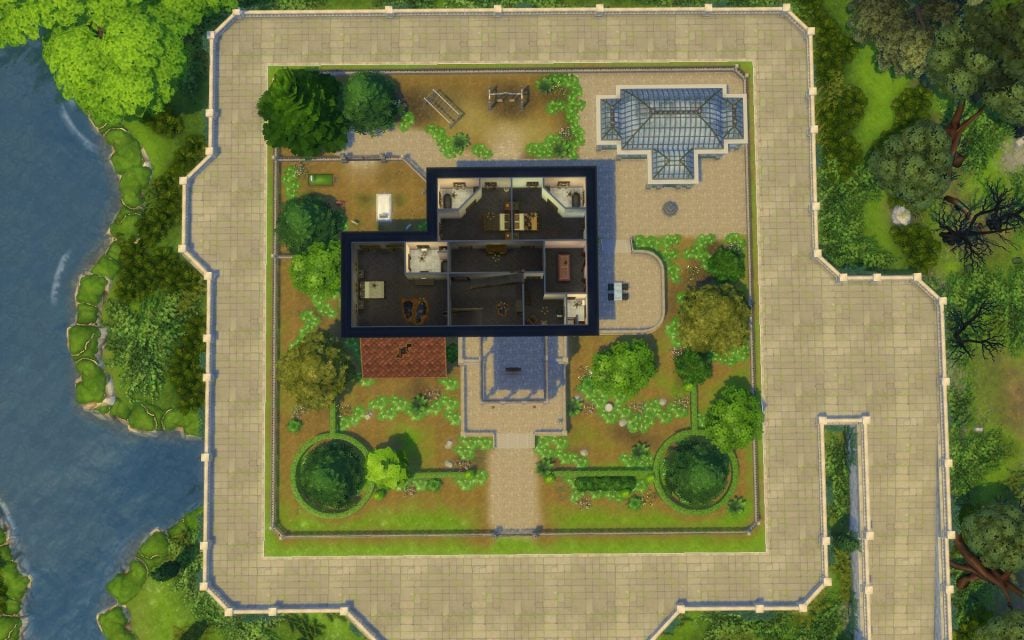
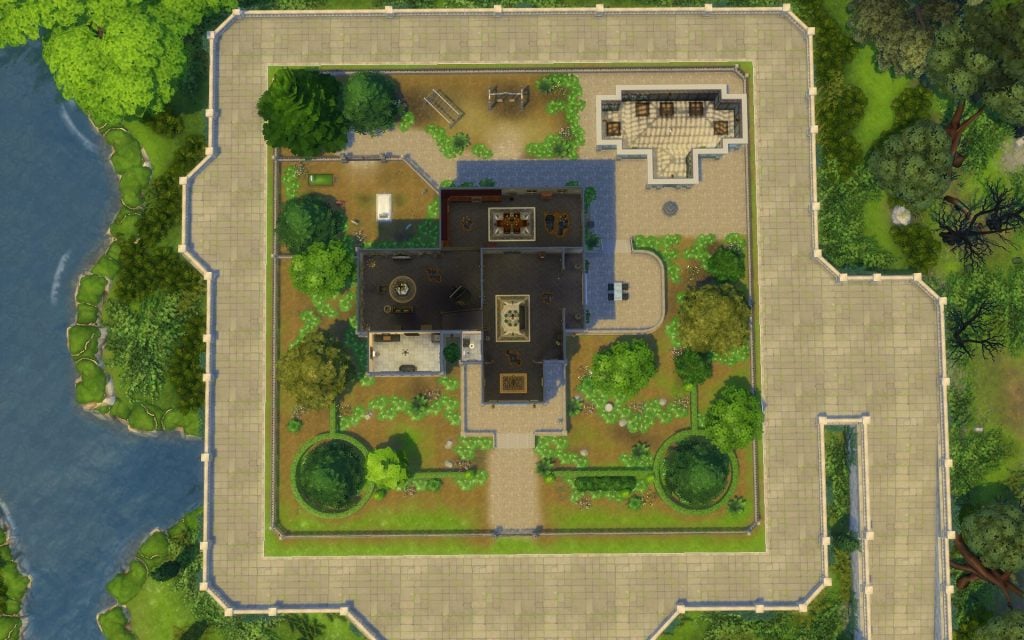
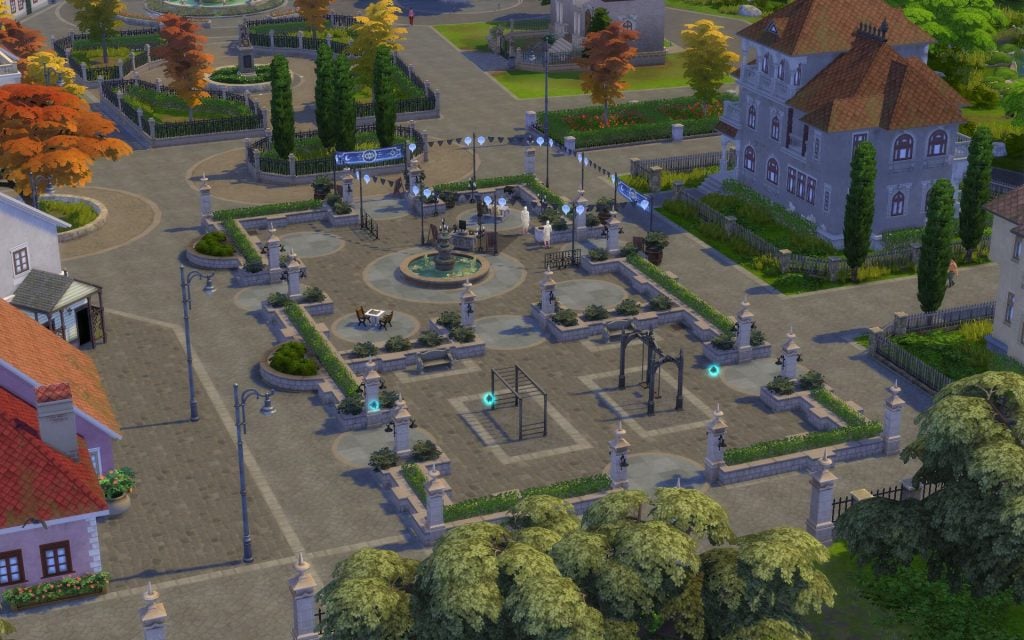
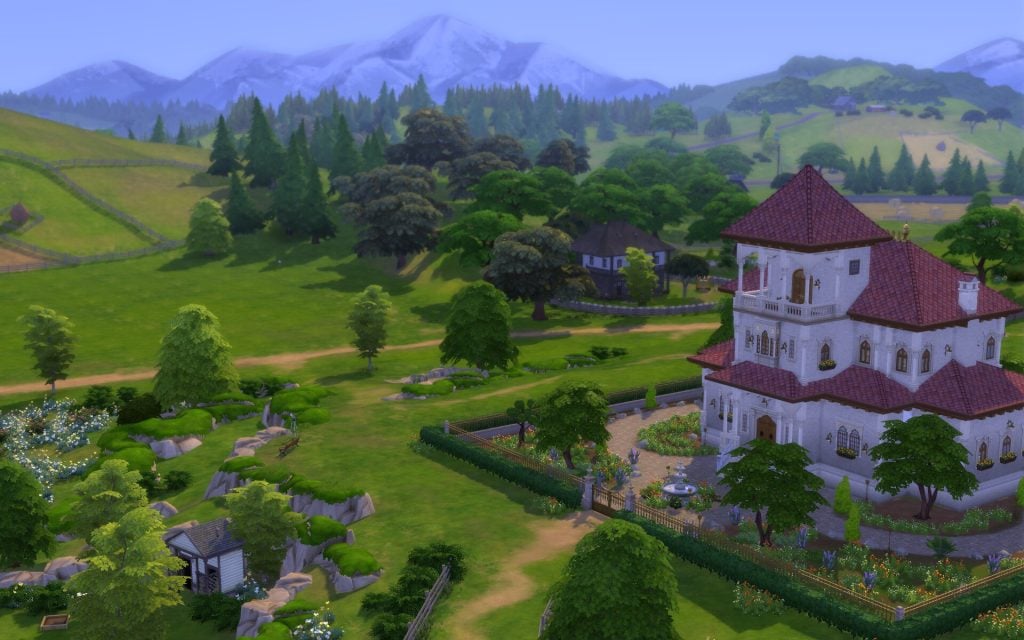
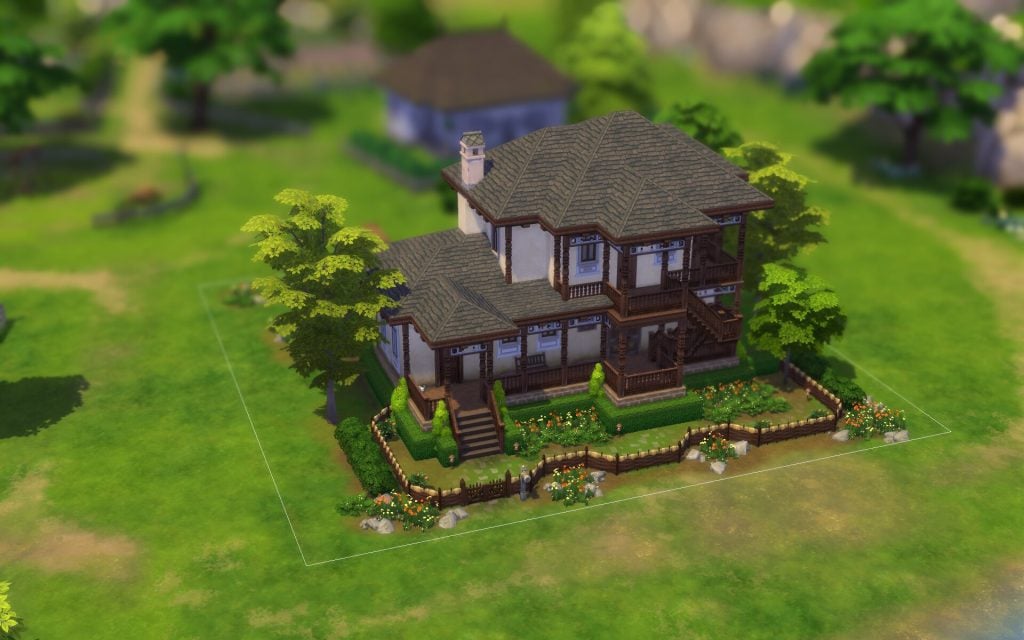
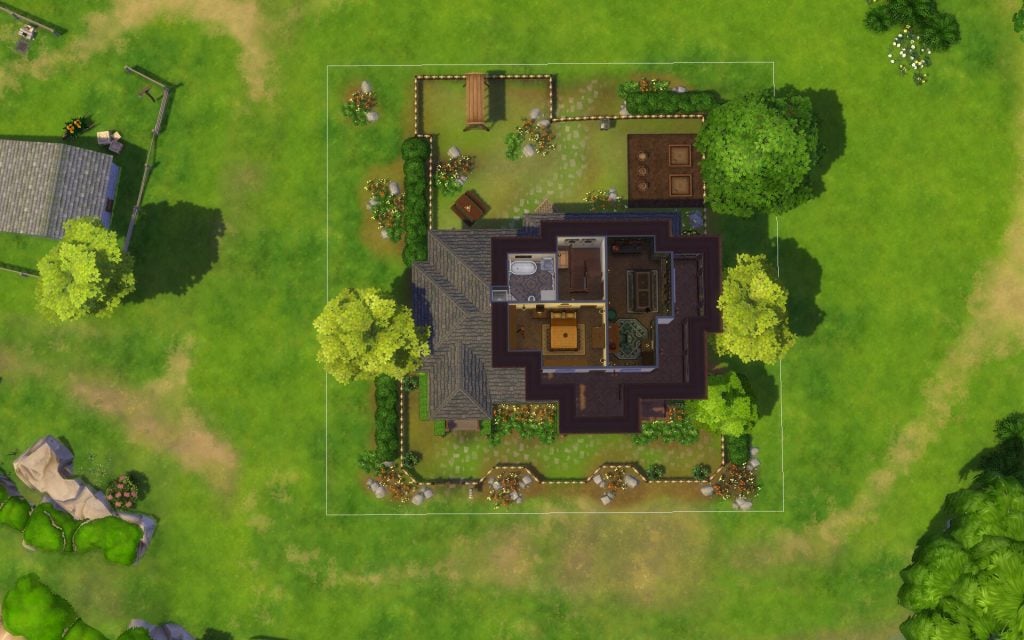
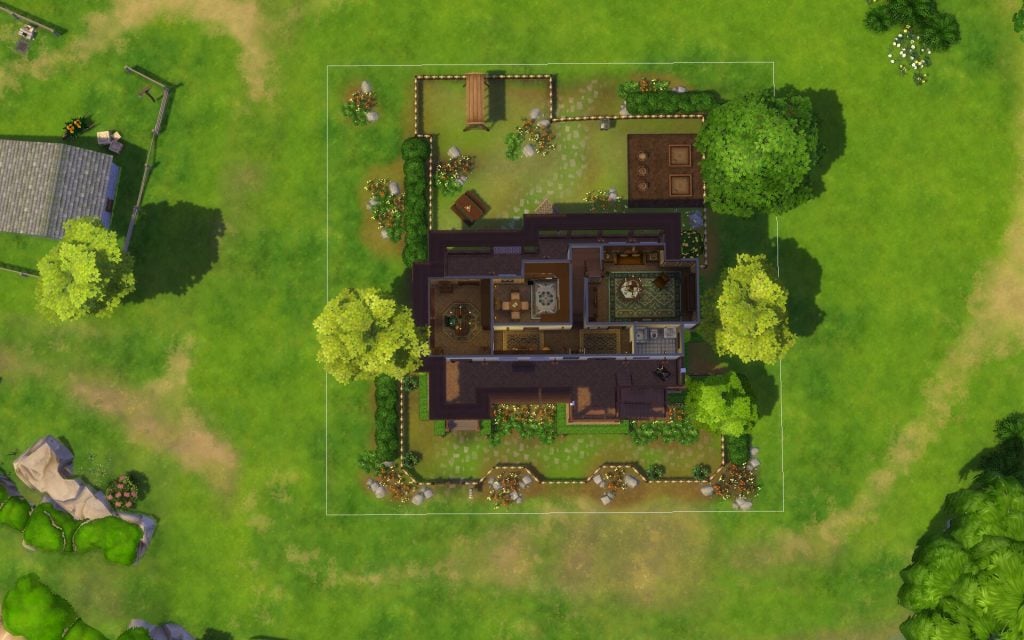
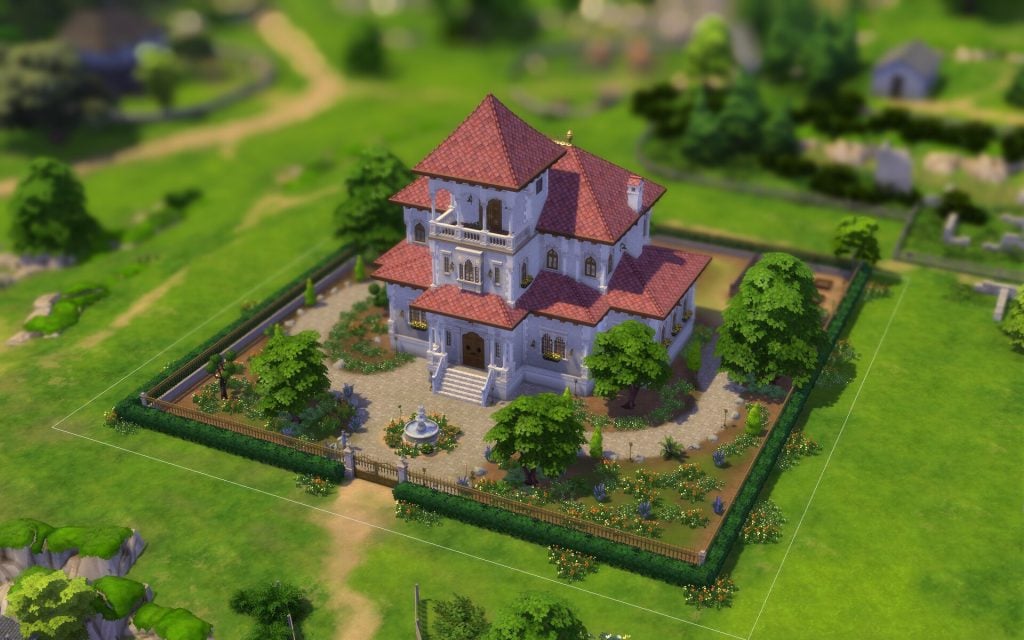
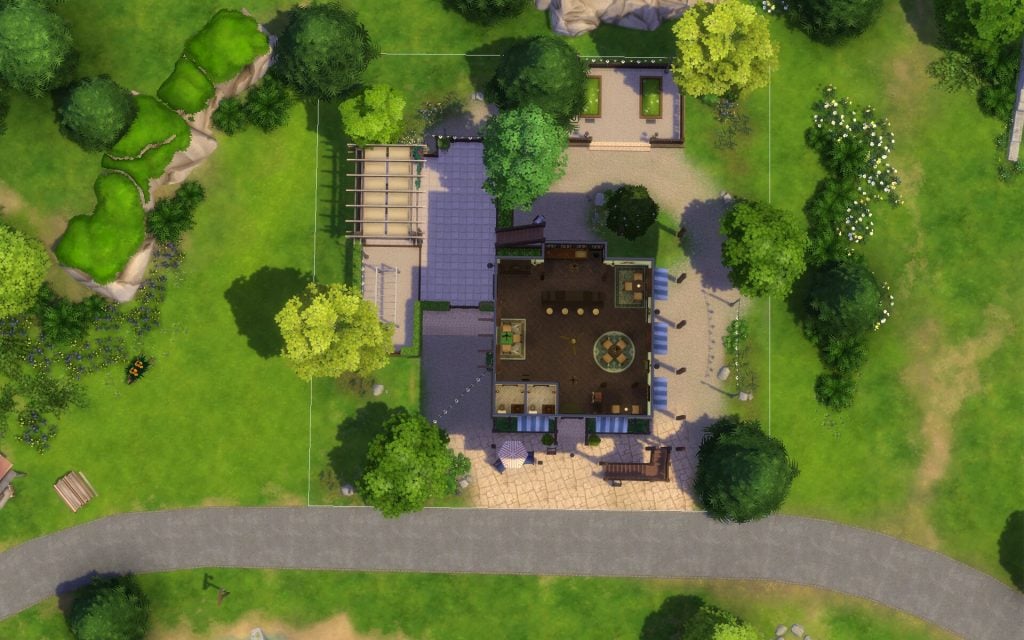
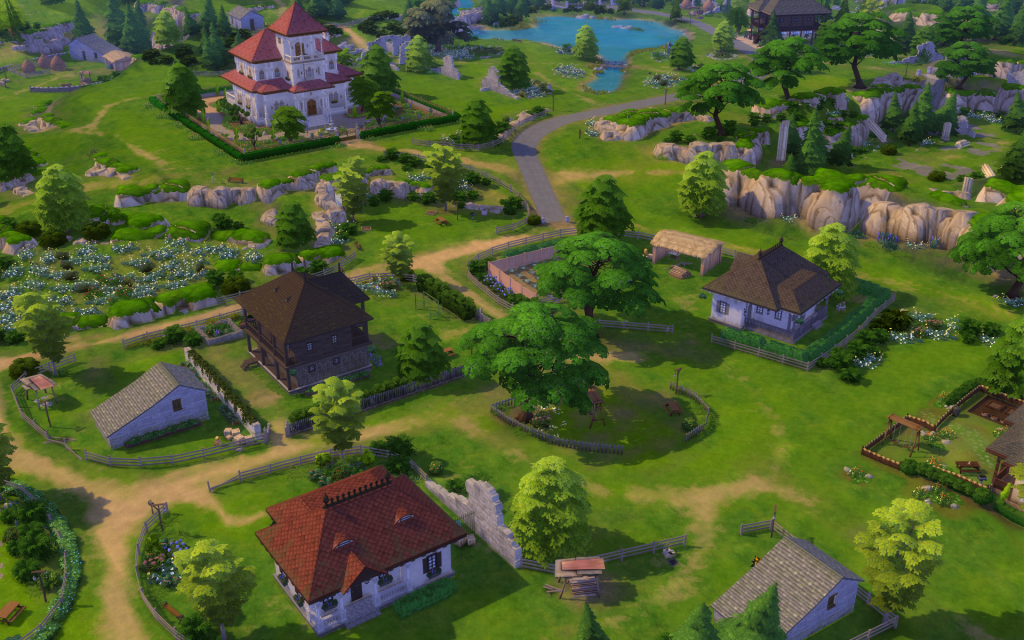
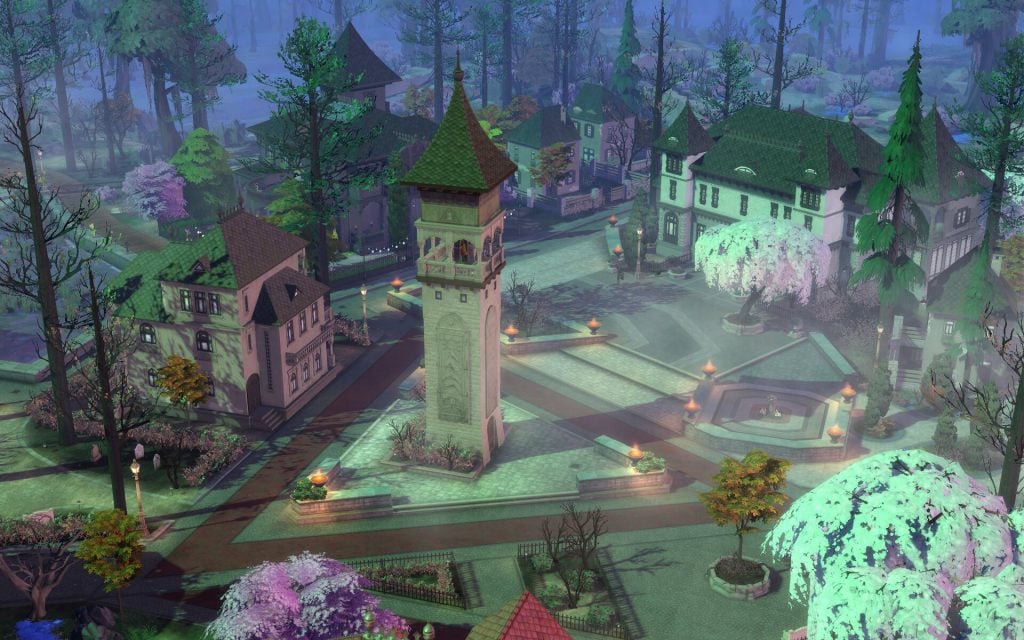
Crow’s Crossing is the centre of Ravenwood, and is mostly built inspired by the Romanian medieval town. It have 5 lots that are surrounded by nature and trees in pretty autumn colors. This town is full of history, with many features your Sim can interact with and read about. The buildings are old and unique, and they feel like they have been there forever, each holding its own stories.
Lots & Lot Sizes
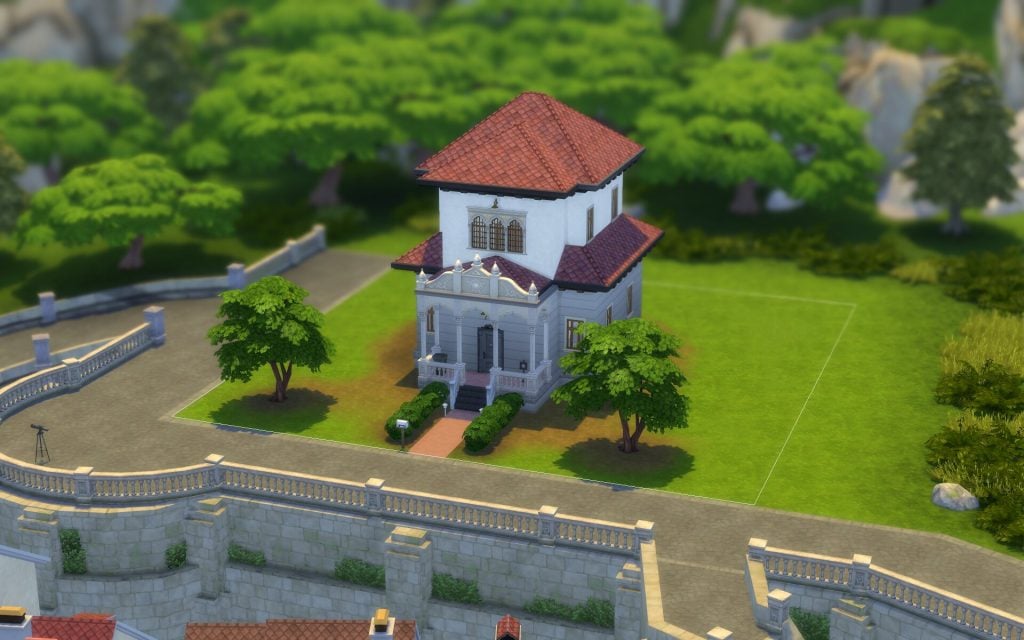
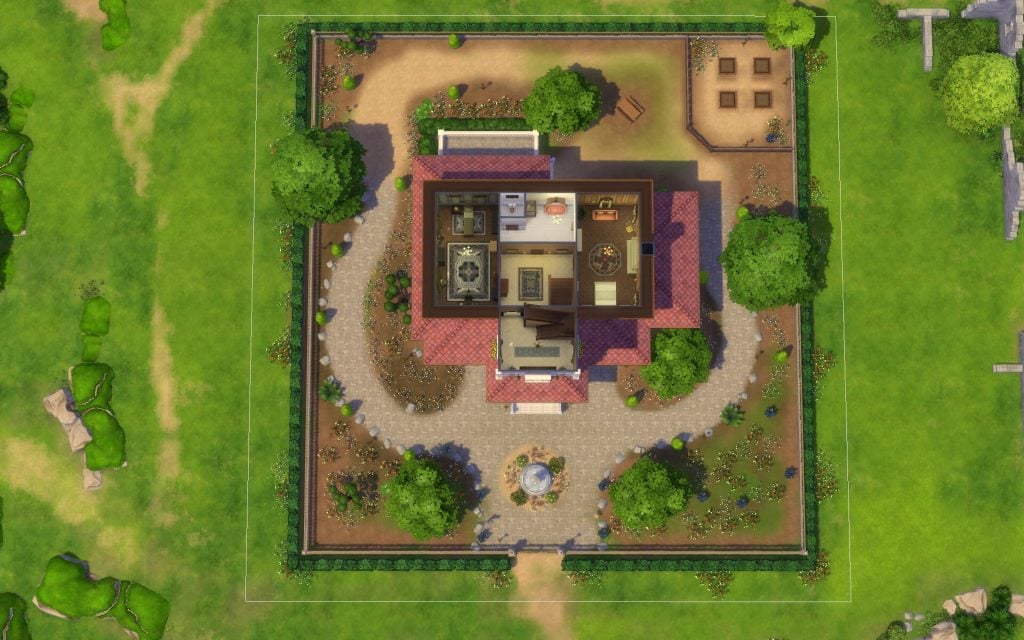
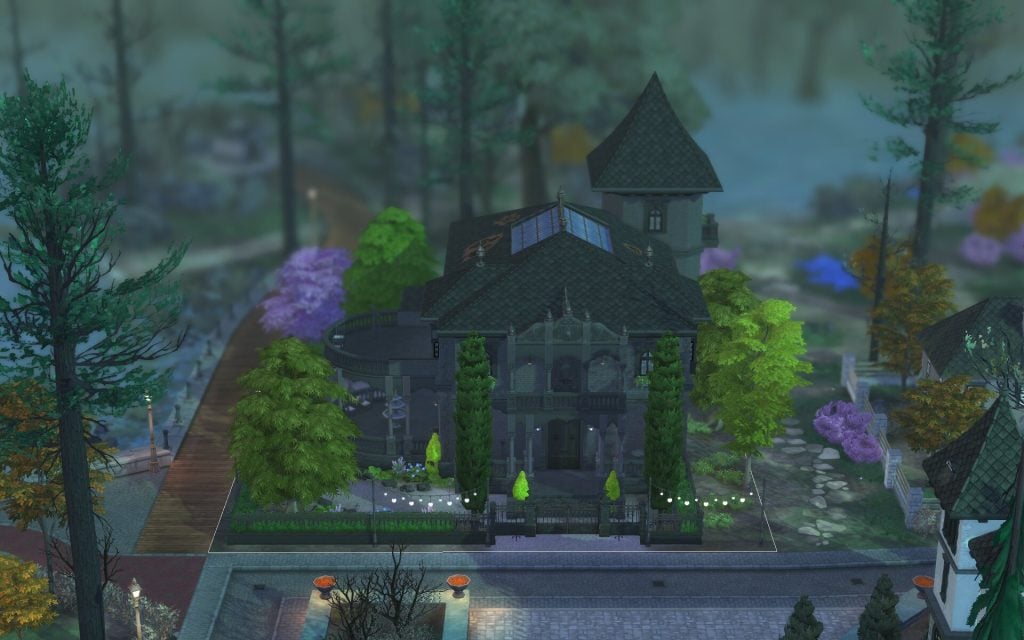
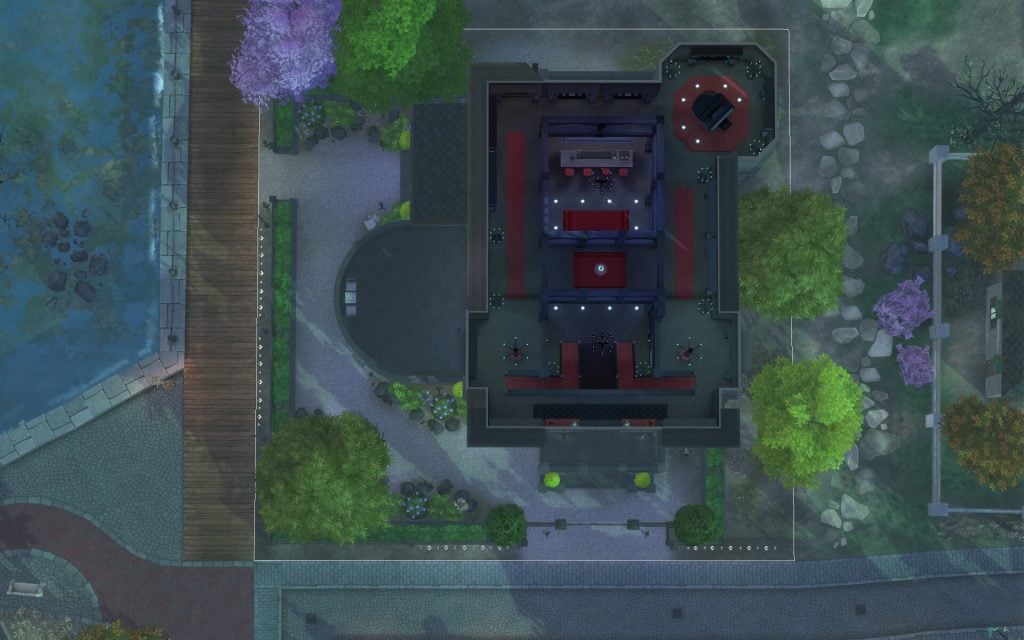
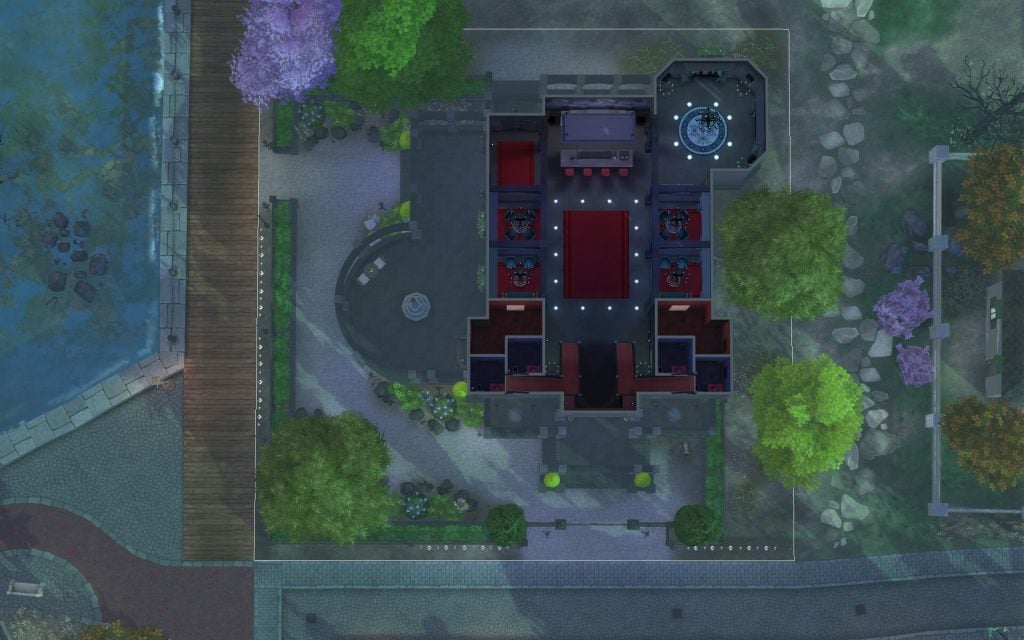
Specter Family Manor
Crow’s Perch
Old Ravenwood Estate
Moppy Manor
Eternal Hollow
Specter Family Manor
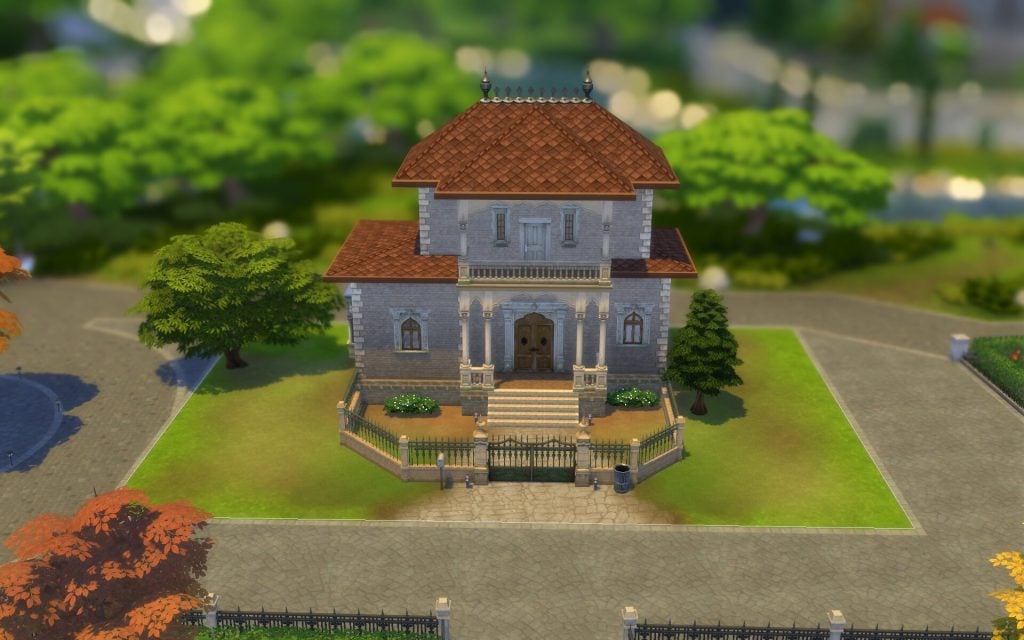
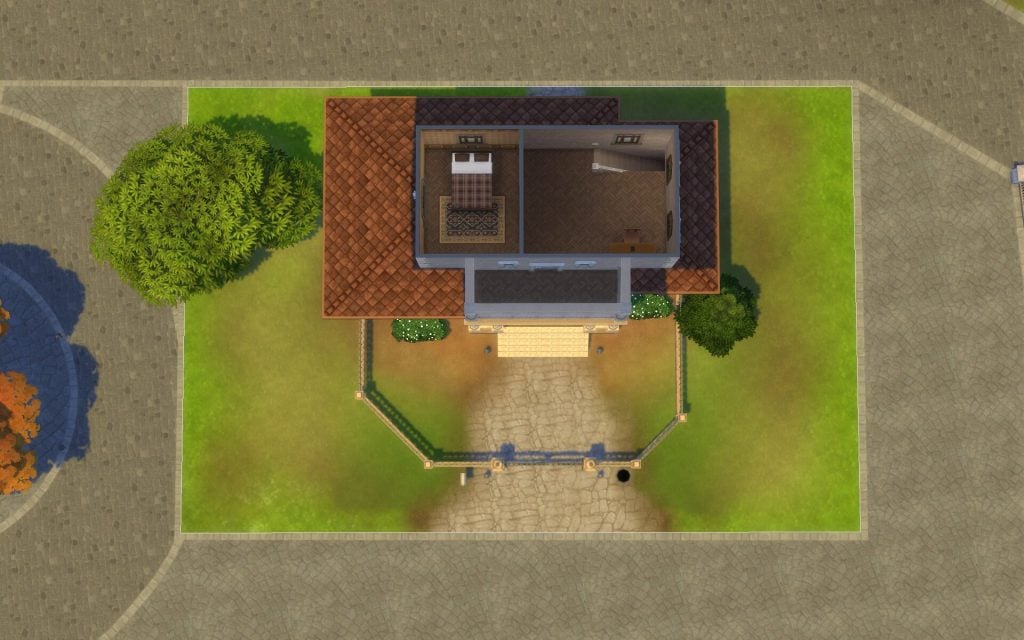
For decades, this home has housed the Specter family, but now its history is closely tied to Olive Specter, a widow many times over. This house, sits almost like a crow on its perch watching the Specter cemetery below and waiting for yet another skeleton to join the closet. (Or in this house’s case, maybe the basement…)
Residential Residents: Specter Family Household 30 x 20 §104, 793 Lot Traits: On Hallowed Grounds Designed by Sofythesim
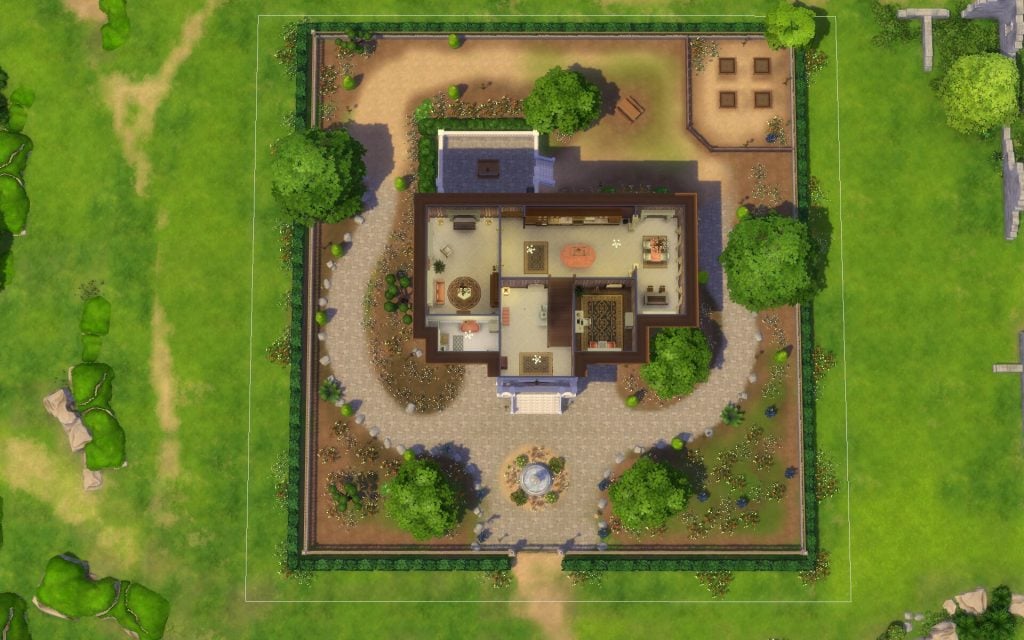
Crow’s Perch
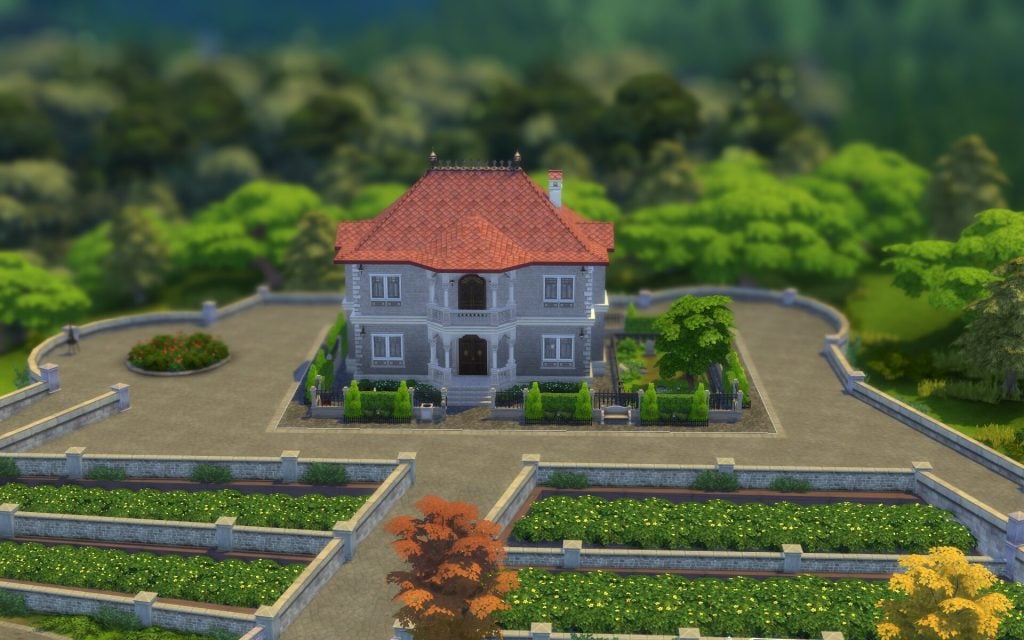
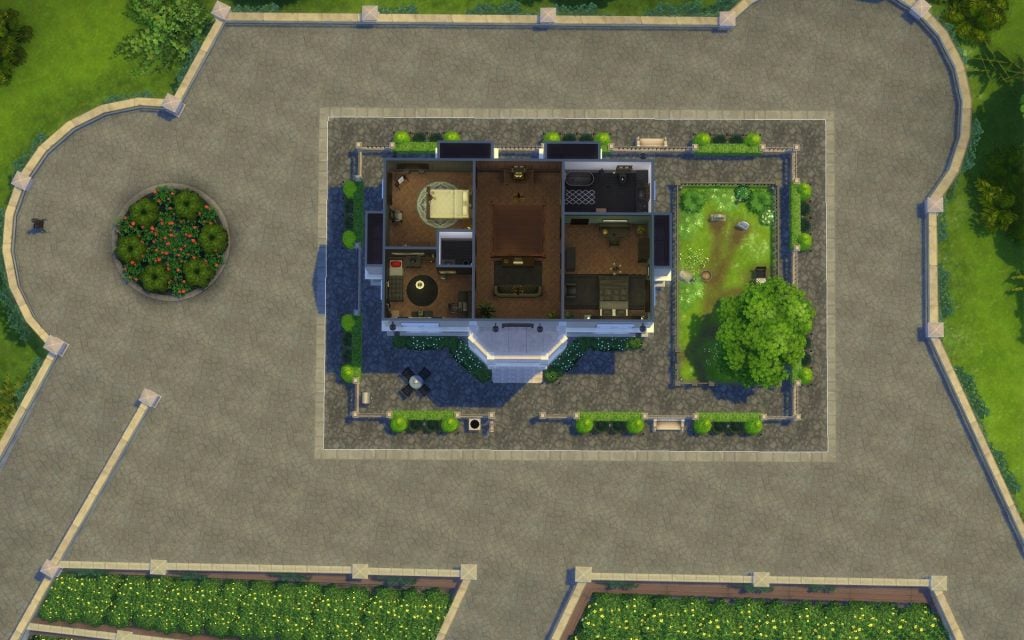
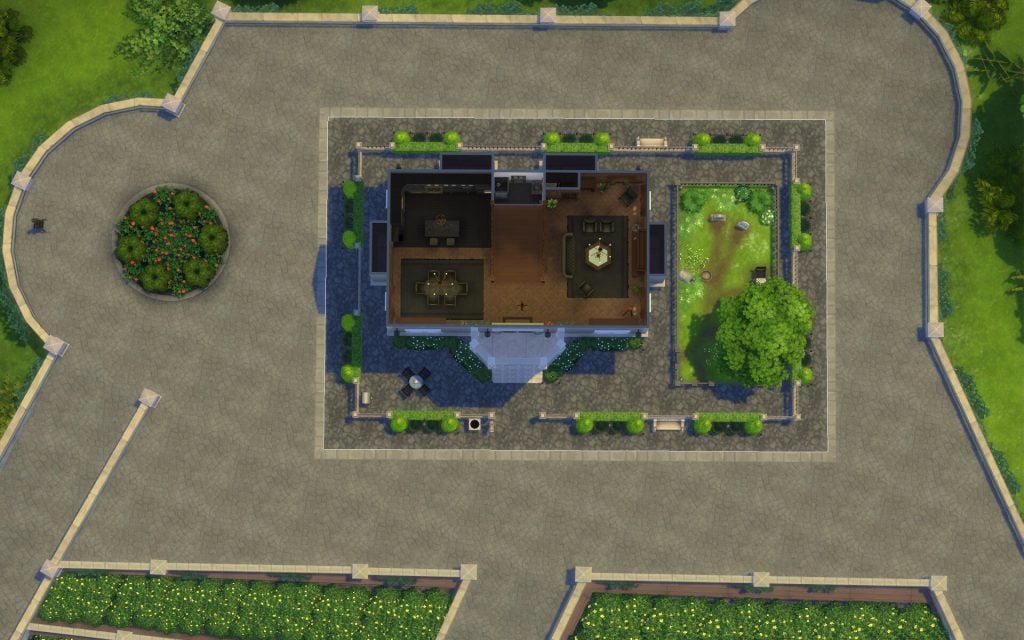
Nestled at the highest vantage in the village, this historic building is the perfect home for any family hoping to get the full Ravenwood experience. Head down to the village square to enjoy any of the three local festivals, explore the abandoned houses, or stop by the haunted playground and introduce the kids to Freddy, everyone’s favorite specter.
Residential 30 x 30 §23, 399 Designed by Kate Emerald
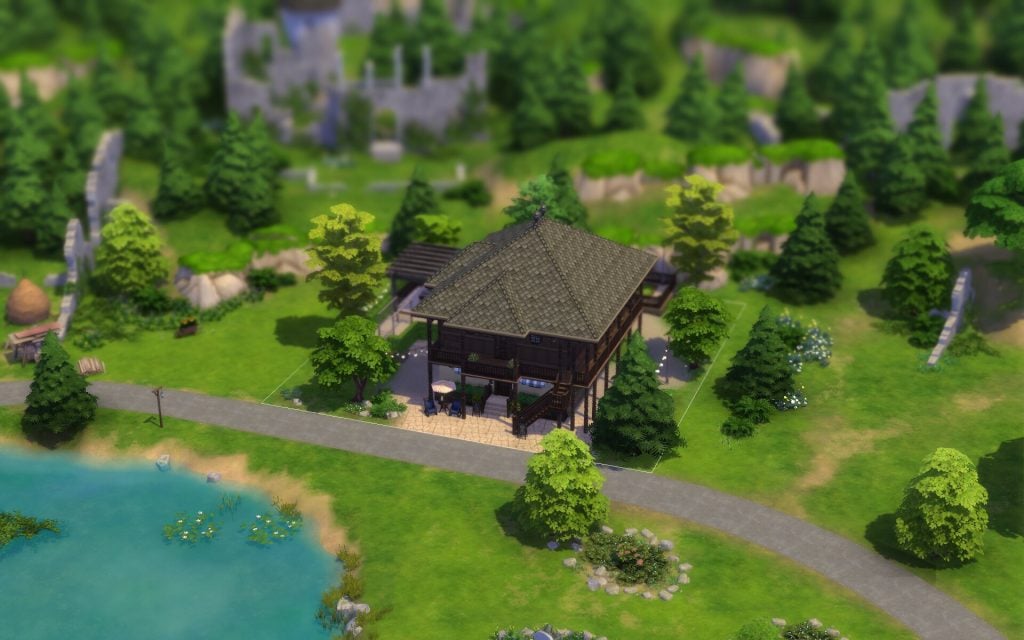
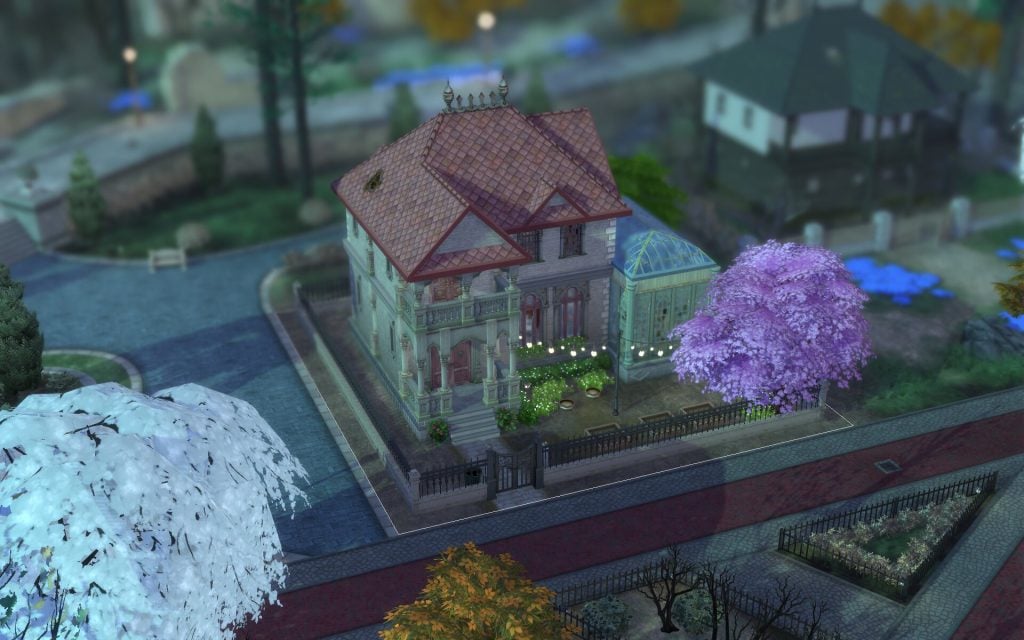
Old Ravenwood Estate
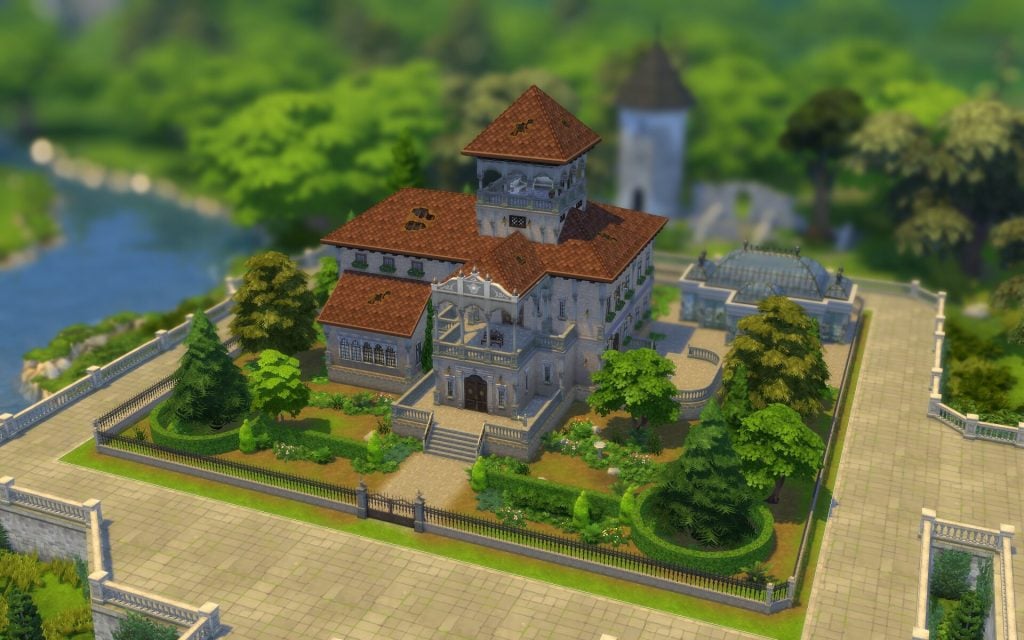
Everyone in Ravenwood knows about old Ravenwood Estate. It’s one of the oldest buildings in the village, though it’s been vacant for years. Locals whisper about its regal but oddly overbearing presence, the once fastidiously-tended garden turned wild, and the lovely abandoned greenhouse on the estate’s grounds. Rumor has it this was once the summer home of a powerful Spellcaster and Tarot reader long ago. If a Sim comes along who can get past the flickering lights, foreboding sounds, and other inexplicable happenings inside, they’ll have quite the fixer-upper…
Residential 50 x 50 §200, 434 Lot Traits: On Hallowed Grounds Designed by Kate Emerald
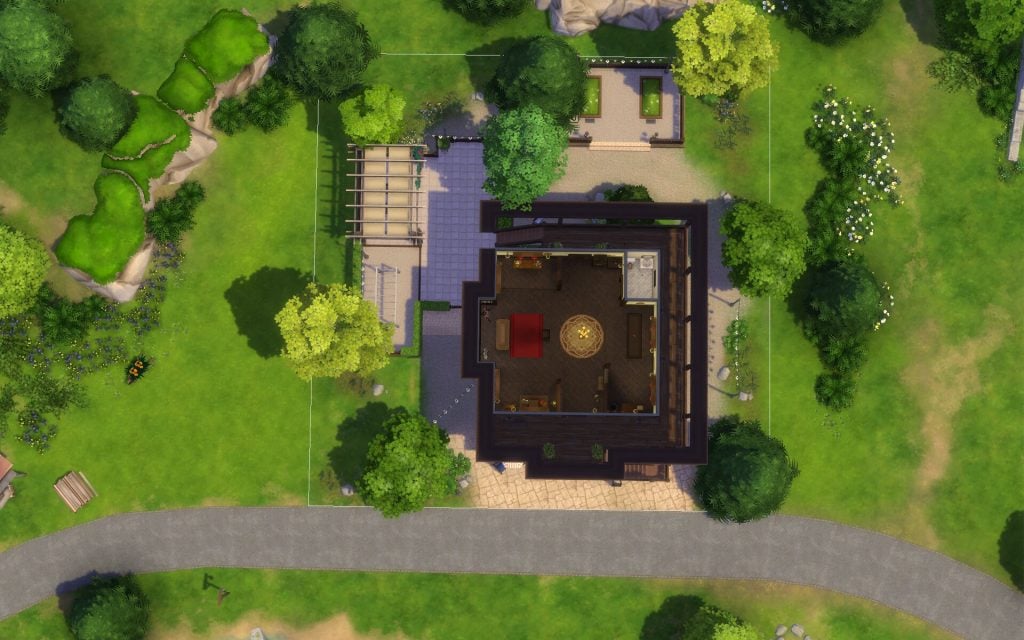
Moppy Manor
Another Ravenwood historical building that boasts a fascinating past. This home was originally built for Moppy. Yes, the goat. It’s now vacant and the perfect home for any Sim moving to the region. There’s lots to do and plenty of goat-laden architecture to ponder. Just don’t be too unsettled if the Moppy statue’s eyes glow at night…or if lights start flickering in the abandoned houses next door. It’s all part of the aesthetic.
Residential 30 x 20 §19, 147 Designed by Create4Sims
Eternal Hollow
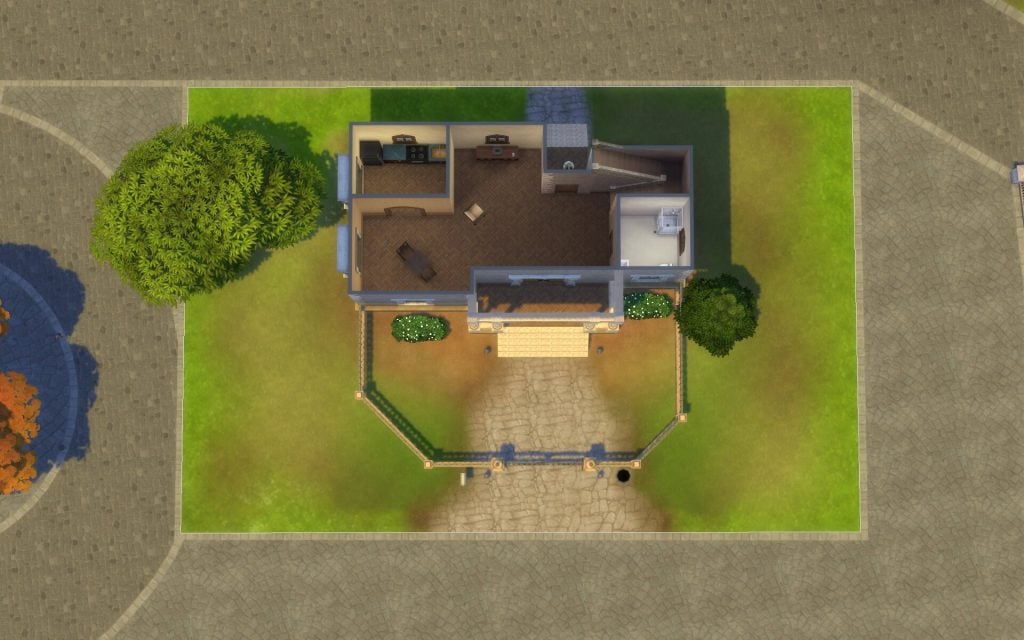
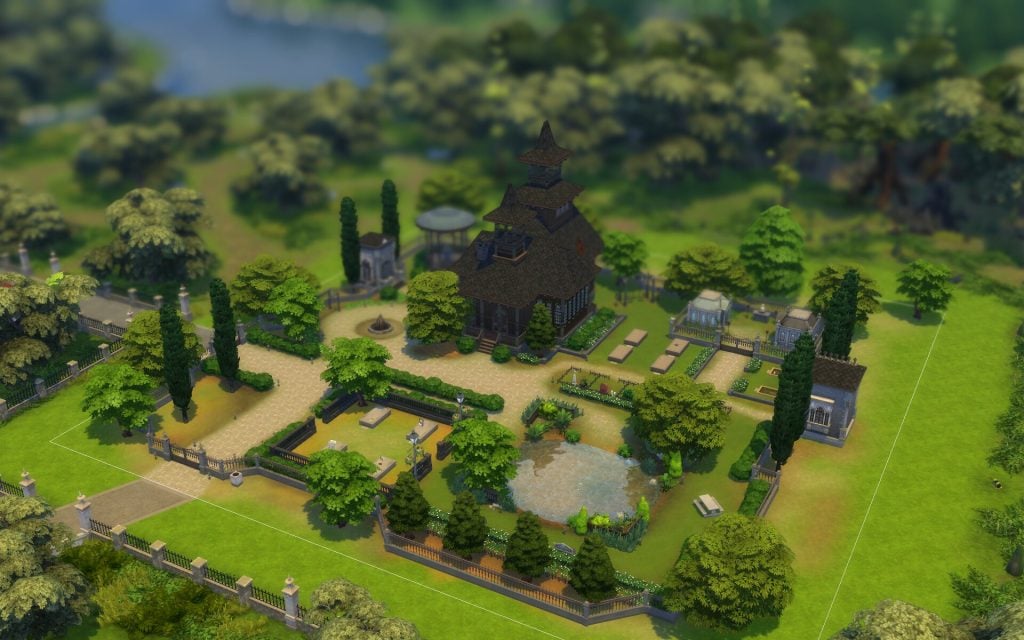
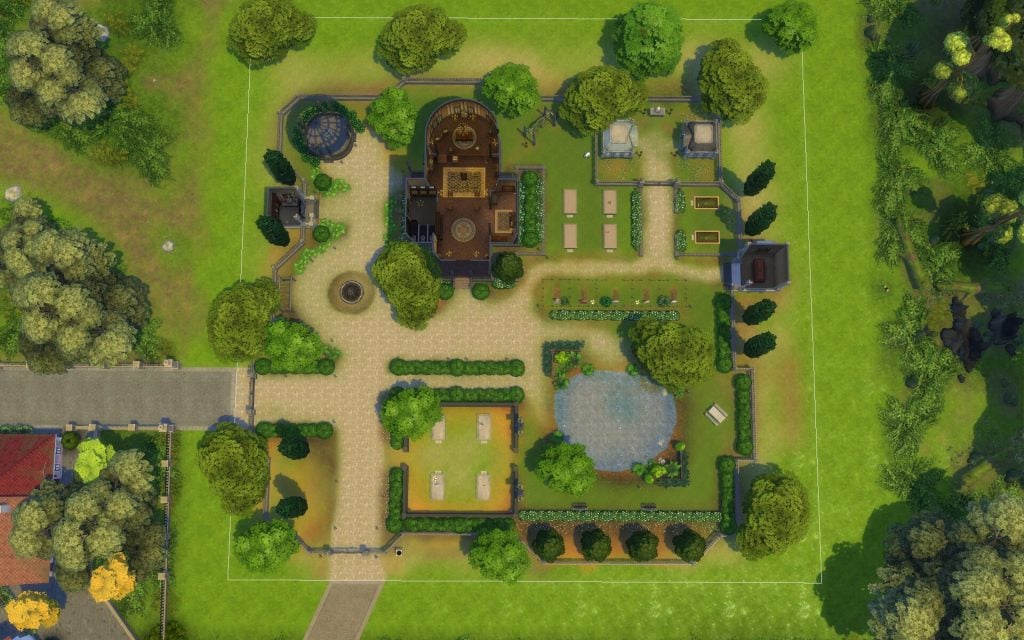
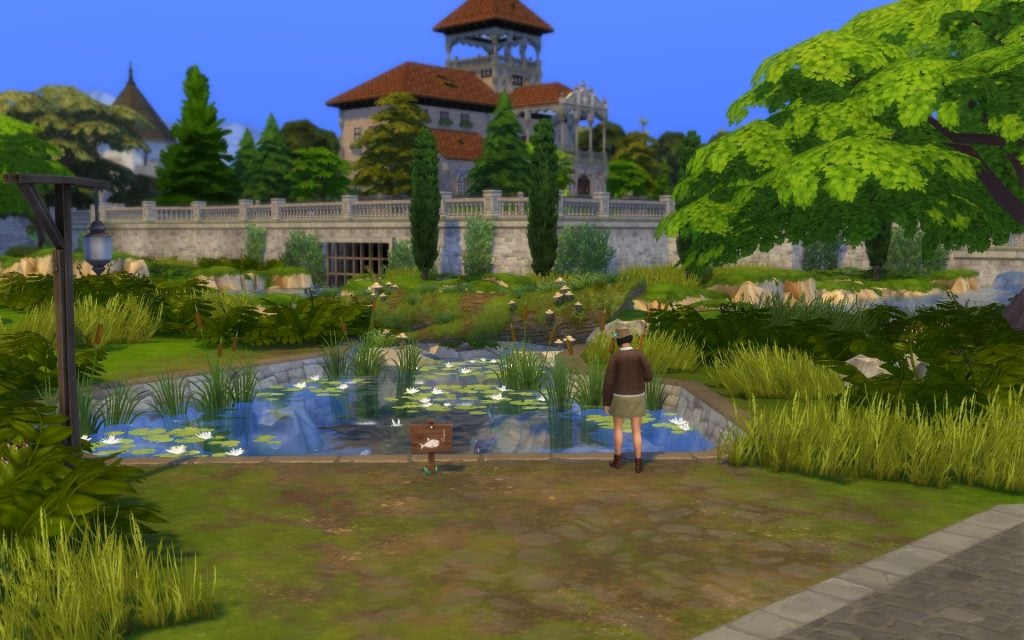
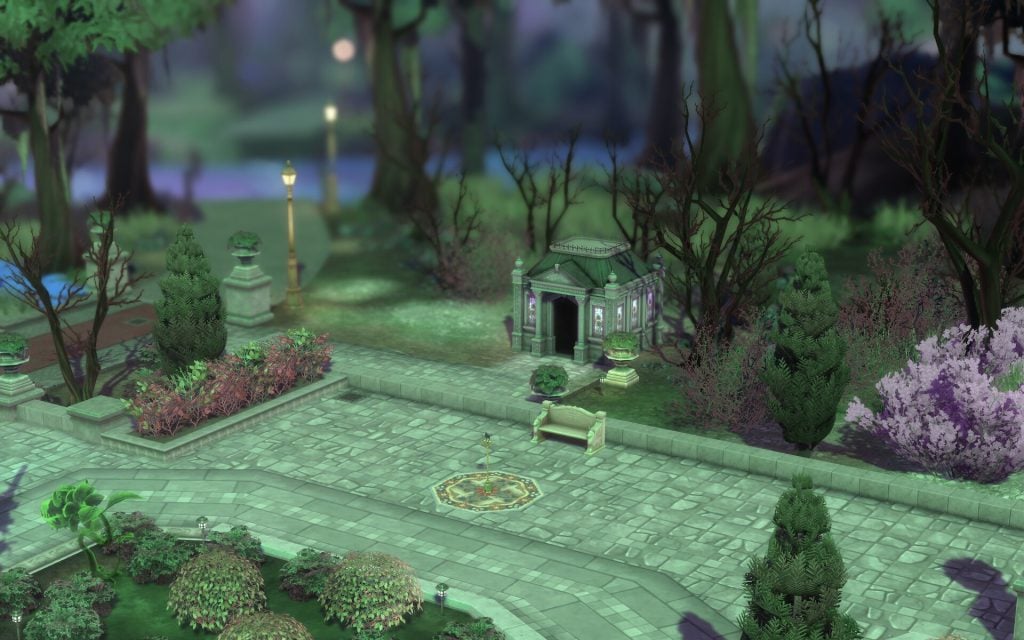
Eternal Hollow is Ravenwood’s primary Cemetery. The main building is an intimate locale to say goodbye to the recently passed, and with plenty of graves and crypts still open, it’ll continue to be a popular location for burials for years to come. Locals to Ravenwood know Eternal Hollow’s pond is also one of the better places to find a Death Frog or the rare Bonefish. Whether a Sim is spending their forever here or just visiting, they will certainly feel at home in Eternal Hollow.
Cemetery 64 x 64 §106, 140 Designed by Create4Sims
Points of Interest
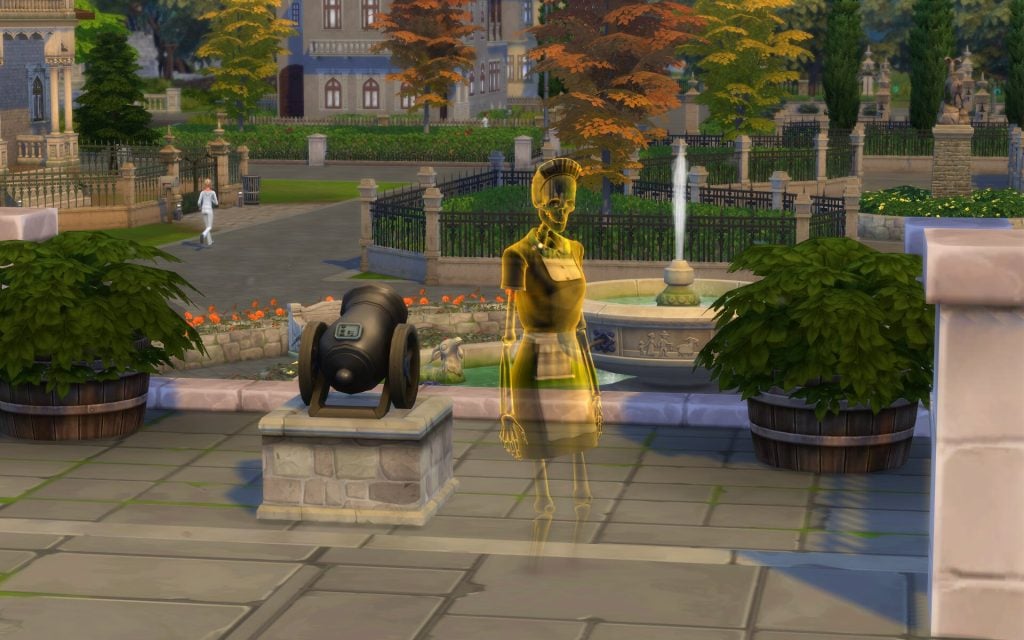
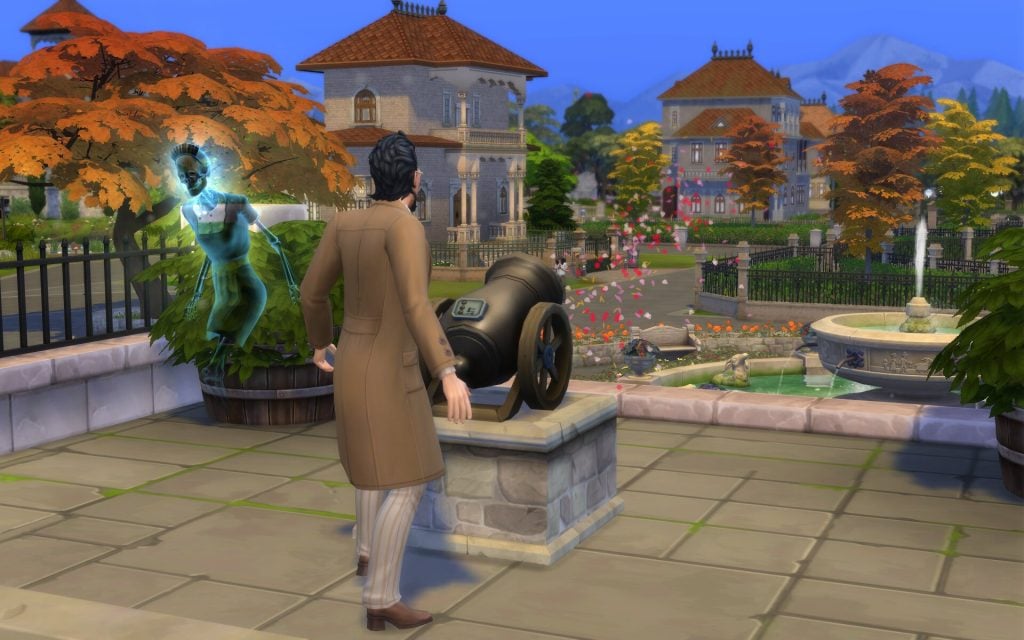
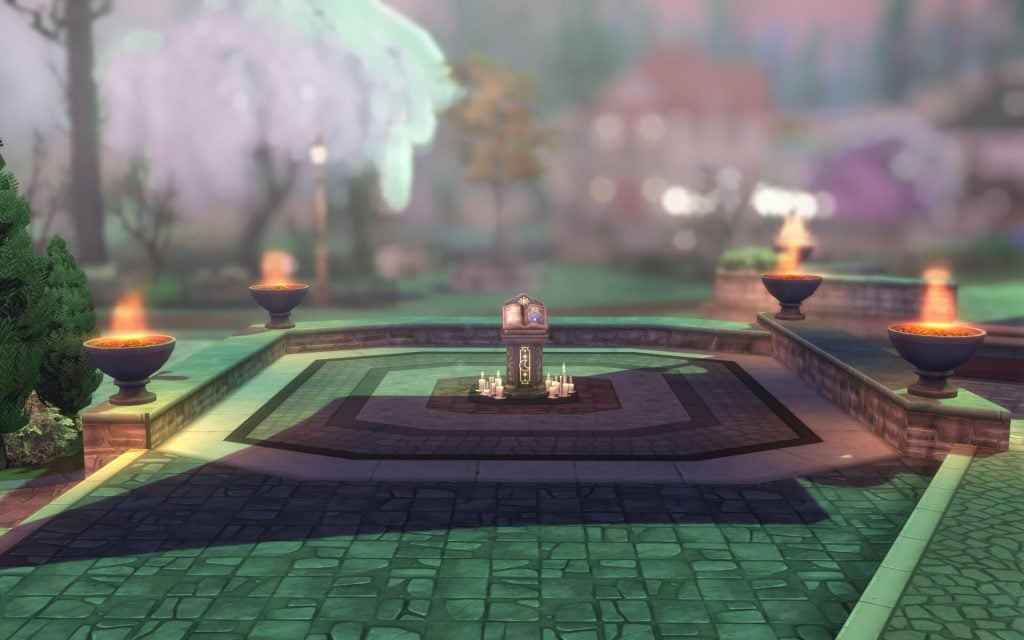
The center of Ravenwood offers a lot of things to do. The town square hosts the local festivals, including Try Before You Die Casket Sale, Crow’s Crossing Celebration of Life, and Ravenwood Family Day. Behind the large fountain, you will find Town Hall, where you can write your will and read about ancient archives. And outside the Town Hall you can light a memorial Cannon. Next to the town square, you can explore two abandoned houses and learn more about the town’s ghostly history.
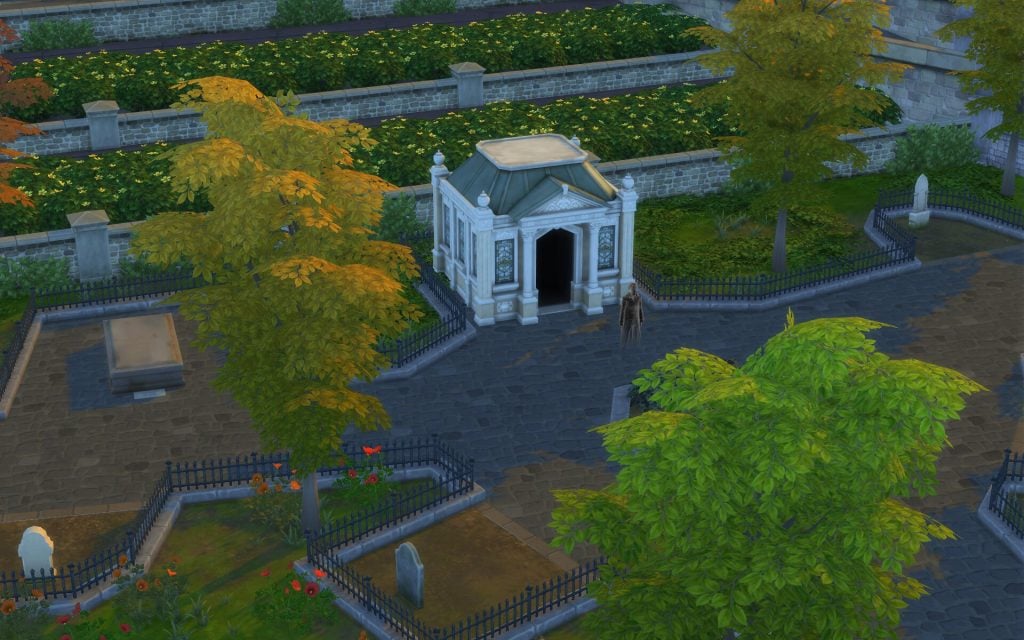
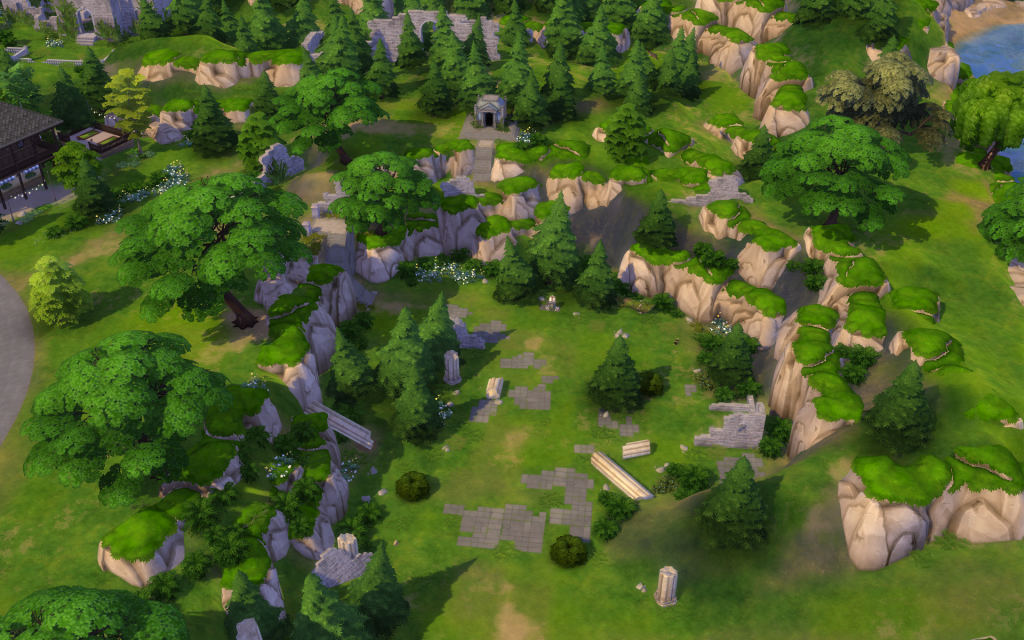
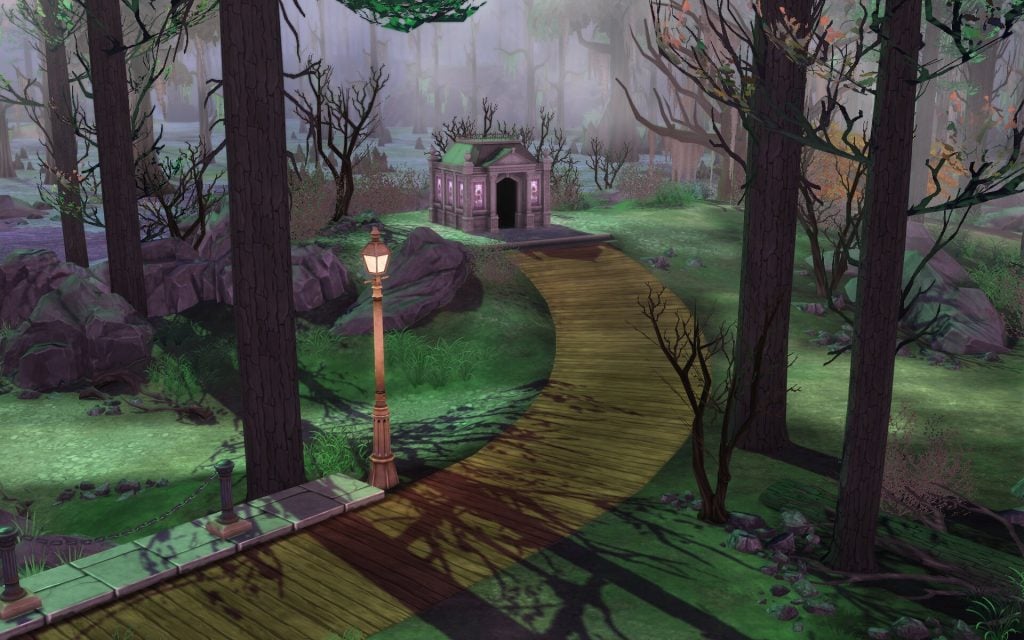
In the town square small blue ghosts called Specter spawns, and they can help your Sim with grieving or finding a quest. Just outside the town, you can find a wishing well surrounded by dead trees. A child ghost named Edith hangs around there, and she is not in the best mood. Finally, near the Specter Family Manor, you can explore the Crypt of Eternity and discover what lies in the underground crypts.
Fishing Spots & Collectables
Fishing Spots:
The is one fishing spot next to the town square close to the Town Hall
Collection:
The Tarot Tome Shrine a bit outside the town square as well where you will be able to start collecting the Tarot Collection.
Epitaph/Tombstone:
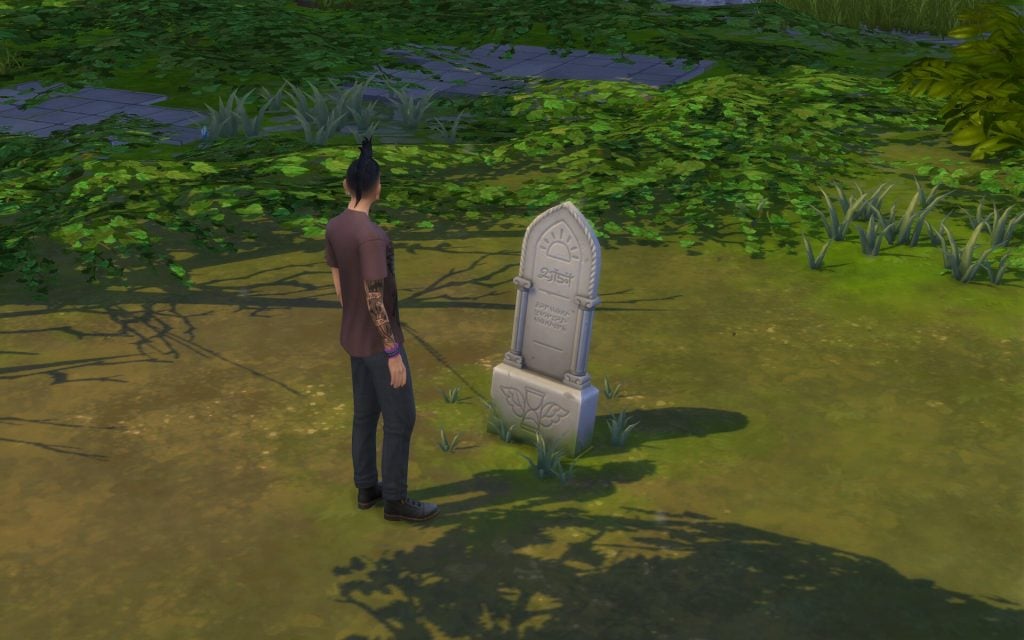
Around town there are epitaphs, you can read history about the ghosts that are resting there
Other:
There is four frog collection spots, one next to the fishing sport, another close to the tarot tome shrine, and the last two are next to the wishing well
Two Digs spots close to Tarot Tome Shrine
District: Whispering Glen
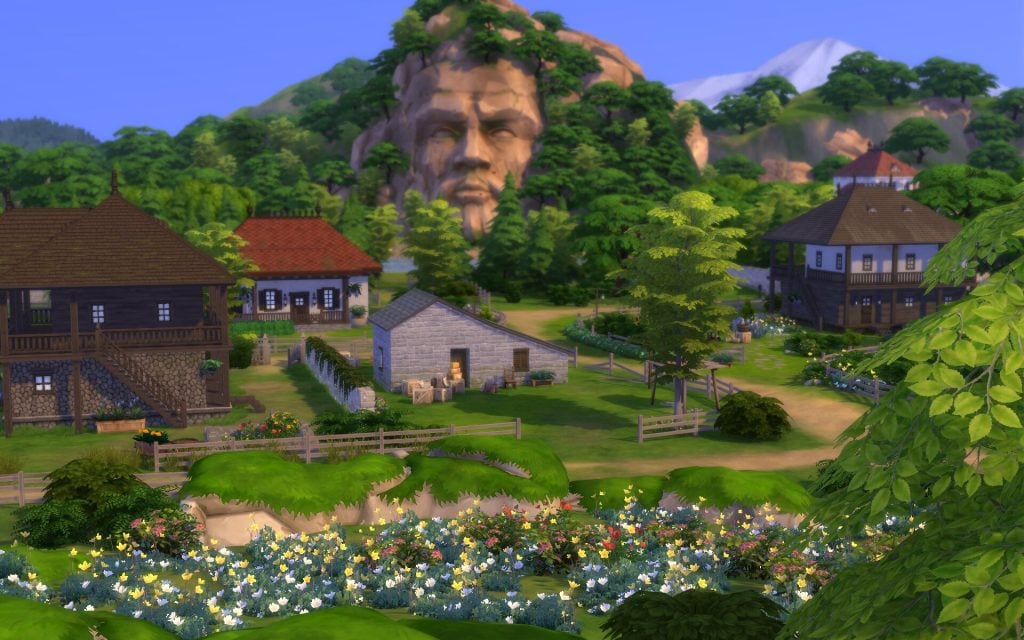
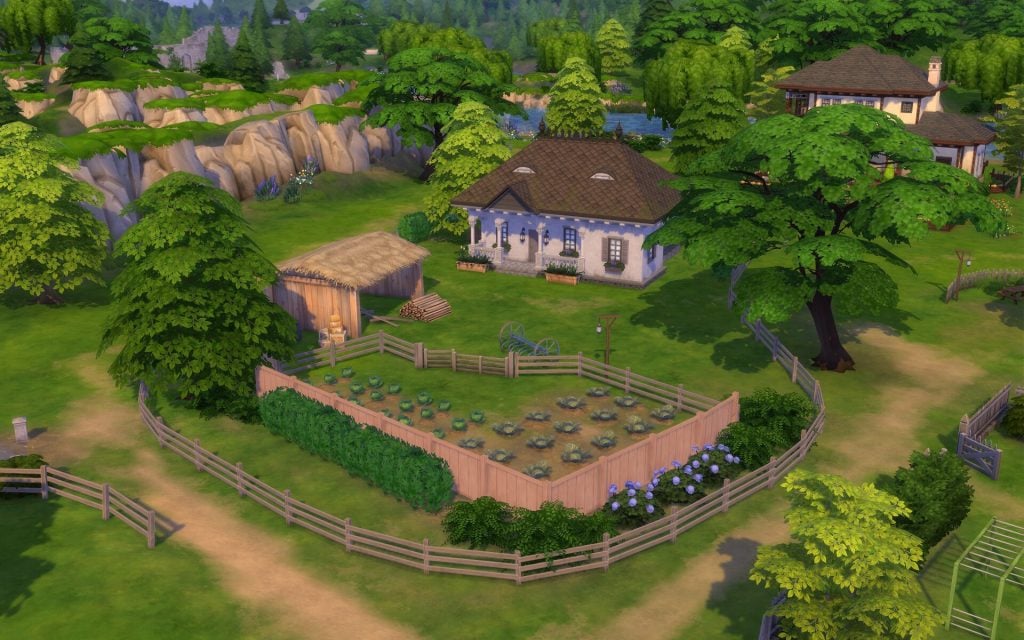
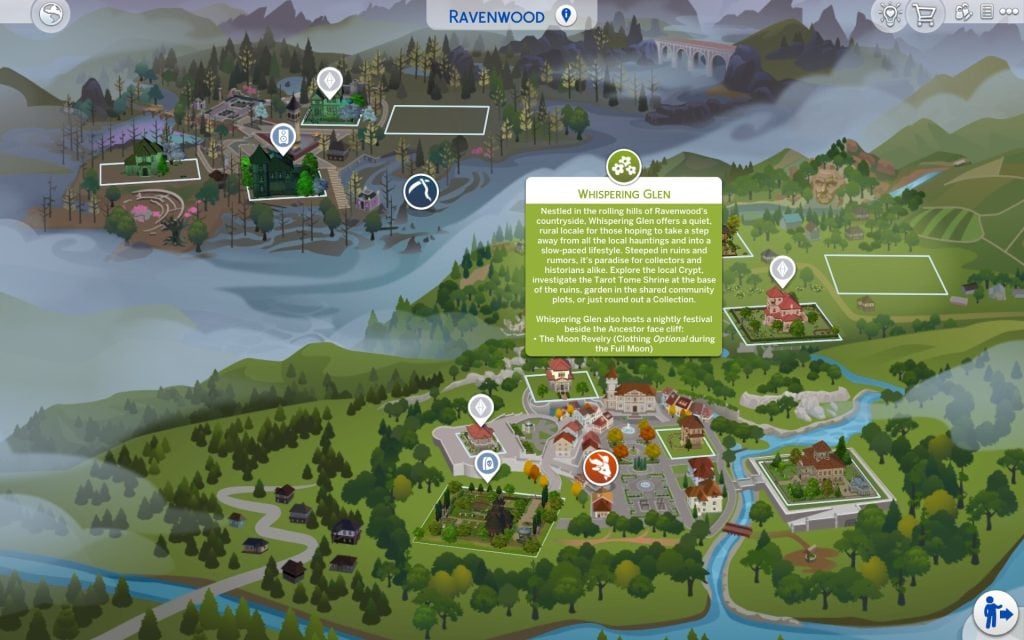
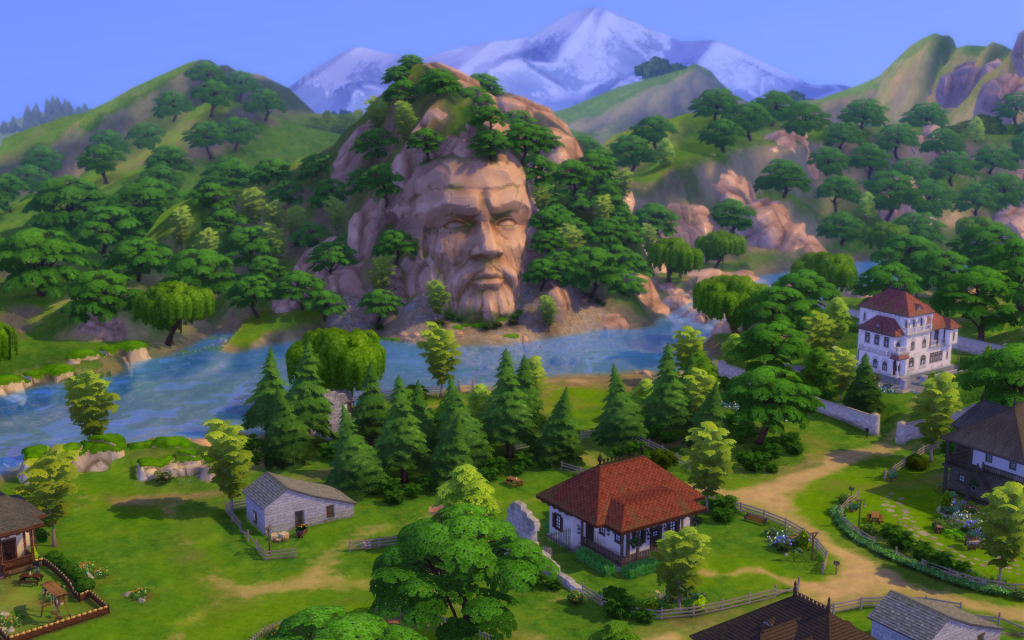
Nestled in the rolling hills of Ravenwood’s countryside, Whispering Glen offers a quiet, rural locale for those hoping to take a step away from all the local hauntings and into a slow-paced lifestyle. Steeped in ruins and rumors, it’s paradise for collectors and historians alike. Explore the local Crypt, investigate the Tarot Tome Shrine at the base of the ruins, garden in the shared community plots, or just round out a Collection. Whispering Glen also hosts a nightly festival beside the Ancestor face cliff: – The Moon Revelry (Clothing Optional during the Full Moon).
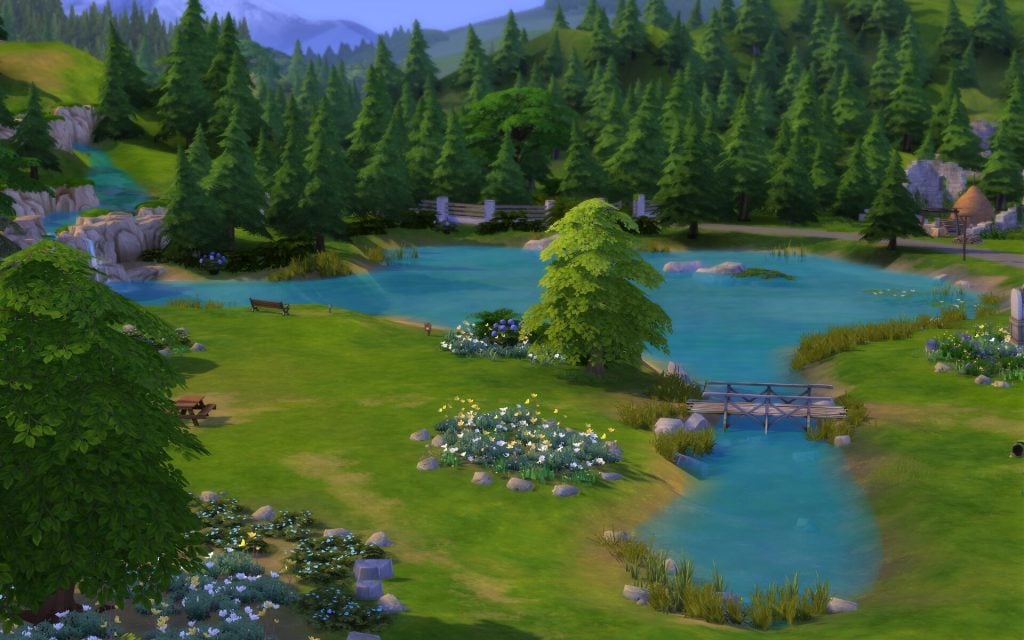
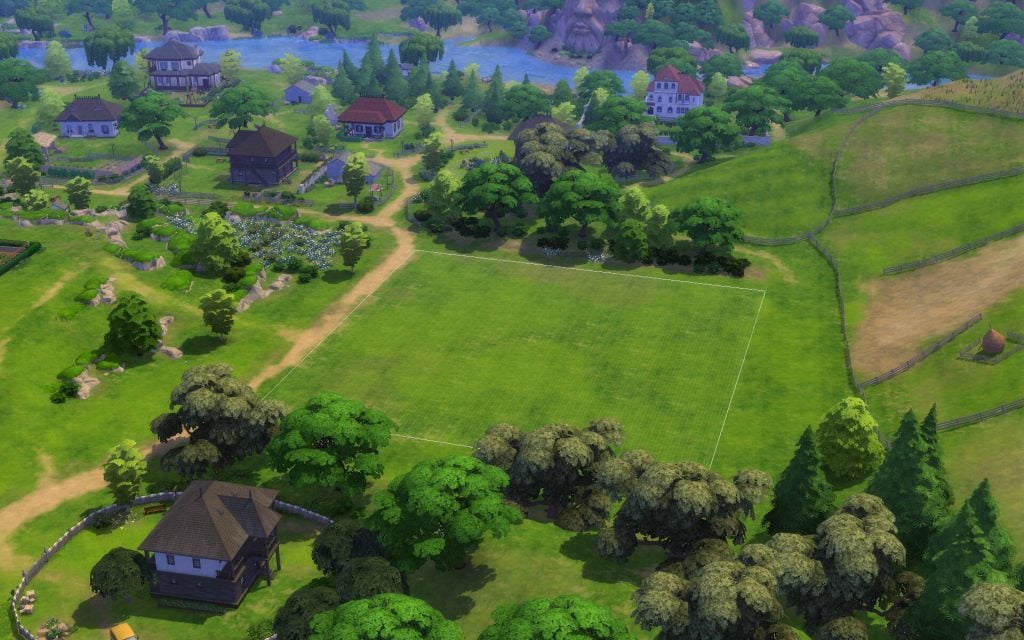
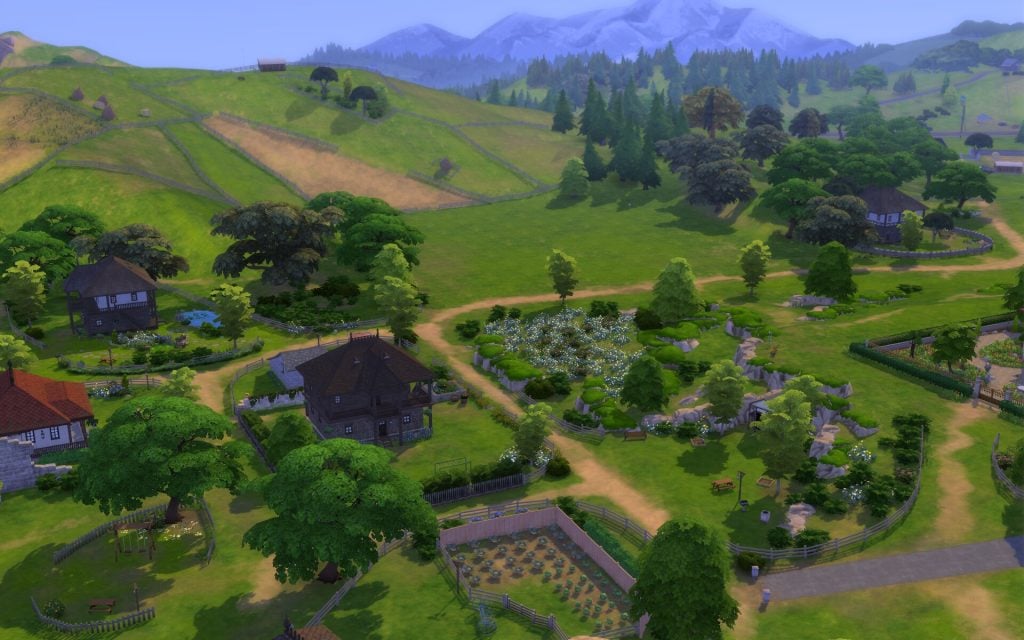
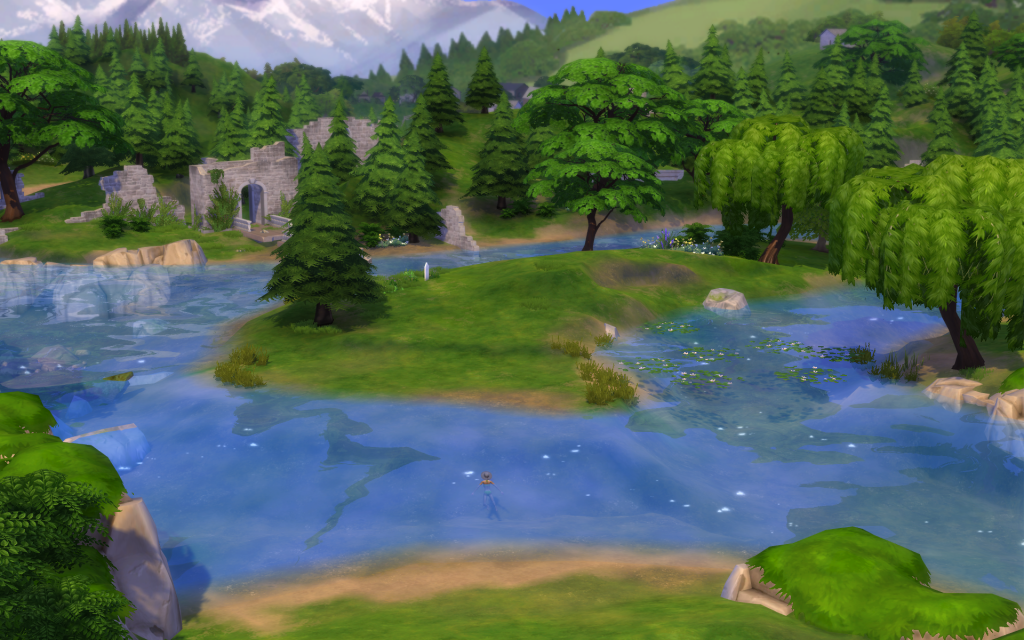
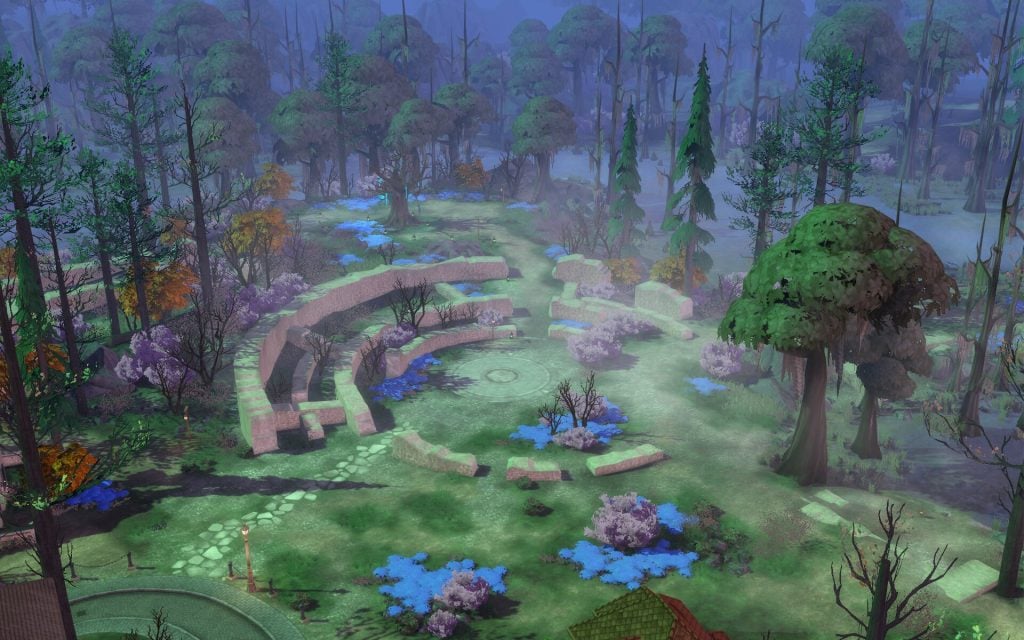
Whispering Glen is a neighborhood in the peaceful countryside. It has four lots next to the meadows and a river where your Sim can take a nice swim. Their is also ruins to explore. The buildings have an old, ancient style that feels warm and welcoming. It is the perfect place for a family to start their own cozy legacy away from the afterlife (almost).
Lots & Lot Sizes
Teardrop Cottage
The Marigold Chateau
The Final Draught
Hay Hill Landing
Teardrop Cottage
This large family cottage is perfectly situated on the river’s shores, under the watchful gaze of the Ancestor. It’s only a hop, skip, and a jump away from the nightly Moon Revelry festival as well! If that doesn’t sell it, the wrap-around porch is the perfect reminder that sometimes it’s good to slow down and enjoy the small things in life.
Residential Residents: Gomes Family Household 30 x 30 §84, 917 Lot Traits: Great Acoustics, Bracing Breezes Designed by Create4Sims
The Marigold Chateau
This rustic chateau has existed in its rolling countryside setting for over a century now. When the Aethers moved in it was renovated, and it’s clear someone really liked the color pink. In a region that so often celebrates the Macabre, the wildflower gardens outside provide a cheery place to celebrate life in its many forms.
Residential Residents: Aether Family Household 50 x 50 §155, 117 Lot Traits: Convivial Designed by Kate Emerald
The Final Draught
The Final Draught is a cozy establishment, welcoming all beings. The Draught’s regulars come for the dimmed lighting, comfortable seating, and gentle tunes. However, the upstairs is often host to private events—most commonly, events for those saying goodbye to their loved ones. This is Ravenwood, after all!
This empty plot of land, nestled amongst pastoral, rolling hills, is the perfect locale for Sims aspiring to live a simplistic, rural life. A family living here will find themselves just down the old dirt lane from their neighbors and always under the ever-watchful gaze of the Ancestor across the river.
Residential 64 x 64 §9, 000 Lot Traits: Natural Light, Homey
Points of Interest
In this neighbourhood you’ll find another underground crypto in the ruins next to the local bar, The Final Draught. There is also an monument here with an ancestors face on it that you can interact with. You can also plant seeds in the community garden, watch the stars from their telescope during night time, or just relax and look at the flowers planted in the middle of the village. Lastly, there is one festival hosted here, and it’s called The Moon Revelry.
Fishing Spots & Collectables
Fishing Spots:
One fishing spot
Collection:
The Tarot Tome Shrine is in the ruins
Epitaph/Tombstone:
There is one epitaph on a small island, your Sim needs to swim and cross the river to get there
Other:
There are 6 different frog spots scattered around
Dig Spots
District: Mourningvale
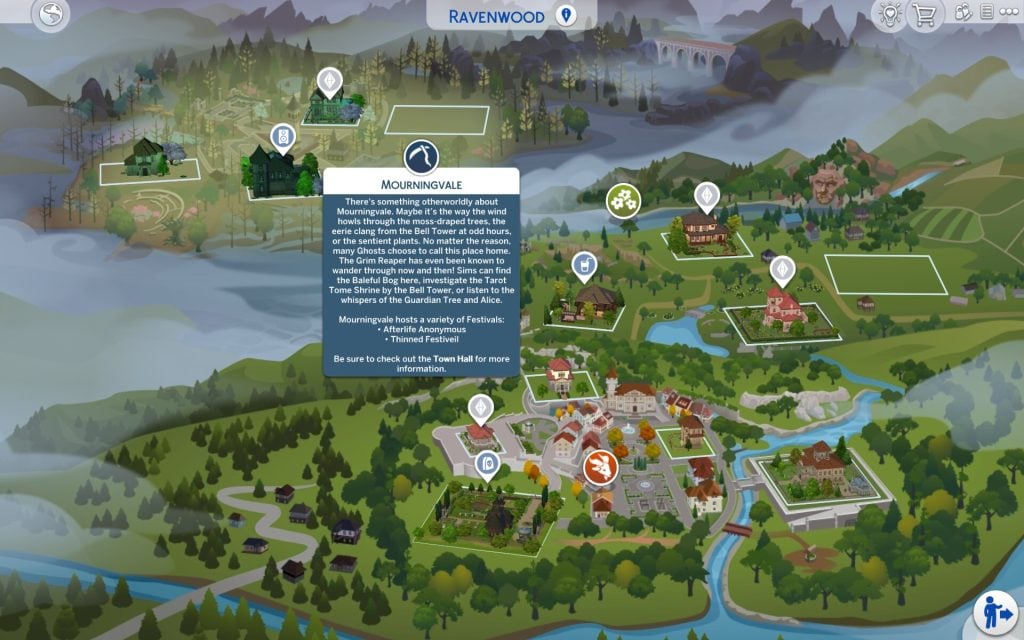
There’s something otherworldly about Mourningvale. Maybe it’s the way the wind howls through the moss-draped trees, the eerie clang from the Bell Tower at odd hours, or the sentient plants. No matter the reason, many Ghosts choose to call this place home. The Grim Reaper has even been known to wander through now and then! Sims can find the Baleful Bog here, investigate the Tarot Tome Shrine by the Bell Tower, or listen to the whispers of the Guardian Tree and Alice. Mourningvale hosts a variety of Festivals: – Afterlife Anonymous – Thinned Festiveil Be sure to check out the Town Hall for more information.
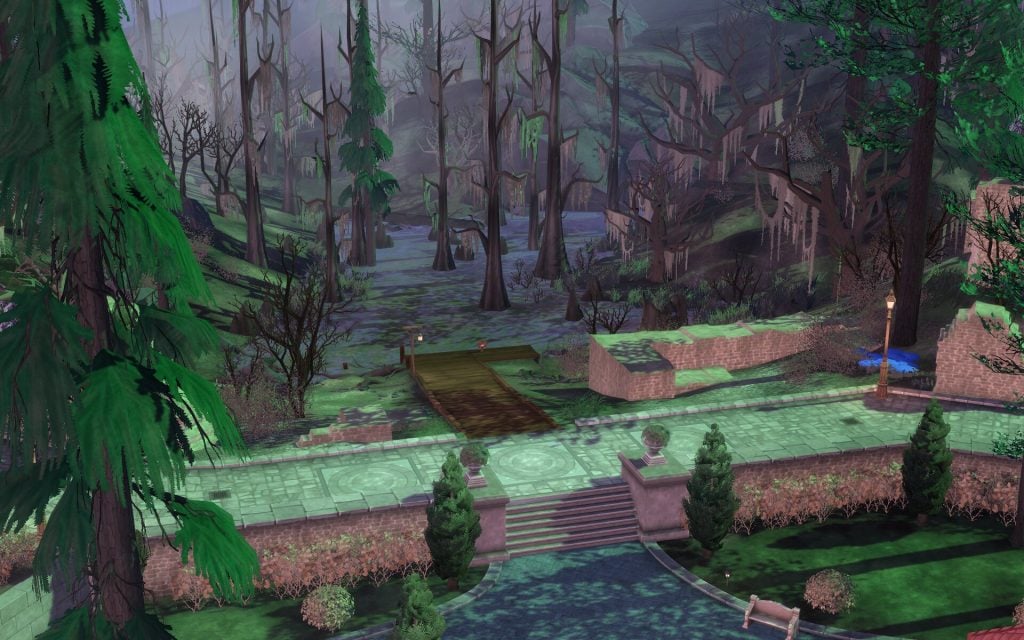
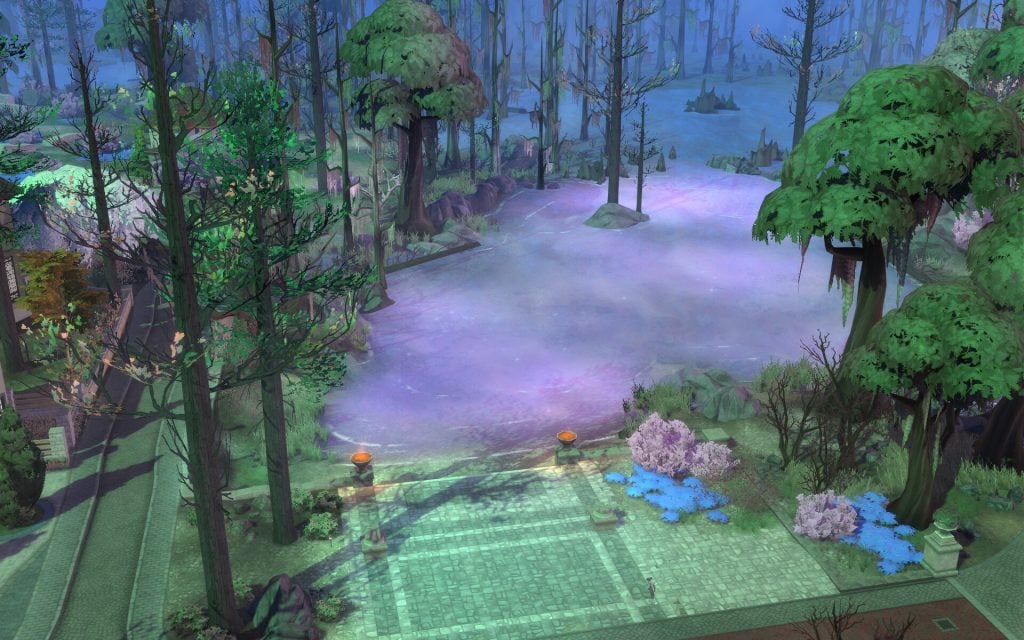
Mourningvale is the spookiest neighborhood of them all, and it feels completely different from the other two. It gives a mysterious atmosphere, with thick fog, an old Bell Tower, and strong ties to the afterlife that your Sim can explore. This small town never sleeps, and the ghosts definitely keep it alive in their own way.
Lots & Lot Sizes
The Cozy Casket House
Club Eternity
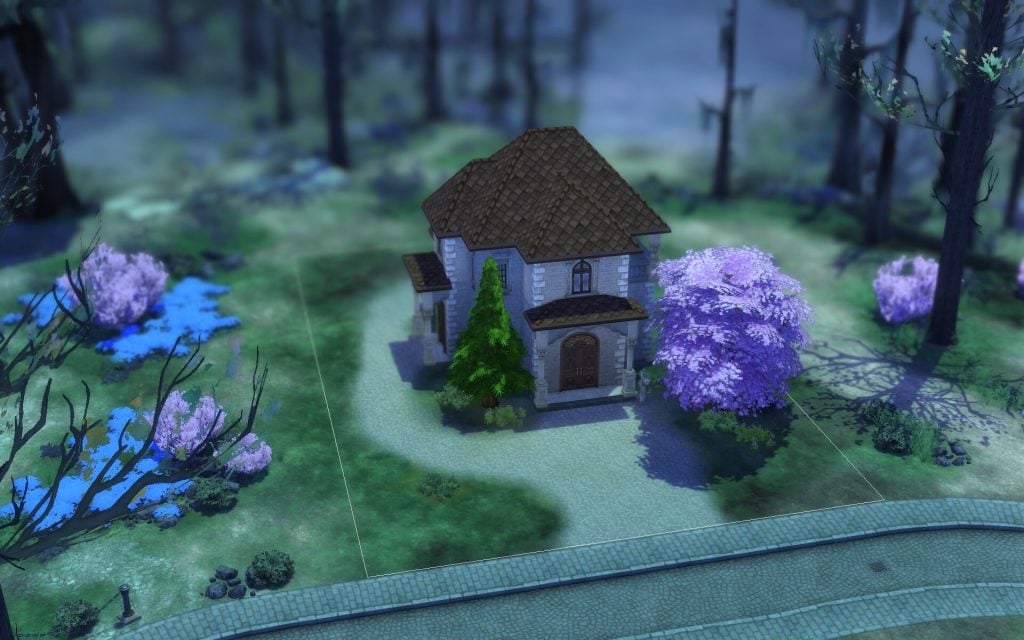
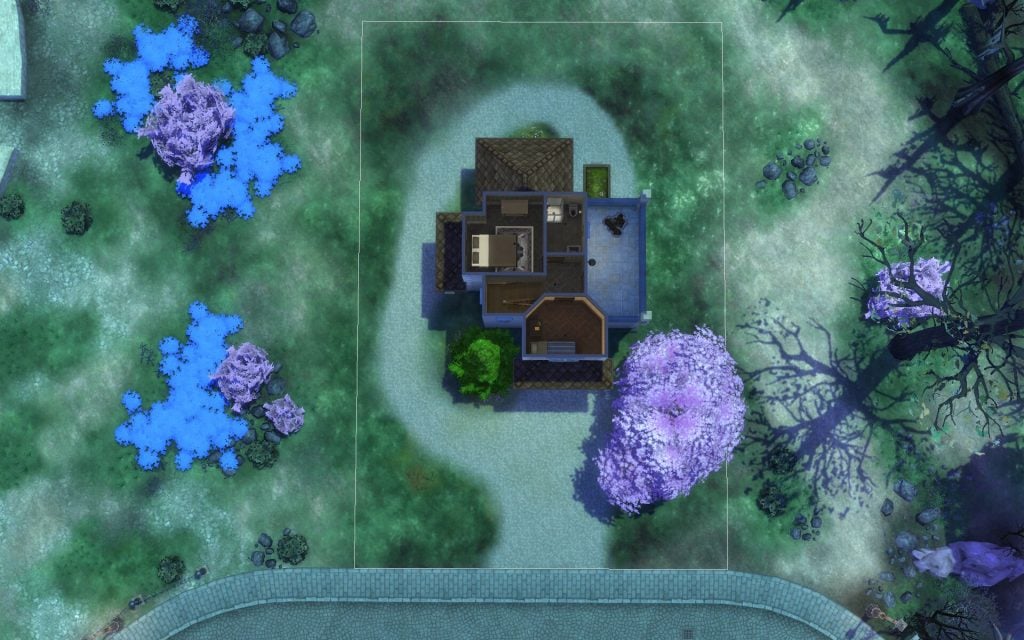
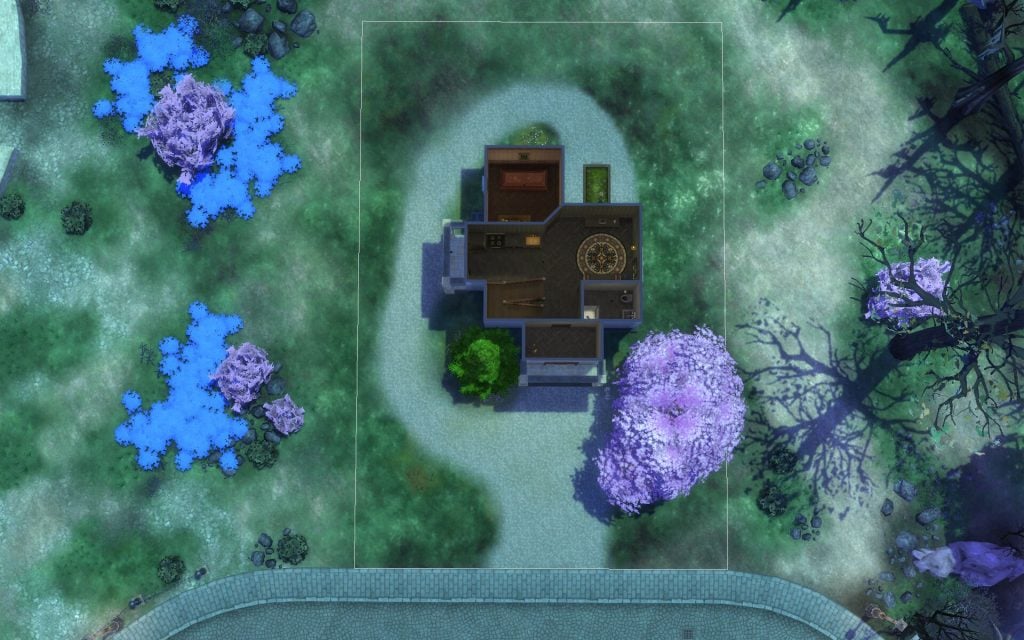
Mourning Mist Manor
Mystic Crossroads
The Cozy Casket House
Casket House lies nestled along the bog’s edge. The air is thick but peaceful, interrupted only by the haunting whispers of Sims entering the afterlife. Many believe the house got its name due to the empty Casket inside, but in truth, it was first haunted by Catie Casket, a Ghost who finished her Unfinished Business and was Reborn in Willow Creek—or so they say. With its eerie charm, this lot promises potential for any brave mortal ready to make some Ghostly friends or any Ghost ready to start fresh in the life beyond.
Residential 30 x 20 §19, 502 Lot Traits: On Hallowed Grounds Designed by Simsphony
Club Eternity
Club Eternity takes the saying “dance like no one is watching” both figuratively and…literally. If anyone knows how to party, it’s the deceased. With a breathtaking, dark gothic aesthetic, this club’s more Macabre patrons thrive and even Skeptics are convinced that Ghosts still know how to live.”
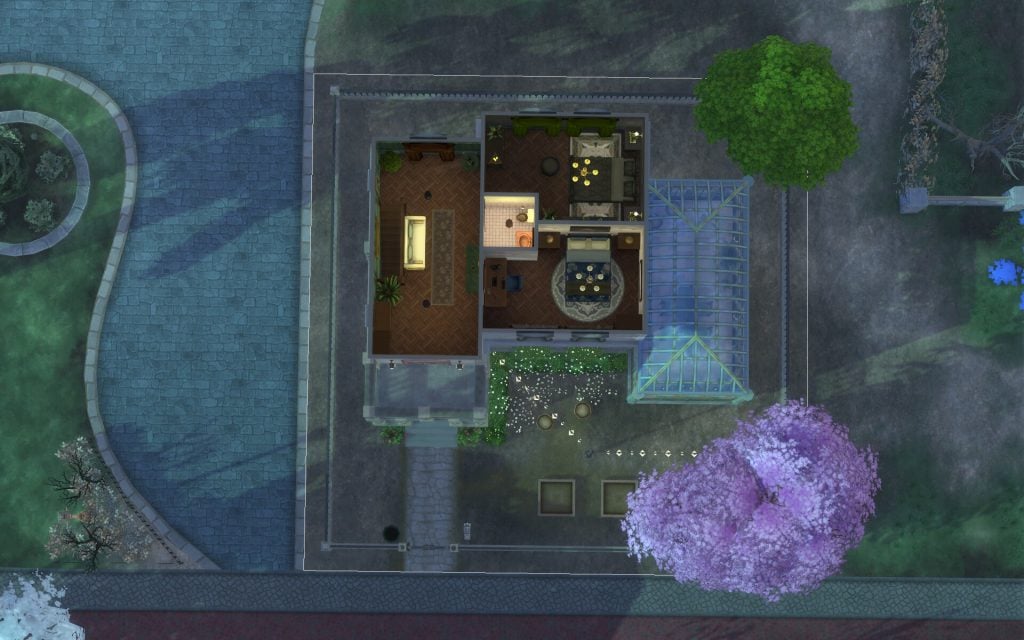
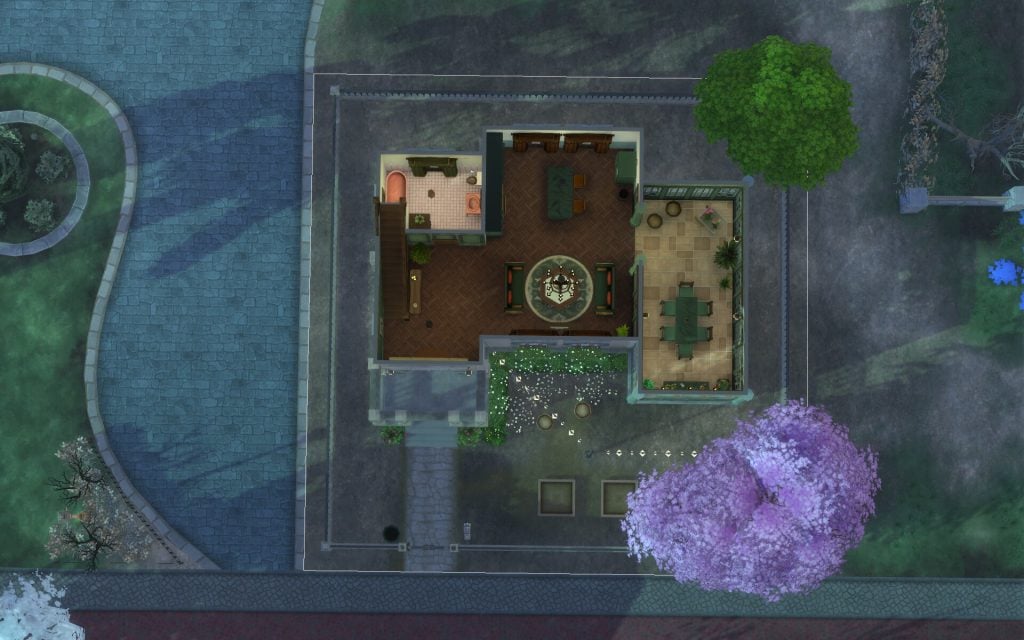
This green-thumb-friendly manor is conveniently located in central Mourningvale. One of the standout features of this home is the attached greenhouse, which has been converted into a breakfast nook that looks out over the central plaza. This space is perfect home for any Sims interested in gardening…and the afterlife living.
Residential Residents: Izadi-Gomes Household 20 x 20 §74, 968 Designed by Sofythesim
Mystic Crossroads
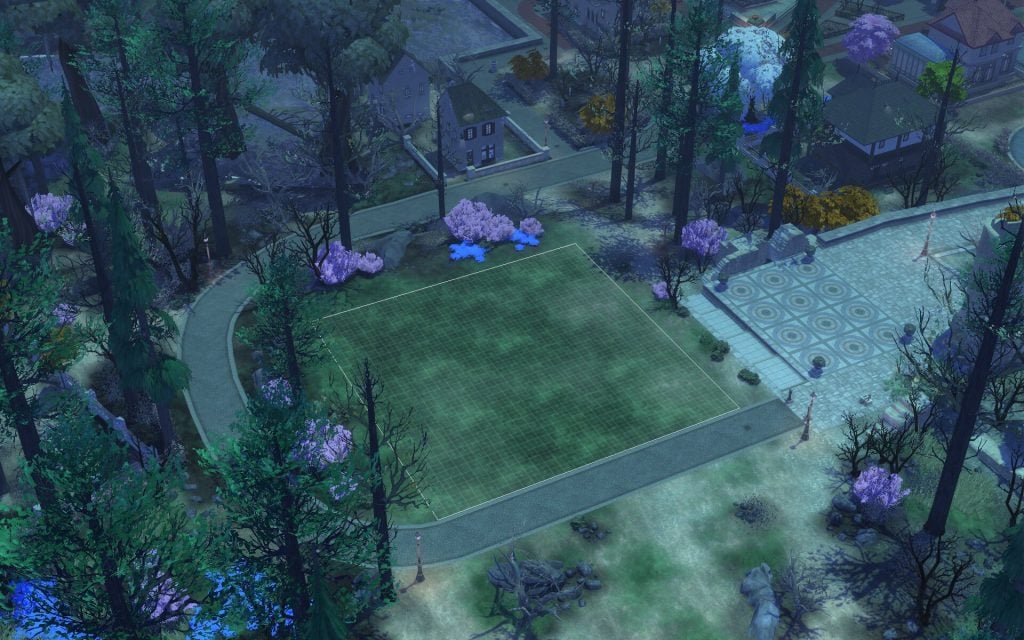
Recently deceased? Living but Macabre? This spacious lot is the perfect starter spot for any Sim who is seeking an eerie setting and a charming afterlife aesthetic.
Residential 30 x 30 §2, 000
Points of Interest
Mourningvale also have their own Town Hall where you can write your will or read ancient history. The small blue ghosts called Specter appears here as well, and they can help your Sim with grieving or finding a quest. In the middle of this neighbourhood their is a Bell Tower you can ring. It is a symbol of unity, and two festivals are taking place here, Afterlife Anonymous and Thinned Festiveil.
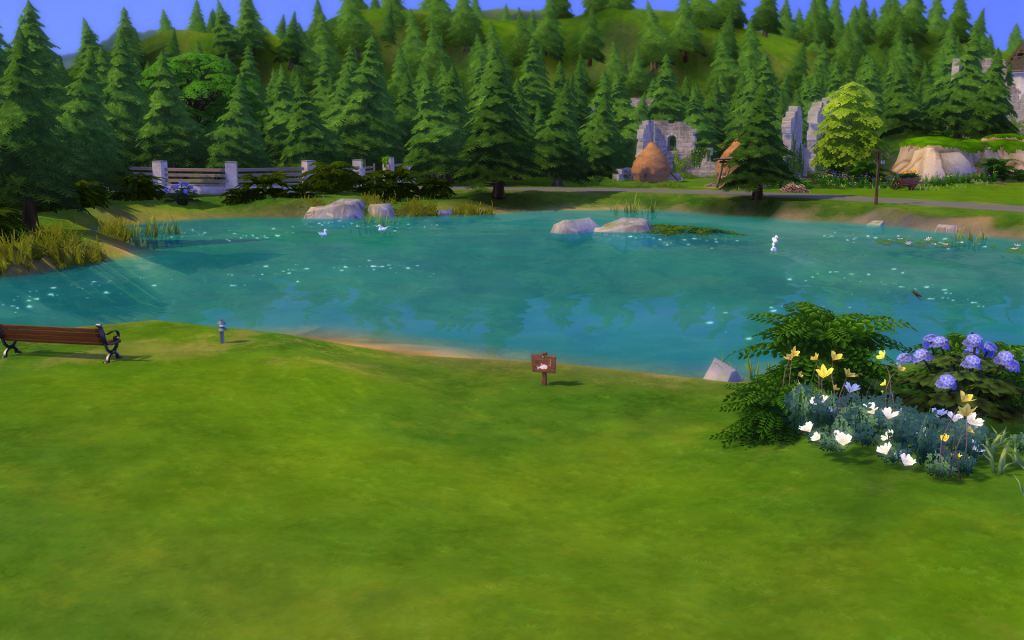
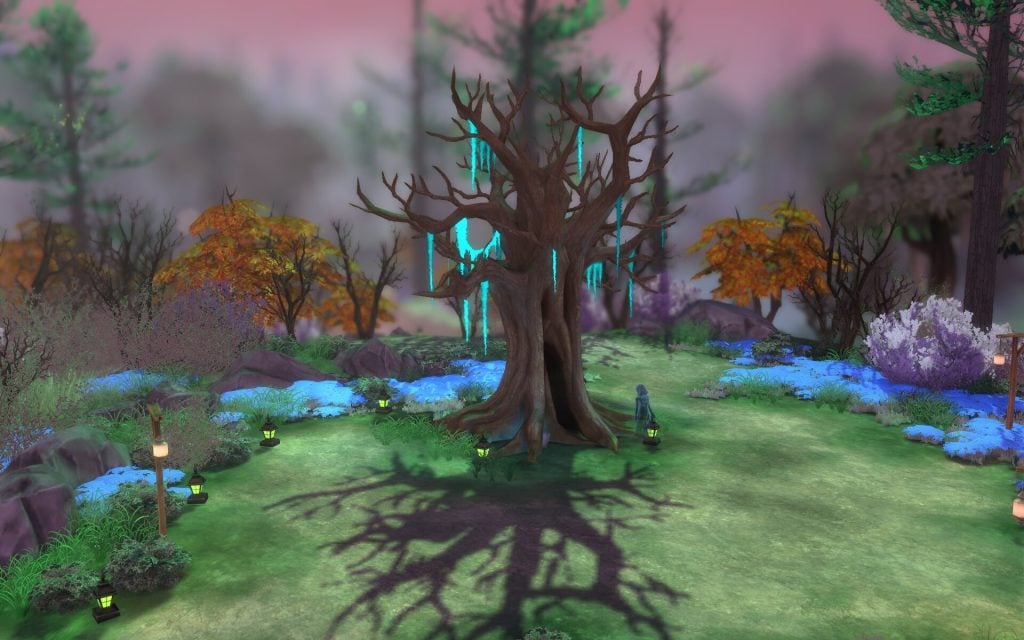
This neighbourhood is more mysterious than the others and have the afterlife ring to it. You can take a swim in this pink/purple foggy water and turn into a ghost for a limited time. There is also two underground cryptos’ here you can explore. Up on the hill next to the ruins their is a Guardian Tree you can investigate, and listen to its whispers.
Fishing Spots & Collectables
Fishing Spots:
Two fishing spots, one next to the swamp and dead trees, and the other one close to the underground crypto
Collection:
The Tarot Tome Shrine outside the Town Hall
Epitaph/Tombstone:
There is a few scattered
Harvestables:
Lemon Tree
Snapdragon Flower
Secret Lot: Netherworld Department
It’s Grim’s office. He works here. While his personal crow should always be the employee of the month, Grim has decided he is the best at his job. He does own the place…and has been Reaping for centuries. Now Grim has opened up his practice to new Grimterns, eager to climb their way up the noncorporeal ladder.
Headless Quarter 20 x 20 §91, 515 Lot Traits: Fast Internet
What is your thoughts about Ravenwood and these three neighbourhoods? Have you ever played with a Sim ghost? Comment and let me know your thoughts below. Read more about The Sims 4: Life and Death here. Keep up with the latest news on Sims Community.
The Sims Team delivers a second hotfix update, fixing the errors caused by the first update.
As revealed last Friday, a new Sims 4 Update is getting released to fix the crashing and launch game issues. Caused by two previous updates that were released this same month.
This hotfix for a hotfix solution is expected to improve stability of The Sims 4 and actually let you open the game, in case you’ve been using a set of different CC / Mod combinations before updating. To give credit to the latest announcement from The Sims Team, this issue only affected about 2% of the player base, according to their report.
Find out what’s been resolved and fixed in patch notes below:
Table of Contents
The Hotfix For A Hotfix Update
Installing the Latest Sims 4 Update
You can get the latest The Sims 4 Update on the following official launchers and platforms:
You can download the latest Sims 4 Update by checking for a Patch through the EA App, Steam or Epic Games launcher for Desktop. If you have Automatic Updates enabled the update will automatically download through your client program. In case your EA App is not working properly ensure you’ve cleared your app cache!
If you play The Sims 4 on Xbox Series X / S and Playstation 4 and 5 you can request a new update by checking for updates under The Sims 4 game in the Main Menu. If you’ve enabled automatic updates the Patch should download right away.
There’s also a handy official guide to Mods and CC maintenance, as well as backing up your Saves! Click here to learn all about healthy upkeep of your The Sims 4 files.
We have a fix for the CC and Mod users out there that were still encountering problems launching the game. All of your CC should now load and work as expected. Thank you for your quick reporting and assistance in resolving this one!
-The Sims 4 Team
Bug Fixes
Fixed an issue where the game could crash on launch for 2% of players using specific types of custom content, under certain circumstances.
Resolved an issue that caused a main menu message to appear more frequently than intended.
The update is around 112MB on Mac.
What’s your status and success with updating and launching the game after the latest Sims 4 Update? Let us know your progress in the comments down below and stay tuned to Sims Community for all the latest Sims News!
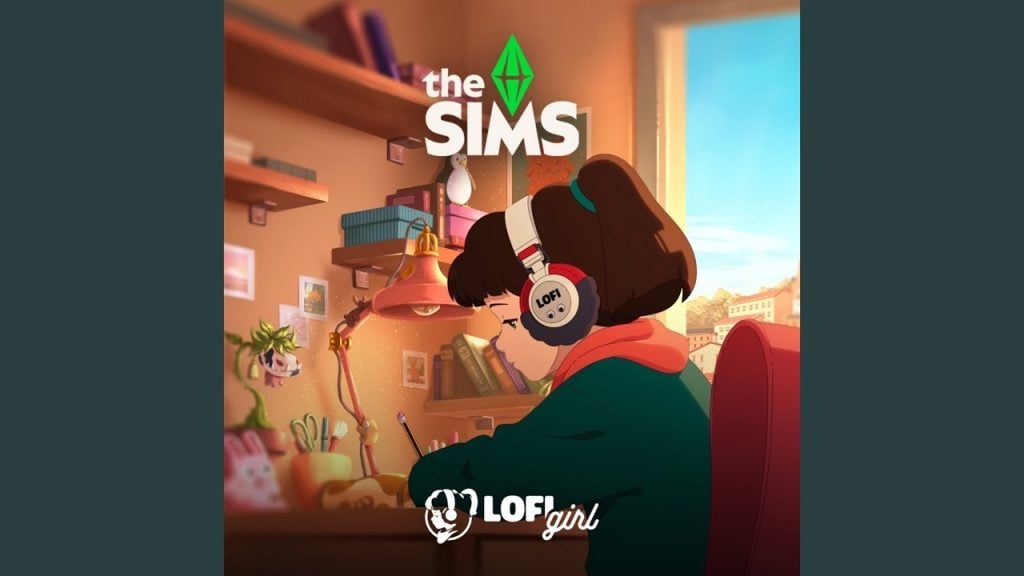
As many members of The Sims Community likely already know, the Sims and Lofi Girl teamed up yesterday and quietly posted teasers for some sort of collaboration, though they did not provide details to tell us what that collaboration is. However, today, a Sims Lofi Soundtrack was released quietly on Youtube by Lofi Publishing, the company behind Lofi Girl, with 25 videos in their standard musical style mixed with classic The Sims entry songs.
Although we still have not gotten official word from The Sims Team or the Lofi Girl team, it seems that the collaboration revealed yesterday includes a Sims Lofi Soundtrack! Taking music tracks from series entries both new and old, the playlist has 25 videos posted on March 22nd, with planned publishing today, March 23rd.
Sims Lofi Soundtrack RELEASED
Officially titled “Lofi Girl x The Sims – cozy music to feel ooh be gah!“, the playlist has 25 videos and soundtrack entries published yesterday that includes songs from the mainline Sims entries and multiple spin-off series like MySims. Some standouts that will likely be recognizable for many players include the very first entry, The Sims 2 Theme, as well as The Sims 3 Theme and other themes from MySims, MySims Kingdom, and more!
This collaboration seems to be primarily appealing to the rise in popularity of lofi, relaxing, and instrumental music that lacks lyrics that some may find distracting, while also cashing in on the nostalgia of earlier entries of The Sims and earlier console spin-off series of the 2000s and 2010s.
The Track List
While we don’t know if this is the end of the collaboration, or if we can expect something in-game or otherwise, all we currently know is that the full track list includes 25 songs, all ranging around two to three minutes long or so.
The Sims 2 Theme – 2:43
Some Assembly Required – 2:35
Consumerism Simplified – 2:47
Bossa Da Neeba Doo – 2:45
The Sims 3 Theme – 2:26
MySims Theme – 2:46
Waiting For – 2:34
Groove on – 2:53
It’s the Sims – 2:31
CASa – 2:47
MySims Kingdom Theme – 2:36
Test Card 68 – 2:34
Sim Time Sim Place – 2:31
Podie Tie – 2:37
Mayzie Grove – 2:48
Obrayzow – 2:45
Love is True – 2:56
Makeover – 2:33
Candy is World Famous – 2:26
Builder – 2:43
Enchanted by Nature Theme – 2:47
Chocolate – 2:35
In My Head – 3:14
Sweet Animal Island – 2:32
Sims Straight Ahead – 2:22
Have you given the Sims Lofi Soundtrack with Lofi Girl a listen yet? As far as we’ve seen, it’s available on most of the popular music platforms including Youtube, Youtube Music, Amazon Music, Apple Music, and Spotify.
As we head into a very uncertain era of the mainline Sims franchise and the series as a whole, make sure to keep up with The Sims Community while we keep you in the loop about any future collaborations and celebrity appearances we’ll see in the near future!
Are you looking for some new life simulation games to add to your rotation? Maybe something a little different from The Sims but also one that feels somewhat familiar? Then we might have just the thing!
Over recent years, the life simulation genre of gaming has continued to grow in leaps and bounds, and for 2026, it looks to be another strong year for these kinds of games. That’s not to ignore some of the many life simulation games that launched in the last few years too.
With so many to explore and experience, sit back, relax and see even more ways that you get to play with life in new ways with these life simulation games.
Paralives is the highly anticipated indie life simulation game from the Paralives Studio Team and Alex Massé. Launching in just a couple of months, players will be able to build their dream homes, create their own Parafolk and manage their characters’ day-to-day lives the very way that you want!
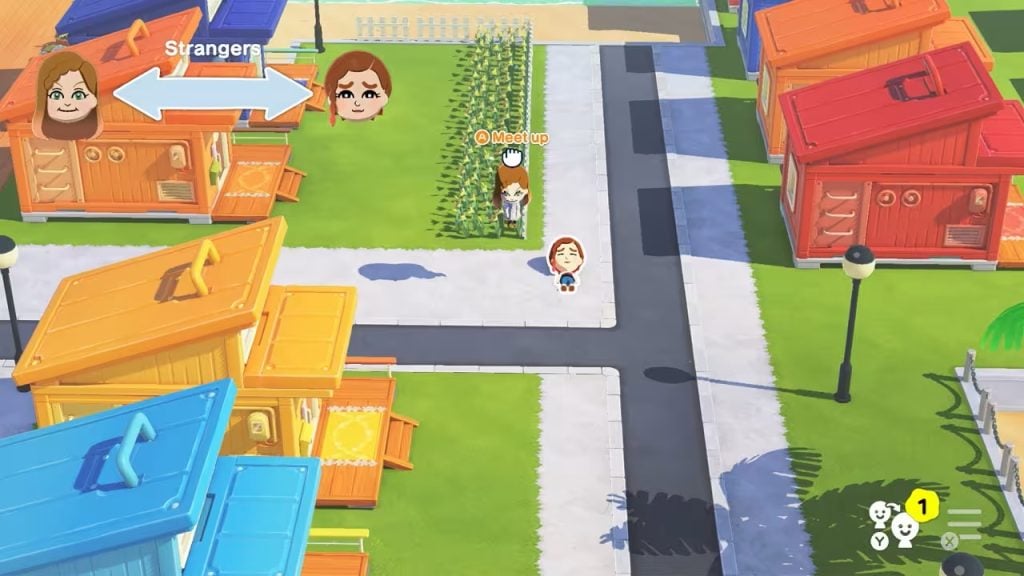
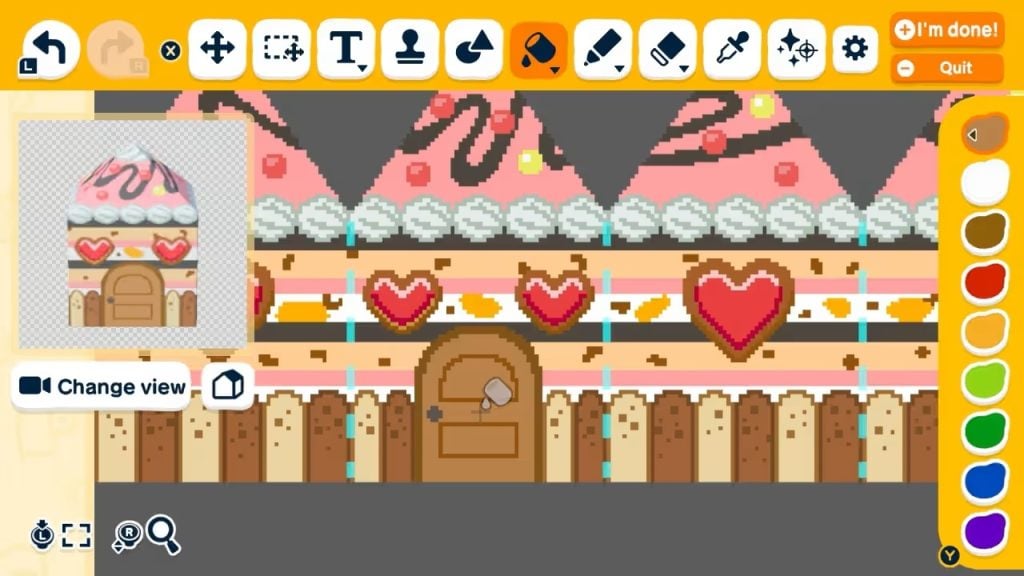
Tomodachi Life is back in a brand new instalment from 2026! You become the caretaker of an island, but not just any island. It’s one full of chaos, love, rivalry, drama and so much more. With a variety of Mii’s to customise, including their outfits, personality traits and quirks, there’s certainly plenty to explore. However, you can also make their dream rooms with a variety of furniture, wallpapers and flooring to match each Mii’s vibe and experience an array of mini games!
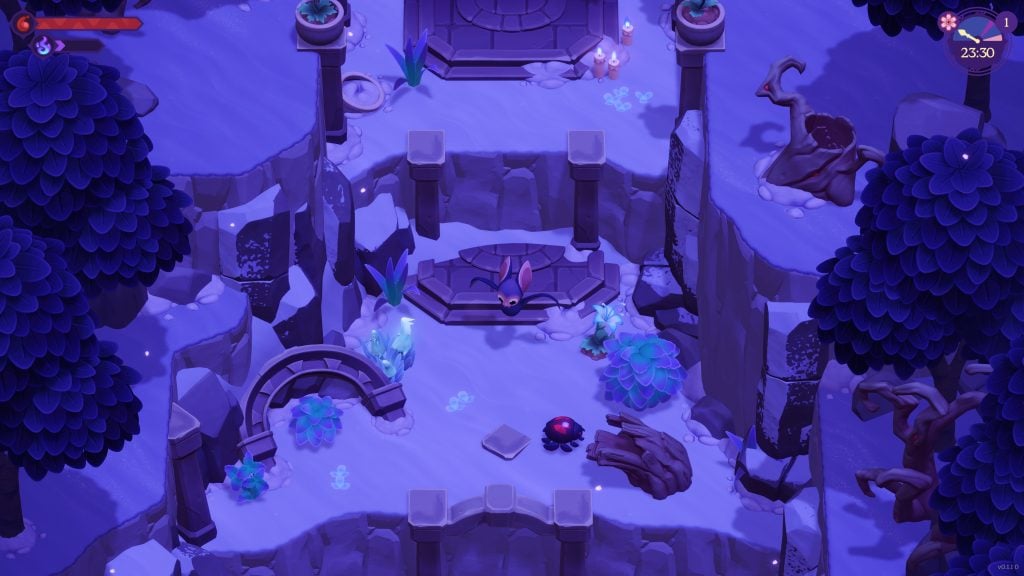
Platform(s): PC, Nintendo Switch/Switch 2, Xbox Series Consoles
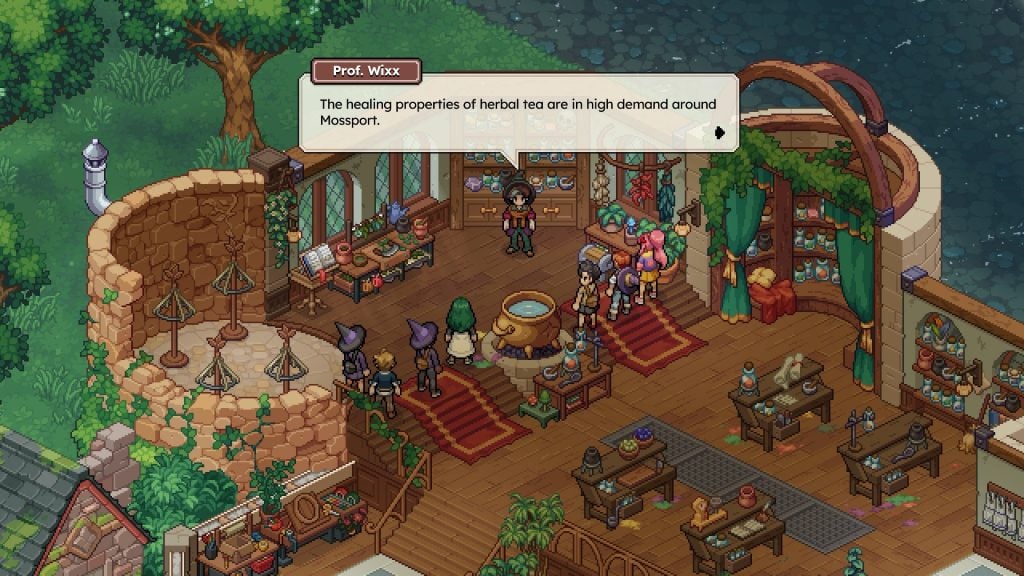
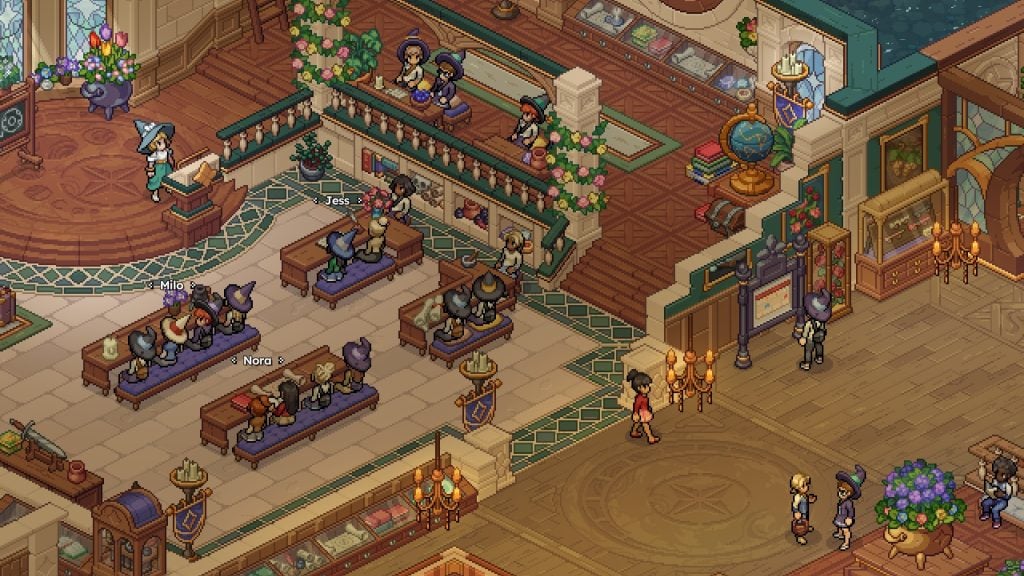
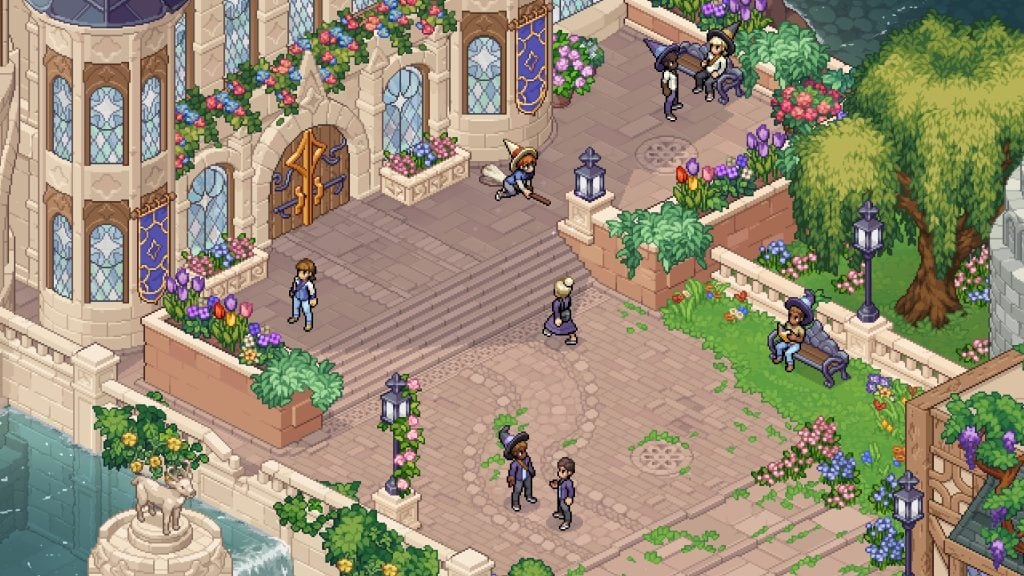
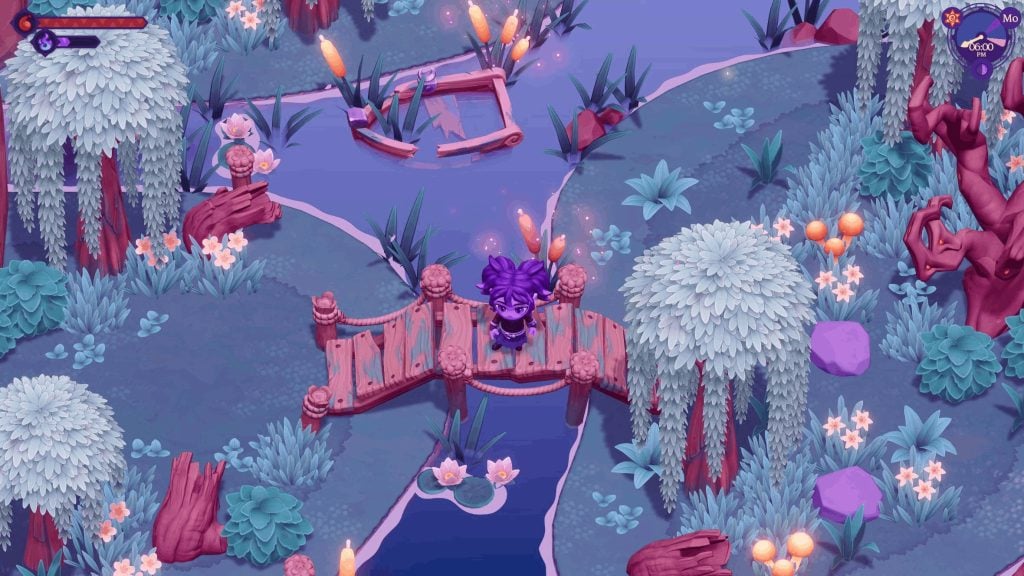
Dive into the magical world of Mossport, a colourful and unique city by the seaside. You’ll find yourself alongside many other aspiring characters at Witchbrook College. Learning how to master magic, make friends, solve mysteries and more! Better still, you can adventure with up to four friends in multiplayer too!
Platform(s): PC, Nintendo Switch/Switch 2 and Mobile
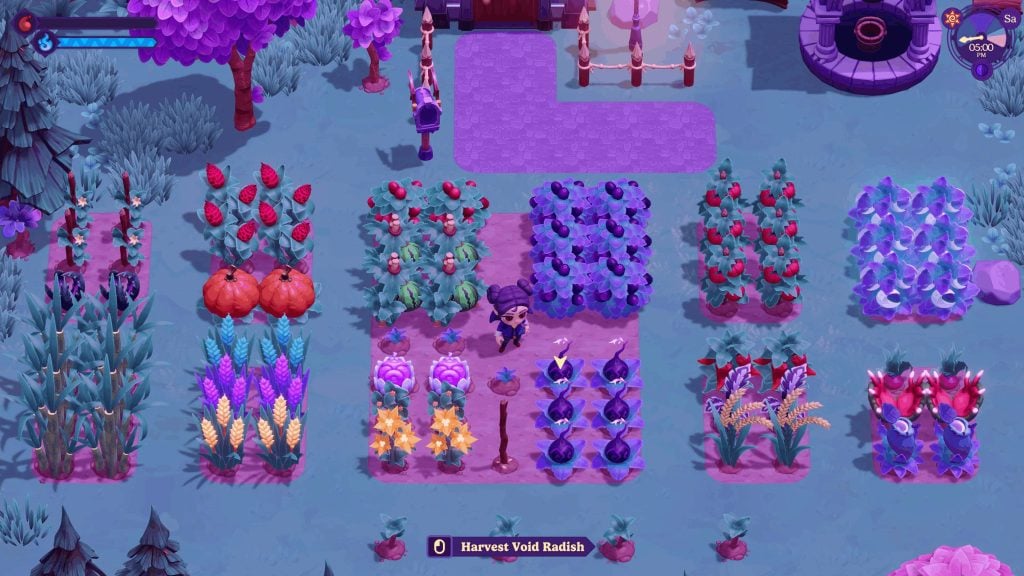
Step into a world full of vampires in this unique life simulation experience in Moonlight Peaks. Your task is to prove yourself to Count Dracula and show that anything is possible in life even if you aren’t exactly alive. Farm, craft, build, fish and date other vampires in this magical and mysterious game.
Platform(s): PC, PlayStation 5, Xbox Series Consoles and Nintendo Switch
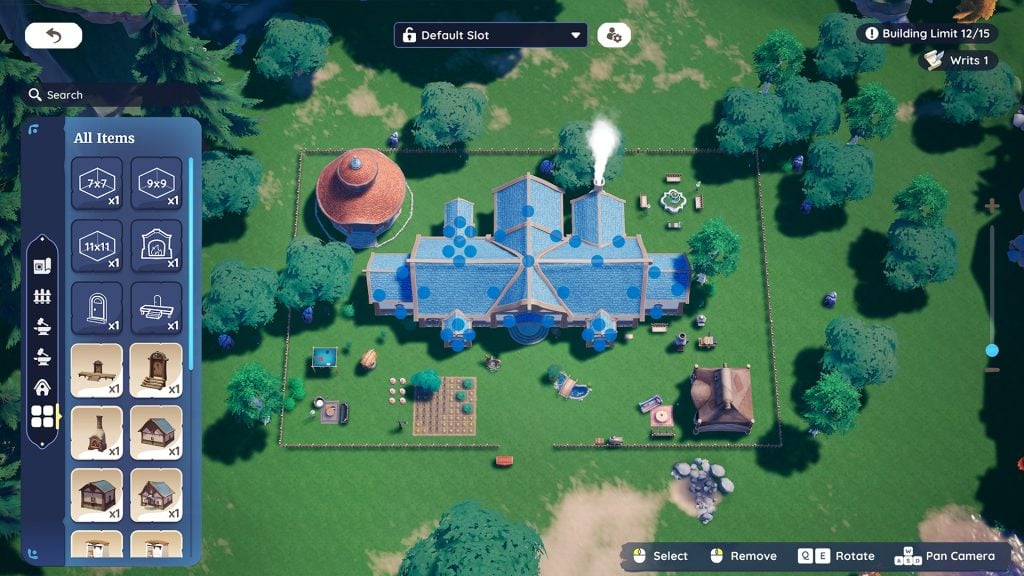
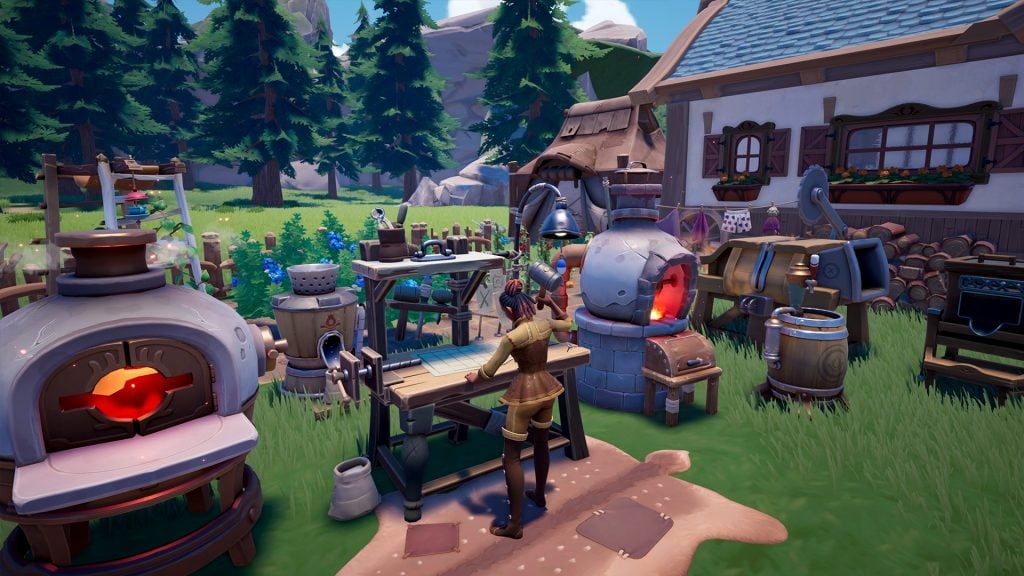
Palia is a free cross platform life simulation game that’s also a massively multiplayer online game. A game where you are always welcome and can find a cosy and enchanting world filled with magic, adventures and charm!
An immersive and realistic life simulation game where you can customise and manage every single detail. Build your Zoi’s dream home, follow their dream career path, build relationships, get married, have a family and explore the open world. Be the director and curate the perfect world and manage your Zoi’s own needs. inZOI features a new take on life simulation games.
Play as Ditto, who has mastered the skills of transforming into a human looking being and adopting moves from other Pokémon to help rebuild the world, befriend Pokémon, create habitats, grow crops, build houses, complete requests and more! So cosy down with your favourite Pokémon friends and help return the town to what it once was before! You can also grab your friends to join in the fun, too.
Platform(s): PC, PlayStation 5 and Xbox Series Consoles
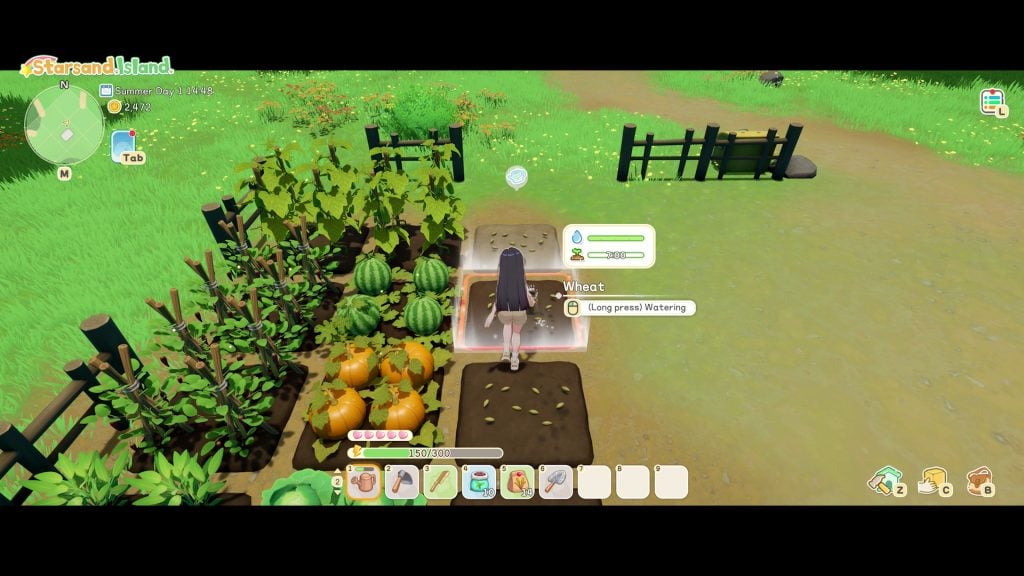
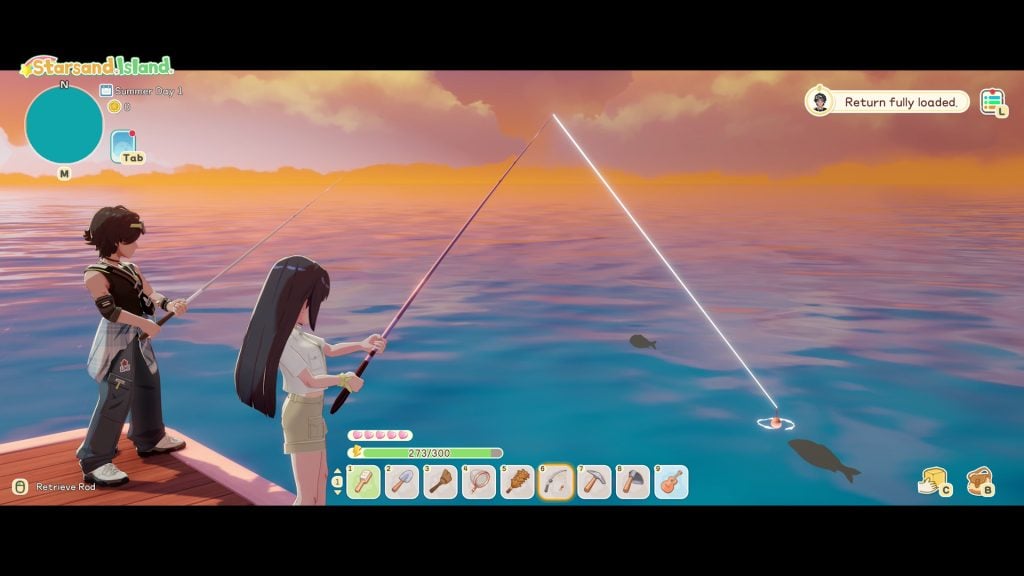
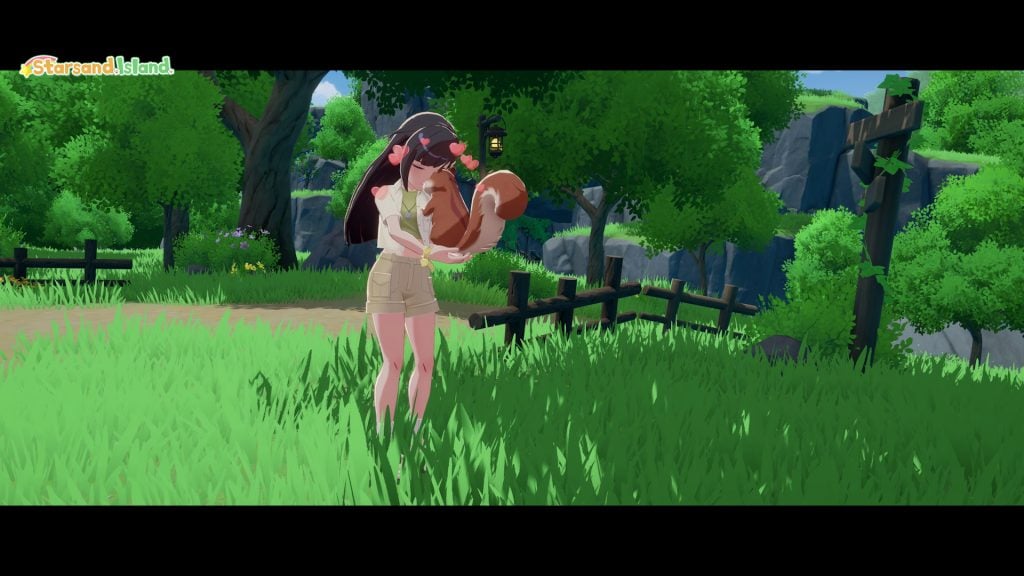
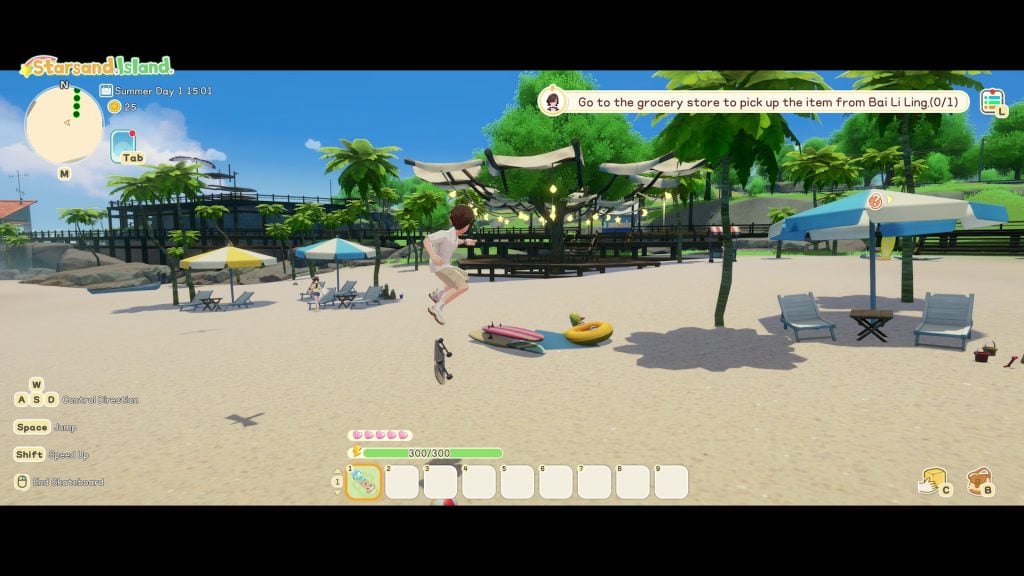
This anime inspired cosy life simulation sandbox game has you taking life at a slower pace on a stunning tropical island. Players can farm, fish, craft, and raise animals (including capybaras) as well as explore various mysterious locations and build their own homes.
Platform(s): PC, PlayStation 5, Xbox Series Consoles, Nintendo Switch/Switch 2 & Mobile
Make a life simulation game but mix it with Disney! Players can rebuild and refresh the various locations, craft and farm items, make friends with popular and much loved Disney characters and work towards banishing the Forgetting to help recover long lost memories.
These nine life simulation games are just some of many that are popular and much loved games that have been out for some time, as well as fun and interesting looking upcoming releases.
Do you have a favourite life simulation game that you enjoy playing? Maybe you have one you’d love to see the Sims Community Team cover in the future. Let us know your thoughts in the comments!
Hello, it’s Krista! It has been a while, right? I hope you’re all doing well.
Thank you for taking the time to read my first official post back after my hiatus. You’ll find me dropping in from time to time, talking about the more cosy side of gaming as well as exploring new and exciting upcoming life simulation games!
Smack dab in the middle of the few months between Paralives old release date in February and the new release date in May 2026, the development studio and developers themselves have made a very active effort to show how they’re using that time to improve the game for Early Access launch.
As modding and modders for Paralives was something they’ve discussed wanting to support and make an essential part of the community and playerbase surrounding Paralives, they have now begun to build an official Paralives Modding Toolkit, providing guides to modding in specific items, pointers, and tips to make the process smooth for all the new players and modders looking to dip their toes into Paralives in May. This is a new section being added to the in-progress and pre-existing Paralives Wiki.
These resources are still somewhat under development, and the Wiki itself includes mentioned tutorials that are still being written, and will likely not be linked on the Wiki until they are fully fleshed out and closer to launch. However, so many tutorials have already been created, from overall fundamentals like just creating a new item or uploading to the Steam workshop, to specific fine details of making custom content.
Table of Contents
Tips for Modders
If you are unsure how to mod something, you can open the Control Panel and find out how game content was set up and integrated.
Press Ctlr+F2 at any time to open the Control Panel
Use the Console (Ctrl+F1, Console mode) to see if your mods cause errors or exceptions in the code. No red errors should appear in the console.
If something doesn’t work, try restarting the game. Some changes in settings may break game data, but work after a game restart.
Lists of elements in the Control Panel can be searched and re-ordered.
Limitations of the Official Modding Tools
Paralives’ official modding tools are all about editing existing game content, adding new content, or removing content from the base game. The modding tools do not support scripting to create features. Official script mods are under consideration by the development team, but are not confirmed.
While almost every piece of game content can be modded, some things are not moddable:
Interfaces: The layout, style, and colors of the UI windows.
Paralives Modding Guides
Creating a Basic Furniture Item – Paralives Modding Tutorial
1) Create the item
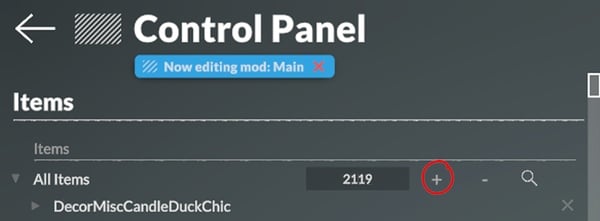
Find the Items tab in the Control Panel, under the Build category. Once in the menu, click on the + button next to All Items to add a new item. Scroll all the way down to find the new item.
2) Name the item
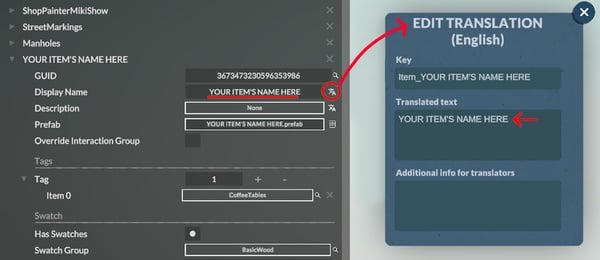
Name the item in the Display Name field. Click on the little icon next to the field to open the Edit Translation menu. Make sure to also write the item’s name in the Translated text field.
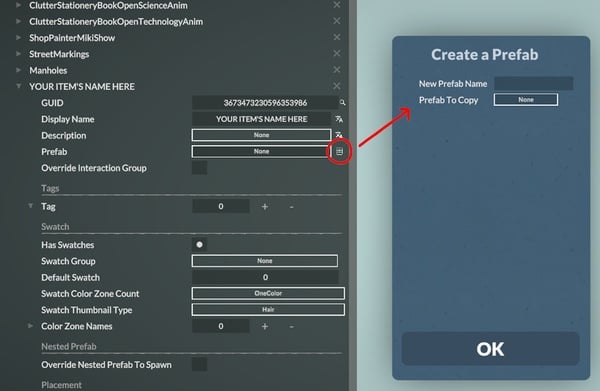
3) Create a Prefab
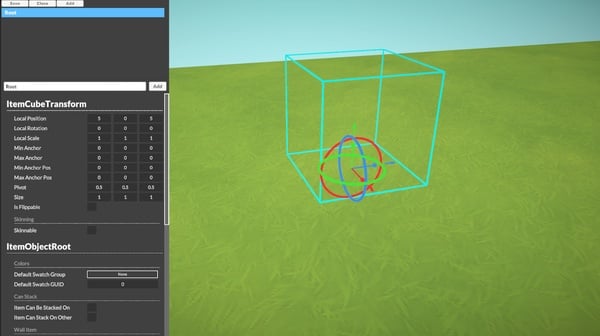
Click on the little icon next to the None button of the Prefab field. This will prompt a pop-up to create a Prefab. Input the item’s name for New Prefab Name, and press OK to launch the Prefab Editor.
The default view in the Prefab Editor.
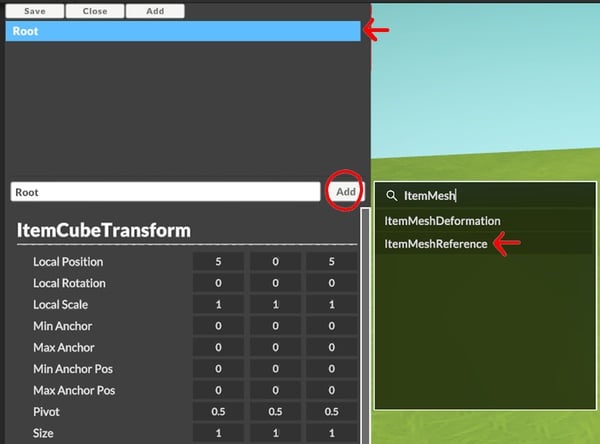
4) Add ItemMeshReference
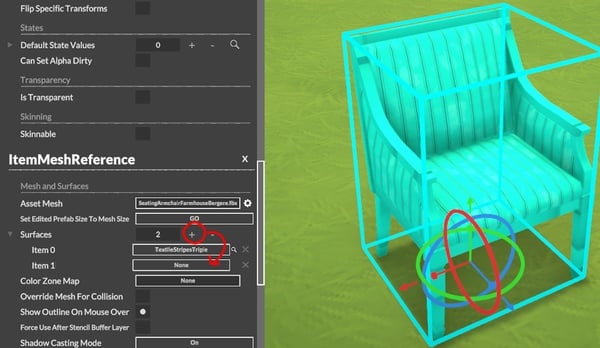
To add a mesh, make sure to have the item’s Root selected, and select Add. From the pop-up menu that appears, search and select ItemMeshReference.
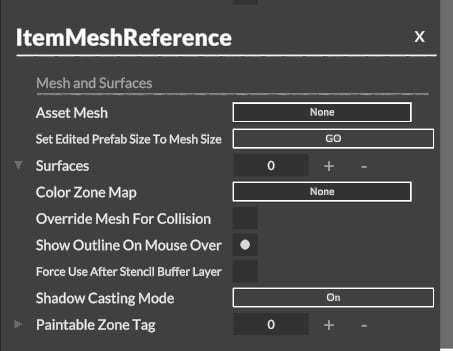
When scrolling to the bottom, there should now be the ItemMeshReference section.
5) Select a FBX
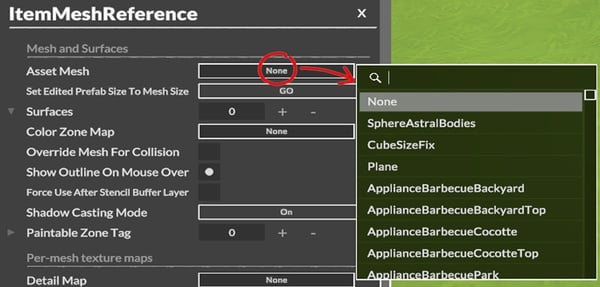
Click on the button next to Asset Mesh to select the mesh. If the asset was imported properly, it should appear within the list.
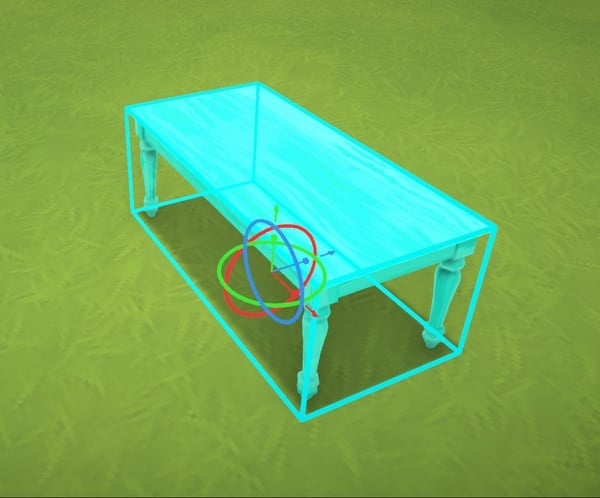
6) Fit the bounding box
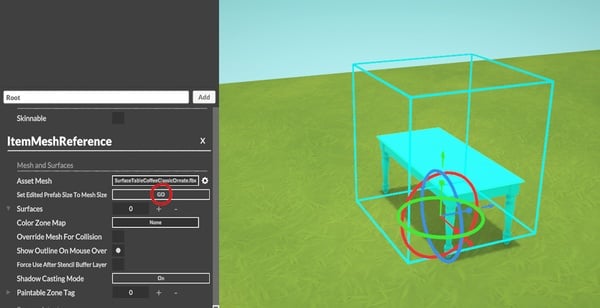
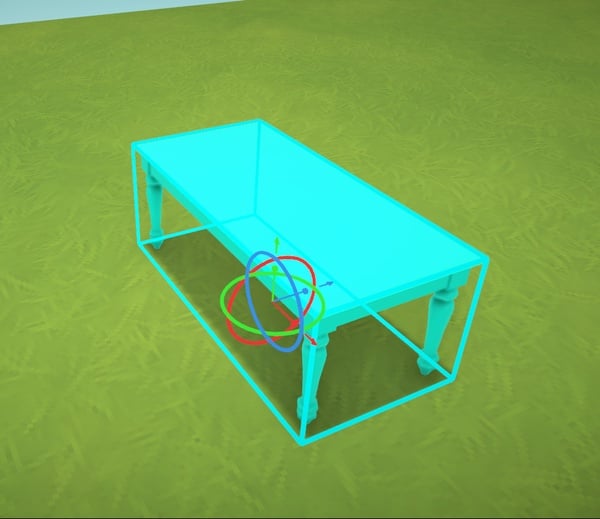
The item should now be inside the blue cube. The blue cube around the item is the item’s Bounding Box: it defines the size of the selection UI, how the item will snap to walls and other items, and whether the item is out of bounds. It should be fitted to the item. Click the GO button next to Set Edited Prefab Size to Mesh Size to get the box perfectly shaped to the item.
This is what the bounding box looks like when perfectly fitted to an item.
7) Add a surface
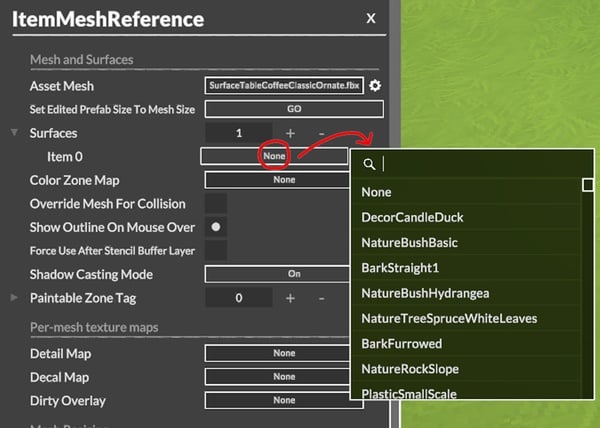
Add a surface to the item. This is the material that the item will have. Click the + to add a surface, then None to get a selection pop-up. Pick from the many surfaces already created in the game, or create your own (see Adding Texture Assets to Create Surfaces).
The surface chosen will display on the item.
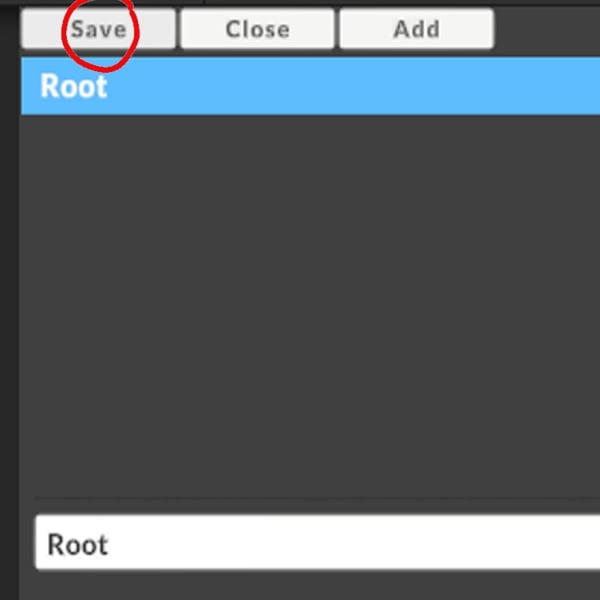
8) Save your item
This wraps up the steps in the Prefab editor. Click Save and return to the Items page.
9) Add an item tag
The item needs a tag to appear in the Build Mode catalog. Click the + to add a tag, and click on None to choose a tag in the list. The tag will also give the item a base price, as well as some other settings on the back-end.
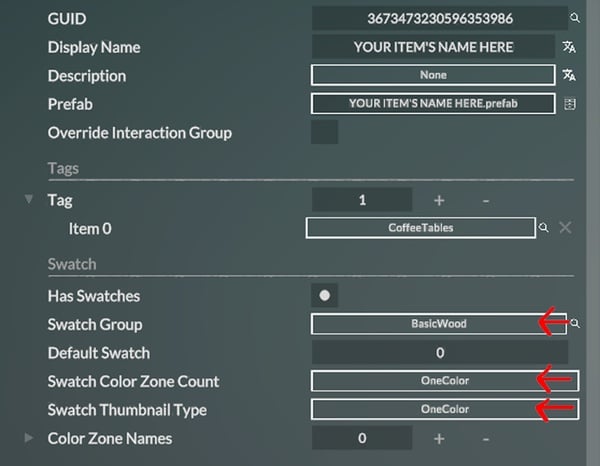
10) Add swatches
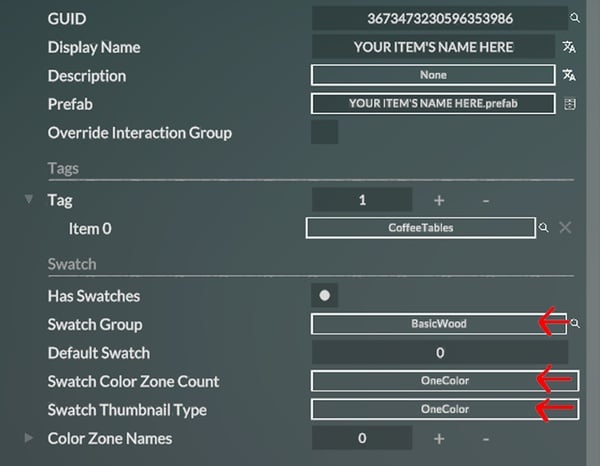
Last, the item needs swatches. The item from this tutorial is quite basic and made of a single surface/color. Pick an already existing Swatch Group like BasicWood, which sets up the item with already picked out colors for a wooden item. Set Swatch Color Zone Count and Swatch Thumbnail Type to OneColor.
The new item should now appear in the Build Mode catalog.
Creating a Clothing Item – Paralives Modding Tutorial
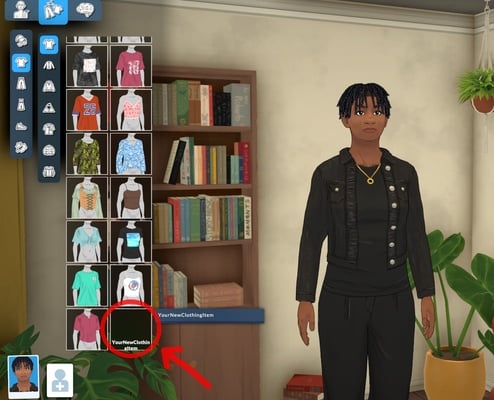
1) Add a new equipment
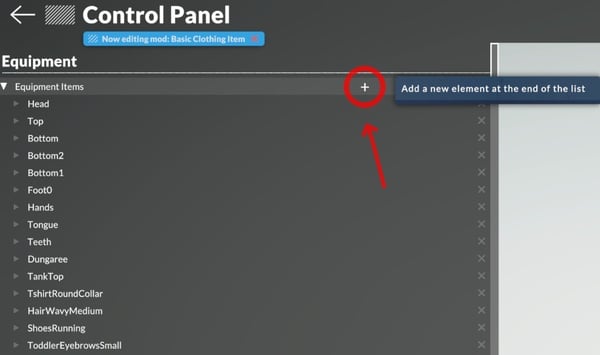
In the Equipment section of the Control Panel, under the Characters category, find Equipment. Click on the + sign to add a new piece of equipment, and scroll down the list to find it.
2) Name the new equipment
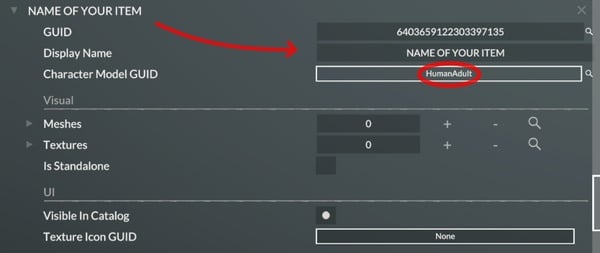
Name the new clothing item and select HumanAdult as Character Model. The other options can be used for toddlers or pets.
3) Add the mesh
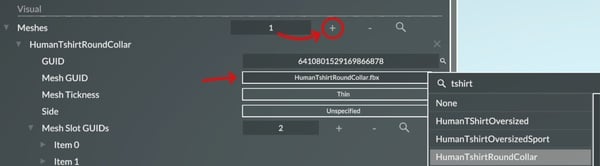
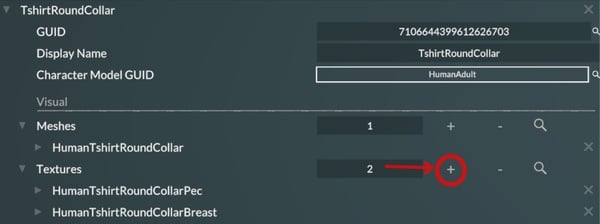
Click on the + right to Meshes to add a mesh. This example uses HumanTshirtRoundCollar.
4) Add the mesh slots
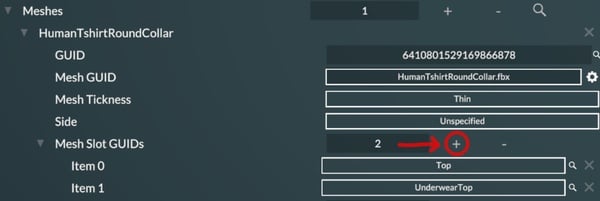
Click on the + button to add Mesh Slot GUIDS. Mesh Slot GUIDS indicate where the garment is located on the body, and the game will replace the body part with the mesh. An underwear top, like a bra, can be added to hide the underwear for optimisation or when it’s visually more interesting.
5) Add the textures
This garment is a close-fitting top. In this scenario, there are two textures: a pecs version and a breasts version. The breasts version will have more shadows painted in the texture to help convey the idea of volume.
Click the + to add the required textures.
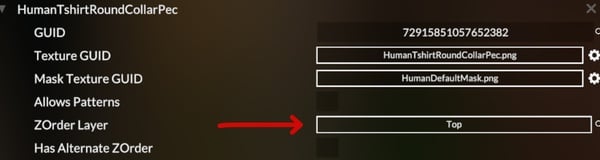
6) Add the pecs version
Select the texture for the pec version.
Select the type of equipment in the ZOrder Layer line. Each texture appears on the Parafolk in a specific order, with some able to overlap others, called the ZOrder Layer.
For the texture condition, select HasBreasts and leave the box unchecked since this is the pec version of the texture.
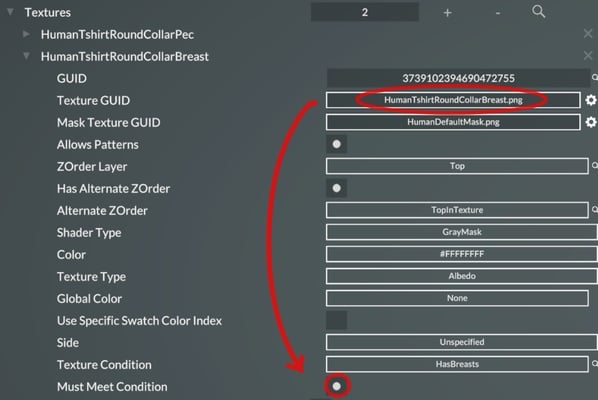
7) Add the breast version
For the breasts version, repeat the same steps, but make sure to check the last box.
8) Add equipment tags
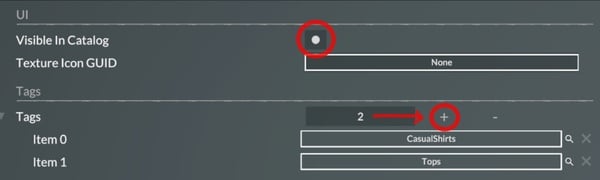
Check the Visible In Catalog box to enable the new item in Paramaker. Click on the + to add a tag. Add as many tags as needed; these are the categories in which the garment will appear. For example, Tops is a main category, and CasualShirts is a specific category.
9) Add the Deformation texture map
The equipment is a t-shirt, and it needs to be a little stretched when breasts are equipped on the Parafolks, instead of following every curve of the body.
Select TextureMapHumanTopAlternate to indicate to the game which zone is affected by the clothing deformations.
10) Find the equipment in the Paramaker
Inside the Paramaker, go to the clothing item category; in this case, it’s Tops and CasualShirts. Find the clothing item at the end of its category on the list and click it to equip it on the Parafolk.
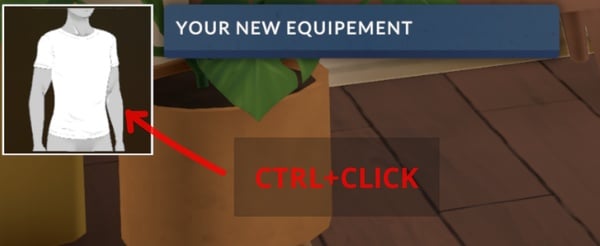
11) Generate the thumbnail
Hover the mouse on the thumbnail and Ctrl+Click to generate a new thumbnail.
Changing a Sound – Paralives Modding Tutorial
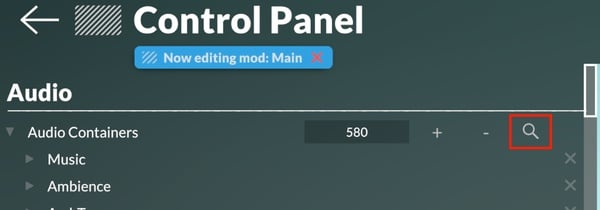
1) Select the current sound
Go to the Audio section of the Control Panel, under the General category. Browse the Audio Containers and pick one to edit or select the Search button and type the name of the sound to be changed.
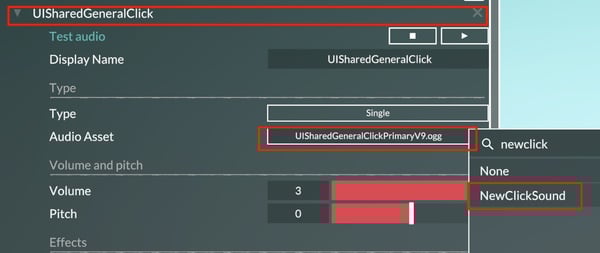
2) Change the asset
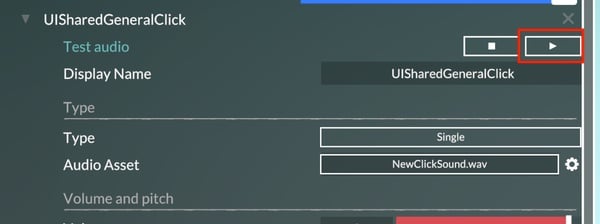
For this example, let’s change the UISharedGeneralClick audio container which is the generic Click sound. Change its Audio Asset by clicking on the highlighted rectangle and typing the name of the desired sound. Then, select the sound in the list.
3) Test the sound
Test the playback of the sound by pressing on the highlighted Play button to make sure it’s working properly. It is possible to stop the container’s playback if it’s a long audio file with the Stop button.
4) Adjust the parameters
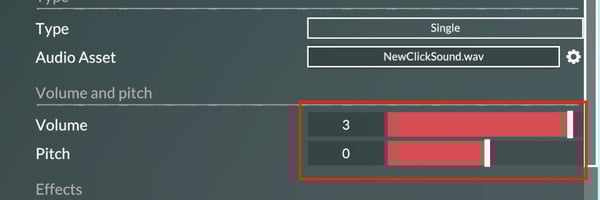
Adjust the Volume and Pitch parameters of the sound to taste. Playback the sound to test out the result.
Integrating a Music Track – Paralives Modding Tutorial
This guide will cover the integration of Build mode, Paramaker, and Main menu music tracks in the Paralives modding tools, step by step.
1) Open the Music audio container
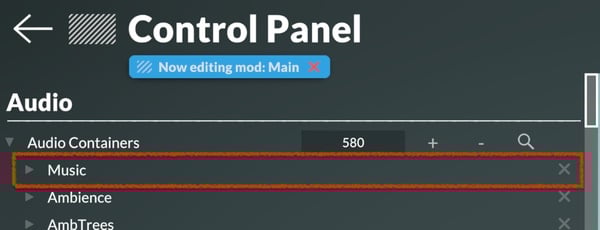
Go to the Audio section of the Control Panel, under the General category. Locate the Music audio container and open it. It should appear at the top of the audio container list. If not, search for it with the search button.
2) Open a game mode
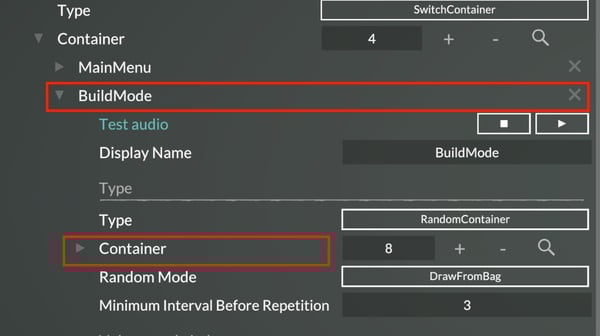
Open the container of the desired game mode to add music inside. Then open the highlighted container if it’s set as RandomContainer.
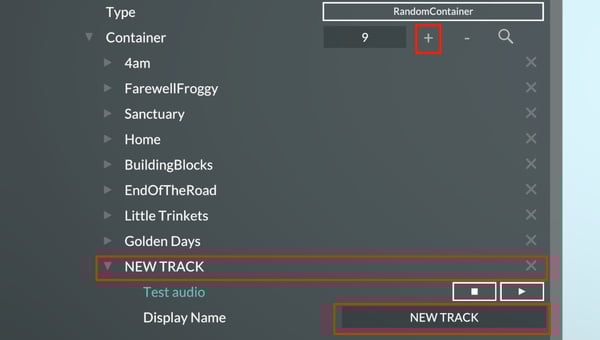
Click on the “+” button to add a new container to the game mode’s random container. Open it and give it a name.
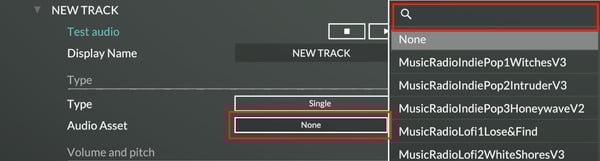
4) Add an asset
Open the asset menu by clicking on None. Search for the desired music’s audio file and select it. For more information on how to add your audio files to the game, see Creating a Mod and Uploading to the Steam Workshop.
Now the selected music track should occasionally play whenever the user is in the respective game mode.
Creating a Mod and Uploading to the Steam Workshop
1) Create the mod
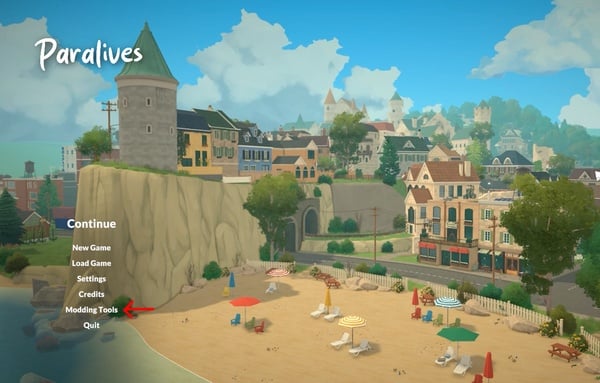
When booting the game, find Modding Tools on the Main Menu.
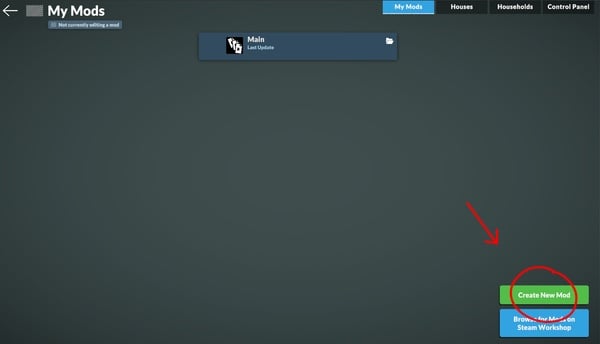
On the My Mods page, click Create New Mod.
2) Name the mod
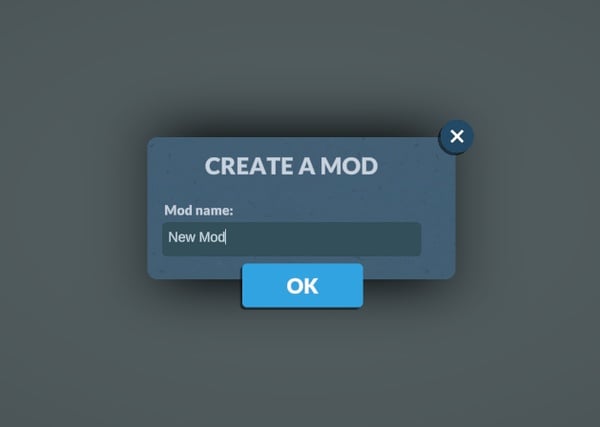
In the pop-up window, name the mod.
3) Find the mod’s folder (if adding files)
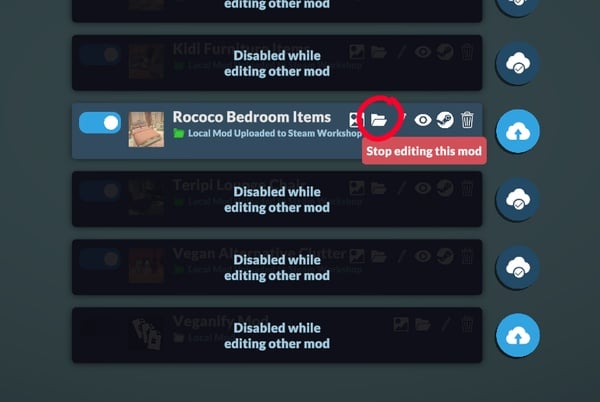
Click on the folder icon to open the folder’s location.
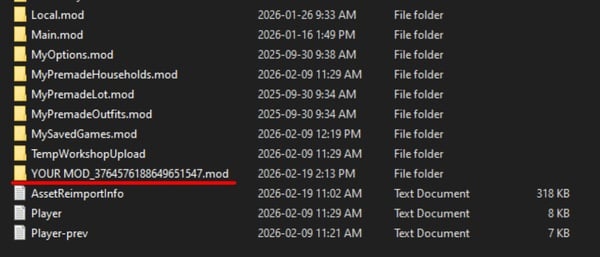
It’s also possible to follow the path C:\Users\YOUR_USER\AppData\LocalLow\Paralives to reach the mod’s folder.
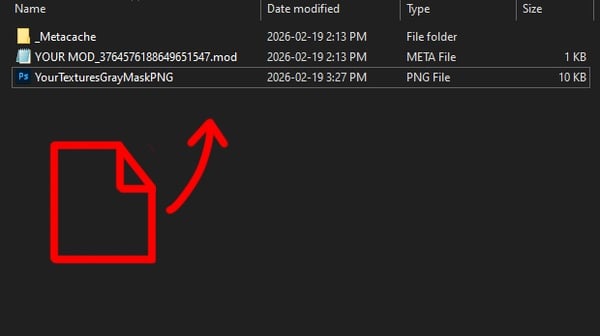
4) Add files to the folder
Drag and drop the files into the folder. File types supported are:
Texture files: png, jpg
3D Mesh files: fbx, obj
Mesh deformations: obj
Character rig: fbx
Animations files: .catalog (fbx animation files must be packaged in Unity, link here to Alice documentation page)
Audio files: ogg, mp3, wav
Text files: txt
Font files: ttf
5) Create game content
Follow some of the many guides available to add game content for the Live Mode, Build Mode, and Paramaker.
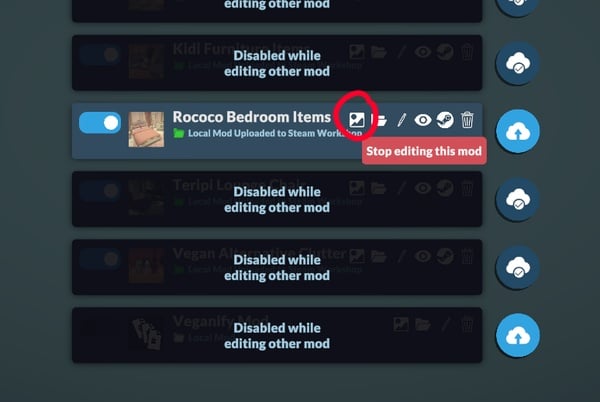
Click on the picture icon to open a menu to choose an image to use as a thumbnail. The image should be square or else it will be cropped, and should be less than 15MB, otherwise the upload to the Steam Workshop will fail.
7) Uploading the mod to the Steam Workshop
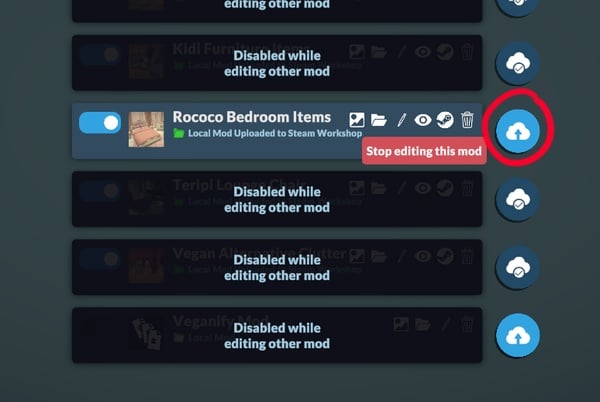
Go back to the My Mods page. Next to the mod, click on the cloud icon.
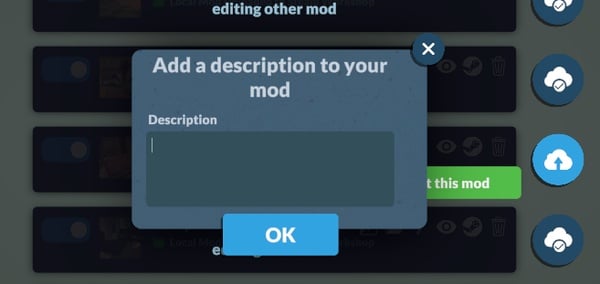
Add a description to the mod in the pop-up menu. This will be the description that will be displayed on the Steam Workshop page.
8) Add images and edit the workshop page
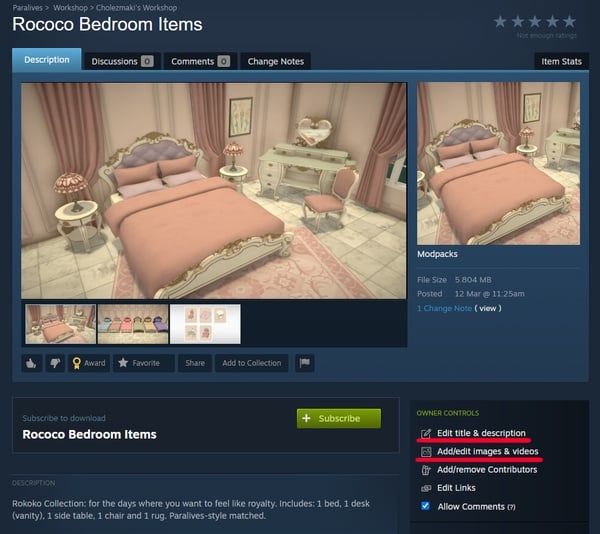
The game will prompt to open the Steam Workshop page. Open it. Once on the mod’s page, click on Edit title and description to change the name of the mod or the description. It is possible to add images in higher resolution and in HD format for the mod’s image carousel, in Add/edit images & videos.
9) Updating a mod
It is possible to update a mod at any time from the game’s My Mods page by clicking on the cloud icon next to the mod. A prompt to add Change Notes will appear, in which it is recommended to describe the changes that were made in the update. The change notes appear on the mod’s Steam Workshop page and are visible to the public by default, under {0} Change Note (view).
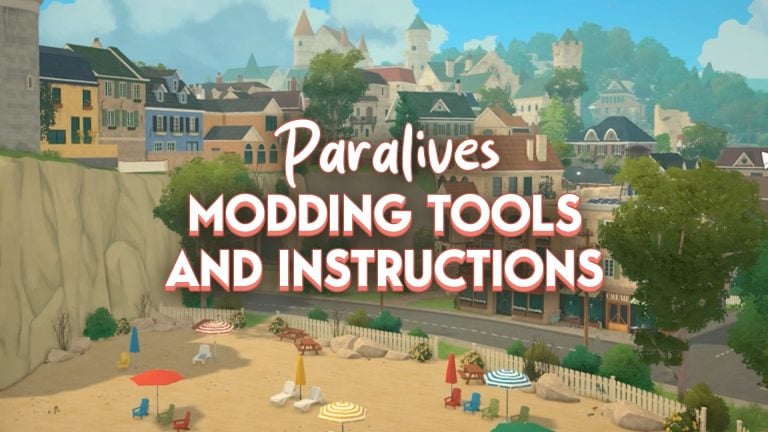
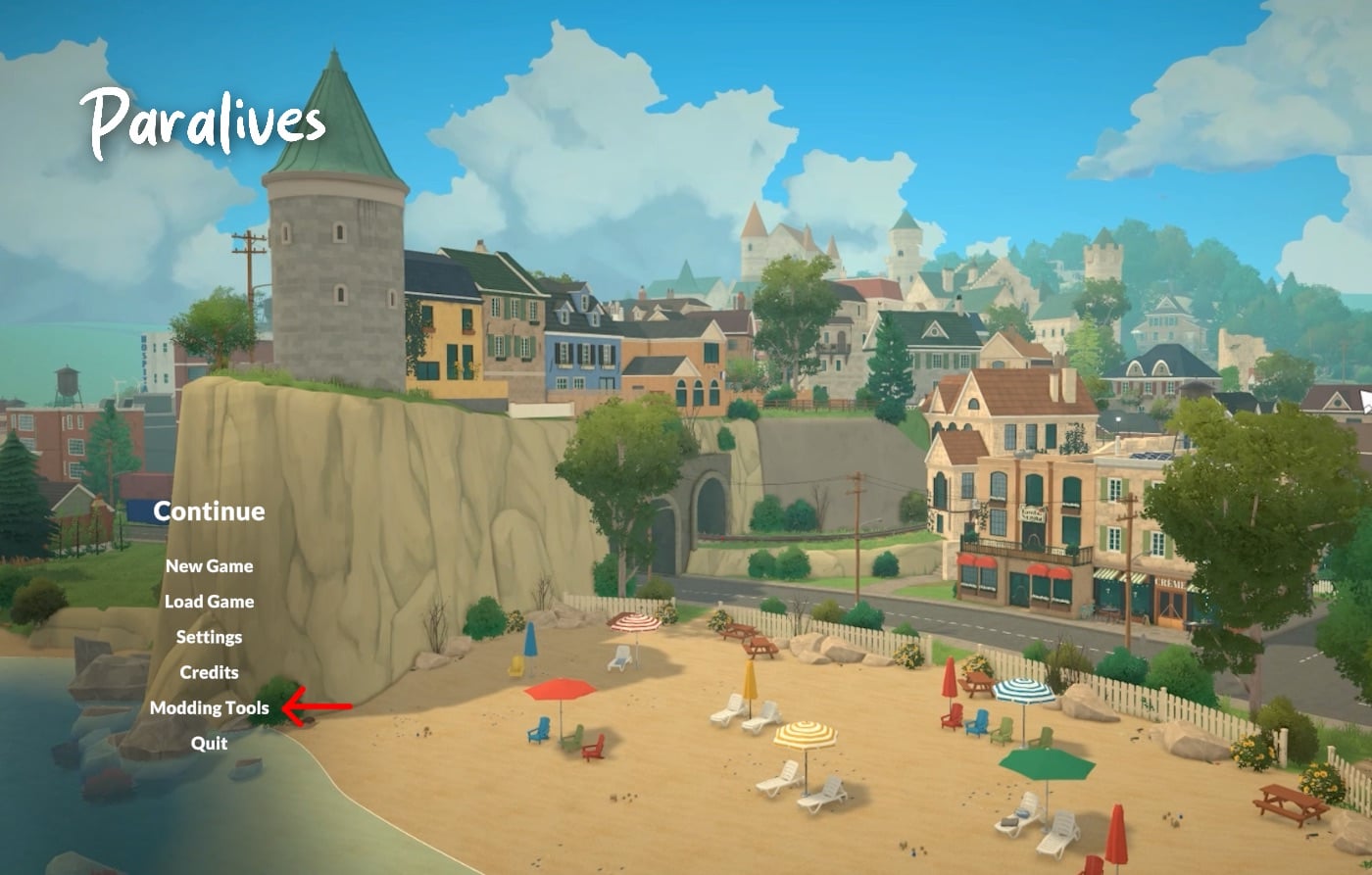
Snuck into the Creating a Mod and Uploading to the Steam Workshop tutorial was an image to showcase where to find the official Modding Tools, but also was a look at the Official Main Menu screen! It shows the seaside of the town that will be available upon release, with a beach empty of Paras but full of decor and clutter, helping the world to look lived in and very colorful!
Paralives has planned for an Early Access release on May 25th, 2026, which is right around the corner in the grand scheme of things. Make sure to follow The Sims Community while we keep you up to date with new releases and behind the scenes for Paralives before their big launch!
The new (and already controversial) Marketplace for The Sims 4 officially launched on March 17th, introducing a new wave of content from well-known custom content creators, along with official Kits now integrated into the in-game storefront. Among these first releases, we find a variety of Maker Packs that aim to expand different areas of gameplay and aesthetics. The Sims 4 Reader’s Nook, for example, focuses entirely on Build Mode.
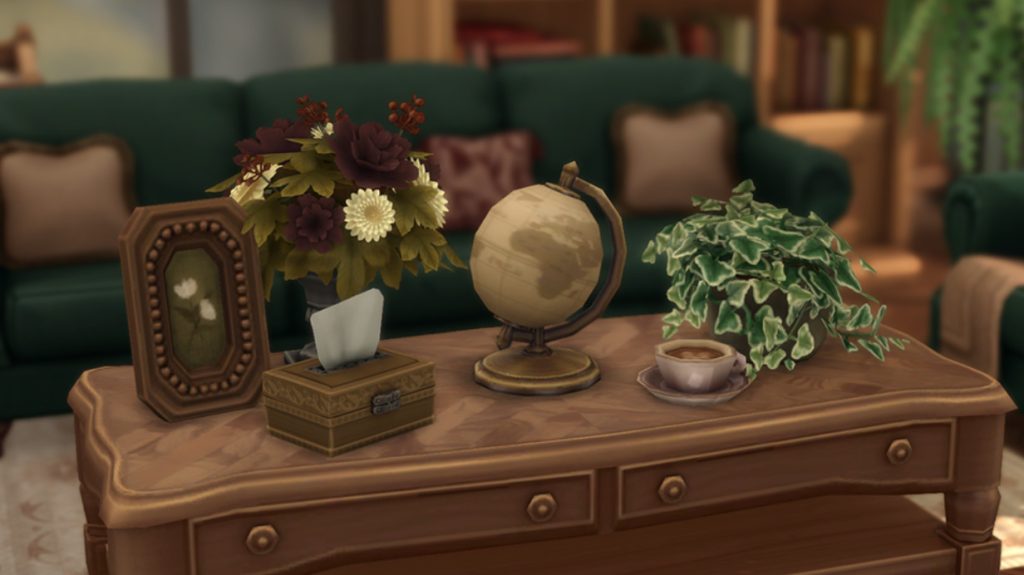
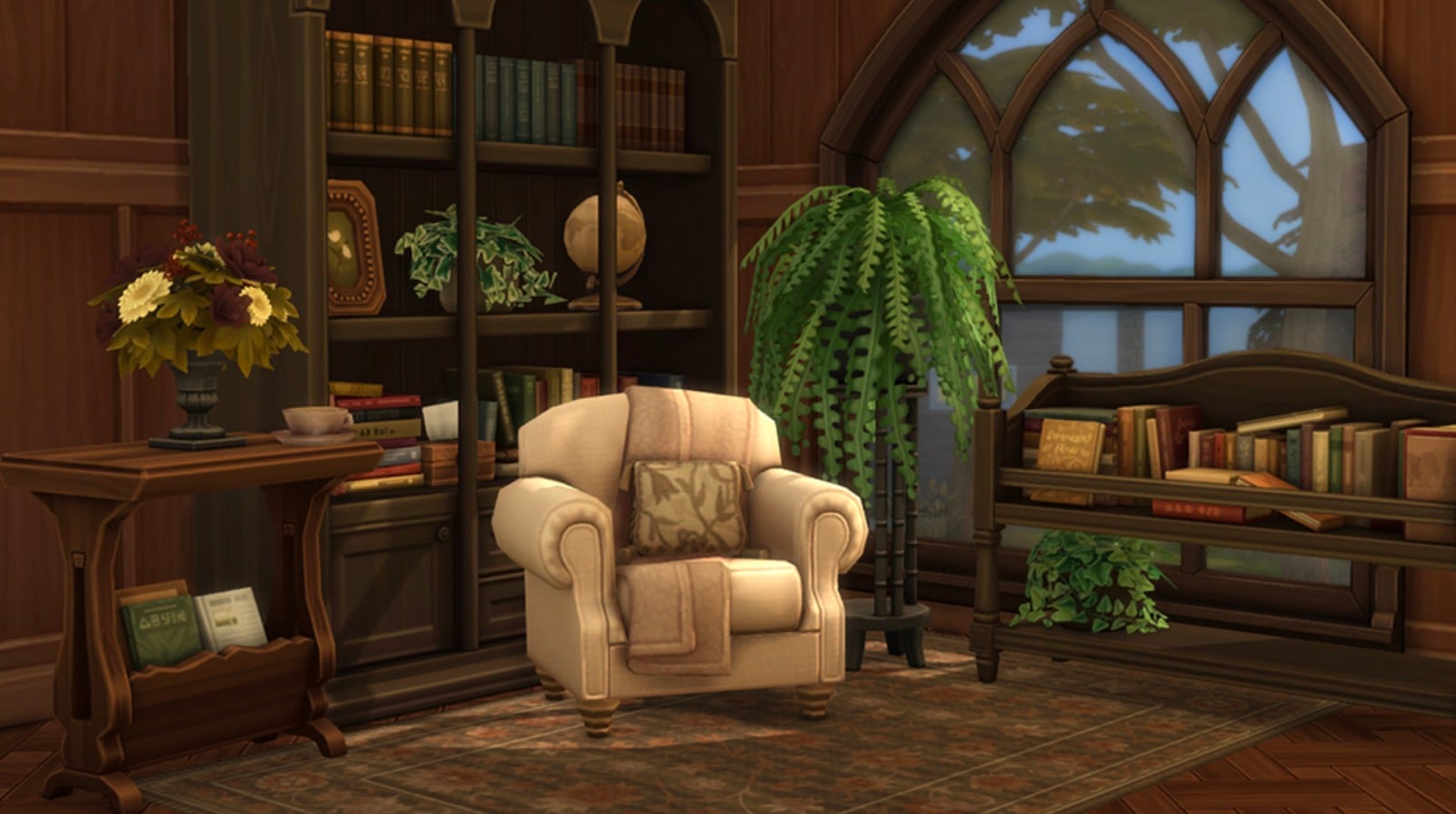
In this article, we’re taking a closer look at the Sims 4 Reader’s Nook Maker Pack by ValiaSims, a cozy Buy Mode set designed for book-loving Sims. Featuring exclusively 16 objects, this collection brings warm, very detailed pieces that transform any living space into the perfect reading corner, ideal for storytelling, relaxation, and atmospheric interiors.
Table of Contents
Sims 4 Reader’s Nook – Official Description
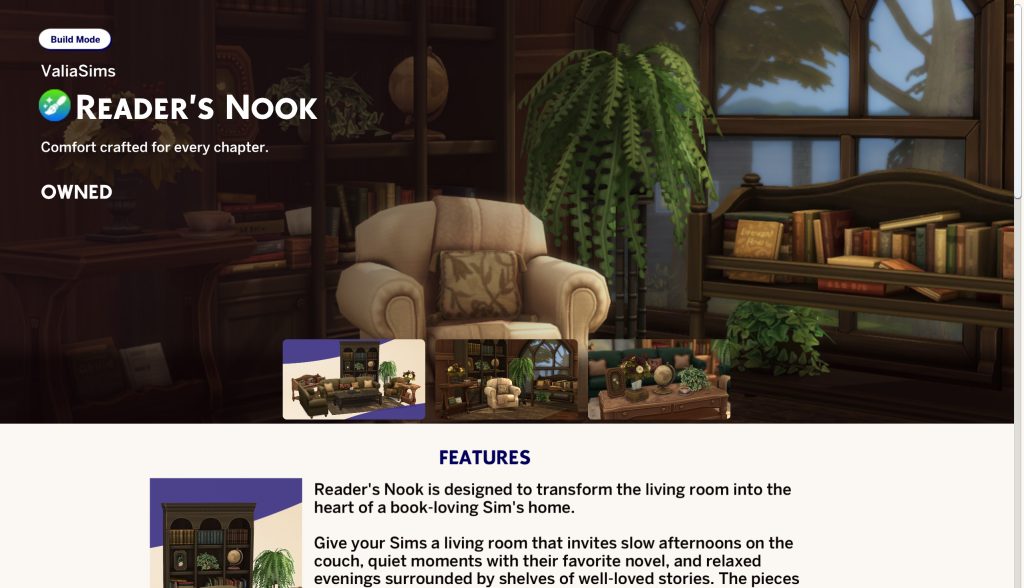
Reader’s Nook is designed to transform the living room into the heart of a book-loving Sim’s home.
Give your Sims a living room that invites slow afternoons on the couch, quiet moments with their favorite novel, and relaxed evenings surrounded by shelves of well-loved stories. The pieces work together to create a cozy nook — whether you’re styling a small reading corner or arranging a full family room.
Take a Look at the Included Objects
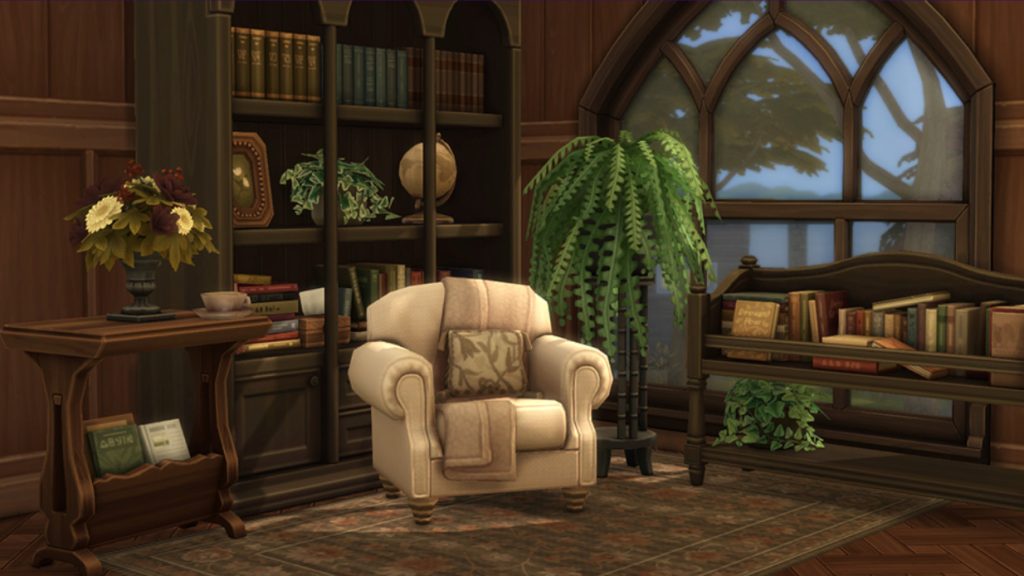
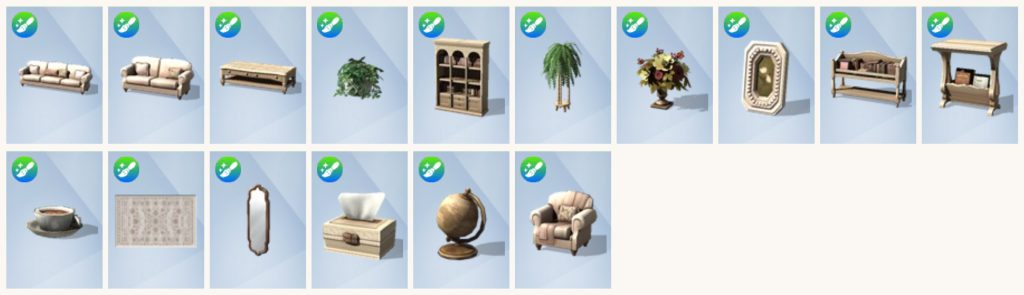
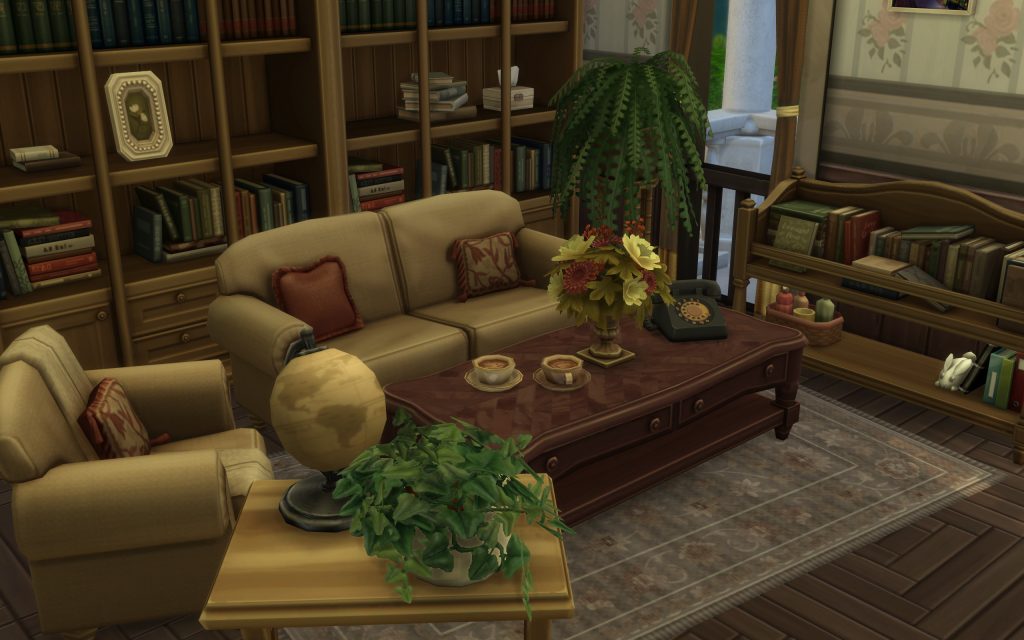
This Maker Pack introduces a total of sixteen new Buy items, all focused on creating a cozy and detailed reading environment for your Sims. The collection is centered on furniture and decorative pieces, with a strong emphasis on warm interiors, classic materials, and elements of clutter that bring life to any space.
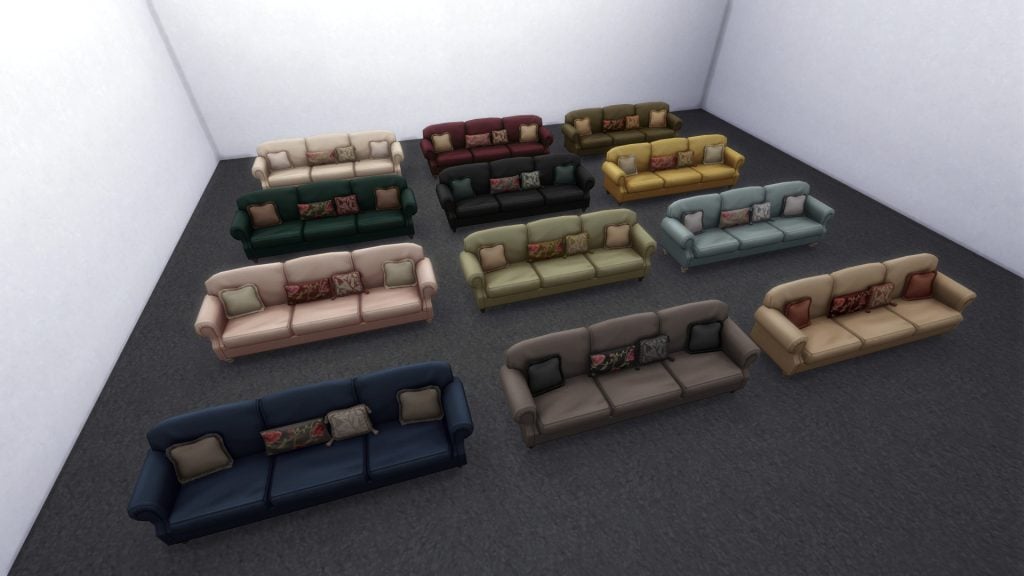
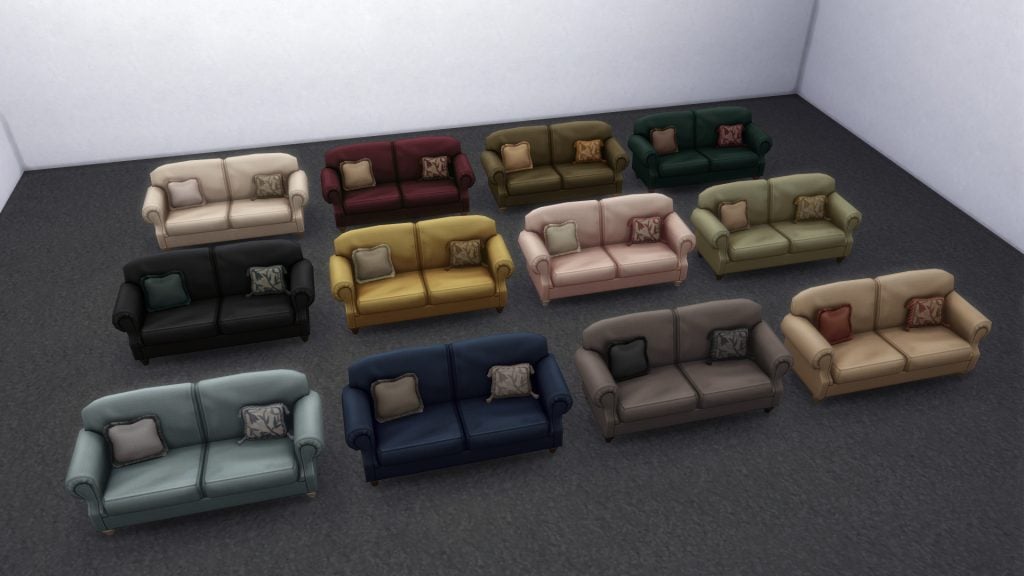
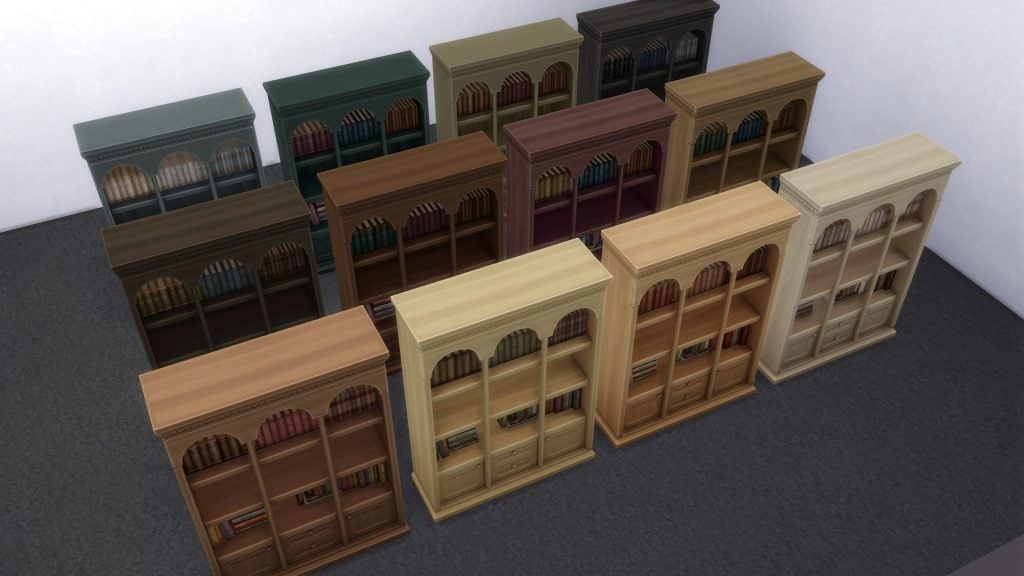
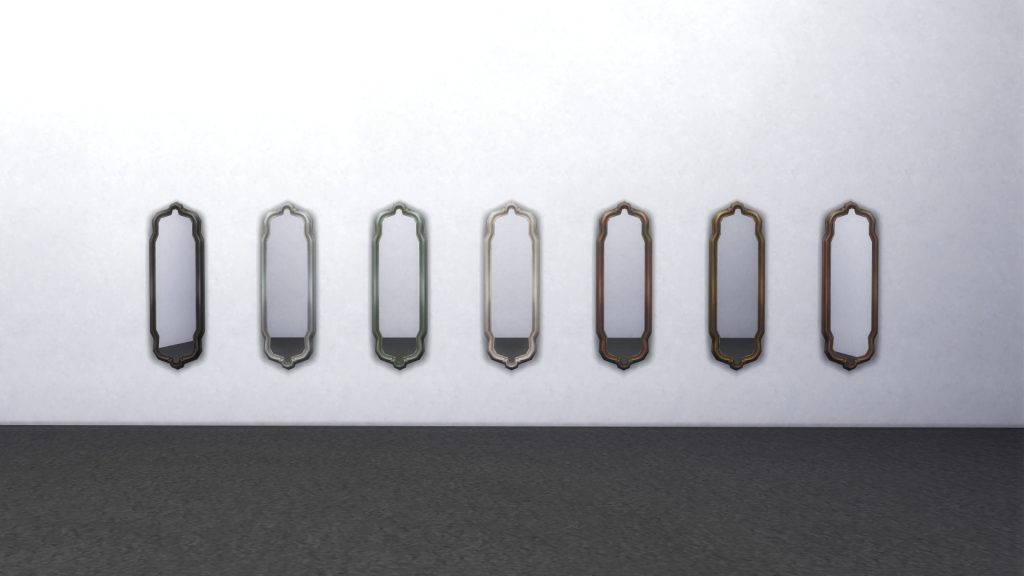
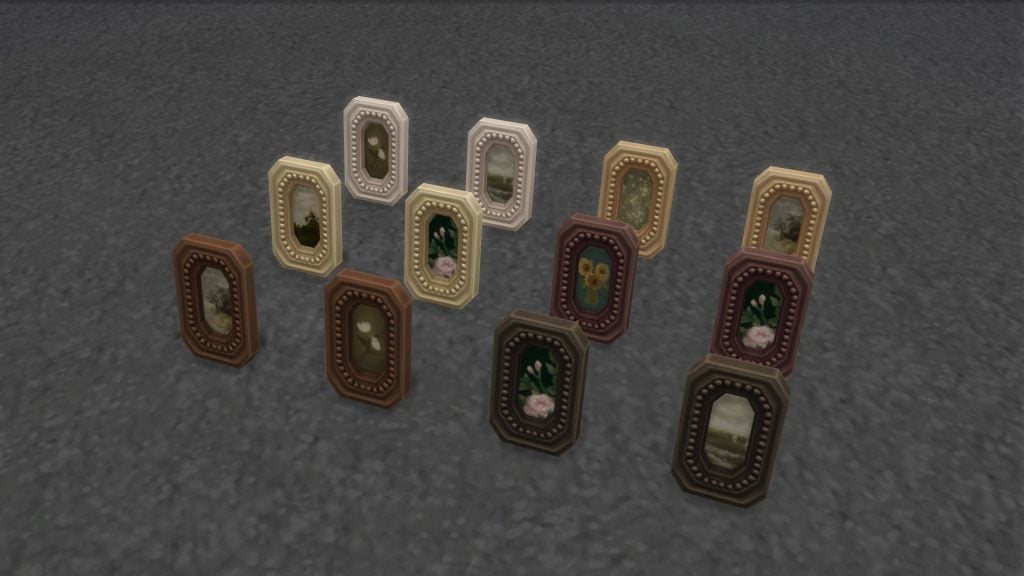
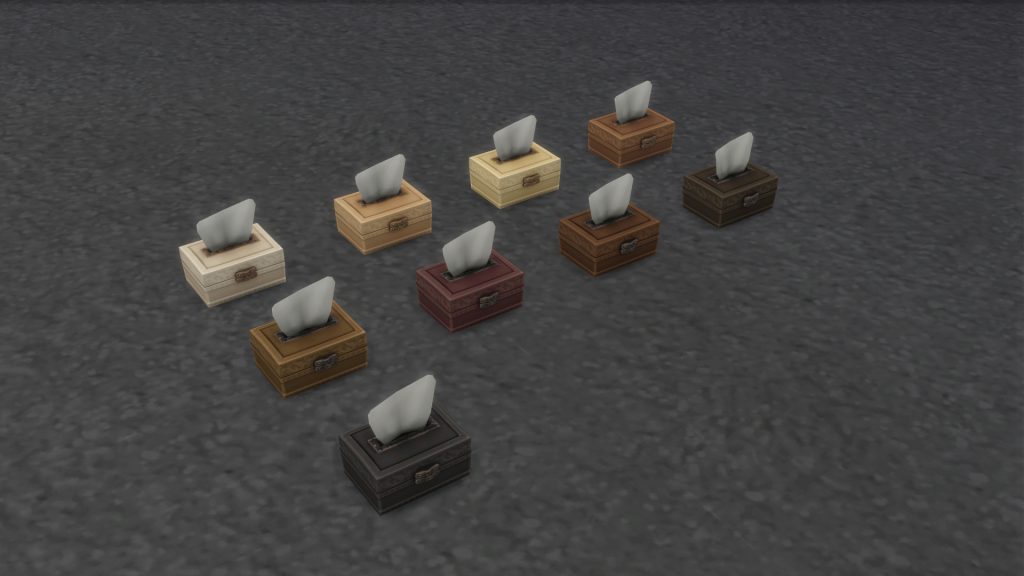
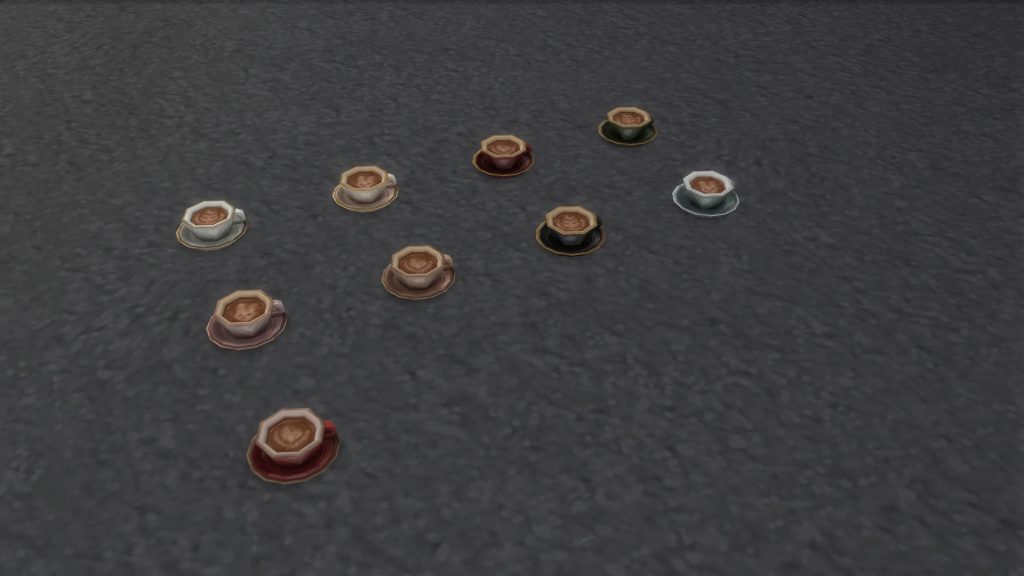
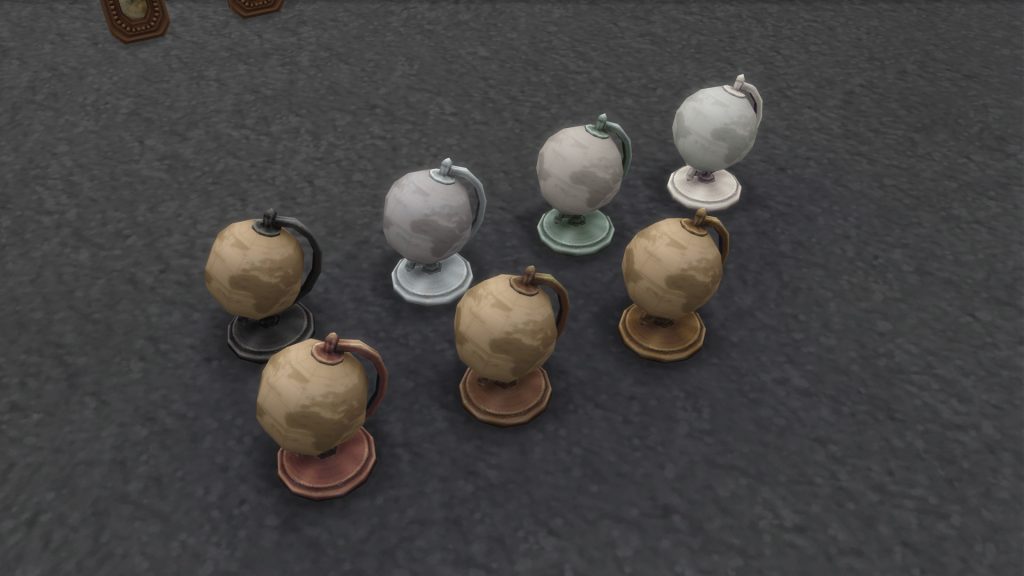
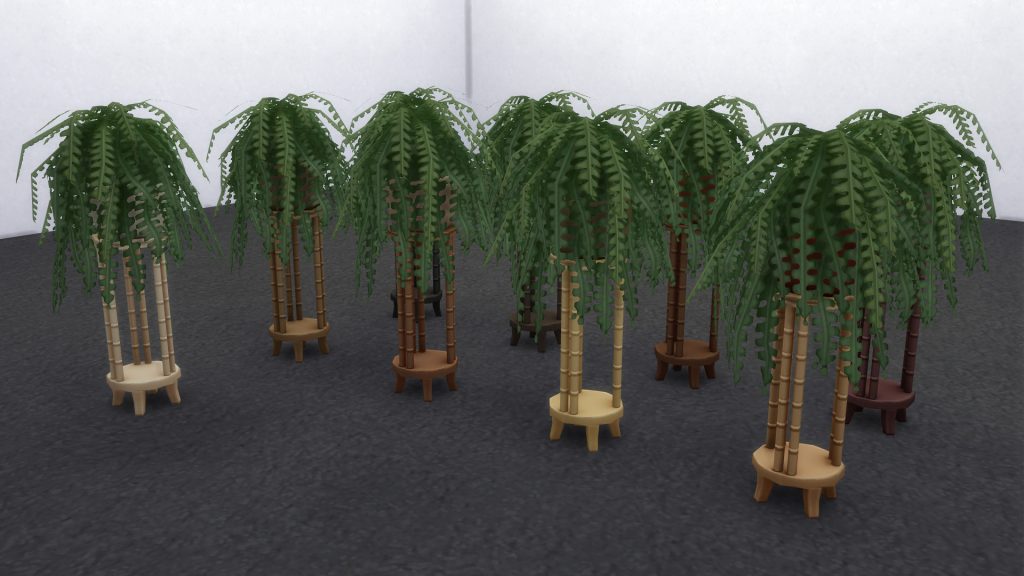
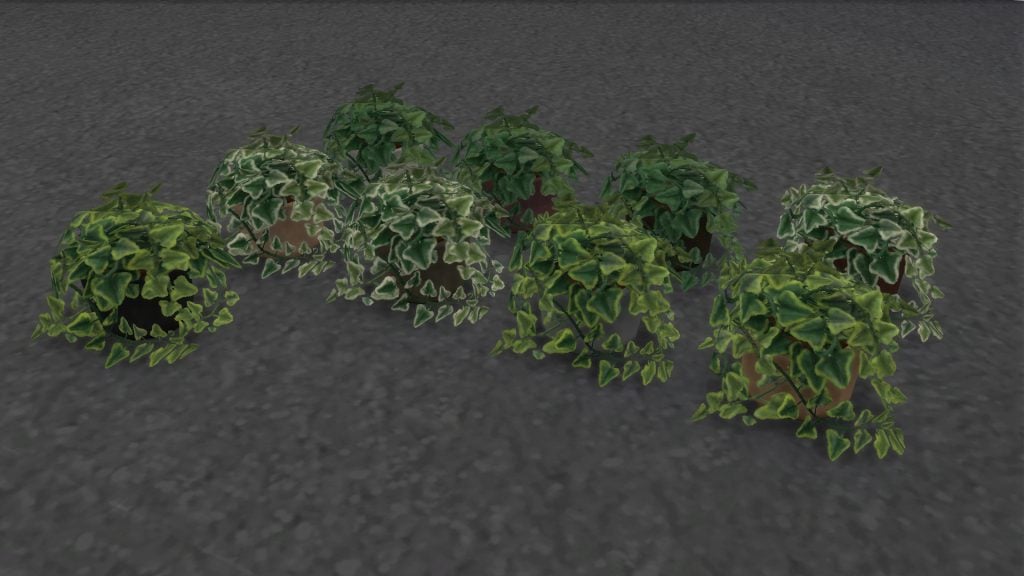
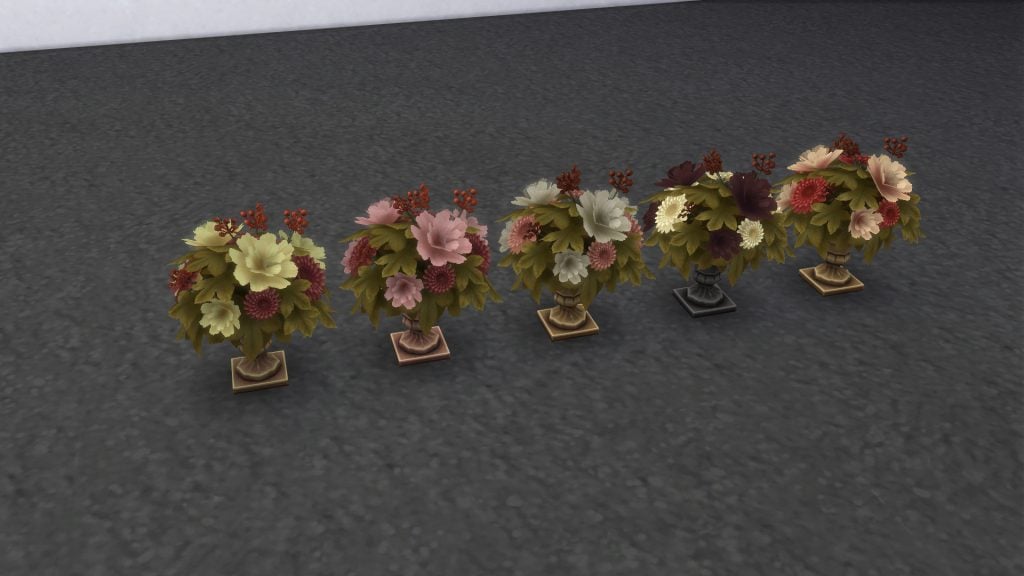
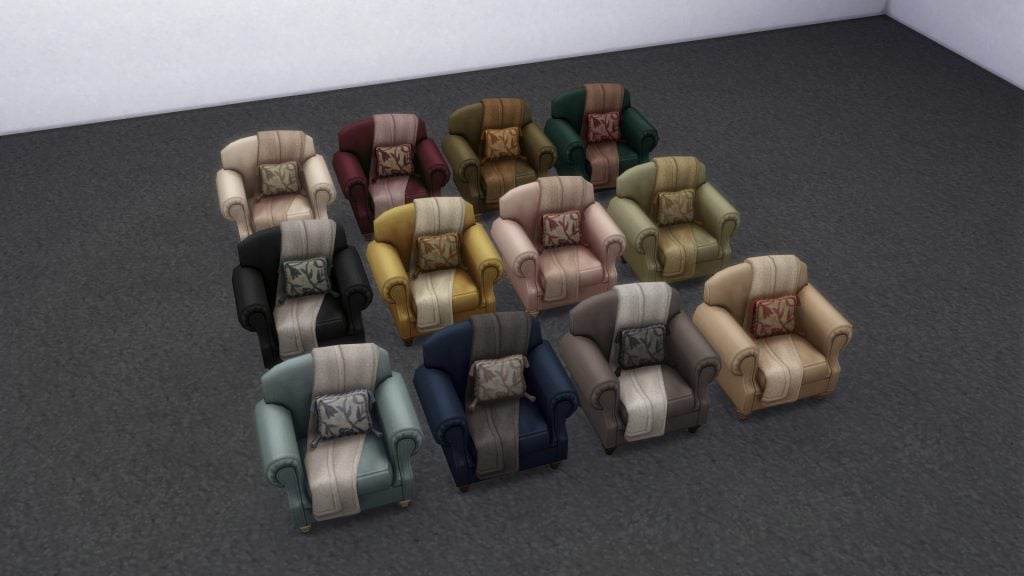
In total, the set includes three seating options (a sofa, a loveseat, and an armchair), two bookcases, one coffee table, and a selection of decorative objects such as plants, a rug, a mirror, wall art, a globe, flowers, a tissue box, and smaller clutter items like books and a teacup.
New Objects
A Cozy New Room – Pictures
Screenshot
Alternative Free CC Sets
Bookish by atticwindowatdawn
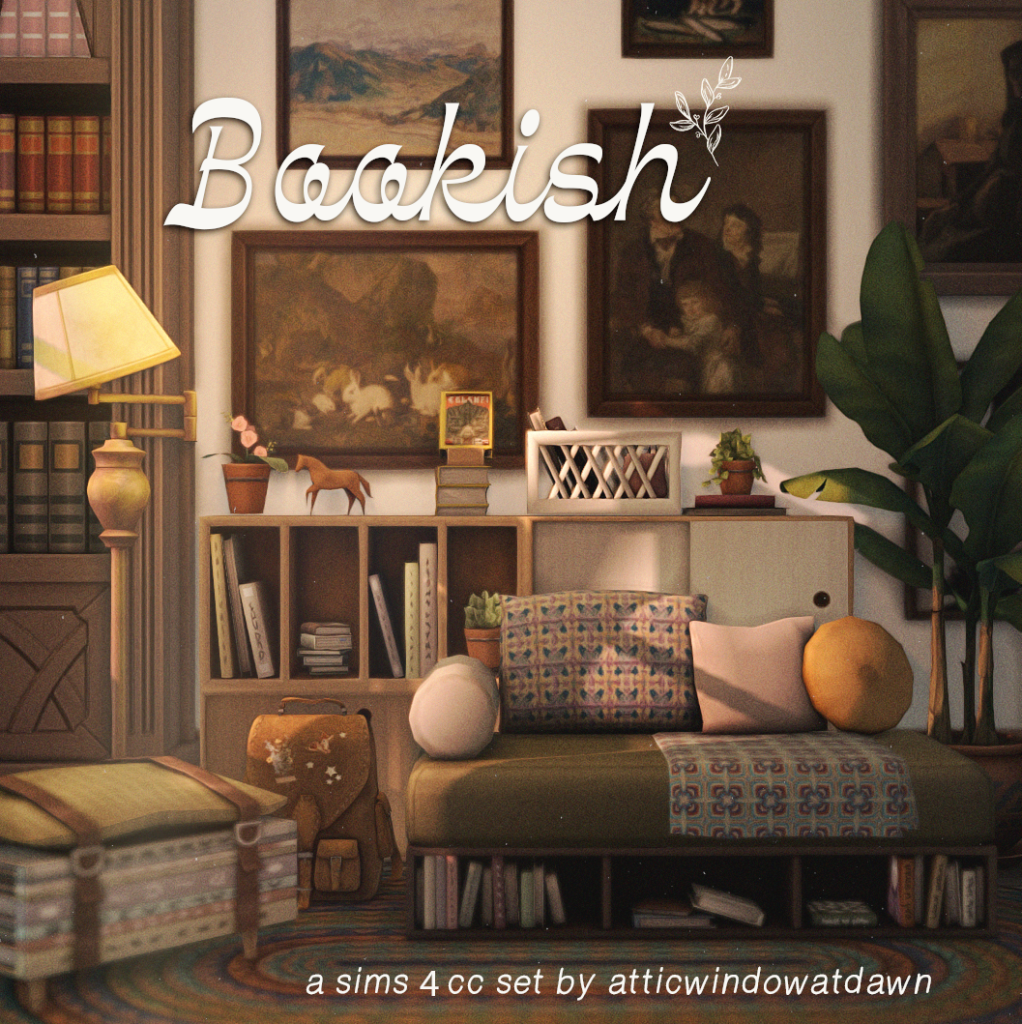
This Bookish CC set by atticwindowatdawn is a perfect match for players who enjoy creating cozy, story-driven interiors. Inspired by the love of books and quiet moments, this collection brings a warm and vintage aesthetic that fits beautifully into reading corners.
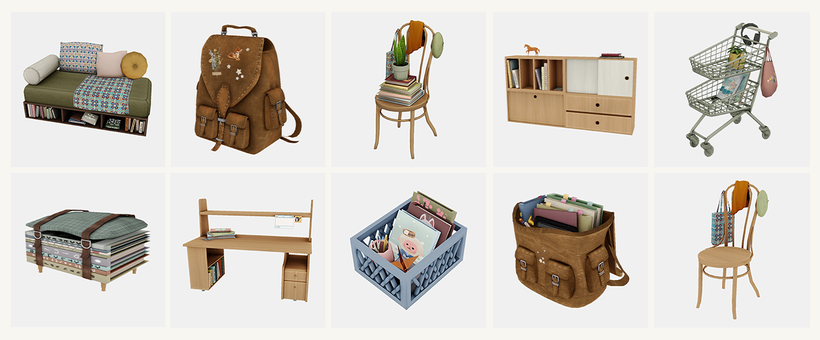
The set includes a mix of functional furniture and decorative clutter, such as a loveseat, desk, bookshelf, chairs, backpacks, and storage pieces, all designed to enhance storytelling and immersion. Fully base game compatible, these items offer a charming and detailed alternative for players looking to recreate a similar atmosphere to Reader’s Nook.
From a design perspective, the Sims 4 Reader’s Nook Maker Pack stands out as one of the stronger releases within the Marketplace so far. The overall aesthetic is cohesive, the textures feel polished, and some of the smaller details, like the coffee cup and clutter pieces, add a lot of personality to the set. Compared to other Maker Packs, this one feels more thoughtfully put together, with a clear vision behind it.
However, the pricing remains difficult to ignore. At 500 Moolas, the pack sits at the same price point as official Kits, which typically include more items and are developed within a different production pipeline. While it’s important to recognize that this is still custom content, the comparison inevitably raises questions about value.
Ultimately, the main concern doesn’t lie in the quality of the set itself, which is solid and even slightly more refined than other Marketplace releases, but in the broader system it exists within. As with other Maker Packs, the hesitation comes less from what is being offered and more from how and where it is being sold.
Do you think the Sims 4 Reader’s Nook is worth 500 Moolas? Check out our other Sims 4 Marketplace articles for more insights.
While the Sims 4 itself is currently heavily clouded in struggles and criticism from the new Marketplace, multitudes of game-breaking bugs, and just general community unrest, is anyone surprised that this was the time The Sims and EA decided to tease a new collab? Without warning on Sunday, March 22nd 2026, the Sims team social media accounts posted an uncaptioned teaser clip, teasing what seems like a… Sims Lofi Girl collab?
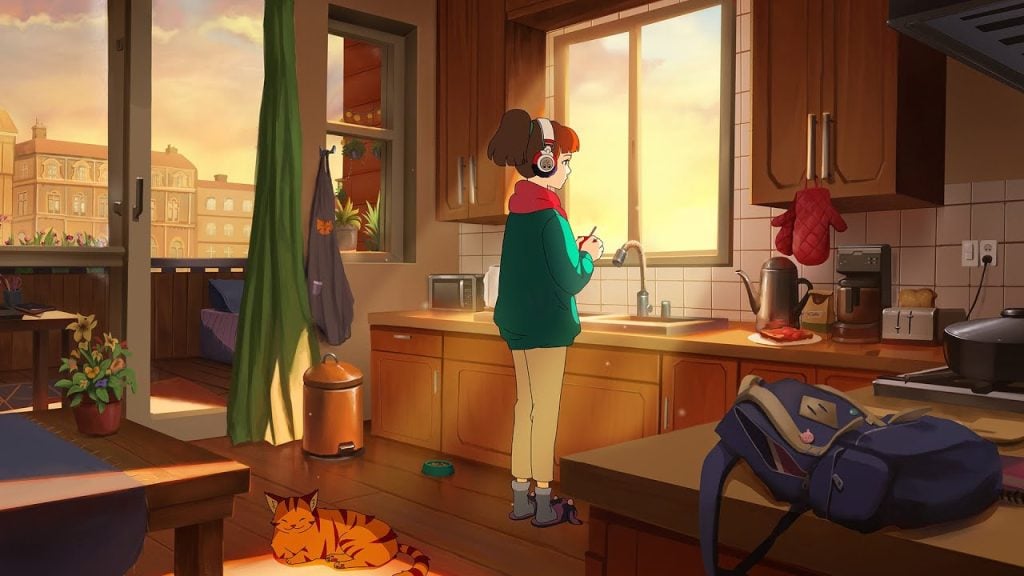
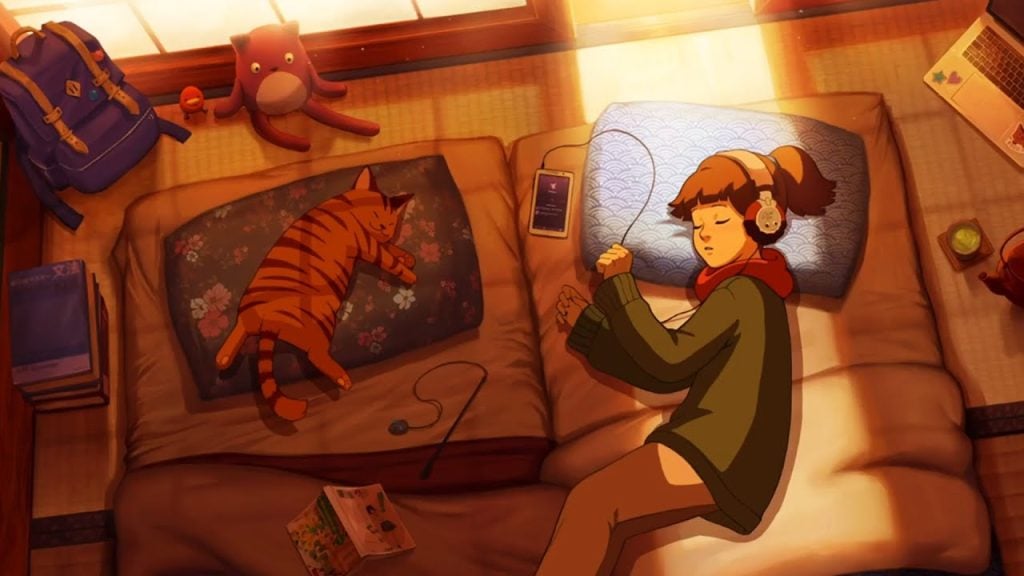
If you’ve been on YouTube in the past decade or so, especially if you’ve been a student during that time, you’ve likely seen or heard of “Lofi Girl” a constantly available livestream account with a wide variety of videos, often with instrumental music playing in the background and anime girl focused on studying.
Lonely Days [sad lofi] by Lofi Girl on YoutubeBedtime Lofi 8 Hours of relaxing beats to sleep to by Lofi Girl on YoutubeMorning Coffee [lofi hip hop] by Lofi Girl on YoutubeLazy Sunday [lofi hip hop] by Lofi Girl on Youtube
While initially, Lofi Girl was a channel with little outside of that initial livestream, the channel and company as a whole has expanded heavily. This includes multiple consistently running livestreams with a wide variety of genres, typically instrumental music to help with focus, different backgrounds and characters for contextual or seasonal differences, and many long-form videos made for specific scenarios.
Panda Express x Lofi Girl – lofi lunar new year radioSILENT HILL f x Lofi Girl I Hauntingly Chill Beats to Get lost in the FogLofi Girl x Assassin’s Creed Shadows – Stealthy beats to relax to
Now instead of just being for studying, Lofi Girl has grown into a general “background music” channel, with videos intended to help people sleep, relax, focus on games, read to, and so many more scenarios. They also now have many large collabs with companies like the restaurant chain Panda Express, the 2025 video game releases Silent Hill f and Assassin’s Creed Shadows, and many more companies and brands over many, many industries and passions.
At 11:00AM EST on March 22nd 2026, The Sims Official X account posted a short teaser video, showing what looks to be the classic Lofi Girl, using the iconic “spinning around” animation found in The Sims series to change from pajamas into her everyday outfit, and a plumbob appearing over her head. The video ends with the date “3.23.2026”.
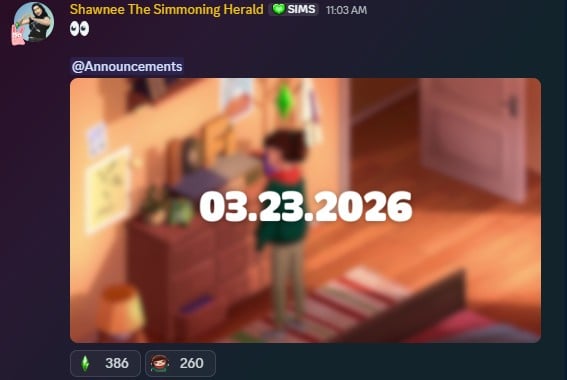
Only a few minutes later, an admin of The Sims official Discord server, posted an image taken from the video with the date pasted over it as well in the “Announcements” channel. Currently, no context or further details have yet been posted
What To Expect
According to the dates in both teasers, it seems we should expect something posted on Social Media by The Sims Team tomorrow, Monday March 23rd 2026, officially announcing and providing details of what this collab could be, although we don’t know exactly what it is currently. Some ideas we’ve considered and discussed have been an in-game Sims Lofi Girl radio station, a possible Sims Lofi Girl live event, or maybe a Sims Lofi Girl livestream, using iconic The Sims music for the background.
Though, nobody will know for sure until we hear more tomorrow.
Are you excited for a Sims Lofi Girl collab? How do you feel about The Sims team doing more collabs during the current state of the game and the community? Sound off below and tell us what you think! Make sure to follow and bookmark the Sims Community as we keep you updated with new teasers, collaborations, and content coming to The Sims and other Life Simulation games!
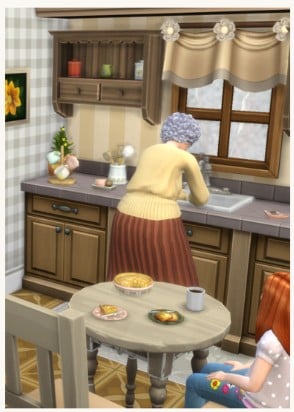
Amonst the maker sets available at the moment on The Sims 4 marketplace, there are lots of items on offer which add little touches to your Sim’s homes.
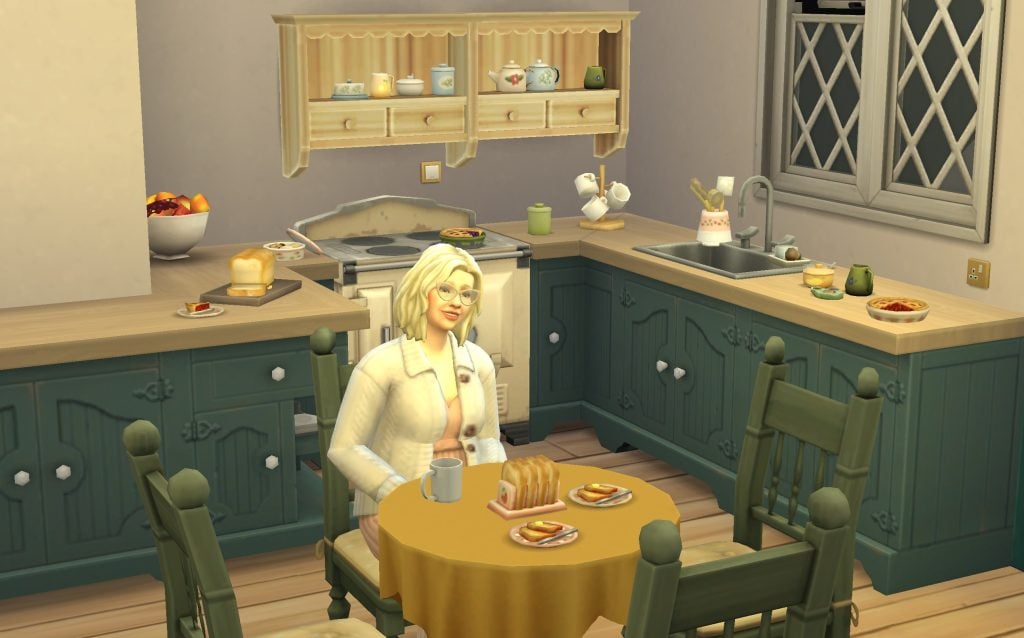
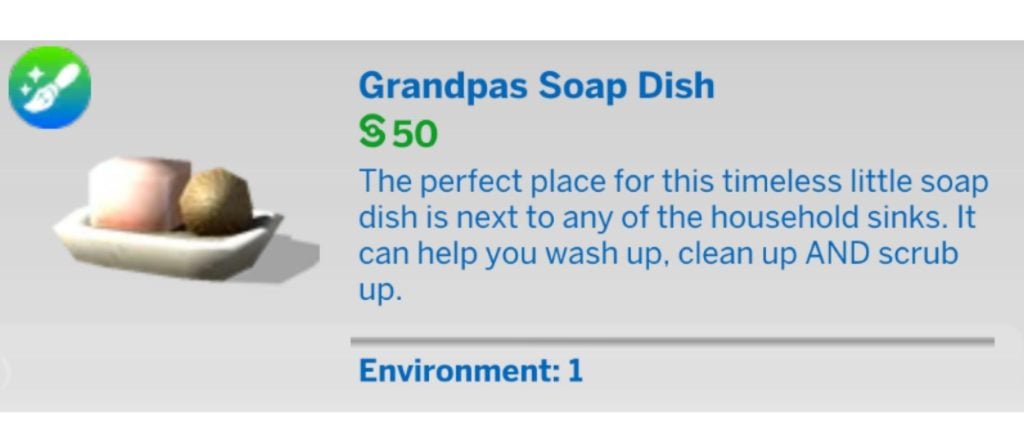
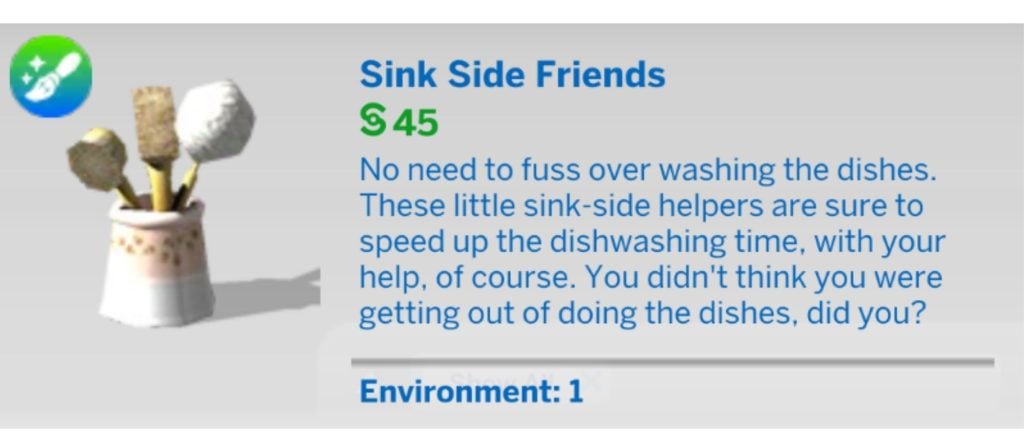
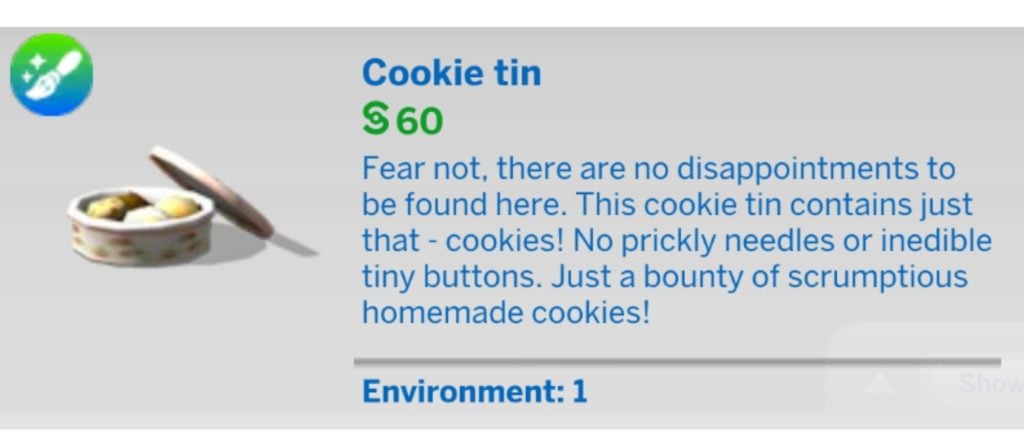
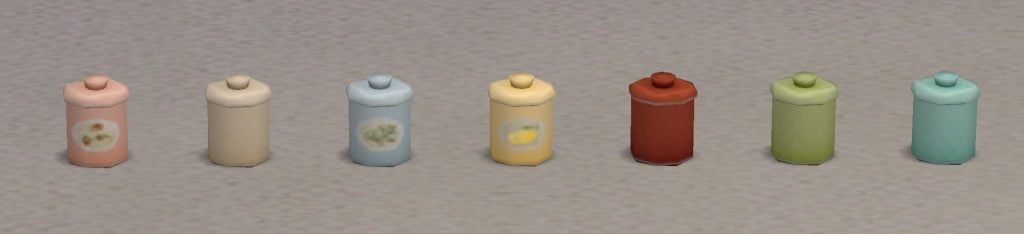
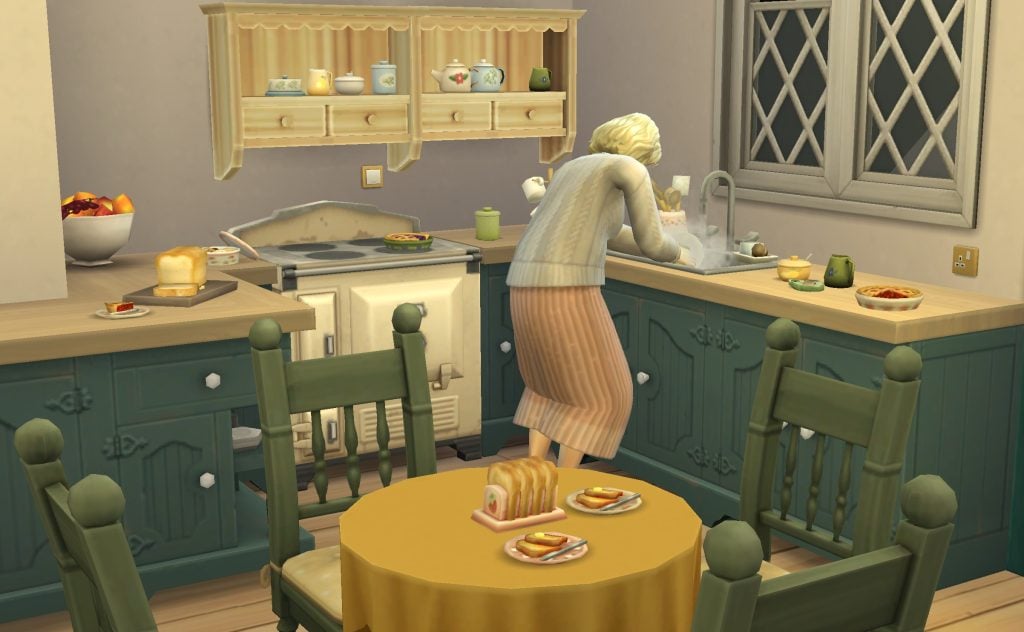
This maker kit offers a large collection of kitchen clutter, adding things like mug stands, teaspoon holders, soap dishes and tins.
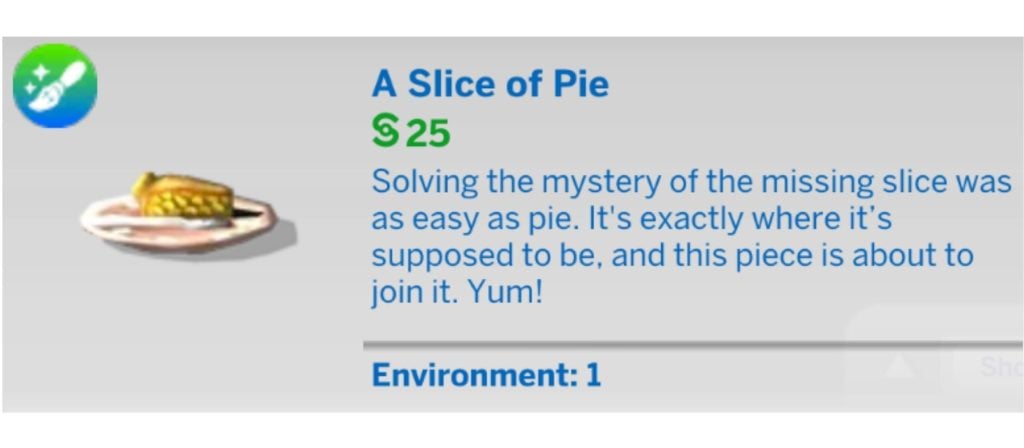
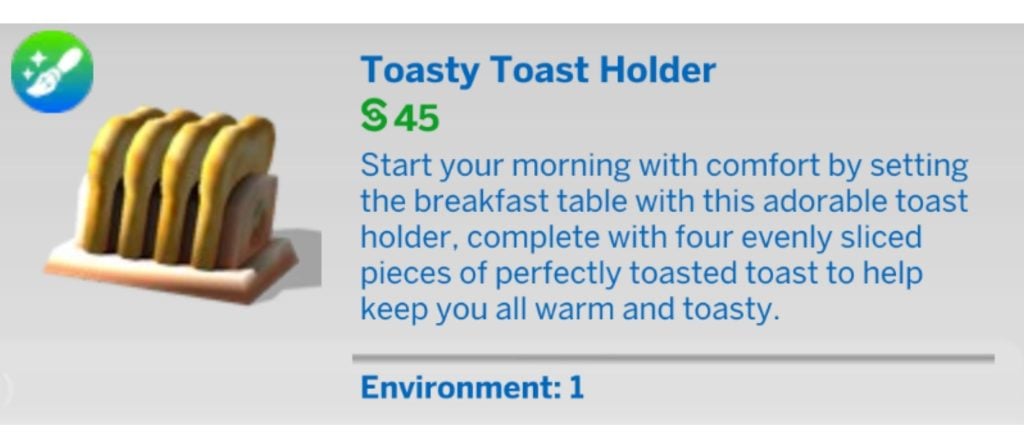
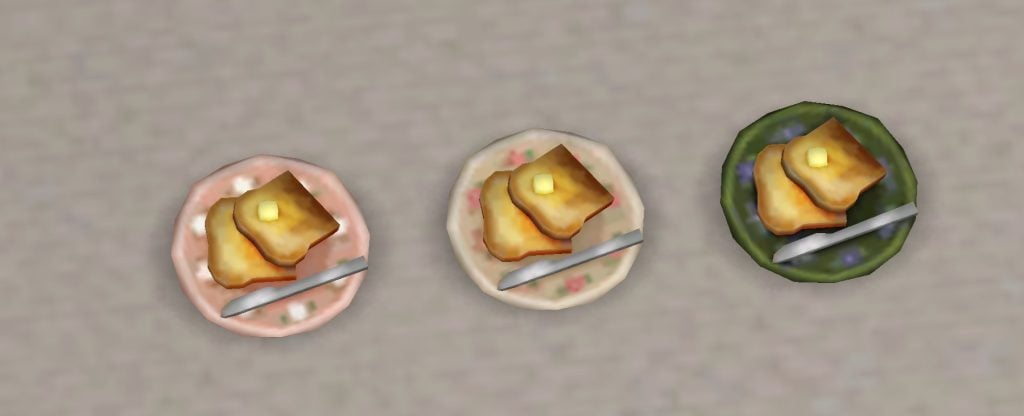
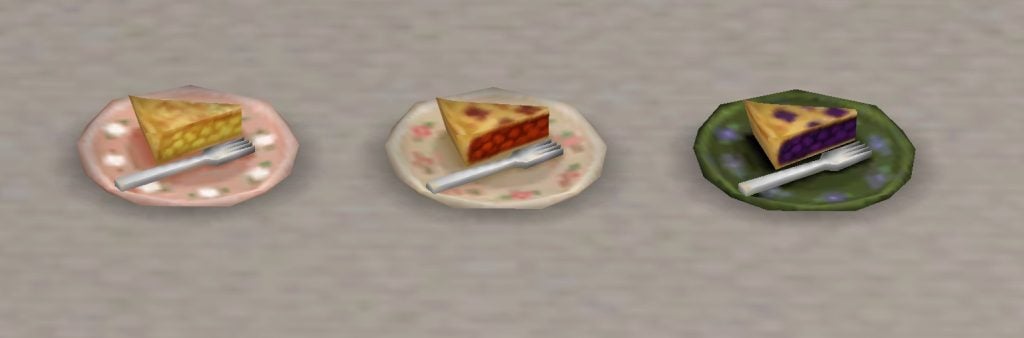
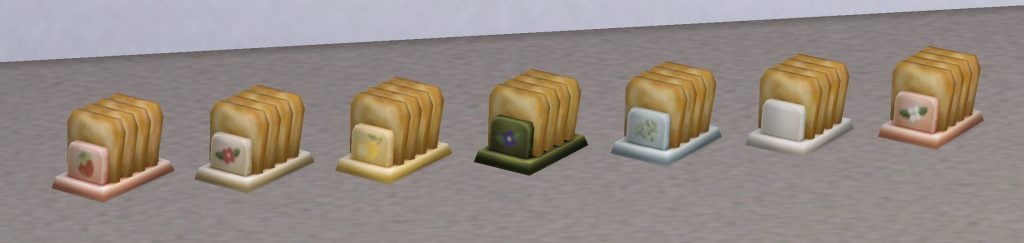
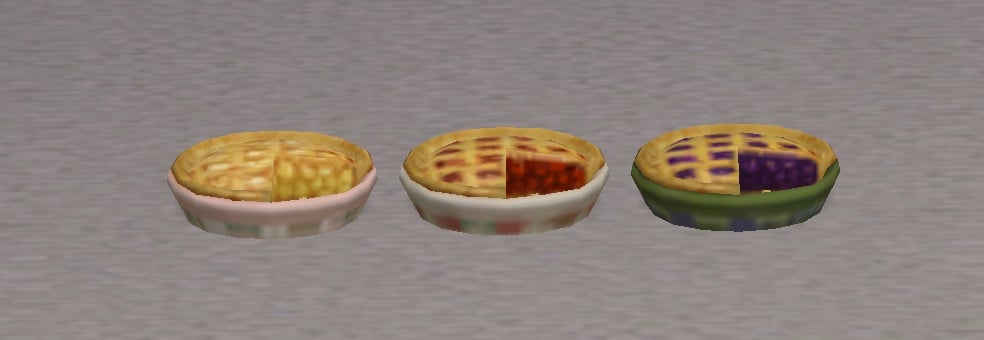
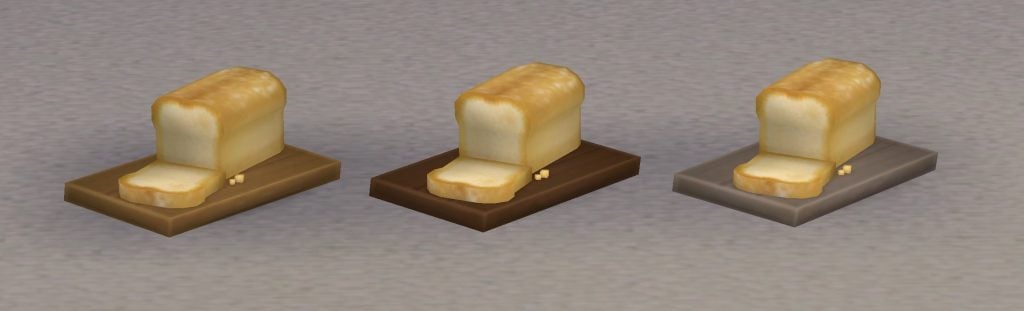
It also comes with some decor food, like slices of pie, buttered toast, and loaves of bread.
What’s Included?
Have a look at the individual items and the colour swatches for each in more detail below.
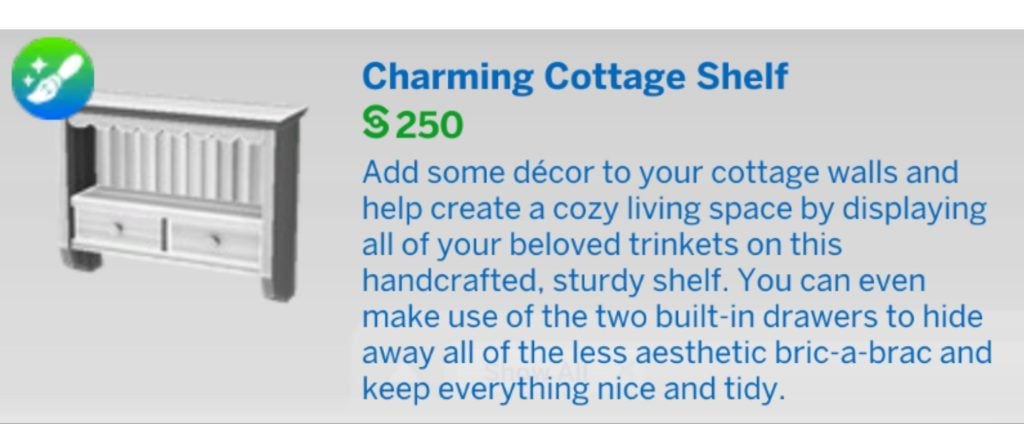
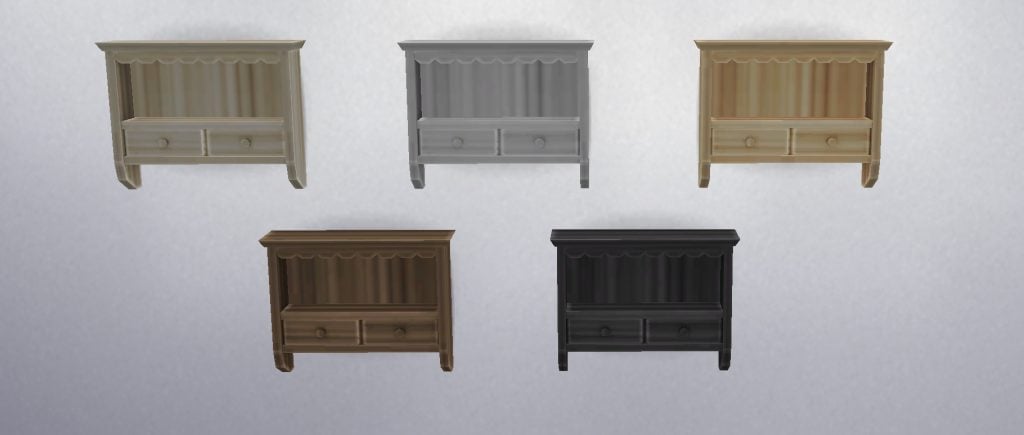
Charming Cottage Shelf
Sugar Dish
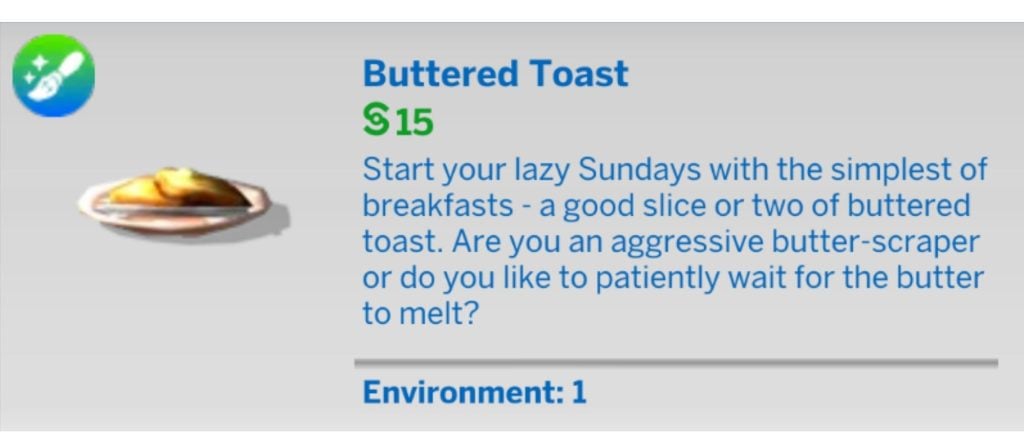
Buttered Toast
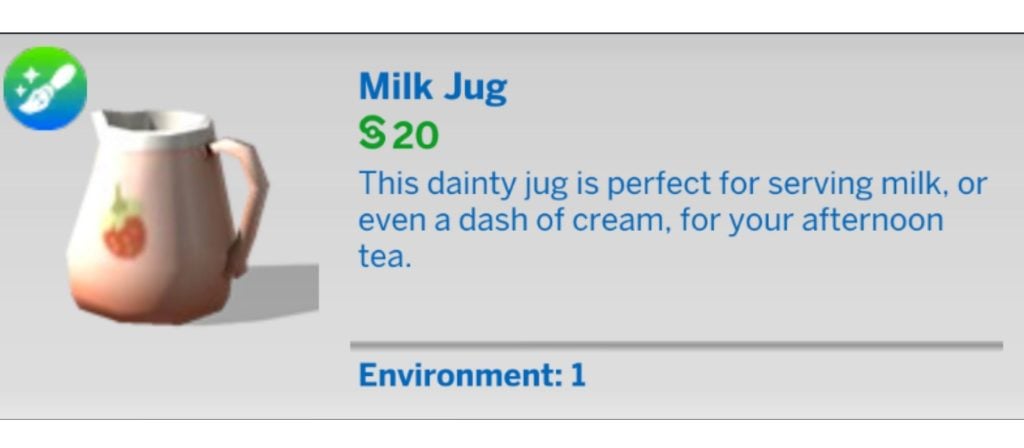
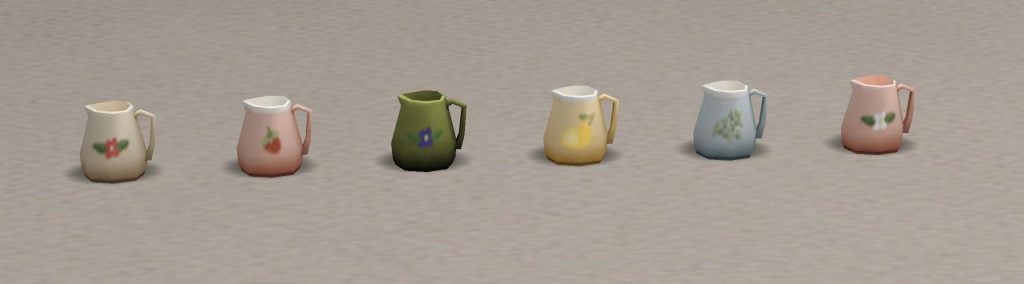
Milk Jug
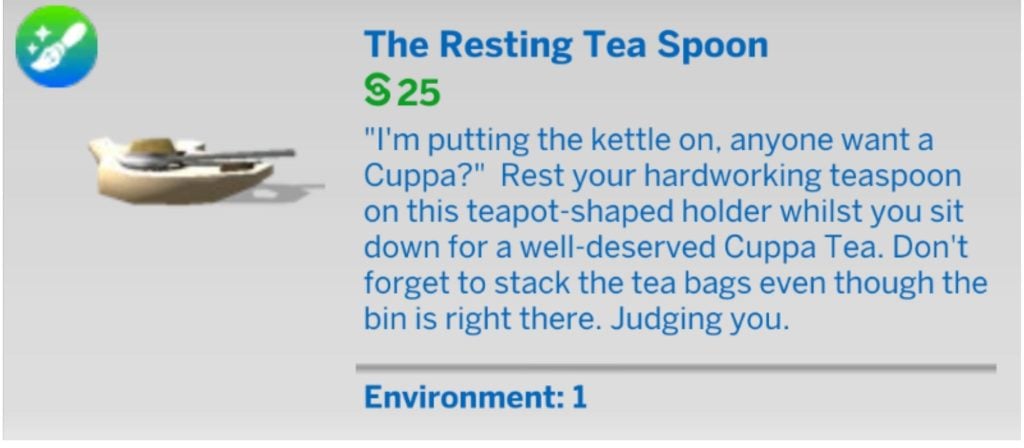
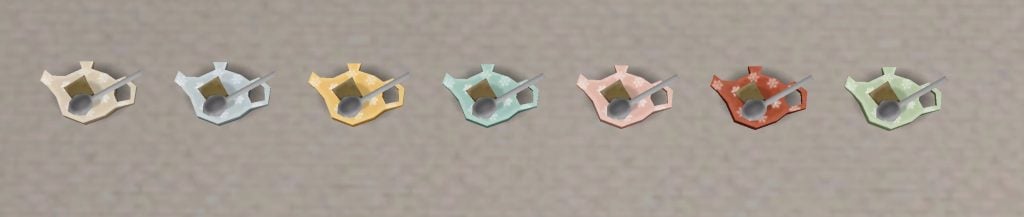
Resting Teaspoon
Slice of Pie
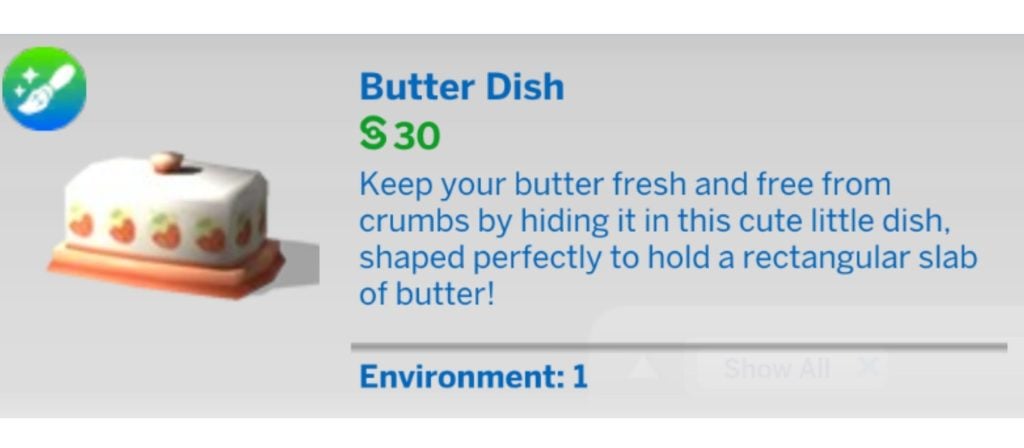
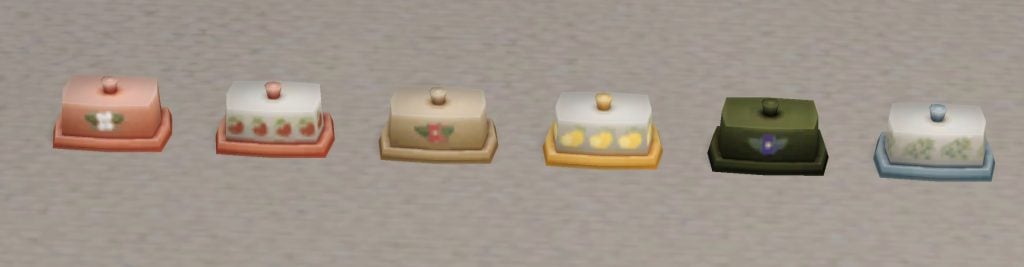
Butter Dish
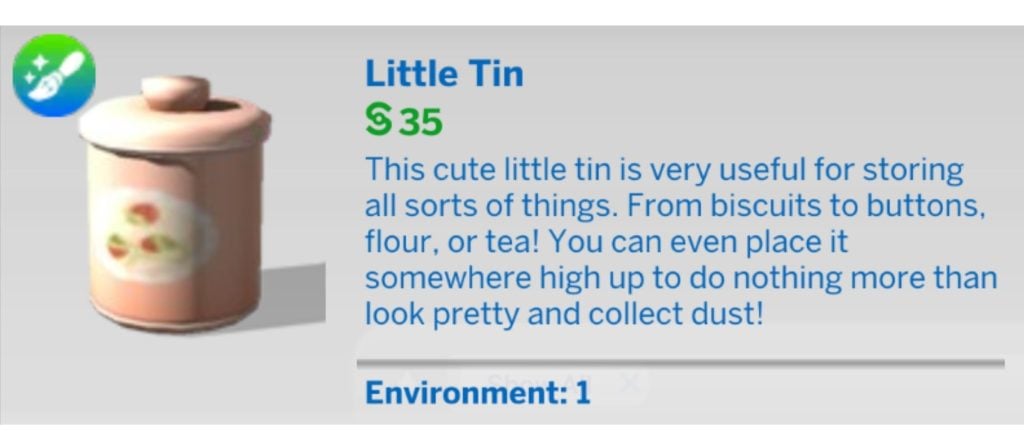
Little Tin
Sink Side Friends
Toasty Toast Holder
Grandpas Soap Dish
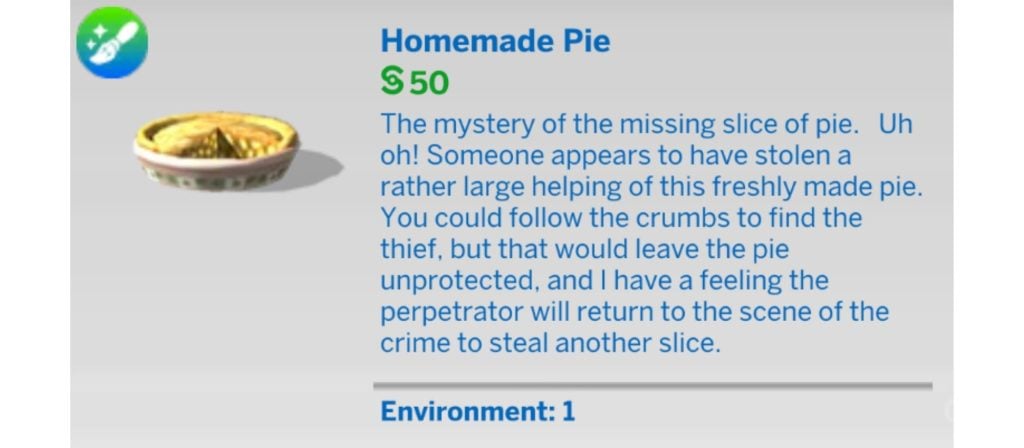
Homemade Pie
The Mystery of the Fourth Cup
Sliced Bread Board
Cookie Tin
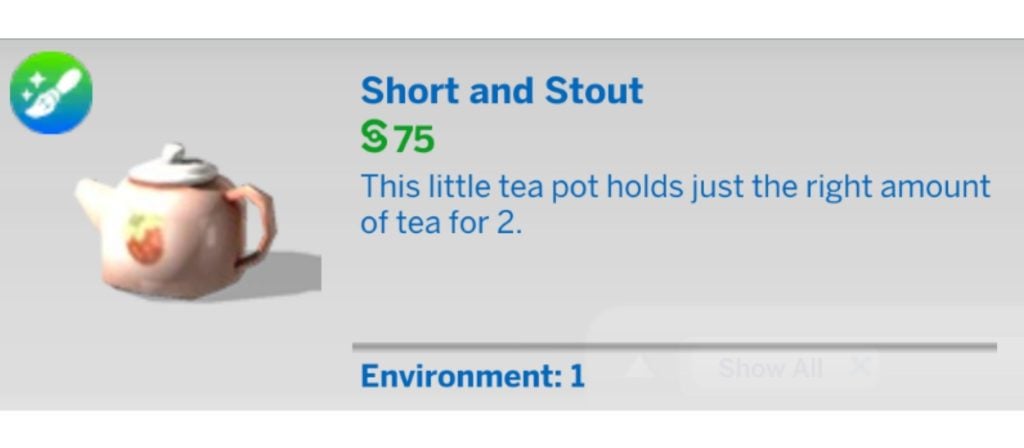
Short and Stout
Similar Custom Content To This Maker Kit
The world of custom content is not short of options for kitchen clutter. Here are just a couple of examples for you to browse.
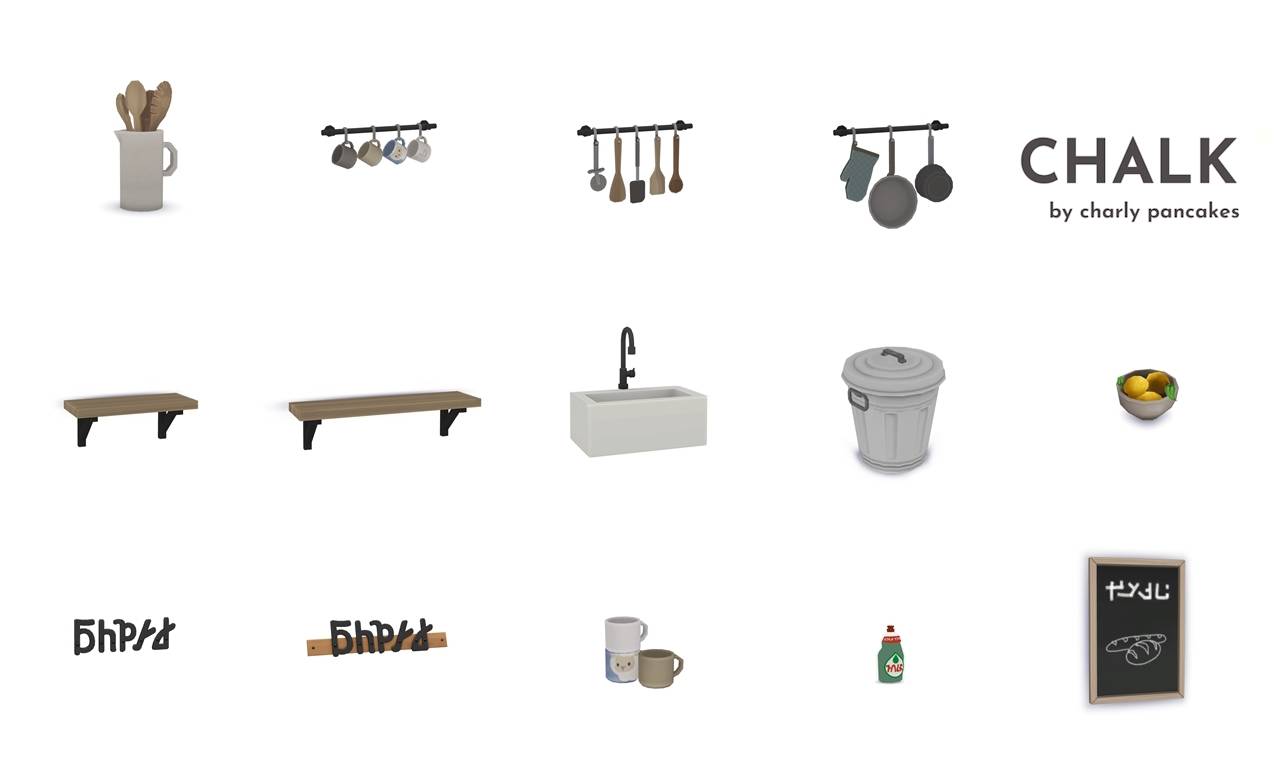
Chalk Part 3 by Charly Pancakes
This is part of a larger kitchen custom content collection but still contains some nice clutter items, including a new mesh for the money-making bin from the base game.
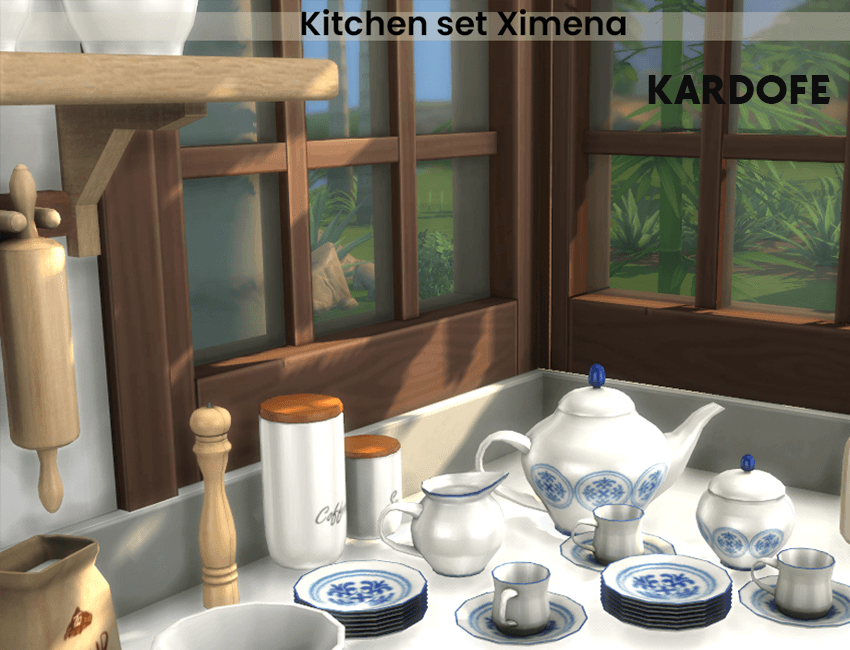
This is a set perfect for a Live Laugh Love household, and comes with jars for coffee, tea, sugar, and biscuits/cookies, as well as kitchen roll and mug holders, and a functional microwave.
We also recently published an article highlighting 20 different kitchen custom content sets, which you can read here.
Our Thoughts On Grandma’s Kitchen Heirlooms
This is a really cute decor set with loads of lovely items, and all of them would not look out of place in any real grandma’s kitchen. Realistic touches like a used teabag and spoon on a plate and plates of buttered toast are going to make any Sim’s home feel alive.
The swatches match reasonably well across all items, and the food decor looks good enough to eat.
Overall this is a lovely decor kit and one which will be getting a lot of use in my builds.
European Home Power Set by SixamCC
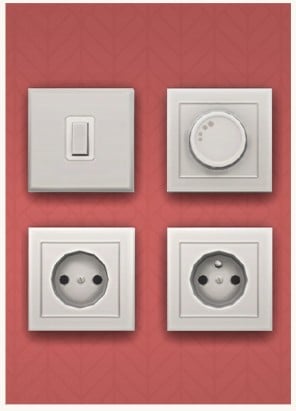
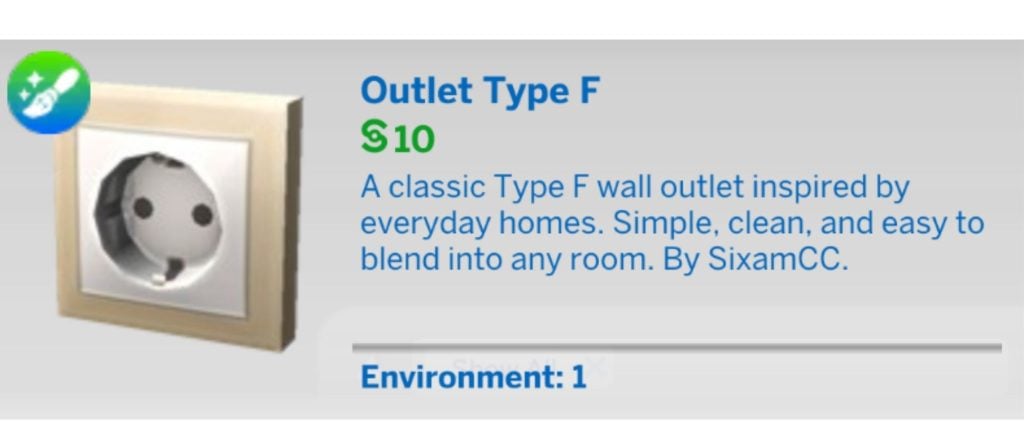
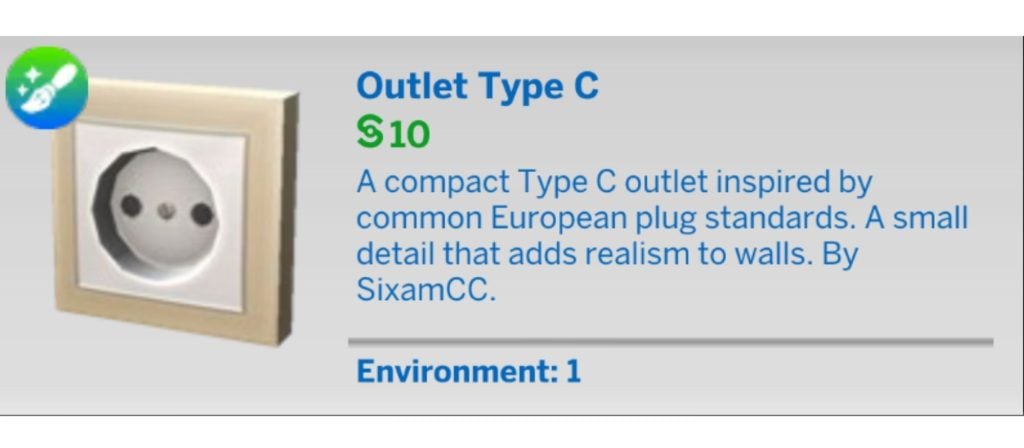
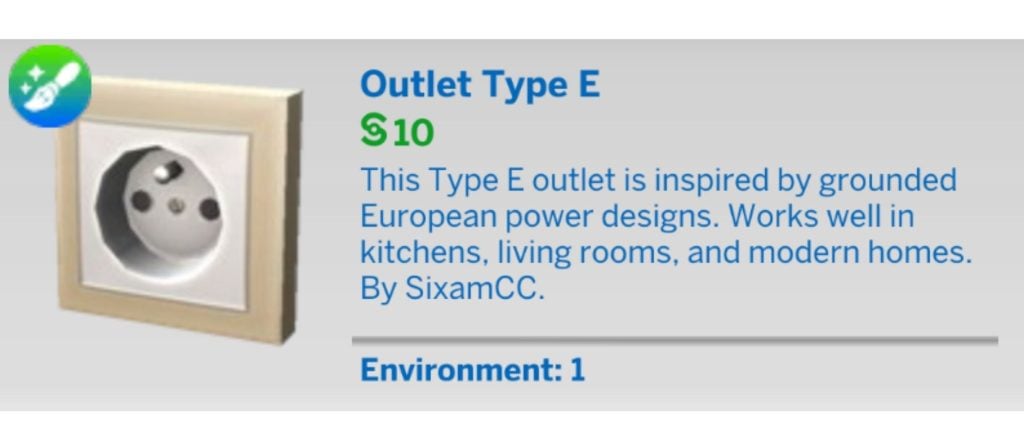
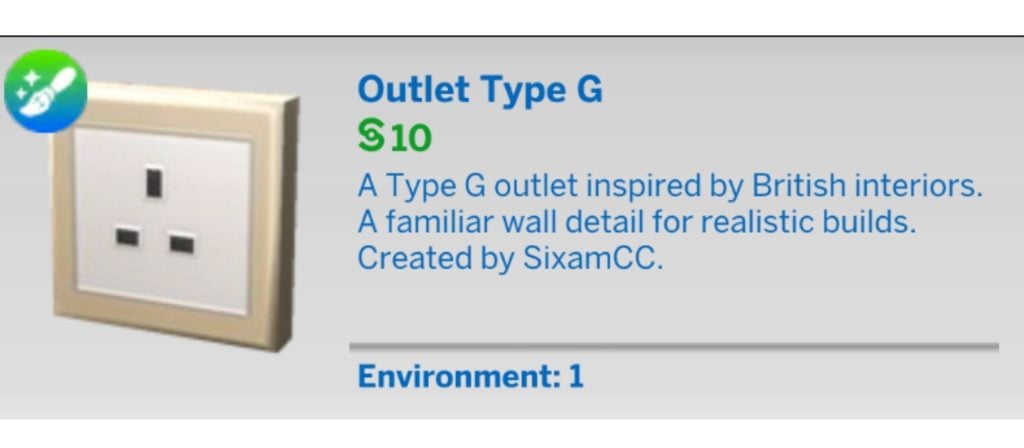
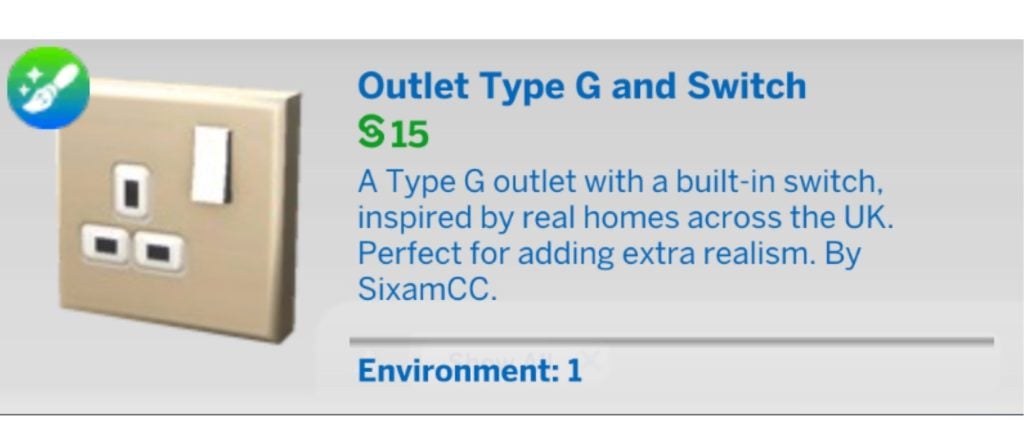
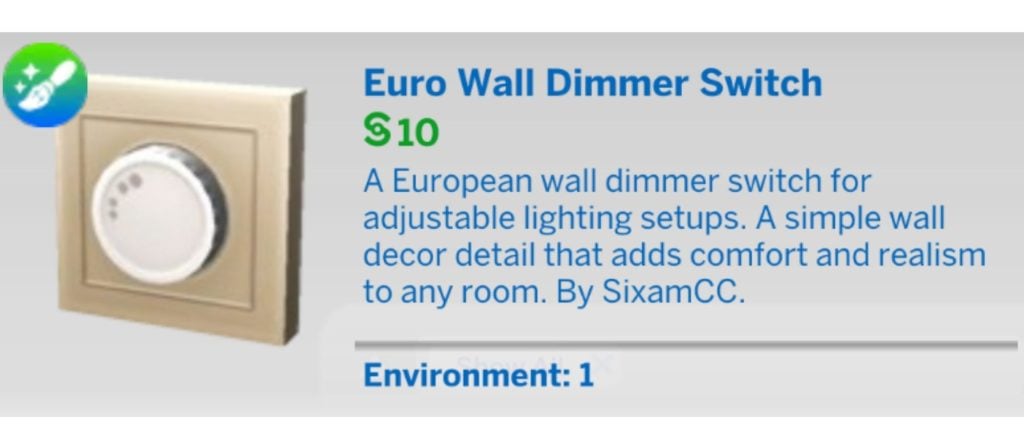
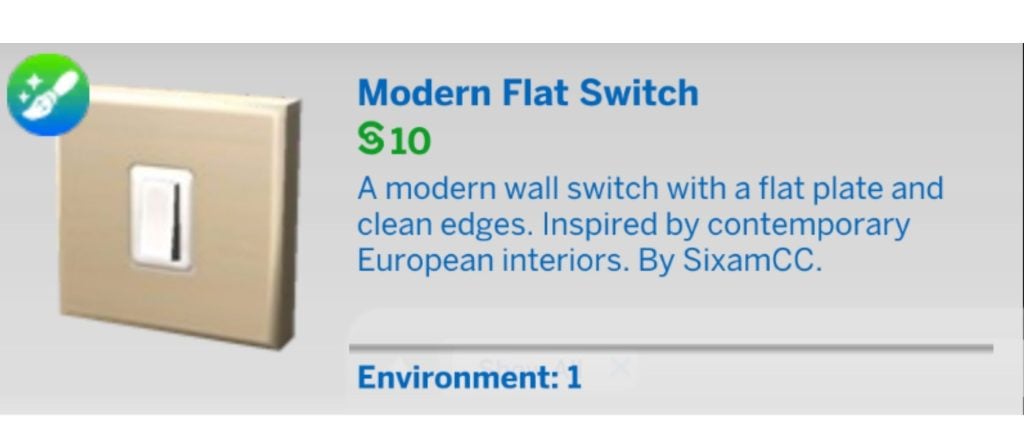
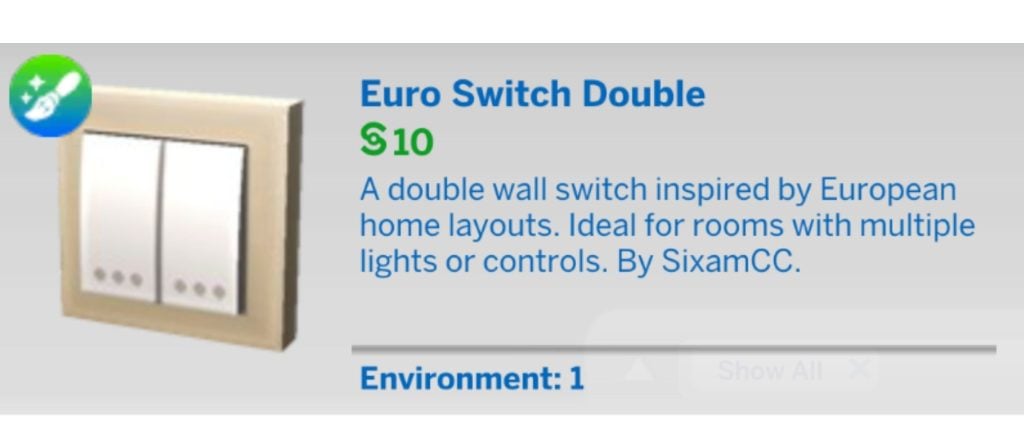
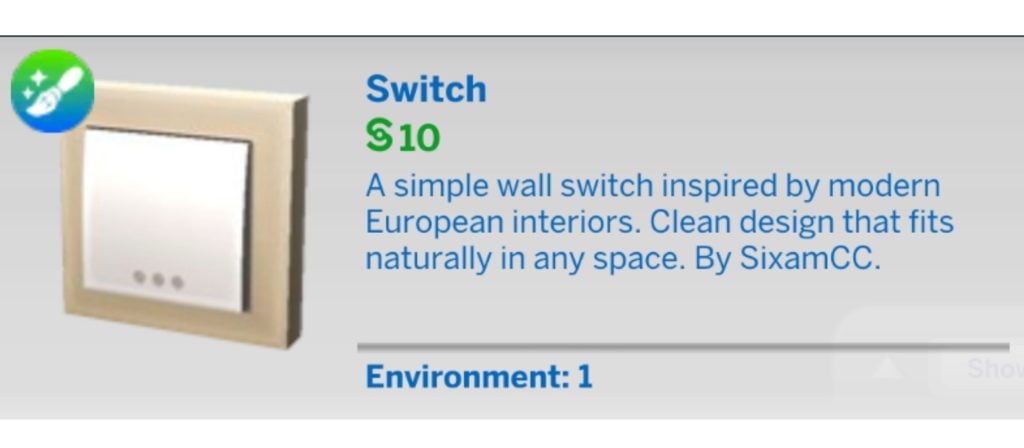
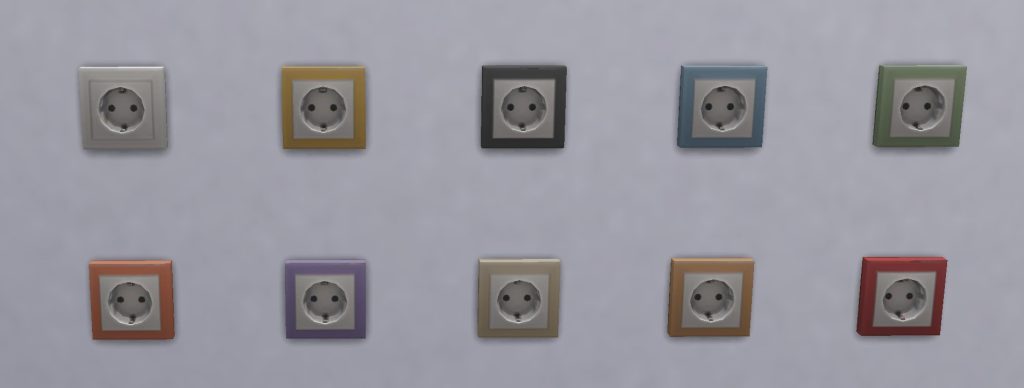
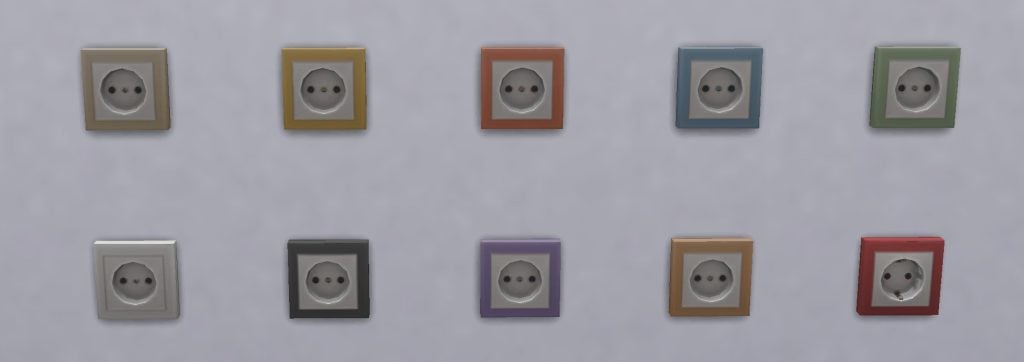
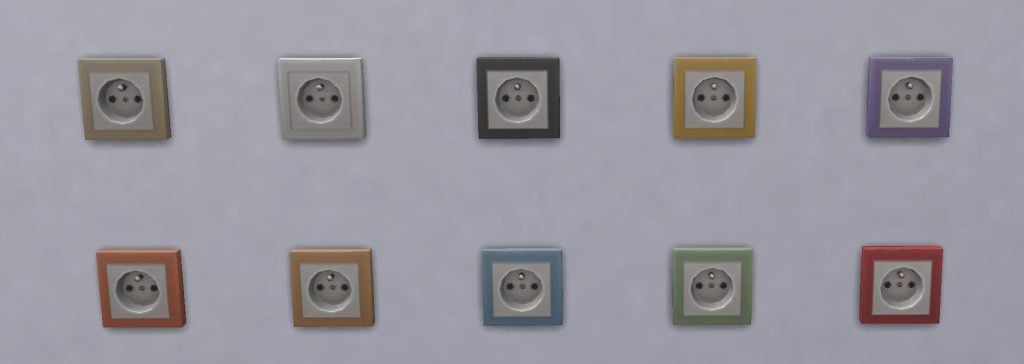
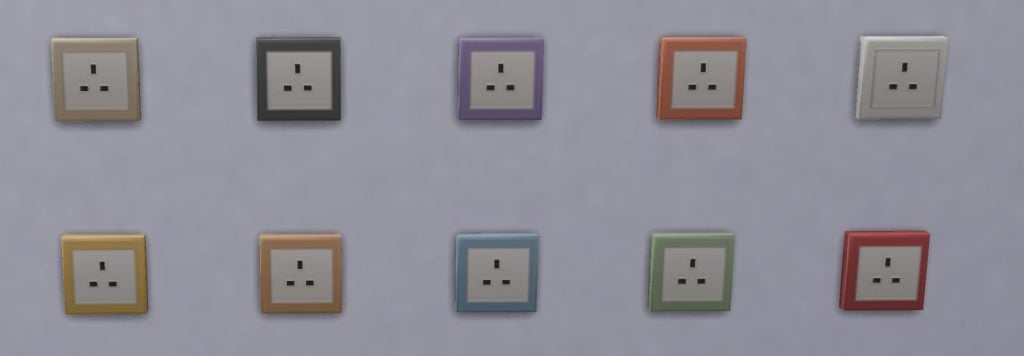
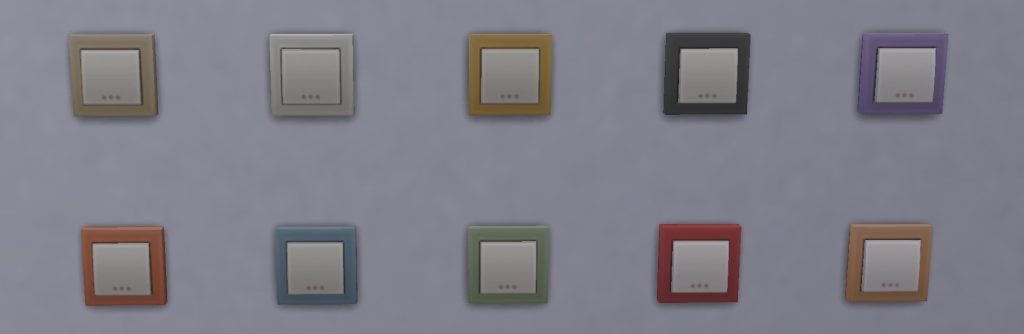
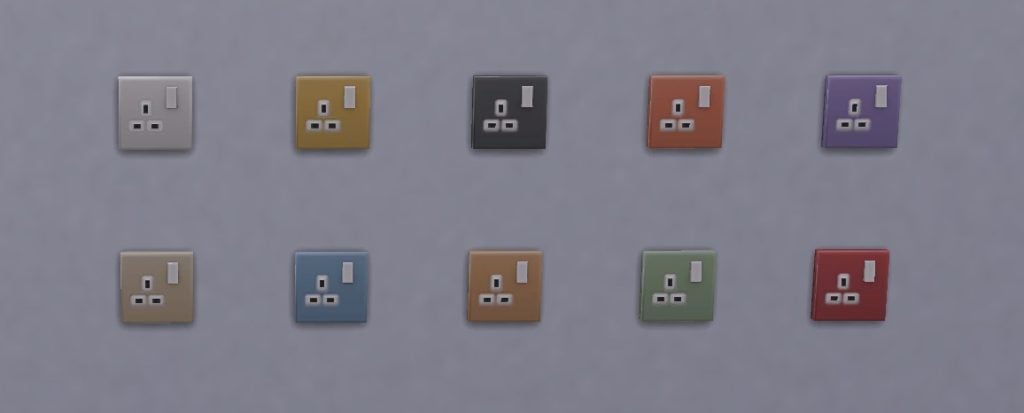
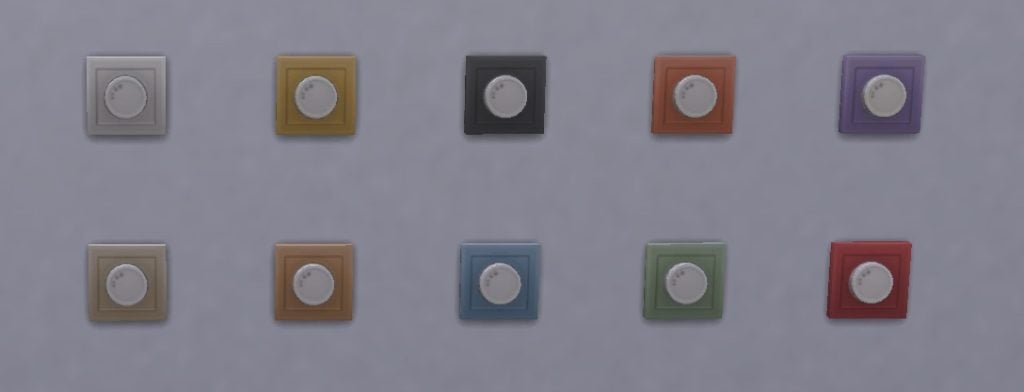
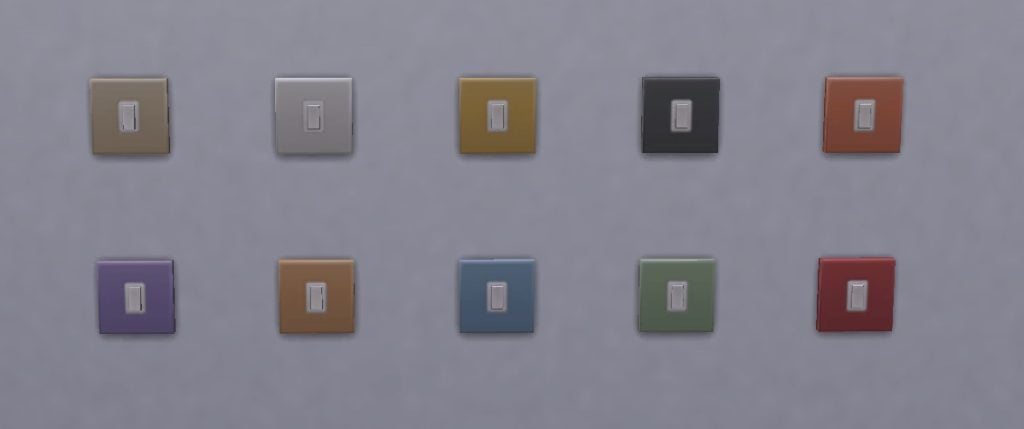
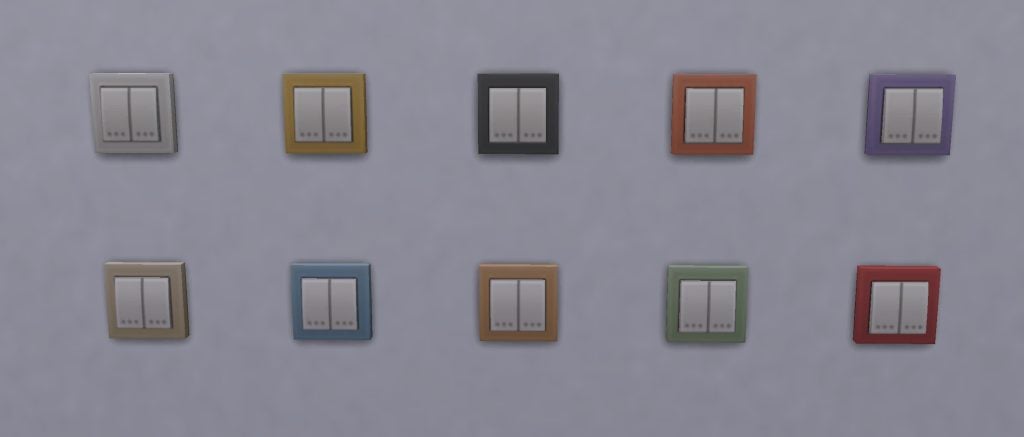
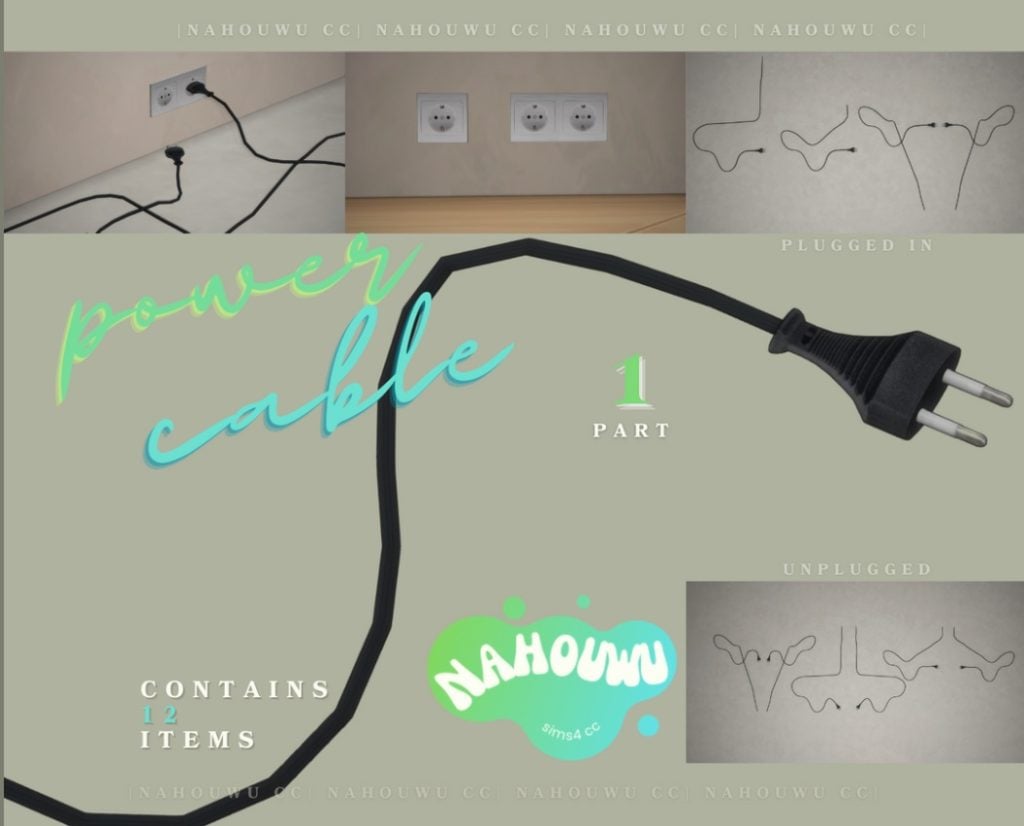
One of the more controversial maker kits offered, and, according to our marketplace poll, one of the least popular, SixamCC’s European Home Power Set has a selection of sockets and switches to make walls feel less bare and add a bit of realism to builds.
What’s included?
Below you can see each socket and switch in more detail. Every item comes in ten identical swatches, making these easy to mix and match.
Outlet Type F
Outlet Type C
Outlet Type E
Outlet Type G
Switch
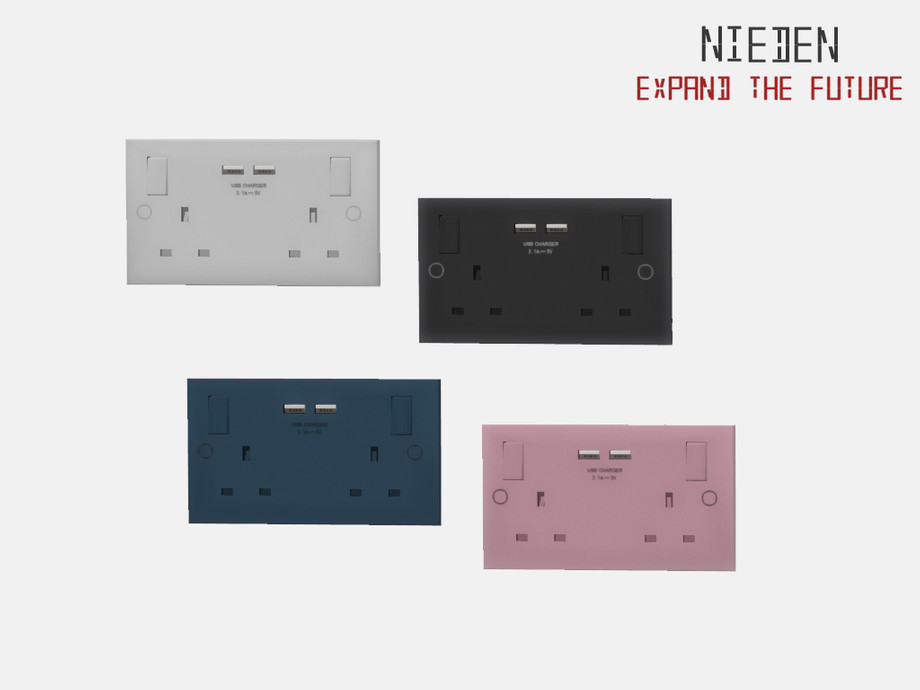
Outlet Type G With Switch
European Dimmer Switch
Modern Flat Switch
Euro Switch Double
Similar Custom Content To This Maker Kit
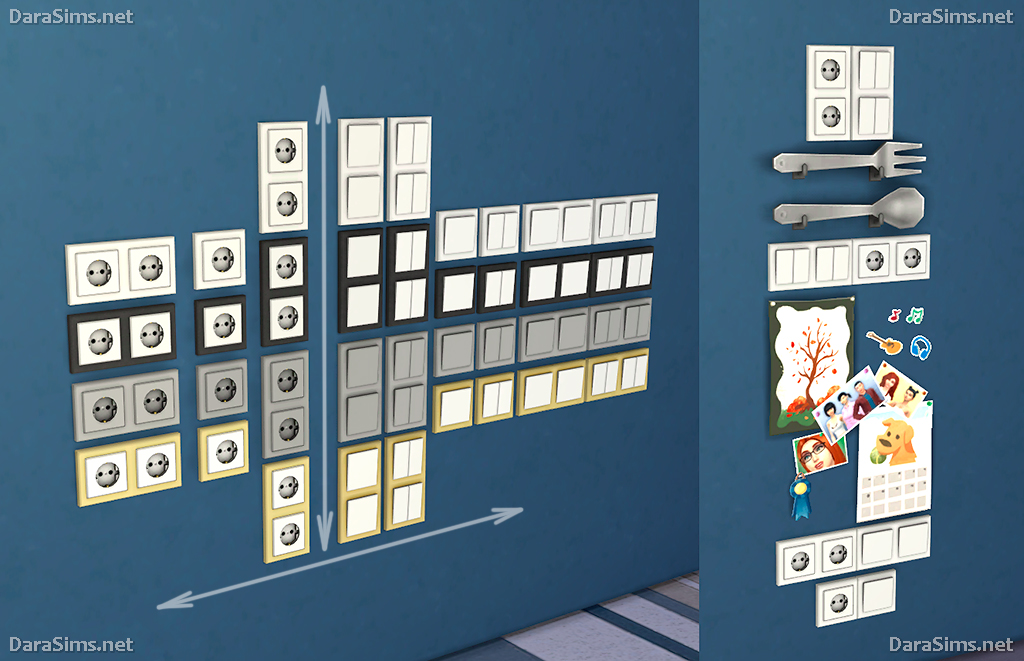
Switches and Socket Sets
This archive collated by darasims contains lots of switches and sockets in a variety of swatches.
These sets not only contains sockets, but wires which snap to them. They are perfect for placing behind TV stands, microwaves, or any other electrical device.
This is a smaller editon the marketplace, and if you have never dived into the world of custom content this is more than likely not going to be the first things you download or purchase.
However, these are the kind of small touches that make builds more realistic and feel more like a lived-in home. Plus, the fact that all of the swatches are identical across the items means its much easier to mix and match.
Whether it deserves the price tag of 200 Moola is another discussion.
What do you think of these clutter decor maker sets? Have you purchased anything from the marketplace, or are you planning to? Let us know below.
Edit: Corrected a typo on InZOI’s initial early release date!
The next InZOI update is just around the corner, and with less than a week away, the developers have not stopped the effort for transparency with the community and seem to be rapidly developing and planning to release new features.
Leading up to the InZOI March update, which will occur right around the 1st Anniversary of InZOI’s Early Access release, the development team have been actively developing features based on player requests, generally asking for a few overall things. More fluid gameplay, more family gameplay, and just more stuffto do. Vacations are fun and so can playing as a successful (or not so successful) criminal, but players generally have asked for more richness and depth to standard gameplay. This includes more ways to make money, more ways to interact with your Zoi’s family and friends, and more overall day-to-day gameplay to make Zois feel more alive and to allow players to connect with them.
The next major update for InZOI is Next Thursday, March 26th 2026, and is the last major update until InZOI has officially been in Early Access and released to the public for one year. The initial release into Early Access was March 27th* 2026, and came into the market with lots of hype but lots of uncertainty. Over time, the communication between the developers and the community of players has become extremely open, a stark contrast to the gaming industry currently as a whole, where many developers and large gaming companies are communicating less to players directly, or who are only communicating in very controlled settings rather than having an open discussion.
Table of Contents
InZOI Update: Preview of New Features Coming Next Week
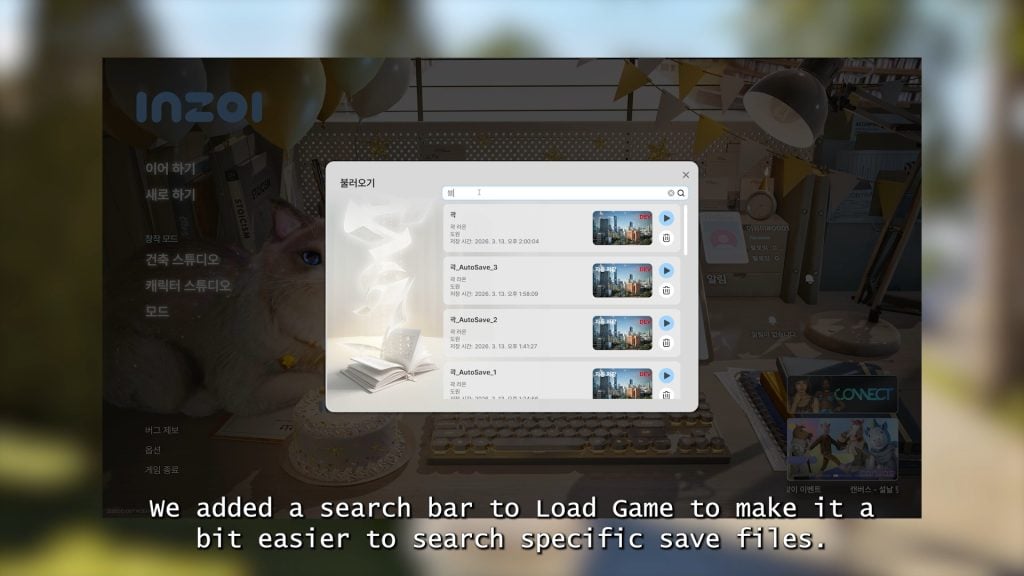
○ Adding a search bar the “Load Game” main menu choice, making it easier to find save files.
○ A new and refined version of the mini-map that was previously teased.
○ Keyboard customization is being added to the settings.
○ Filters are being added to the randomization feature to allow randomization of specific parts.
○ Filters are also being added to the presets feature, allowing you to only apply specific parts of presets.
○ Properties in build more are being updated to follow more standardized sizing to stop issues with builds getting cut off when downloaded from Canvas. More on that below.
○ Intended for modders, a cheat code called “ToggleModInsight” is being added so modders can view different parameters of the assets in-game in real time.
○ Any desk can now be used for crafting.
○ The steam and bath foam layers added when your Zoi is bathing has been updated.
○ Both the floor beds and floor tables shown in the previous update are being added.
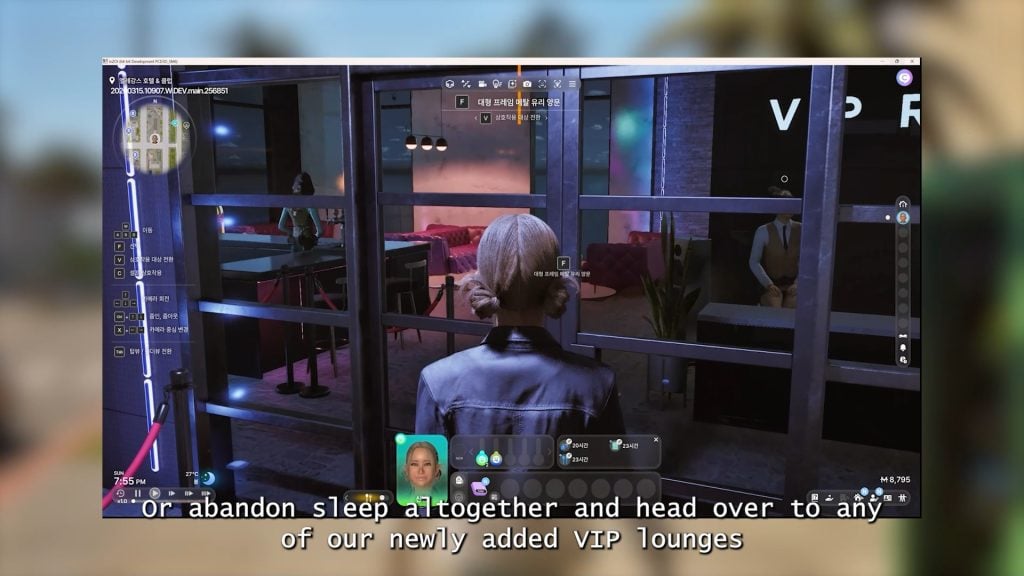
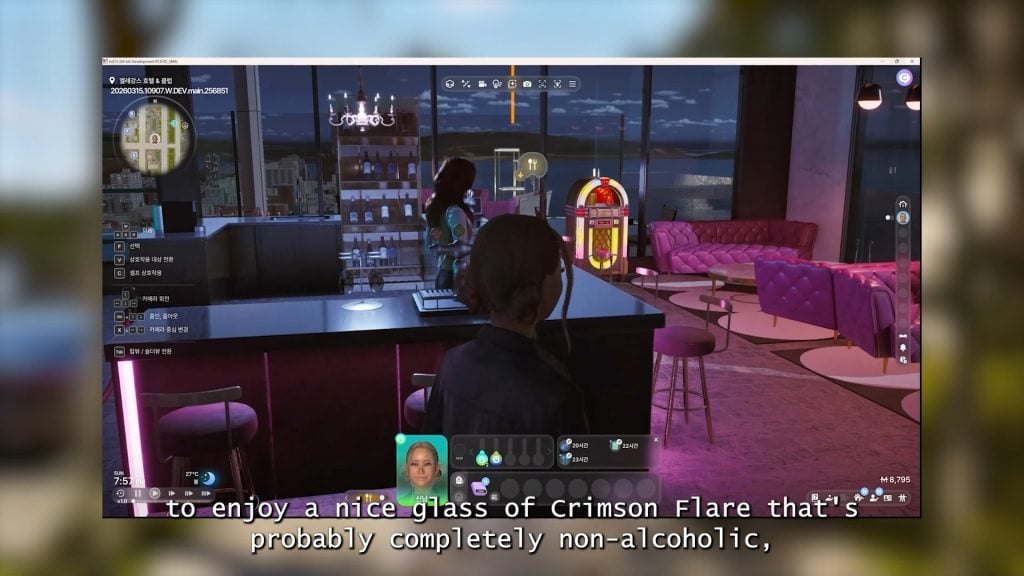
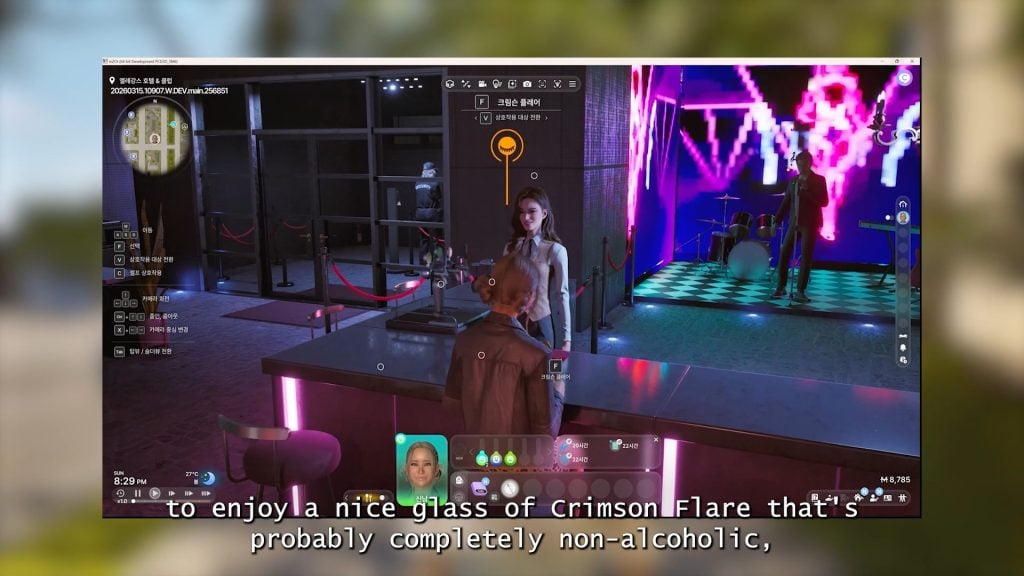
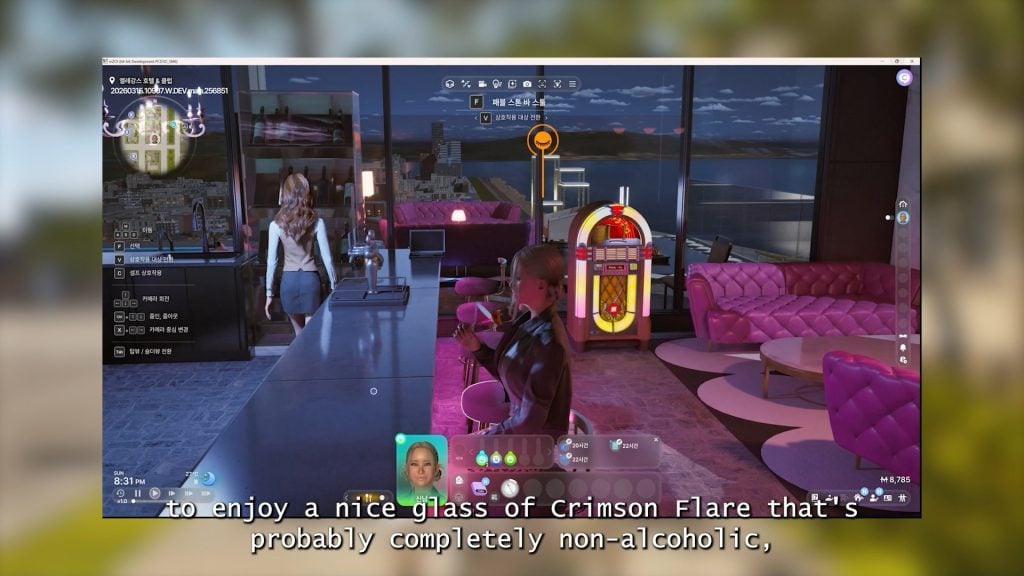
○ VIP lounges are being added, expanding on the nightlife in-game. This will also include Crimson Flair, a beverage found at these lounges that is “probably completely non-alcoholic”.
○ Zois now ask for other Zois phone numbers, with success depending on their relationship.
○ An update to the feature being added of stealing cars, some cars will sound alarms when you fail to break in.
○ You can now open and run a small massage or spa business.
○ You can now open and run a small florist or flower shop.
○ You can now open and run a theater or cinema using a new large movie screen and popcorn machines, teased last week.
○ Local theaters are being added to cities so your Zoi can visit without you having to manually open one.
○ A new calendar system, which will show and include important events, seasonal festivals, and birthdays.
○ You will now be able to schedule and throw birthday parties, but only for Zois who are older than babies.
○ A small bath is being added specifically to bathe infants.
○ Infants and toddlers are now getting customization, allowing you to pick outfits for them in Create-A-Zoi.
○ We got more close-ups of the new clothes you’ll be able to dress your Zoi’s babies in, in Create-A-Zoi.
At the end of the video, Kjun specifically expresses how grateful the team behind InZOI is for the support they have received, the community that has grown from it, and the consistent feedback and communication between them and their players leading up to the one year anniversary of InZOI’s Early Access release.
InZOI Developer Update – March 20th, 2026
Hello,
I’m happy to announce that the development team has finally completed the March build today.
Of course, just because the build is complete doesn’t mean the work is finished. We still need to continue fixing bugs.
At the beginning of this year, we committed to completing a total of 32 items from the Fundamentals First (FF) list within the first half of the year, and fortunately, we were able to complete all of them. We’re truly glad we could keep our promise to you. ^^; That said, we’re not sure if we’ll always be able to meet expectations this perfectly going forward.
This March build includes around 60 major features, and we feel that the inZOI team has been working incredibly hard.
We have also made significant overall improvements to the graphics and increased the depth of existing life simulation content. In particular, we enhanced systems like Memory and the News Feed, allowing players to better understand the reasons behind Zoi behavior. Additionally, in celebration of inZOI’s birthday, we’ve added new birthday-related content.
However, looking back, there are still bugs to fix and some content that feels awkward, and memory optimization is not yet fully complete. In April, we plan to proceed with the engine update, further memory optimization, and additional modding support.
Rather than focusing on adding new features, we plan to concentrate more on bug fixes and overall stability improvements.
Since this build includes a large number of features to introduce, it took longer to fit everything into the video, which caused a slight delay in publishing.
We hope you enjoy this week’s update as well. Thank you, and have a wonderful weekend.
— Kjun
Standardized Property Sizes InZOI Update
At the end of the initial message attached to the diary, Kjun also posts a link to InZOI’s official website, explaining that it highlights changes to the sizes of properties already in the game.
“P.S. Here’s the page explaining the Standardized Property Sizes, as I mentioned in the video“
Property System Updates
Hello, Creators.
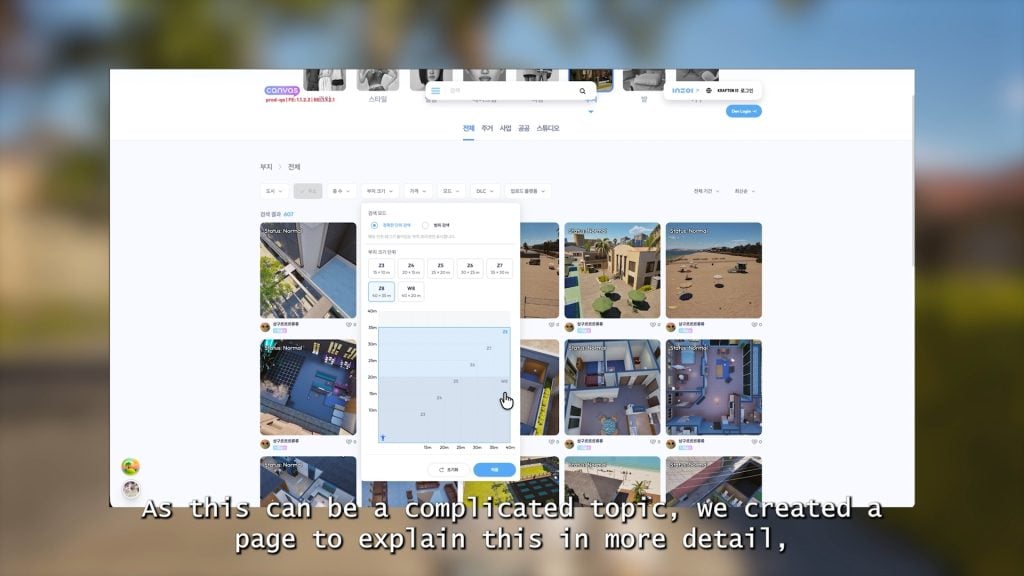
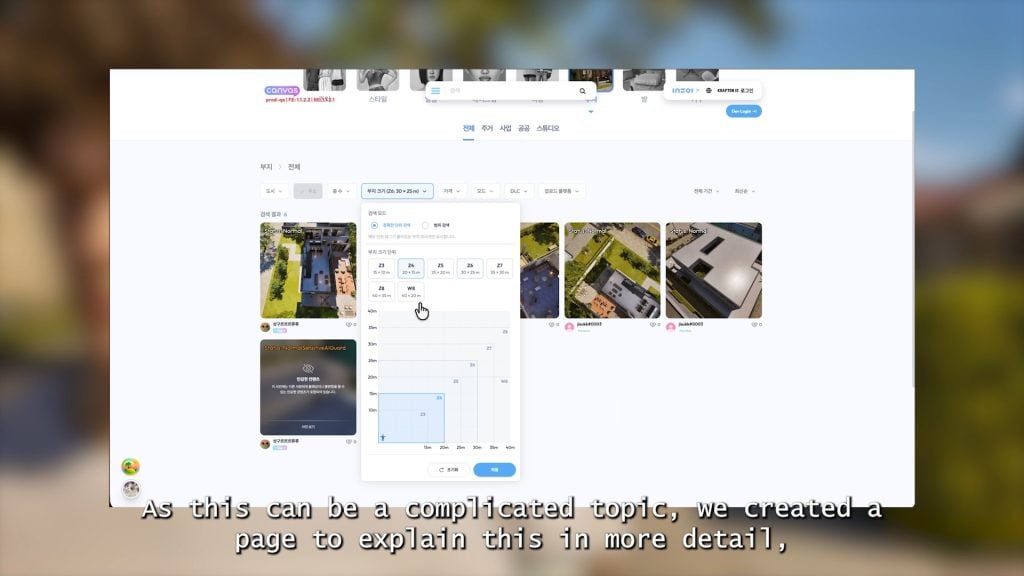
inZOI’s v0.7.0 update is scheduled for release on March 26. This update will introduce standardized property sizes to Canvas.
With these changes, Creators can expect to see the following improvements.
○ Increased reusability for buildings created in different properties with identical sizes.
○ Clearer indication of dimensions and orientation for improved preset usability.
○ Easier browsing and downloading of presets on Canvas using the newly added Property Size filter.
Due to size constraints, buildings incompatible with updated property sizes may fail to load properly.
The following properties will be reduced in size.
○ Dowon – Junghwa Parkville (25.5x20m → 25x20m)
○ Bliss Bay – 203 Somerset Place (30x26m → 30x25m)
○ Bliss Bay 8 Beachfront Drive has been expanded from 22.5x15m to 25x20m. Please note that depending on the situation, repositioning of the previously placed lot preset after rotation may be required.
○ Properties not listed above will be expanded or rearranged. Presets based on these properties will remain unaffected by this update.
Creators are welcome to save any existing buildings as property presets prior to the update and reapply them afterwards.
All property presets will be saved automatically without requiring any additional action. Any buildings that fail to load properly following the update can be reapplied in Build Mode.
We hope these changes will help provide Creators with a better gameplay experience.
Thank you,
The inZOI Team
What features are you excited to see next week? Is there anything you’re hoping to see sooner rather than later? Let us know!
Make sure to follow The Sims Community to keep up to date on everything in the Life Simulation genre!
The modding community has once again stepped in to expand what’s possible in The Sims 4. While the base game still lacks functional vehicles, creators have continuously found ways to bring back missing features that players have been asking for over the years. In fact, in our previous coverage, we explored different ways Simmers were already trying to make cars work in their games. Now, one of those most promising ideas is finally becoming a reality.
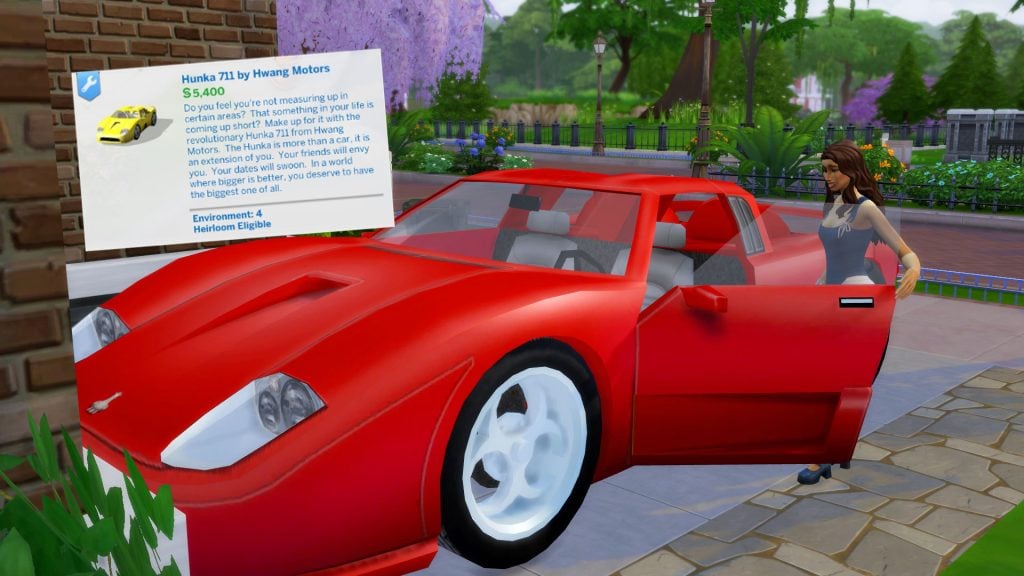
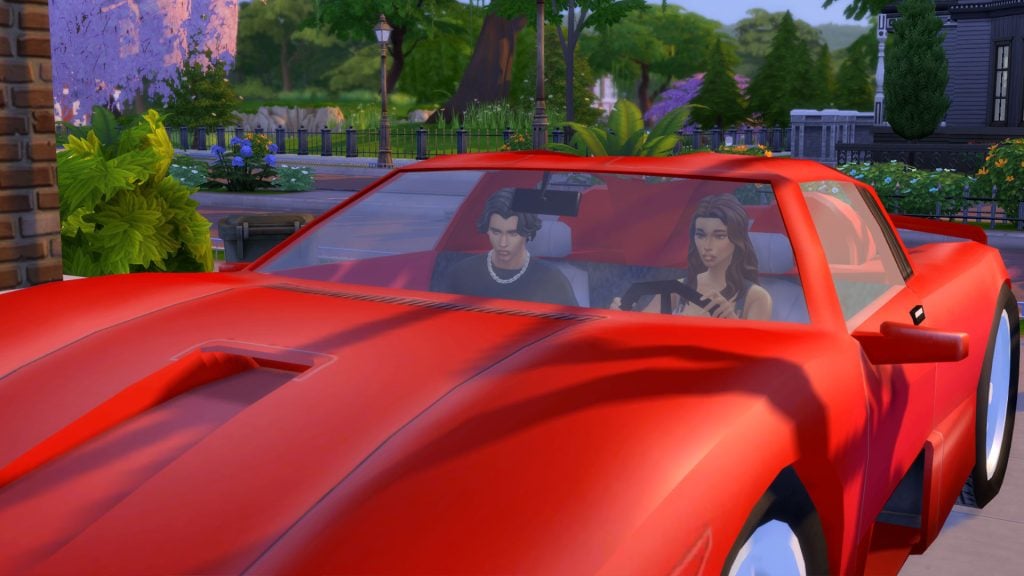
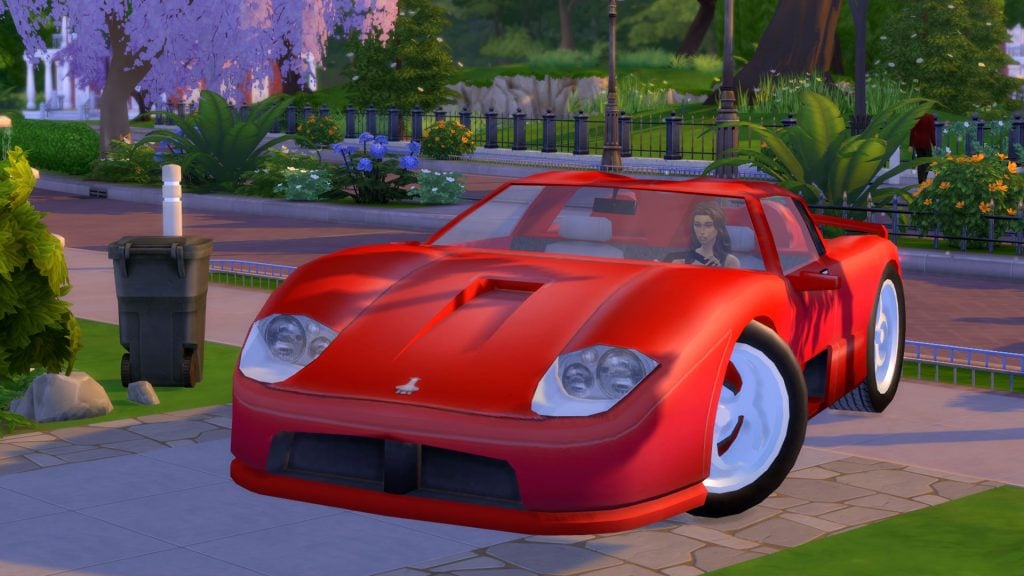
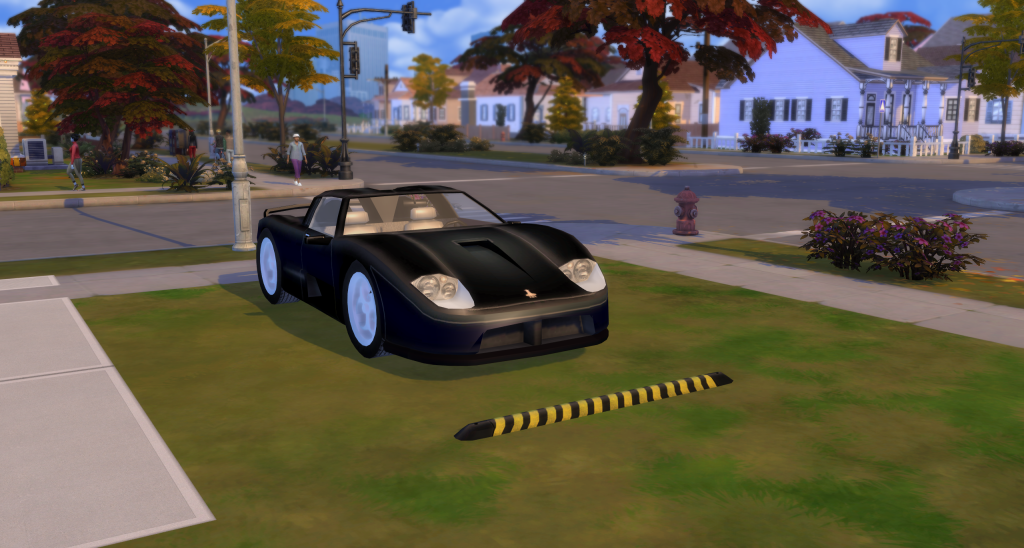
A new Sims 4 car mod by creator AlexCroft introduces a Supersportscar conversion, bringing back the iconic vehicle from The Sims 2: Nightlife with custom animations and interactions. The mod is currently in early access through the creator’s Patreon, meaning it’s still in a beta state and doesn’t yet include all planned features. However, even in its current version, it offers a promising glimpse at what fully functional cars in The Sims 4 could look like.
Table of Contents
How The Supersportscar Conversion Works
The Supersportscar conversion is available in Buy Mode under the Transportation category, making it easy to find and place in your lot. The vehicle costs §5,400 simoleons and comes with 9 original recolors, staying faithful to its The Sims 2: Nightlife counterpart.
You can place the car anywhere on your lot, just like any other object. However, for better immersion and functionality, it’s recommended to position it close to a road.
The Sims 4 Car Mod Official Description
Do you feel you’re not measuring up in certain areas? That something in your life is coming up short? Make up for it with the revolutionary Hunka 711 from Hwang Motors. The Hunka is more than a car, it is an extension of you. Your friends will envy you. Your dates will swoon. In a world where bigger is better, you deserve to have the biggest one of all.
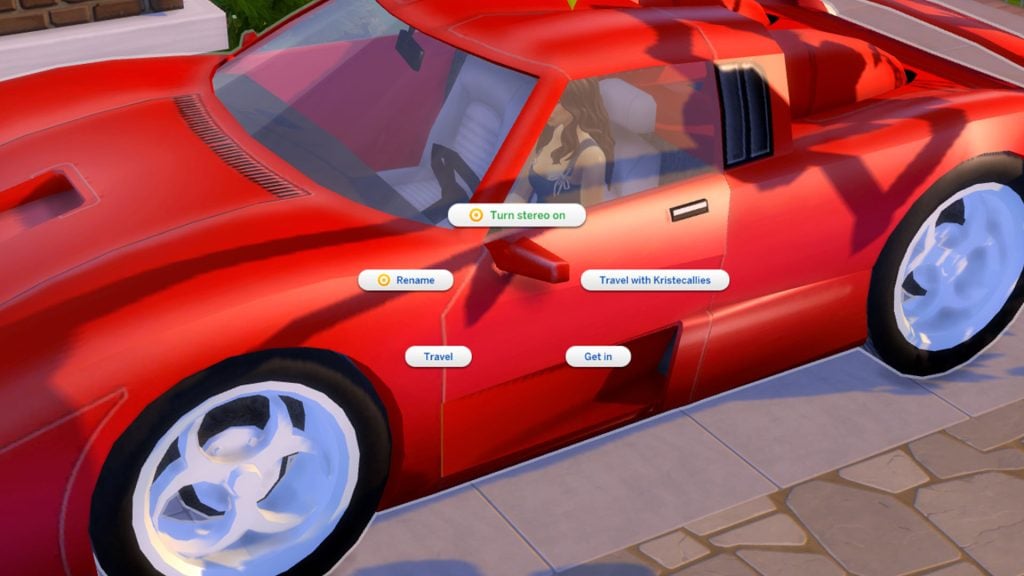
Even in its early beta version, the Supersportscar conversion already includes a set of core interactions that make it feel functional within The Sims 4.
Sims can Travel, Travel With…, or simply Get In the vehicle, allowing for basic use similar to how transportation works in the game. For players who enjoy personalization, there’s also the option to rename the car. Once inside, Sims can turn on the radio and adjust the music volume.
When one or two Sims get into the vehicle to travel, the mod recreates the original animation from The Sims 2. Sims will start the car, merge onto the road, and seamlessly transition into a loading screen where you can choose their destination.
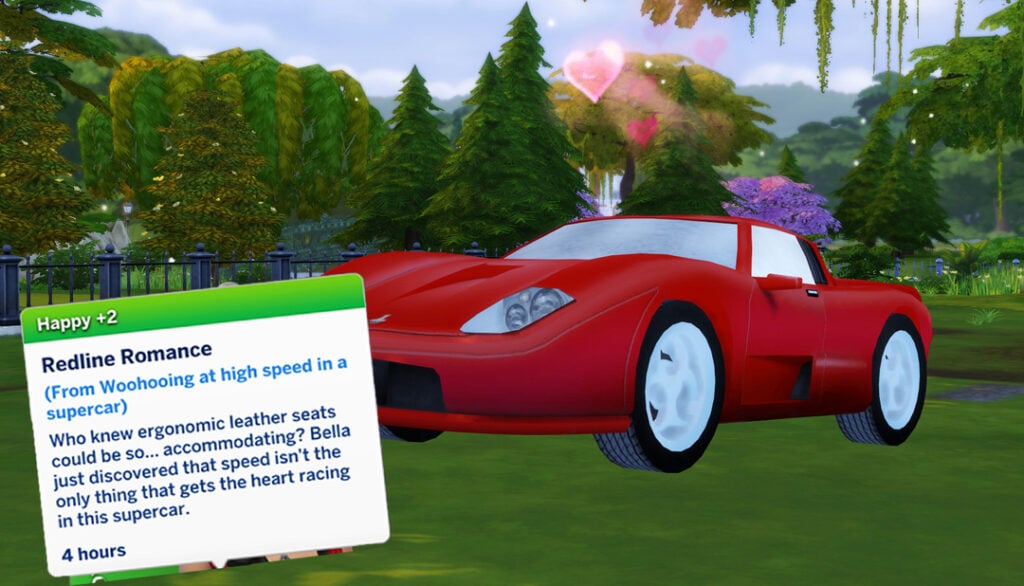
New: The iconic WooHoo interaction is now available! Sims can now have some fun inside the car, complete with the classic “shaking vehicle” animation that fans will instantly recognize.
Screenshot by AlexCroft
A Lot Of Swatches to Choose!
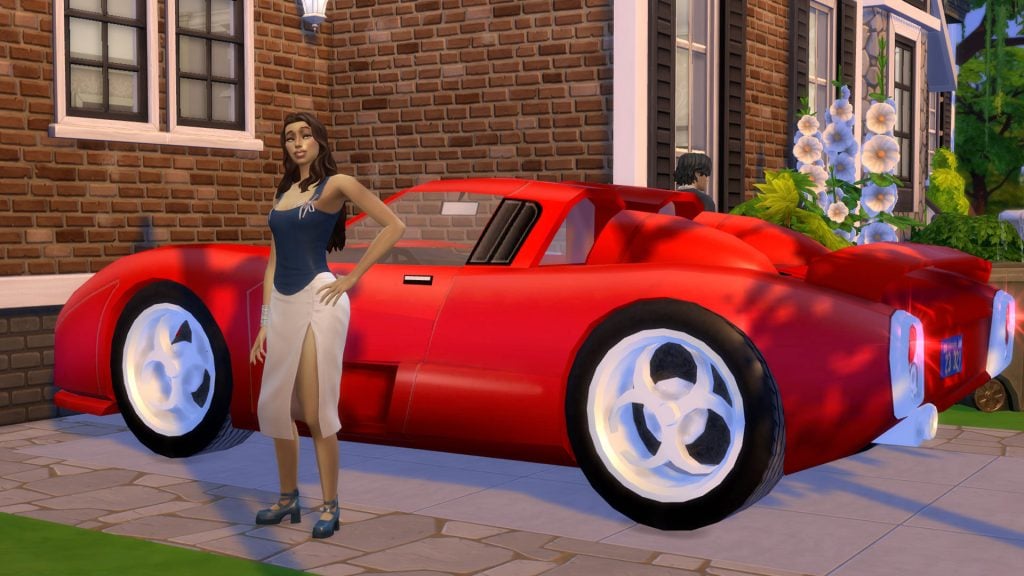
The Supersportscar comes with a variety of swatches inspired by its original The Sims 2 design, bringing back that classic look with a modern touch. From bold, vibrant colors to more sleek and understated finishes, there’s a style to match every Sim’s personality.
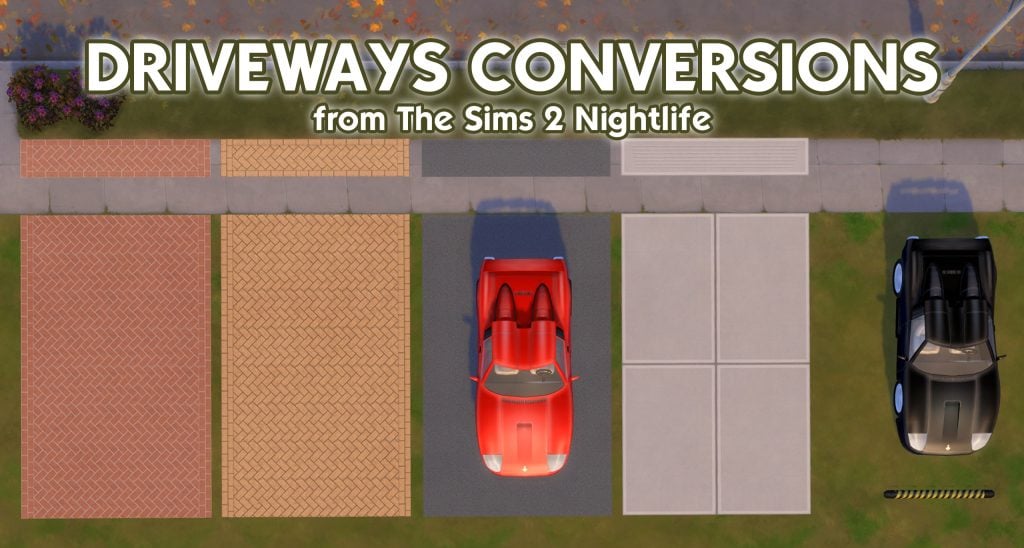
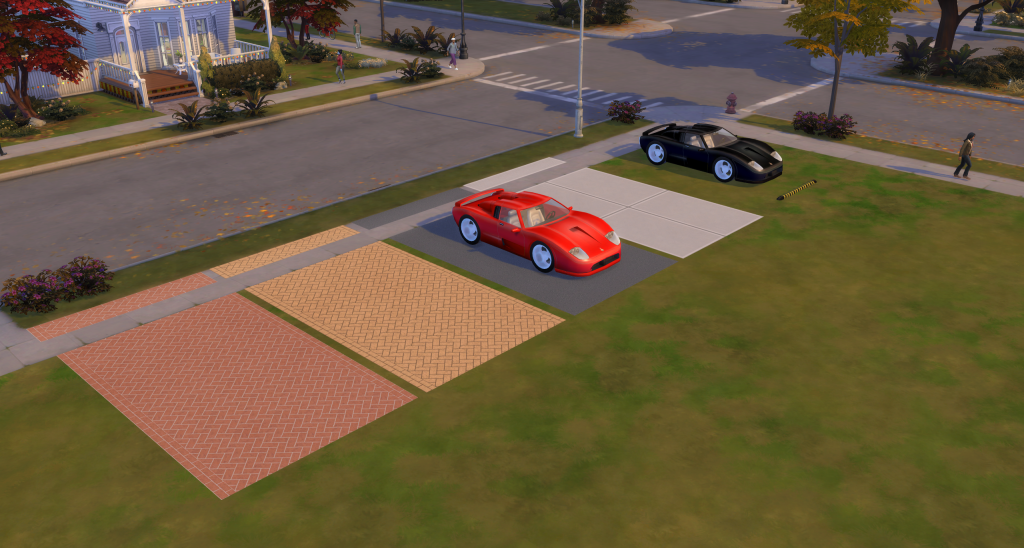
Update: The creator has just released the well-known vehicle features from The Sims 2 Nightlife and The Sims 3: official driveways (coming with 4 swatches), and parking spots to park cars at home. And their functionality is the same! Don’t miss the opportunity to add one of the franchise’s most realistic and nostalgic features to your game.
And It’s Only A Beta Version
The mod could expand with features like driving to work directly, car alarms, and even additional vehicles, potentially giving players a wider selection to match different Sims, styles, and households. While the current version already feels like a strong foundation, it’s clear that the full vision for this Sims 4 car mod goes much further.
Mods like this are a perfect reminder of just how far creativity and passion can push The Sims 4. What started as a game without functional vehicles has slowly evolved thanks to dedicated creators who continue to build on what’s missing. Bringing back an iconic car like the Supersportscar, complete with animations and interactions, is no small feat, and it deserves real recognition.
It also highlights something the community has been saying for years: the demand for cars is there. While it’s been suggested that vehicles were left out of The Sims 4 because players didn’t use them much in The Sims 3, projects like this clearly show there’s still strong interest in more immersive transportation systems.
Thanks to AlexCroft for giving us an early access copy of this mod!
Would you like to see fully functional cars officially added to The Sims 4, or are mods like this enough to fill the gap? Let us know!
The Sims 4 Maker Sets are already starting to sail the seven seas.
It’s only been 72 hours until the pirate community took the matter into their own hands and cracked The Sims 4 Marketplace.
What’s been known in The Sims 3 Store world as a “decrapified” package Store set is now also possible in the world of The Sims 4 Marketplace. We’re talking, of course, about illegally obtained versions of the Microtransaction sets.
Let’s see what this means for The Sims 4 Marketplace:
The Sims 4 Marketplace Is Cracked
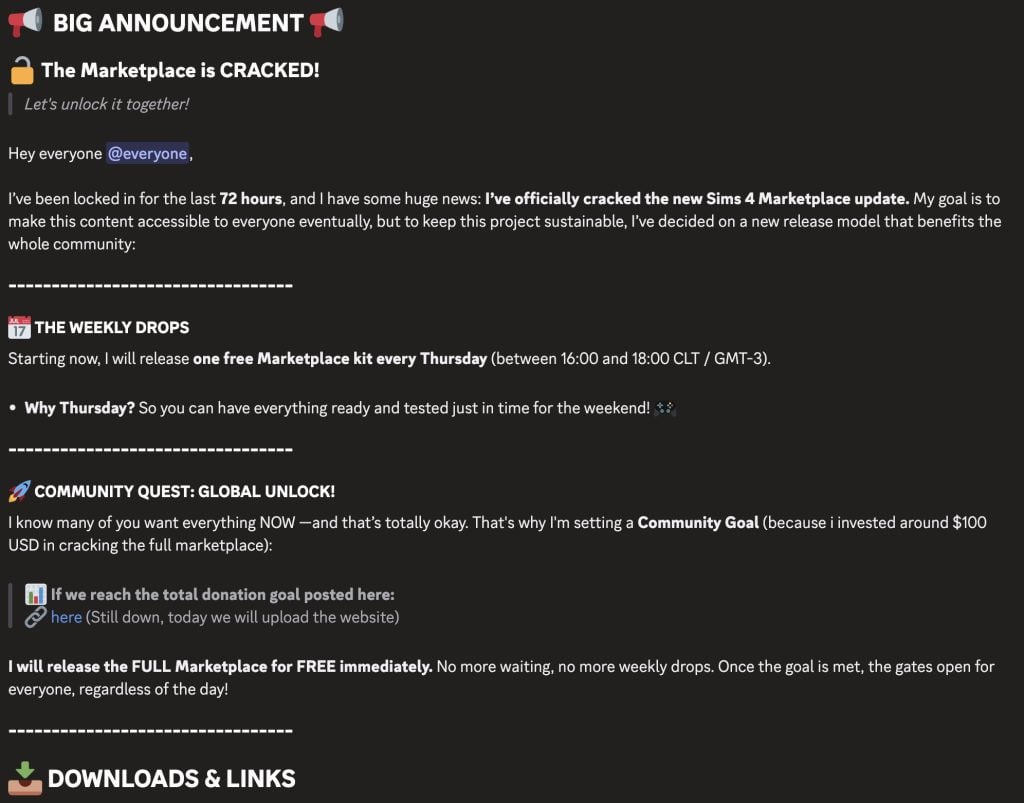
Just two hours ago an announcement has been posted on a, what appears to be, a reputable Discord server. For legal reasons we won’t be linking any direct sources to this server, but we can show you what they’ve said about cracking up the Marketplace. Spoiler alert – not everything is available right away. And the person who did The Marketplace crack is asking for donations to release the entire thing – “because I invested around $100USD in cracking the full marketplace” they’ve stated.
Read the full message below:
I’ve been locked in for the last 72 hours, and I have some huge news: I’ve officially cracked the new Sims 4 Marketplace update. My goal is to make this content accessible to everyone eventually, but to keep this project sustainable, I’ve decided on a new release model that benefits the whole community:
THE WEEKLY DROPS
Starting now, I will release one free Marketplace kit every Thursday (between 16:00 and 18:00 CLT / GMT-3).
Why Thursday? So you can have everything ready and tested just in time for the weekend!
COMMUNITY QUEST: GLOBAL UNLOCK!
I know many of you want everything NOW —and that’s totally okay. That’s why I’m setting a Community Goal (because i invested around $100 USD in cracking the full marketplace):
I will release the FULL Marketplace for FREE immediately. No more waiting, no more weekly drops. Once the goal is met, the gates open for everyone, regardless of the day!
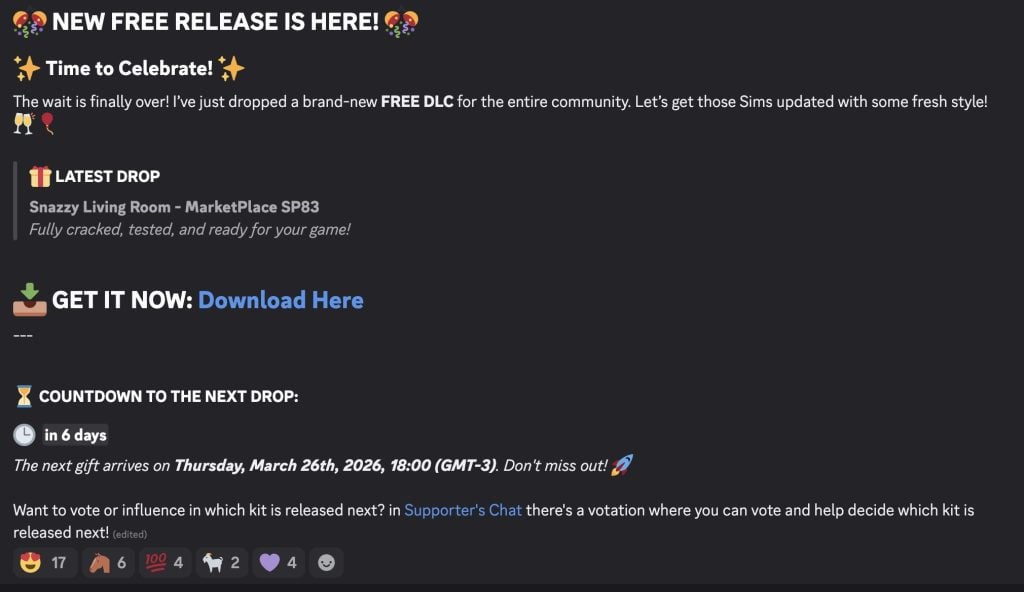
The first Marketplace Set that has been distributed out into the illegal streets is The Sims 4 Snazzy Living Room Set. “Fully cracked, tested, and ready for your game!” says the new Discord message. Providing a download link to a cracked .package file of the Set, possibly installing the same way as the decrapified sets for The Sims 3 Store.
EA currently hasn’t made any statements about the cracked versions of The Marketplace content for The Sims 4.
It was speculated in an Insider Rumor article last month that EA is “cracking down on piracy” with the attempts of releasing The Marketplace. But it took players less than a week to figure out how to distribute paid, Moola-exclusive content out for free. Illegally of course, which is why we don’t condone any of what was written about here.
I’ll leave this article with a quote from the great American poet and philosopher Sabrina Carpenter who stated the following:
Somewhere in the world, you got a robber and a bank And the bank robbed the people, so the people rob the bank And the police came to get him, but they let him get away ‘Cause they’re all just working to get paid the very same
What are your thoughts about The Sims 4 Marketplace getting cracked down? Let us know your thoughts in the comments down below and stay tuned to Sims Community for all the latest game coverage!
The mod cleans up your game by hiding all features relating to the Marketplace.
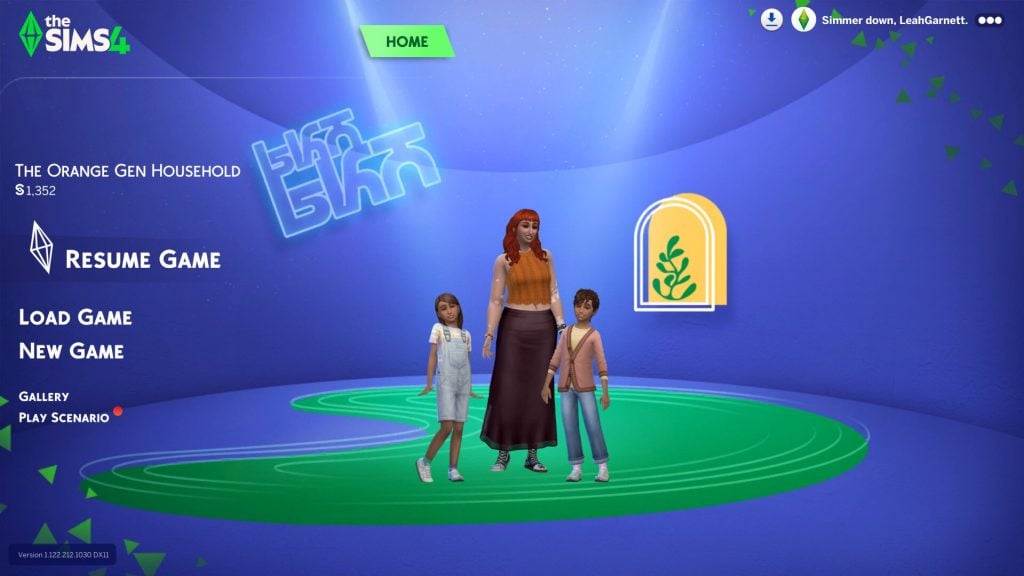
The Sims 4 Marketplace launched less than a week ago and players are already tired of it. Thankfully, The Sims 4 Marketplace Removal Toolby Just_Joe_ is giving players a way to play a Marketplace-free game. We recently covered an update to the Refreshed Main Menu mod which cleans up the game and hides Moola, but this mod is goes one step further and is focused on completely removing the entire Marketplace UI from your game.
The response to the Marketplace has been mixed. Although there has been a positive response to some of the new content, the introduction of microtransactions and digital currency has left a lot of players annoyed, feeling as if they are being pressured by the game into purchasing content through the Marketplace. This is where the Marketplace Removal Tool comes in – the mod hides anything related to the Marketplace, allowing you to play without constantly being reminded of your balance or the content you could be buying.
Table of Contents
No more Marketplace
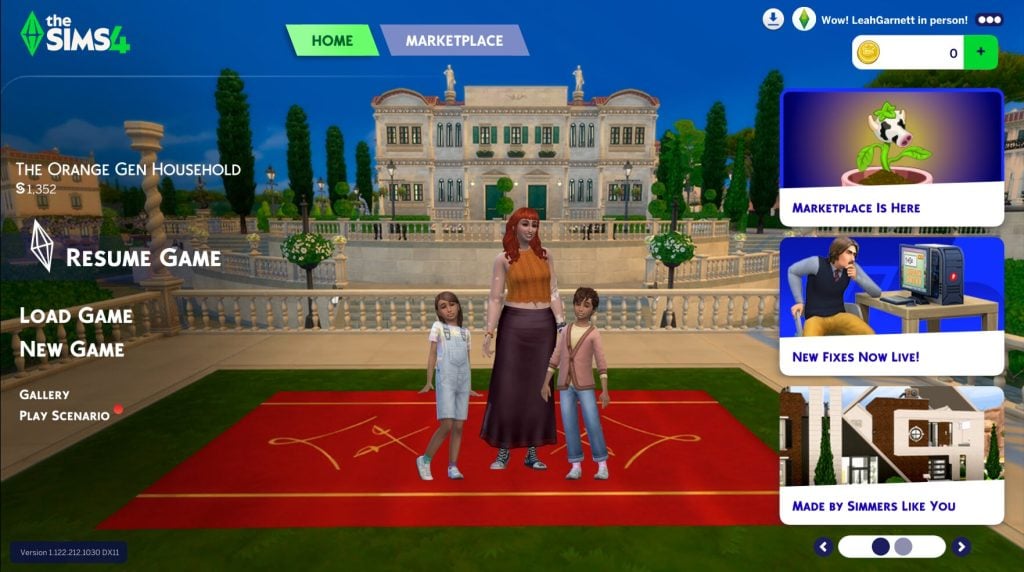
The current Main Menu layout.
Currently, when you open up The Sims 4, the Marketplace is a major focus of the main menu, with your Moola balance showing in the top right corner. The Marketplace Removal Tool strips all of this, restoring the previous menu and letting players load their games without having digital currency and microtransactions shoved in their faces.
“No coins, no shop, no button, just gone” the mod’s creator Joe said in a TikTok. With the mod installed, the main menu is now free from adverts, the Moola wallet and the Marketplace tab on the main menu. Additionally, the shopping cart icon is also removed in-game.
The main menu with the Marketplace Removal Tool installed.
In the post mentioned above, Joe also explained his reasoning for making the mod, citing a few key motivations. Reflecting on the polarised audience response to the Marketplace, he explains that “instead of just talking about it again, [he] decided to try and do something different”, asking why, instead of complaining or arguing, we don’t just choose to get rid of the Marketplace if we don’t want it.
Another reason for the mod was his own curiosity. “If you take away everything that the Marketplace put in, does it feel any different?” he asks, before answering that, for him personally, playing without the Marketplace feels “quieter, cleaner, and like you’re just playing the game instead of being sold something.”
In-game view without the shopping cart icon.
How to download the mod
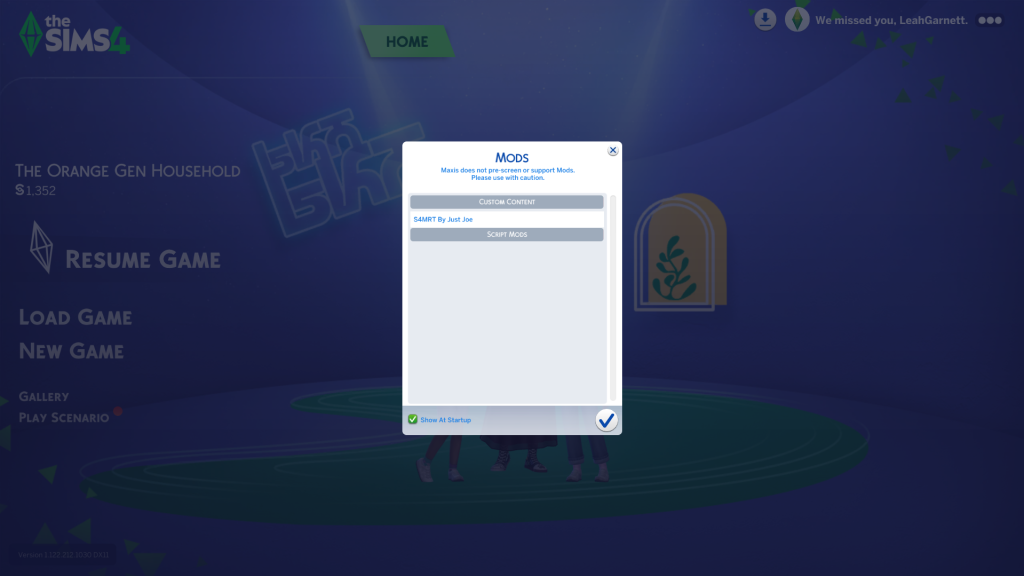
The Marketplace Removal Tool is available to download for free on Patreon. To install, make sure you have mods enabled in settings, and then simply download the package file attached to the Patreon post. Once the file has been downloaded, you can place it in your Mods folder. If you are unfamiliar with installing mods, this folder can be found under Documents/Electronic Arts/The Sims 4. When the mod is correctly installed, it will show up in your mods list, as shown in the screenshot below.
Please note that, at the time of publishing, this mod may cause conflict with other mods that remove elements of the UI, such as SimMattically’s Refreshed Main Menu and Remove the Cart Button mods. Joe stated on Patreon that a patch to fix these compatibility issues may be possible in the future.
While paid DLC is in no way a new thing for The Sims 4, the Marketplace feels different – more corporate – due to the fact the content is being advertised during gameplay, rather than just in the game’s store. With The Marketplace Removal Tool, players can enjoy the game again without feeling pressure from the repeated reminders of the content that they ‘should’ be buying.
How do you feel about the Marketplace? Let us know in the comments below. If you want to keep up to date with updates about the Marketplace, make sure to check out our other articles covering recent news.
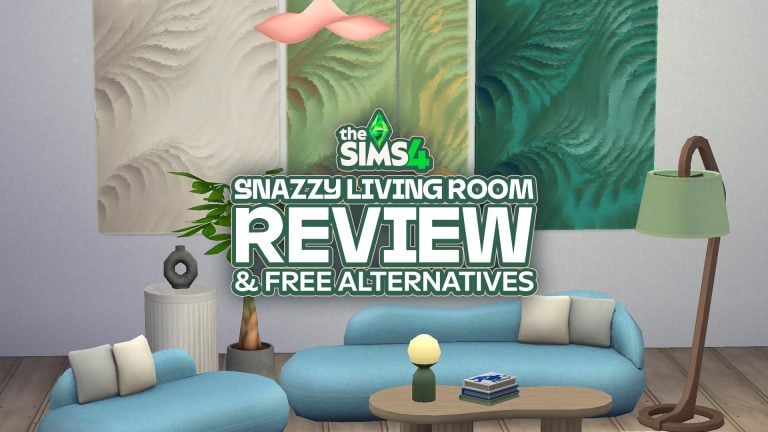
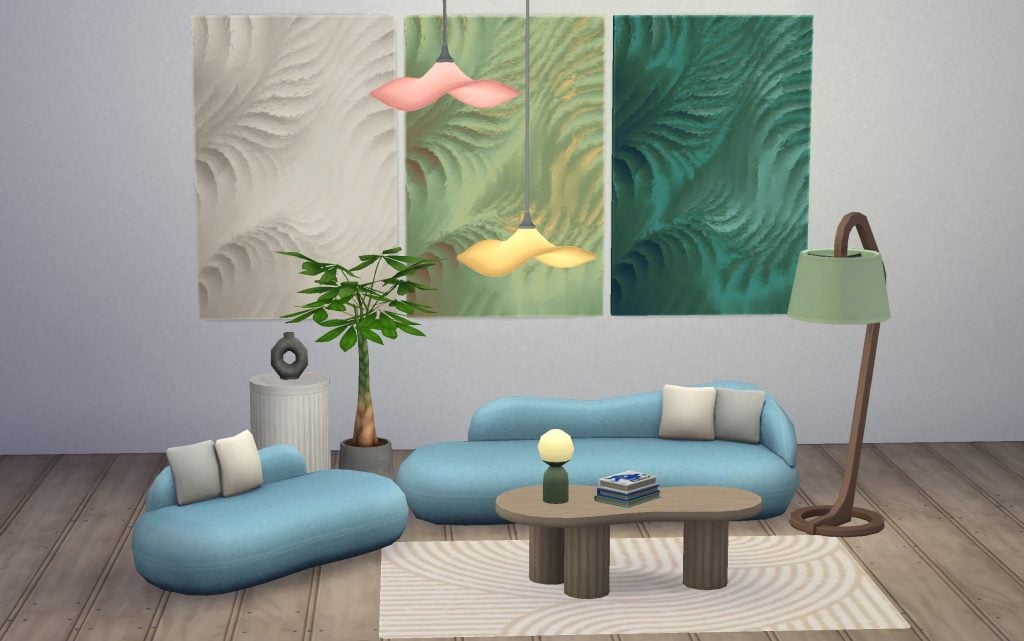
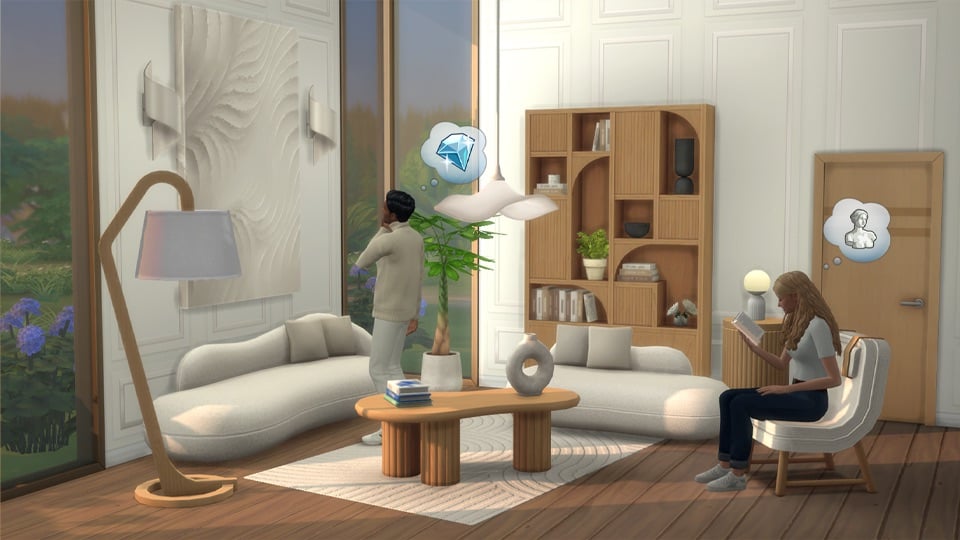
Syboulette’s Snazzy Living Room maker pack is one of the most popular new build/buy maker kits, according to our fan poll, and features basics to make any living room pop.
Costing 400 moola, this set has lots of different items to add to your builds.
Have a look at all of the items which come with this maker kit by Syboulette and also browse some of her other custom content using the links below.
Snazzy Living Room
Items Included In This Pack
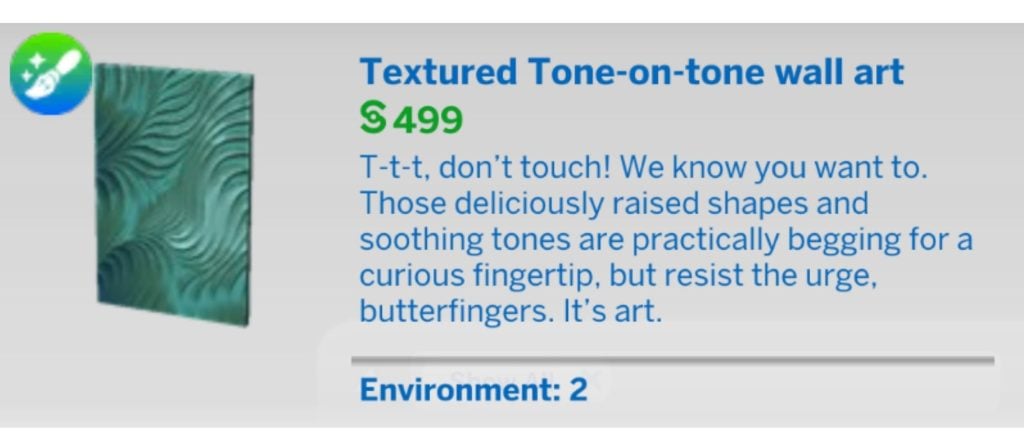
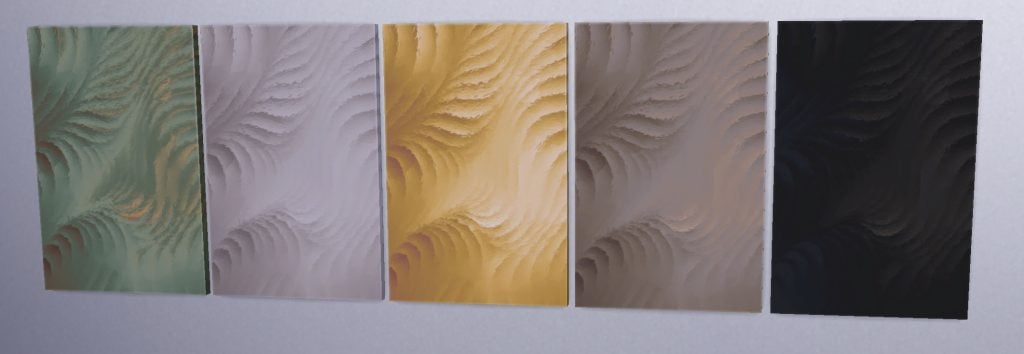
Textured Tone-on-tone wall art
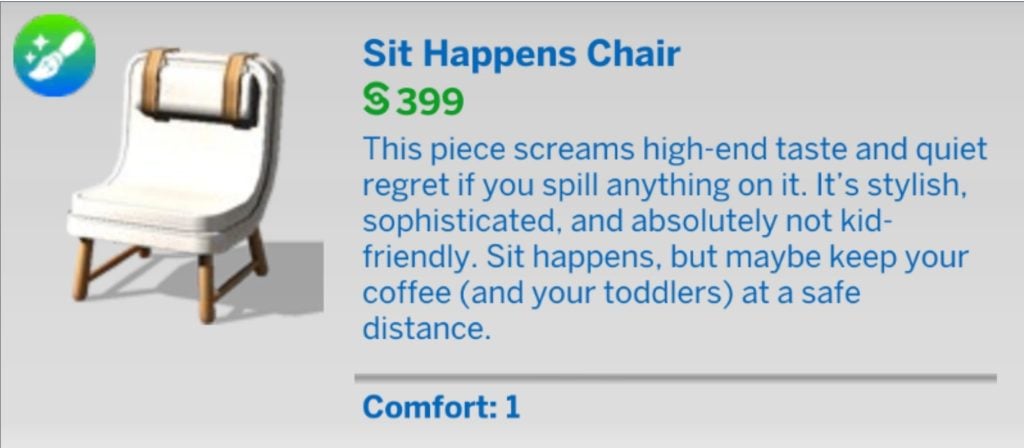
Sit Happens Chair
Sofa So Good
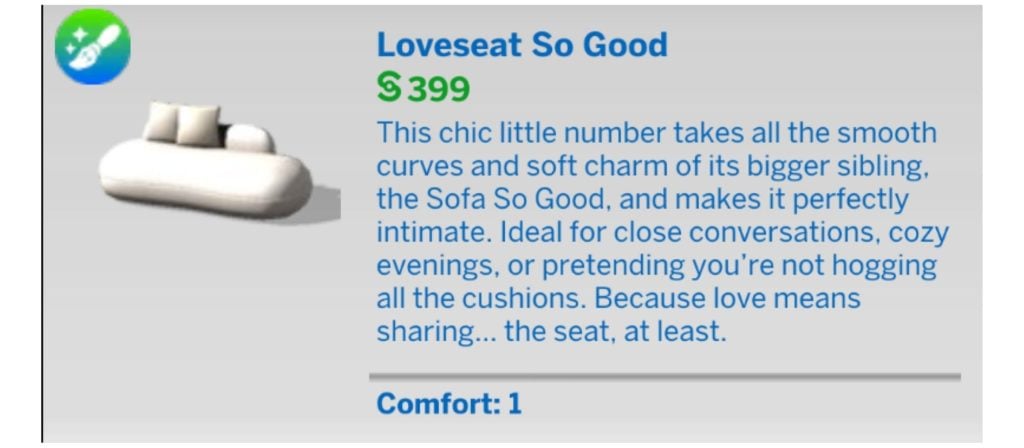
Loveseat So Good
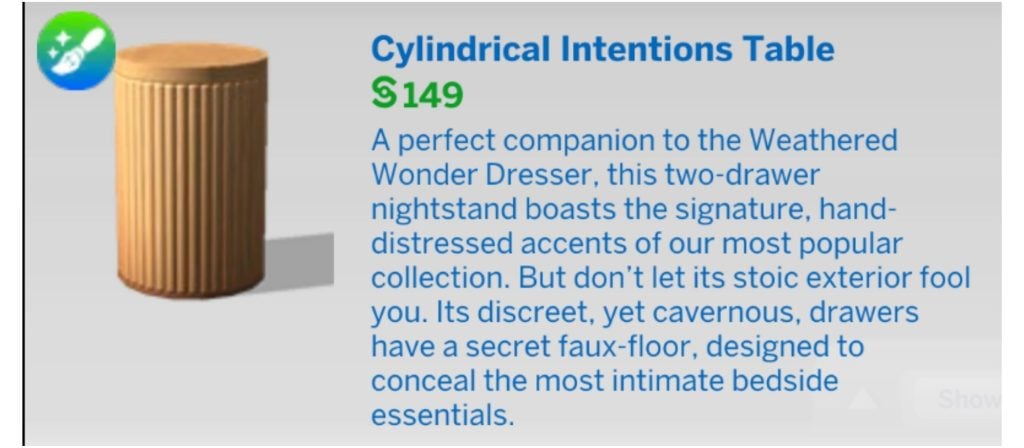
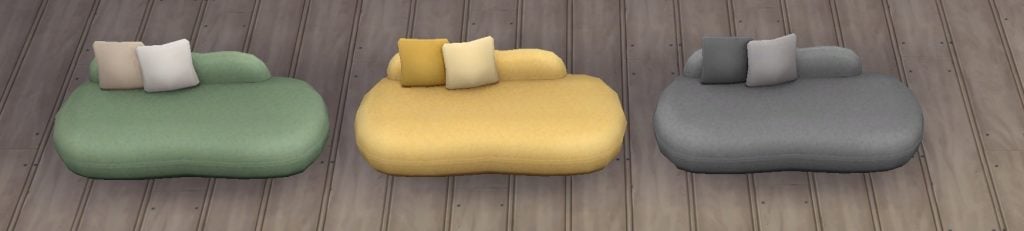
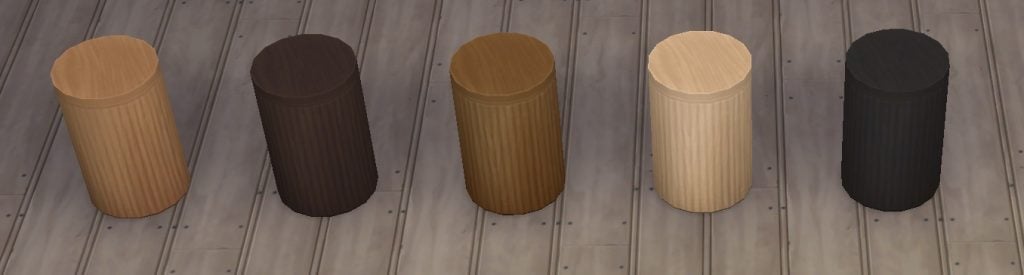
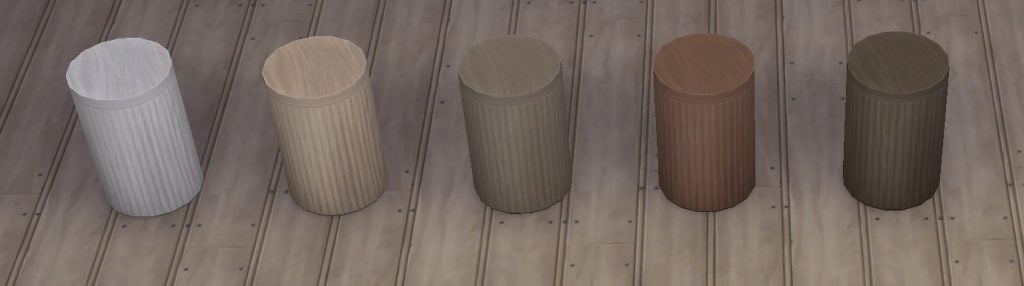
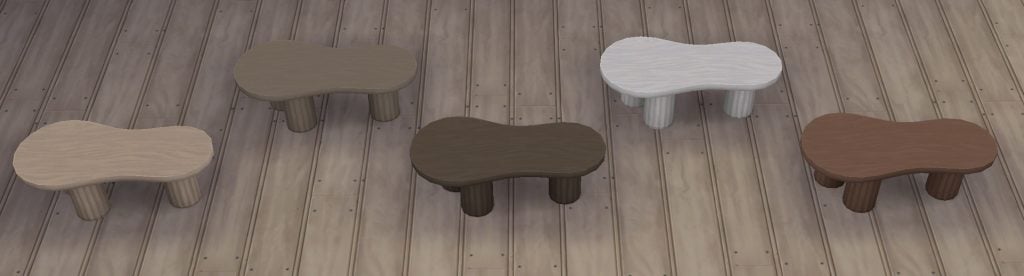
Cylindrical Intentions Table
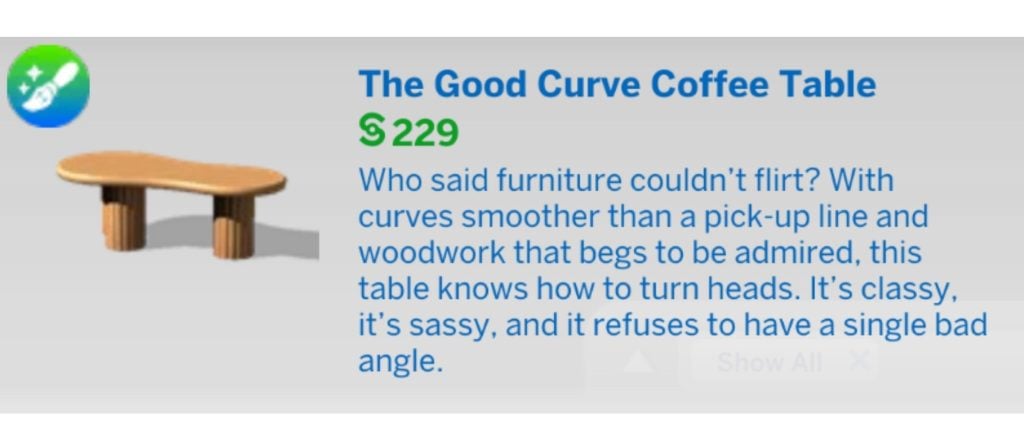
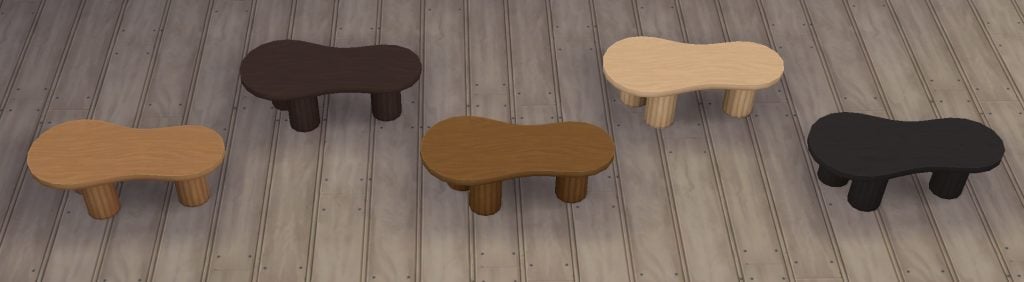
The Good Curve Coffee Table
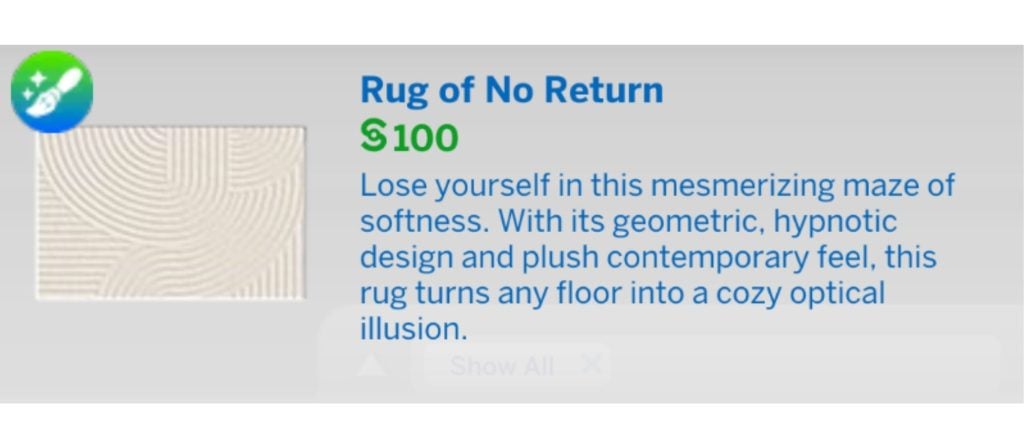
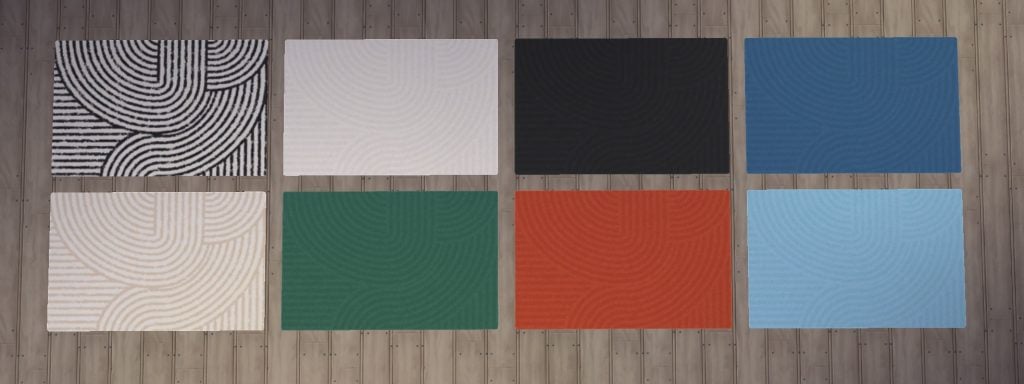
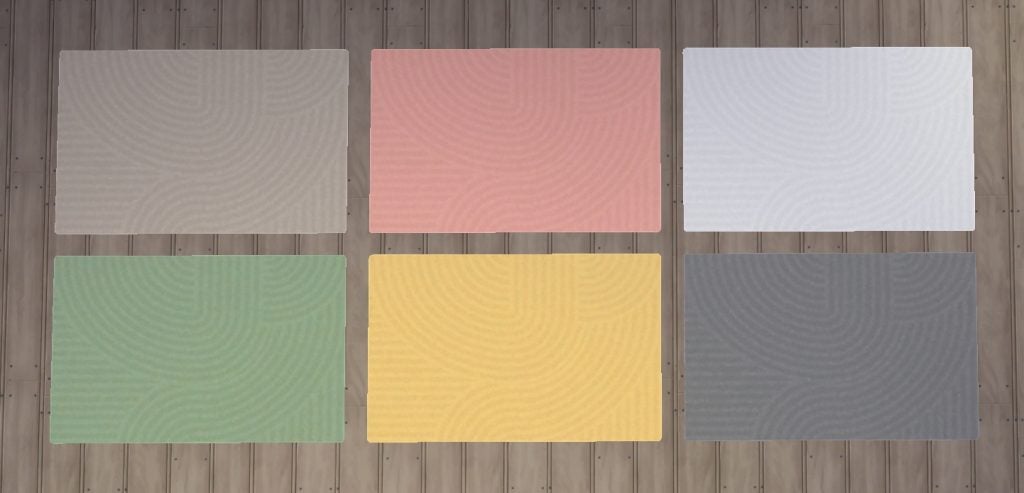
Rug of No Return
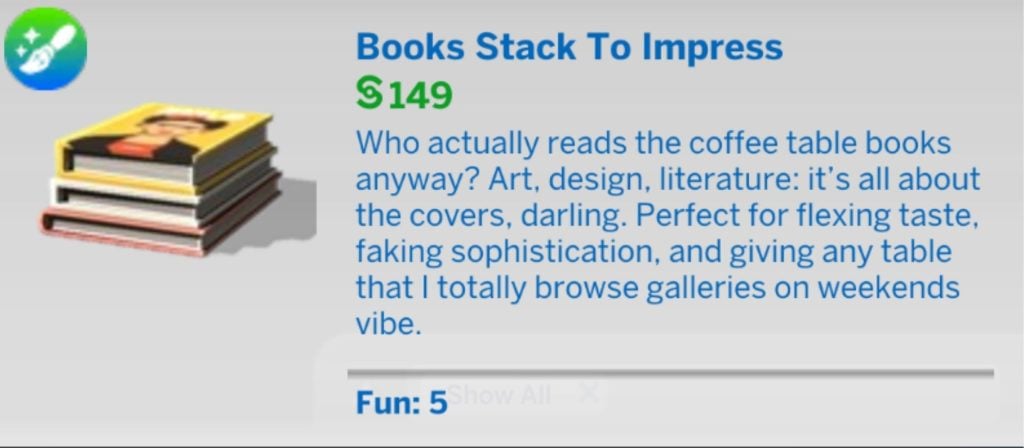
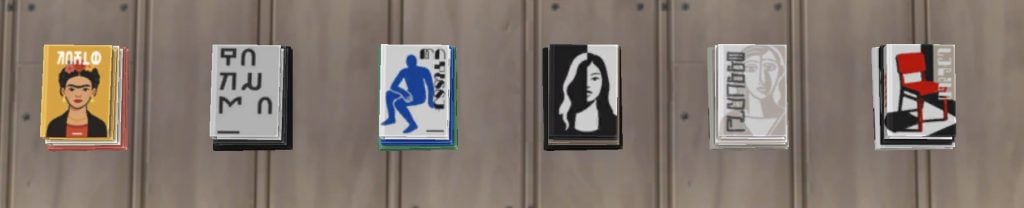
Books Stack To Impress
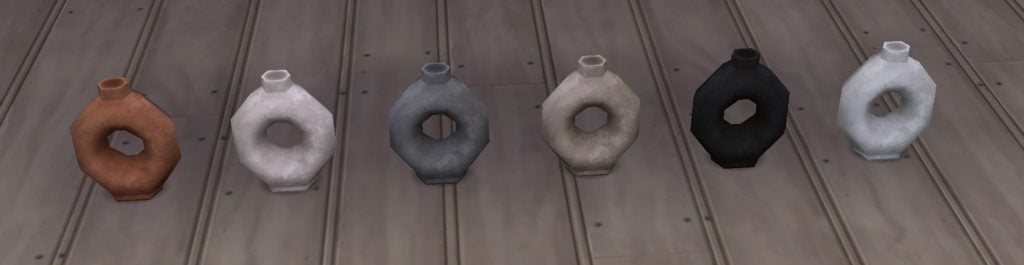
Ode to O
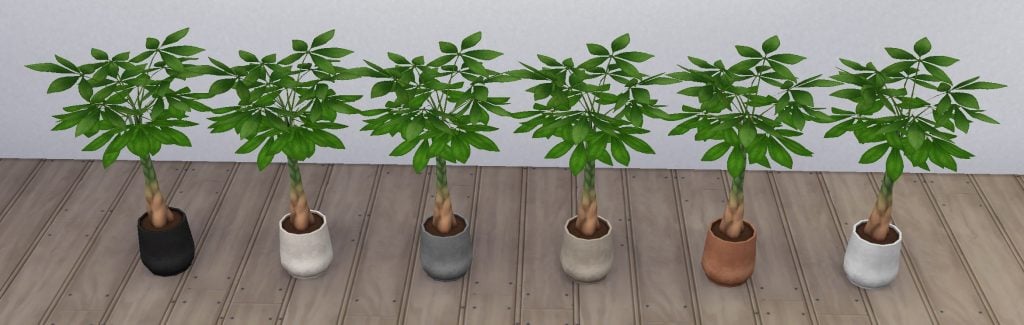
Pachira Aquatica potted plant
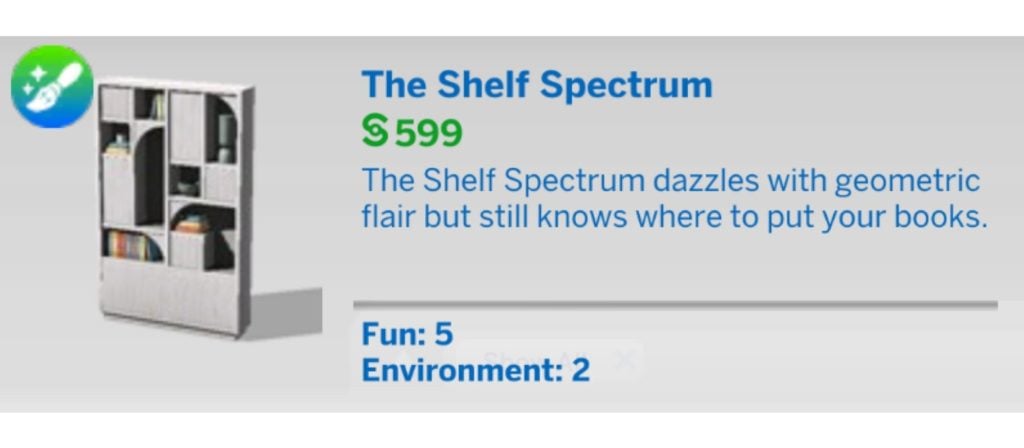
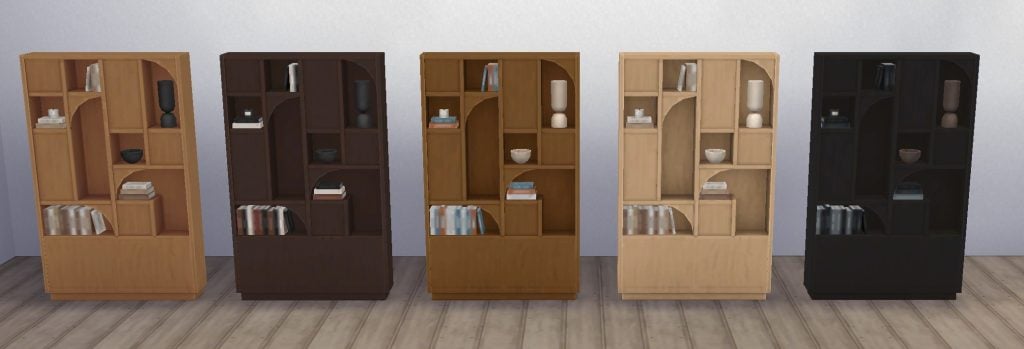
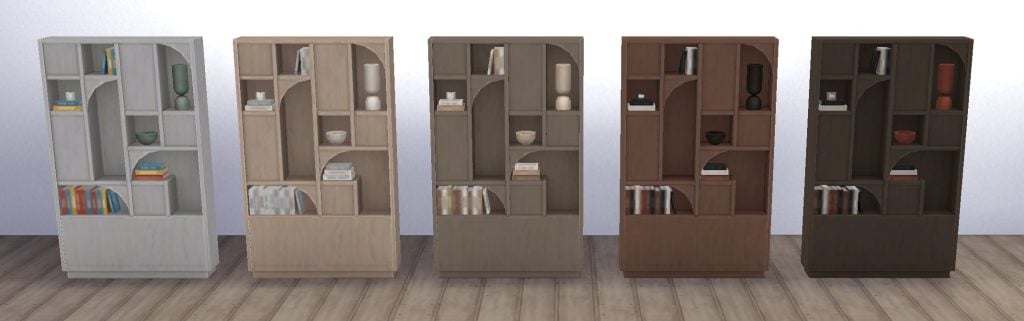
The Shelf Spectrum
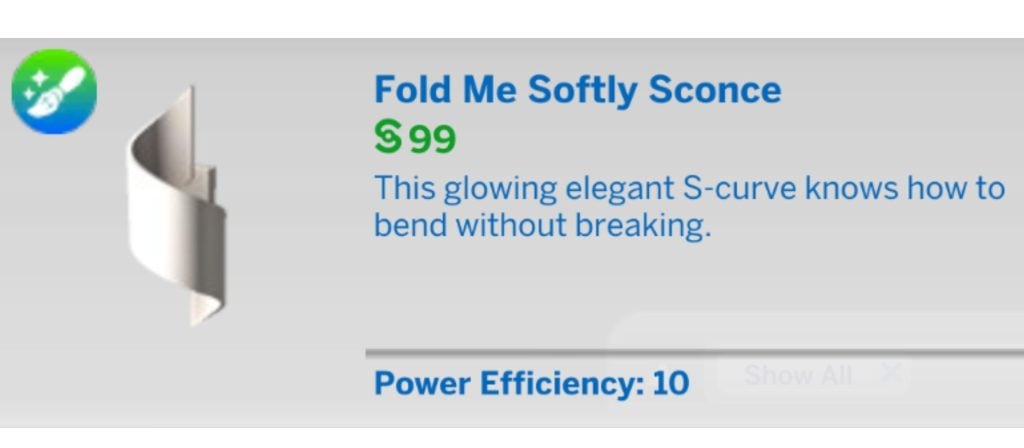
Fold Me Softly Sconce
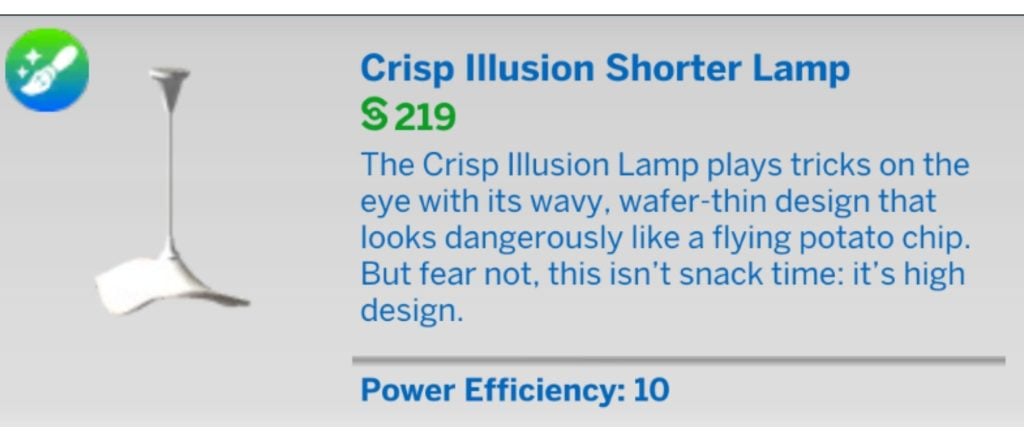
Crisp Illusion Shorter Lamp
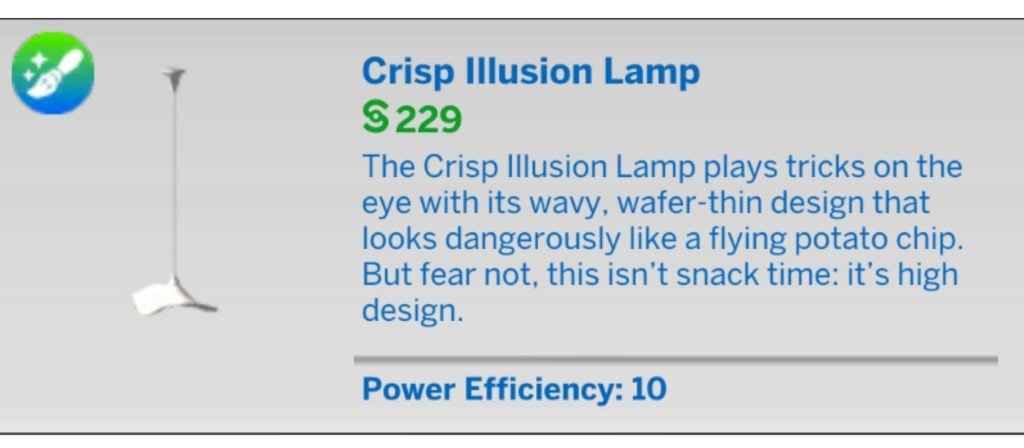
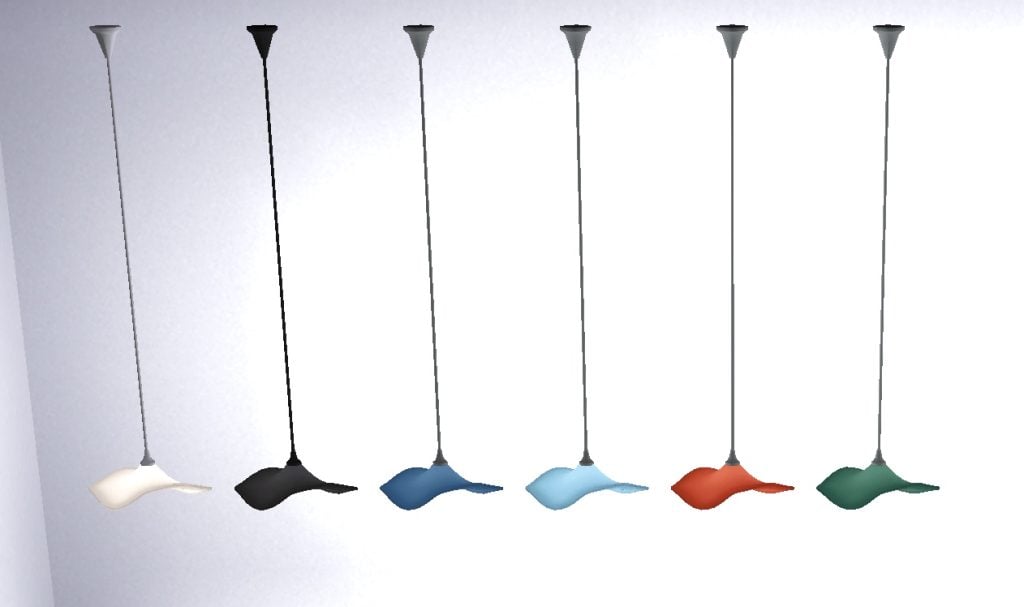
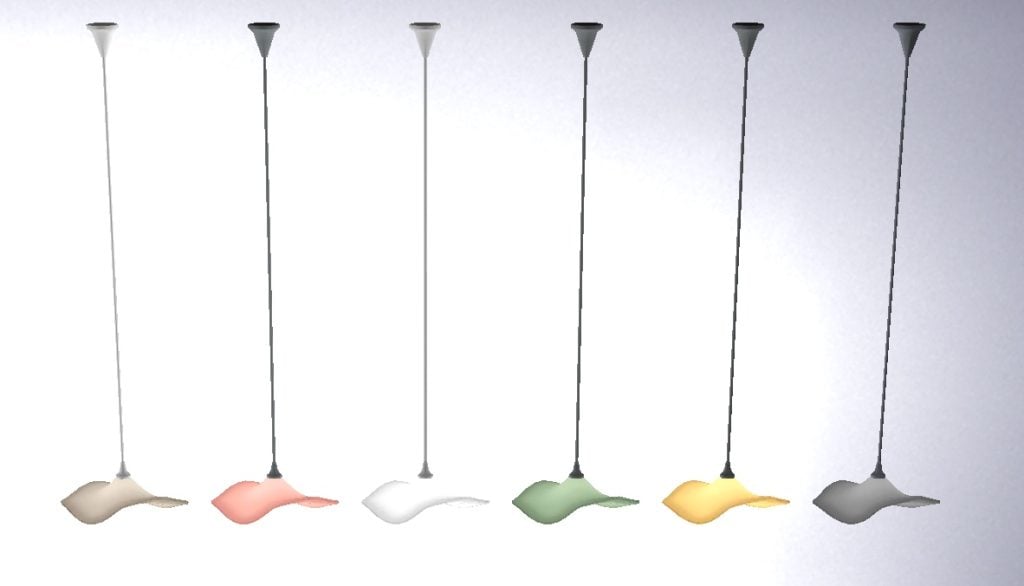
Crisp Illusion Lamp
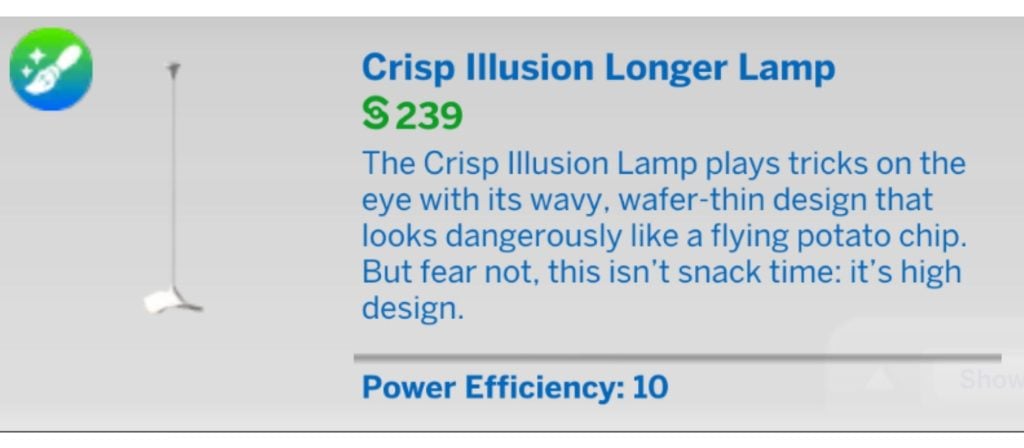
Crisp Illusion Longer Lamp
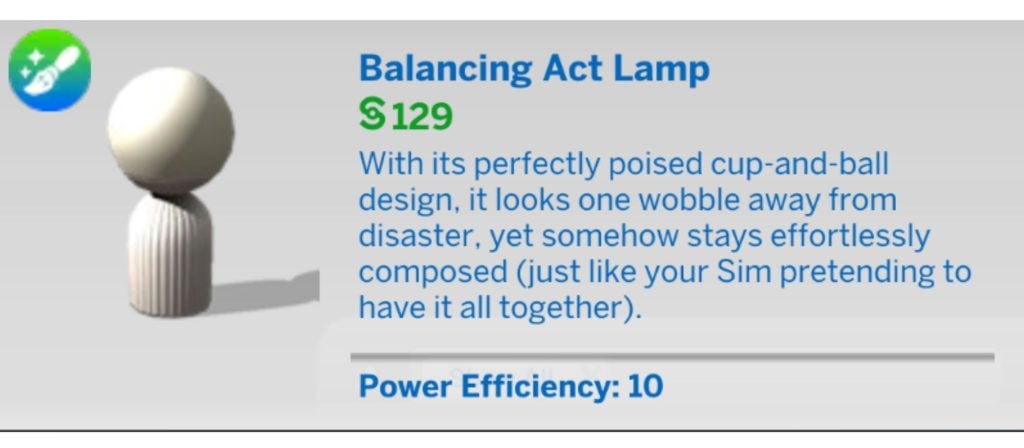
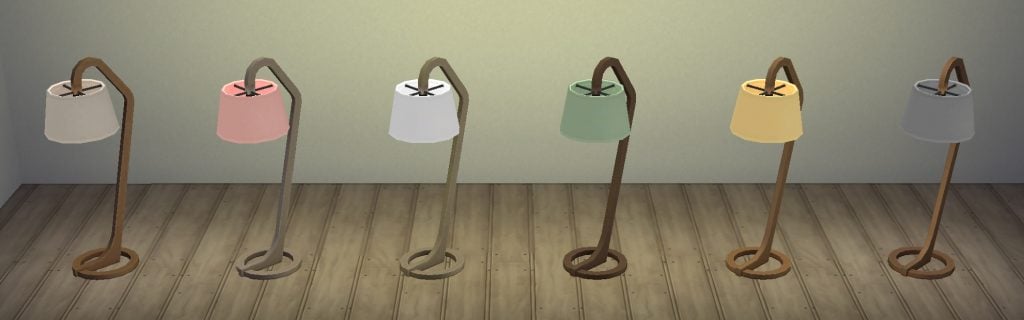
Balancing Act Lamp
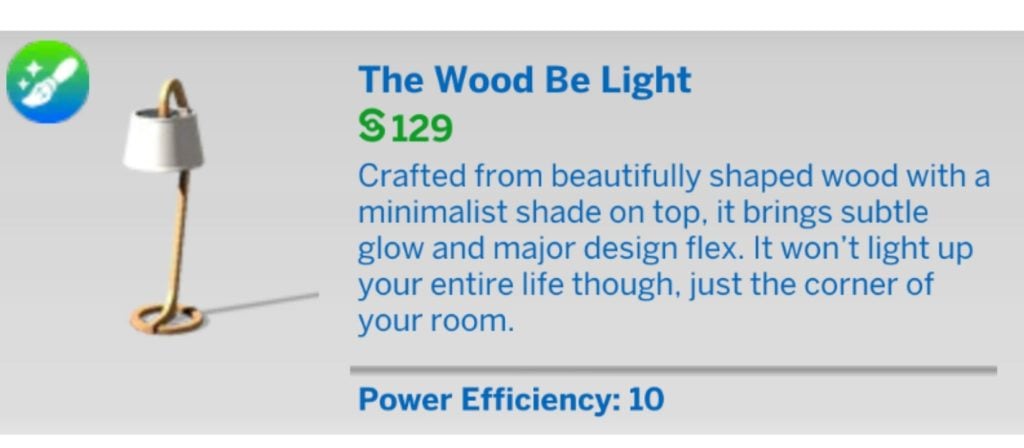
The Wood Be Light
Other Custom Content Sets By Syboulette
If you like this living room set, you will also like some of the other content that Syboulette has produced. Here are a few examples.
All of these sets are available to download on CurseForge for free.
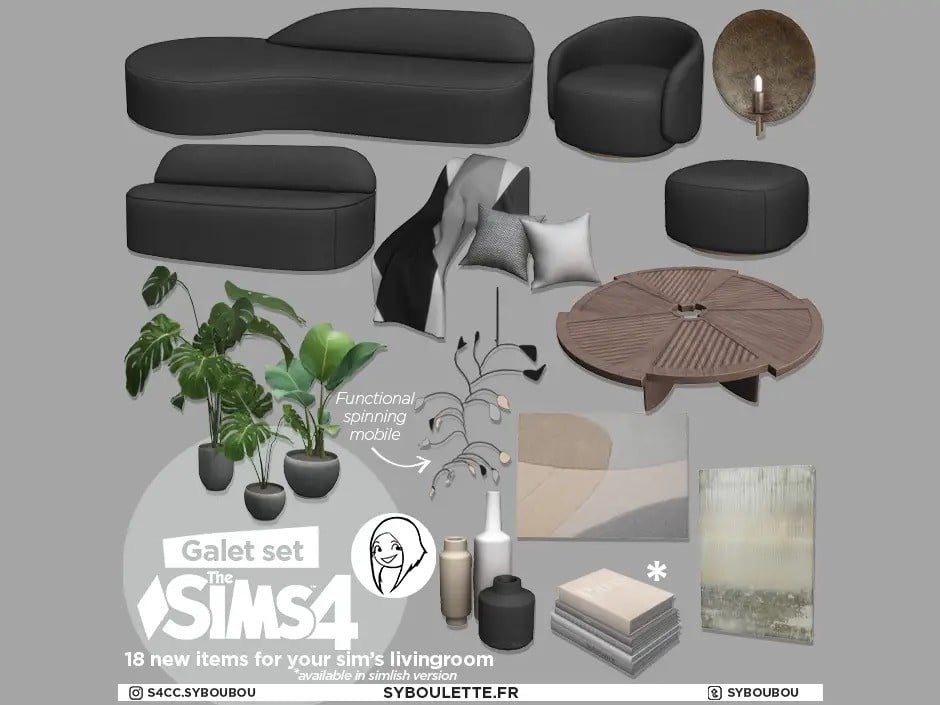
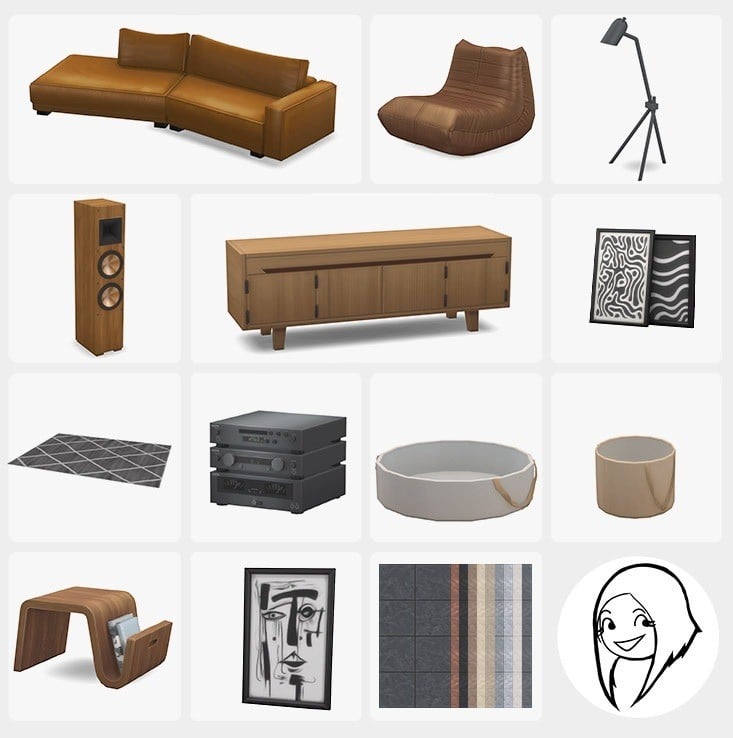
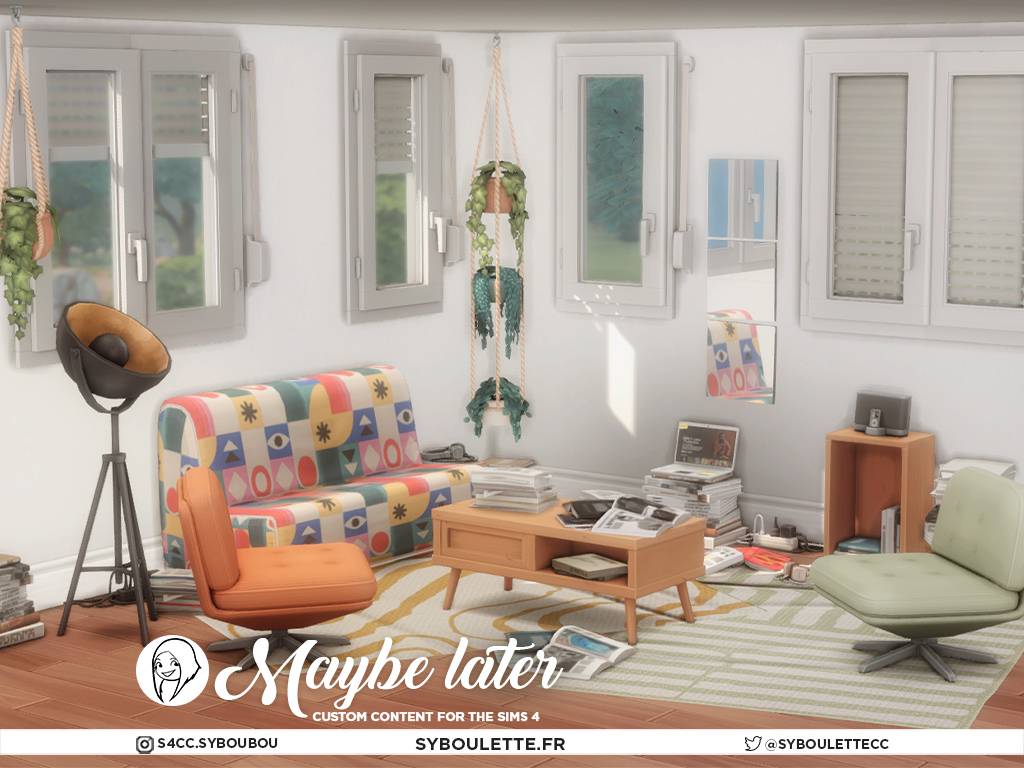
This simple living room cc set came about while they were making their spa custom content, and adds intriguing shapes and textures to everyday items.
This pack contains an armchair, loveseat and sofa with 8 swatches, a coffee table, decorative blankets and pillows, plants, a rug, paintings, and a moving mobile.
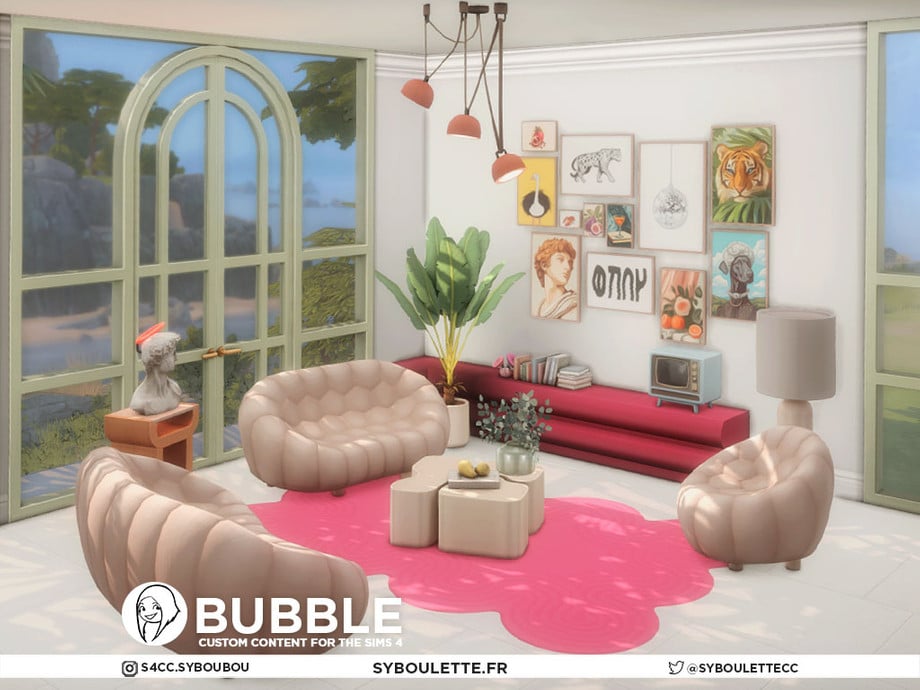
Bubble Set
This set of 28 new living room cc items is inspired by the iconic Bubble sofa from Roche Bobois, a famous French furniture company. Its playful pop-art décor is perfect for a fun-loving household.
This set includes a sofa, loveseat, armchair, sectional shelving/TV stand, a small retro TV, plants, wall art, ceiling lights for each wall height, lamps, and even new windows.
Contemporary Haven
Stylish living room items are an absolute must, and this living room cc set oozes luxury loft vibes with its leather seating, contemporary art, and simple colour palette.
This set includes 15 new items, including a new sofa, a living chair, a speaker, a rug, an end table, a console table, wall and floor art, large and small coffee tables, and a new lamp. It also includes a new concrete-look wallpaper.
Maybe Later
This is a cc set designed to capture the charm of imperfectly perfect, everyday living. Following my messy era, this collection focuses on realistic, in-motion details.
The furniture is cheap, worn, and basic, while the clutter tells stories—a scattering of books or papers that double as makeshift tables, tangled cables on the floor, and stylish headphones left lying around… You’ll also find two laptops: one functioning as a regular computer and the other as a TV for those late-night Simflix sessions.
Love Is In The Air
With its comfy sofas, wall photos, and realistic clutter – like jeans and shirts thrown on the couch, as well as socks on the floor – it’s easy to picture this set in the living room of a young adult who has just moved out of the family home.
In addition to the sofas and clothing clutter, this collection includes wall art, a coat rack, a fridge, a functional vinyl player, and a screen projector TV.
Our Thoughts
This maker kit is on par with the quality we have come to expect from Syboulette and has items which would fit many different build styles. All items have matching swatch colours so you can make a cohesive build with ease.
What do you think of this Snazzy Living Room maker kit? Will you be downloading it? Let us know below.
Plus, learn about the future of the Makers’ future releases on Patreon!
The release of The Sims 4 Marketplace has been met with quite the controversy. Not so much on the creators’ hand but on EA for launching a new Virtual Currency system through the already well-established Custom Content ecosystem.
Certain players don’t know what to think about the already set rules from EA about putting Custom Content behind a permanent paywall. Sure, the custom Sets on The Marketplace are branded as “Maker Packs”, but that doesn’t change the fact that this new ecosystem isn’t anything new at all. On top of that, the 70% cut of comission that goes directly to EA seemed like a worse way to support creators who already have a well established platform and following through networks like Patreon. Where creators only give 5 to 12 percent of commission fee to the platform.
As shared in the already existing official Q&A session with EA Community Managers, The Makers for The Marketplace are allowed to continue creating content outside their own official platform. Which four of the Makers further confirmed and elaborated in their seperate statements on Patreon:
Table of Contents
SerenityCC Response
Creator of The Sims 4 Elevated Essentials CAS Maker Set SerenityCC shared a statement about their release on The Marketplace this Monday. Confirming that their sets will continue to release as per usual on Patreon – reaffirming it as their main platform. The Marketplace is “simply something occasional and additional”
Hey everyone!
I just wanted to share that I’m one of the creators participating in the new marketplace launching tomorrow.
Just to avoid any misunderstandings, I want to assure you that nothing about my current content or release schedule will change; patreon will continue to be my main platform and as usual, my content will continue to become free for everyone after 3 weeks.
The marketplace will simply be something occasional and additional, not a replacement.
I understand that not everyone agrees with how the marketplace was set up, and that’s completely valid. I just kindly ask that we keep things respectful.
Creator of The Sims 4 Snazzy Living Room Maker Set and the Sleek Bathroom Kit Syboulette shared a statement on their Patreon on March 6th. Sharing that this will be just another easy way of bringing their content to the console and a “way for new people to discover their work”. Also asking the community to ease on the pressure on direct messaging them with passive and aggressive tone. Reminding players to keep it respectful.
Dear simmers,
I want to clarify that I’m keeping my patreon and that I never intended to stop creating free cc. The marketplace is an opportunity to make more Creator Kits like Sleek Bathroom, but it will be occasional kits mostly for console players, simmers who don’t want to bother with cc or a way for new people to discover my work. Nothing will change for users who do not want to spend money on EA and I’m not asking you to.
I was expecting some negative feedbacks when I accepted this program, but never that kind of backlash. I received a lot of pressuring DM with angst and passive agressive comments so I’m please asking you to remain respectful and remember that we are people too.
I’m open to answer questions on my Discord as long as it stays polite 🙂
Thank you for your understanding and have a nice day 🌞
The Sims 4 Maker ValiaSims, who released the Reader’s Nook Maker Set on The Marketplace shared a new statement on their Patreon yesterday. Sharing their emotions following the marketplace announcement, current plan of action and future Sets development.
Hey everyone!
It feels a lifetime ago but in reality it was last week when I last checked in. After the marketplace announcement I felt really down and had very little motivation to be online and be active here or on Tumblr. I took the entire week off and haven’t touched Blender at all. I only did some research on how to do the custom books.
Then a started working on the next part which will be the last Quiet Corner set, focusing on a lounge area. I managed to finish a sofa set which I hope will work for living rooms too.
And now, after the official launch of the marketplace I’m in the same place again. Feeling guilty, sad and lacking passion. I feel overwhelmed and tired. I understand the negative feedback but I can’t change the past. I want to talk to you all but at the same time I feel really small and afraid to open up. I’m sorry if I caused any negative feelings with my actions, I didn’t mean to.
I don’t want to loose the connection we have, I like to talk about my thoughts while creating a collection and have your feedback that shapes the end result. I’m trying to be present and answer to everybody but it’s hard because on top of the current situation I am extremely introverted. If you decide to leave my community, I understand your desicion and accept it. If you’re staying, I am really grateful and thank you!
I’m trying to focus on creating the next part of Quiet Corner and honestly, I really look forward to start something else after it because in a way these negative feelings got connected with this collection and I don’t feel the same love for it as before.
Lastly, if you had problems with my CC not showing up after the latest update there should be a hotfix for it now. They messed up something so the game didn’t read all package files in the mods folder but today it got fixed. But I still suggest don’t update your game if you use mods or CC just to be sure.
I wanted to share with you a quick statement about the marketplace thing I’m also sharing content on.
This won’t interfere with my Patreon release, as I will continue to do my best to deliver a set per month (even if I’m still late due to side things on my hands). I really love creating cc this way, I’m very thankful for your support through more than 5 years now. This is like my baby and I don’t want to let it go or change the way it works. It will still be free after a month or so like it used to be. 🙂
On the marketplace side, I know it’s really controversial and I totally get it, but that’s nice to bring « cc » to console players too who were lacking this part of the Sims universe. That was also nice to be part of the game itself again by adding my content into an official way as a fan of the game since my childhood.
Unfortunately for legal reasons, we’re not able to share content from the marketplace here, and content from here to the marketplace. I will release content on the marketplace from time to time, but as mentioned before it won’t replace what I’m creating here. I really like the freedom of creation I can achieve here and being able to give you as close as possible what I have in mind for a cc set.
I guess a lot of you already guessed that things won’t change, but that was important to make it official for you. As long as I can, you can expect to find me here every month!
Thank you for everything, and I can’t wait to share with the new collection I’ve started working on! 💚
In case you missed out on the news, Pierisim’s Soft Lines Living Set received a surprising price cut yesterday. Changing the price of the Set from 400 to 300 Moola, revealing the possibility of changing Set prices after they’ve been released to the public.
Hii! Yesterday was the release of the marketplace and I’m one of the Makers. I know this is all controversial, but I can’t ignore that on a deeply personal note this is a huge moment for me, I have loved and played The Sims since I was five and collaborating with the official team is a dream come true. Besides that, I’ve been seeing some backlash about my pack and that honestly hurts, but either way, I know I’m not a pro and my cc is not everyone’s cup of tea (all cutesy and pink😅) and people expect maxis match all the way but well anyways… I hope ya’ll like my maker pack as much as I did! (˶ᵔ ᵕ ᵔ˶)
And to my patrons: Absolutely nothing changes here. This partnership is just an extra avenue for me to share my work with the wider community (including console players!). My creative freedom and our schedule here remain exactly the same.
Also, just a heads up that the next set is slightly delayed for later this month. I was recovering from a surgery I had earlier this month (and honestly I was feeling like trash and going a few times to ER for a while before that lmao) but I’ve been feeling better and slowly getting back. Thank you so much for all ur support all these years and for being so patient with me! ♥
In our latest unofficial Community Poll only 7.45%(72 votes) voted on purchasing Marketplace Packs. This is only the first round of The Marketplace launch until it expands to Playstation and Xbox “in the coming months”, so votes and opinions might change over time.
What do you think about the new Maker Program and releasing content through The Marketplace? Join the discussion below, keep it fair for everyone involved and stay tuned for more updates on The Sims on Sims Community.